
foofur16
Members
-
Joined
-
Last visited
Everything posted by foofur16
-
 Reard Paris
 -
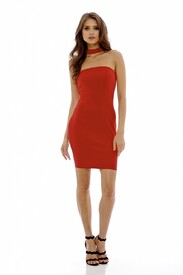
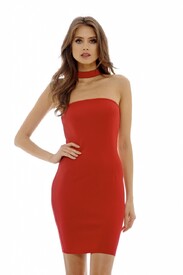
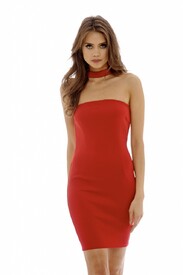
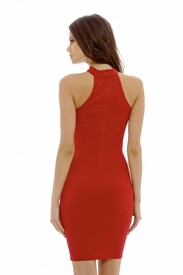
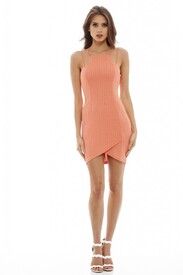
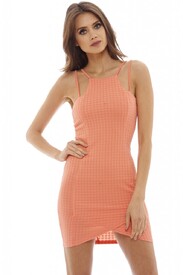
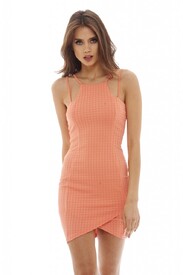
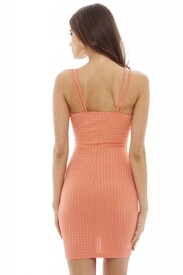
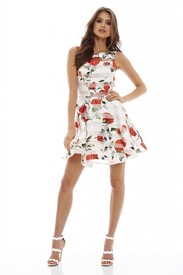
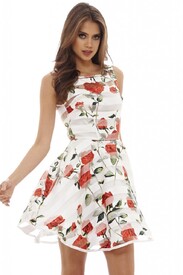
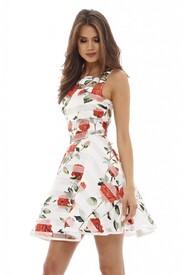
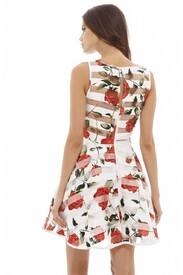
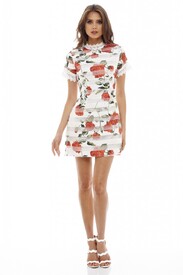
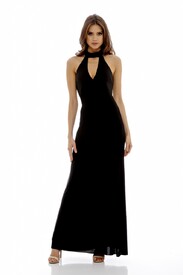
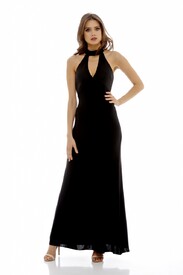
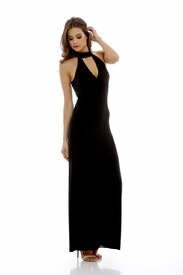
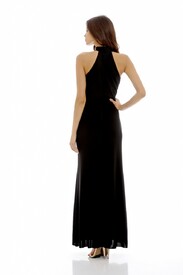
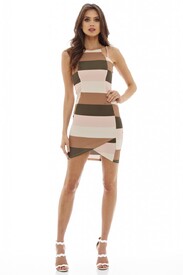
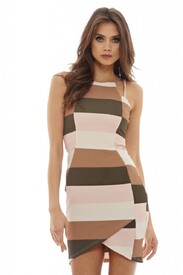
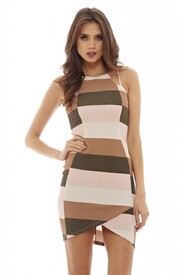
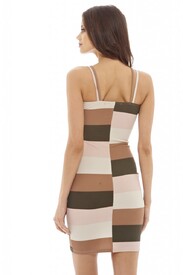
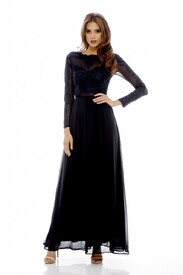
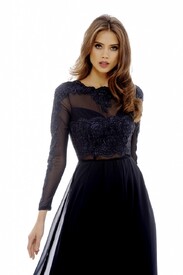
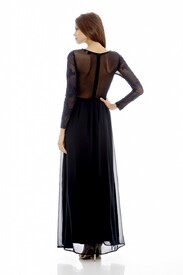
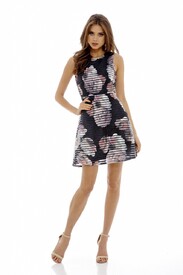
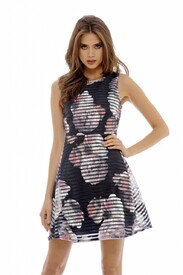
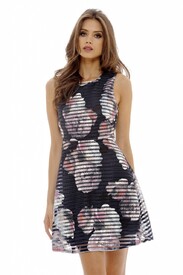
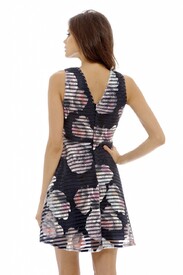
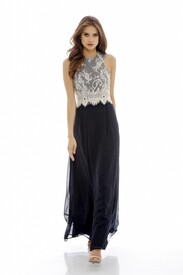
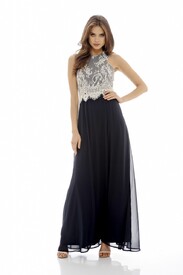
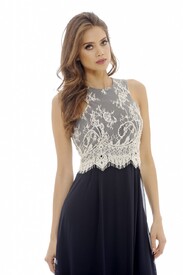
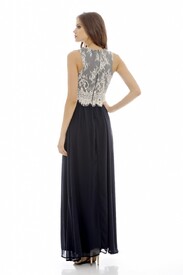
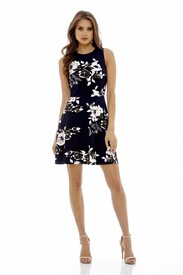
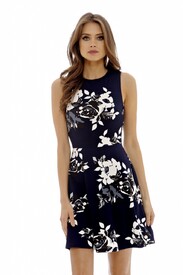
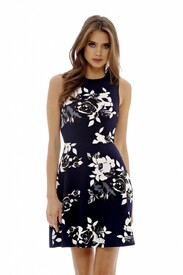
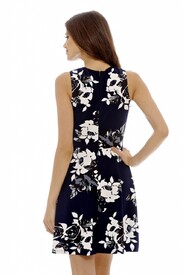
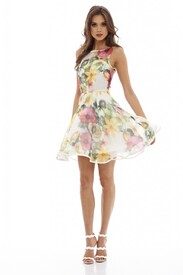
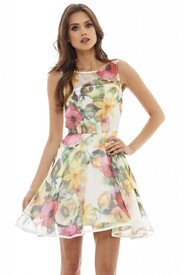
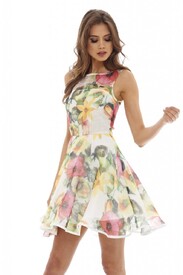
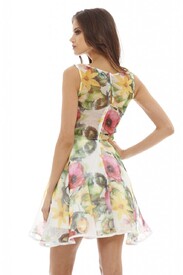
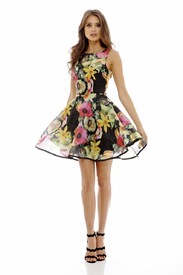
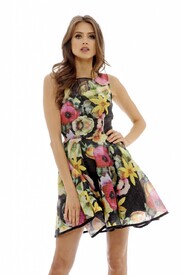
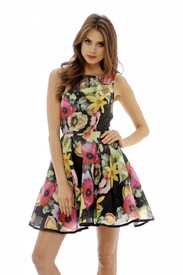
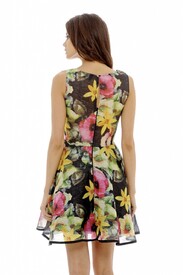
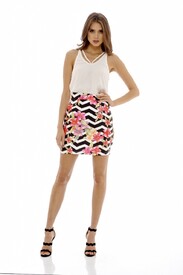
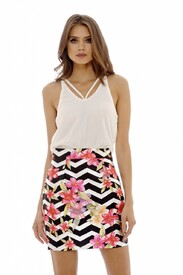
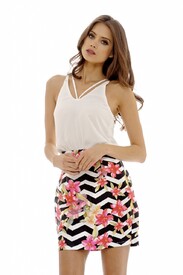
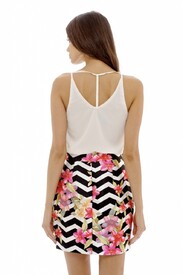
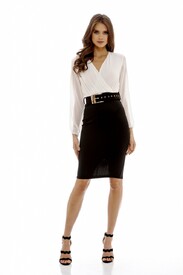
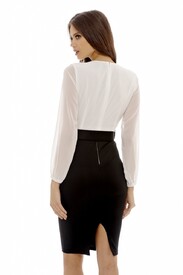
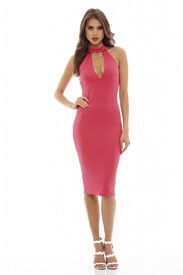
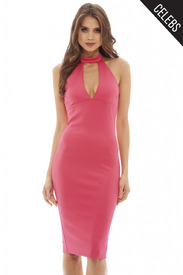
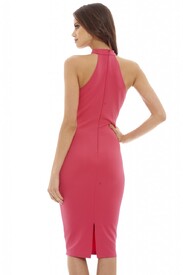
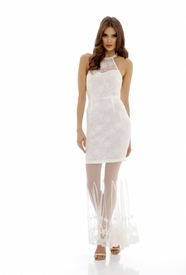
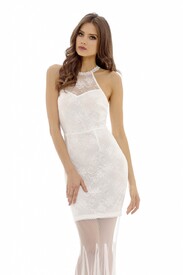
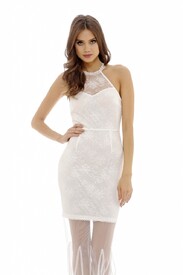
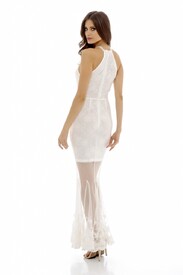
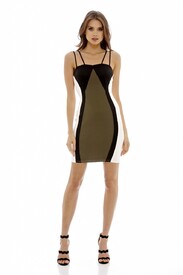
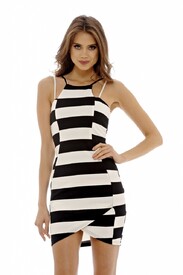
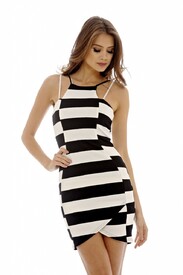
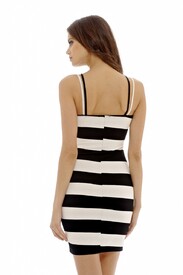
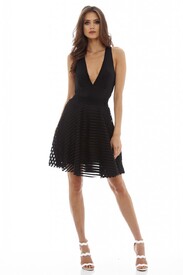
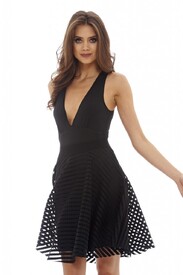
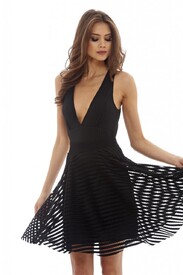
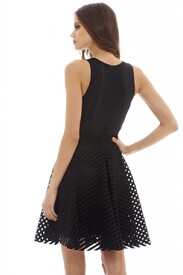
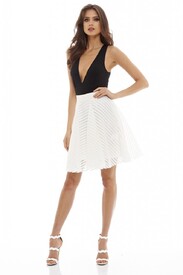
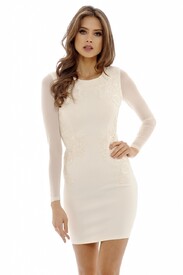
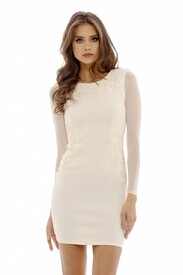
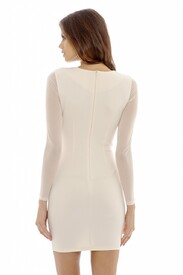
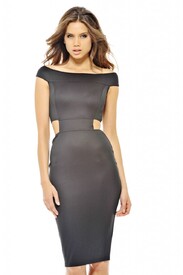
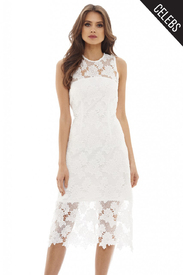
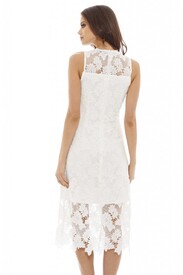
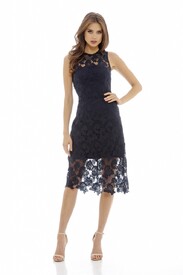
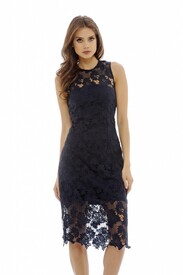
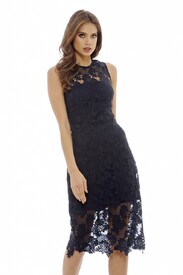
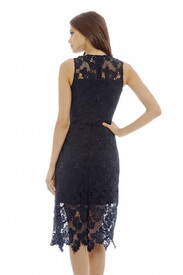
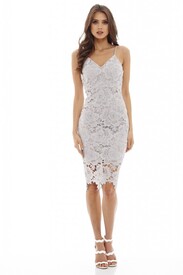
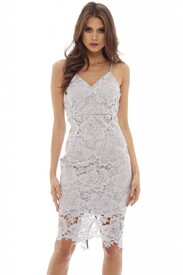
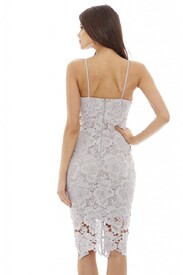
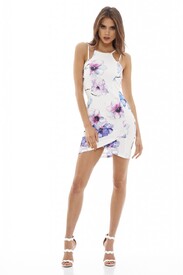
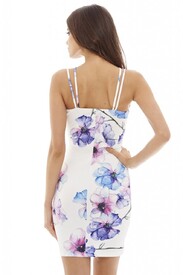
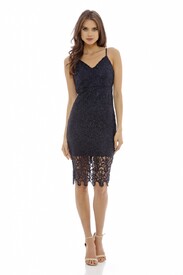
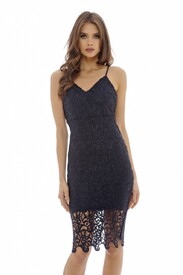
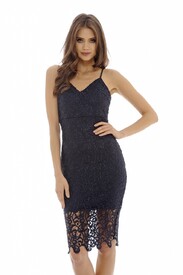
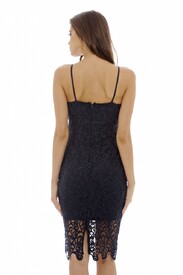
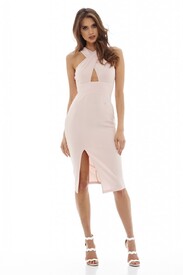
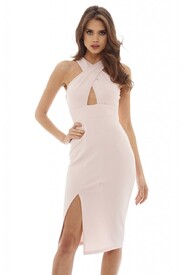
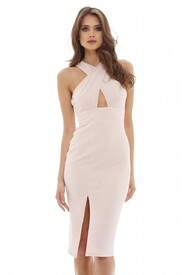
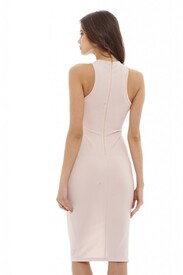
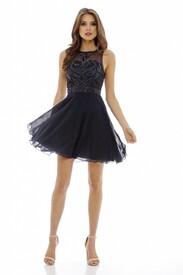
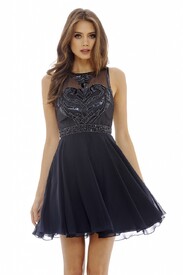
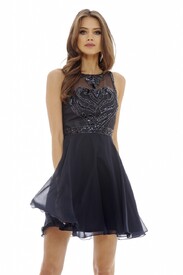
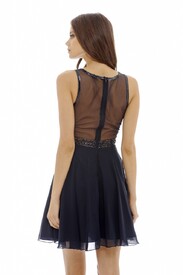
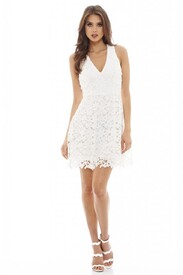
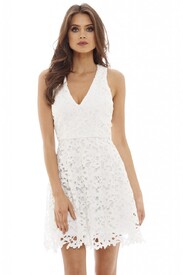
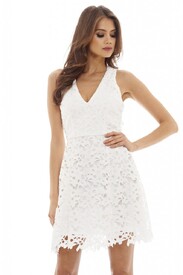
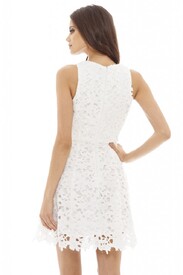
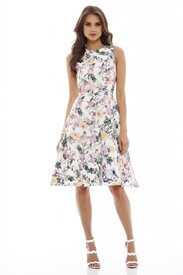
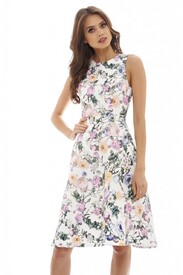
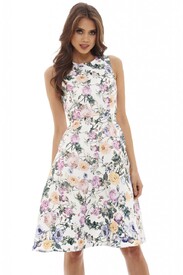
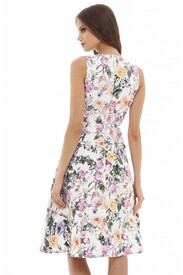
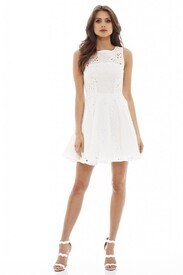
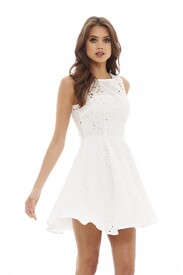
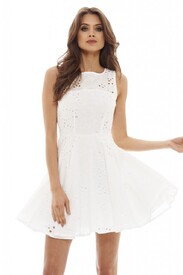
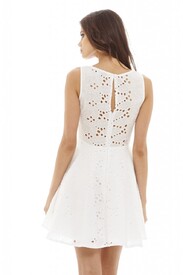
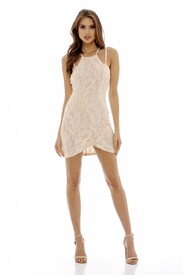
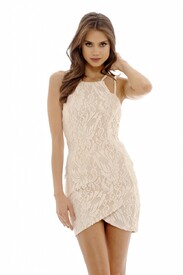
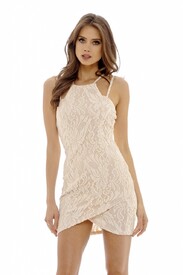
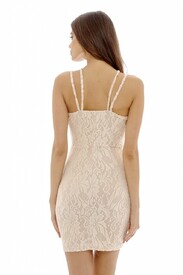
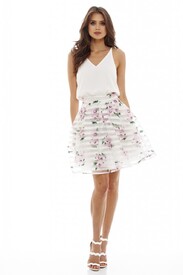
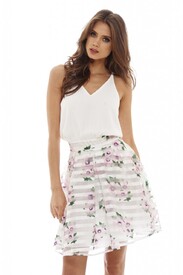
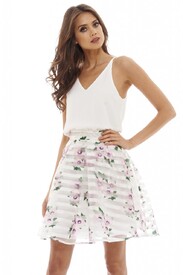
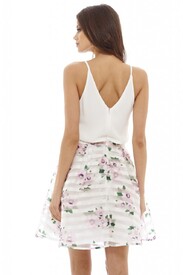
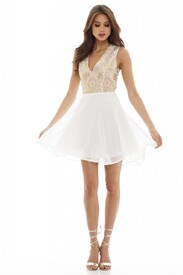
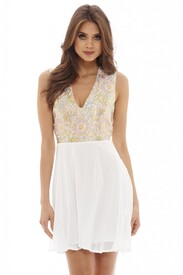
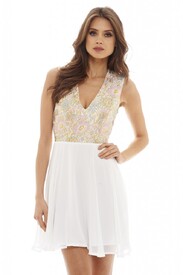
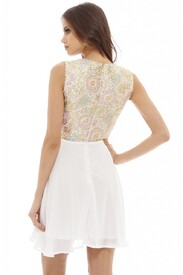
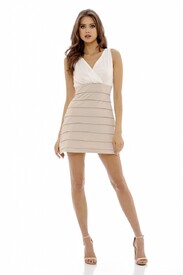
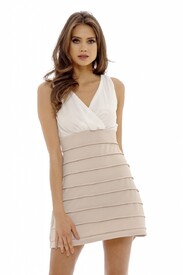
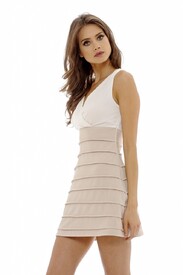
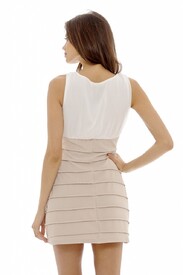
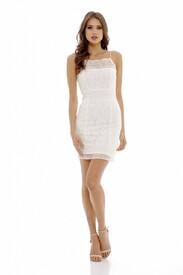
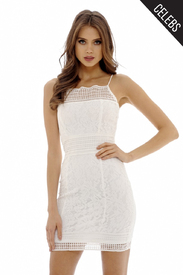
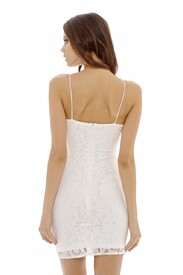
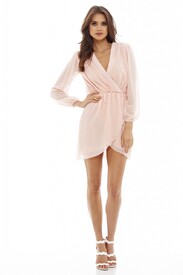
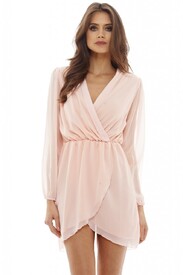
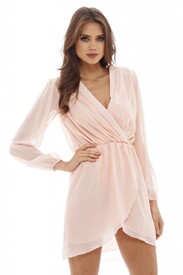
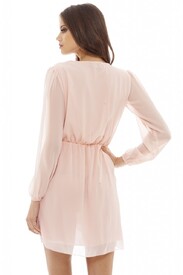
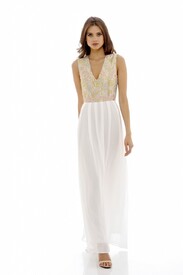
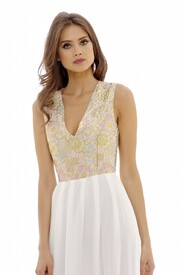
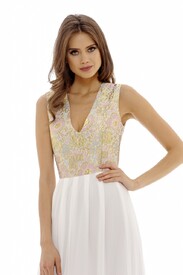
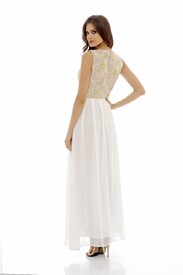
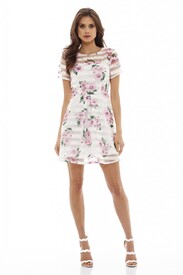
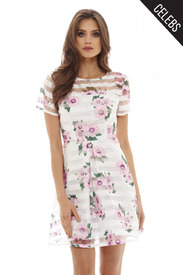
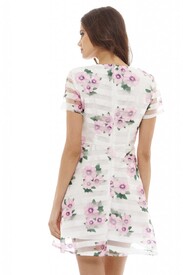
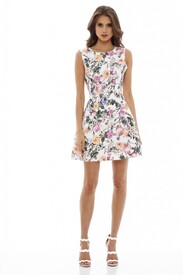
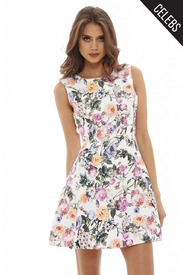
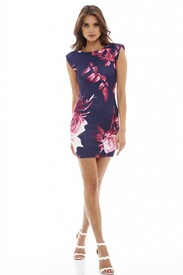
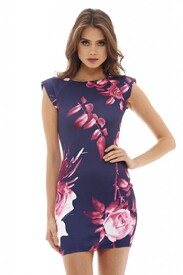
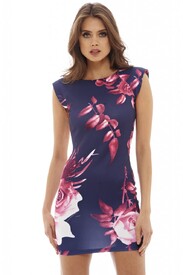
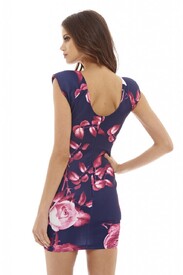
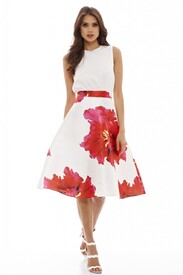
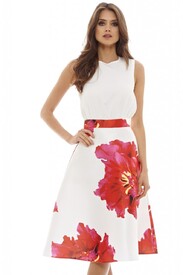
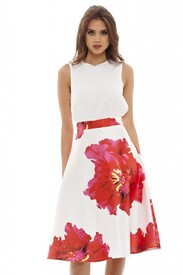
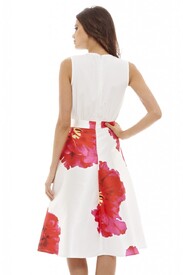
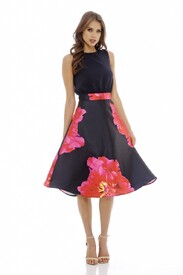
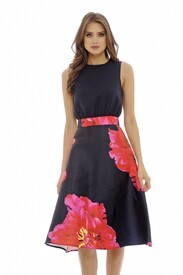
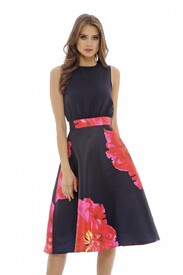
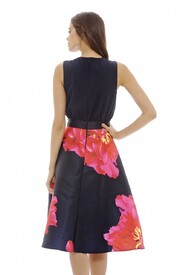
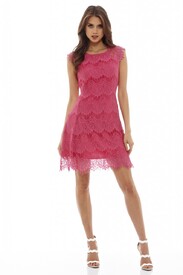
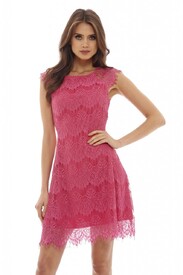
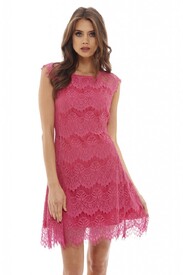
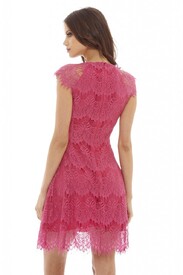
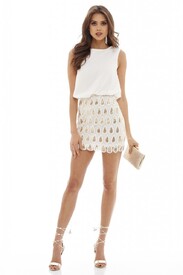
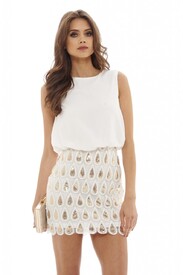
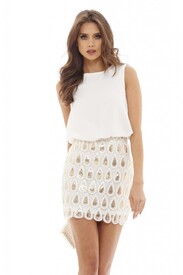
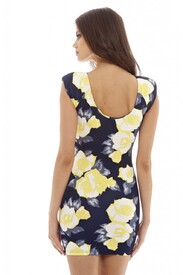
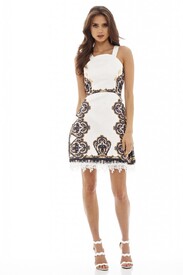
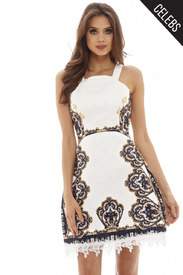
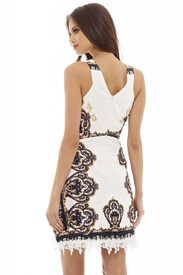
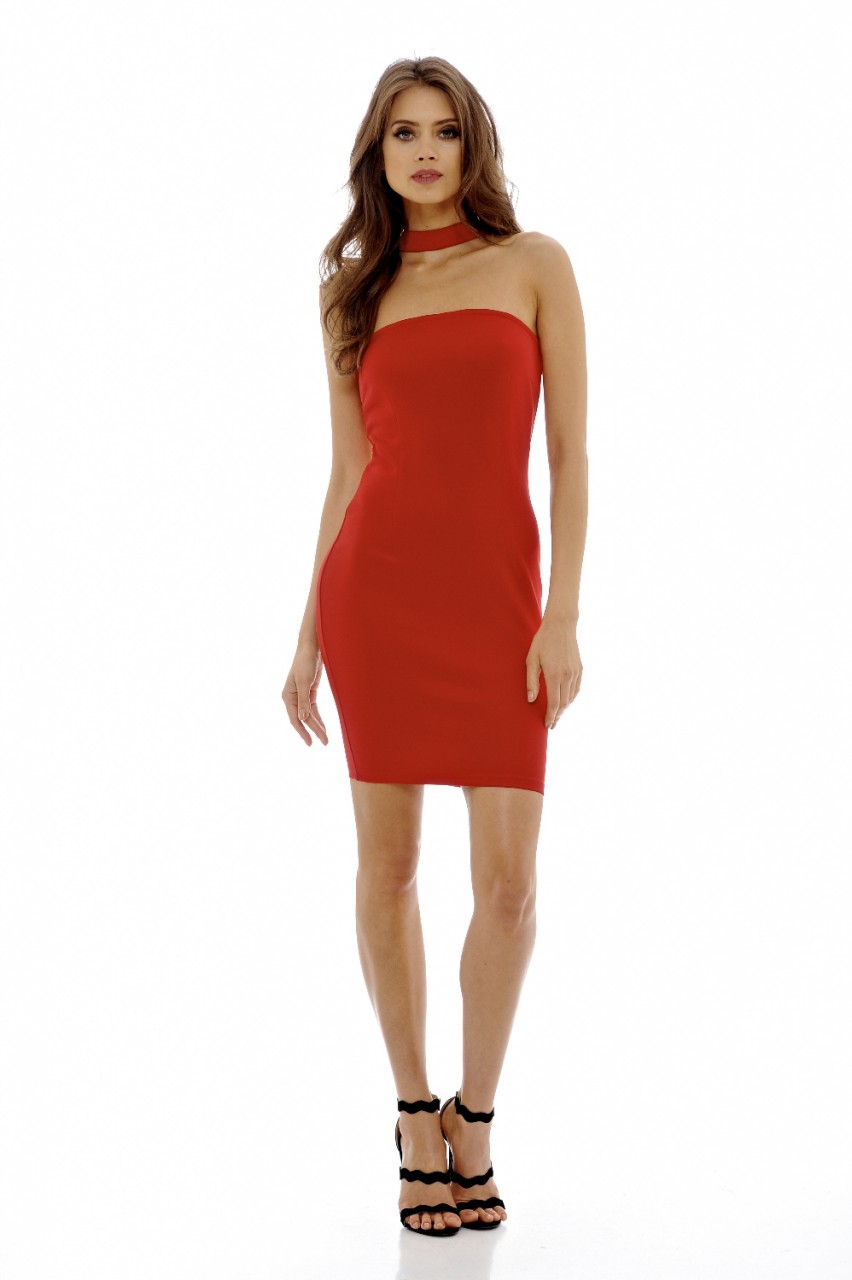
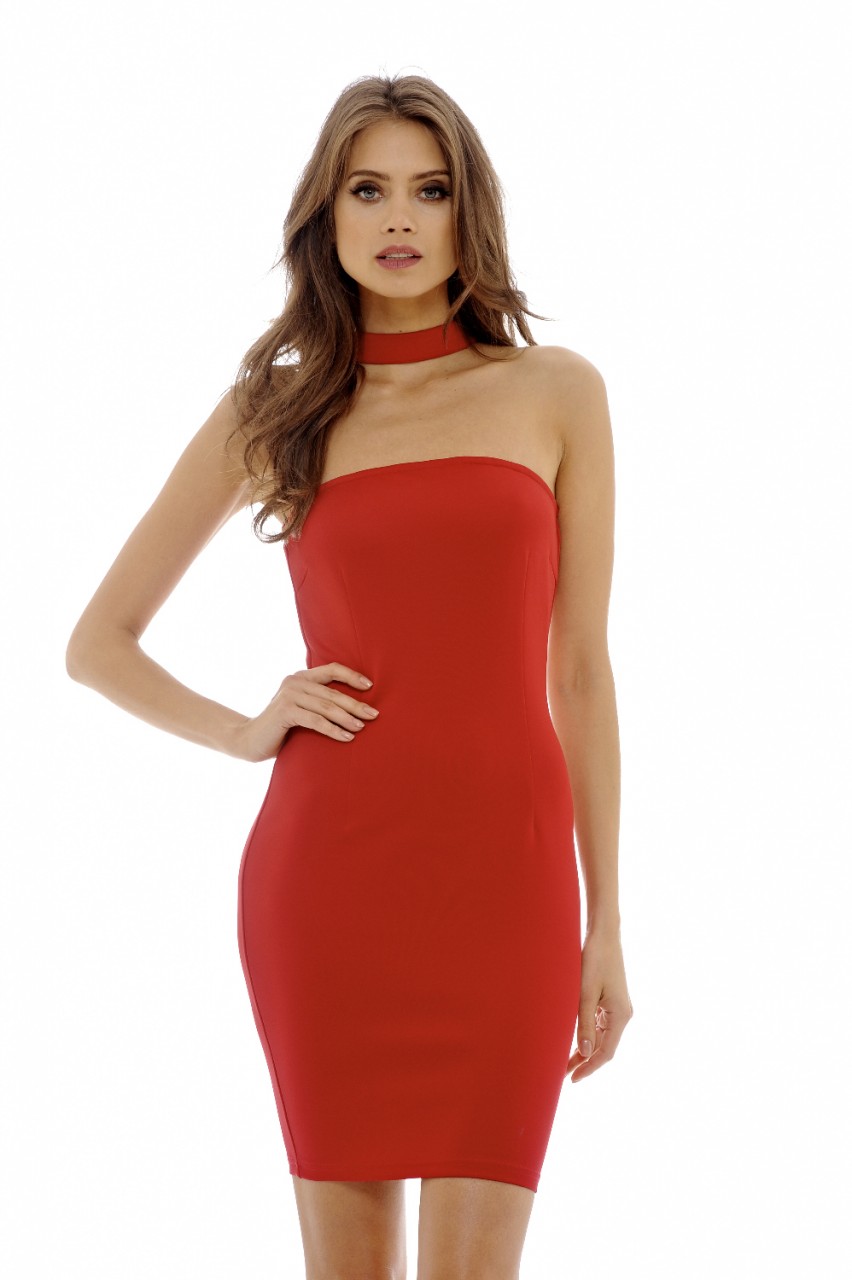
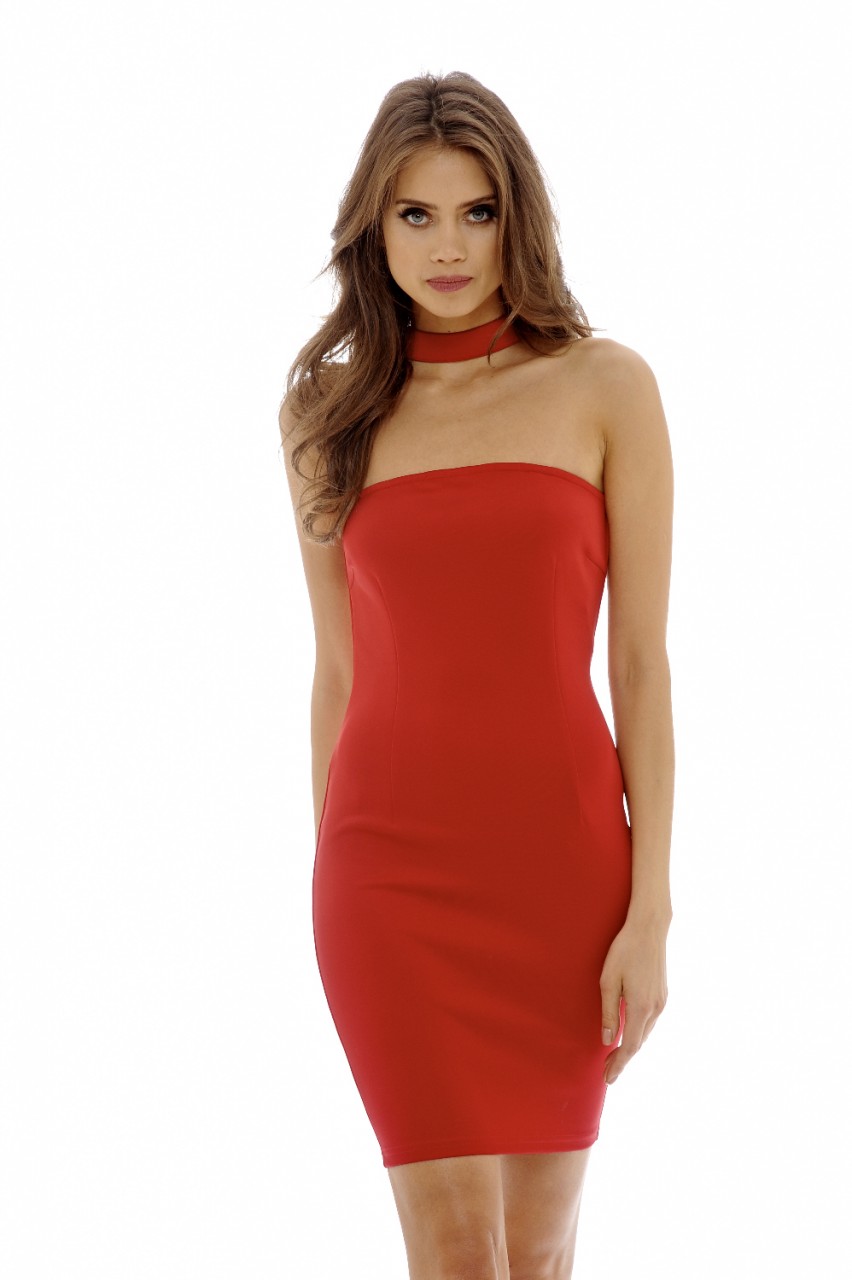
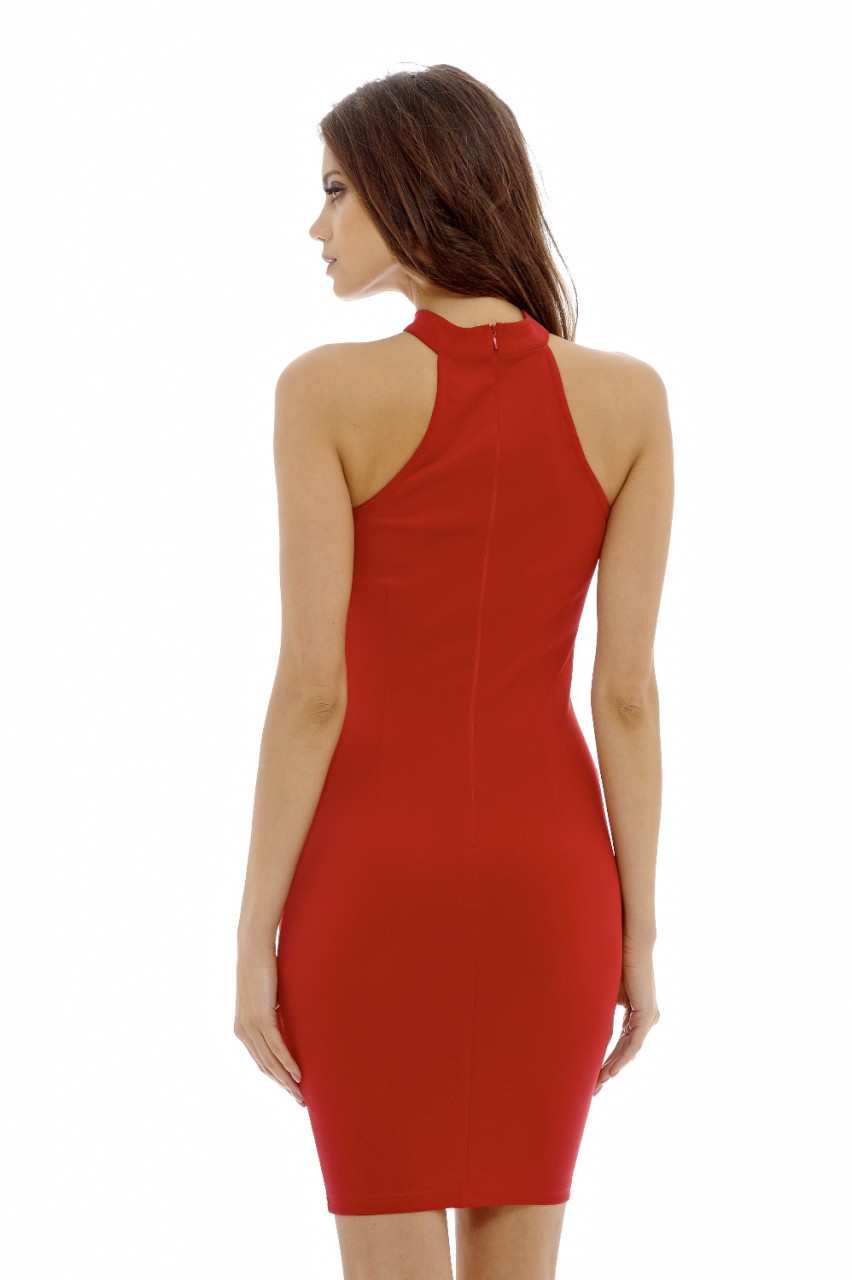
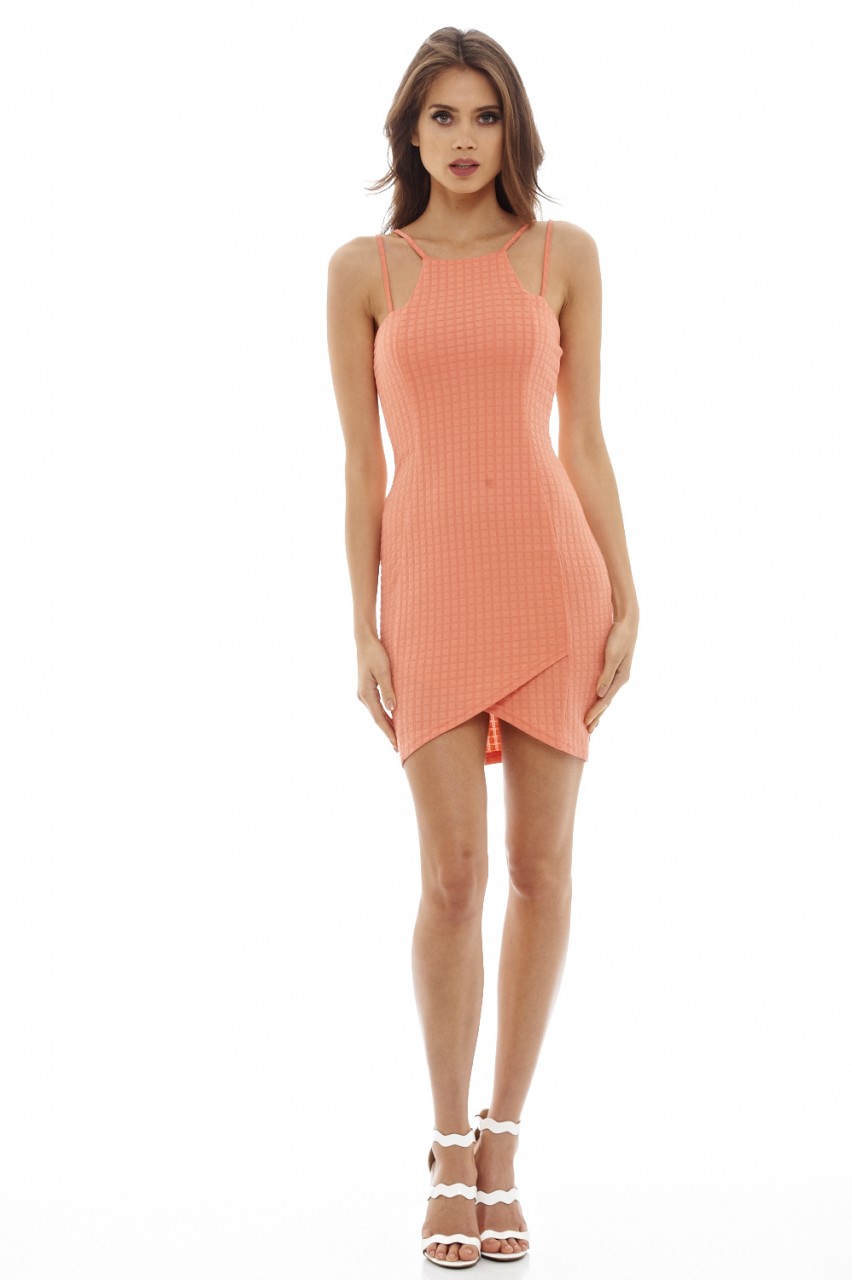
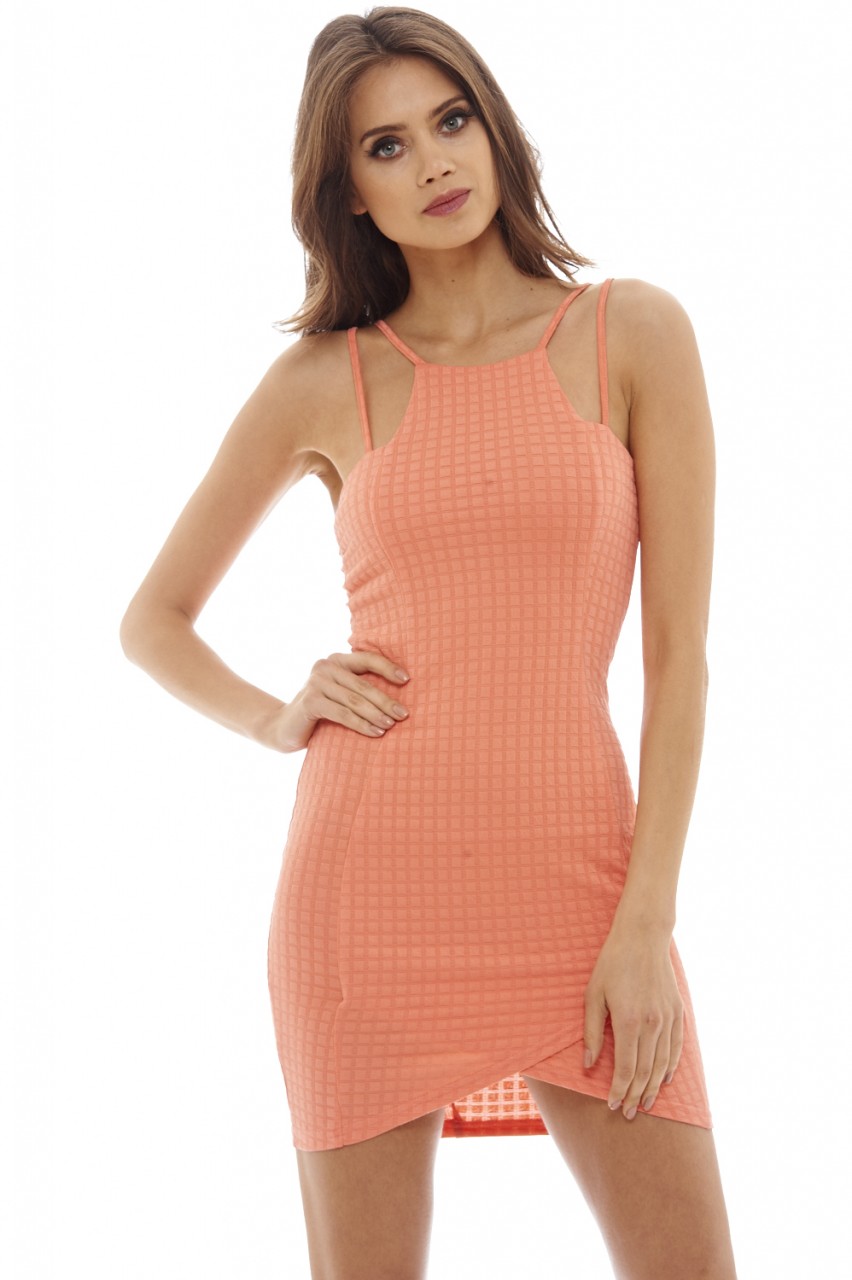
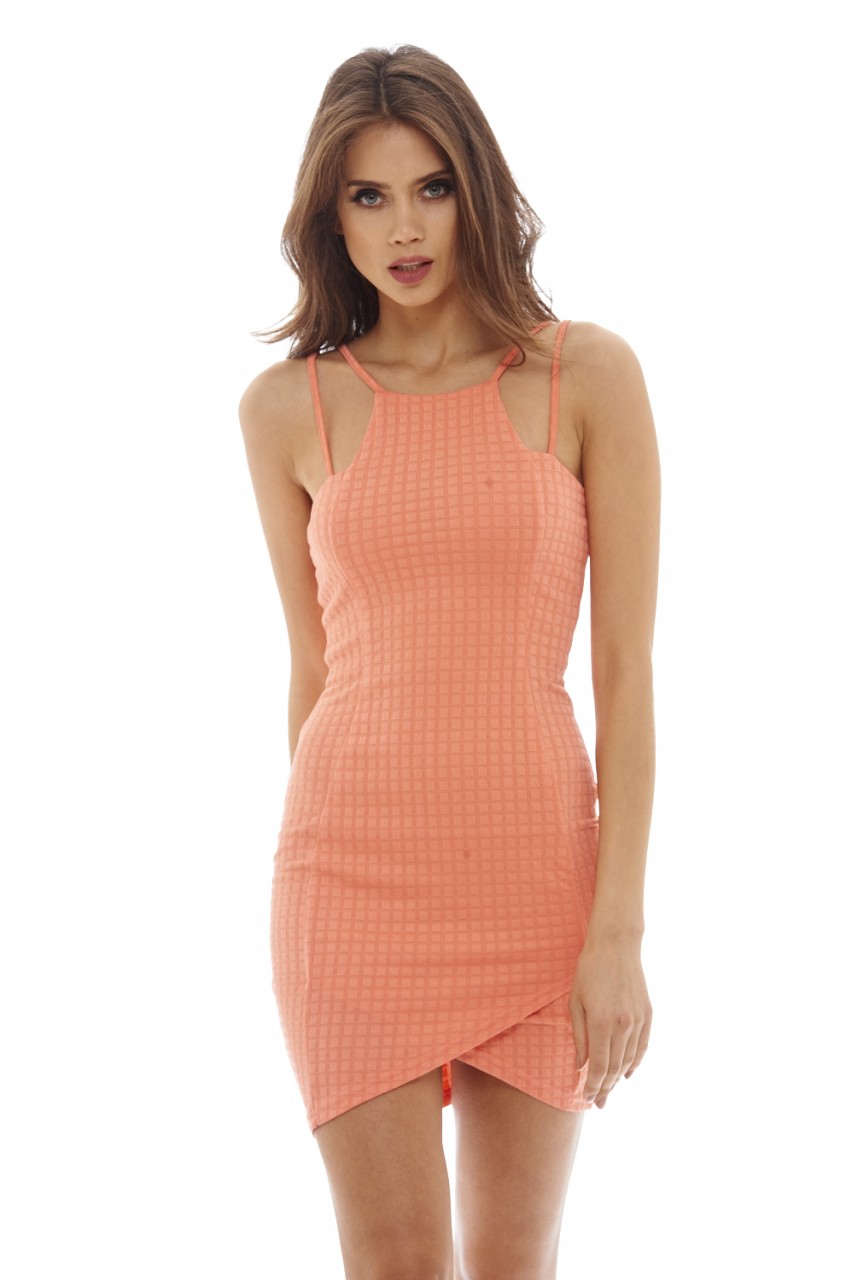
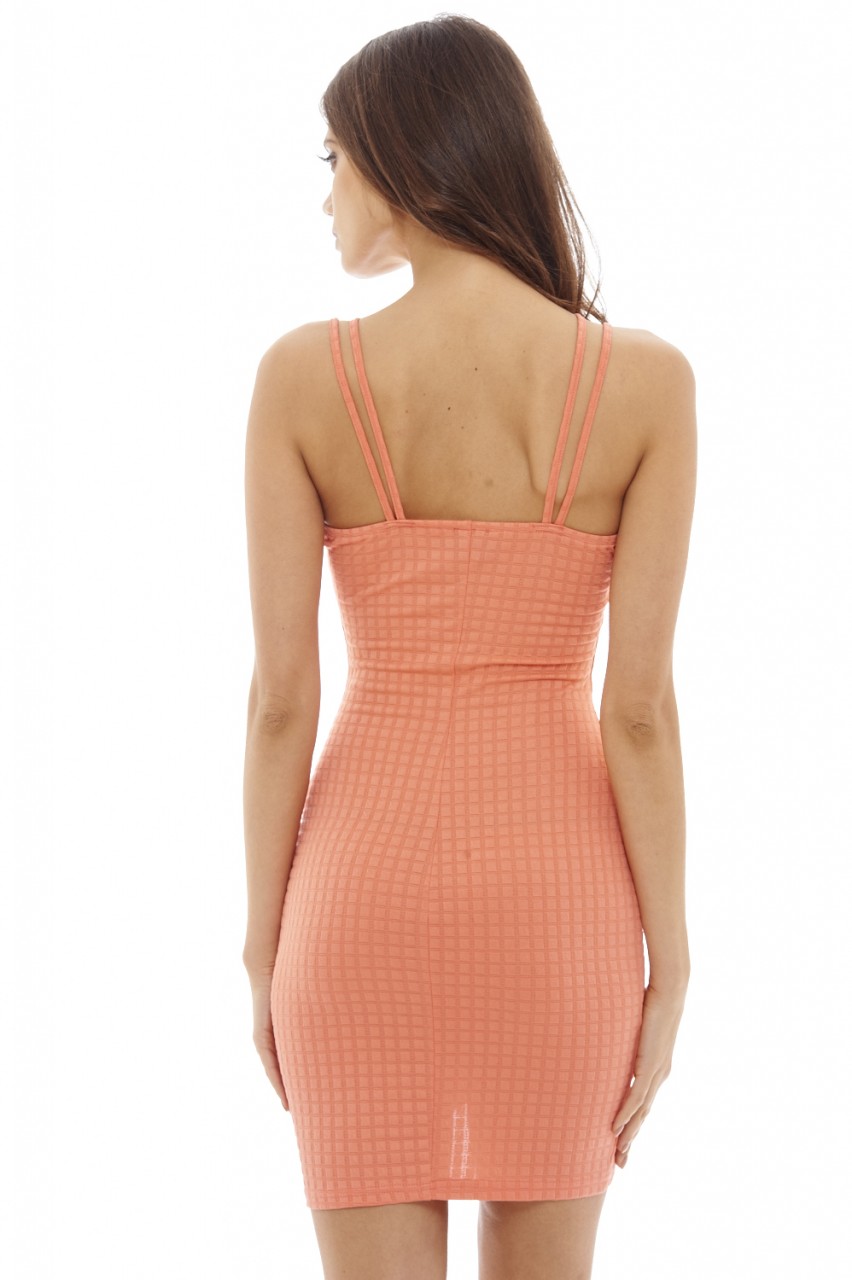
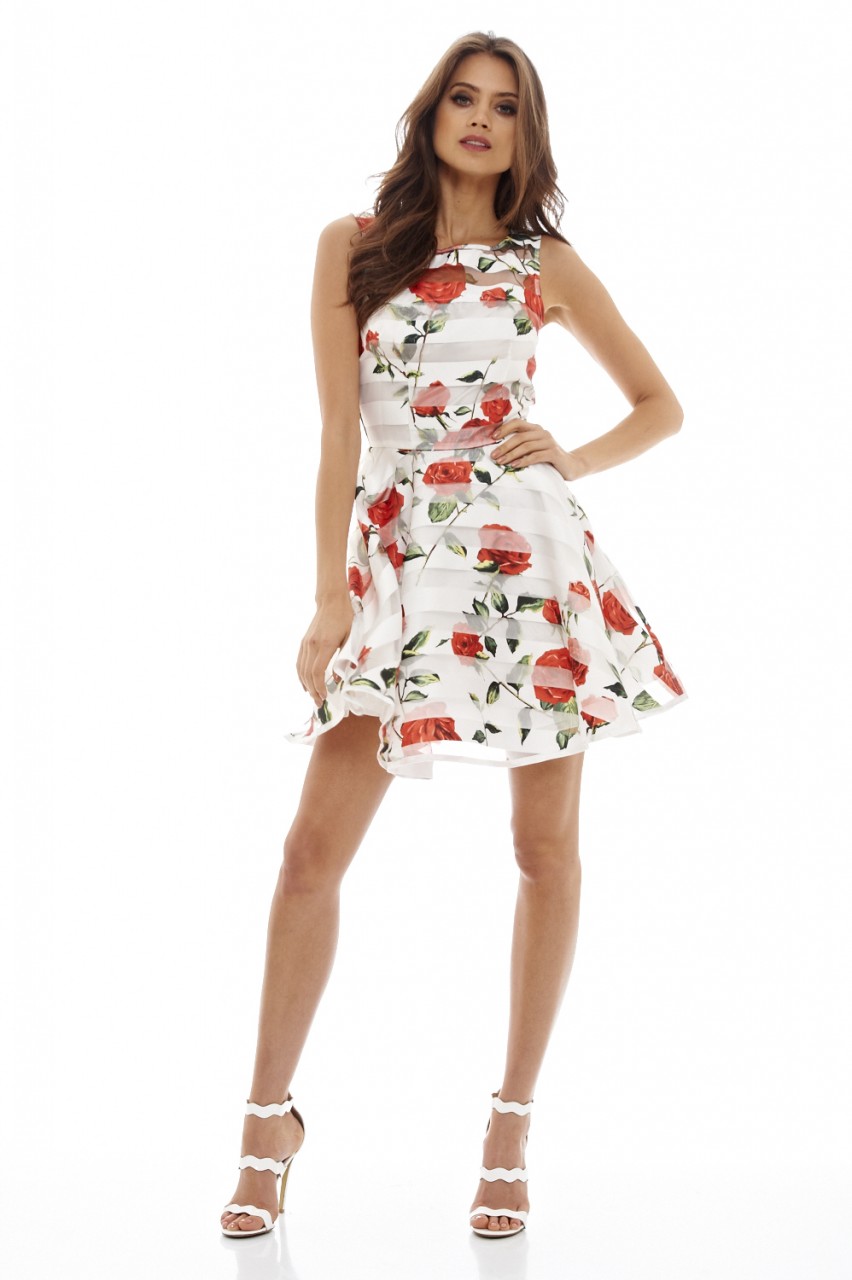
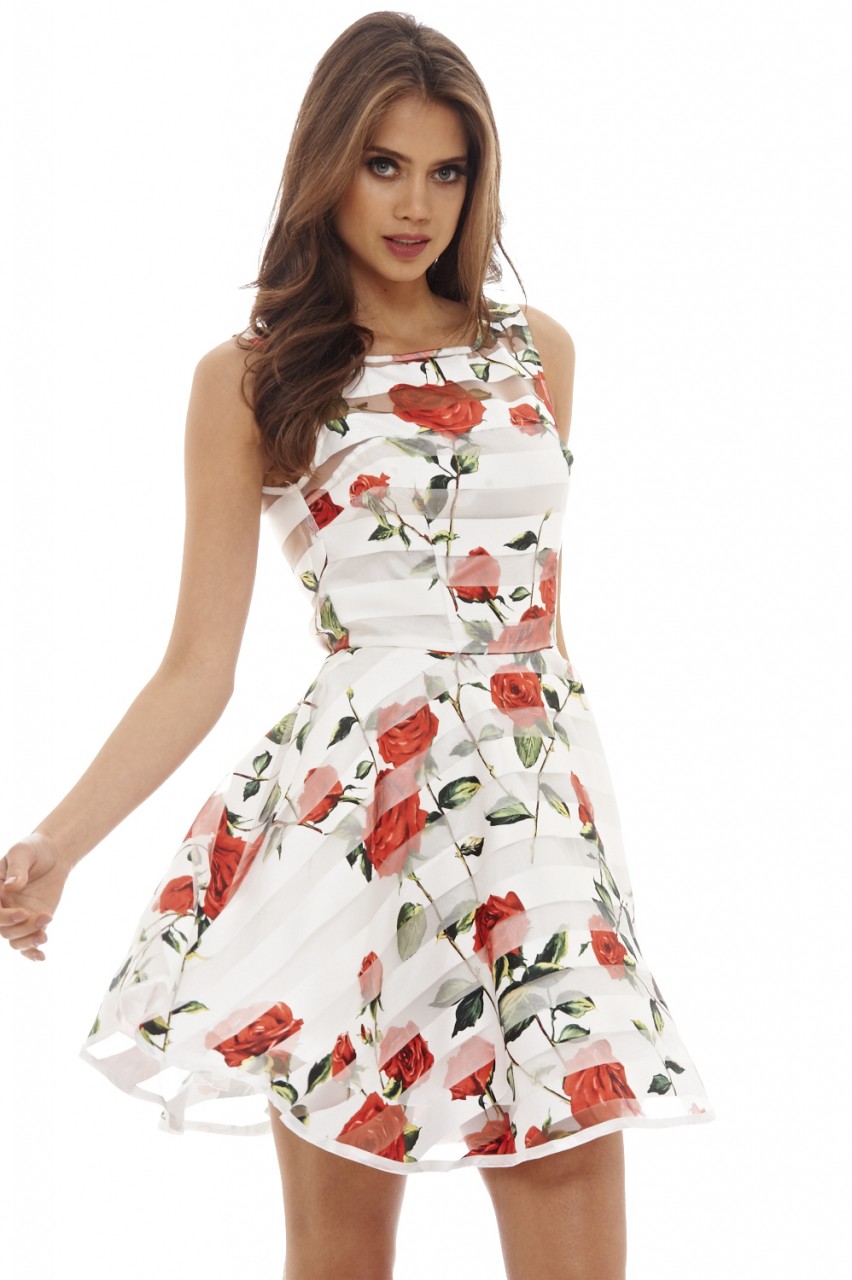
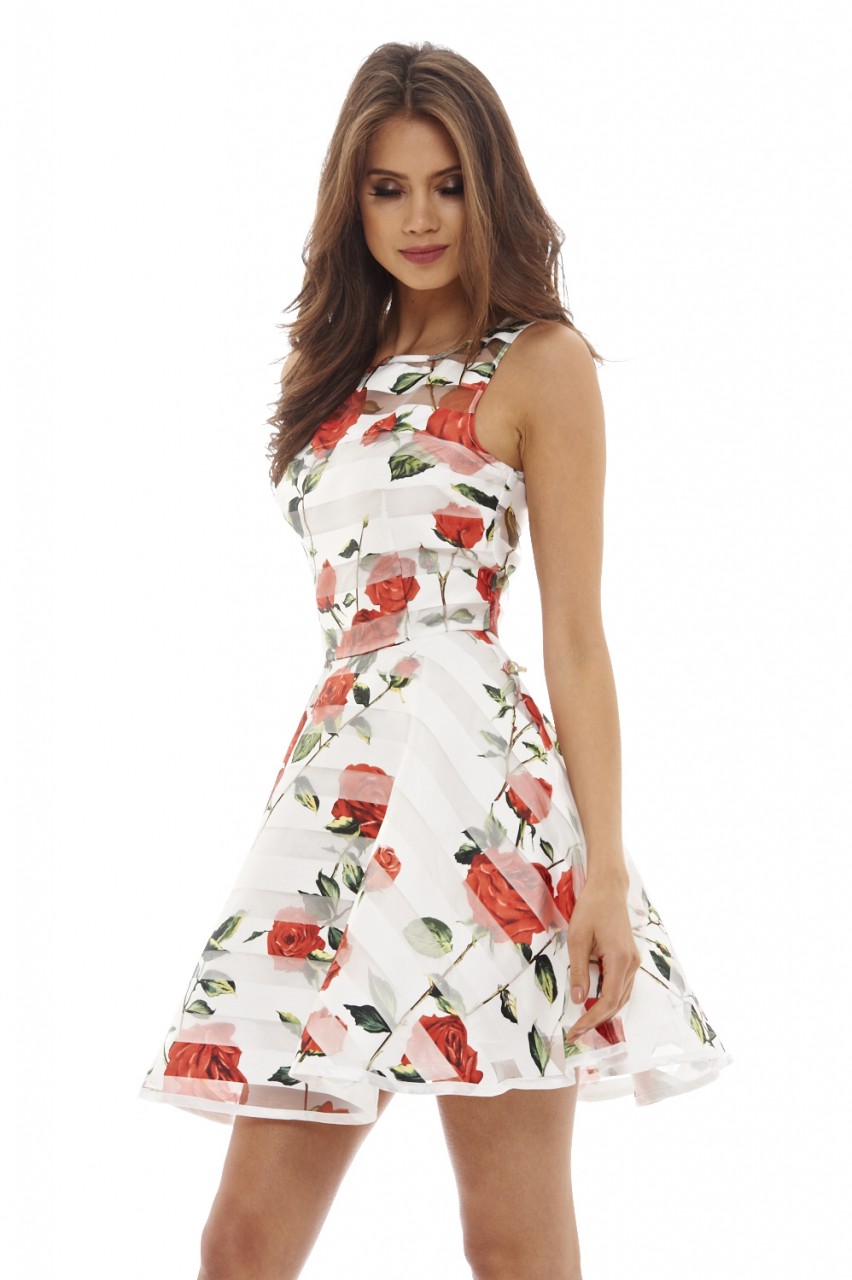
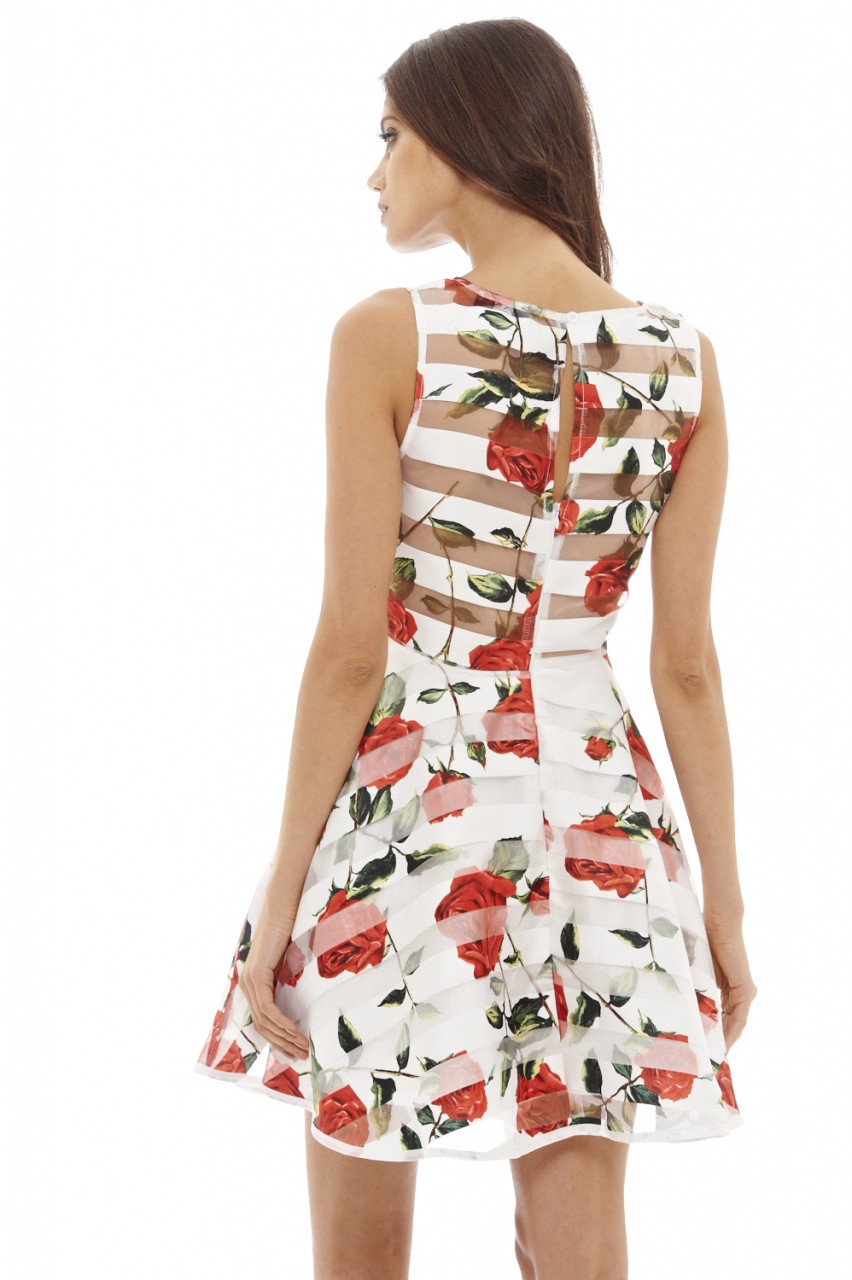
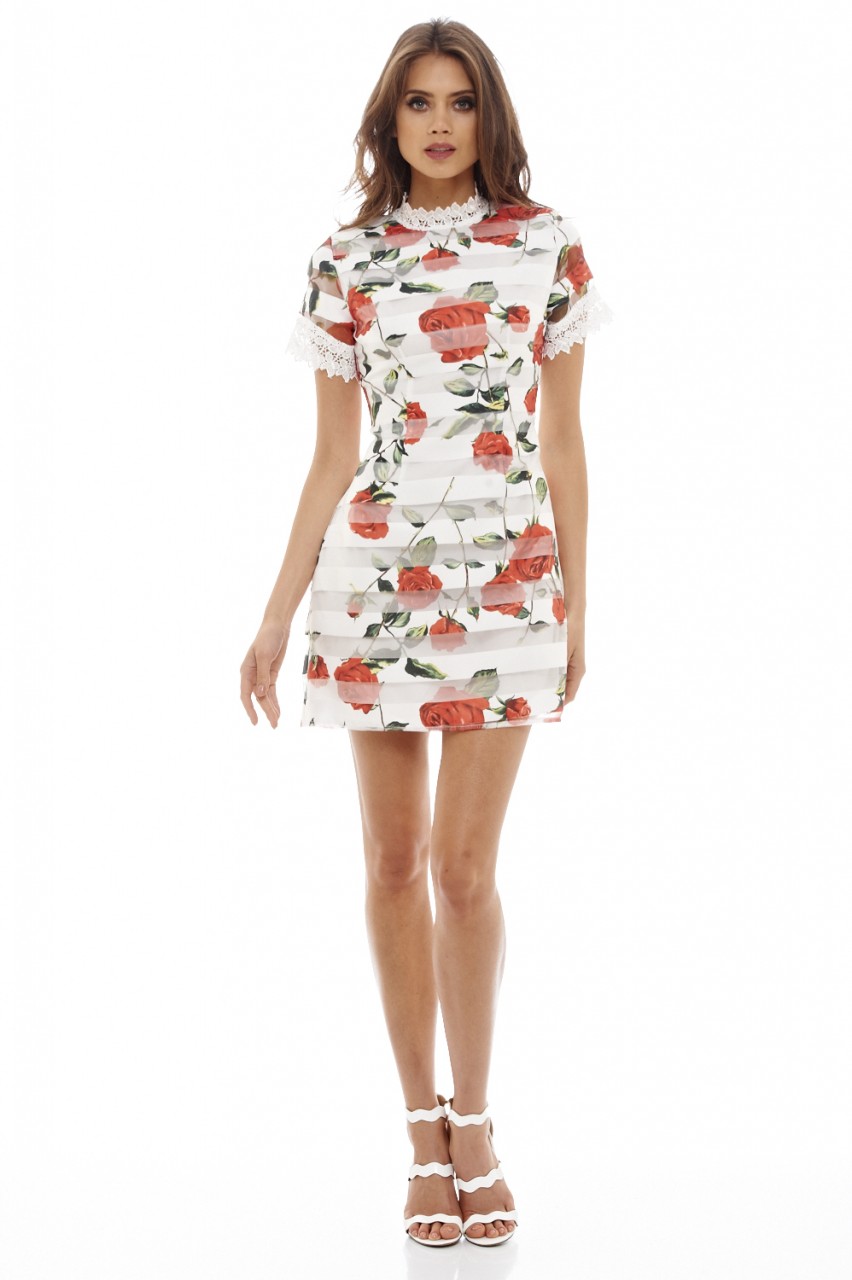
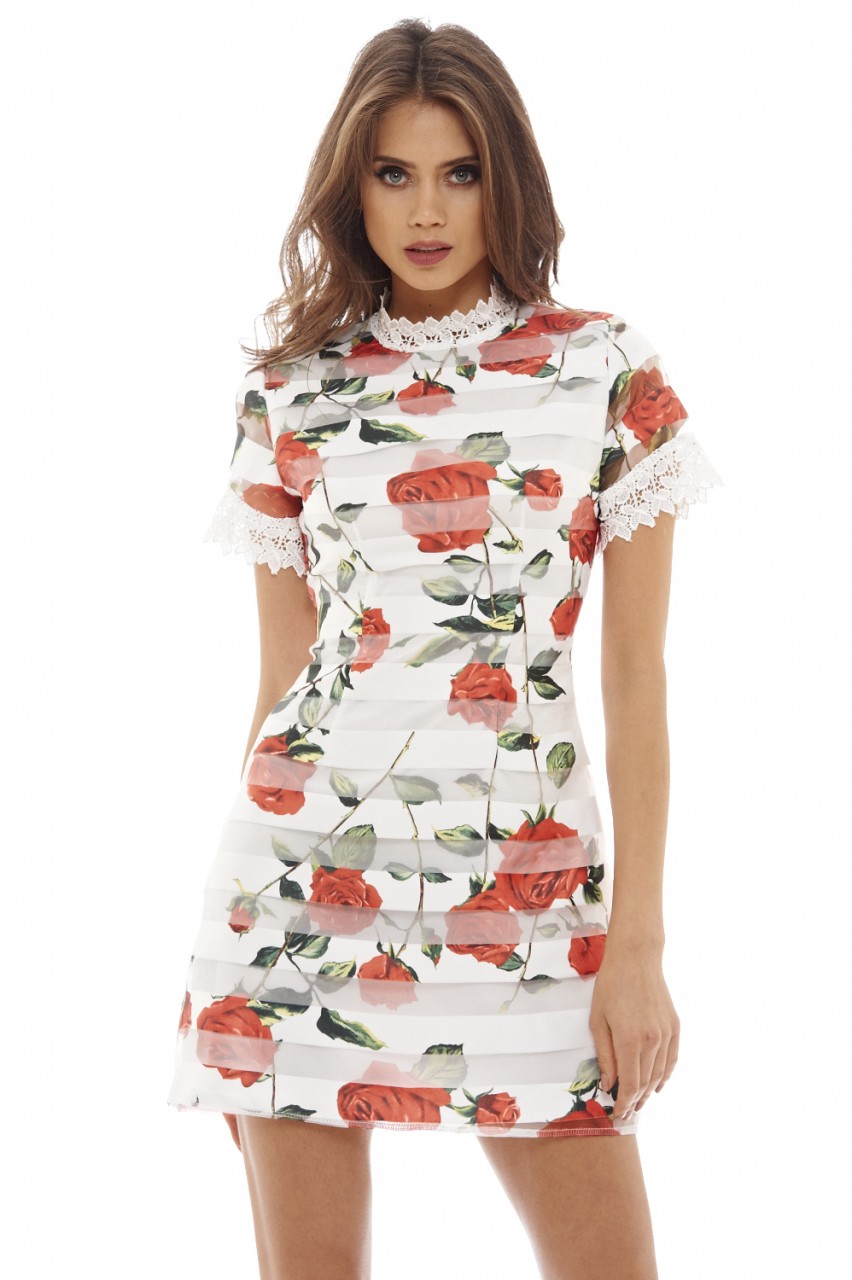
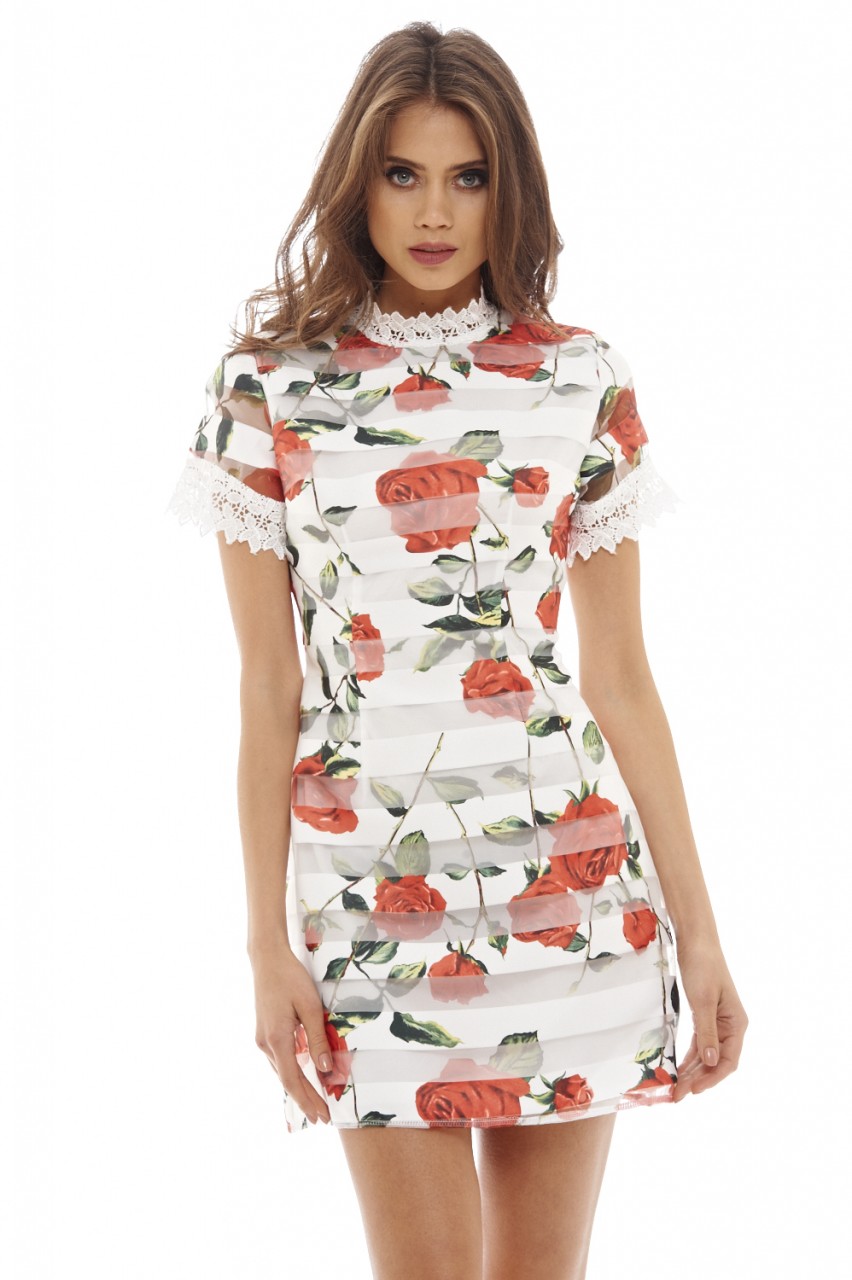
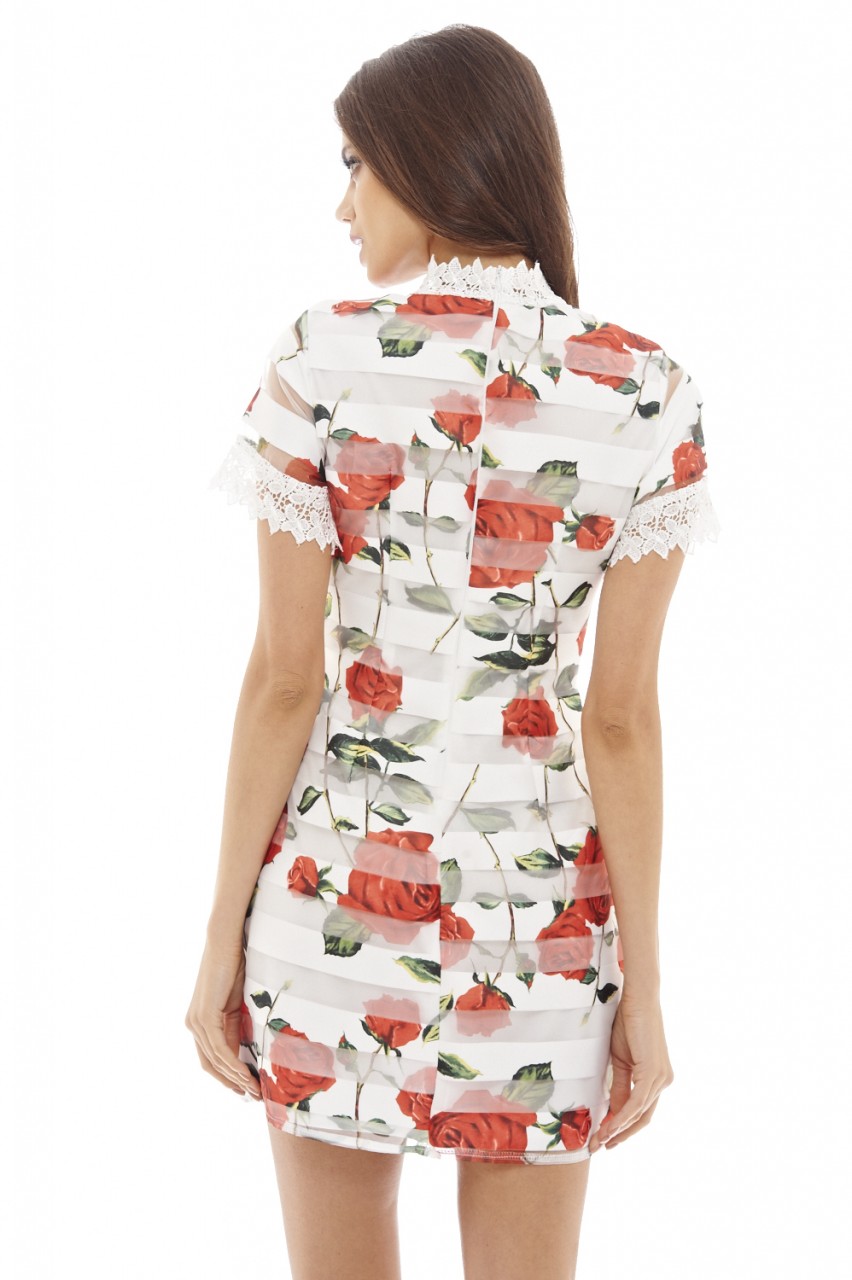
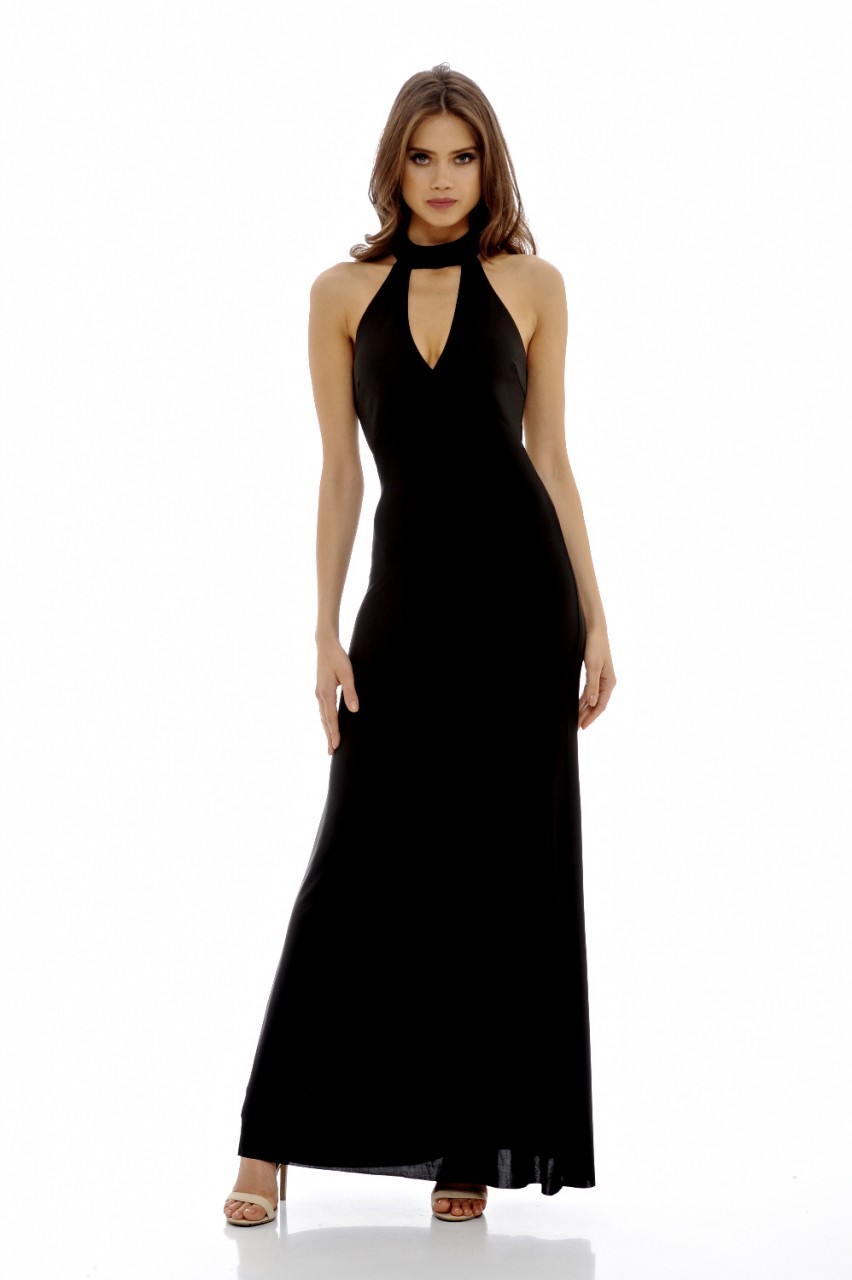
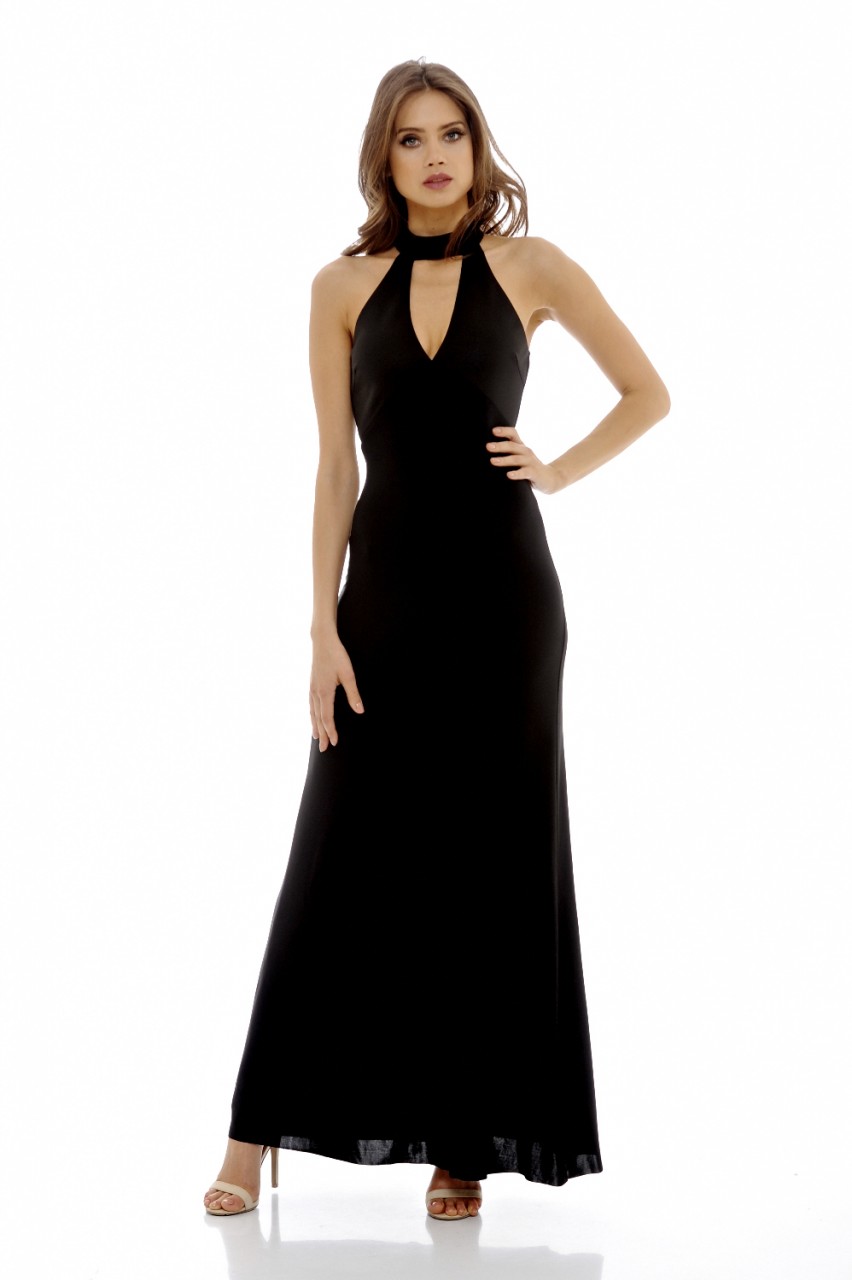
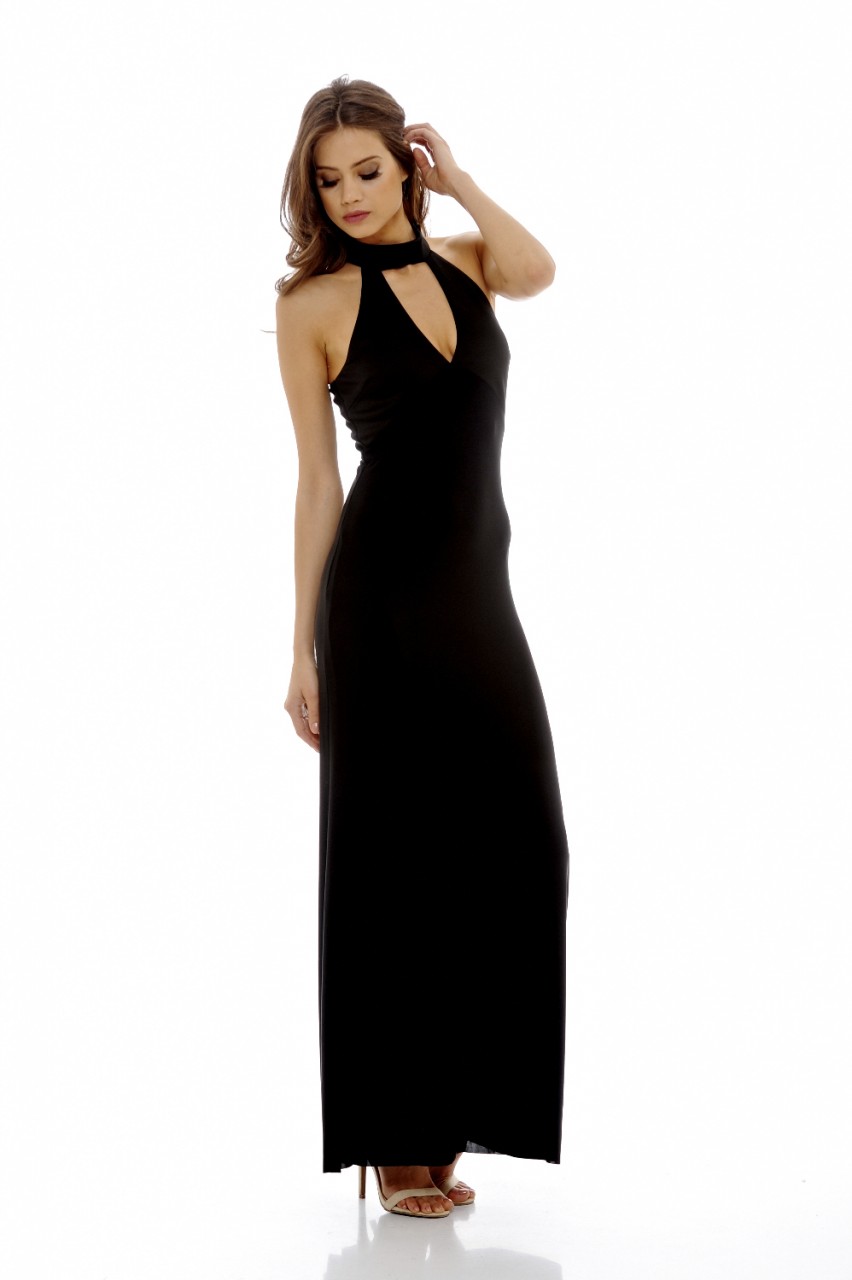
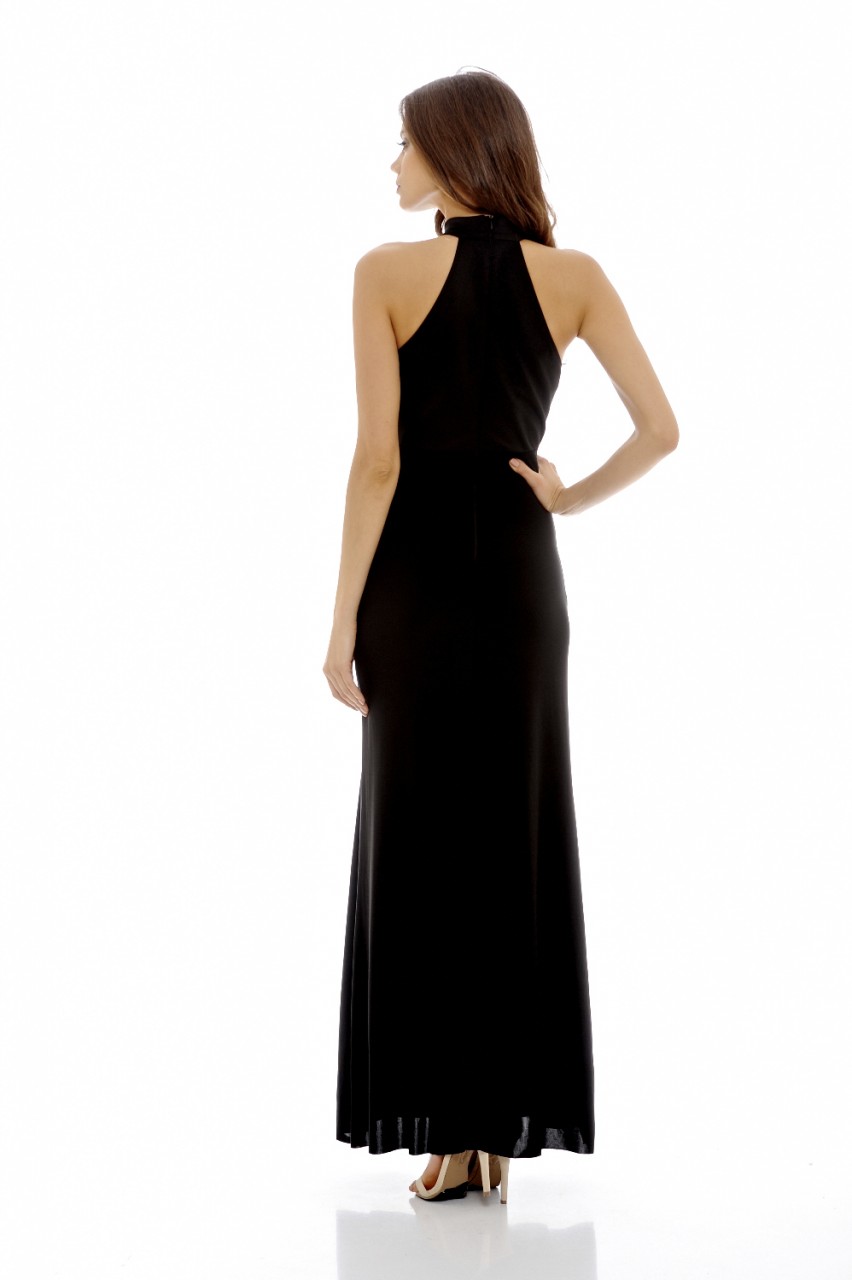
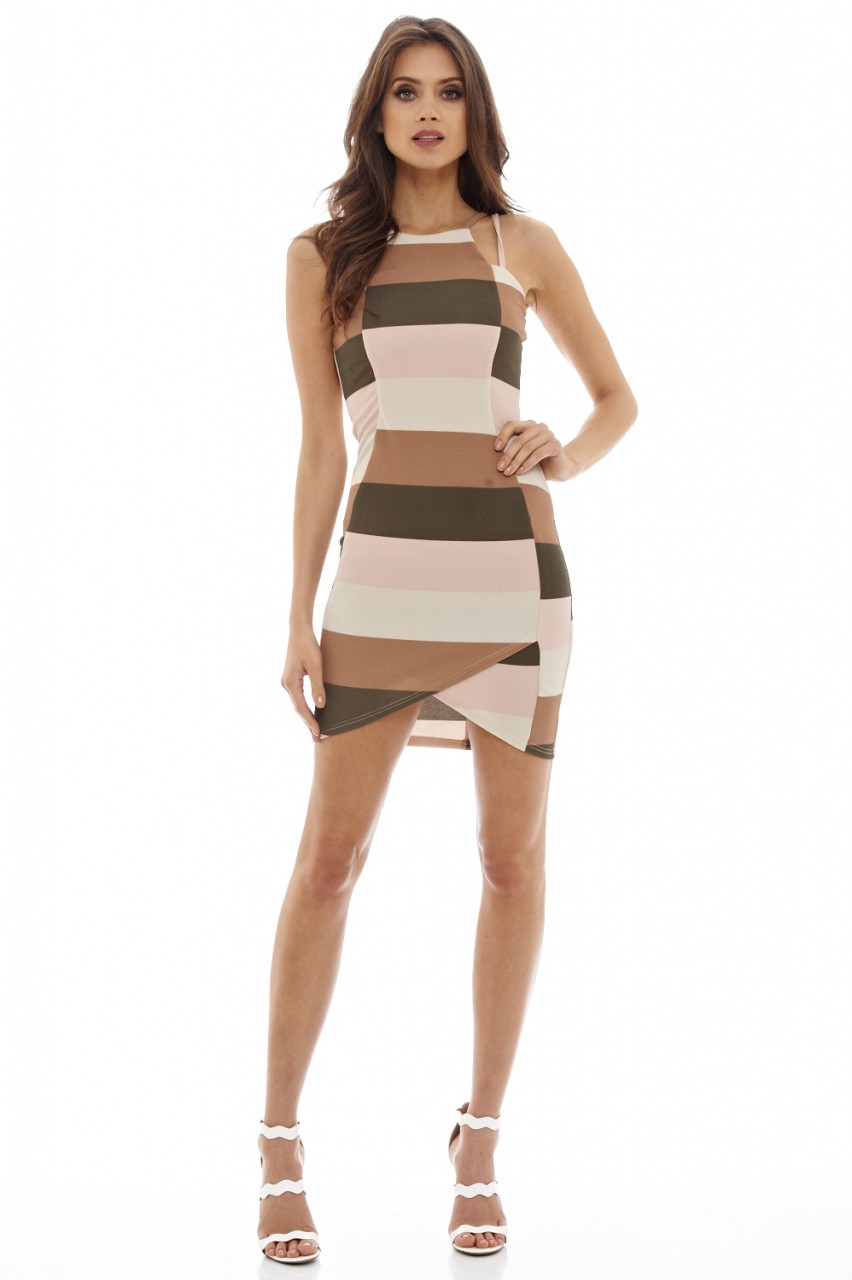
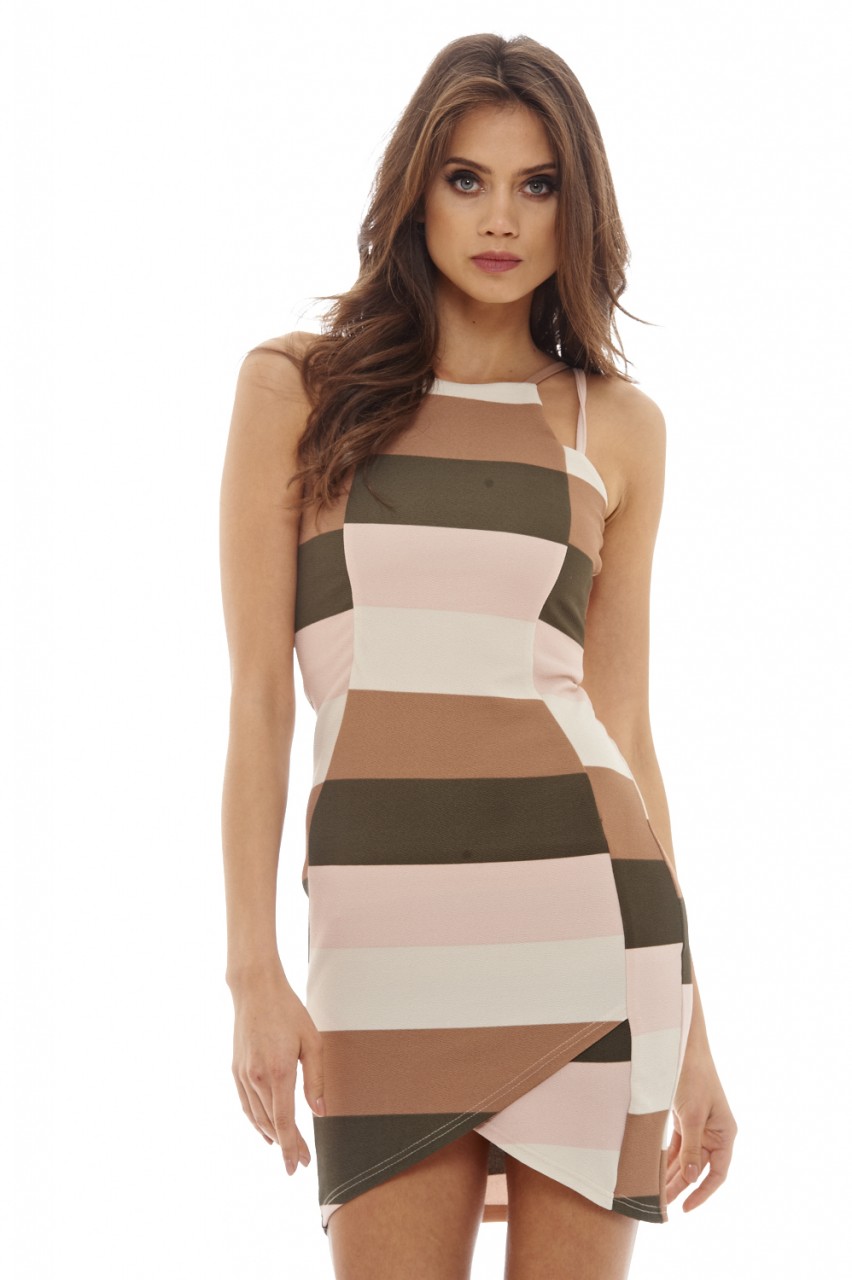
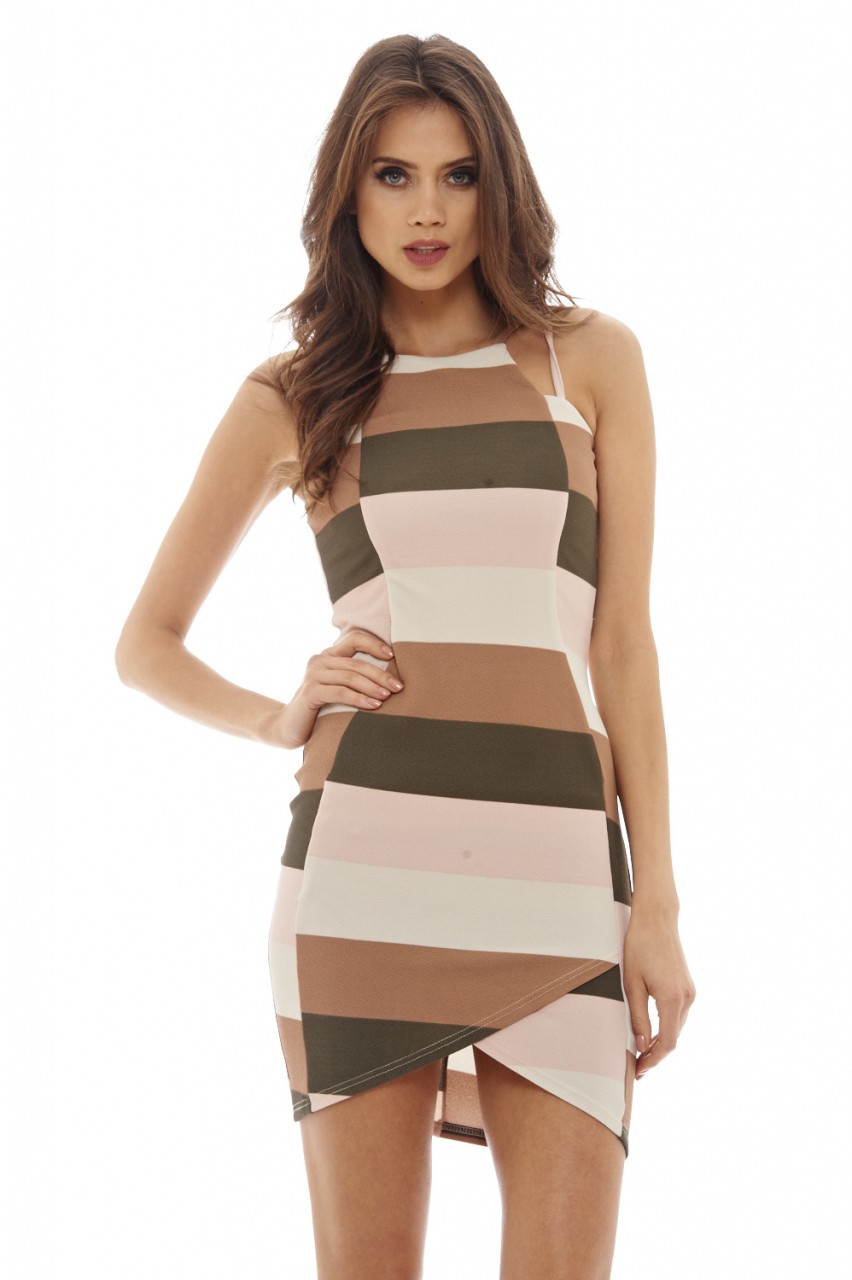
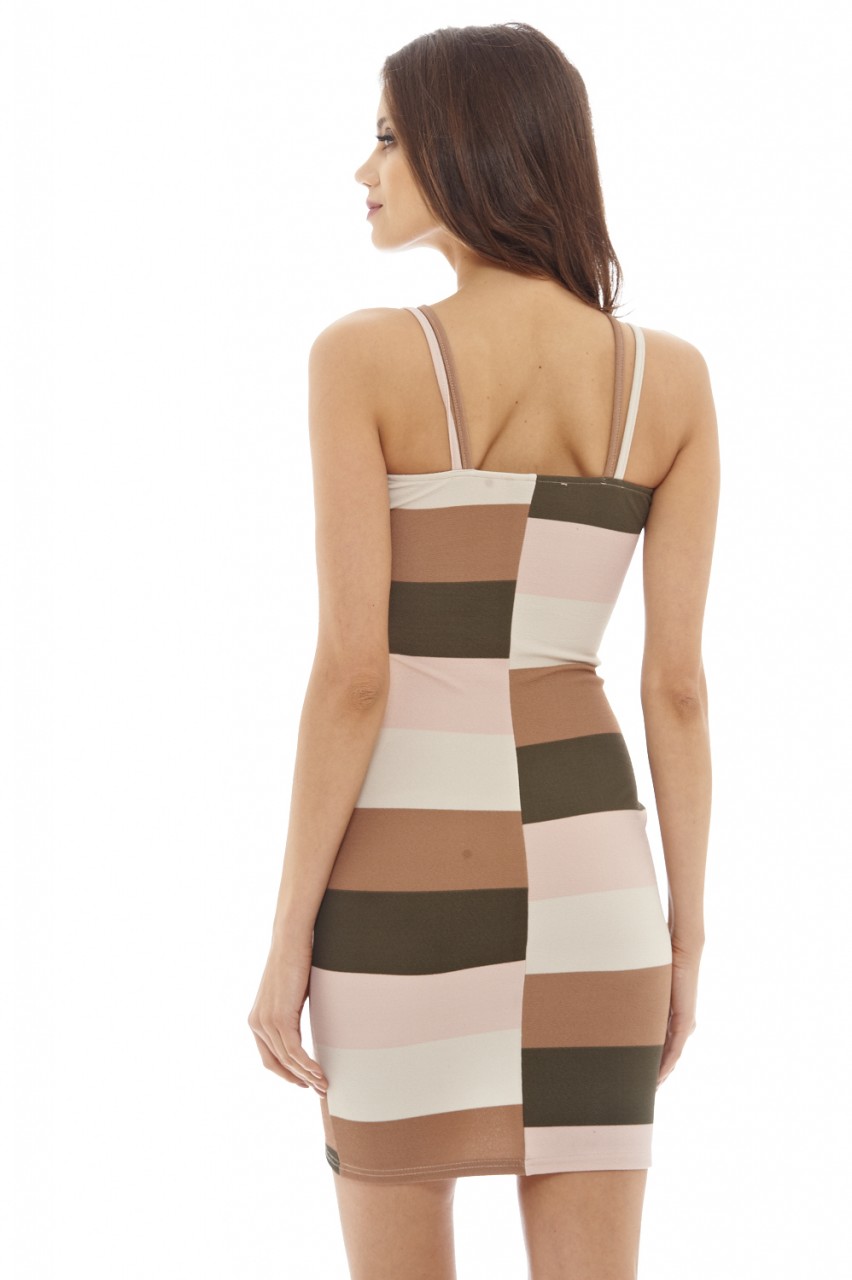
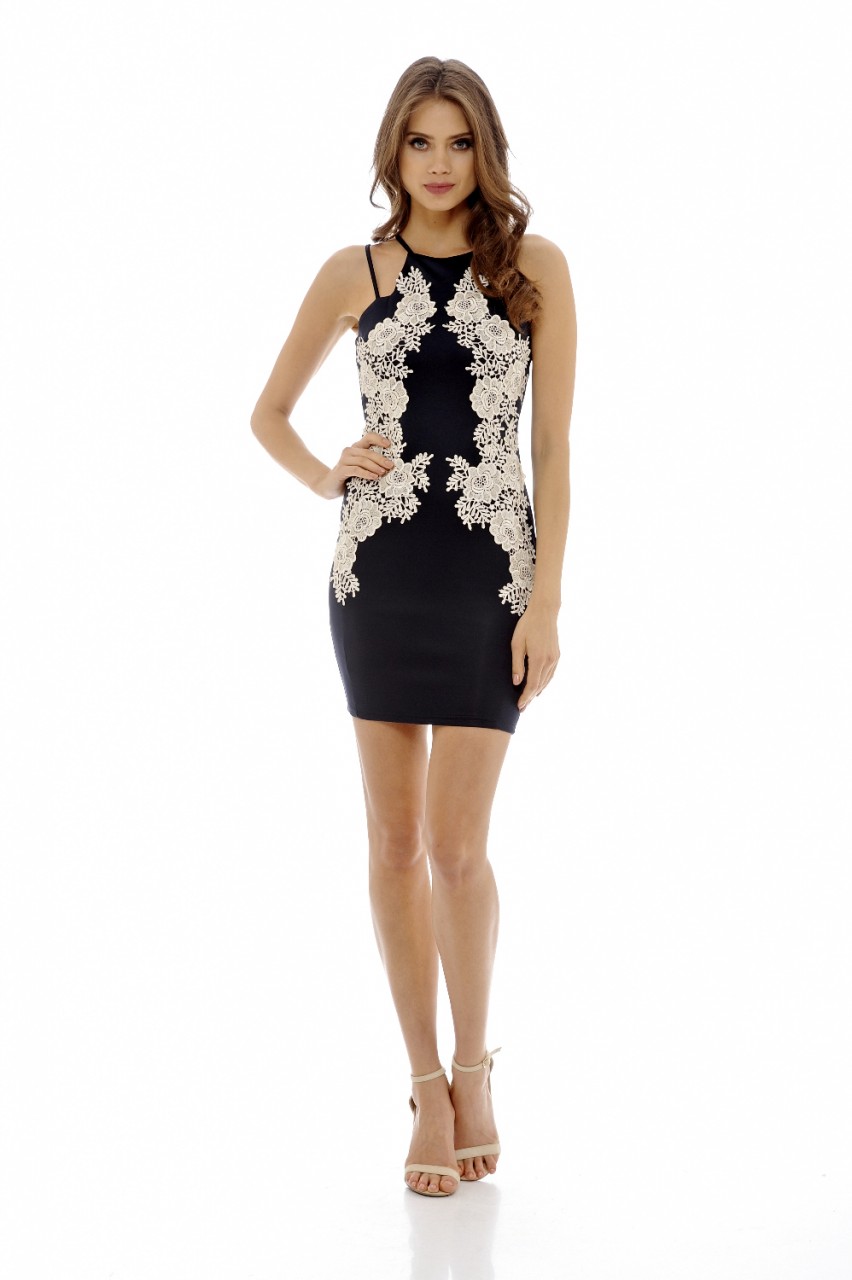
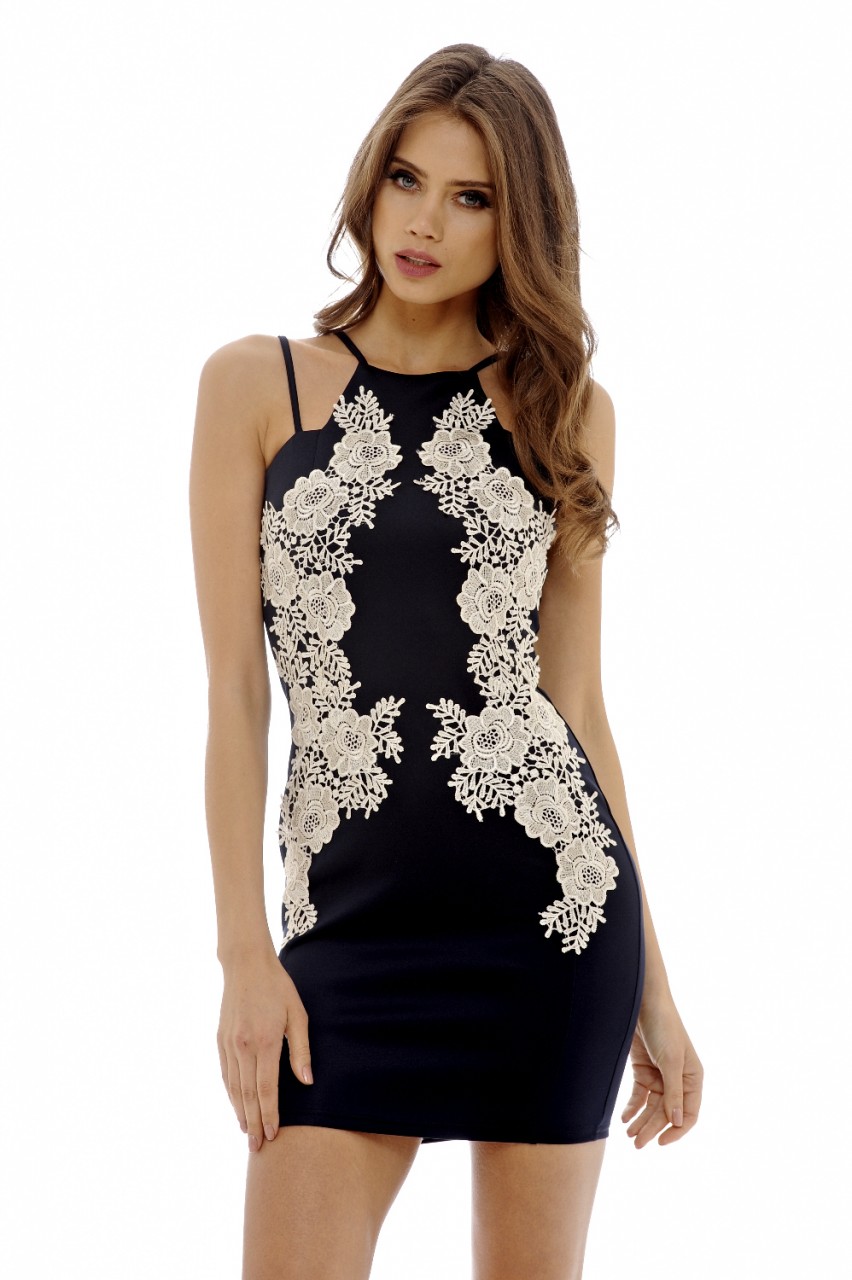
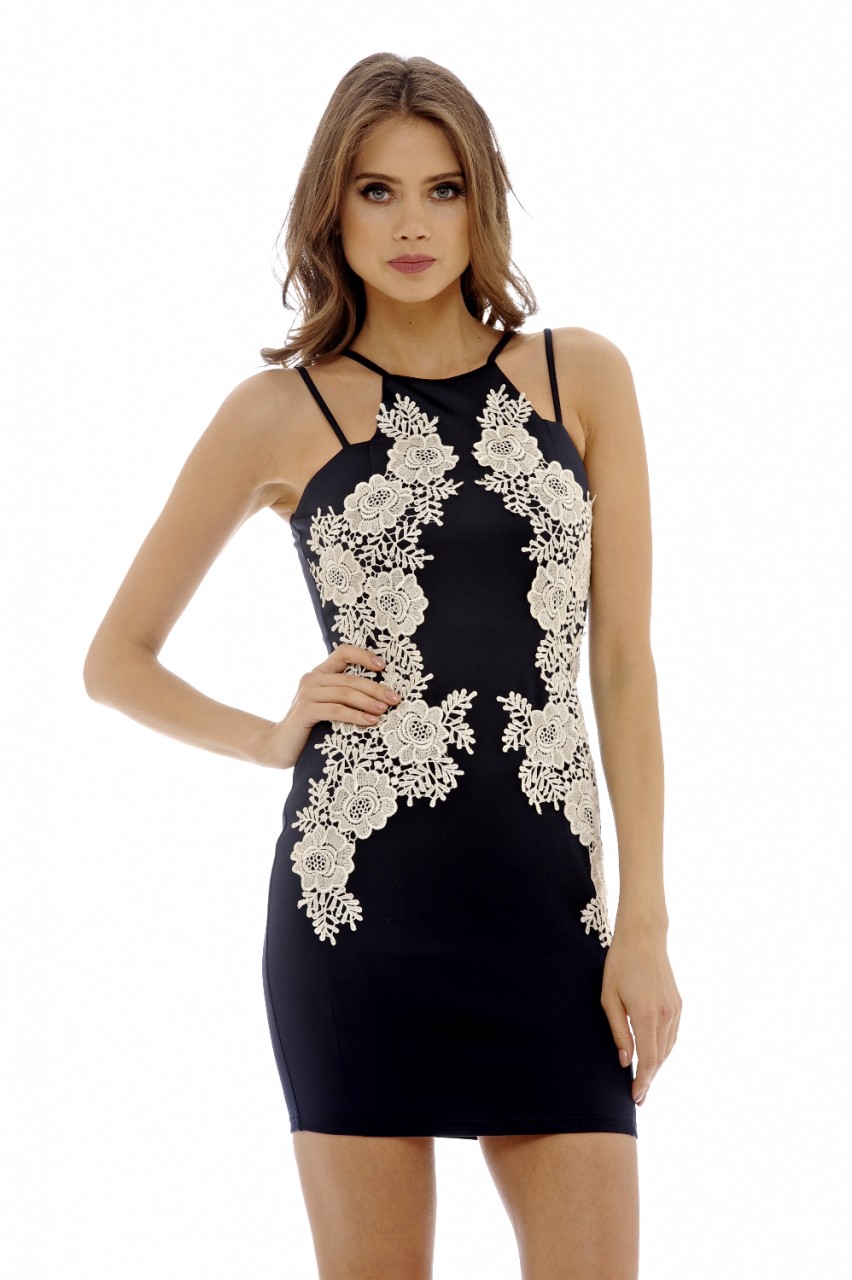
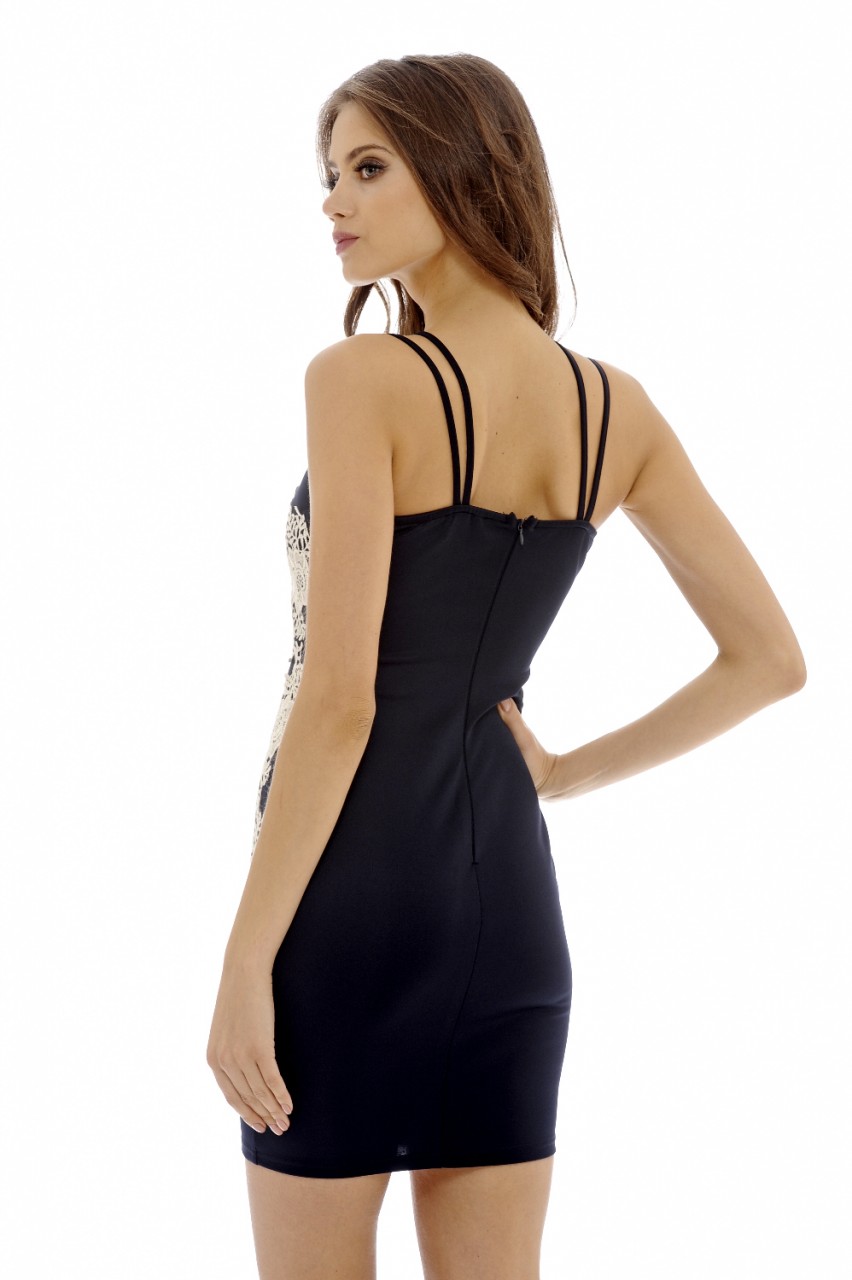
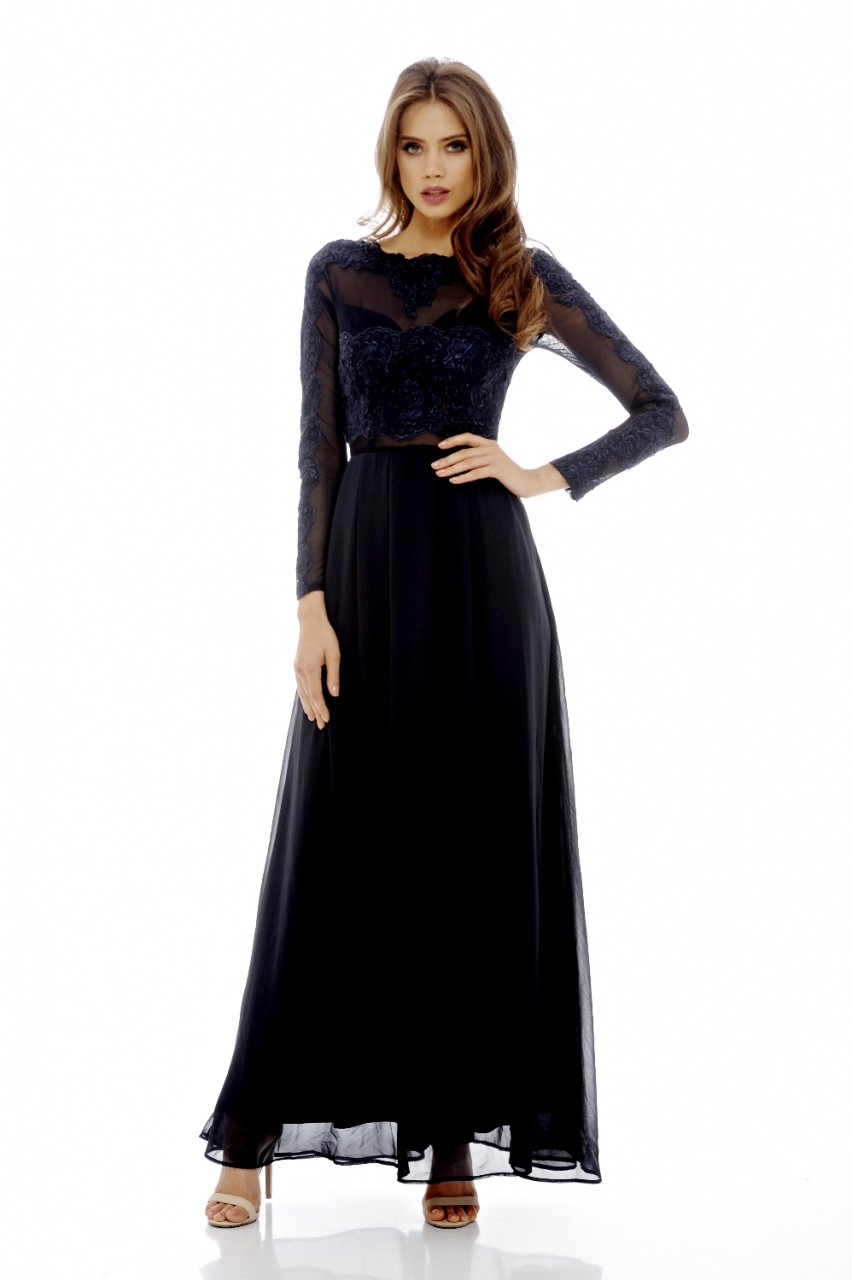
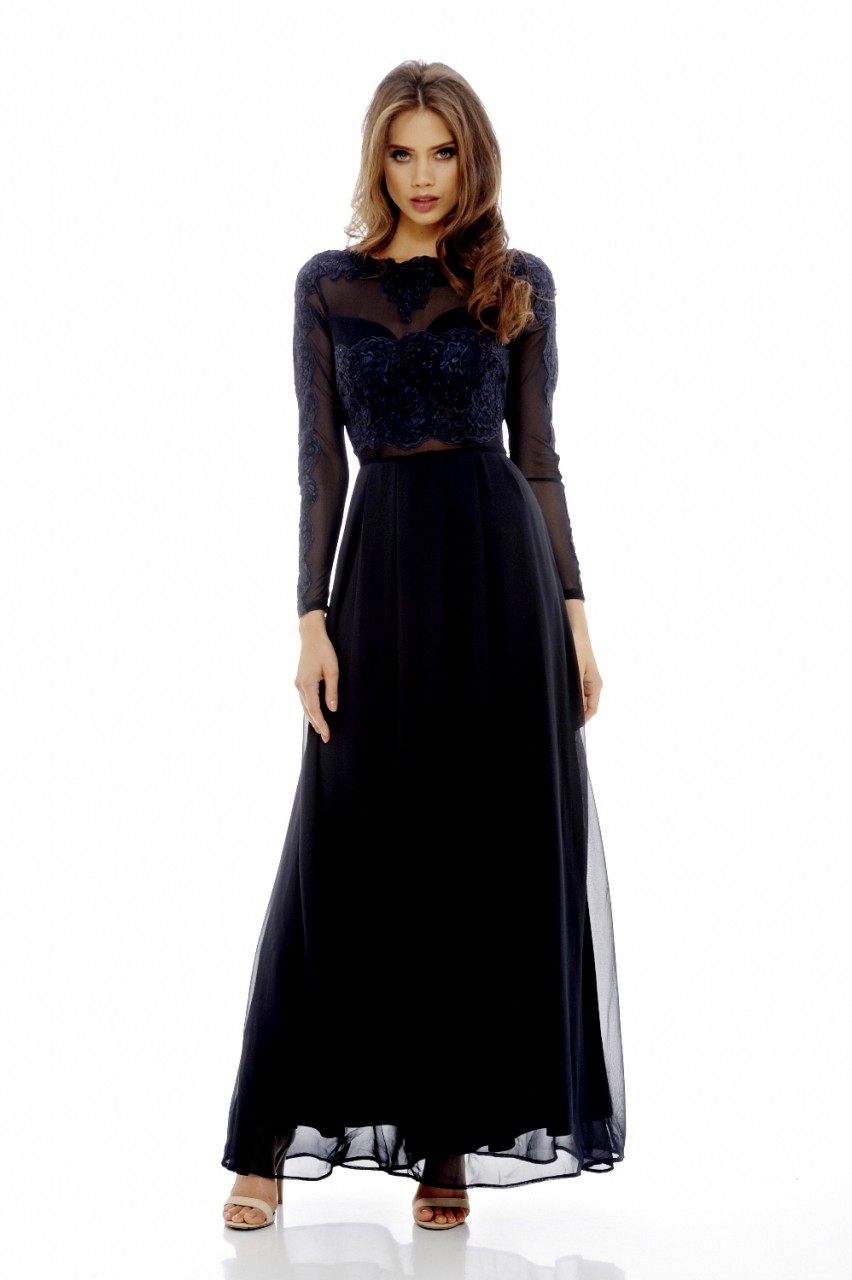
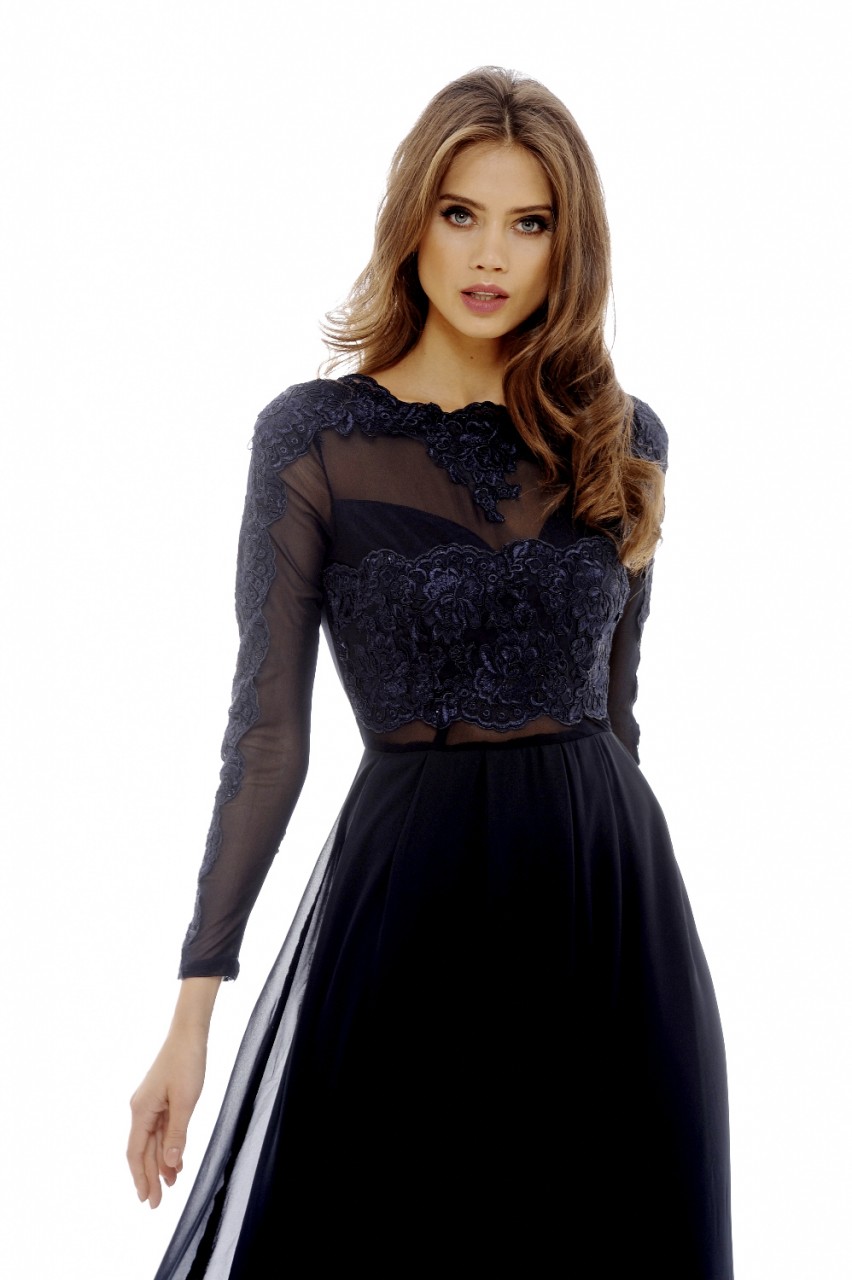
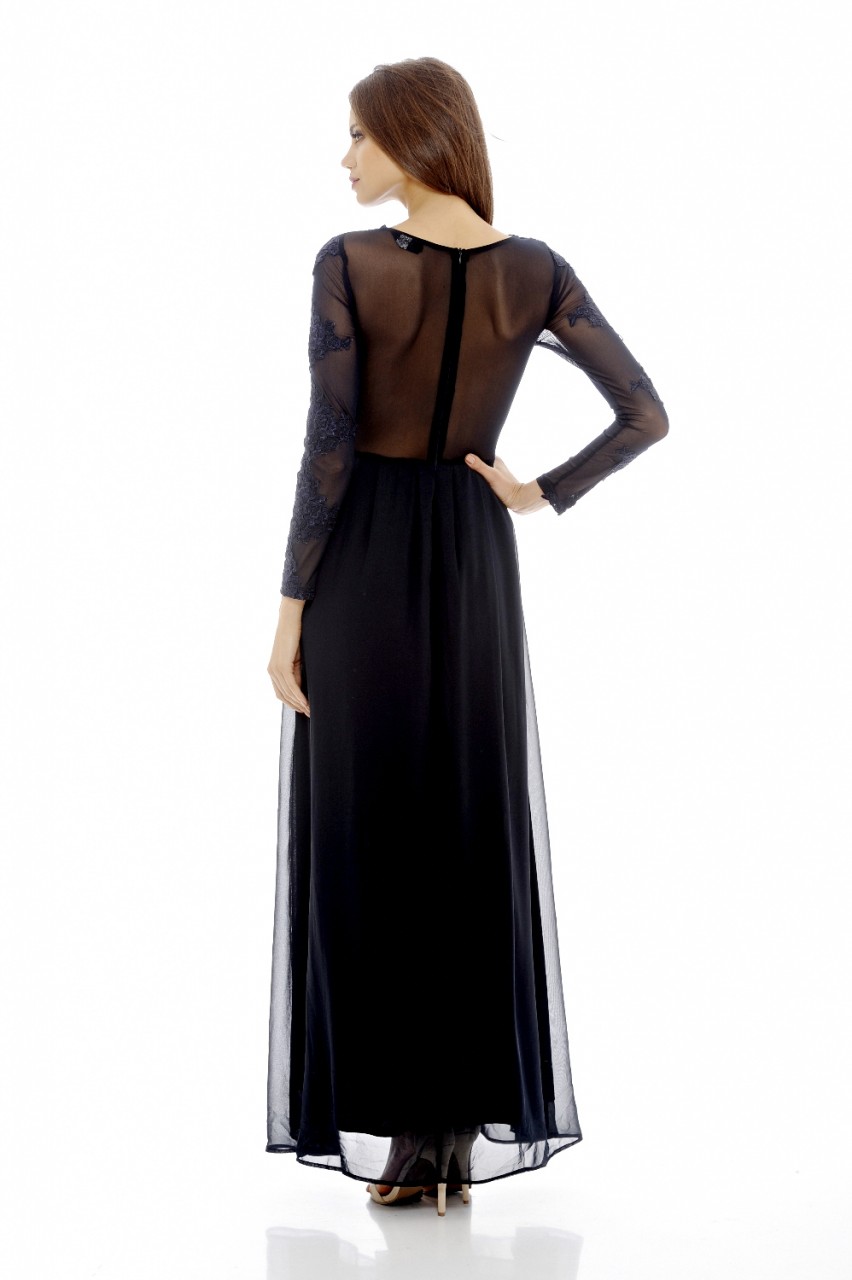
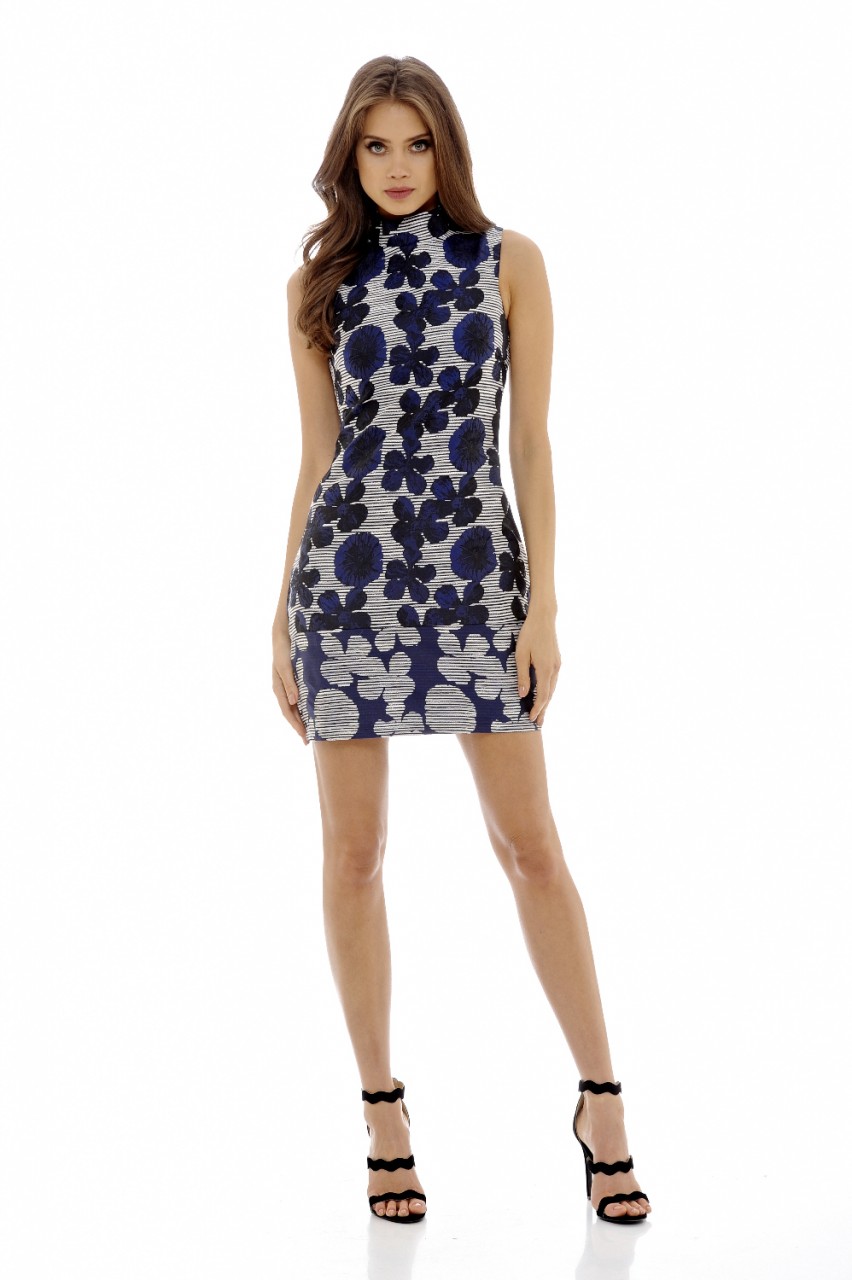
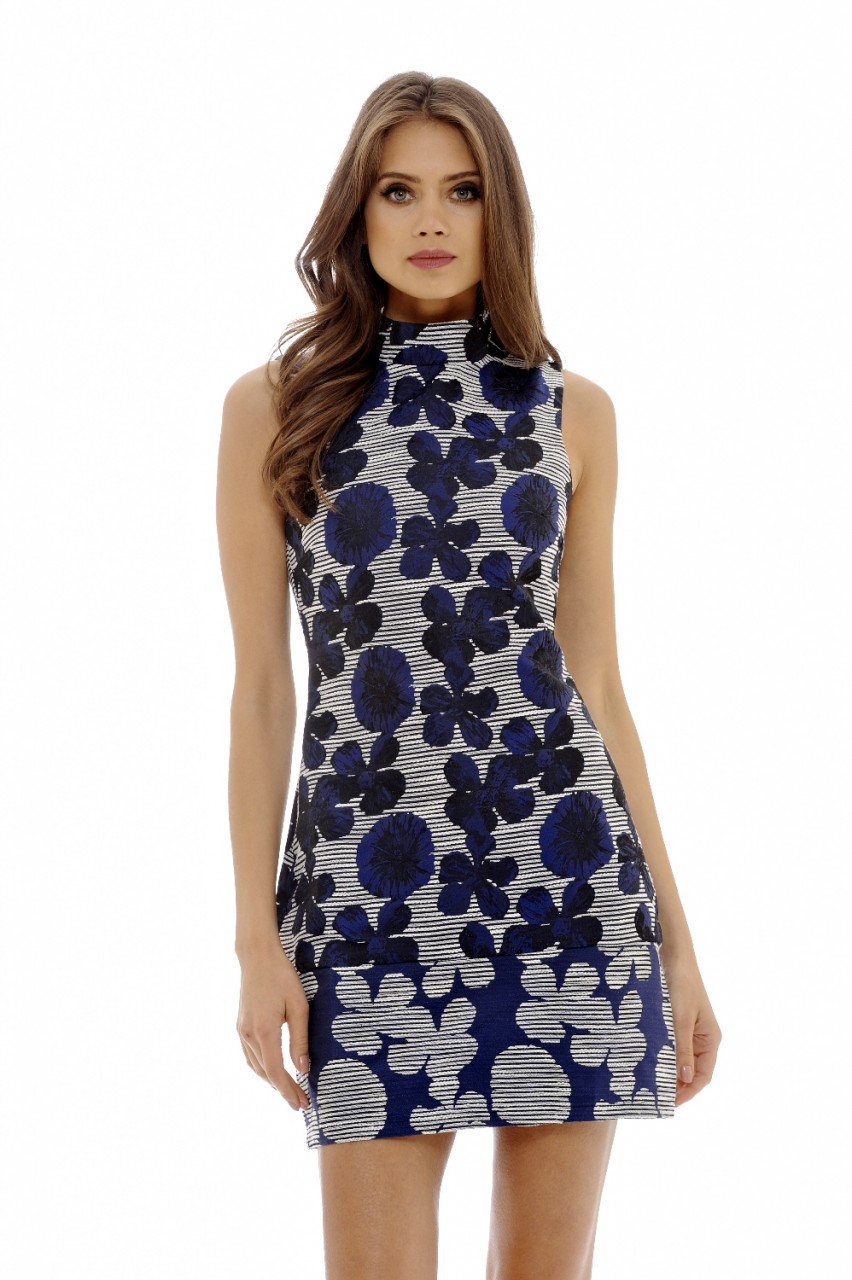
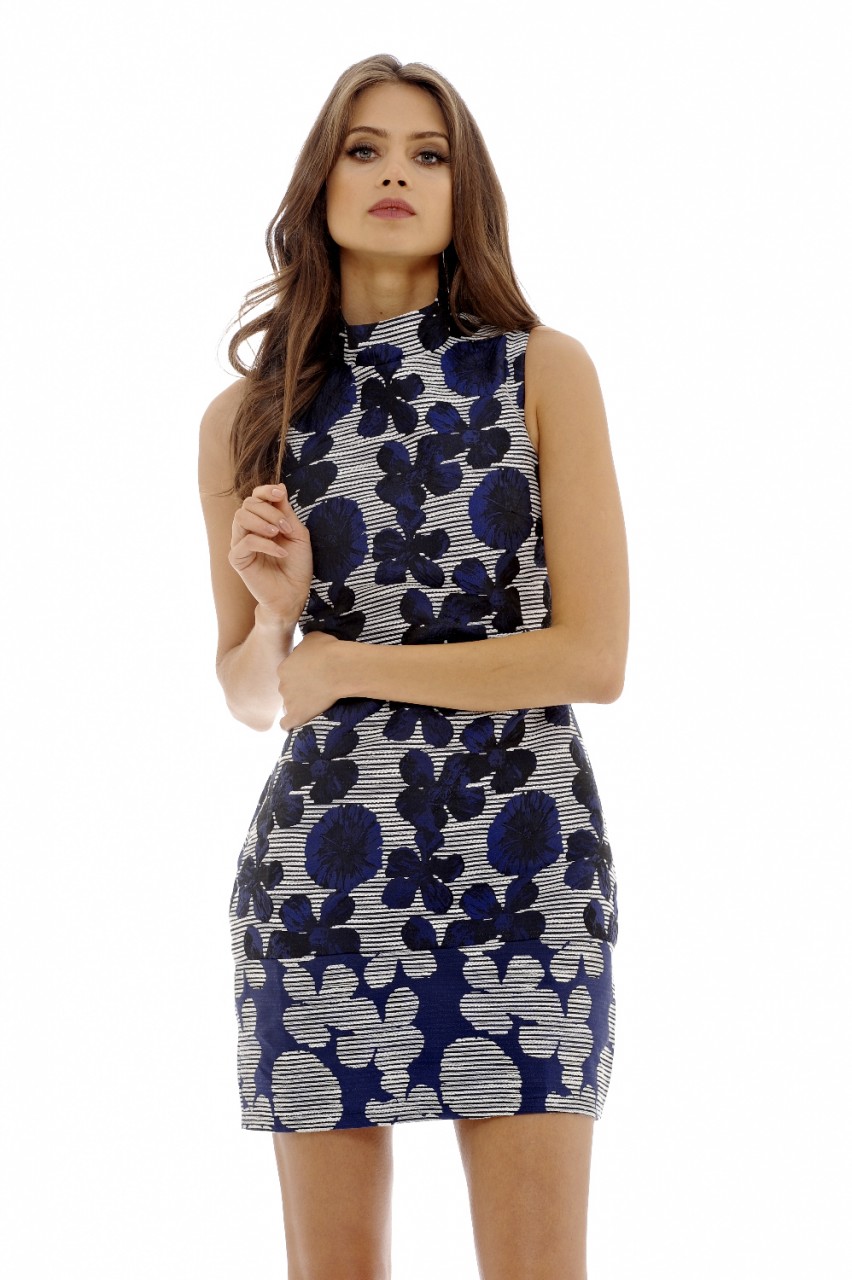
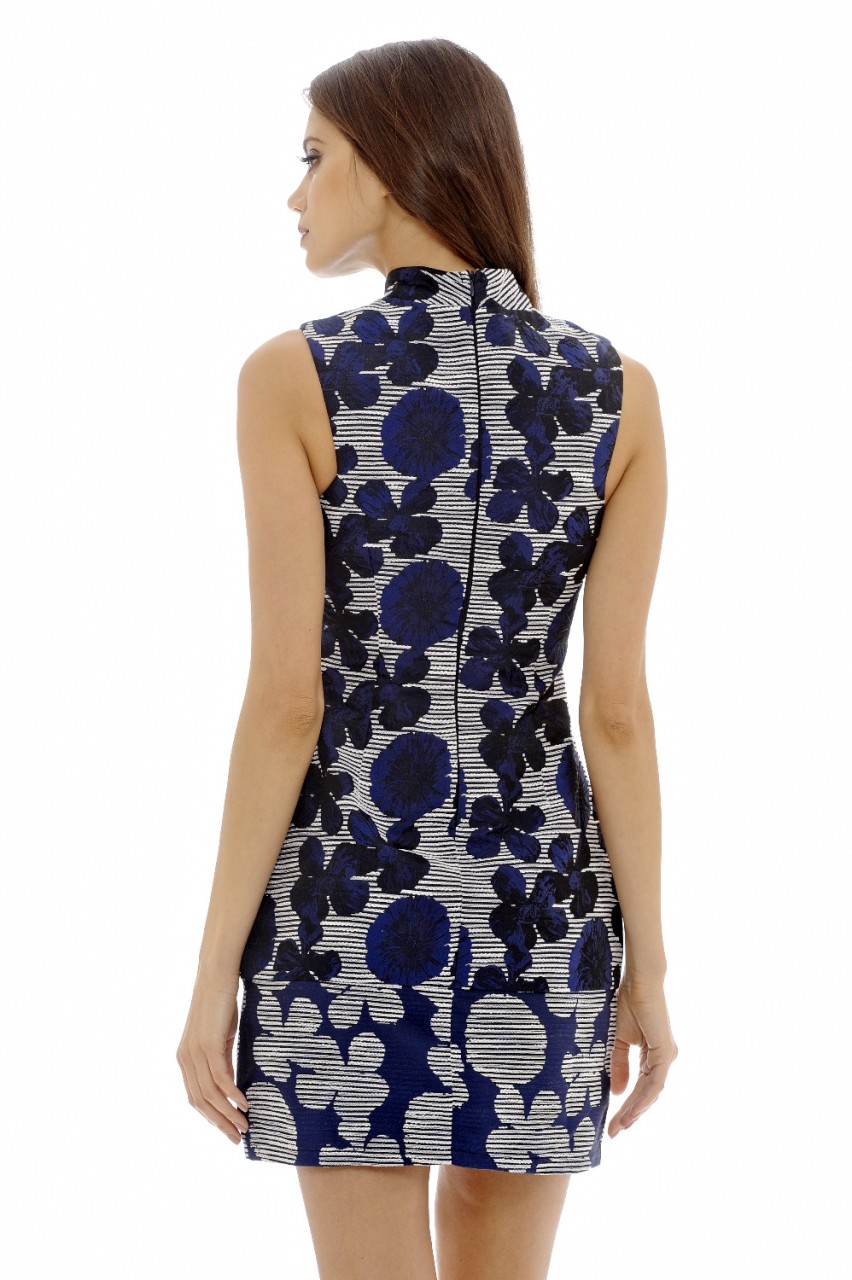
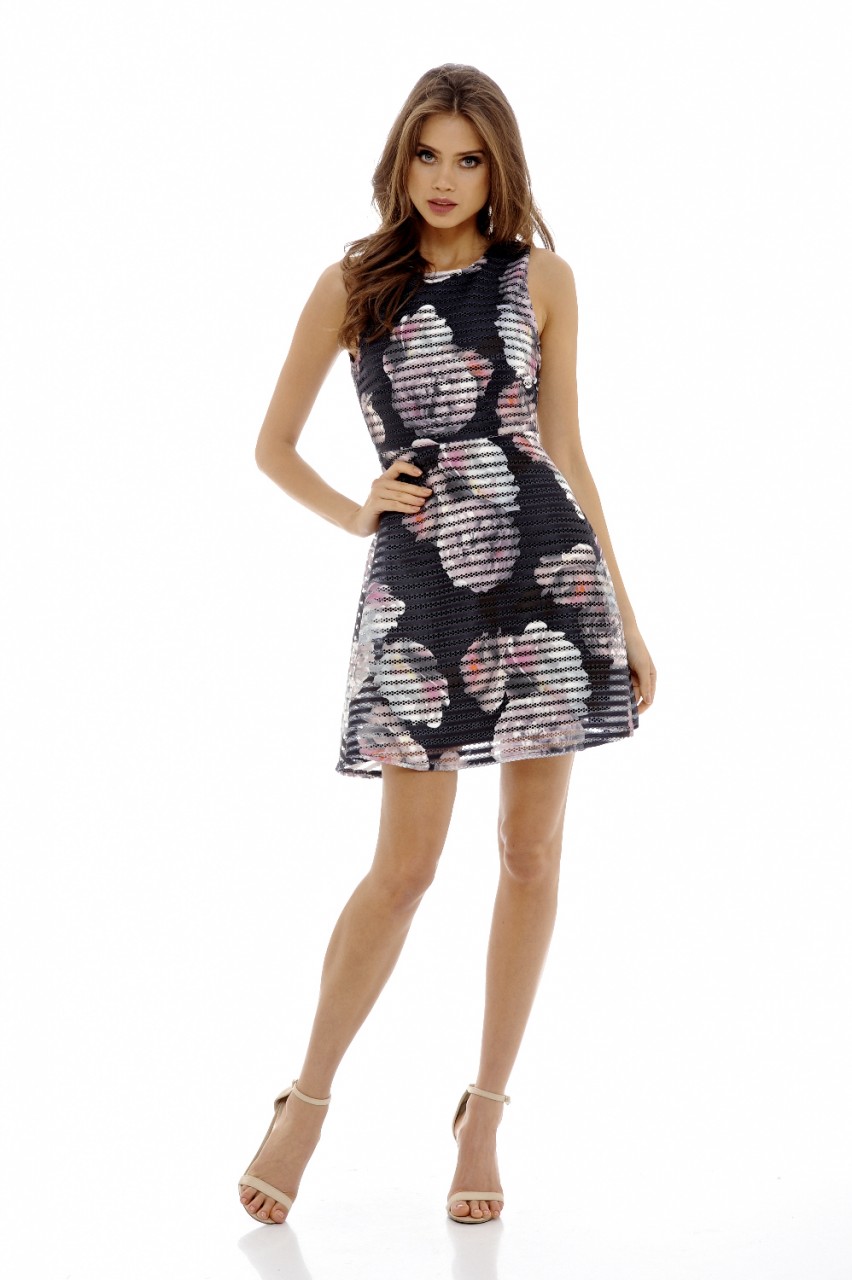
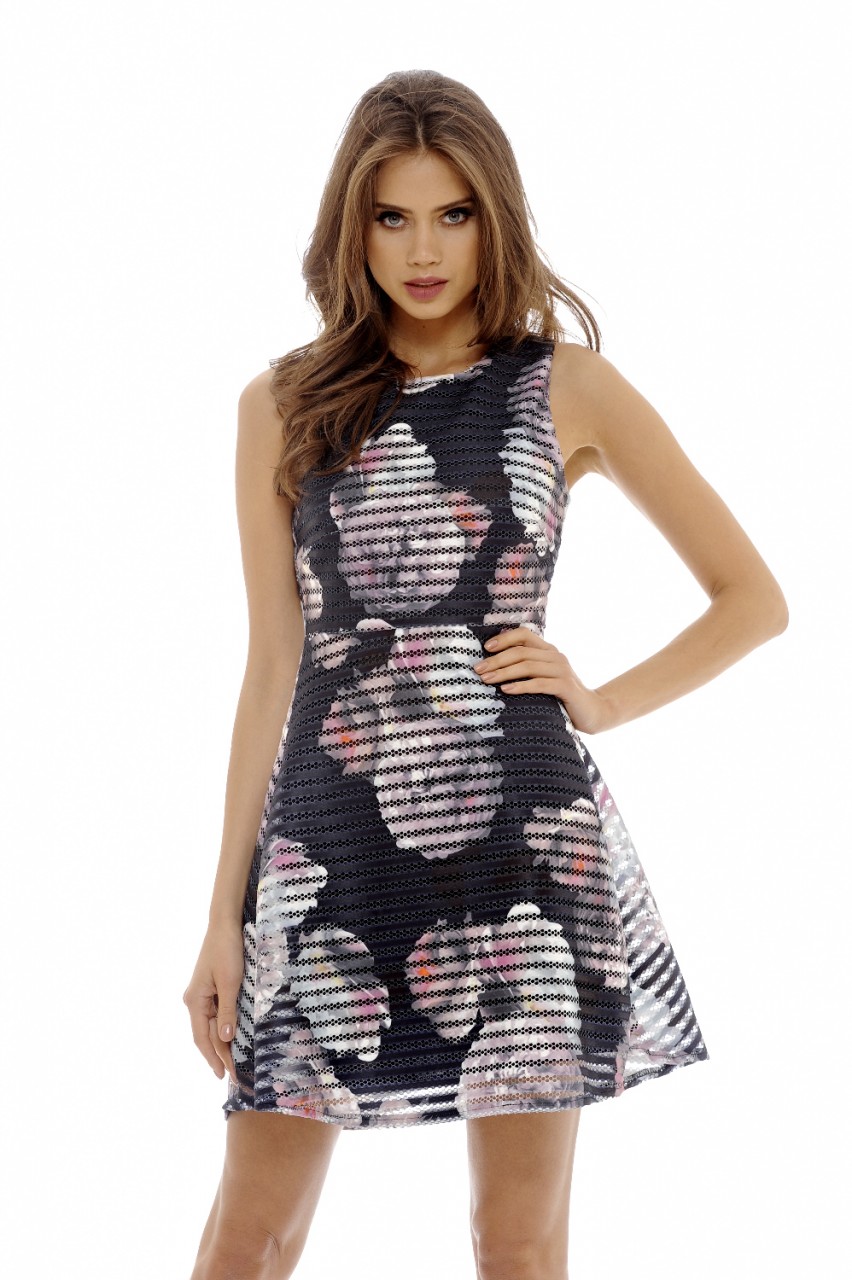
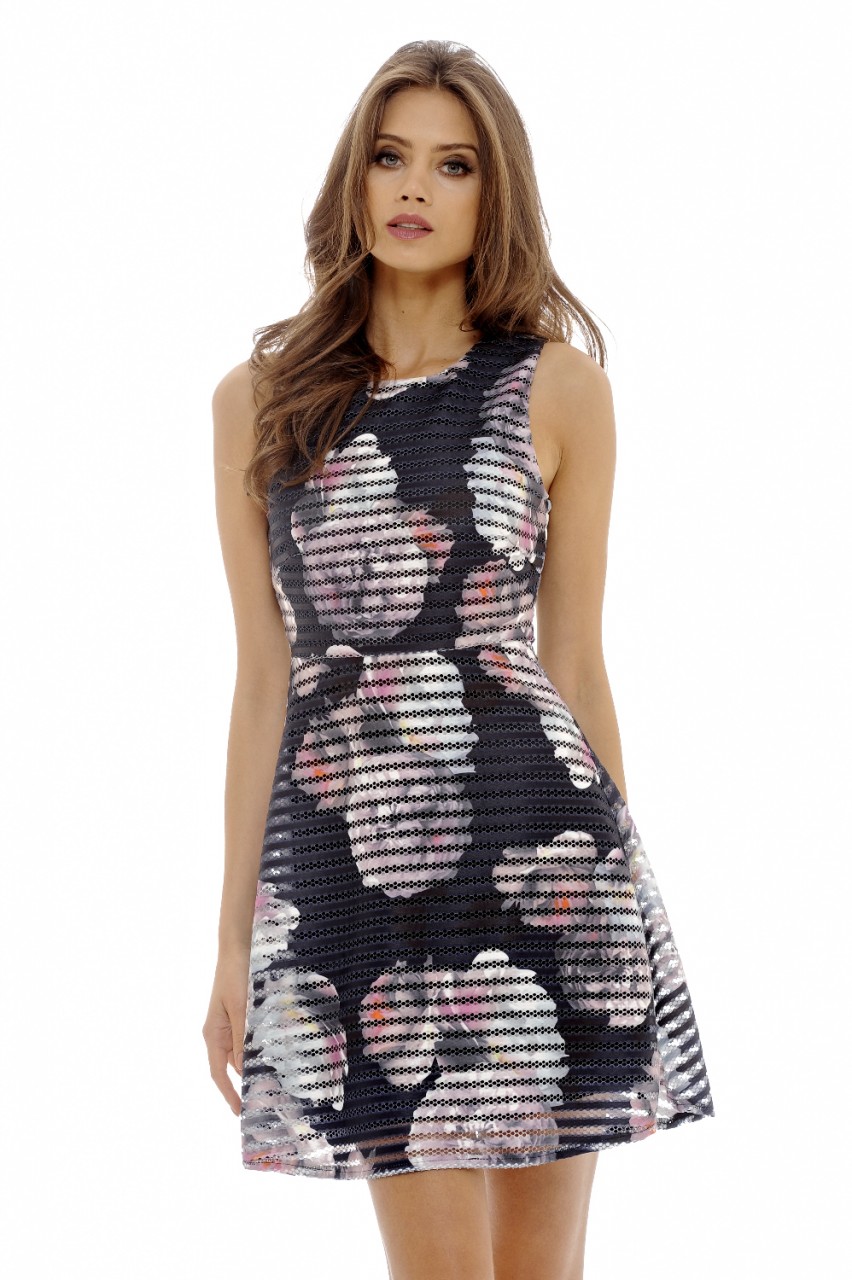
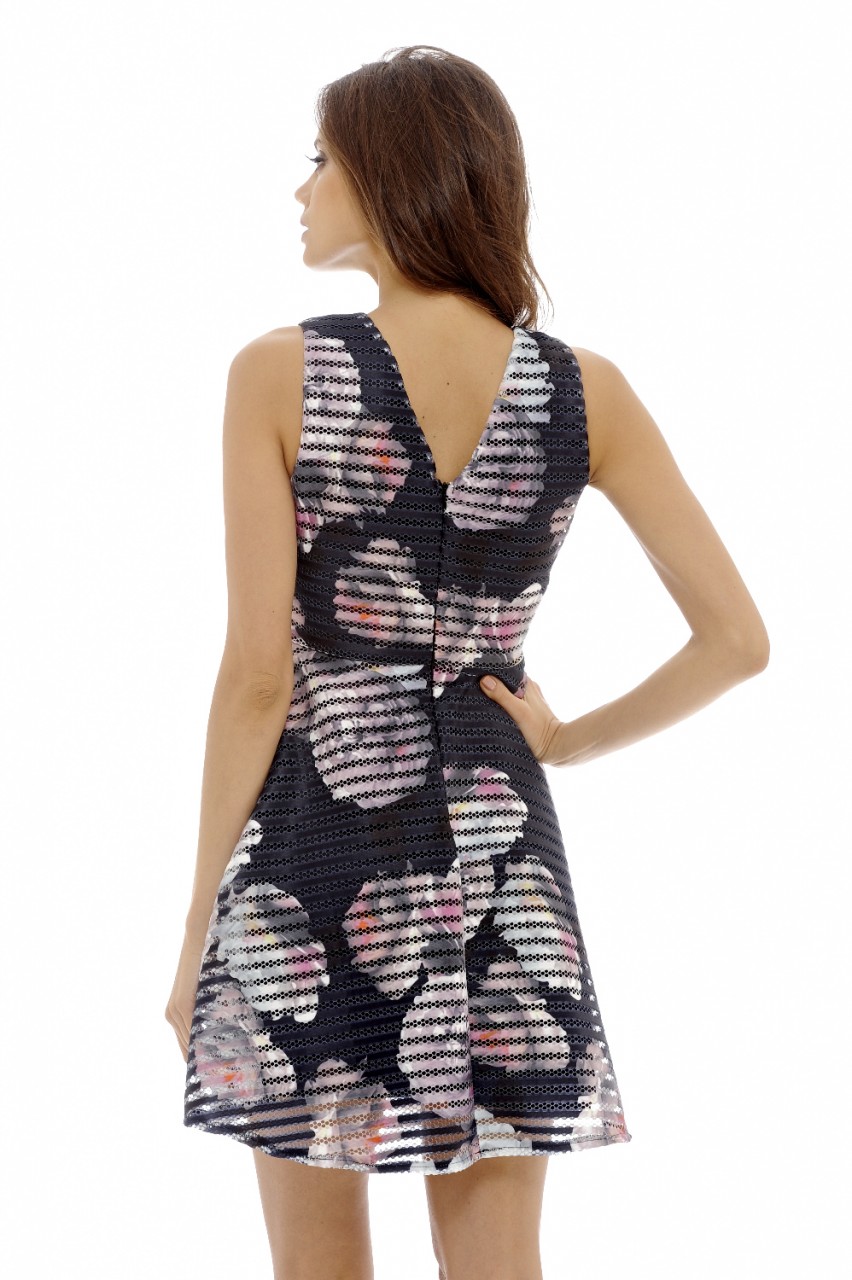
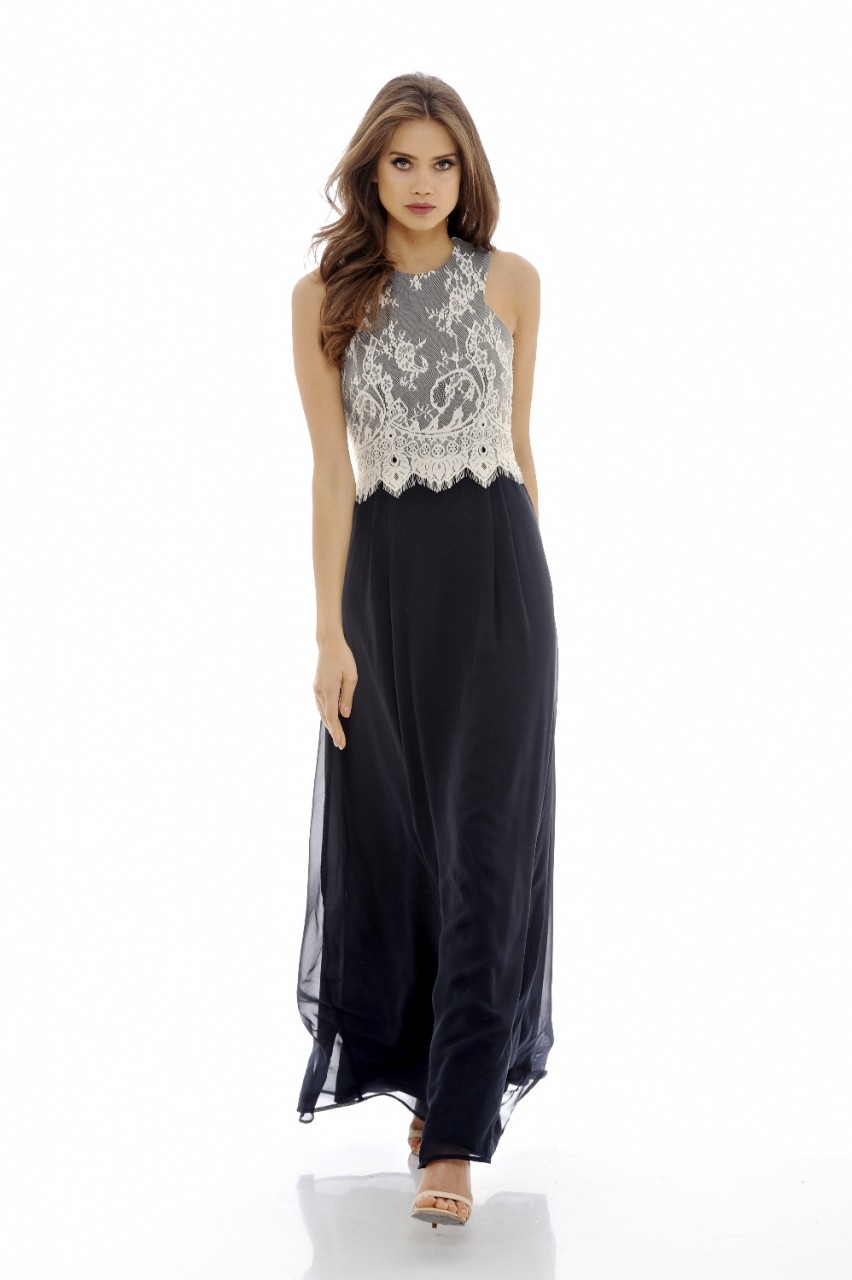
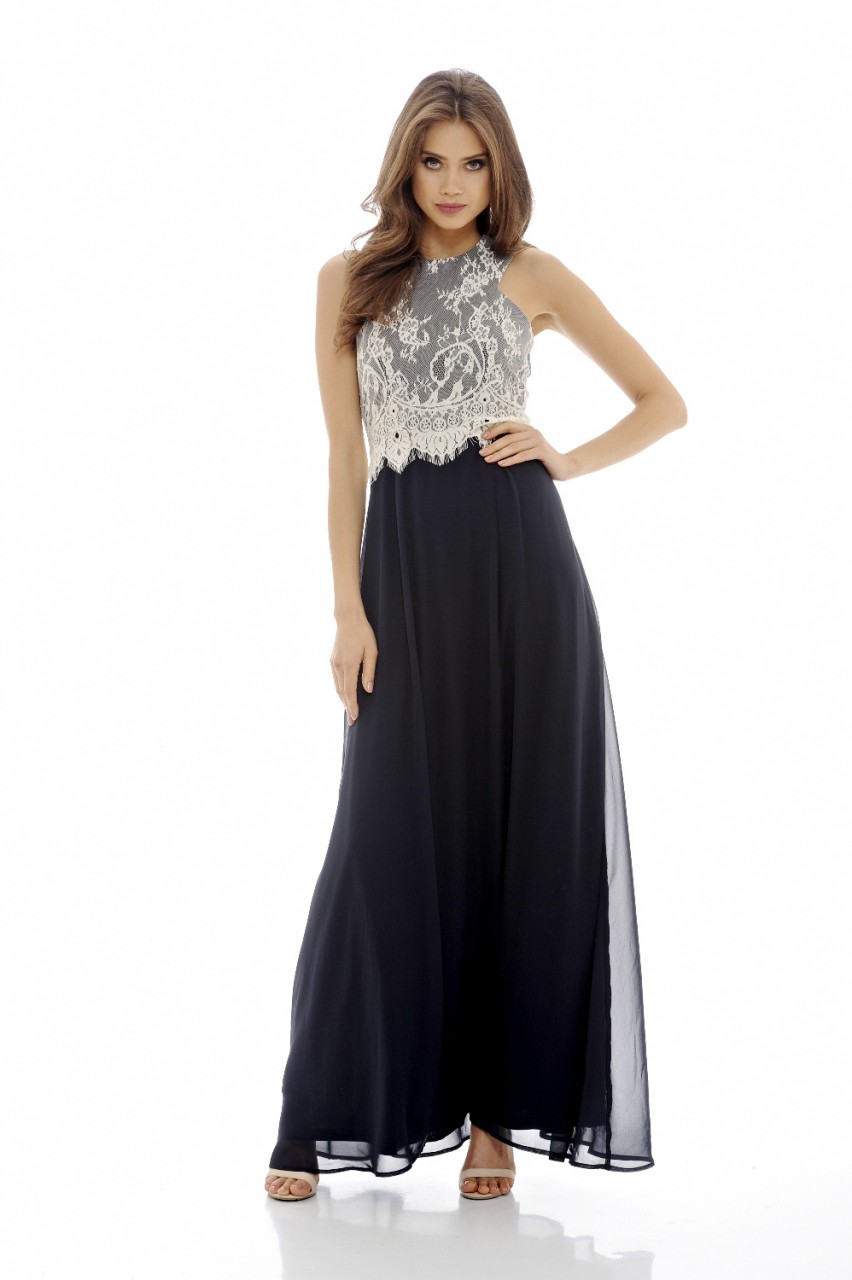
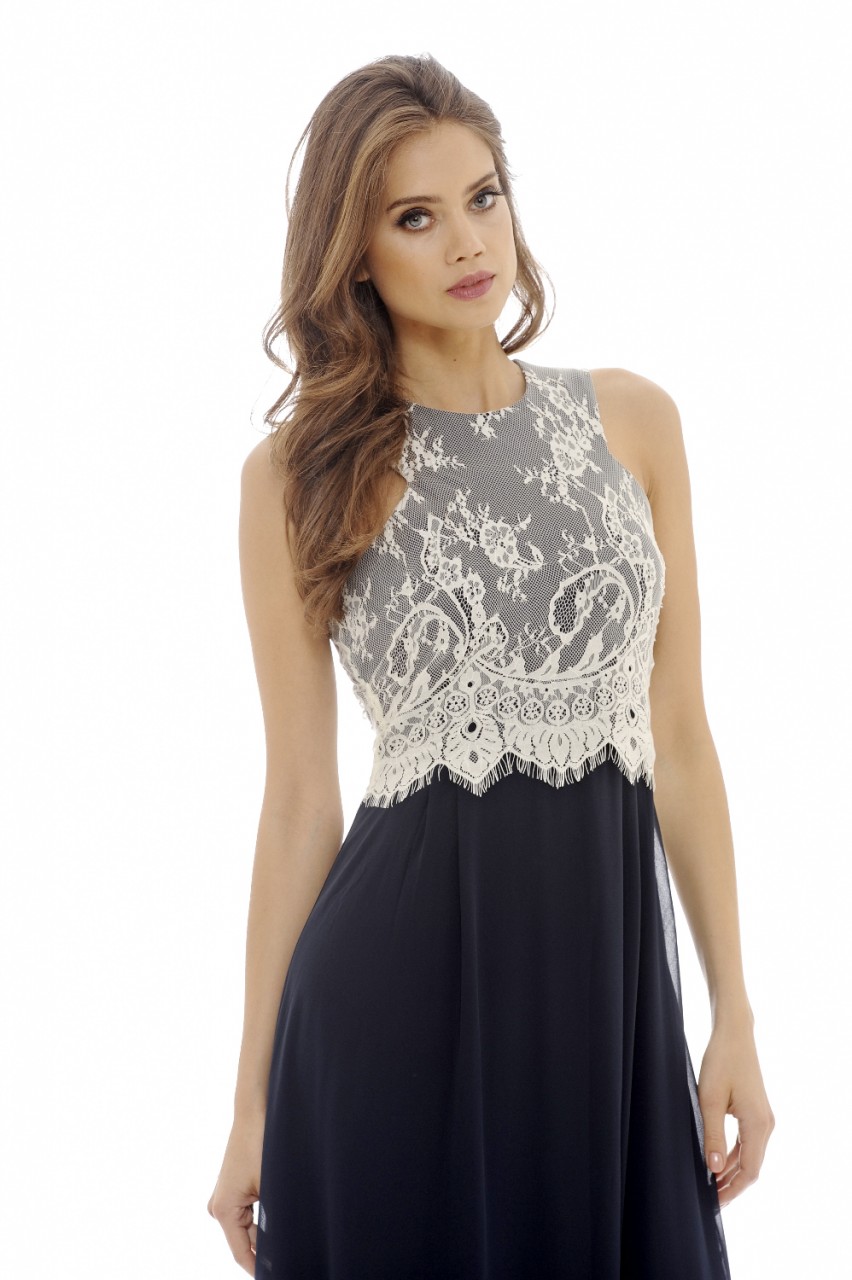
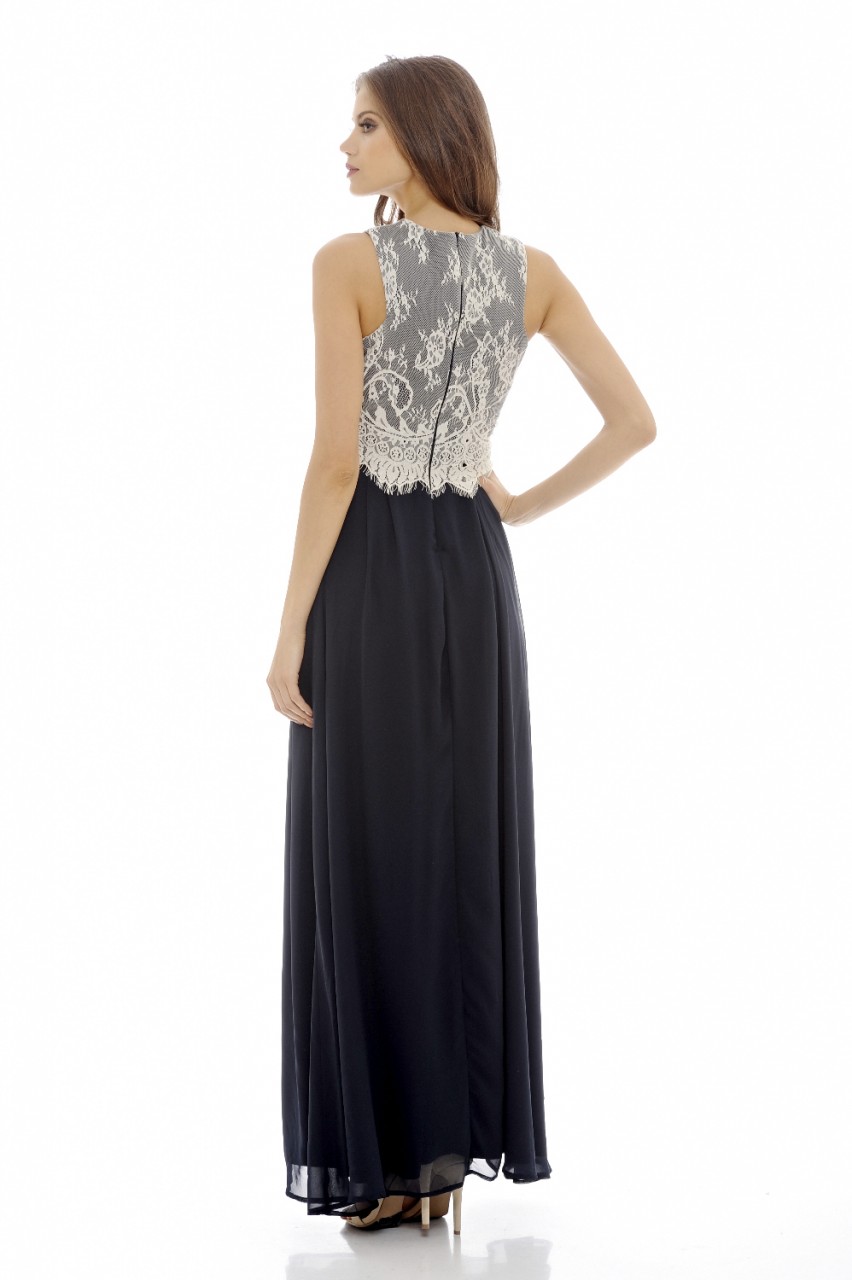
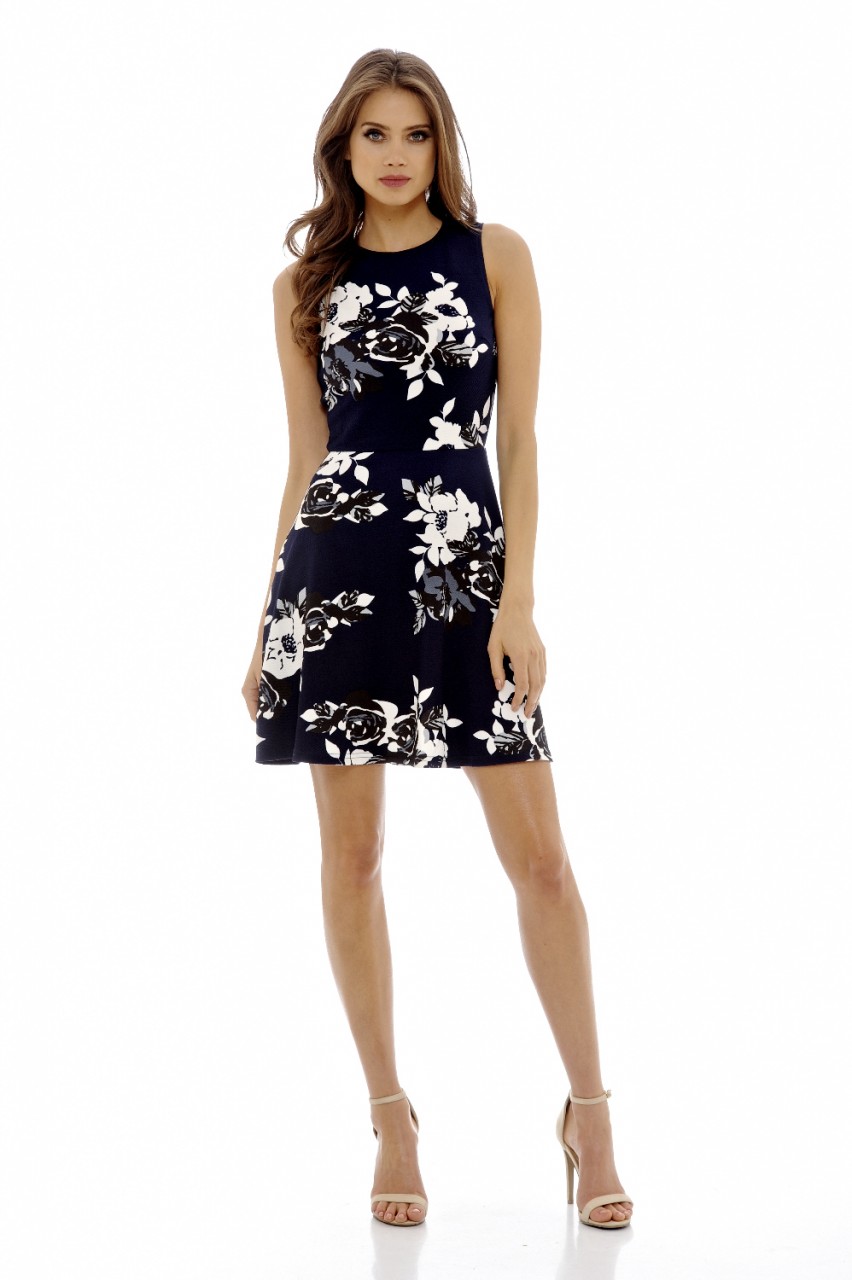
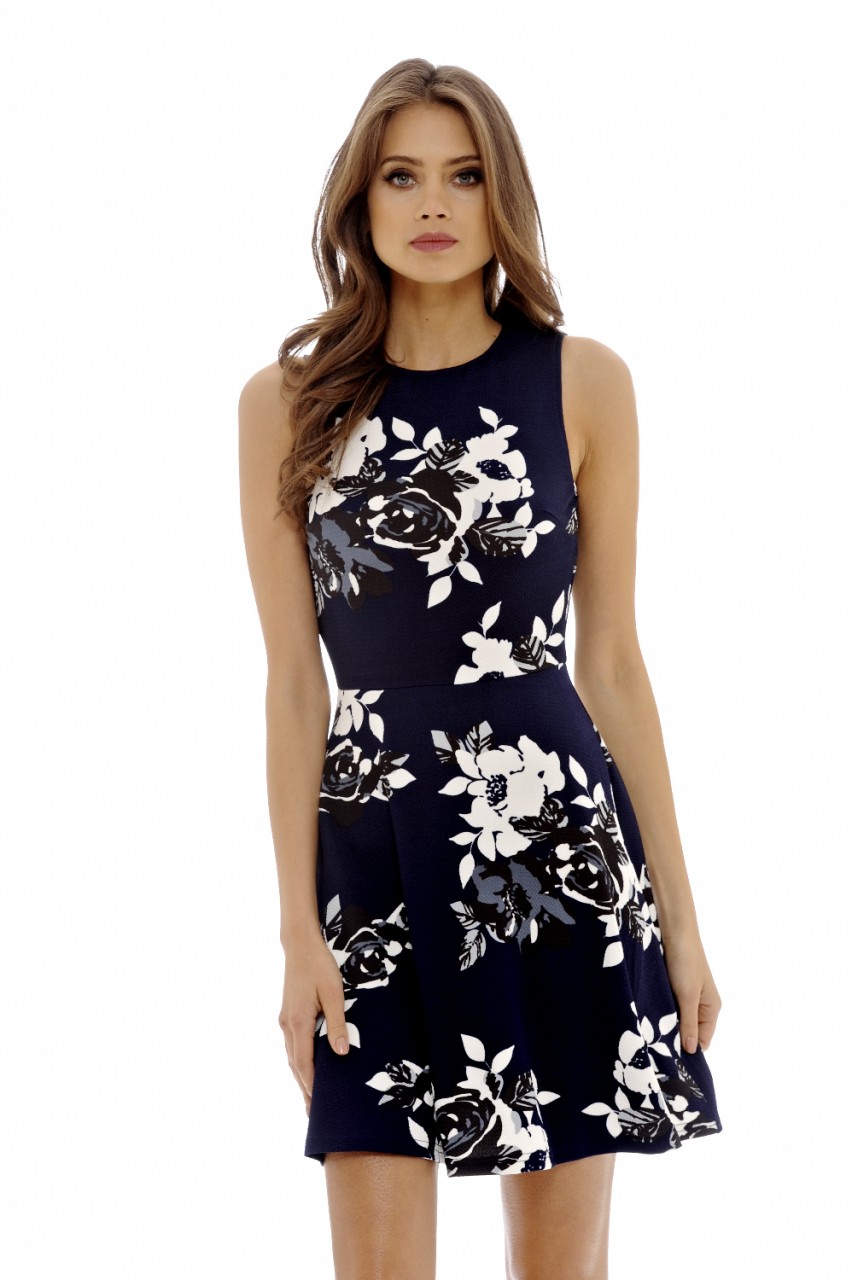
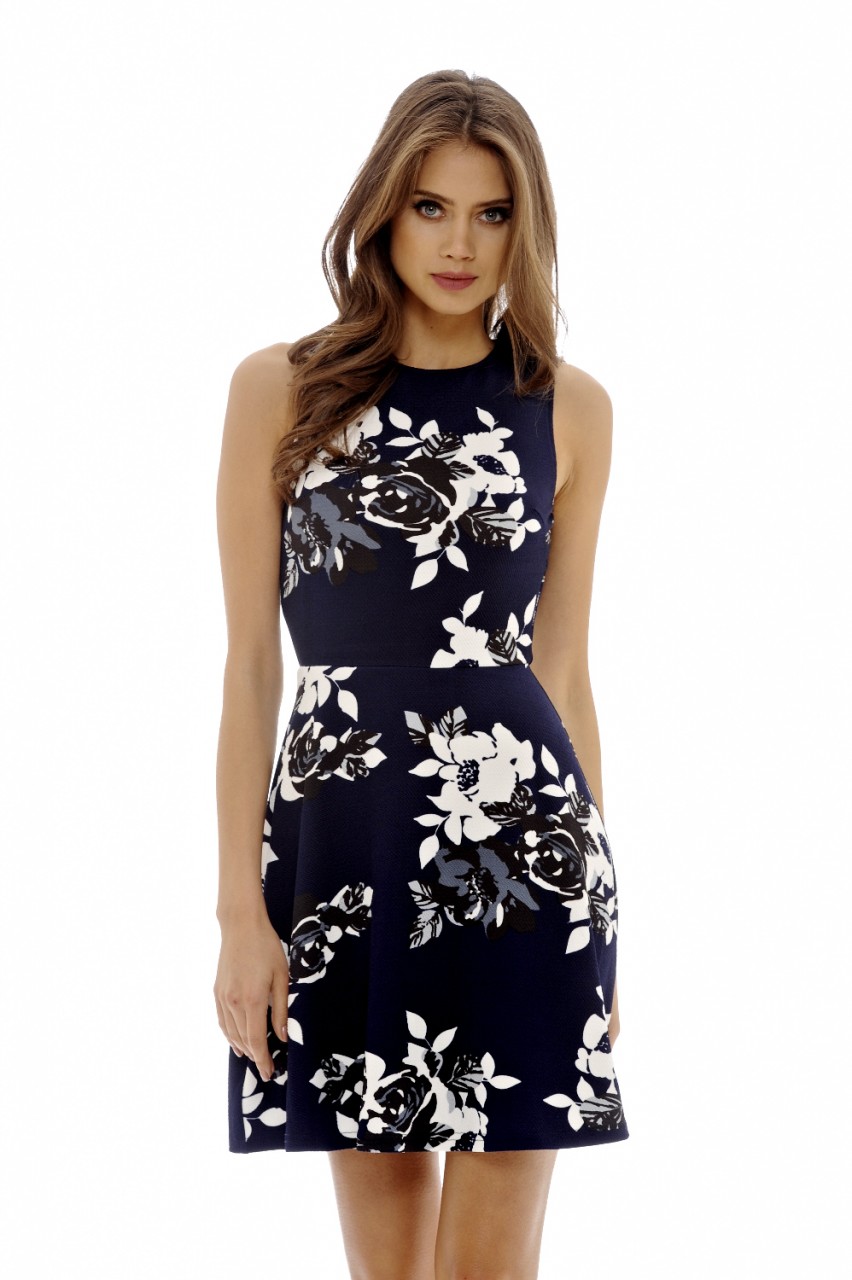
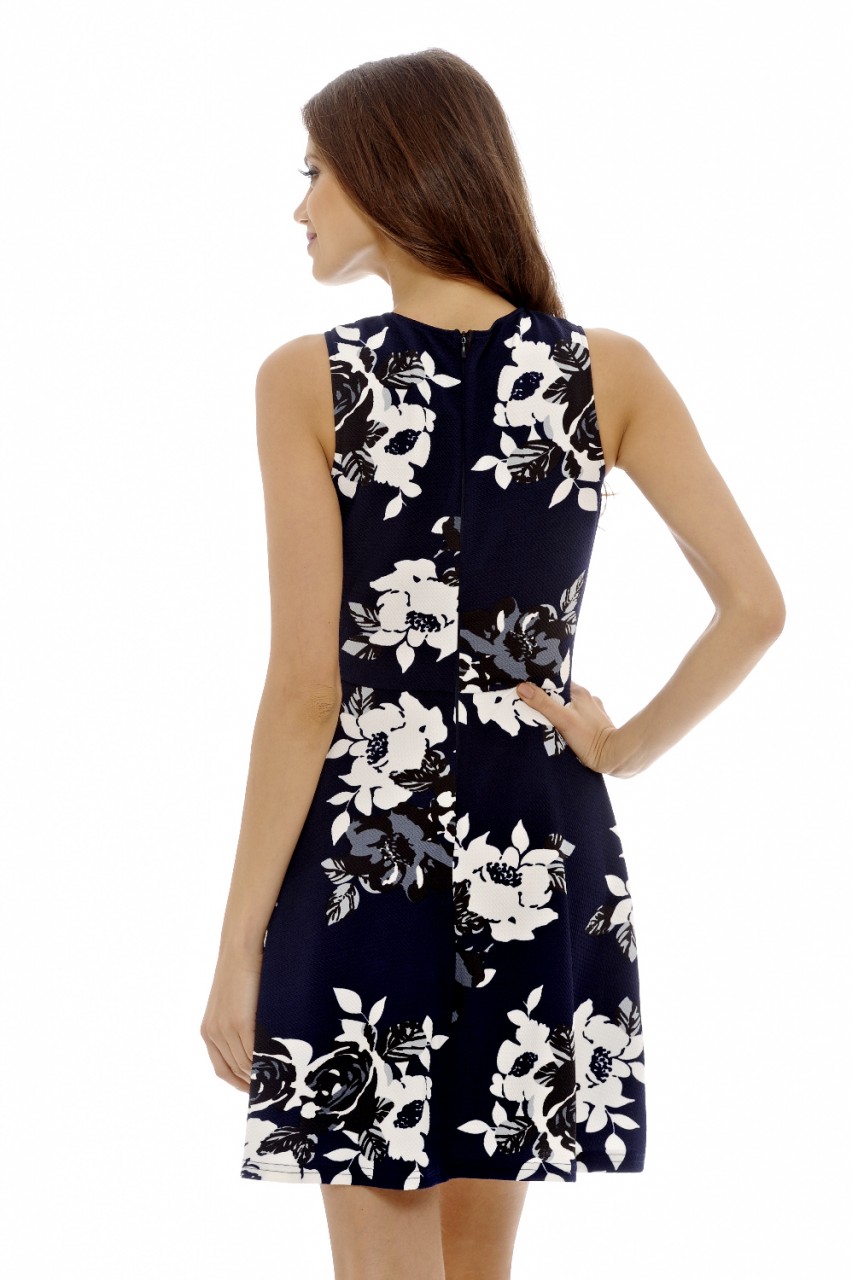
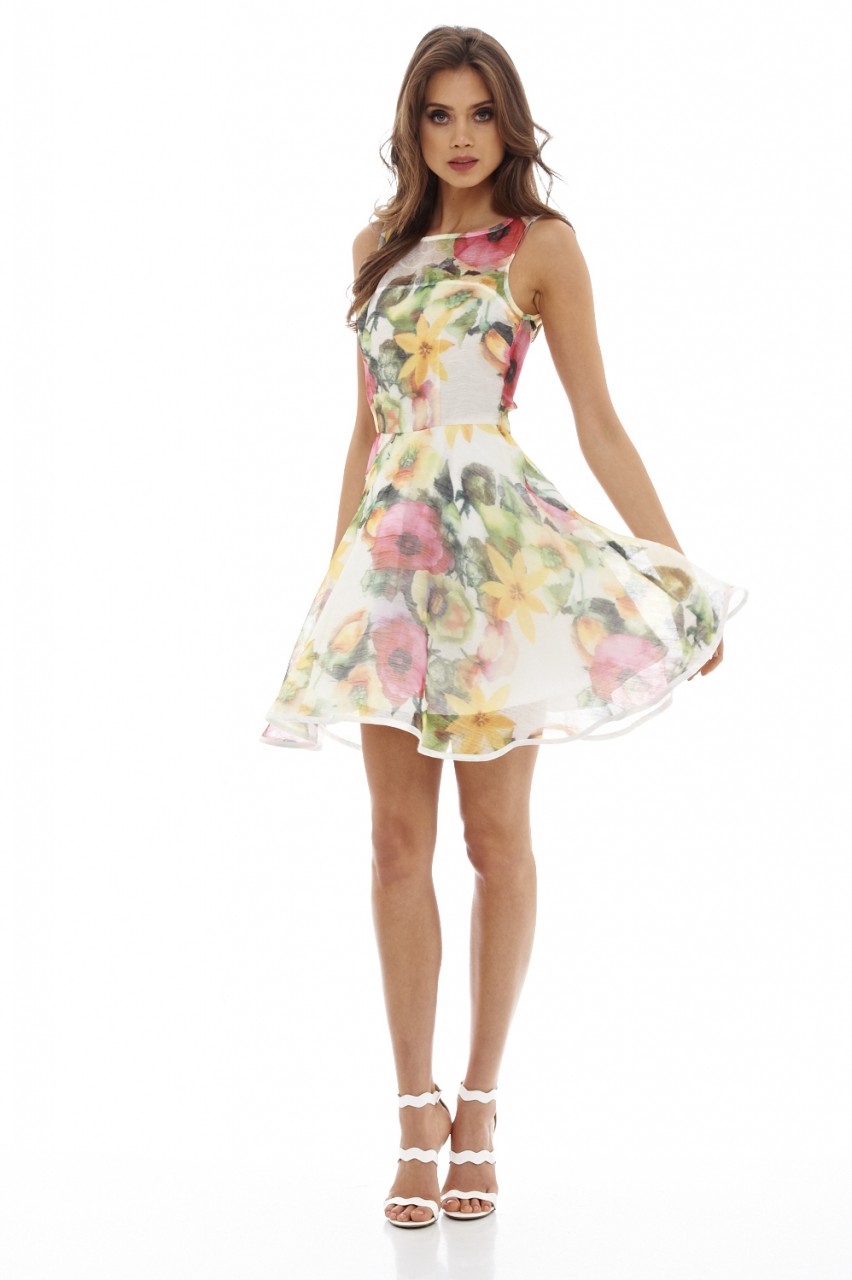
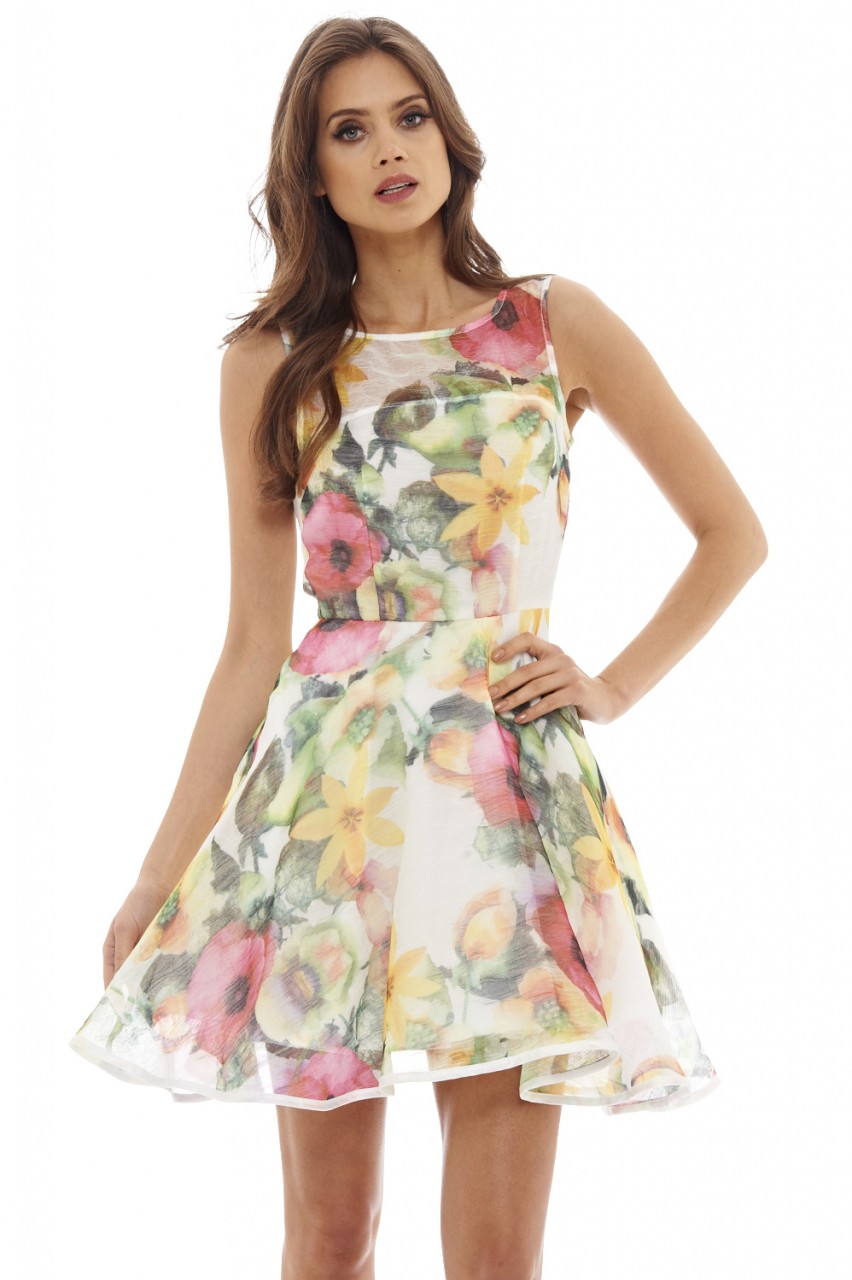
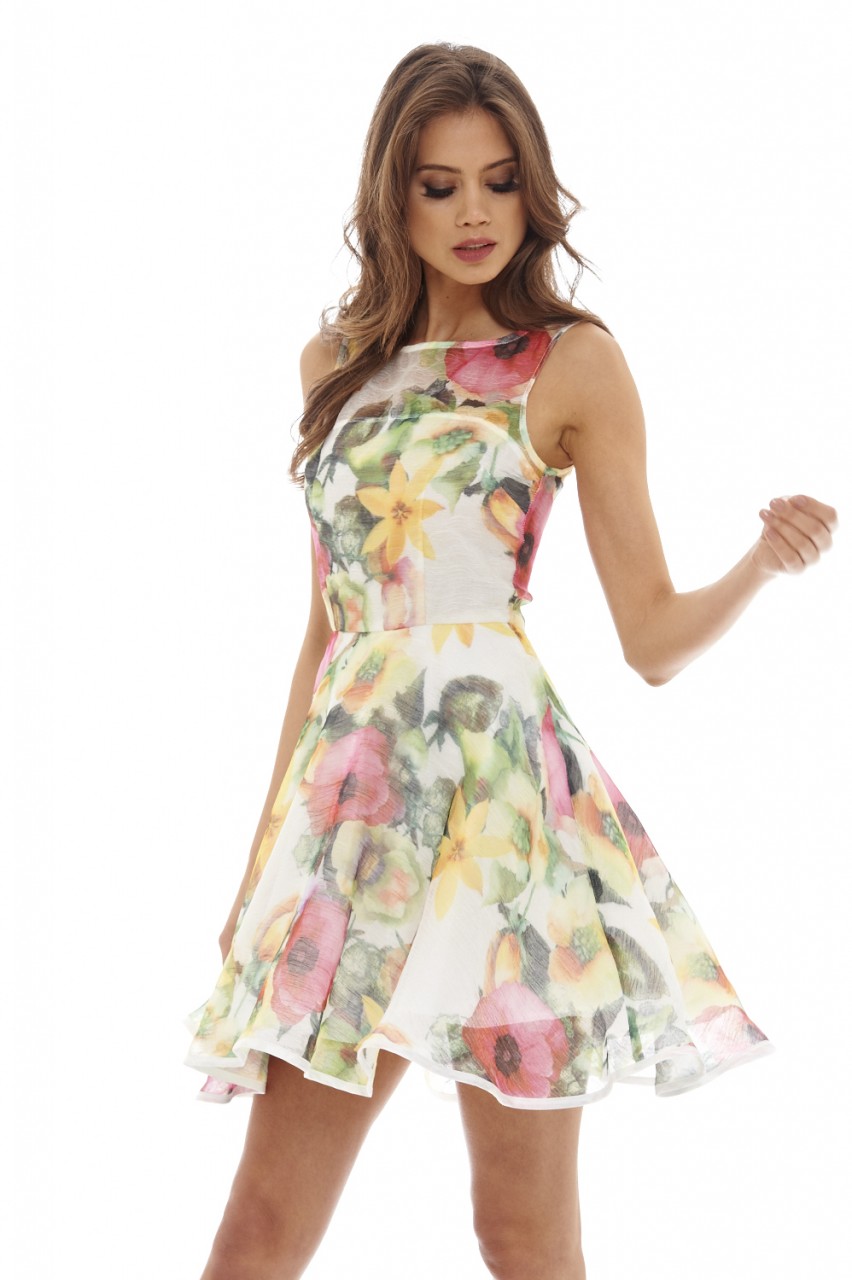
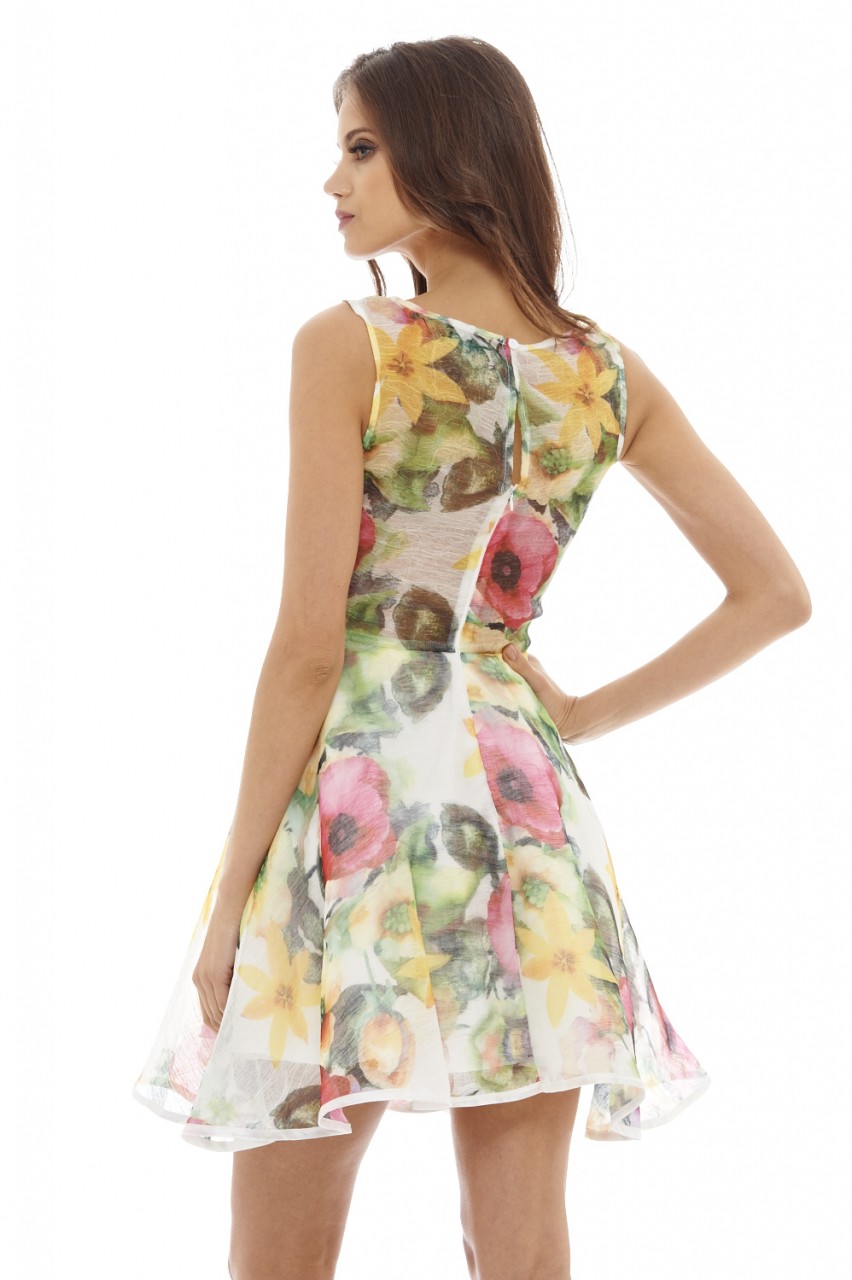
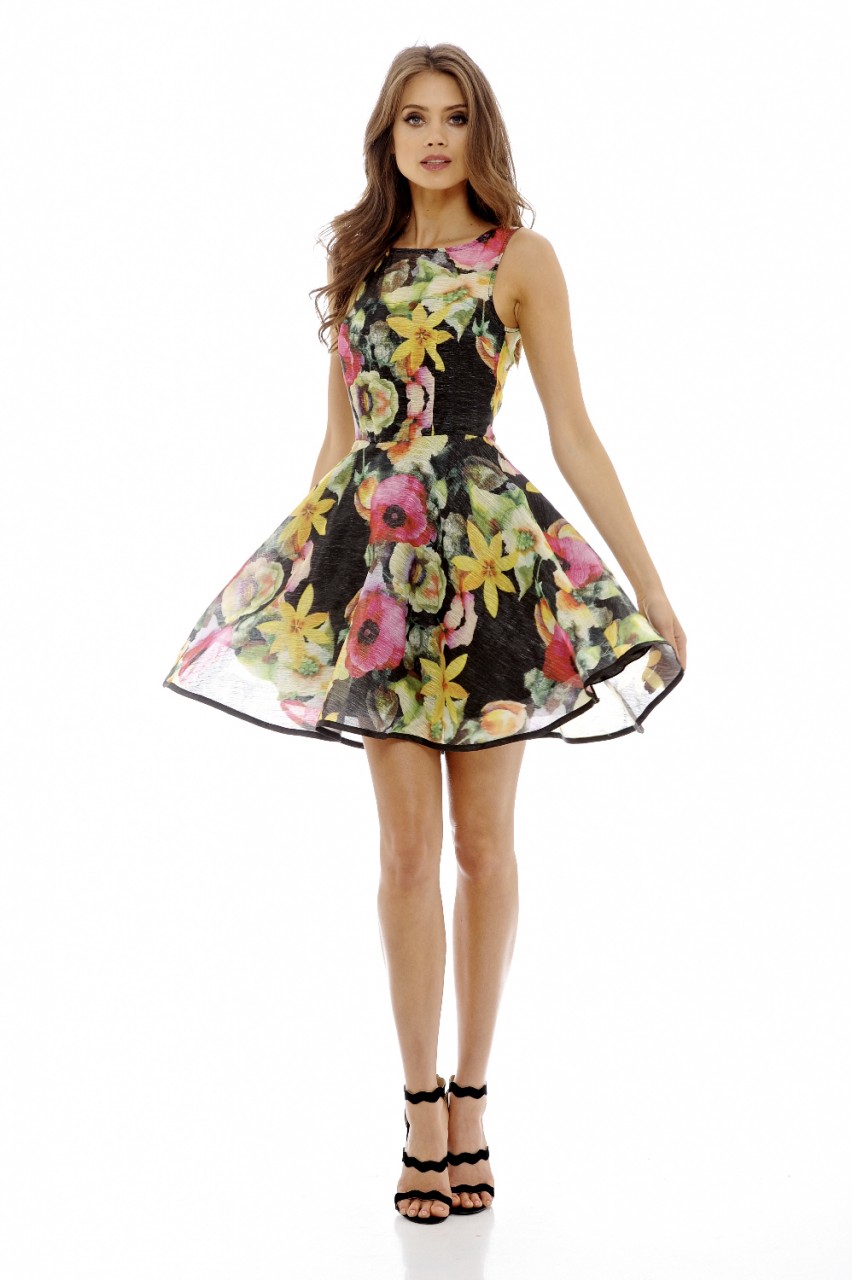
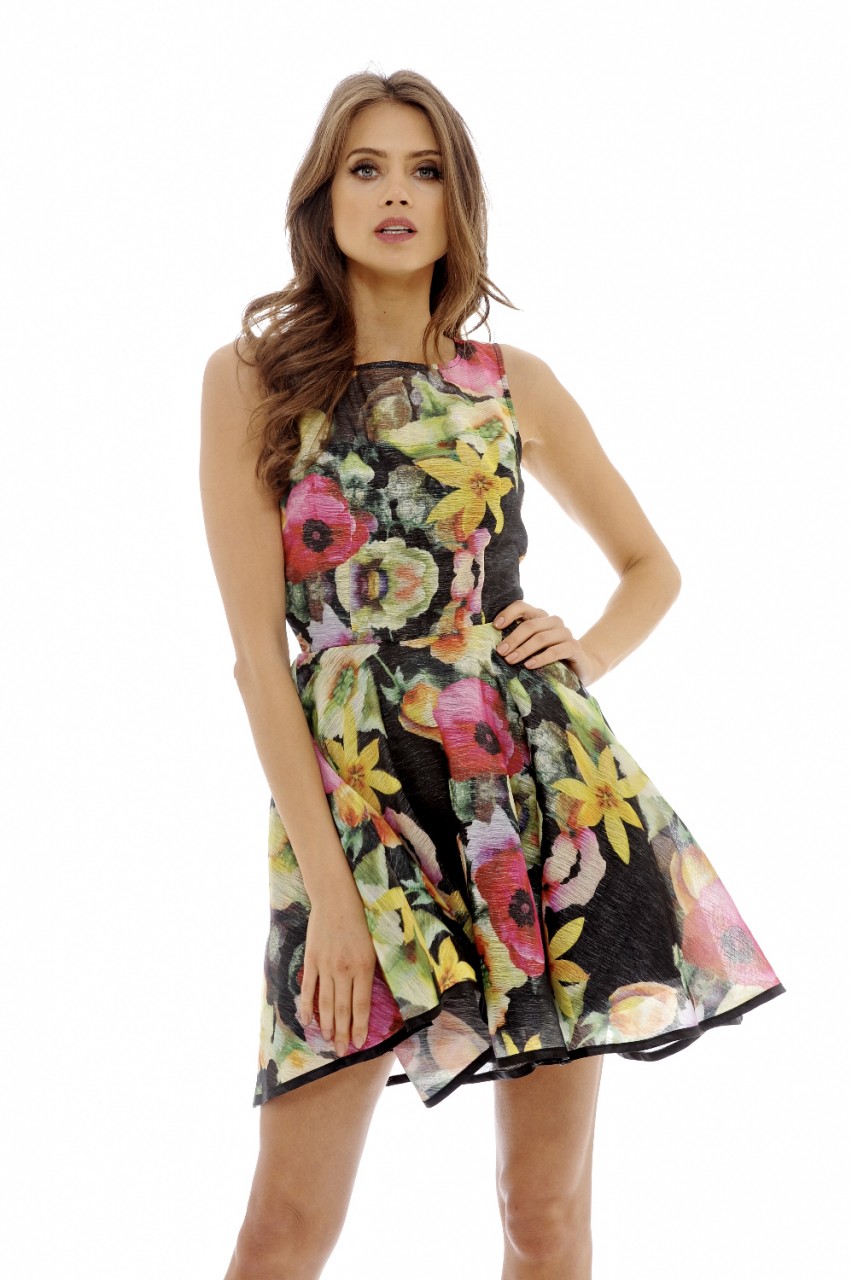
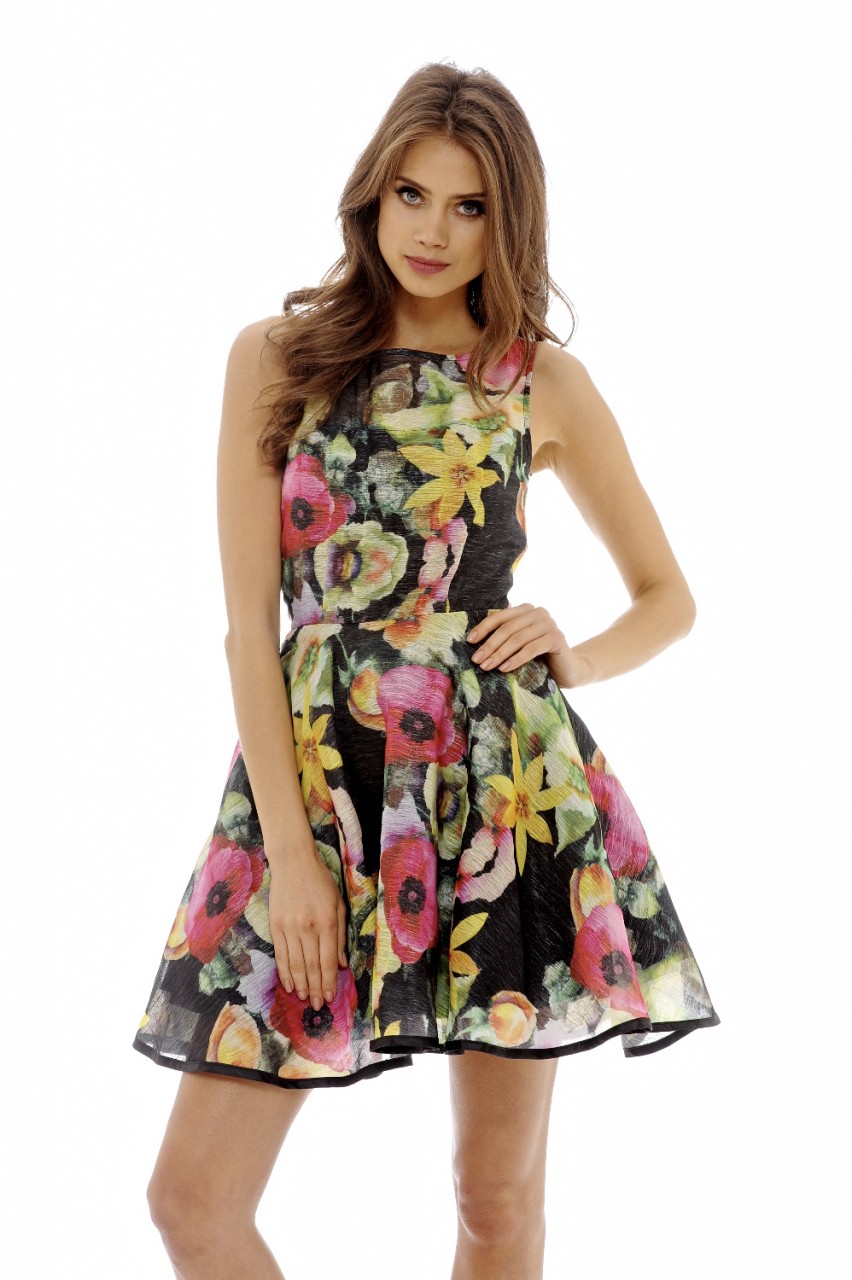
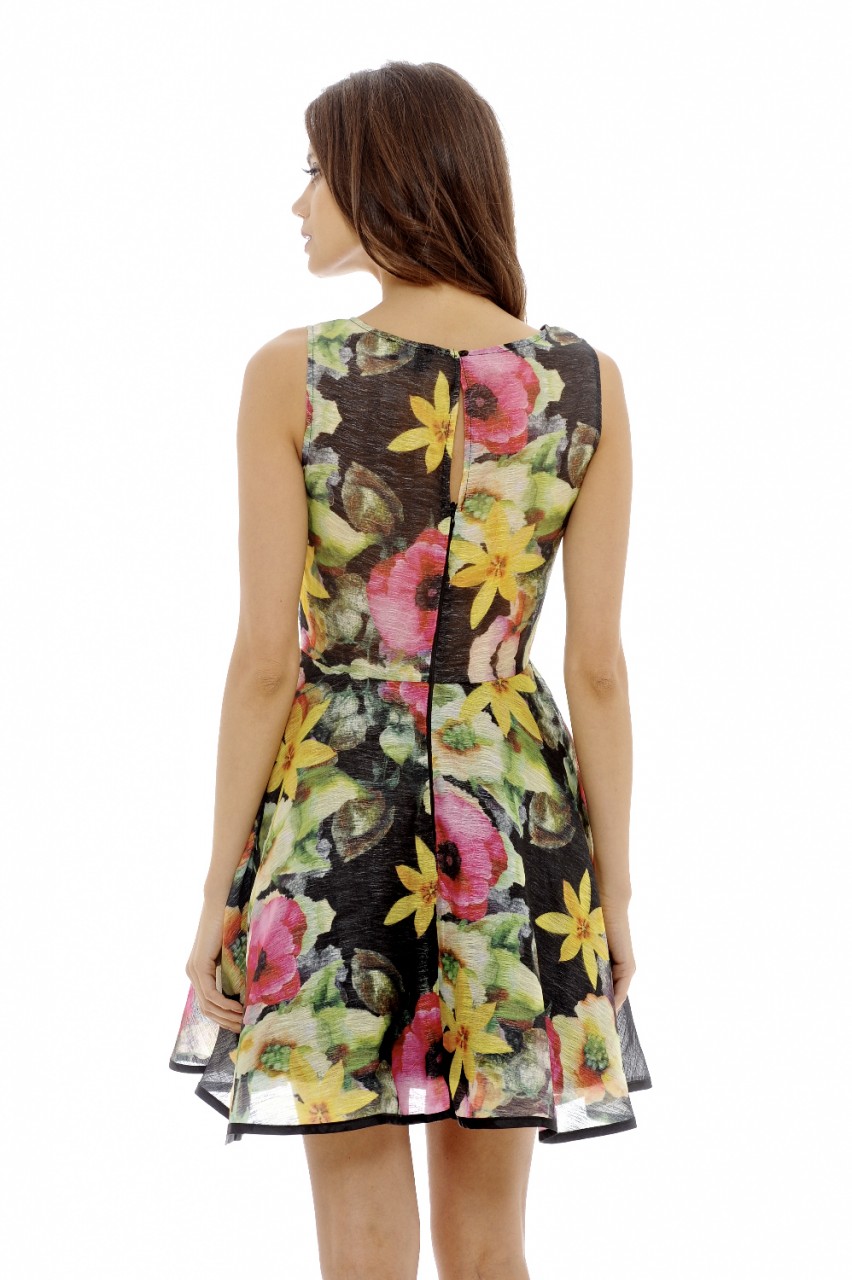
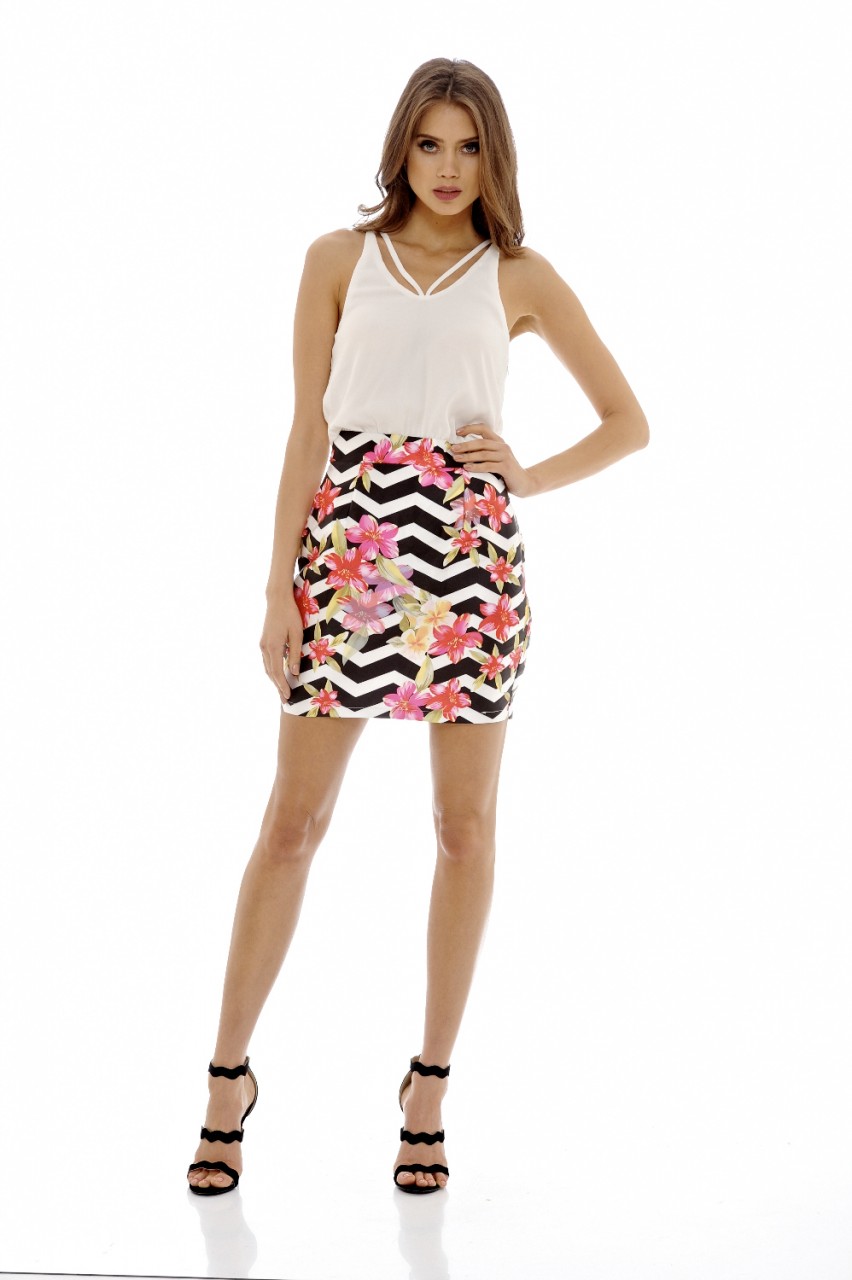
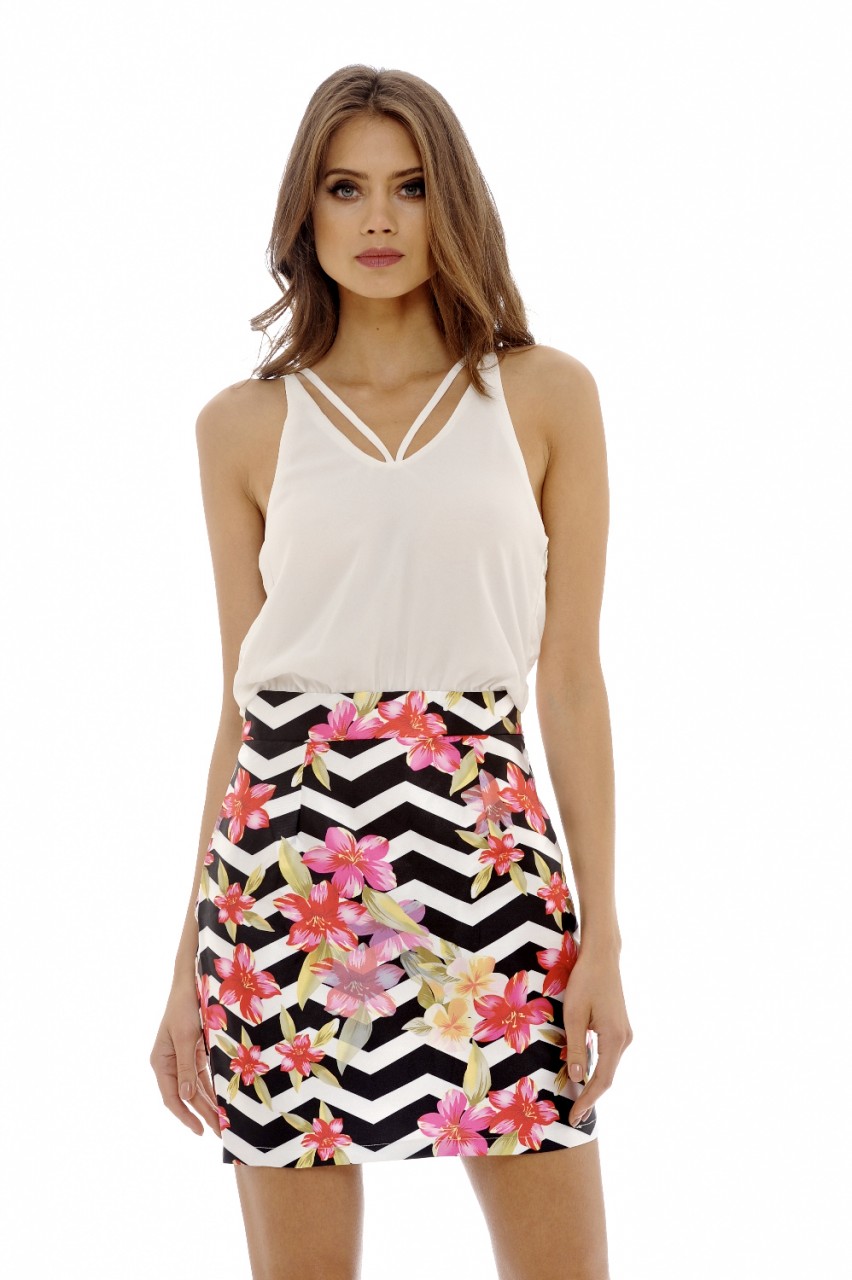
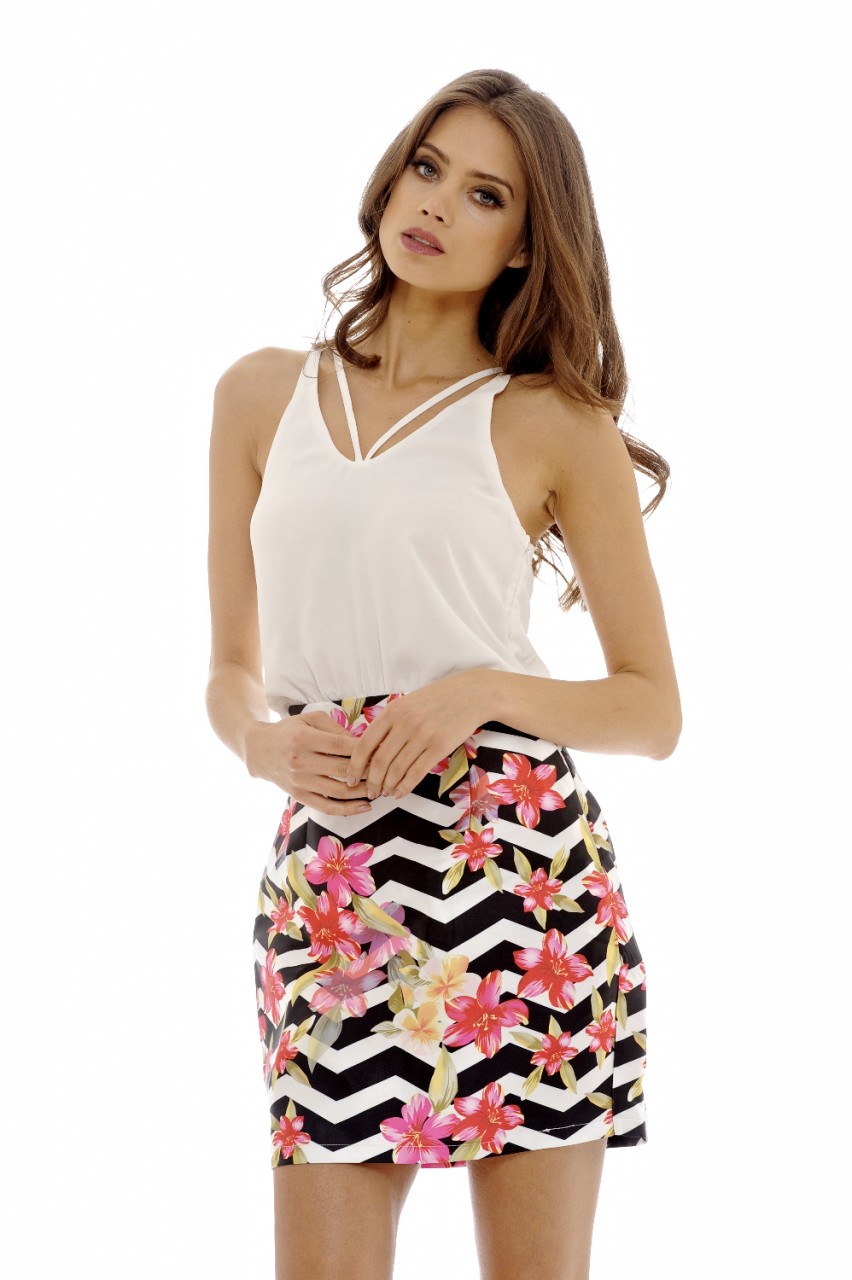
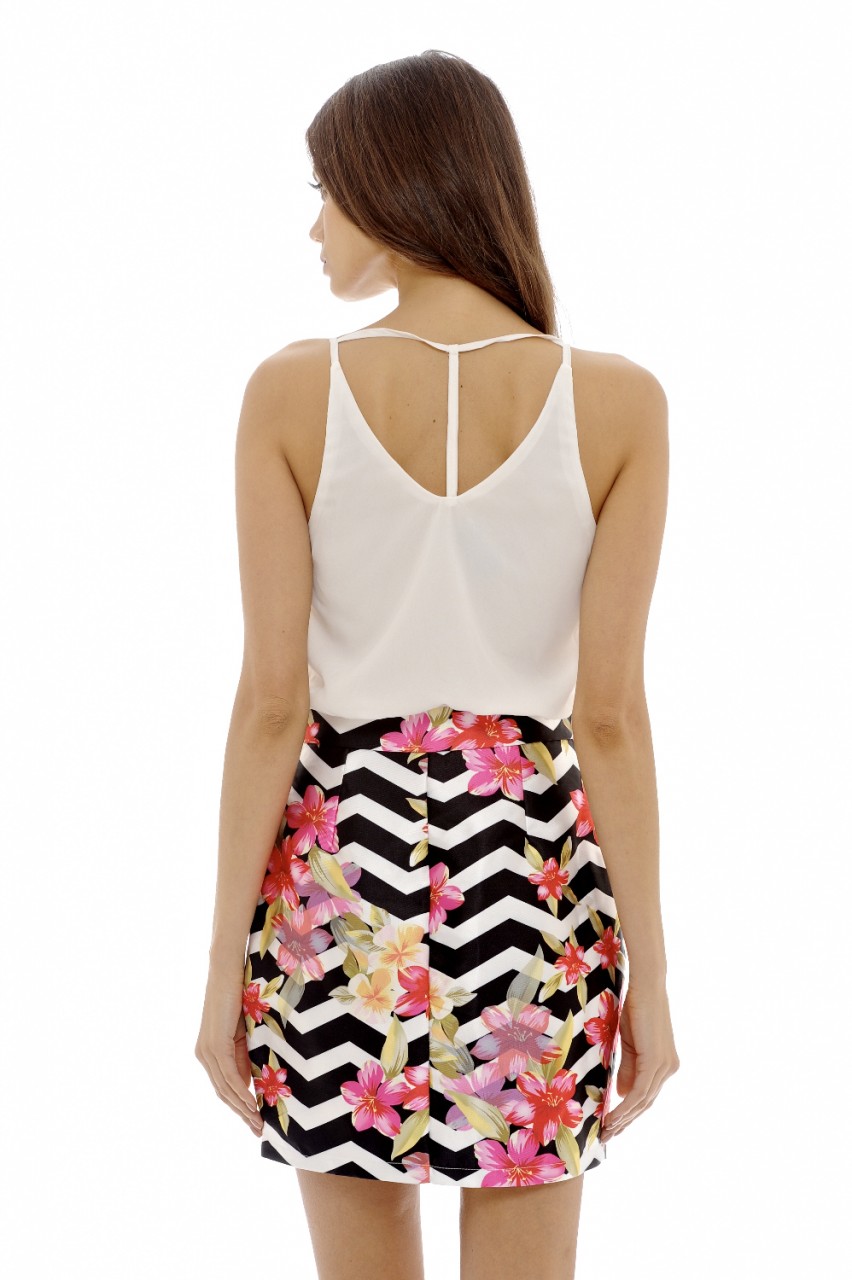
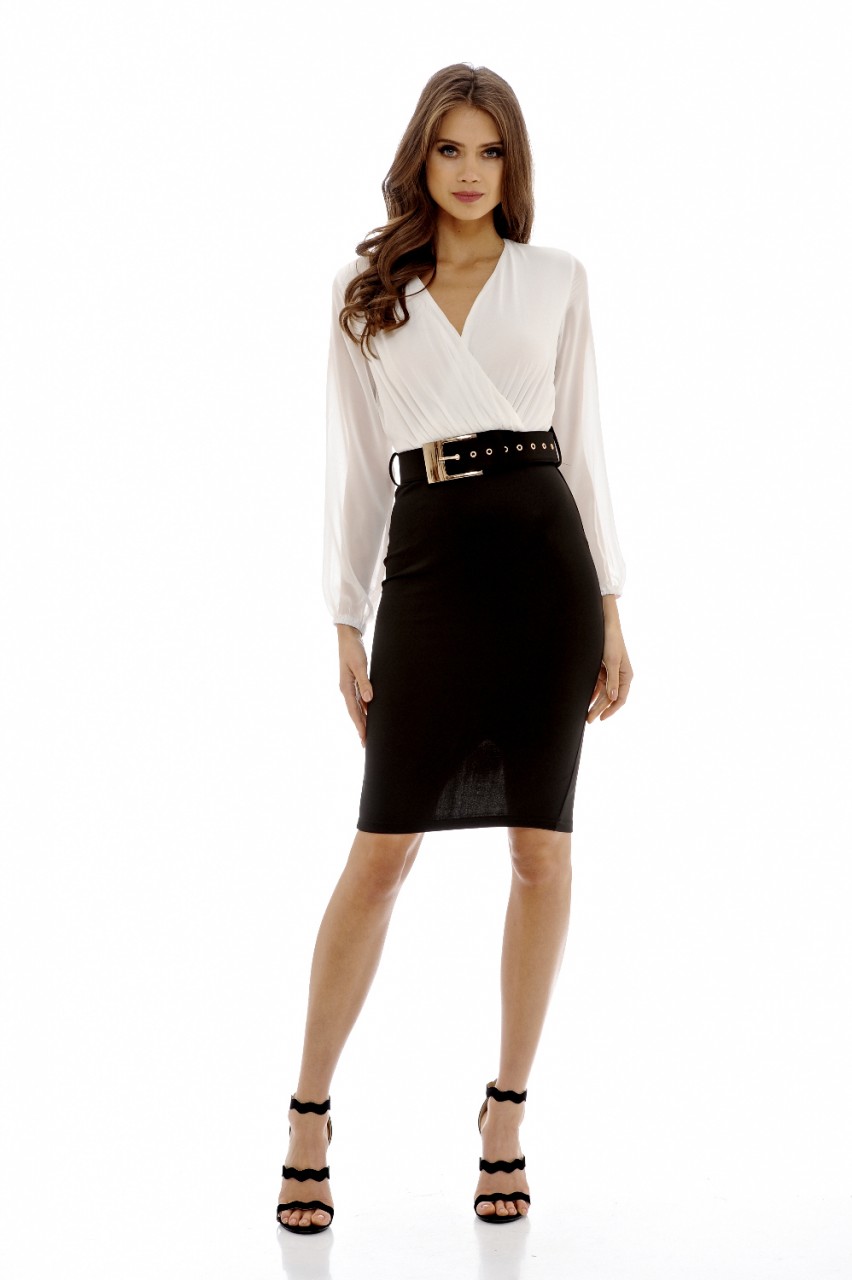
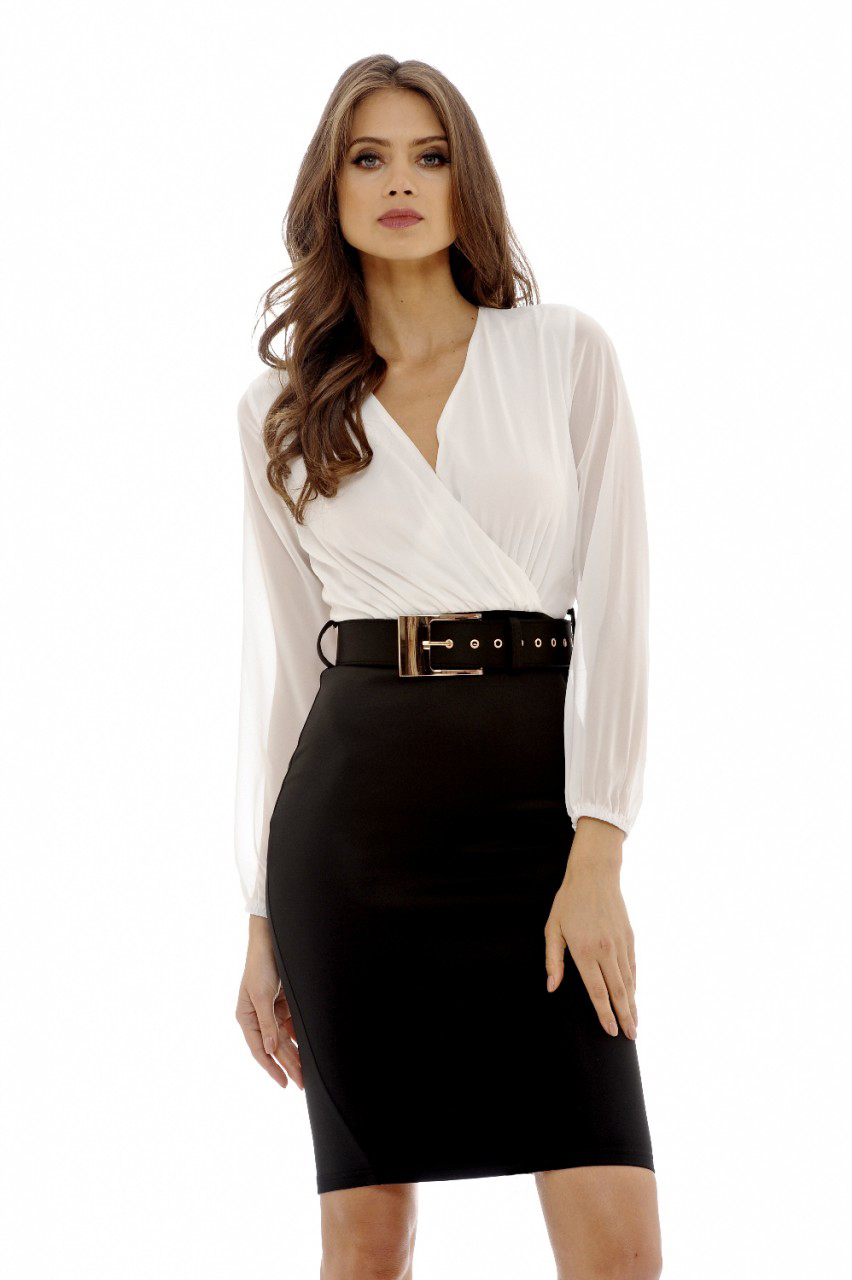
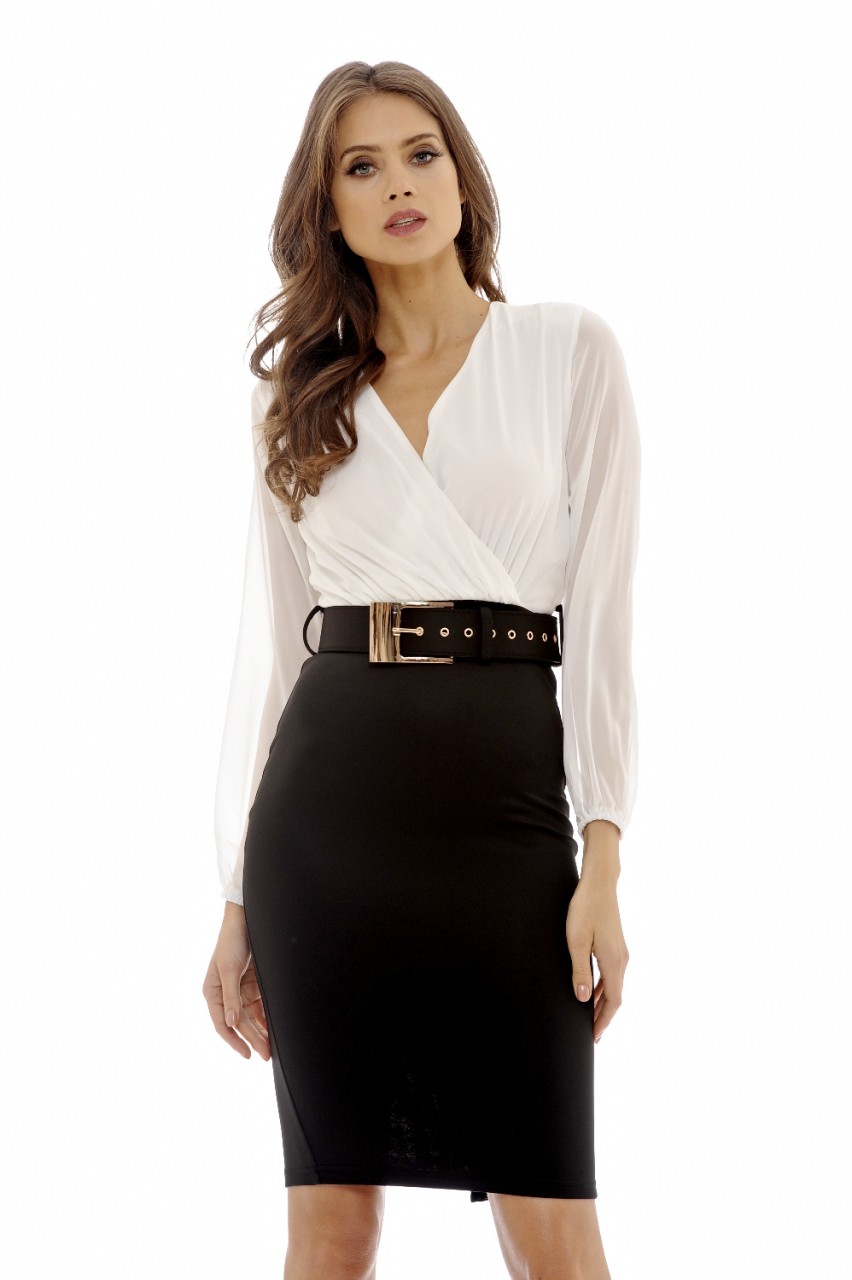
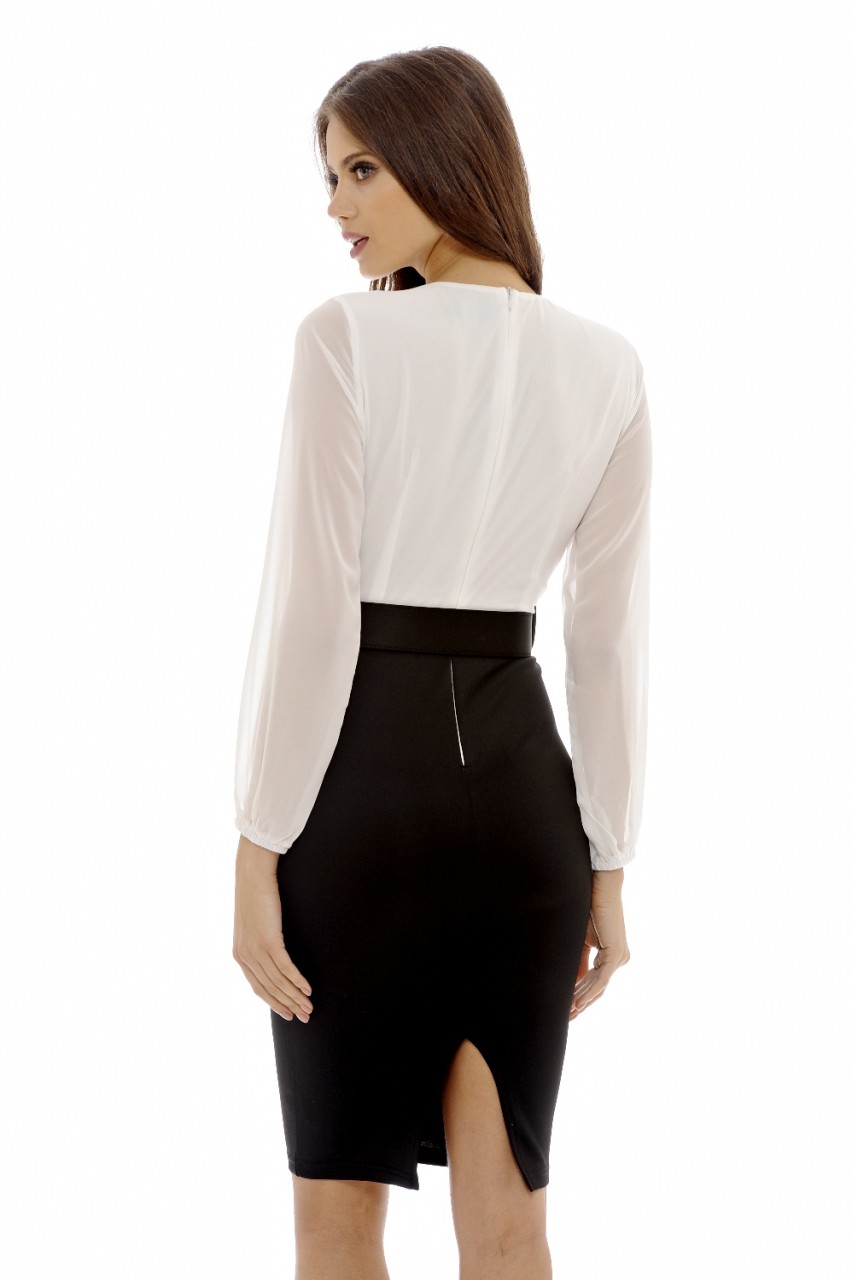
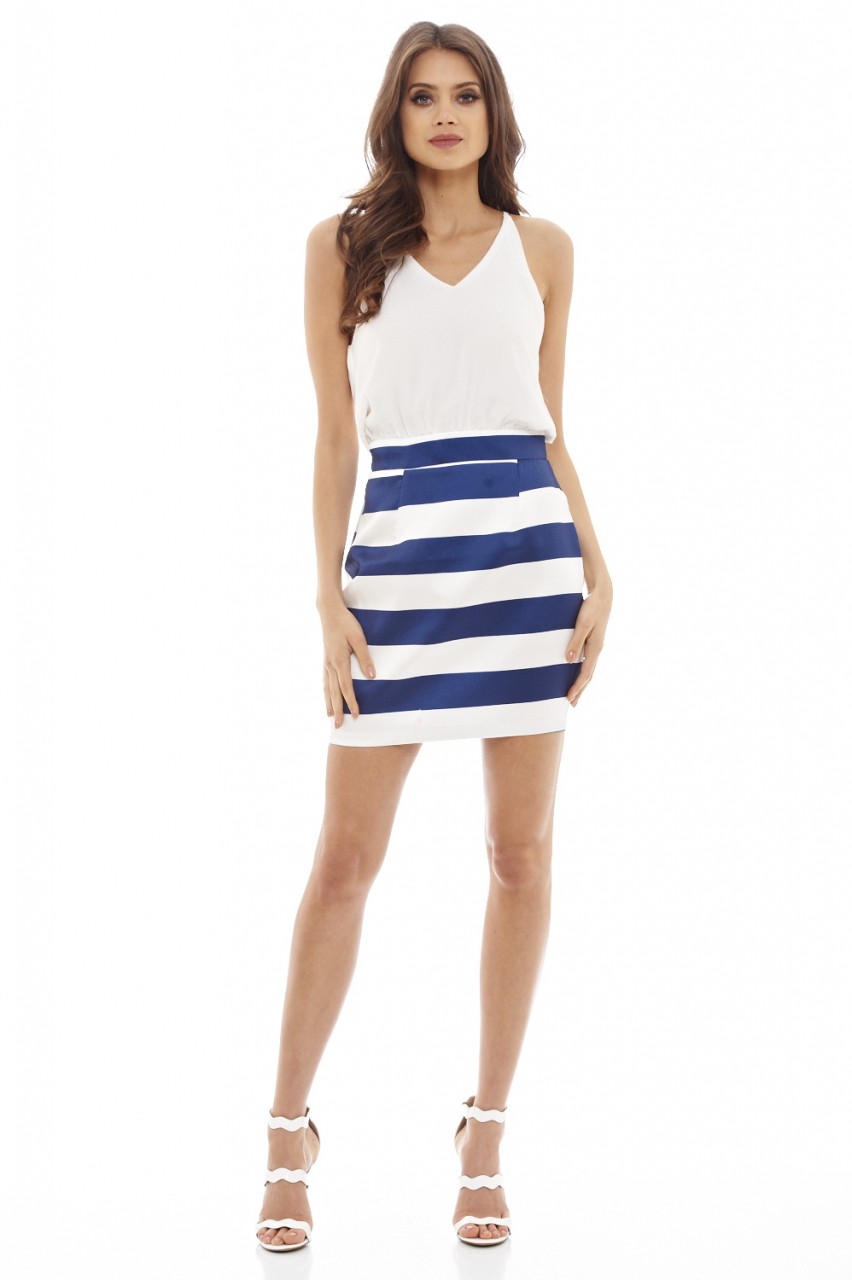
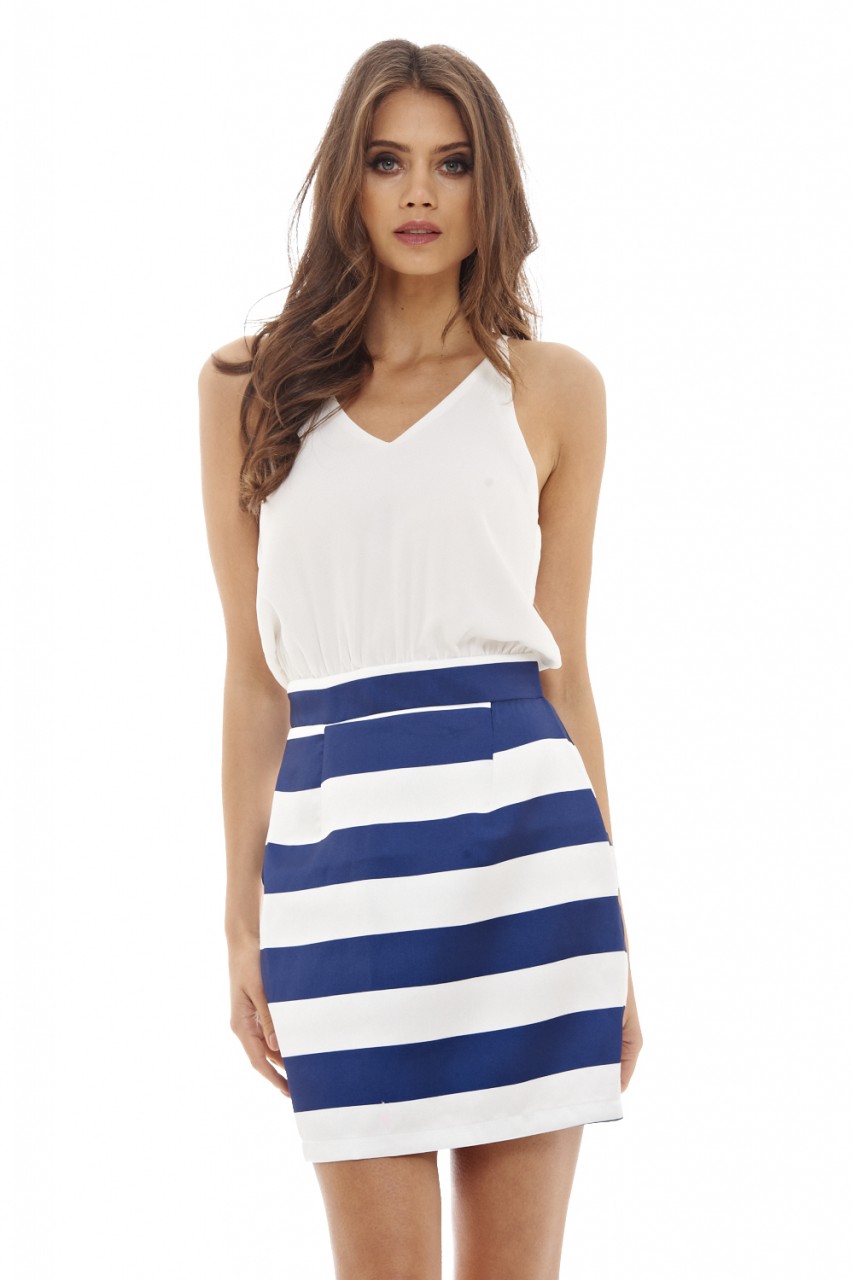
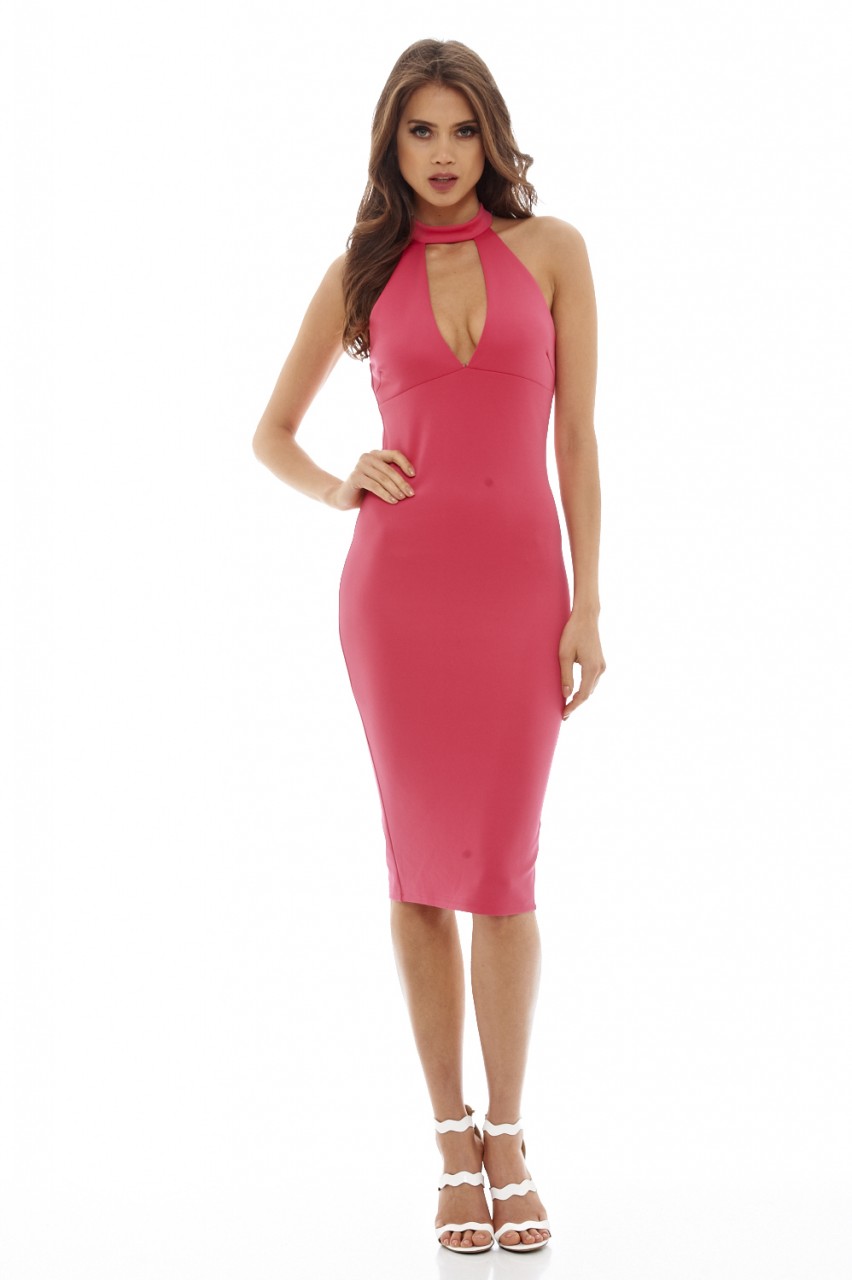
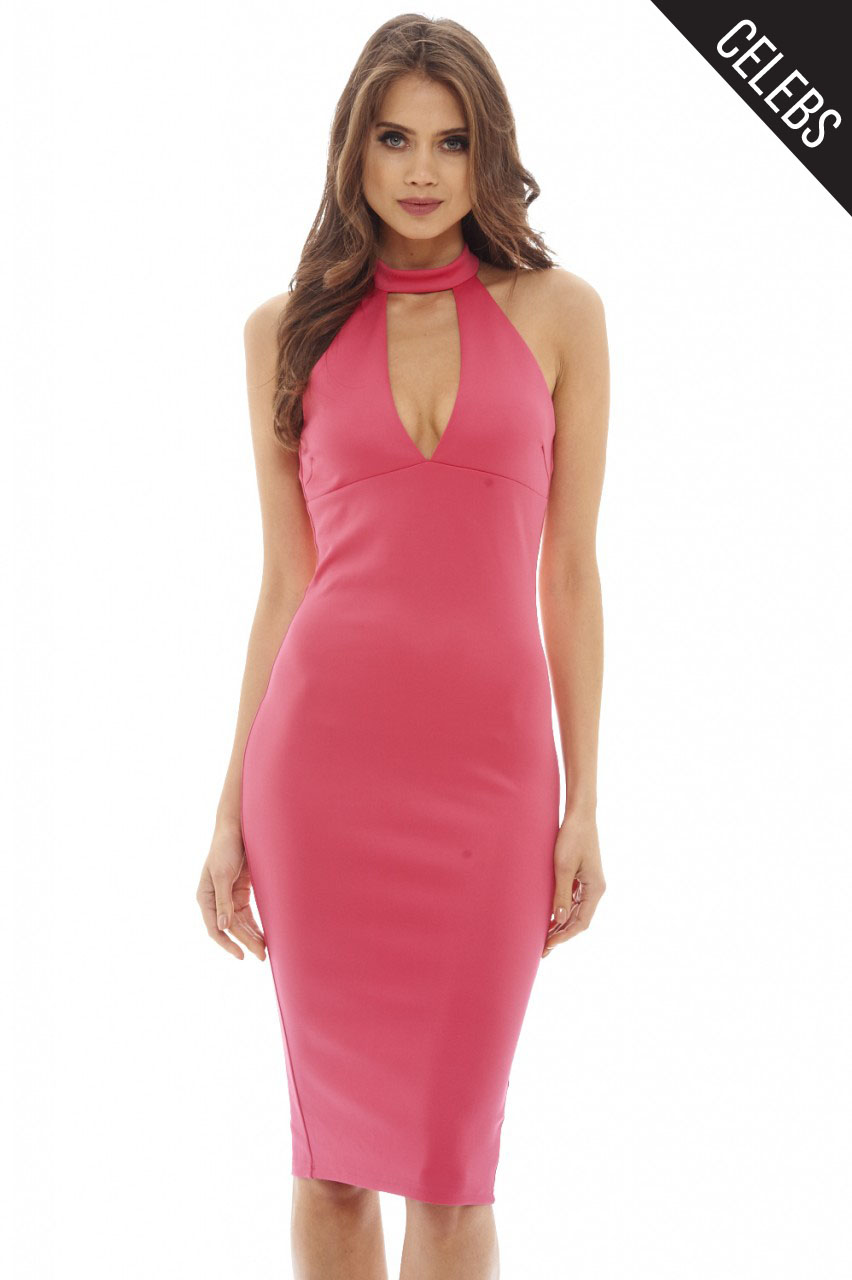
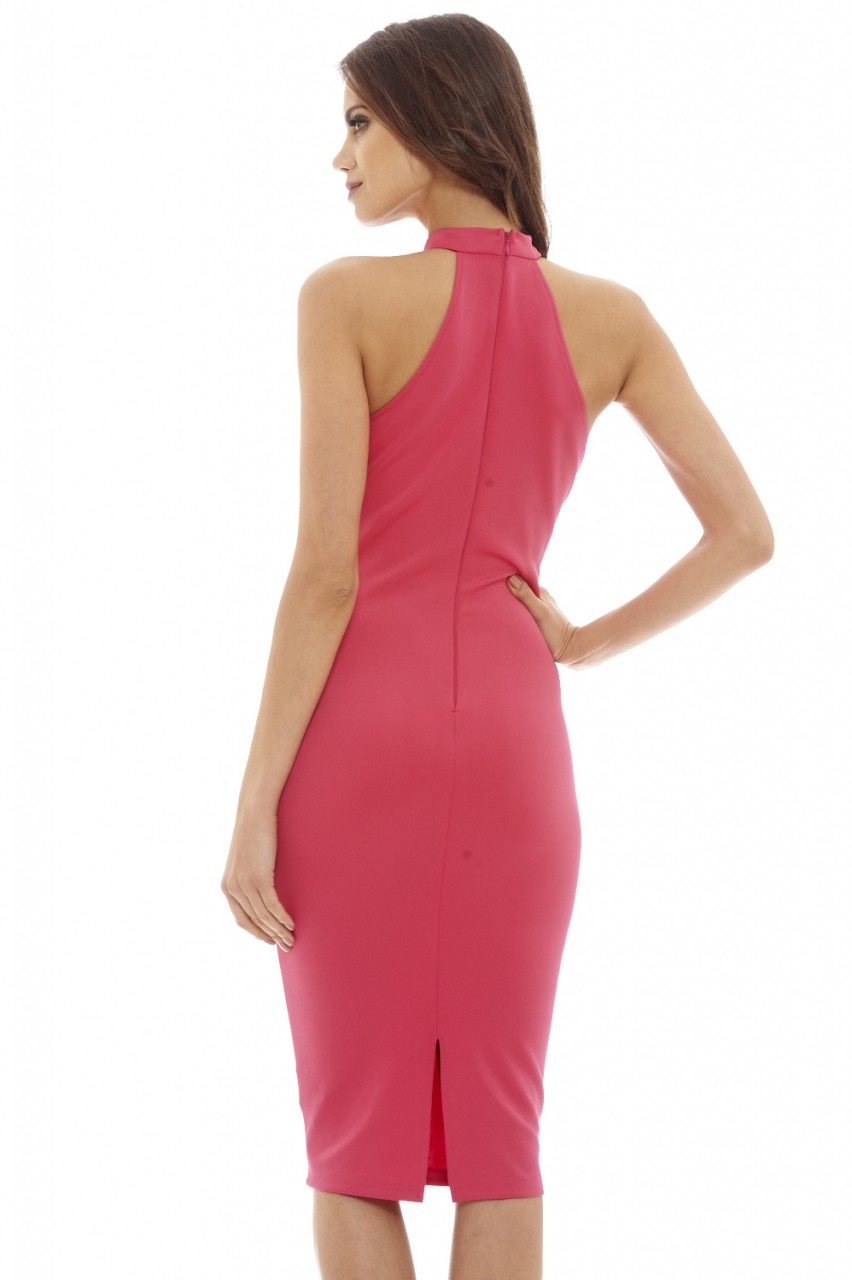
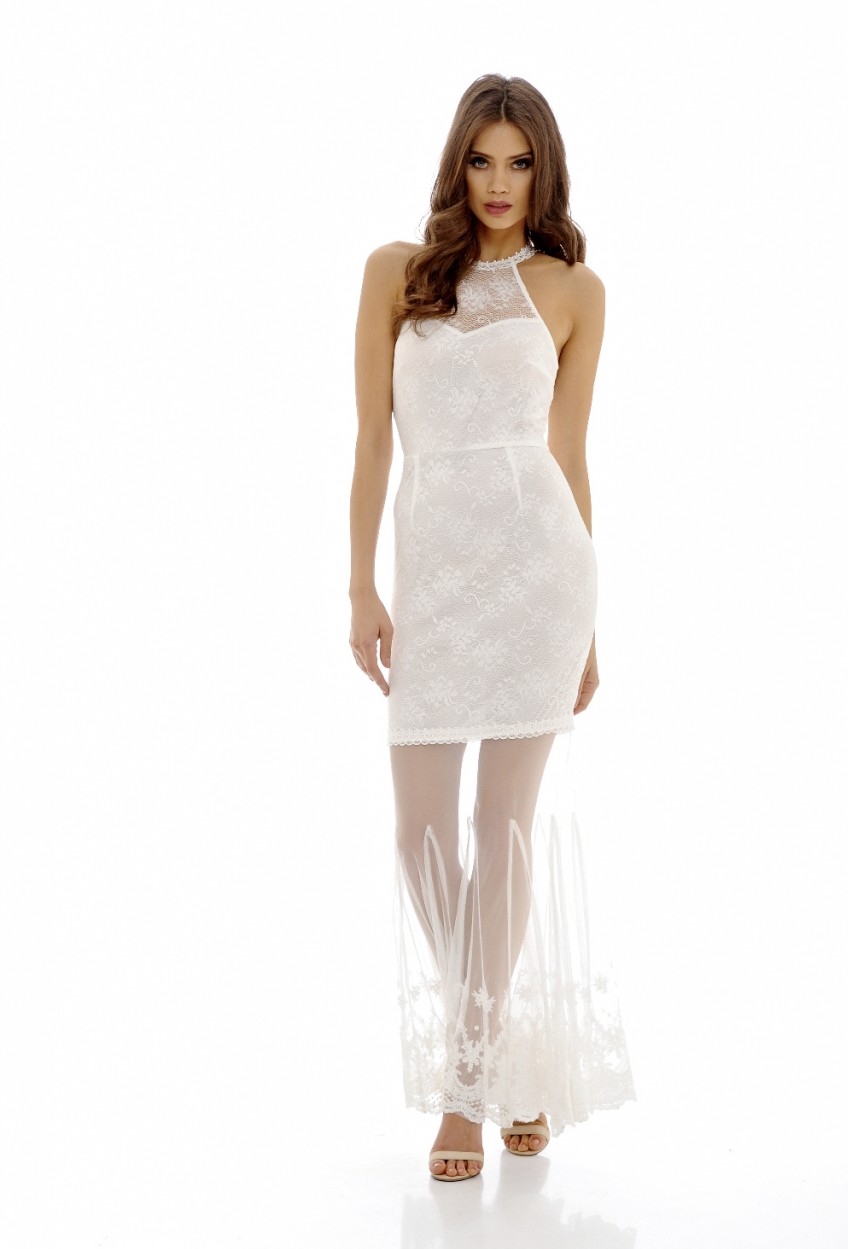
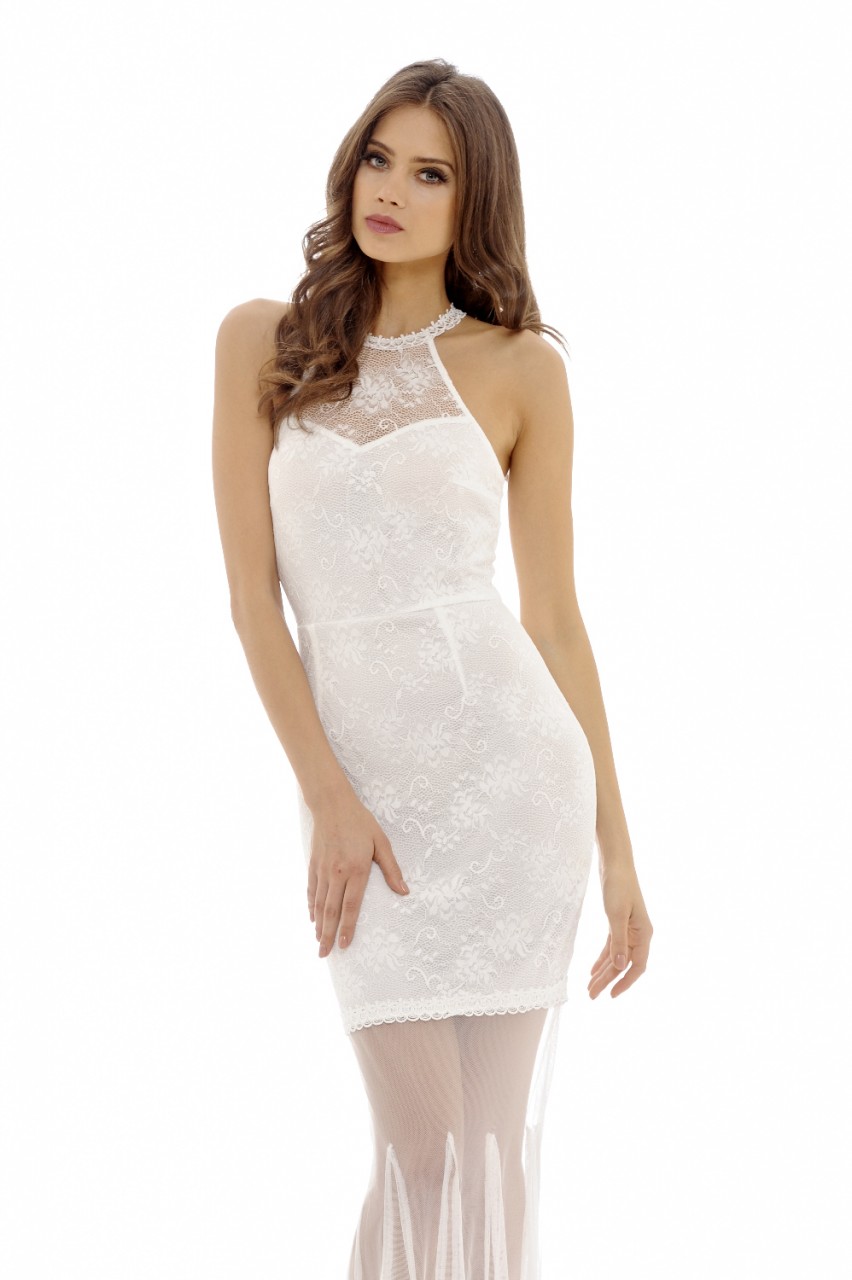
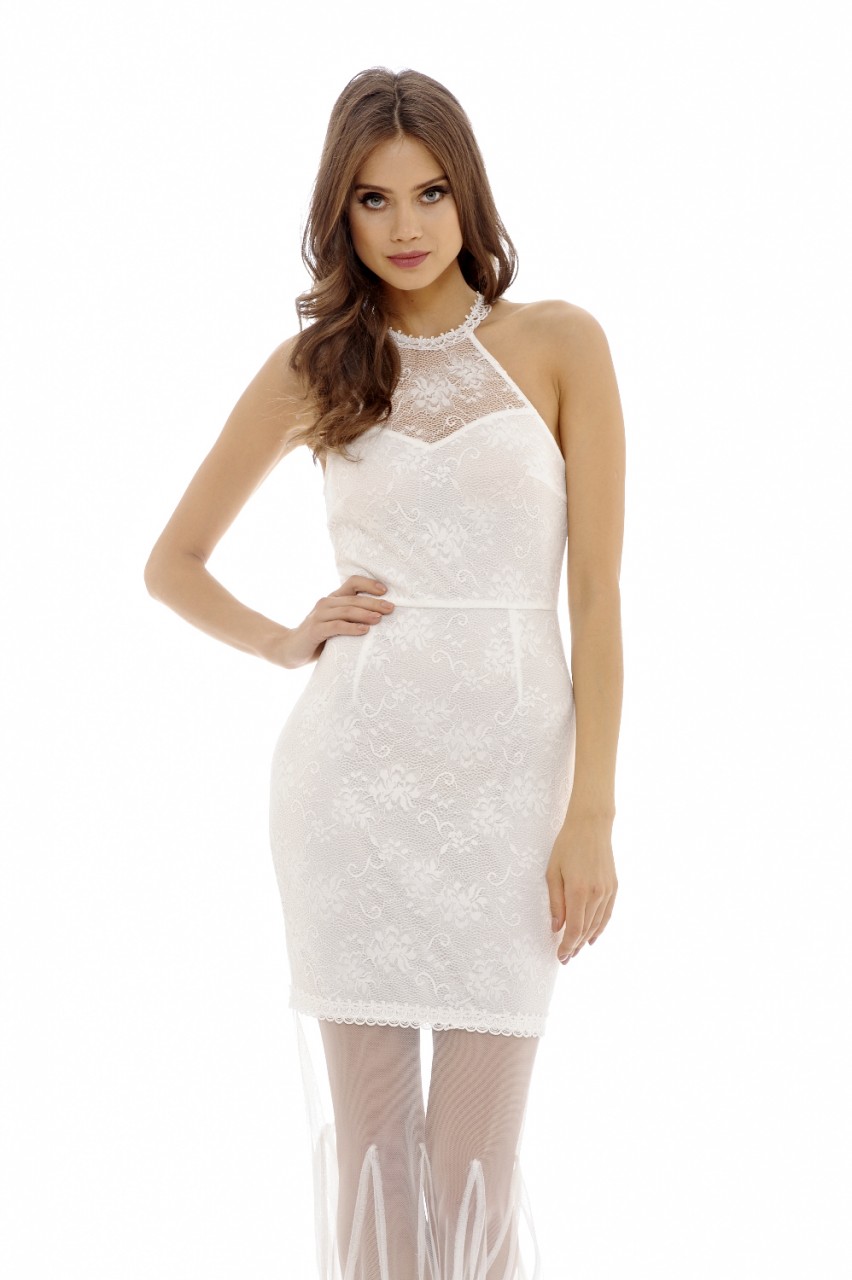
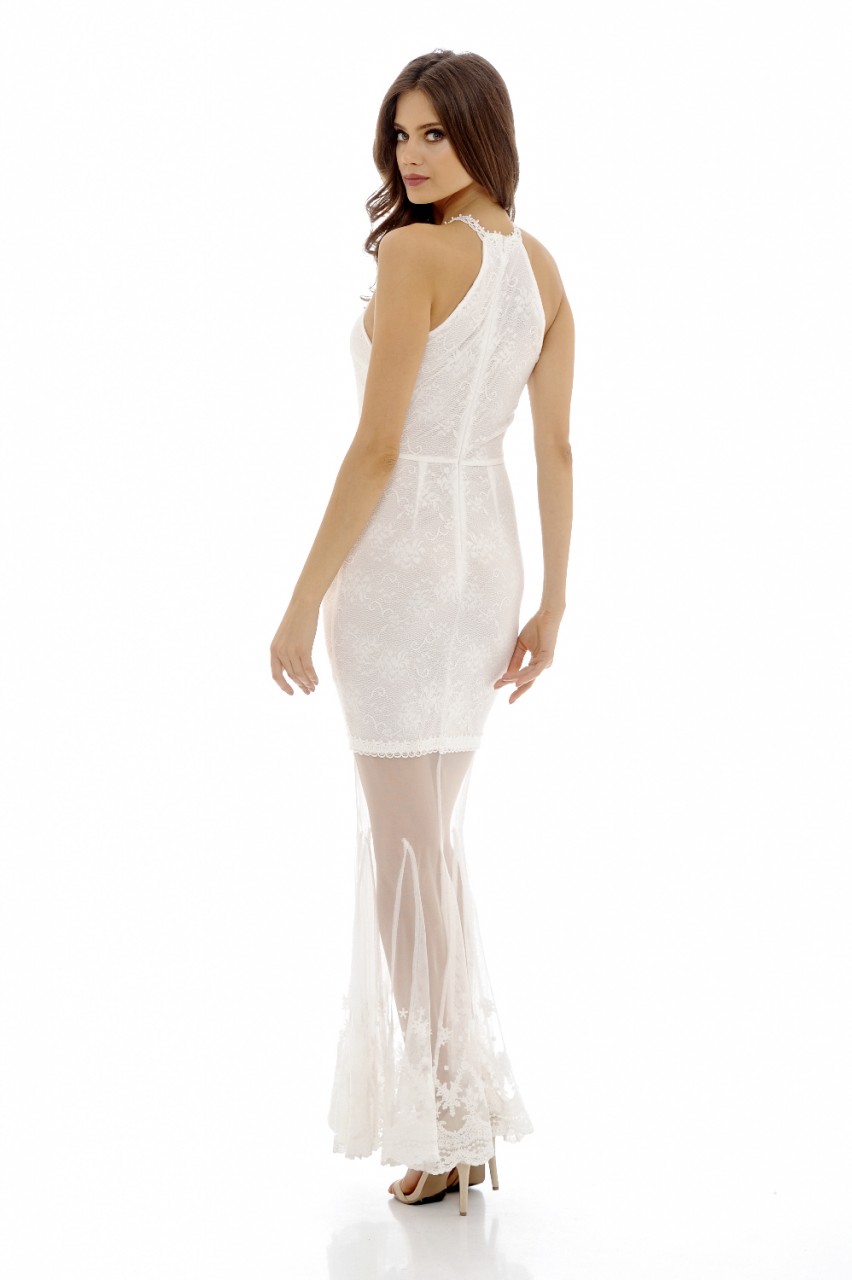
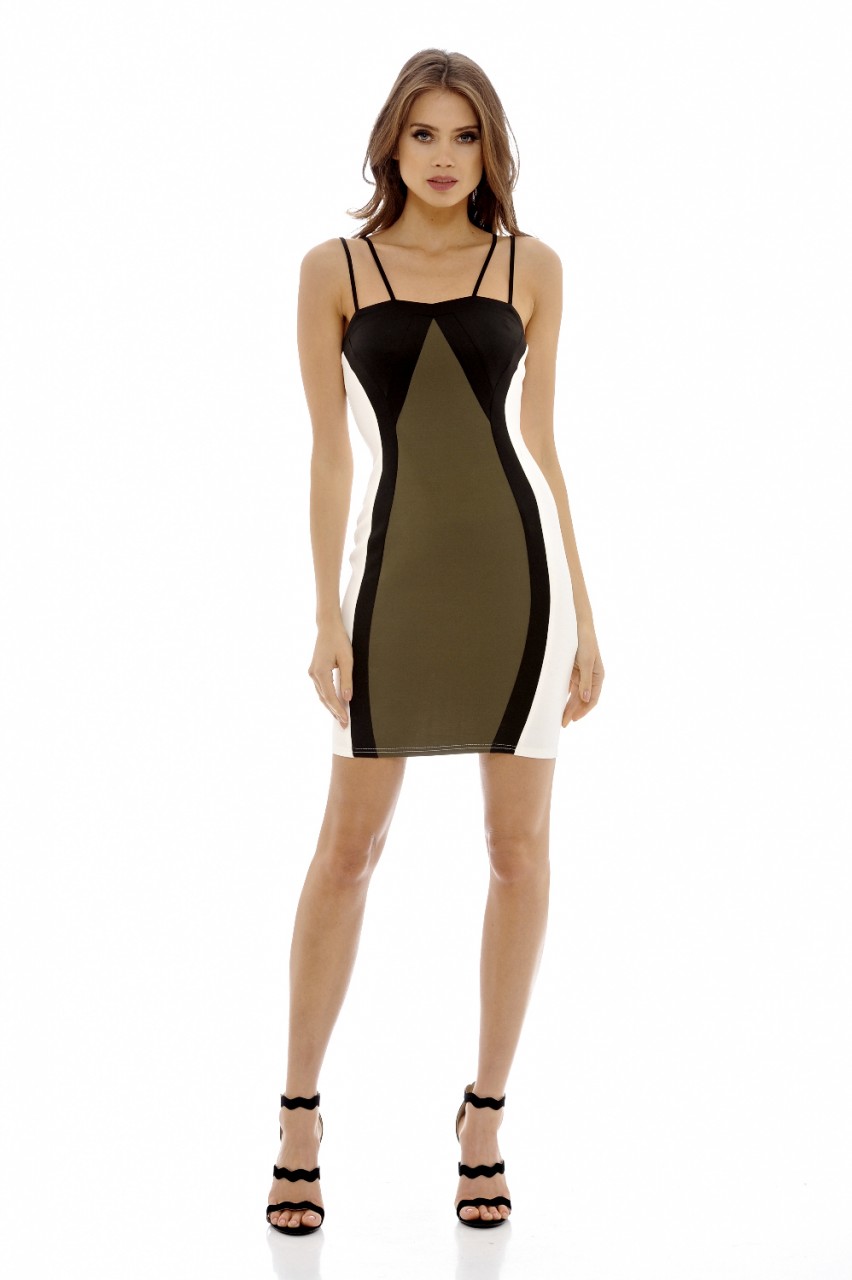
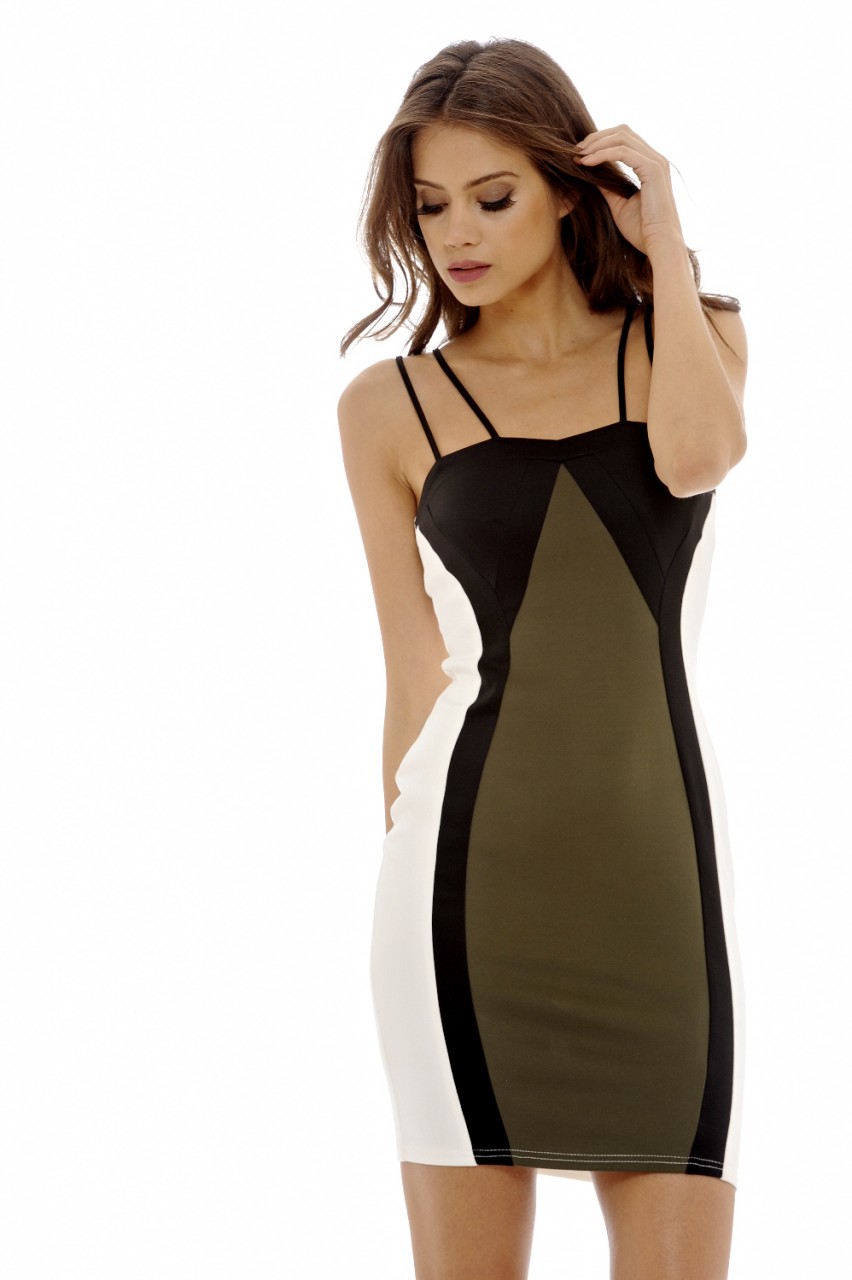
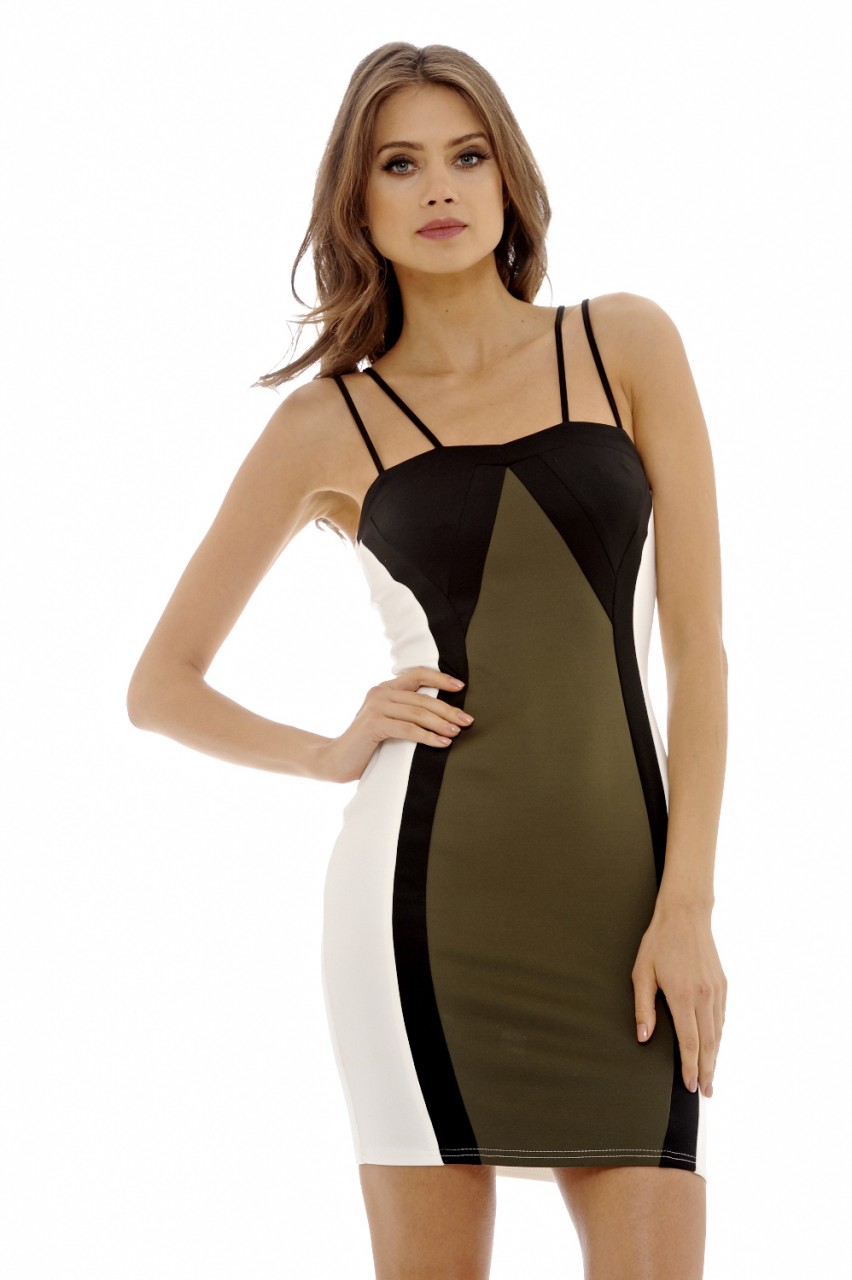
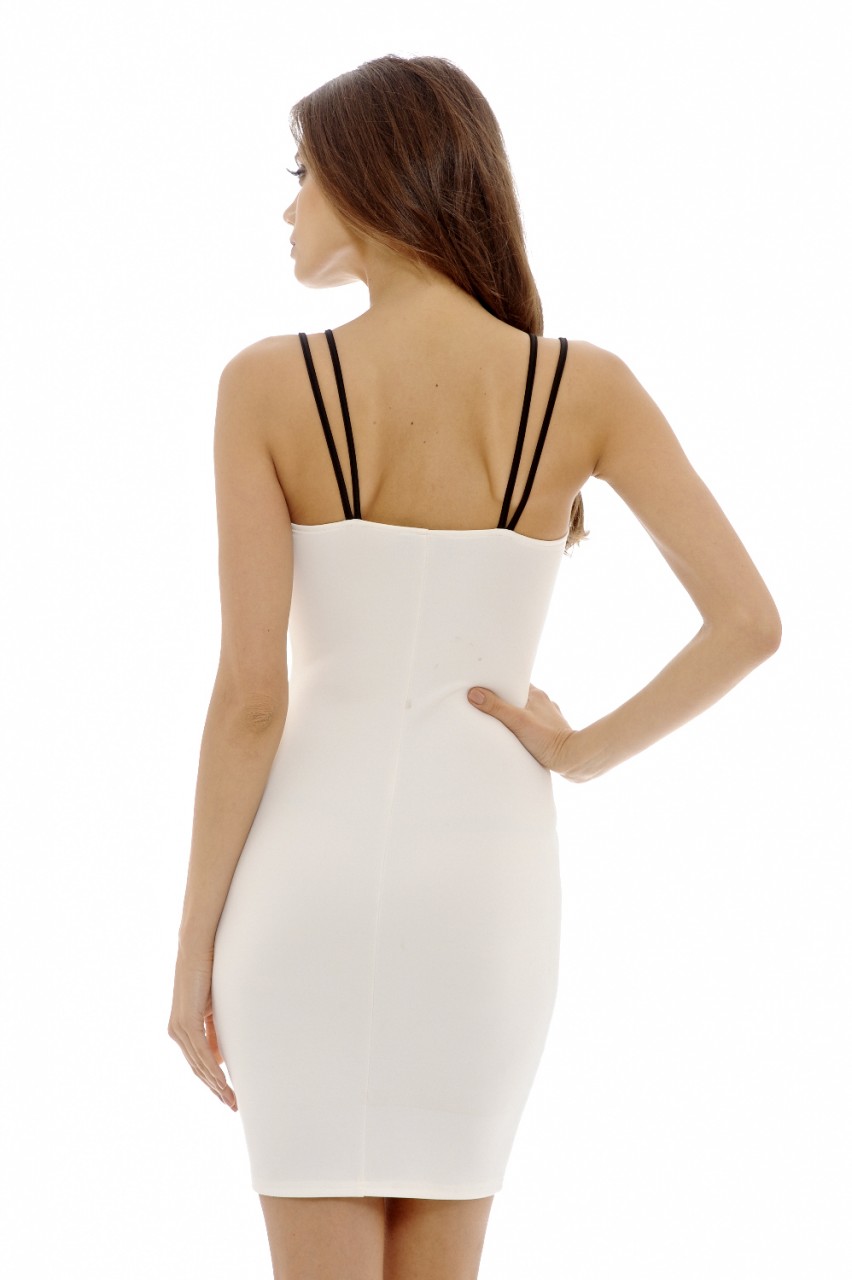
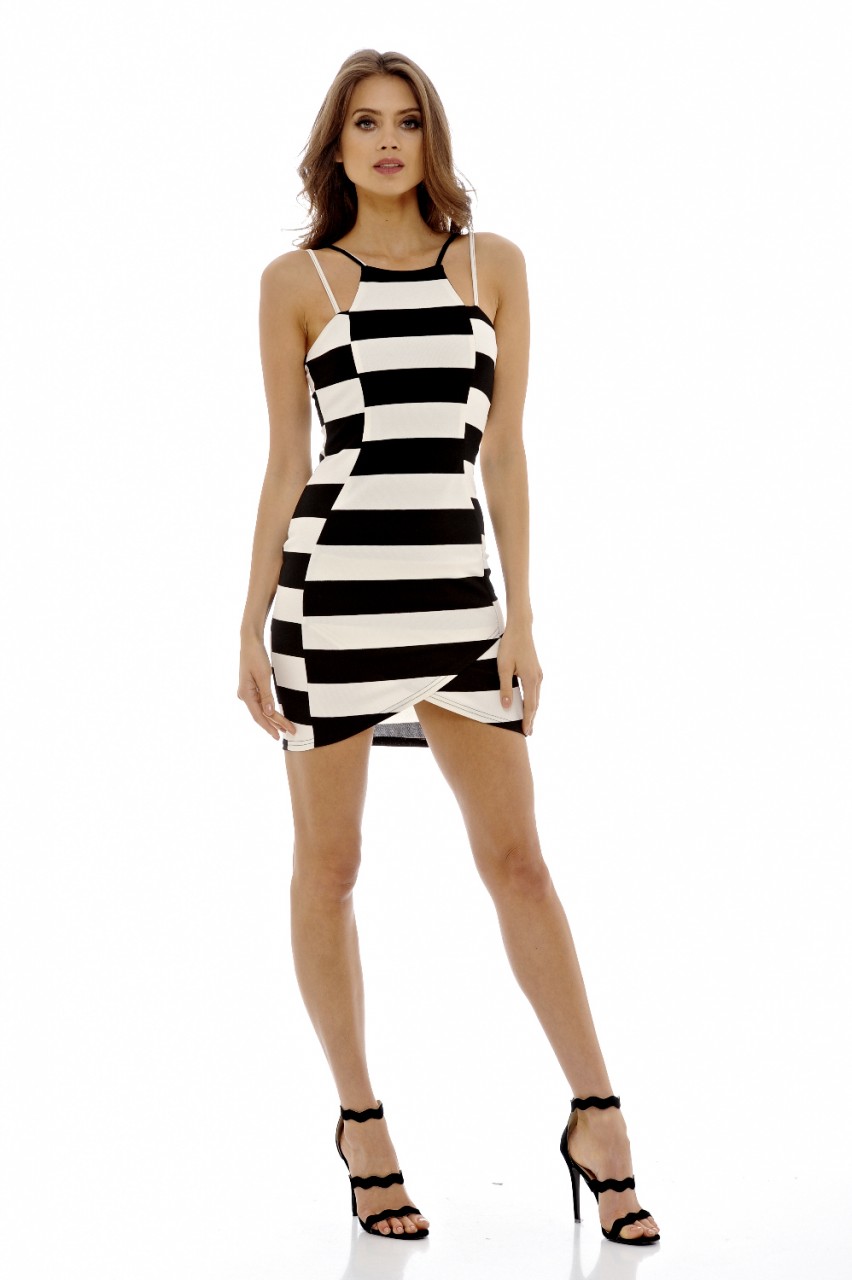
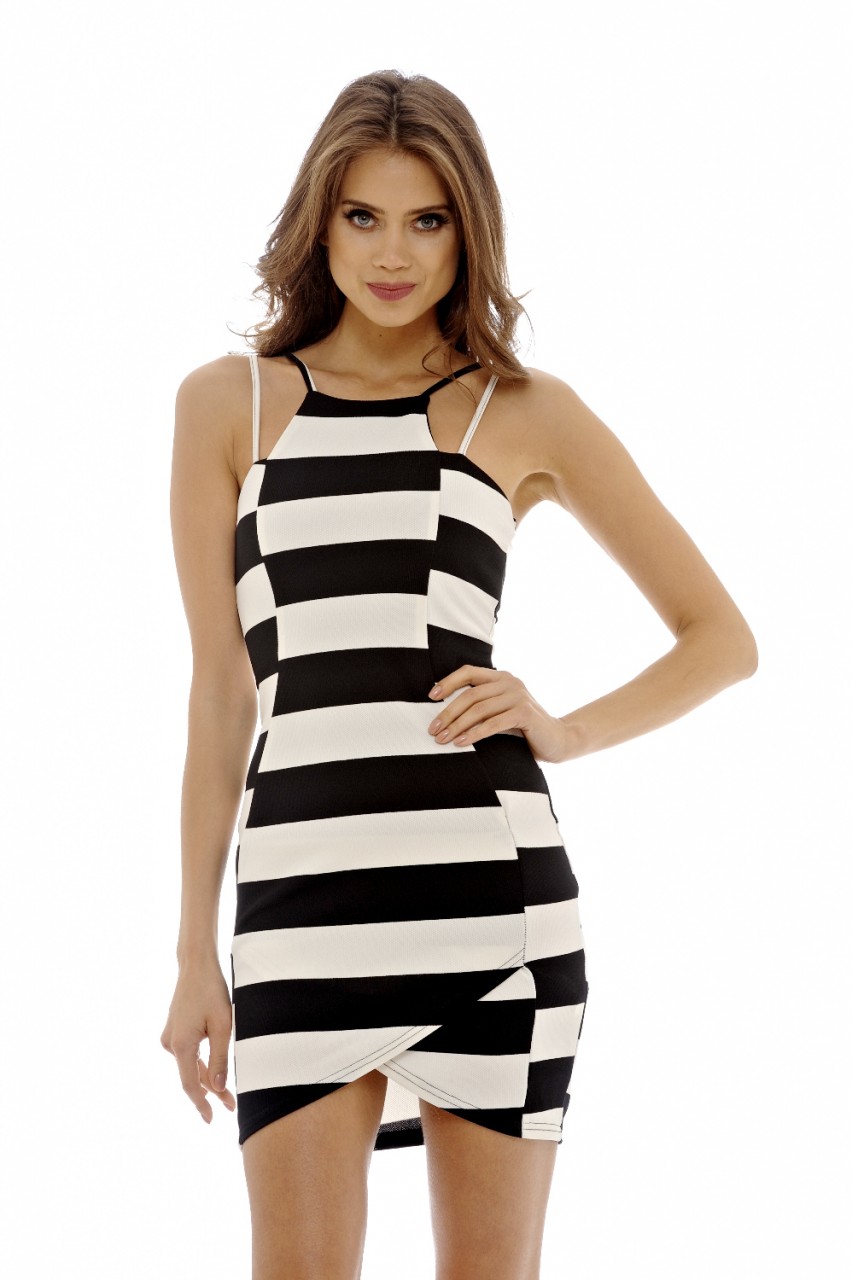
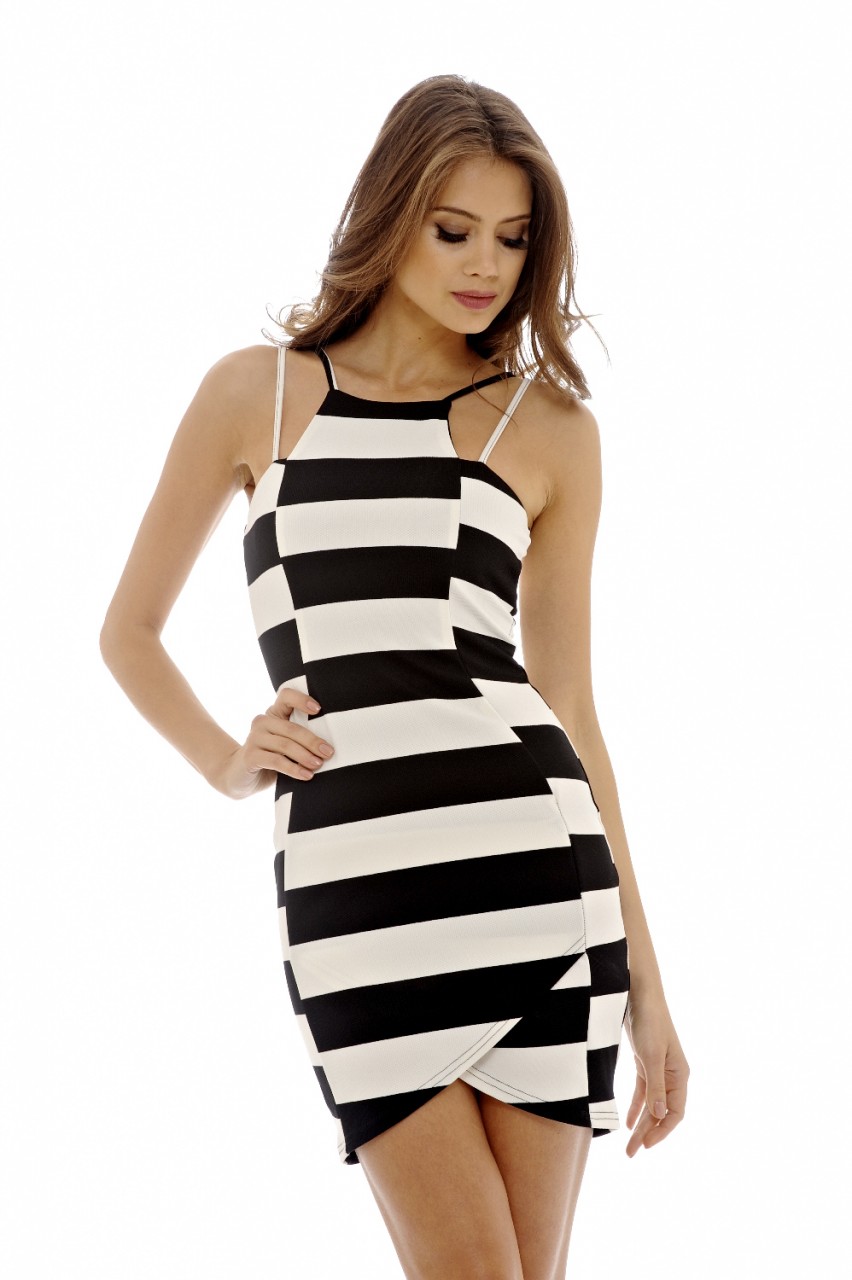
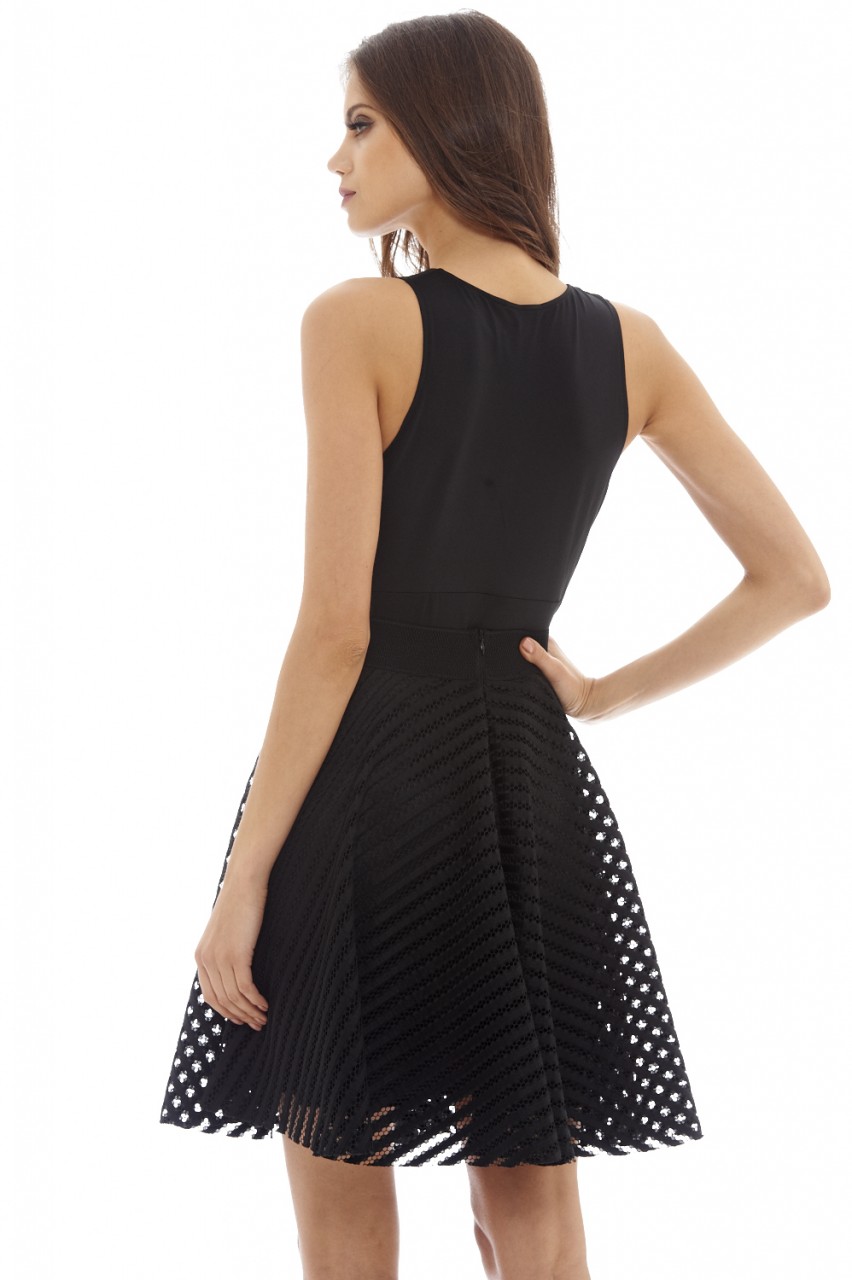
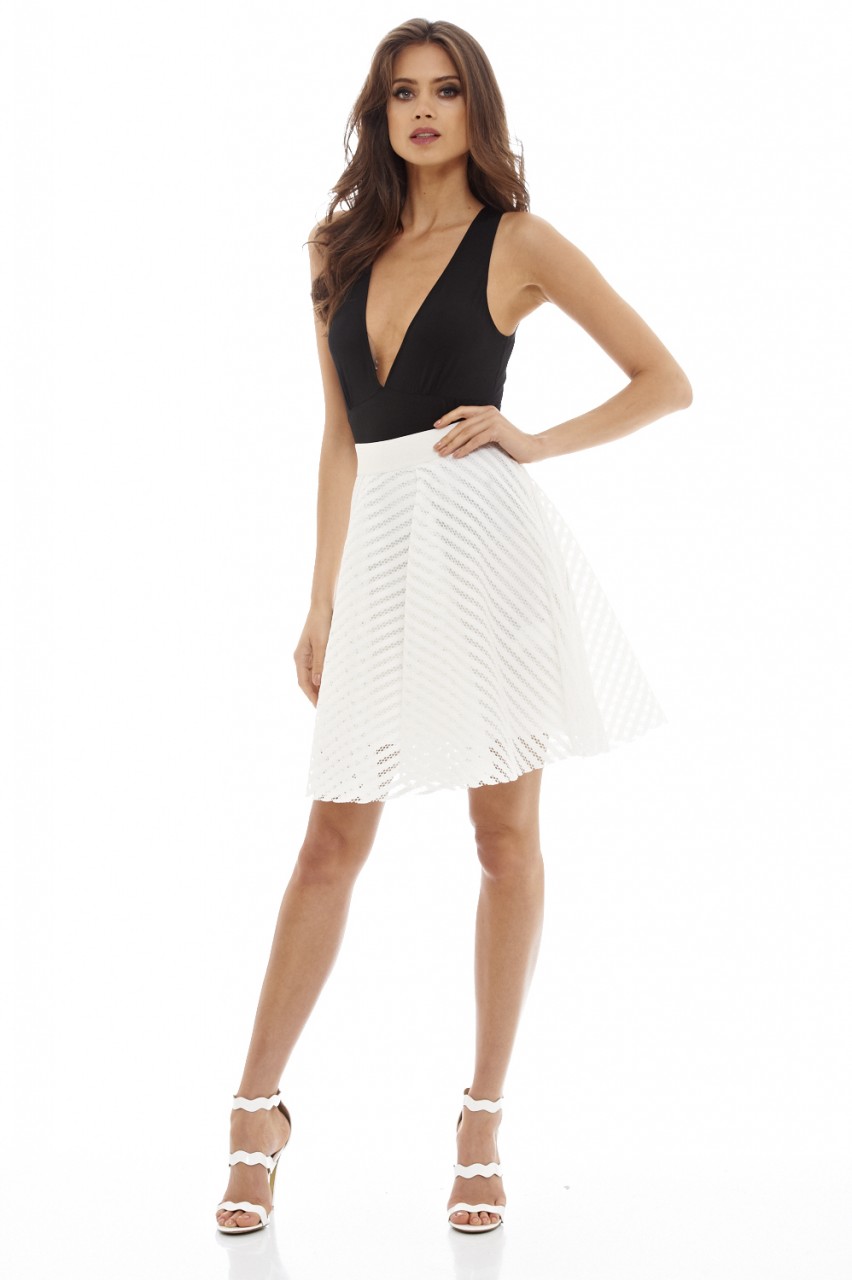
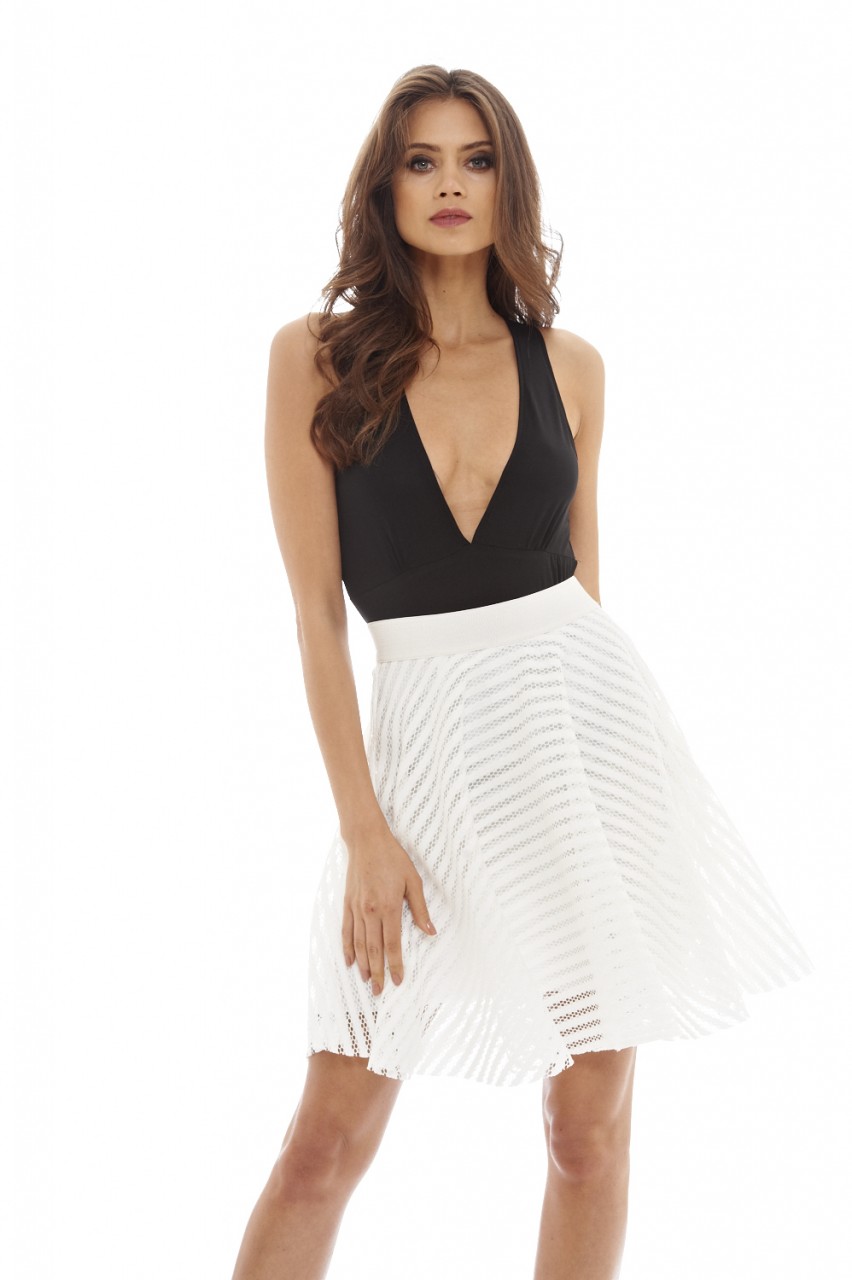
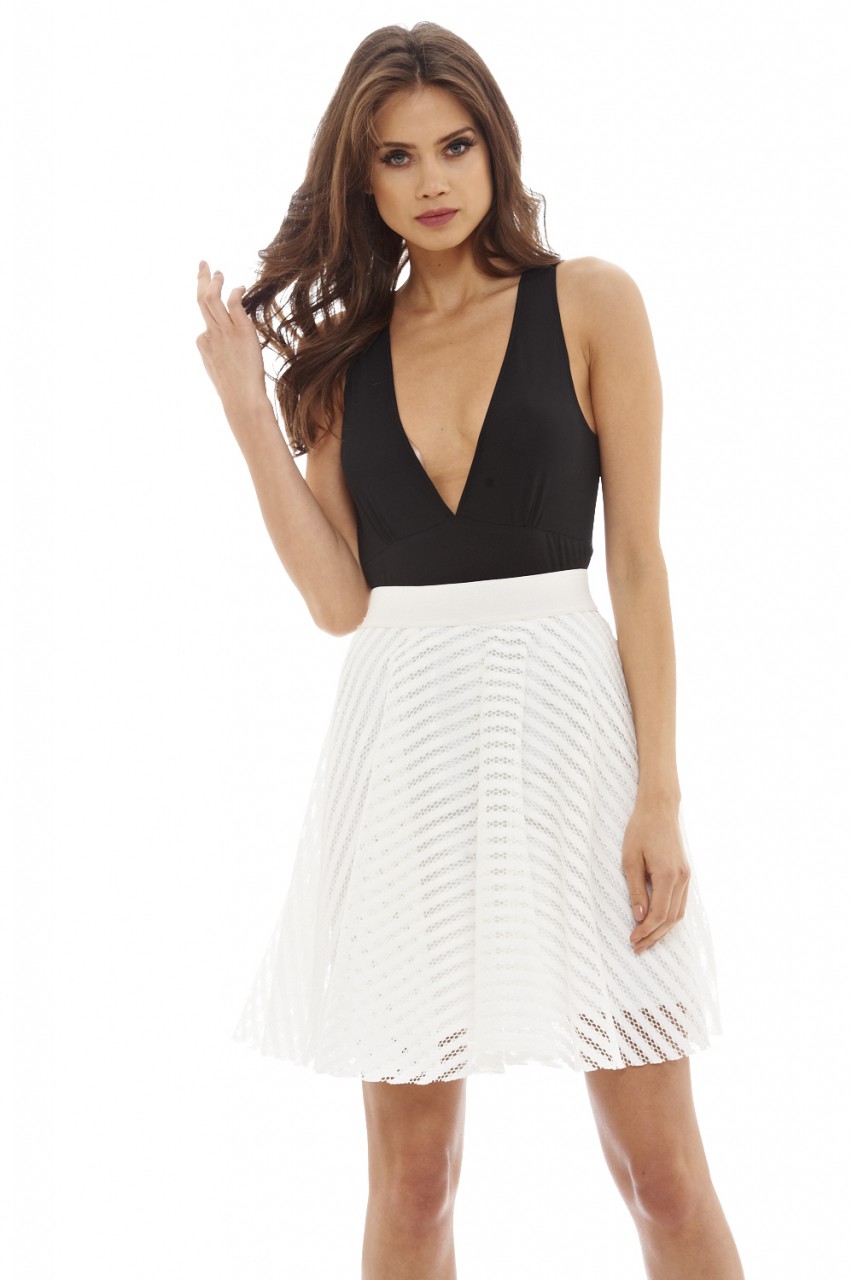
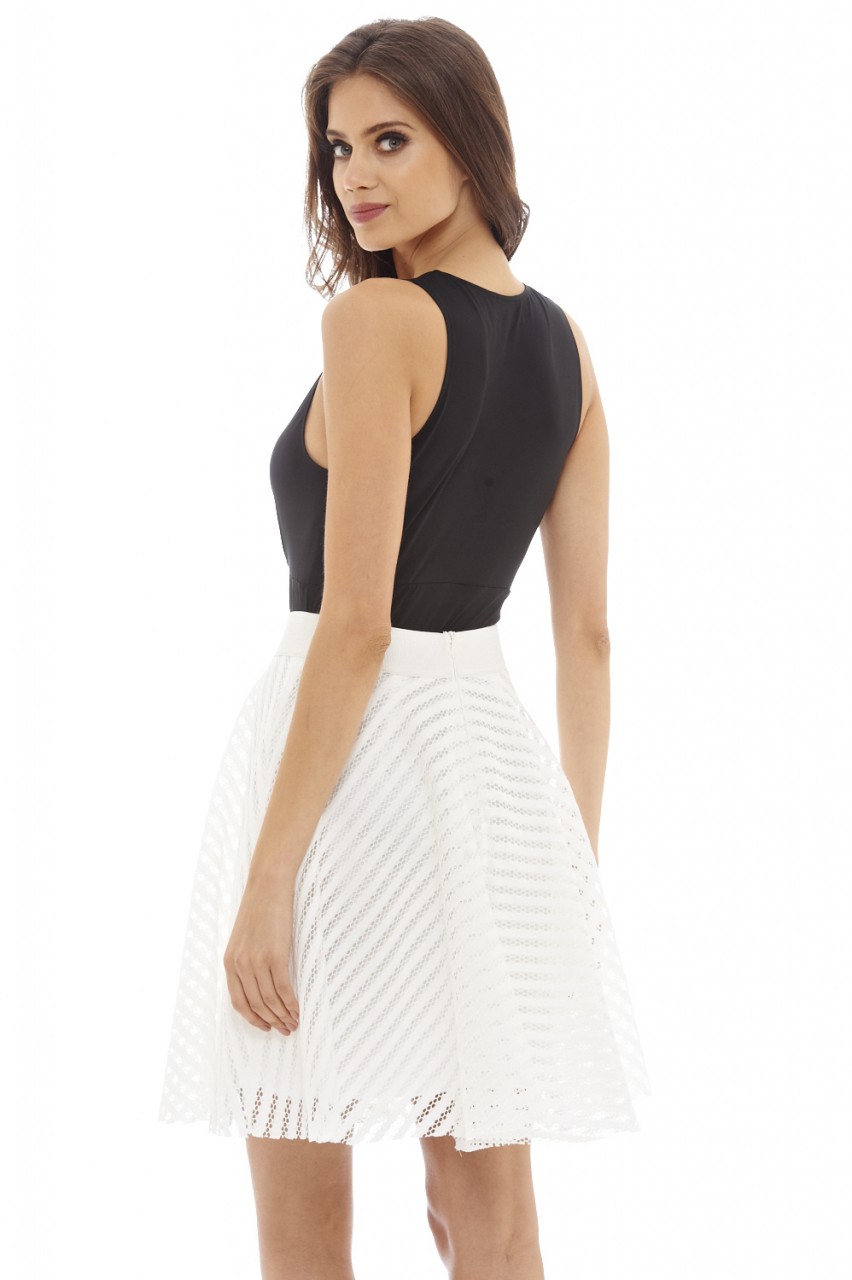
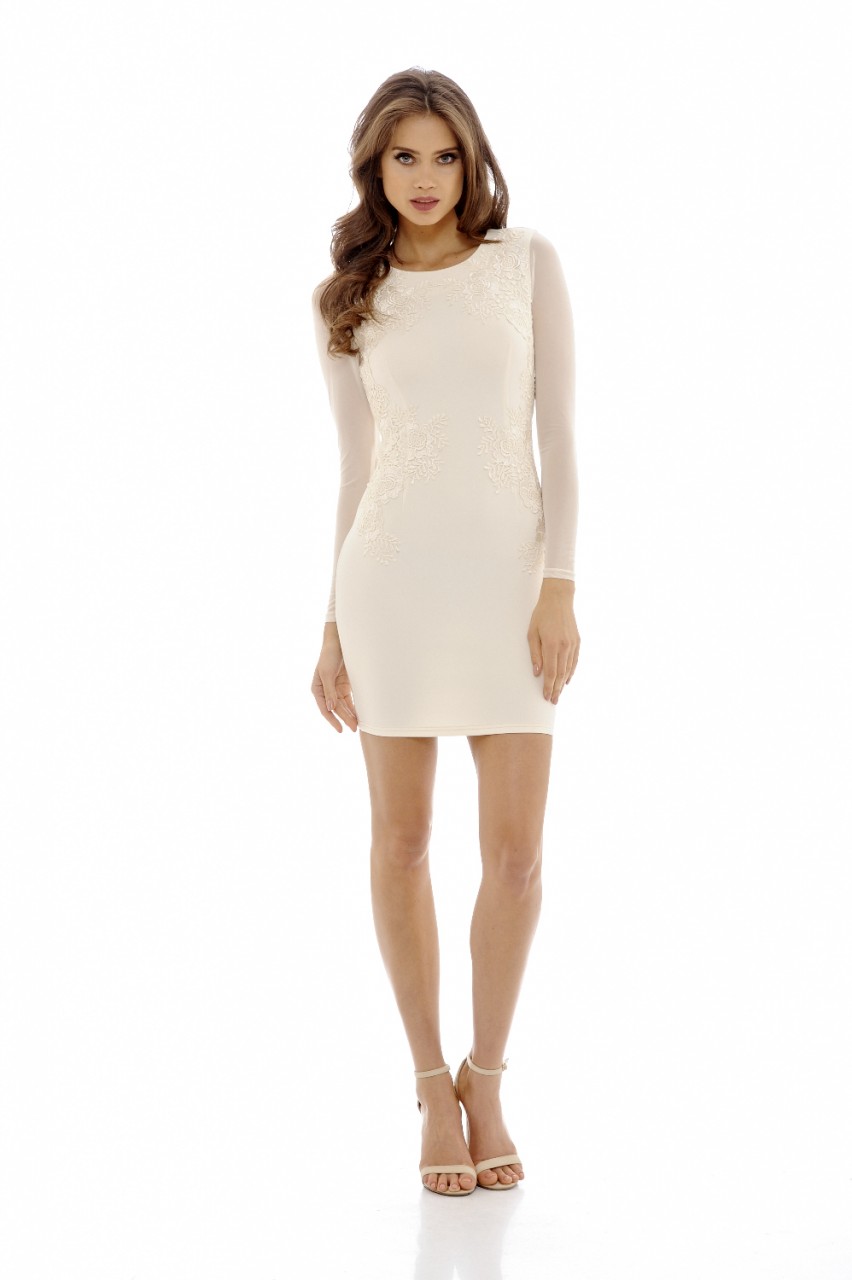
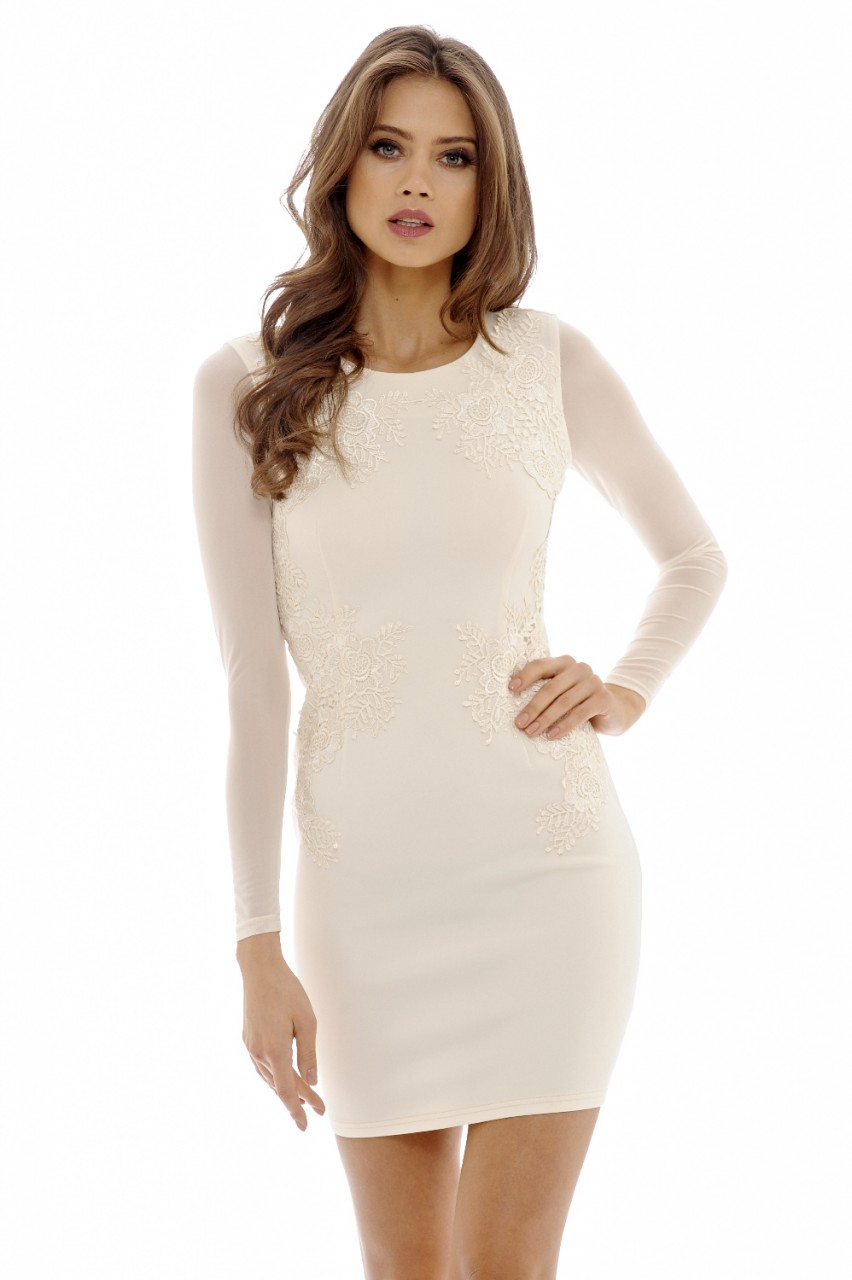
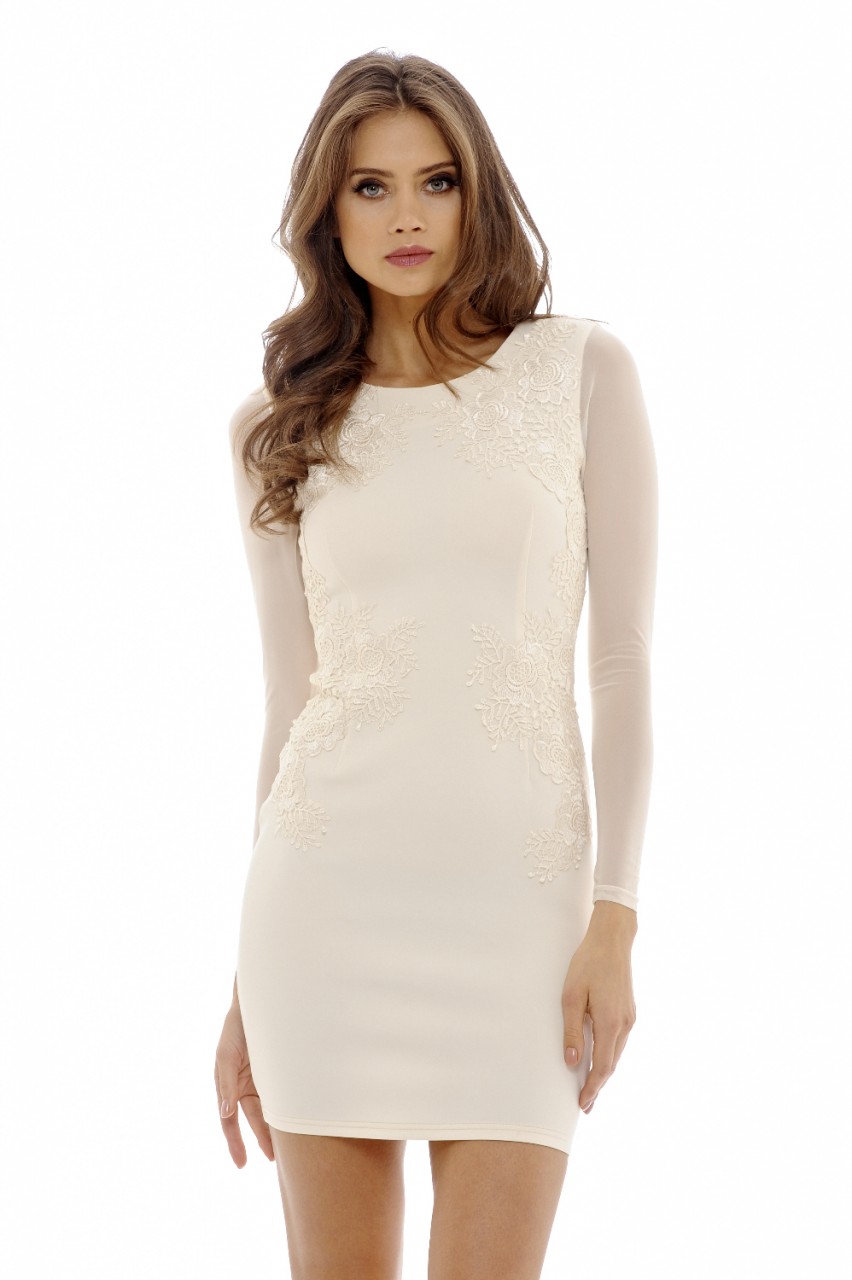
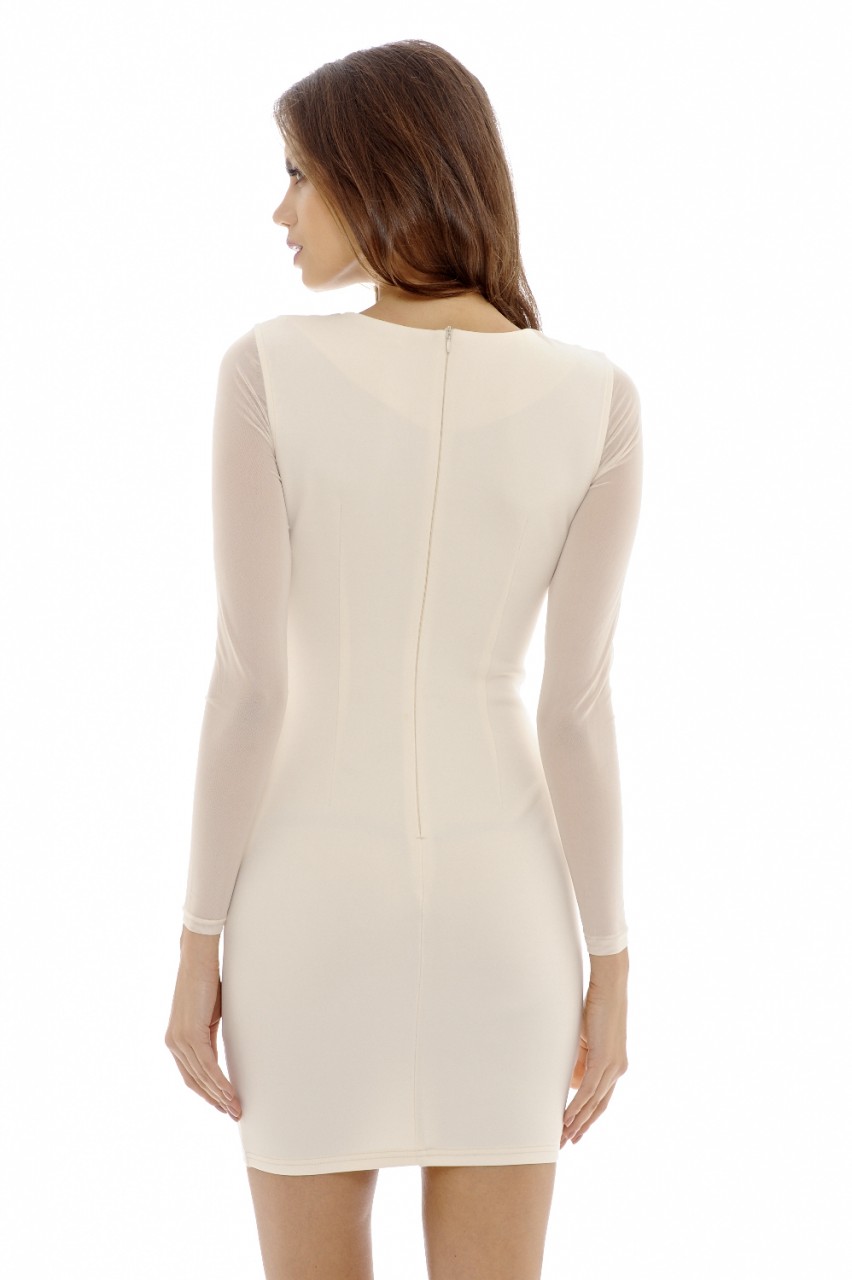
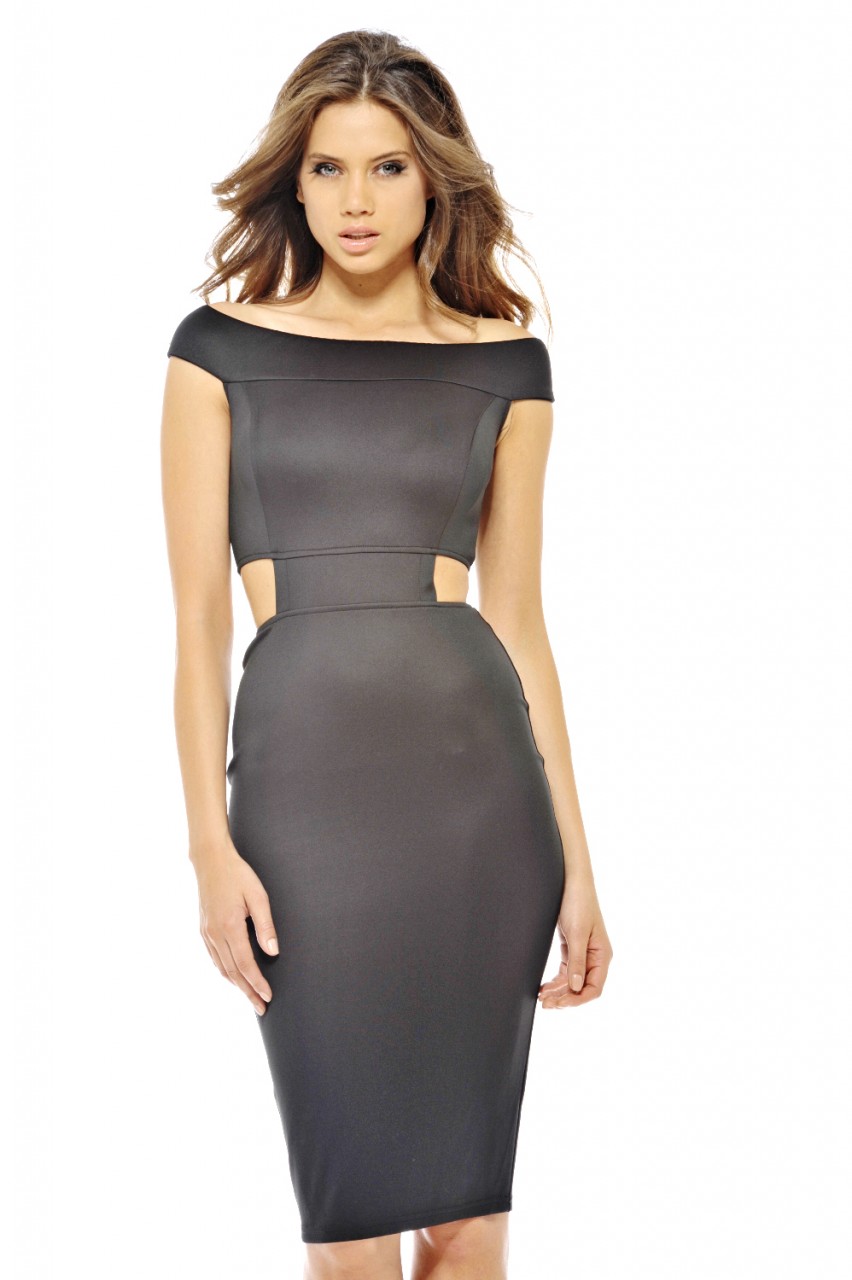
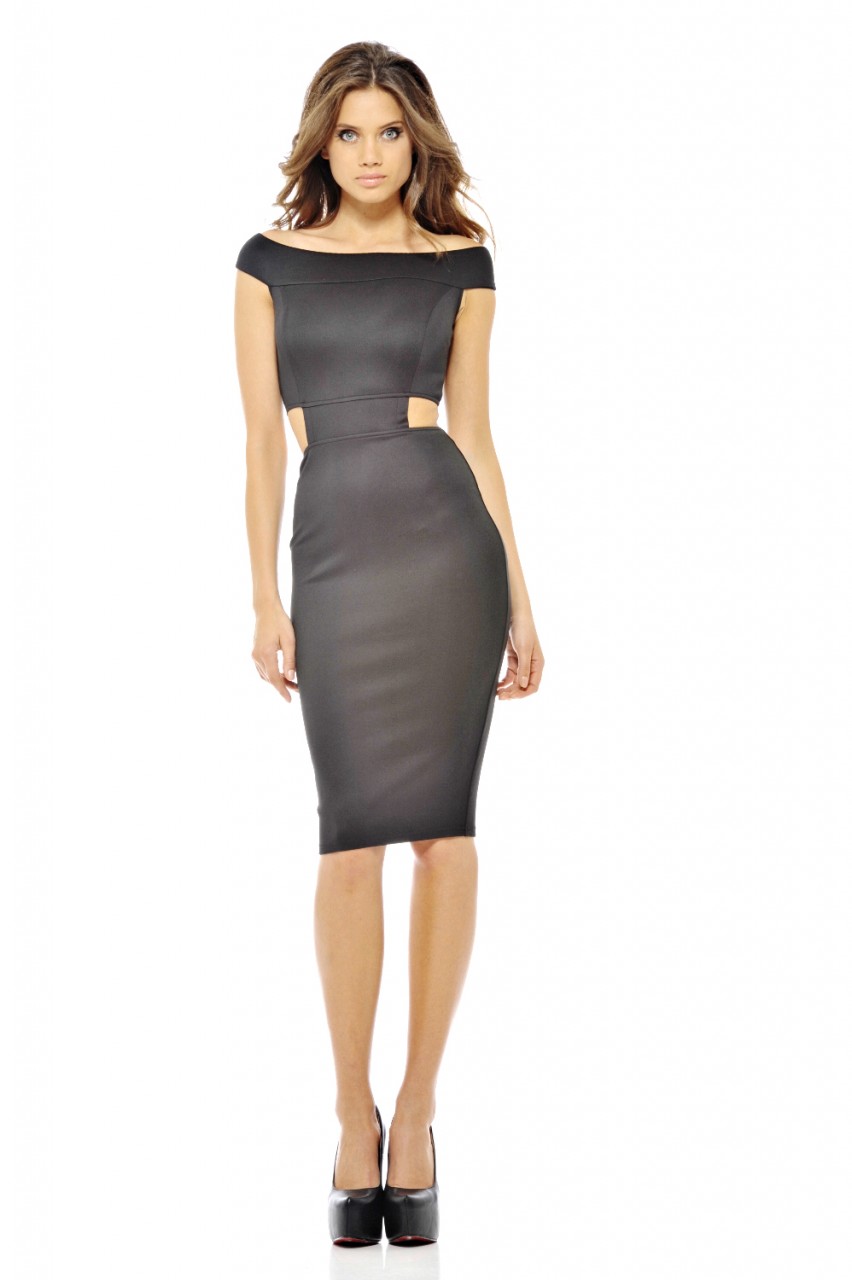
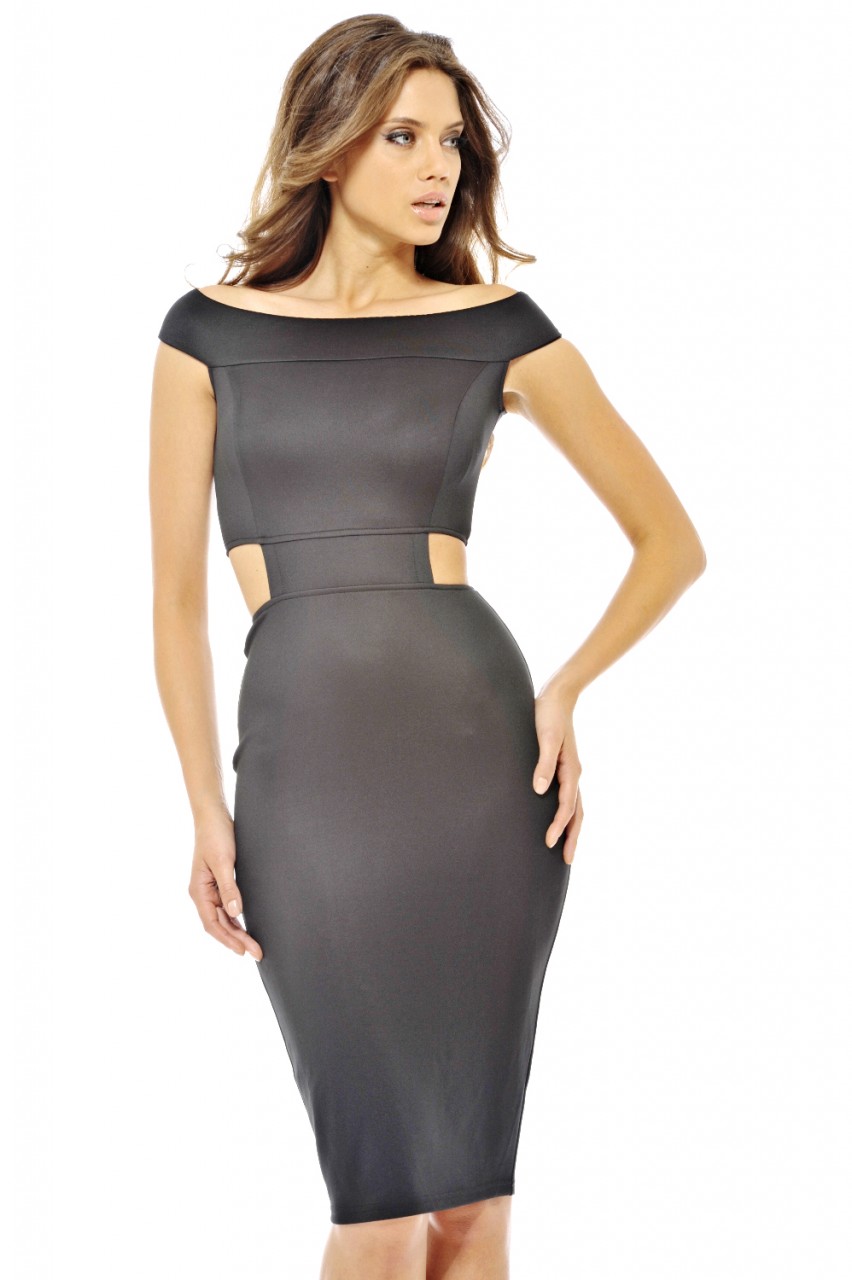
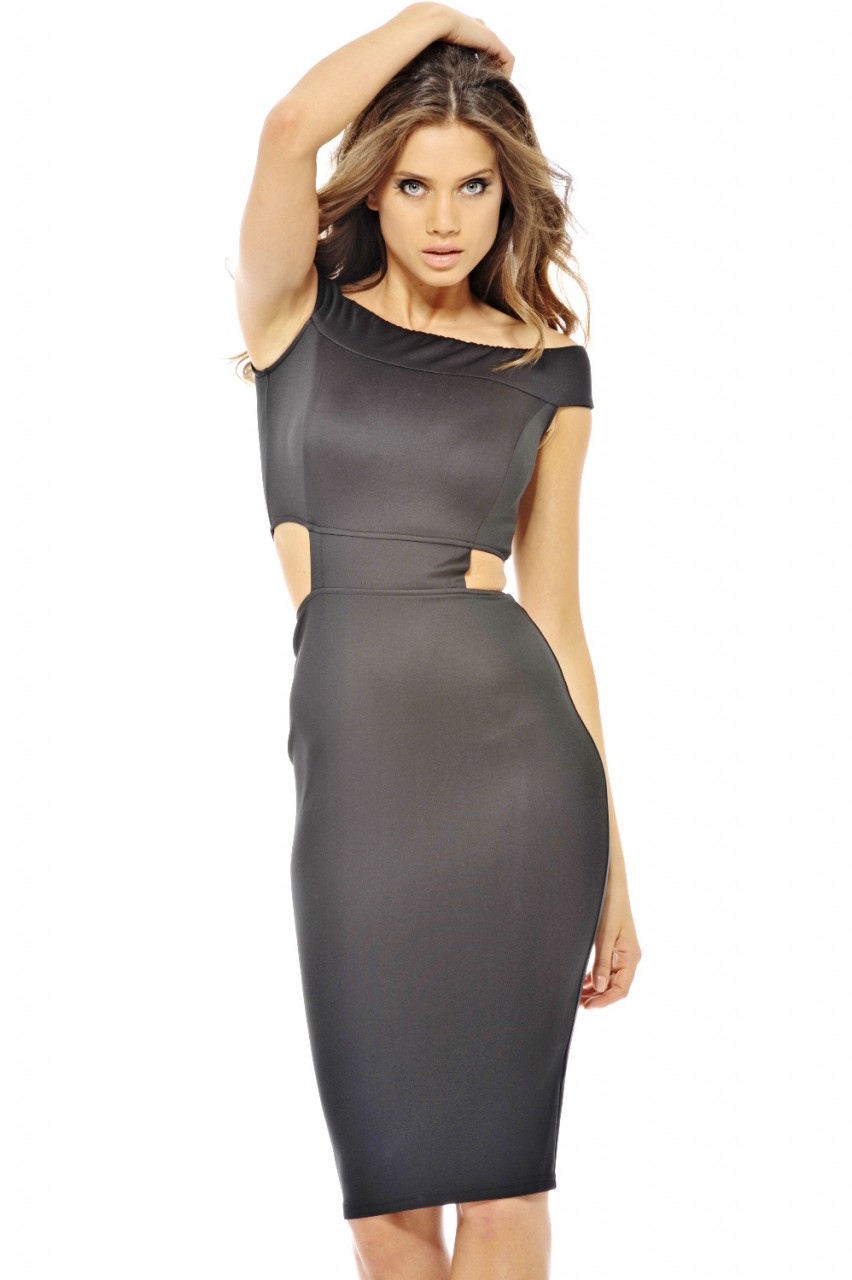
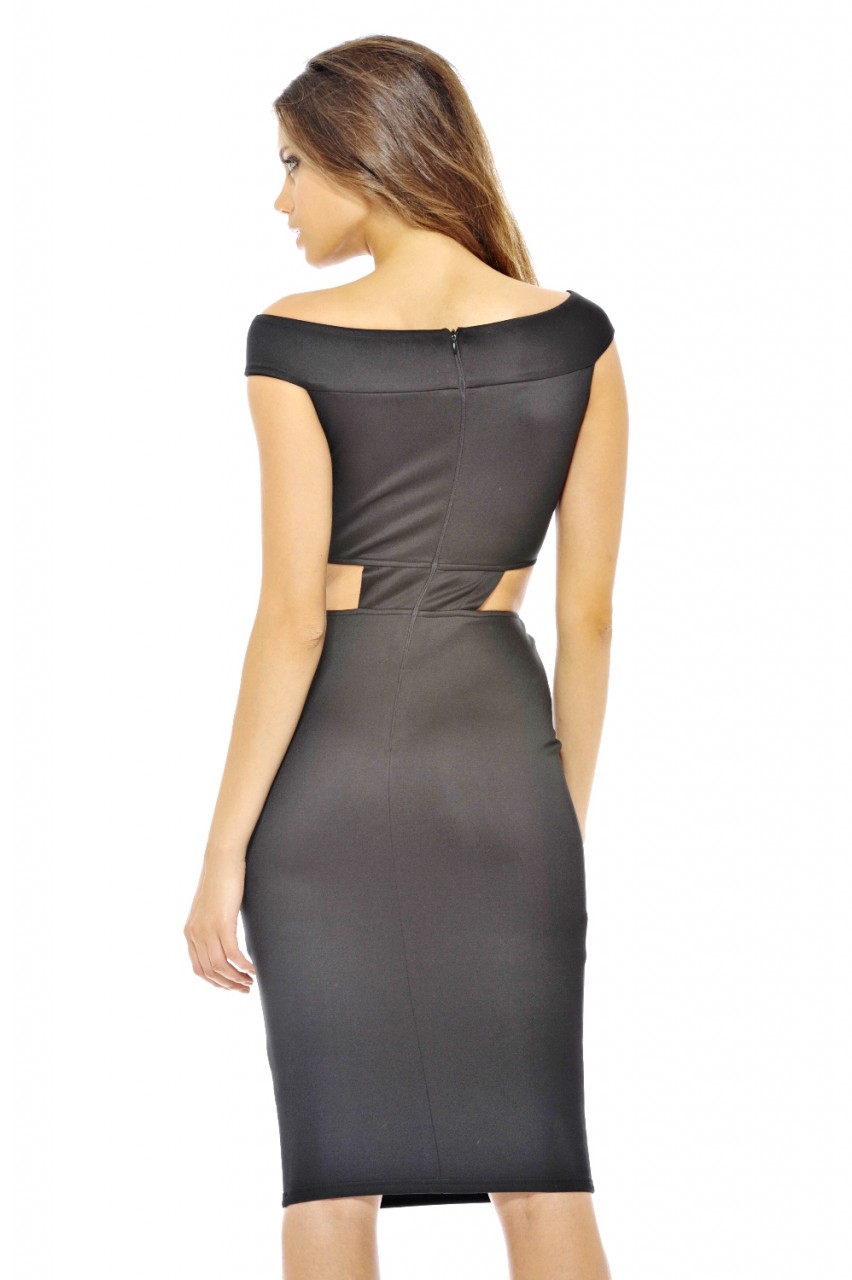
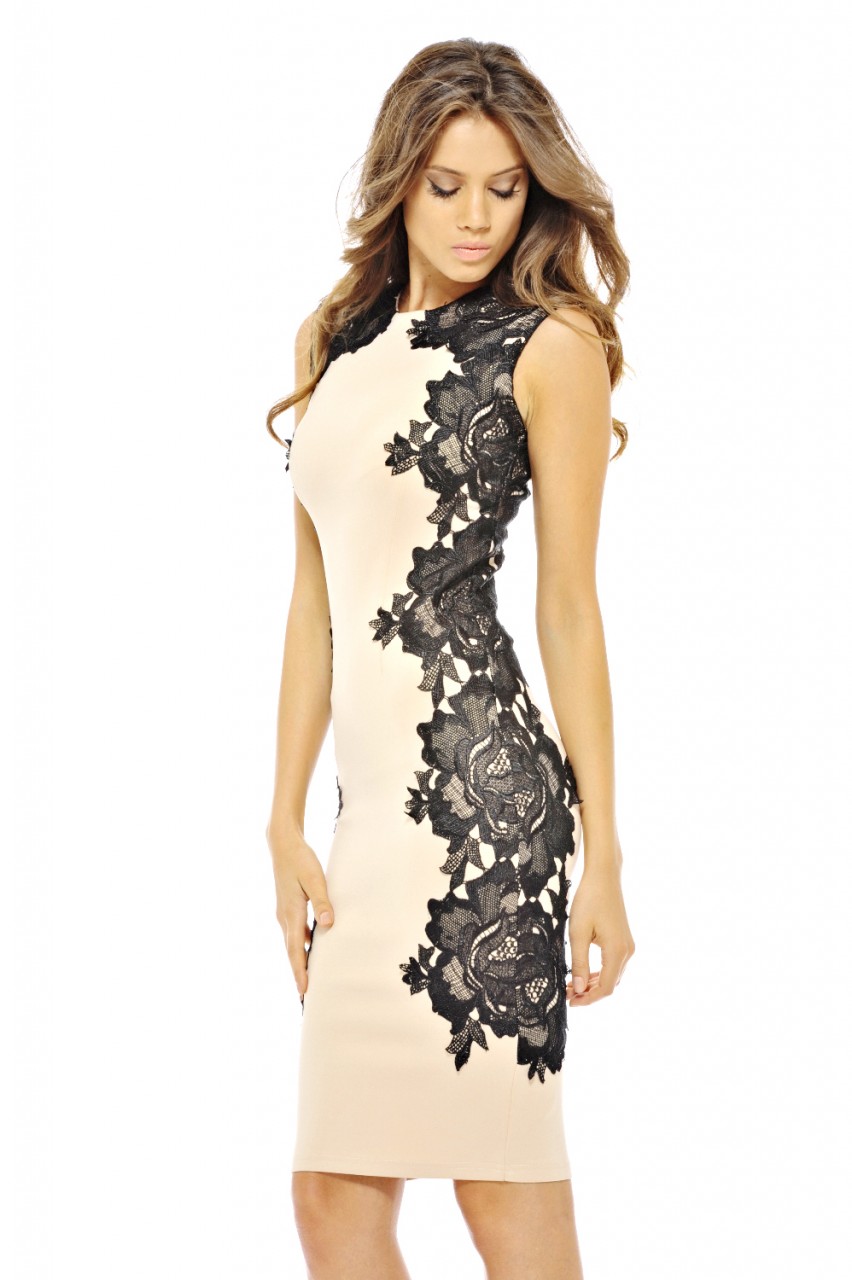
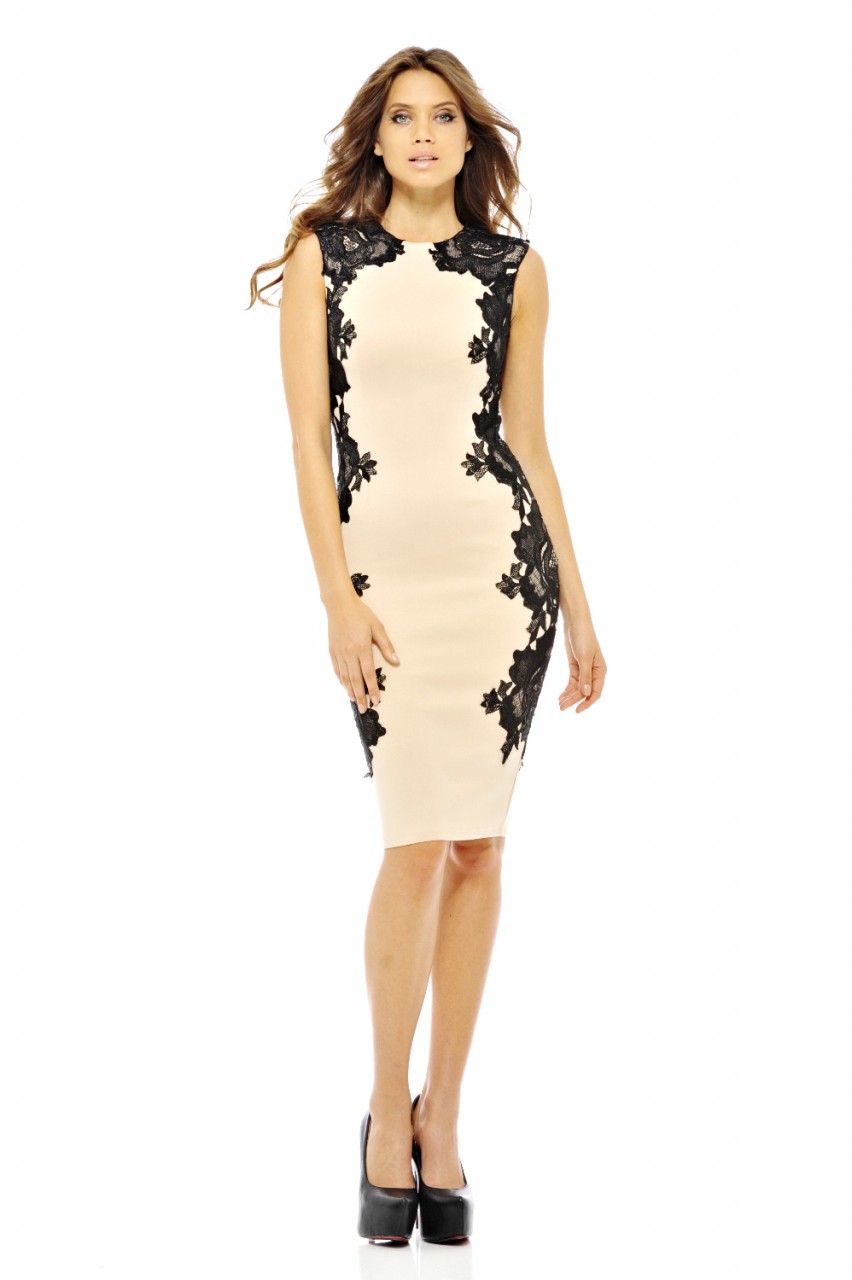
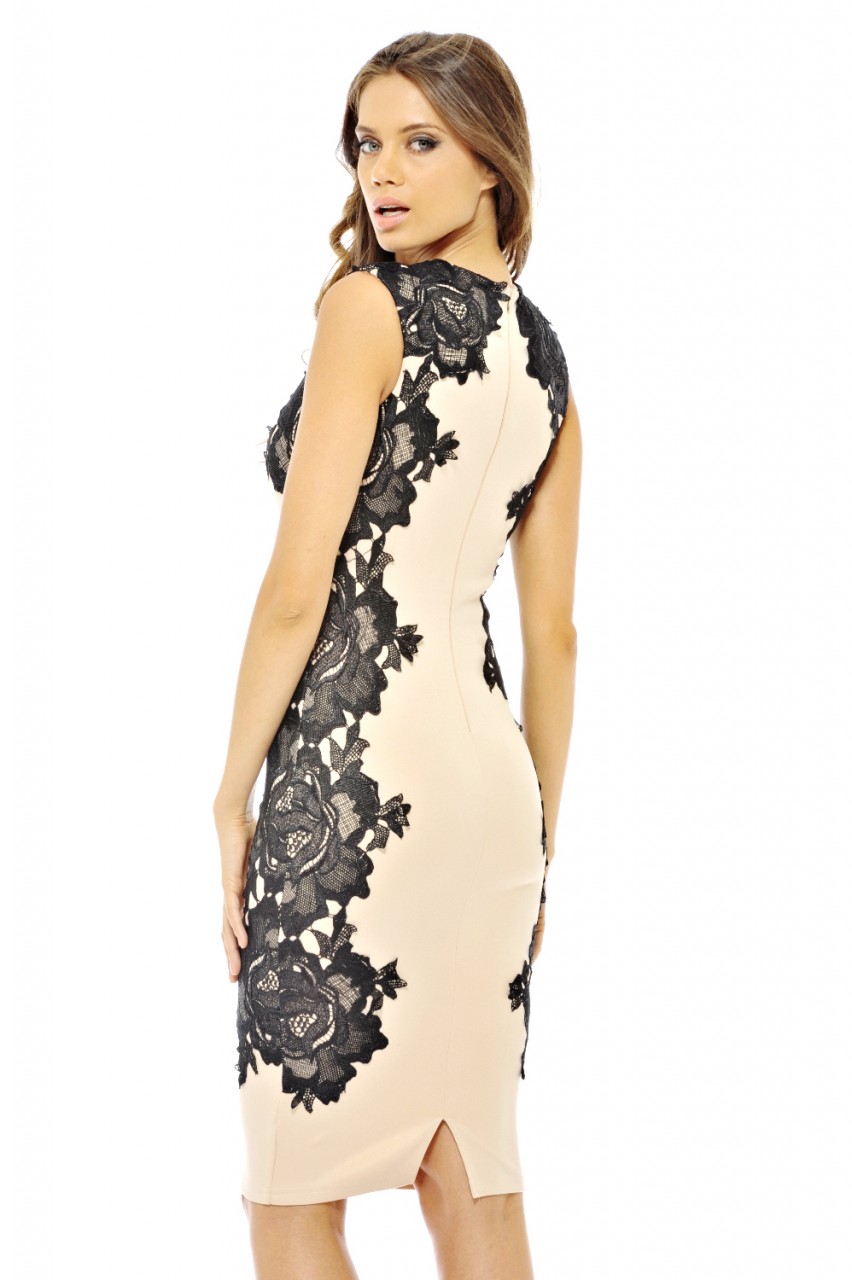
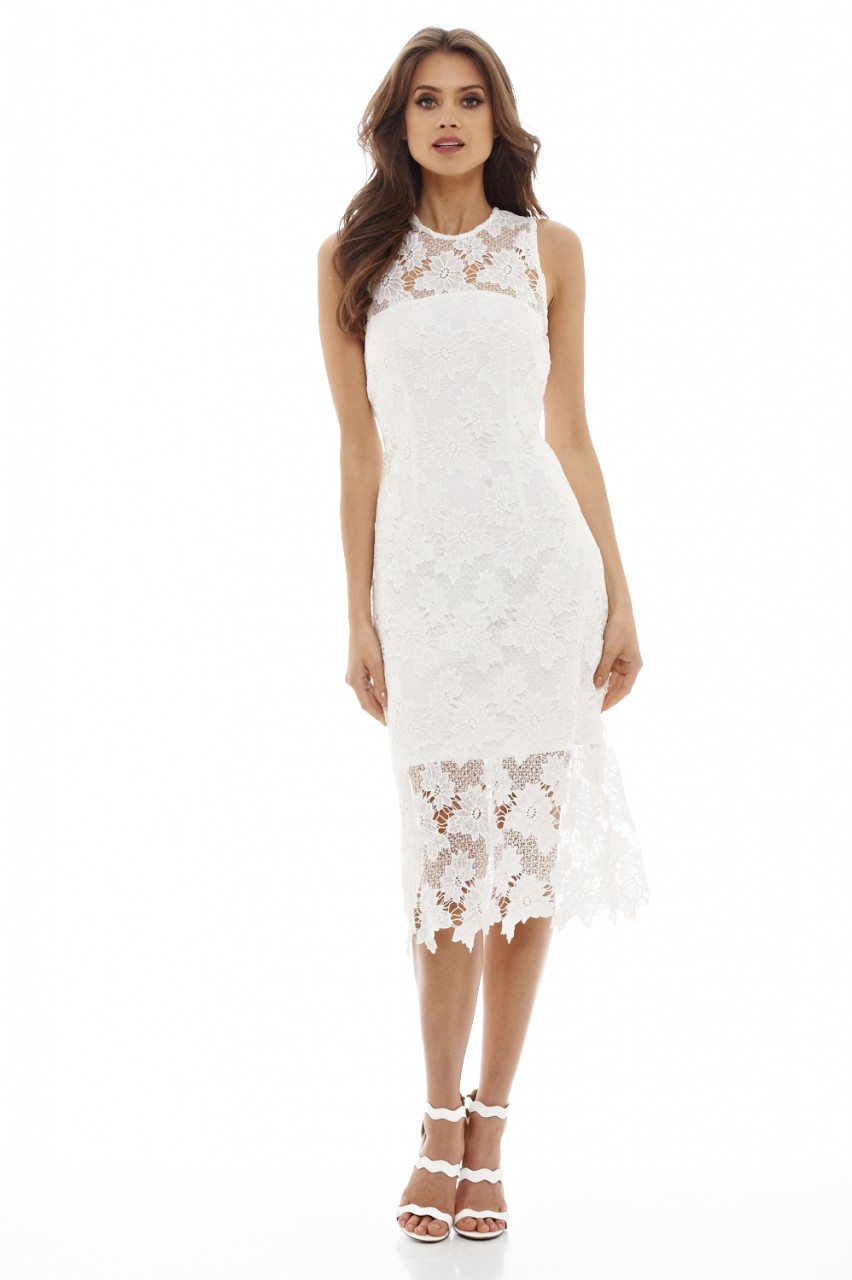
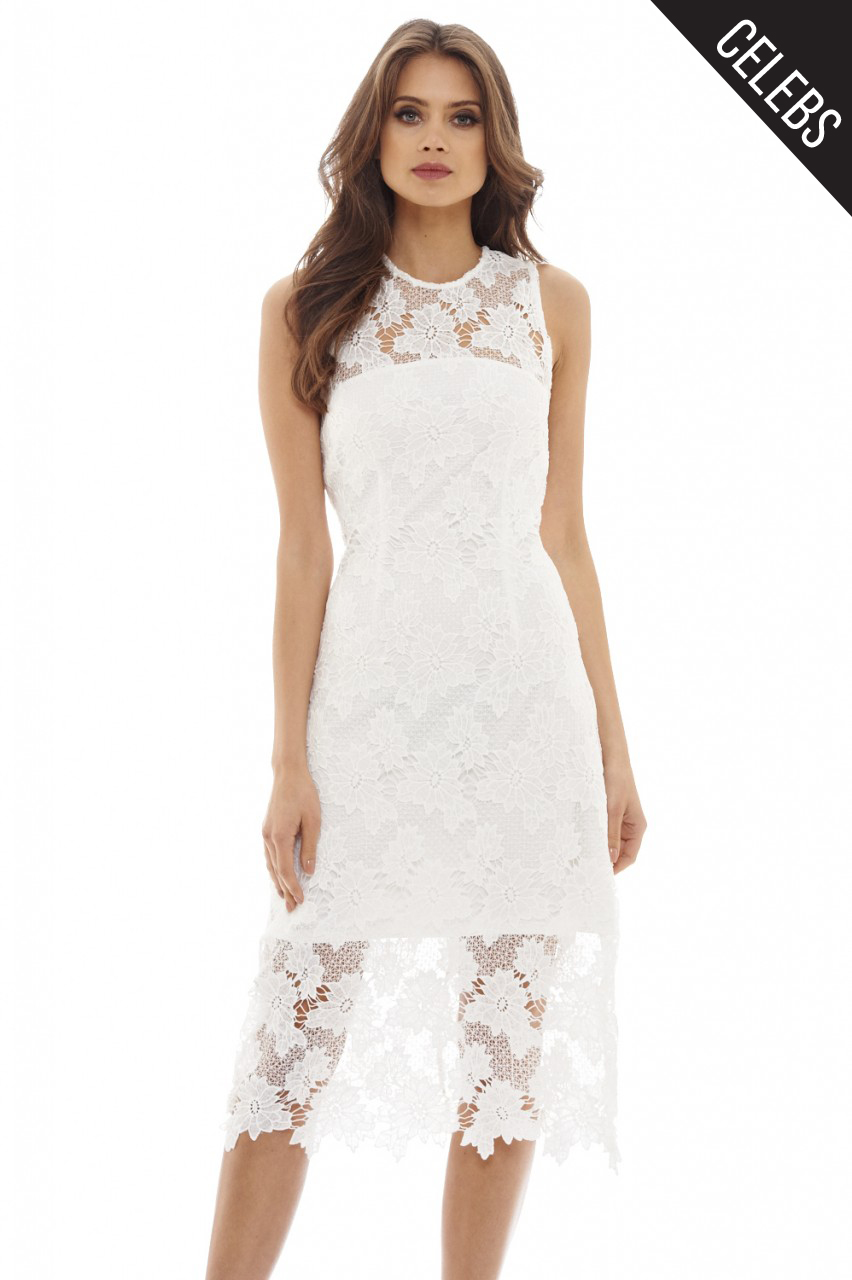
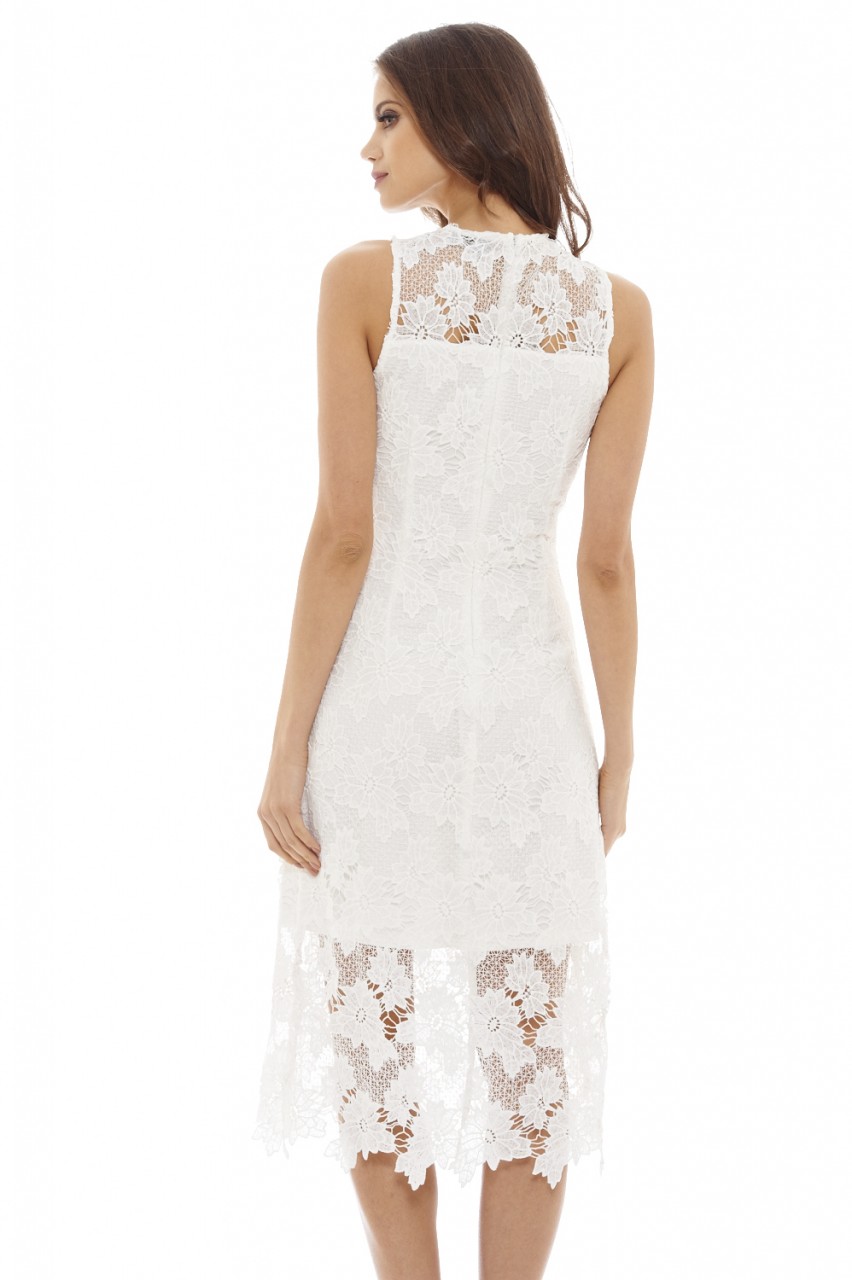
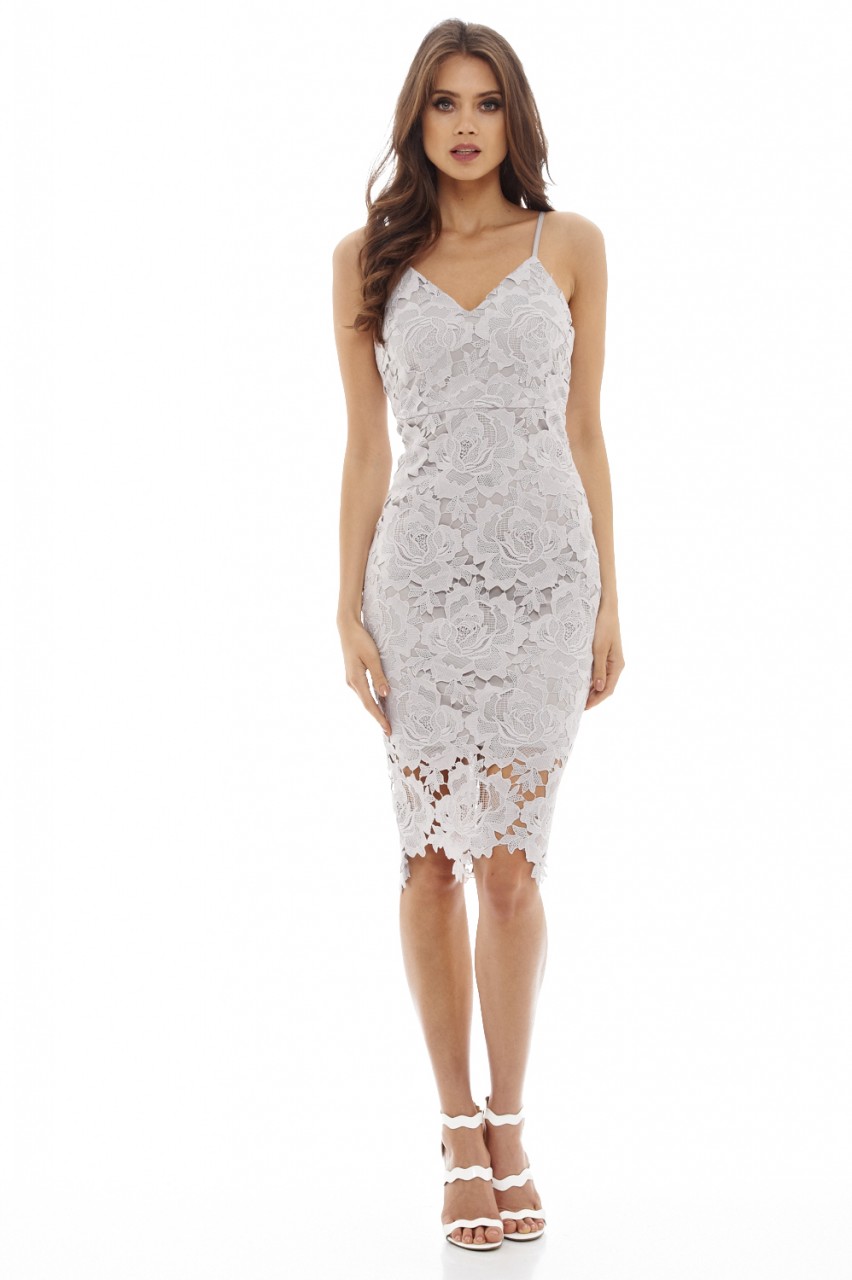
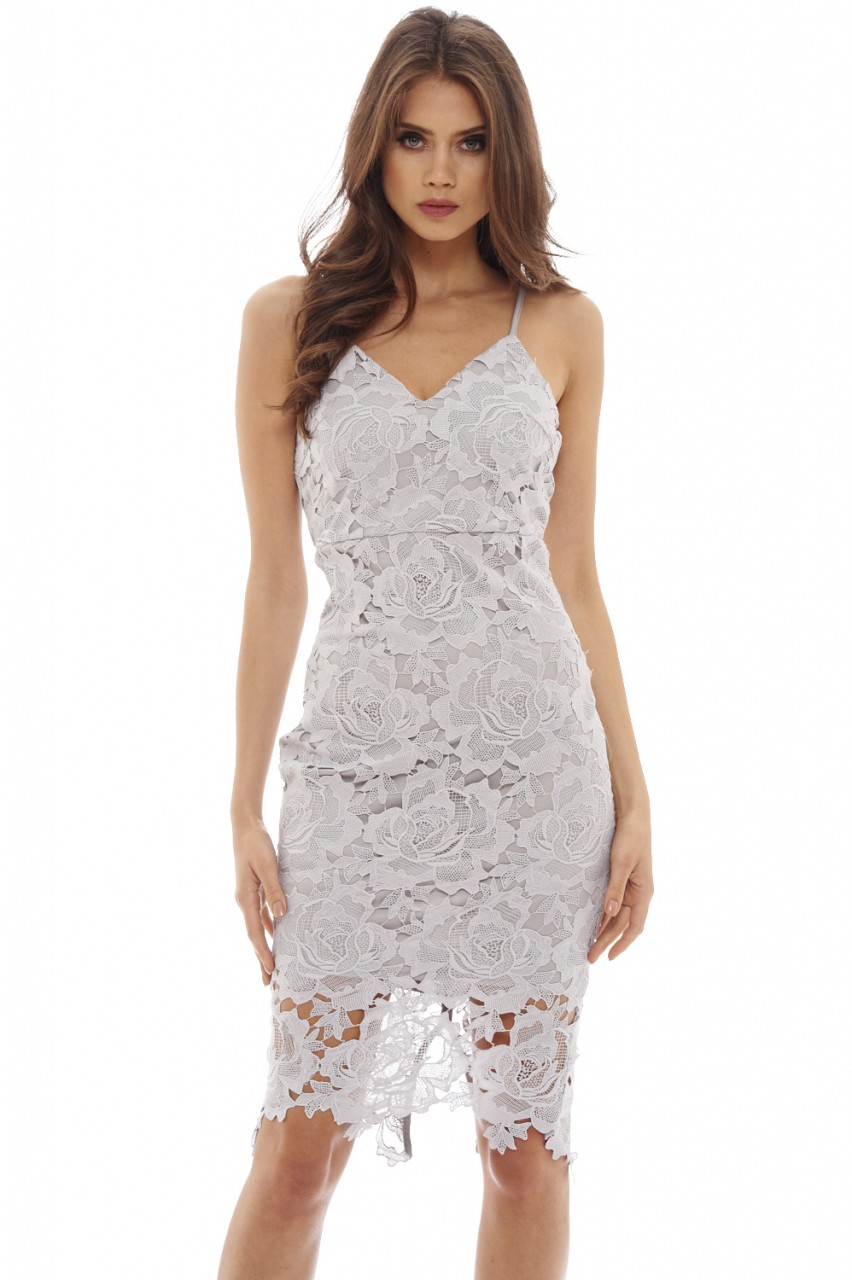
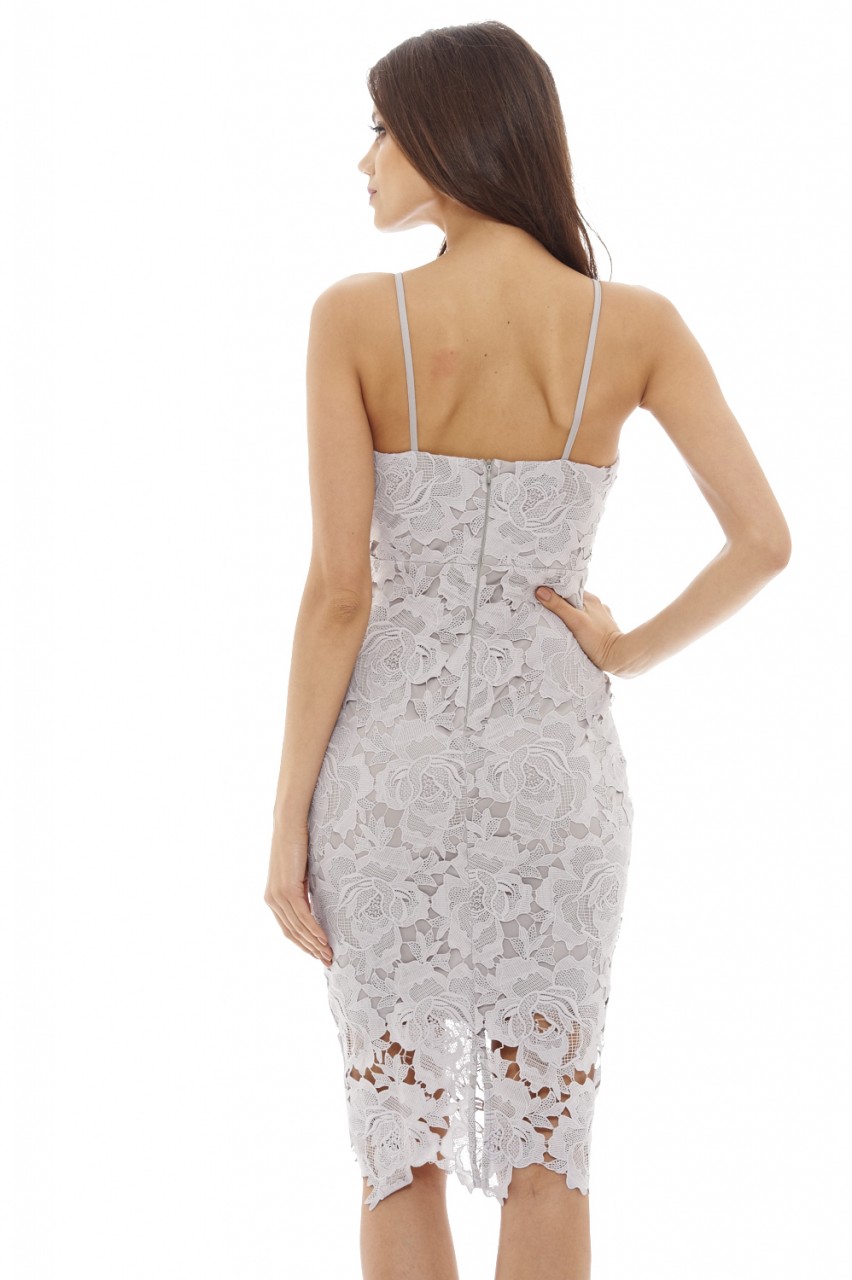
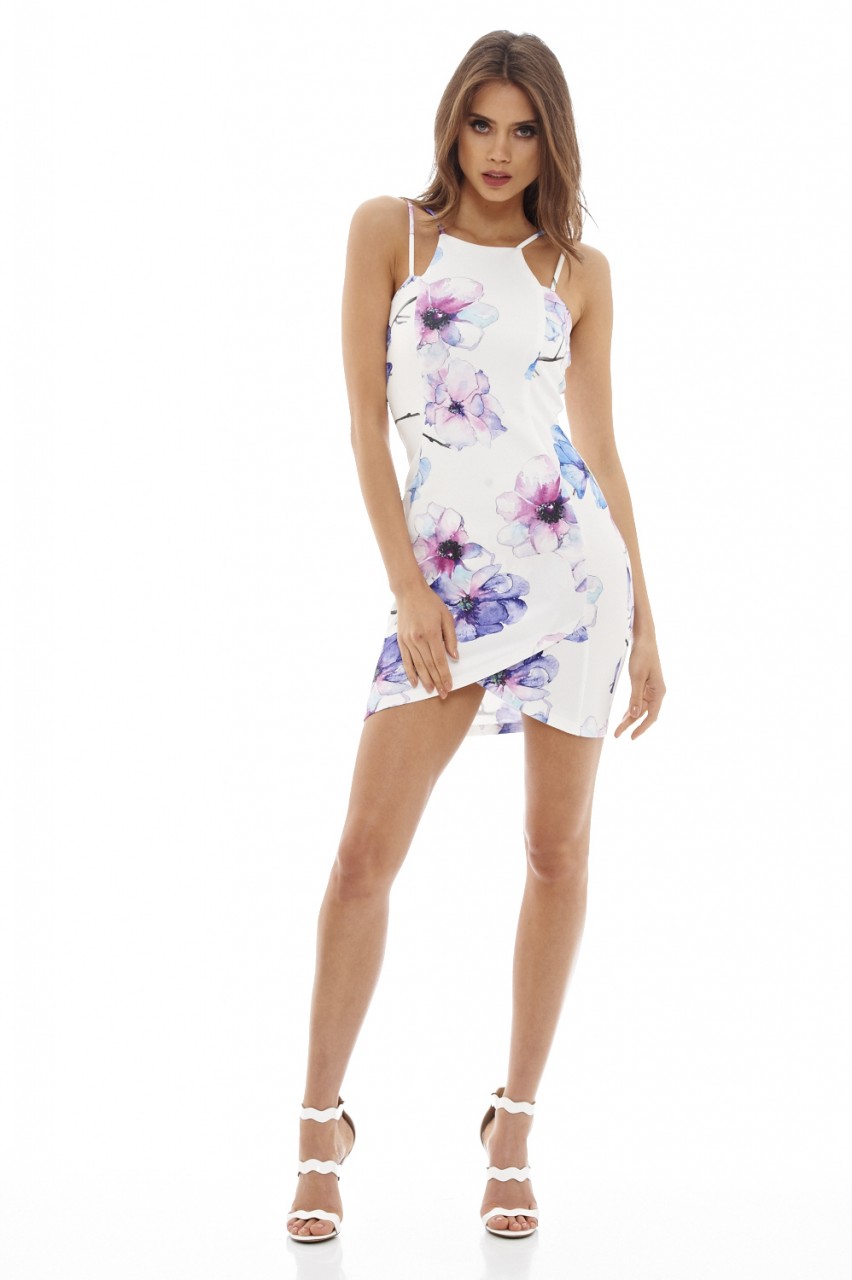
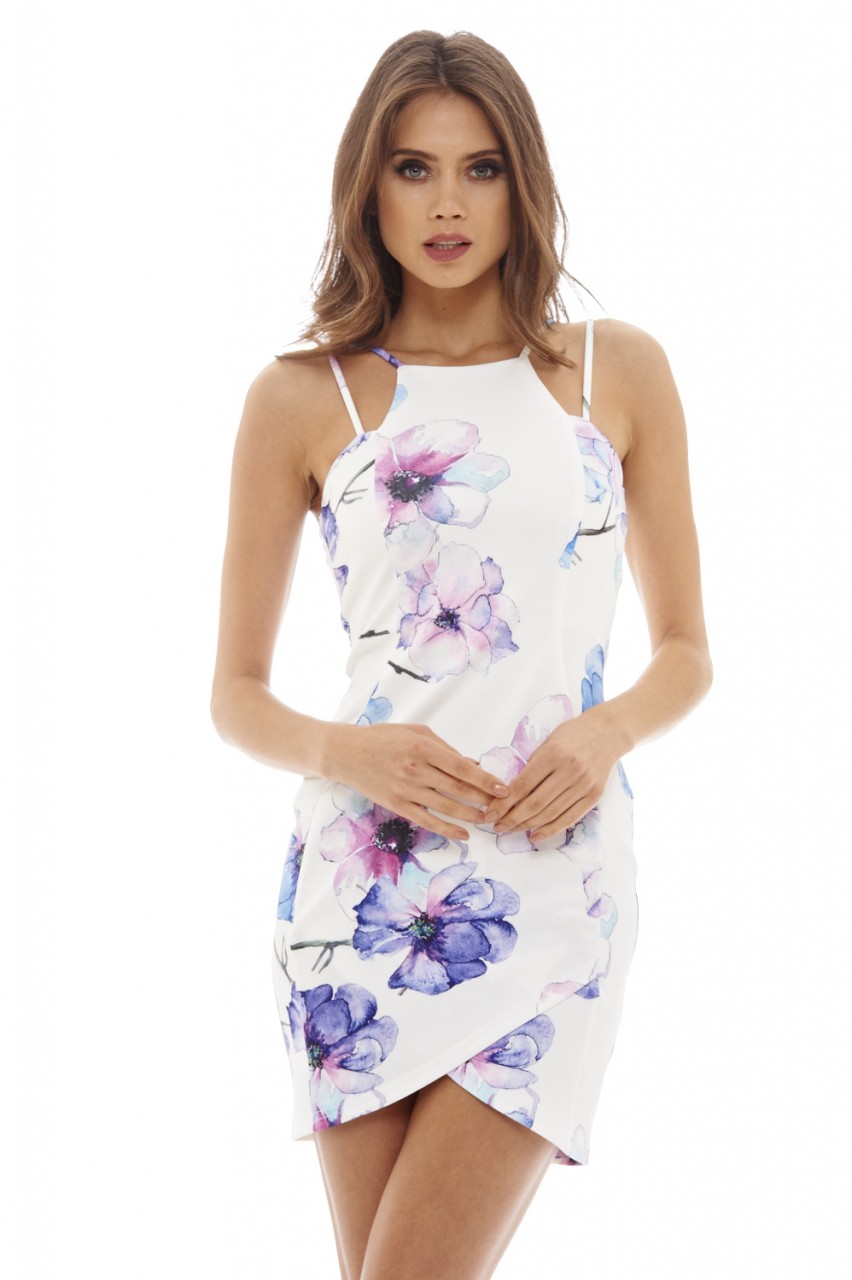
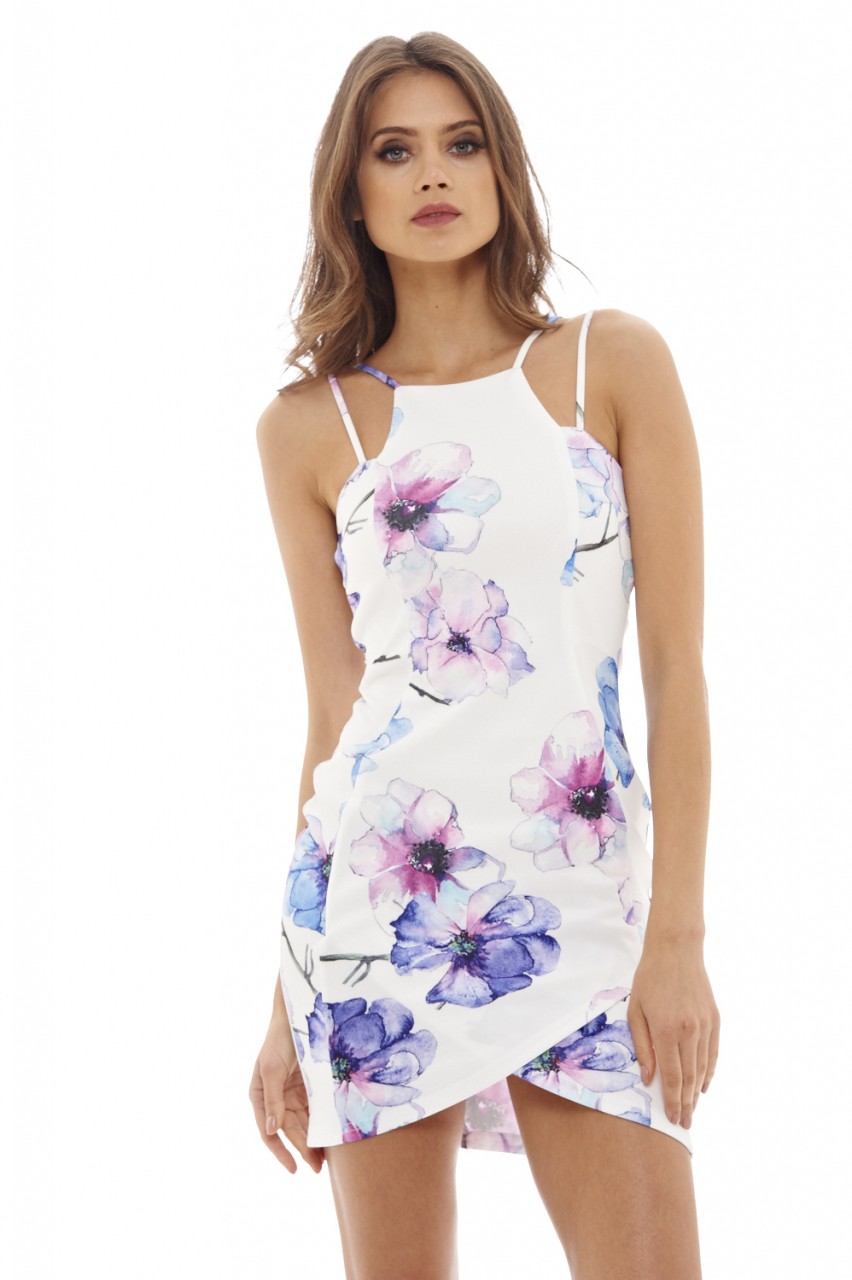
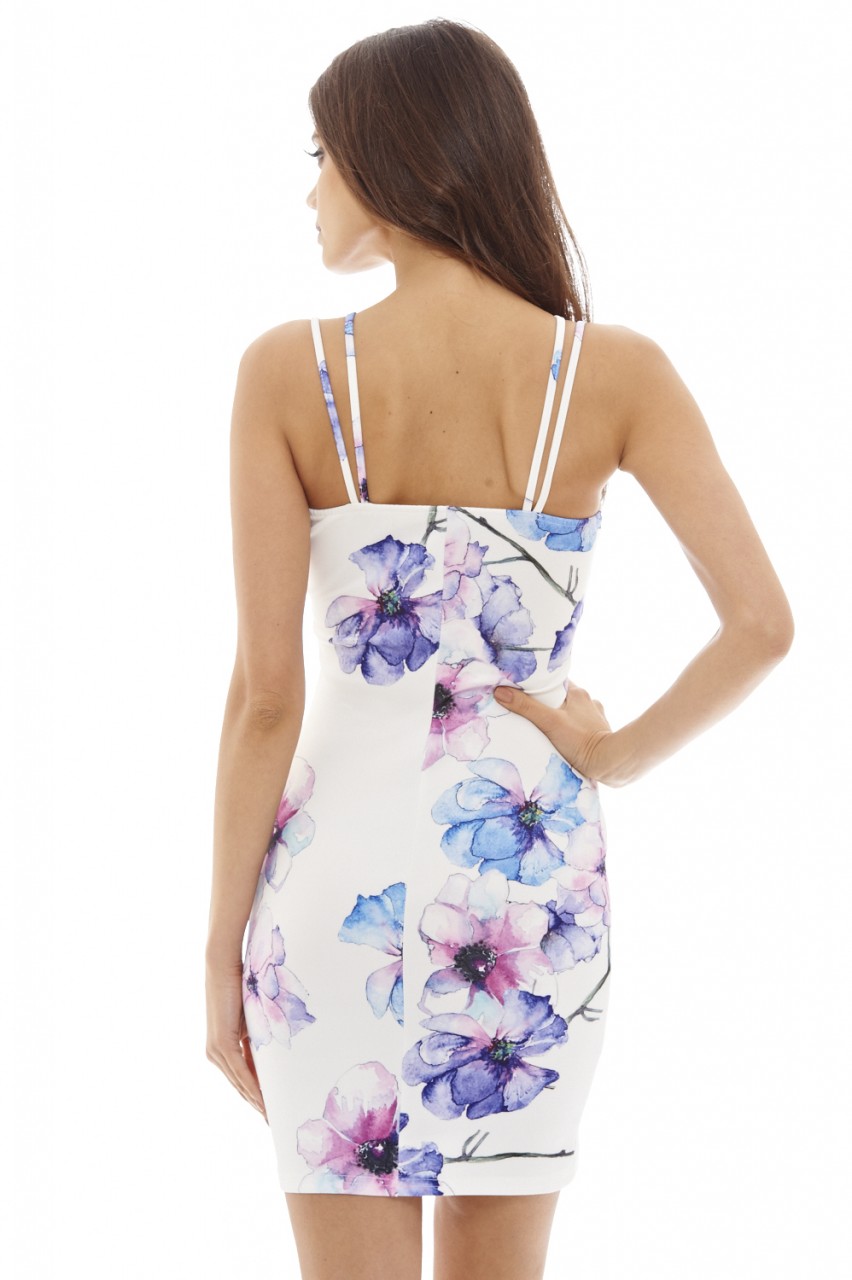
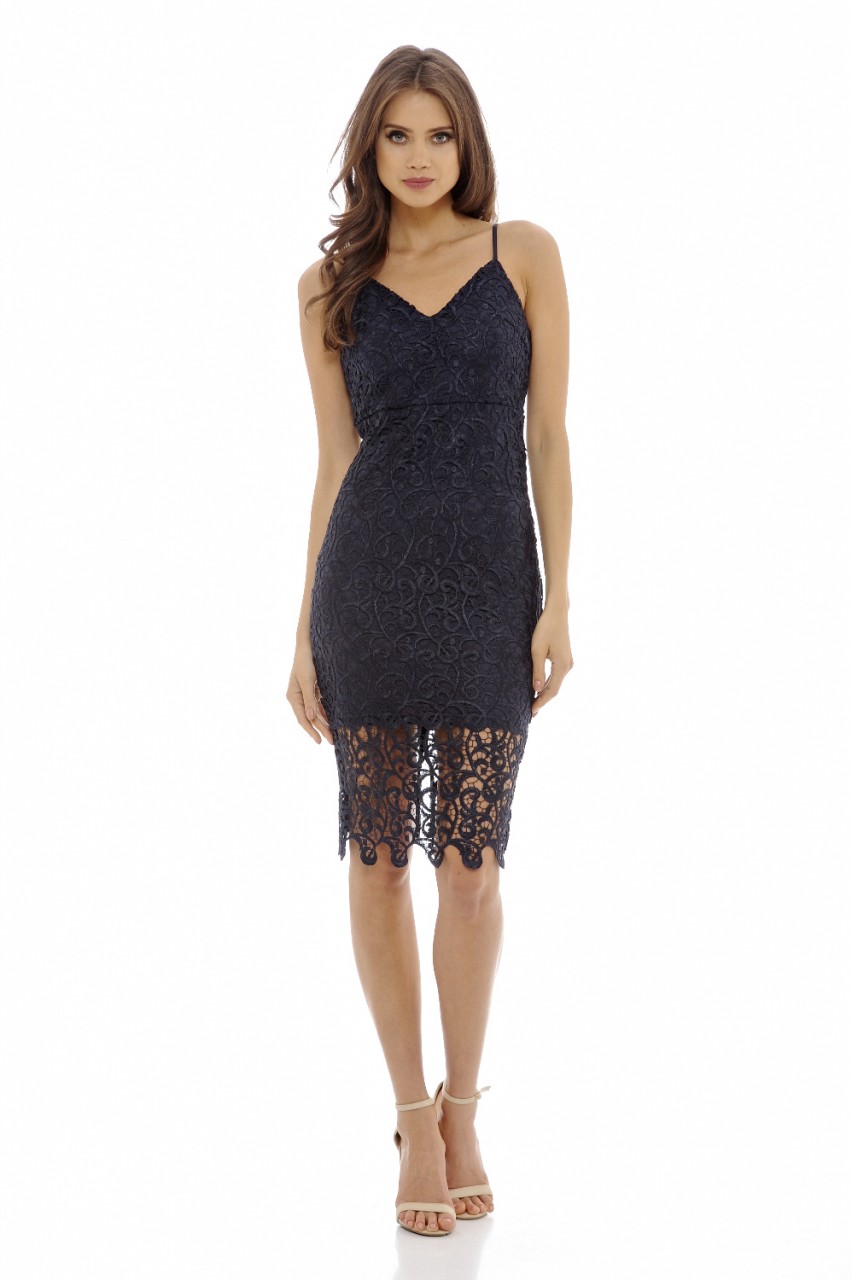
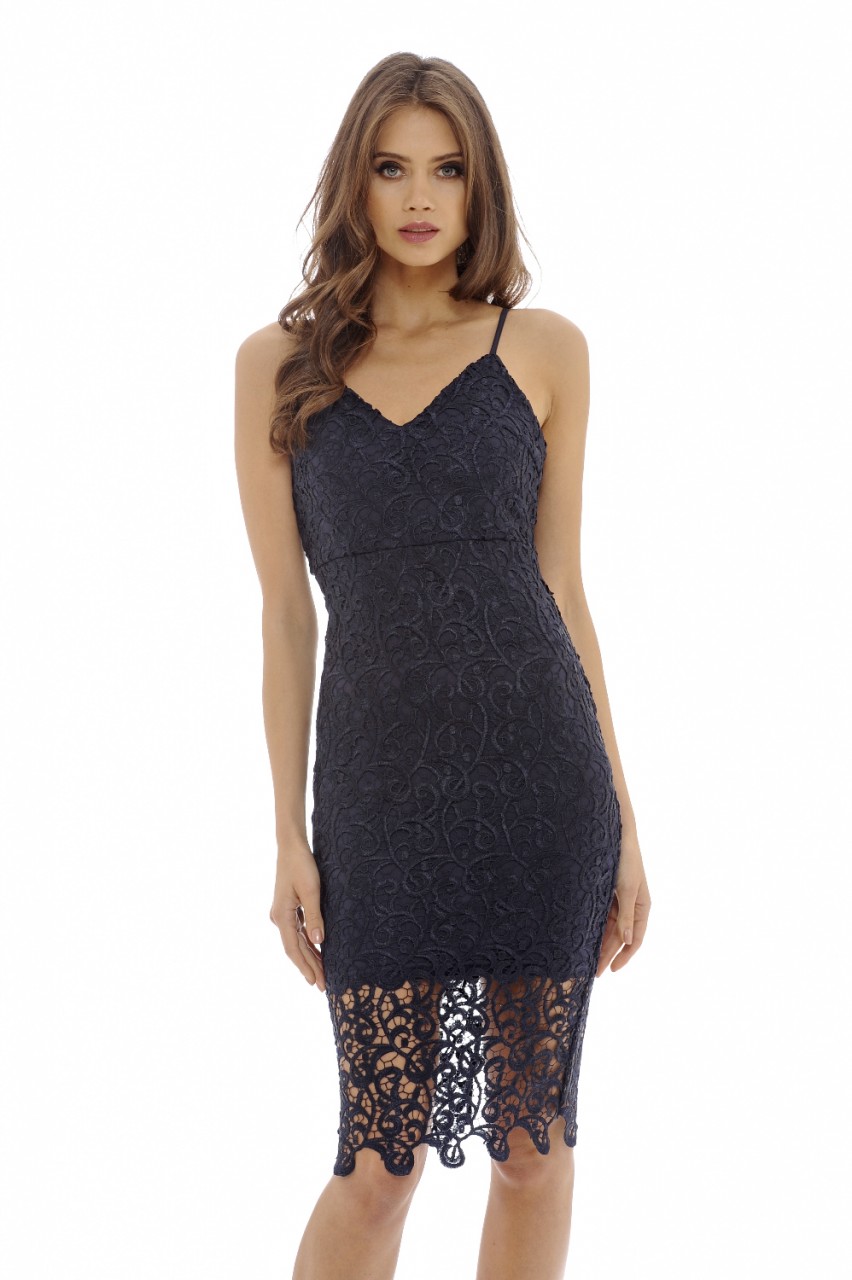
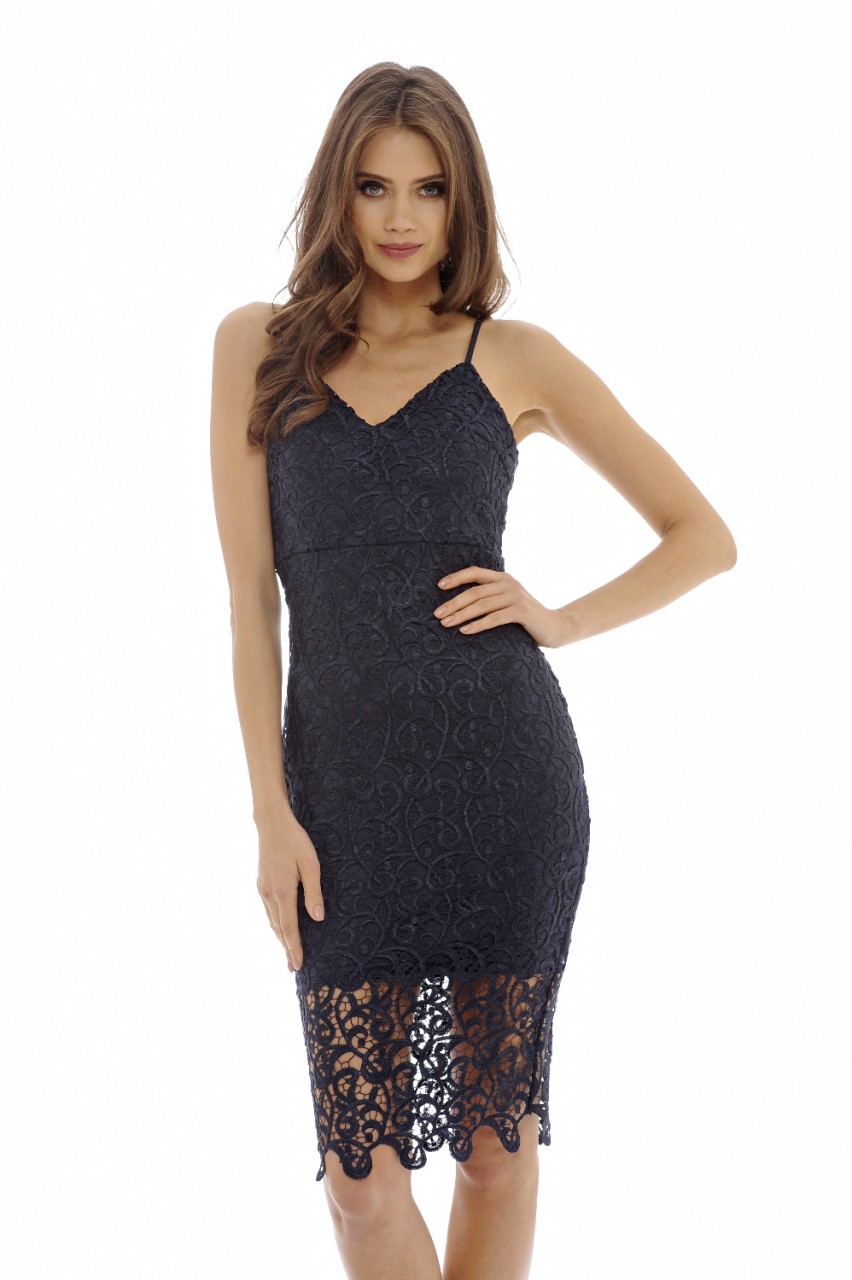
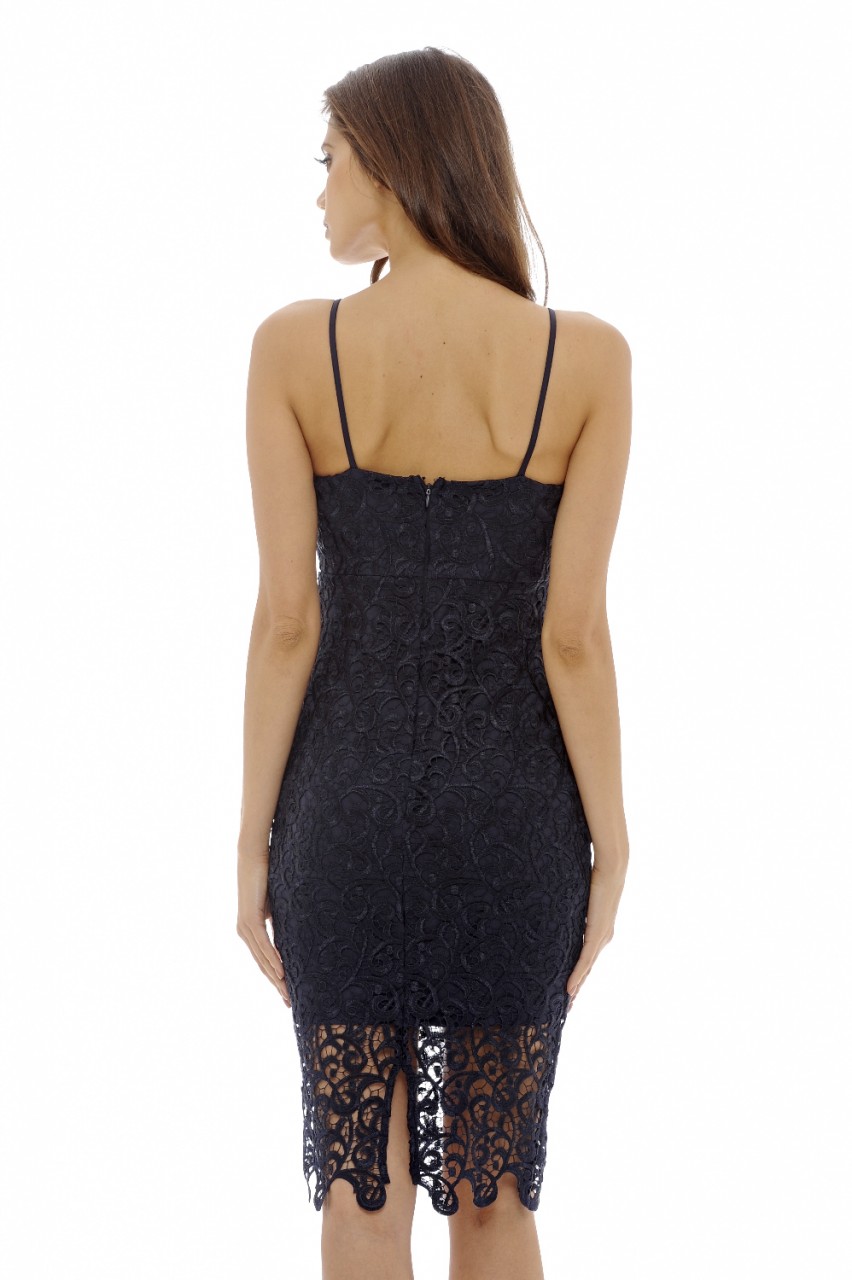
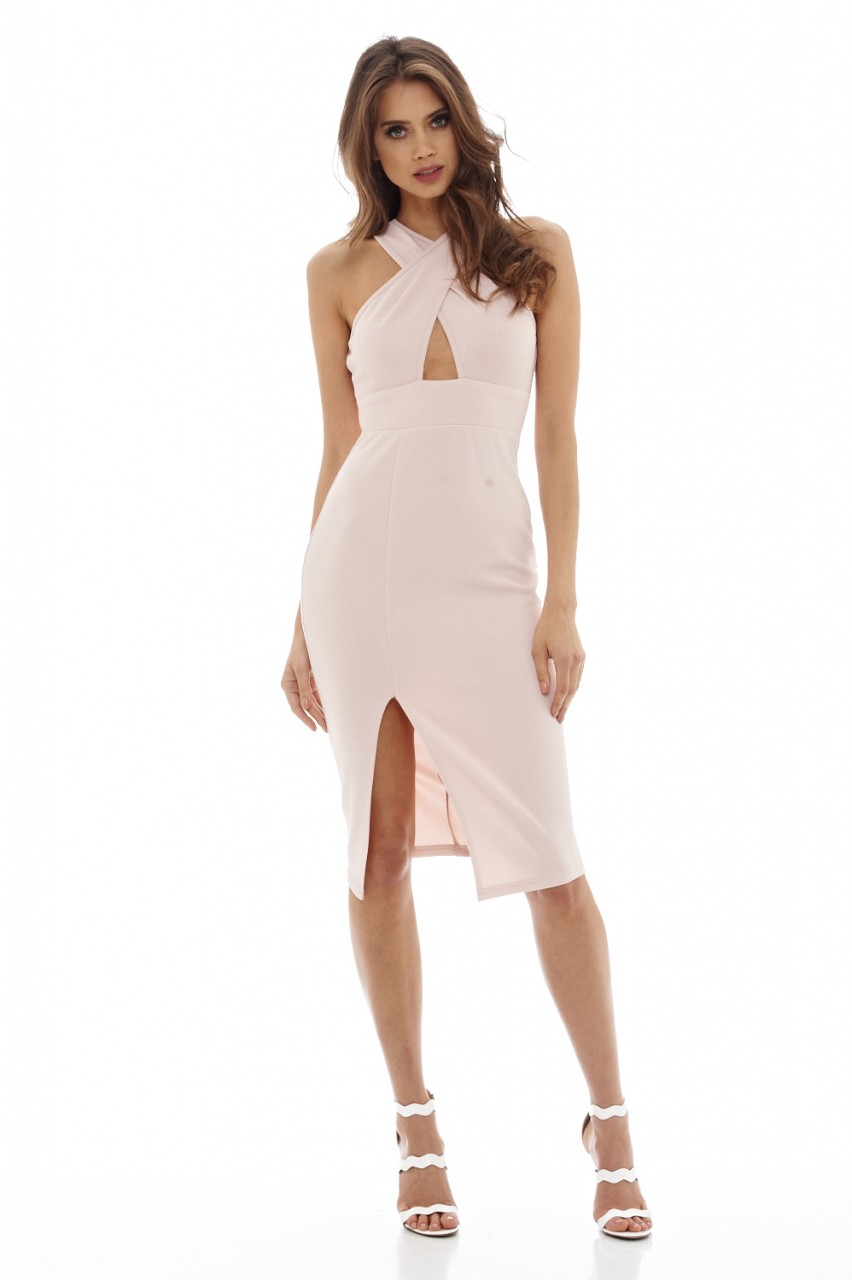
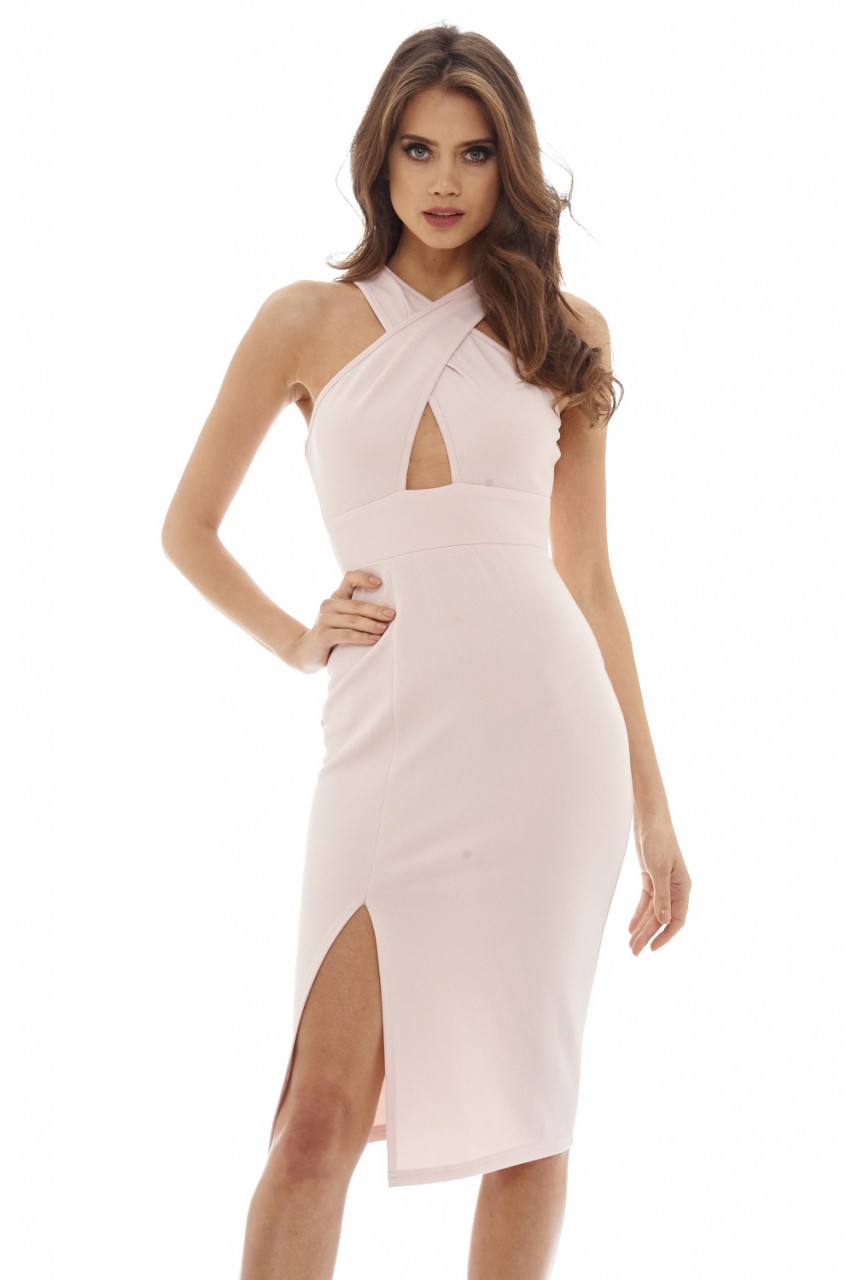
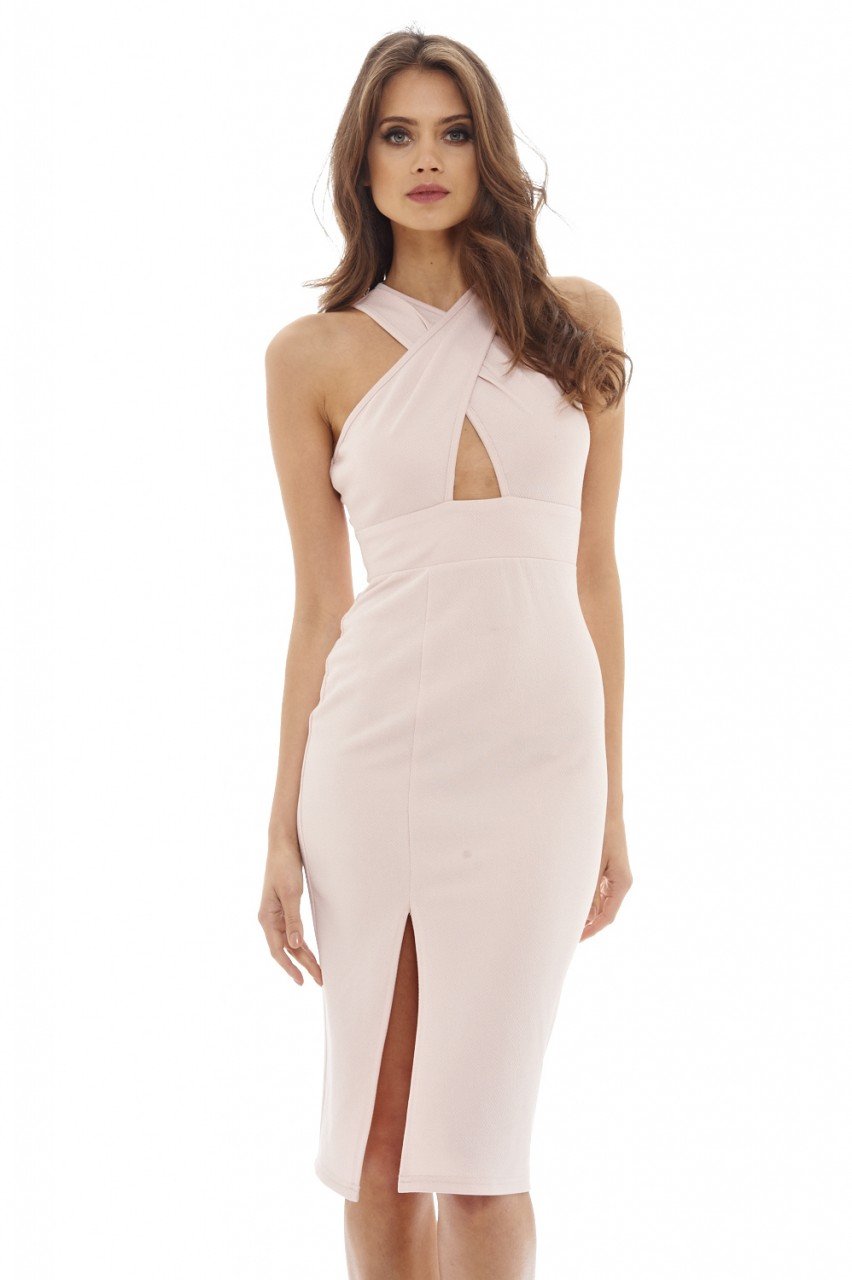
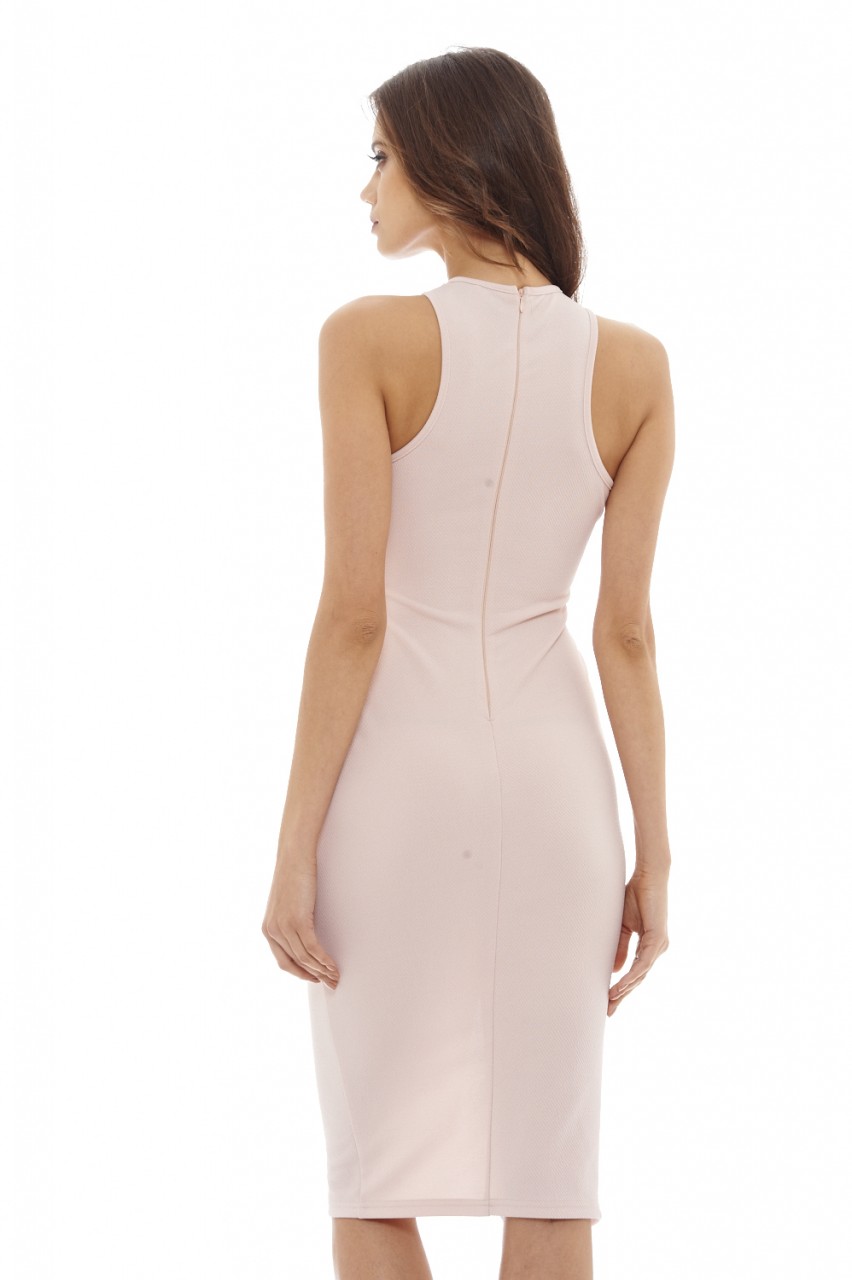
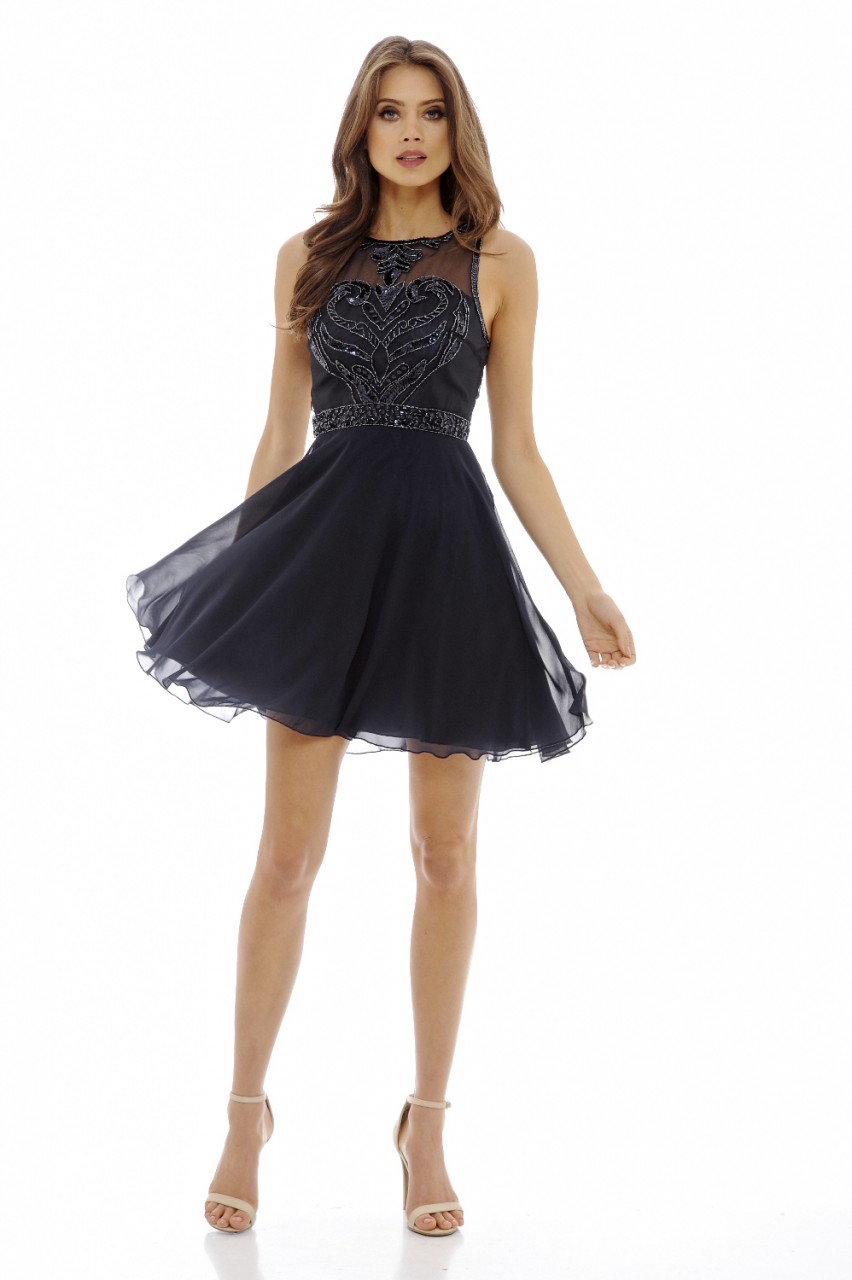
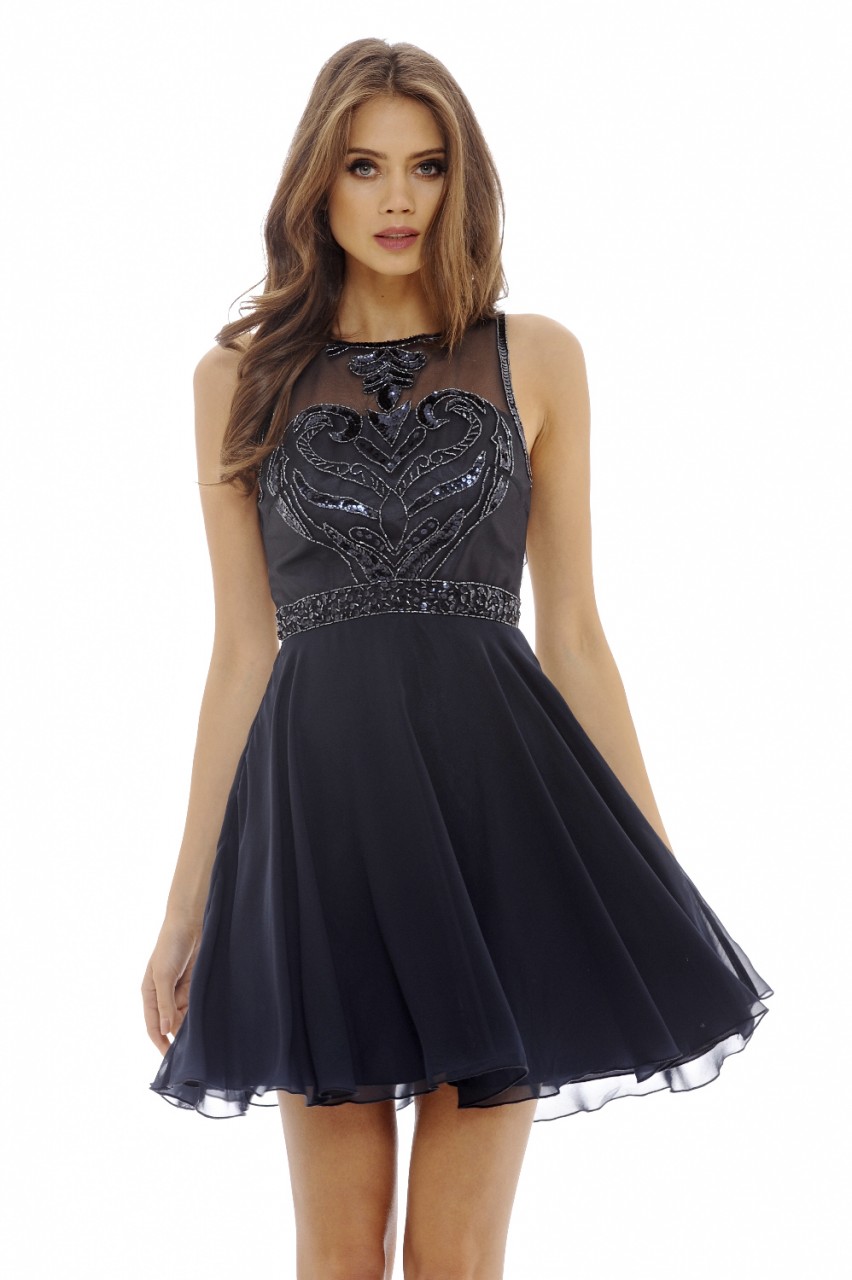
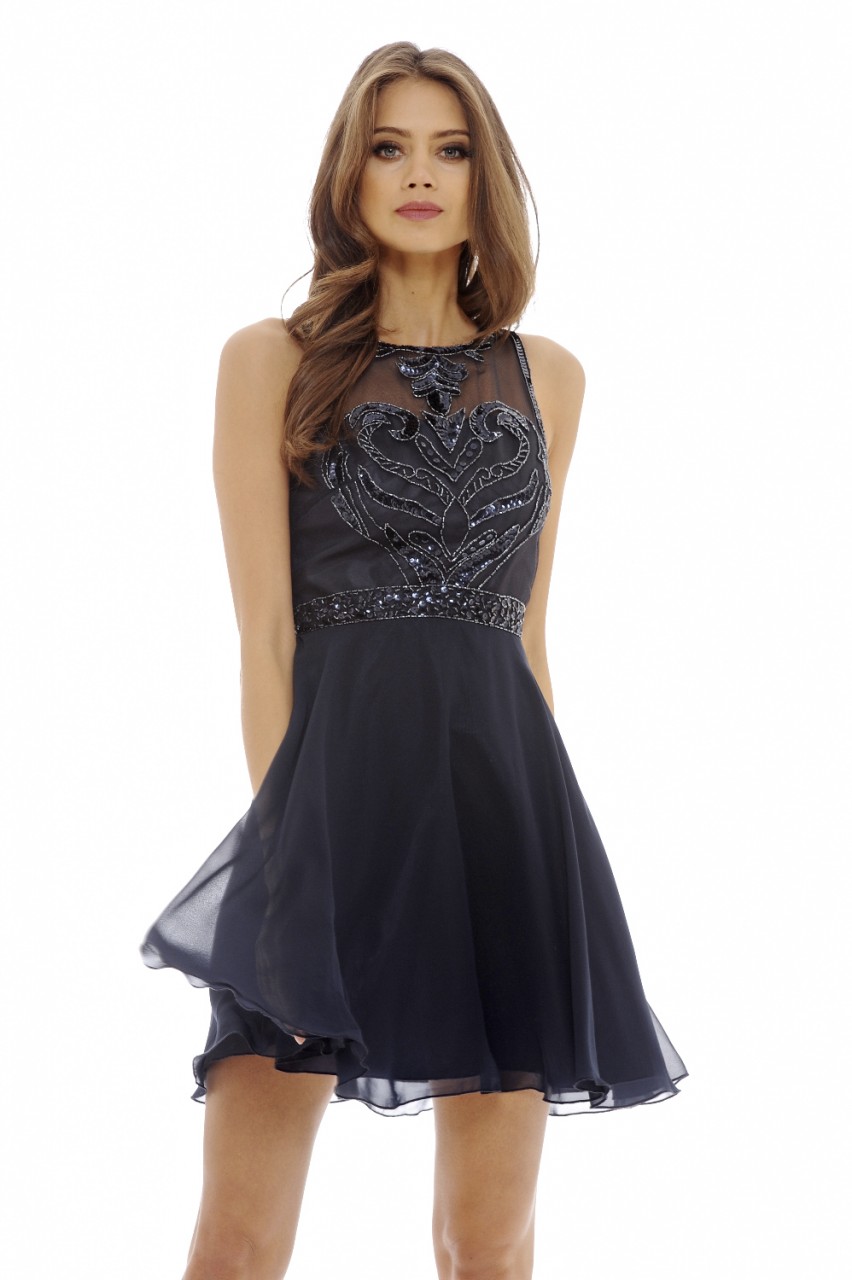
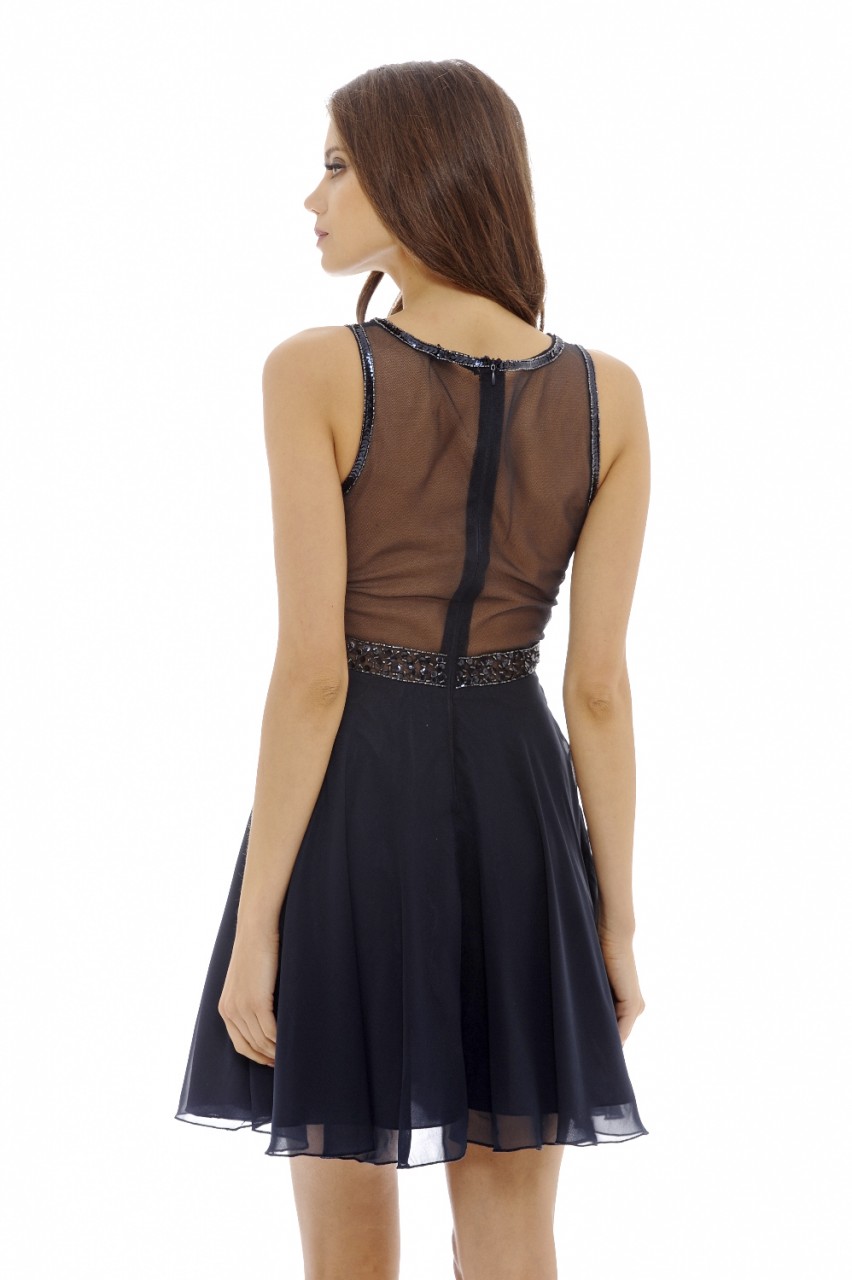
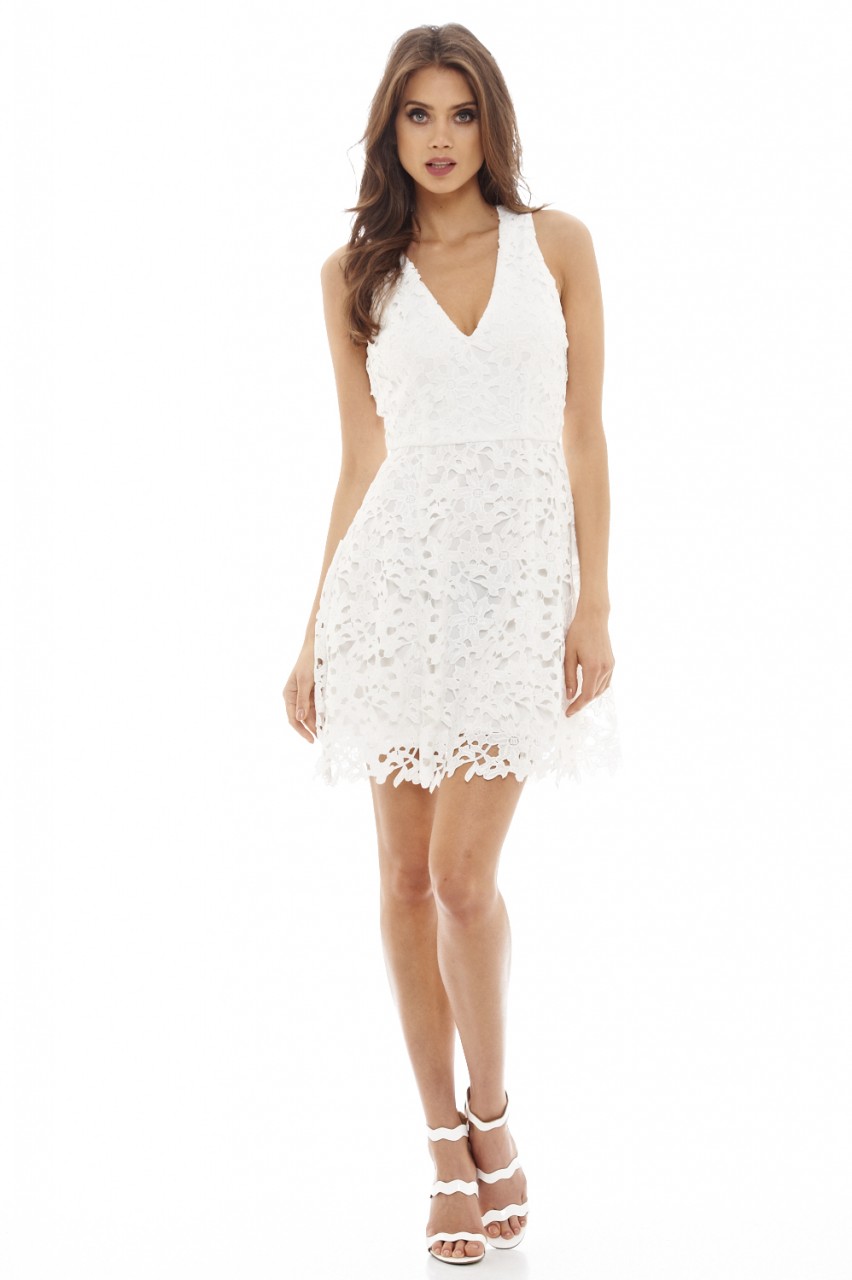
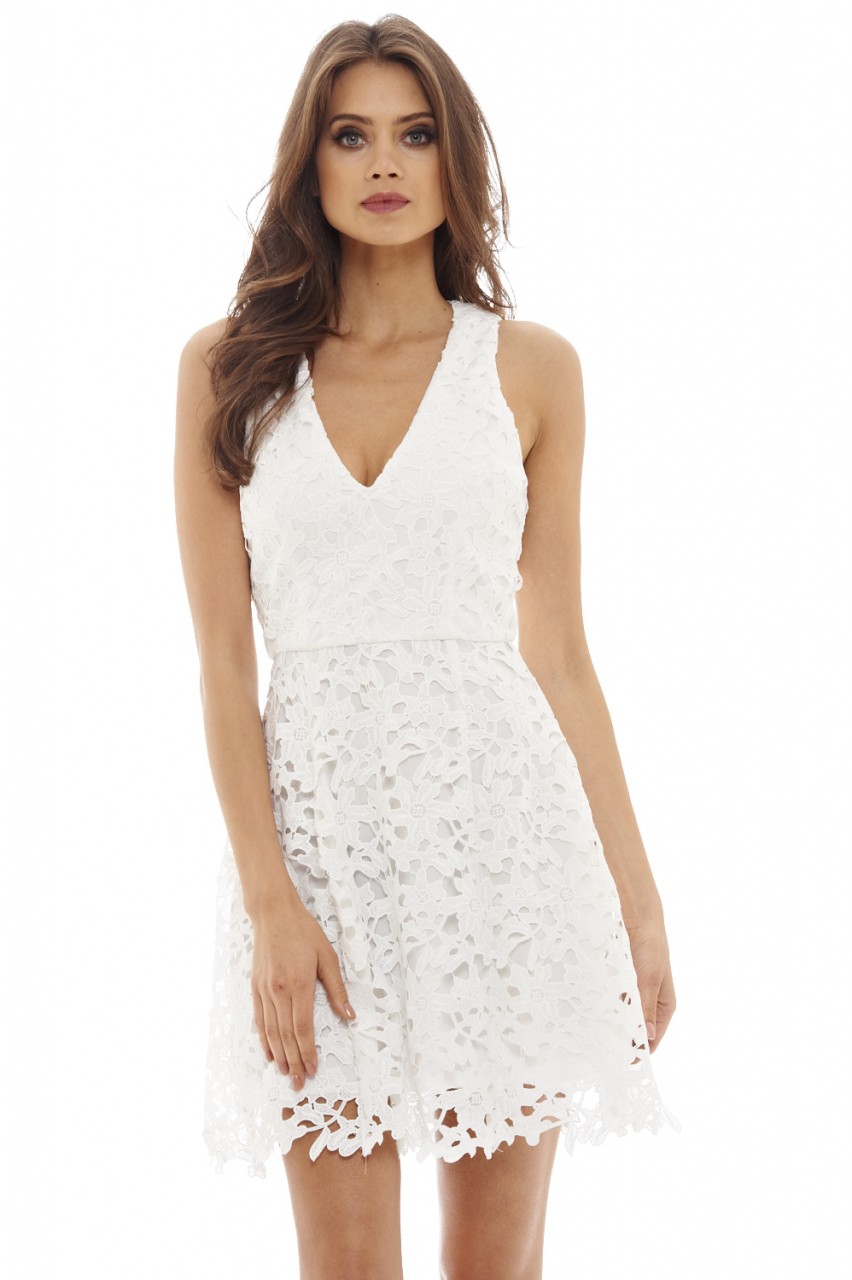
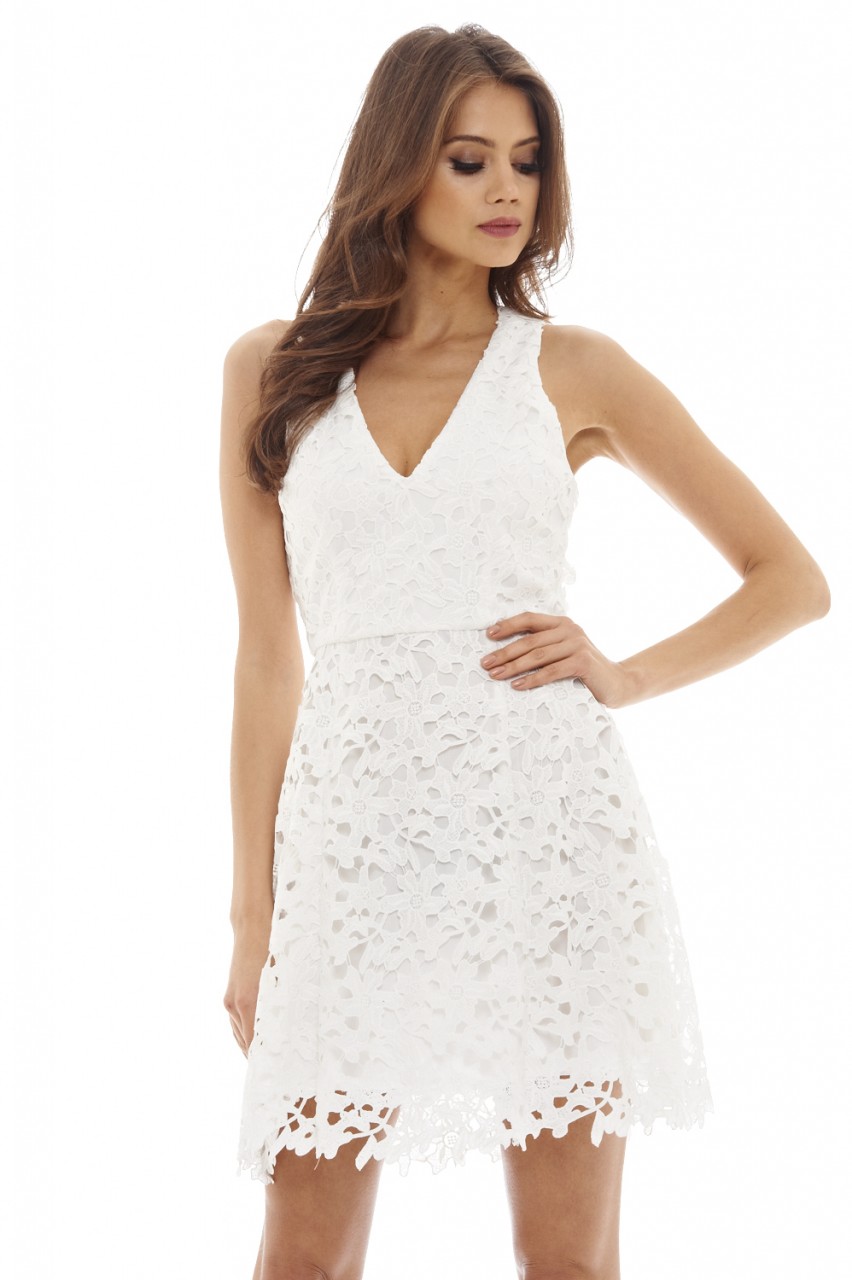
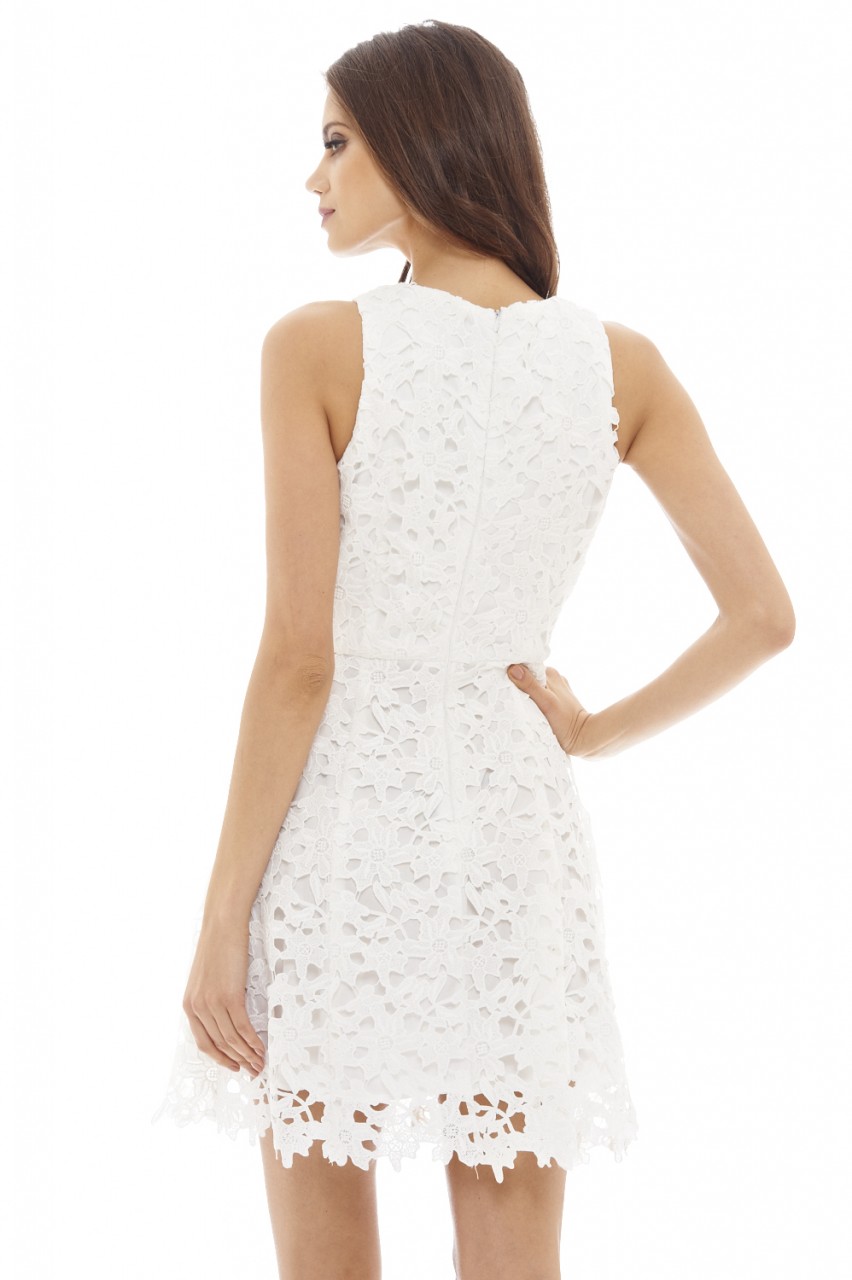
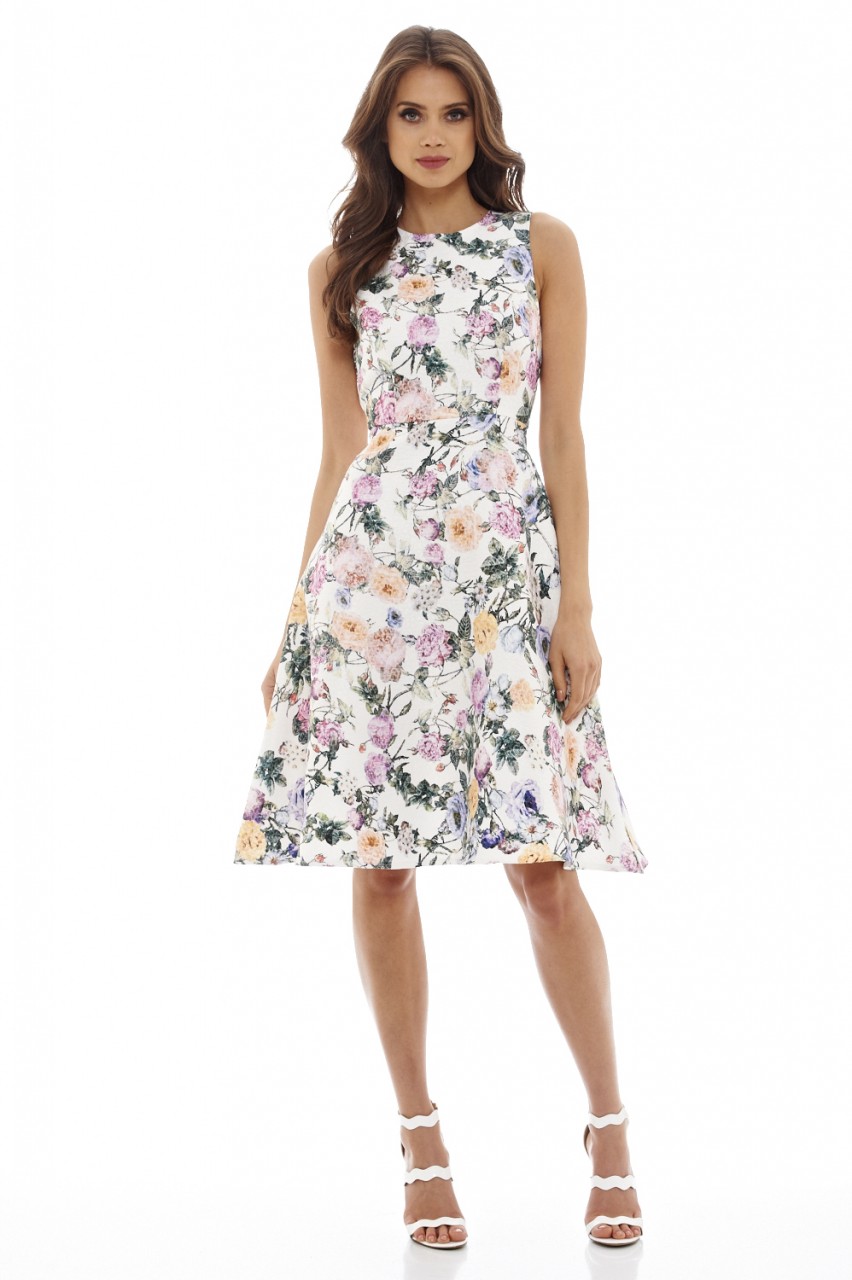
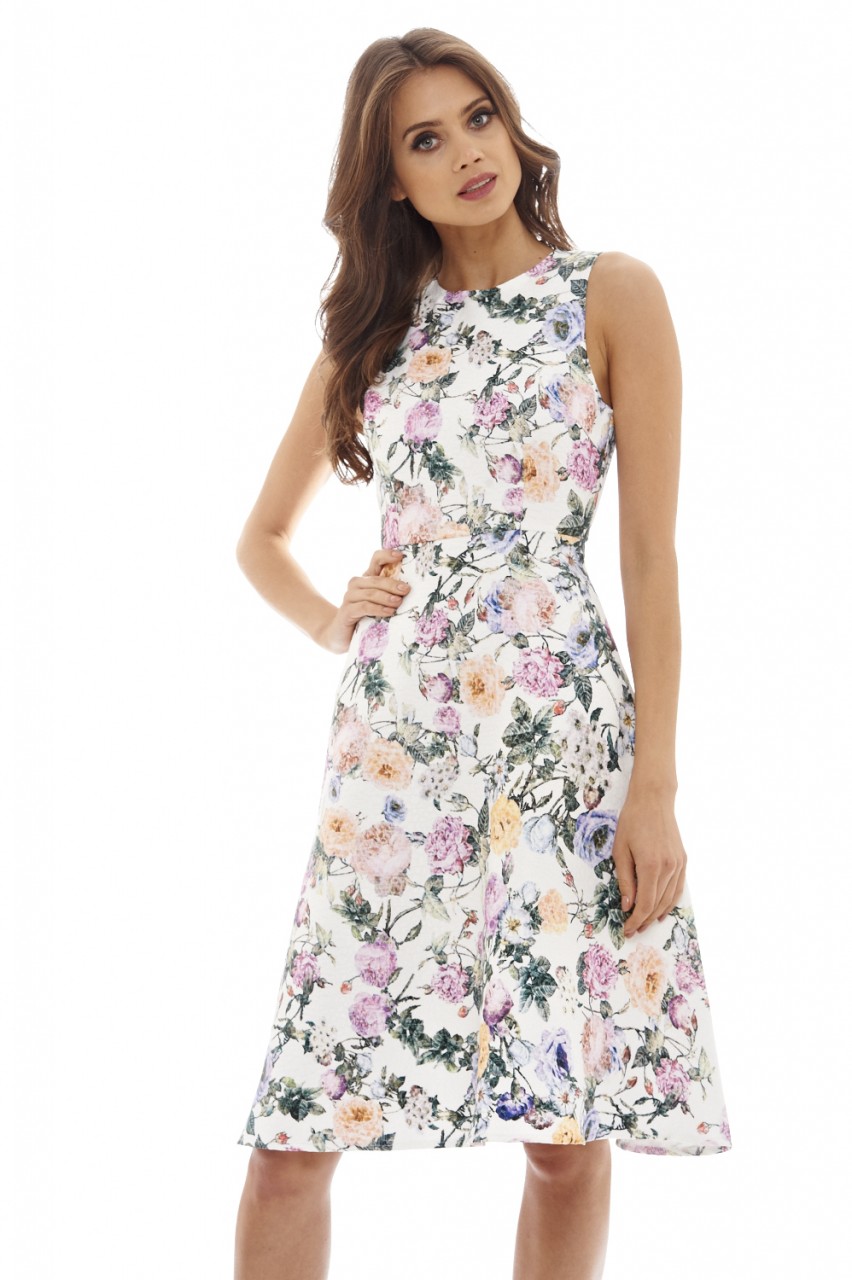
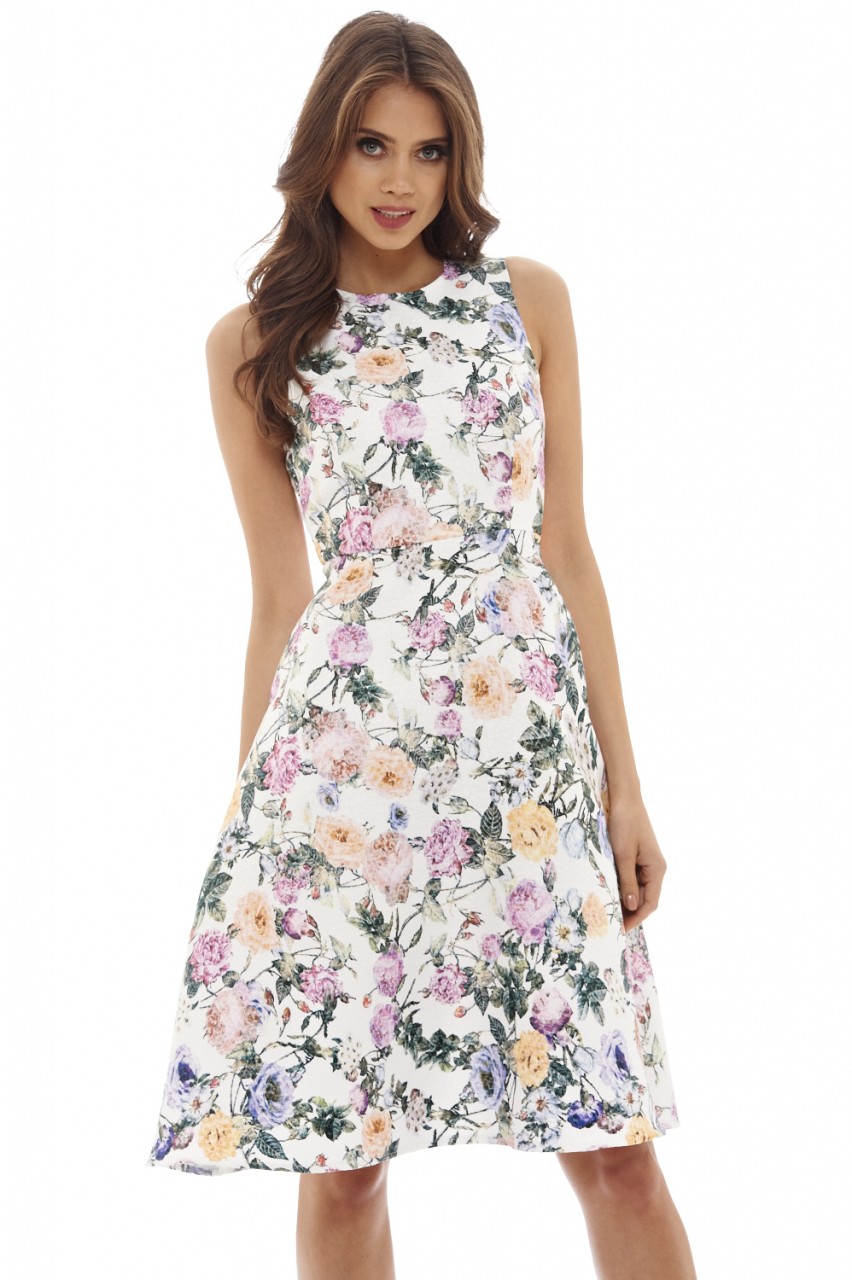
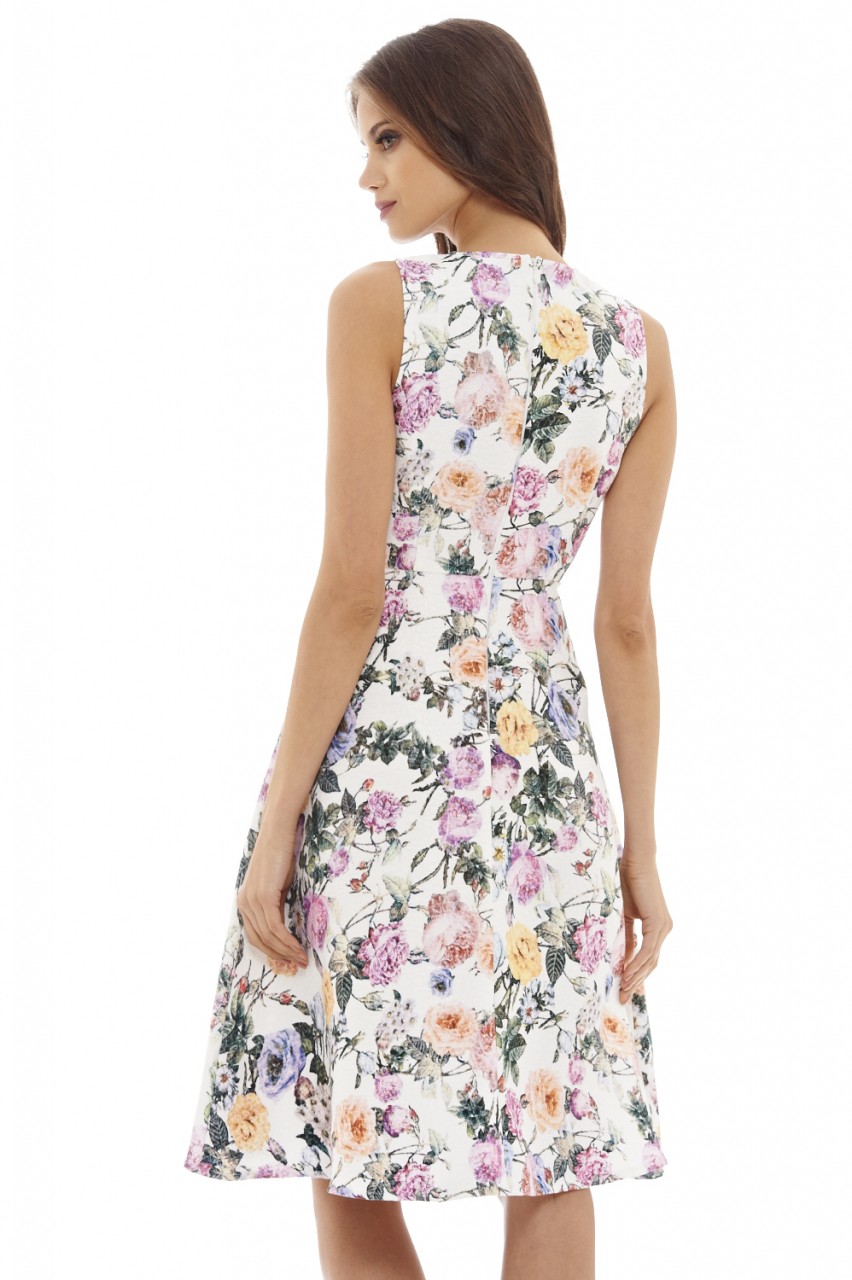
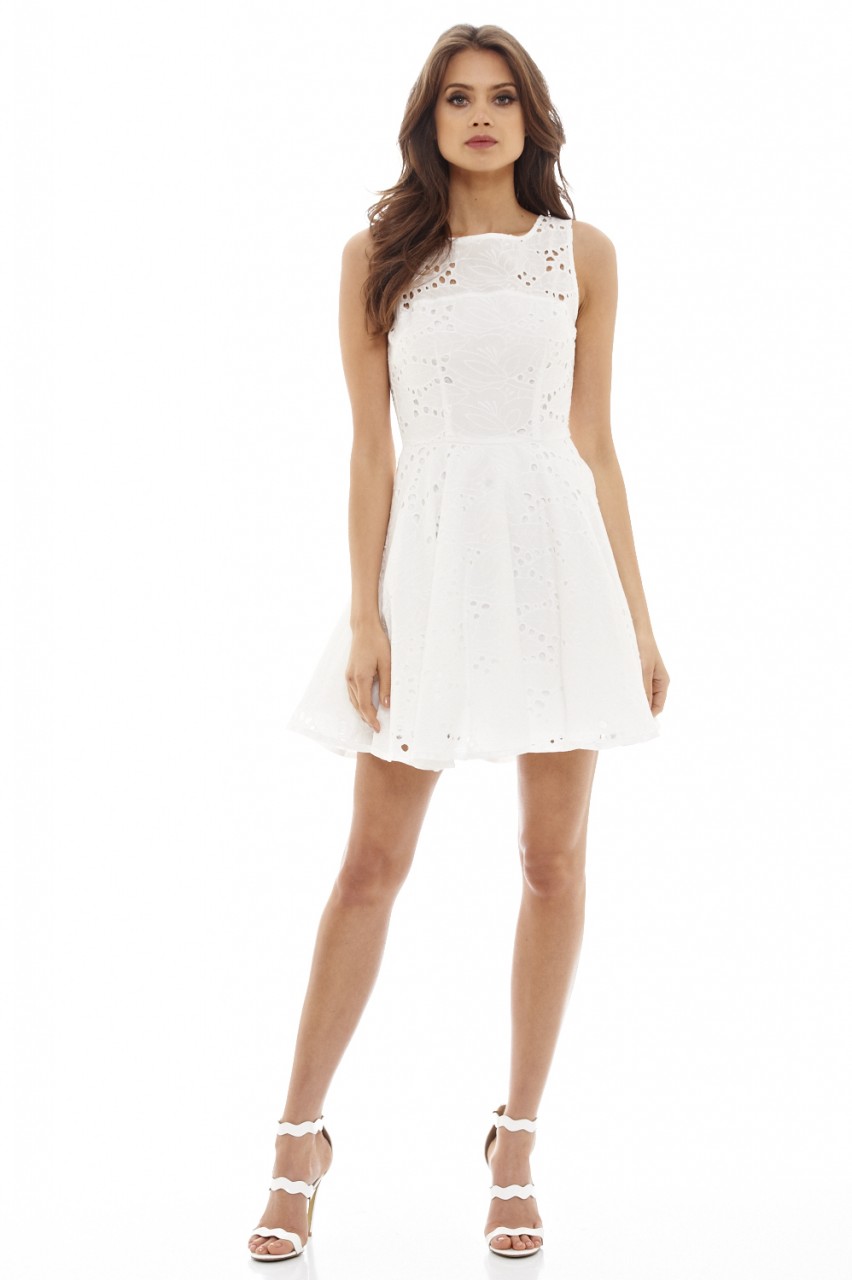
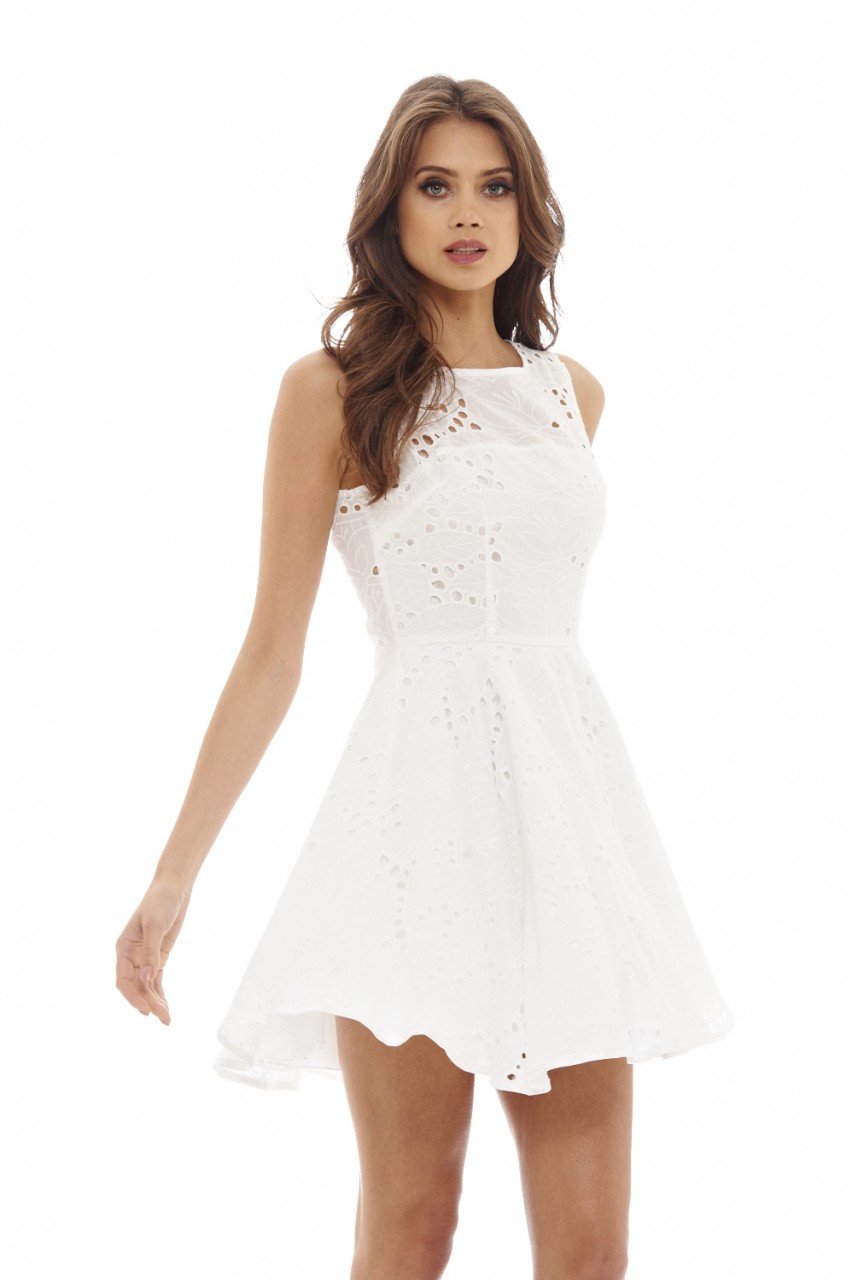
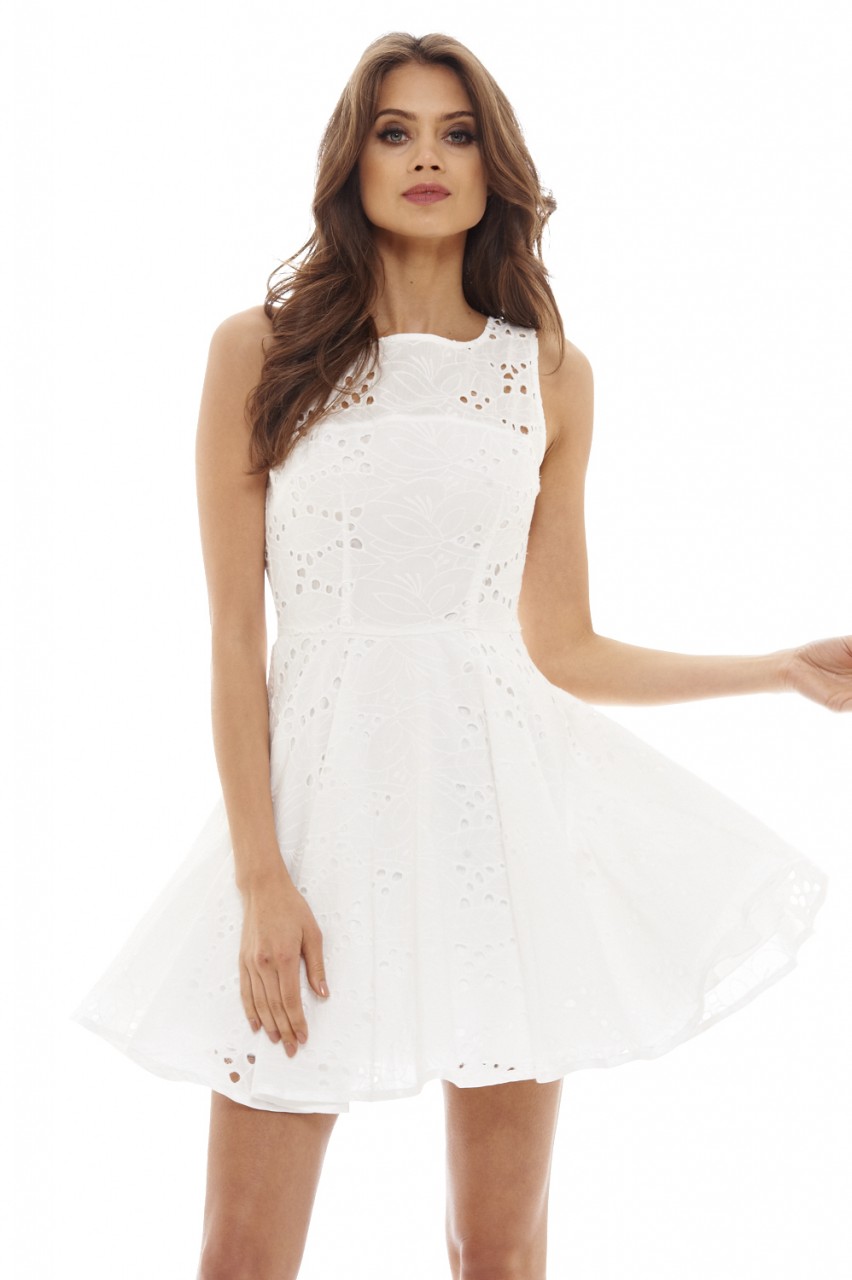
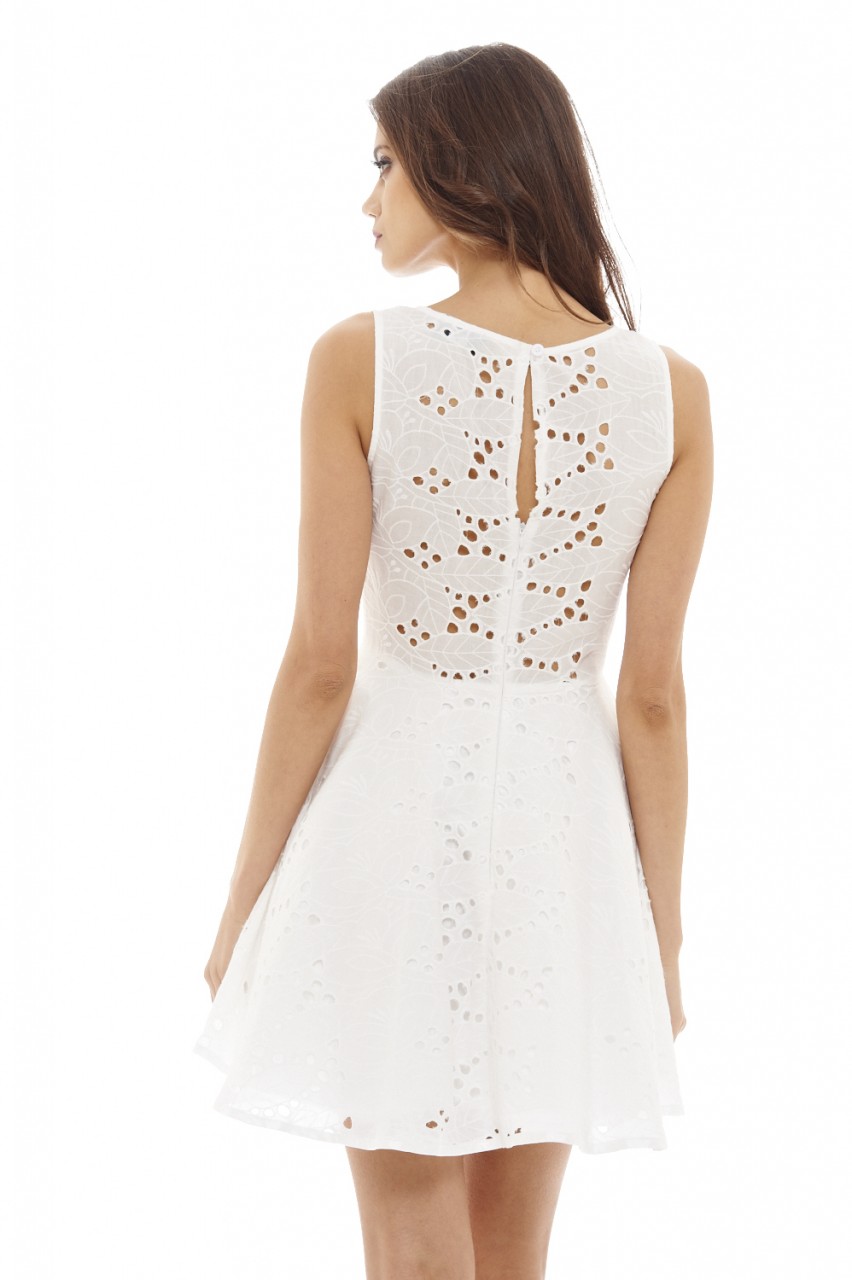
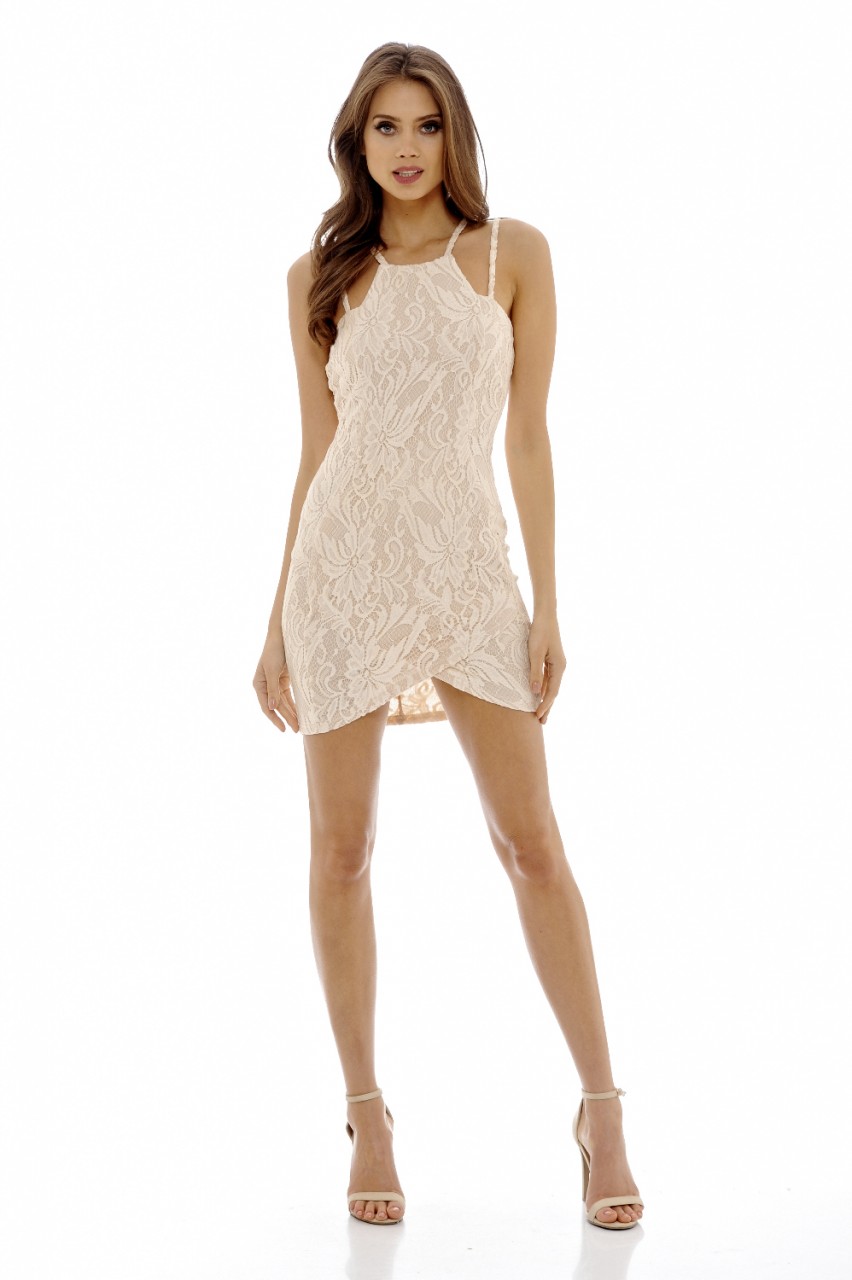
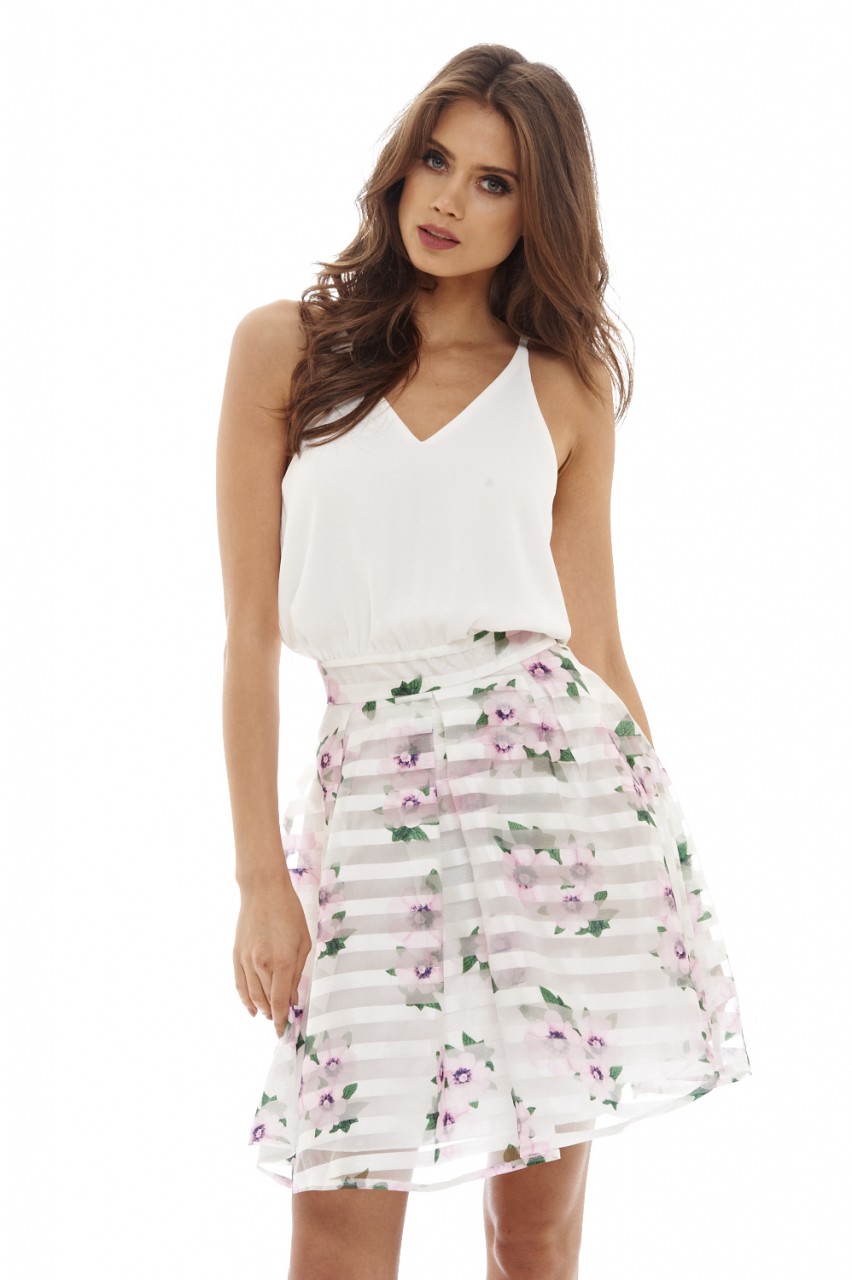
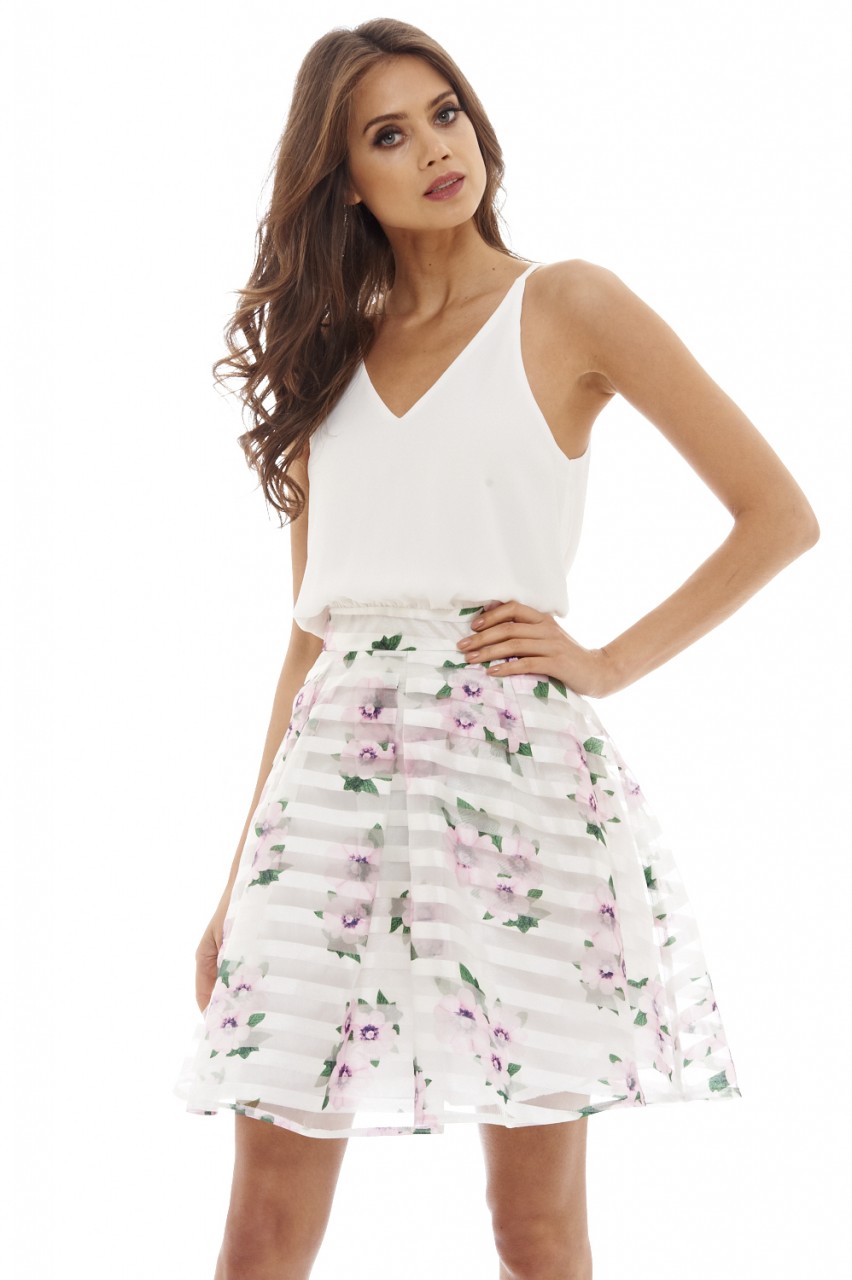
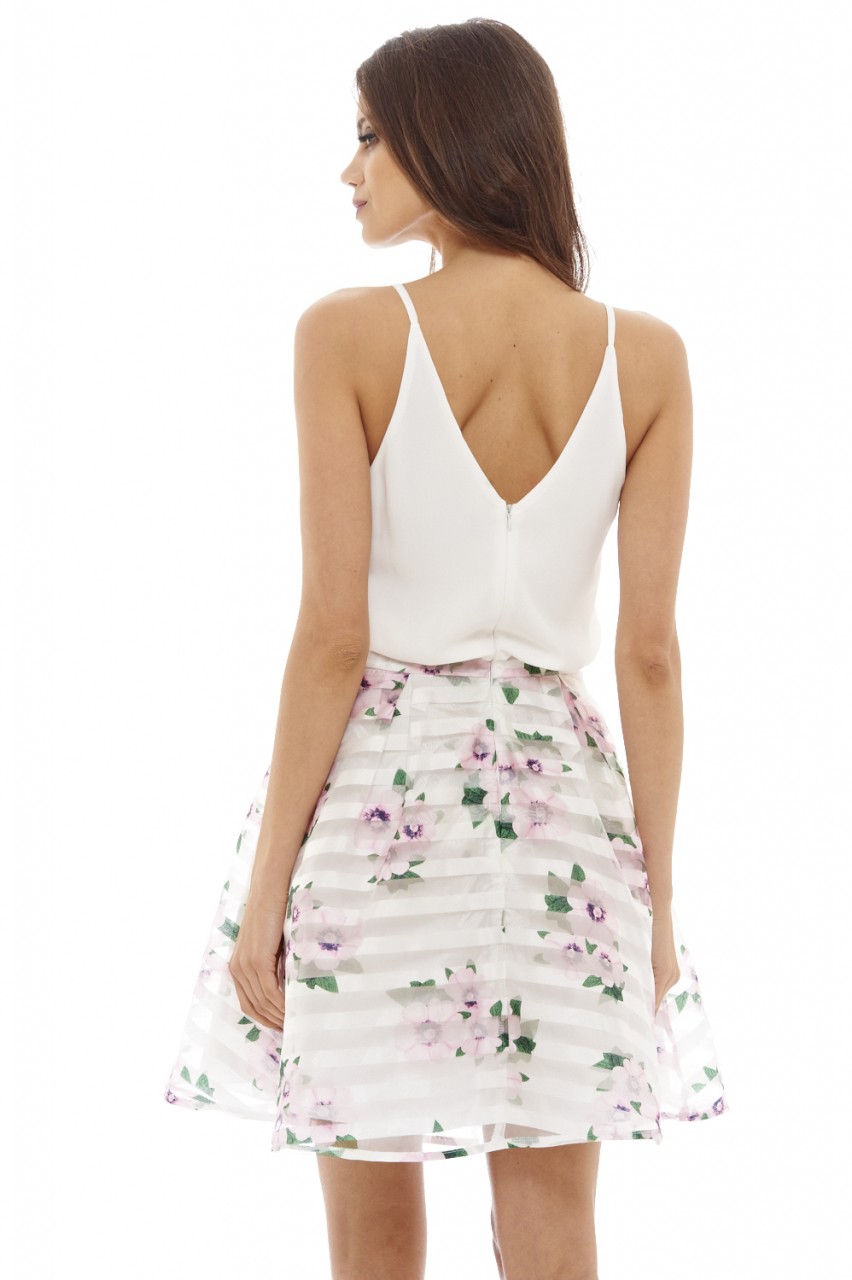
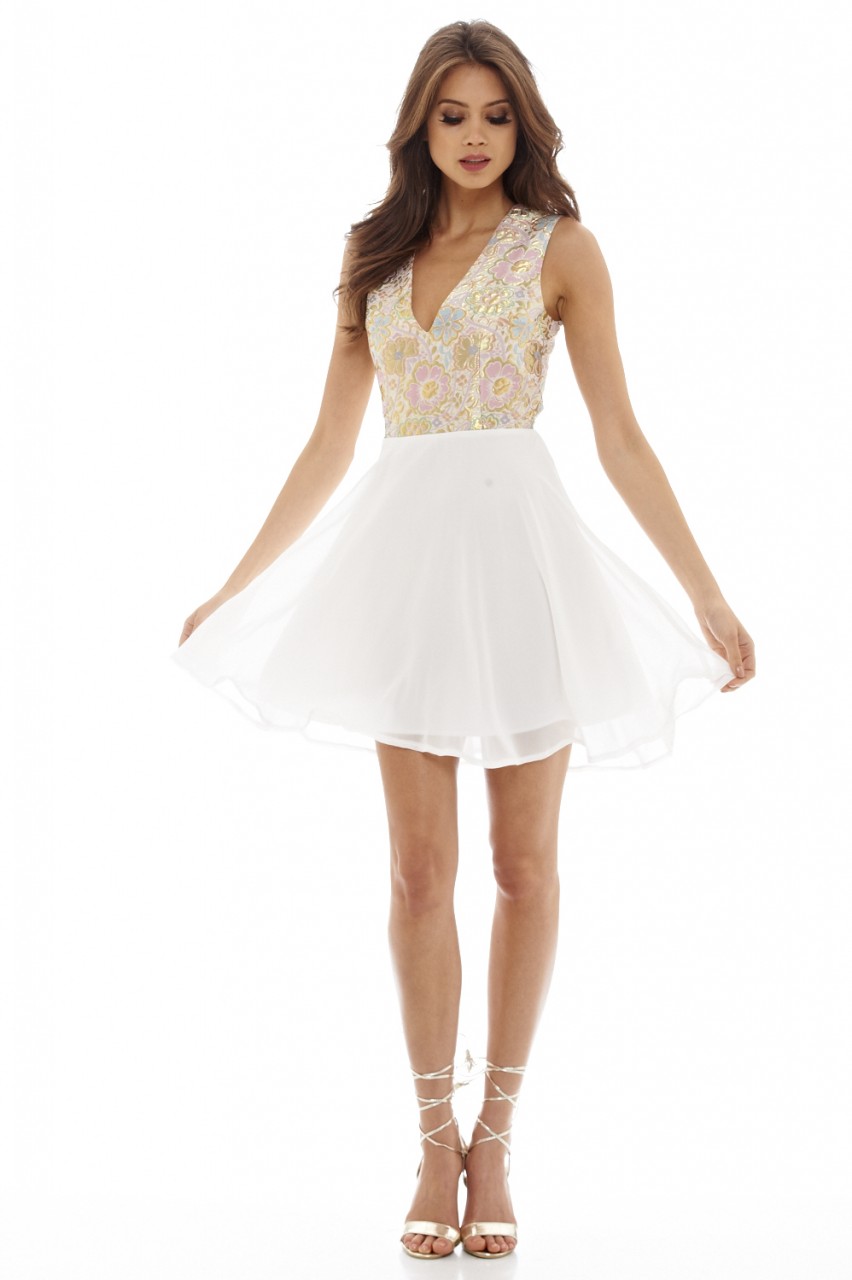
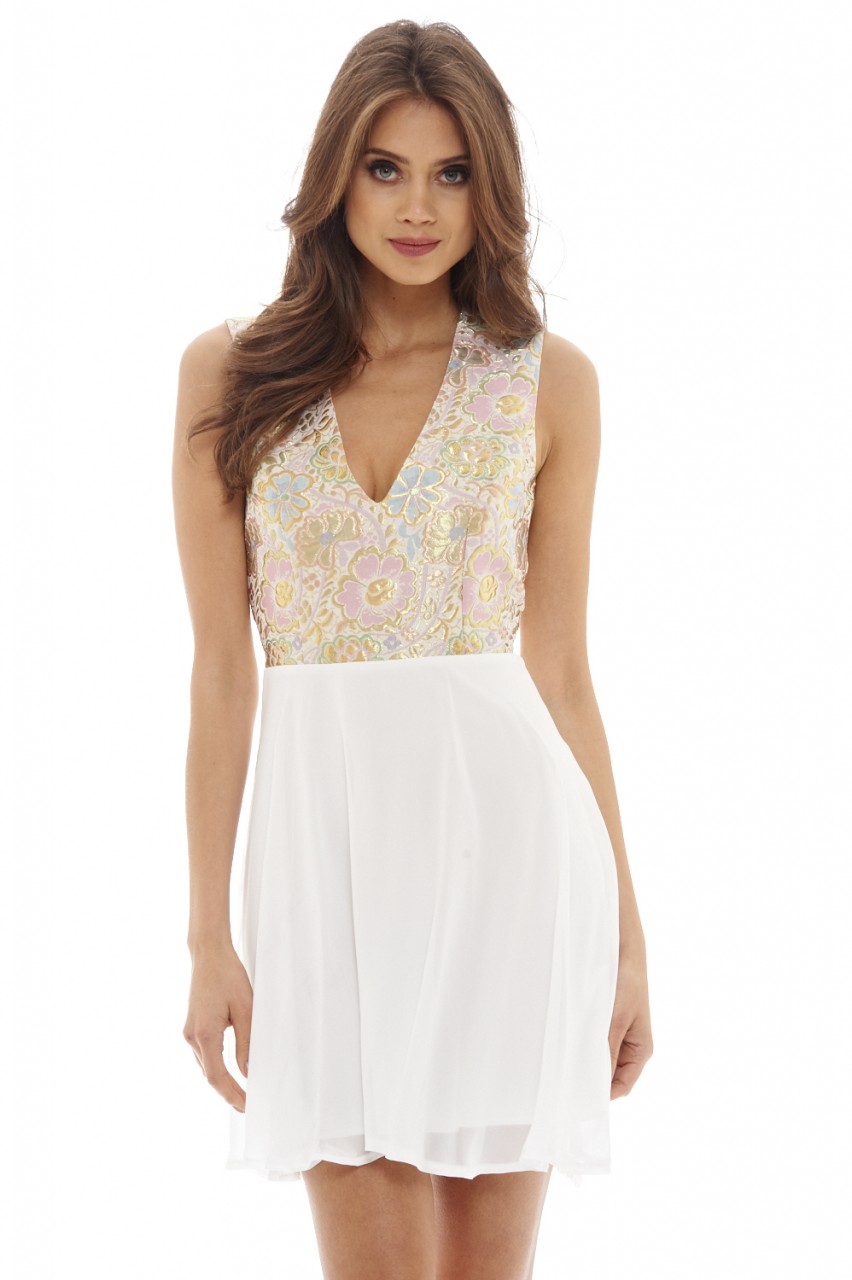
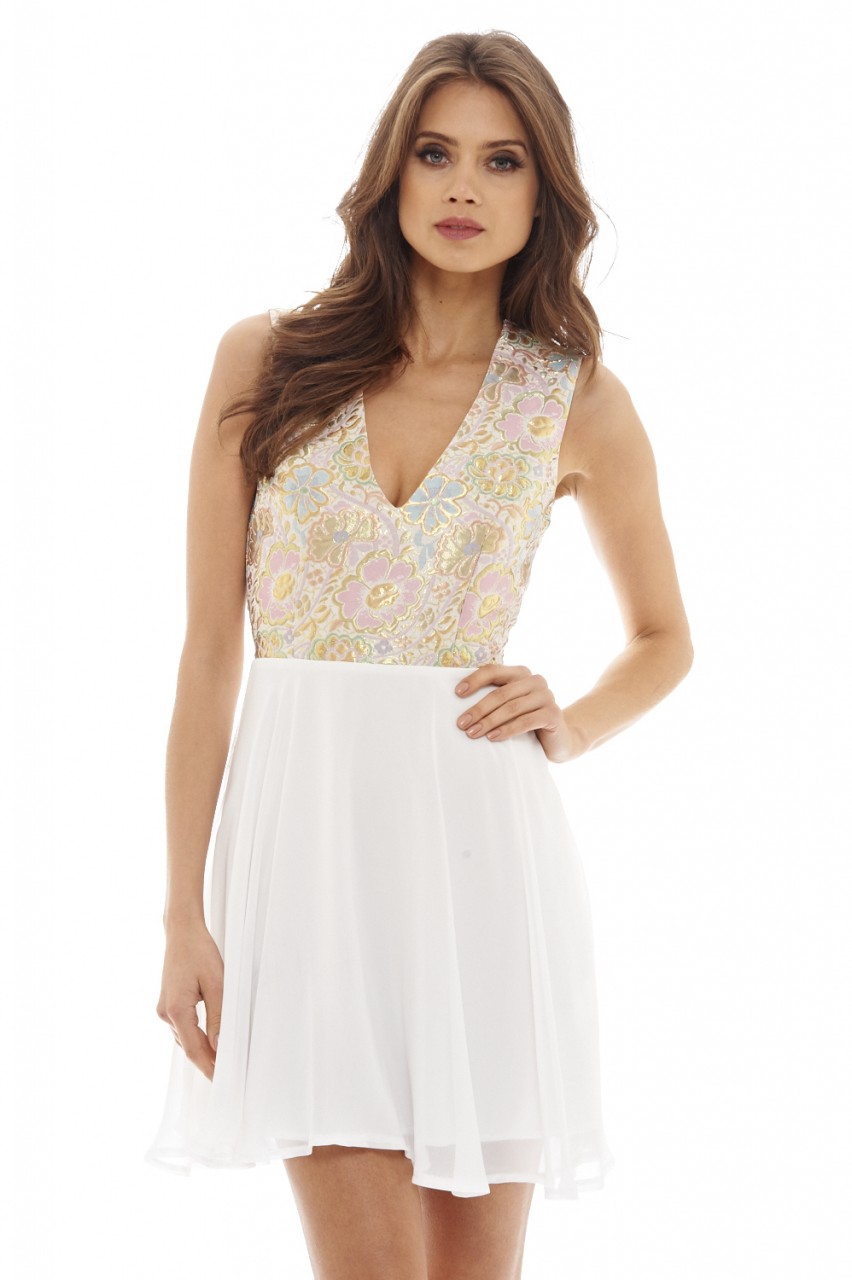
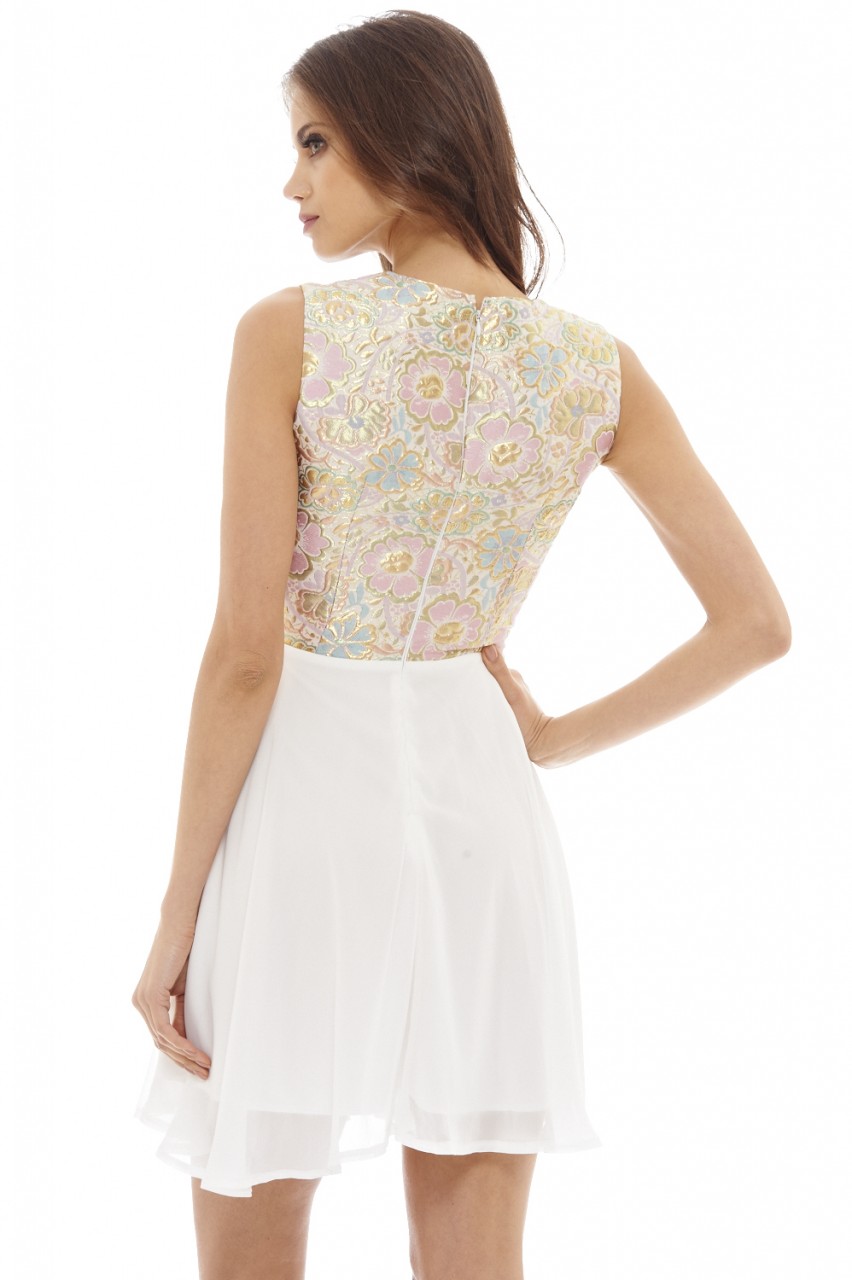
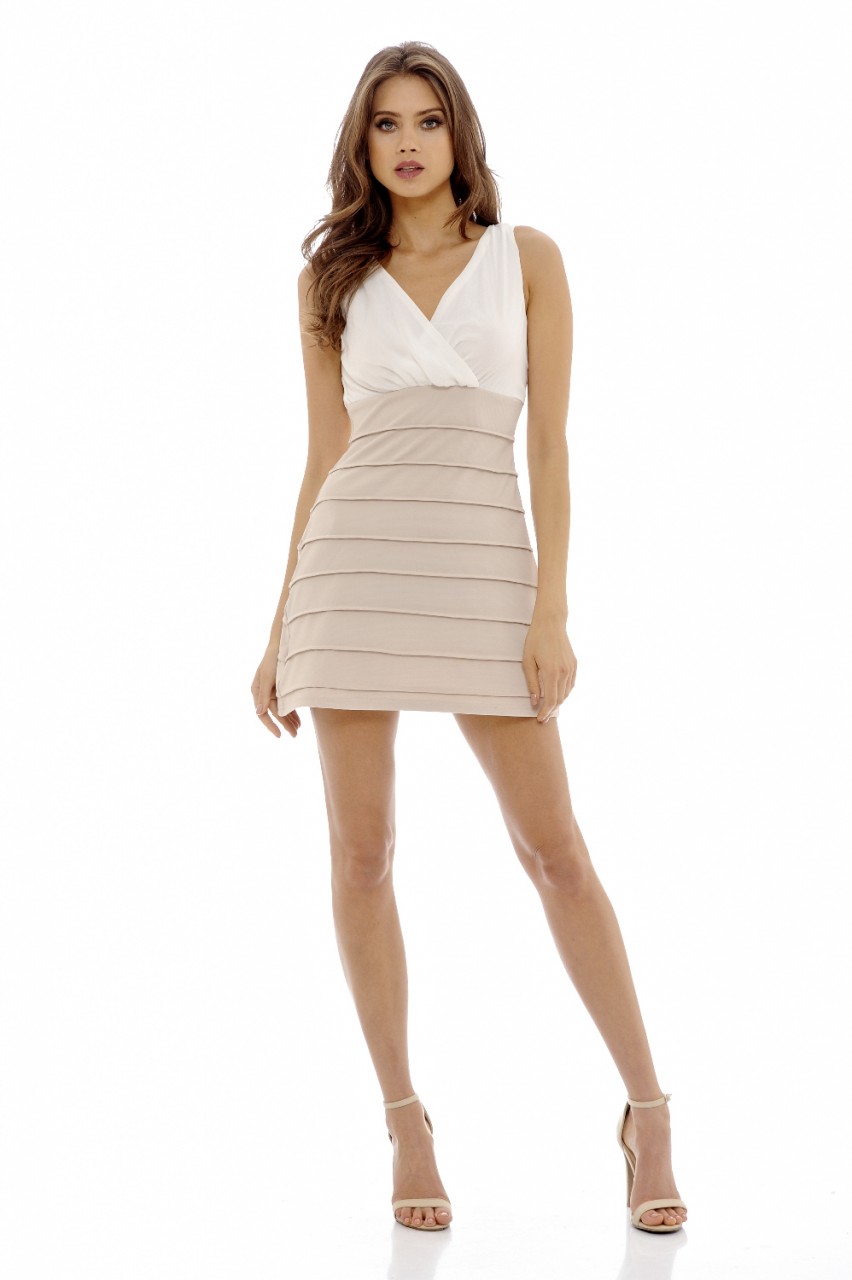
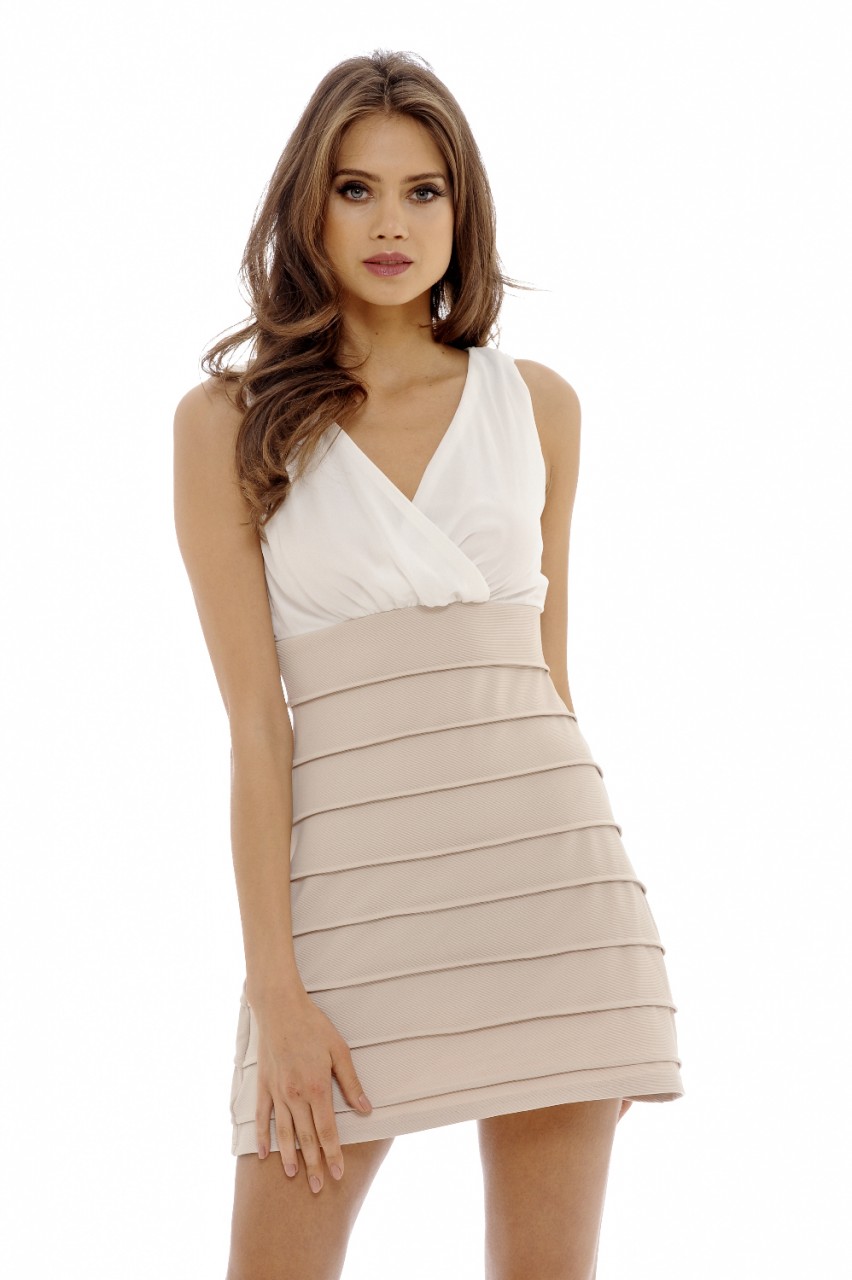
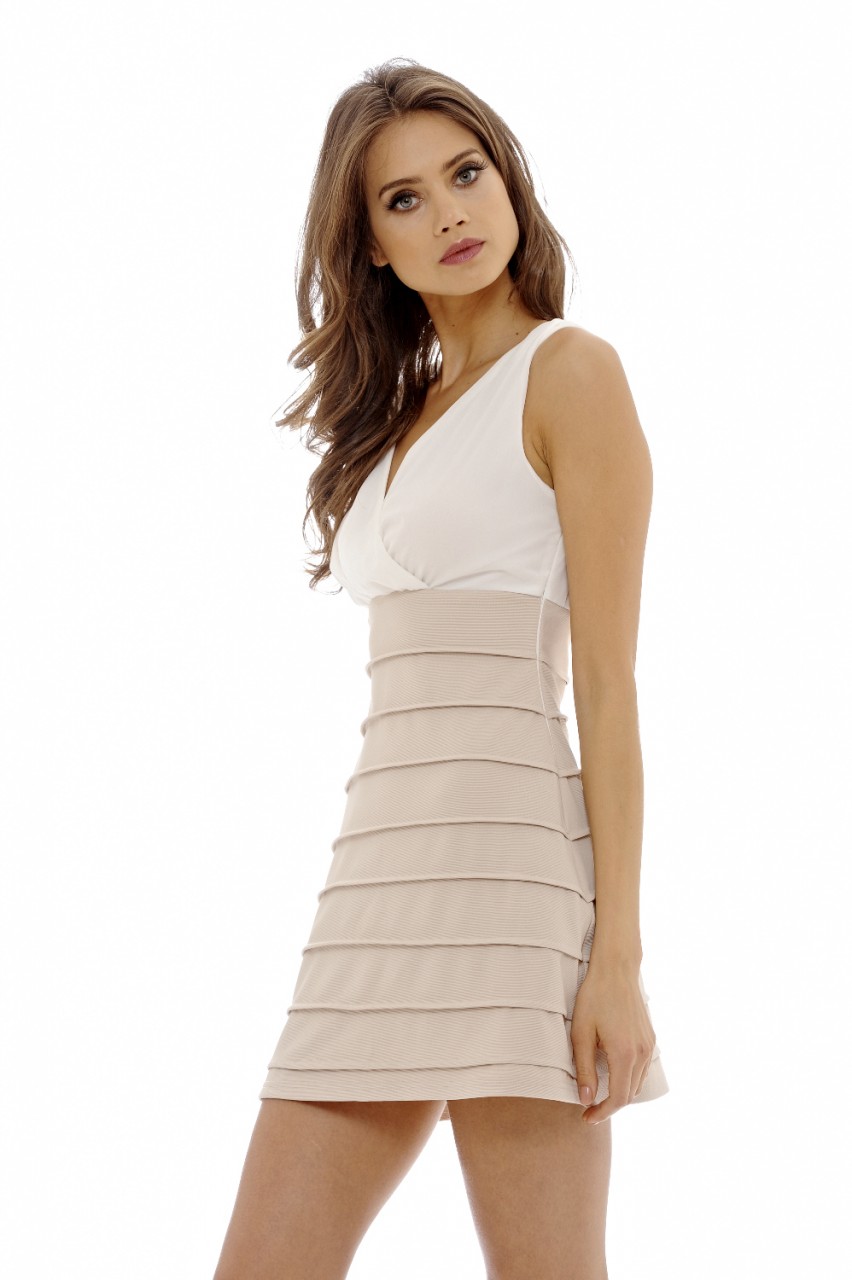
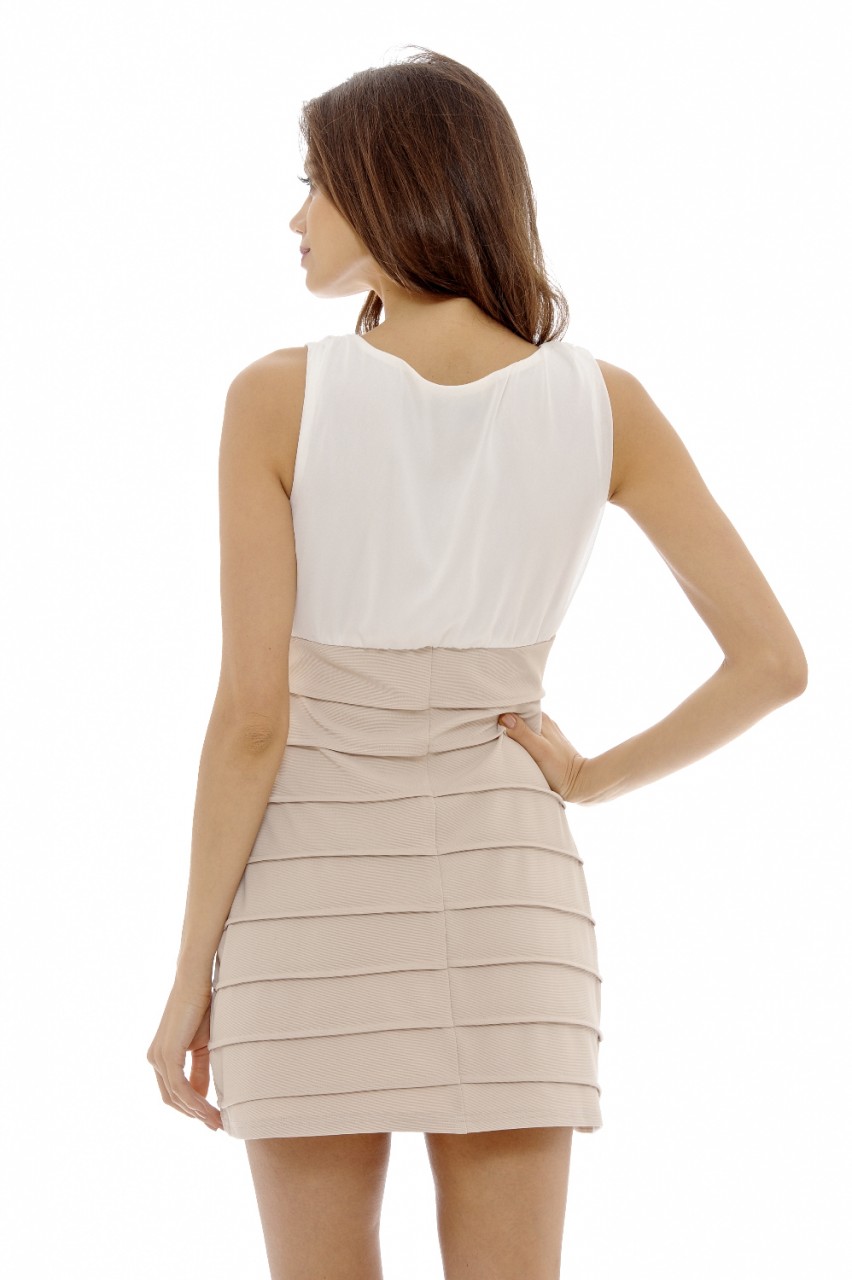
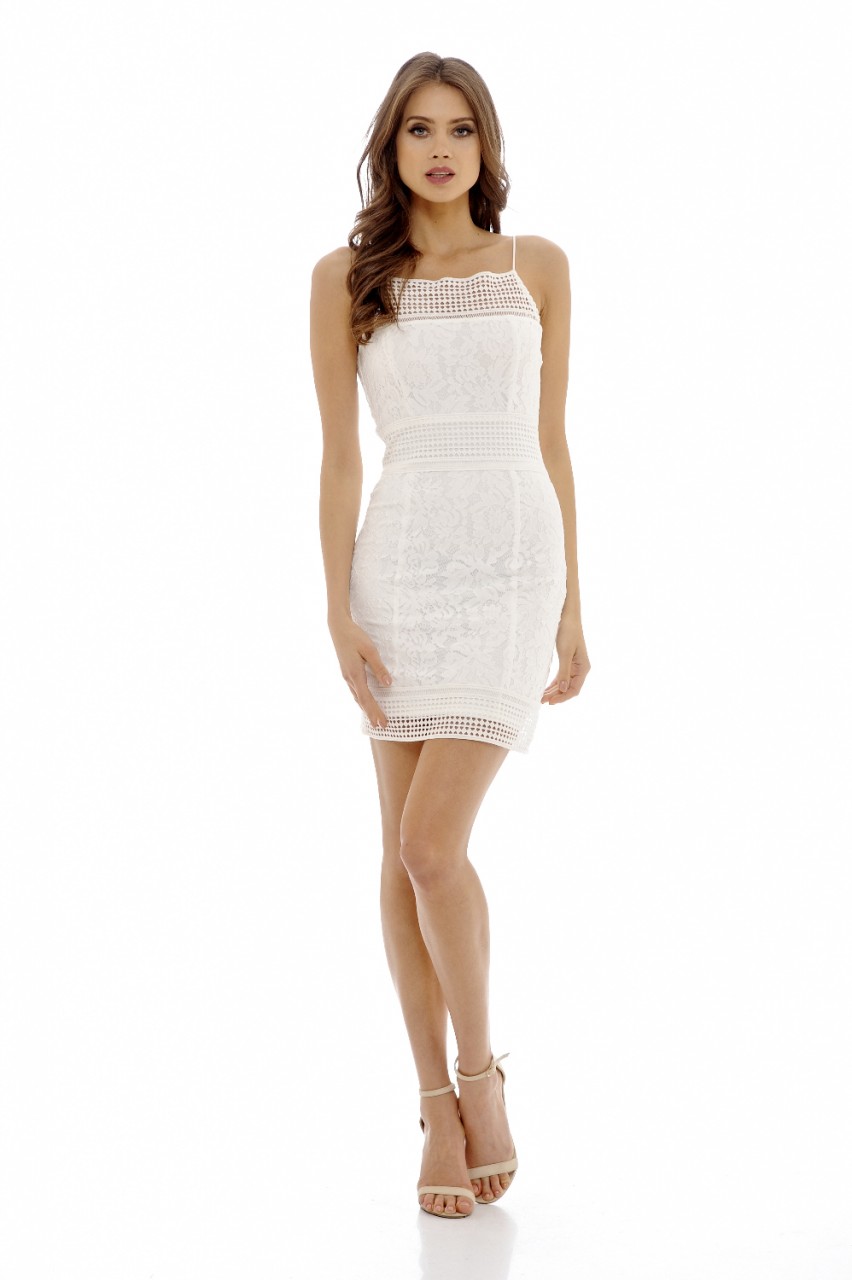
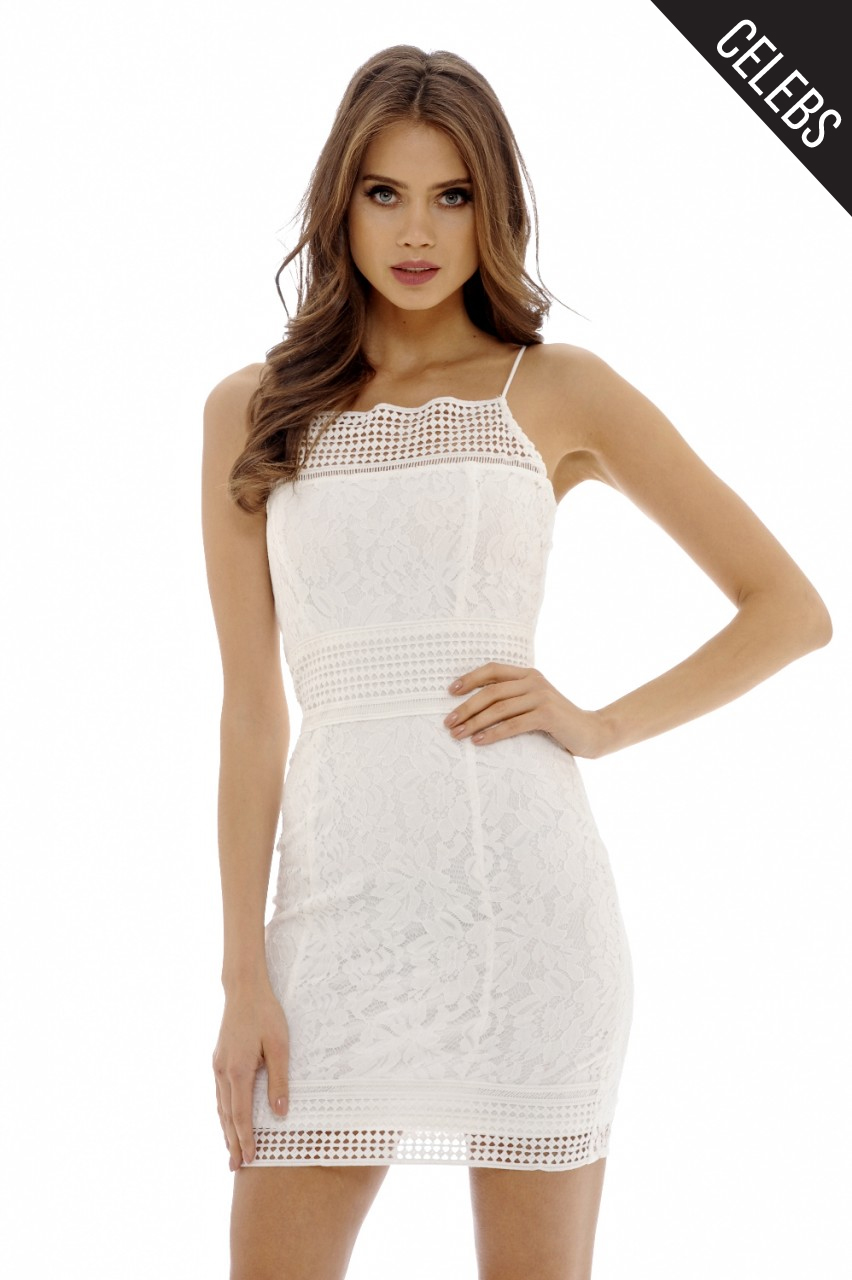
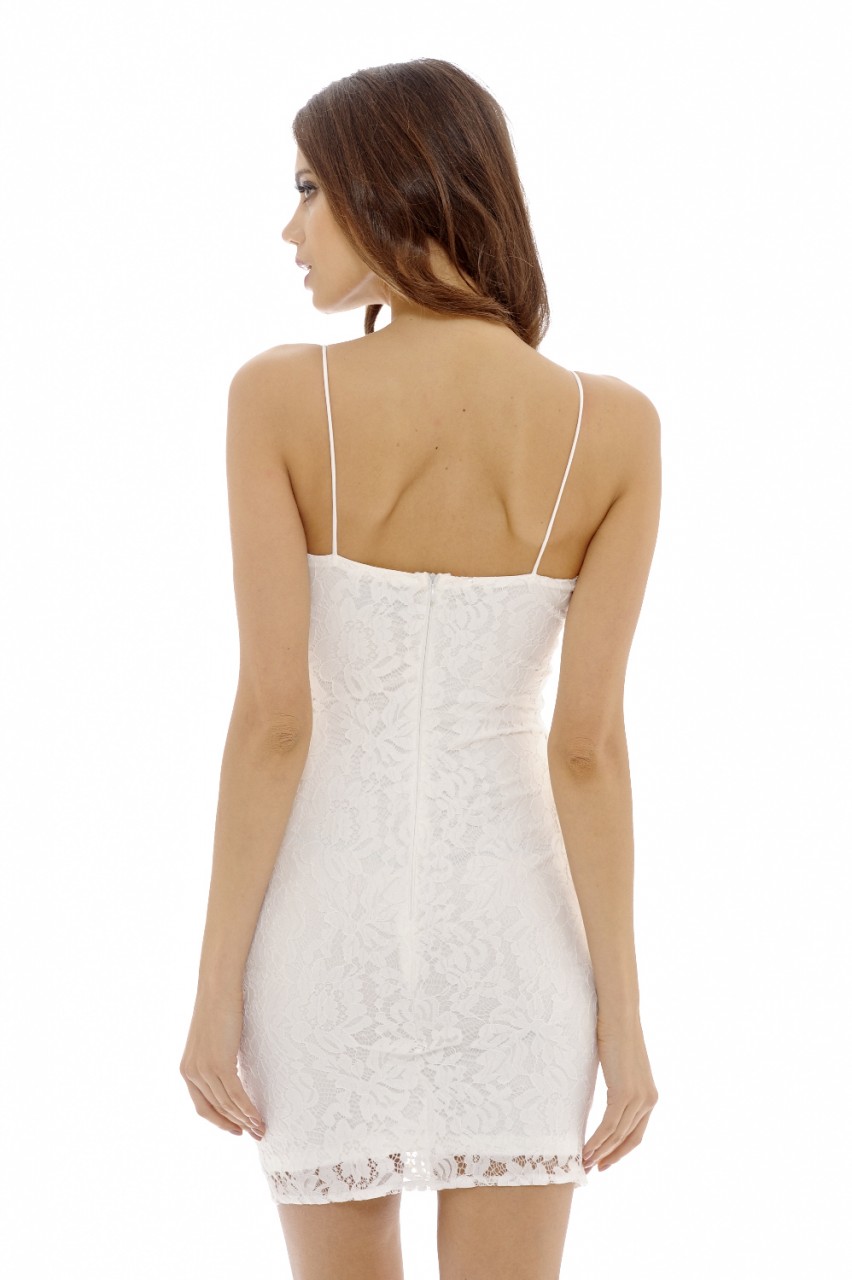
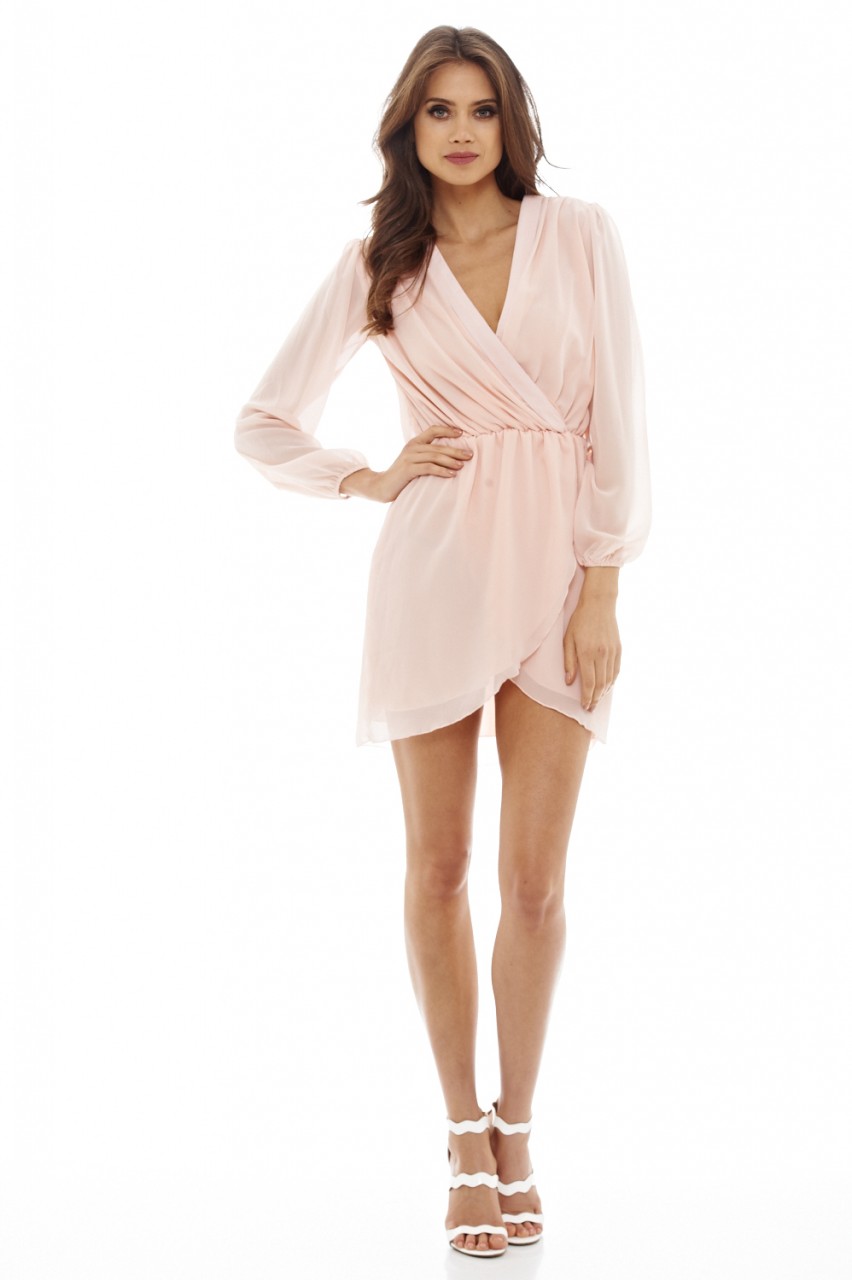
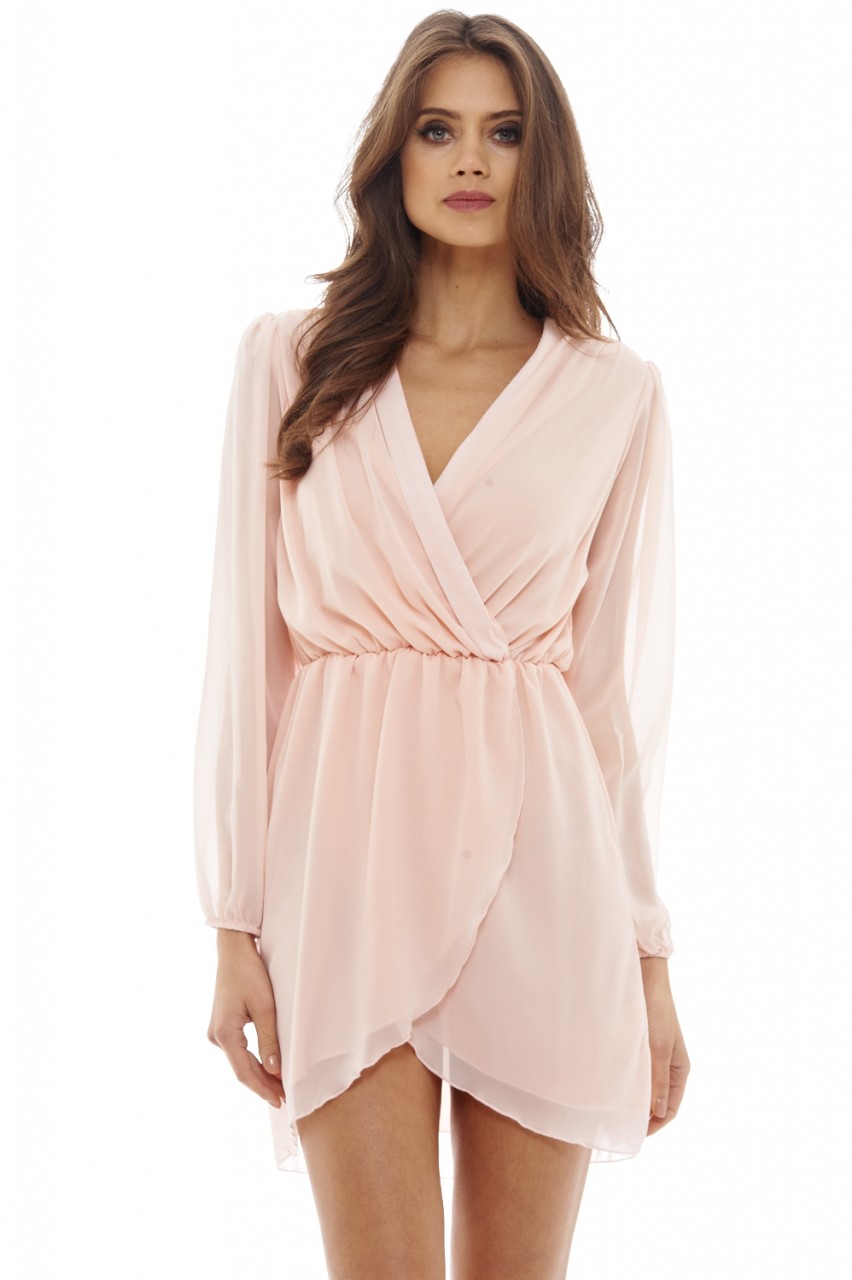
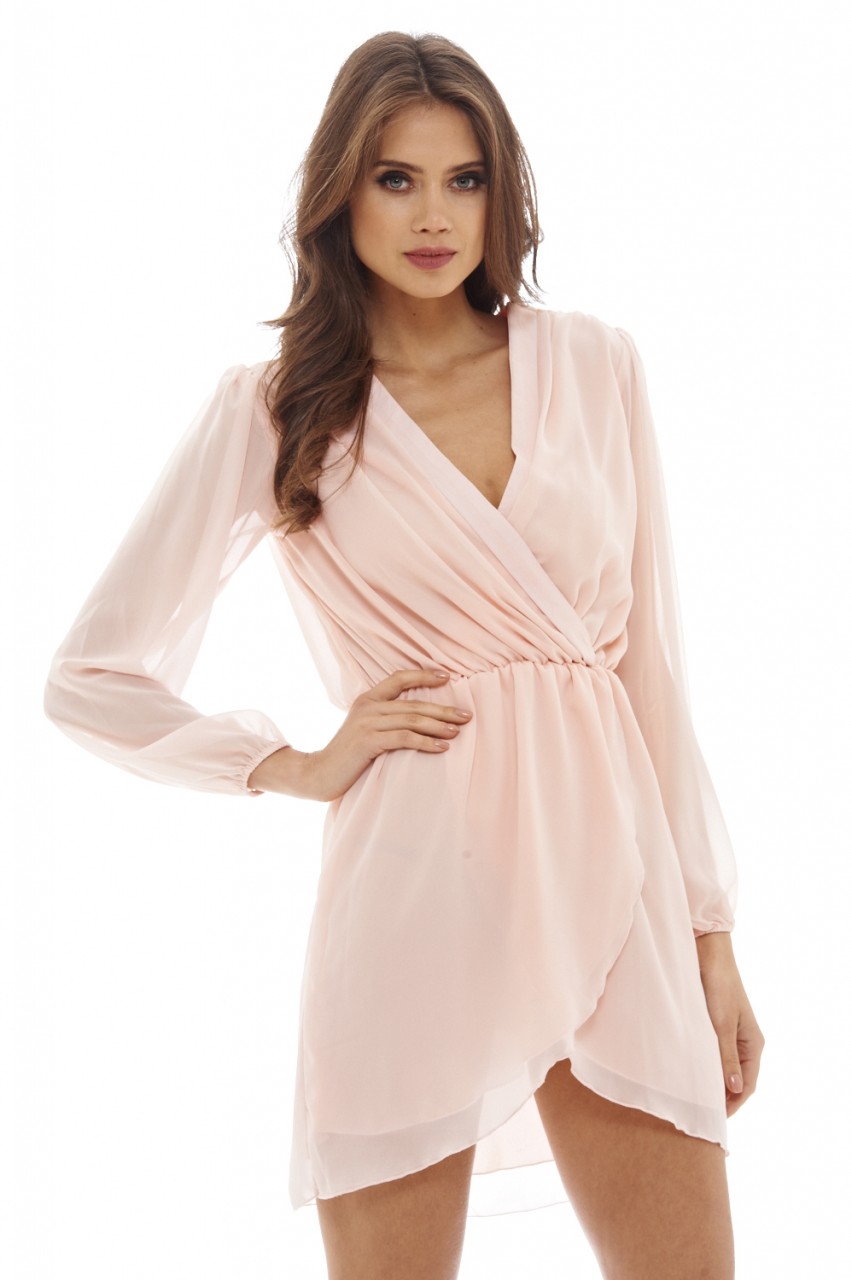
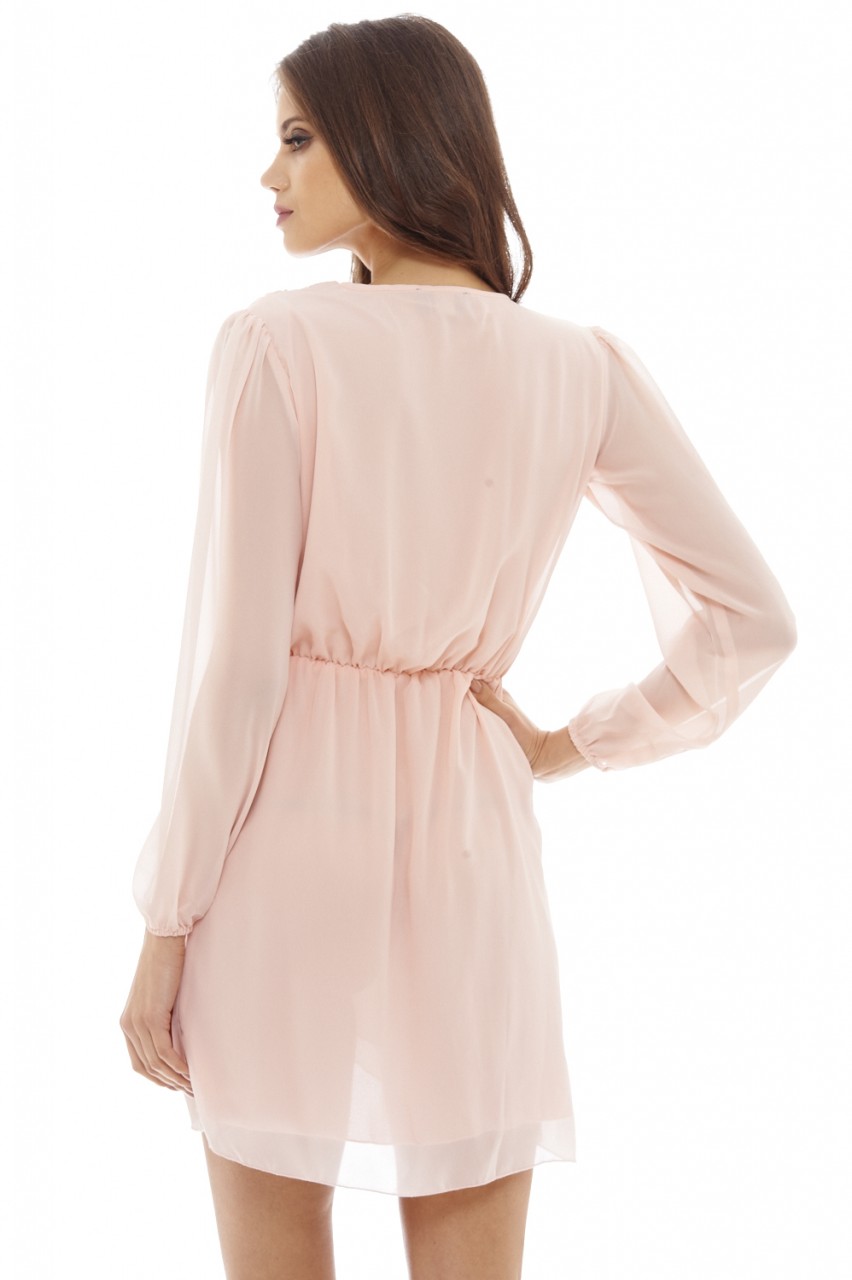
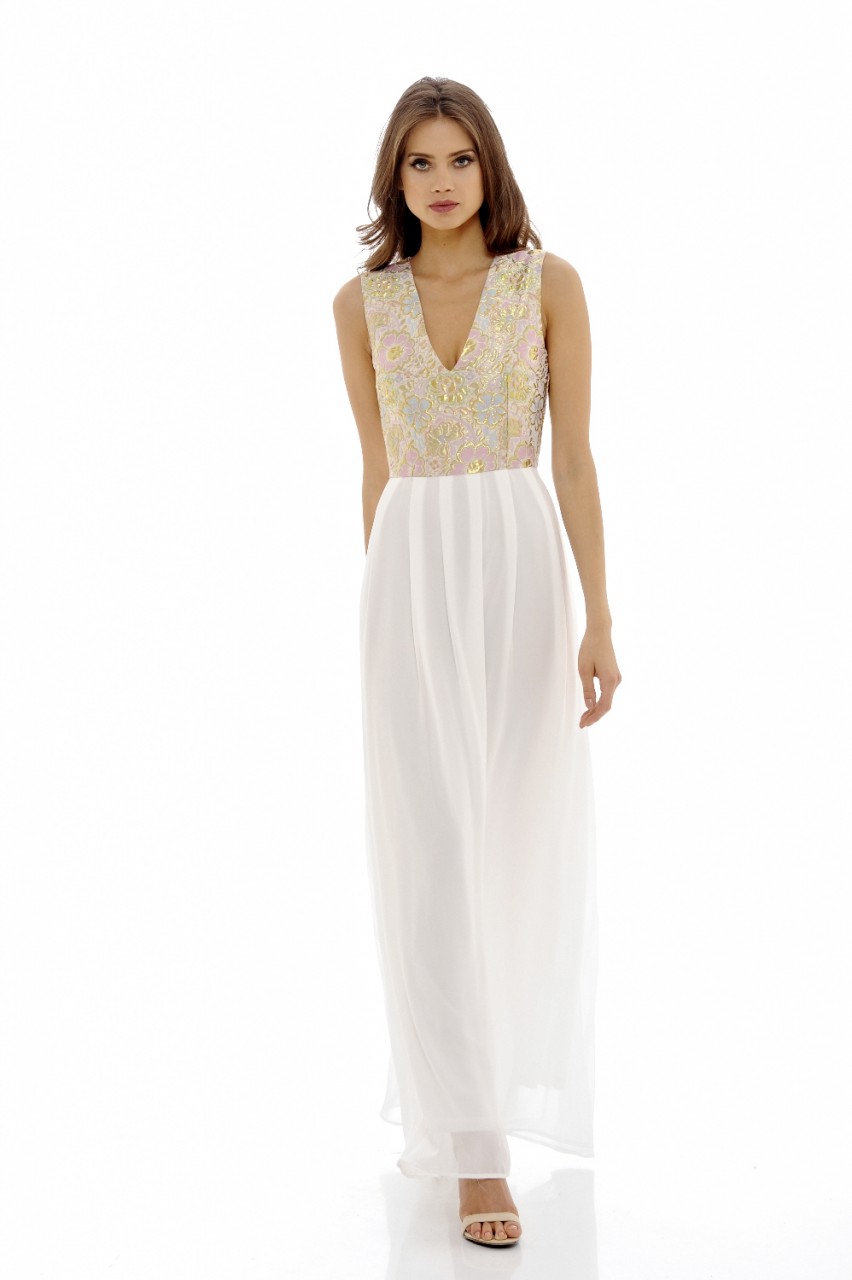
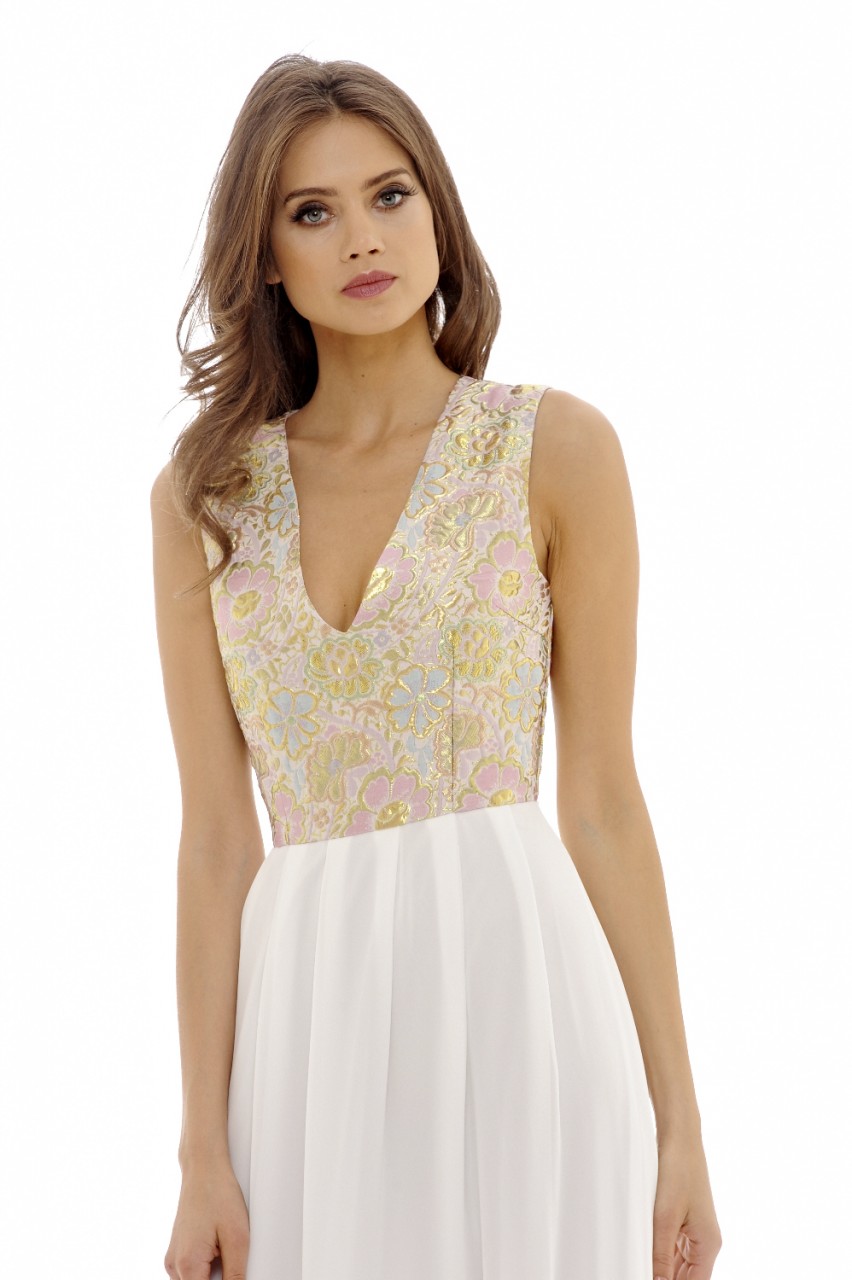
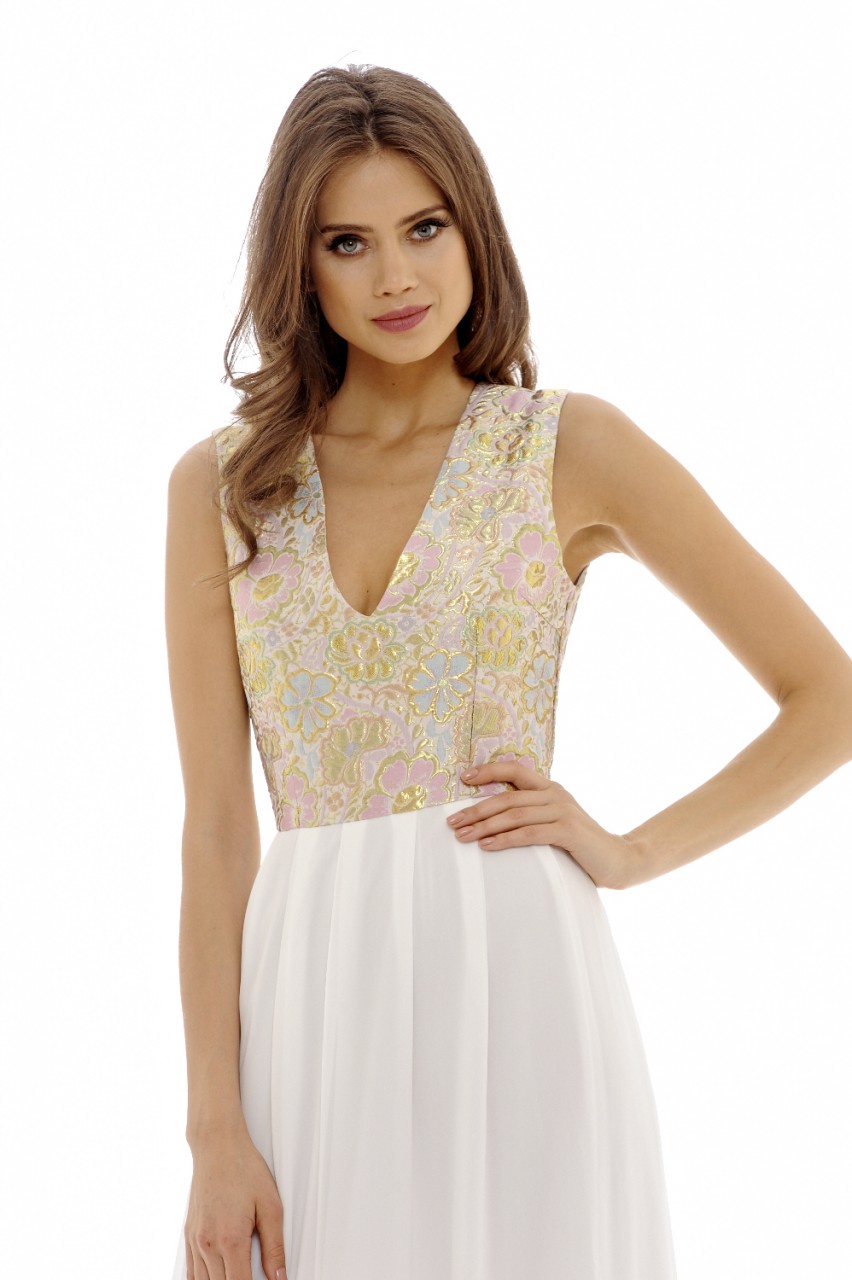
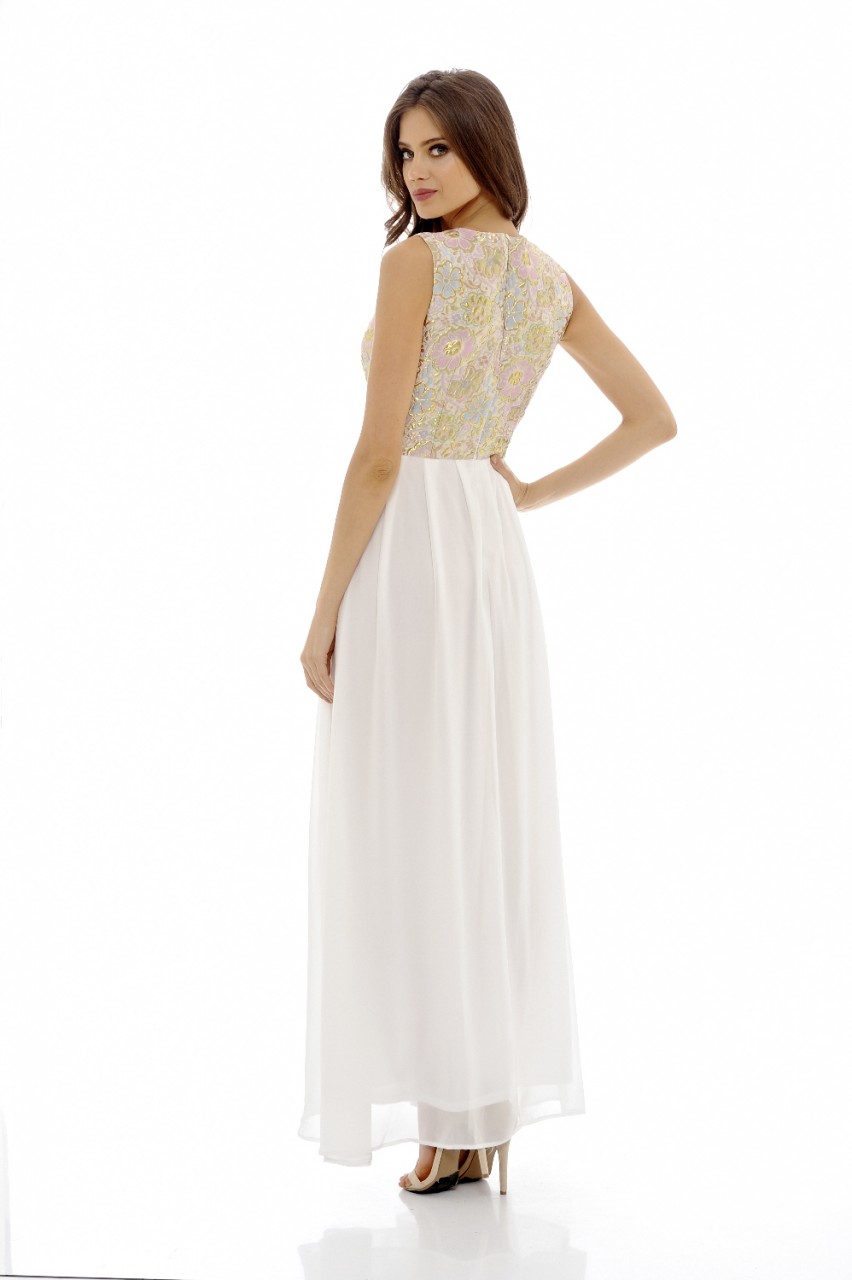
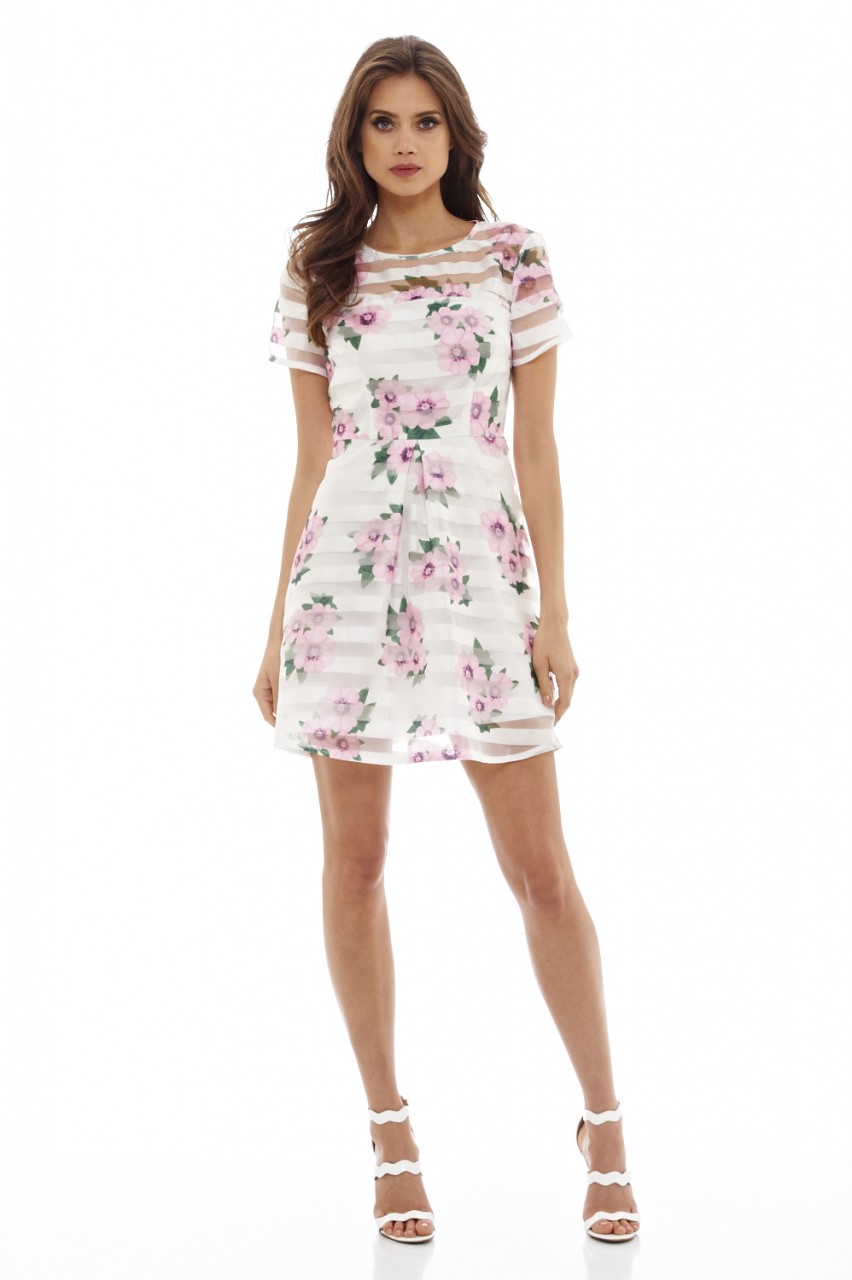
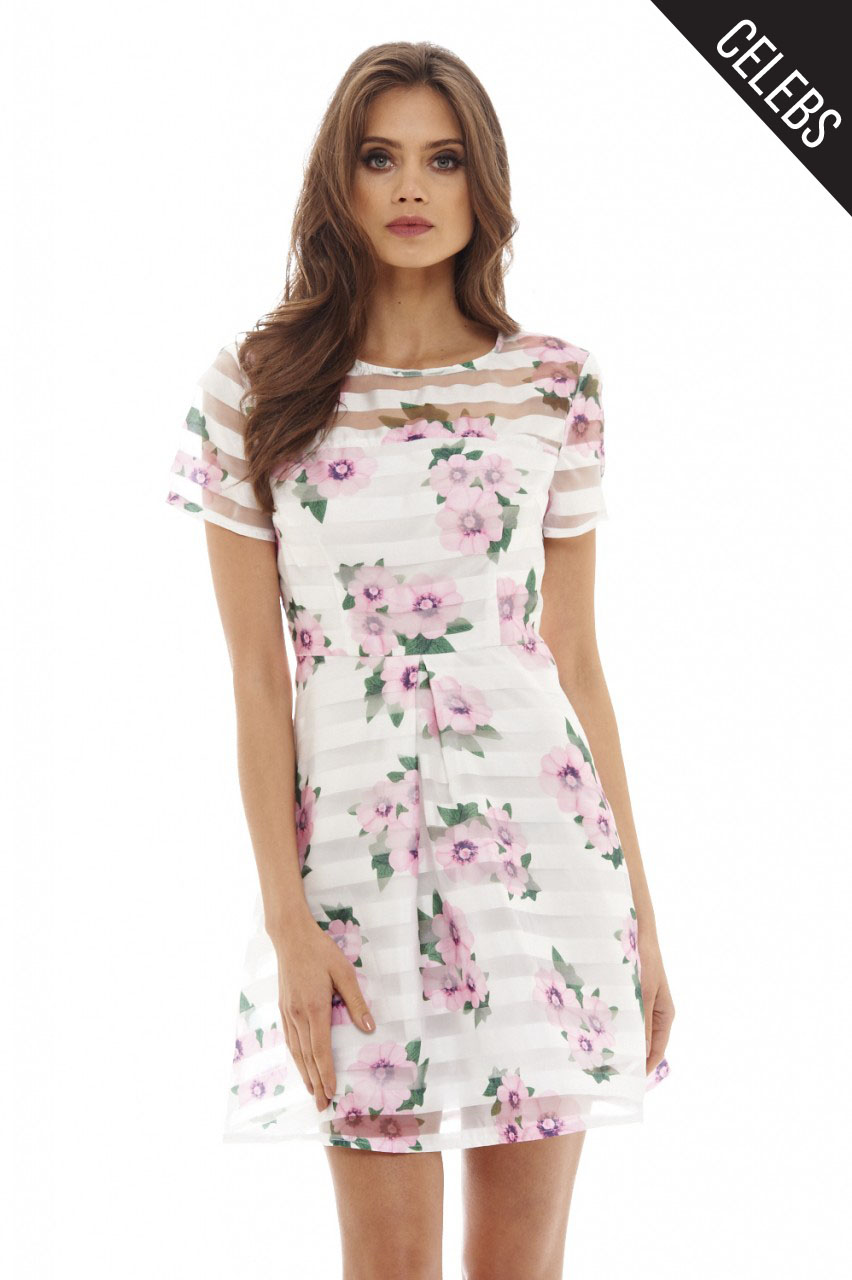
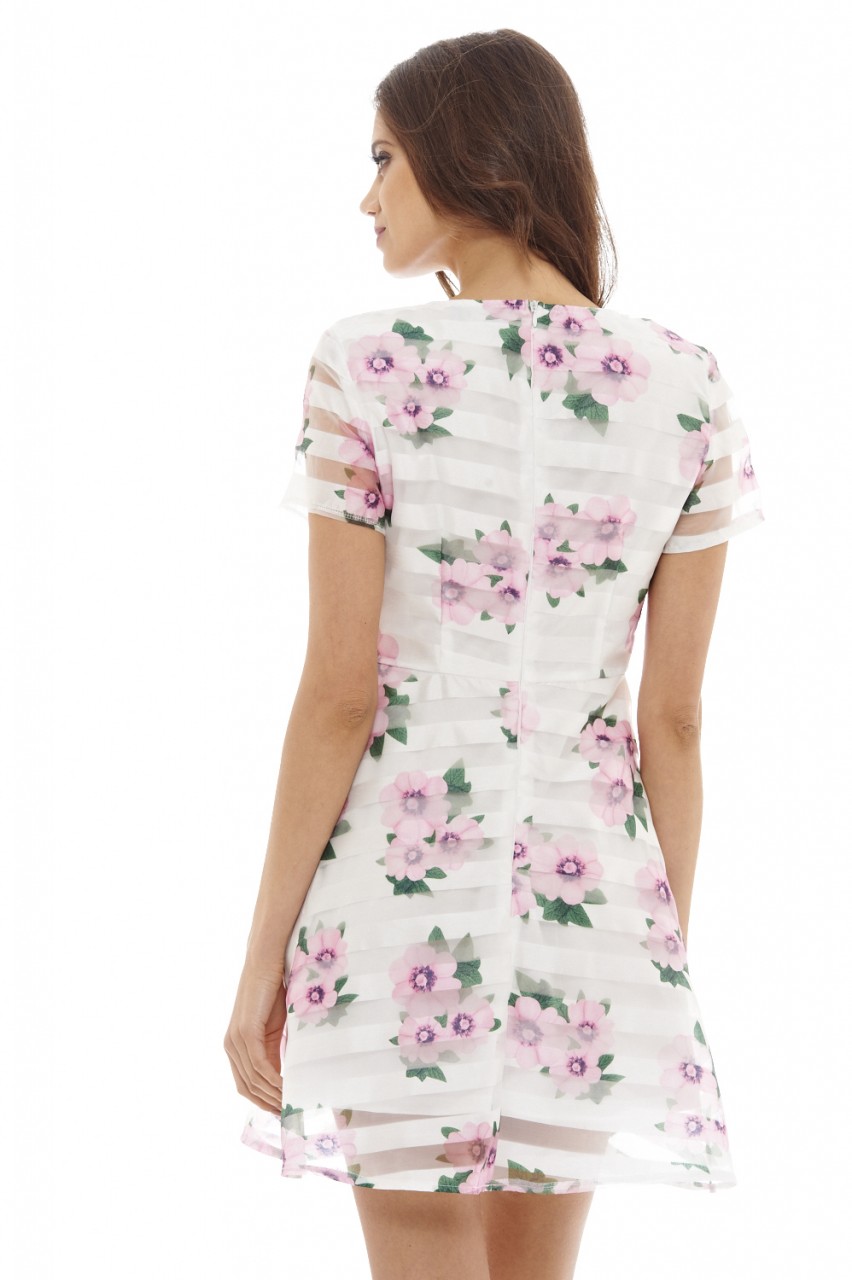
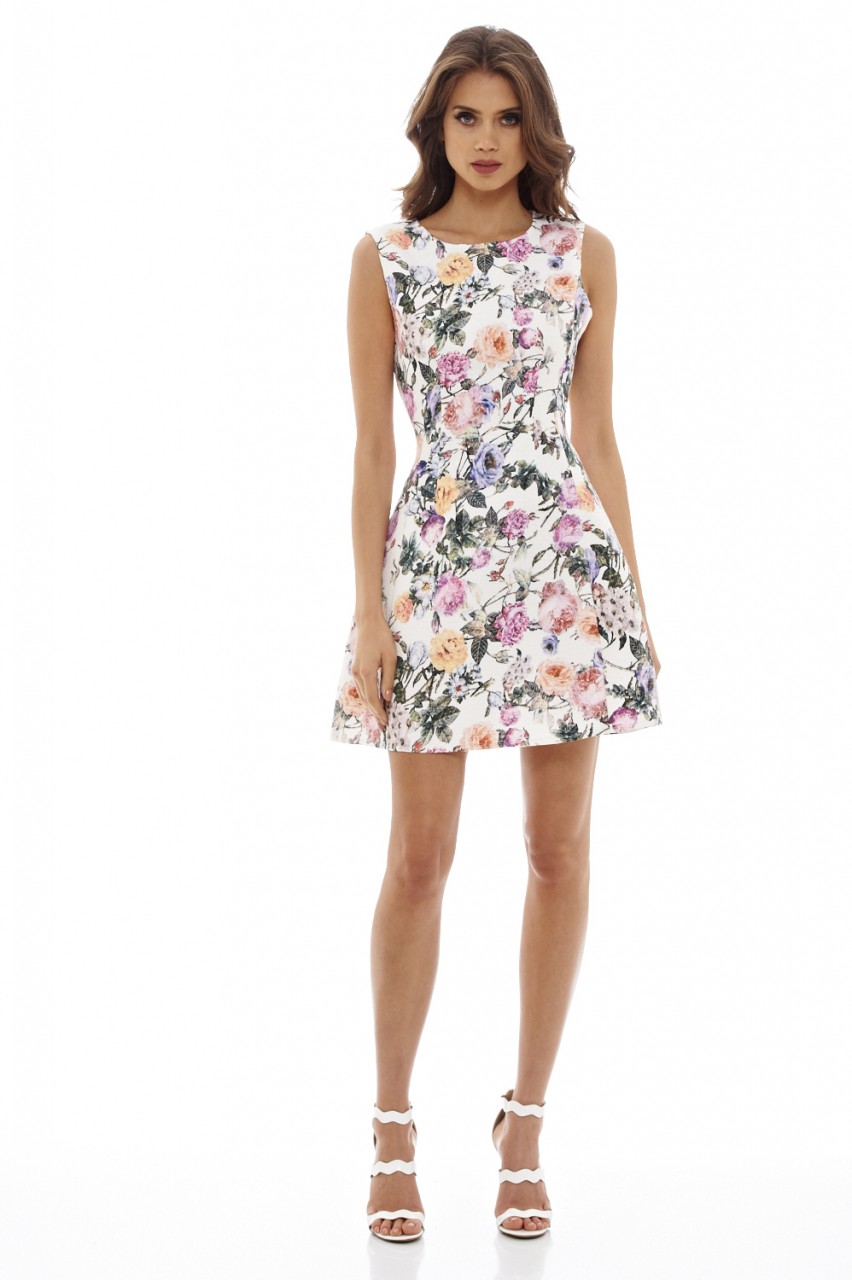
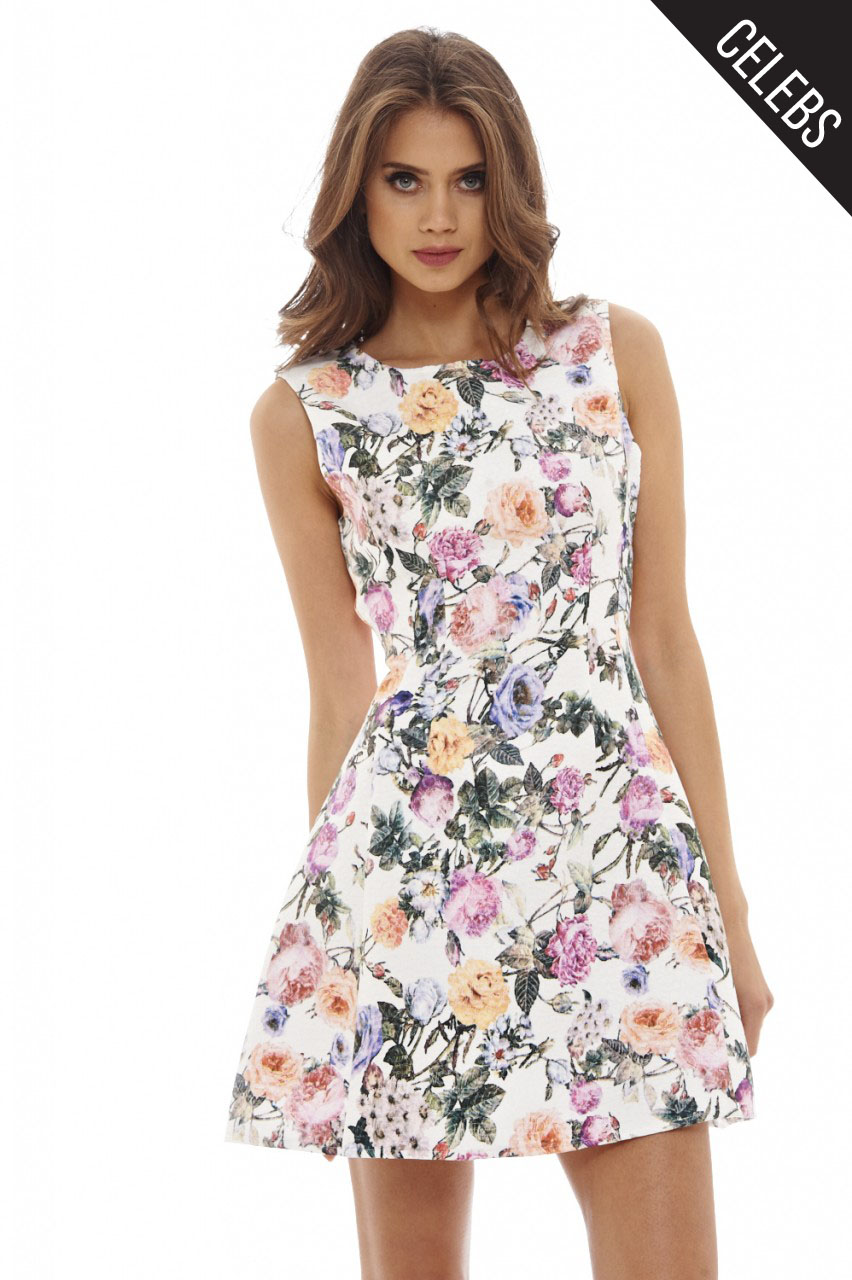
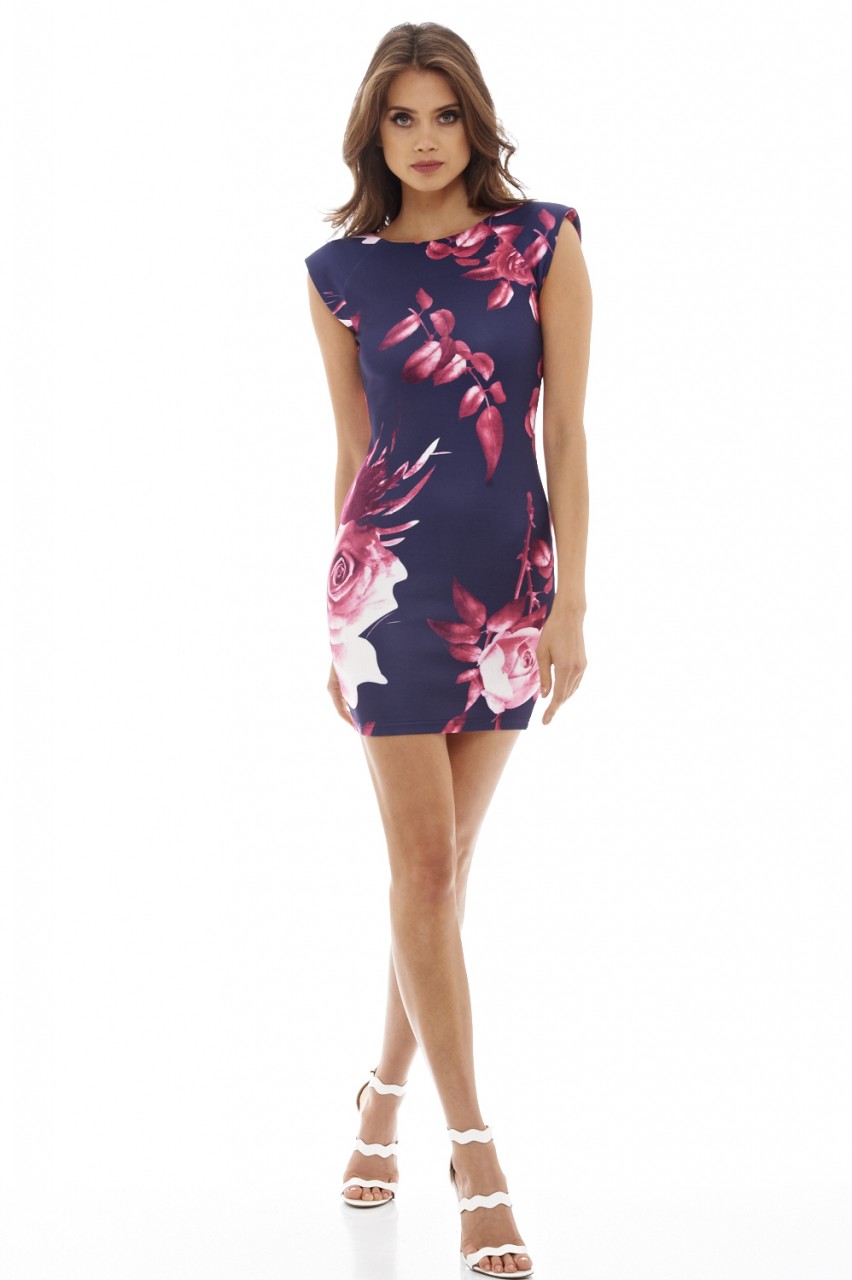
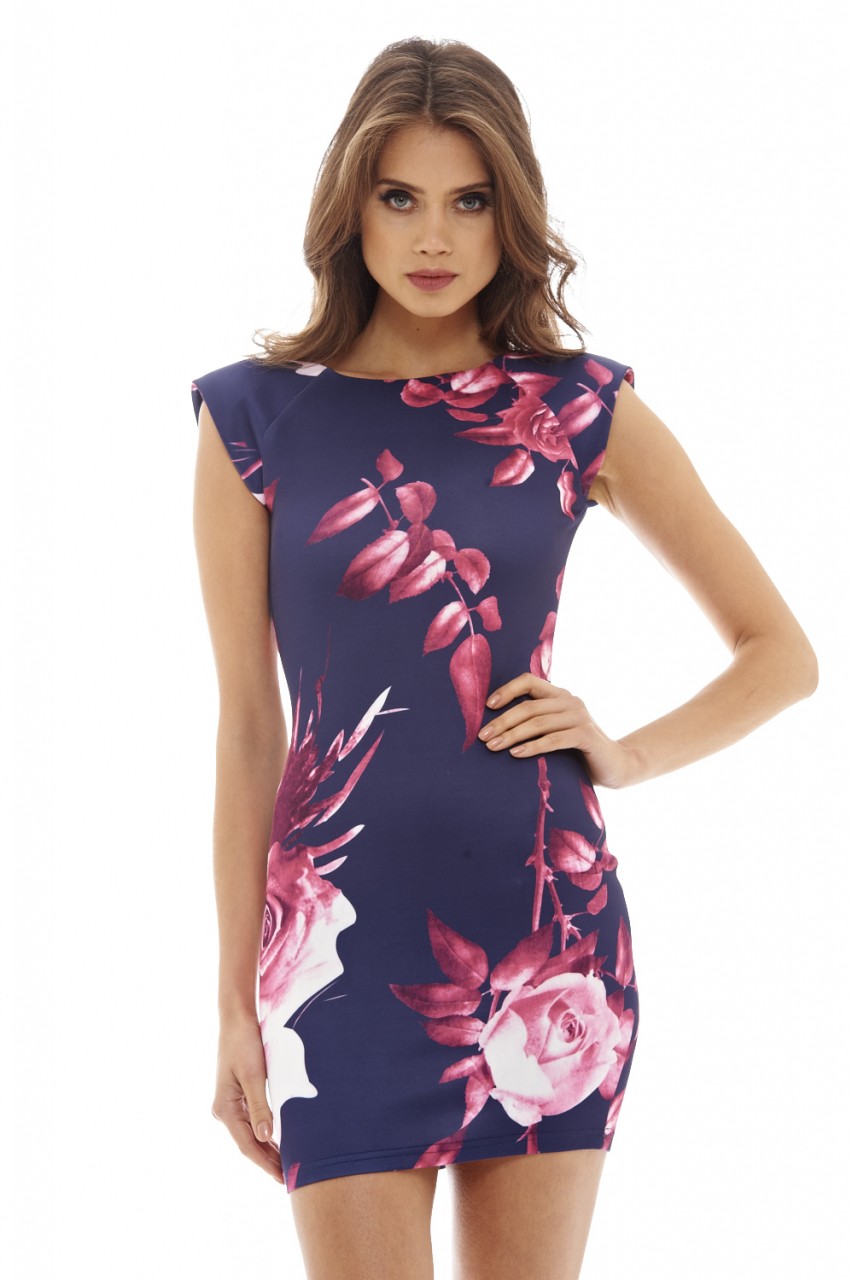
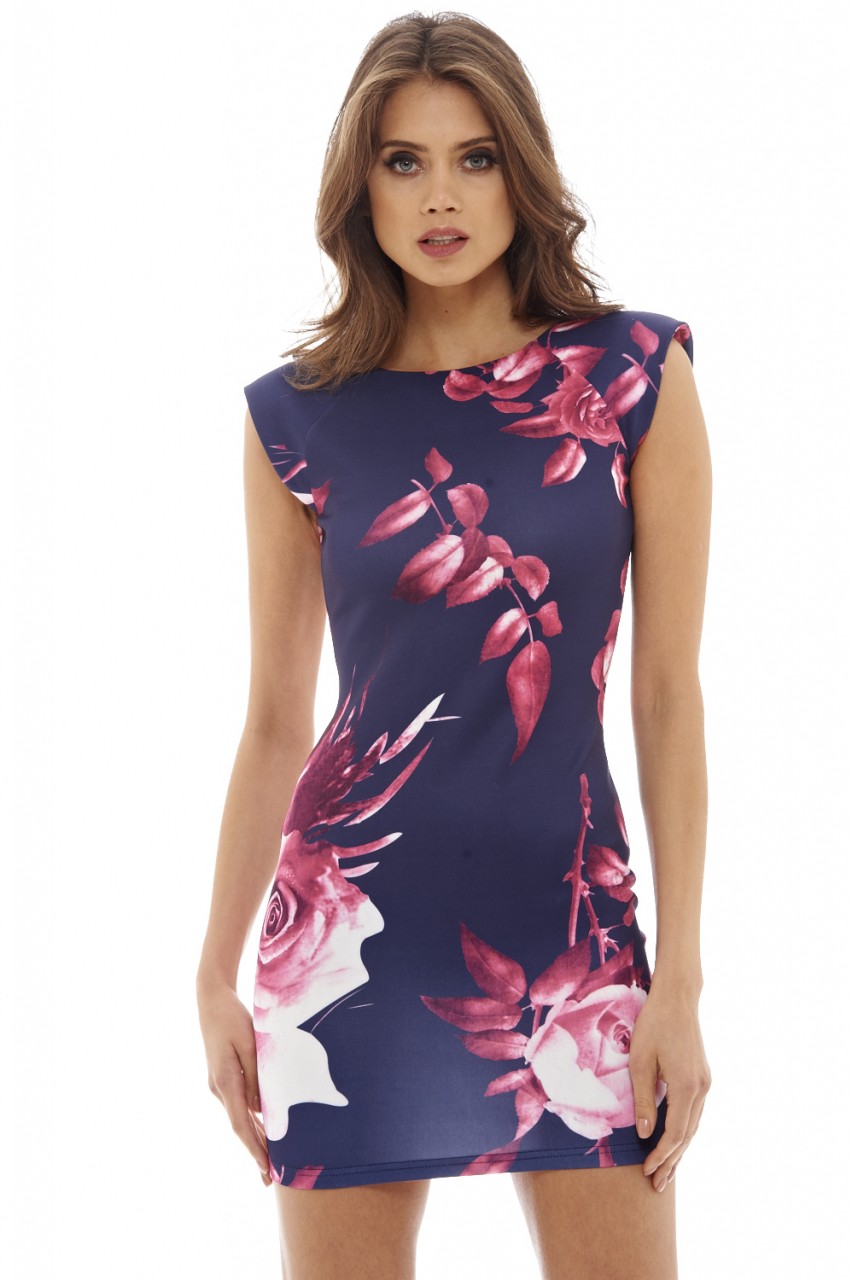
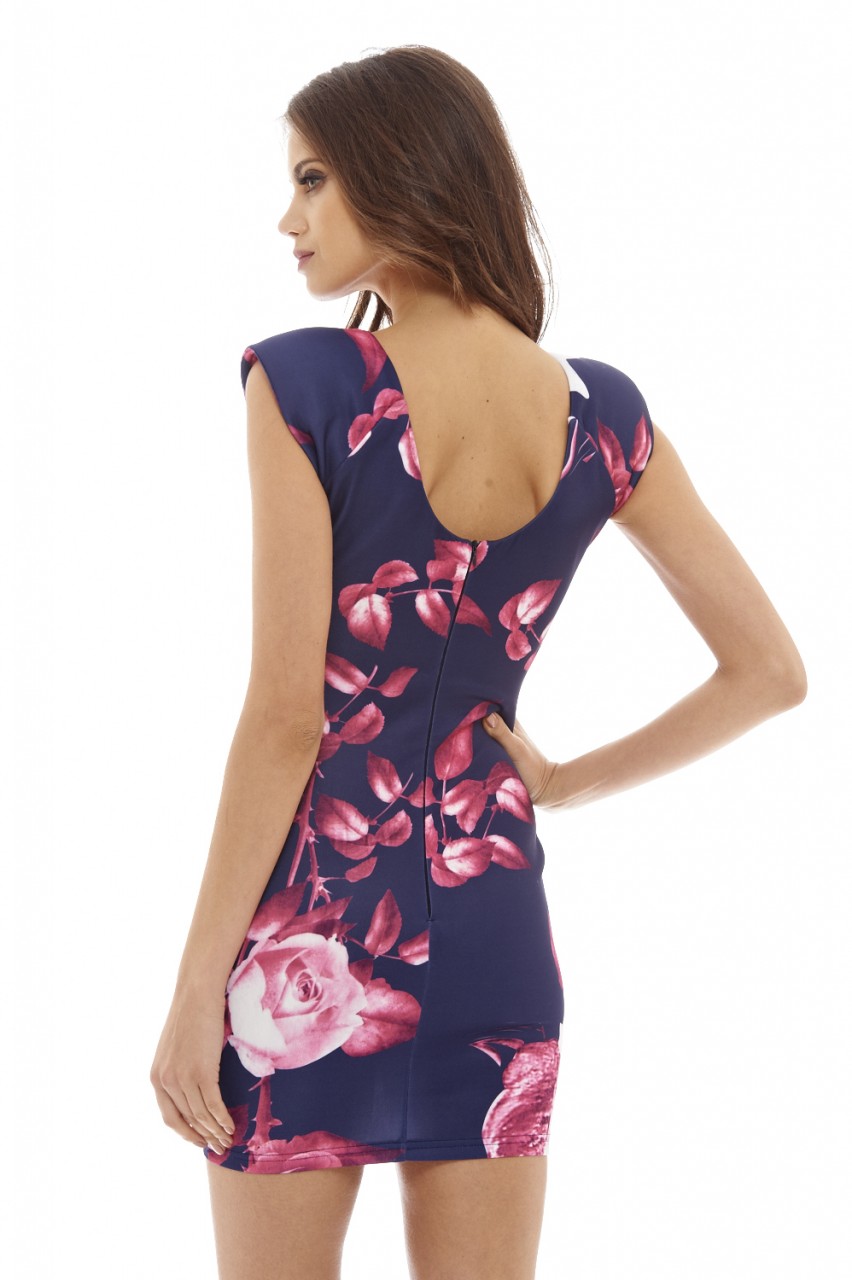
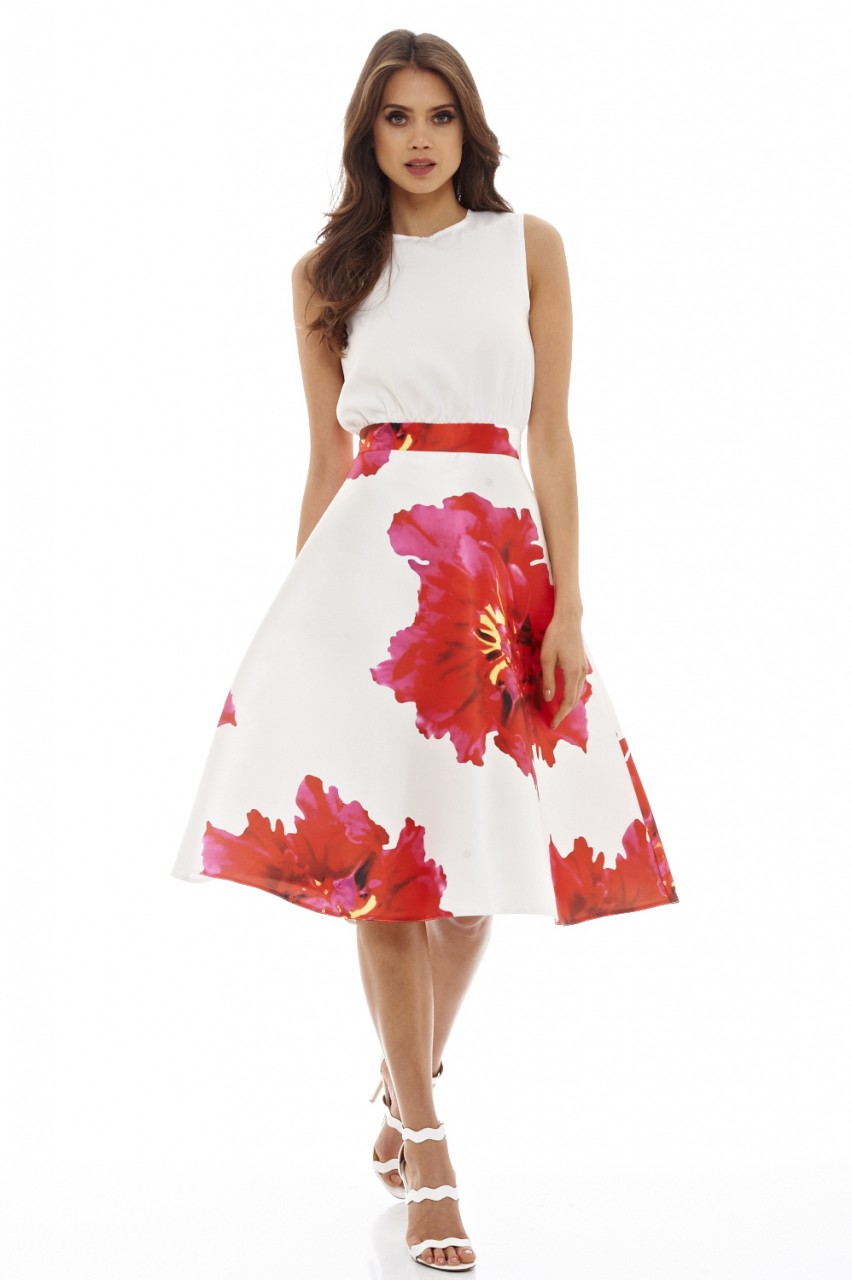
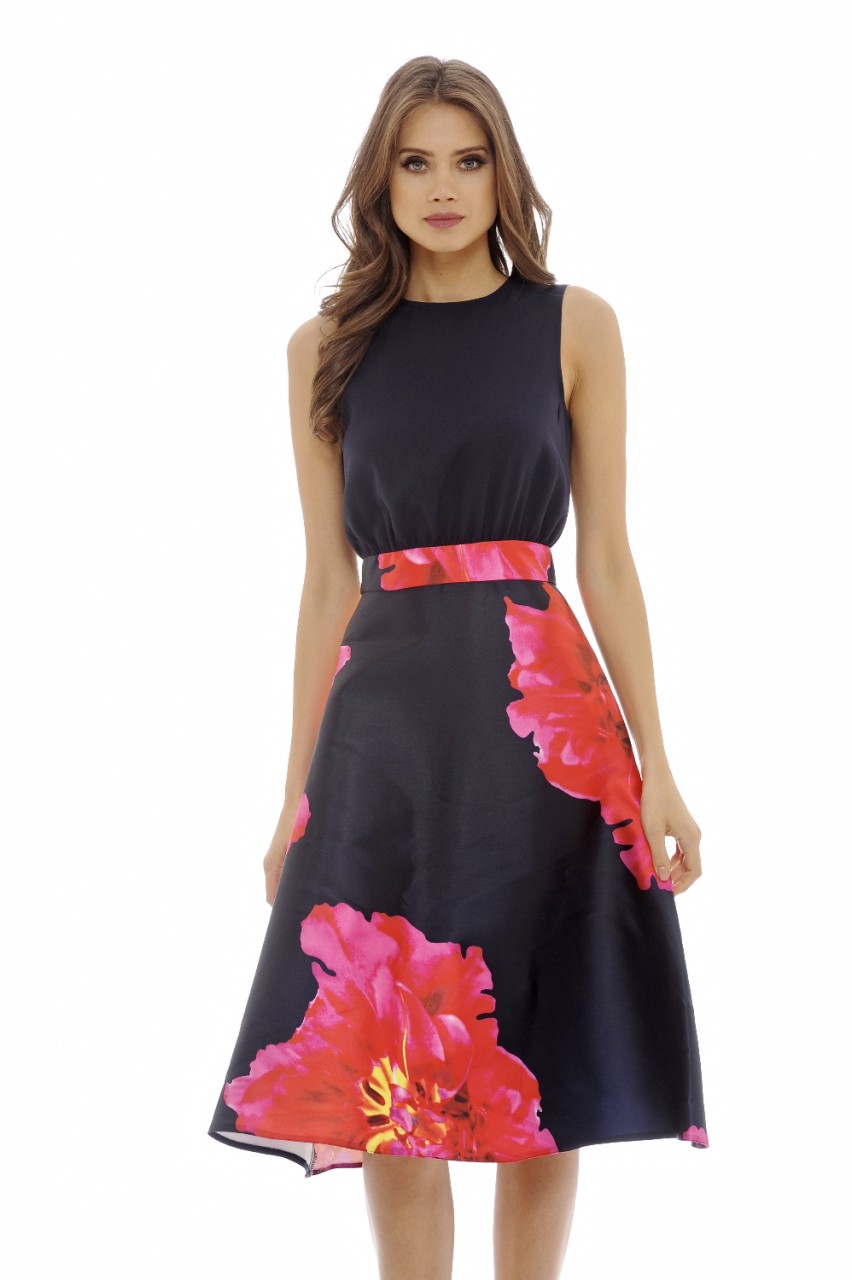
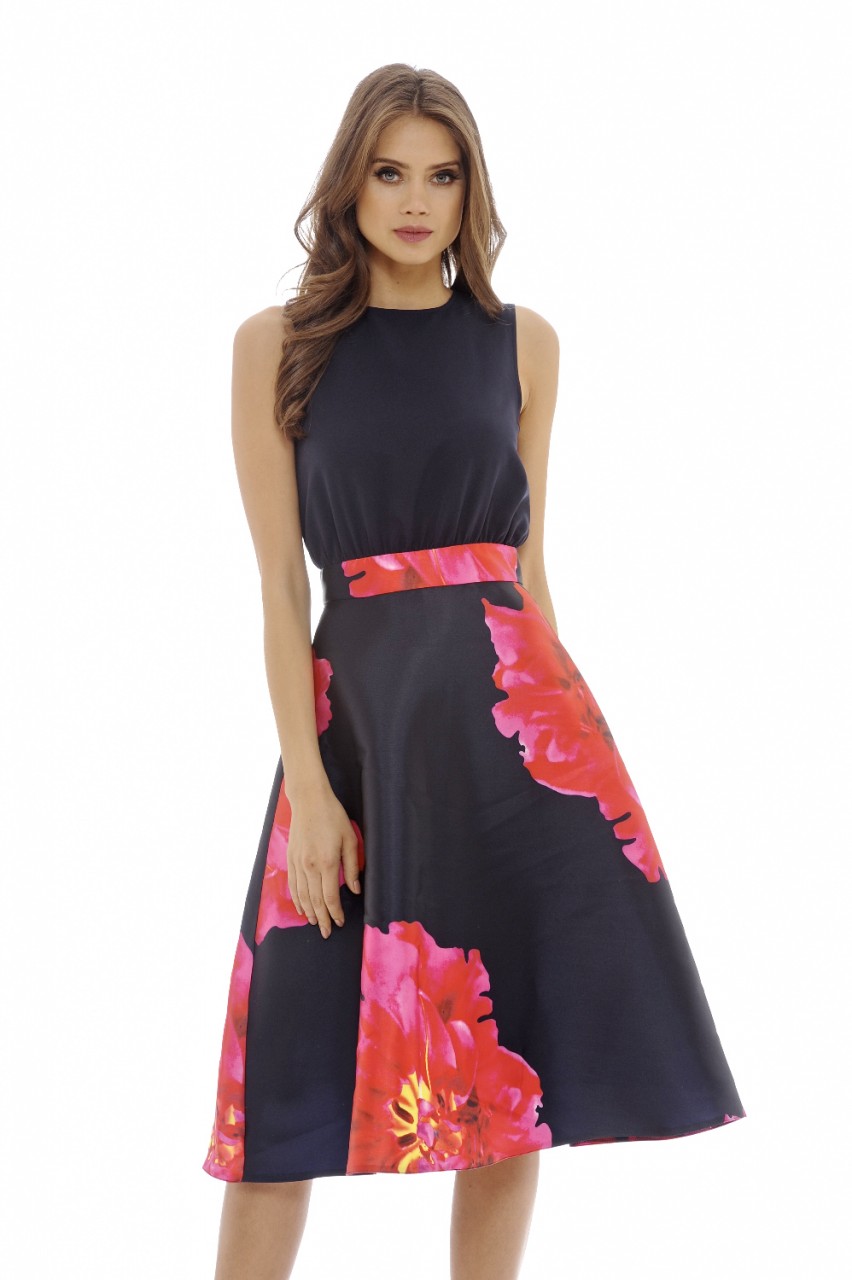
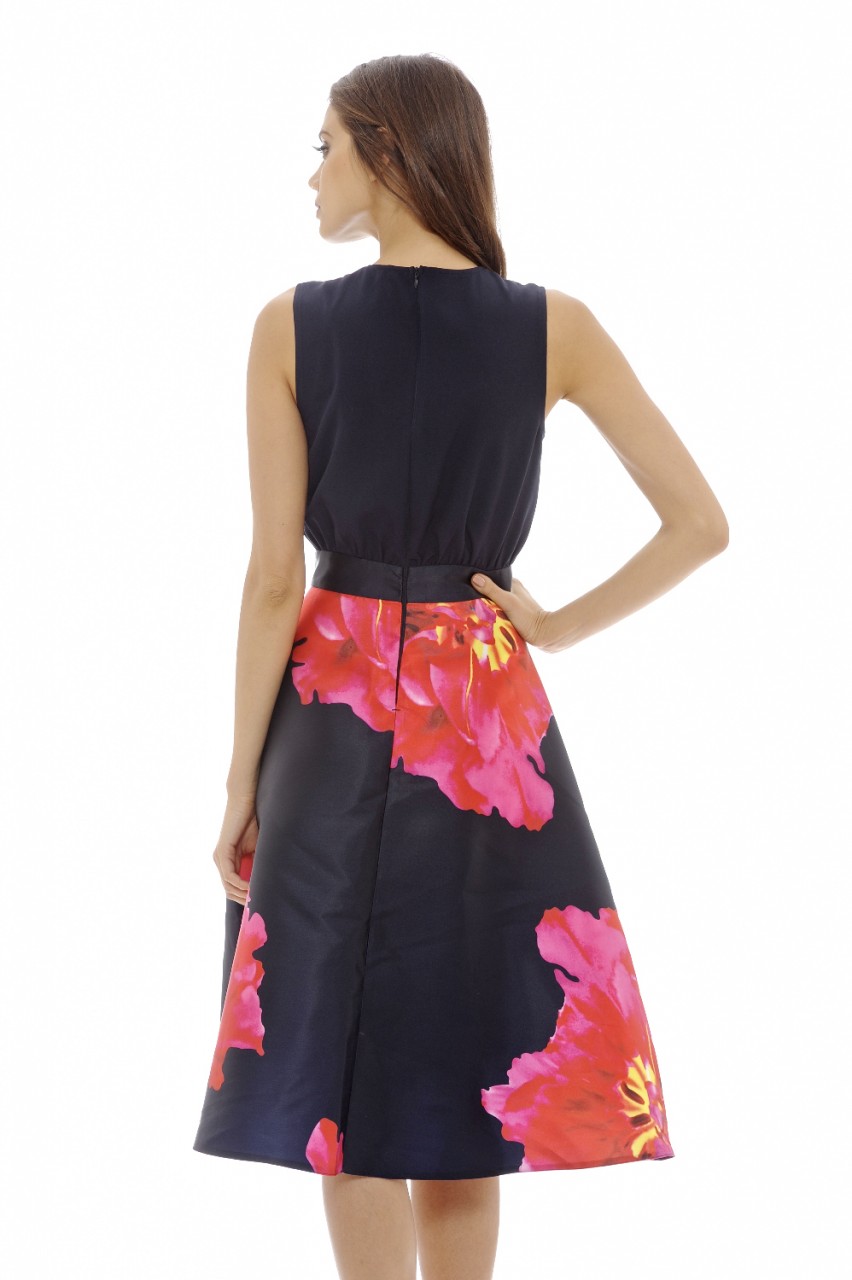
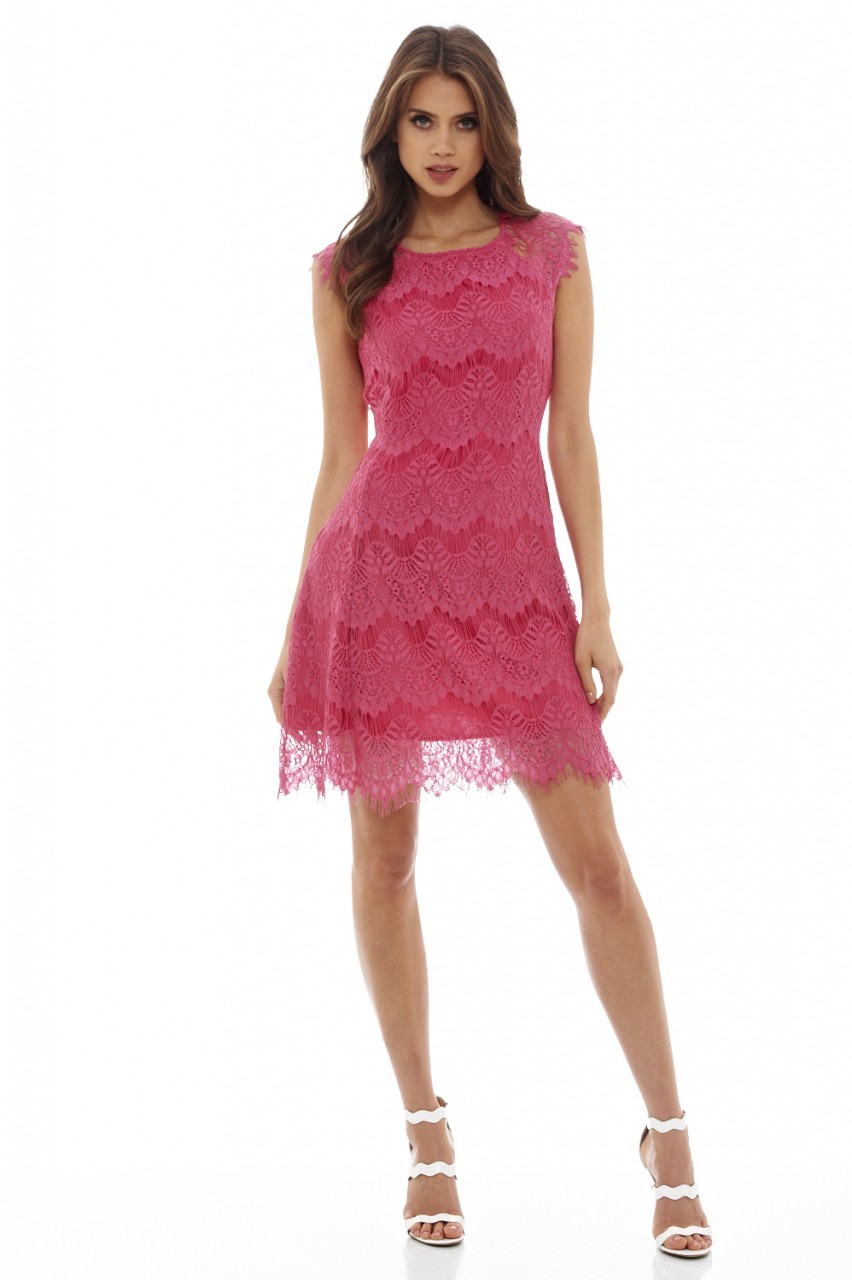
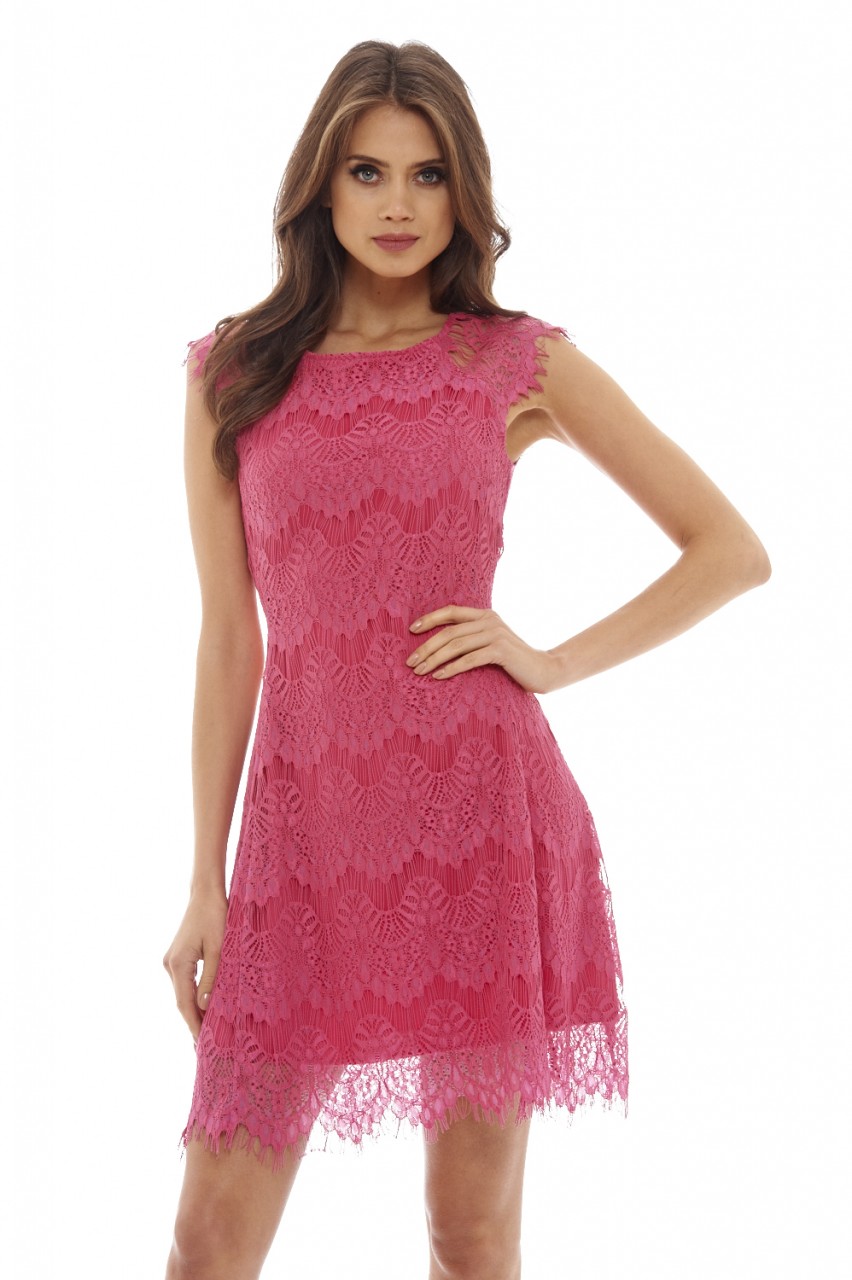
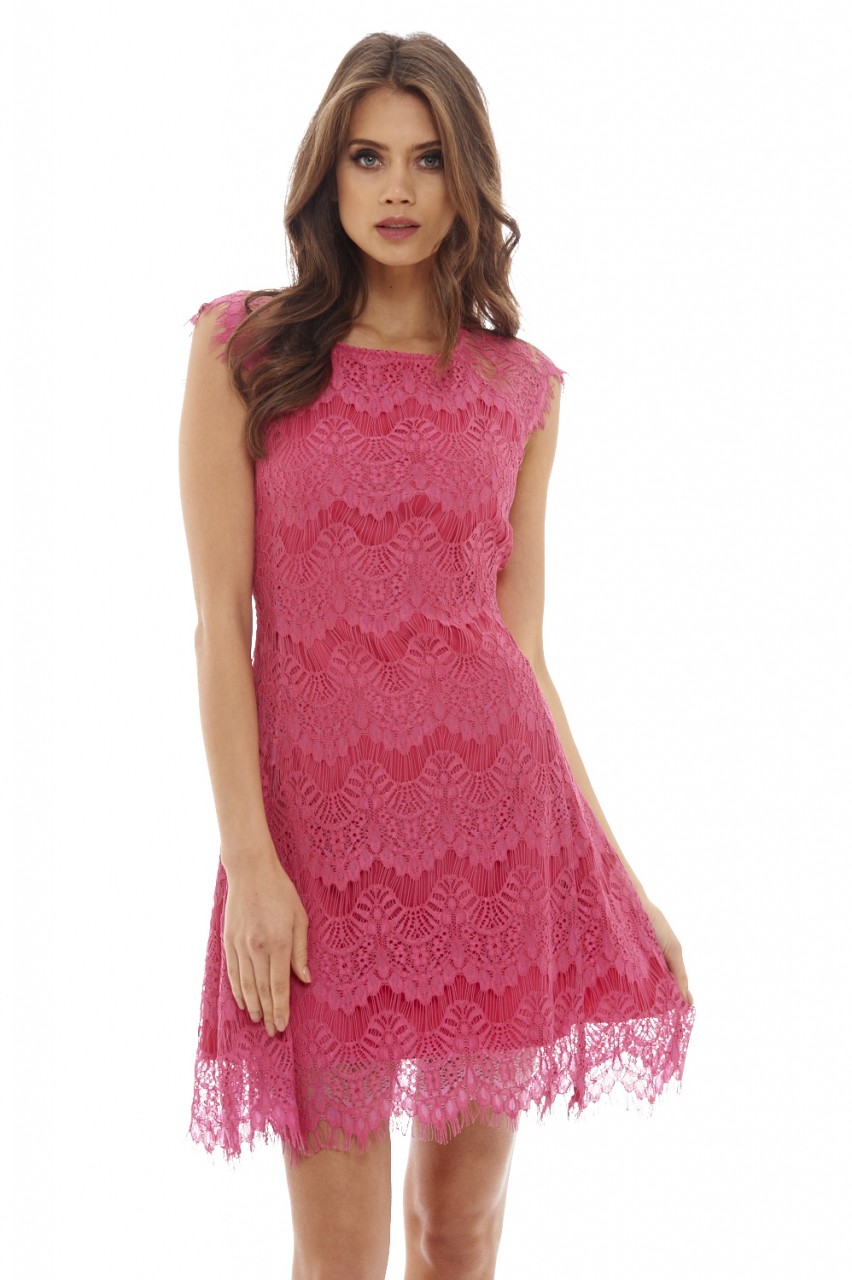
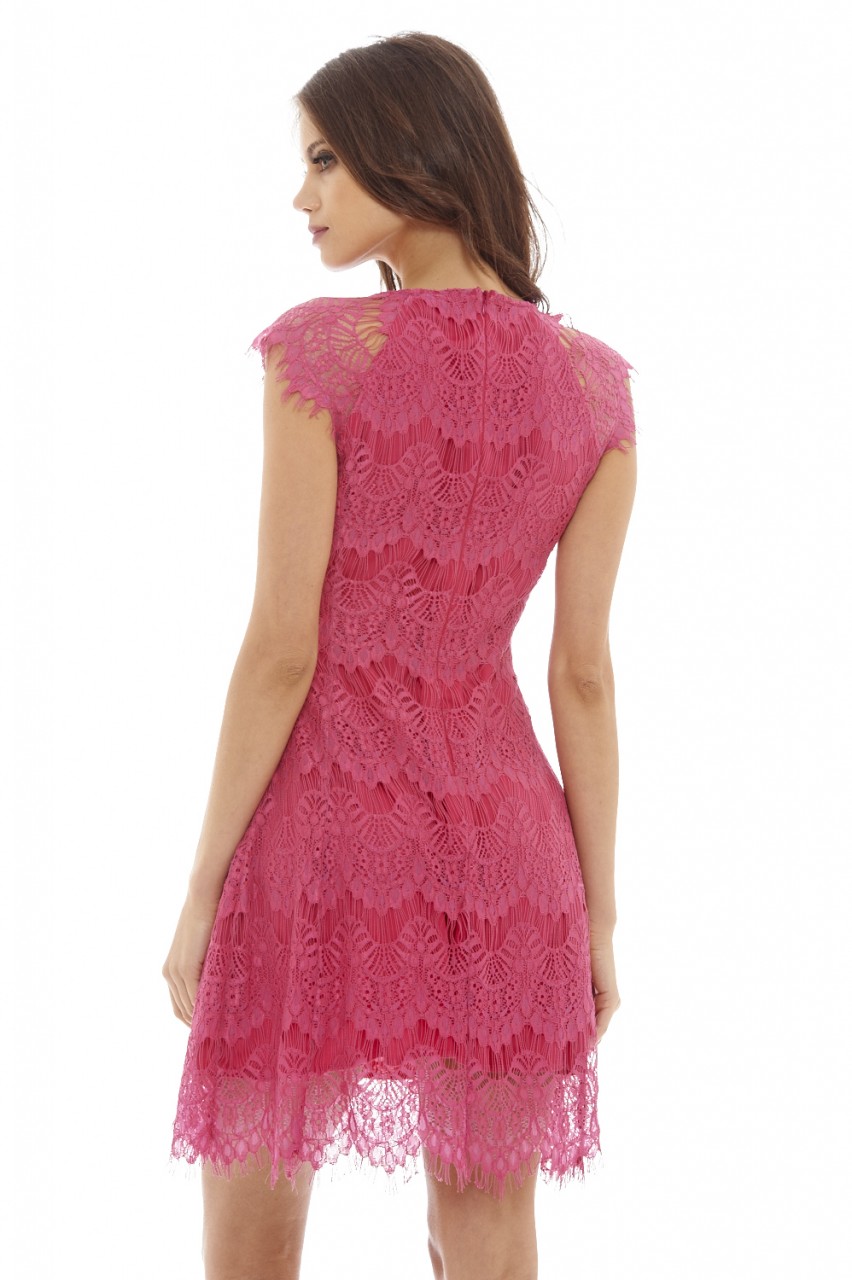
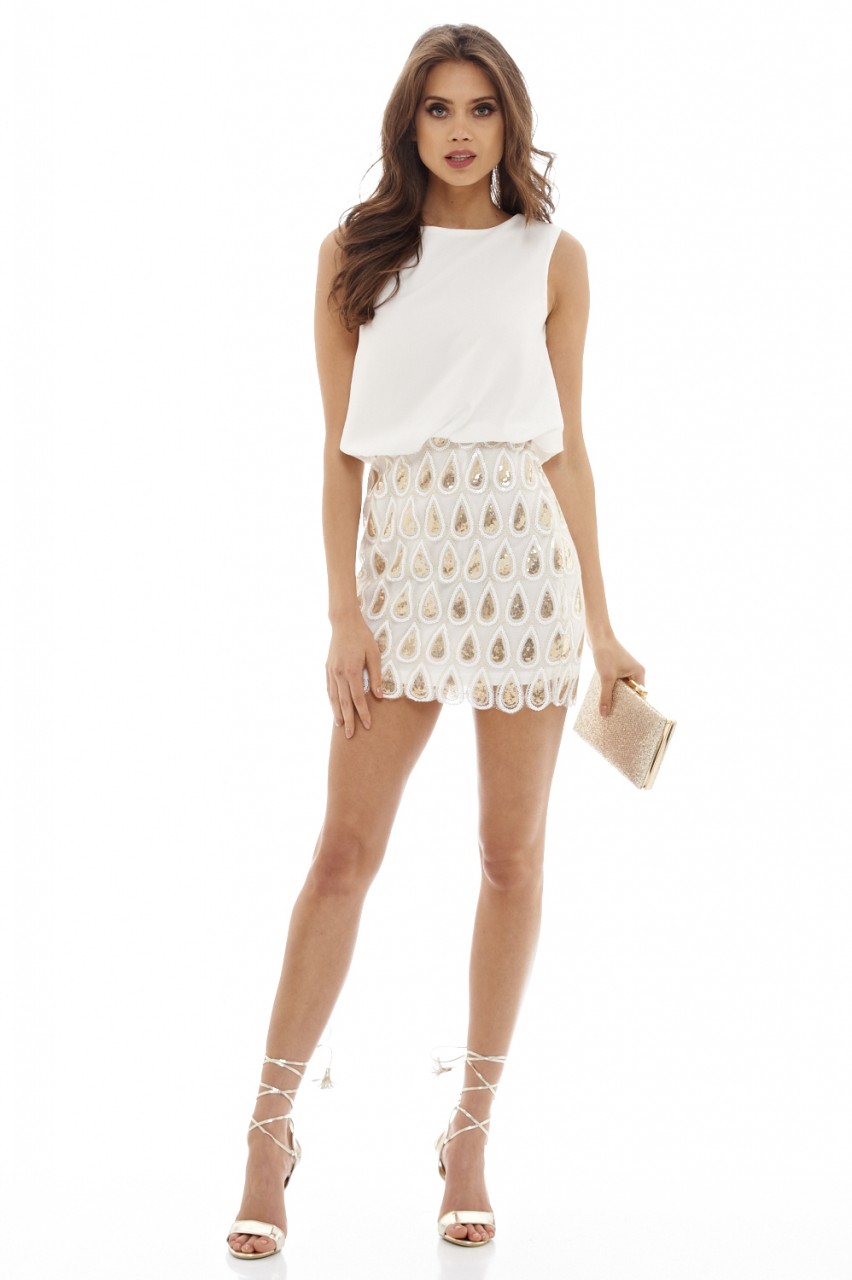
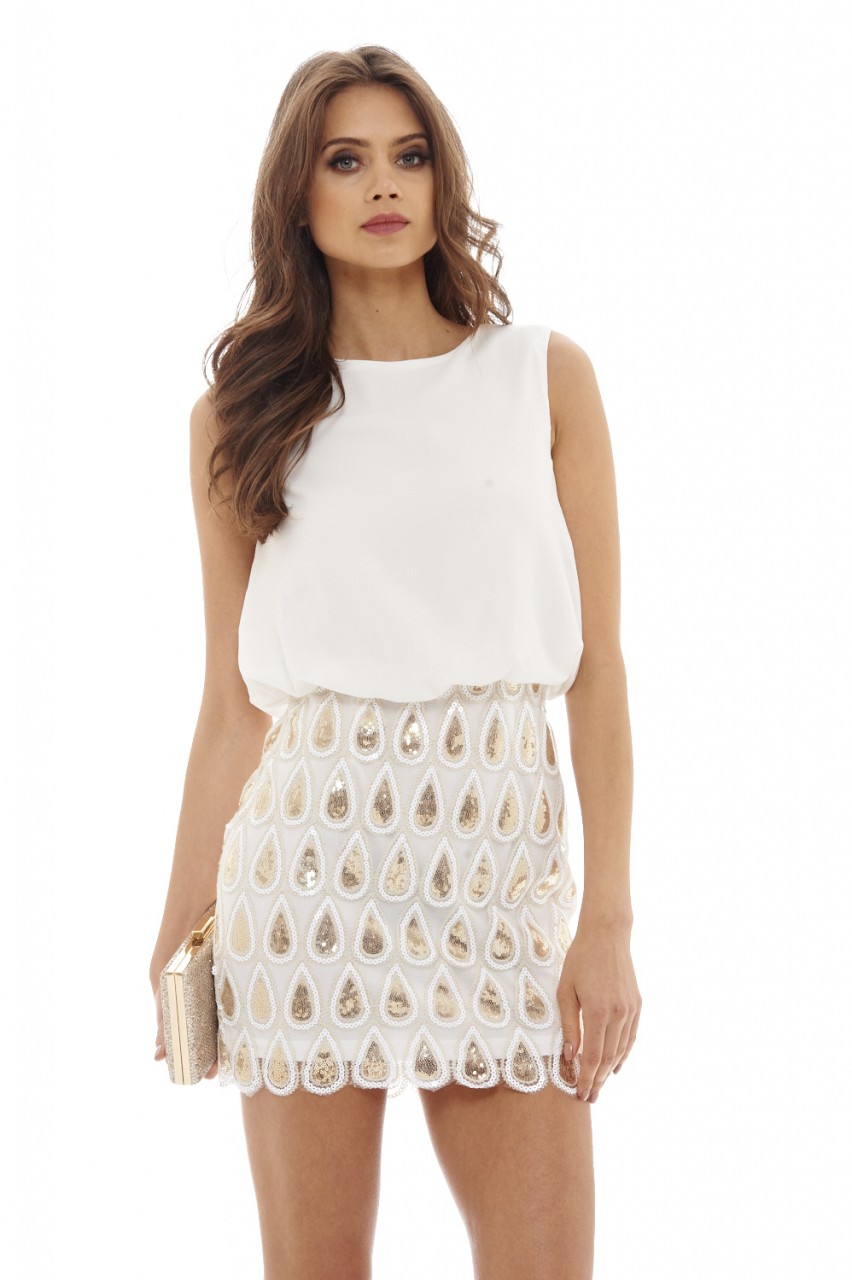
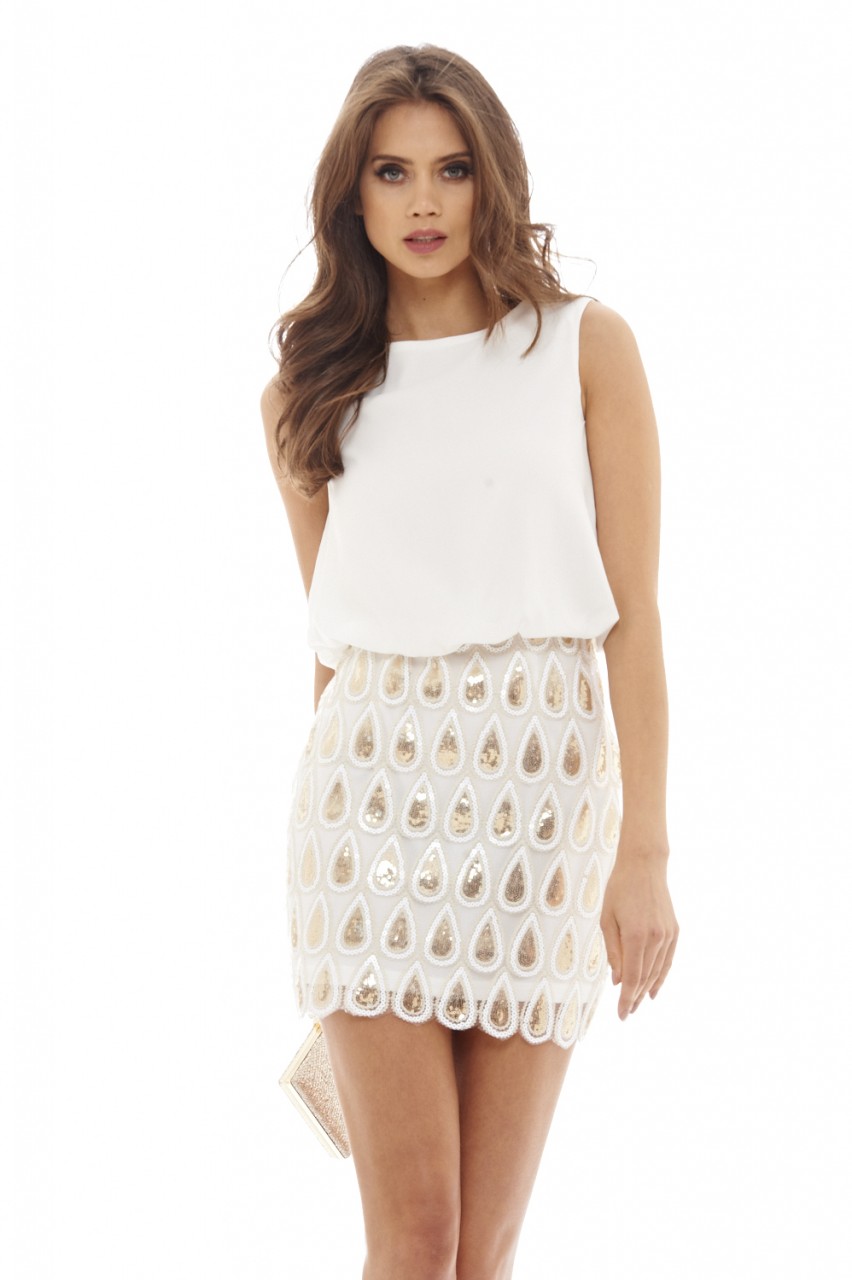
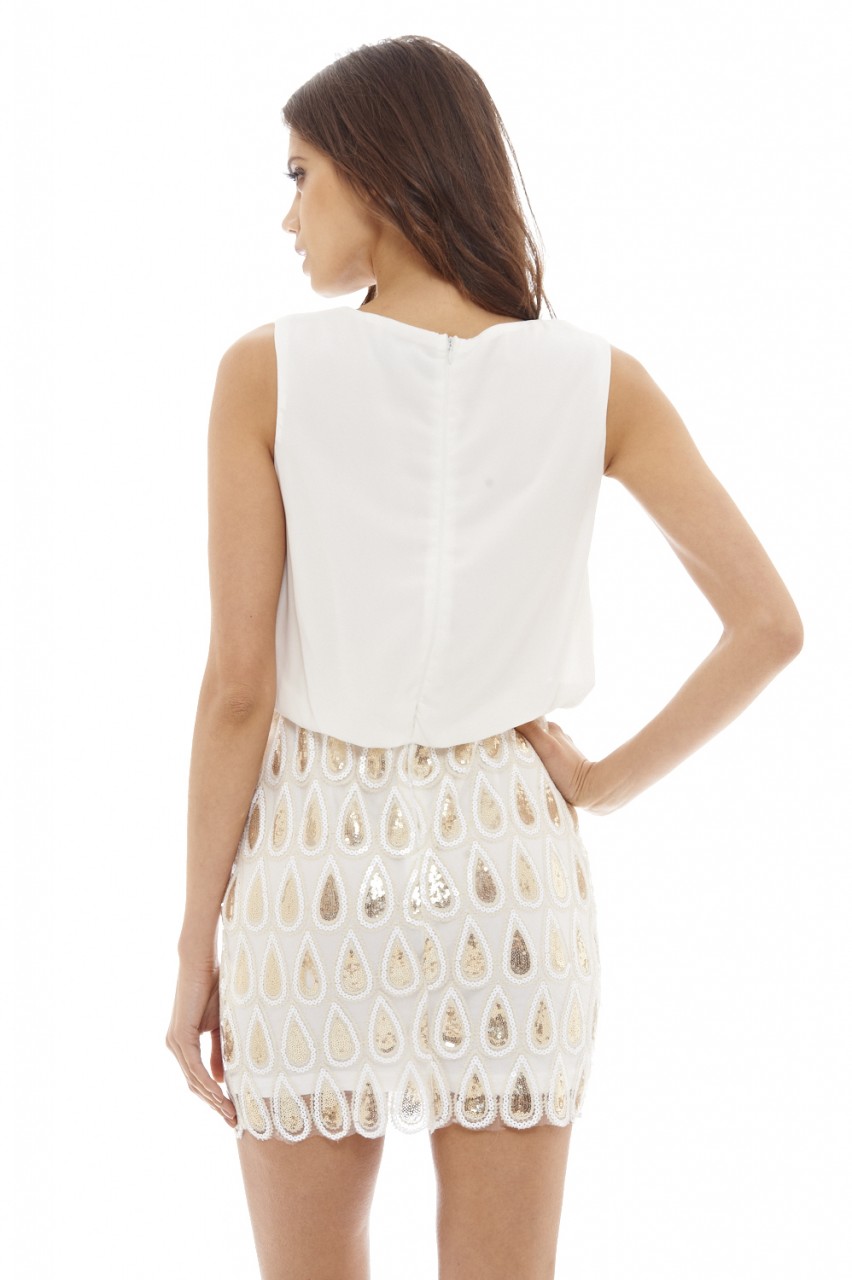
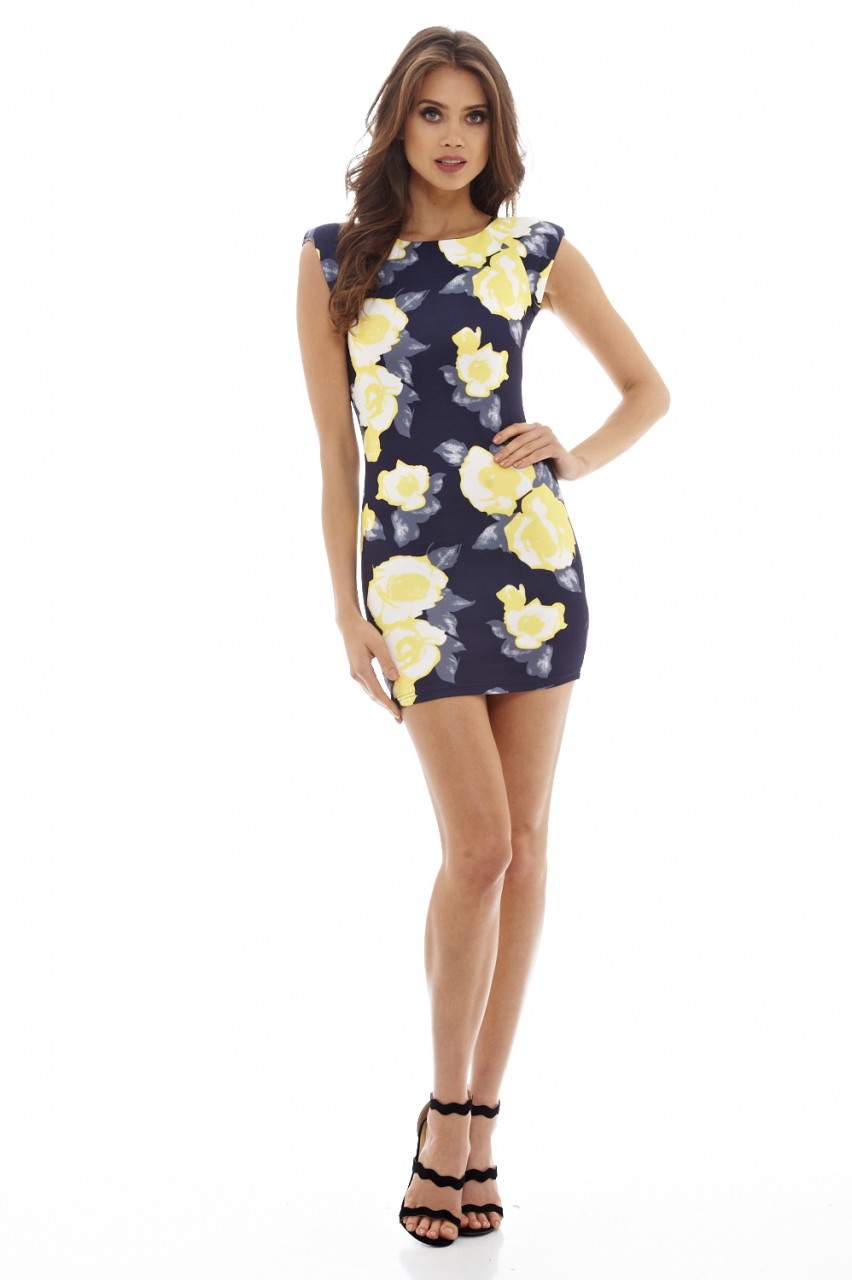
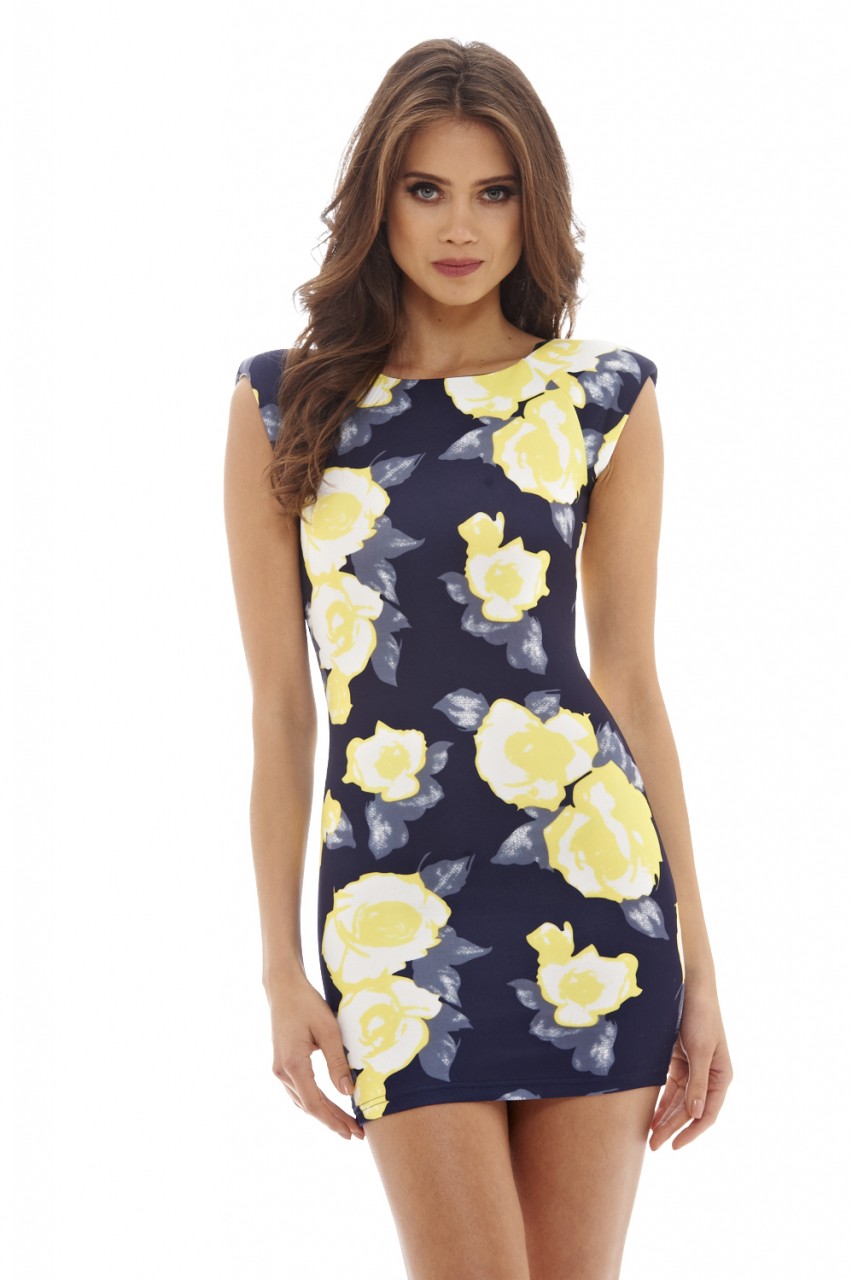
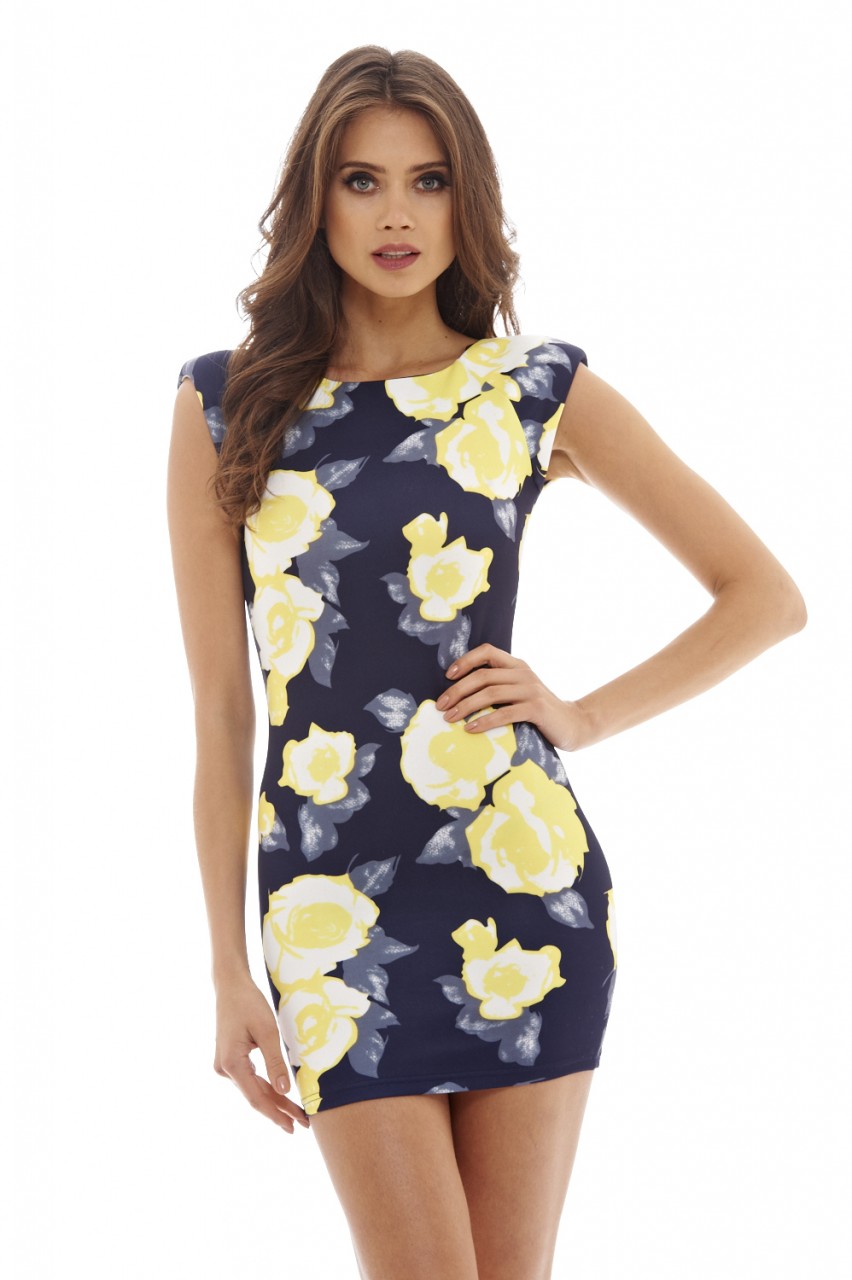
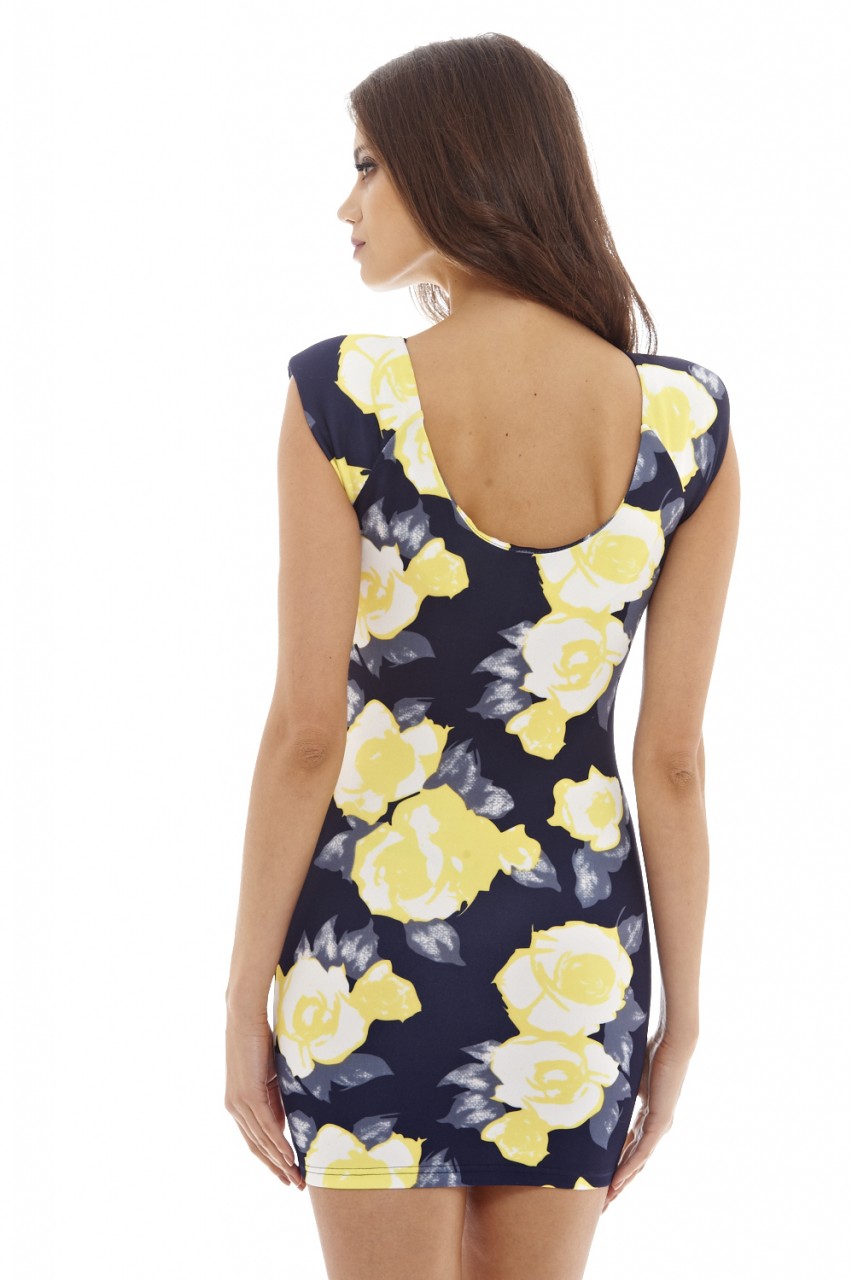
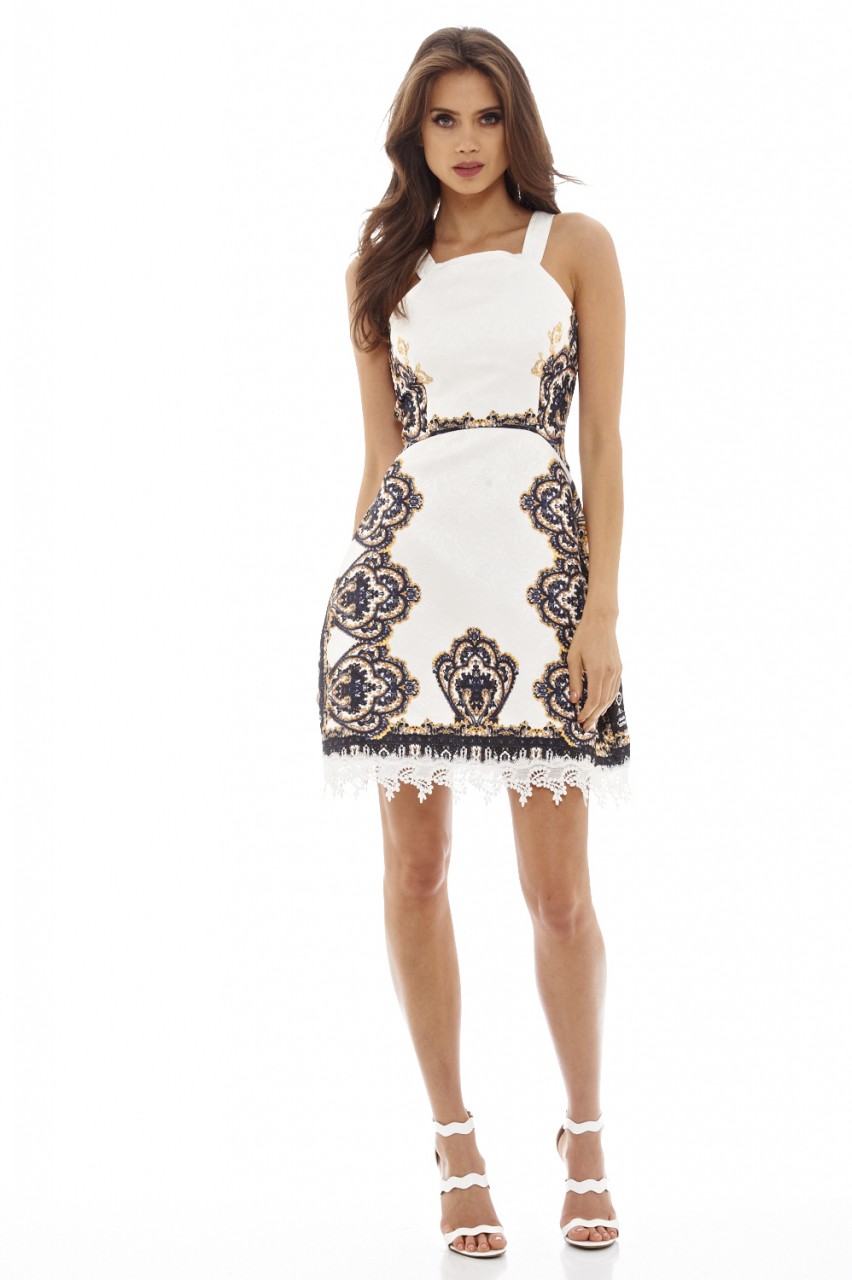
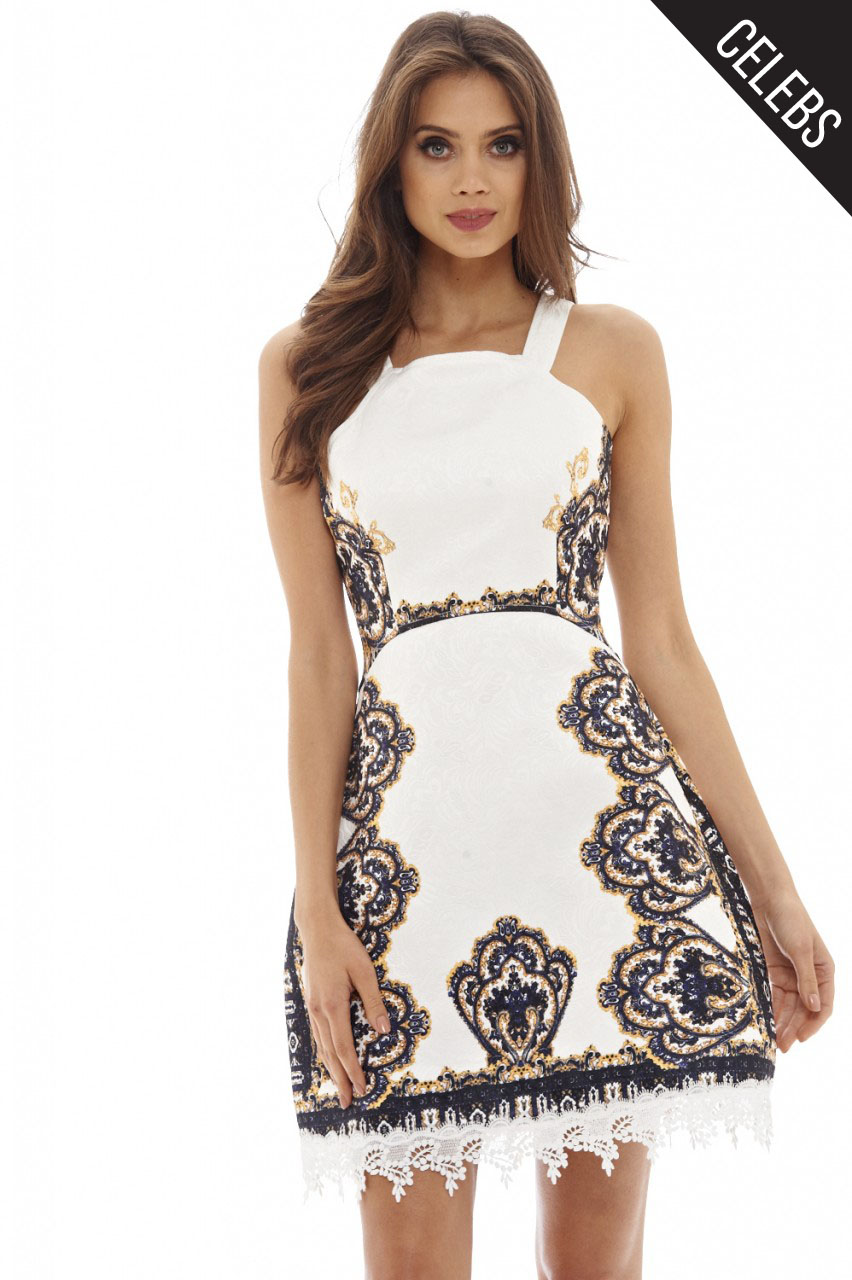
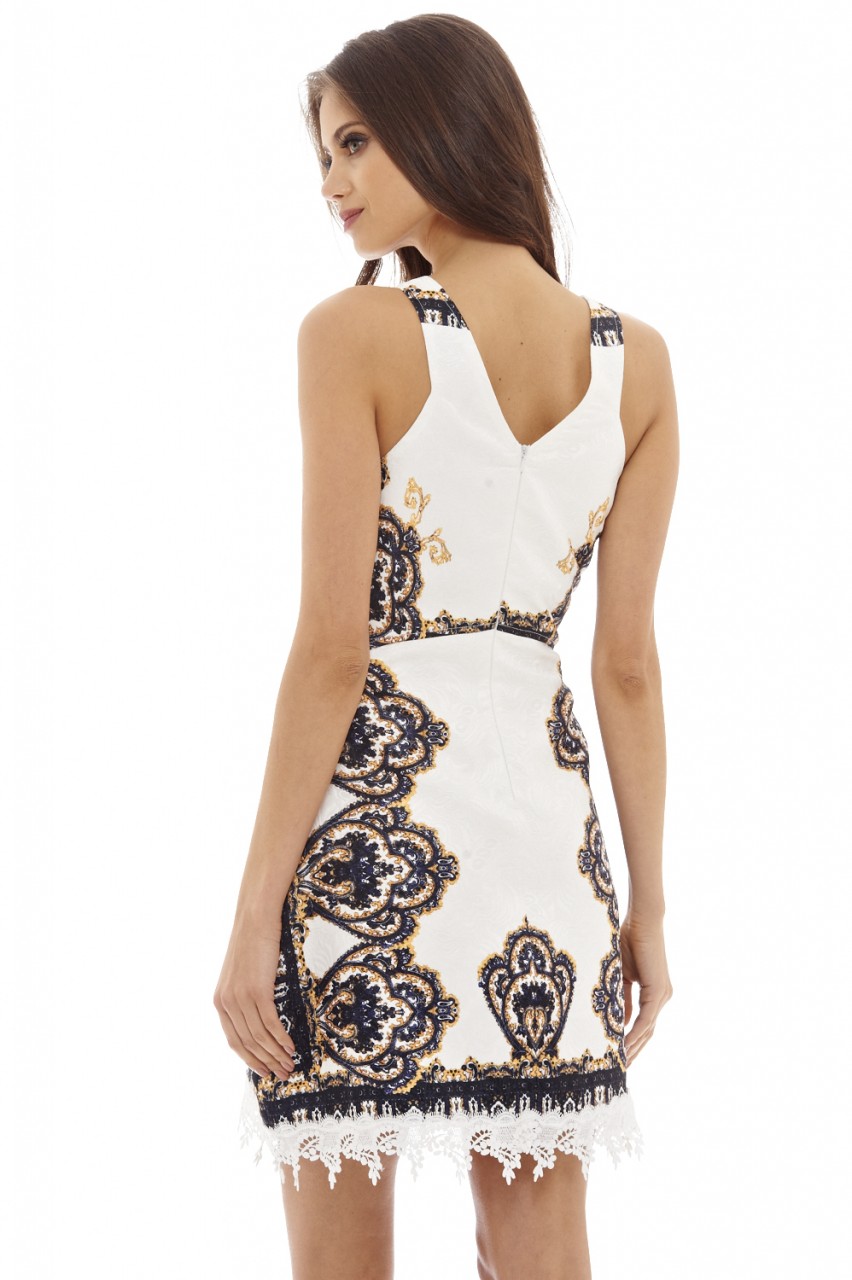
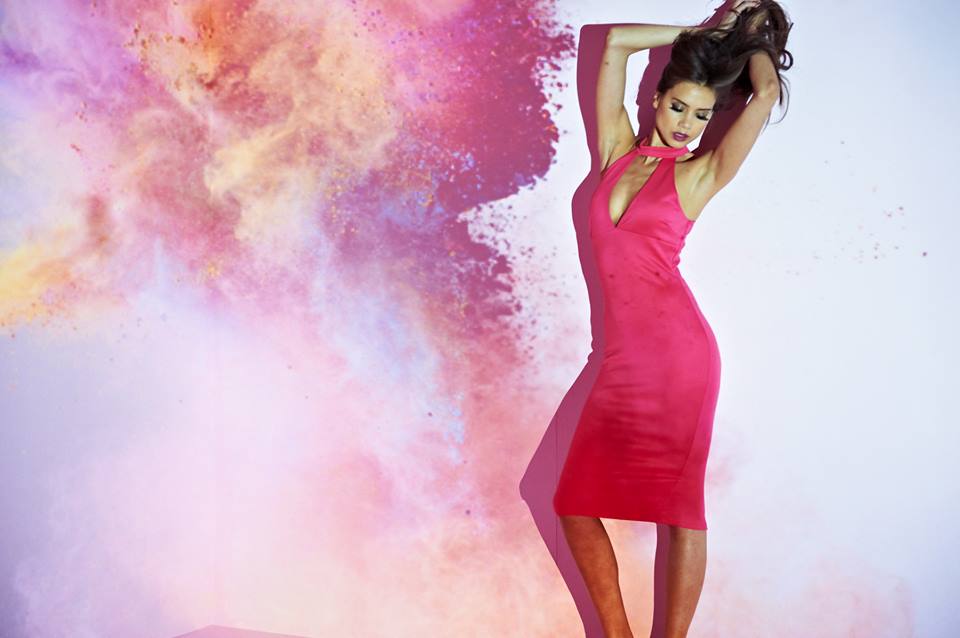
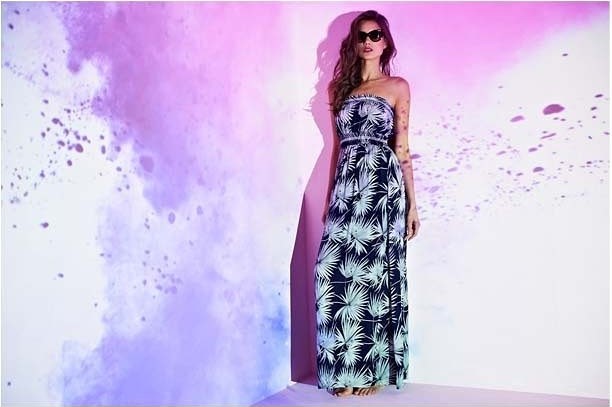
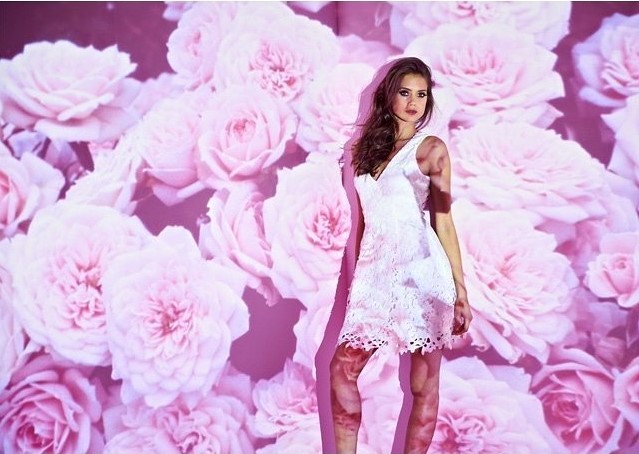
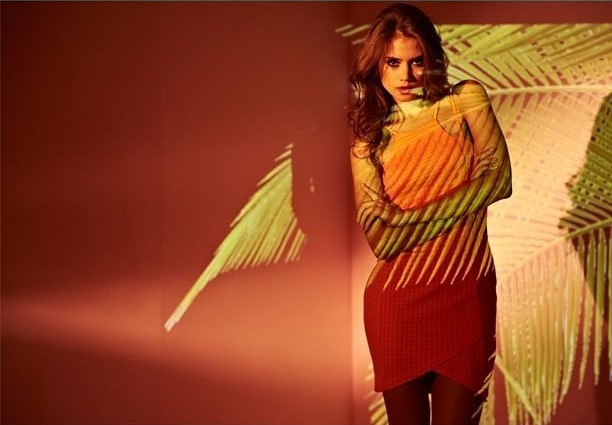
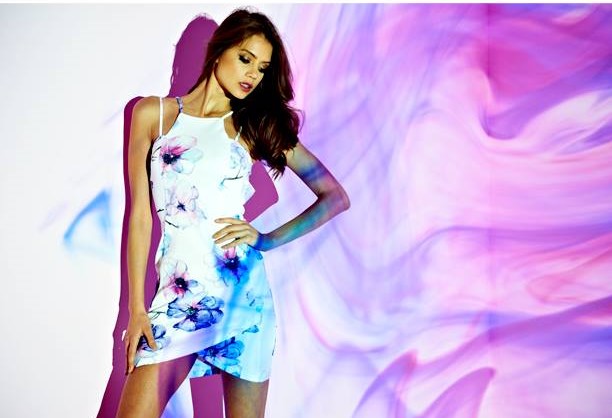
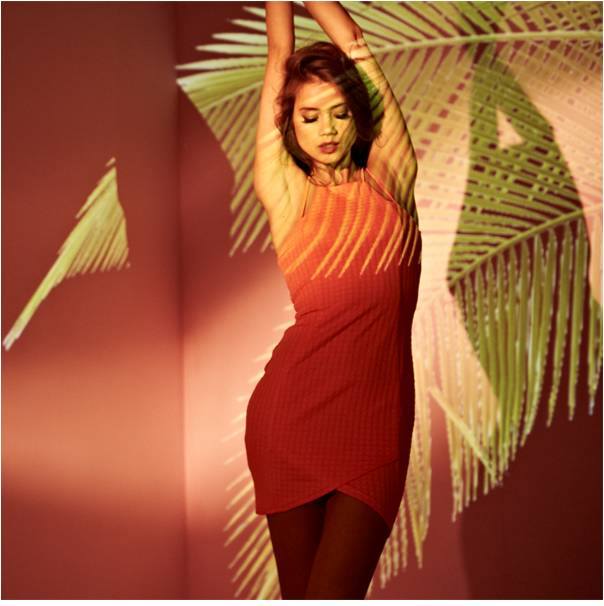
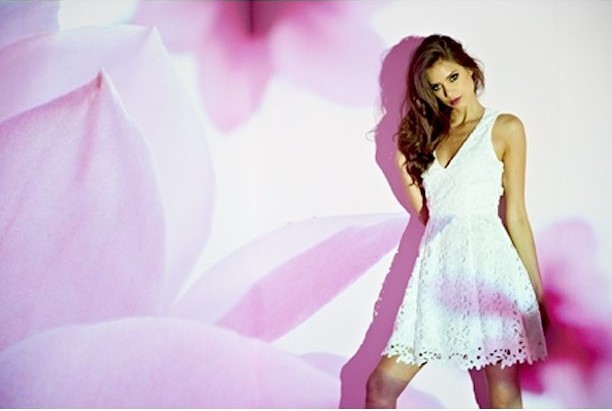
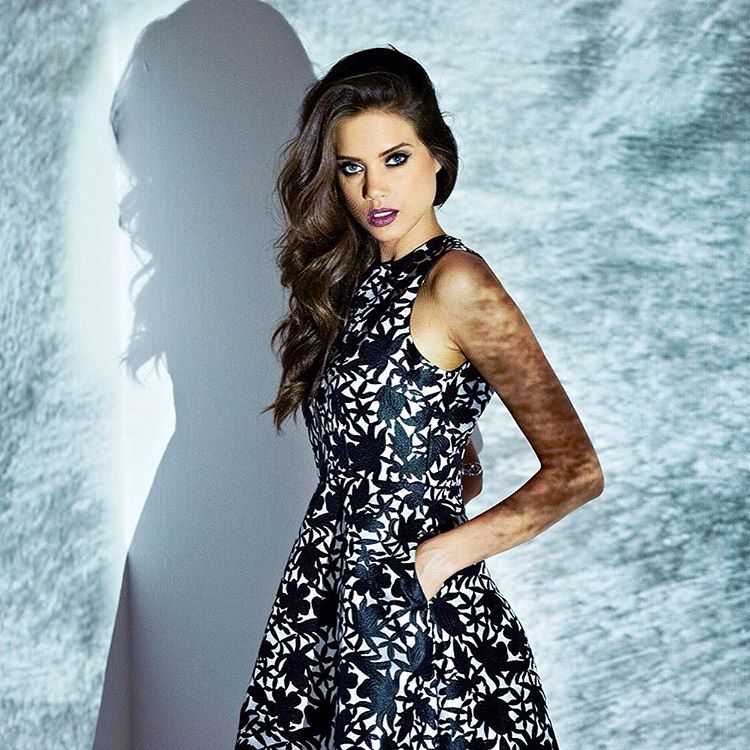
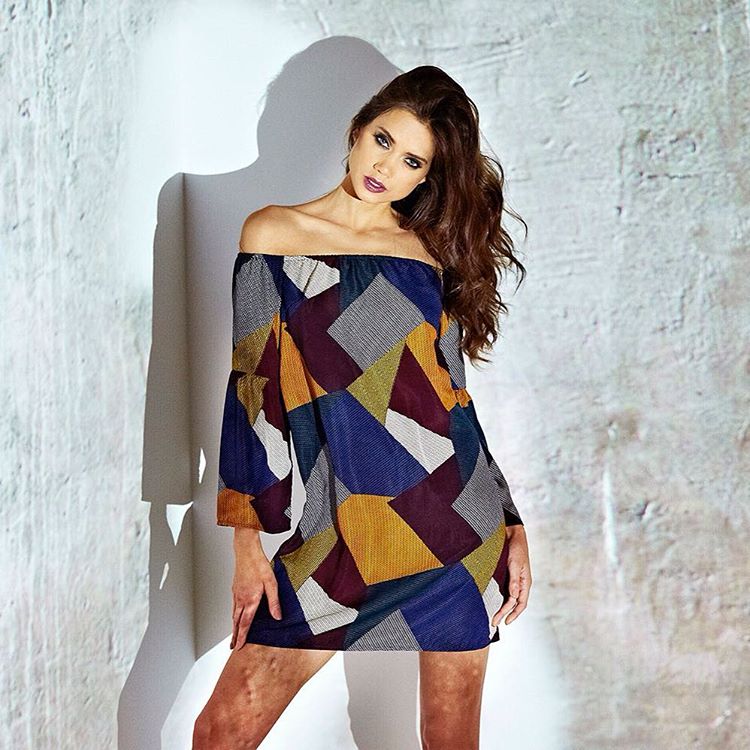
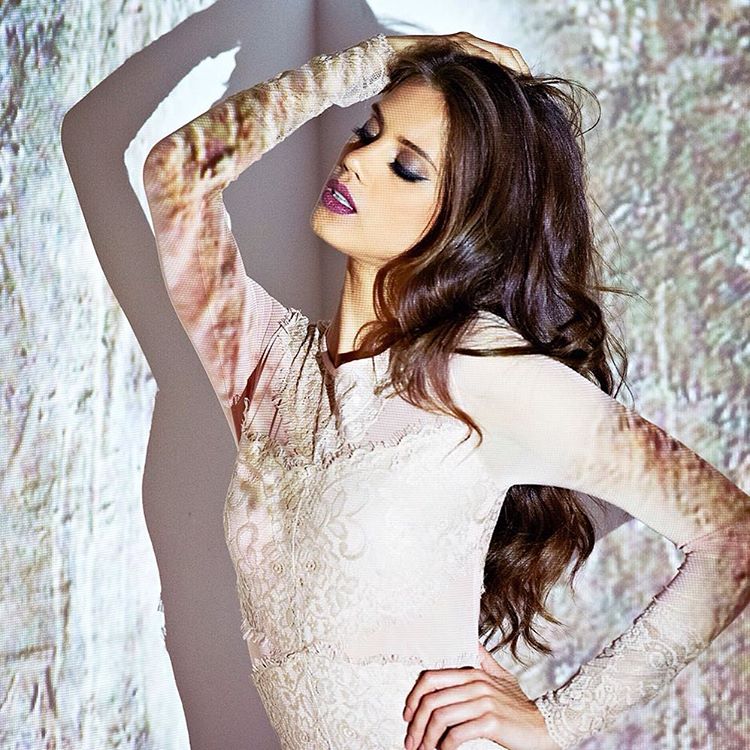
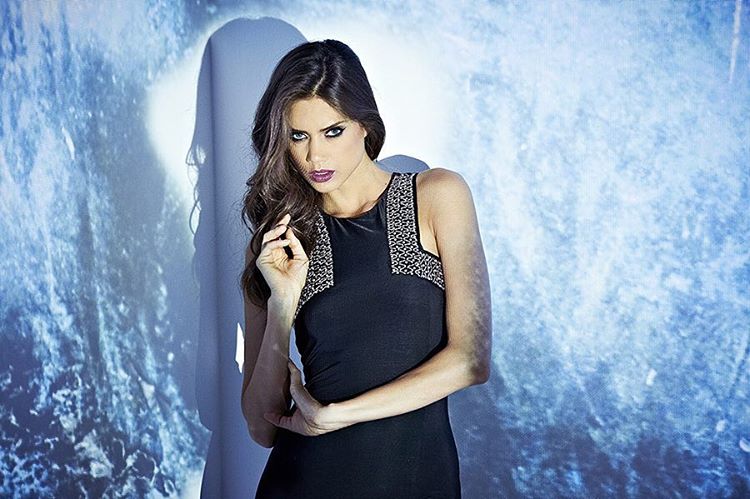
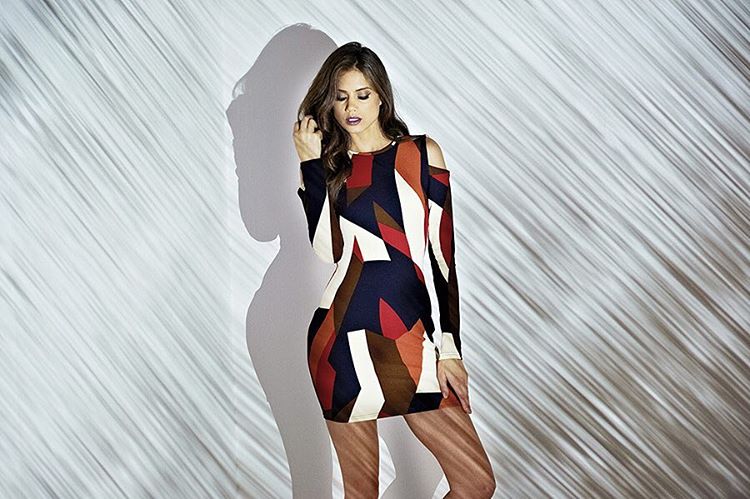
AX Paris 2016 Dresses
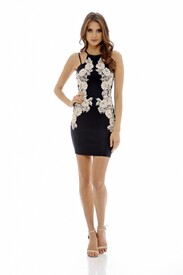
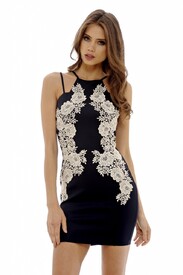
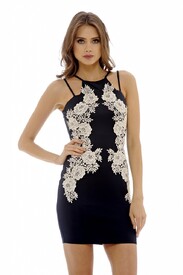
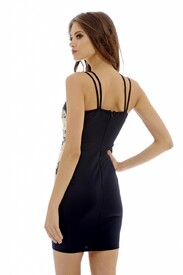
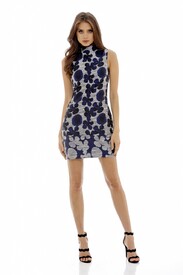
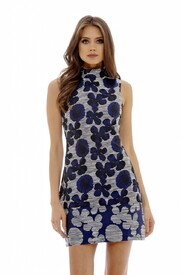
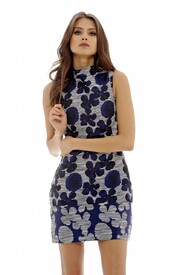
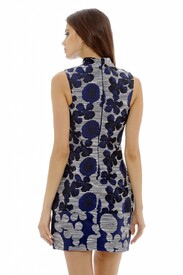
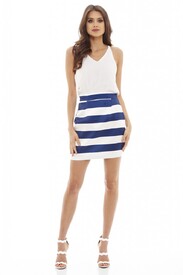
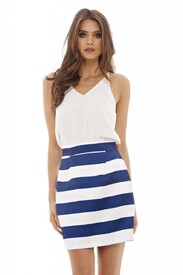
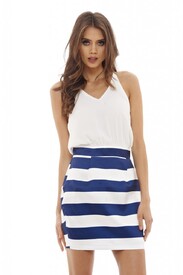
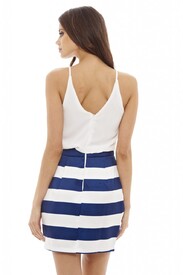
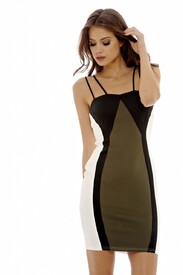
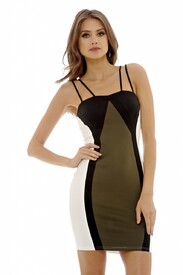
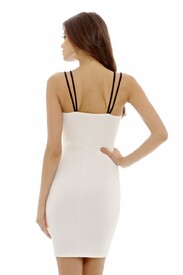
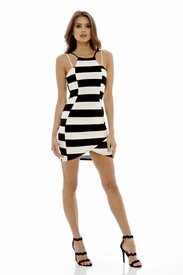
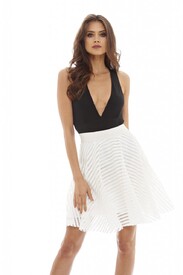
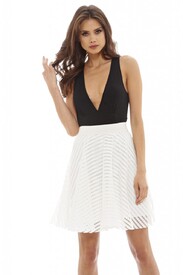
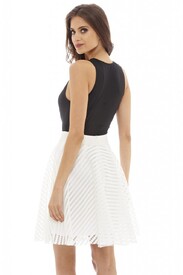
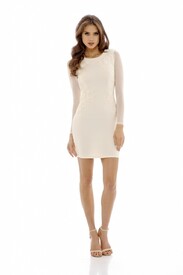
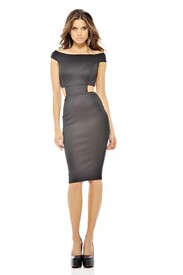
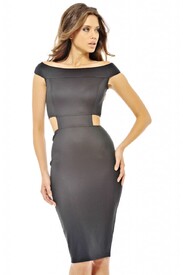
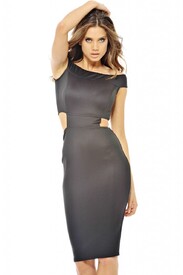
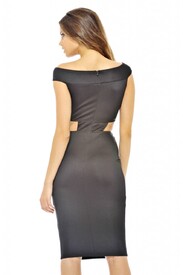
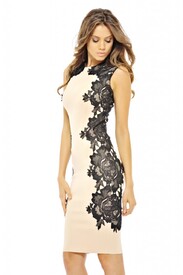
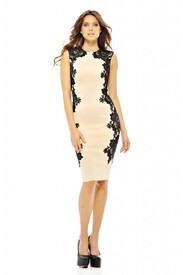
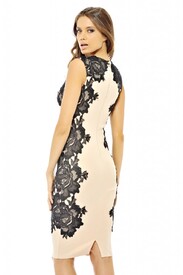
-
AX Paris 2016 Dresses
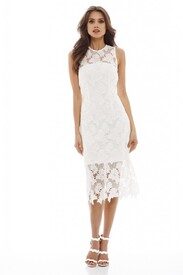
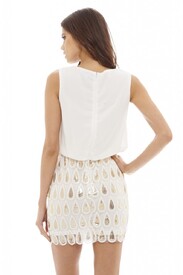
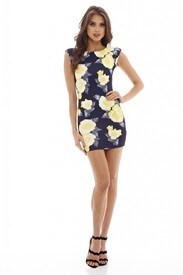
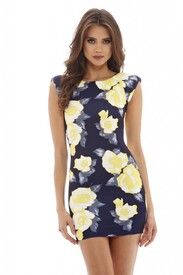
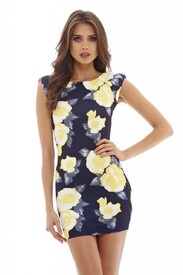
-
BHS 2016 (sorry for the uber crappy quality)
-
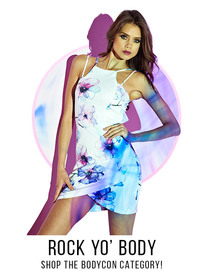
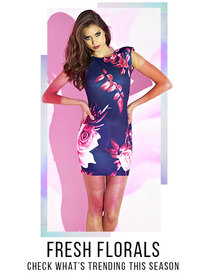
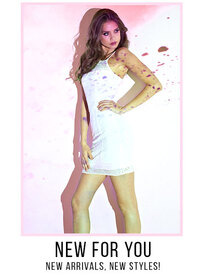
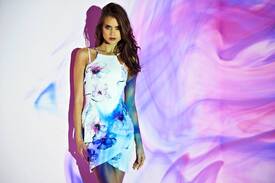
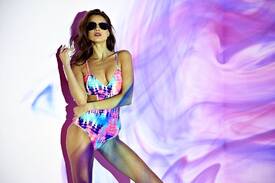
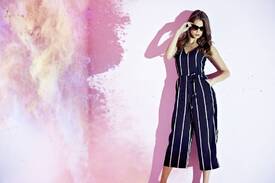
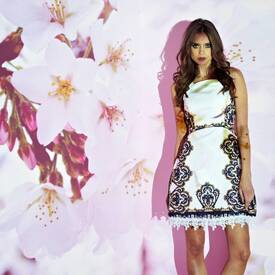
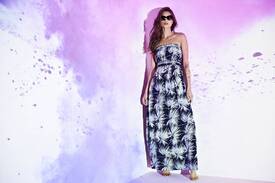
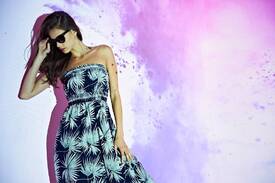
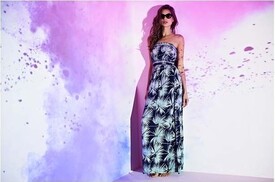
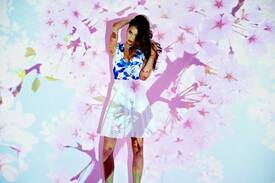
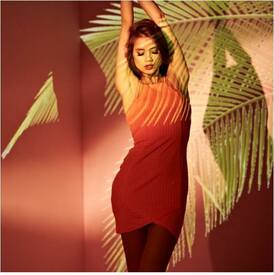
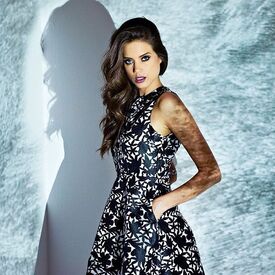
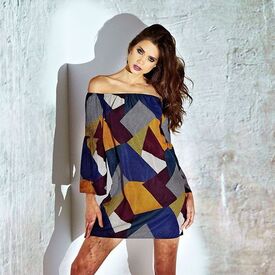
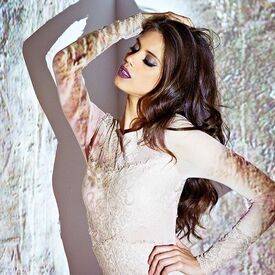
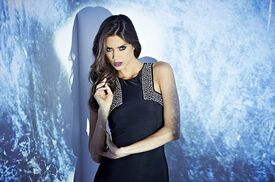
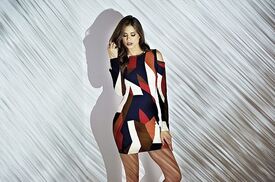
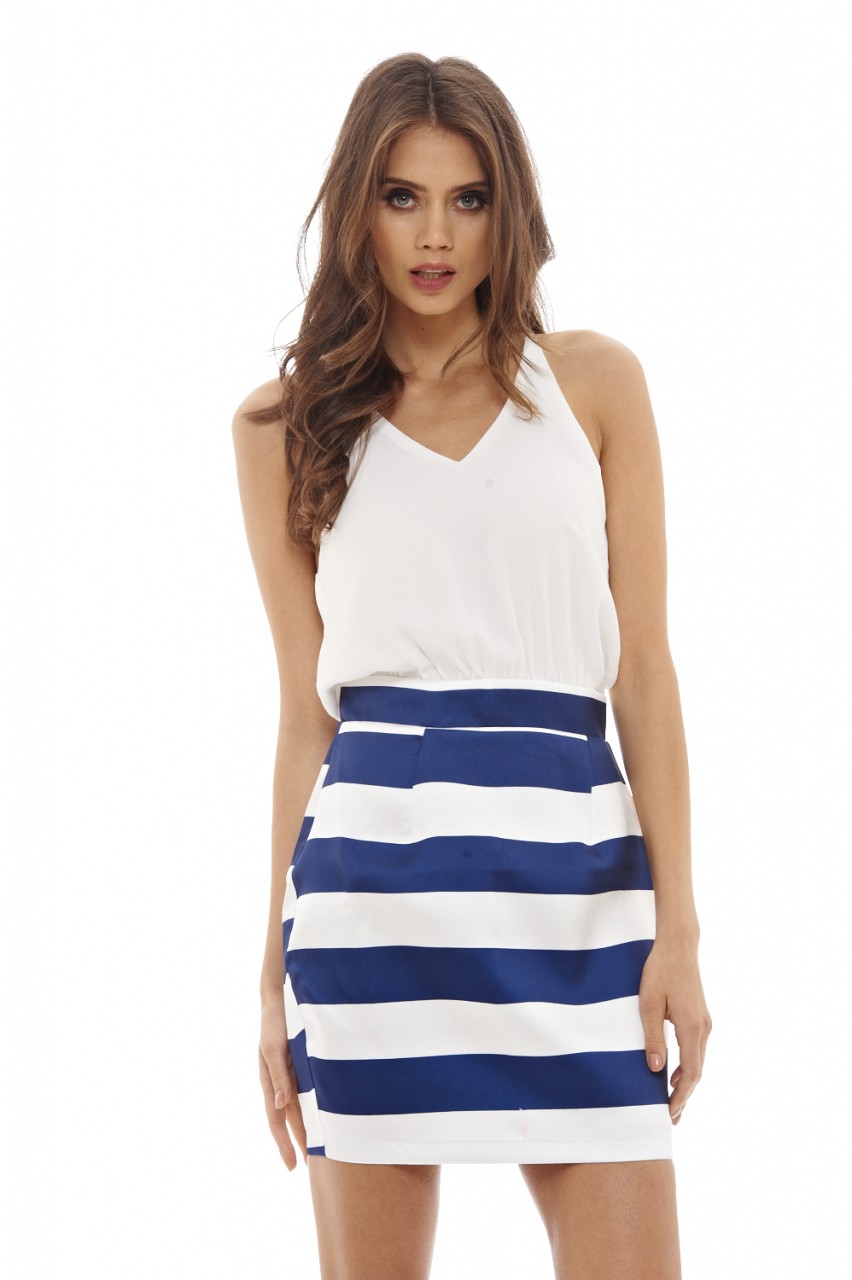
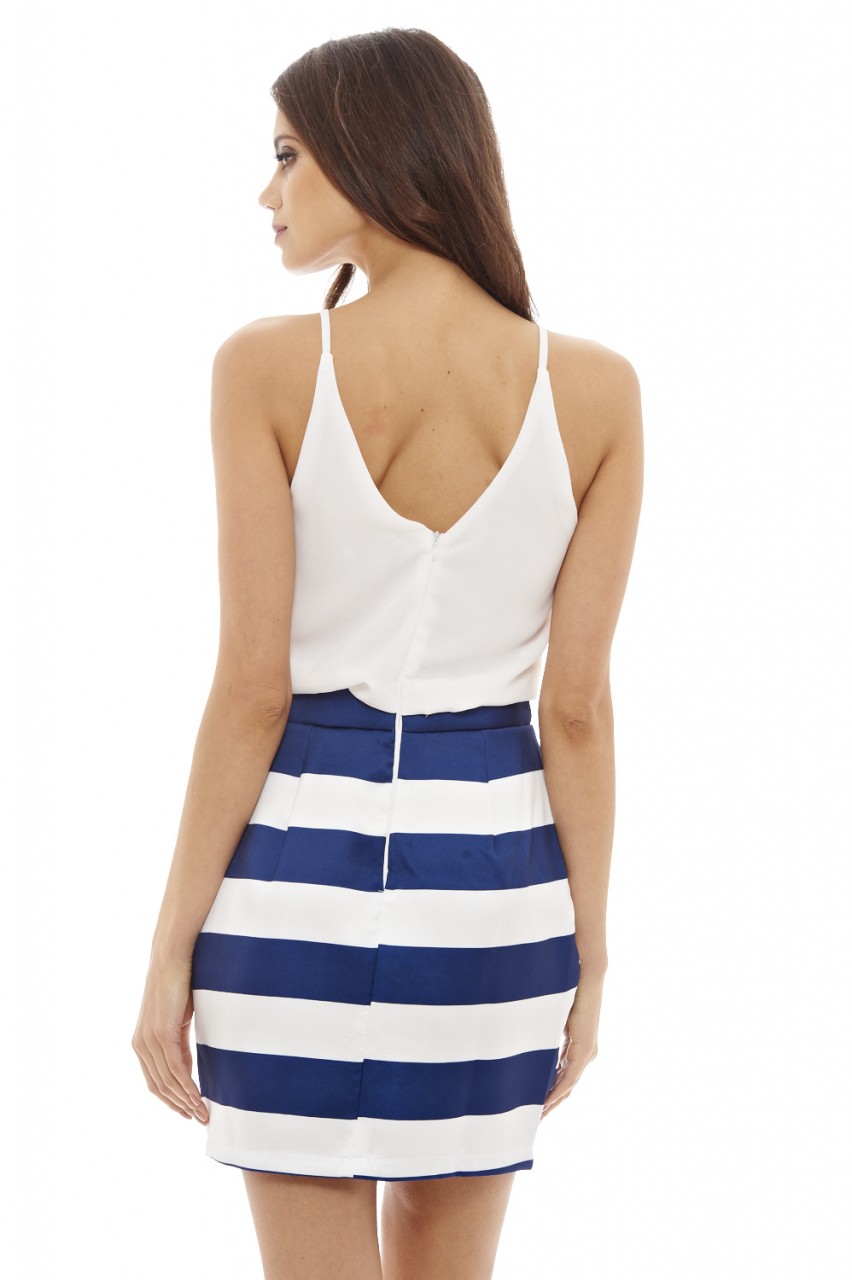
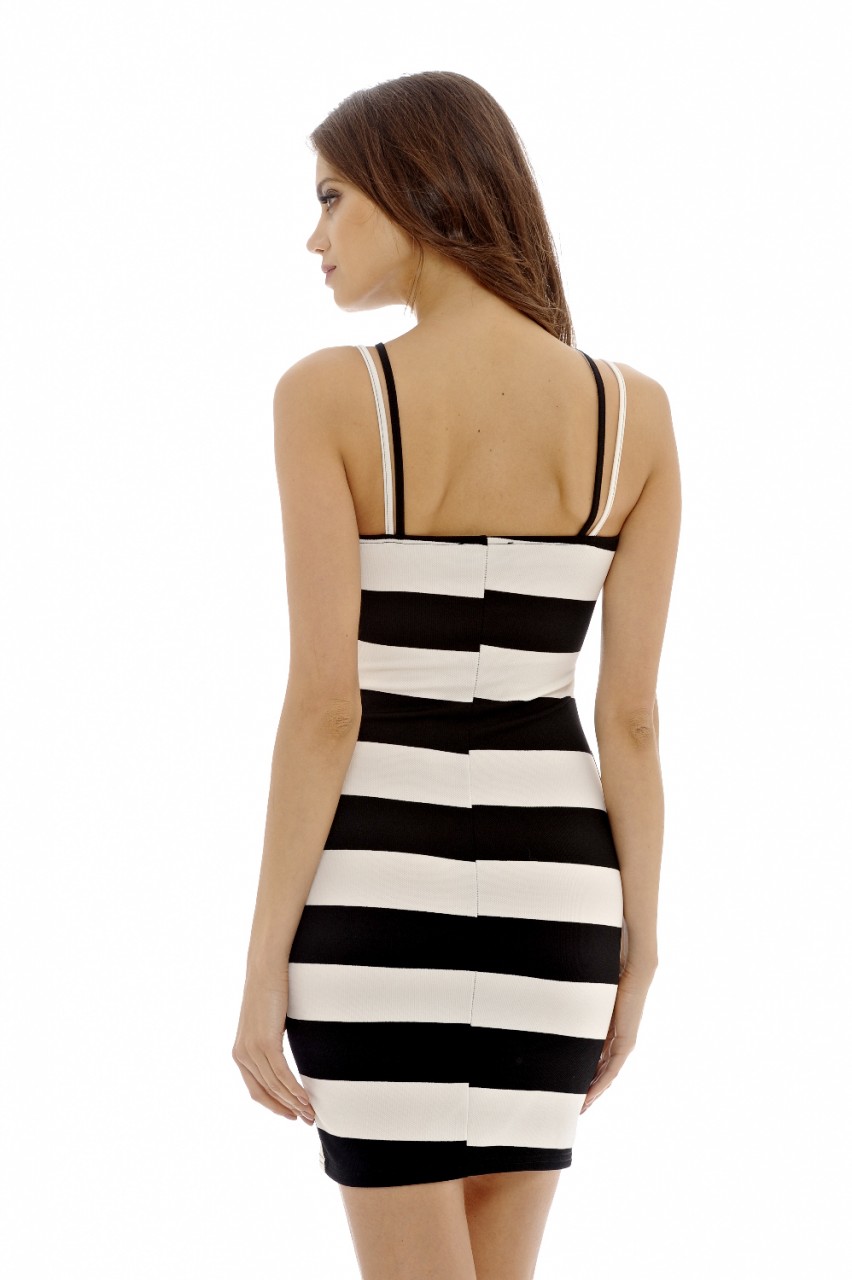
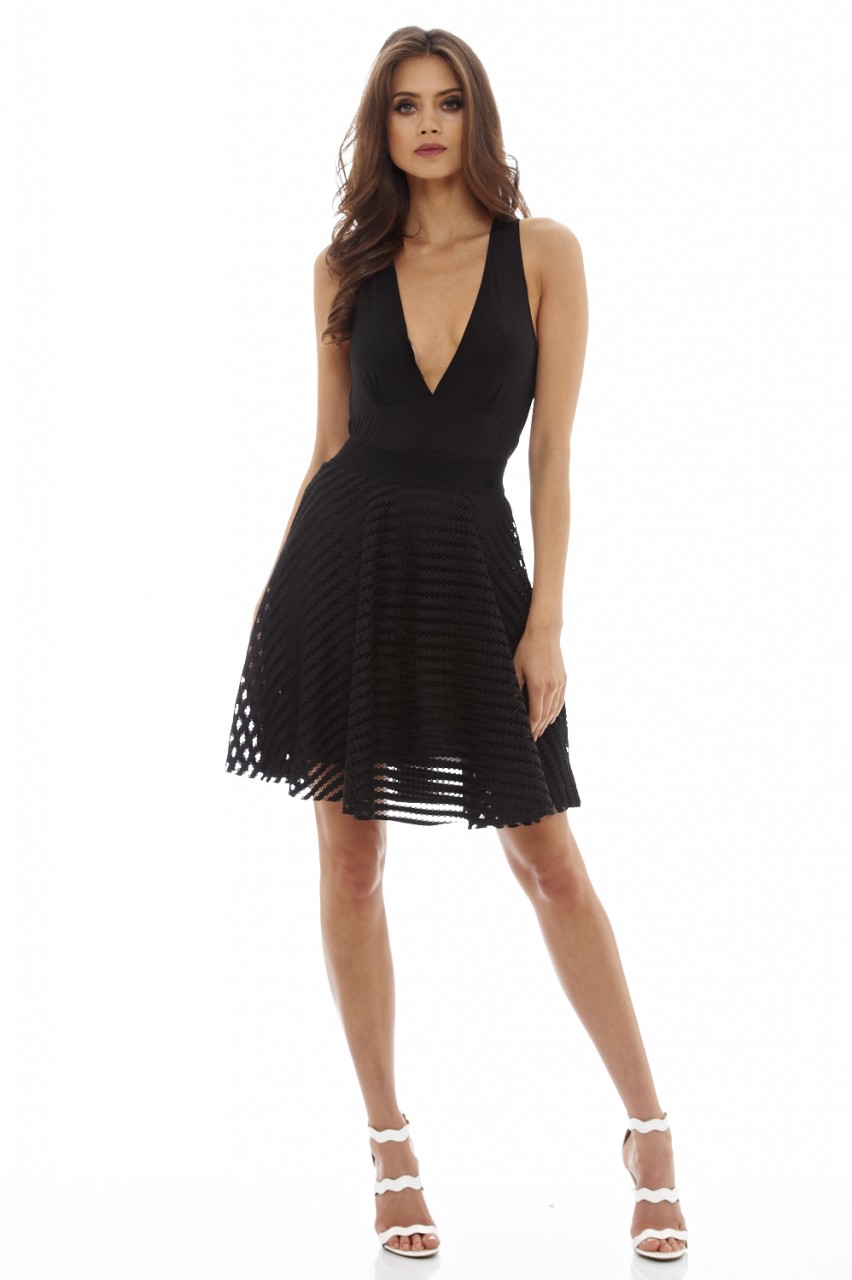
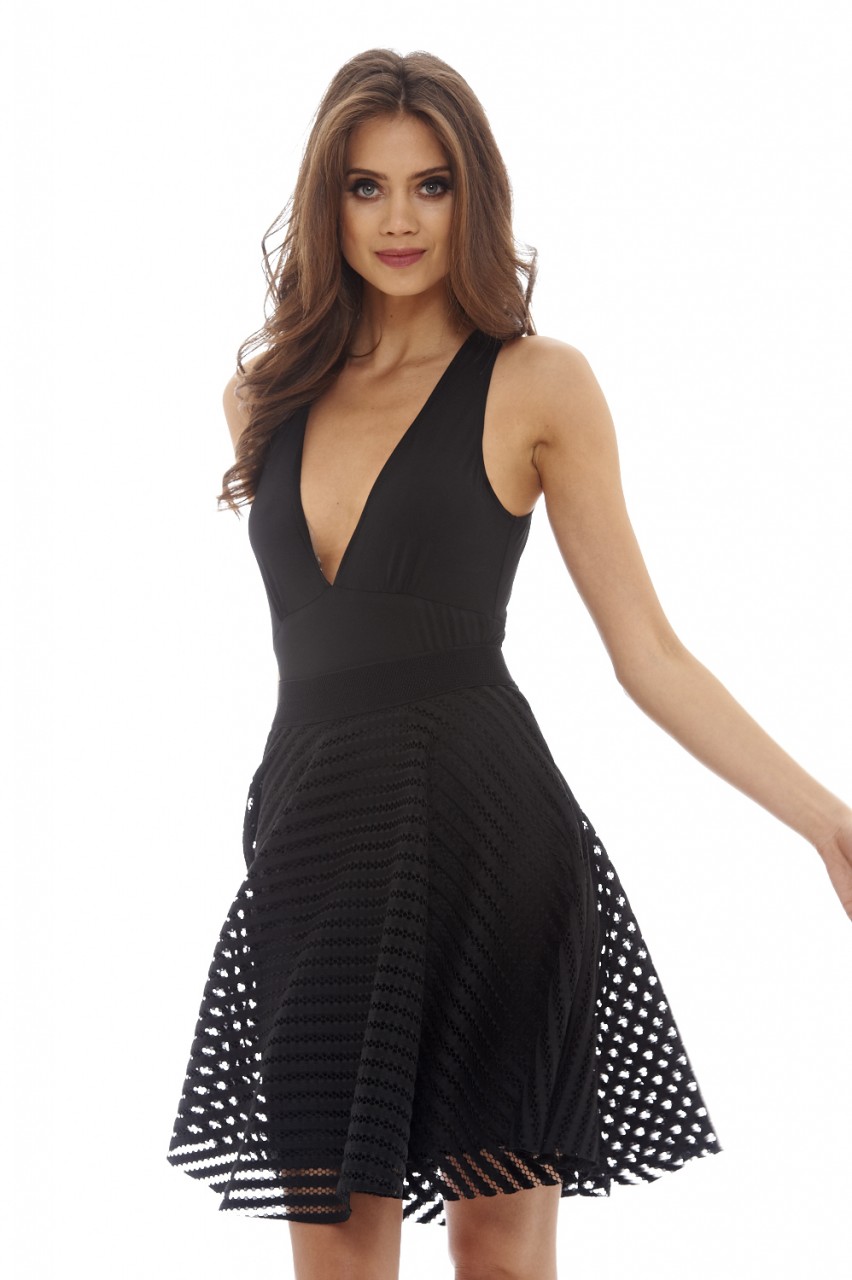
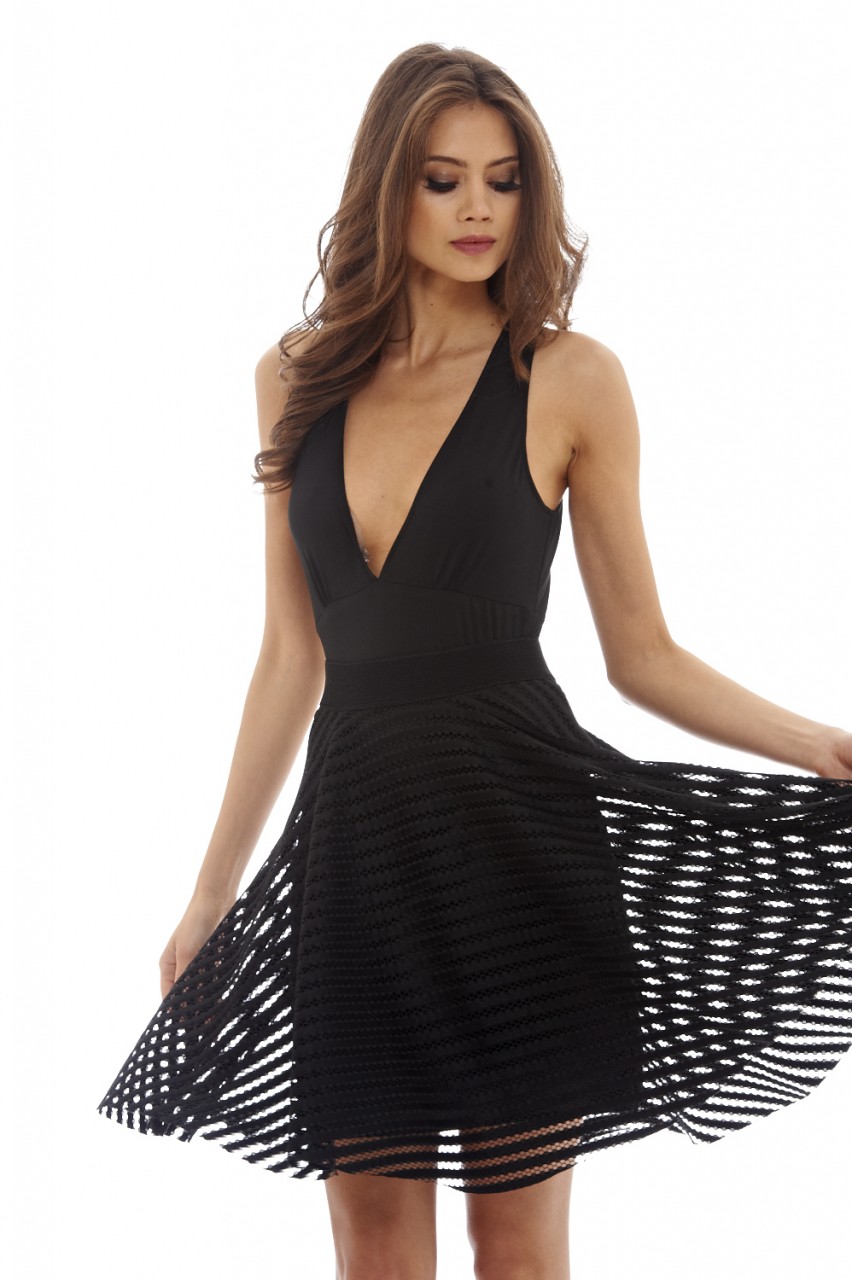
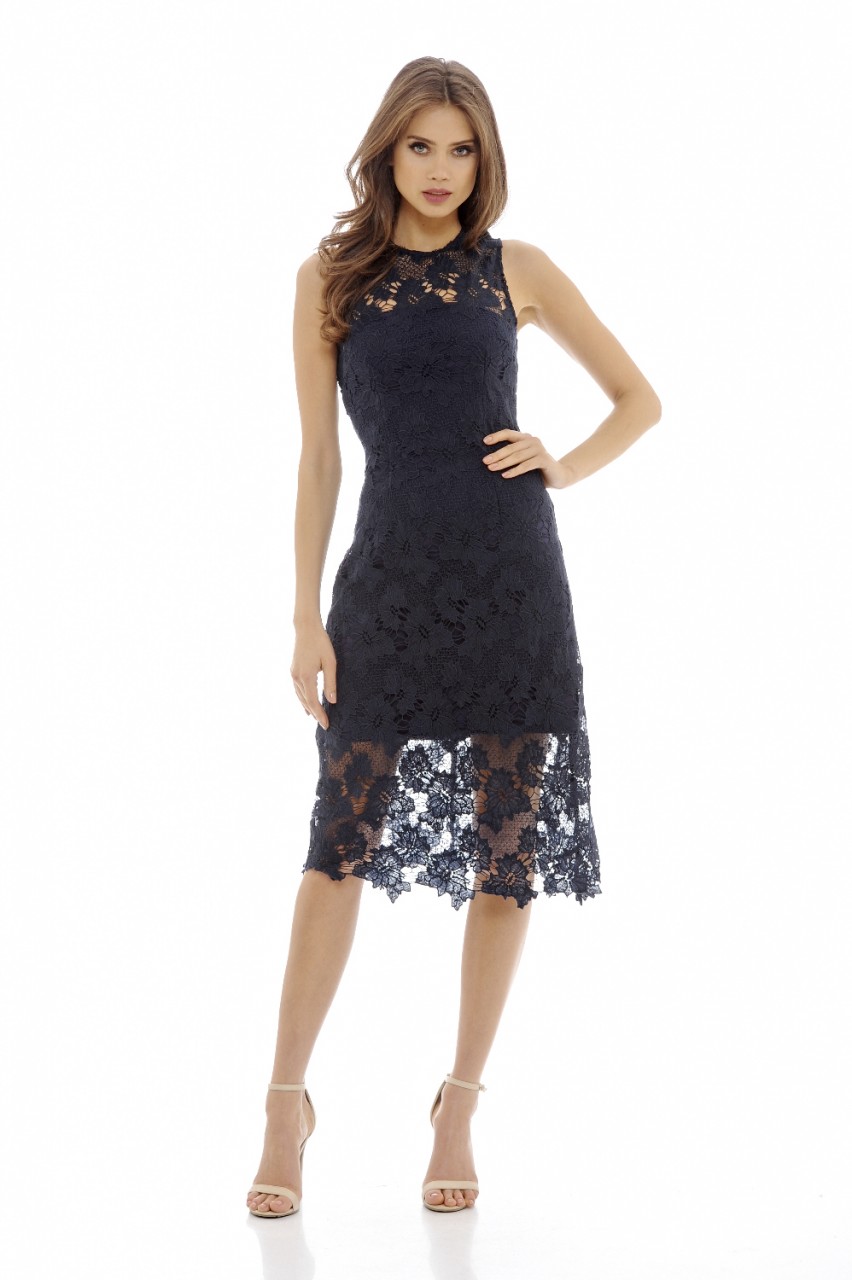
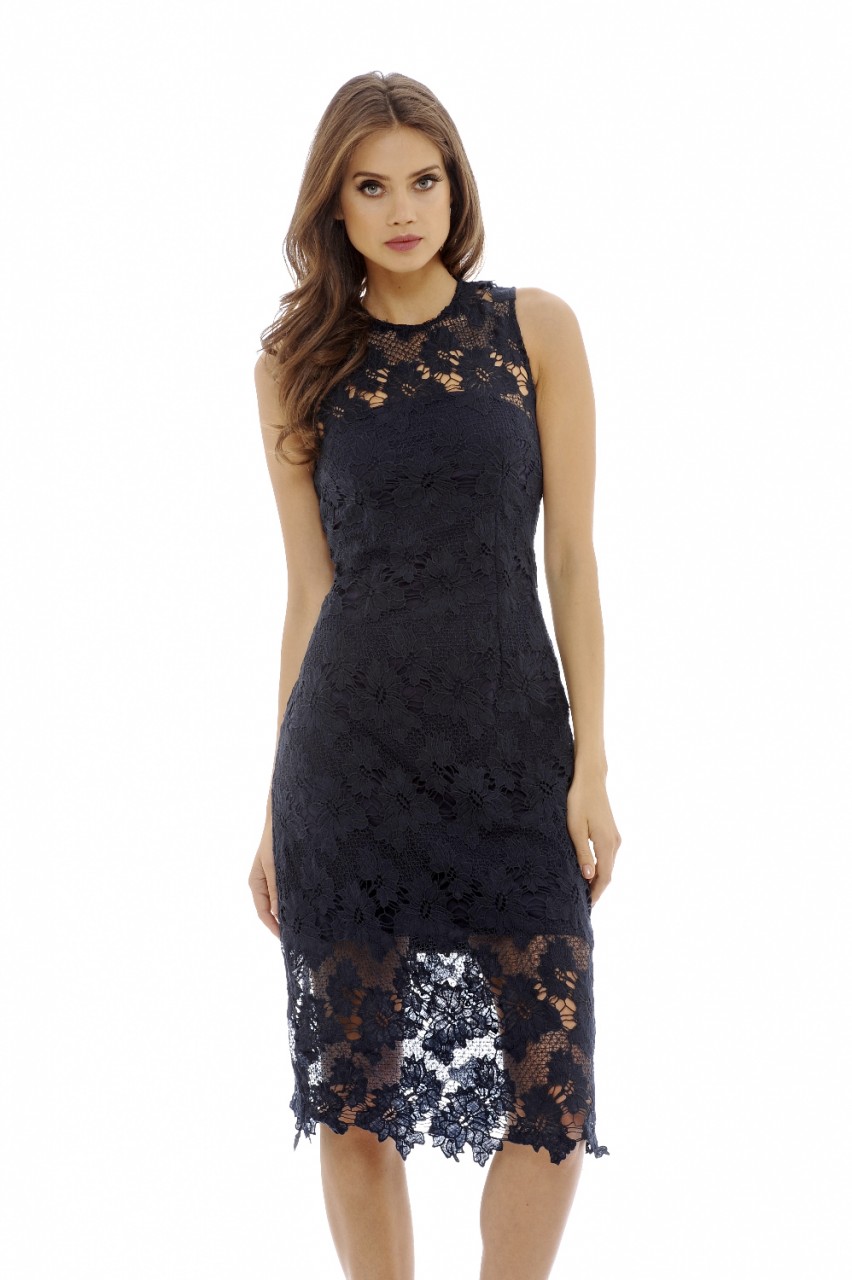
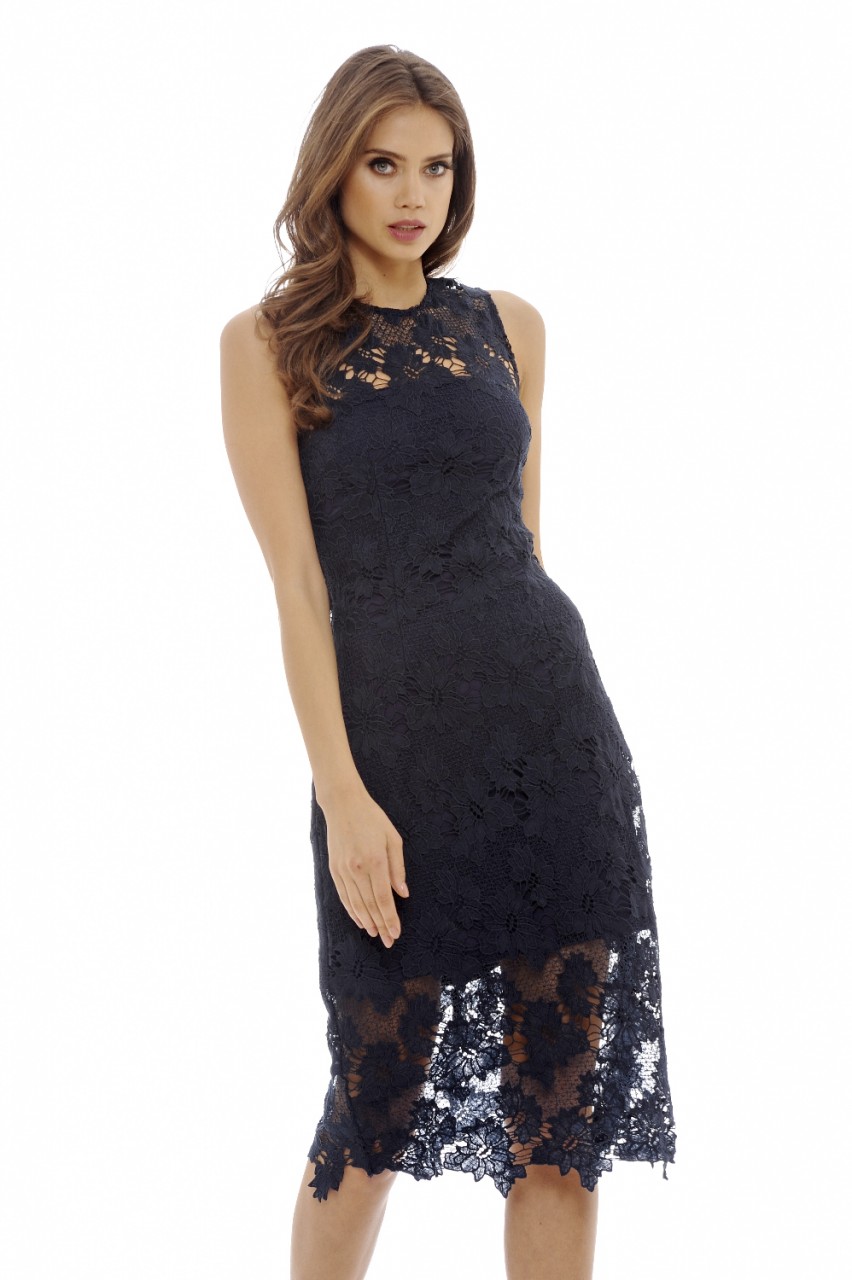
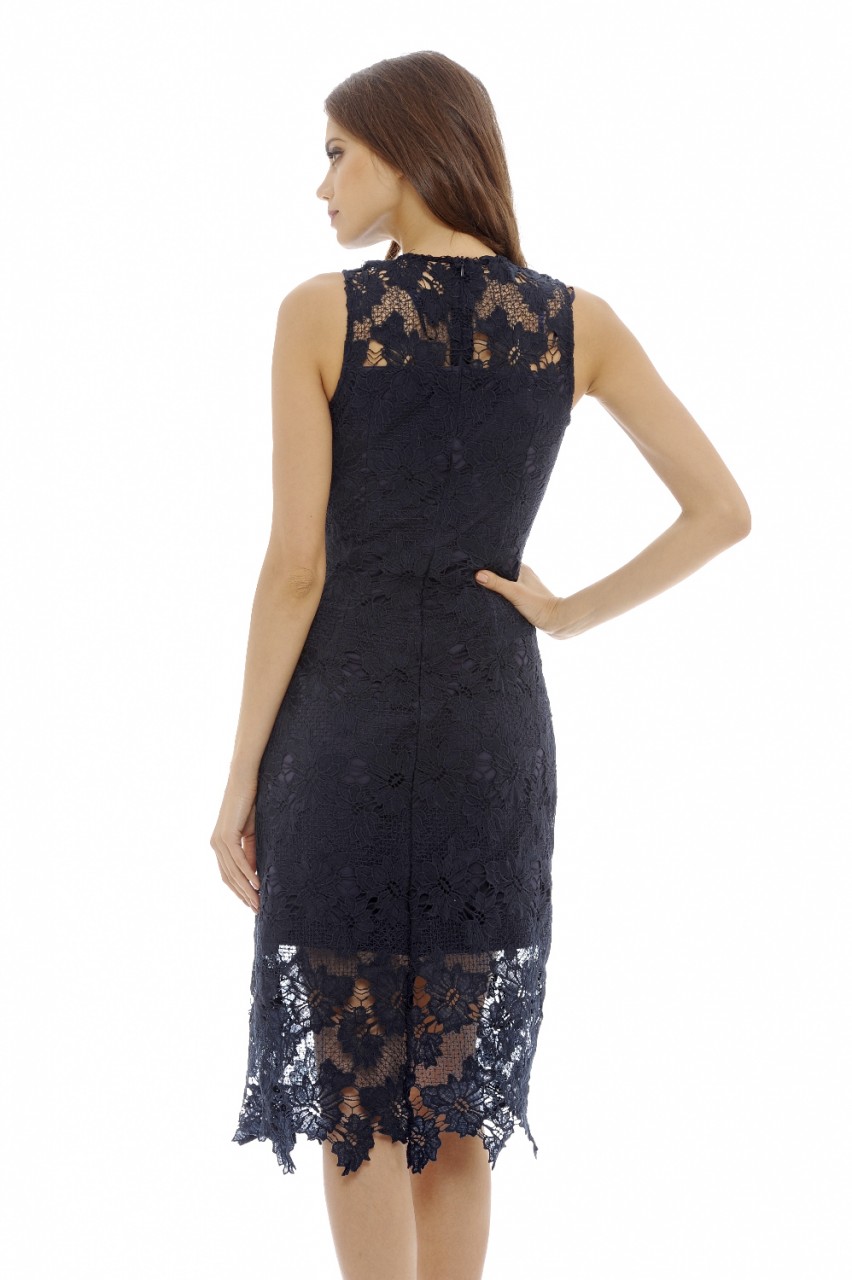
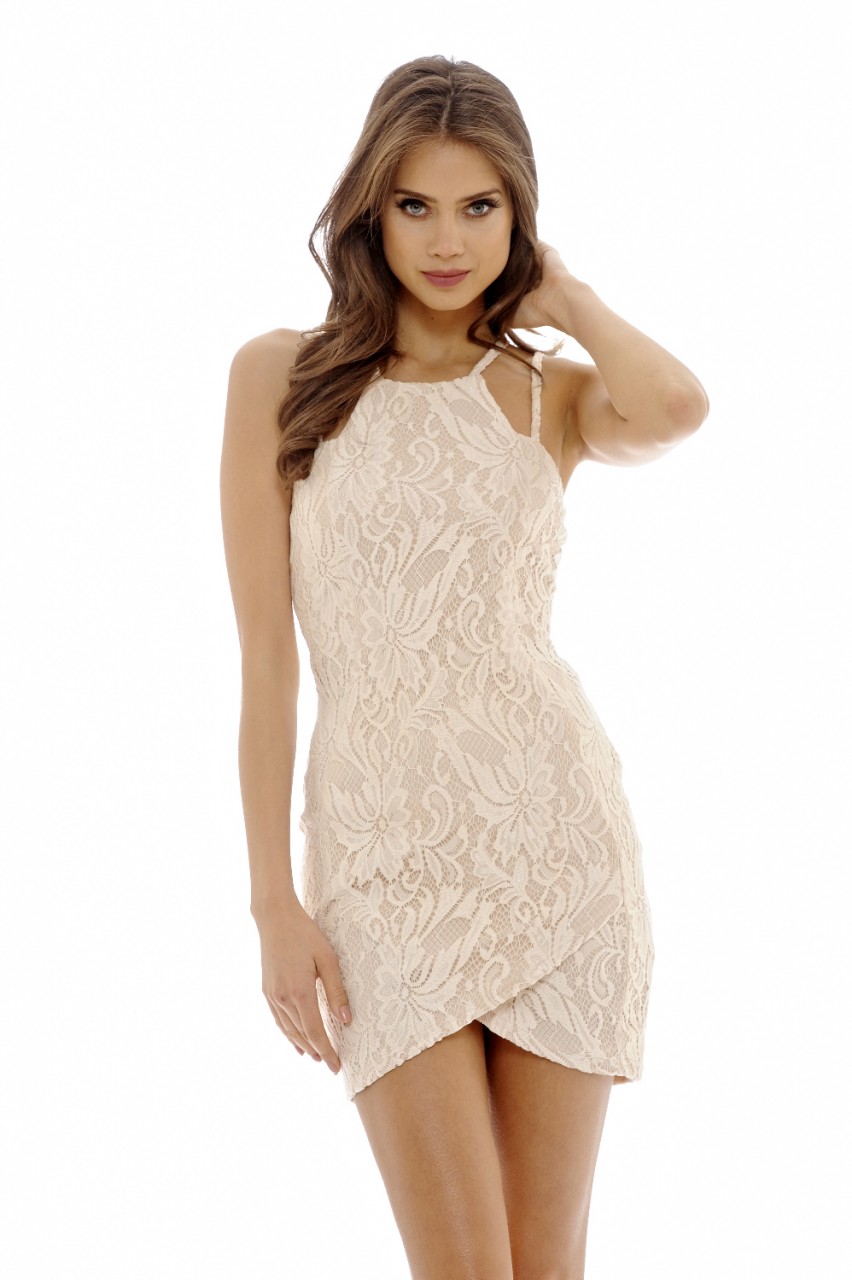
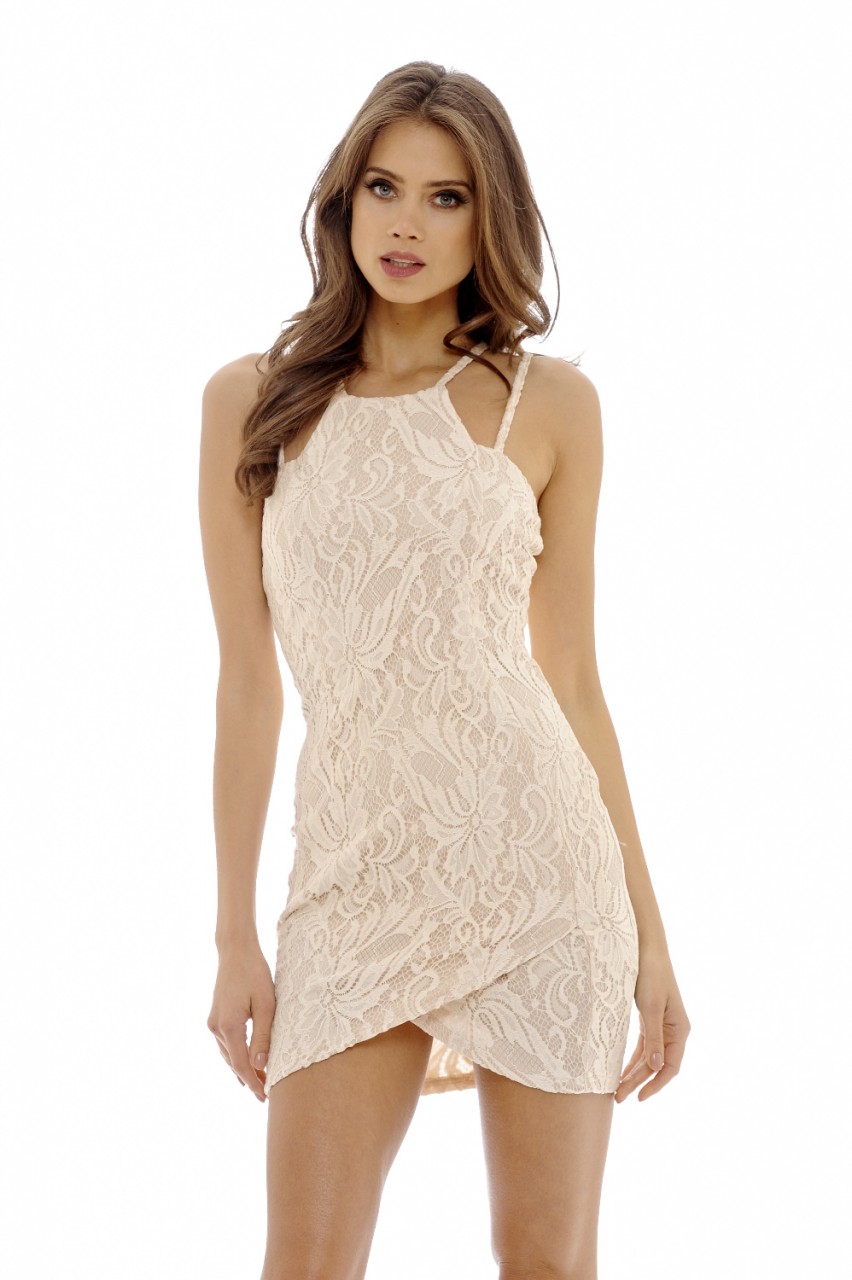
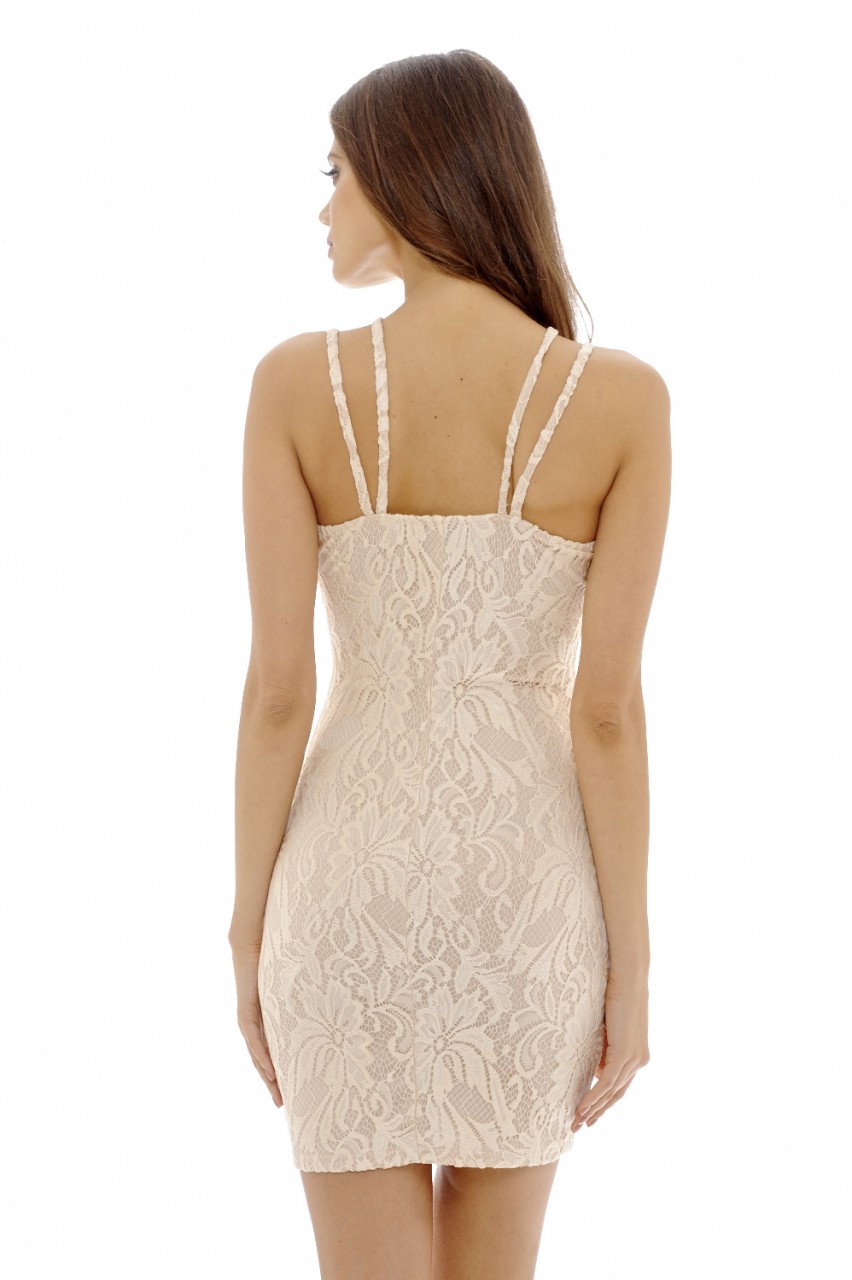
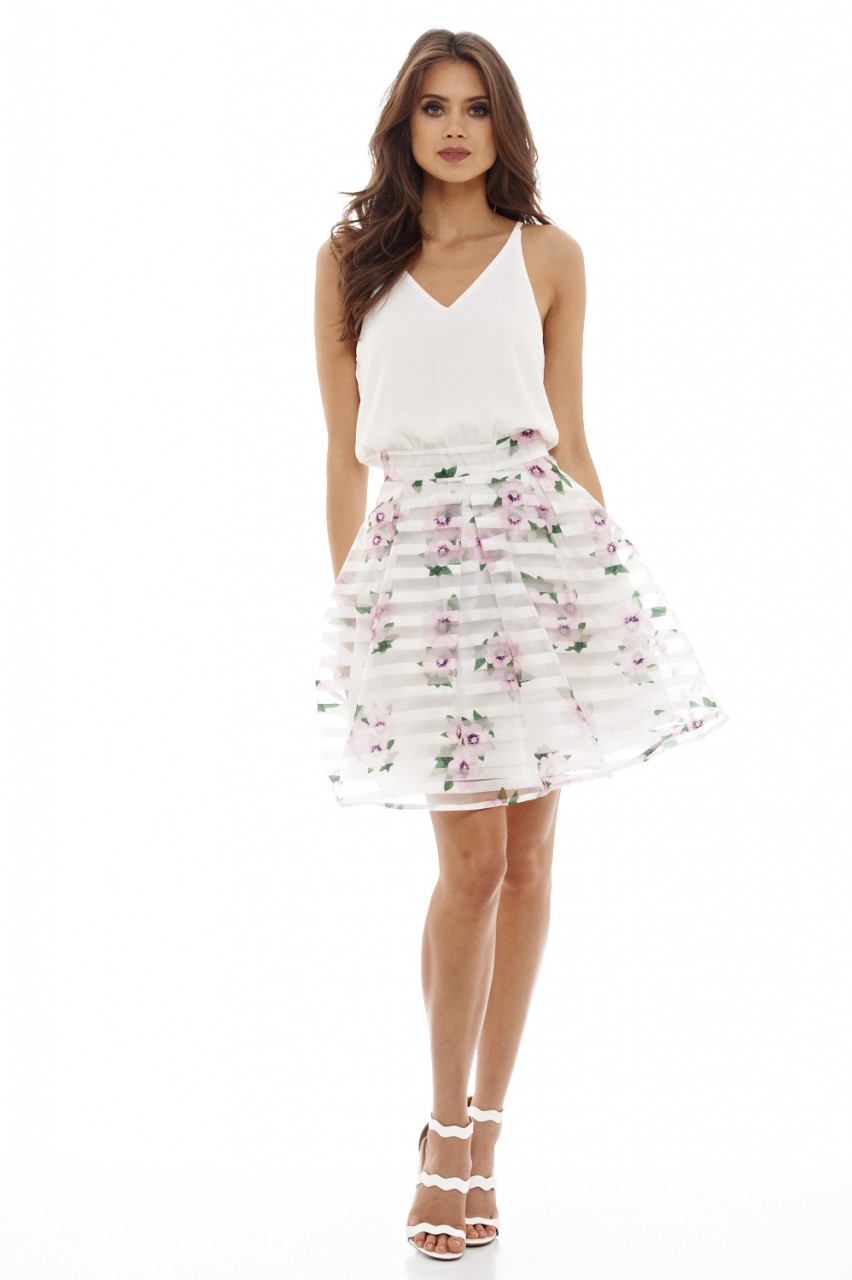
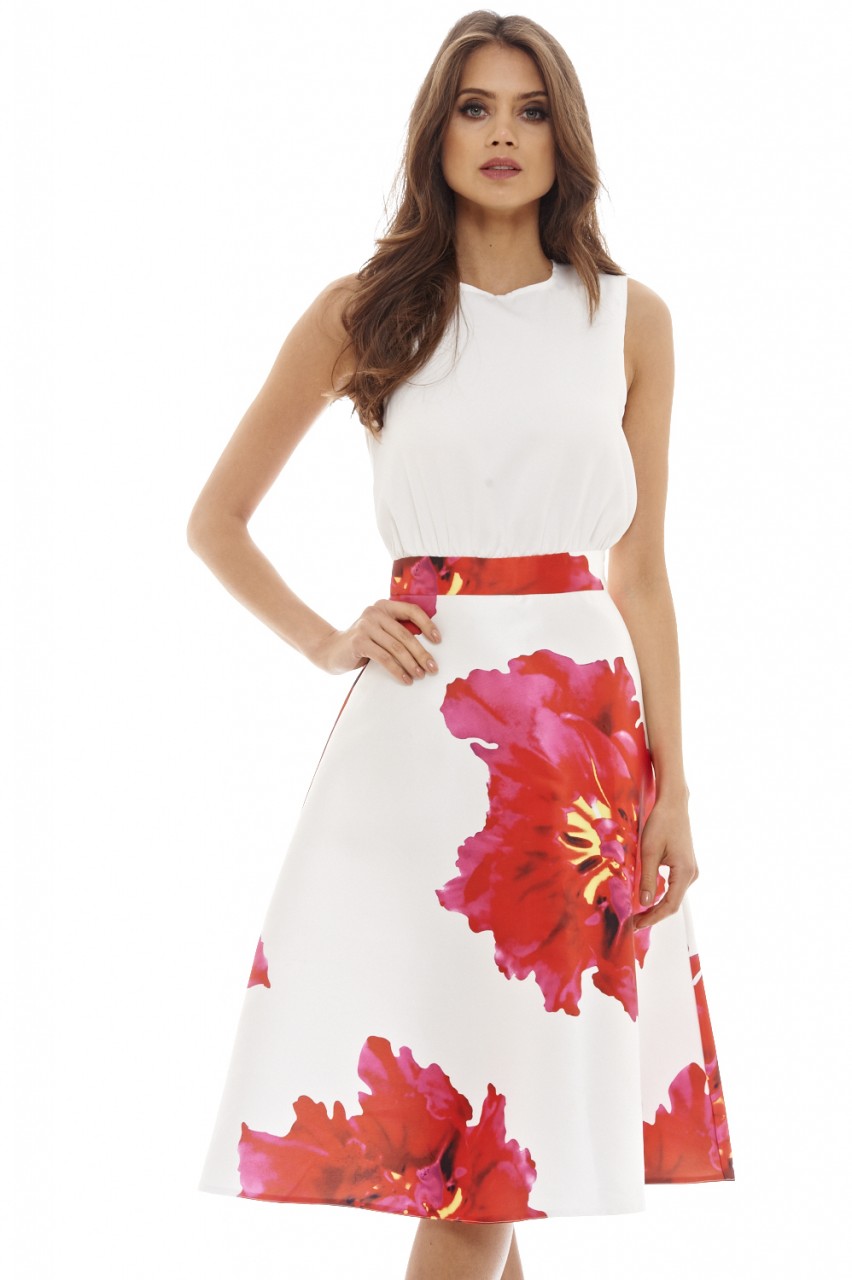
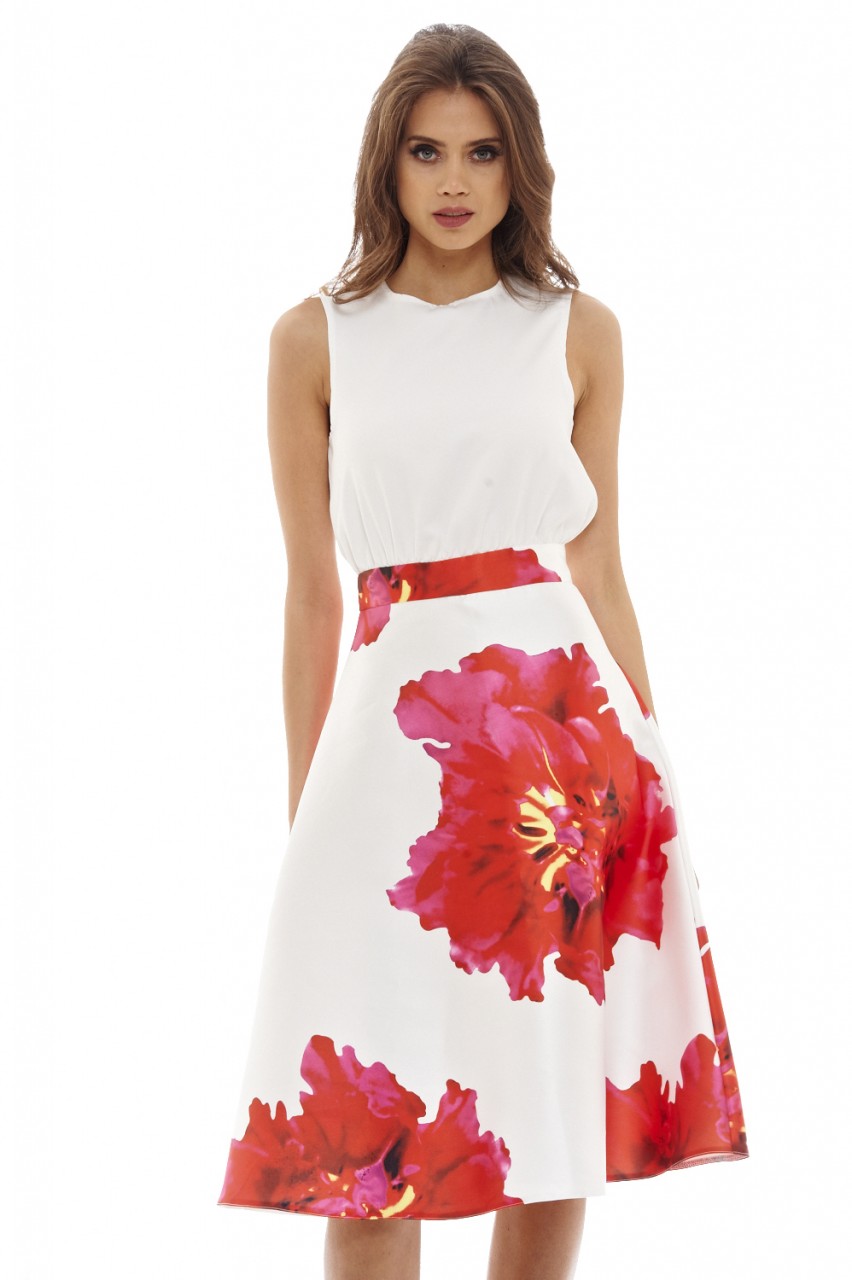
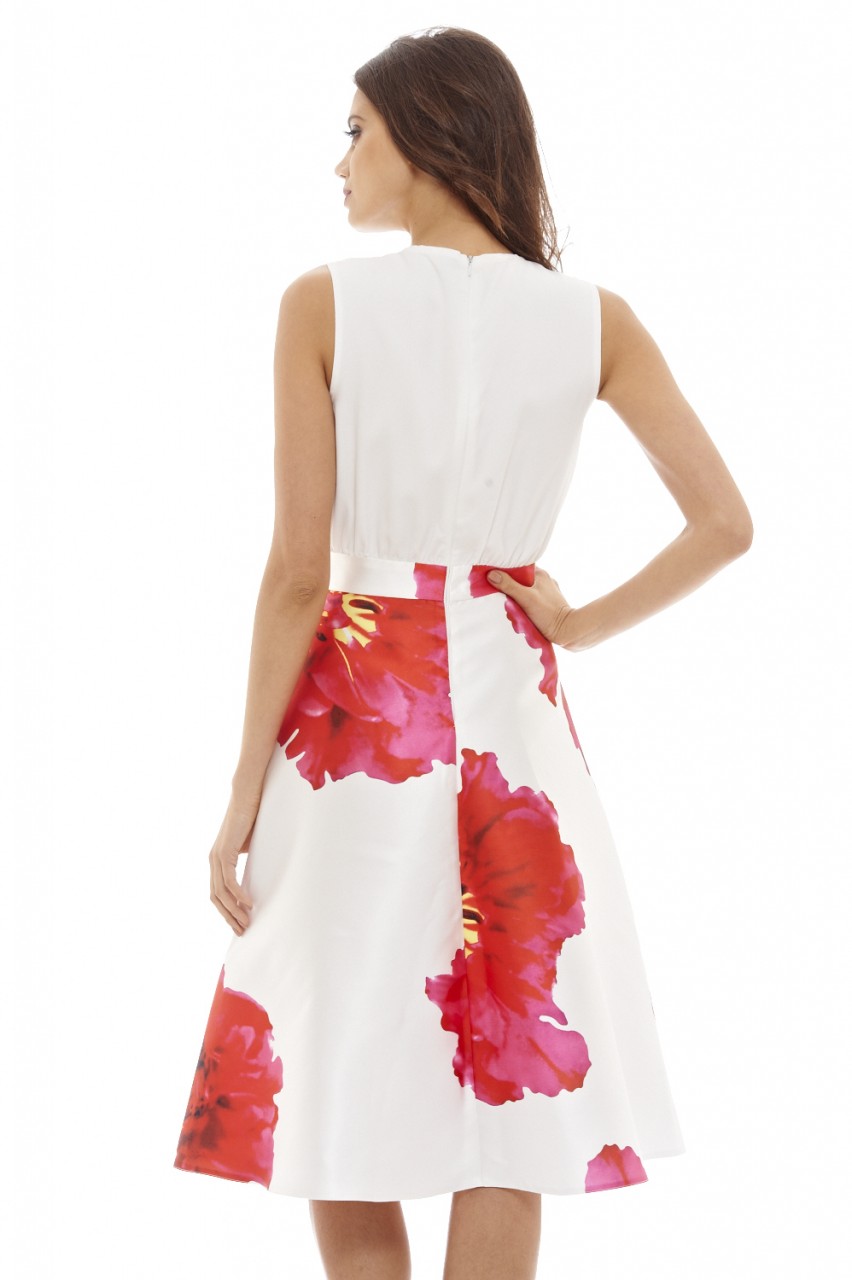
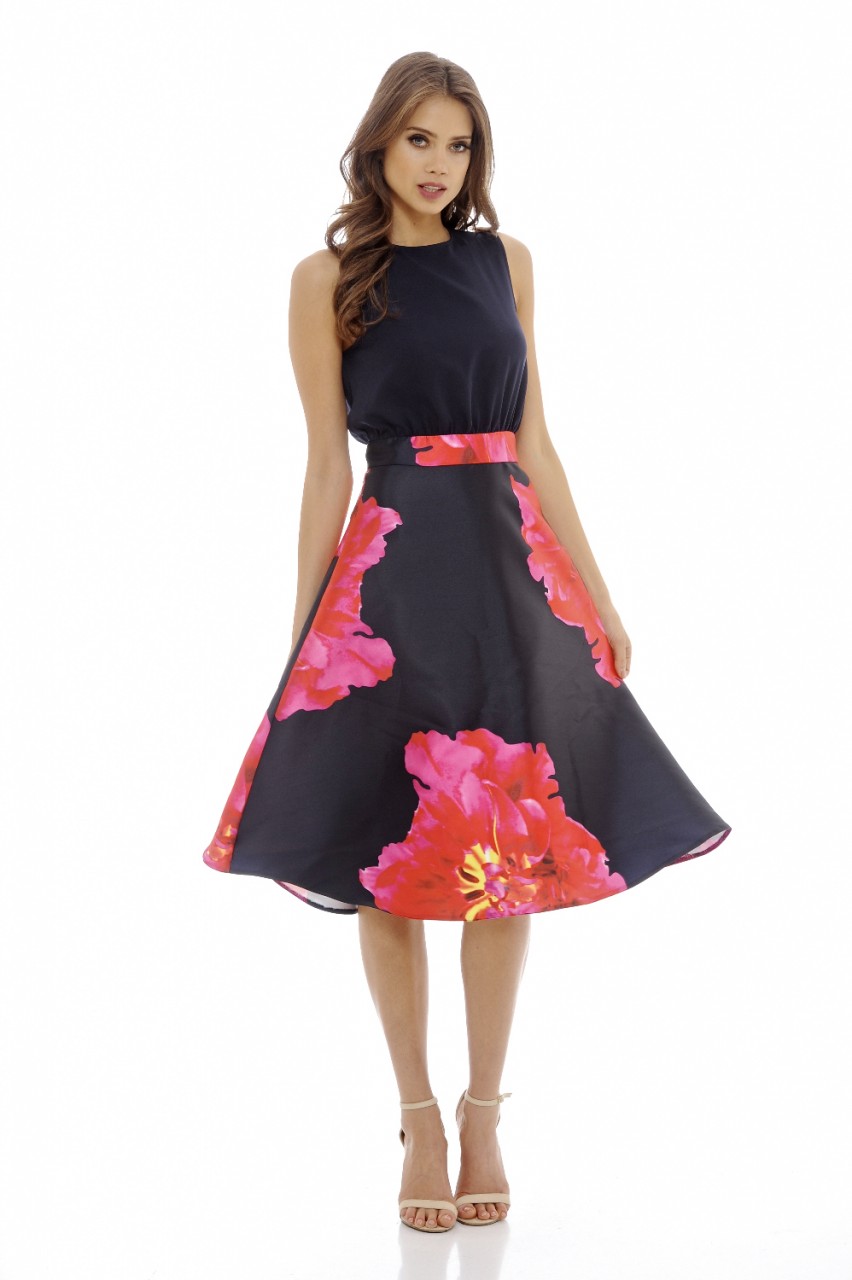
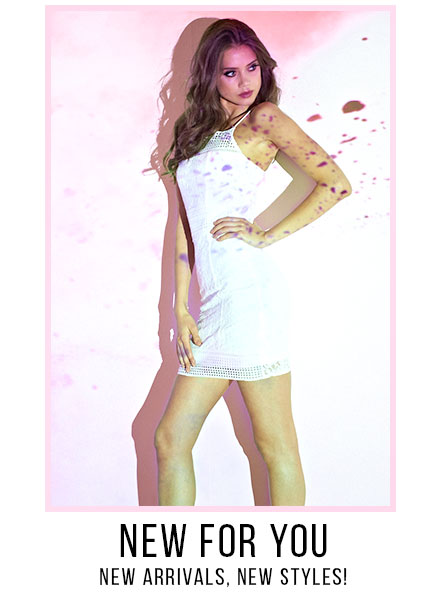
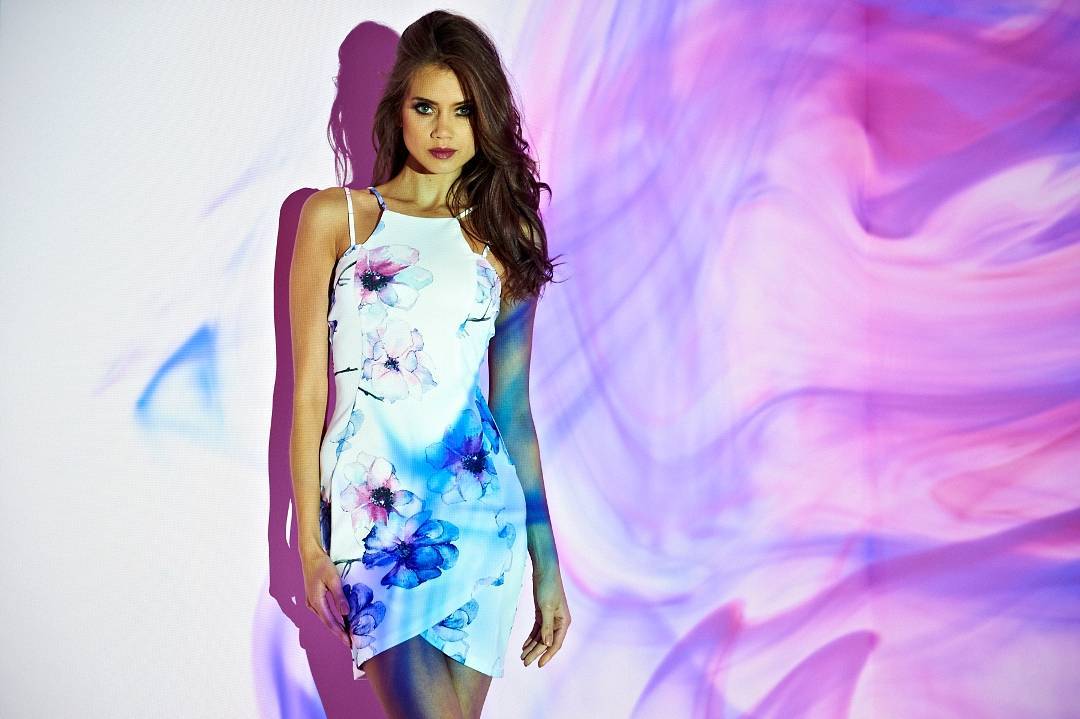
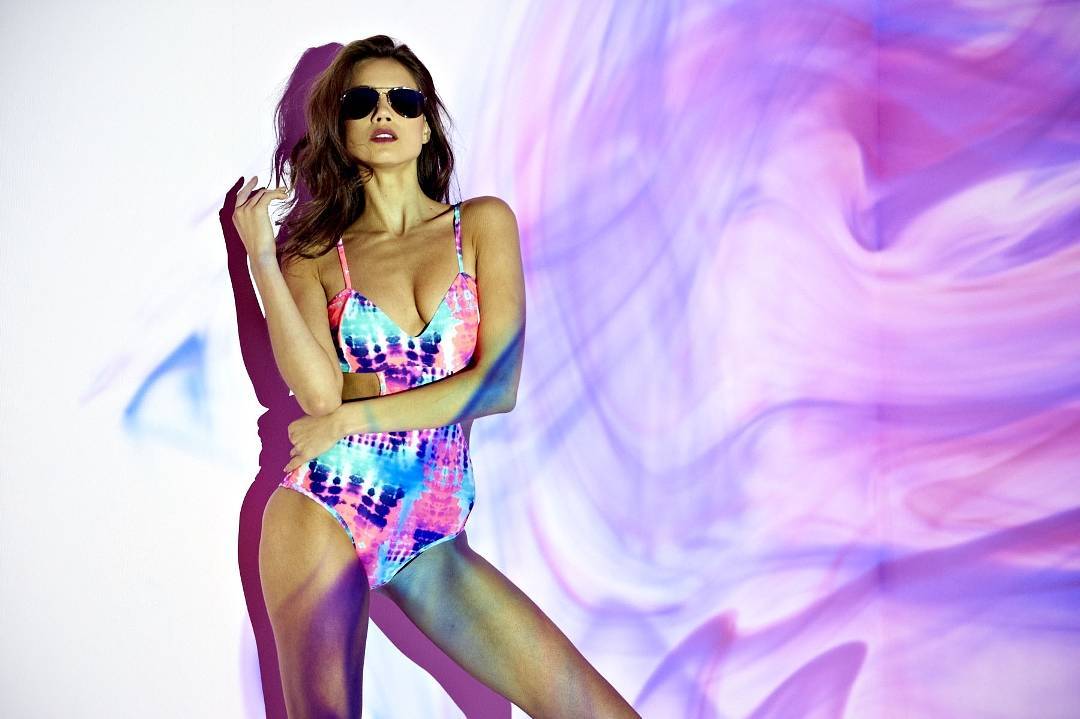
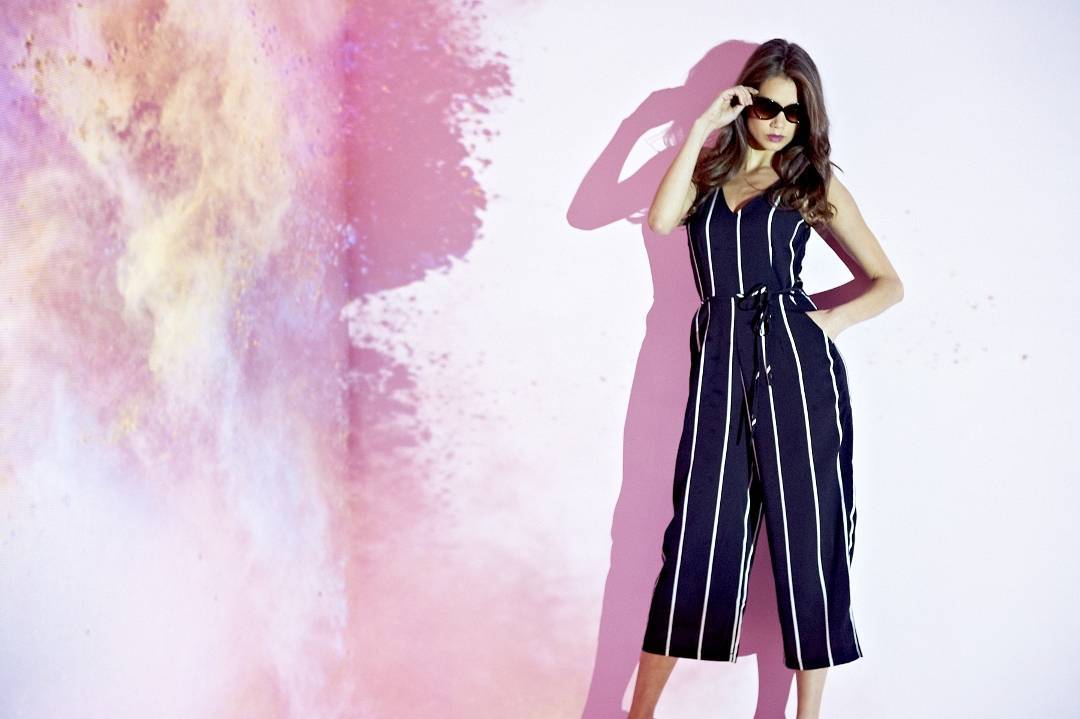
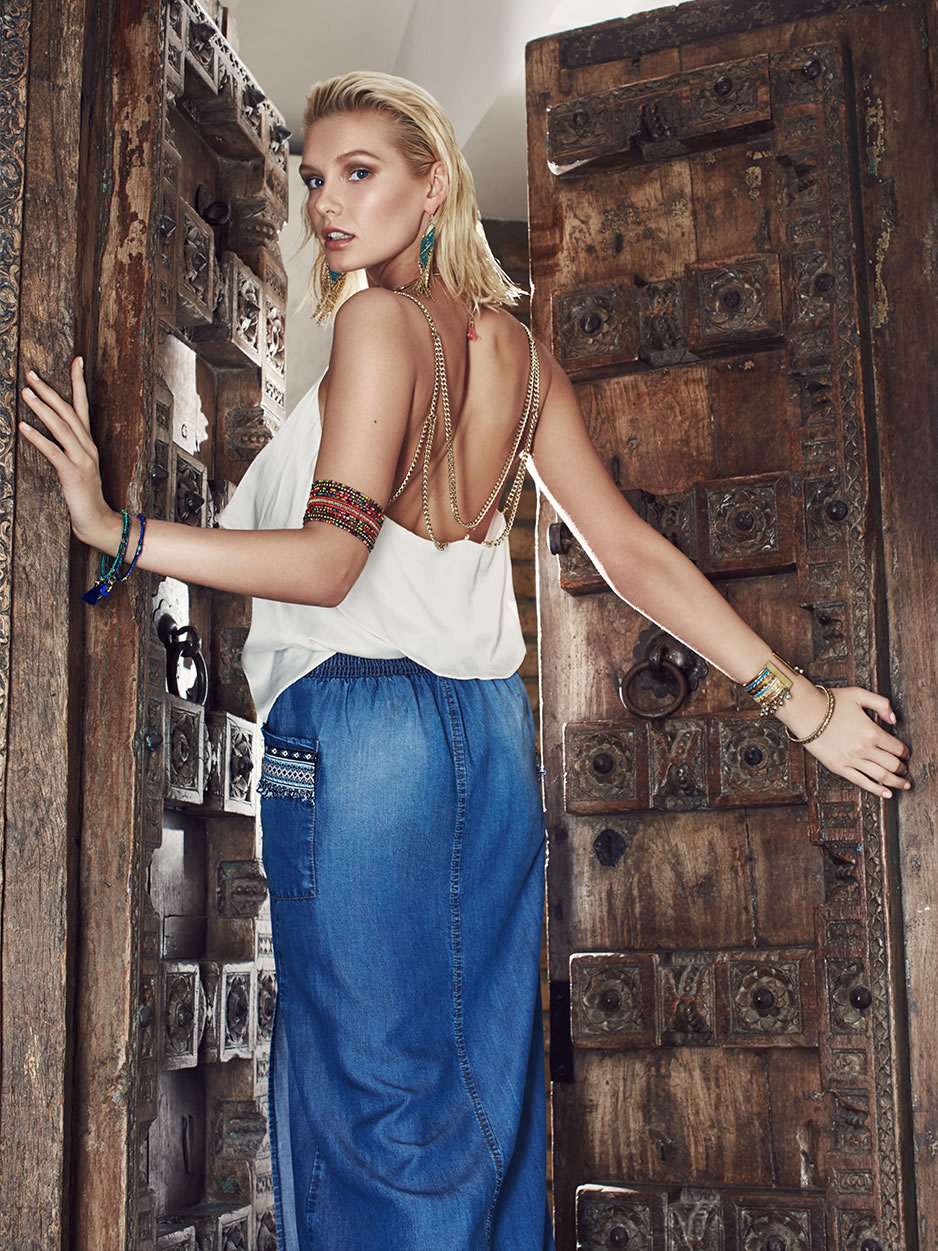
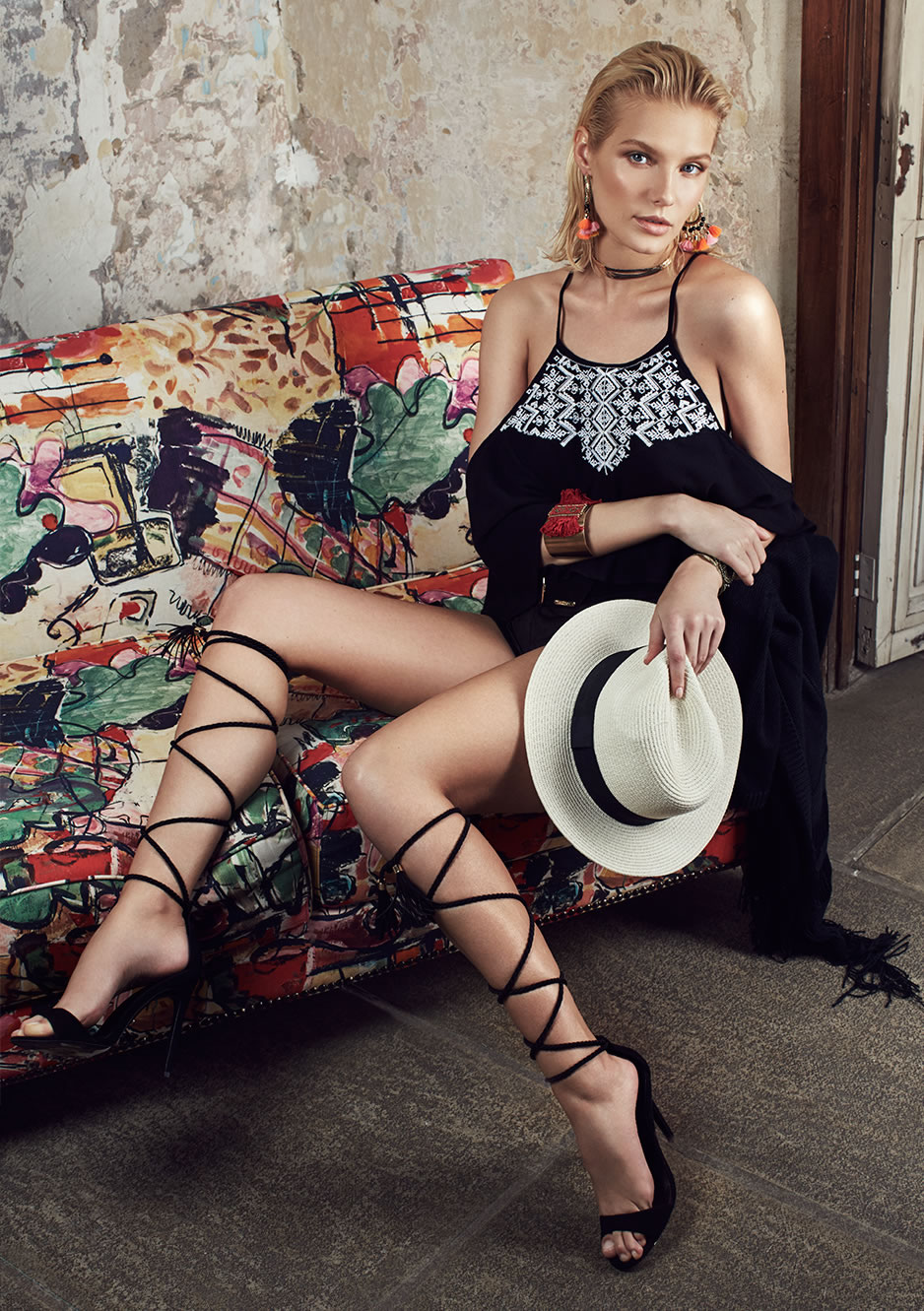
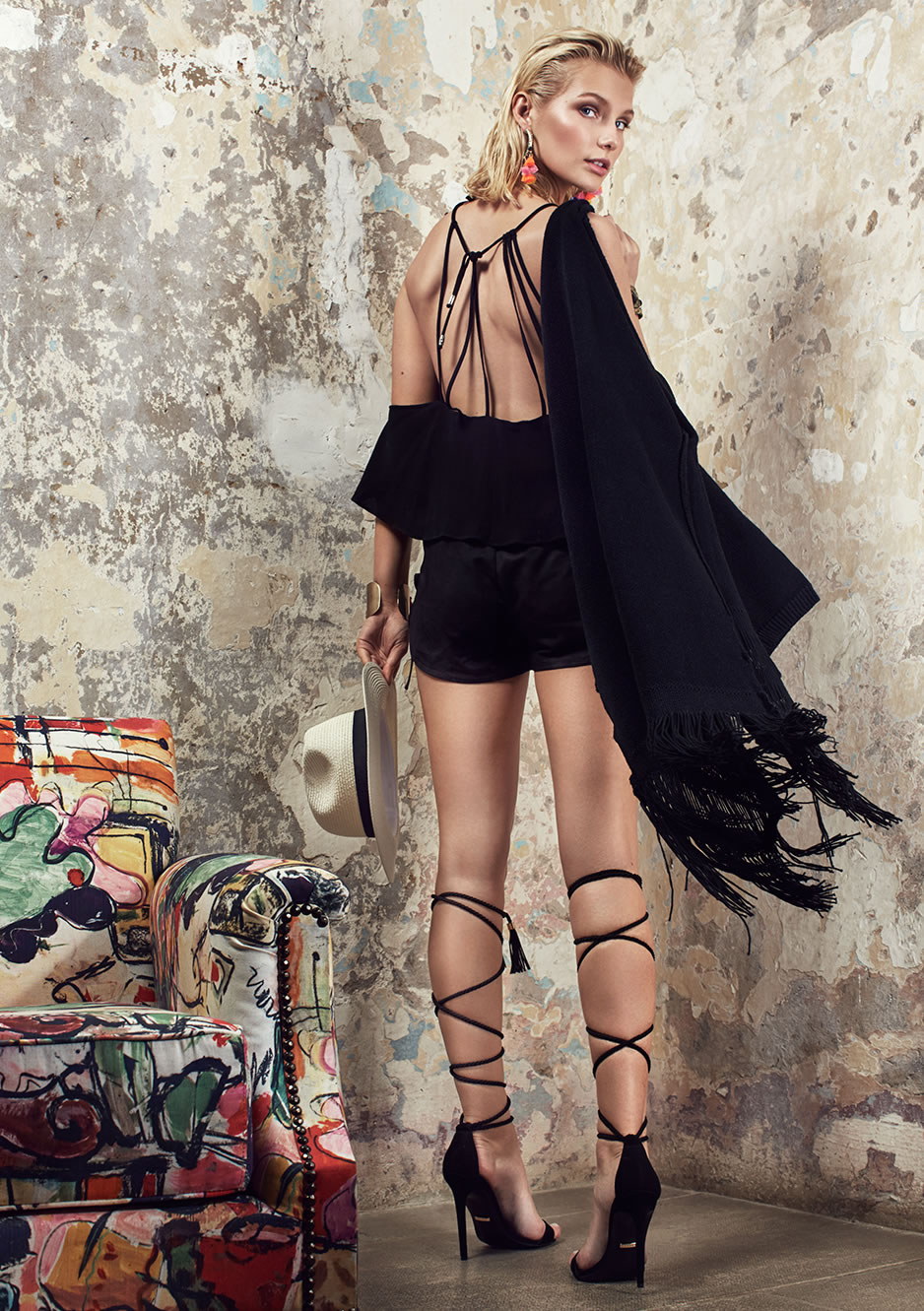
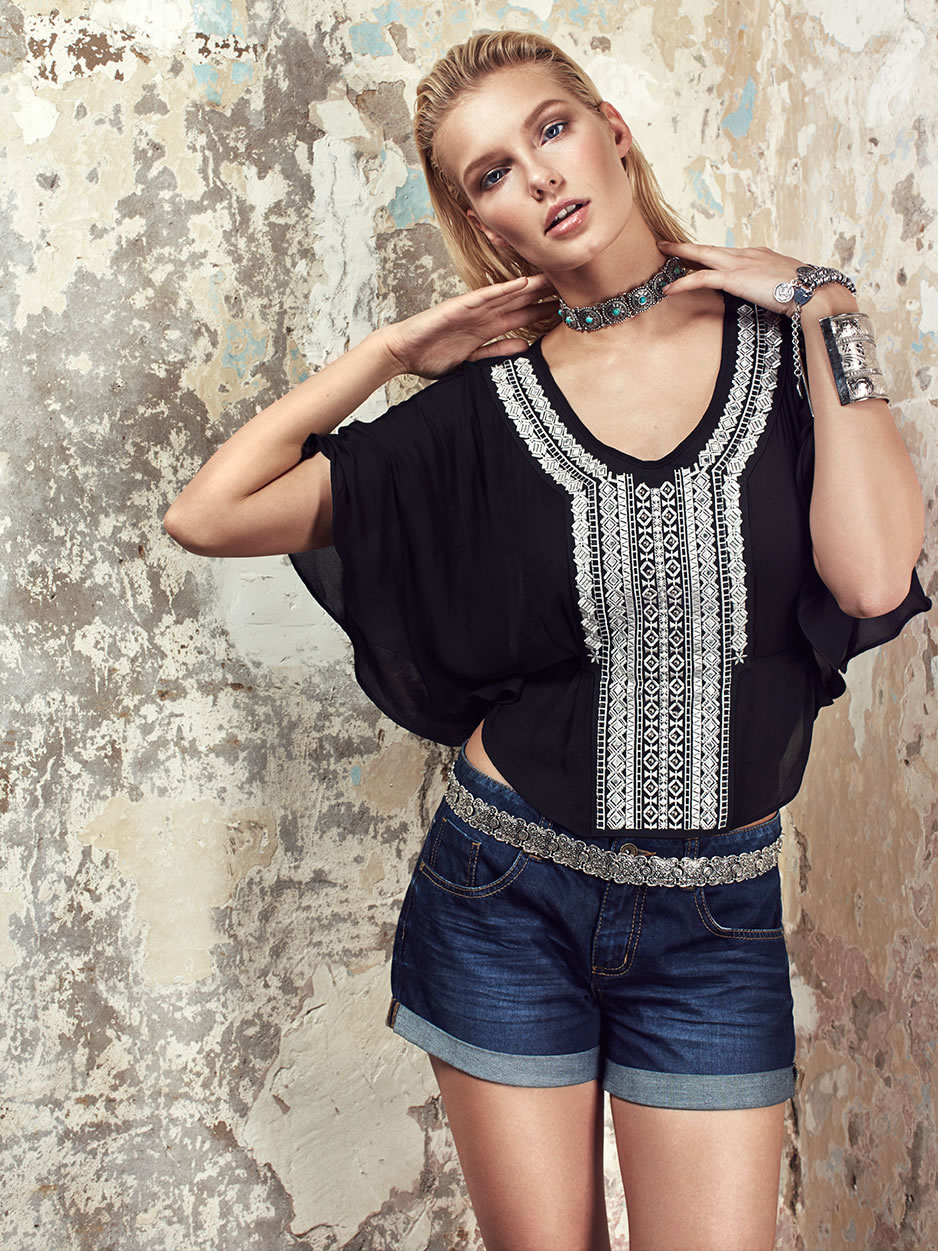
AX Paris Summer 2016









-
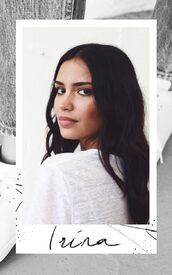
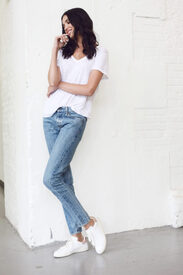
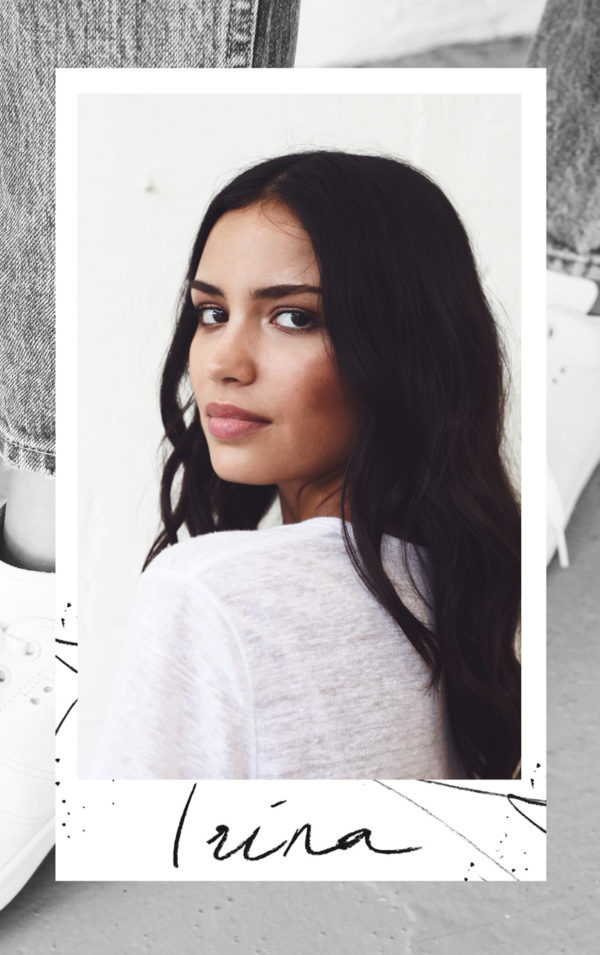
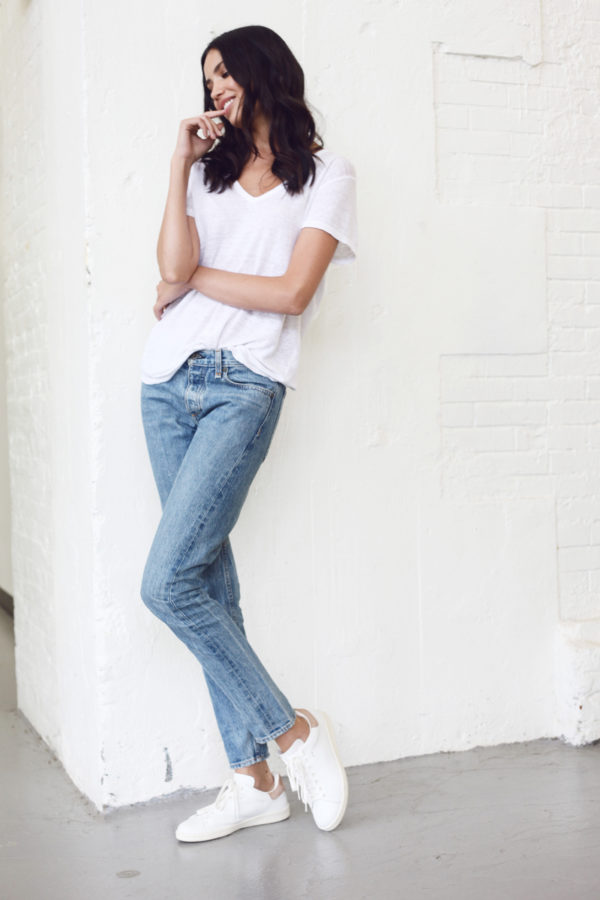
Free People Models Off Duty blog.freepeople.com
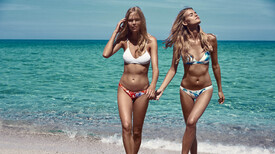
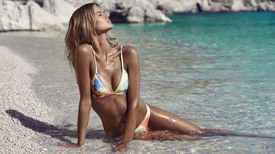
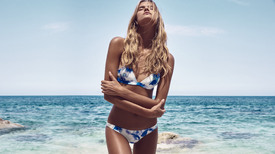
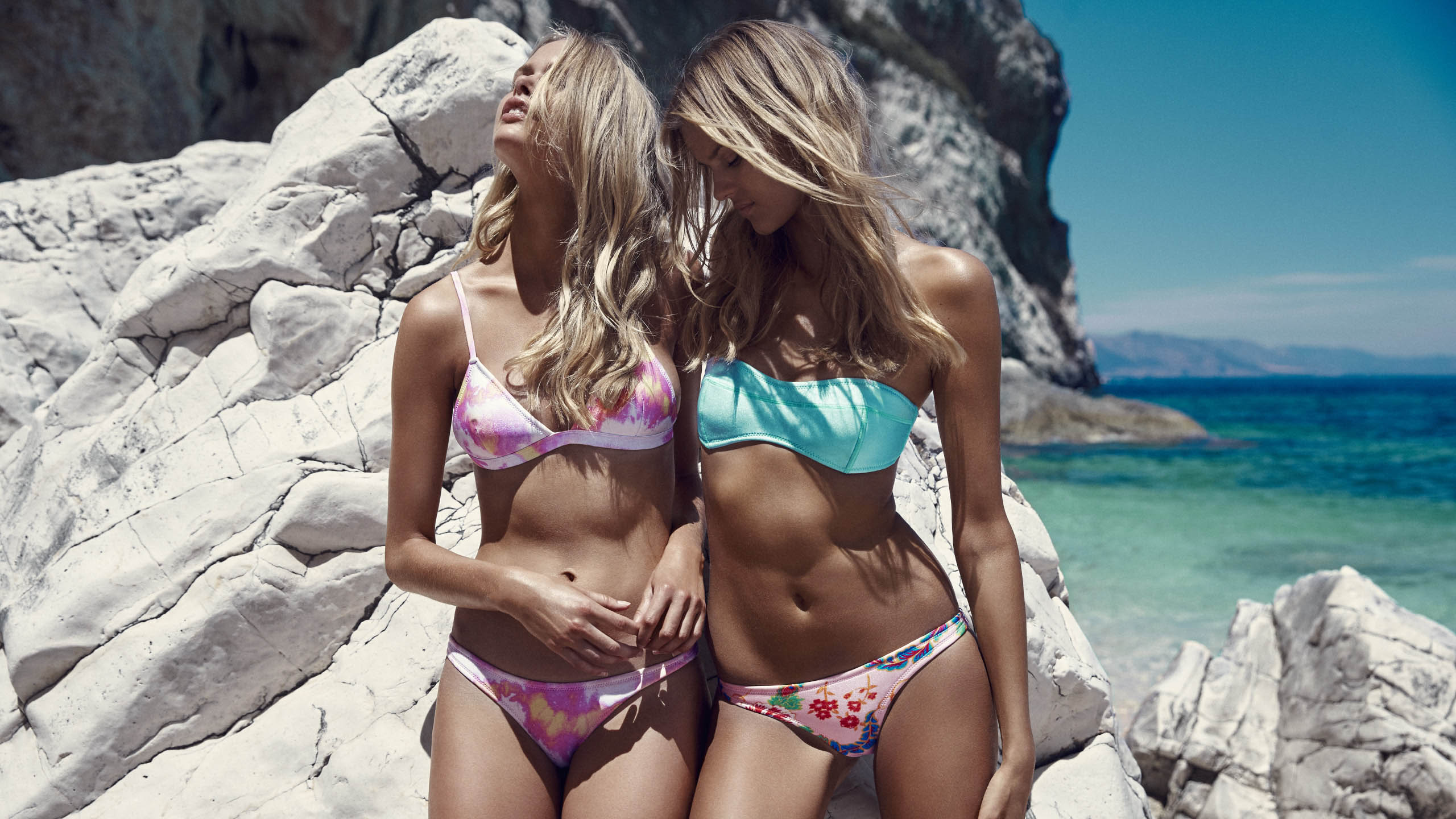
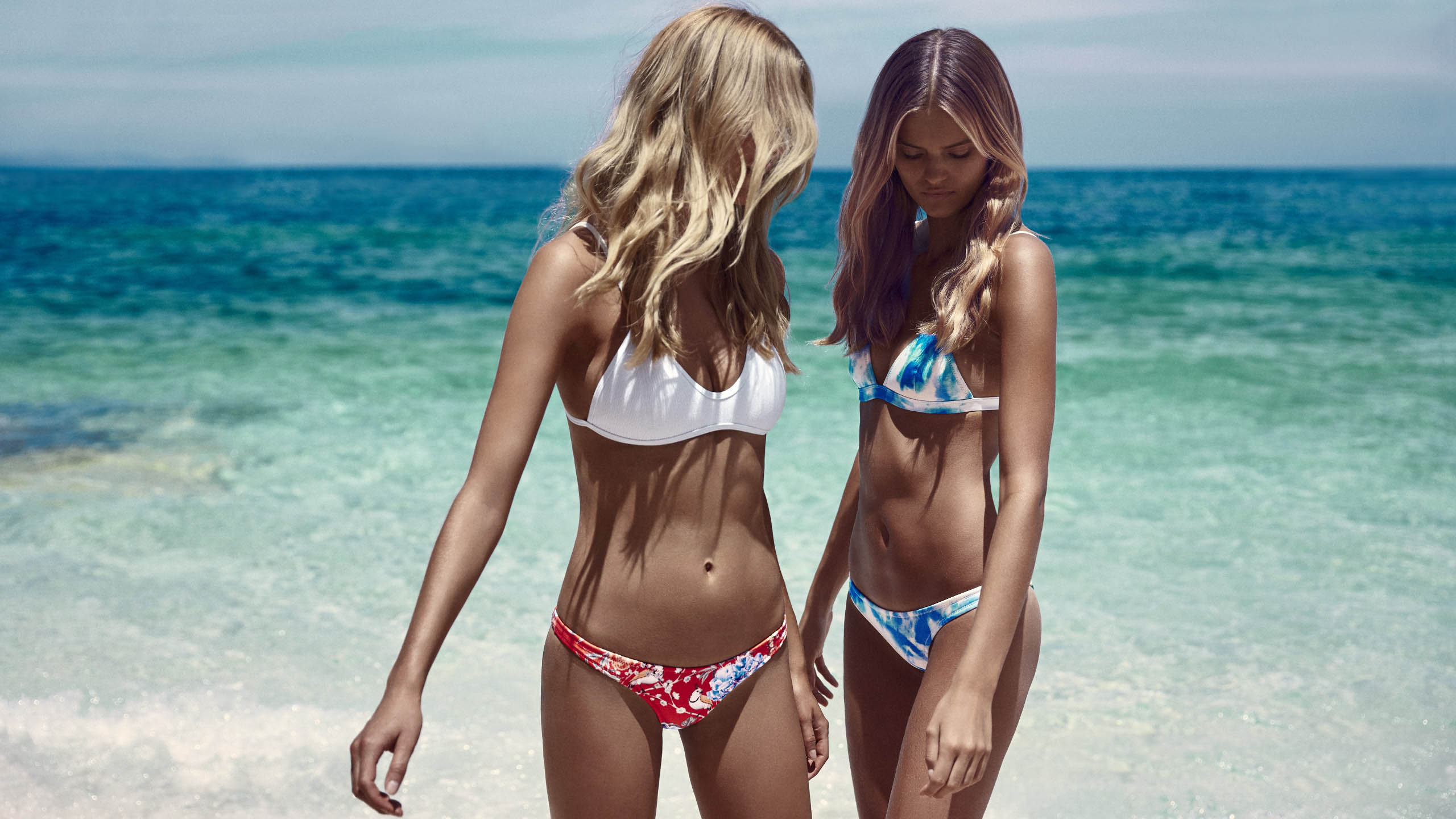
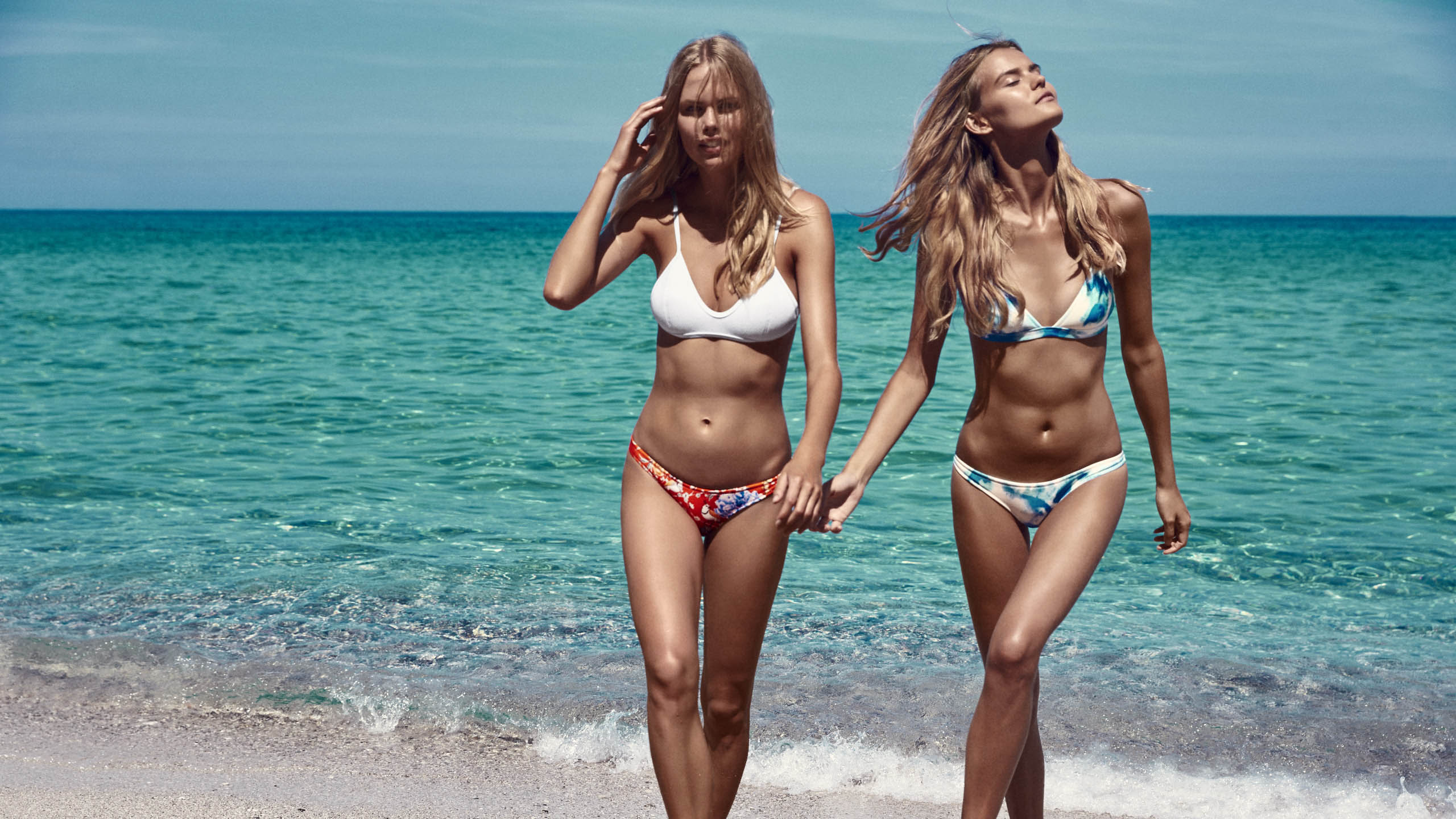
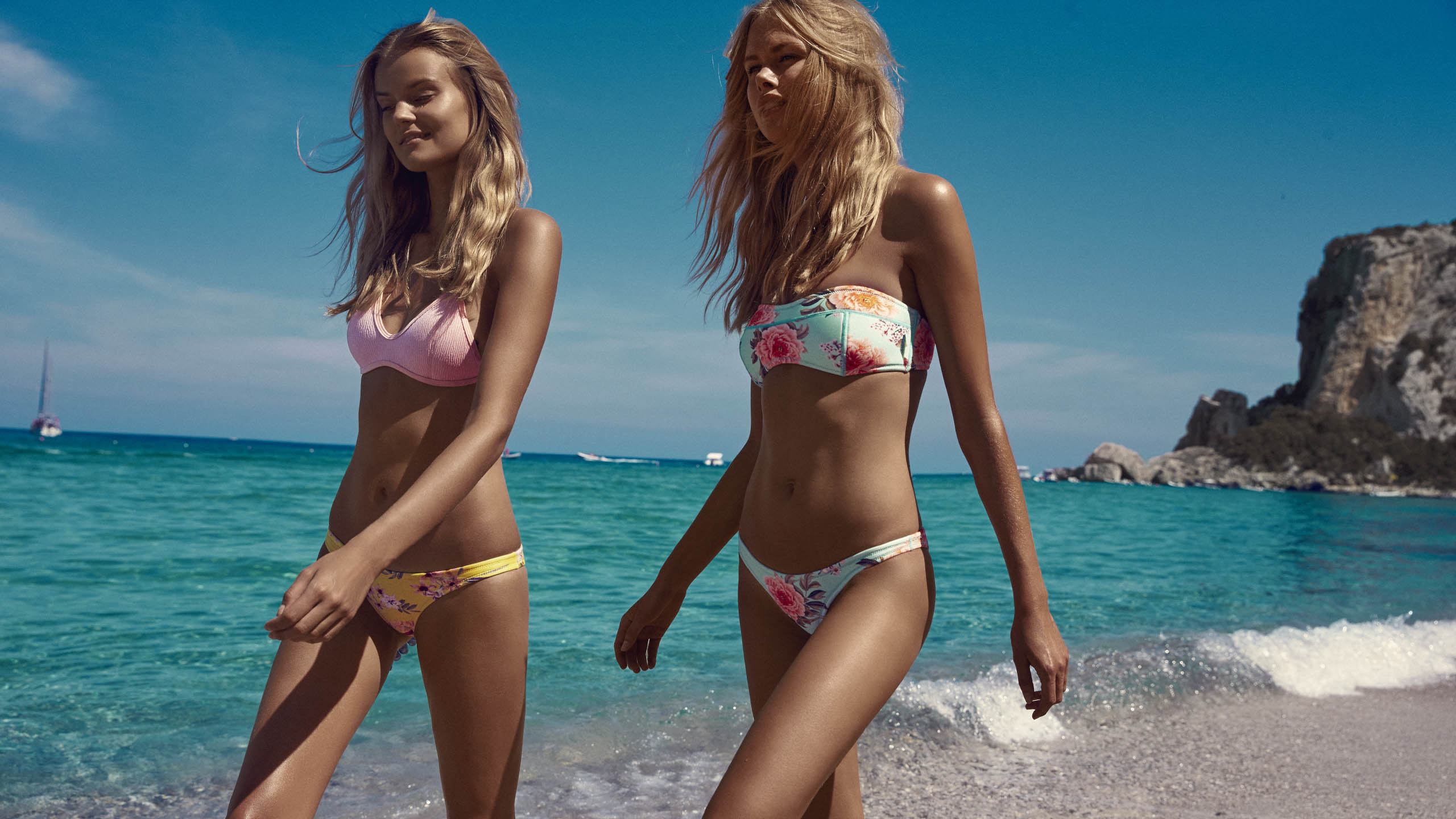
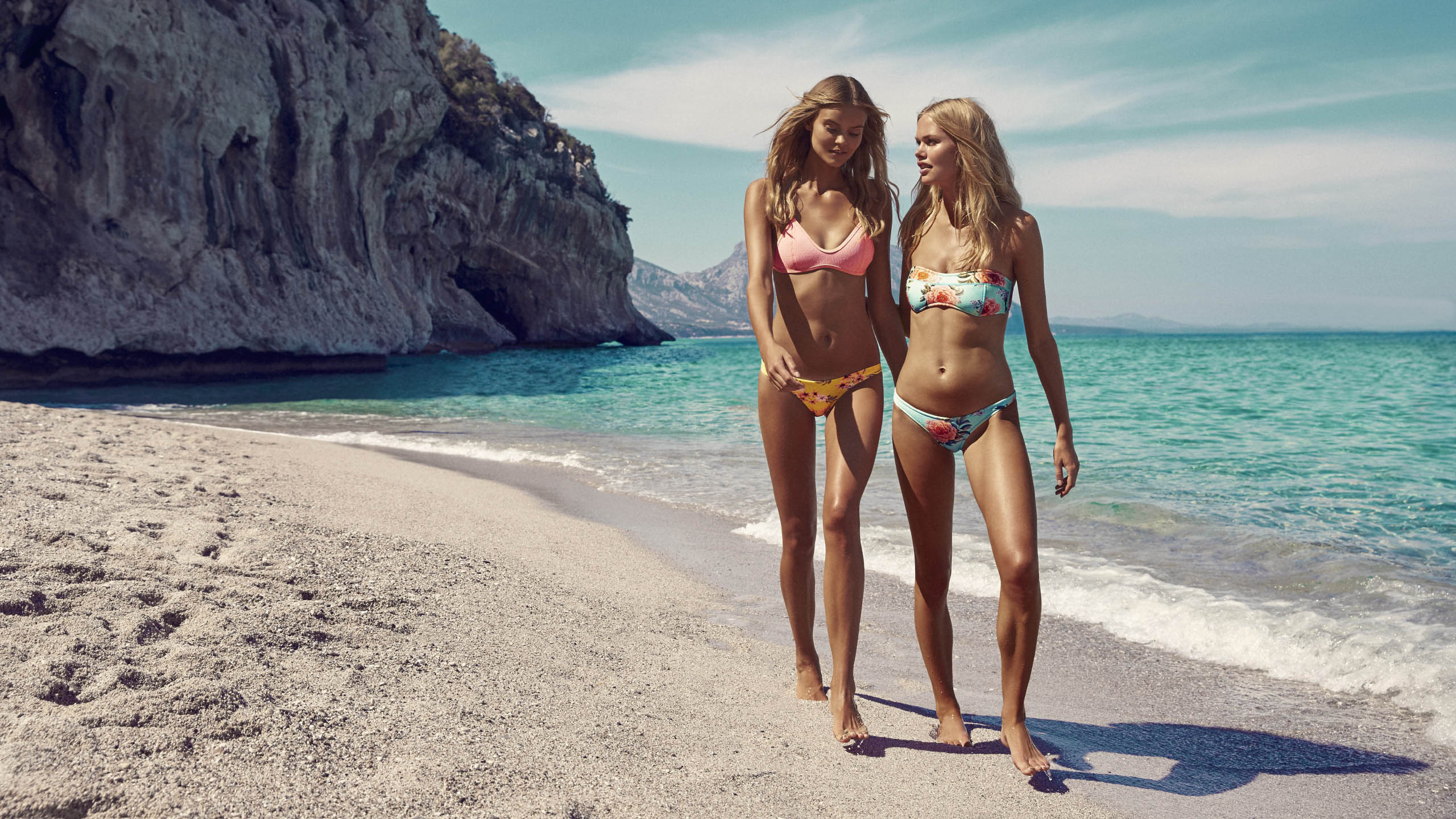
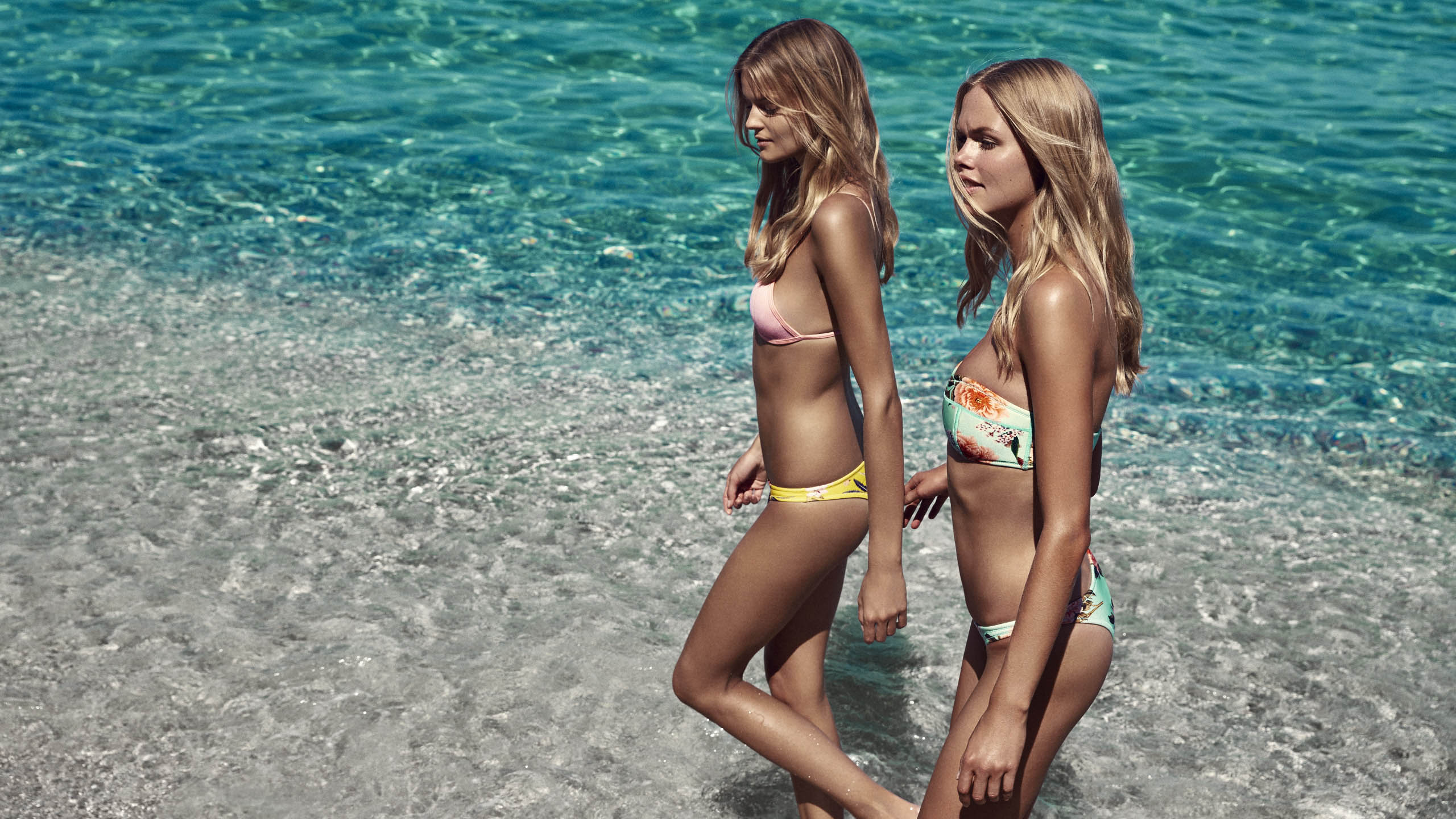
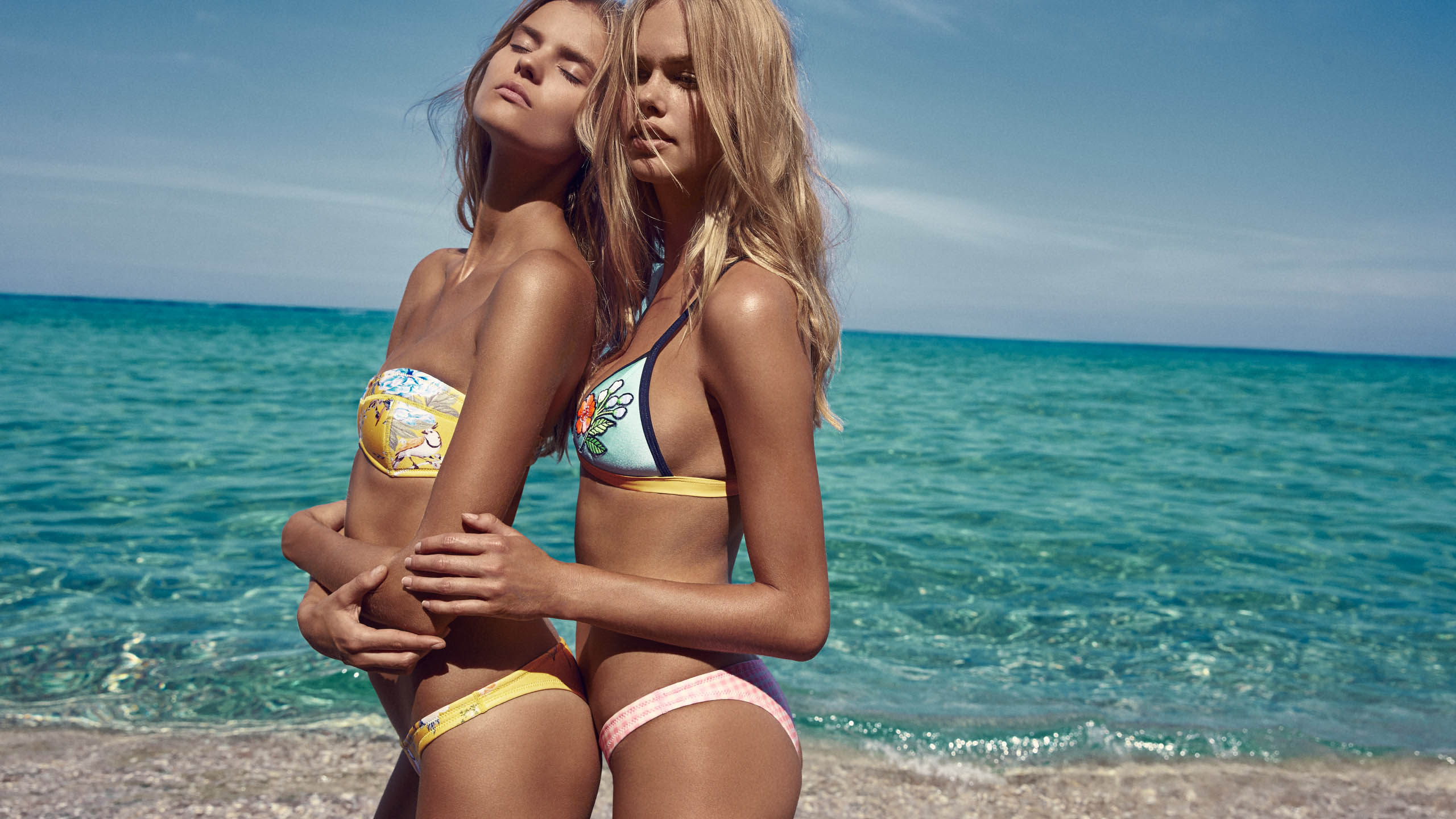
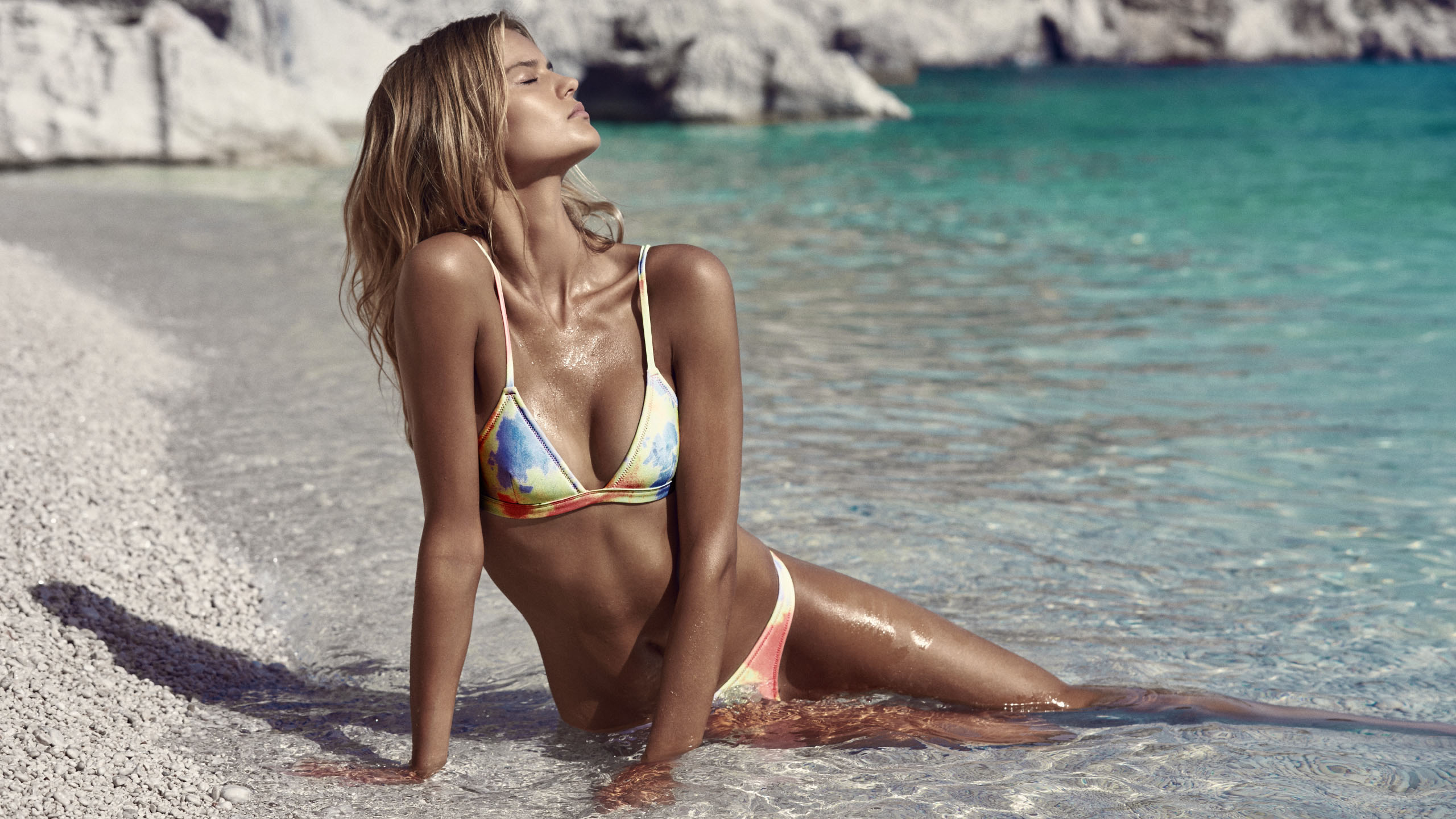
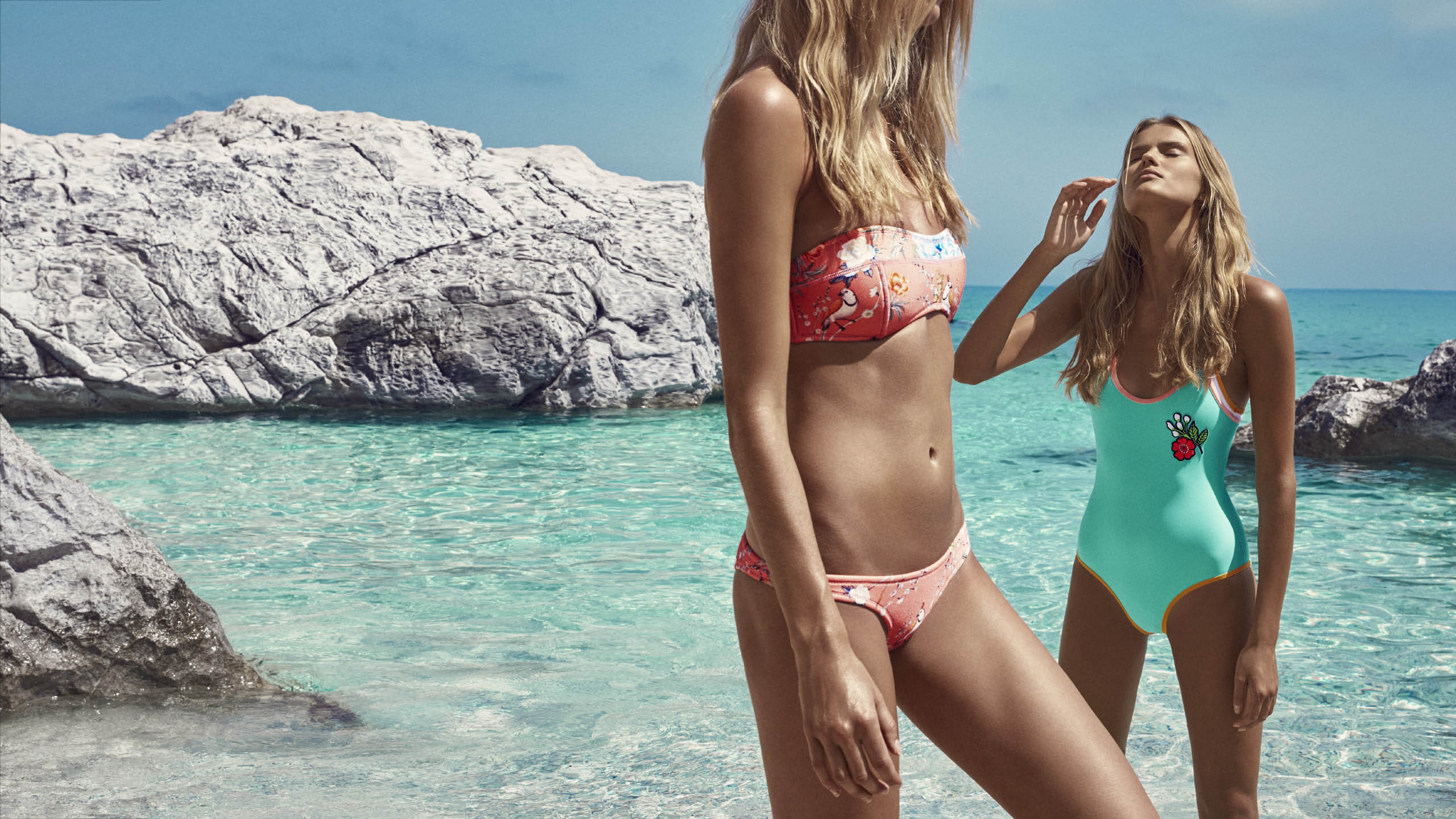
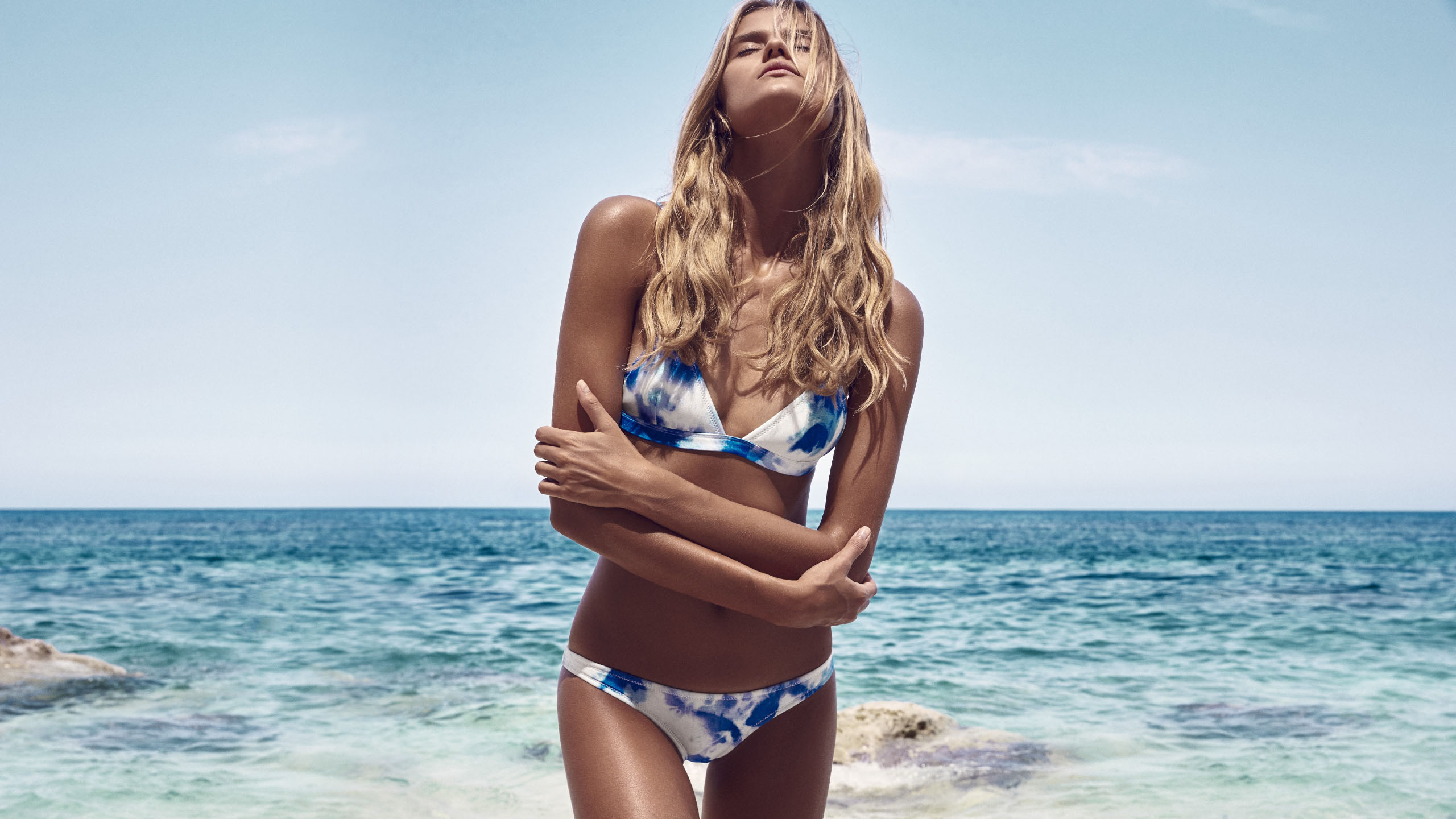
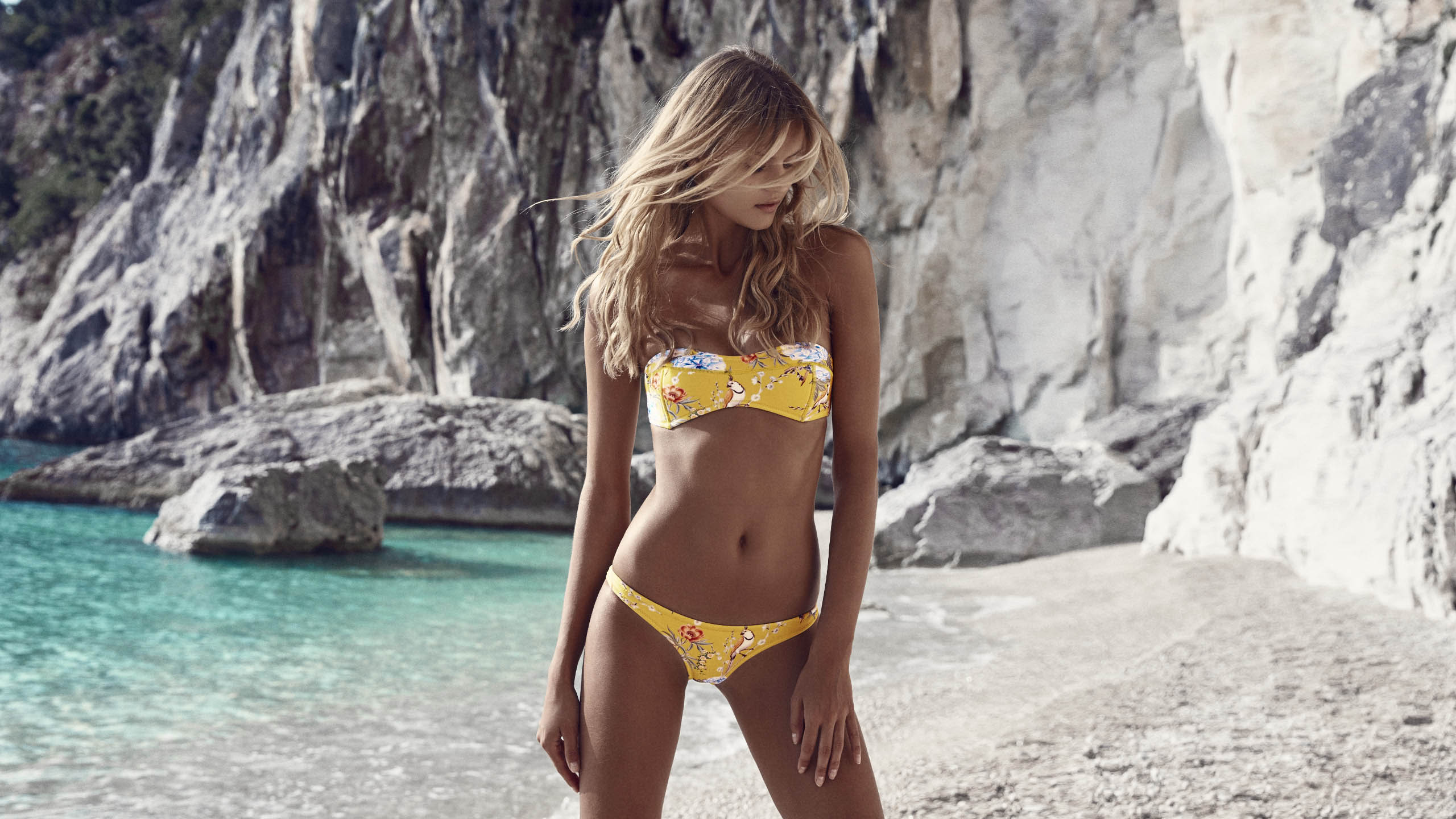
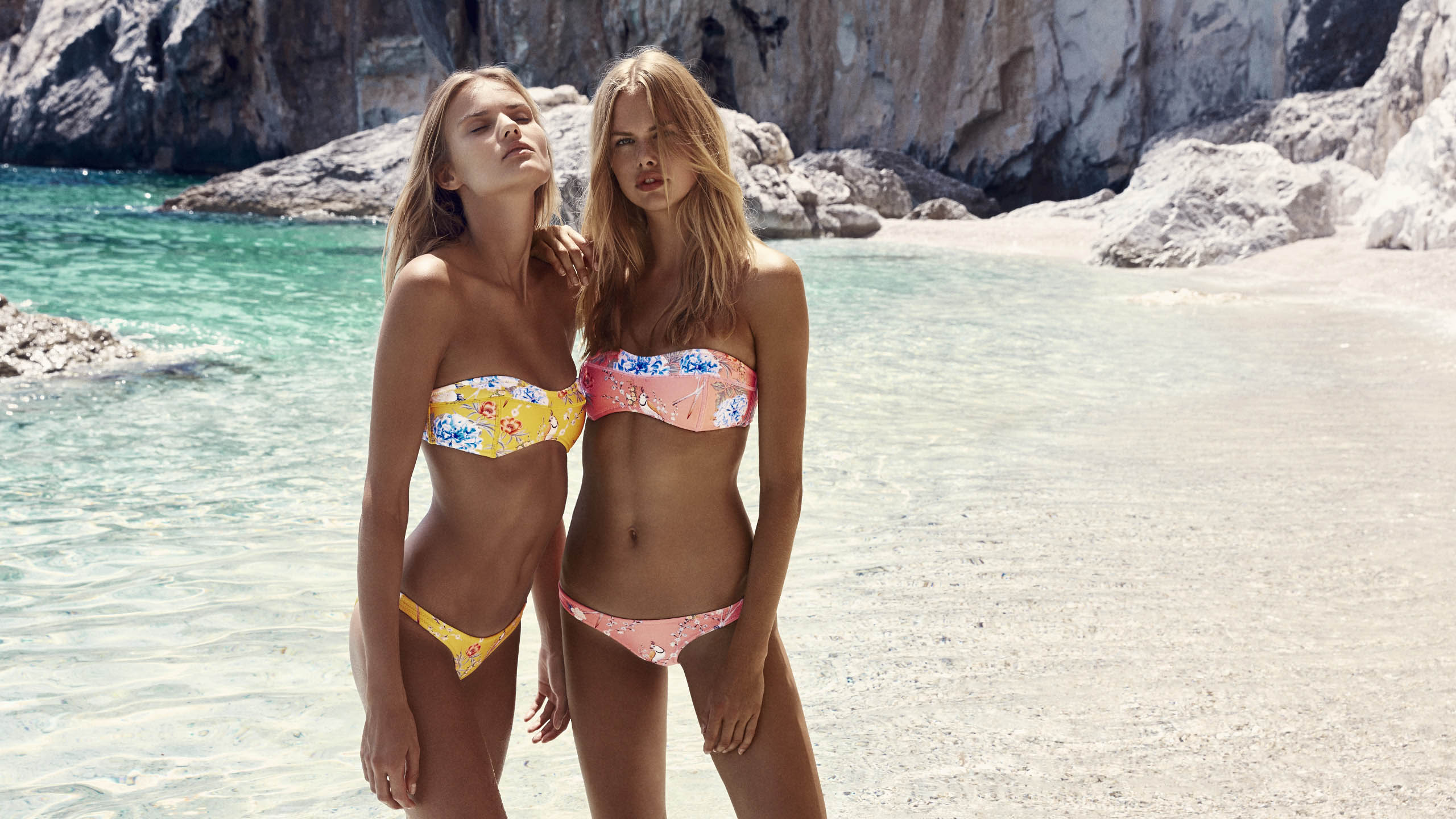
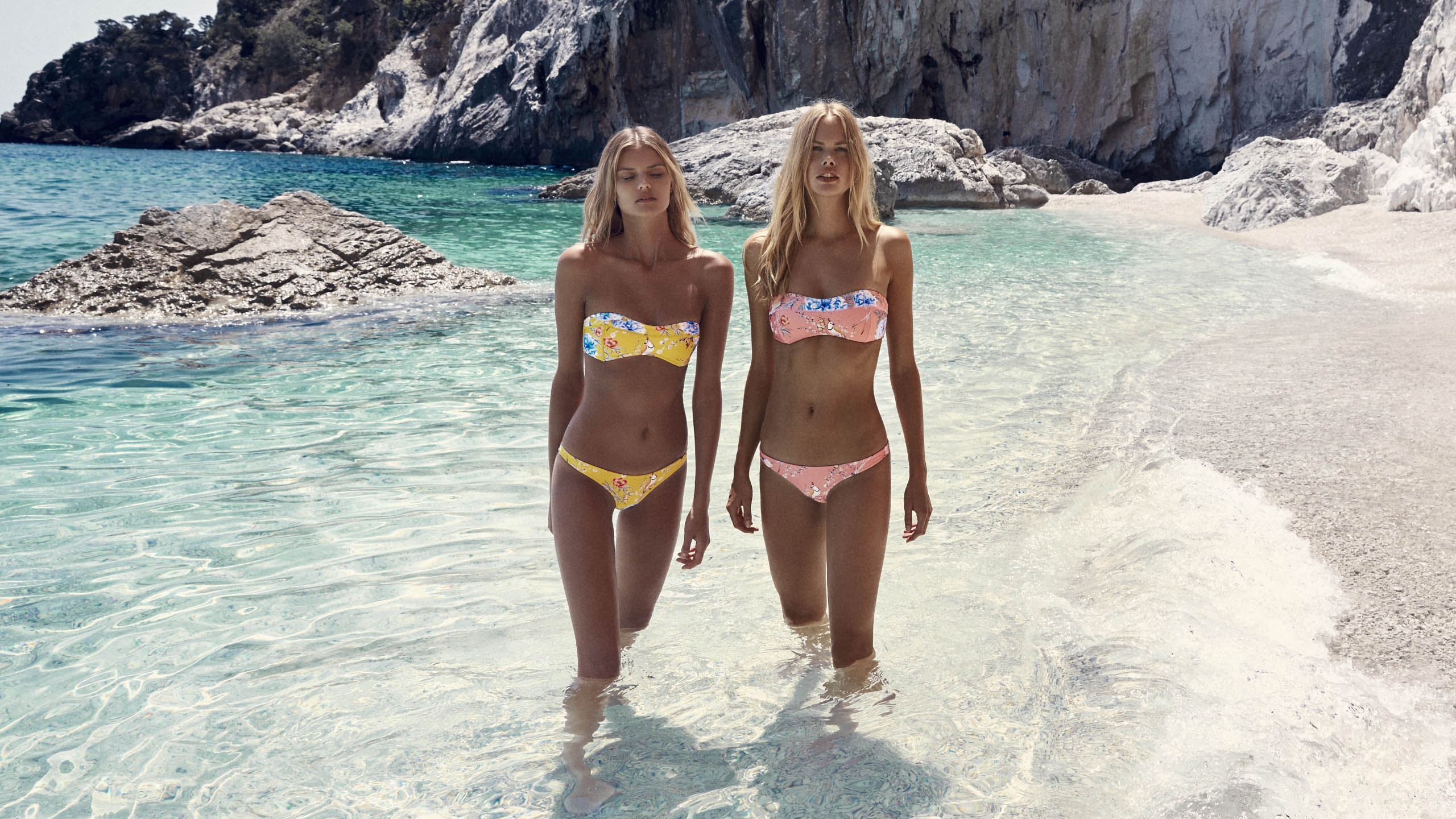
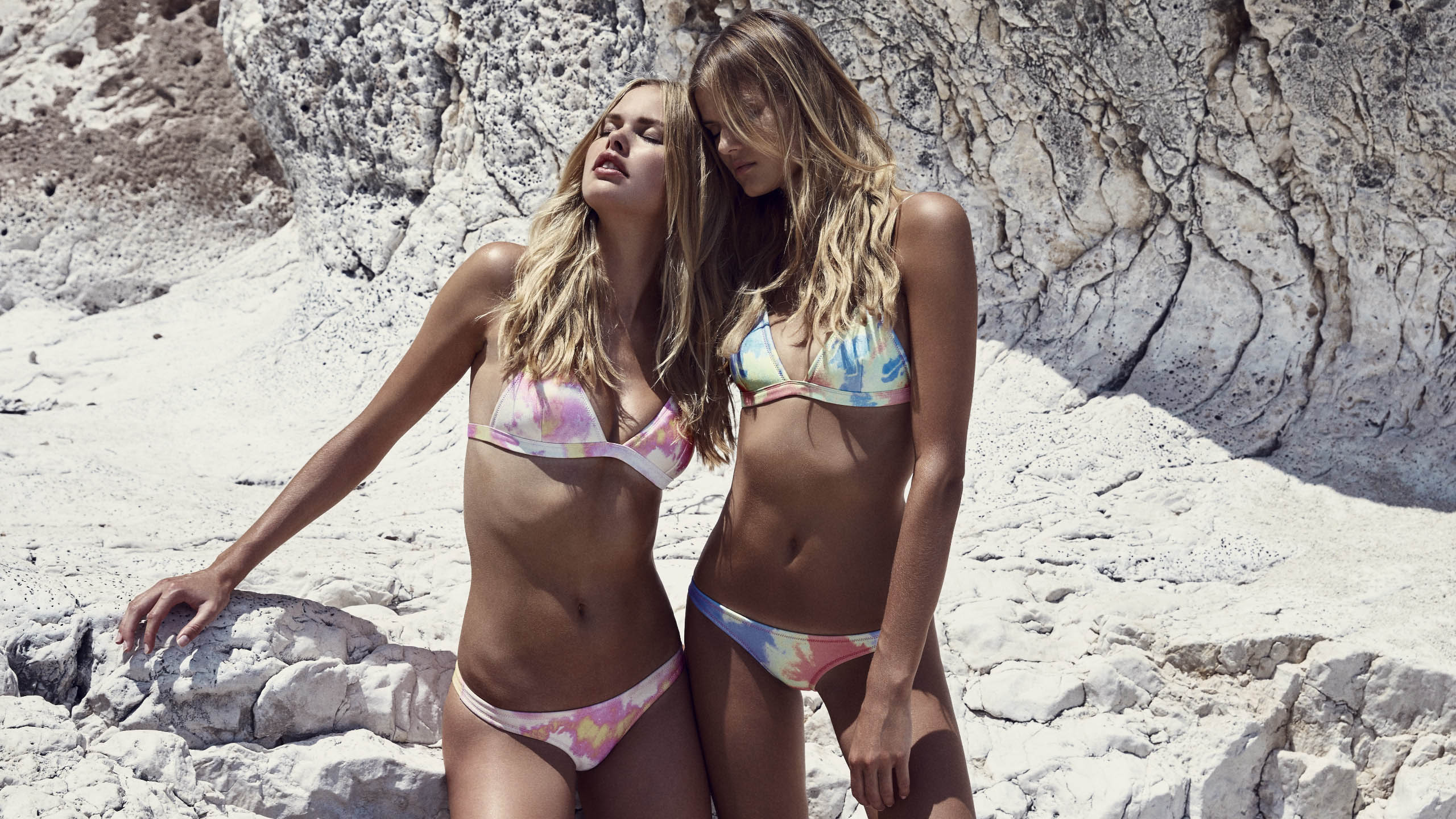
 Triangl July 2016 Campaign









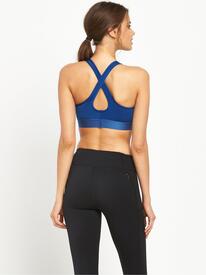
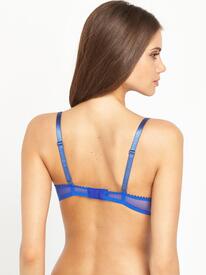
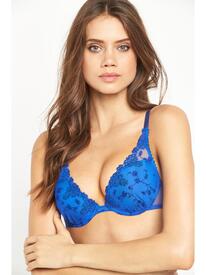
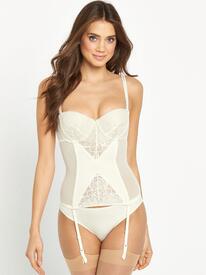
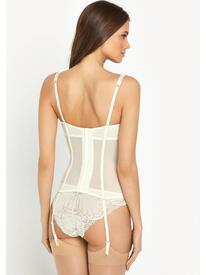
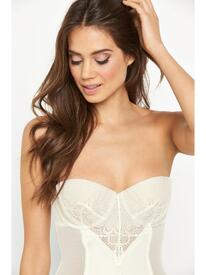
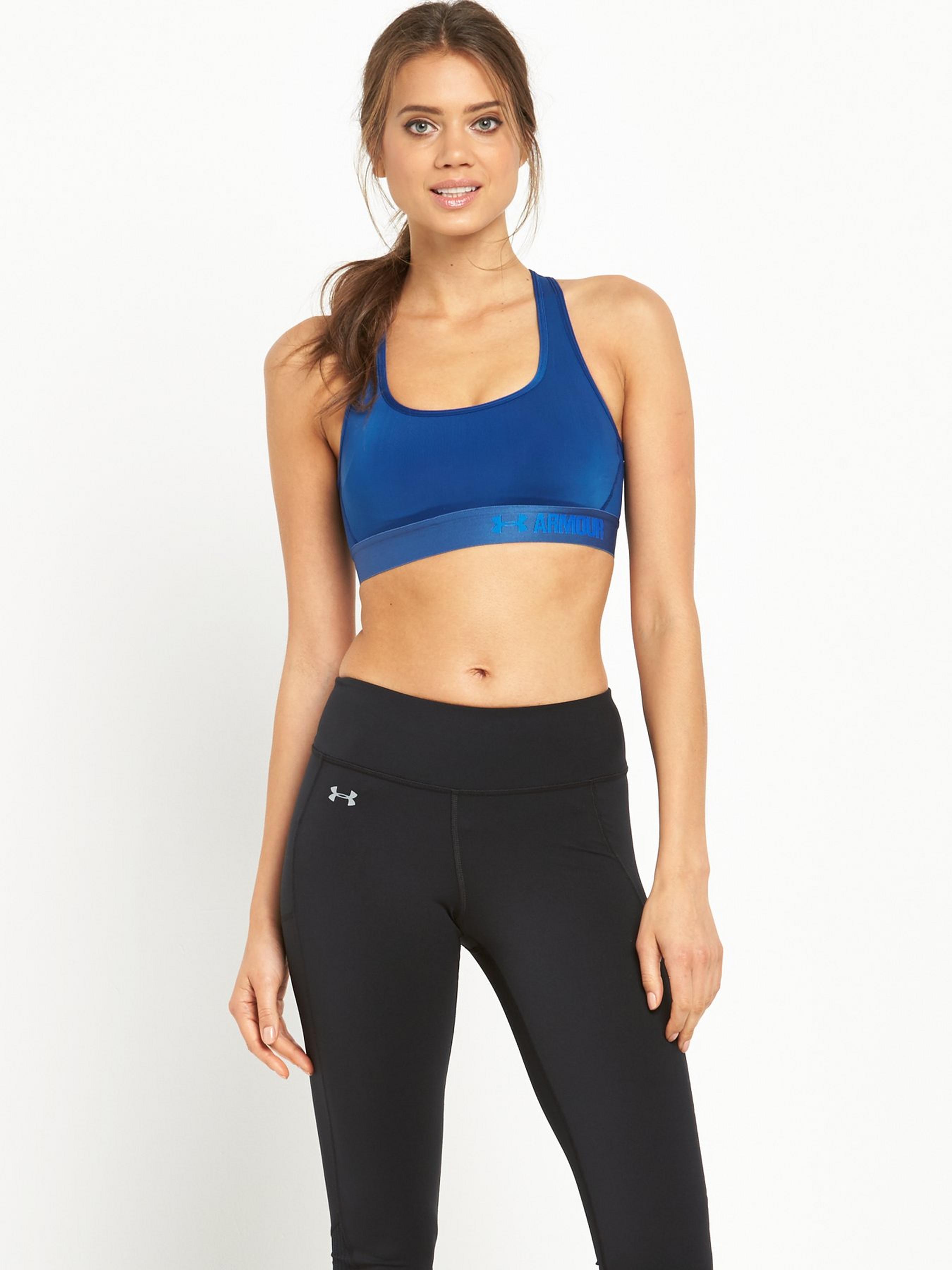
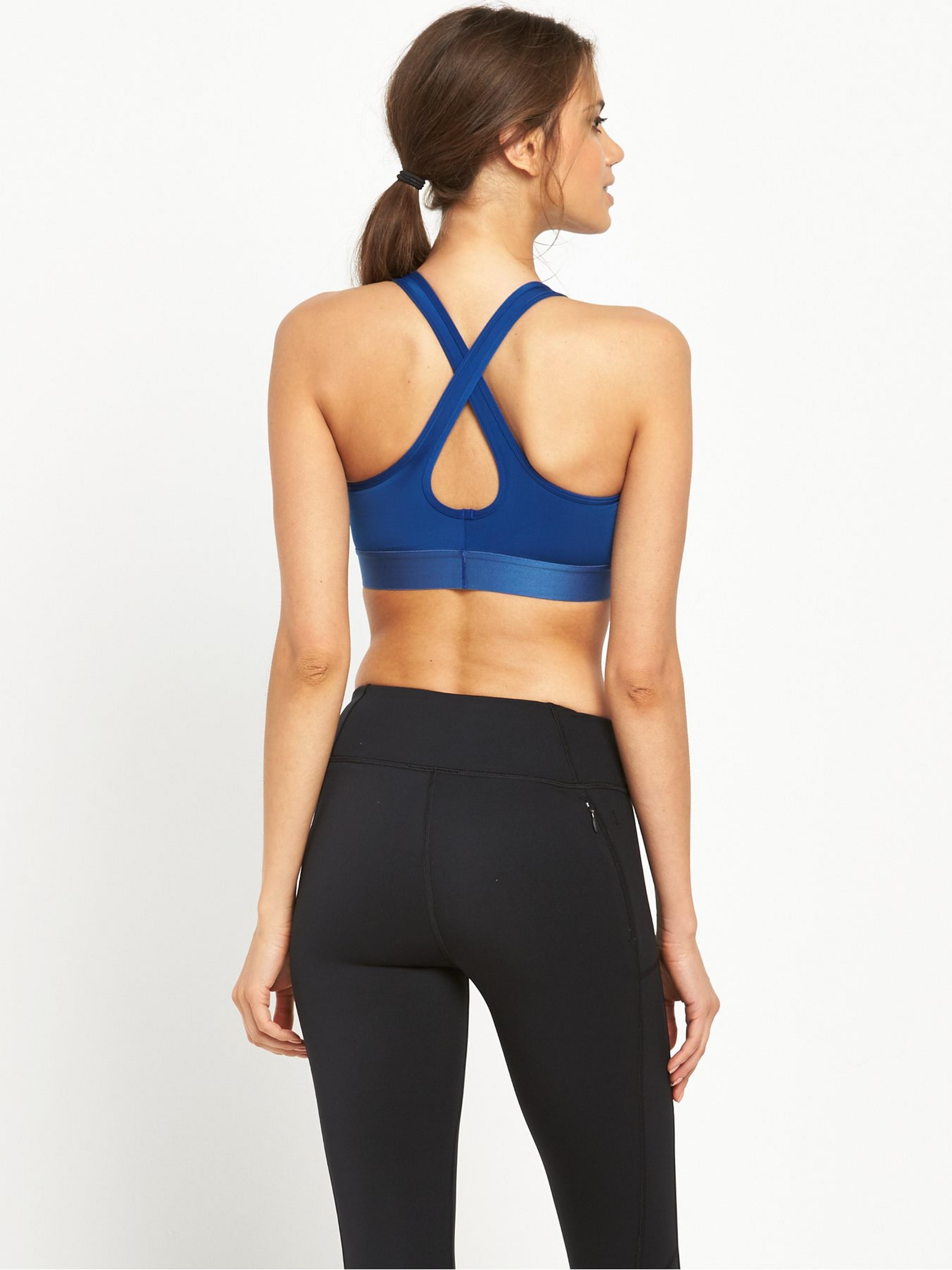
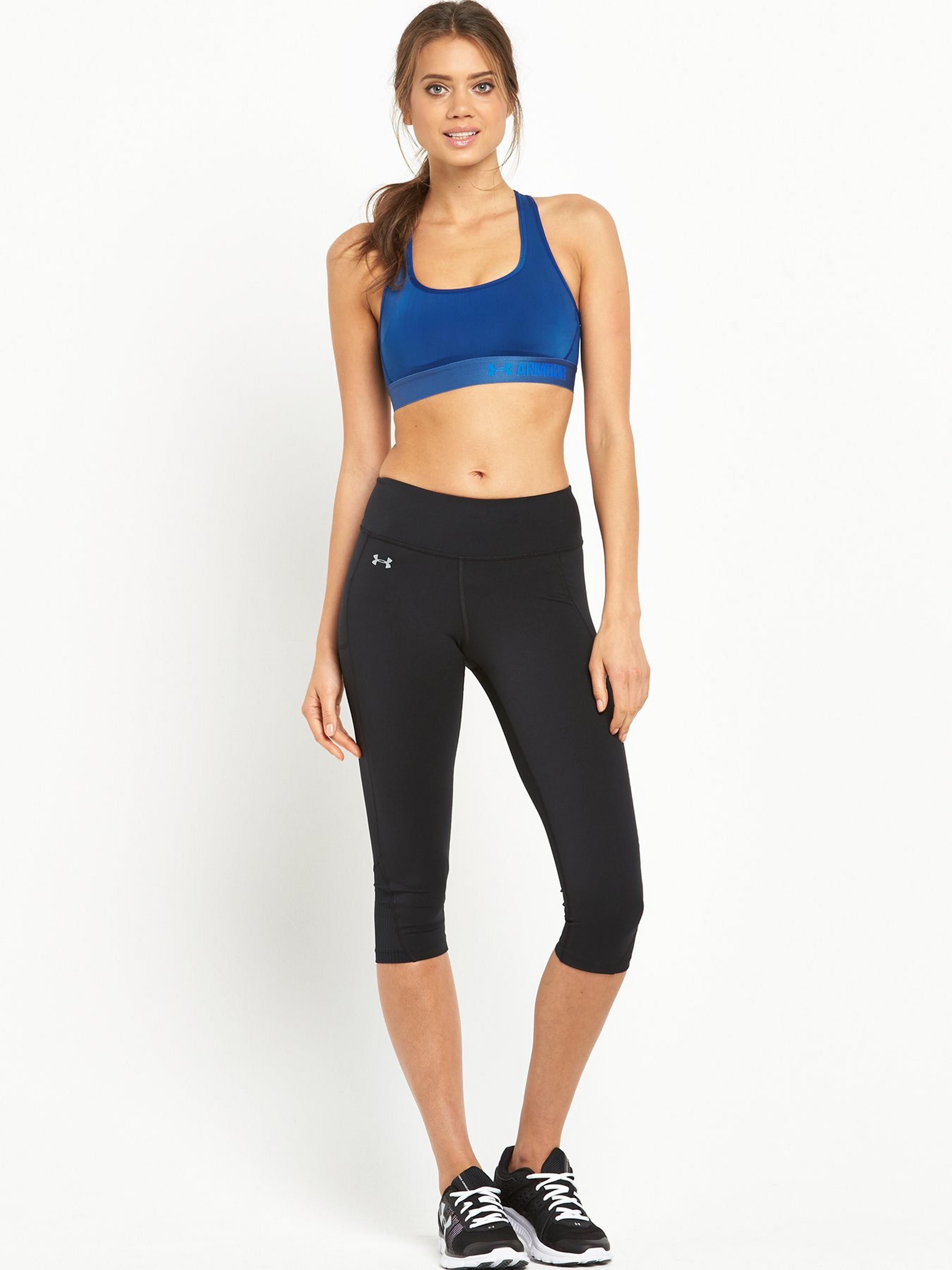
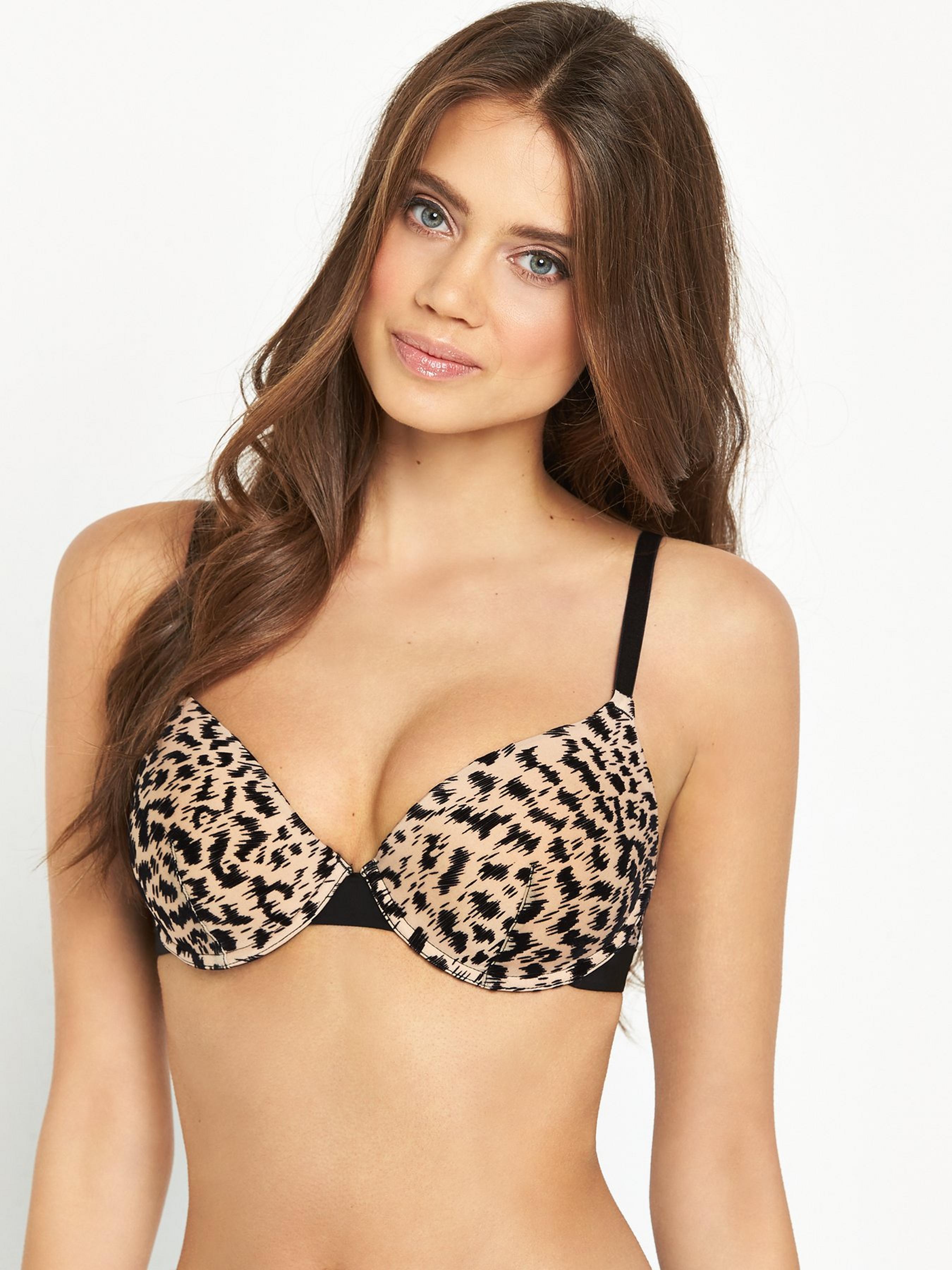
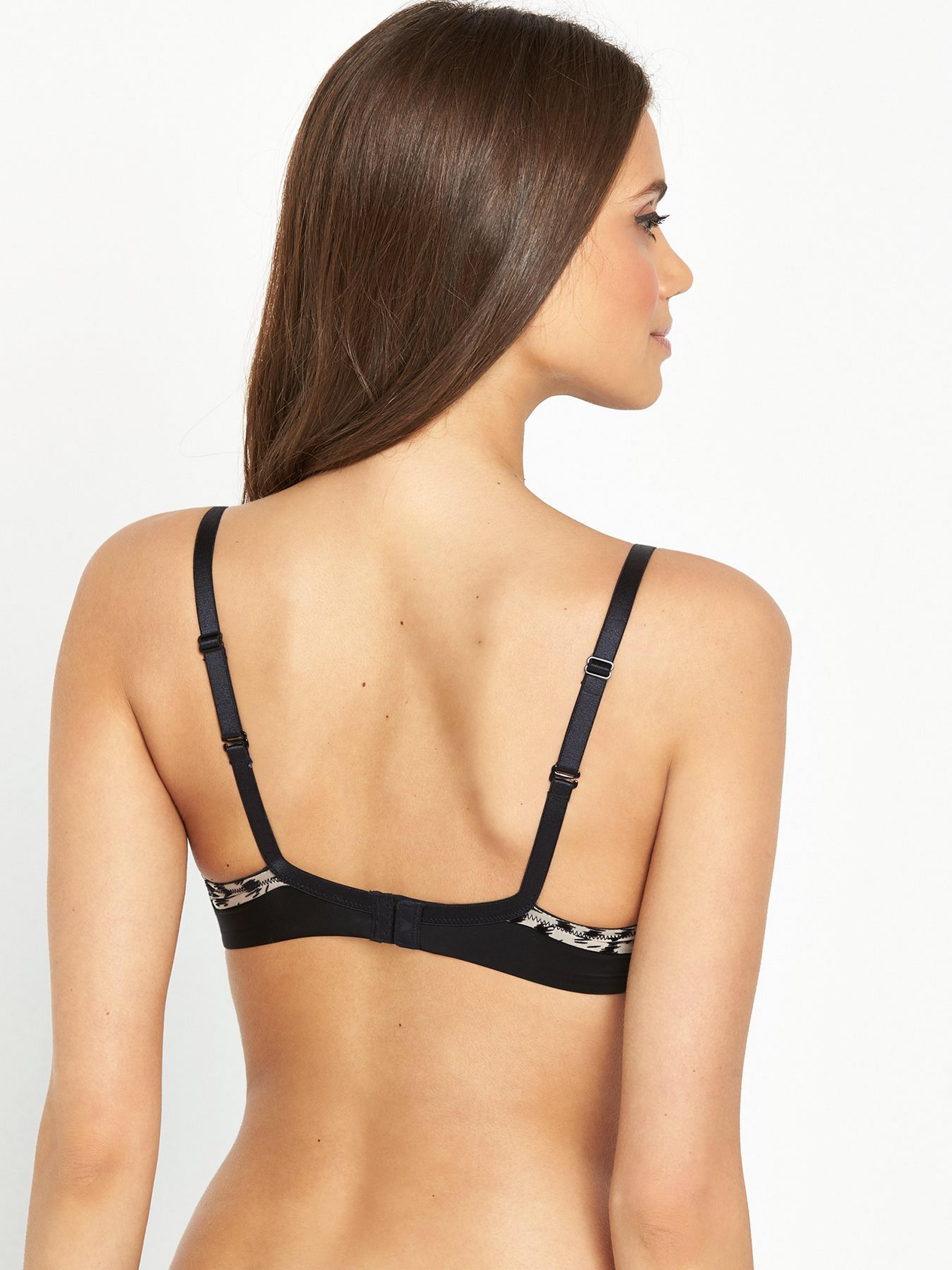
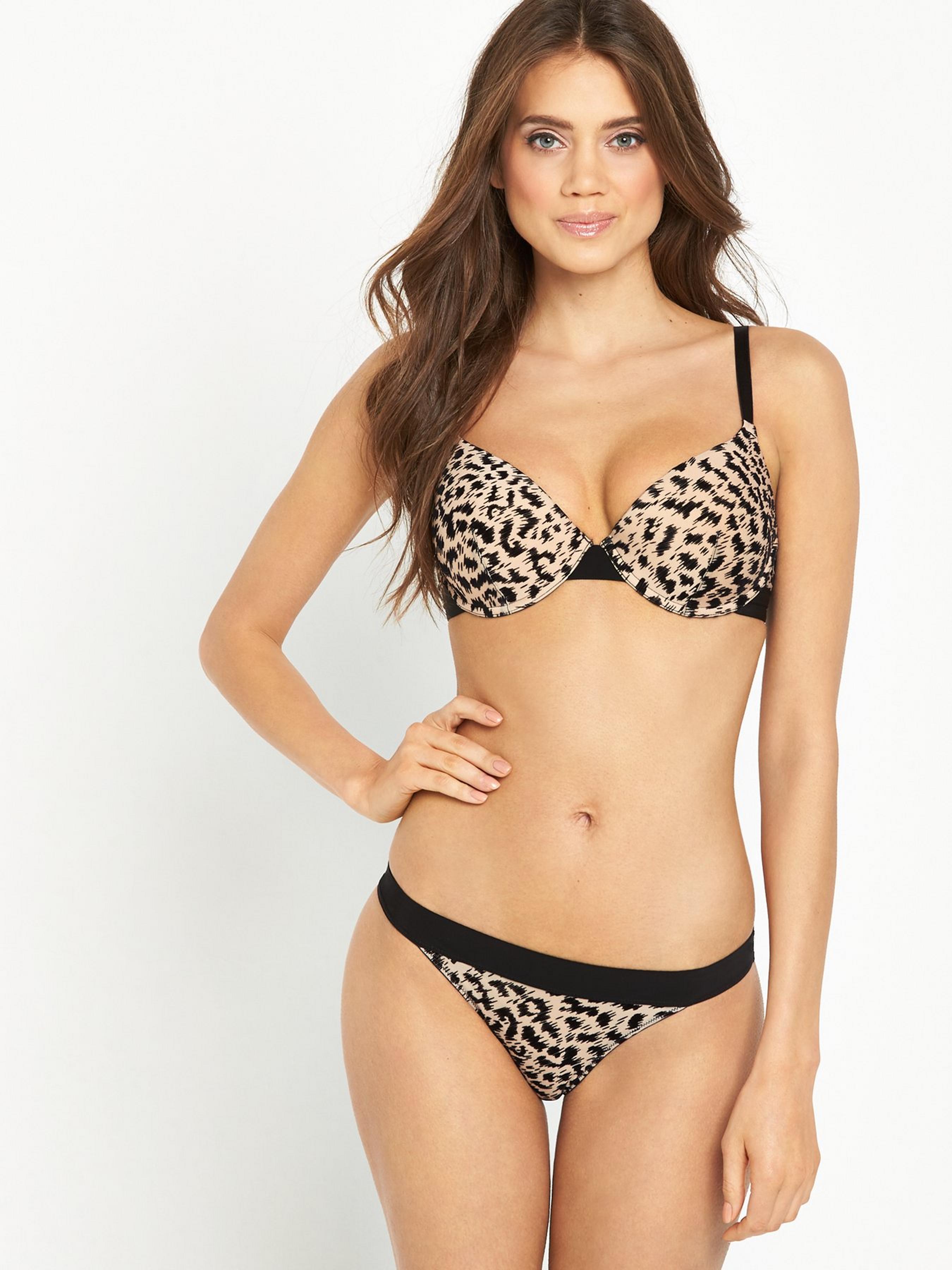
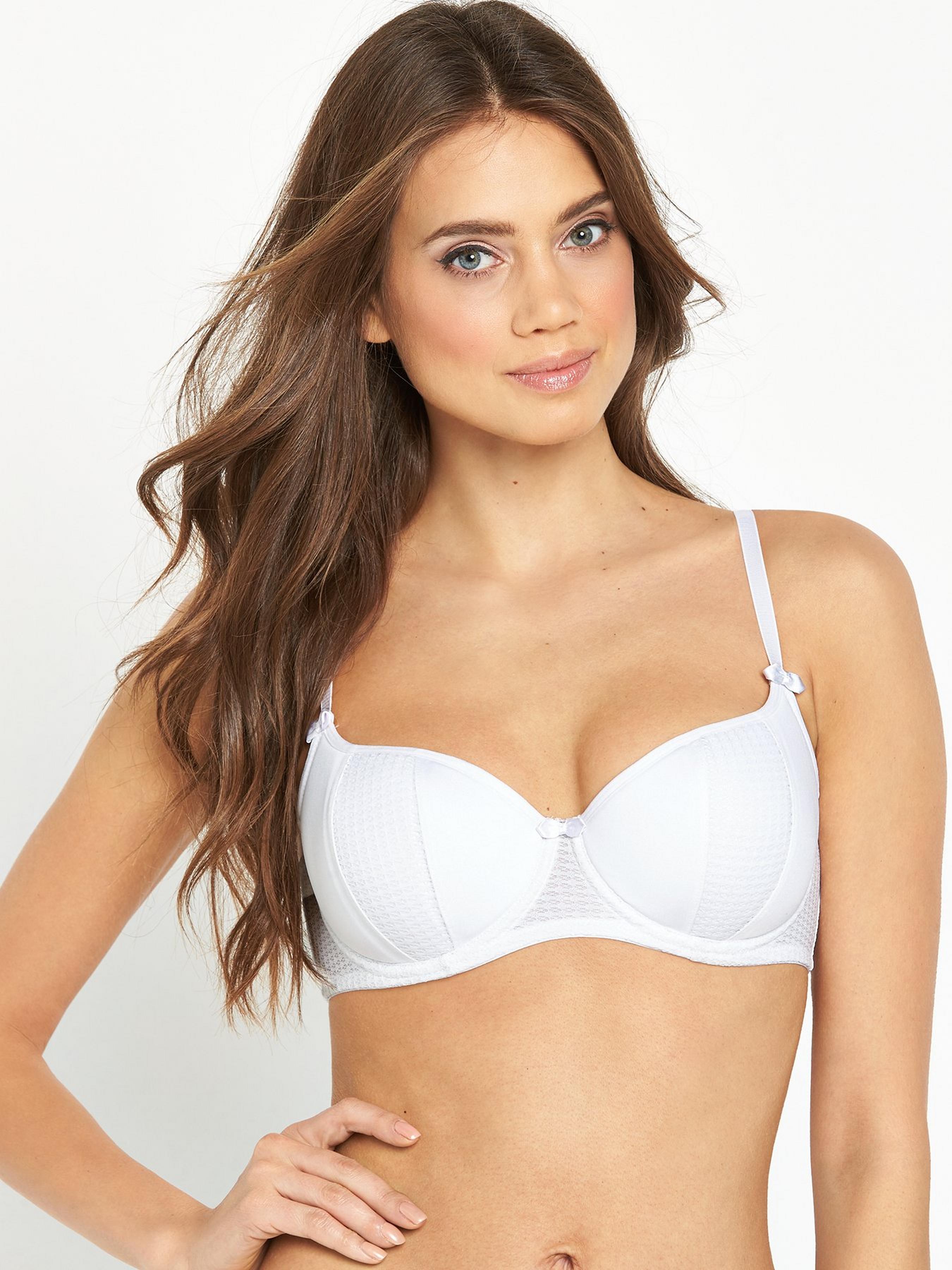
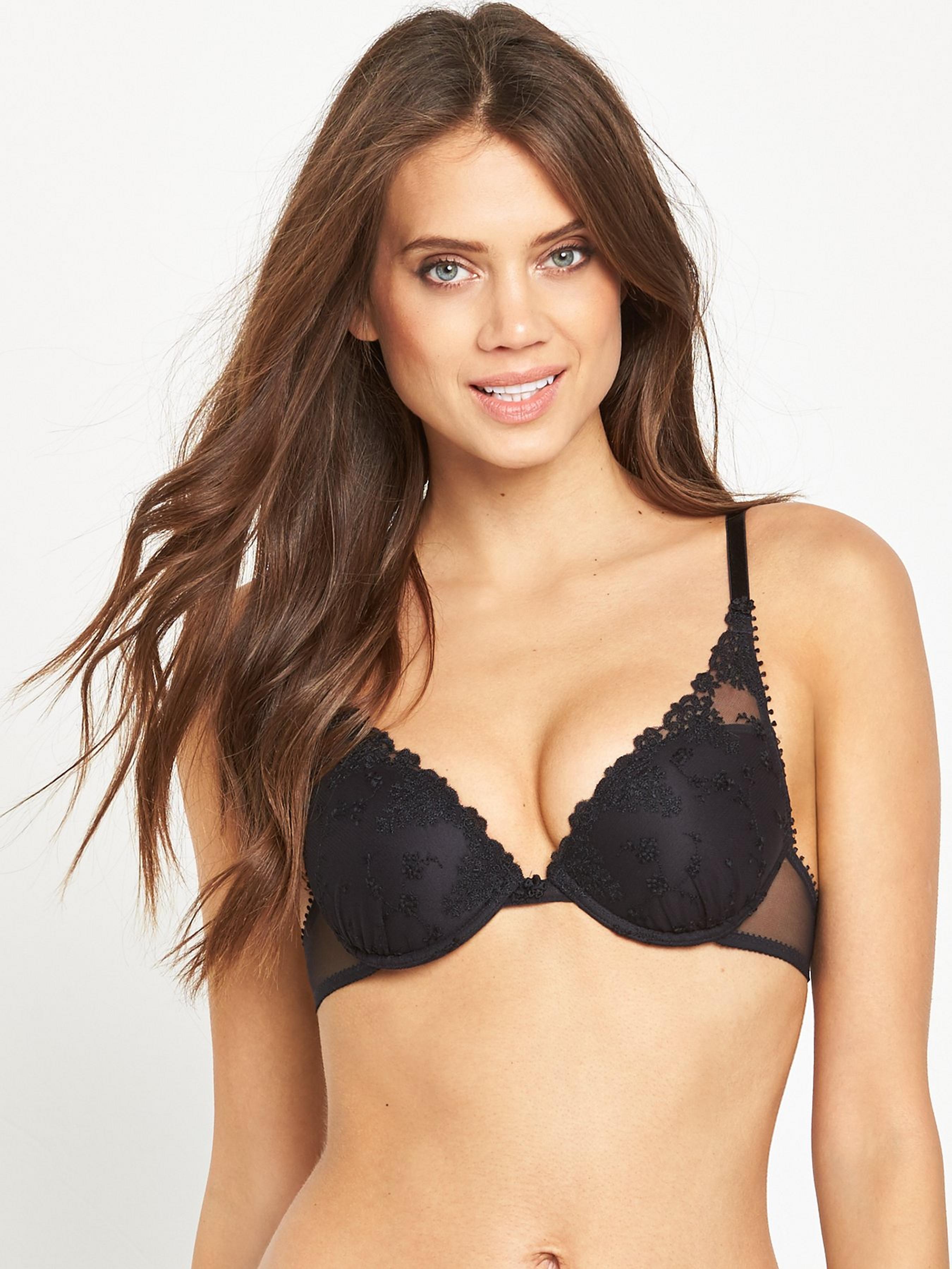
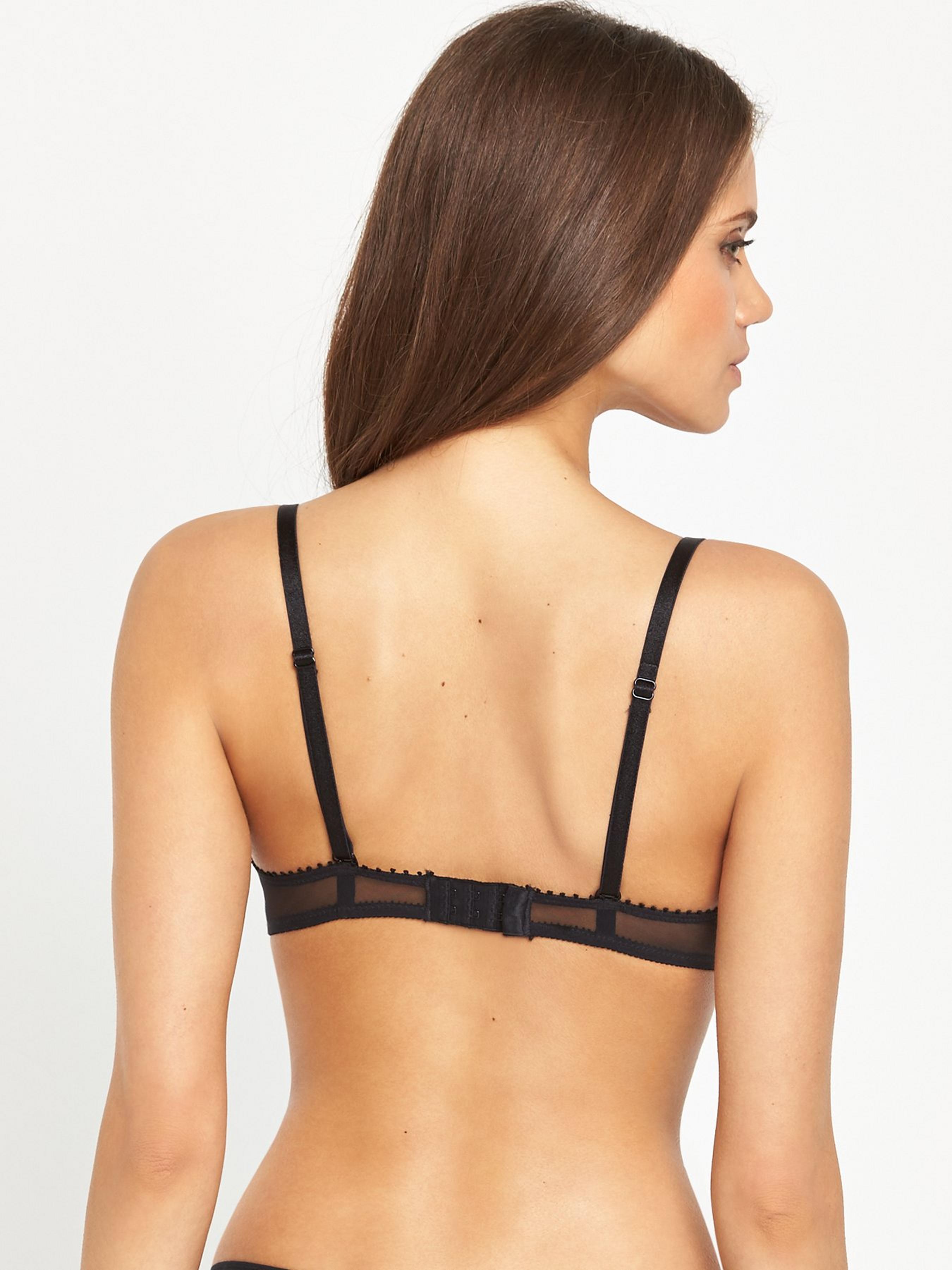
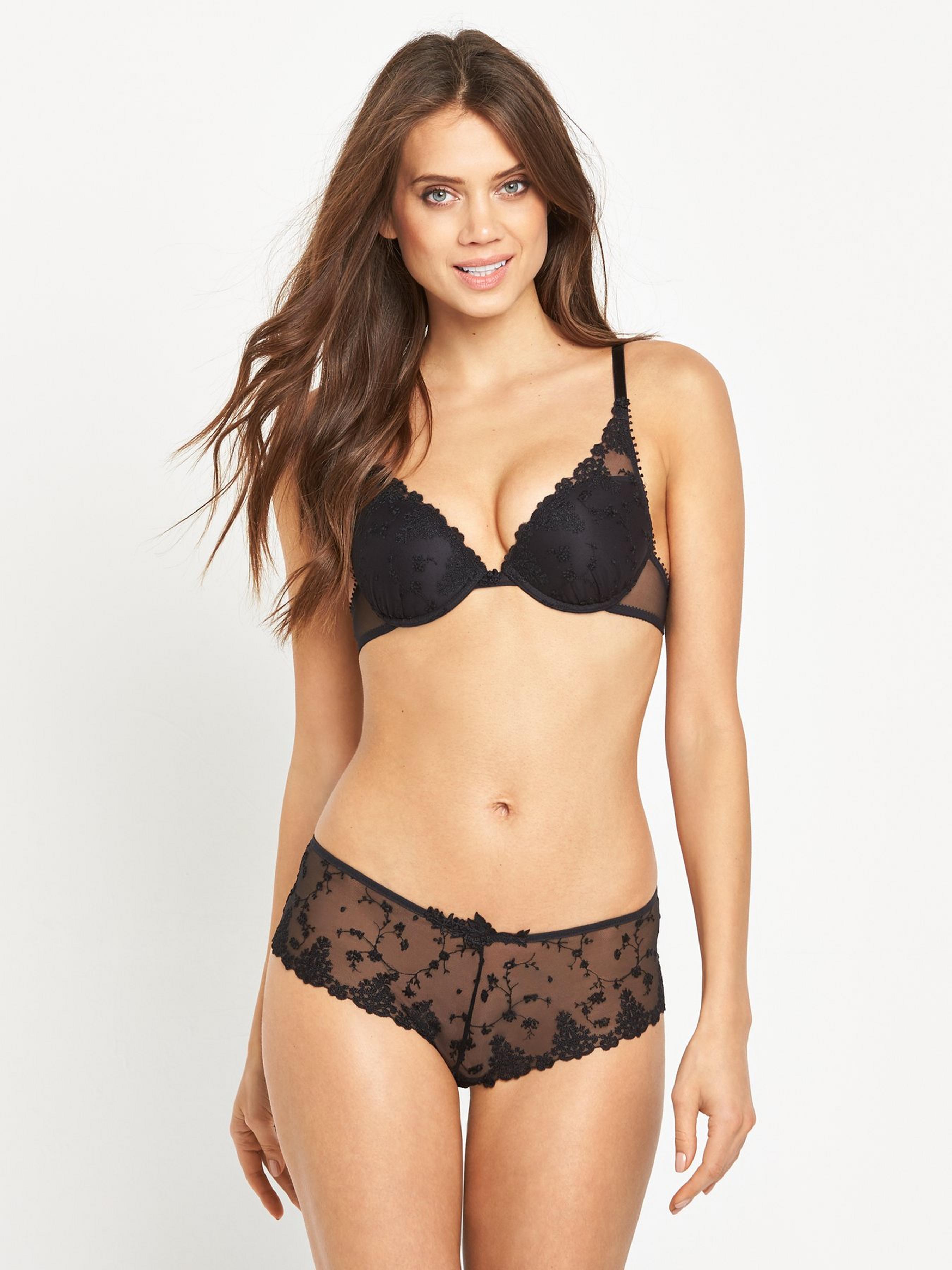
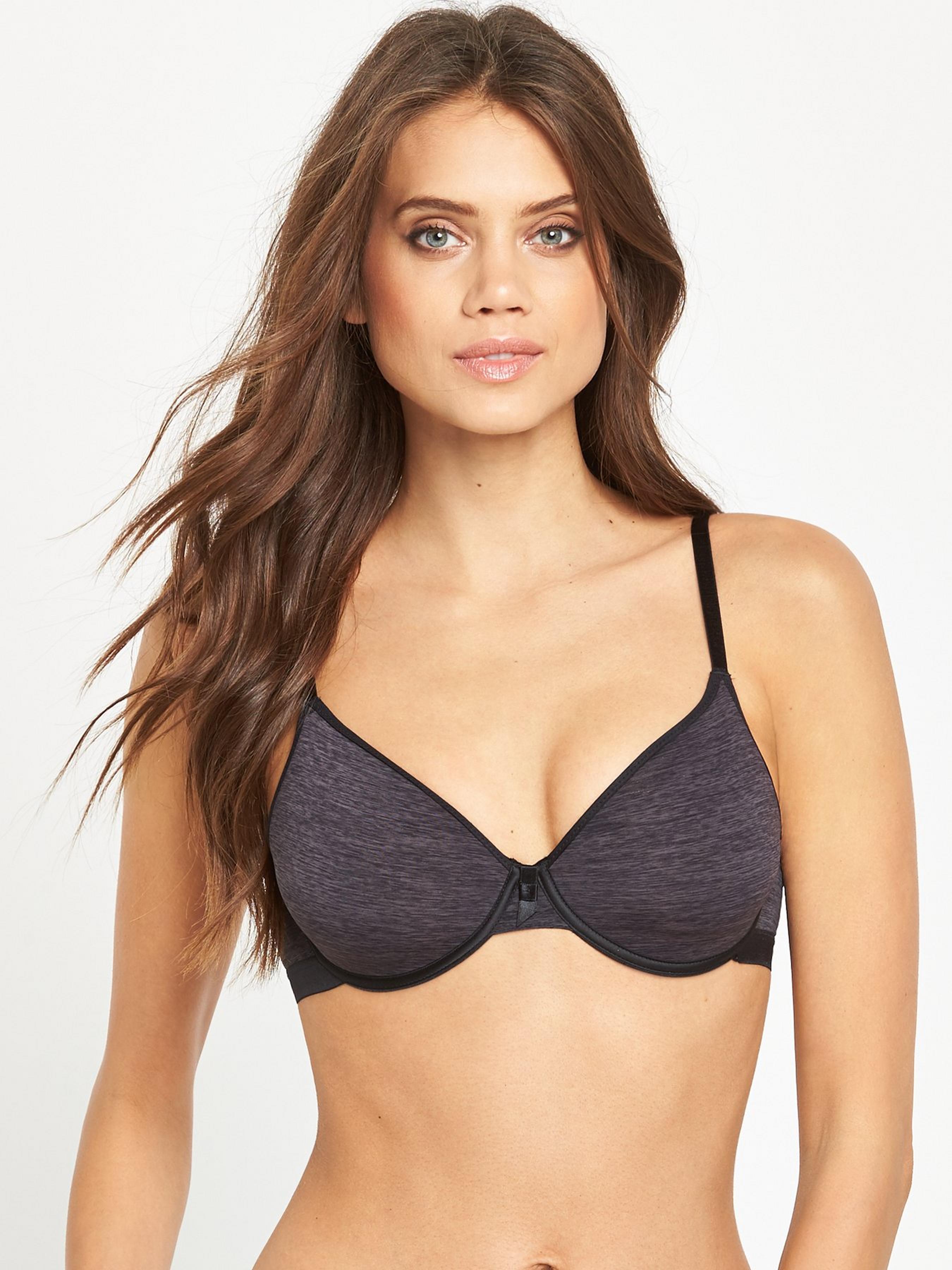
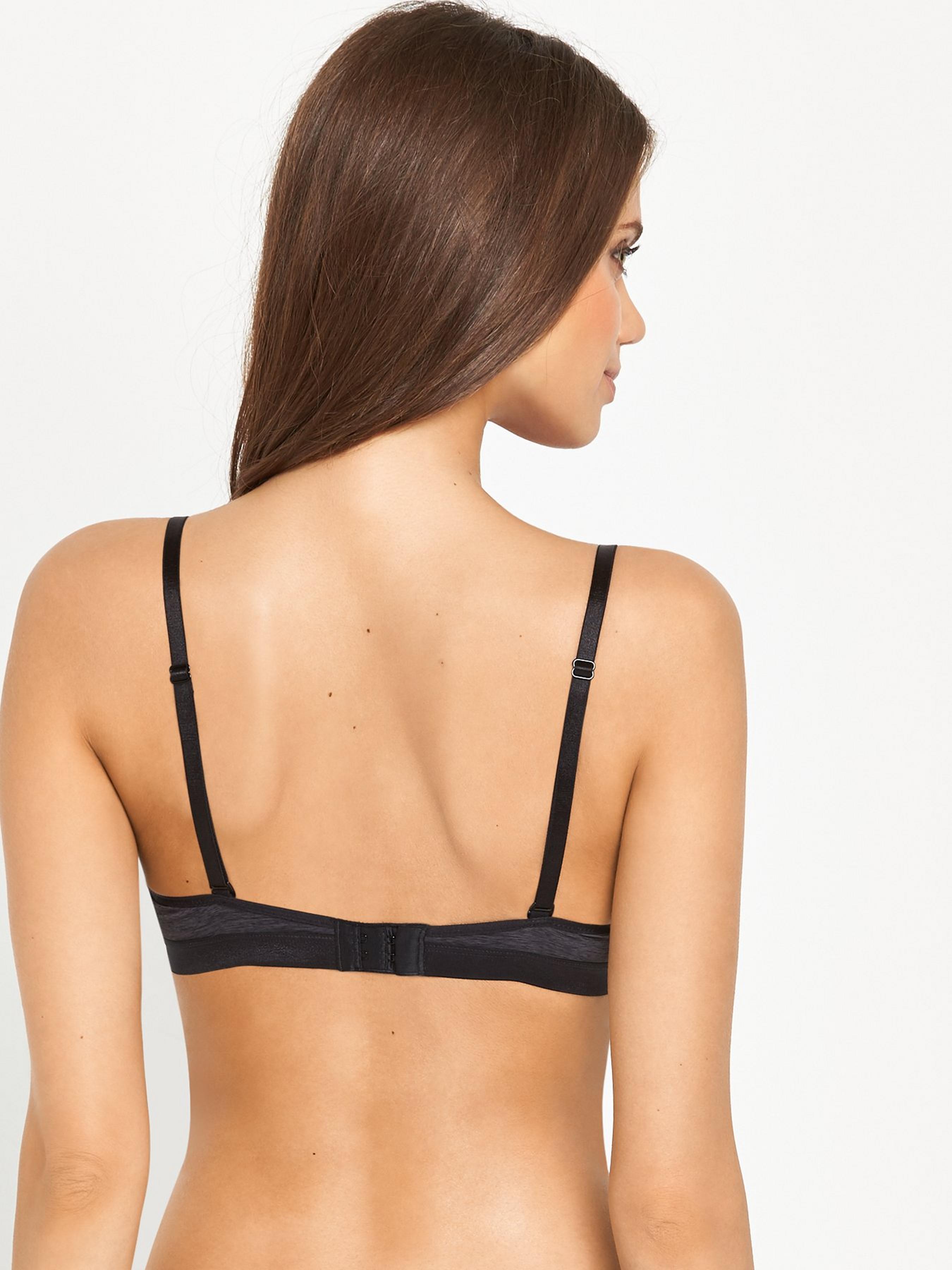
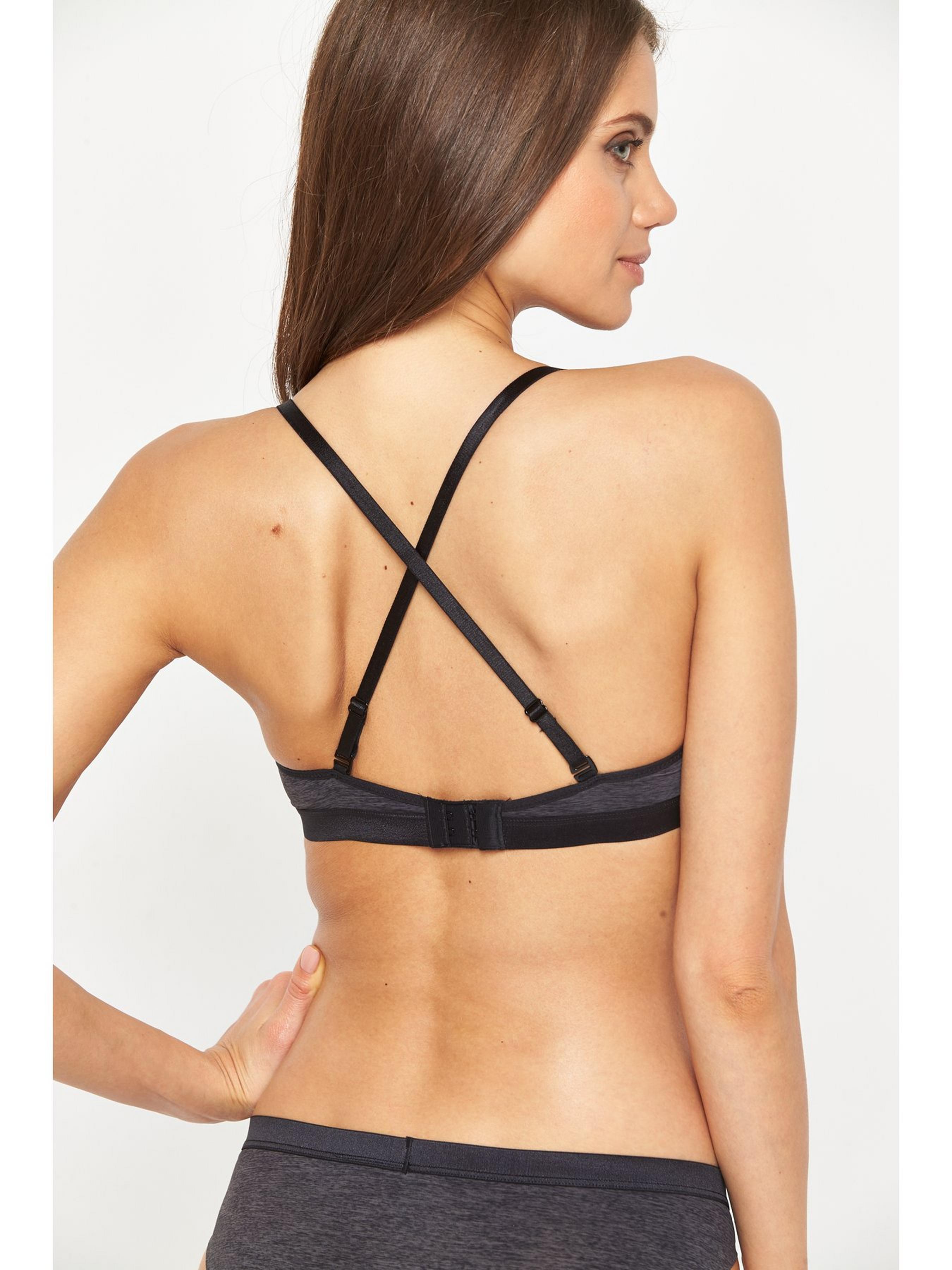
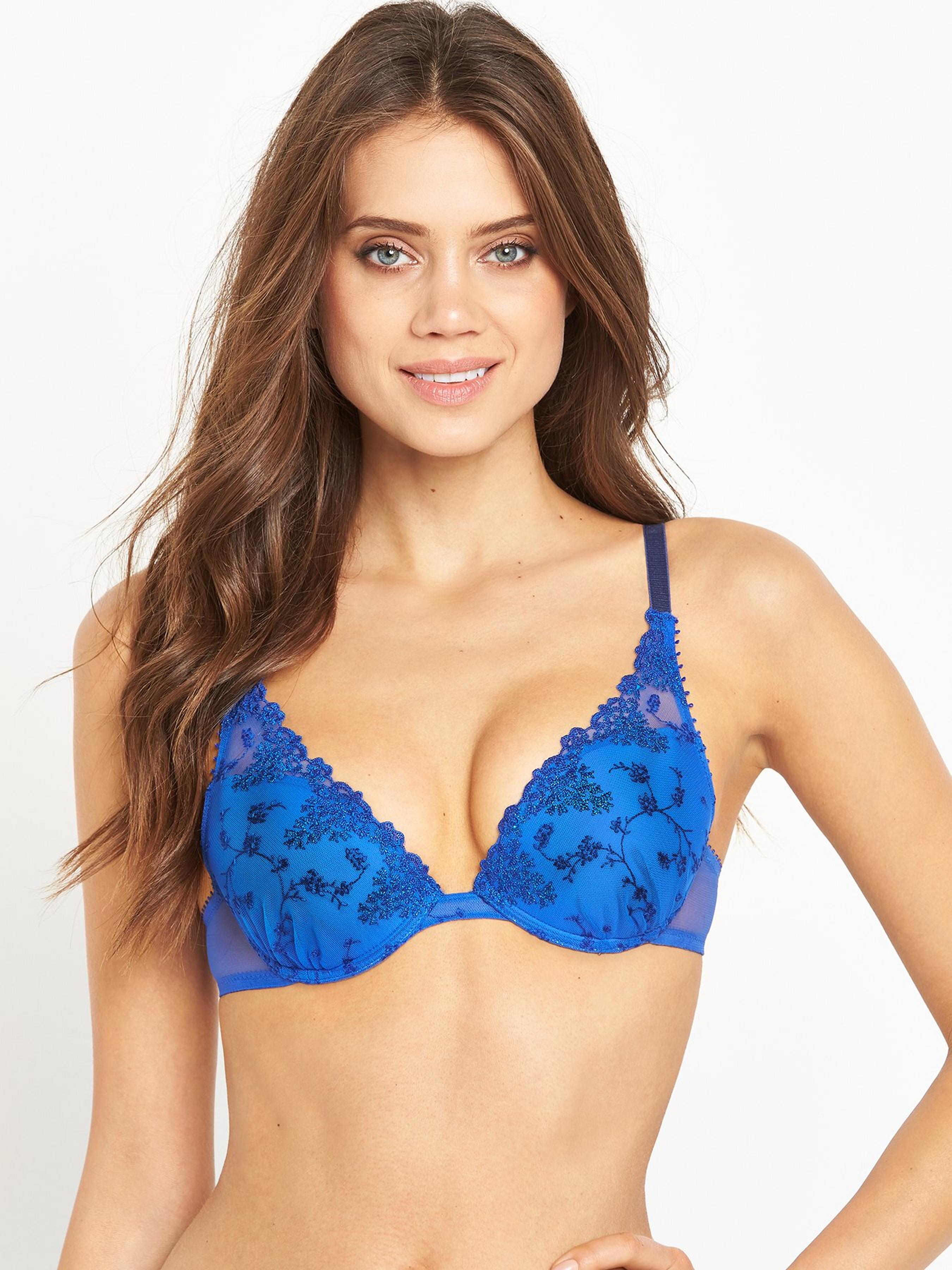
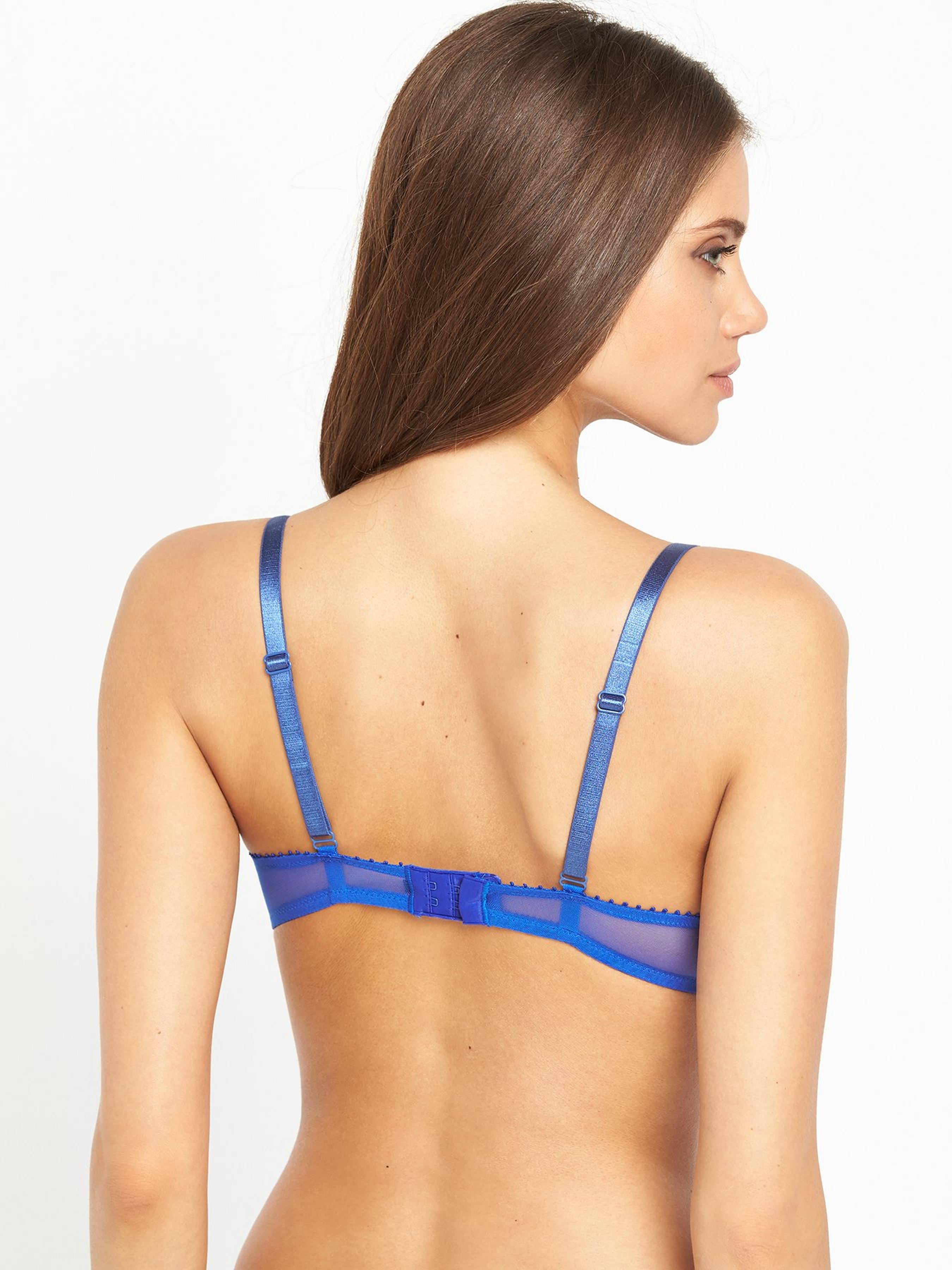
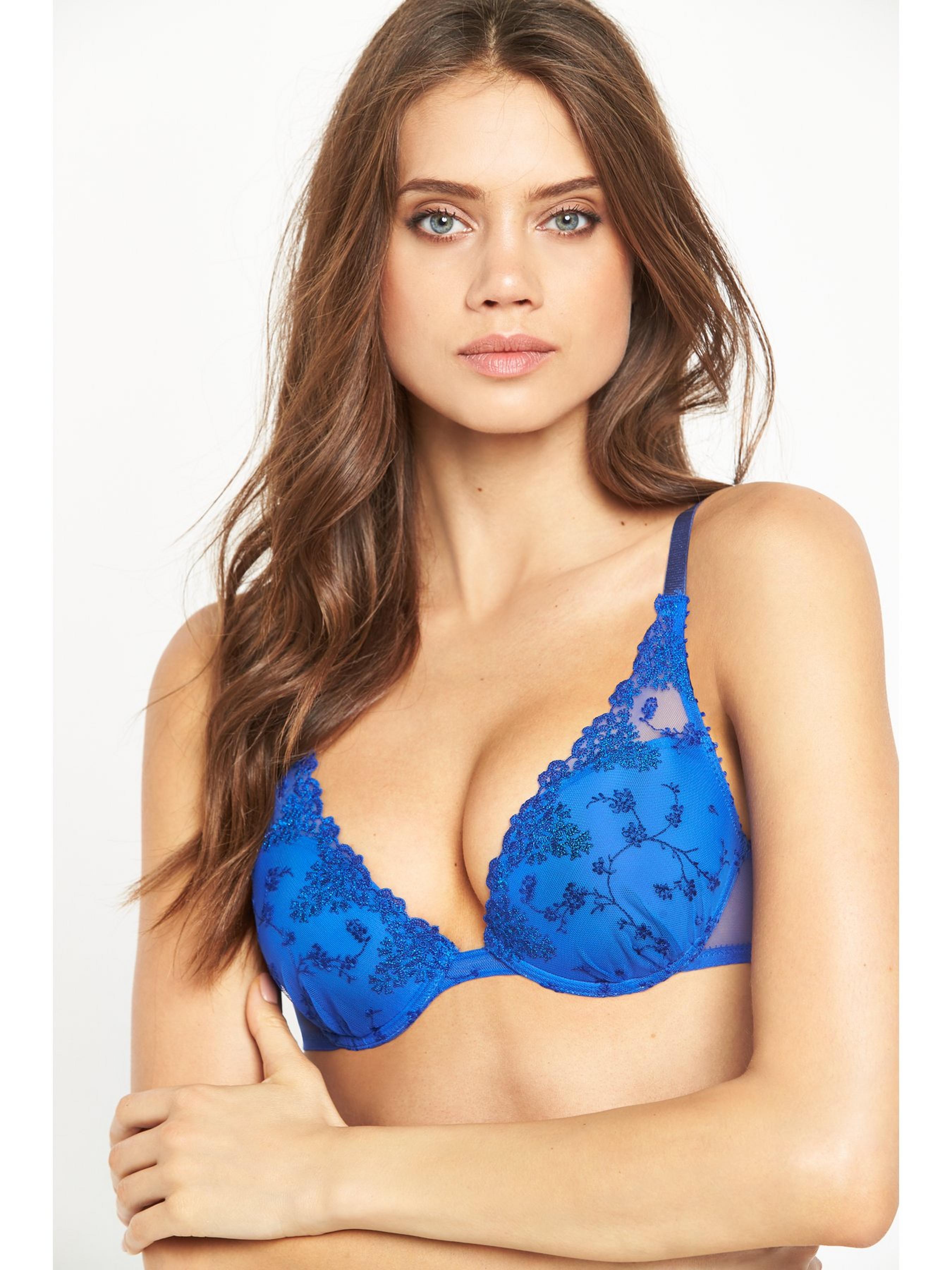
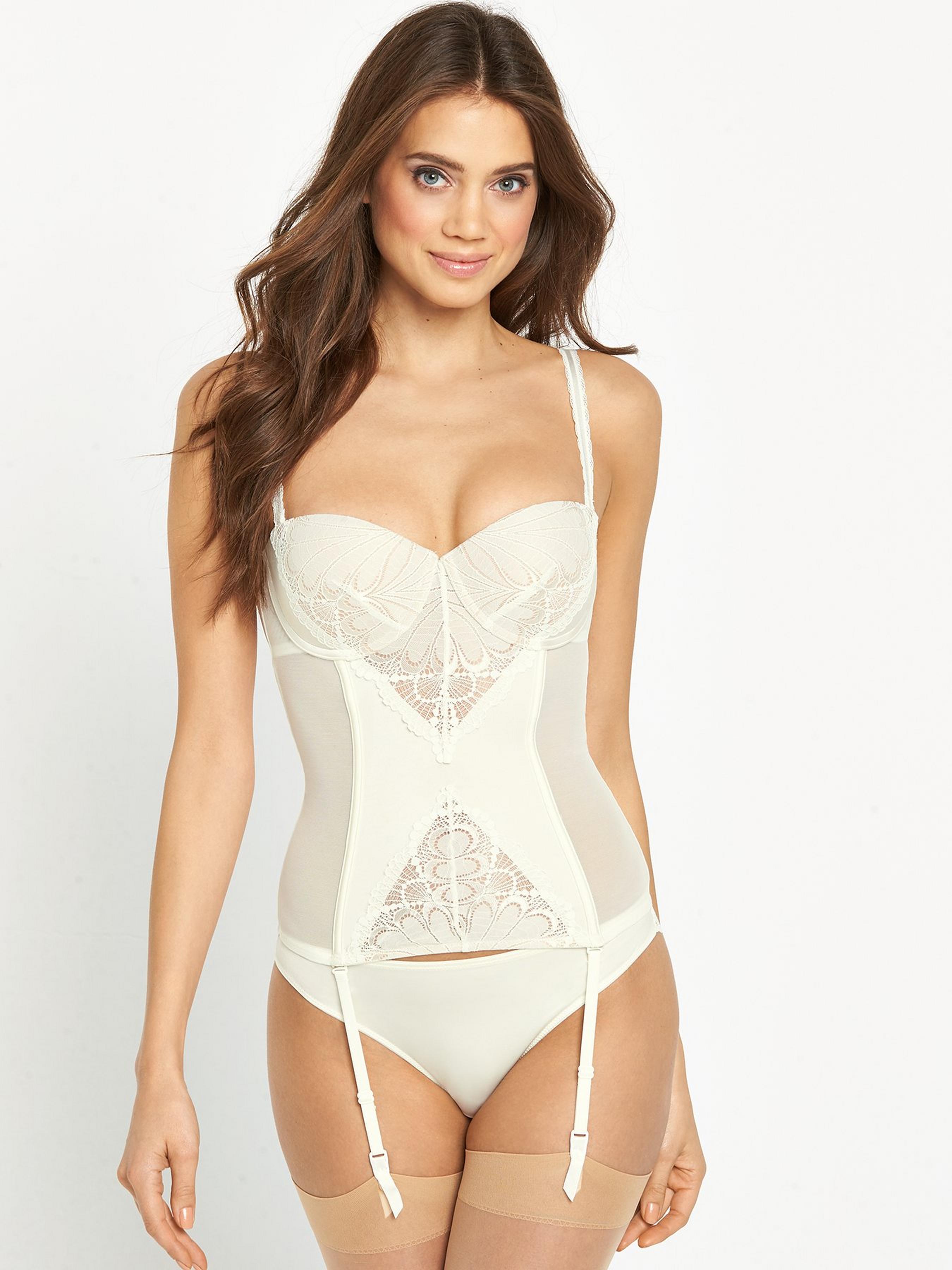
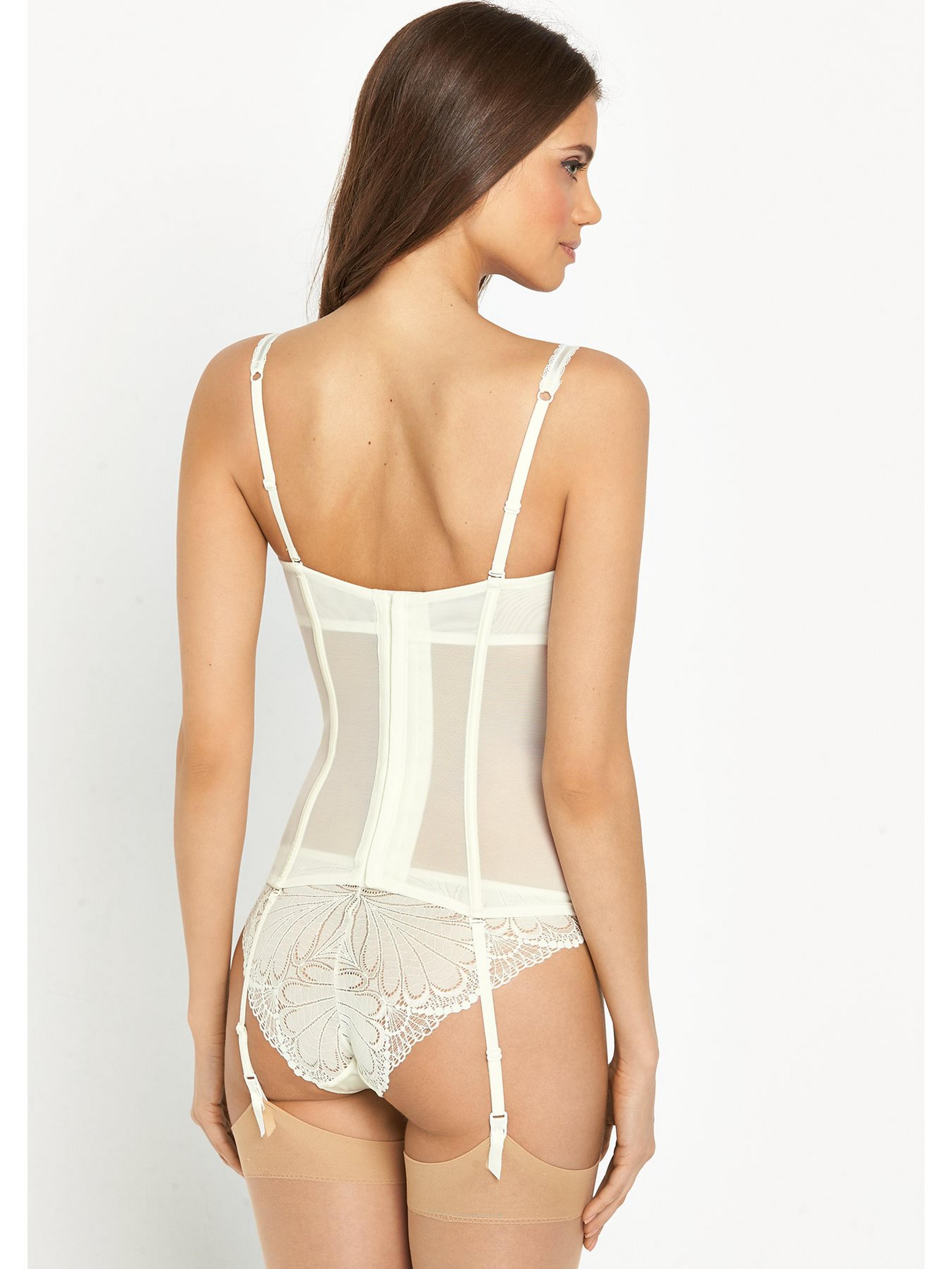
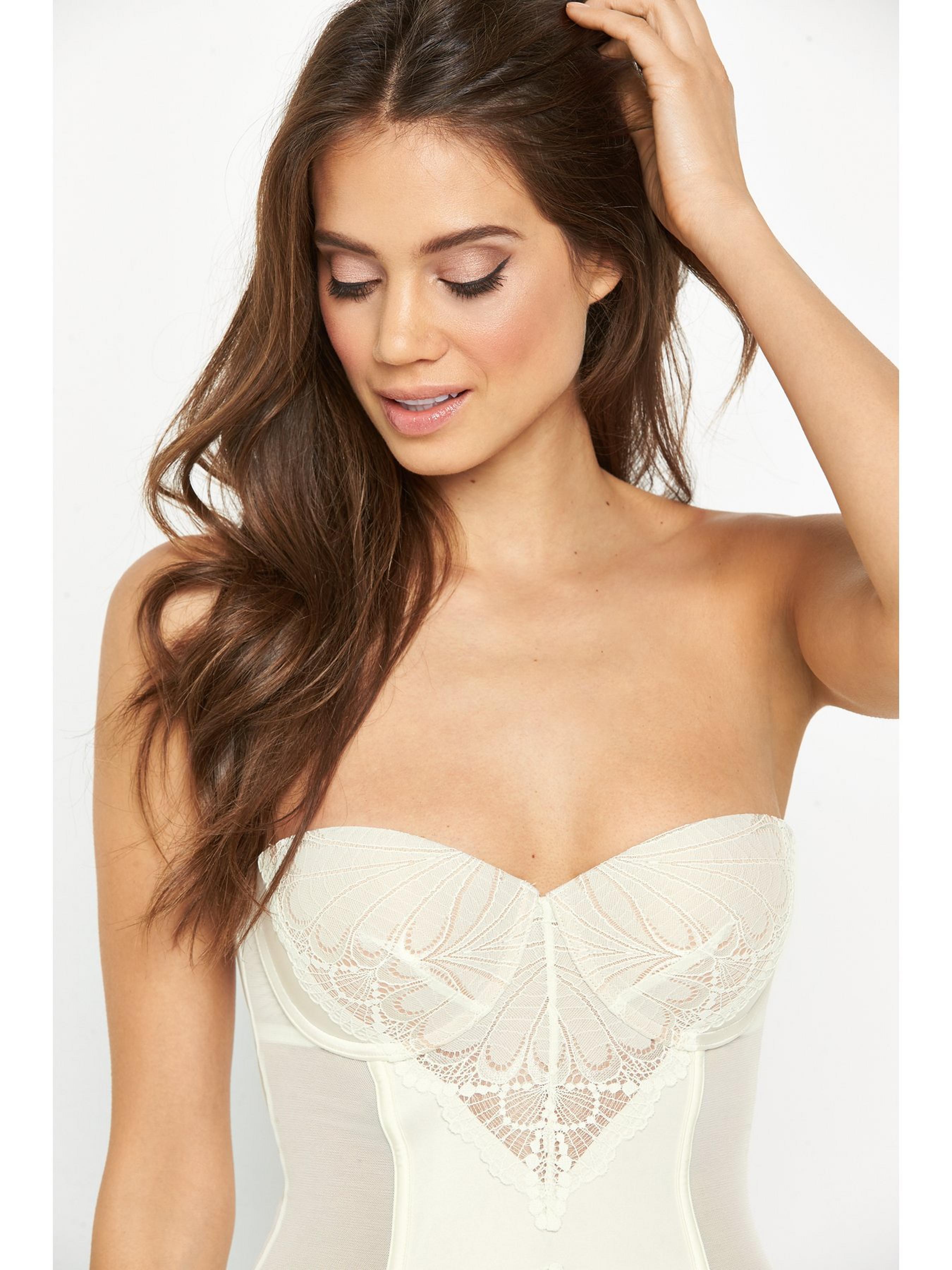
 Very UK Sportswear and Lingerie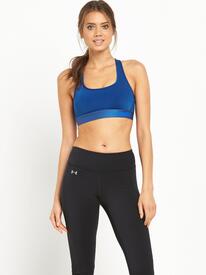
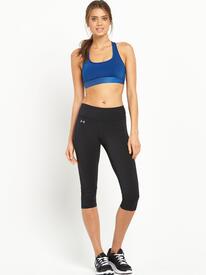
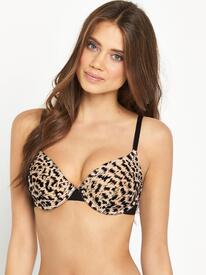
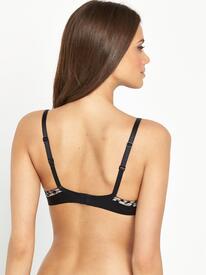
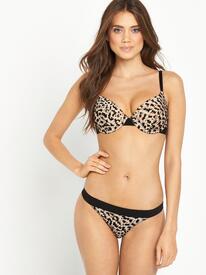
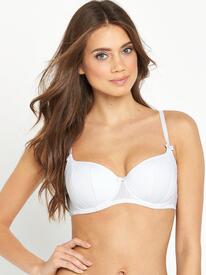
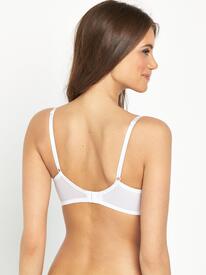
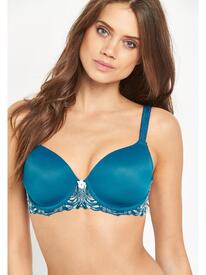
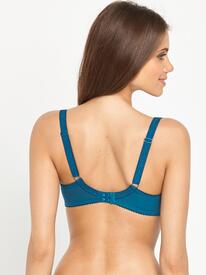
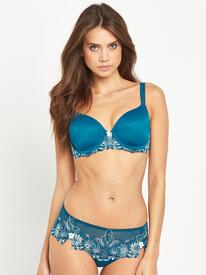
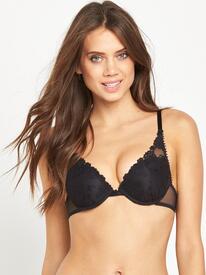
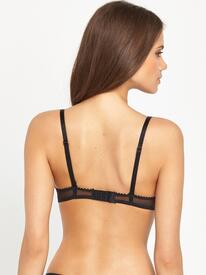
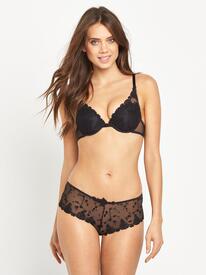
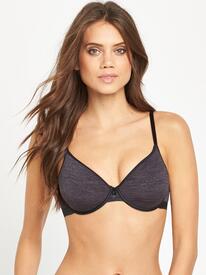
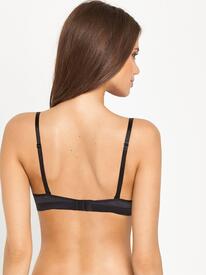
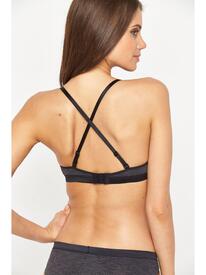
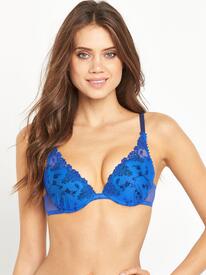
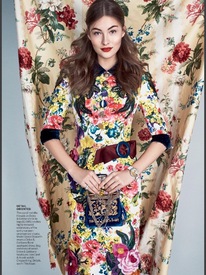
 US Vogue August 2016 Back & Forth PH: Patrick Demarchelier Style: Tabitha Simmons
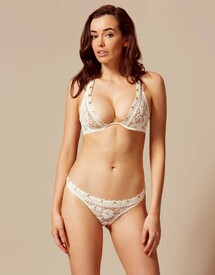
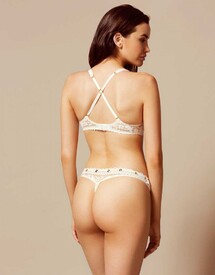
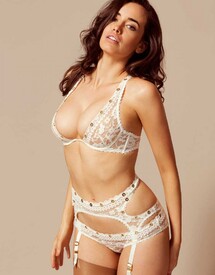
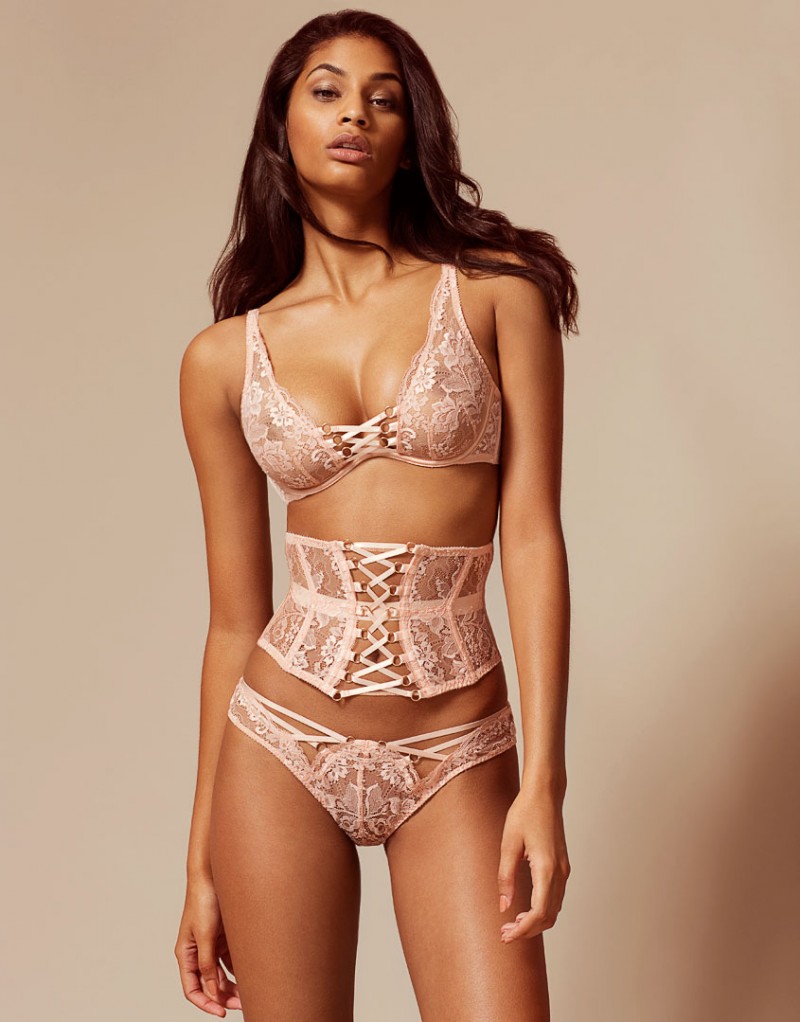
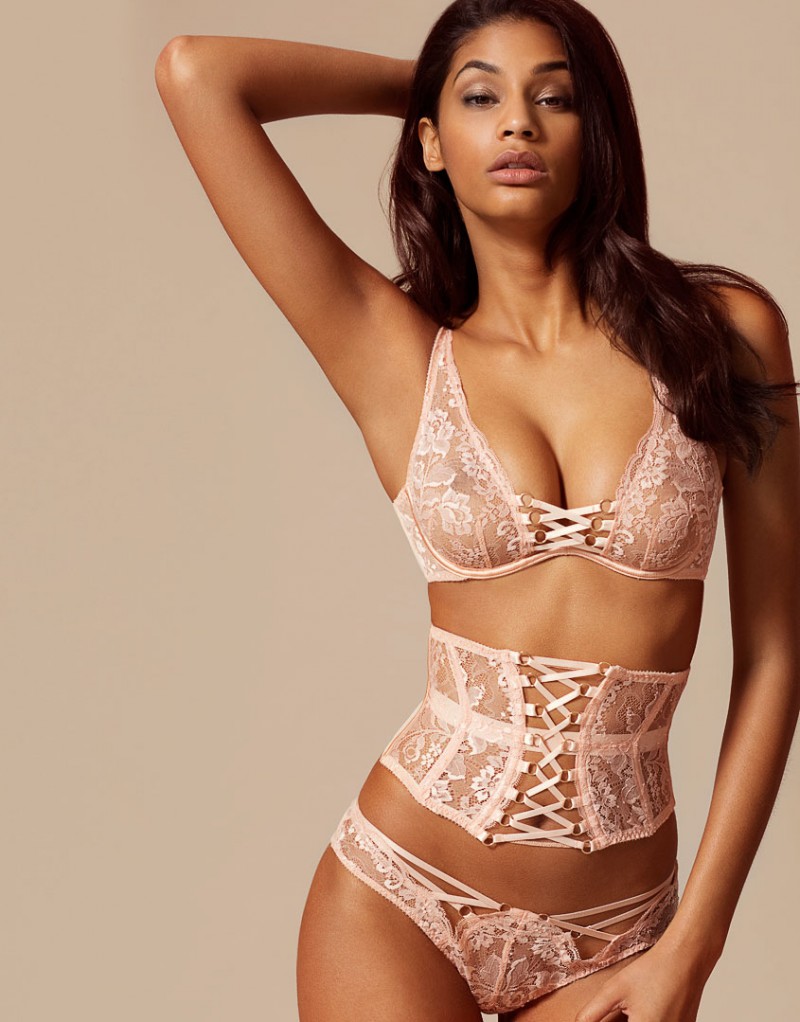
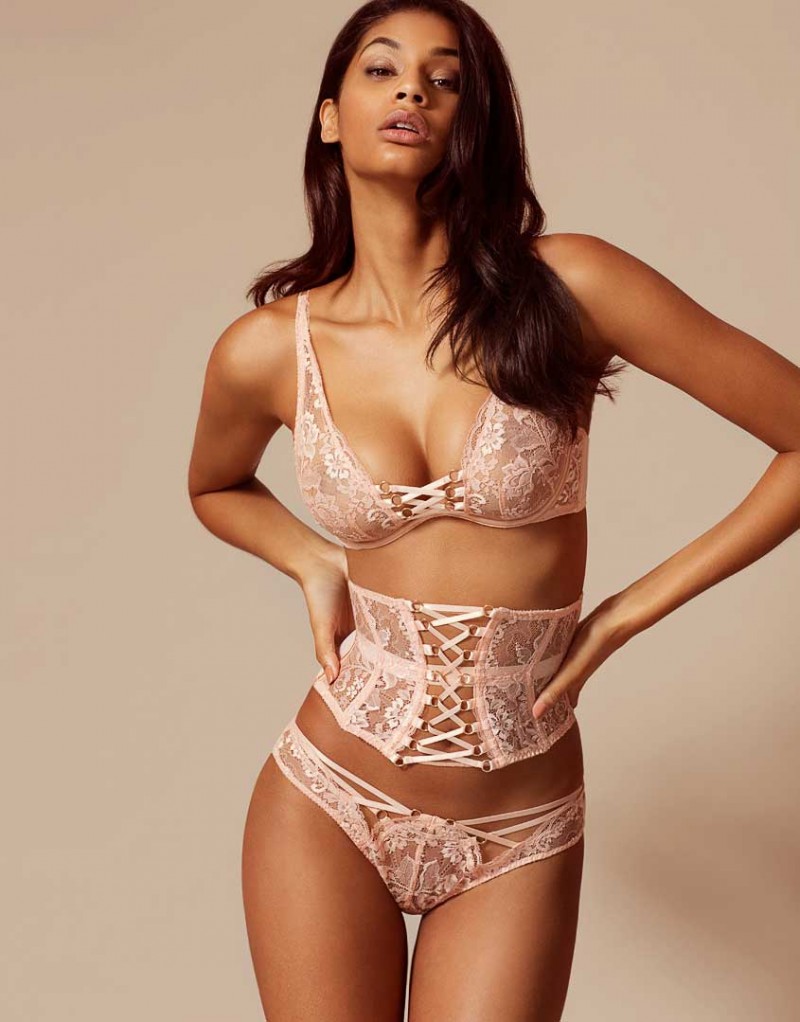
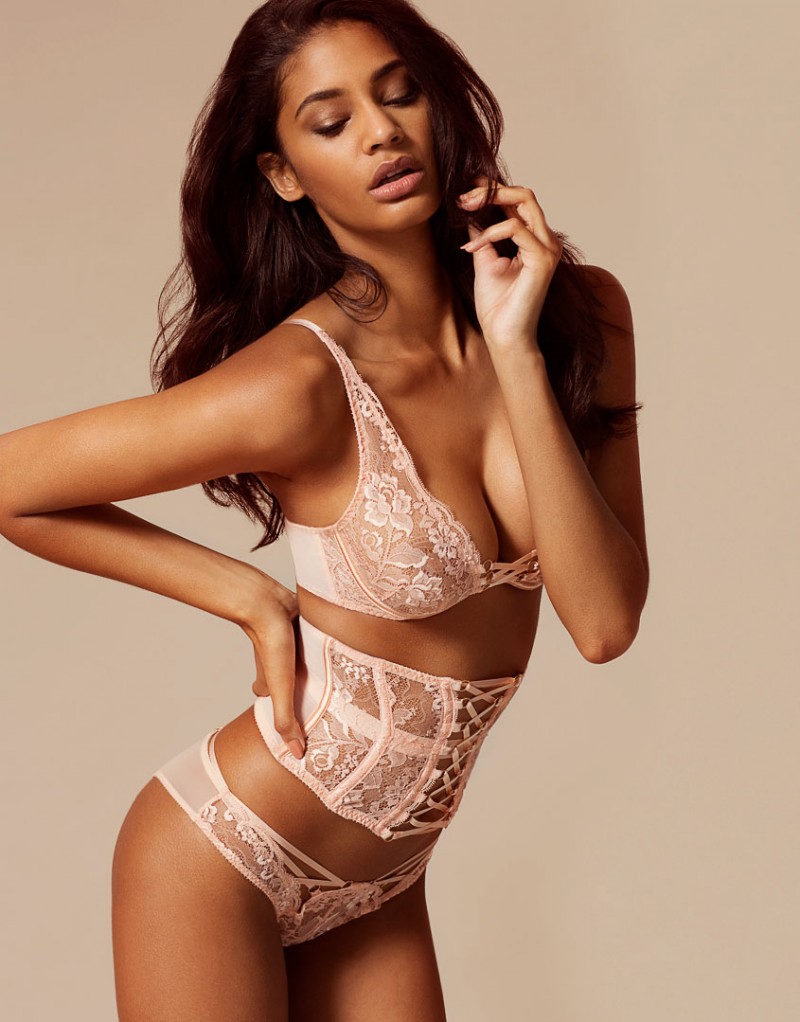
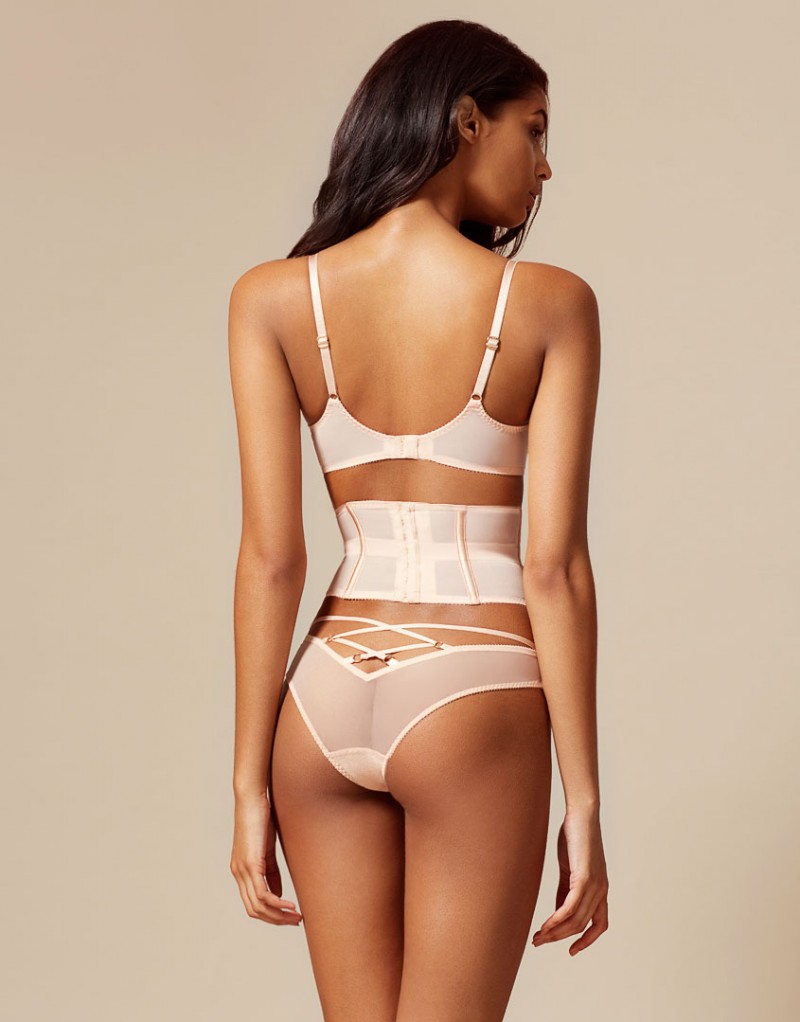
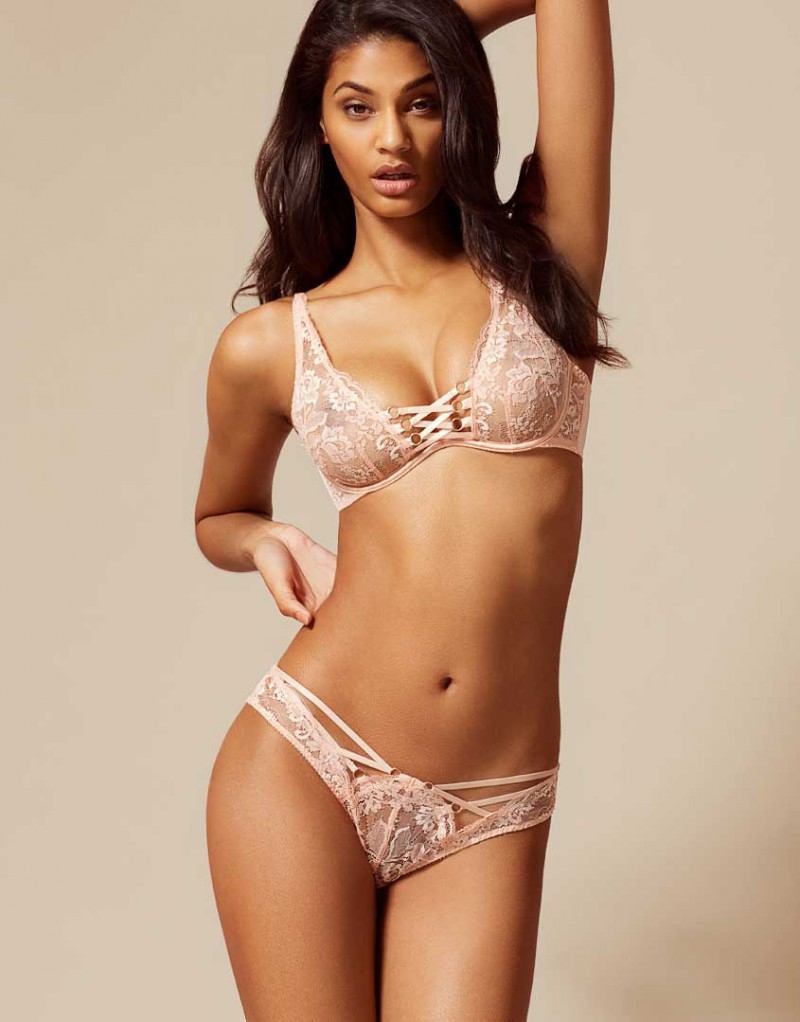
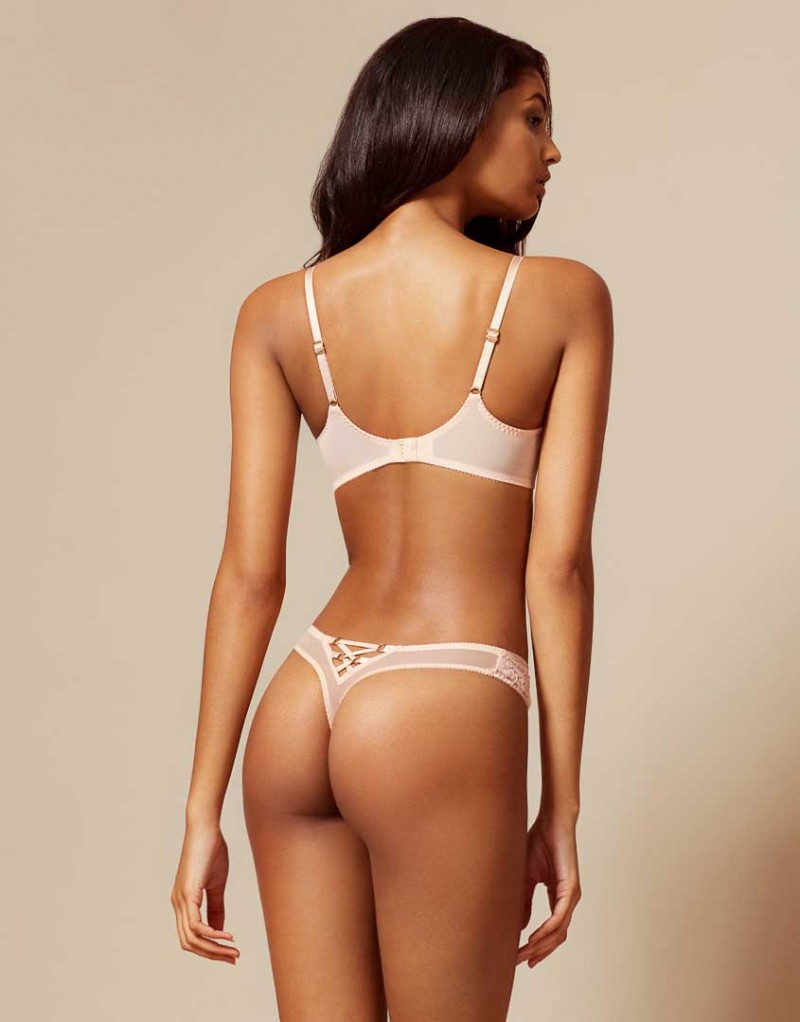
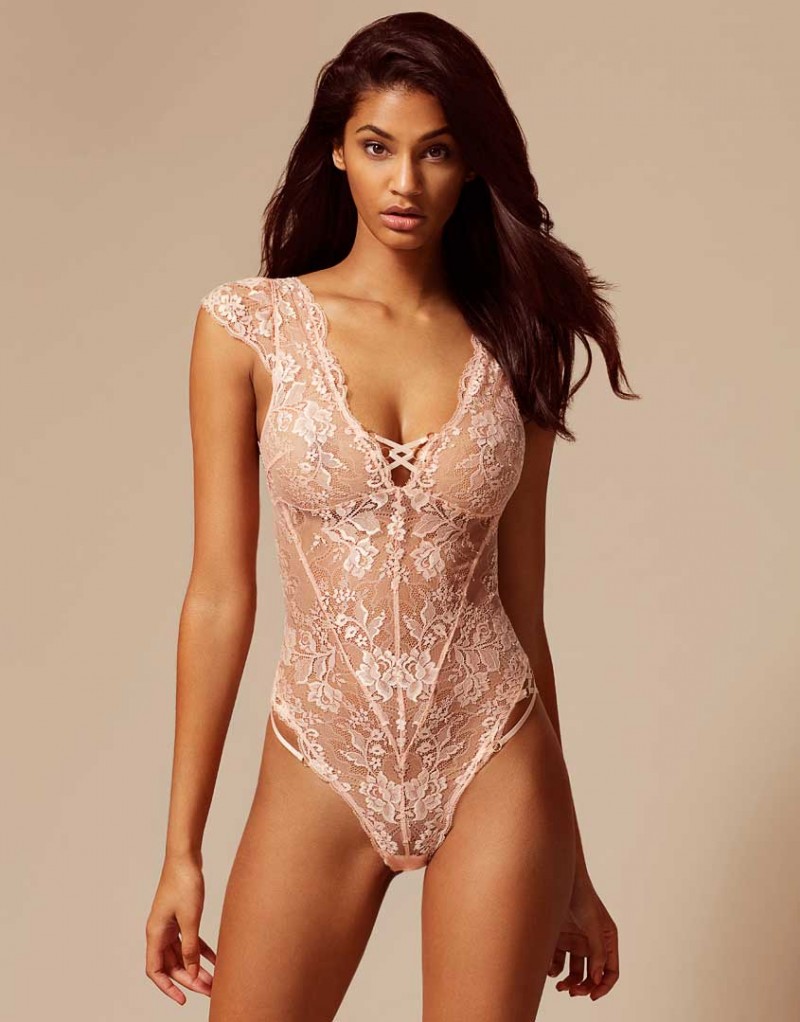
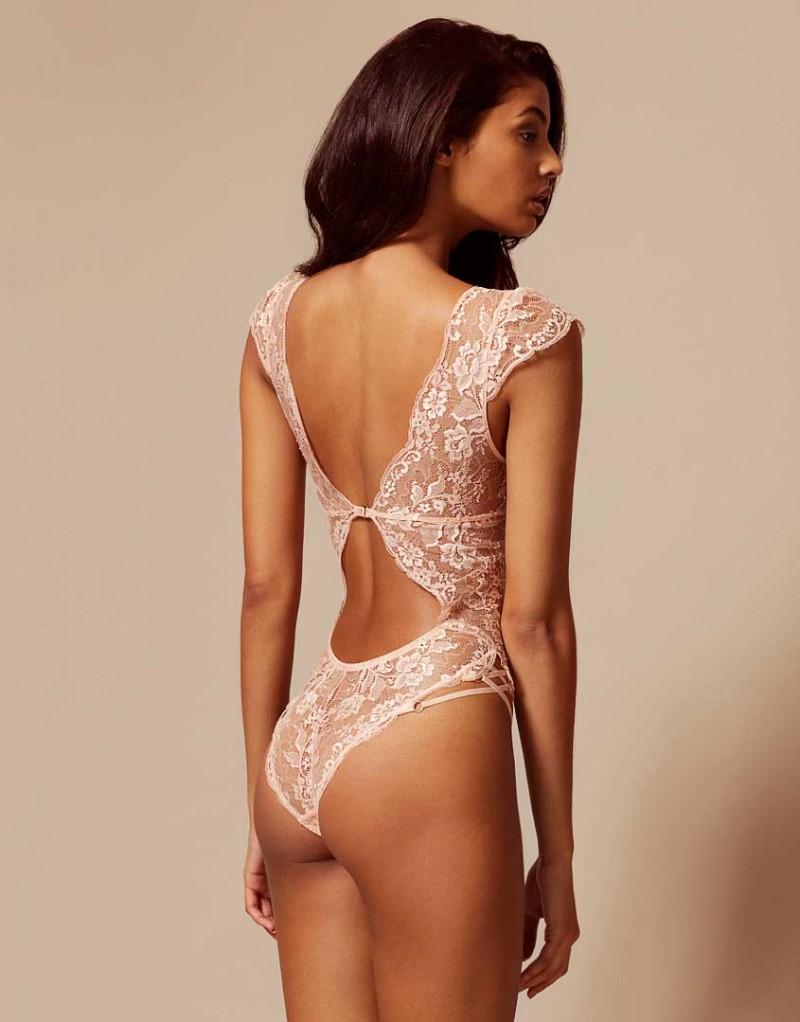
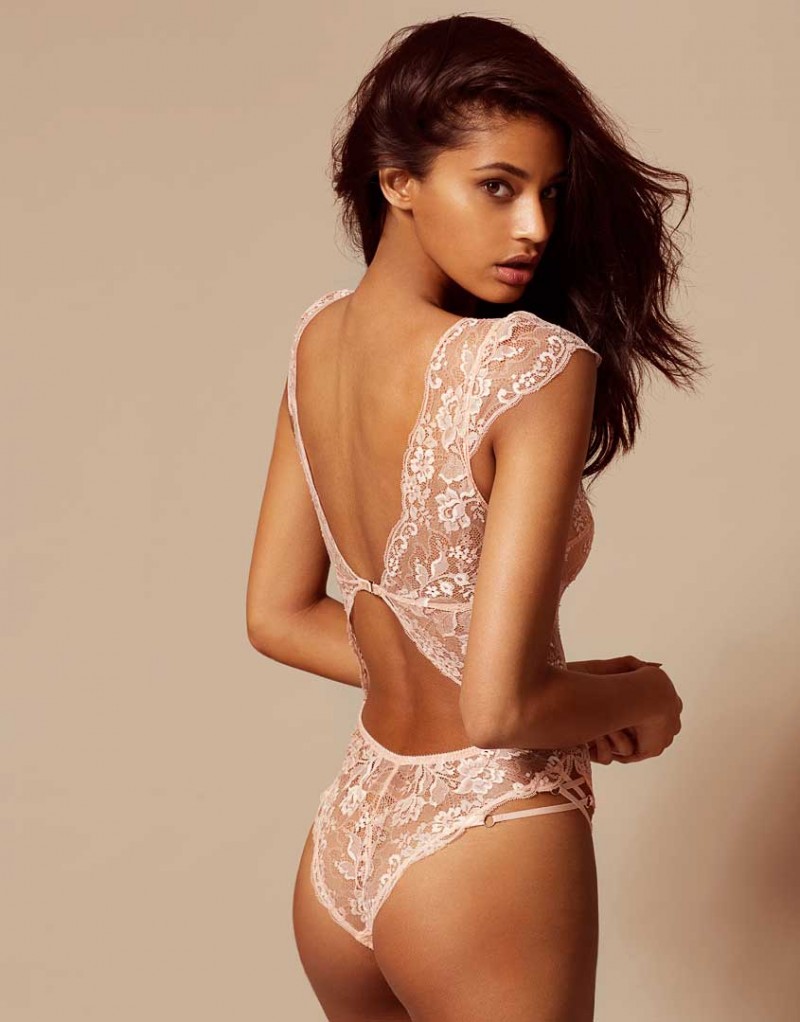
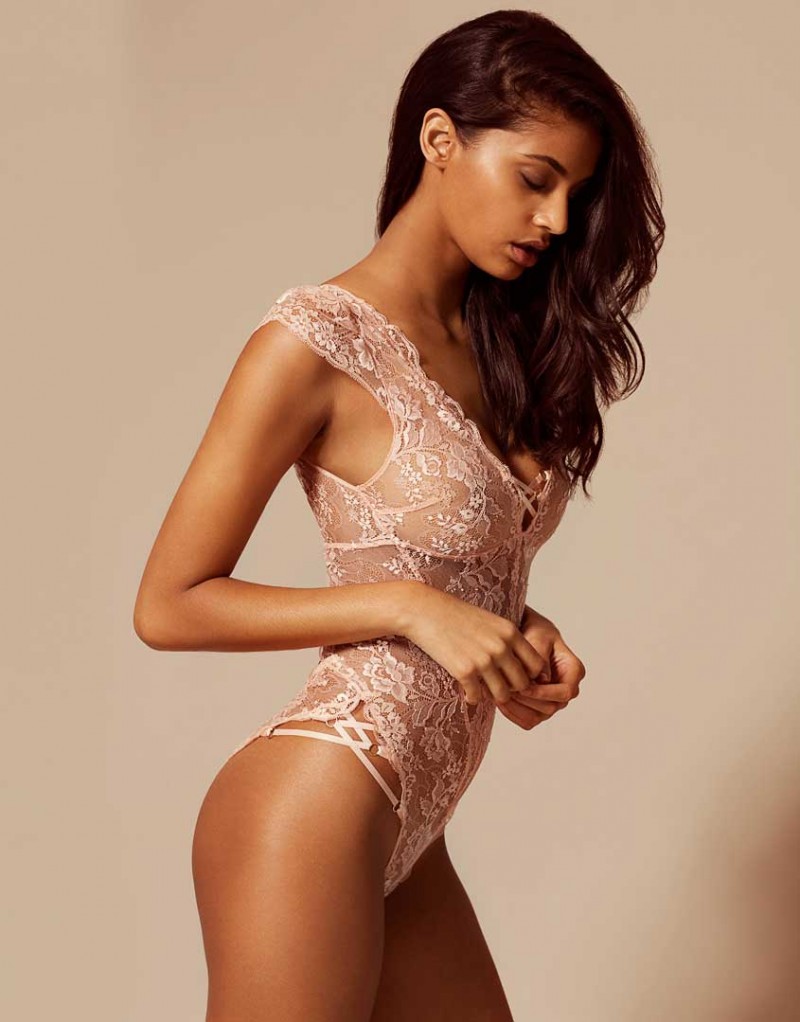
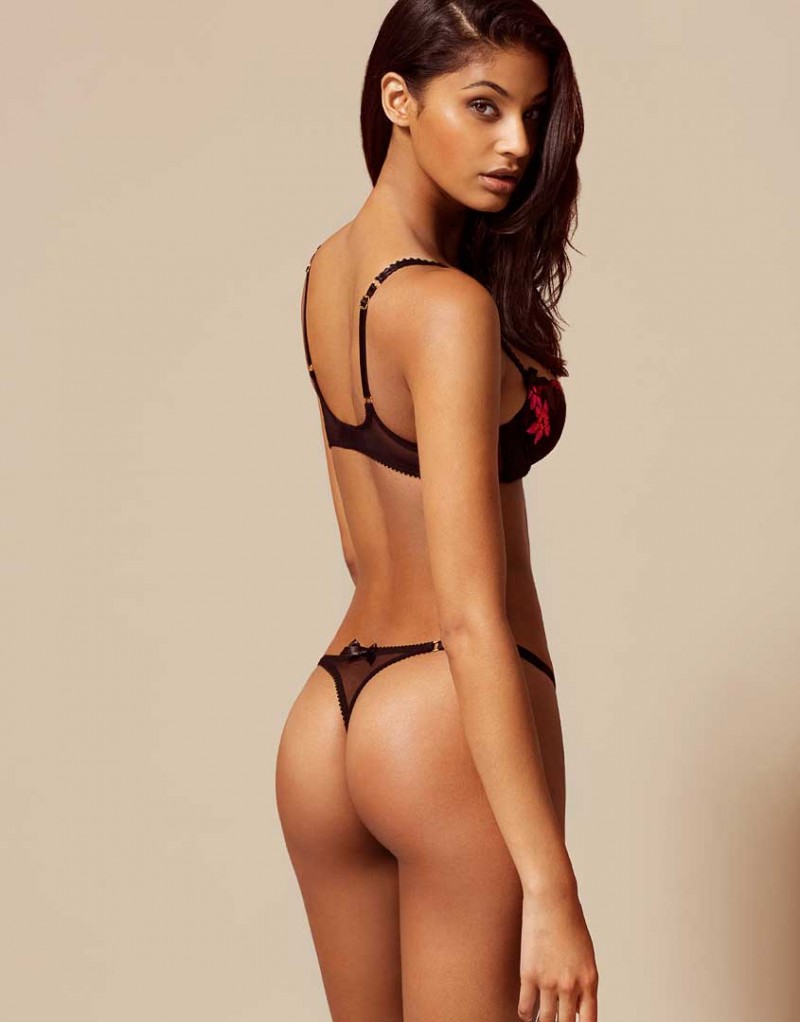
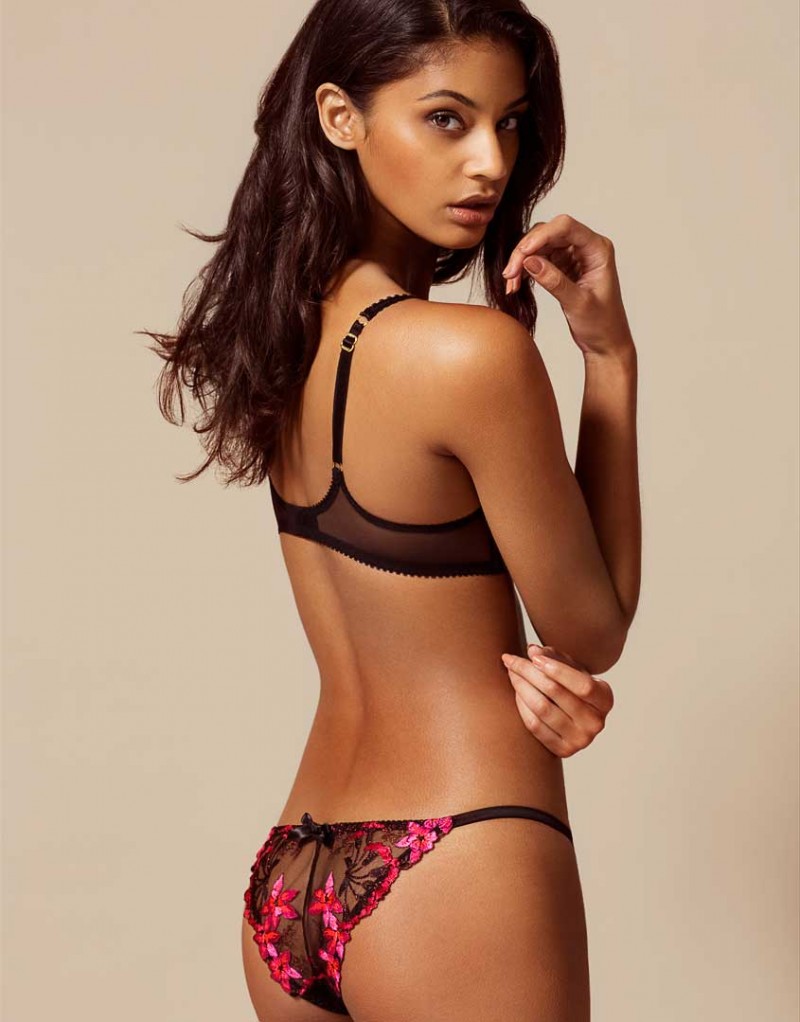
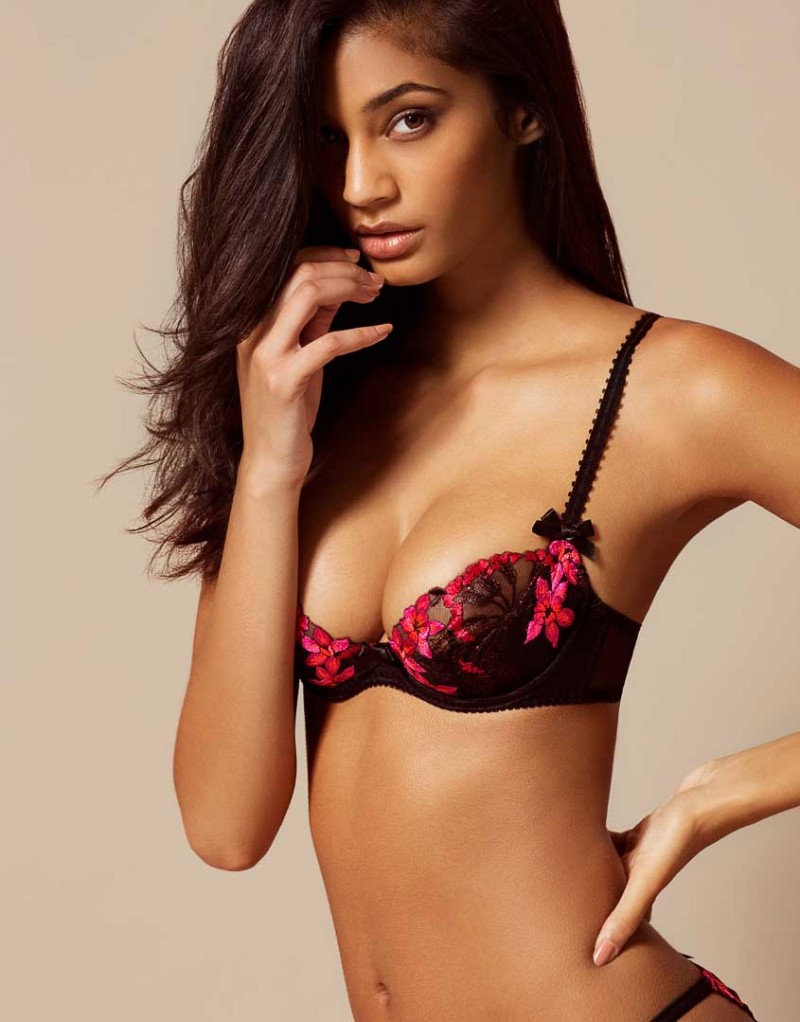
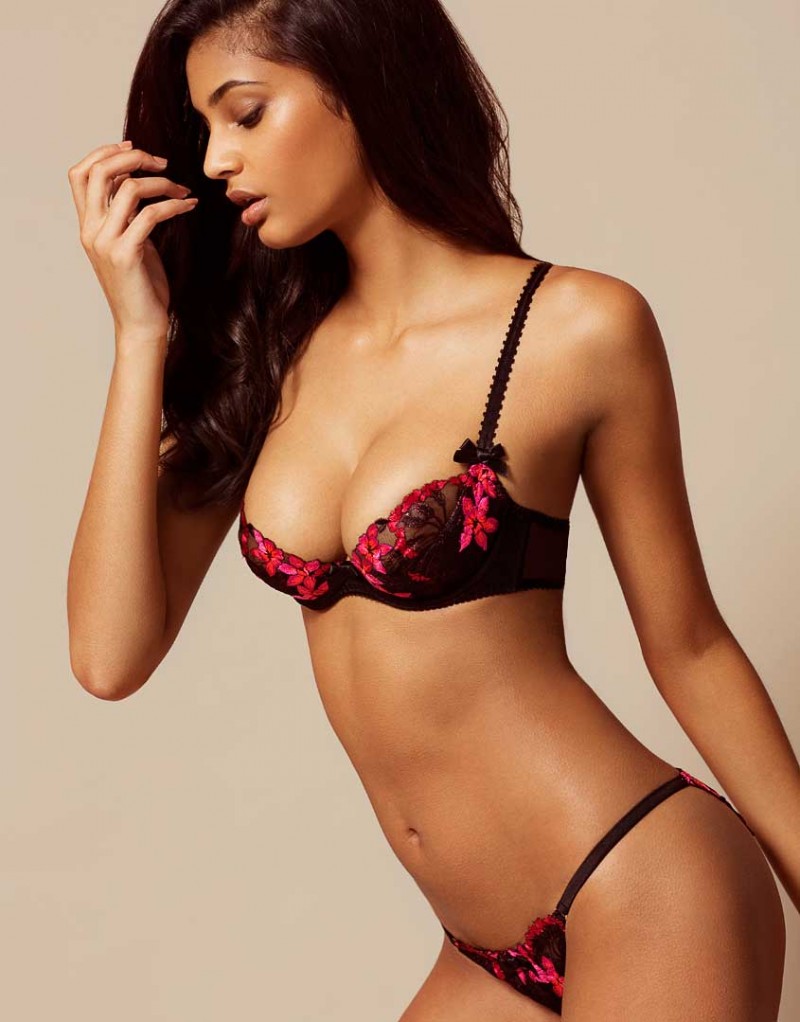
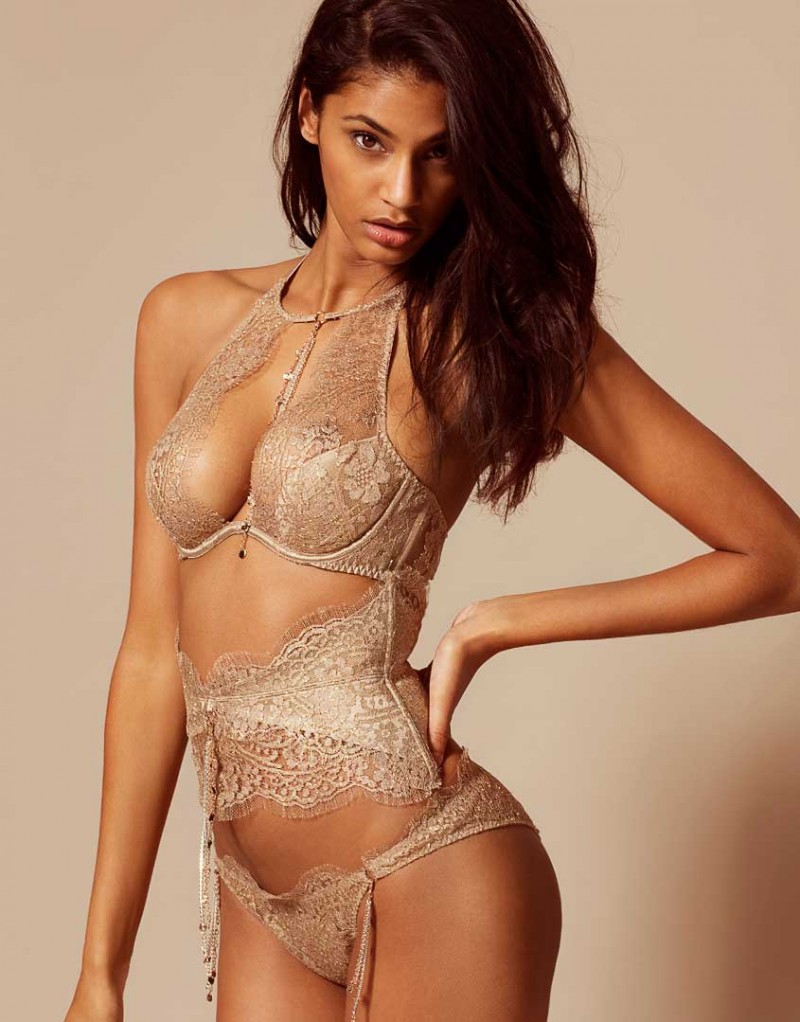
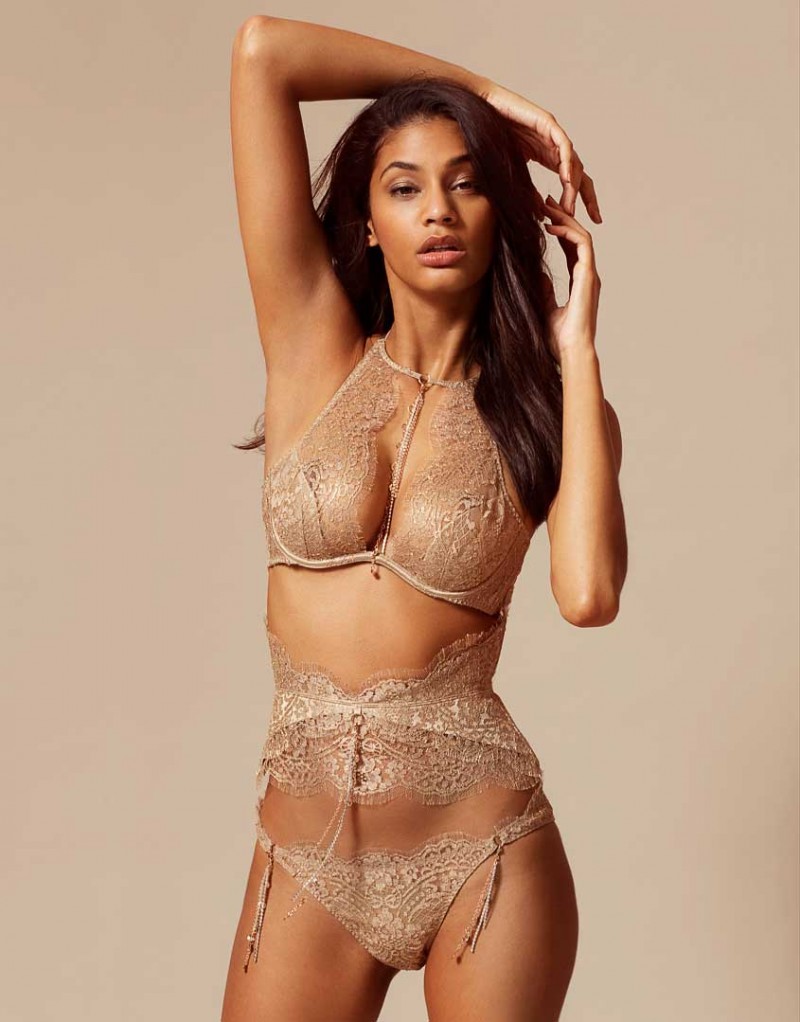
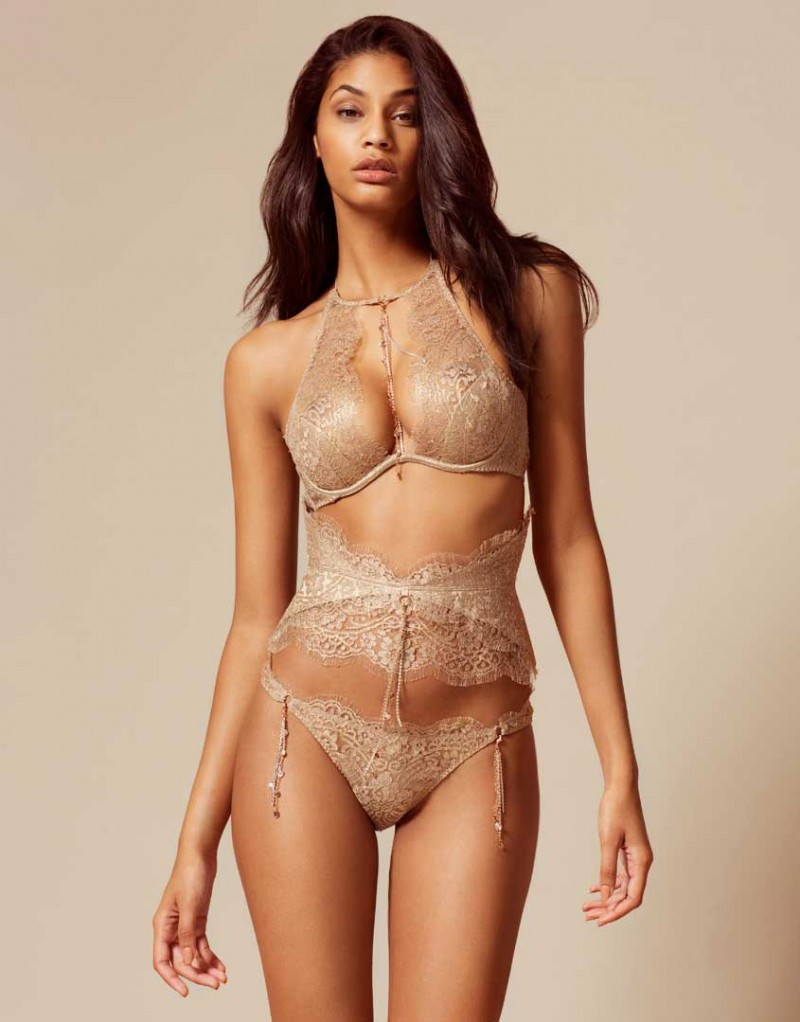
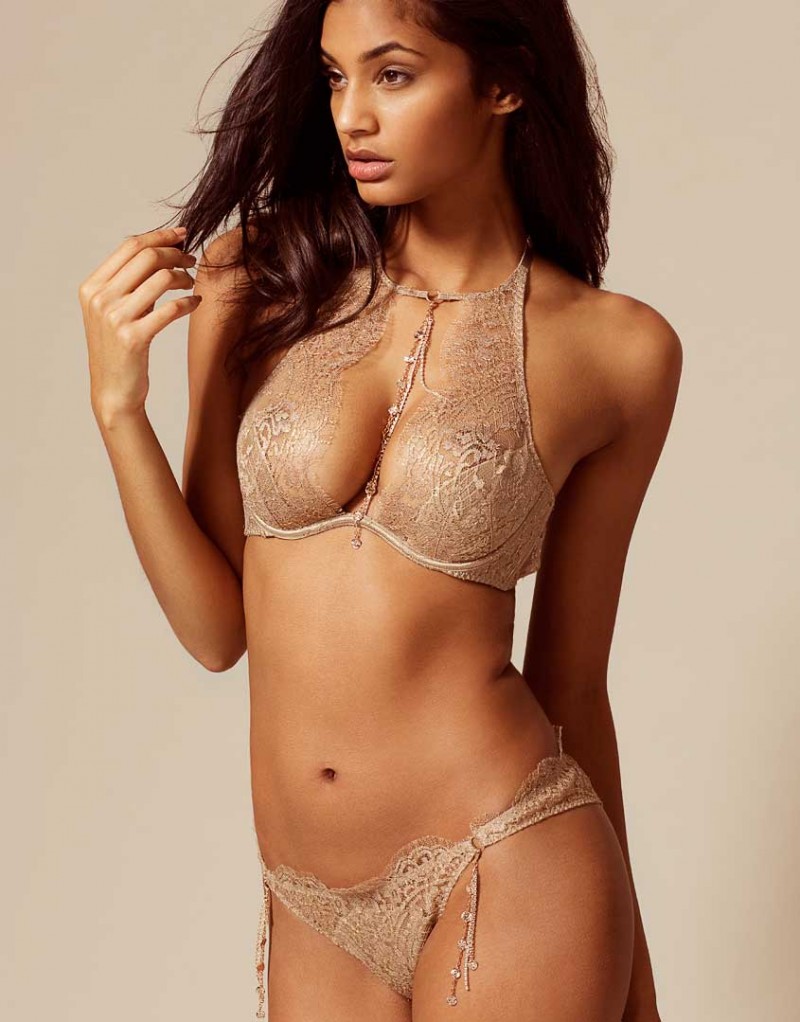
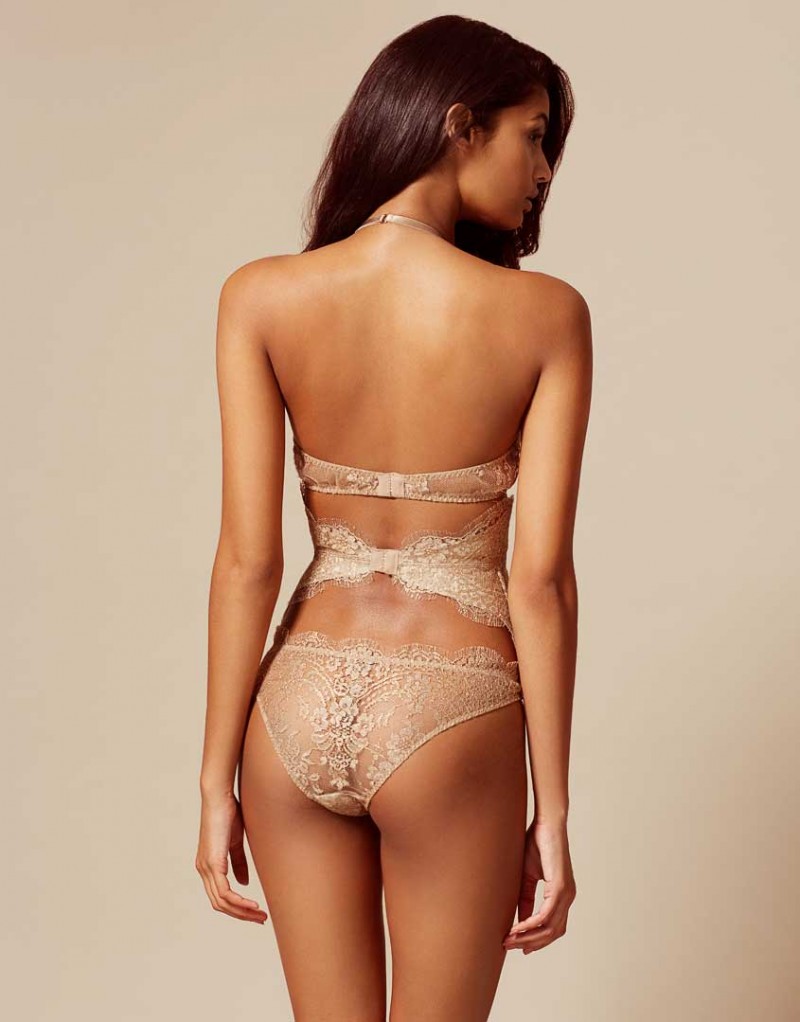
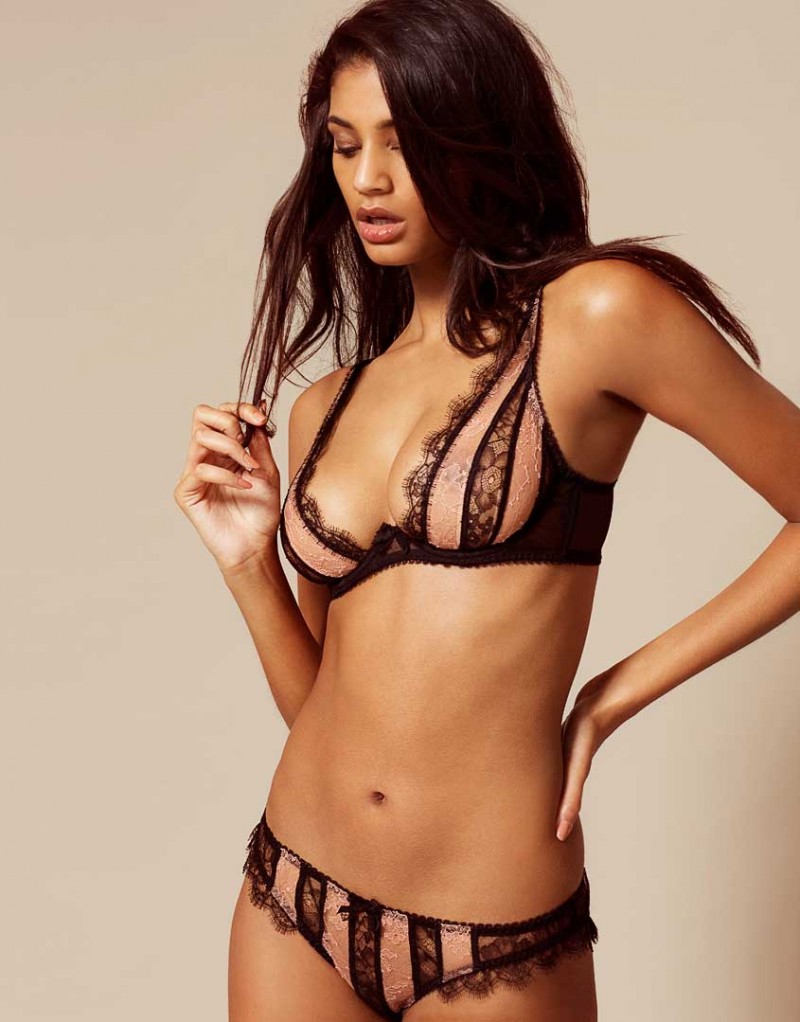
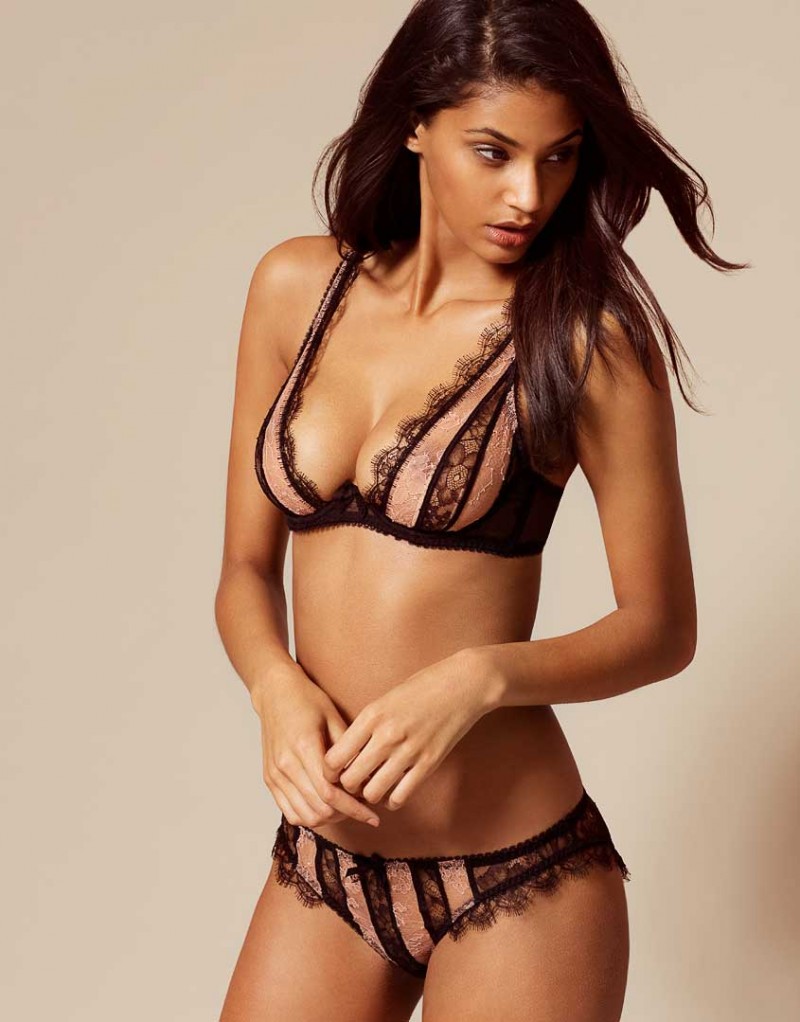
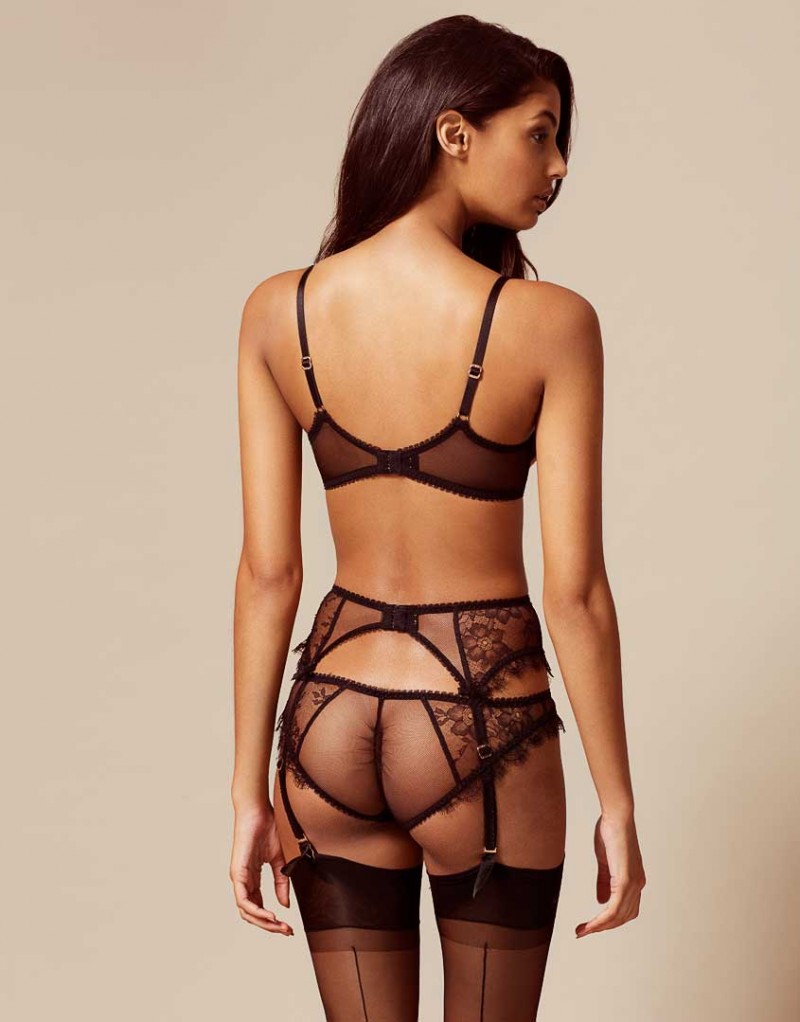
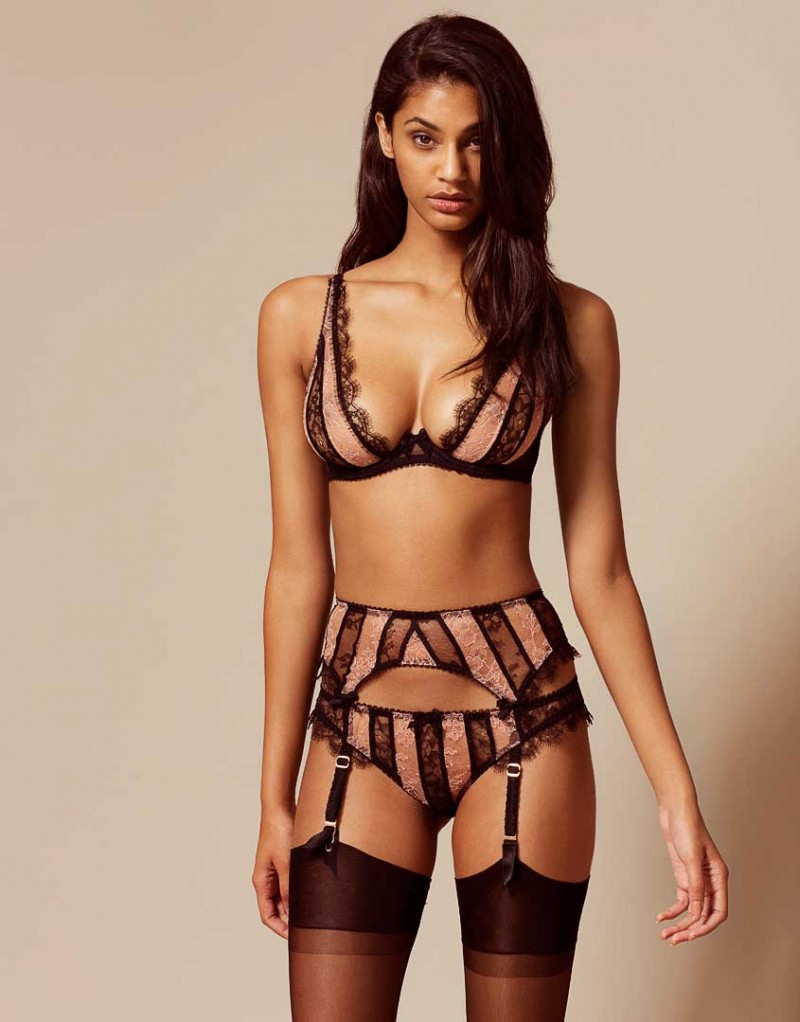
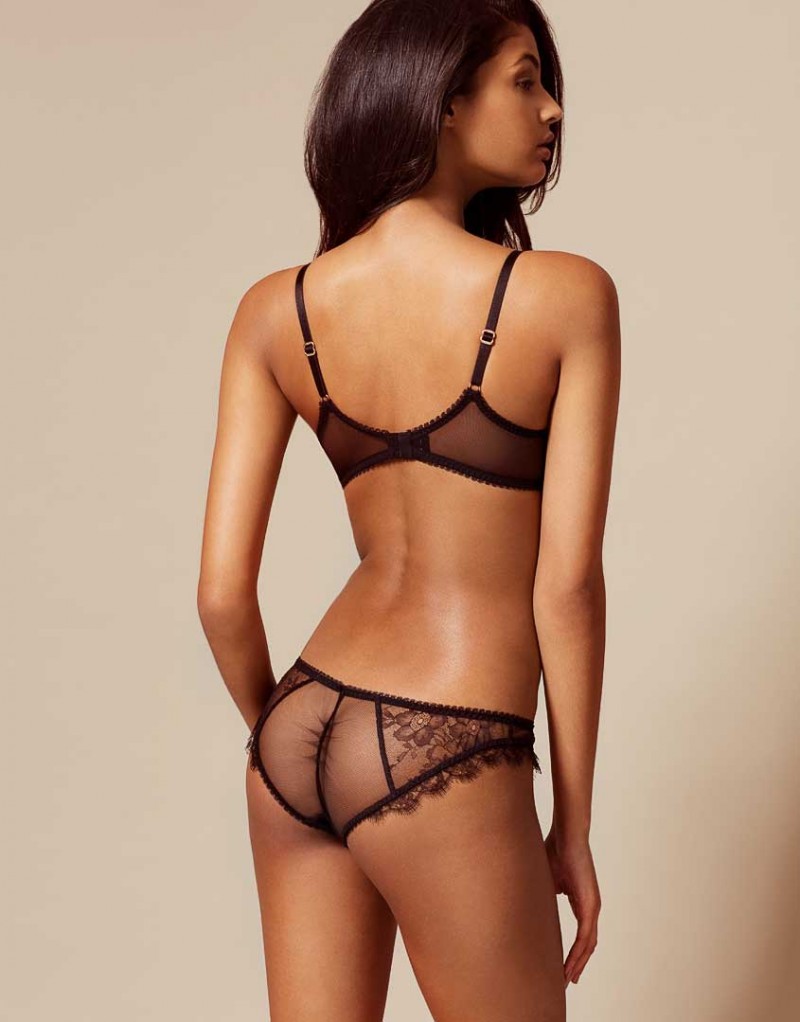
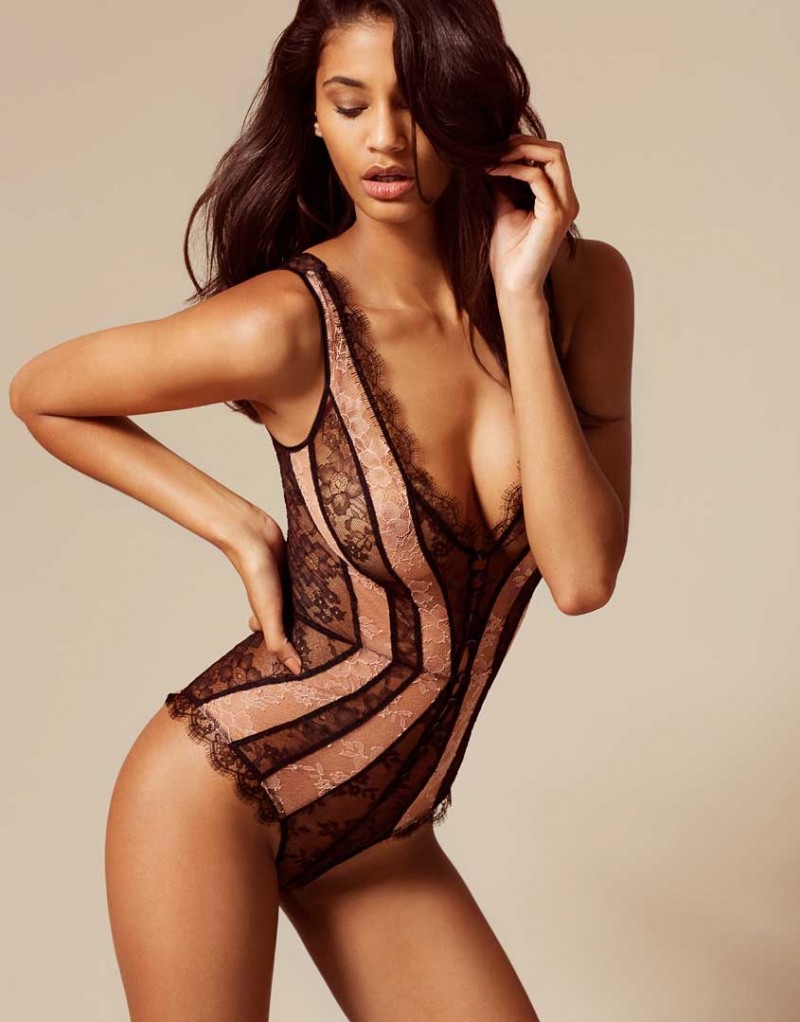
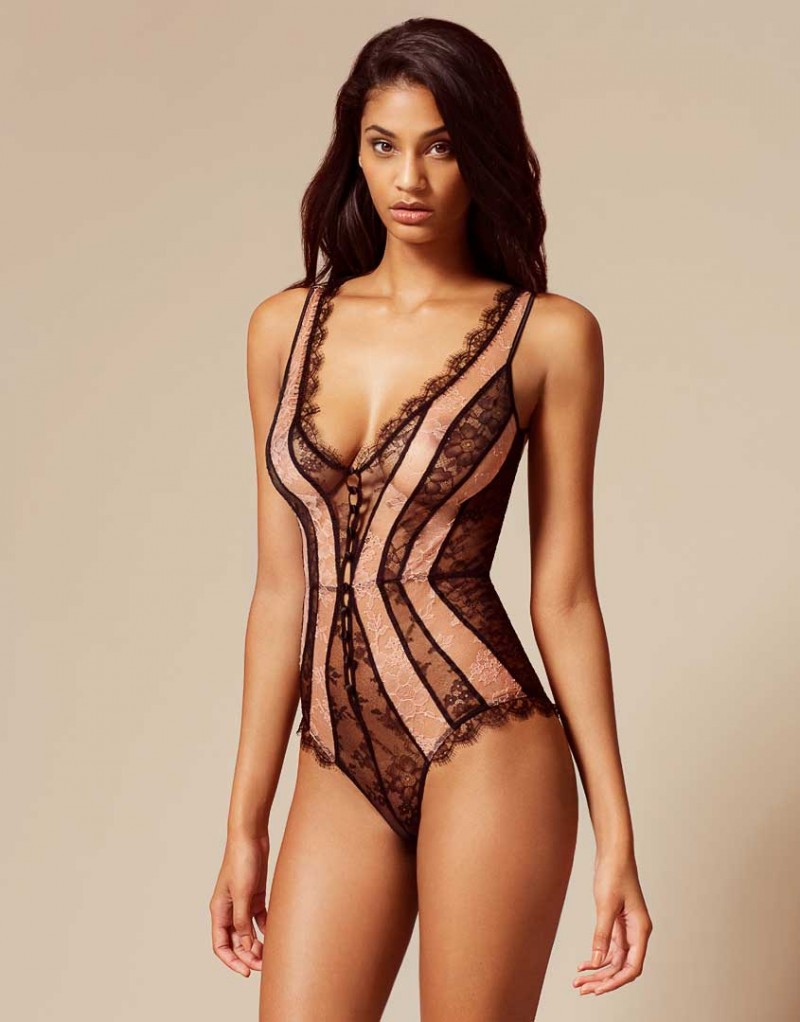
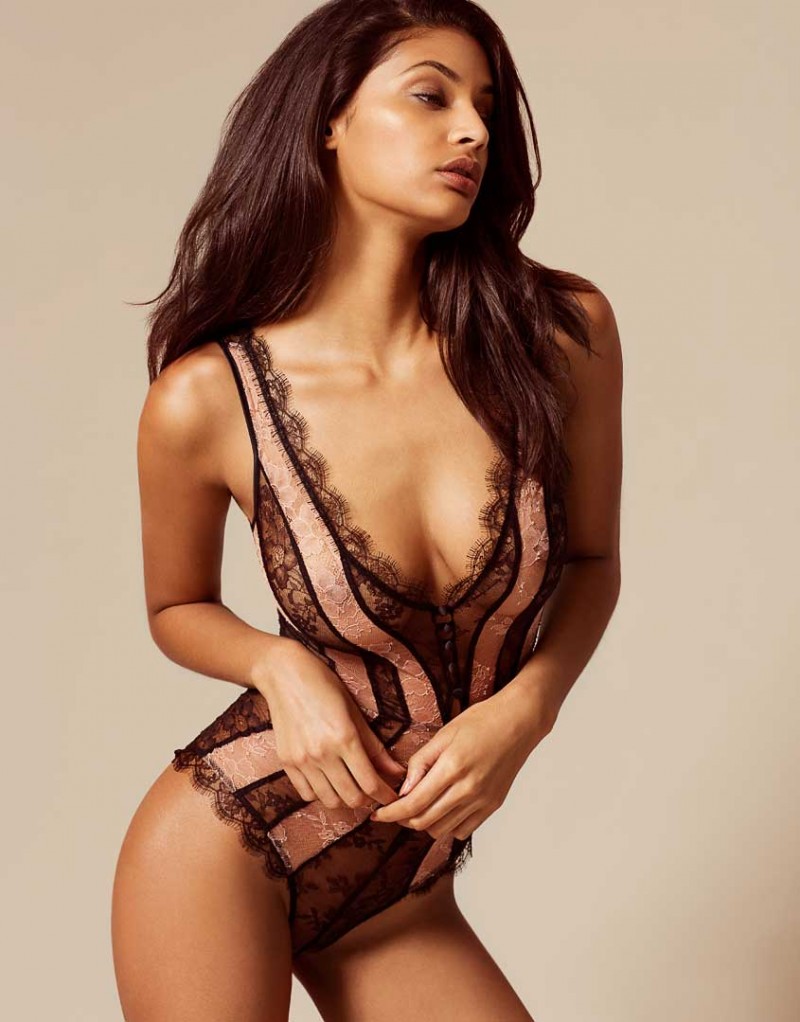
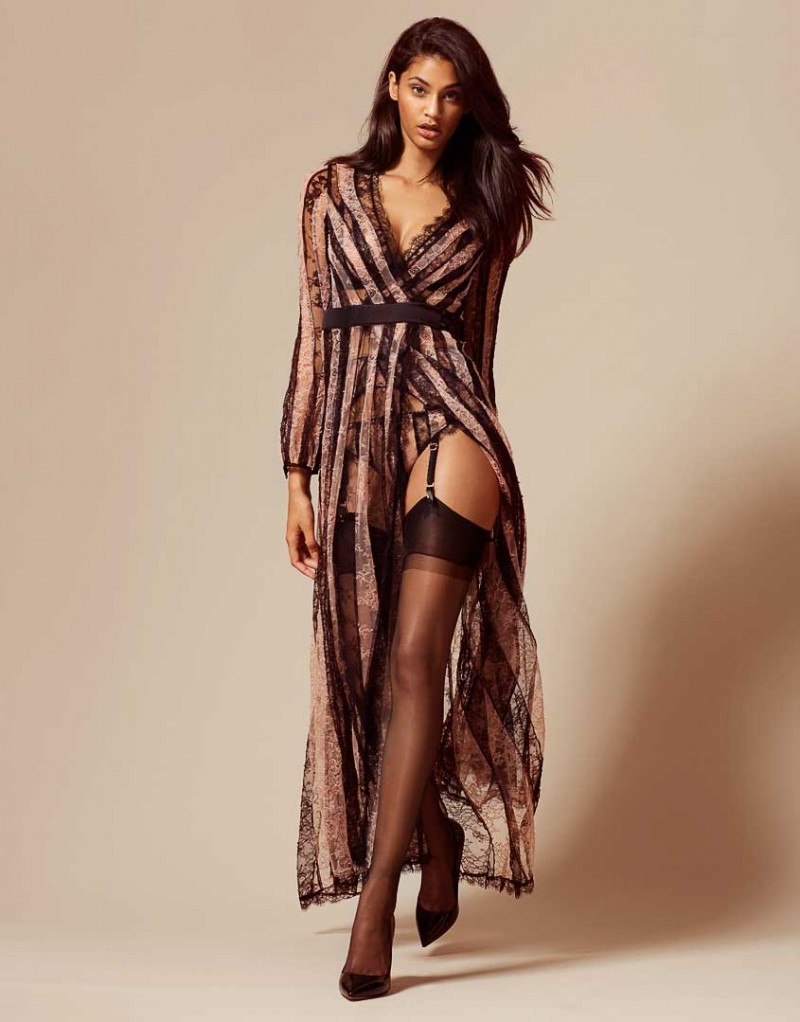
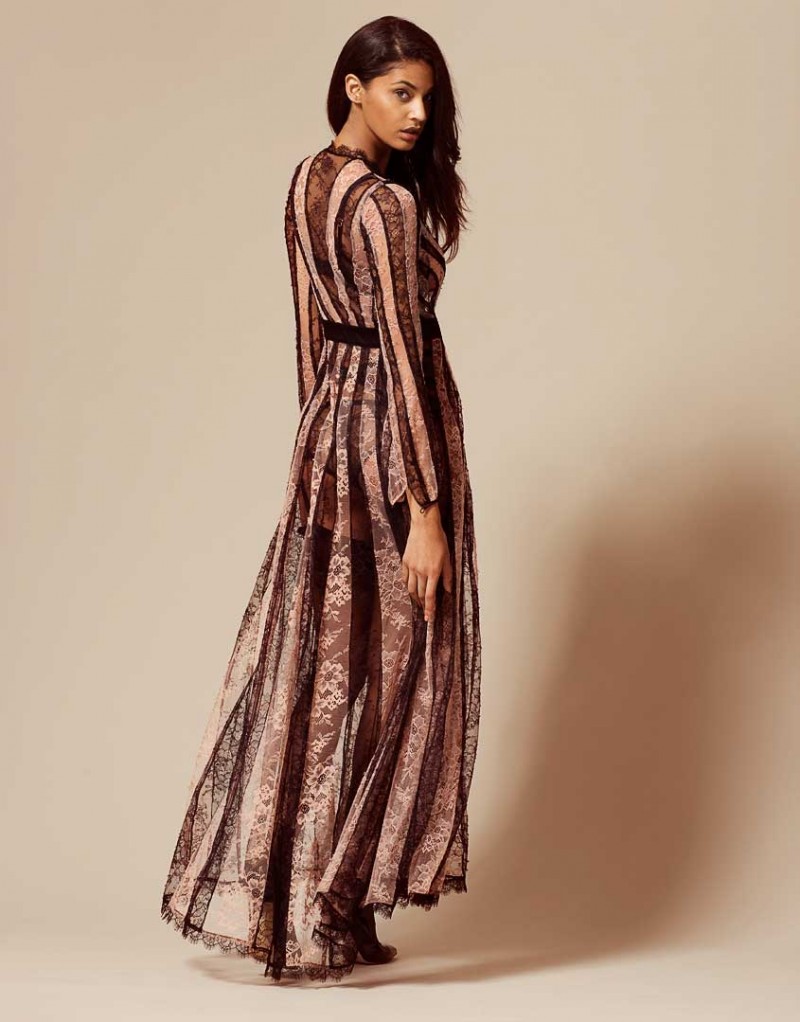
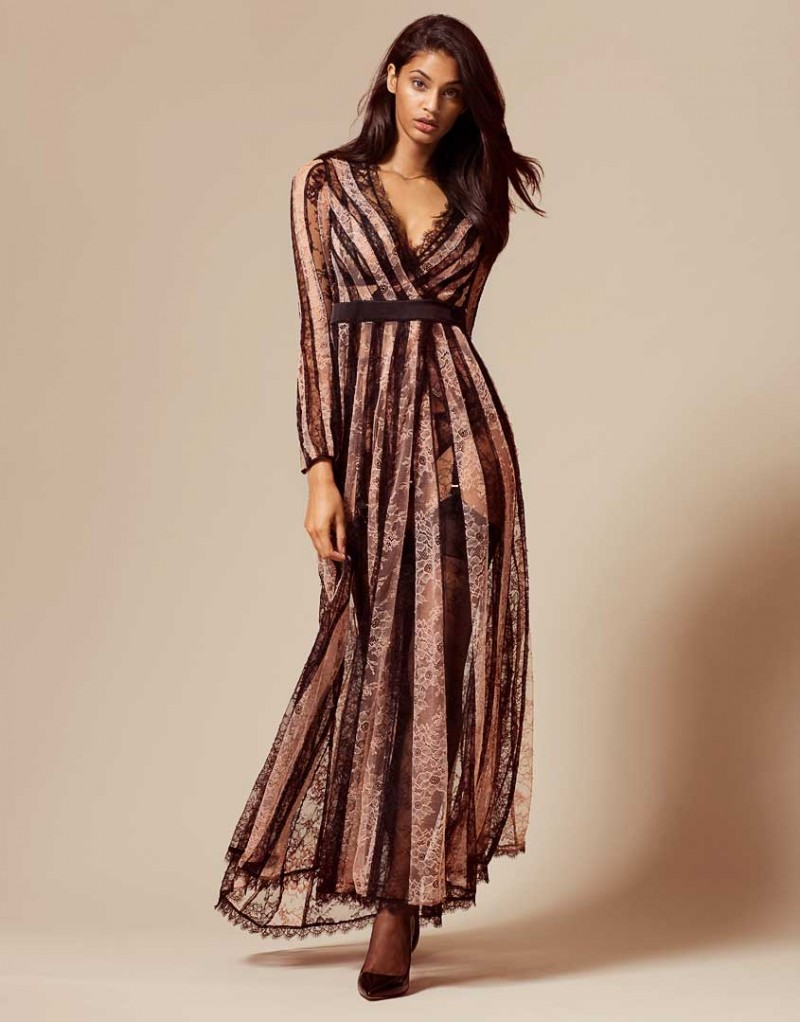
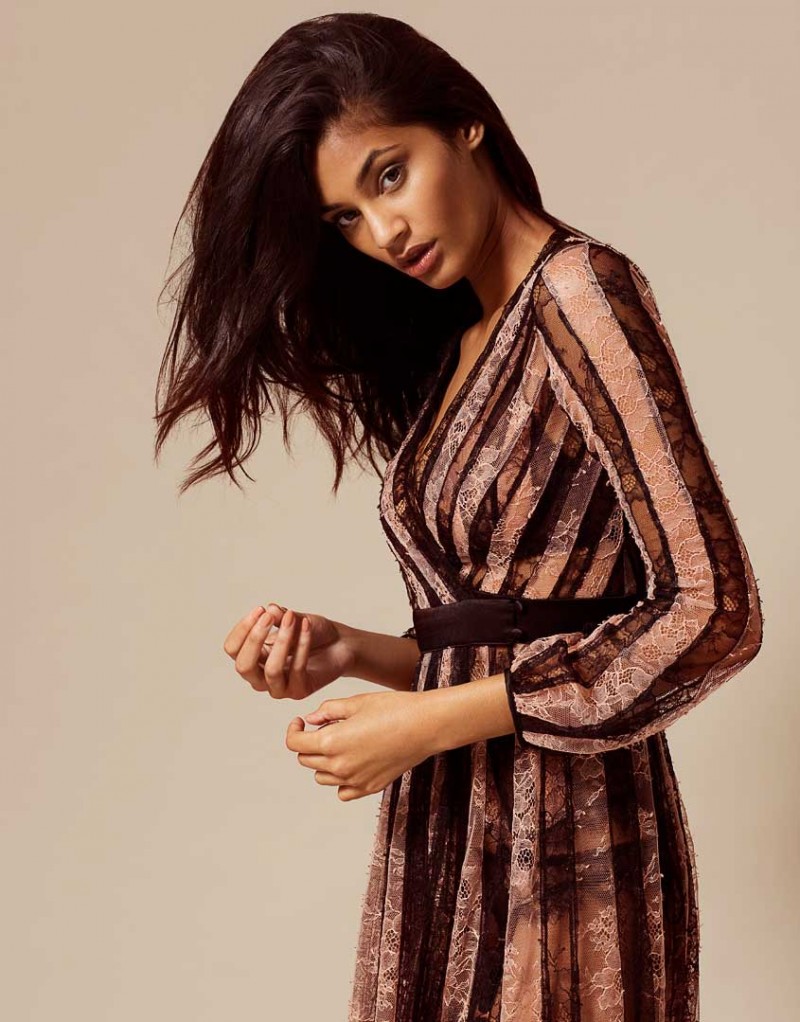
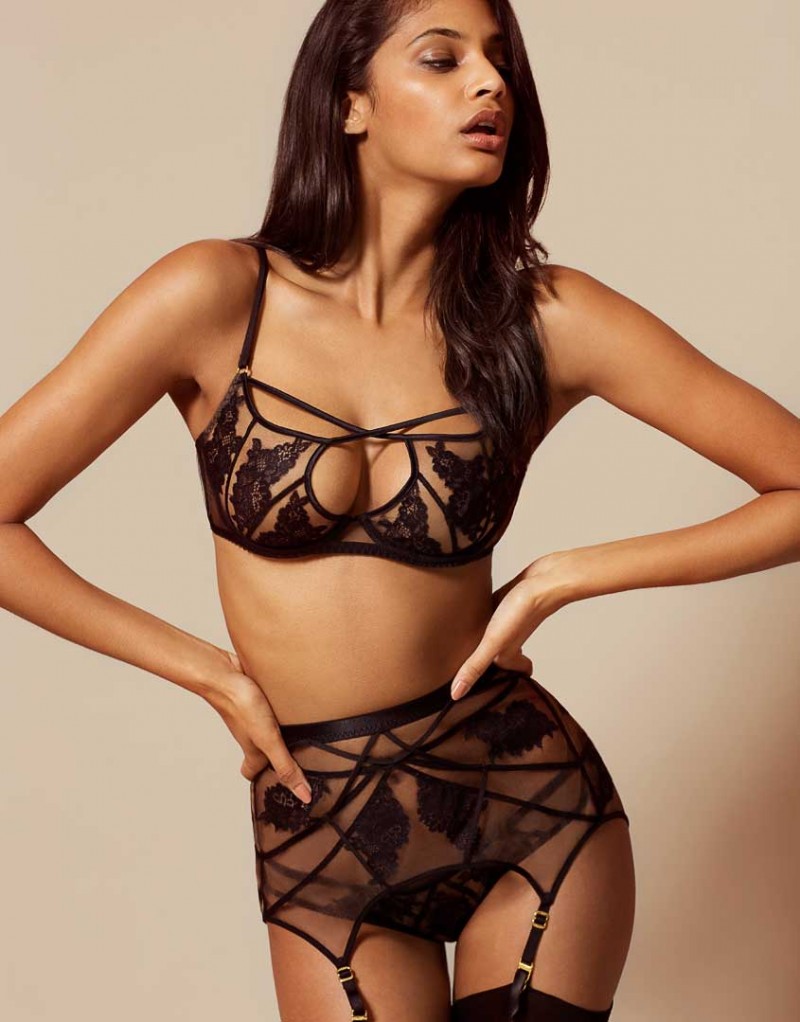
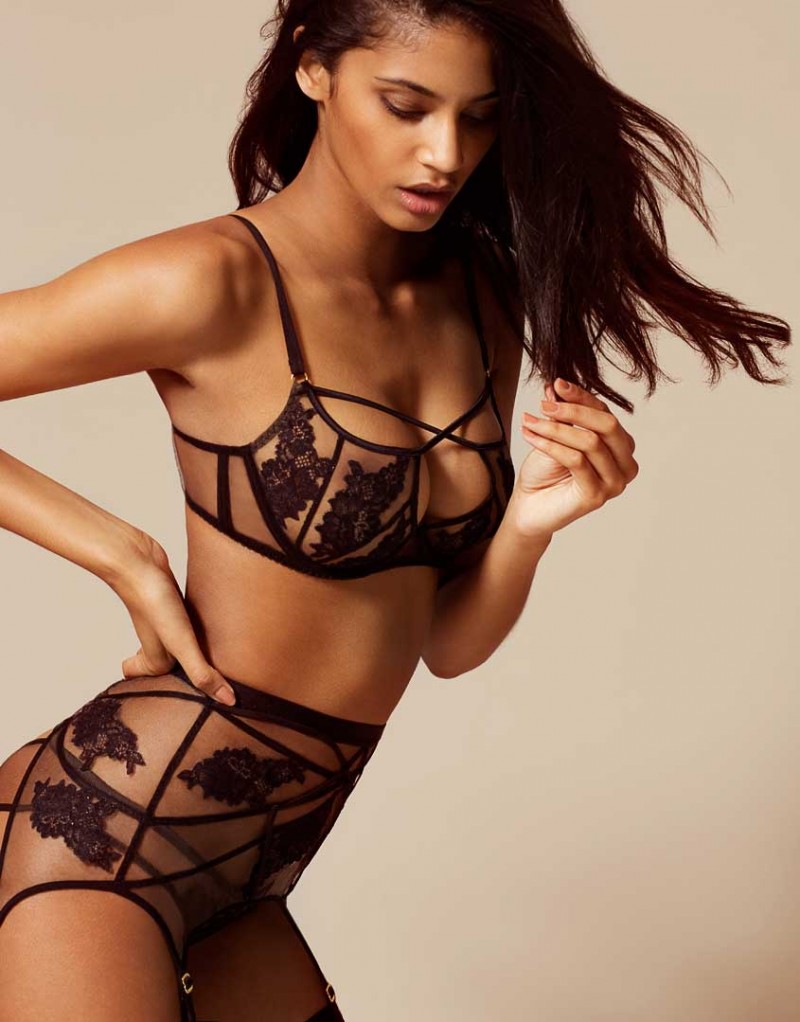
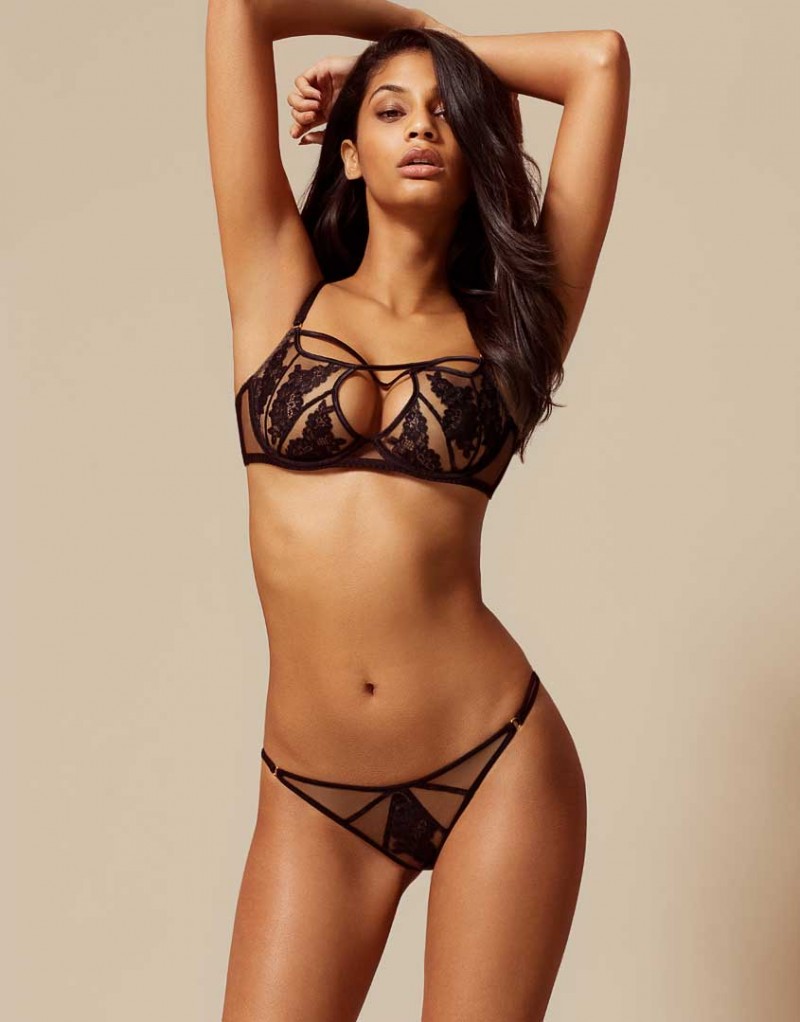
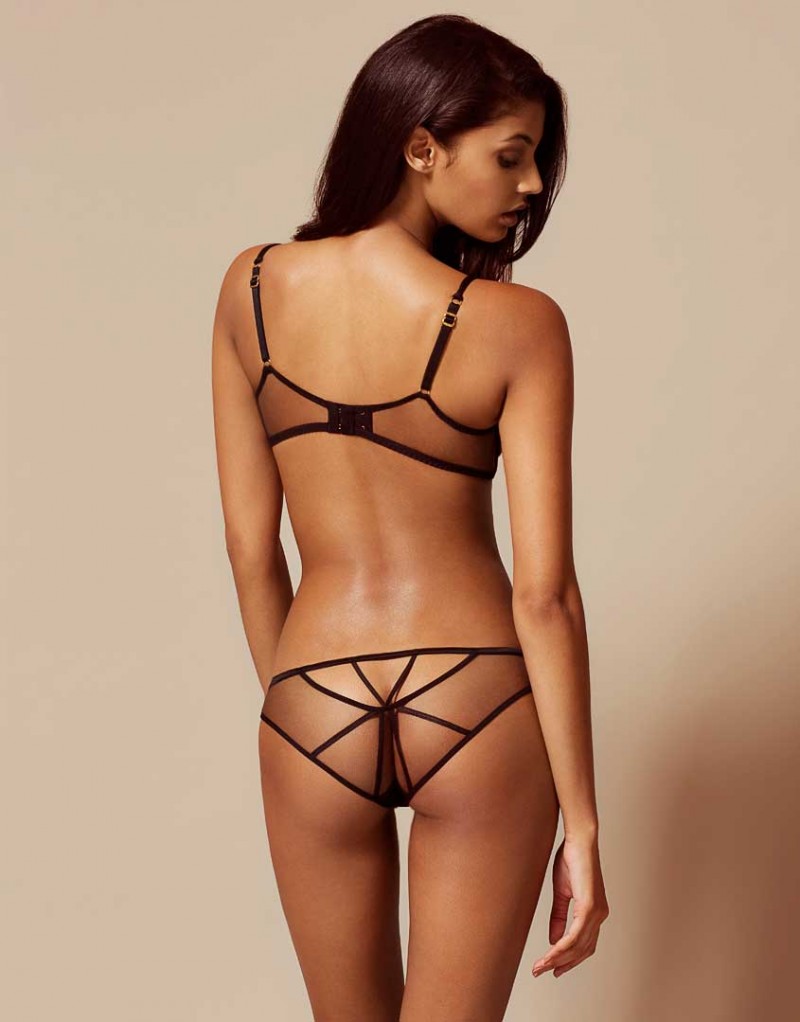
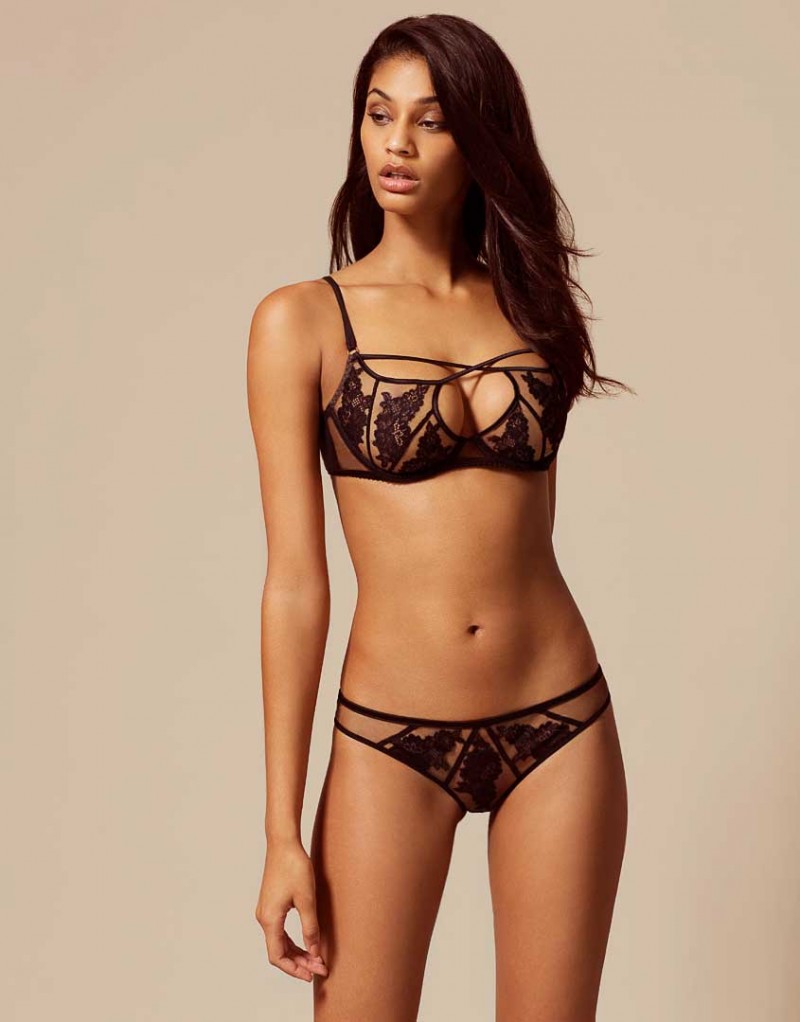
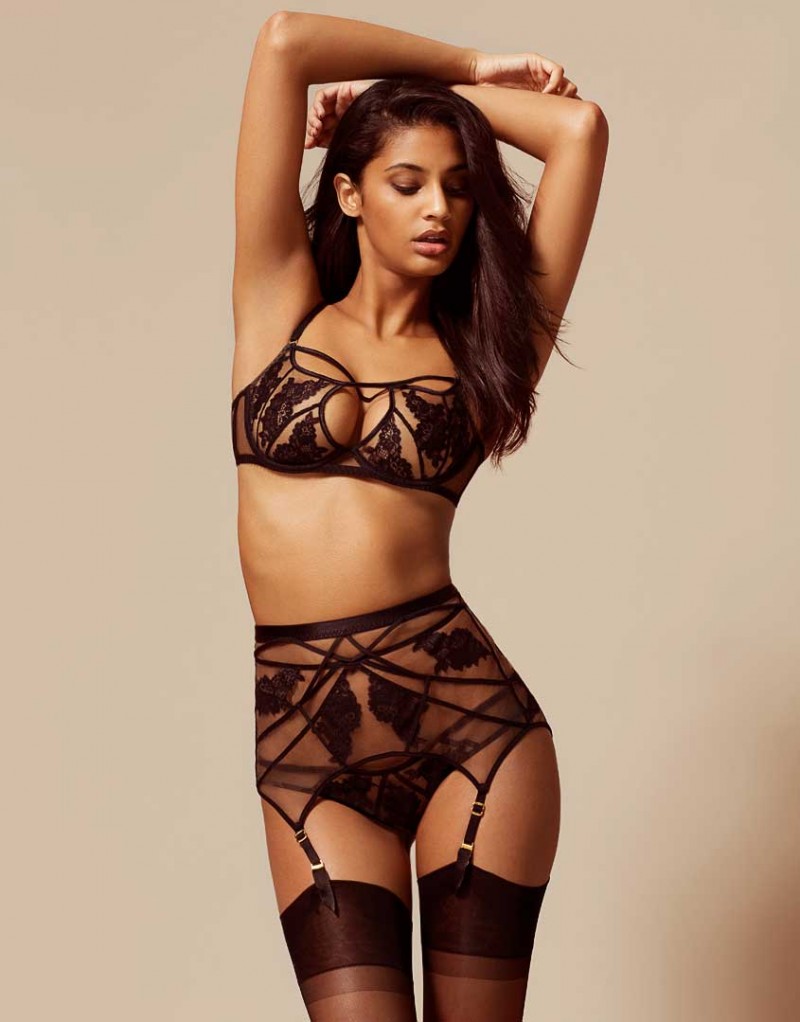
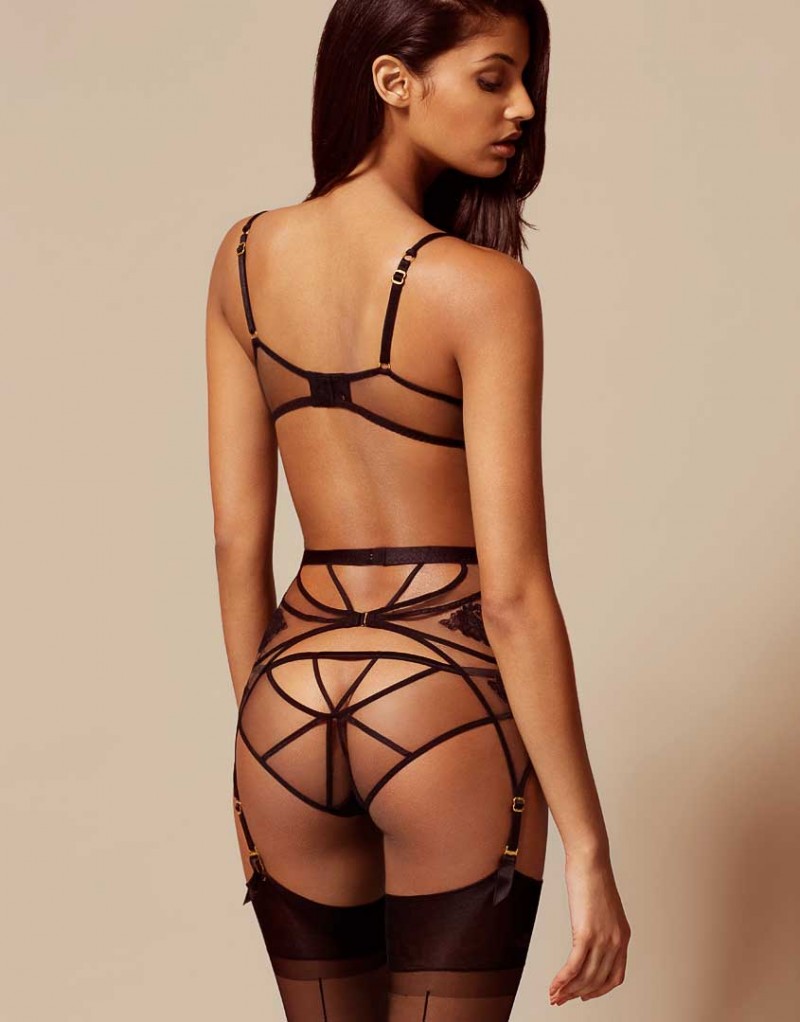
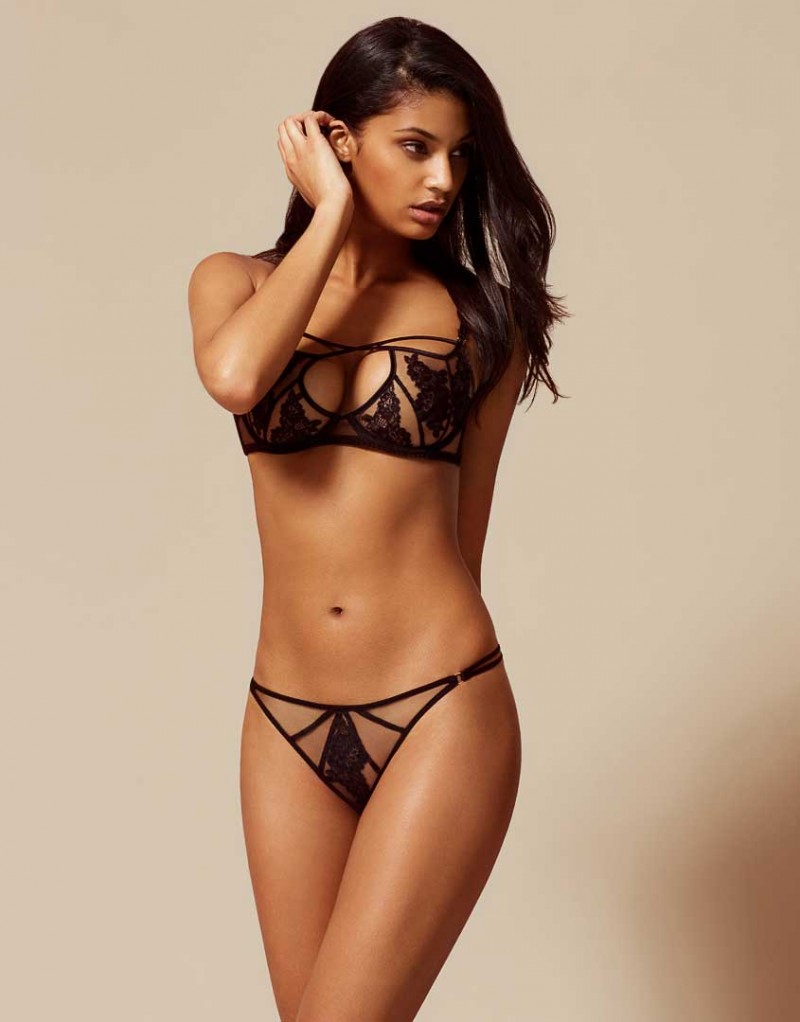
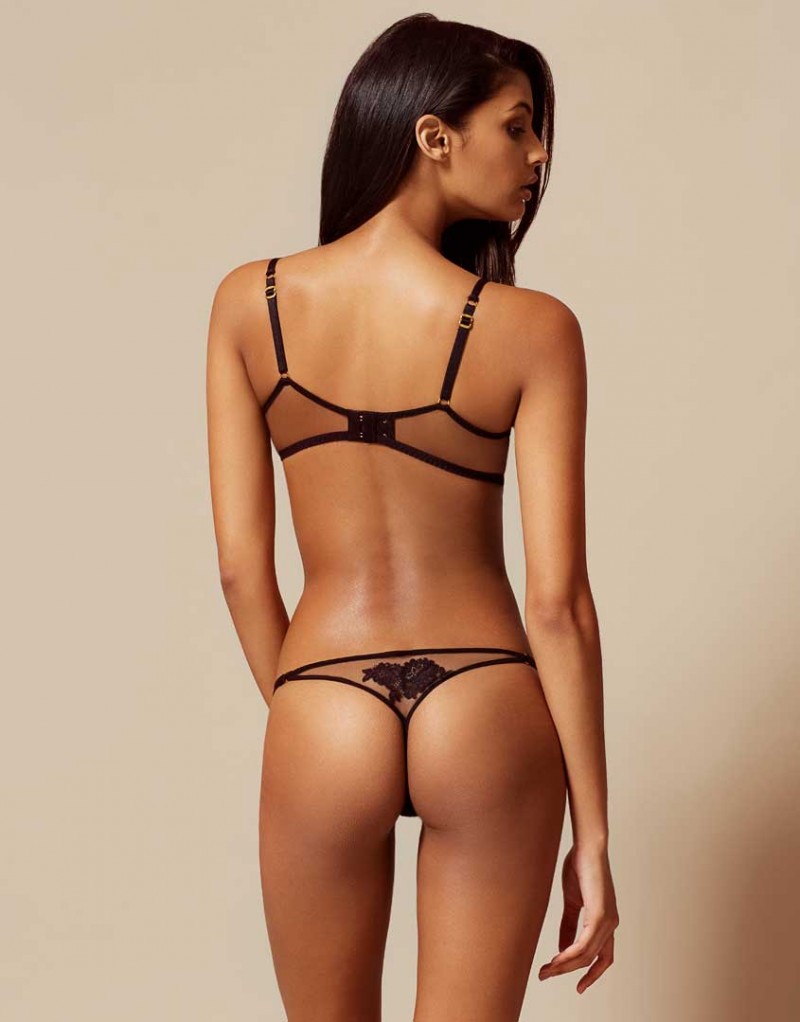
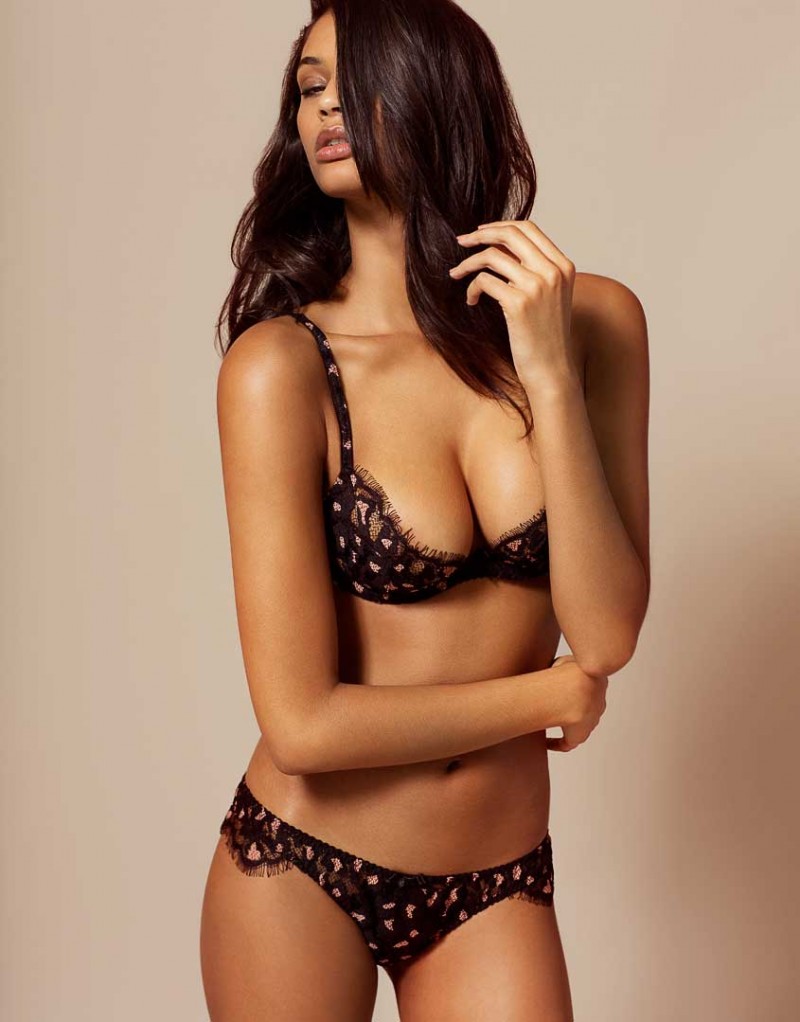
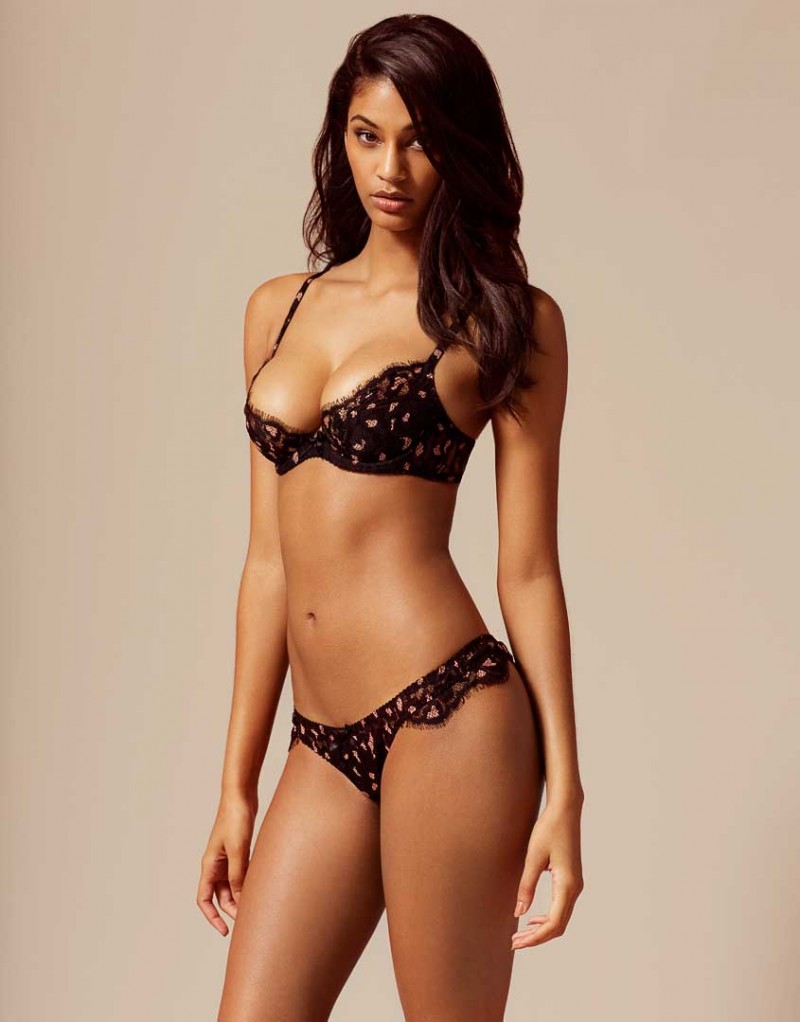
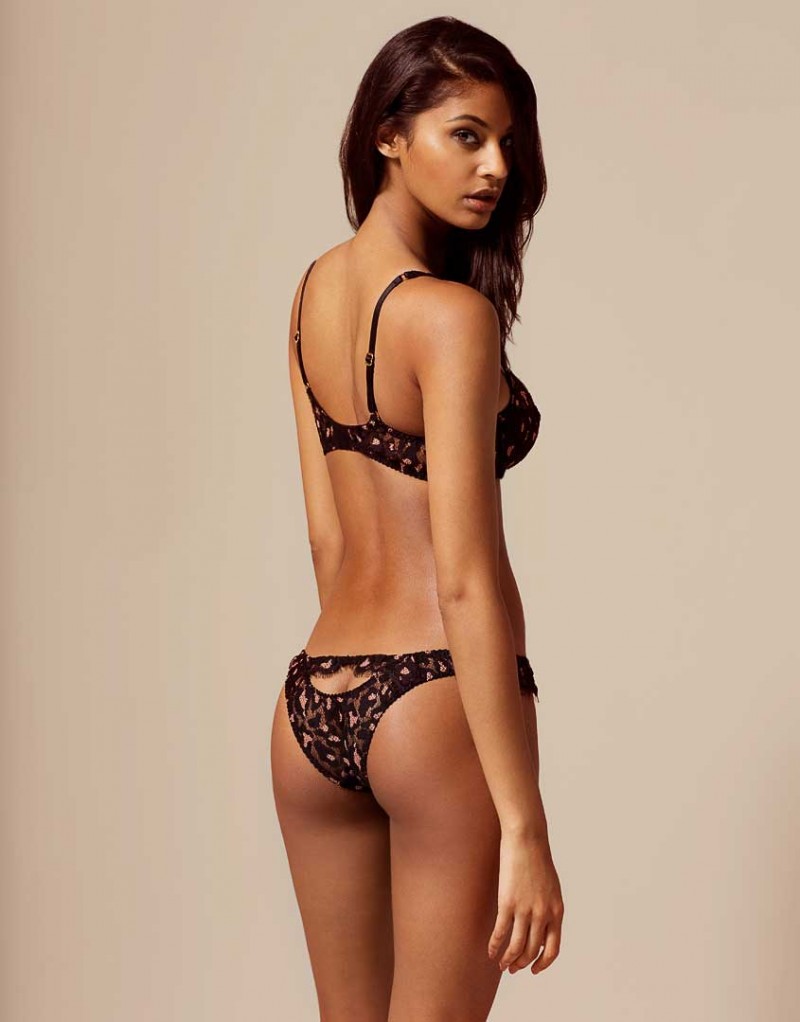
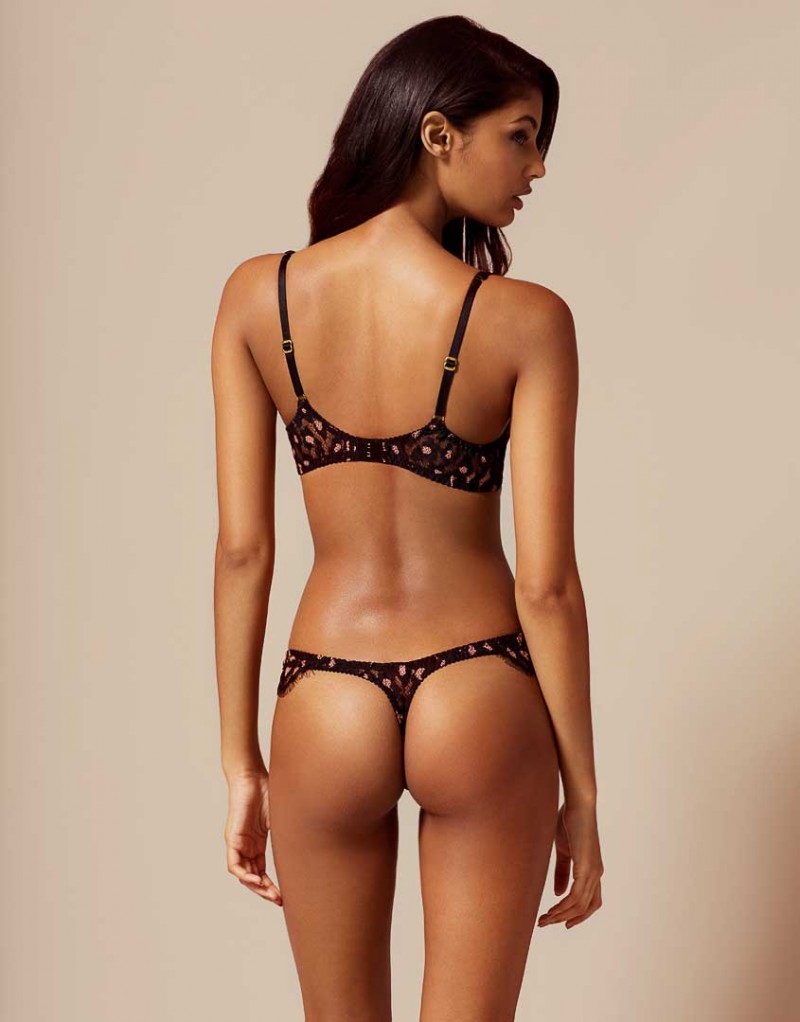
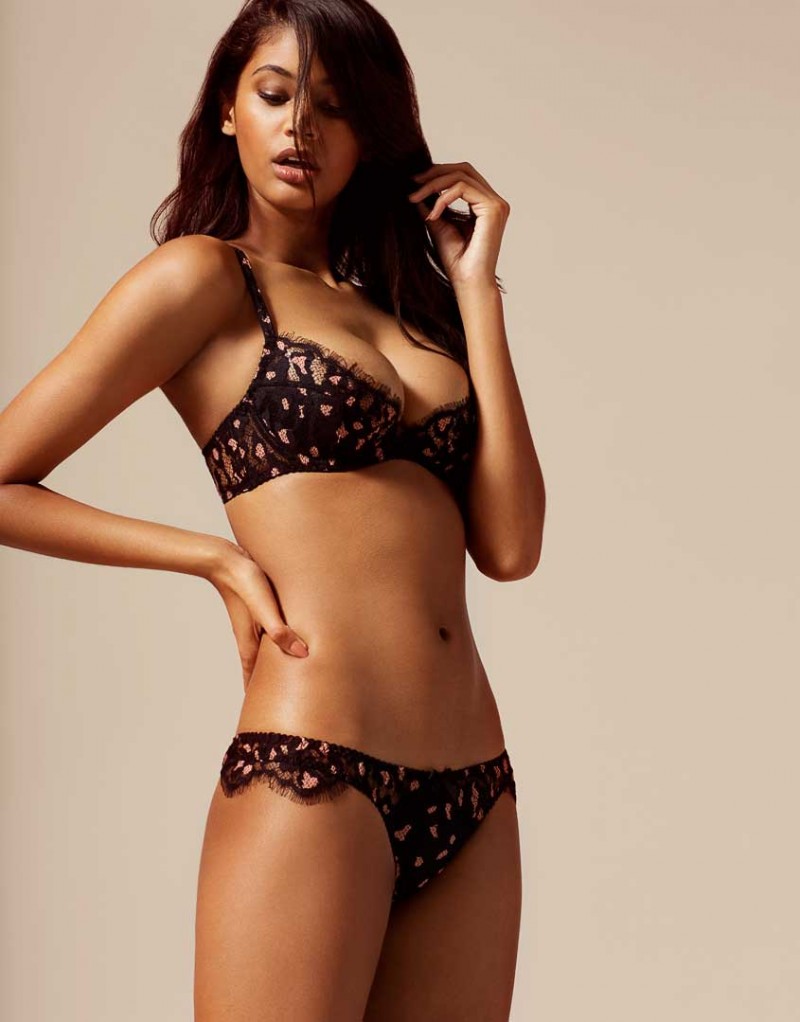
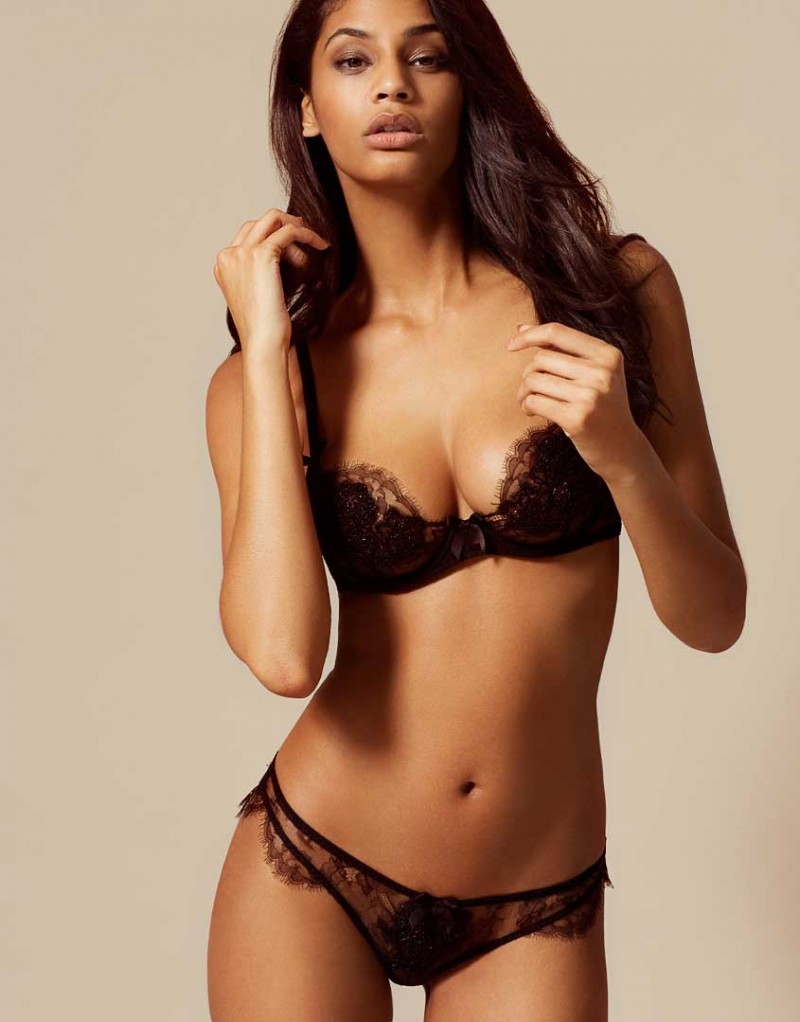
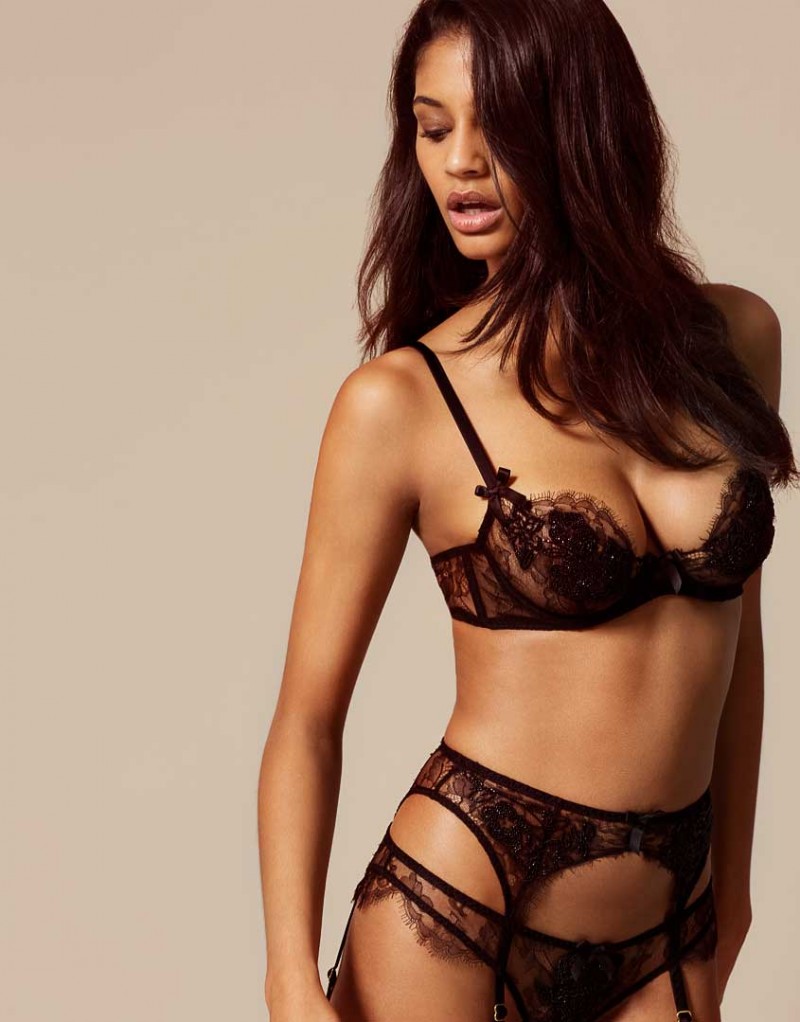
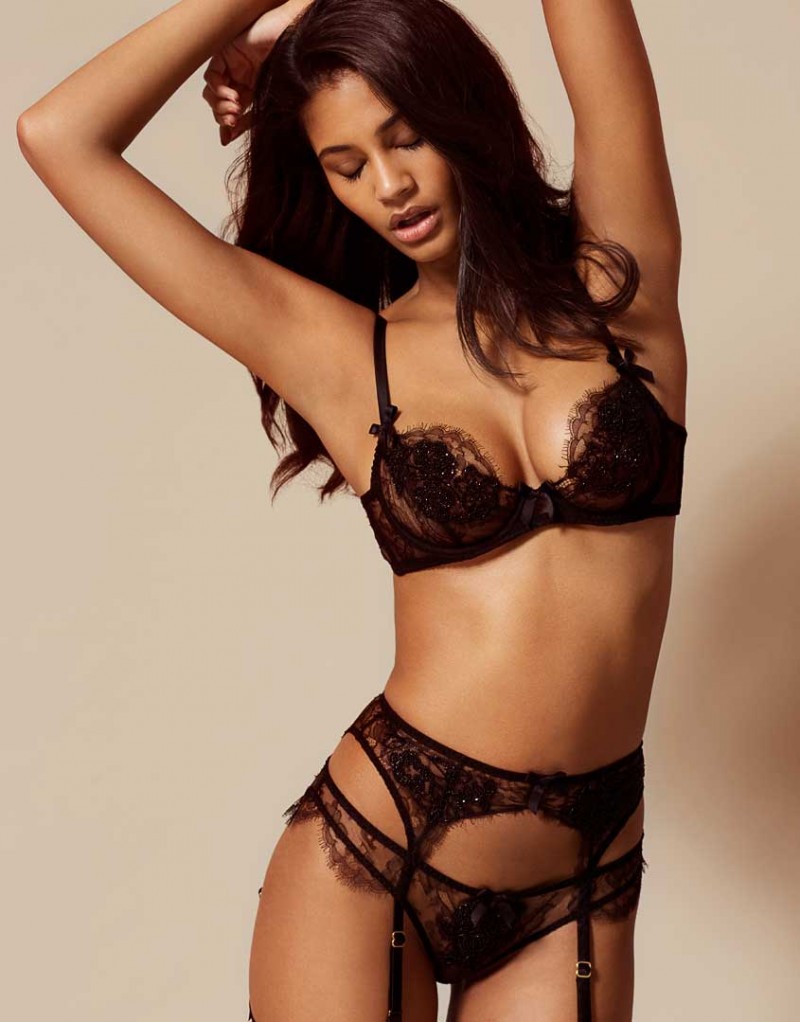
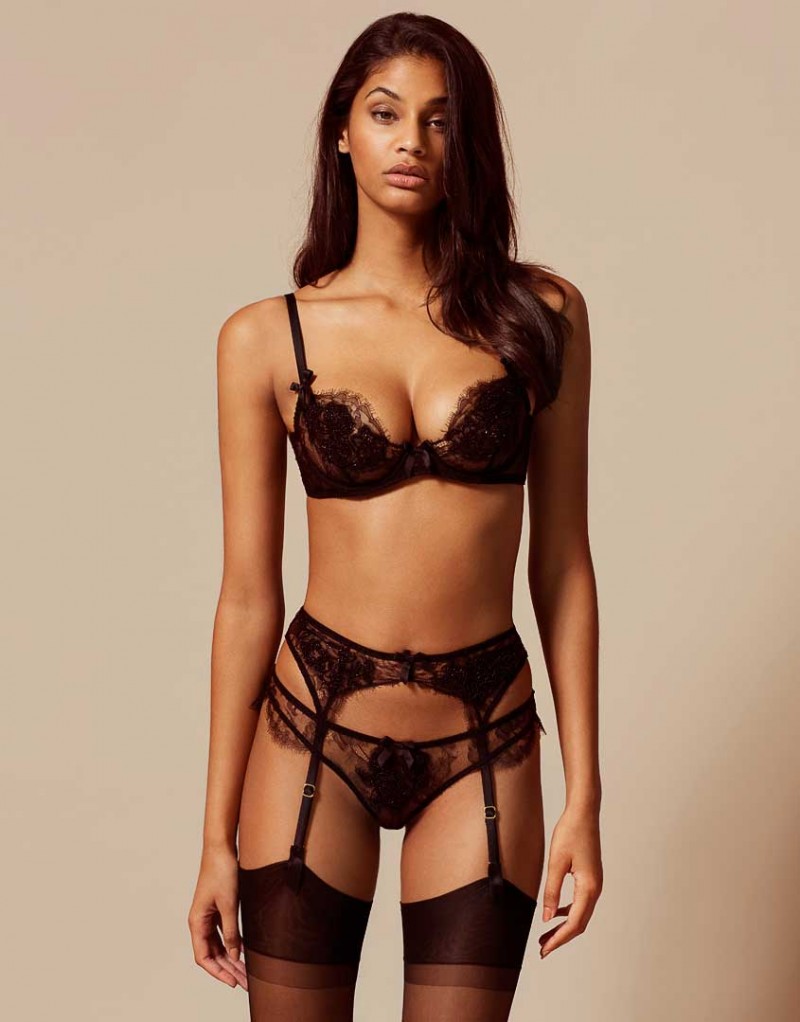
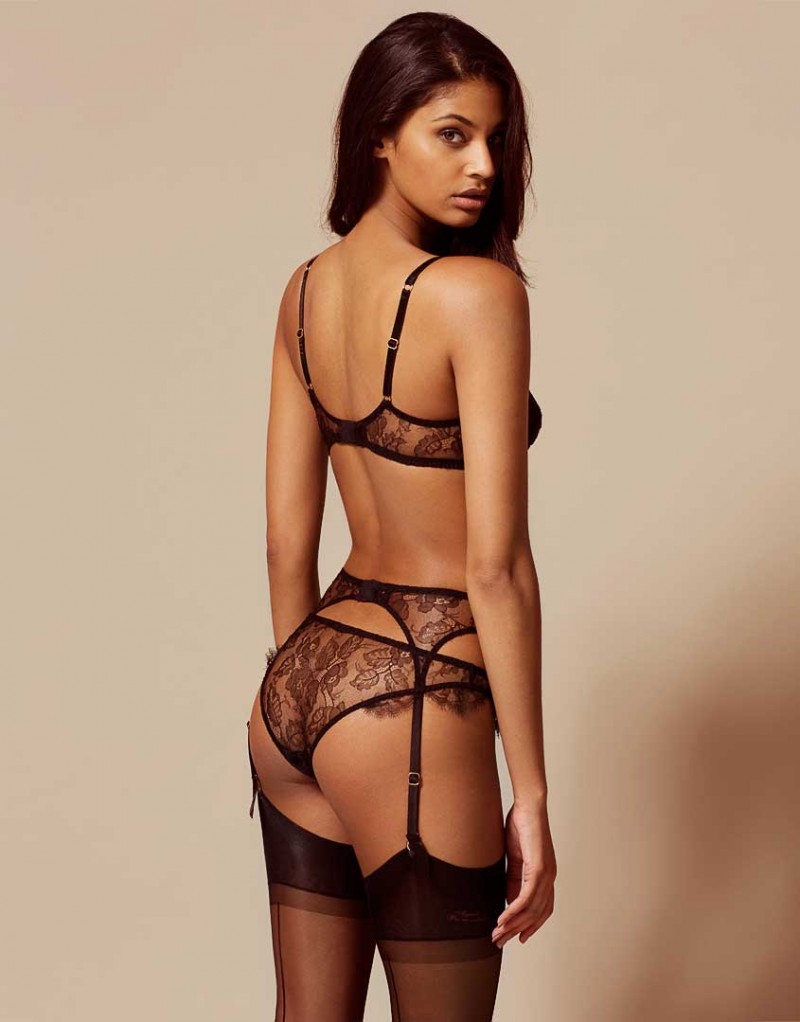
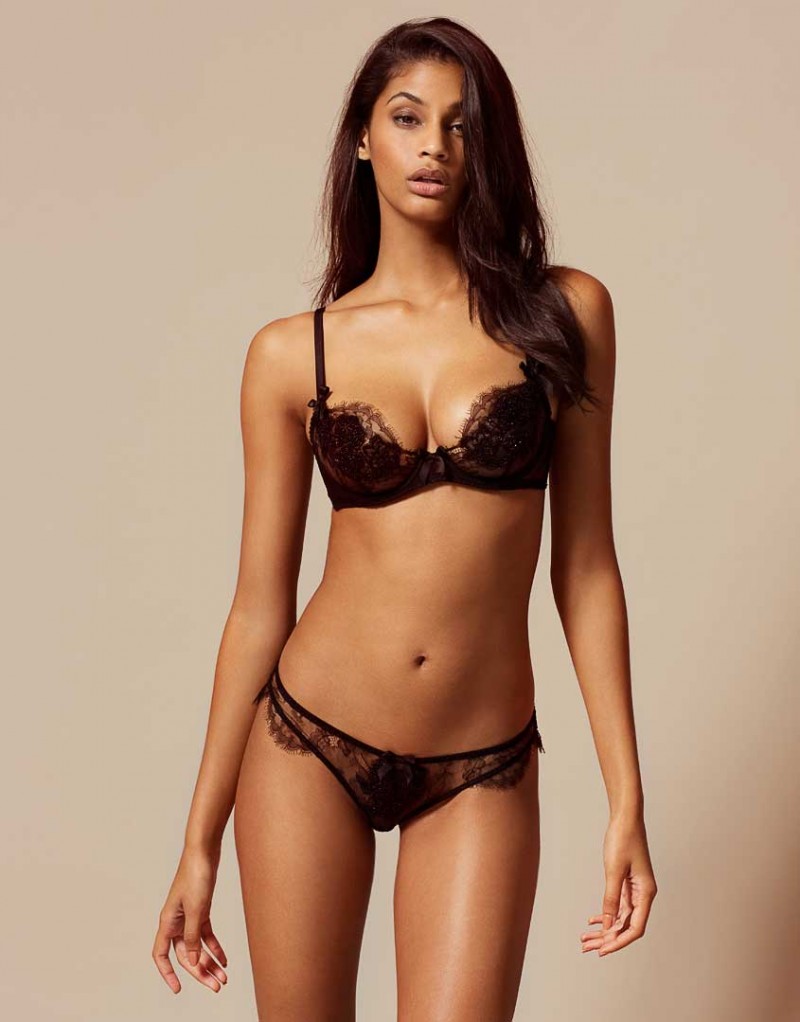
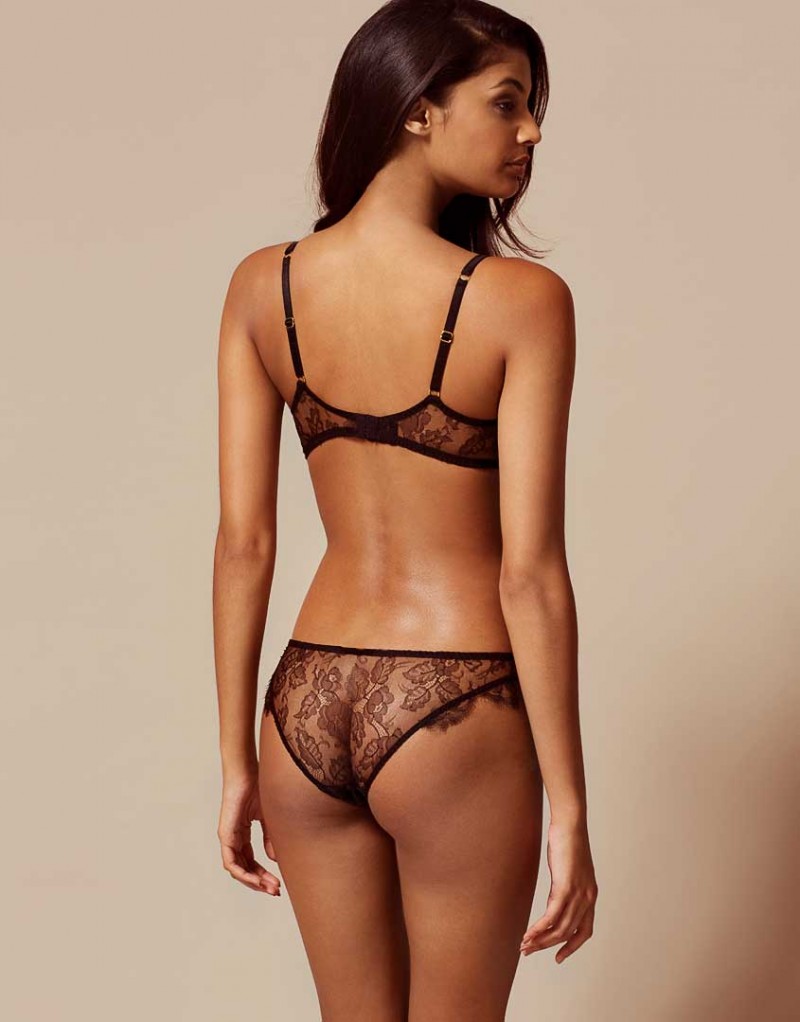
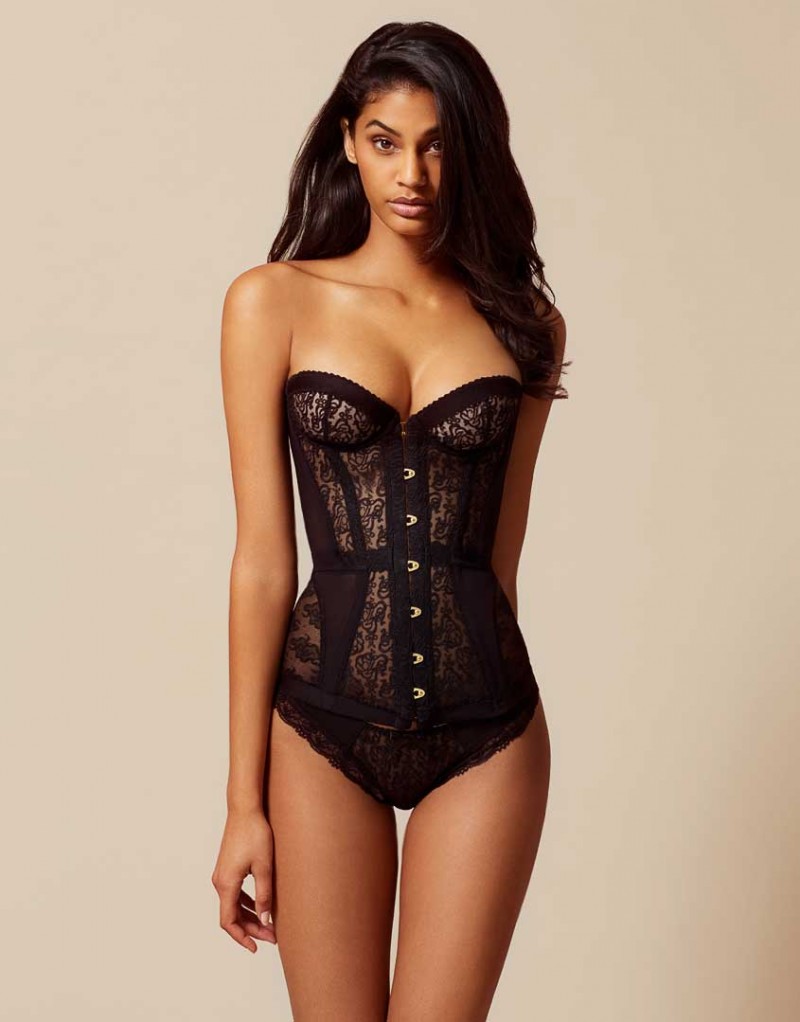
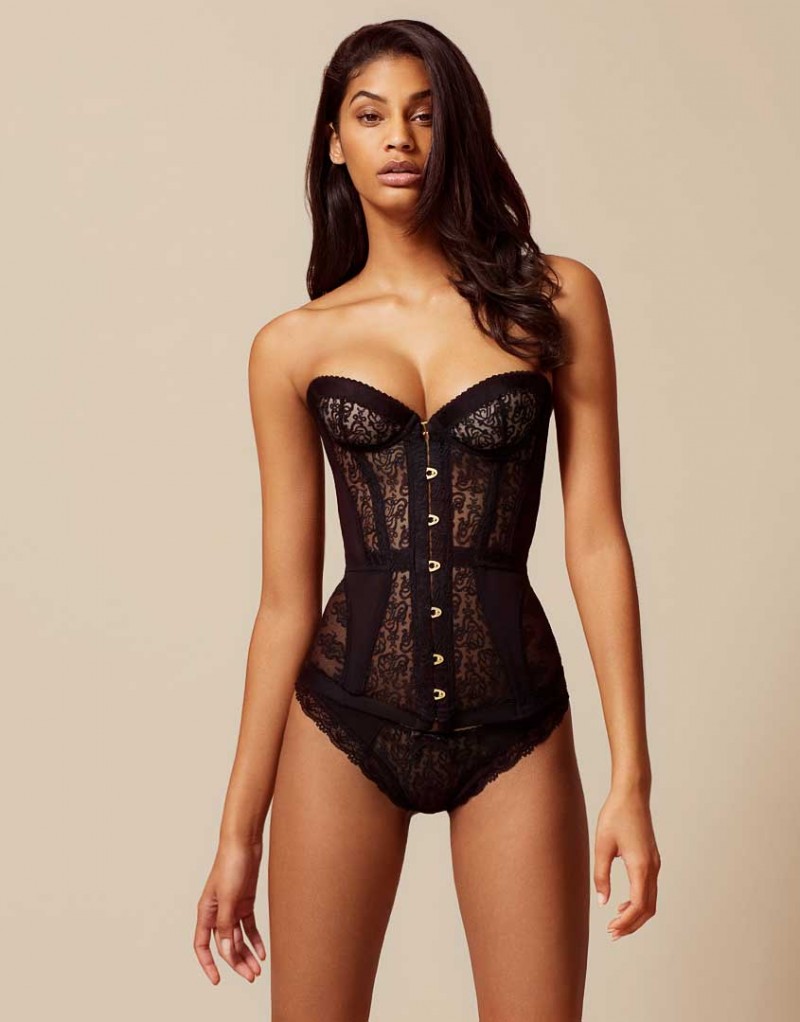
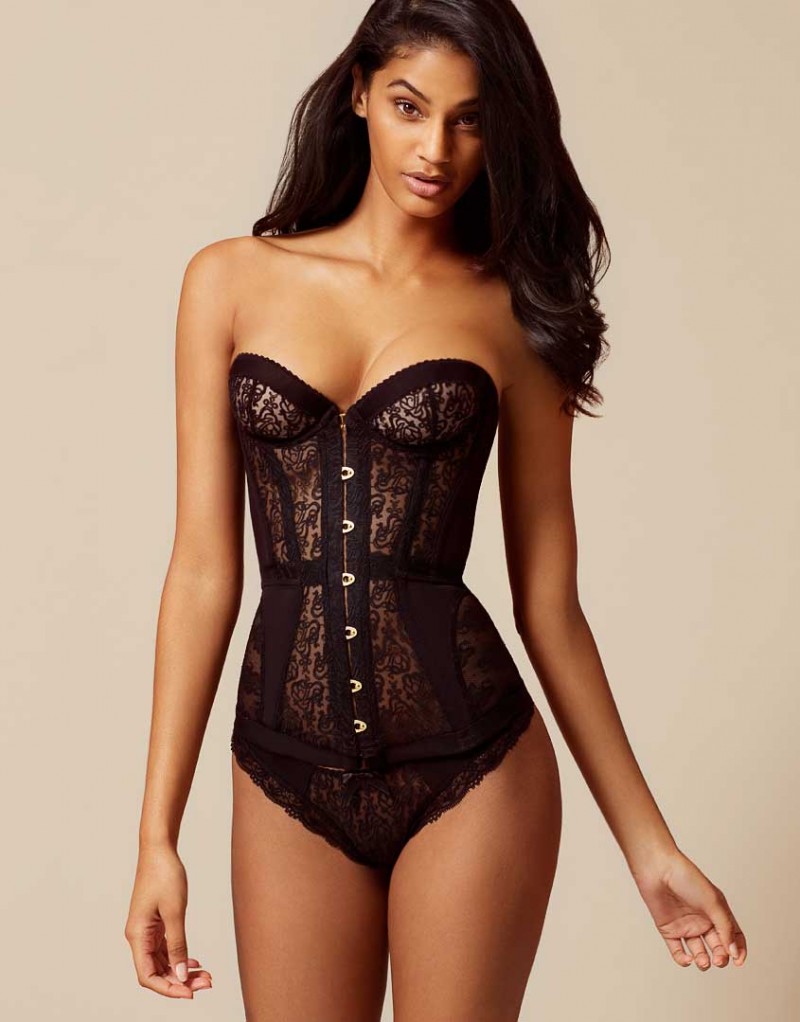
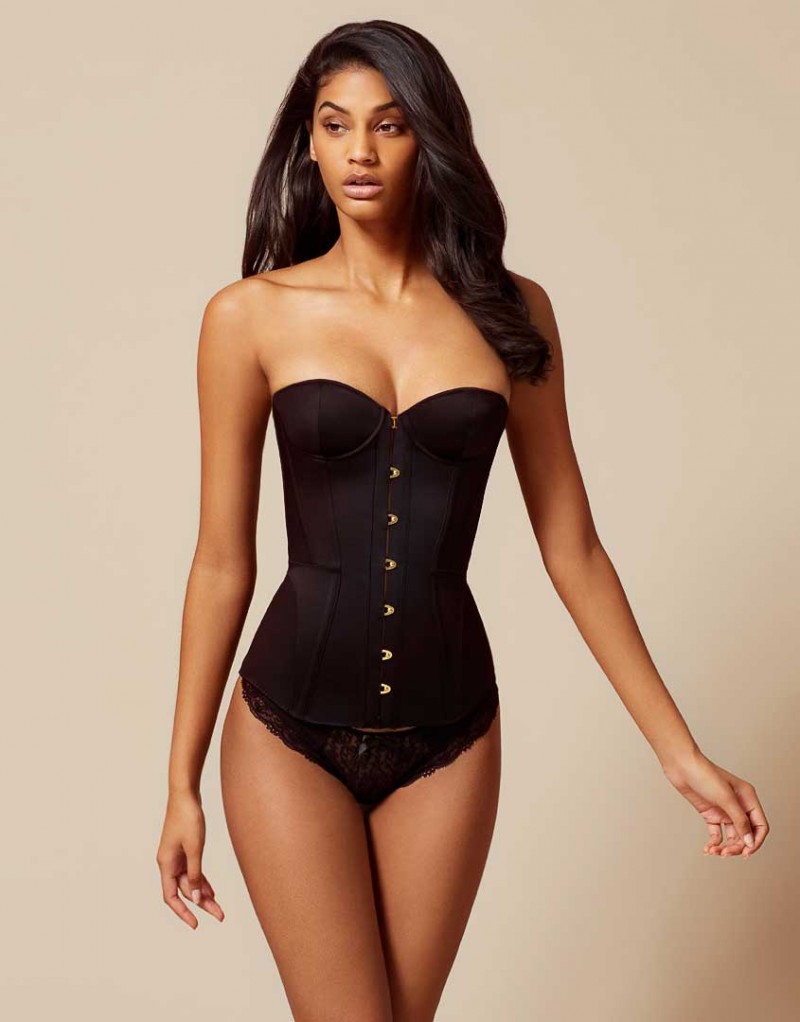
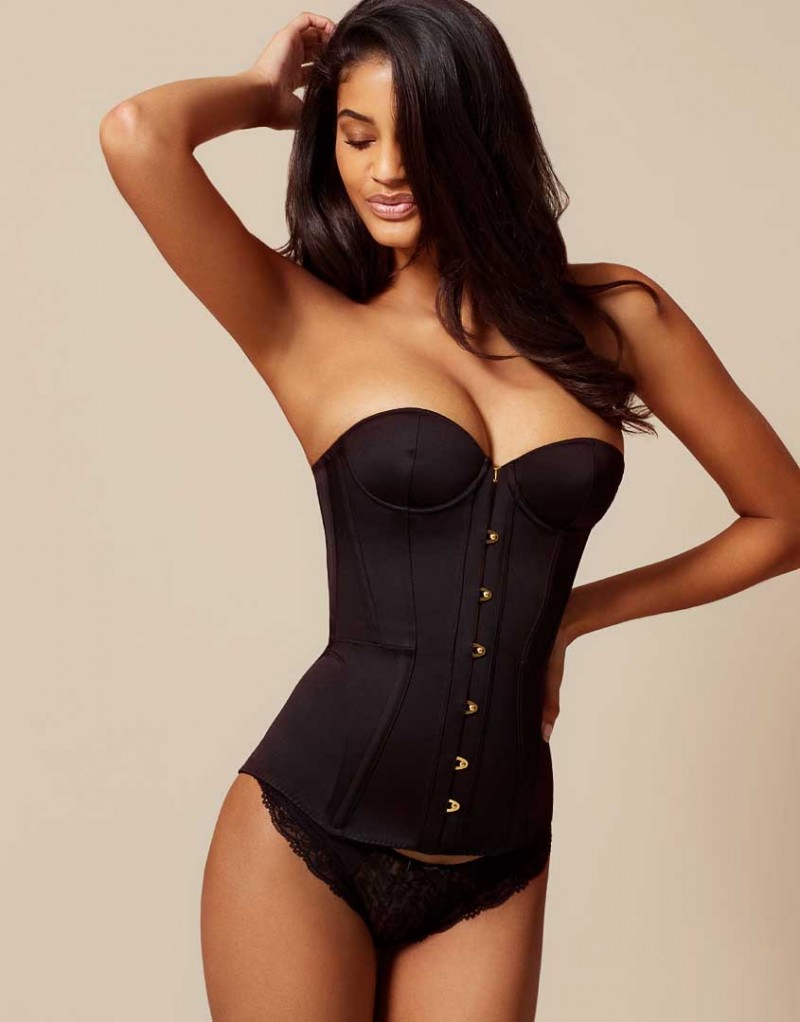
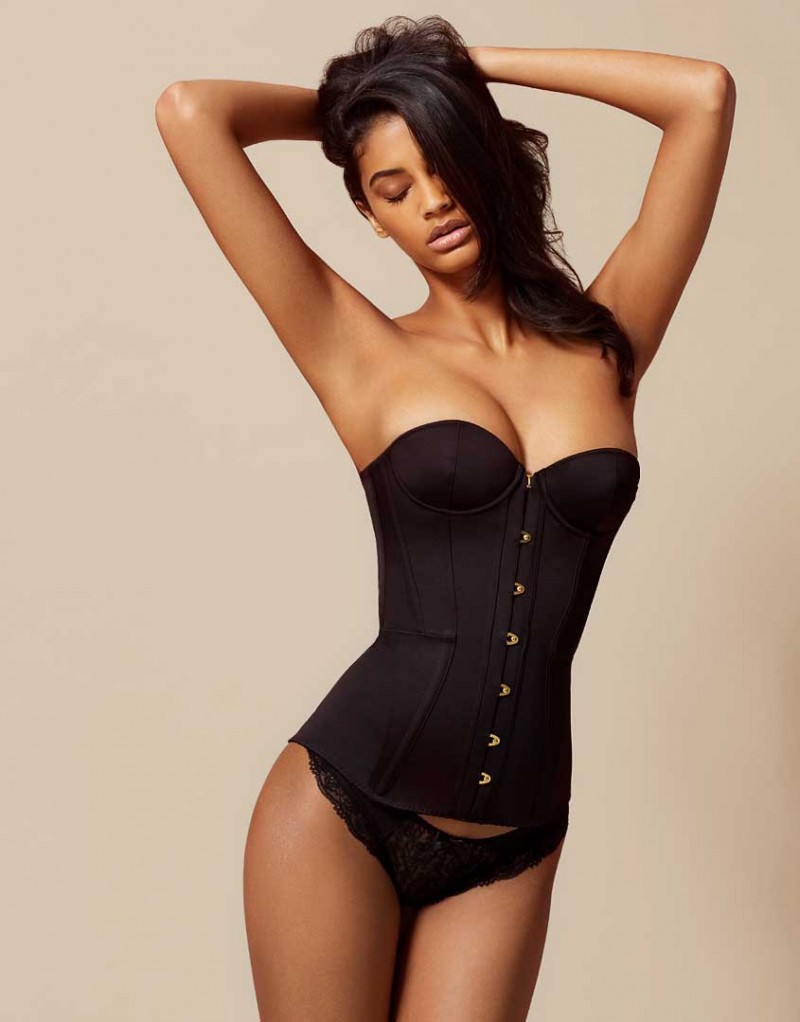
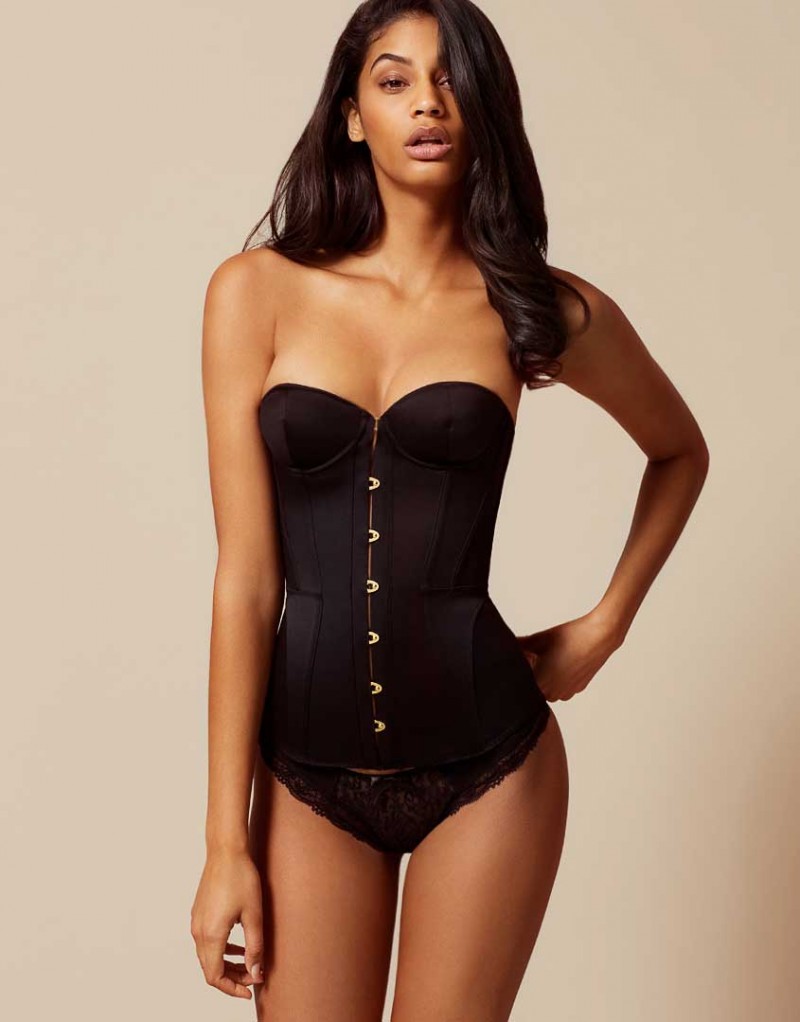
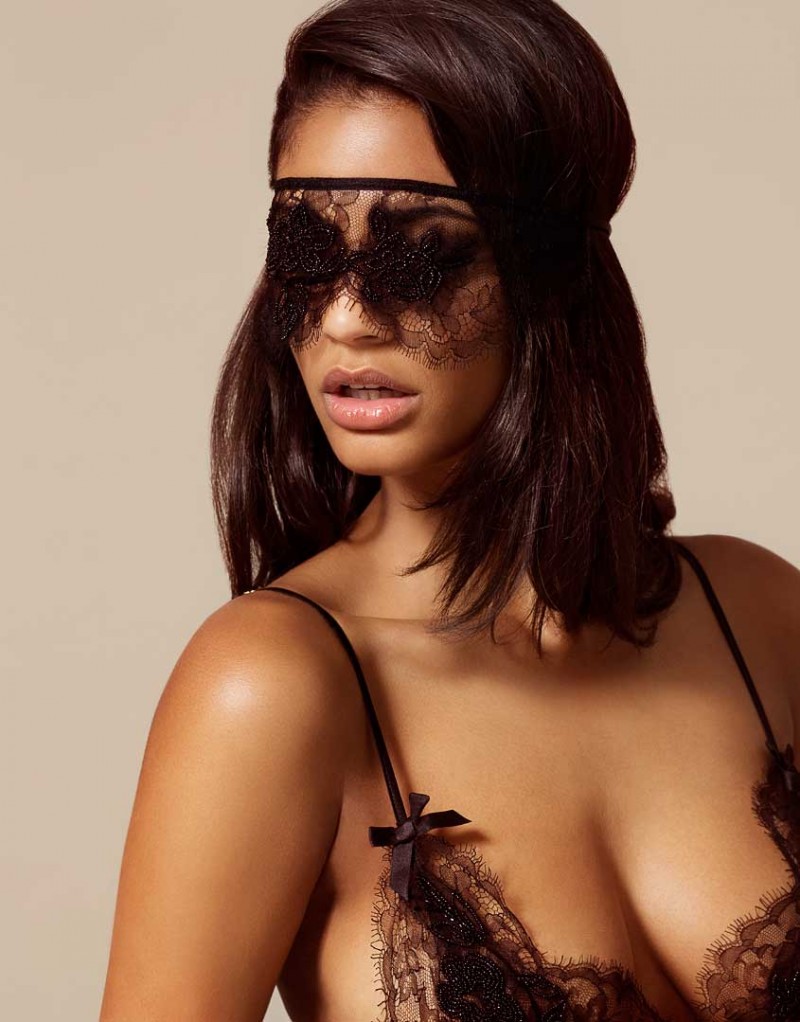
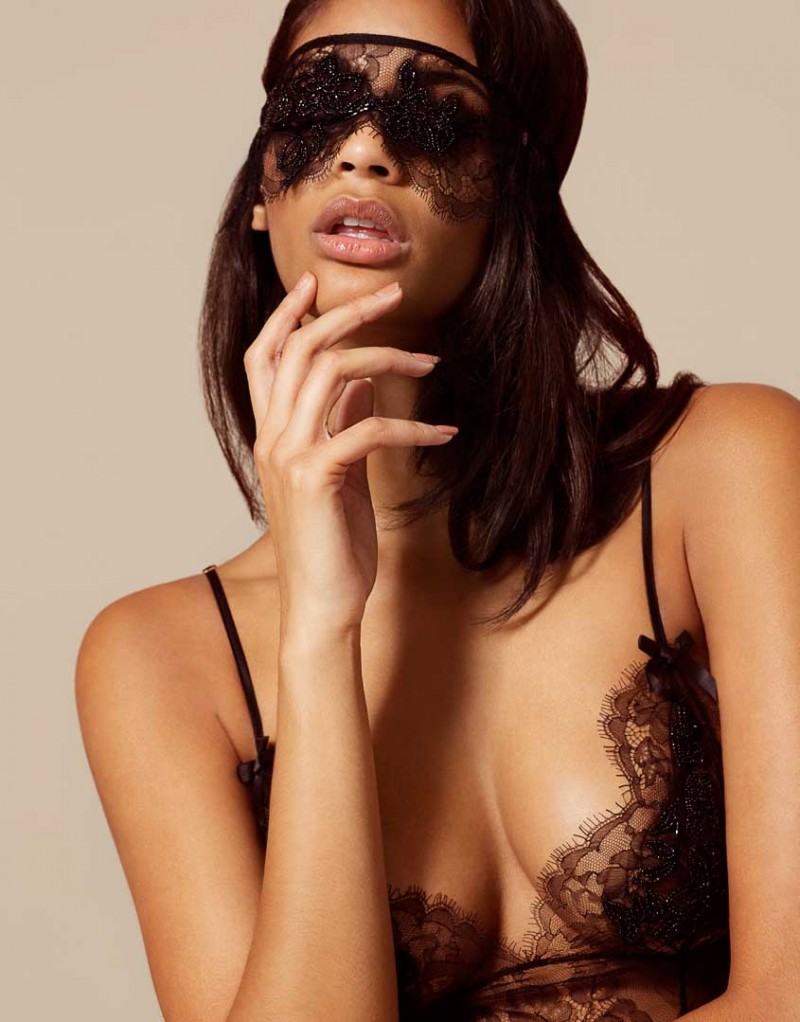
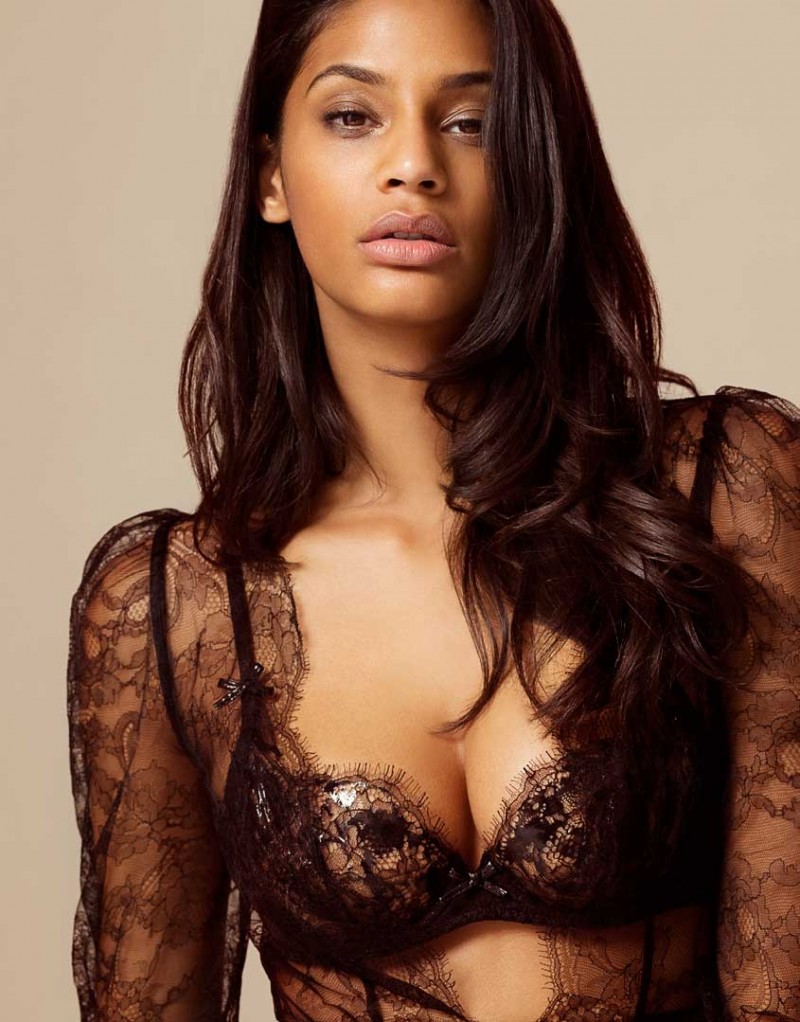
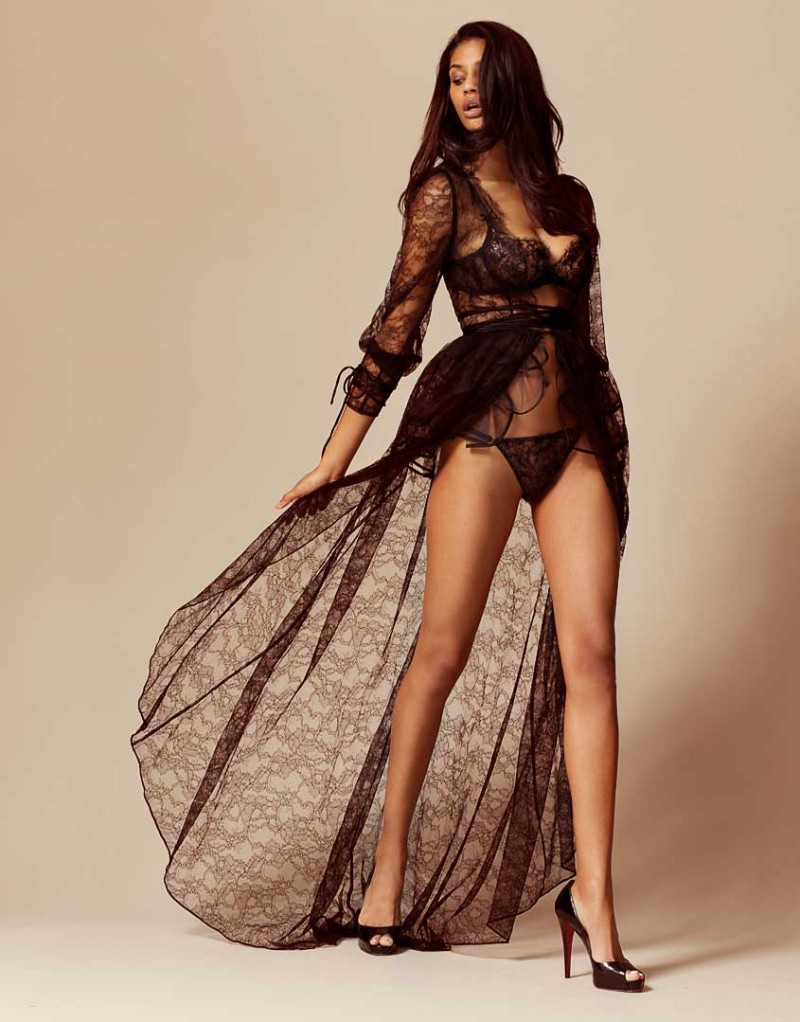
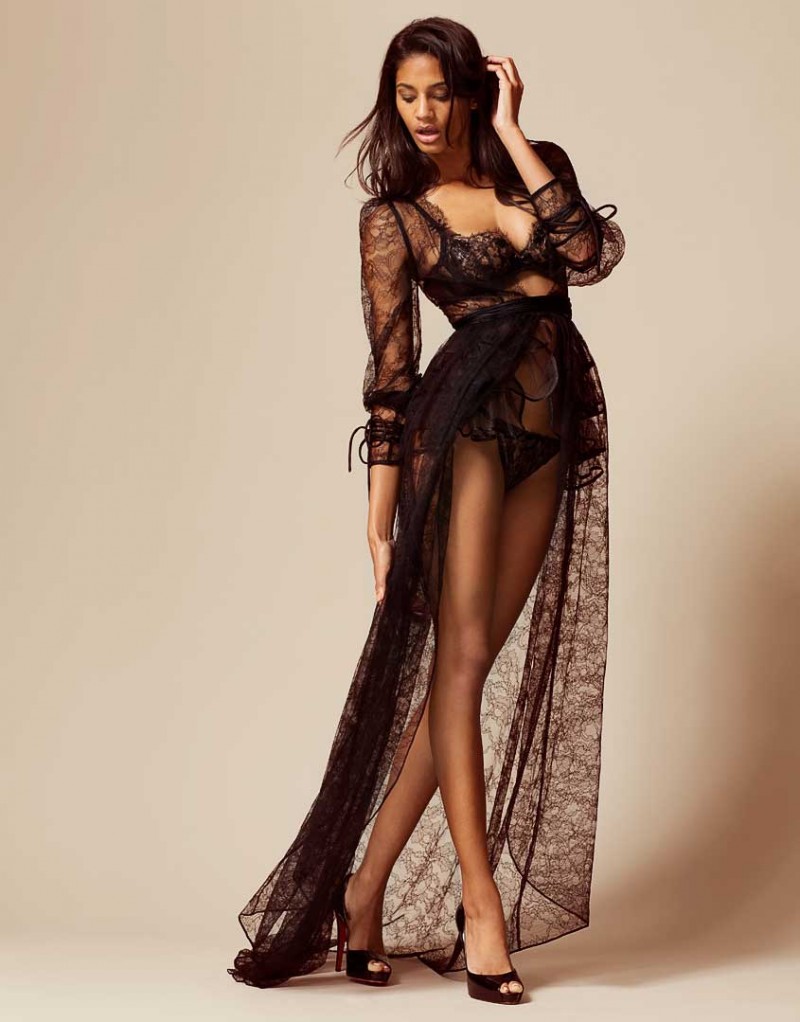
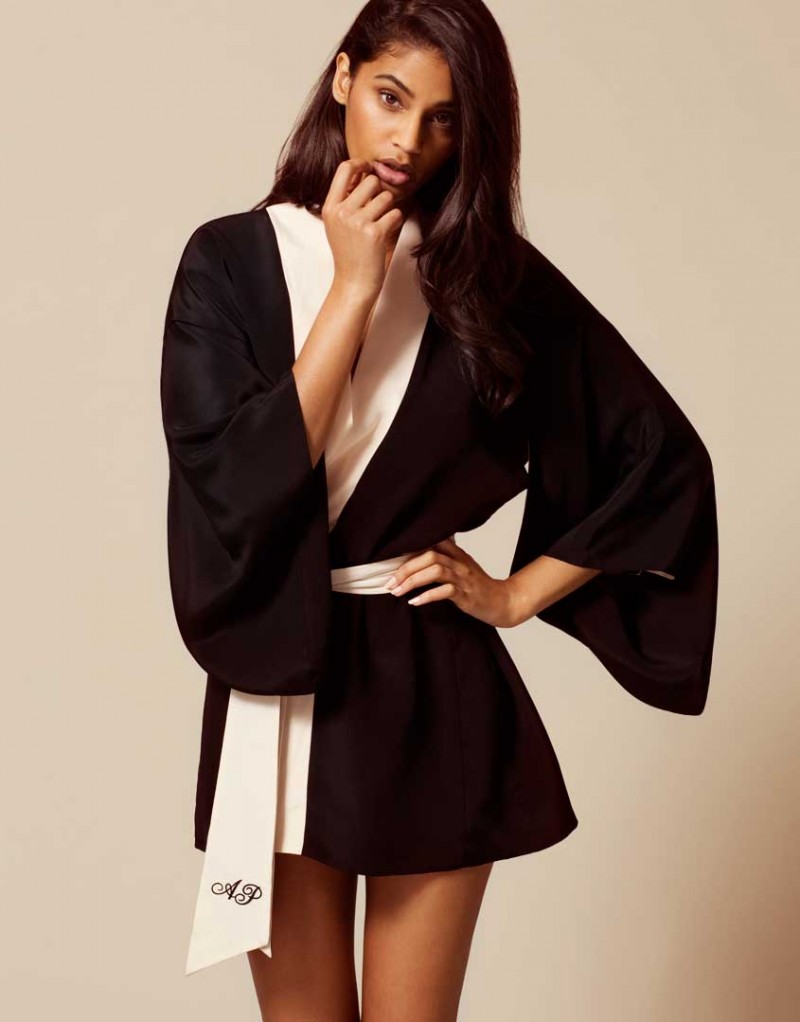
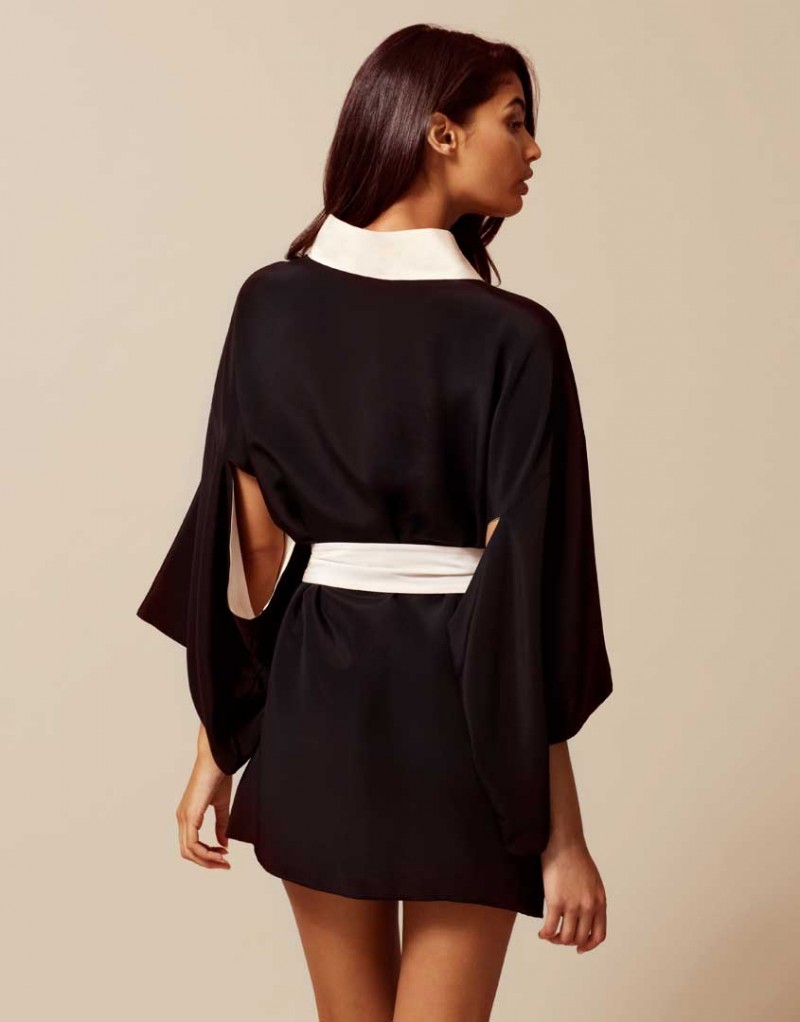
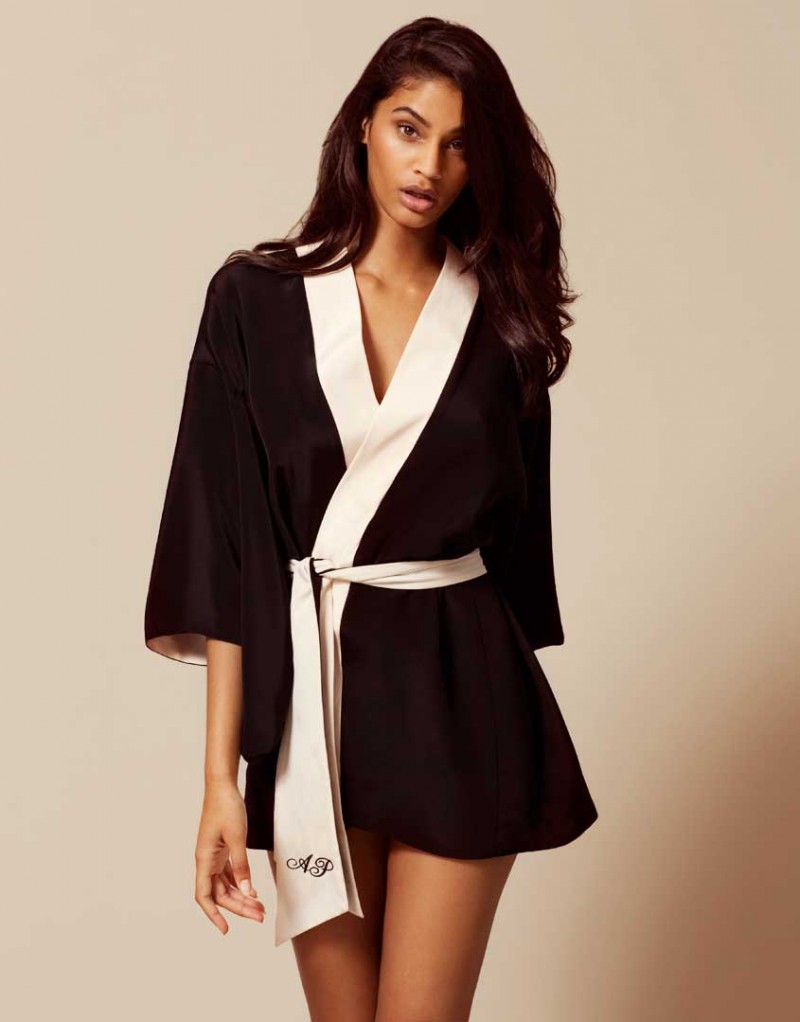
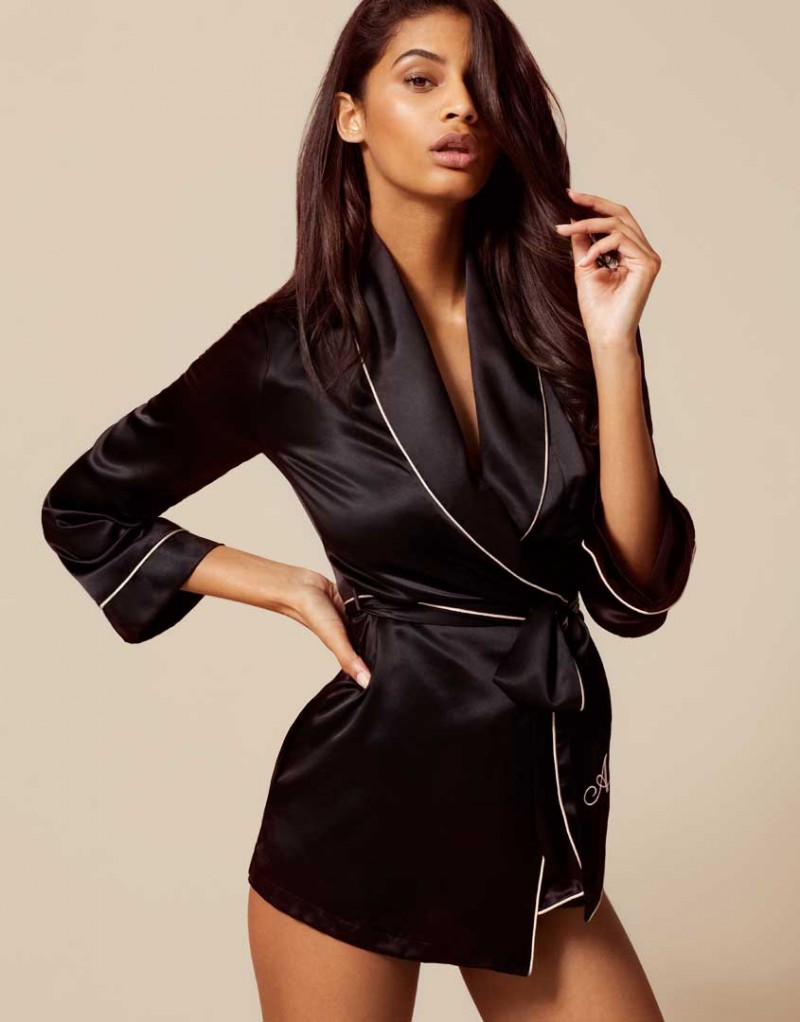
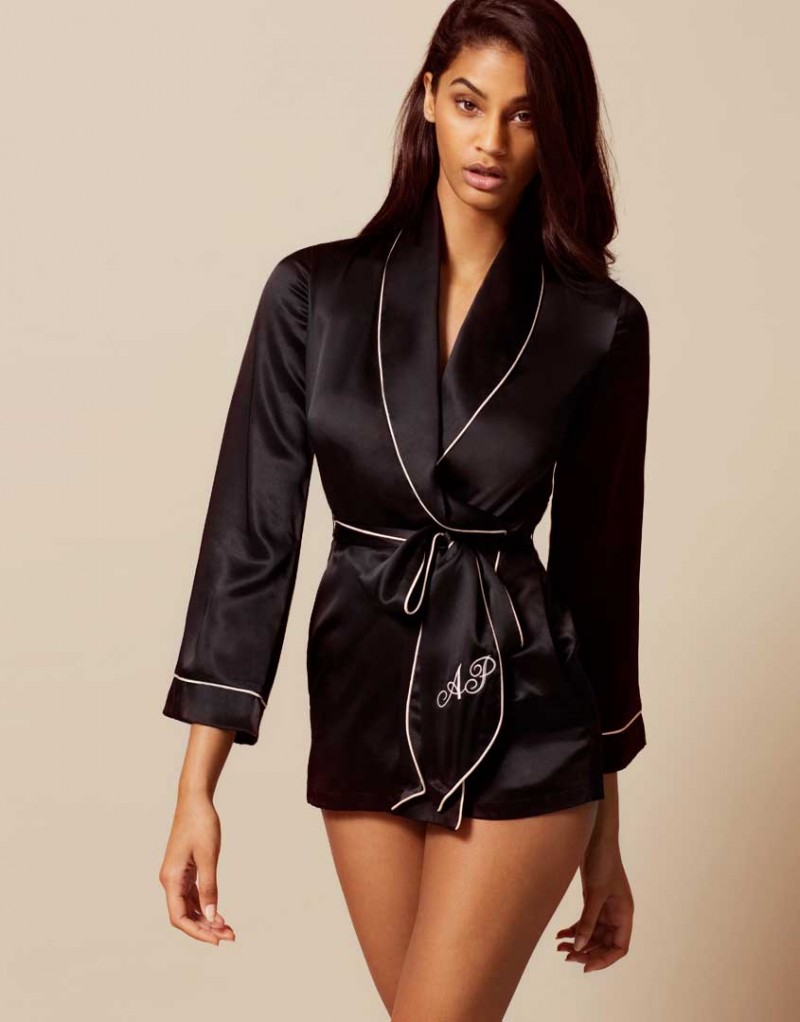
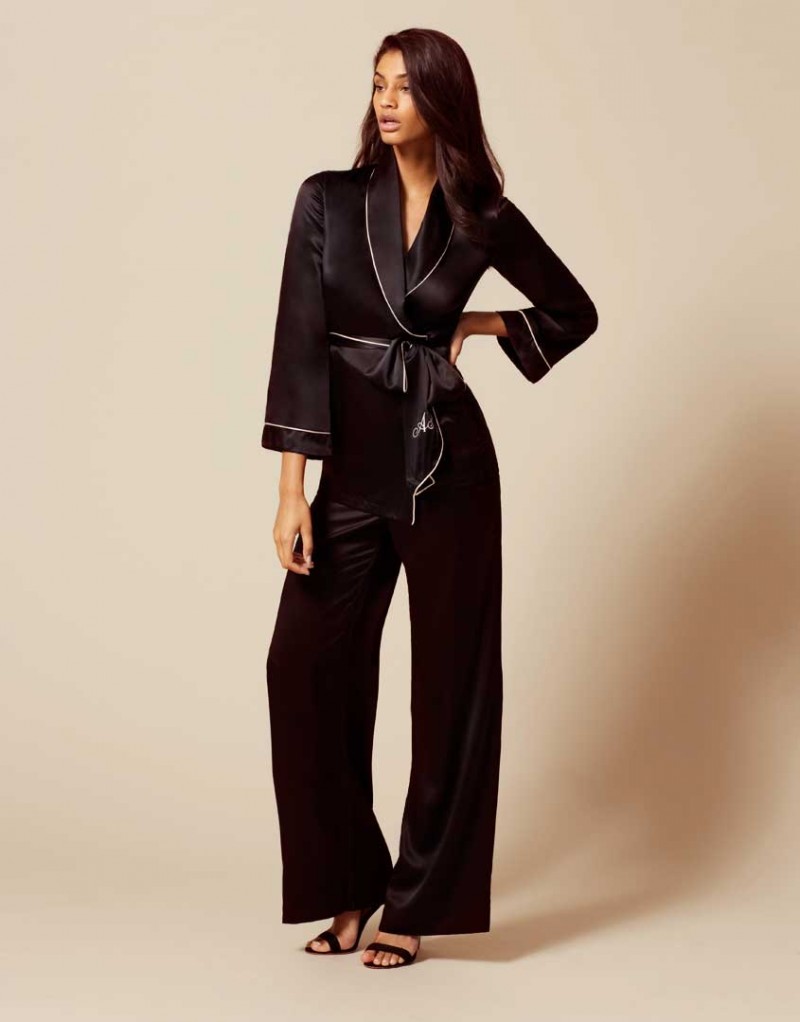
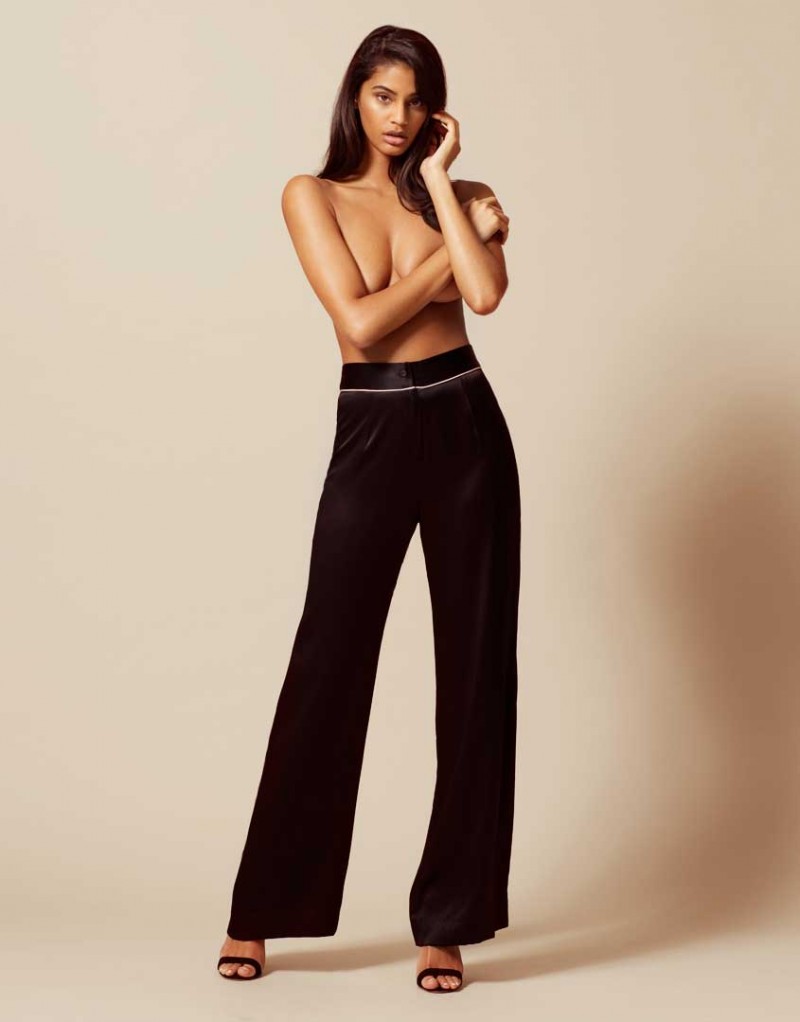
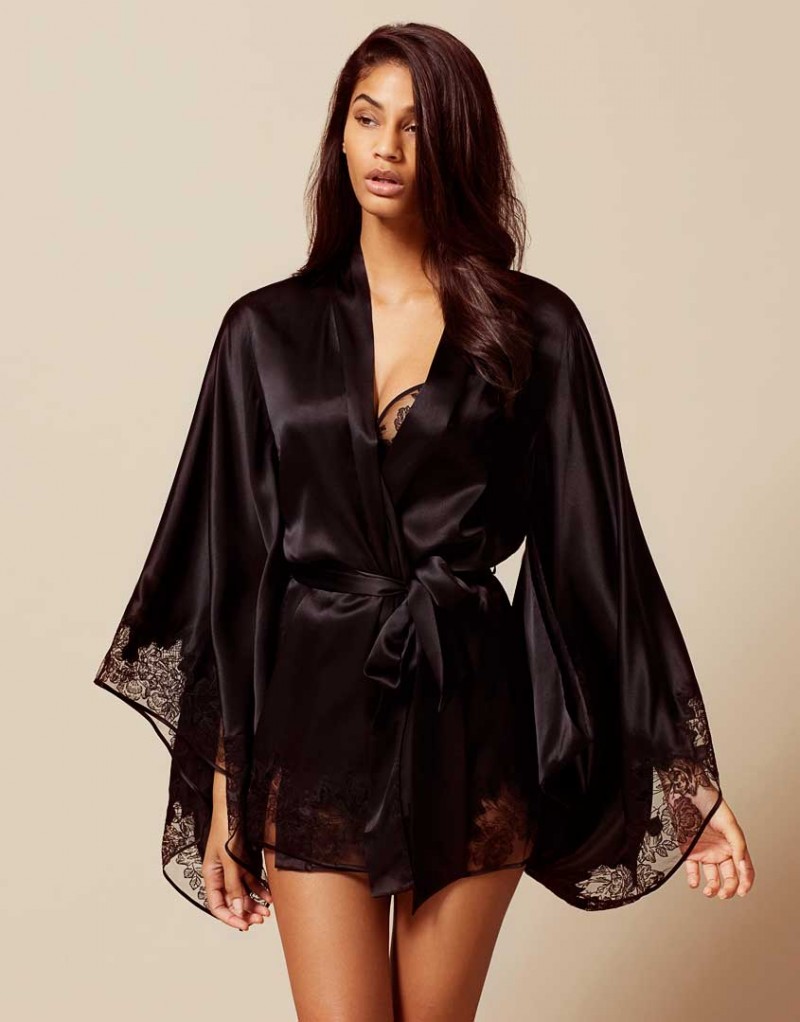
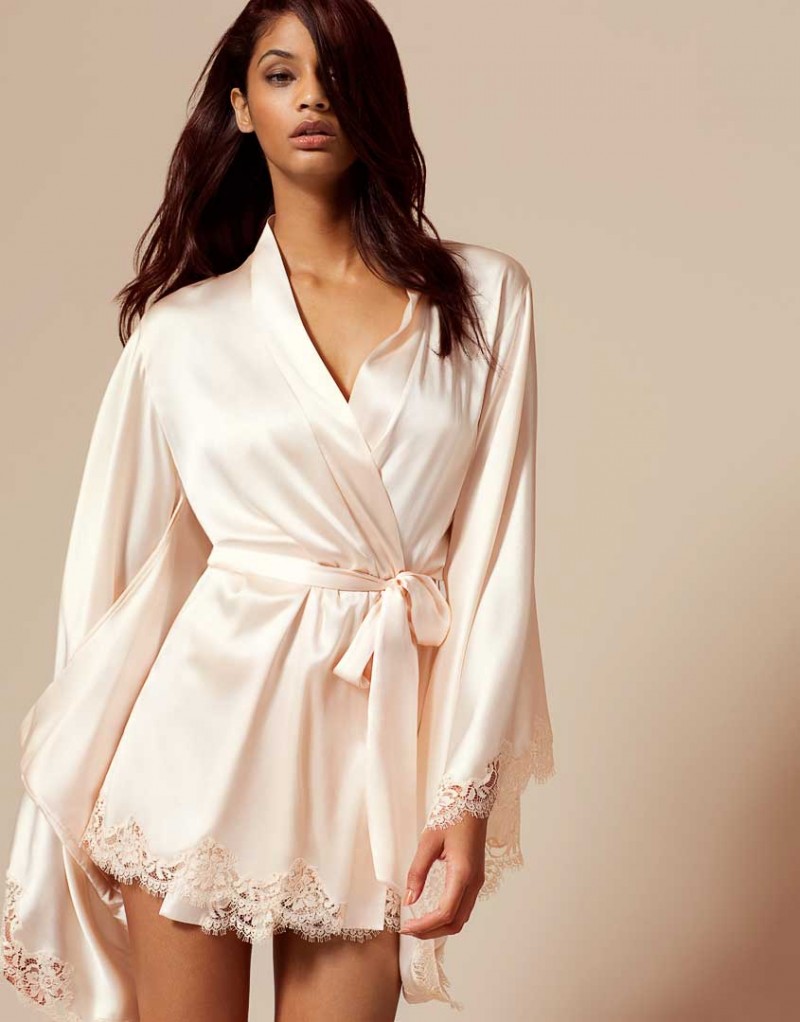
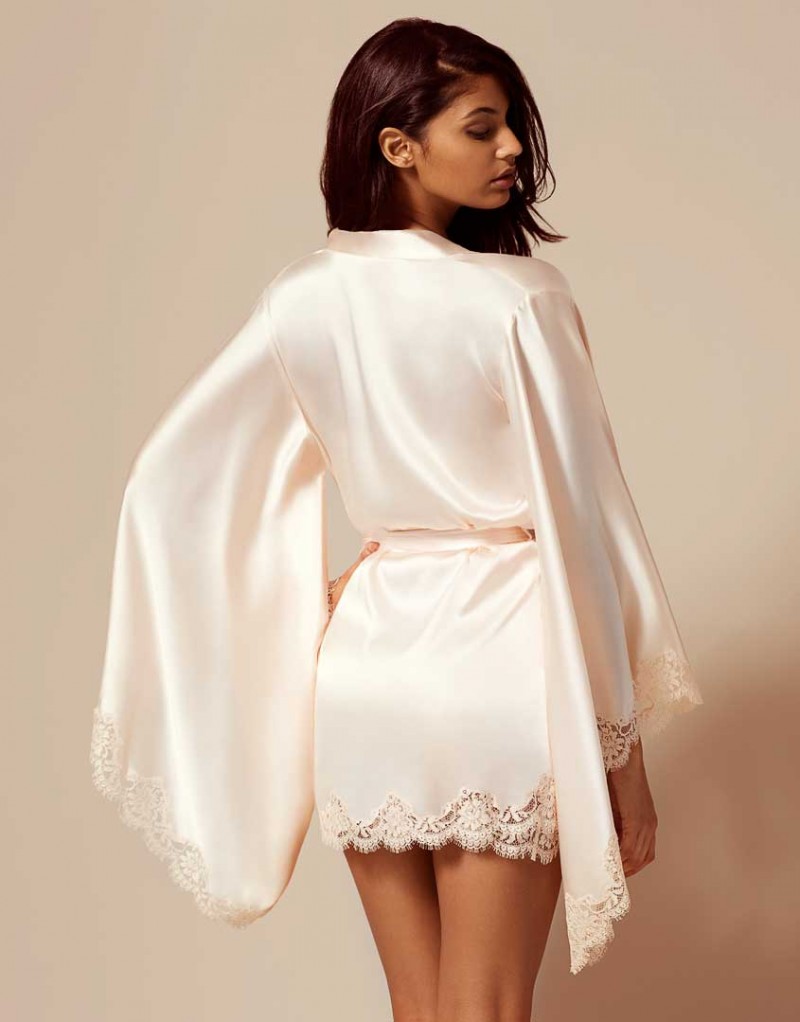
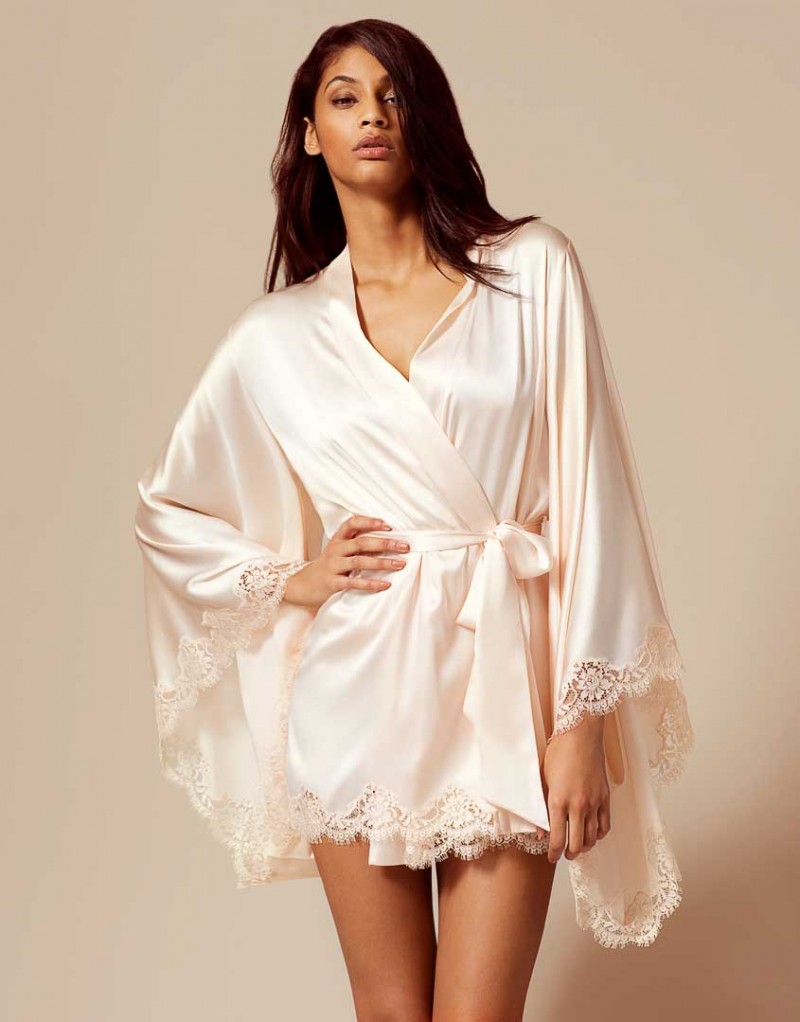
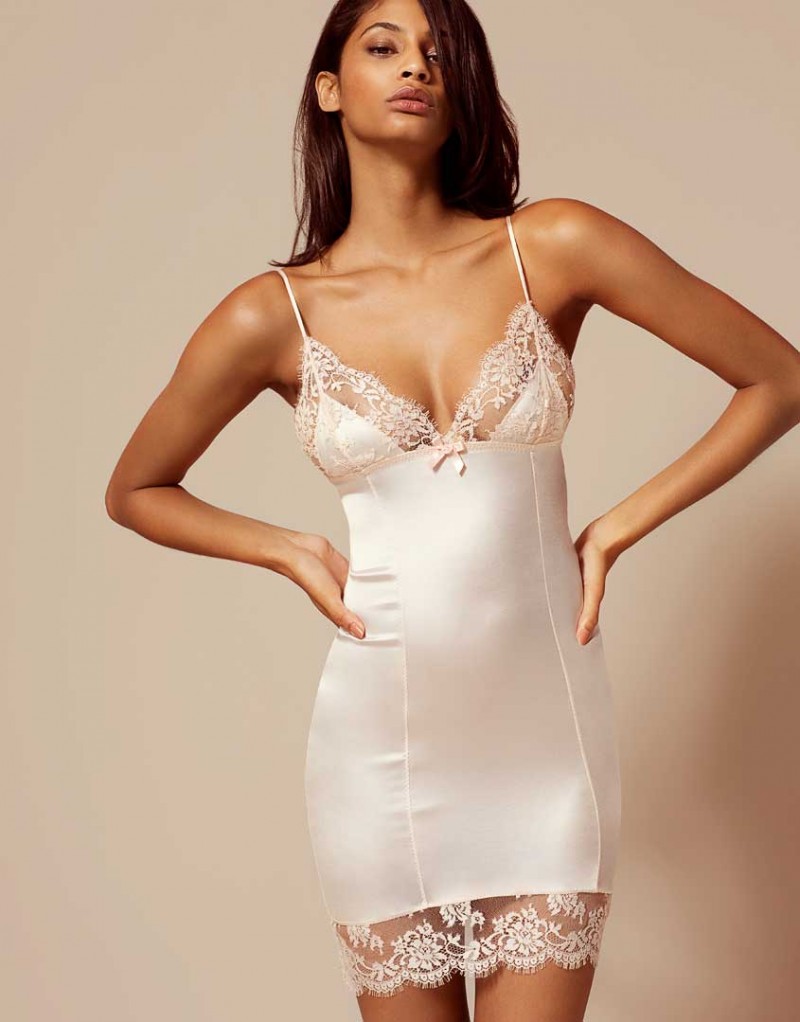
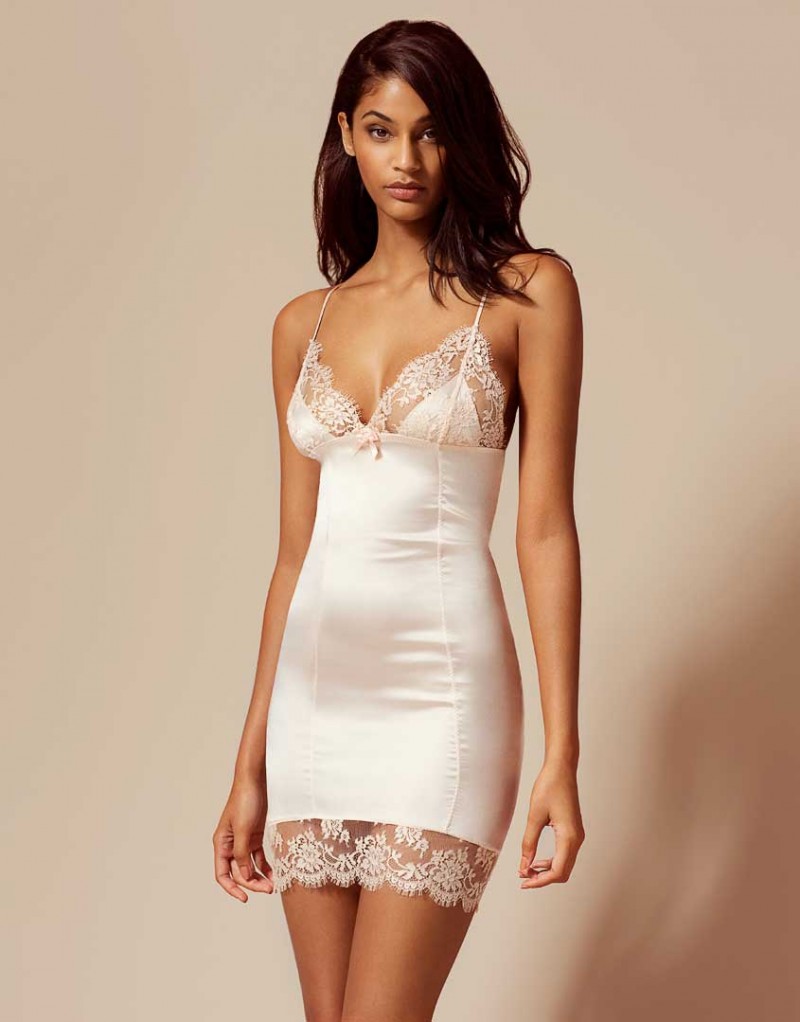
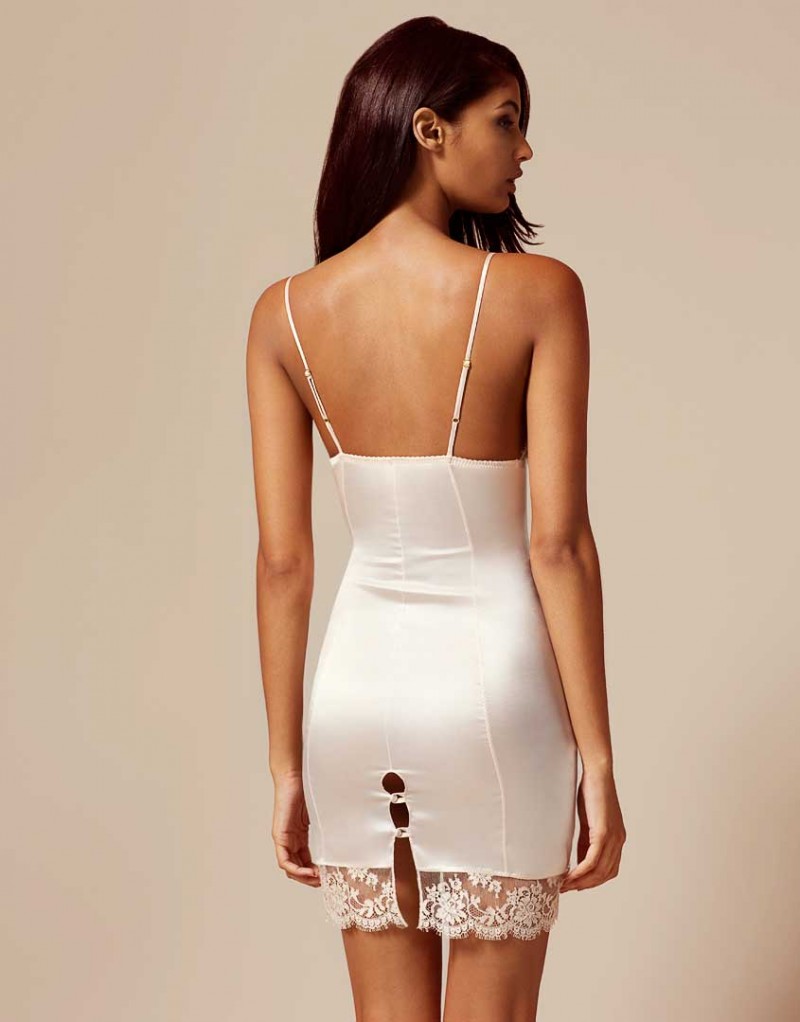
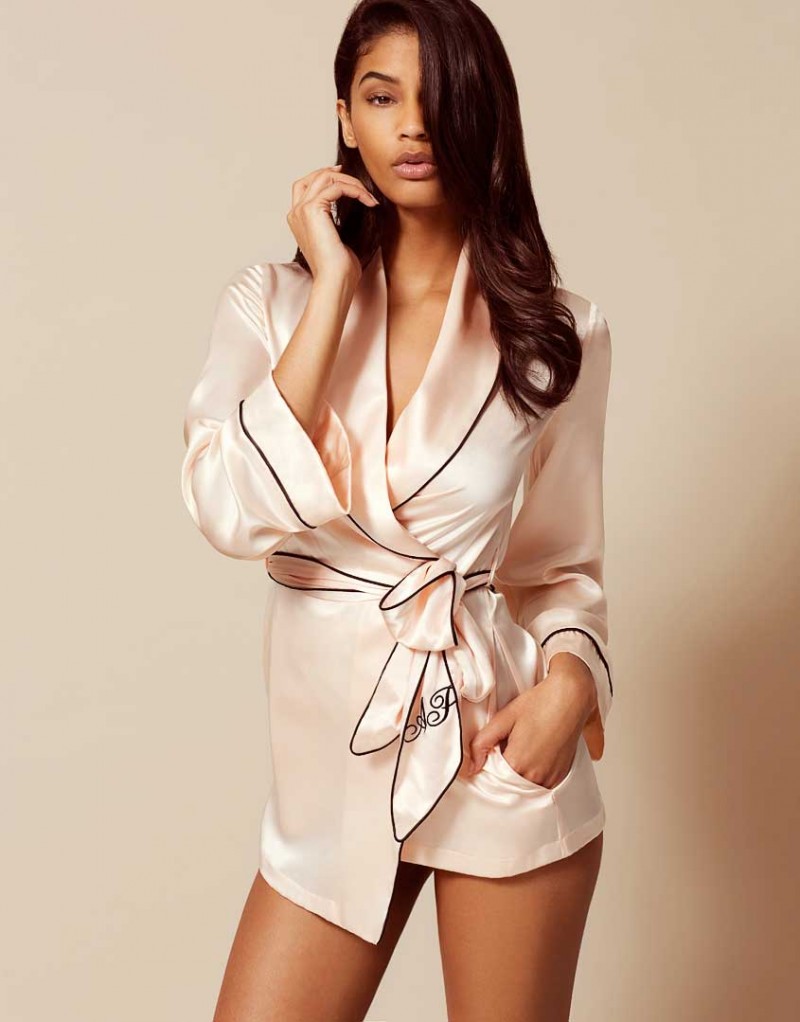
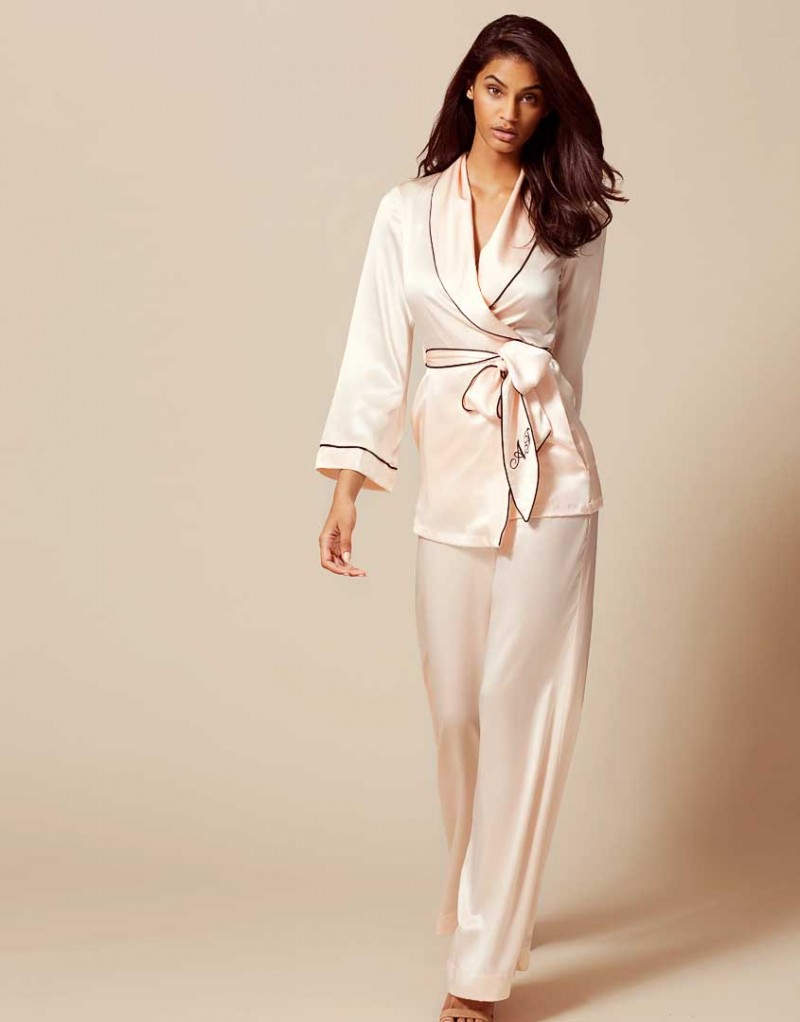
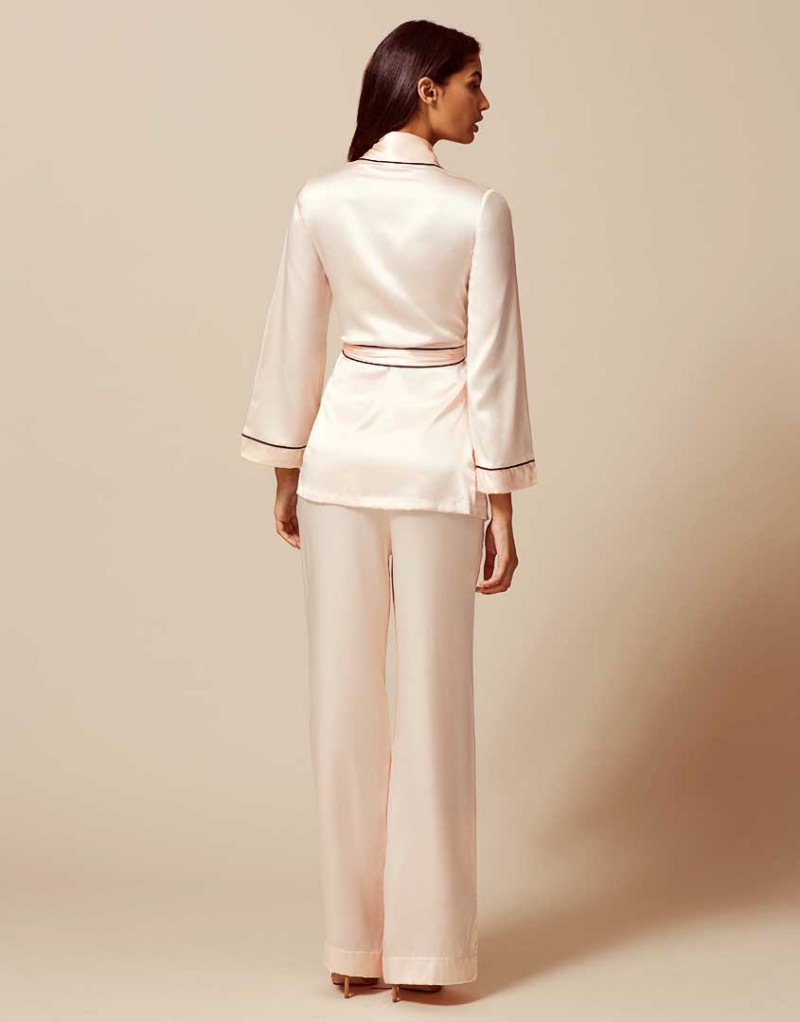
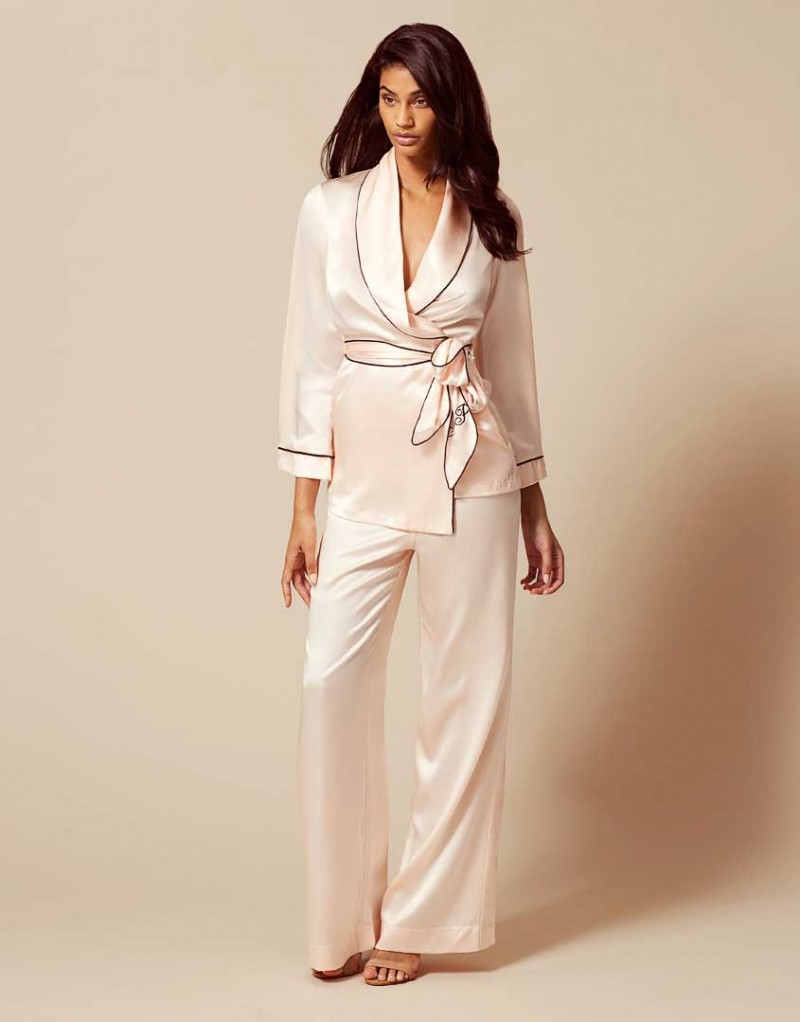
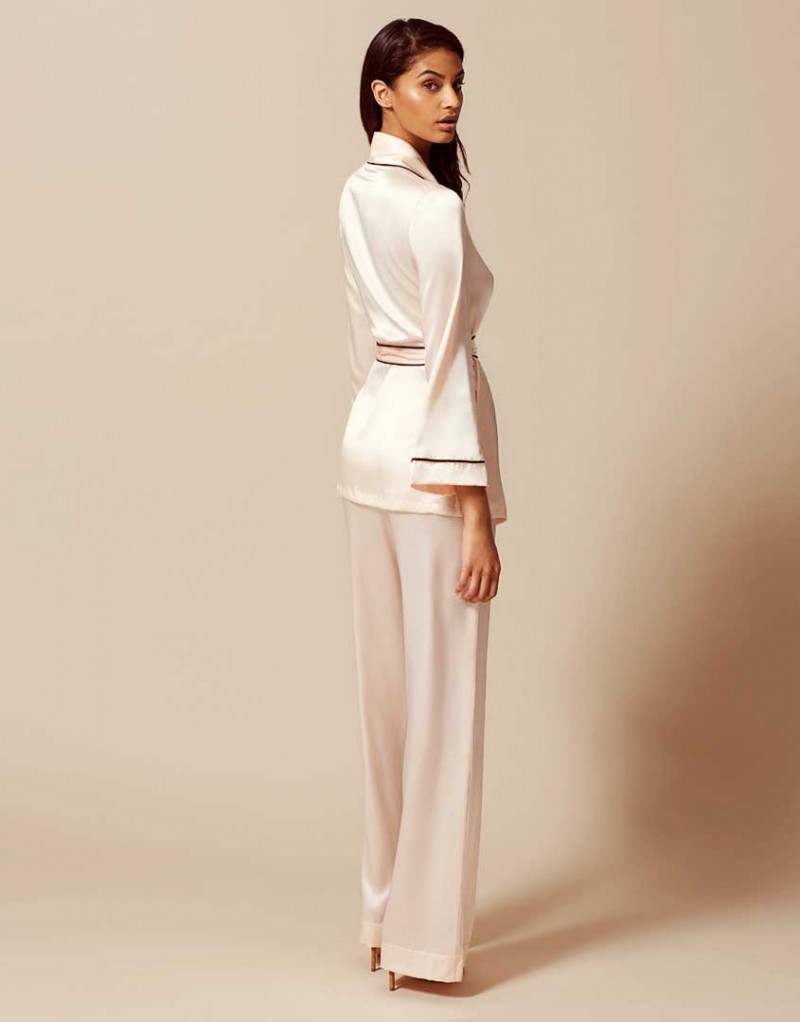
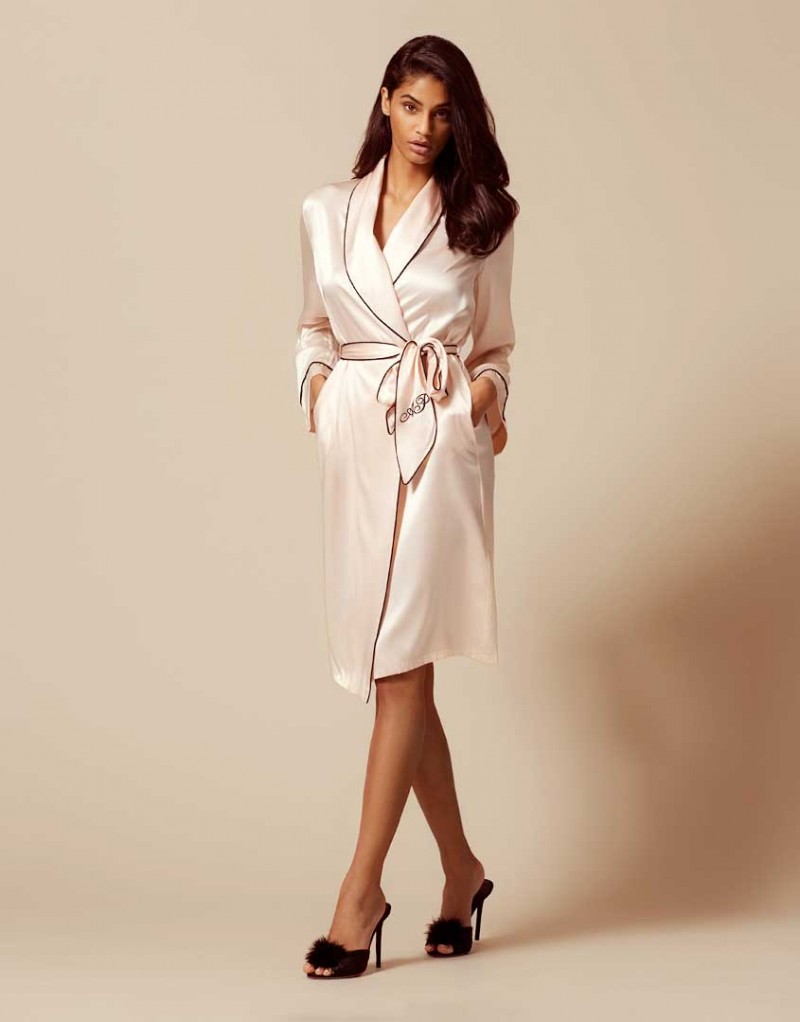
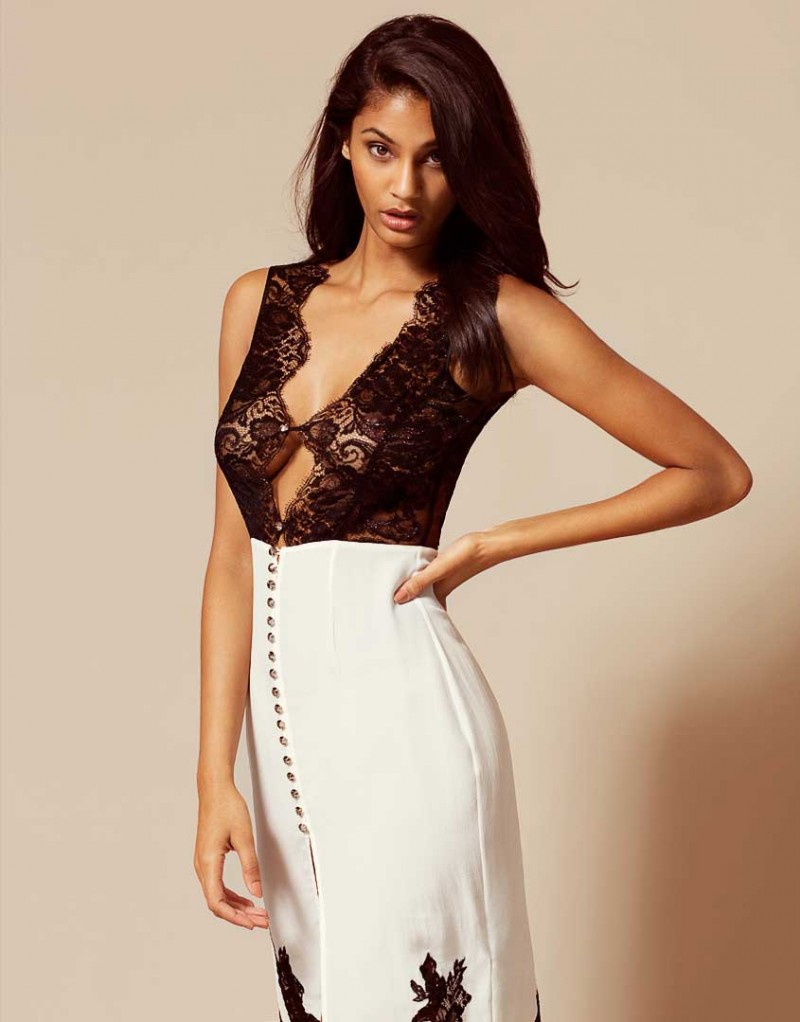
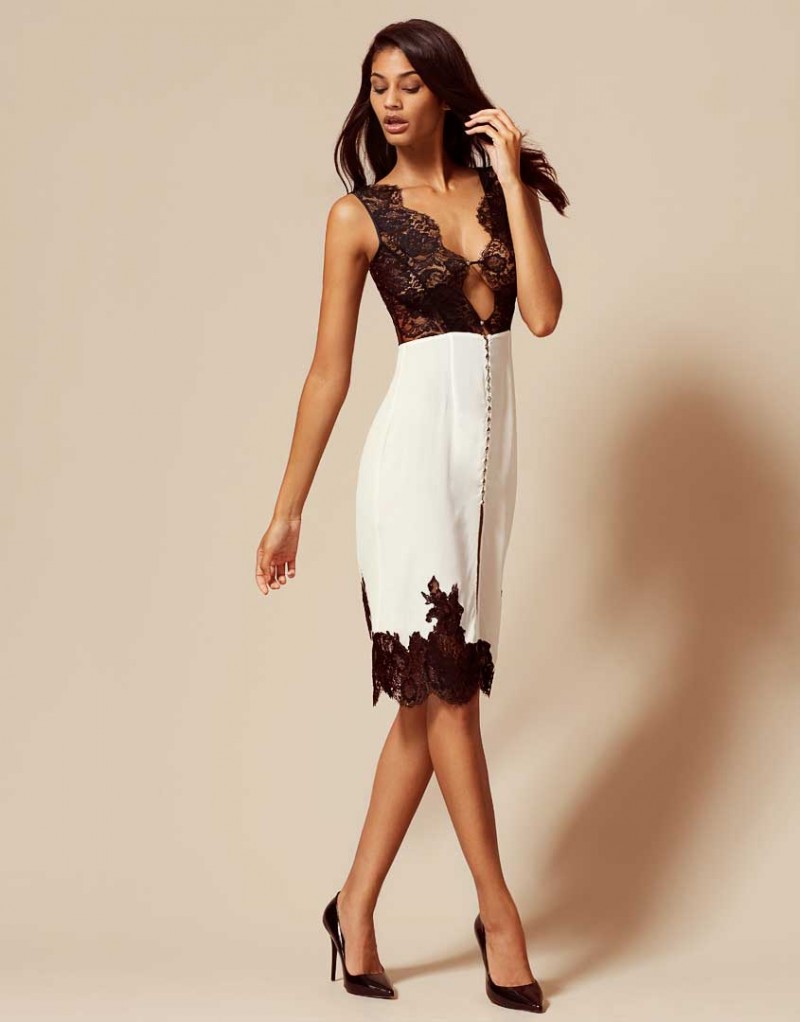
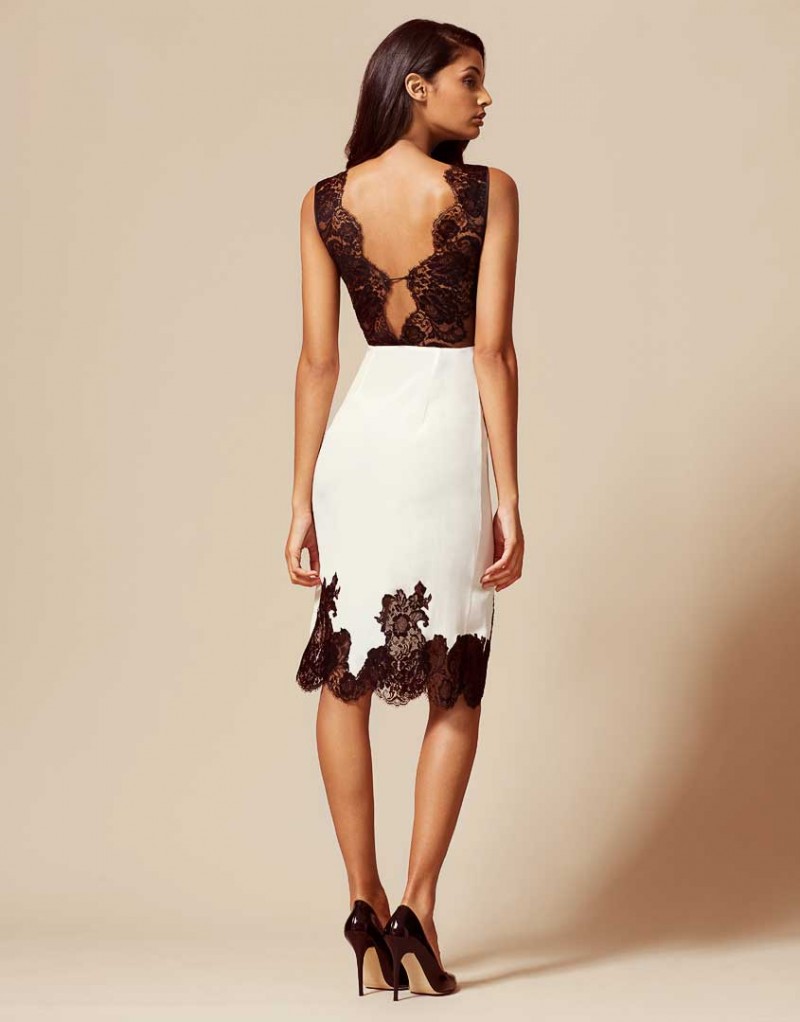
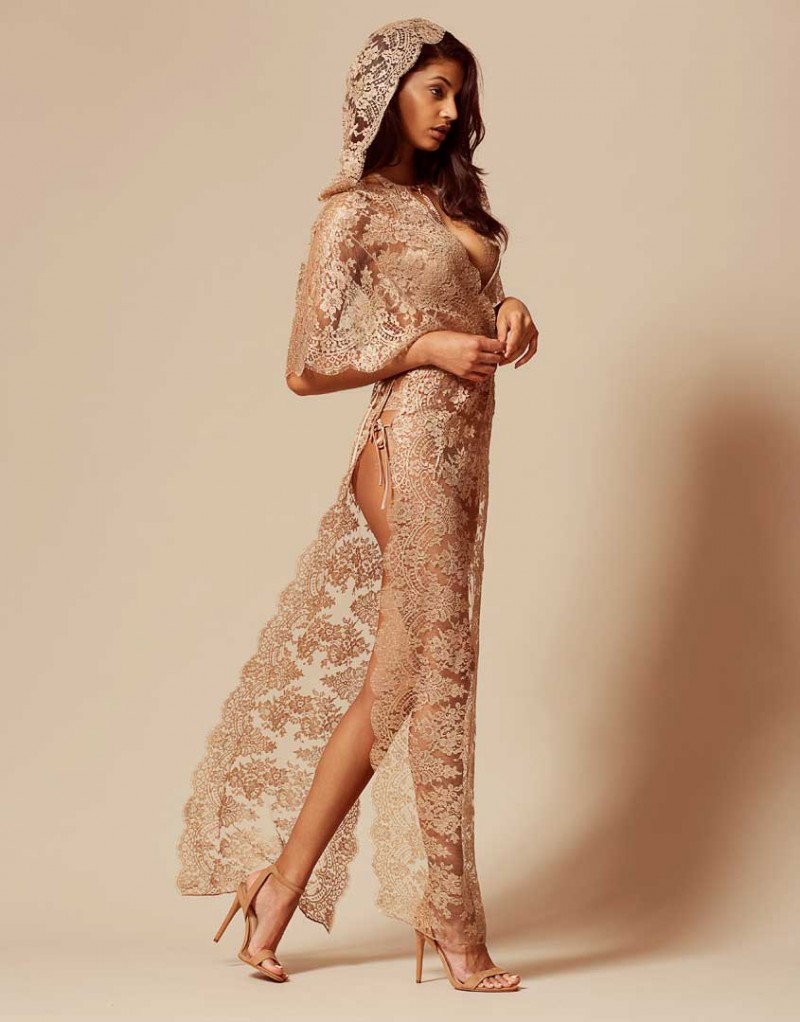
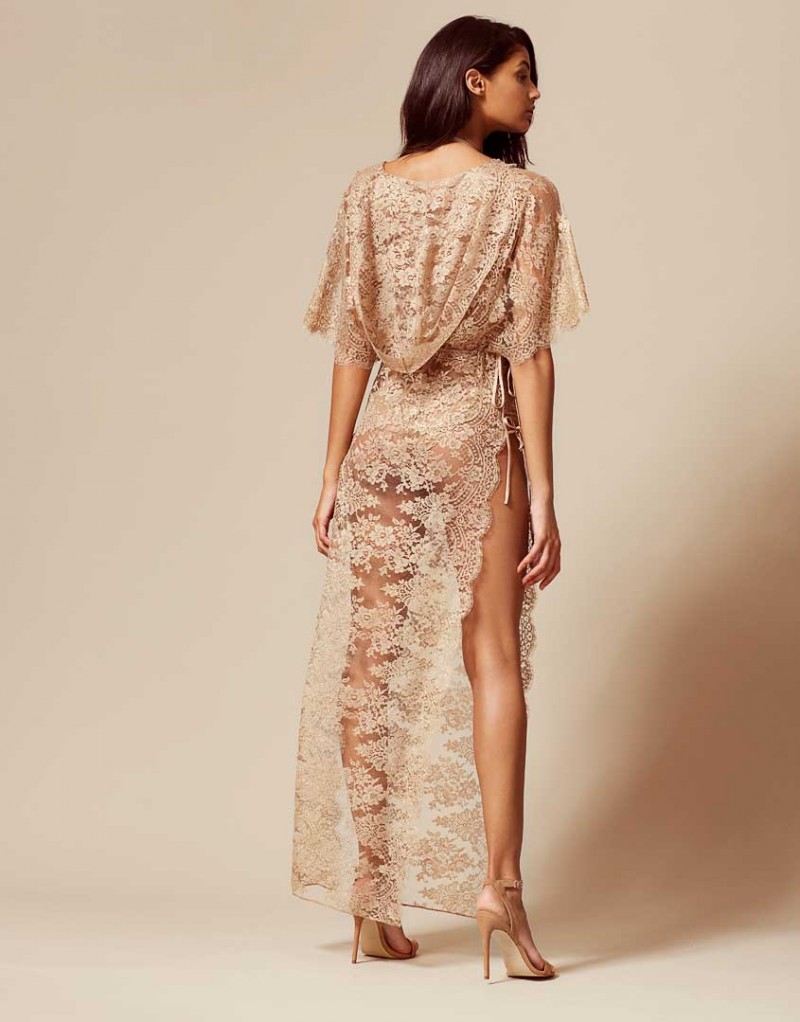
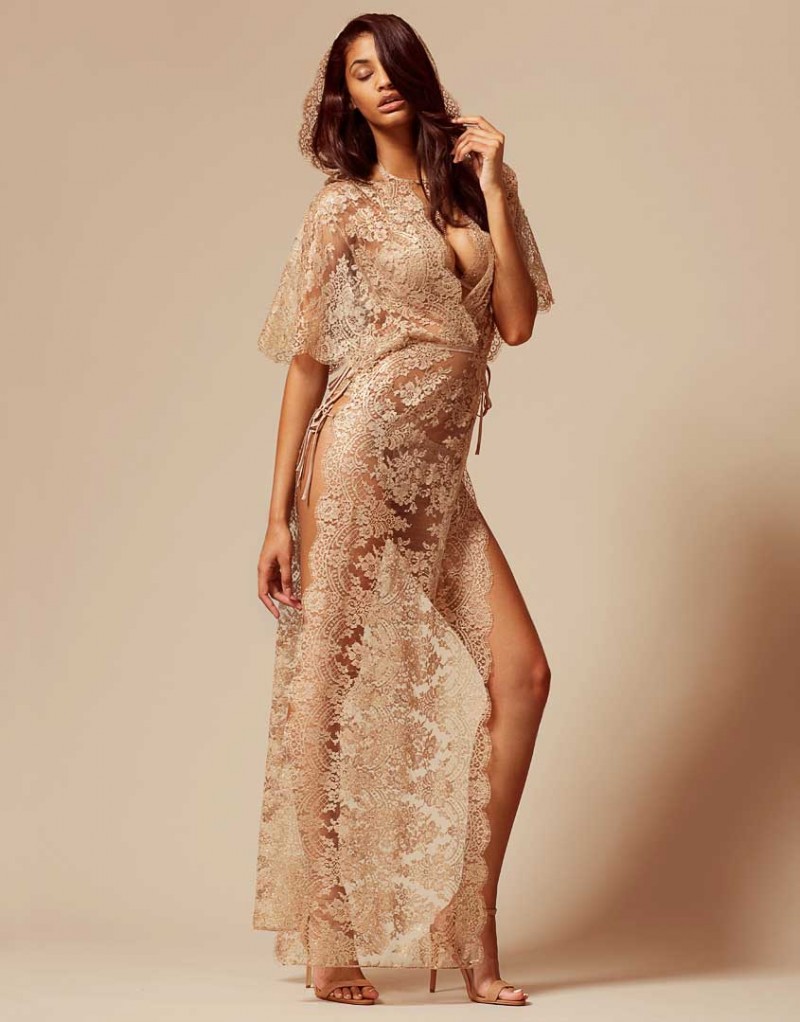
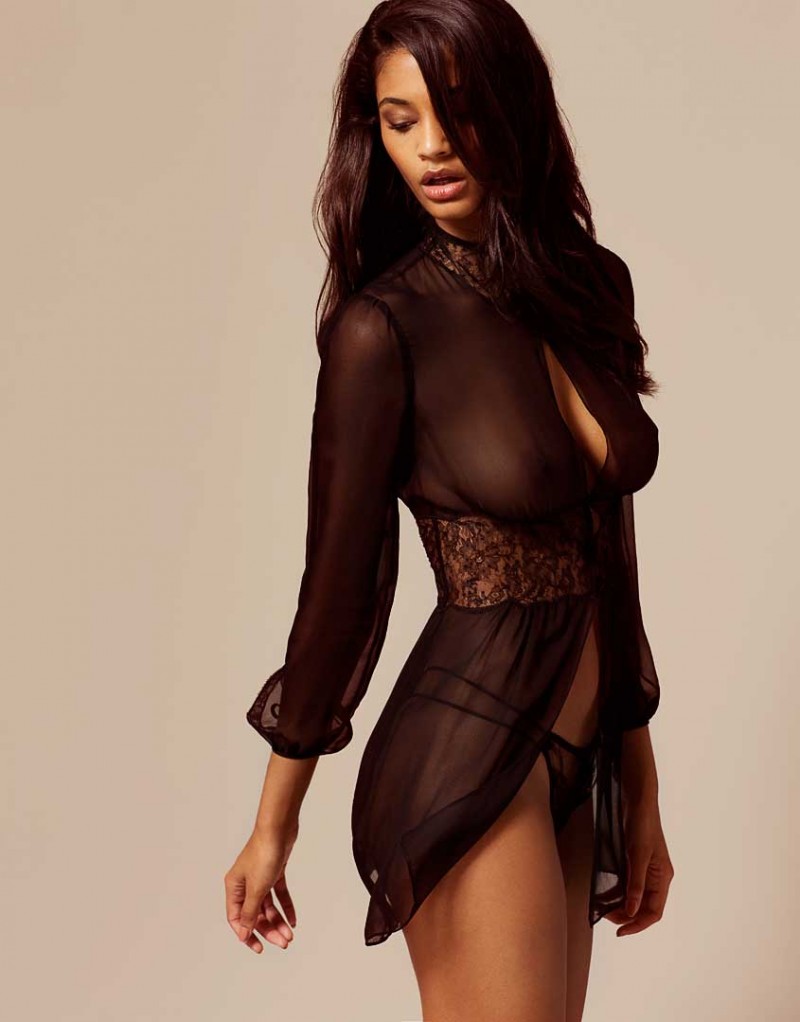
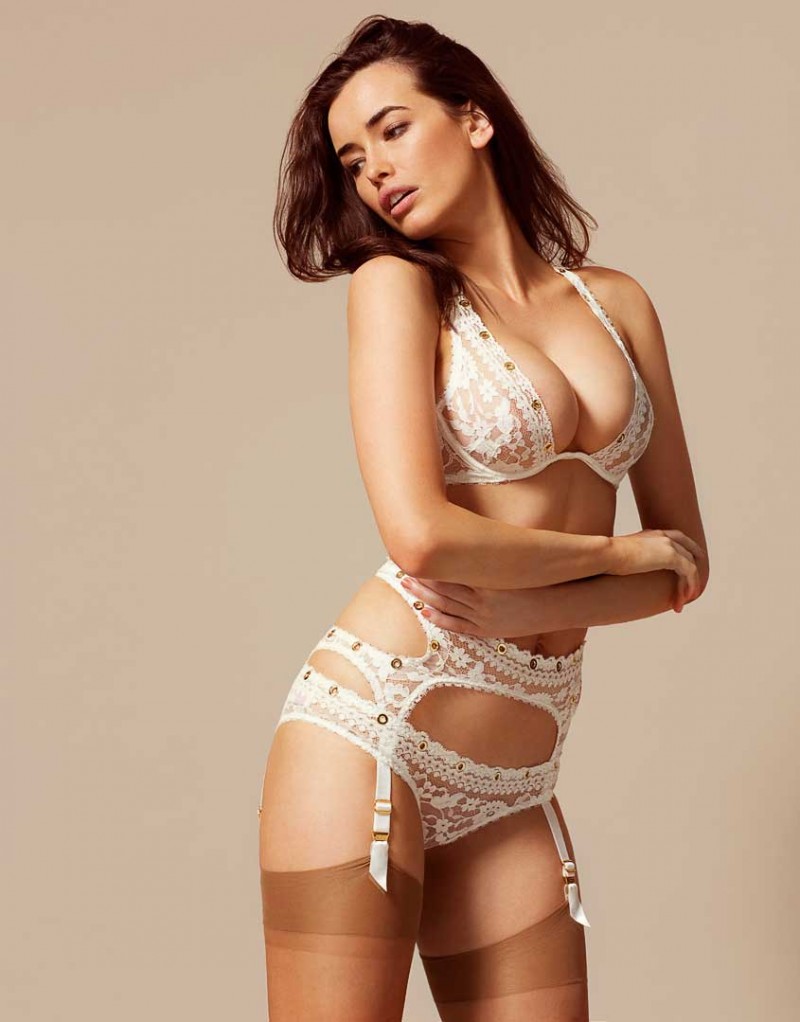
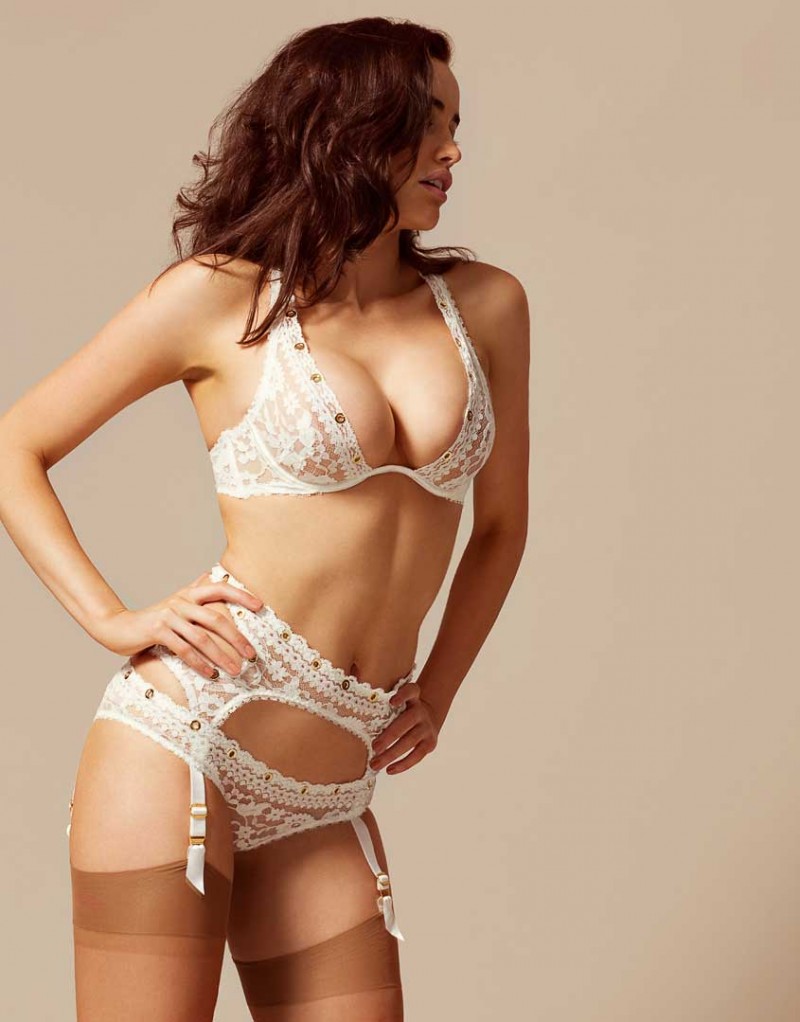
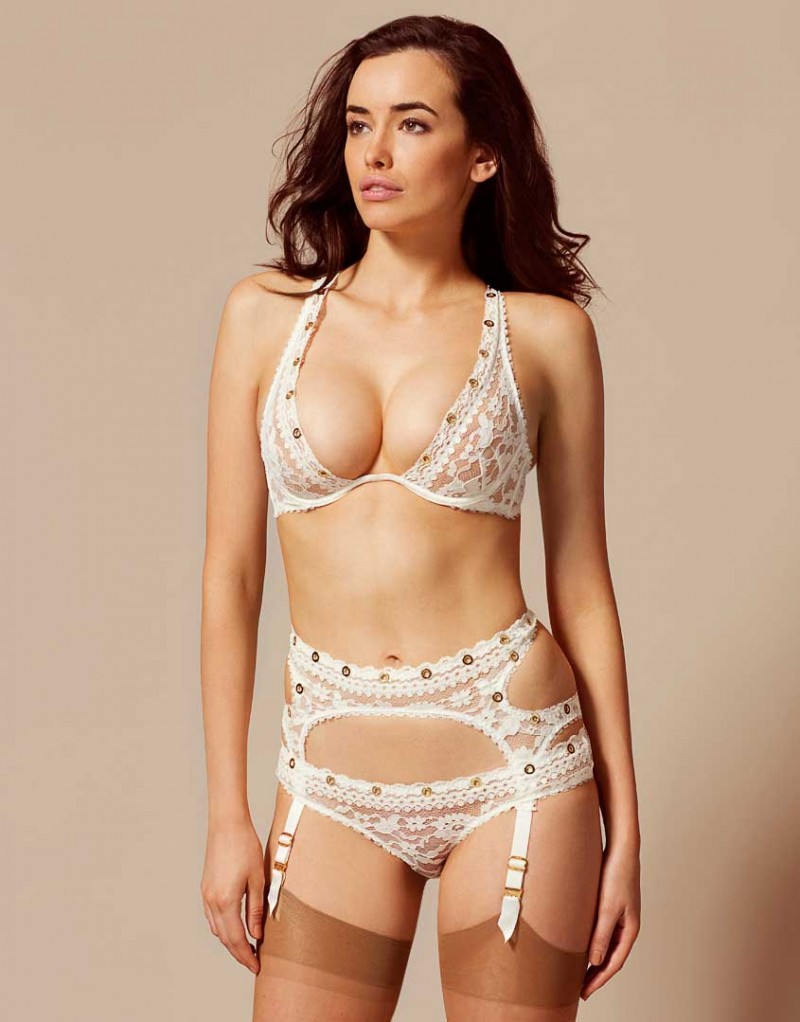
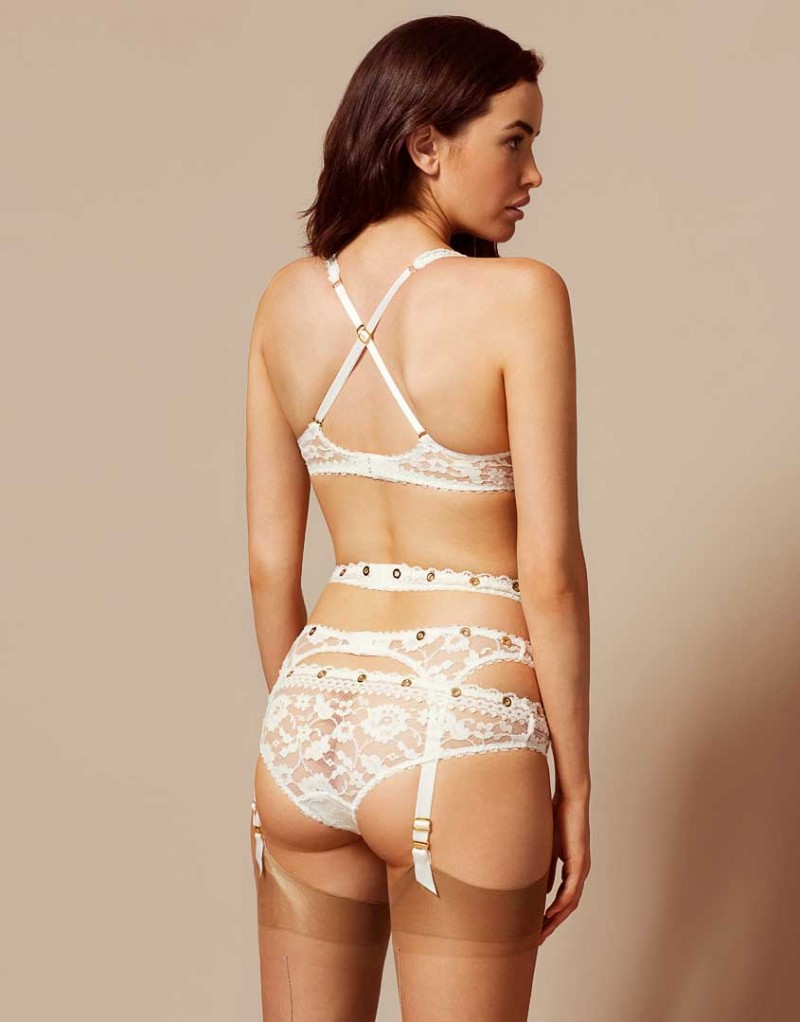
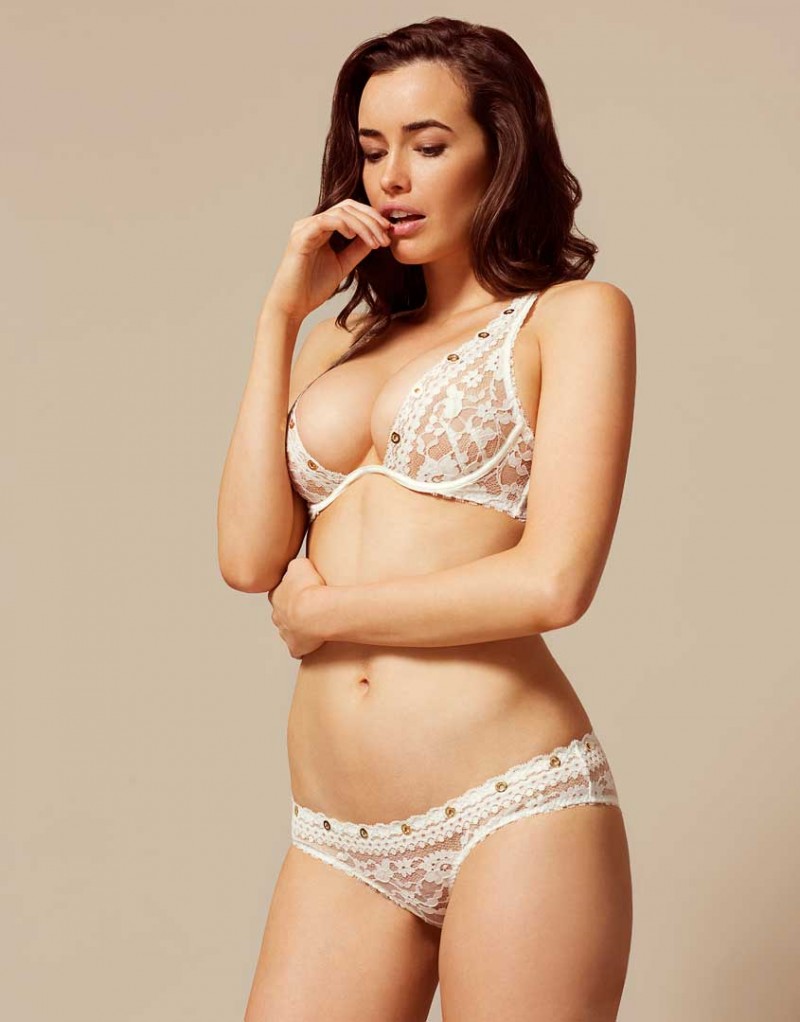
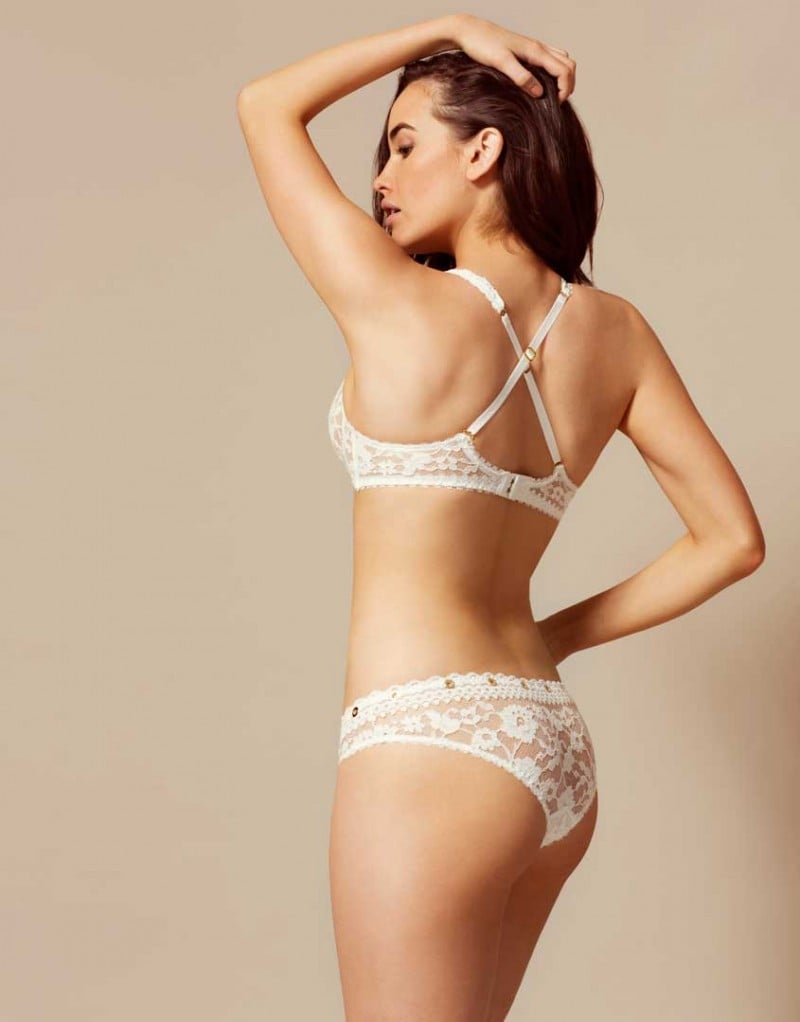
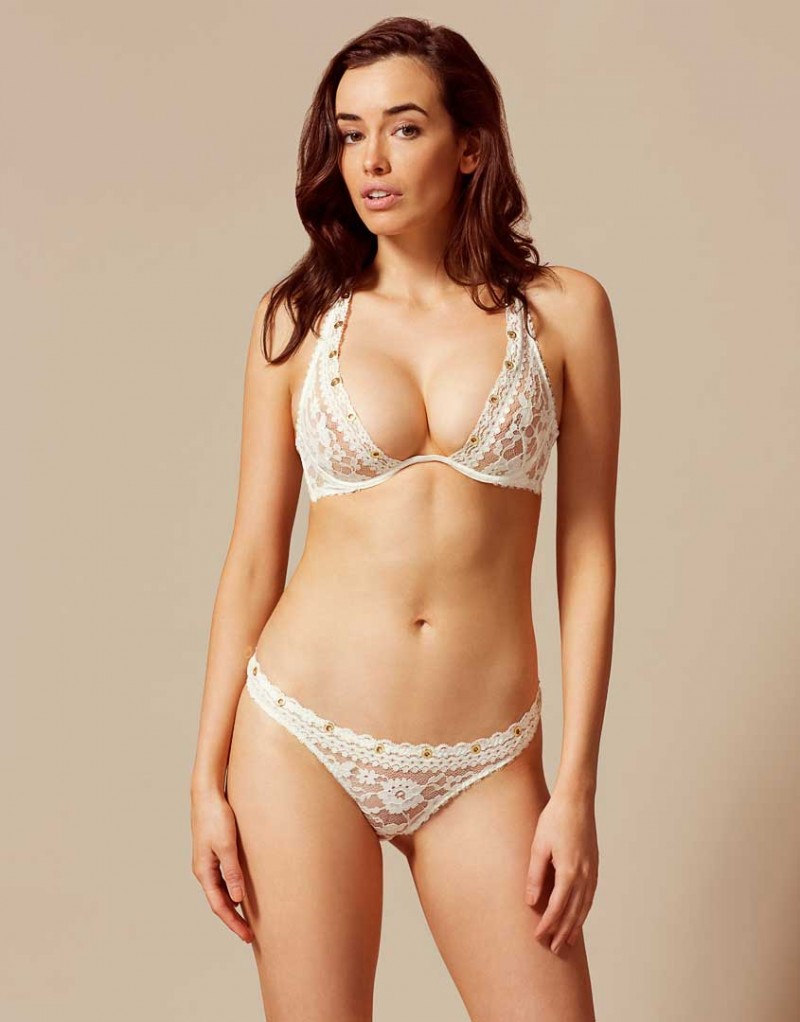
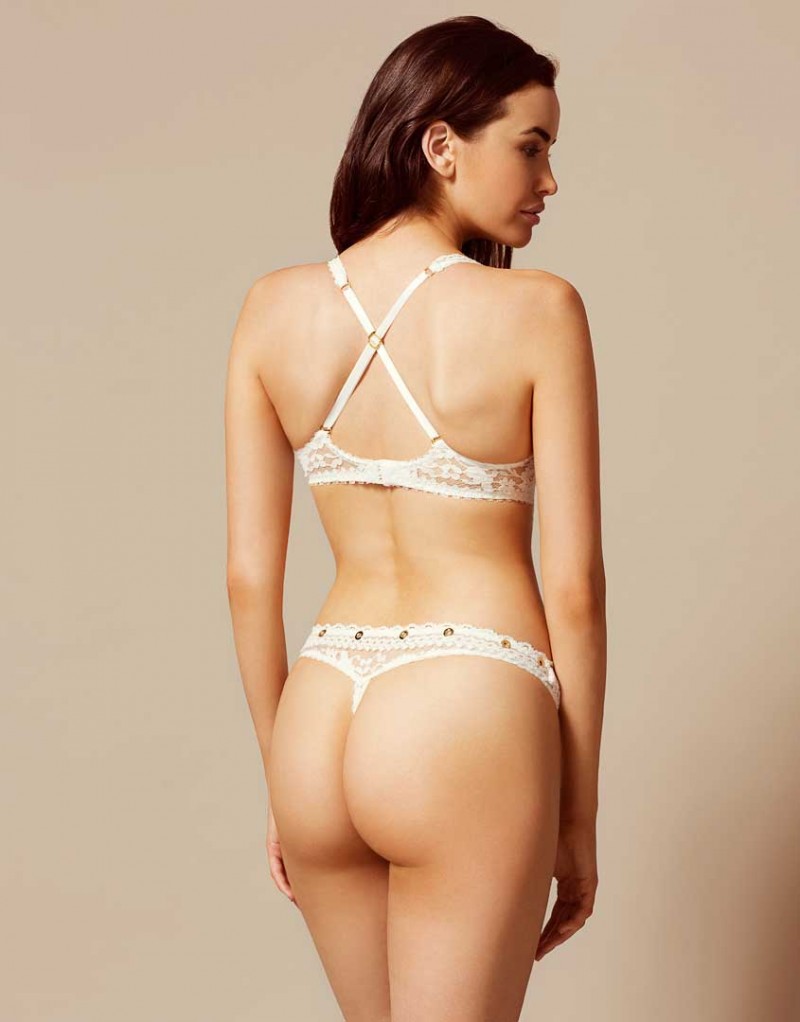
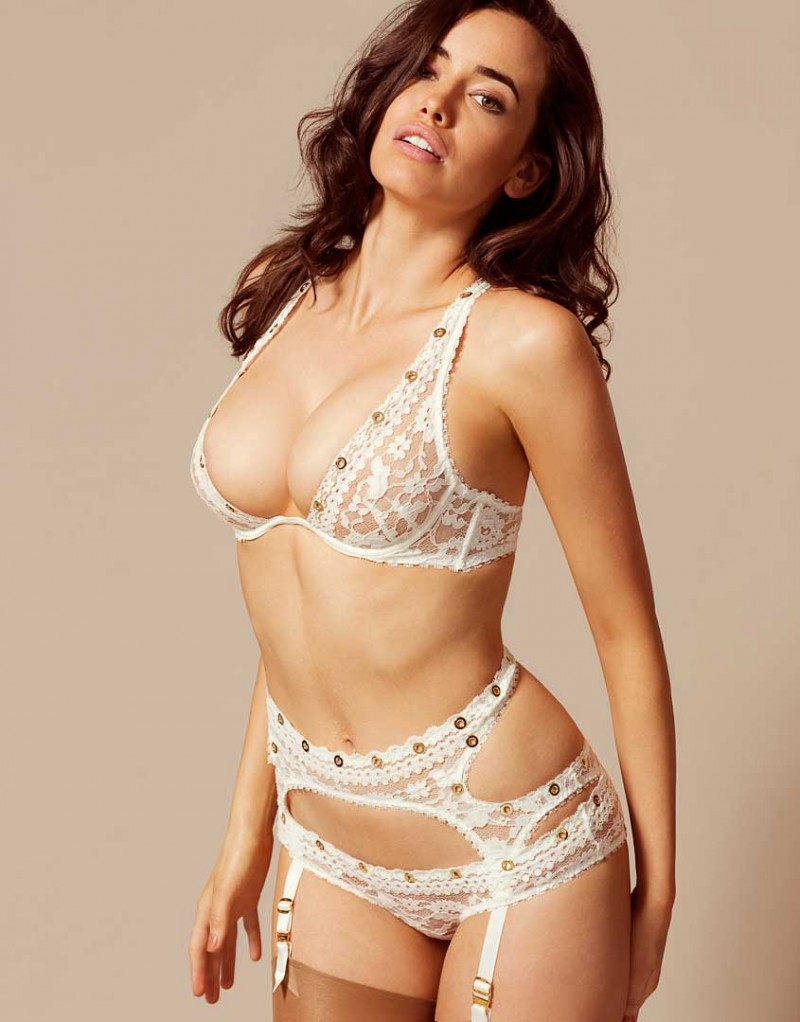
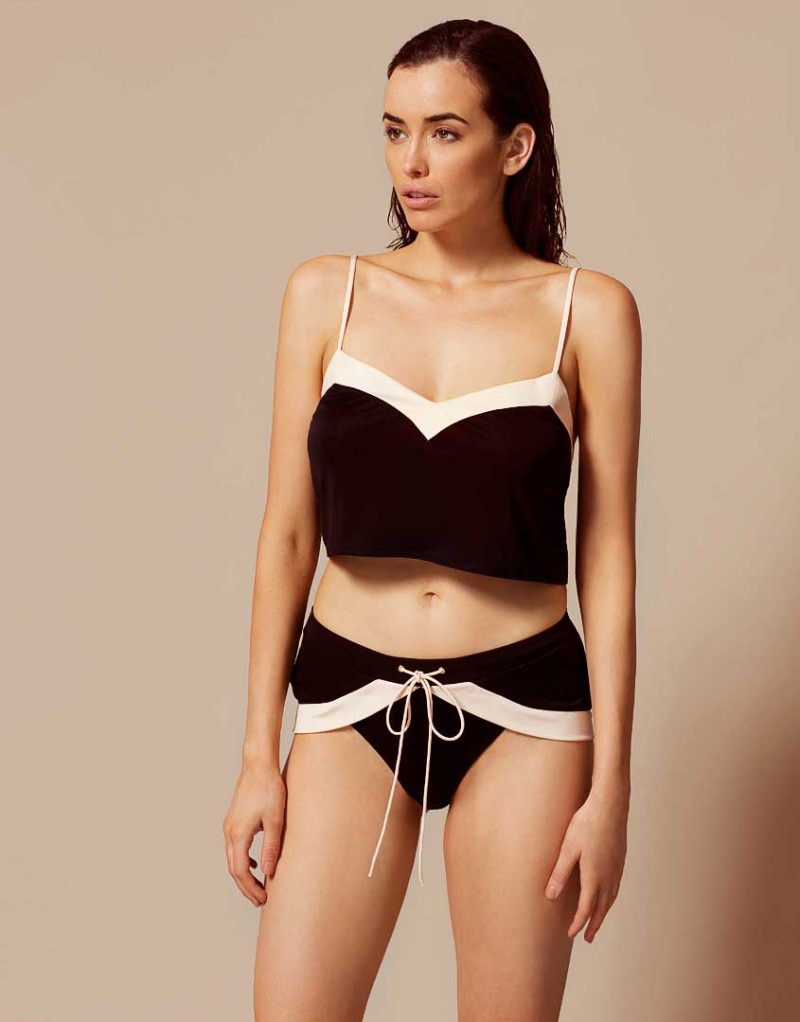
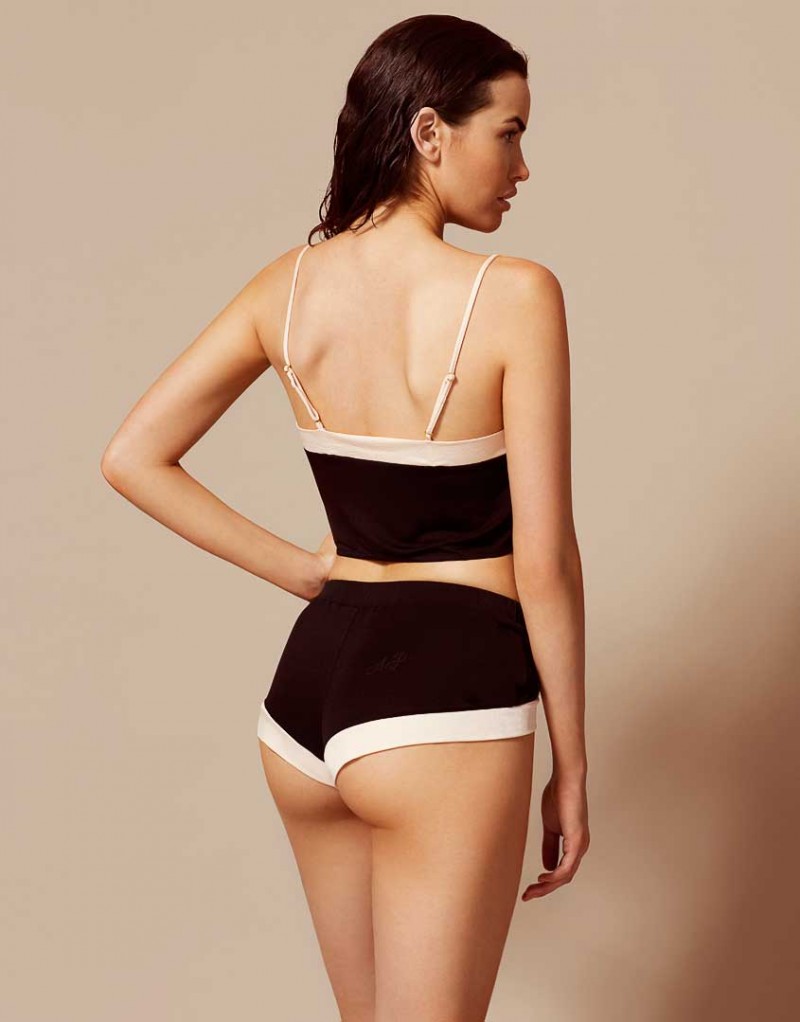
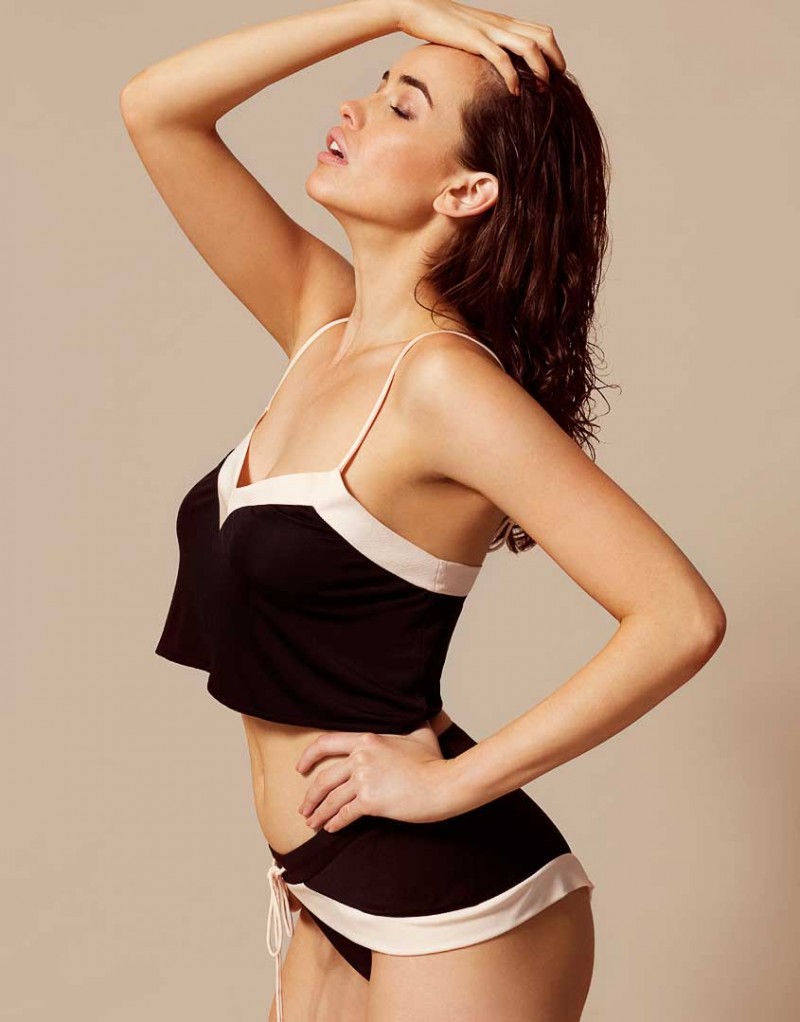
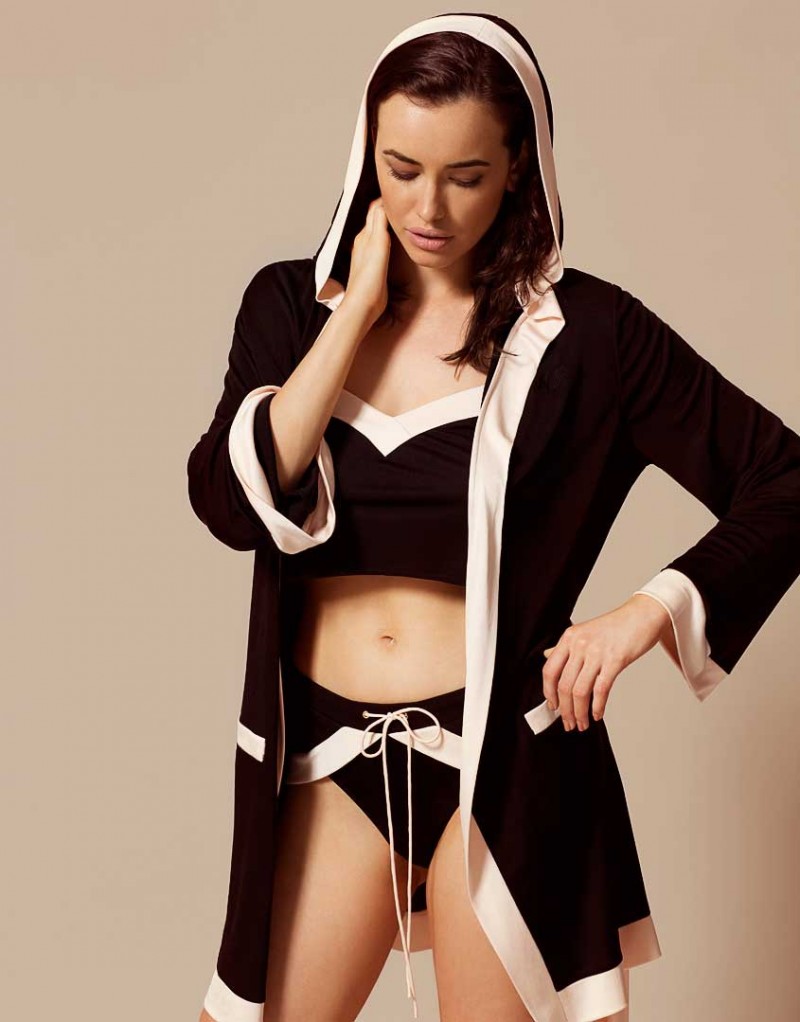
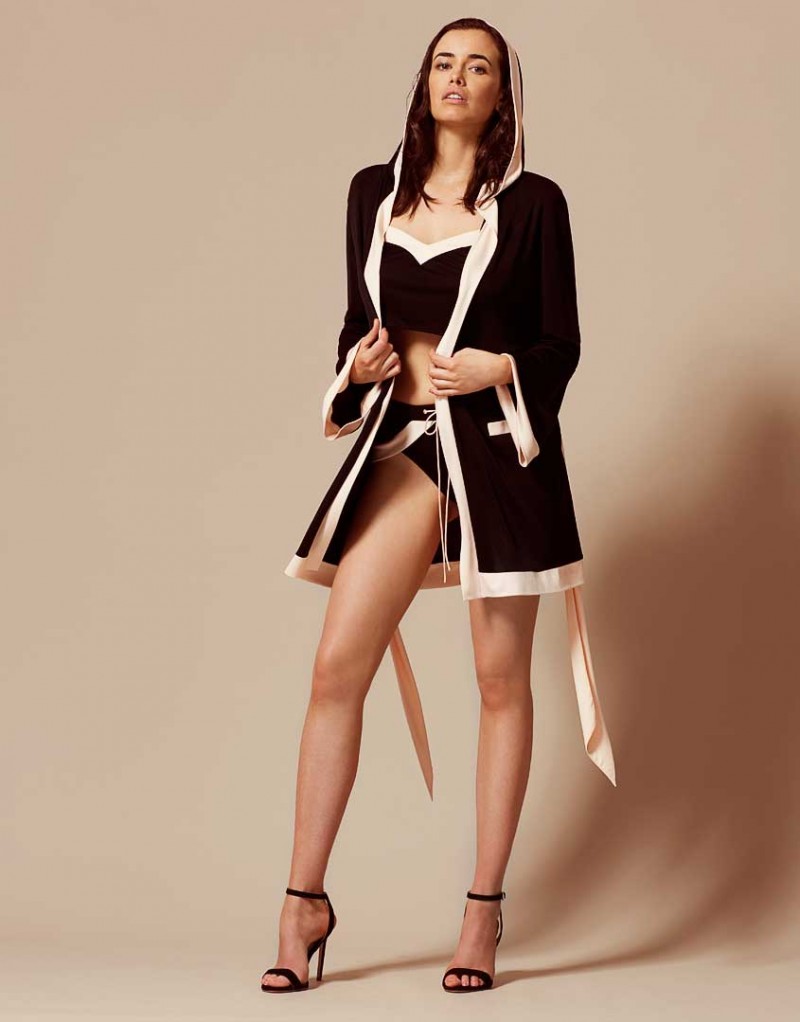
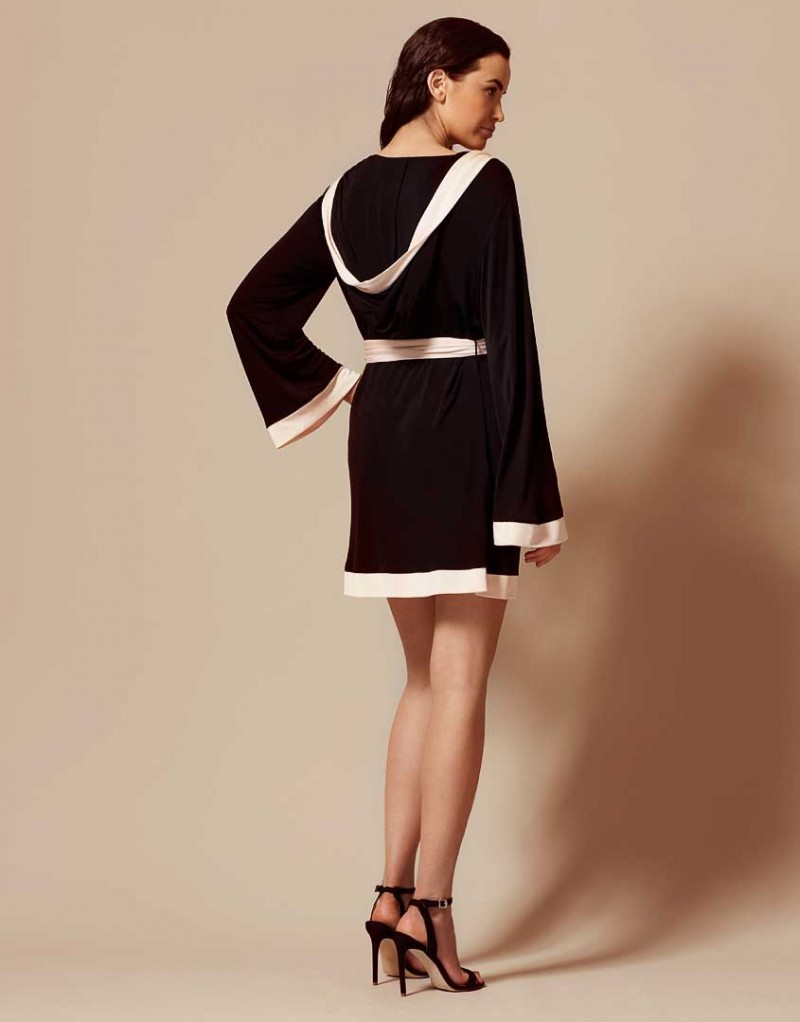
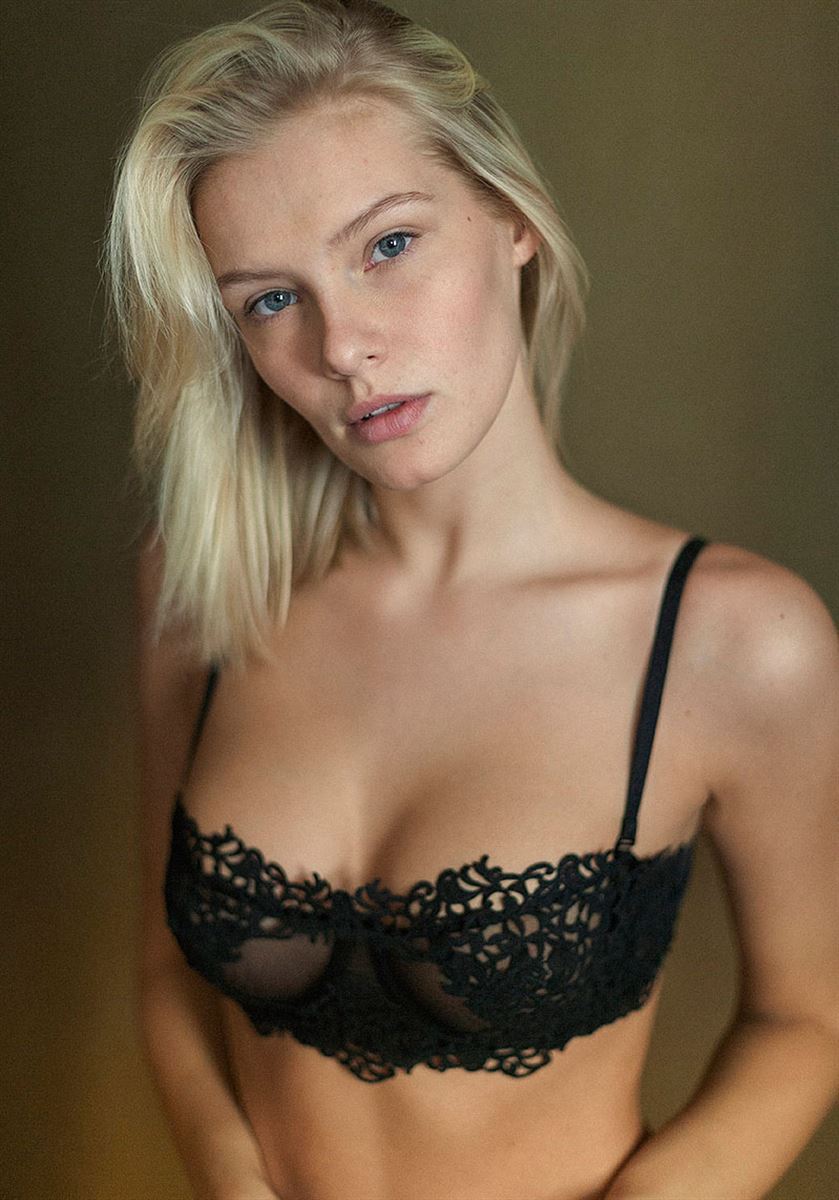
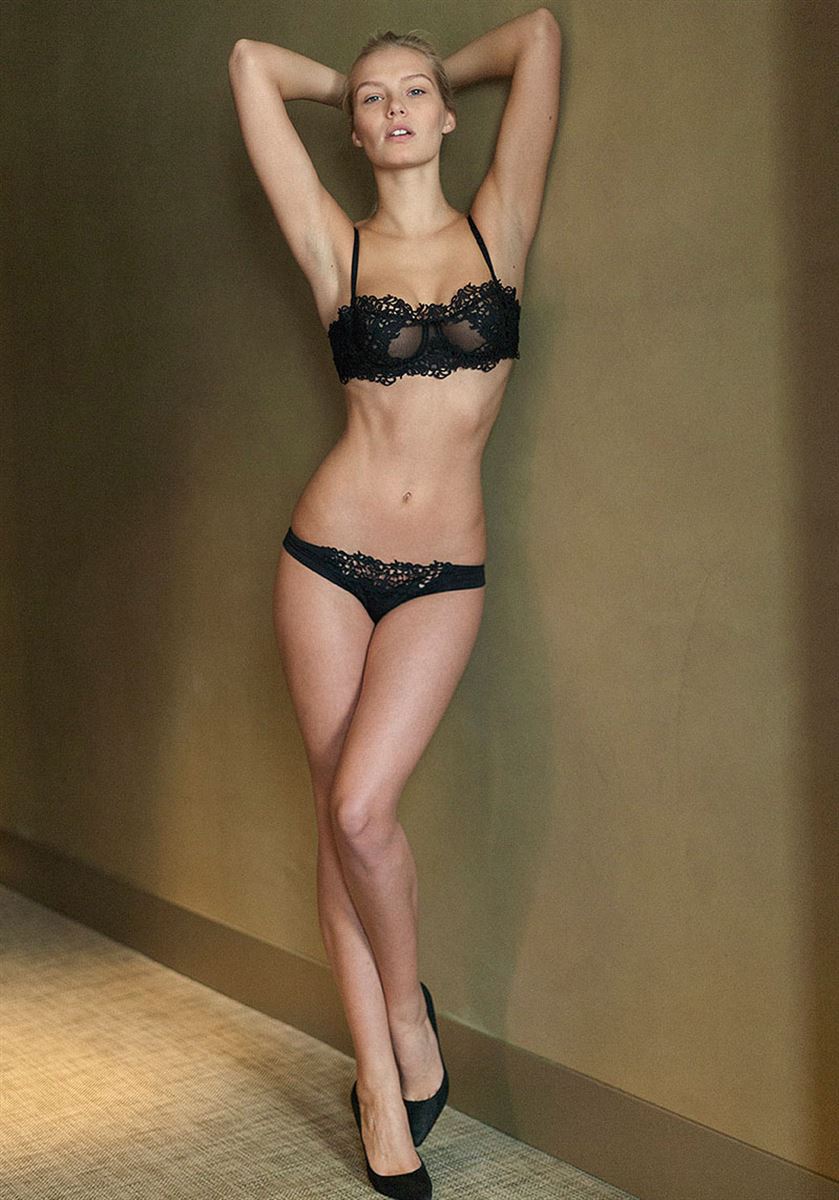
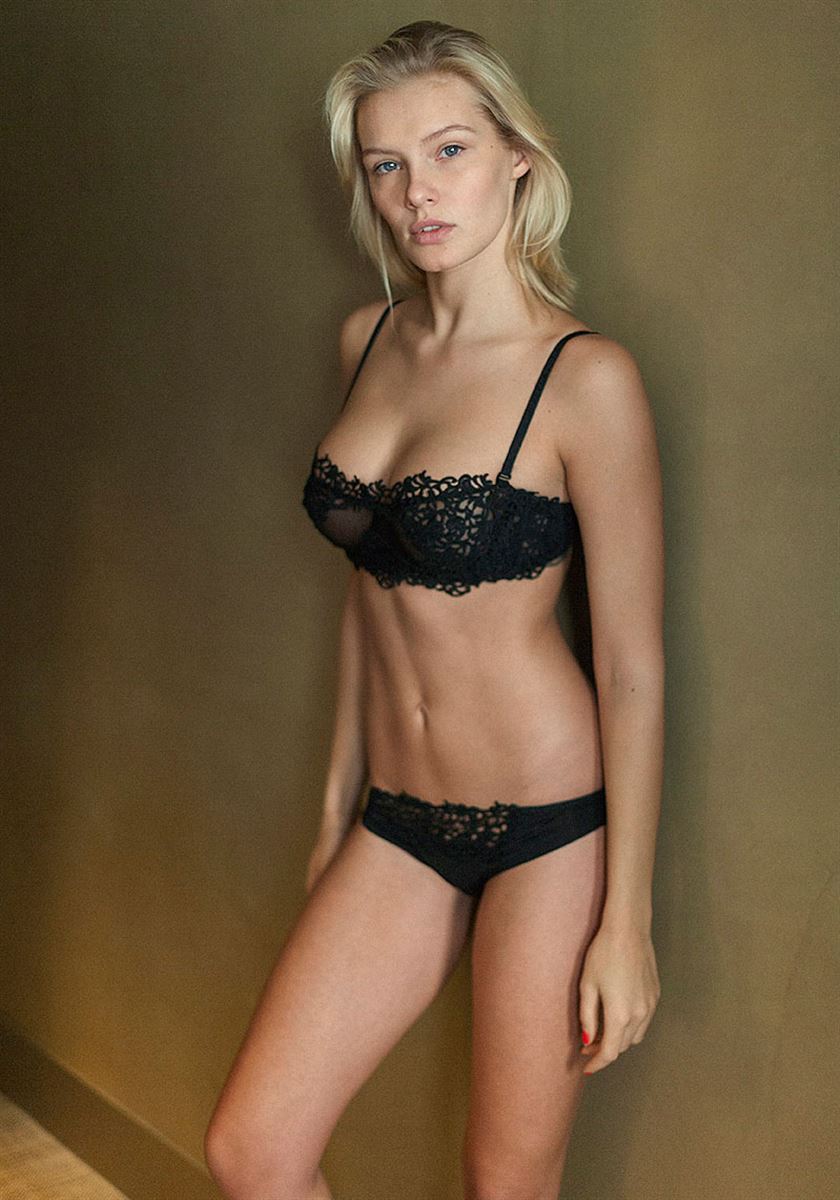
 Agent Provocateur Lingerie 2016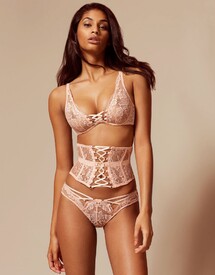
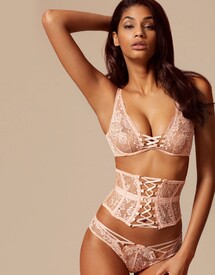
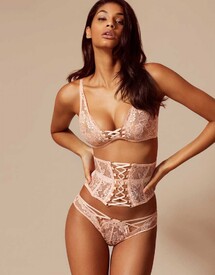
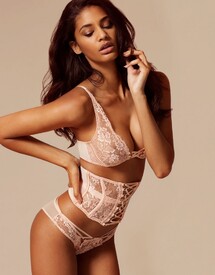
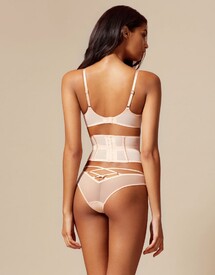
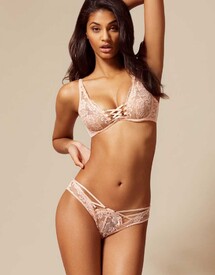
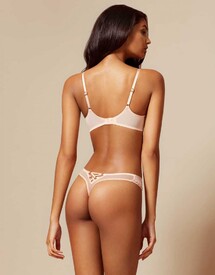
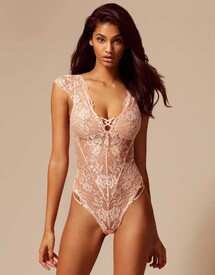
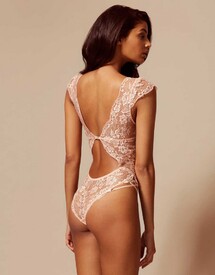
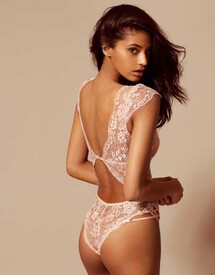
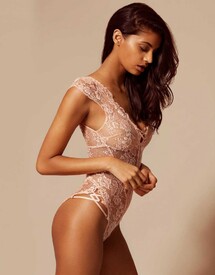
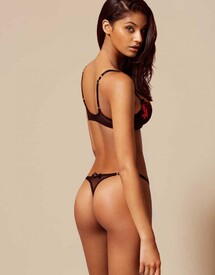
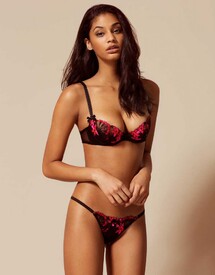
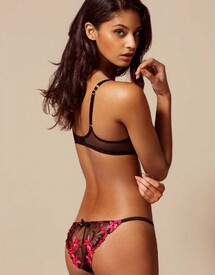
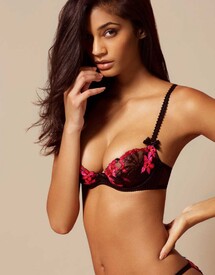
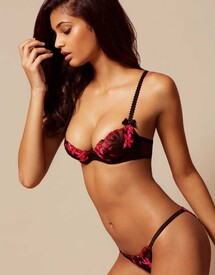
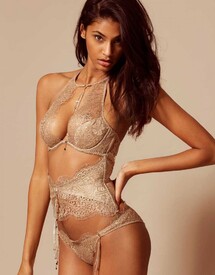
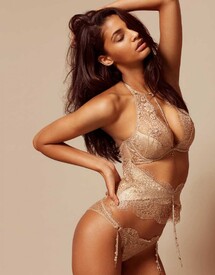
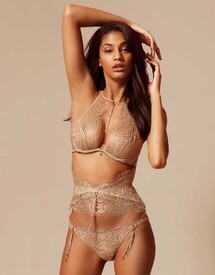
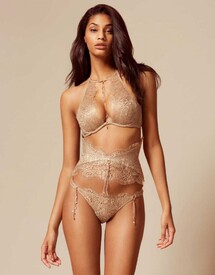
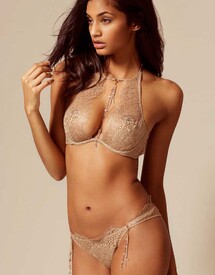
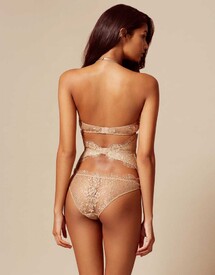
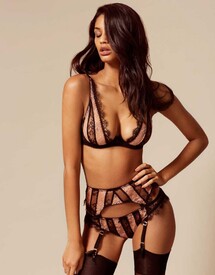
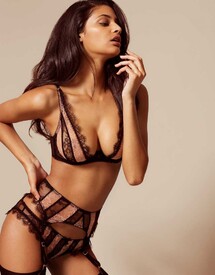
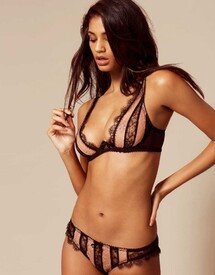
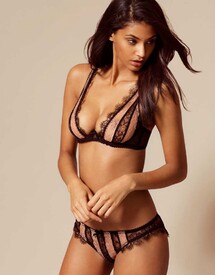
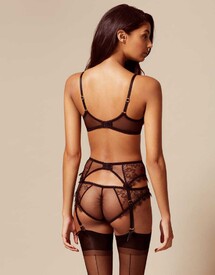
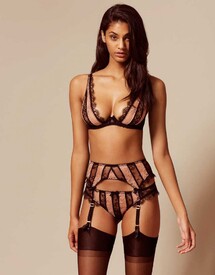
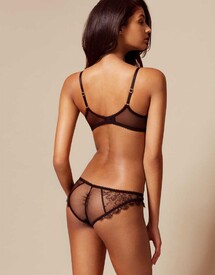
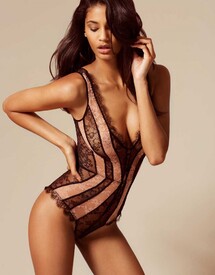
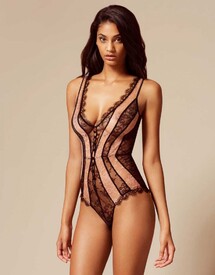
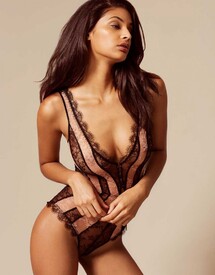
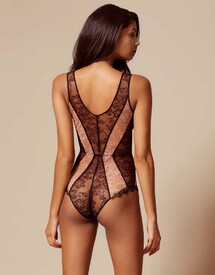
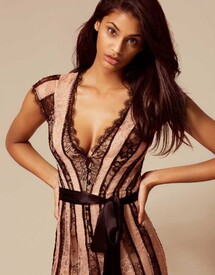
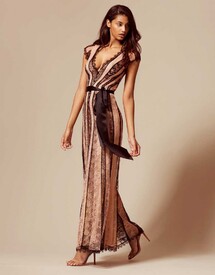
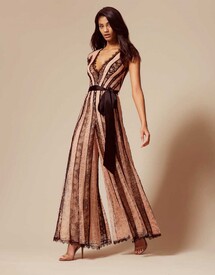
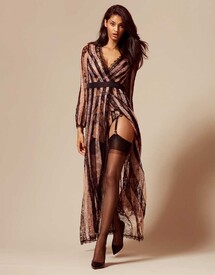
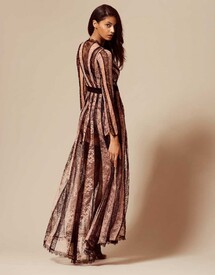
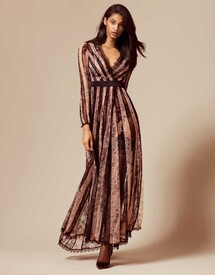
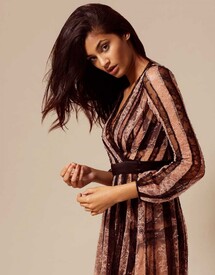
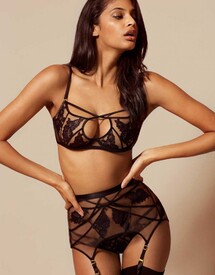
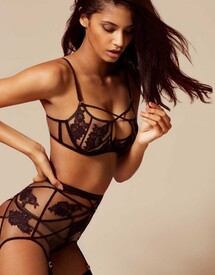
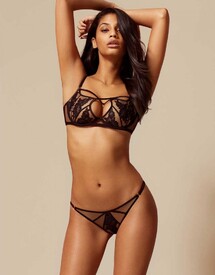
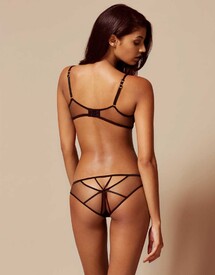
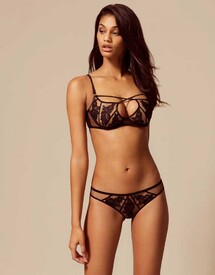
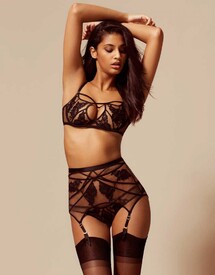
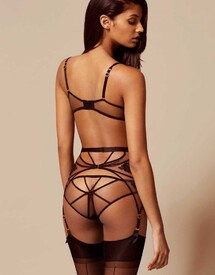
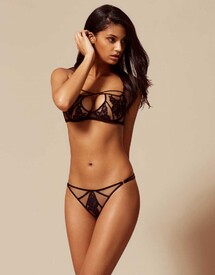
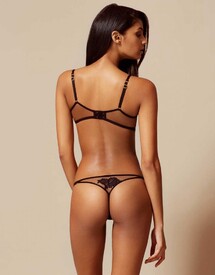
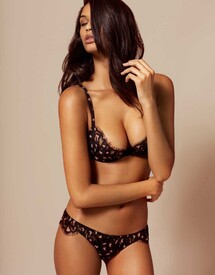
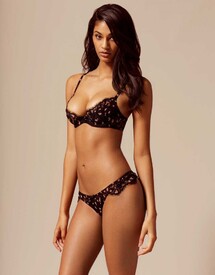
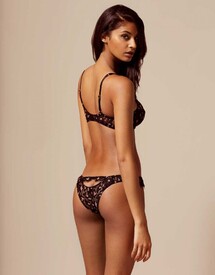
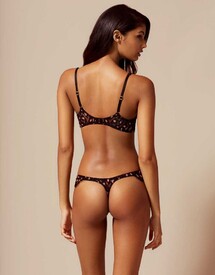
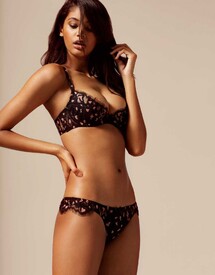
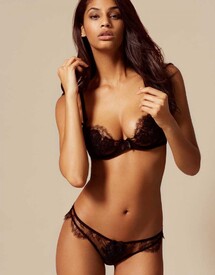
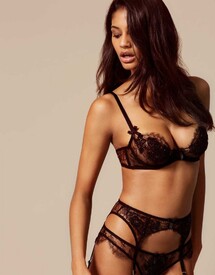
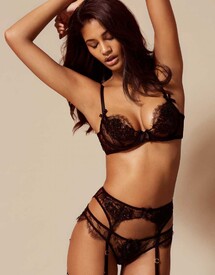
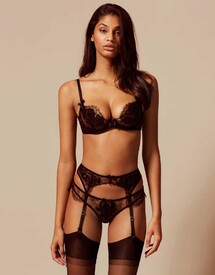
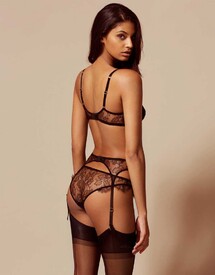
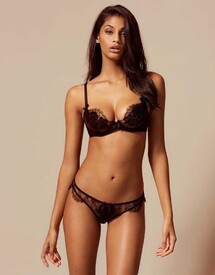
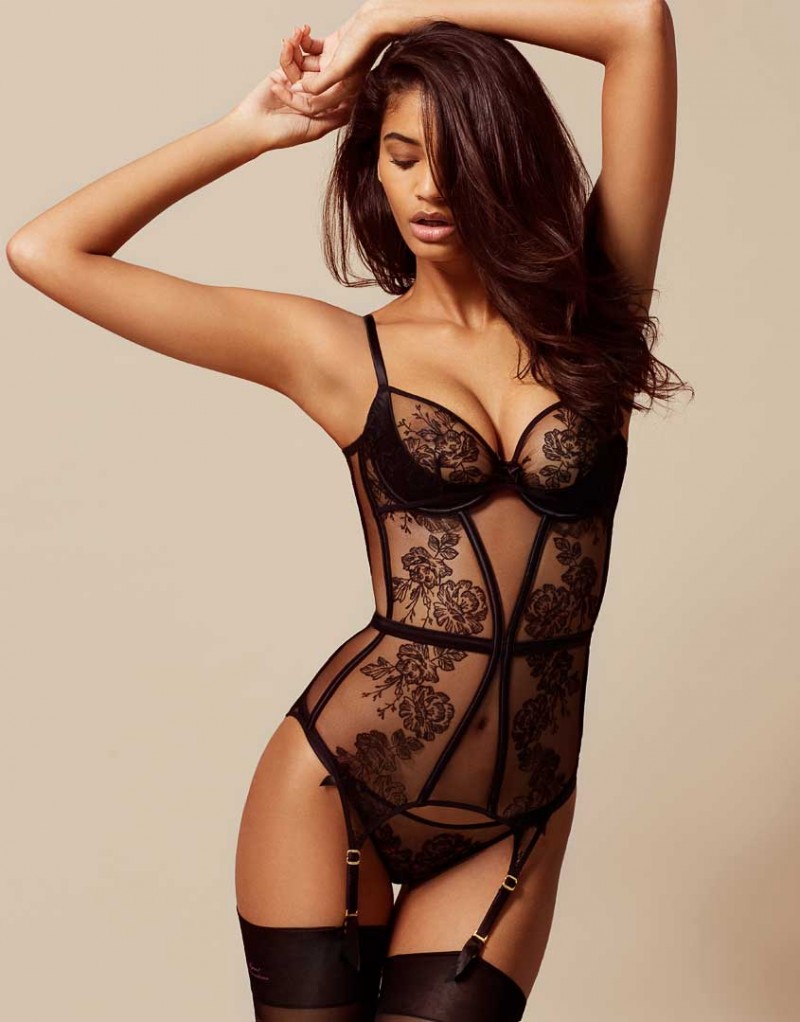
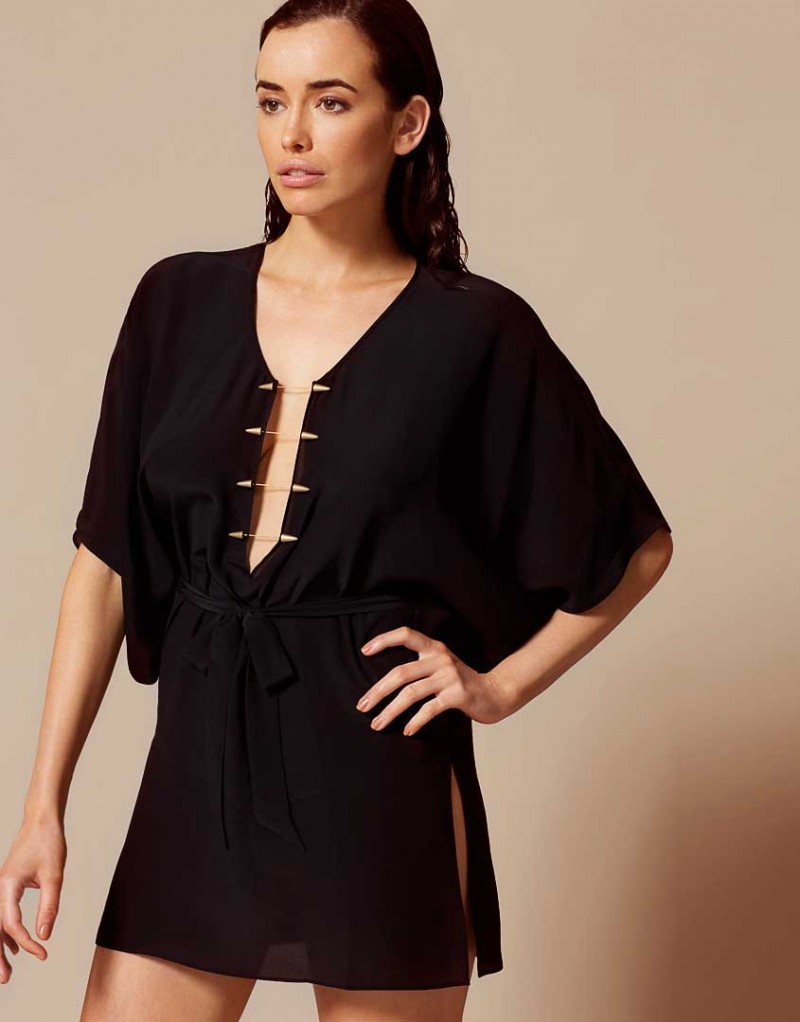
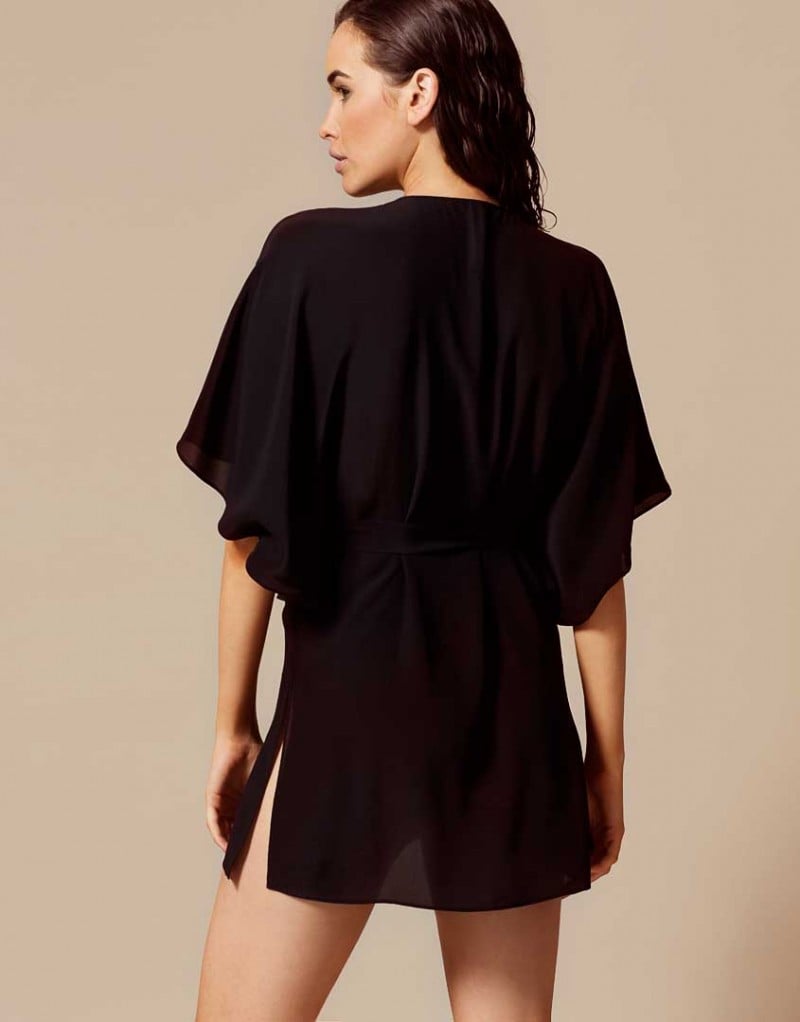
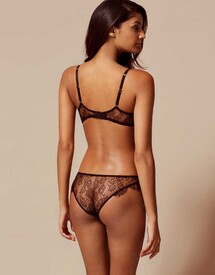 Agent Provocateur (the See Through section)
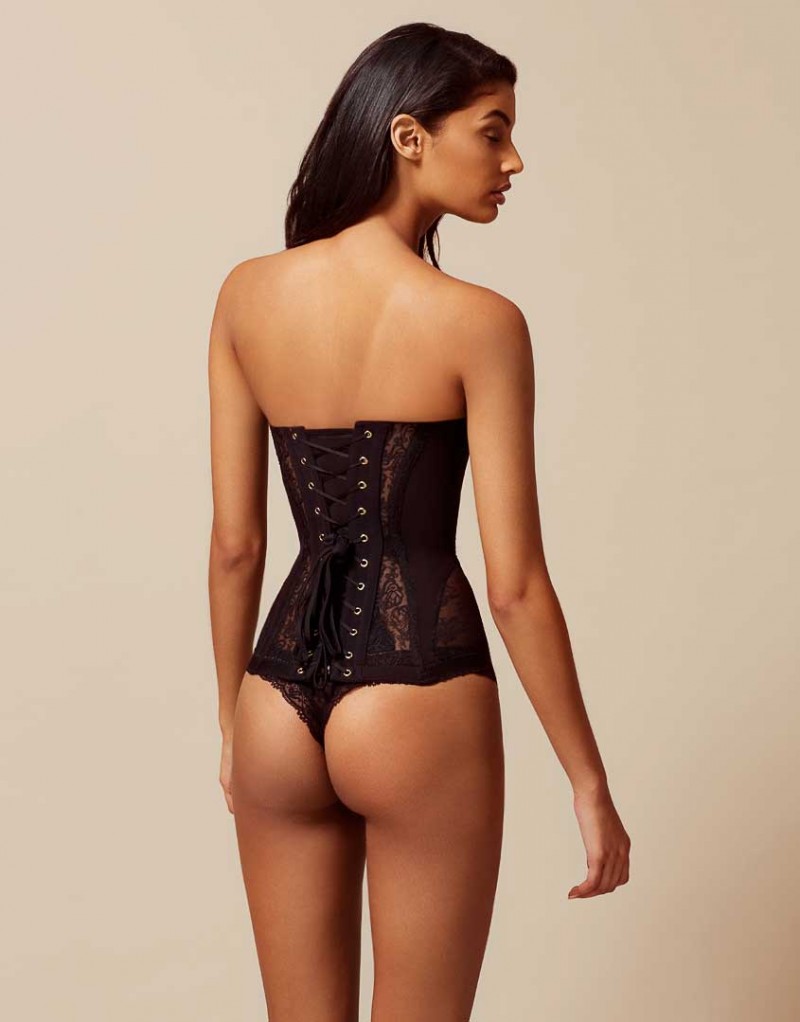
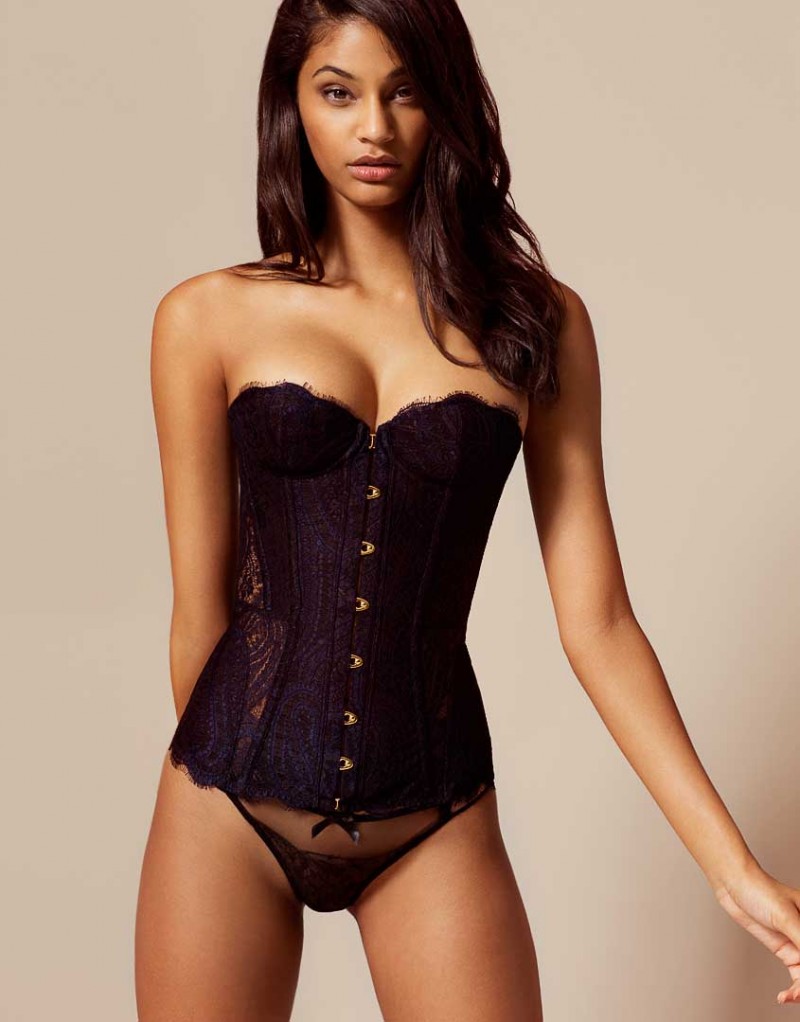
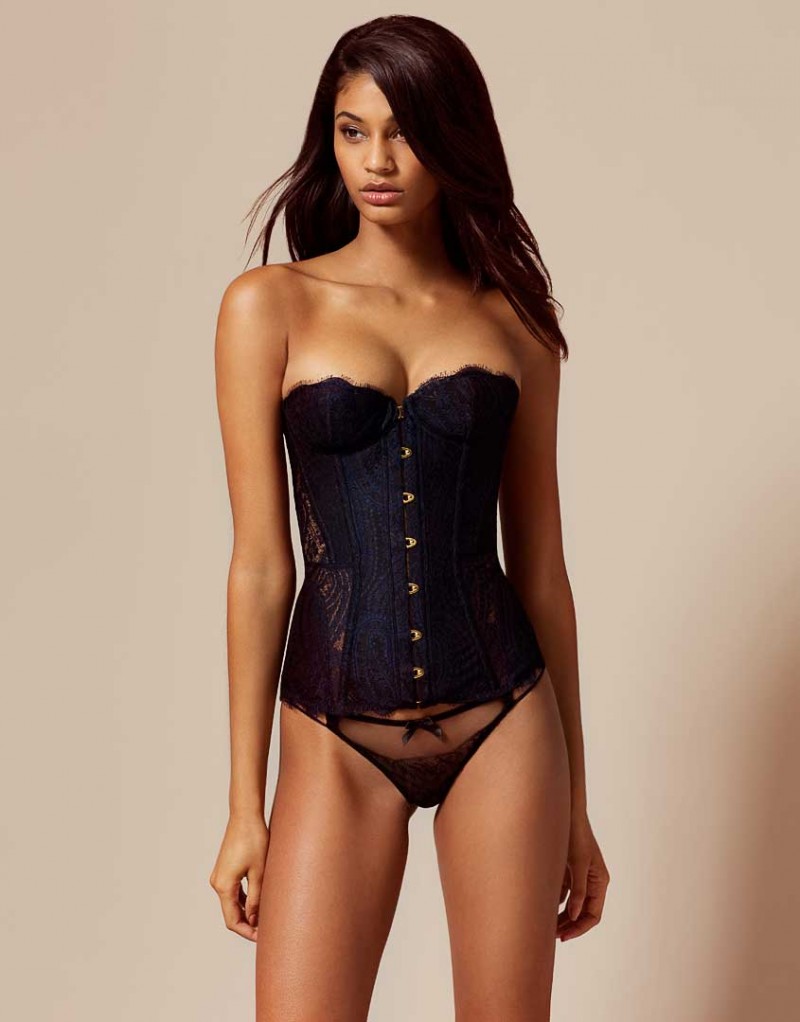
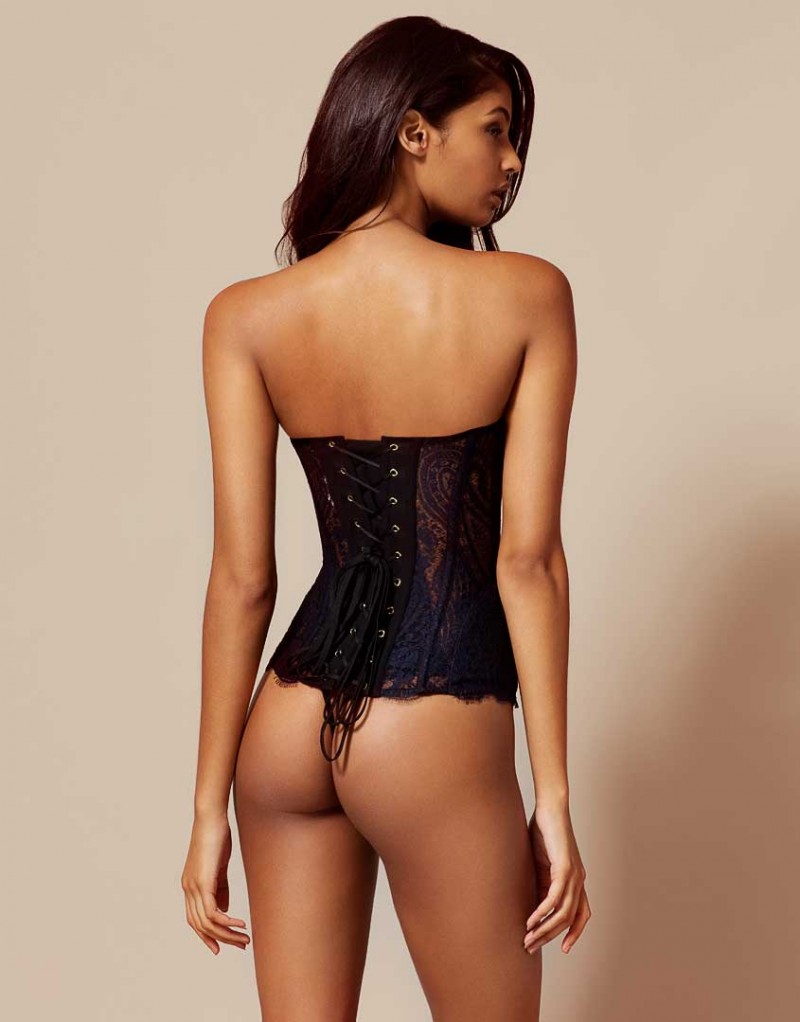
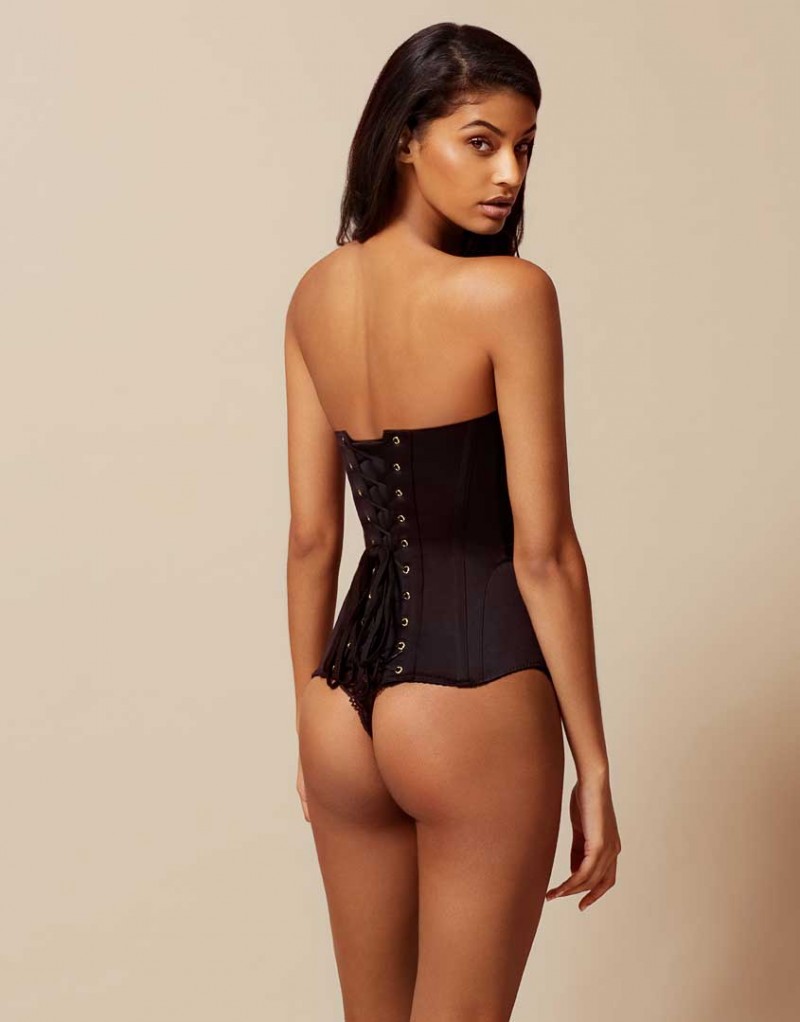
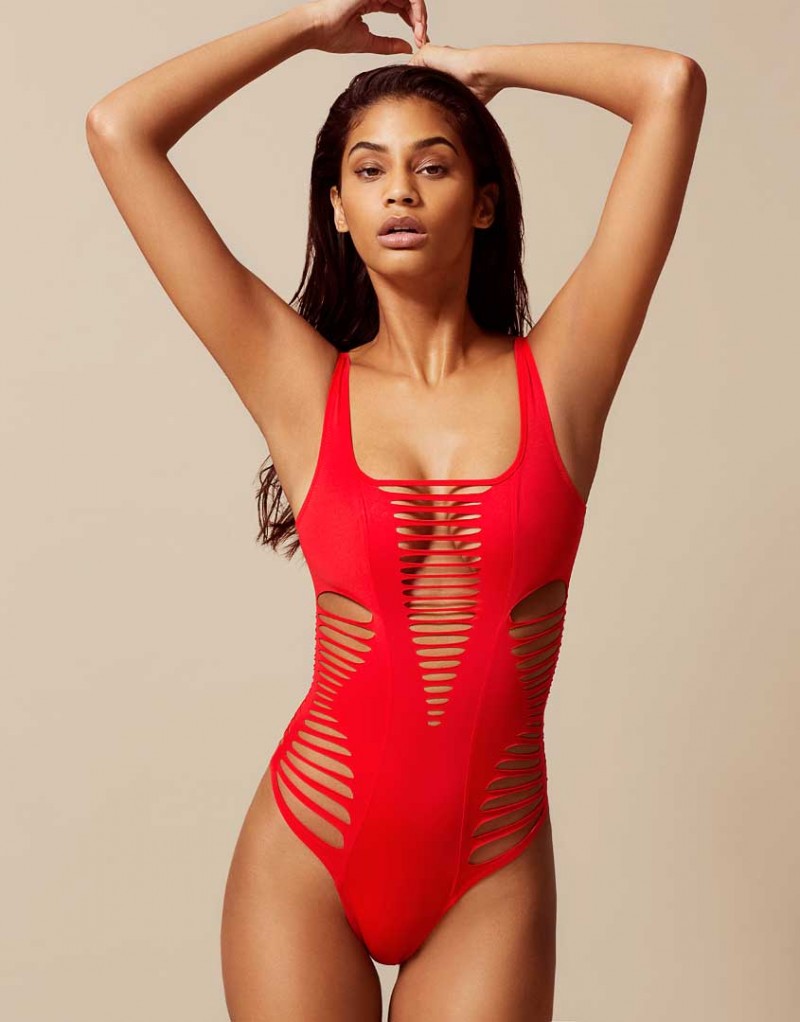
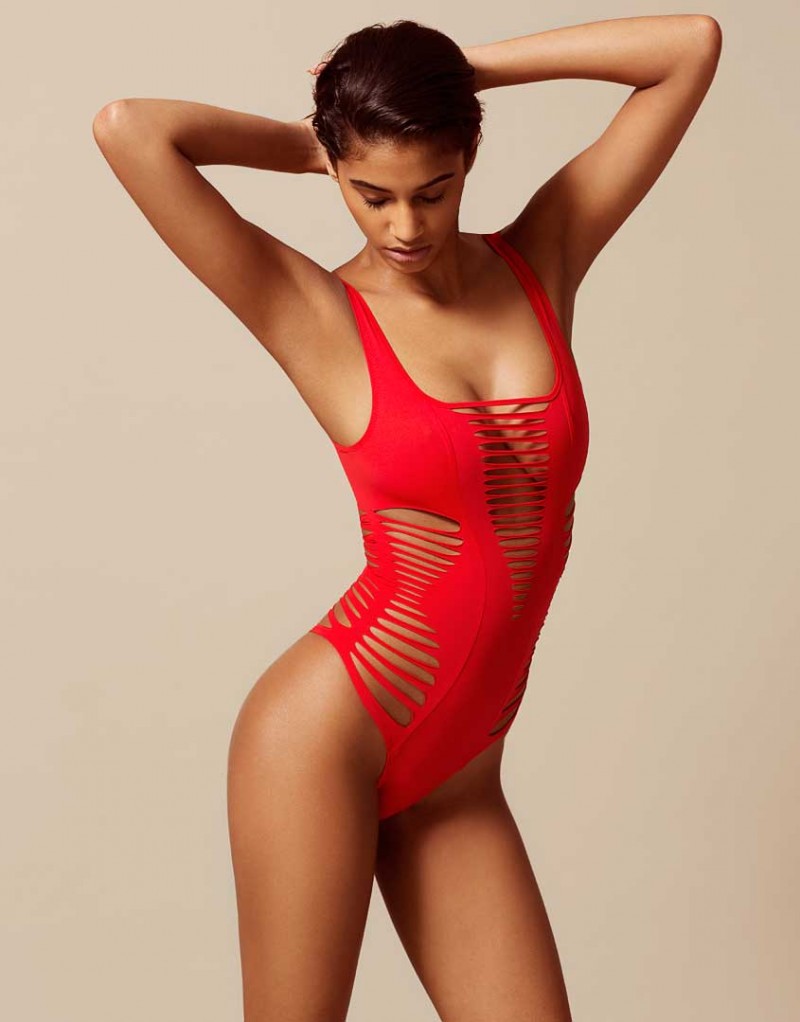
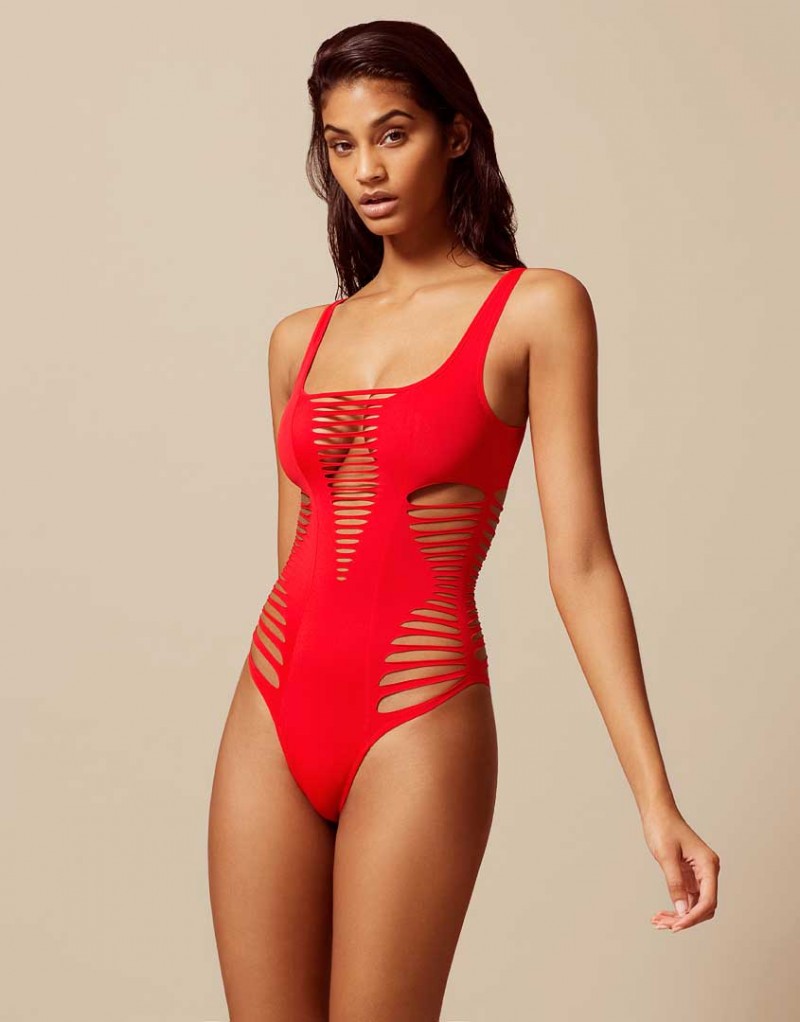
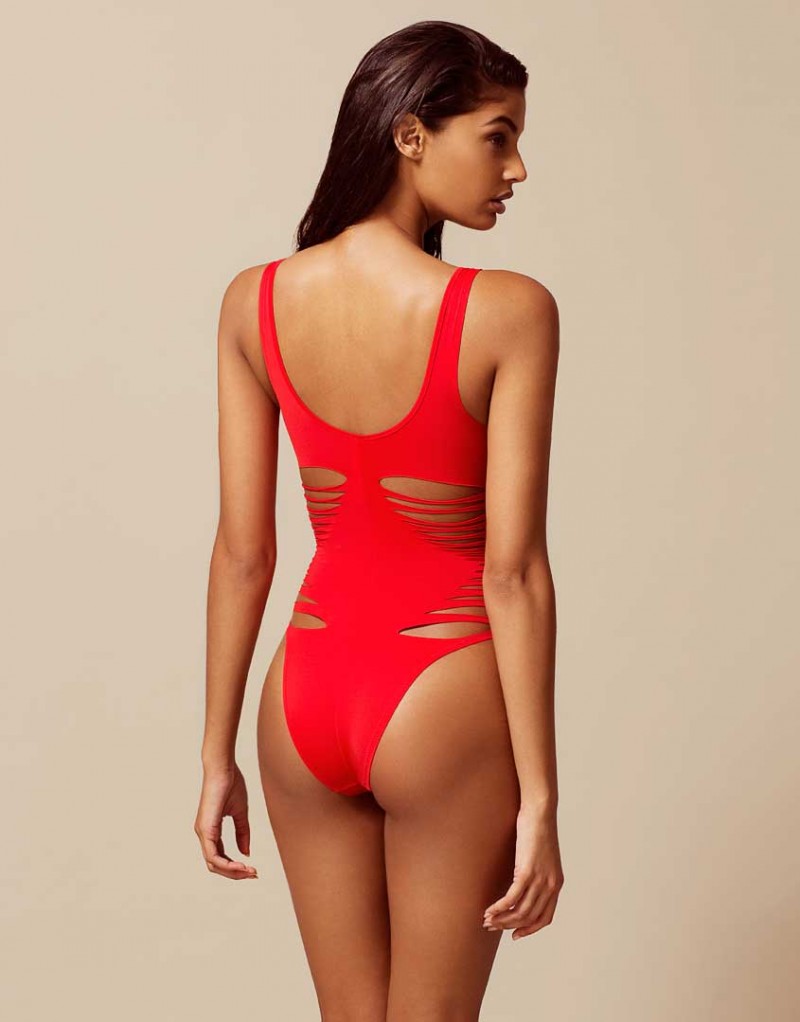
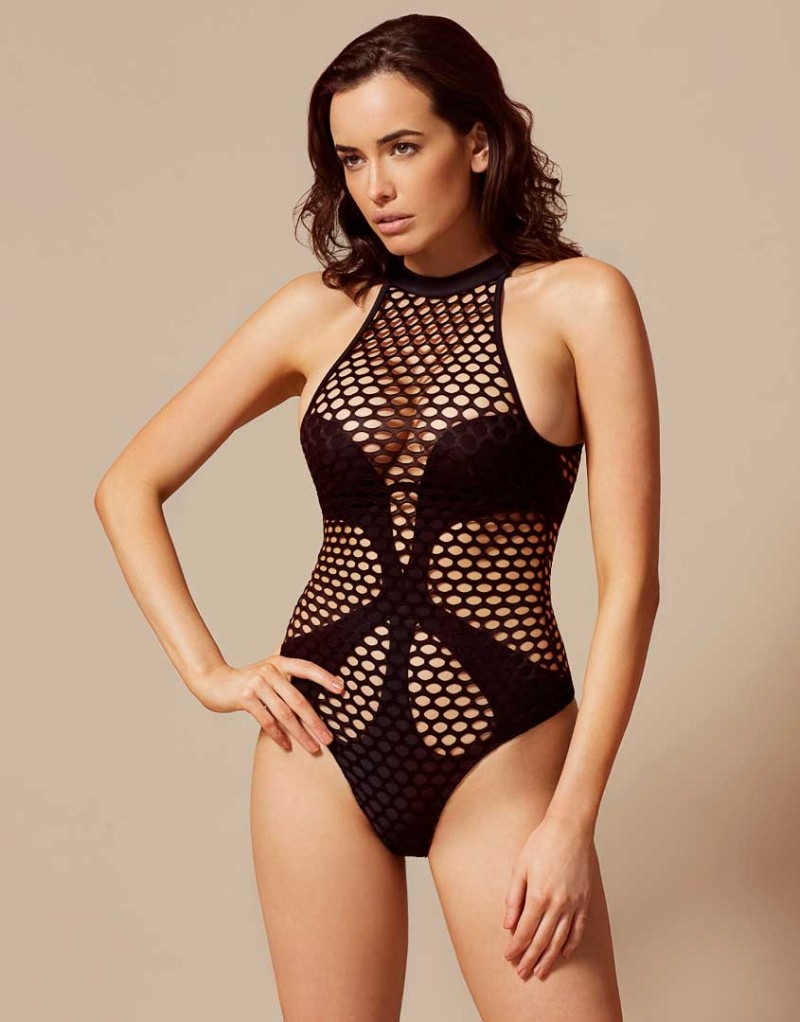
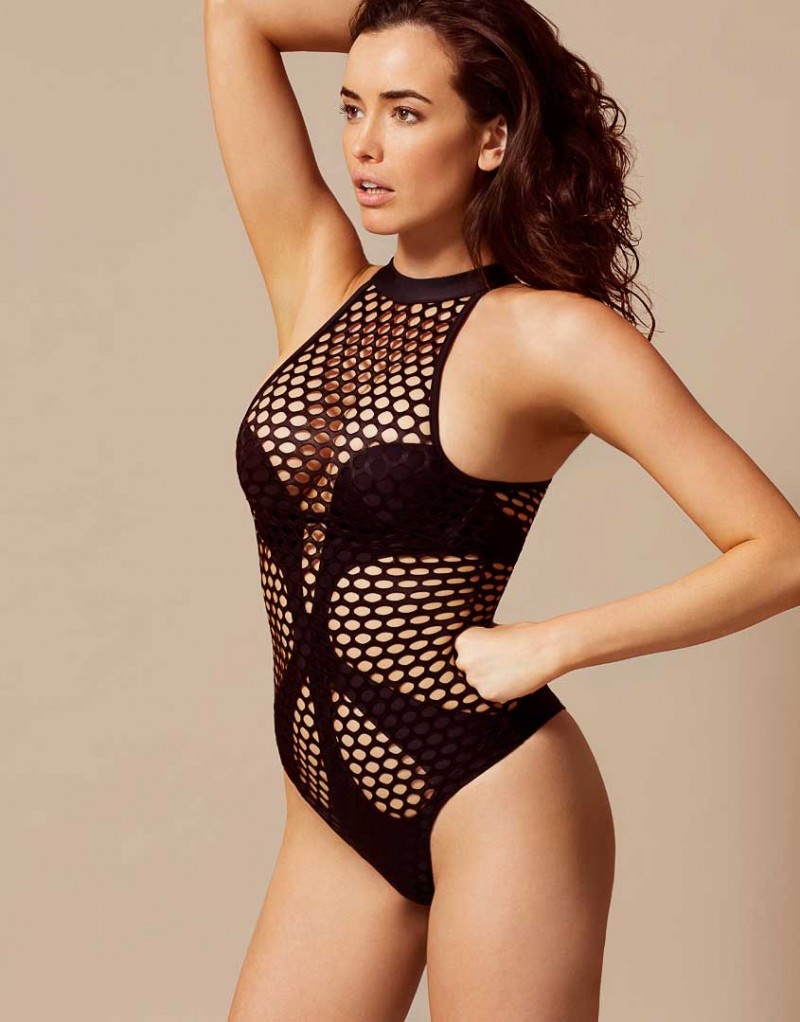
Agent Provocateur Corsetry and Swimwear
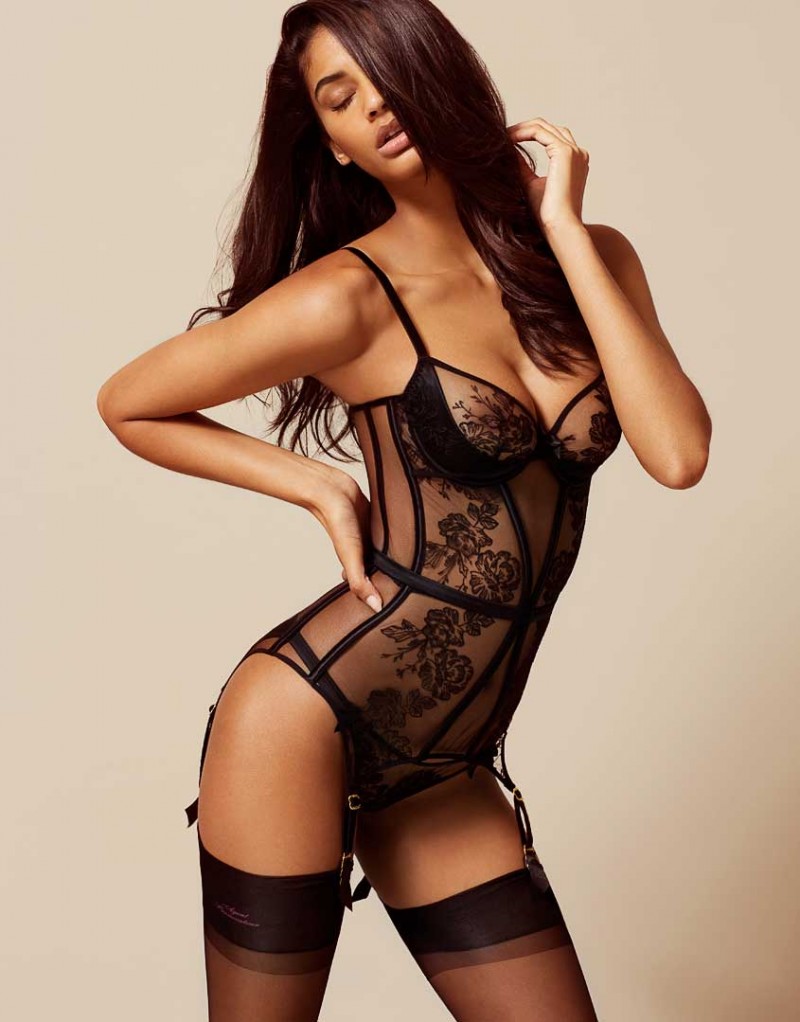
Agent Provocateur (the See Through section)
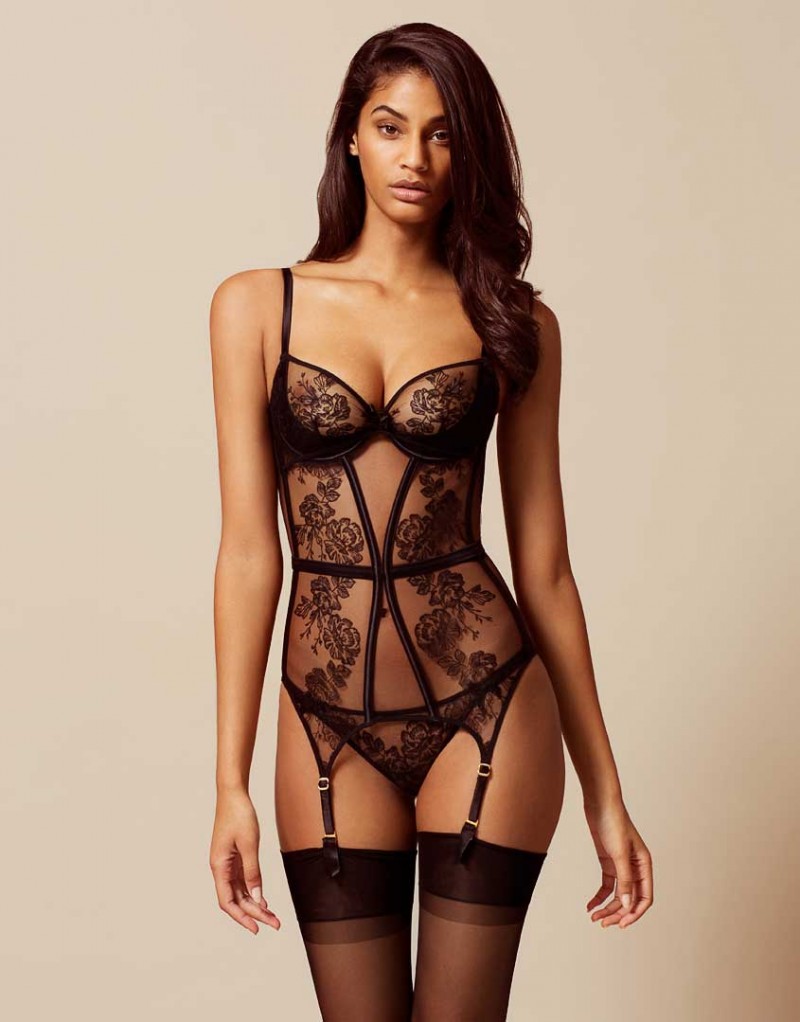
Agent Provocateur Corsetry and Swimwear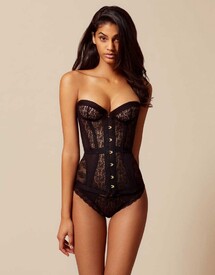
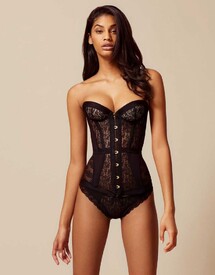
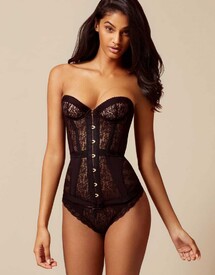
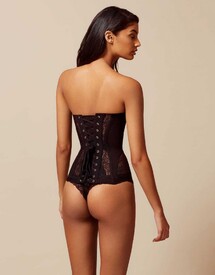
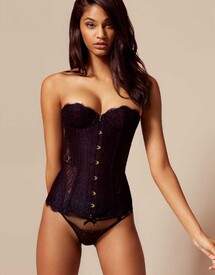
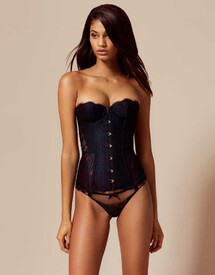
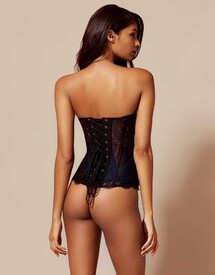
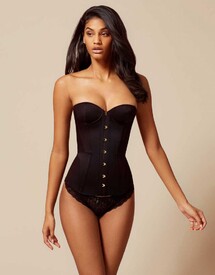
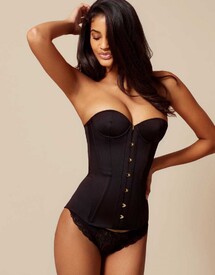
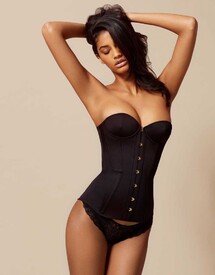
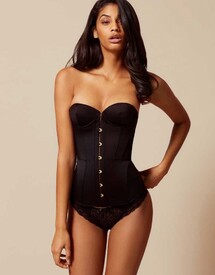
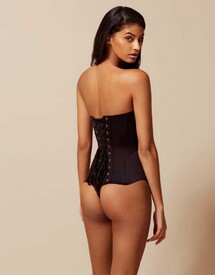
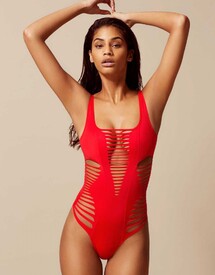
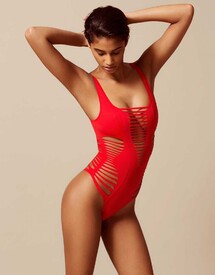
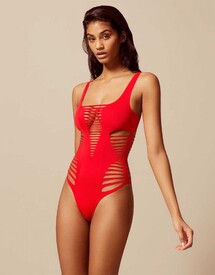
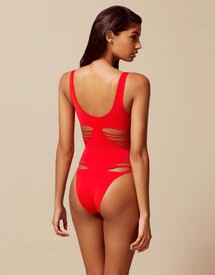
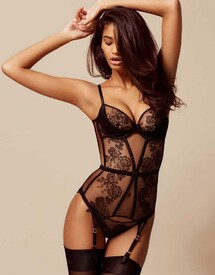
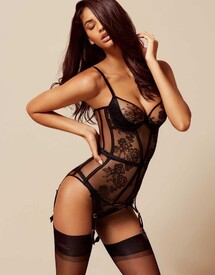
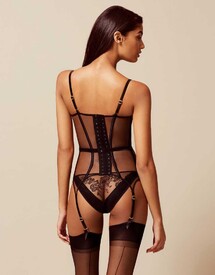
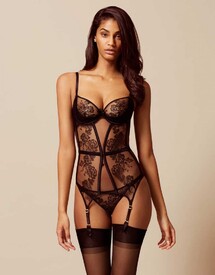
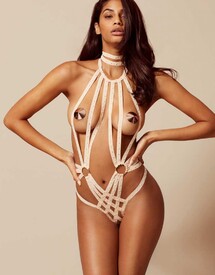
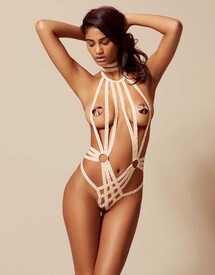
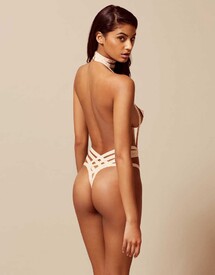
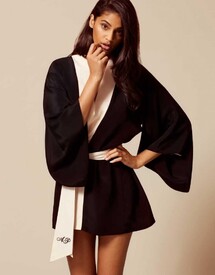
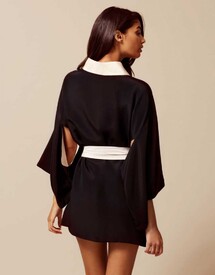
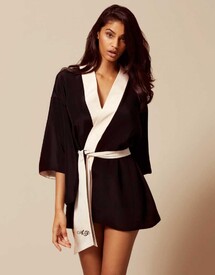
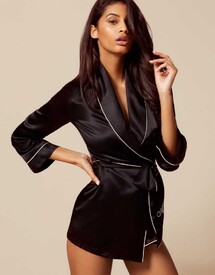
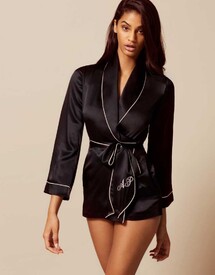
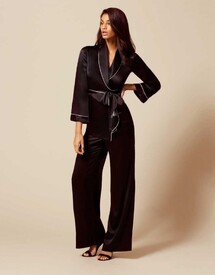
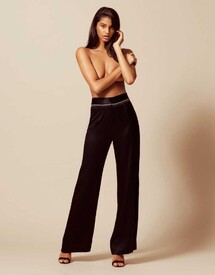
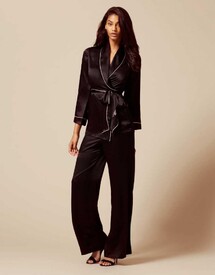
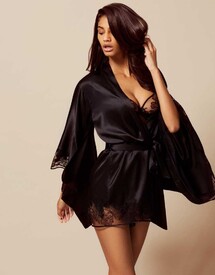
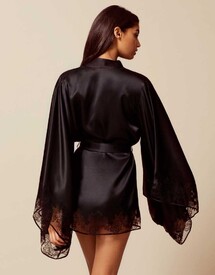
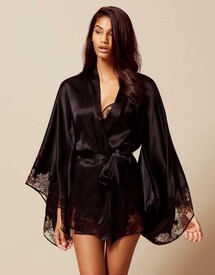
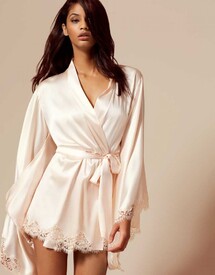
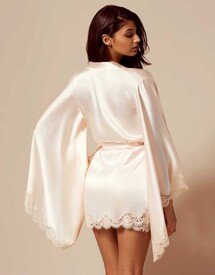
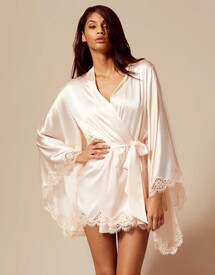
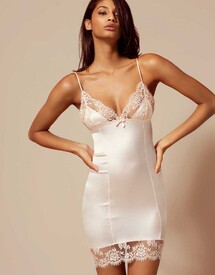
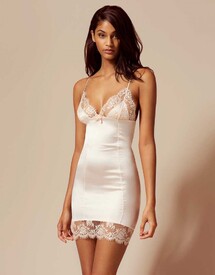
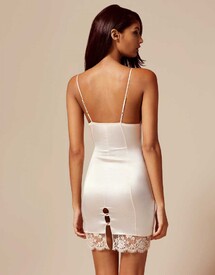
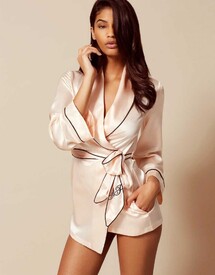
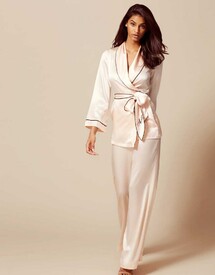
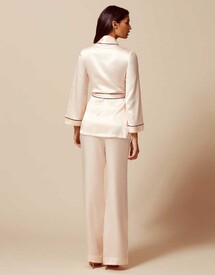
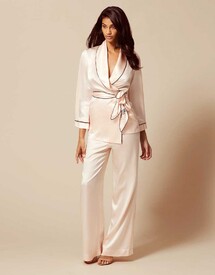
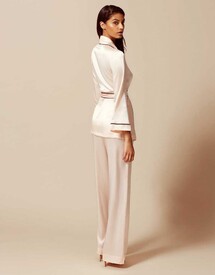
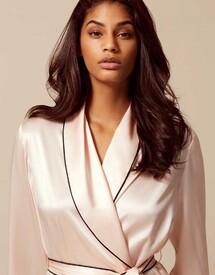
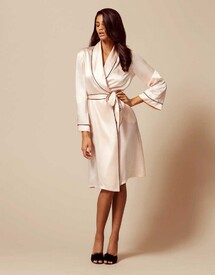
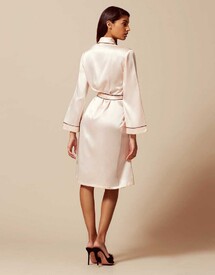
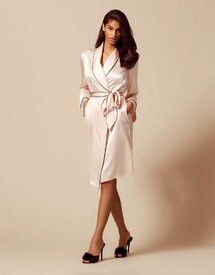
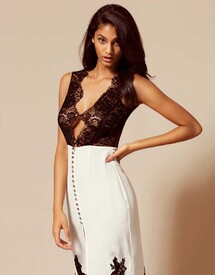
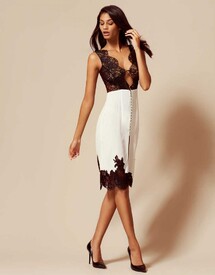
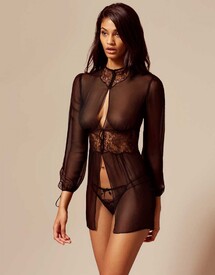
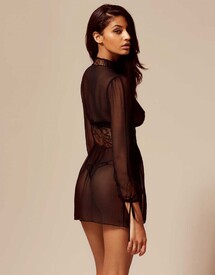
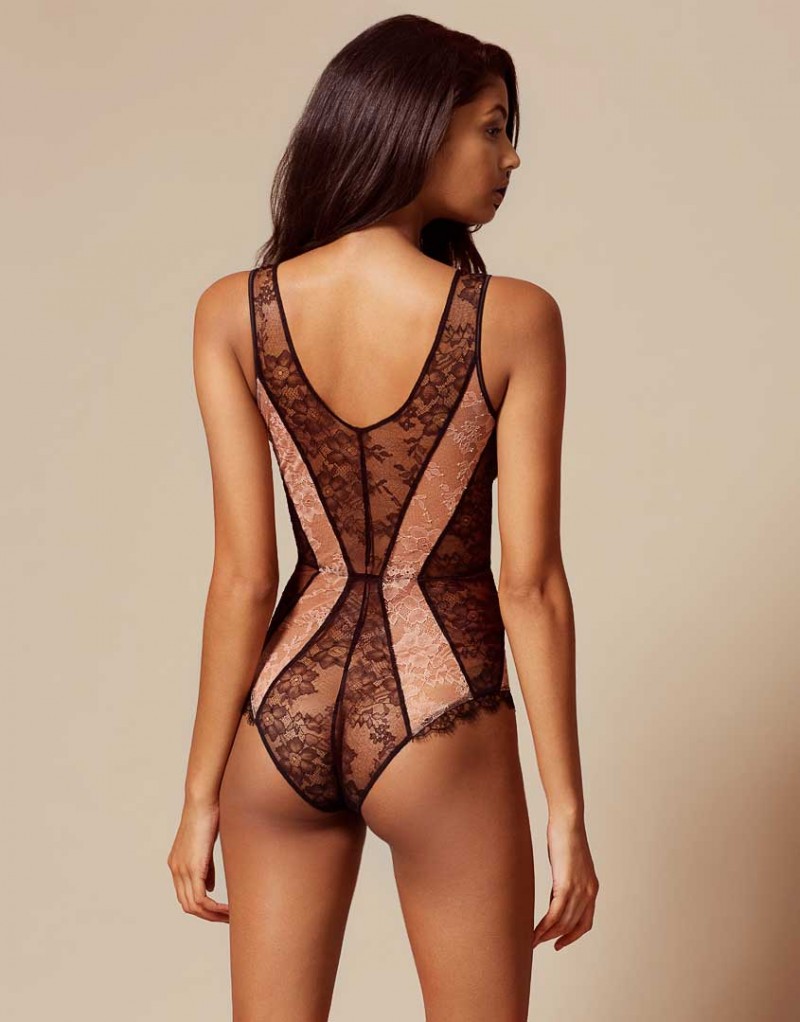
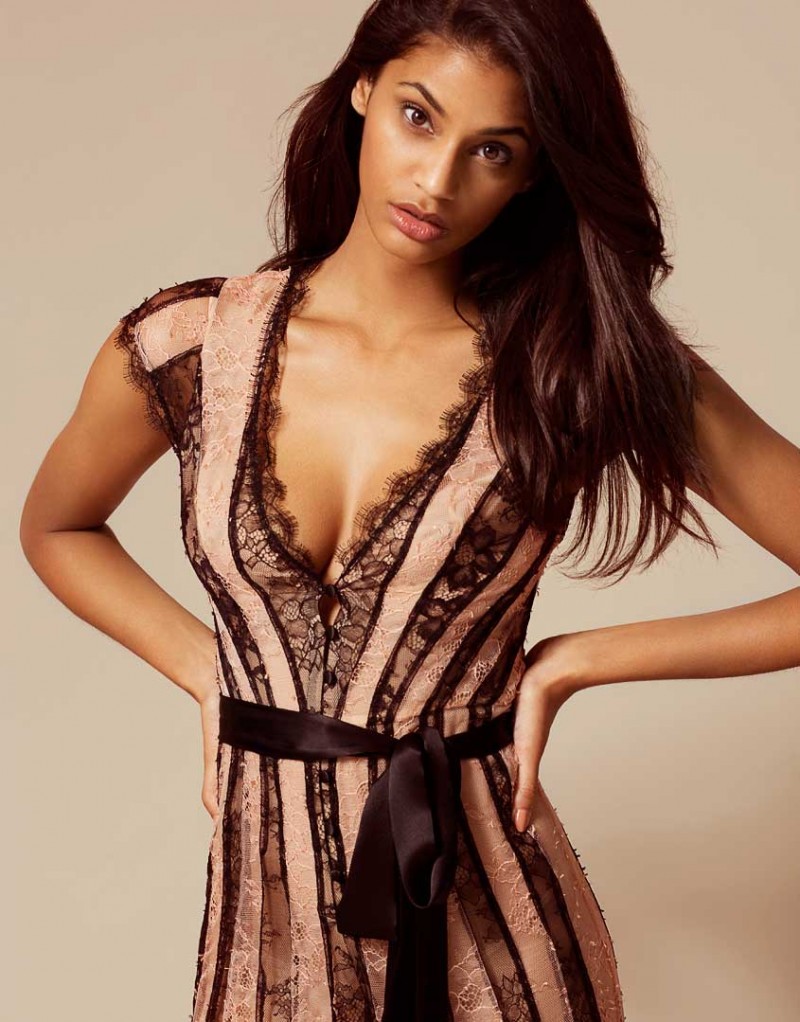
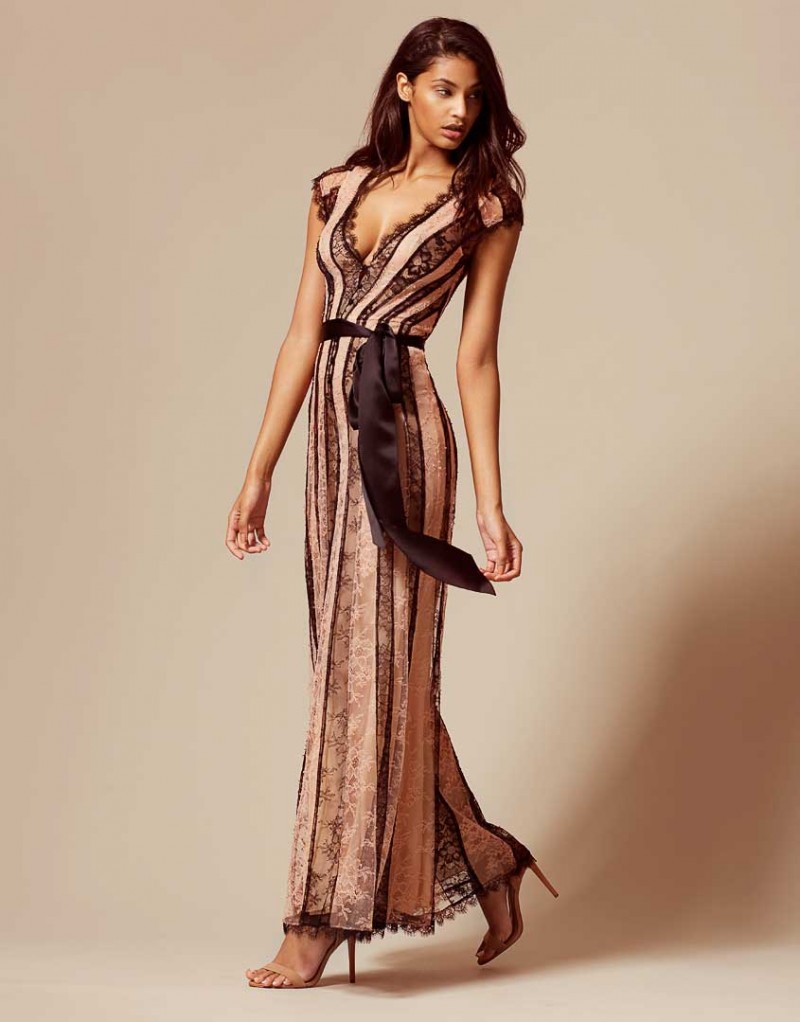
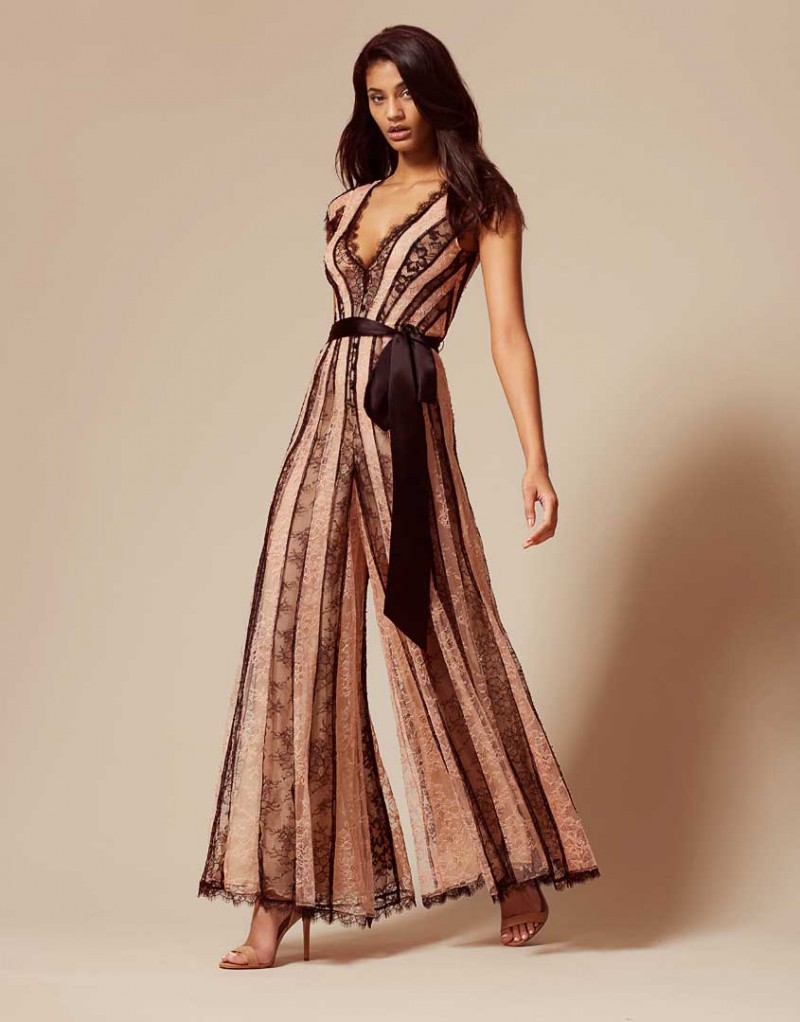
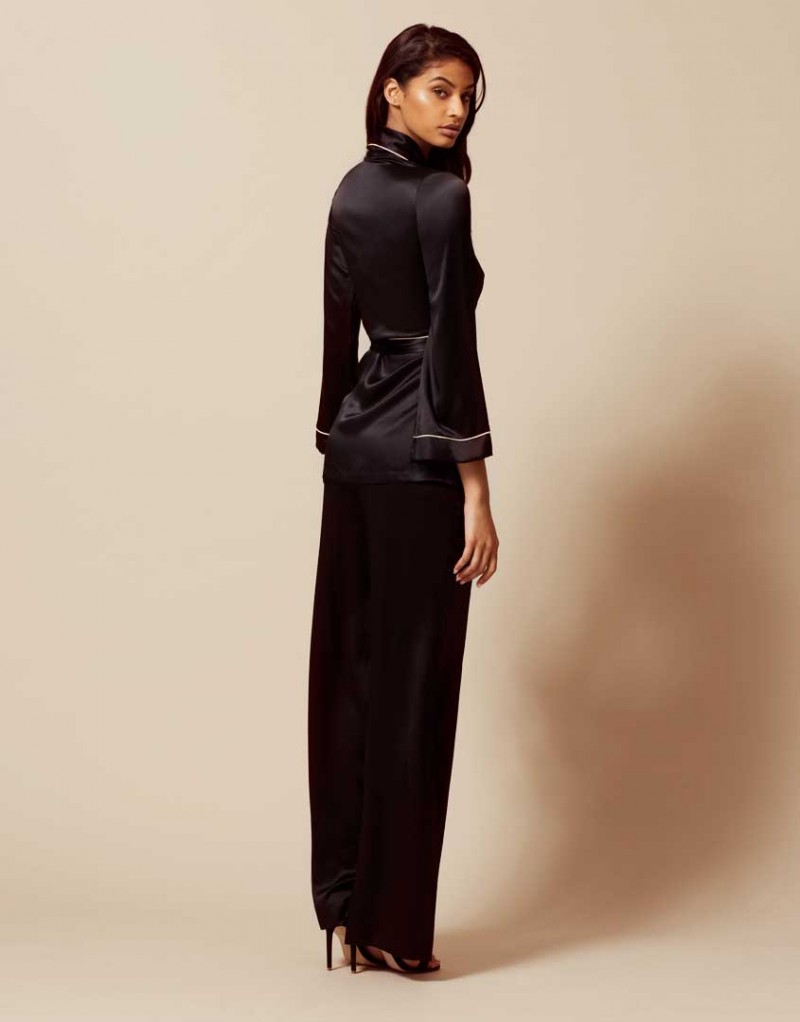
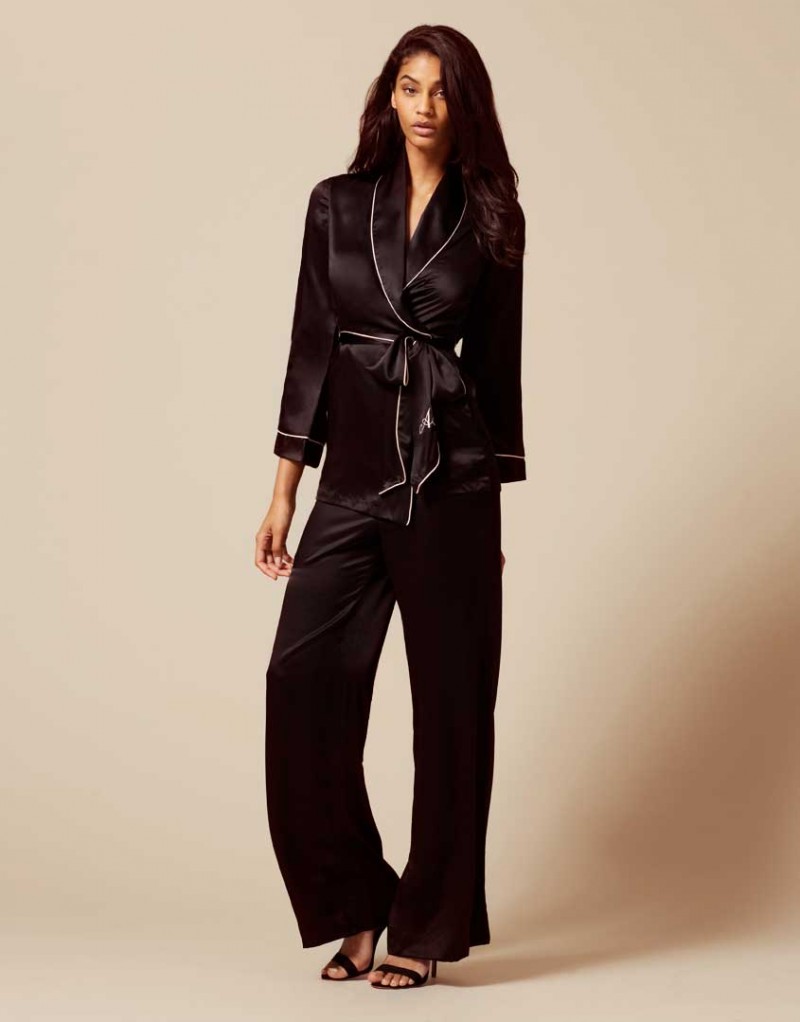
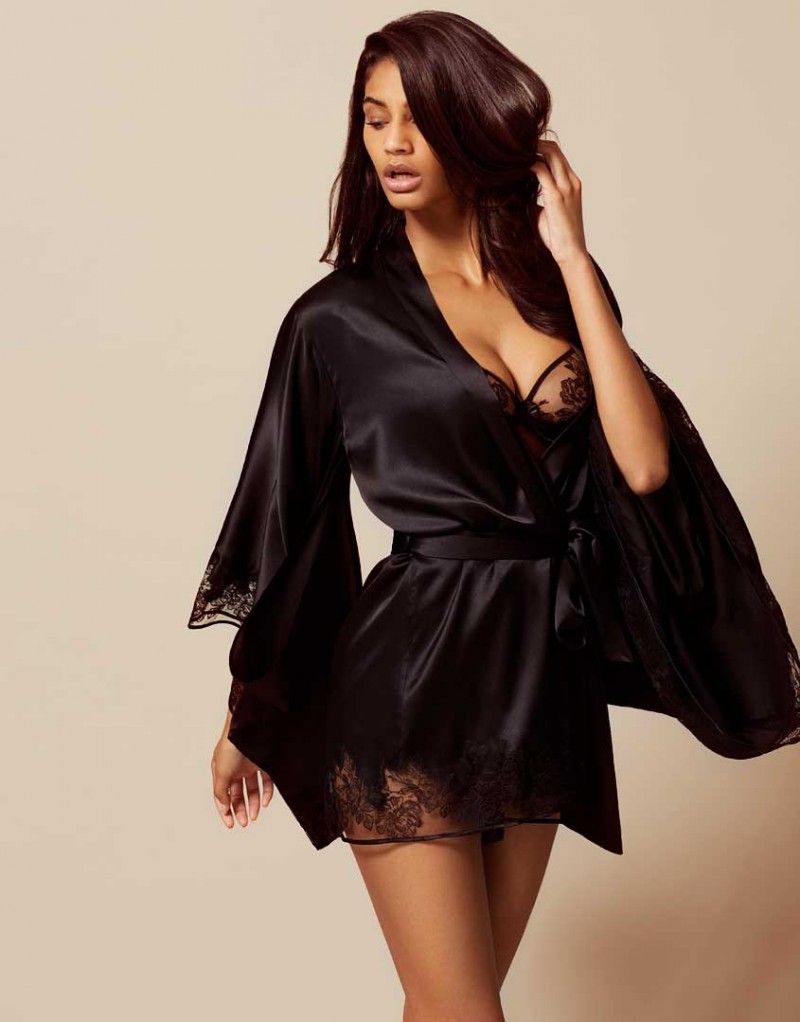
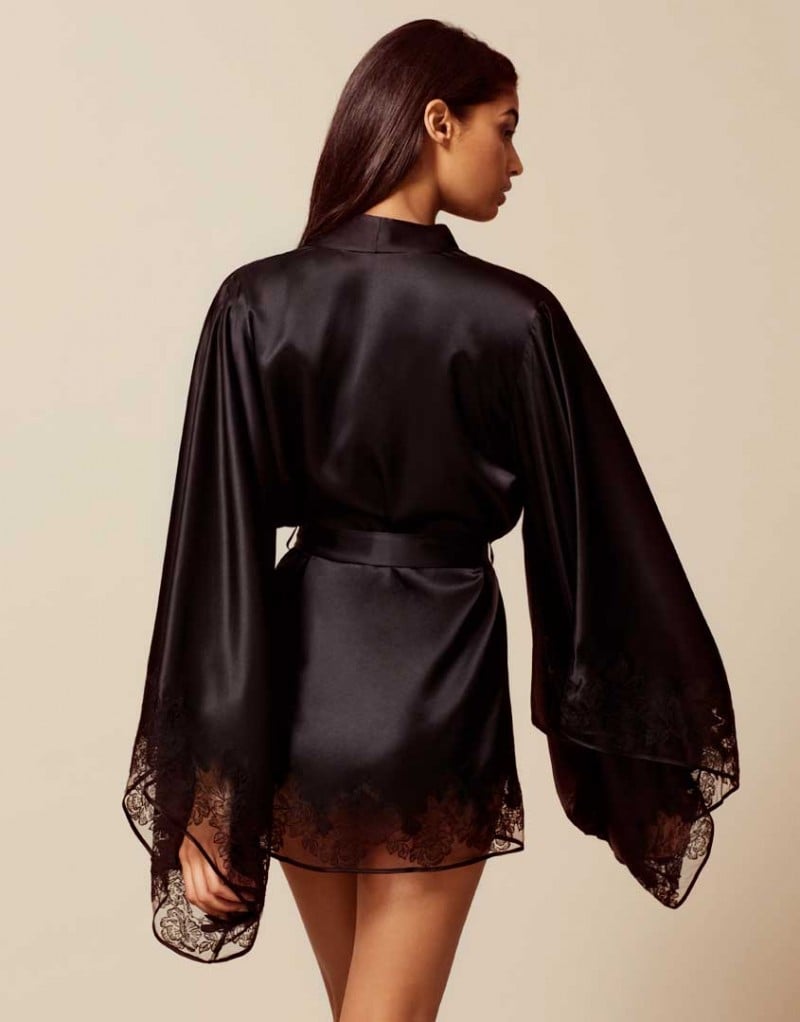
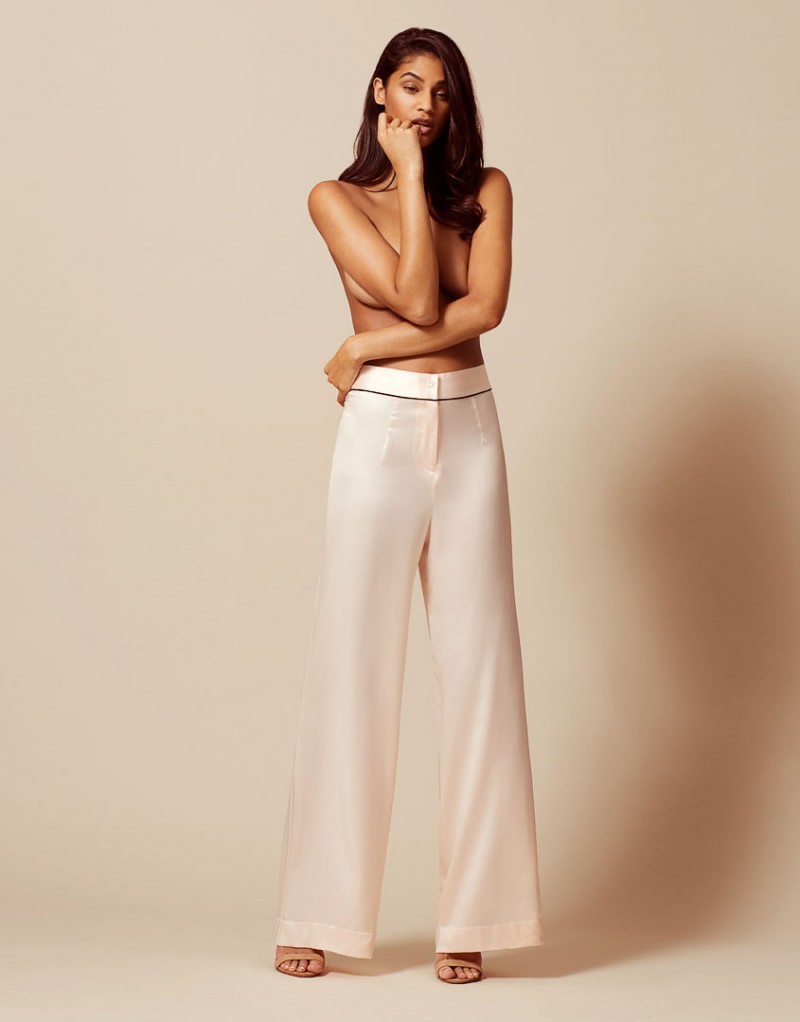
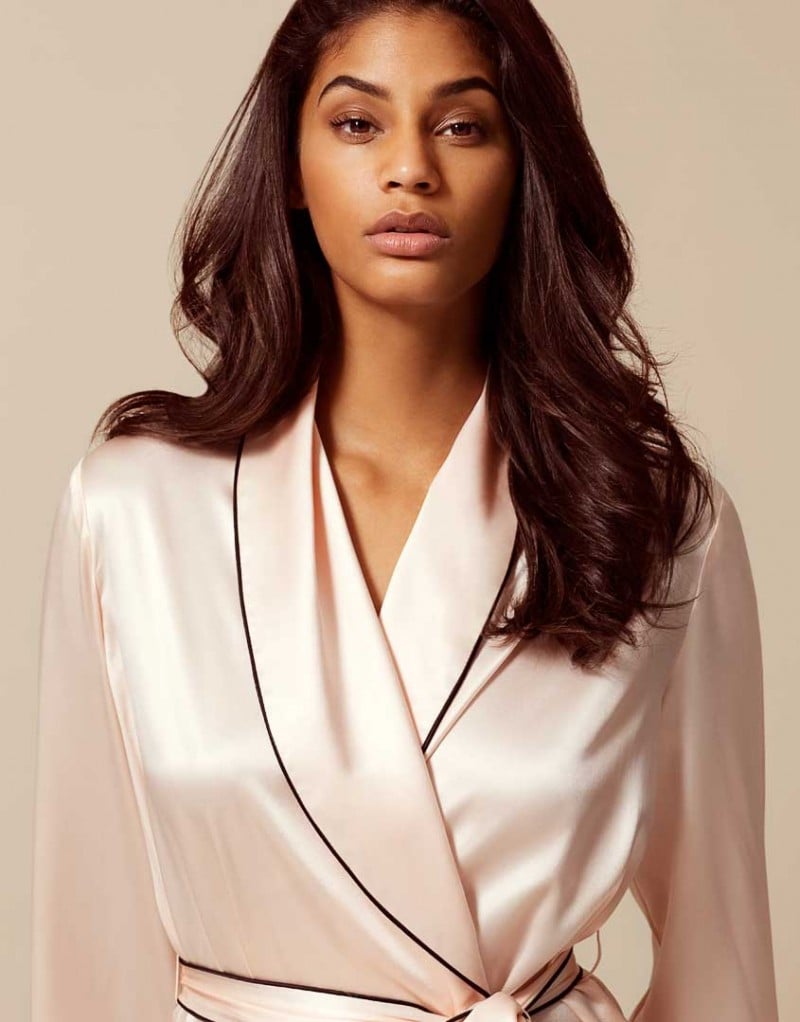
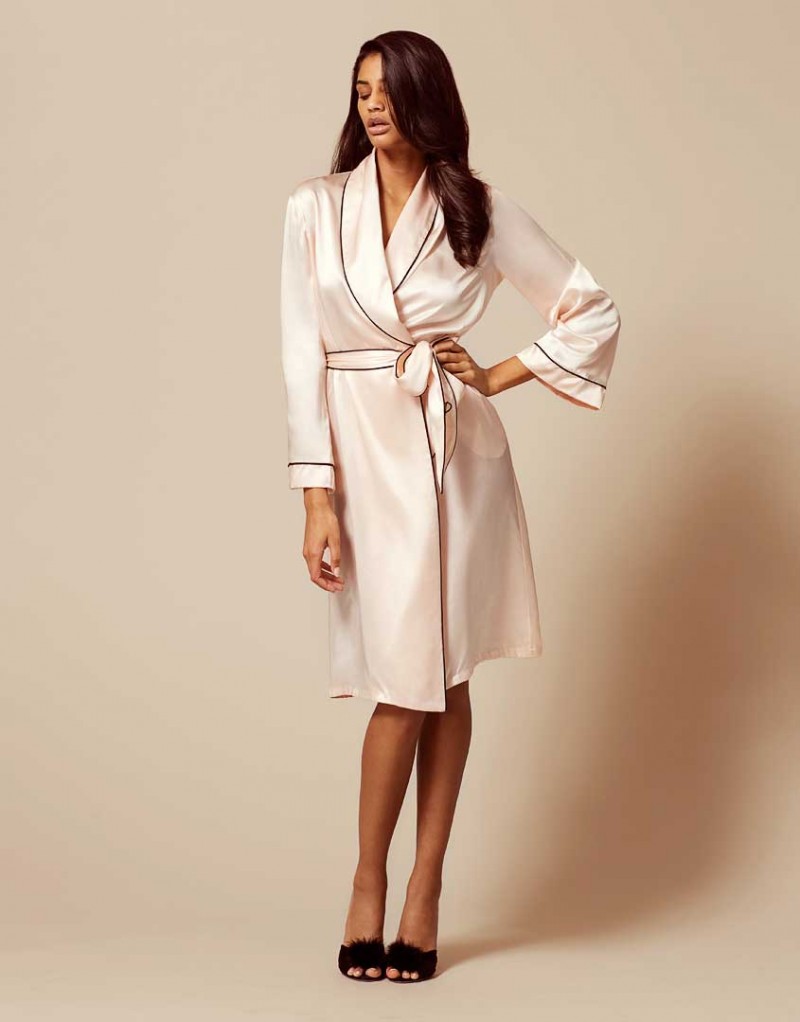
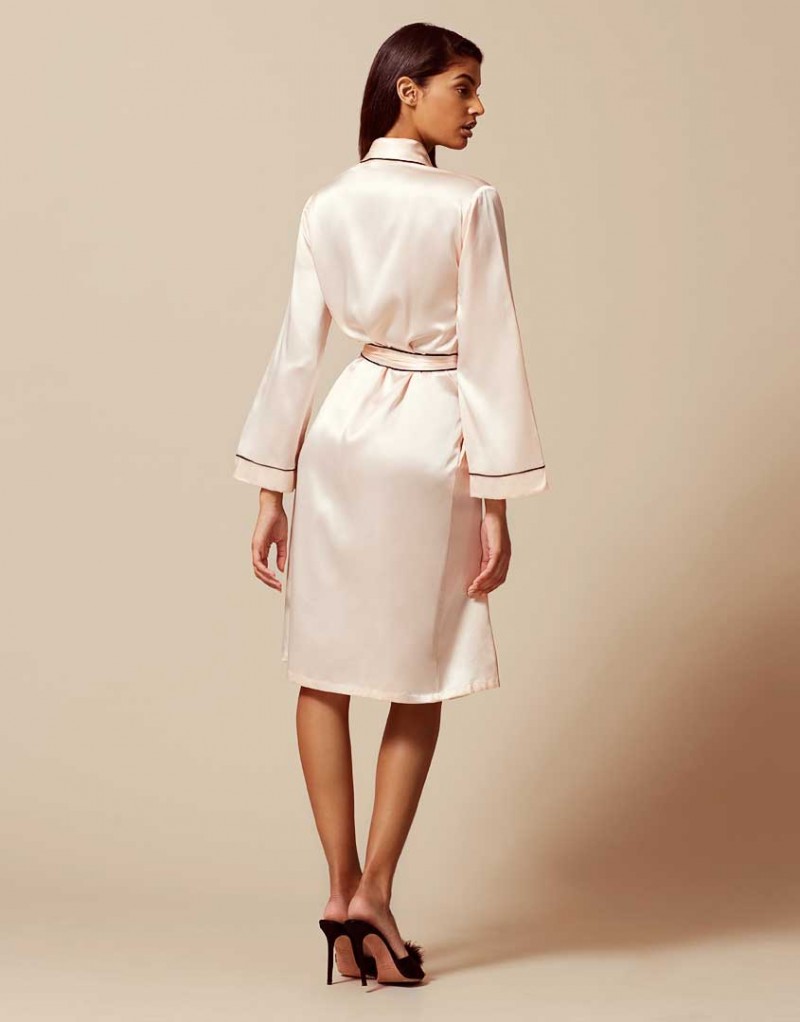
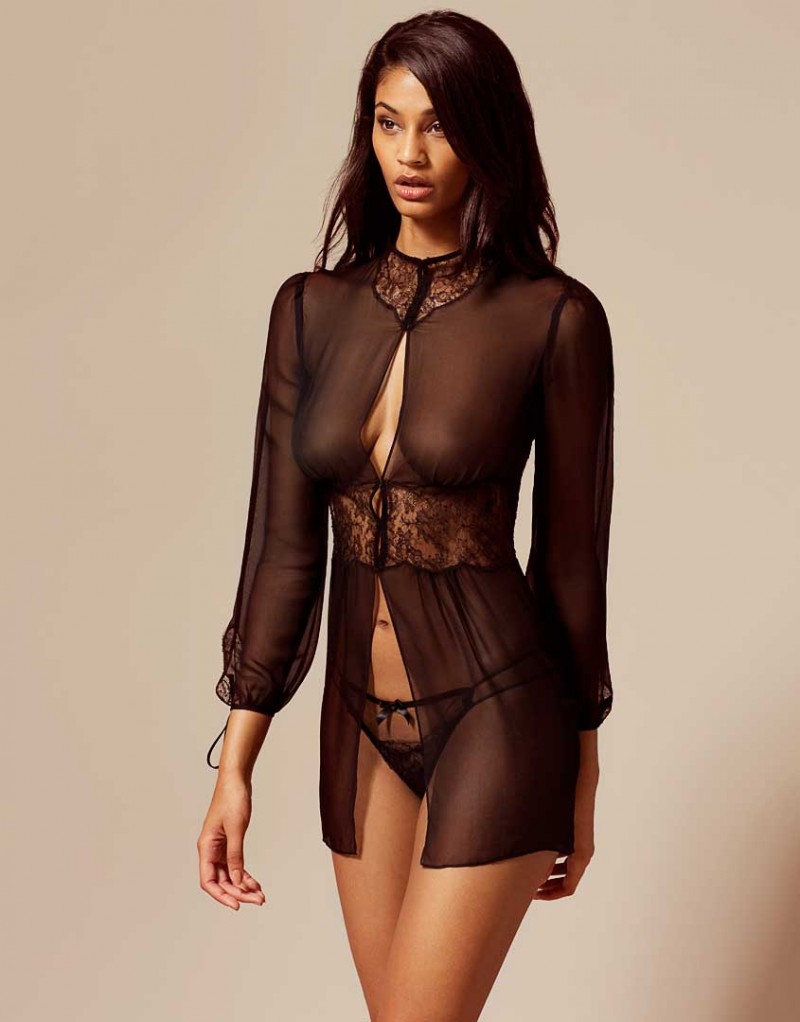
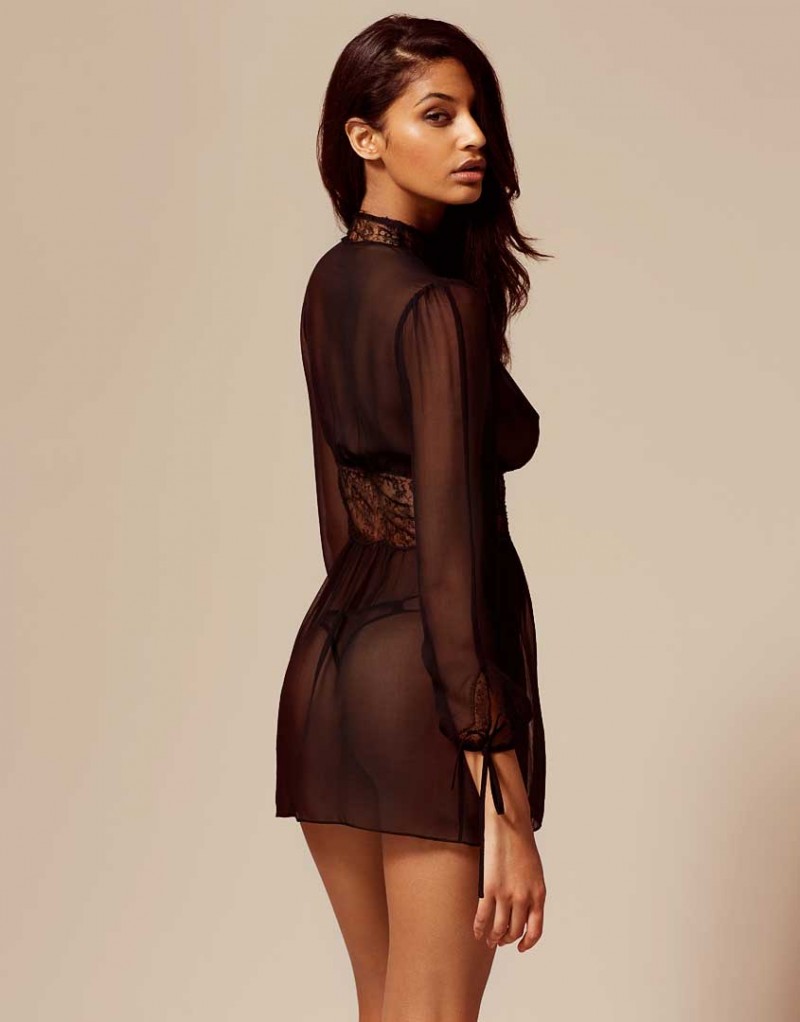
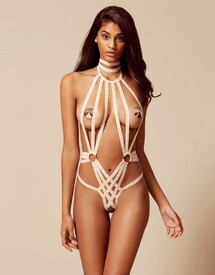 Agent Provocateur Nightwear See Through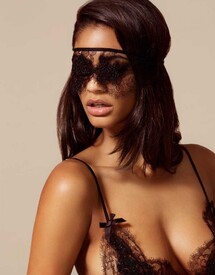
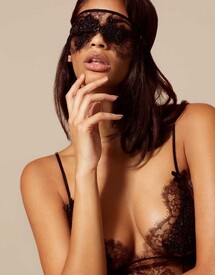

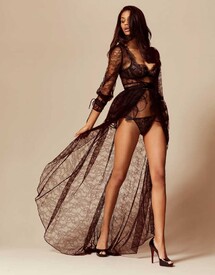
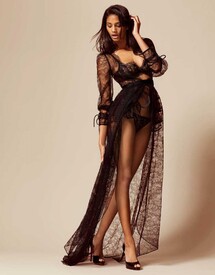
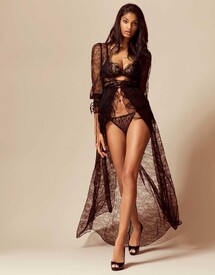


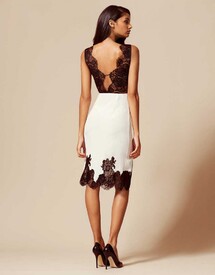
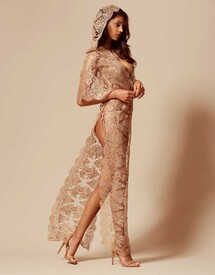
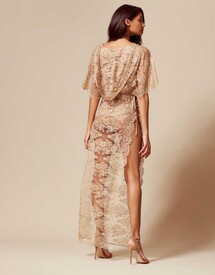

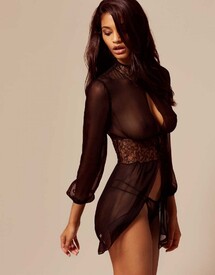
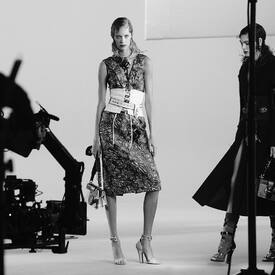
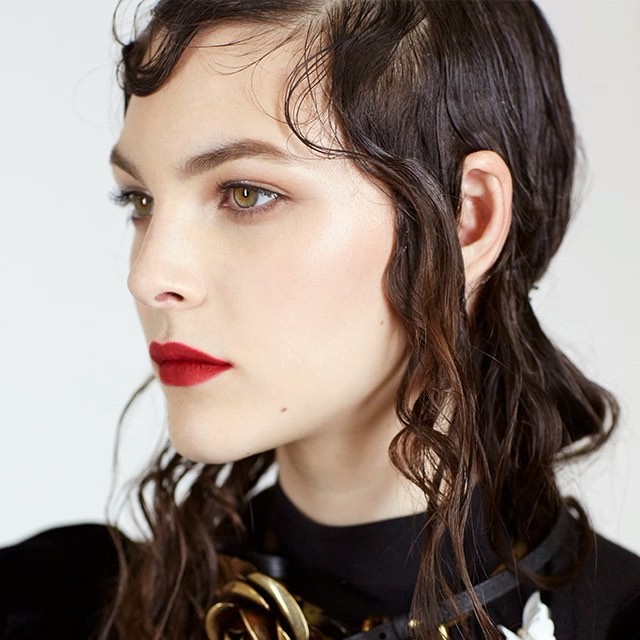
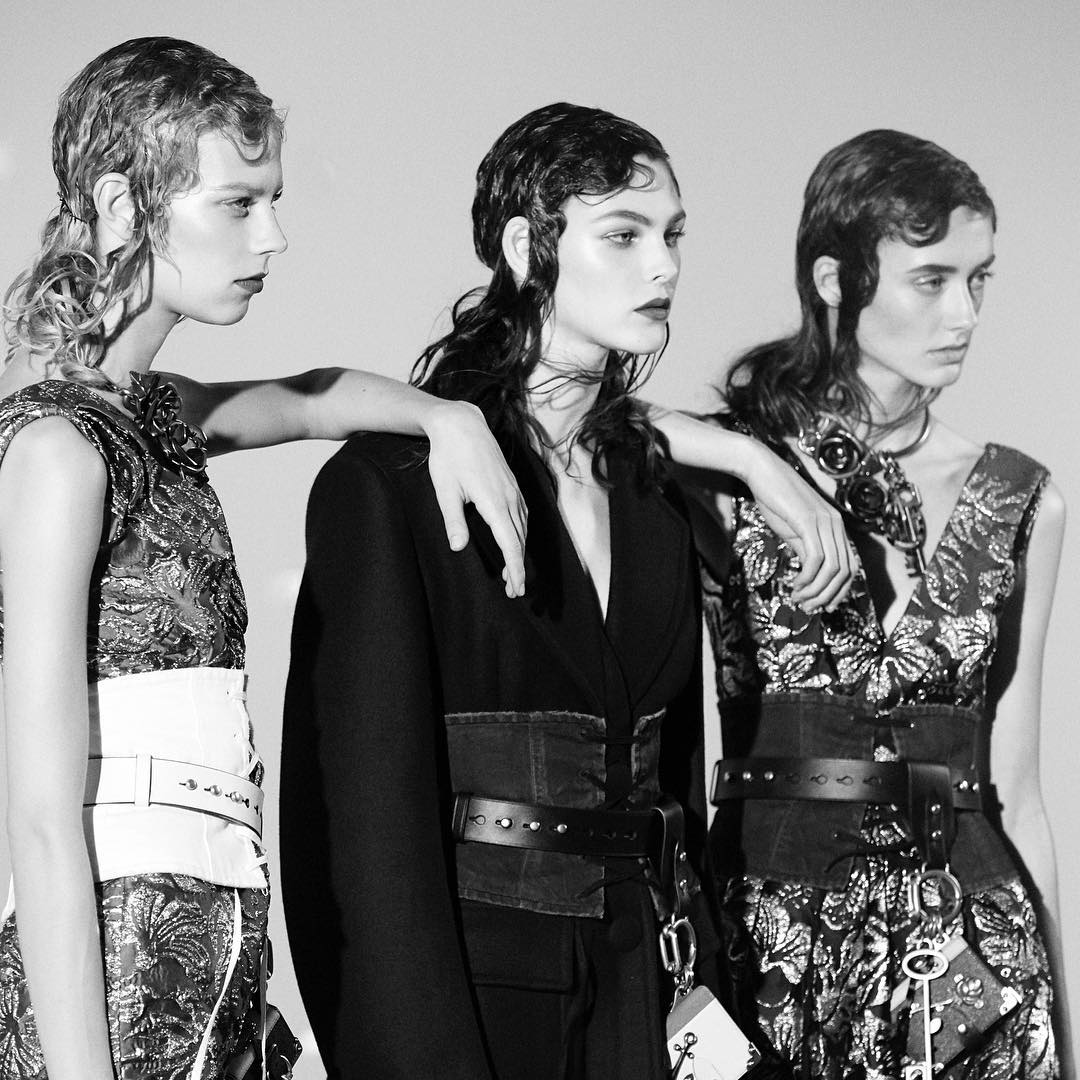
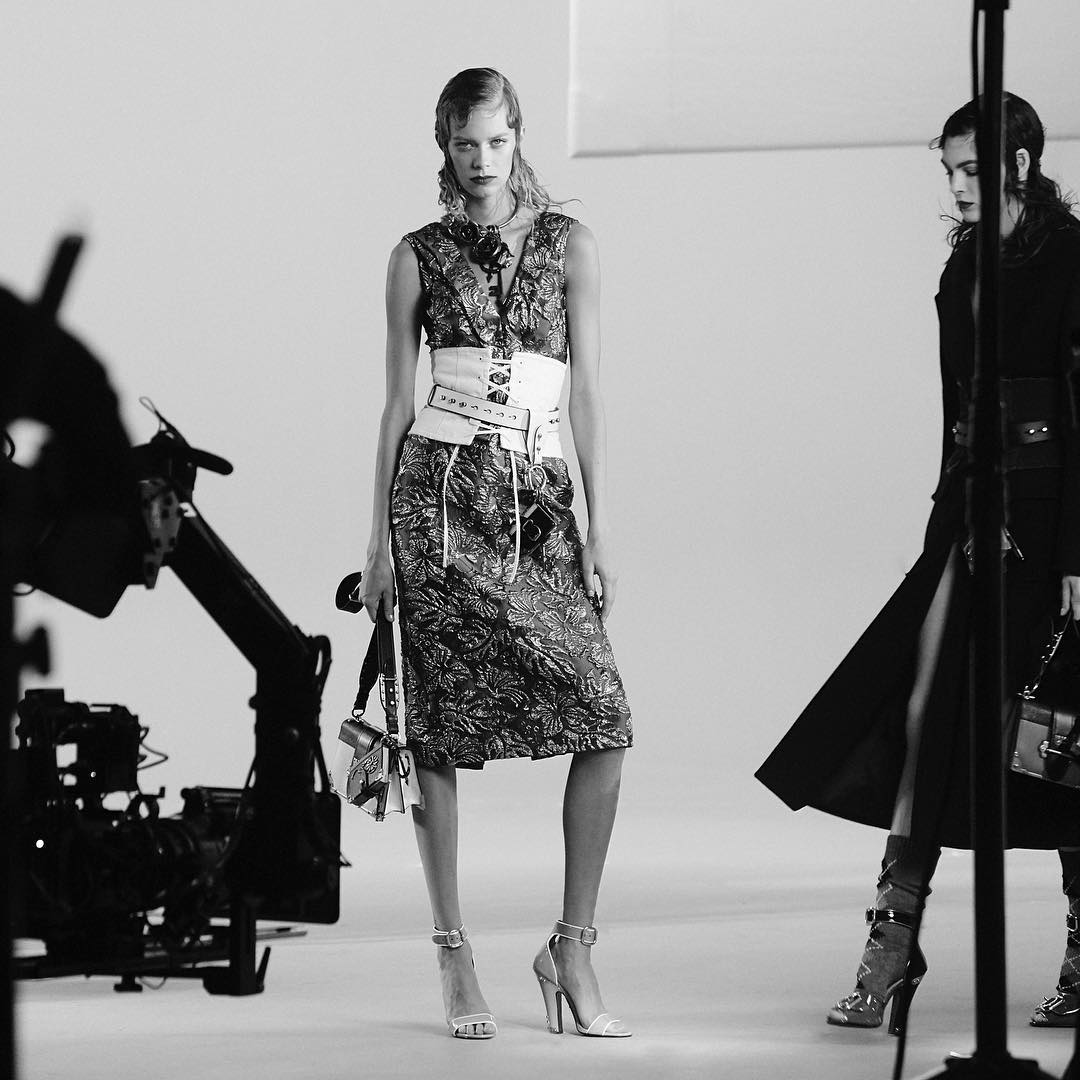
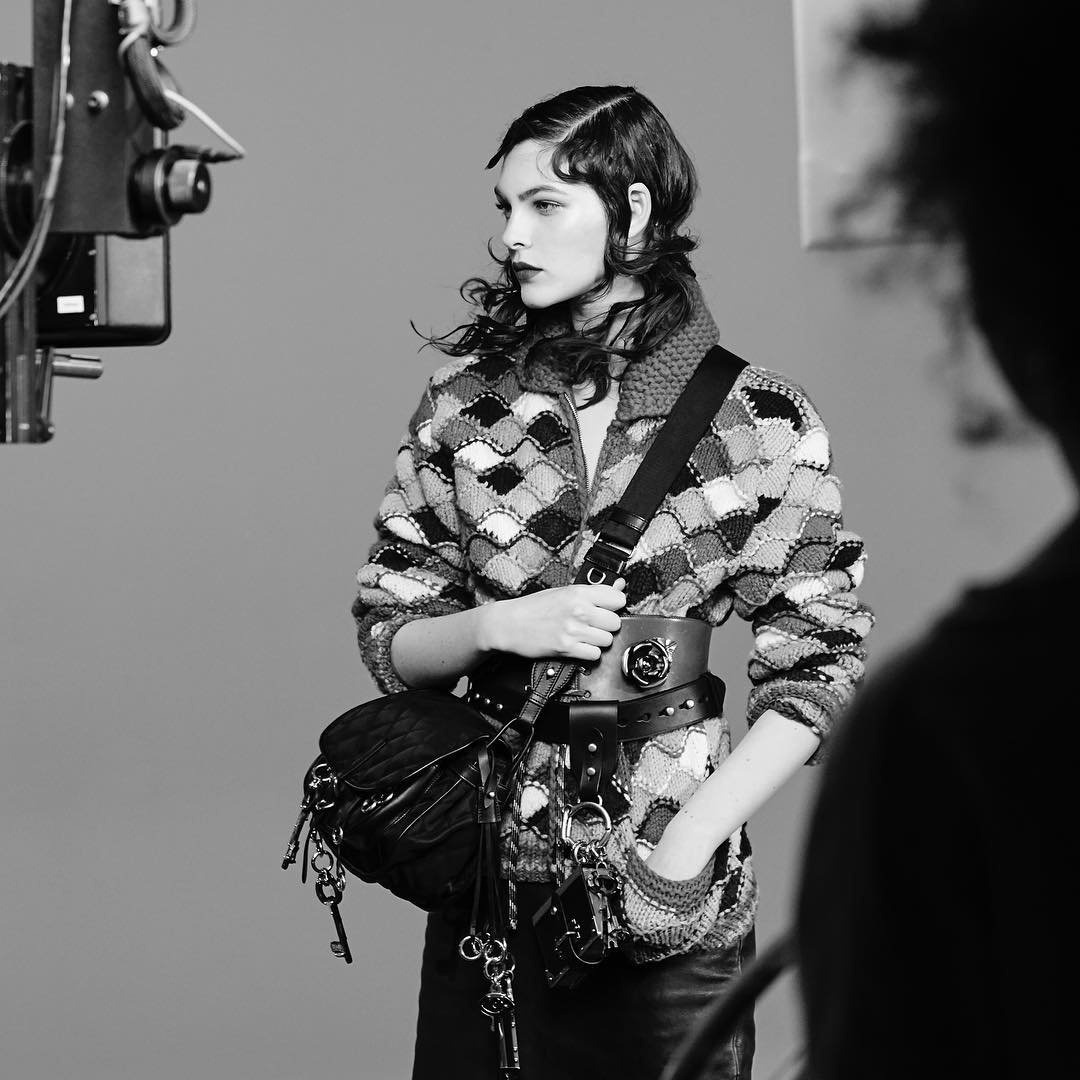
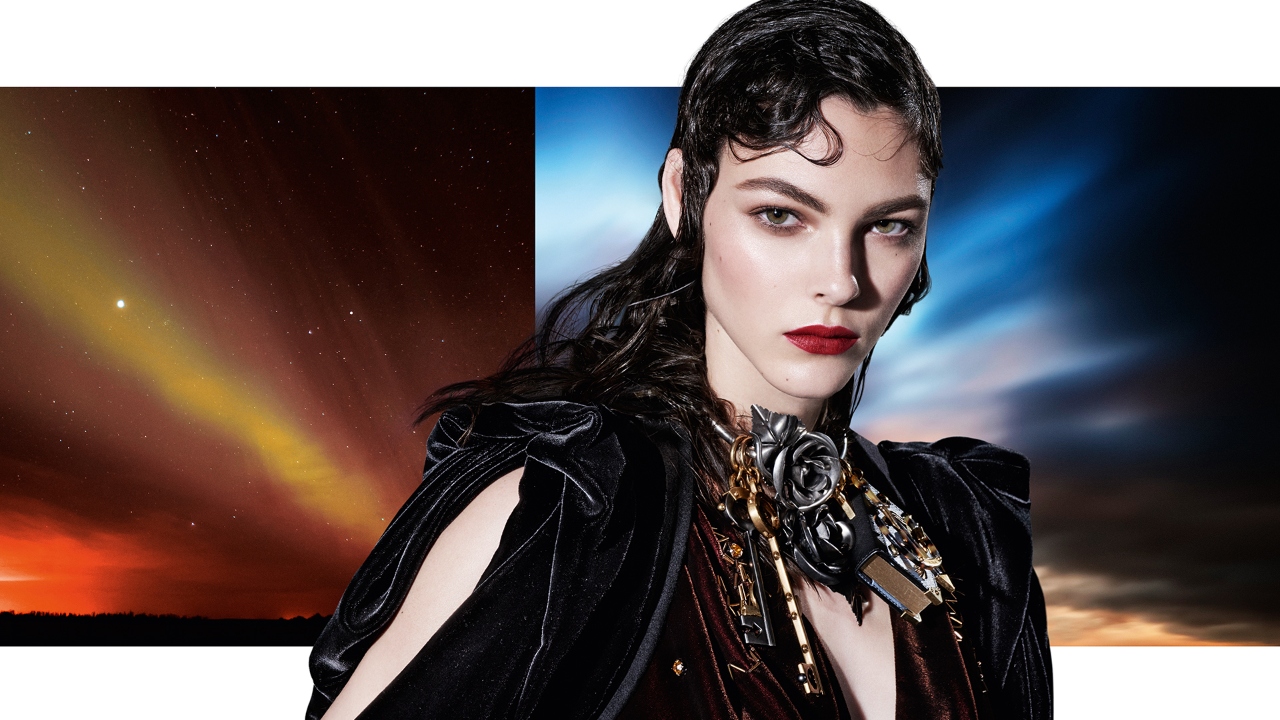
 Prada F/W 16 by Steven Meisel prada Backstage: prada, instagram/prada/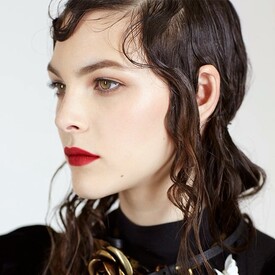
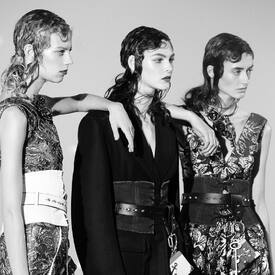
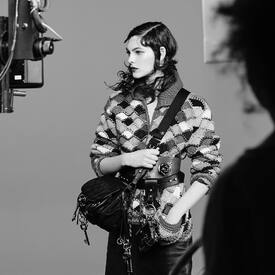
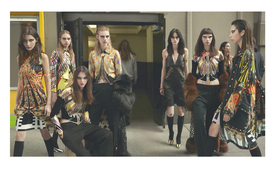
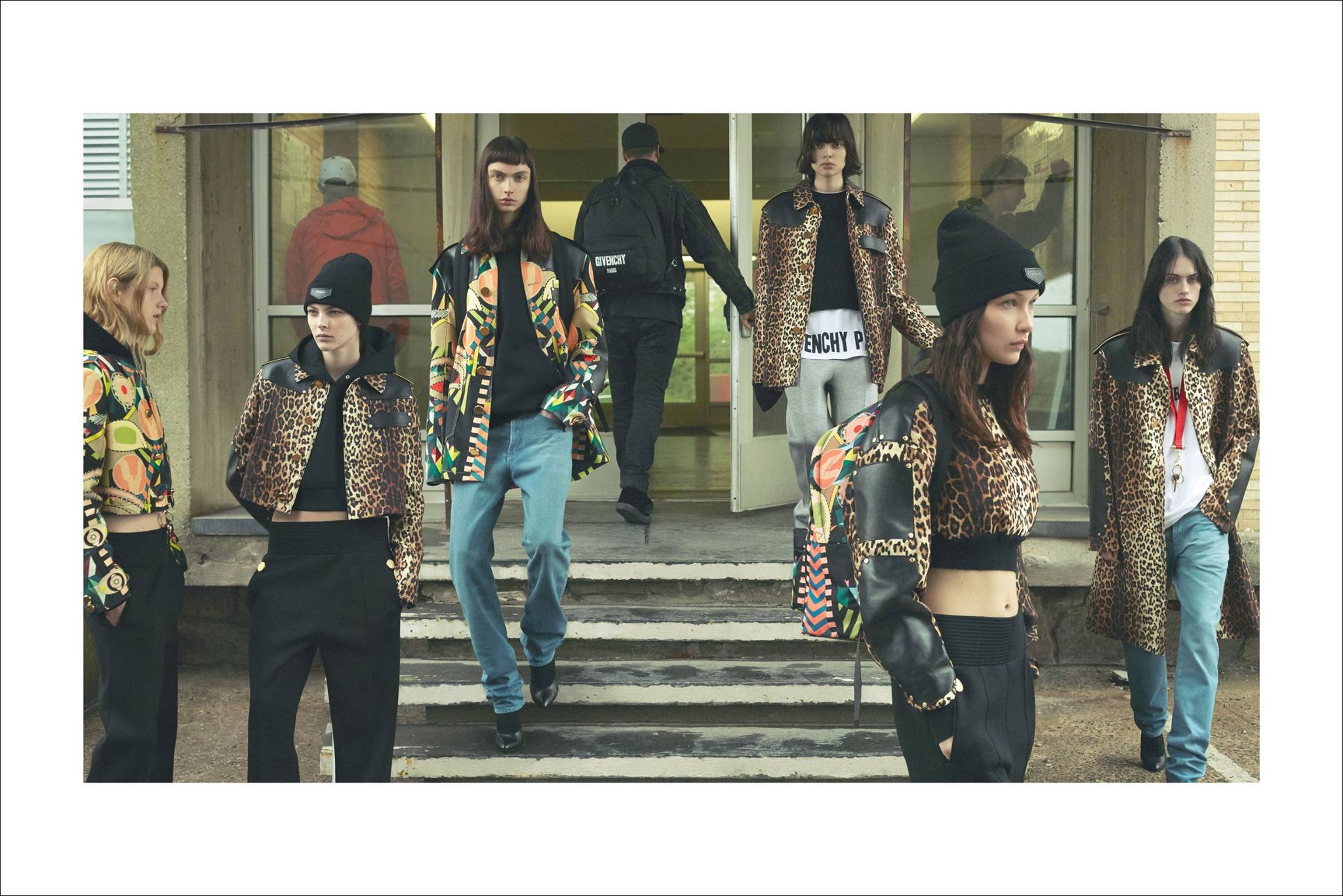
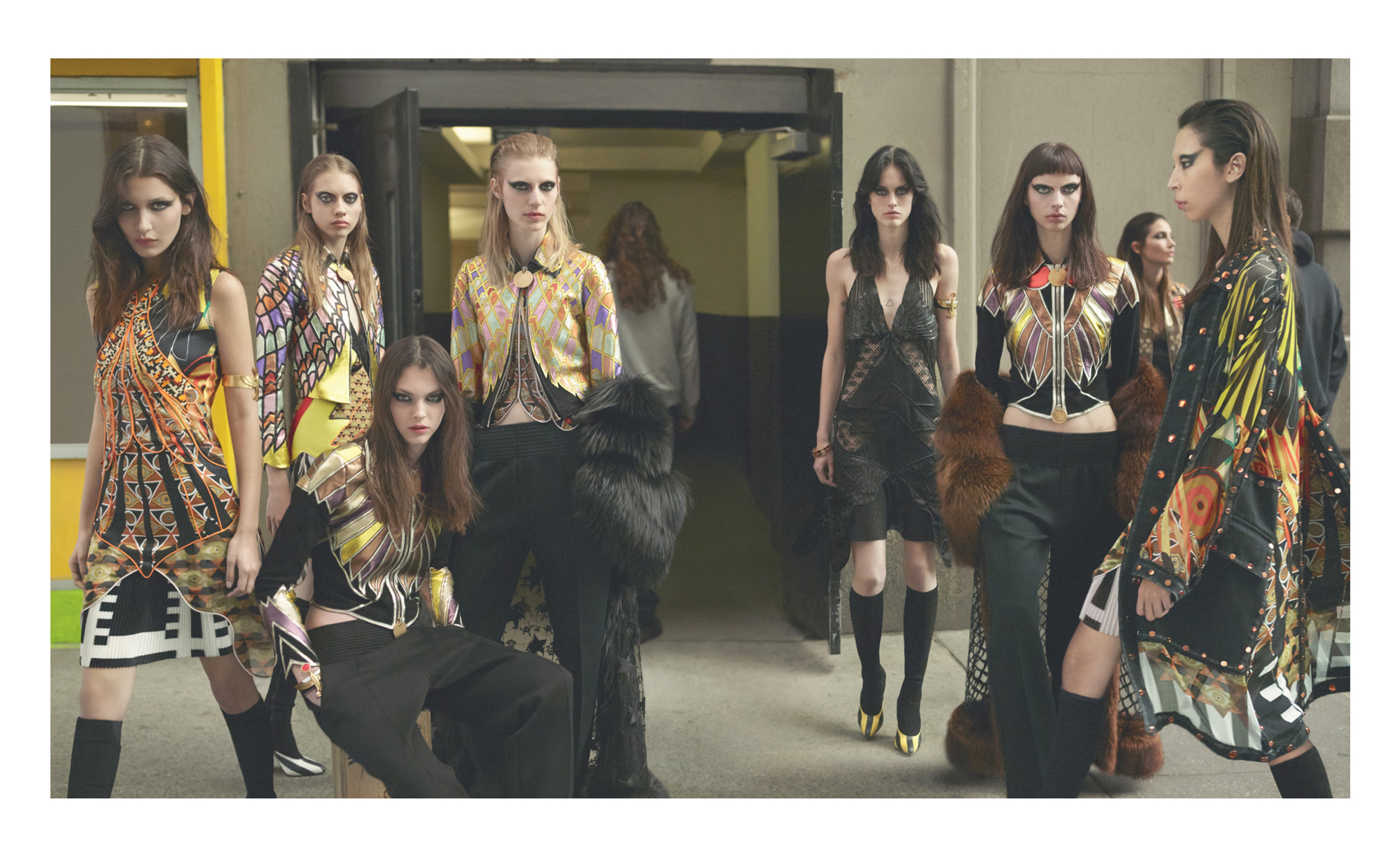
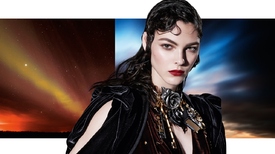 Givenchy F/W 16.17 Campaign (HQ) Photographers: Mert Alas & Marcus Piggott Art director: Giovanni Bianco Stylist: Carine Roitfeld Hair stylist: Jimmy Paul Make-up artist: Aaron de Mey facebook/Givenchy/, wwd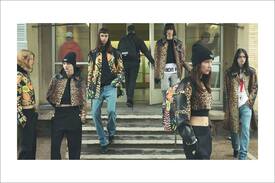
 Vogue Paris August 2016 FACE ART Photographer: Mario Sorrenti Stylist: Géraldine Saglio Models: Anja Rubik, Bella Hadid & Andreea Diaconu Vogue Paris August 2016 Digital Edition
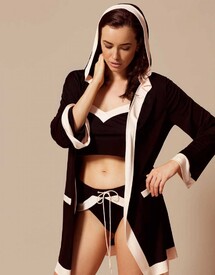
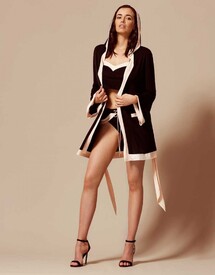
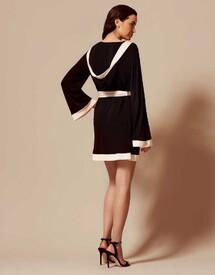
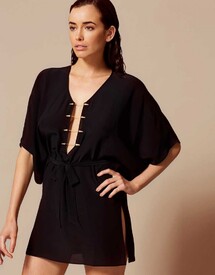
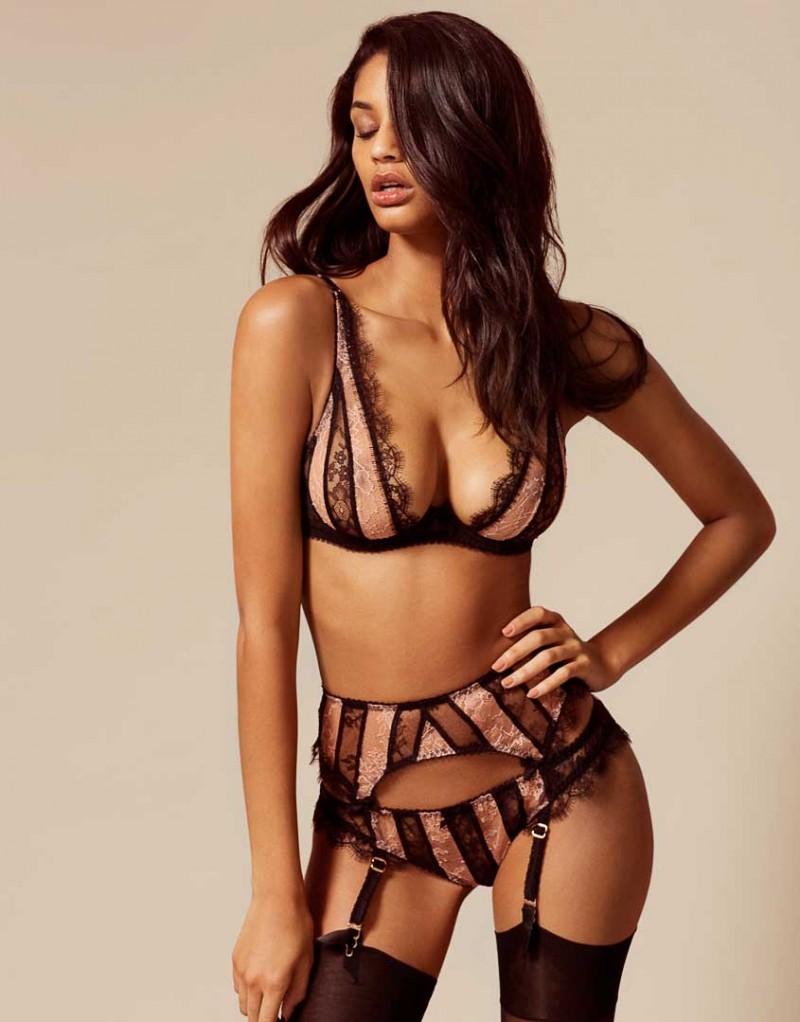
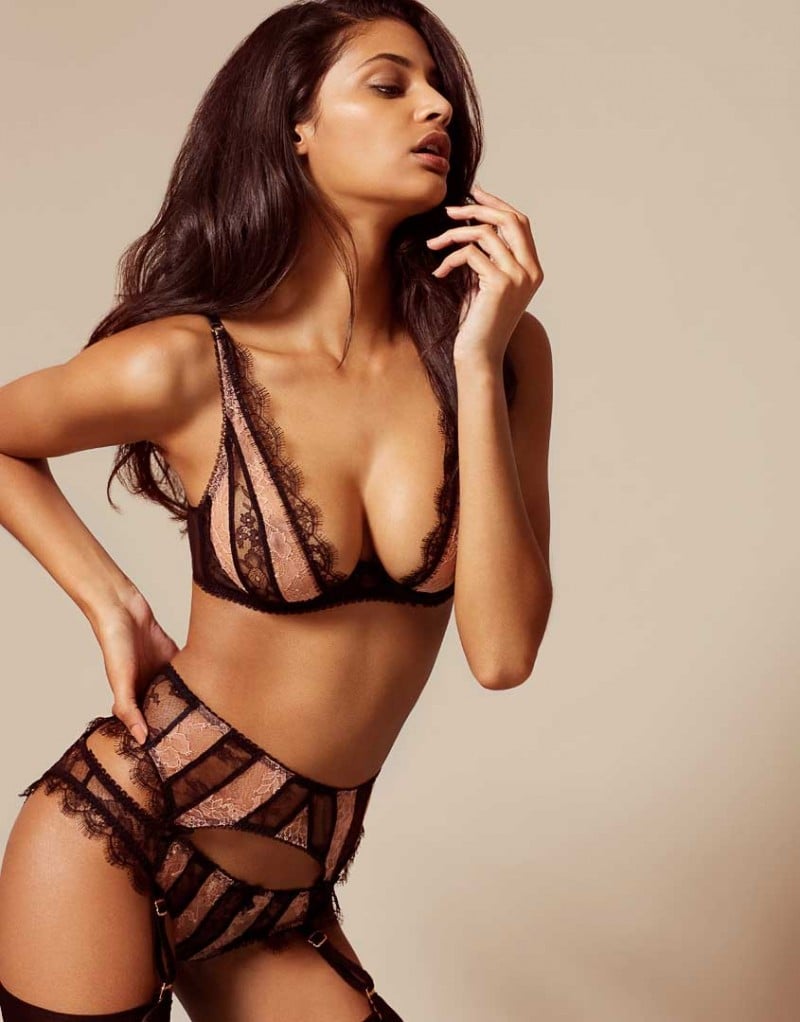
Agent Provocateur (AP is changing their style of catalogue shoots)
Vogue Paris August 2016 FACE ART Photographer: Mario Sorrenti Stylist: Géraldine Saglio Models: Anja Rubik, Bella Hadid & Andreea Diaconu Vogue Paris August 2016 Digital Edition
Agent Provocateur (AP is changing their style of catalogue shoots)

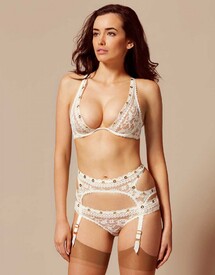
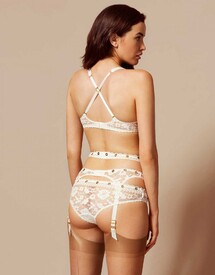

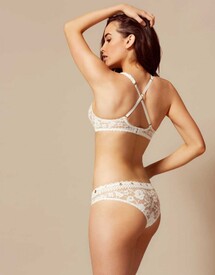
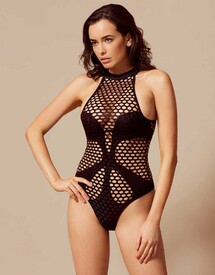
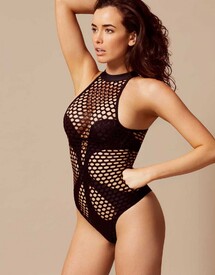
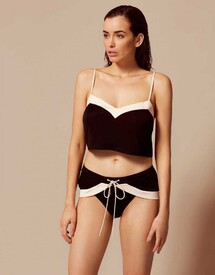
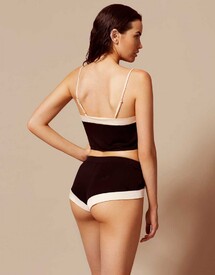
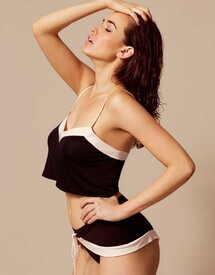
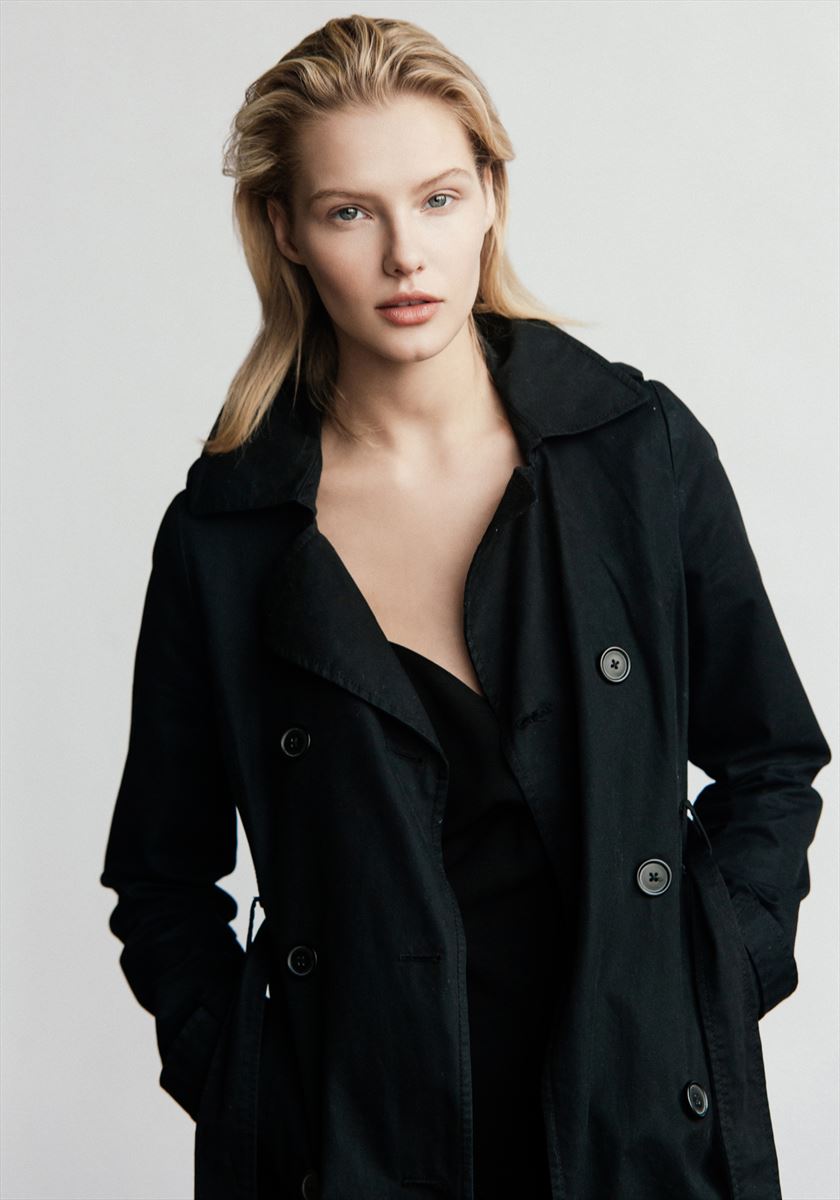
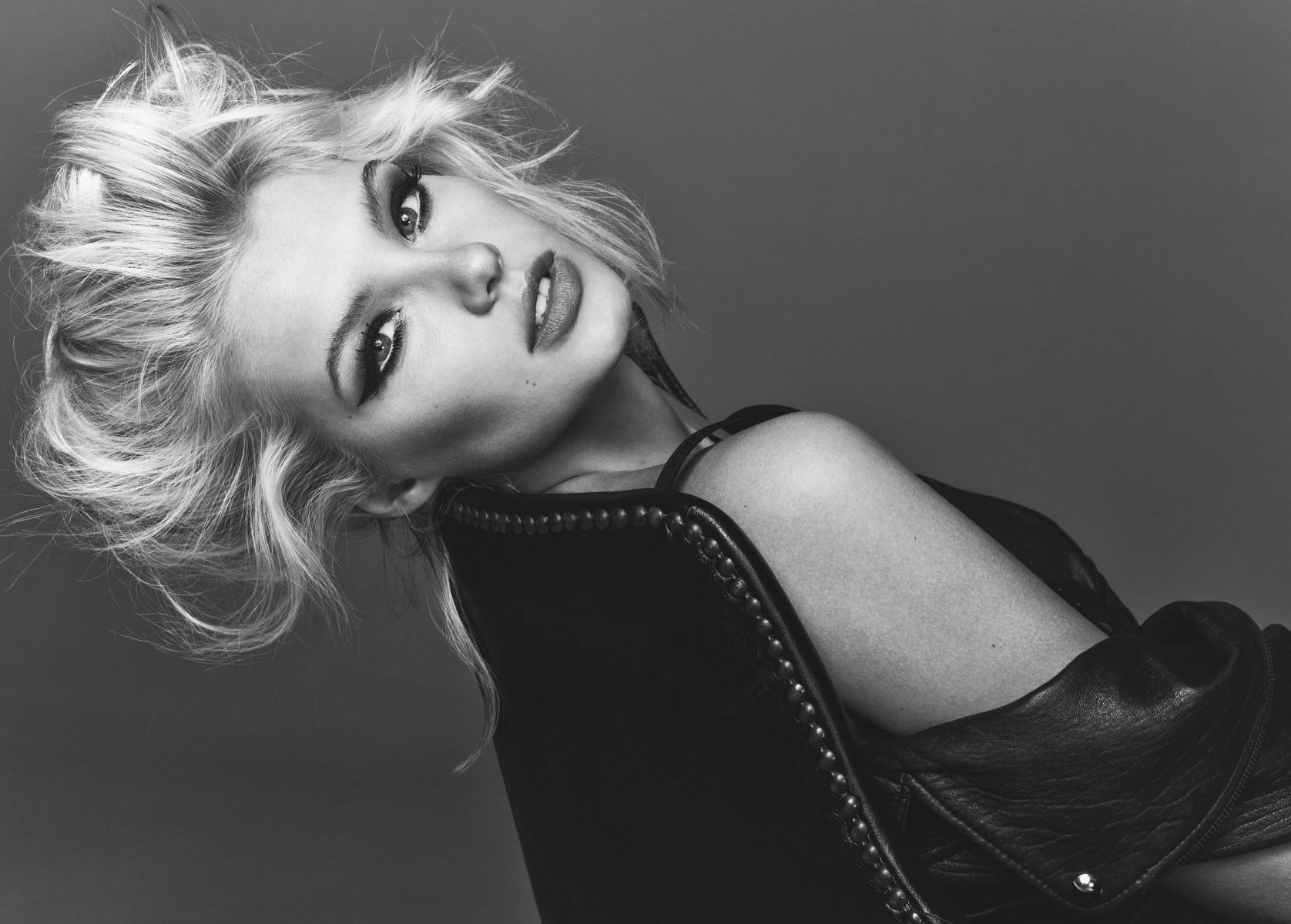
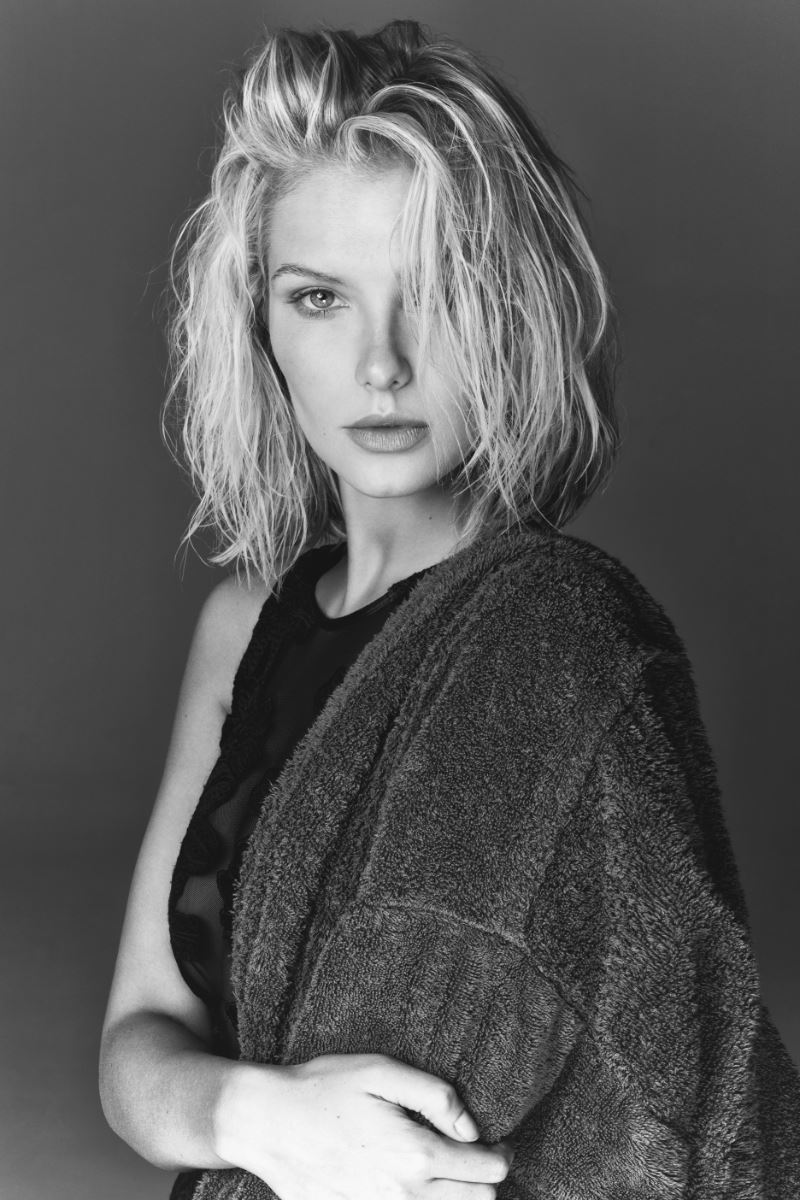
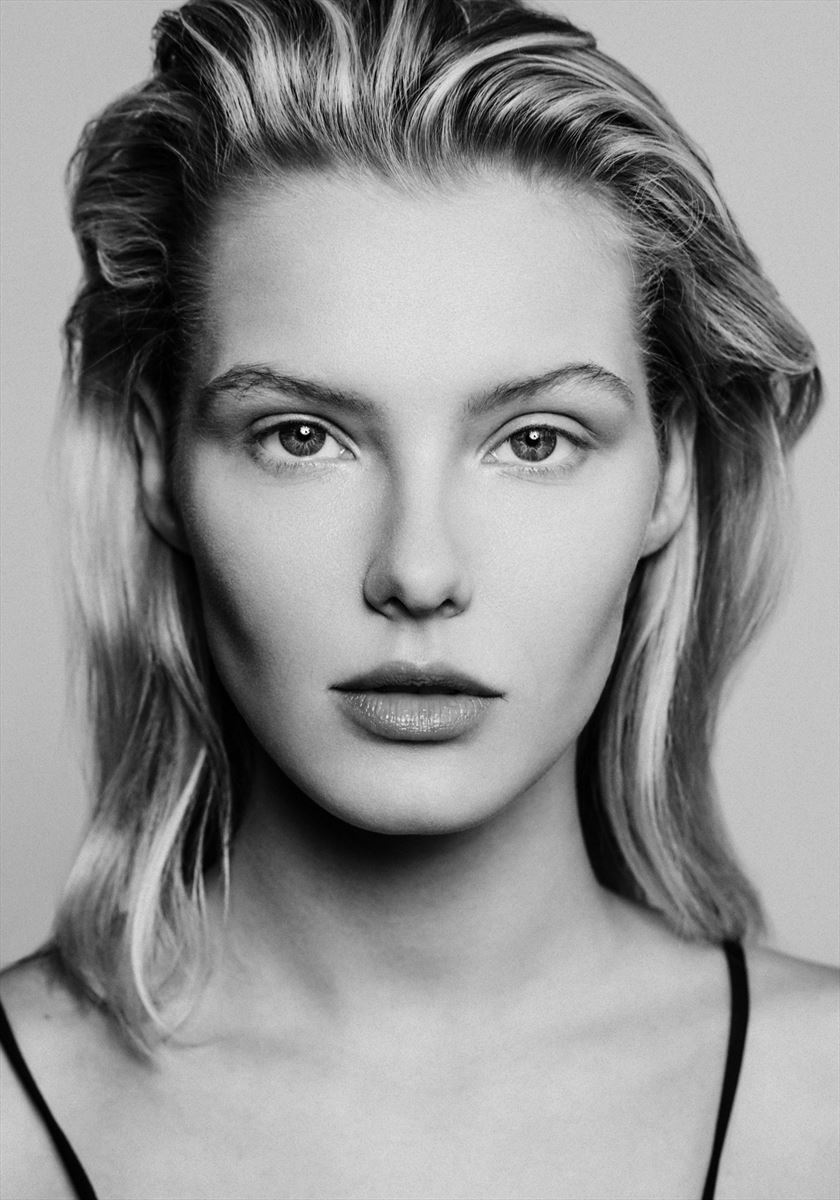
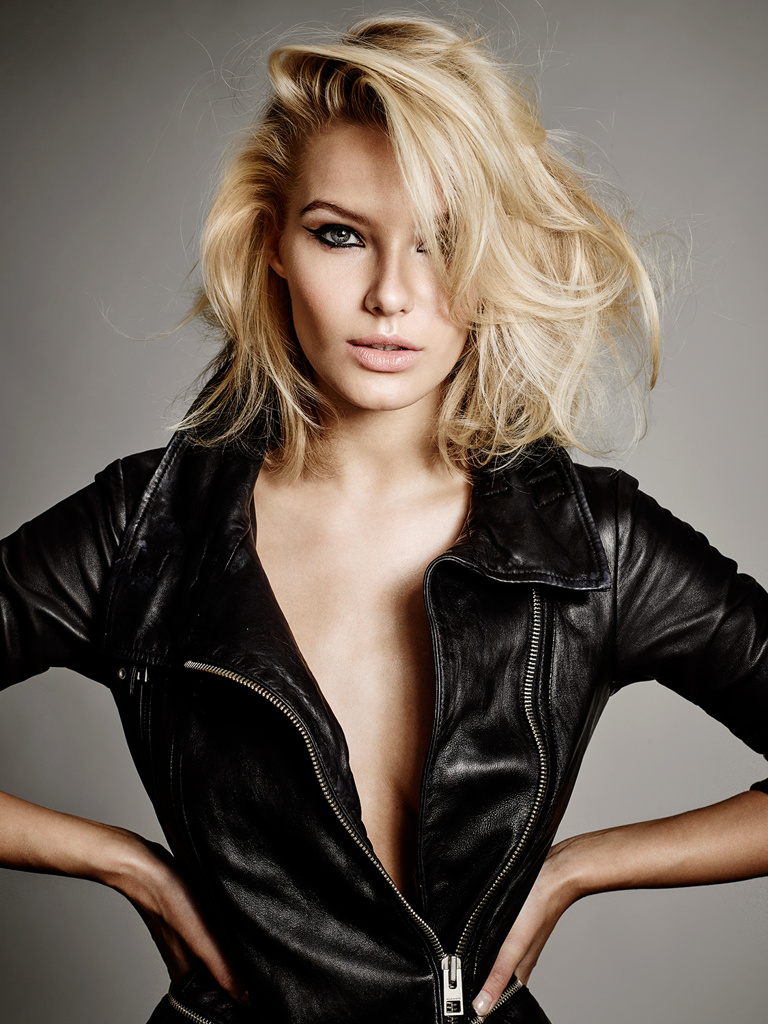
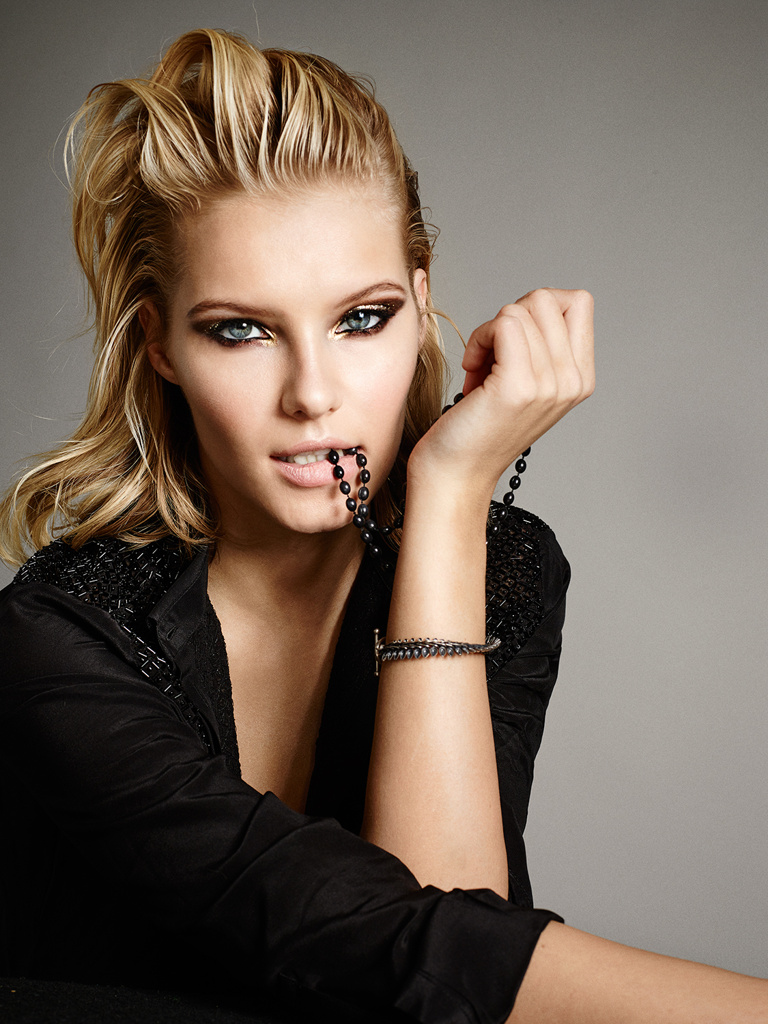
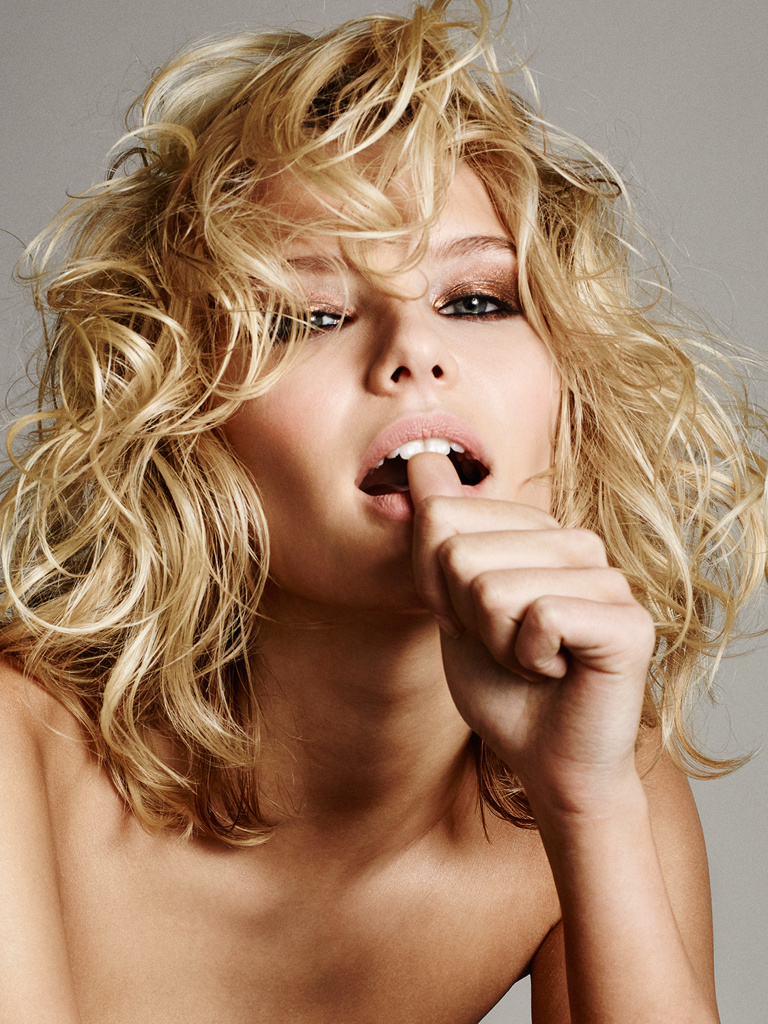
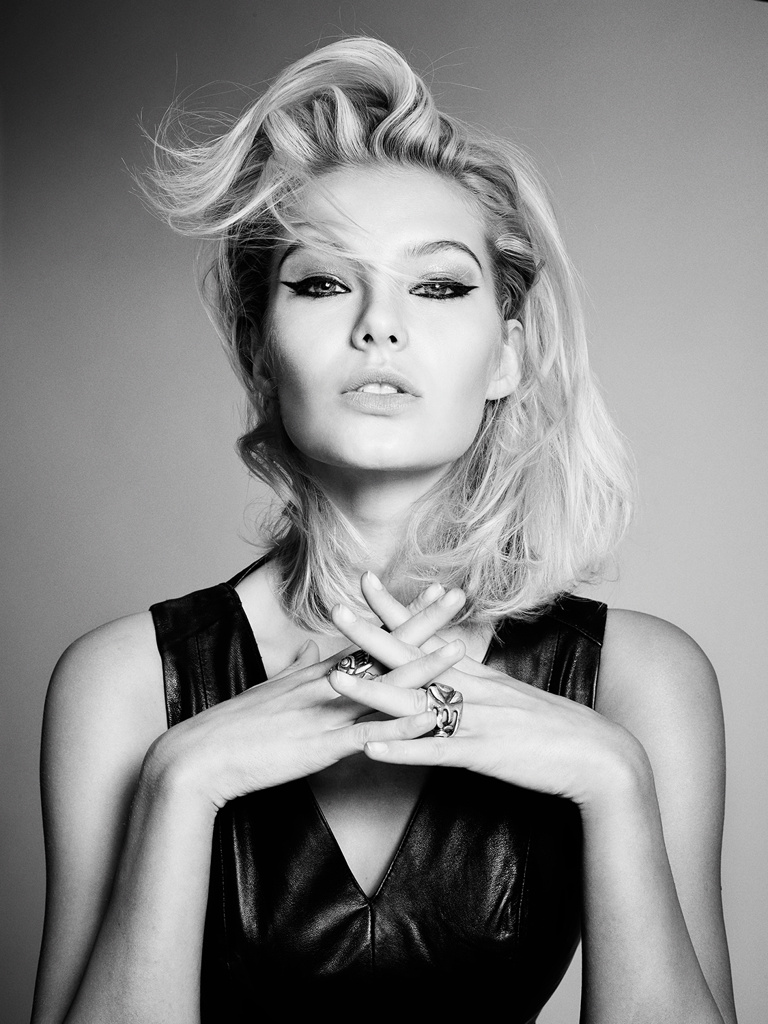
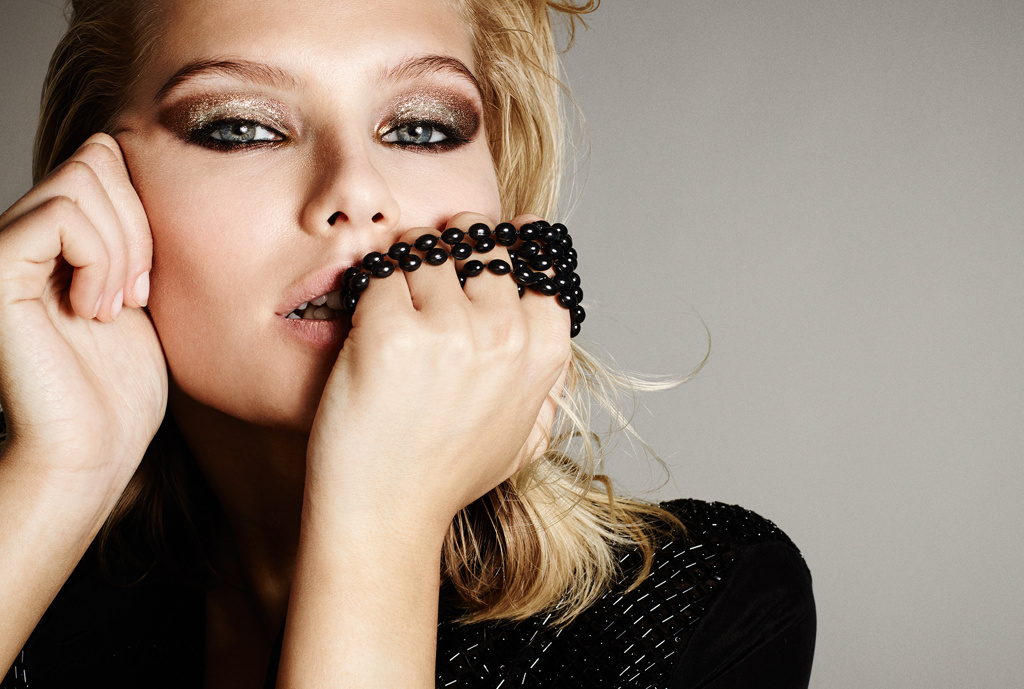
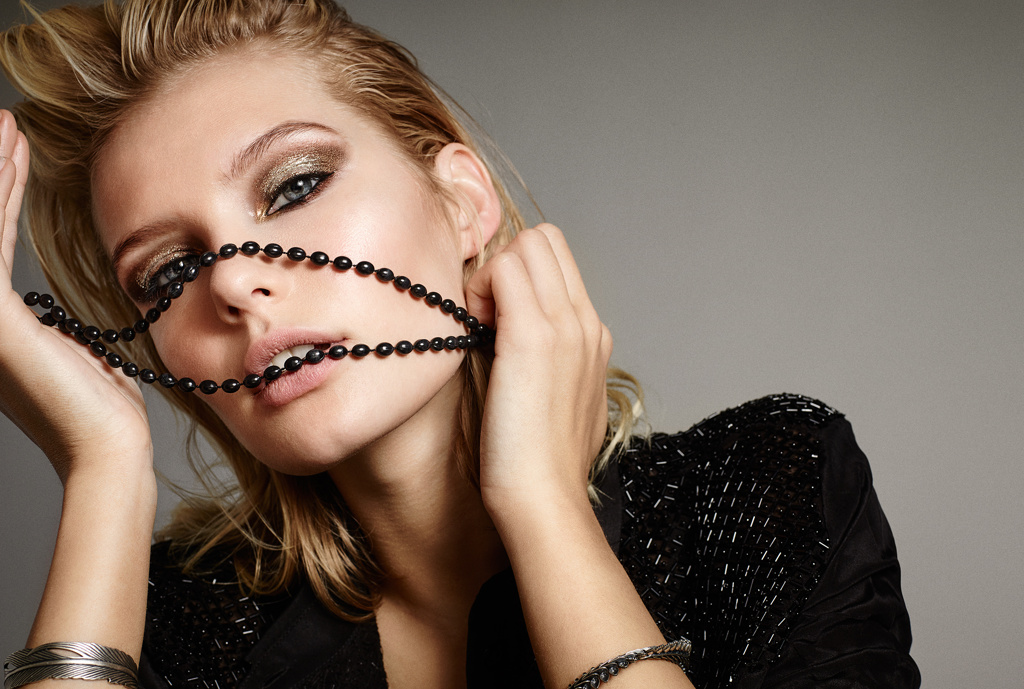
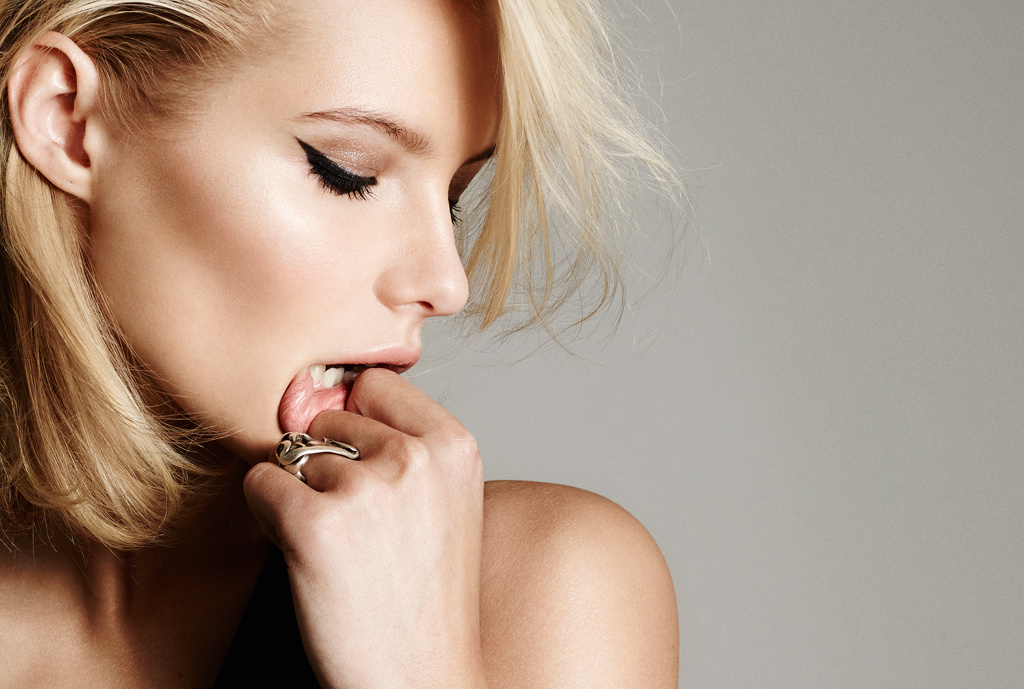
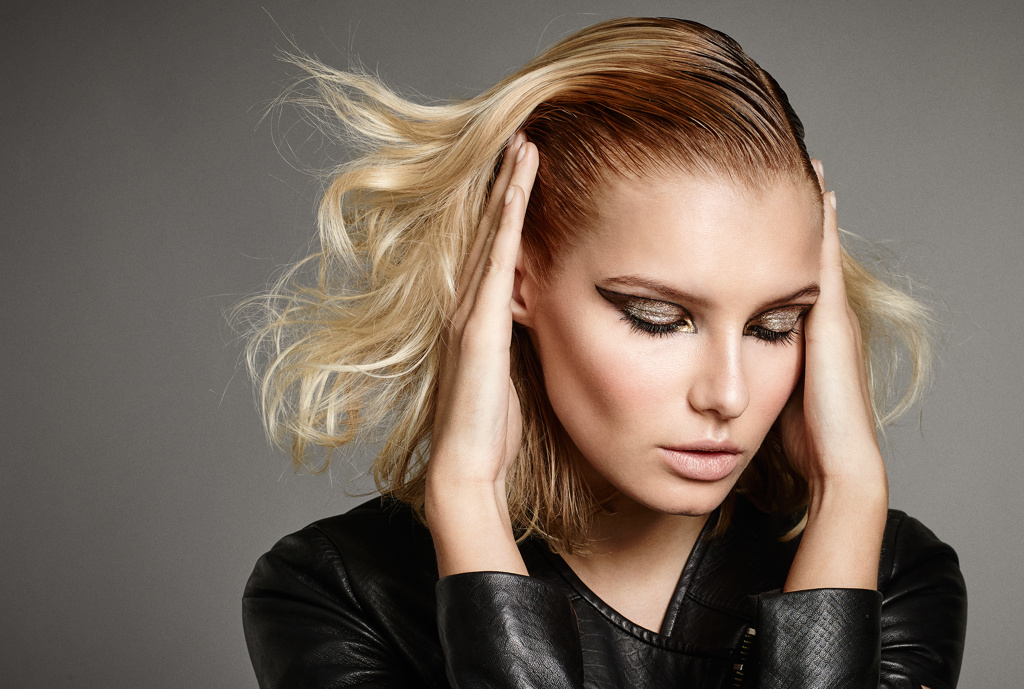
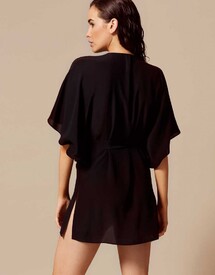 Various Test Shoots and Portfolio Shots M4 Hamburg Digitals
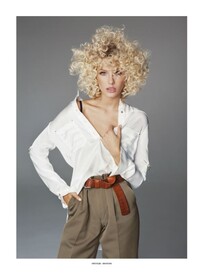
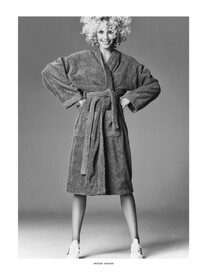
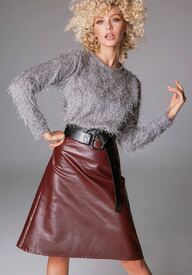
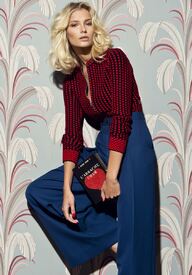
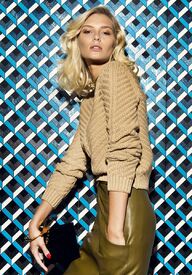
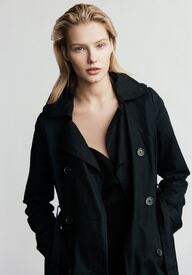
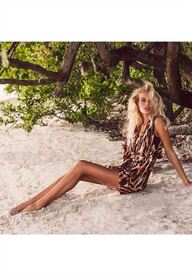
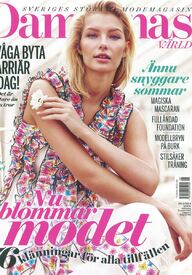
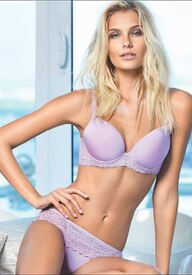
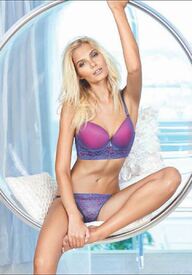
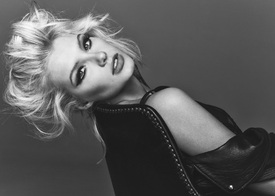
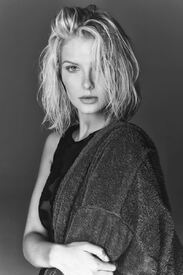
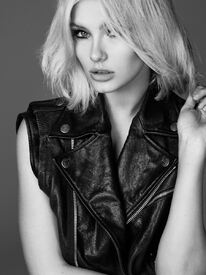
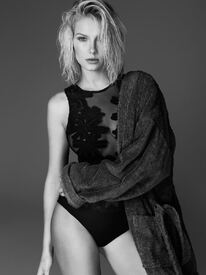
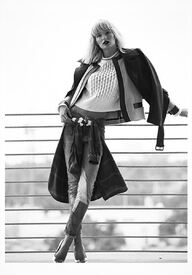
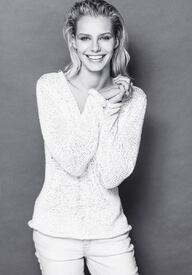
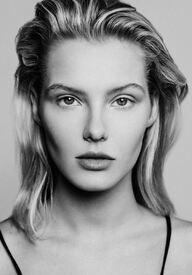

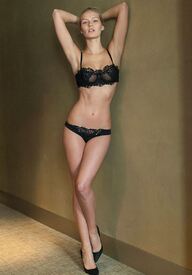
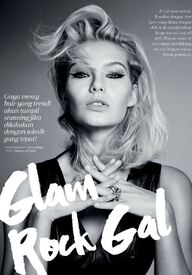
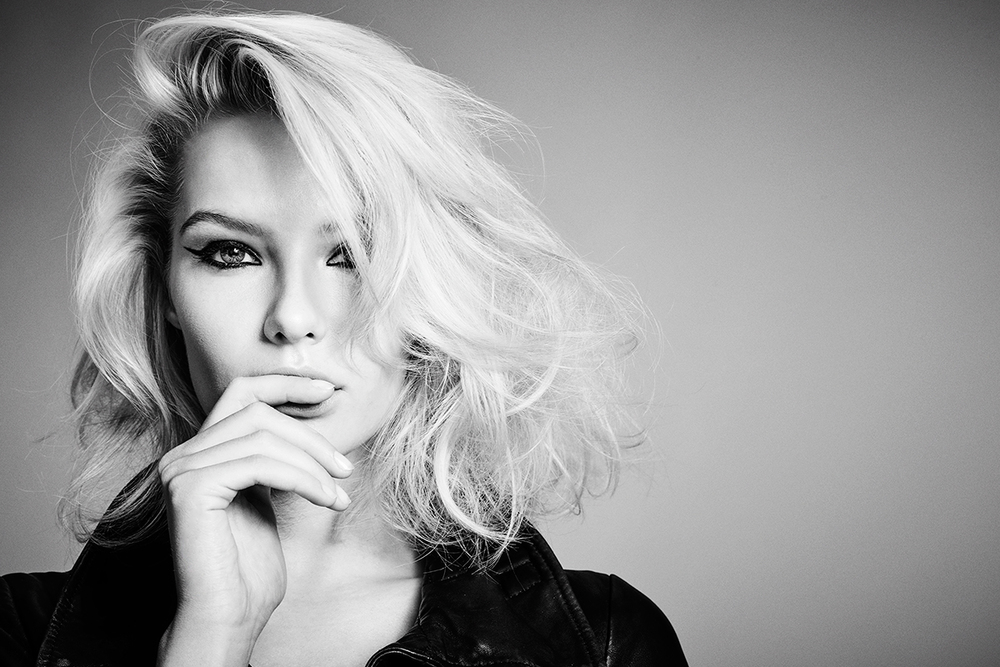
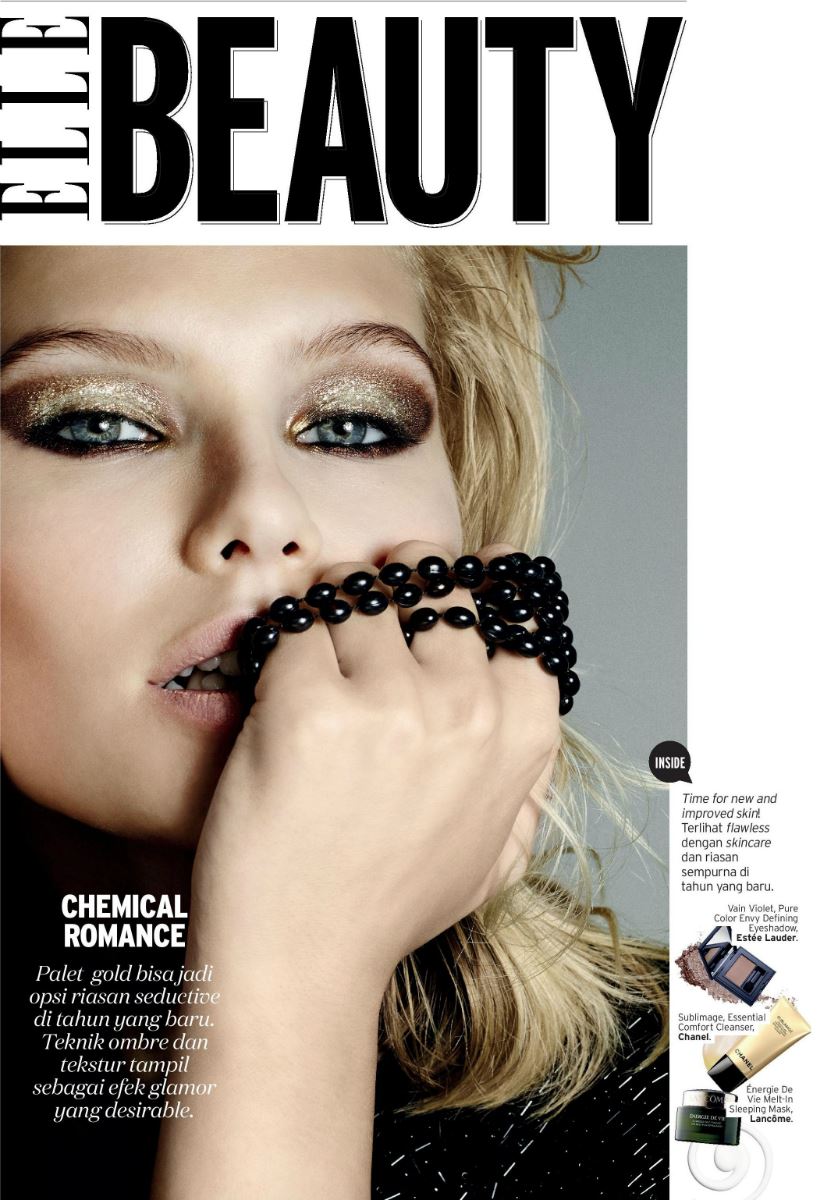
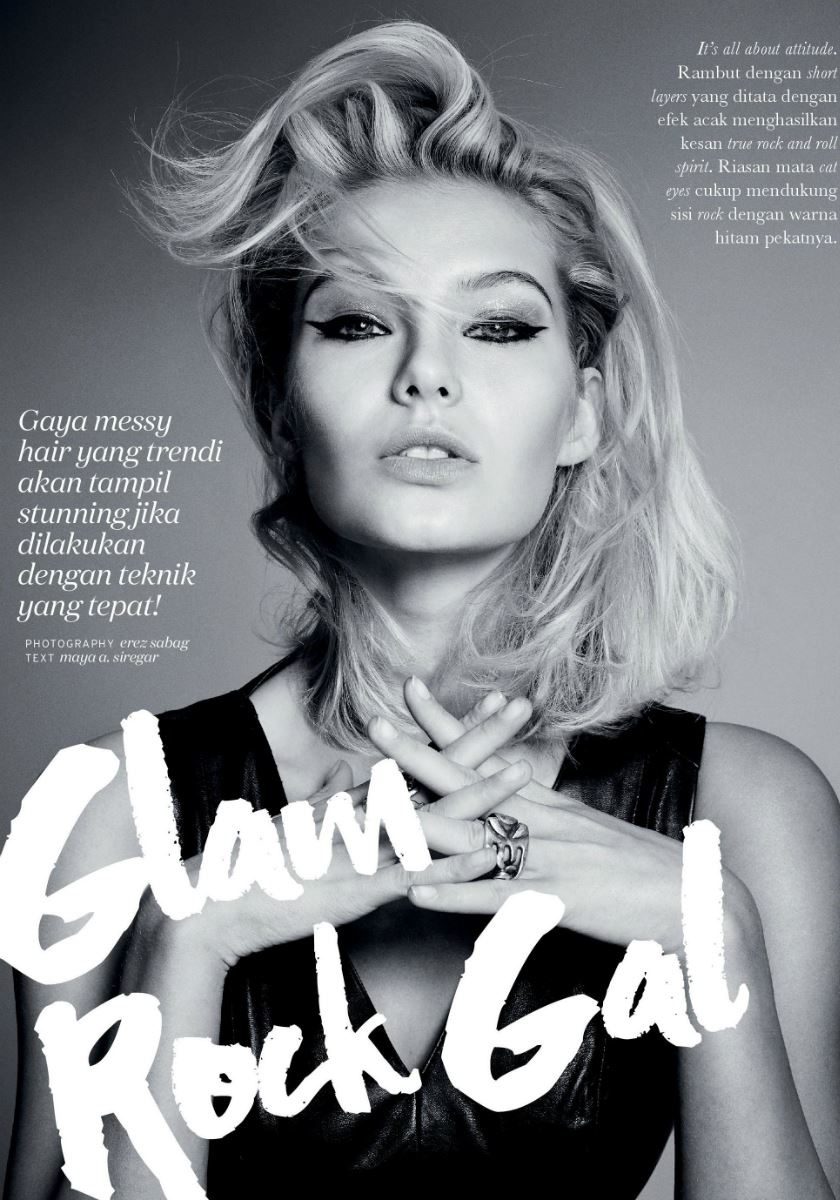
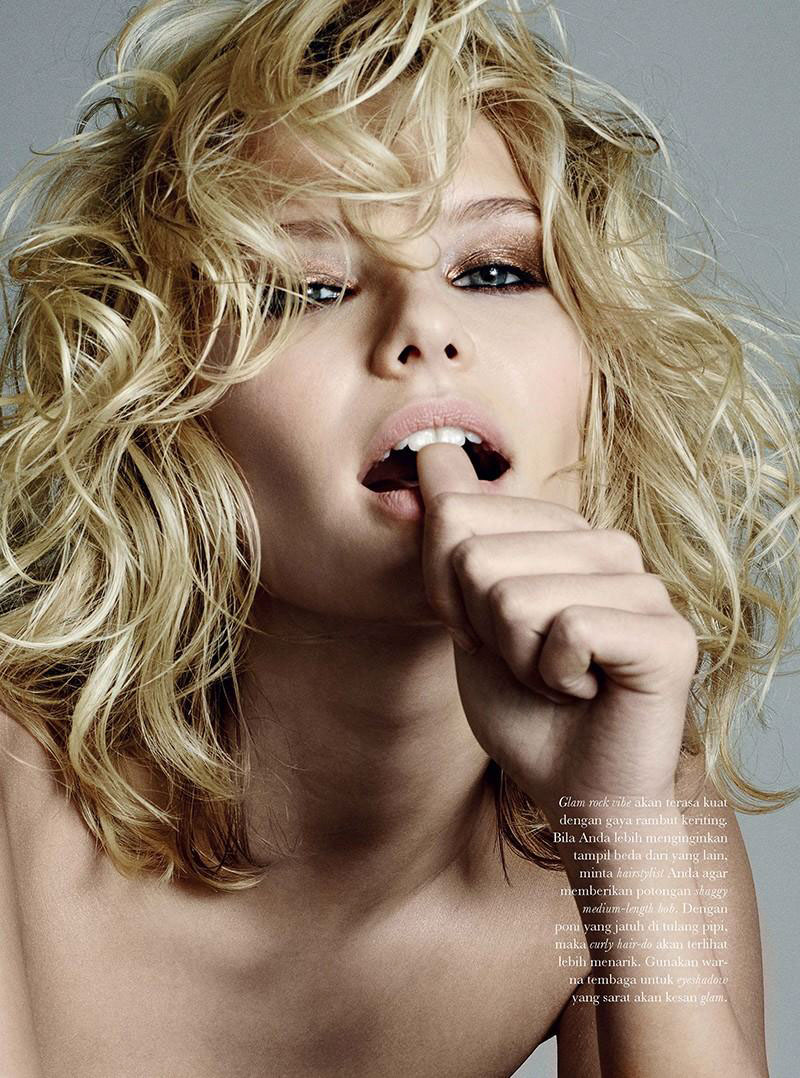
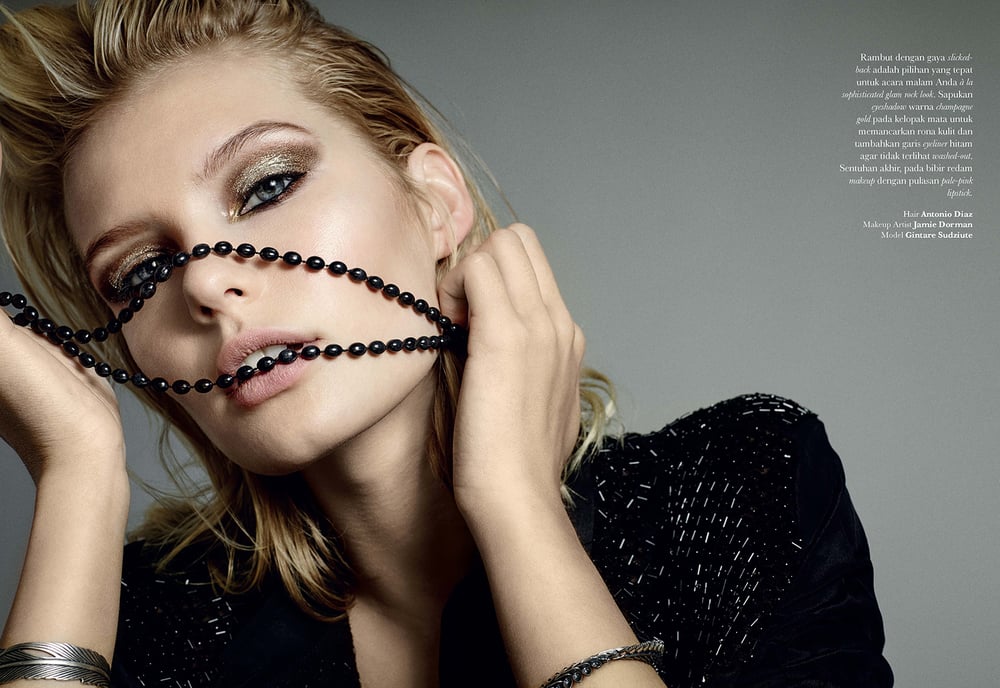
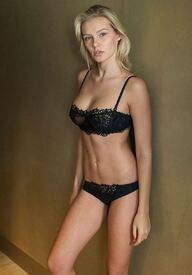 ELLE Indonesia February 2016 Photography: Erez Sabag Hair: Antonio Diaz Makeup: Jamie Dorman models.com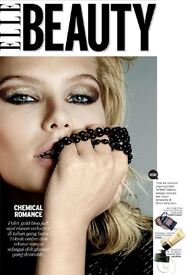
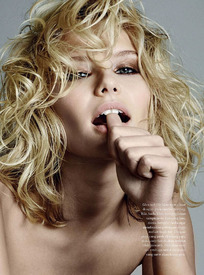
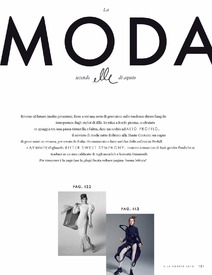
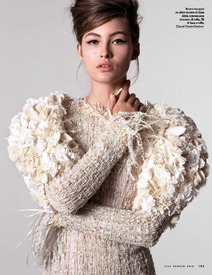
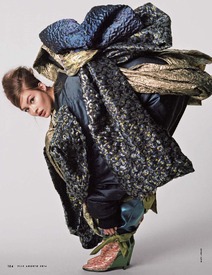
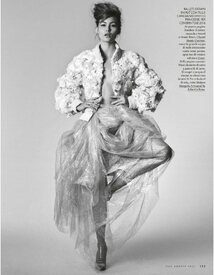
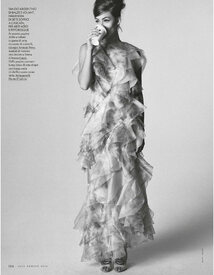
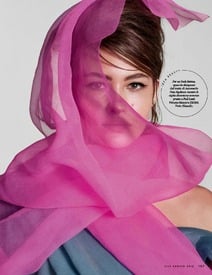
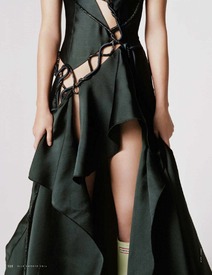
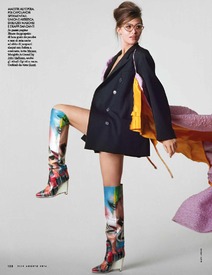
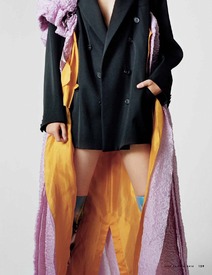
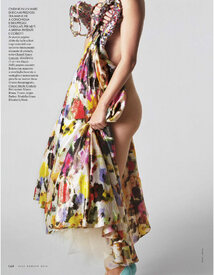
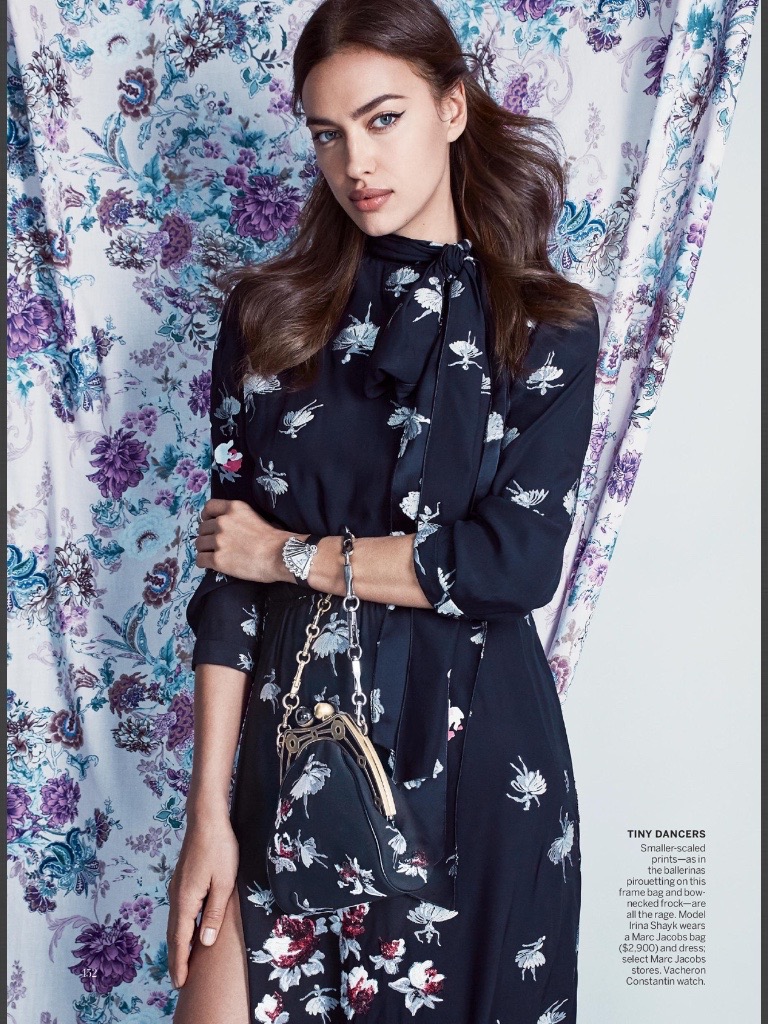
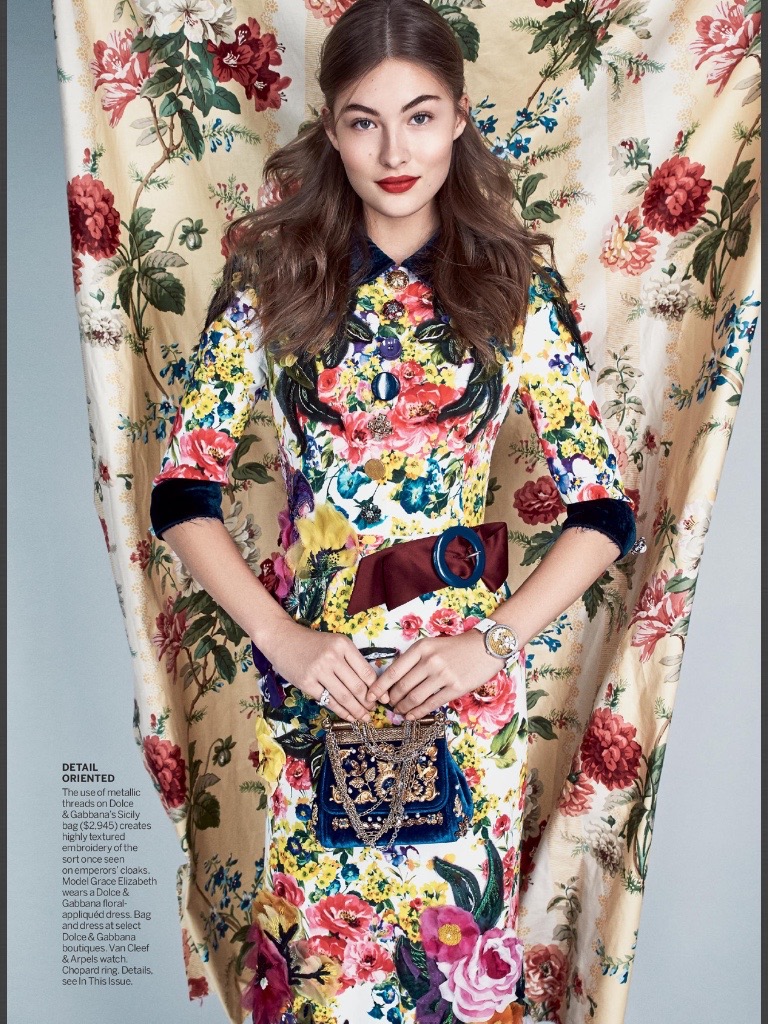
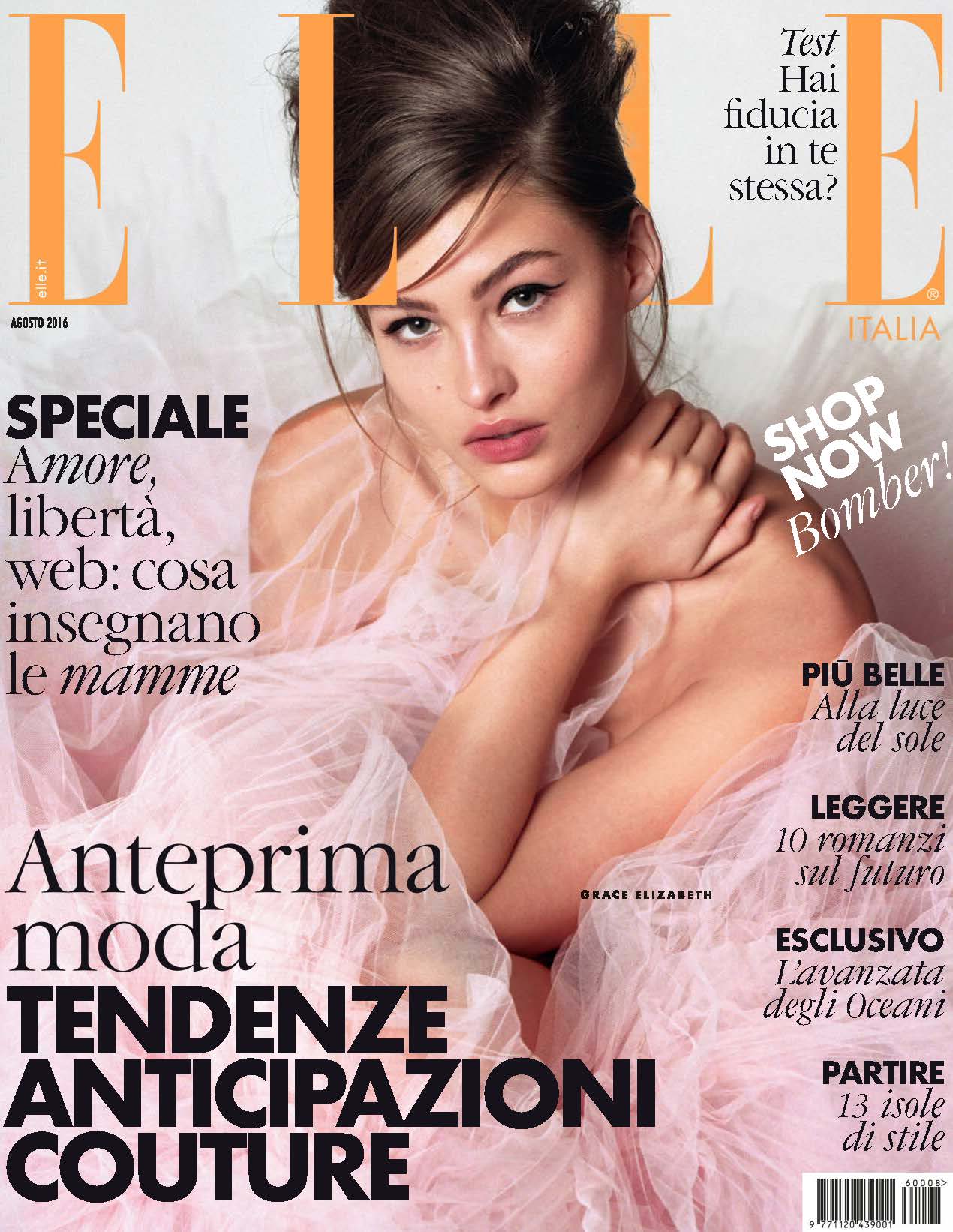
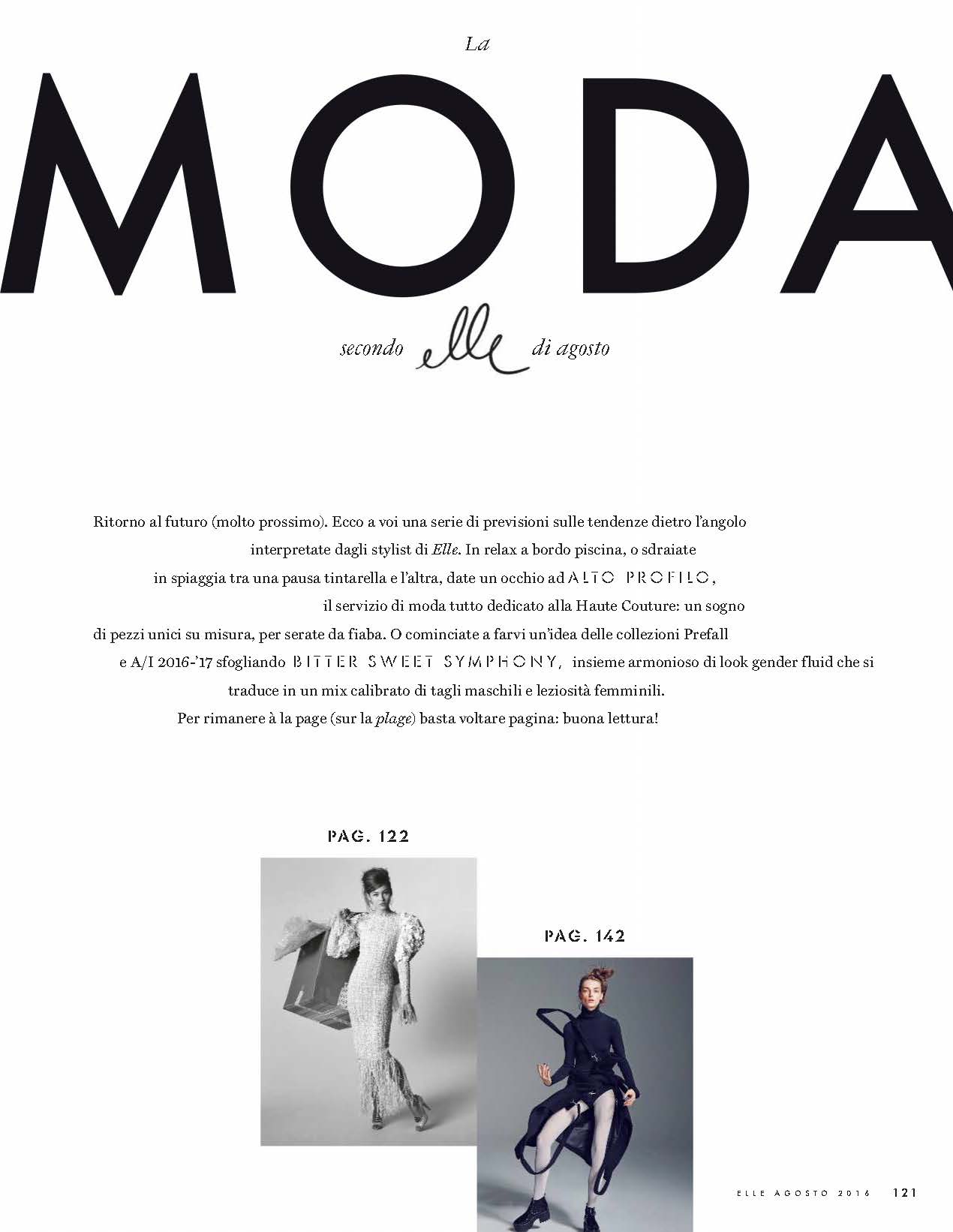
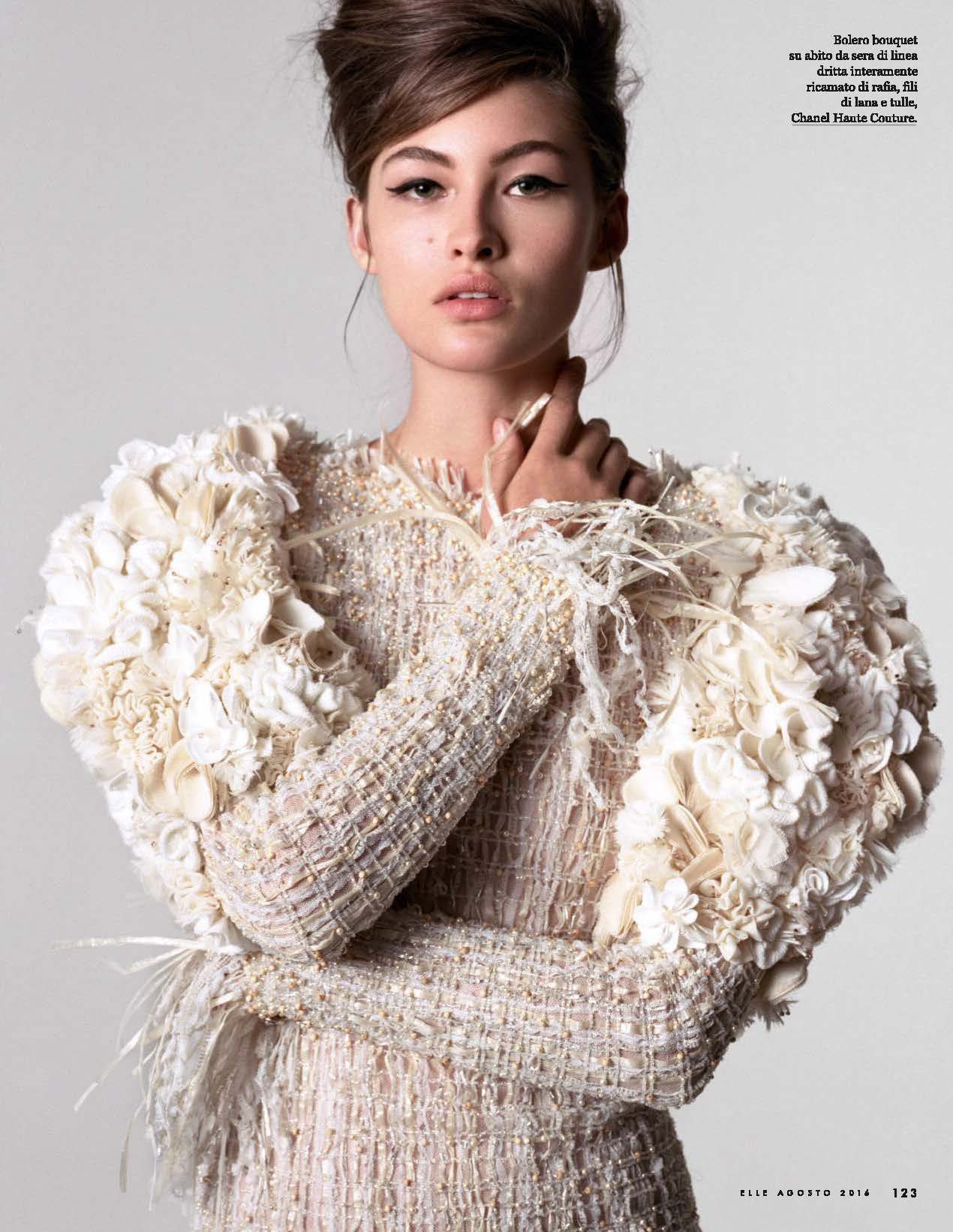
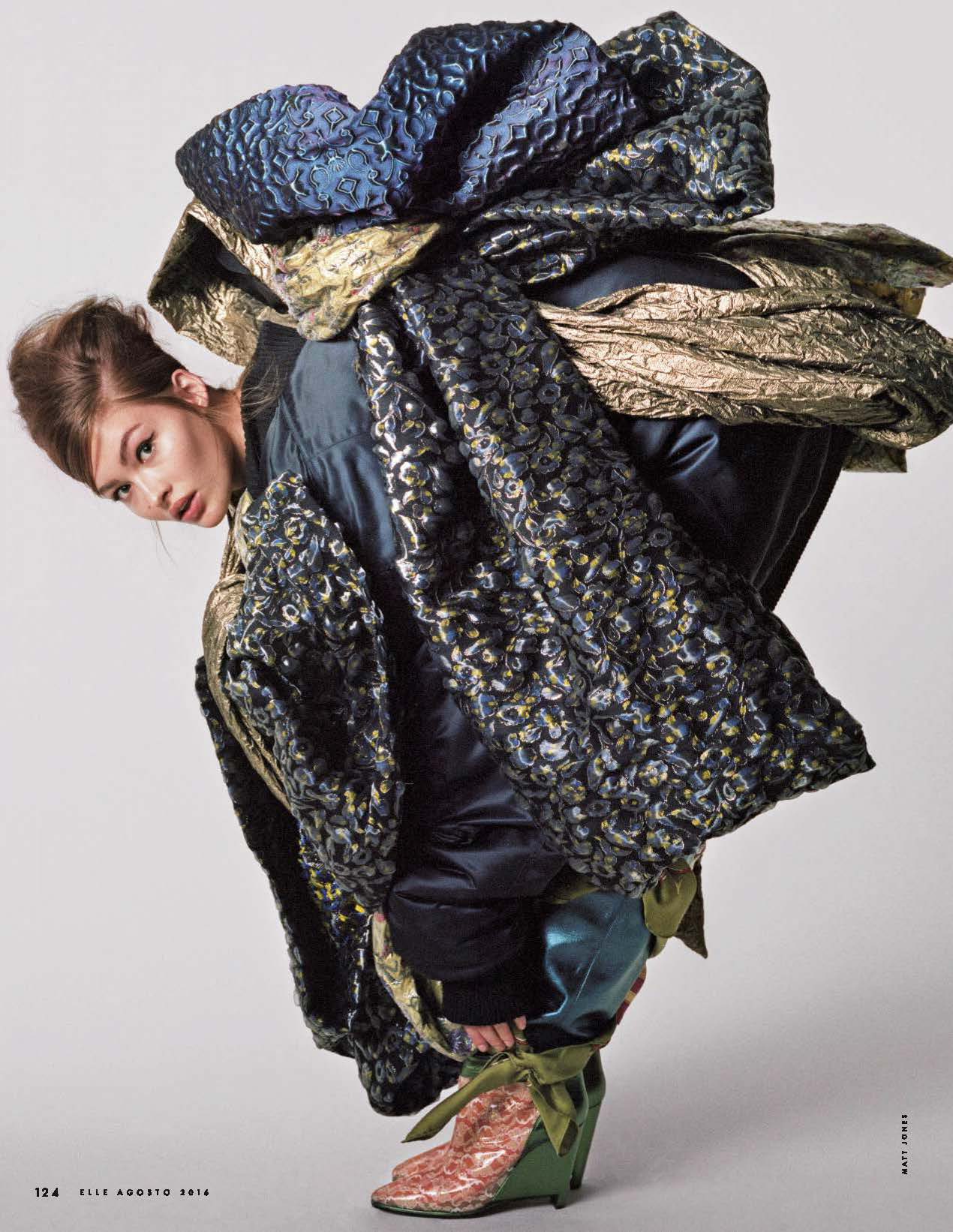
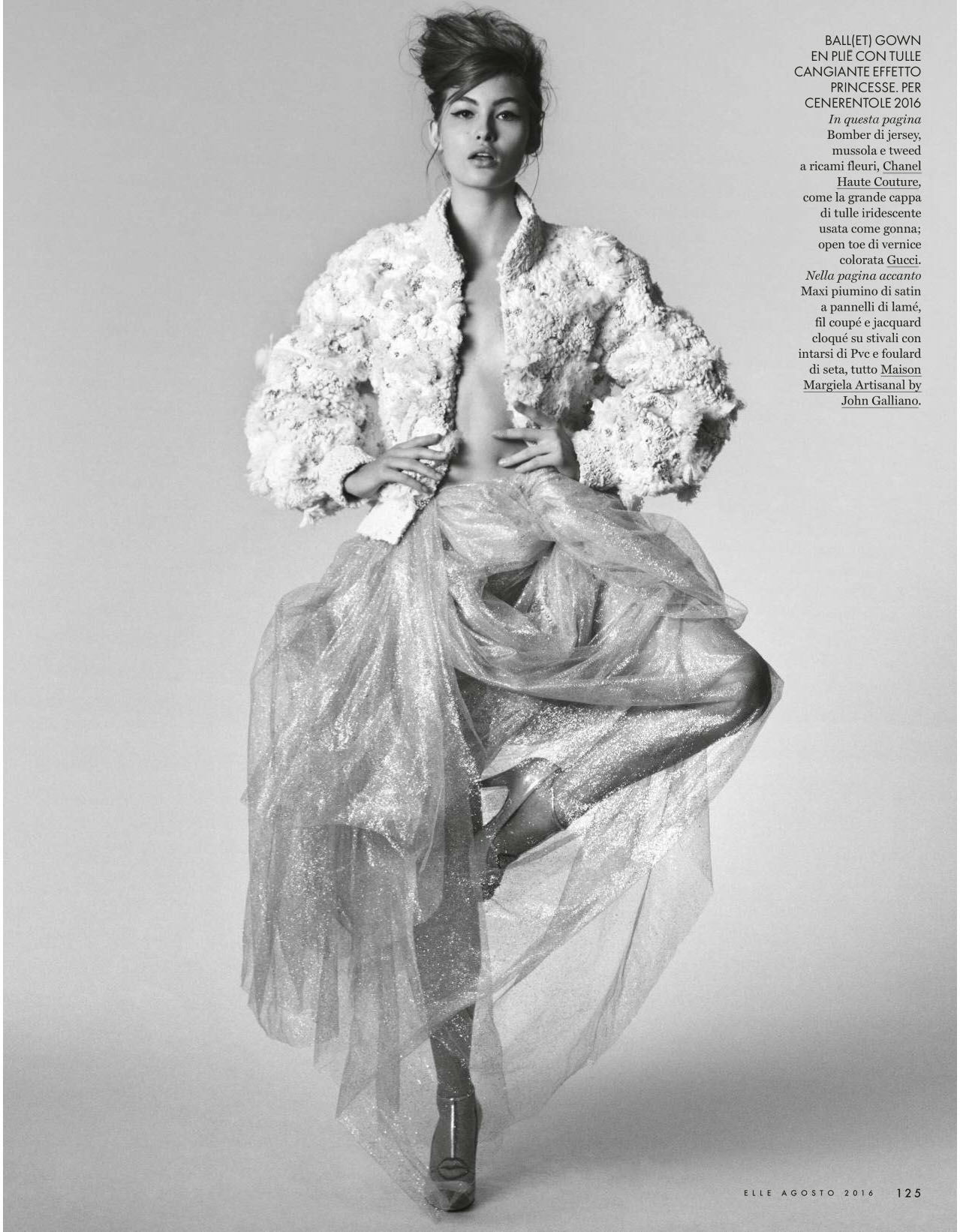
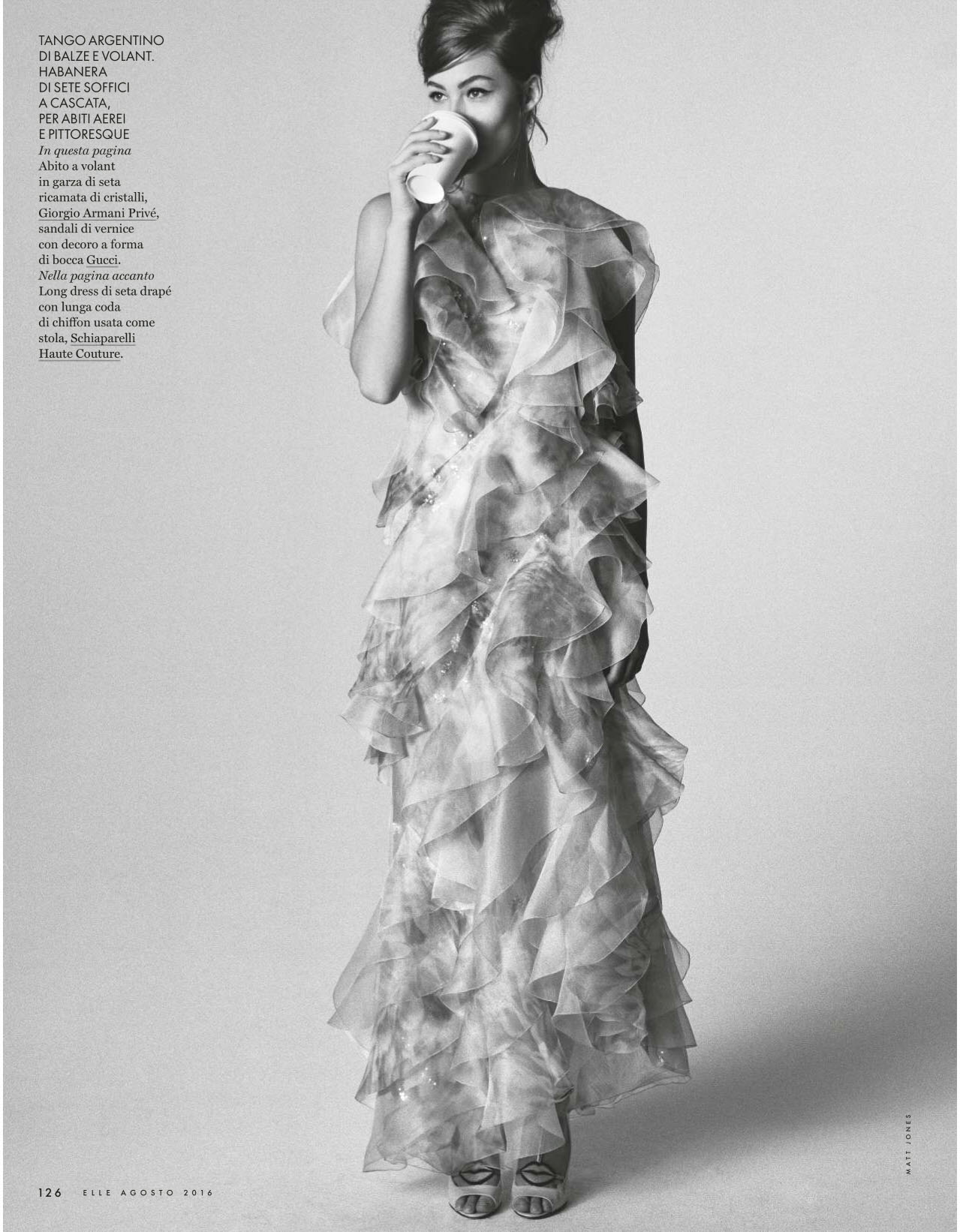
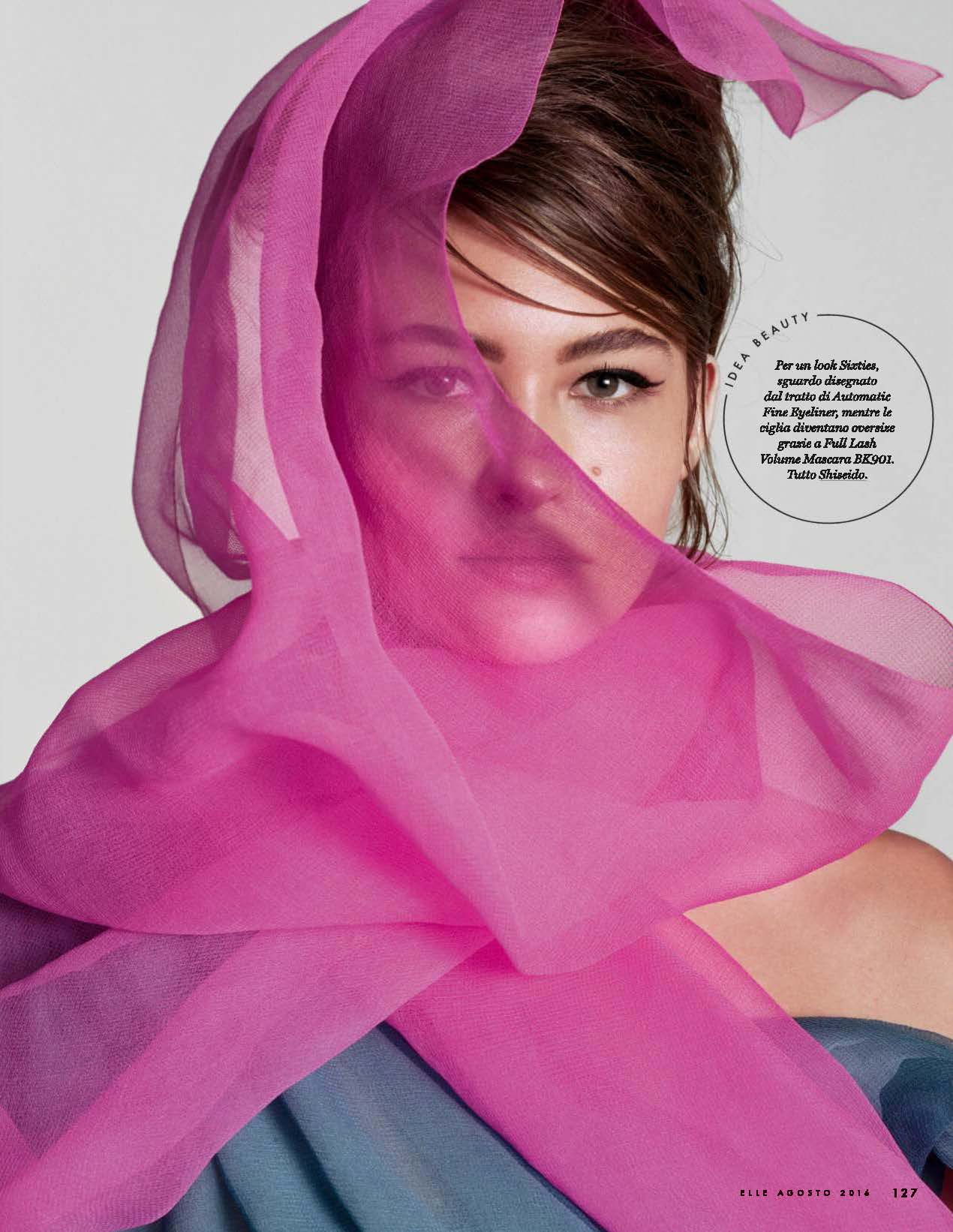
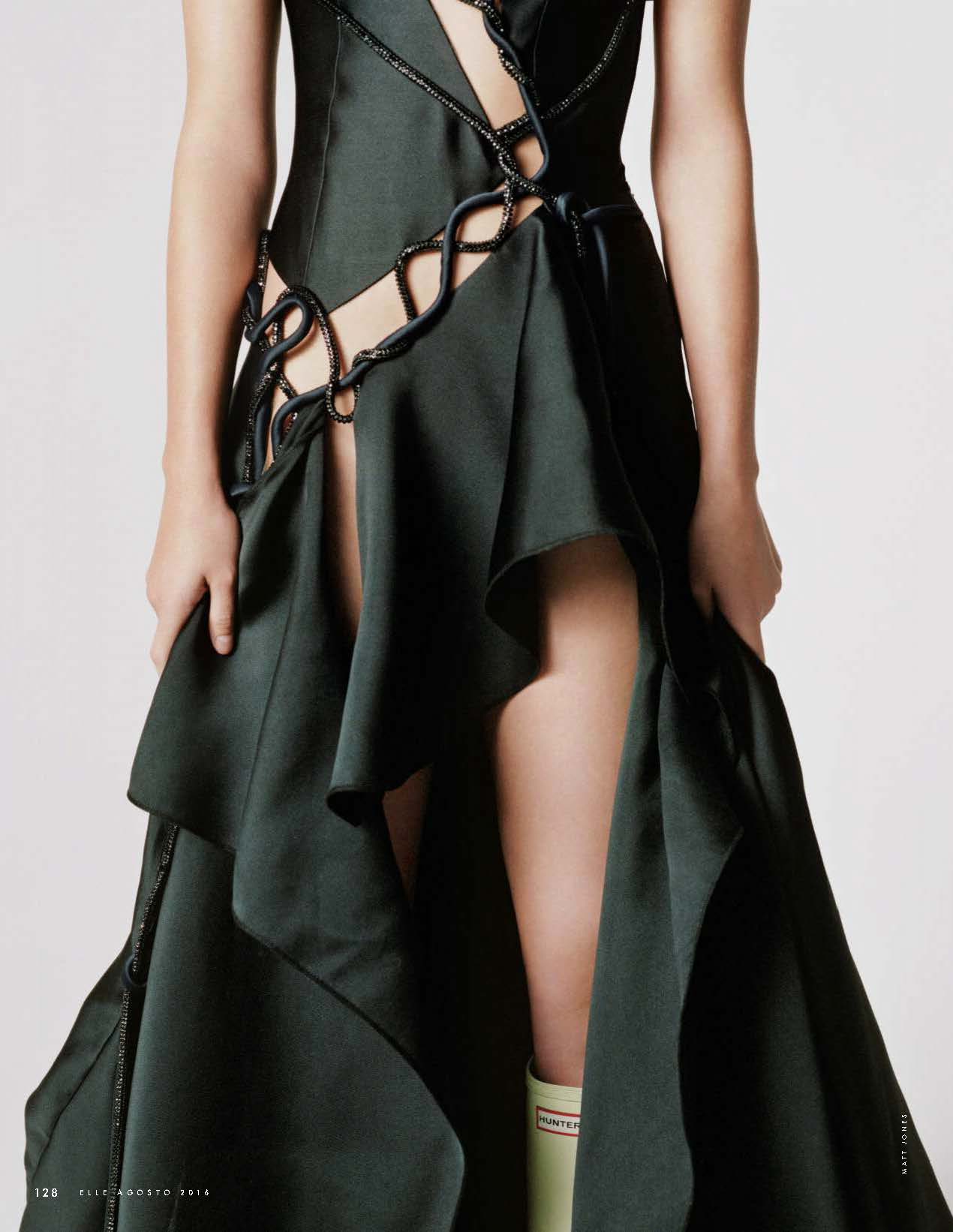
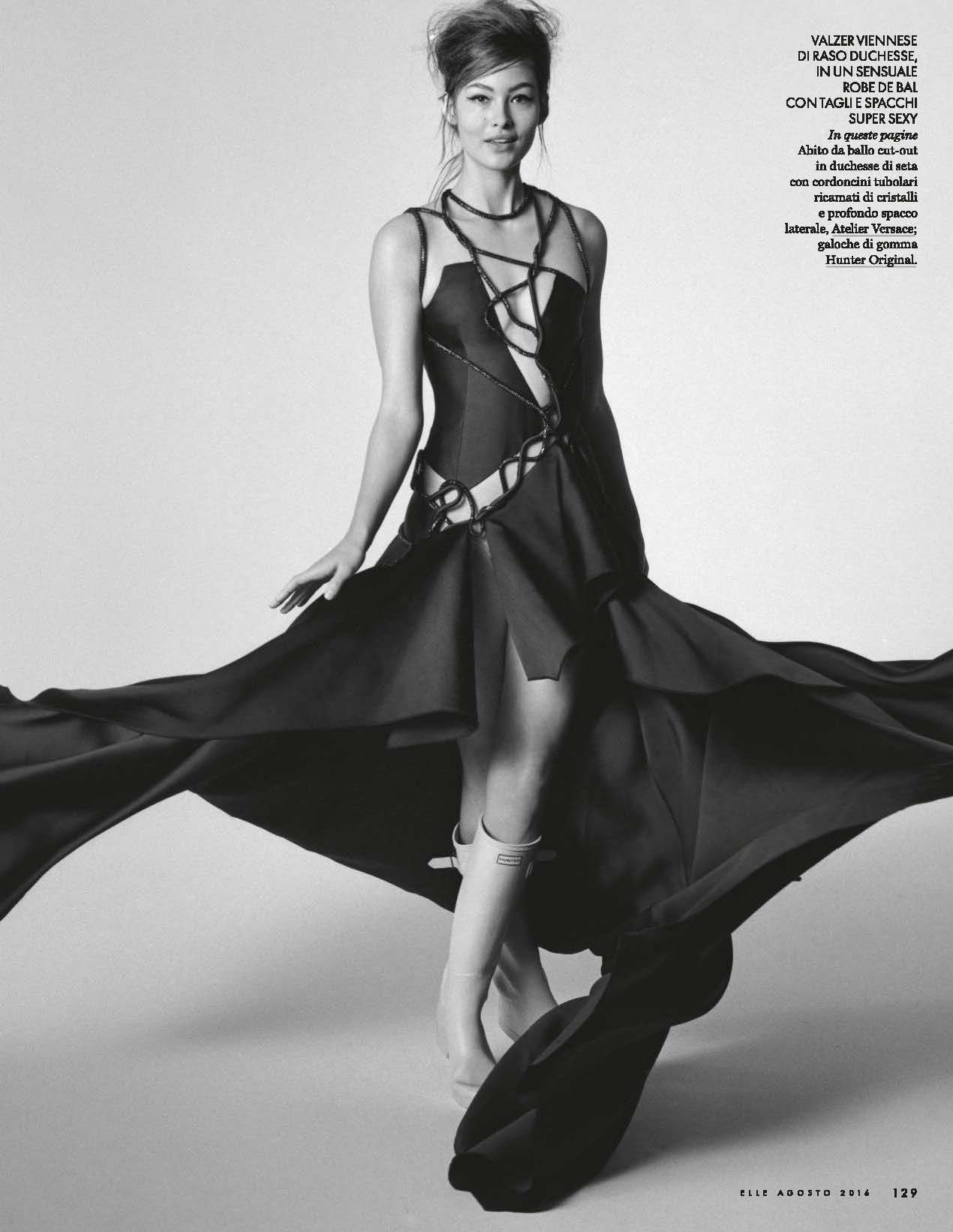
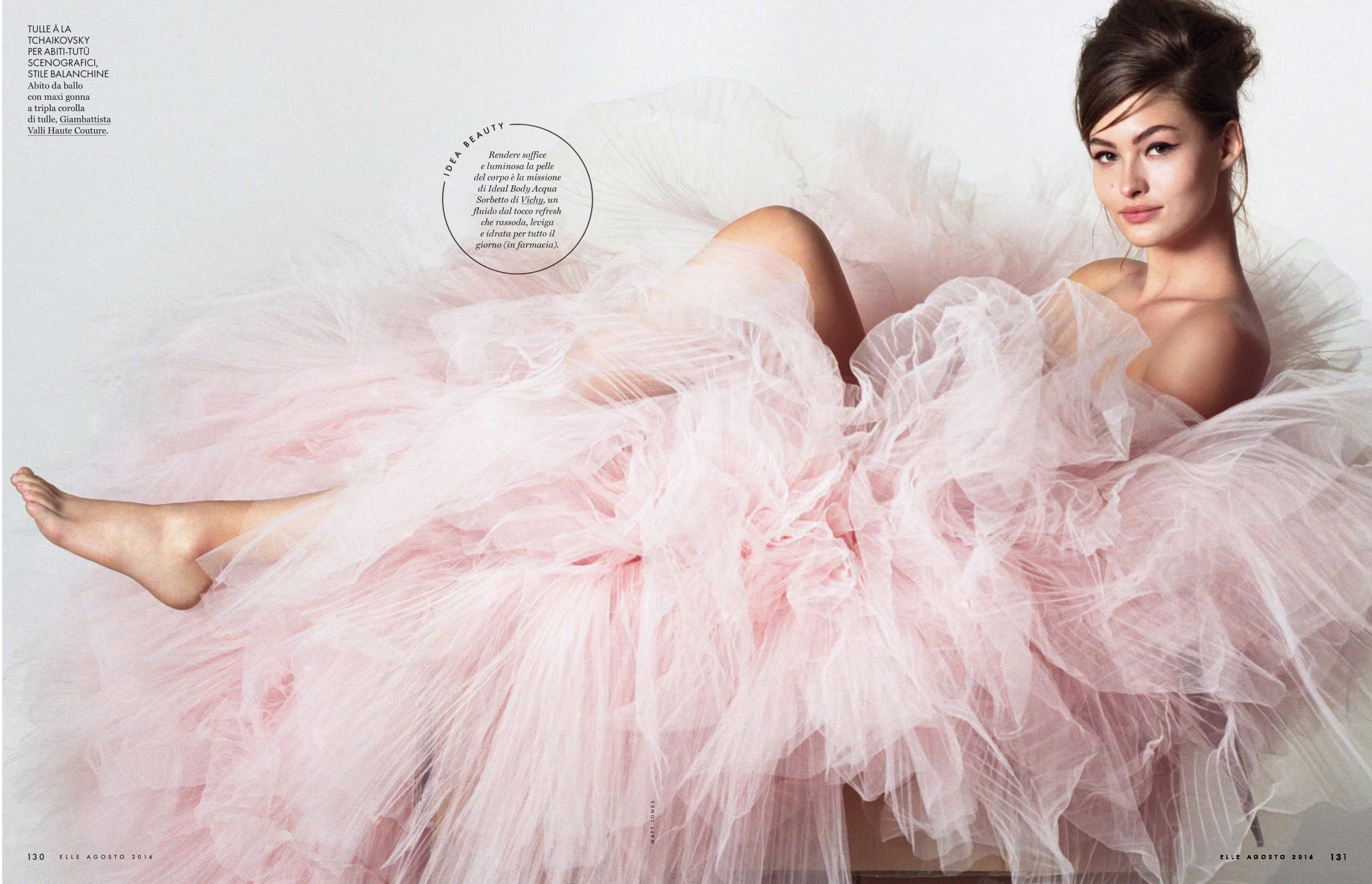
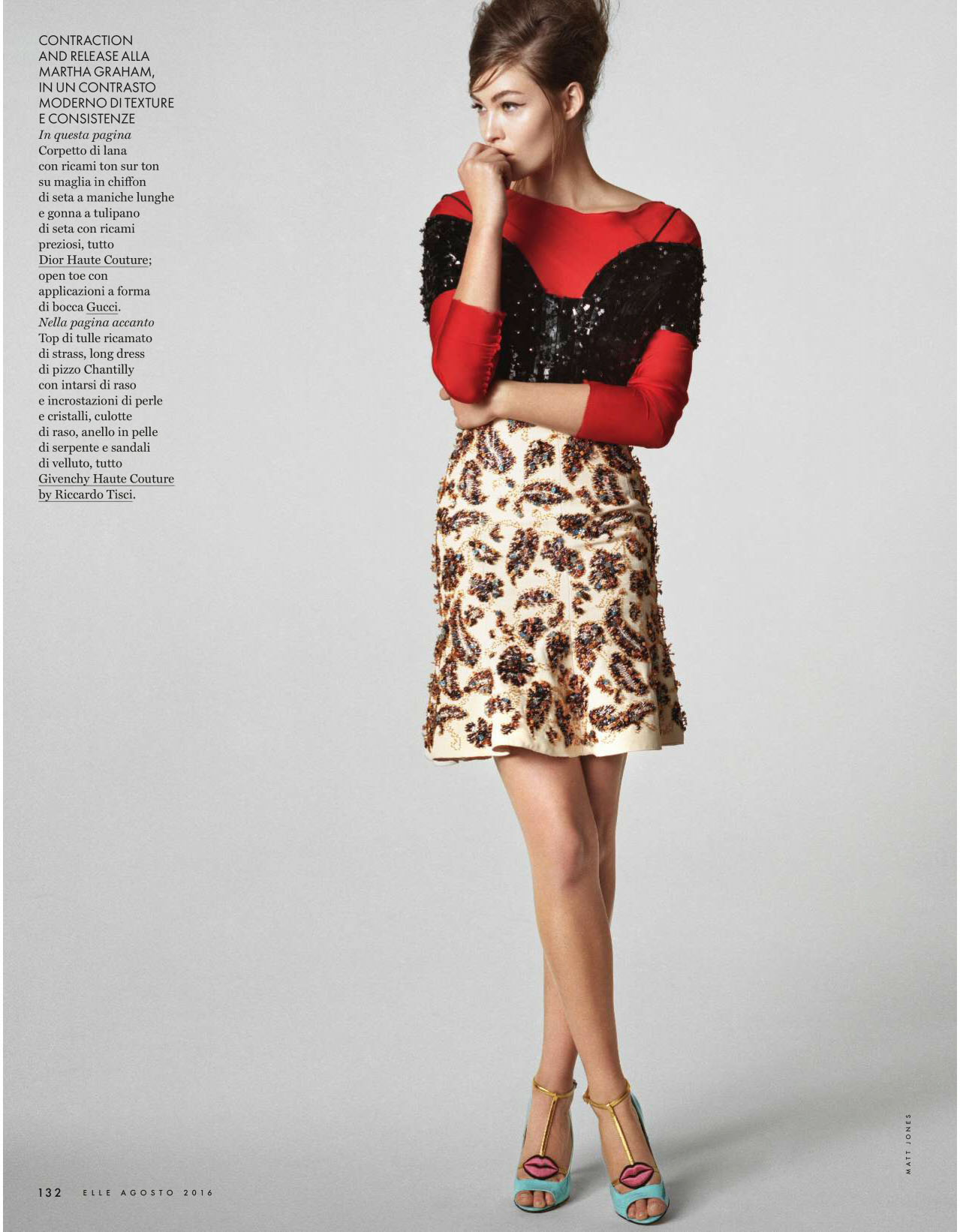
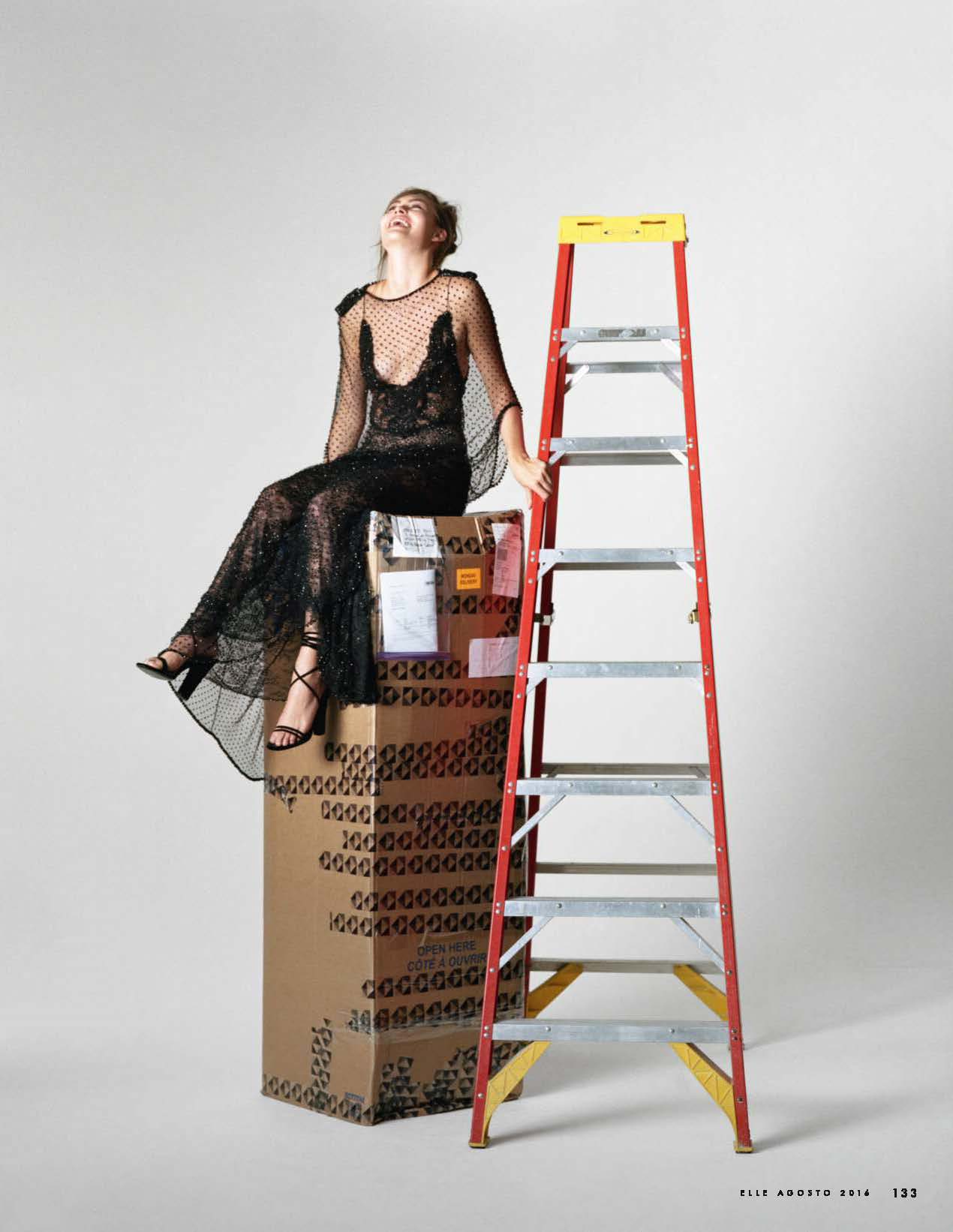
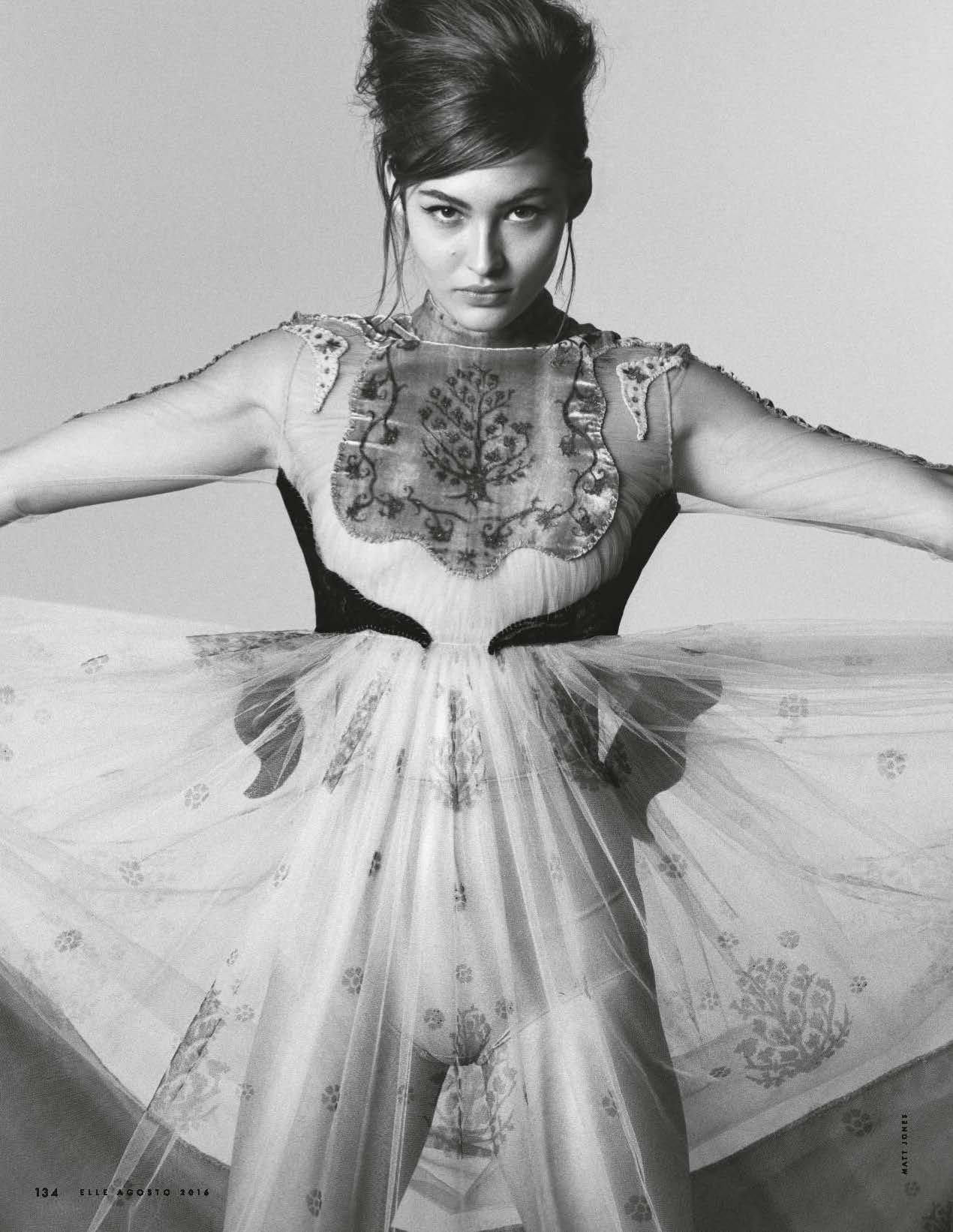
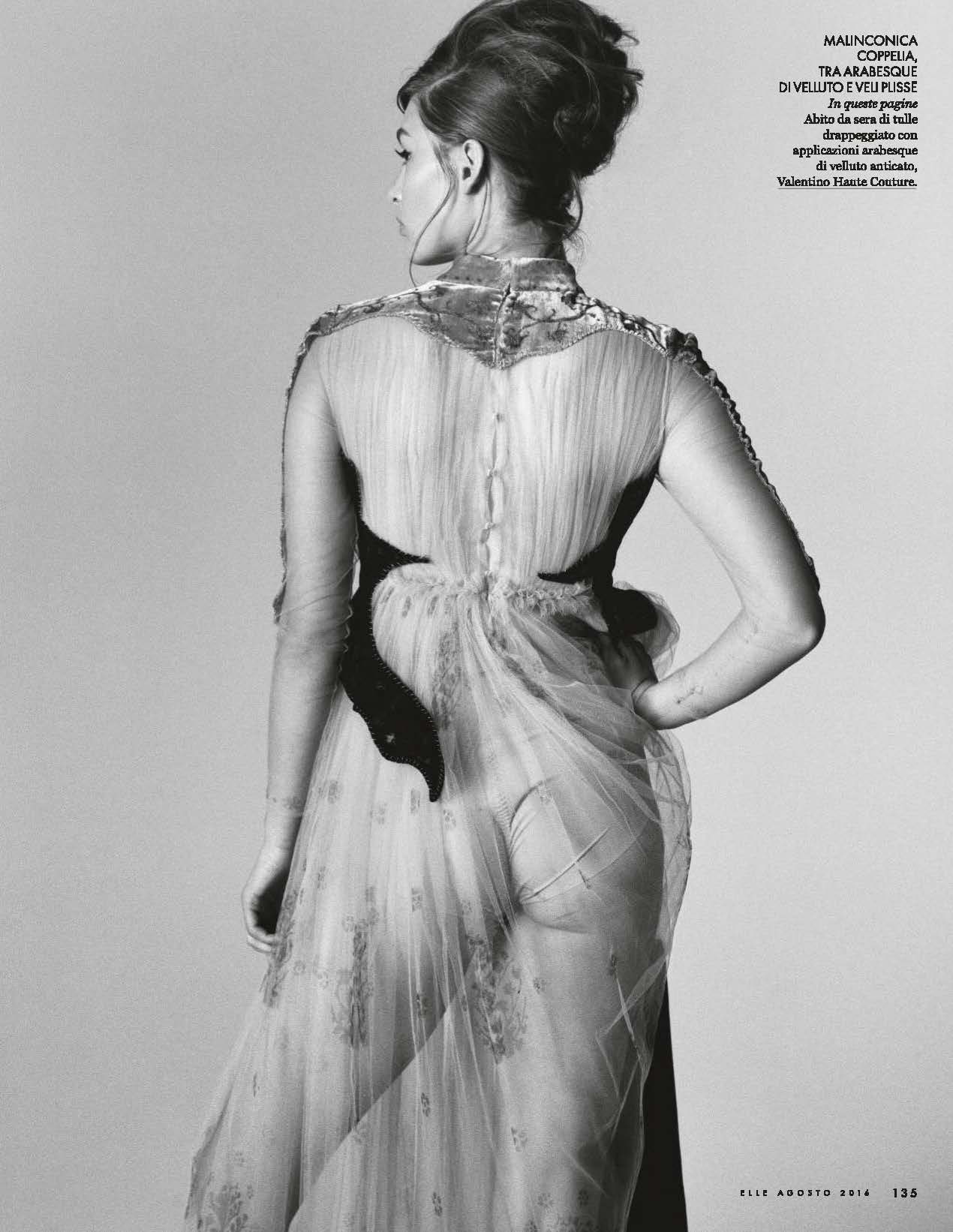
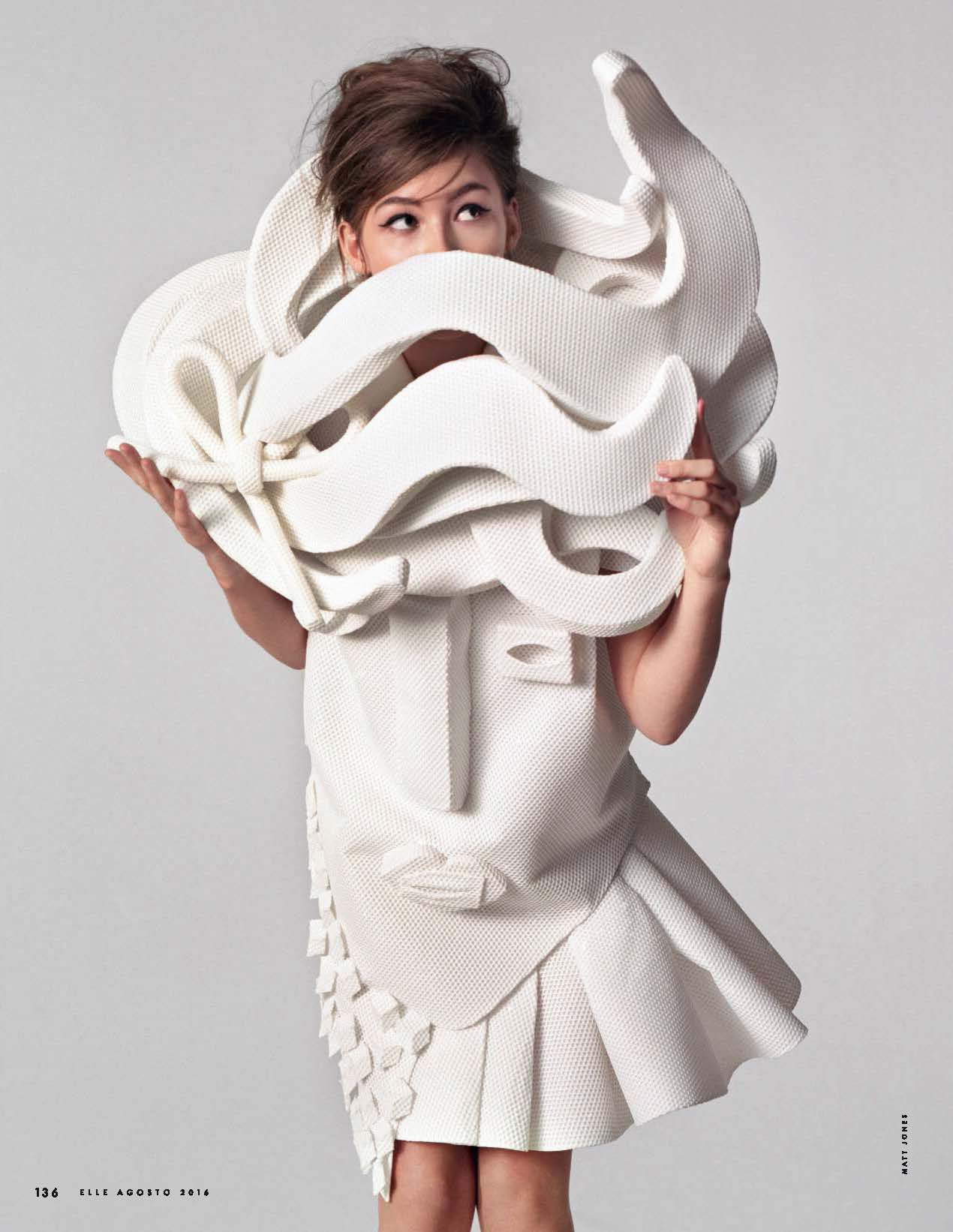
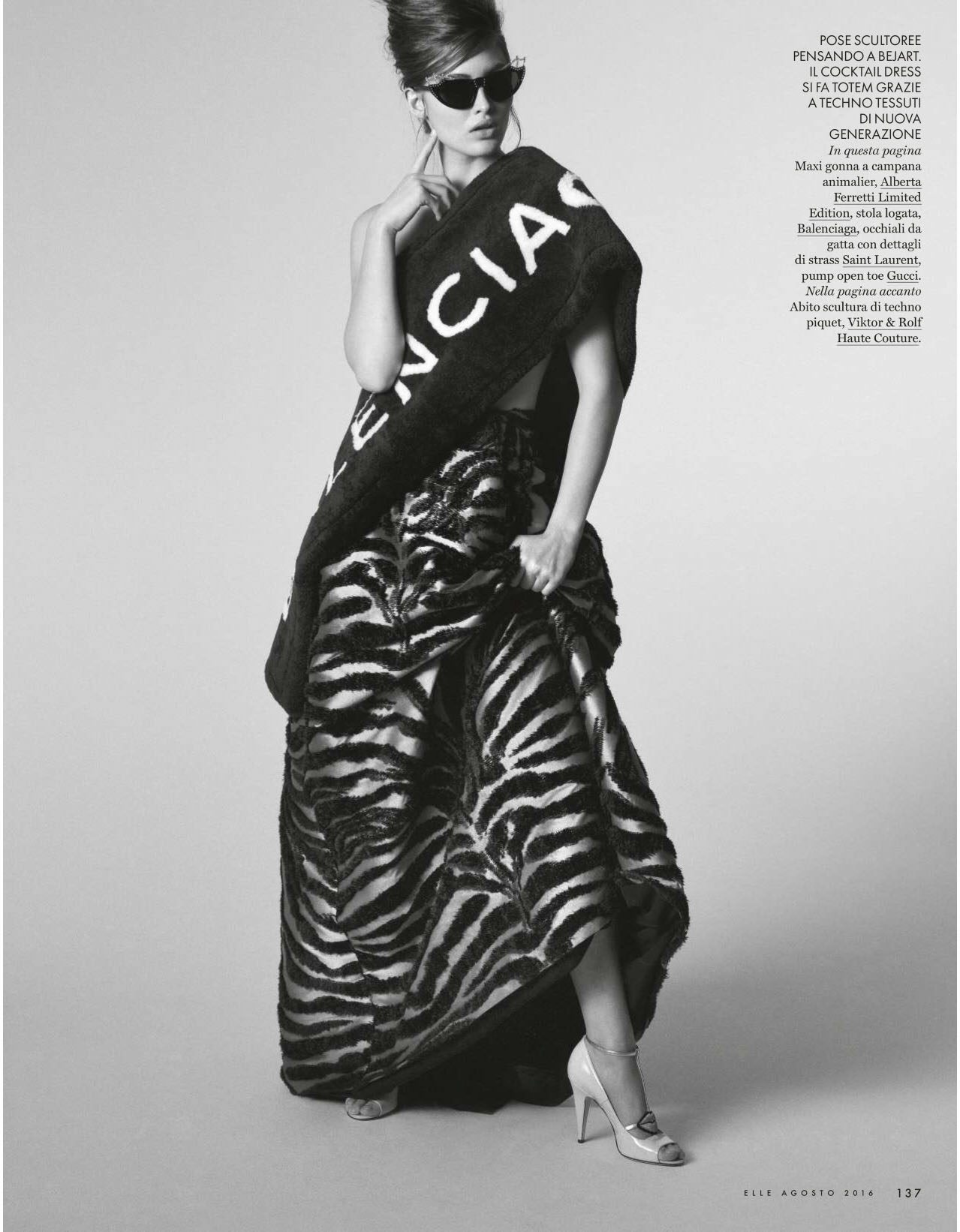
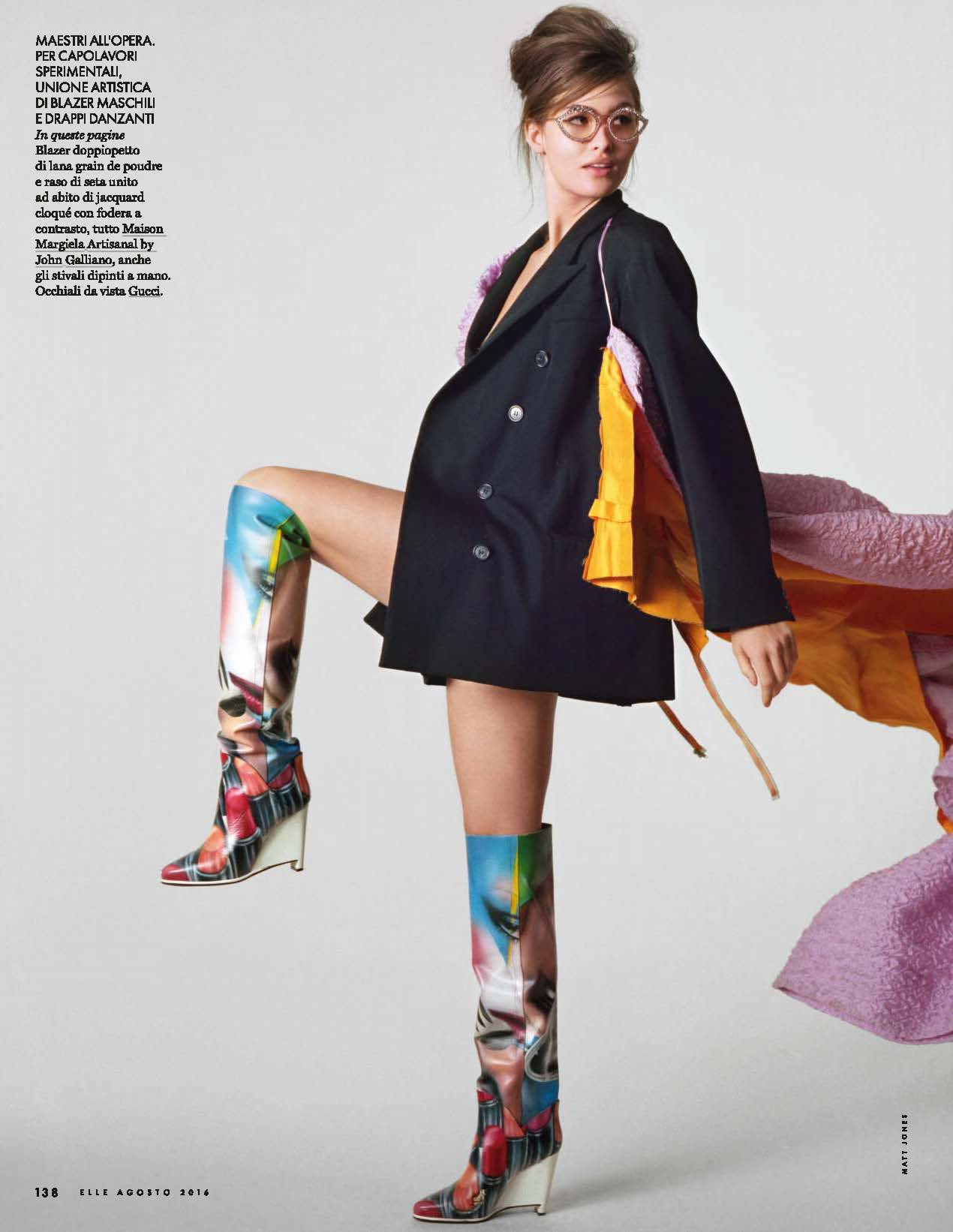
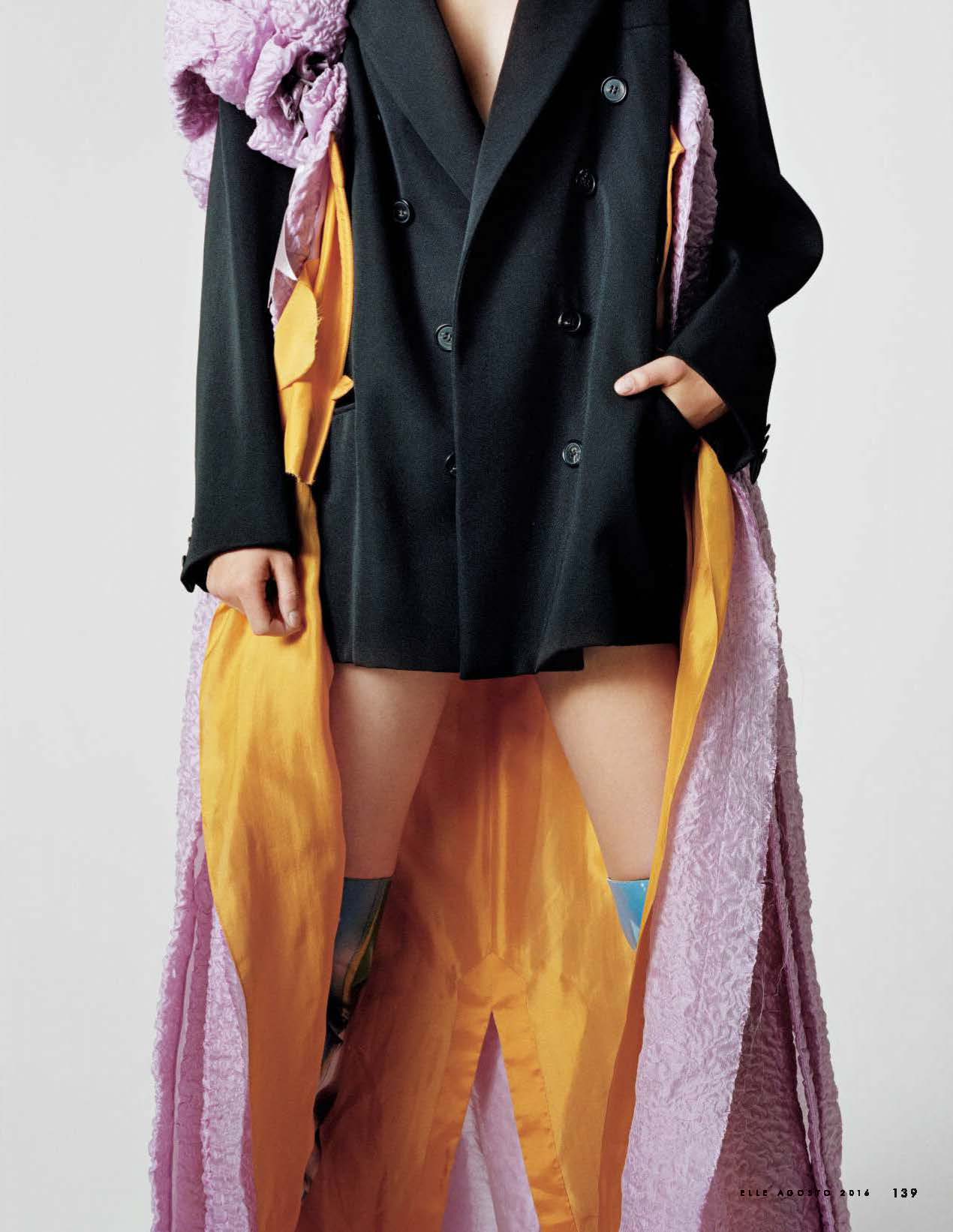
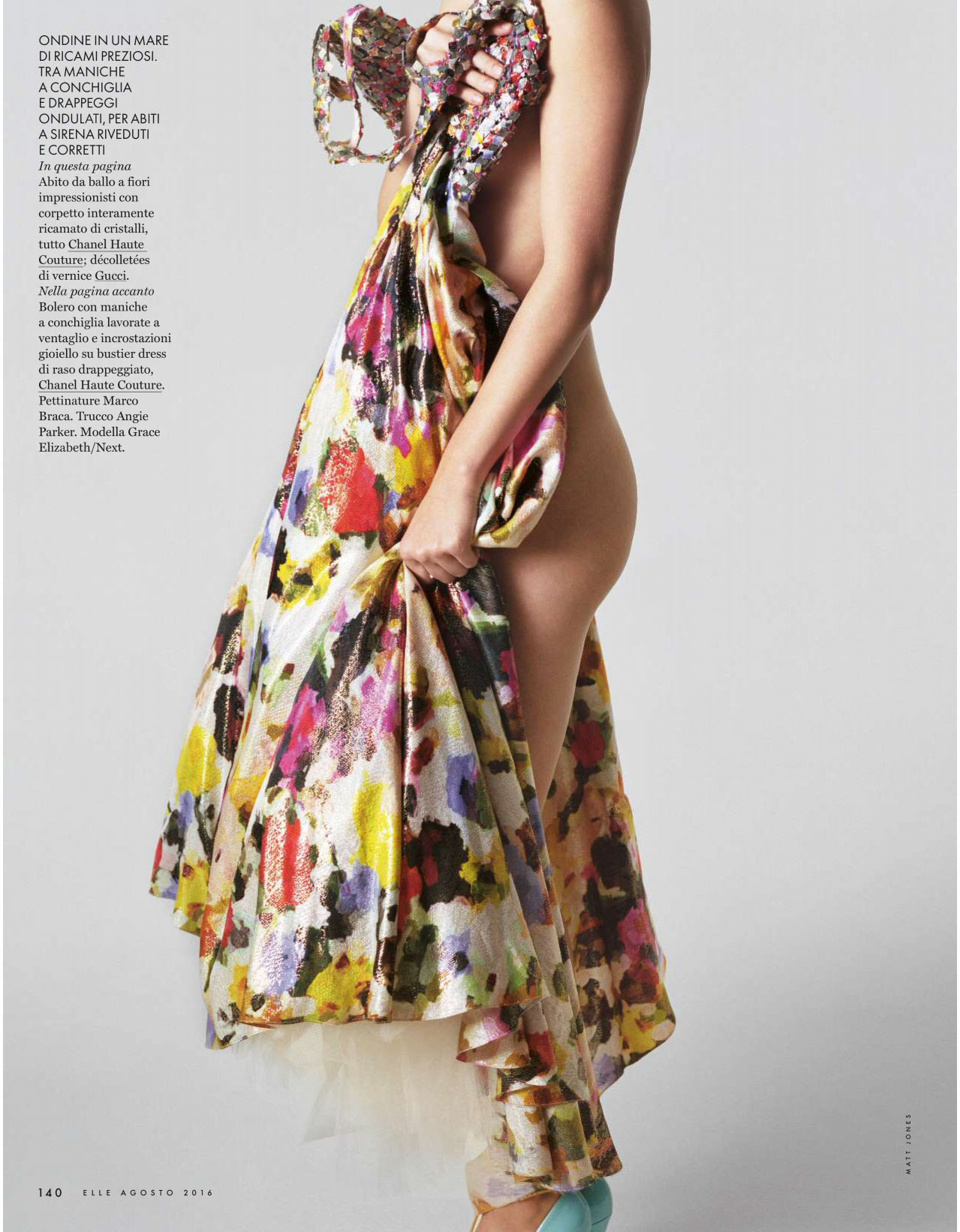
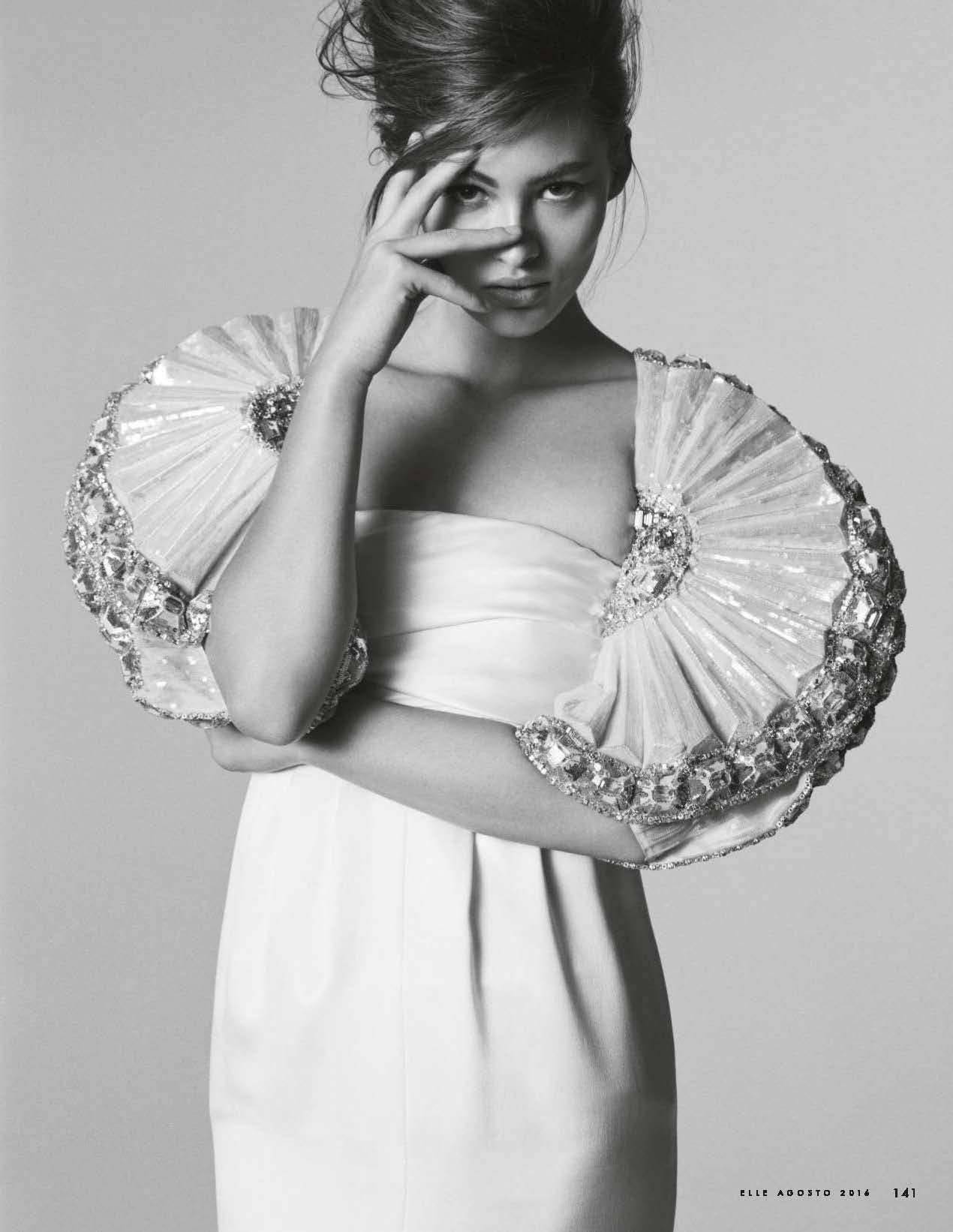
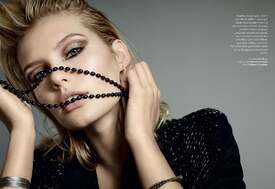 ELLE Italy August 2016 Photography: Matt Jones Styling: Alberto Zanoletti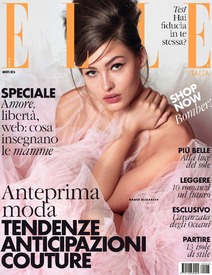
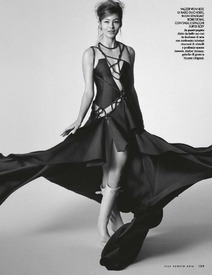
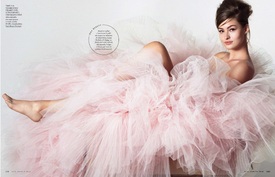
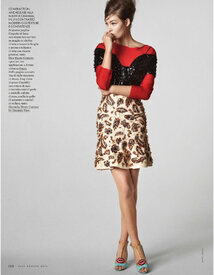
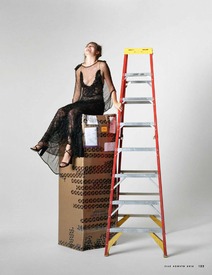
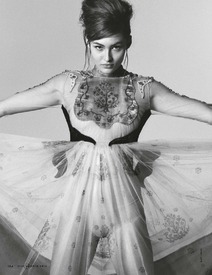
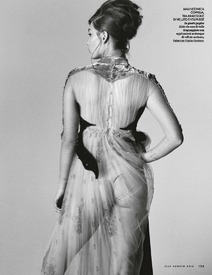
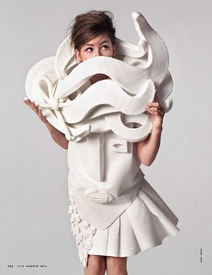
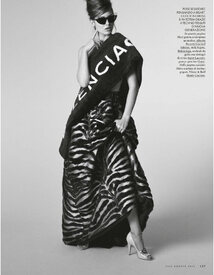
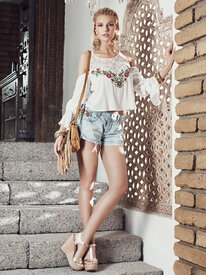
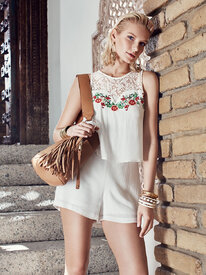
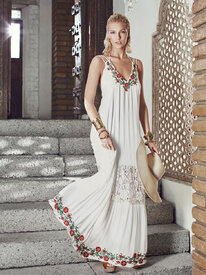
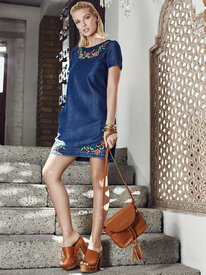
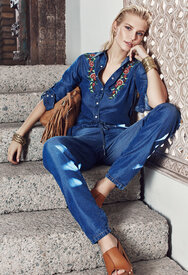
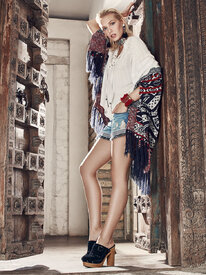
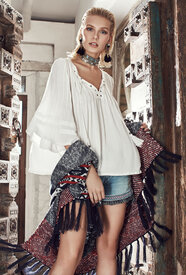
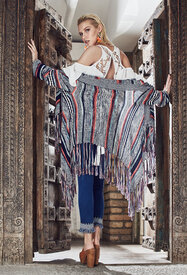
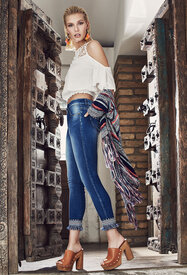
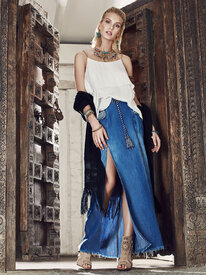
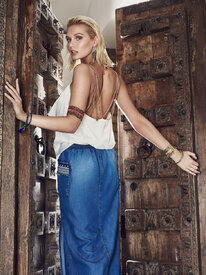
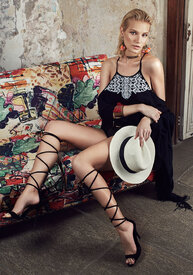
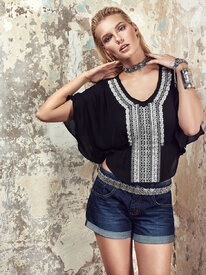
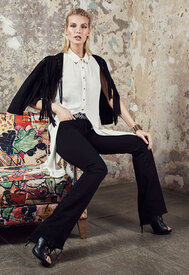
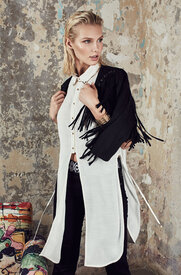
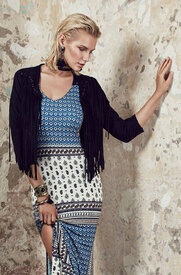
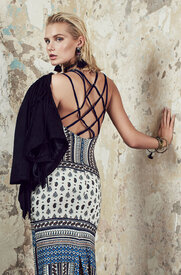
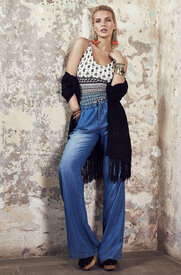
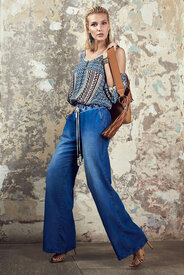
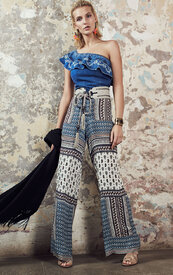
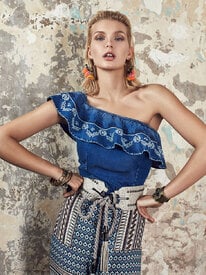
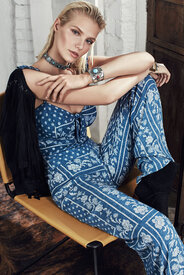
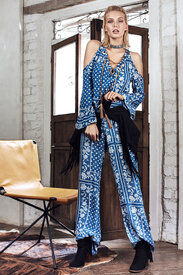
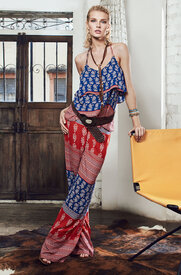
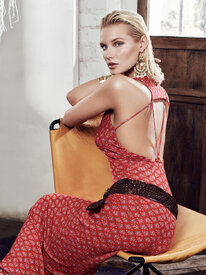
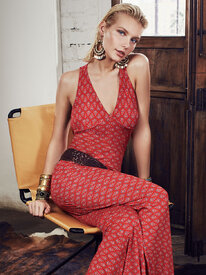
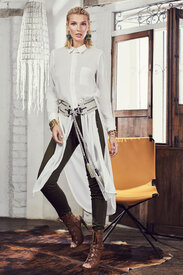
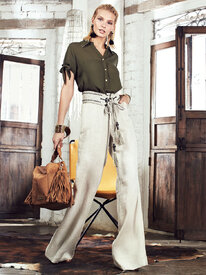
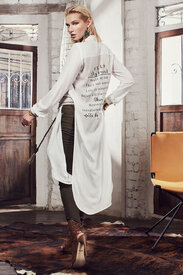
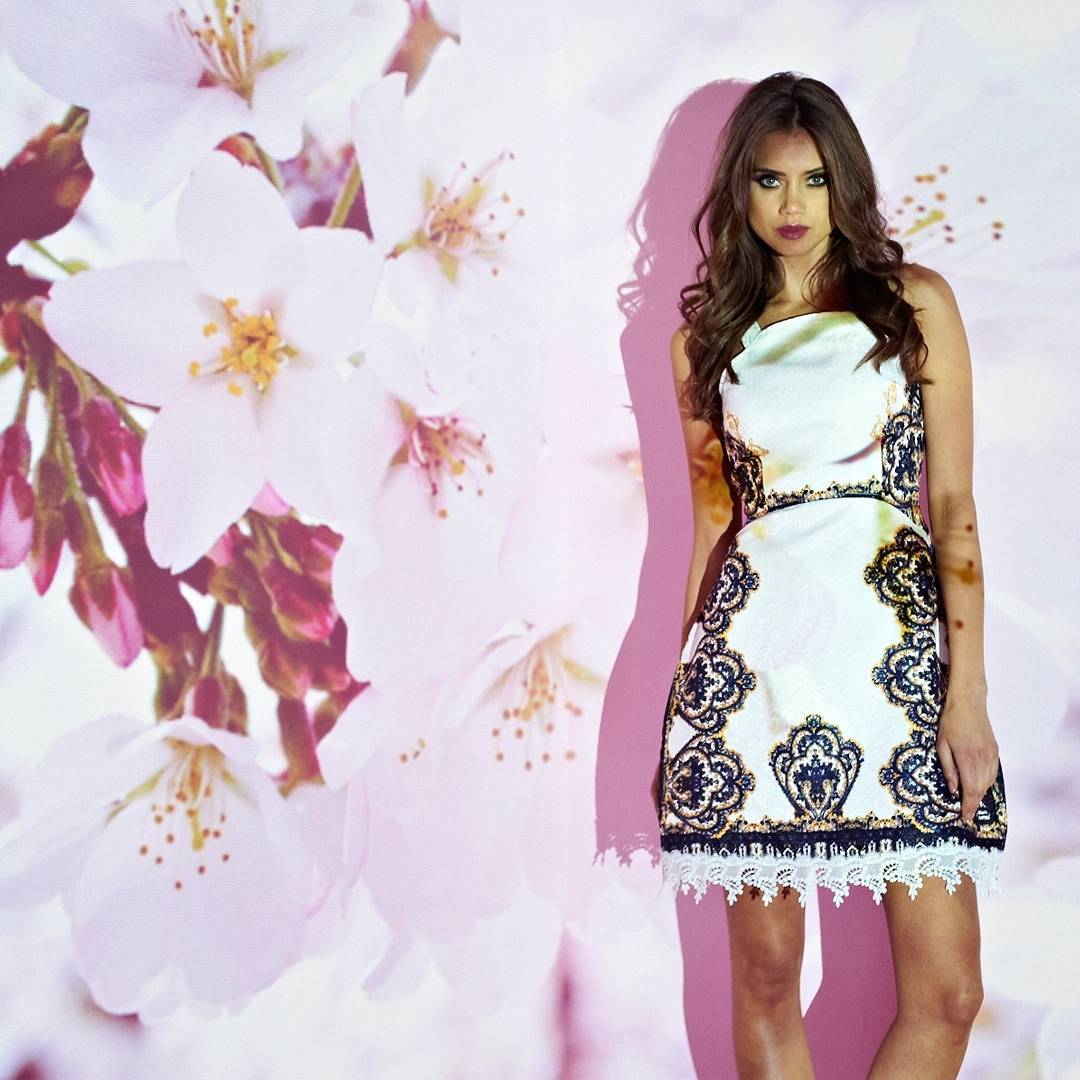
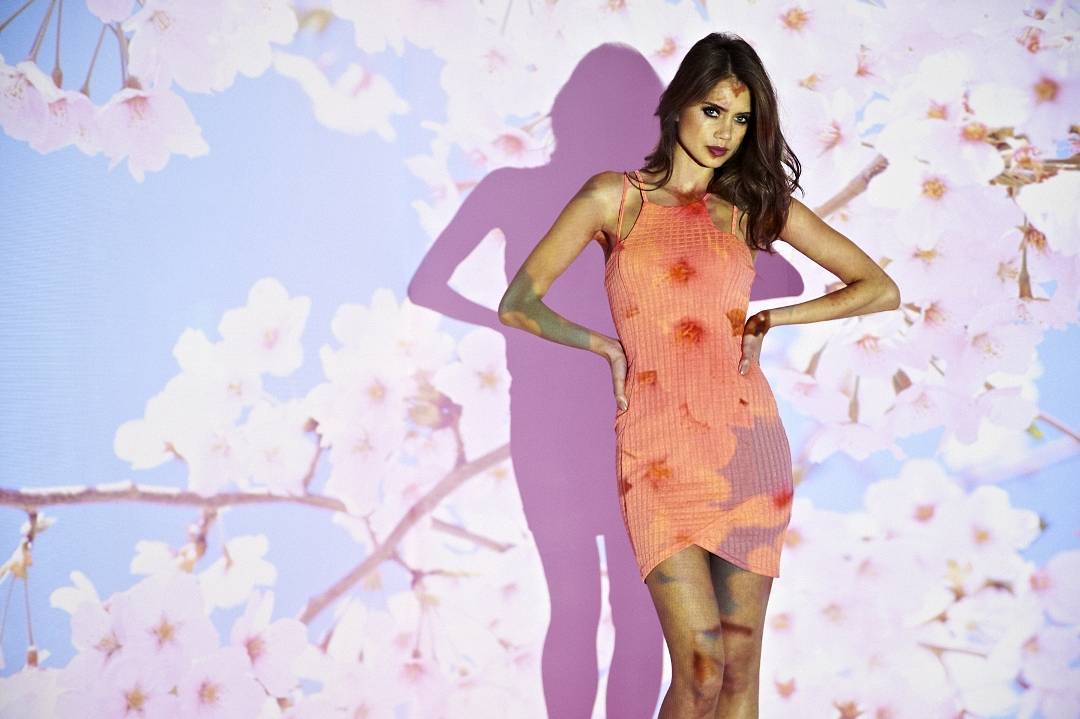
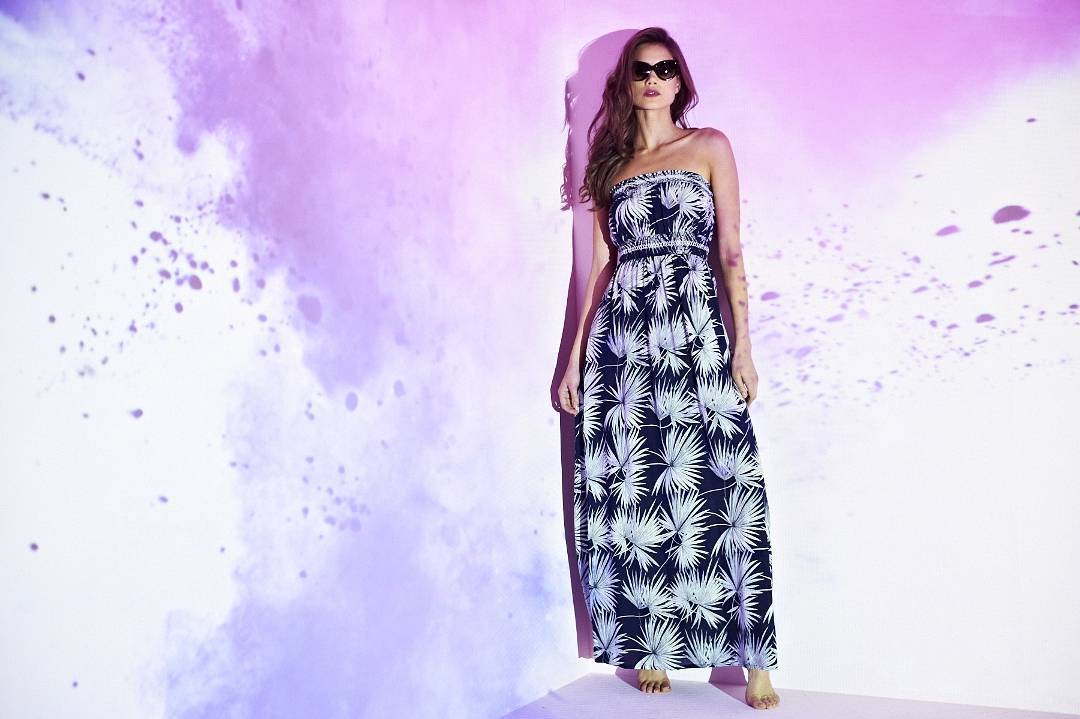
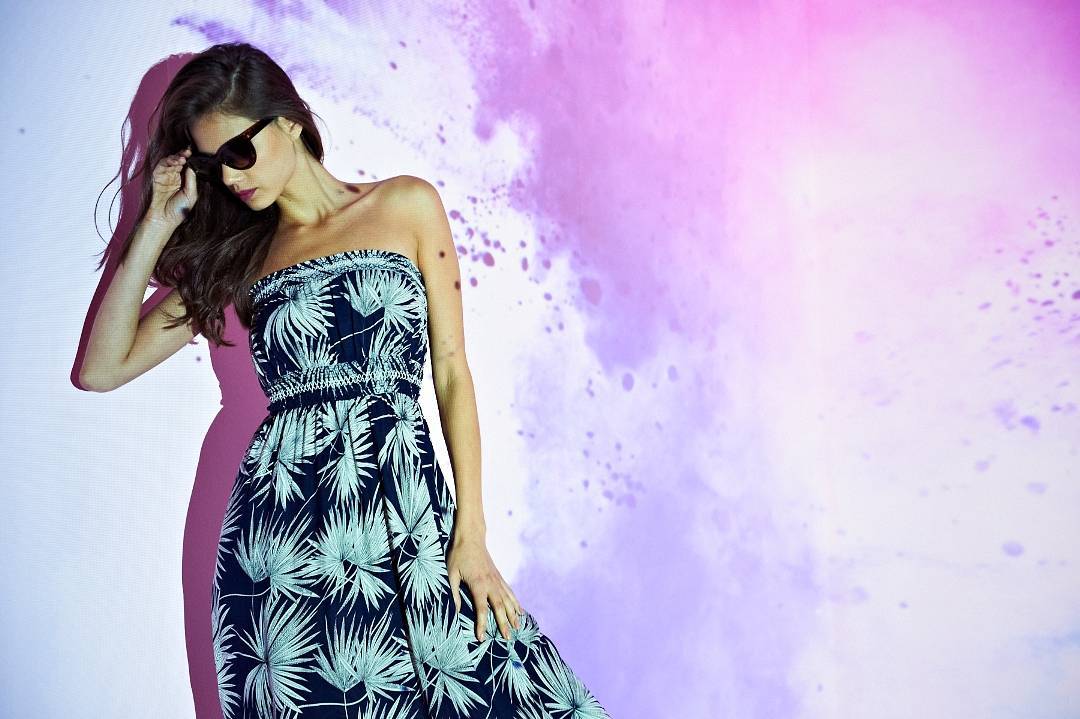
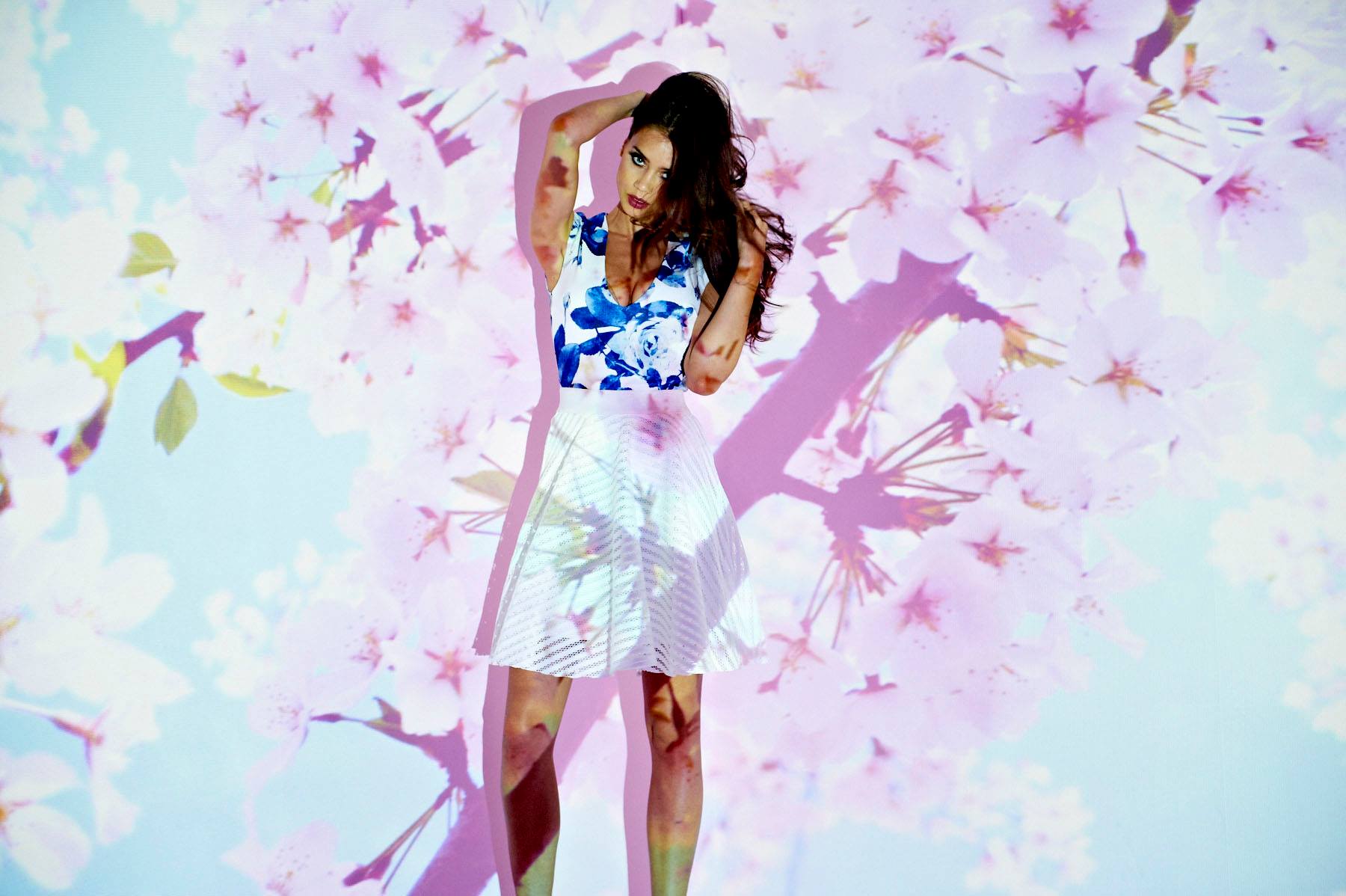
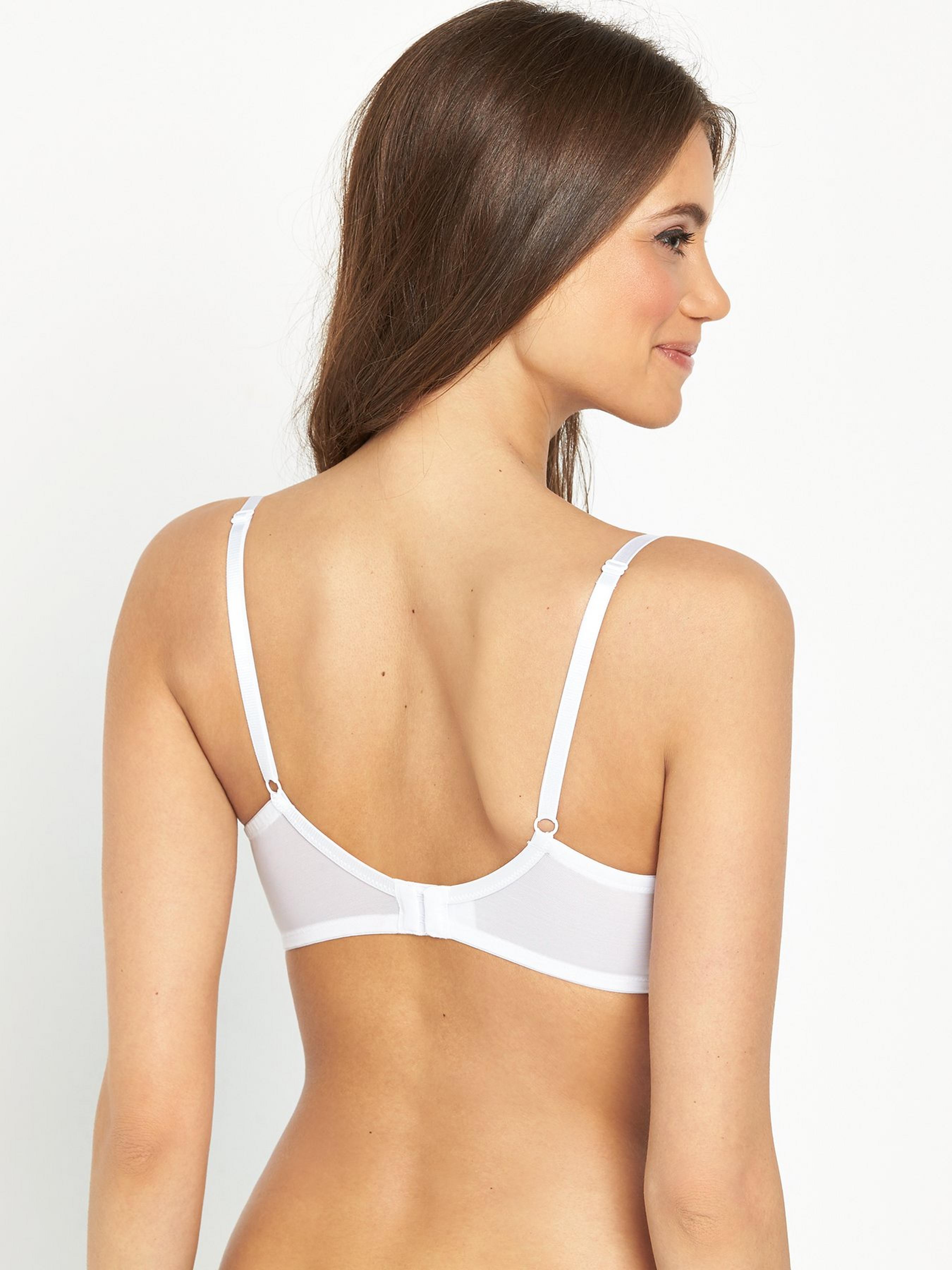
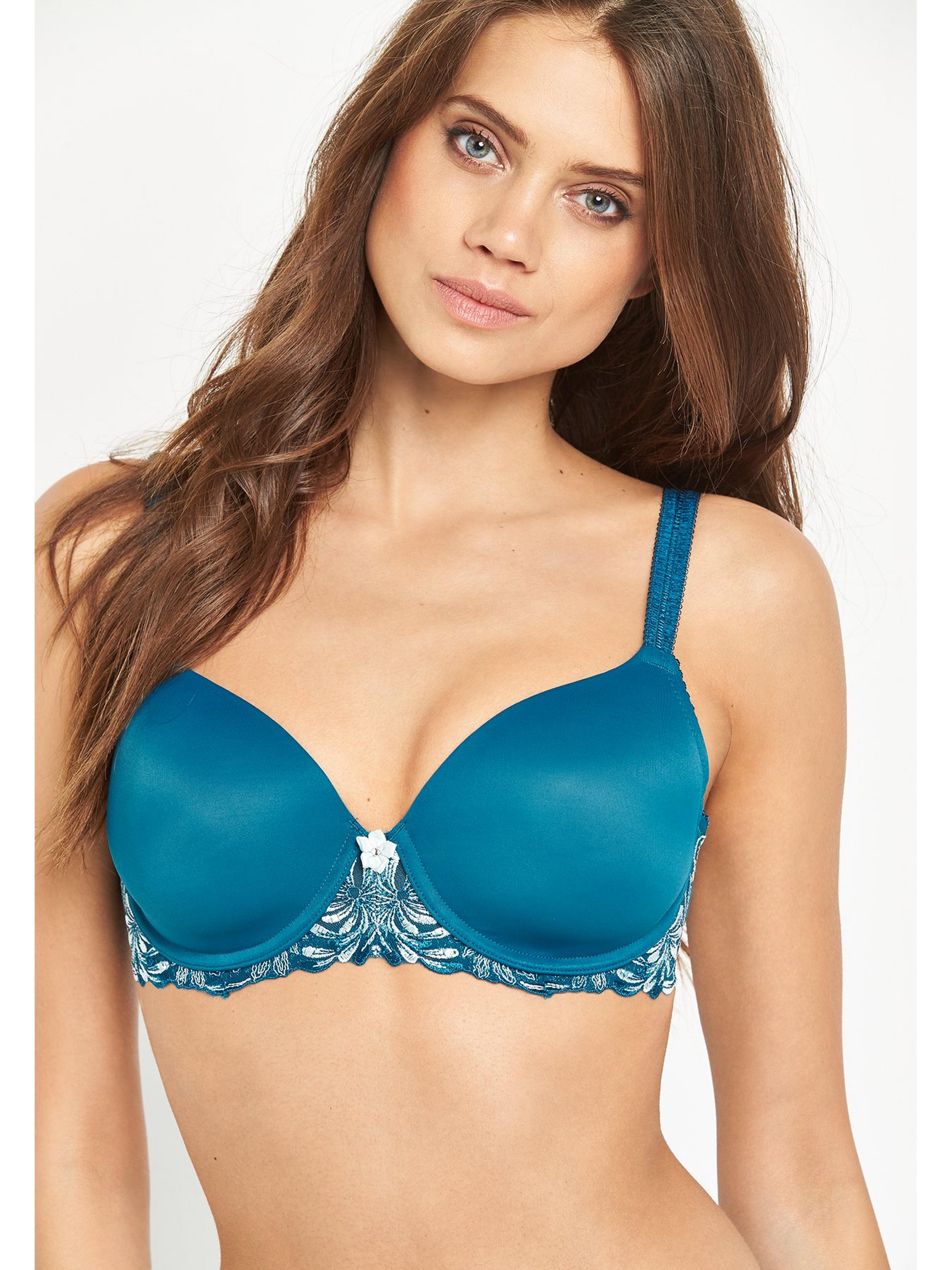
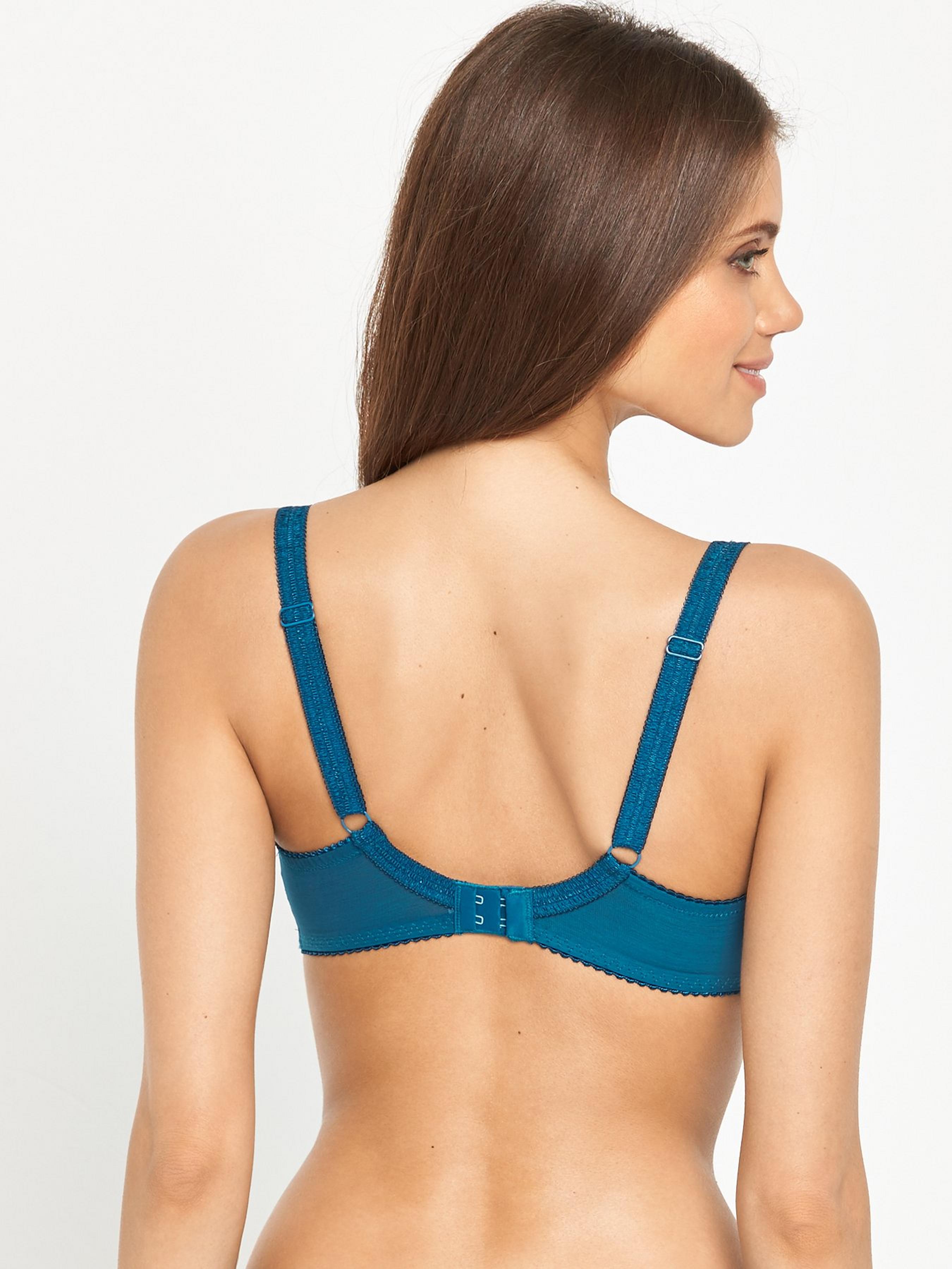
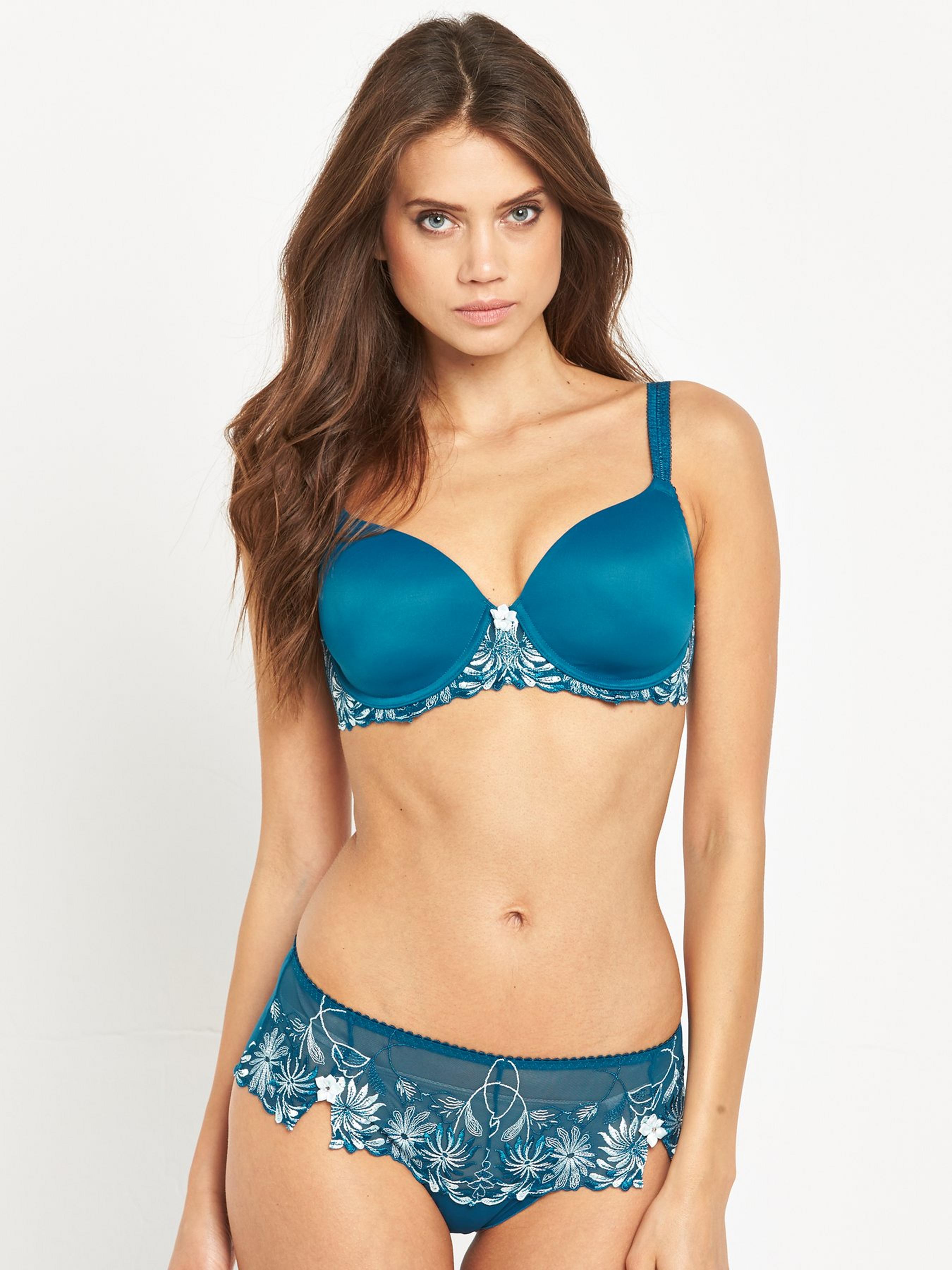
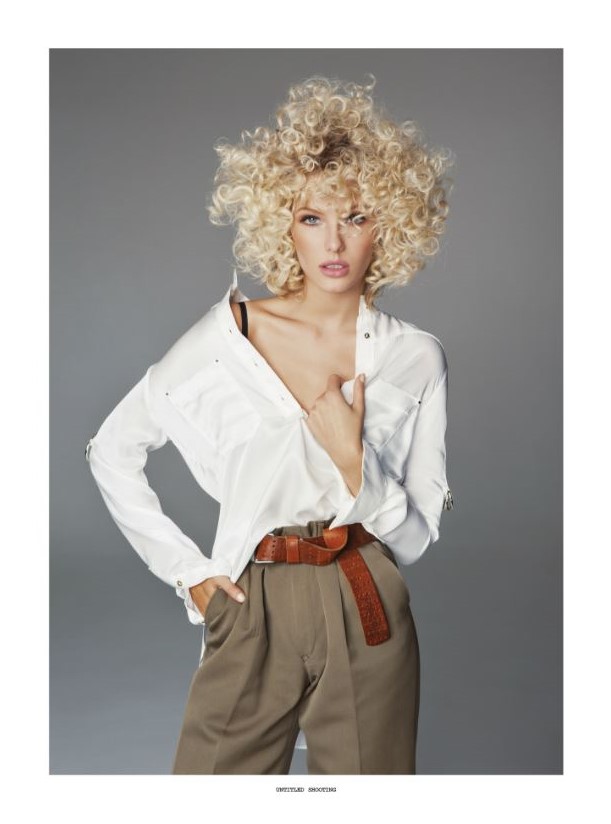
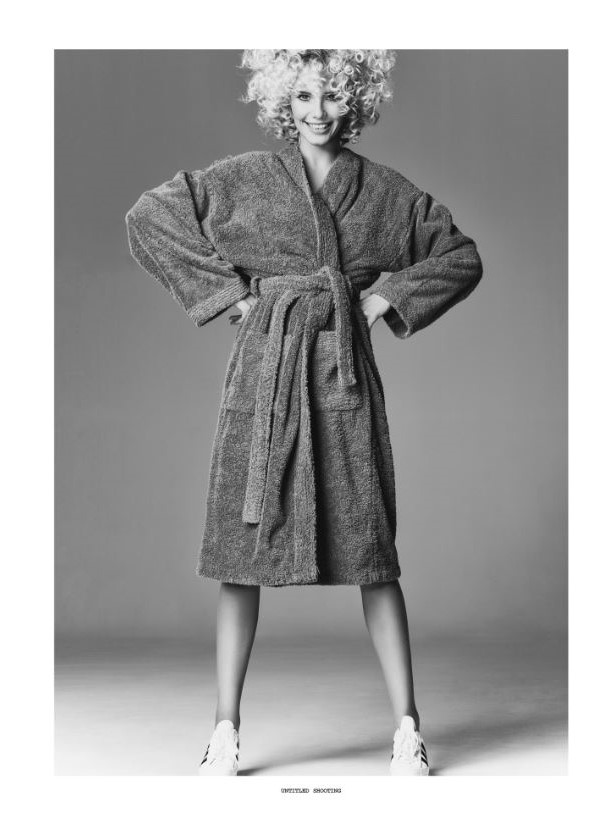
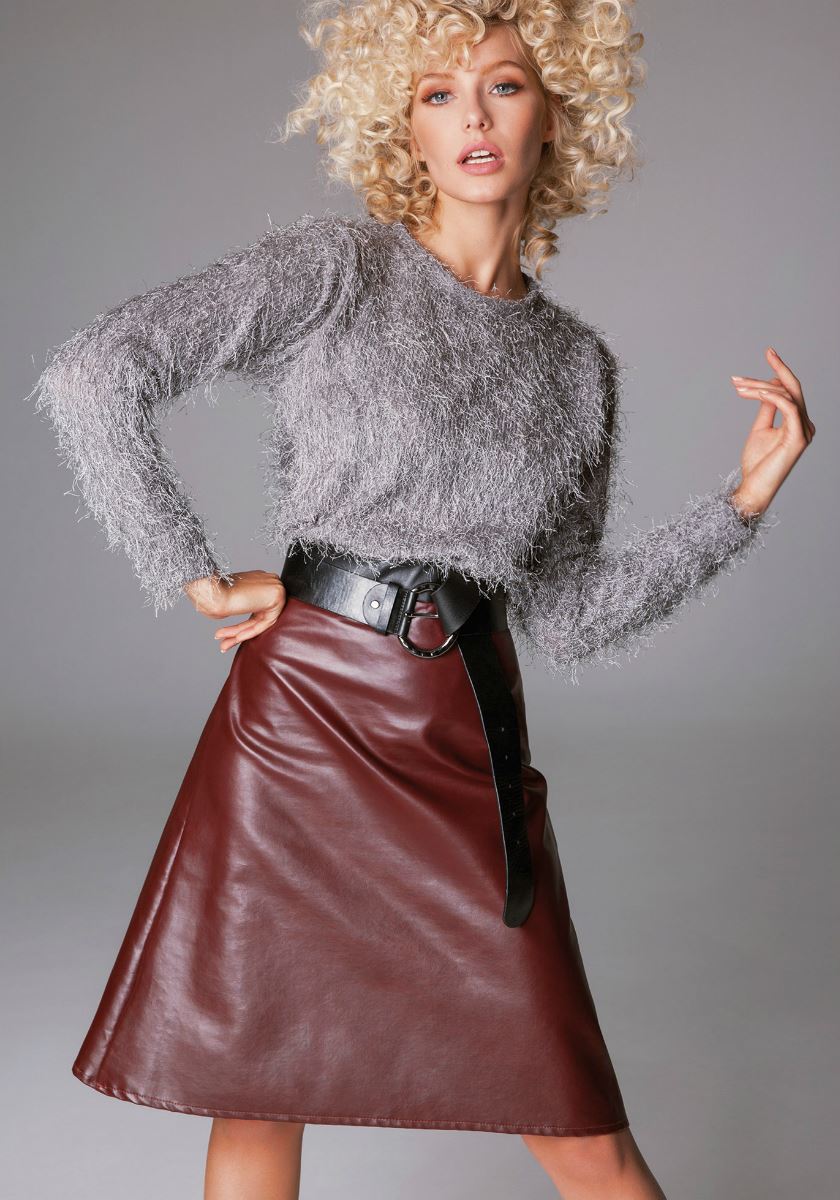
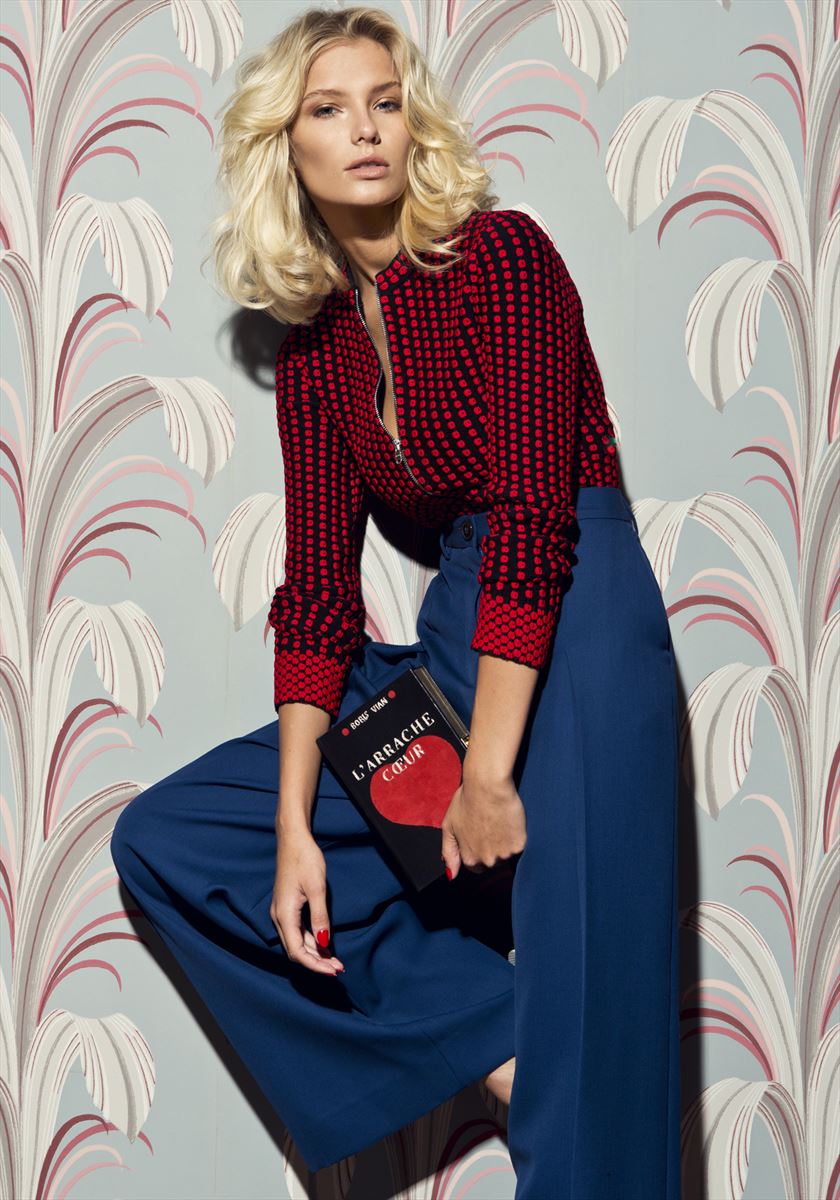
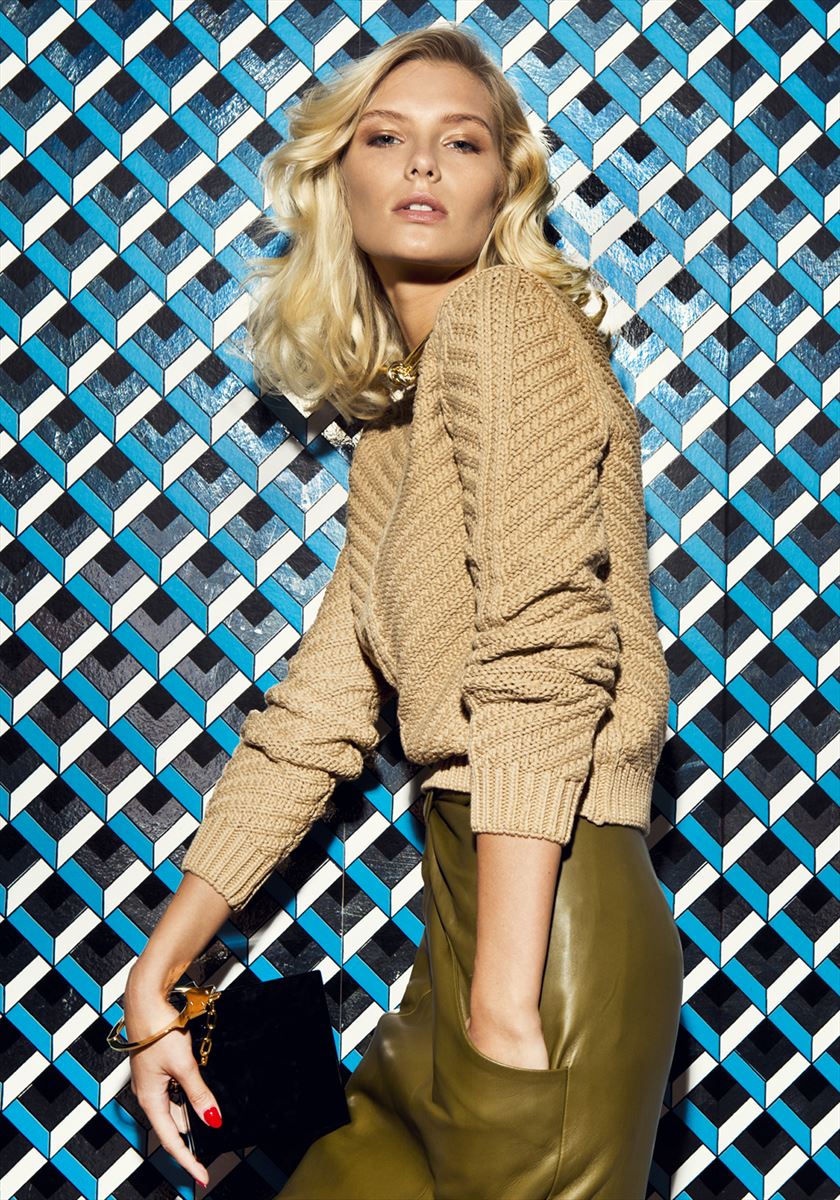
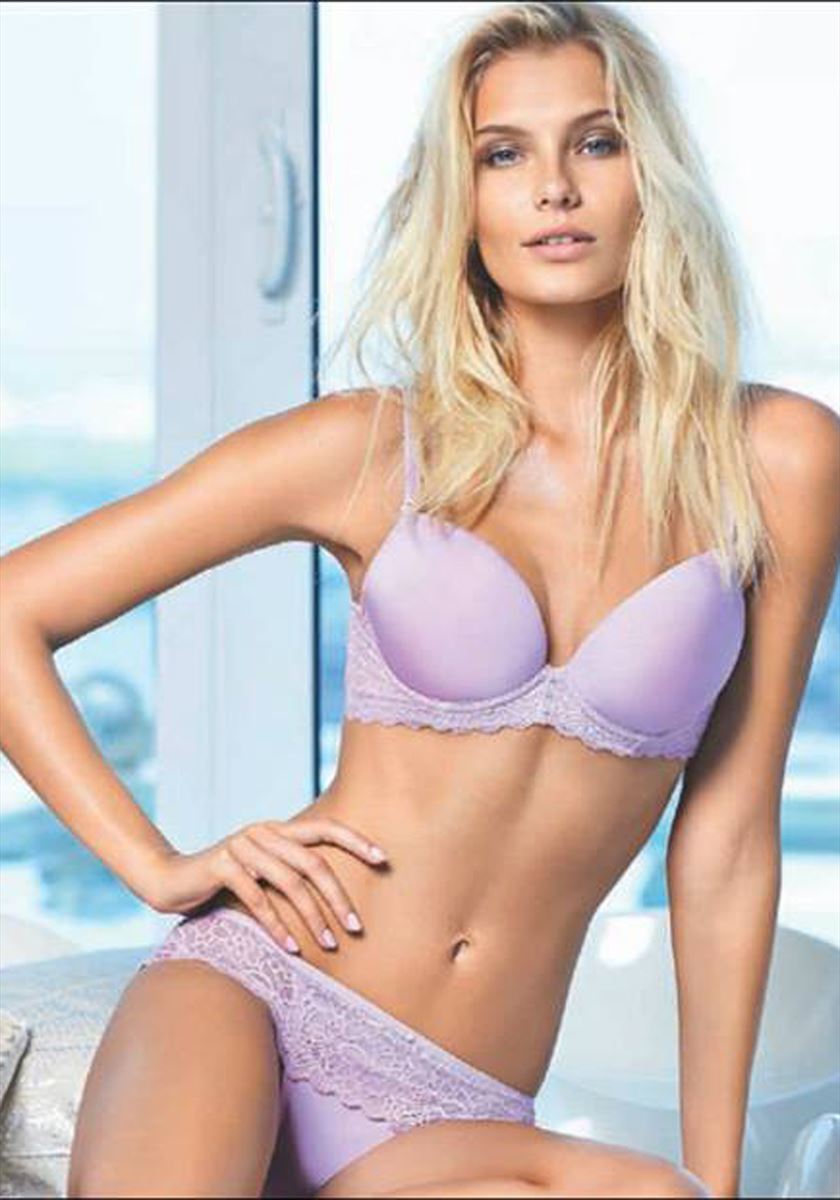
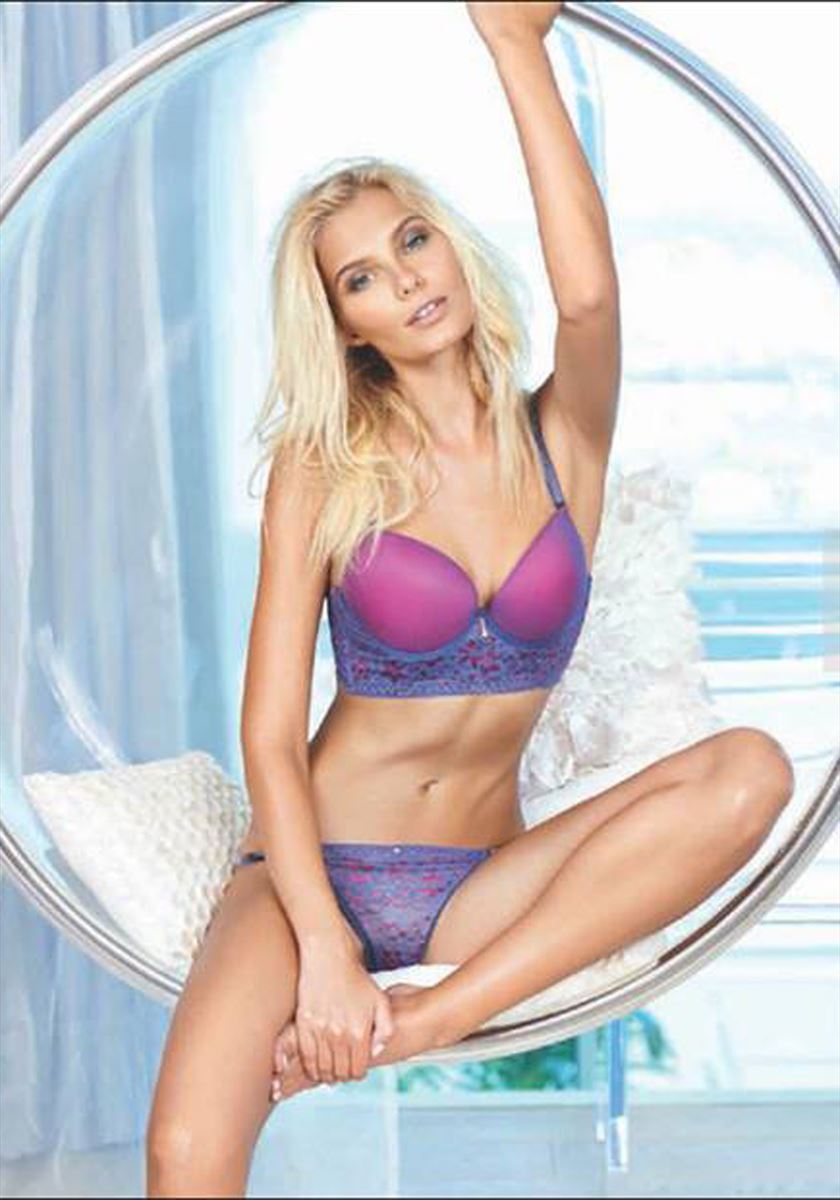
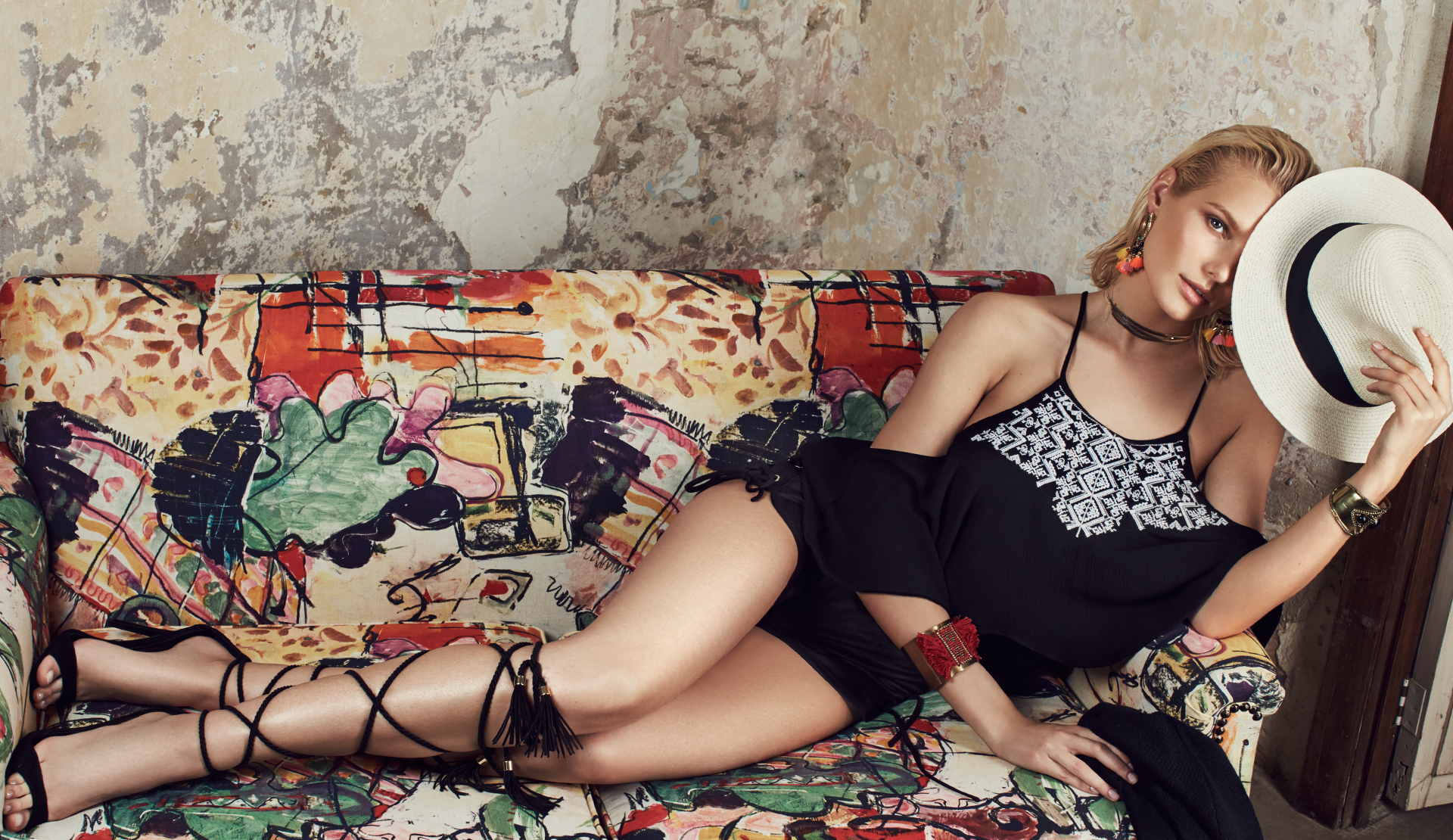
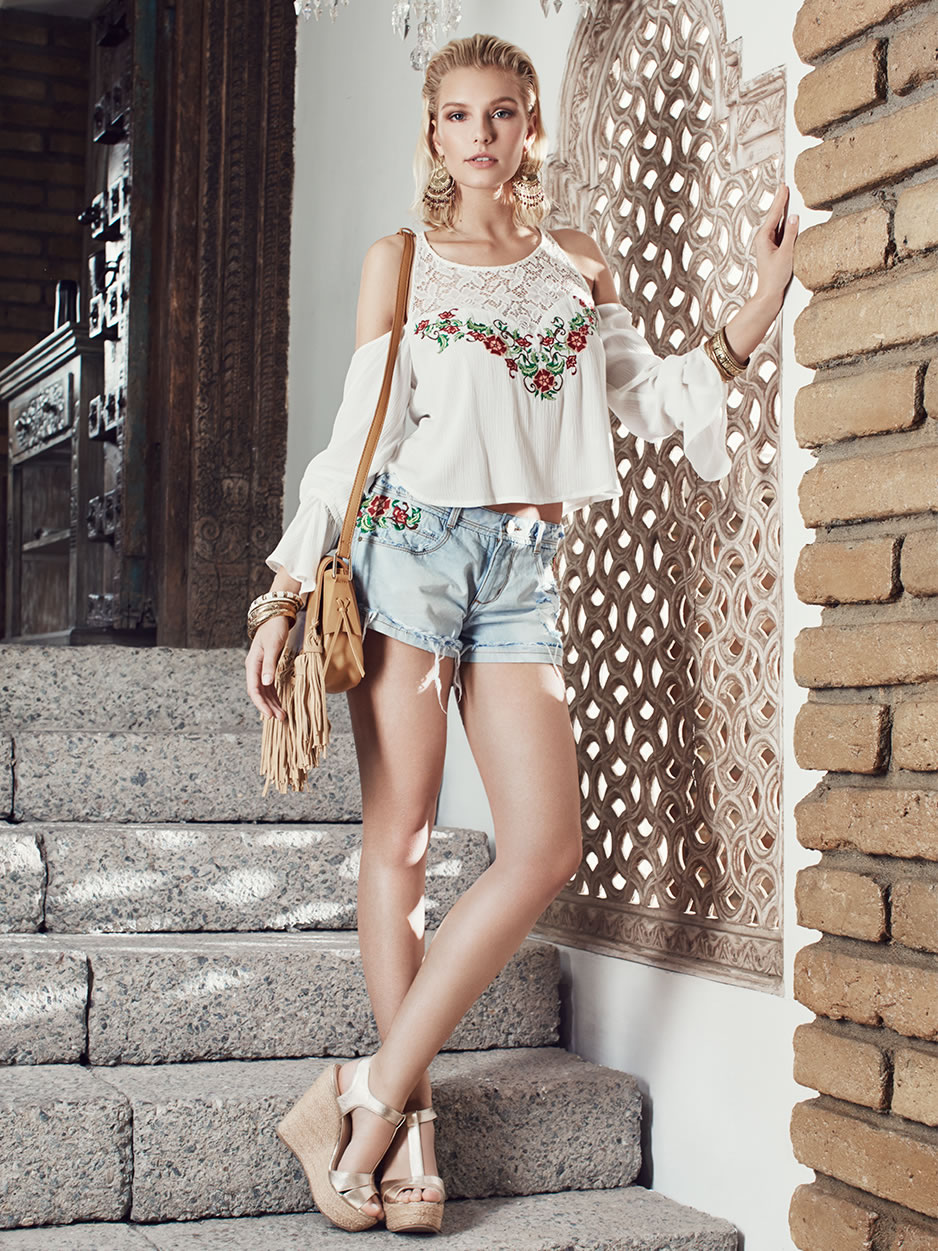
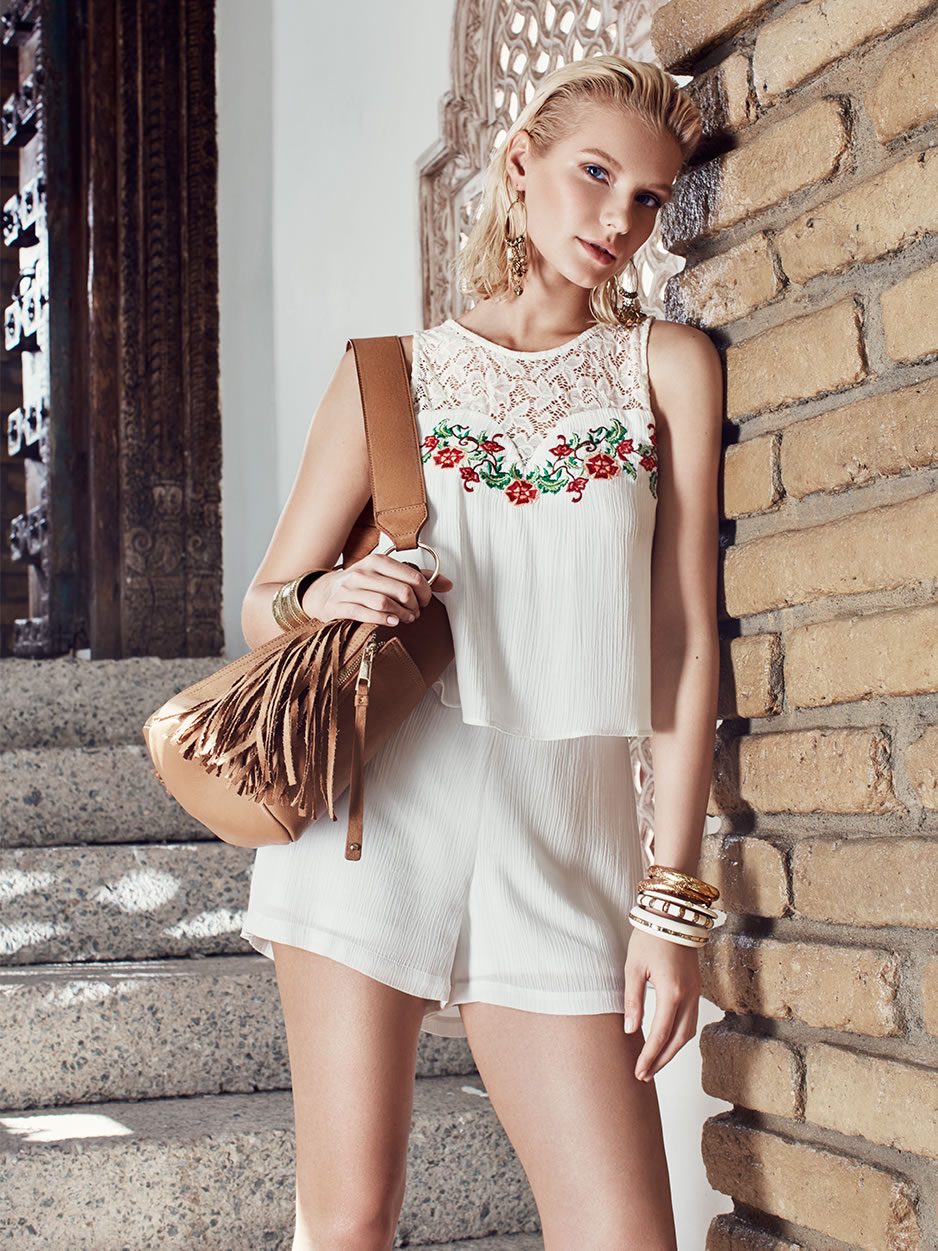
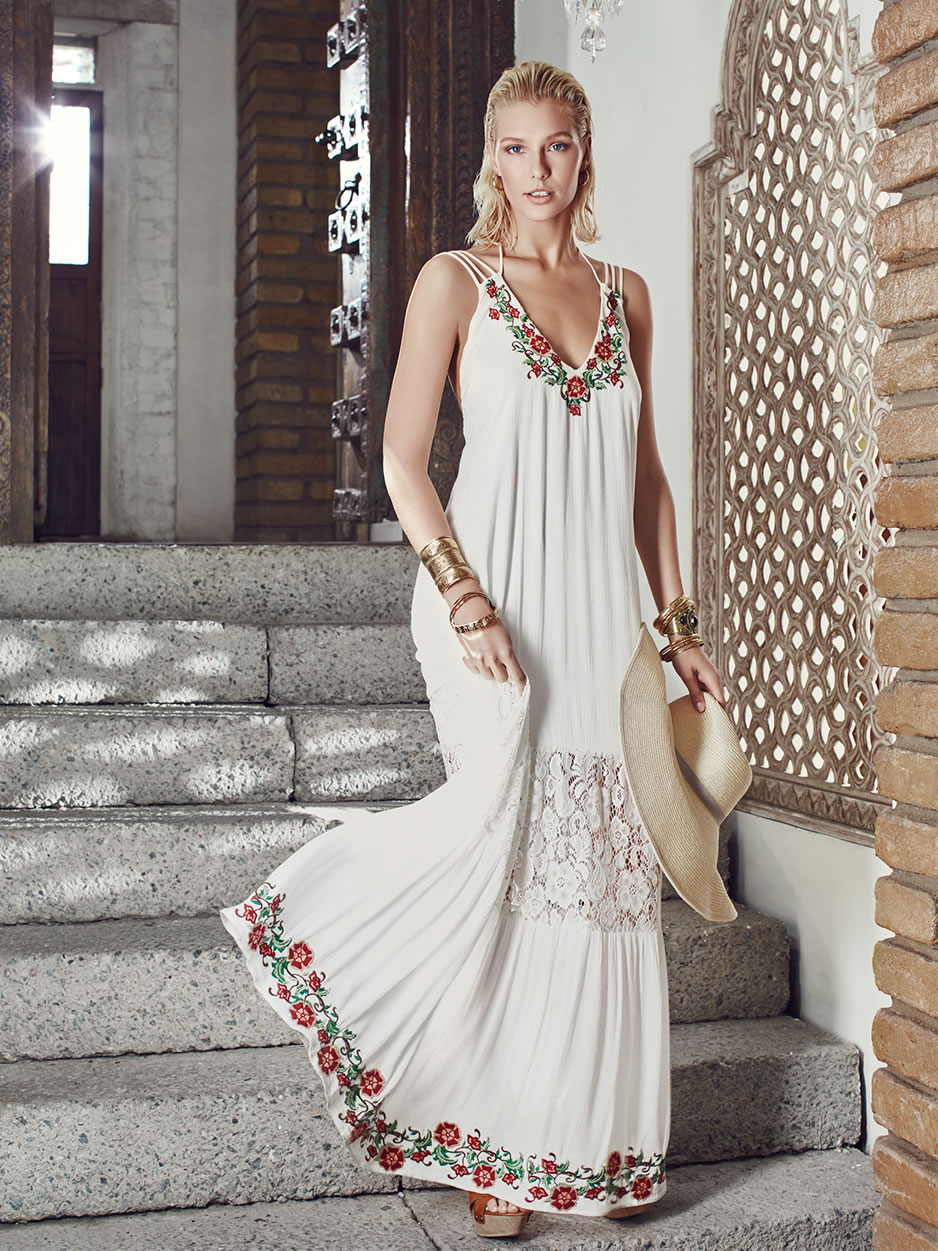
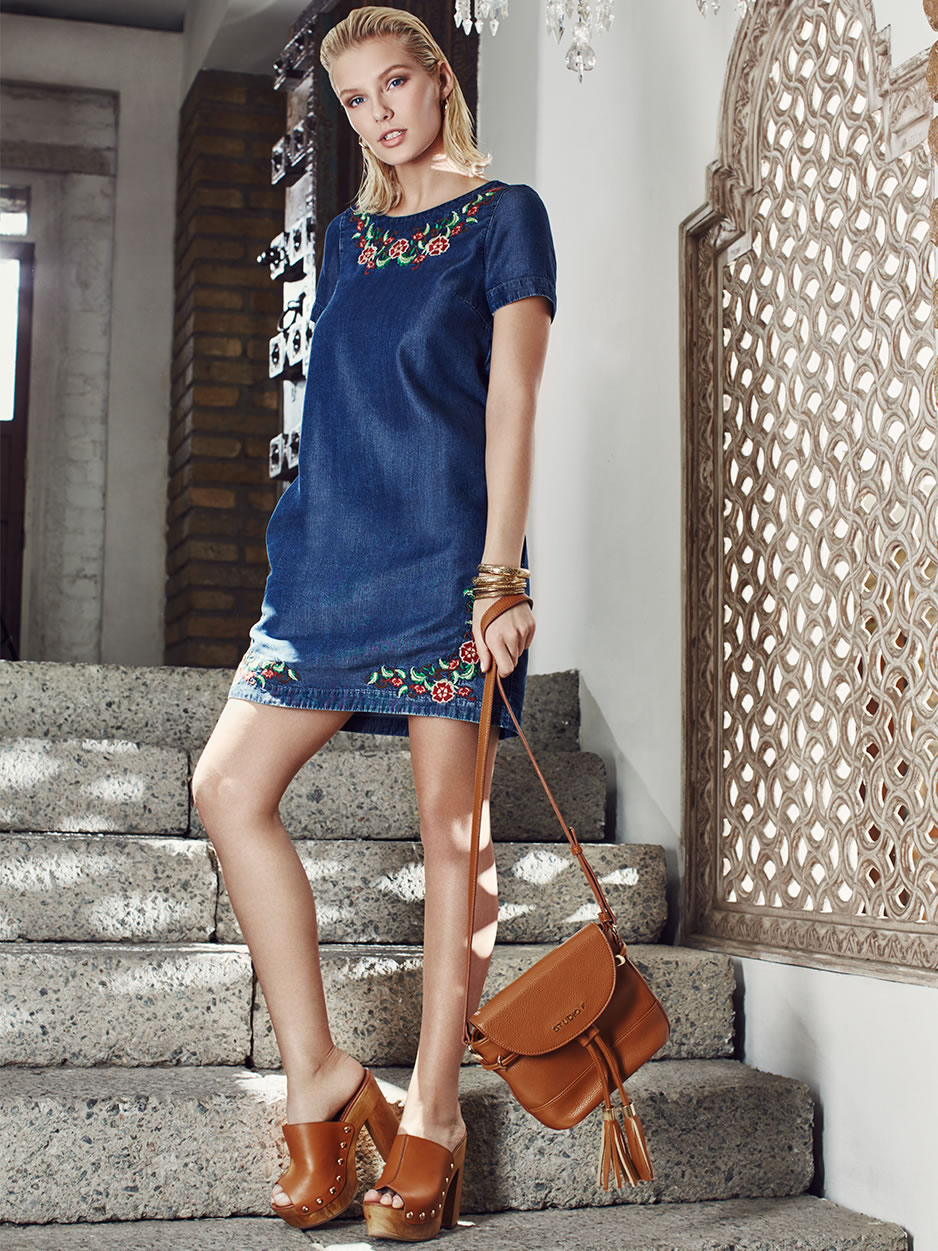
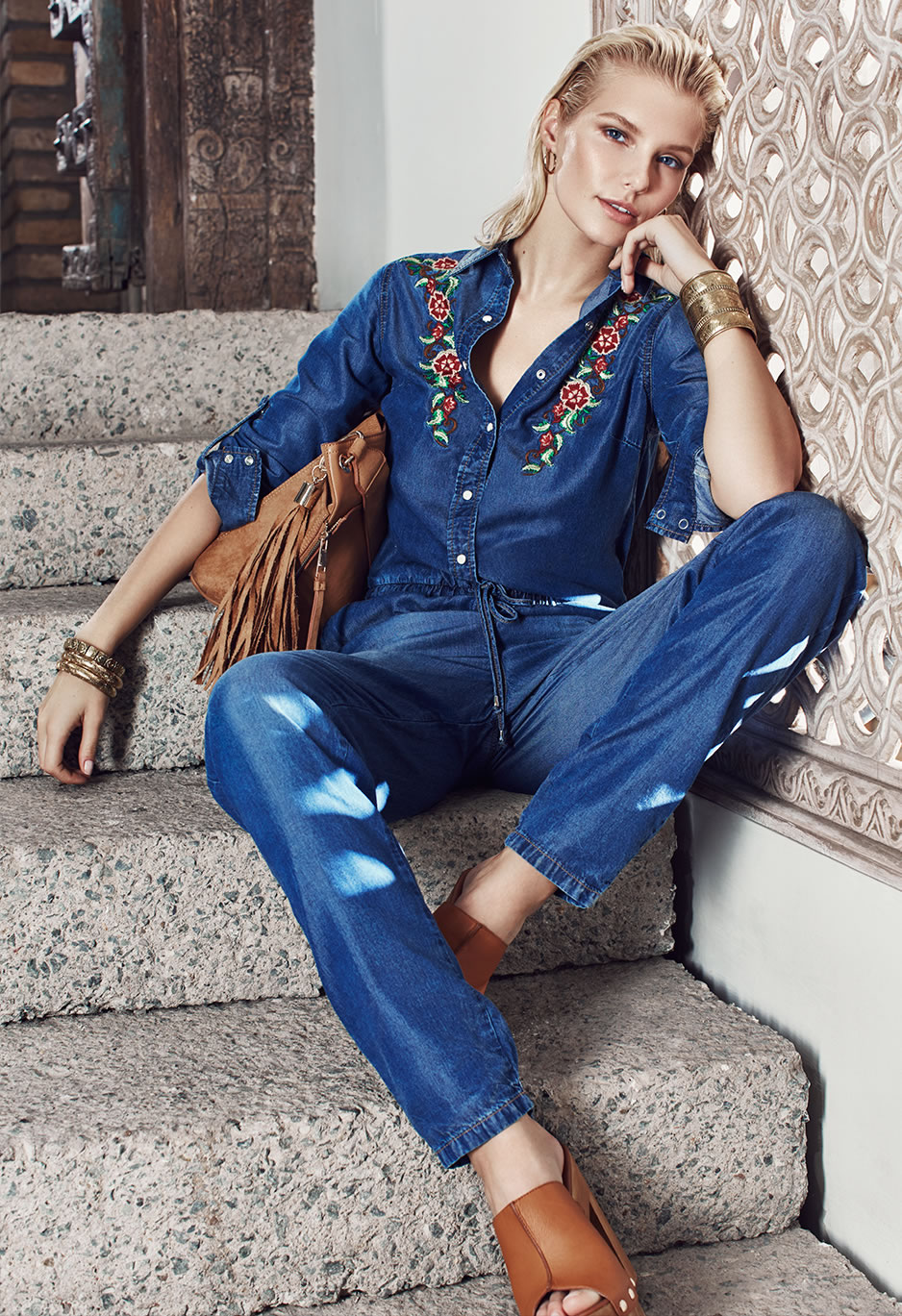
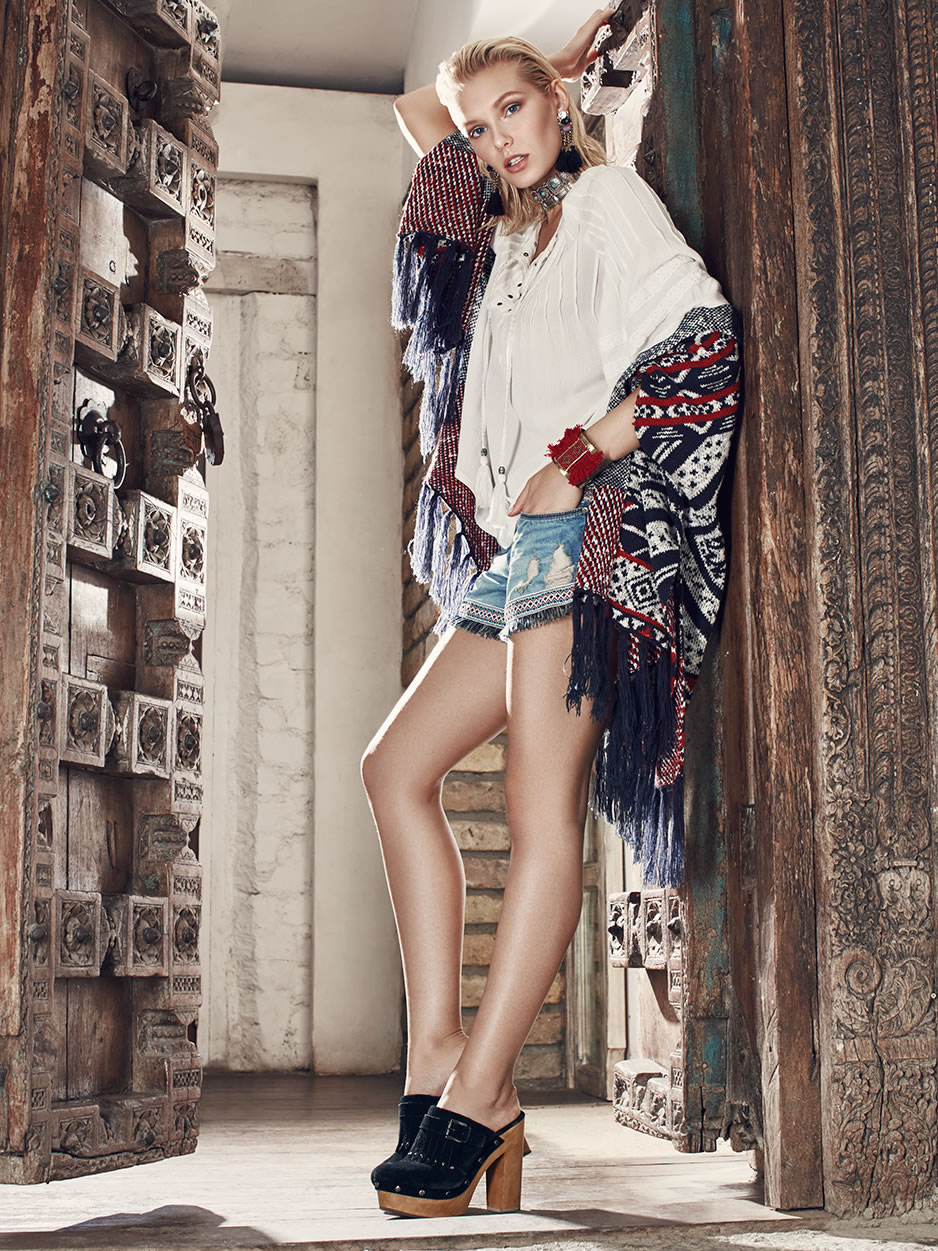
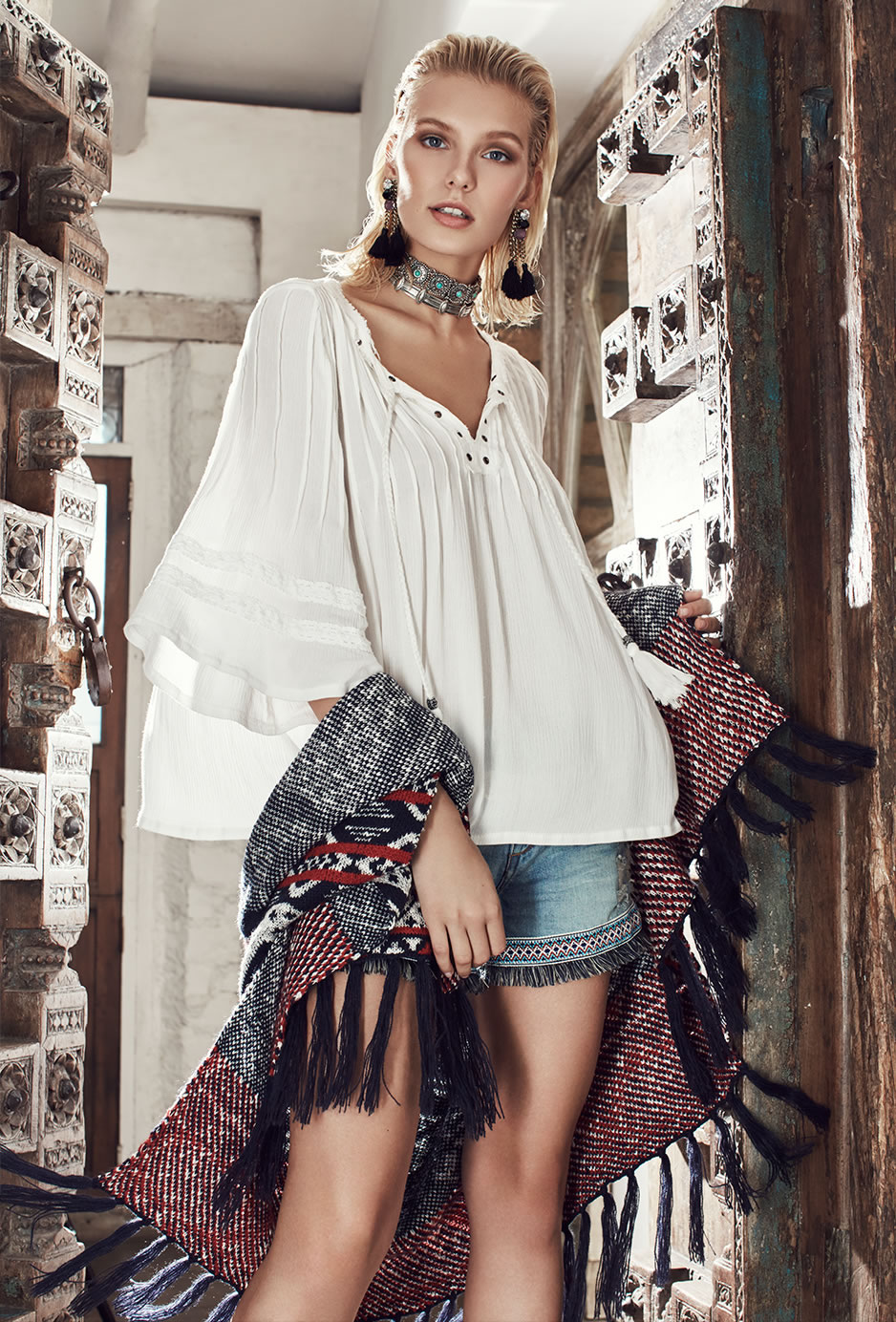
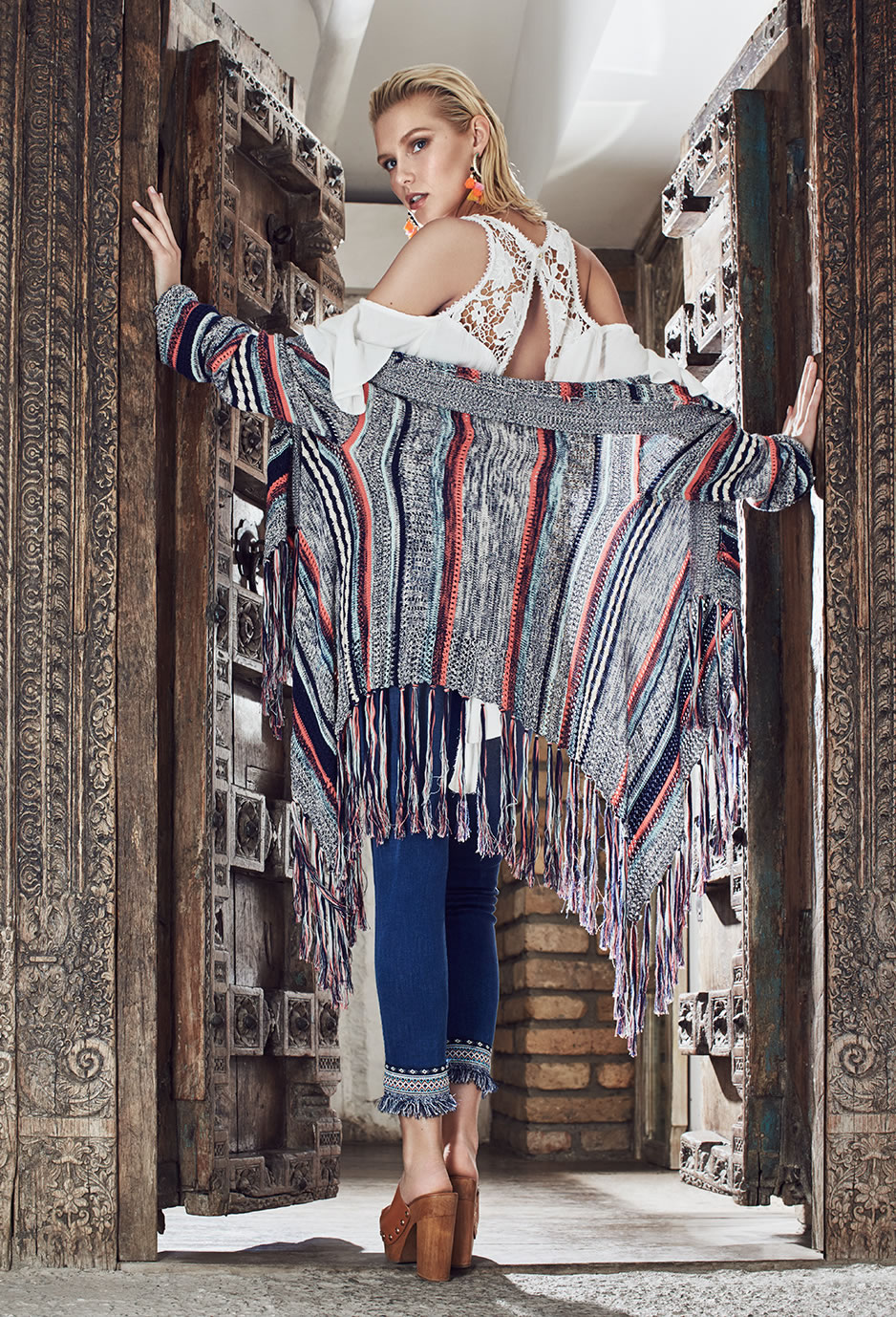
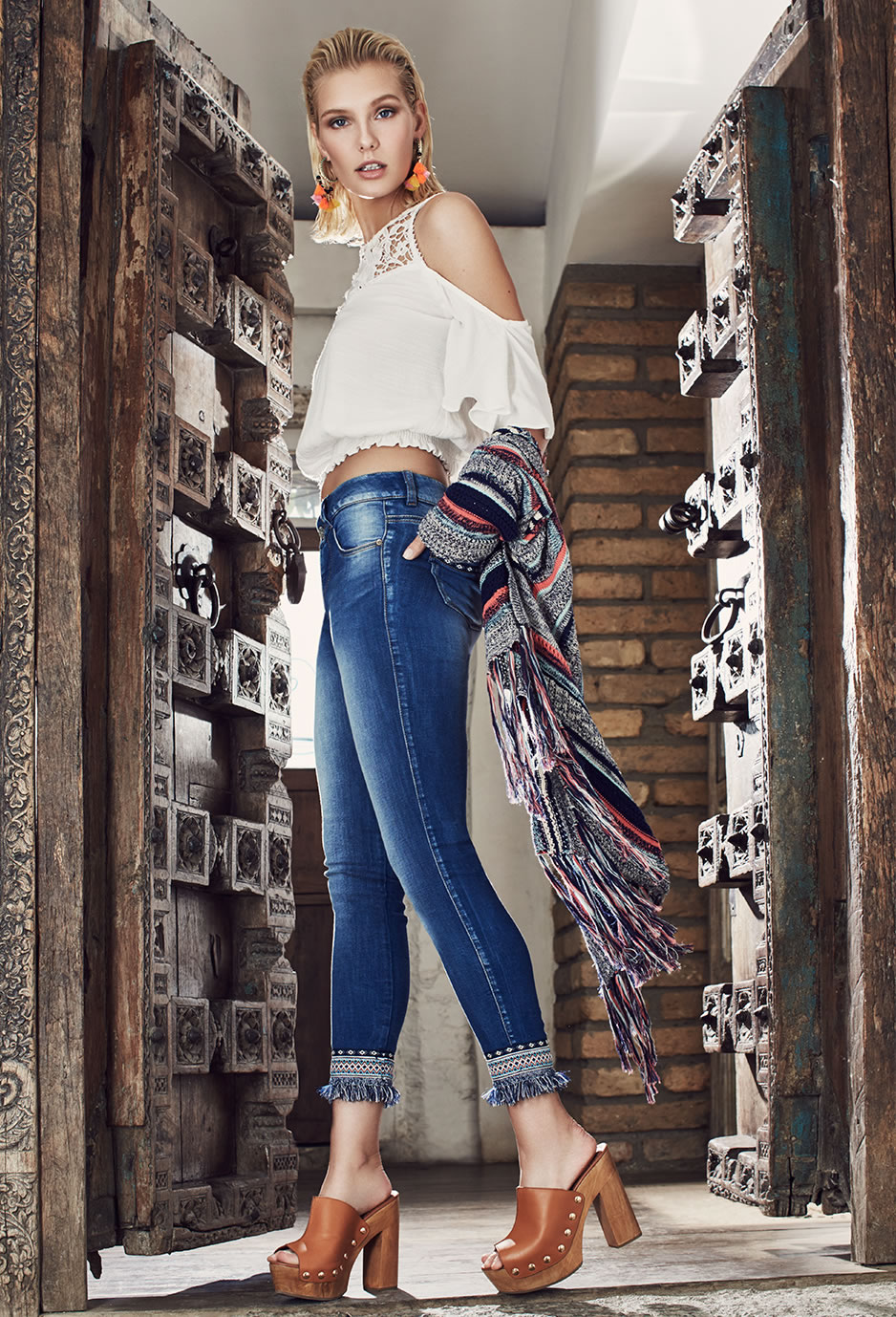
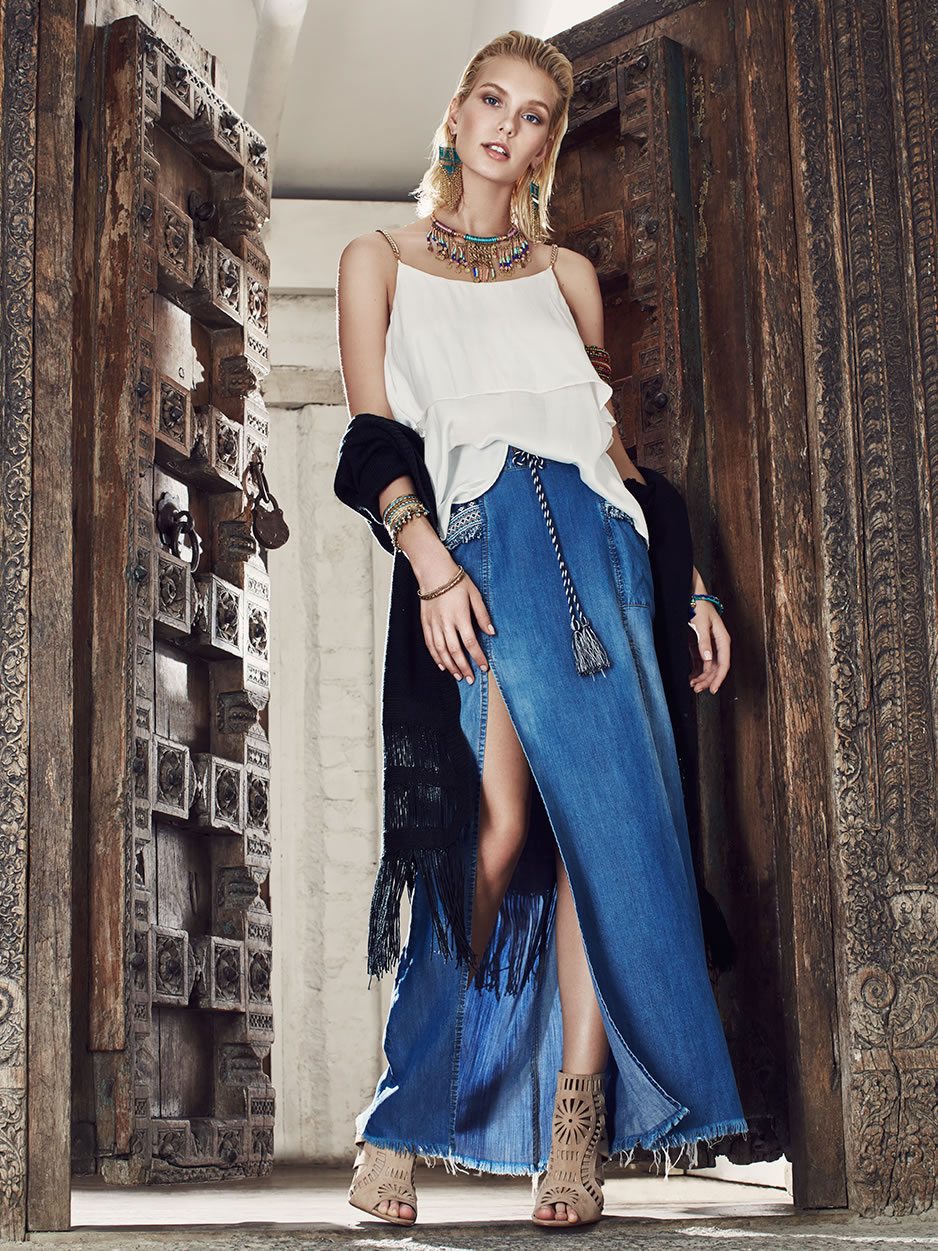
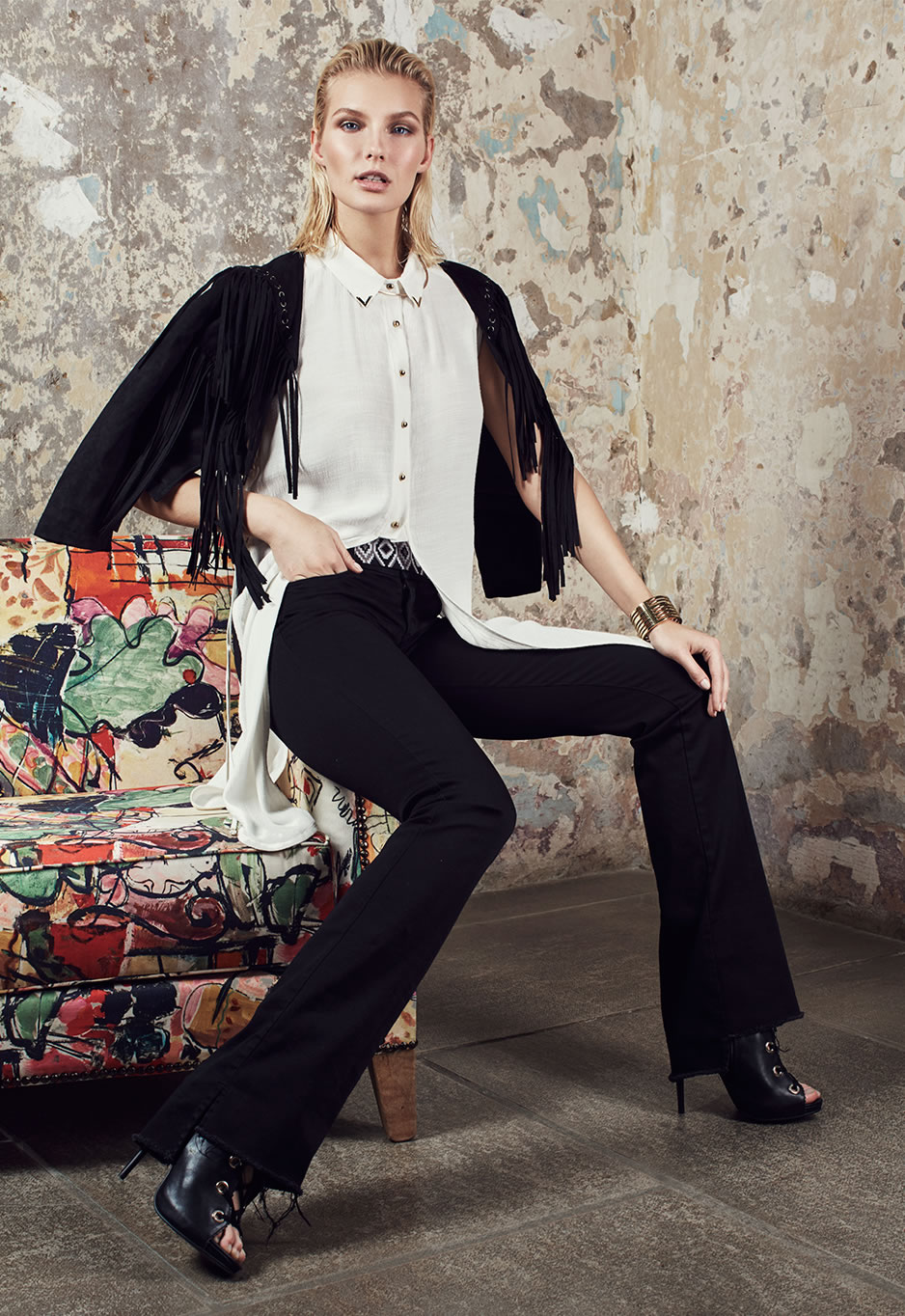
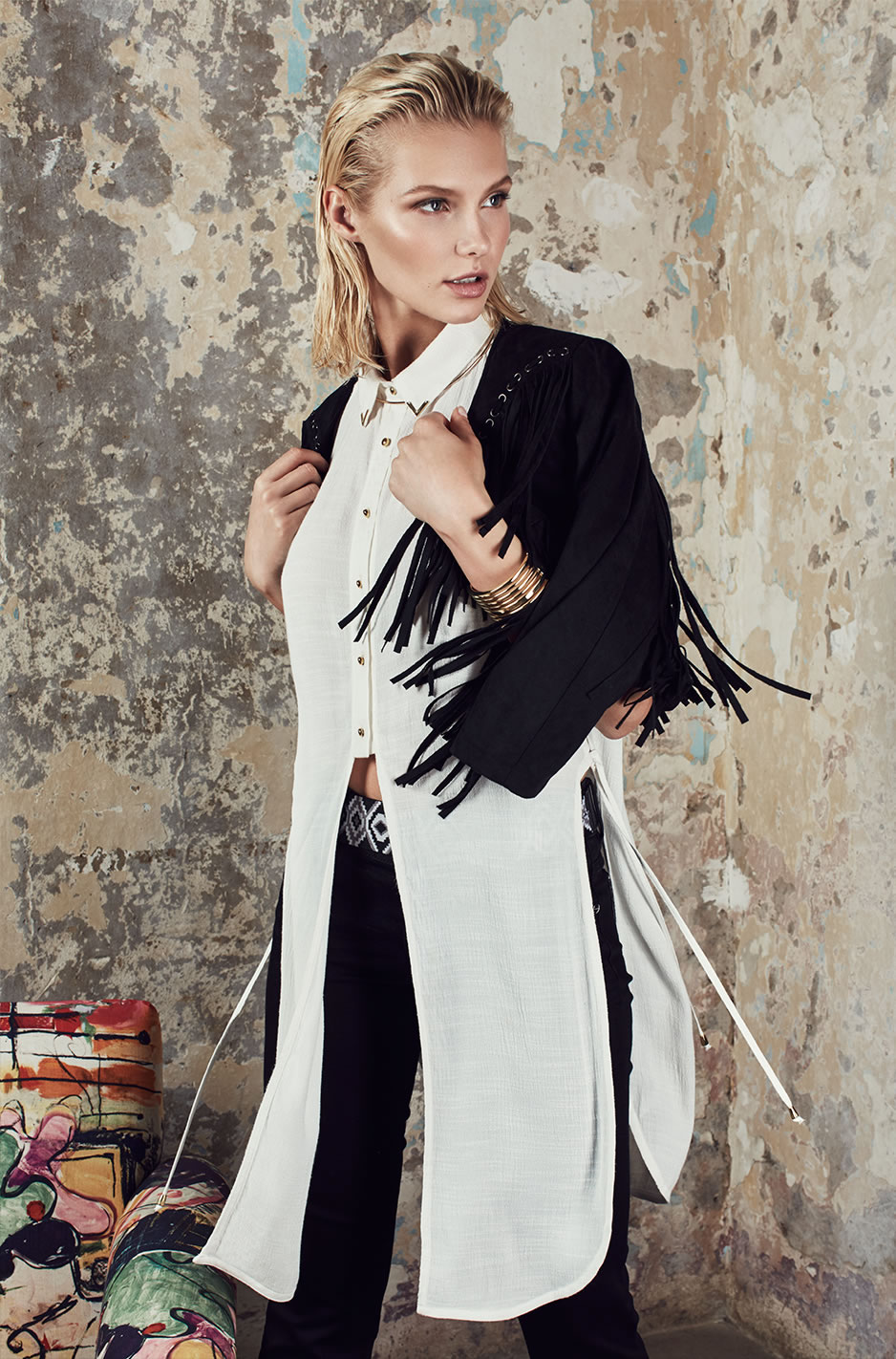
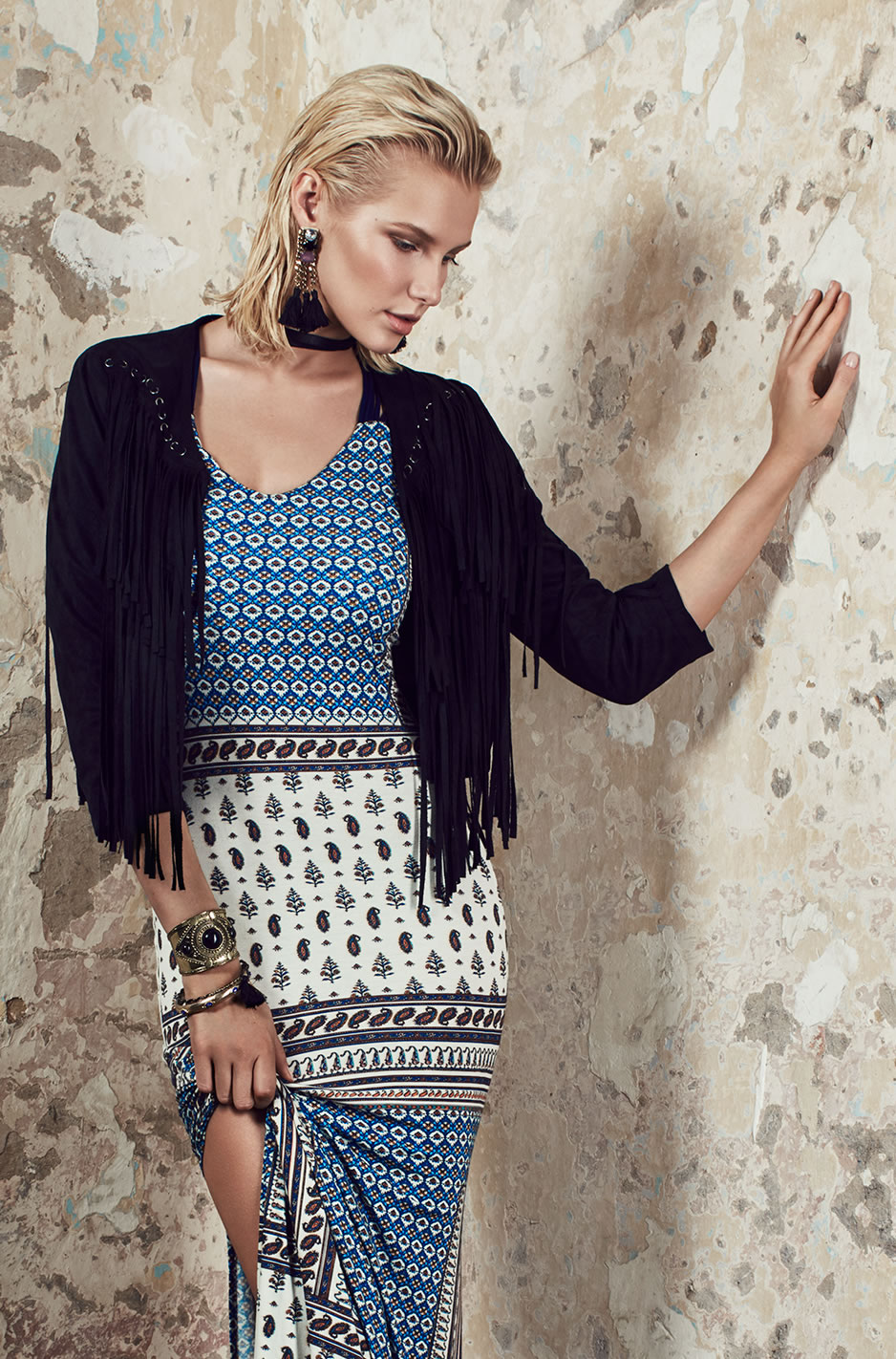
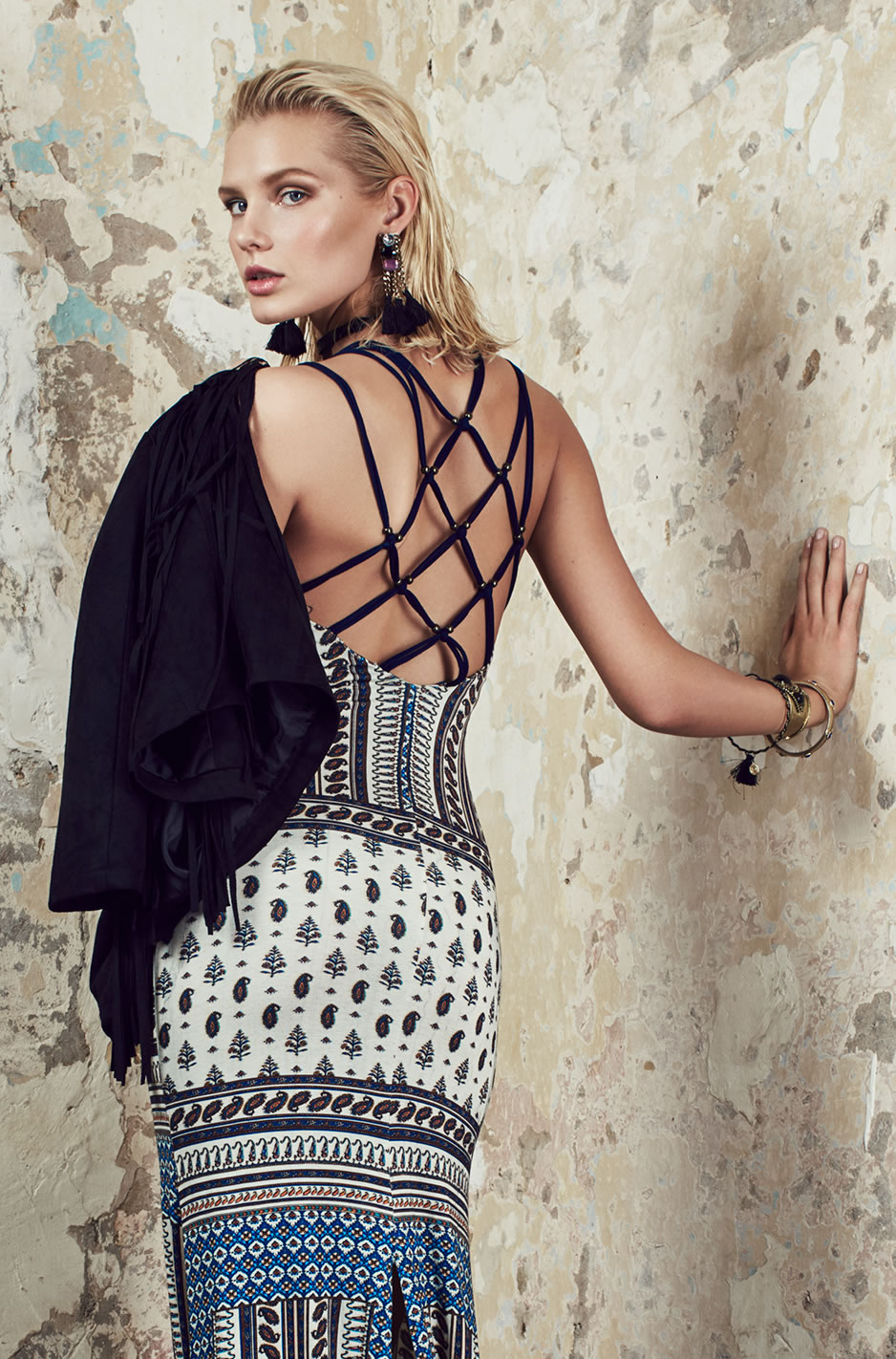
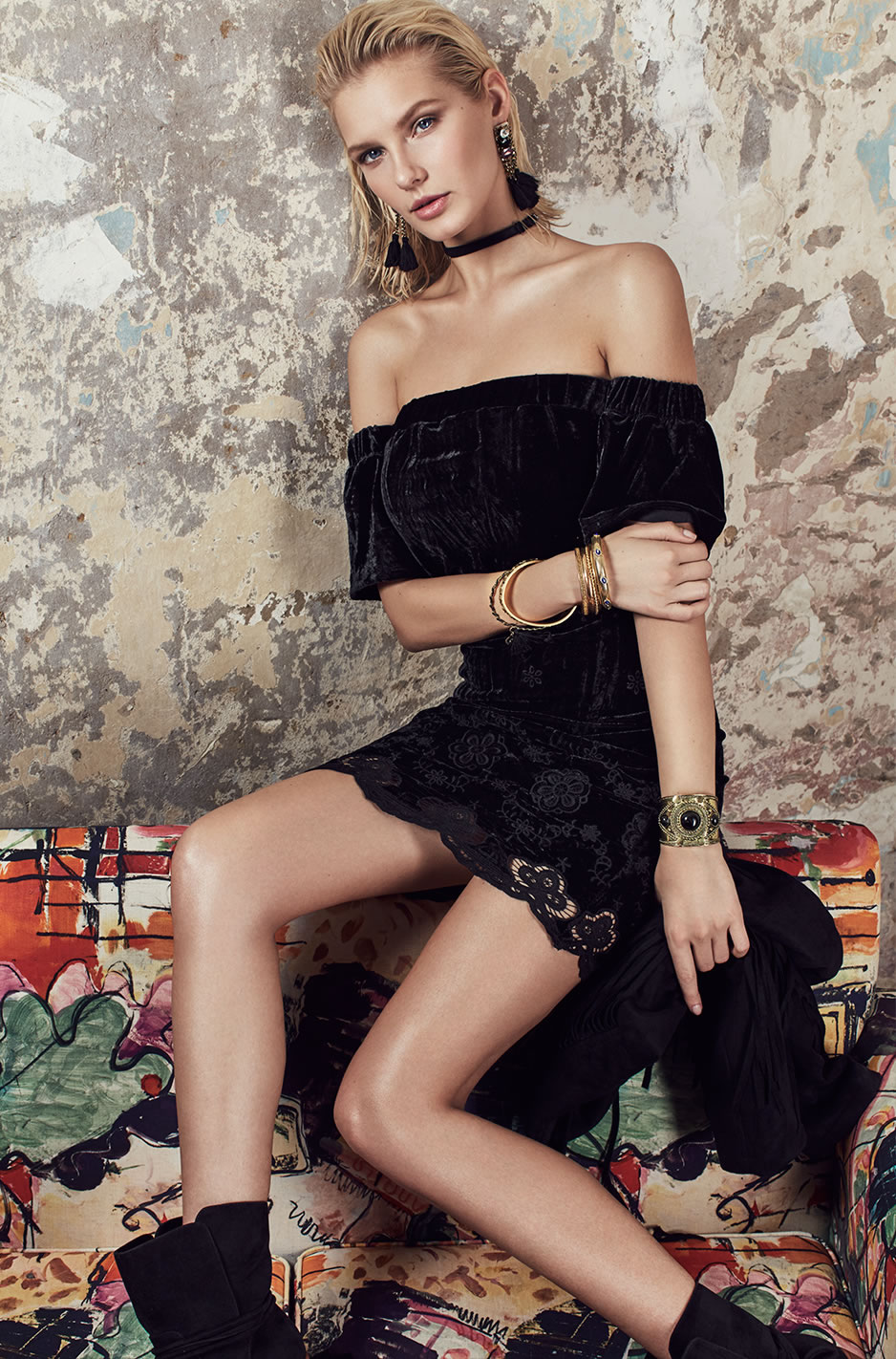
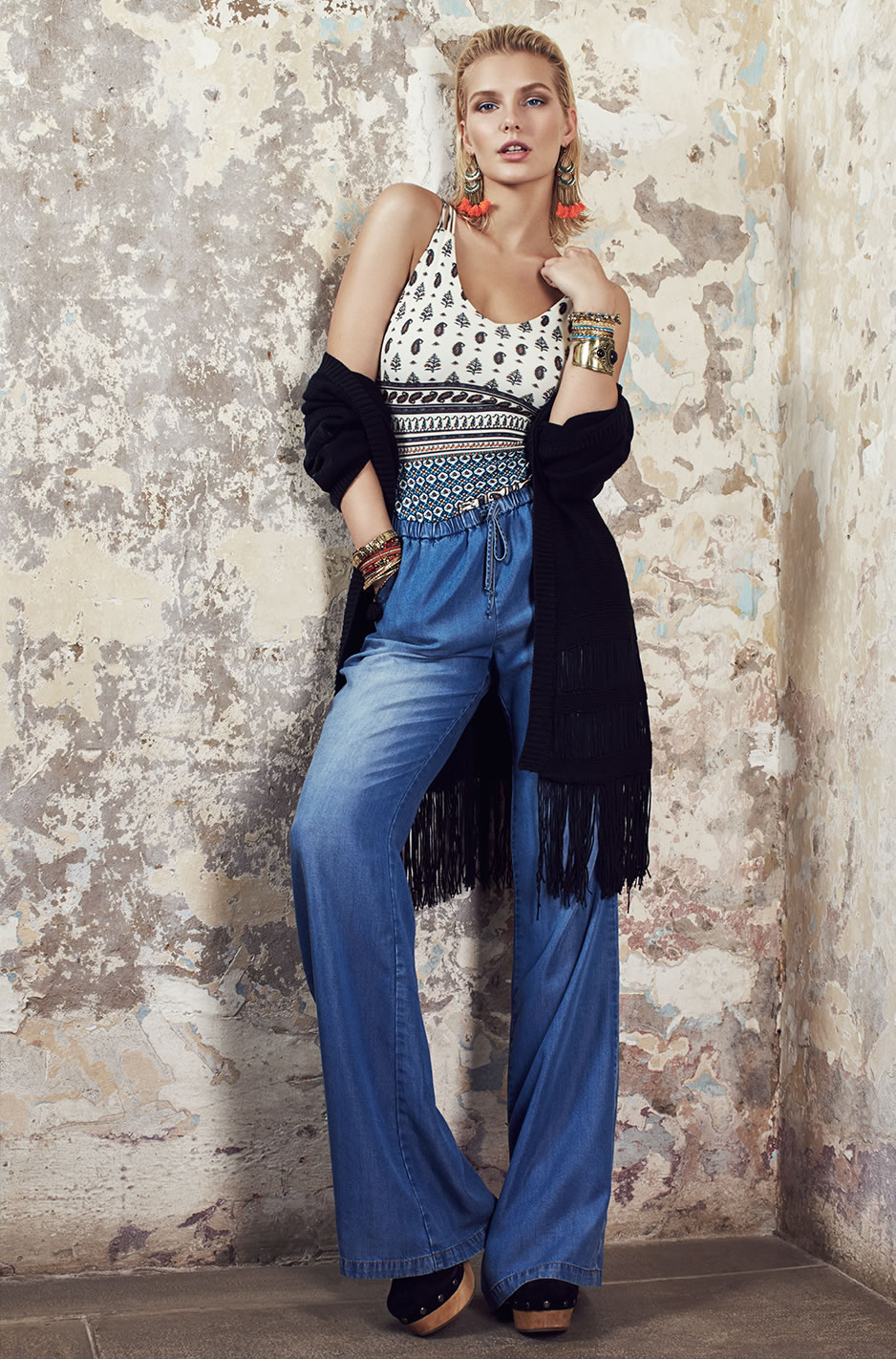
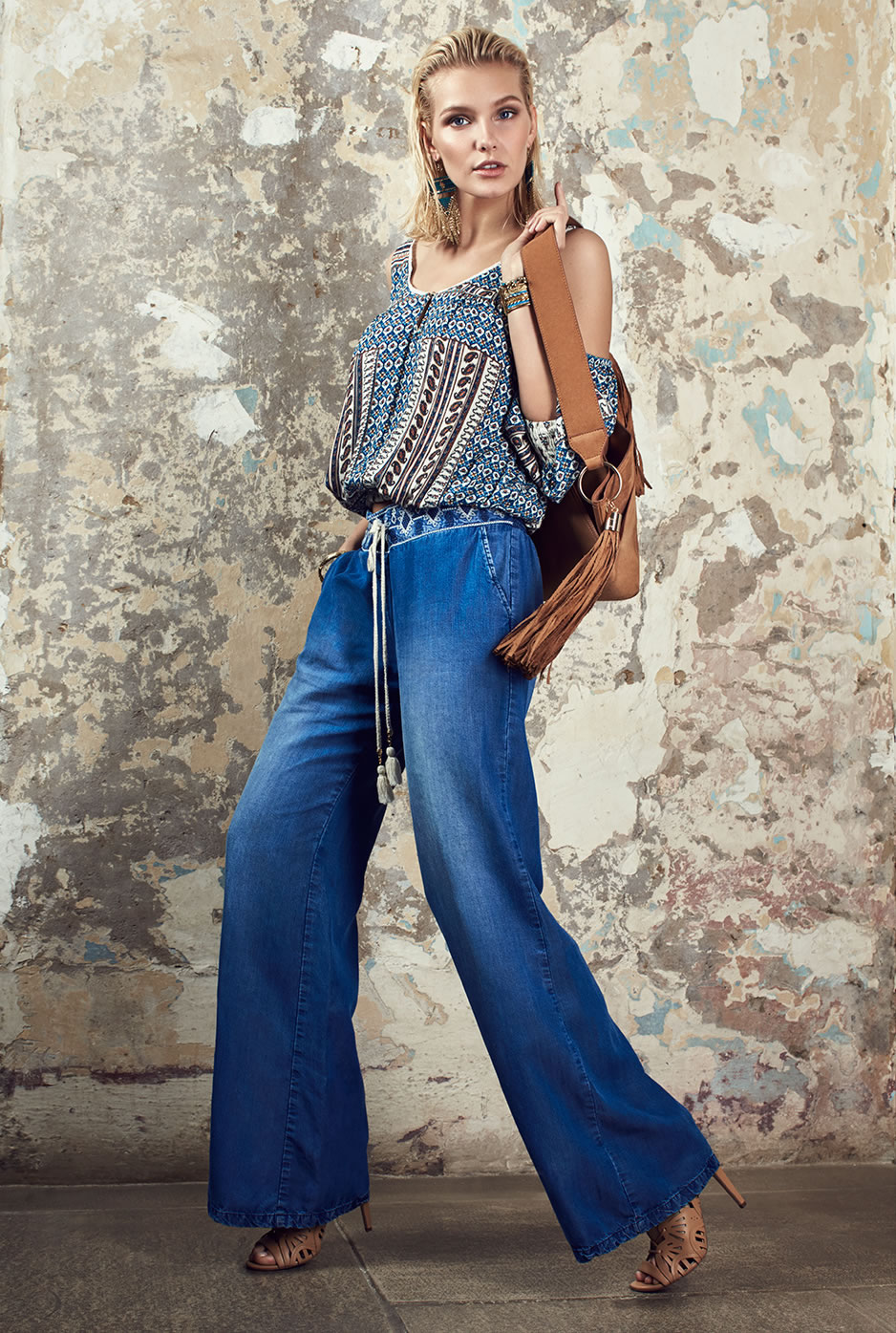
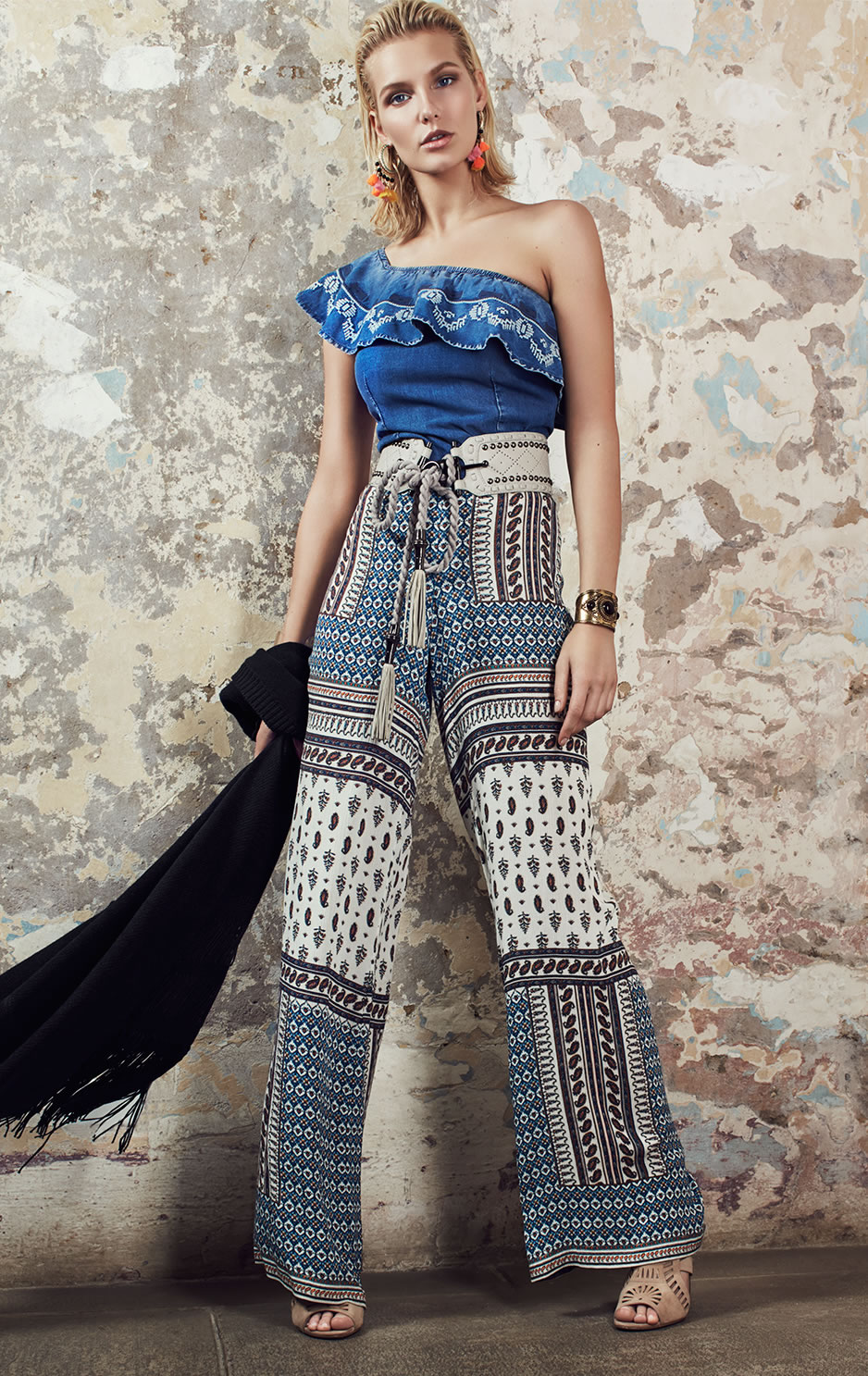
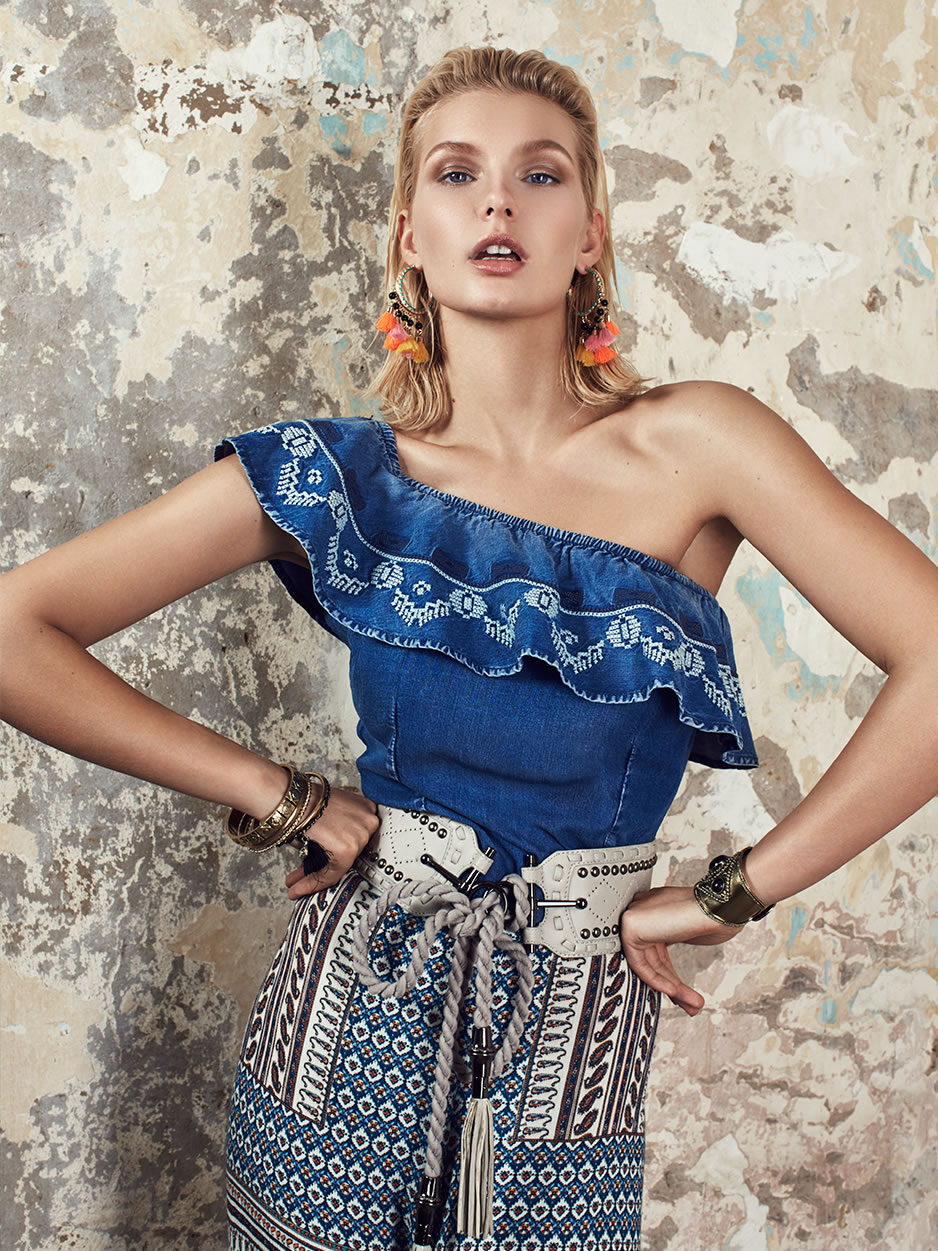
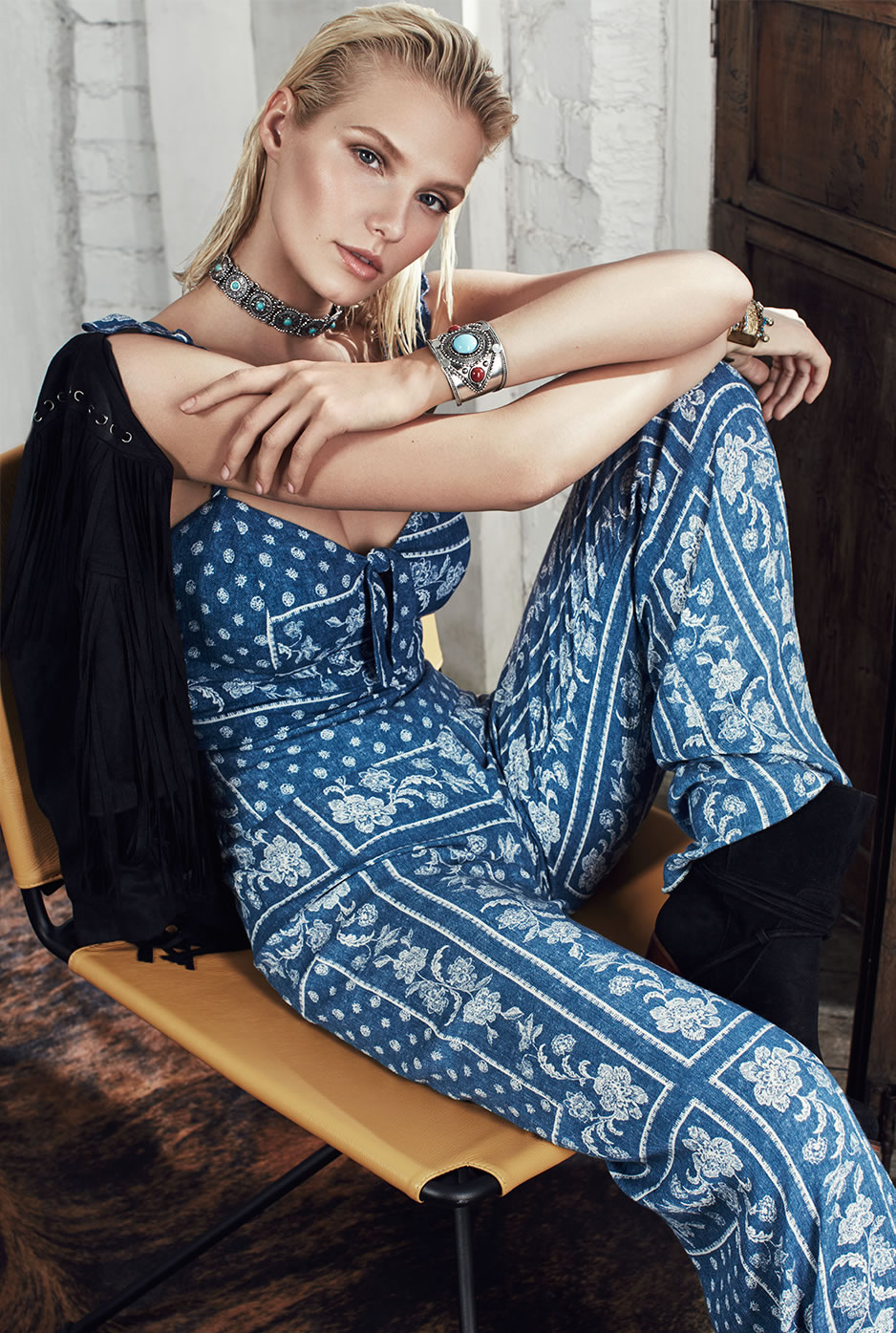
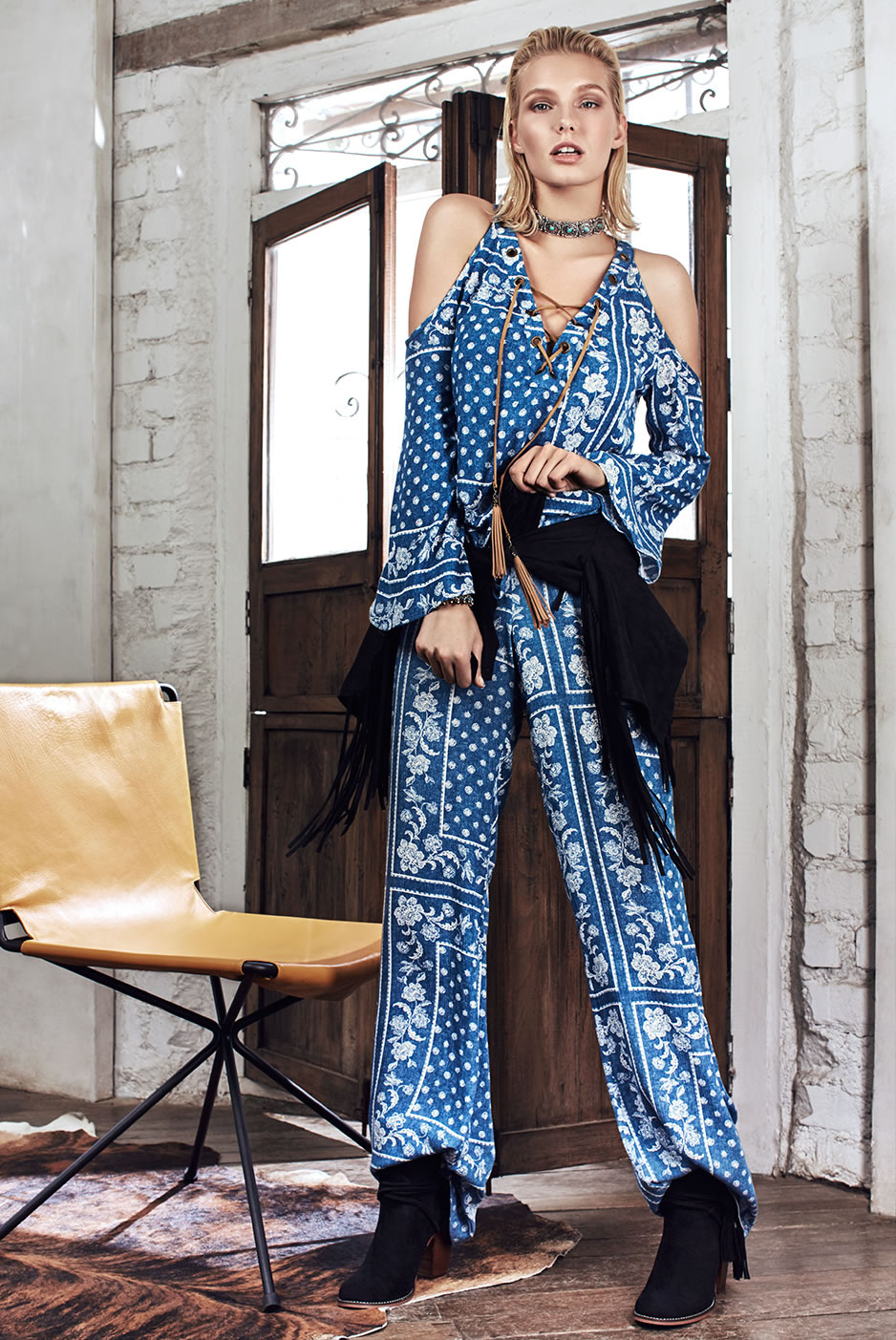
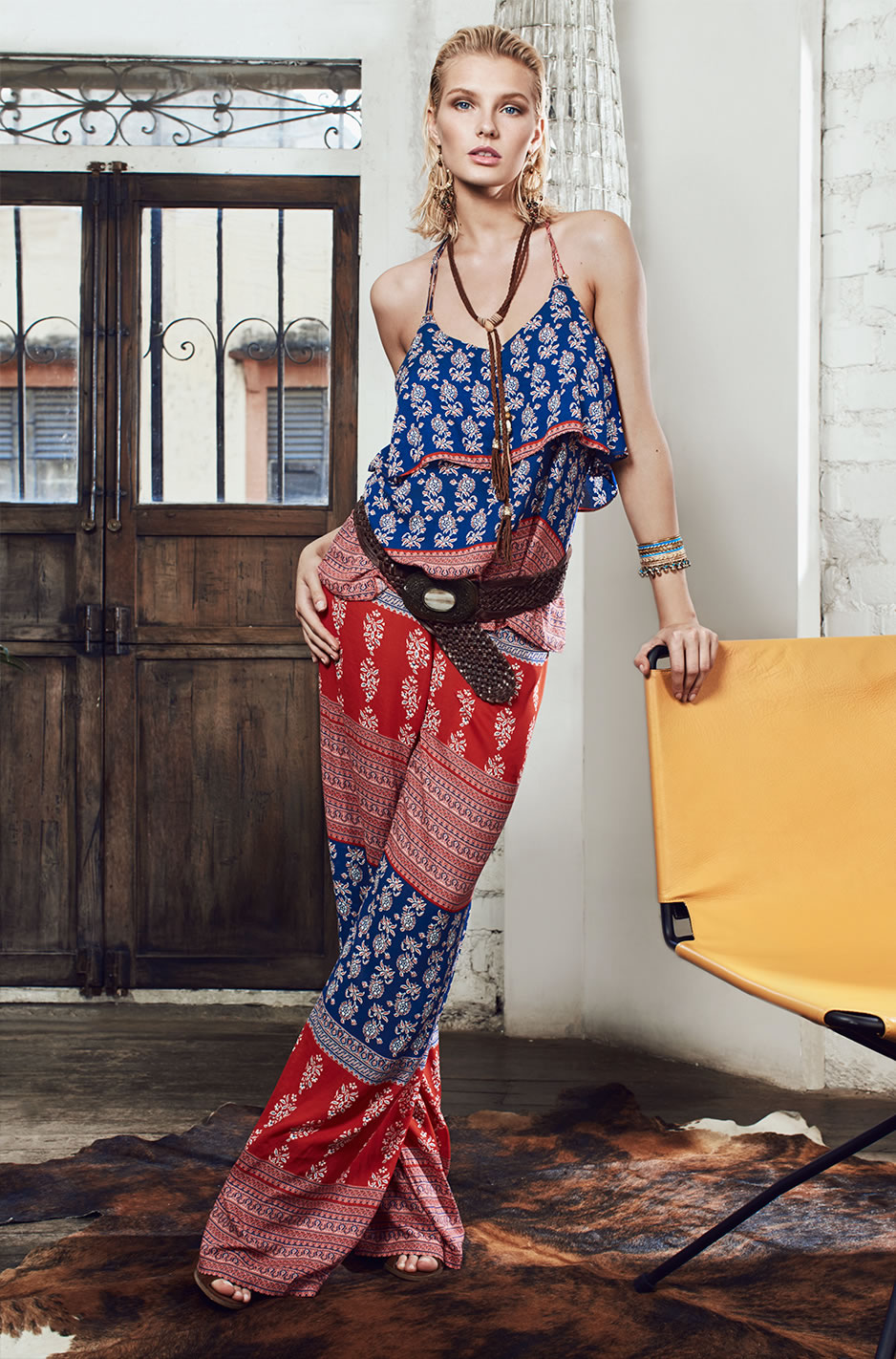
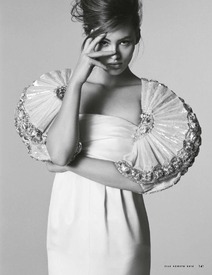 Studio F Spring Summer 2016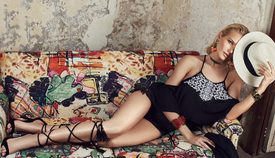








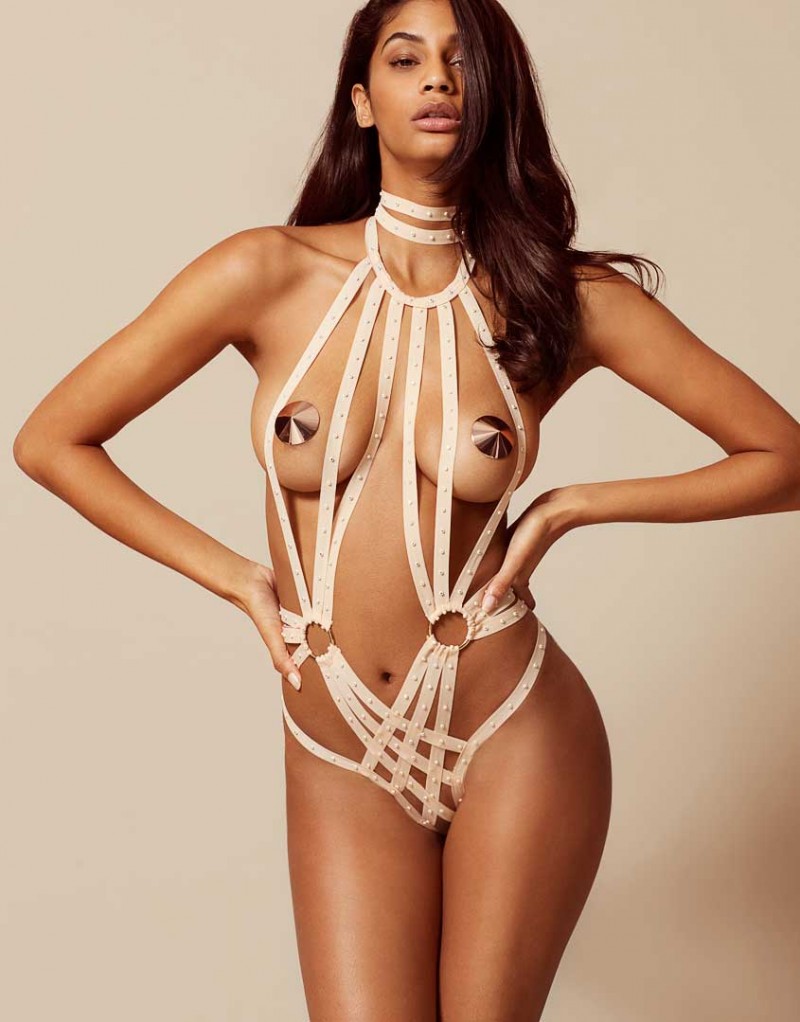
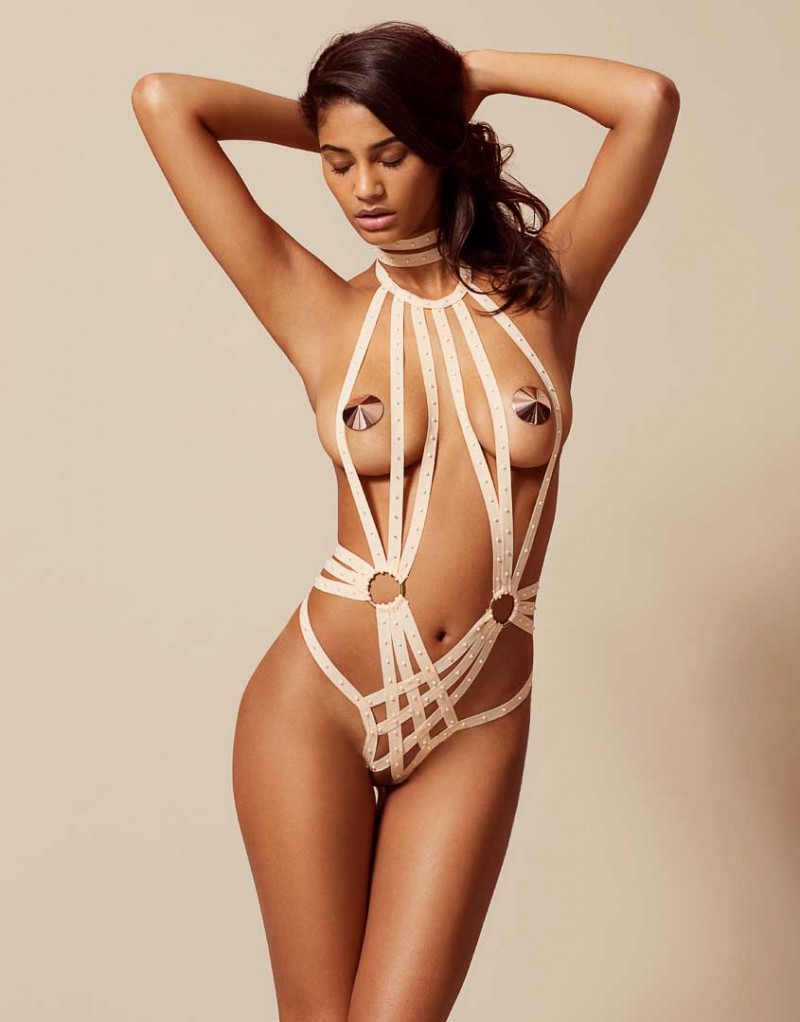
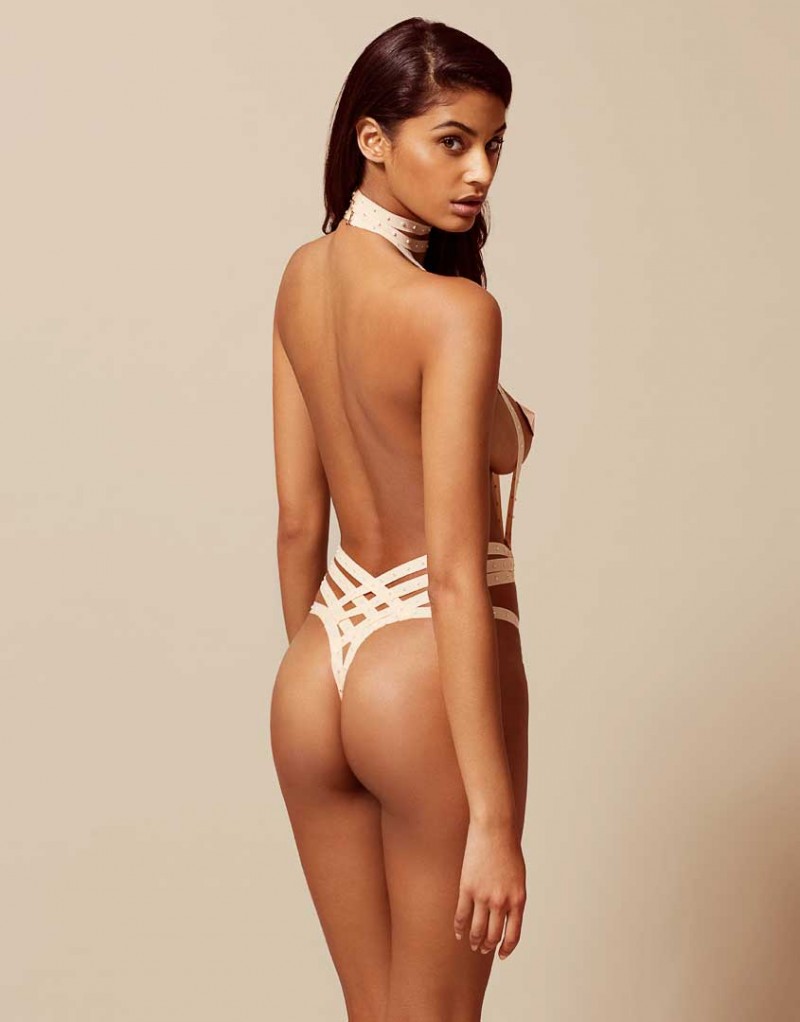
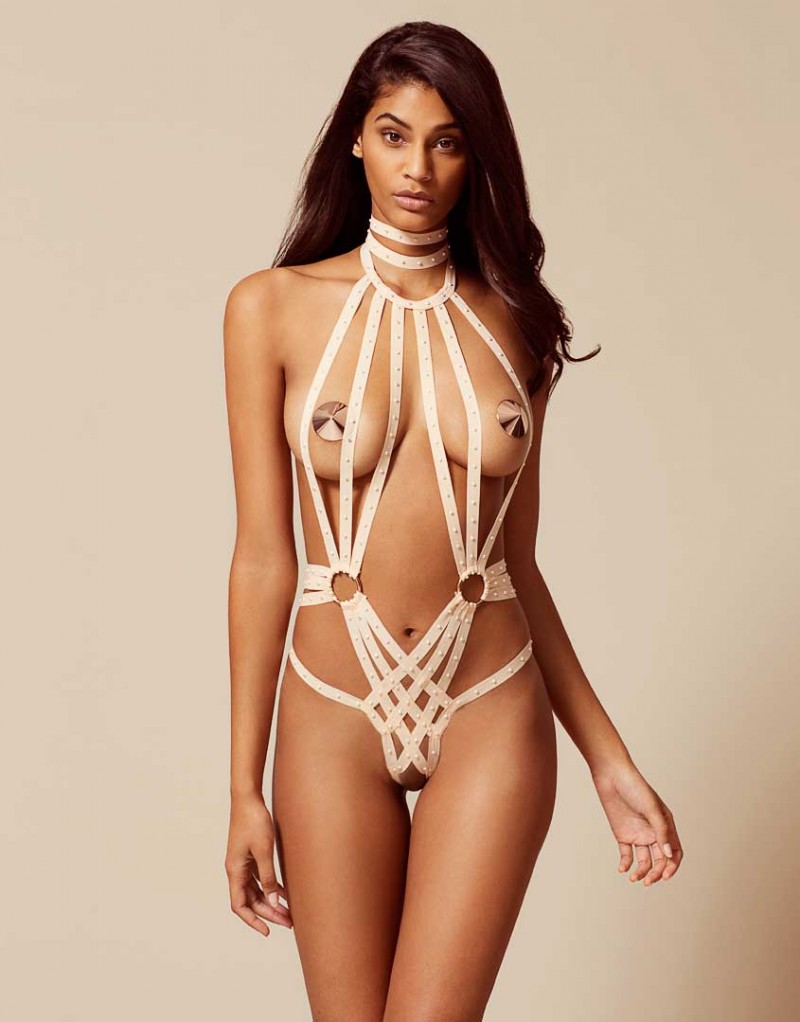


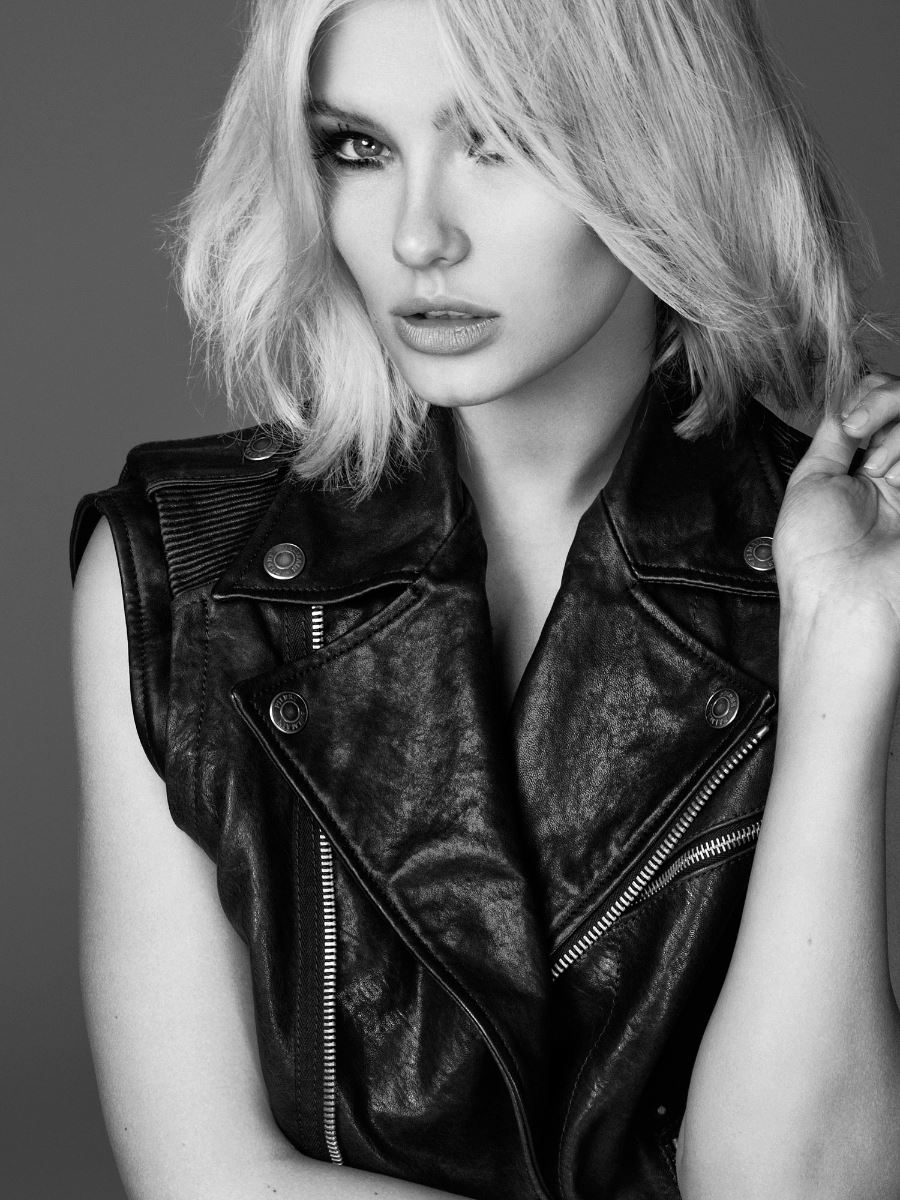
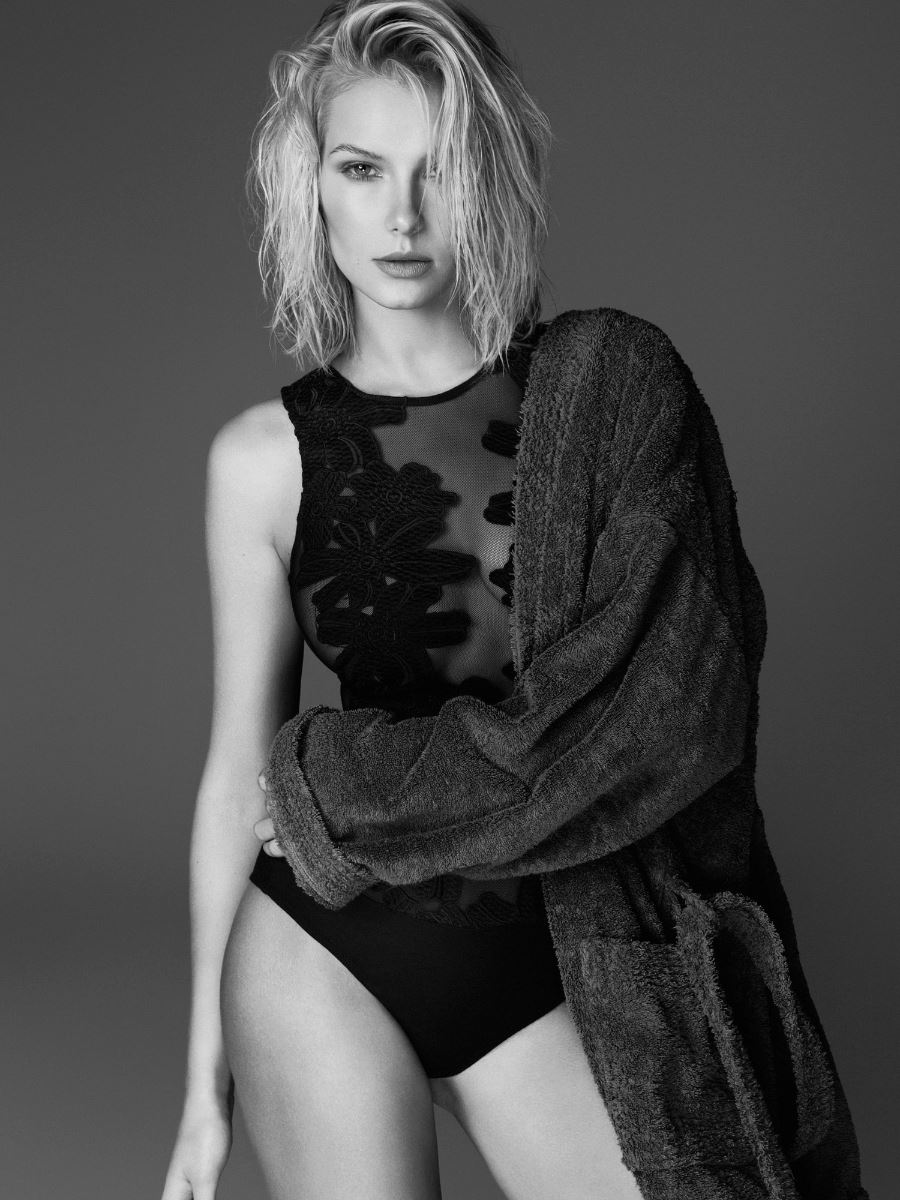
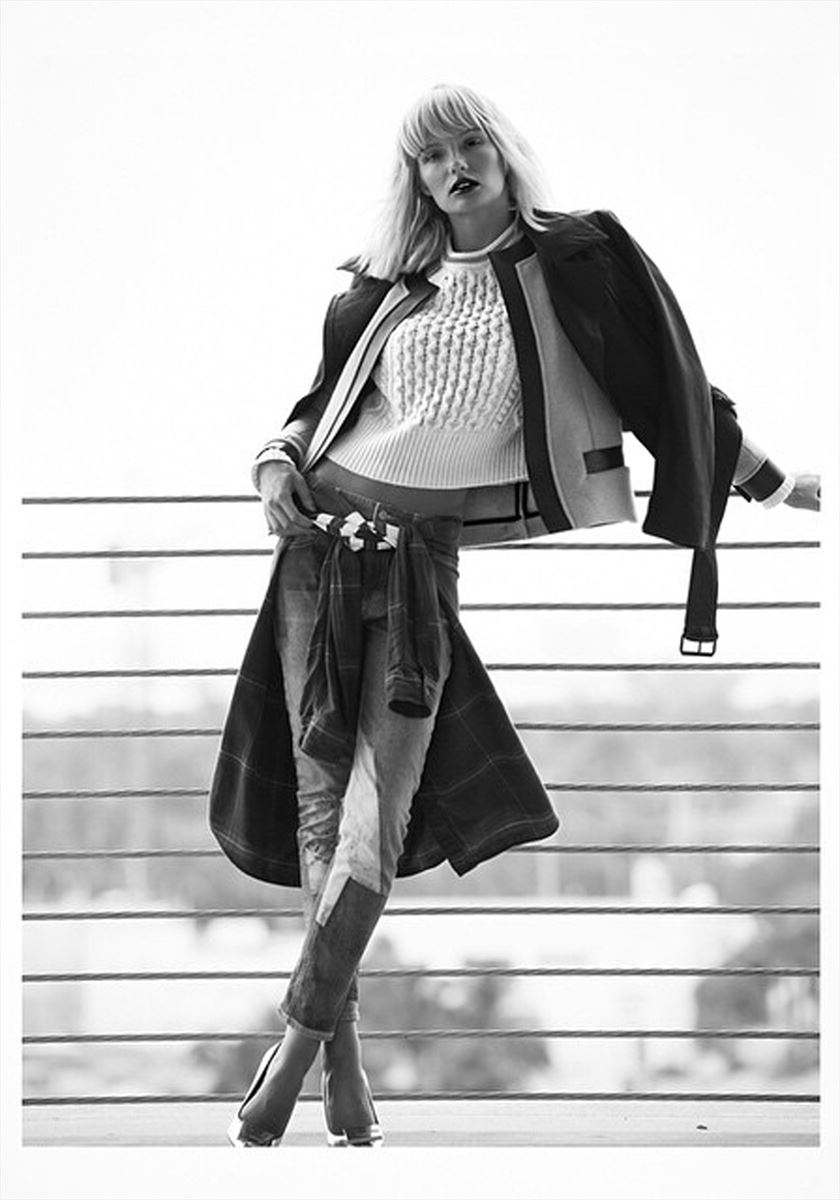
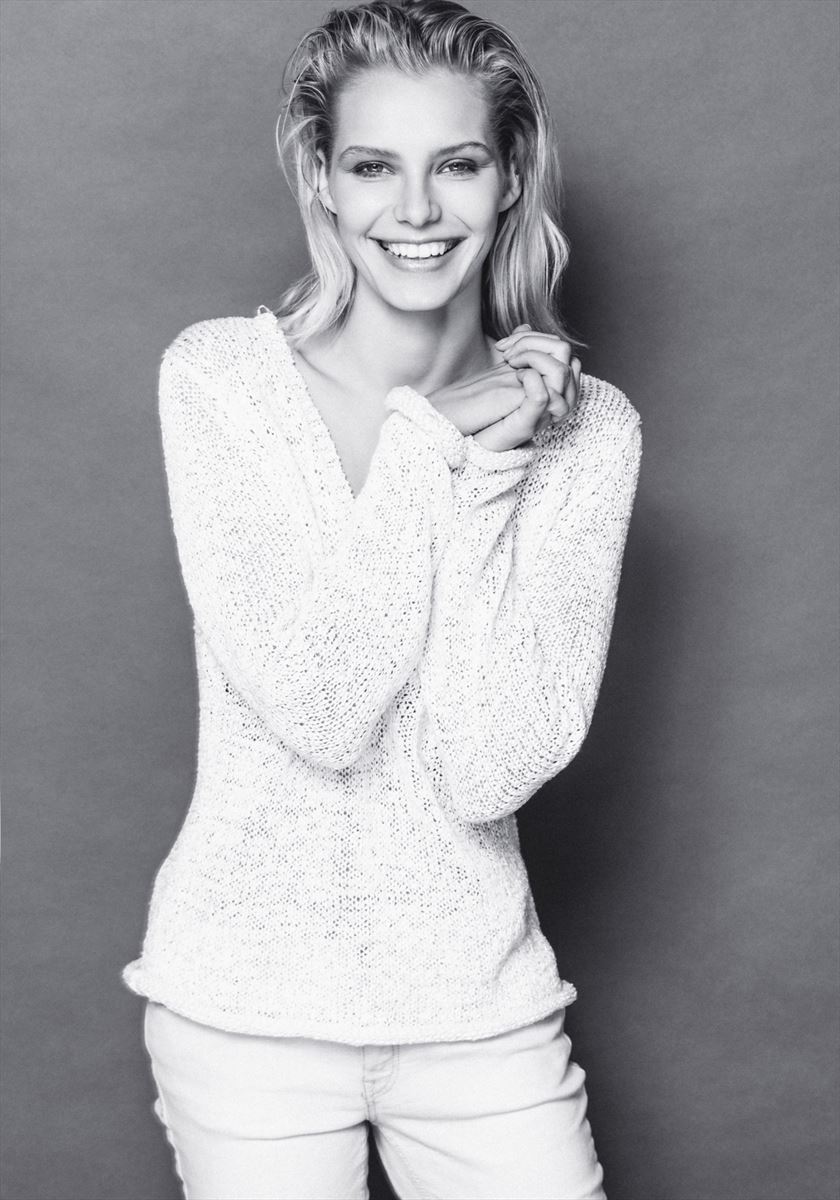
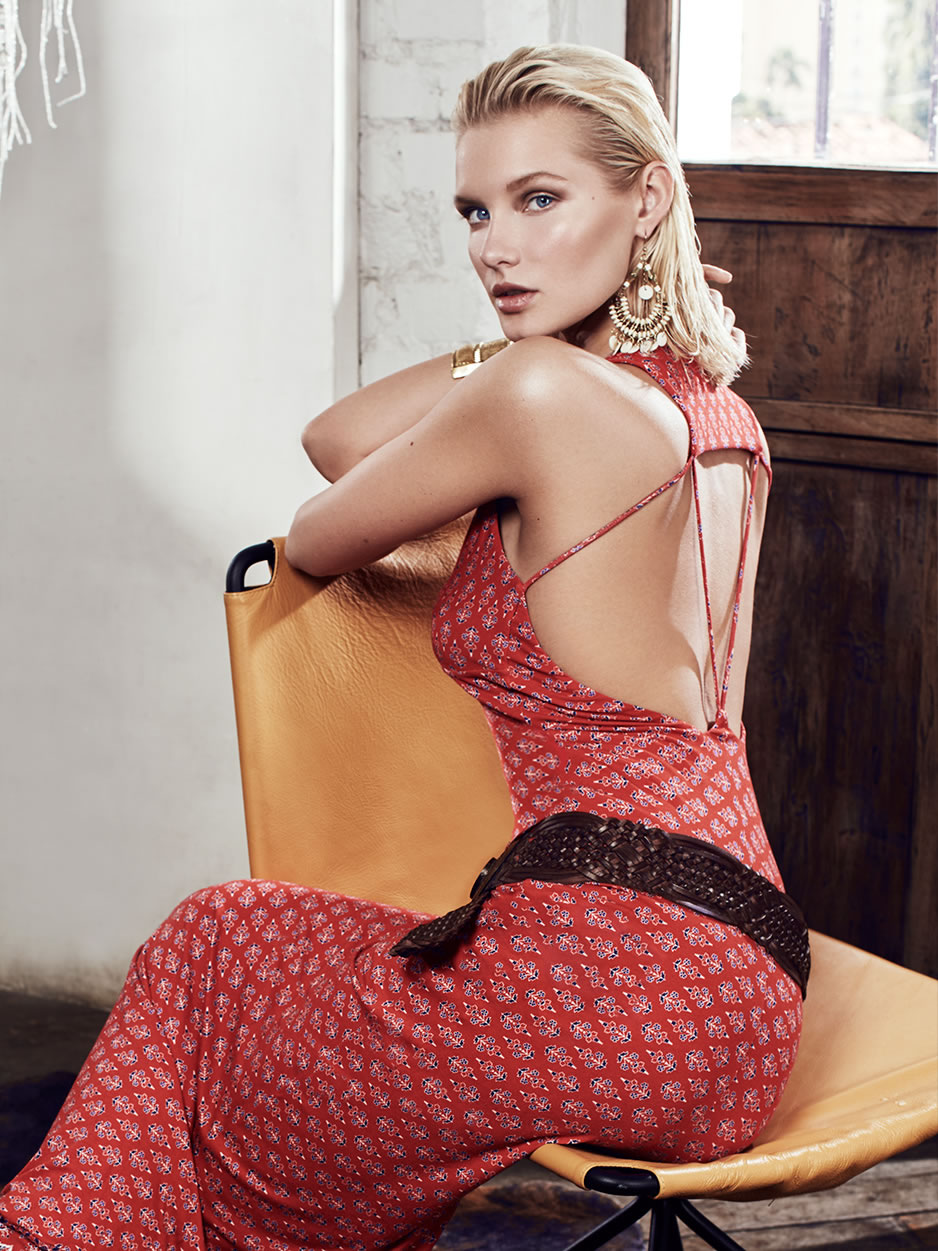

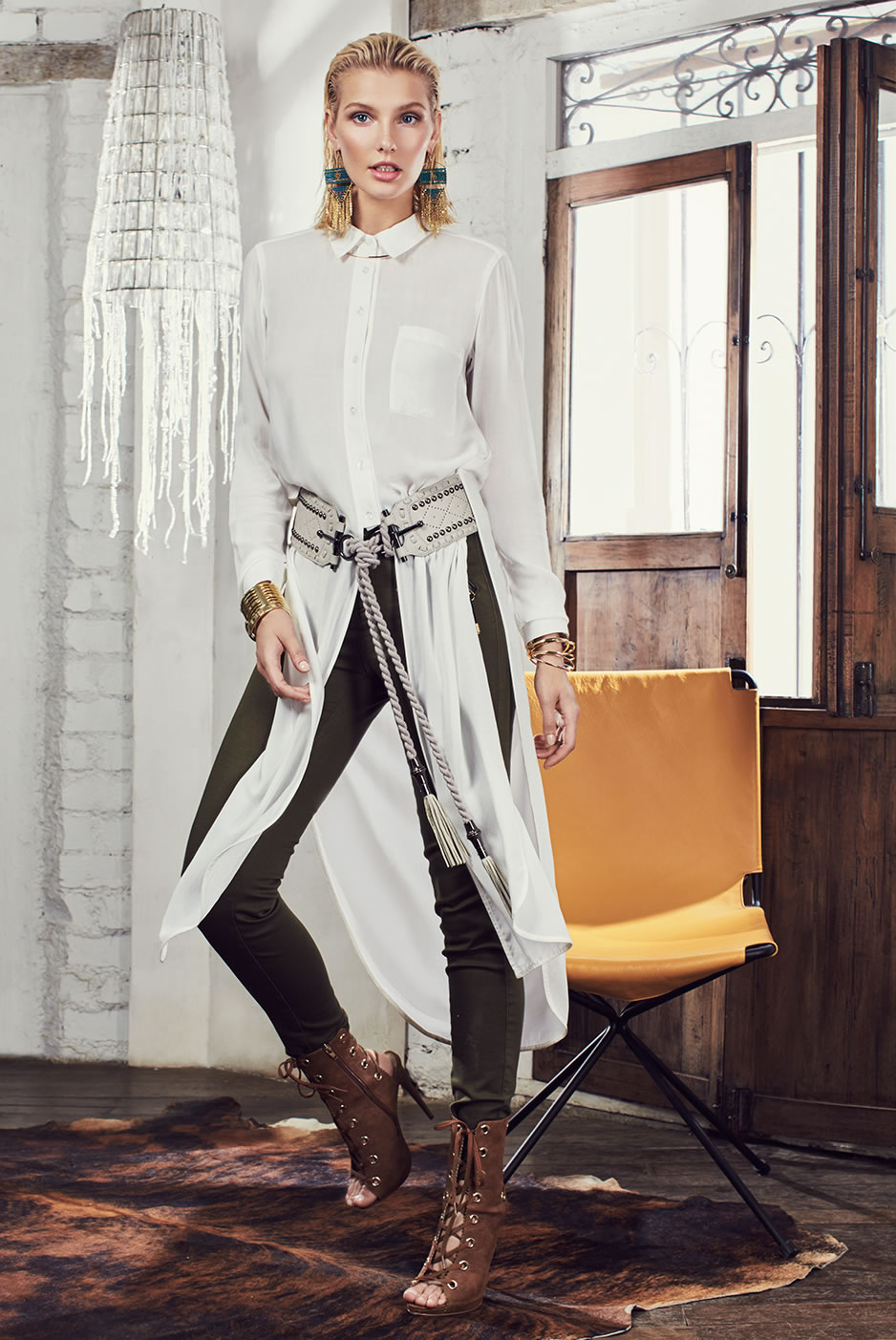
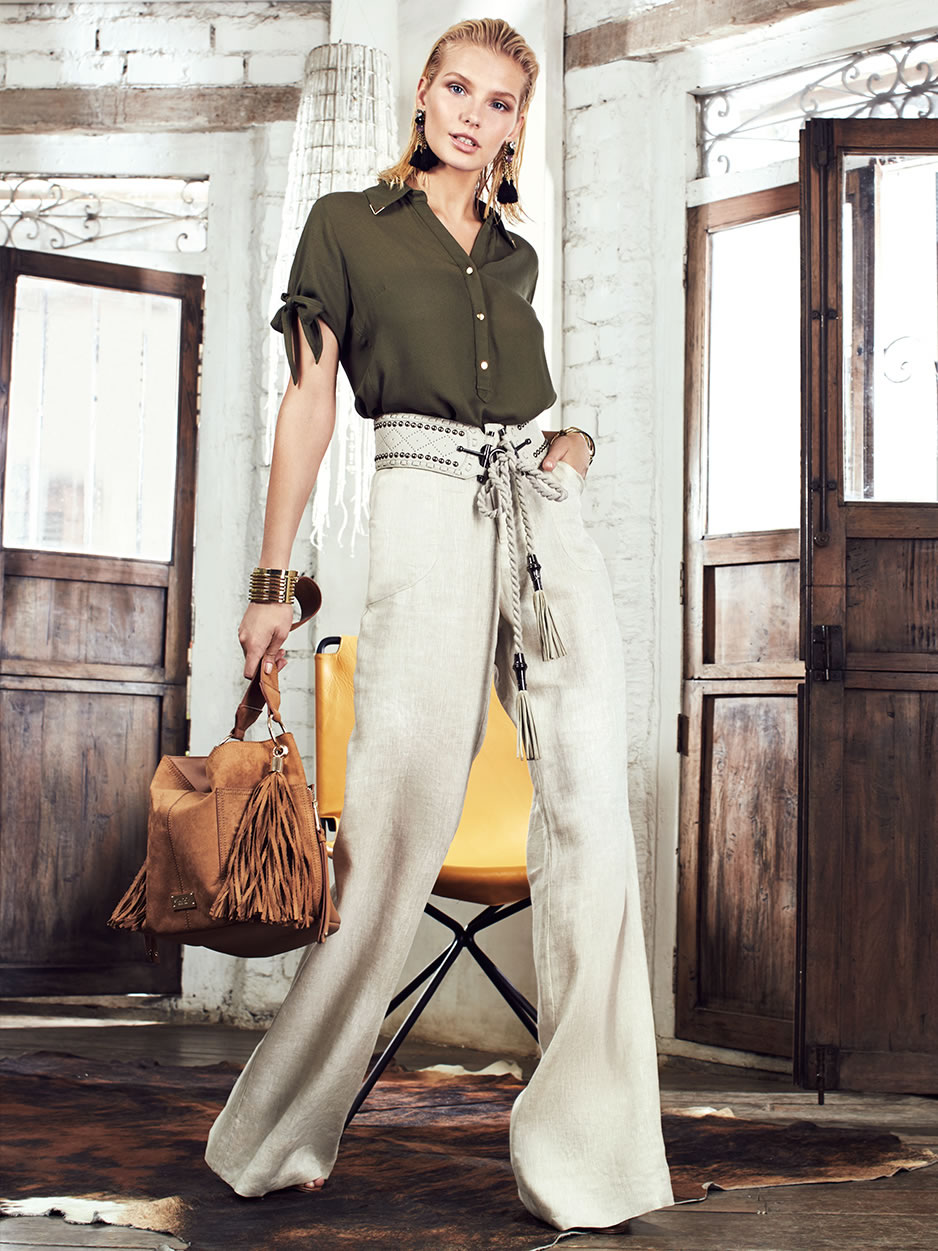
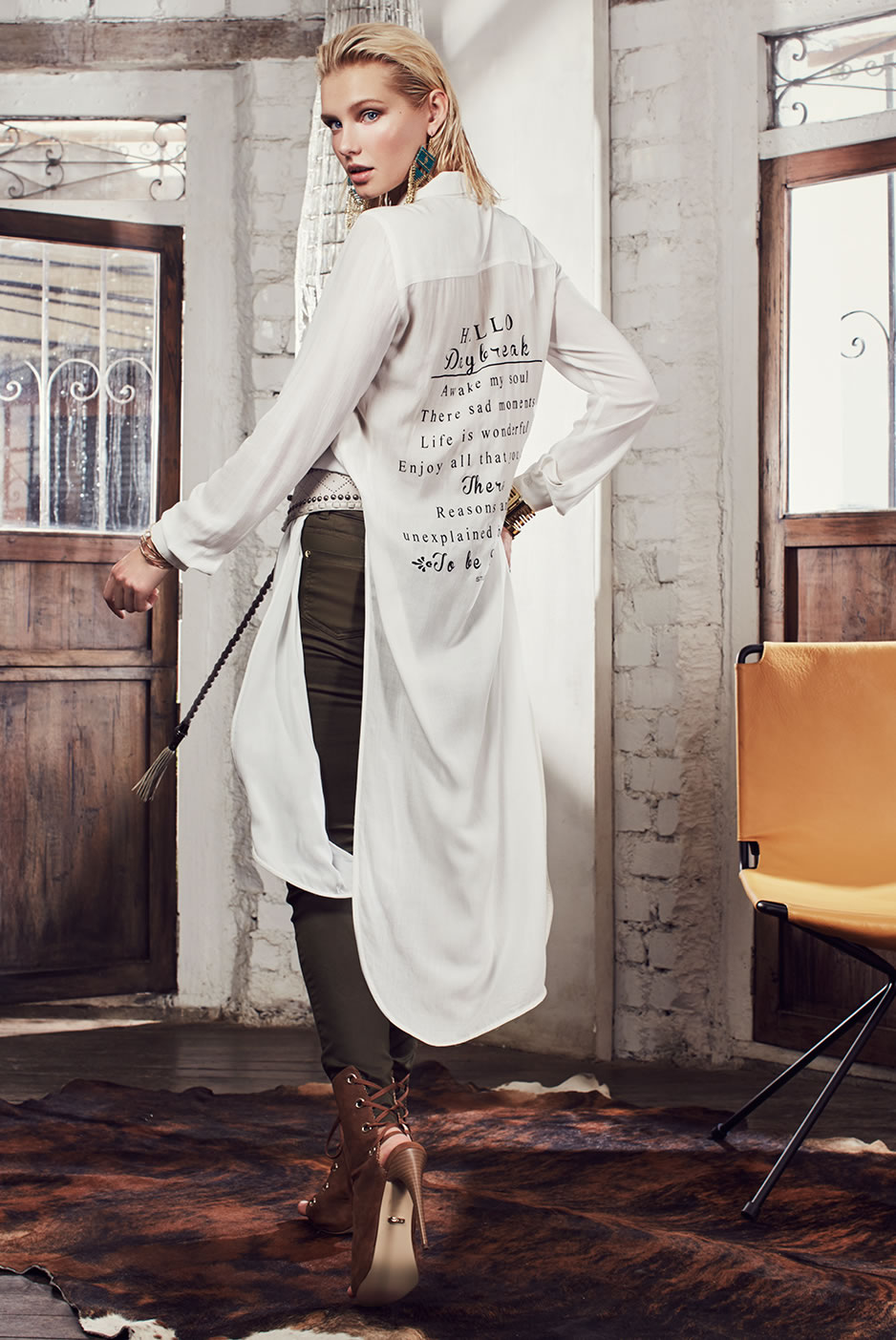
Account
Navigation
Search
Configure browser push notifications
Chrome (Android)
- Tap the lock icon next to the address bar.
- Tap Permissions → Notifications.
- Adjust your preference.
Chrome (Desktop)
- Click the padlock icon in the address bar.
- Select Site settings.
- Find Notifications and adjust your preference.
Safari (iOS 16.4+)
- Ensure the site is installed via Add to Home Screen.
- Open Settings App → Notifications.
- Find your app name and adjust your preference.
Safari (macOS)
- Go to Safari → Preferences.
- Click the Websites tab.
- Select Notifications in the sidebar.
- Find this website and adjust your preference.
Edge (Android)
- Tap the lock icon next to the address bar.
- Tap Permissions.
- Find Notifications and adjust your preference.
Edge (Desktop)
- Click the padlock icon in the address bar.
- Click Permissions for this site.
- Find Notifications and adjust your preference.
Firefox (Android)
- Go to Settings → Site permissions.
- Tap Notifications.
- Find this site in the list and adjust your preference.
Firefox (Desktop)
- Open Firefox Settings.
- Search for Notifications.
- Find this site in the list and adjust your preference.