Jump to content
View in the app

A better way to browse. Learn more.

Bellazon

A full-screen app on your home screen with push notifications, badges and more.

To install this app on iOS and iPadOS
  1. Tap the Share icon in Safari
  2. Scroll the menu and tap Add to Home Screen.
  3. Tap Add in the top-right corner.
To install this app on Android
  1. Tap the 3-dot menu (⋮) in the top-right corner of the browser.
  2. Tap Add to Home screen or Install app.
  3. Confirm by tapping Install.

kimflorida

Members
  • Joined

  • Last visited

Everything posted by kimflorida

  1. 8. I think, Nana Ruskevych
  2. 7. Zusia (Zuzanna) Sobanska
  3. I think, Paula Buljan
  4. You’re welcome
  5. I couldn’t find anything on her IG to confirm, but I recognize her from her work with Wallis. I’d say I’m 99% sure it’s her.
  6. I think that is Zara Sparkes at MOT London. I’ll check her IG…
  7. looks to be Anastasia 'Nana' Karpova - her second IG account
  8. This is Maria Rodrigues. She was recently ID'd here...
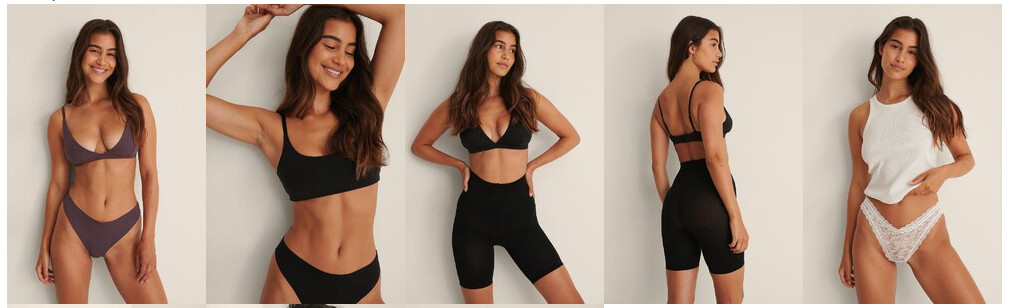
  9. Definitely her - she has a recognizable smile.
  10. Trinidad De La Noi
  11. You're welcome
  12. Kjnara Swanson
  13. Yes, Marie Teissonniere
  14. Liza Shmelyova Another post about here here...
  15. You’re welcome
  16. You're welcome
  17. You're welcome
  18. Darya Yanchik - left Joy van der Eecken - right
  19. Solange van Doorn
  20. I think, Barbara Rodiles
  21. Hazel Graye
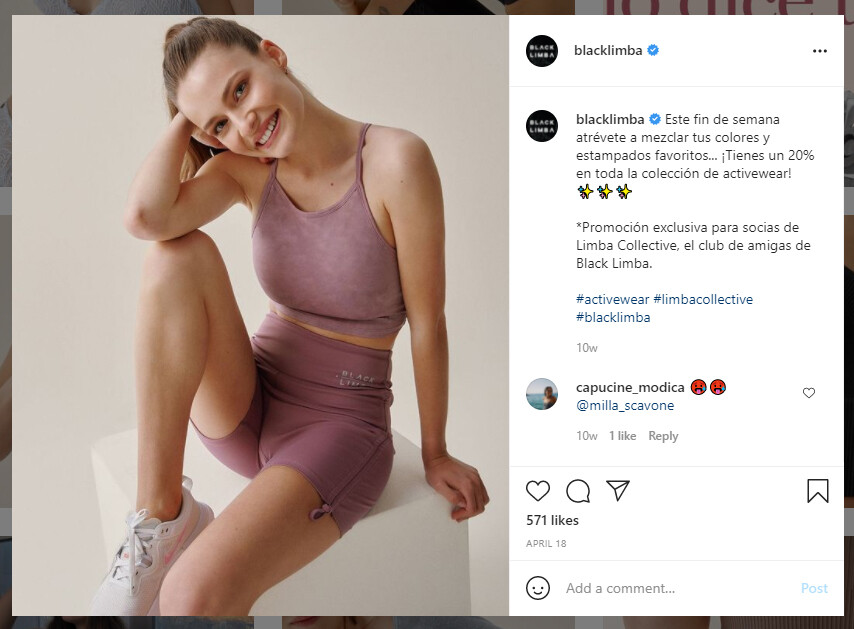
  22. Ludmilla 'Milla' (surname, maybe, Scavone?)
Account

Navigation

Search

Configure browser push notifications

Chrome (Android)
  1. Tap the lock icon next to the address bar.
  2. Tap Permissions → Notifications.
  3. Adjust your preference.
Chrome (Desktop)
  1. Click the padlock icon in the address bar.
  2. Select Site settings.
  3. Find Notifications and adjust your preference.