Jump to content
View in the app

A better way to browse. Learn more.

Bellazon

A full-screen app on your home screen with push notifications, badges and more.

To install this app on iOS and iPadOS
  1. Tap the Share icon in Safari
  2. Scroll the menu and tap Add to Home Screen.
  3. Tap Add in the top-right corner.
To install this app on Android
  1. Tap the 3-dot menu (⋮) in the top-right corner of the browser.
  2. Tap Add to Home screen or Install app.
  3. Confirm by tapping Install.

kimflorida

Members
  • Joined

  • Last visited

Everything posted by kimflorida

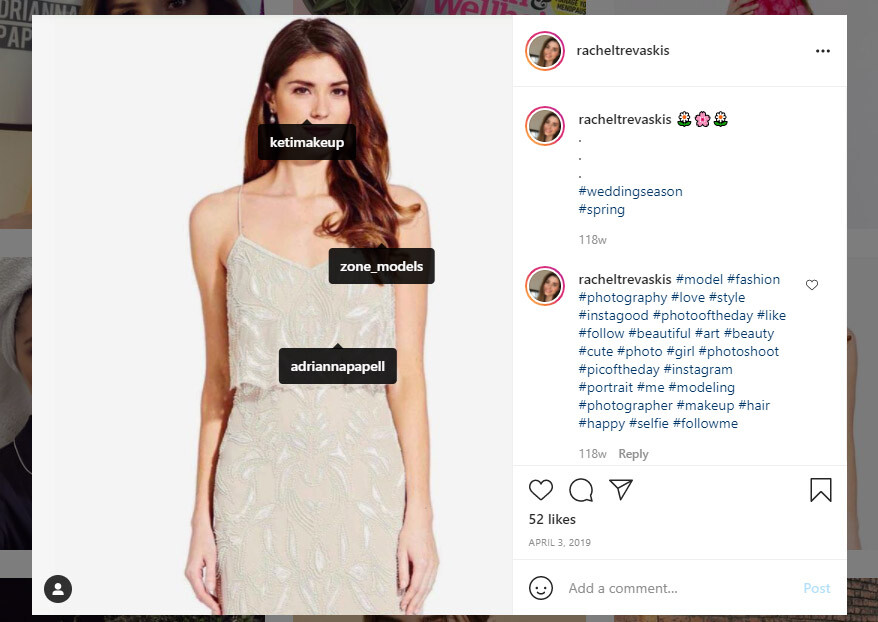
  1. looks to be Rachel Trevaskis
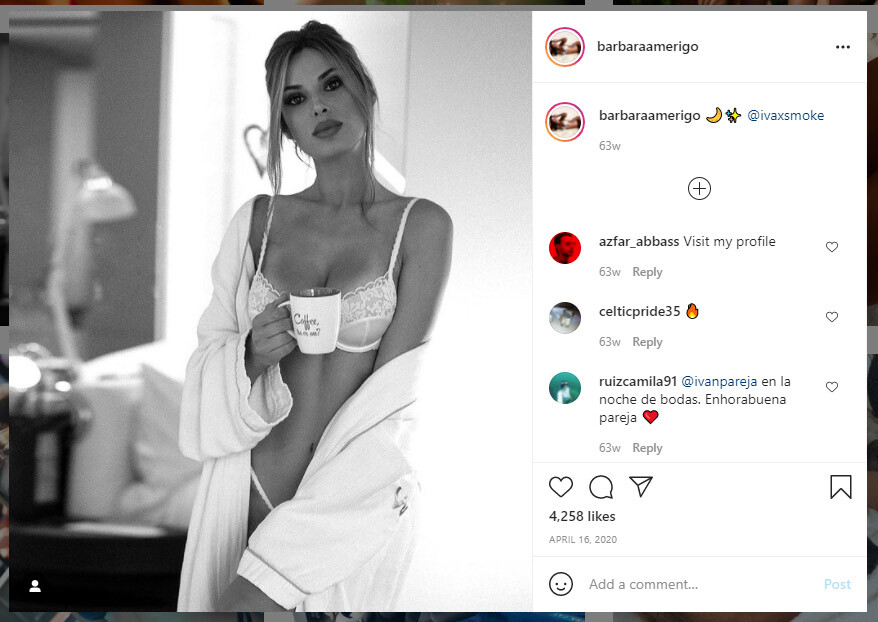
  2. Barbara Amerigo
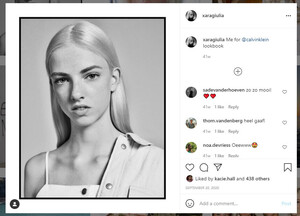
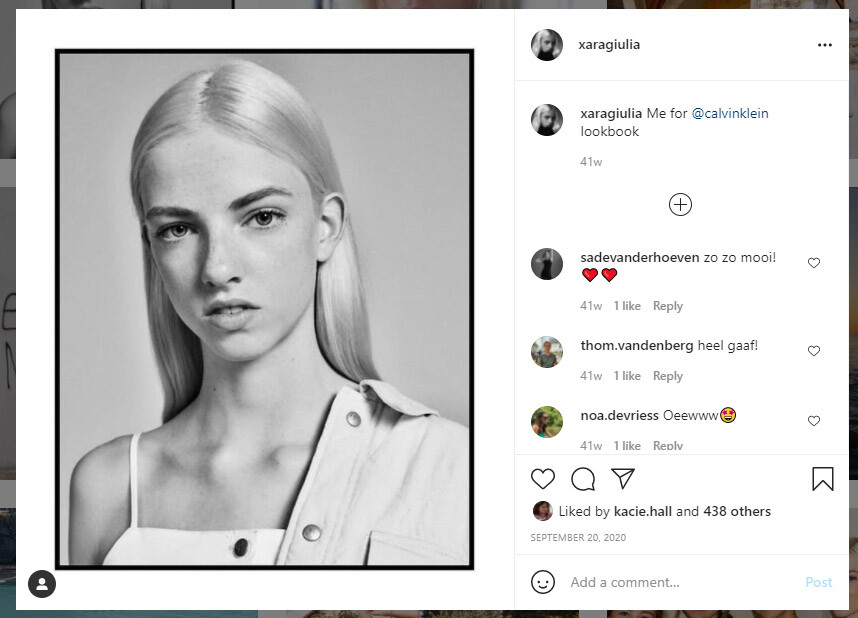
  3. blonde - Xara Giulia Maria
  4. 2. Chloe Holmes 3. Thais Martins 6. I though, Chloe Lloyd... can't tell for sure
  5. Left - Gaby Loader Right - Frederikke Sofie
  6. I'm pretty sure she is Elsa Gelhard
  7. Loane Normand
  8. You're welcome
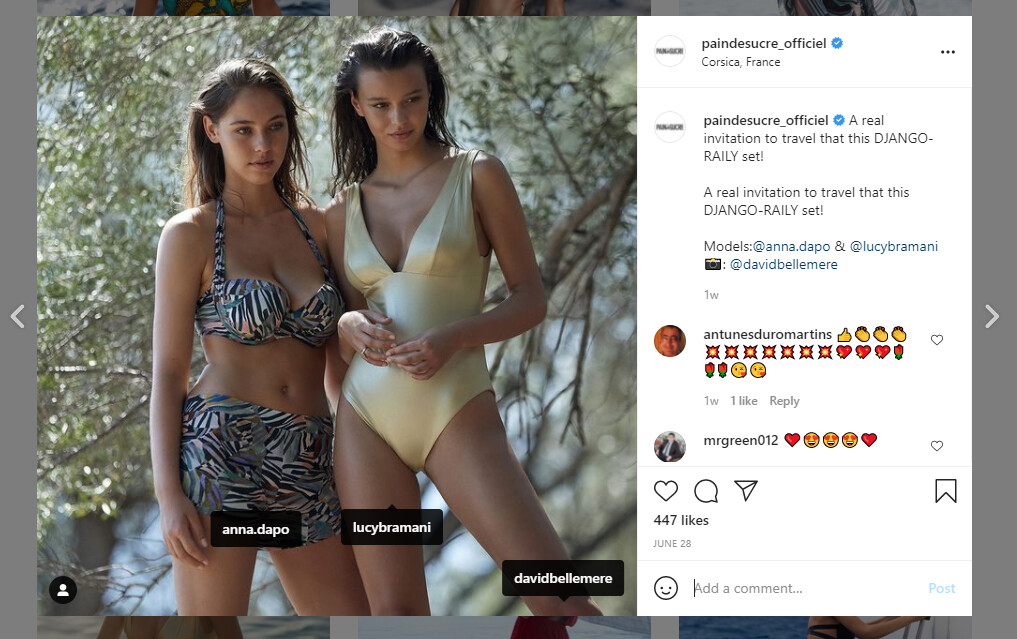
  9. Tagged here... @anna.dapo - her IG is private.
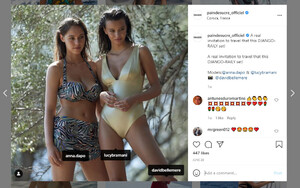
  10. Yes, it's her - confirmed on IG. The photo seems to be from Honey Birdette...
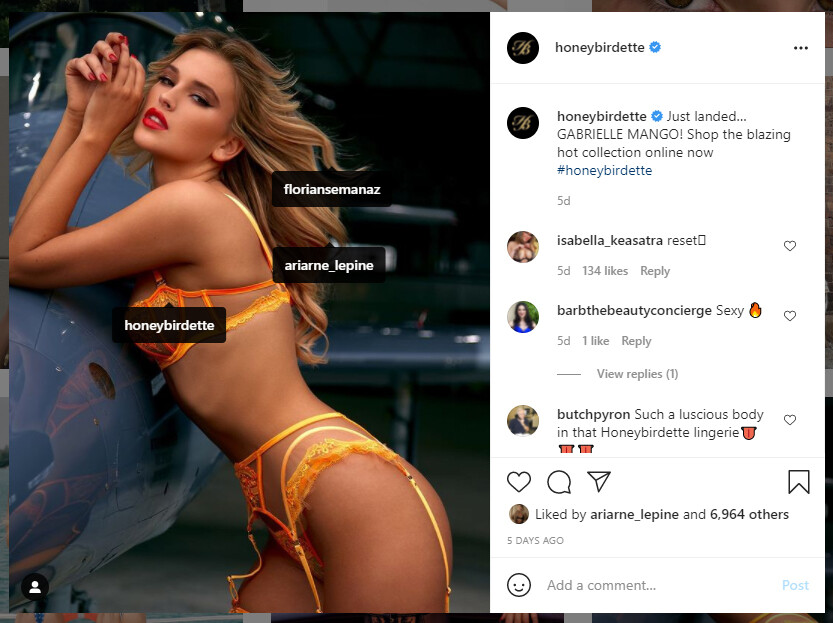
  11. maybe, Ariarne Lepine? Do you have any more photos?
  12. You’re welcome
  13. Le Book says this is Eva Jay Kubatova
  14. looks like Nieves Alvarez
  15. You’re welcome
  16. 8. I think, Nana Ruskevych
  17. 7. Zusia (Zuzanna) Sobanska
  18. I think, Paula Buljan

Account

Navigation

Search

Configure browser push notifications

Chrome (Android)
  1. Tap the lock icon next to the address bar.
  2. Tap Permissions → Notifications.
  3. Adjust your preference.
Chrome (Desktop)
  1. Click the padlock icon in the address bar.
  2. Select Site settings.
  3. Find Notifications and adjust your preference.