Jump to content
View in the app

A better way to browse. Learn more.

Bellazon

A full-screen app on your home screen with push notifications, badges and more.

To install this app on iOS and iPadOS
  1. Tap the Share icon in Safari
  2. Scroll the menu and tap Add to Home Screen.
  3. Tap Add in the top-right corner.
To install this app on Android
  1. Tap the 3-dot menu (⋮) in the top-right corner of the browser.
  2. Tap Add to Home screen or Install app.
  3. Confirm by tapping Install.

Dayrell

Members
  • Joined

  • Last visited

Everything posted by Dayrell

  1. Yes, you are right, I didn´t know the data. Thanks for the corret info
  2. Yes, it´s Dominique, thanks @ModeloFreak
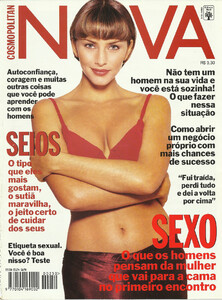
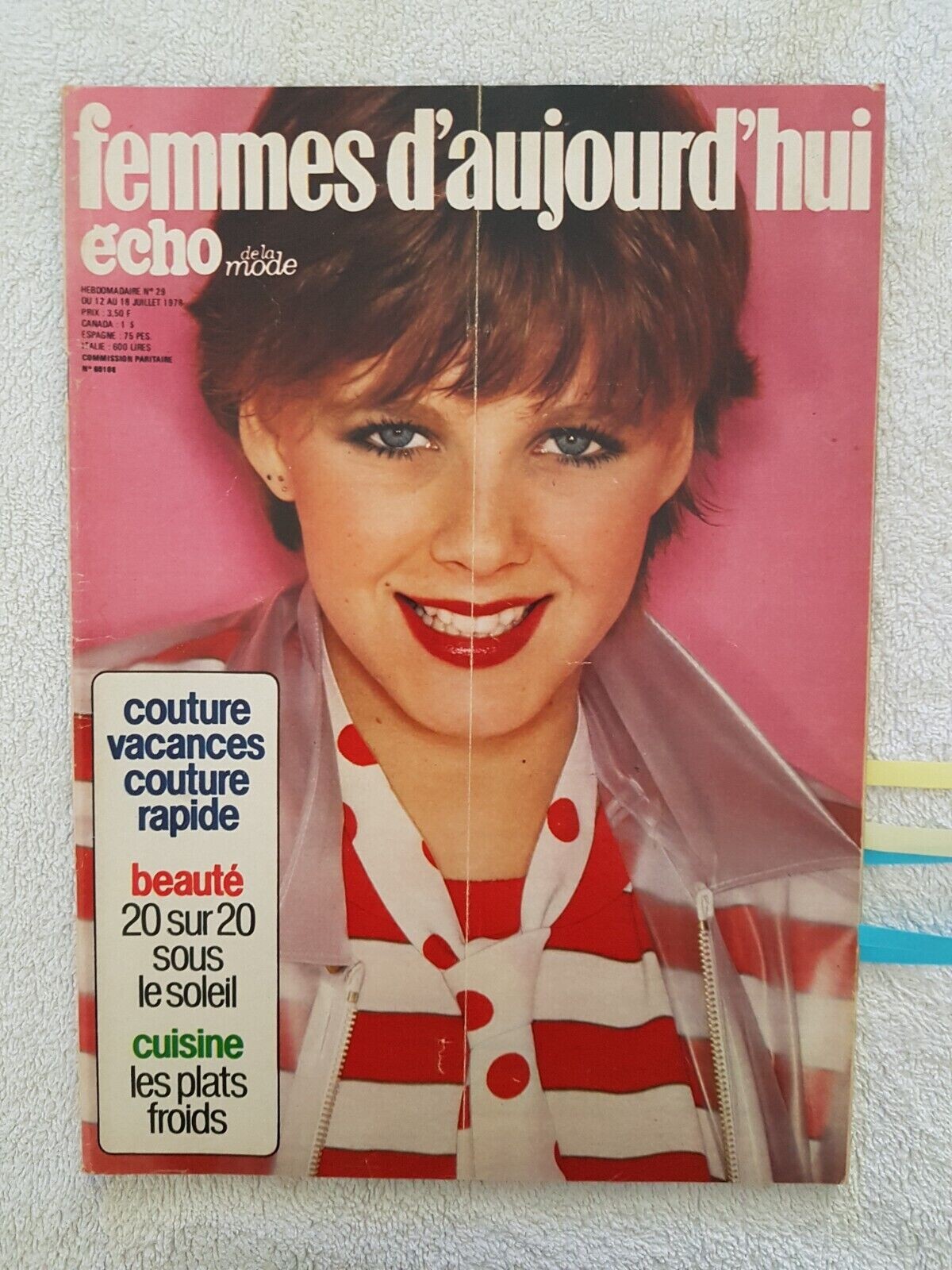
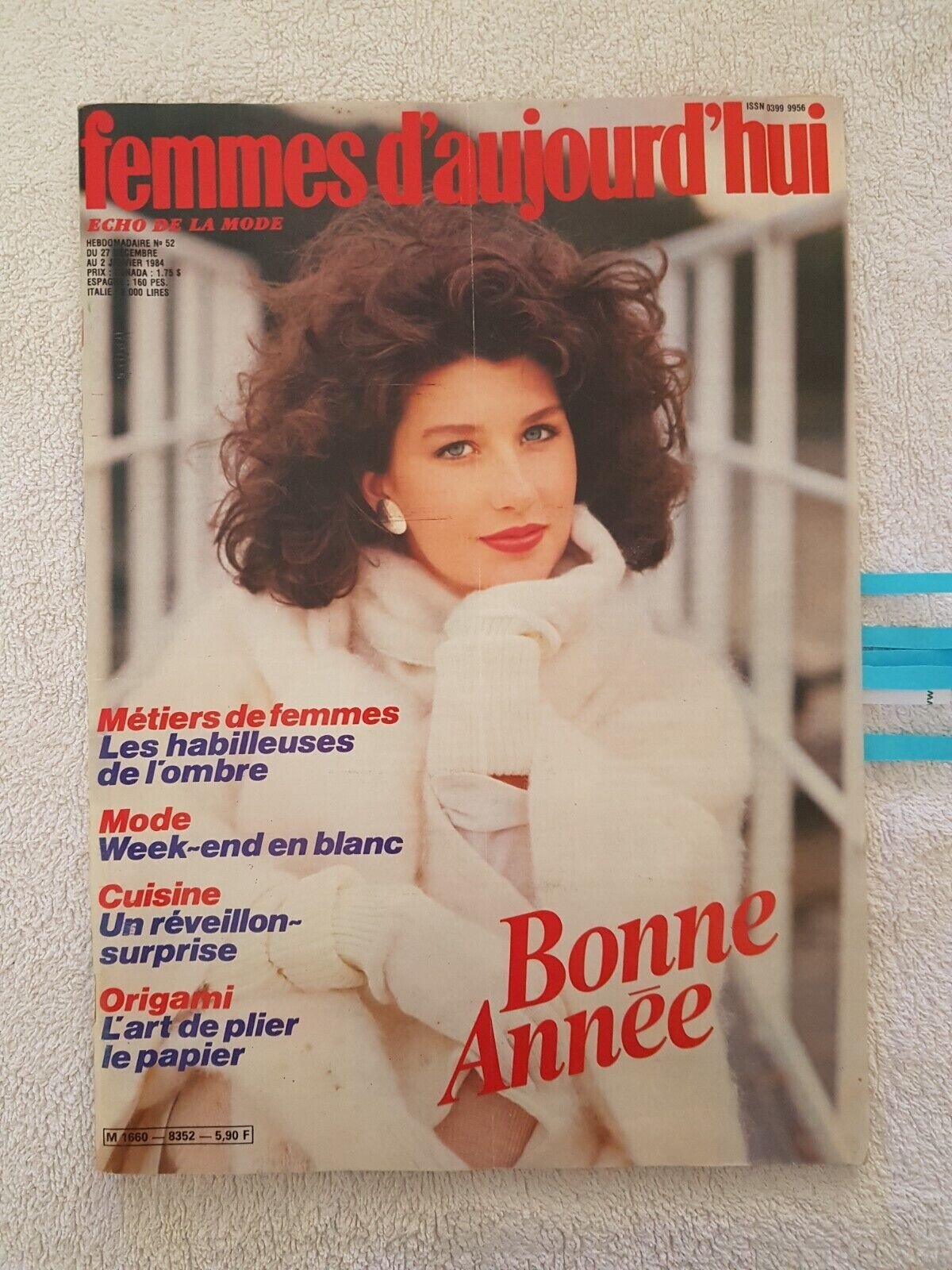
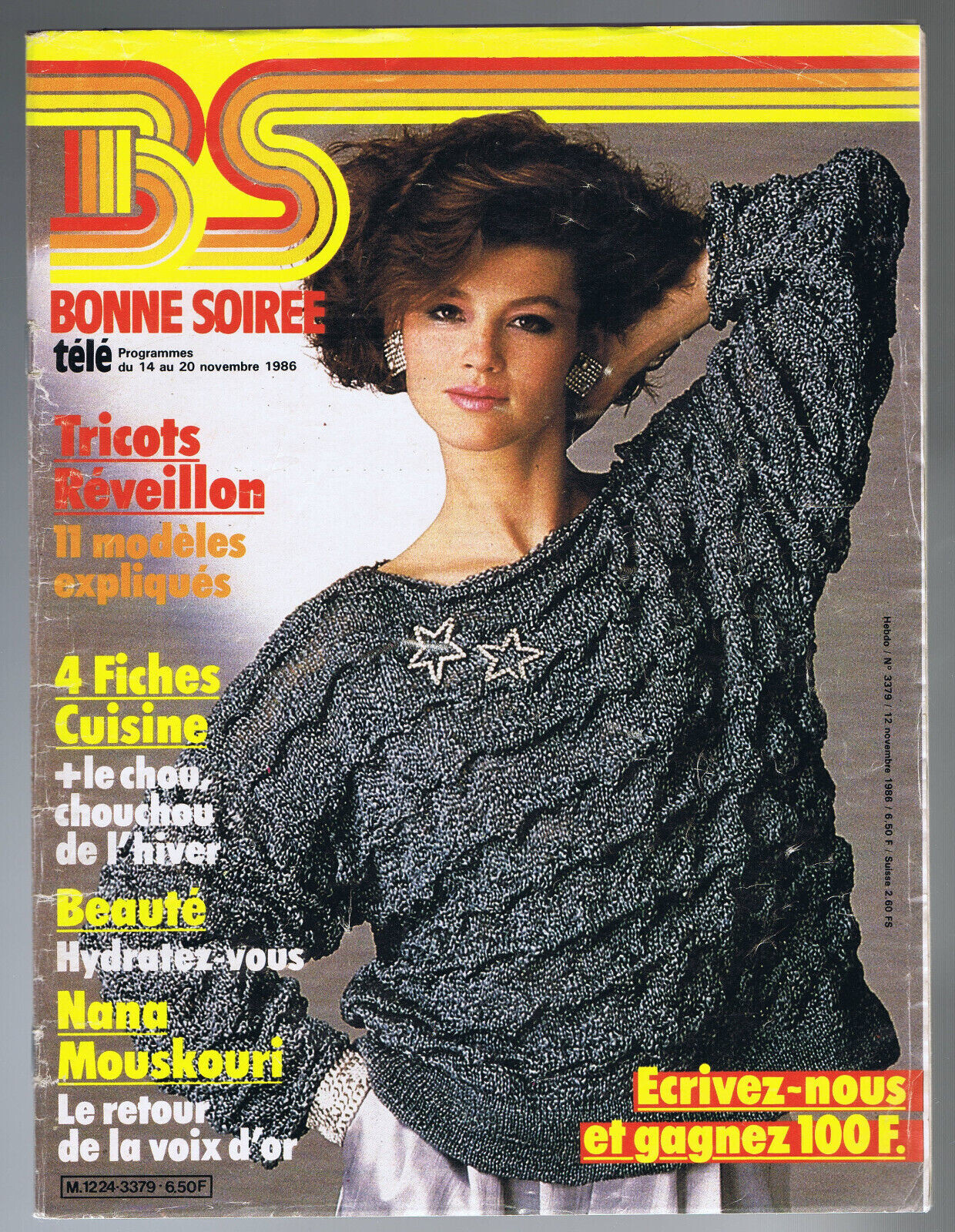
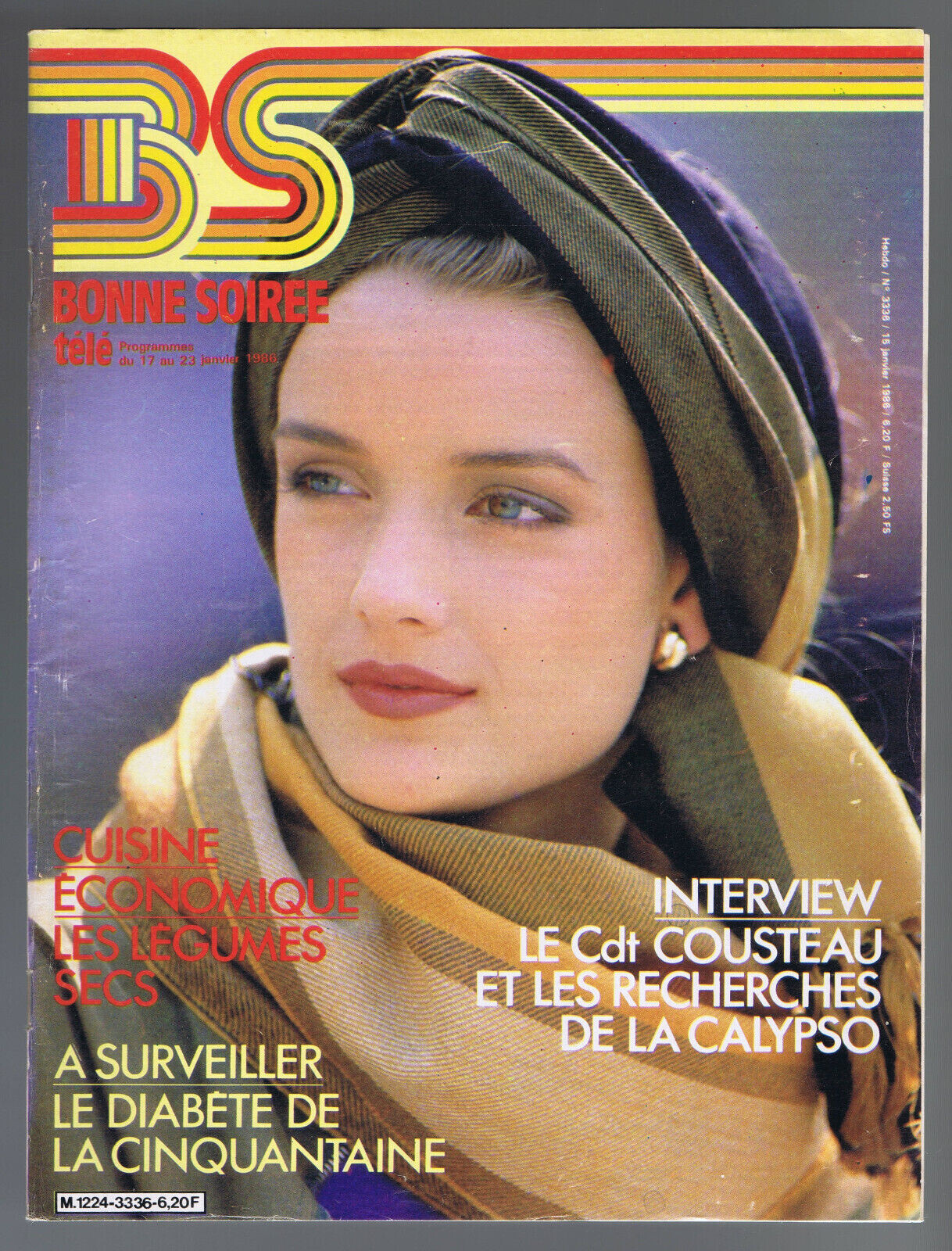
  3. I have this cover ID as Bridget Moynahan. Looks a lot like her. It´s Marcie?
  4. a little better
  5. @Jim T, @parisienne, @Ingmari, @missparker7 and @nightowl, another time thanks for the great job. You are the best!
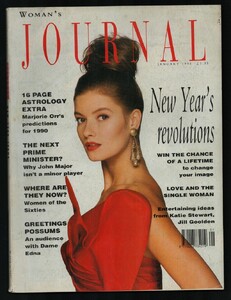
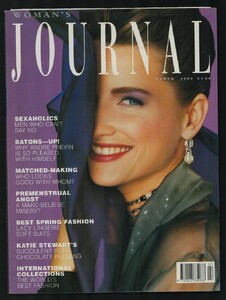
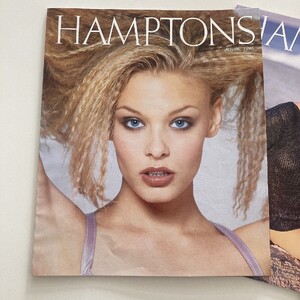
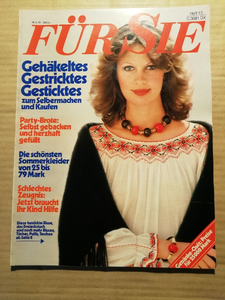
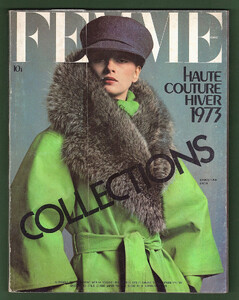
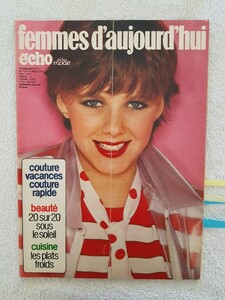
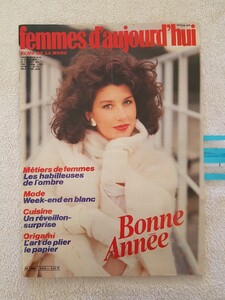
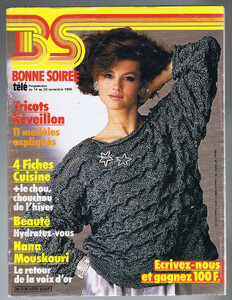
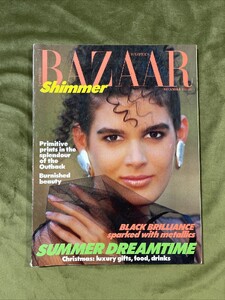
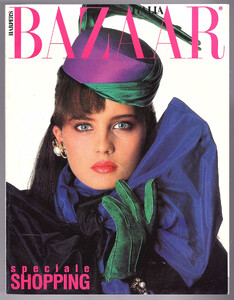
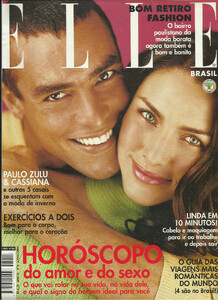
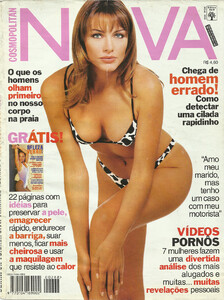
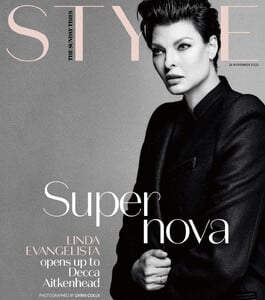
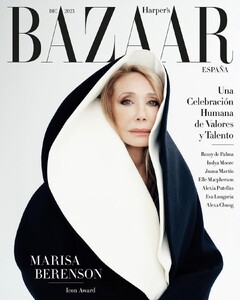
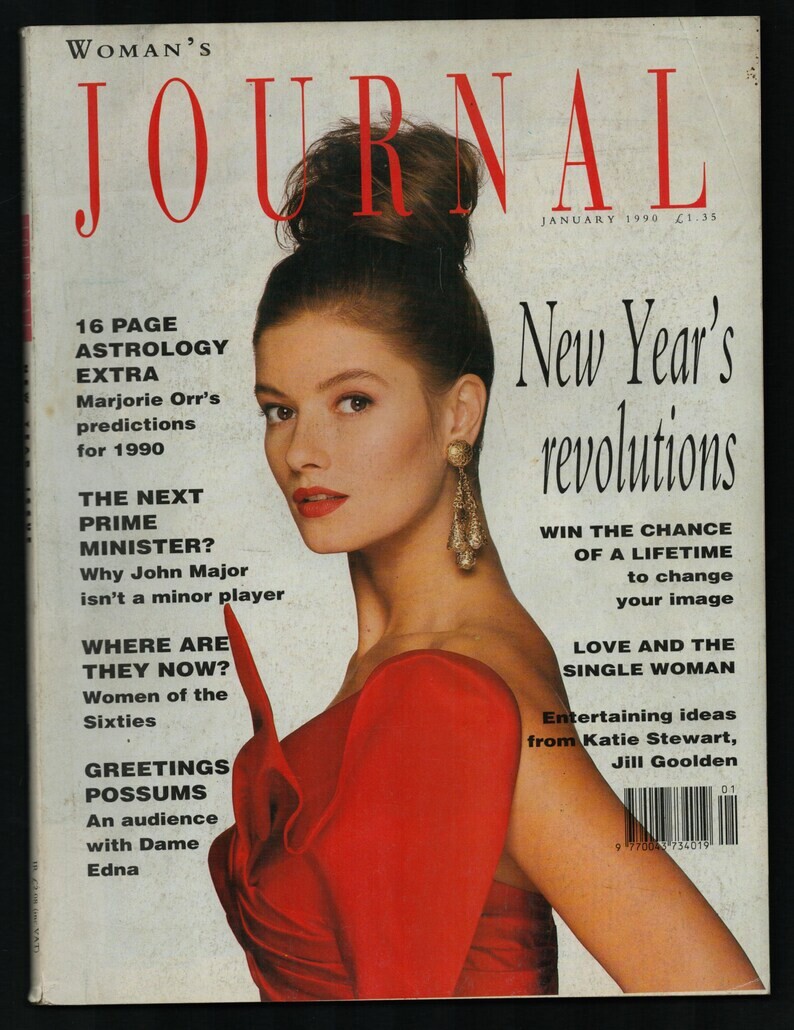
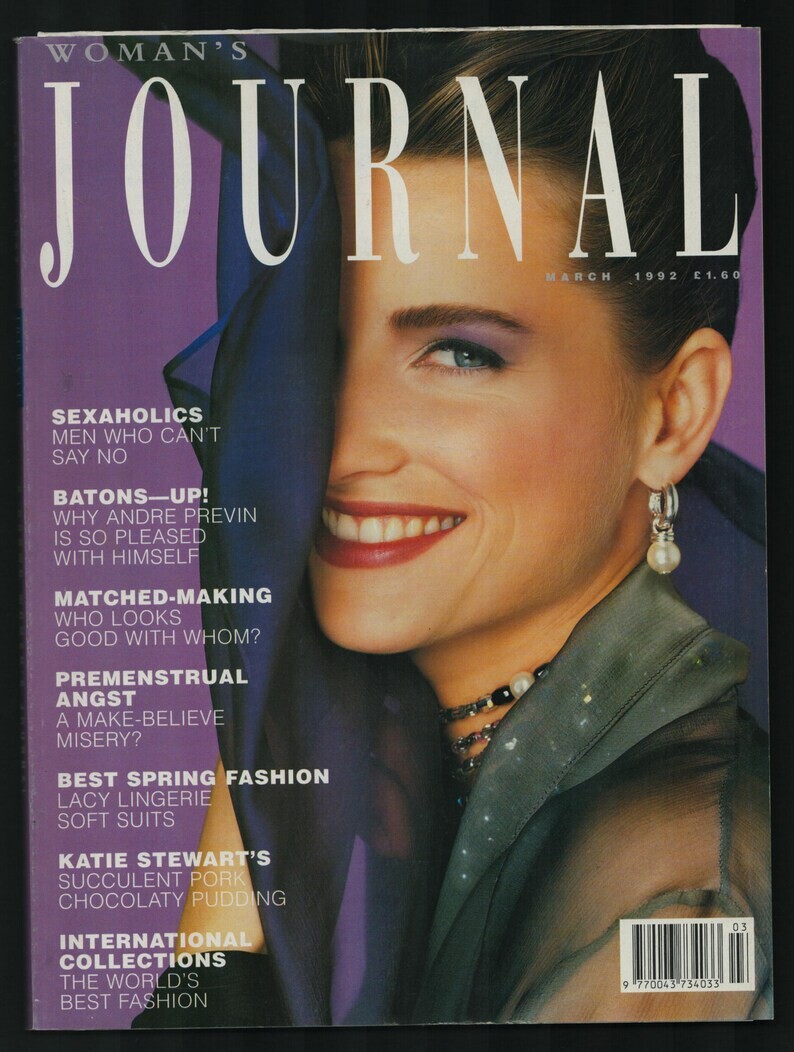
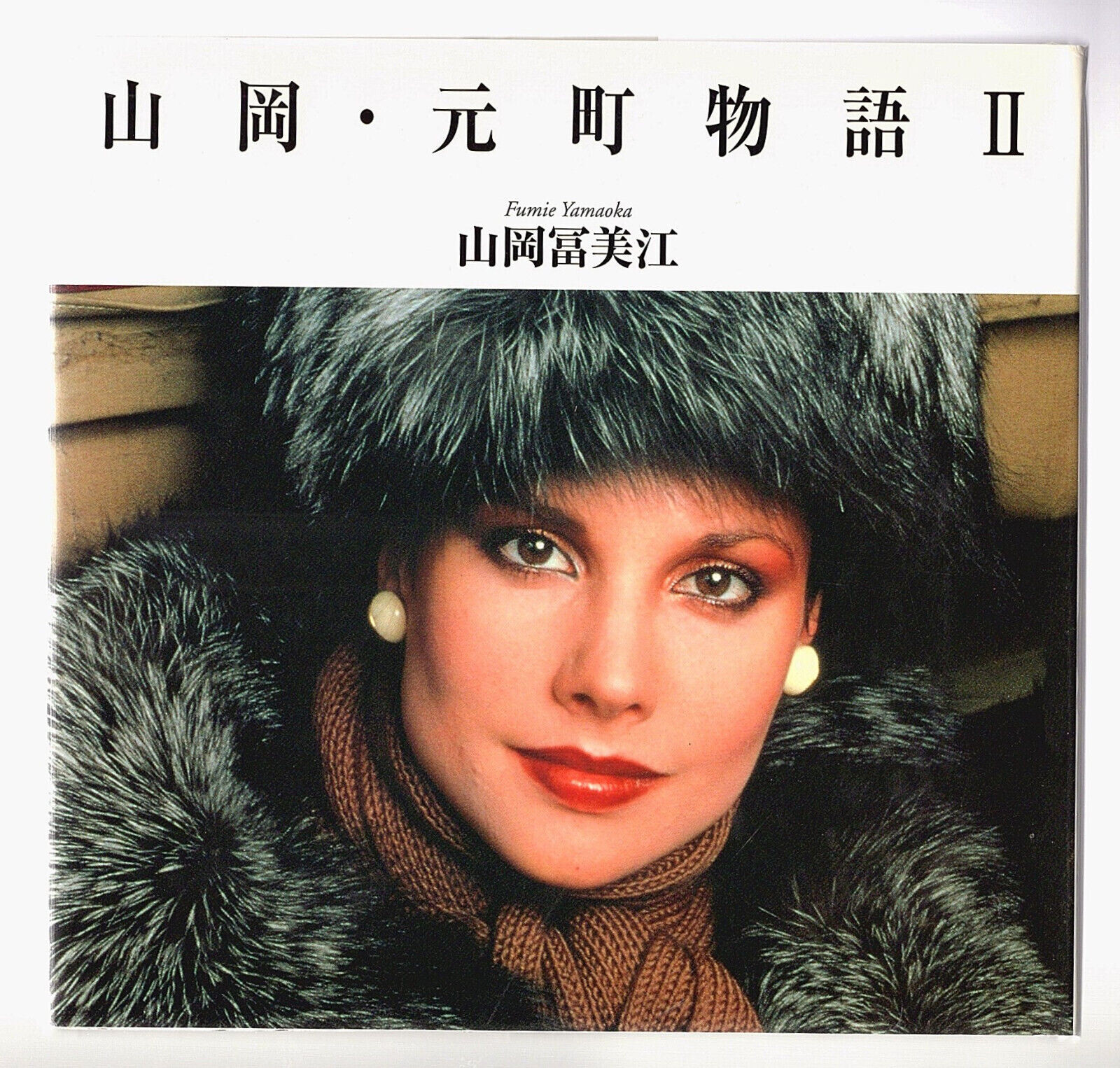
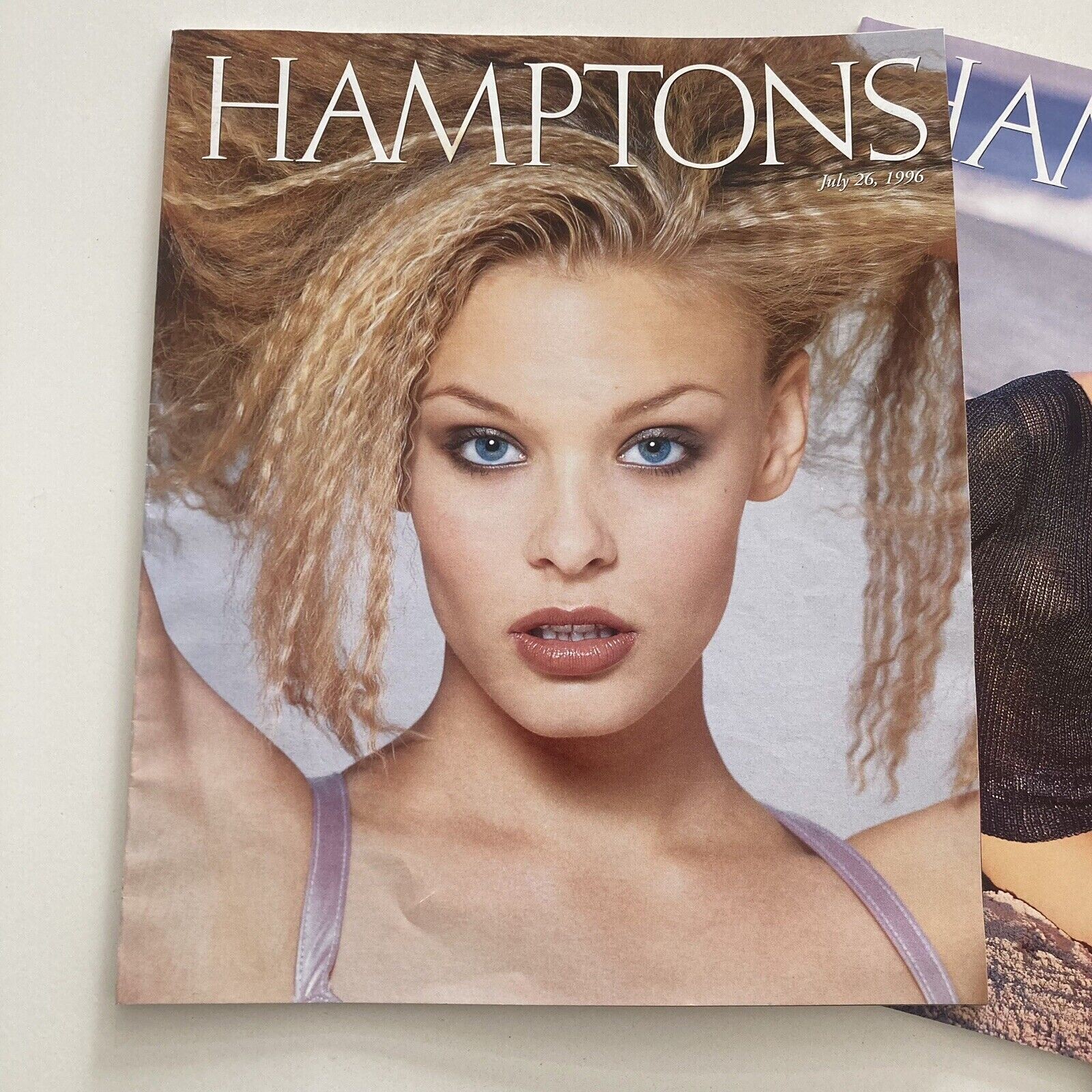
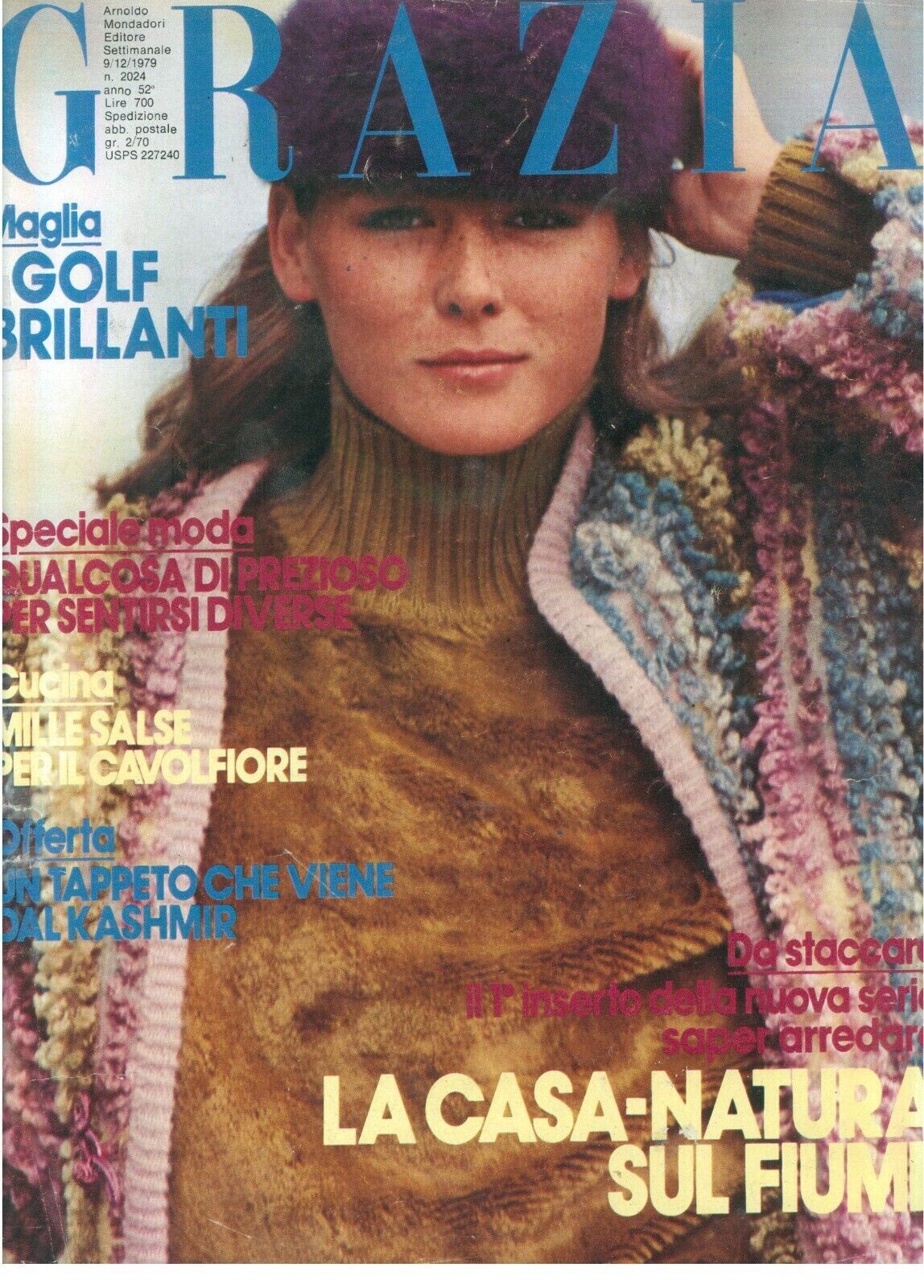
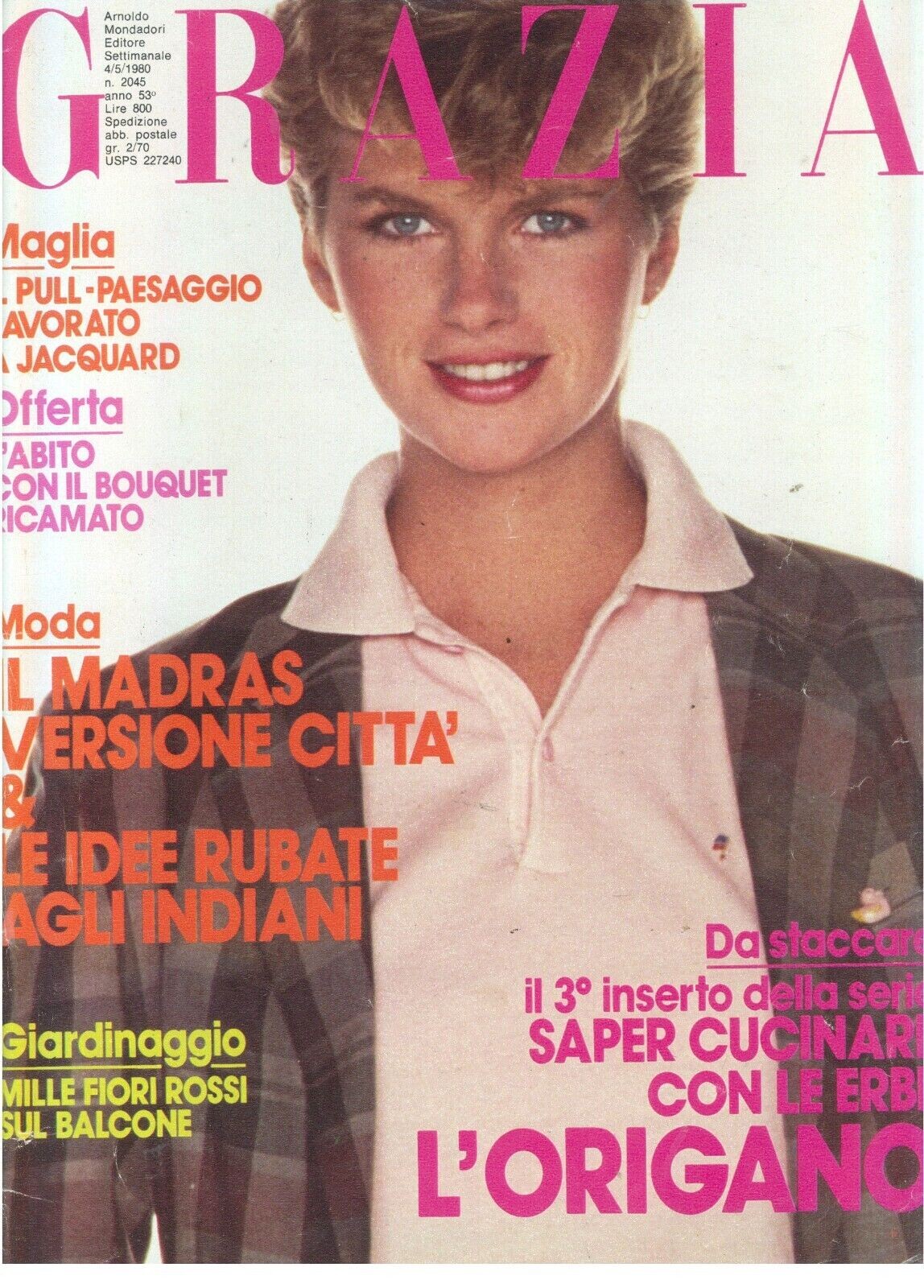
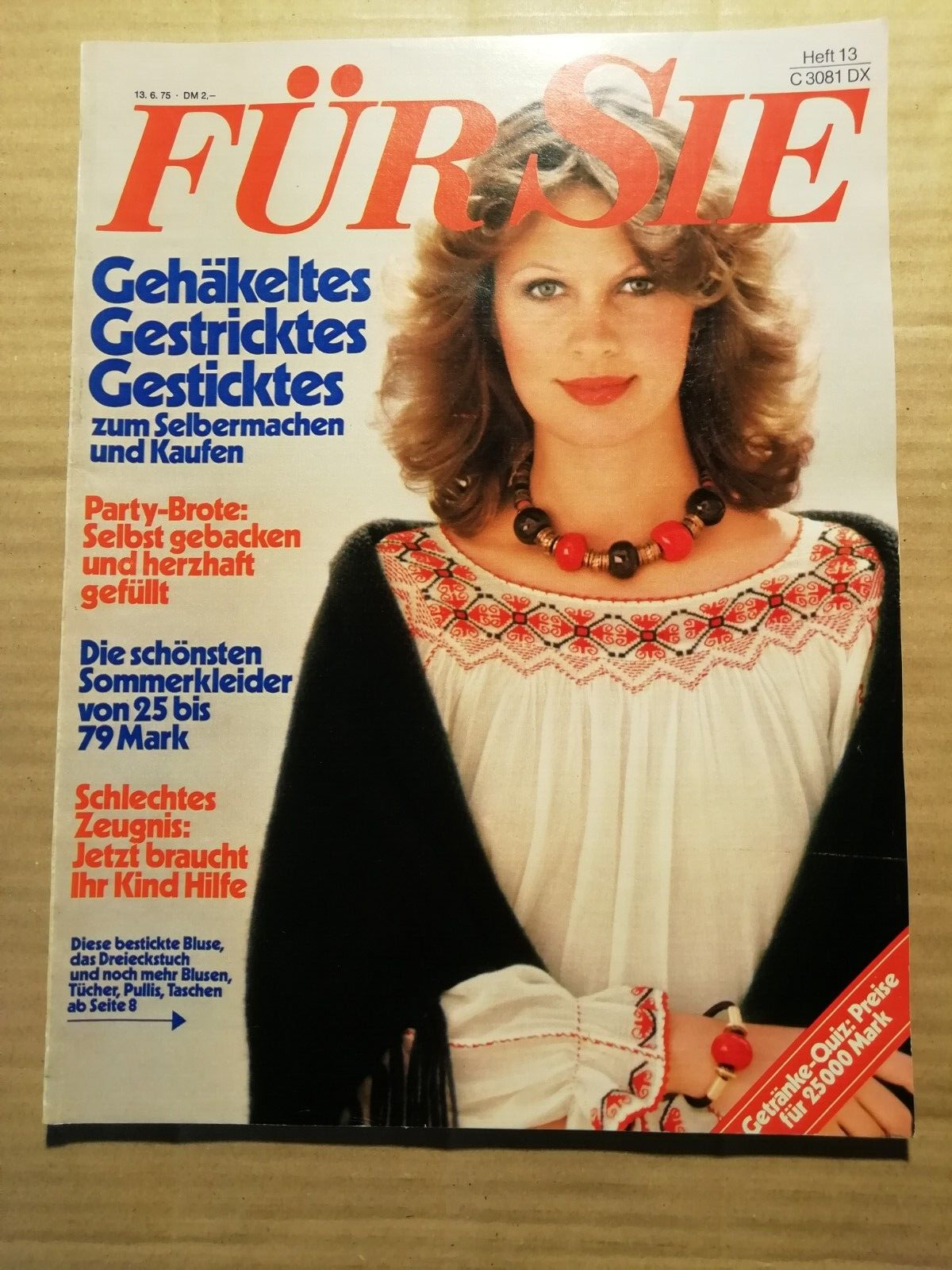
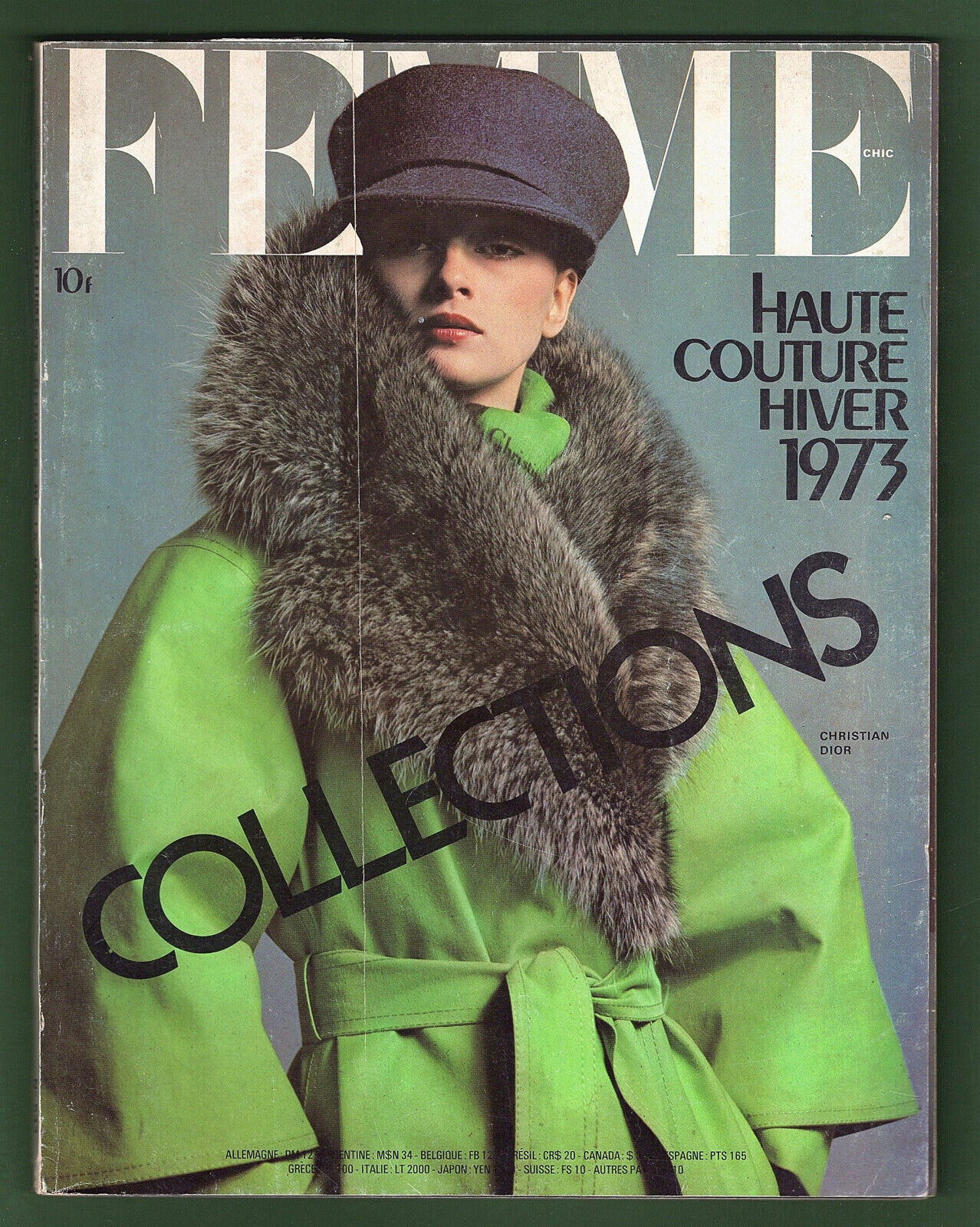
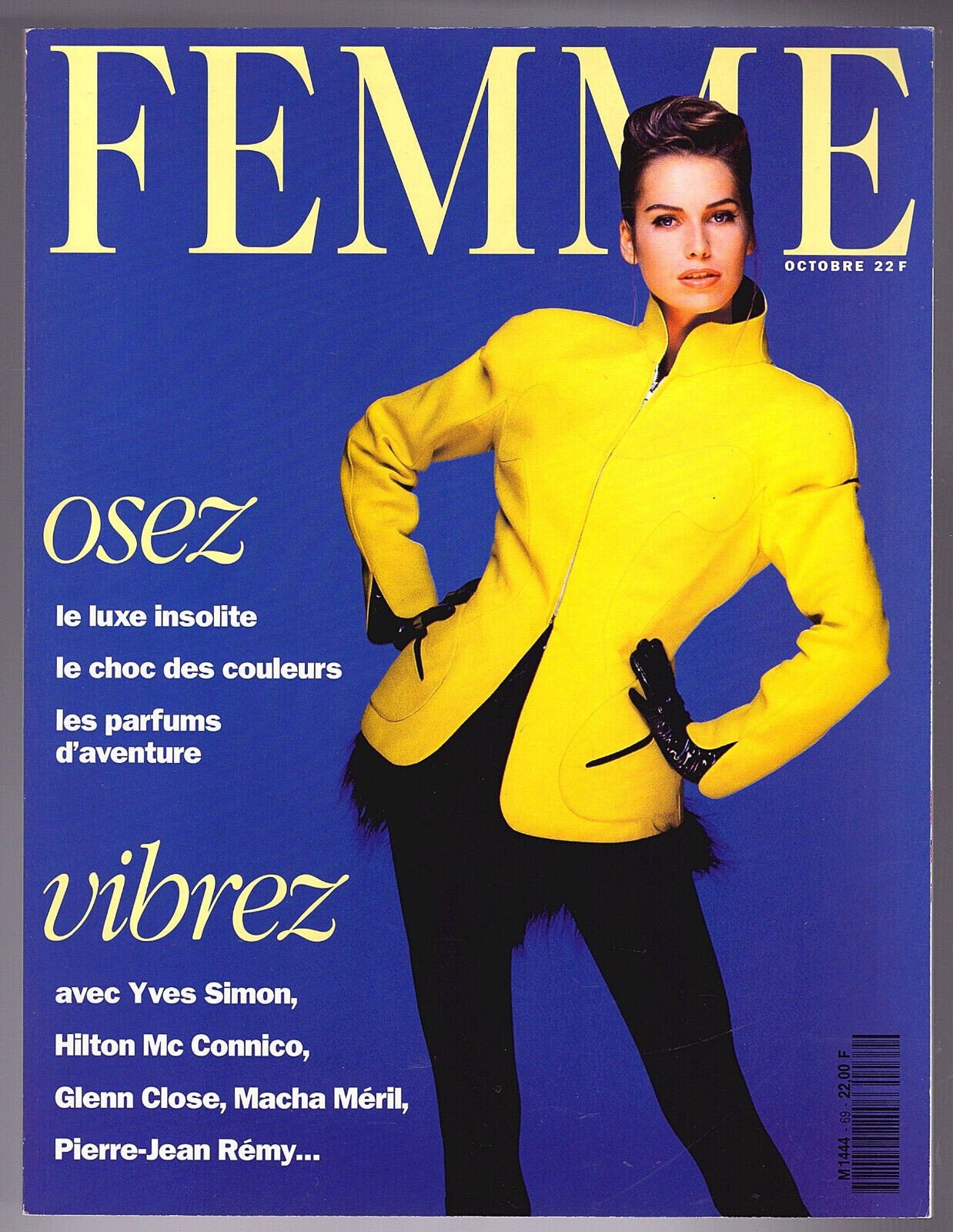
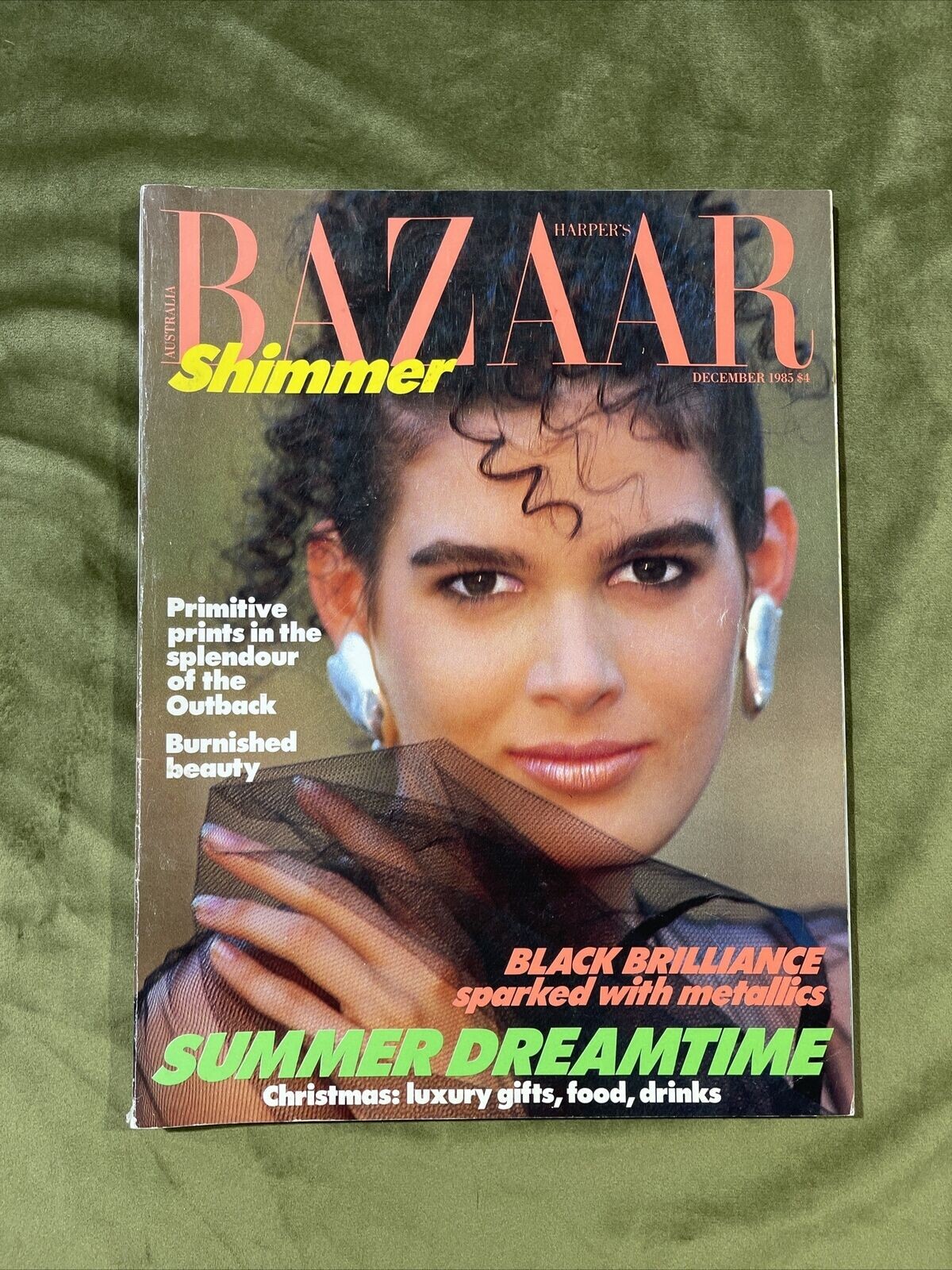
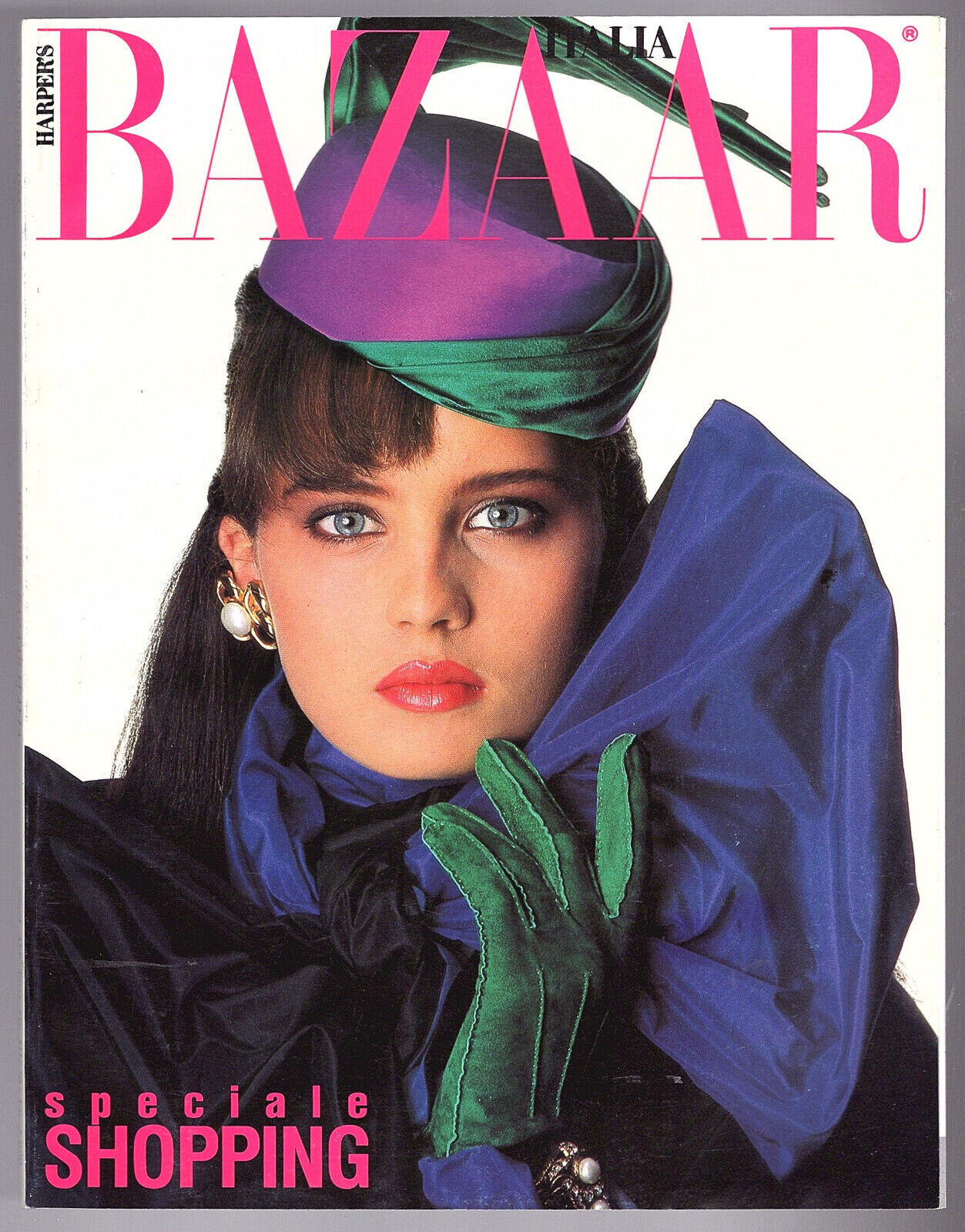
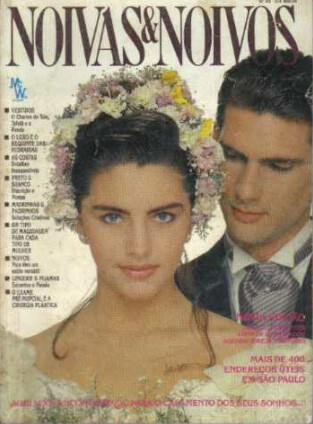
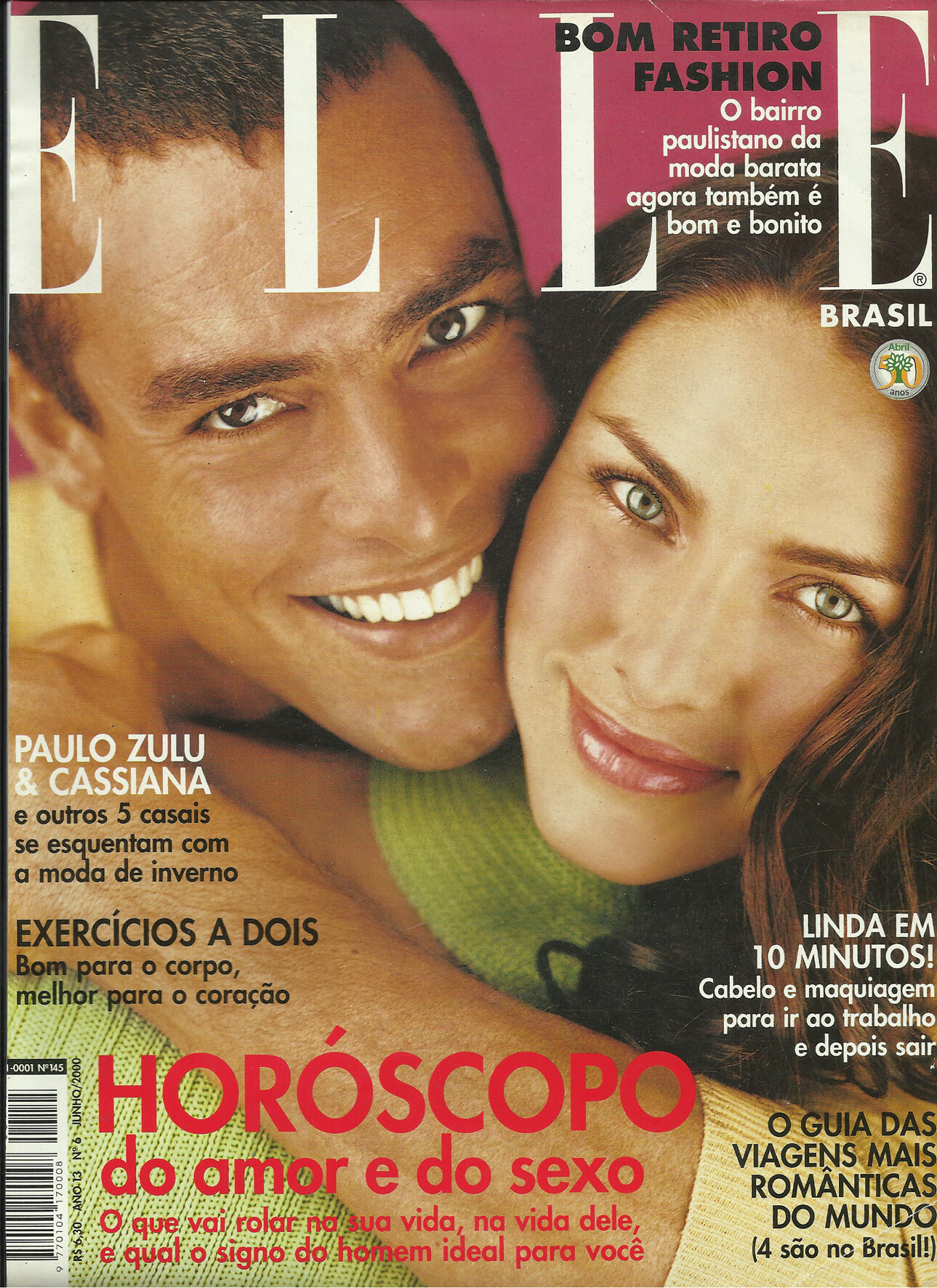
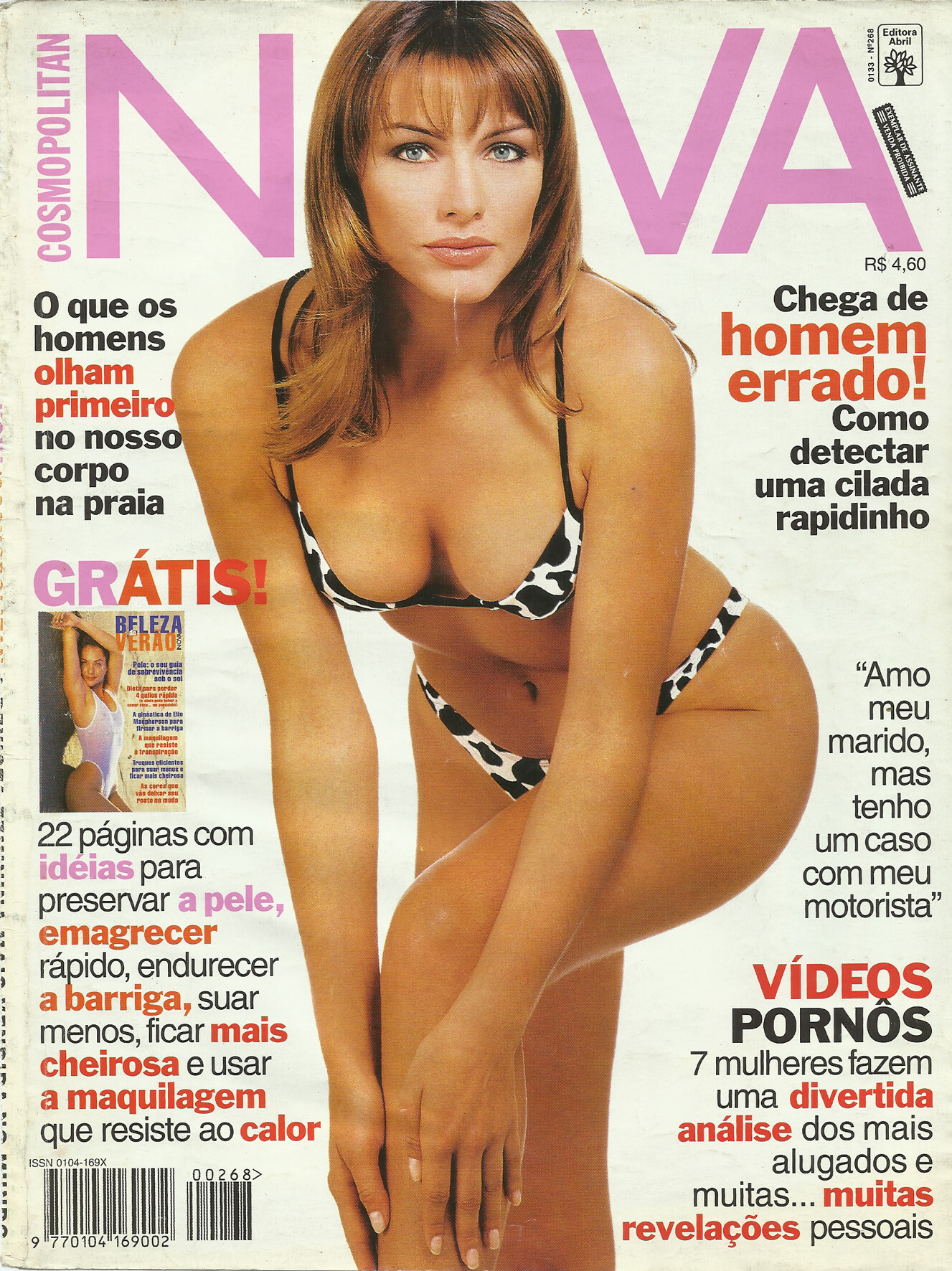
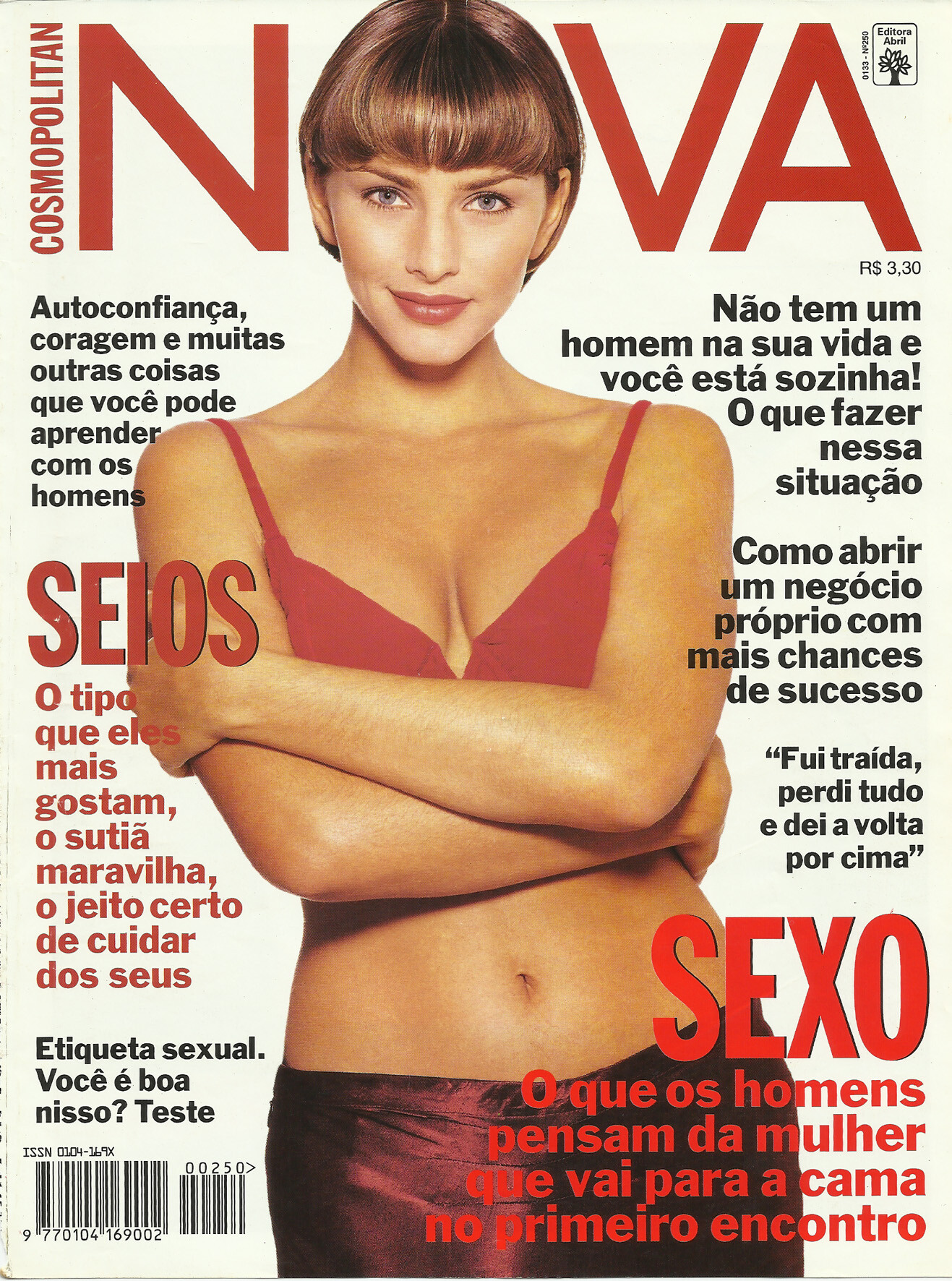
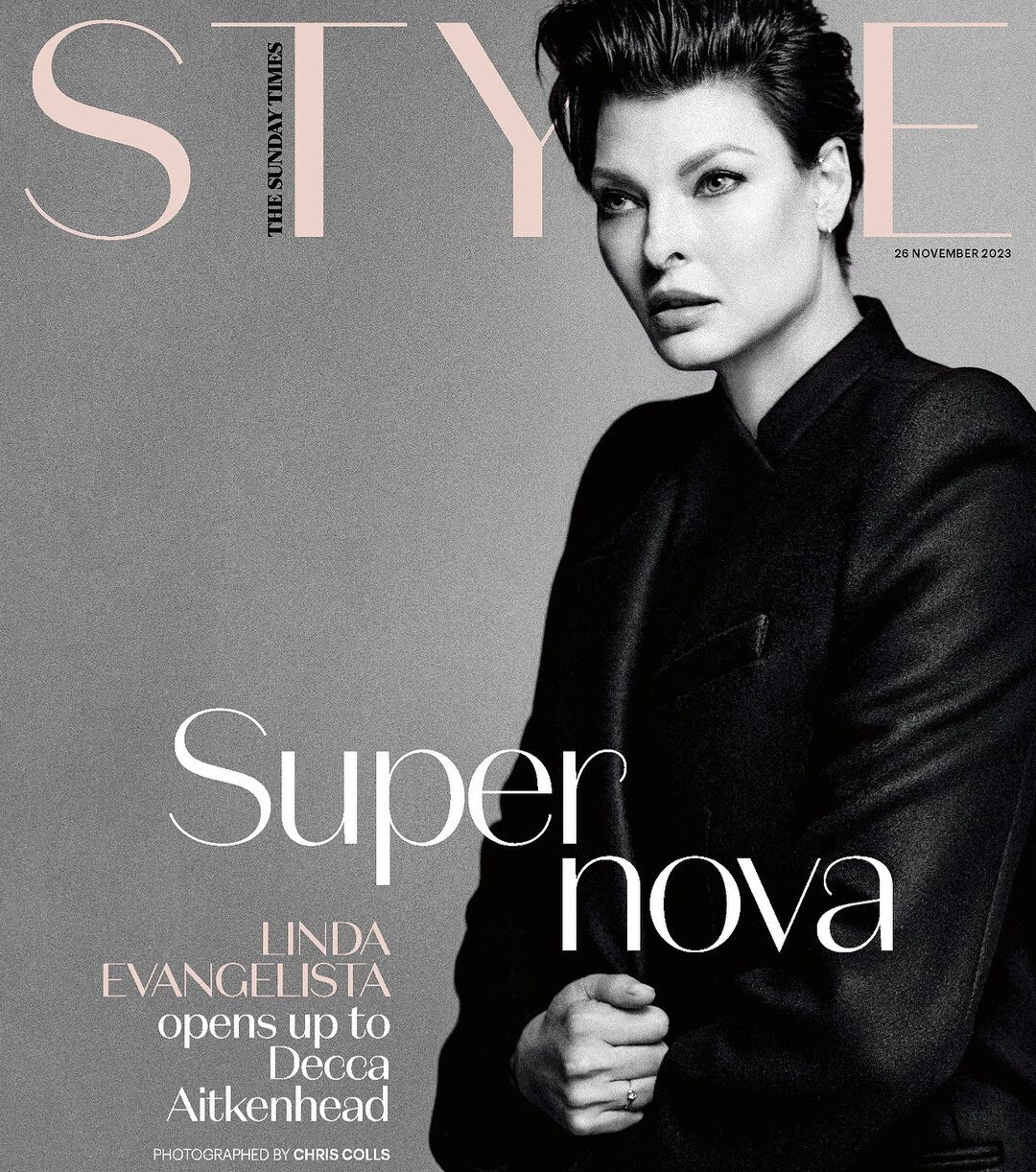
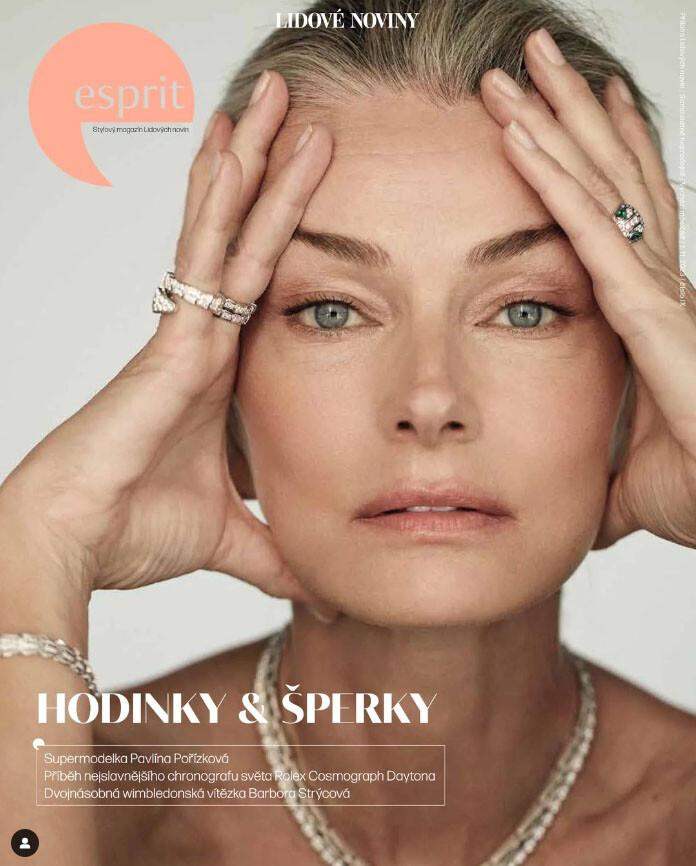
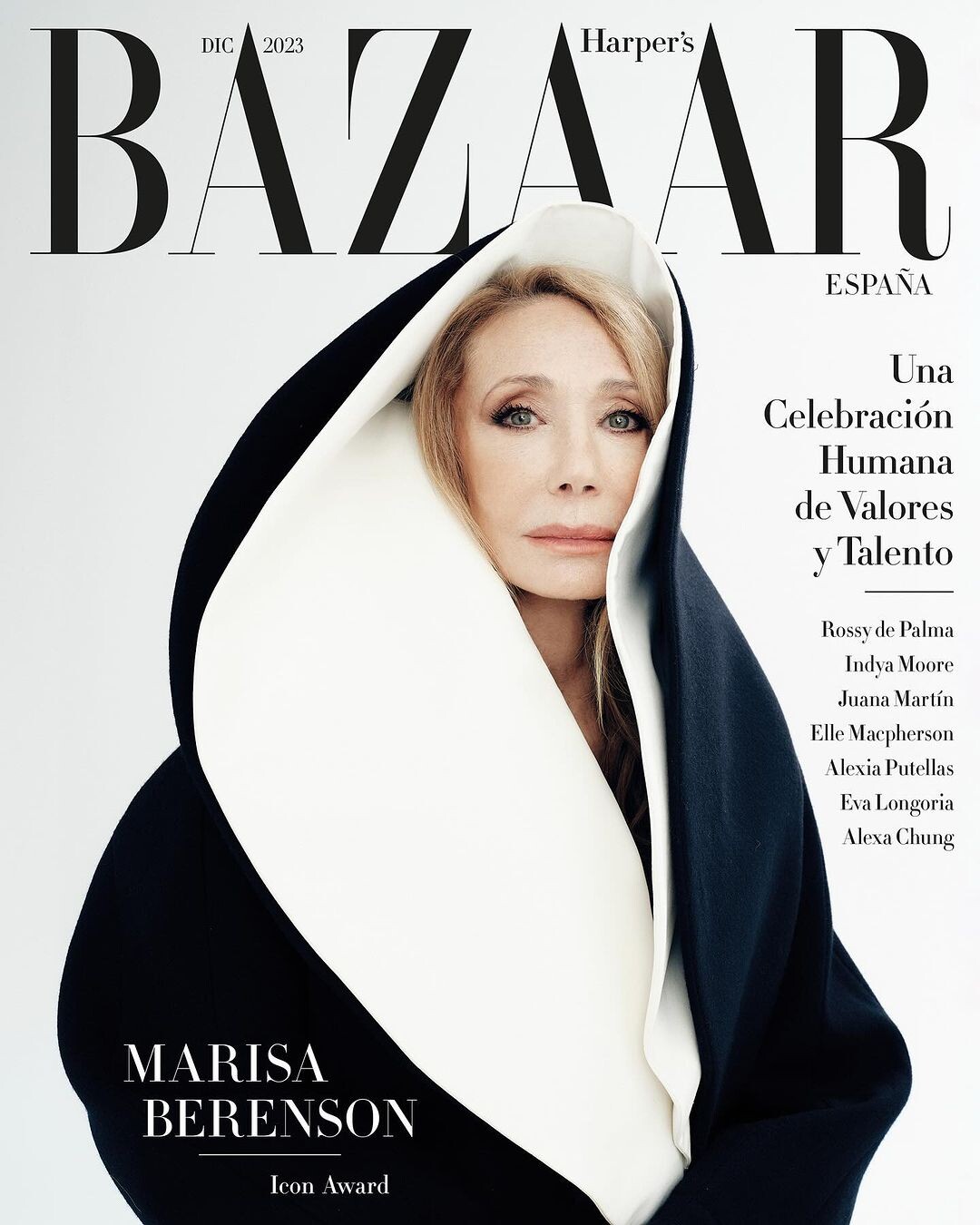
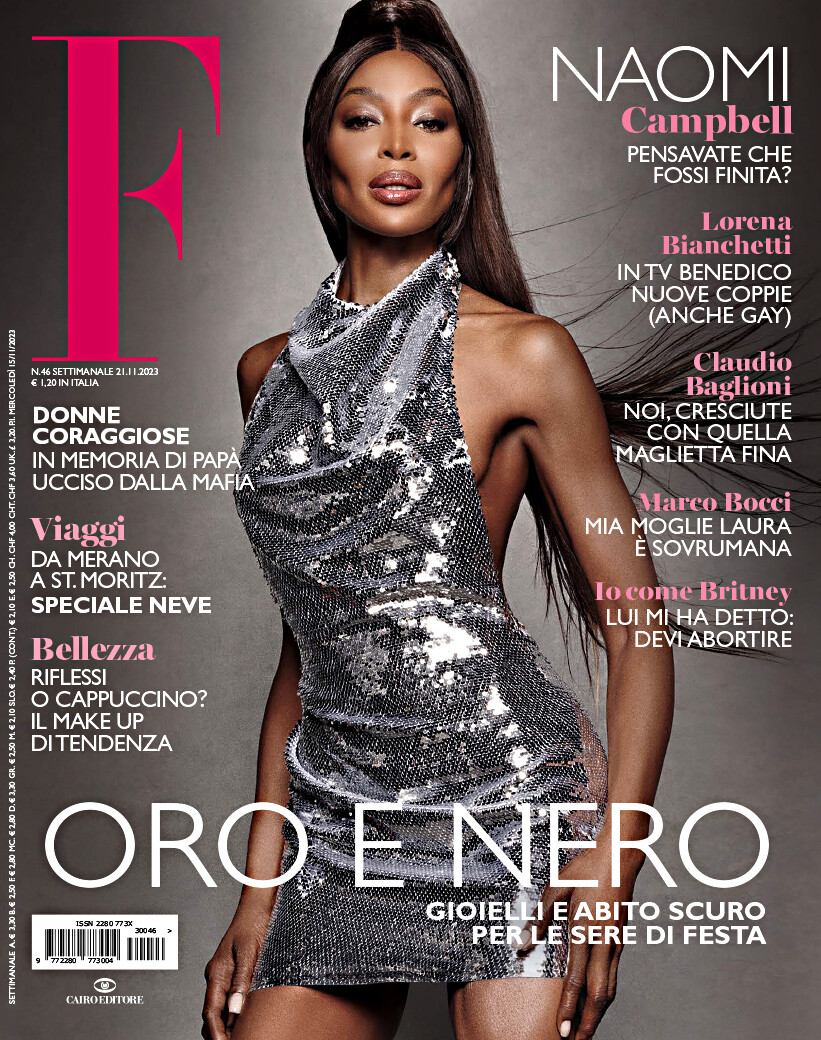
  6. Guys, another selection of assorted covers
  7. Great cover for Nieves, thanks John @jal718
  8. A surname for Fatine, thanks @parisienne
  9. Yes, Melanie. Thanks again @parisienne
  10. Wow, great covers, thanks @arrenskg
  11. Thanks @parisienne. Never heard about this girl.
  12. Thanks @parisienne, @missparker7, @Martial, @Ingmari, @Albatrosdu17 and @Jim T for your work and help!
  13. Some covers
  14. new Vogue Italia
  15. and a better image for Crash magazine

Configure browser push notifications

Chrome (Android)
  1. Tap the lock icon next to the address bar.
  2. Tap Permissions → Notifications.
  3. Adjust your preference.
Chrome (Desktop)
  1. Click the padlock icon in the address bar.
  2. Select Site settings.
  3. Find Notifications and adjust your preference.