

Dayrell
Members
-
Joined
-
Last visited
Everything posted by Dayrell
-
 Where are our friends @RocketQueen and @BlueAcadia? Miss them!
more Germany, Arabia, Spain and Netherlands
Where are our friends @RocketQueen and @BlueAcadia? Miss them!
more Germany, Arabia, Spain and Netherlands


 new Gala Greece
 new Gala Greece
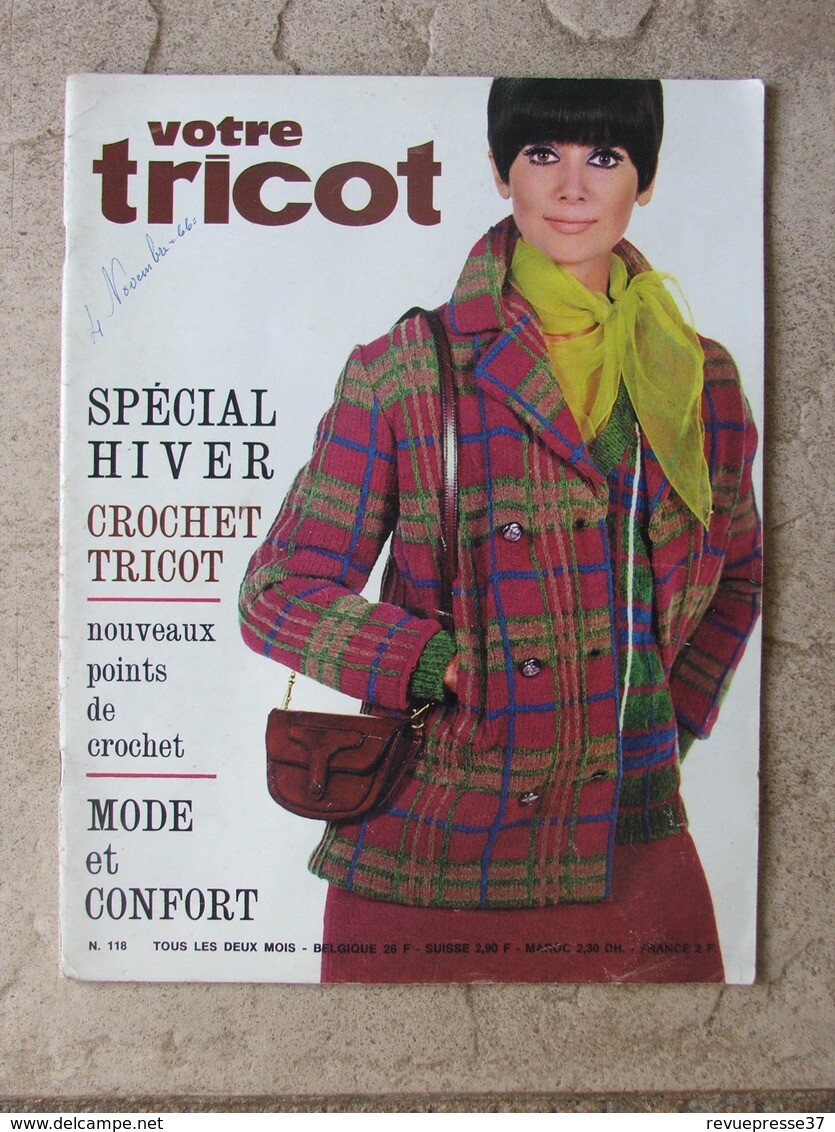
Votre Tricot i have doubts. I think is the other girl
So, Lesley Jones and Helga Jones are the same girl. Makes sense
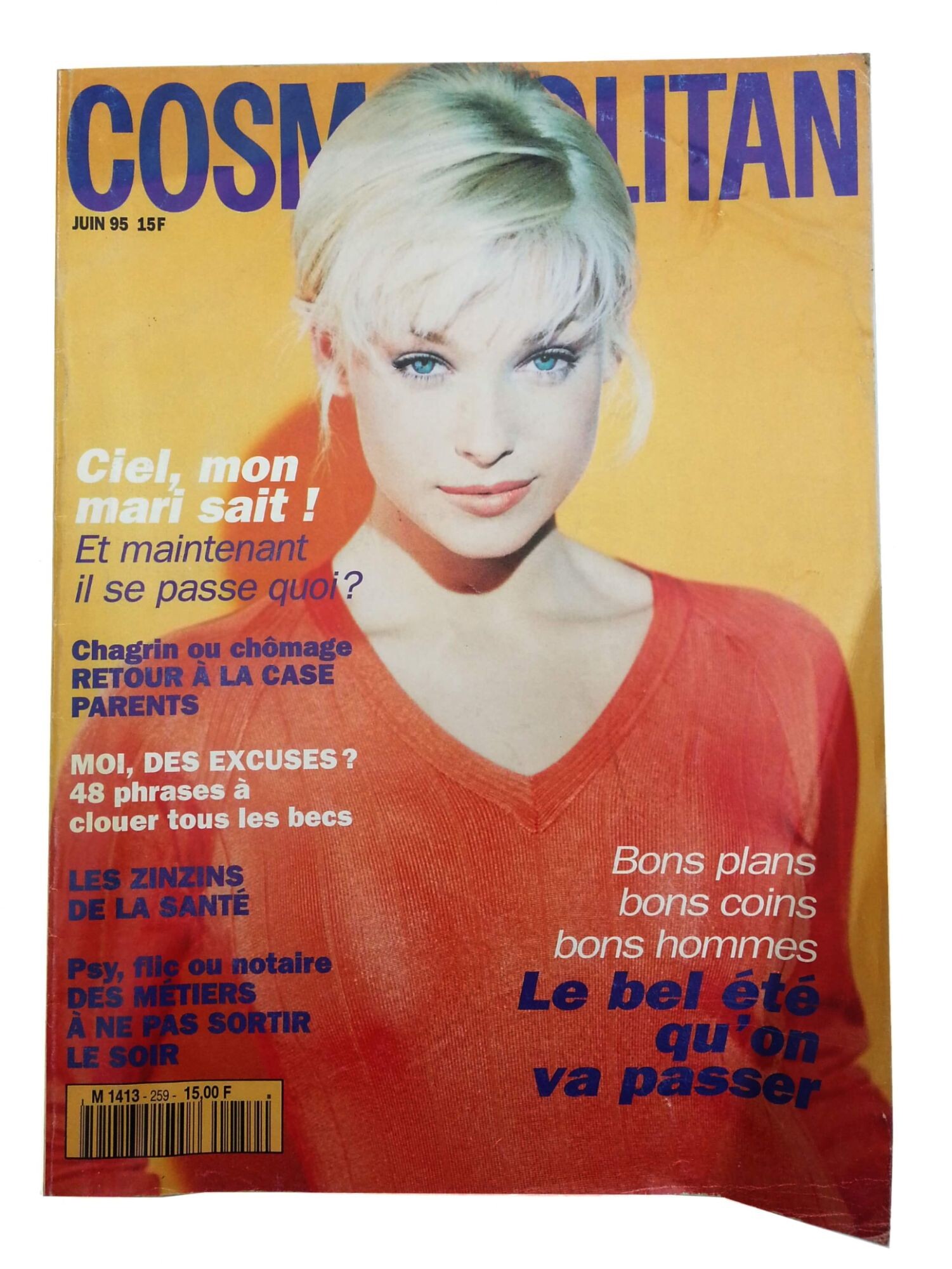
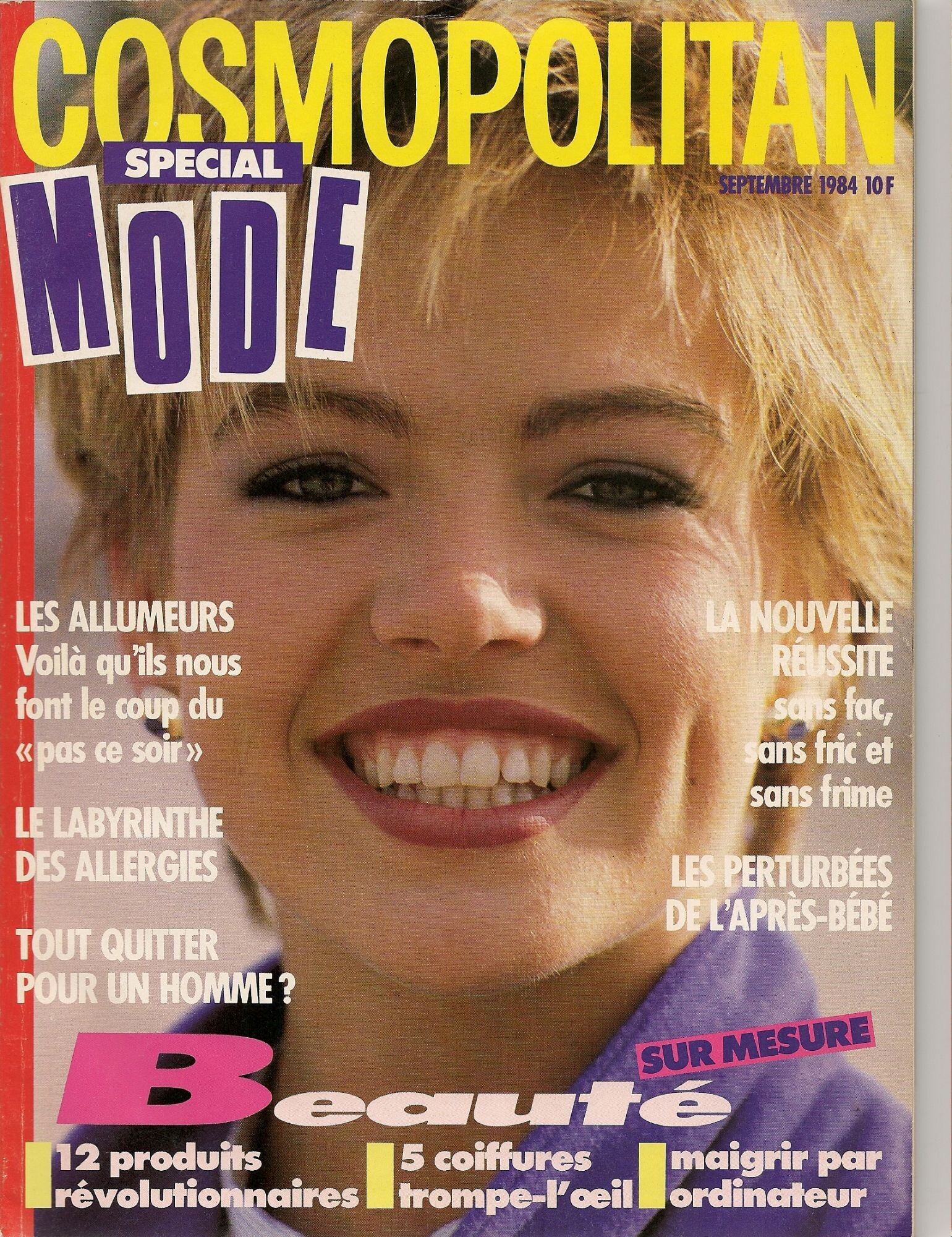
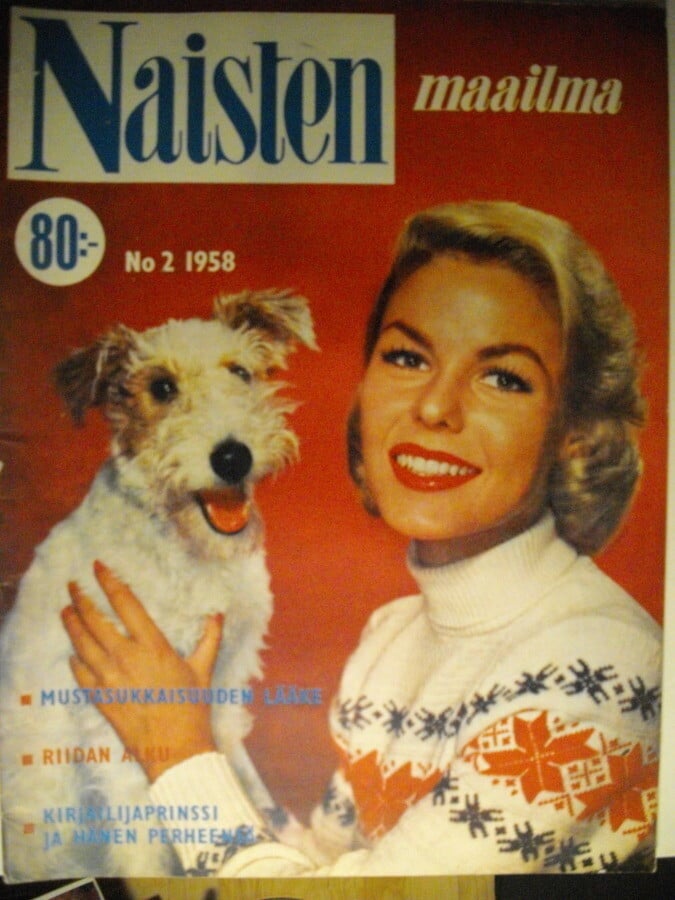
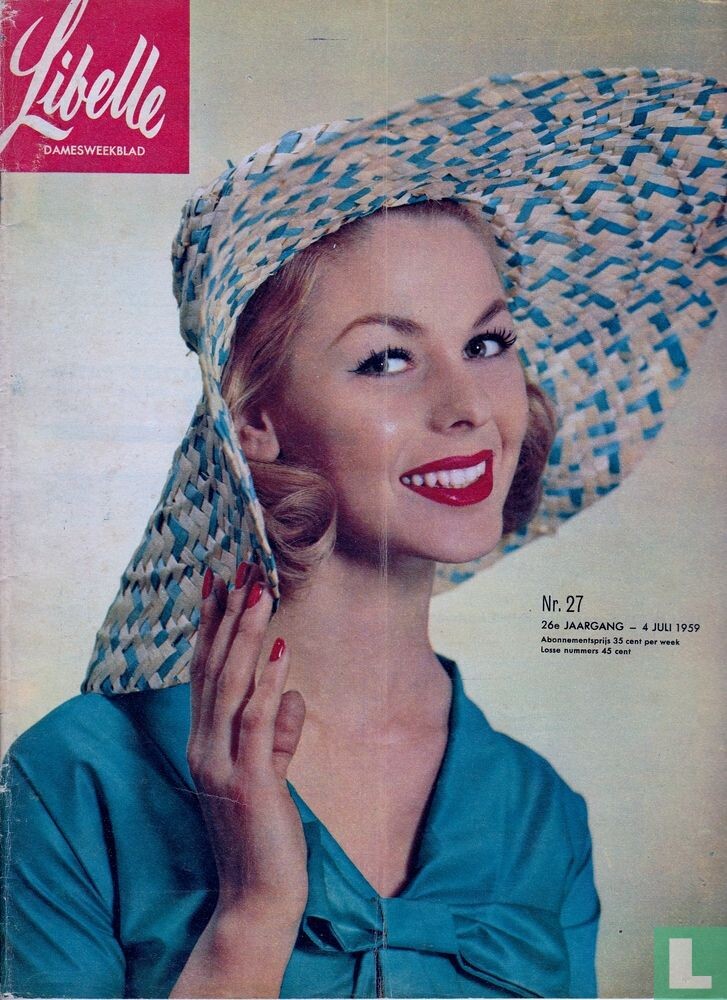
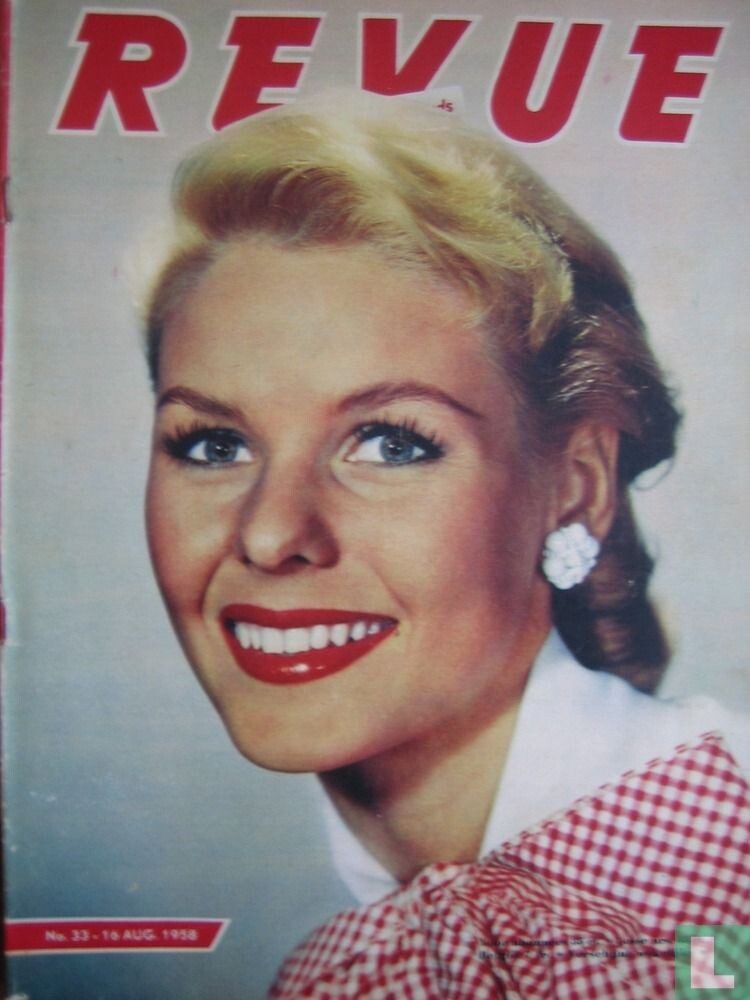
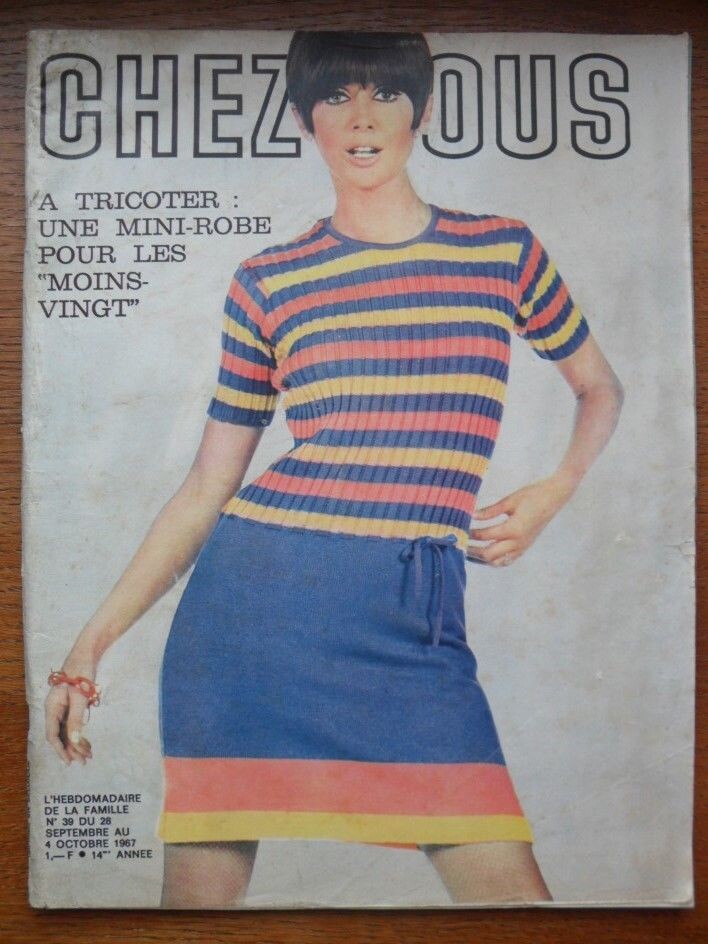
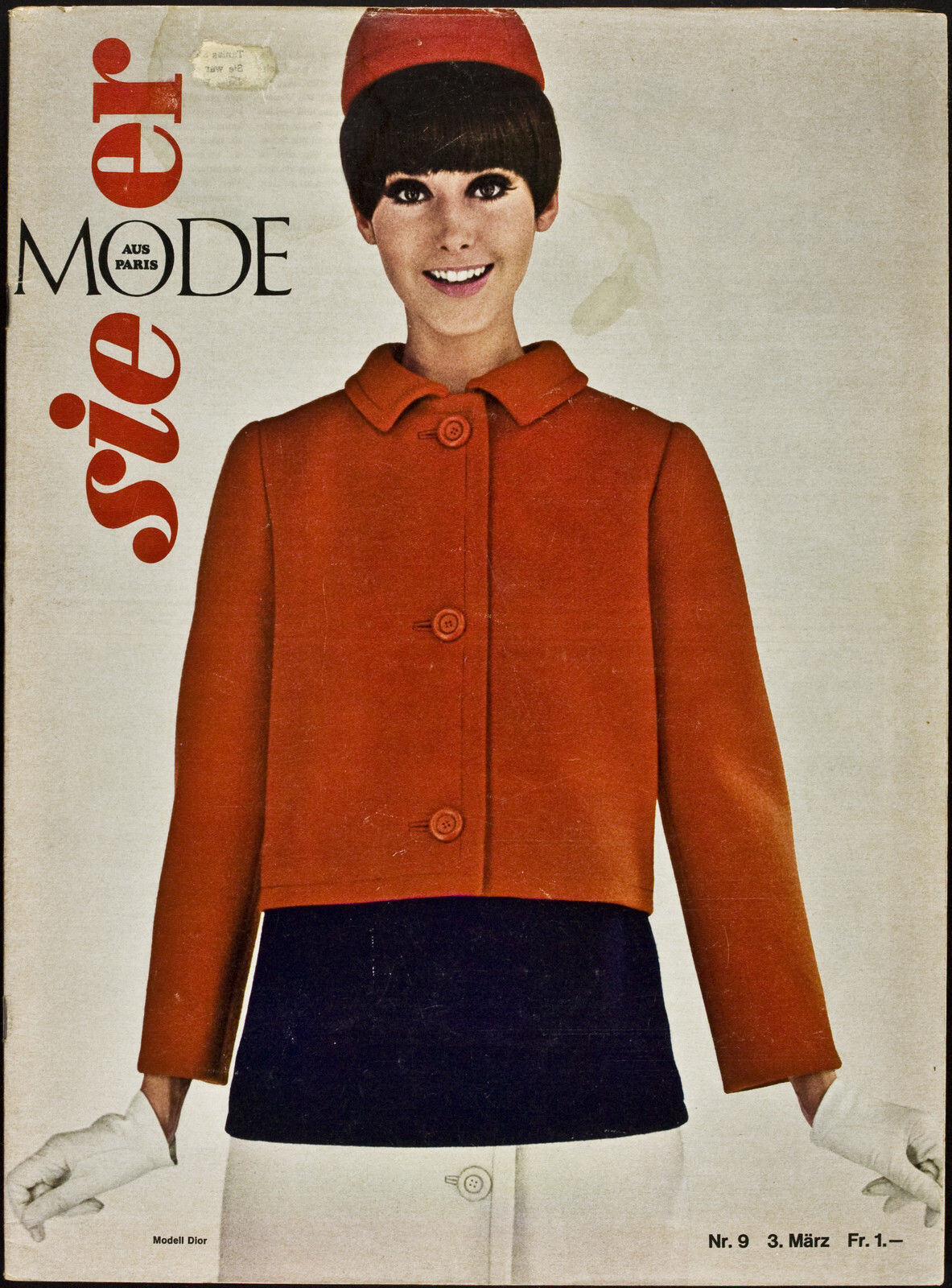
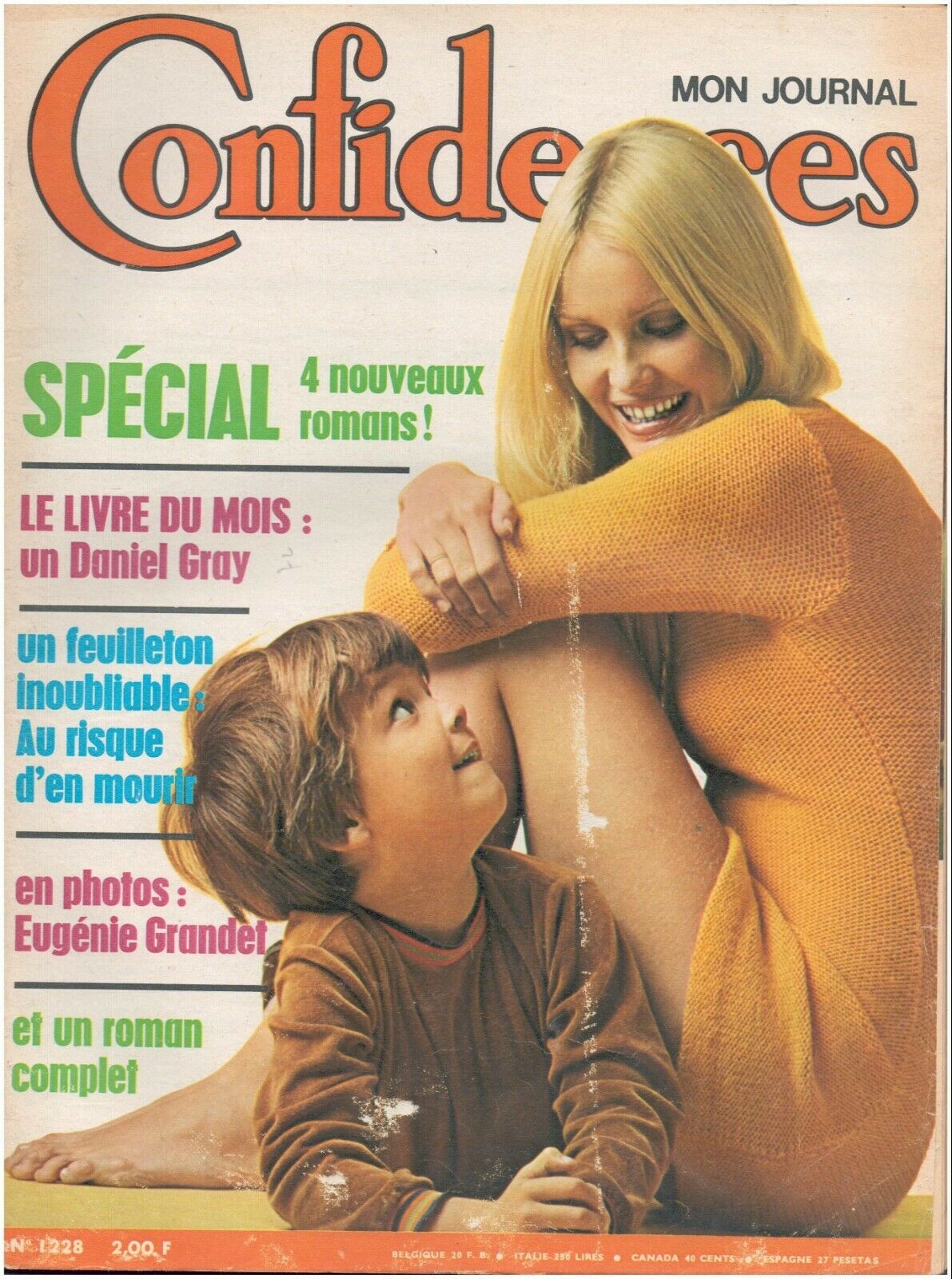
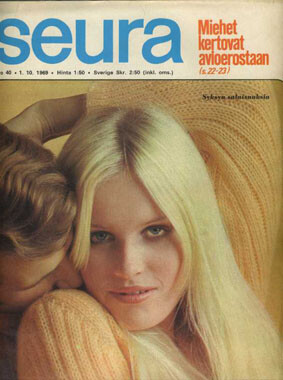
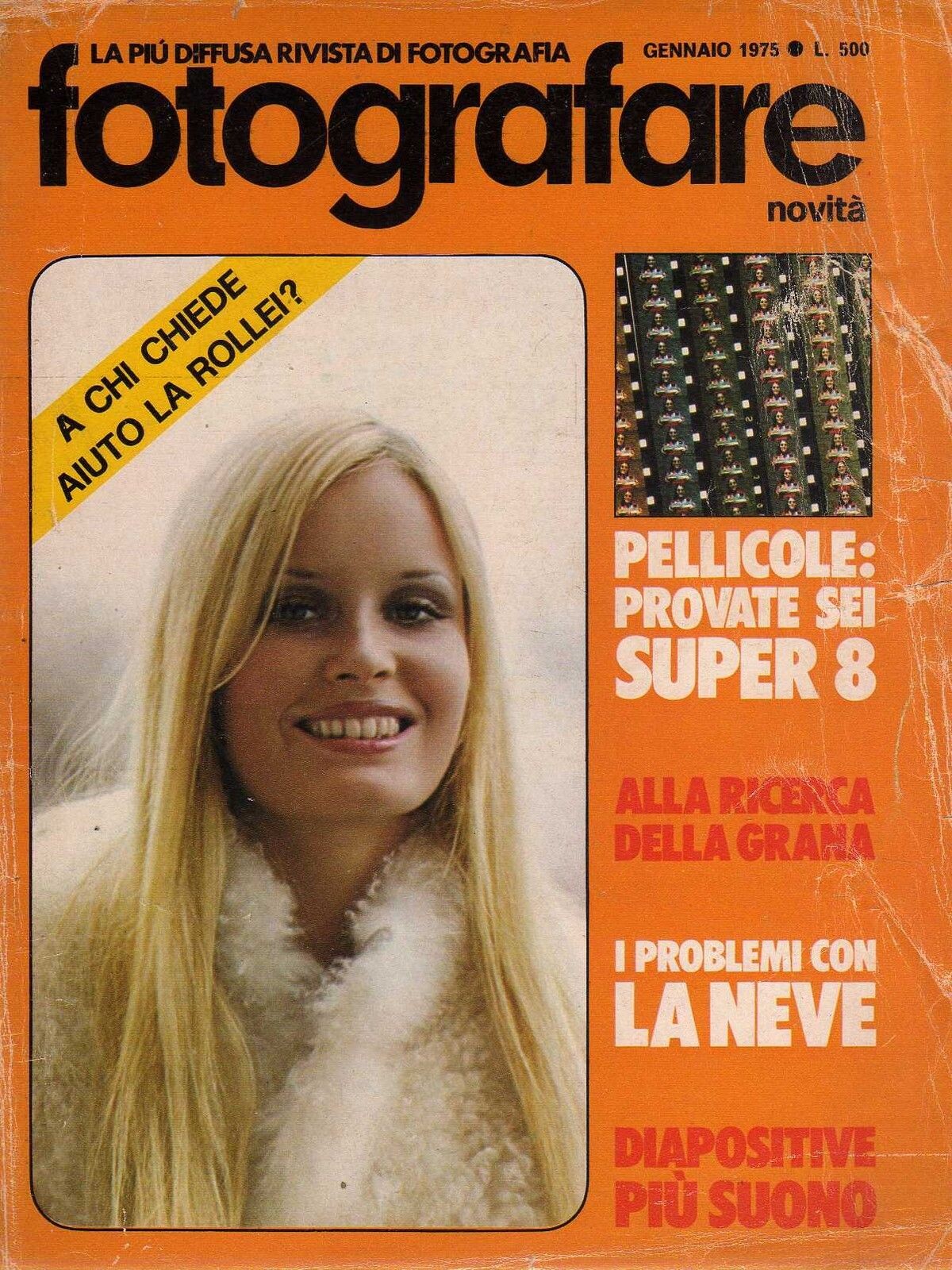
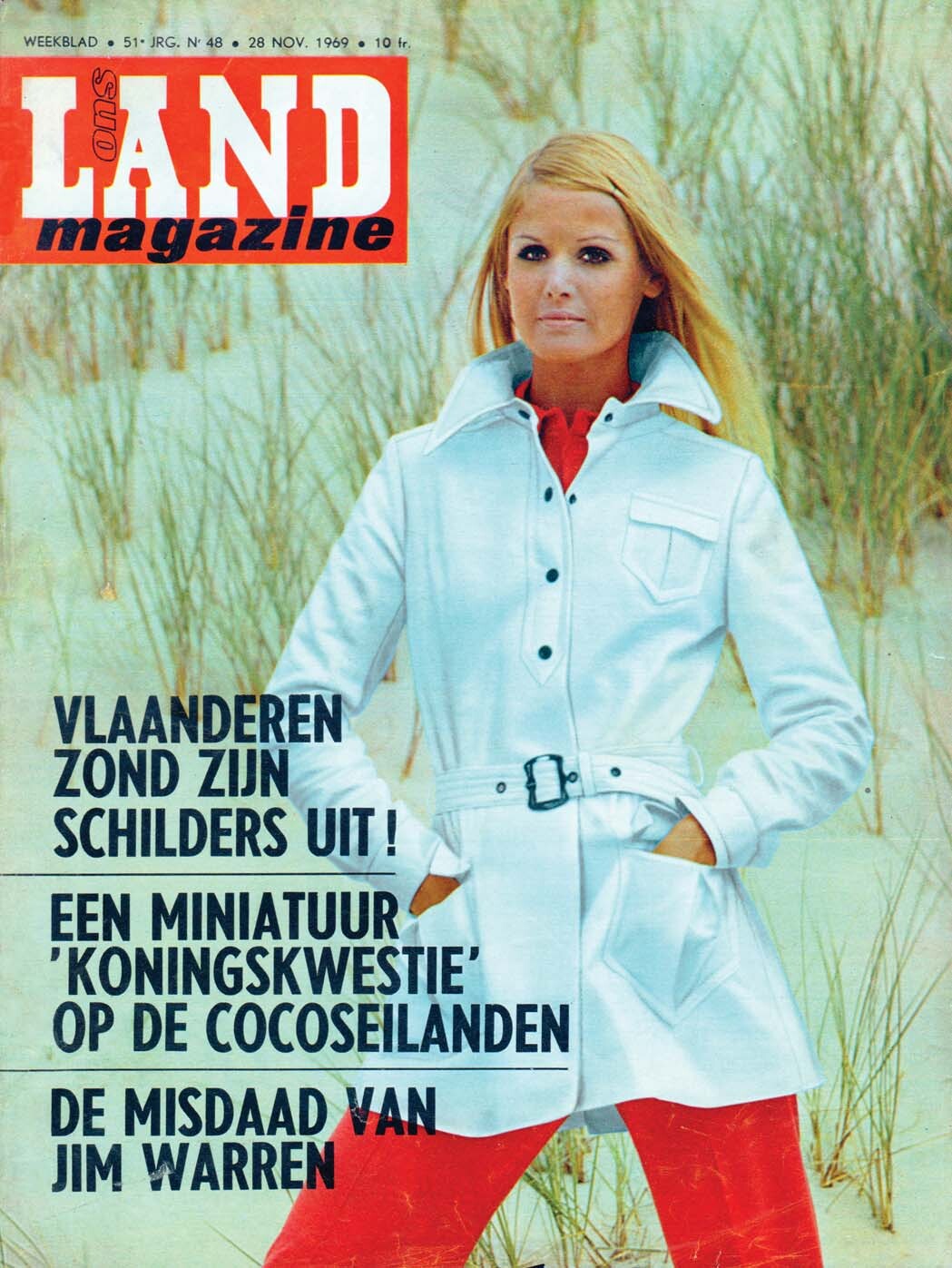
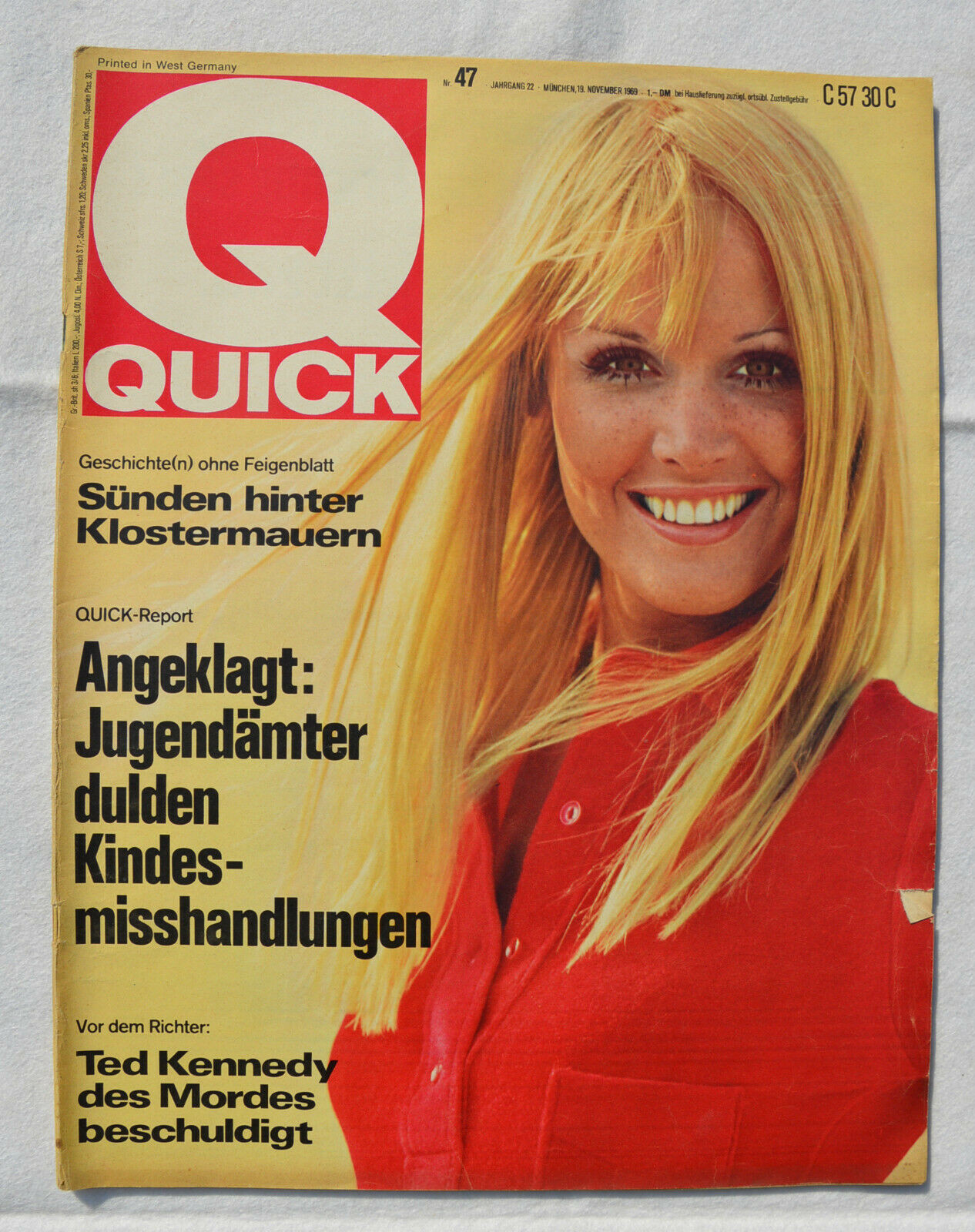
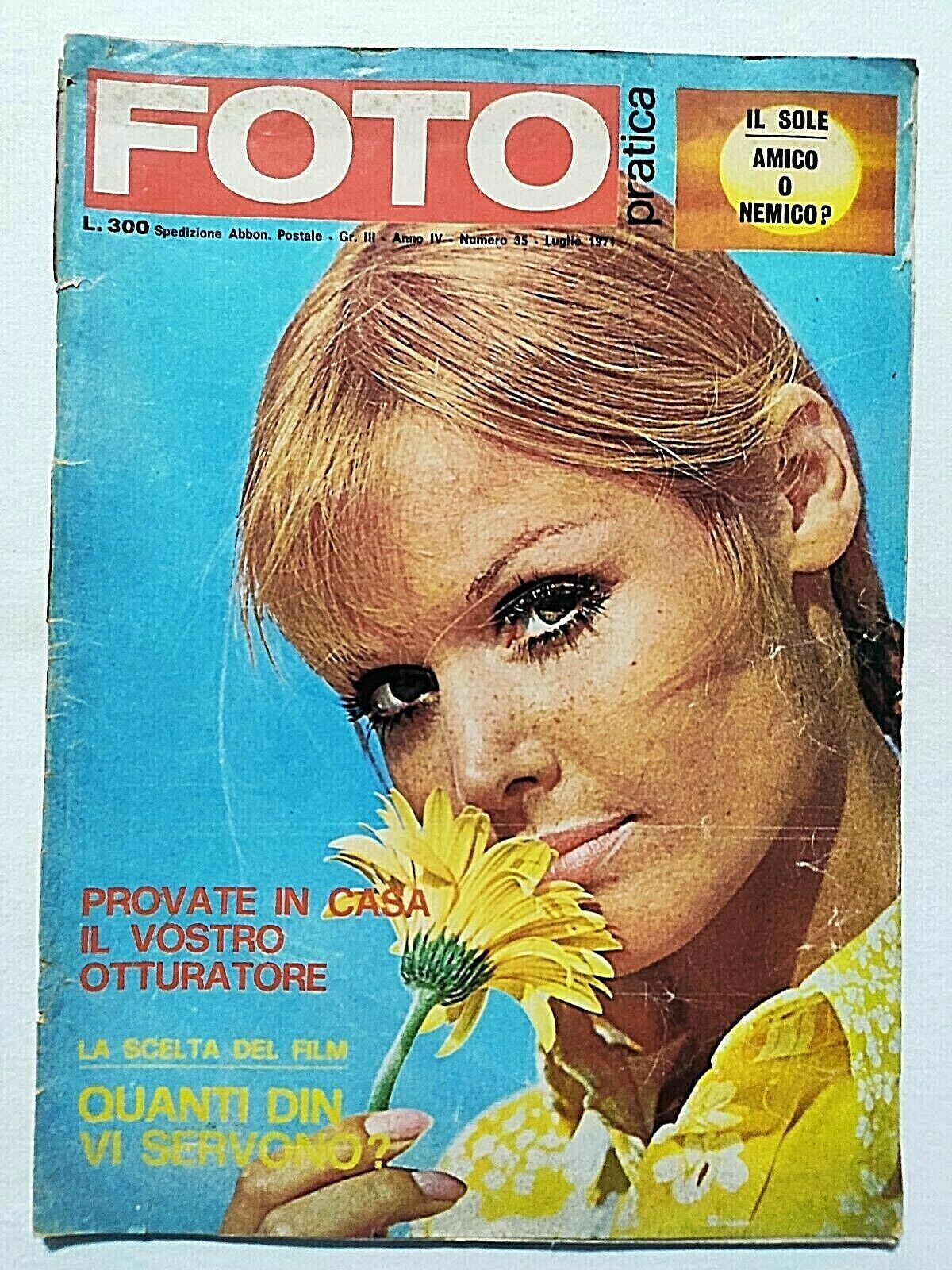
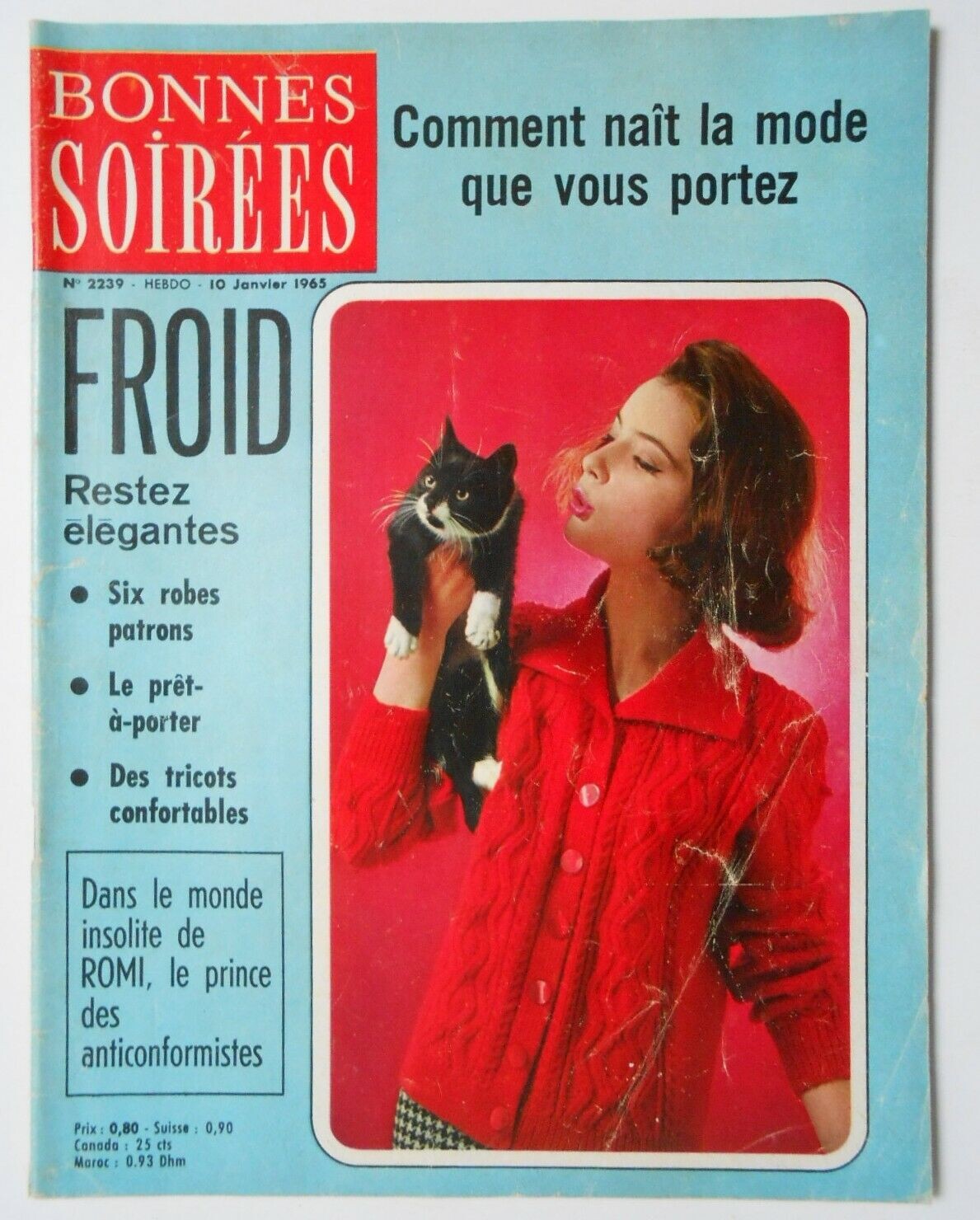
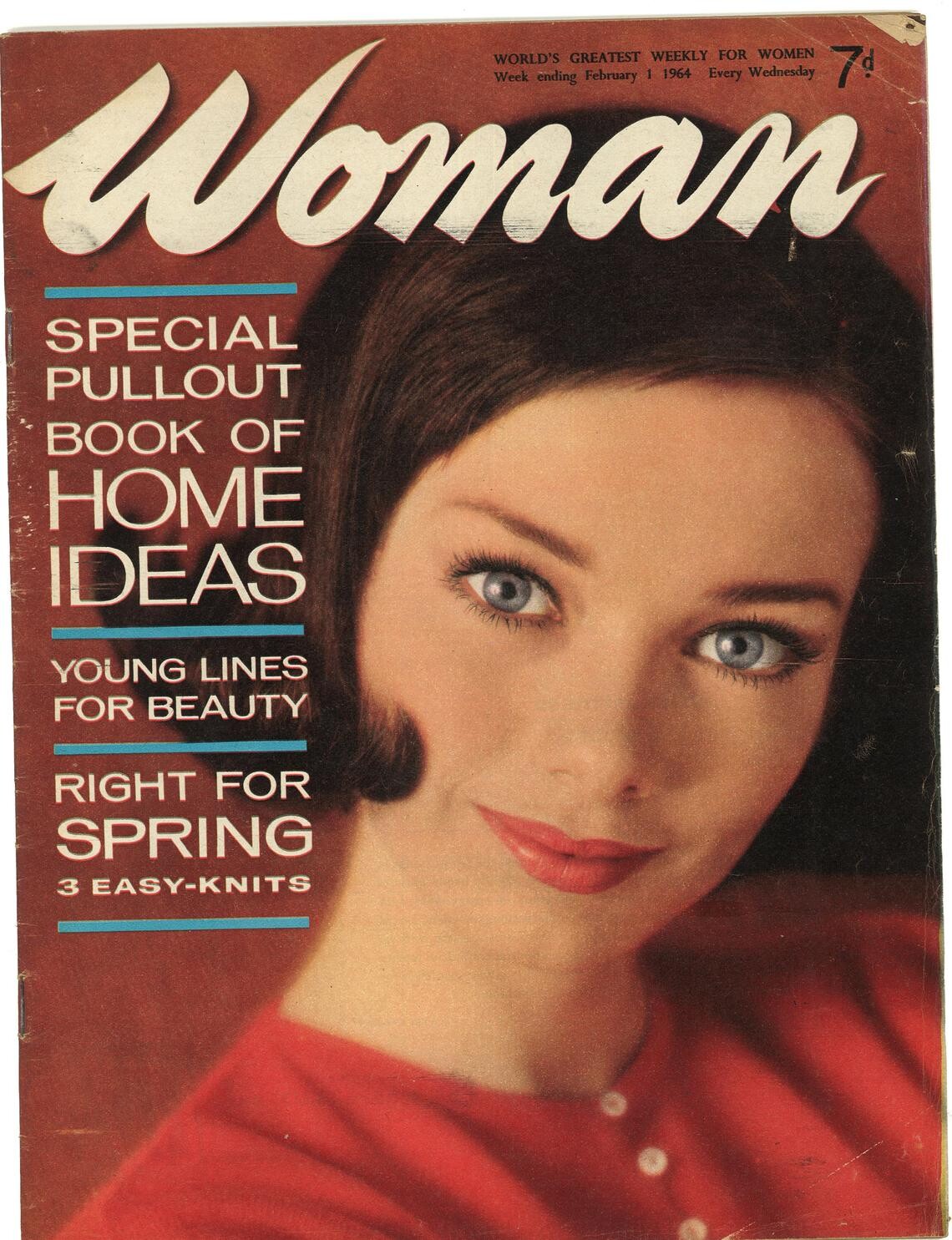
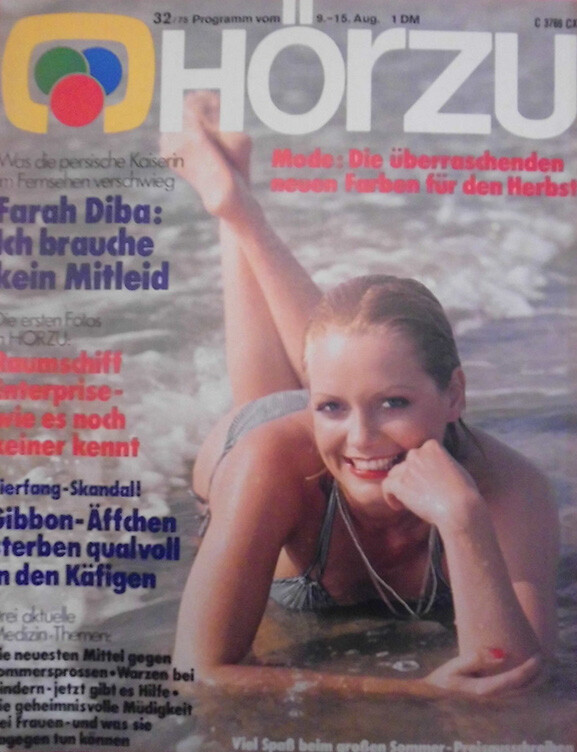
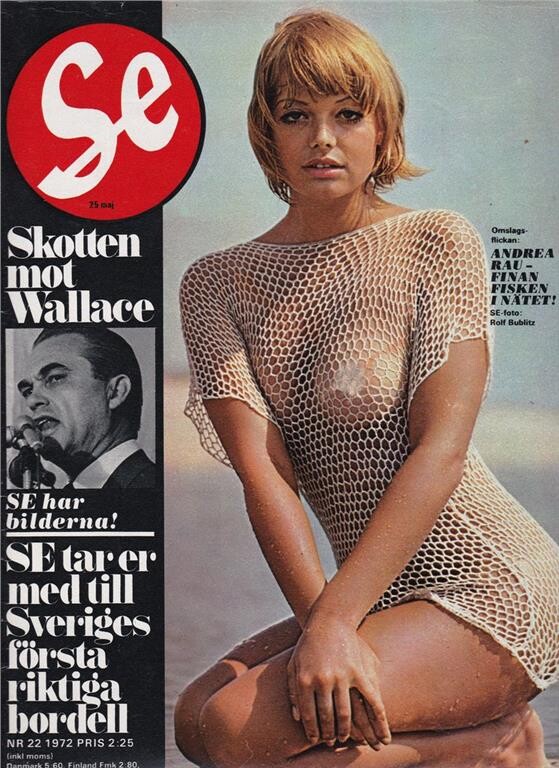
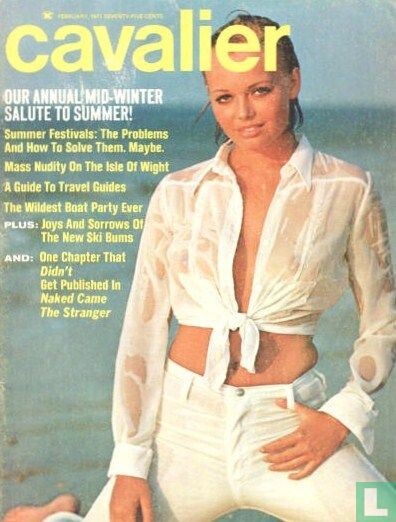
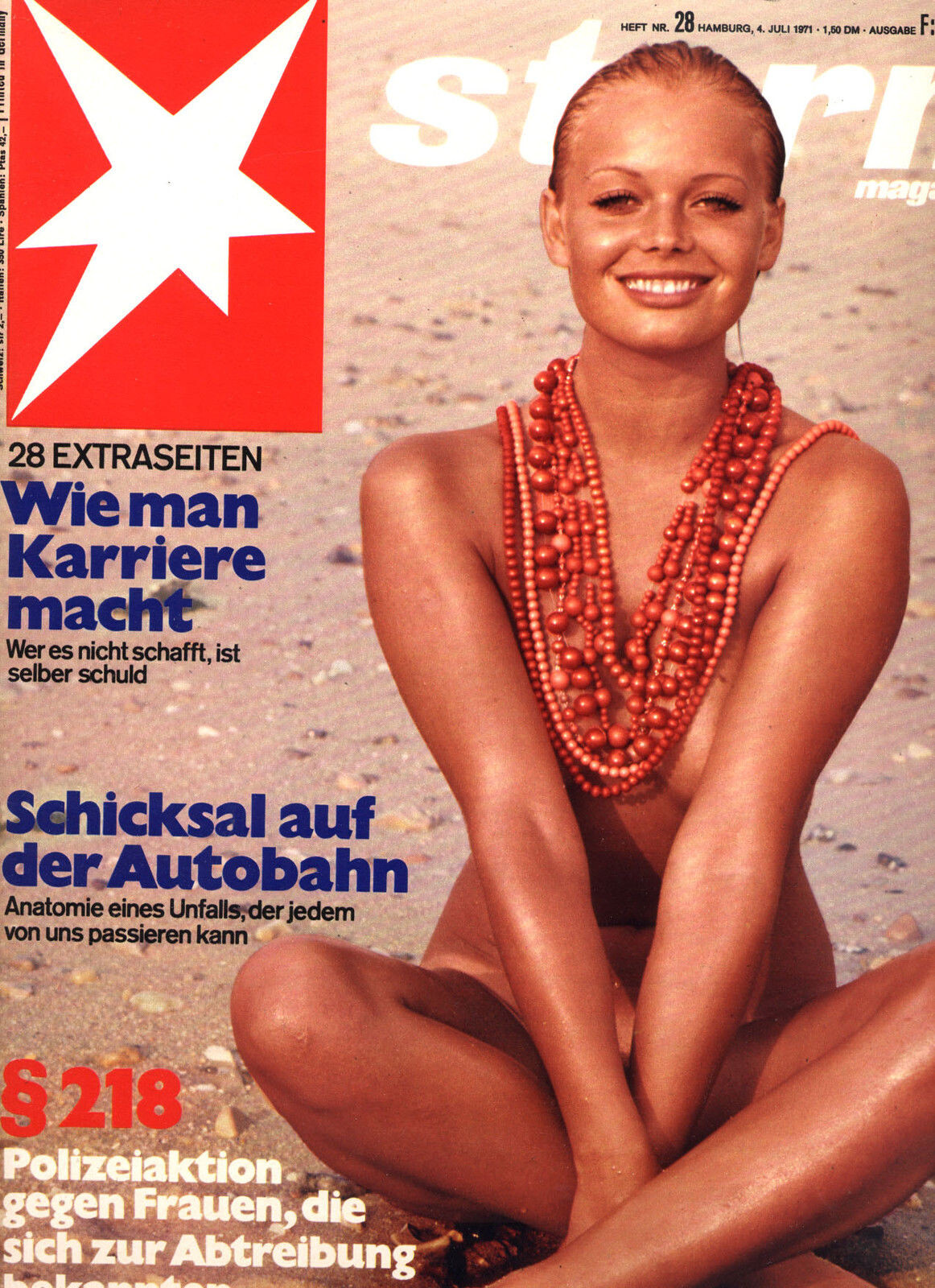
guys, some mistery models, maybe anyone know who are they
new Gala Greece
new Gala Greece
Votre Tricot i have doubts. I think is the other girl
So, Lesley Jones and Helga Jones are the same girl. Makes sense
guys, some mistery models, maybe anyone know who are they






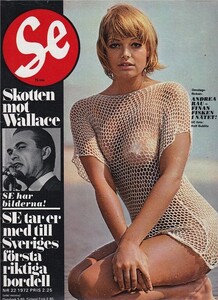

 hum, yes. I don´t think in Maudie, but I think it´s her
Paulina is amazing
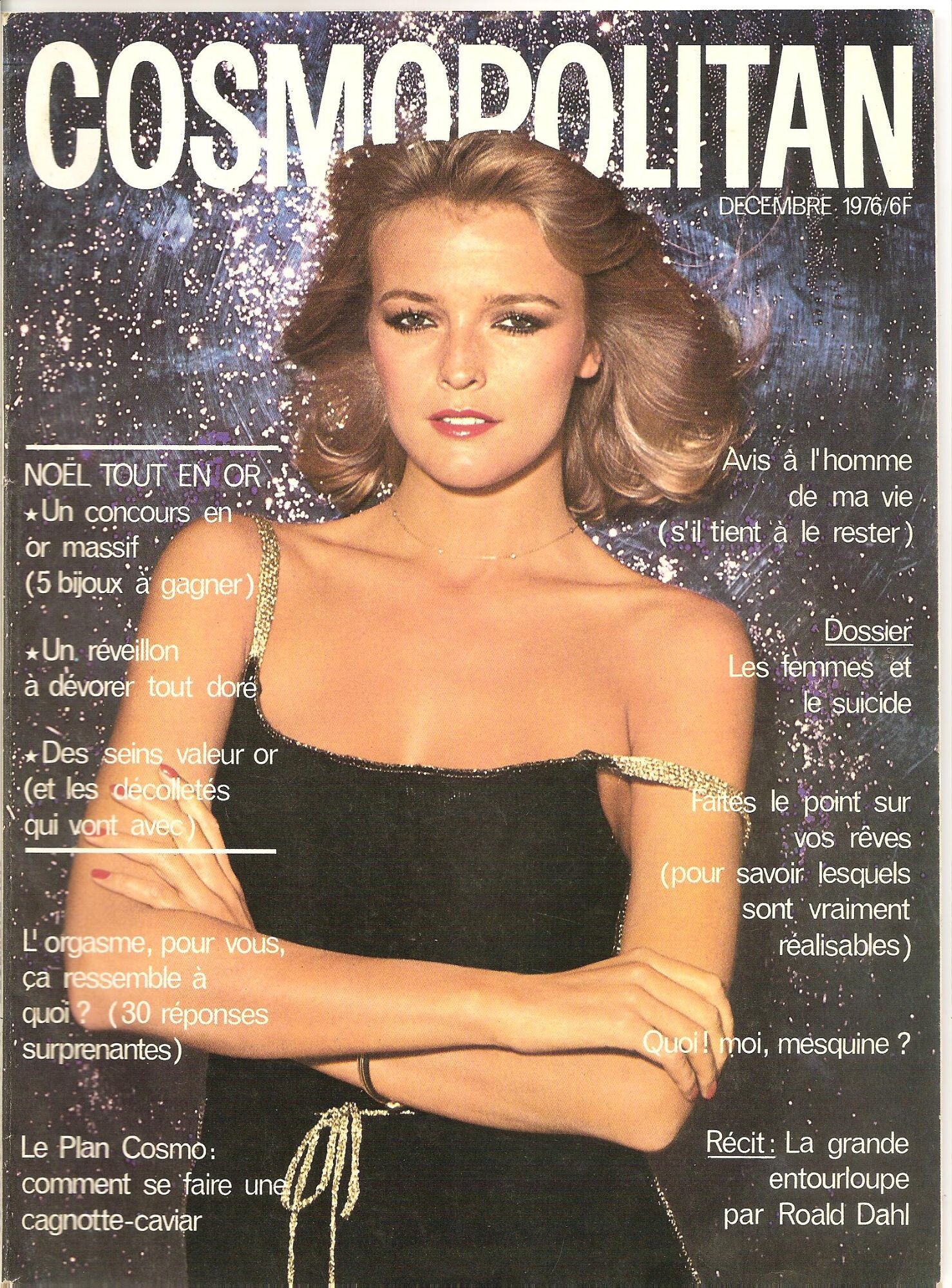
Maybe this one is Lesley too, what do you think guys?
hum, yes. I don´t think in Maudie, but I think it´s her
Paulina is amazing
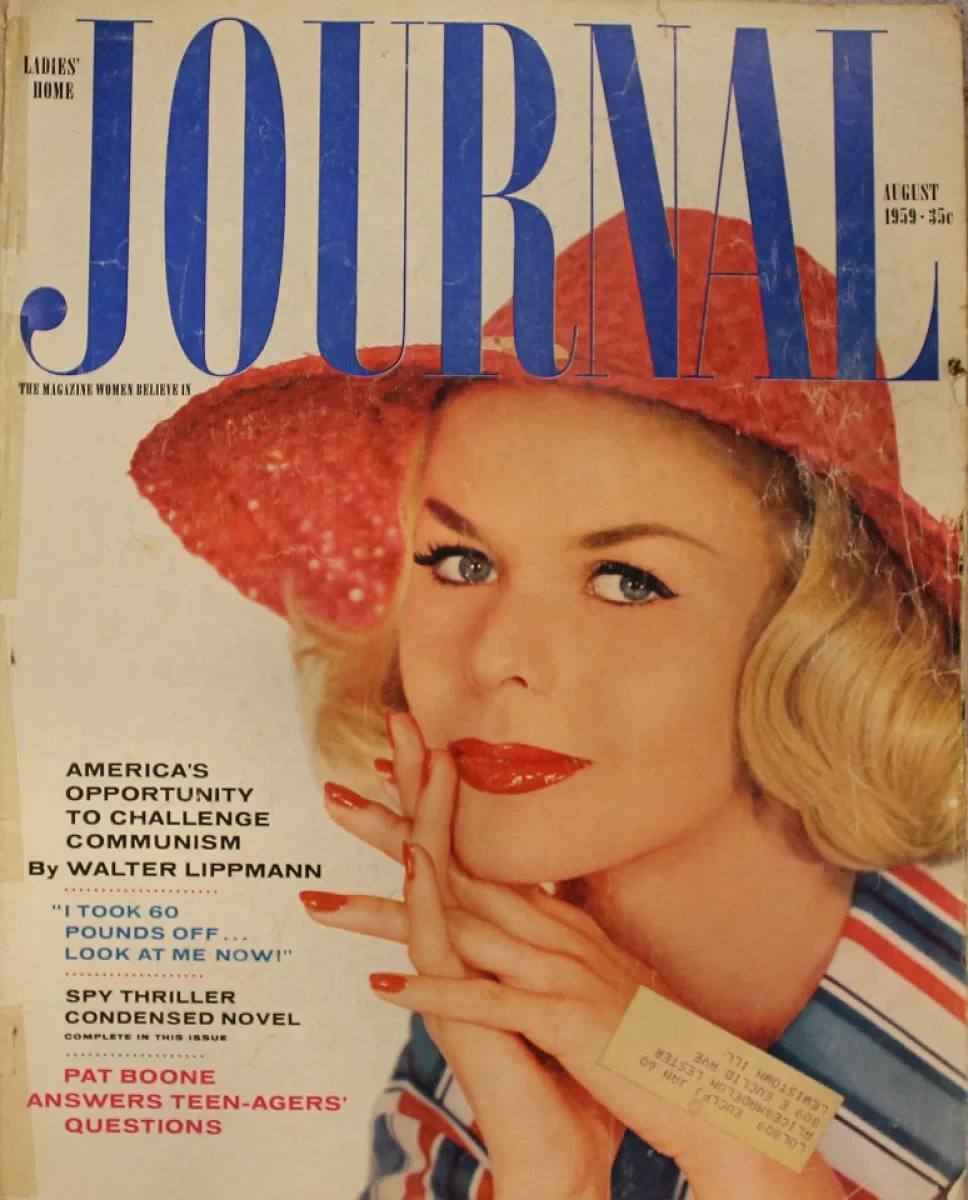
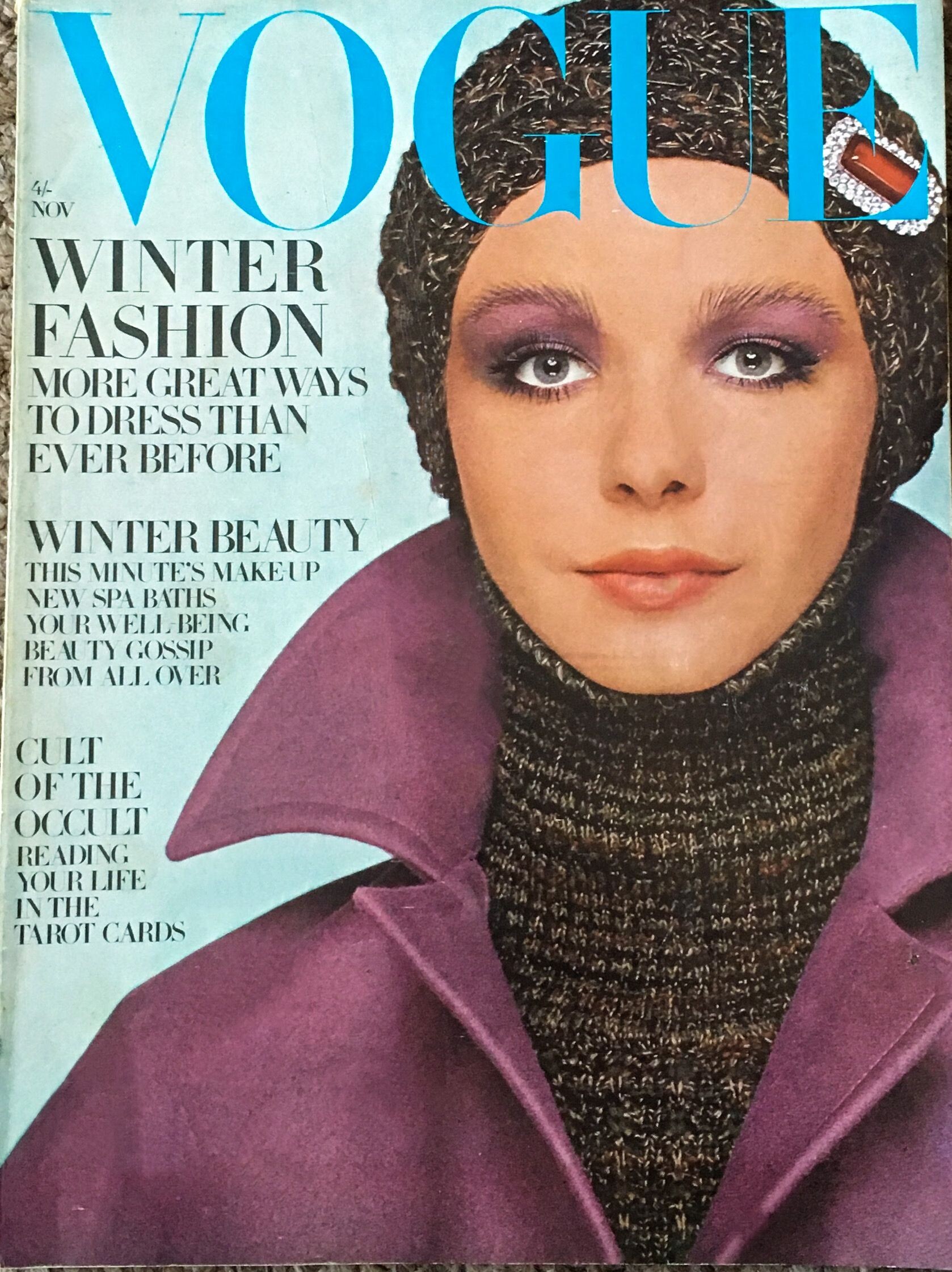
Maybe this one is Lesley too, what do you think guys? guys, about the Vogue cover, my friend answered me. Click in the photo to her page. She said: This is for certain Lesley Jones, photo by Barry Lattigan
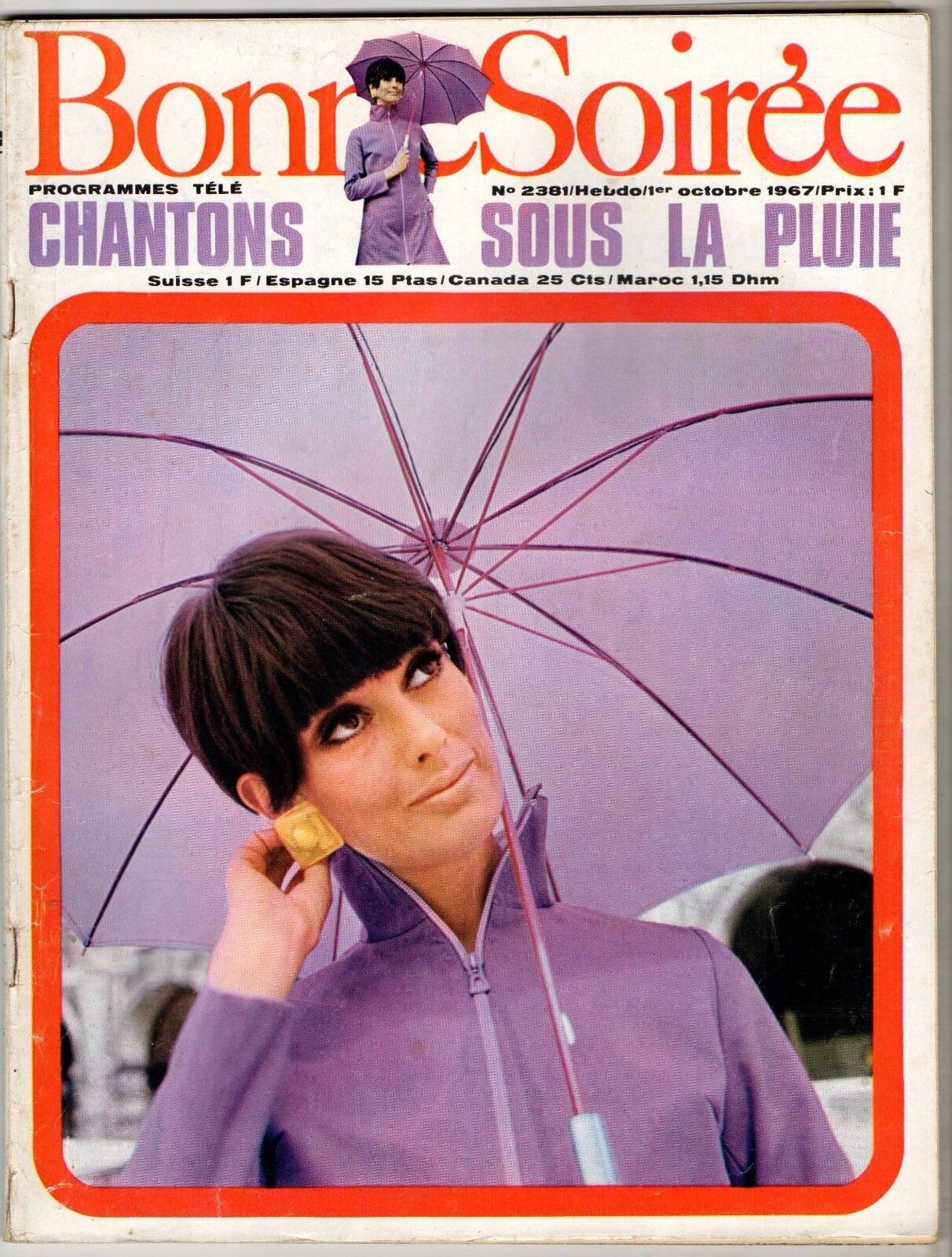
new cover
guys, about the Vogue cover, my friend answered me. Click in the photo to her page. She said: This is for certain Lesley Jones, photo by Barry Lattigan
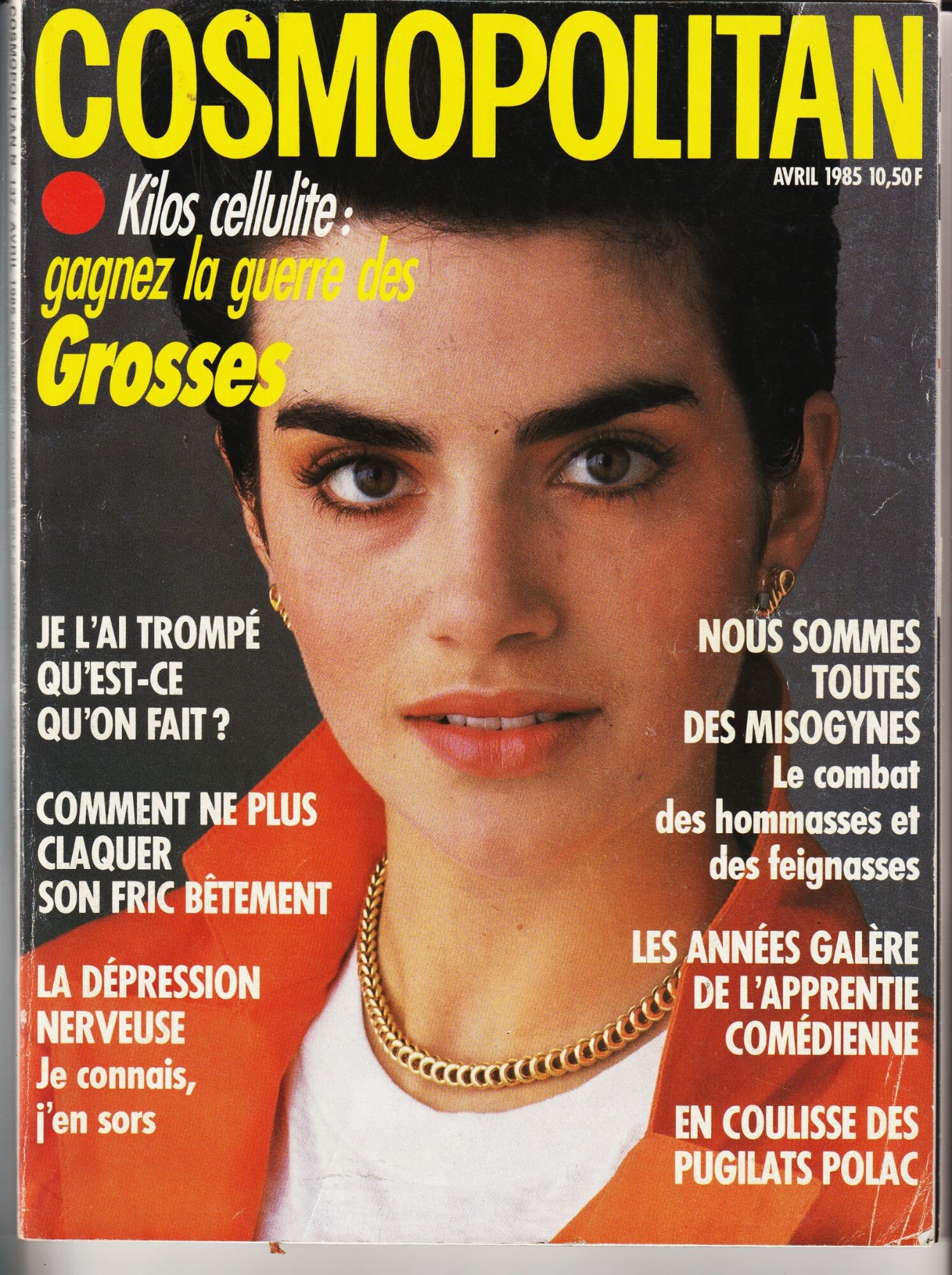
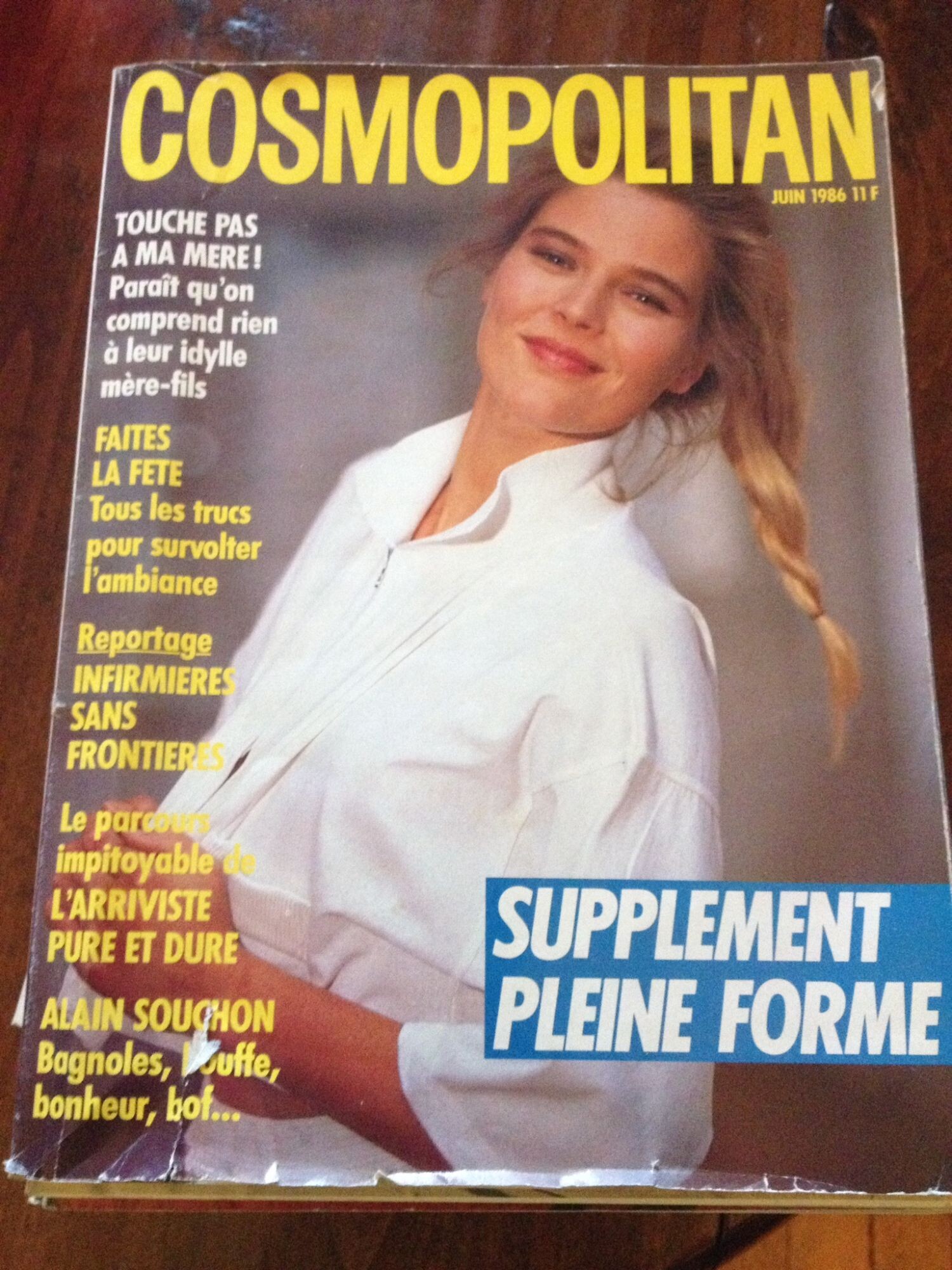
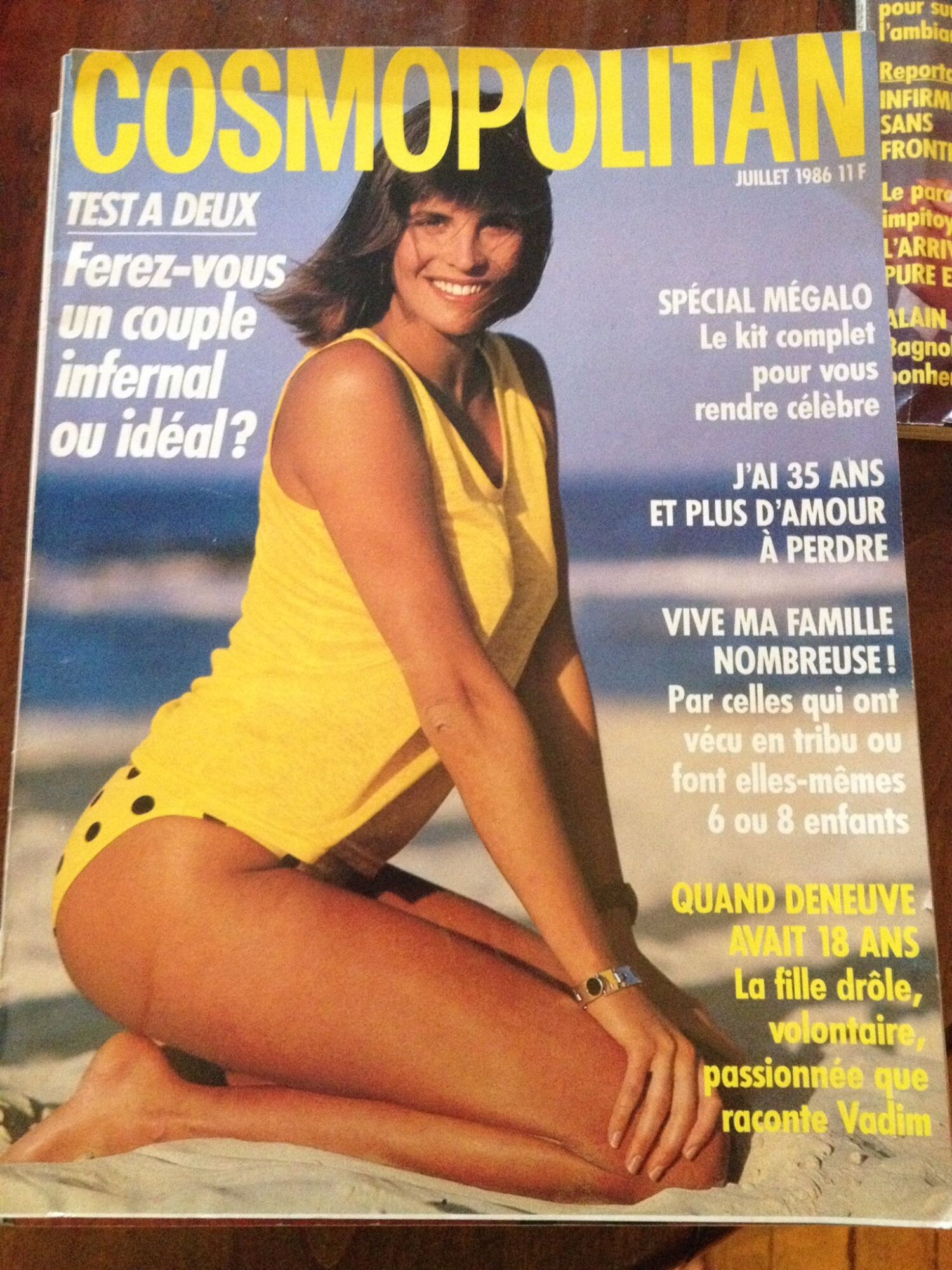
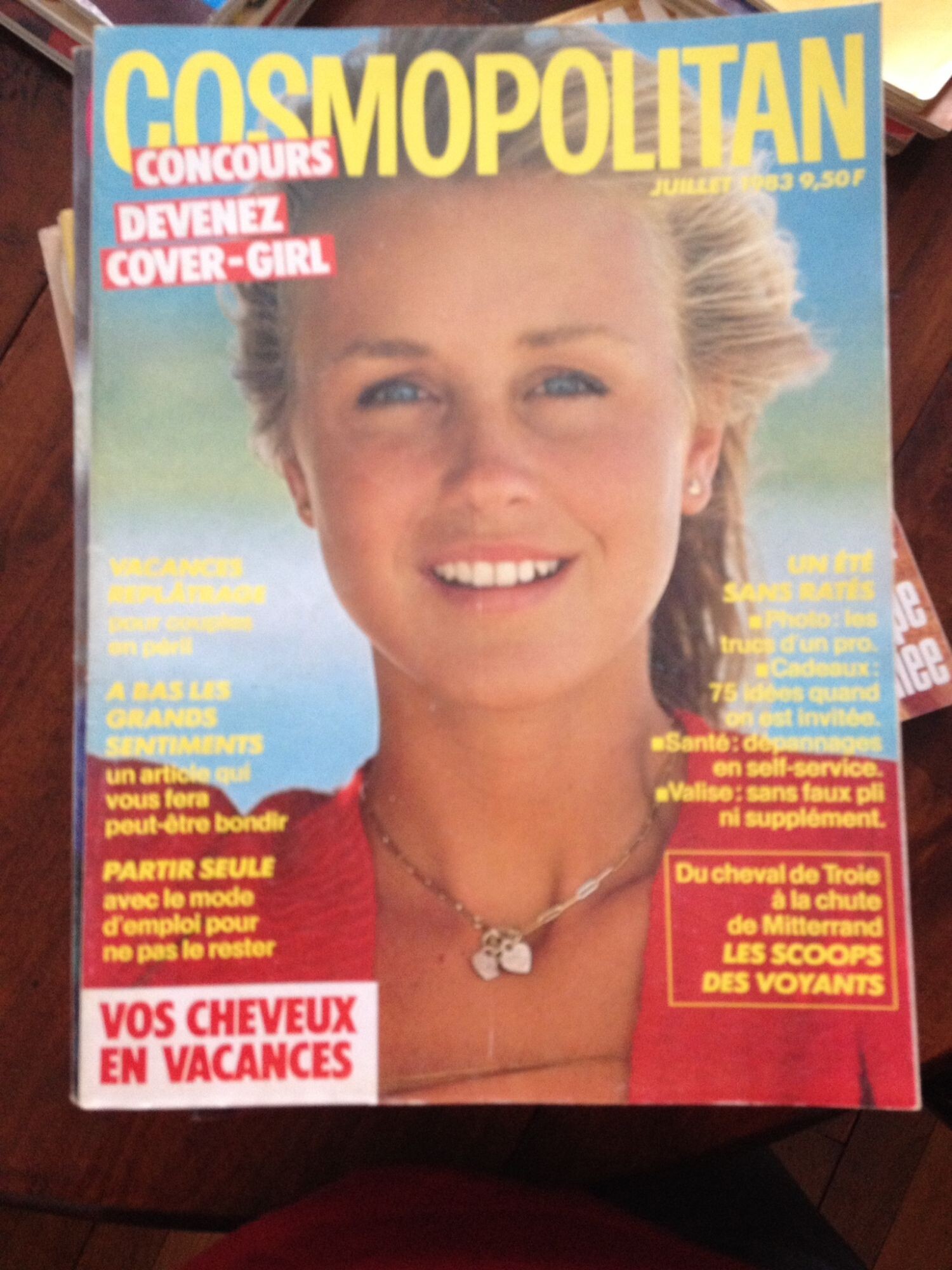
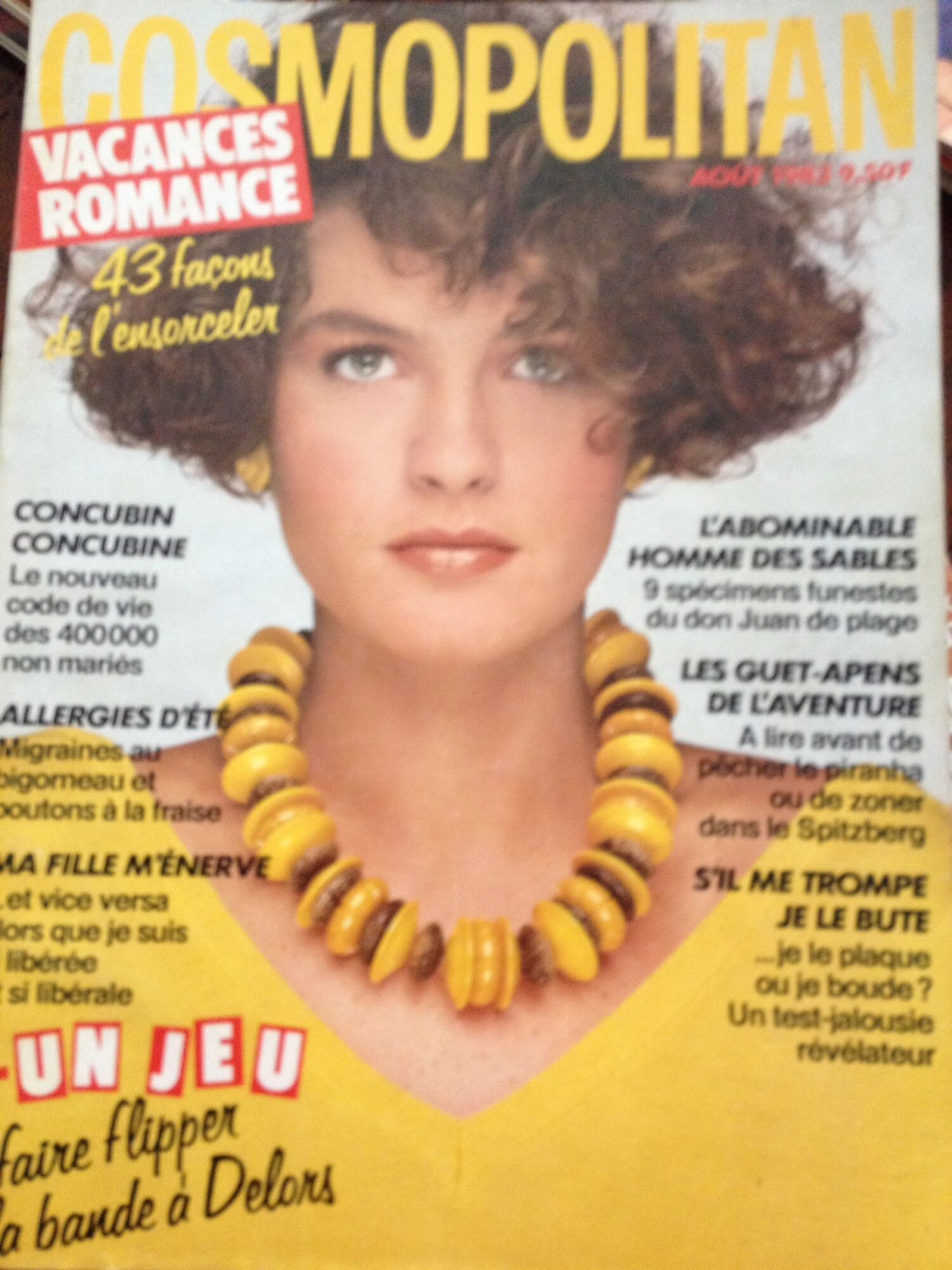
new cover Another cover of this girl. My friend said is not Françoise Rubartelli. Another mistery girl

































































Account
Navigation
Search
Configure browser push notifications
Chrome (Android)
- Tap the lock icon next to the address bar.
- Tap Permissions → Notifications.
- Adjust your preference.
Chrome (Desktop)
- Click the padlock icon in the address bar.
- Select Site settings.
- Find Notifications and adjust your preference.
Safari (iOS 16.4+)
- Ensure the site is installed via Add to Home Screen.
- Open Settings App → Notifications.
- Find your app name and adjust your preference.
Safari (macOS)
- Go to Safari → Preferences.
- Click the Websites tab.
- Select Notifications in the sidebar.
- Find this website and adjust your preference.
Edge (Android)
- Tap the lock icon next to the address bar.
- Tap Permissions.
- Find Notifications and adjust your preference.
Edge (Desktop)
- Click the padlock icon in the address bar.
- Click Permissions for this site.
- Find Notifications and adjust your preference.
Firefox (Android)
- Go to Settings → Site permissions.
- Tap Notifications.
- Find this site in the list and adjust your preference.
Firefox (Desktop)
- Open Firefox Settings.
- Search for Notifications.
- Find this site in the list and adjust your preference.