Jump to content
View in the app

A better way to browse. Learn more.

Bellazon

A full-screen app on your home screen with push notifications, badges and more.

To install this app on iOS and iPadOS
  1. Tap the Share icon in Safari
  2. Scroll the menu and tap Add to Home Screen.
  3. Tap Add in the top-right corner.
To install this app on Android
  1. Tap the 3-dot menu (⋮) in the top-right corner of the browser.
  2. Tap Add to Home screen or Install app.
  3. Confirm by tapping Install.

Dayrell

Members
  • Joined

  • Last visited

Everything posted by Dayrell

  1. I love this cover!
  2. Glad to see you back here in Bellazon, Korravai! You are missing!
  3. Marie Claire Australia
  4. Elle Canada
  5. Vogue Brasil
  6. Dayrell replied to a post in a topic in Female Fashion Models
    Great new cover, as usual! Thanks Francy!
  7. Dayrell replied to a post in a topic in Female Fashion Models
    Izabel is amazing!
  8. Dayrell replied to a post in a topic in Female Fashion Models
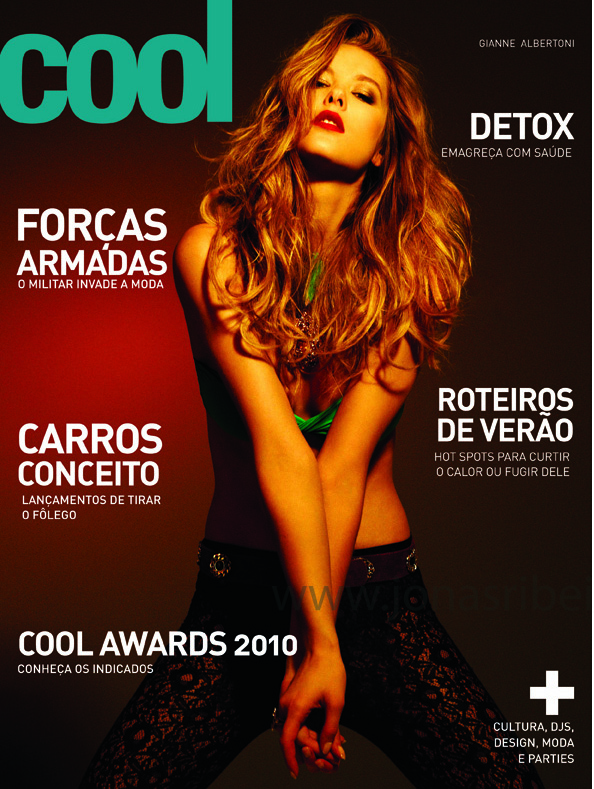
    new Cool magazine
  9. italian Amica (poor image)
  10. french Derniere Heure
  11. american Readers Digest
  12. spanish Blanco y Negro
  13. britsh ES Magazine
  14. Thanks Francy!
  15. i think is not Marpessa!
  16. Great scan, thanks!
  17. No, it´s Dayle Haddon!
  18. Yes that's her, I'm sure. We can see her tattoo on her back. And she wears the same swimsuit than Serbia Elle cover below from August 2008 posted by a member three years ago. This member (Alisa) wrote that it was reprint but from which magazine? Serbia Elle is impossible to find on the web. Wow, great cover. Never saw before, thanks!
  19. Thanks guys!
  20. Yes, I miss Snejana, she is a great model and a real beauty!
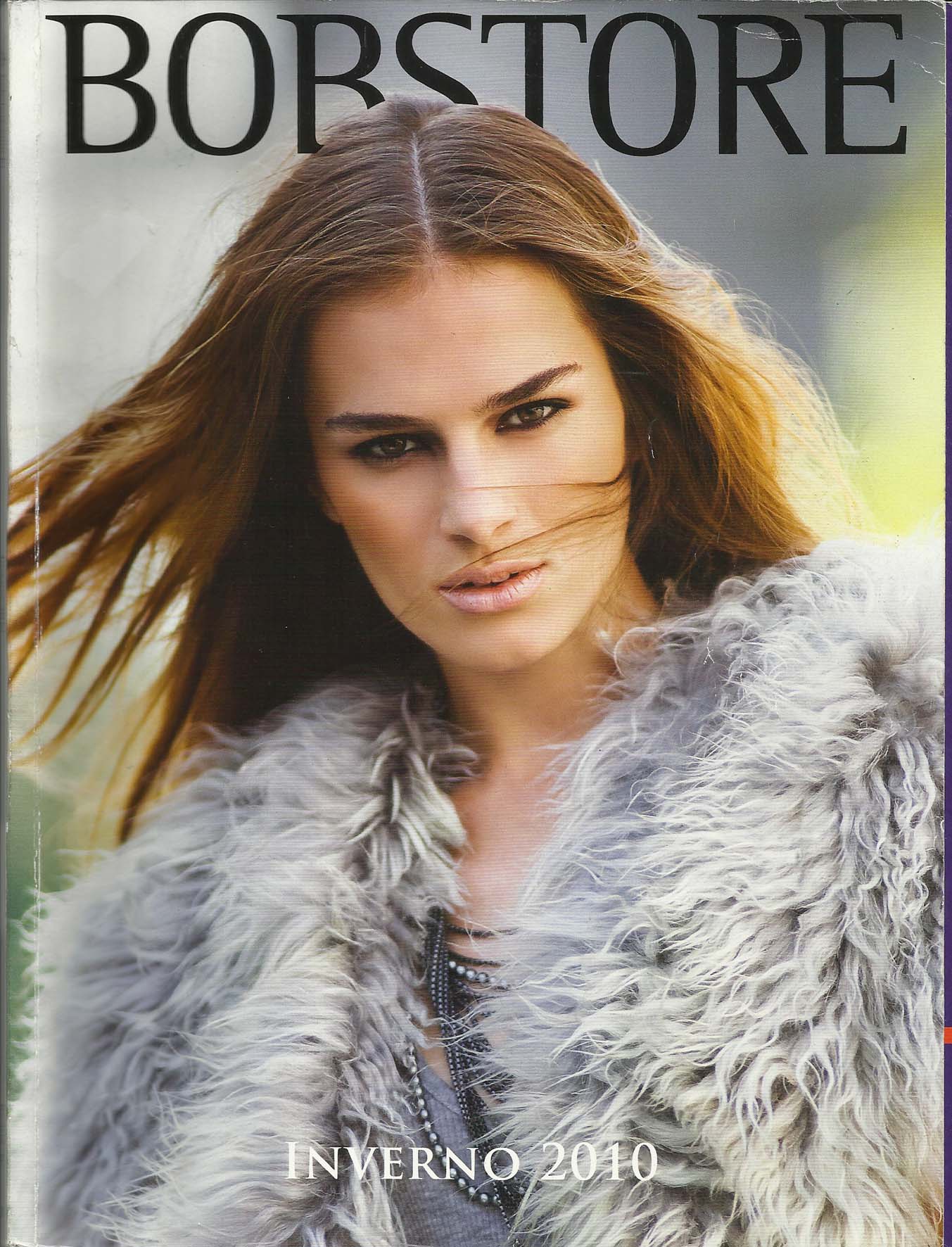
  21. What is it? An ad or a catalog?
  22. Hi dear, I think is not Angelica, it´s french actress Emanuelle Beart!
  23. Dayrell replied to a post in a topic in Actresses
    french Grazia
  24. Elle Vietnan
  25. Dayrell replied to Nebucadnezar's topic in Actresses
    Lid magazine

Configure browser push notifications

Chrome (Android)
  1. Tap the lock icon next to the address bar.
  2. Tap Permissions → Notifications.
  3. Adjust your preference.
Chrome (Desktop)
  1. Click the padlock icon in the address bar.
  2. Select Site settings.
  3. Find Notifications and adjust your preference.