

Dayrell
Members
-
Joined
-
Last visited
Everything posted by Dayrell
-
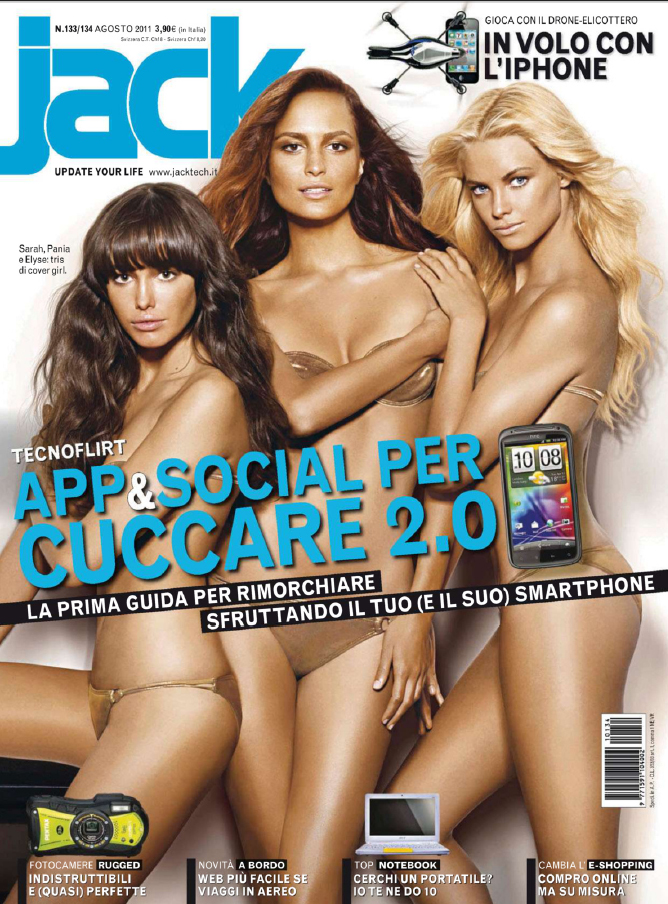
 italian Grazia
-
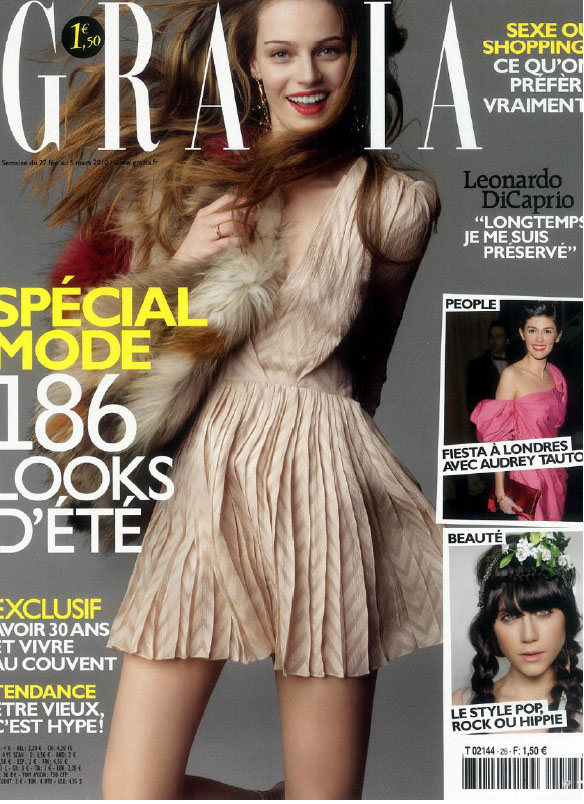
french Grazia

-
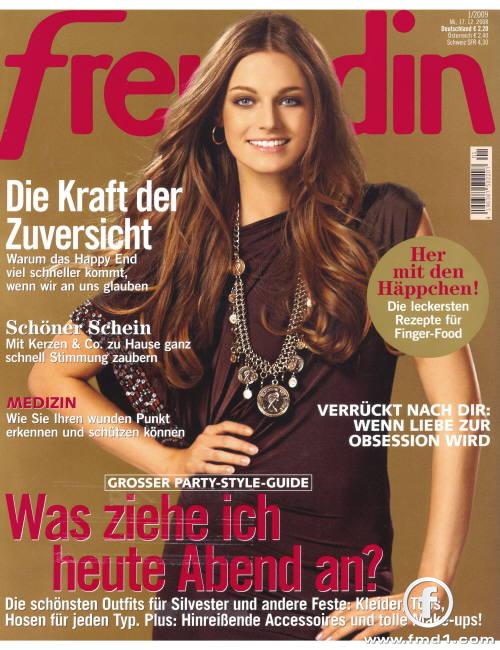
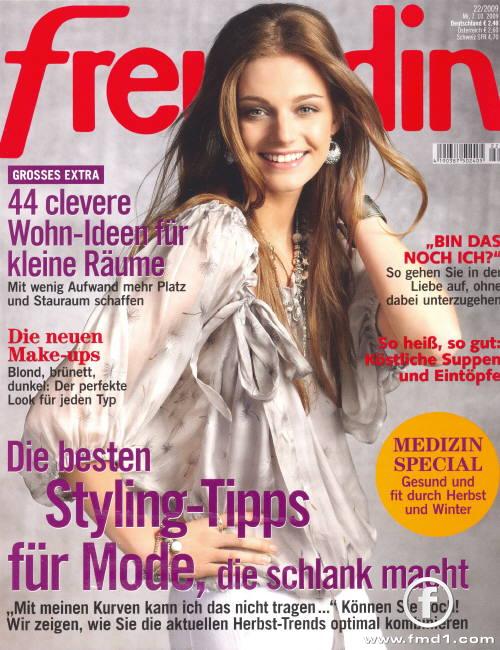
german Freundin


-
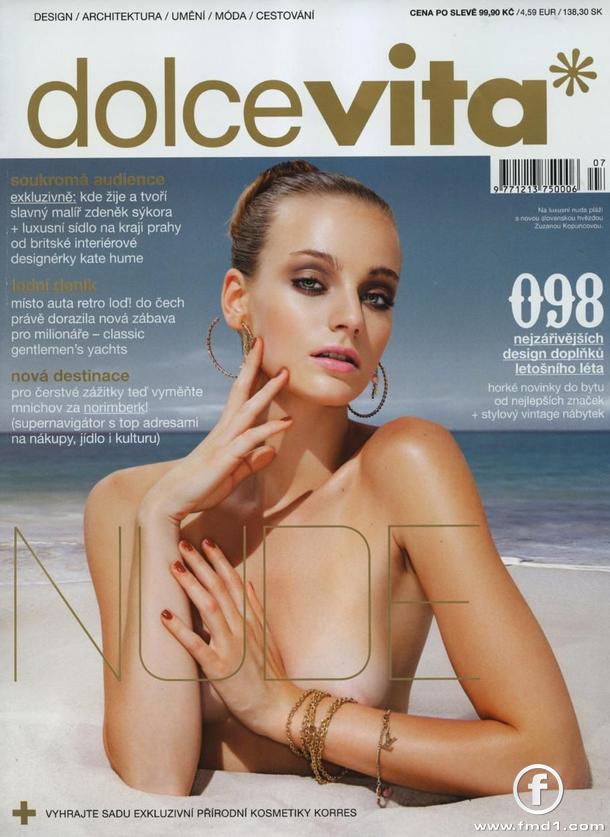
Dolce Vita

-
This is realy great, never saw before! Thanks!
-
-
I love it when they make reprint editions in different countries, more promotion for the girls!! Though I would certainly prefer new stuff being published rather than seeing the hundreth reprint :morning: Anyway, thanks for the cover, Dayrell, and thanks for the runways, Nefertiti! I agree with you Carmelita. Reprints can be good, specialy in cases like Greek Vogue or Elle Portugal, who choosen different photos for their covers.
You are wellcome, guys!
My pleasure!
I love the cover, thanks!



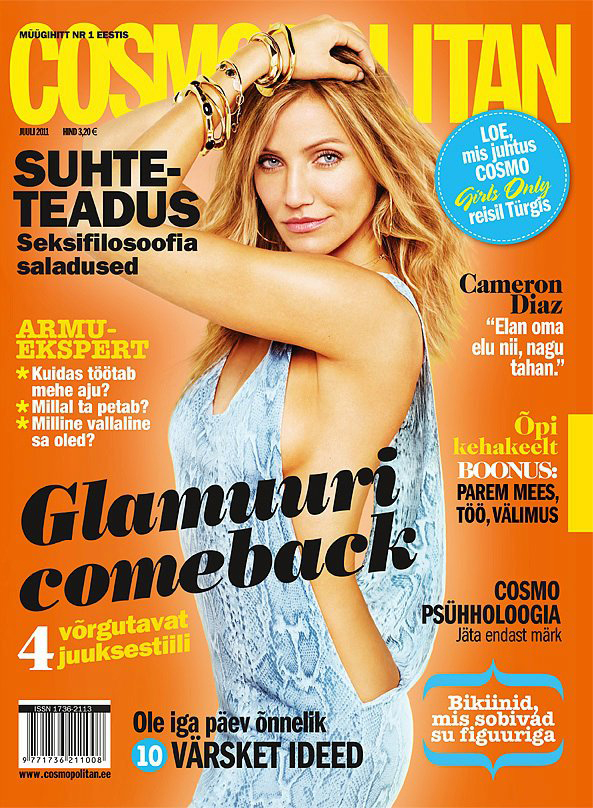
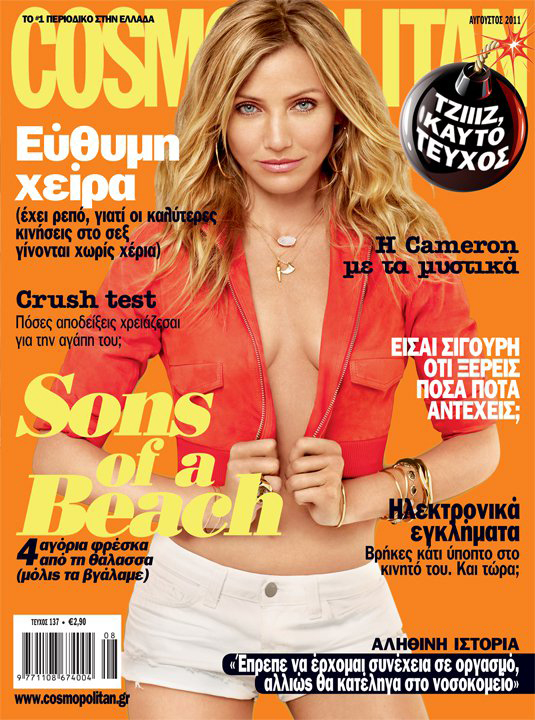
 Cosmopolitan Estonia and Greek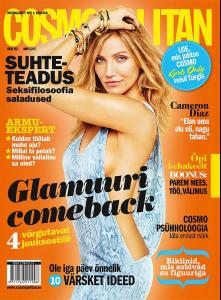
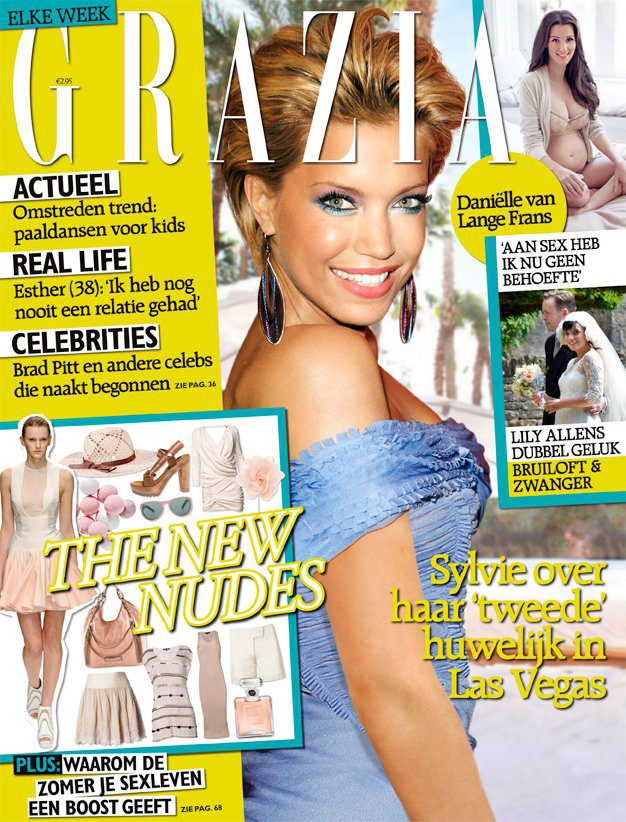
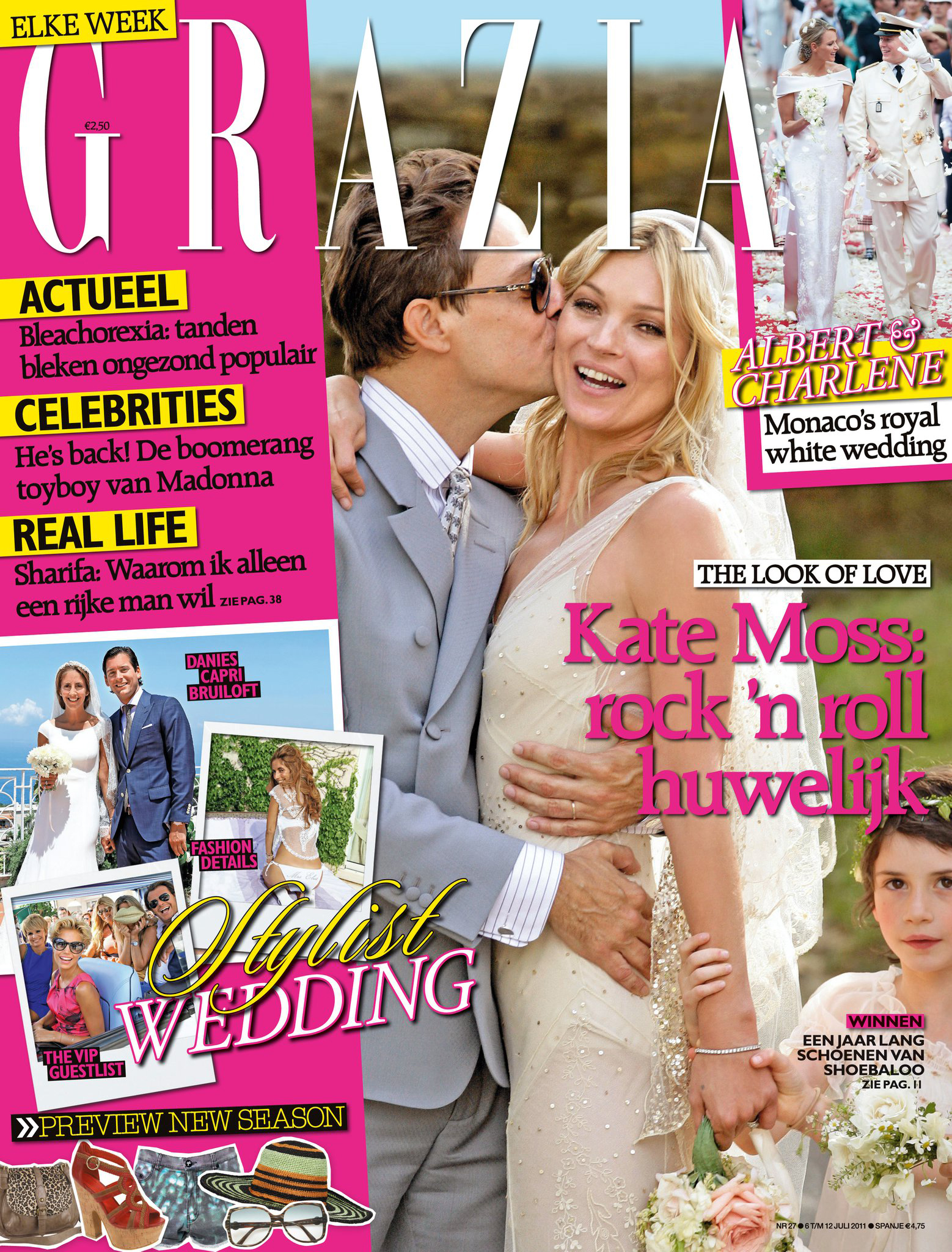
 Grazia Netherlands
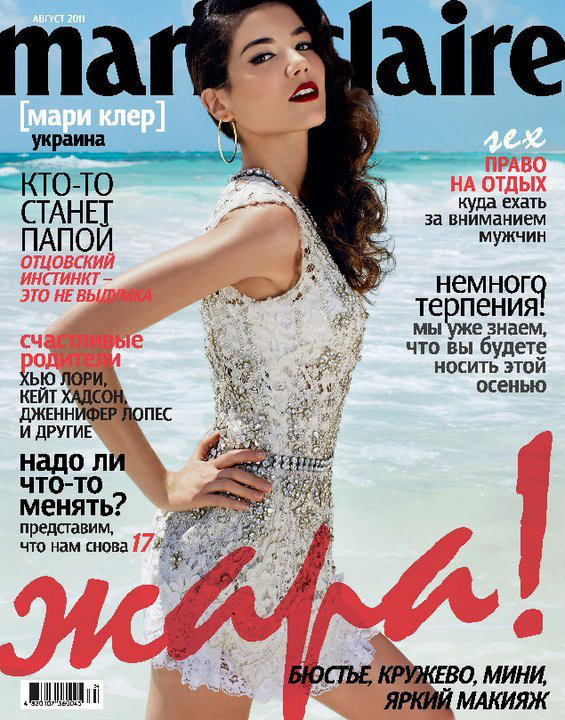
 ucranian Marie Claire
 Love Star, cz
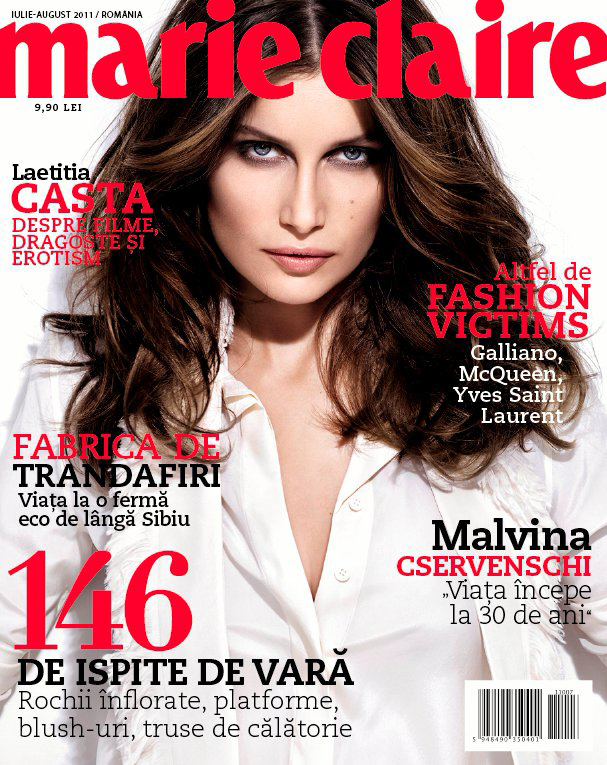
 romenian Marie Claire
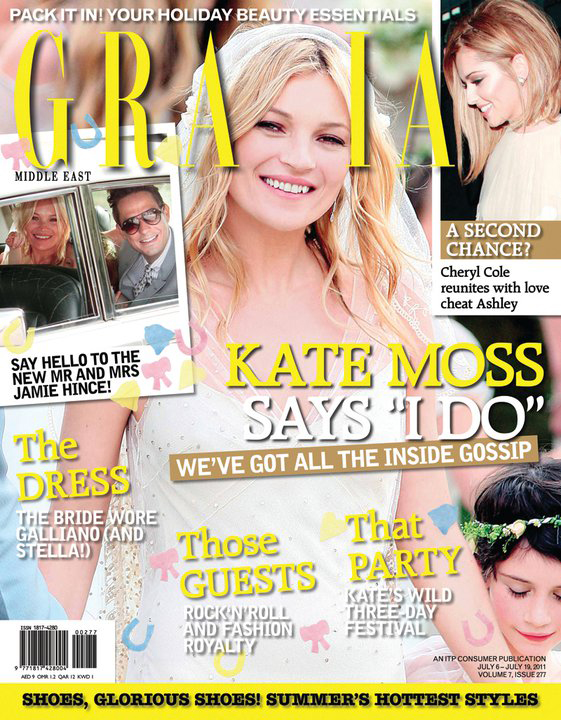
 Grazia Netherlands and Middle East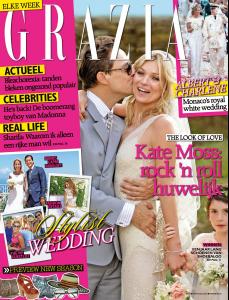
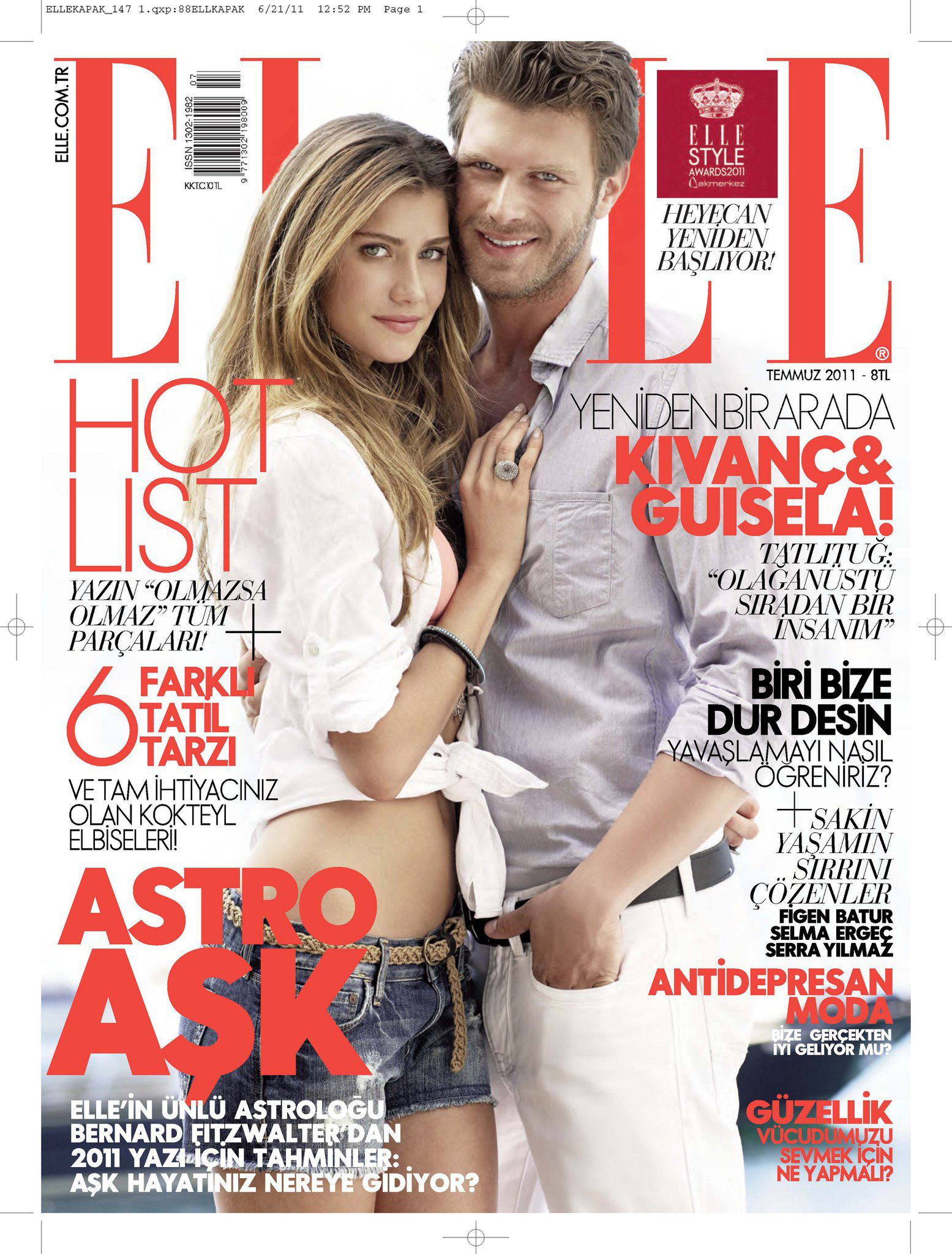
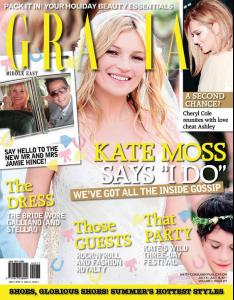 Elle Turkey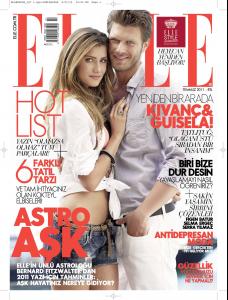








Account
Navigation
Search
Configure browser push notifications
Chrome (Android)
- Tap the lock icon next to the address bar.
- Tap Permissions → Notifications.
- Adjust your preference.
Chrome (Desktop)
- Click the padlock icon in the address bar.
- Select Site settings.
- Find Notifications and adjust your preference.
Safari (iOS 16.4+)
- Ensure the site is installed via Add to Home Screen.
- Open Settings App → Notifications.
- Find your app name and adjust your preference.
Safari (macOS)
- Go to Safari → Preferences.
- Click the Websites tab.
- Select Notifications in the sidebar.
- Find this website and adjust your preference.
Edge (Android)
- Tap the lock icon next to the address bar.
- Tap Permissions.
- Find Notifications and adjust your preference.
Edge (Desktop)
- Click the padlock icon in the address bar.
- Click Permissions for this site.
- Find Notifications and adjust your preference.
Firefox (Android)
- Go to Settings → Site permissions.
- Tap Notifications.
- Find this site in the list and adjust your preference.
Firefox (Desktop)
- Open Firefox Settings.
- Search for Notifications.
- Find this site in the list and adjust your preference.