Dayrell
Members
-
Joined
-
Last visited
Everything posted by Dayrell
-

-
I think it´s she!
-
It´s the same cover they used for the german Vital magazine of May 2002. I´ve posted this a while back: http://www.bellazon.com/main/index.php?s=&...t&p=1903970 Maybe the german Vital cover was already a re-print?! I think these magazines only using in their covers agency photos, so these images are reprint and reprint over and over!
-
amazing cover, thanks for the scan John!
-
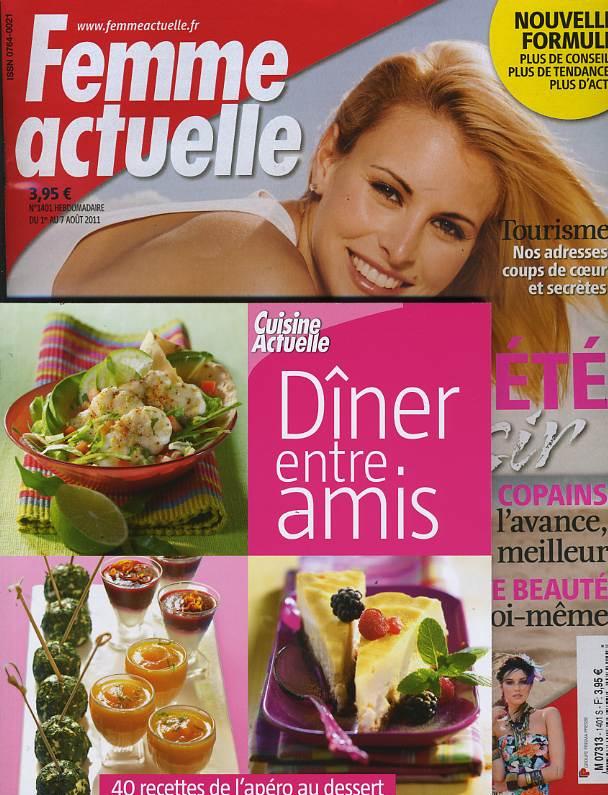
she is on the cover of new french magazine Femme Actuelle (sorry the image, it´s a web find)

-
I think it´s Elle, but I supose it´s a fake cover! oh, i see...that's possible, considering she took a more commercial path in her career, so i guess she has appeared rarely in vogue to start with Well, if I´m not wrong, 3 times in australian Vogue and one time in britsh
-
What a great cover! Thanks!
-
I think it´s Elle, but I supose it´s a fake cover!
-
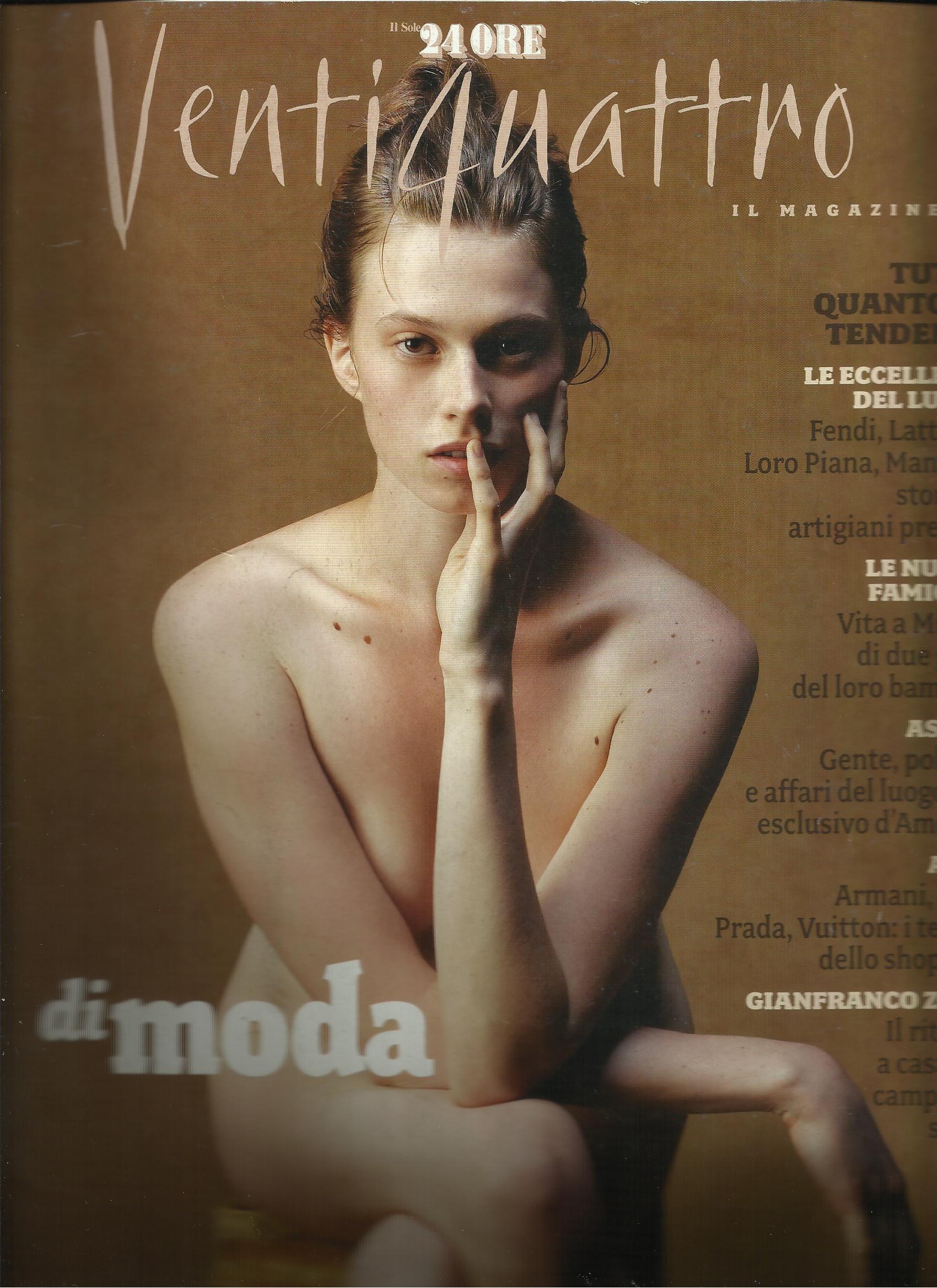
italian Ventiquattro

-
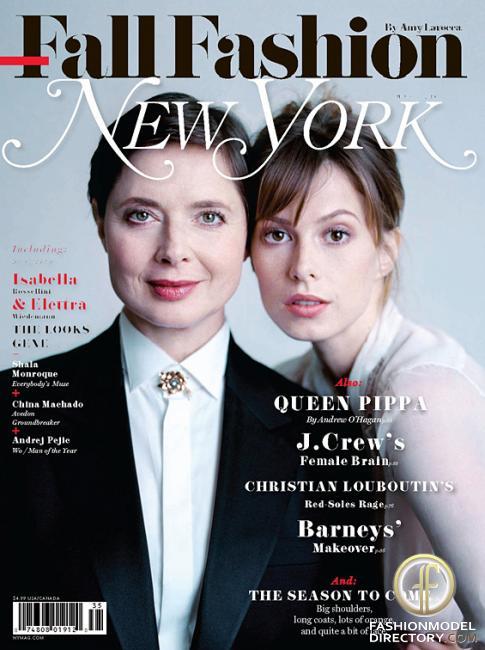
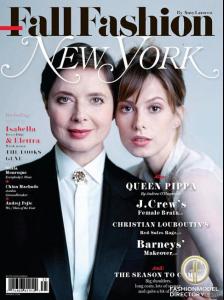
new New York
-
My pleasure, dear!
-
new New York
-
Anyone can ID the other models? 1- Kim Alexis 2- 3- 4- 5- Janice Dickinson 6- 7- 8- Kathy Ireland 9- 10- Iman 11- 12- Paulina Porizkova
-
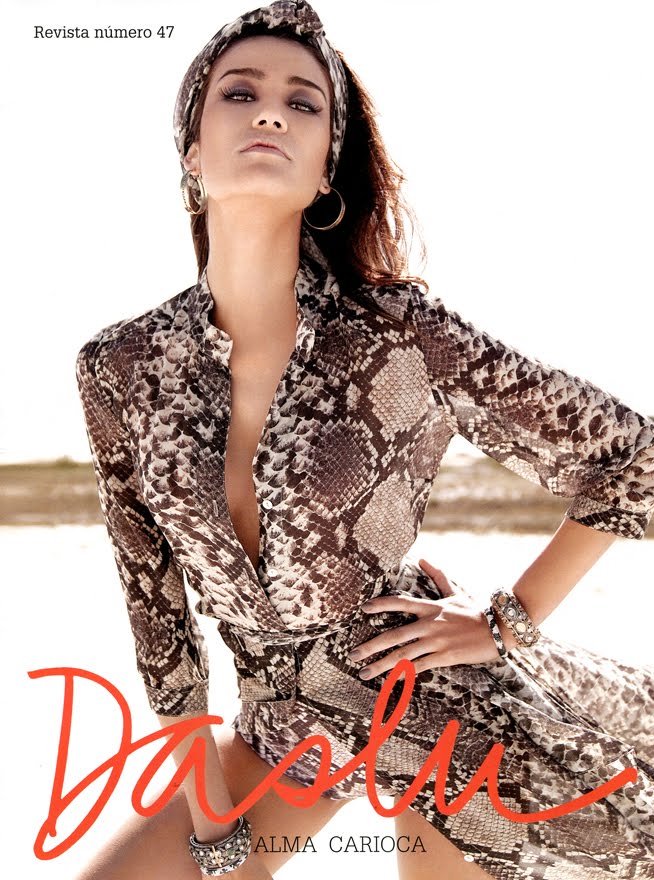
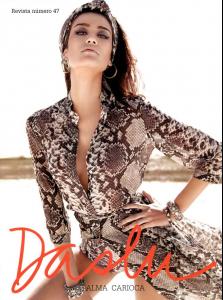
cover of new Daslu magazine
-
-
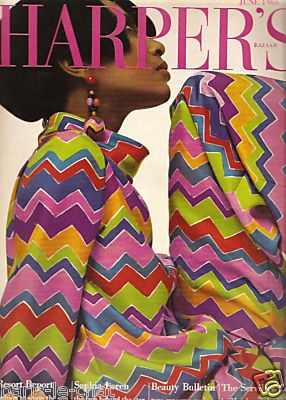
Bazaar america

-
Great cover, great find, great scan! Thanks Fender!
-
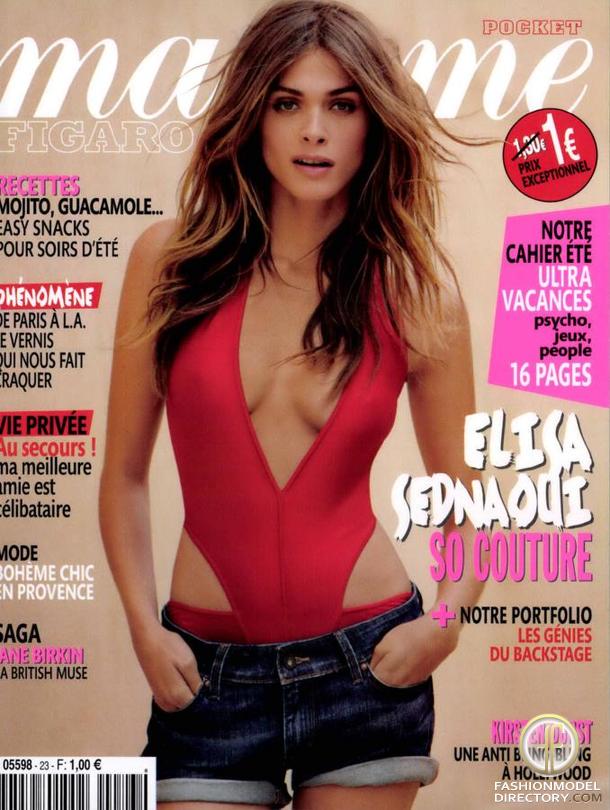
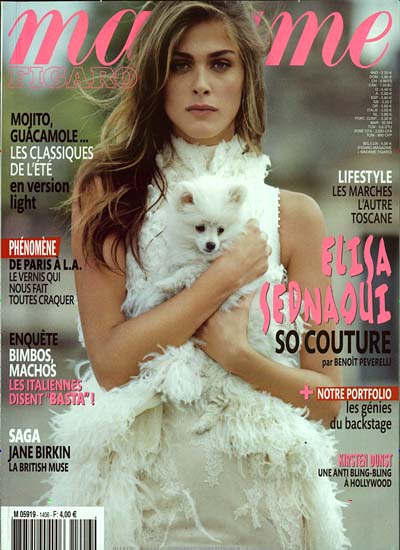
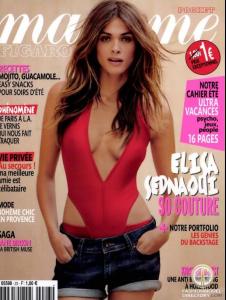
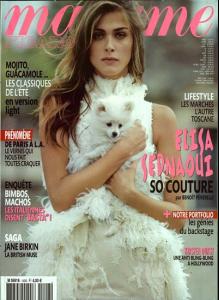
two covers for Madame Figaro
-
Beauty Launchpad

-
-
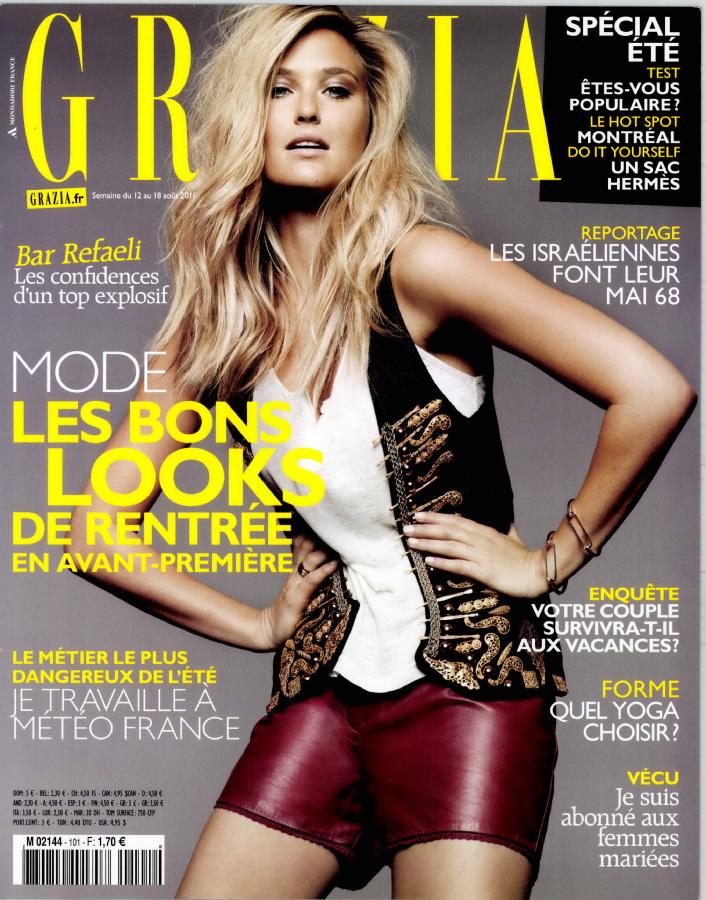
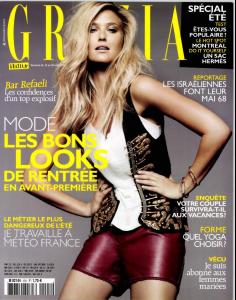
french Grazia
-
My pleasure Fender! And thanks John for the great scans, as always!
-
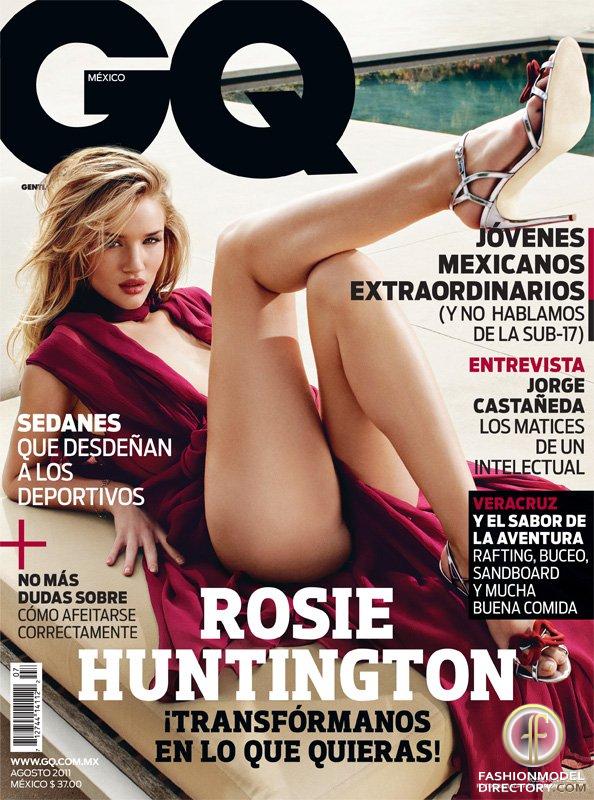
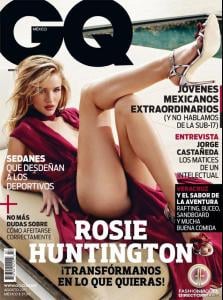
mexican GQ
-
Finally a model in American Vogue cover! And is the best Kate US Vogue cover!
-
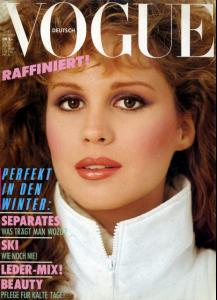
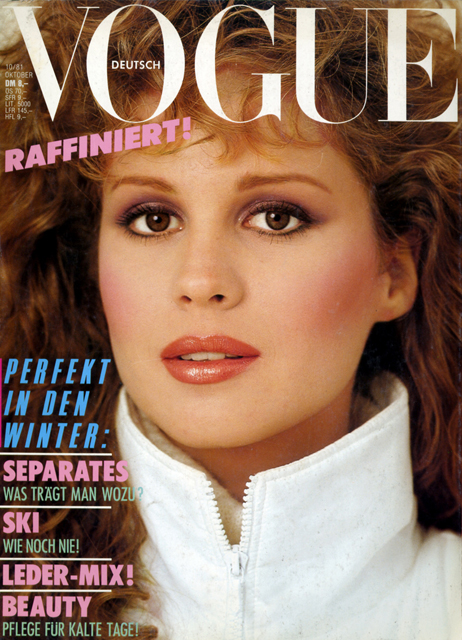
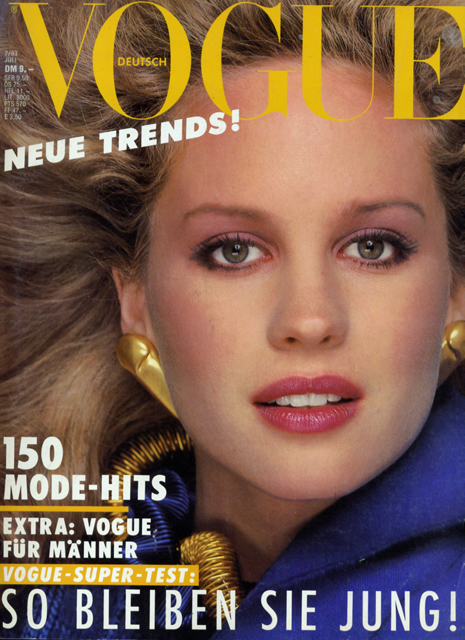
german Vogue