Jump to content
View in the app

A better way to browse. Learn more.

Bellazon

A full-screen app on your home screen with push notifications, badges and more.

To install this app on iOS and iPadOS
  1. Tap the Share icon in Safari
  2. Scroll the menu and tap Add to Home Screen.
  3. Tap Add in the top-right corner.
To install this app on Android
  1. Tap the 3-dot menu (⋮) in the top-right corner of the browser.
  2. Tap Add to Home screen or Install app.
  3. Confirm by tapping Install.

Dayrell

Members
  • Joined

  • Last visited

Everything posted by Dayrell

  1. new Elle Portugal
  2. Dayrell replied to a post in a topic in Female Fashion Models
    Elle Brazil
  3. Psychologies, Spain
  4. new Woman cover
  5. Dayrell replied to gin's topic in Actresses
    french Grazia
  6. Dayrell replied to Nebucadnezar's topic in Actresses
    My pleasure, John!
  7. Dayrell replied to CarMELita's topic in Actresses
    My pleasure!
  8. Dayrell replied to a post in a topic in Actresses
    turkish Tempo
  9. Dayrell replied to Sierra's topic in Actresses
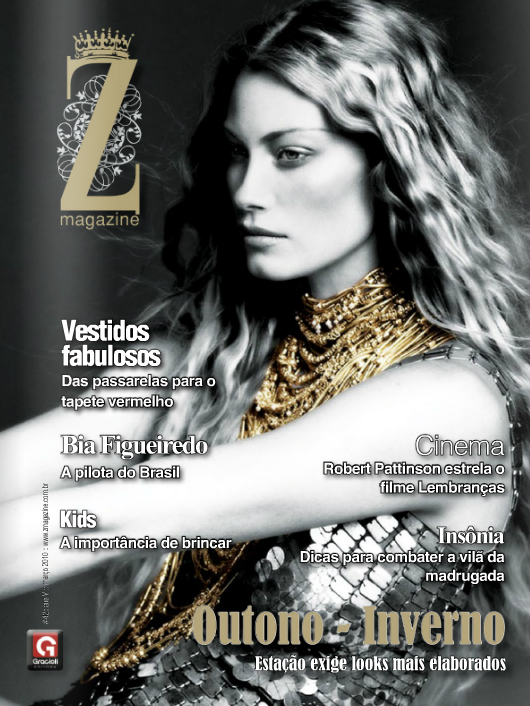
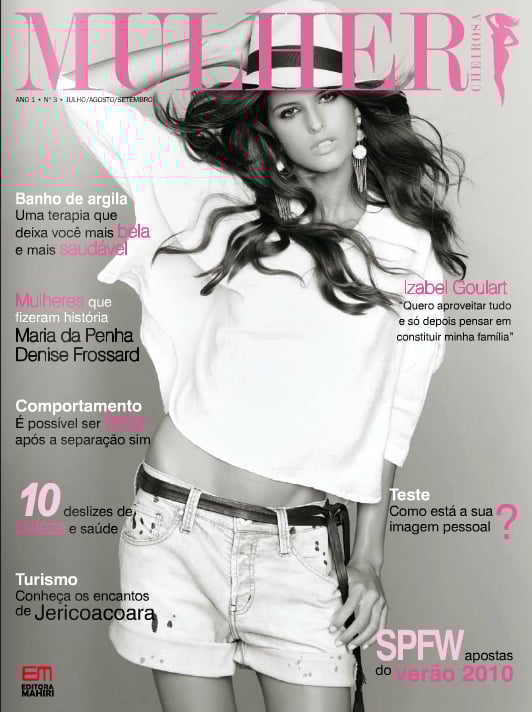
    Criativa, Brasil
  10. turkish FHM (from FMD)
  11. Dayrell replied to goose's topic in Actresses
    Beautiful cover, thanks Alpat!
  12. It is her, but too much photoshoped. The cover was scanned by Melancholybaby, TFS member. No, not Raquel, it´s Barbora Sindleryova!
  13. Elle Russia
  14. from Fashion Model Directory, Elle Finland
  15. Dayrell replied to Nebucadnezar's topic in Actresses
    Mujer Hoy
  16. Dayrell replied to gin's topic in Actresses
    great covers, thanks all!
  17. Dayrell replied to a post in a topic in Petra Nemcova
    back to Ocean Drive cover
  18. Dayrell replied to Neo52285's topic in Adriana Lima
    french Musk
  19. L'Officiel Hommes, Korea
  20. Dayrell replied to CarMELita's topic in Actresses
    Revista do Globo, Brasil

Configure browser push notifications

Chrome (Android)
  1. Tap the lock icon next to the address bar.
  2. Tap Permissions → Notifications.
  3. Adjust your preference.
Chrome (Desktop)
  1. Click the padlock icon in the address bar.
  2. Select Site settings.
  3. Find Notifications and adjust your preference.