Jump to content
View in the app

A better way to browse. Learn more.

Bellazon

A full-screen app on your home screen with push notifications, badges and more.

To install this app on iOS and iPadOS
  1. Tap the Share icon in Safari
  2. Scroll the menu and tap Add to Home Screen.
  3. Tap Add in the top-right corner.
To install this app on Android
  1. Tap the 3-dot menu (⋮) in the top-right corner of the browser.
  2. Tap Add to Home screen or Install app.
  3. Confirm by tapping Install.

sanja

Members
  • Joined

  • Last visited

Everything posted by sanja

  1. Legend world wide fall 2018
  2. Mirko Tabasevic photography
  3. Hello fashion Serbia December 2016/January 2017
  4. Fox model Serbia - mother agency Wave models Milano X ray models Height: 177 Bust: 81 Waist: 59 Hips: 89 Shoes/US: 40 Hair: Blonde Eyes: Blue
  5. Croatian model Hair Eyes Height Bust Waist Hips Dress Shoes Brown Blue US/EU/UK 5'11" / 178cm 34 / 88 24 / 60 35 / 90 6 / 36 9.5 / 41 / 7 Representing Agencies Place Model Management Ace Models - Athens Wiener Models Marilyn Agency - Paris Why Not Model Agency Global Fashion MC2 Model Management - Miami
  6. HQ pictures from Haralampos Giannakopoulos photoshoot Thanks to Nevena
  7. HQ pictures from Daniel Martinez photoshoot thanks to Nevena
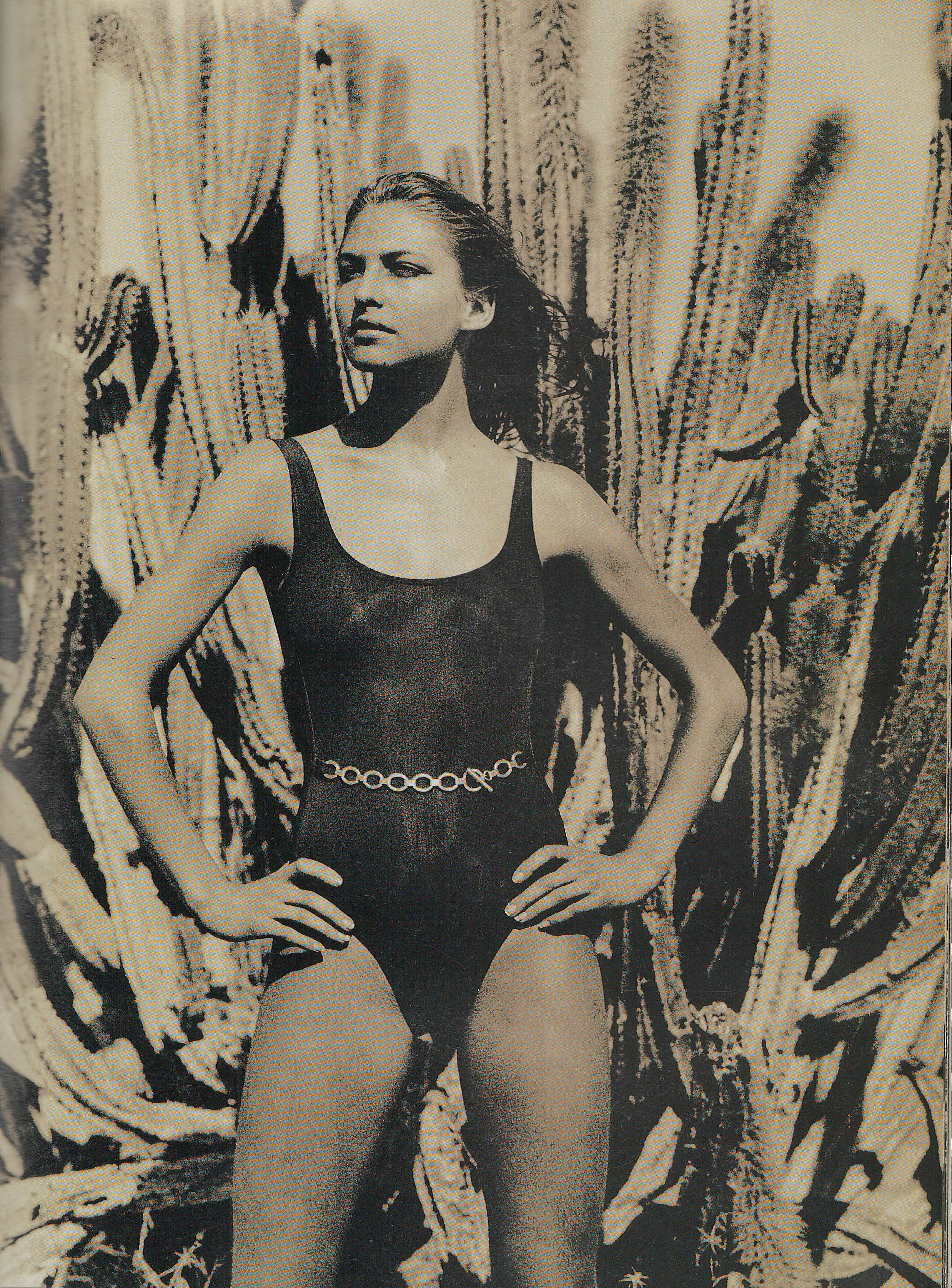
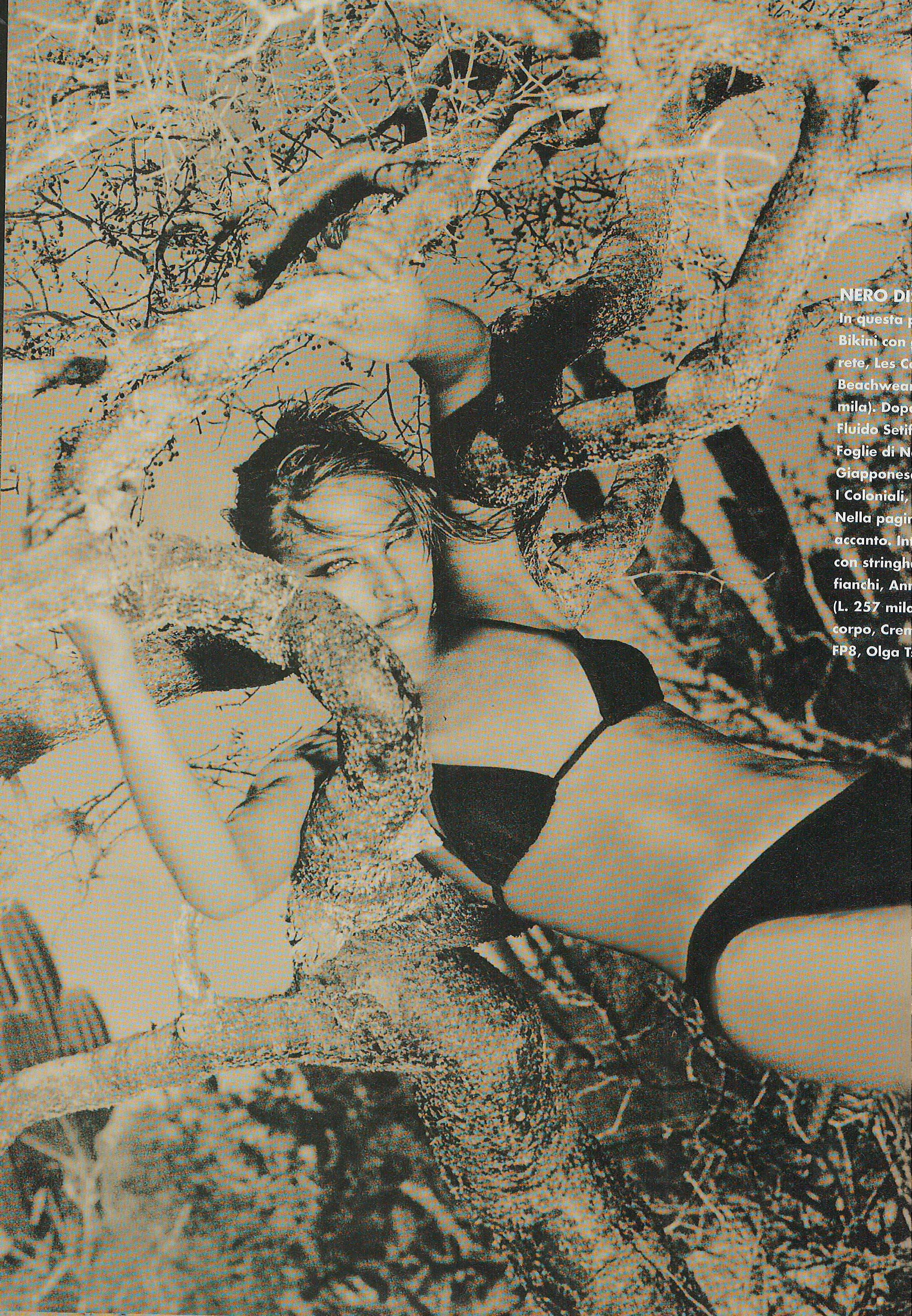
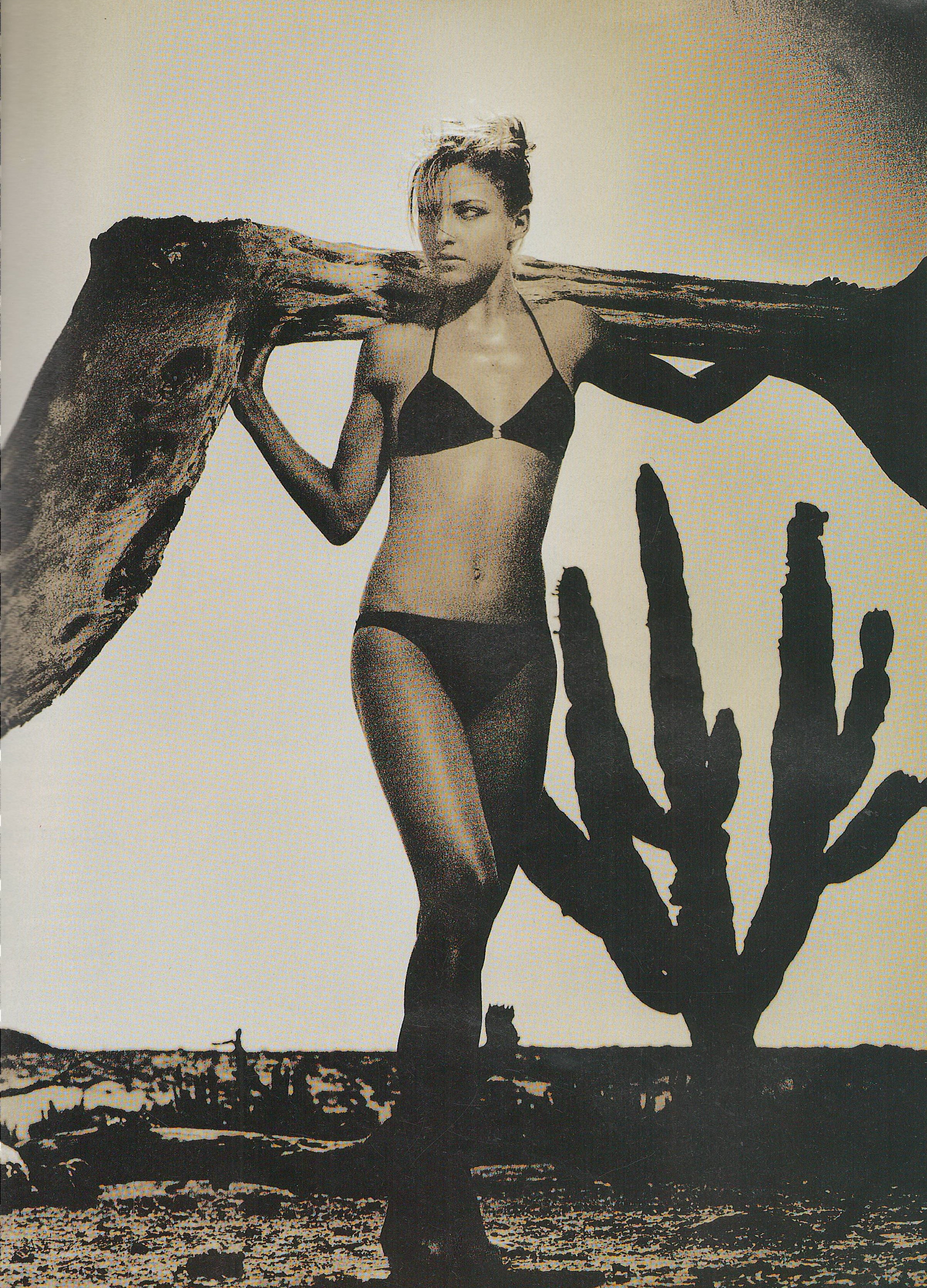
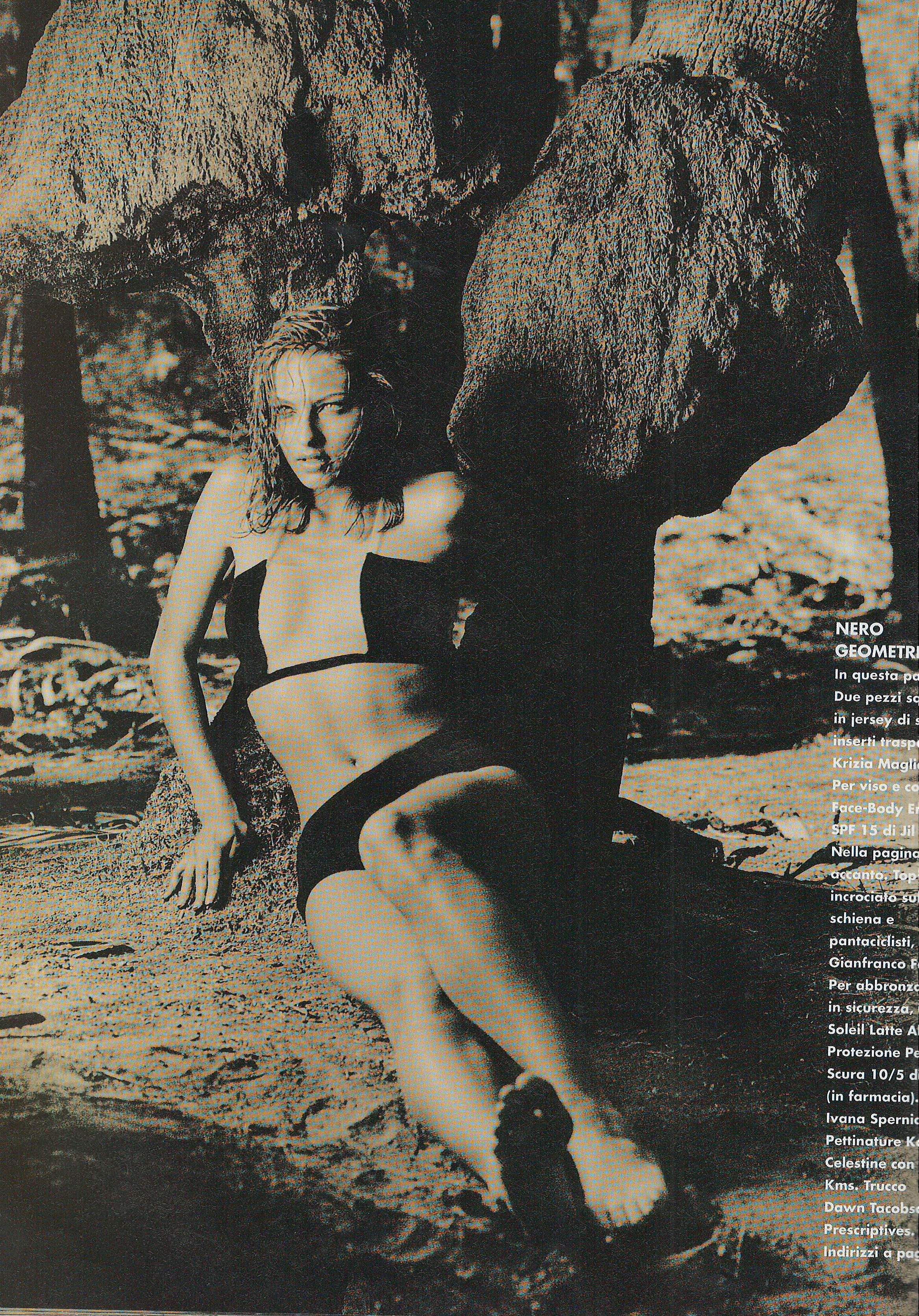
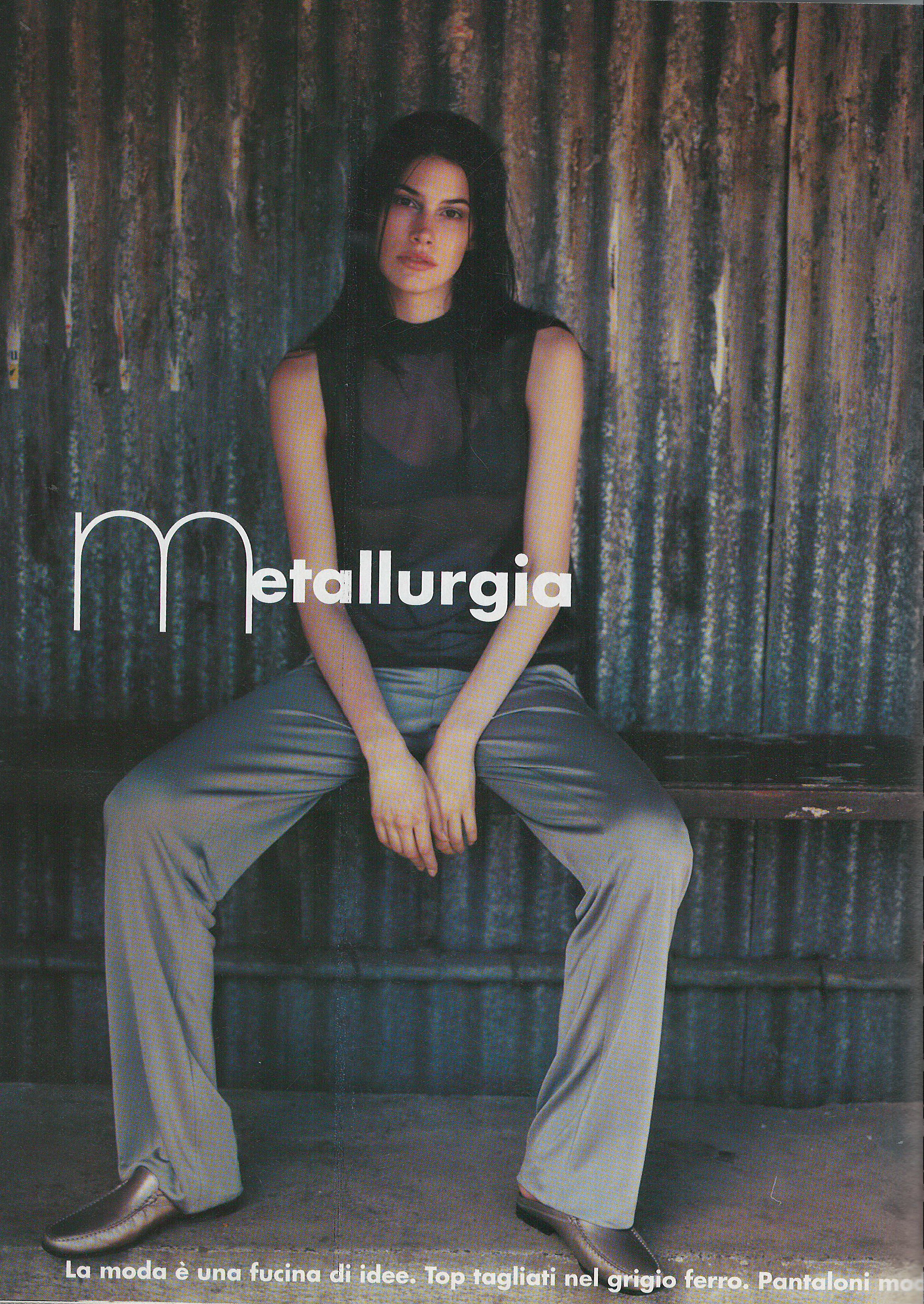
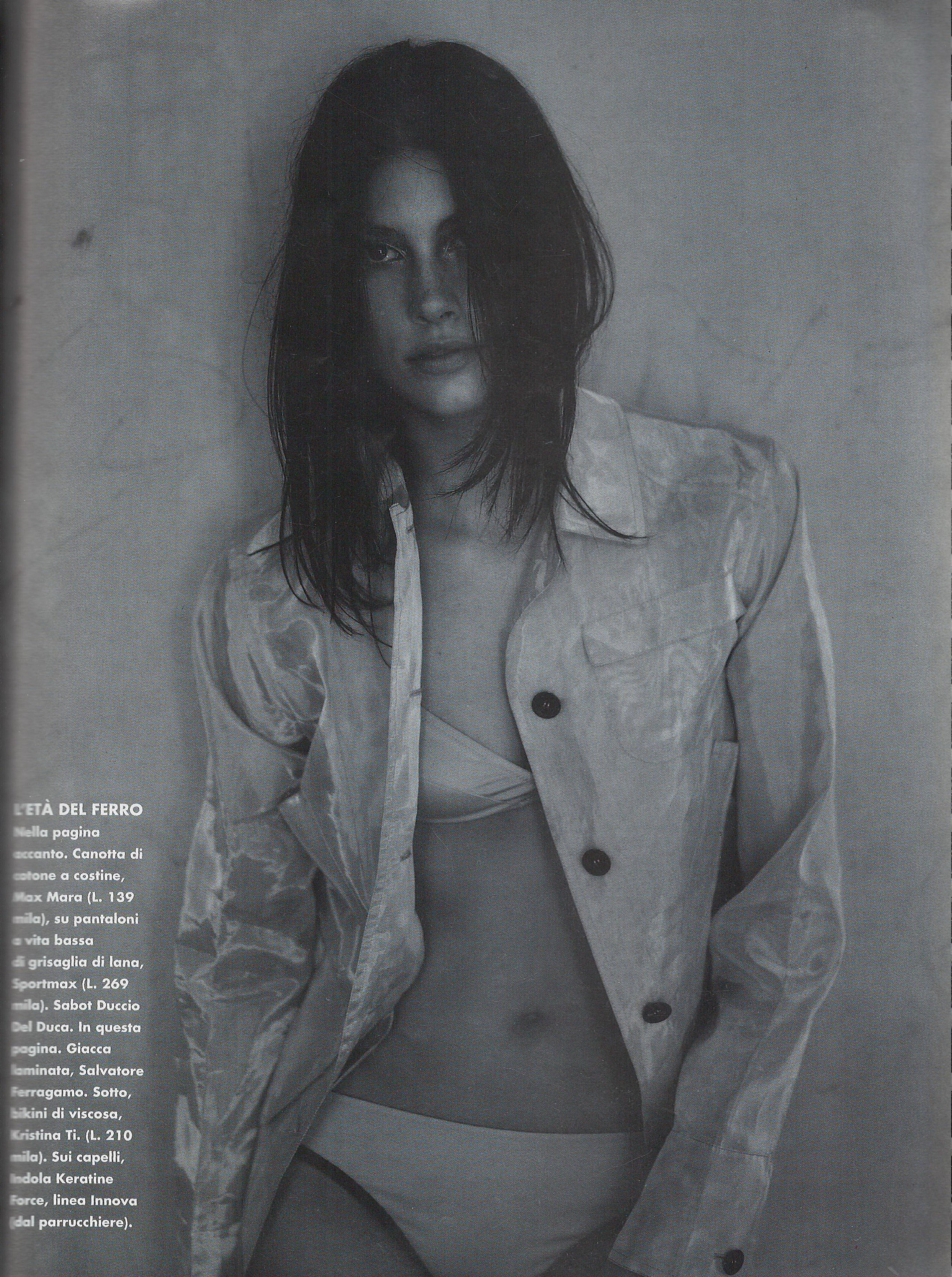
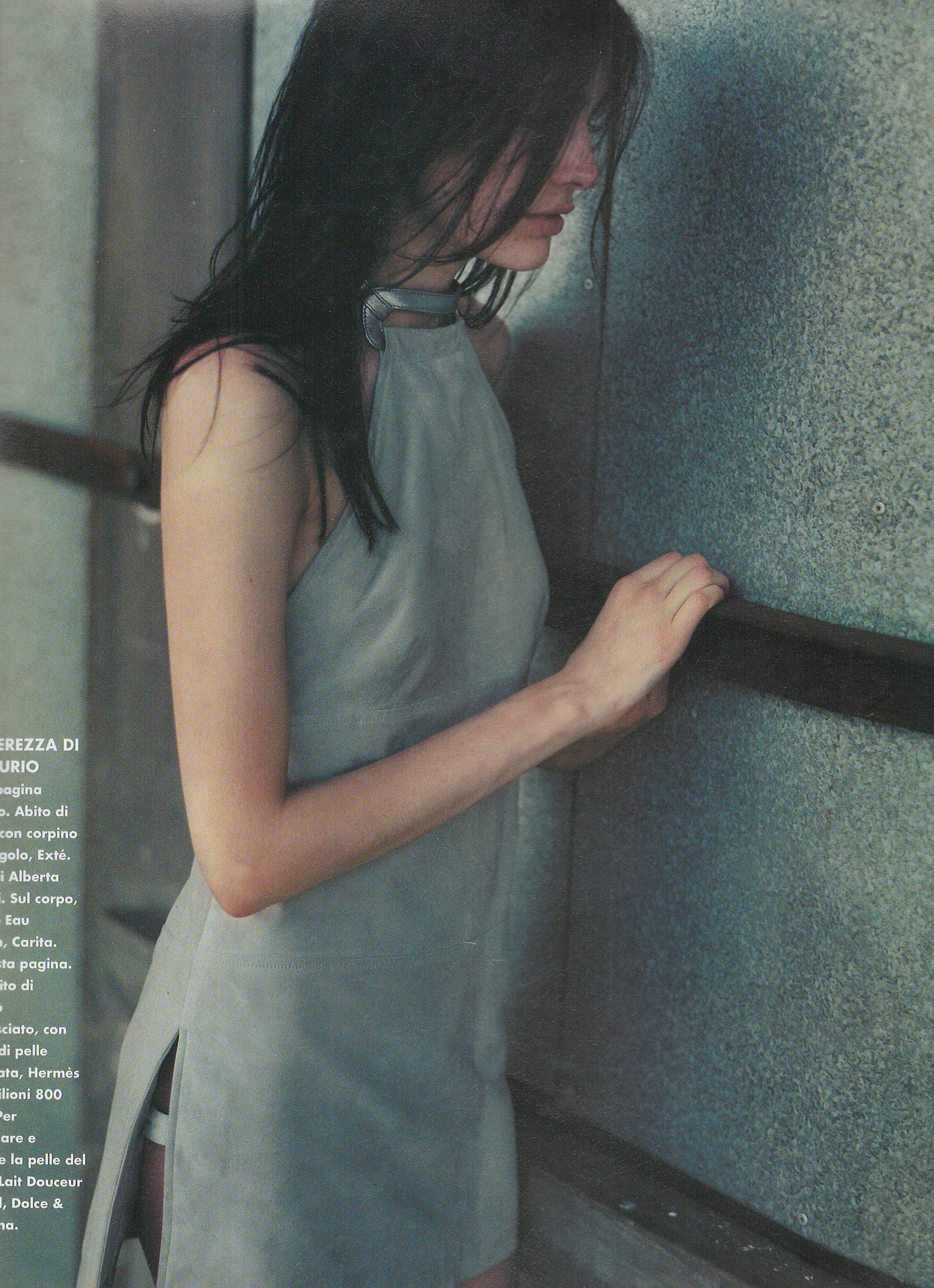
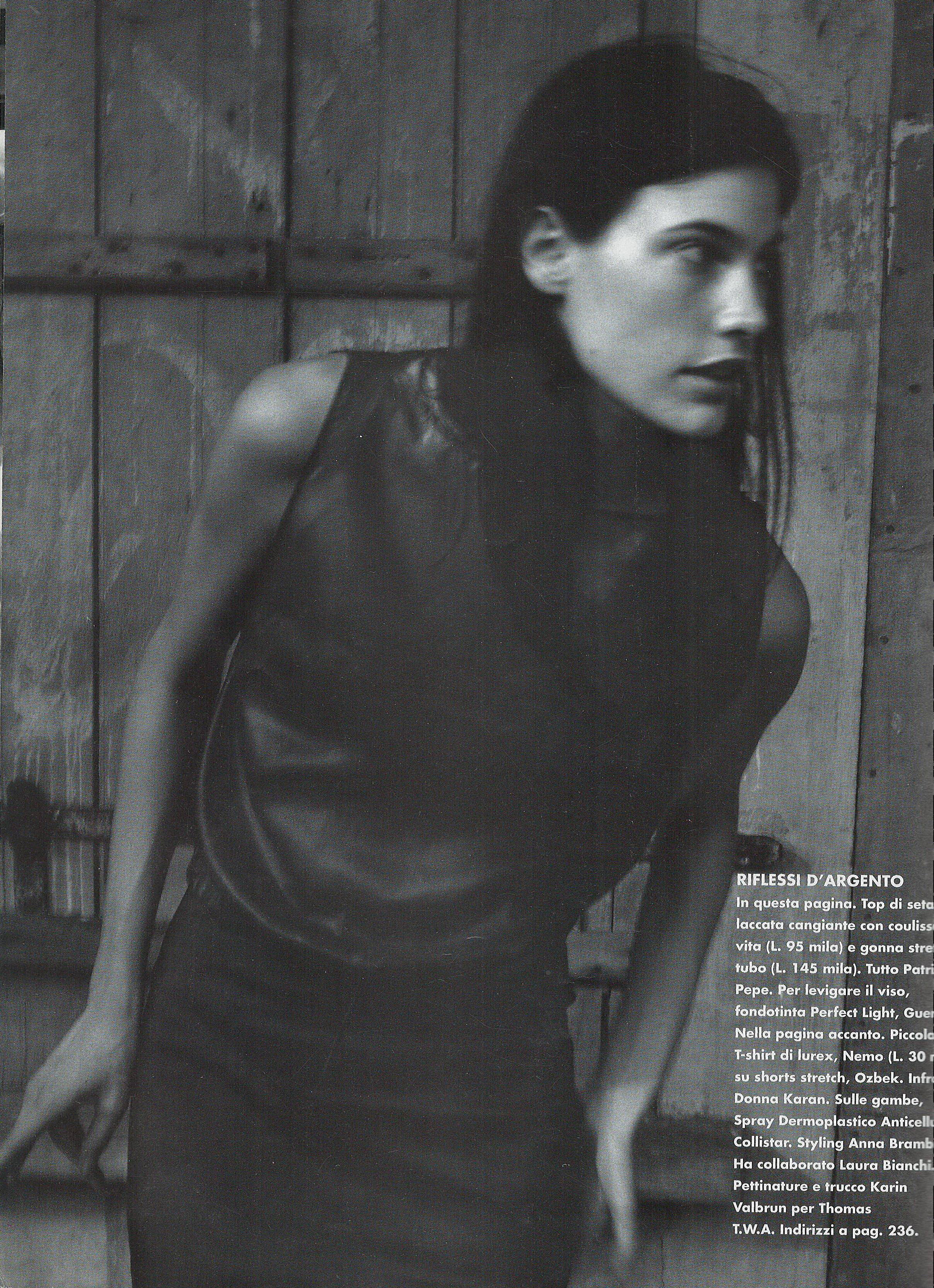
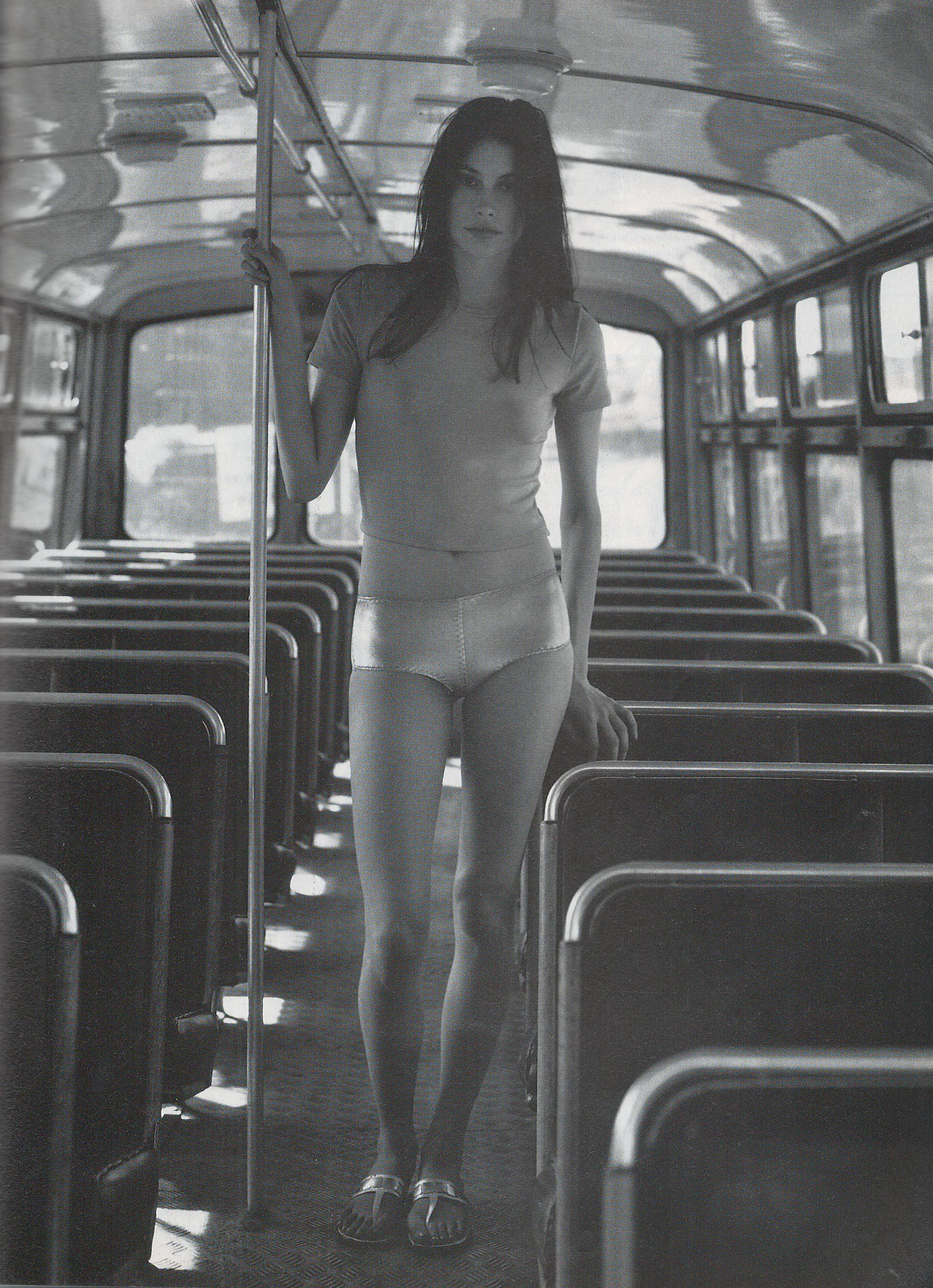
  8. Elle Italy June 1998 Scanned by me
  9. Elle Italy June 1998 cover model Carre Otis Scanned by me
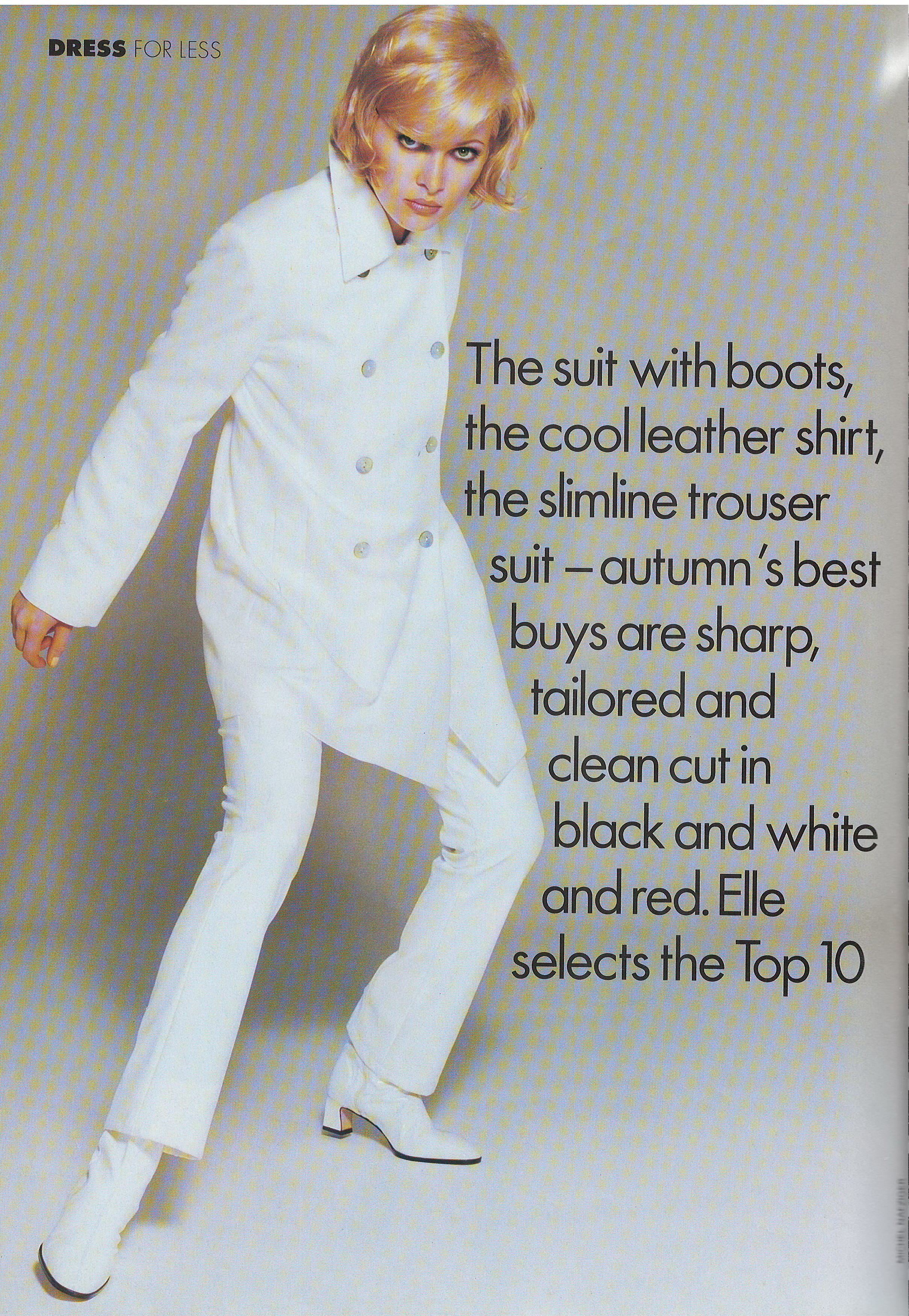
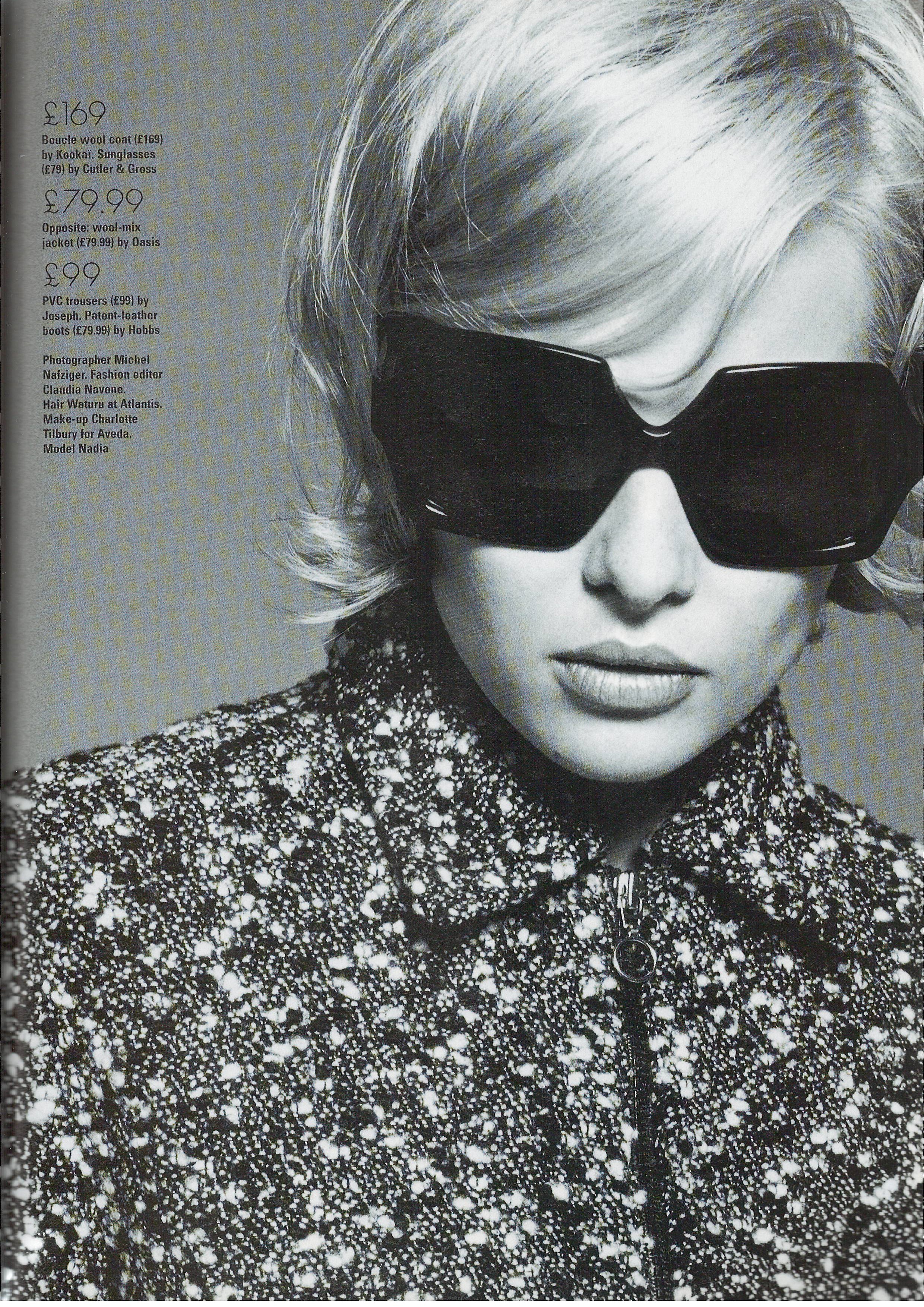
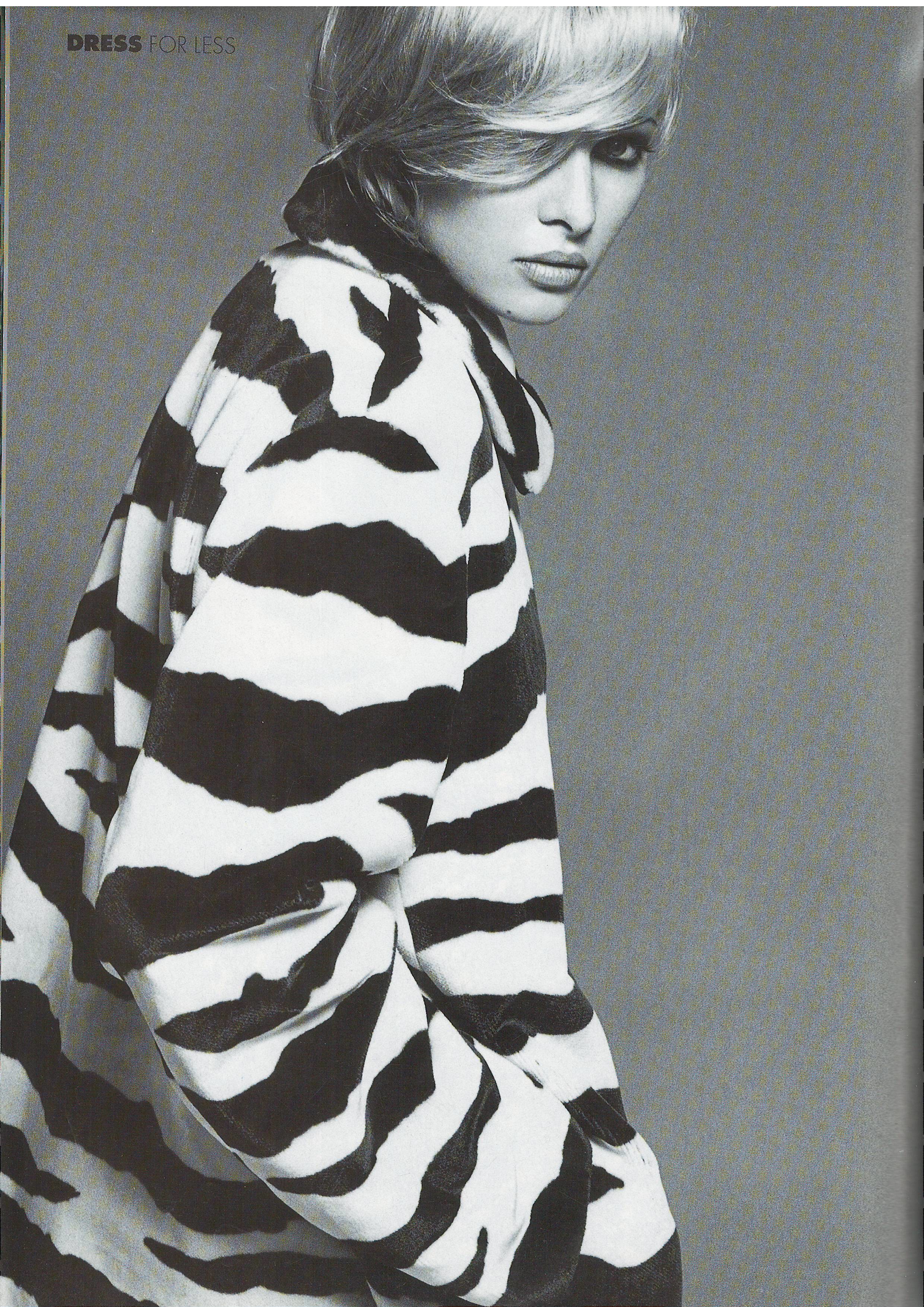
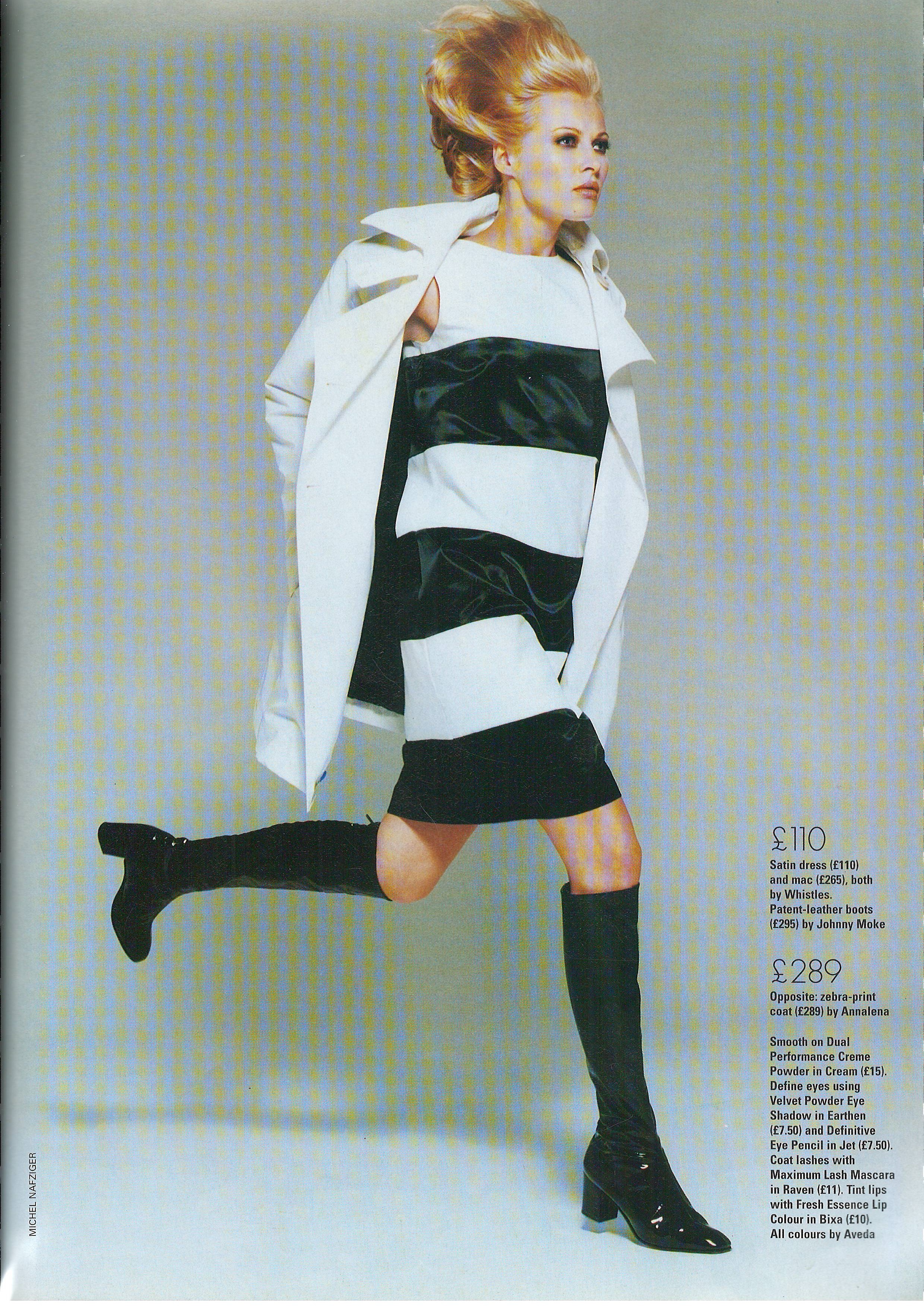
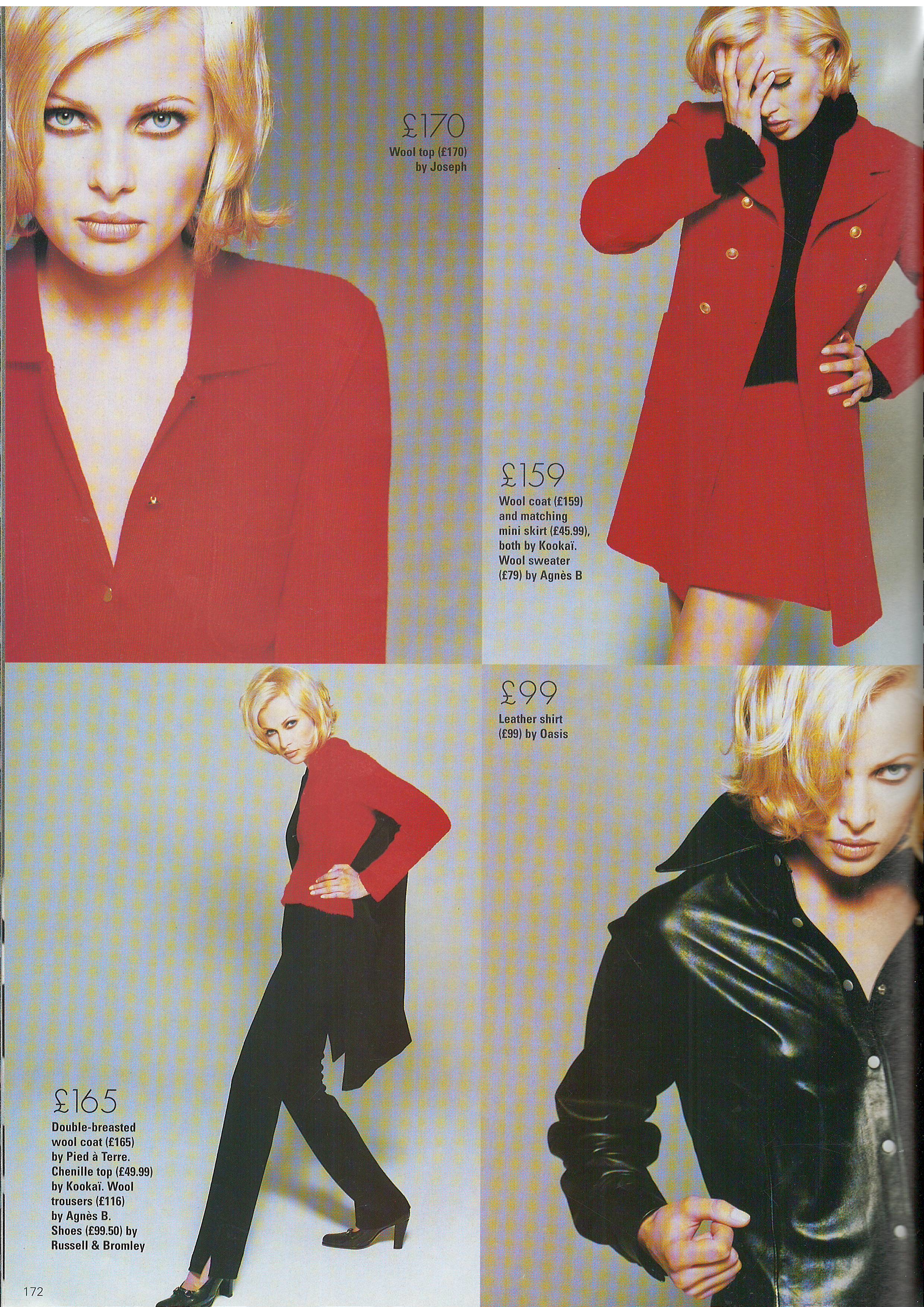
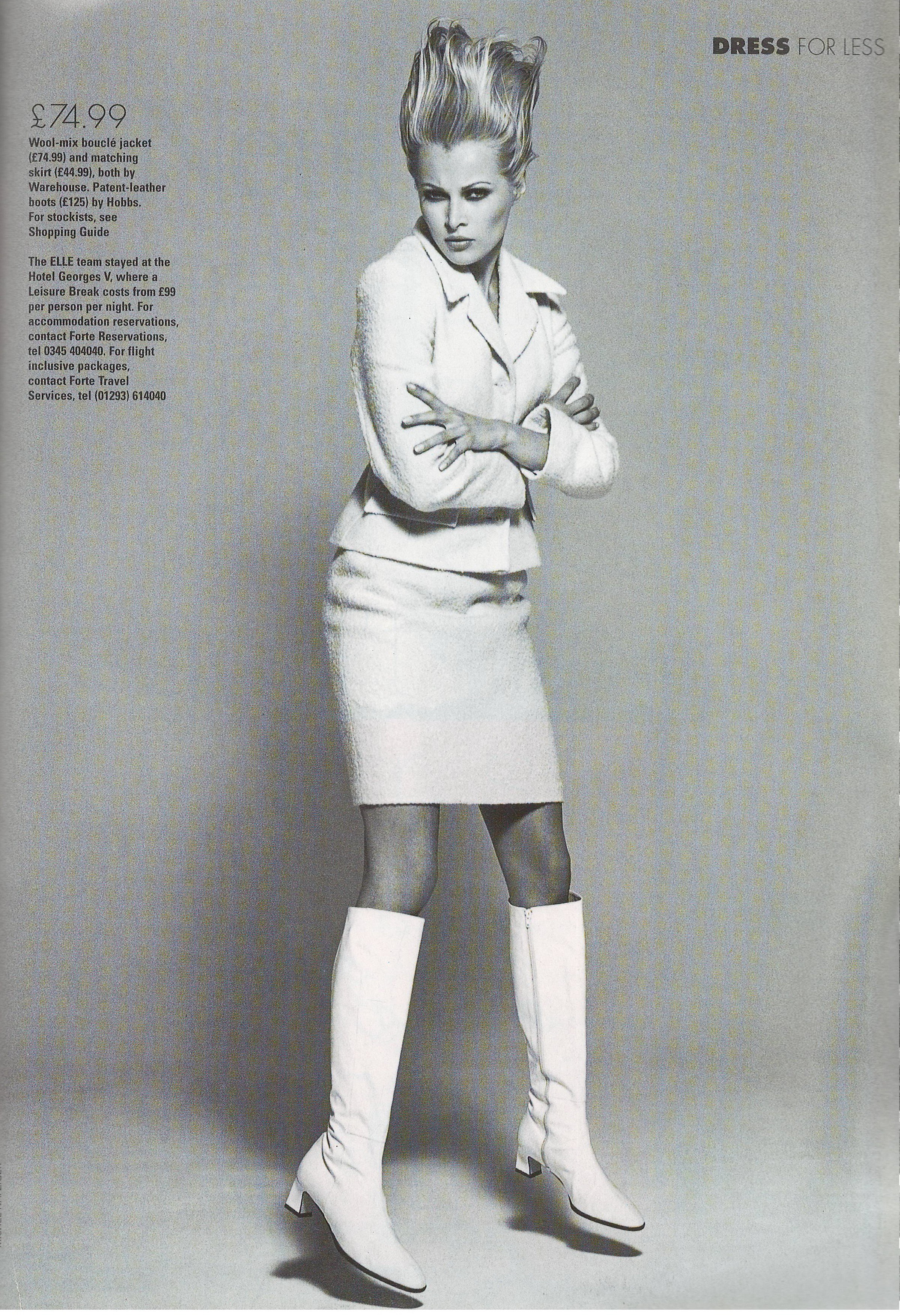
  10. Elle UK September 1995 Scanned by me
  11. Elle UK September 1995 Scanned by me
  12. Elle UK September 1995 cover model Helena Christensen Scanned by me
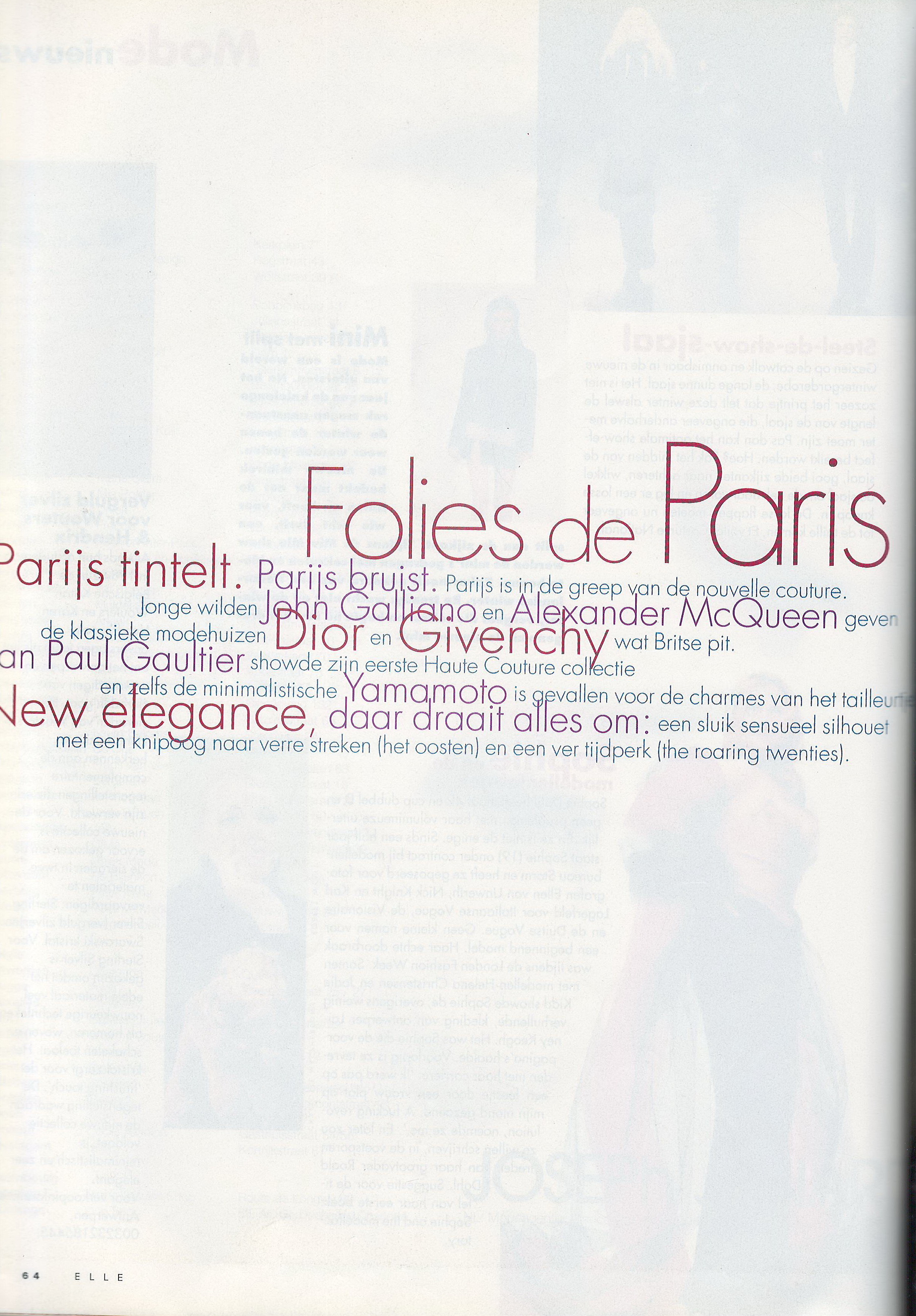
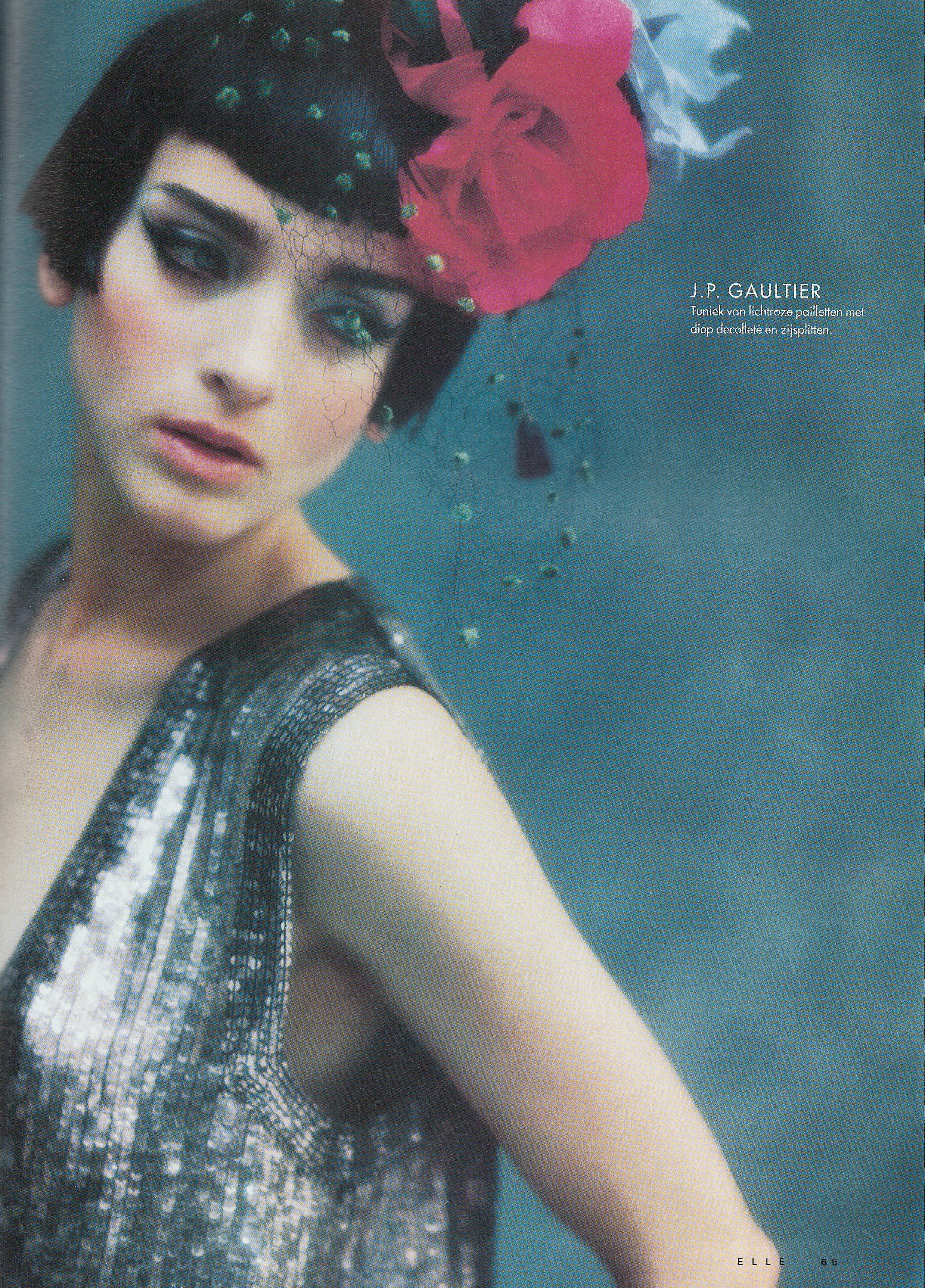
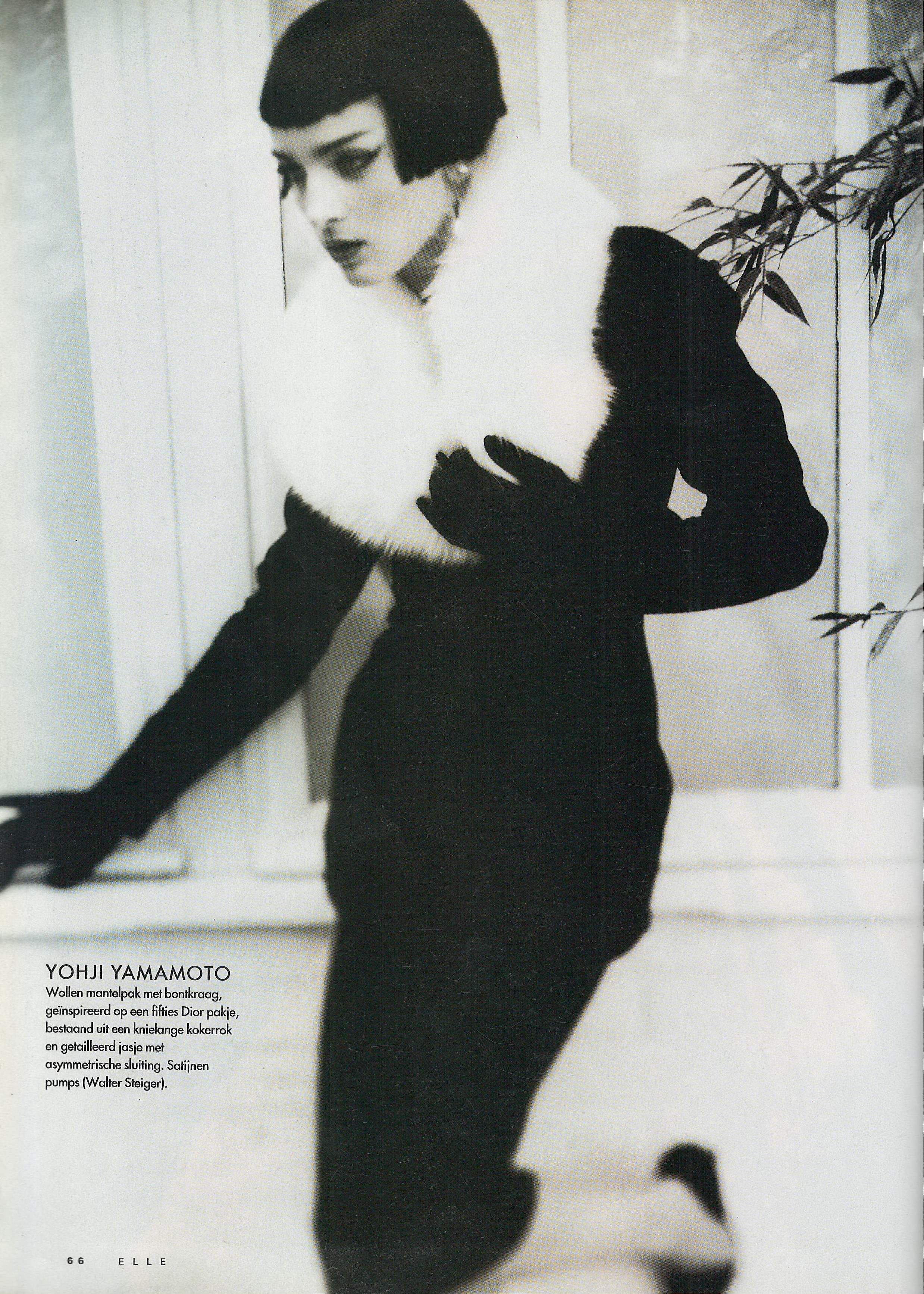
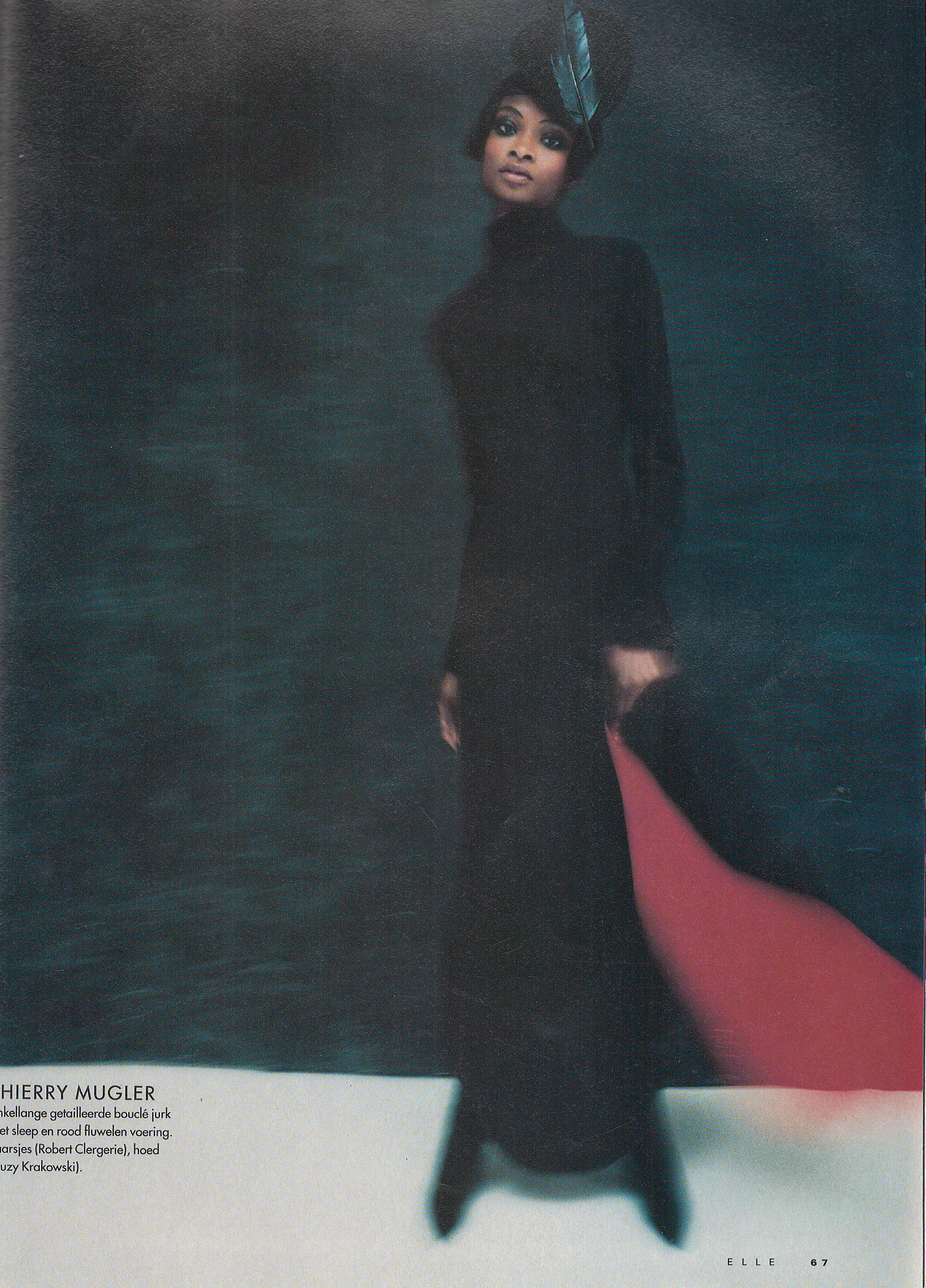
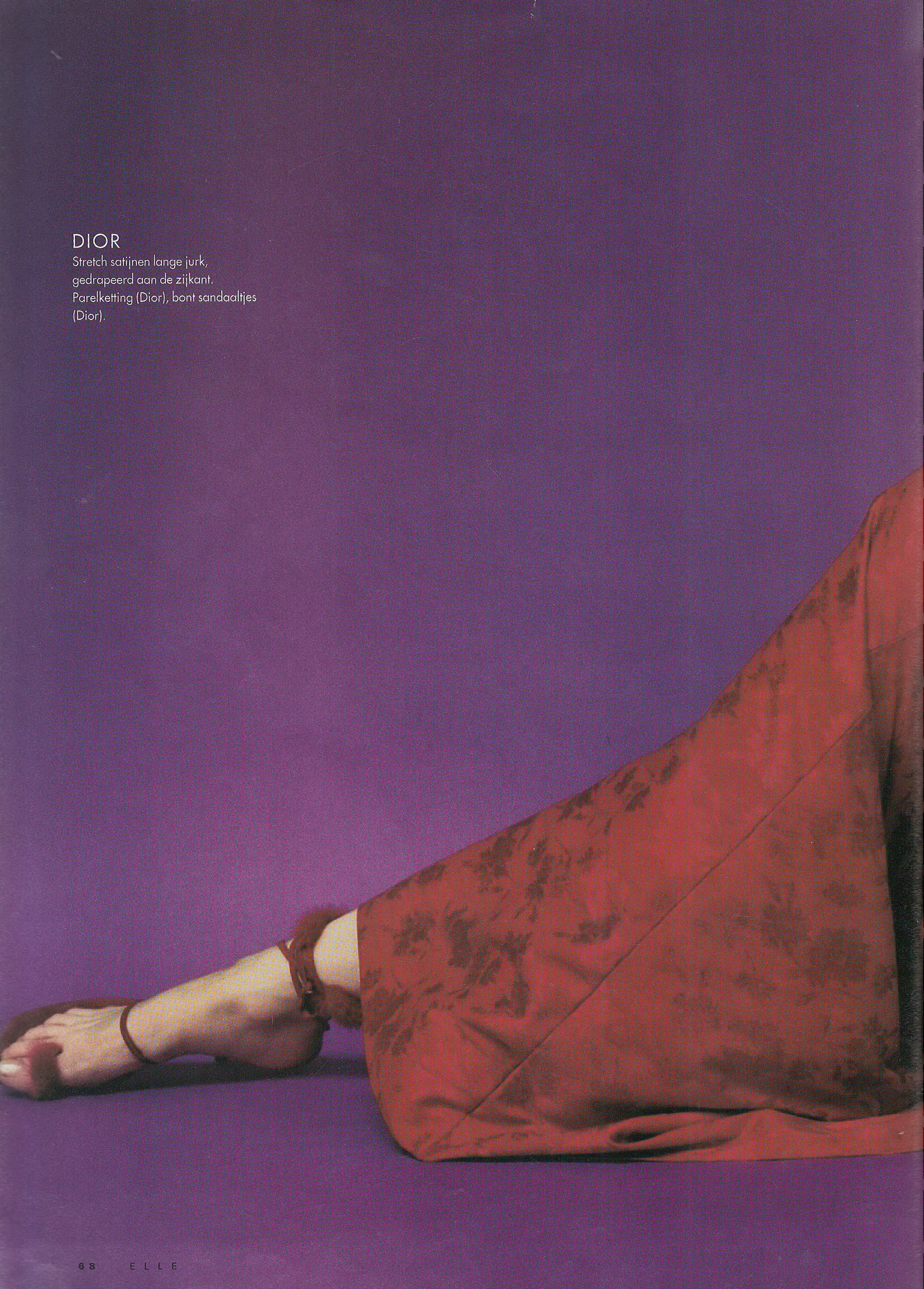
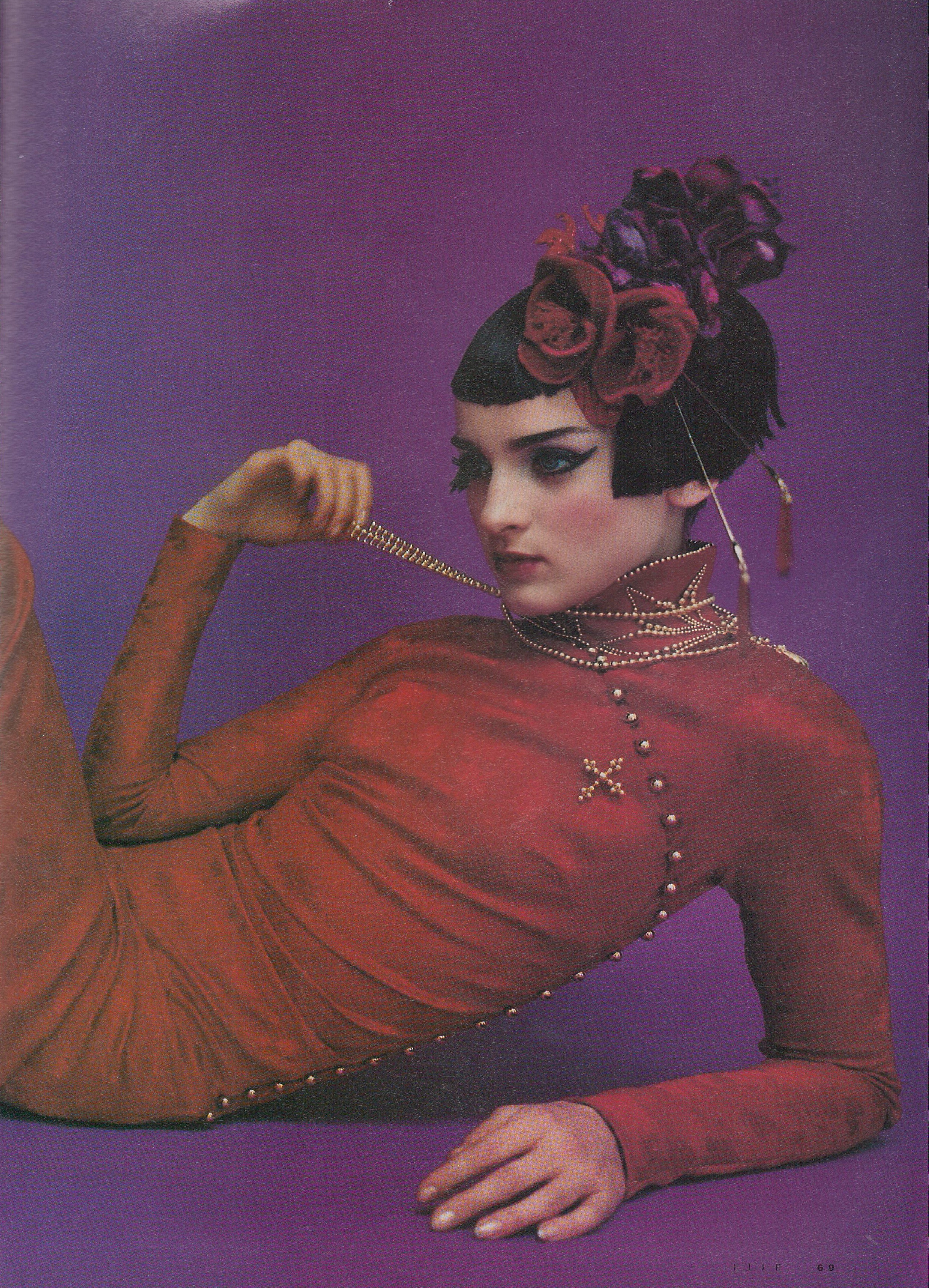
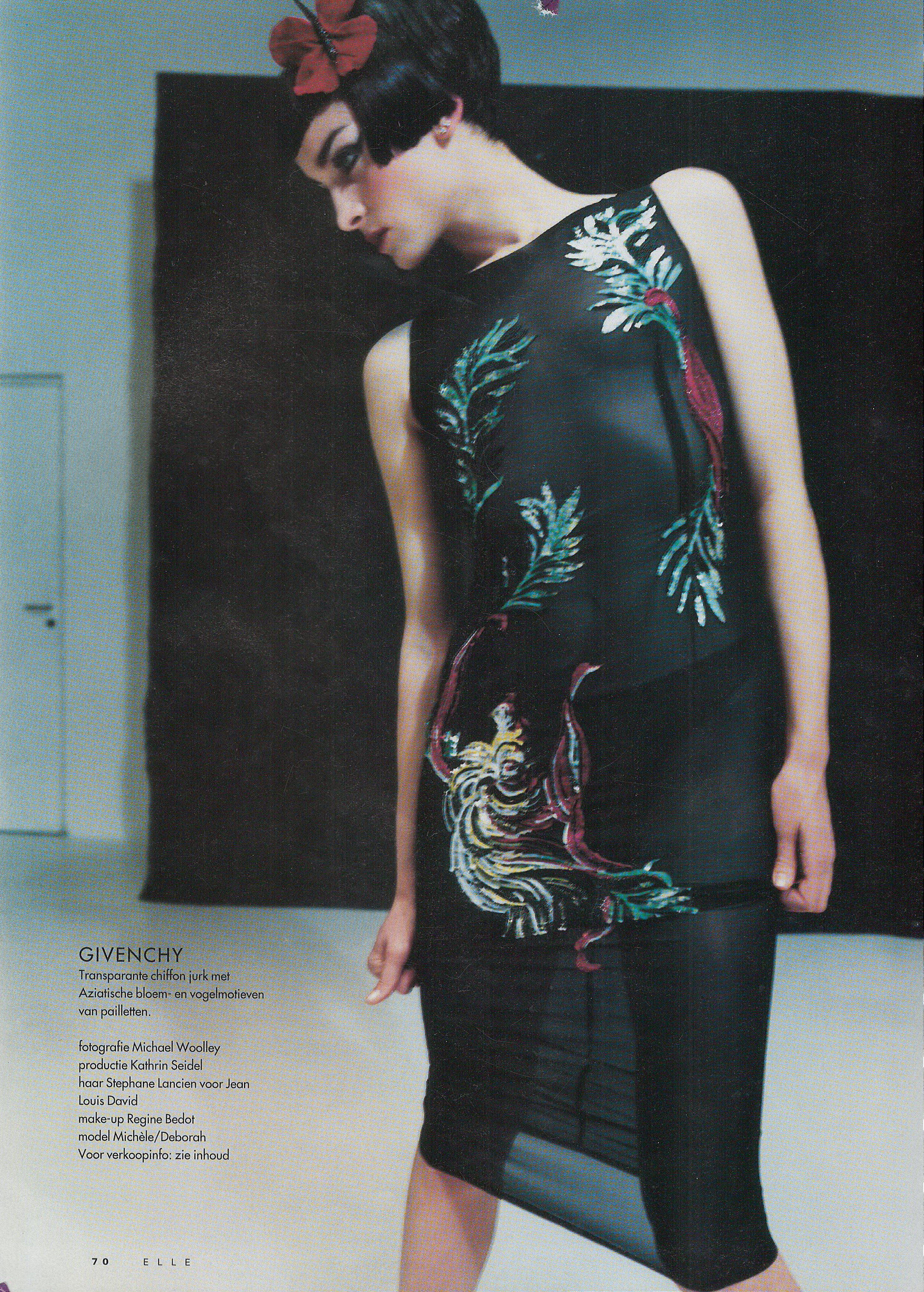
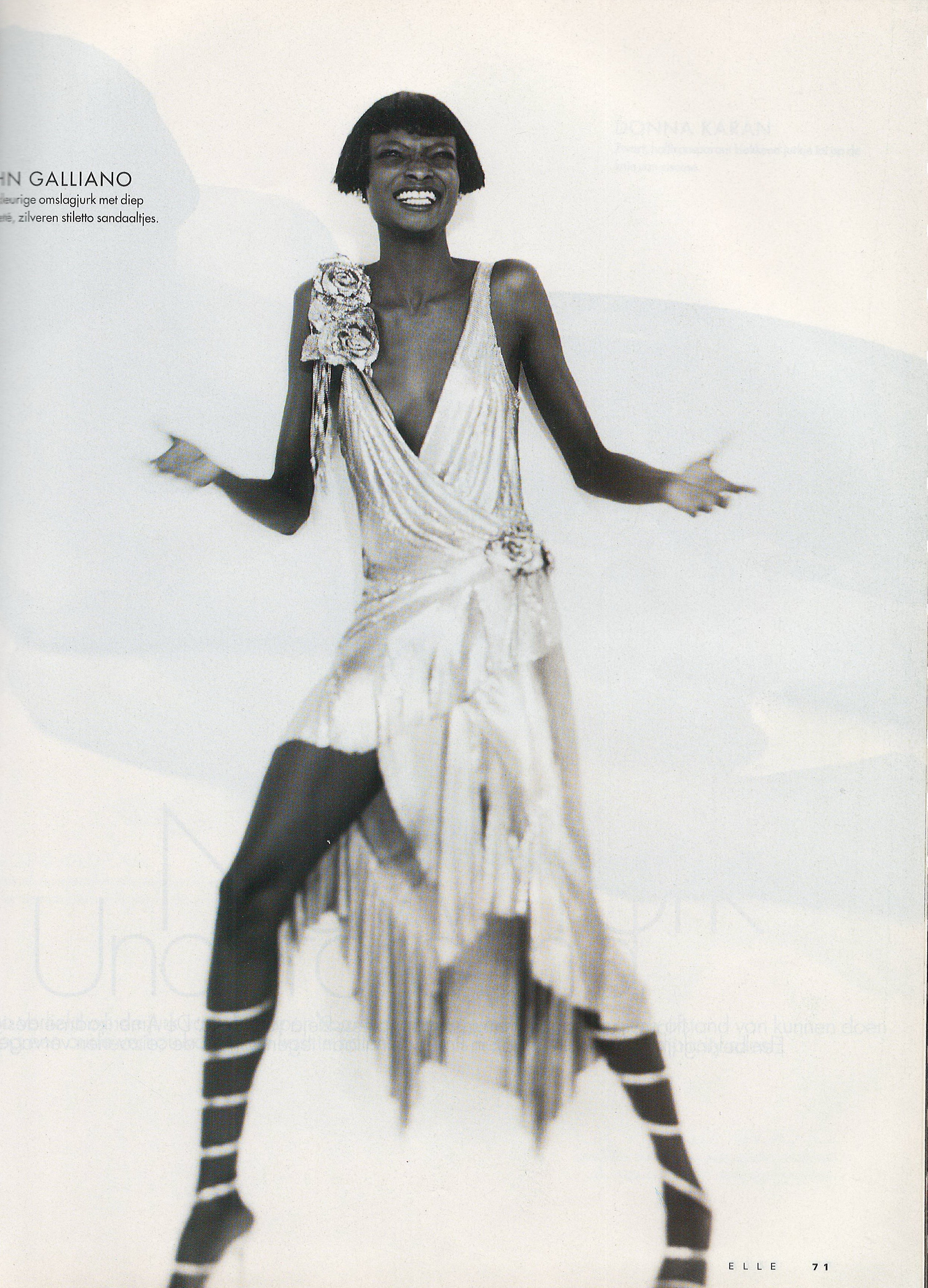
  13. Elle Netherlands August 1997 Scanned by me

  14. Elle Netherlands August 1997 cover model Karen Ferrari Scanned by me
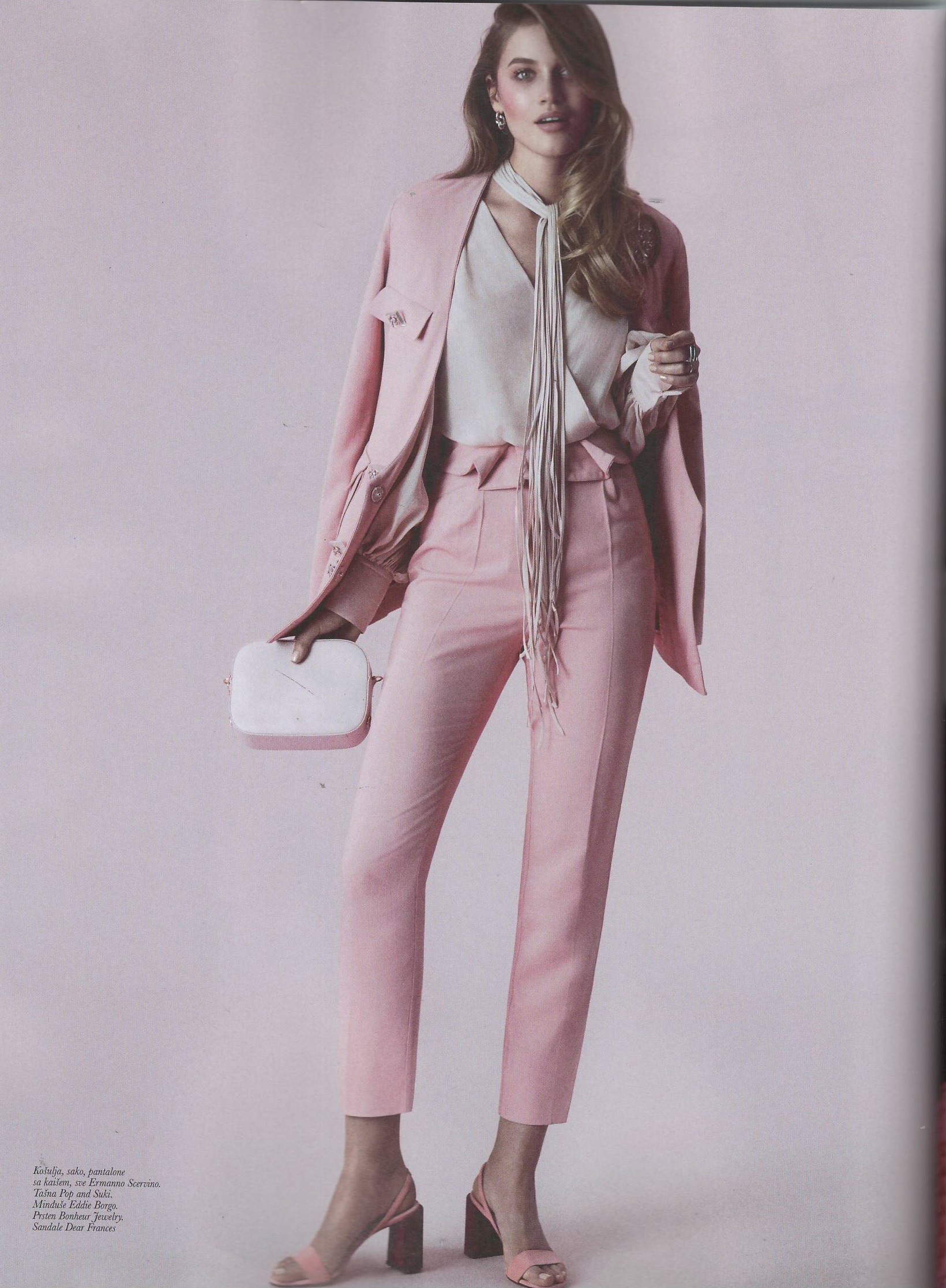
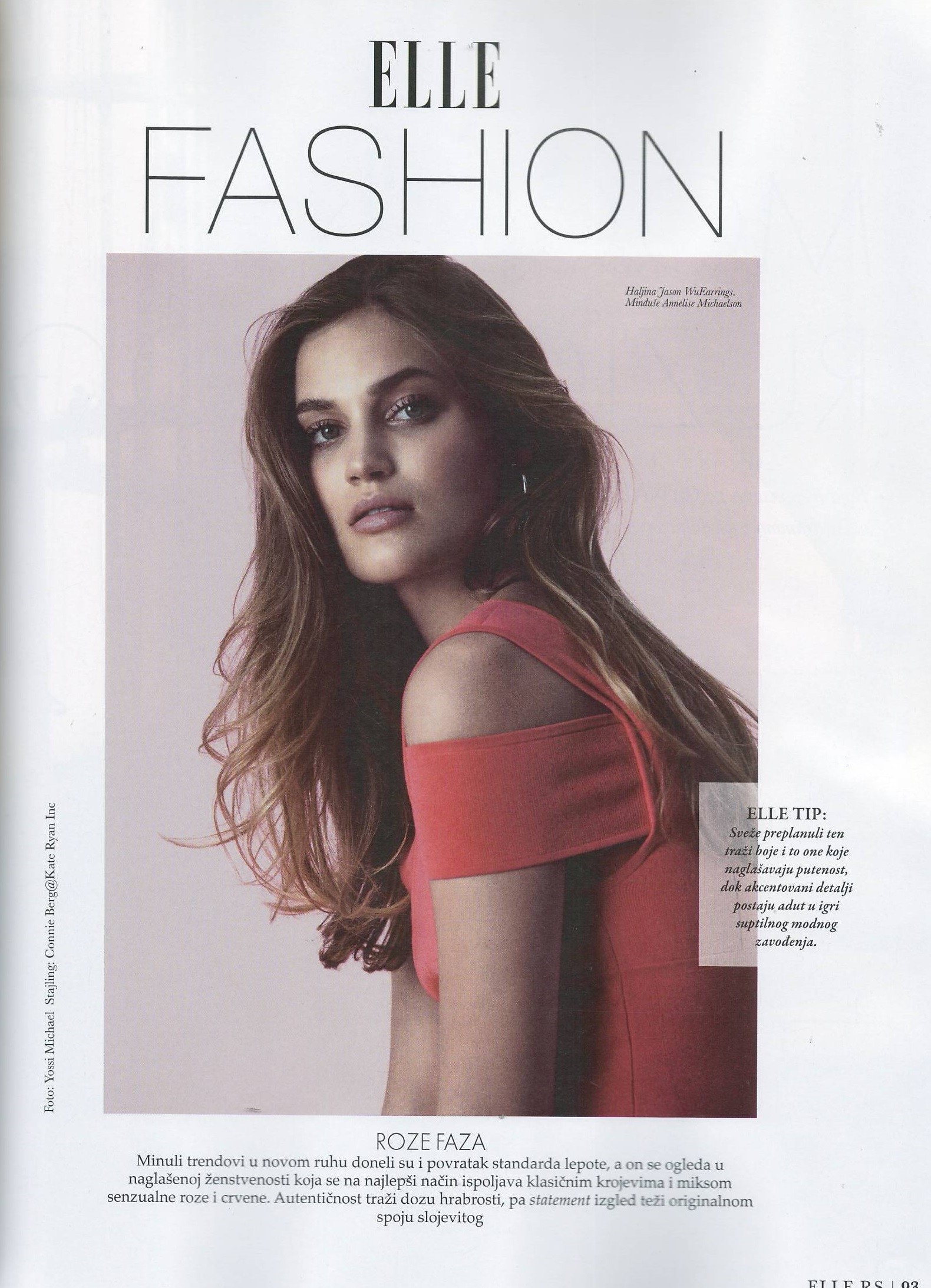
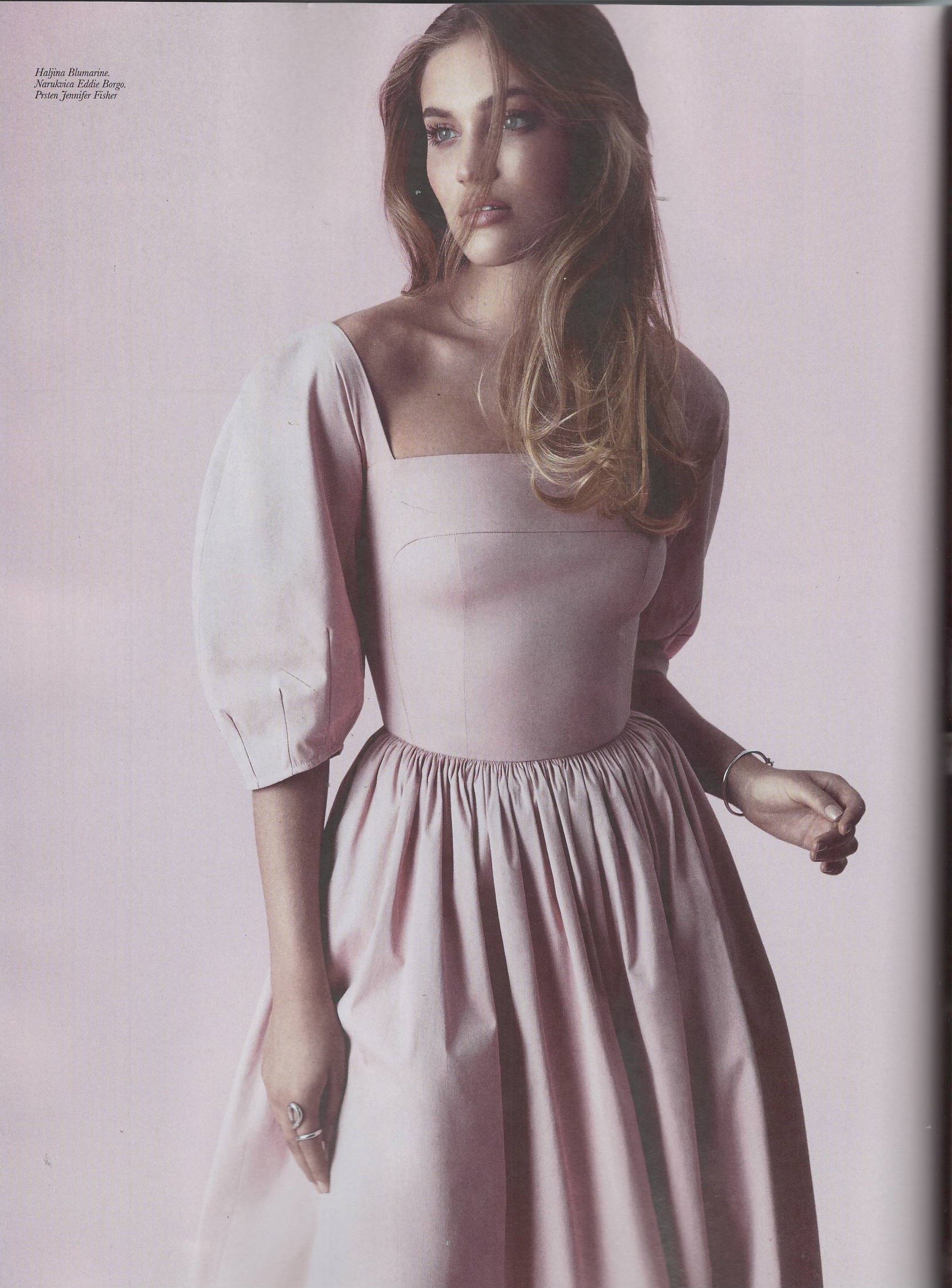
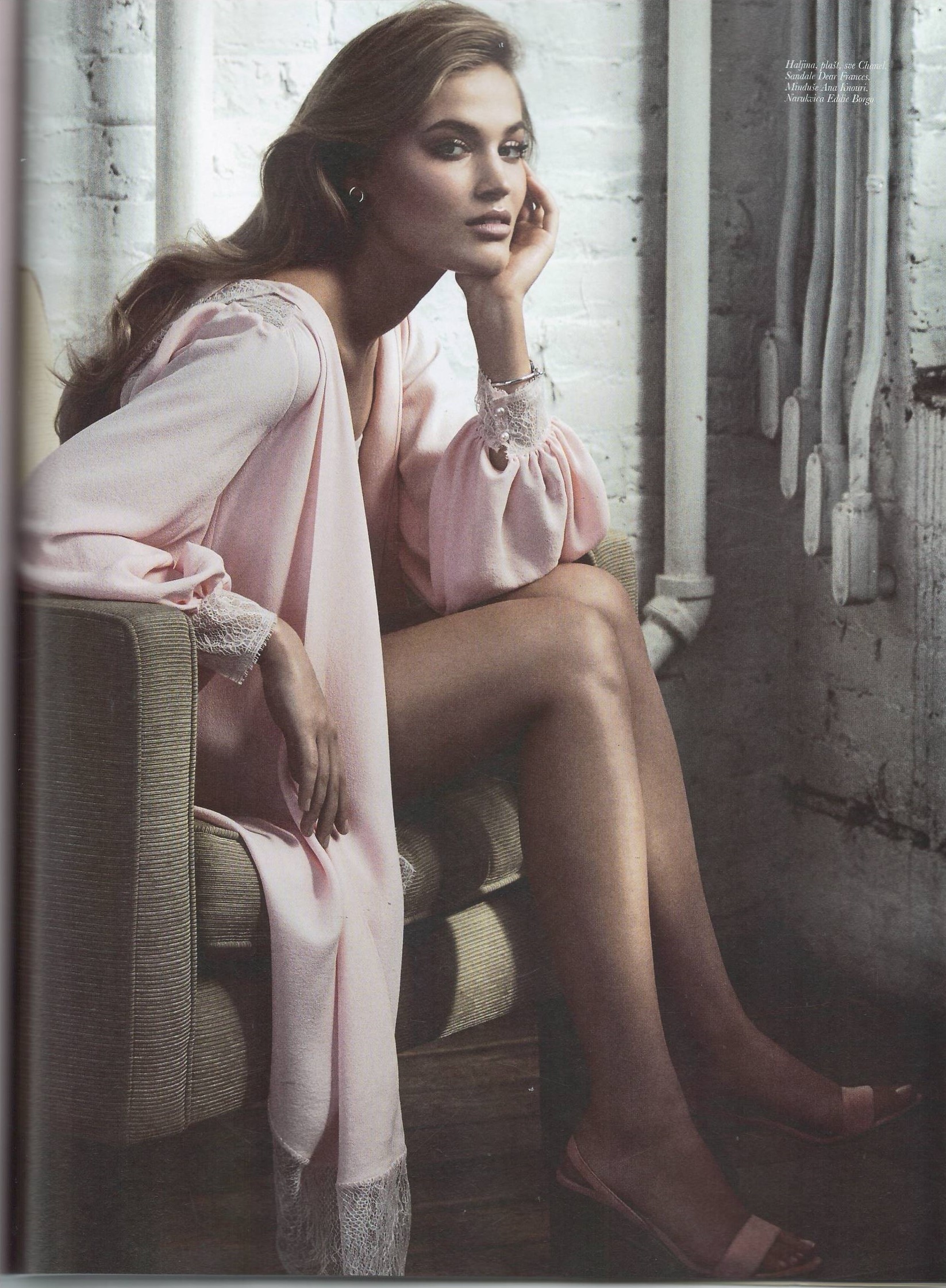
  15. Elle Serbia April 2018 supplement Scanned by me
  16. Elle Denmark September 2011 Scanned by me
  17. Elle Denmark September 2011 Scanned by me
  18. HQ scans Oops Russia August 2001 Scanned by me
  19. Gloria Serbia 11 June 2018
  20. Lucile Leber photography
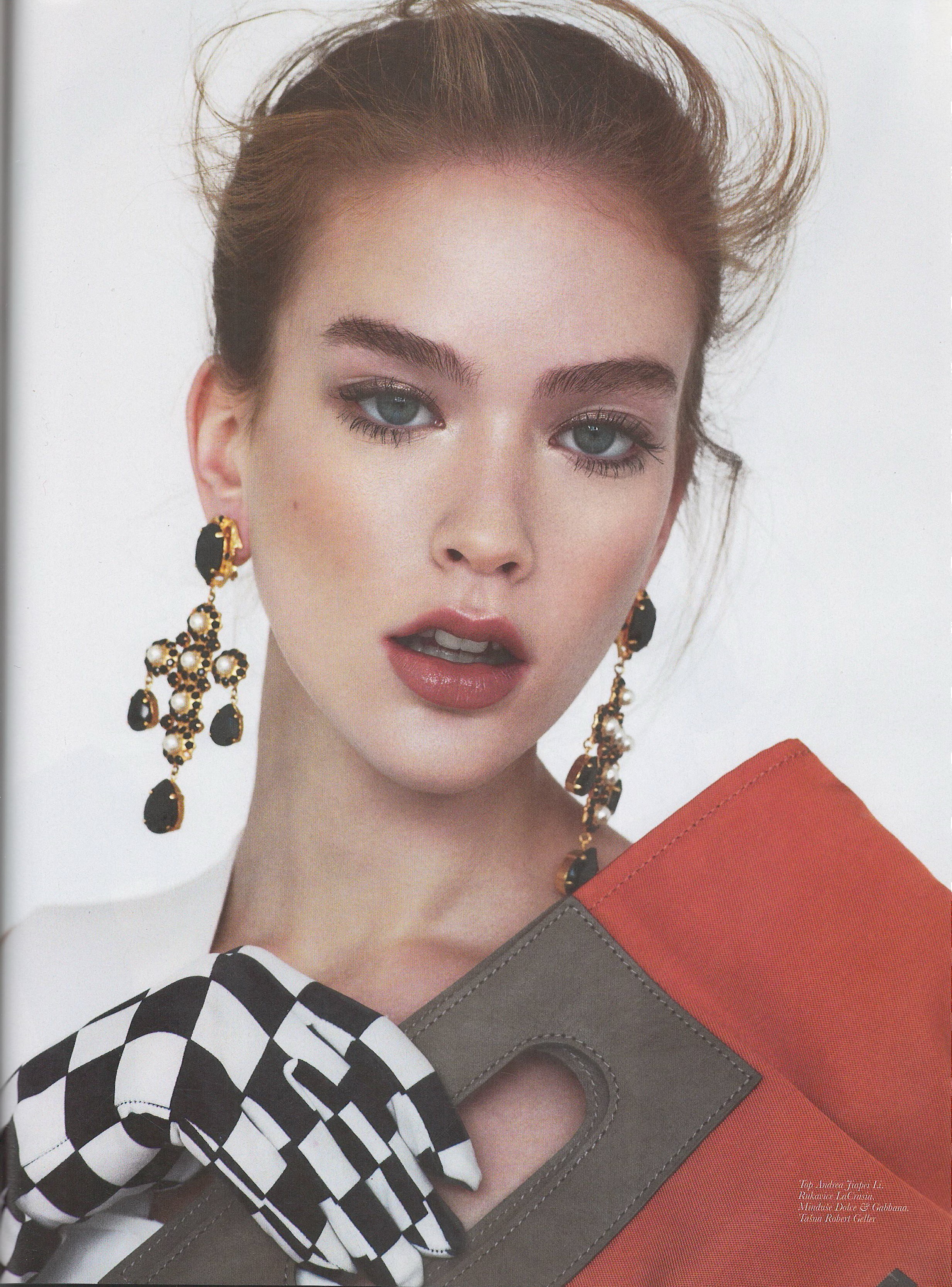
  21. Mikas model agency Brigitte women Germany July 2018
Configure browser push notifications

Chrome (Android)
  1. Tap the lock icon next to the address bar.
  2. Tap Permissions → Notifications.
  3. Adjust your preference.
Chrome (Desktop)
  1. Click the padlock icon in the address bar.
  2. Select Site settings.
  3. Find Notifications and adjust your preference.