
Jump to content
View in the app

A better way to browse. Learn more.

Bellazon

A full-screen app on your home screen with push notifications, badges and more.

To install this app on iOS and iPadOS
  1. Tap the Share icon in Safari
  2. Scroll the menu and tap Add to Home Screen.
  3. Tap Add in the top-right corner.
To install this app on Android
  1. Tap the 3-dot menu (⋮) in the top-right corner of the browser.
  2. Tap Add to Home screen or Install app.
  3. Confirm by tapping Install.

michelabella

Members
  • Joined

Everything posted by michelabella

  1. yeah Isabeli and Natalia's did well I am hoping for some kind of beauty shot... handbag/eyewear w/e I love her close ups
  2. 1.Liya 2.Angela 3.Jacquetta 4.Adriana 5.Ana
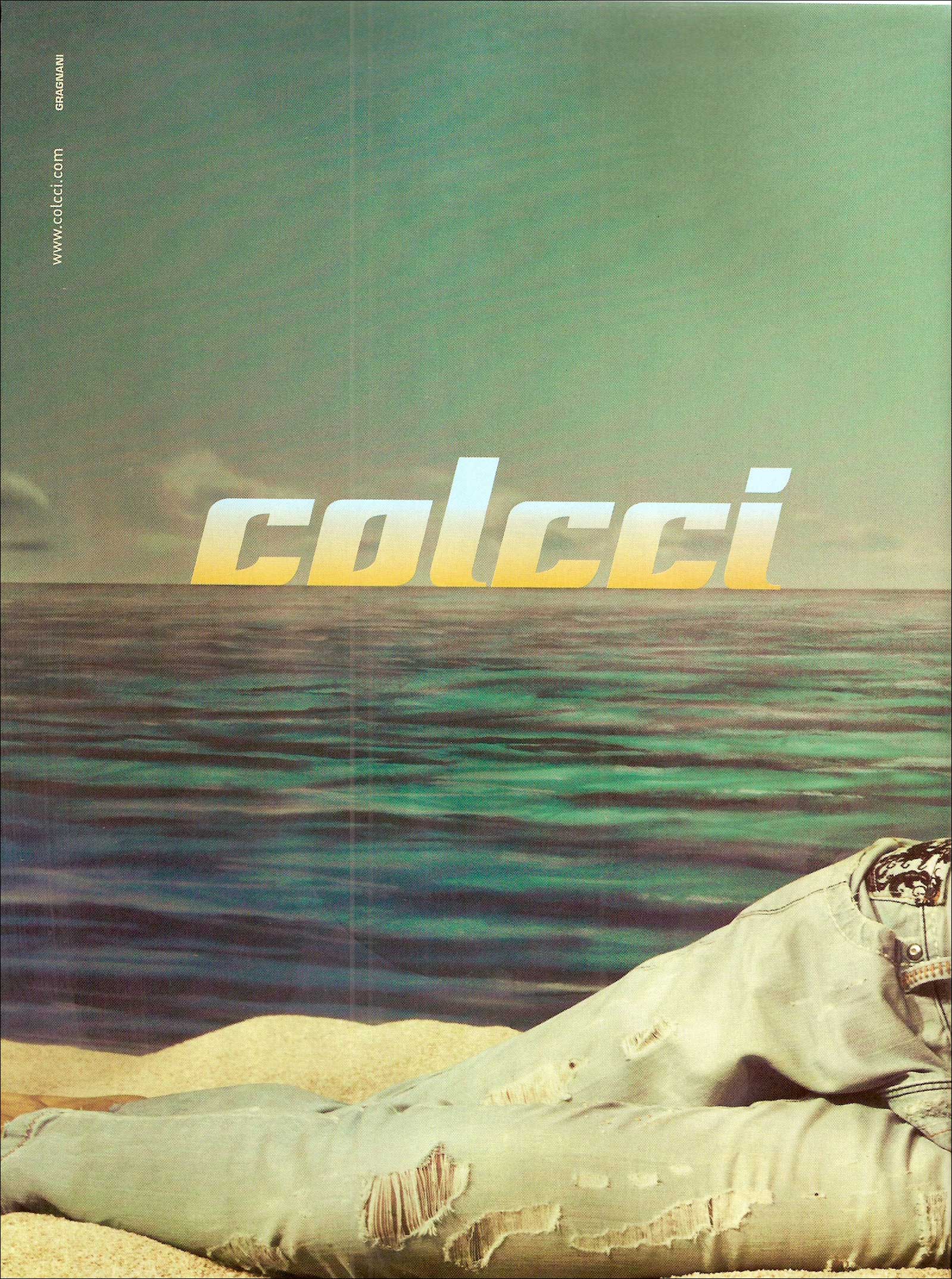
  3. Colcci S/S 10 scanned by ckgirlbr @ tfs
  4. Guerlain x3
  5. Karen x3
  6. post 1582: 4&5 is Teresa Lourenco
  7. Liv x5 for all.
  8. michelabella replied to rosada's topic in Gisele Bundchen
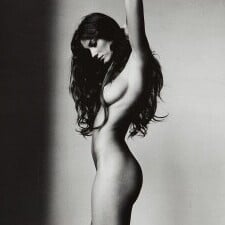
    New to me in HQ! Valentino FW 2000 nothingless/adrianafan
  9. 1.Oluchi 2.Carmen 3.Angela 4.Liya 5.Frankie
  10. Jessica x2 Rosie x1
  11. I didn't like her or any of them better than Dayana, but yet again, out of the bunch Miss Venezuela caught my eye and had the prettiest face IMO. congrats to her!
  12. Jennifer x3
  13. Model: Nadja Auermann Harper's Bazaar US- September 94 Linda Evangelista Harpers Bazaar US - September 92
  14. Thanks Anouk, and Pretty. Loved that ed. Gorgeous! warning: nudity! BS at Balmain f/w 09 http://i149.photobucket.com/albums/s77/kar...bal_fw09_08.jpg http://i149.photobucket.com/albums/s77/kar...bal_fw09_07.jpg Video: Getting the SCOOP With Erin Wasson http://www.teenvogue.com/style/blogs/style...oop-with-e.html
  15. thanks I've always loved her.
  16. Yesica x2 Daneel x1
  17. 1.Deanna 2.Marcelle 3.Naomi purple 4.Naomi white 5.Ujjwala 6.Michelle
  18. michelabella replied to rosada's topic in Gisele Bundchen
    ha cute, Ive never seen that, is it from this year?

Configure browser push notifications

Chrome (Android)
  1. Tap the lock icon next to the address bar.
  2. Tap Permissions → Notifications.
  3. Adjust your preference.
Chrome (Desktop)
  1. Click the padlock icon in the address bar.
  2. Select Site settings.
  3. Find Notifications and adjust your preference.