Skip to content
View in the app

A better way to browse. Learn more.

Bellazon

A full-screen app on your home screen with push notifications, badges and more.

To install this app on iOS and iPadOS
  1. Tap the Share icon in Safari
  2. Scroll the menu and tap Add to Home Screen.
  3. Tap Add in the top-right corner.
To install this app on Android
  1. Tap the 3-dot menu (⋮) in the top-right corner of the browser.
  2. Tap Add to Home screen or Install app.
  3. Confirm by tapping Install.

TheDude2k

Members
  • Joined

Everything posted by TheDude2k

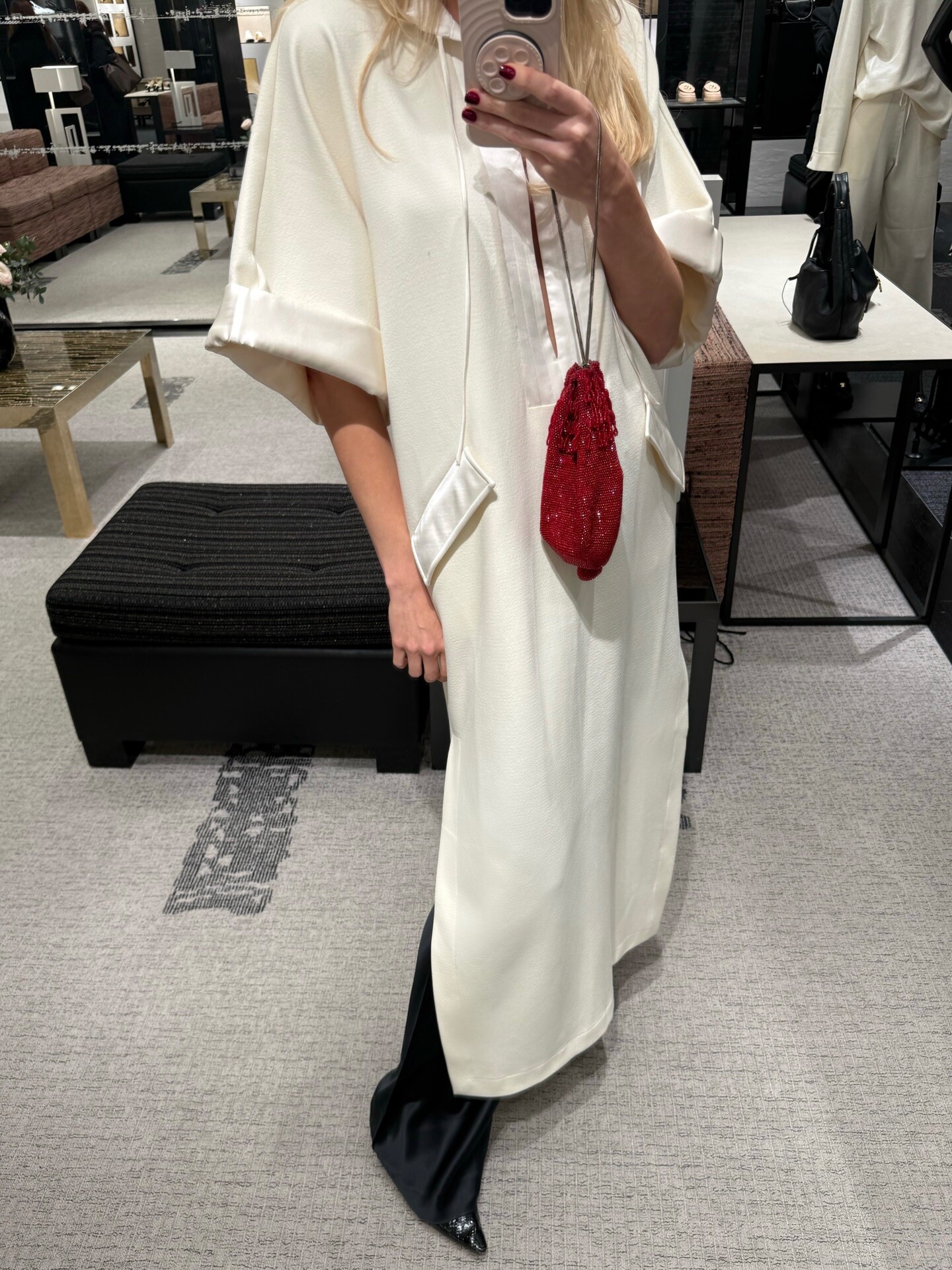
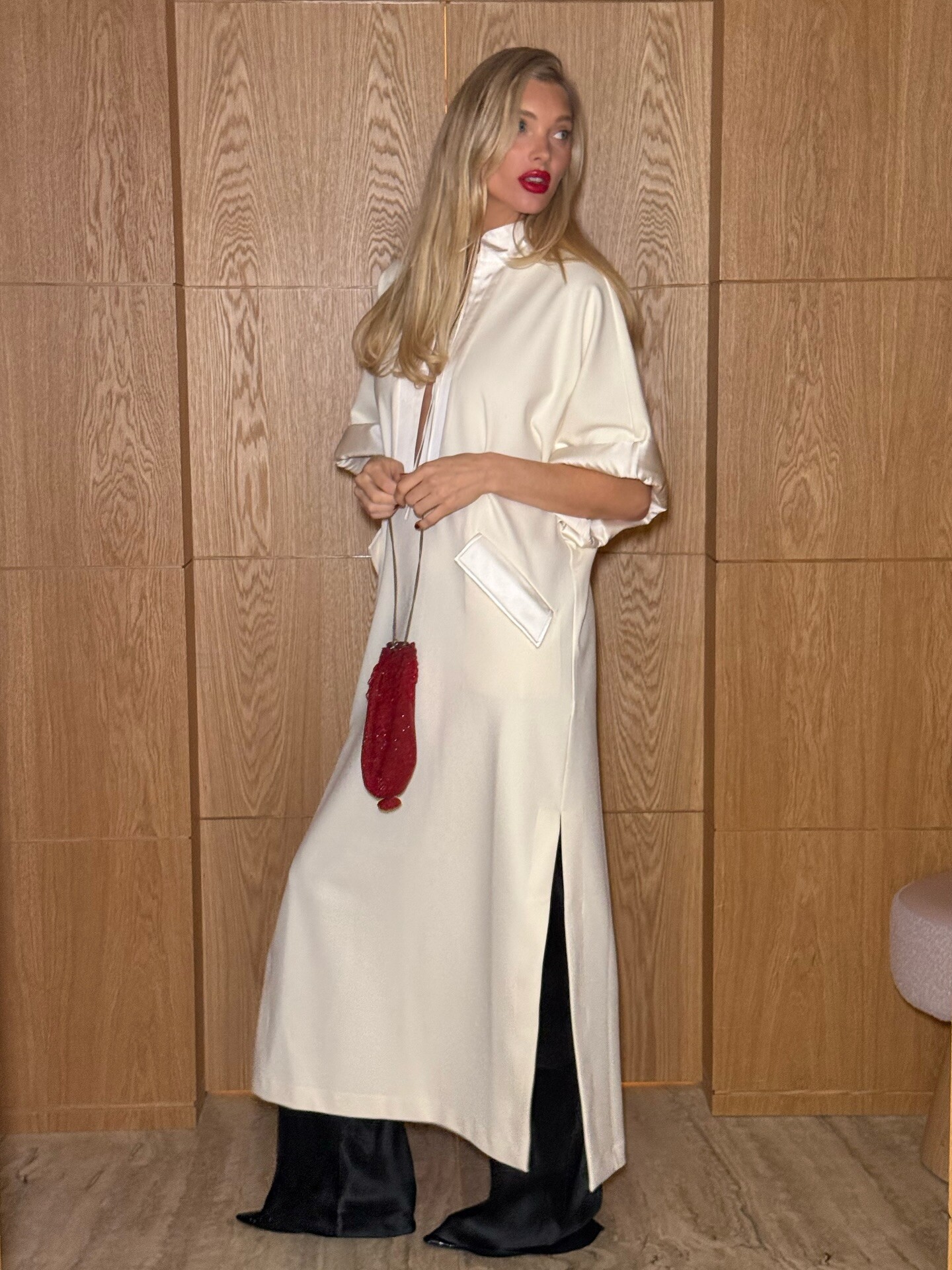
  1. stories videos
  2. The CBK vibe in London❤️ in helsastudio avaliable on fwrd & revolve ✨

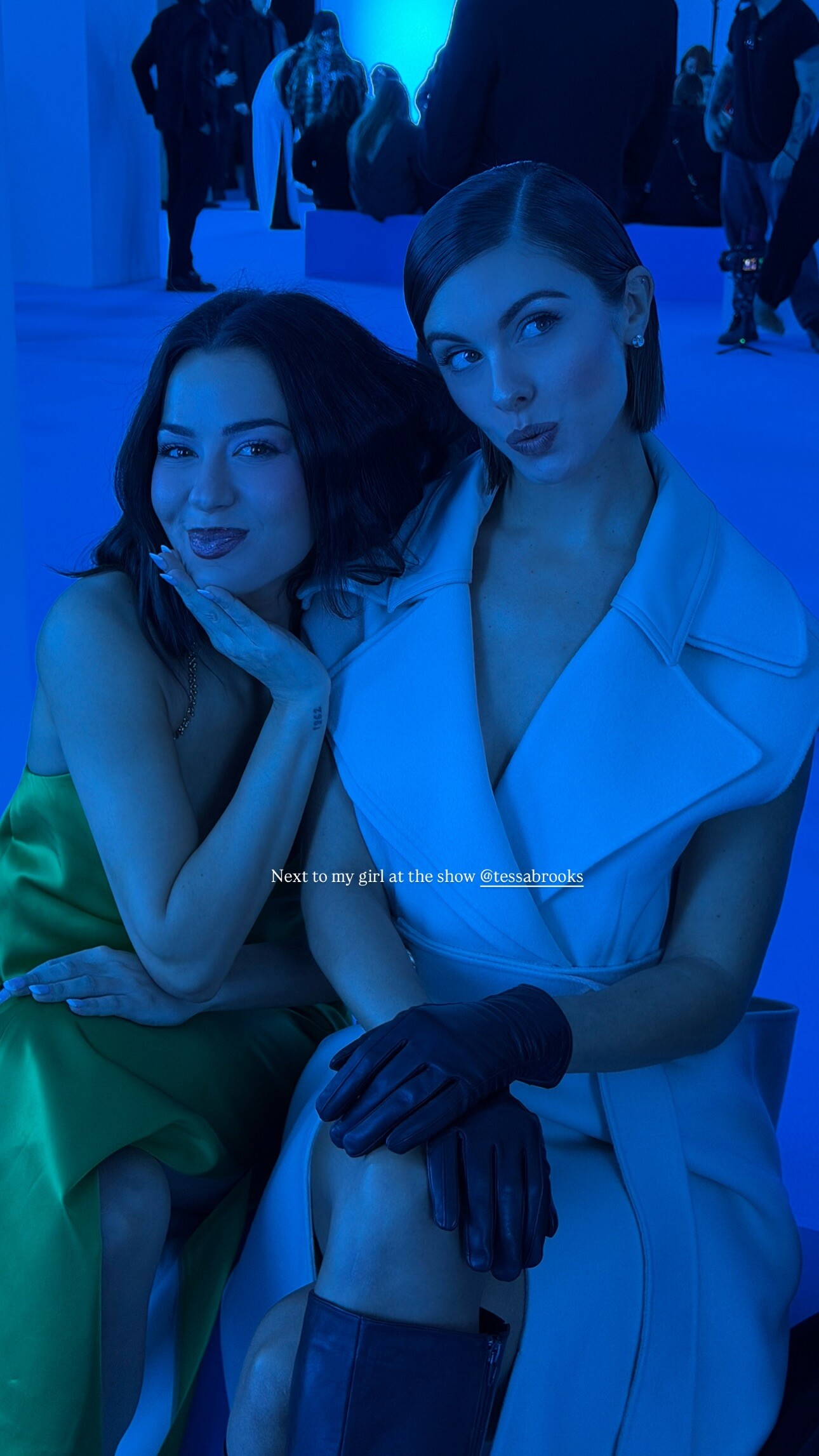
  3. IG stories videos
  4. Big relaxation day during MFW video
  5. Sherri Hill: Let this be your sign… to be best dressed this season 👏🏼

  6. Golden hour in St Bart’s ✨
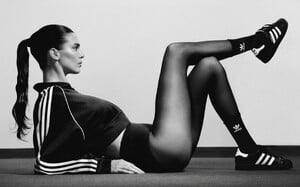
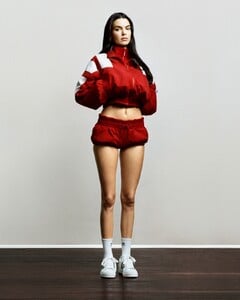
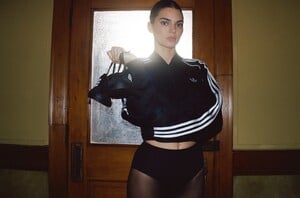
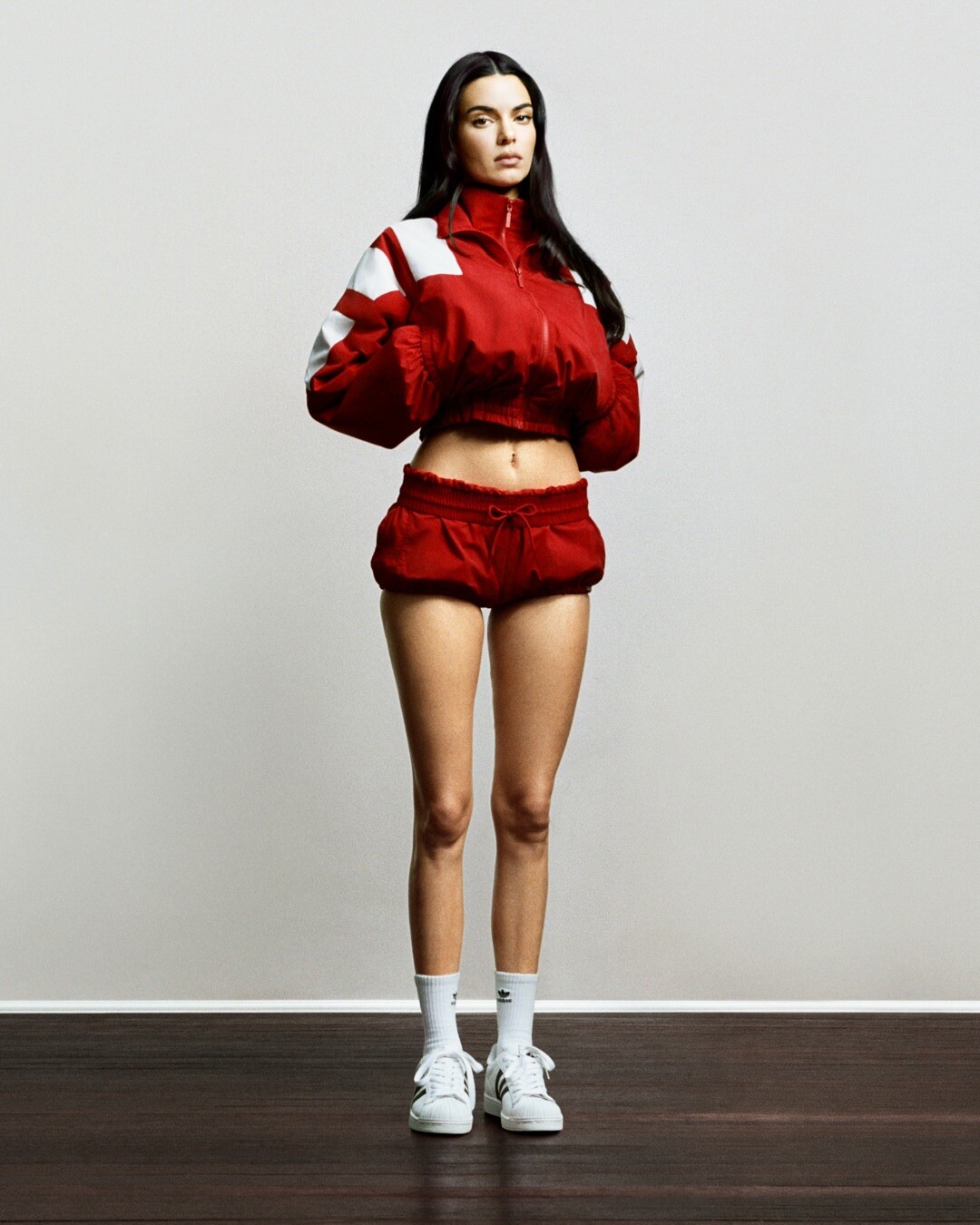
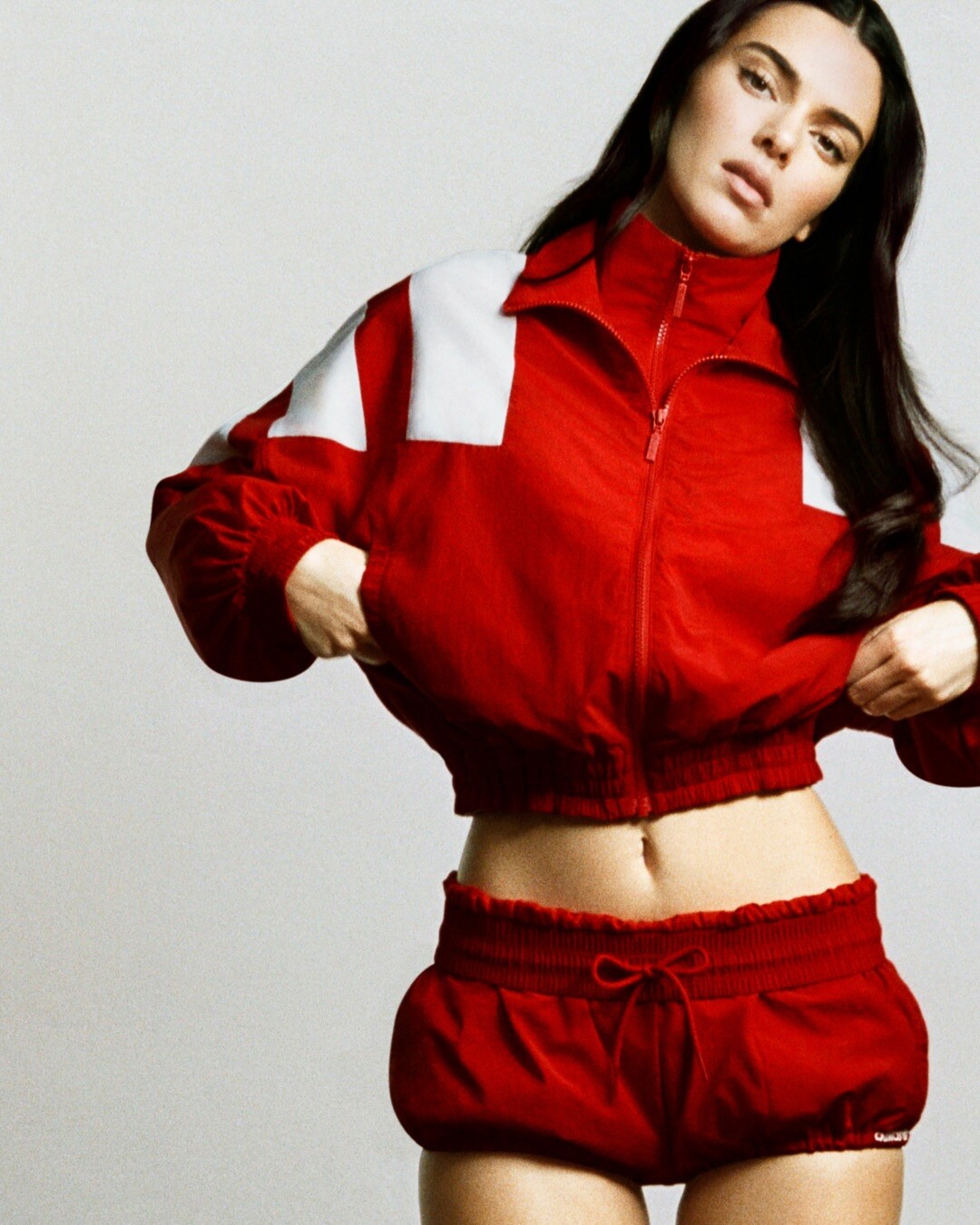
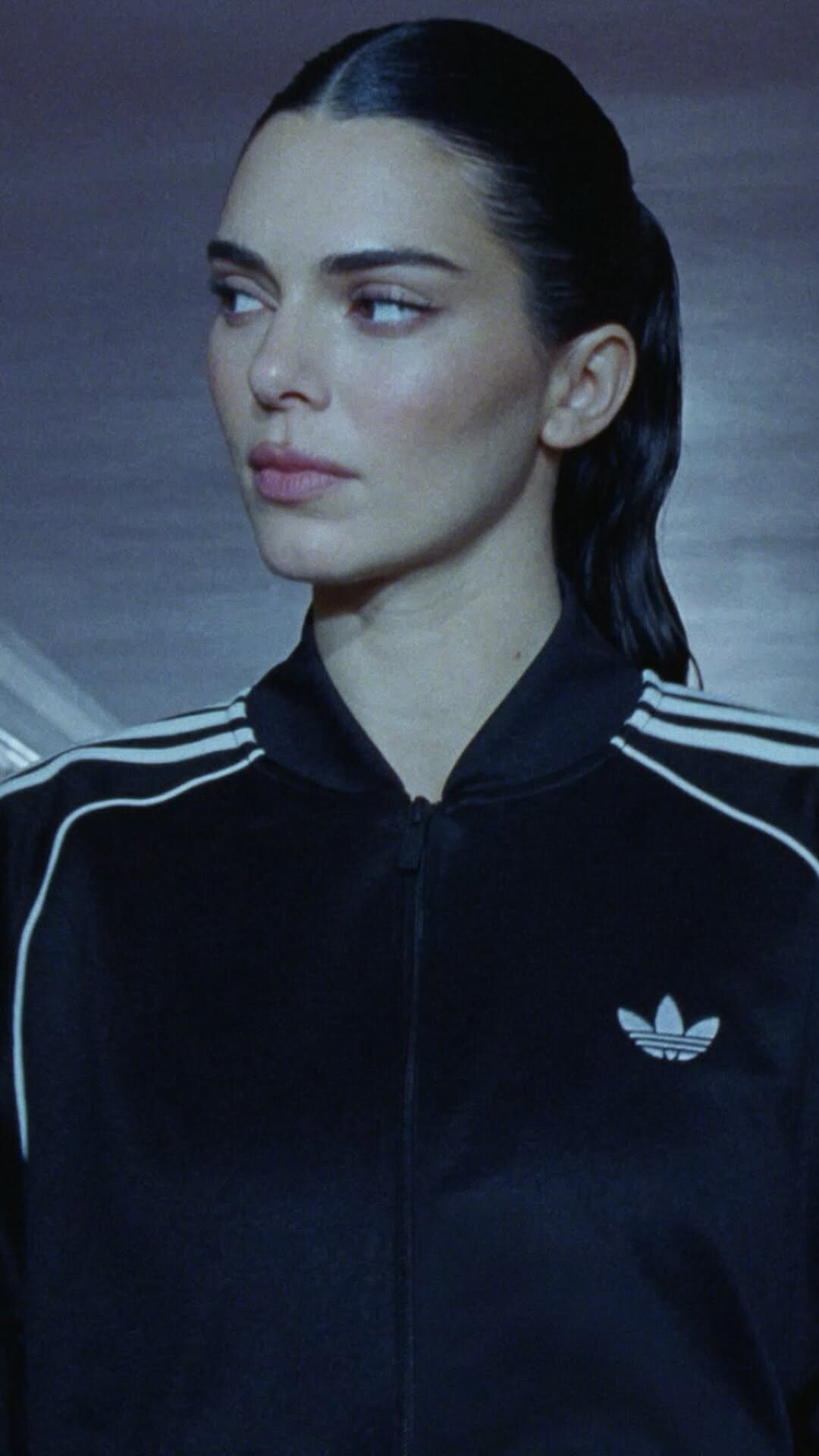
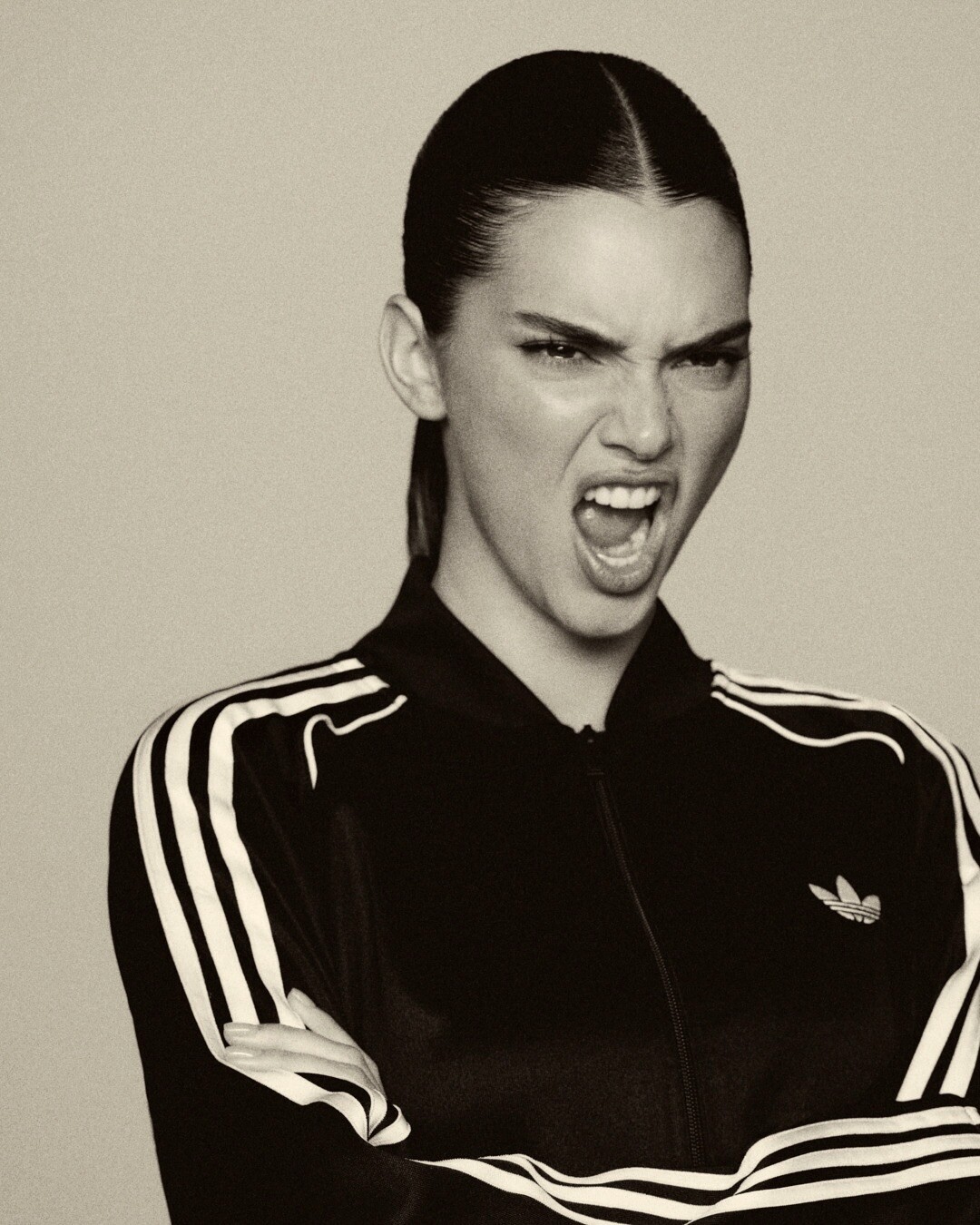
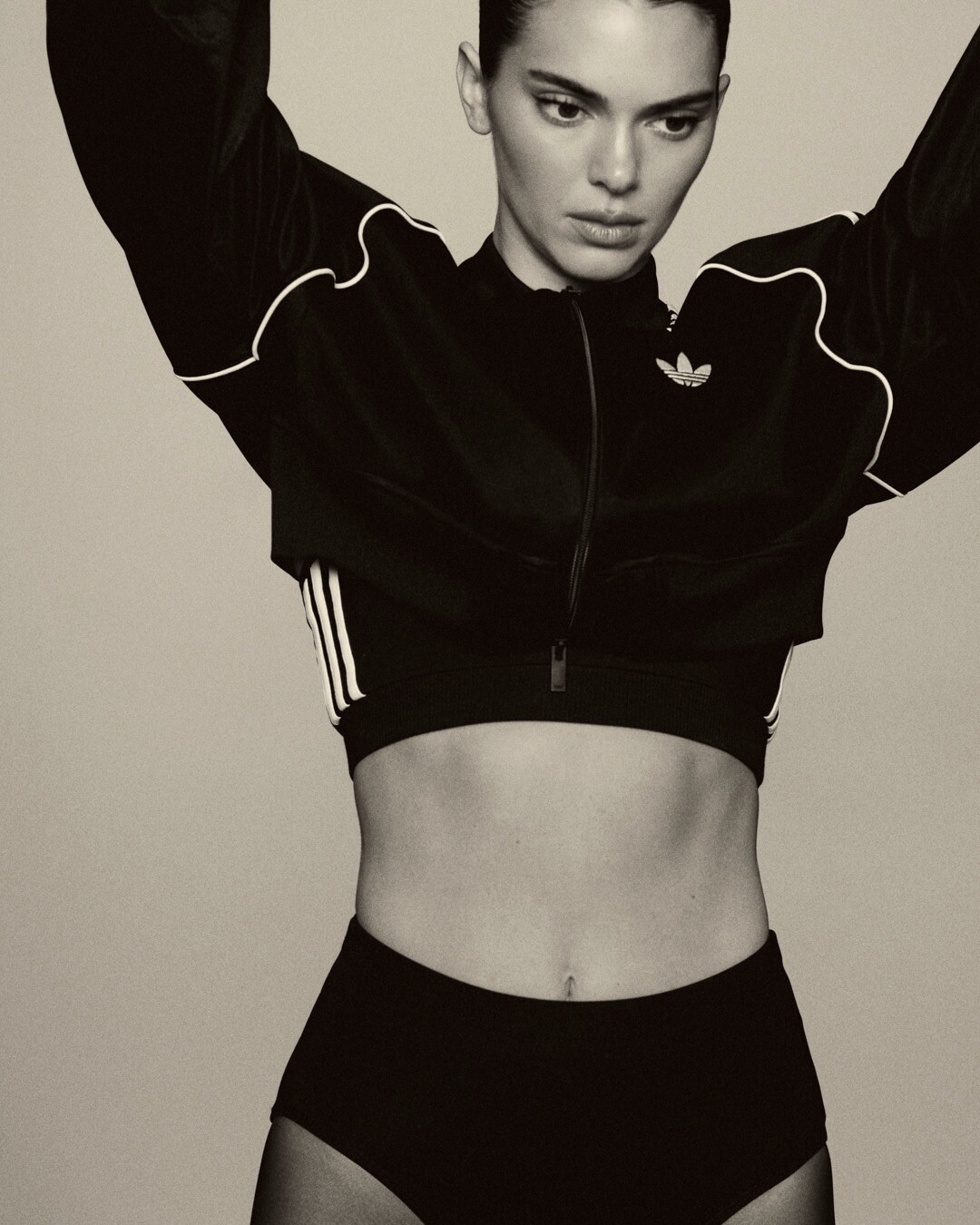
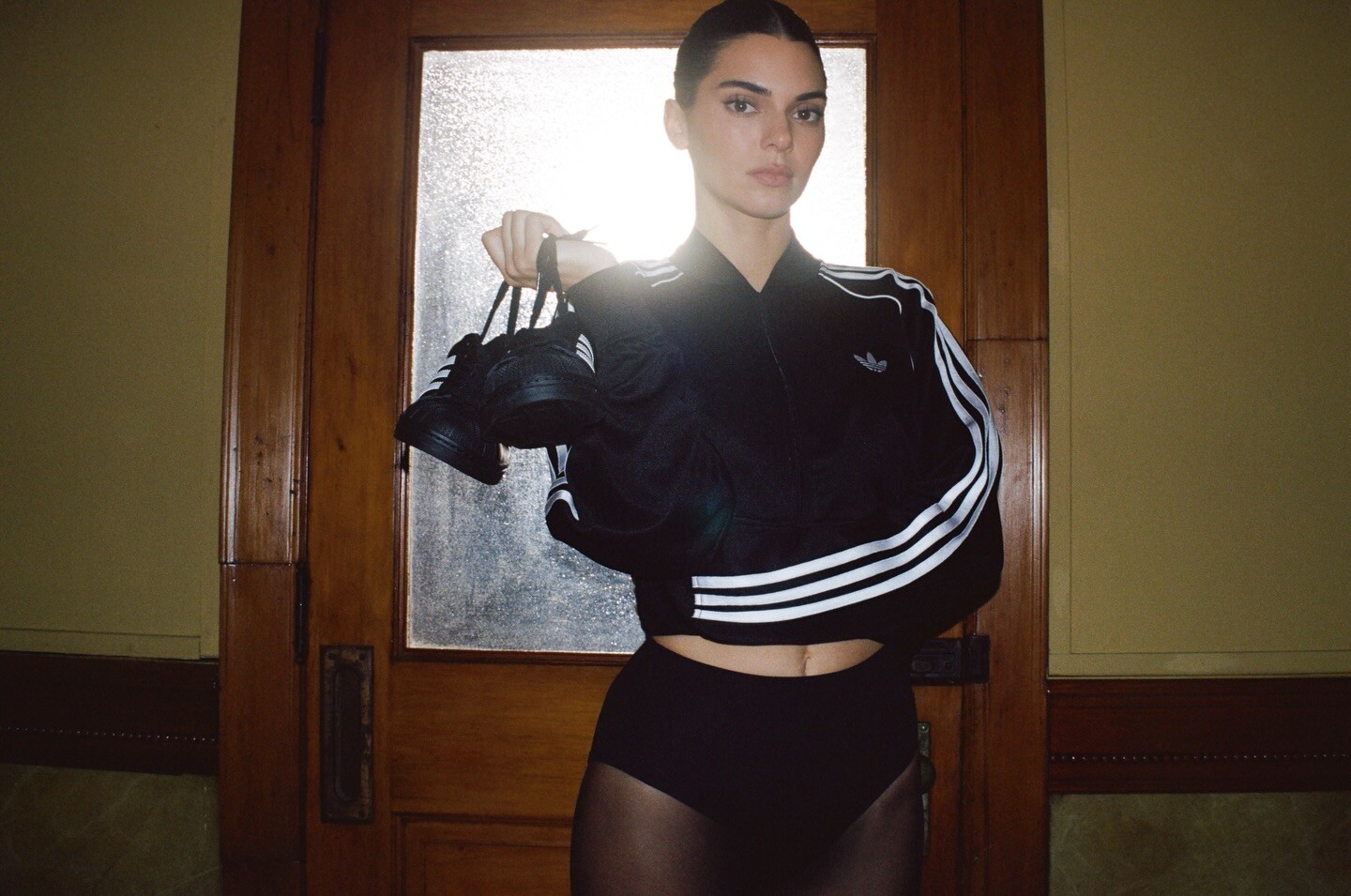
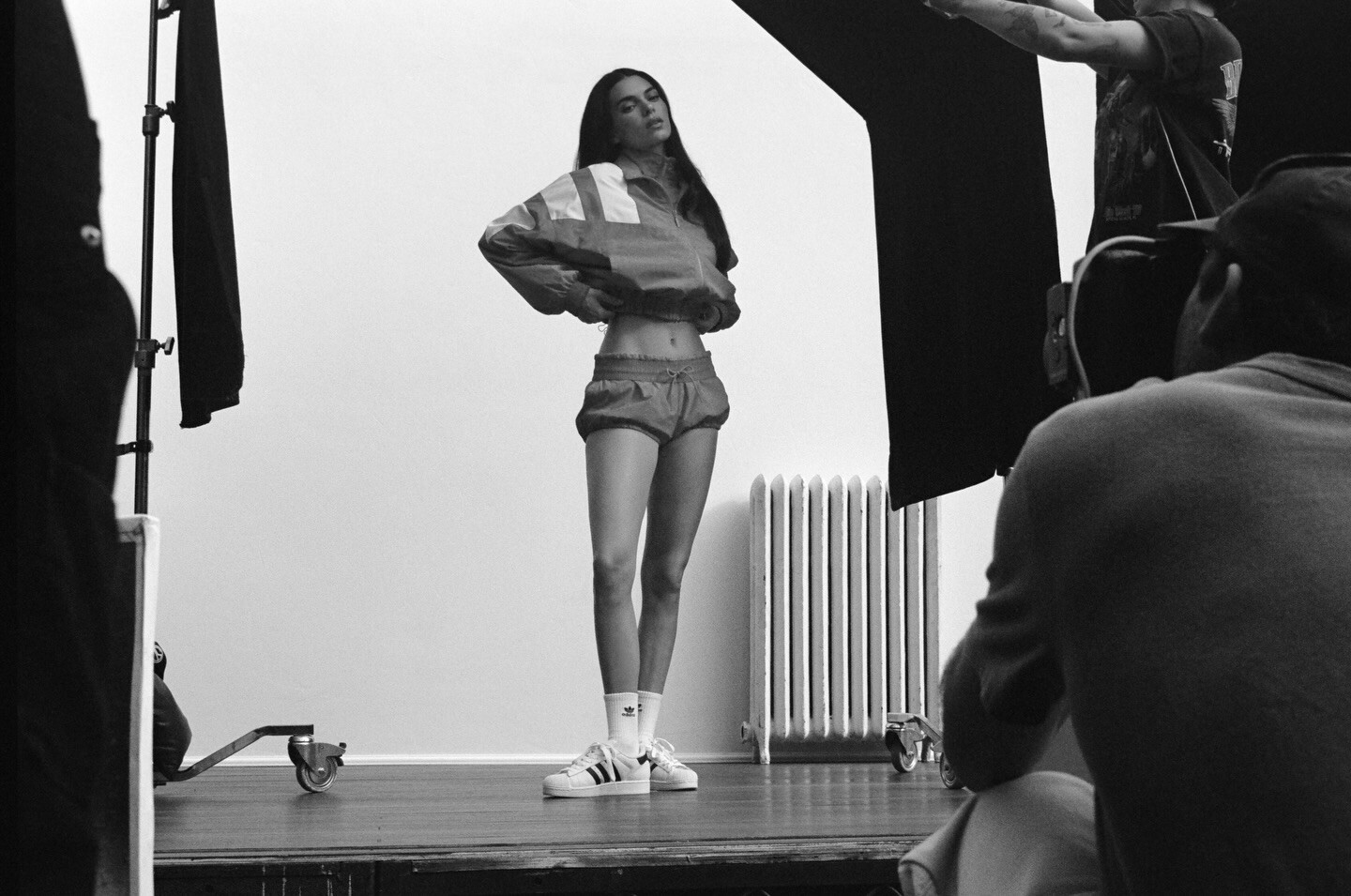
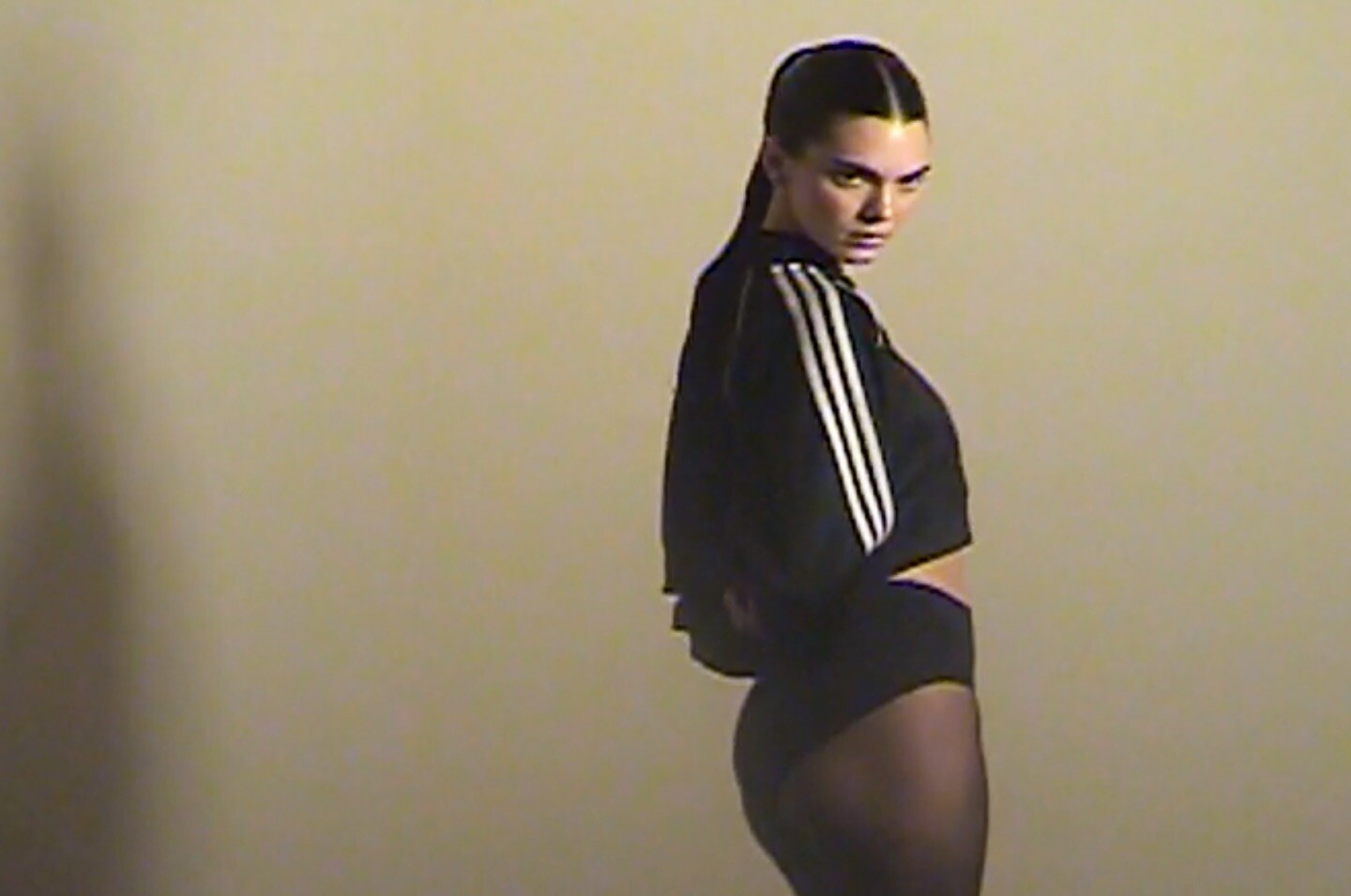
  7. adidas Originals videos
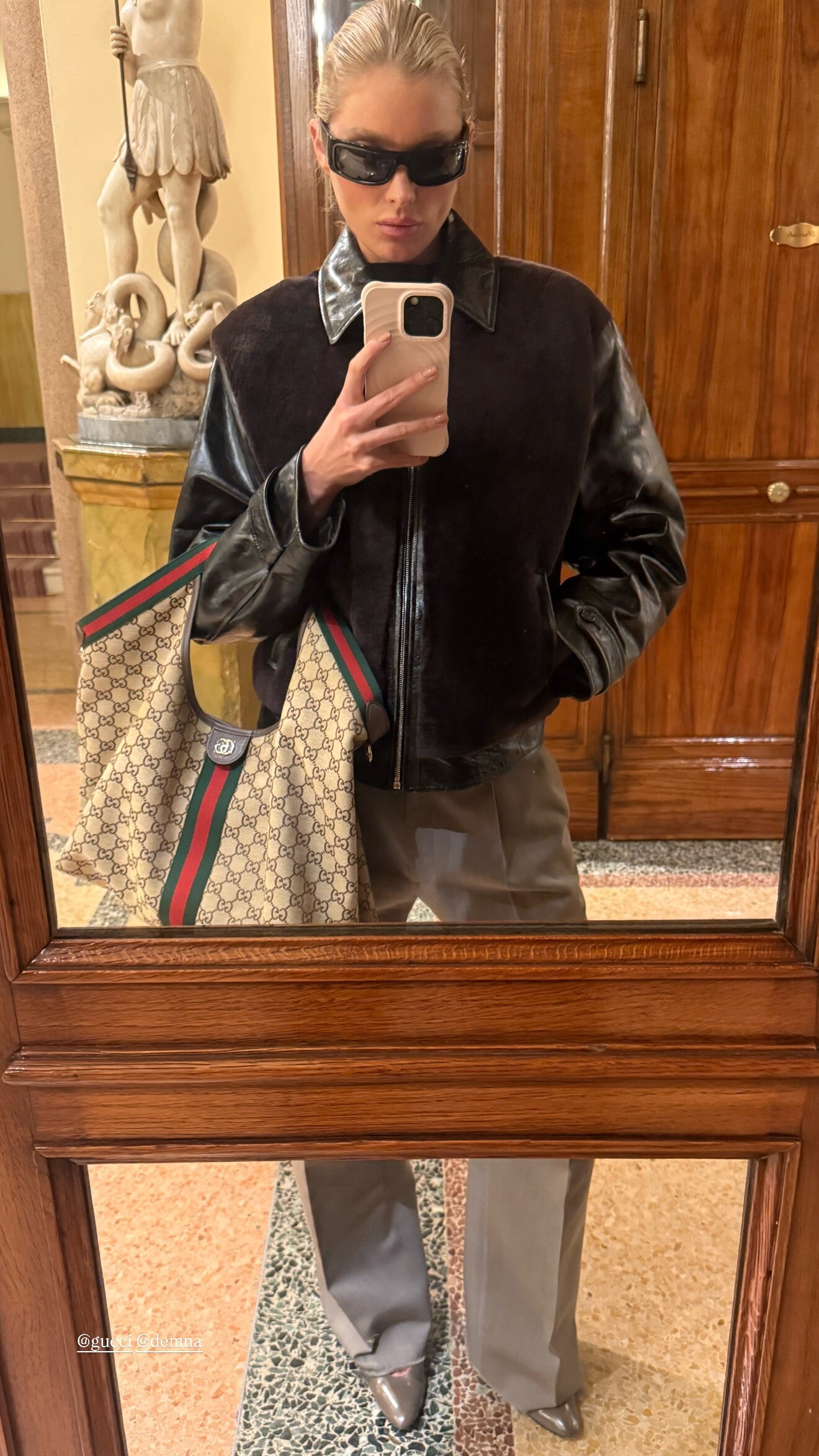
  8. gucci Primavera by demna ❤️❤️❤️ video
  9. TheDude2k replied to ßengü's topic in Actresses
    A night with Nocturne 🪐
  10. Tropic of C: what moves you? 📹: bravin (02/26/2026) video

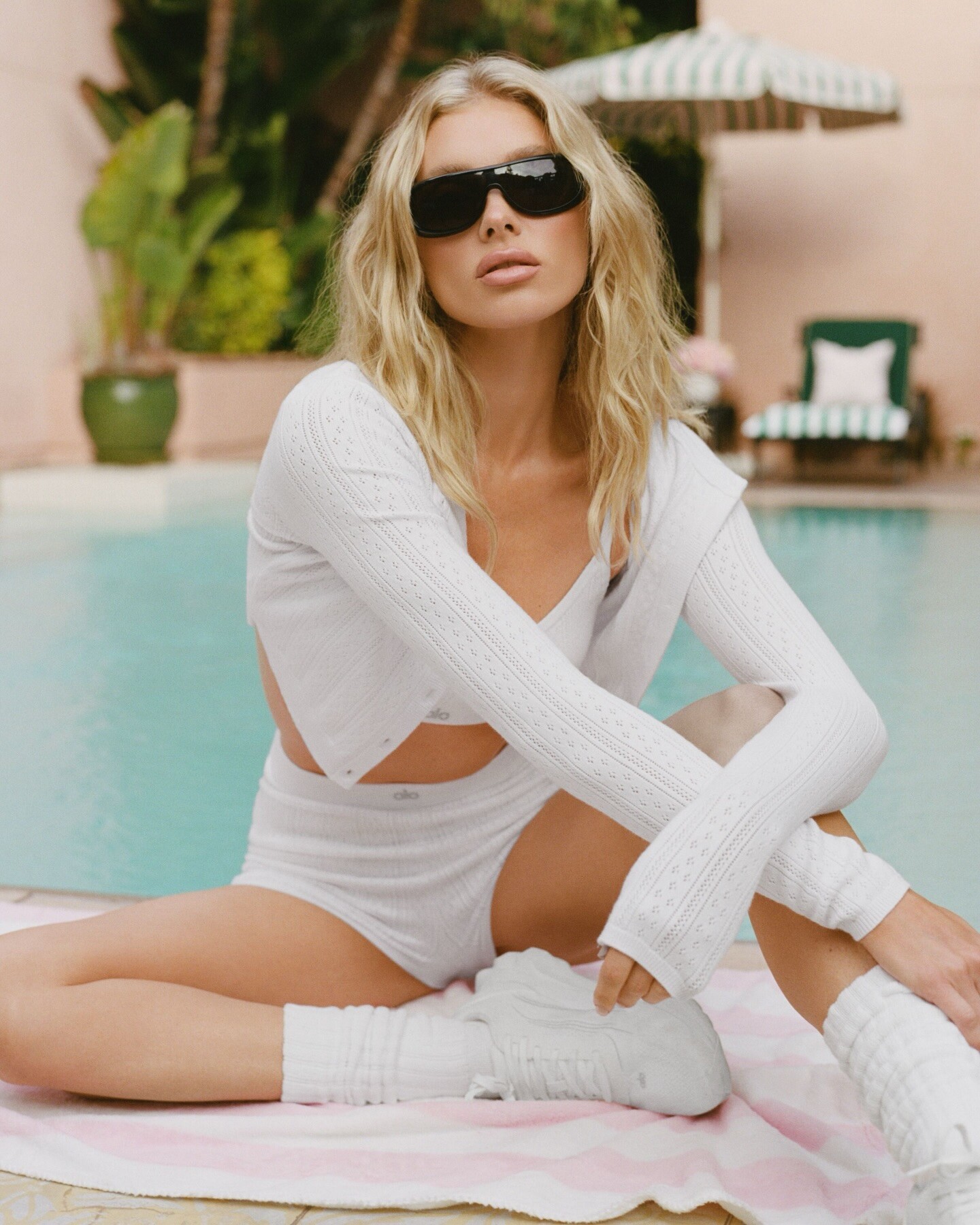
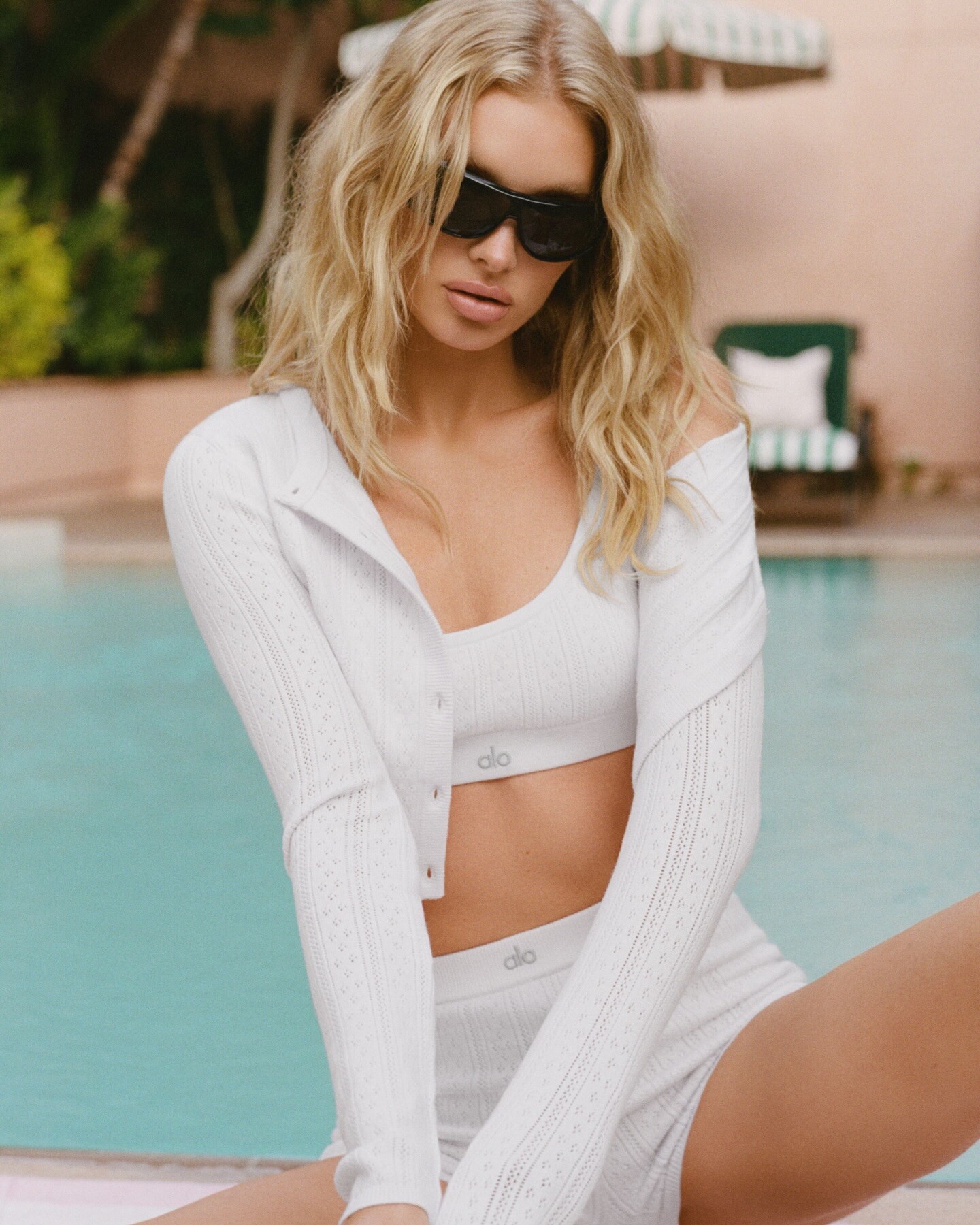
  11. alo: Pointelle, the fabric you’re always falling for. Just in time — free Same Day Delivery from 2.10–2.14.

  12. TheDude2k replied to hoolri's topic in Actresses
    stories videos
  13. paige powell: adidasoriginals superstar

  14. lorealparis video
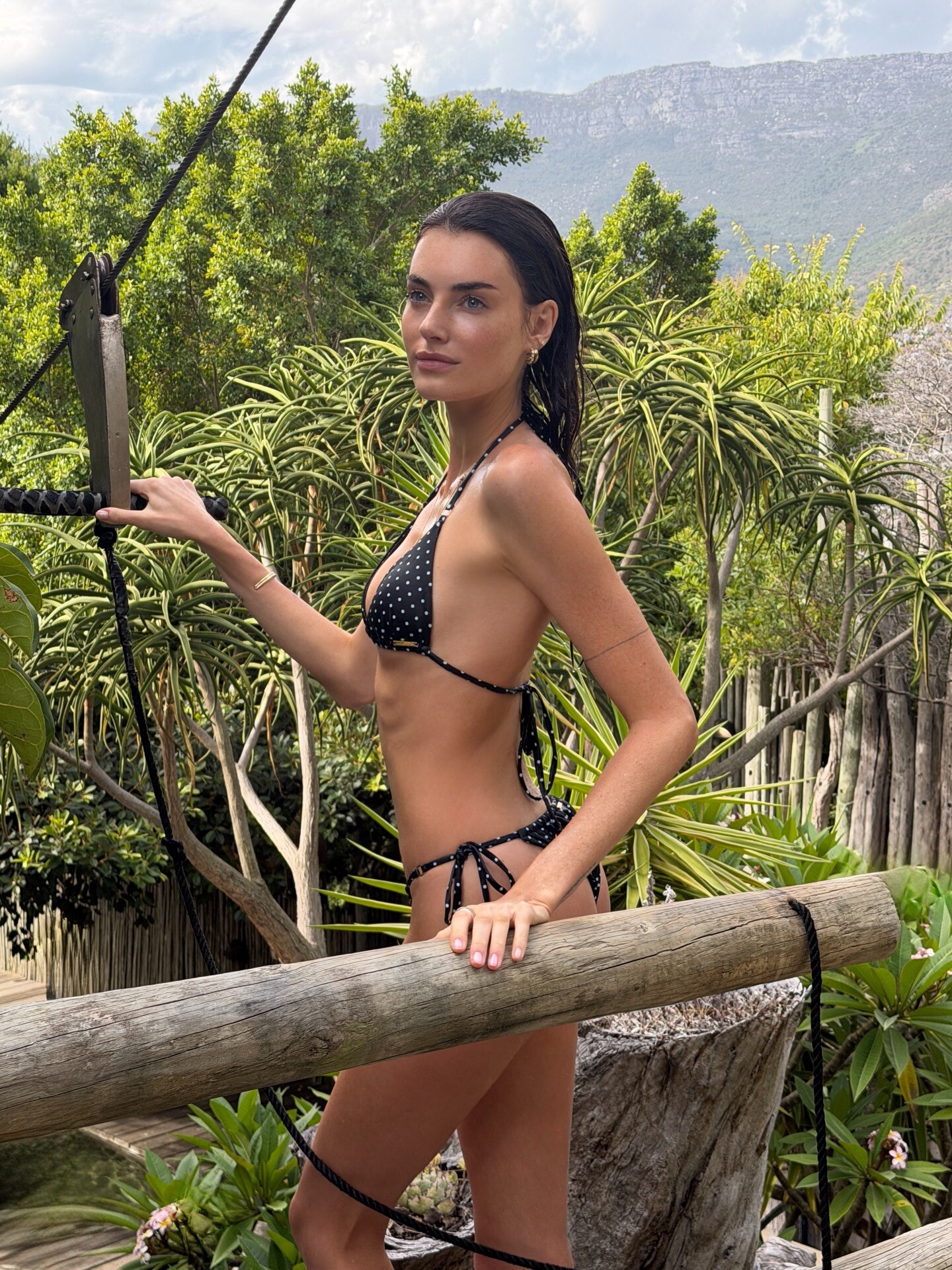
  15. i think i will stay for a while 🌈🌴🐒 videos
  16. blumarine F/W 26’ by davidkoma 🪽
  17. stories
  18. Victoria's Secret: stories video
  19. Anne Klein: Your spring ootd: chic, versatile, and designed for every sunlit occasion.⁠ Shop the collection on anneklein.com and macys
  20. Genesis 1:1 video

Account

Navigation

Search

Search

Configure browser push notifications

Chrome (Android)
  1. Tap the lock icon next to the address bar.
  2. Tap Permissions → Notifications.
  3. Adjust your preference.
Chrome (Desktop)
  1. Click the padlock icon in the address bar.
  2. Select Site settings.
  3. Find Notifications and adjust your preference.