Jump to content
View in the app

A better way to browse. Learn more.

Bellazon

A full-screen app on your home screen with push notifications, badges and more.

To install this app on iOS and iPadOS
  1. Tap the Share icon in Safari
  2. Scroll the menu and tap Add to Home Screen.
  3. Tap Add in the top-right corner.
To install this app on Android
  1. Tap the 3-dot menu (⋮) in the top-right corner of the browser.
  2. Tap Add to Home screen or Install app.
  3. Confirm by tapping Install.

bump

Members
  • Joined

  • Last visited

Everything posted by bump

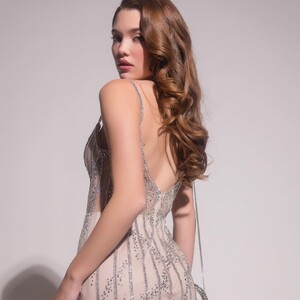
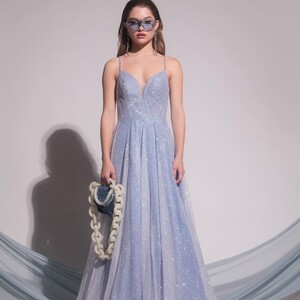
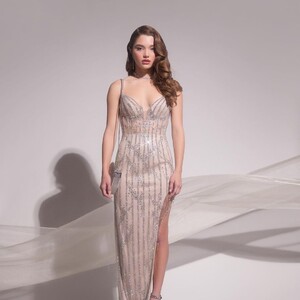
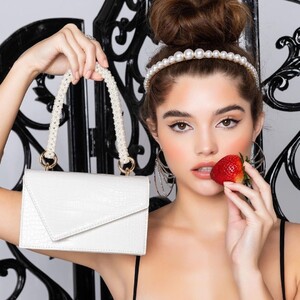
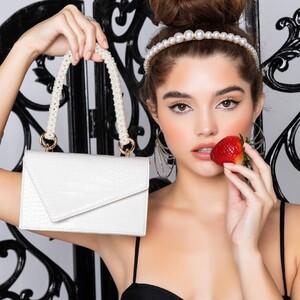
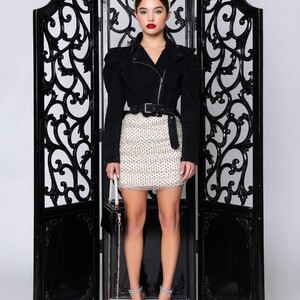
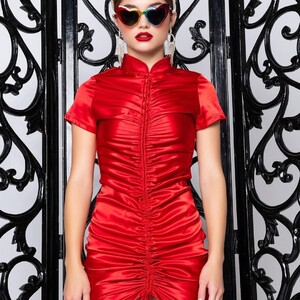
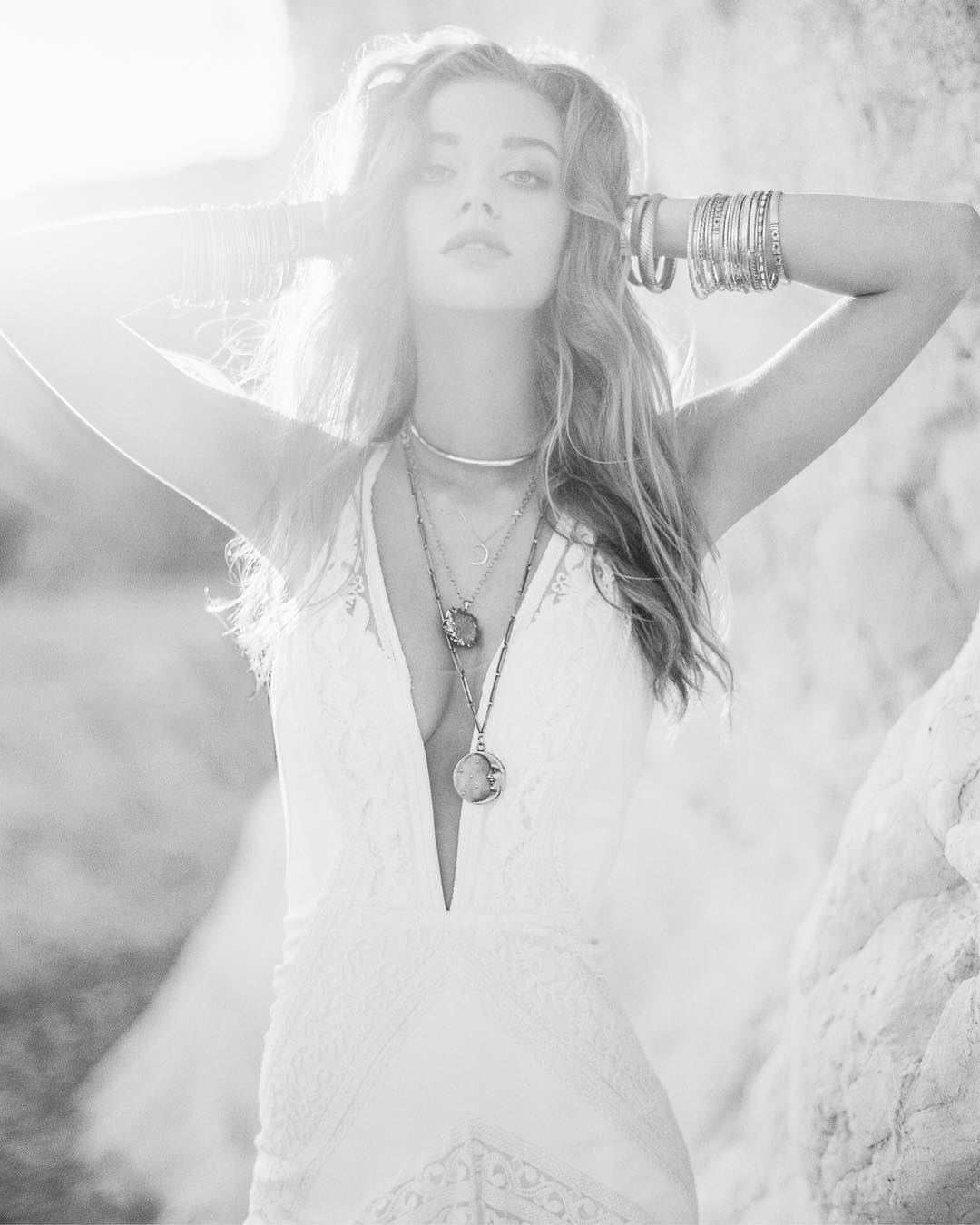
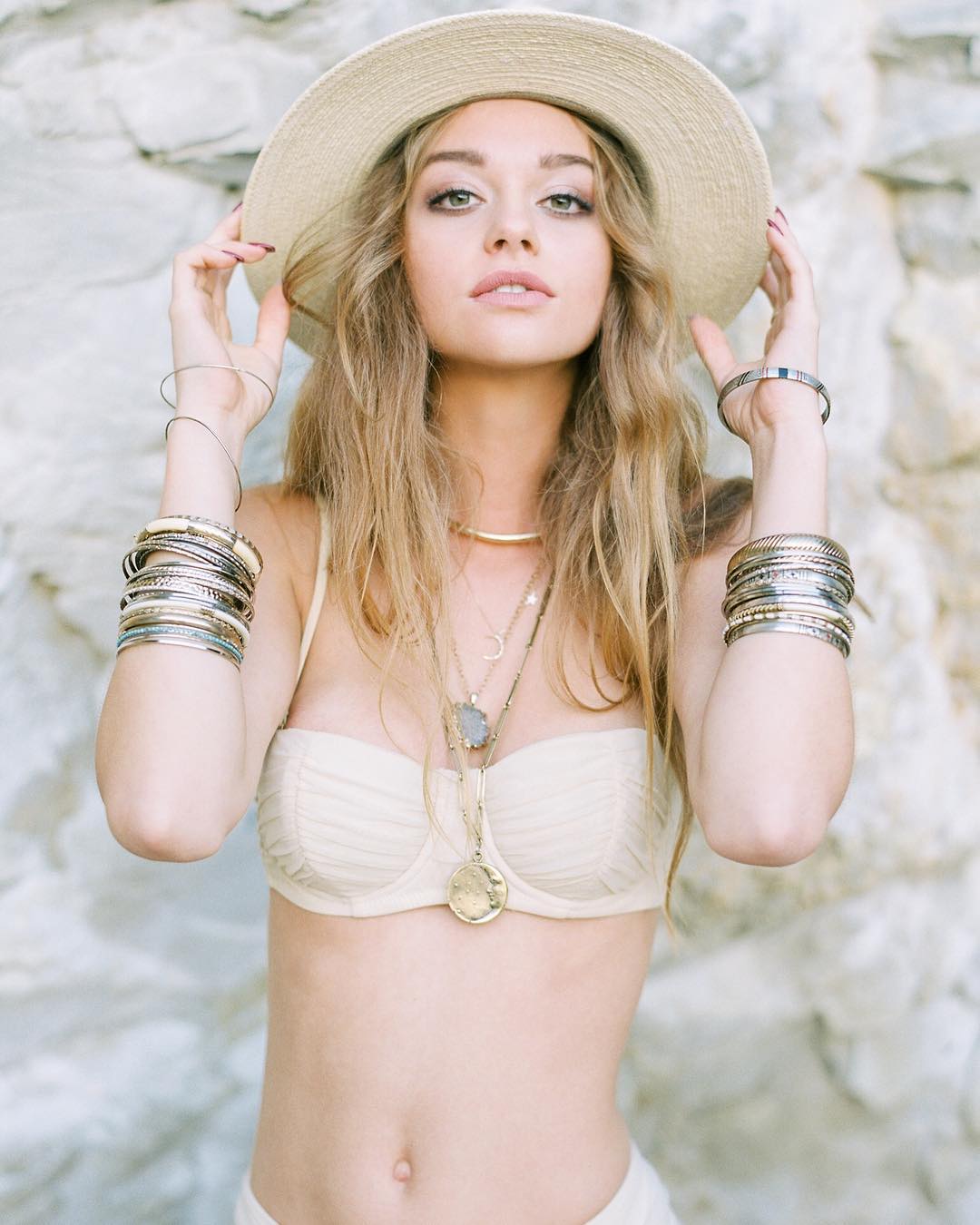
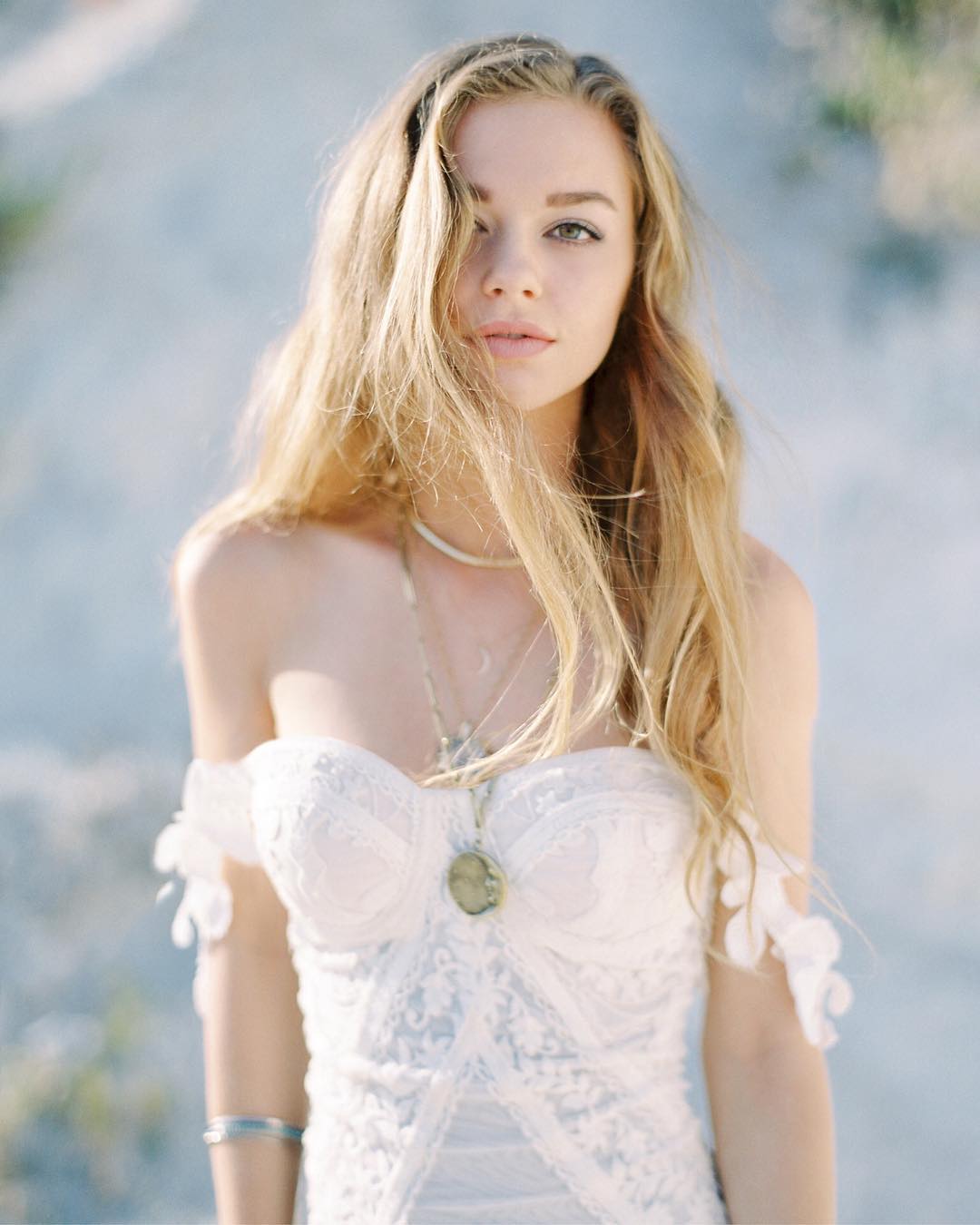
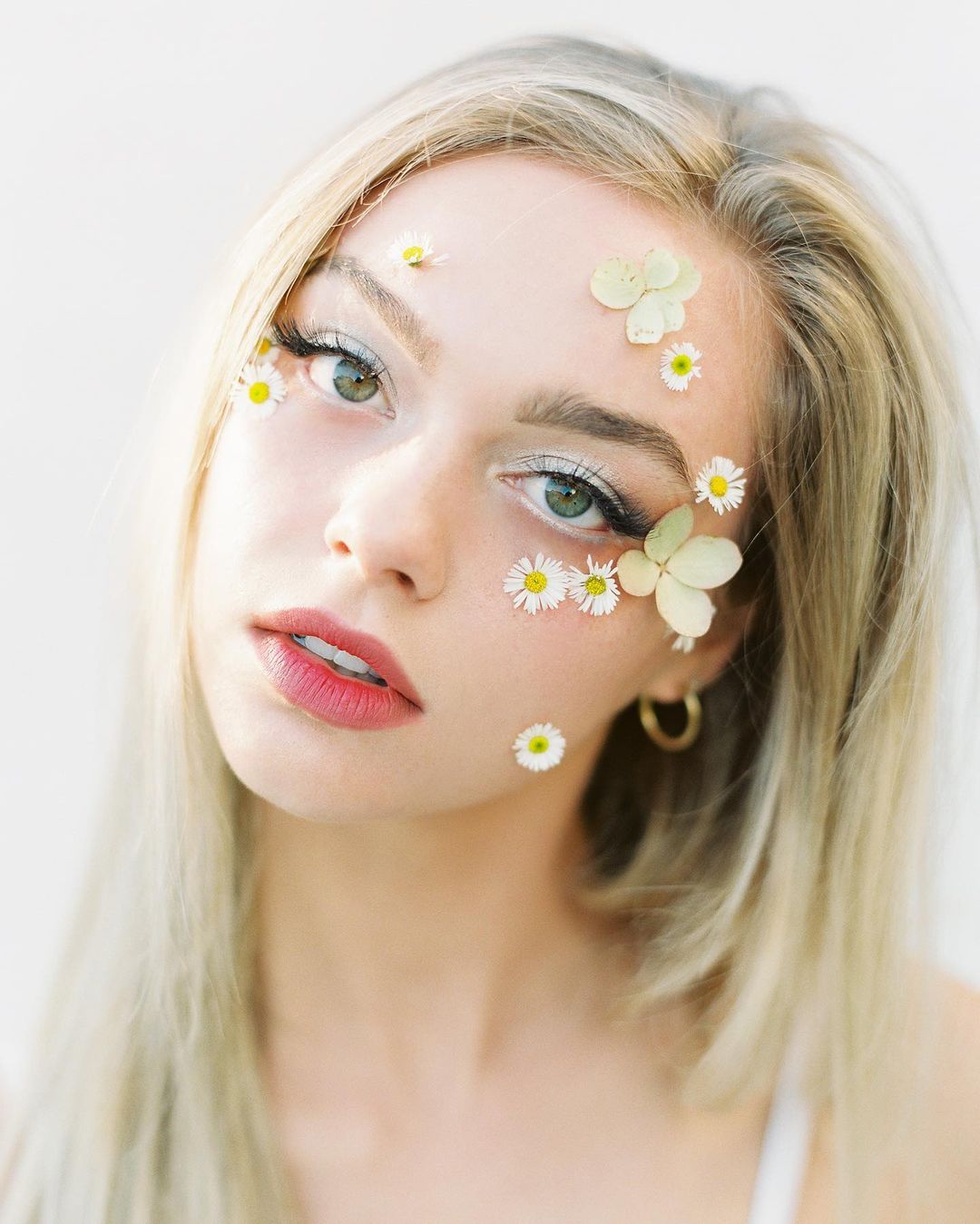
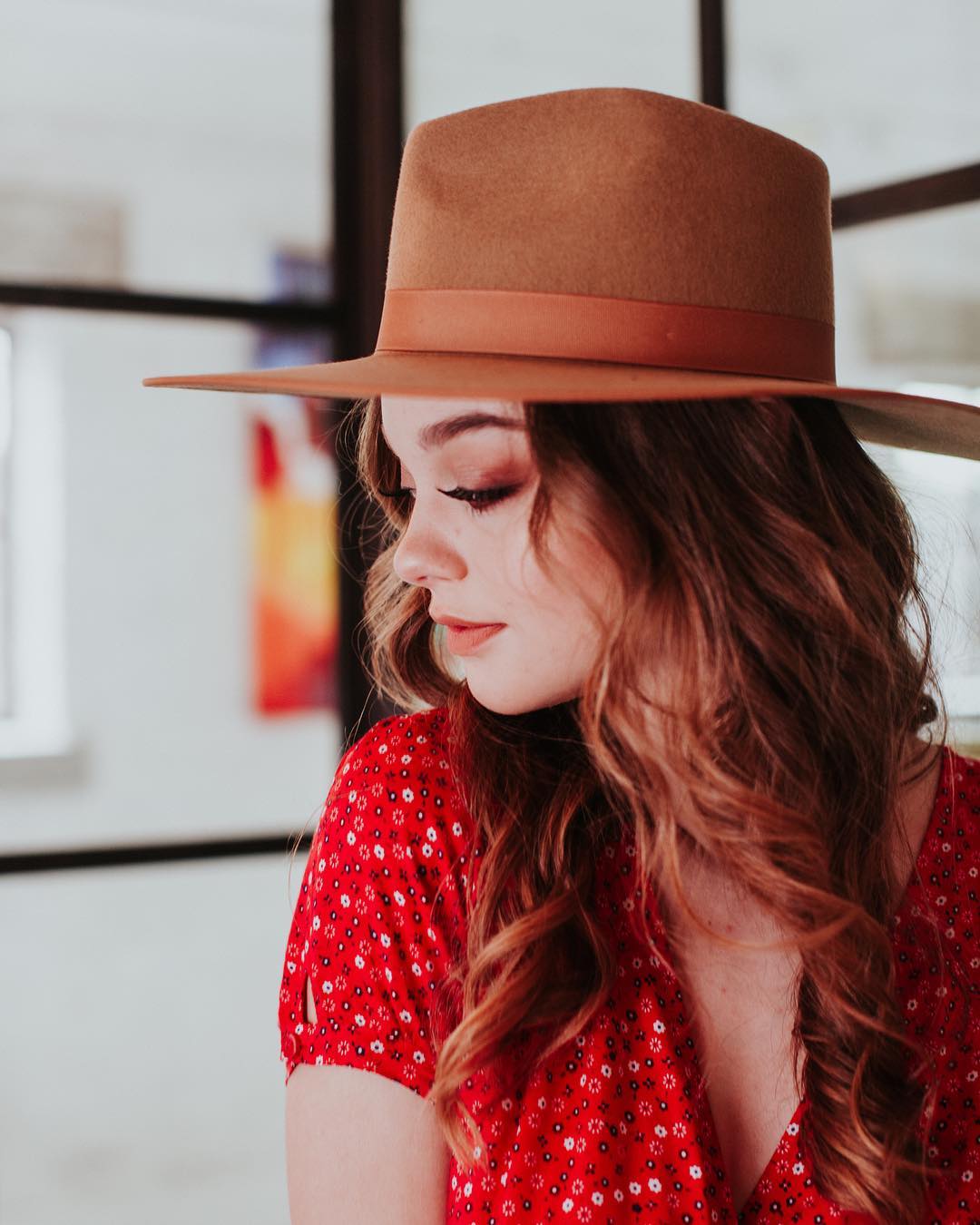
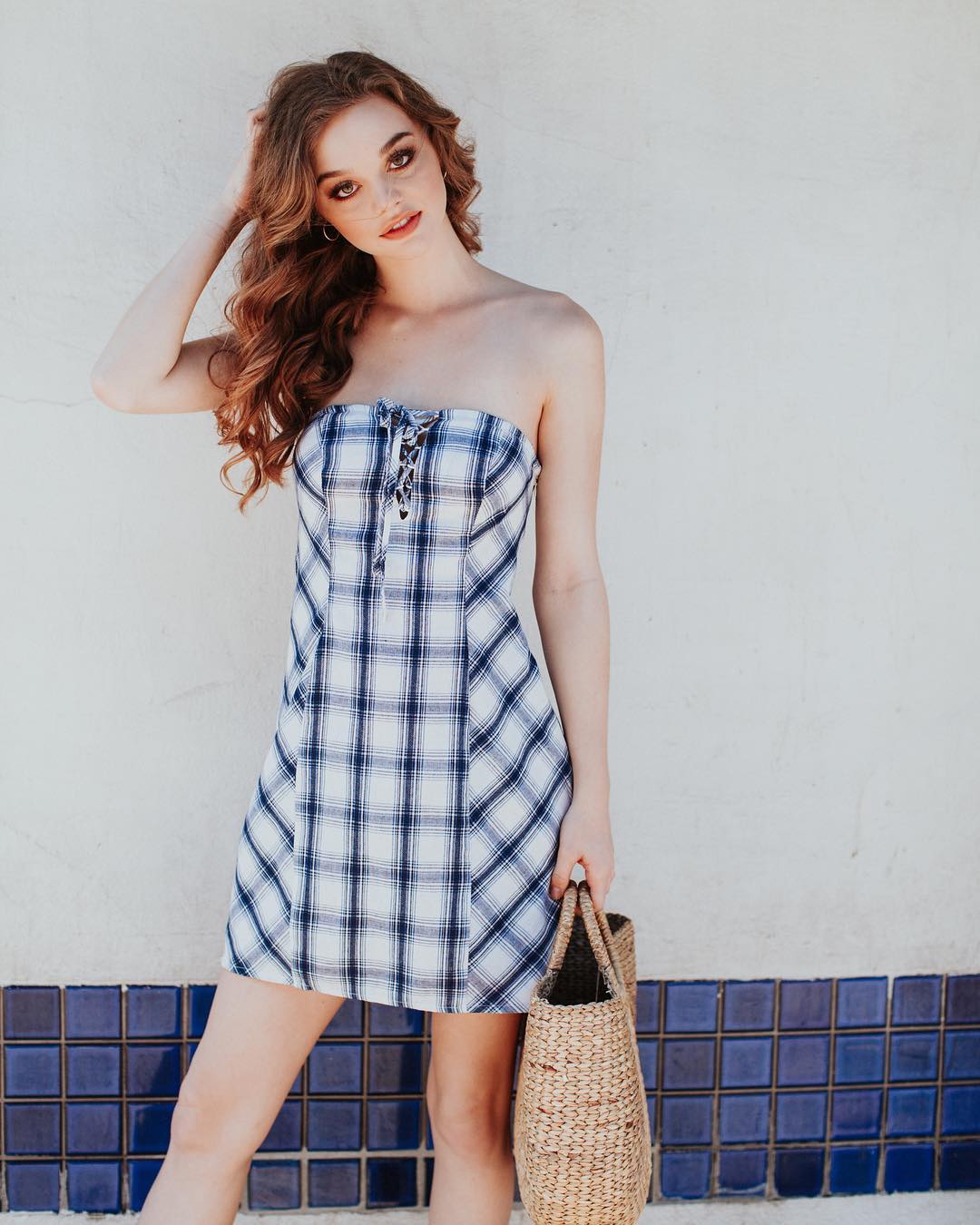
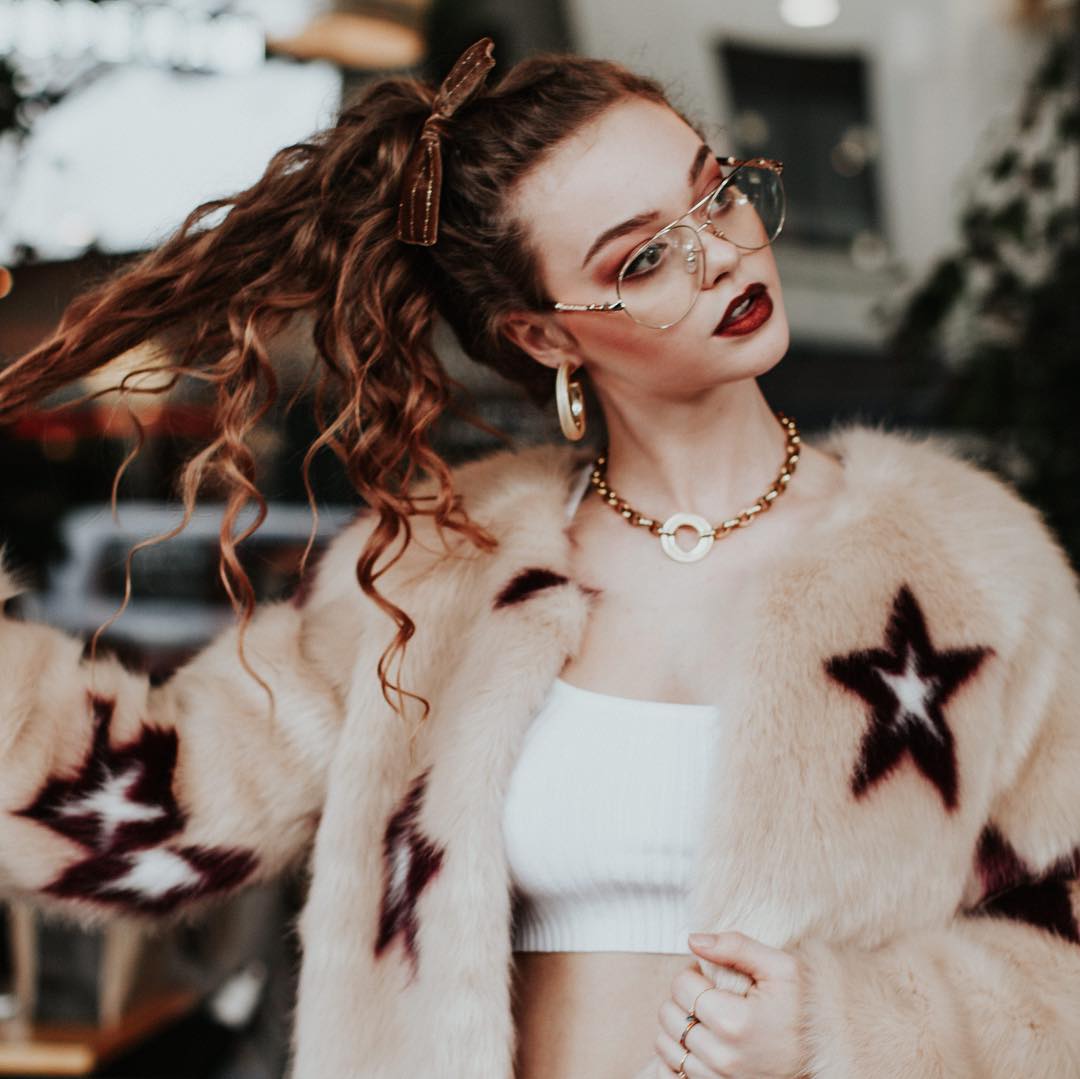
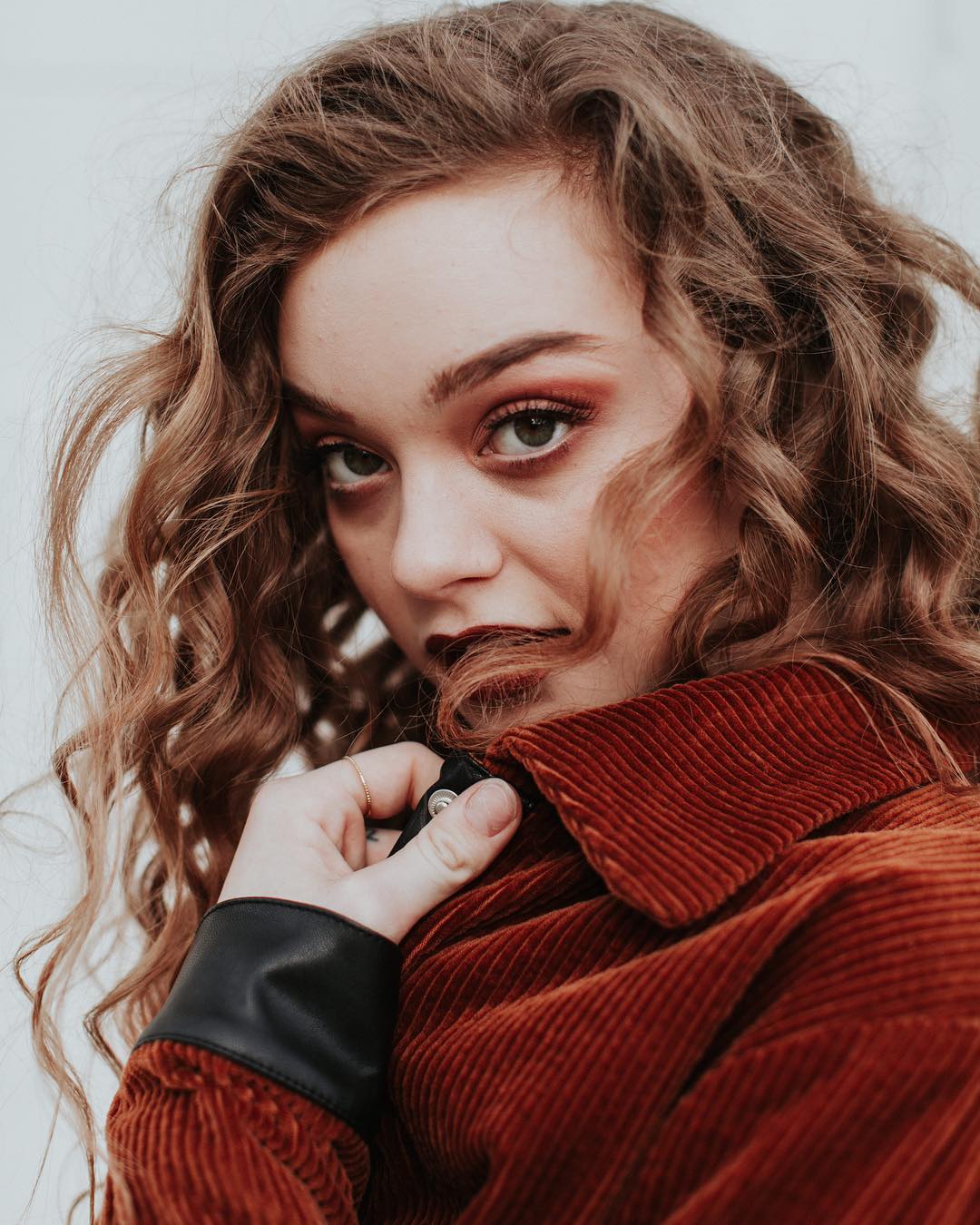
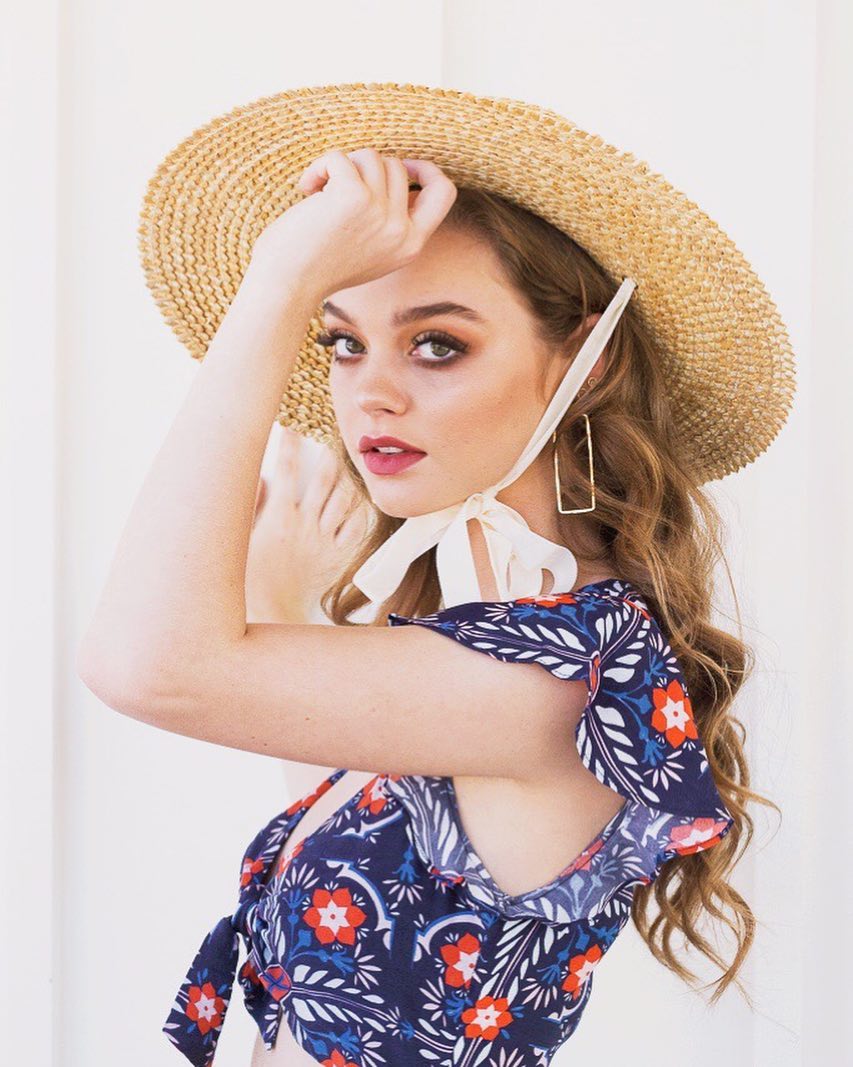
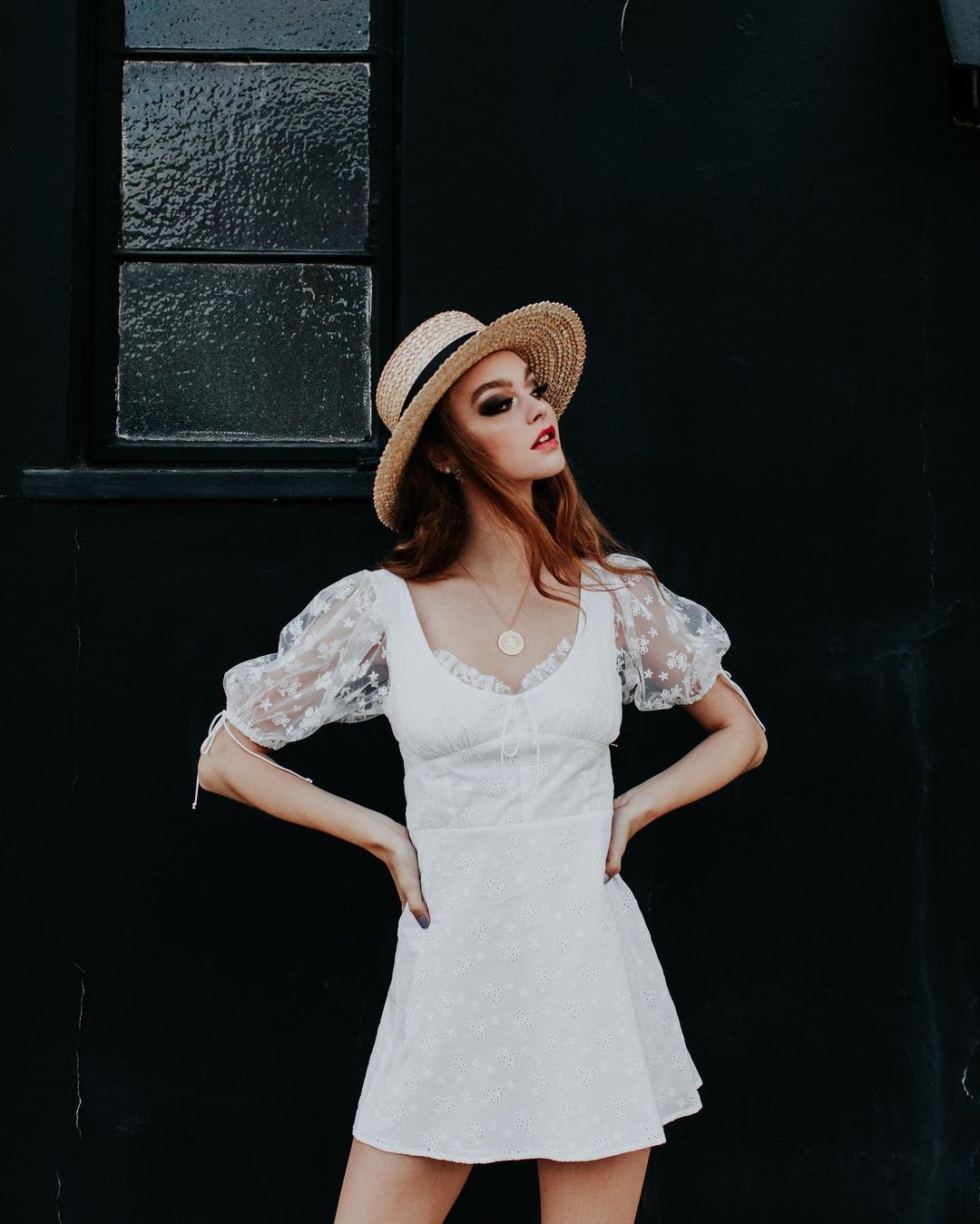
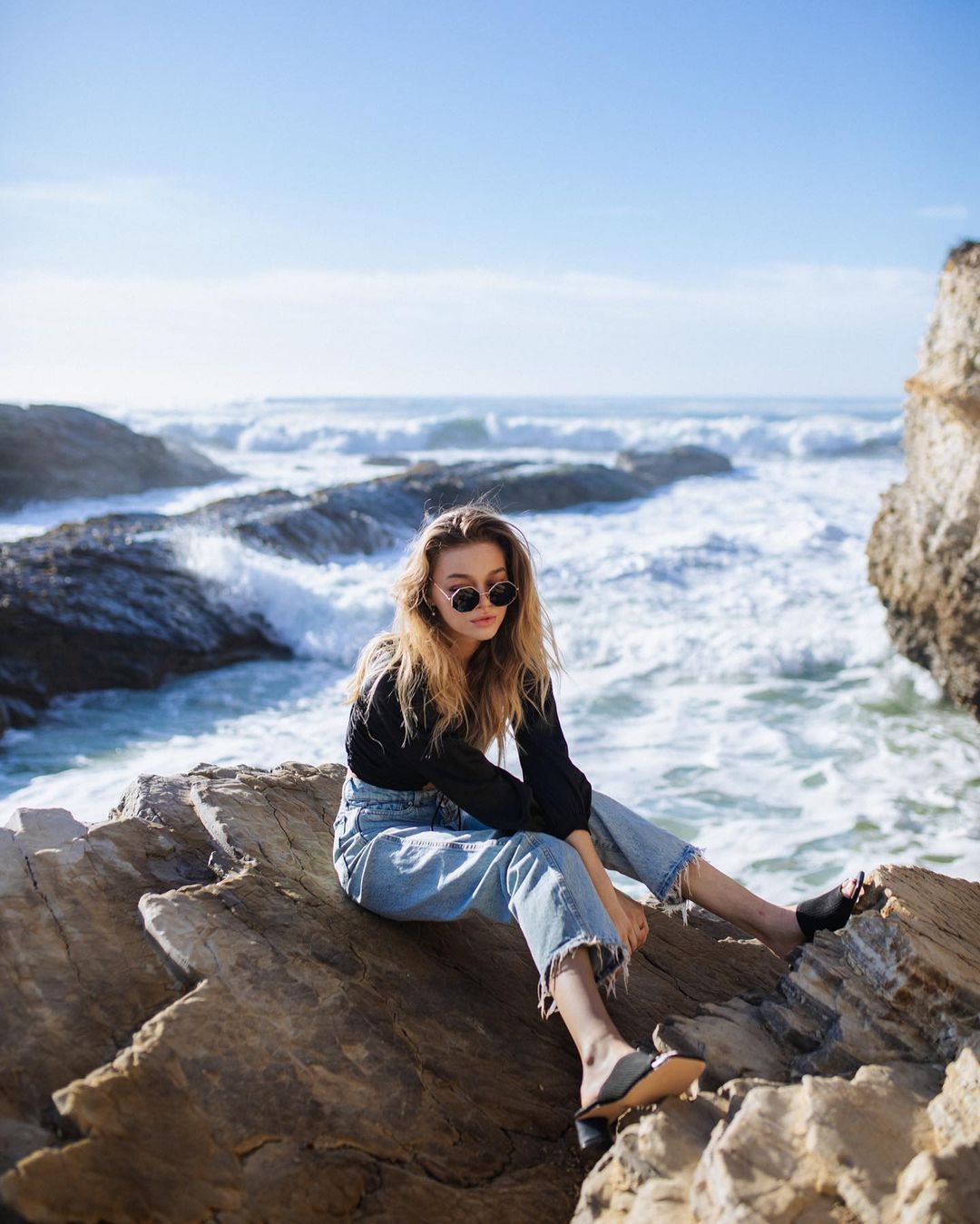
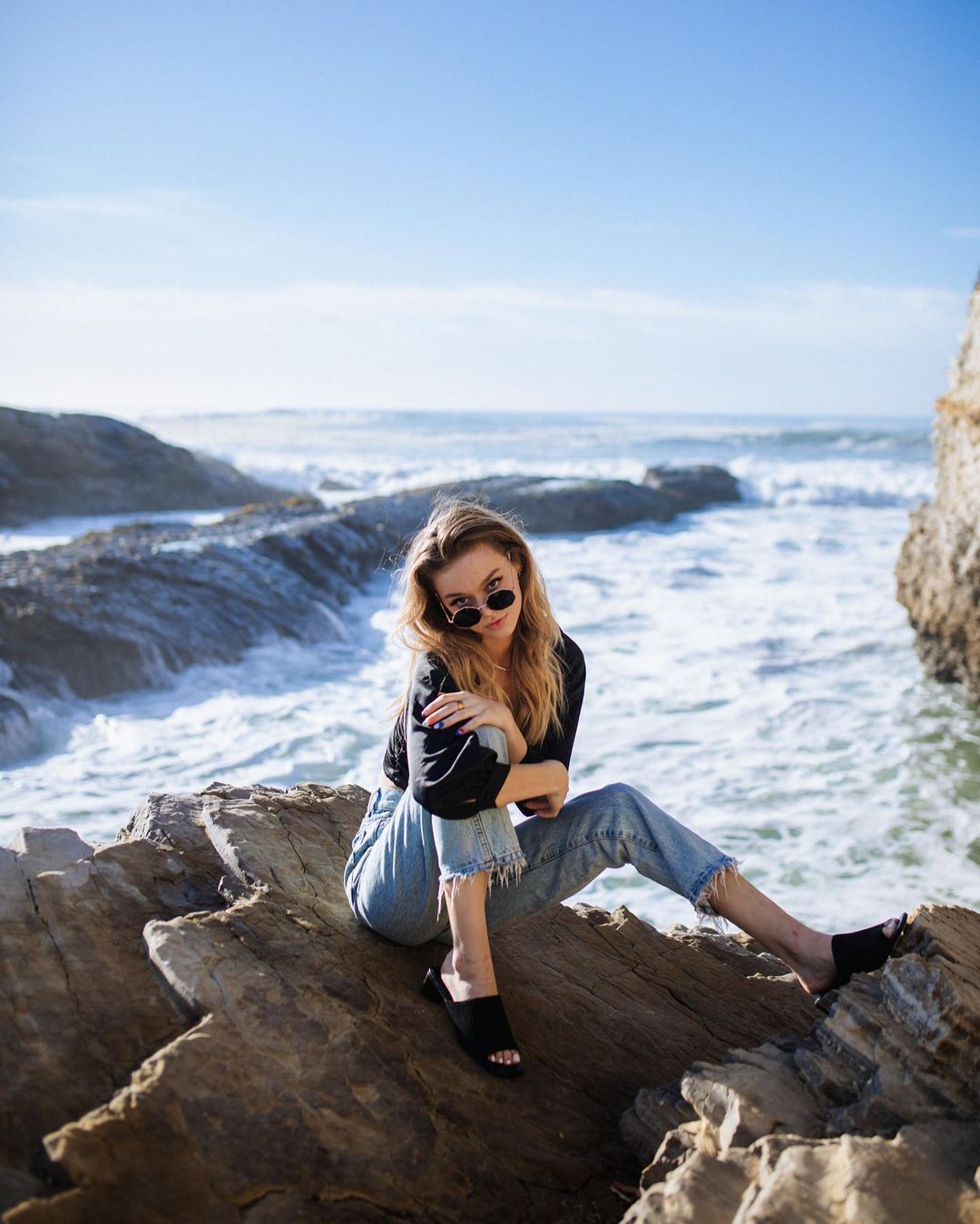
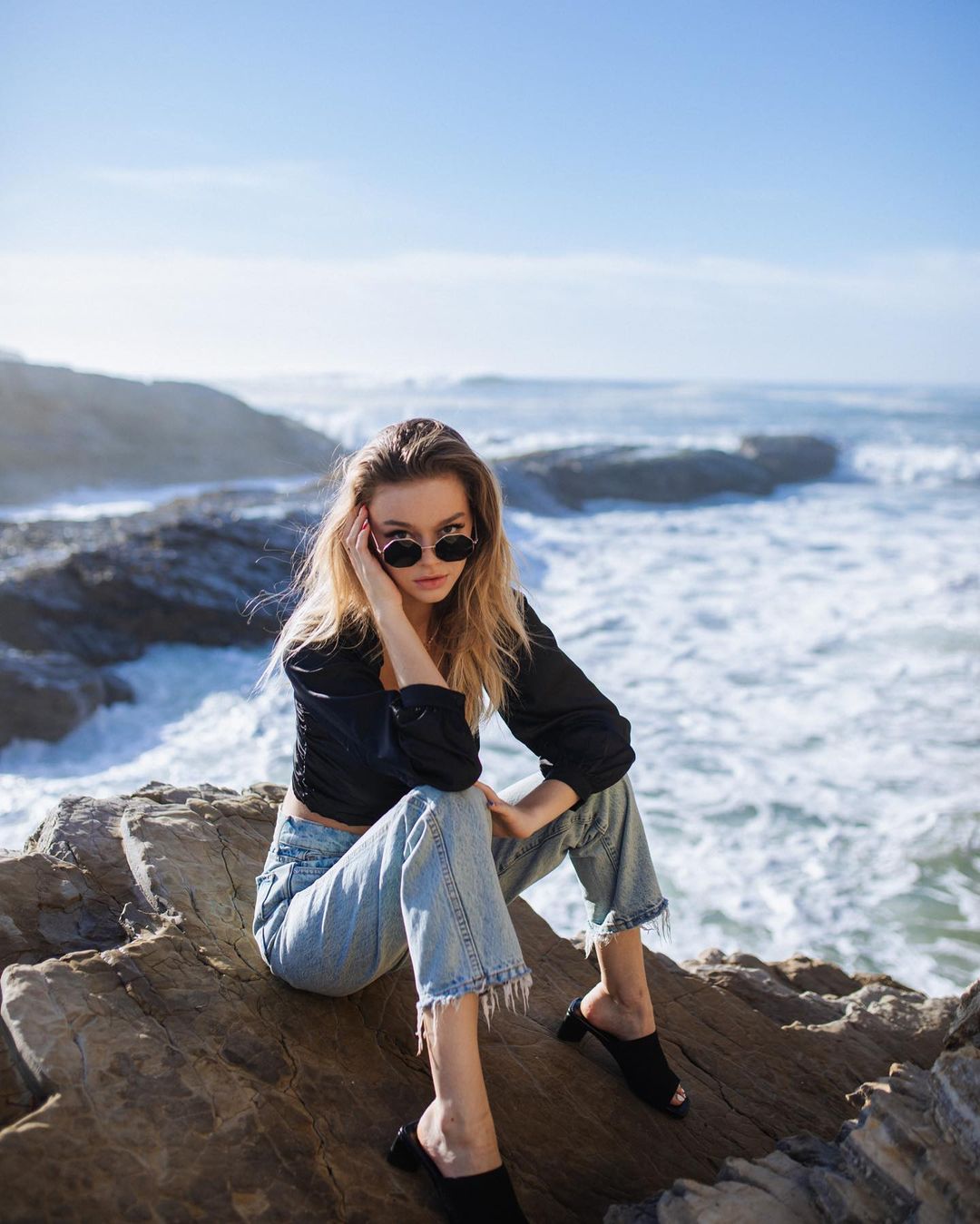
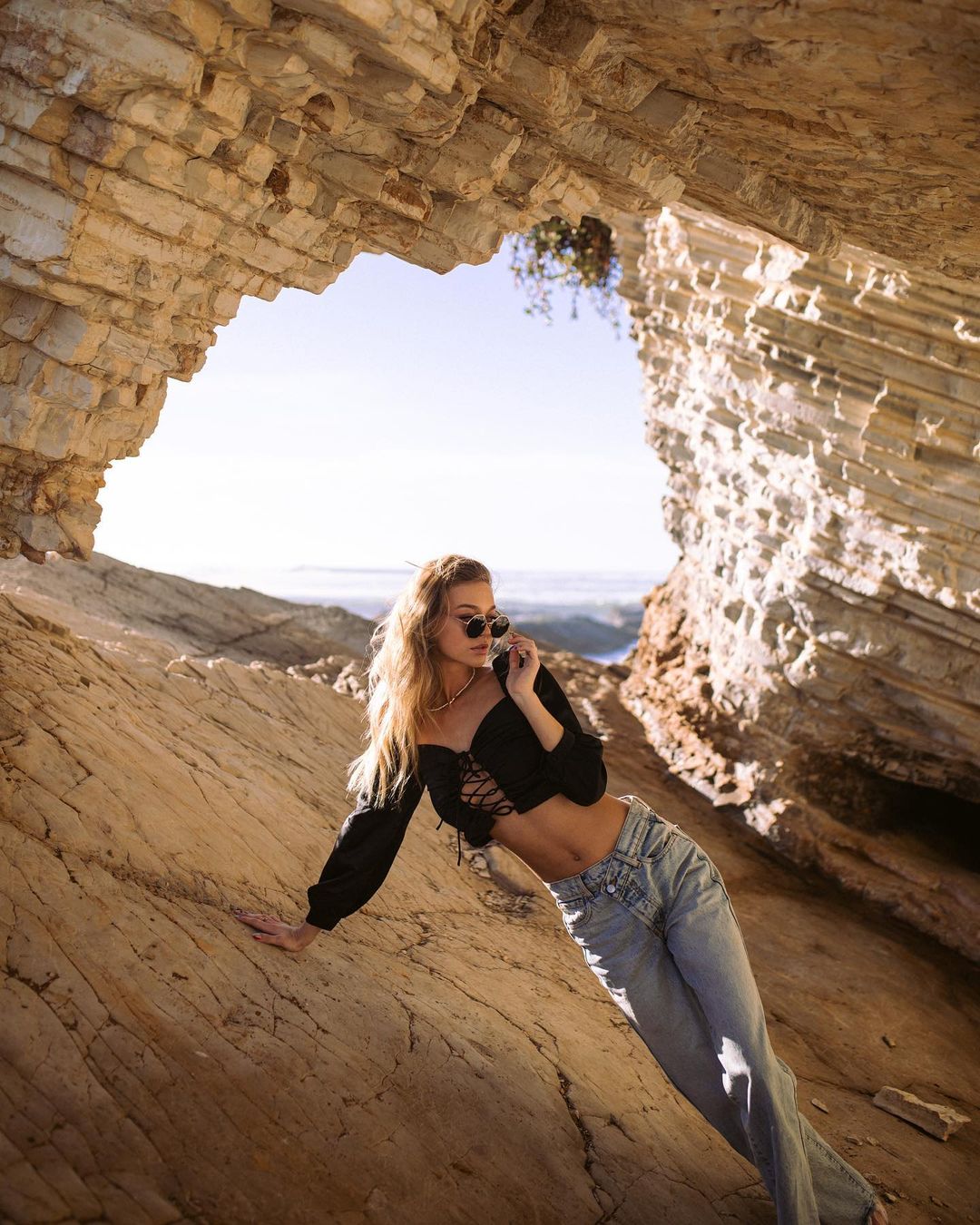
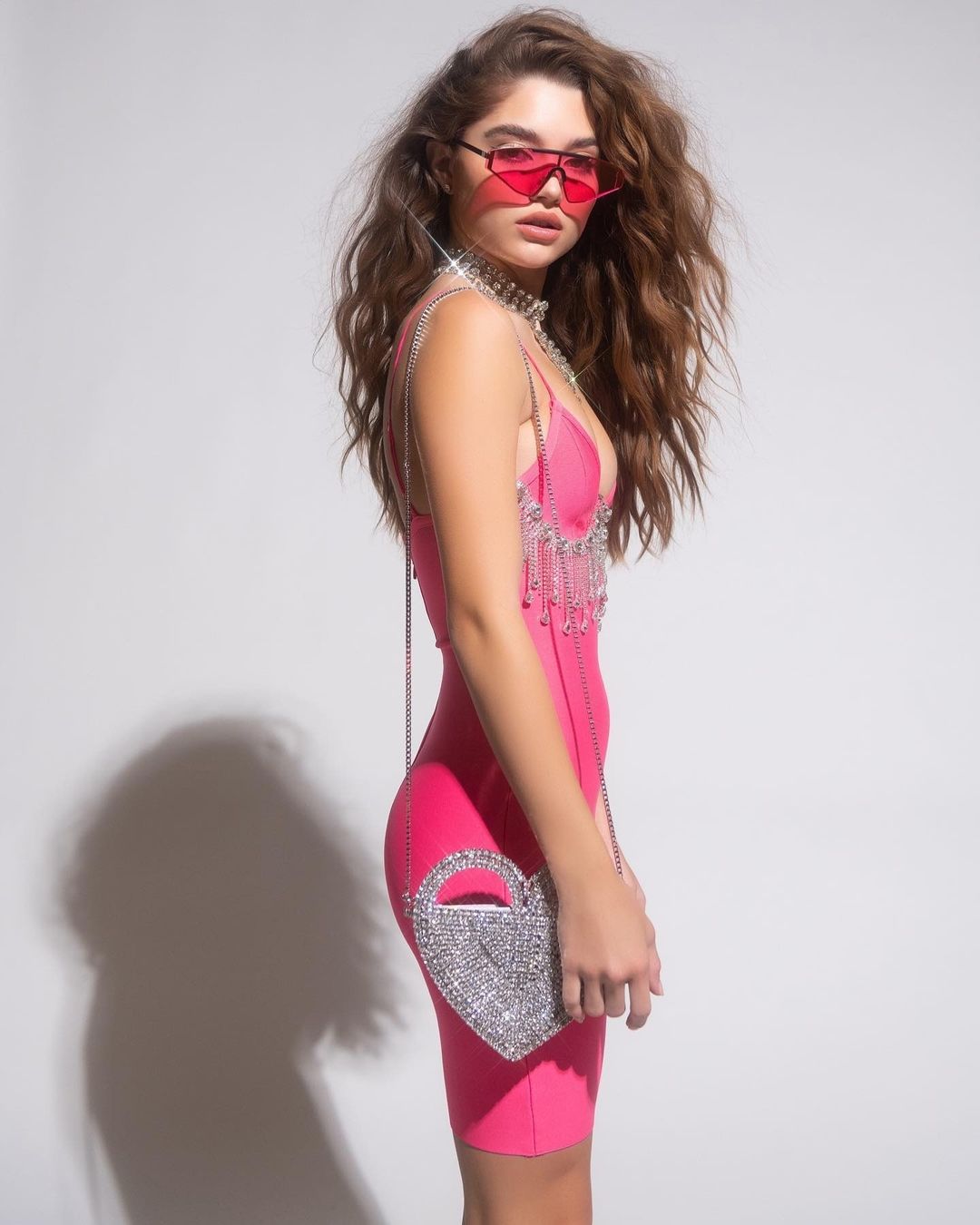
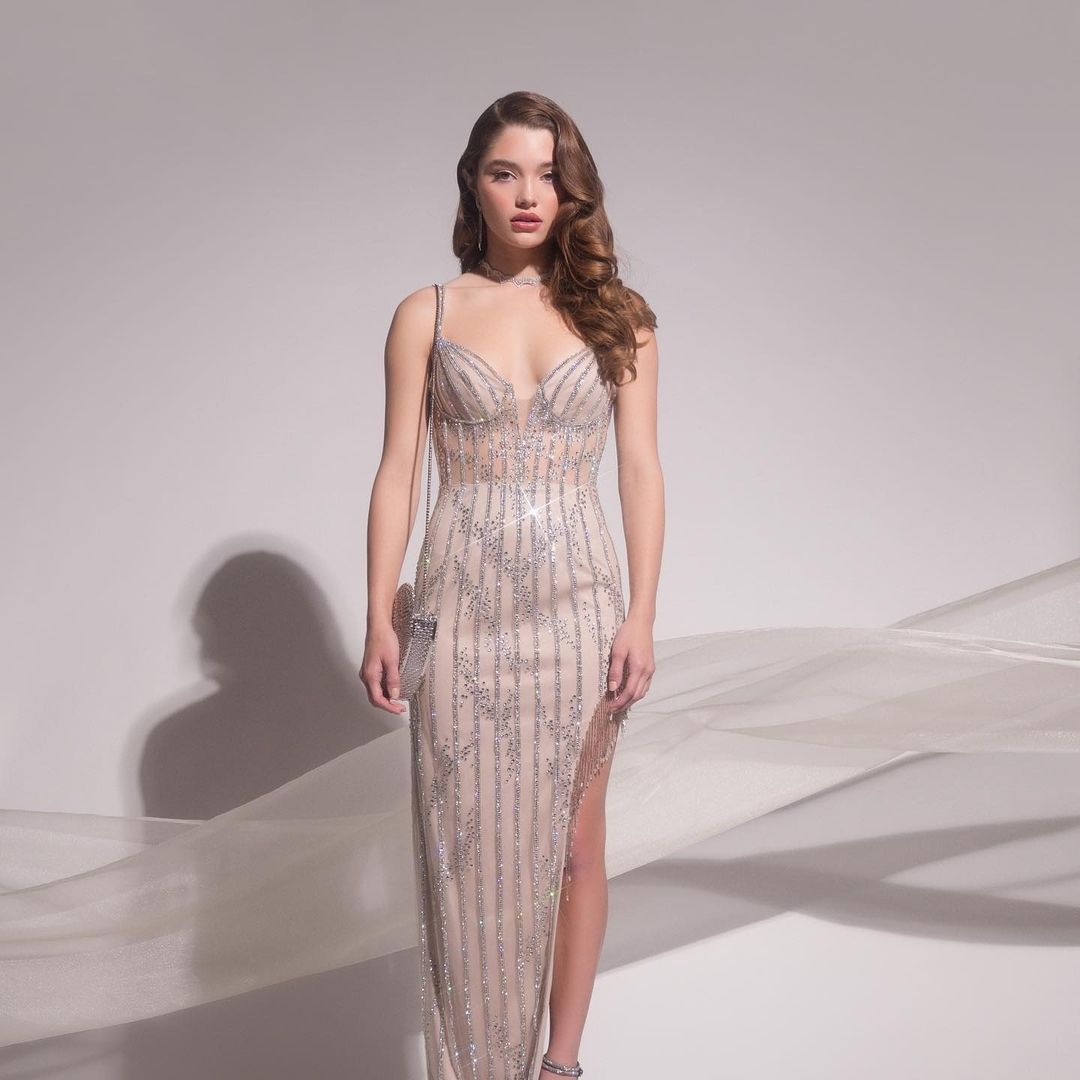
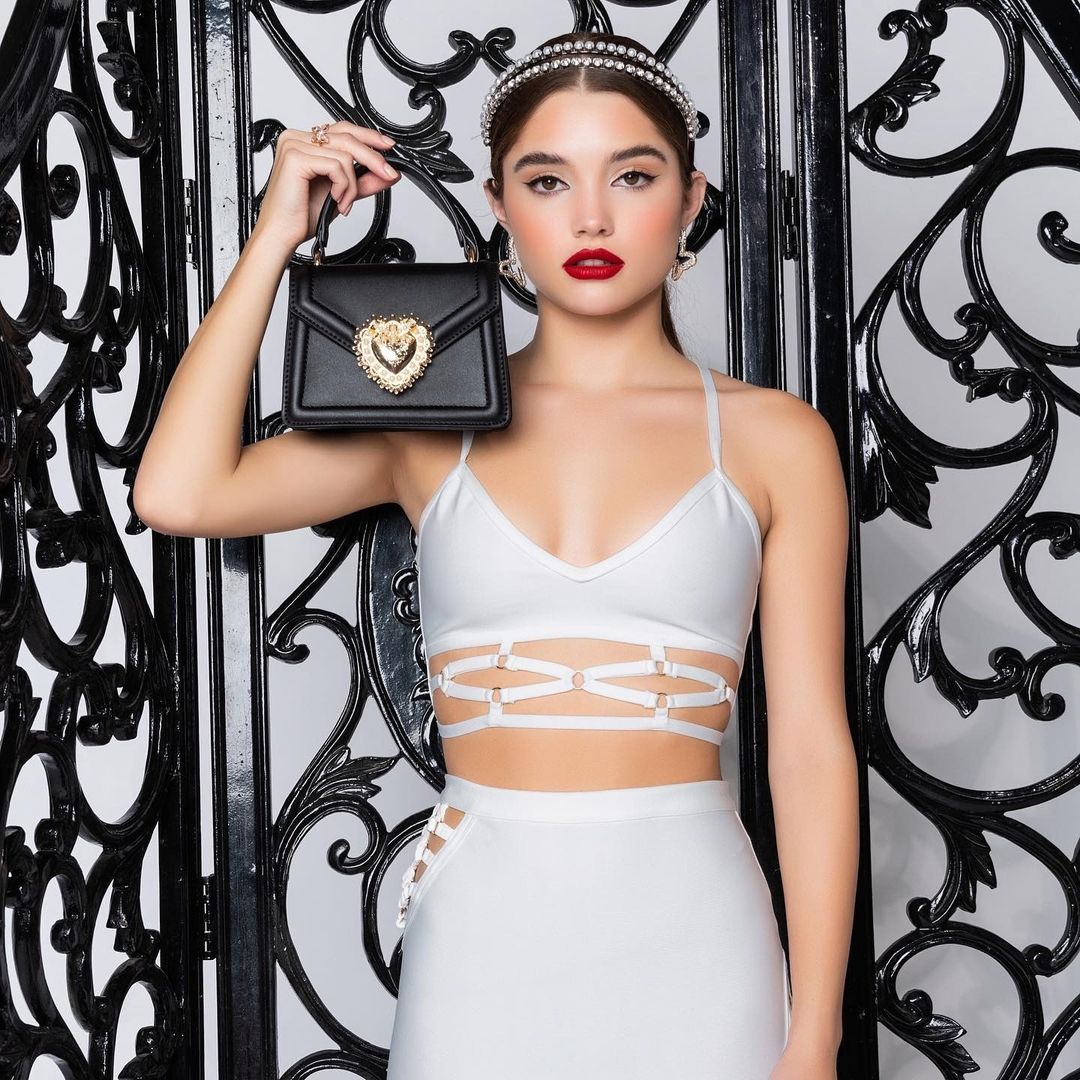
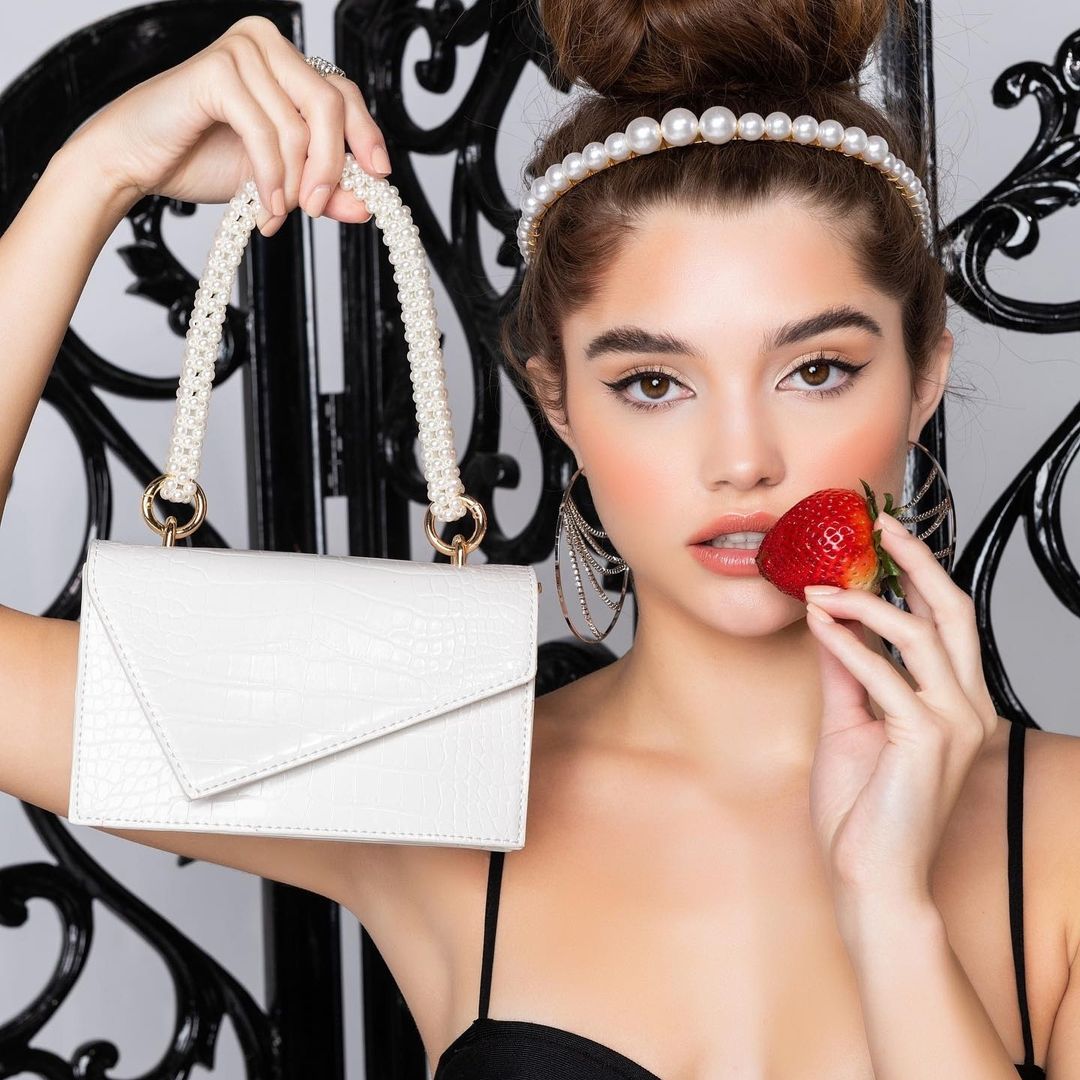
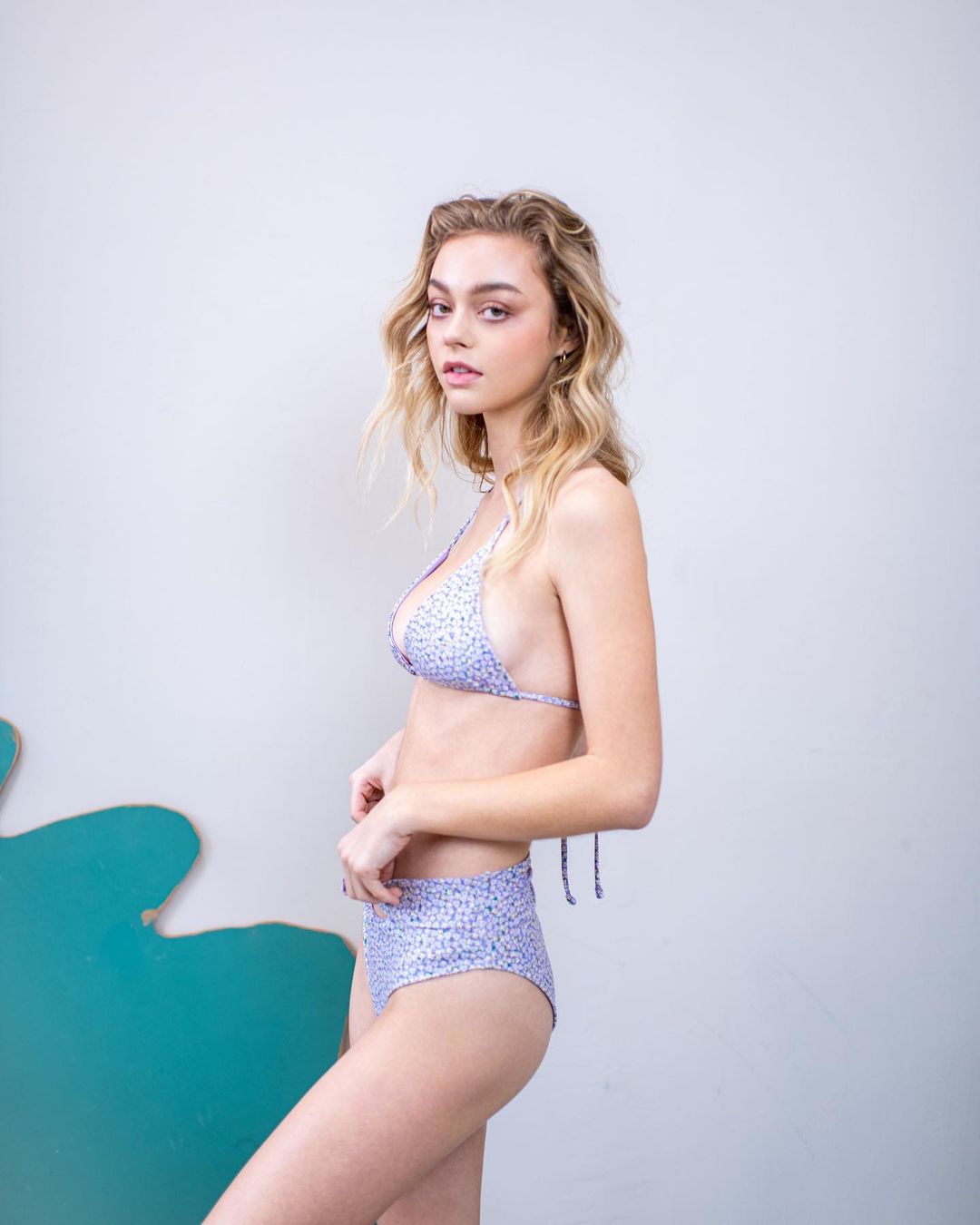
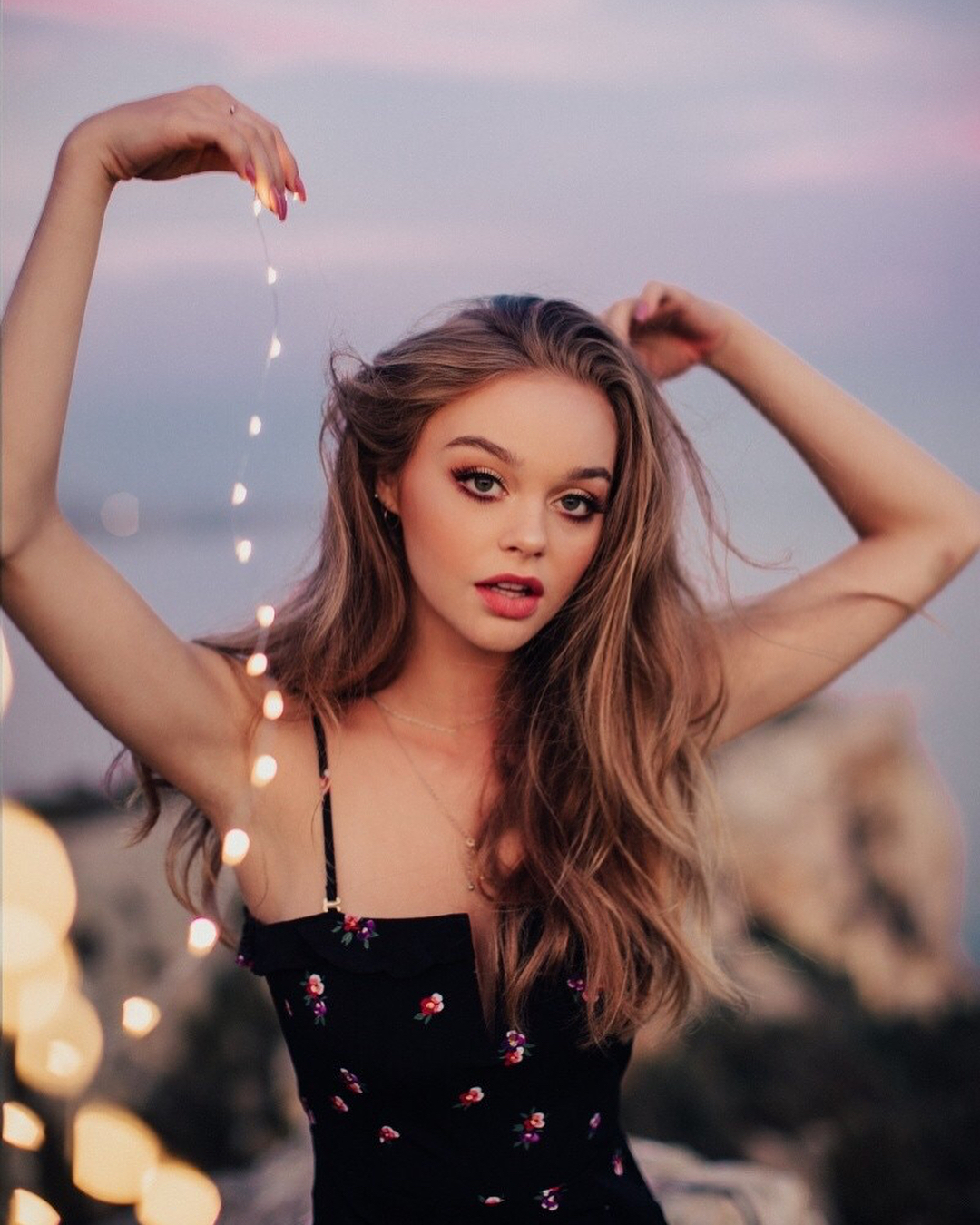
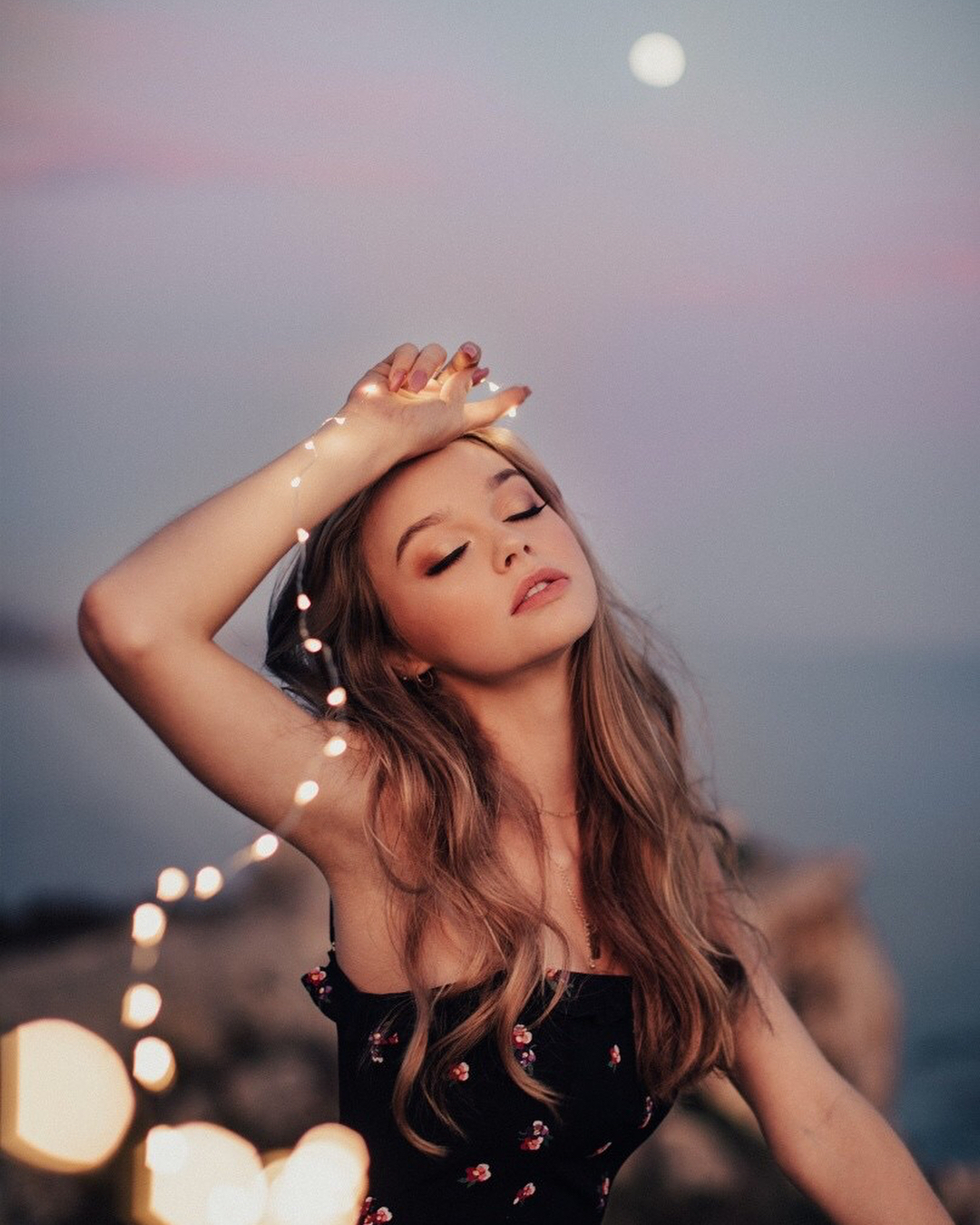
  1. By Ashley Ludaescher for Mooondance Bridal
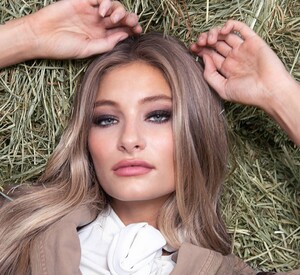
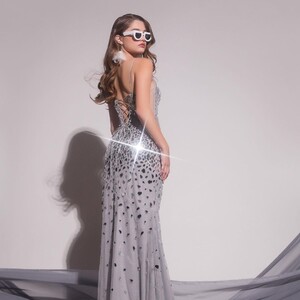
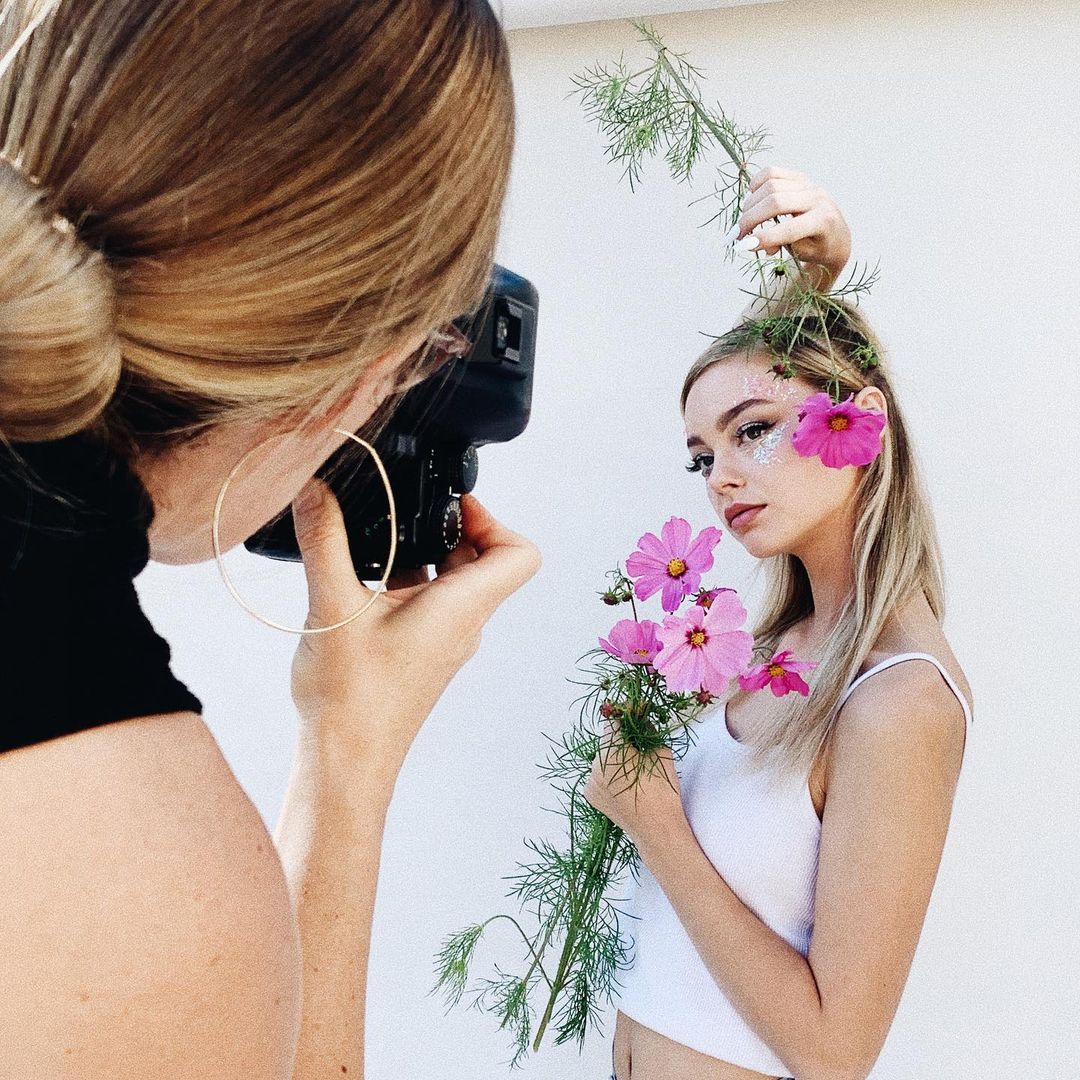
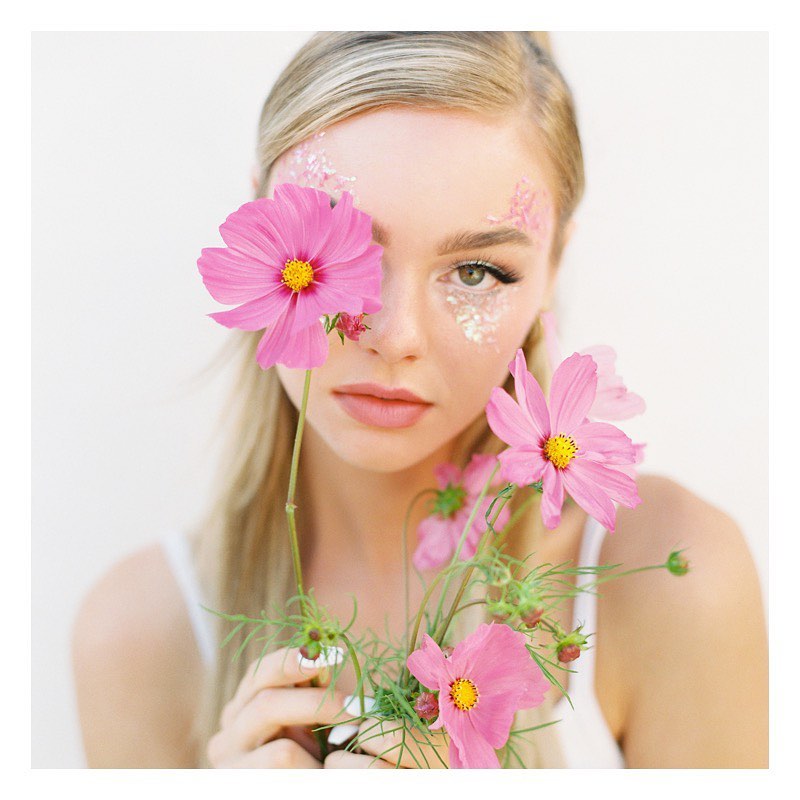
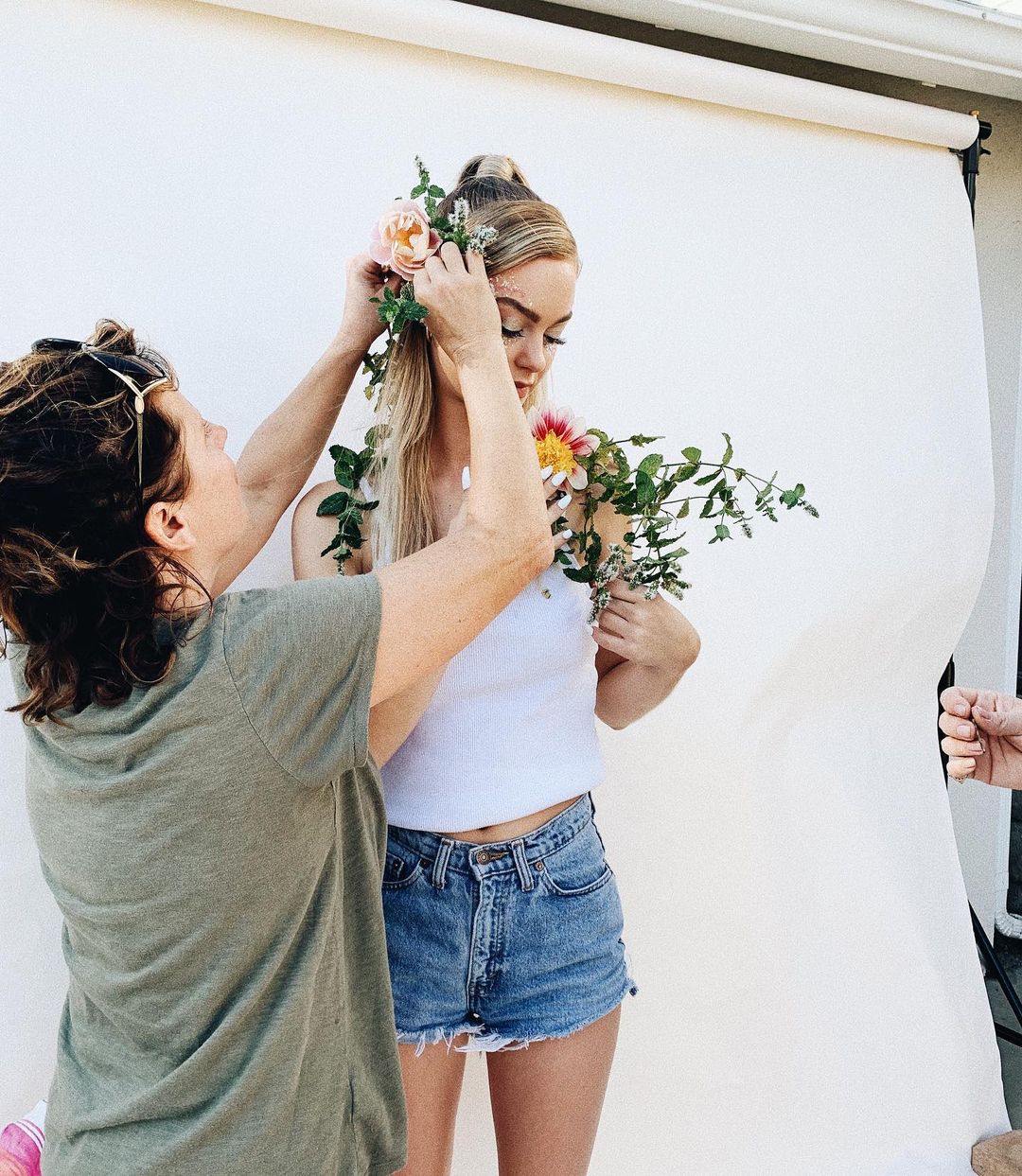
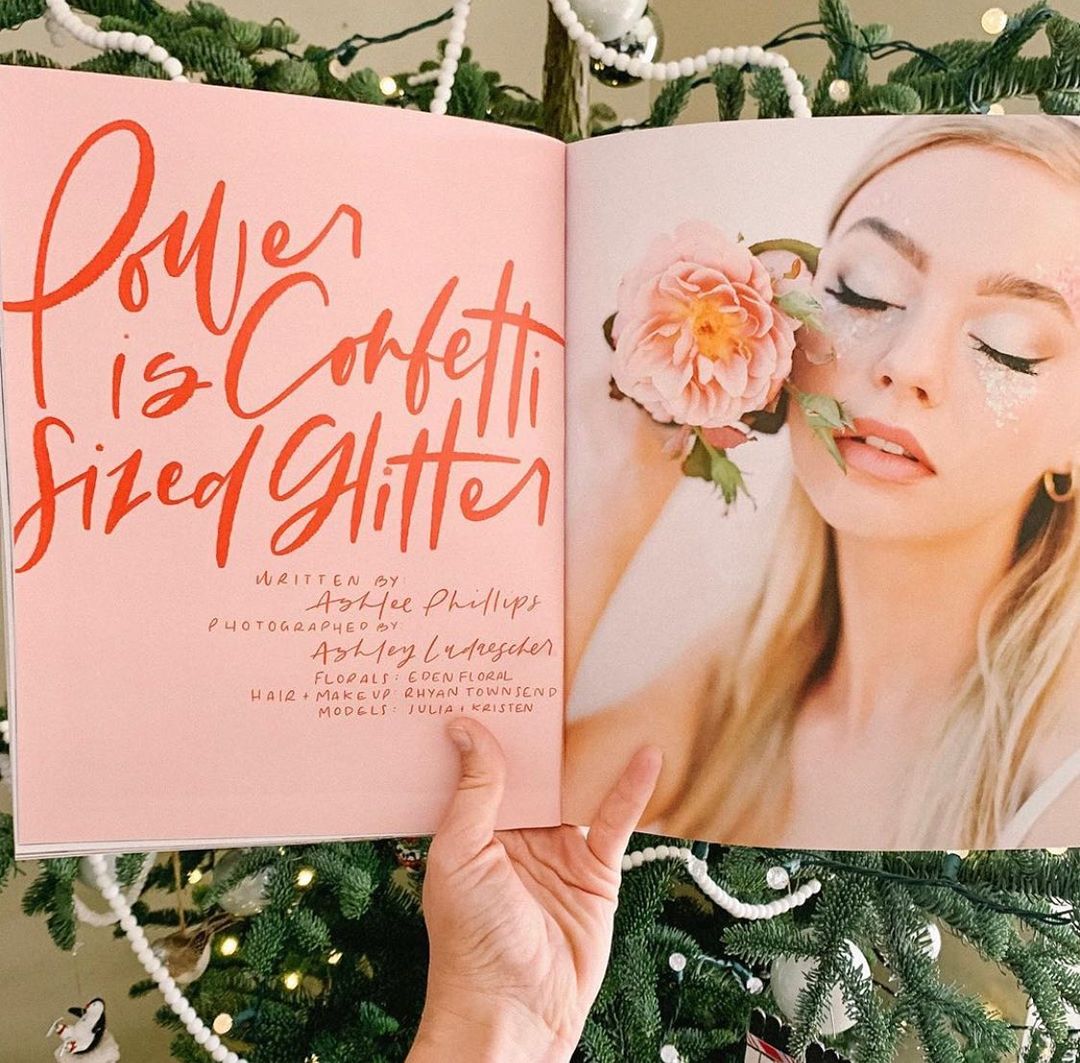
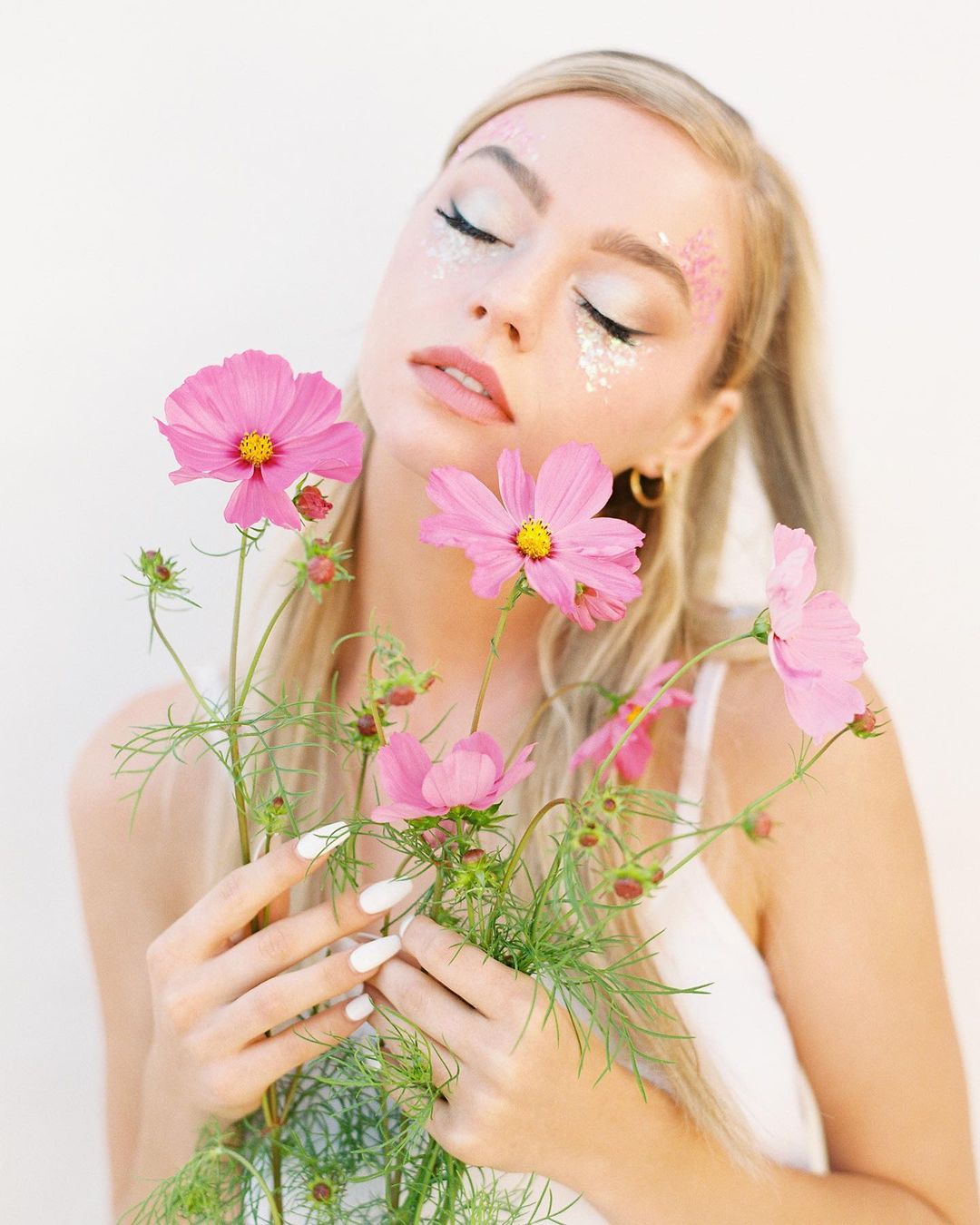
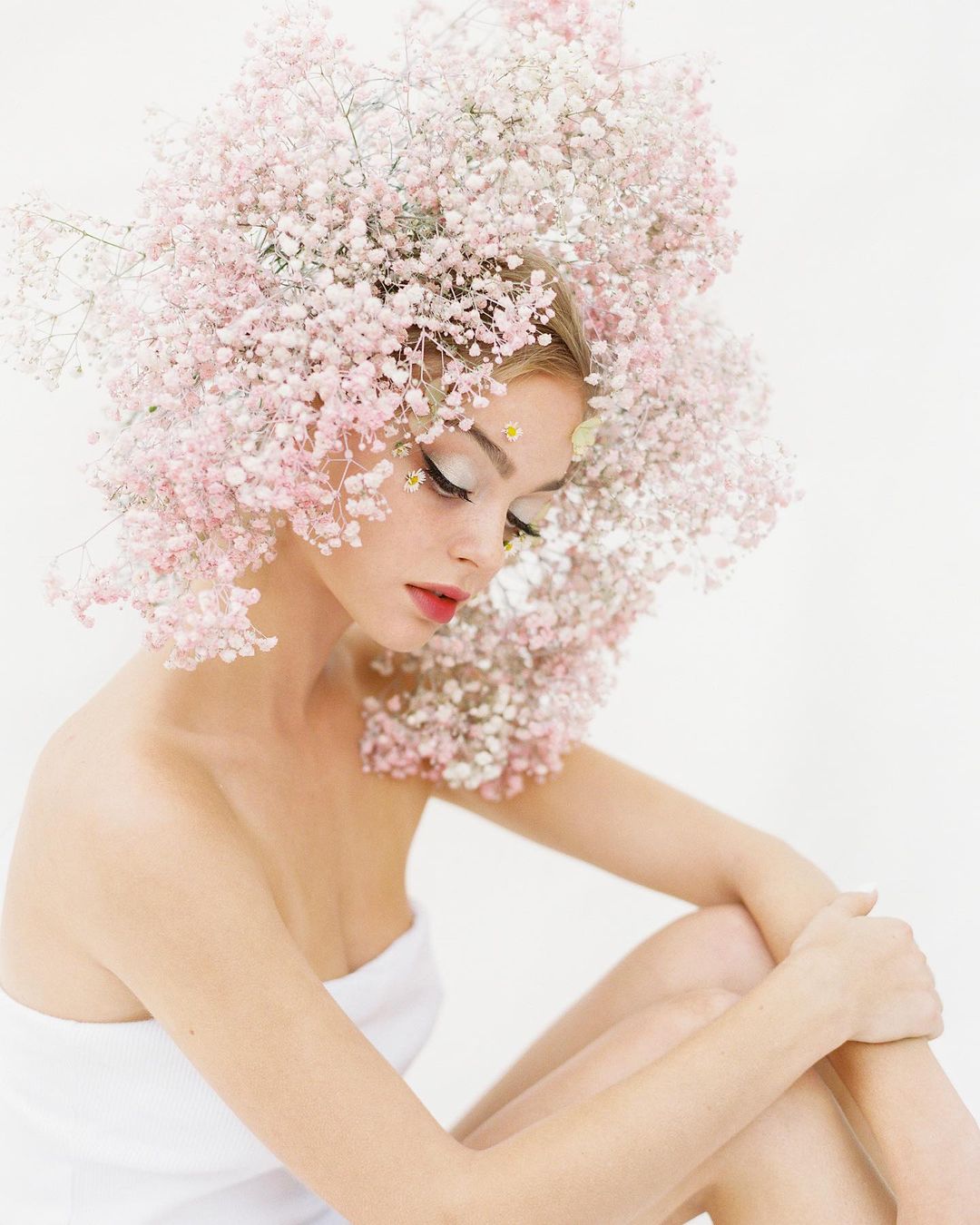
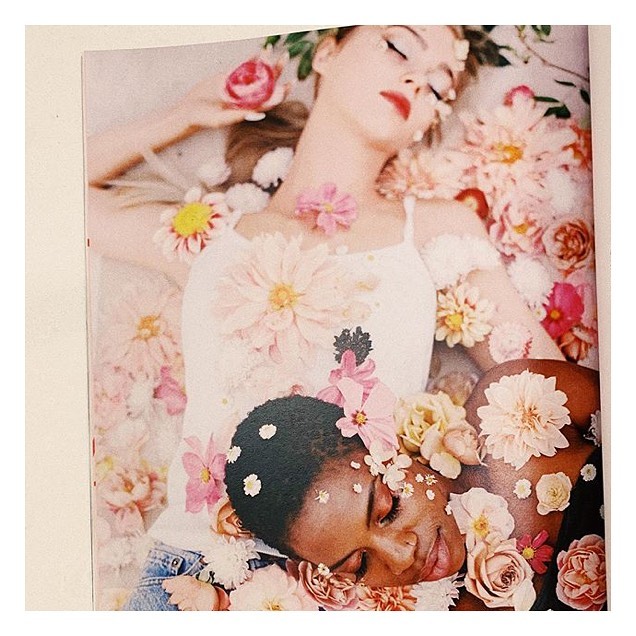
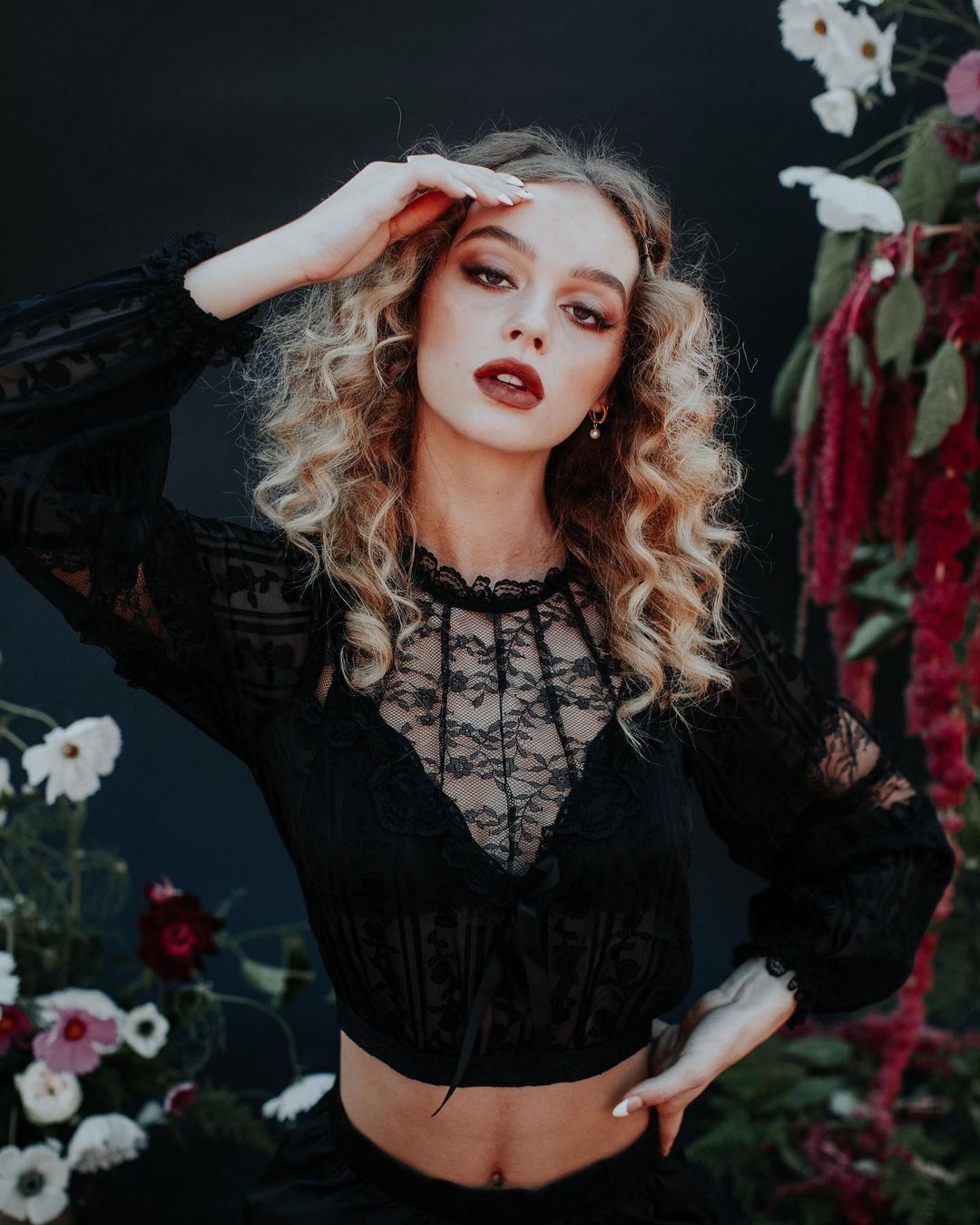
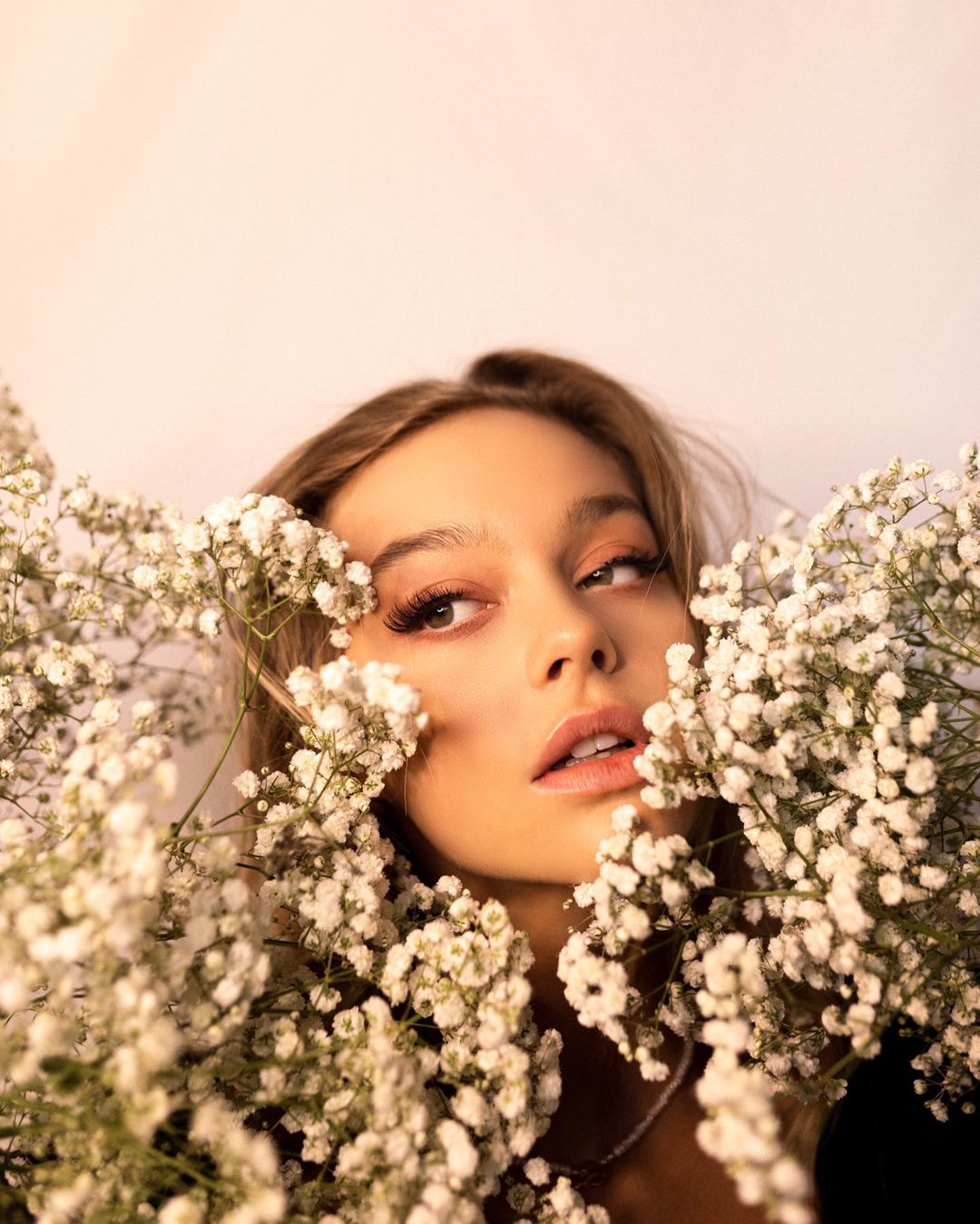
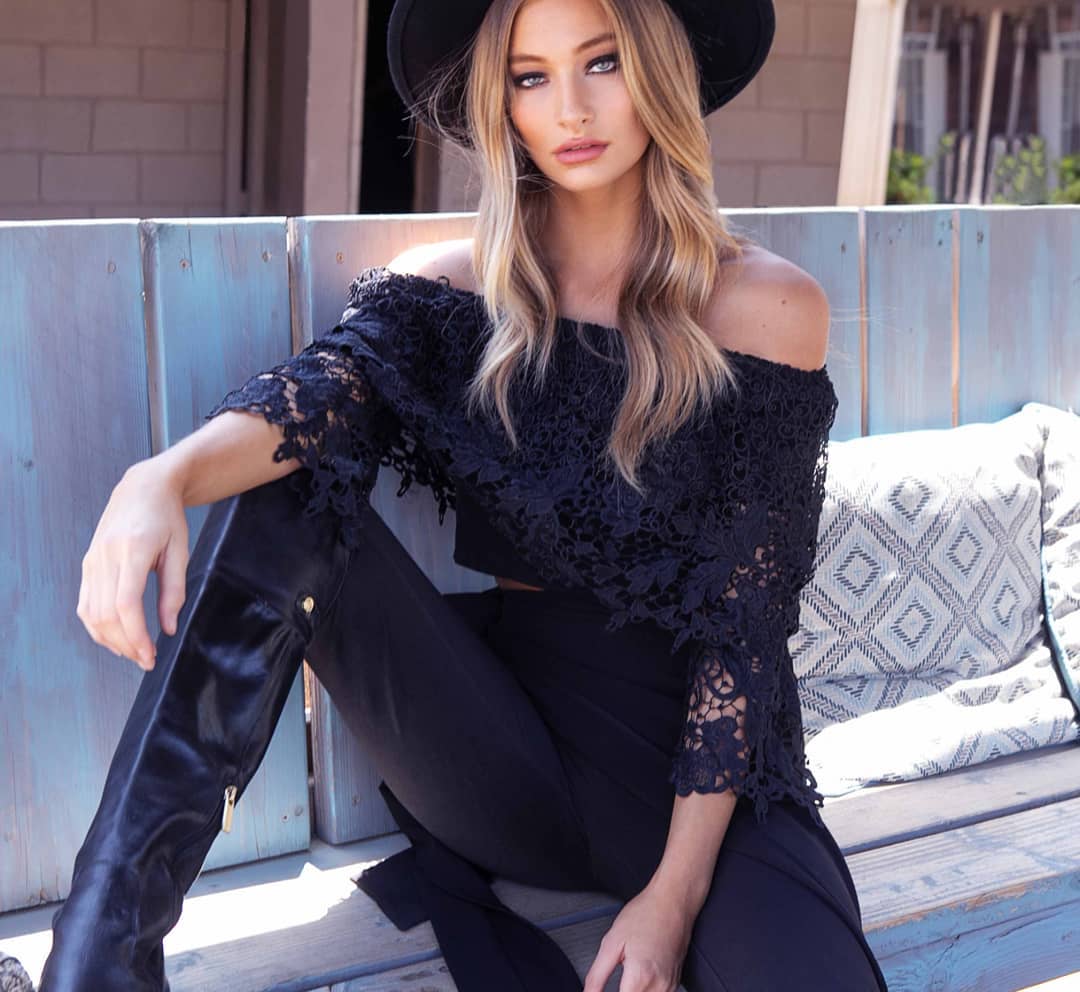
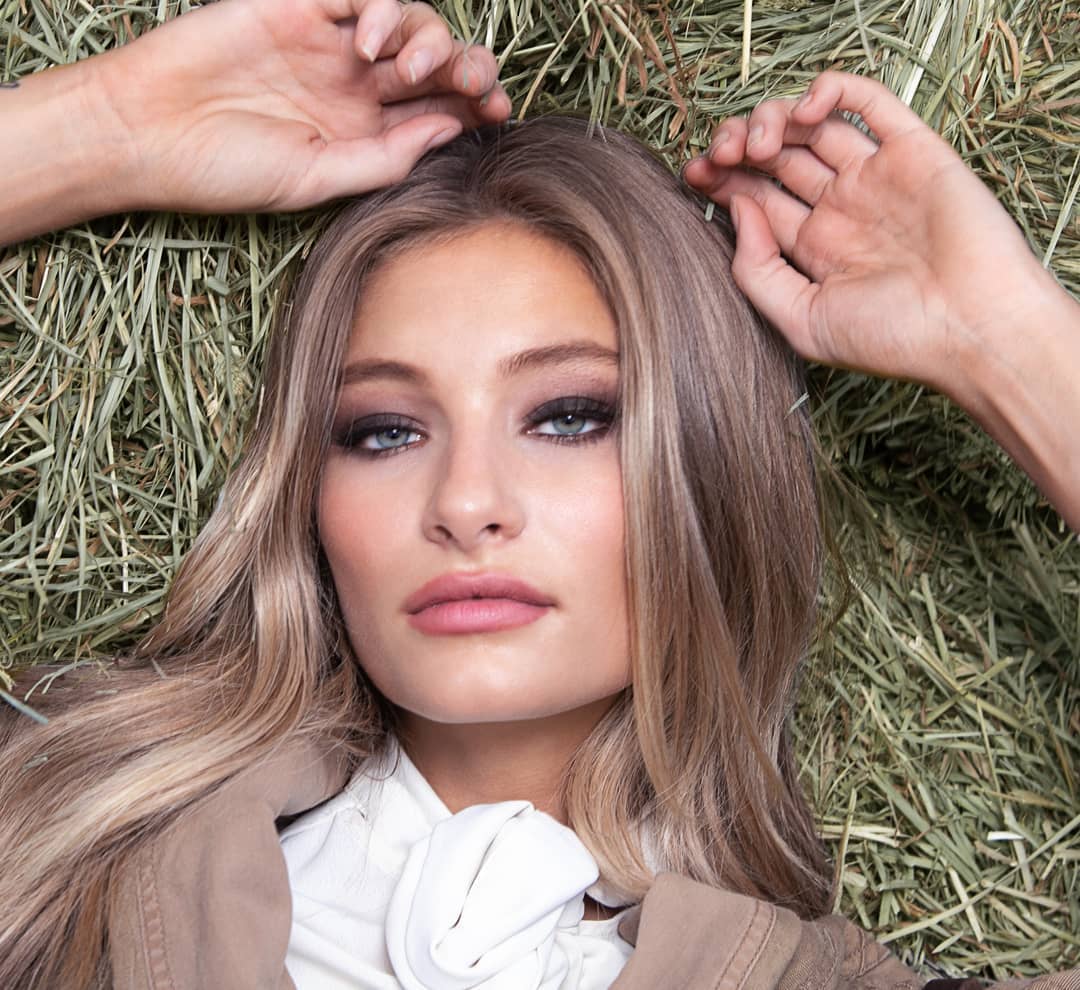
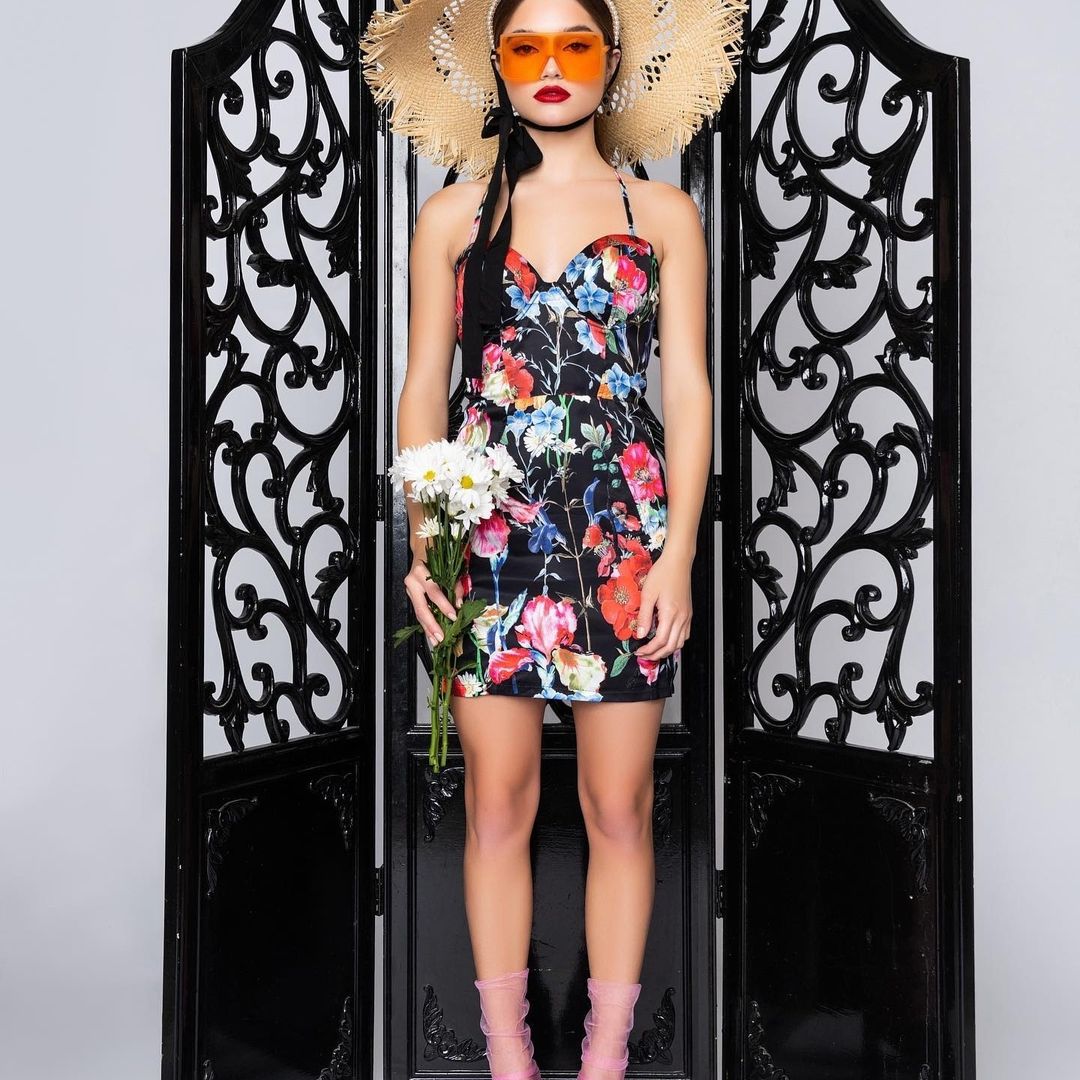
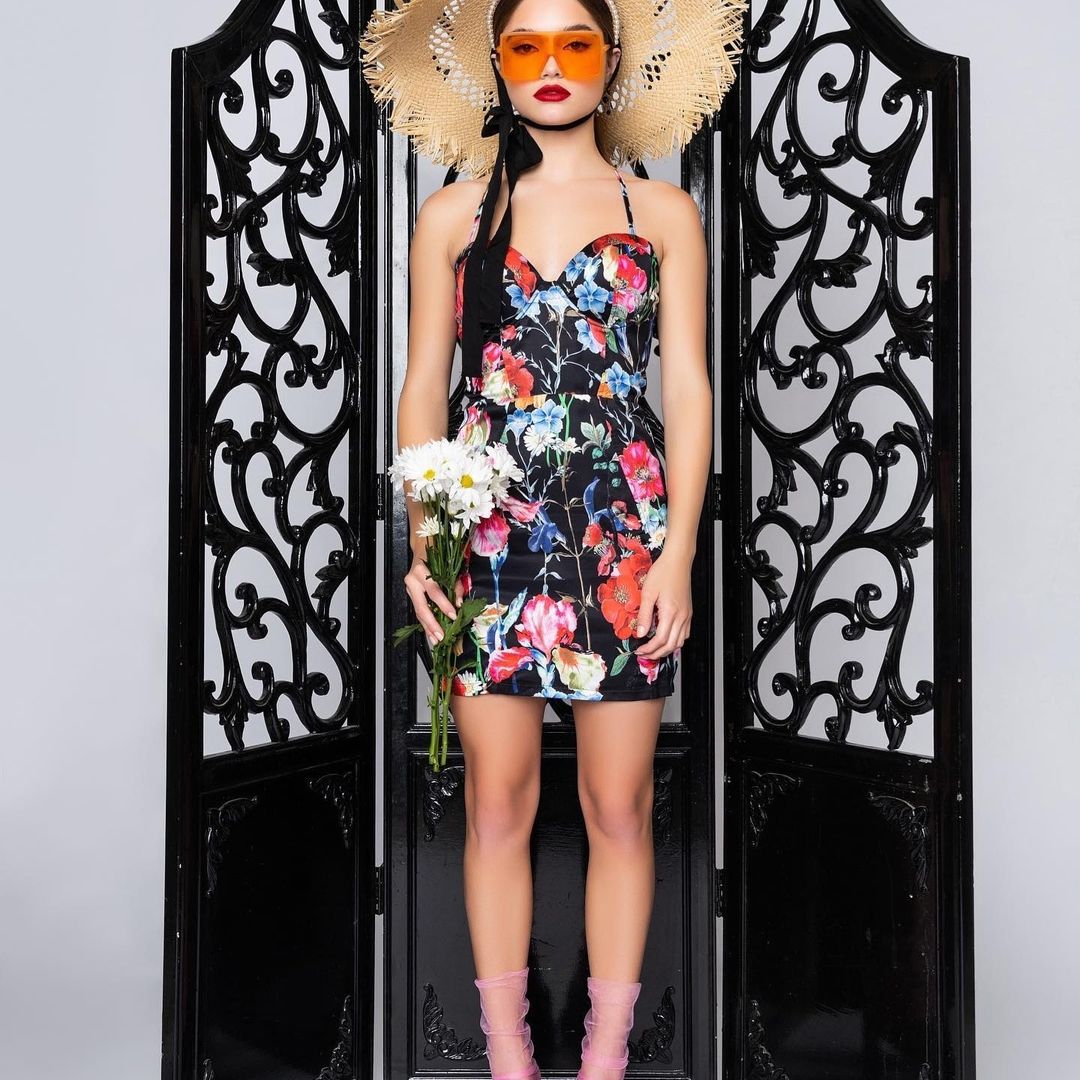
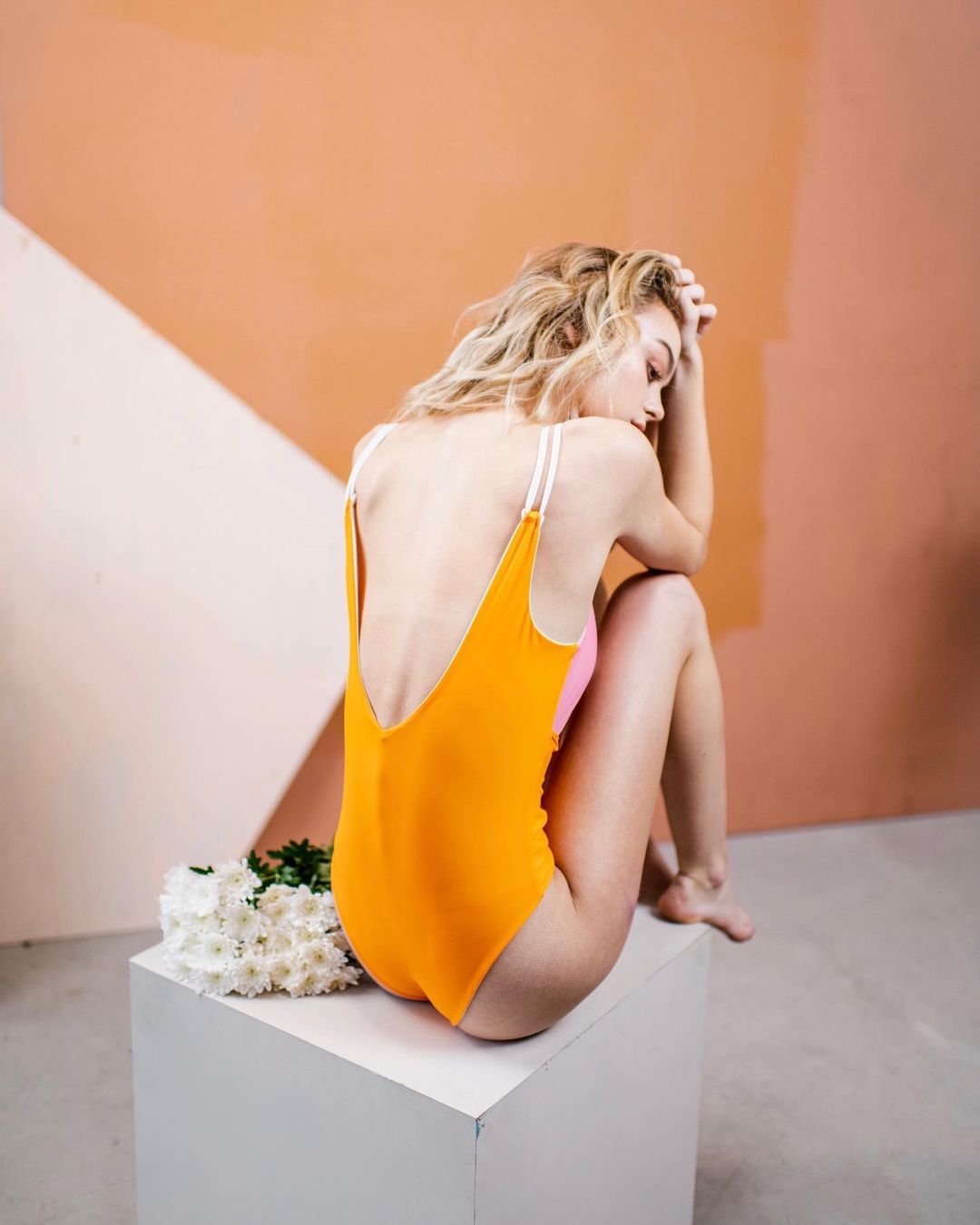
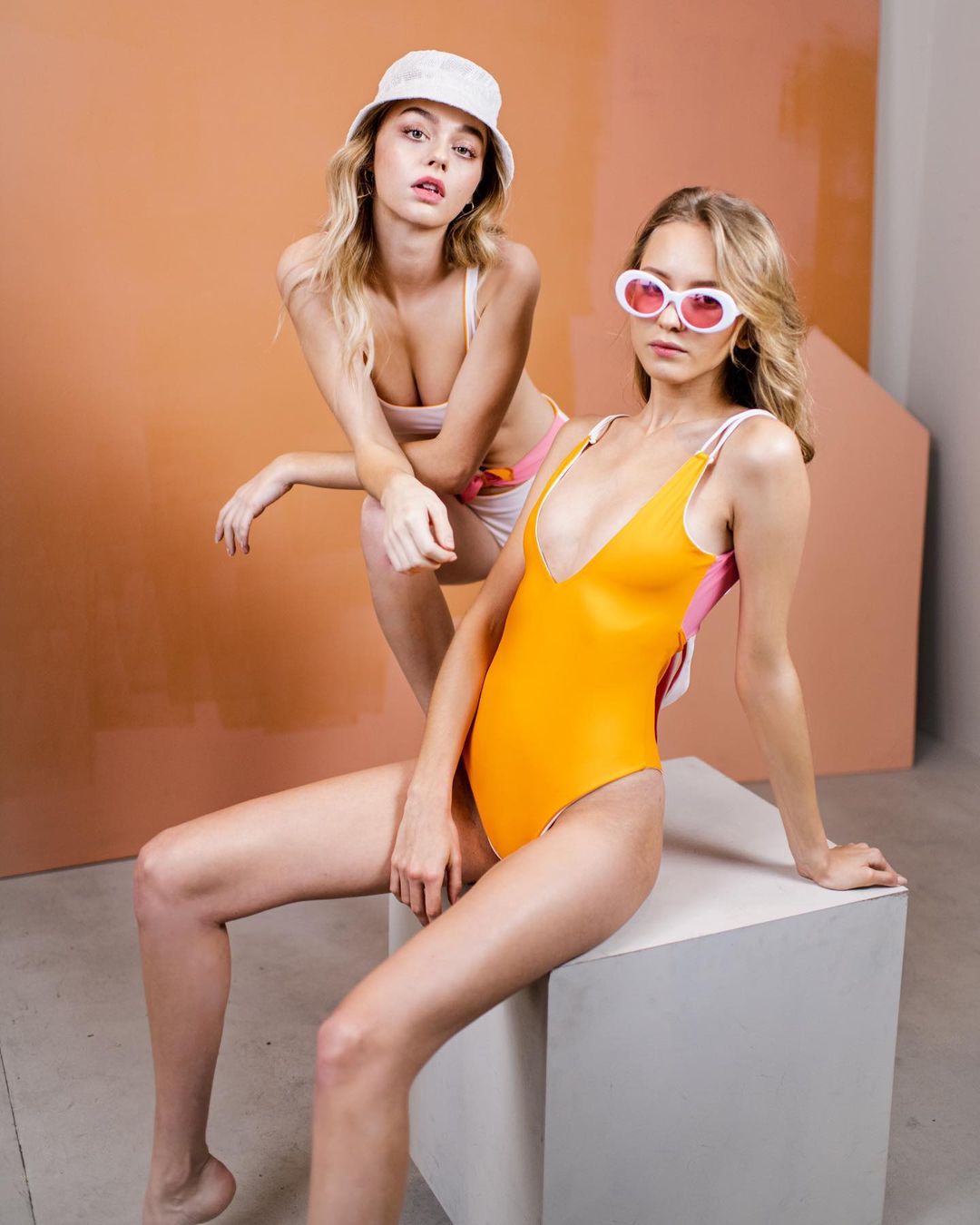
  2. By Ashley Ludaescher for Coyote +Oak Magazine (flowers by /edenfloralslo, hair and MUA Rhyan Townsend)
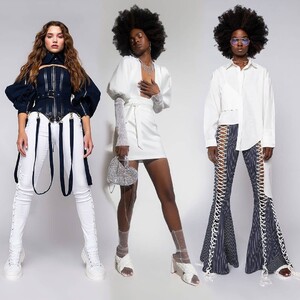
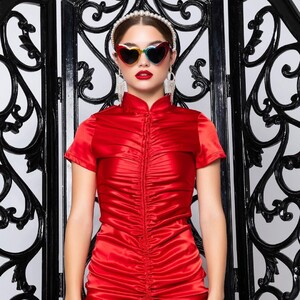
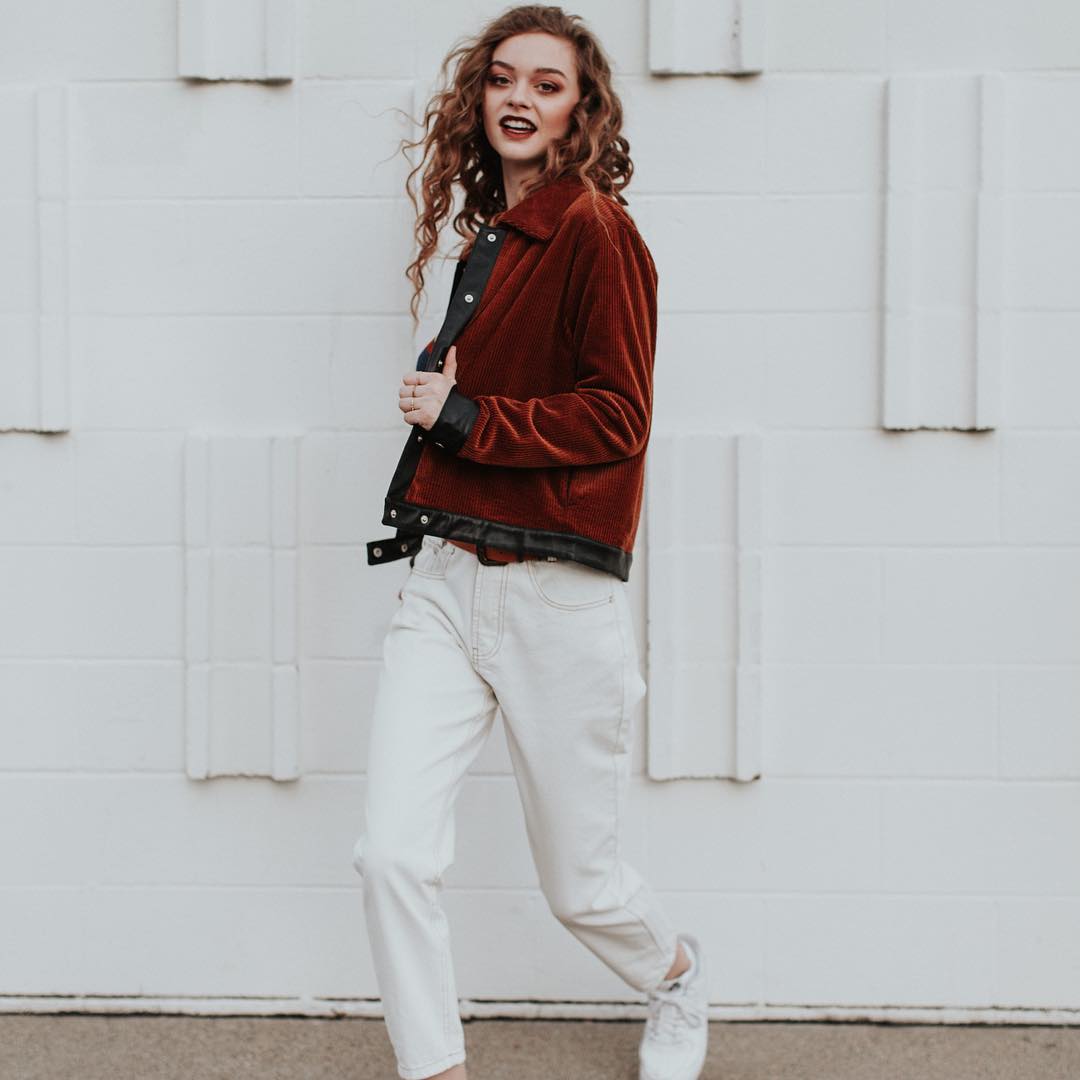
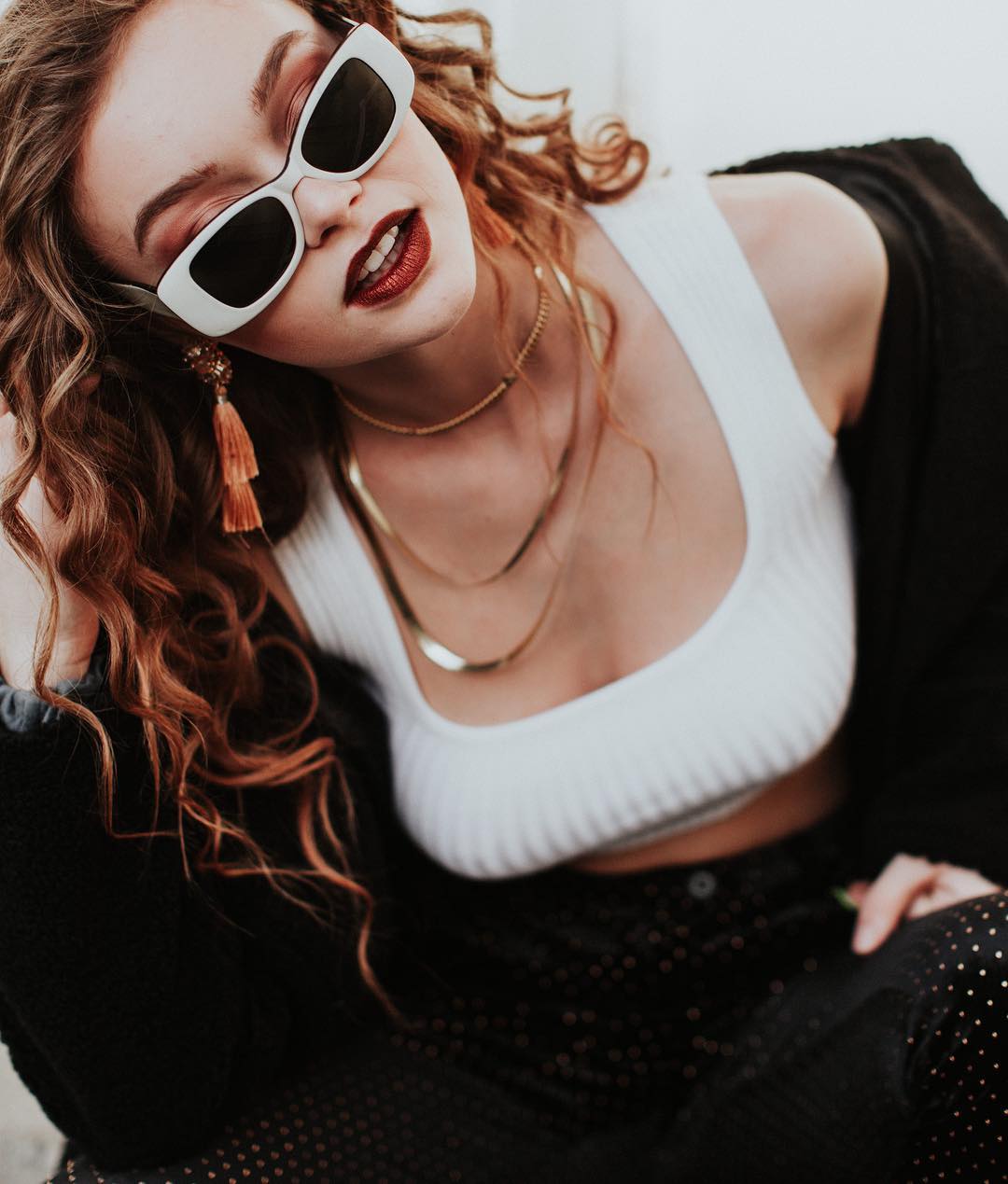
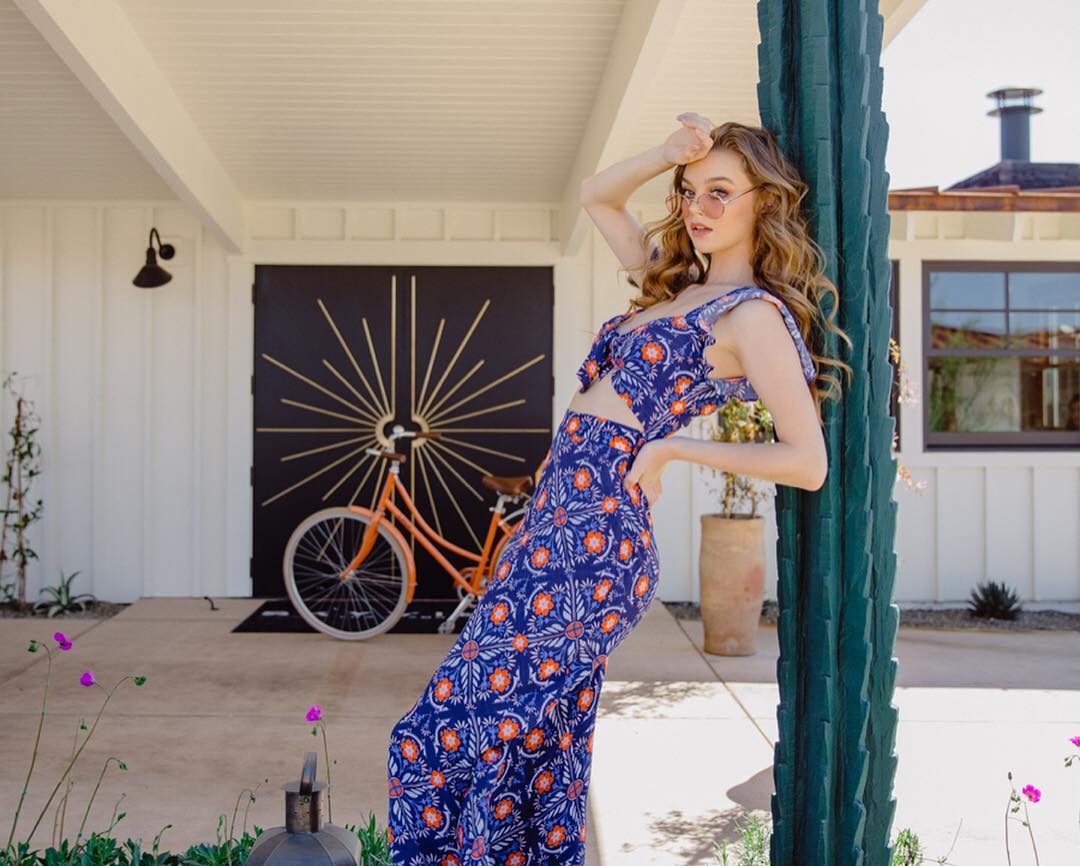
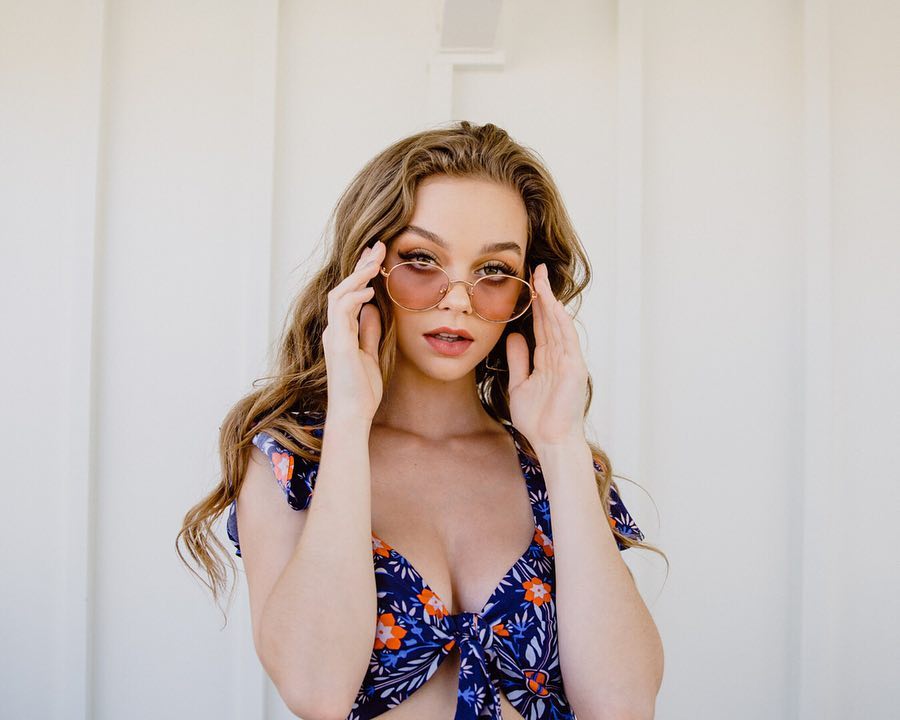
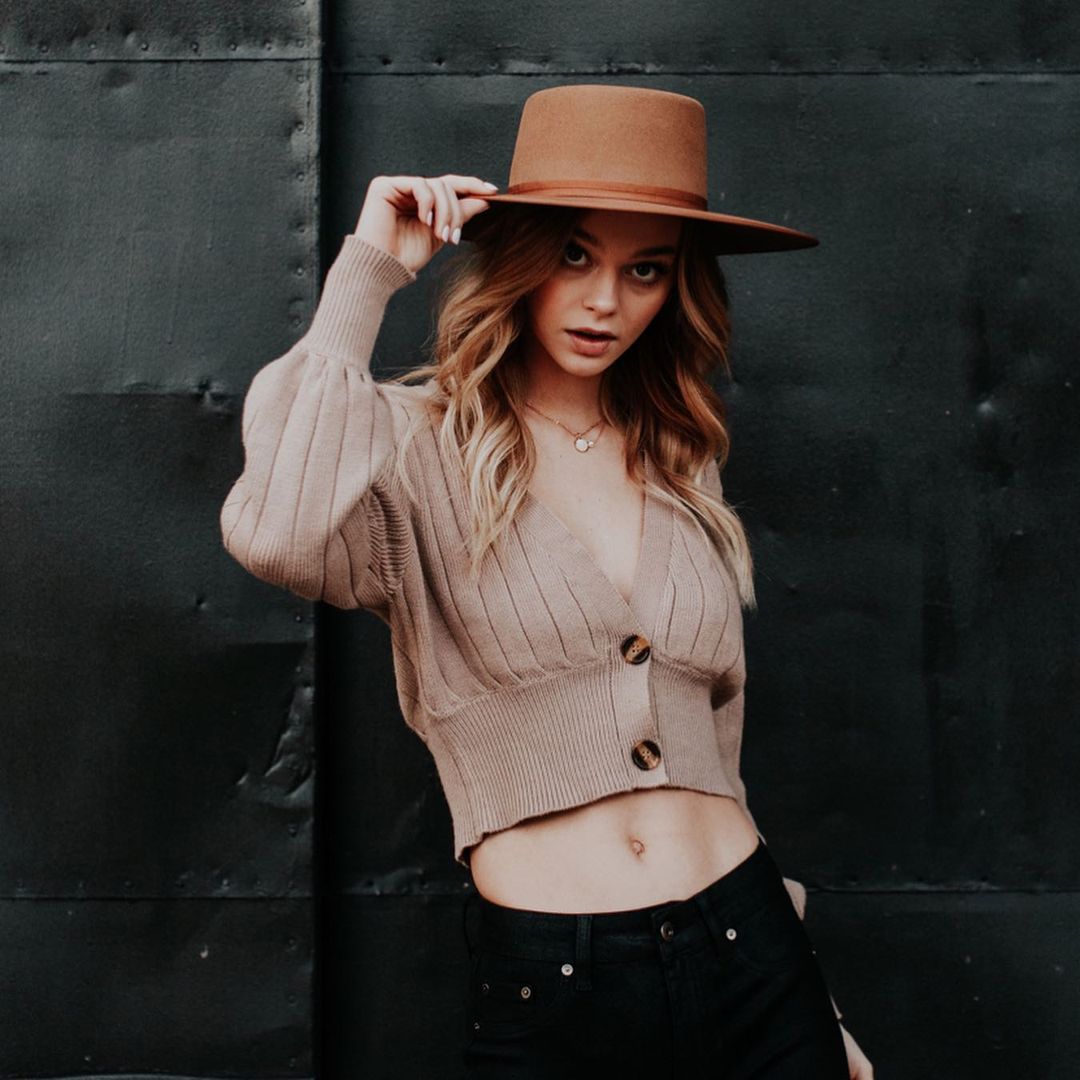
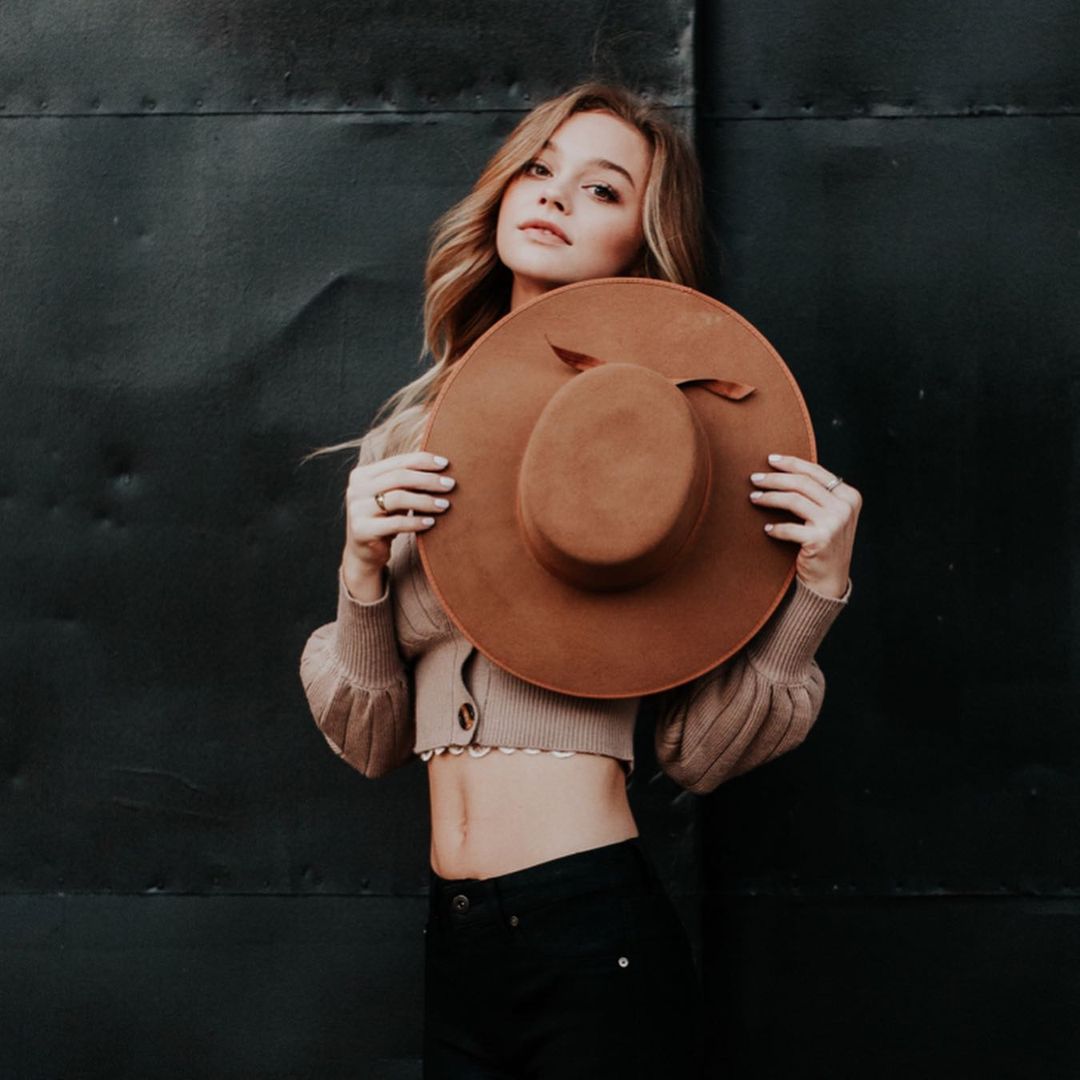
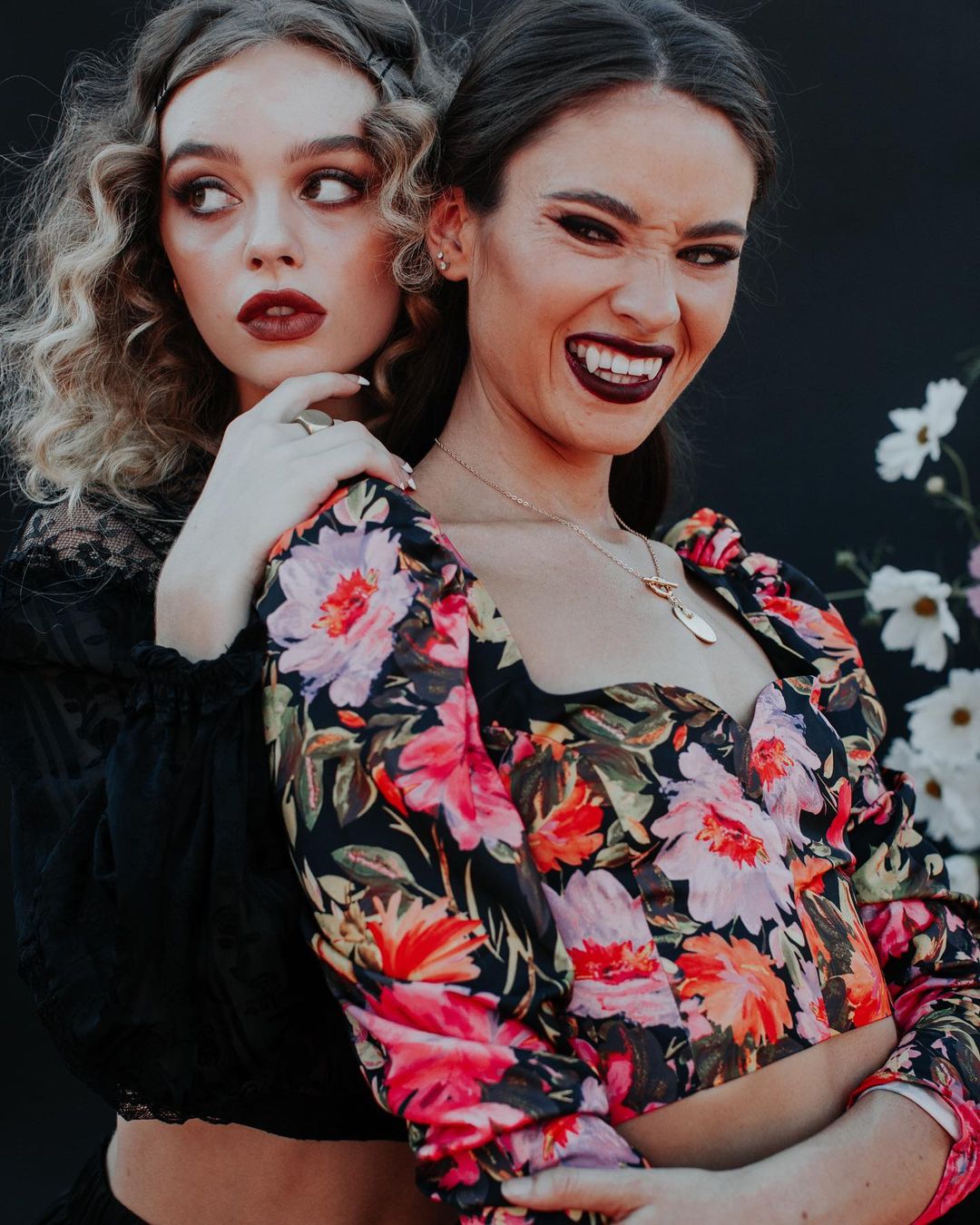
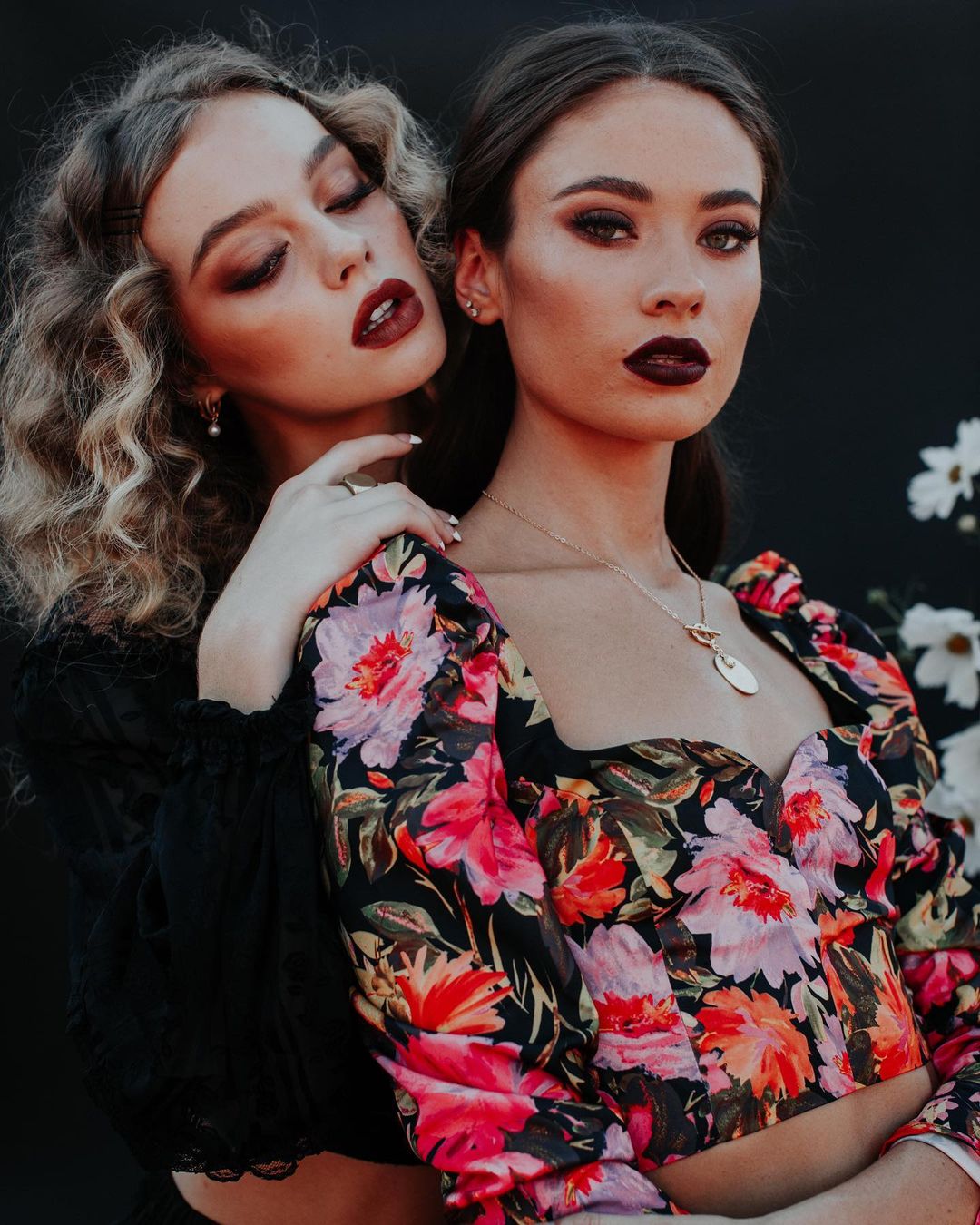
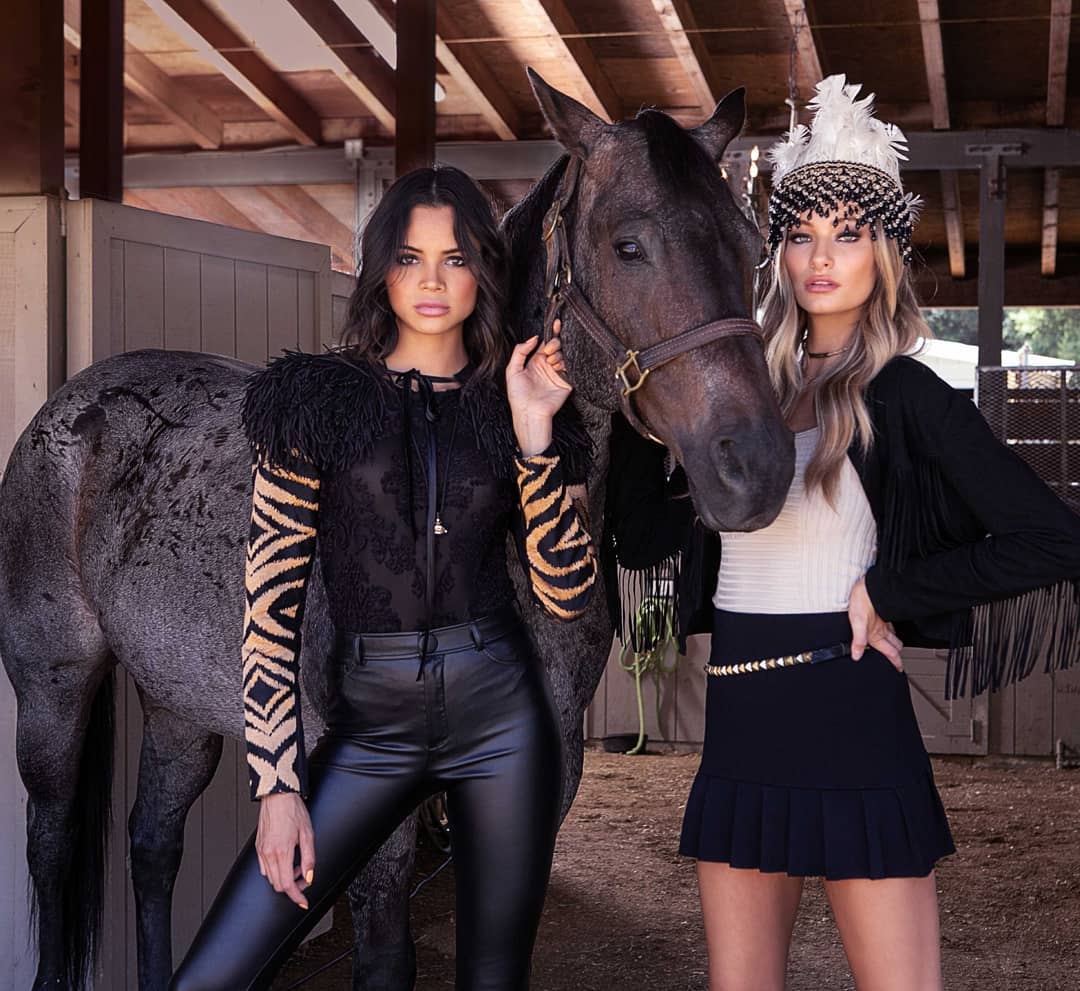
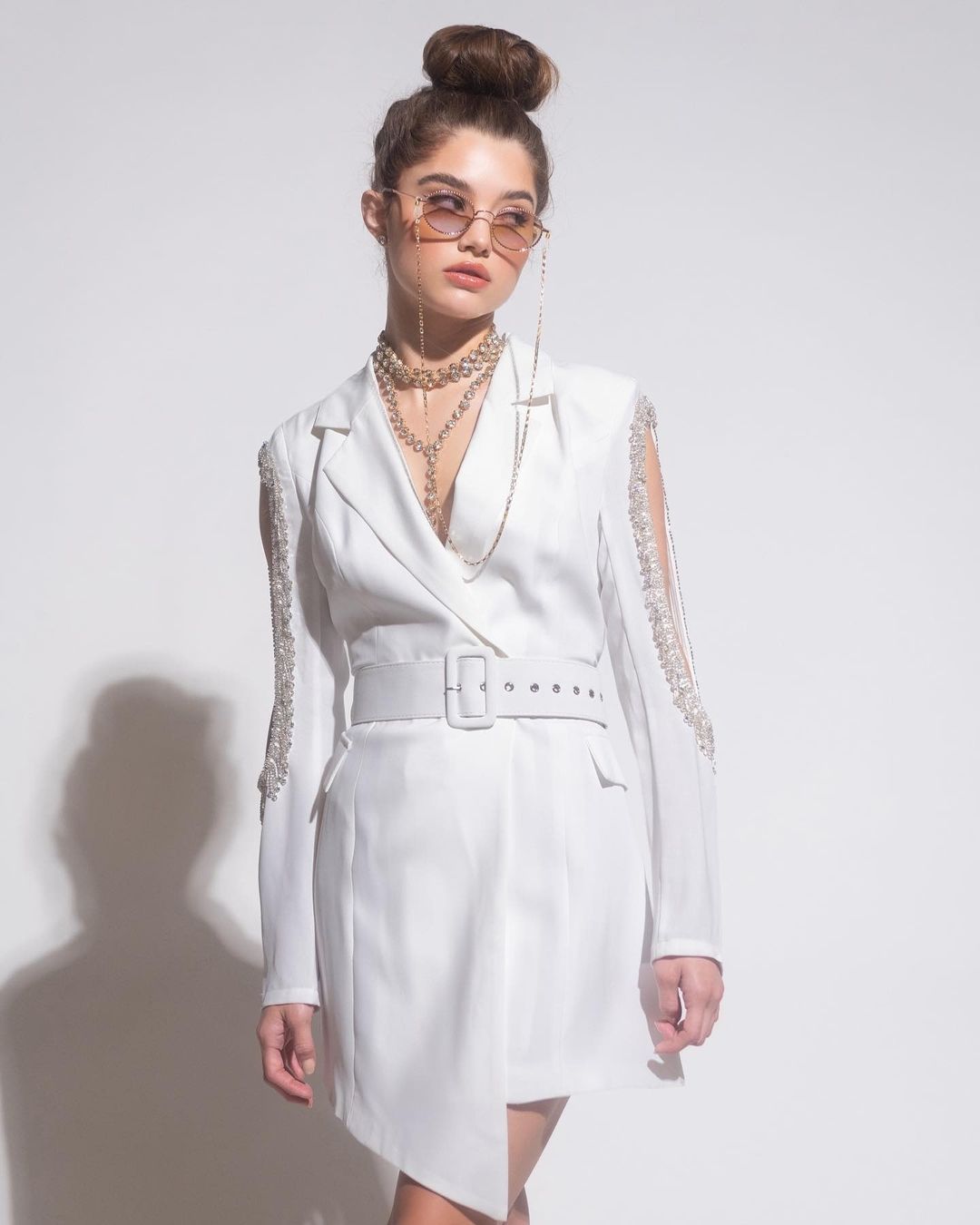
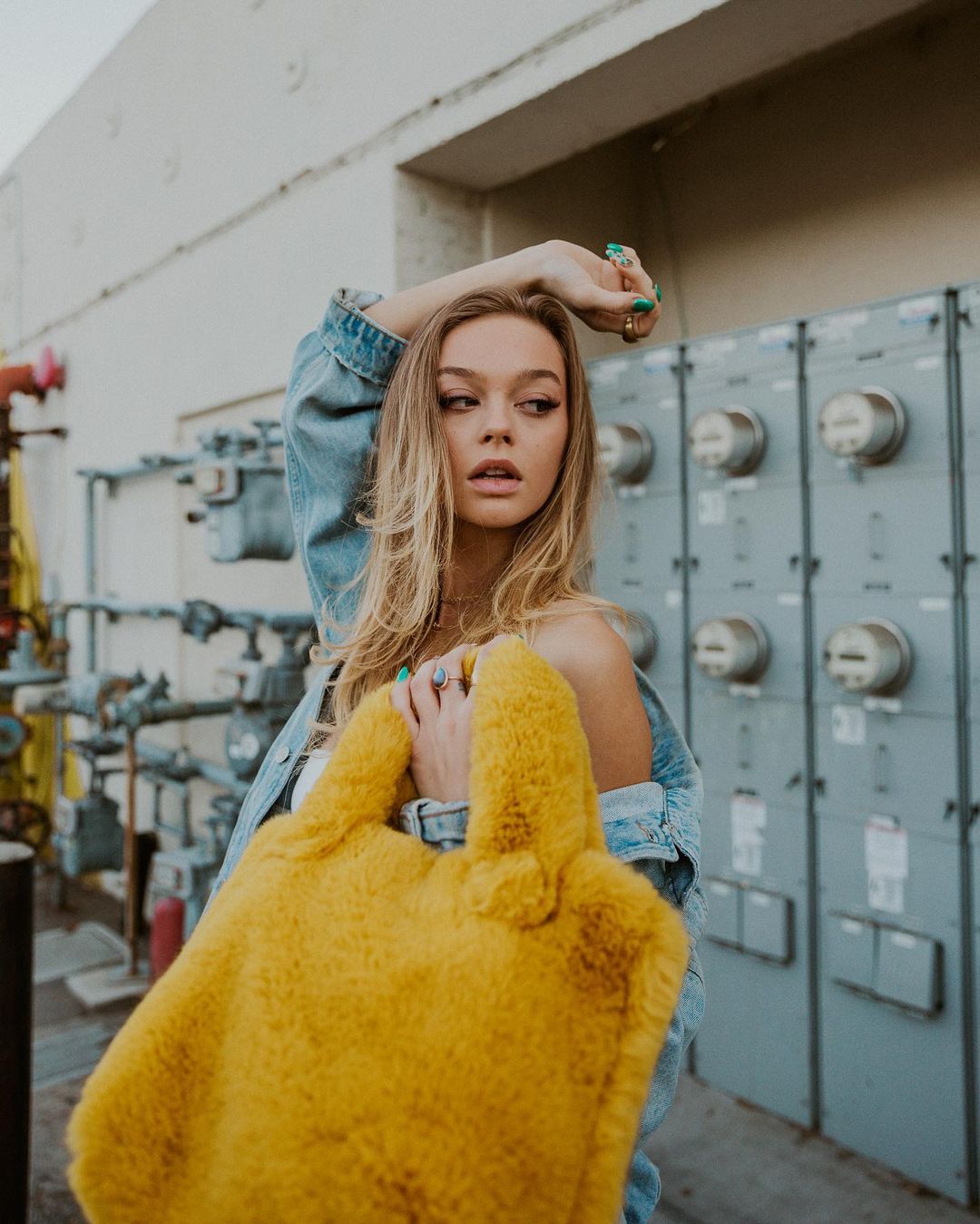
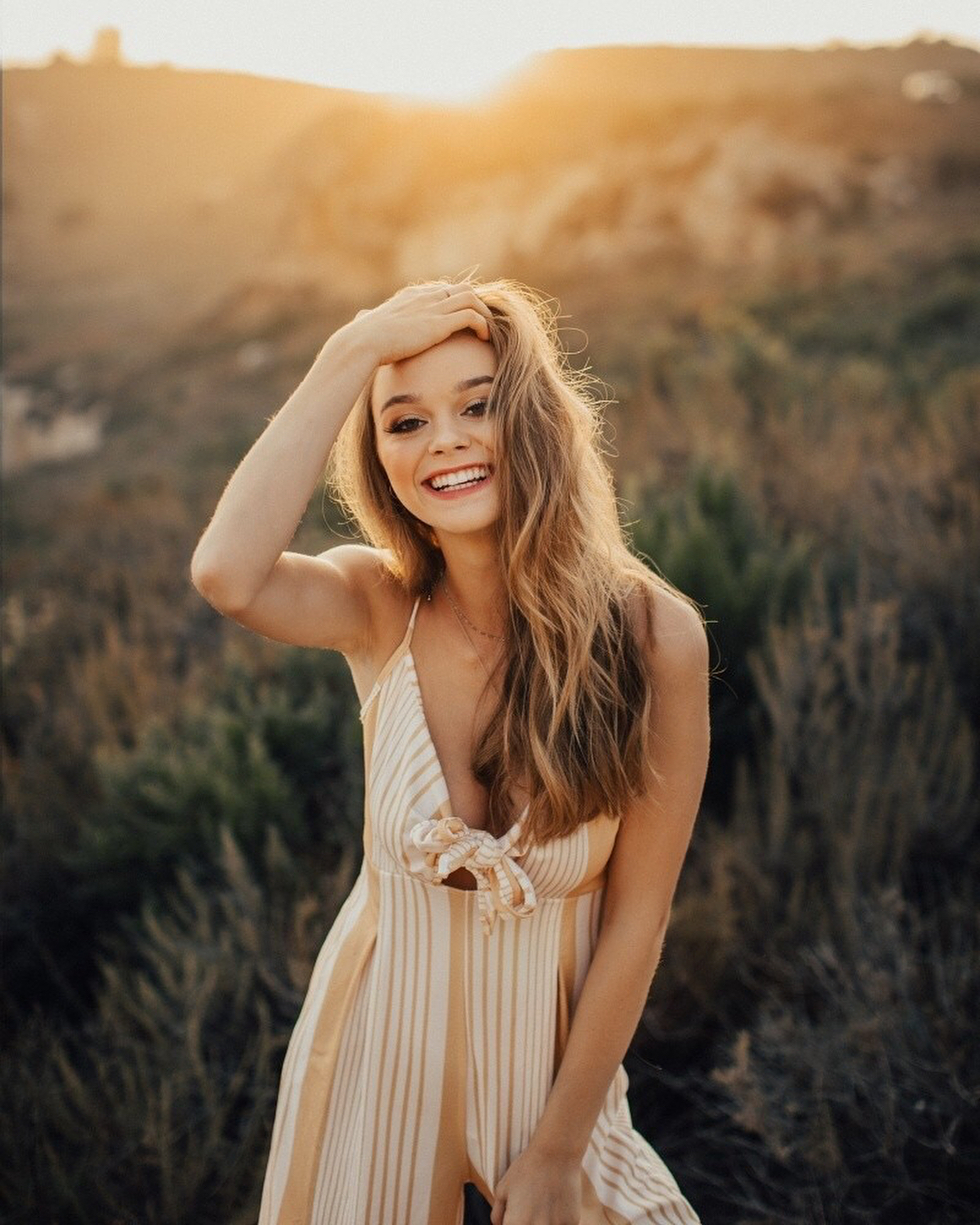
  3. For Blackwater Clothing by Alexandra Wallace (Hair and MUA by hairbymaygan) 22072257_113296602753402_3748673483450613760_n.mp4 22080508_120840815291405_2293117218684141568_n.mp4
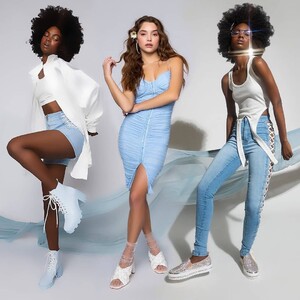
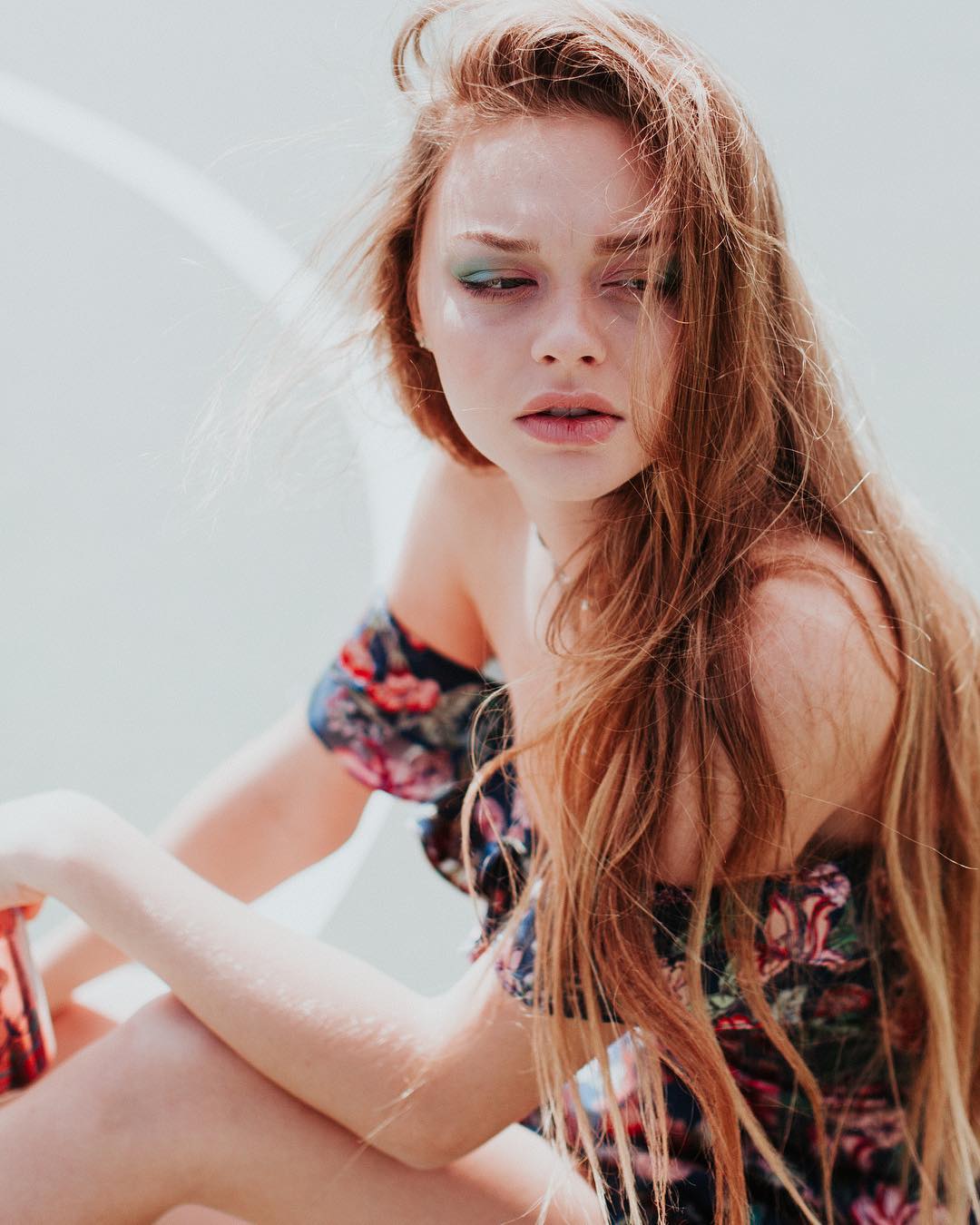
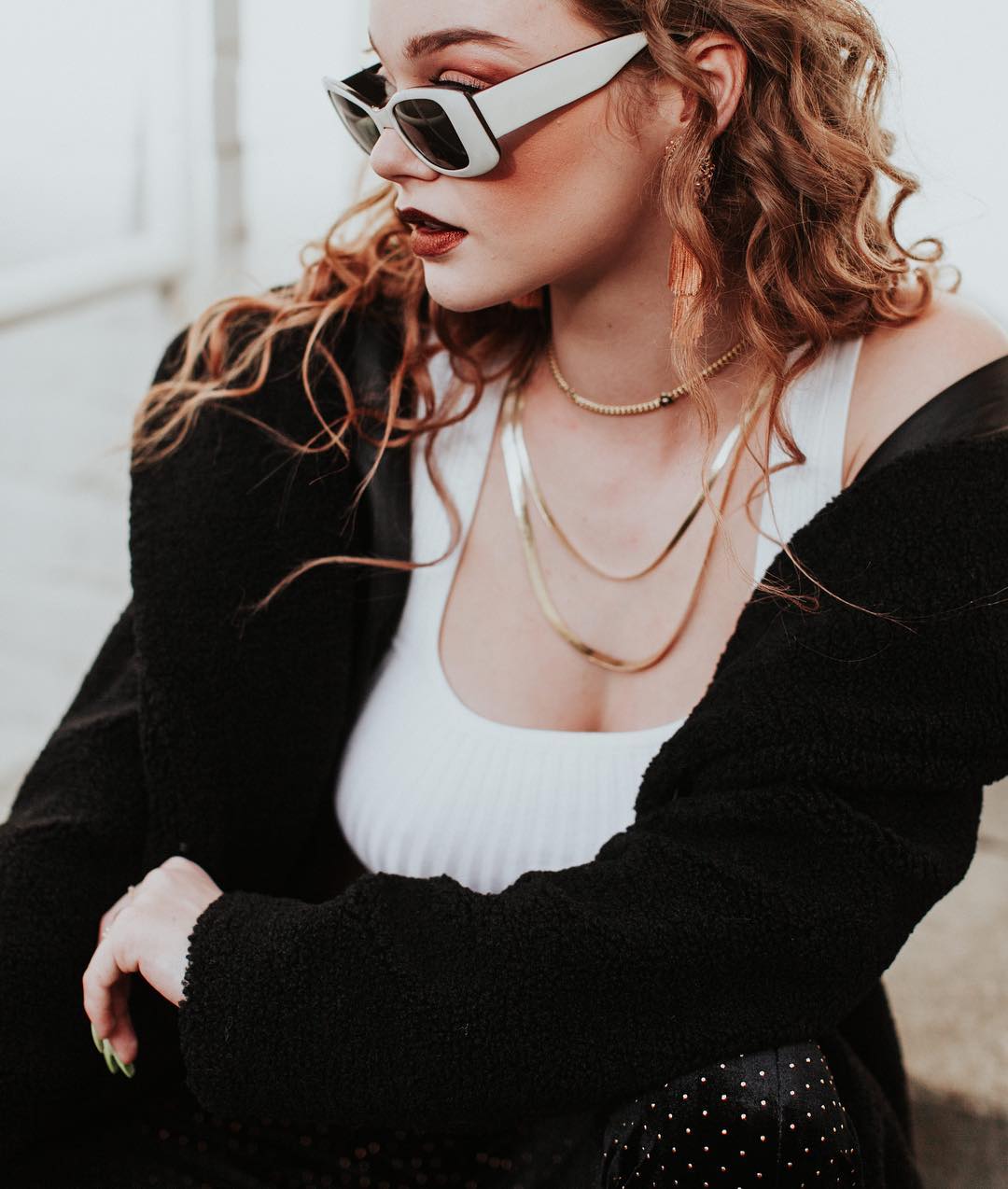
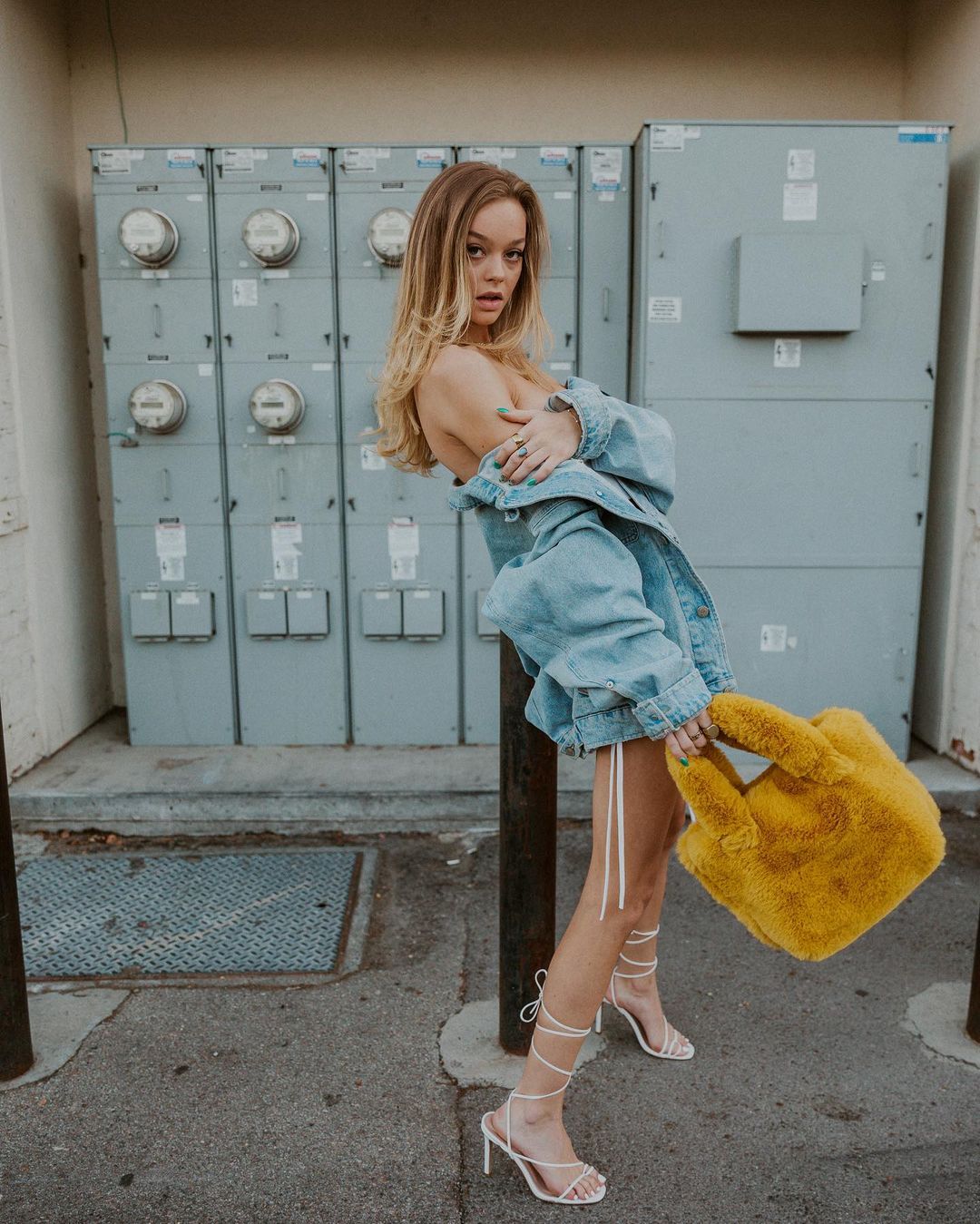
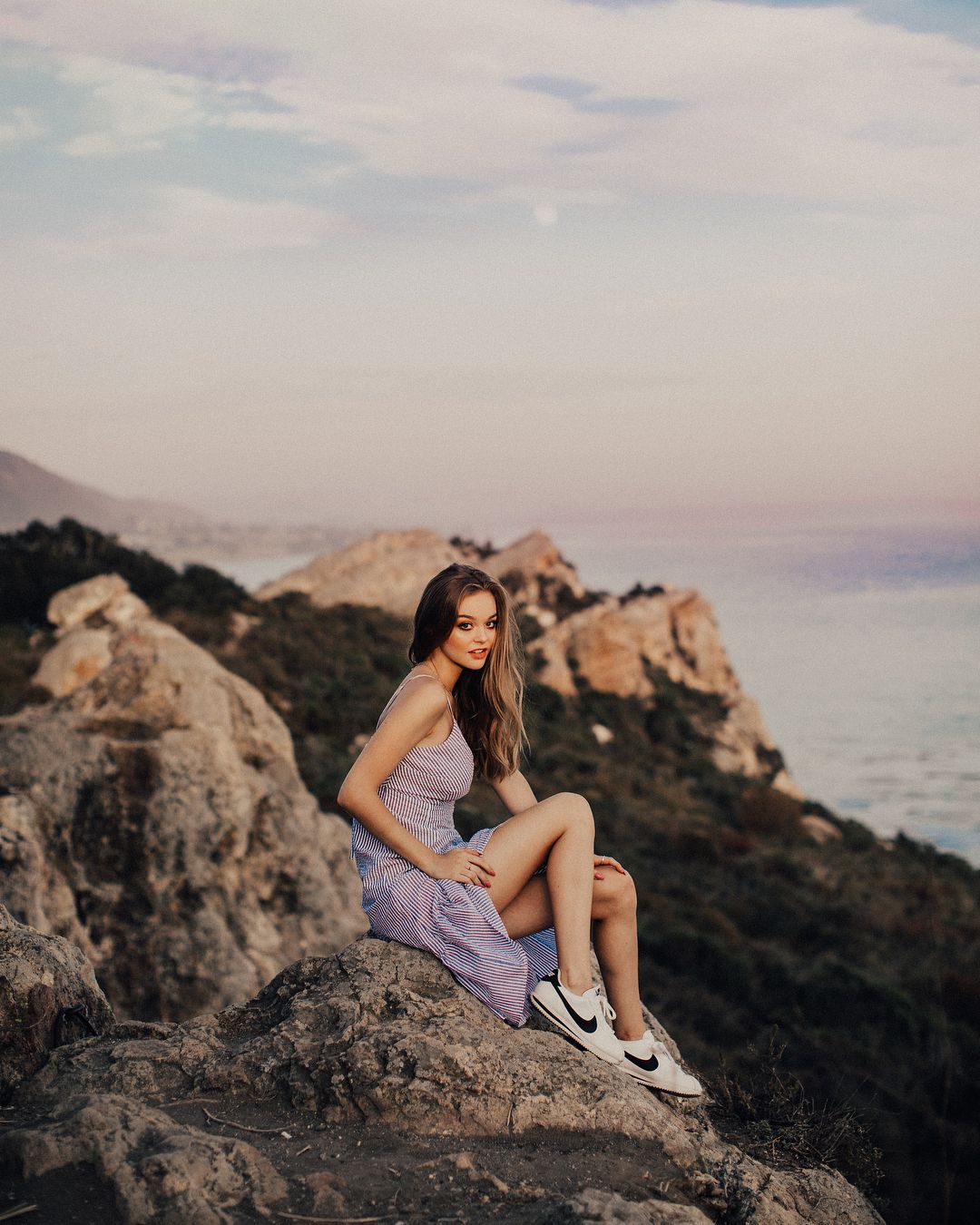
  4. @bayern7 yeah, I can see that now you mention it. For Blackwater Clothing by Alexandra Wallace (MUA Megan Navongsy)
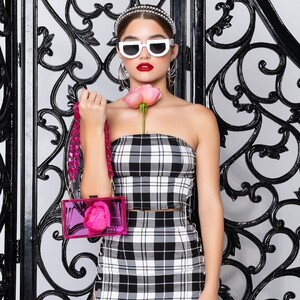
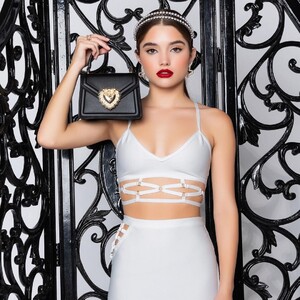
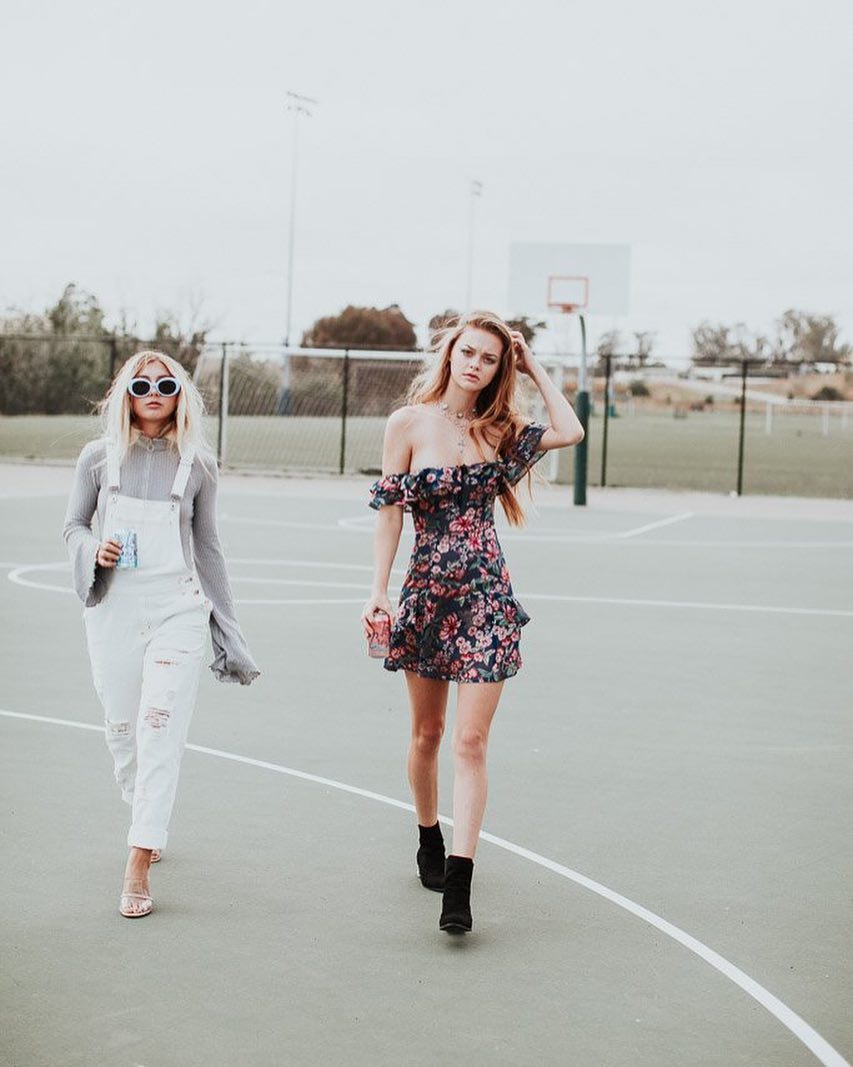
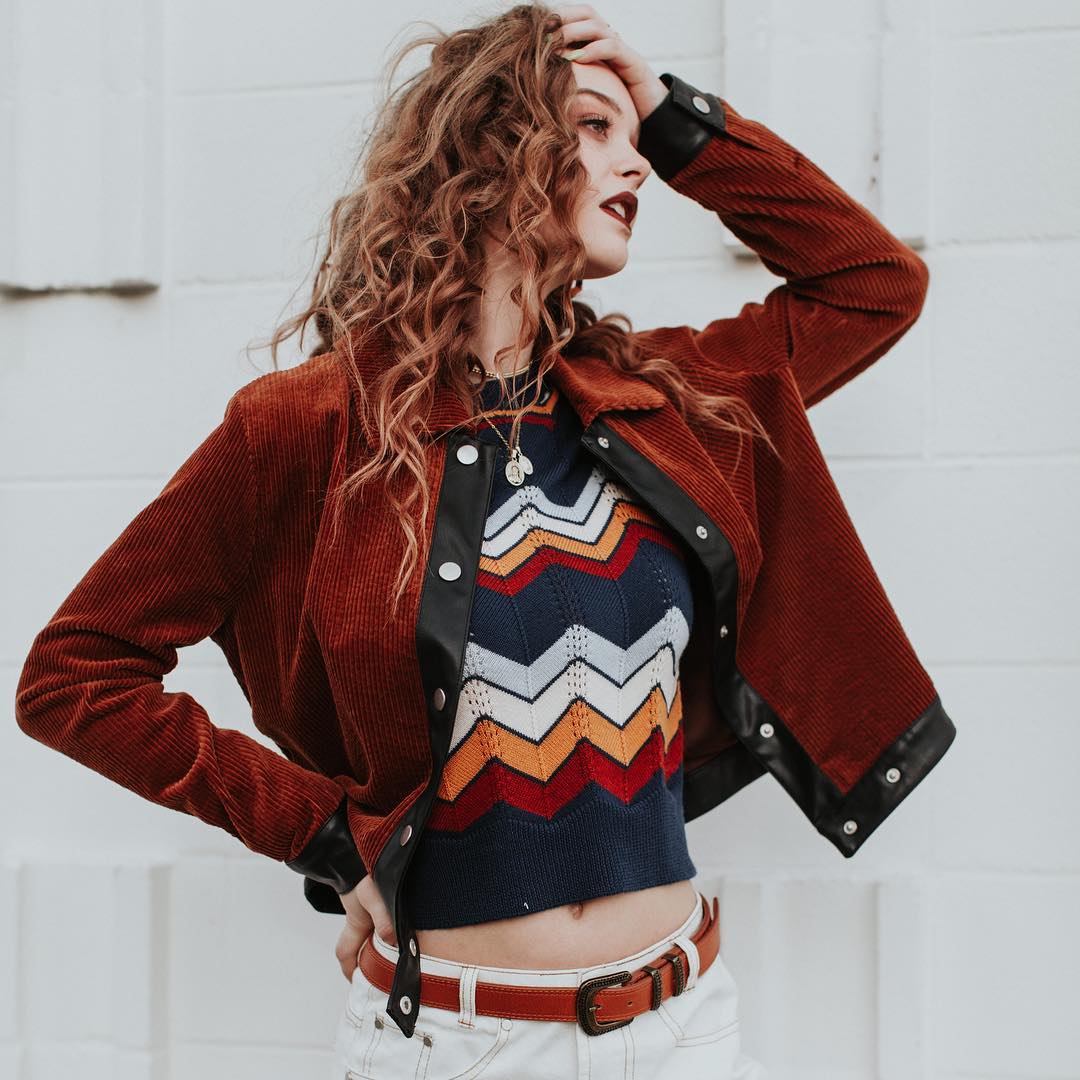
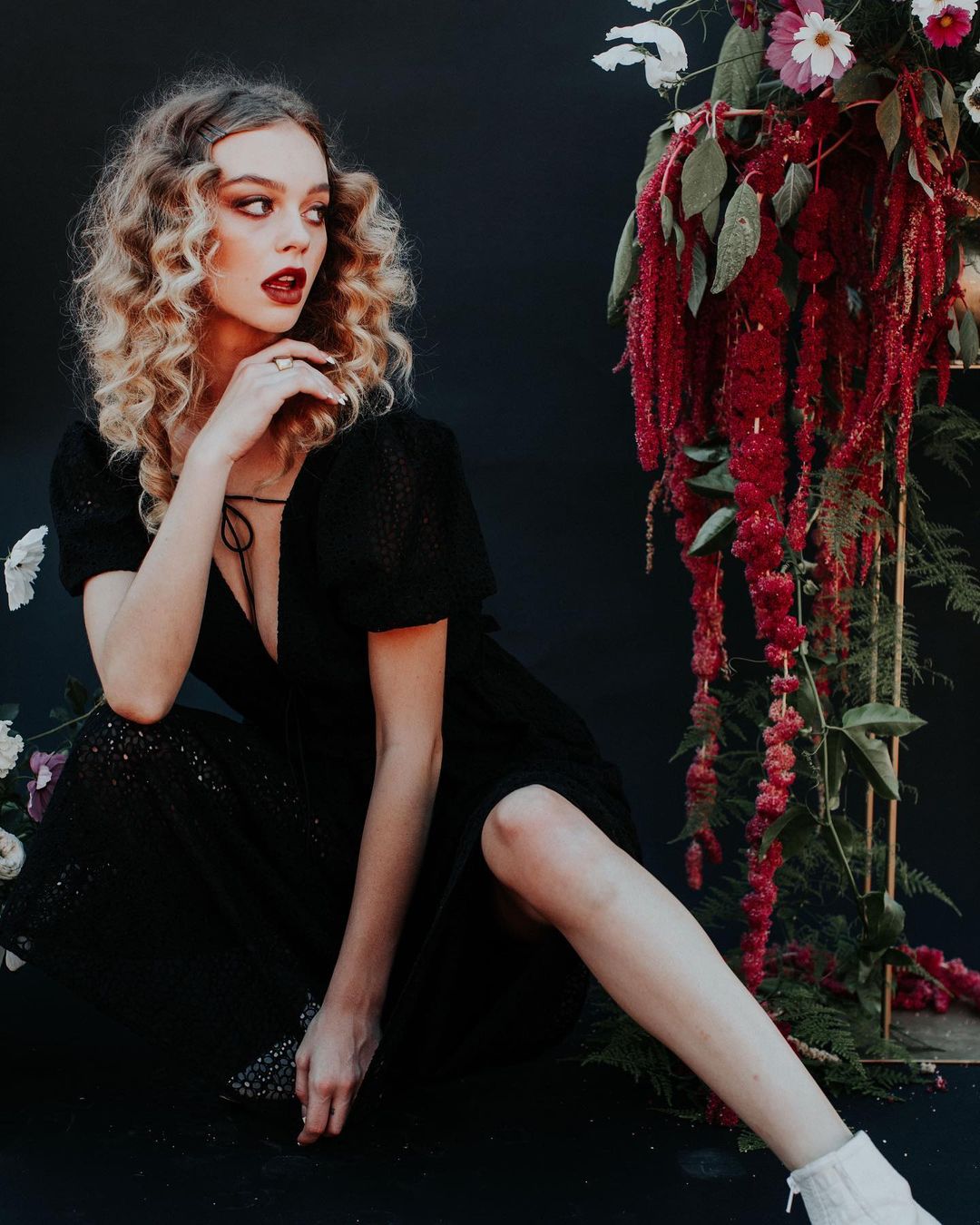
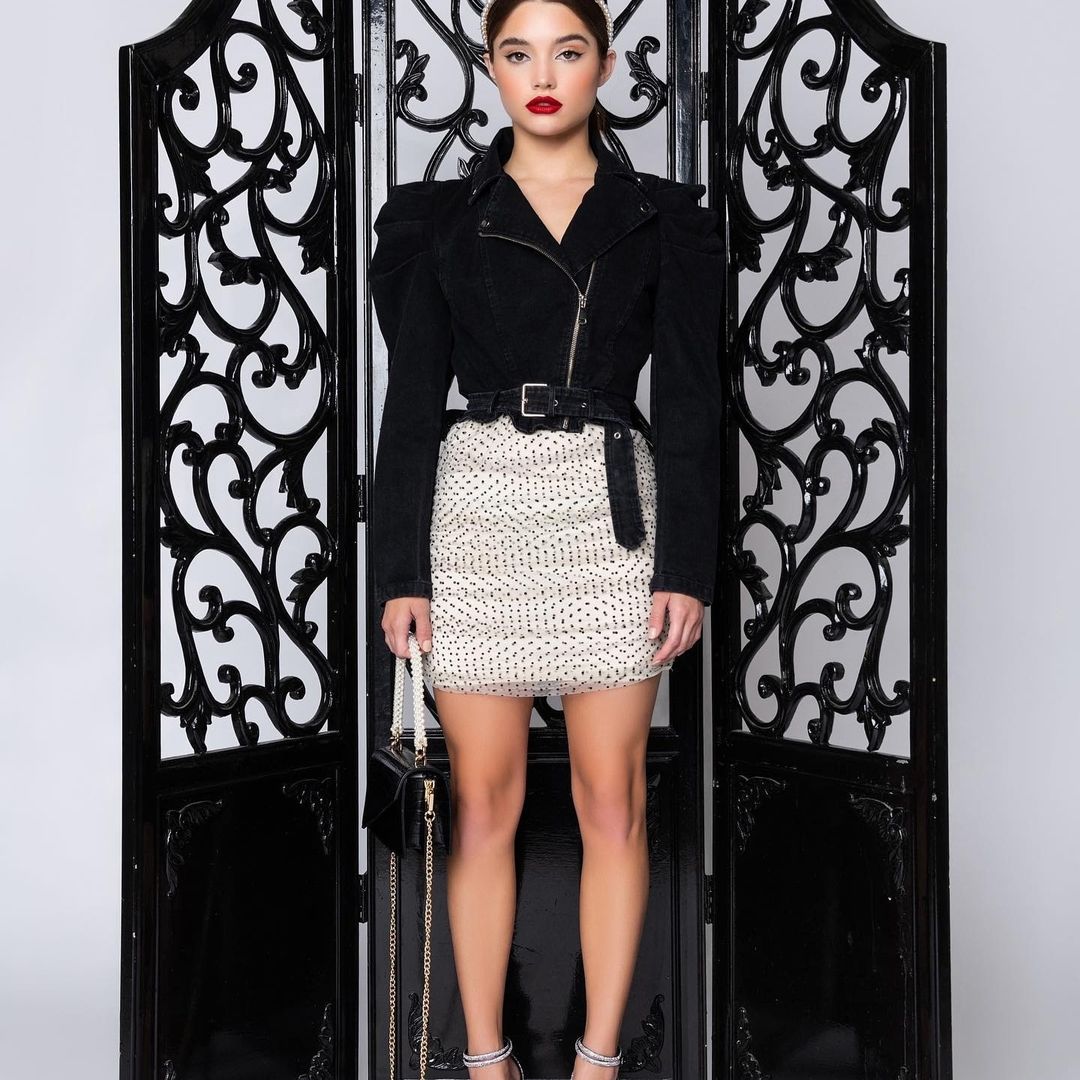
  5. By Alexandra Wallace for Blackwater Clothing (MUA Amber Nicollette)
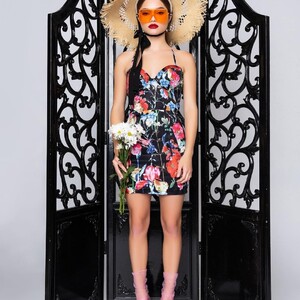
  6. By Alexandra Wallace for Blackwater Clothing (flowers by edenfloralslo) .
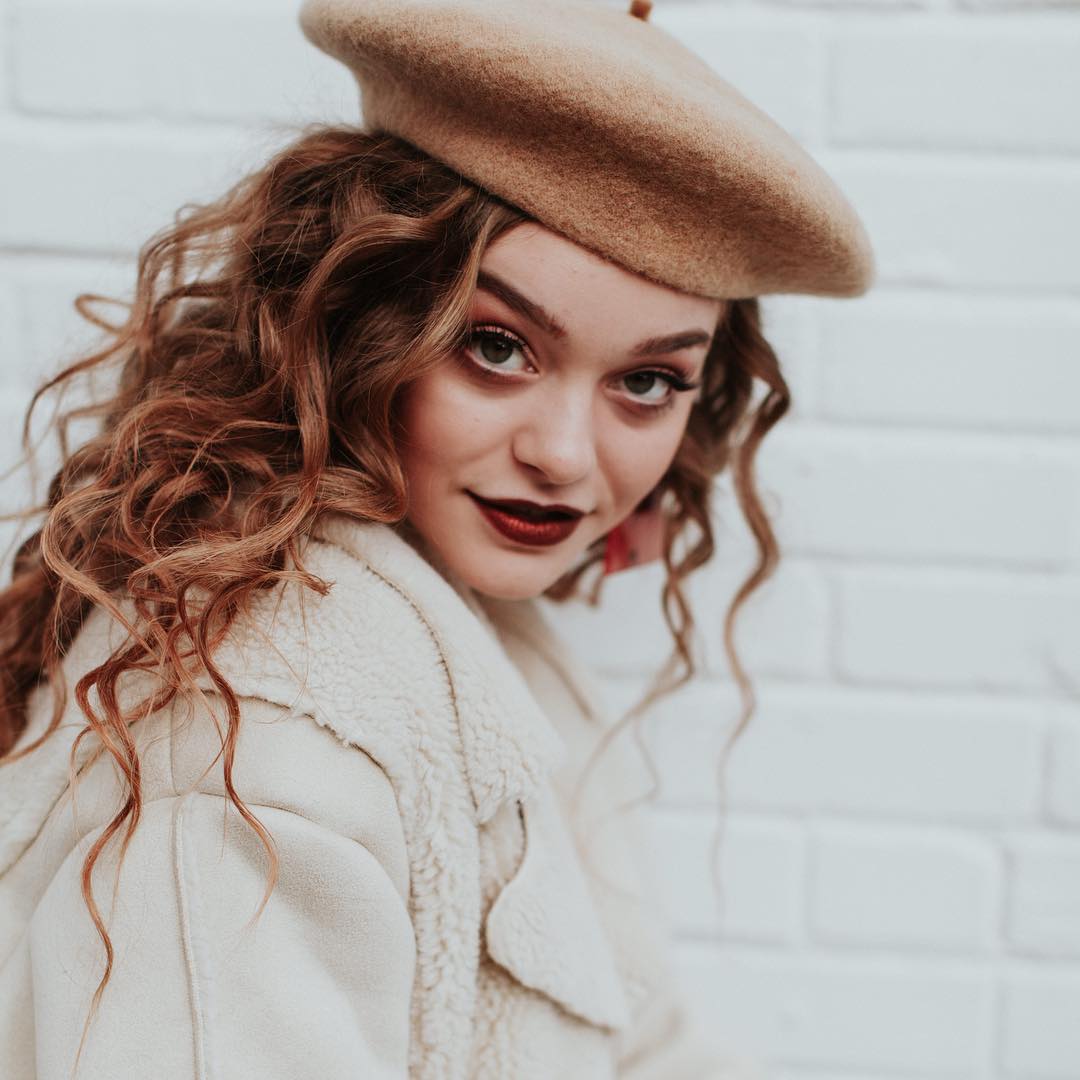
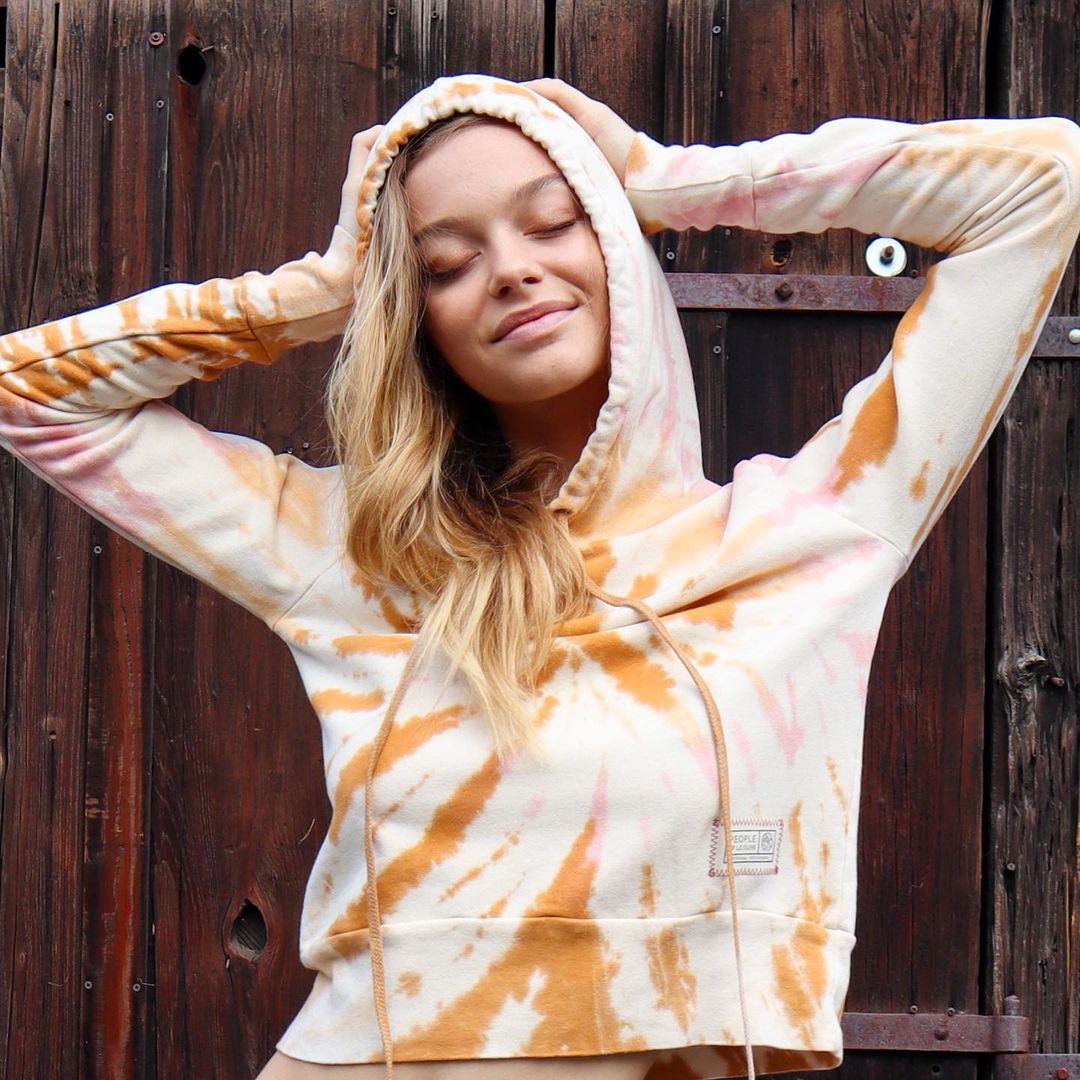
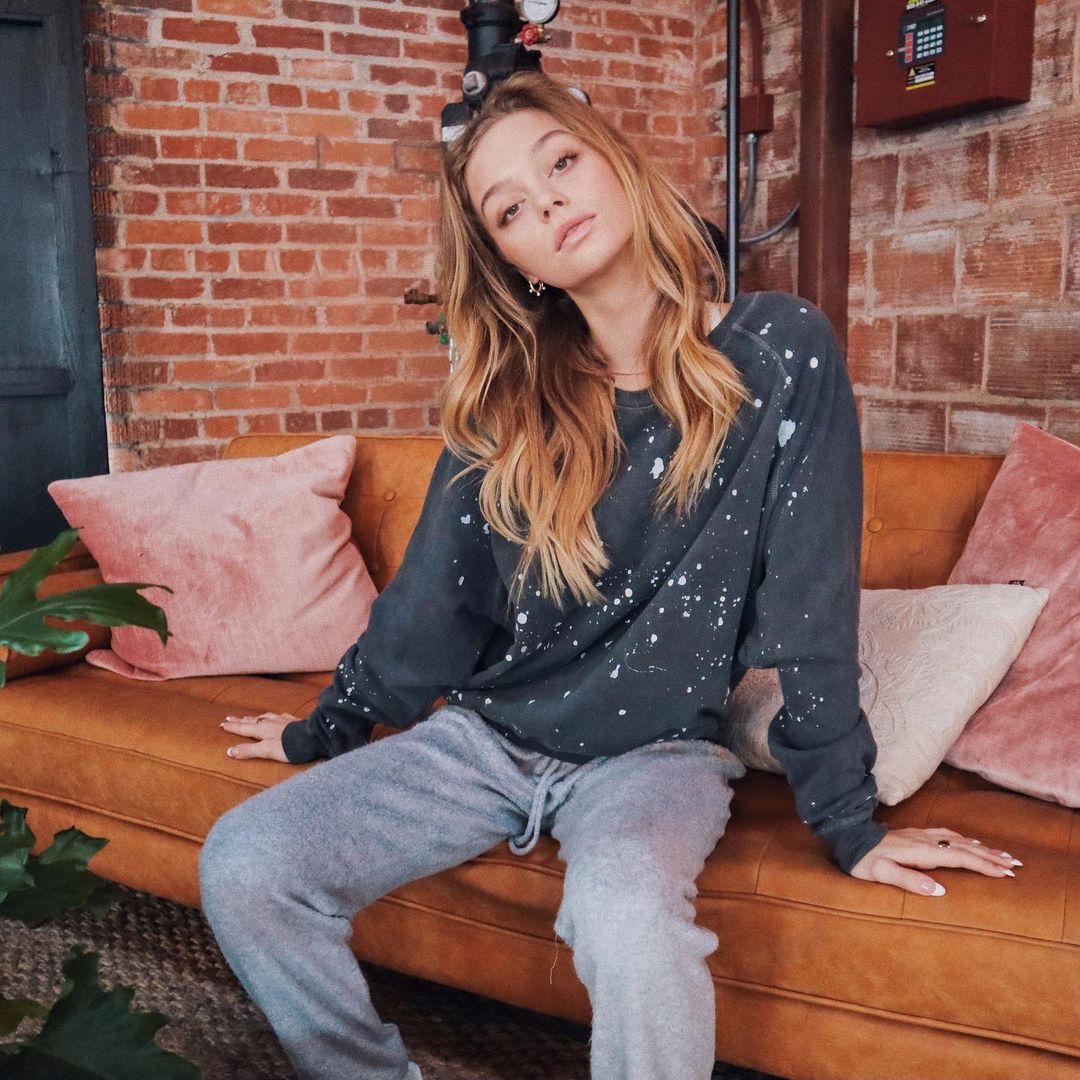
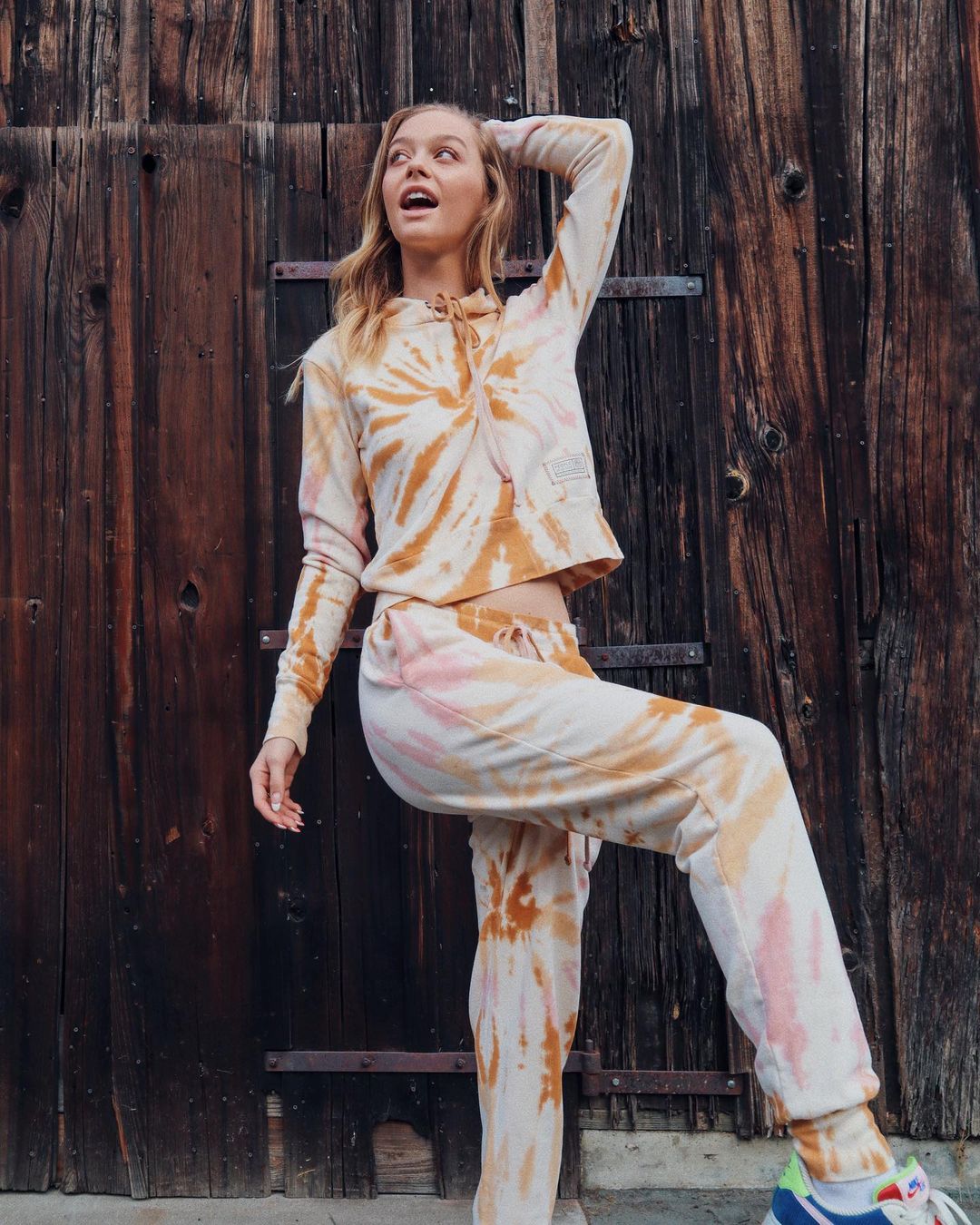
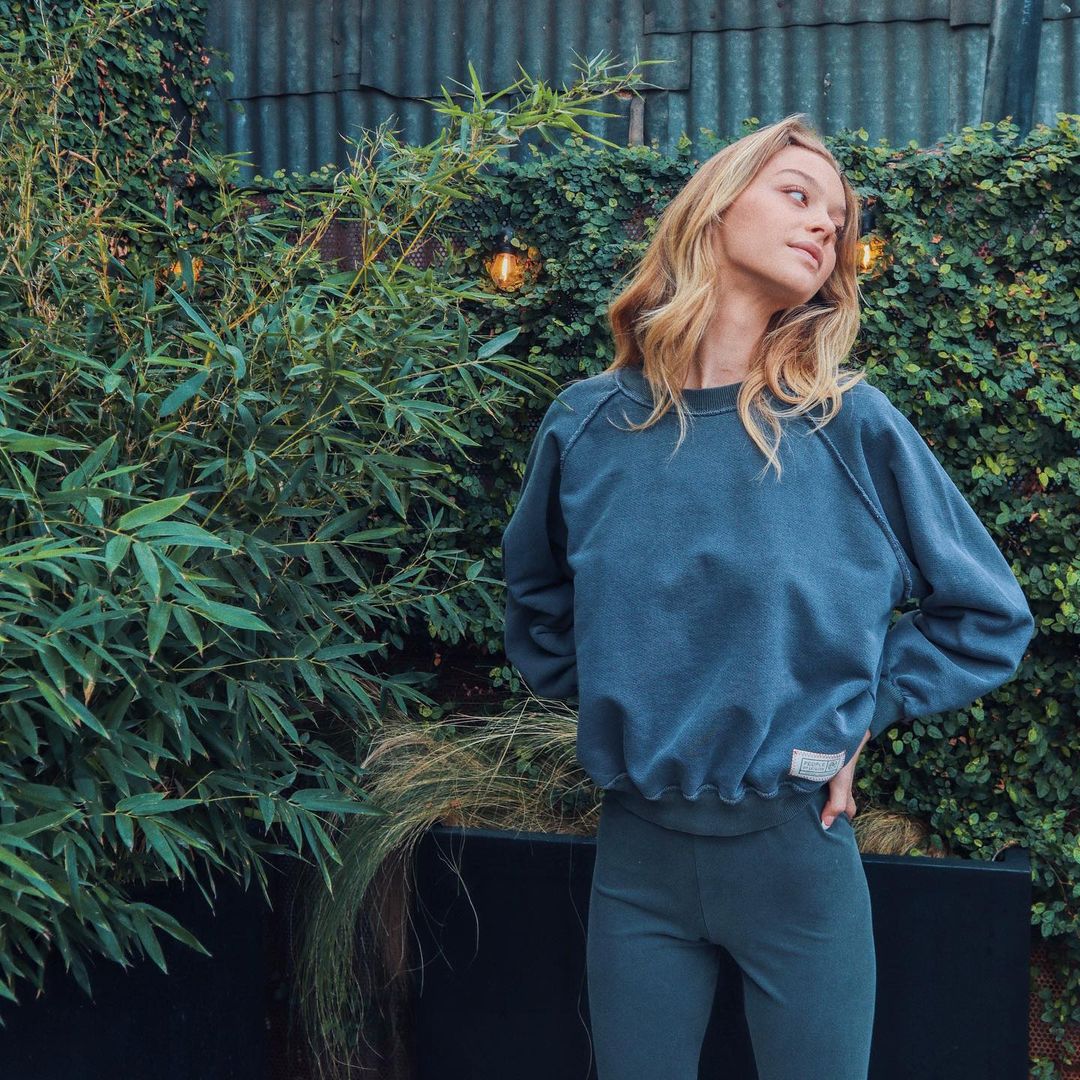
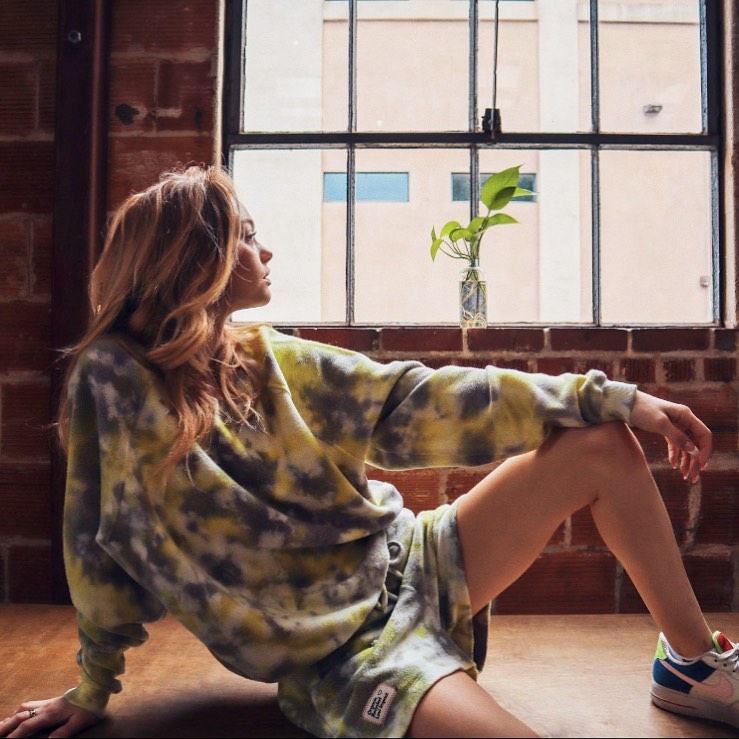
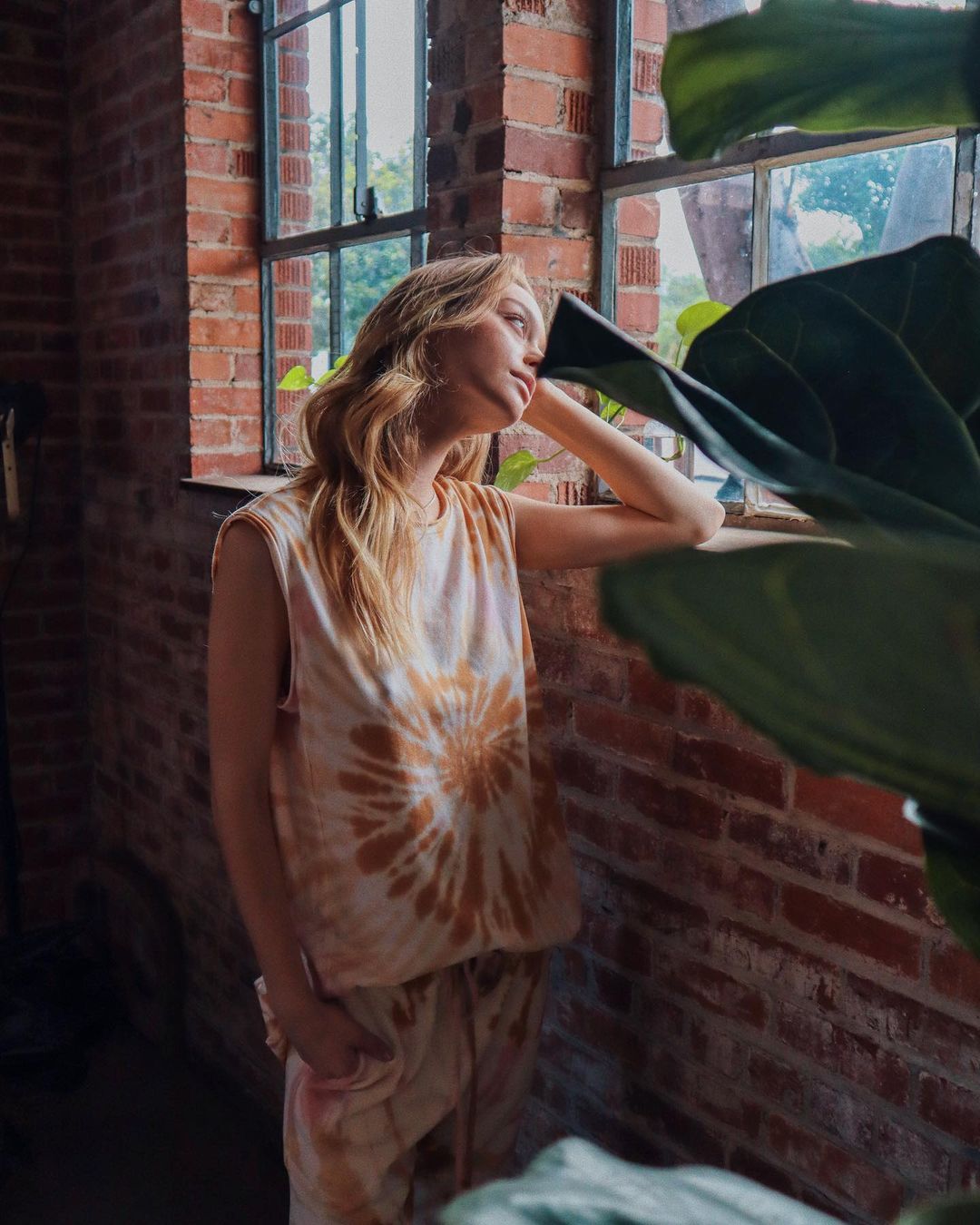
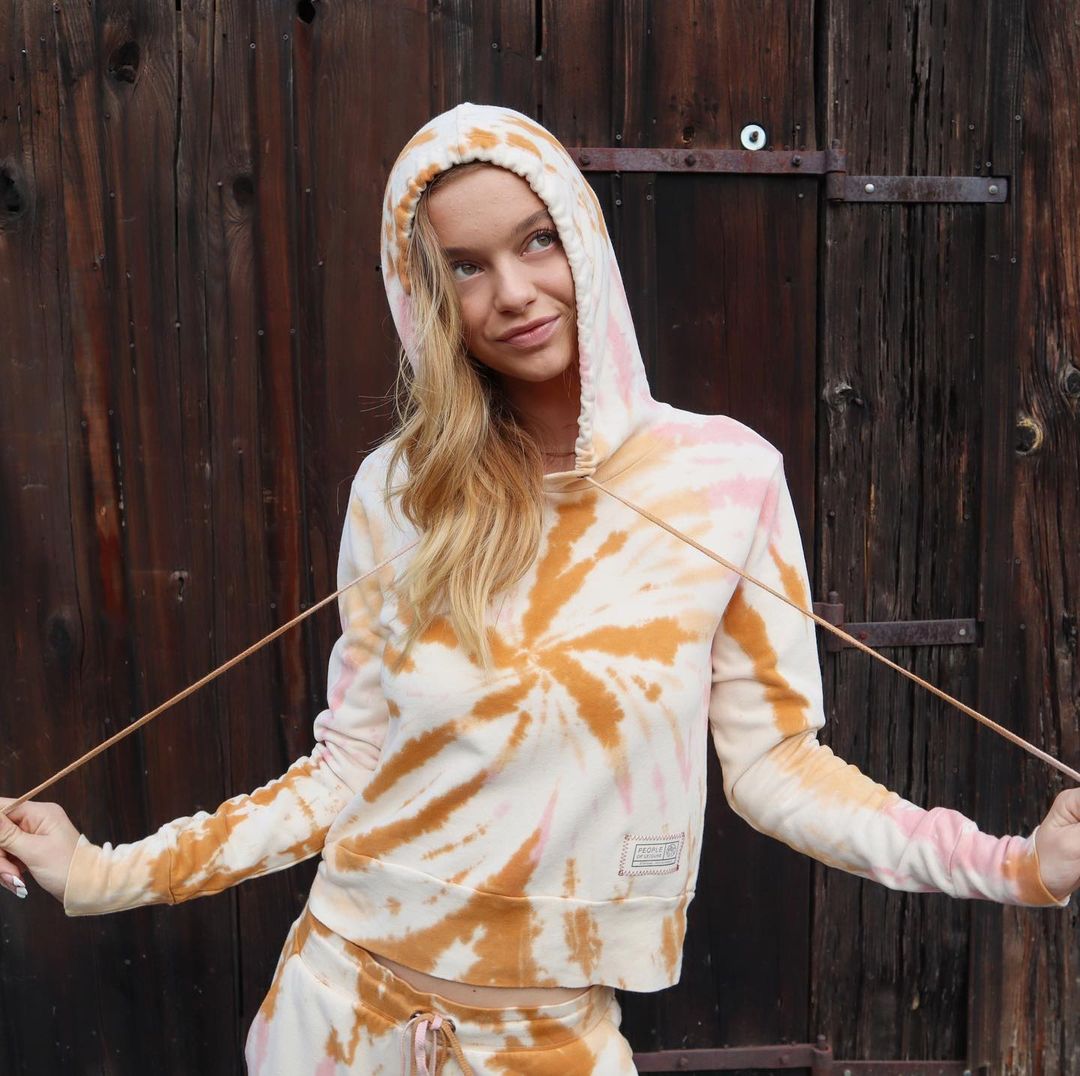
  7. For People of Leisure by Jen Griswold
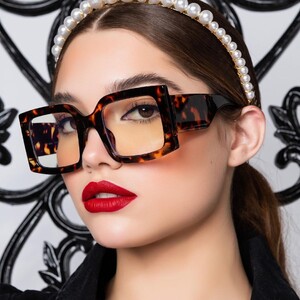
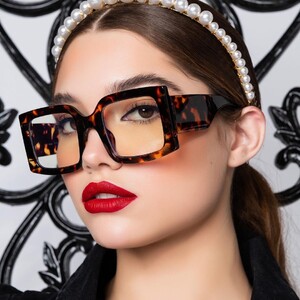
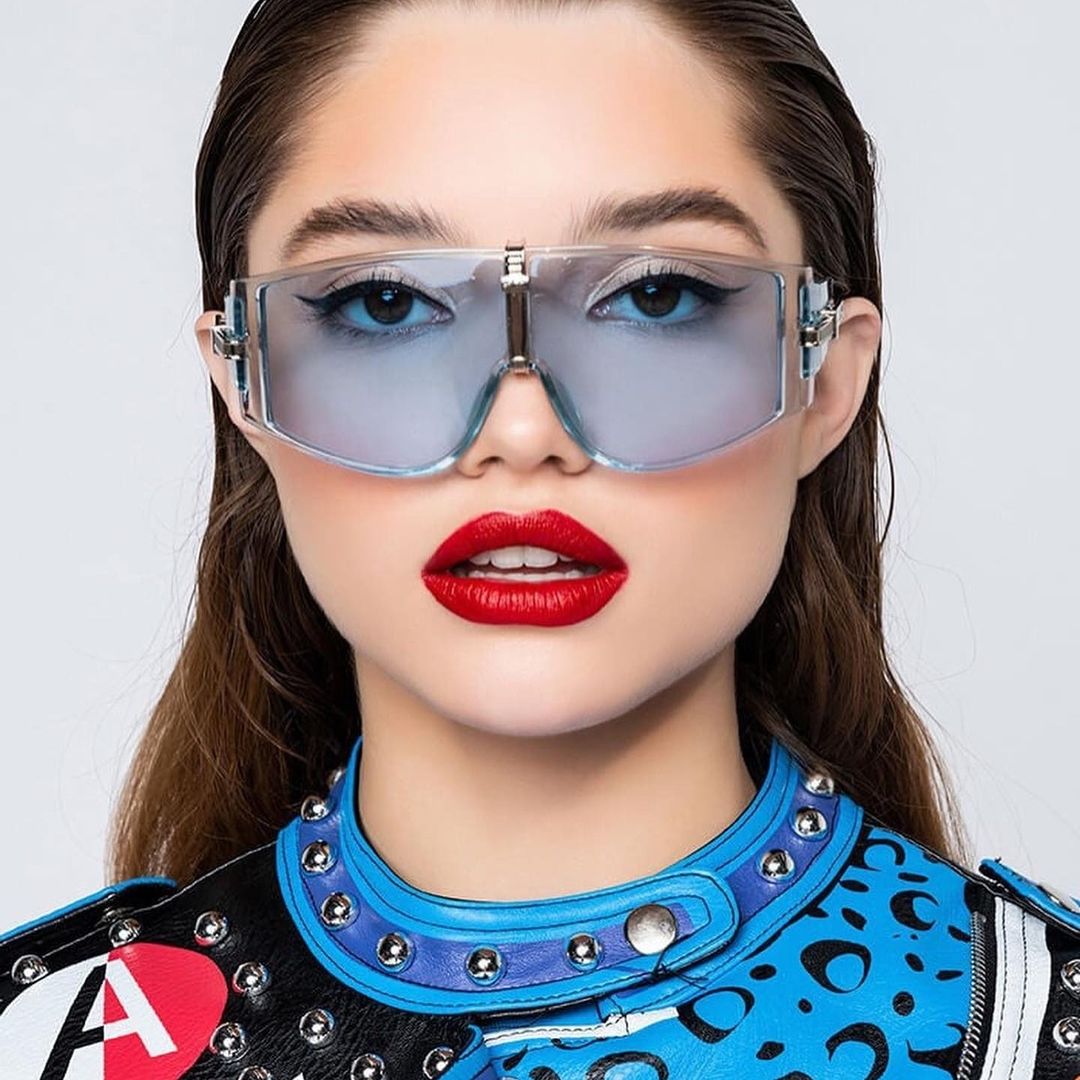
  8. By Blake Young for Tijn Eyewear By Blake YOung
  9. Maggie Rawlins Effy Harvard Doutzen Kroes Mariama Diallo
  10. Match #7: 1 Match #8: 2 Match #9: 1
  11. Sarah Stephens Nicola Cavanis Maggie Rawlins asmine Tookes Tanya Kizko Elsa Hosk Kate Li Yael Shelbia Lorena Rae Candice Swanepoel
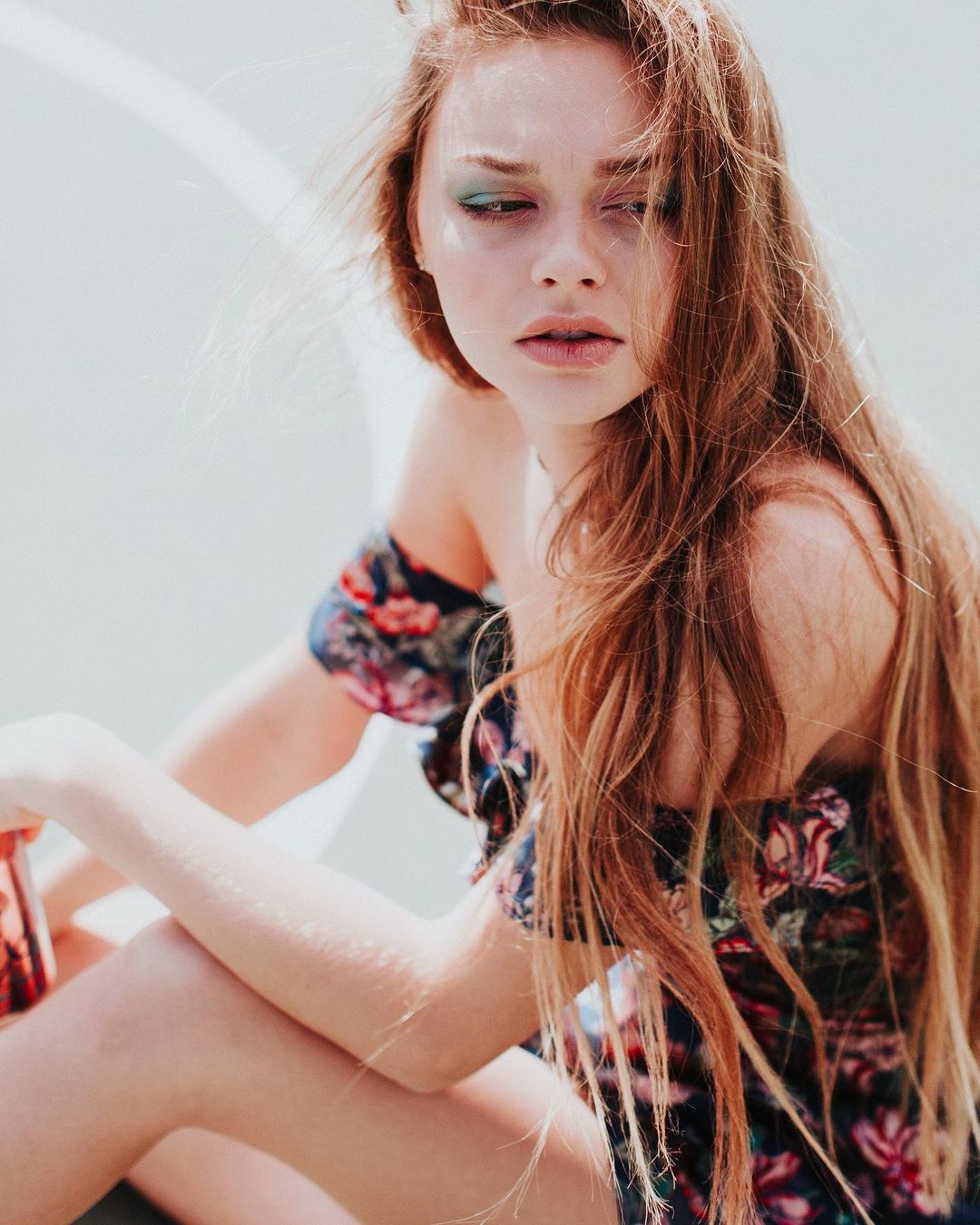
  12. By Matthew Cooke for Gezno Magazine (MUA Angelique Cerniglia, stylist Ilaria de Plano)
  13. Tigermist IG
  14. Her IG wearing Heart of Sun Swim
  15. @BAGGOT and @LotBoy I'm glad you guys are enjoying the pictures! I like the post them and update threads, but I'm really glad someone else is looking at them besiddes just me. so that's nice that you guys are here on this thread , too!
  16. For à pois by Aria 175927264_3051831298379459_8810932405739969014_n.mp4
  17. Christian Casteneda MUA IG
  18. By Taryn Dudley (MUA Megan Navongsy, hair by Lindsey Plough)
Configure browser push notifications

Chrome (Android)
  1. Tap the lock icon next to the address bar.
  2. Tap Permissions → Notifications.
  3. Adjust your preference.
Chrome (Desktop)
  1. Click the padlock icon in the address bar.
  2. Select Site settings.
  3. Find Notifications and adjust your preference.