All Activity
- Past hour
-

 Bravissimo (2025)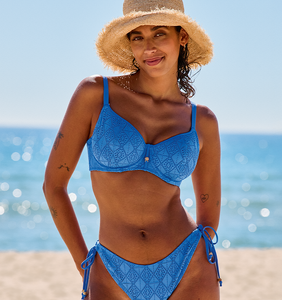



 Pierre741 joined the community
 Voting is over, new round shortly. RESULTS • Franceska Rustemi - 29 • Alexa Pollock - 26 • Shanina Shaik - 23 • Ira Asllani - 22 • Rimma Schastlivaia - 23 • Leorita Haxhijaj - 22 • Kimiya Hosseini - 15 • Mariana Nunes - 19 • Caroline Daur - 11 • Omer Nudelman - 24 • Natali Danish - 19 • Maura Maurer - 17 • Sindi Myftari - 18 • Katharina Plicht - 12
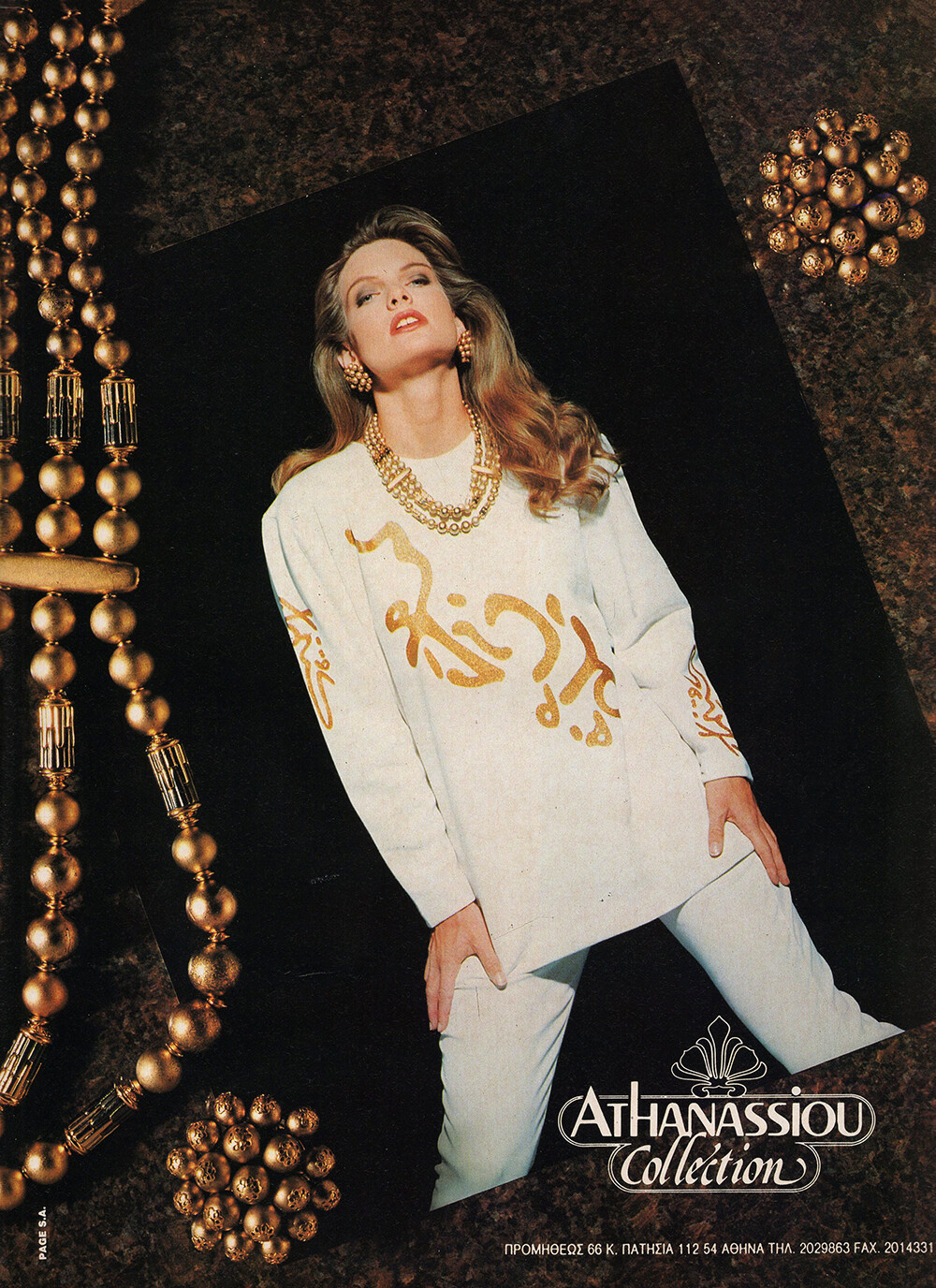
 ATHANASSIOU COLLECTION 1991 - PH. UNK - MY SCAN
 UNIFORM AD - ELLE GR, Dec 1990 - PH. UNK - MY SCAN
 ERGEE AD - ELLE GR, Dec 1990 - PH. UNK - MY SCAN
 MEXX AD - ELLE GR, Dec 1990 - PH. UNK - MY SCAN
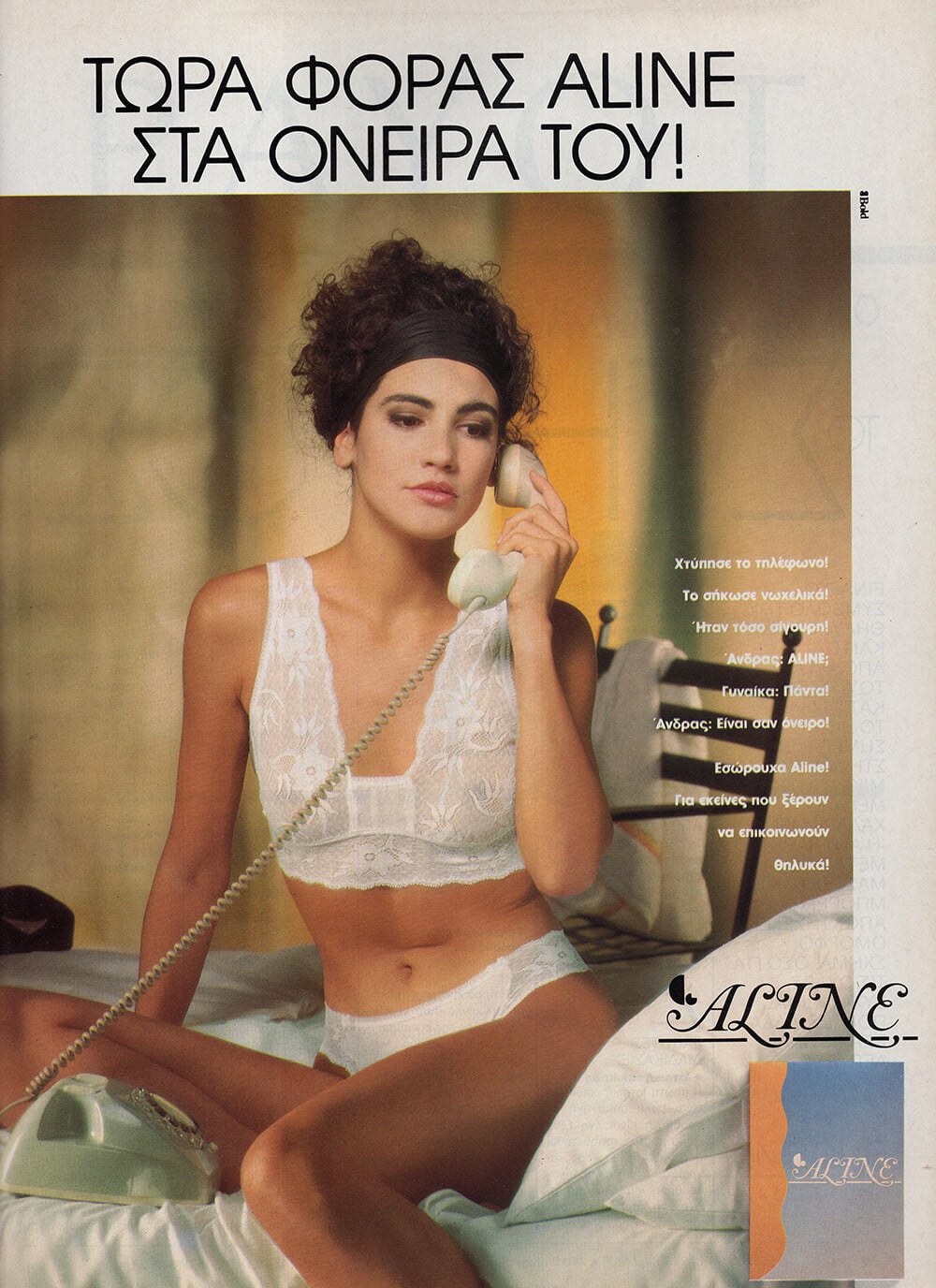
 ALINE AD - ELLE GR, Dec 1990 - PH. UNK - MY SCAN
 FACAD'ORO AD - ELLE GR, Dec 1990 - PH. UNK - MY SCAN
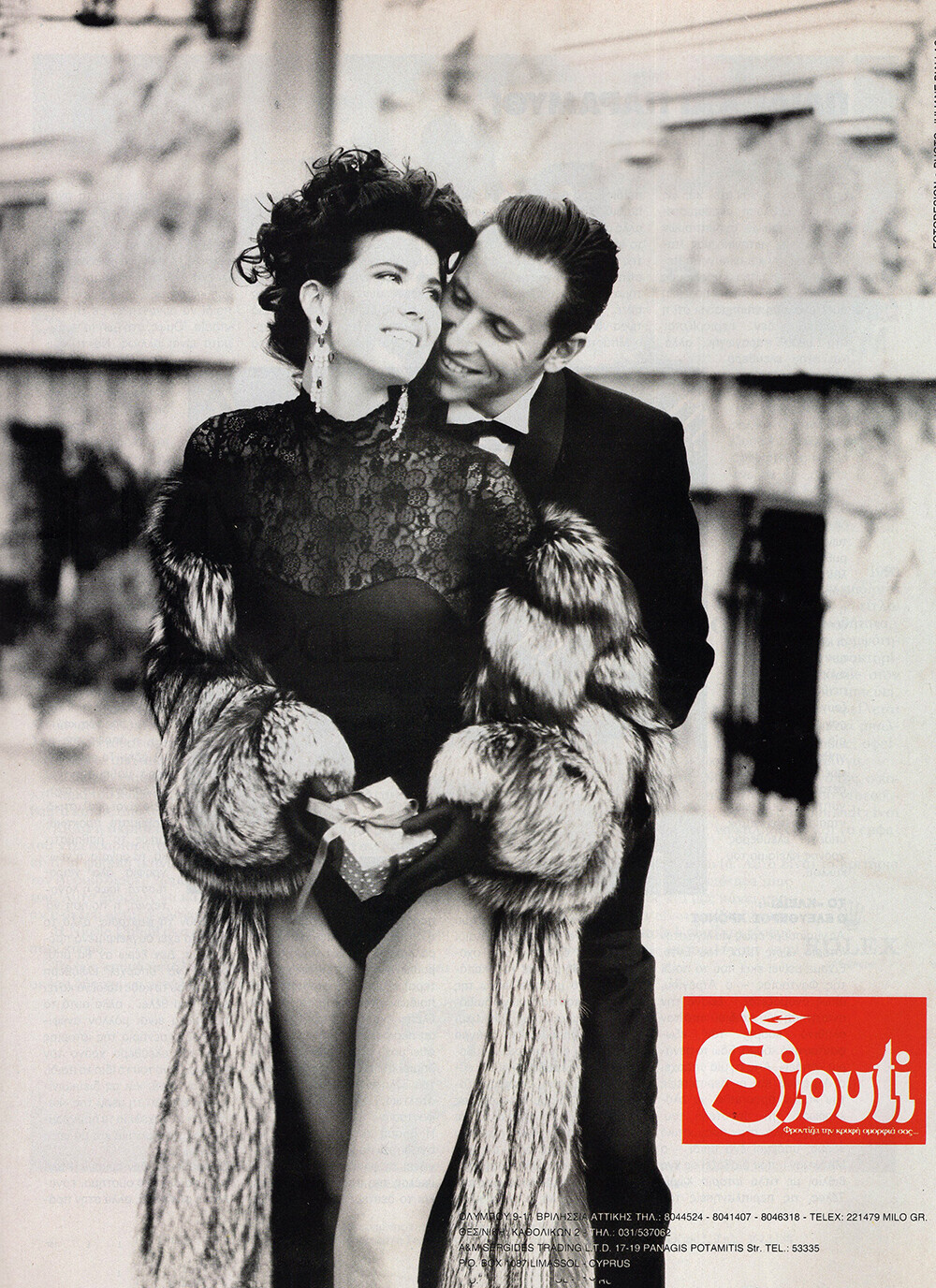
 SIOUTI AD - ELLE GR, Dec 1990 - PH. UNK - MY SCAN
 NARA CAMICE AD - ELLE GR, Dec 1990 - PH. UNK - MY SCANS

 this thread is amazing @Tathagata thank you!!!
Deborah Springman Amy Rearwin
this thread is amazing @Tathagata thank you!!!
Deborah Springman Amy Rearwin Late Night with Seth Meyers Seth and Sabrina Carpenter Go Day Drinking
MAX MARA 1991 - PH. UNK - MY SCANS
Late Night with Seth Meyers Seth and Sabrina Carpenter Go Day Drinking
MAX MARA 1991 - PH. UNK - MY SCANS
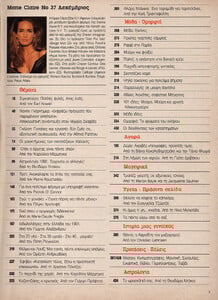
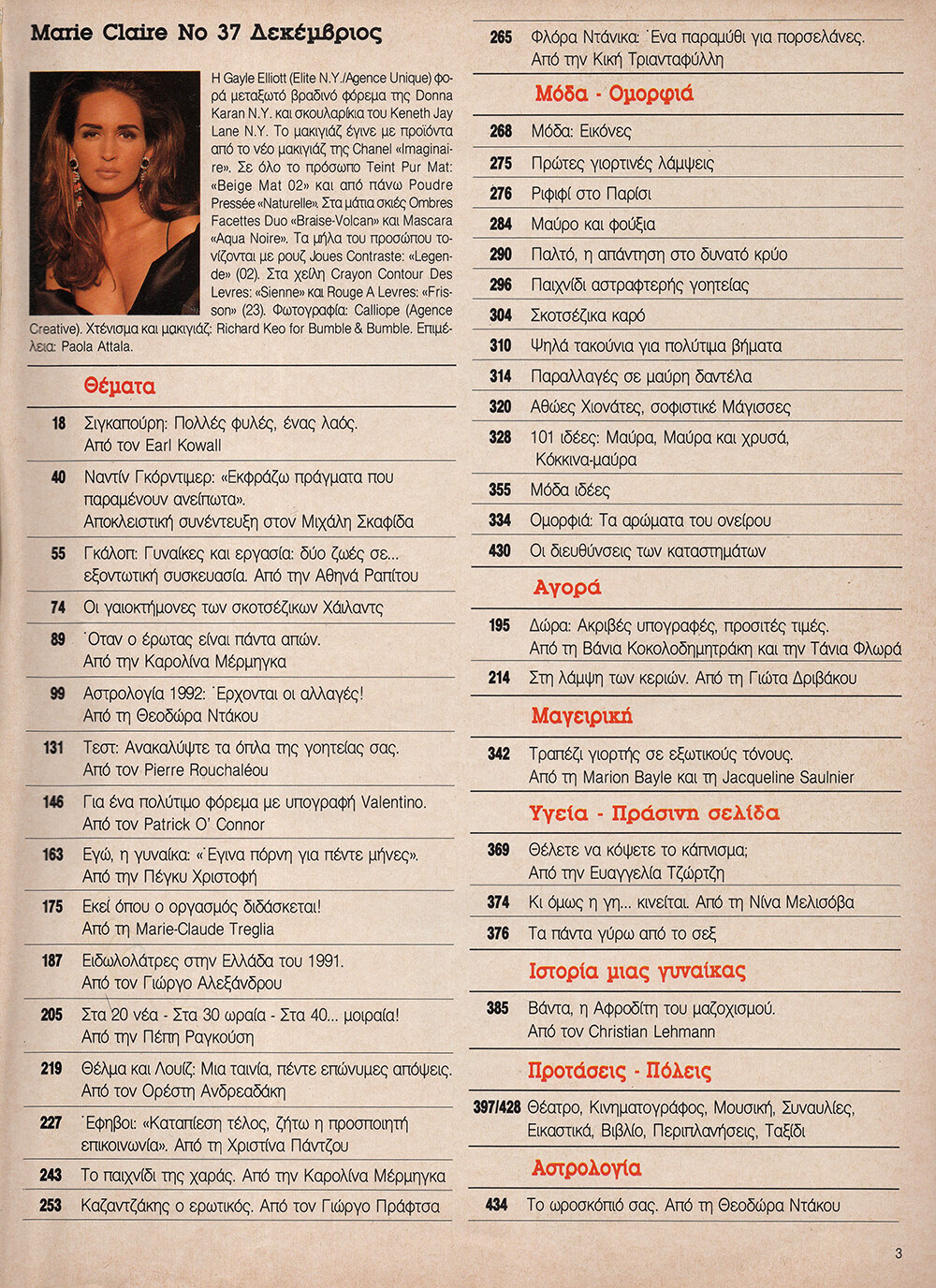
 MARIE CLAIRE GR, Dec 1991 - PH. CALLIOPE - MY SCANS
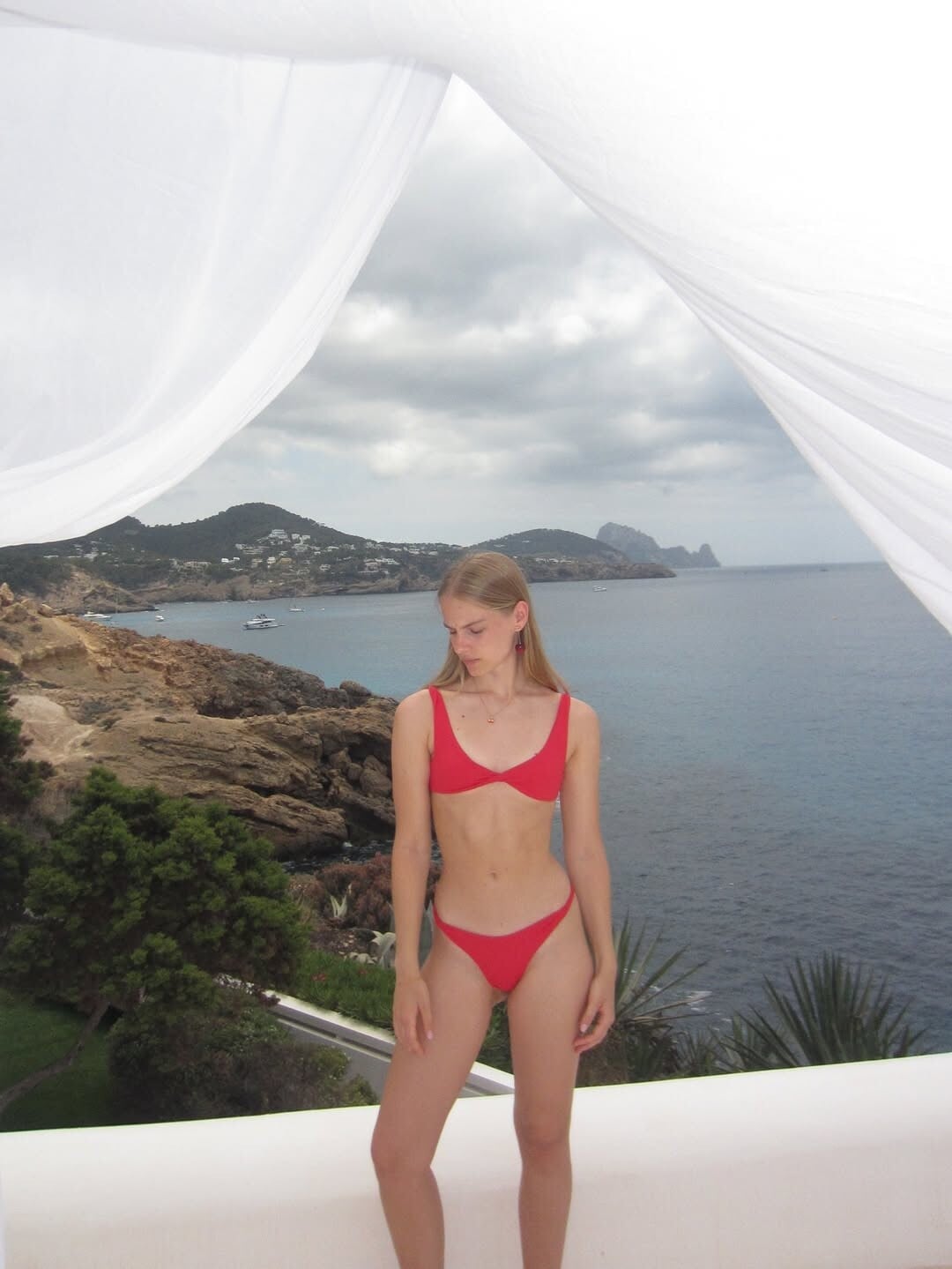
 https://www.instagram.com/parismikinski/?hl=en https://www.tiktok.com/@parismikinski?lang=en

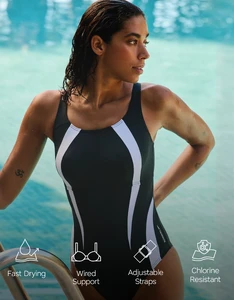
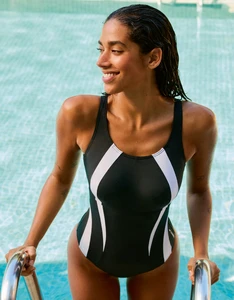
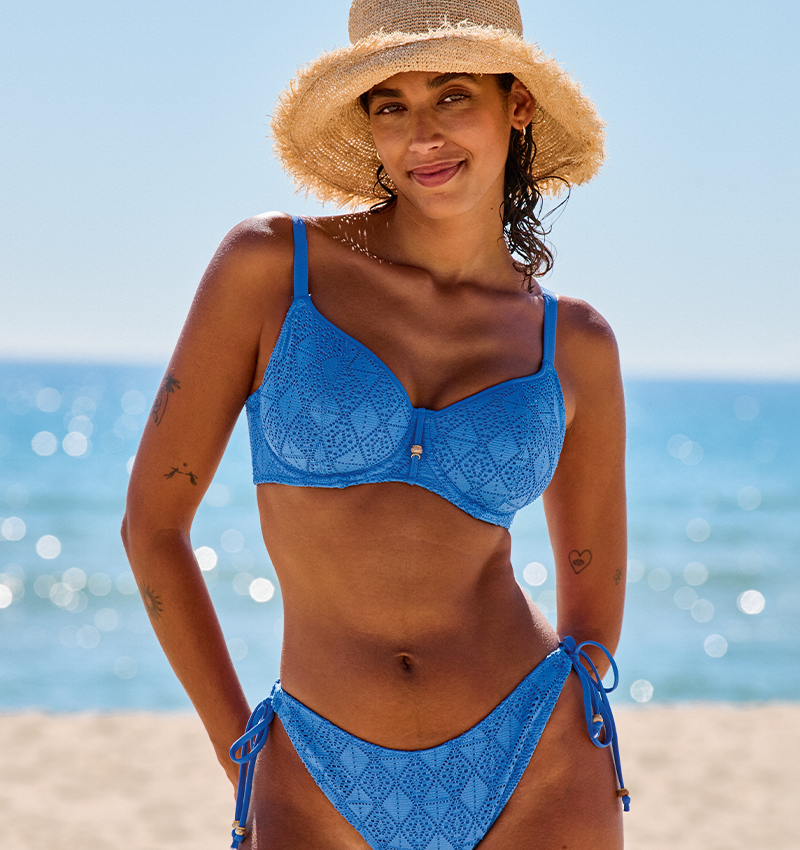
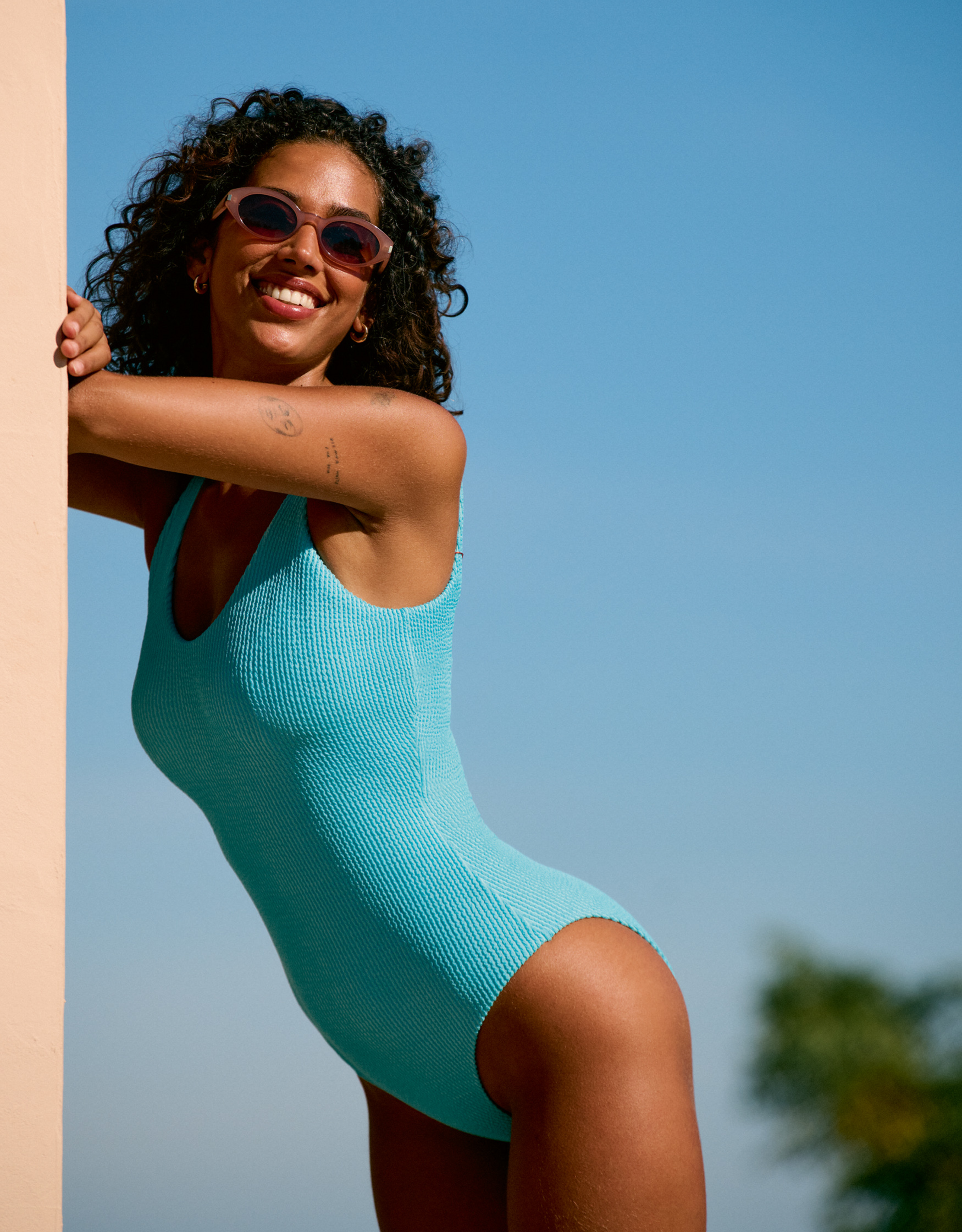
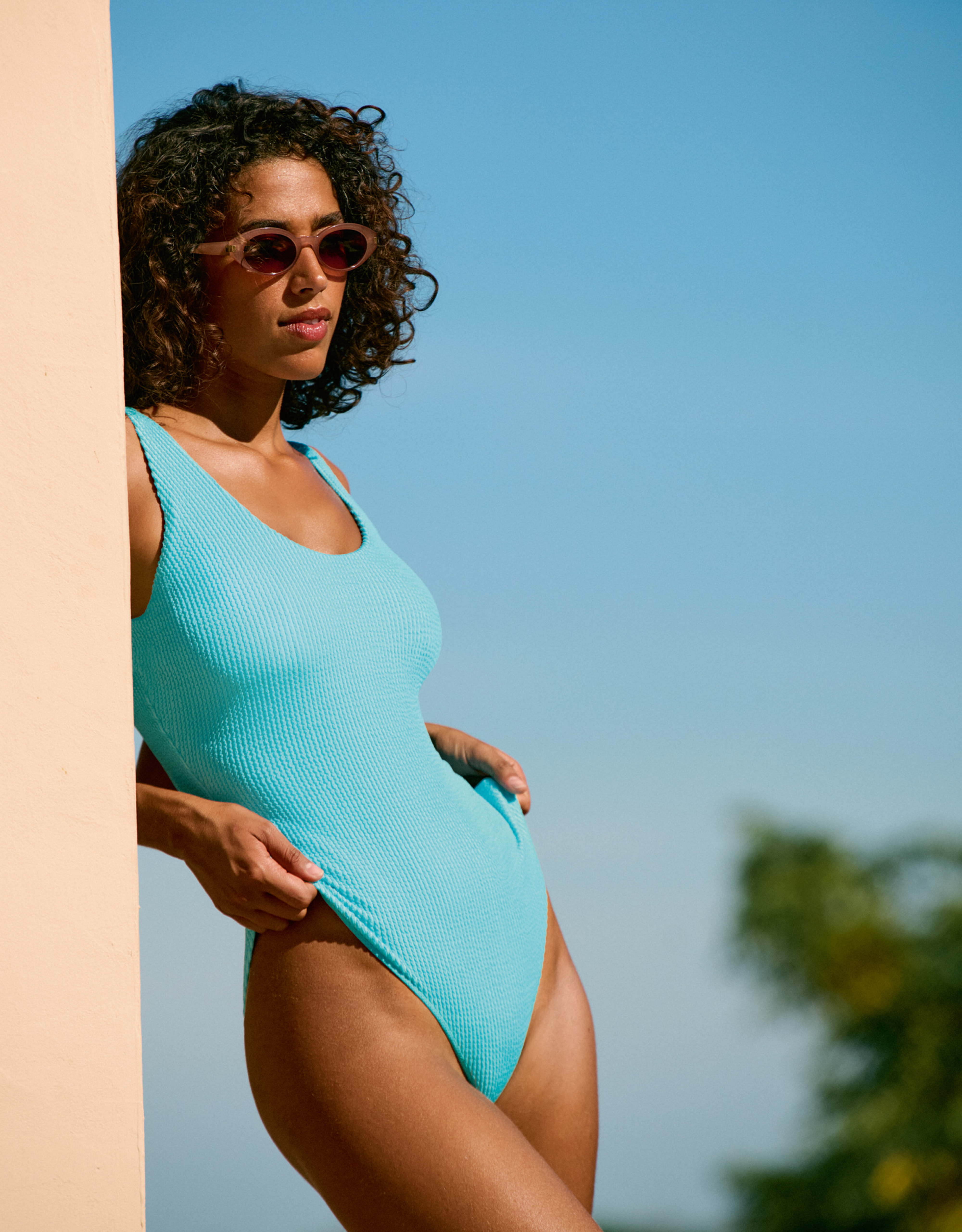
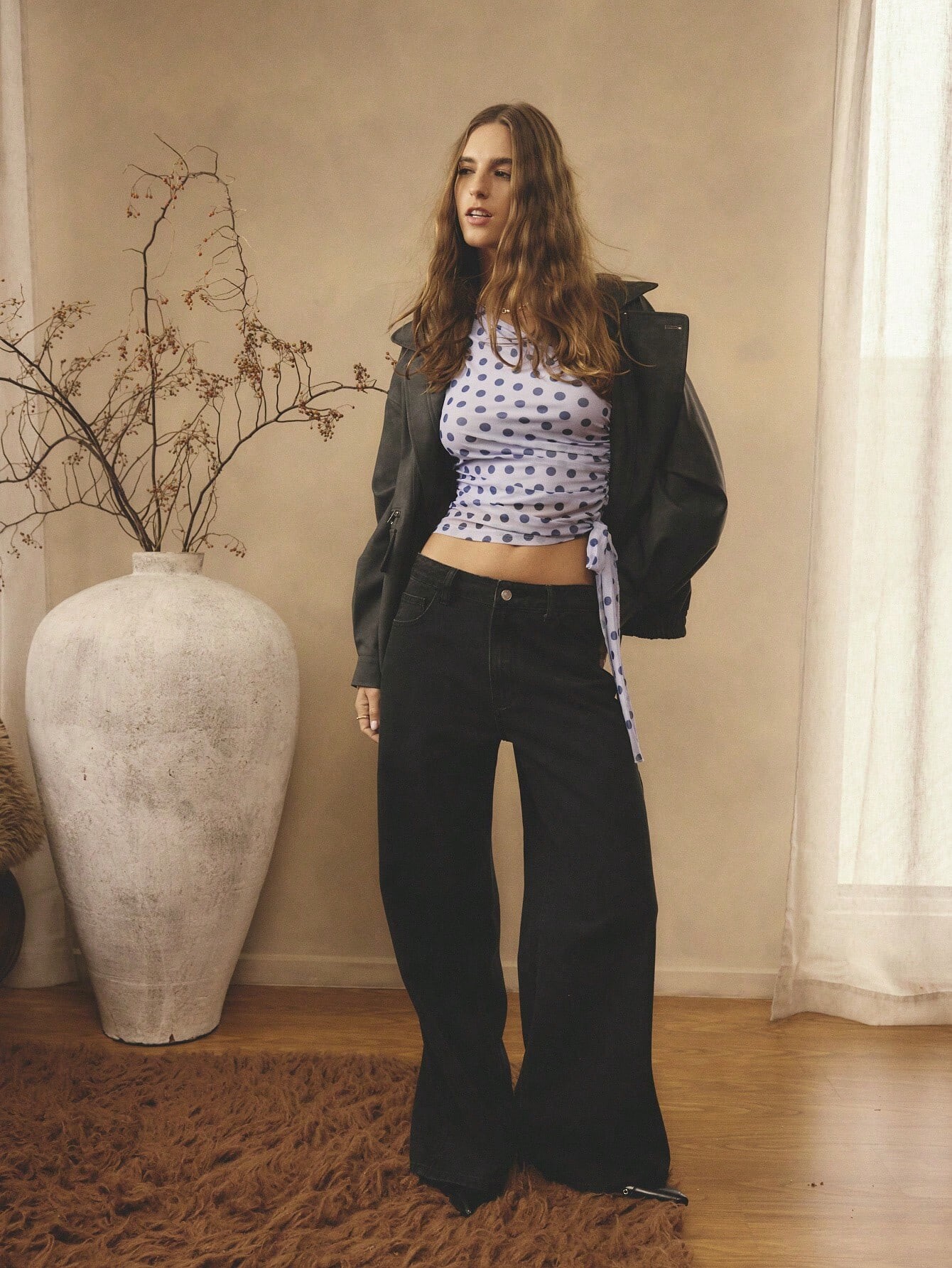
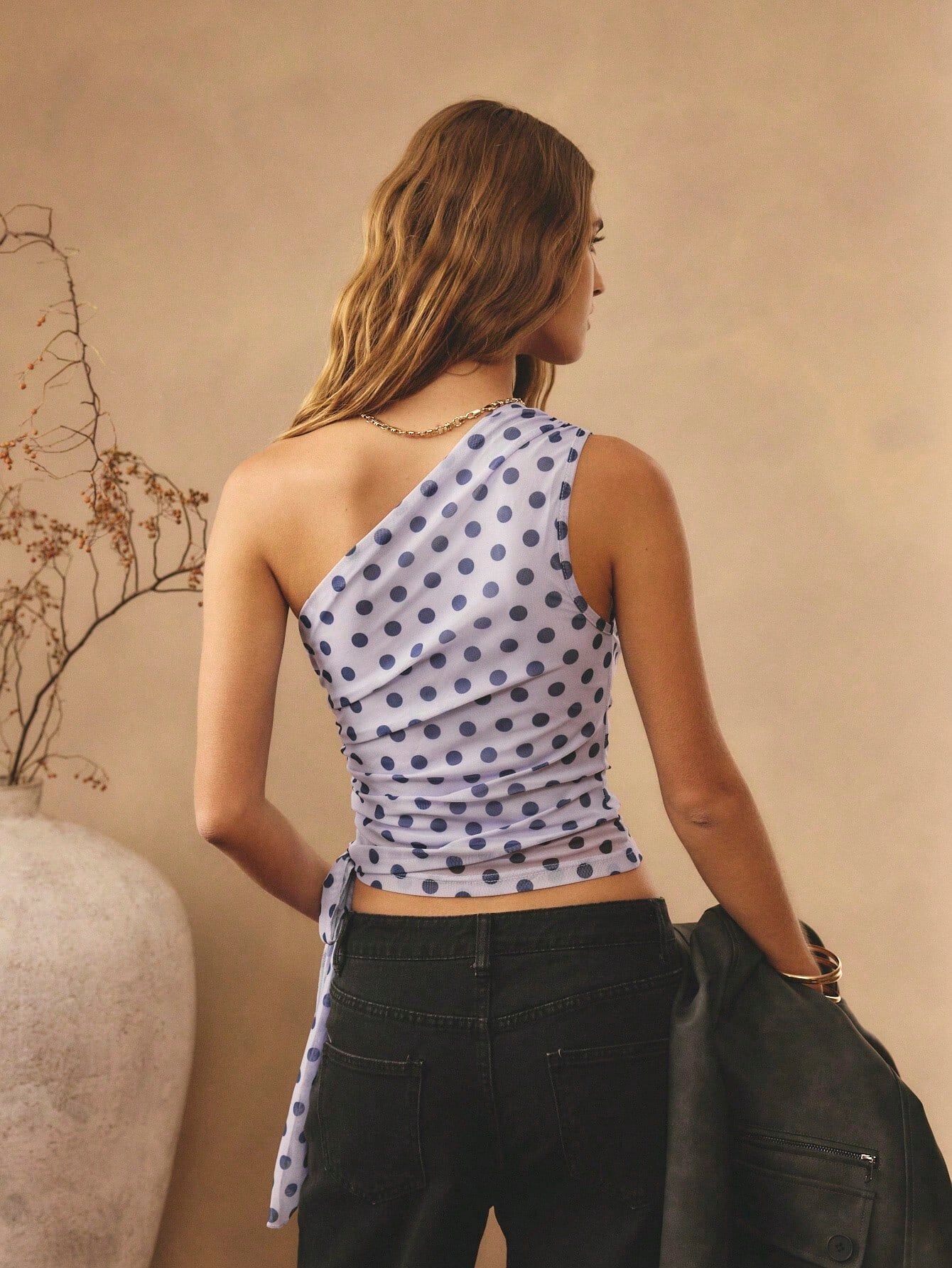
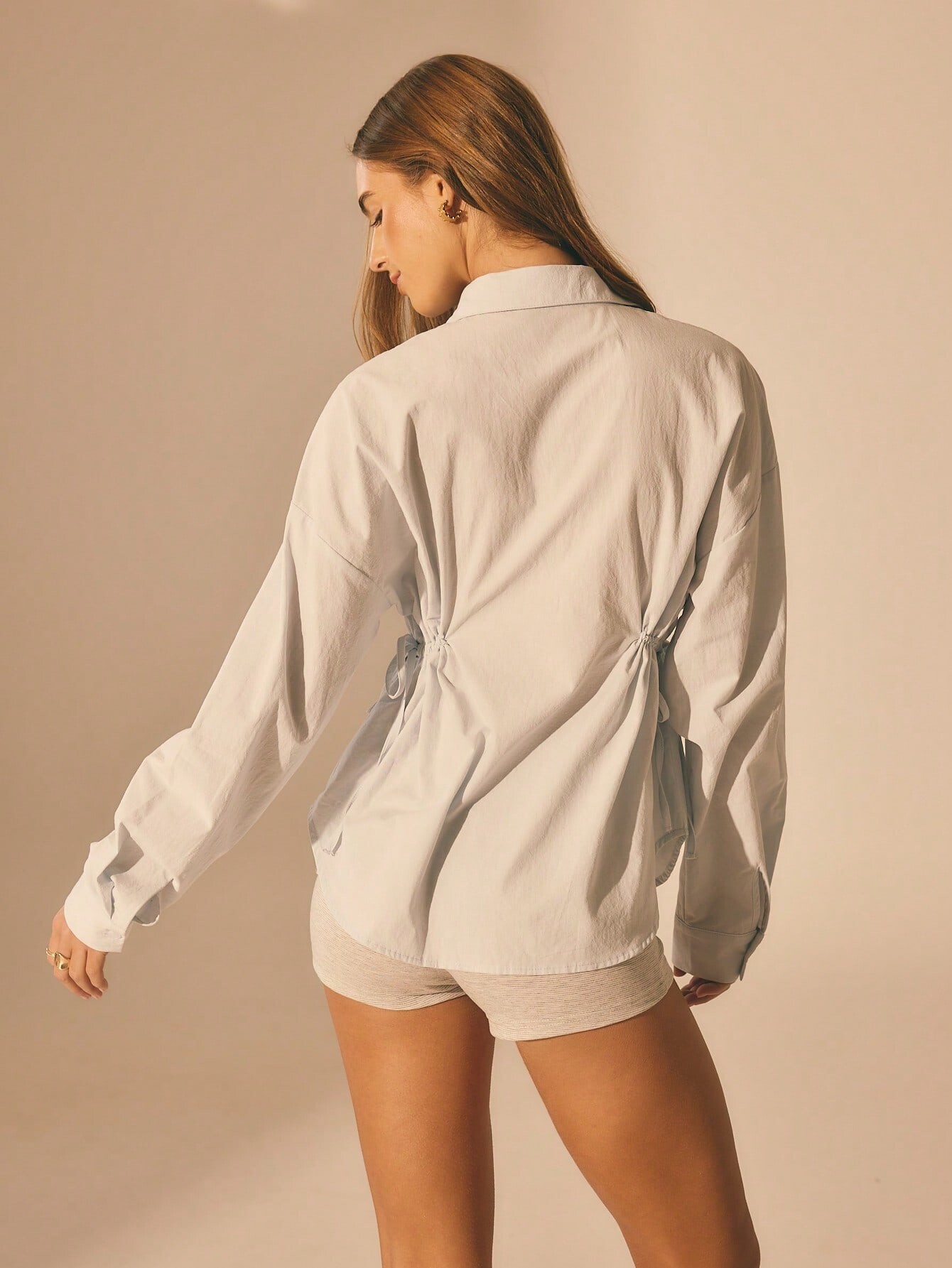
 Zalando Hunkemoller HM181R2U3-Q11_high_PDP_MODEL_VIDEO_1_1764273115.mp4 HM181V0QM-C11_high_PDP_MODEL_VIDEO_1_1764273065.mp4 HM181V0QO-Q11_high_PDP_MODEL_VIDEO_1_1764273124.mp4 HM181V0QQ-J11_low_PDP_MODEL_VIDEO_1_1764273052.mp4
 bitnau joined the community
Saturday Night Live
bitnau joined the community
Saturday Night Live











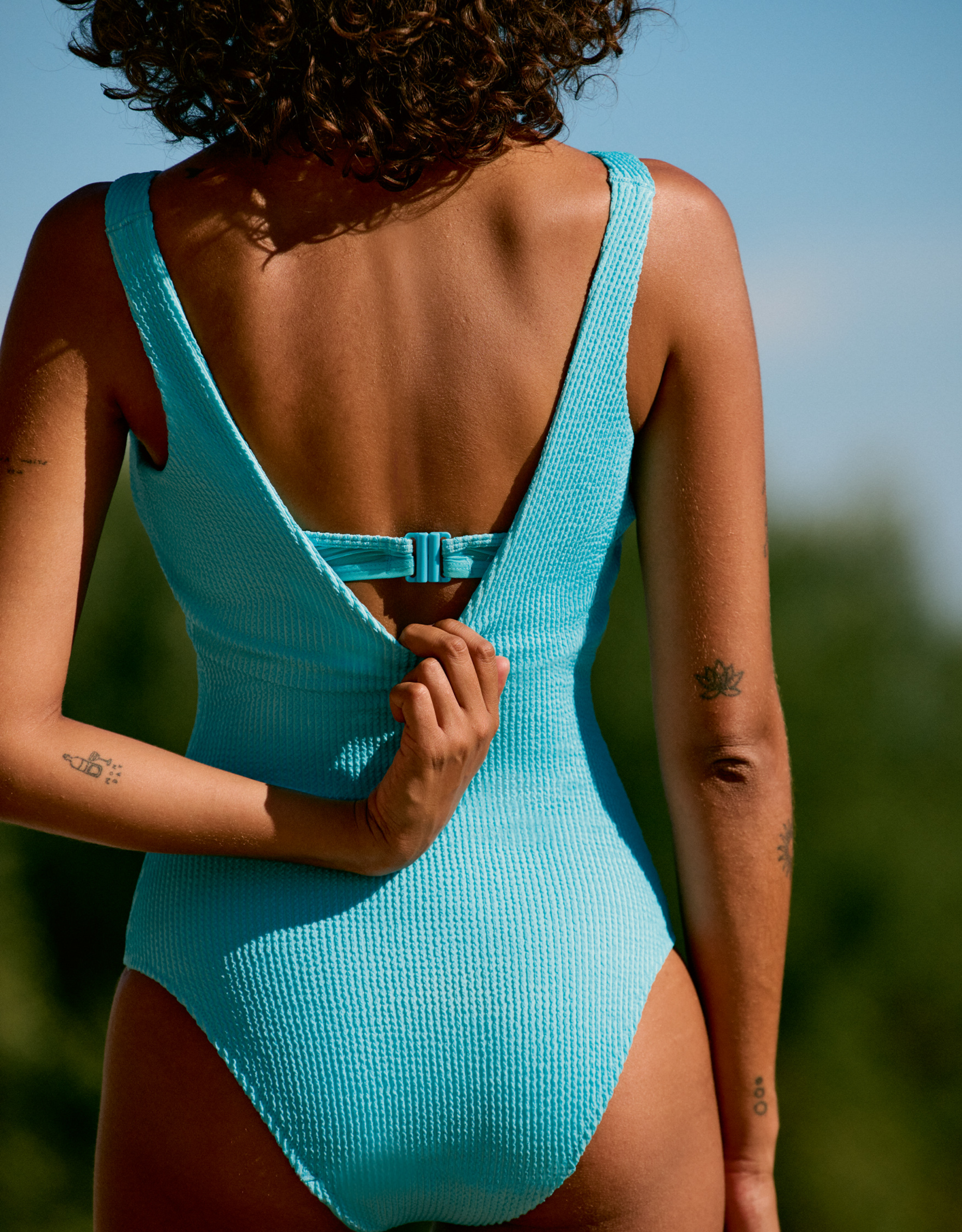
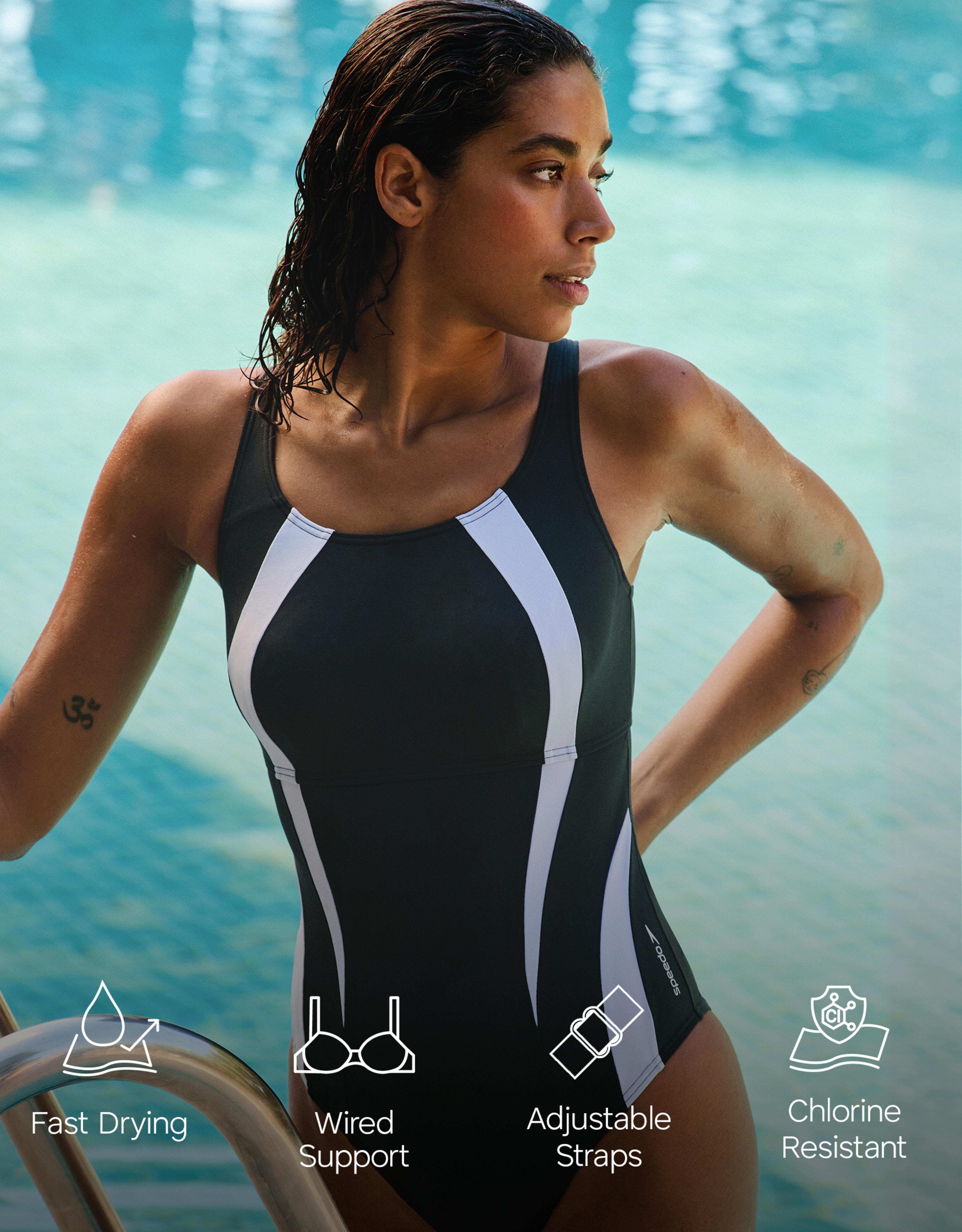
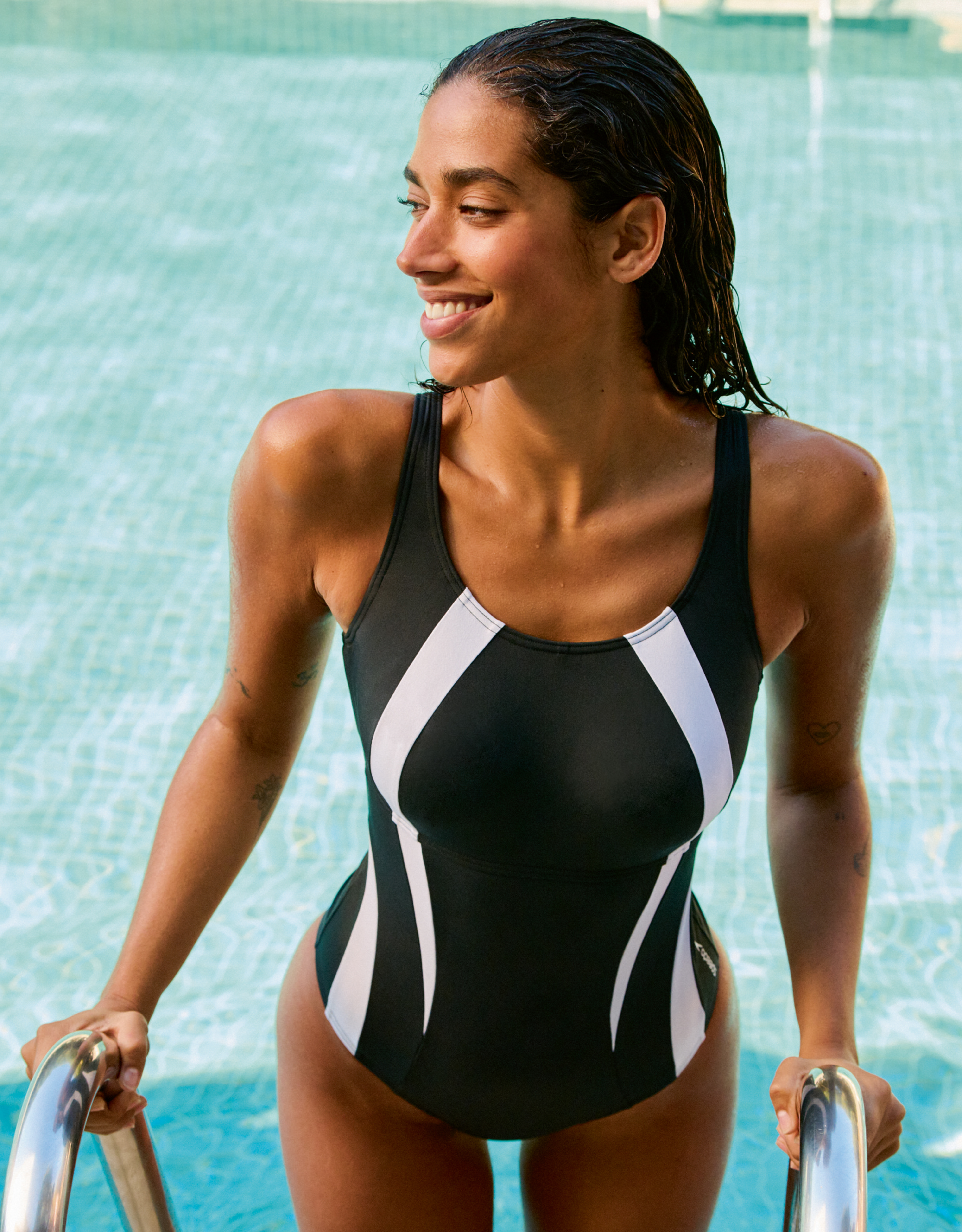


























Account
Search
Configure browser push notifications
Chrome (Android)
- Tap the lock icon next to the address bar.
- Tap Permissions → Notifications.
- Adjust your preference.
Chrome (Desktop)
- Click the padlock icon in the address bar.
- Select Site settings.
- Find Notifications and adjust your preference.
Safari (iOS 16.4+)
- Ensure the site is installed via Add to Home Screen.
- Open Settings App → Notifications.
- Find your app name and adjust your preference.
Safari (macOS)
- Go to Safari → Preferences.
- Click the Websites tab.
- Select Notifications in the sidebar.
- Find this website and adjust your preference.
Edge (Android)
- Tap the lock icon next to the address bar.
- Tap Permissions.
- Find Notifications and adjust your preference.
Edge (Desktop)
- Click the padlock icon in the address bar.
- Click Permissions for this site.
- Find Notifications and adjust your preference.
Firefox (Android)
- Go to Settings → Site permissions.
- Tap Notifications.
- Find this site in the list and adjust your preference.
Firefox (Desktop)
- Open Firefox Settings.
- Search for Notifications.
- Find this site in the list and adjust your preference.