All Activity
- Past hour
-
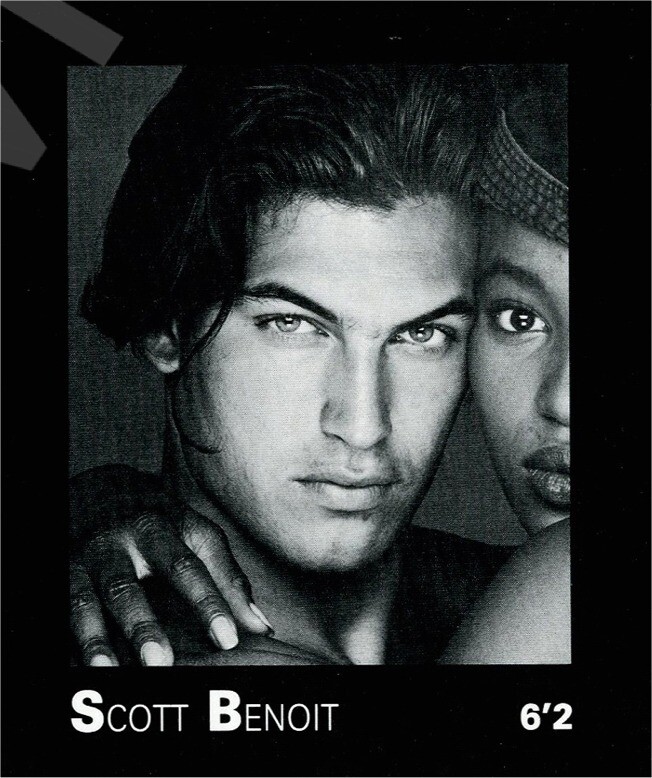
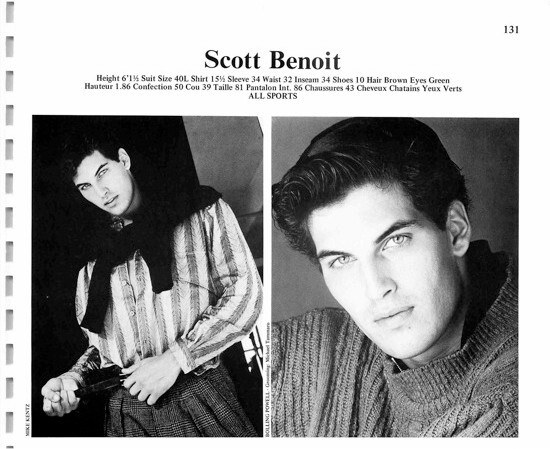
 SCOTT BENOIT Scott Benoit is a former US American male model. He is particularly known for his appearances in the music videos by Madonna - Justify my love & George Michael - Freedom! ‘90. Height: 1,86m / 6‘1 1/2 Hair: brown Eyes: green (Manner NY composite 1980s / Male Model Retro Facebook) (Elite L.A. composite 1980s / my scan) (Elite Toronto composite 1998 / my scan) Former Agencies: Manner NY Elite L.A. Elite Toronto and others (screenshots YouTube) His Instagram: www.instagram.com/wsbenoit






-

 Ricardo Beas


 Curry Leaves Indian Cuisin joined the community
 Dear friends, I was on vacation - from work and digital. Returning today. I'll be back soon!
 Kadae changed their profile photo
 Gummi Webshop joined the community
 Yes, even more Gina Tricot




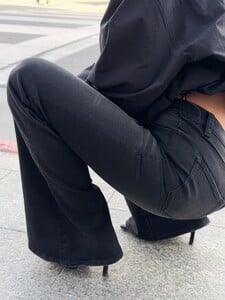






 https://www.instagram.com/p/DVHT3SlkWyz/
- Today
 She always looks like she's scared
Isabel Marant - Ready-to-Wear - Runway Collection - Women Fall / Winter 2002
She always looks like she's scared
Isabel Marant - Ready-to-Wear - Runway Collection - Women Fall / Winter 2002




 61b38e76da114692b5e3b3ddb18d95fa.mov
 BurBerry FW26
.thumb.jpg.b1751c263d2c5b9105dd0aa4b41fad94.jpg)
 2madison Avenue 2025

































 Burberry FW26


 Thank you, dearest. Great discovery! She wasn't at its best yet. Sandra is made for fashion shows, not TV shows. And short hair didn't help . edit: Meghan and Catherine are among my favourite too.Catherine is the personification of the word sexy. ...for all the Meghanites: https://www.bellazon.com/main/topic/44661-vintage-model-ids/page/1439/#findComment-6127154


 Longchamp





 Burberry F/W 2026 London 🤍 Backstage




 mike81 joined the community













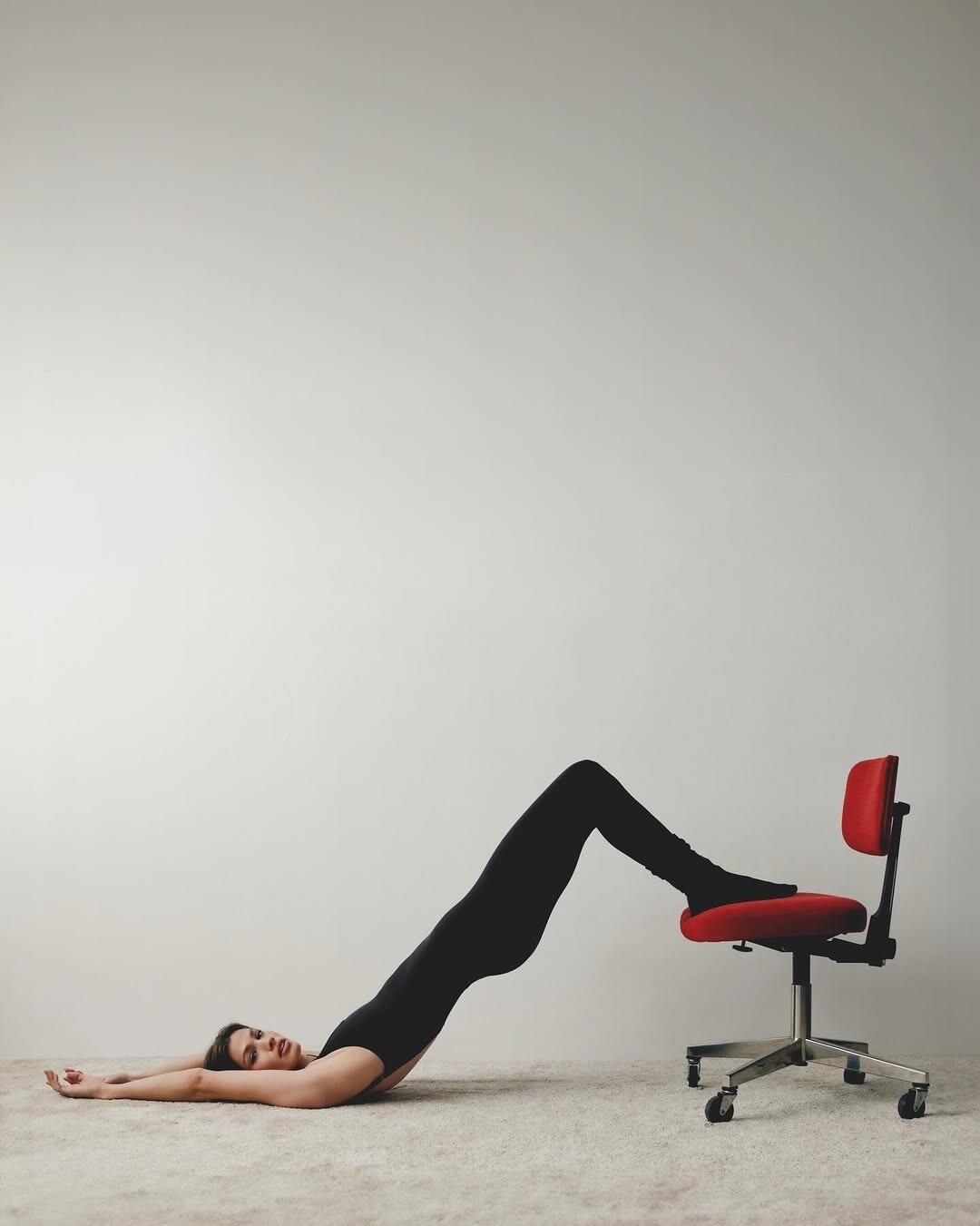






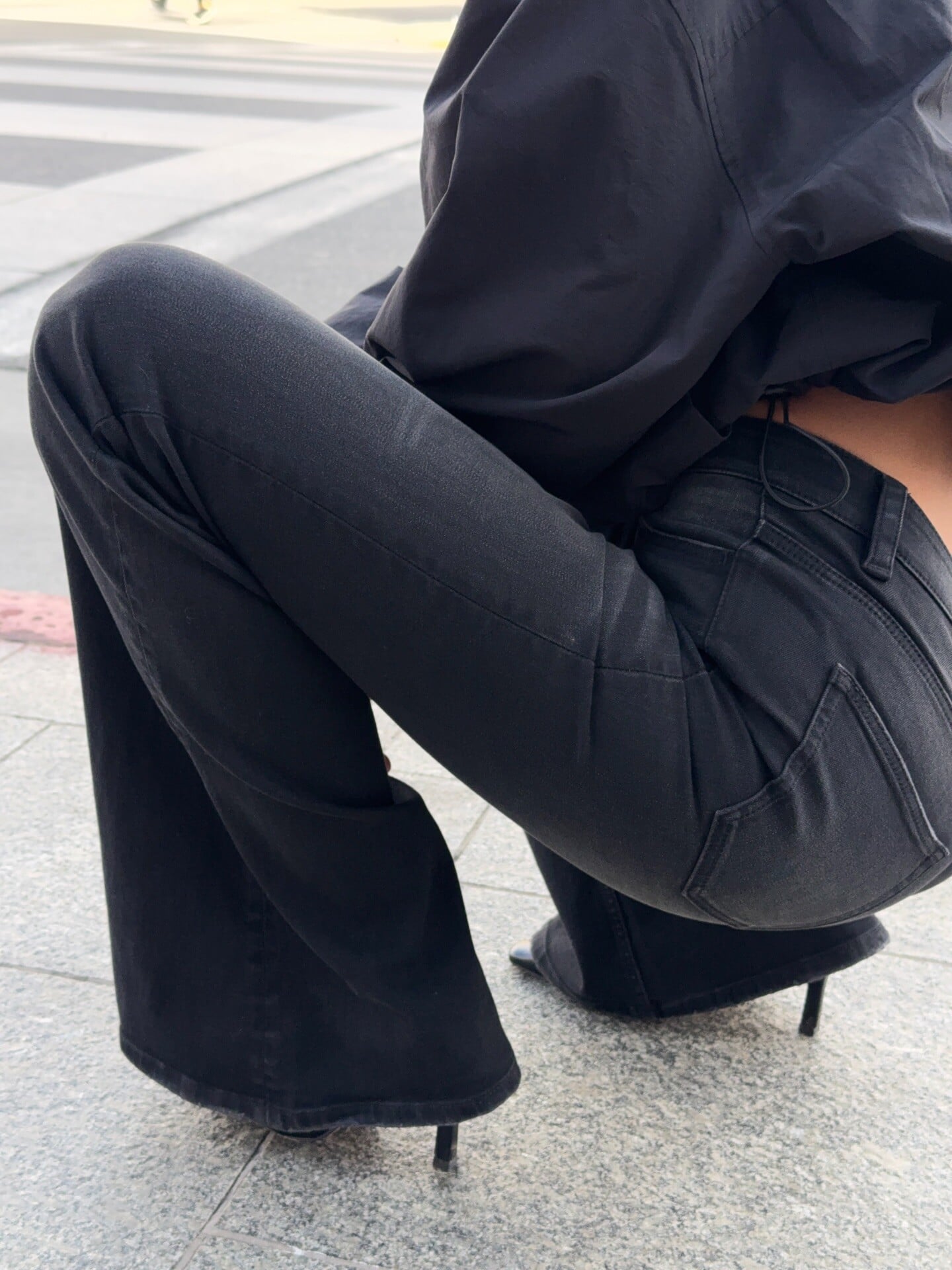

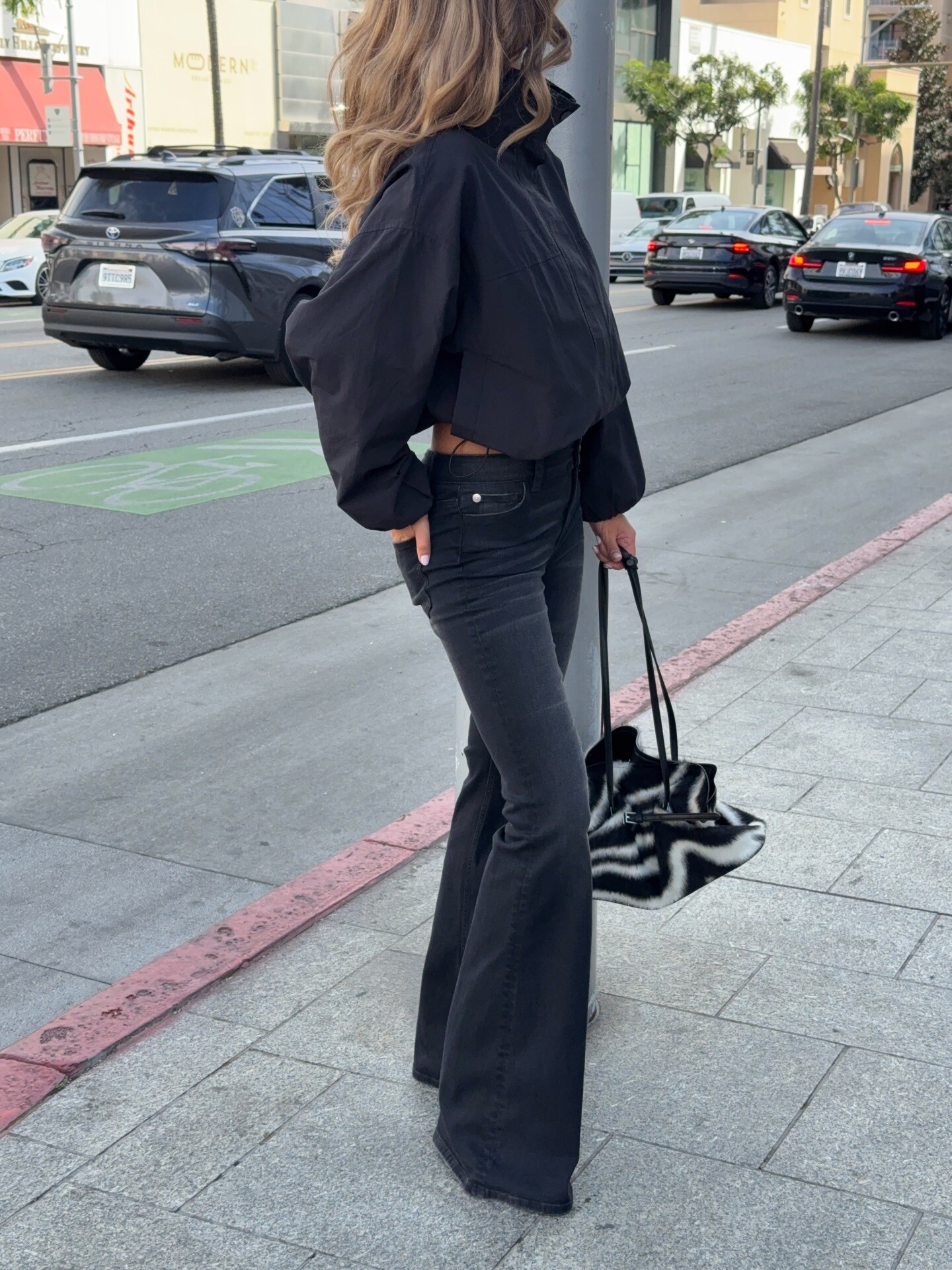









.jpg.e078a27df69df811bf7b9d42a89b7839.jpg)





























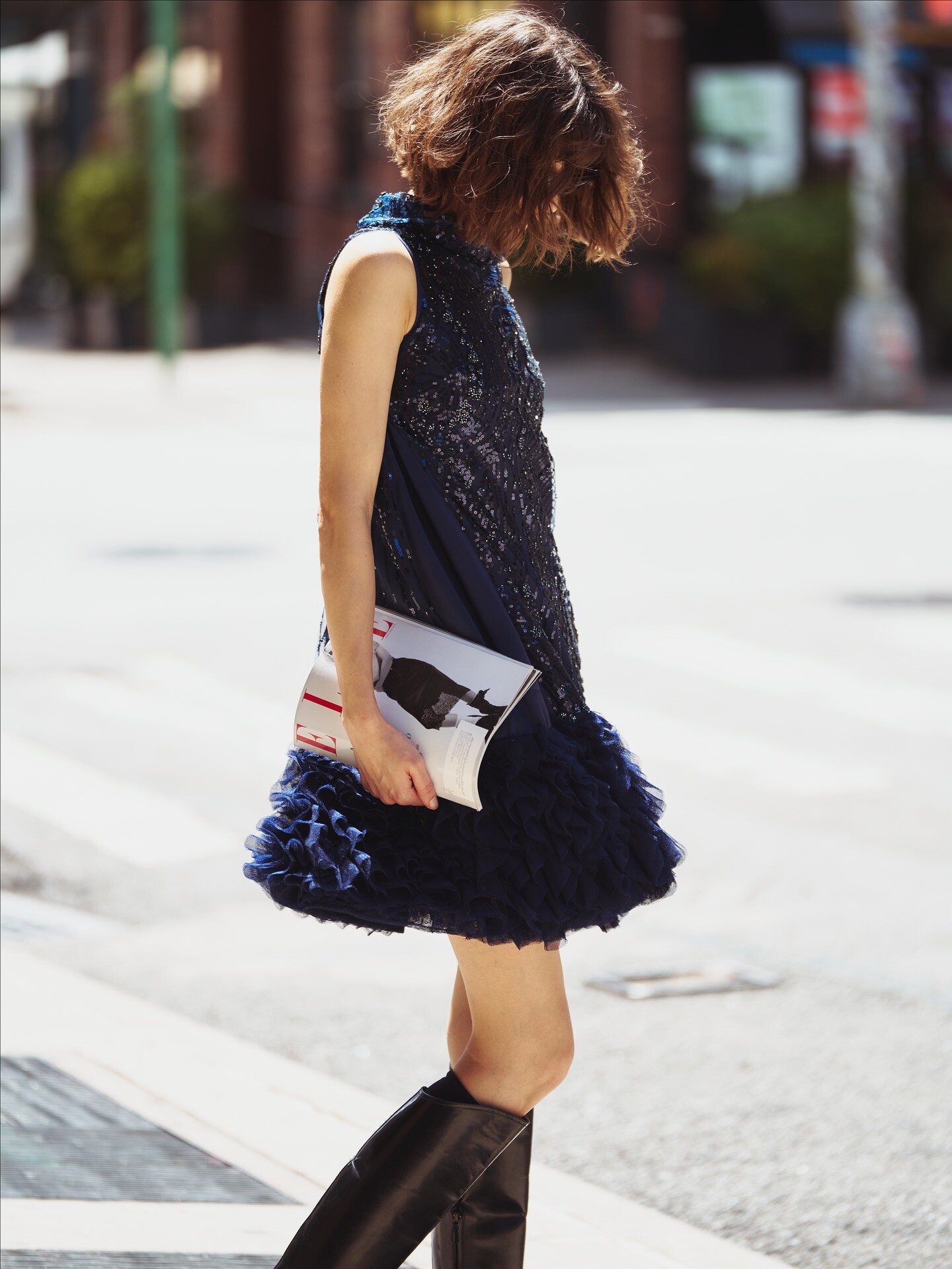



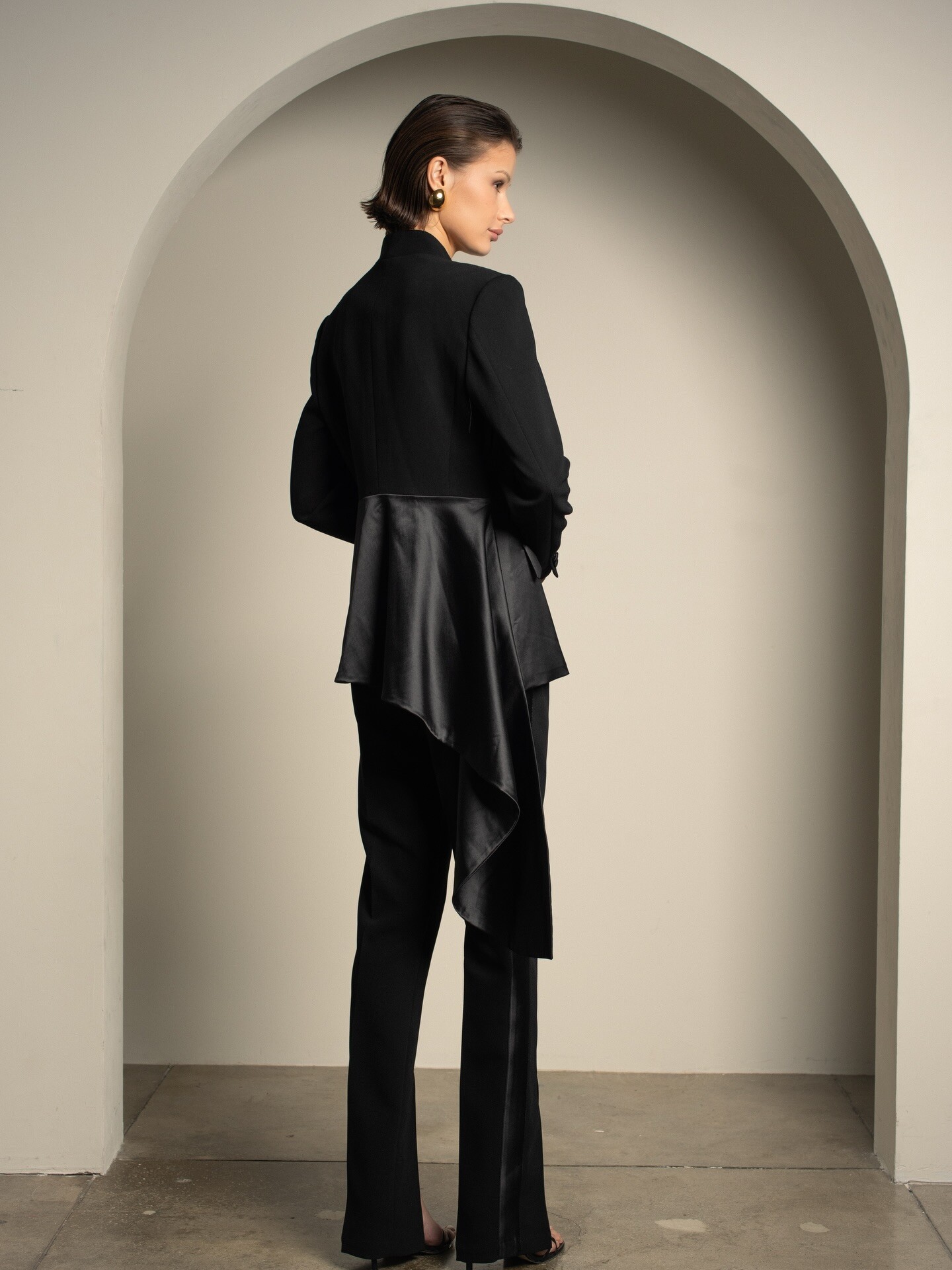


















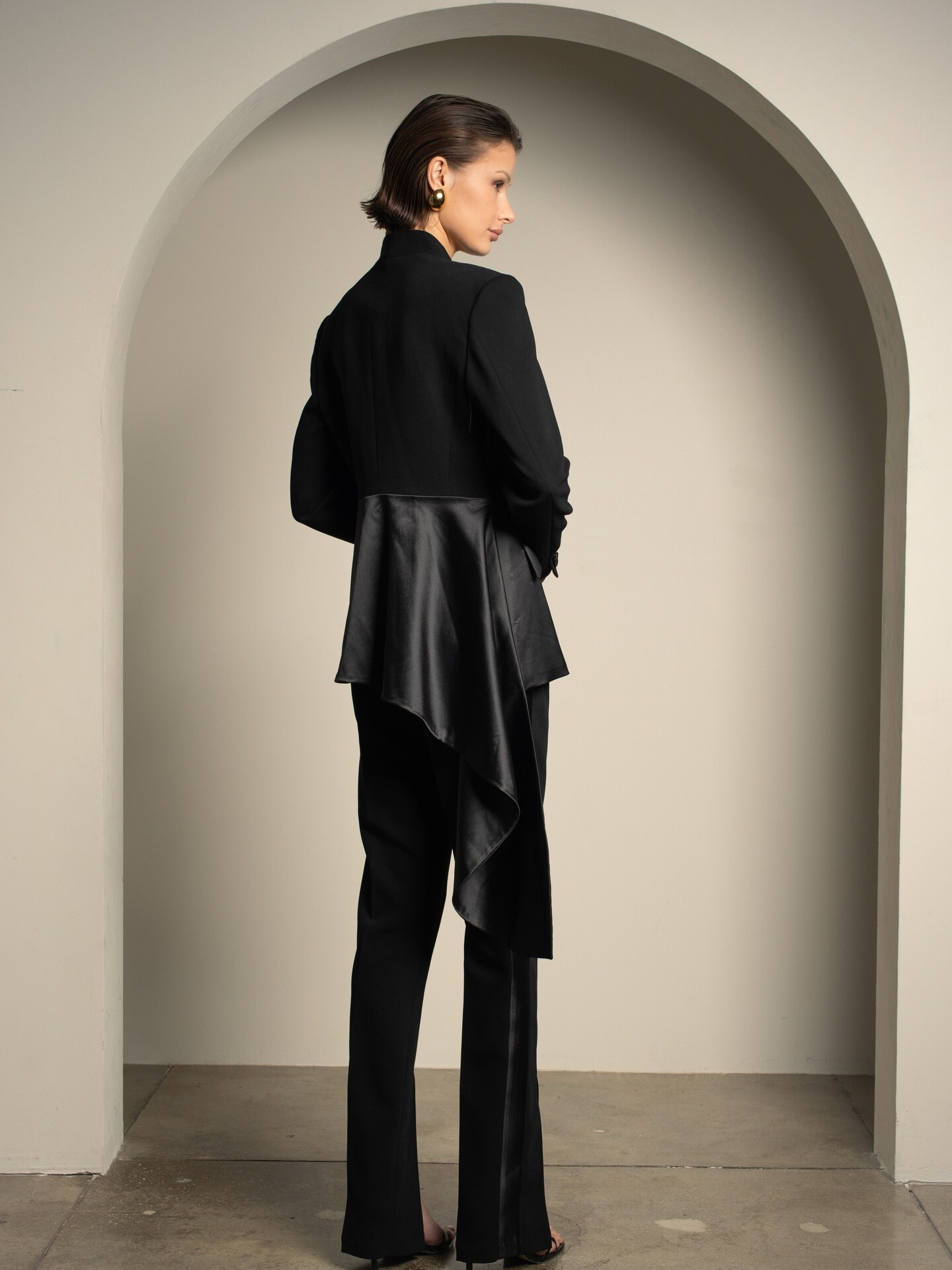
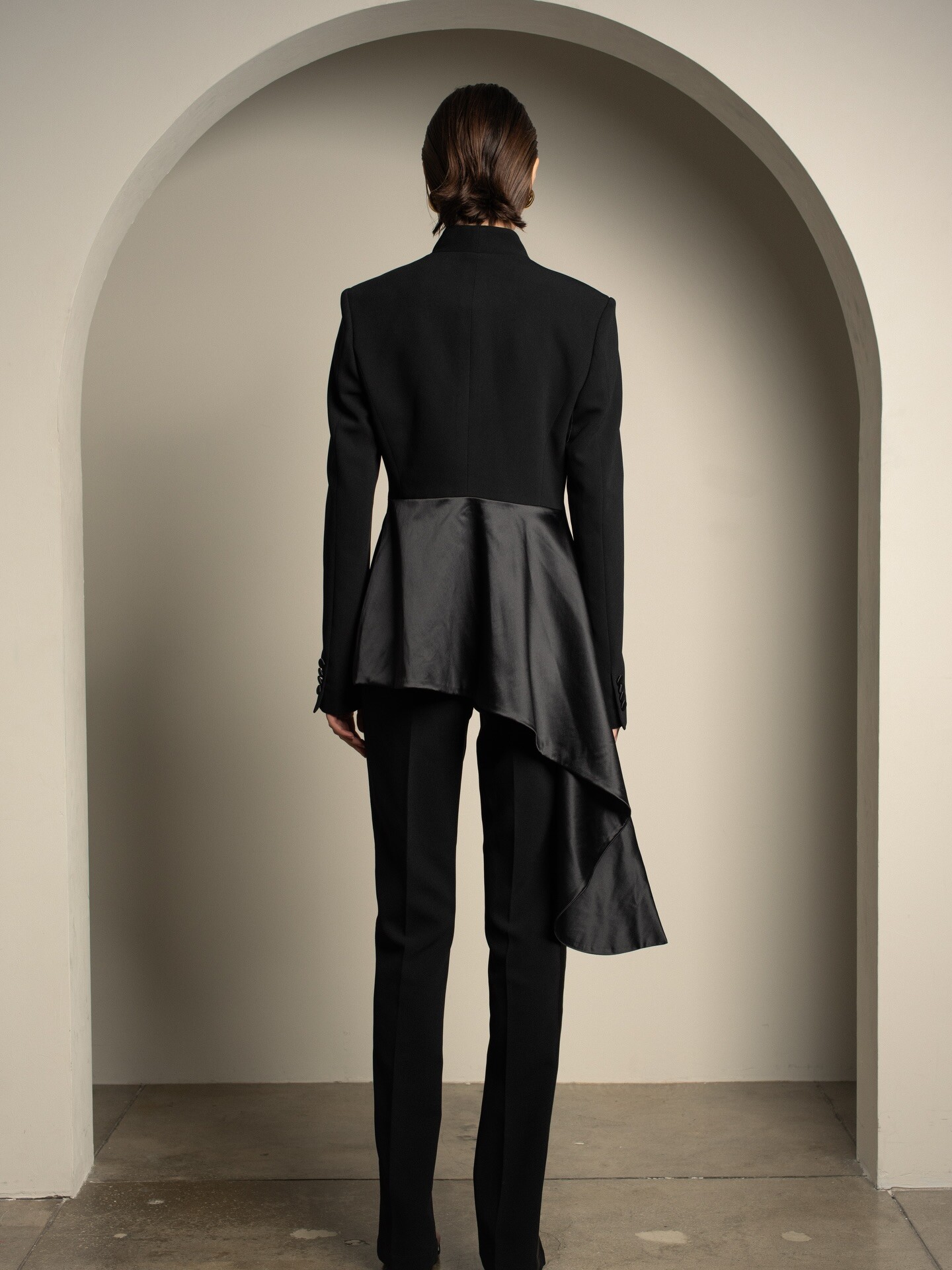
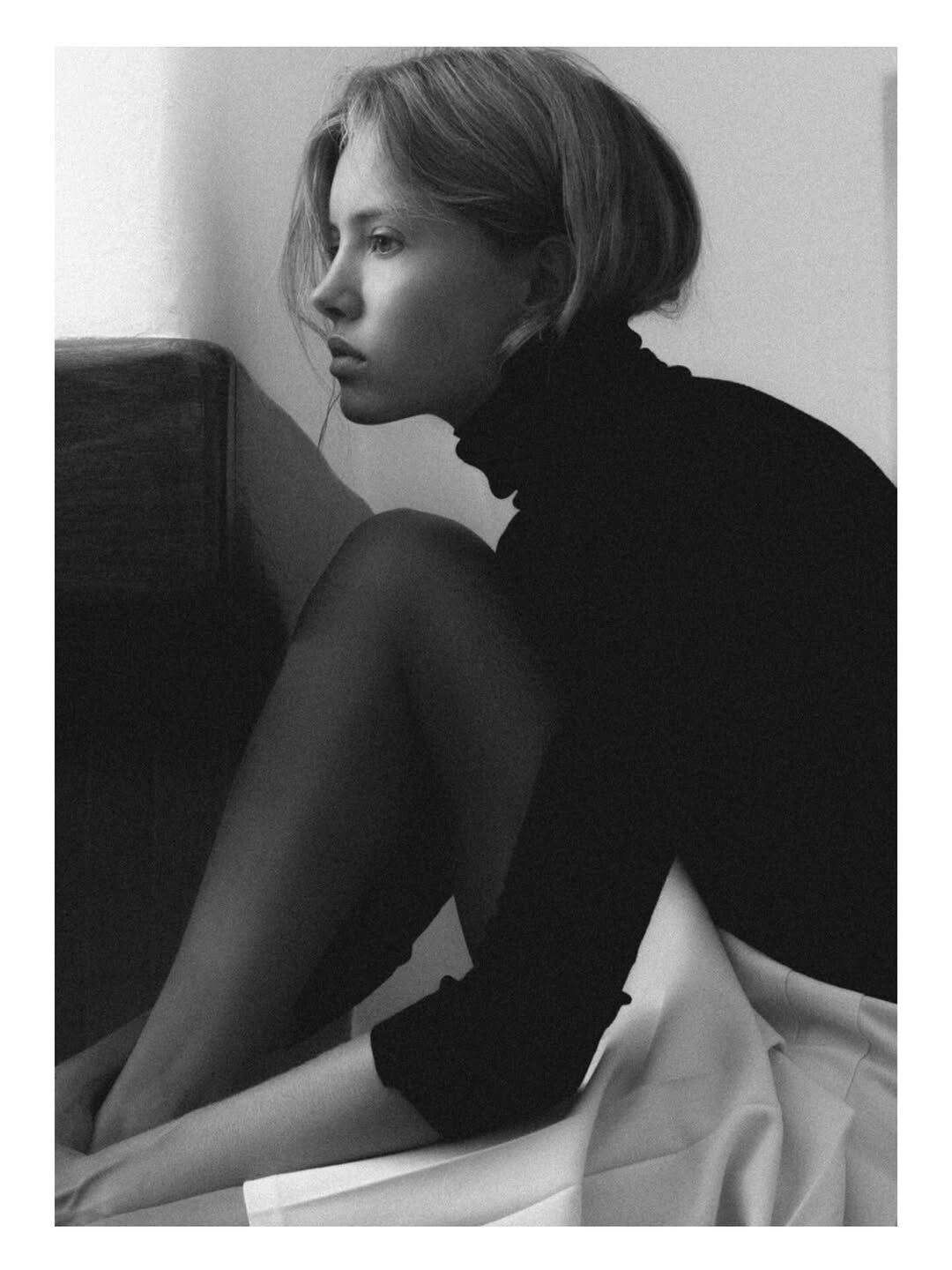





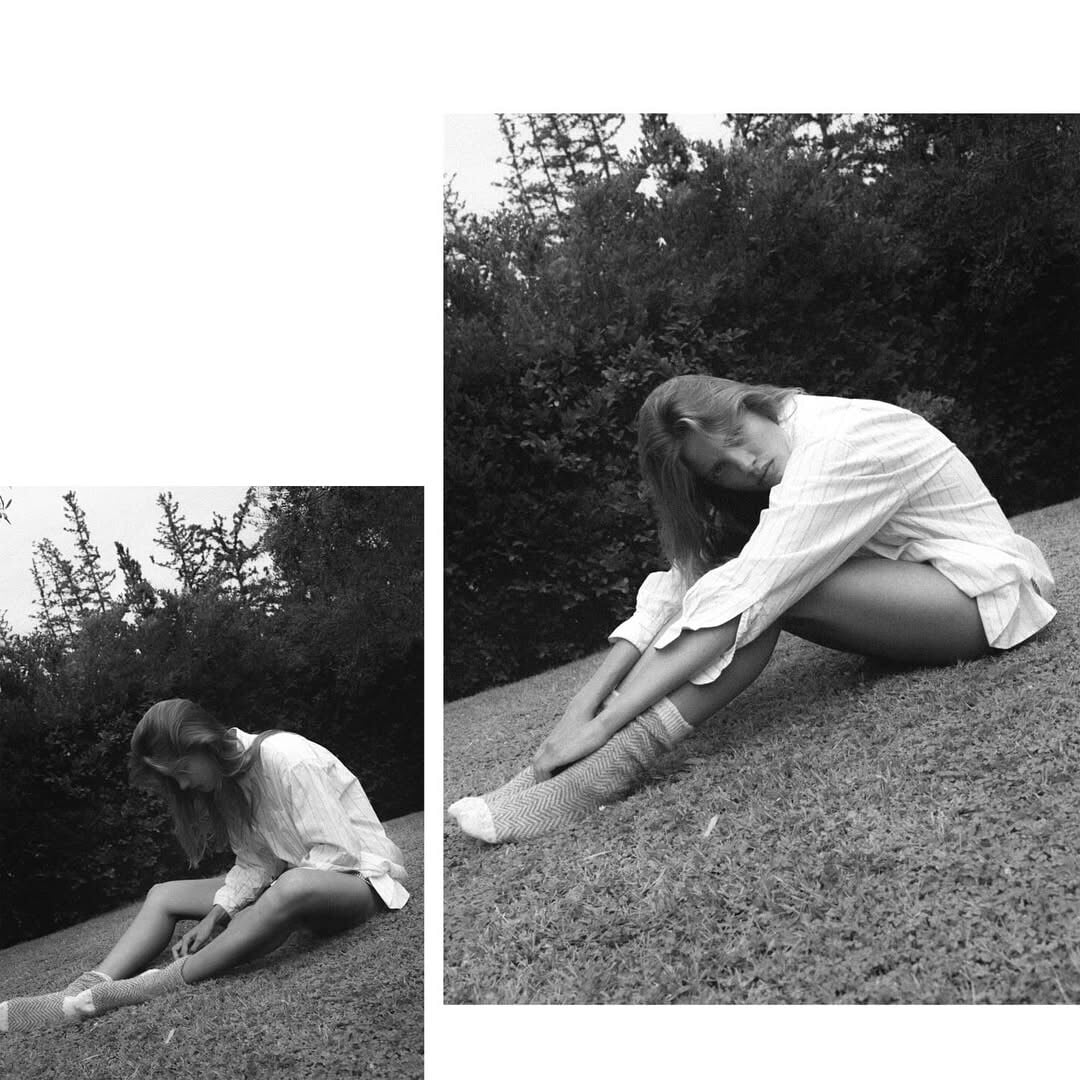













Account
Navigation
Search
Configure browser push notifications
Chrome (Android)
- Tap the lock icon next to the address bar.
- Tap Permissions → Notifications.
- Adjust your preference.
Chrome (Desktop)
- Click the padlock icon in the address bar.
- Select Site settings.
- Find Notifications and adjust your preference.
Safari (iOS 16.4+)
- Ensure the site is installed via Add to Home Screen.
- Open Settings App → Notifications.
- Find your app name and adjust your preference.
Safari (macOS)
- Go to Safari → Preferences.
- Click the Websites tab.
- Select Notifications in the sidebar.
- Find this website and adjust your preference.
Edge (Android)
- Tap the lock icon next to the address bar.
- Tap Permissions.
- Find Notifications and adjust your preference.
Edge (Desktop)
- Click the padlock icon in the address bar.
- Click Permissions for this site.
- Find Notifications and adjust your preference.
Firefox (Android)
- Go to Settings → Site permissions.
- Tap Notifications.
- Find this site in the list and adjust your preference.
Firefox (Desktop)
- Open Firefox Settings.
- Search for Notifications.
- Find this site in the list and adjust your preference.