-
-
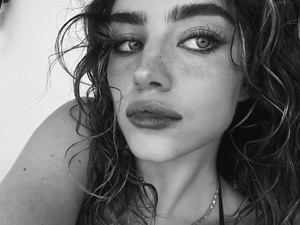
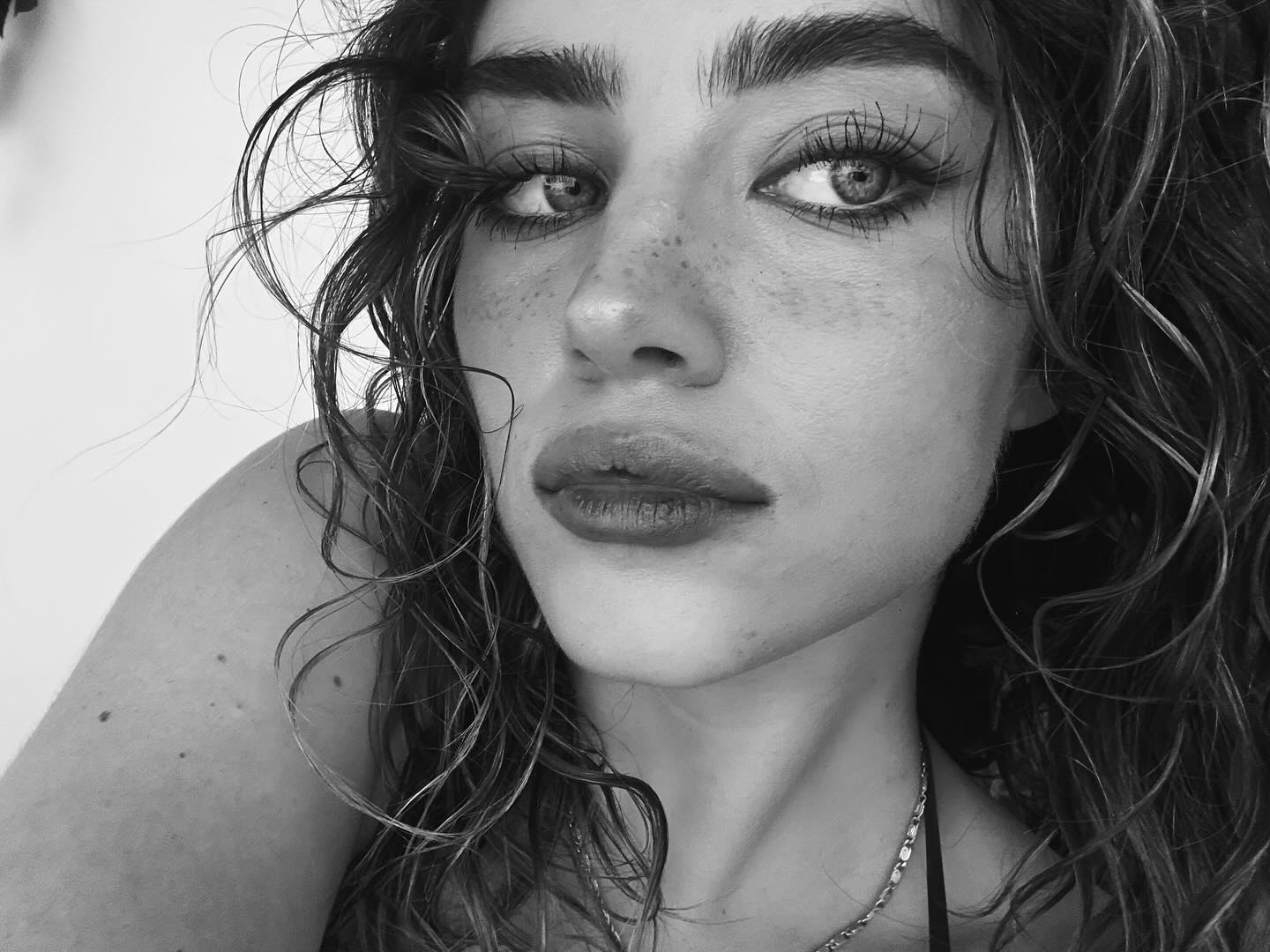
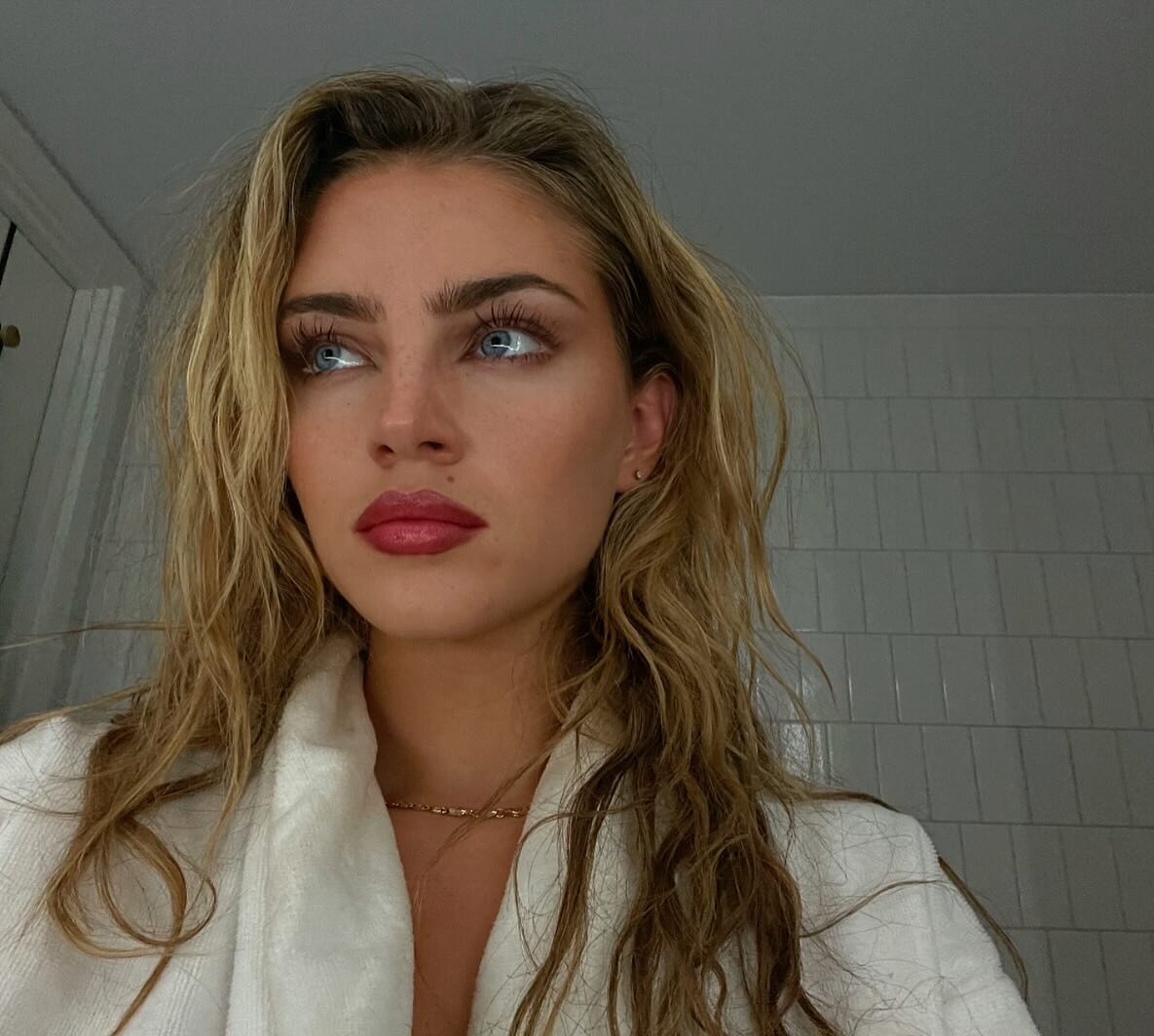
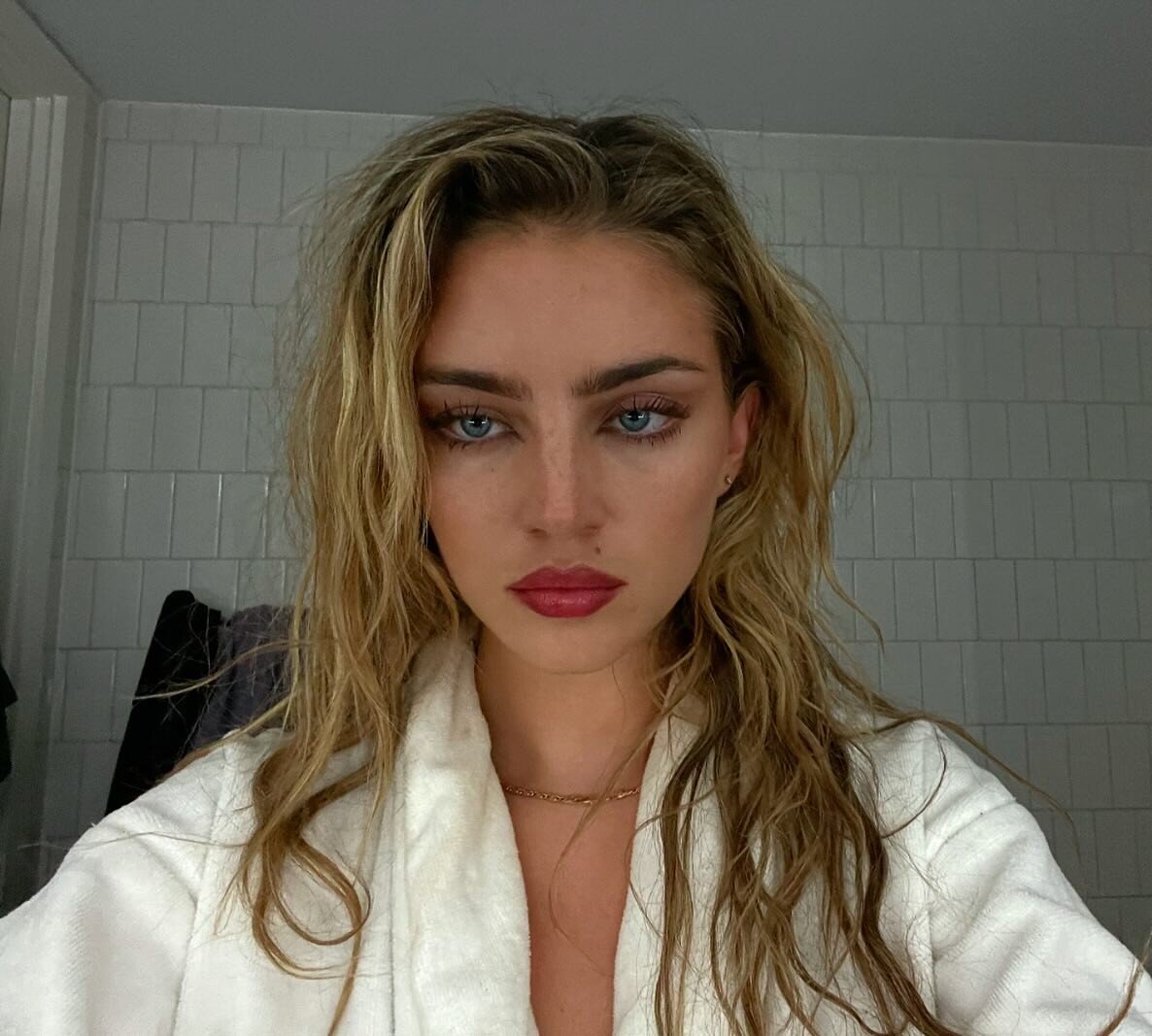
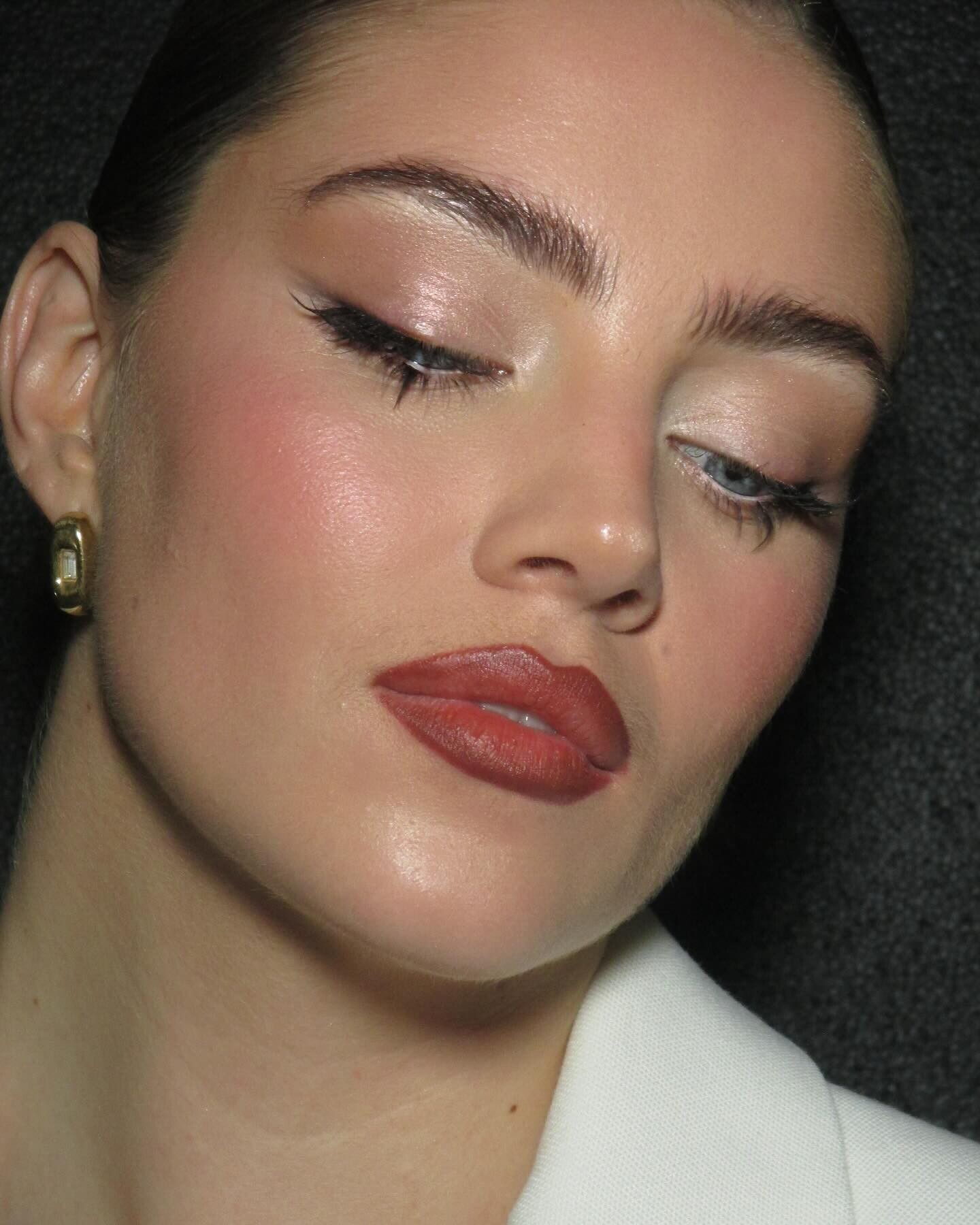
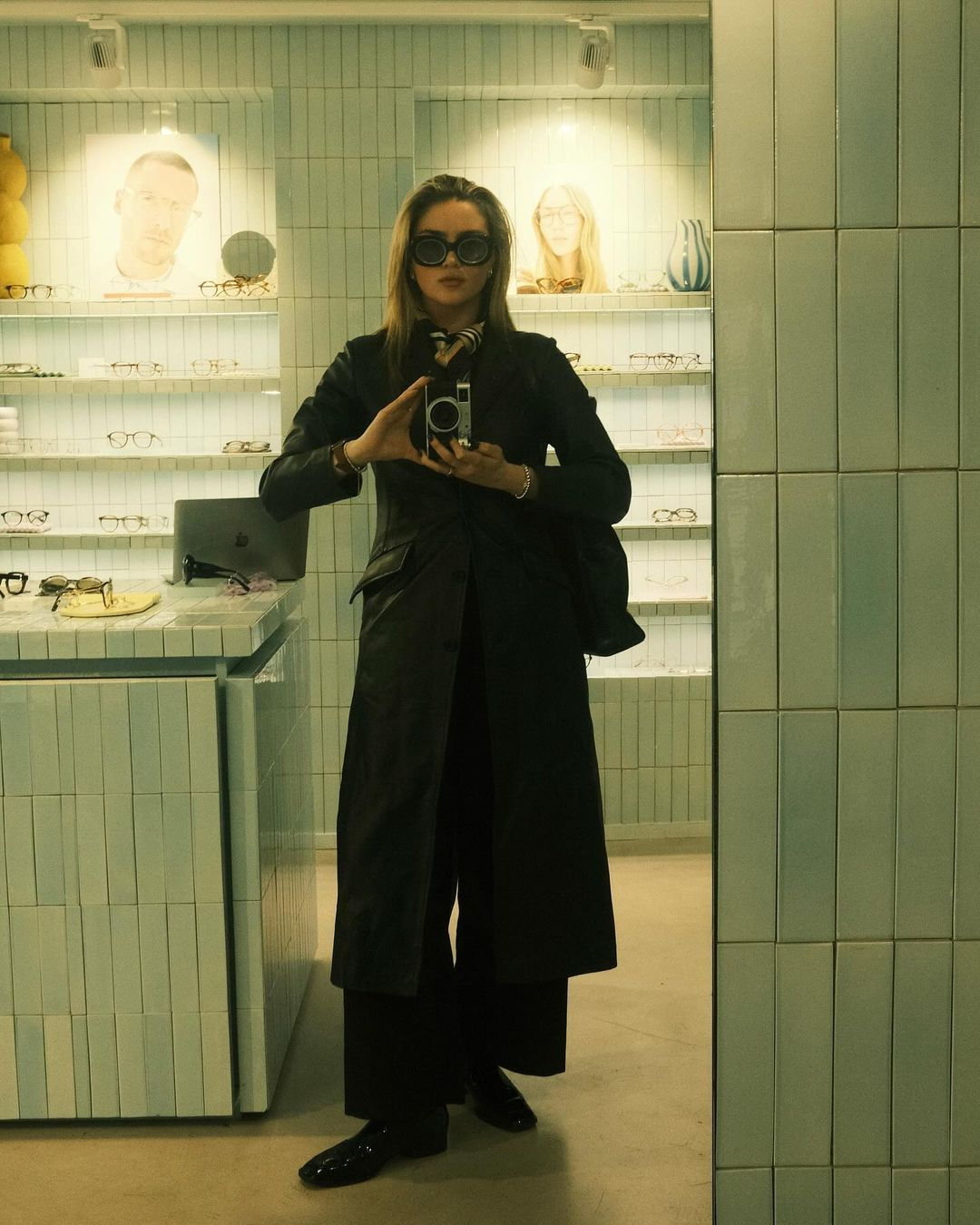
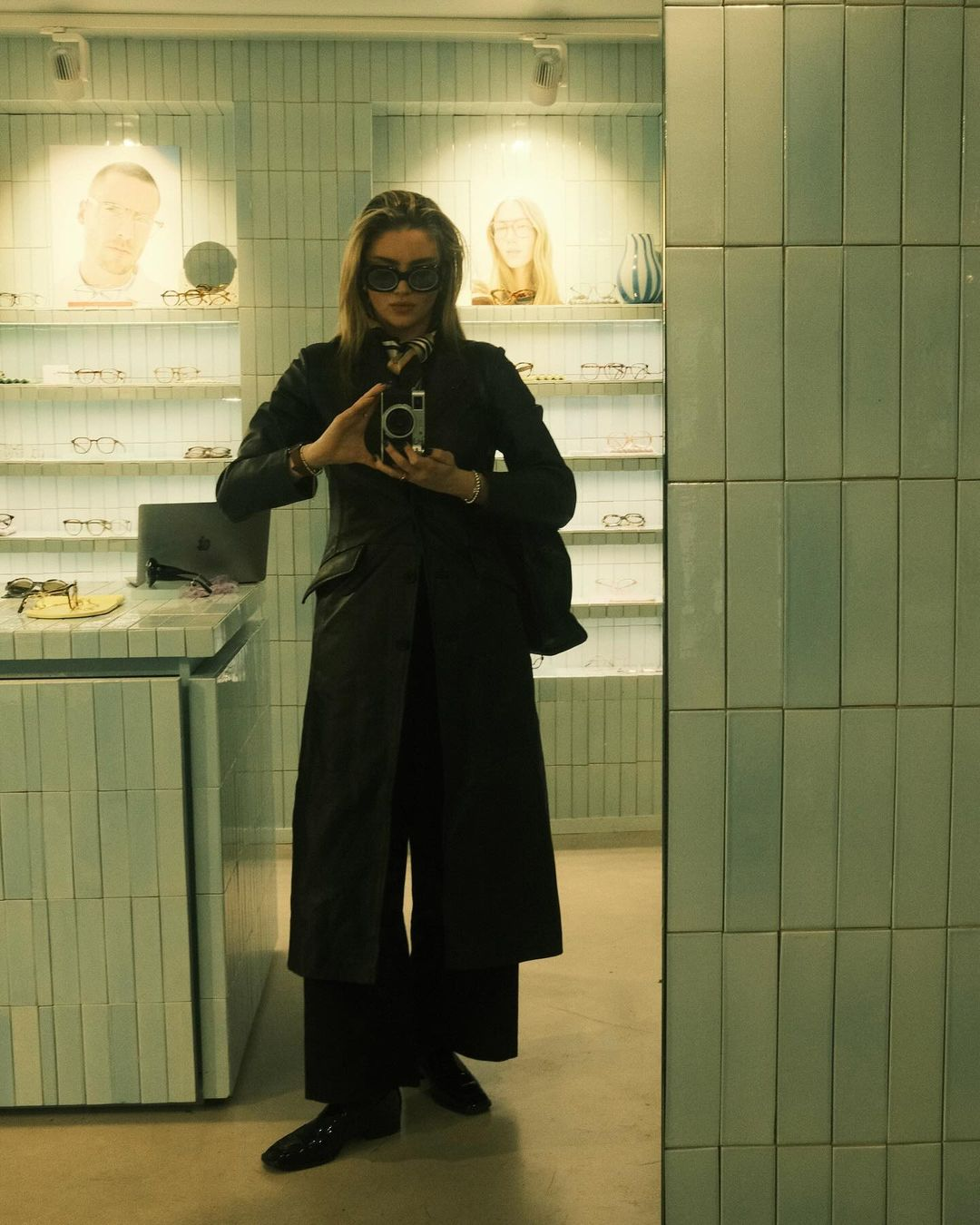
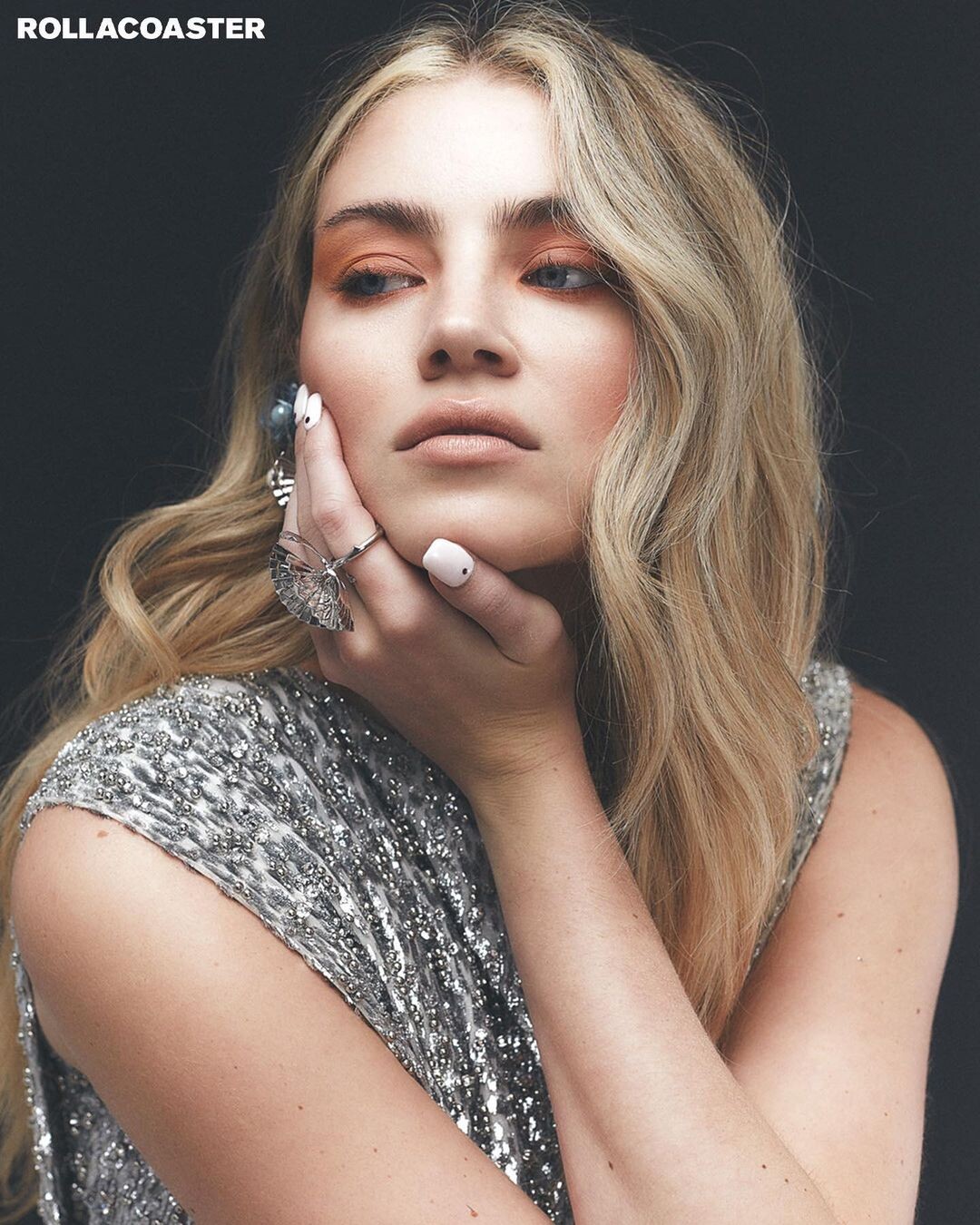
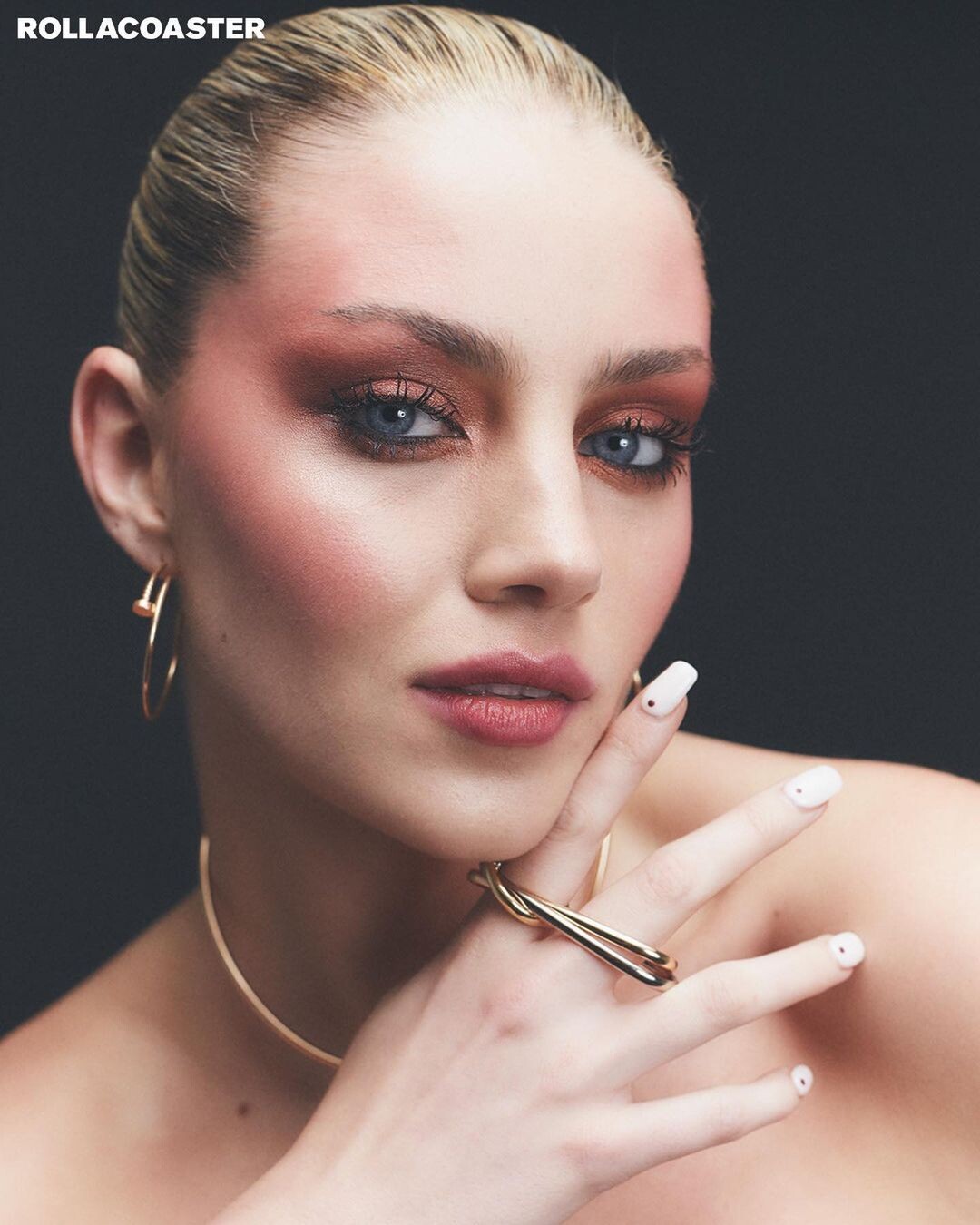
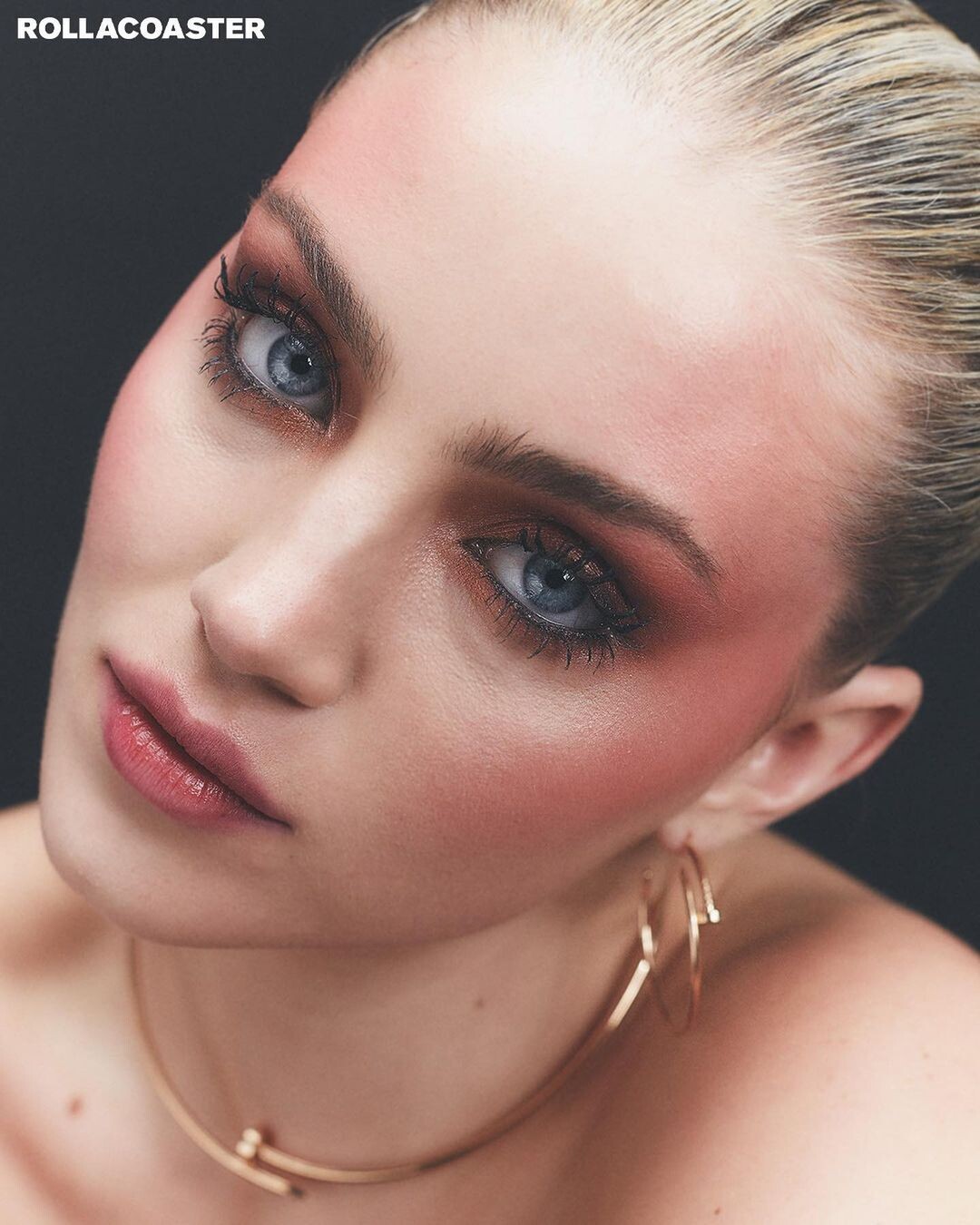
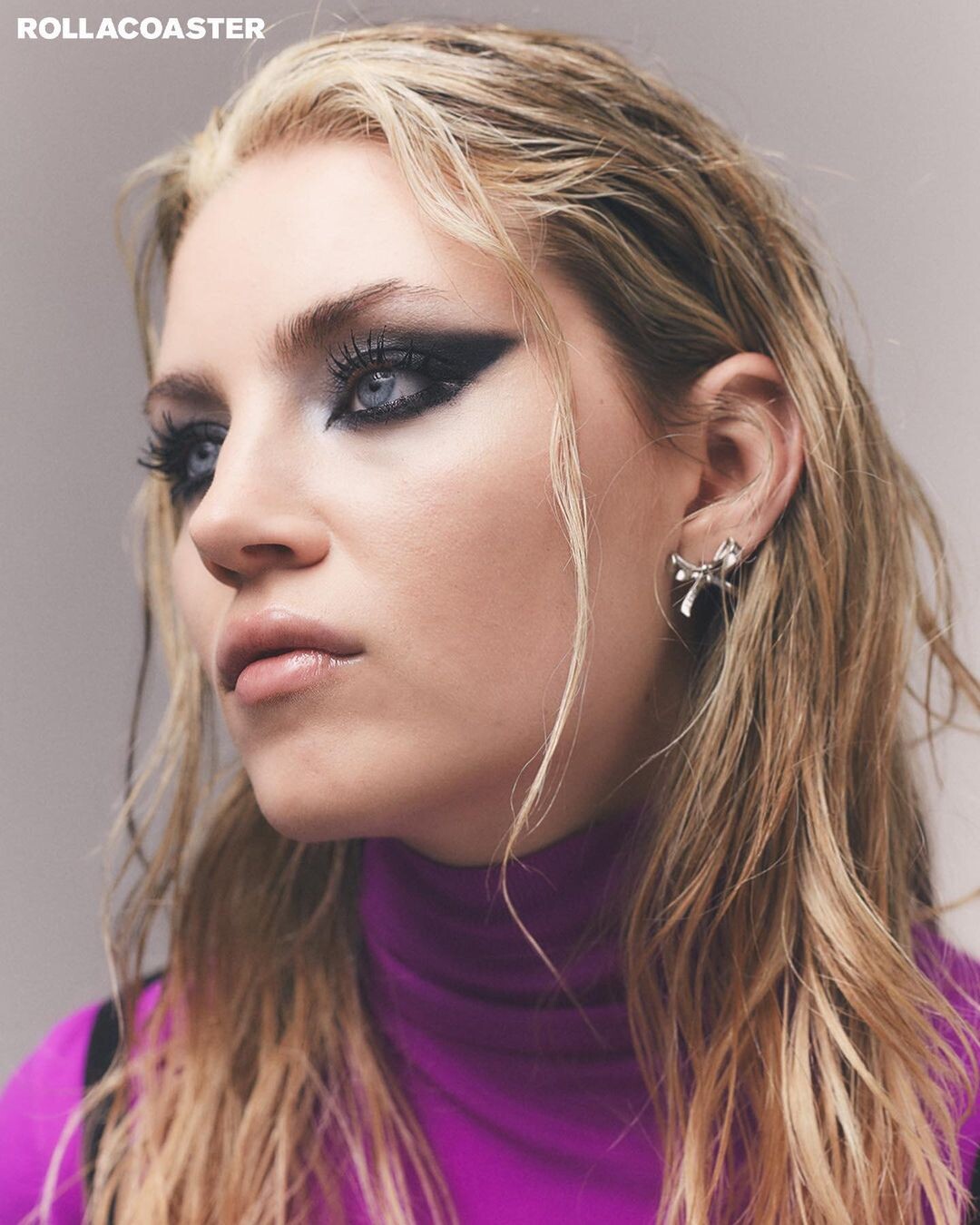
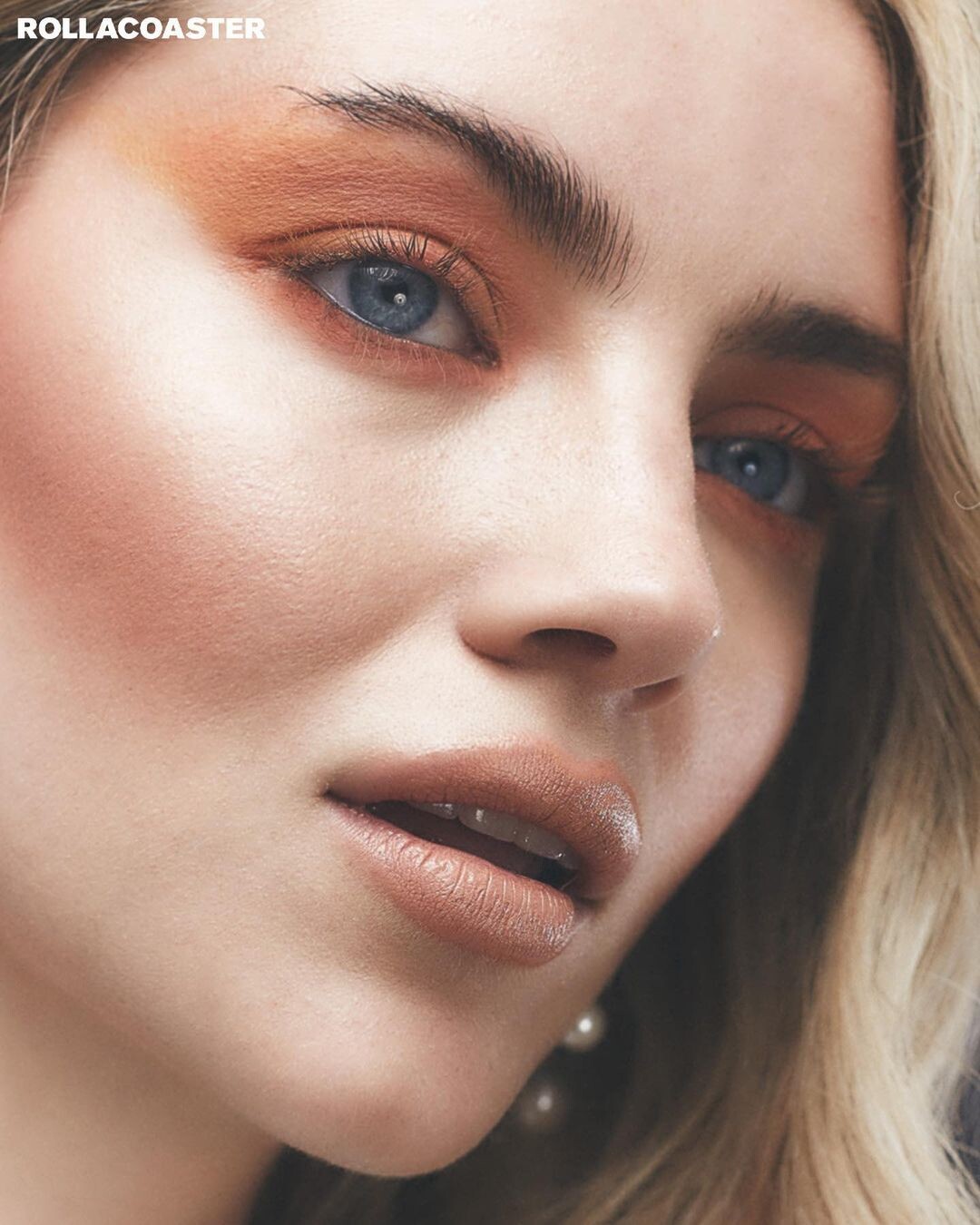
Daisy Jelley
-
Kadae changed their profile photo
-
Daisy Jelley
-
Daisy Jelley
-
Jessica Stam
Image hidden for guestsSign in to view
- Daisy Jelley
- Taylor Swift
twittervid.com_SPOONGRANDE_d19641.mp4- Lorena Rae
- Josephine Skriver
m2-res_638p.mp4 Au, au!- Daisy Jelley
- Josephine Skriver
- Cara Delevingne
Selfie, 2023.- Cara Delevingne
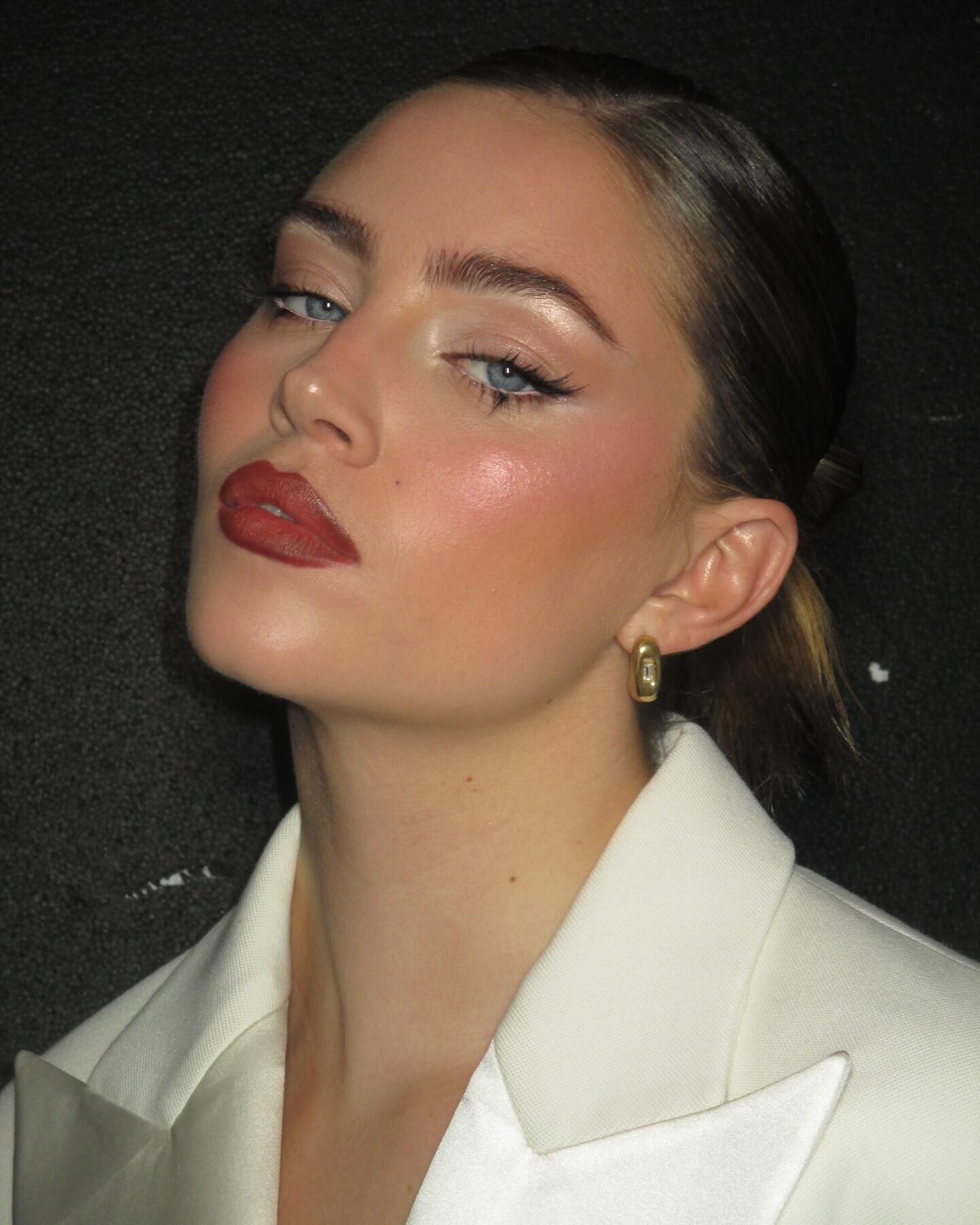
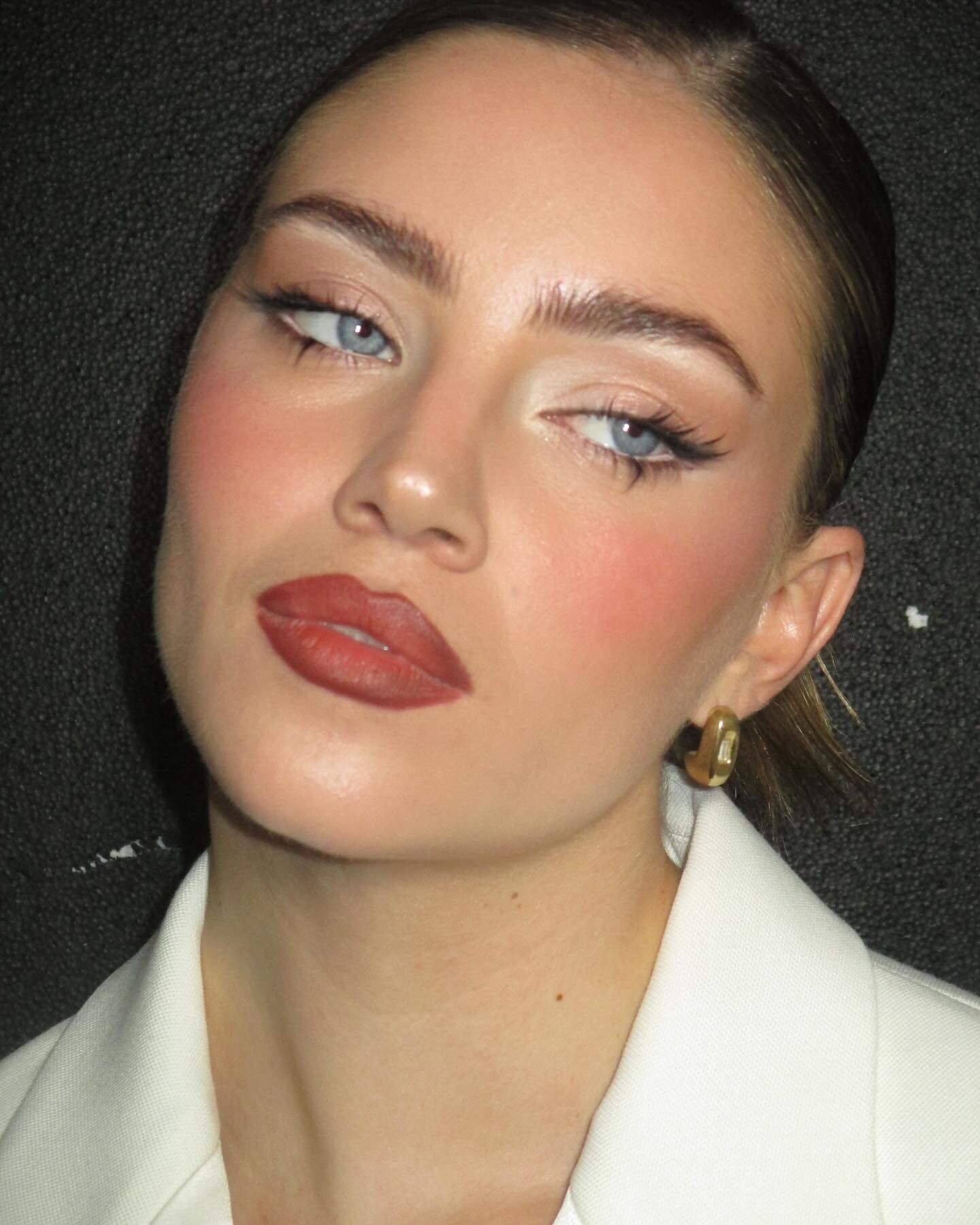
The Ayer Cut. BTS. Enchantress with Alessandro Bertolazzi.- Daisy Jelley
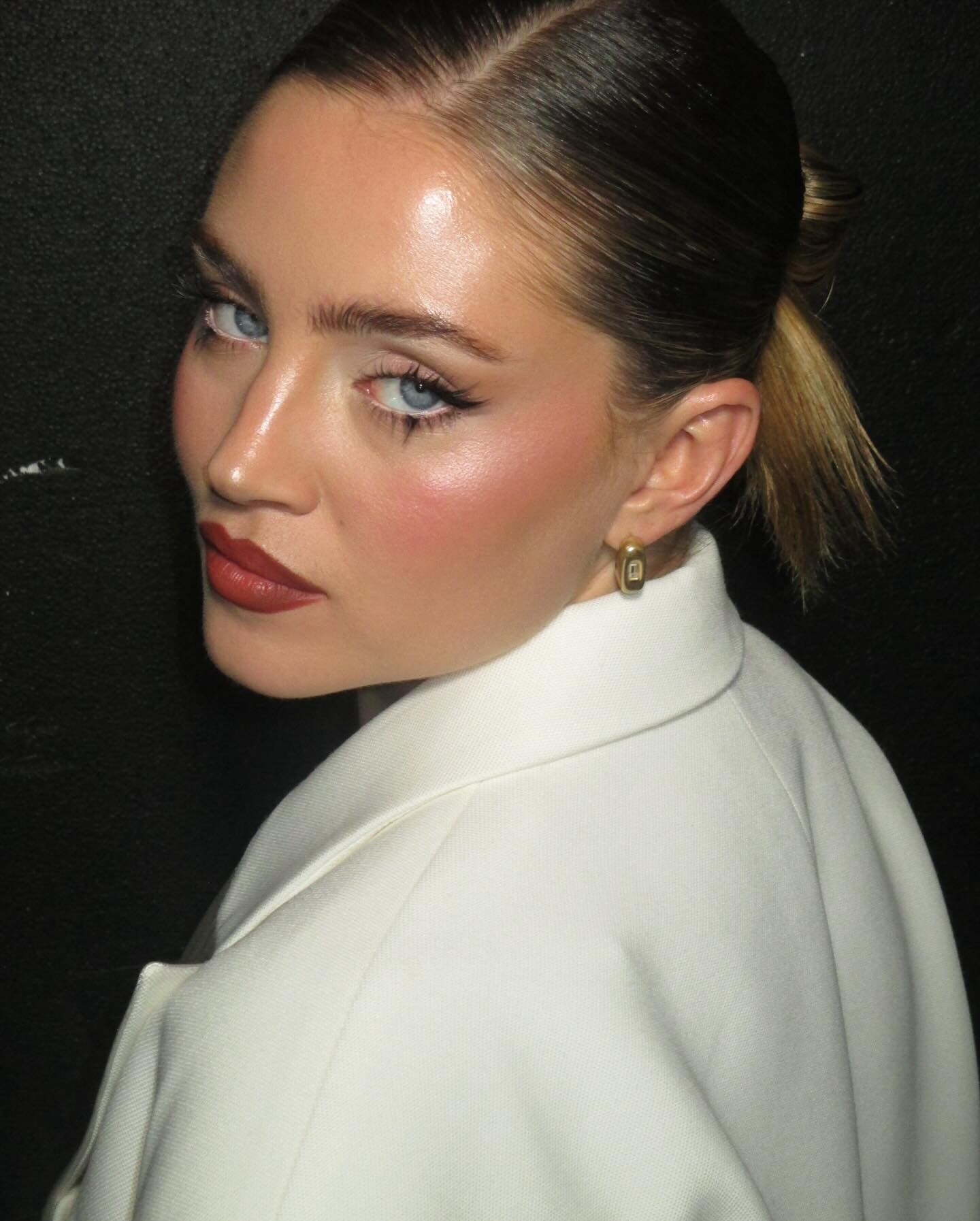
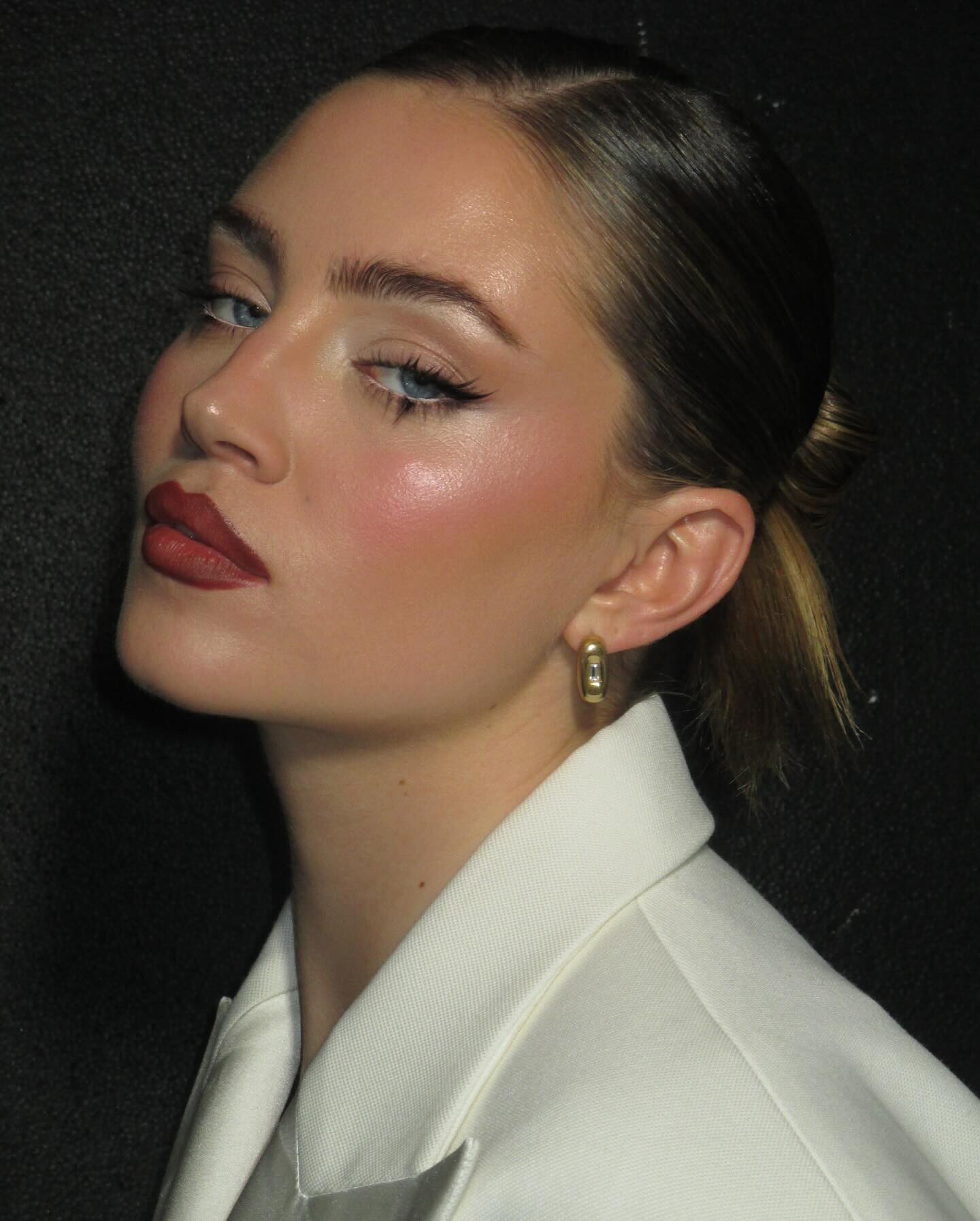
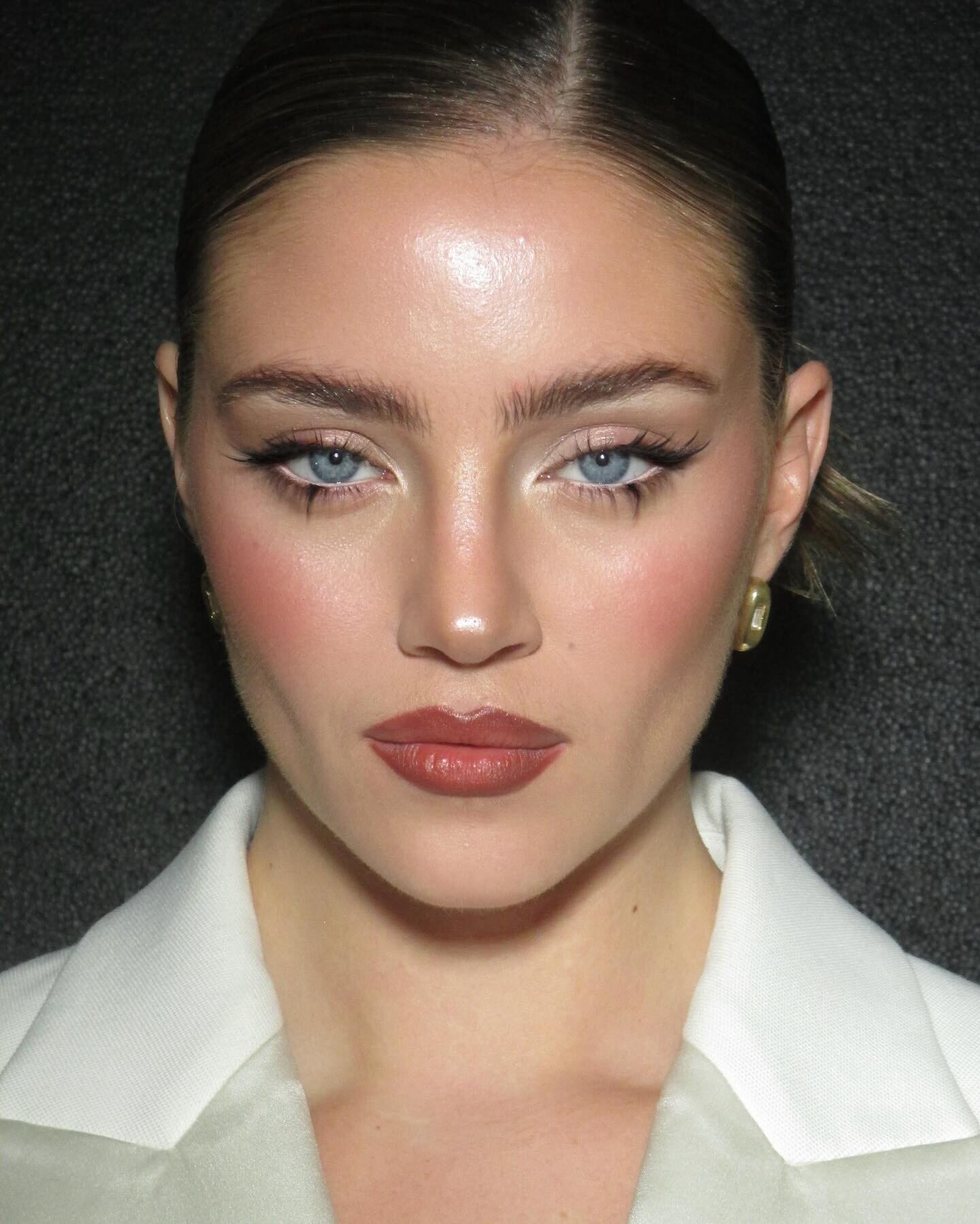
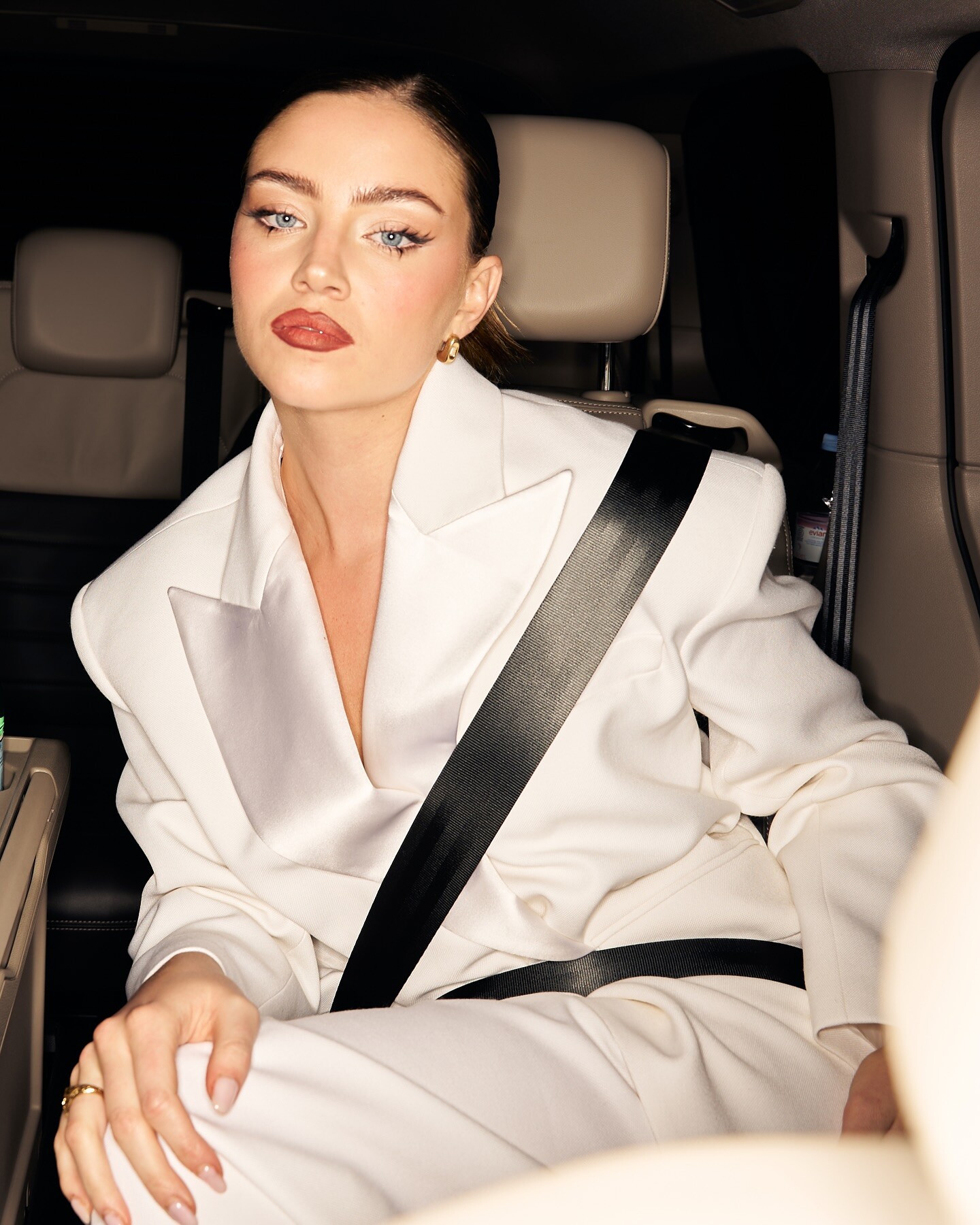
From her Instagram @ DaisyJelley ❤️- Jessica Stam
- Jessica Stam
Thank you for this. Here is not original, but edited version for those who love Jessica like I love.Image hidden for guestsSign in to view
Account
Navigation
Search
Configure browser push notifications
Chrome (Android)
- Tap the lock icon next to the address bar.
- Tap Permissions → Notifications.
- Adjust your preference.
Chrome (Desktop)
- Click the padlock icon in the address bar.
- Select Site settings.
- Find Notifications and adjust your preference.
Safari (iOS 16.4+)
- Ensure the site is installed via Add to Home Screen.
- Open Settings App → Notifications.
- Find your app name and adjust your preference.
Safari (macOS)
- Go to Safari → Preferences.
- Click the Websites tab.
- Select Notifications in the sidebar.
- Find this website and adjust your preference.
Edge (Android)
- Tap the lock icon next to the address bar.
- Tap Permissions.
- Find Notifications and adjust your preference.
Edge (Desktop)
- Click the padlock icon in the address bar.
- Click Permissions for this site.
- Find Notifications and adjust your preference.
Firefox (Android)
- Go to Settings → Site permissions.
- Tap Notifications.
- Find this site in the list and adjust your preference.
Firefox (Desktop)
- Open Firefox Settings.
- Search for Notifications.
- Find this site in the list and adjust your preference.