All Activity
- Past hour
-

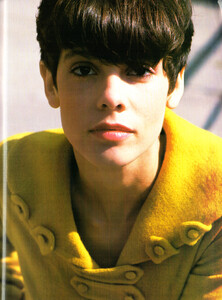
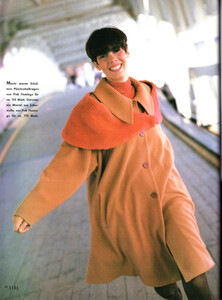
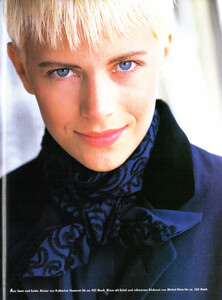
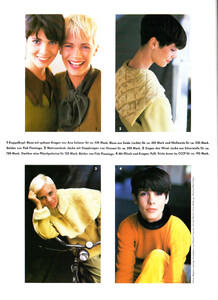
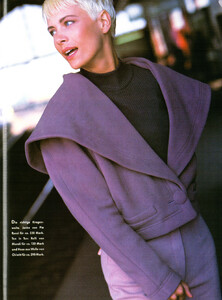
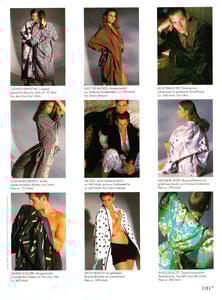
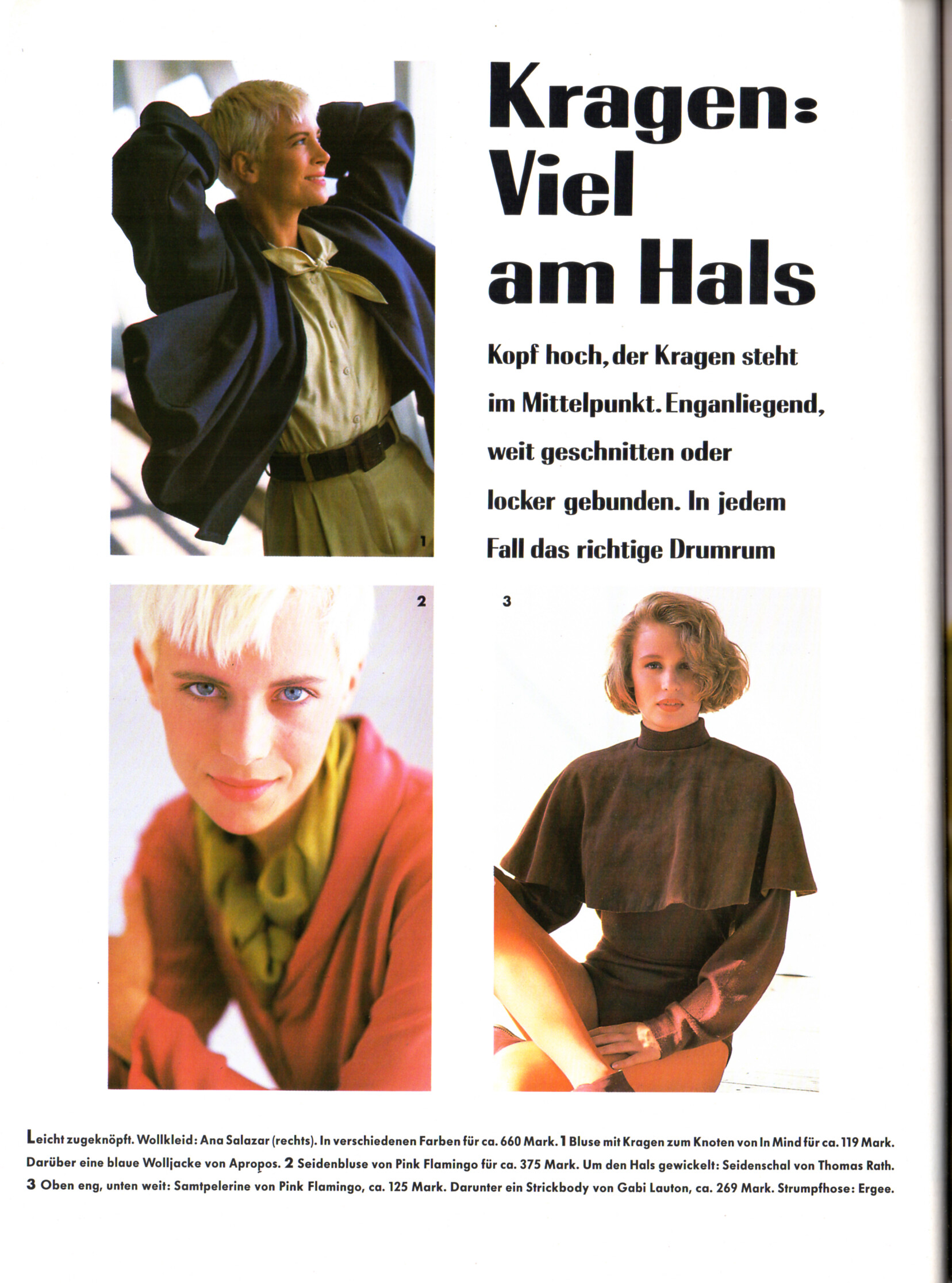
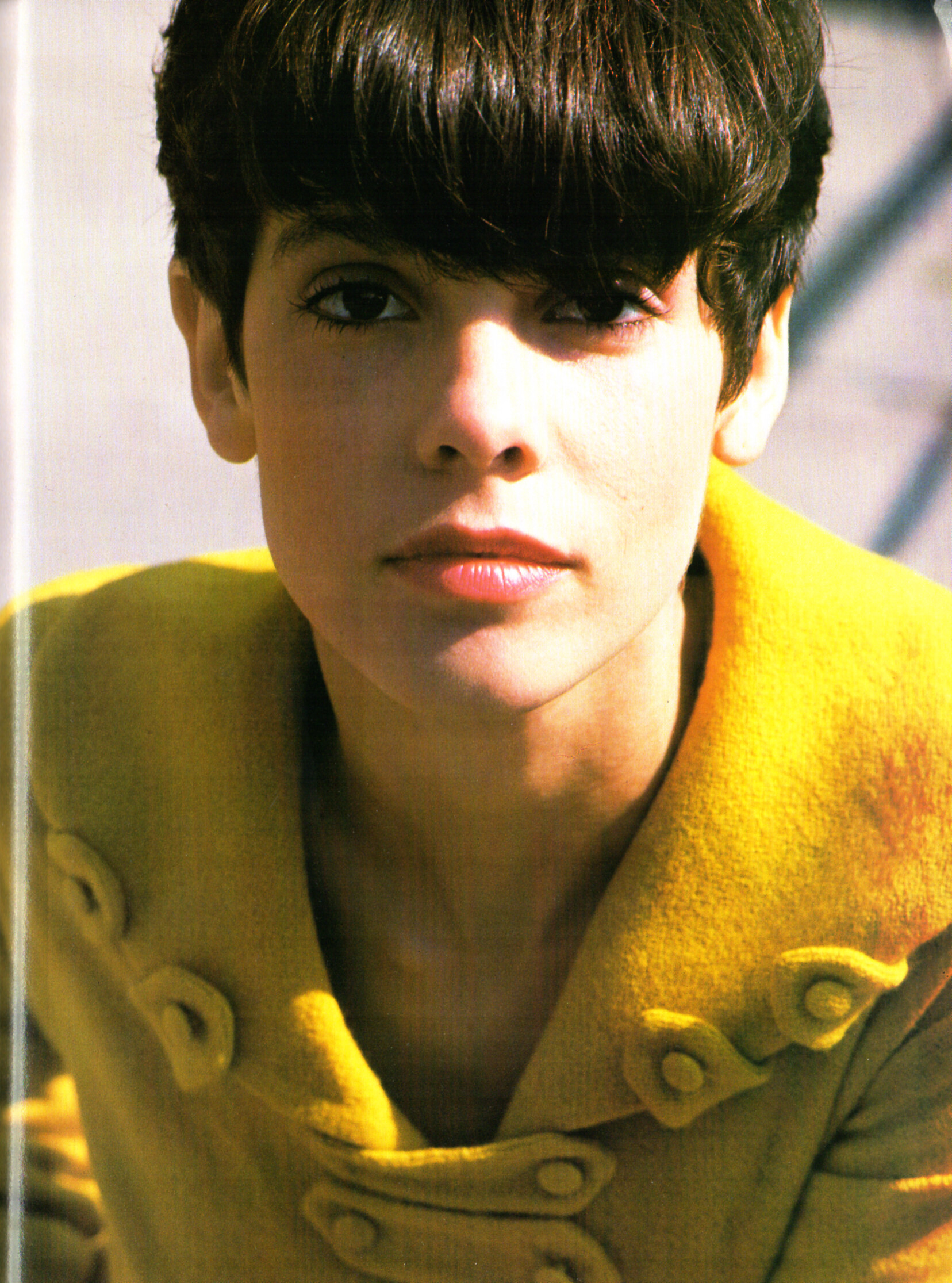
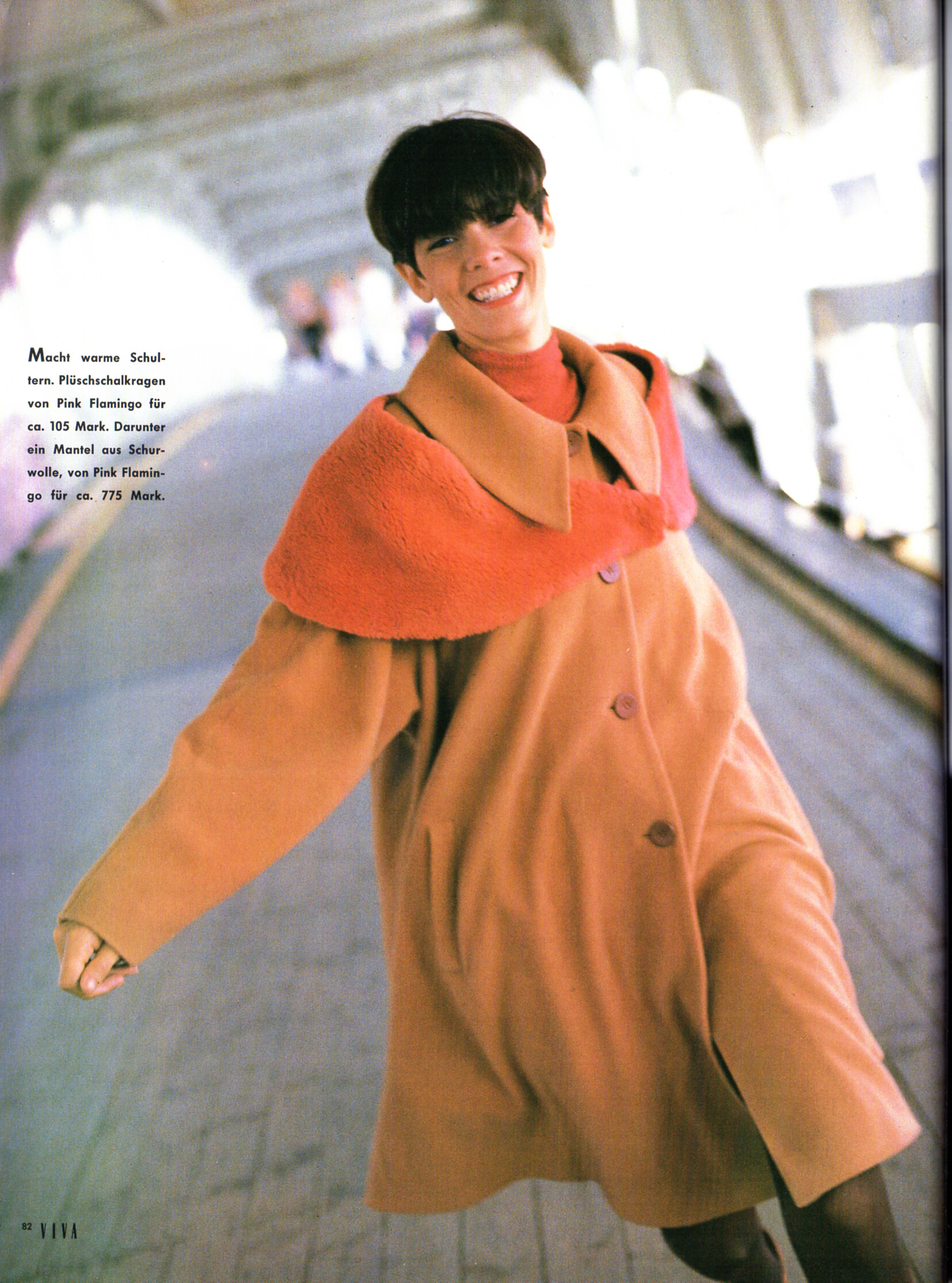
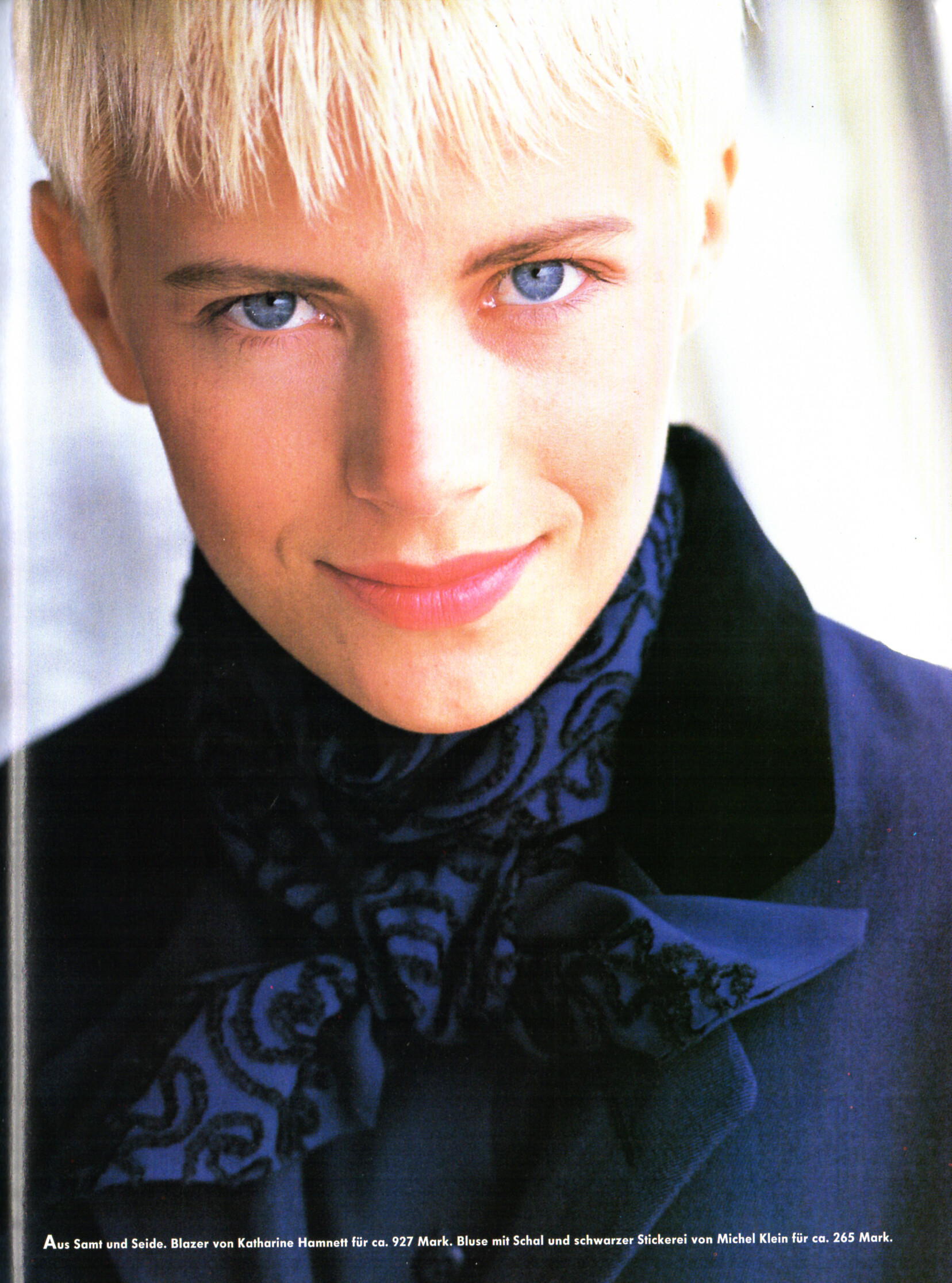
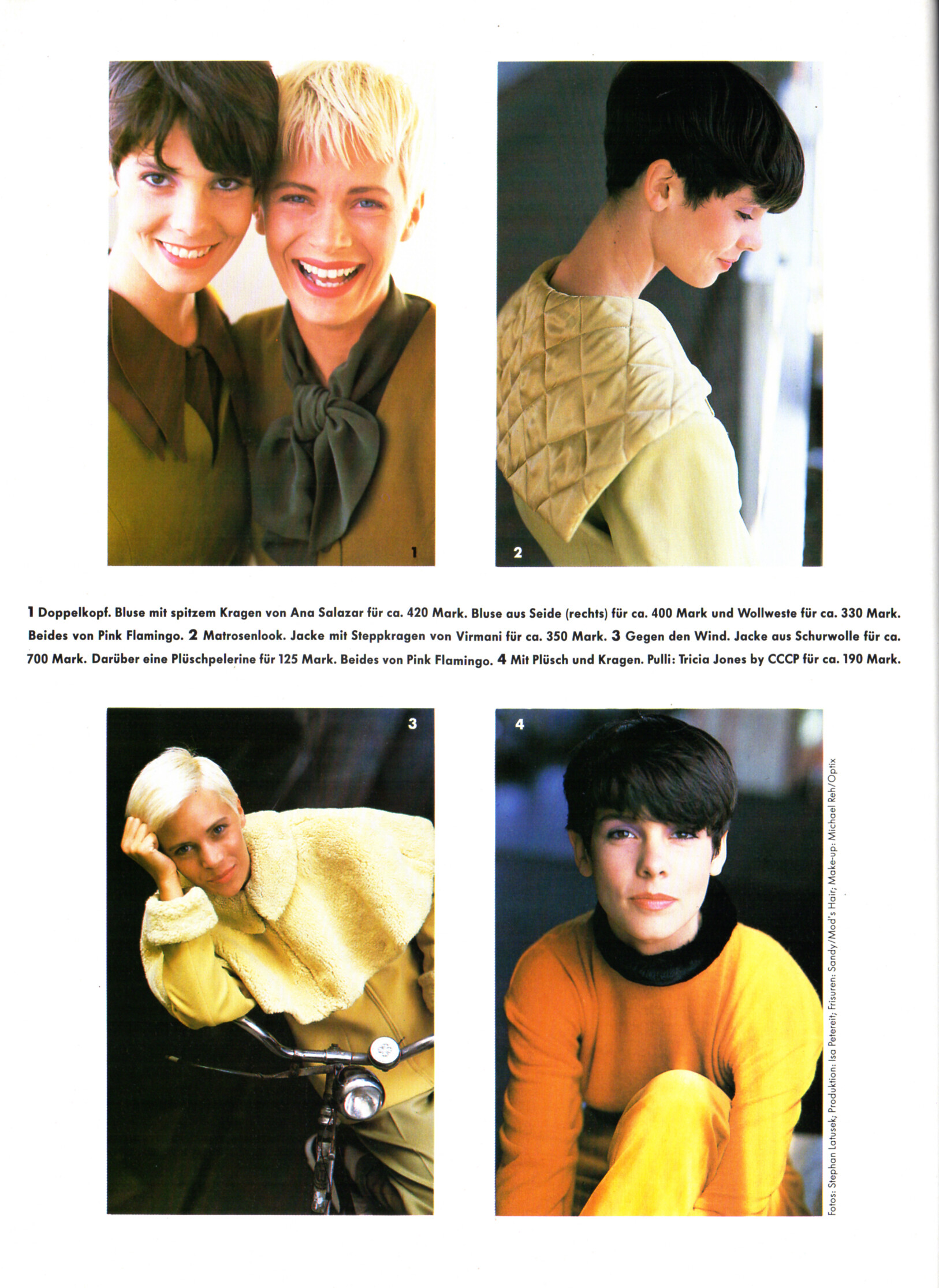
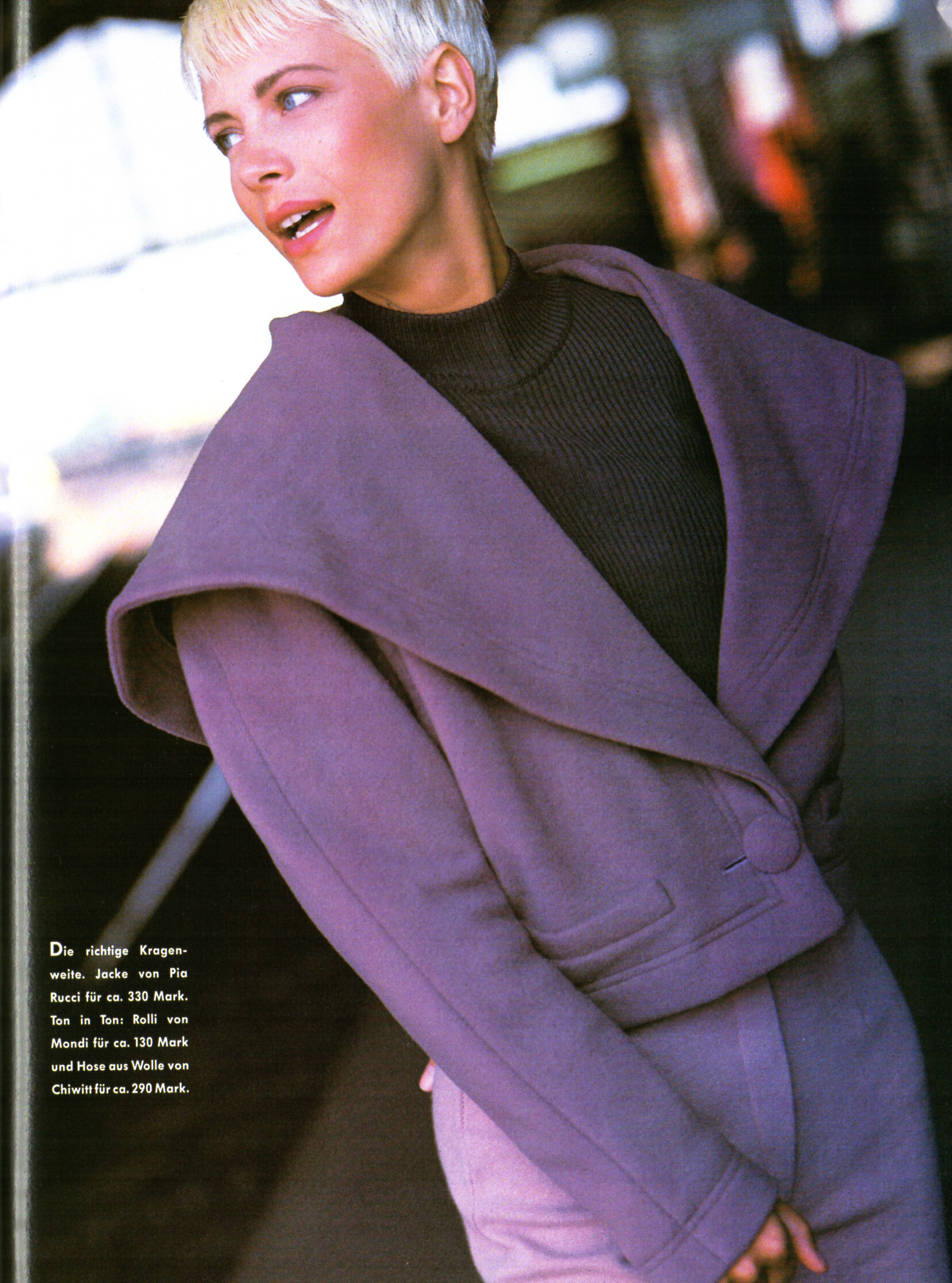
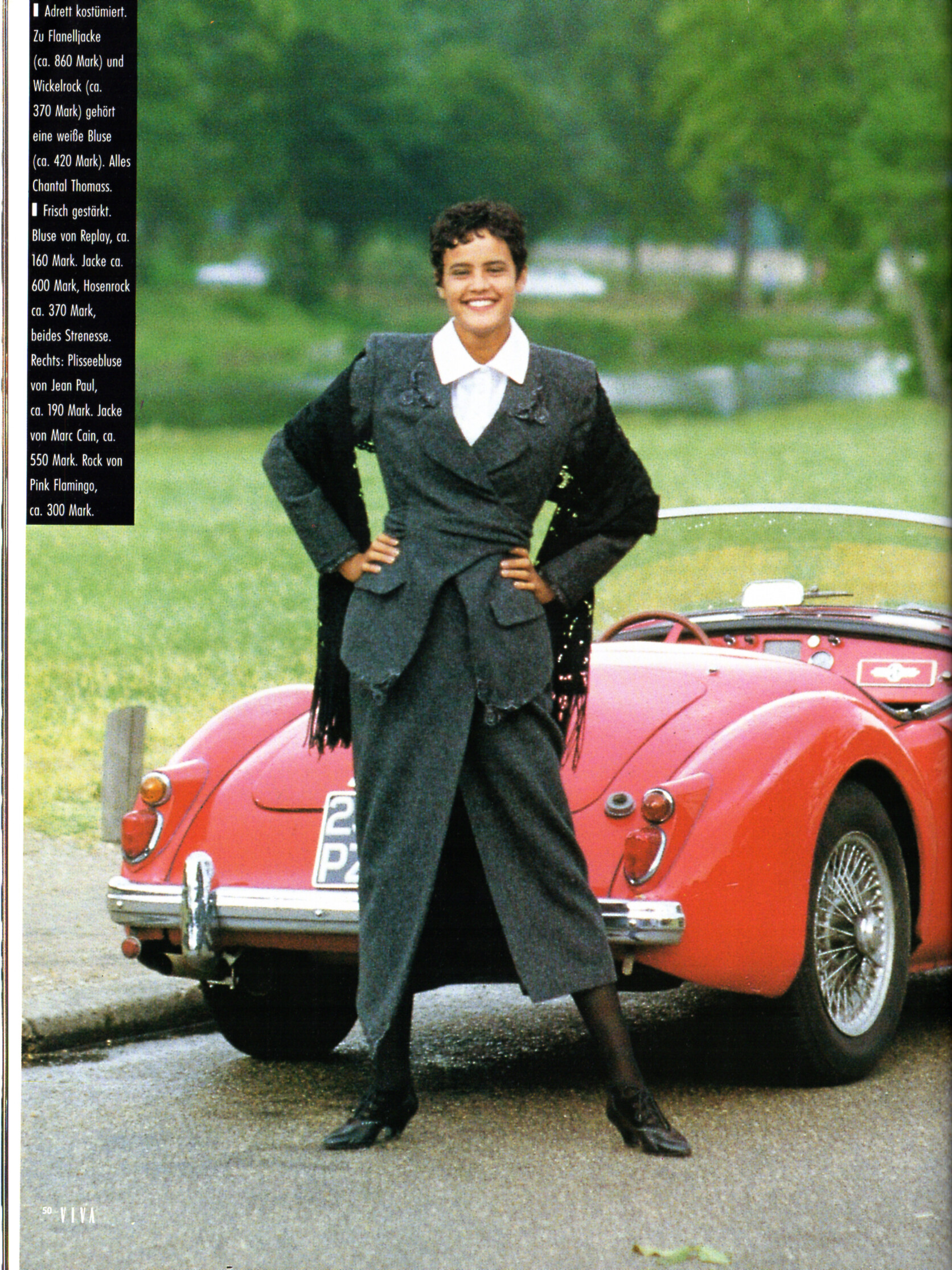
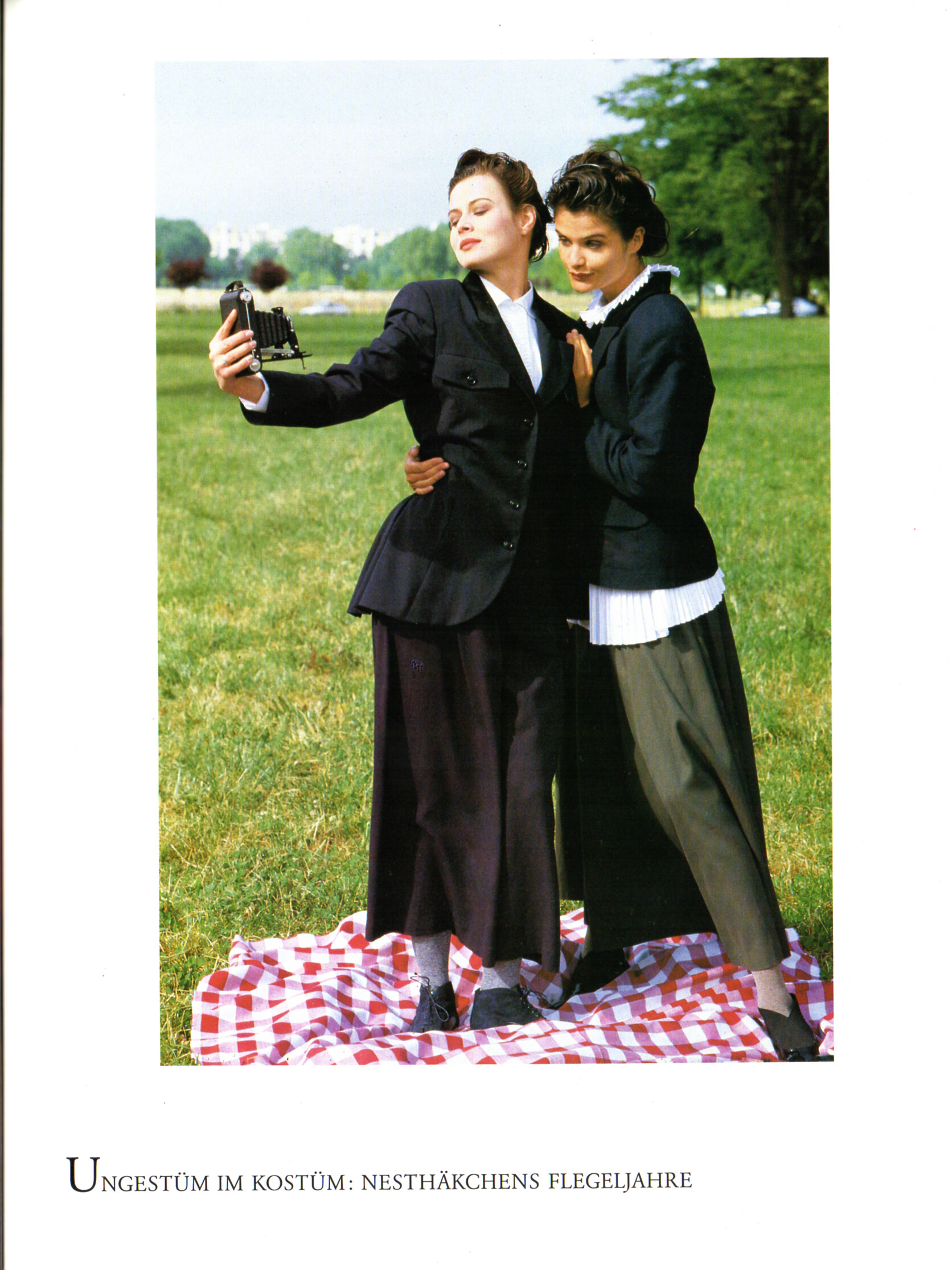
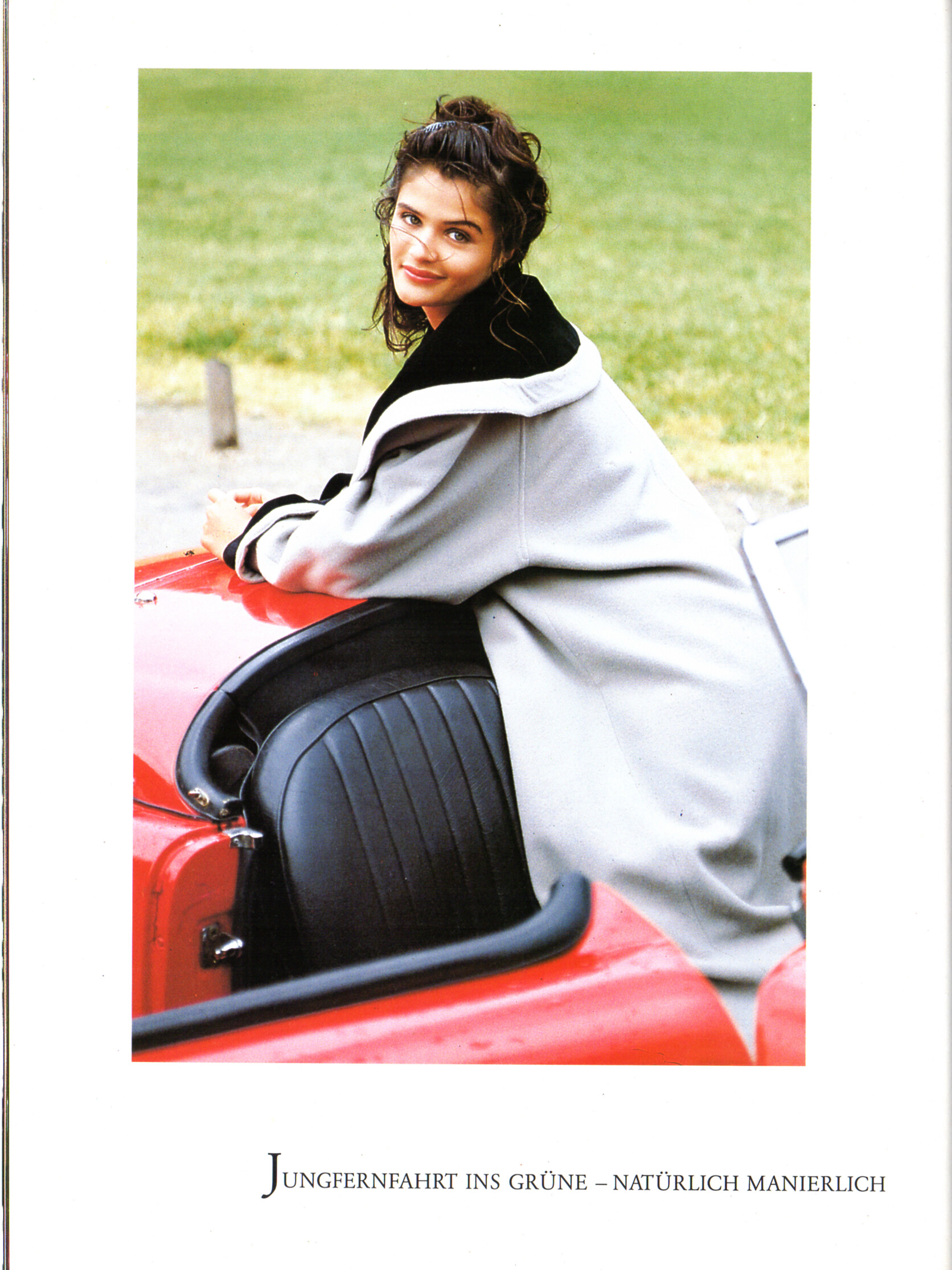
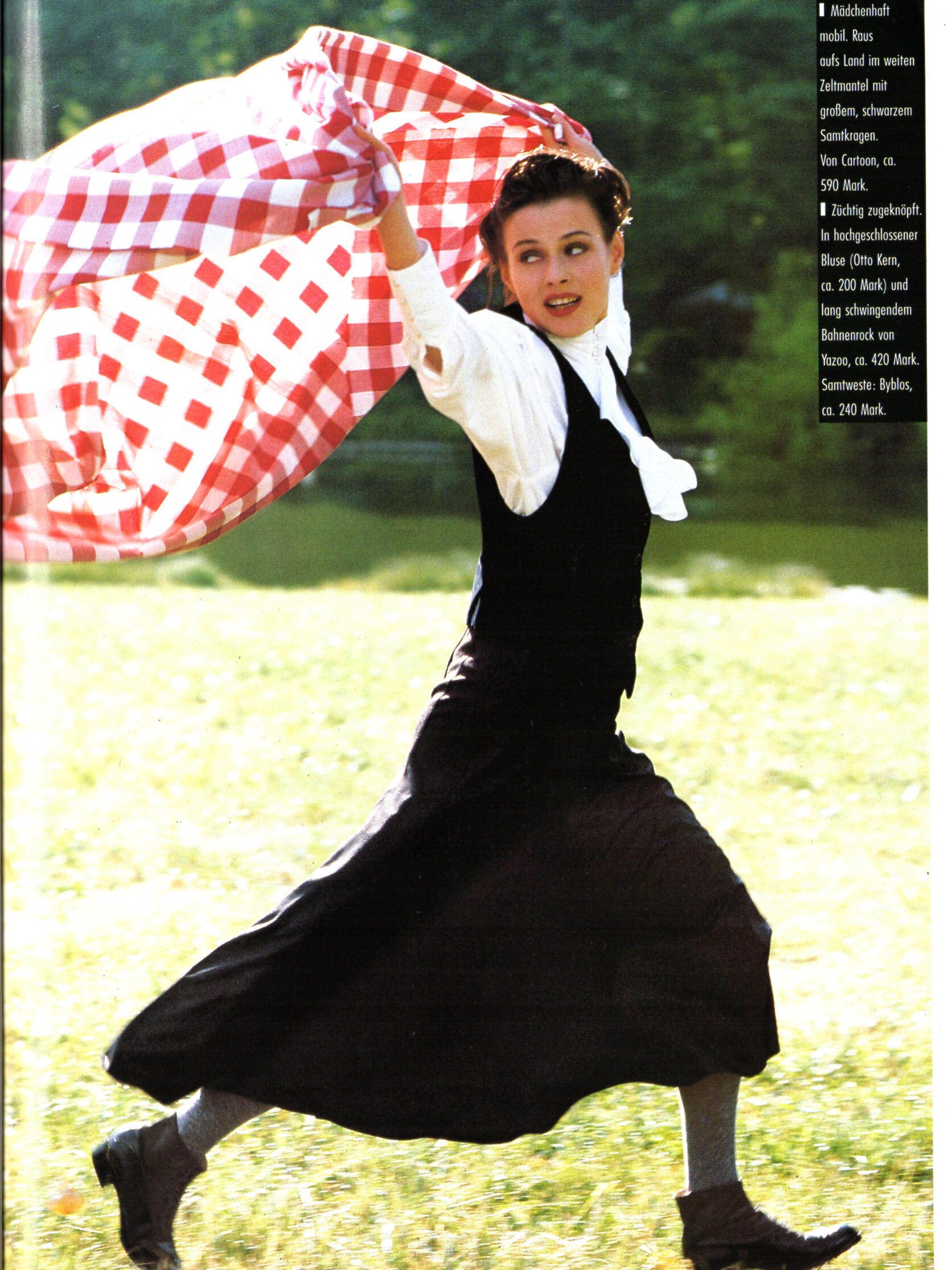
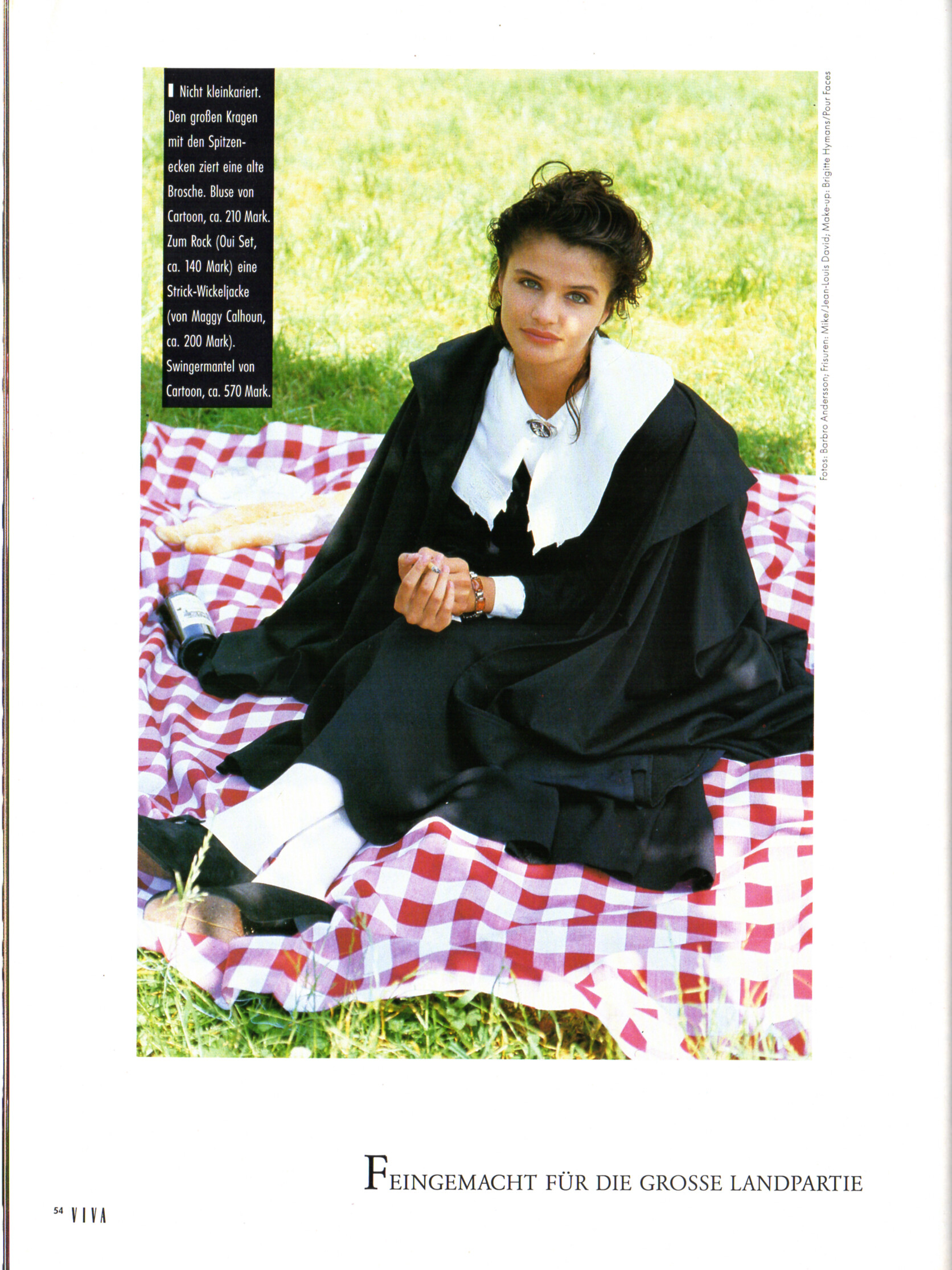
 "Kragen: Viel am Hals" - VIVA Germany September 1989 by Stephan Latusek Angie Hill and...?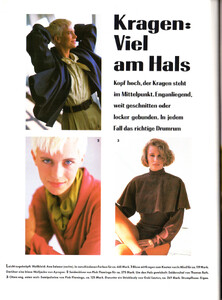
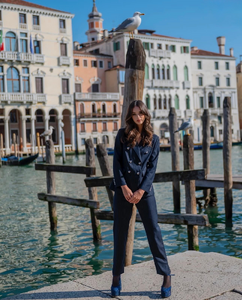
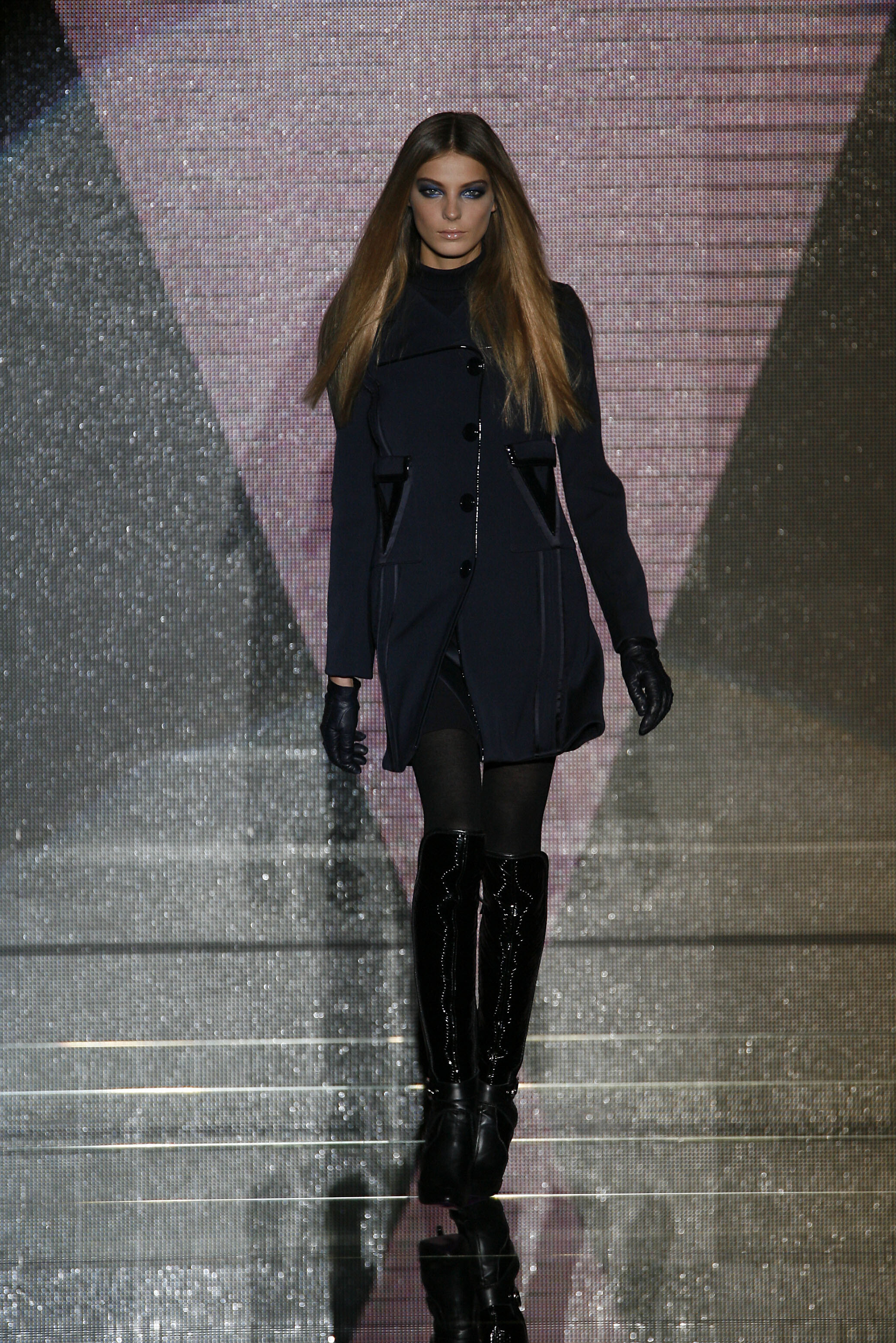
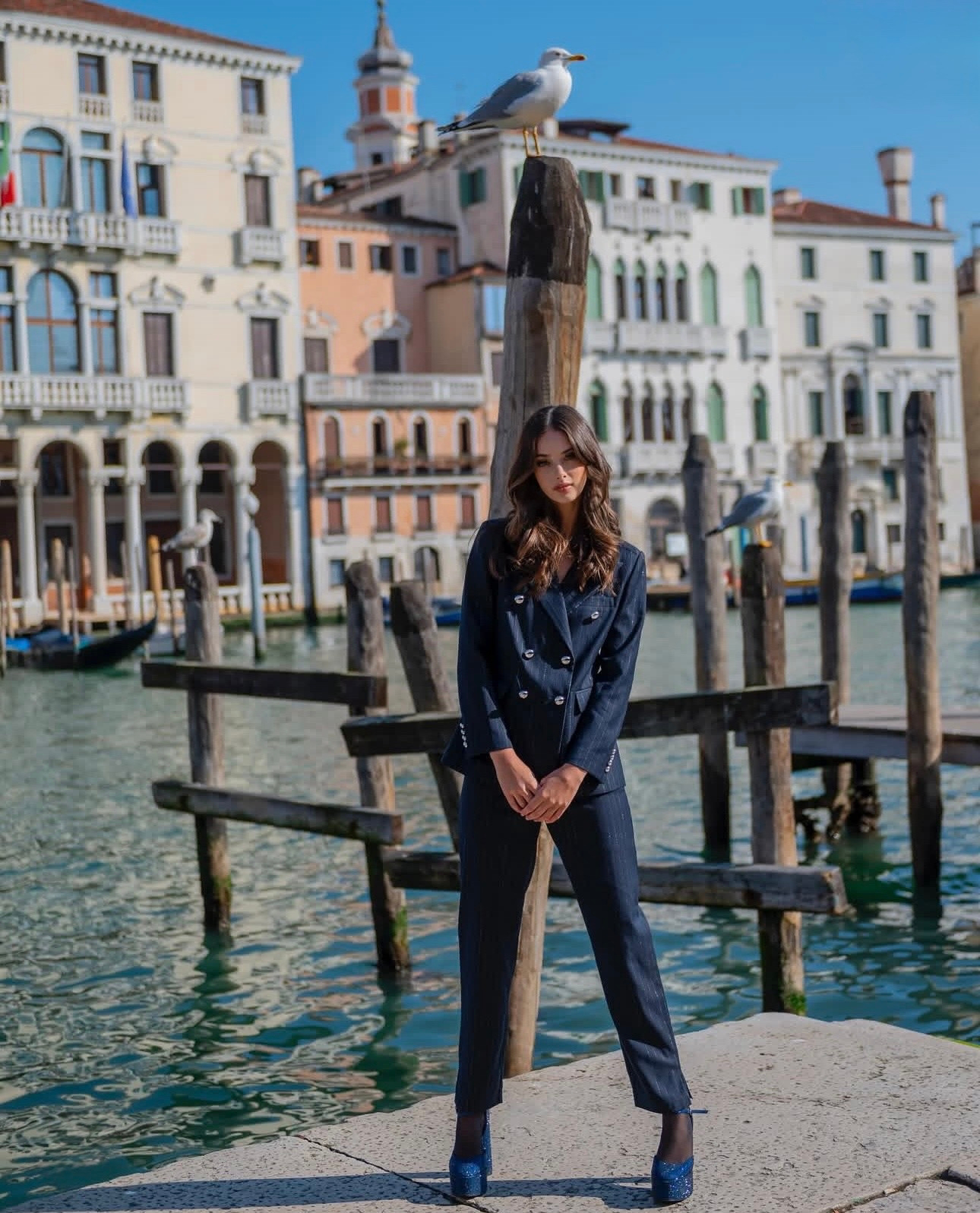
 Viktoria Kolesnikova for a fashion editorial in Venice, Italy. This stunning shot captures the model posing in a classic black suit against the iconic backdrop of the Venetian canals. A perfect blend of high-fashion elegance and historic architecture. Captured during the golden hour to highlight the sophisticated look and cinematic atmosphere.
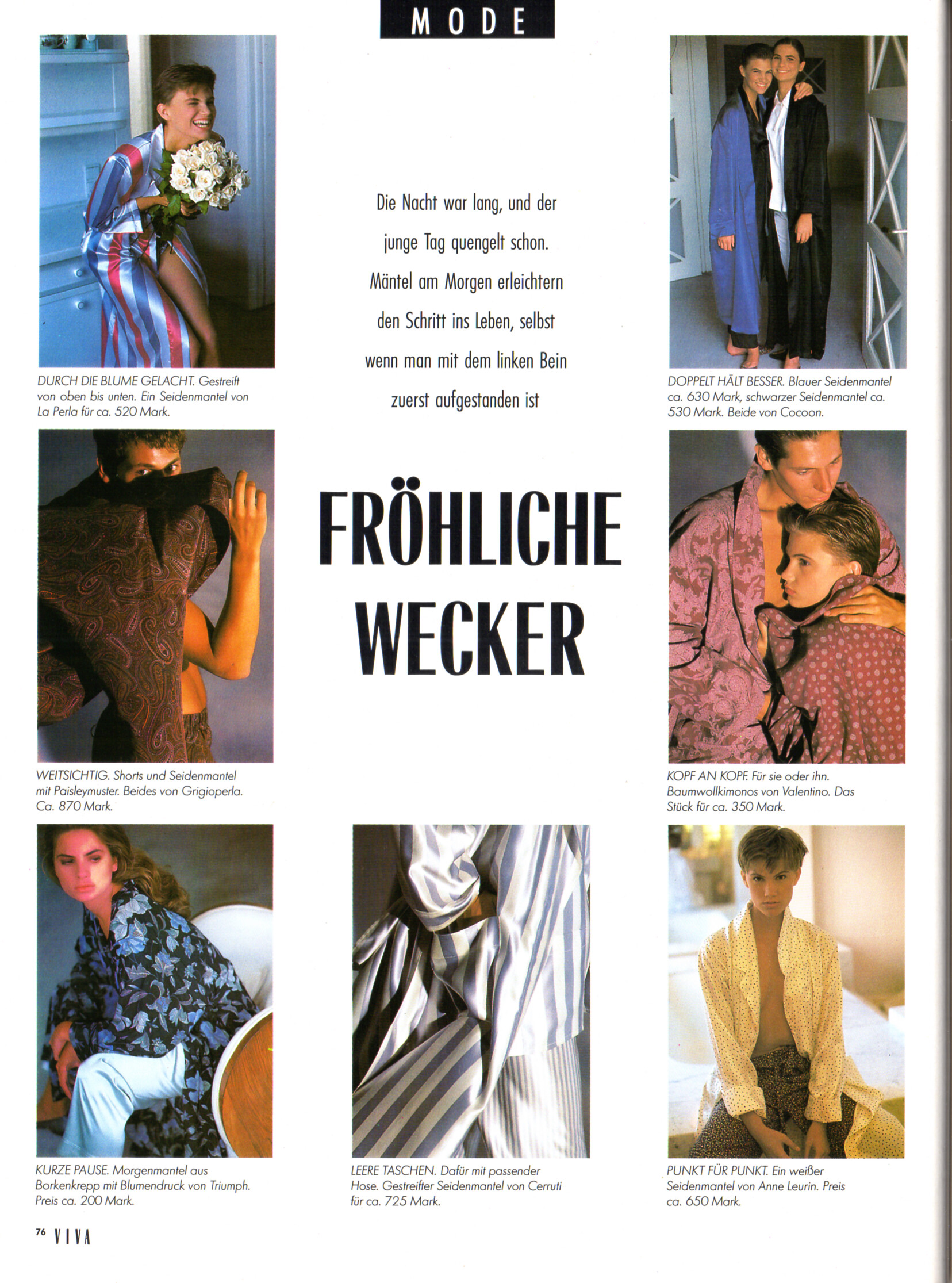
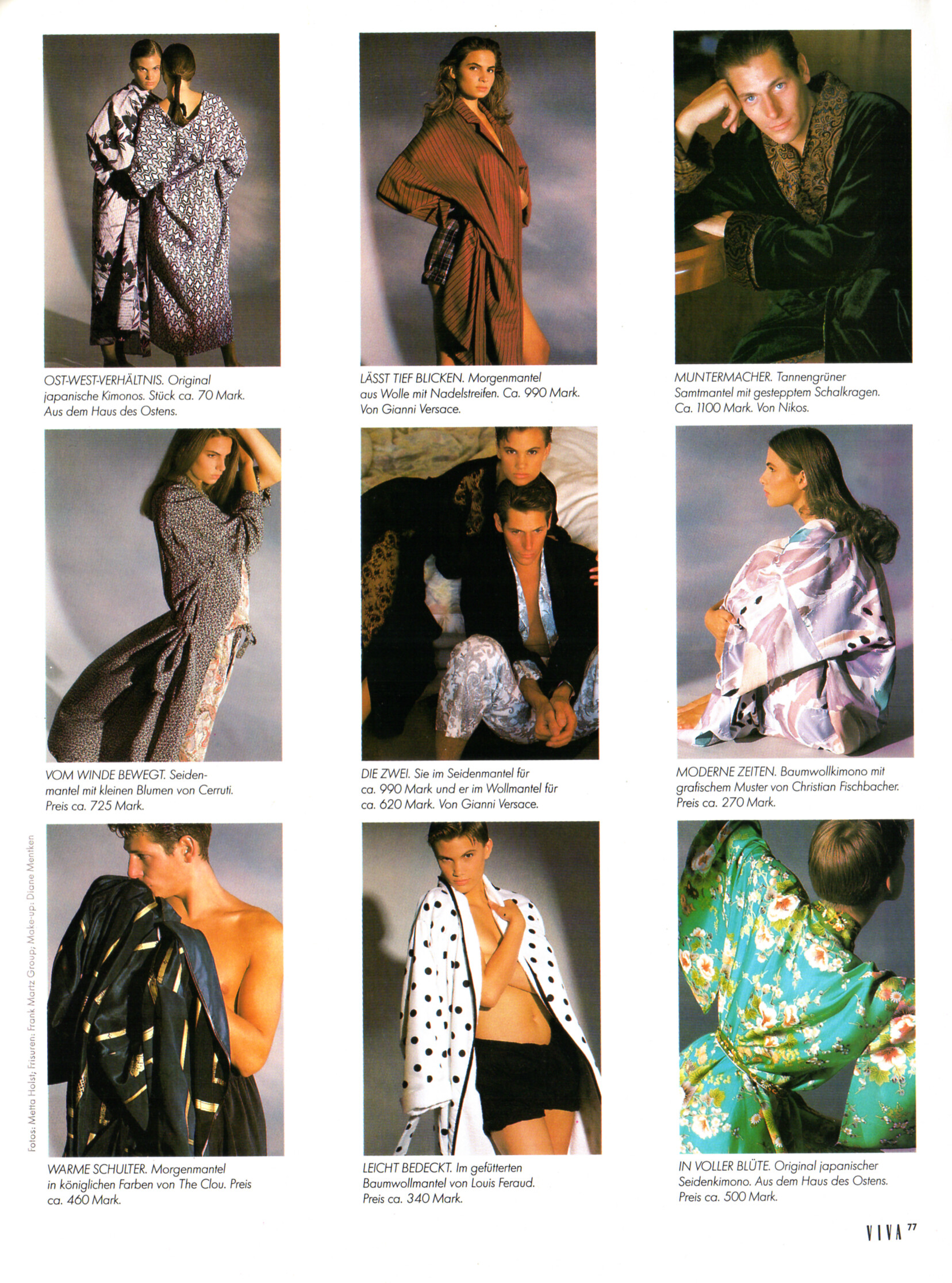
 "FRÖHLICHE WECKER" - VIVA Germany September 1989 by Metta Holst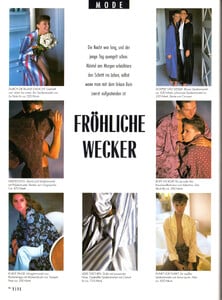
 Instagram ♓️♓️♓️♓️♓️ 26 !!!!!!!! Video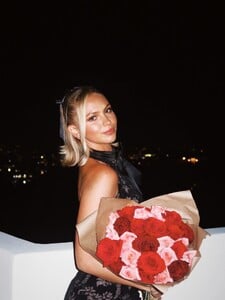

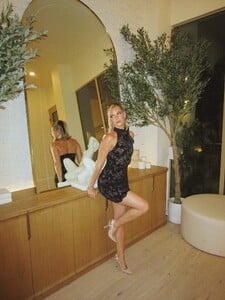
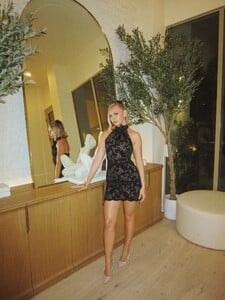


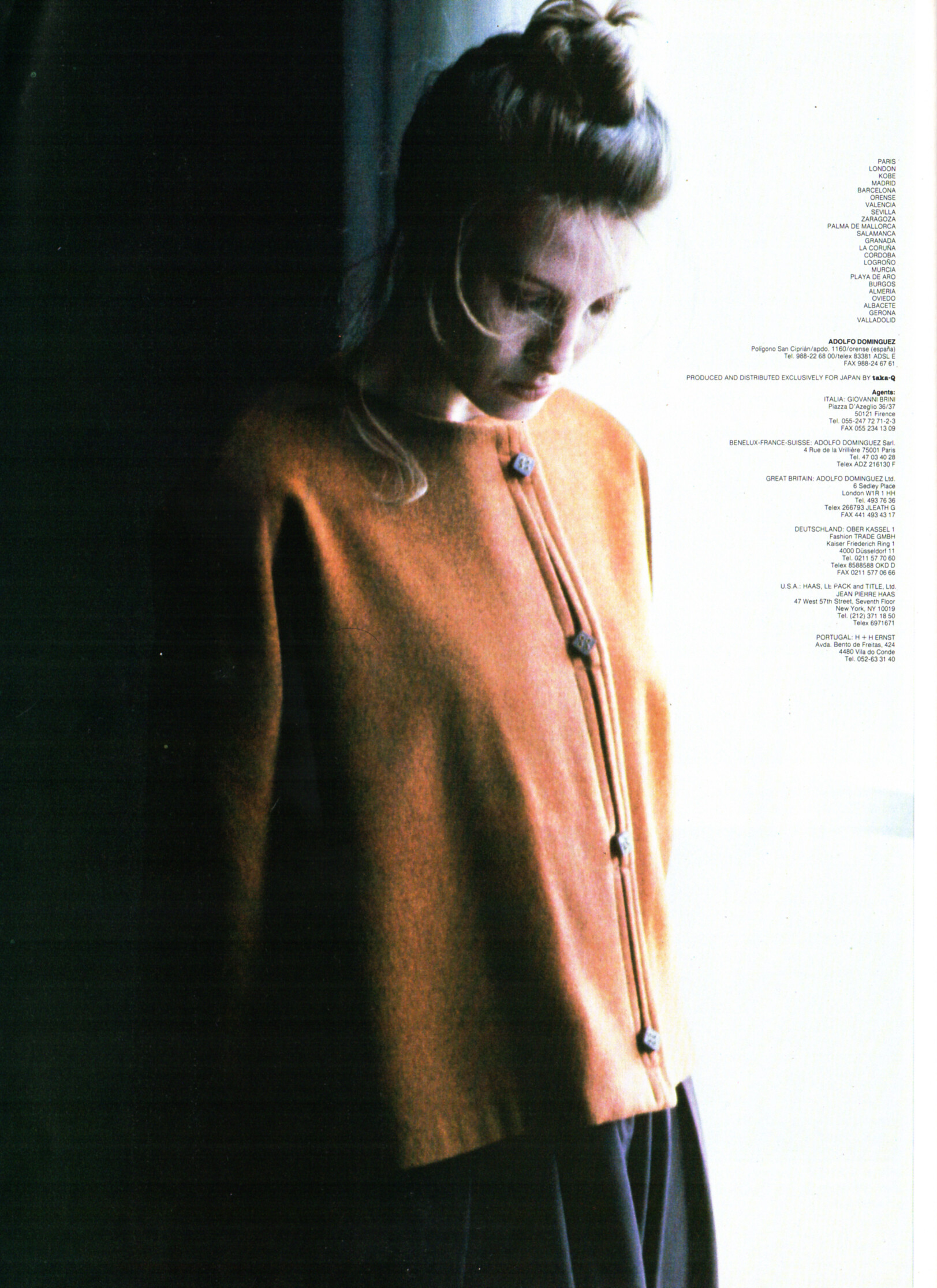
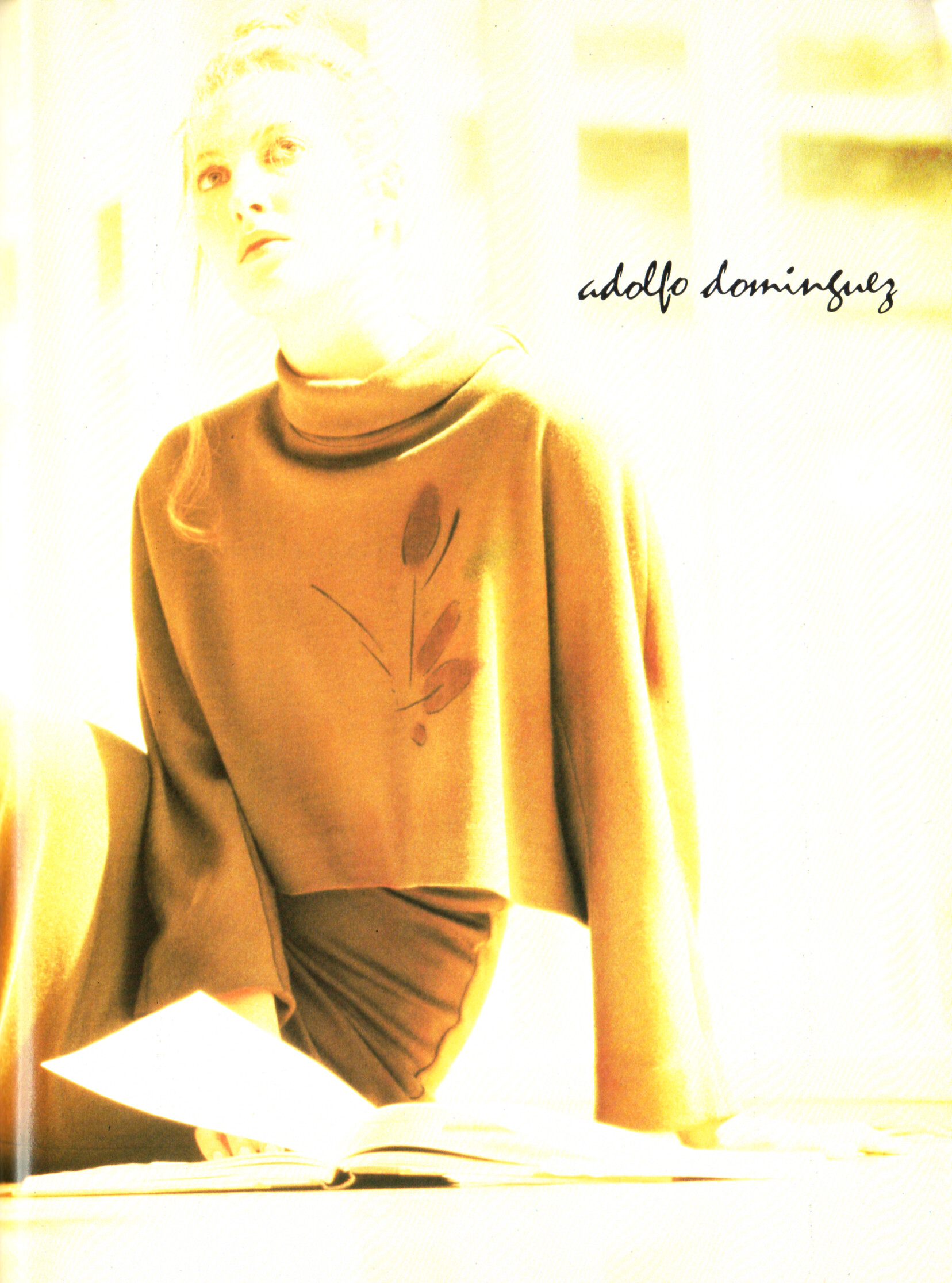
 adolfo dominguez advertisement - VIVA Germany September 1989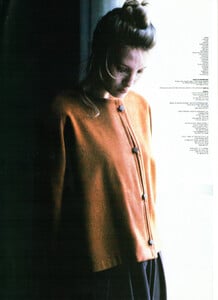
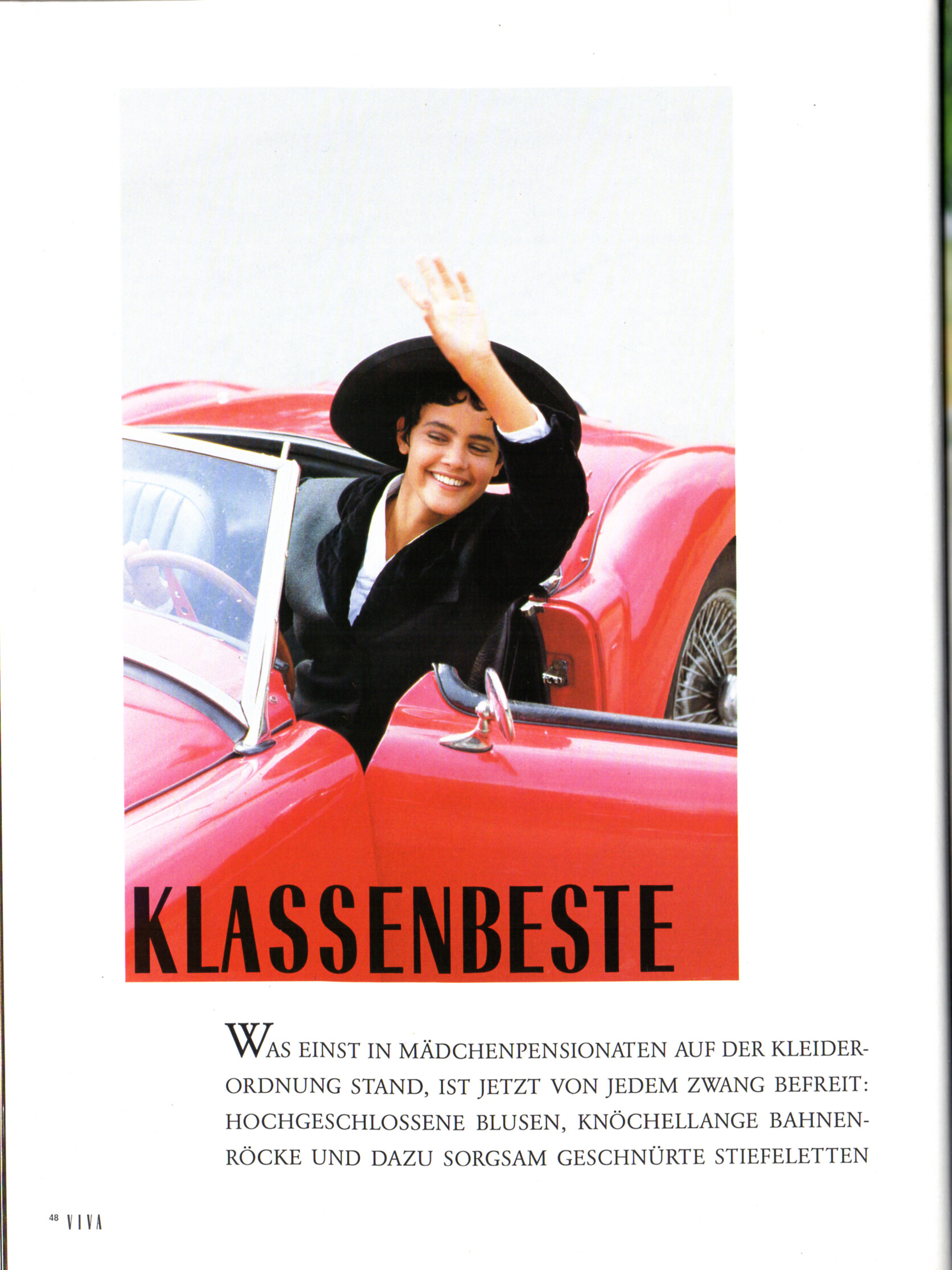
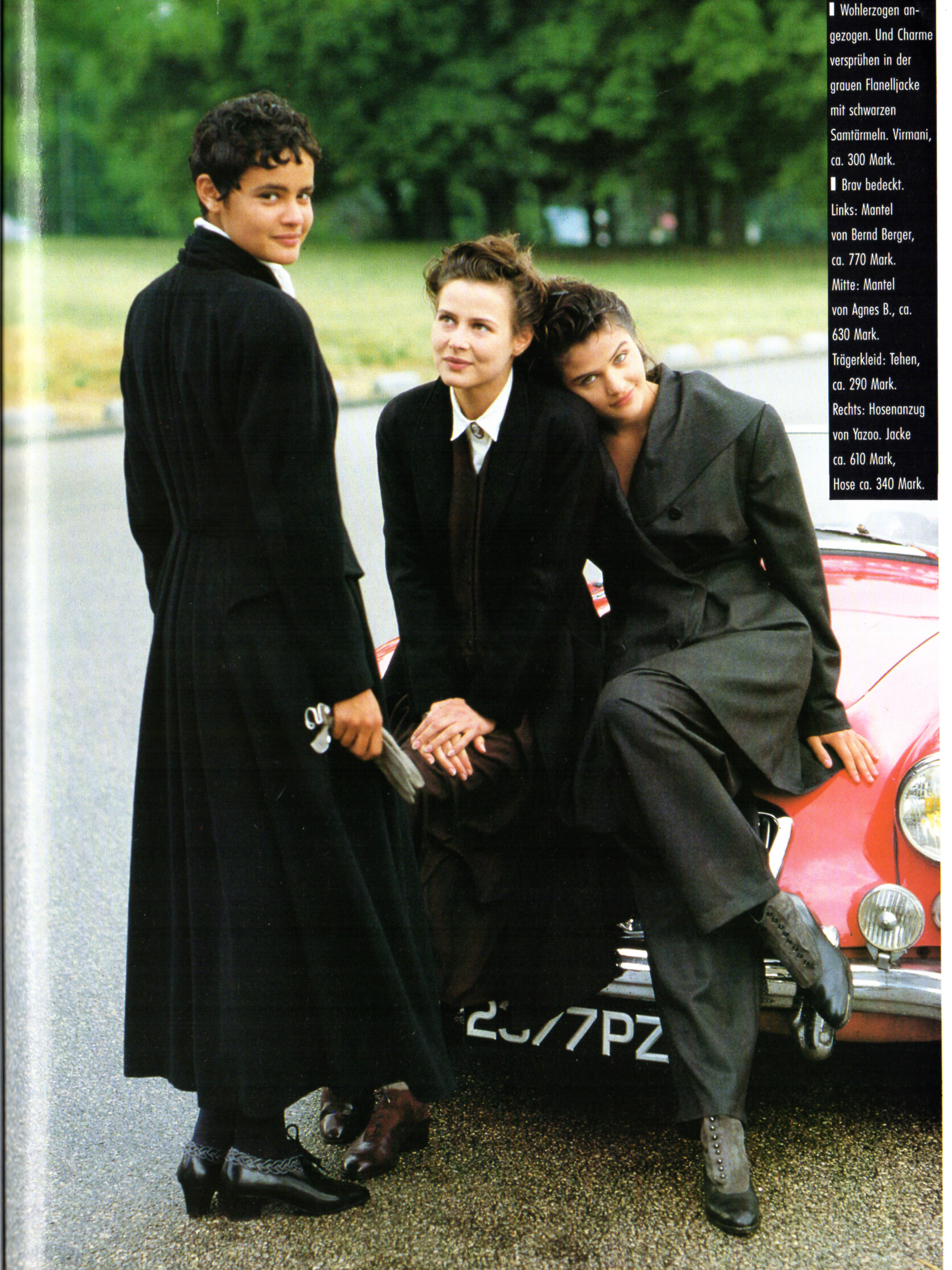
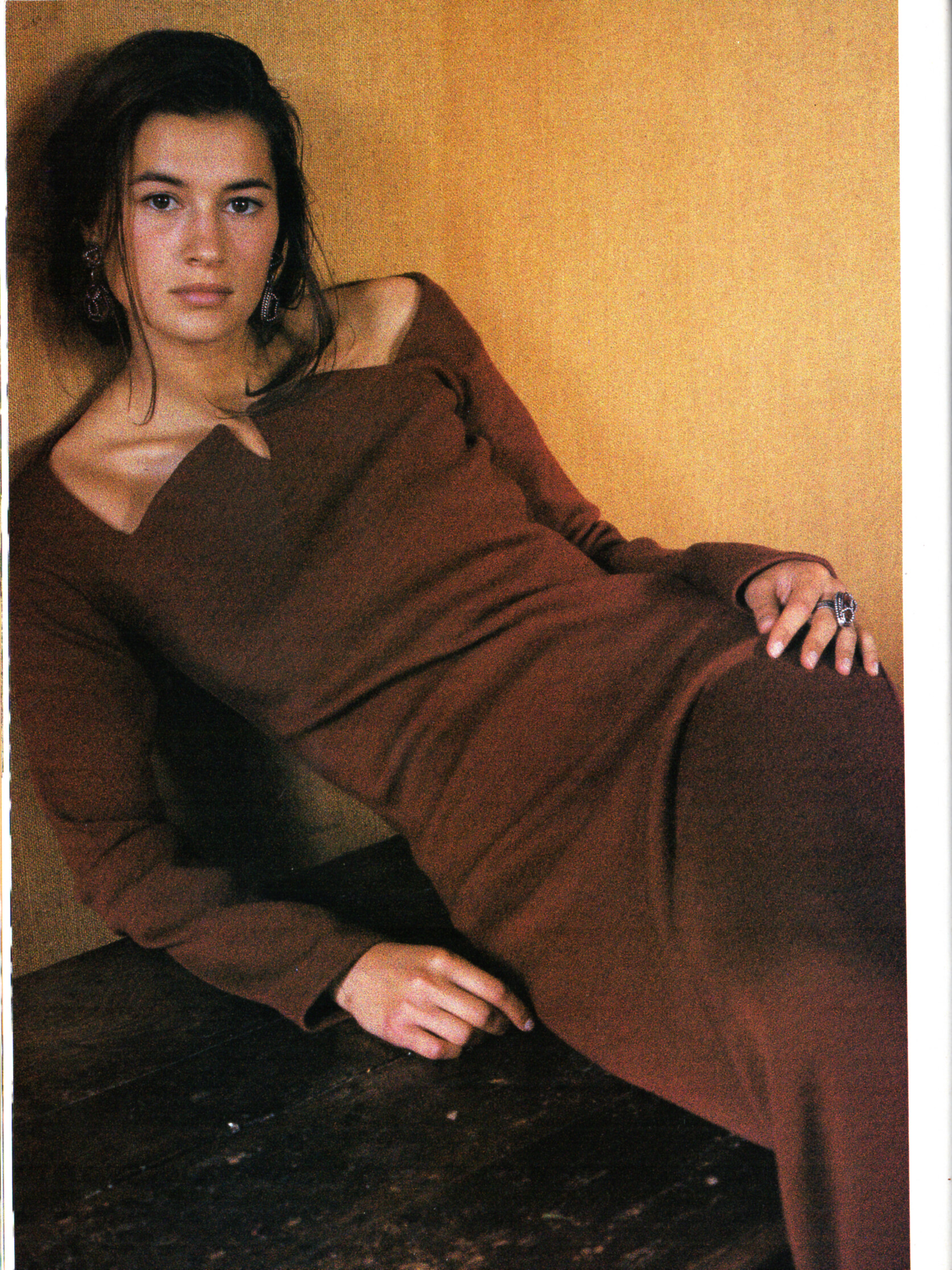
 "KLASSENBESTE" - VIVA Germany September 1989 by Barbro Andersson I can ID Nadege and Helena Christensen.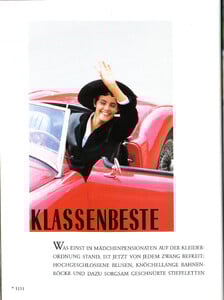
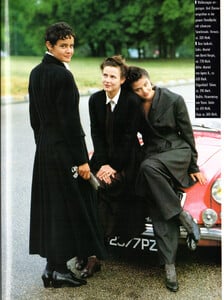
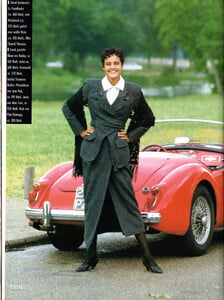
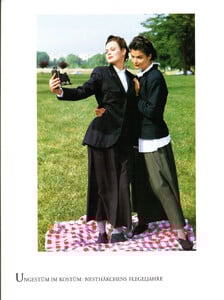
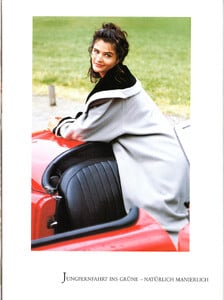
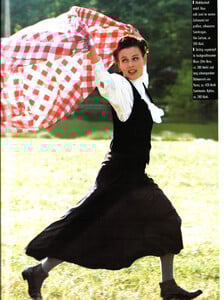
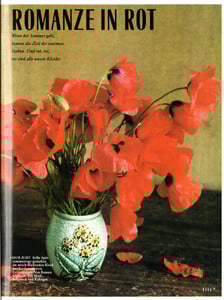
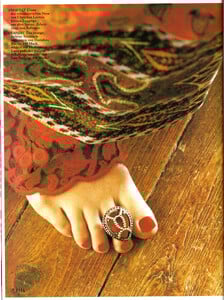
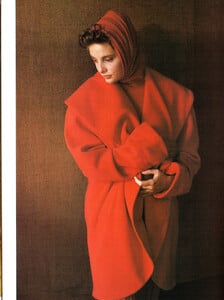
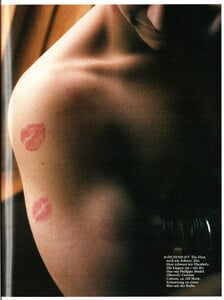
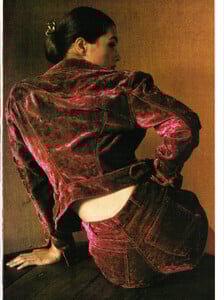
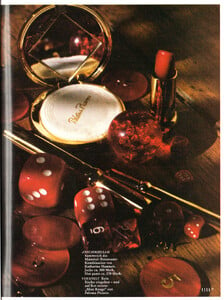
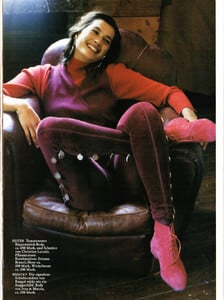
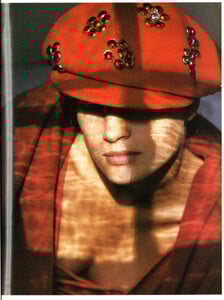
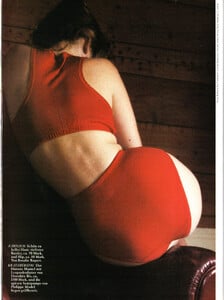
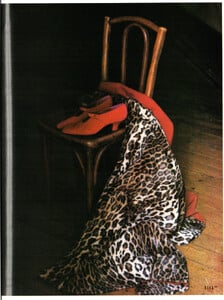
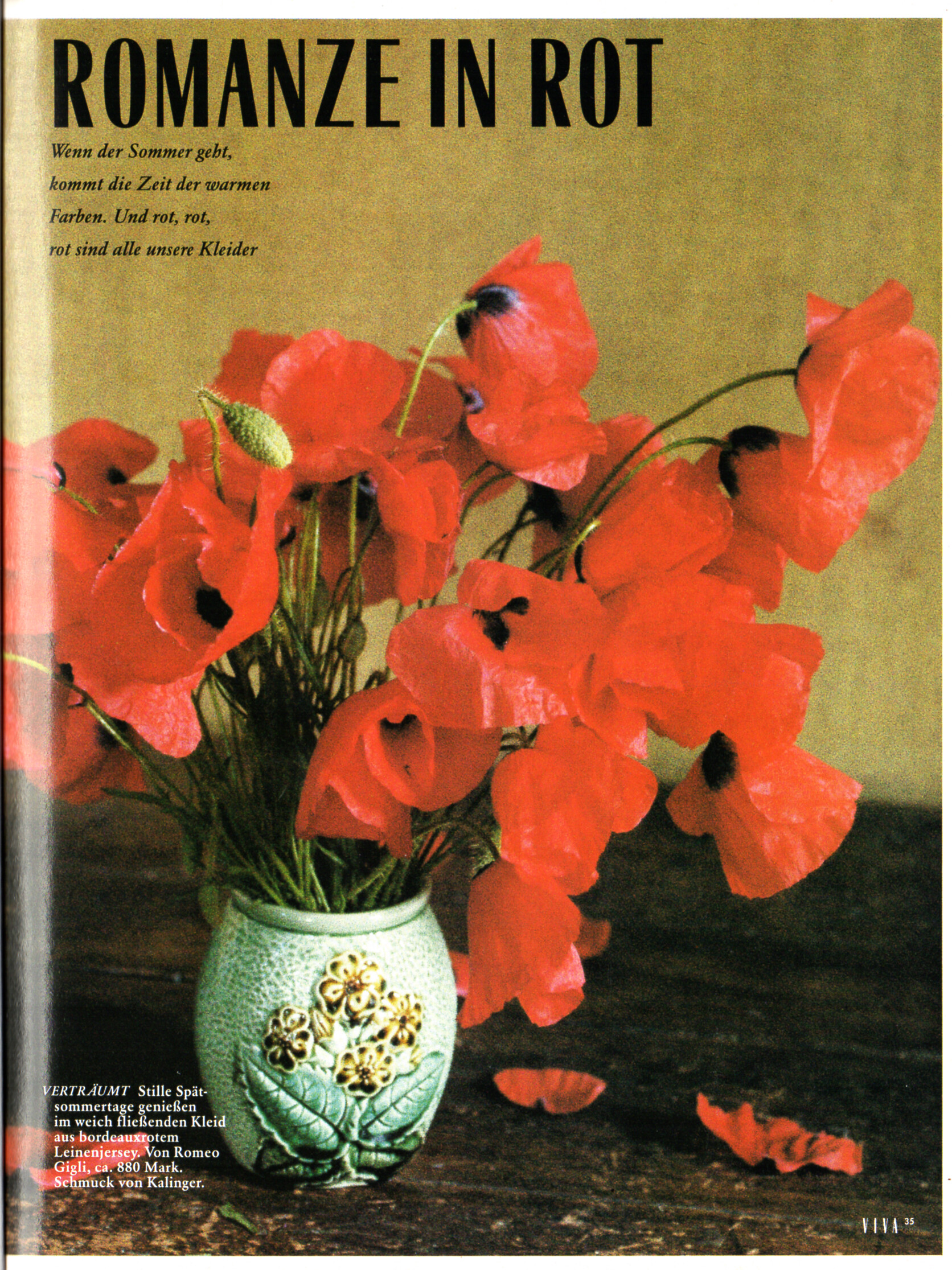
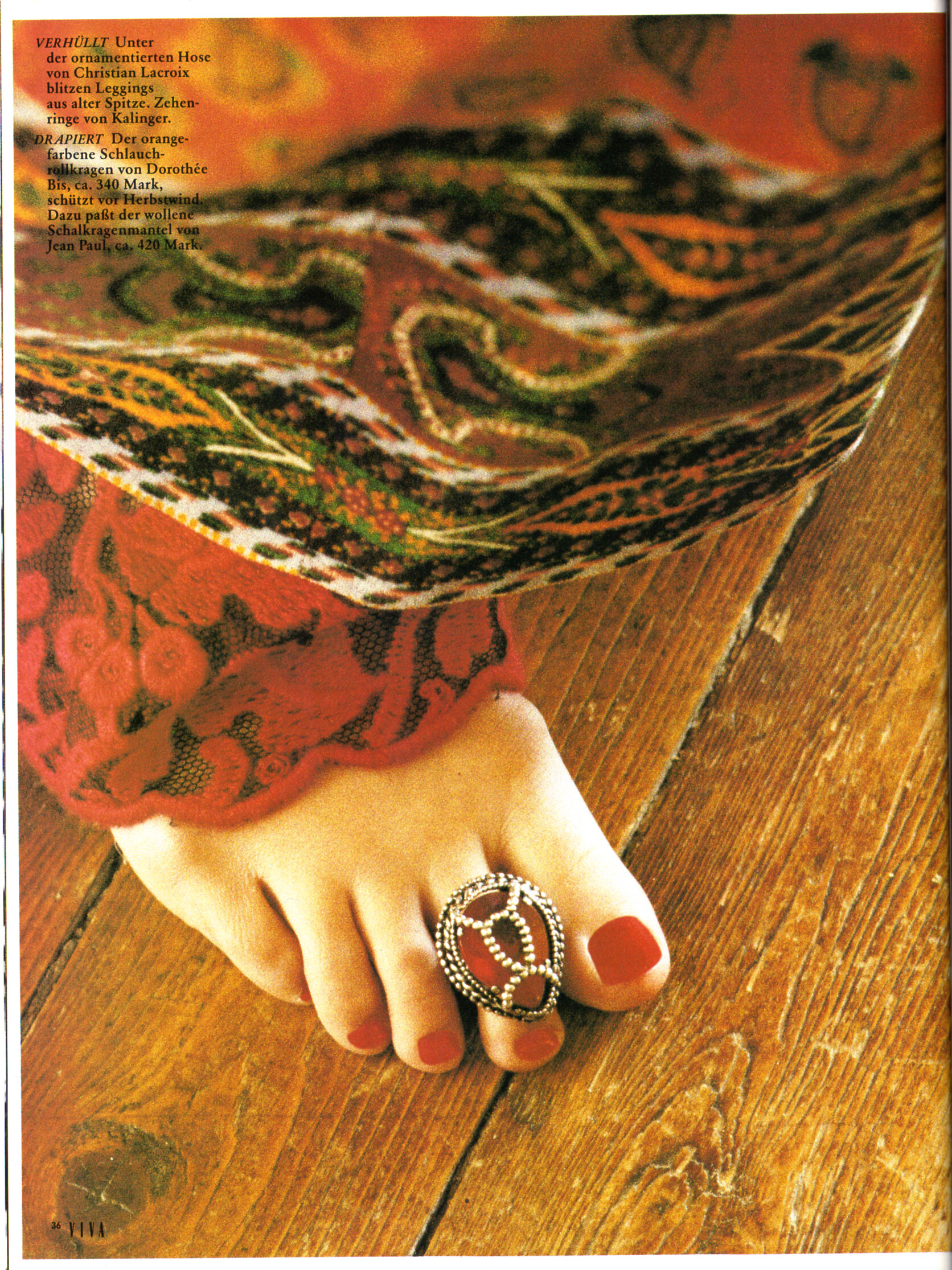
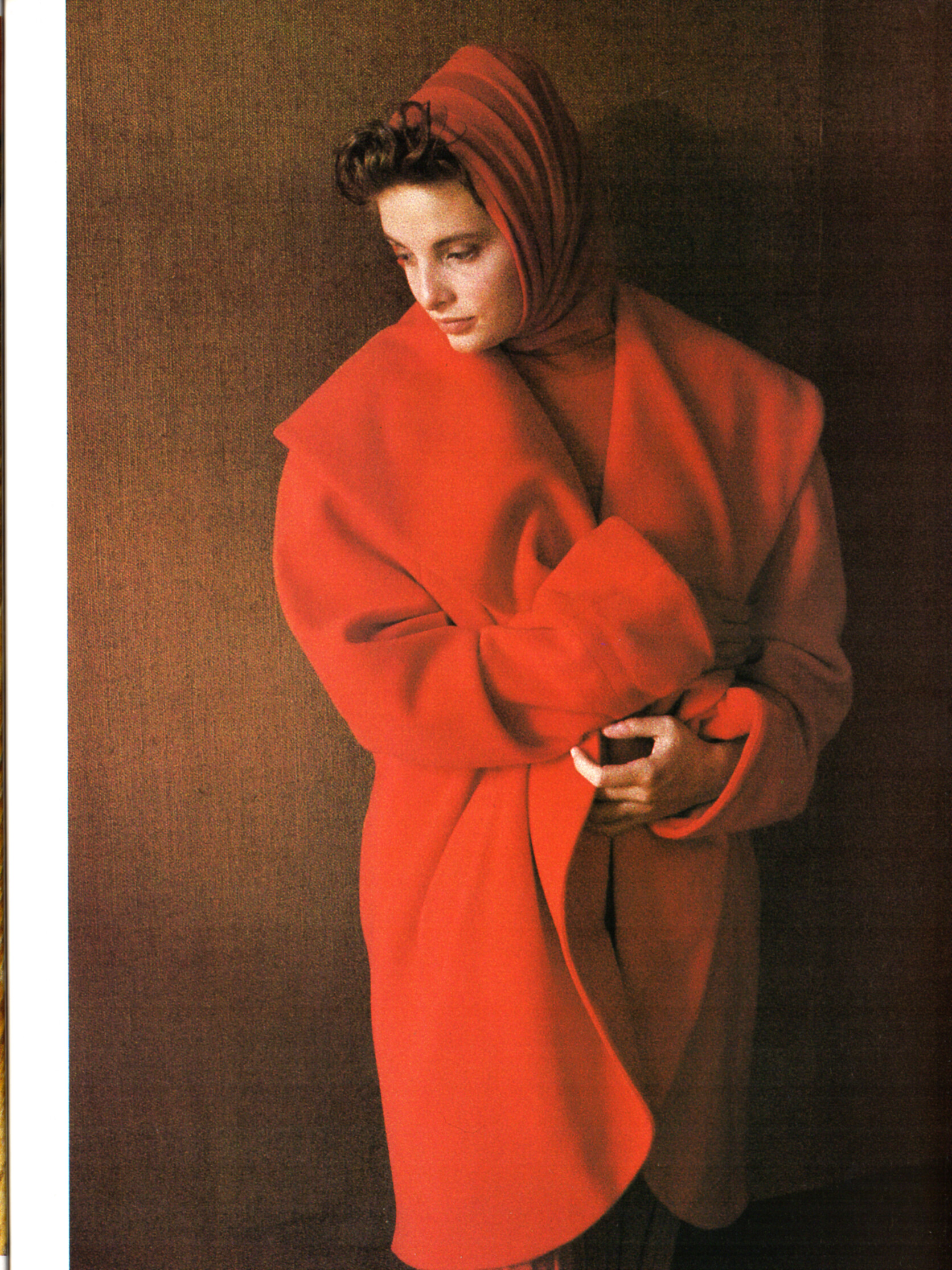
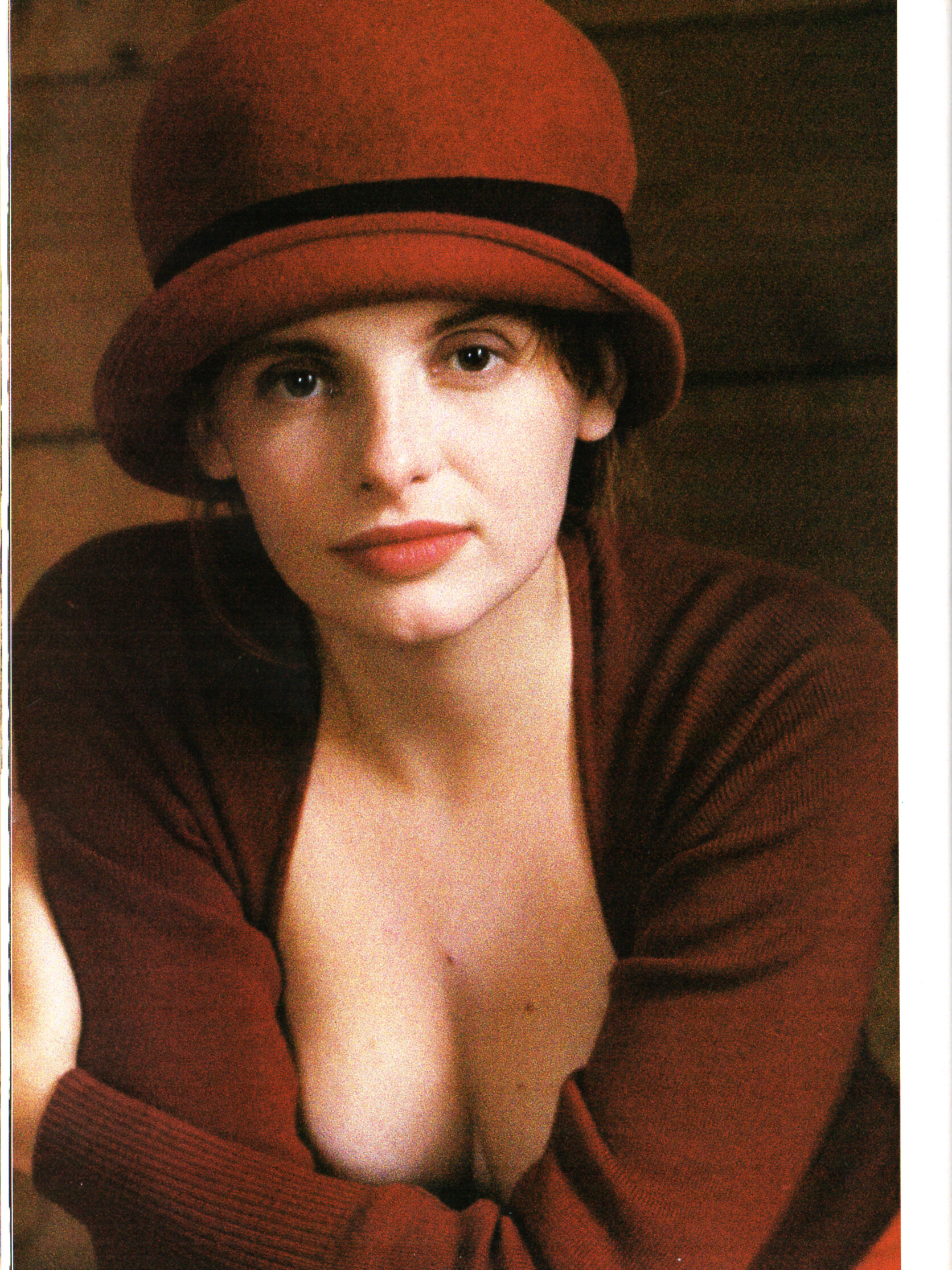
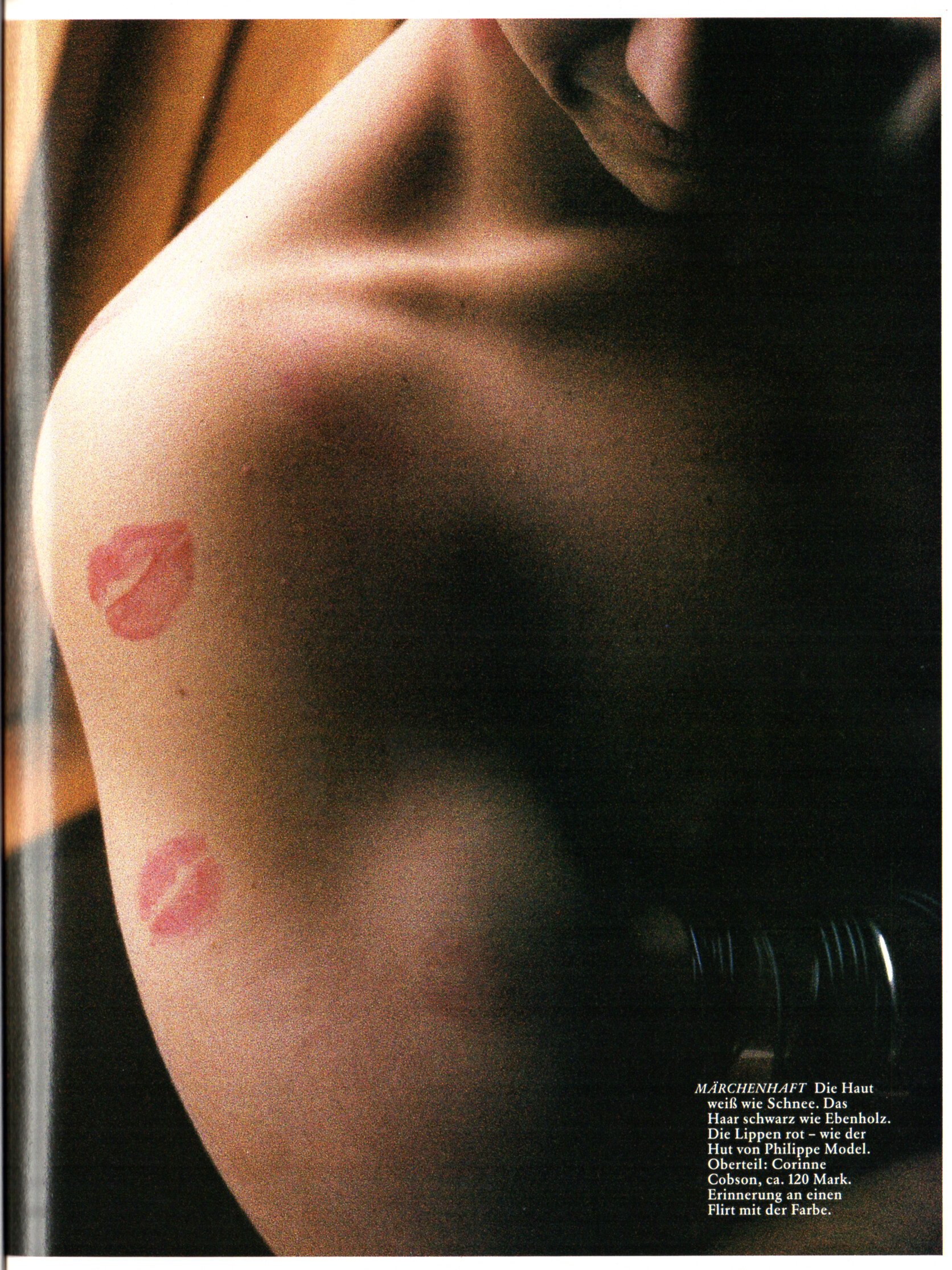
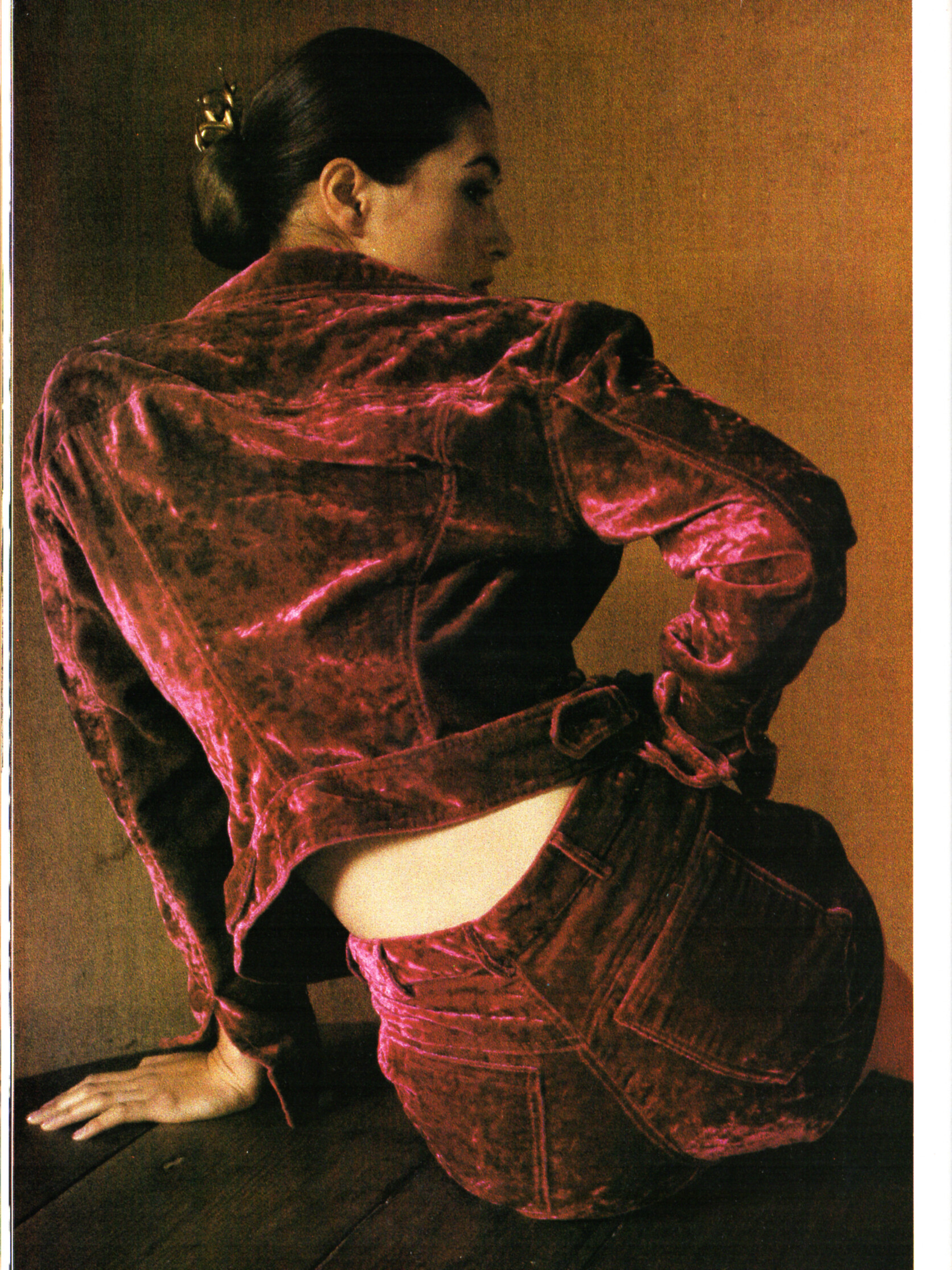
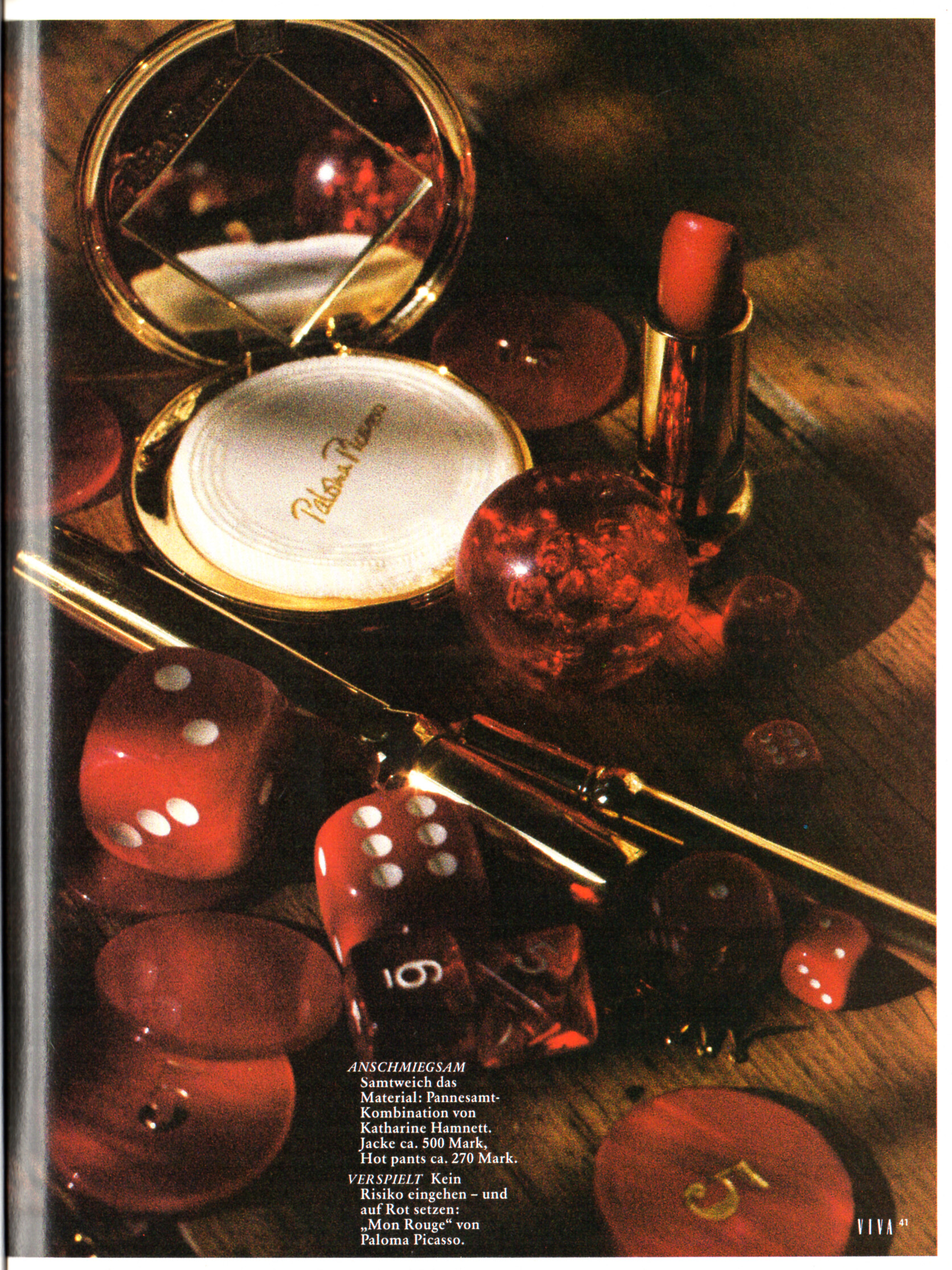
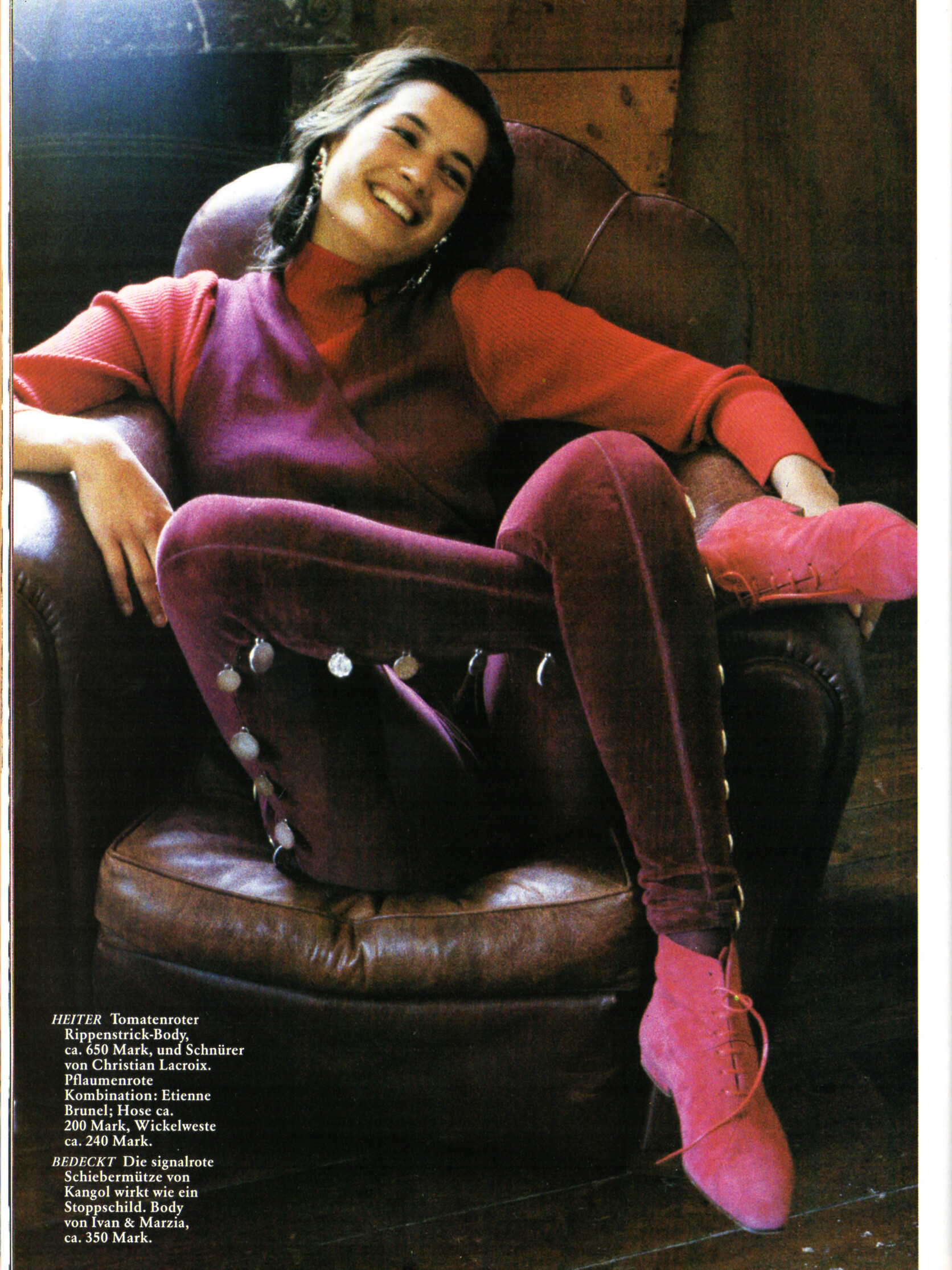
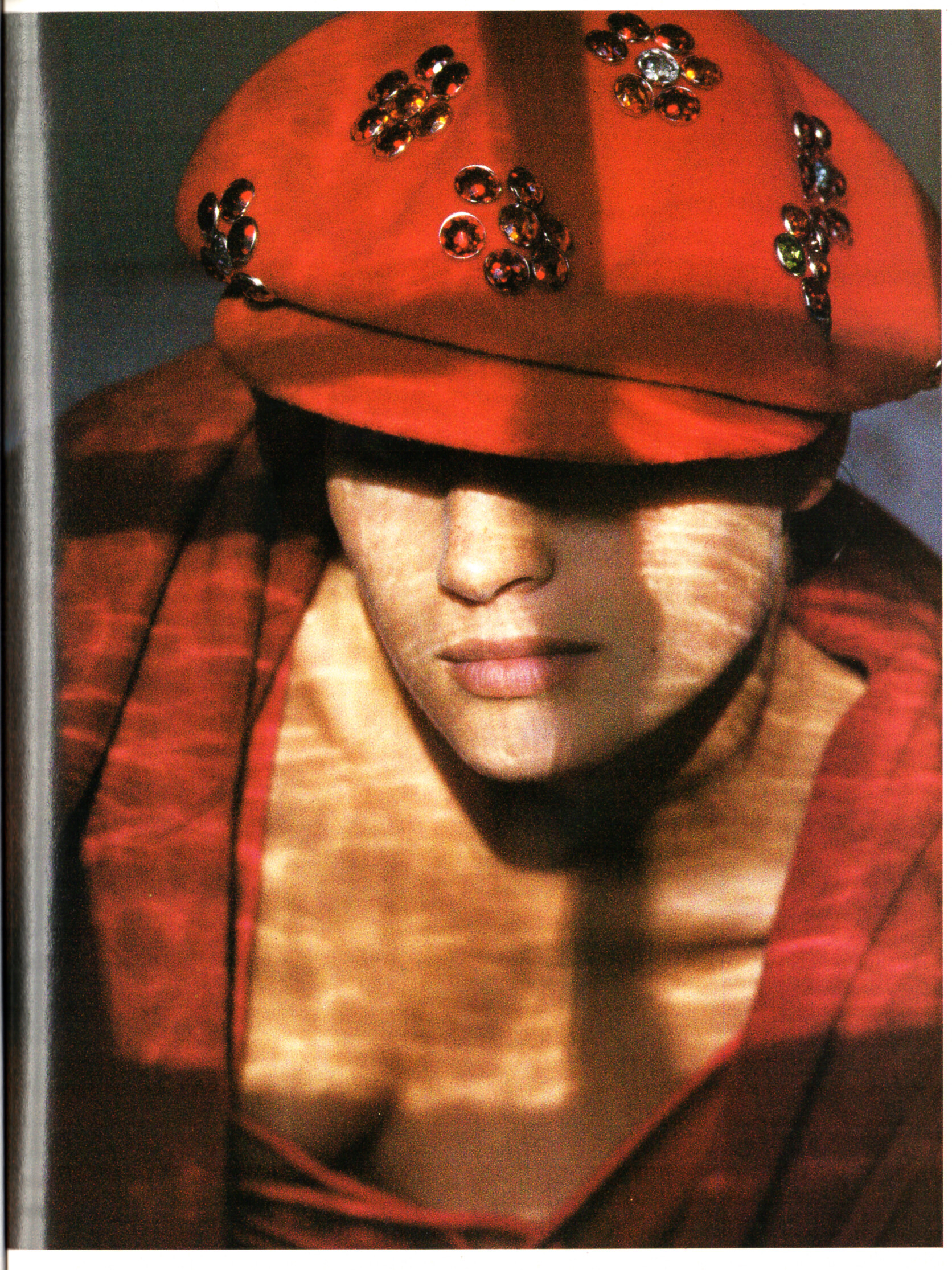
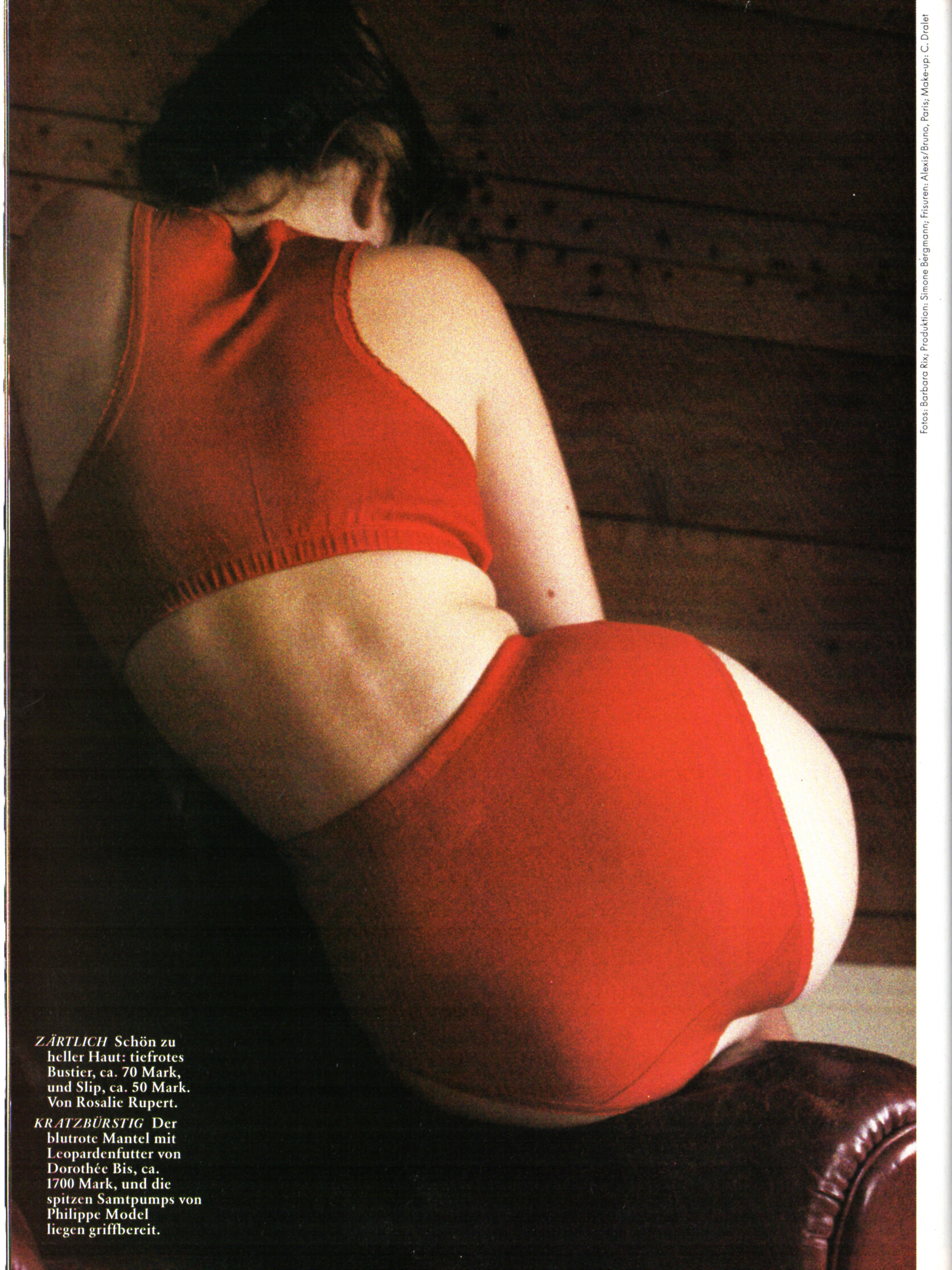
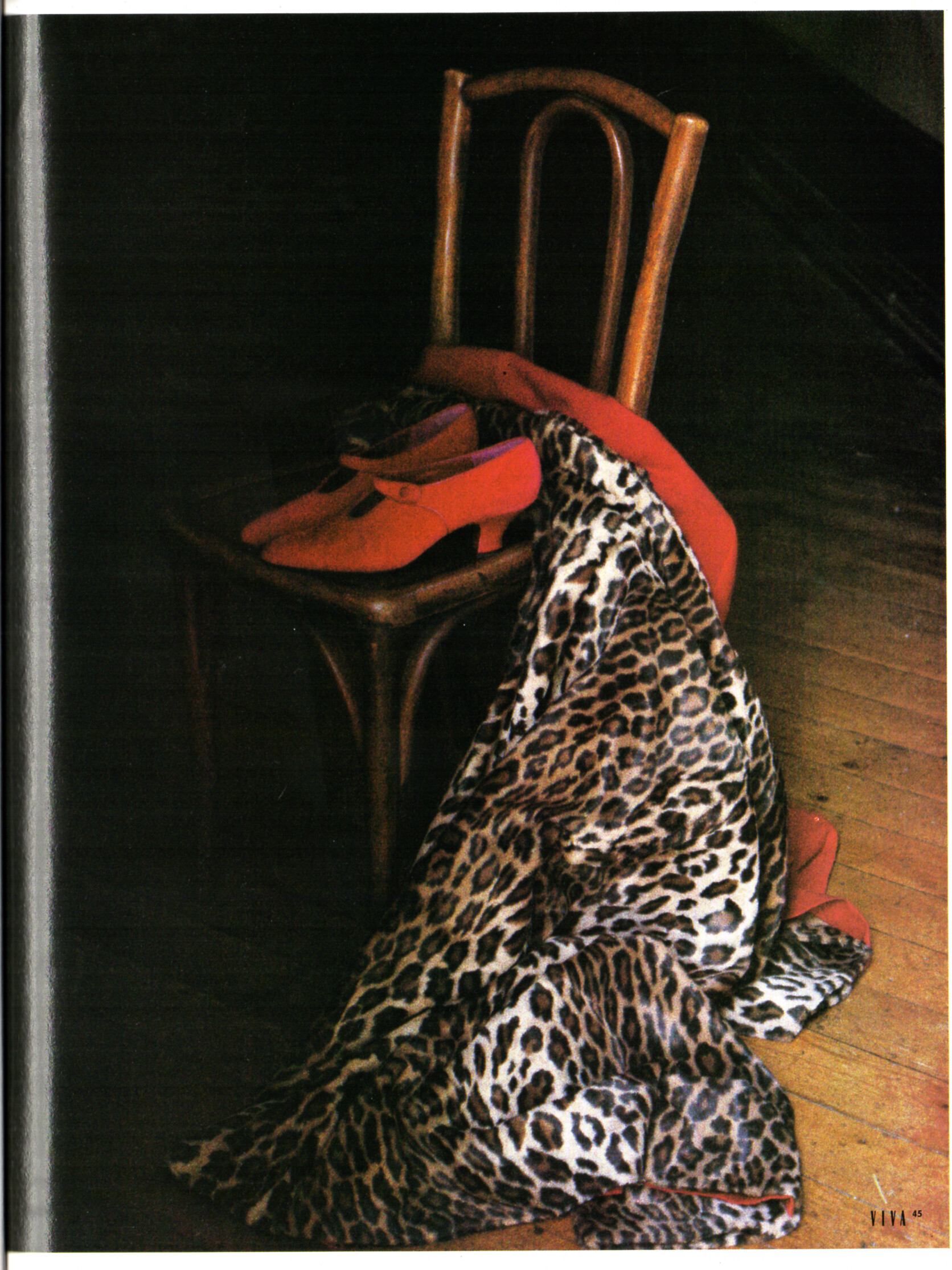
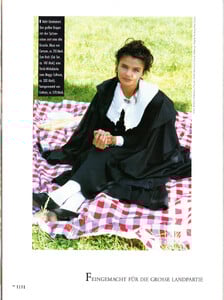 "ROMANZE IN ROT" - VIVA Germany September 1989 by Barbara Rixi I can ID Jade aka Annette Roque Lauer.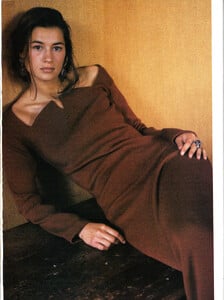

 I can't find any confirmation but it definitely looks like her. Thanks!
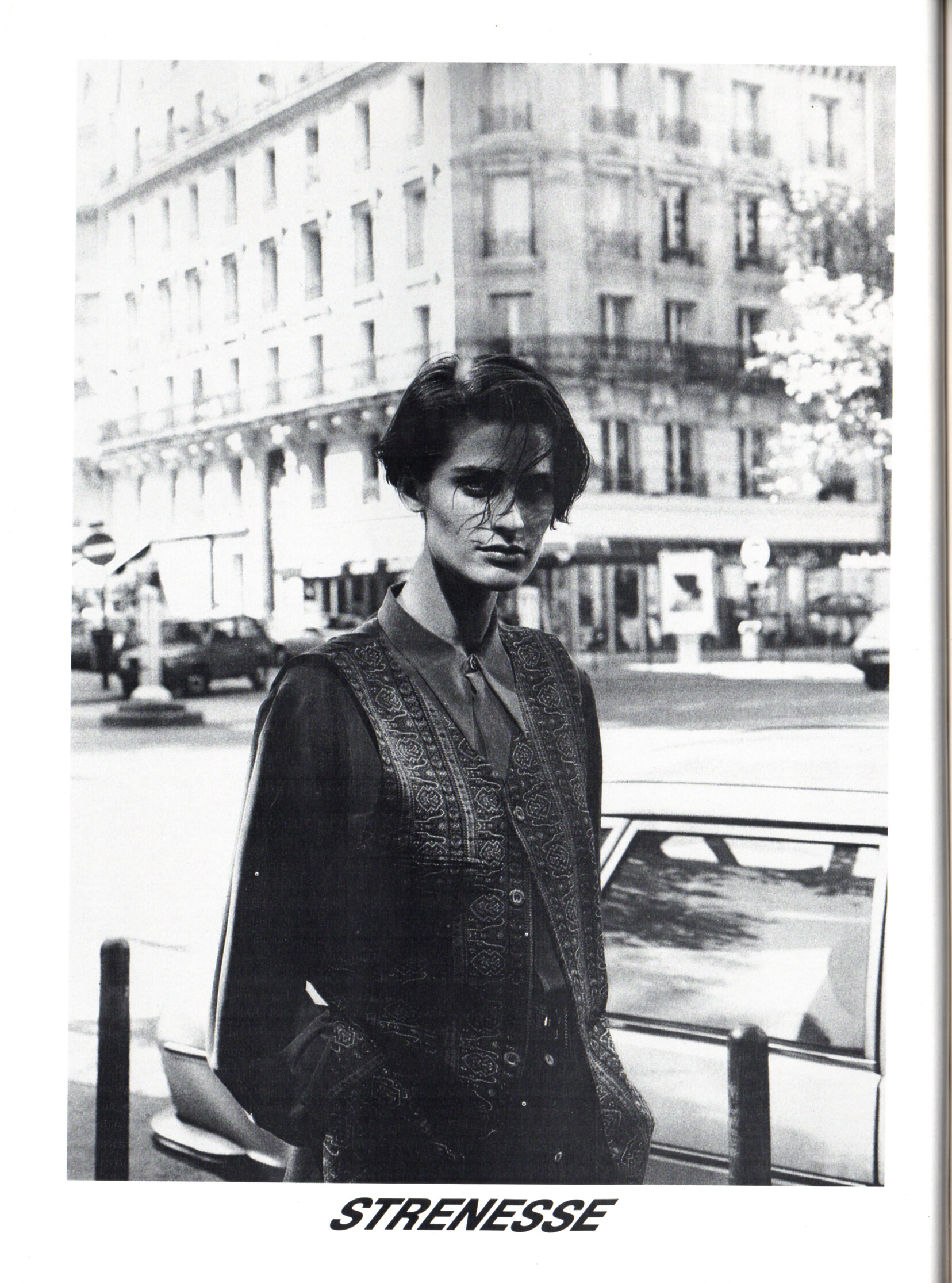
STRENESSE advertisement - VIVA Germany September 1989
I can't find any confirmation but it definitely looks like her. Thanks!
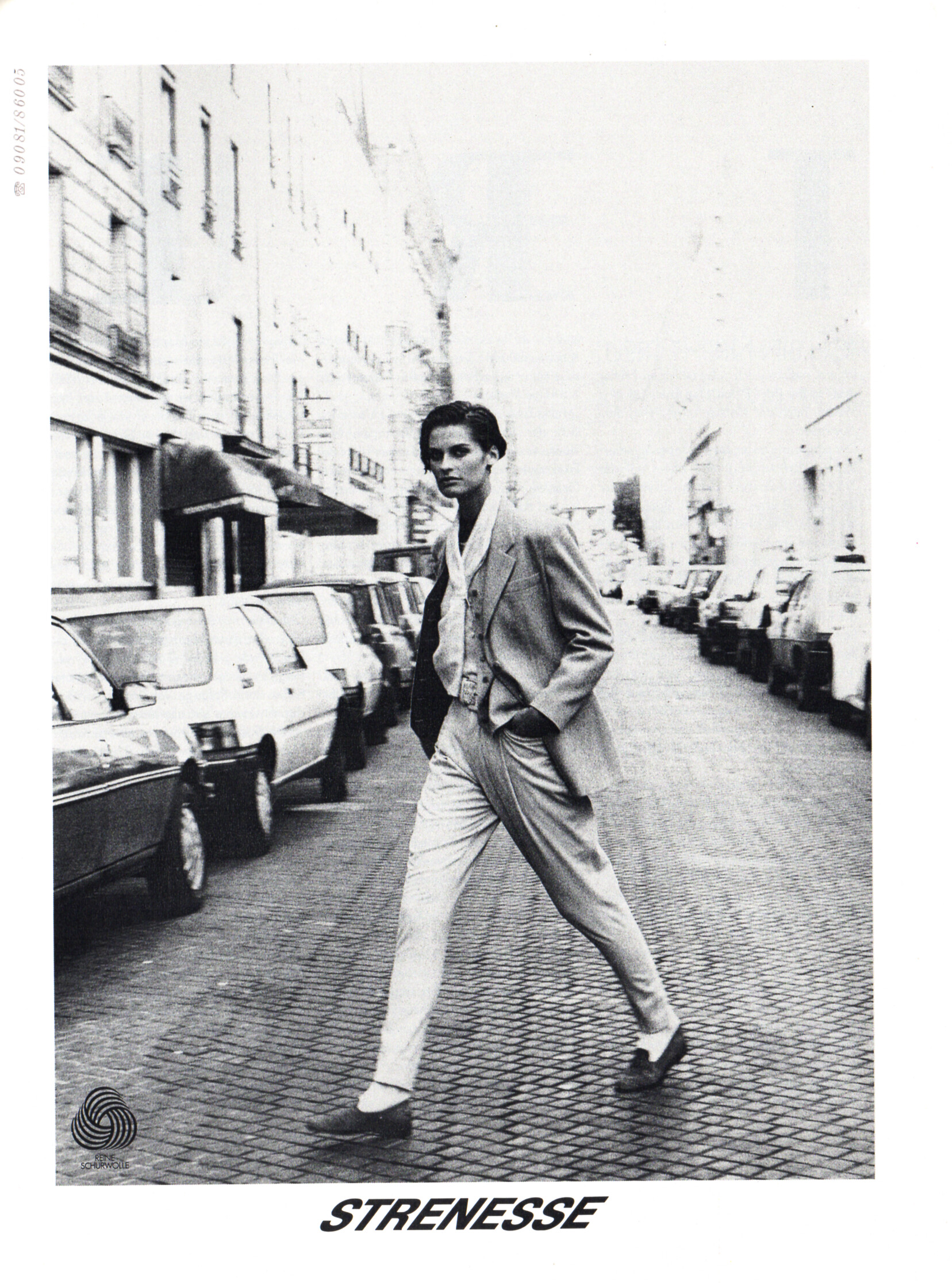
STRENESSE advertisement - VIVA Germany September 1989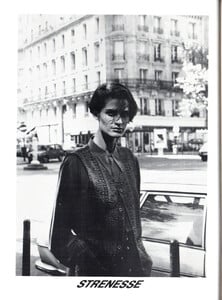
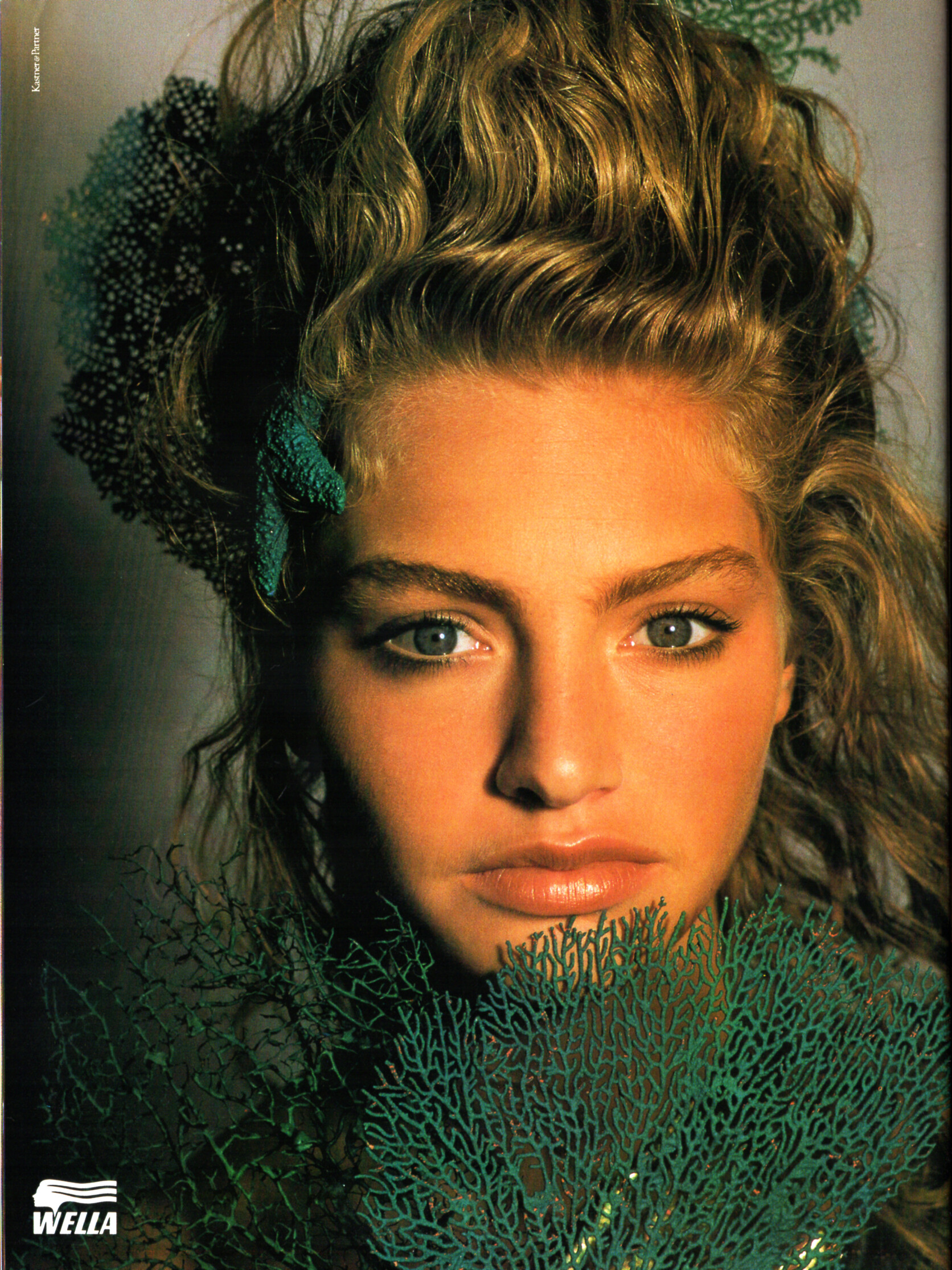
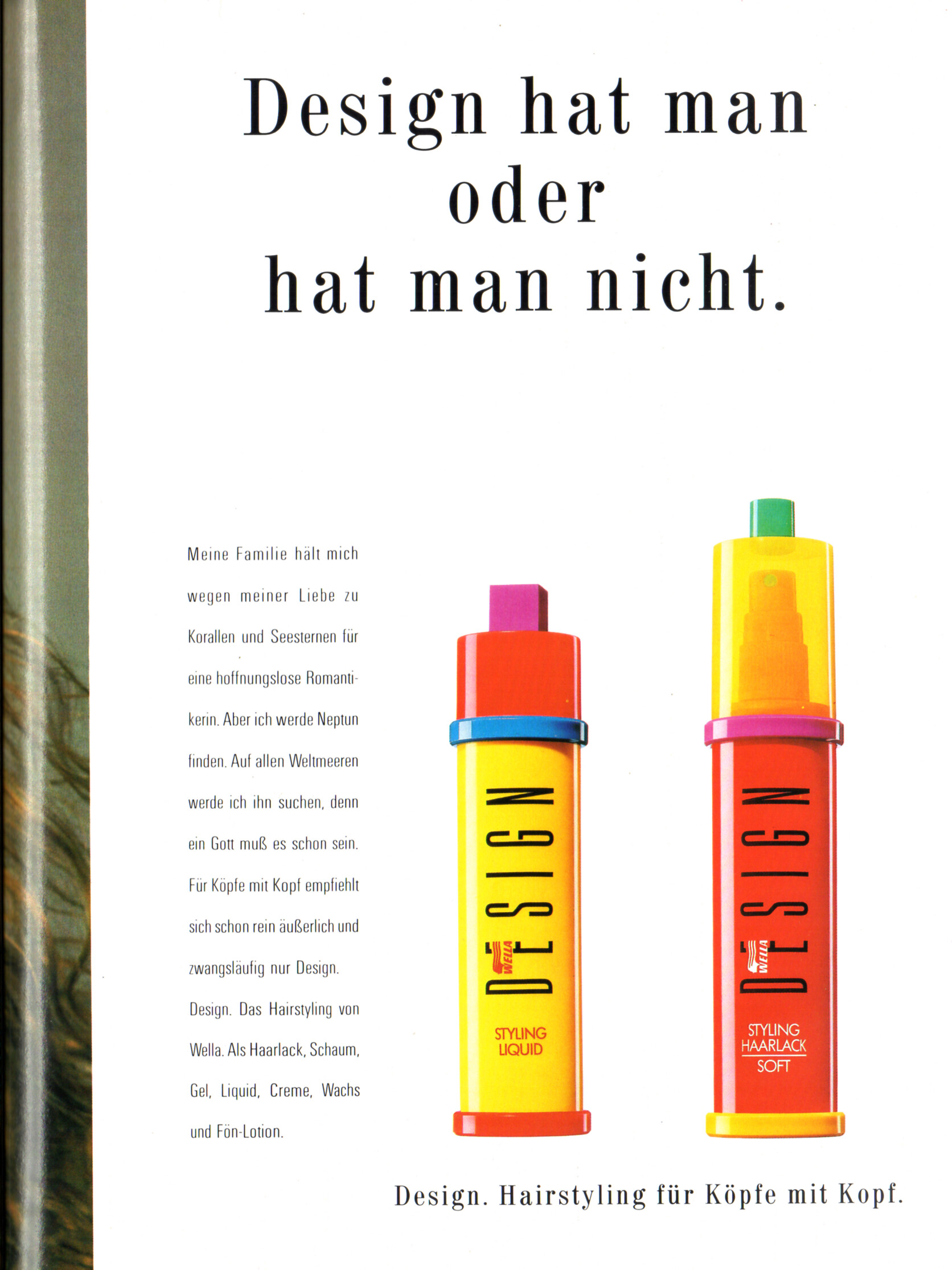
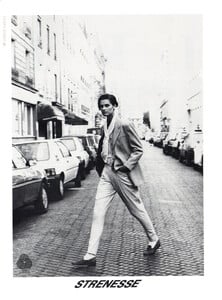 WELLA DESIGN advertisement - VIVA Germany September 1989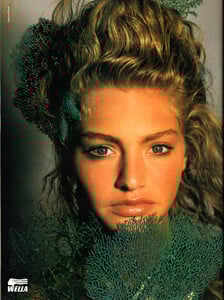
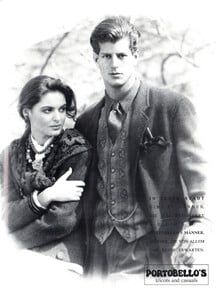
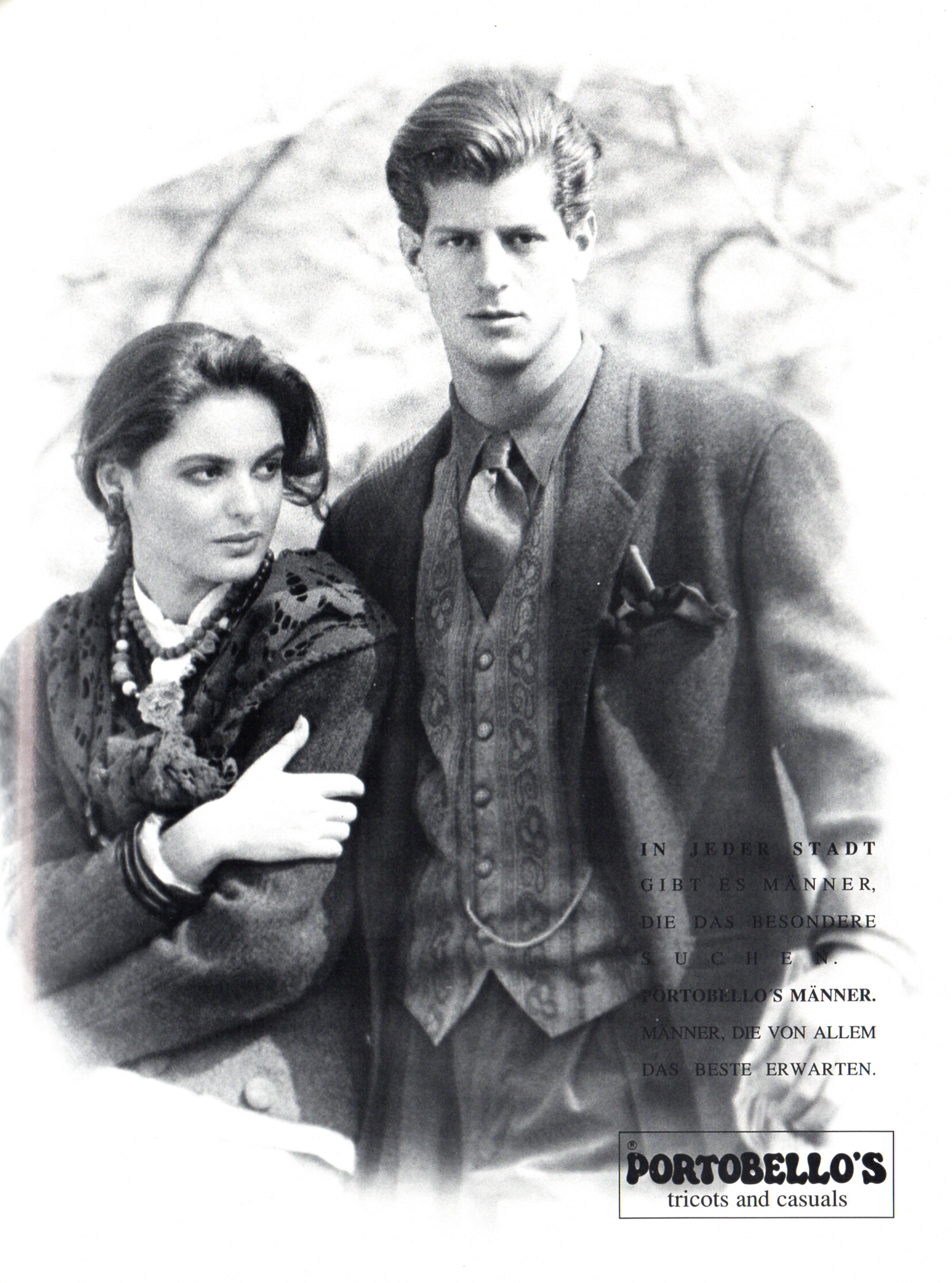
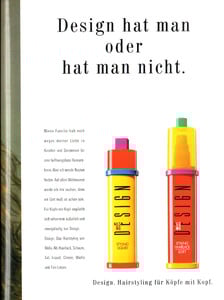 PORTOBELLO´S advertisement - VIVA Germany September 1989
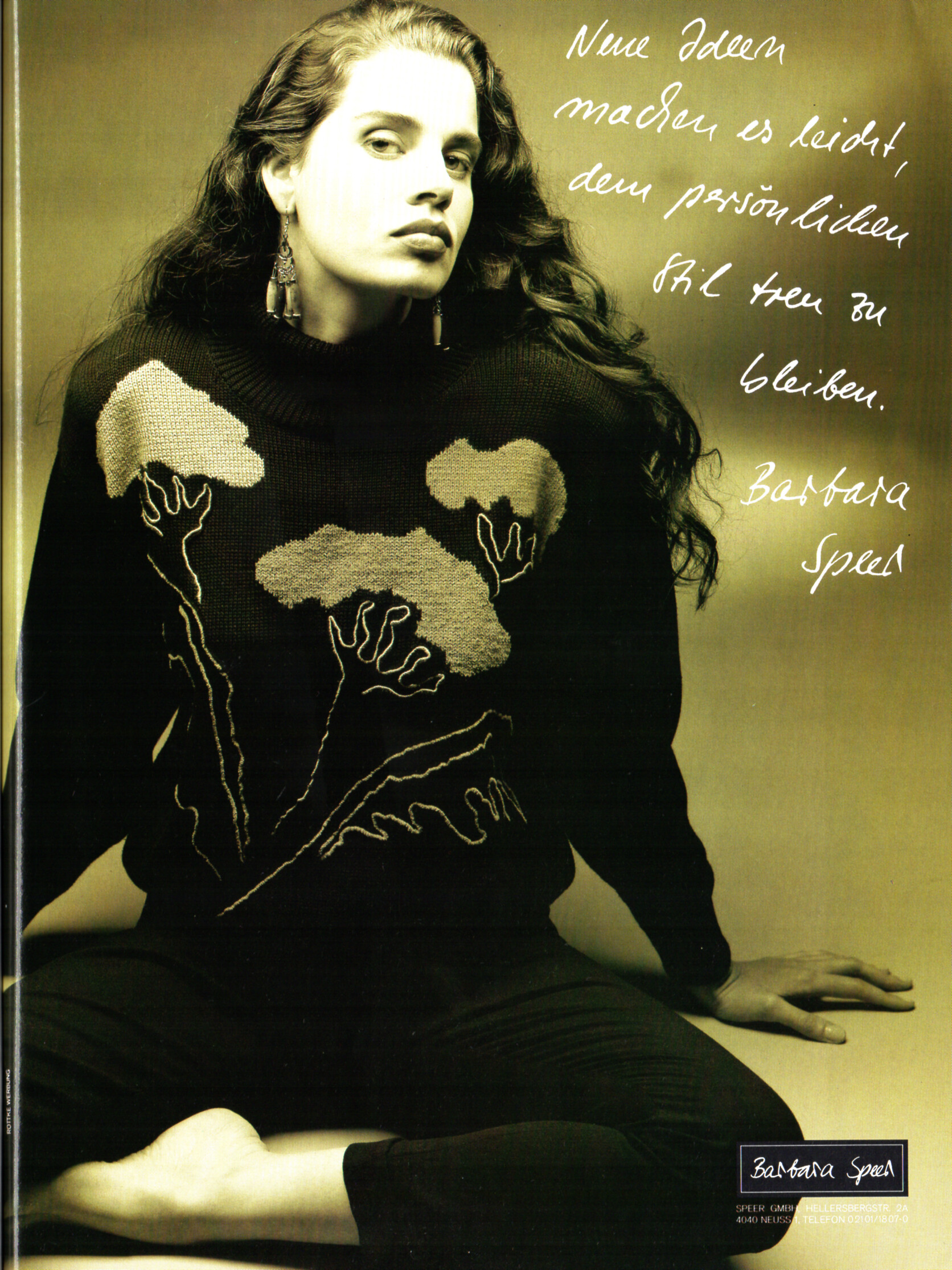
 Barbara Speer advertisement - VIVA Germany September 1989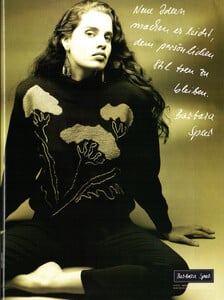
 Jasmine Tookes (Most) Sianie Aitken Omer Nudelman Bar Zoomer Taylor Hill Priscilla Balanta Dakota Fink Behati Prinsloo (Least)
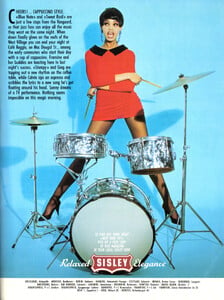
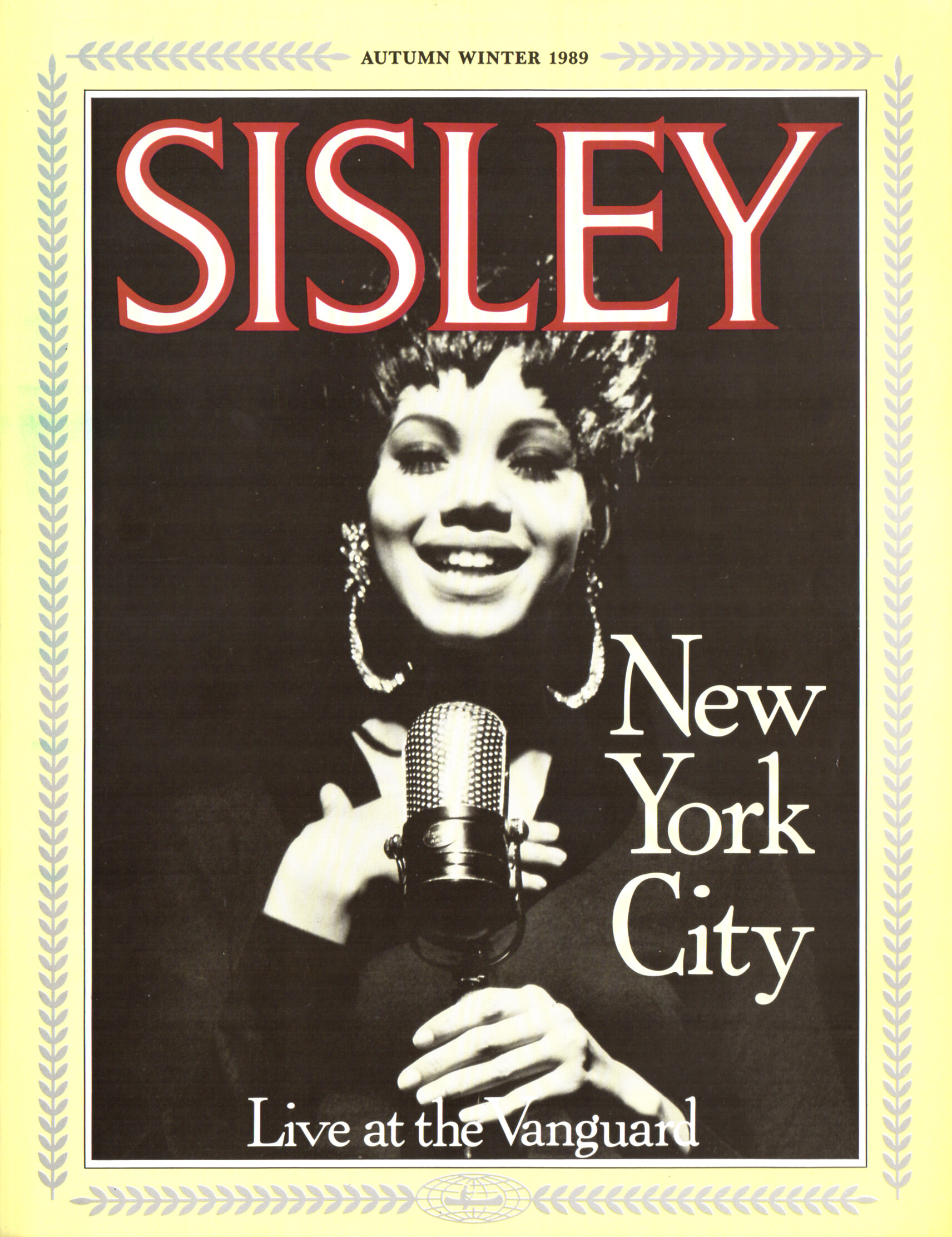
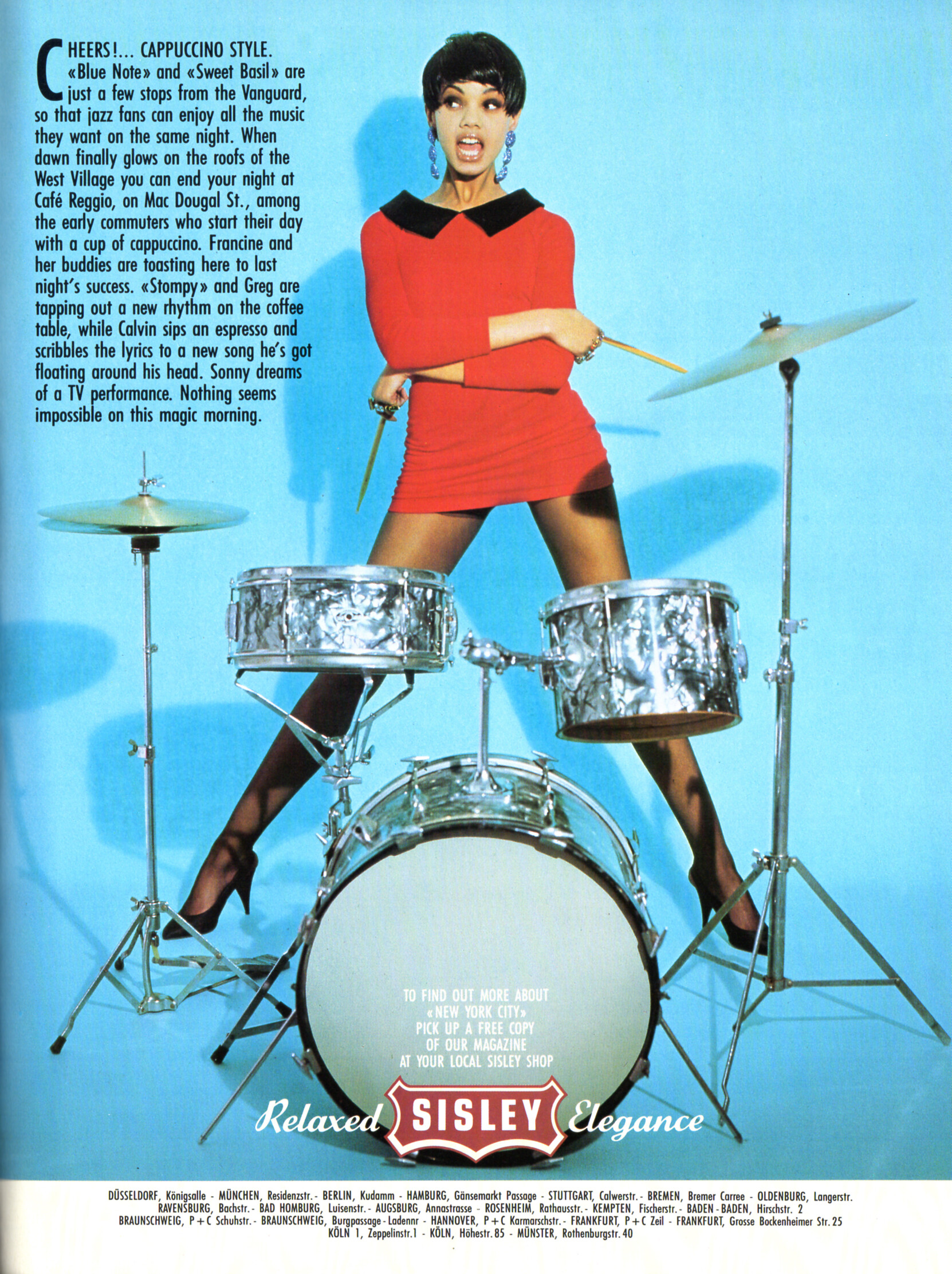
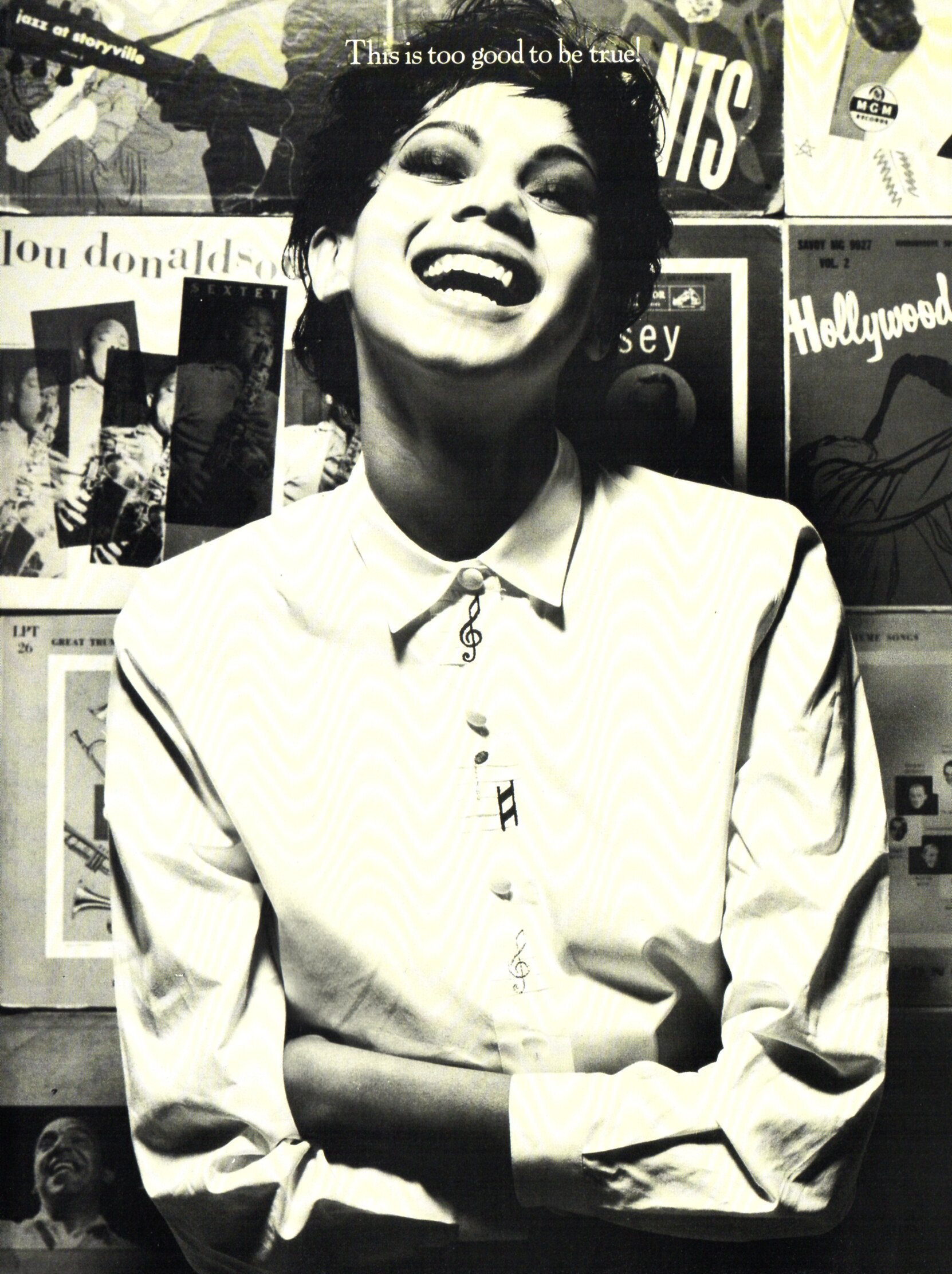
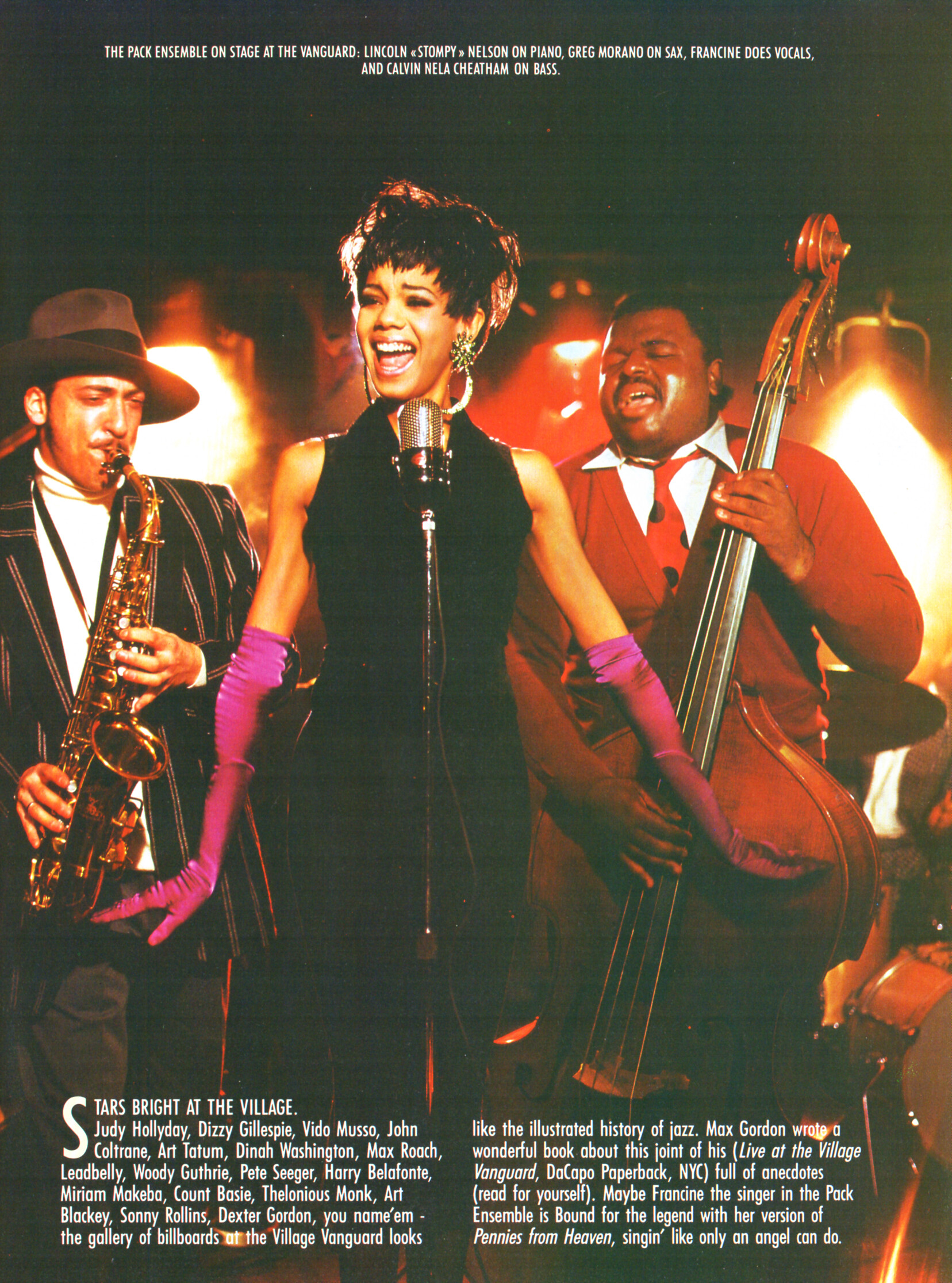
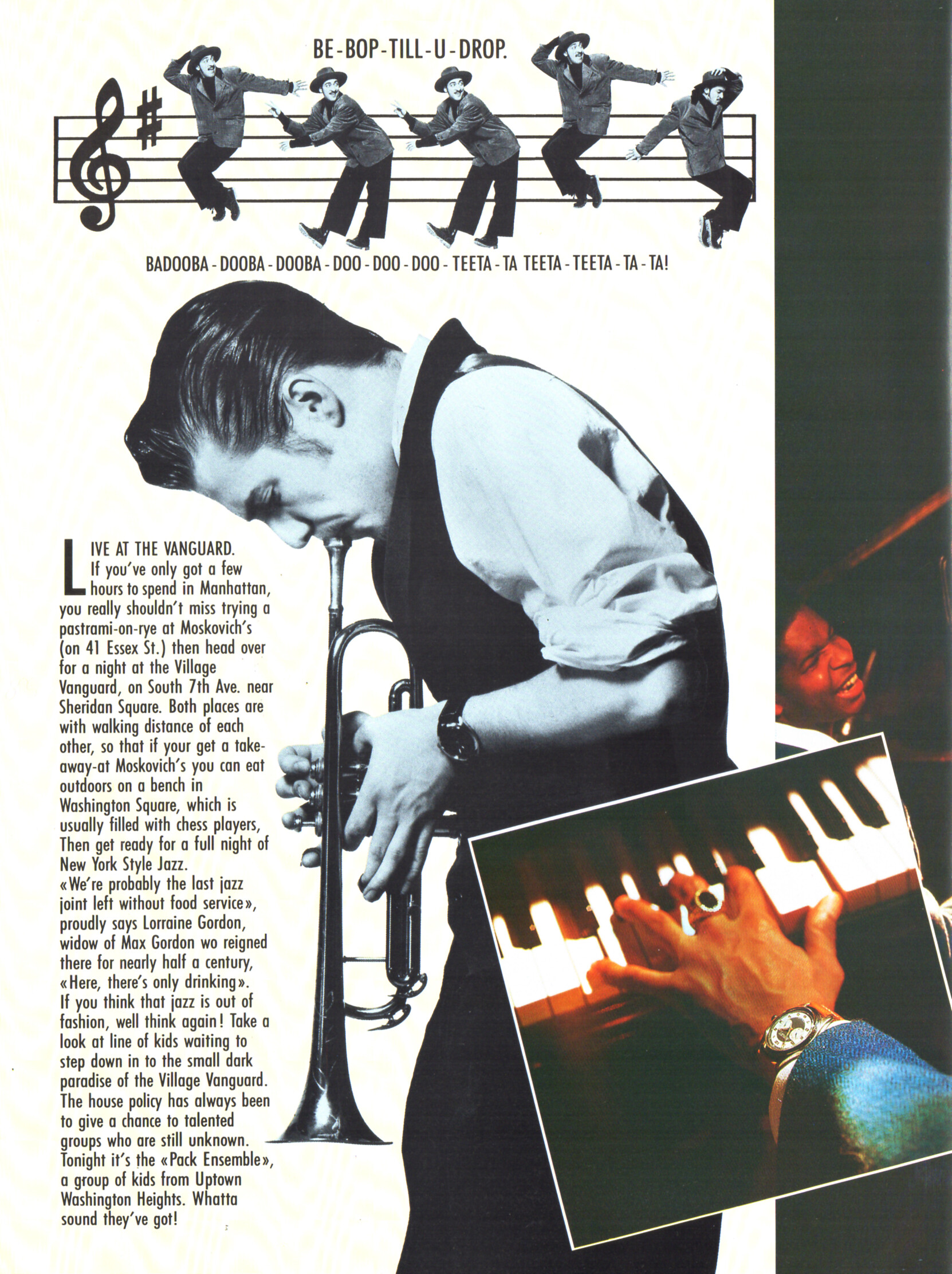
SISLEY Autumn/Winter 1989 advertisement - VIVA Germany September 1989
Jasmine Tookes (Most) Sianie Aitken Omer Nudelman Bar Zoomer Taylor Hill Priscilla Balanta Dakota Fink Behati Prinsloo (Least)
SISLEY Autumn/Winter 1989 advertisement - VIVA Germany September 1989

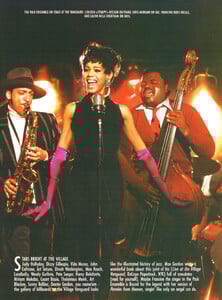
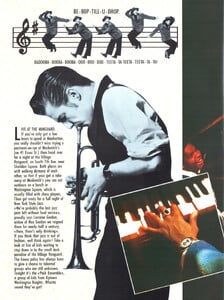
 I think so.
Yes but isn't always visible Some editing? But I don't want to insist.
I think so.
Yes but isn't always visible Some editing? But I don't want to insist.
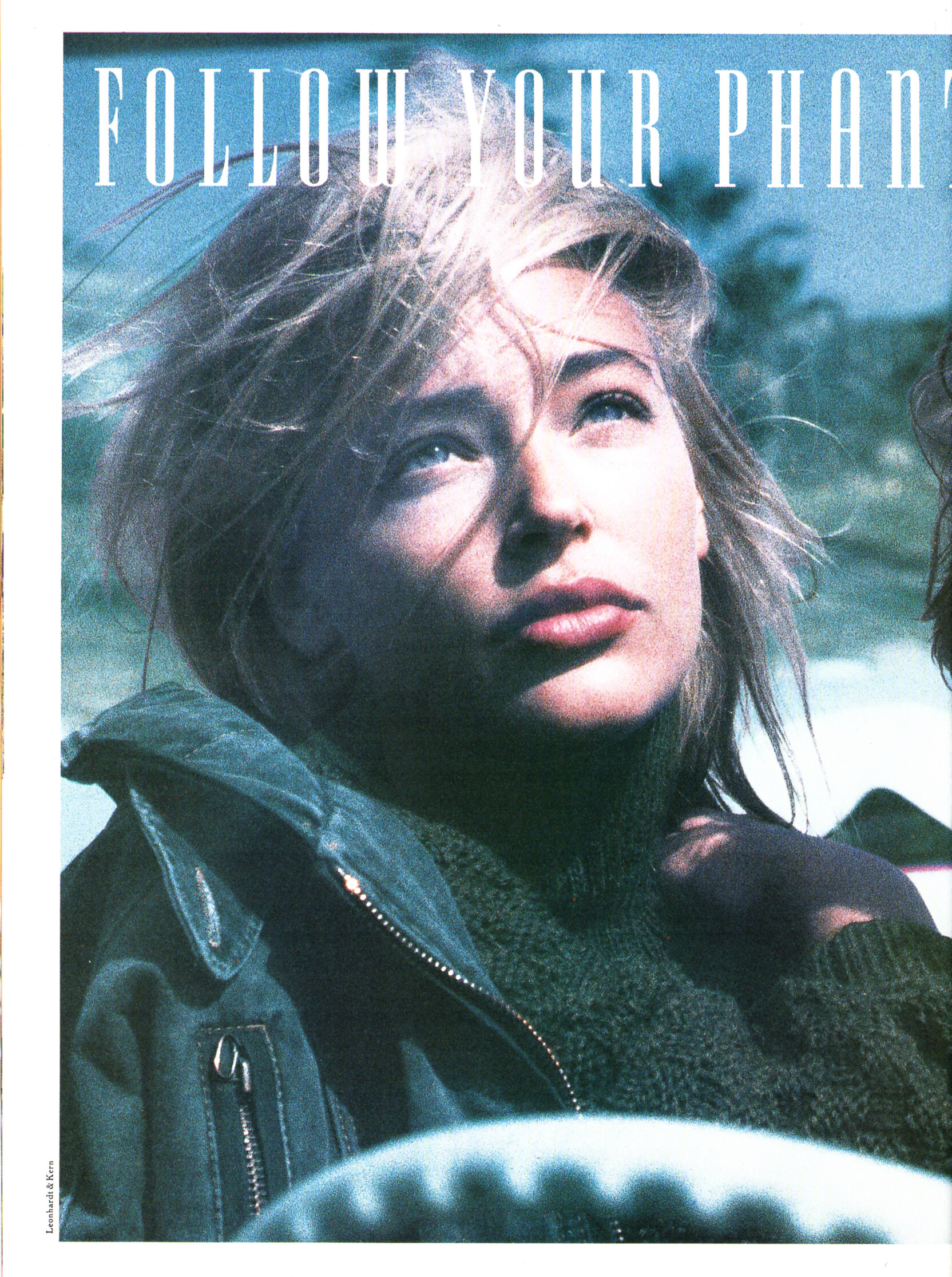
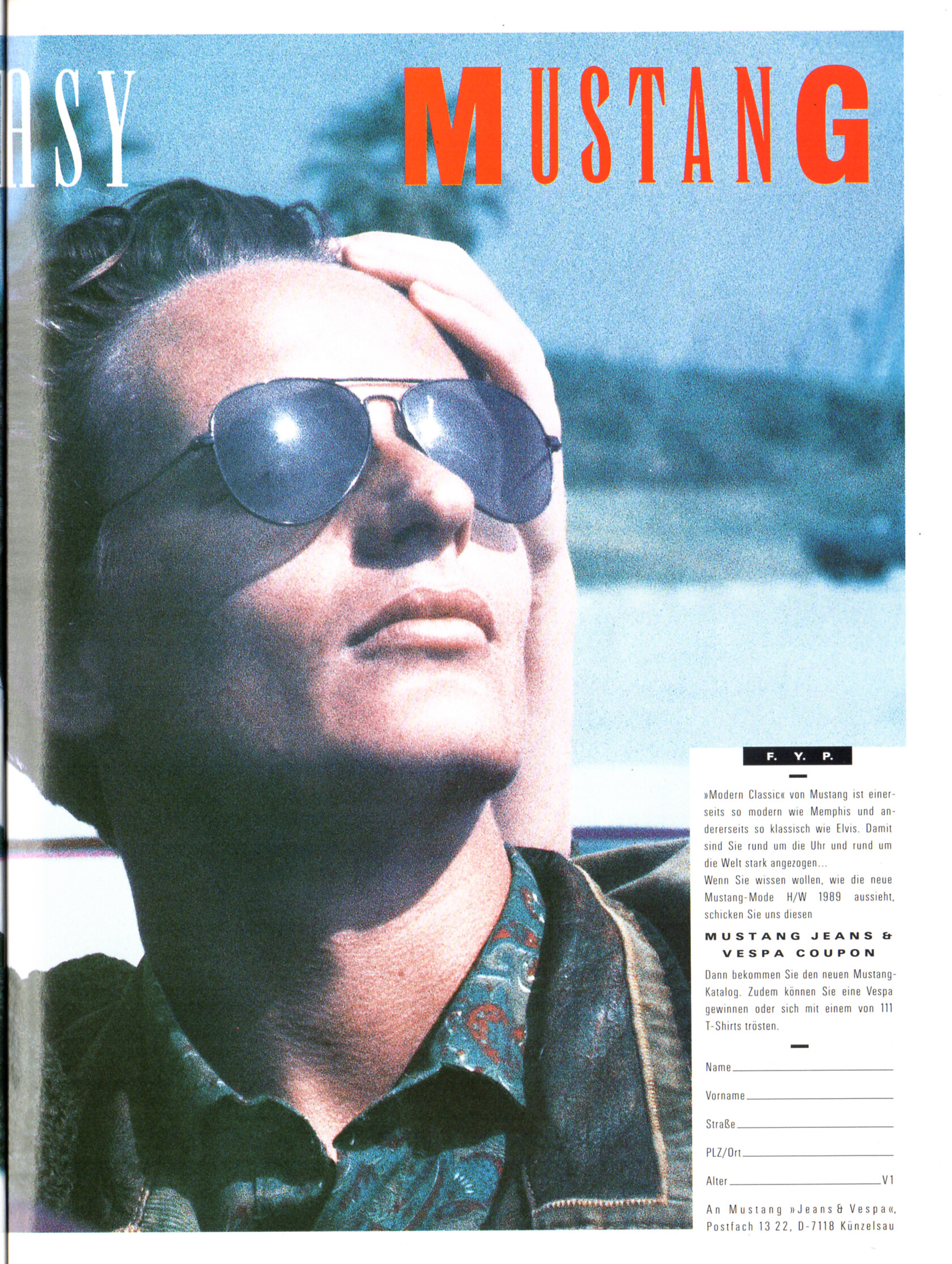
 MUSTANG advertisement - VIVA Germany September 1989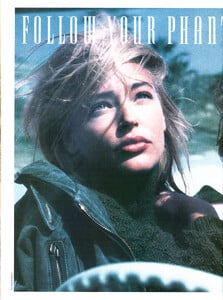
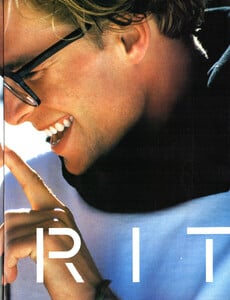
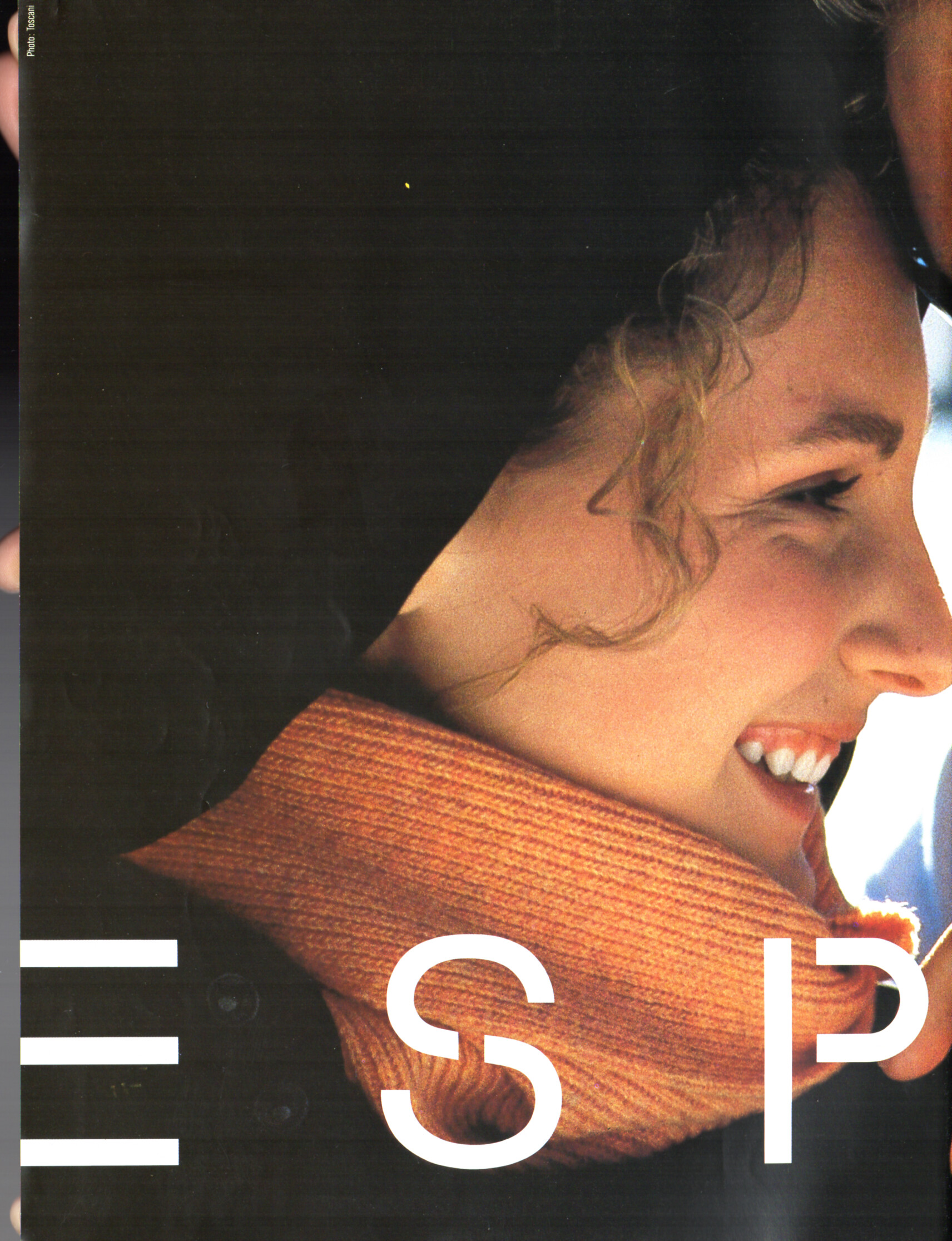
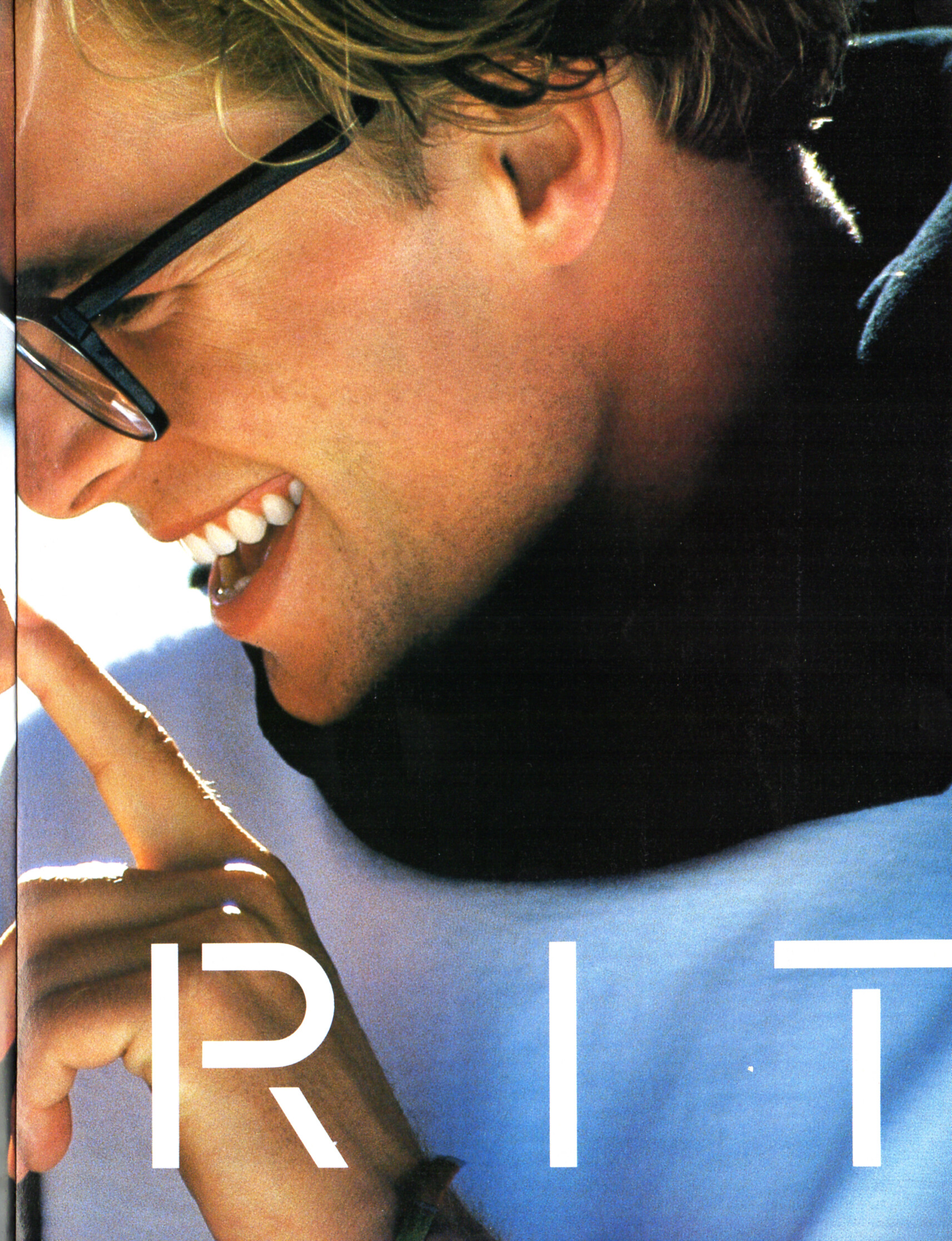
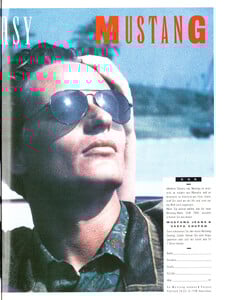 ESPRIT advertisement - VIVA Germany September 1989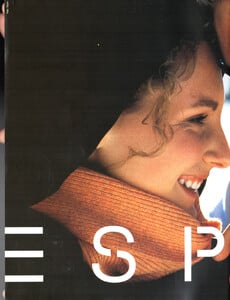
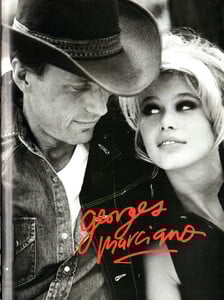
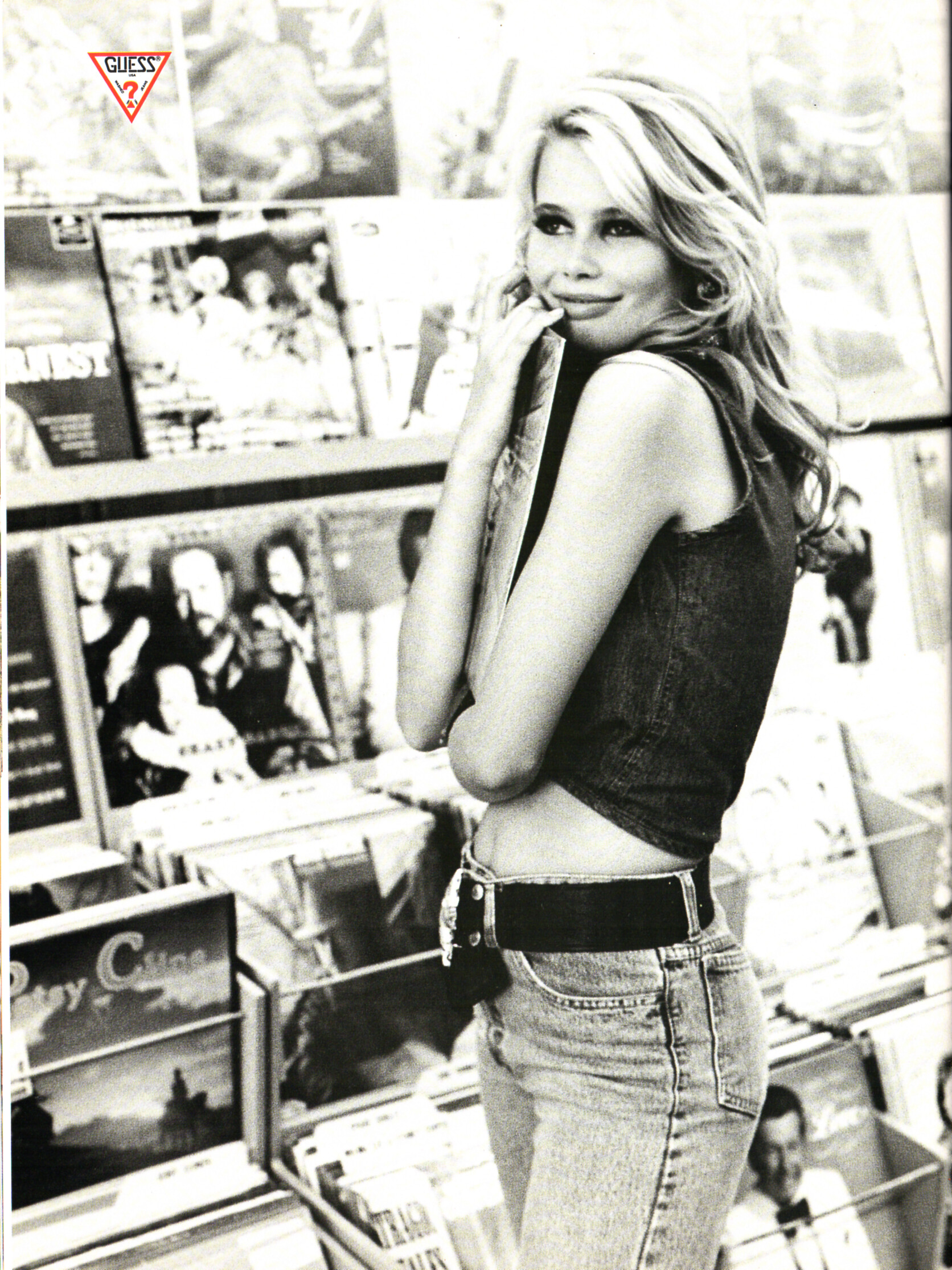
 GUESS advertisement - VIVA Germany September 1989
 If you think the TEMPO covers are the same model, then yes.
I also don´t shink she´s Rosie. Rosie has this gap.
If you think the TEMPO covers are the same model, then yes.
I also don´t shink she´s Rosie. Rosie has this gap.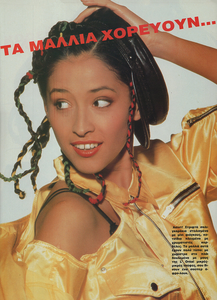


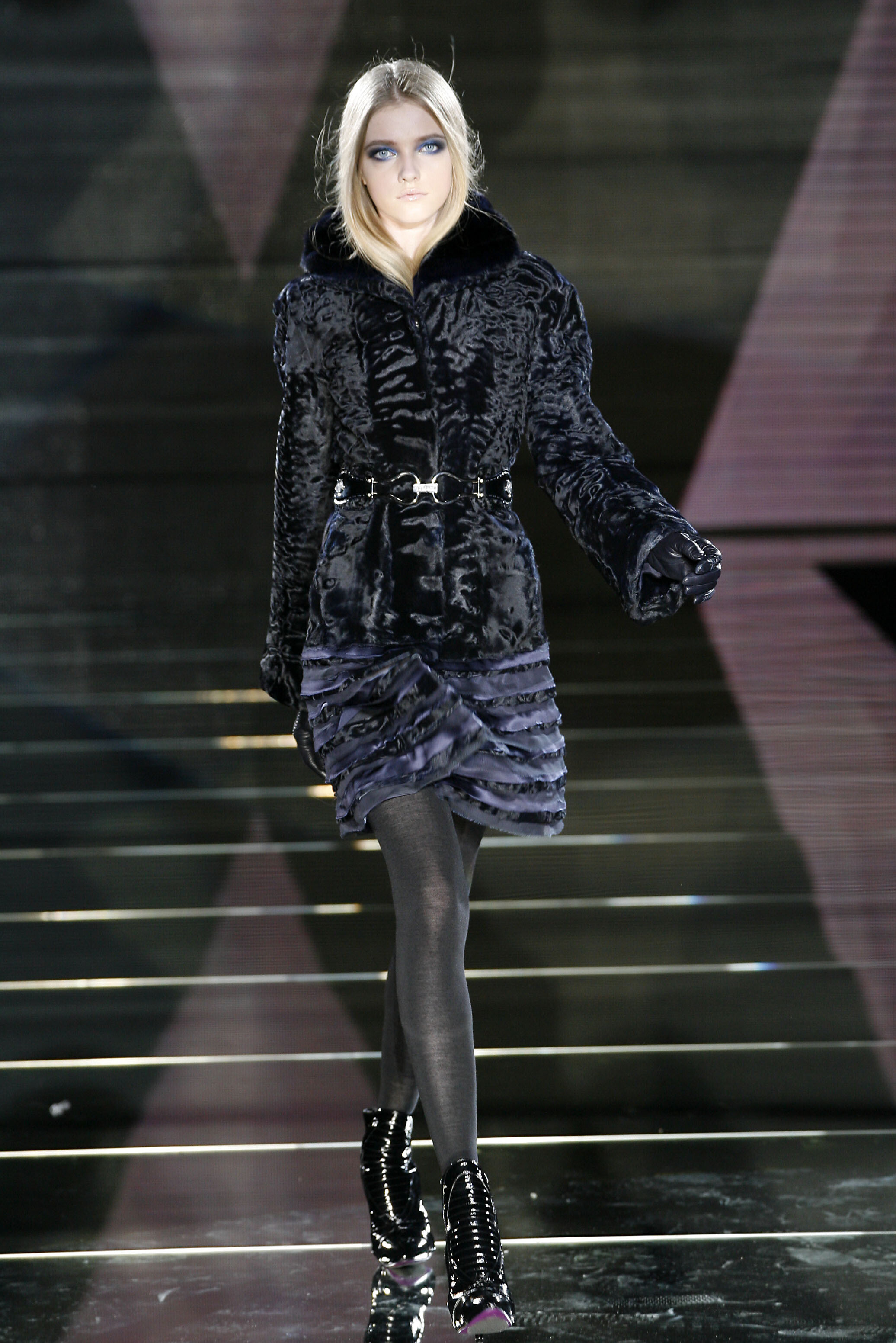
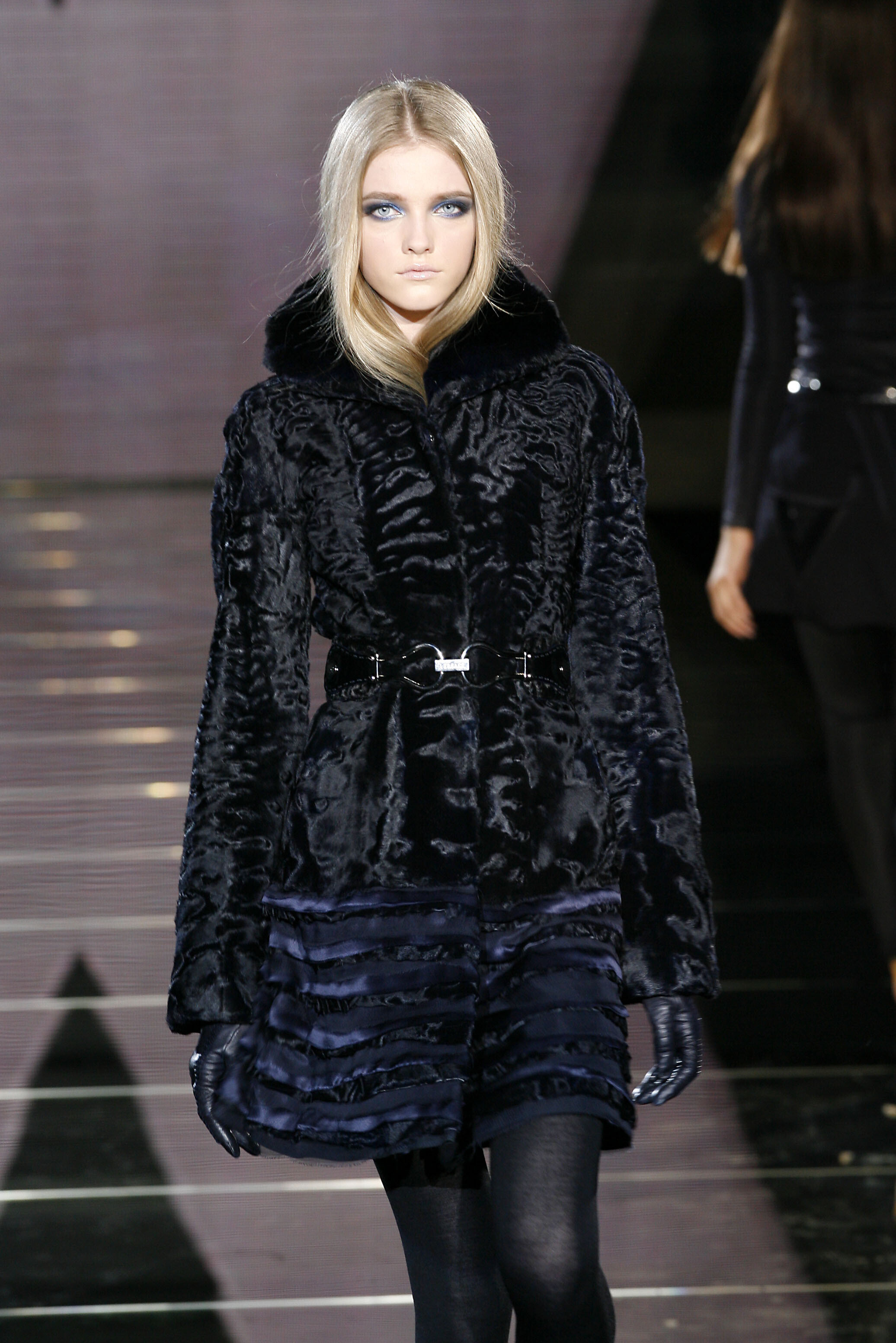
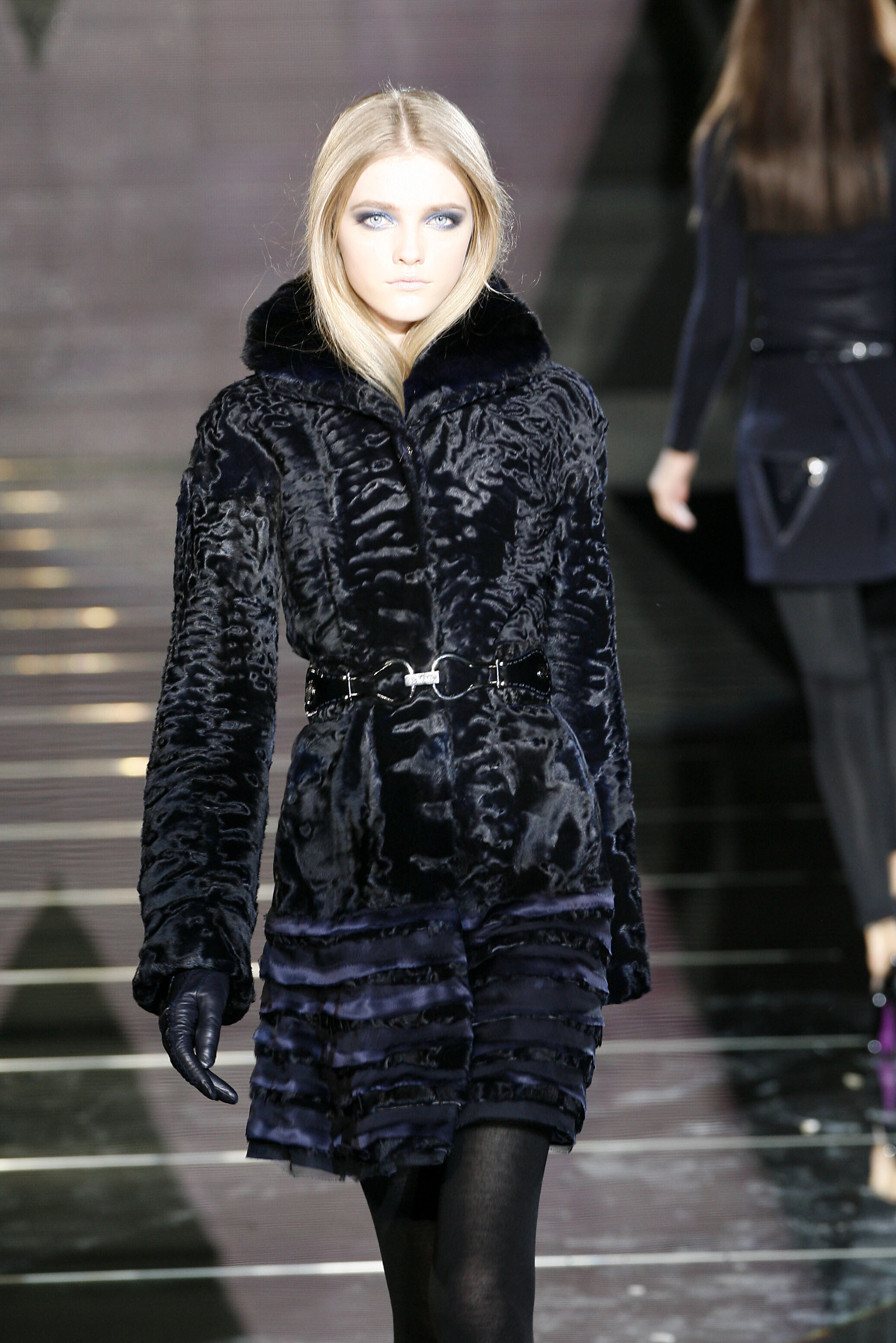
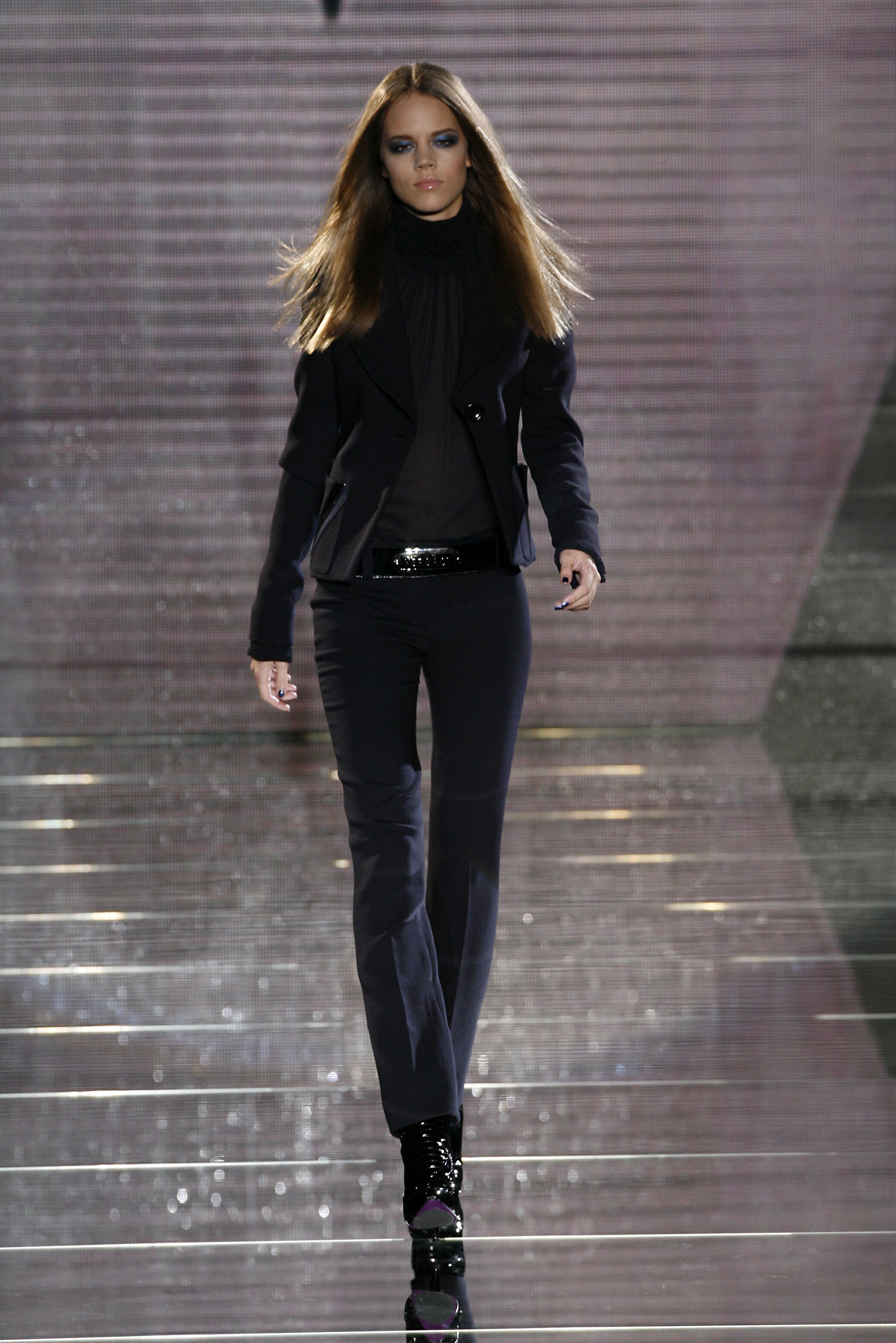
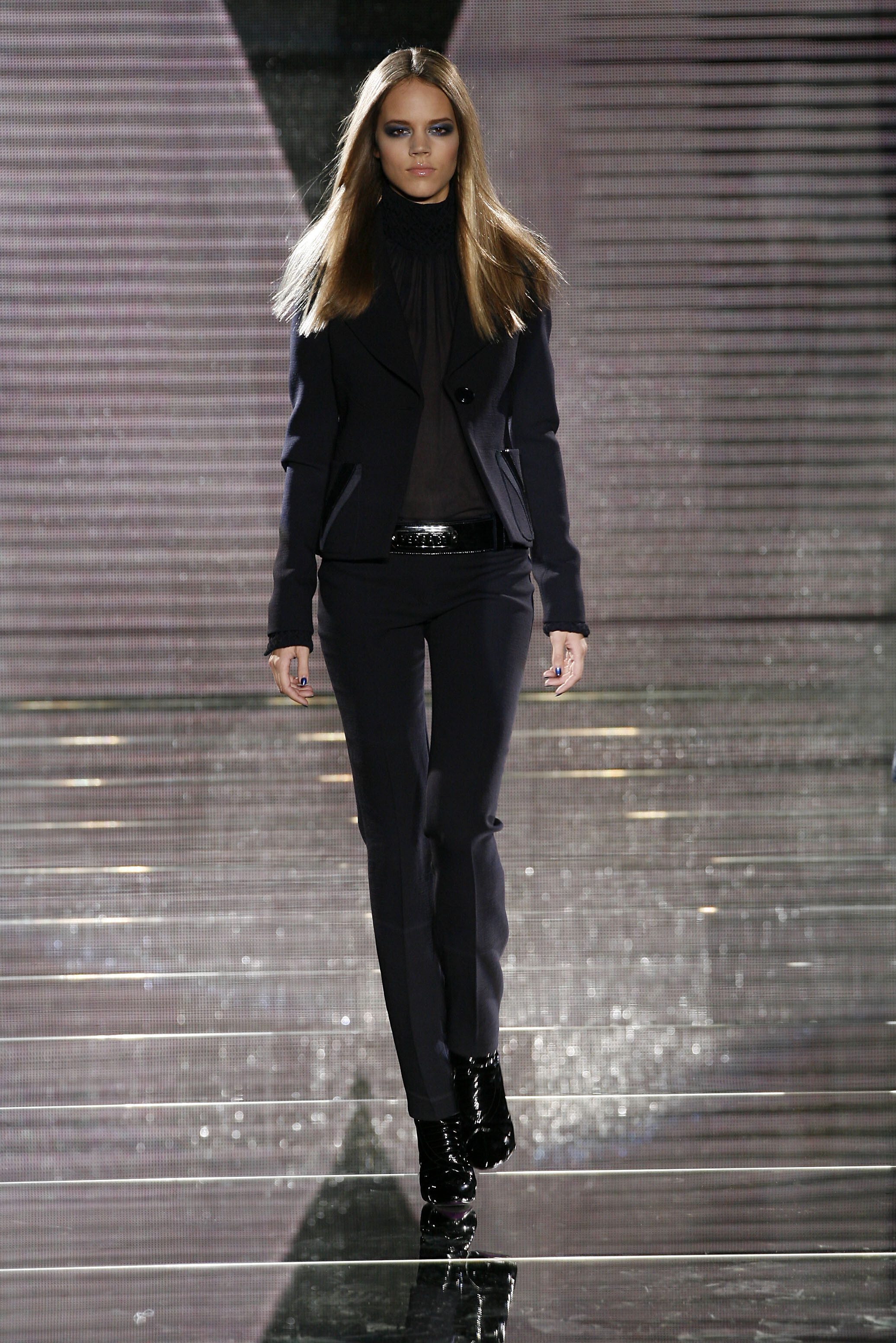
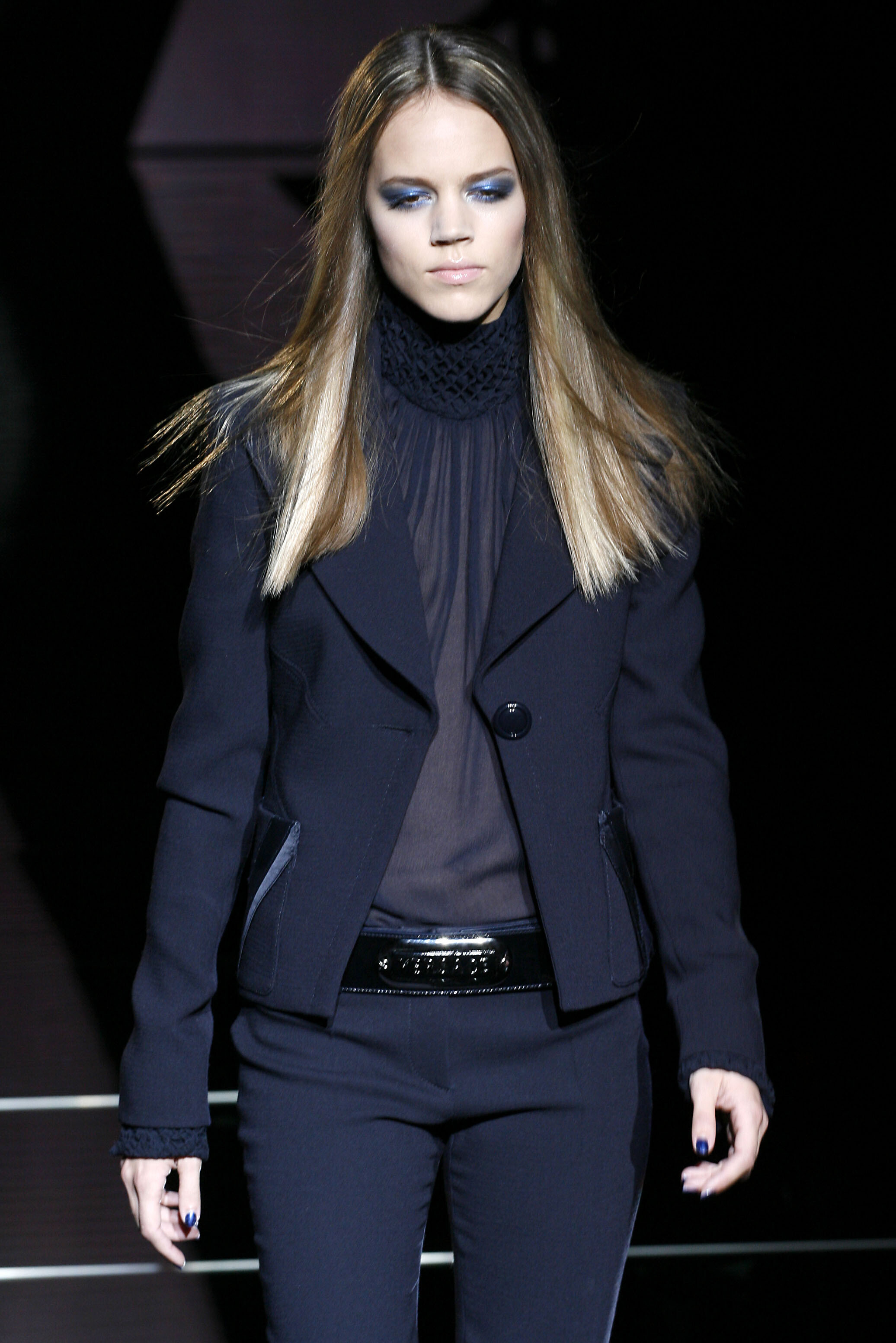
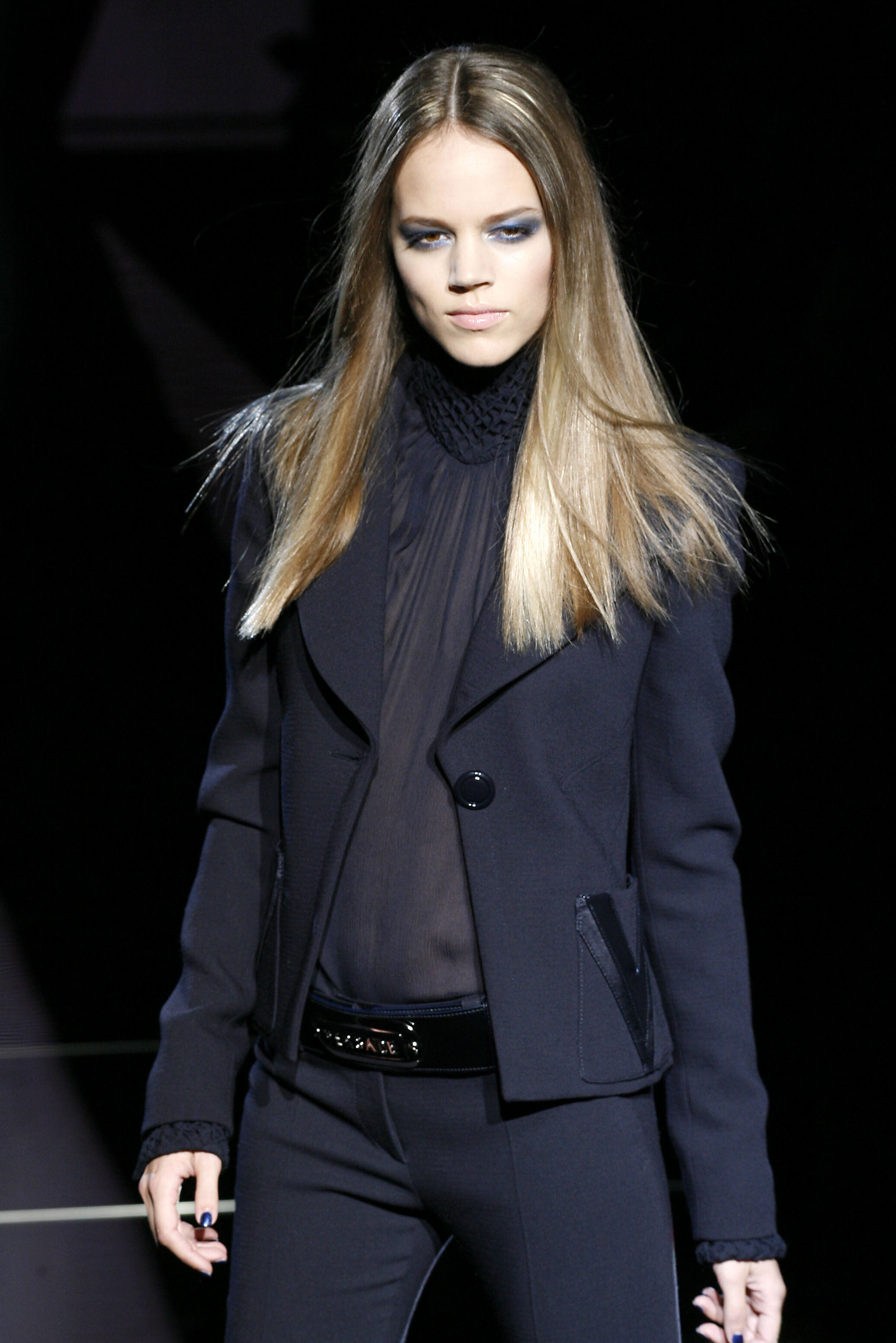
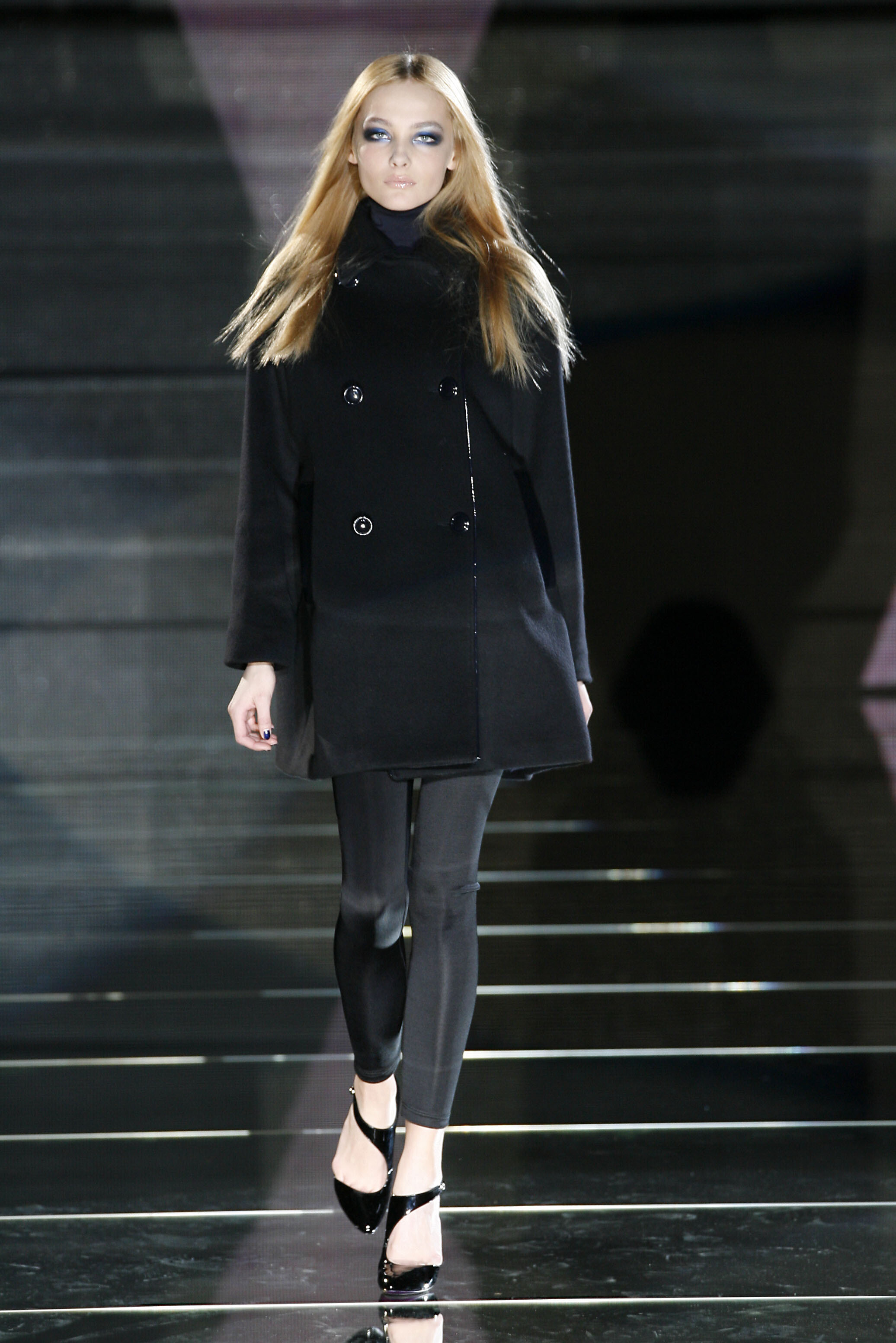
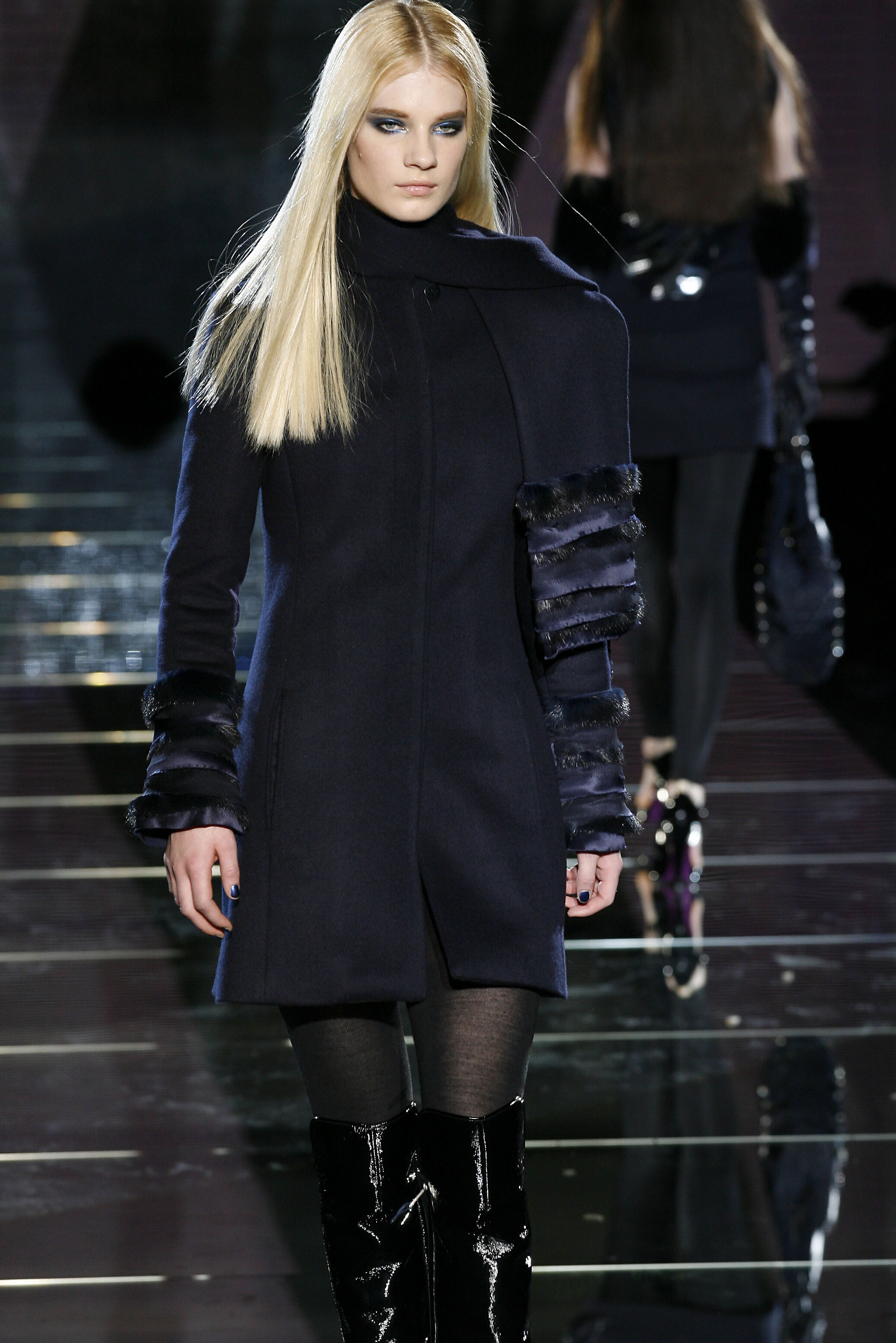
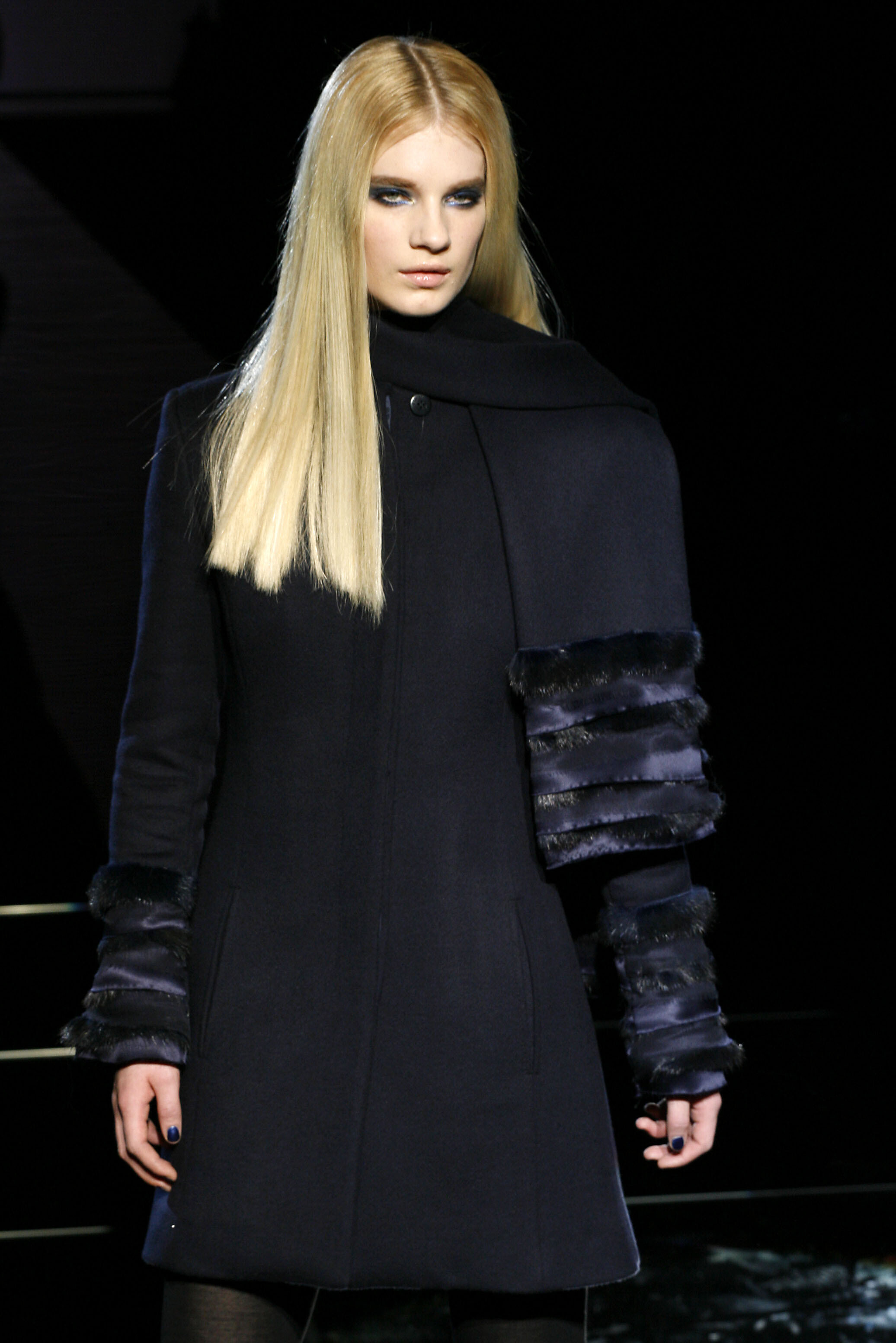
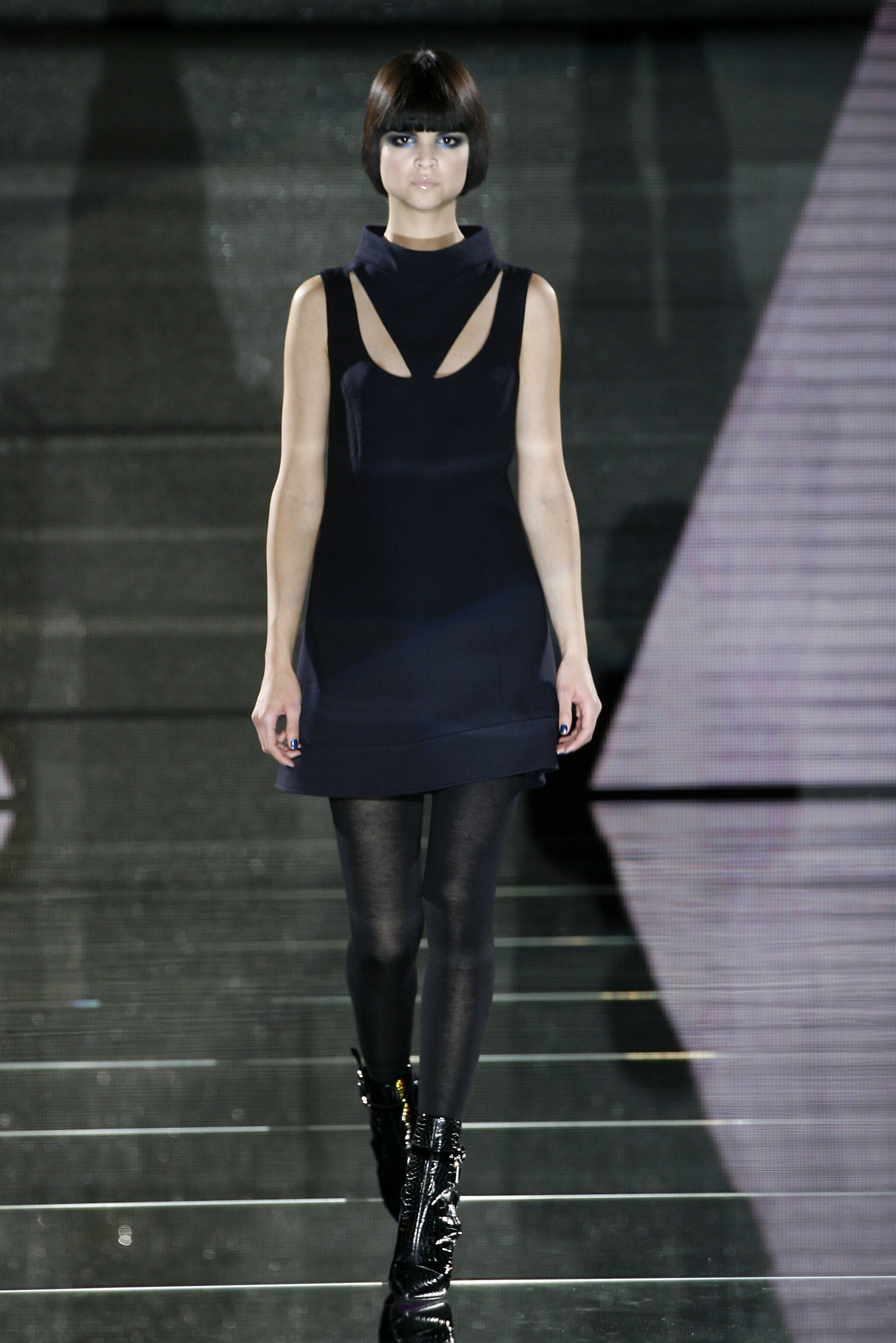
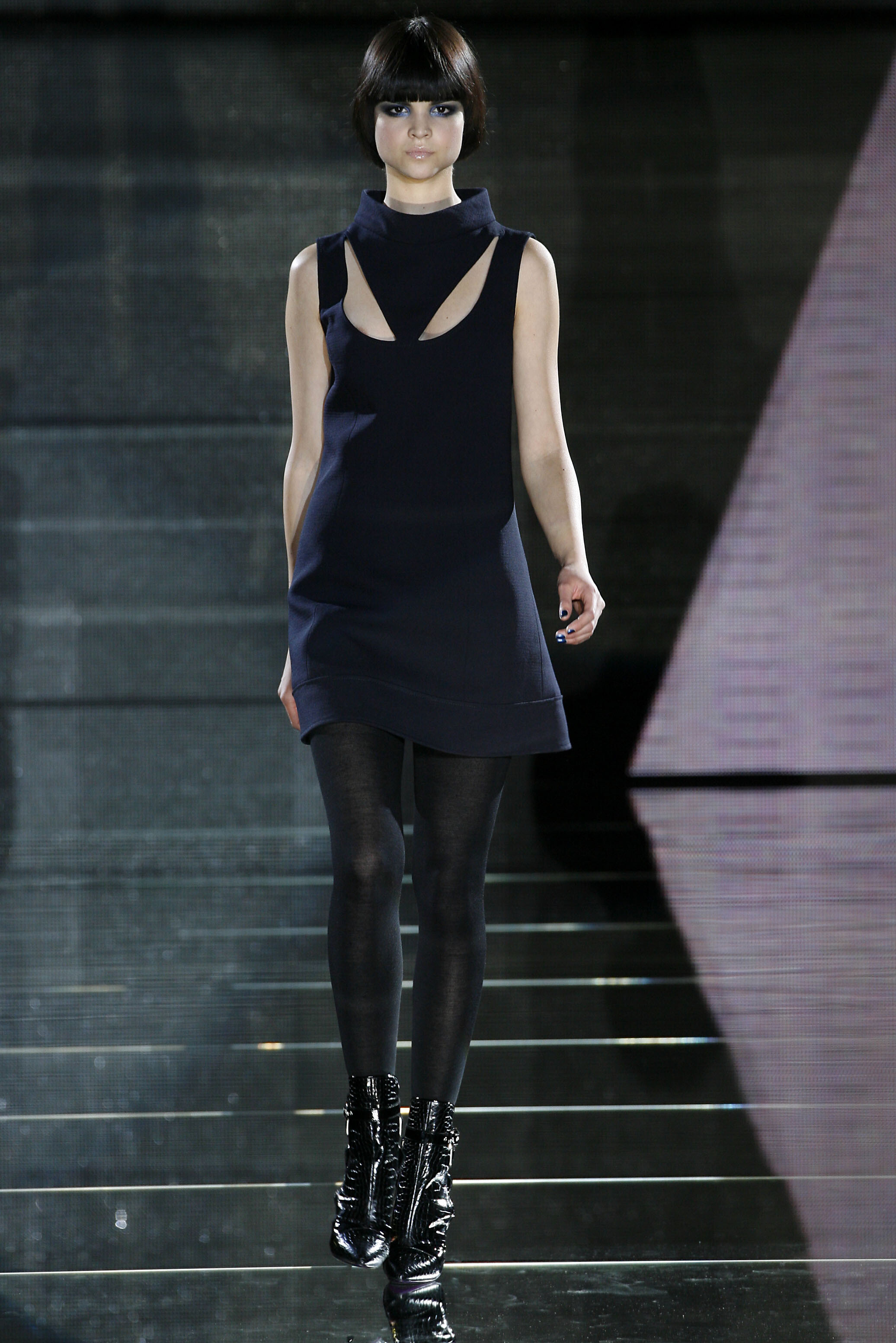
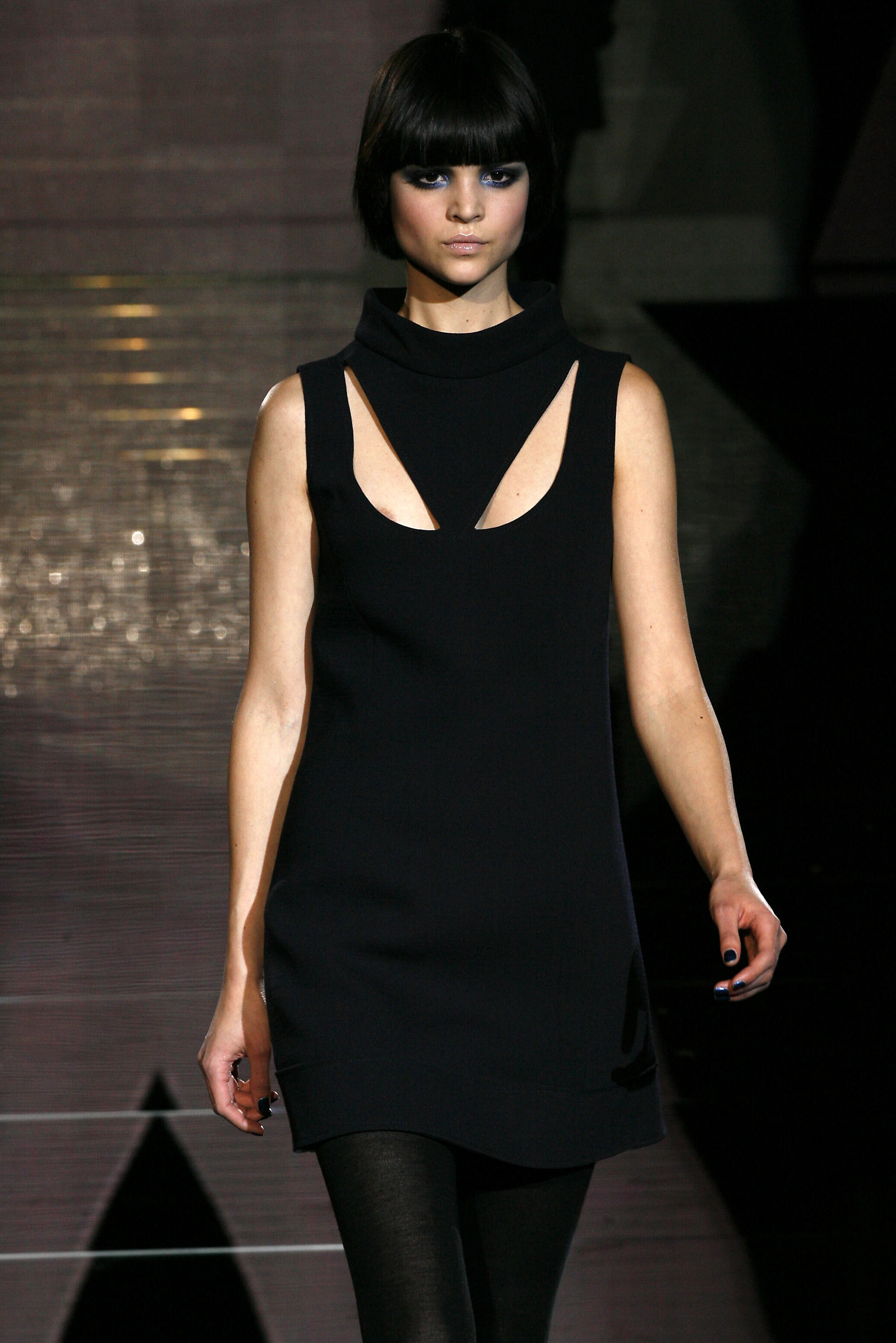
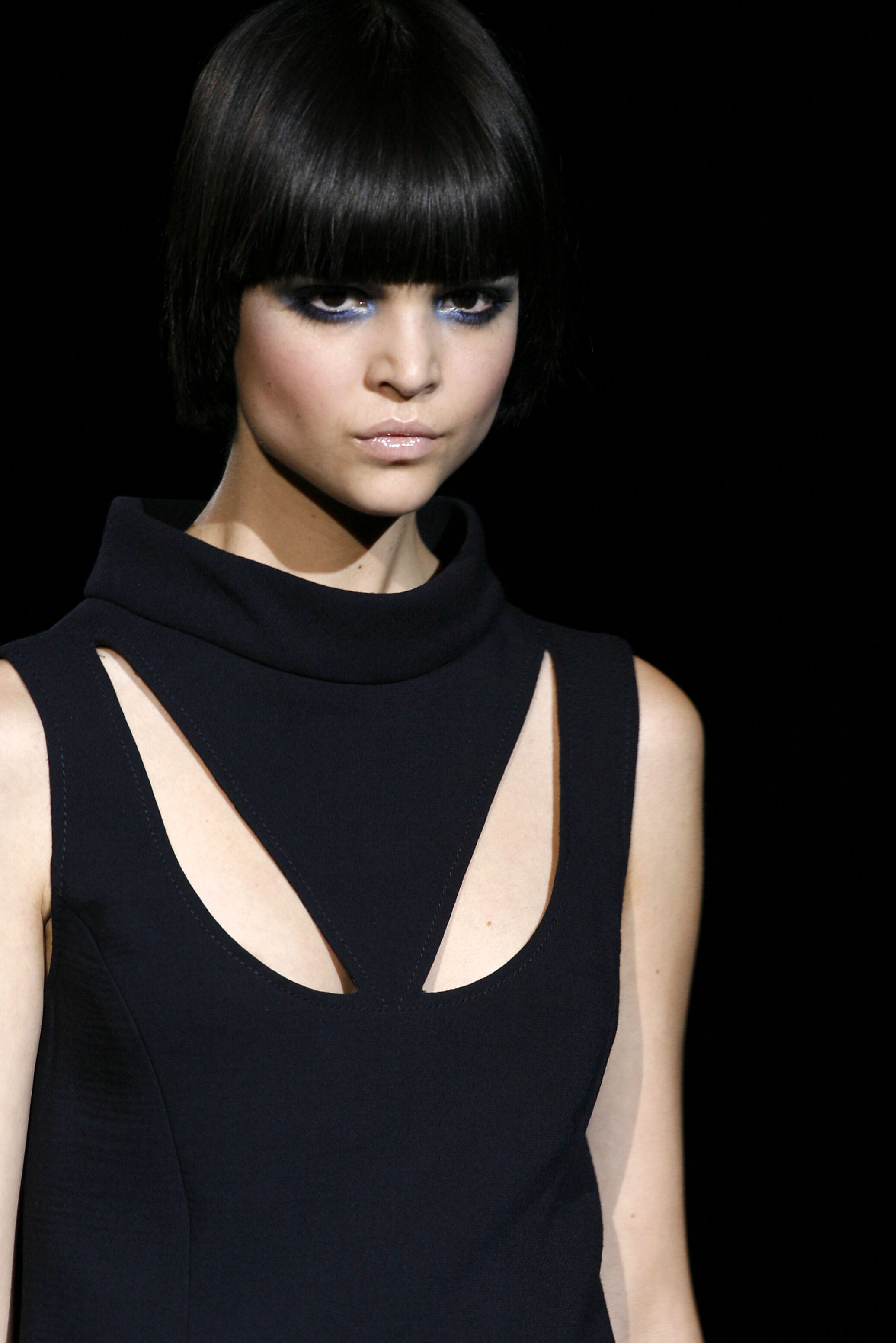
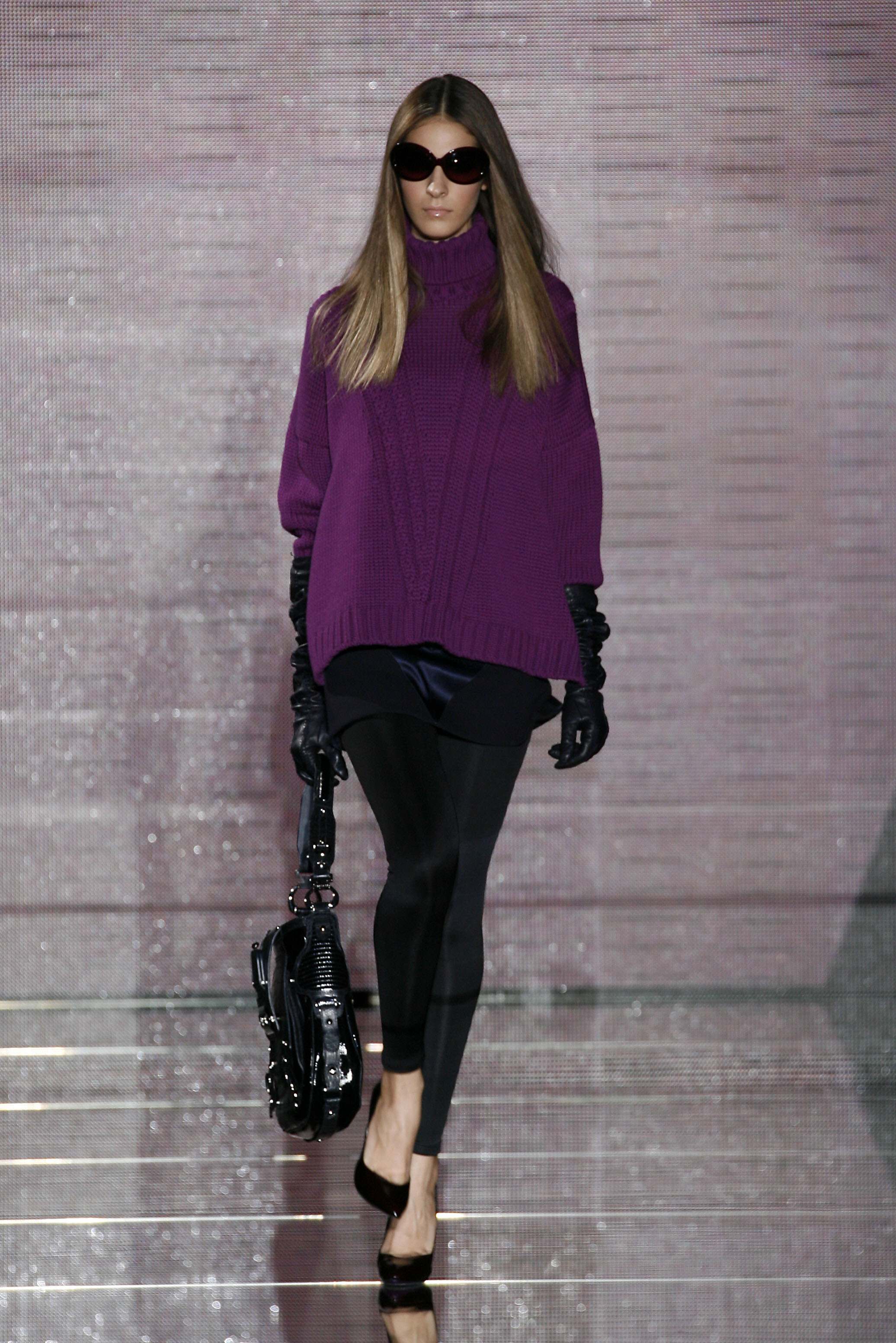
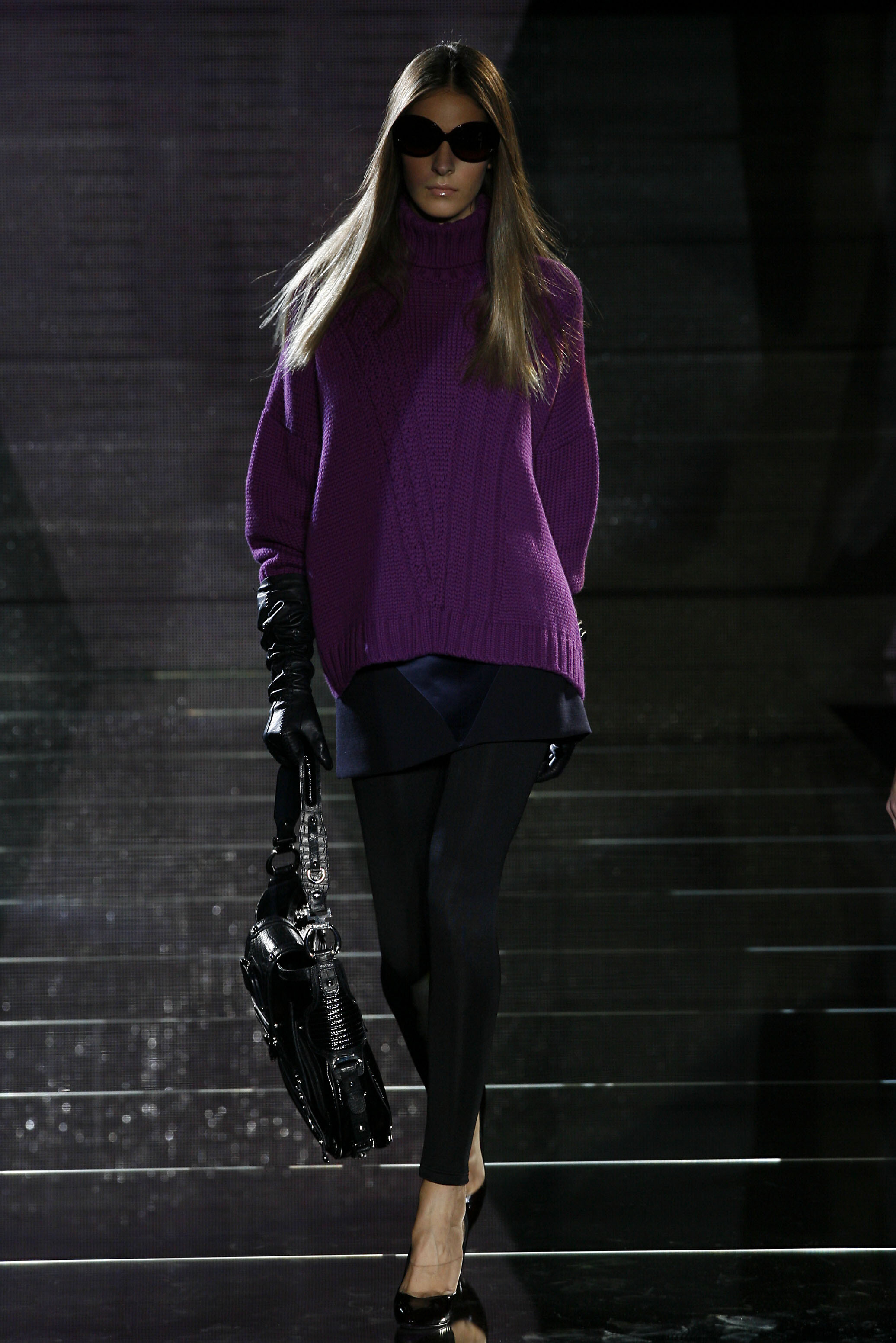


Account
Navigation
Search
Configure browser push notifications
Chrome (Android)
- Tap the lock icon next to the address bar.
- Tap Permissions → Notifications.
- Adjust your preference.
Chrome (Desktop)
- Click the padlock icon in the address bar.
- Select Site settings.
- Find Notifications and adjust your preference.
Safari (iOS 16.4+)
- Ensure the site is installed via Add to Home Screen.
- Open Settings App → Notifications.
- Find your app name and adjust your preference.
Safari (macOS)
- Go to Safari → Preferences.
- Click the Websites tab.
- Select Notifications in the sidebar.
- Find this website and adjust your preference.
Edge (Android)
- Tap the lock icon next to the address bar.
- Tap Permissions.
- Find Notifications and adjust your preference.
Edge (Desktop)
- Click the padlock icon in the address bar.
- Click Permissions for this site.
- Find Notifications and adjust your preference.
Firefox (Android)
- Go to Settings → Site permissions.
- Tap Notifications.
- Find this site in the list and adjust your preference.
Firefox (Desktop)
- Open Firefox Settings.
- Search for Notifications.
- Find this site in the list and adjust your preference.