-
-
Model ID Alternate Thread (Post Inquiries Here)
-
Model ID Alternate Thread (Post Inquiries Here)
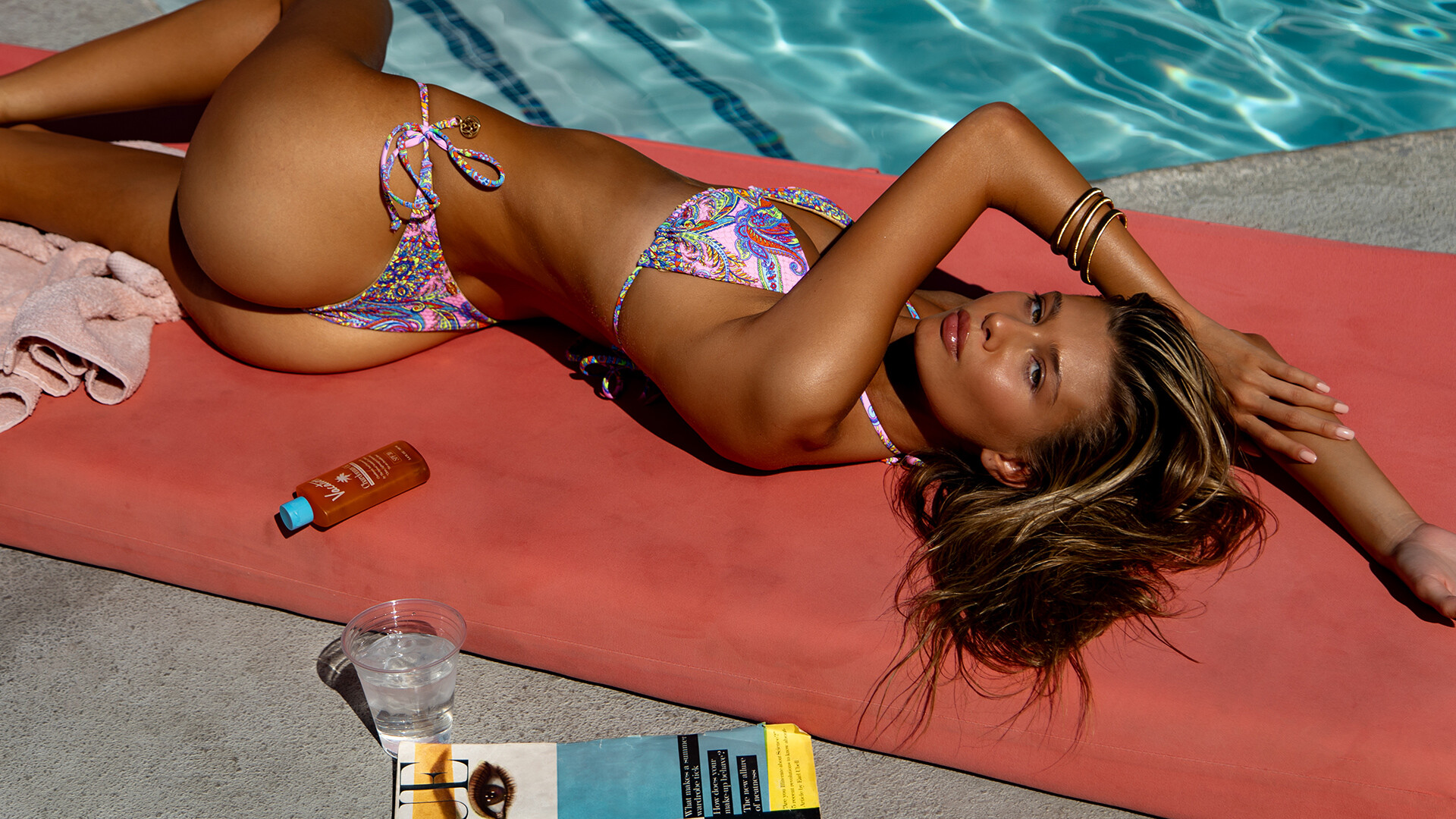
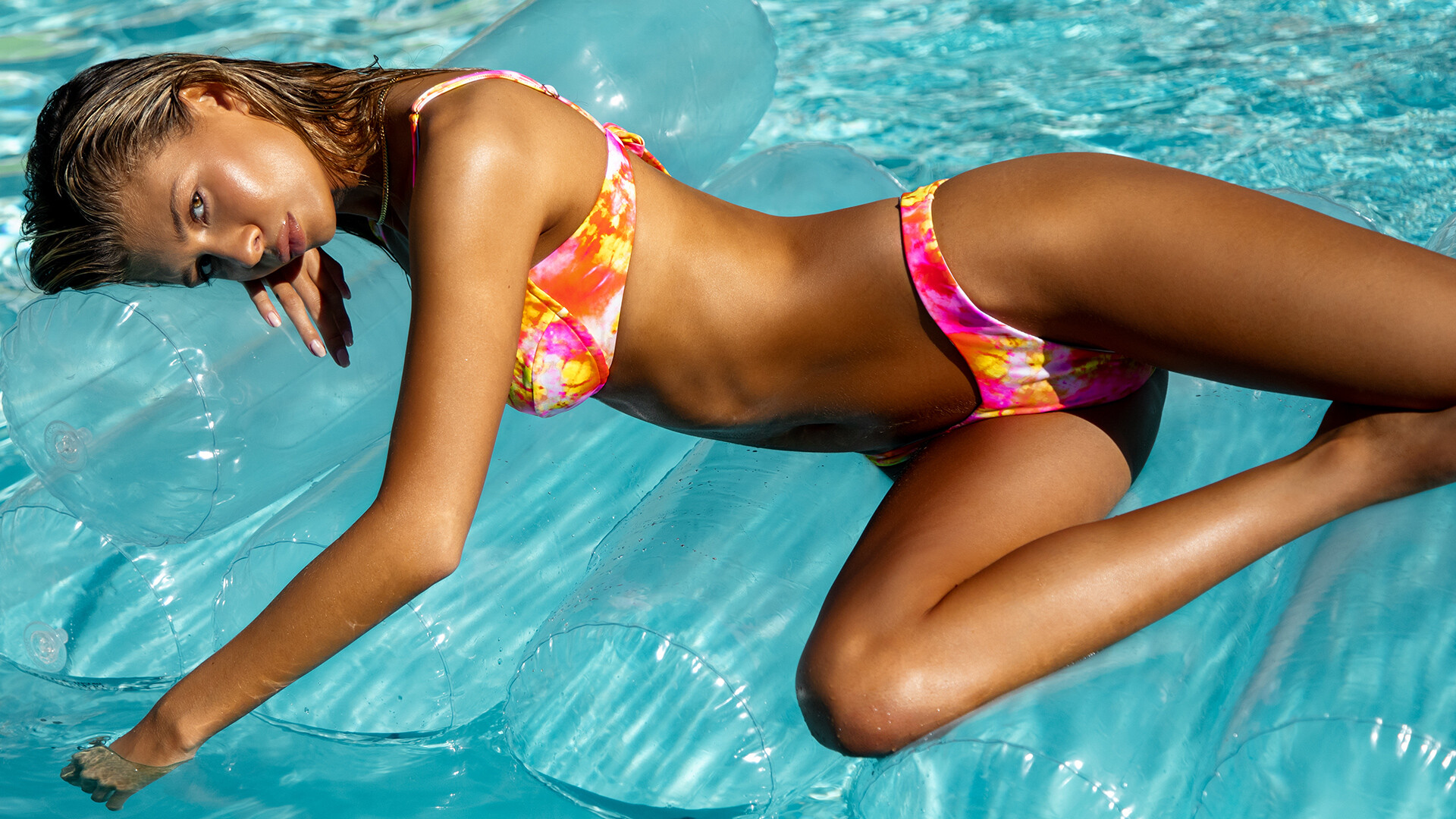
Who is this? from here: https://jimmalucci.com/the-beach
-
Model ID Alternate Thread (Post Inquiries Here)
Who is this? from here: https://www.akoiaswim.com/products/vale-bikini-sage
-
Model ID Alternate Thread (Post Inquiries Here)
- Fiona Briseno
-
Model ID Alternate Thread (Post Inquiries Here)
Yep! I realized right after I posted. Thanks!
-
Model ID Alternate Thread (Post Inquiries Here)
Never mind she is Theopisti Pourliotopoulou
-
Model ID Alternate Thread (Post Inquiries Here)
Who is this Reina Olga model? from here: https://reinaolga.com/en-us/pages/teresa-lookbook
-
xnbxb started following Who is this Minimale Animale model? , Who is she? , Who is she? and 2 others
-
Who is she?
- Model ID Alternate Thread (Post Inquiries Here)
I can't find any confirmation but it definitely looks like her. Thanks!- Who is she?
- Model ID Alternate Thread (Post Inquiries Here)
Who is this Oh Polly model? This was for their RetroSport campaign.- Who are these Shine Brown models?
Photographer is Amadeo Agis. This came from his website: https://amadeoagis.com/shine-brown- Who is this Koko Swimwear model?
Photographer is Filippo Bonfiglio. This came from his website: https://www.filippobphotography.com/swimwear35mm- Who is this Minimale Animale model?
Photographer is Todd Barret. This came from his website: https://toddbarrettphoto.myportfolio.com/ He also posted it on his Instagram here: https://www.instagram.com/p/C9BLdlFAKEC/ but he did not tag the model. - Model ID Alternate Thread (Post Inquiries Here)
xnbxb
Members
-
Joined
-
Last visited
Account
Navigation
Search
Configure browser push notifications
Chrome (Android)
- Tap the lock icon next to the address bar.
- Tap Permissions → Notifications.
- Adjust your preference.
Chrome (Desktop)
- Click the padlock icon in the address bar.
- Select Site settings.
- Find Notifications and adjust your preference.
Safari (iOS 16.4+)
- Ensure the site is installed via Add to Home Screen.
- Open Settings App → Notifications.
- Find your app name and adjust your preference.
Safari (macOS)
- Go to Safari → Preferences.
- Click the Websites tab.
- Select Notifications in the sidebar.
- Find this website and adjust your preference.
Edge (Android)
- Tap the lock icon next to the address bar.
- Tap Permissions.
- Find Notifications and adjust your preference.
Edge (Desktop)
- Click the padlock icon in the address bar.
- Click Permissions for this site.
- Find Notifications and adjust your preference.
Firefox (Android)
- Go to Settings → Site permissions.
- Tap Notifications.
- Find this site in the list and adjust your preference.
Firefox (Desktop)
- Open Firefox Settings.
- Search for Notifications.
- Find this site in the list and adjust your preference.