All Activity
- Past hour
-
 Gooseberry ph. Amadeo Agis (reposts are larger)





























































-


 Aminn tattoo changed their profile photo
 yeah makes sense. got me confused when u said between font and emoji. ty
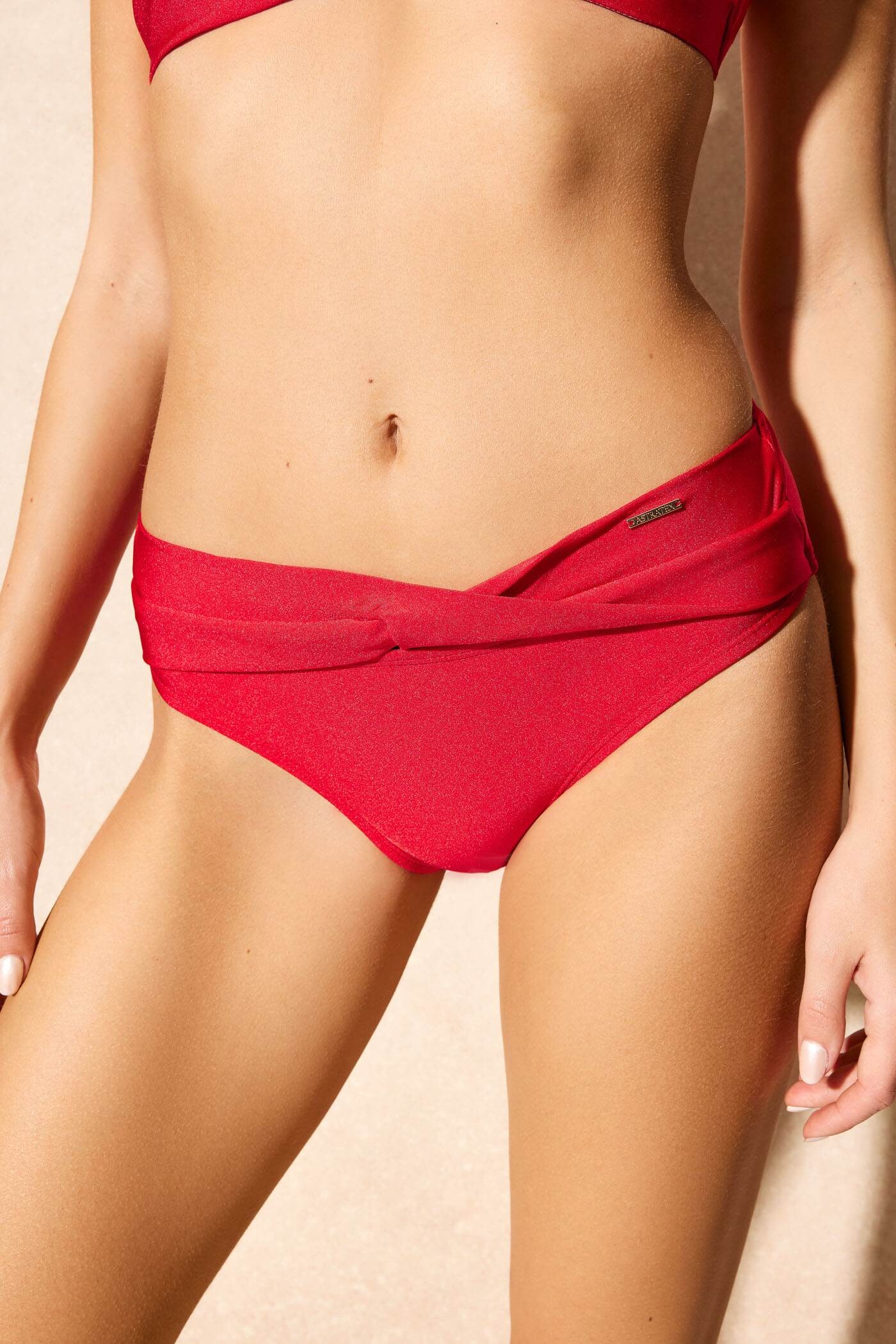
 Astratex: Her IG is @ani.benesova (currently ~81k followers)














































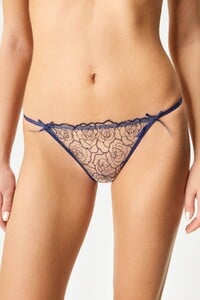

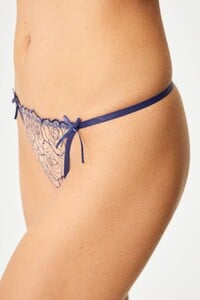



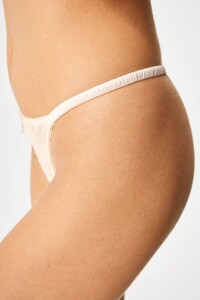
 Who is she?
 Aminn tattoo joined the community
 NIU MEN DOOR joined the community
 Tropic of C




















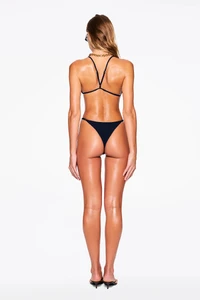

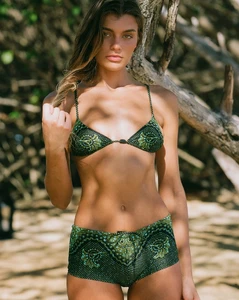
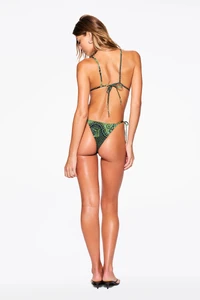









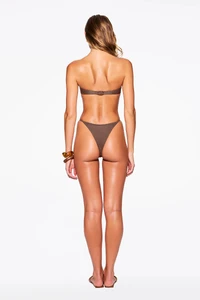











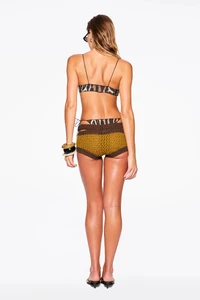







 war with iran.................
It takes 9! headshots to kill a zombie on 'insanity' and crimson heads appear from the start wtf!
Edikted
war with iran.................
It takes 9! headshots to kill a zombie on 'insanity' and crimson heads appear from the start wtf!
Edikted







 Brown Studio joined the community
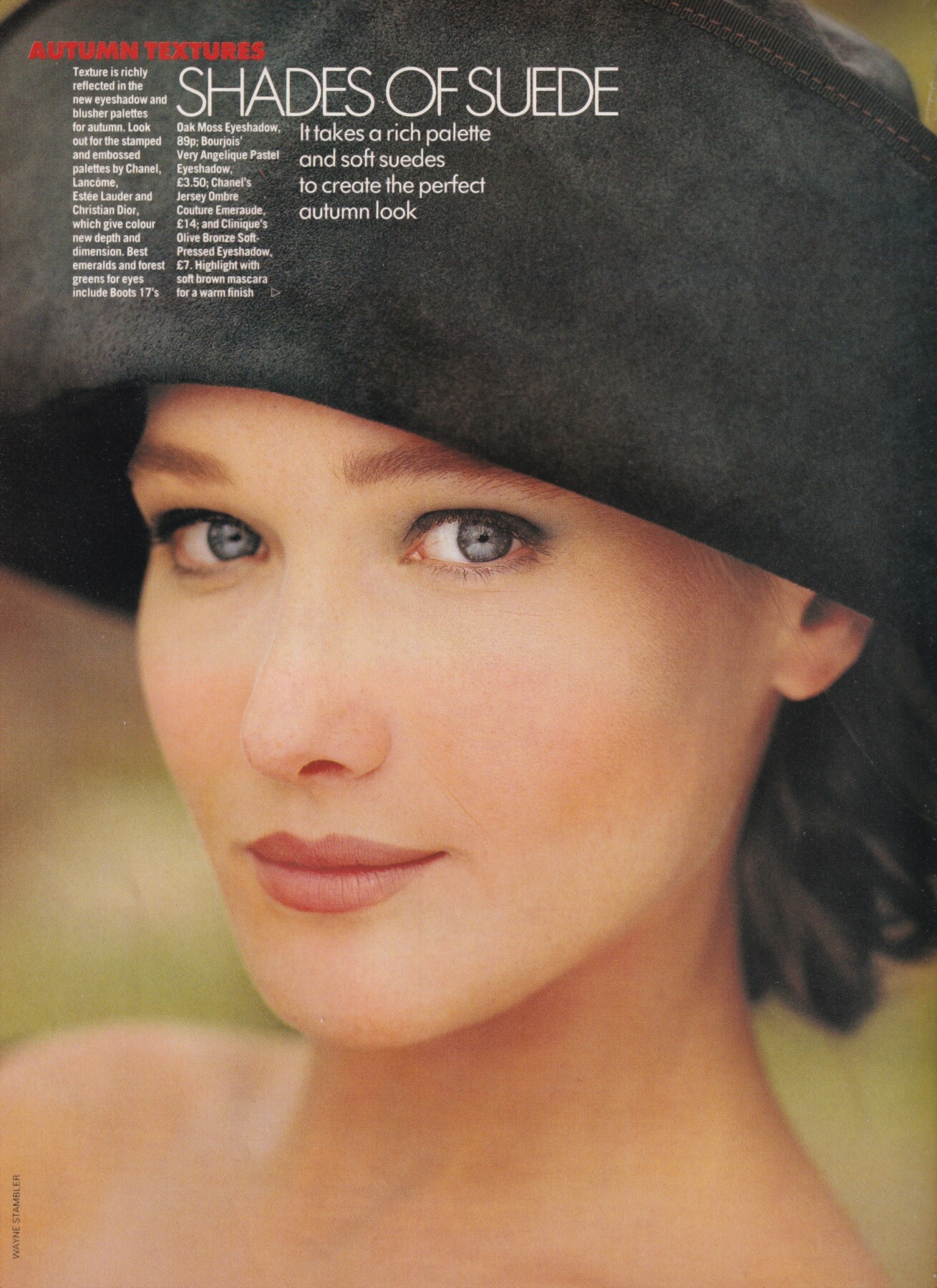
 "Shades of suede", Elle UK, September 1988 Carla Bruni by Wayne Stambler my scans
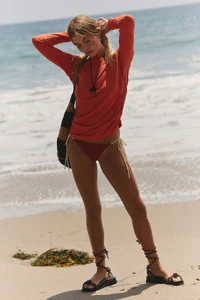
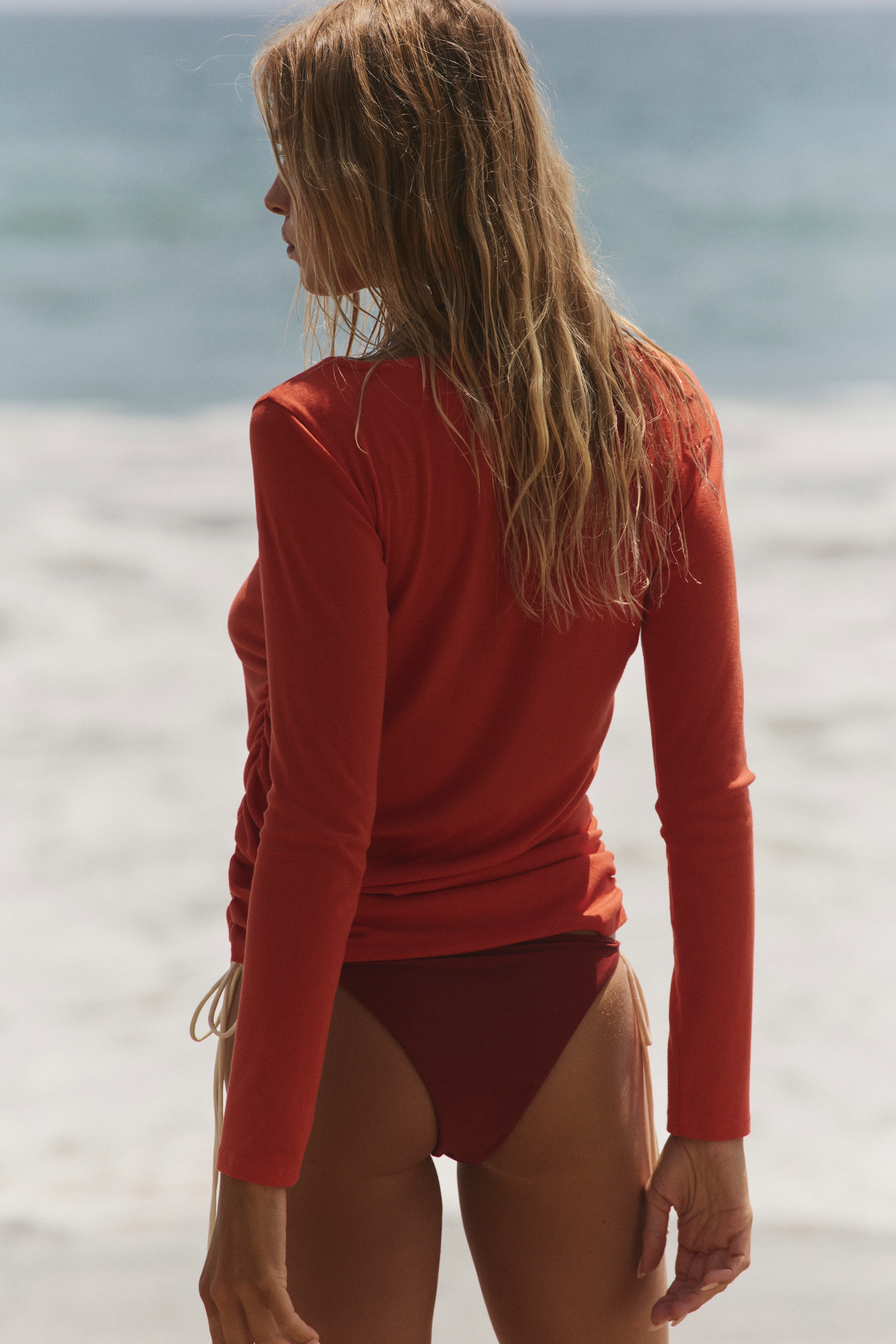
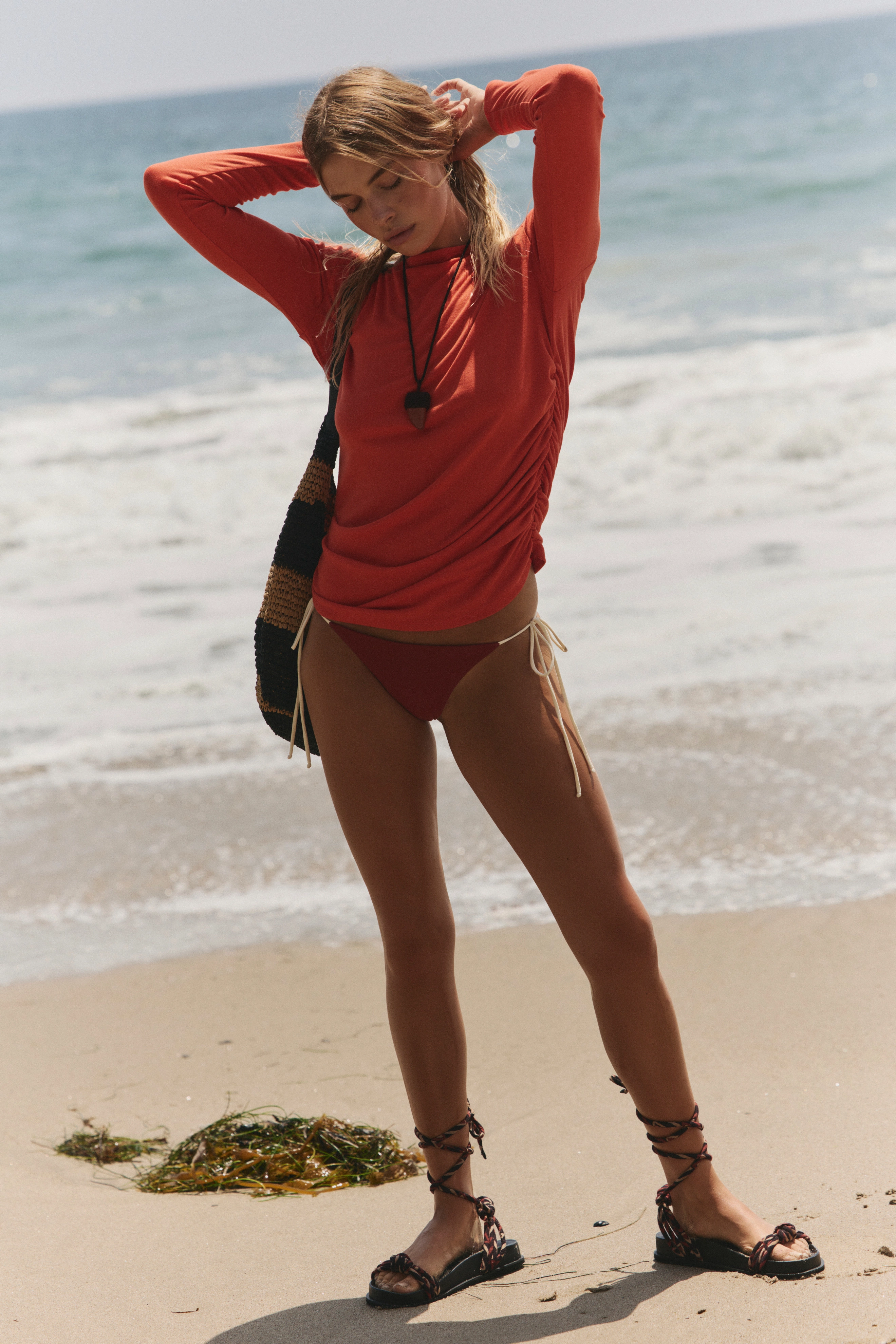
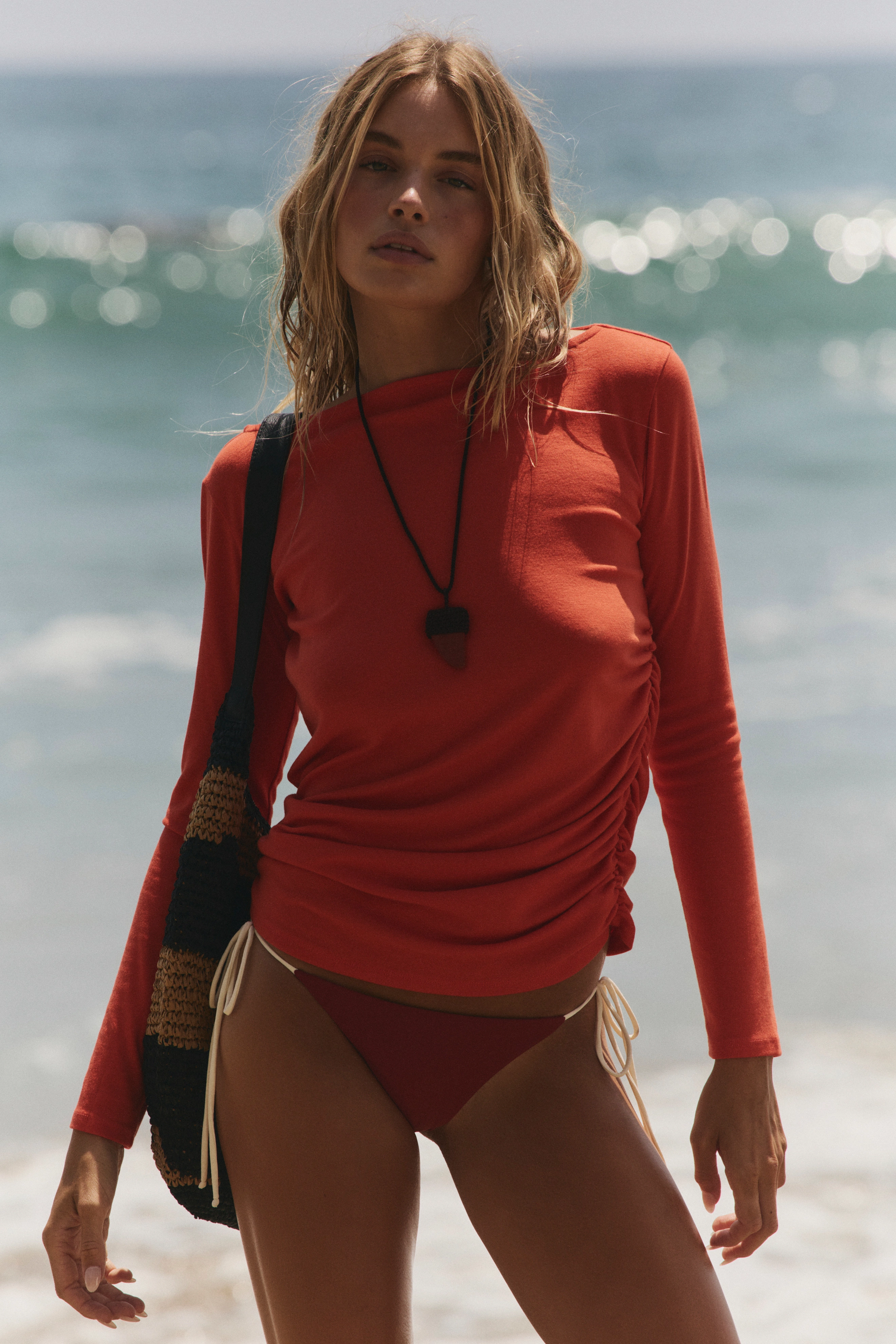
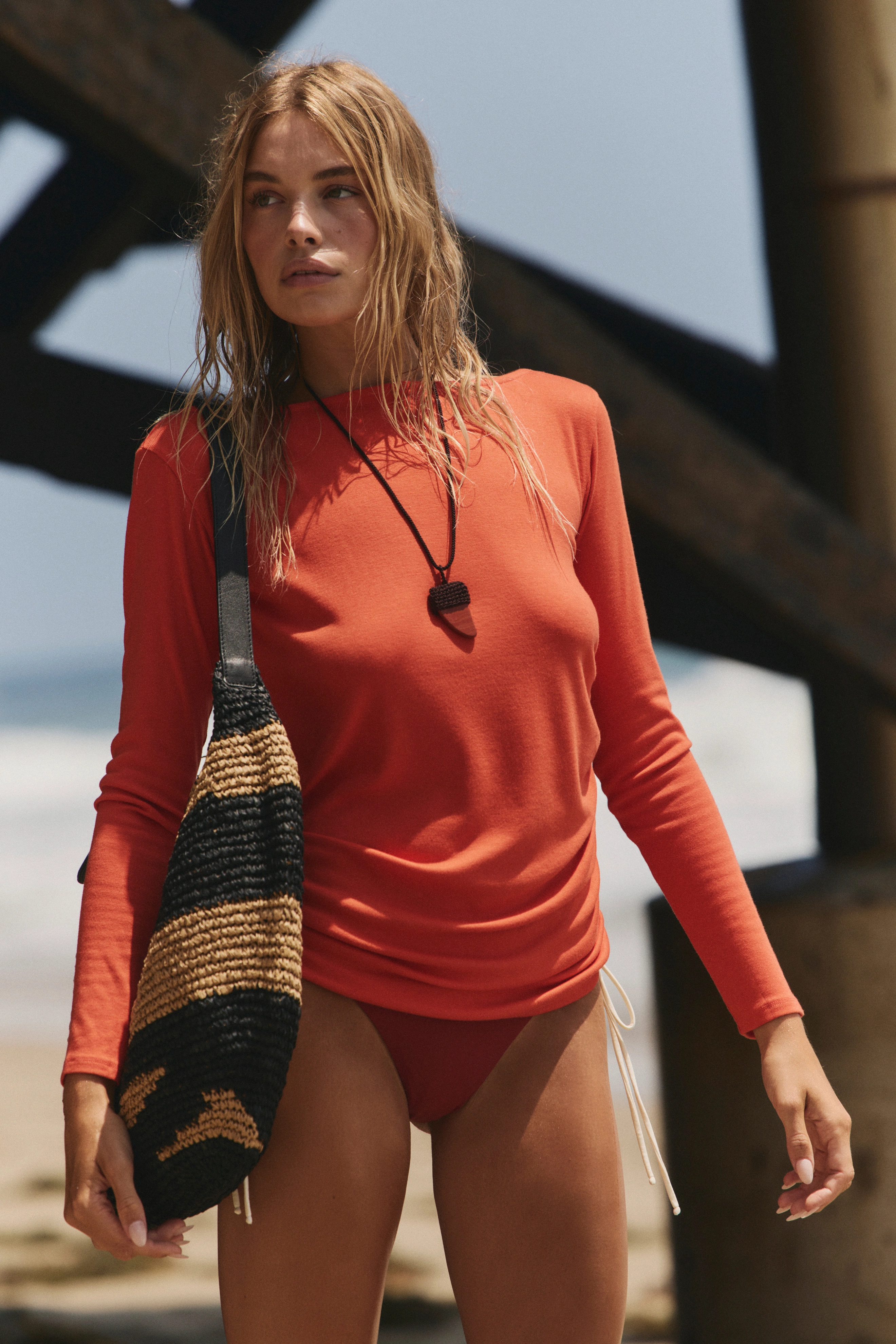
 free people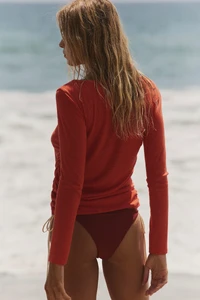











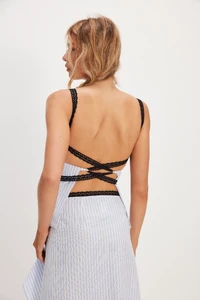



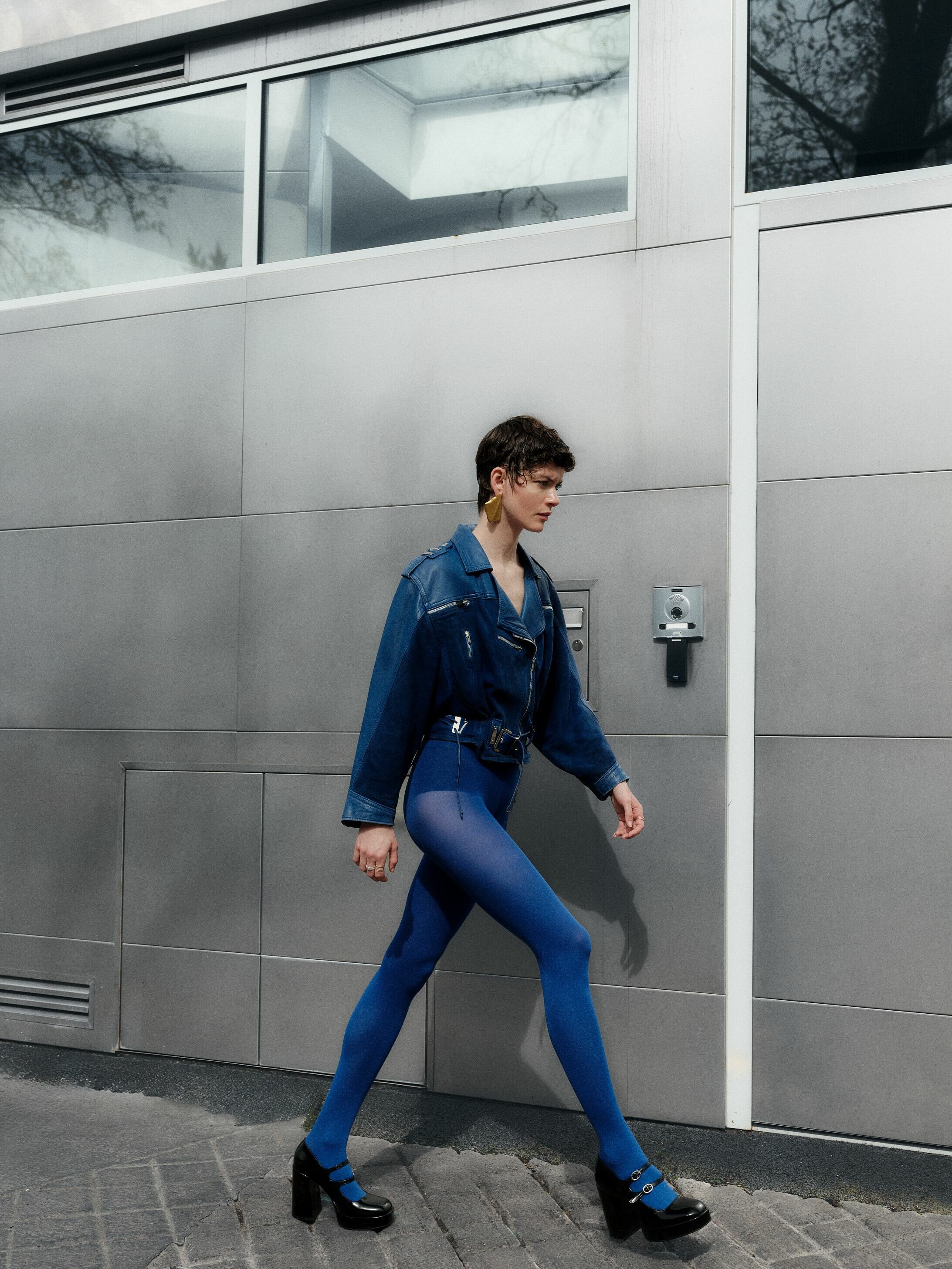
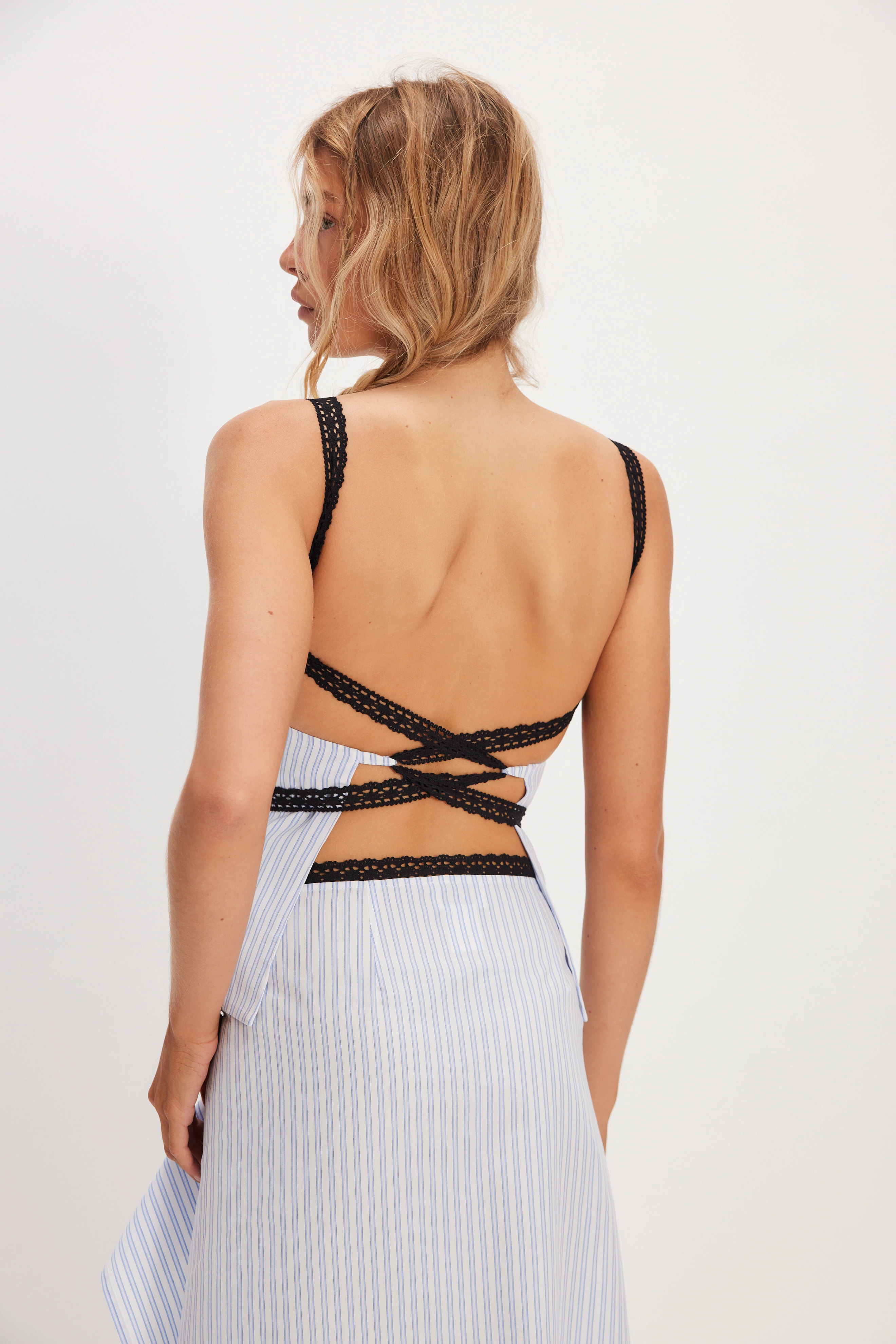
 Anna Schilling https://www.instagram.com/anna_schilling/?hl=en
- Today
 Beautiful
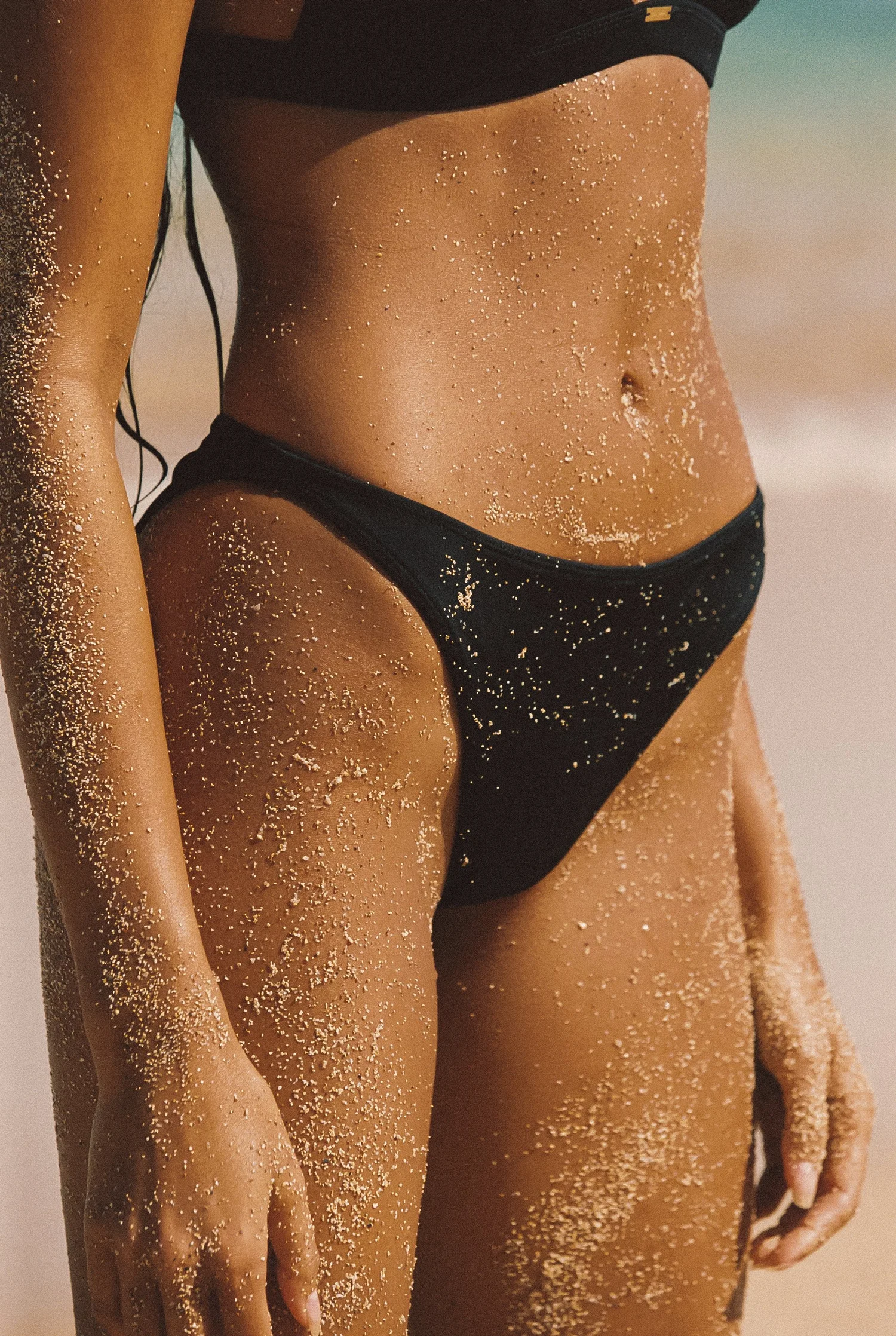
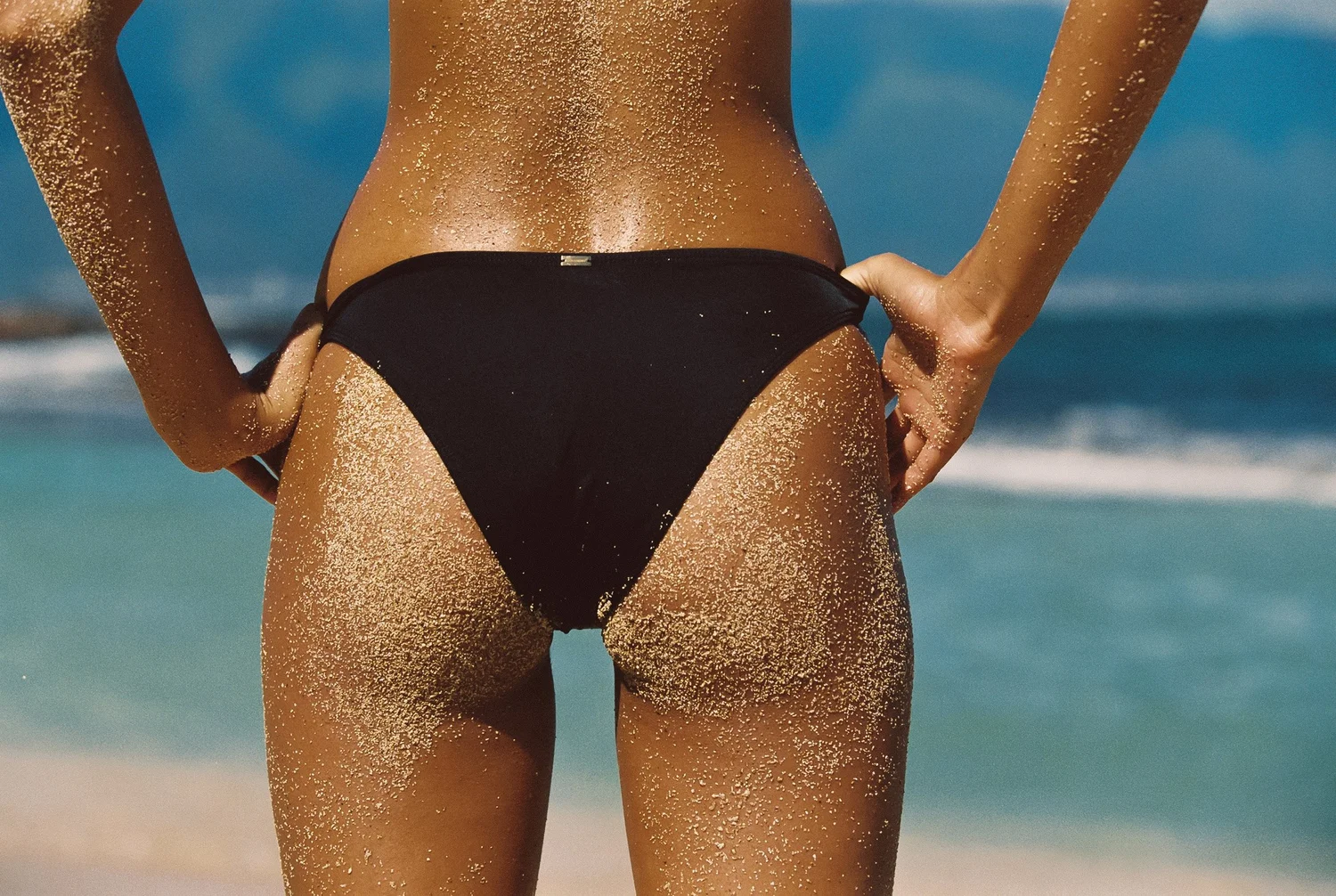
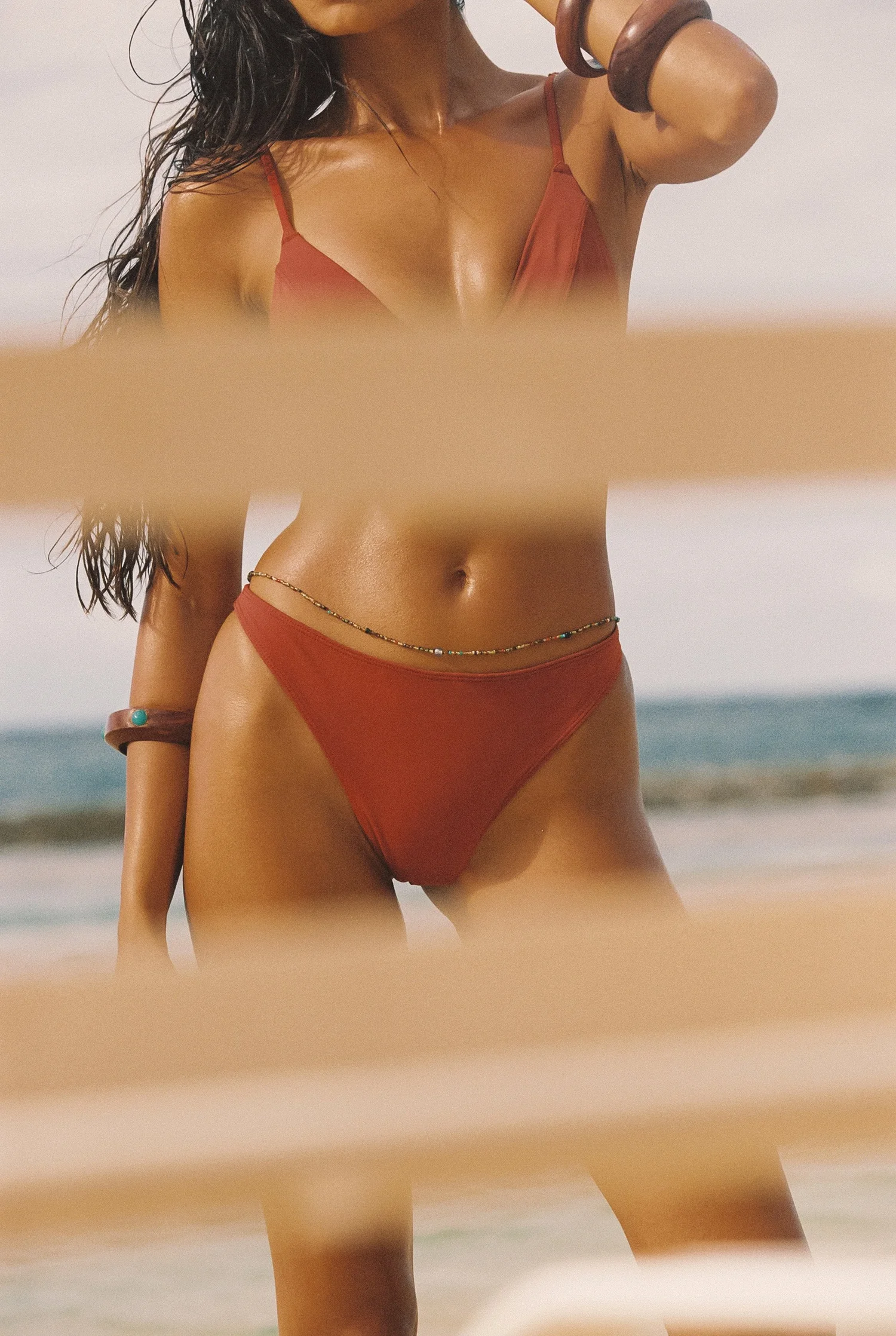
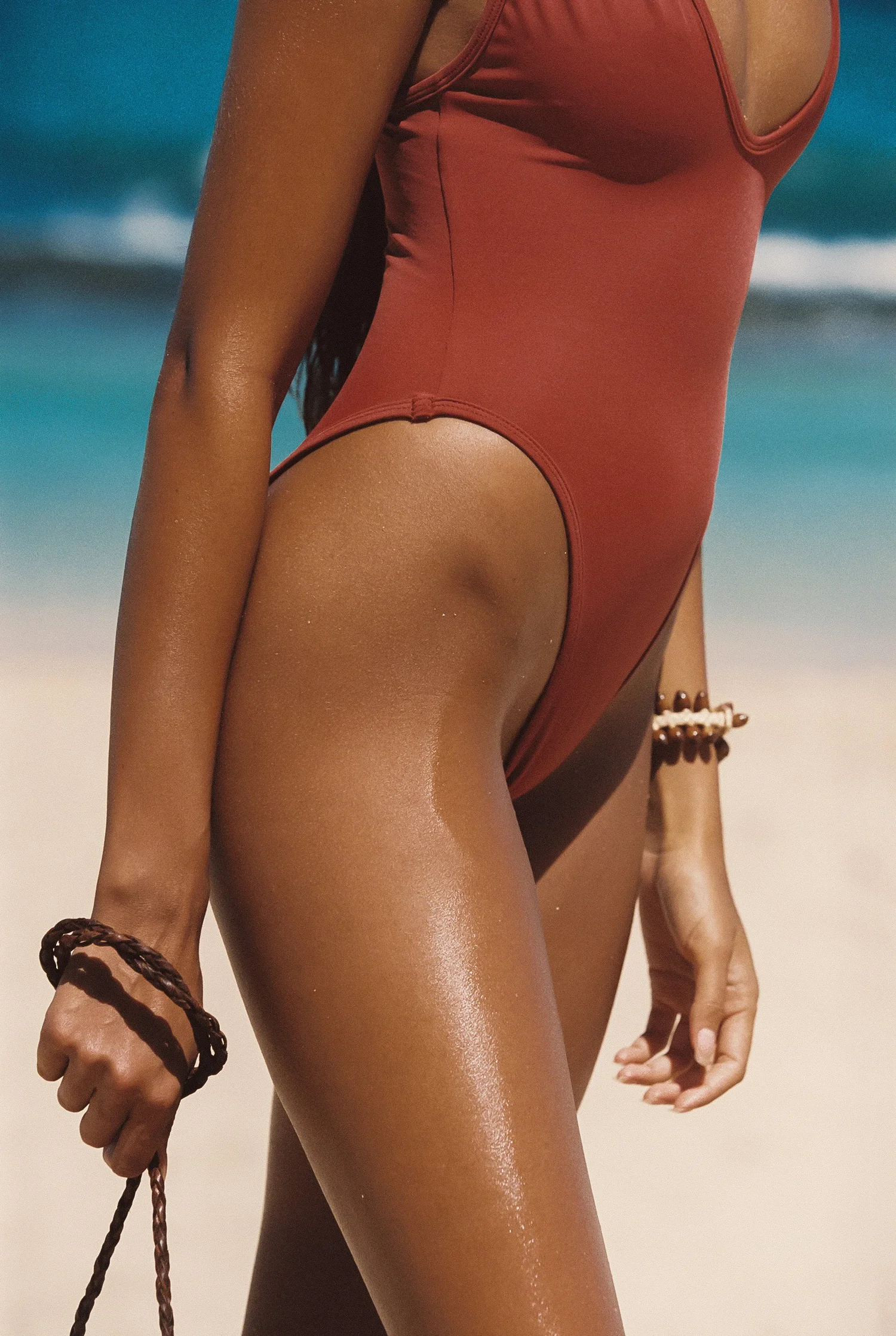
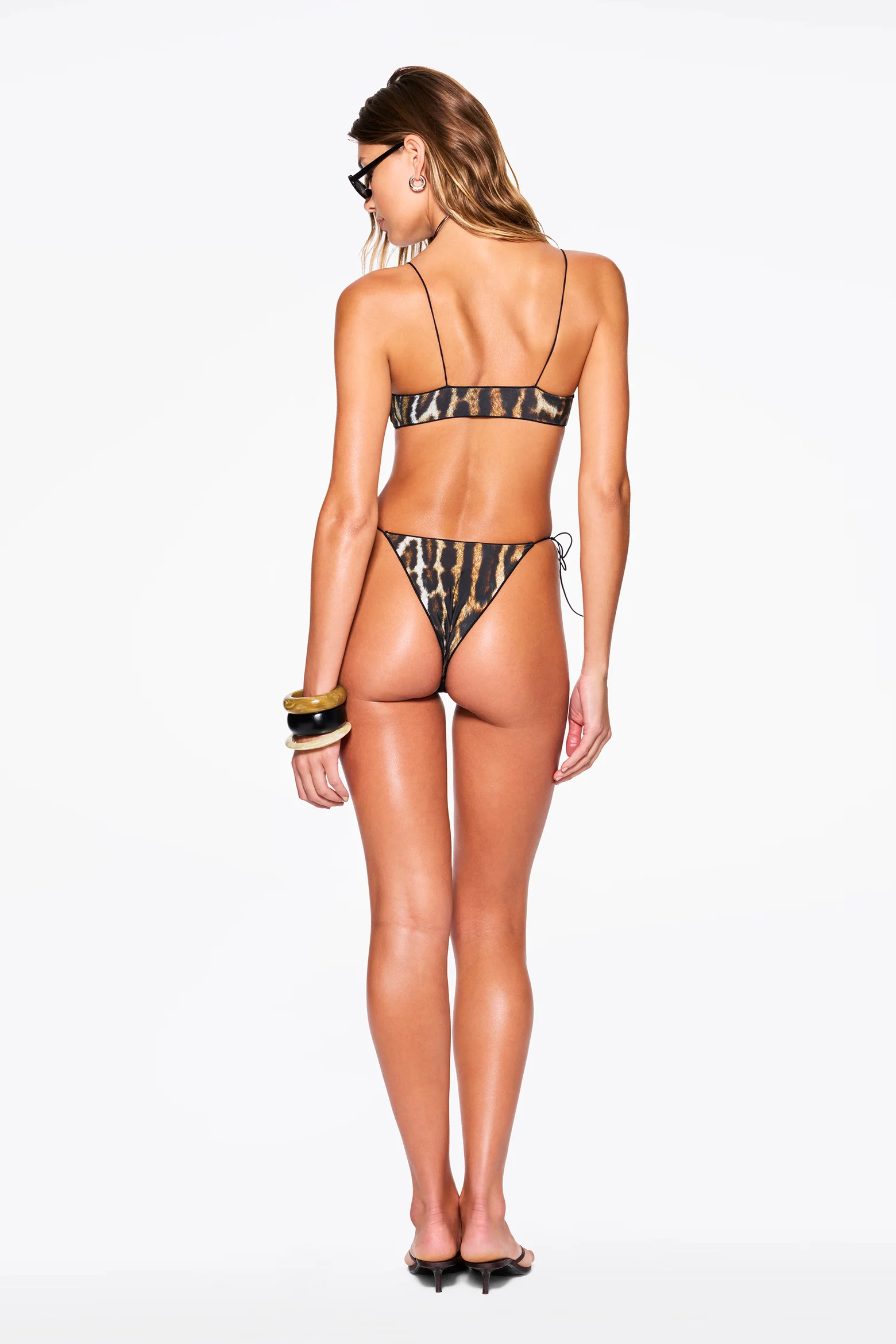
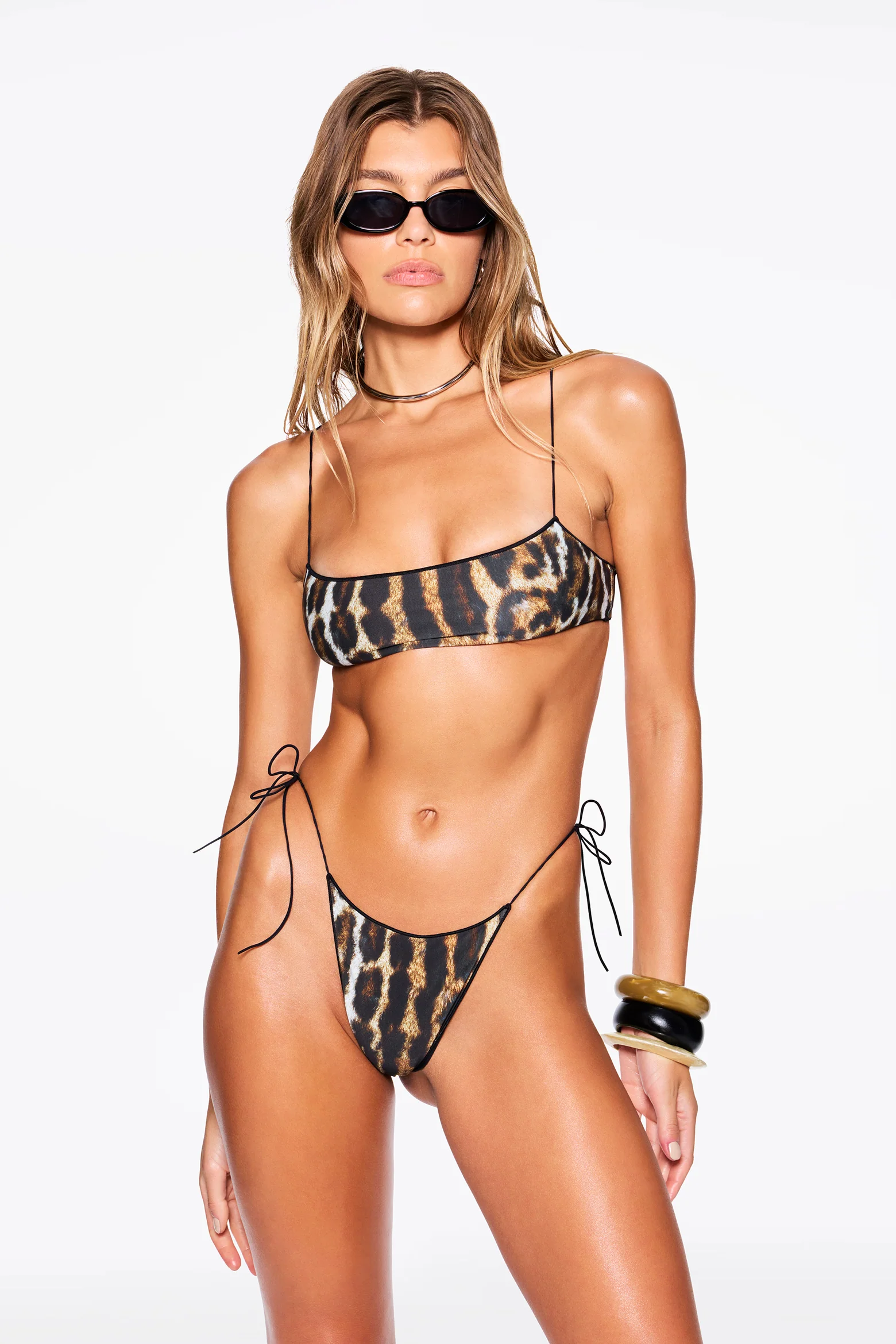
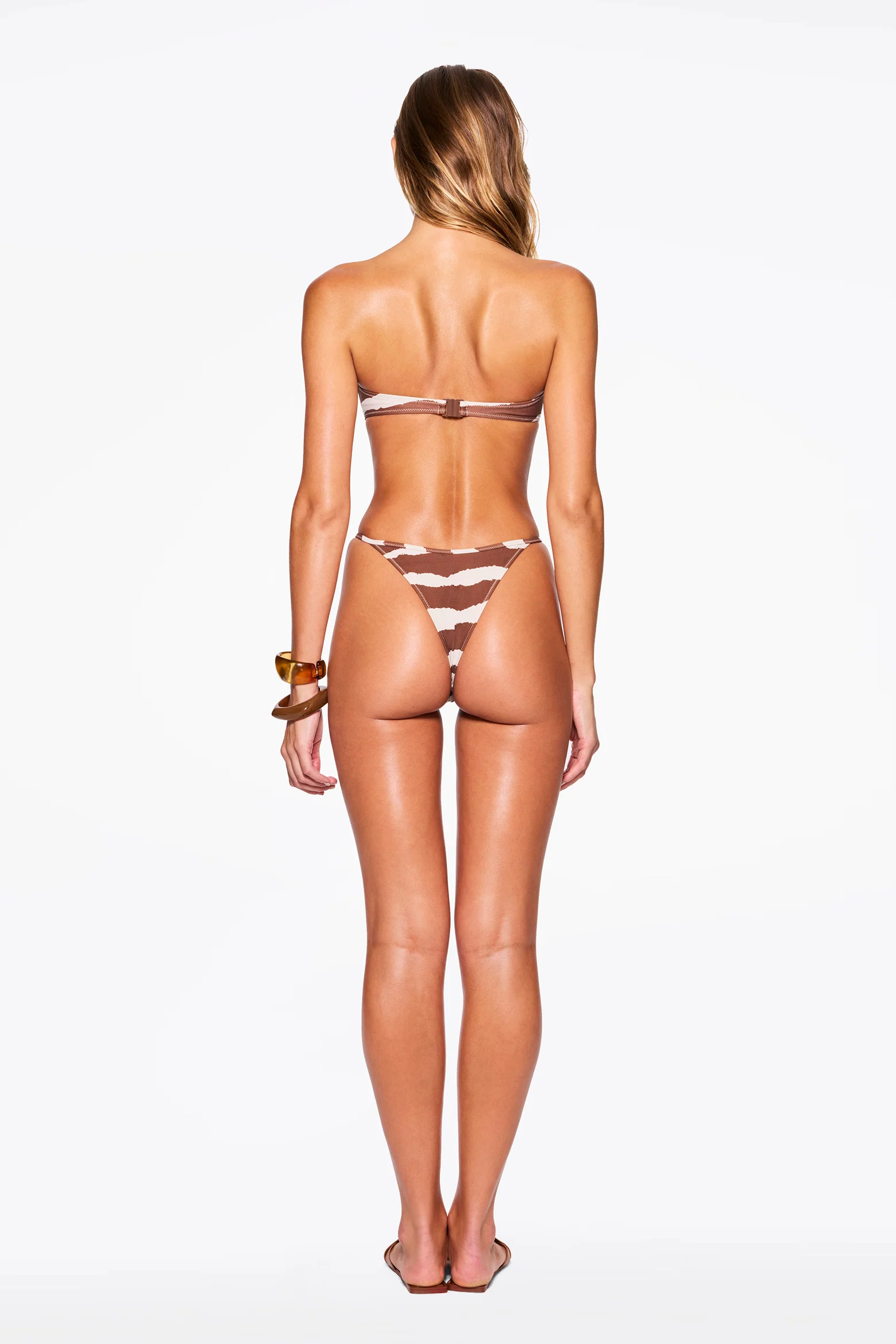
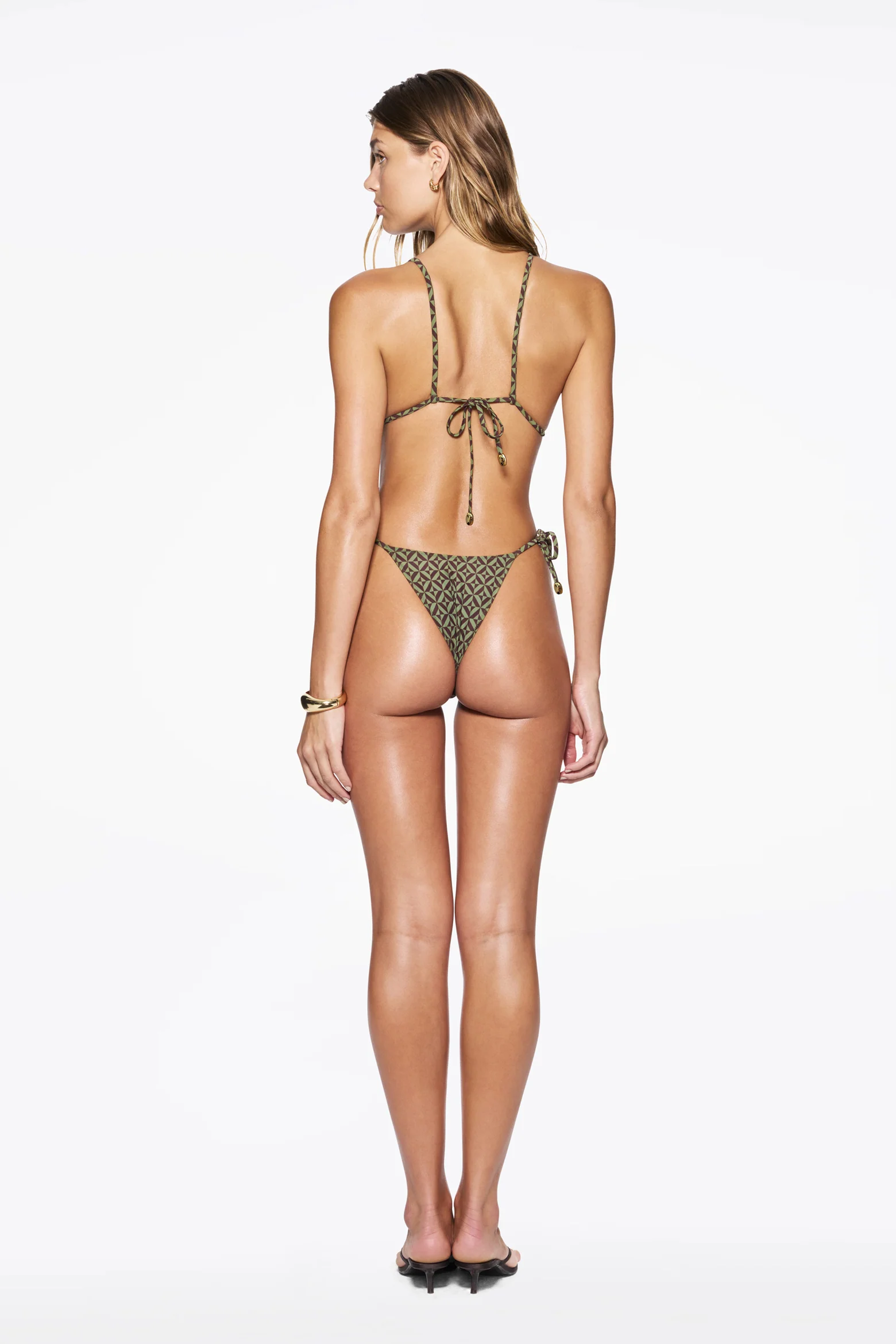
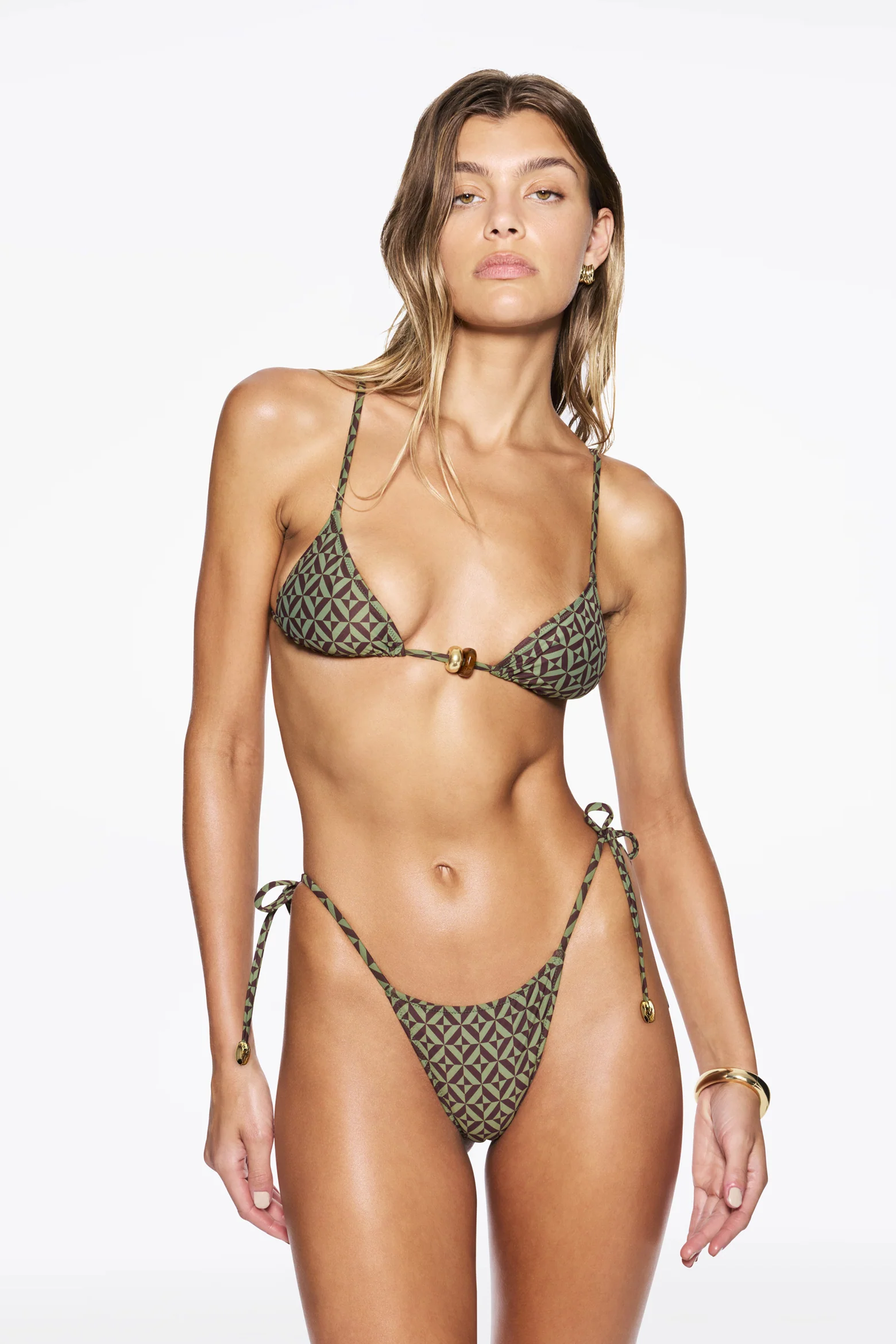
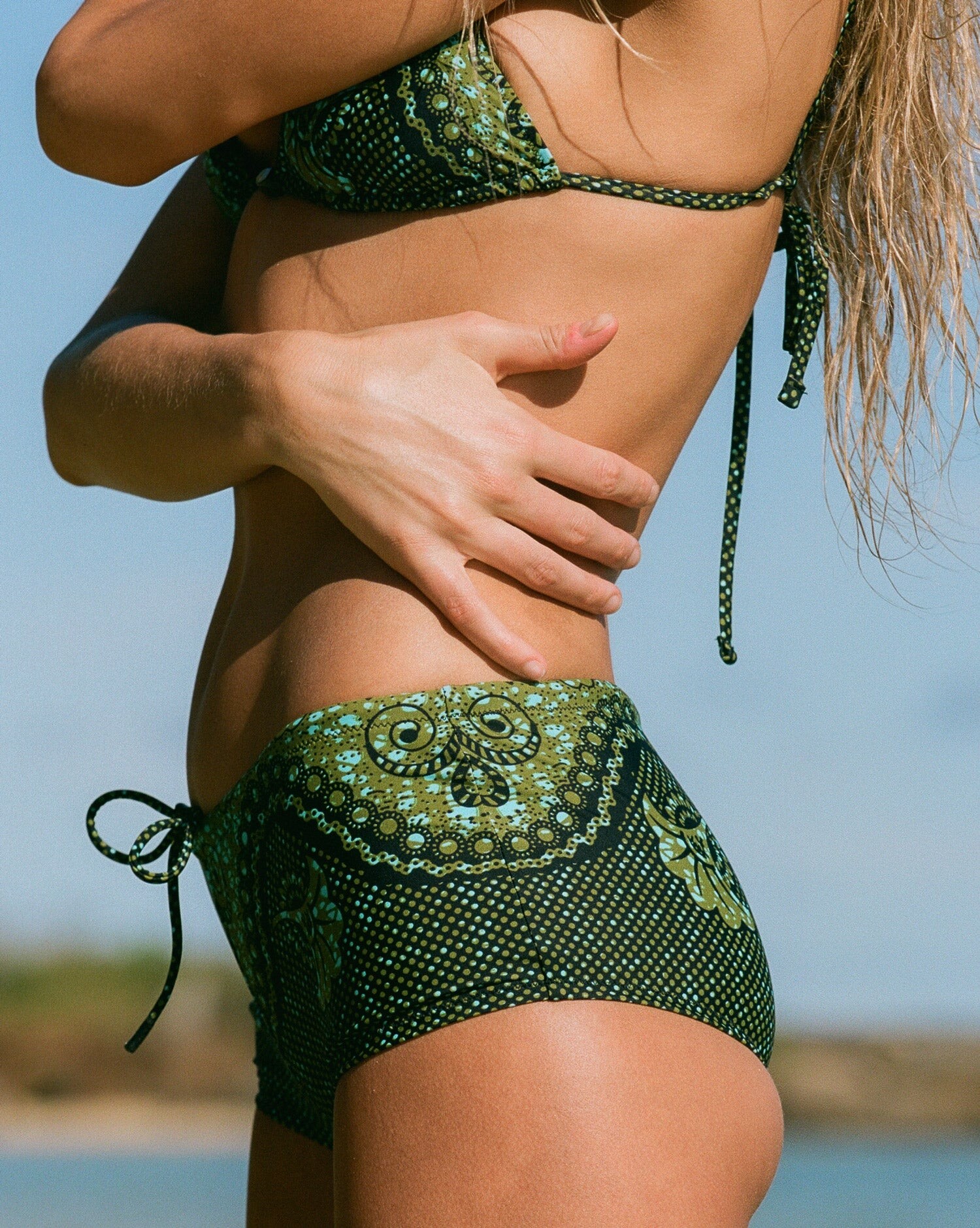
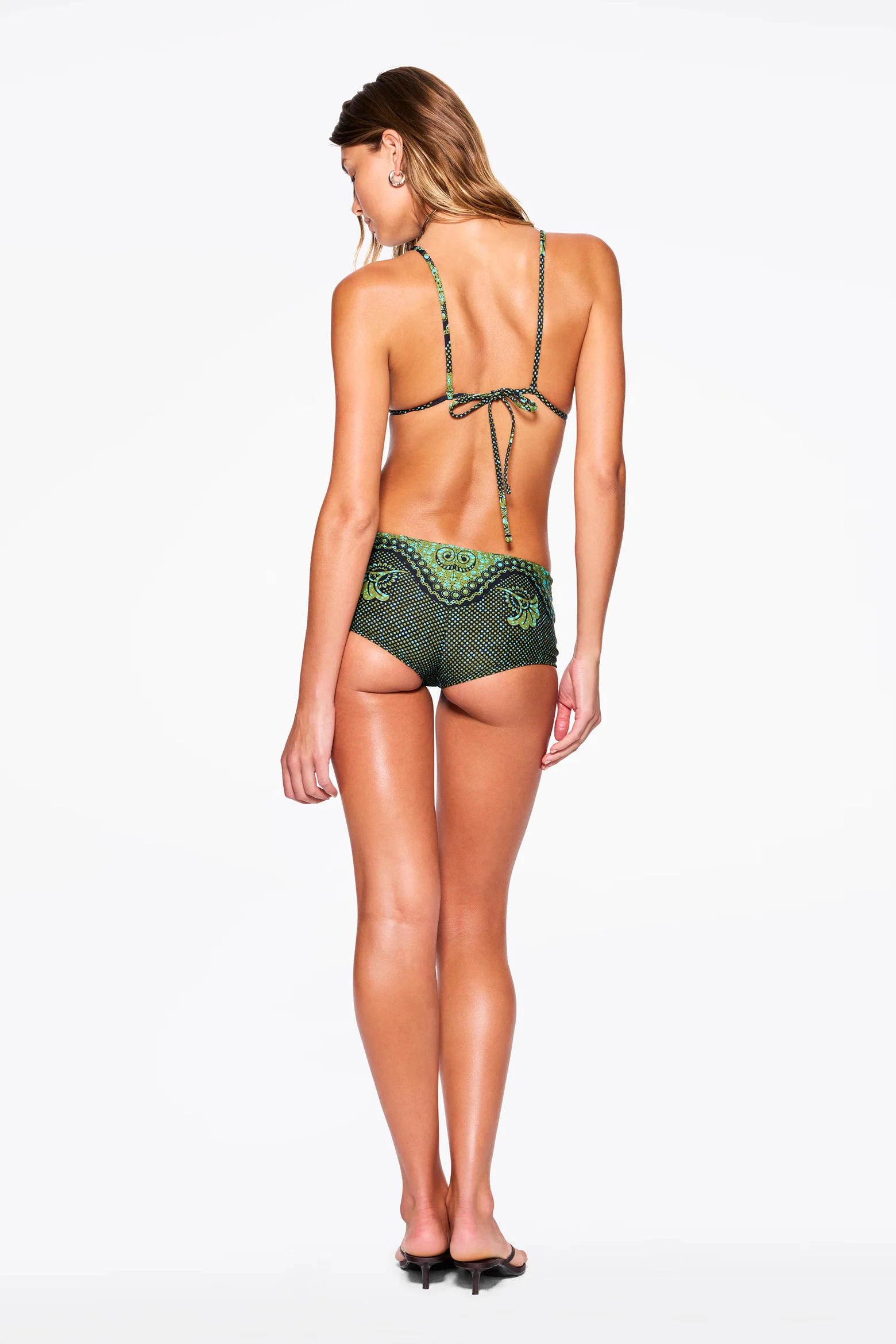
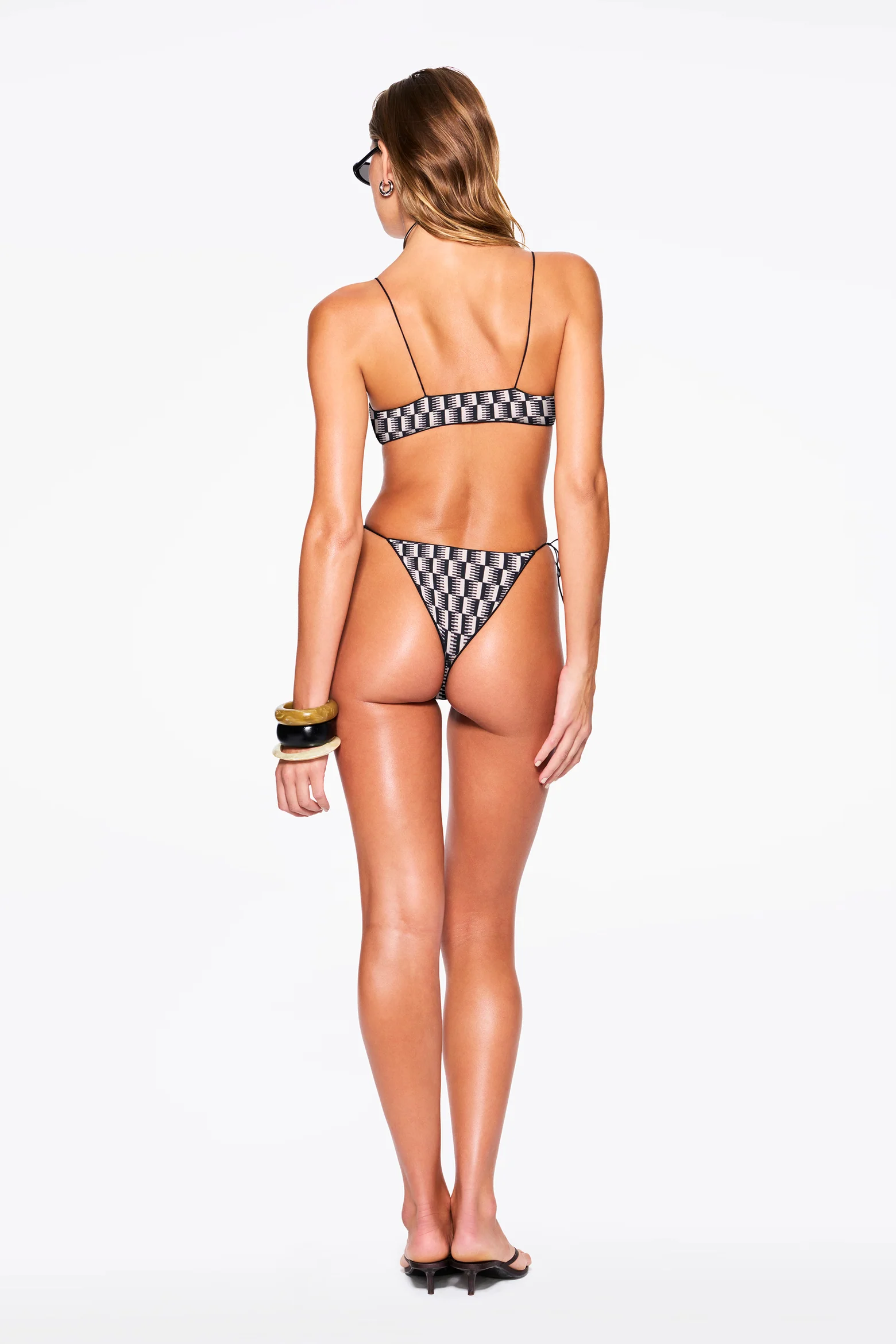
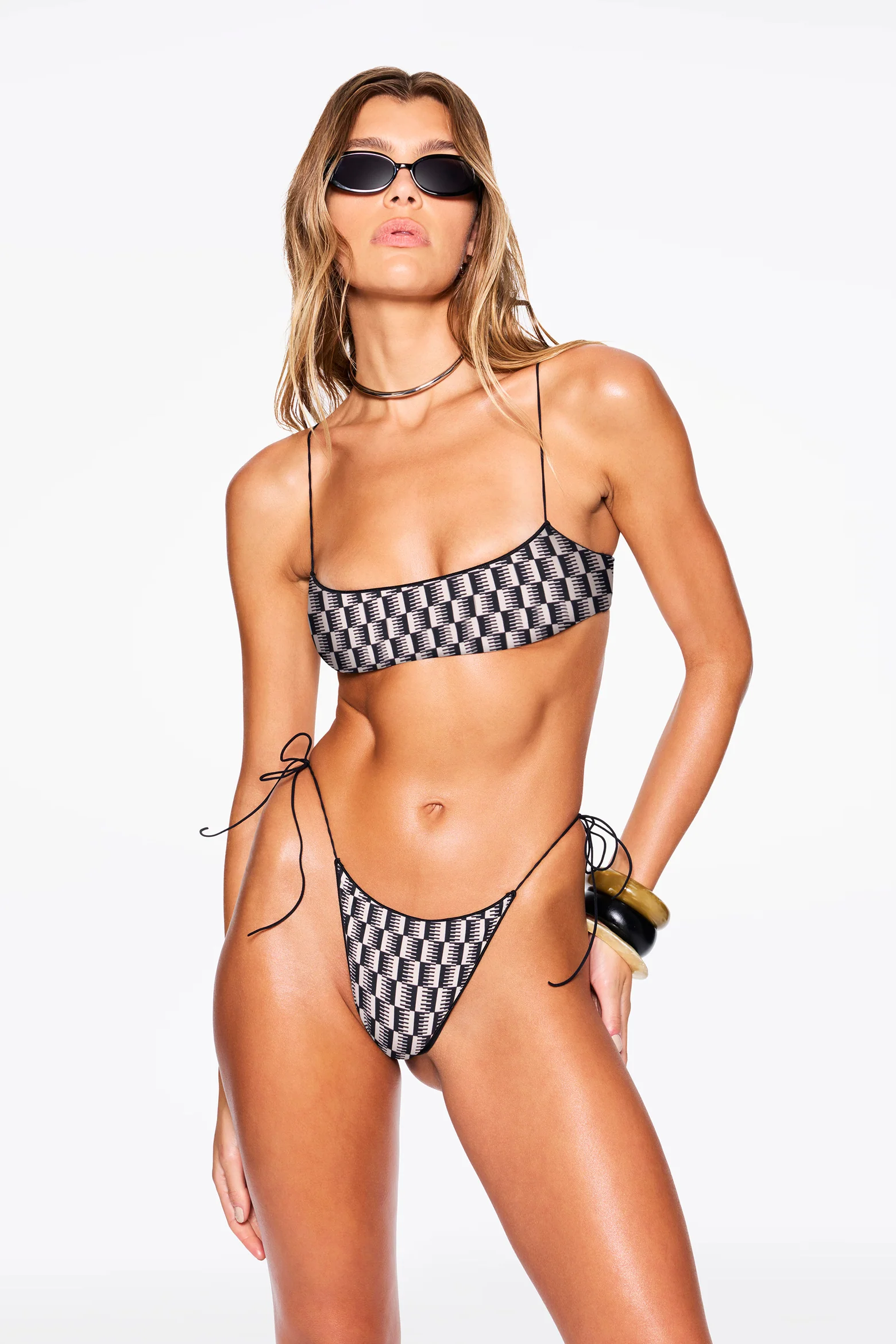
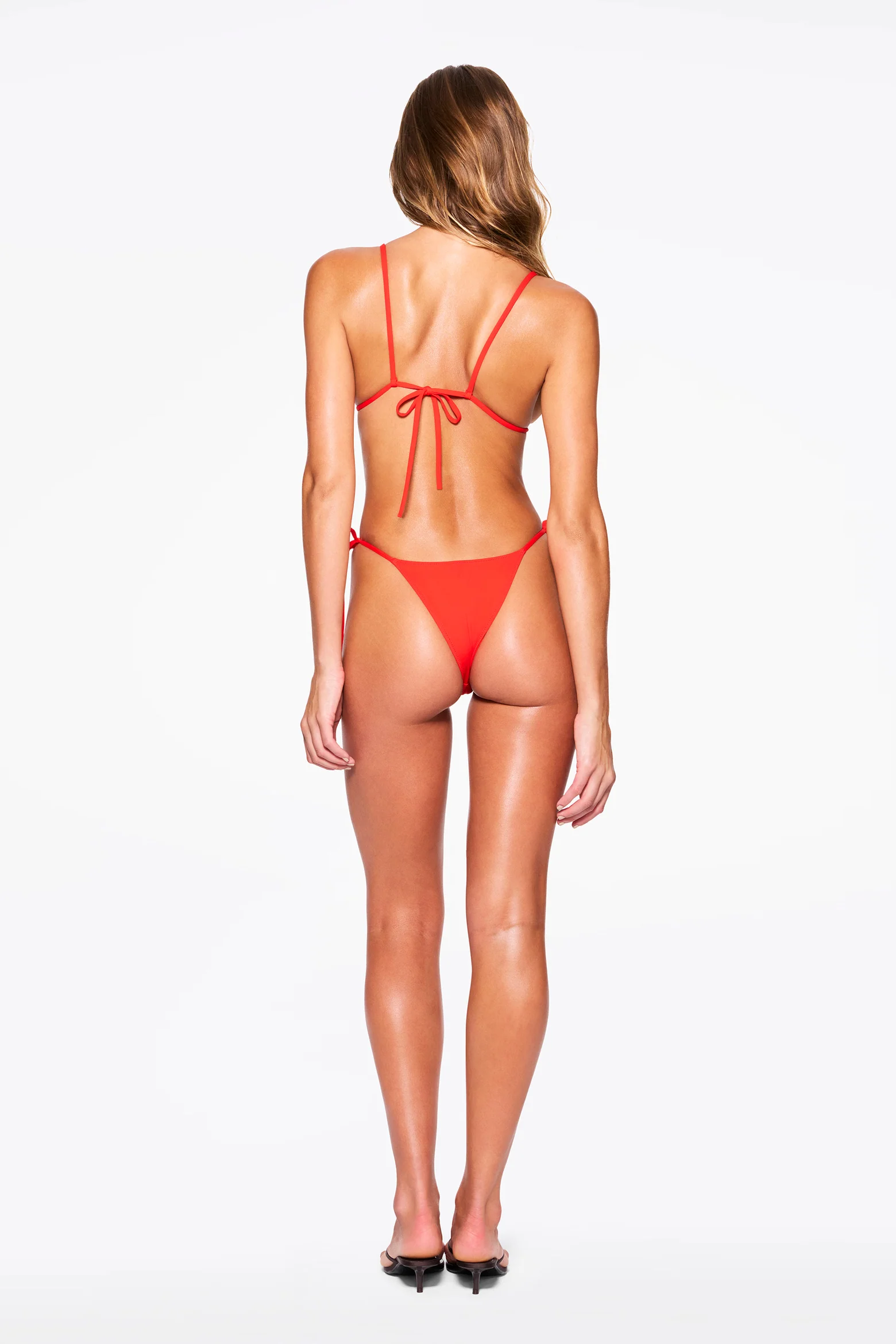
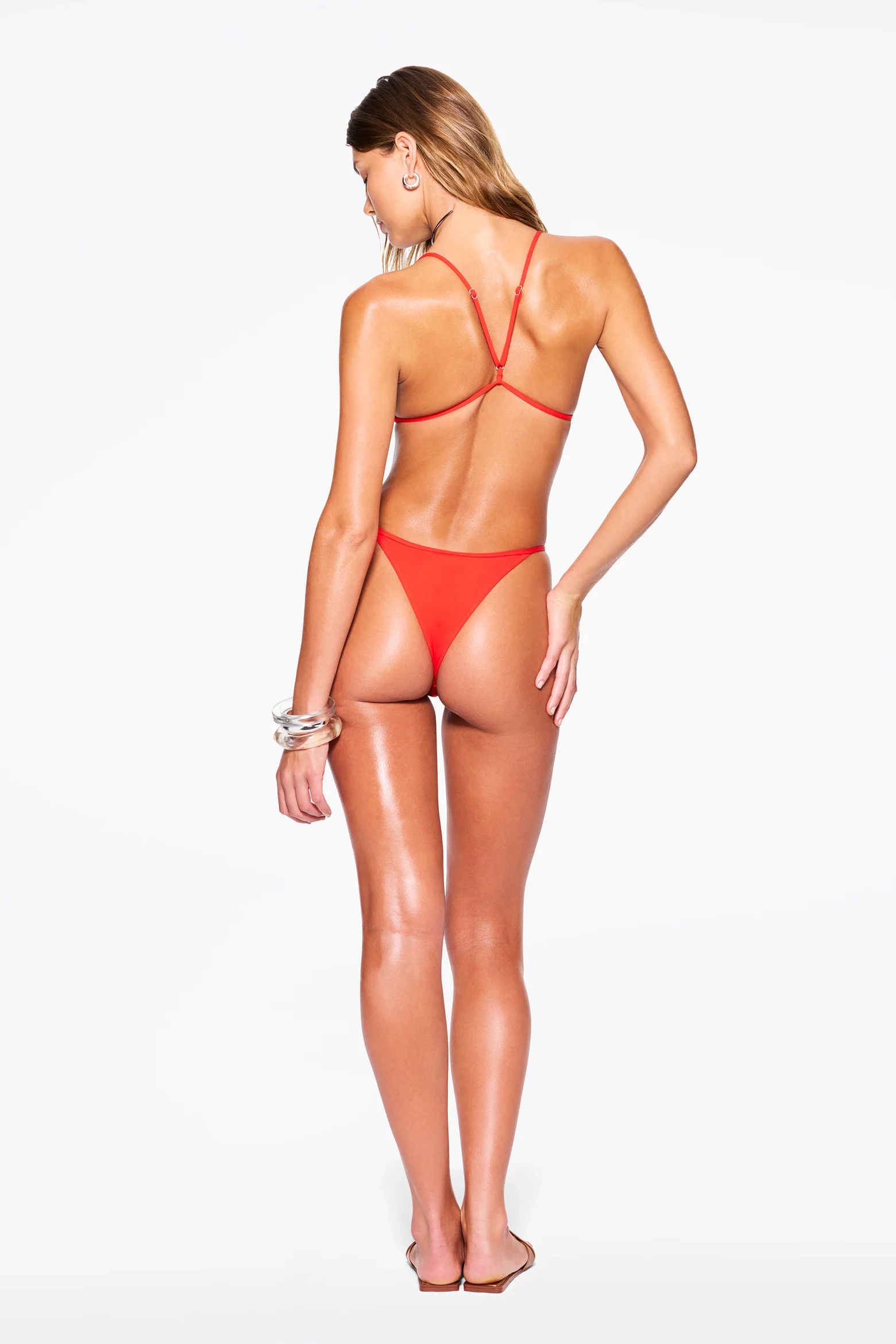
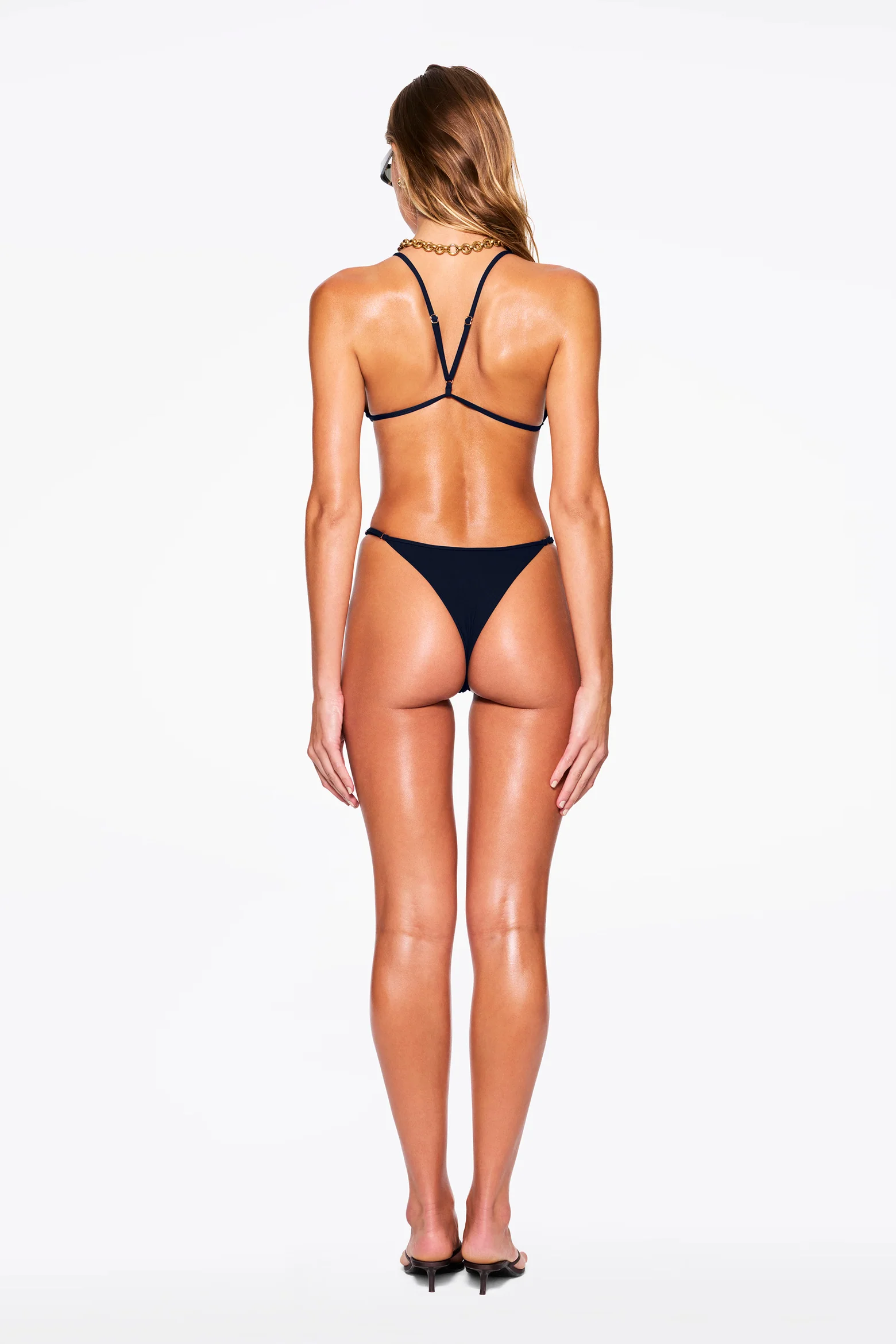
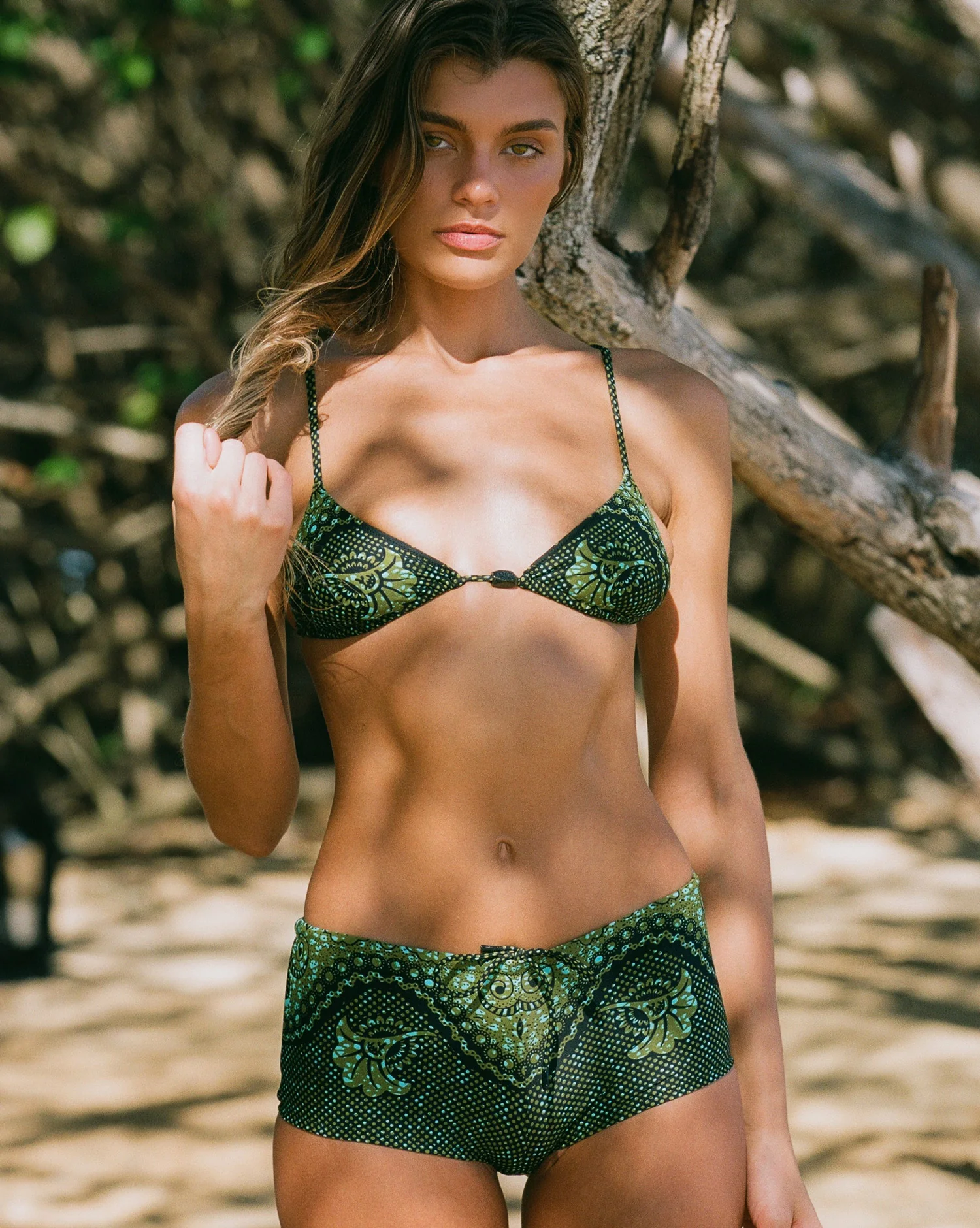
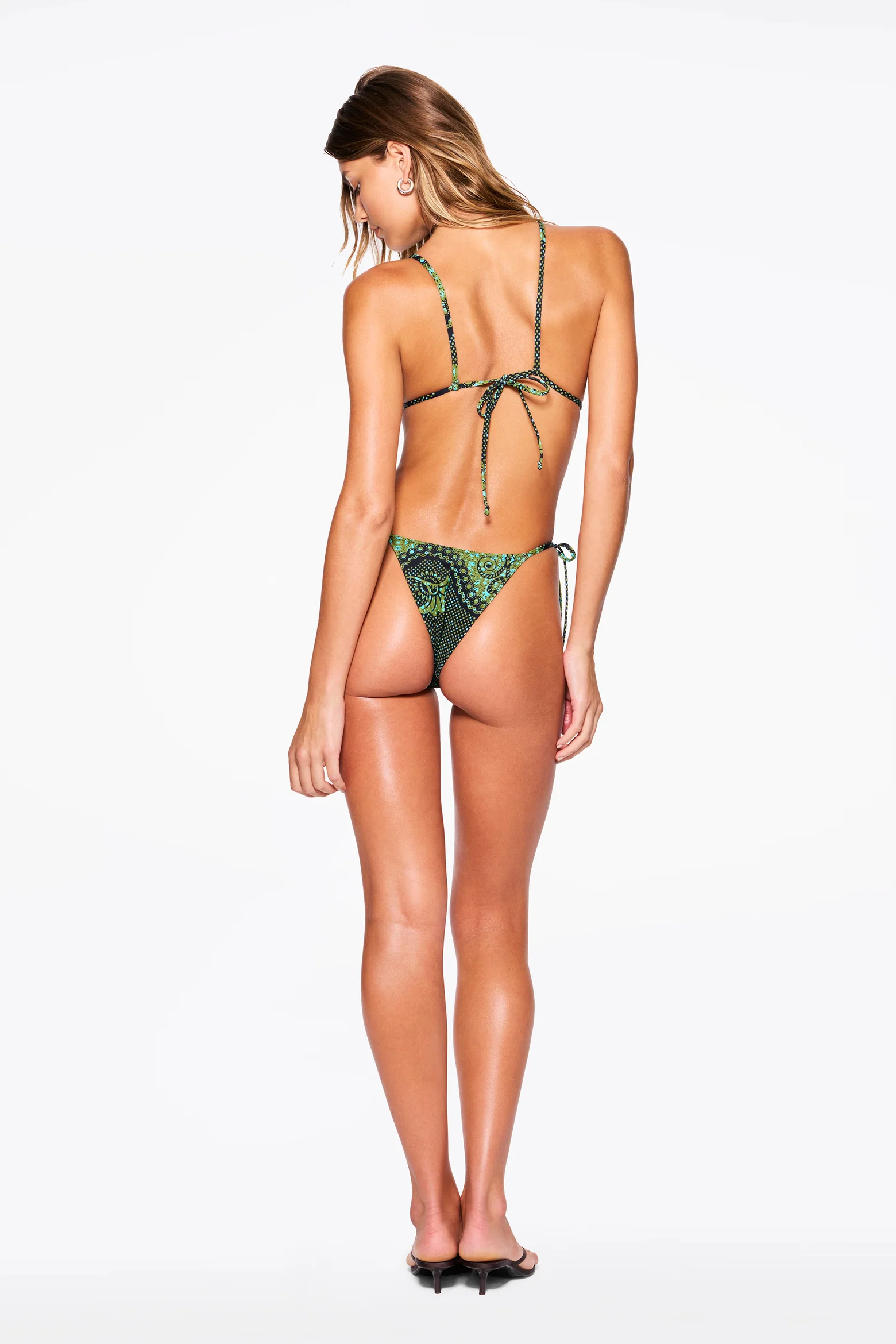
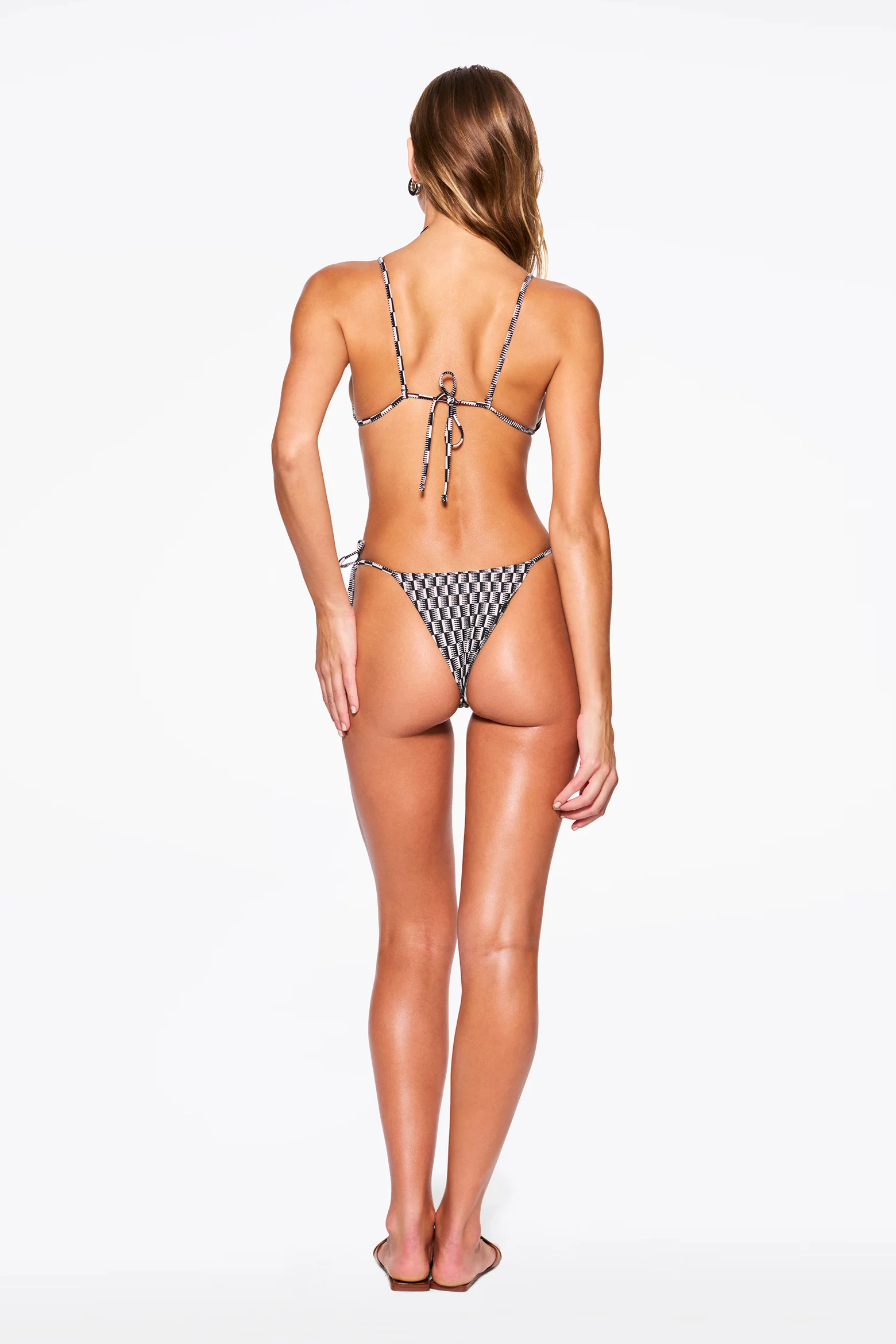
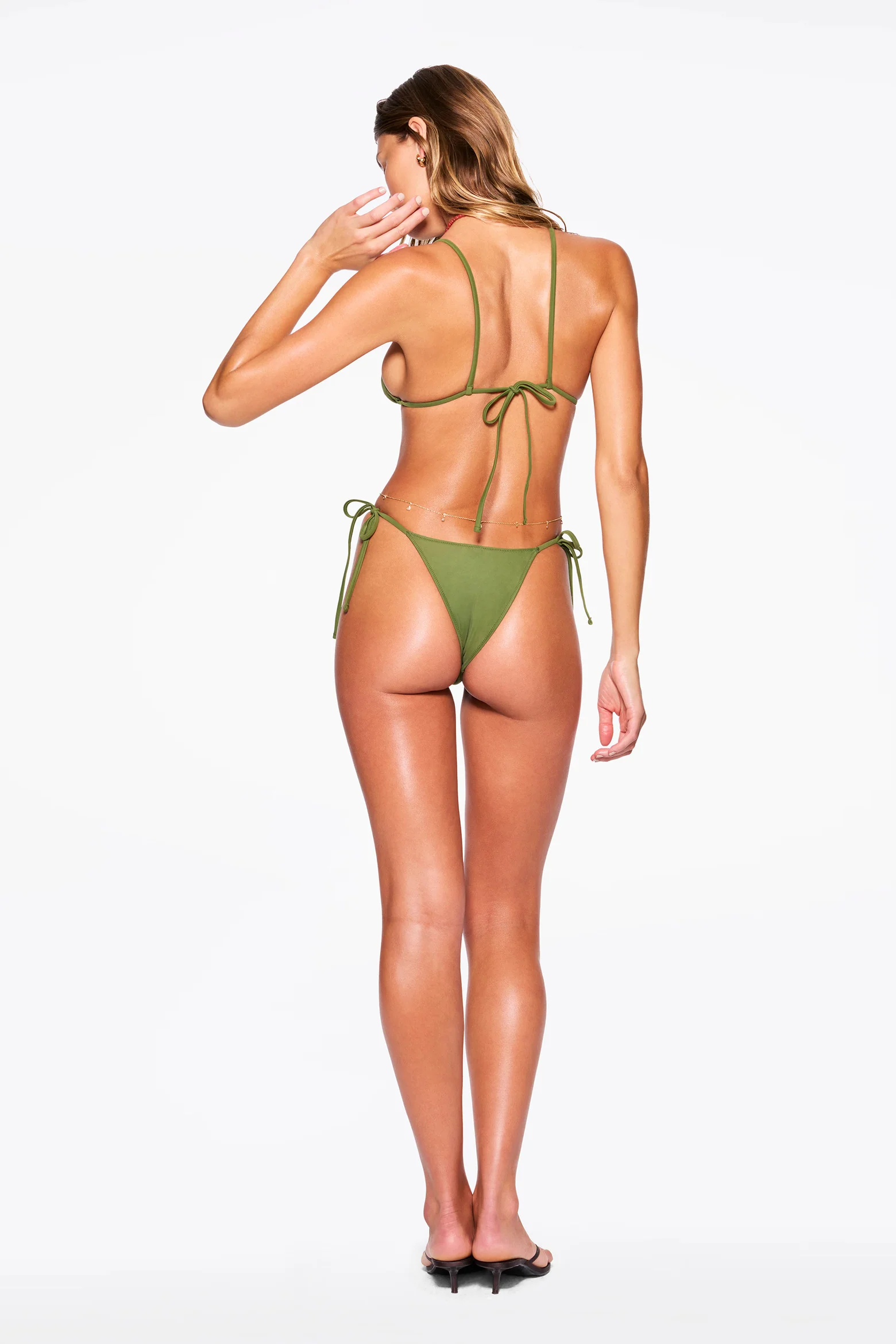
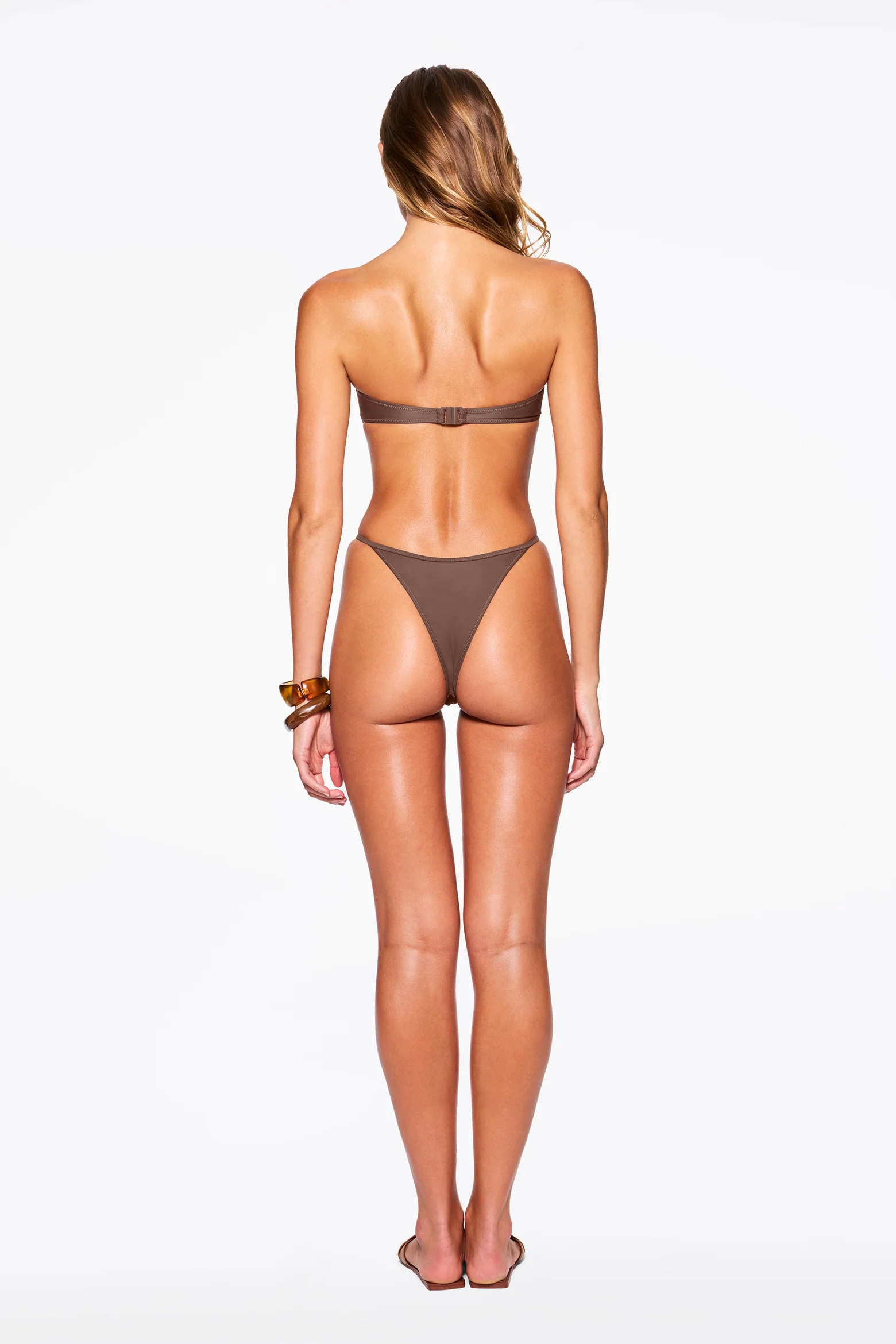
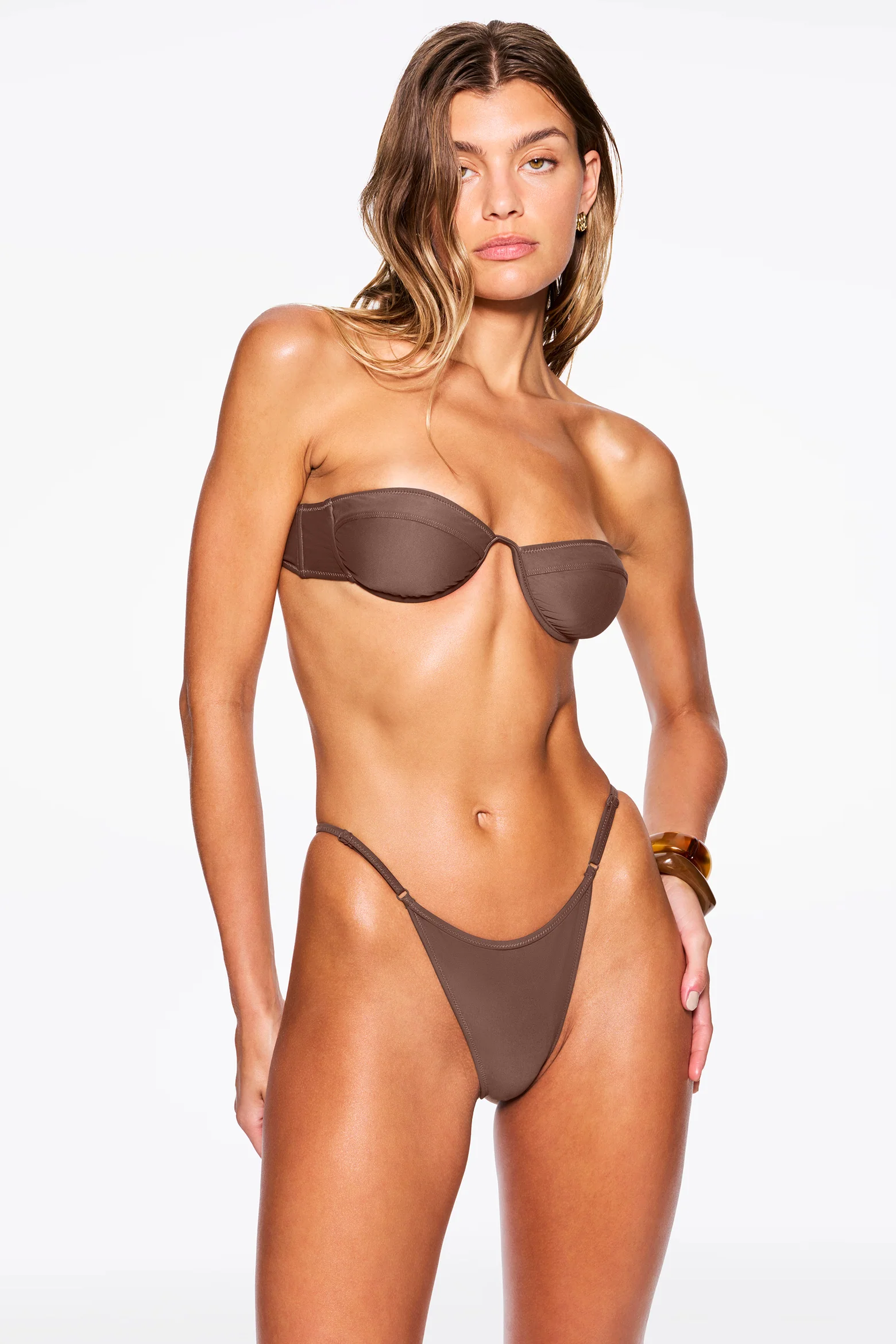
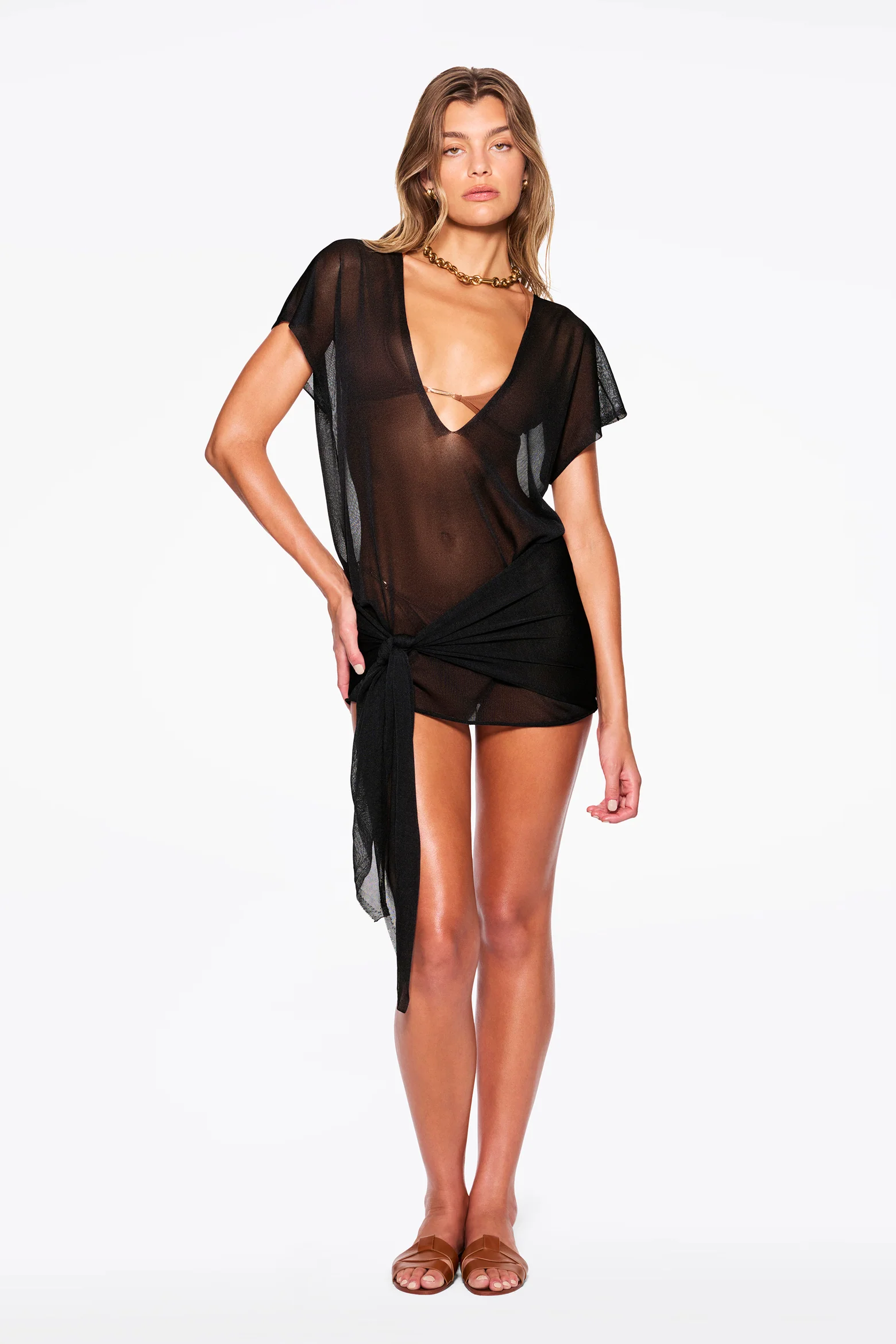
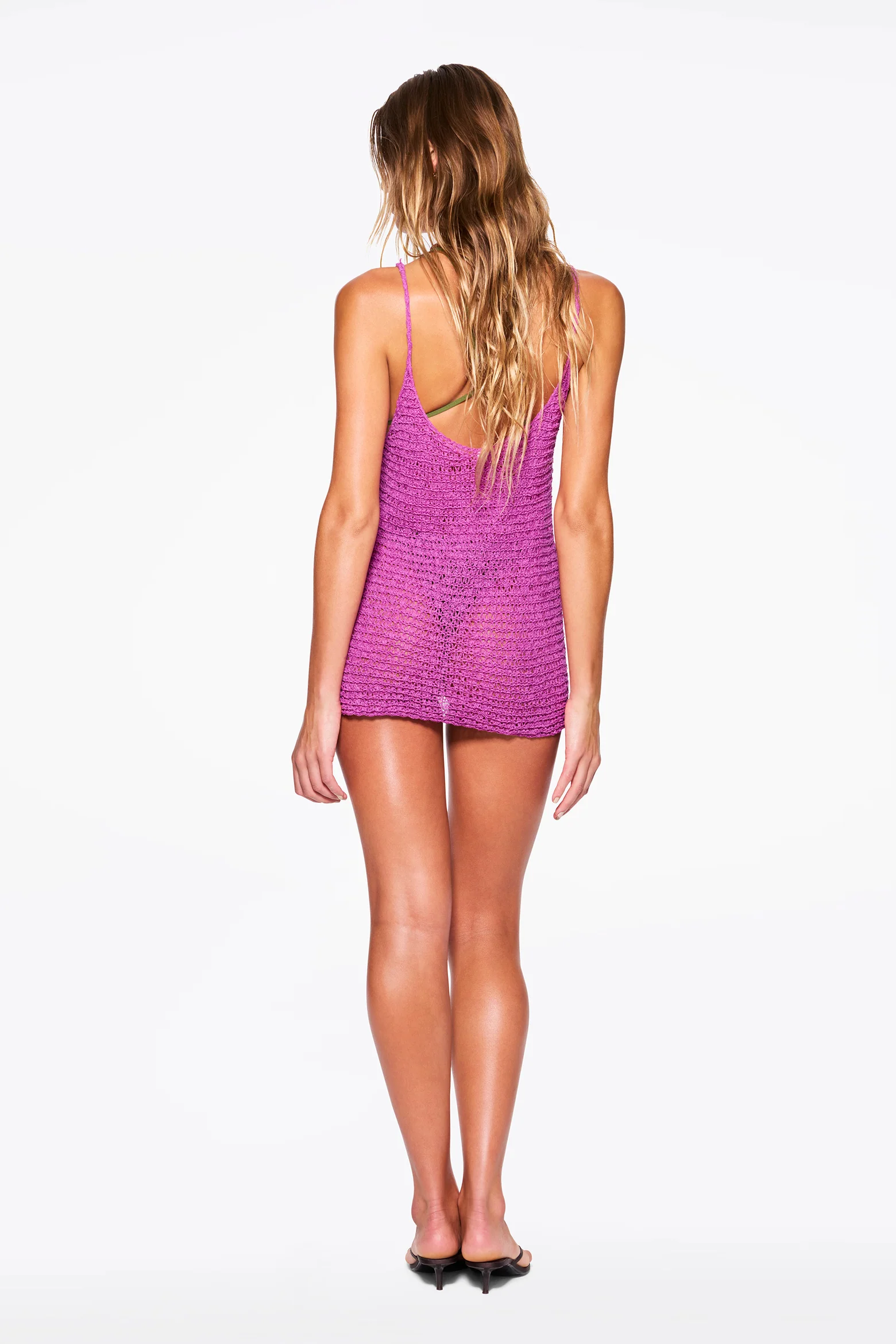
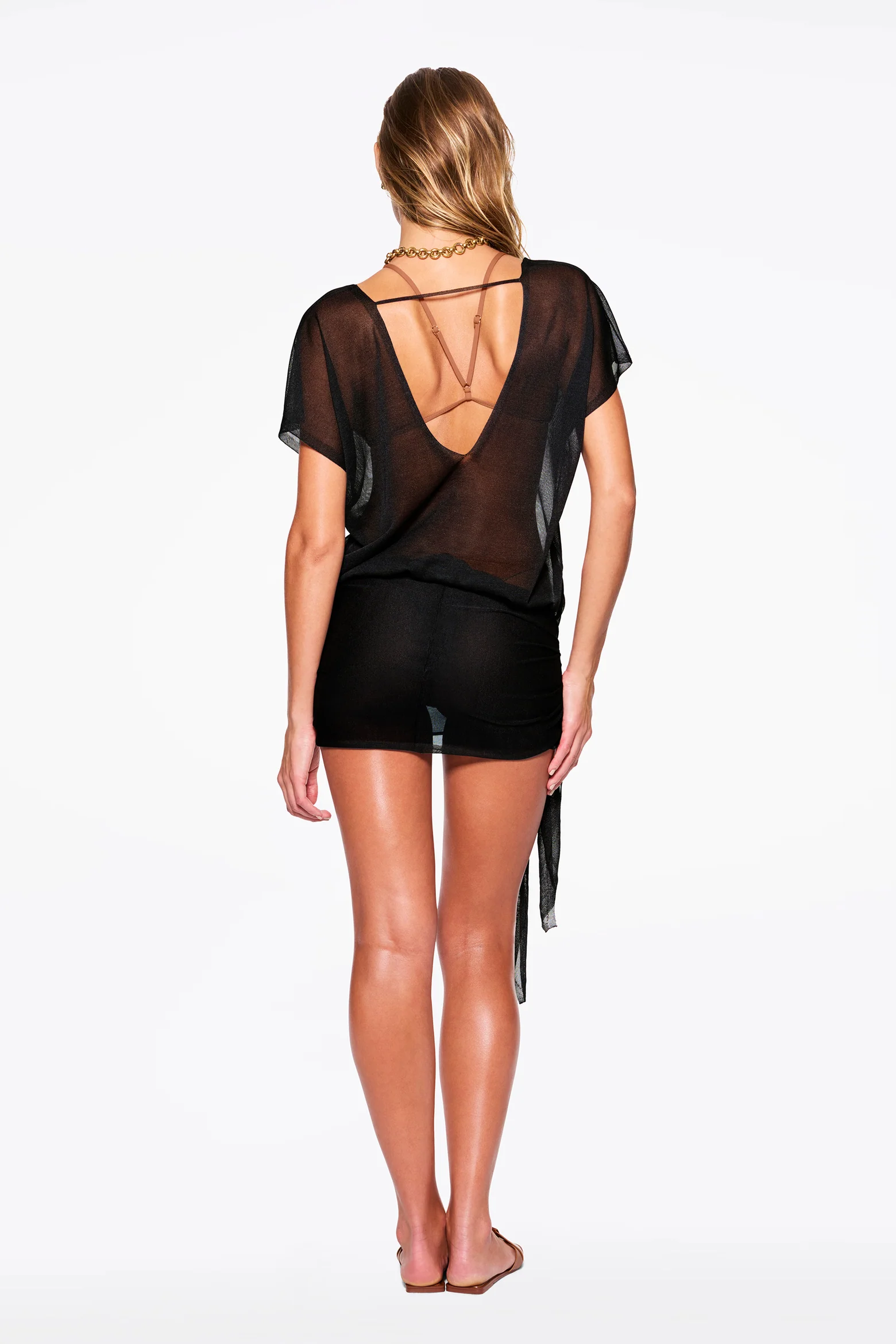
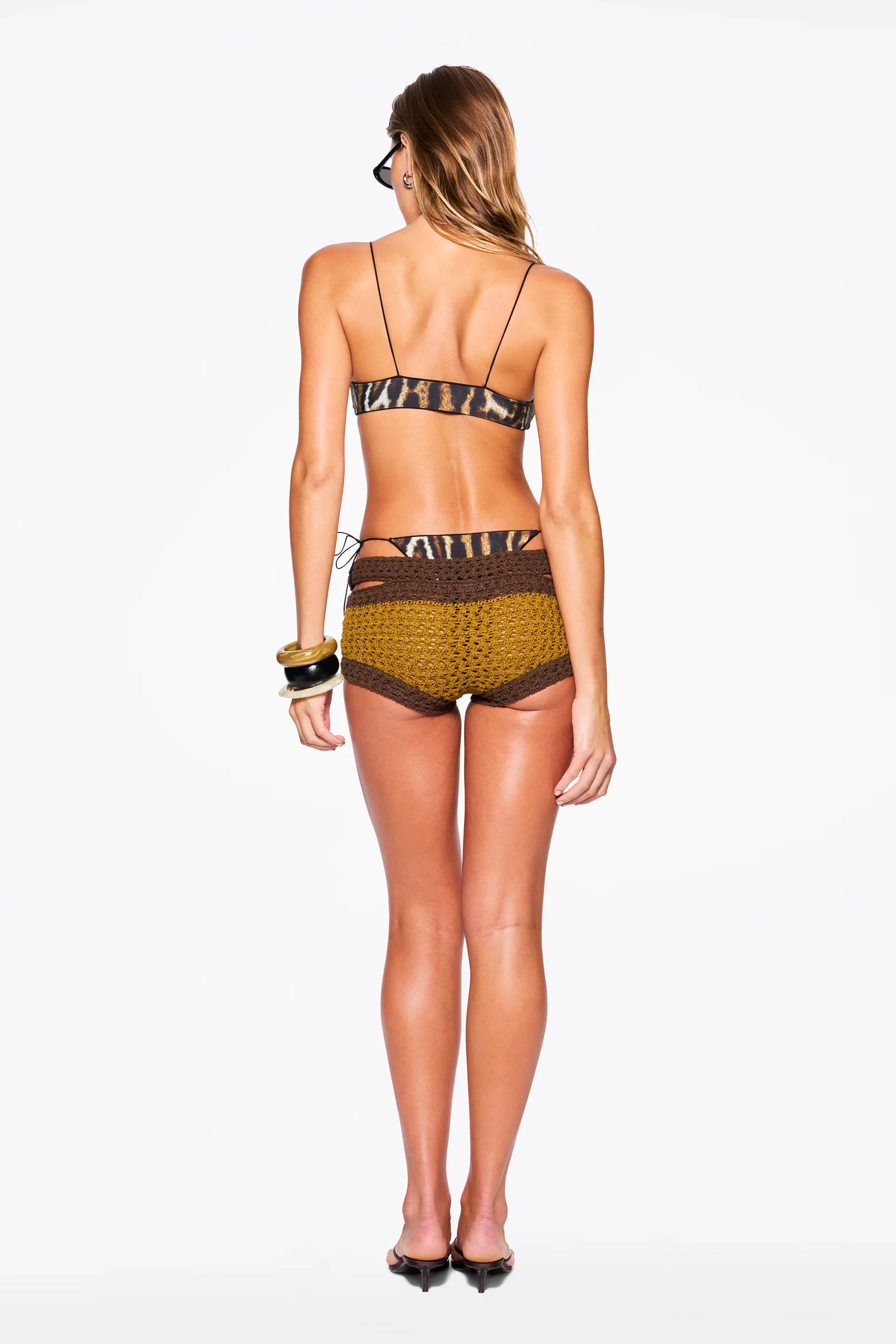
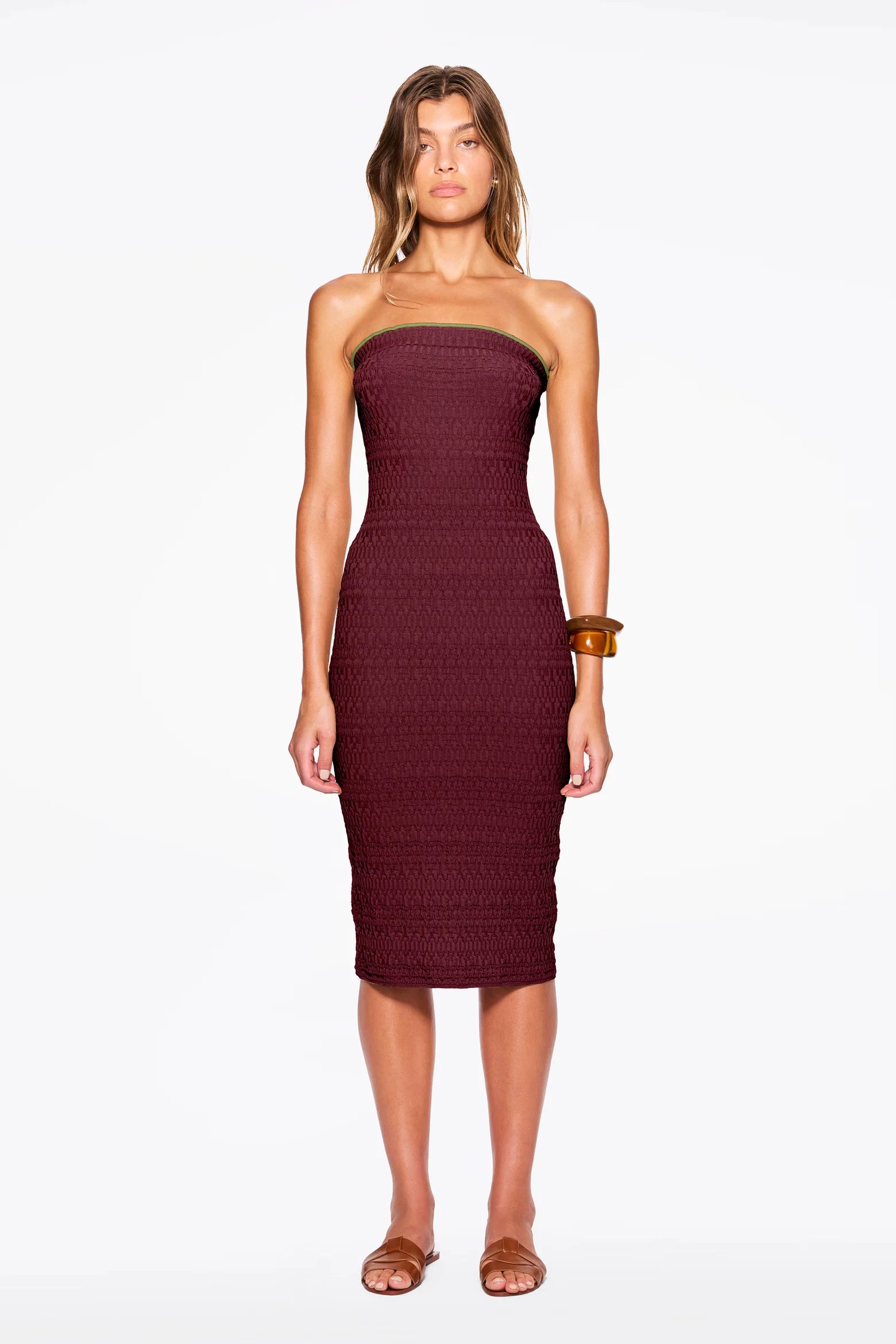
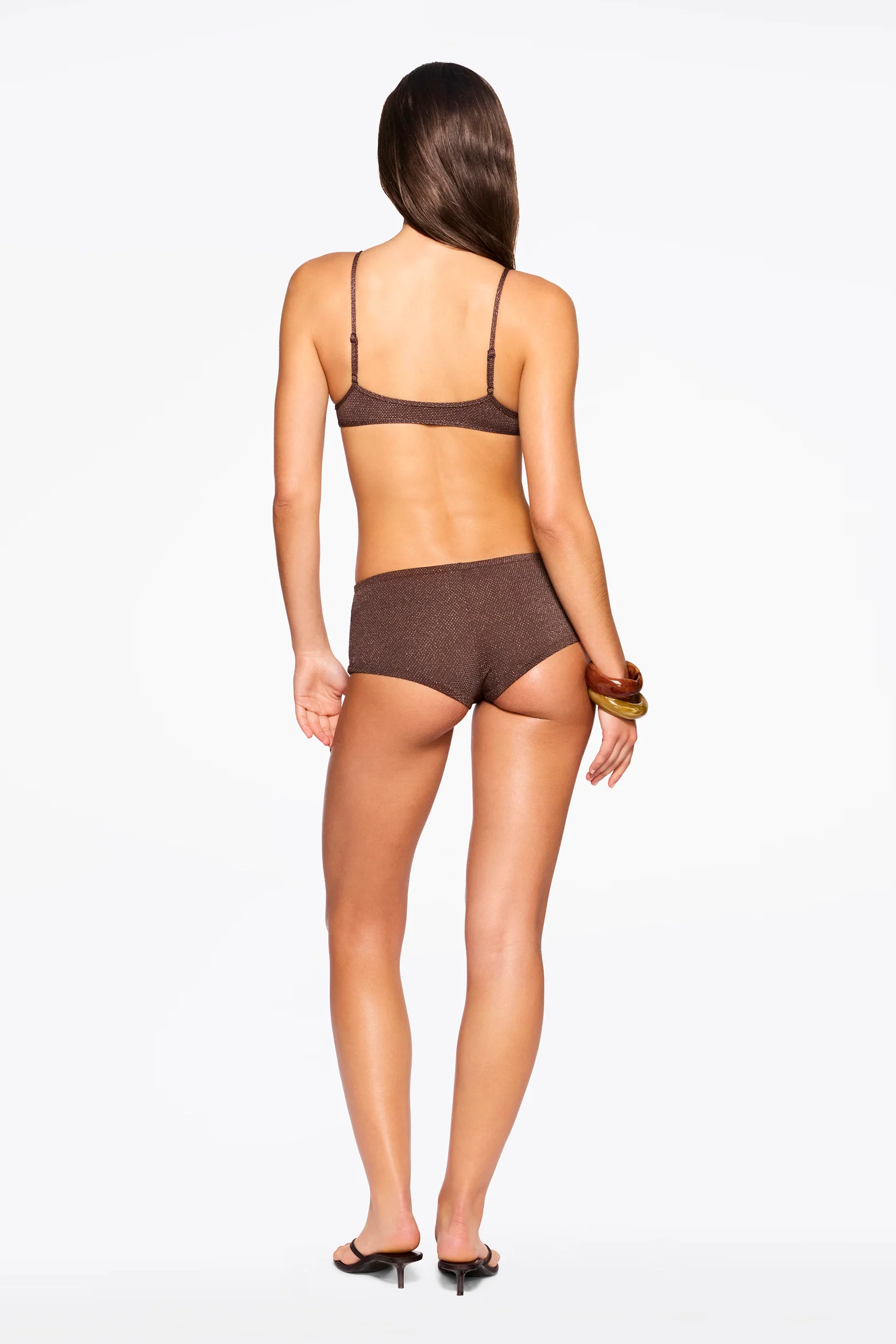
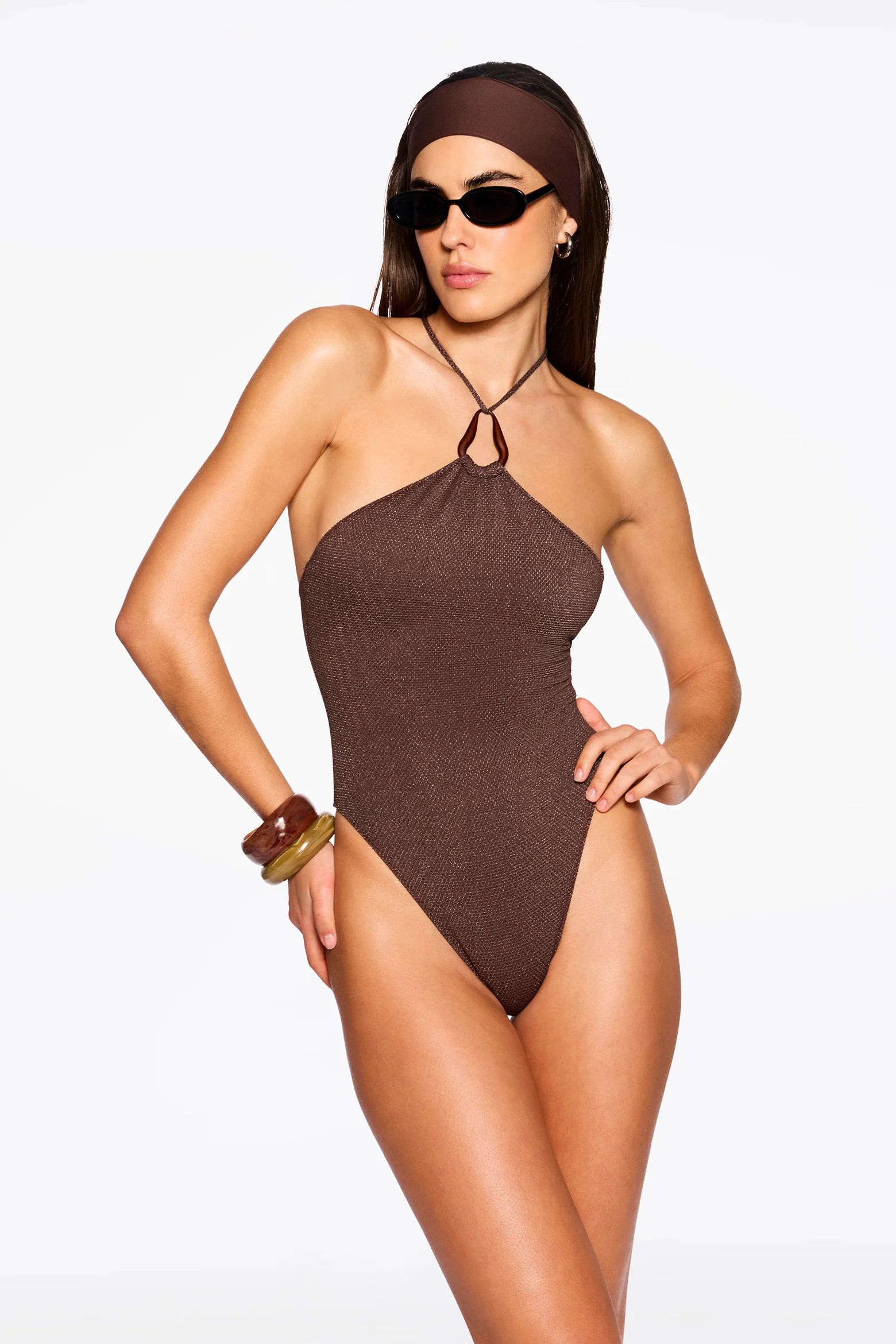
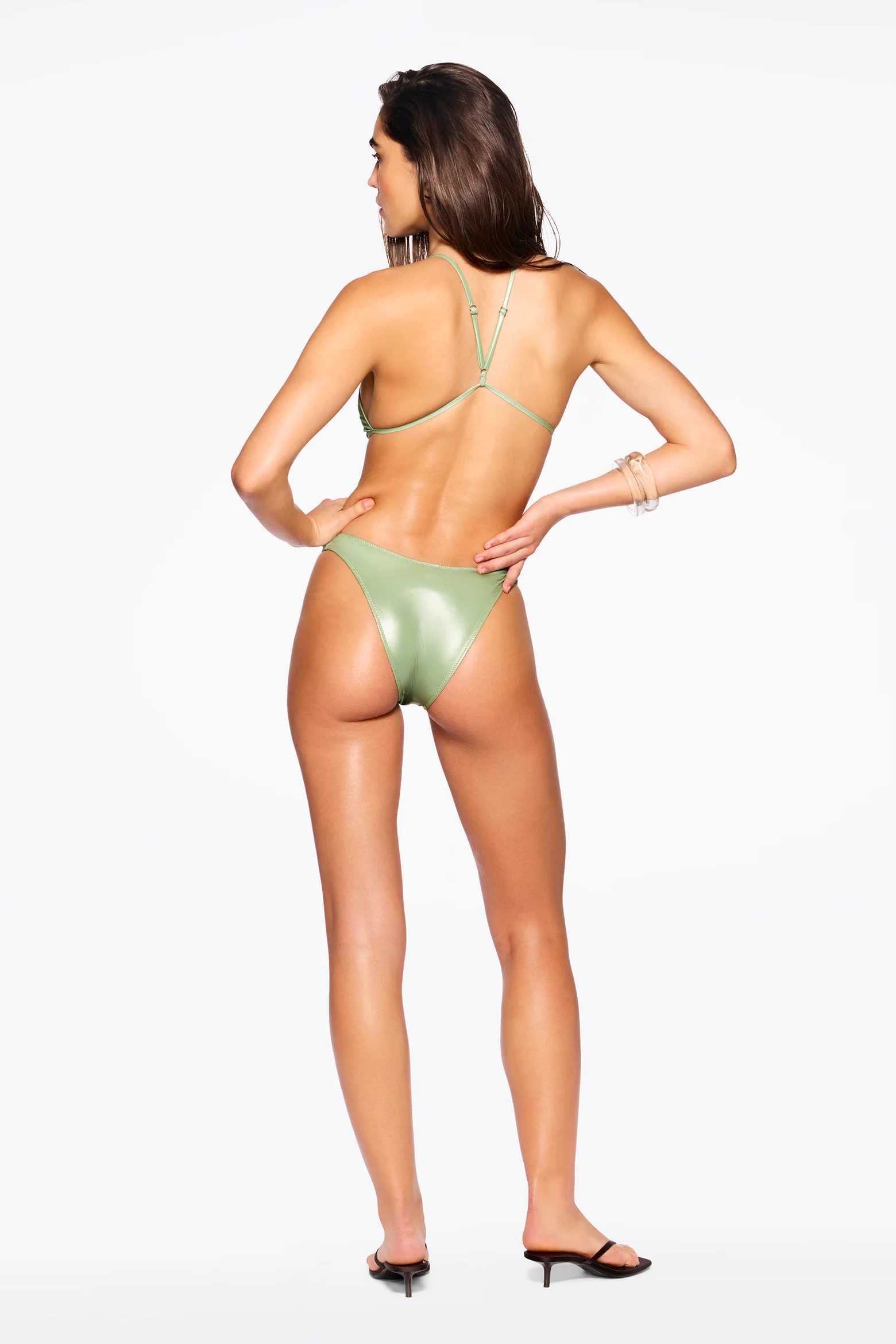
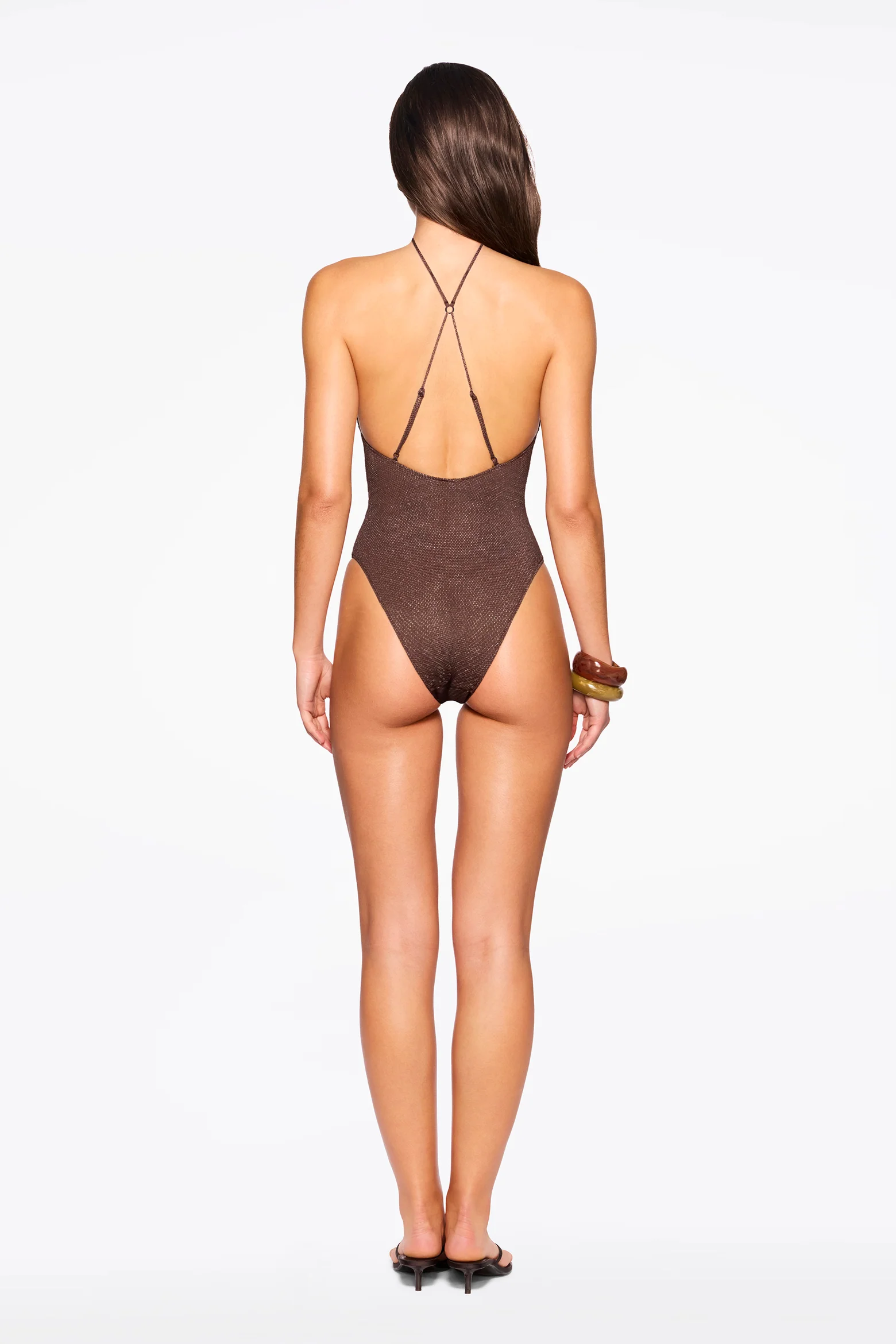
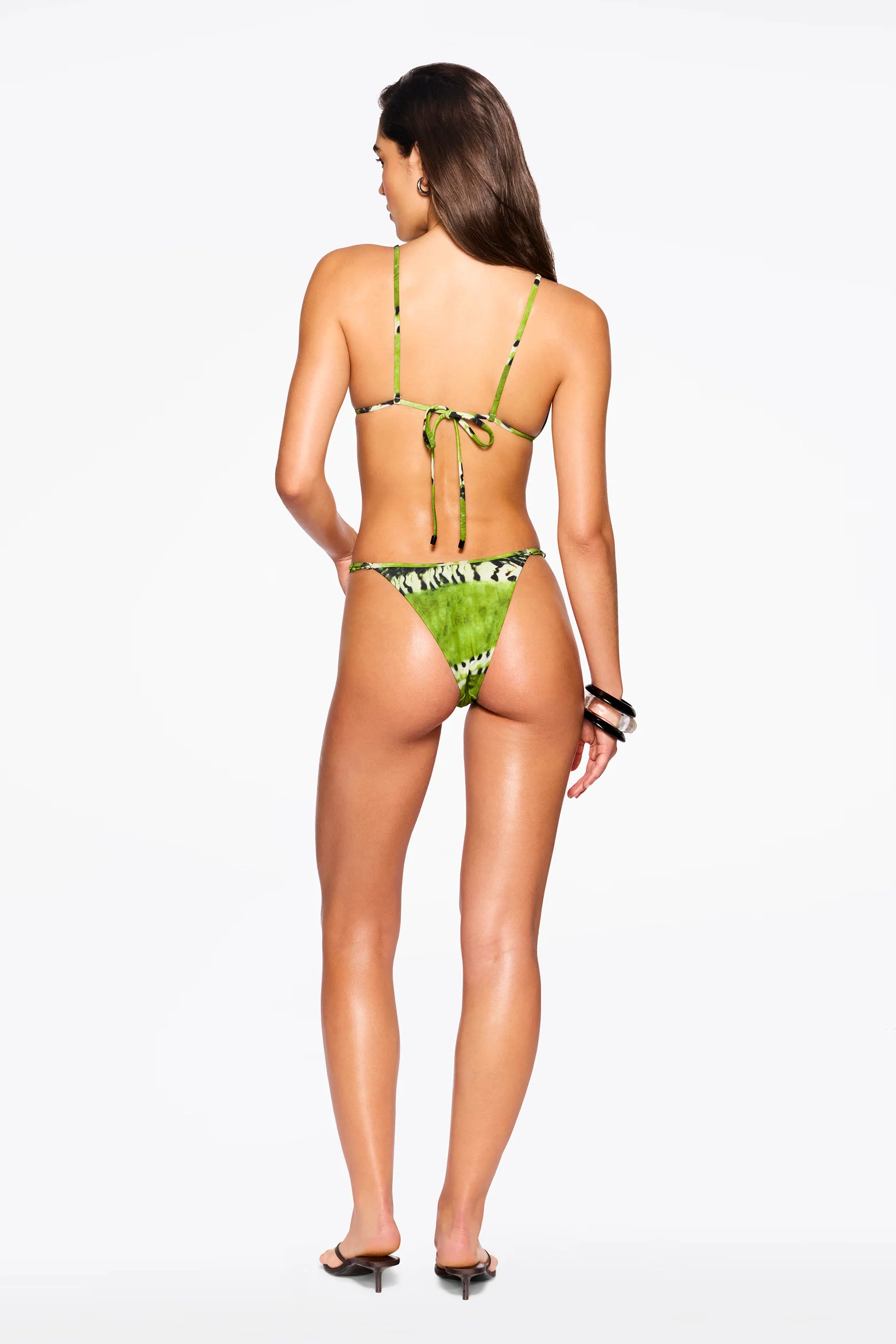
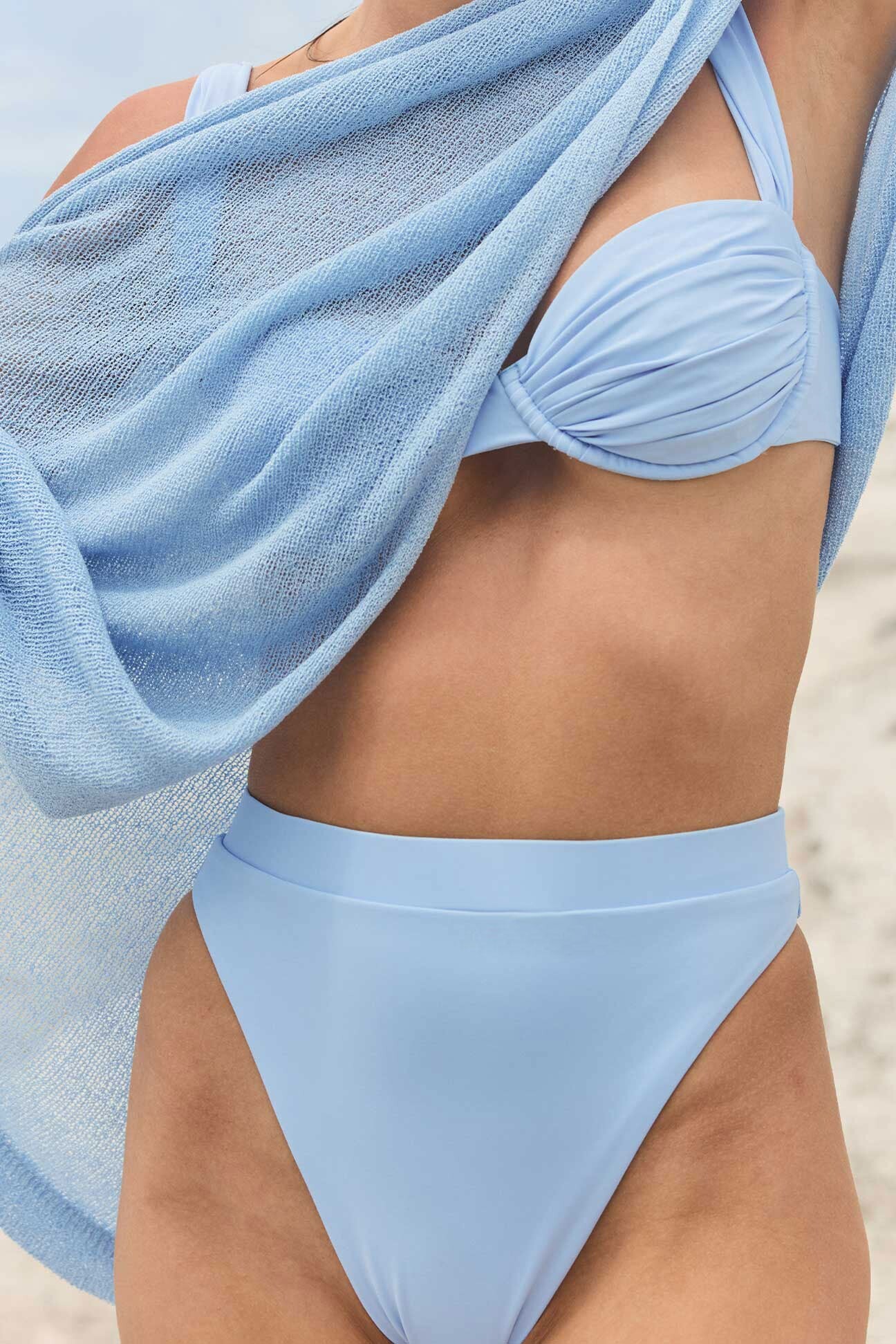
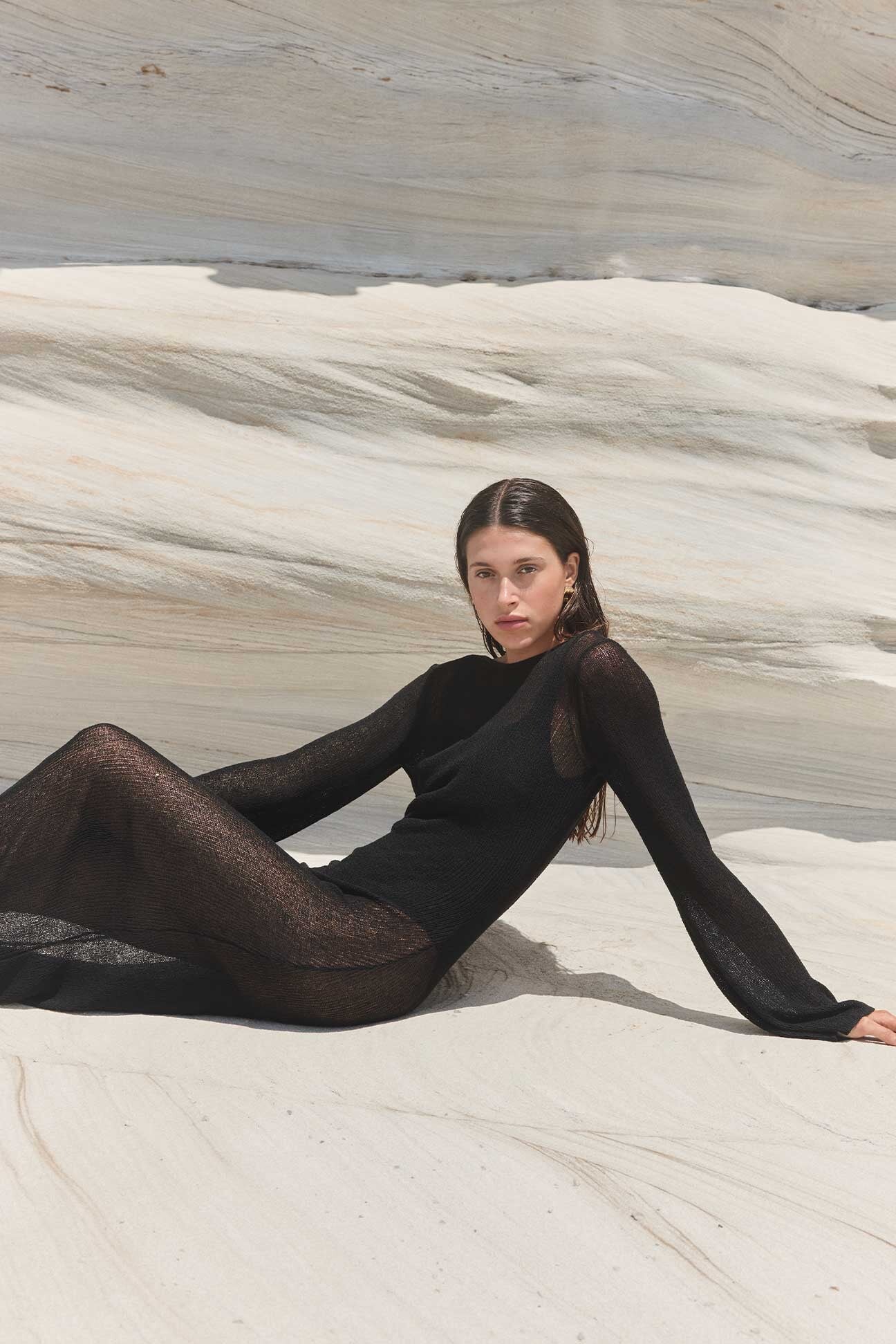
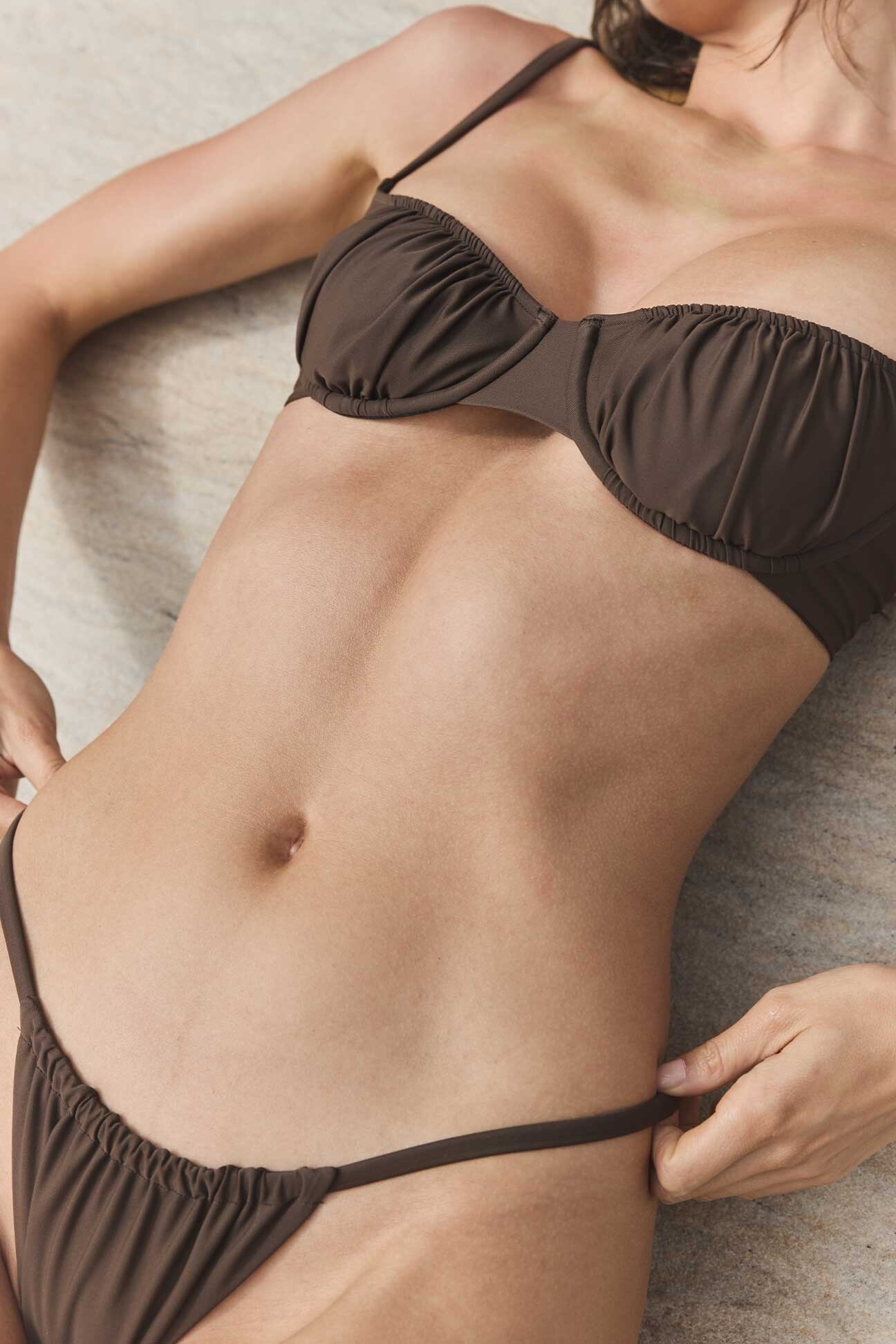
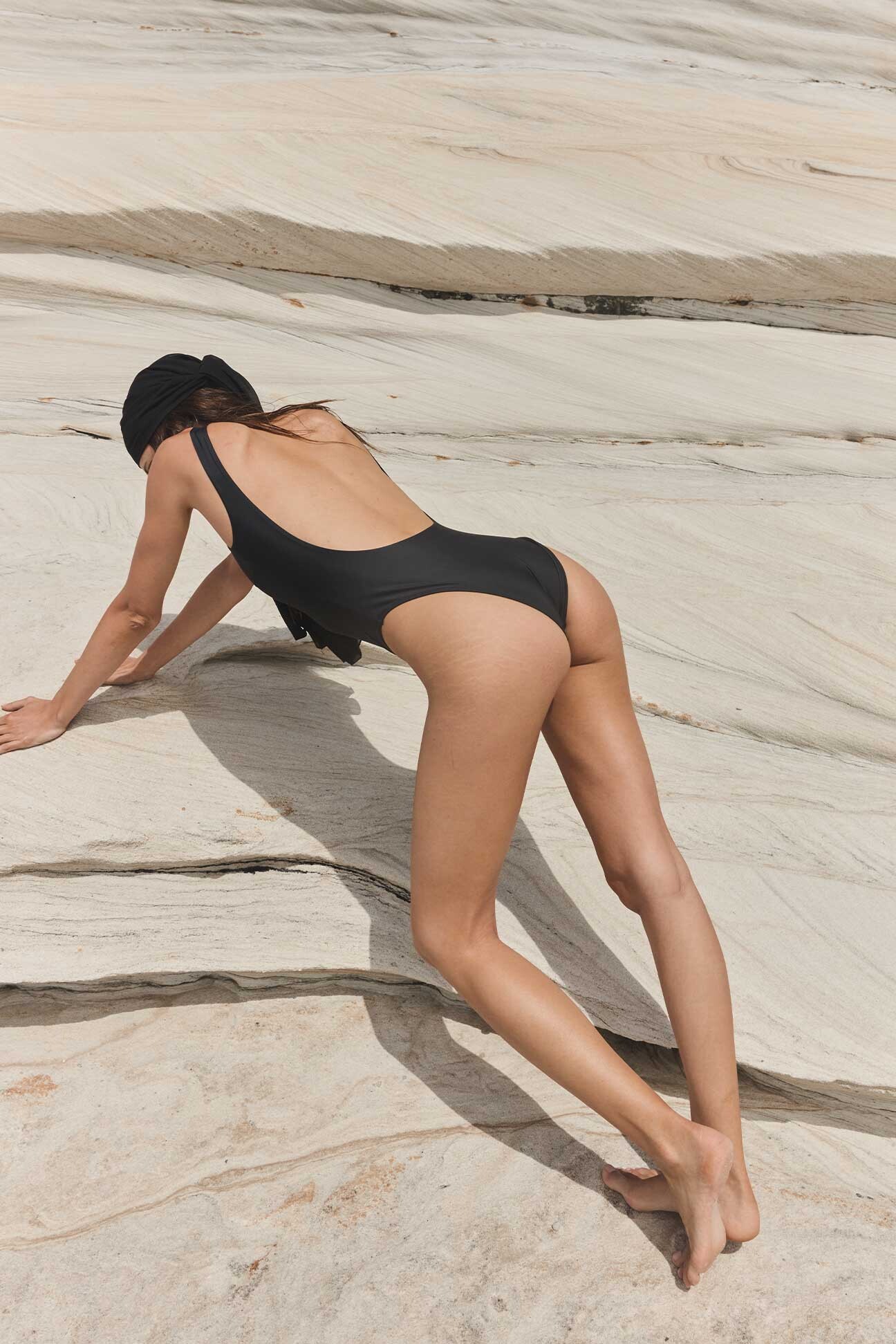
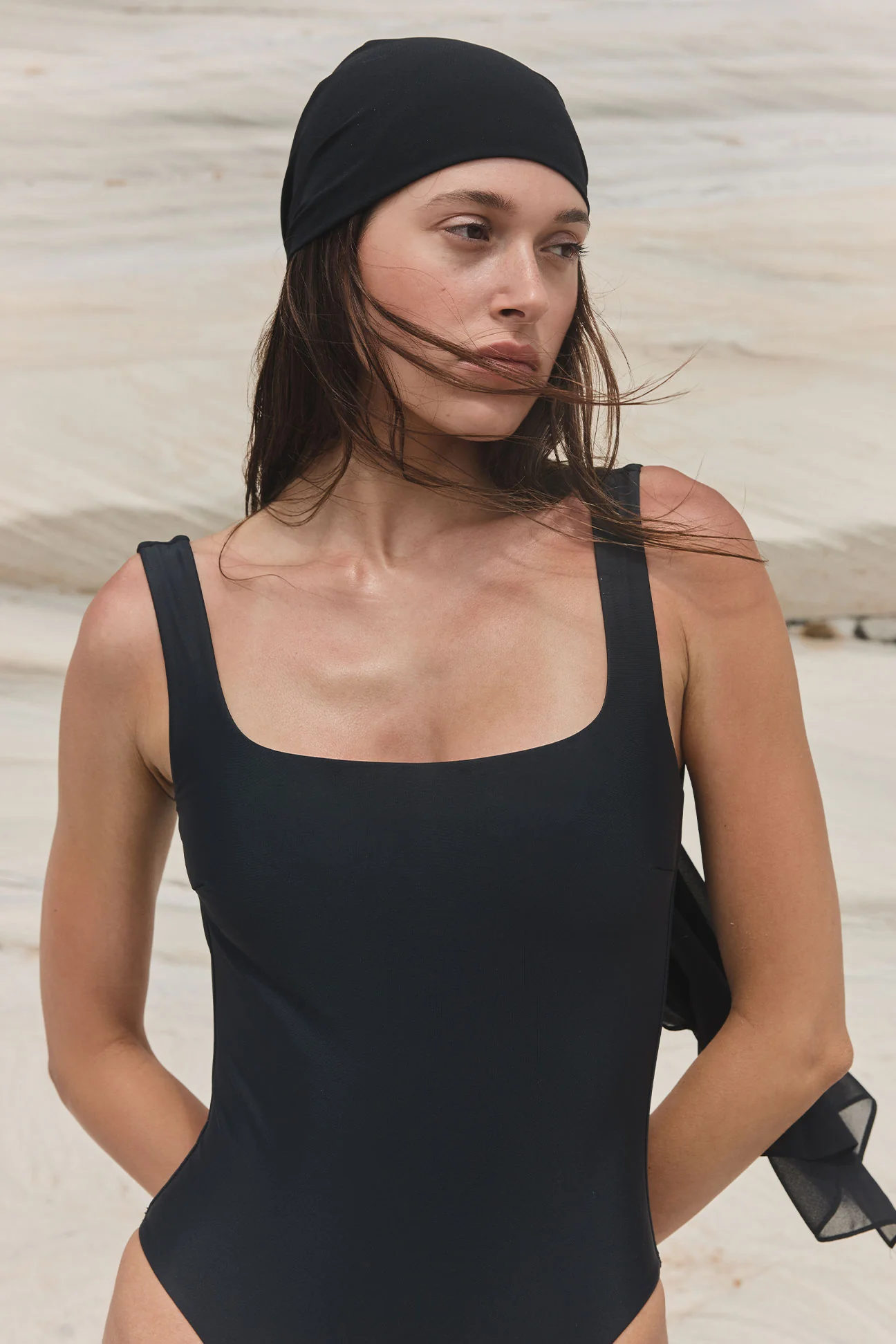
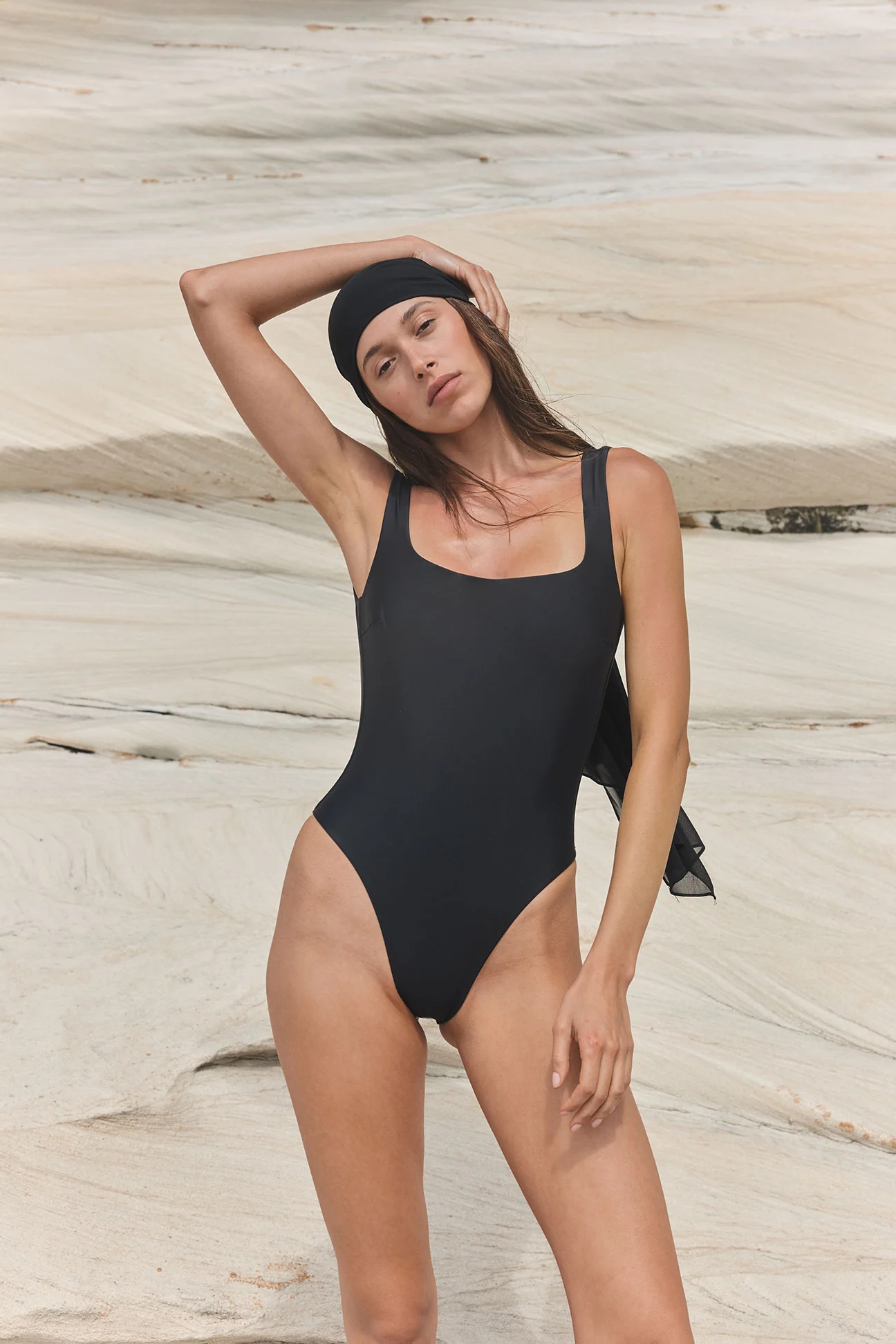
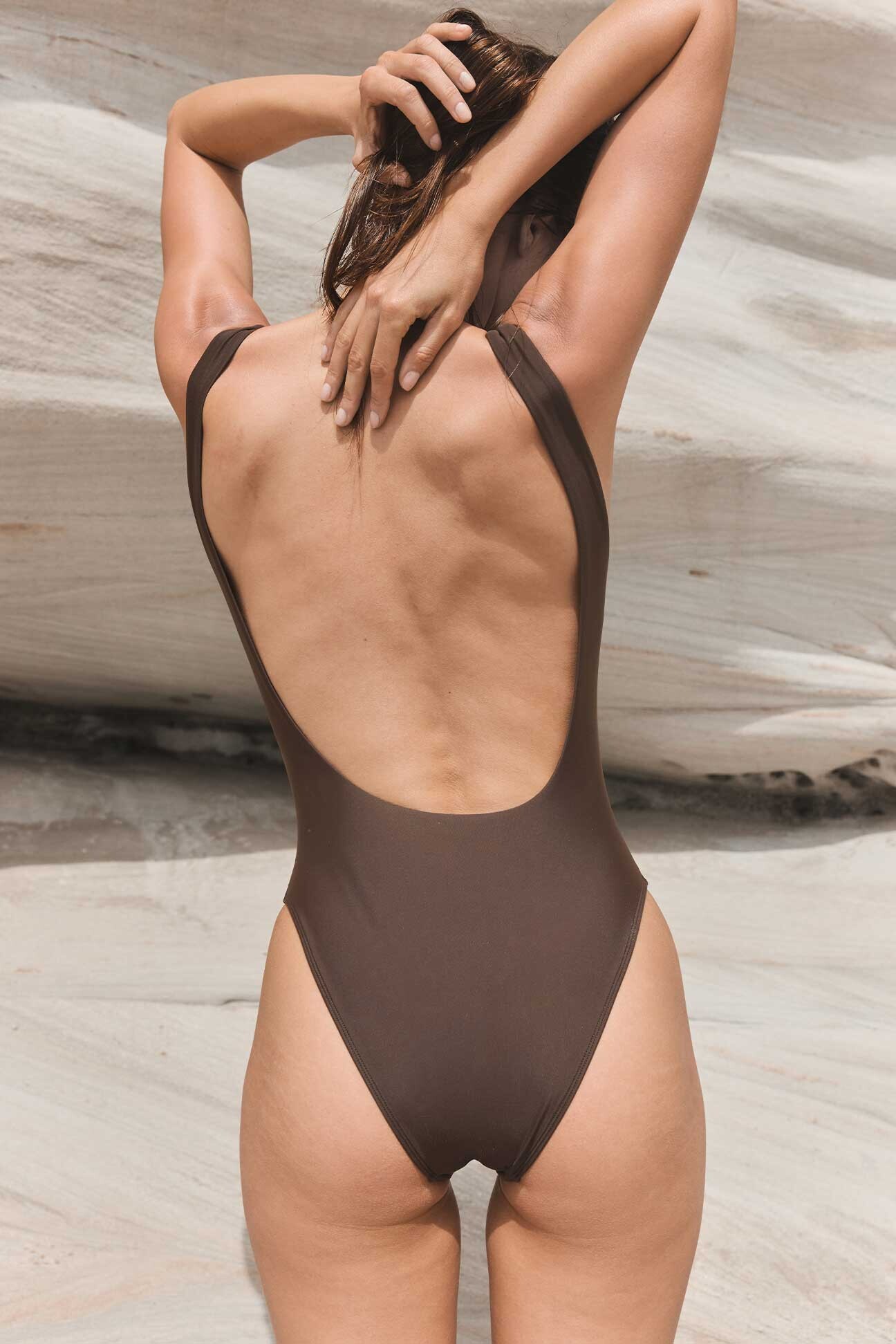
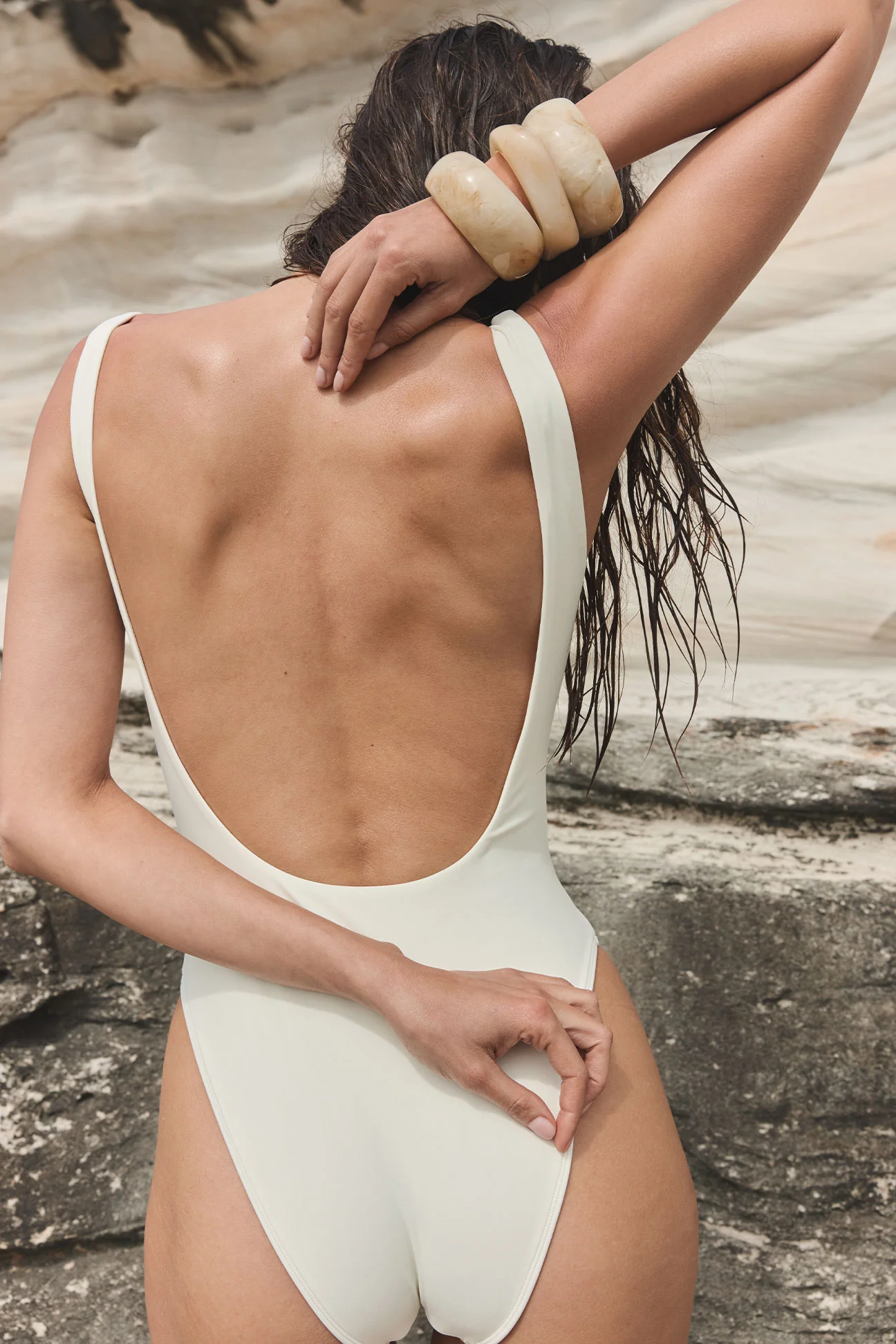
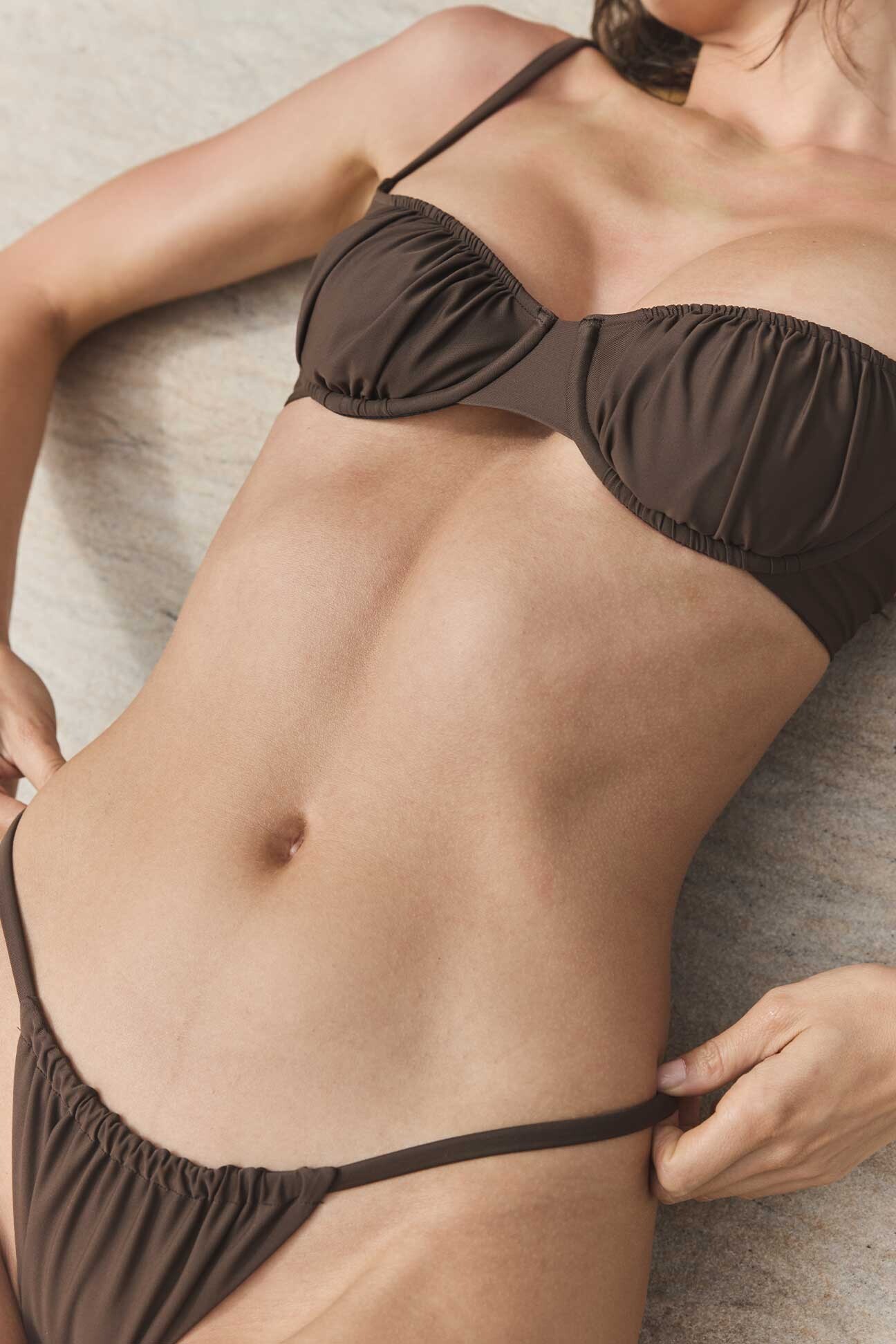
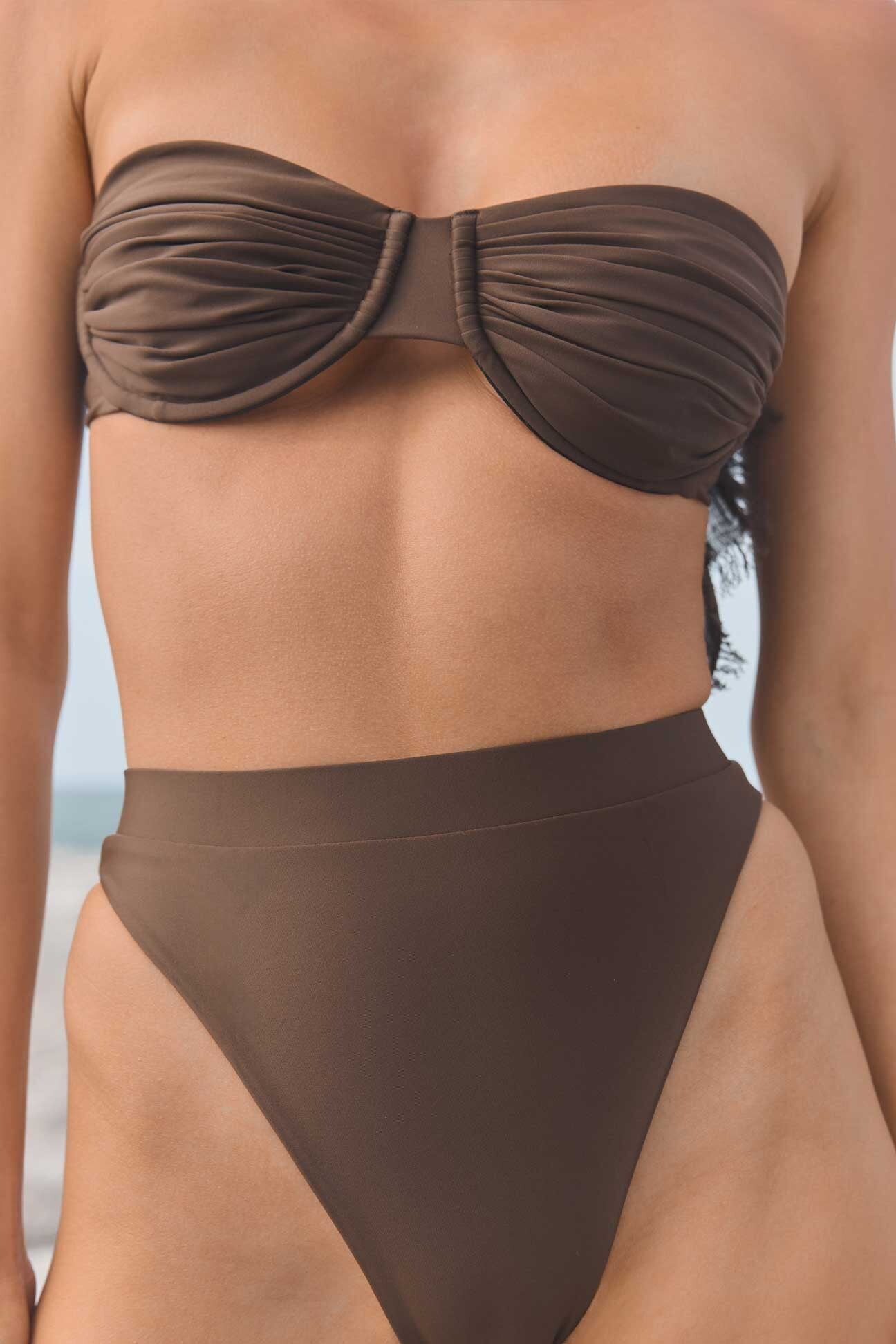
Sylk Swim (extended)
Beautiful
Sylk Swim (extended)


















































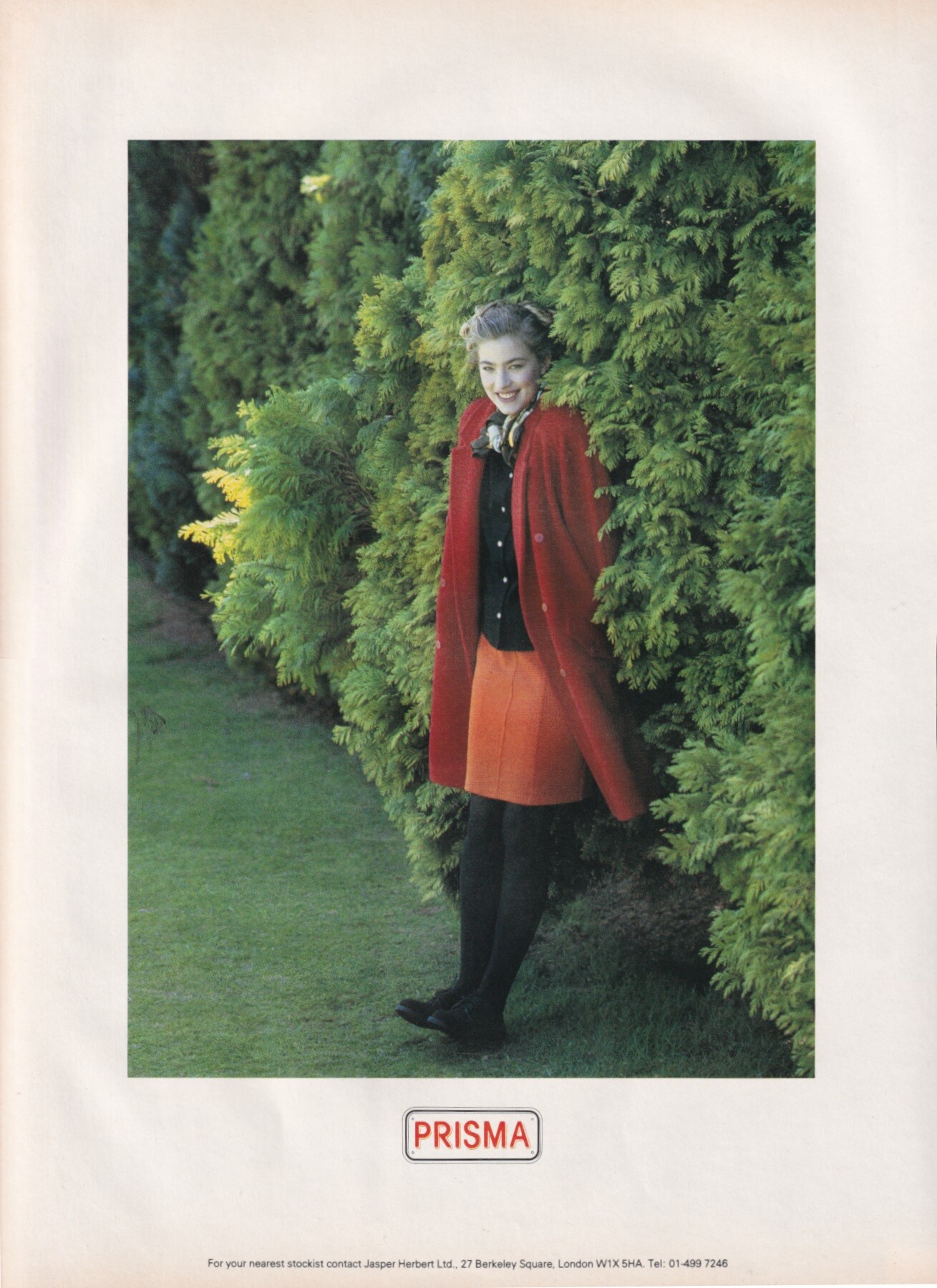
 Elaine Irwin for Prisma, 1988 my scan

 Bea Fiedler, Stefanie Petsch & Christine Zierl - Eis am Stiel 5 - Die grosse Liebe (1983)1080p Duration: 00:05:02 Resolution: 1920x1080 Format mp4 Size: 219.71 MB https://filejoker.net/xundsh4m3awa
 Nil Karaibrahimgil is a Turkish singer-songwriter known for her playful pop songs and witty lyrics. She gained popularity with hits like Ben Buraya Çıplak Geldim and Pırlanta, and is celebrated for her energetic performances and distinctive, creative style in Turkish pop music.



 Claudia Mason for Sportmax, 1988 my scan





















































































































































































































Account
Navigation
Search
Configure browser push notifications
Chrome (Android)
- Tap the lock icon next to the address bar.
- Tap Permissions → Notifications.
- Adjust your preference.
Chrome (Desktop)
- Click the padlock icon in the address bar.
- Select Site settings.
- Find Notifications and adjust your preference.
Safari (iOS 16.4+)
- Ensure the site is installed via Add to Home Screen.
- Open Settings App → Notifications.
- Find your app name and adjust your preference.
Safari (macOS)
- Go to Safari → Preferences.
- Click the Websites tab.
- Select Notifications in the sidebar.
- Find this website and adjust your preference.
Edge (Android)
- Tap the lock icon next to the address bar.
- Tap Permissions.
- Find Notifications and adjust your preference.
Edge (Desktop)
- Click the padlock icon in the address bar.
- Click Permissions for this site.
- Find Notifications and adjust your preference.
Firefox (Android)
- Go to Settings → Site permissions.
- Tap Notifications.
- Find this site in the list and adjust your preference.
Firefox (Desktop)
- Open Firefox Settings.
- Search for Notifications.
- Find this site in the list and adjust your preference.