All Activity
- Past hour
-

-
 GIORGIO ARMANI fall winter 1989 - photo Aldo Fallai eBay

-
 Christy Turlington for Thierry Mugler, ready-to-wear, fall/winter 1991 my scan
-
Gisele Zelauy for Thierry Mugler, ready-to-wear, fall/winter 1991 my scan

-
 correct name she Kajsa Leander Lysgaard https://www.bellazon.com/main/topic/89000-kajsa-johanna-lysgaard/page/2/#comment-6113720
 -
@bintempi she have long name 😊
-
Estelle Lefebure for Thierry Mugler, ready-to-wear, fall/winter 1991 my scans


-
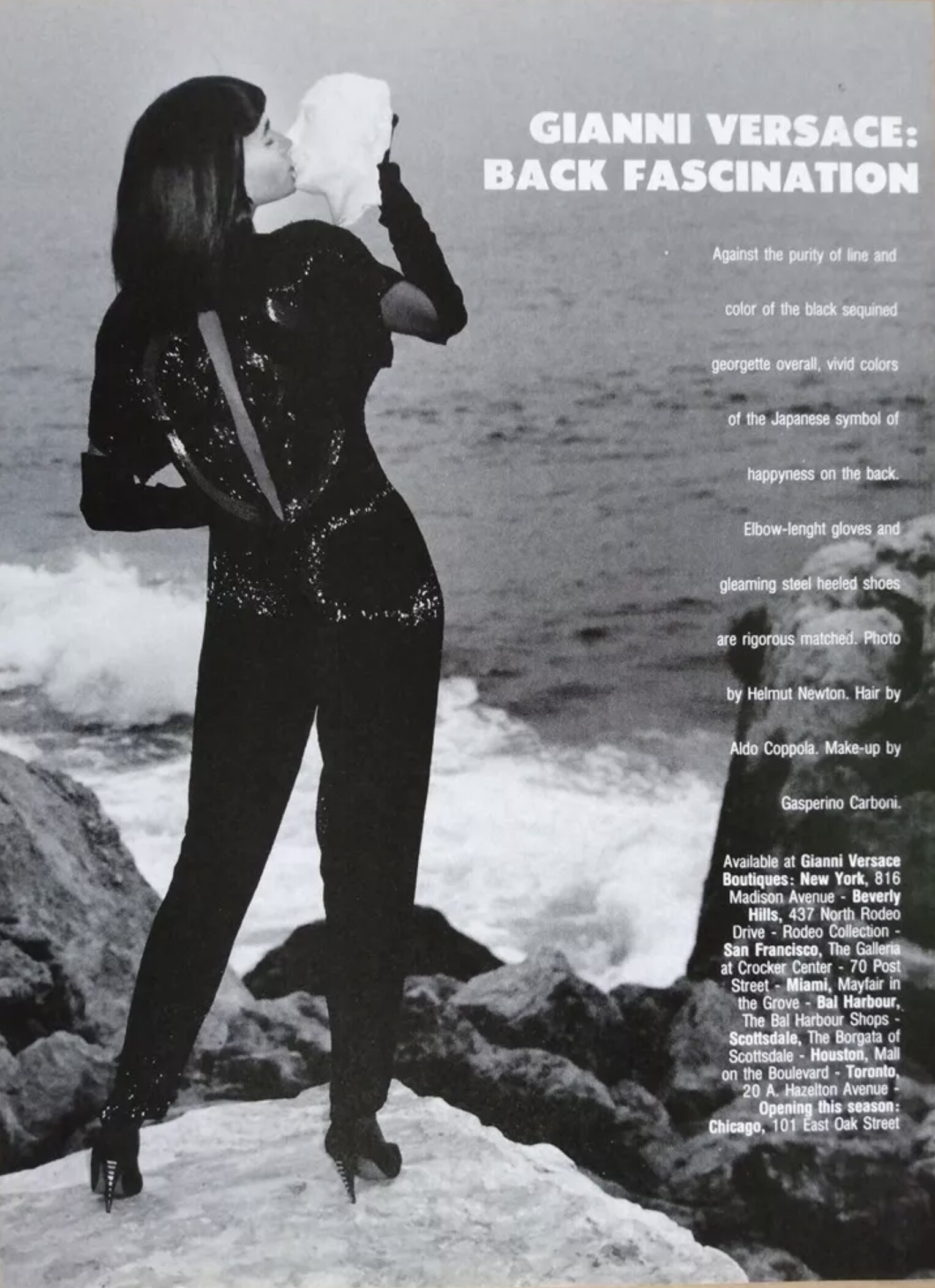
GIANNI VERSACE Spring Summer 1986 campaign - photo Helmut Newton Alternative advertisement eBay / instagram






-
Liliana Dominguez
-
 How about this beautiful blonde woman Can anyone I’d her please and thanks in advance

-
maybe Vera Zaal?
-
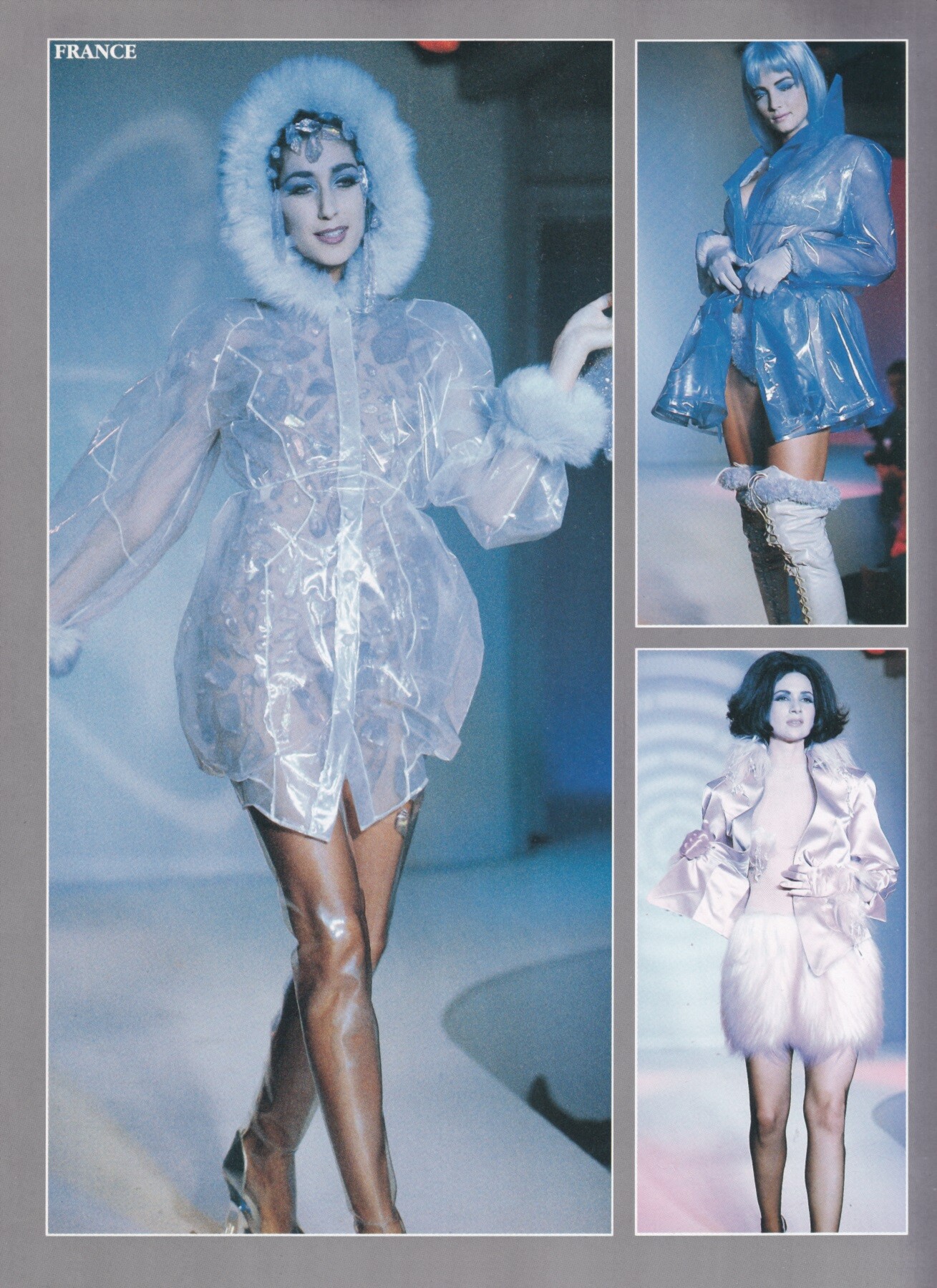
 Claudia Mason for Hanae Mori, ready-to-wear, fall/winter 1991 my scan
 Ceyla Lacerda for Hanae Mori, ready-to-wear, fall/winter 1991 my scan
.thumb.jpeg.58b373b8428c4e881ce030038b4063aa.jpeg) techhawks joined the community
Emma Sjoberg for Hanae Mori, ready-to-wear, fall/winter 1991 my scan
techhawks joined the community
Emma Sjoberg for Hanae Mori, ready-to-wear, fall/winter 1991 my scan Hi Hi That is unfortunately not Stina 🙁 This is Stina > also at @fakediorpurse
- Today
 #1 looks like Sarah McNeilly... i think she is Ludmila Kroshko; ID'ed in Armani's show 2002 or 2003 ... years ago.


 We are NOT "your" hemisphere. Fuck you and your surrounding cult.
 ohanastylerealty joined the community
 Facebook(2).mp4 Rouge George Lingerie
































































.jpg.a80026b226ae544c62aa8a587e16c91b.jpg)

Account
Search
Configure browser push notifications
Chrome (Android)
- Tap the lock icon next to the address bar.
- Tap Permissions → Notifications.
- Adjust your preference.
Chrome (Desktop)
- Click the padlock icon in the address bar.
- Select Site settings.
- Find Notifications and adjust your preference.
Safari (iOS 16.4+)
- Ensure the site is installed via Add to Home Screen.
- Open Settings App → Notifications.
- Find your app name and adjust your preference.
Safari (macOS)
- Go to Safari → Preferences.
- Click the Websites tab.
- Select Notifications in the sidebar.
- Find this website and adjust your preference.
Edge (Android)
- Tap the lock icon next to the address bar.
- Tap Permissions.
- Find Notifications and adjust your preference.
Edge (Desktop)
- Click the padlock icon in the address bar.
- Click Permissions for this site.
- Find Notifications and adjust your preference.
Firefox (Android)
- Go to Settings → Site permissions.
- Tap Notifications.
- Find this site in the list and adjust your preference.
Firefox (Desktop)
- Open Firefox Settings.
- Search for Notifications.
- Find this site in the list and adjust your preference.