All Activity
- Past hour
-

-
 Burda Germany & Russia 1999 many years mystery to me

-
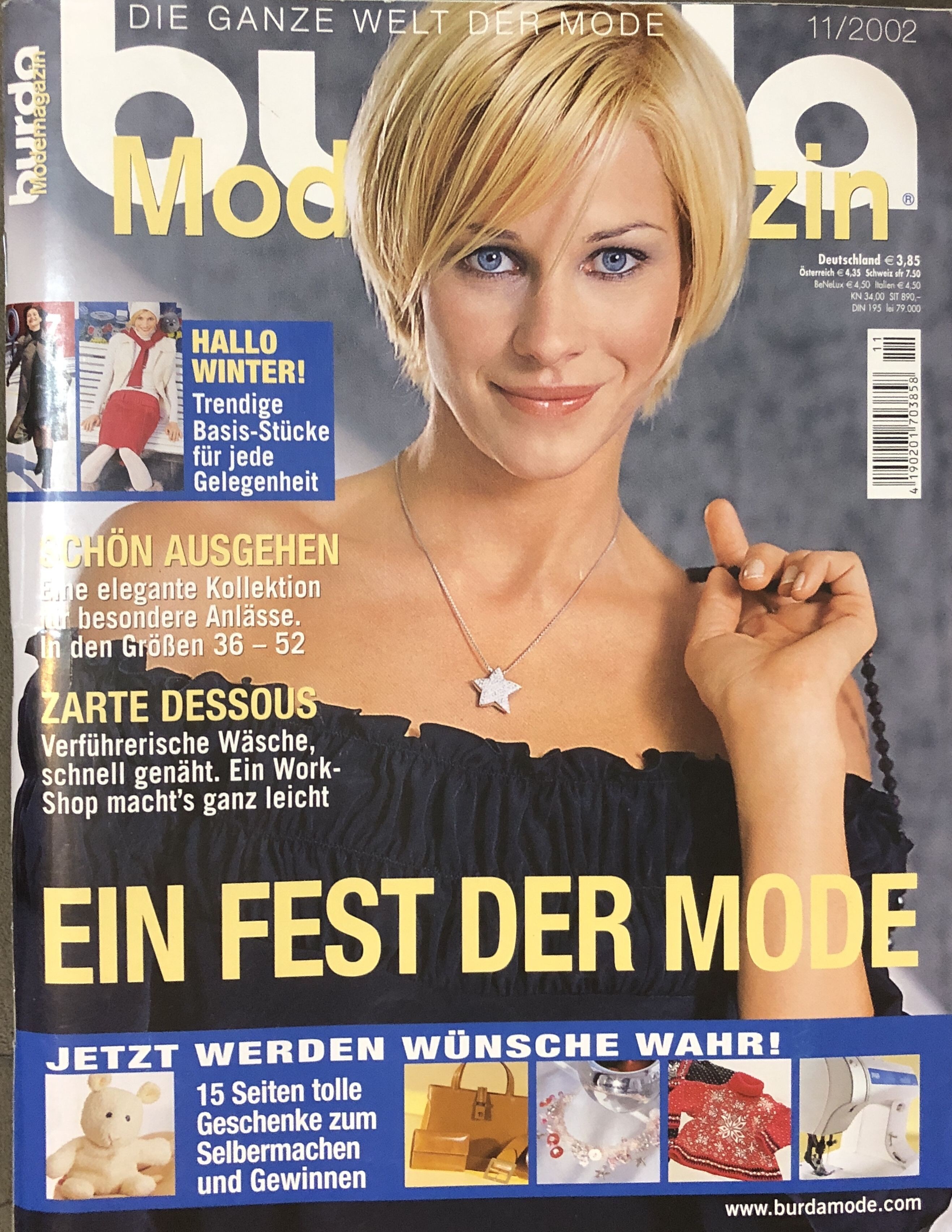
Burda Germany 11/2002 thank you Ozon

-

-

 Angelina Patania - Female Fashion Models - Bellazon
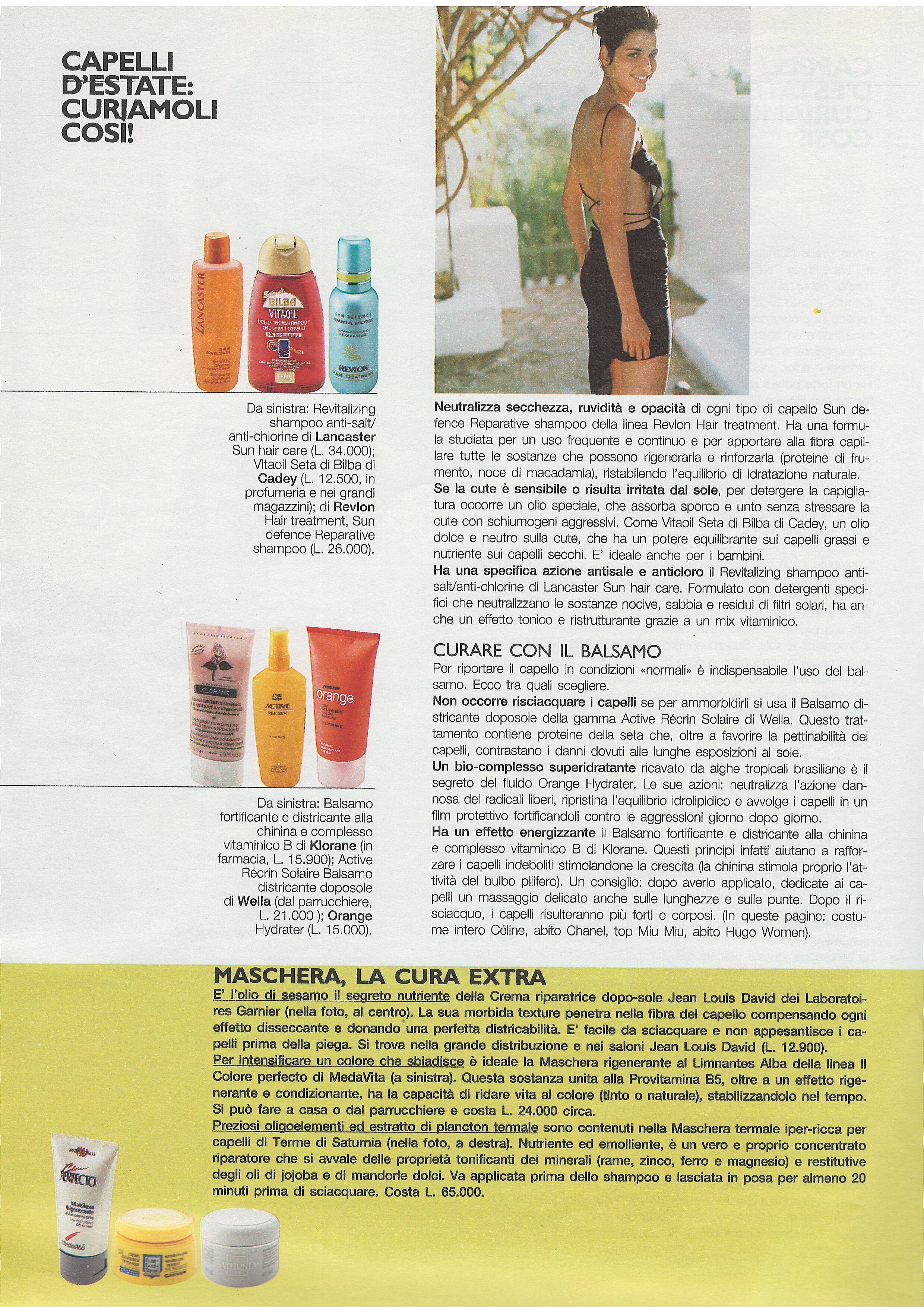
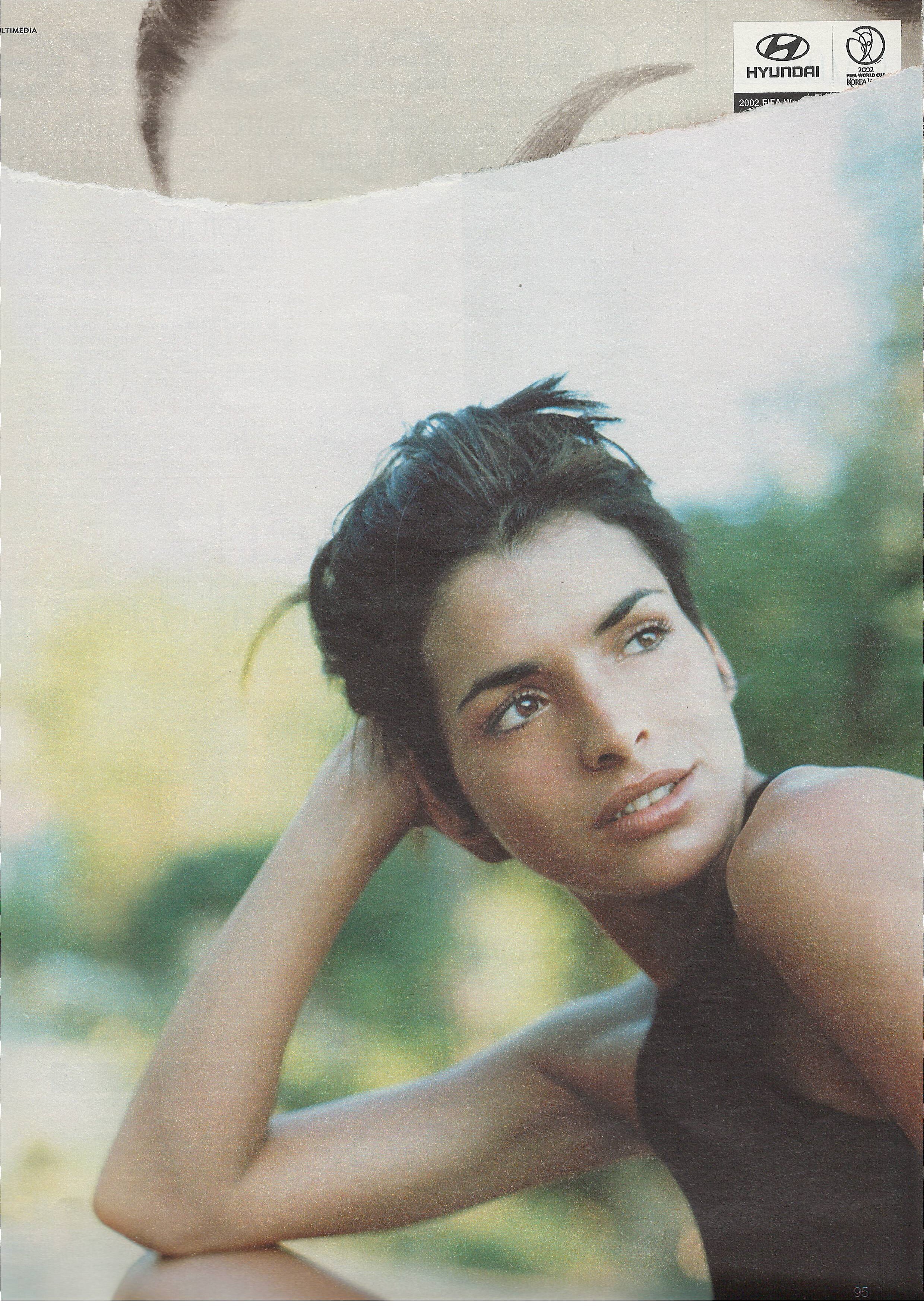
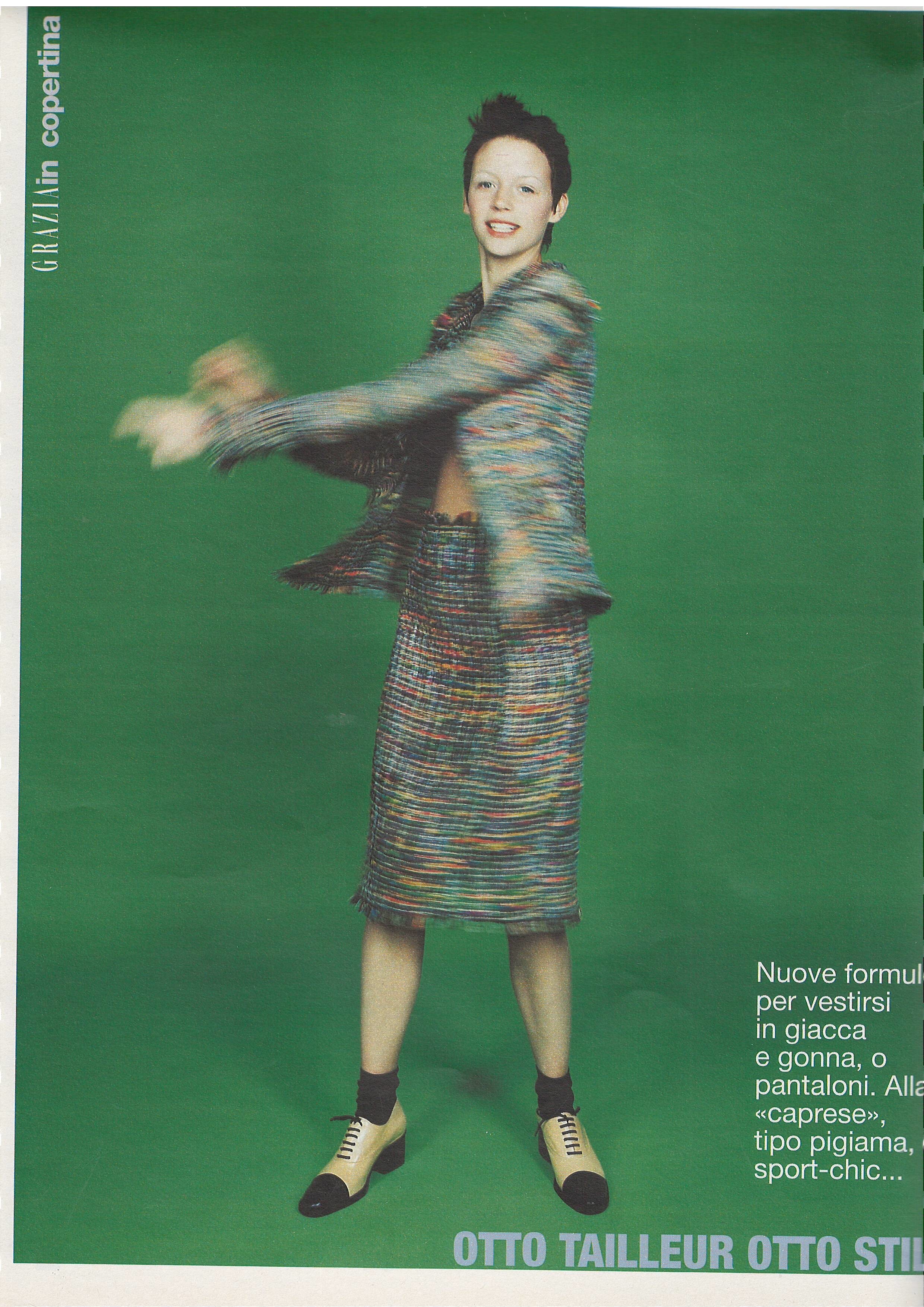
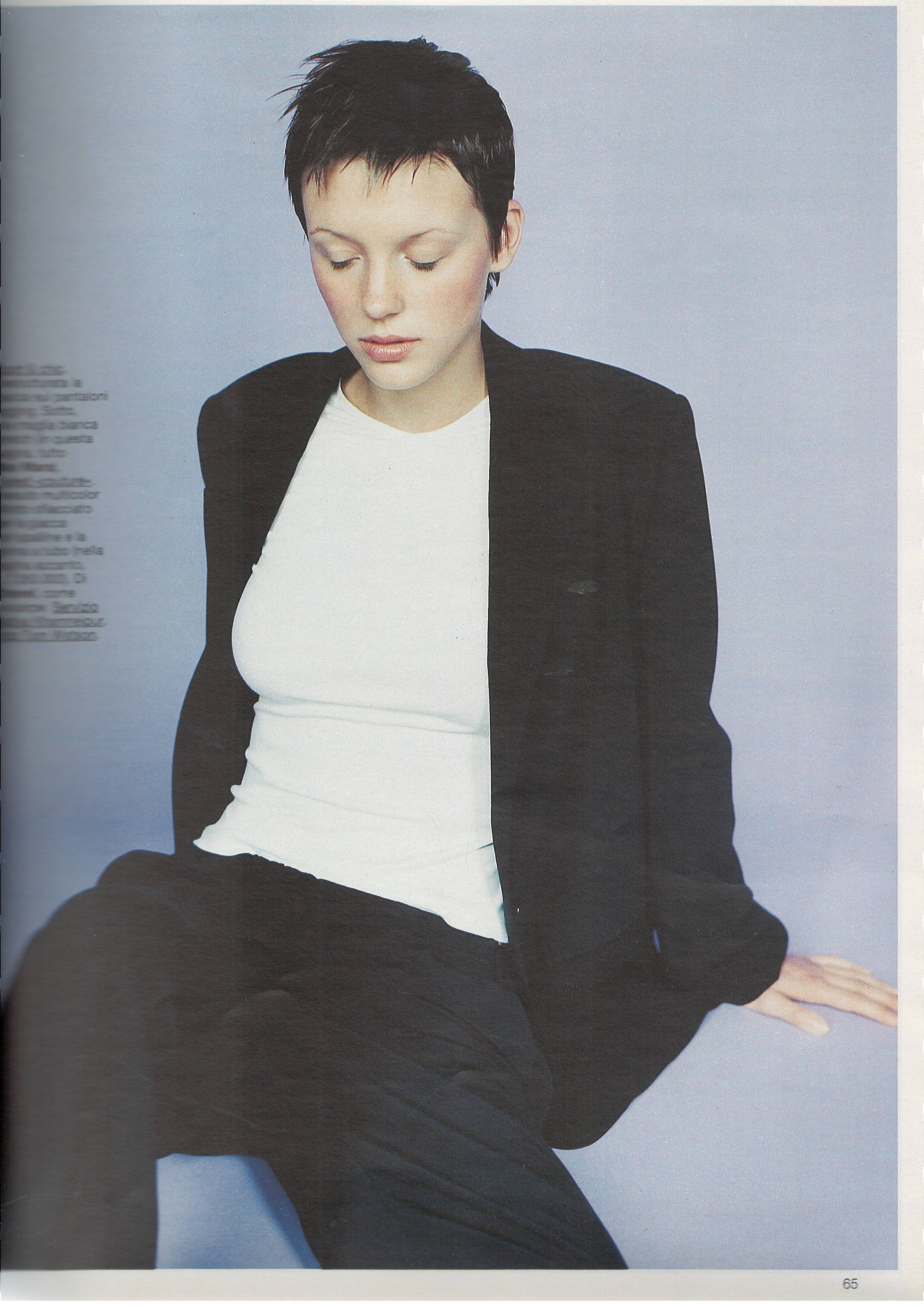
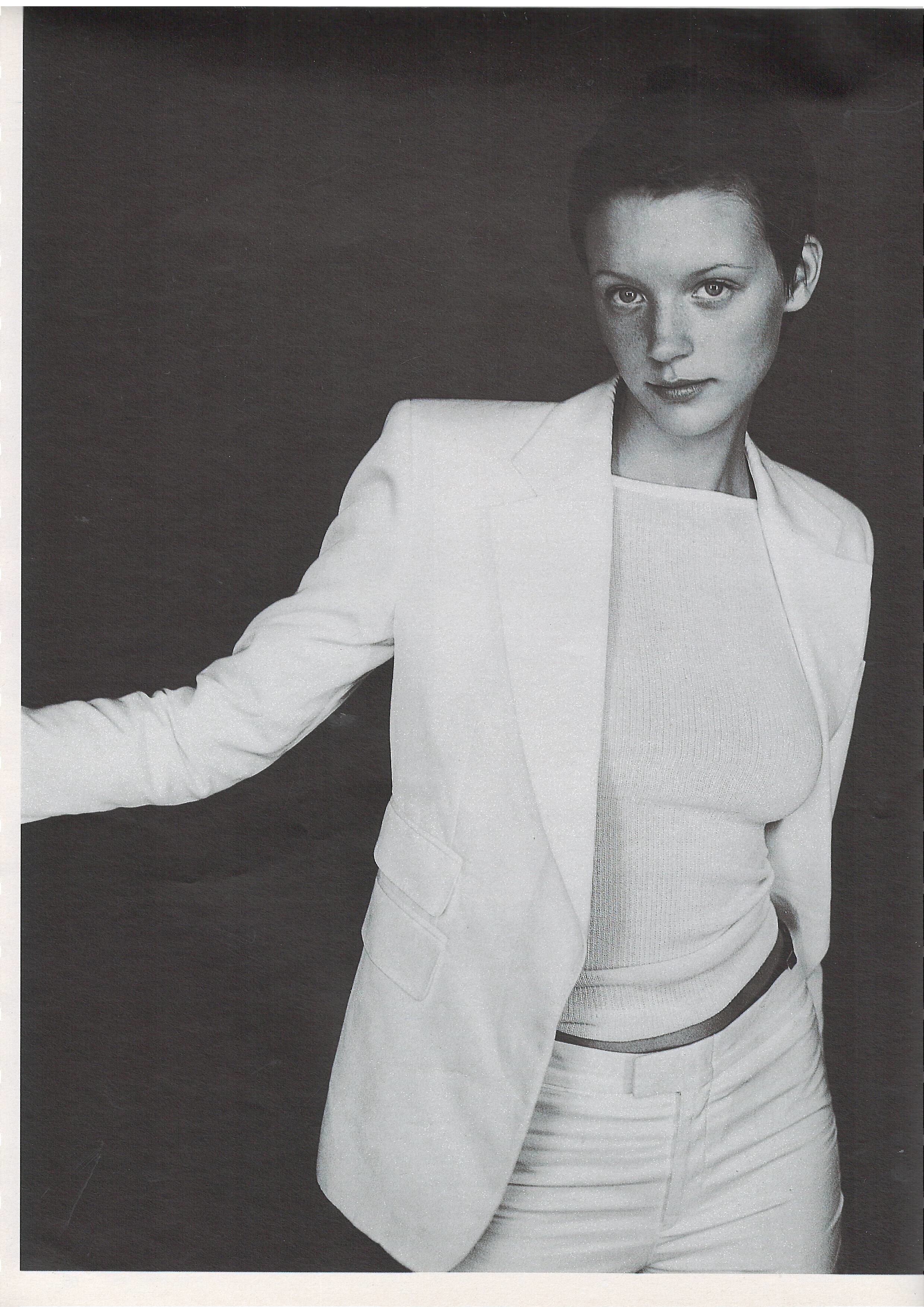
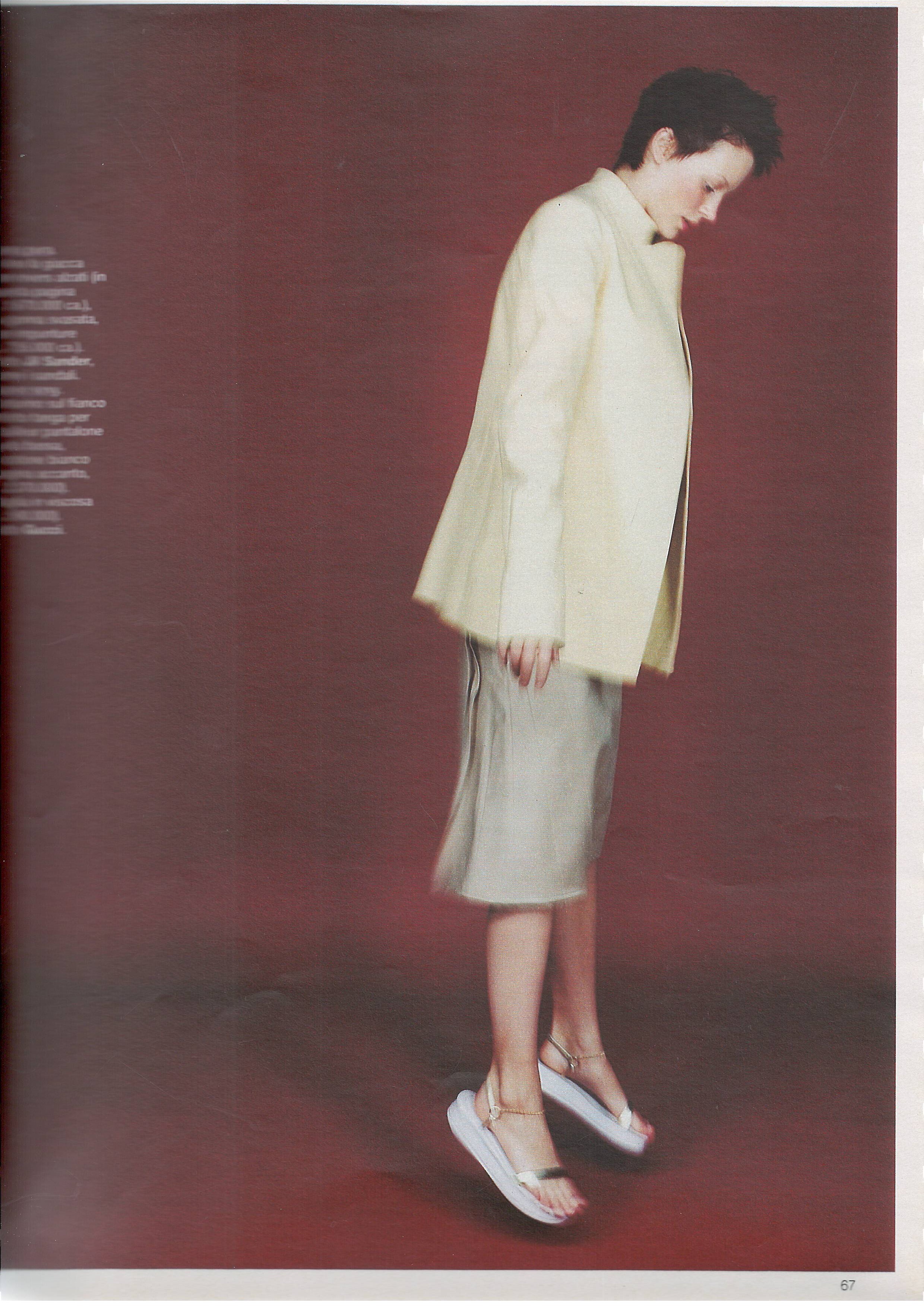
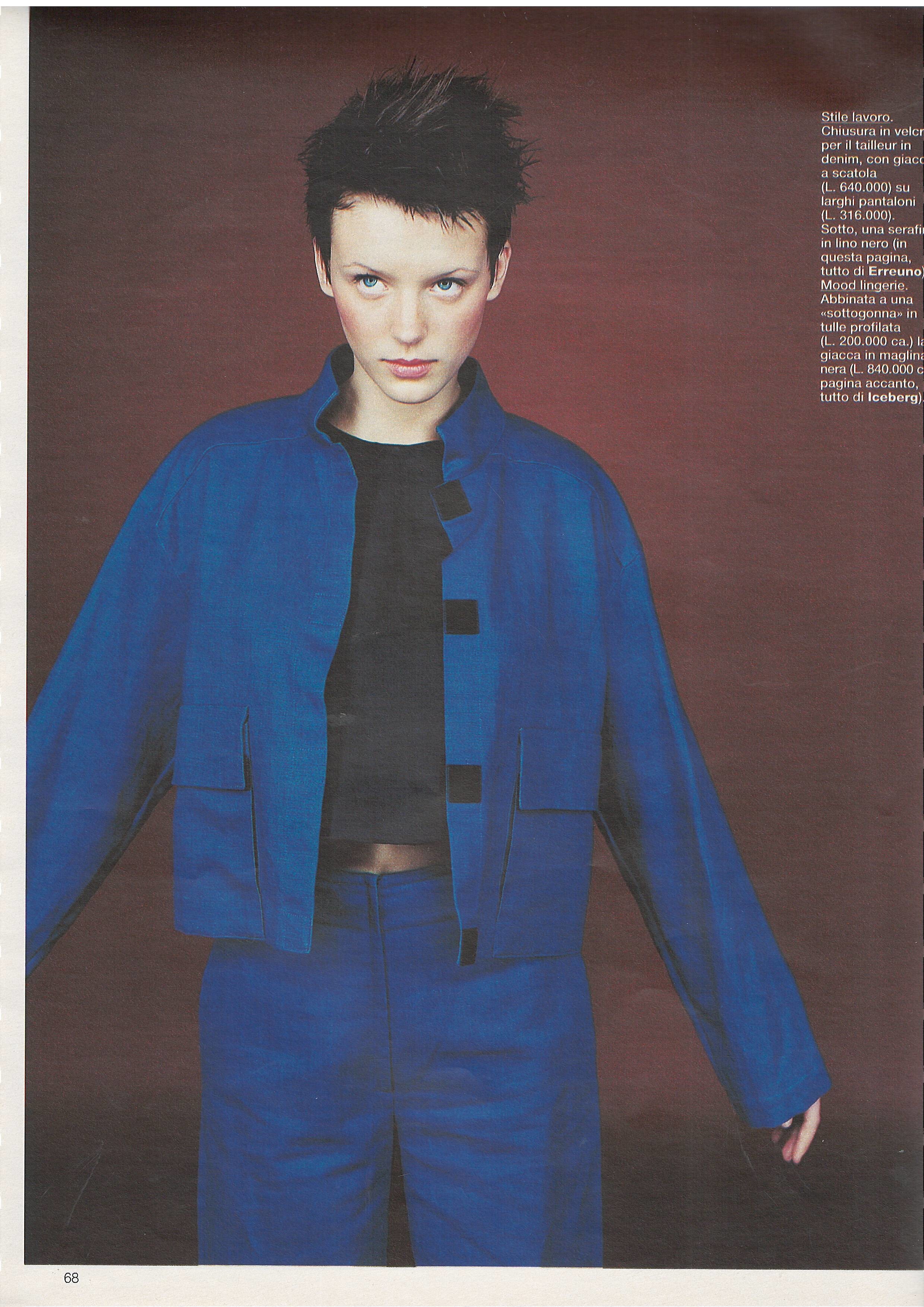
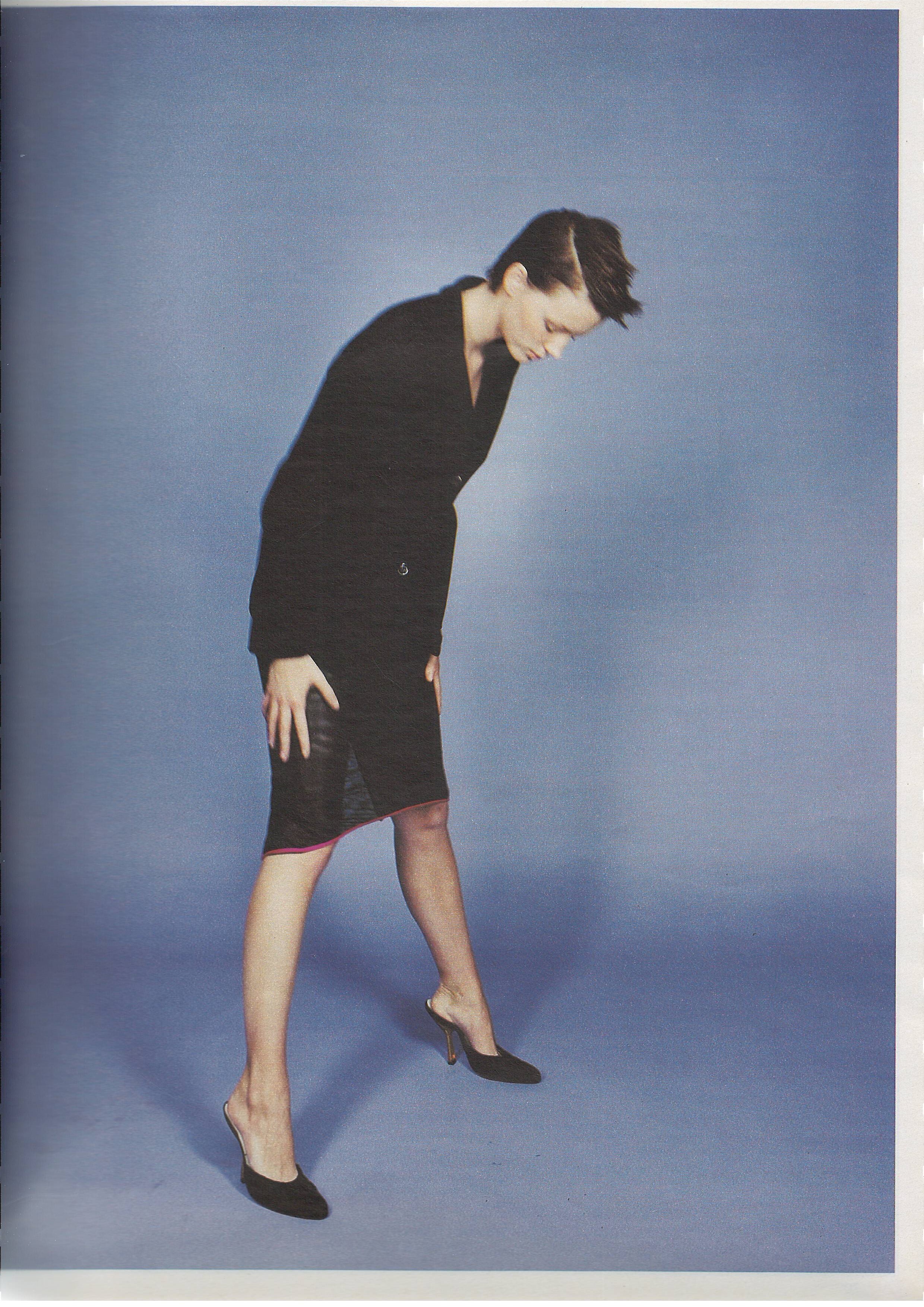
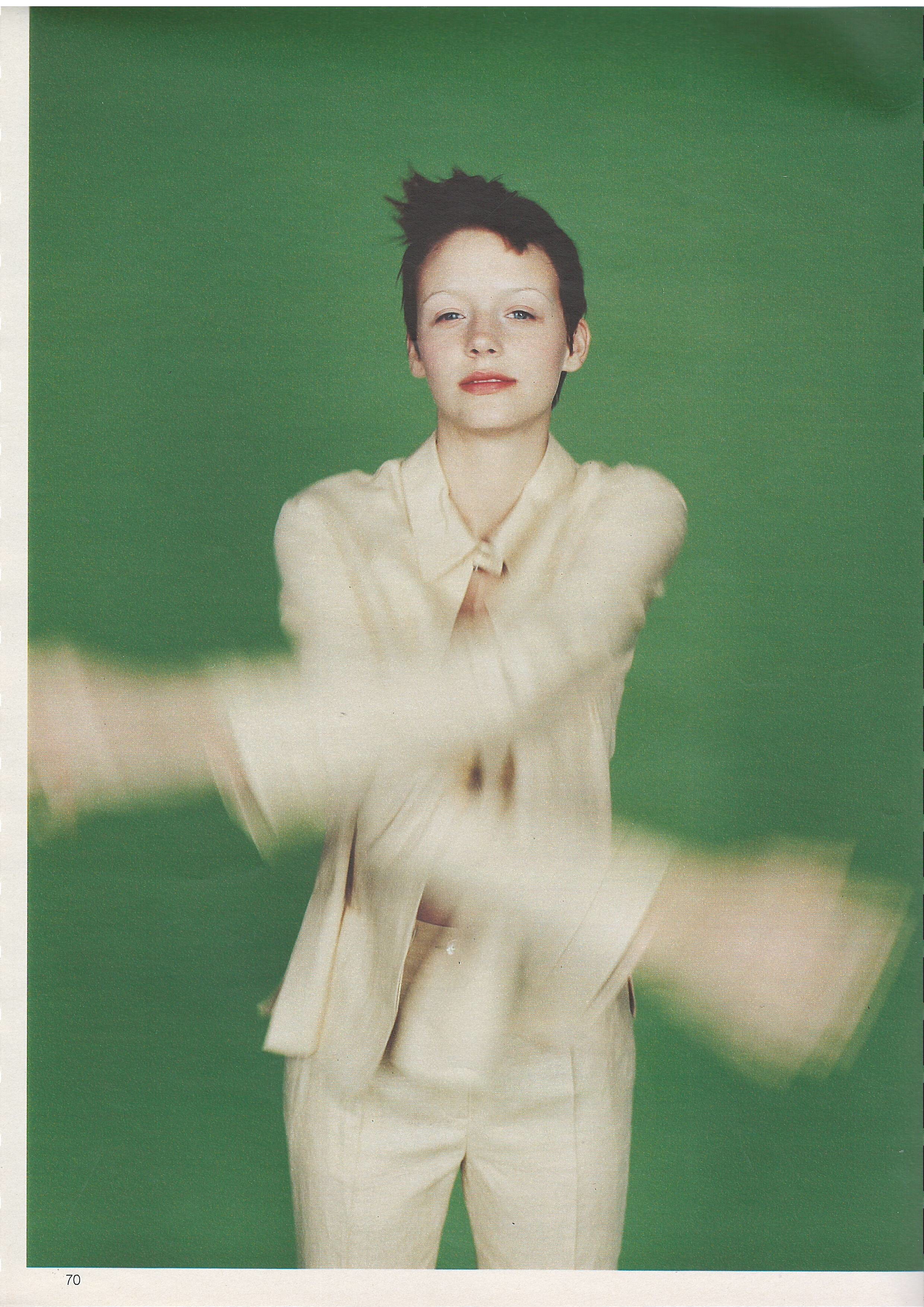
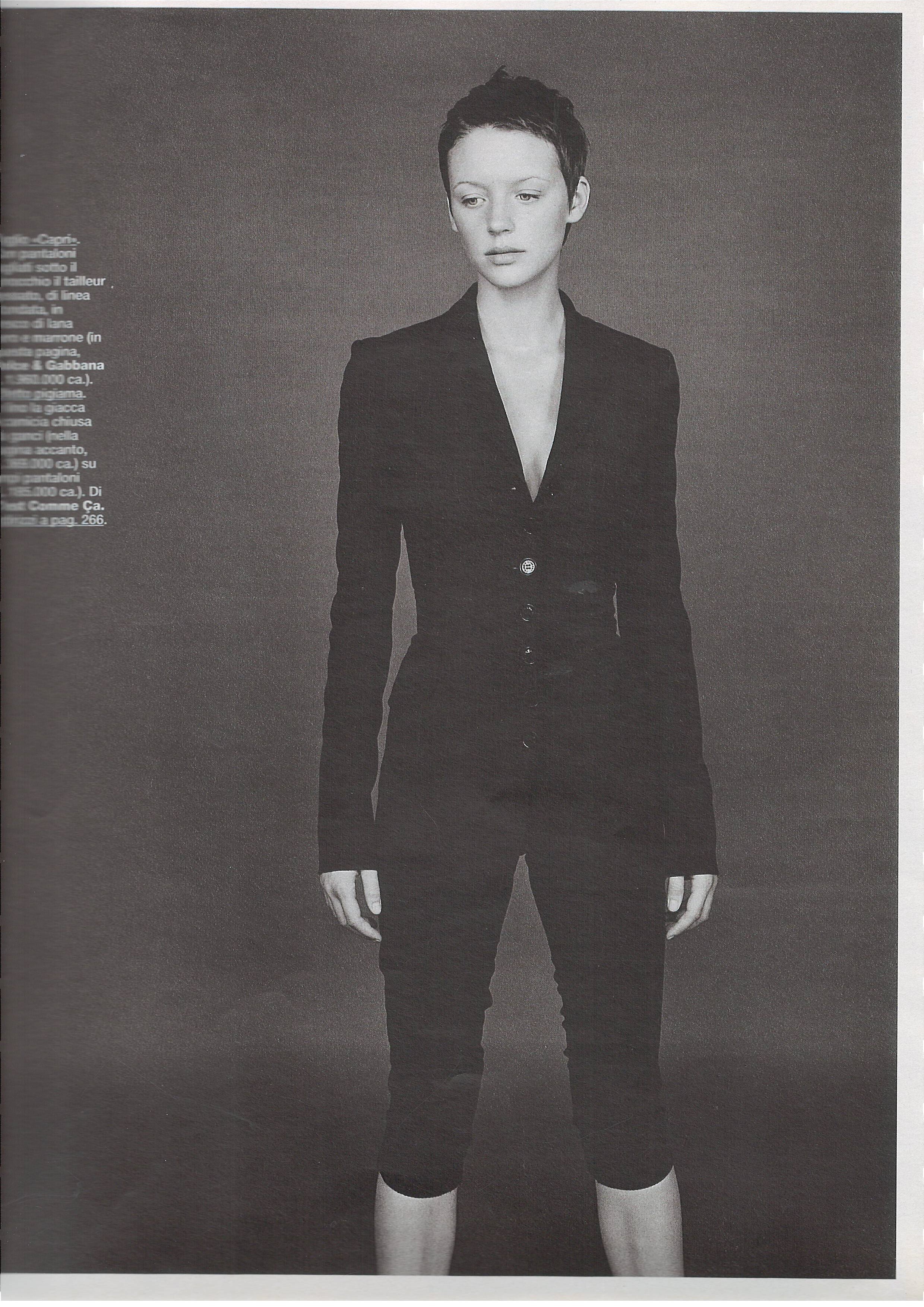
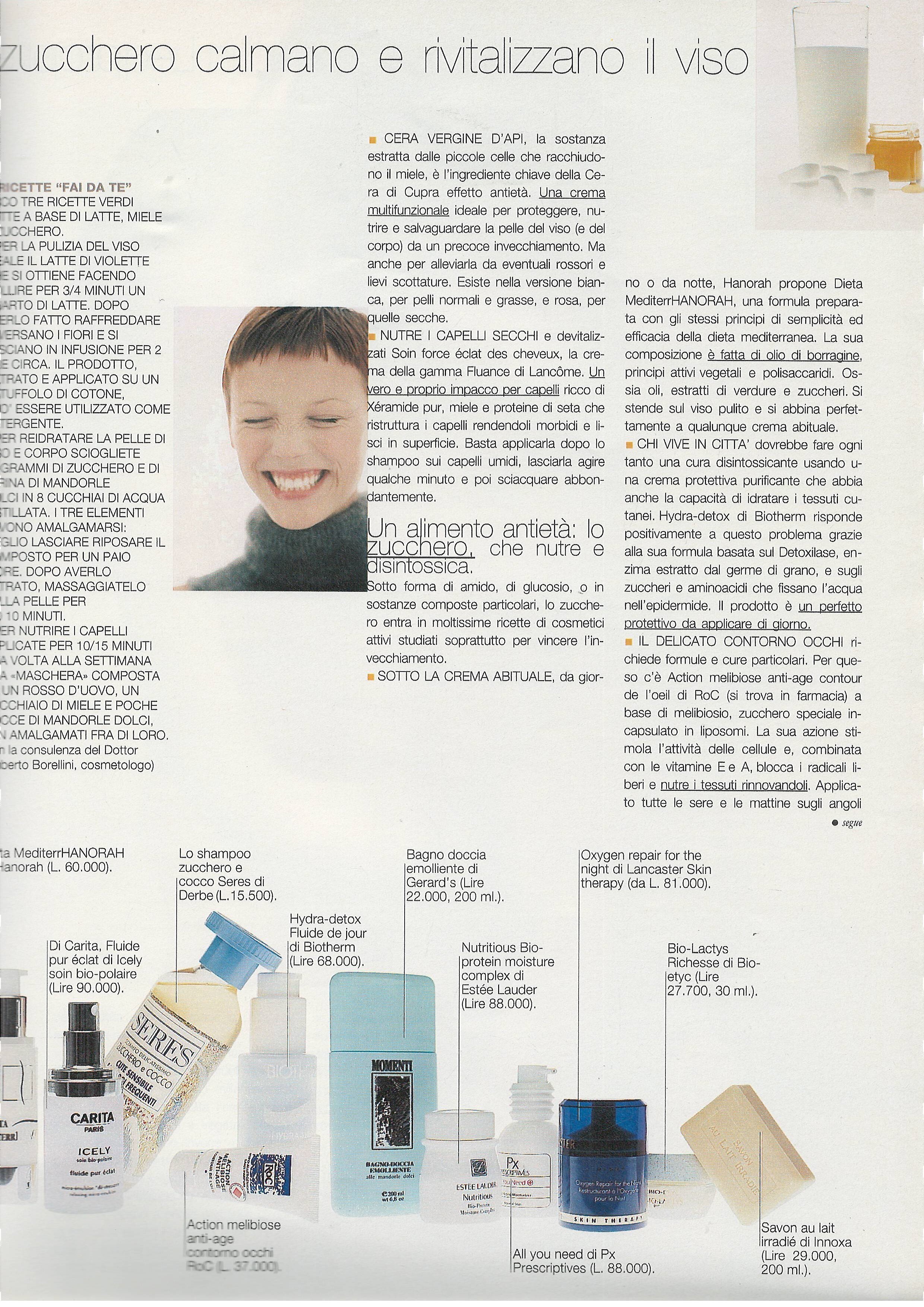
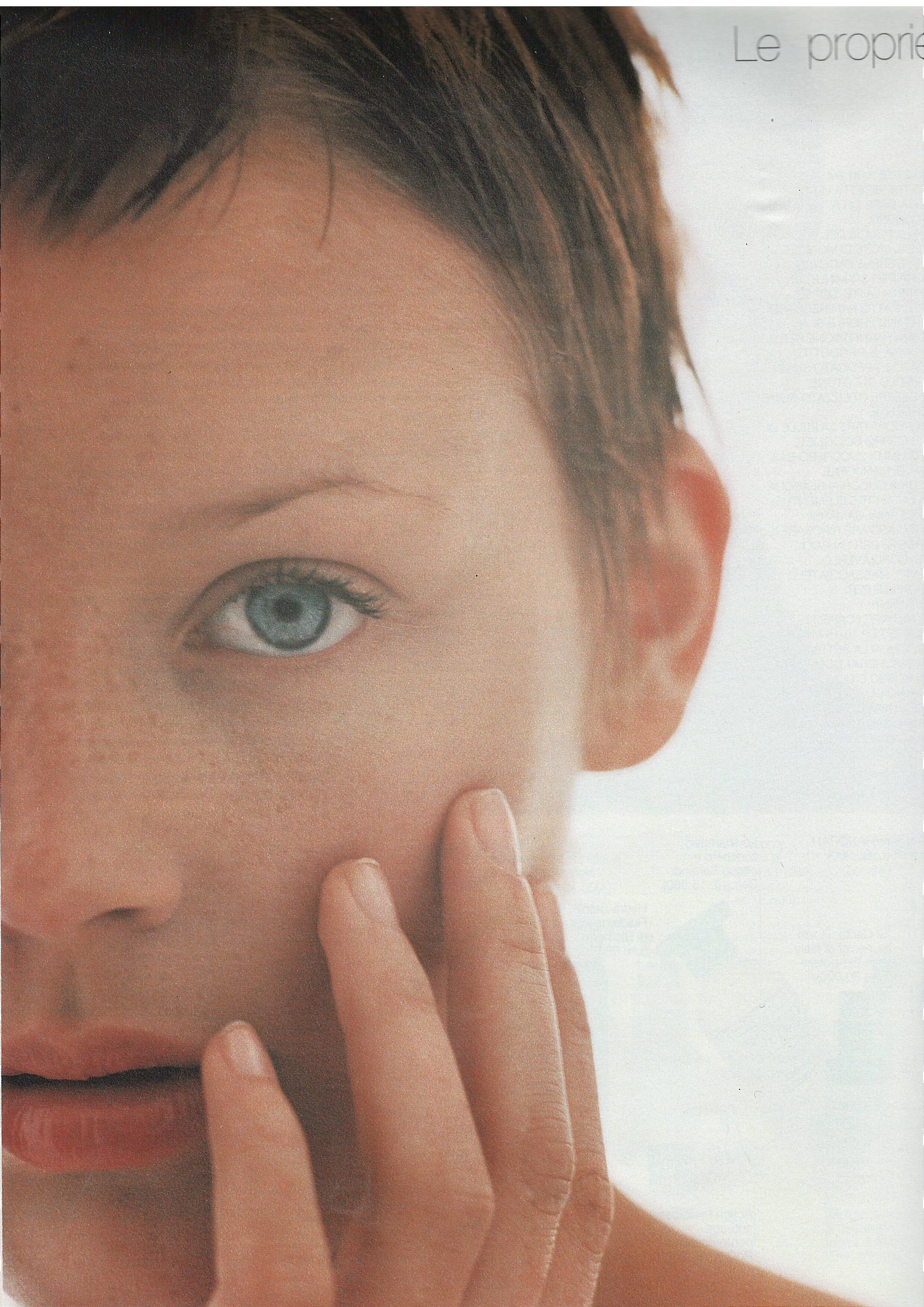
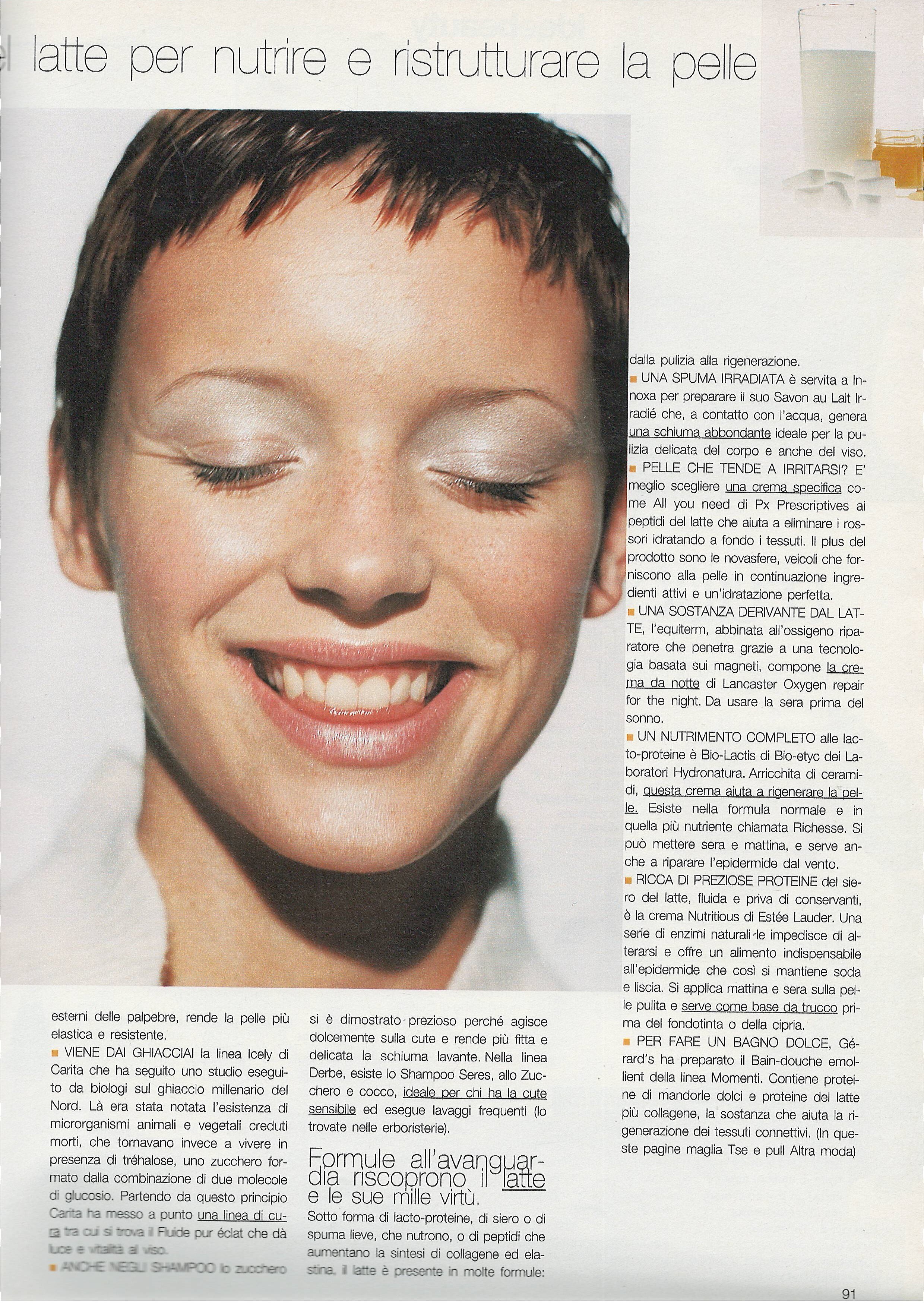
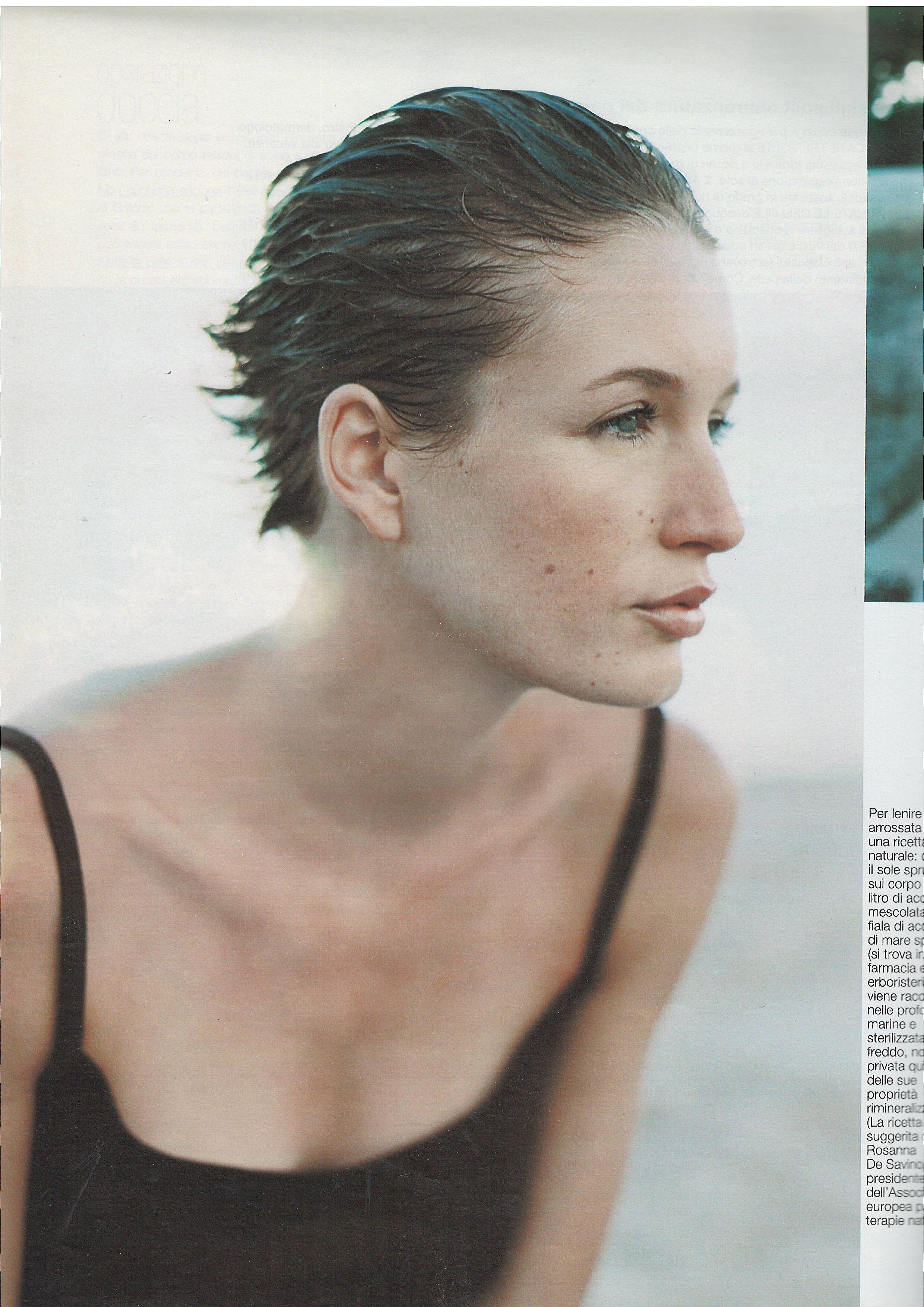
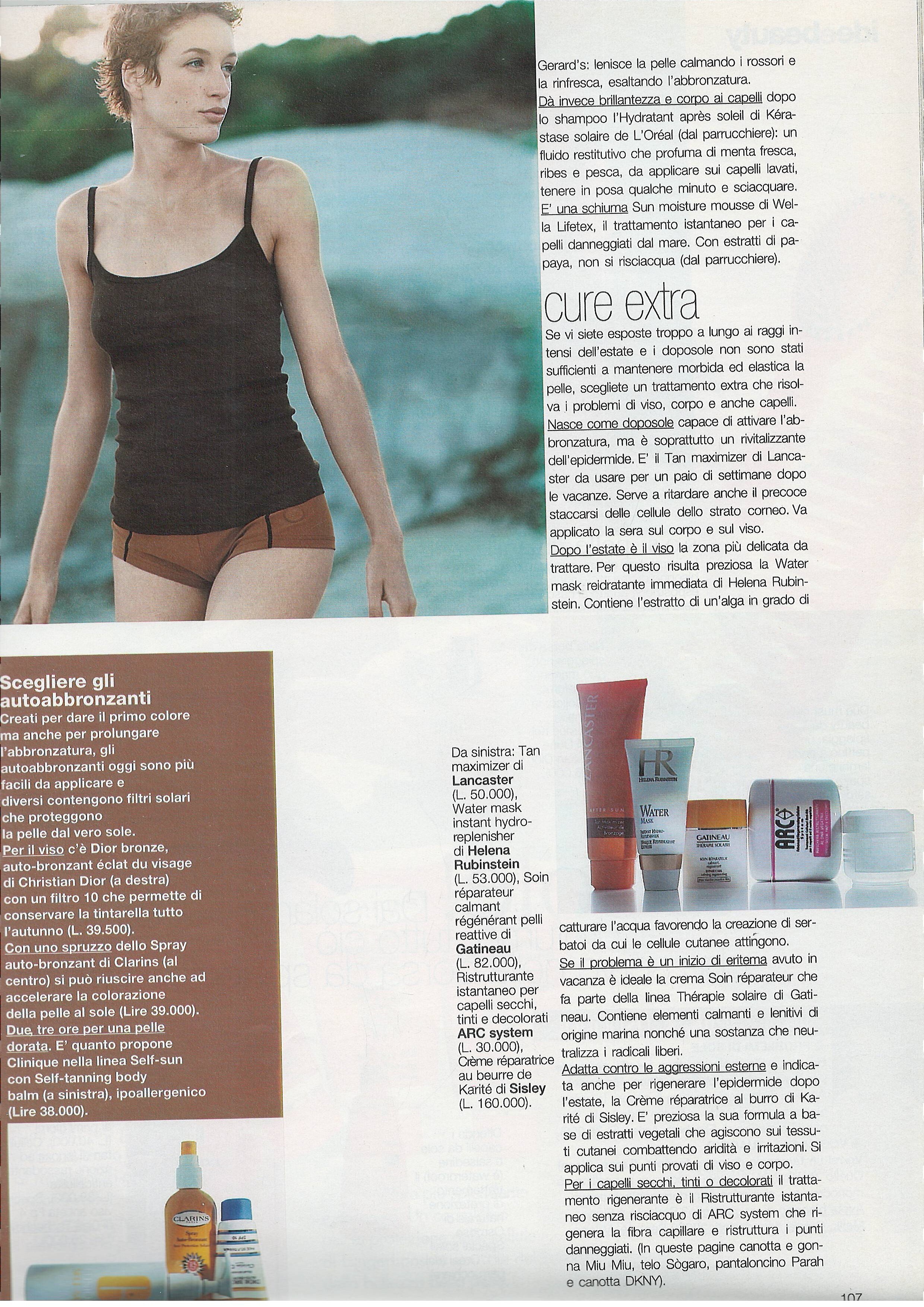
Grazia Italy 20 March 1998 - photo unknown Scanned by @sanja
Angelina Patania - Female Fashion Models - Bellazon
Grazia Italy 20 March 1998 - photo unknown Scanned by @sanja

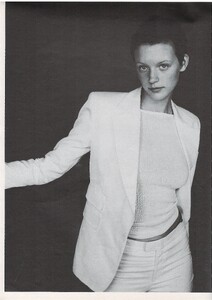
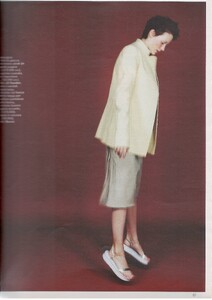

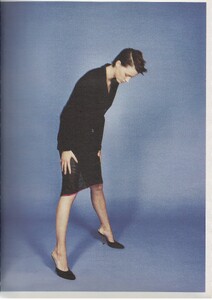


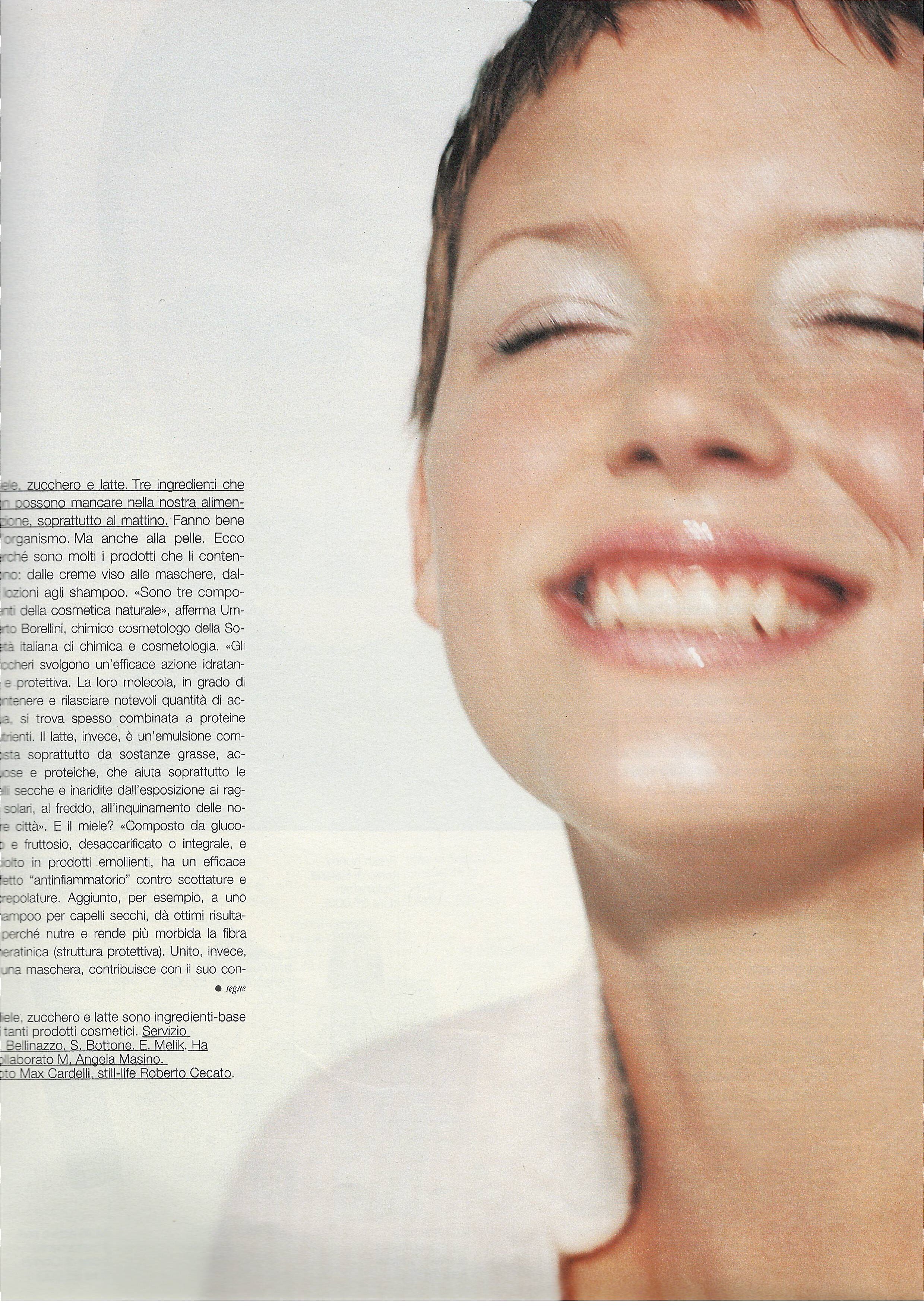
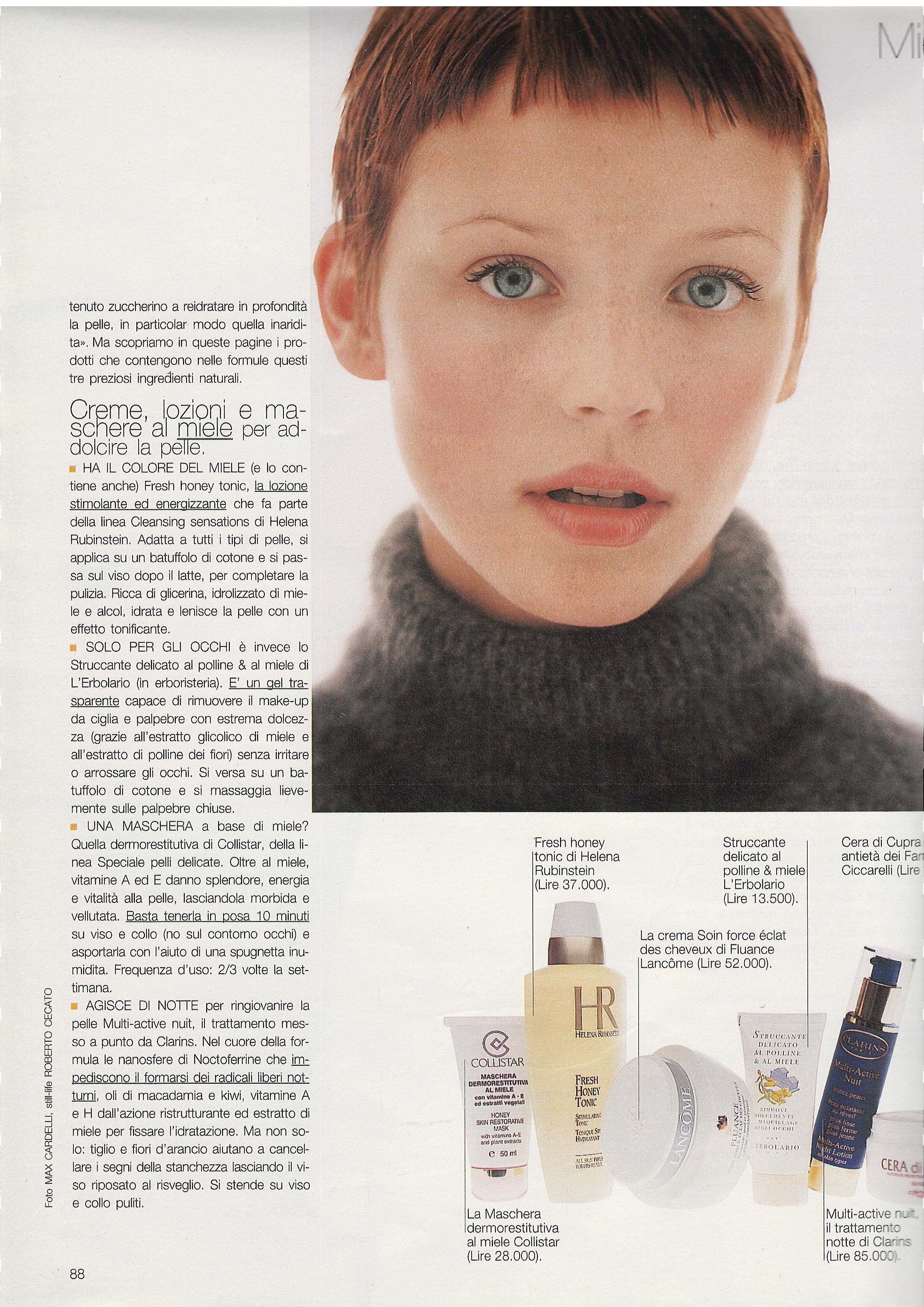
 Grazia Italy 13 February 1998 - photo Max Cardelli Scanned by @sanja



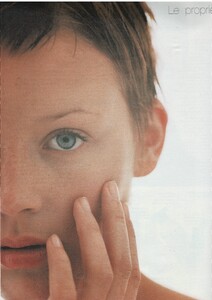

 She is Alina Tommassini.
 Hi, Only Post Bettinas Fashion Runway Shows
Her name is Alina Tommassini
Hi, Only Post Bettinas Fashion Runway Shows
Her name is Alina Tommassini
.thumb.png.3ff9021ce1d156e8d955aa7ab7a662d7.png) I saw a post asking for the ID of this model. Her name is Ginevra Ferrettini.
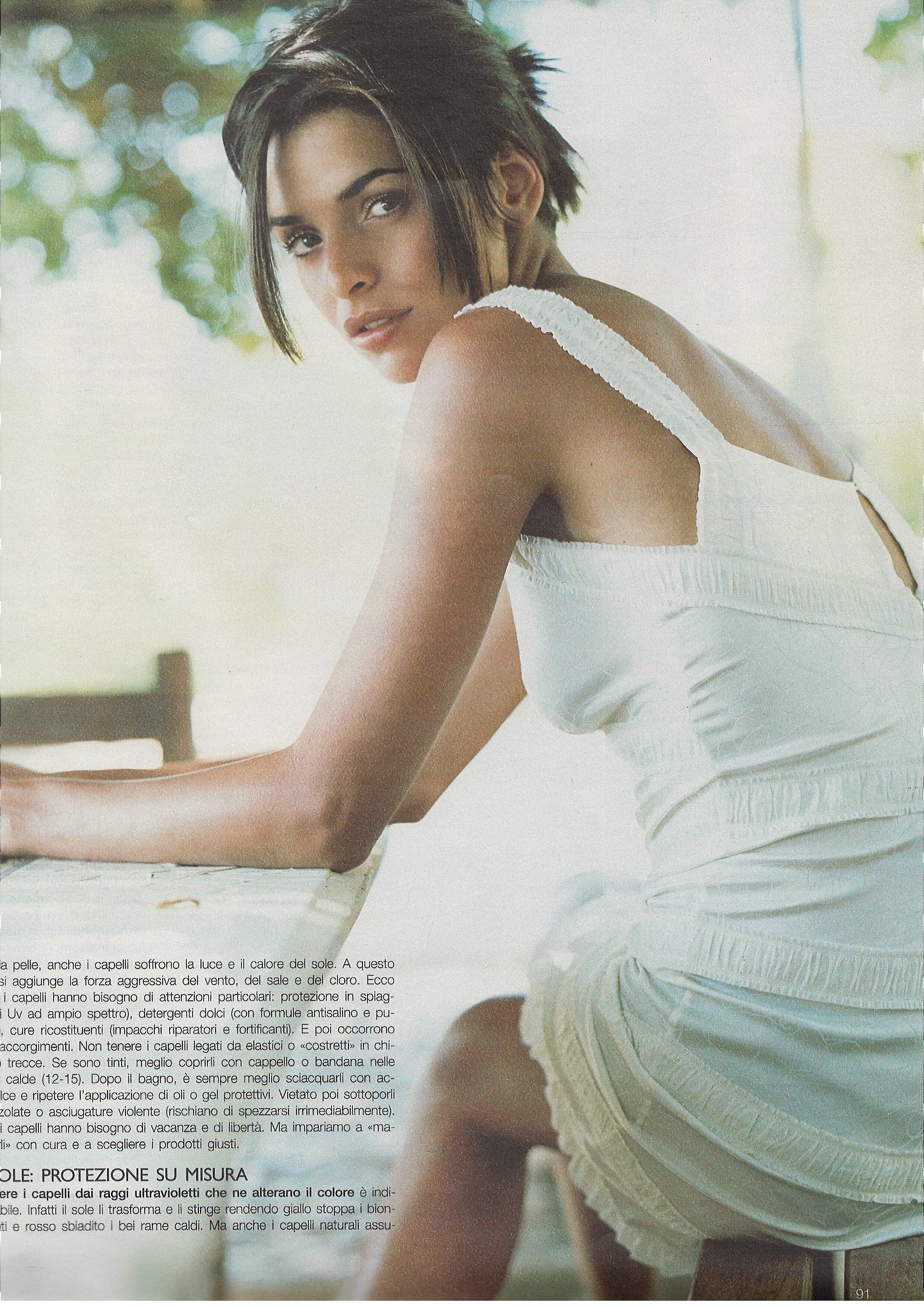
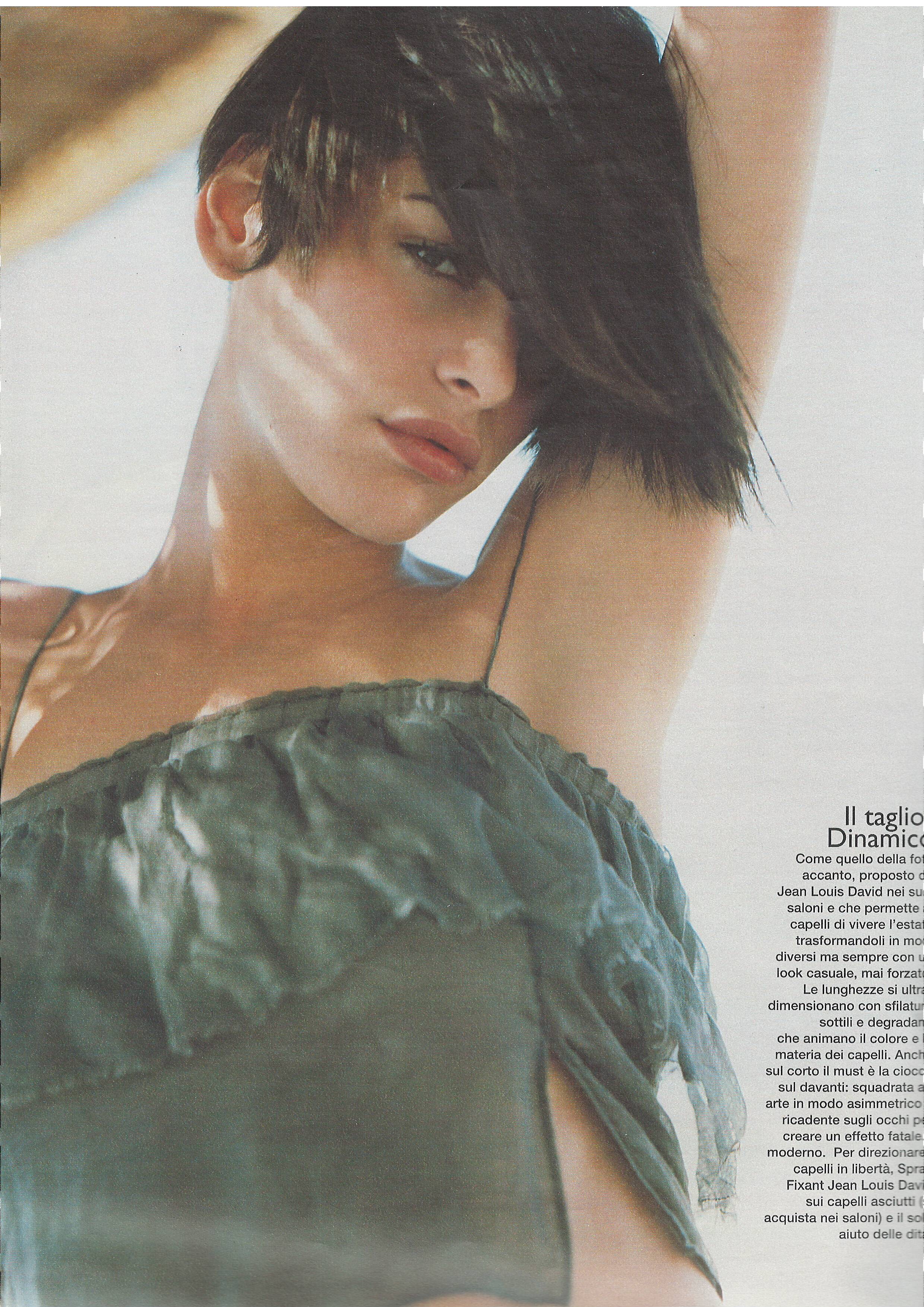
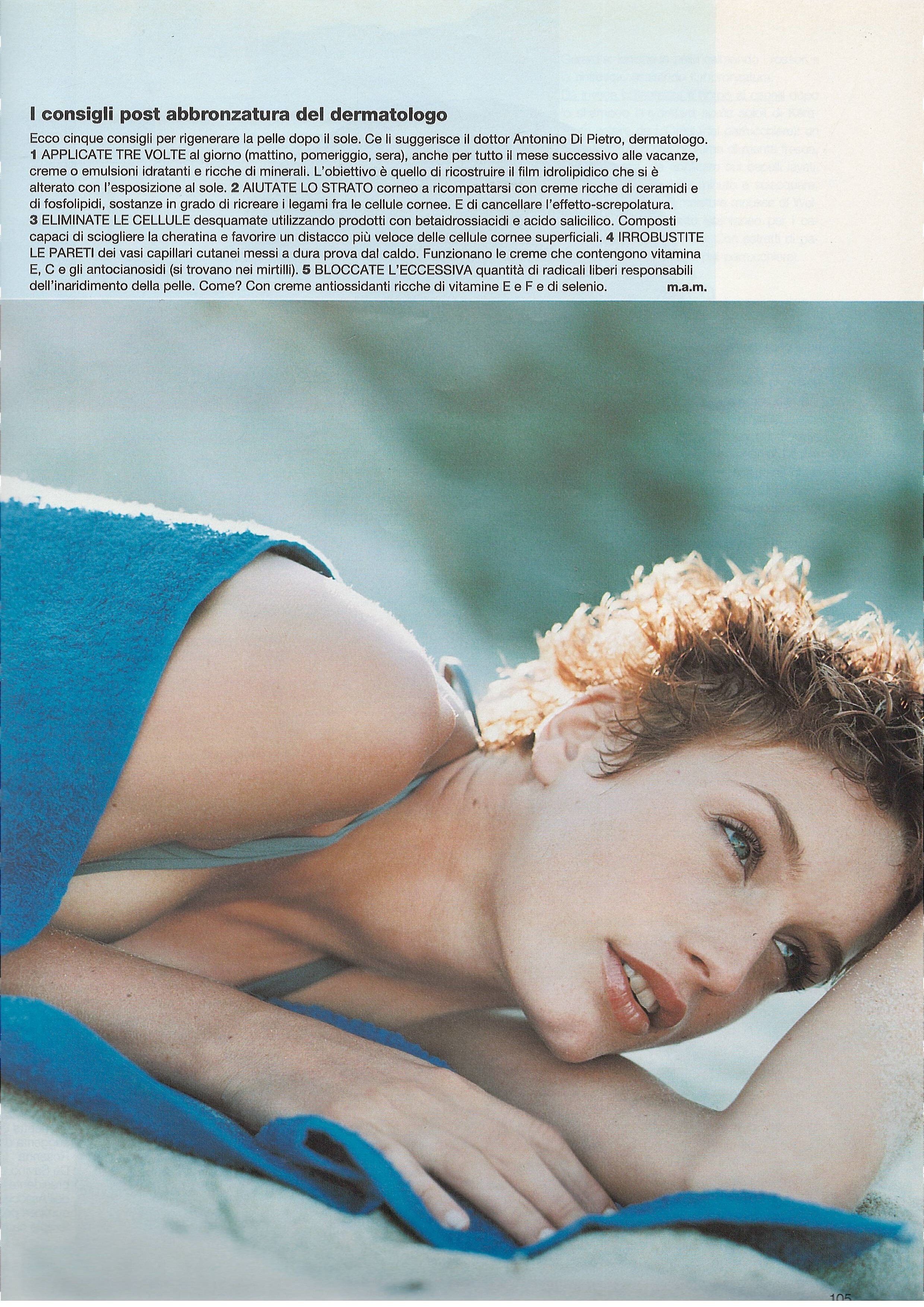
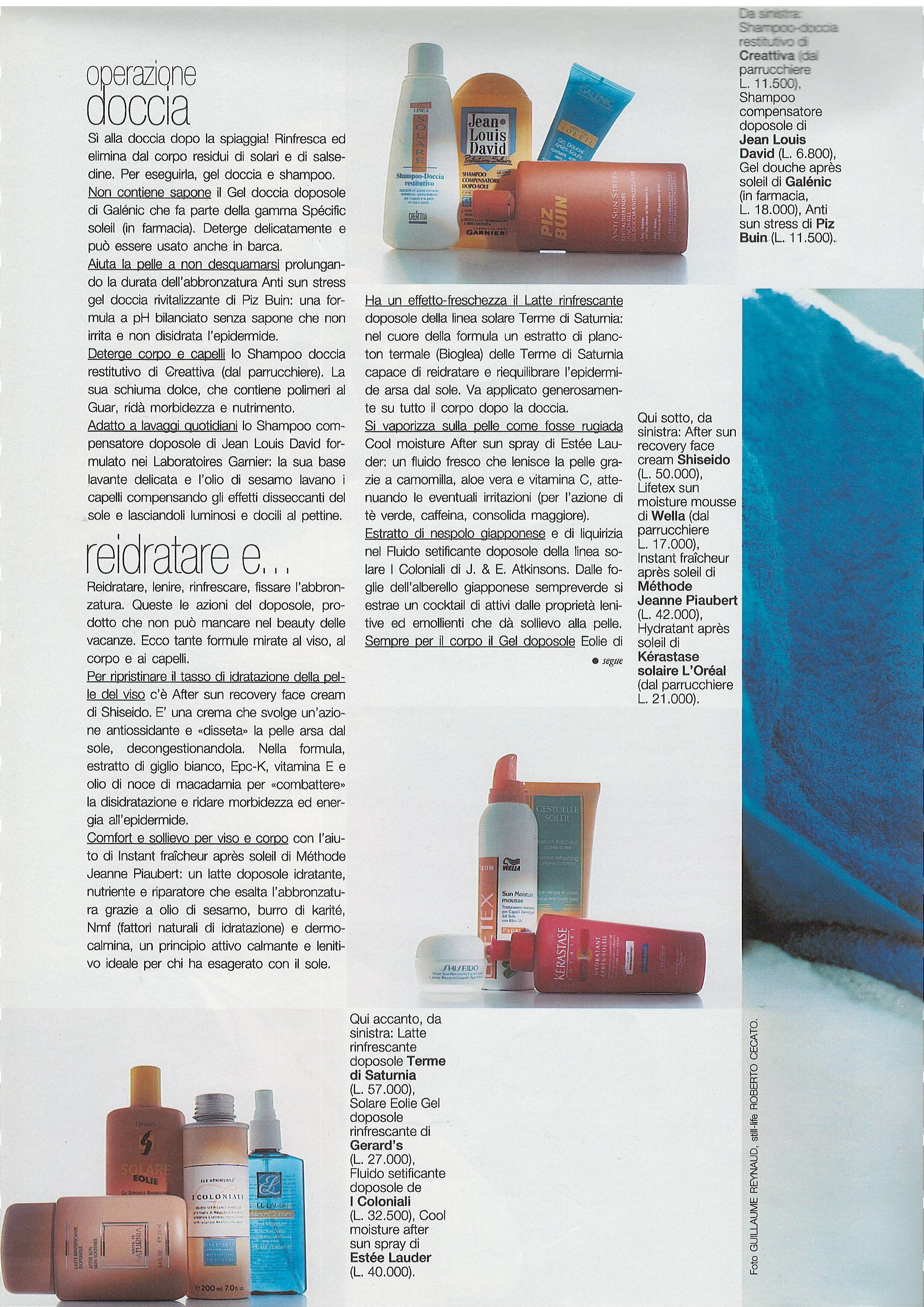
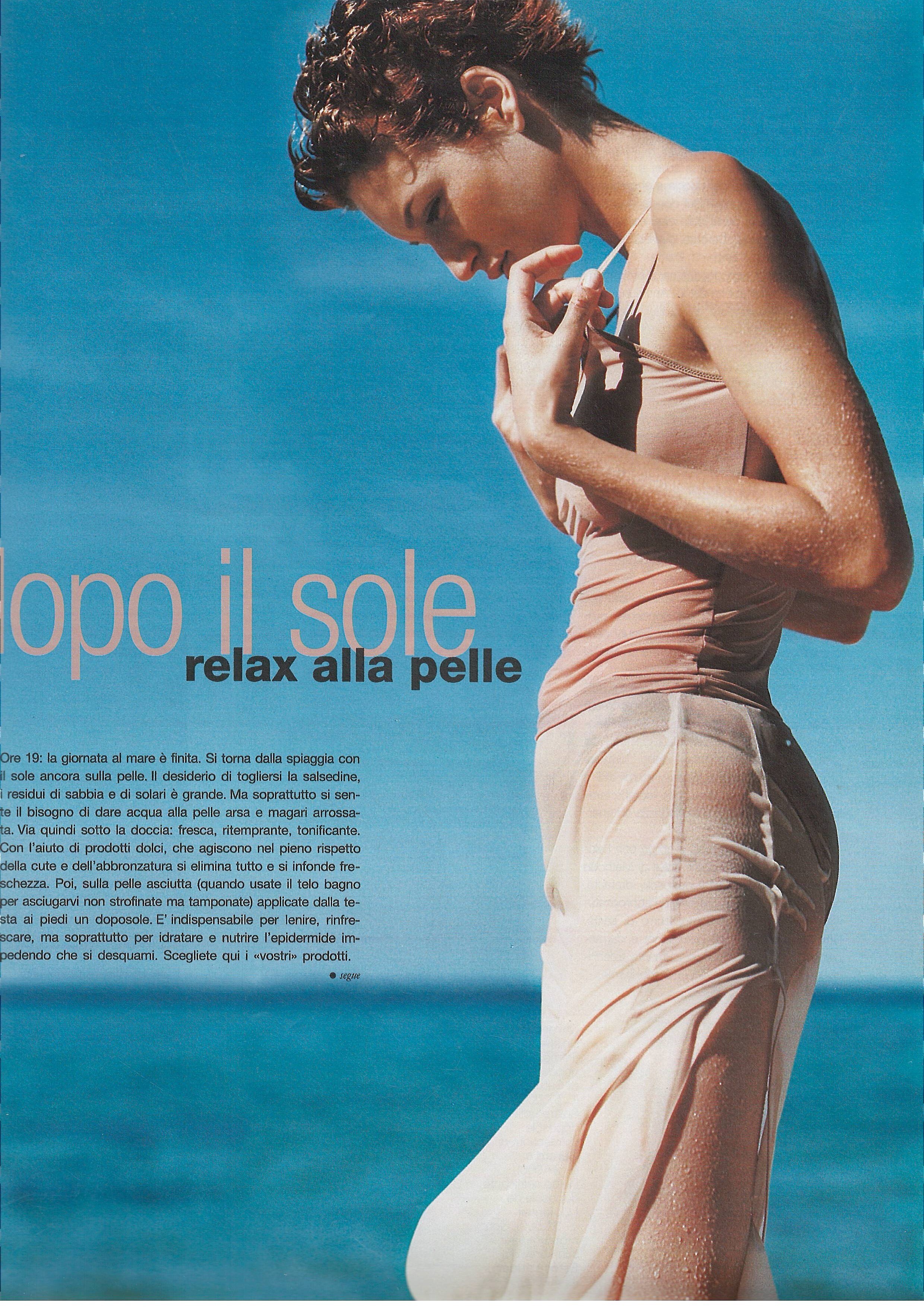
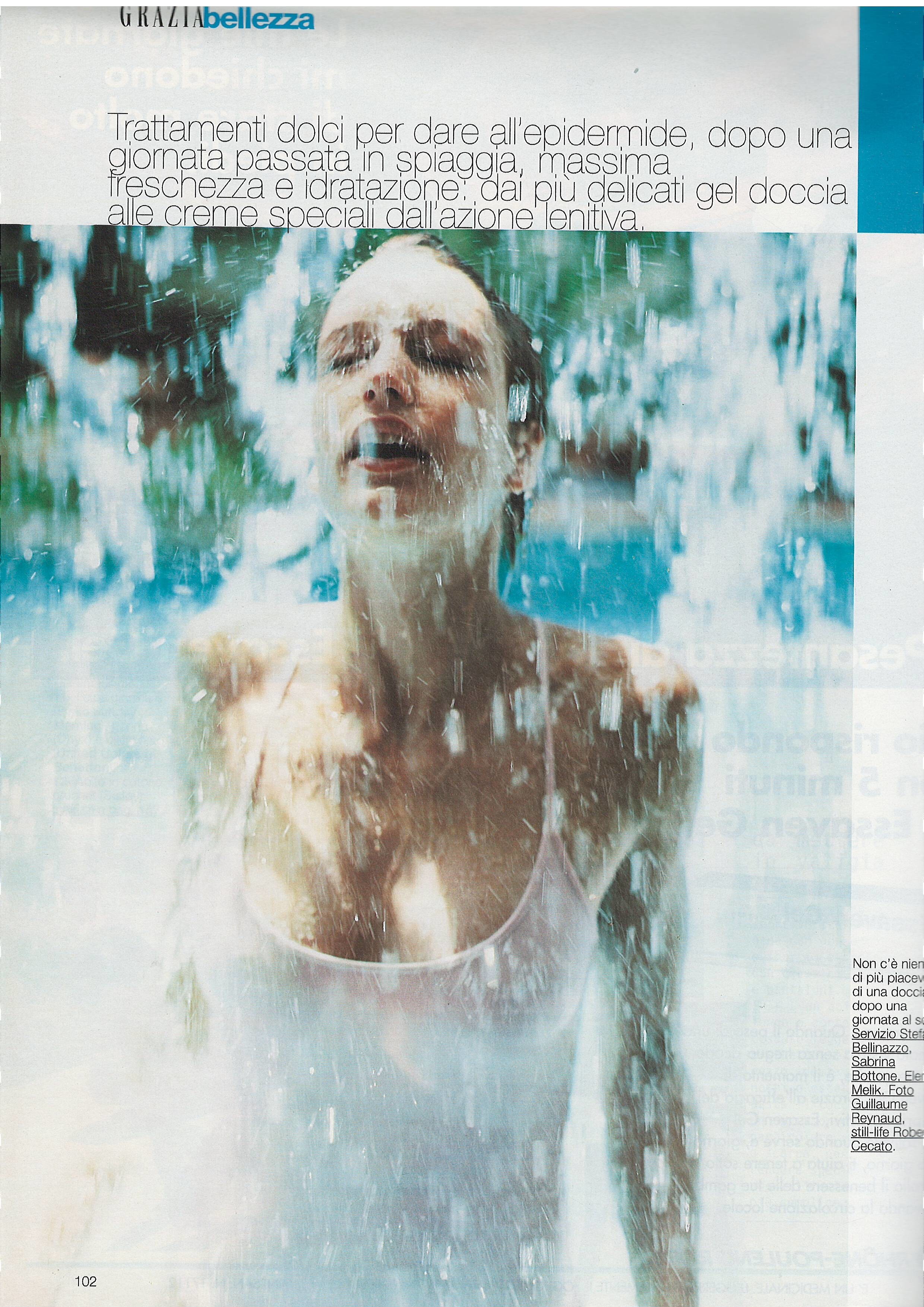
I saw a post asking for the ID of this model. Her name is Ginevra Ferrettini. Grazia Italy 7 August 1998 - photo Guillaume Reynaud Scanned by @sanja
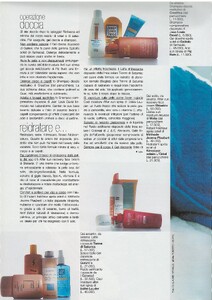


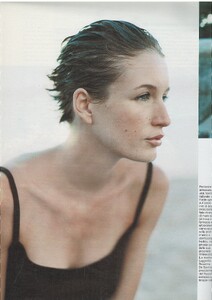
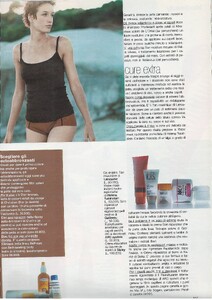
 Thanks
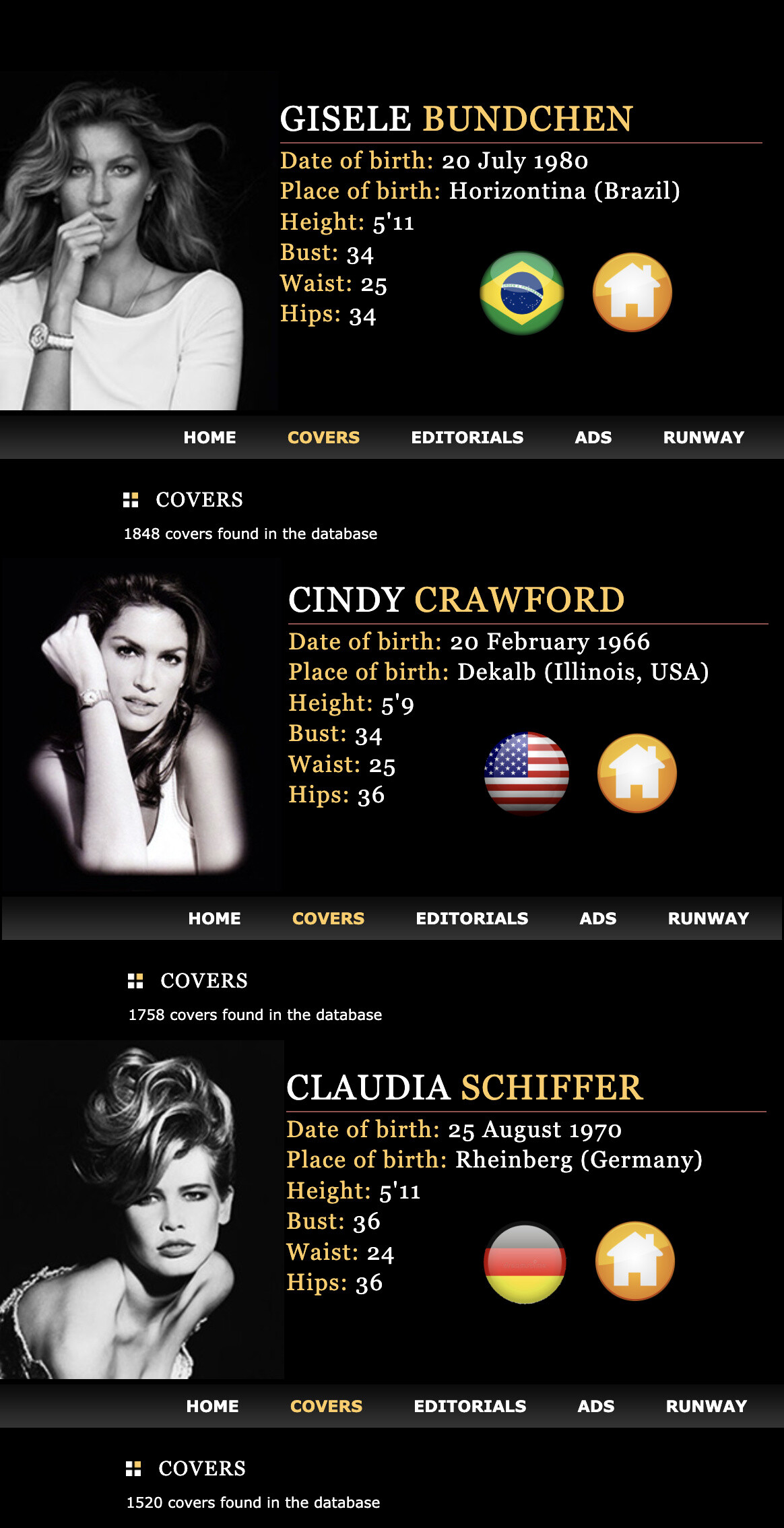
 Models with most covers on stefmodels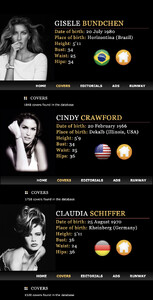
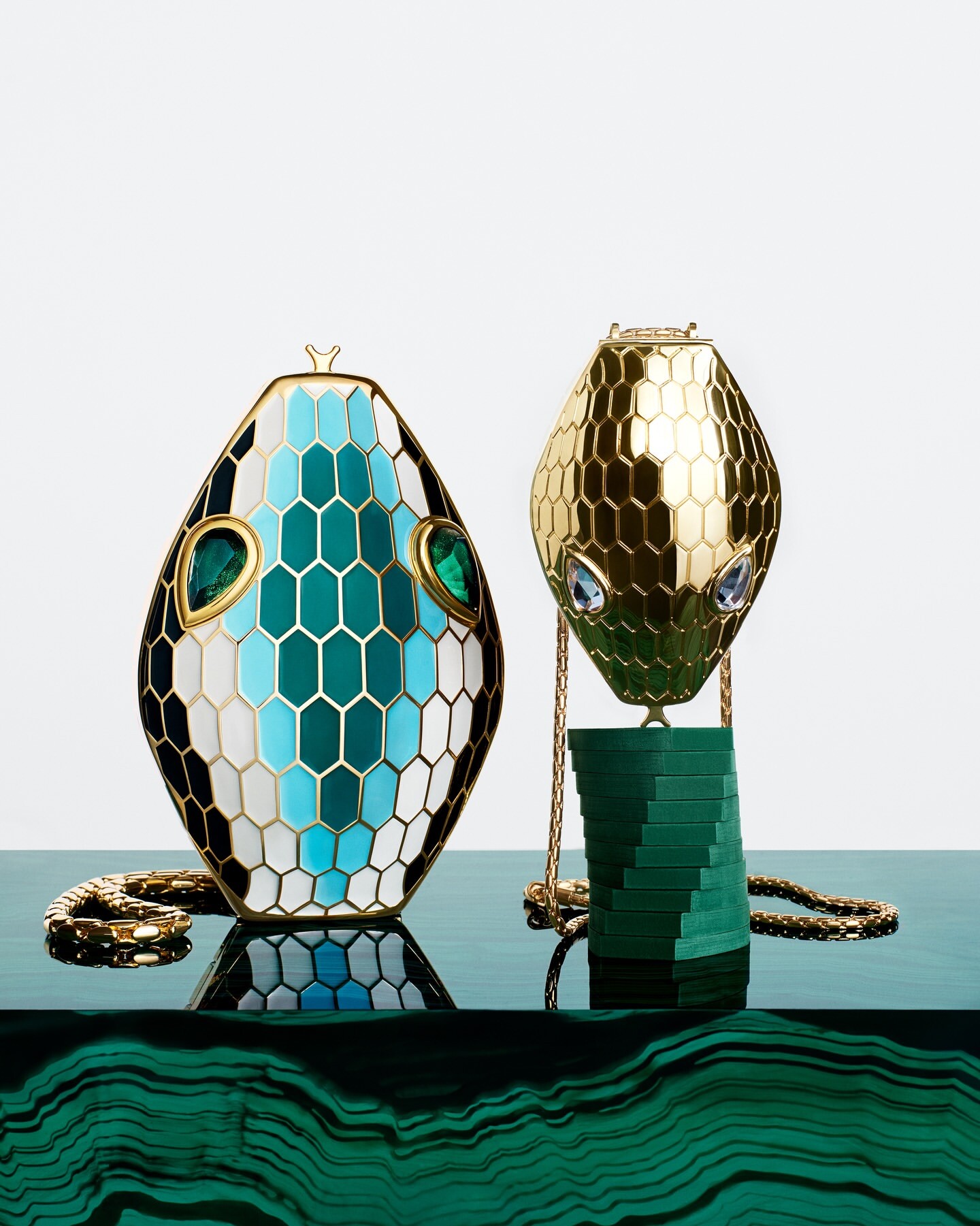
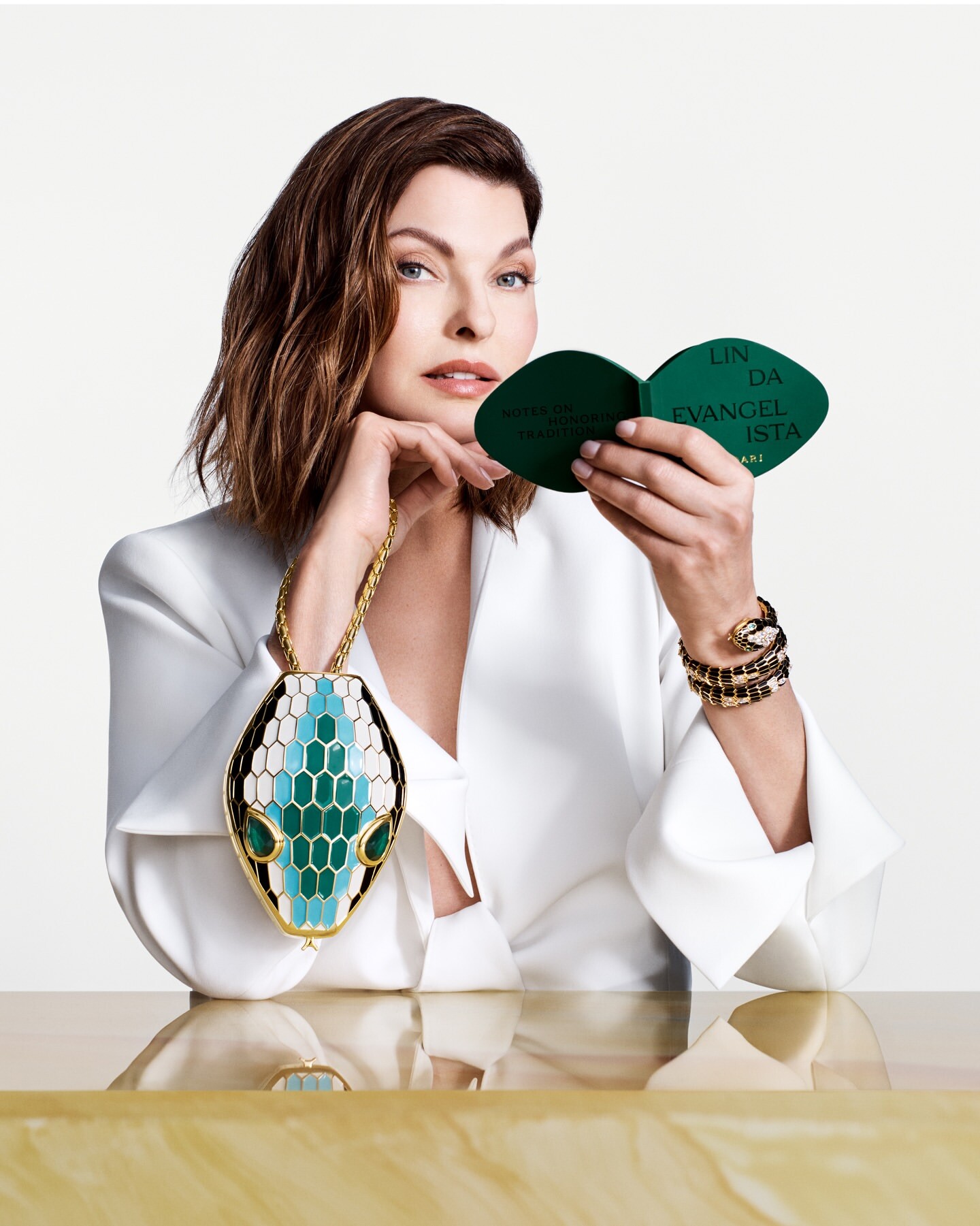
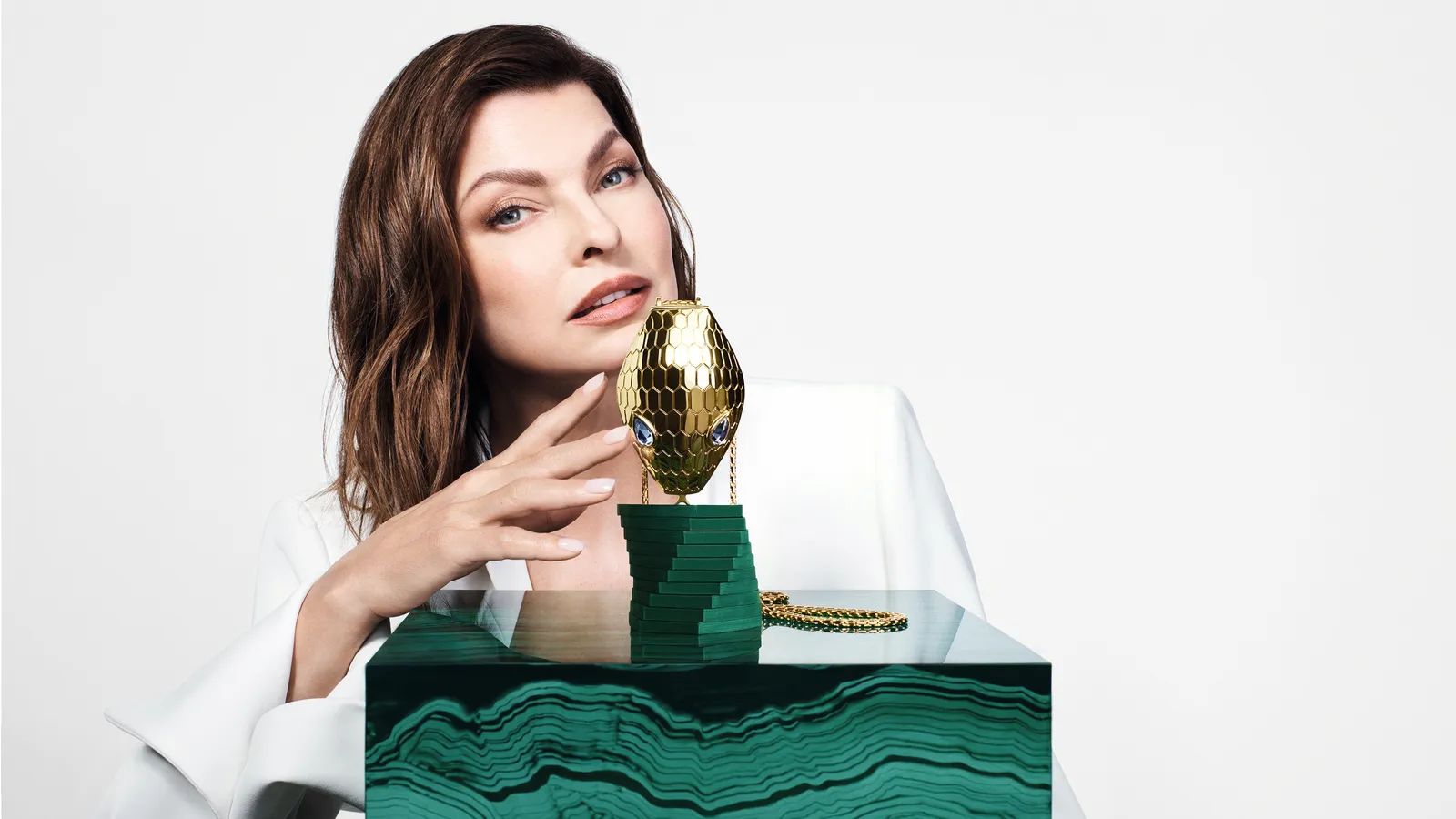
 Bvulgari Icons 2026: Linda Evangelista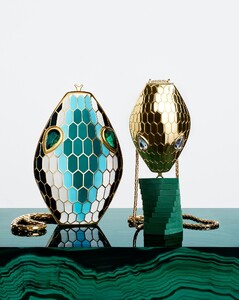

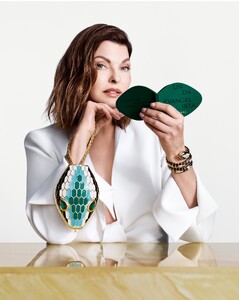


 Did you manage to find any more bts shots or anything that’s not been posted yet ? I share the same admiration to Ana’s work too.
 You can see all on stefmodels
New to me .. soon at home 😋 Beauty Life Germany
You can see all on stefmodels
New to me .. soon at home 😋 Beauty Life Germany
 story AQMTAlJkDqVNB1DUMfYb2BBN3PlkuySn2UMZ9FAKHlzsztuDO79sh_vWS4uXwc7qWSWTW-HKfhZdPmtpvlWQFEQ2AY-o3YIMqatzR6c.mp4 She's wonderful.



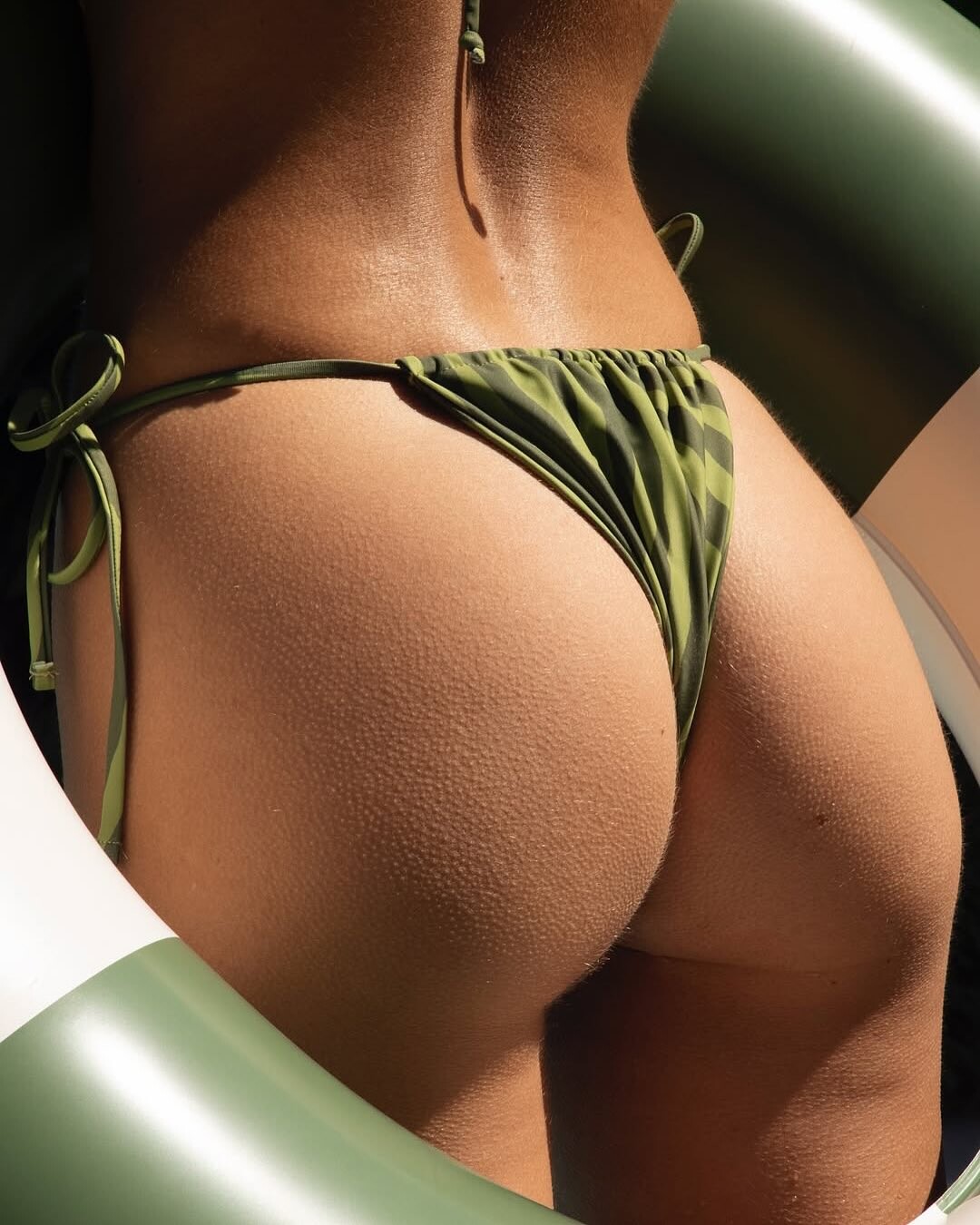

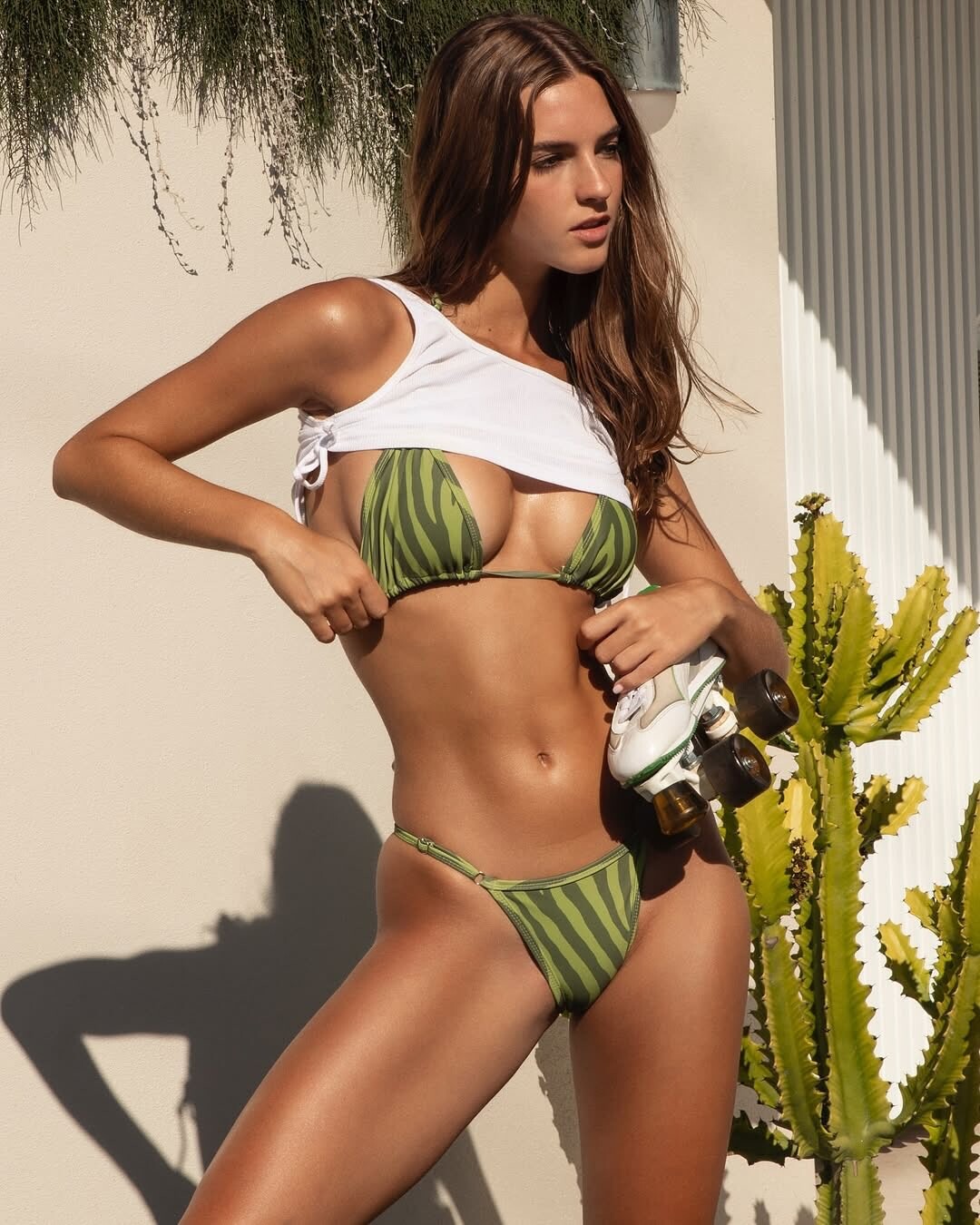
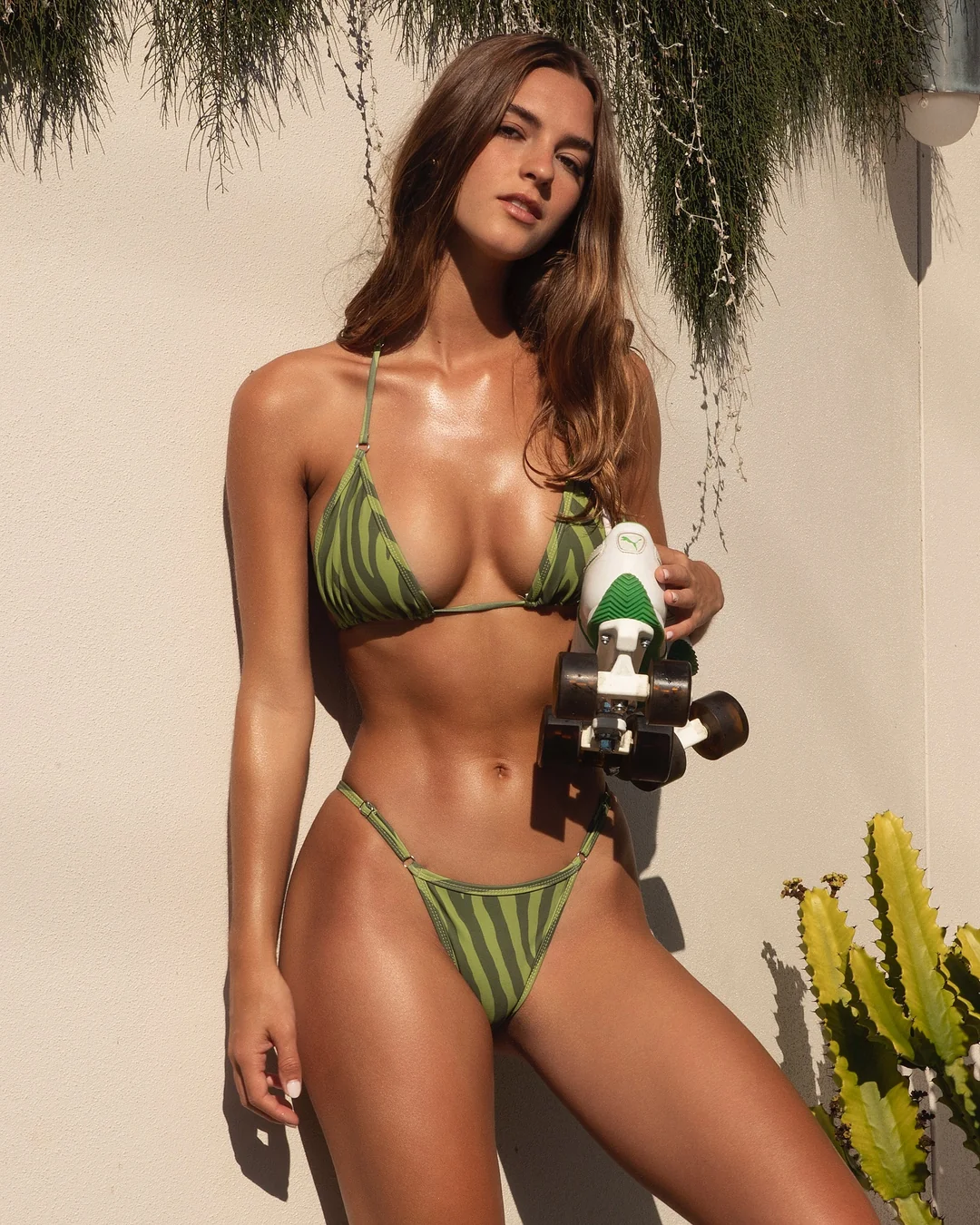
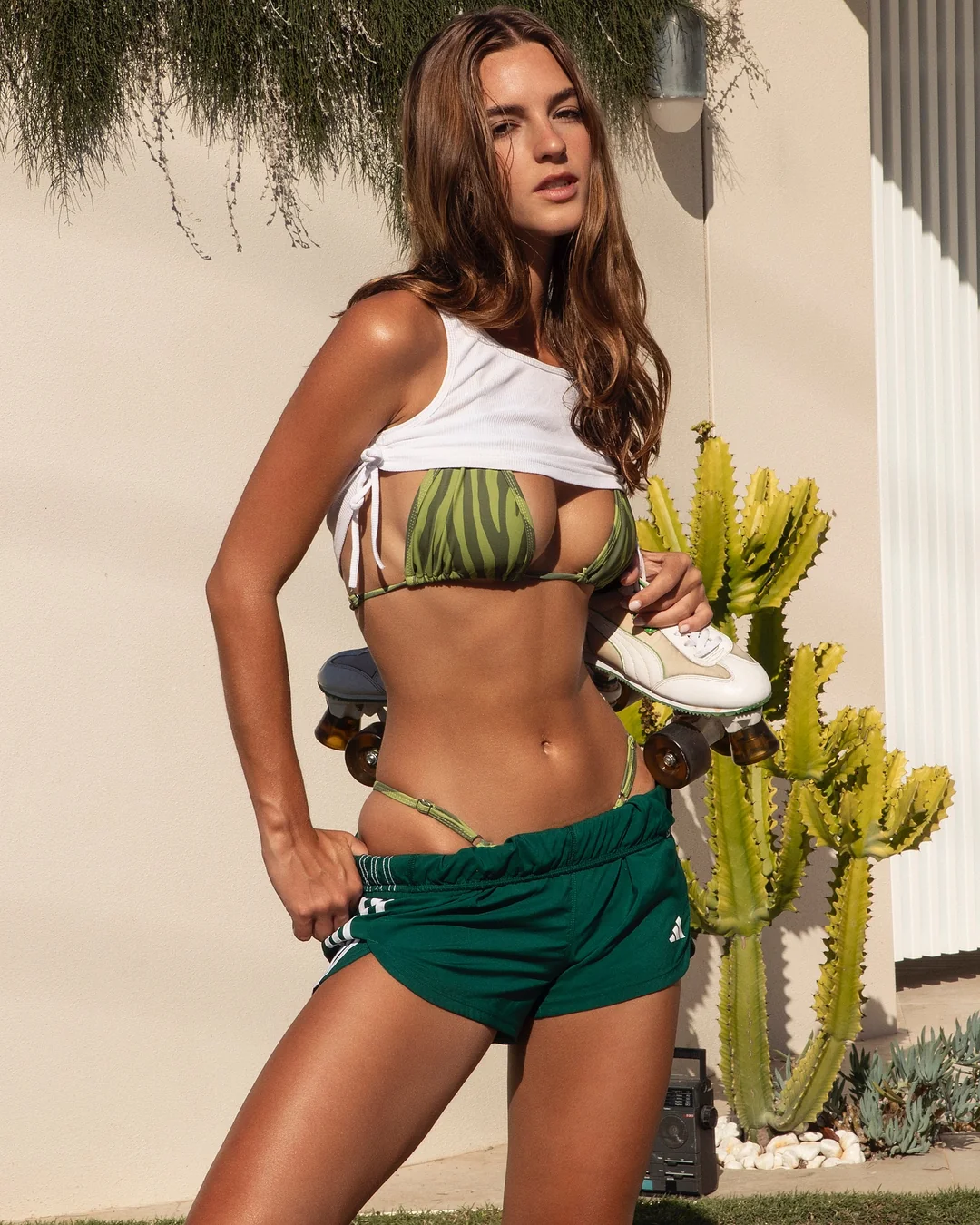
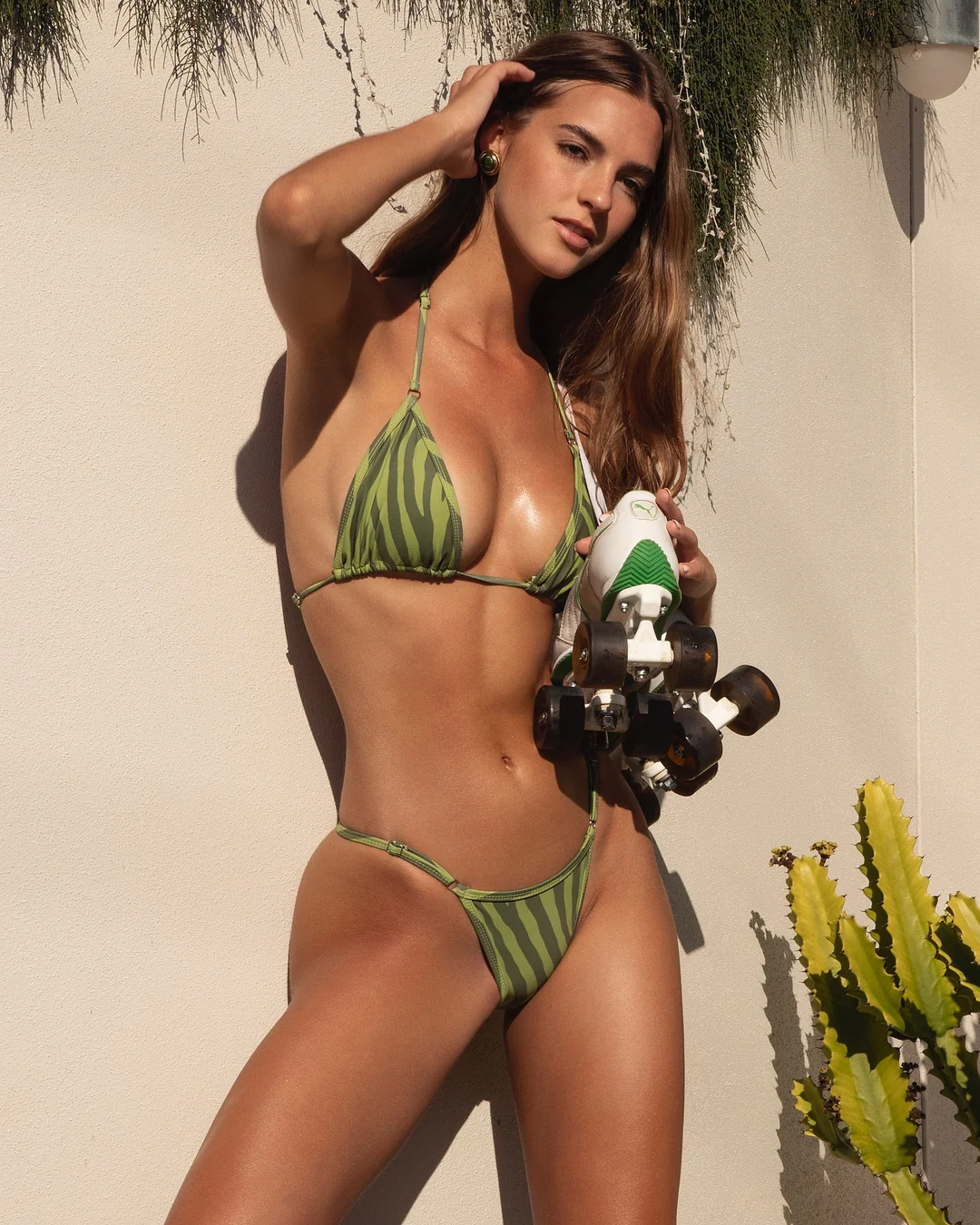
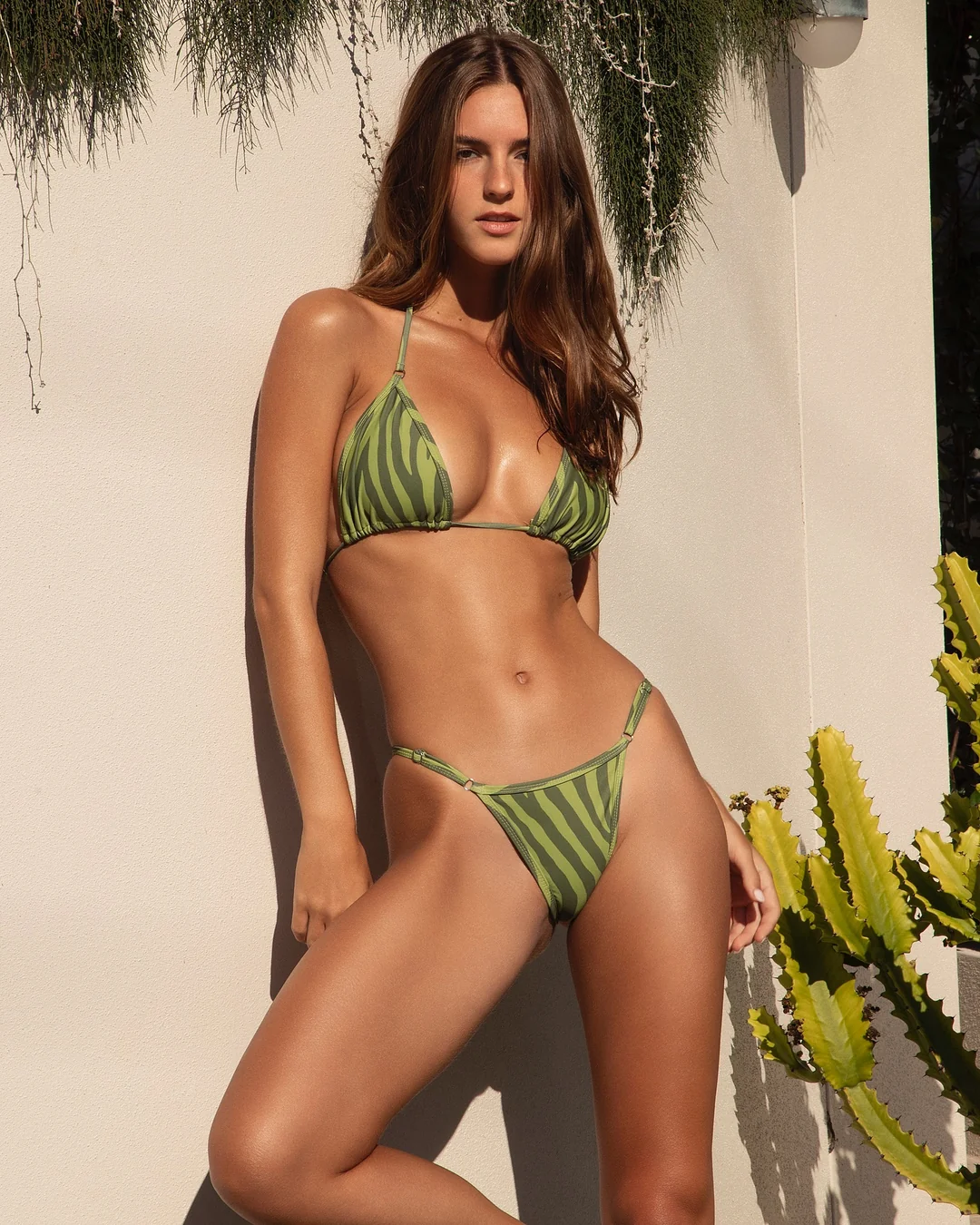
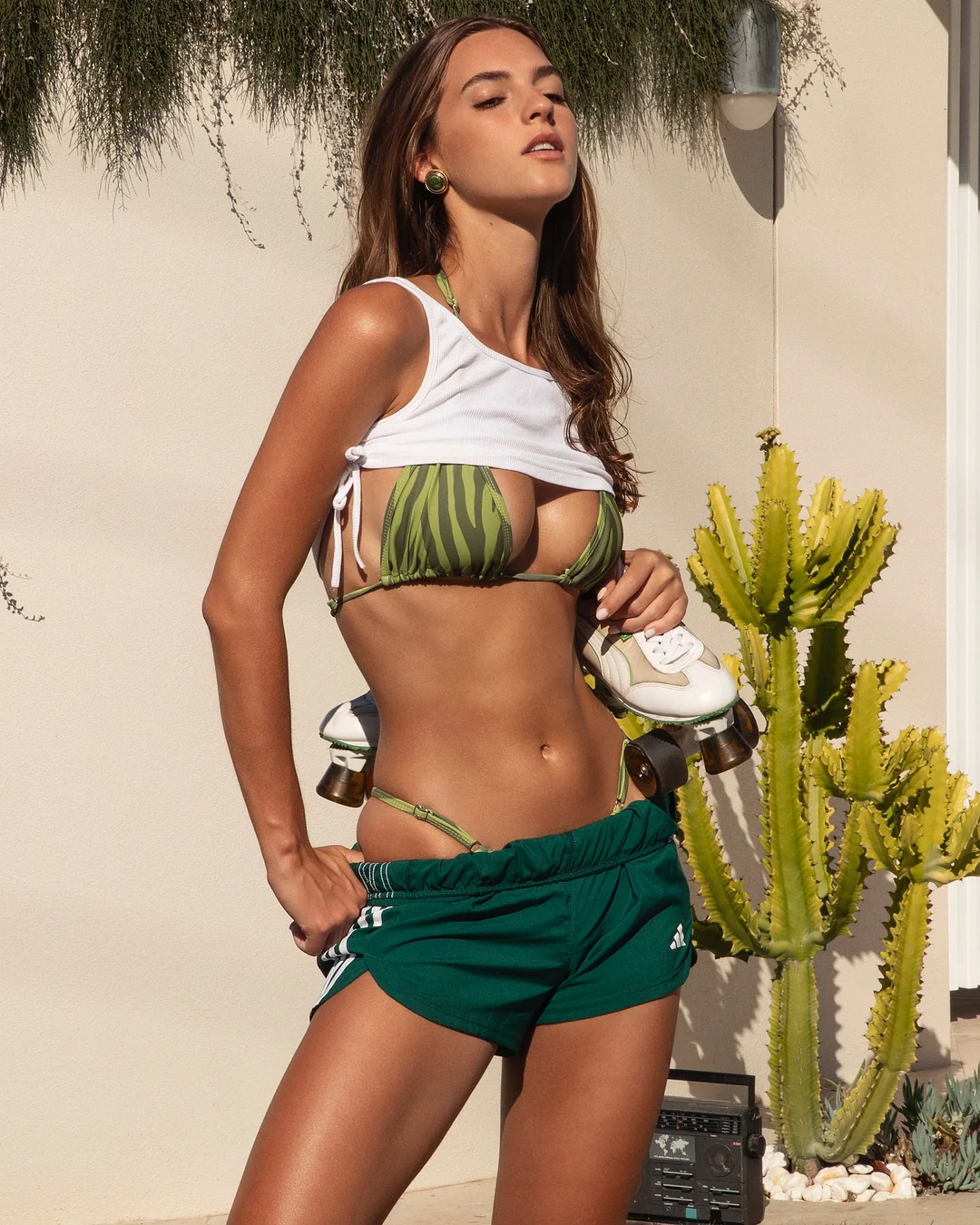
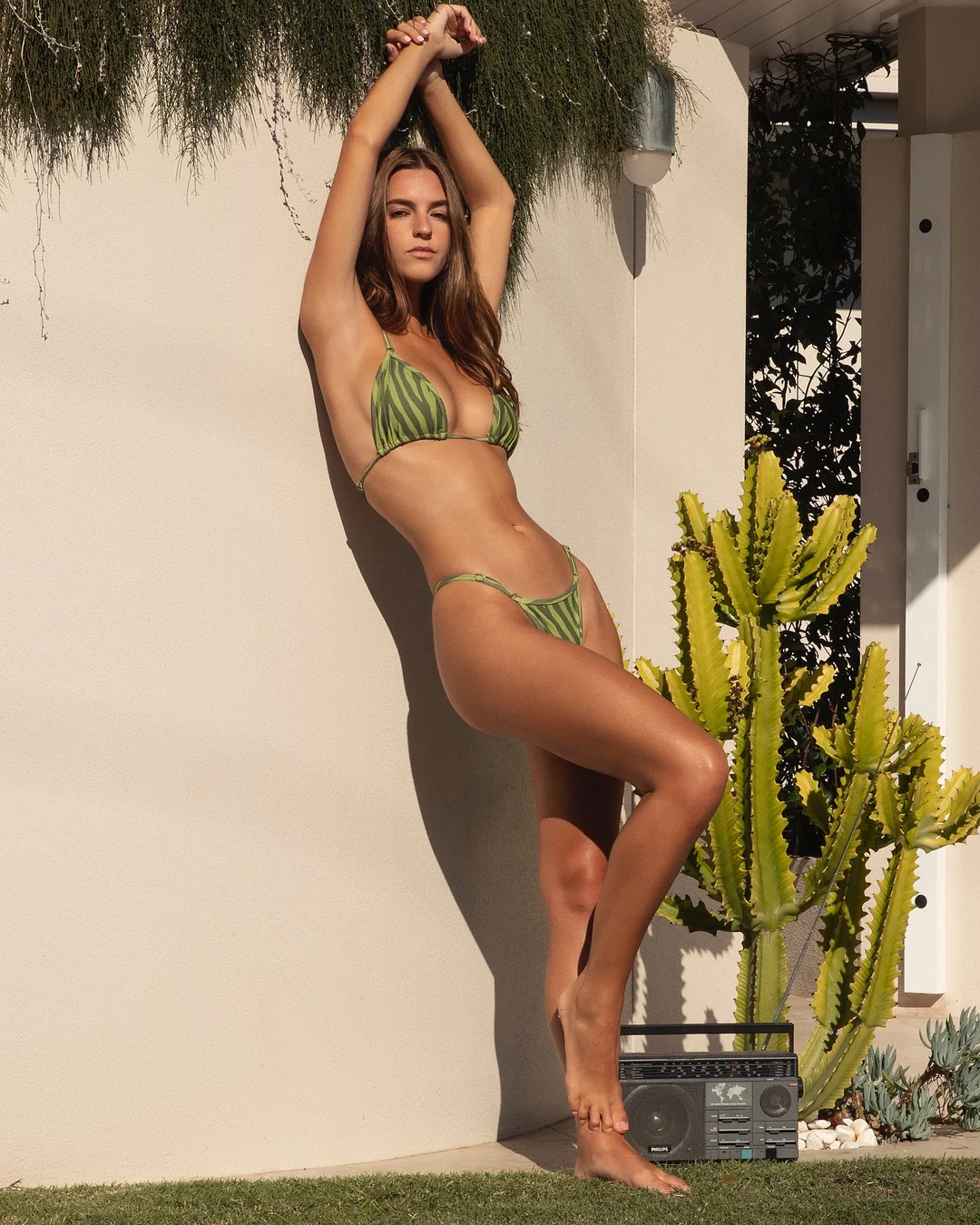
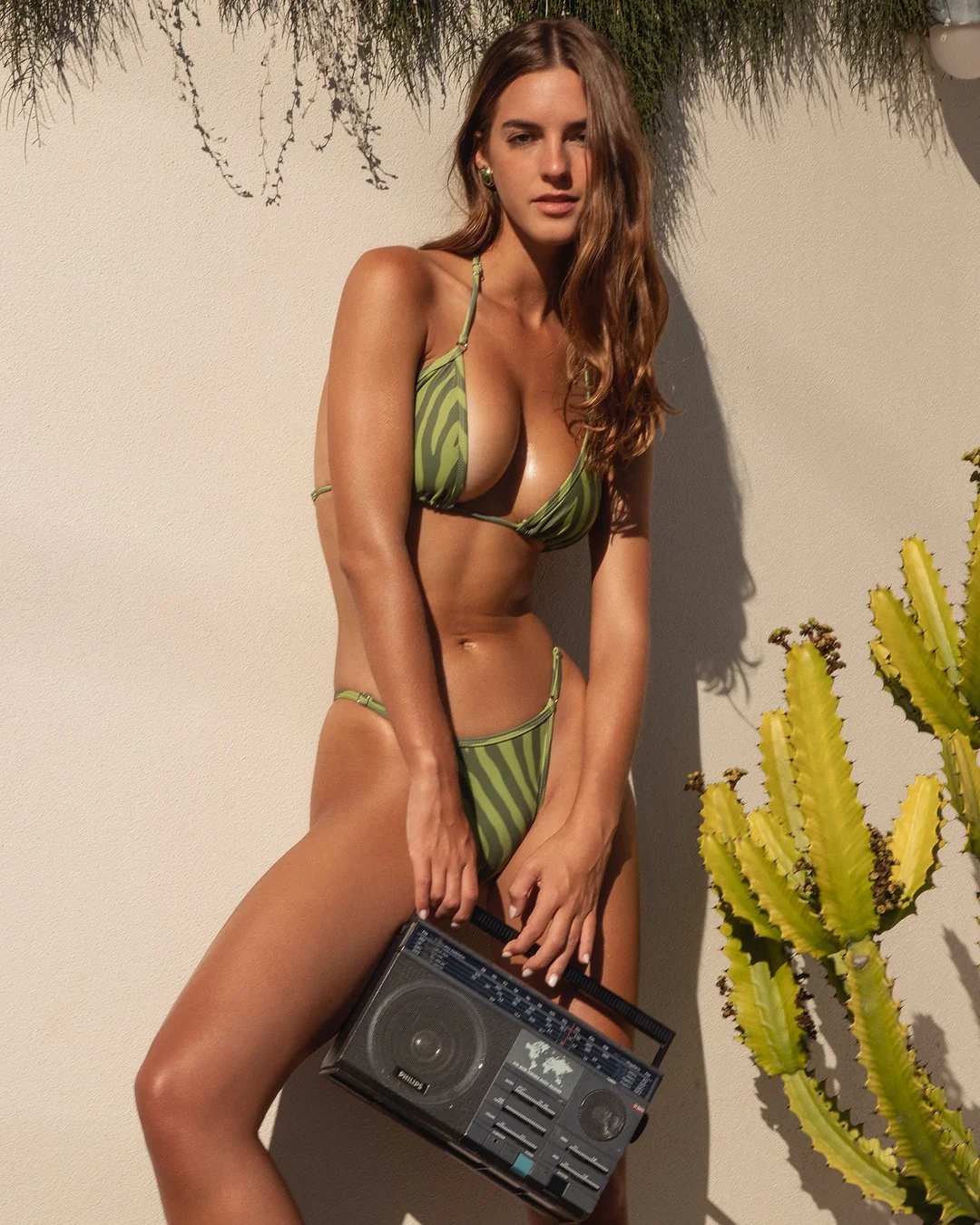
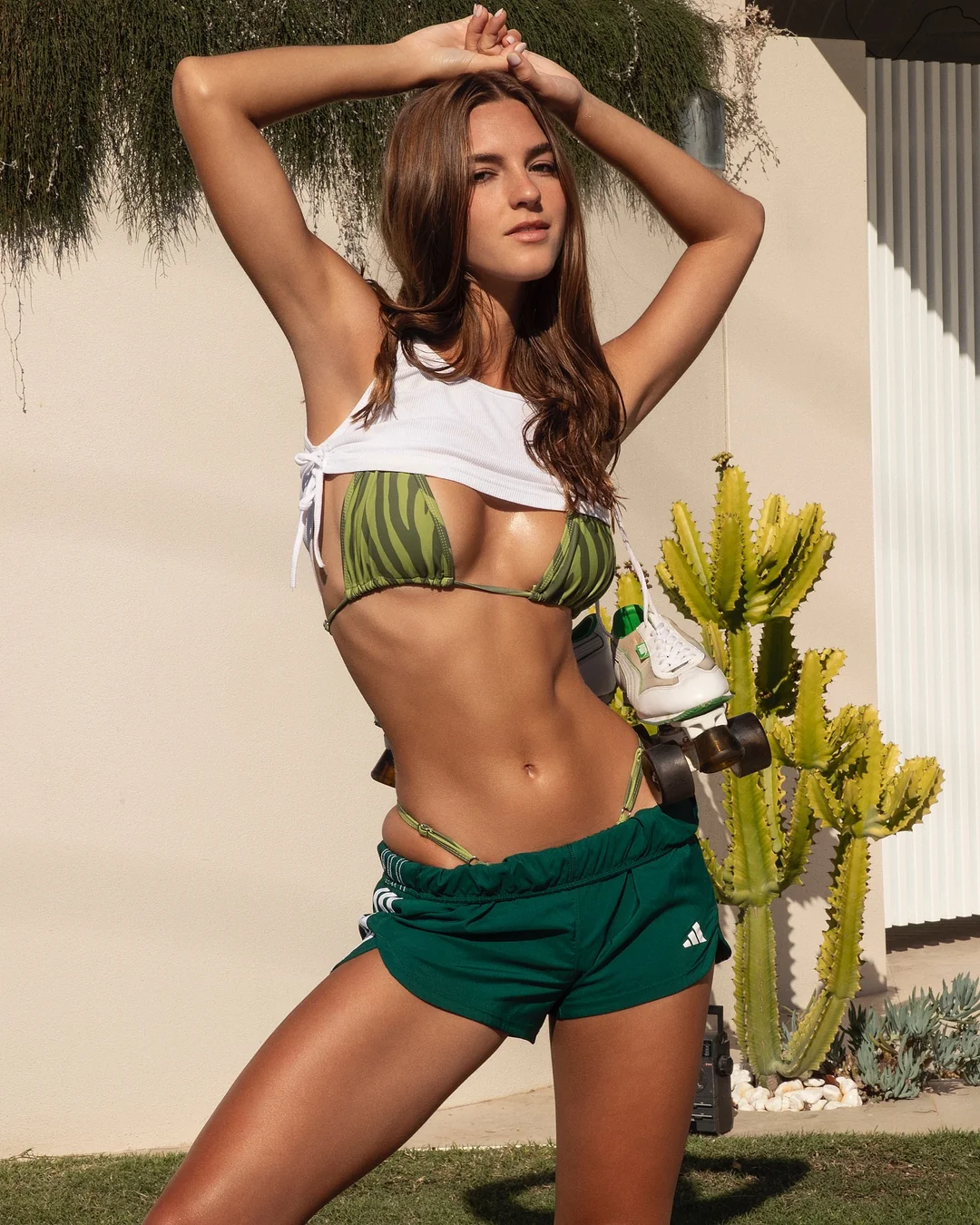
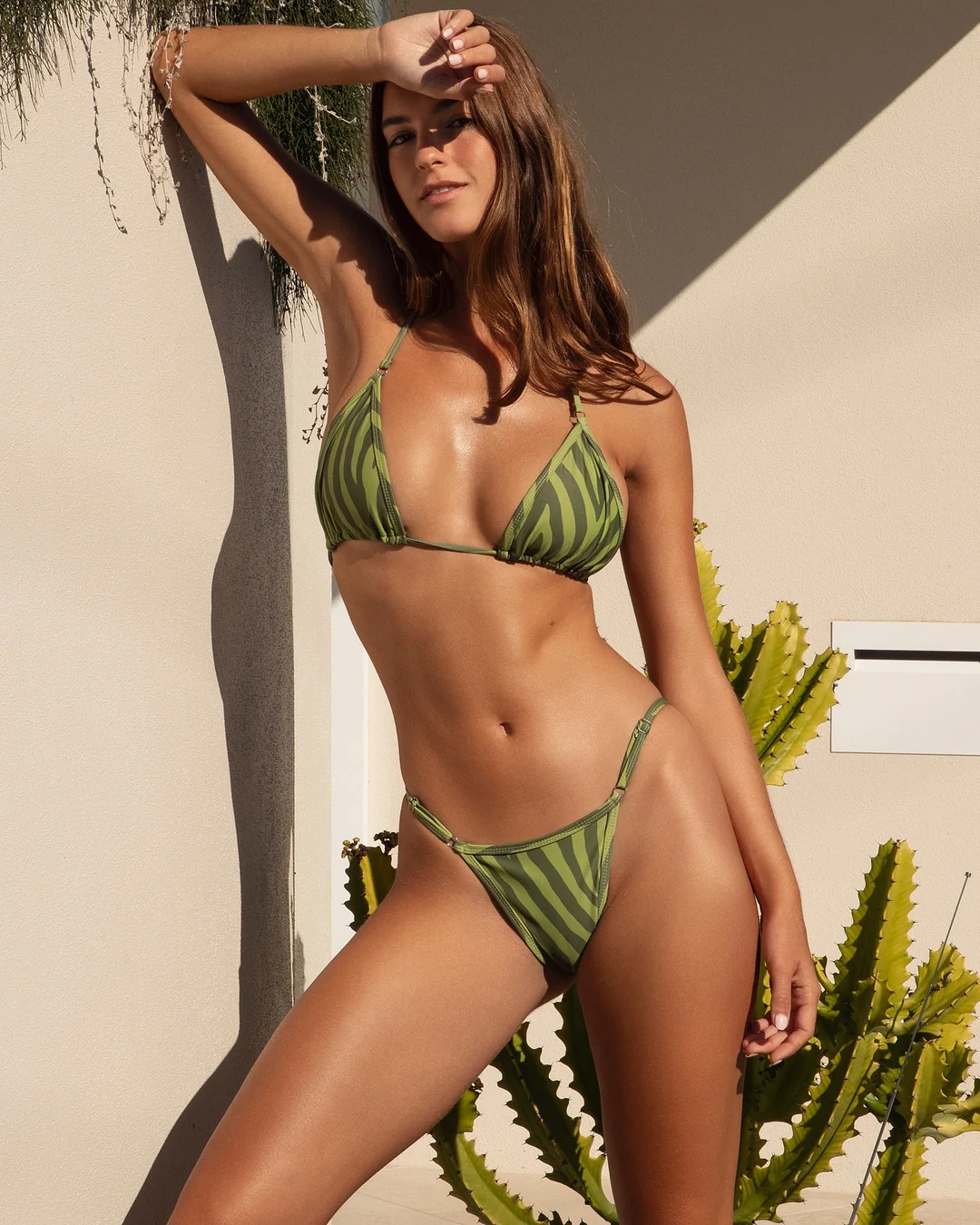

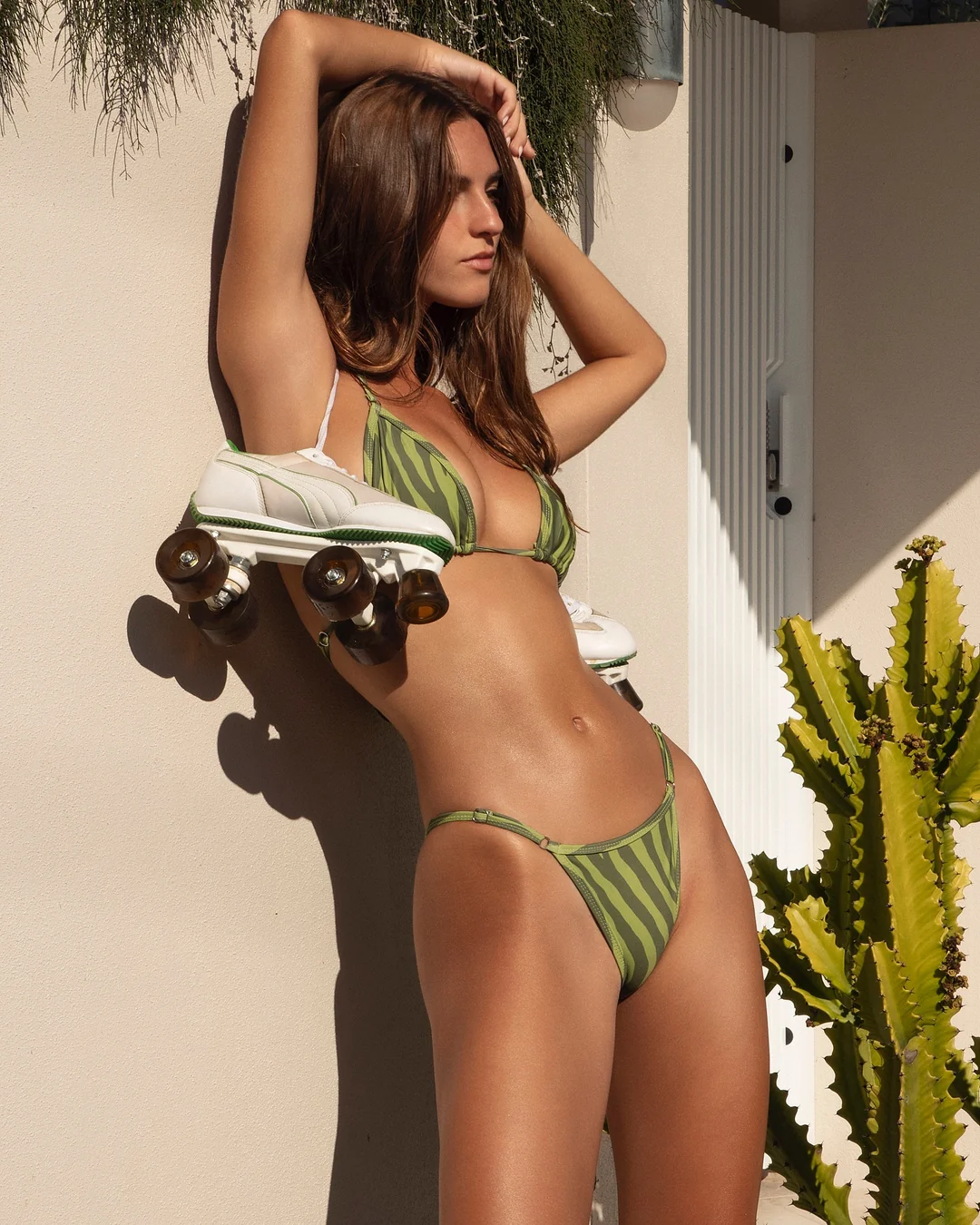
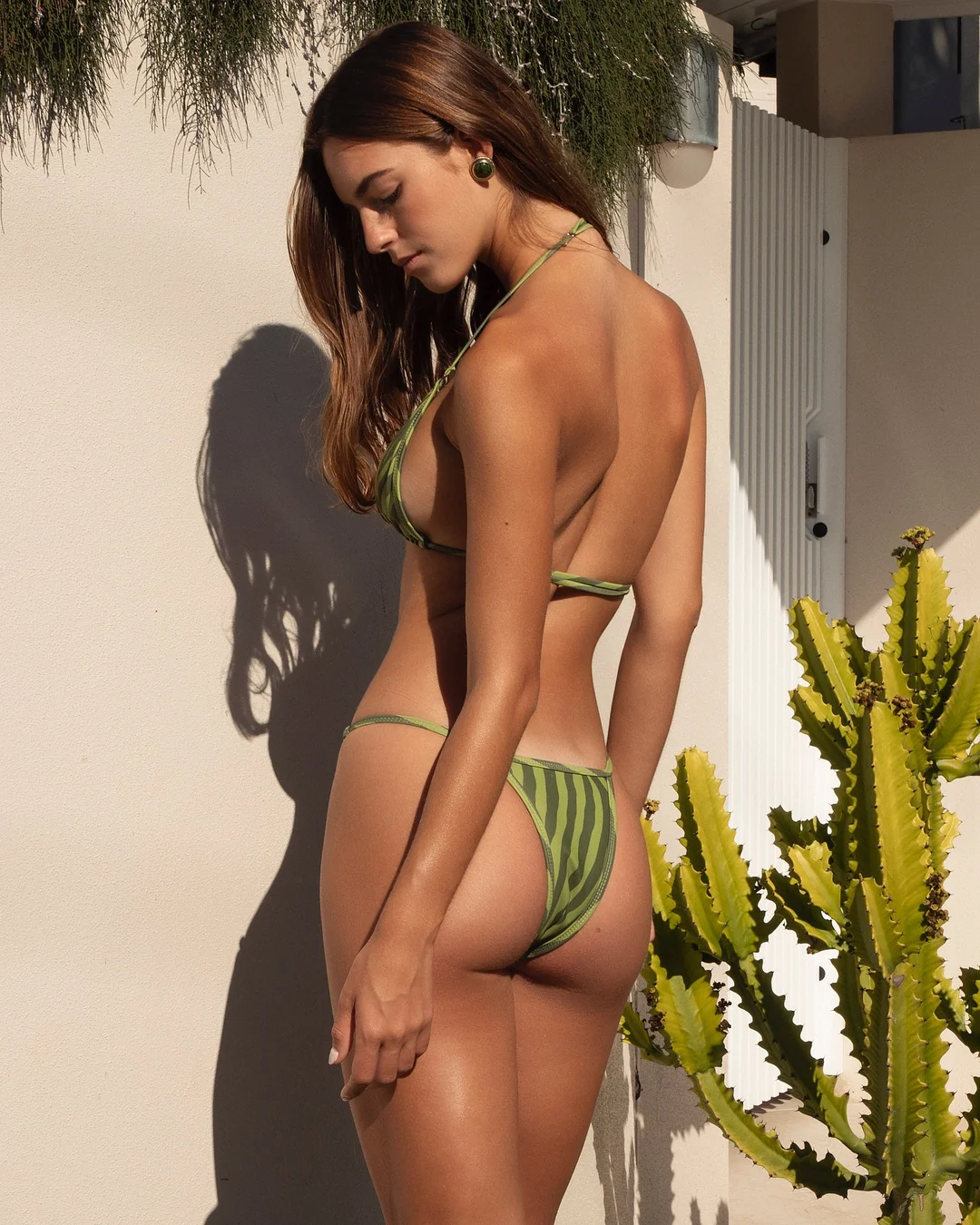
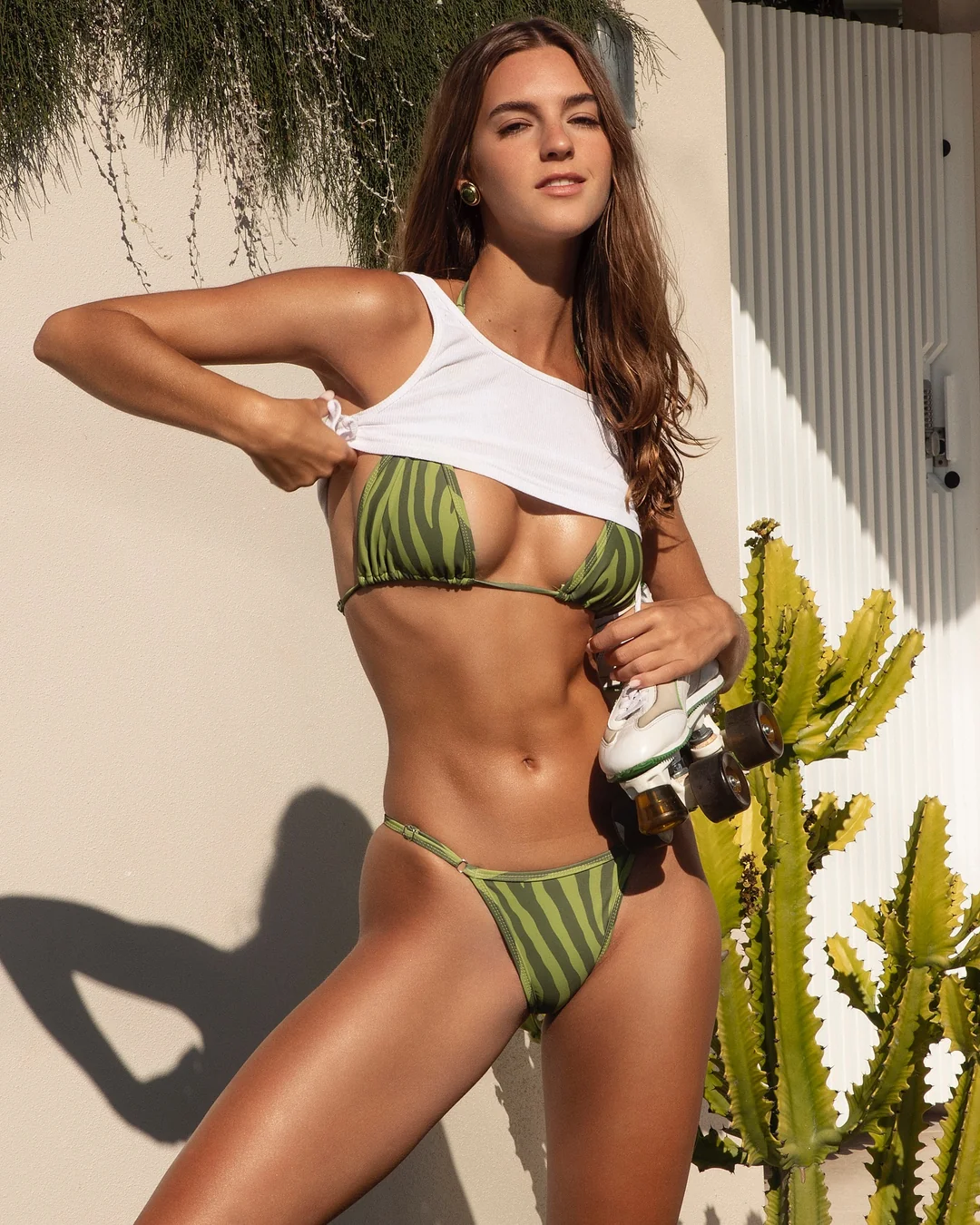


.png.d2f16afd8a457bb0c4606b5738c76d5a.png)
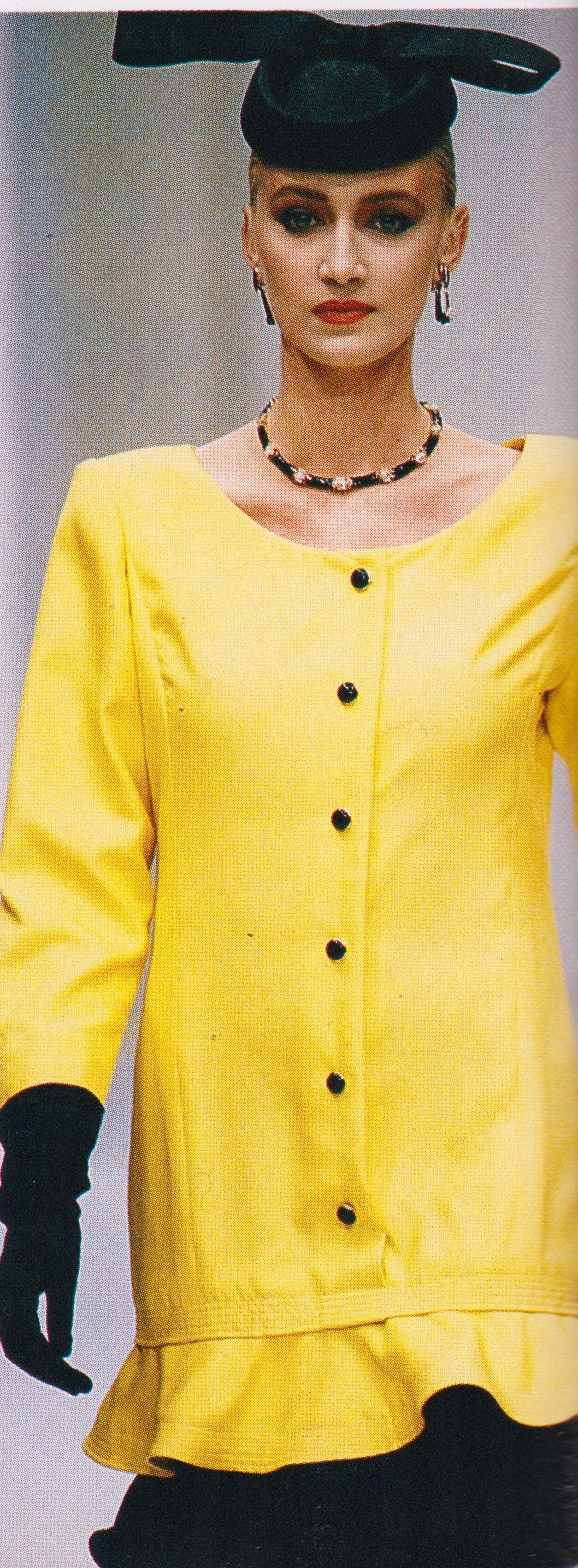

_team__hairbysammcknight(_premierhairandmakeup)_te(.jpg.e8e1bfd82e9bf0fa5e4451d7e876b28a.jpg)
.jpg.50708264e1e20cb8cf666f828c620485.jpg)
.webp.cd2d2867e0e571879848ab4570dcd3fa.webp)
_1.webp.59ba300ff64d62e002e57e21d367f0bc.webp)

Account
Search
Configure browser push notifications
Chrome (Android)
- Tap the lock icon next to the address bar.
- Tap Permissions → Notifications.
- Adjust your preference.
Chrome (Desktop)
- Click the padlock icon in the address bar.
- Select Site settings.
- Find Notifications and adjust your preference.
Safari (iOS 16.4+)
- Ensure the site is installed via Add to Home Screen.
- Open Settings App → Notifications.
- Find your app name and adjust your preference.
Safari (macOS)
- Go to Safari → Preferences.
- Click the Websites tab.
- Select Notifications in the sidebar.
- Find this website and adjust your preference.
Edge (Android)
- Tap the lock icon next to the address bar.
- Tap Permissions.
- Find Notifications and adjust your preference.
Edge (Desktop)
- Click the padlock icon in the address bar.
- Click Permissions for this site.
- Find Notifications and adjust your preference.
Firefox (Android)
- Go to Settings → Site permissions.
- Tap Notifications.
- Find this site in the list and adjust your preference.
Firefox (Desktop)
- Open Firefox Settings.
- Search for Notifications.
- Find this site in the list and adjust your preference.