All Activity
- Past hour
-
 modelcomposites.com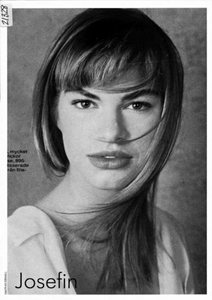
-
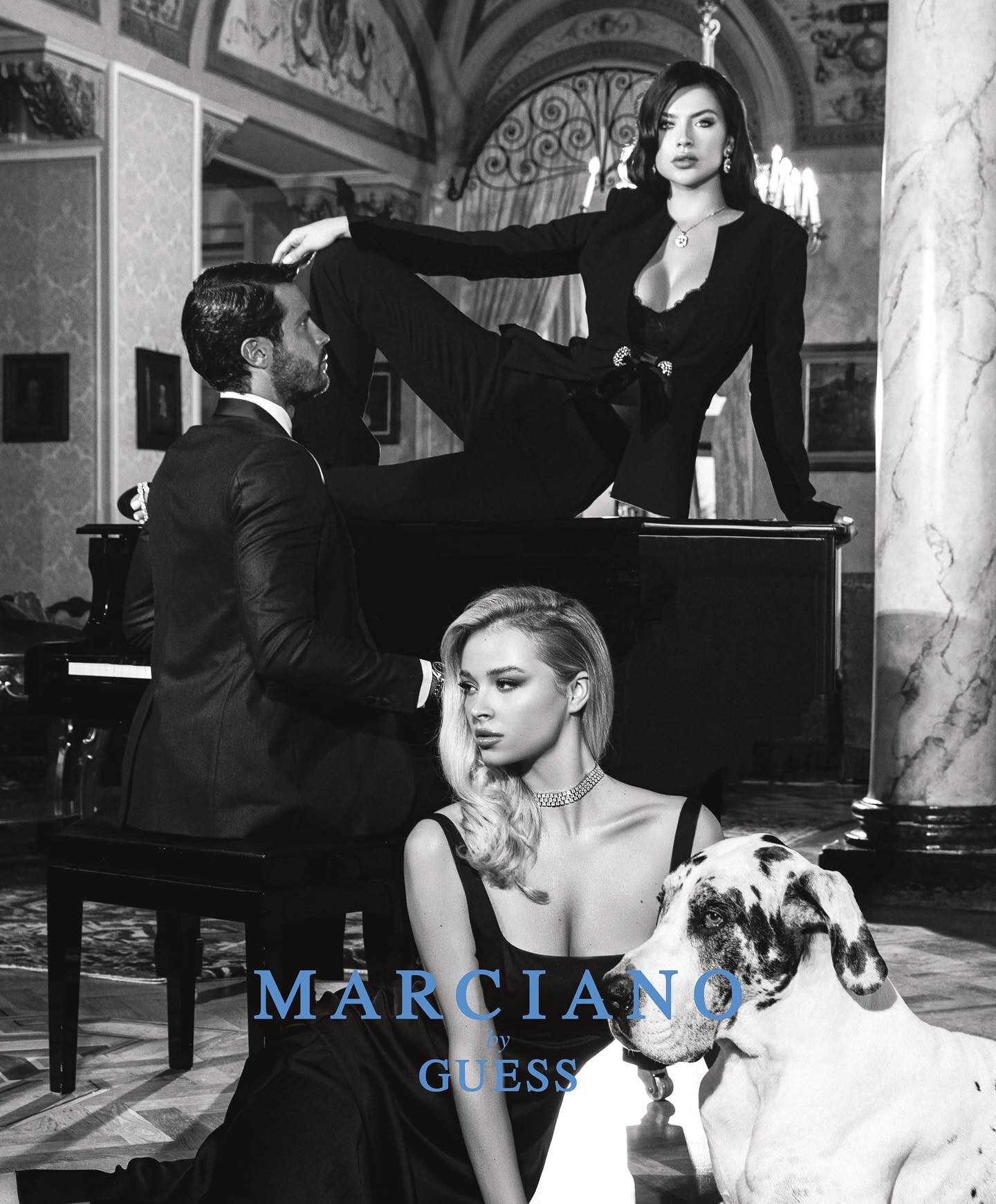
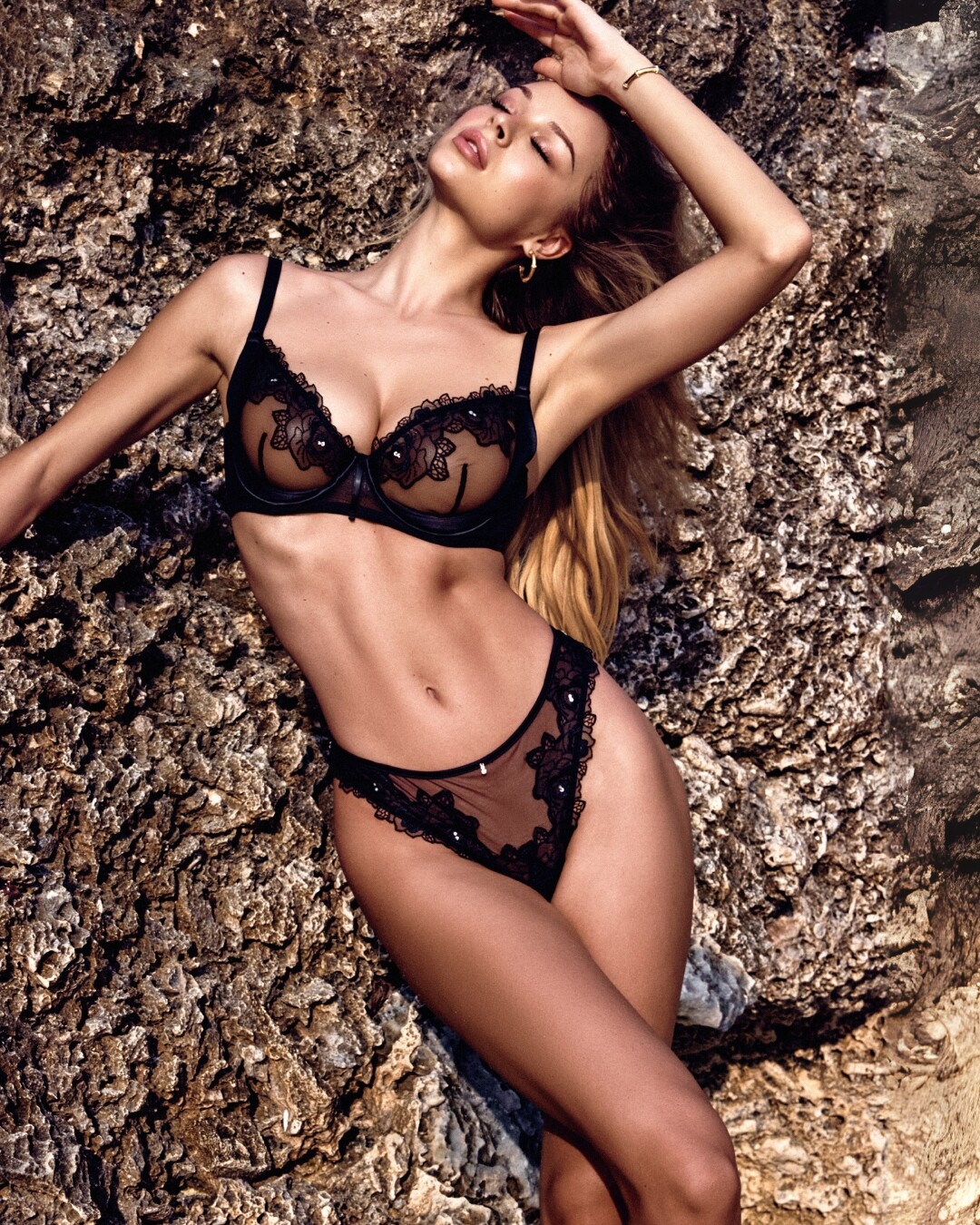
 Dariia (Diana) Zotova: (DOB 8th of October, 1998). She is one of several Ukrainians who began working for Guess in 2023. At least 2 campaigns: Marciano Holiday 2023 (photographed in Bellagio, Lake Como by Alina Troyan) and Guess Lingerie Fall 2025 (photographed in Zanzibar, Tanzania) Marciano Holiday 2023 MQs (with Iryna Dzhagarova, who also participated in Miss Ukraine 2021): Guess Lingerie Fall 2025 MQs (with Maria Chiara Adorni)










-
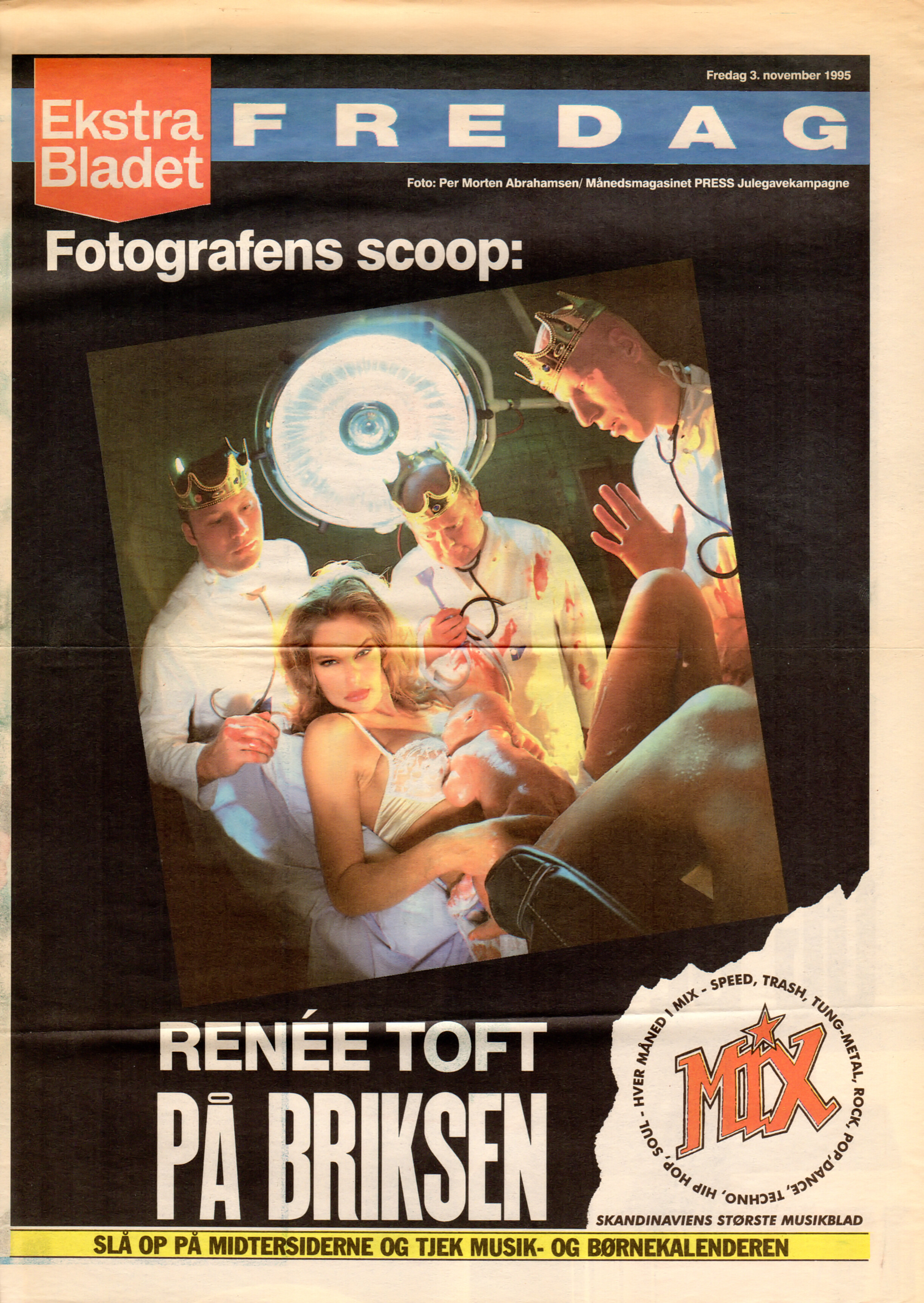
cover Ekstra Bladet FREDAG Denmark 3. November 1995 by Morten Abrahamsen

-
-
 Joyce Paris no.16 - jul-aug 1989 -- Bleu Marine Design ad - my scan -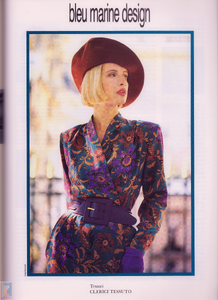
-
Angela Wilde
-
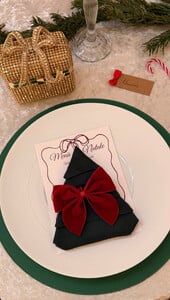
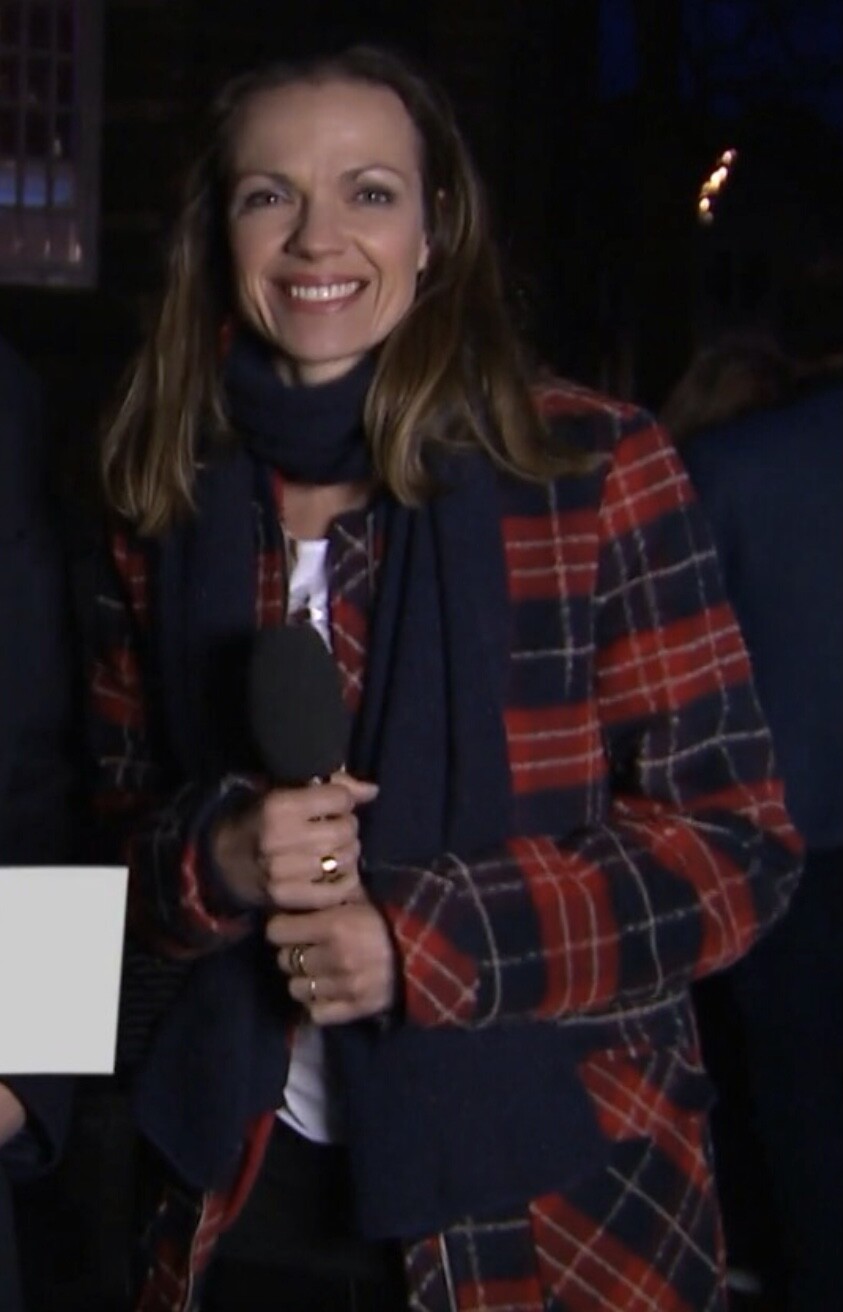
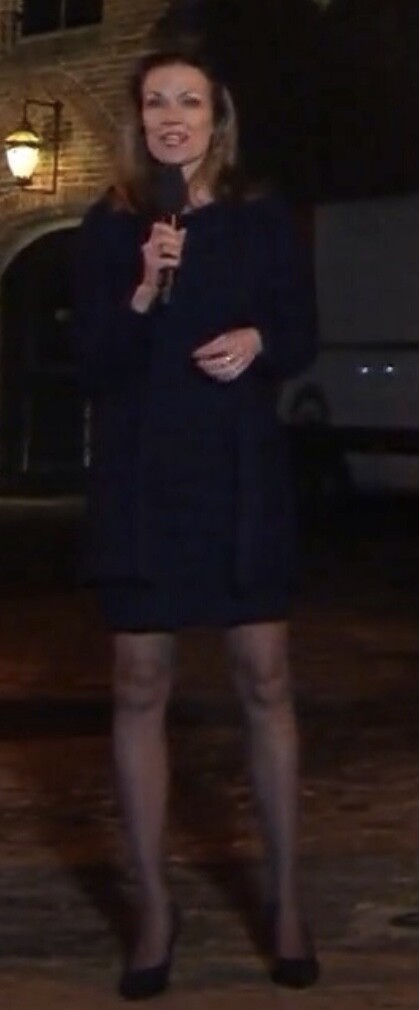
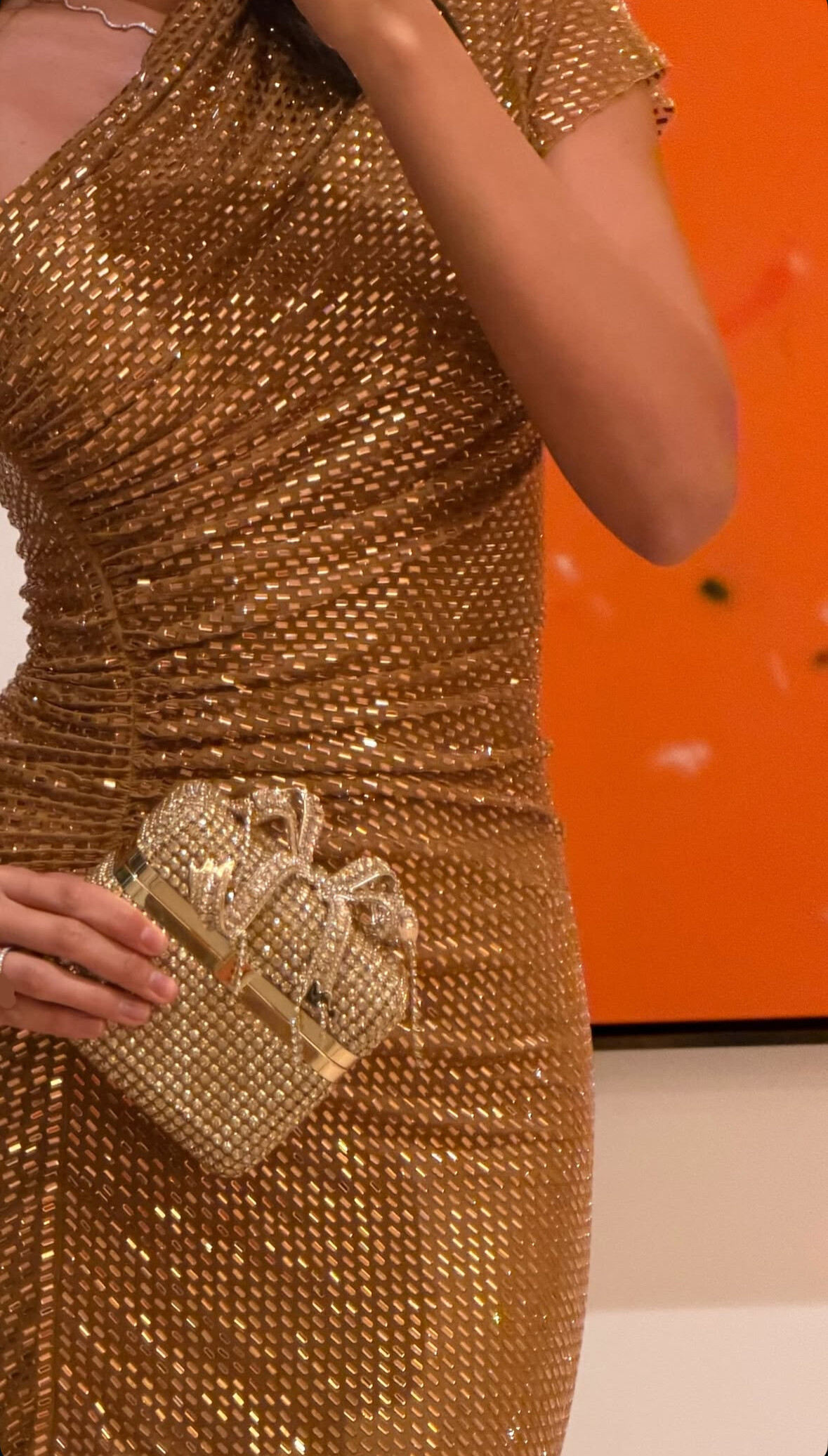
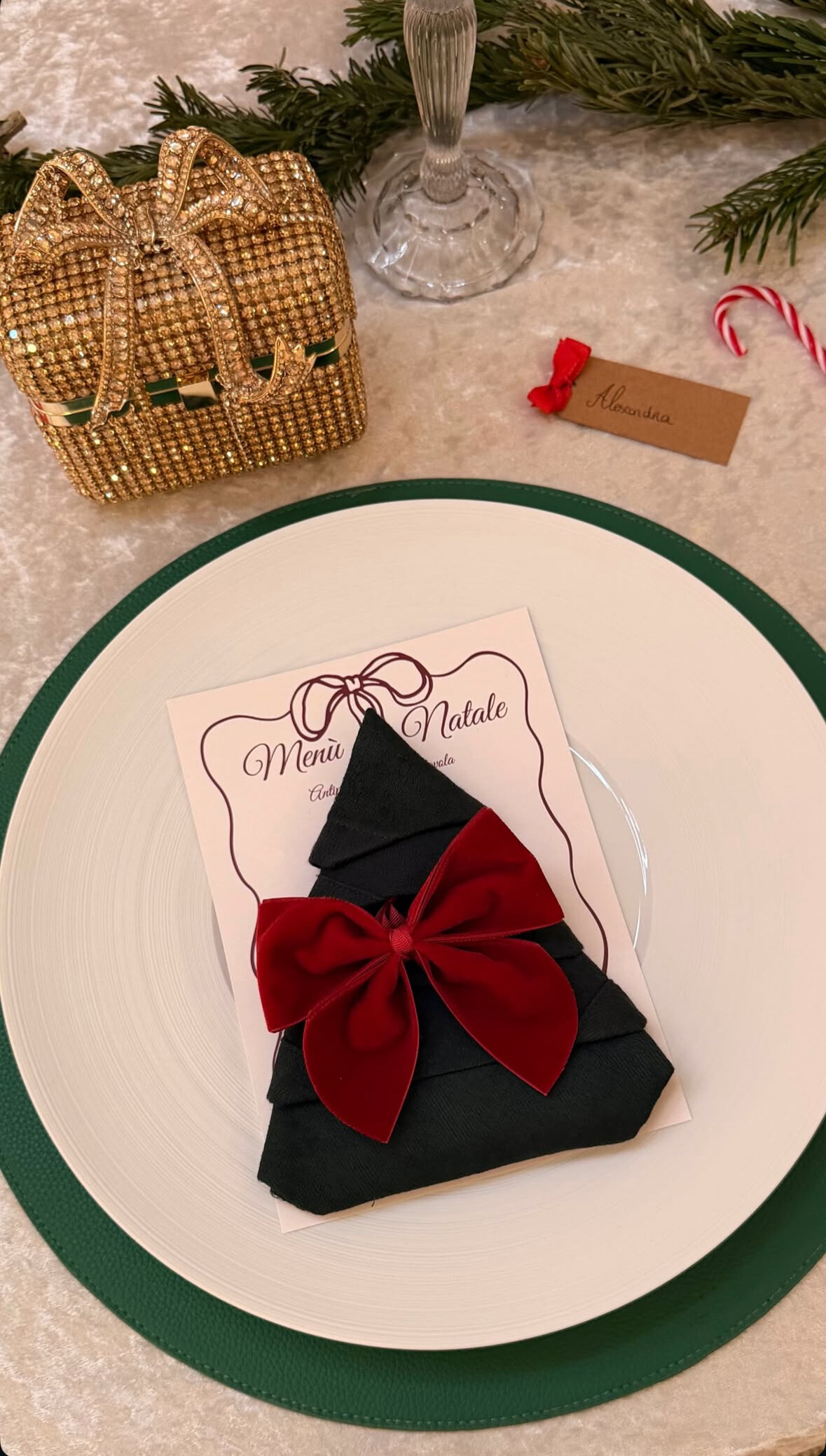
Merry Christmas everyone. 🎄⭐
-
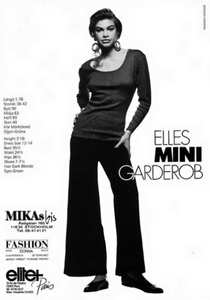
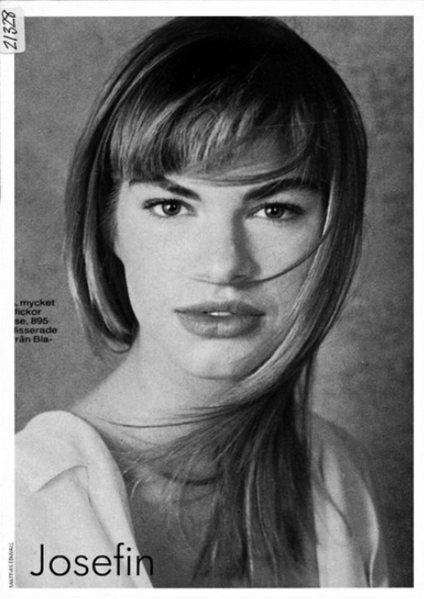
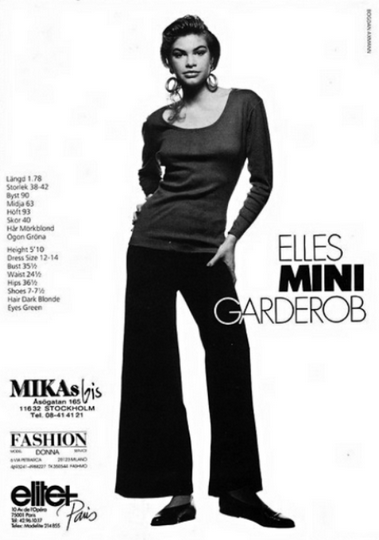
modelcomposites.com She is swedish model Josefin Vargas. https://www.bellazon.com/main/topic/89922-josefin-varga/#comment-5982645
-
 Sasha Sako📷\Prokopie










-

 Botanical Remedies LLC joined the community
 holidayhomeogliastra joined the community

 .
.
 .
.


 zenithrisegroup joined the community
- Today
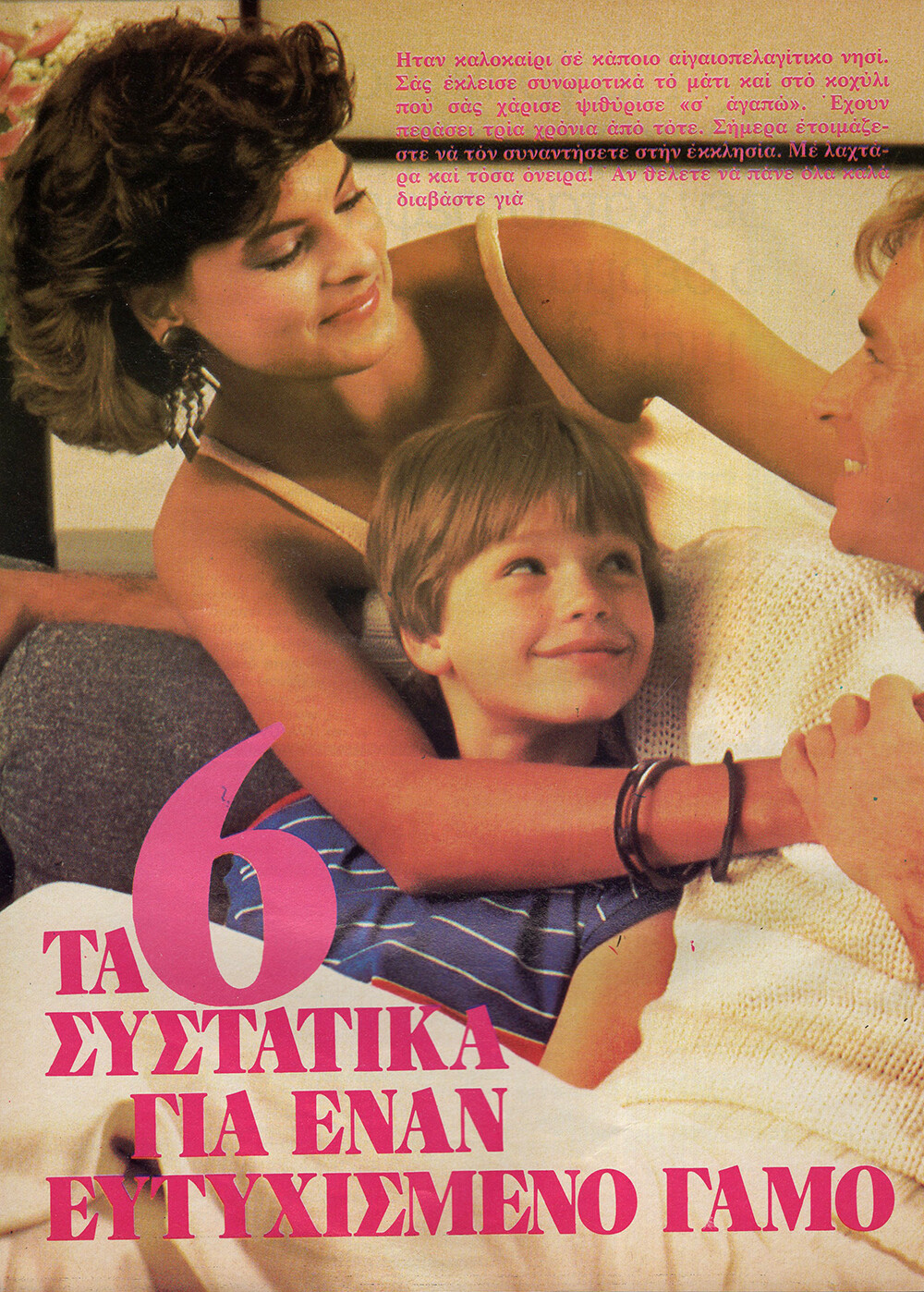
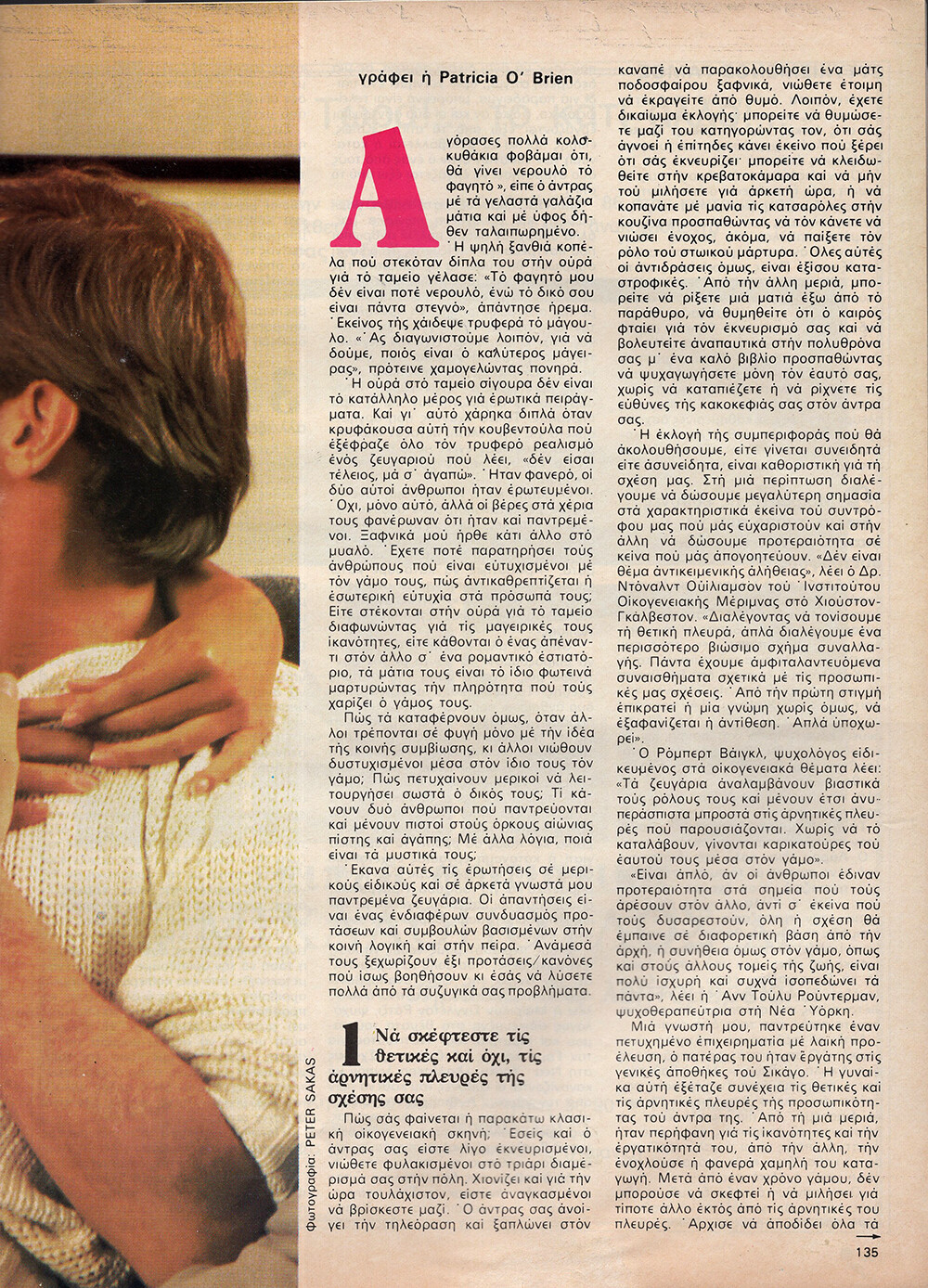
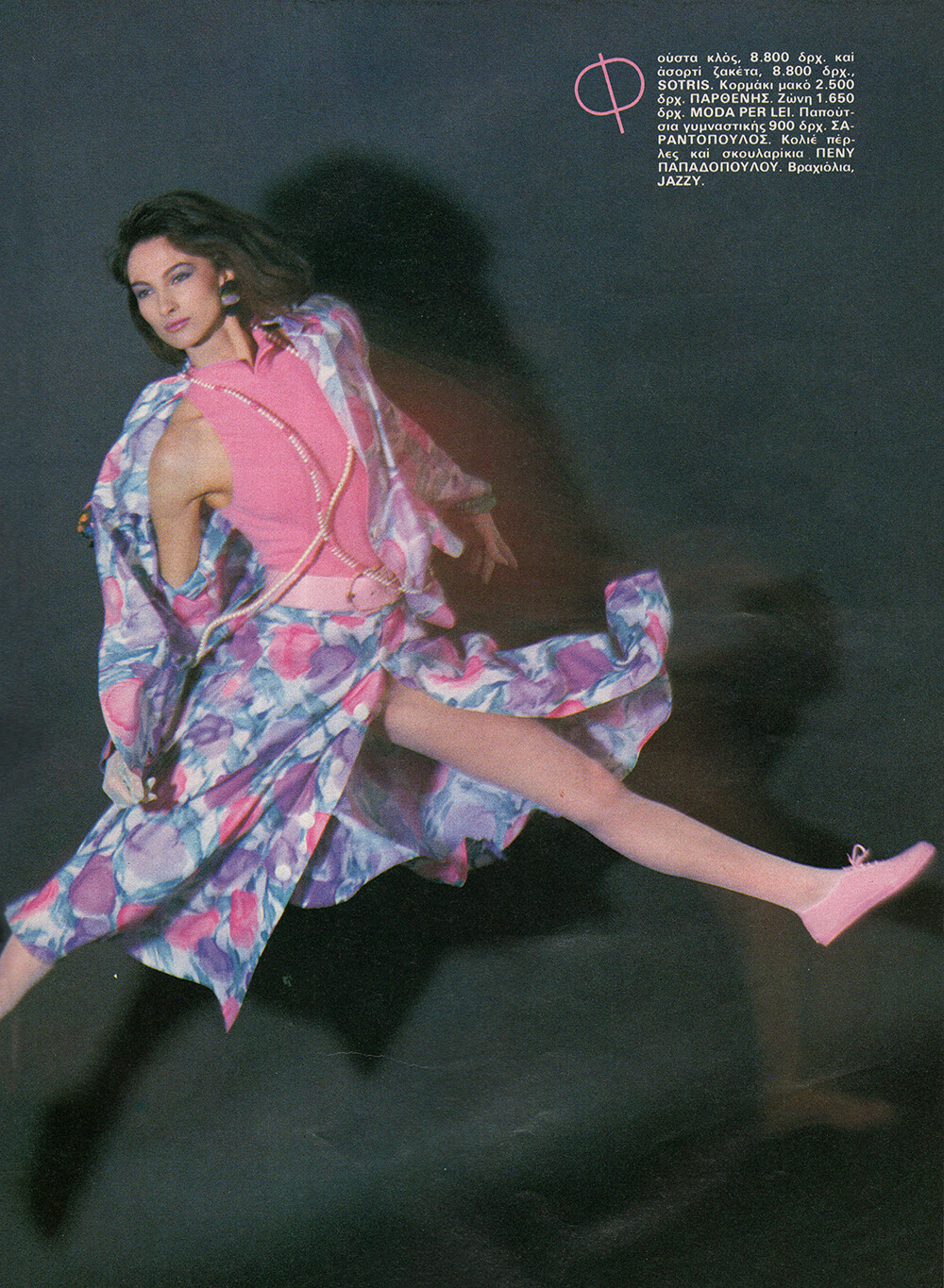
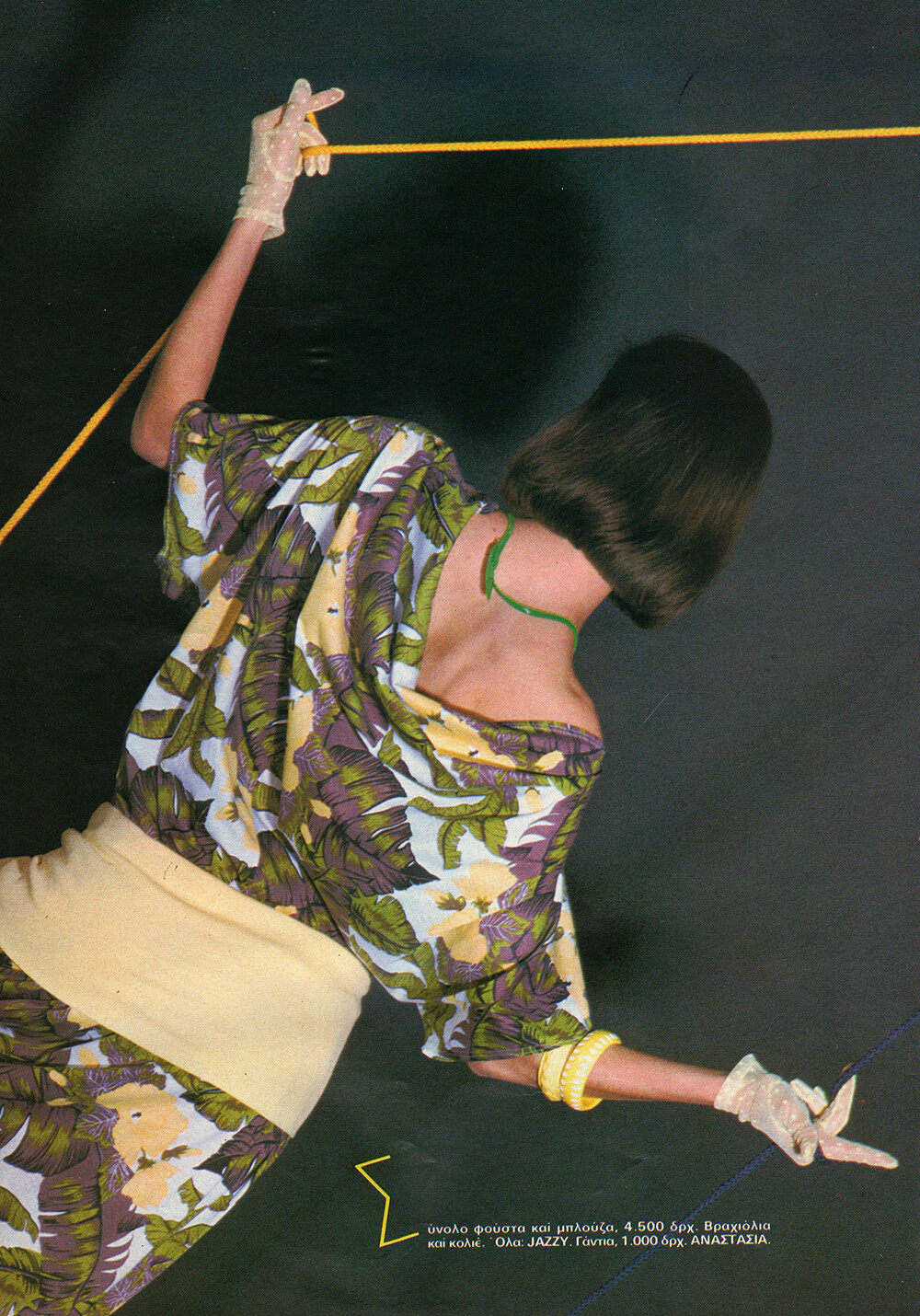
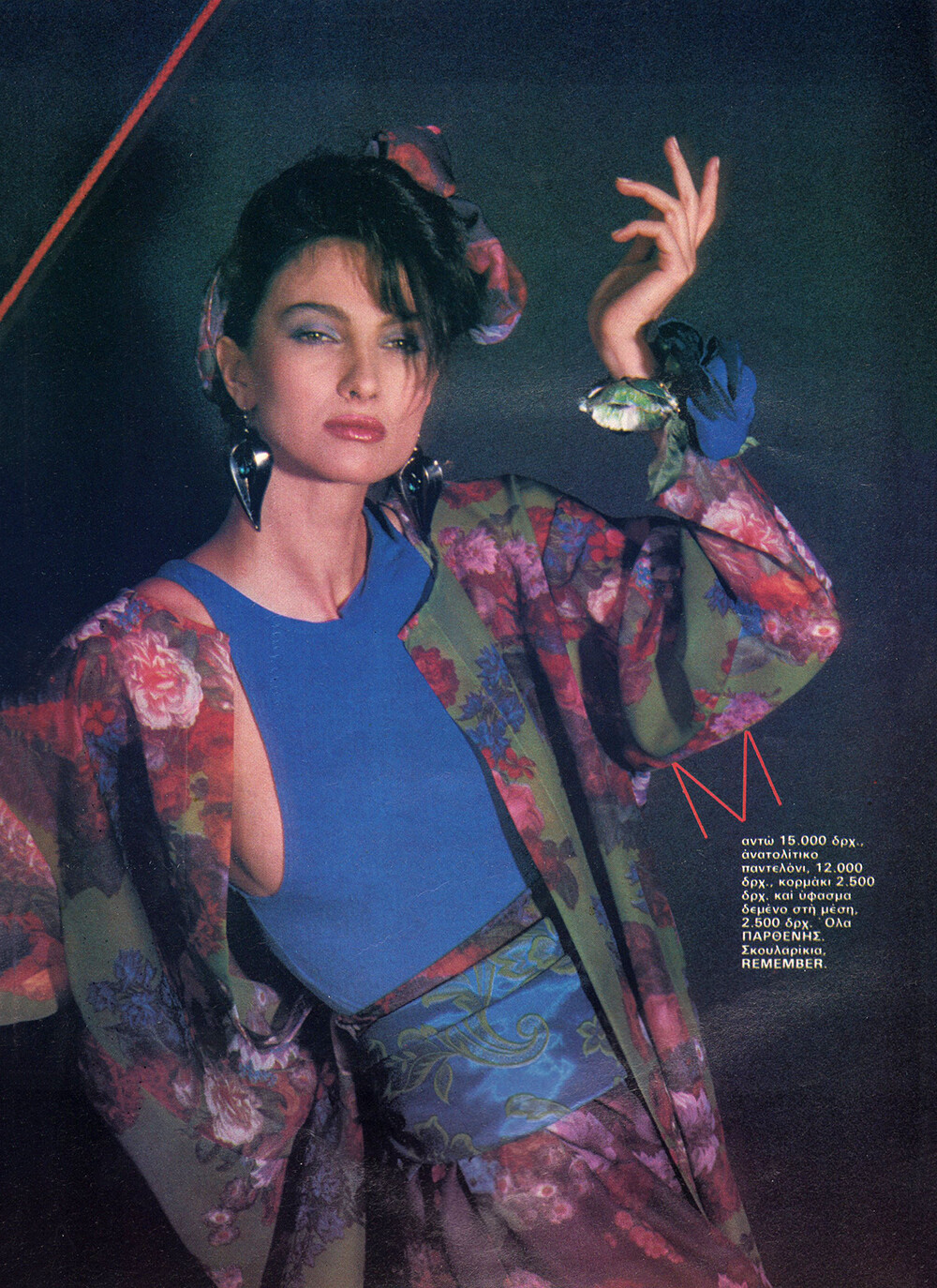
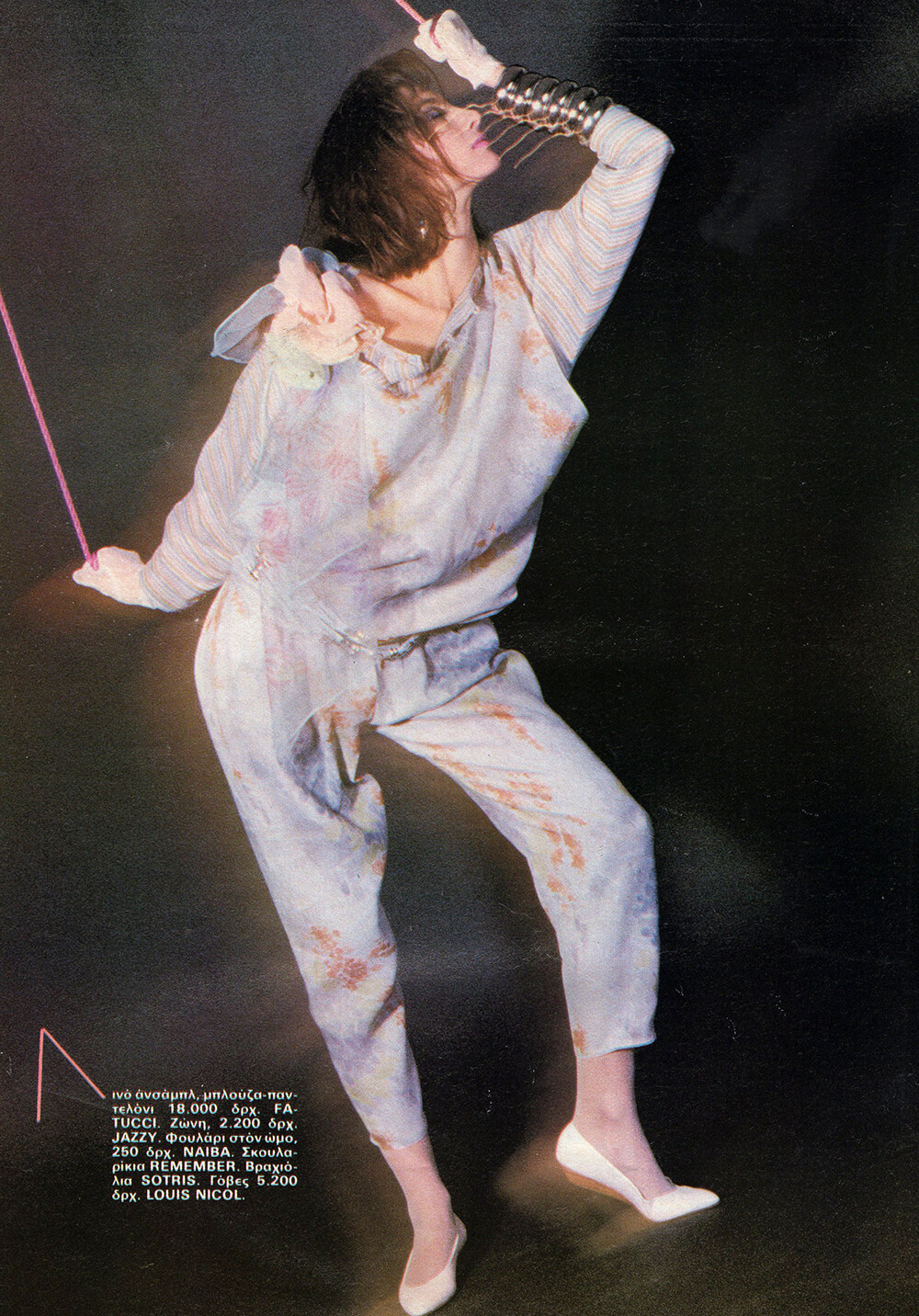
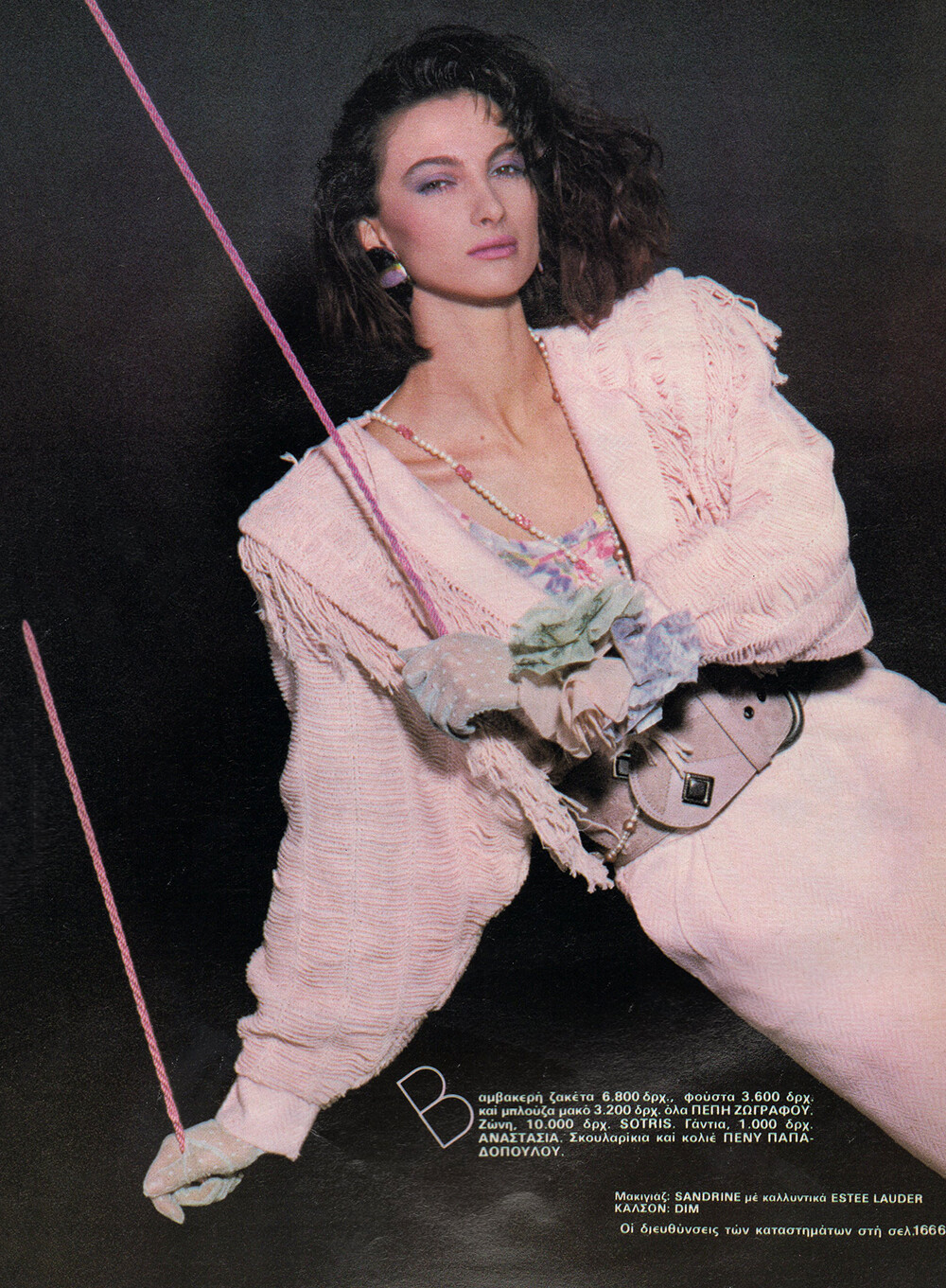
 COSMOPOLITAN GR, Apr 1985 - PH. PETER SAKAS - MY SCANS

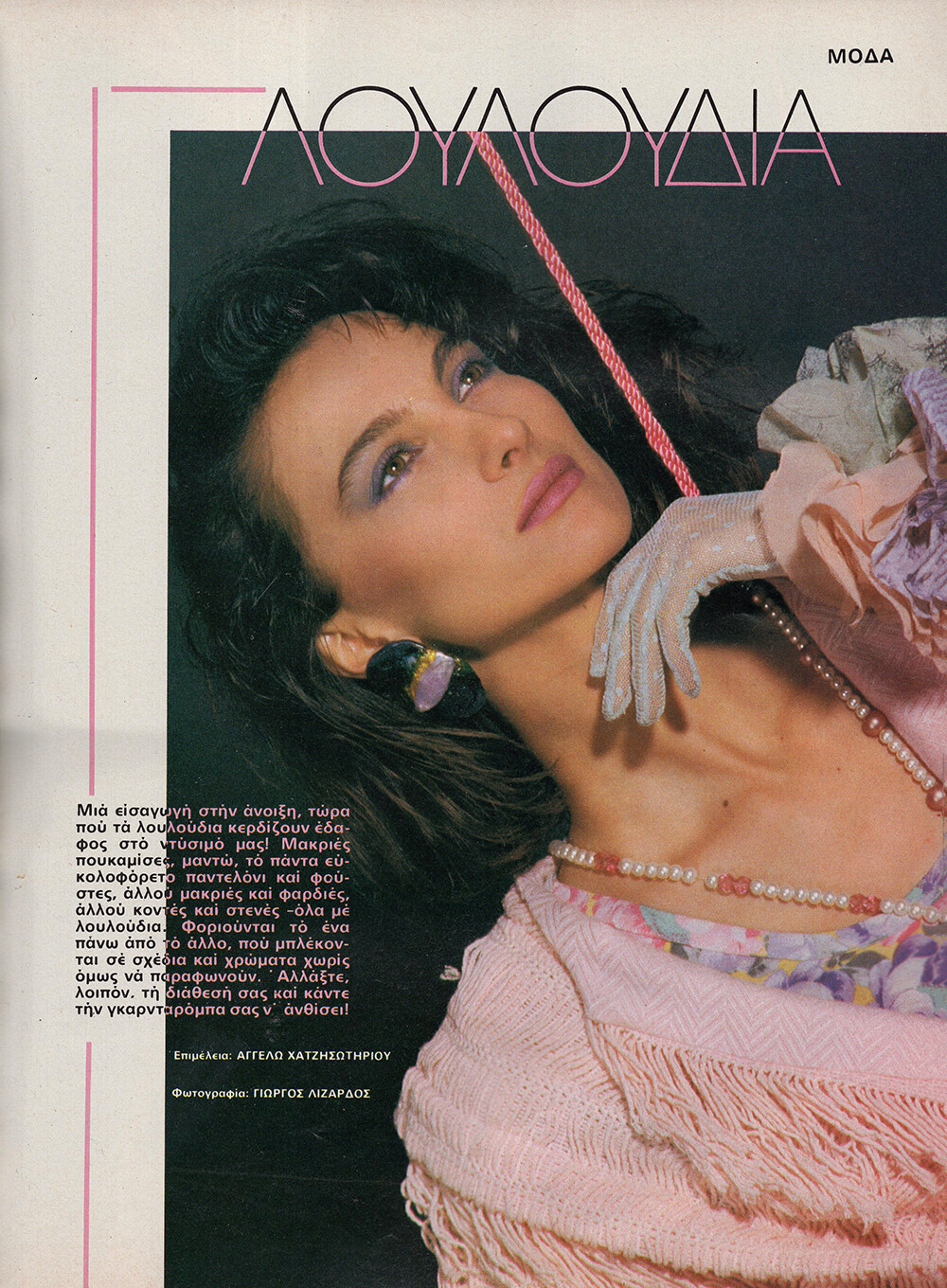
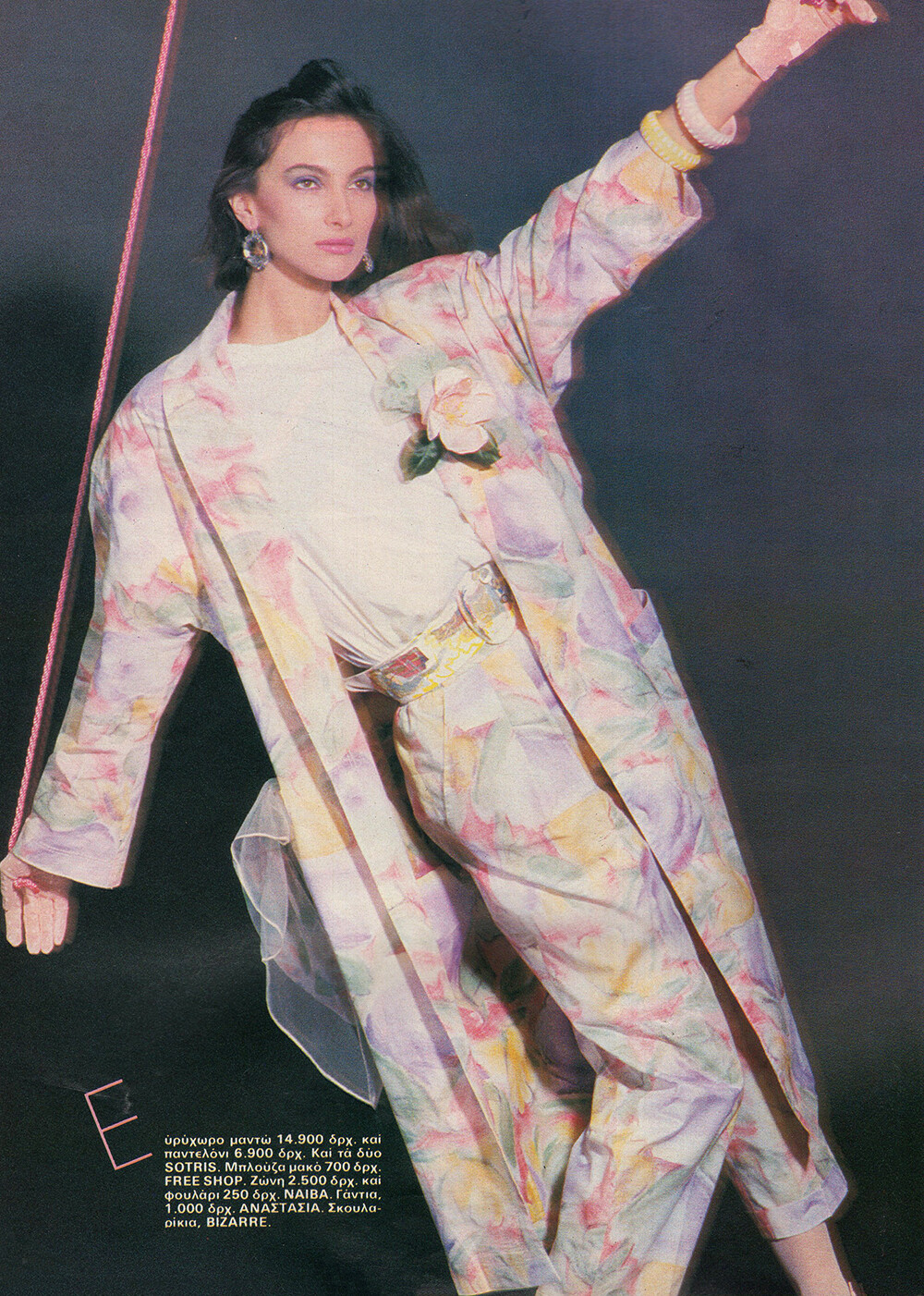
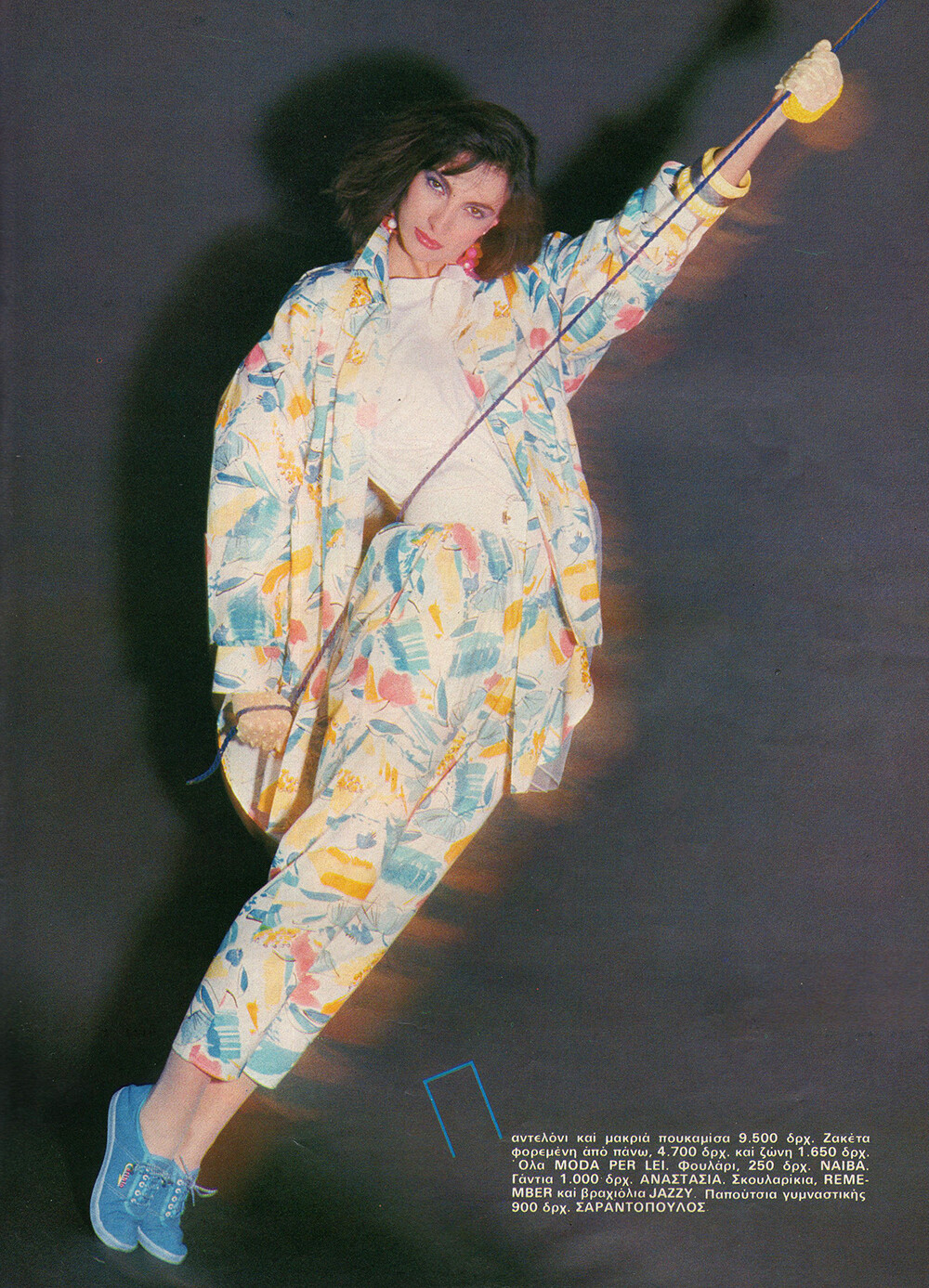
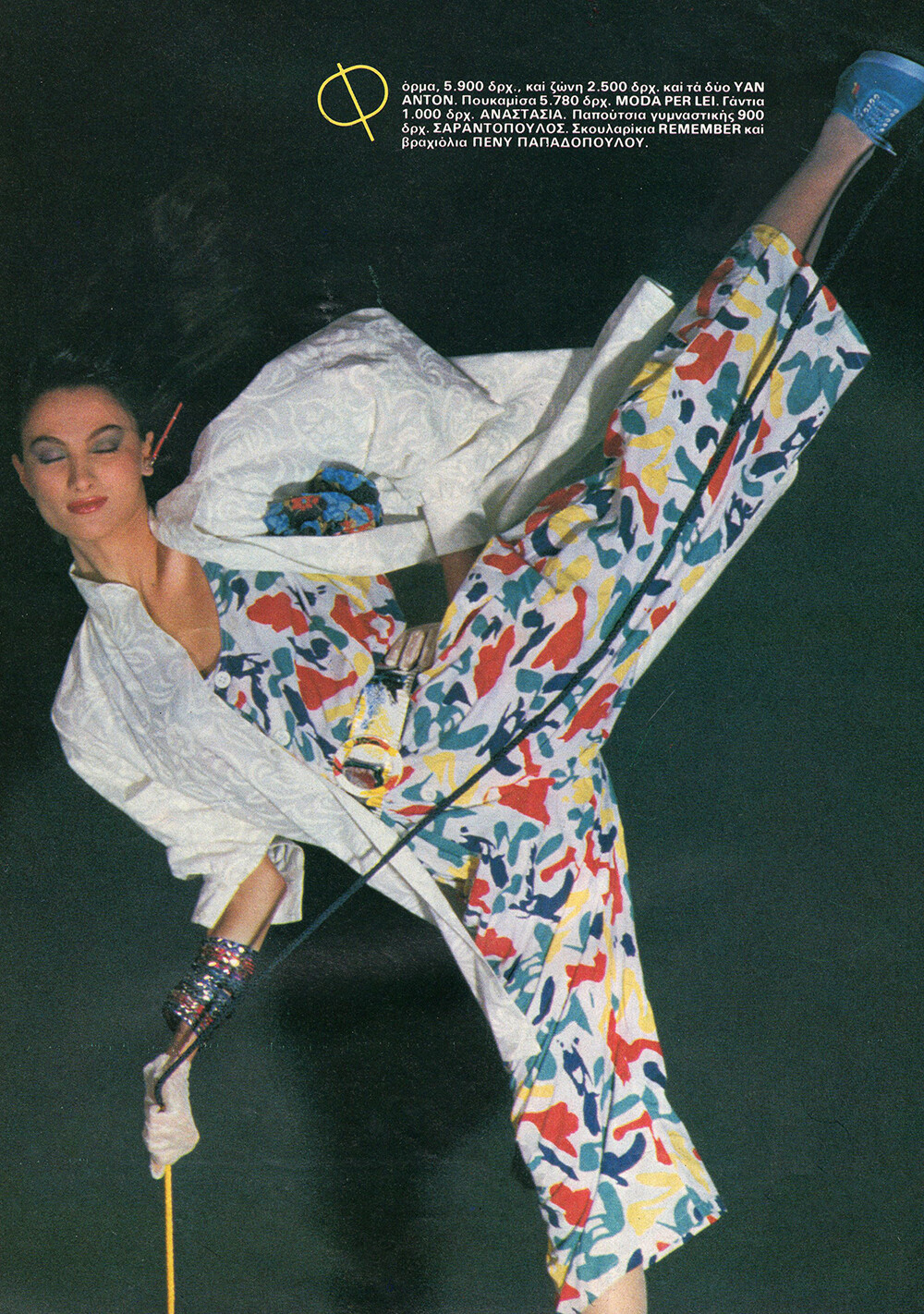
 COSMOPOLITAN GR, Apr 1985 - PH. GEORGE LIZARDOS - MY SCANS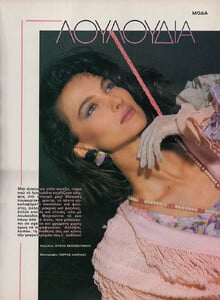



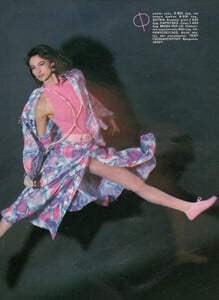
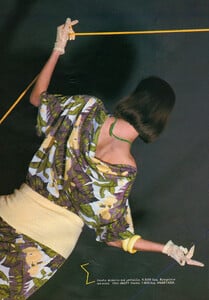

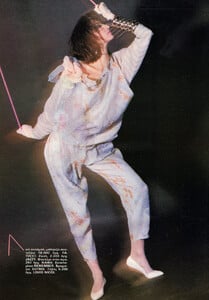
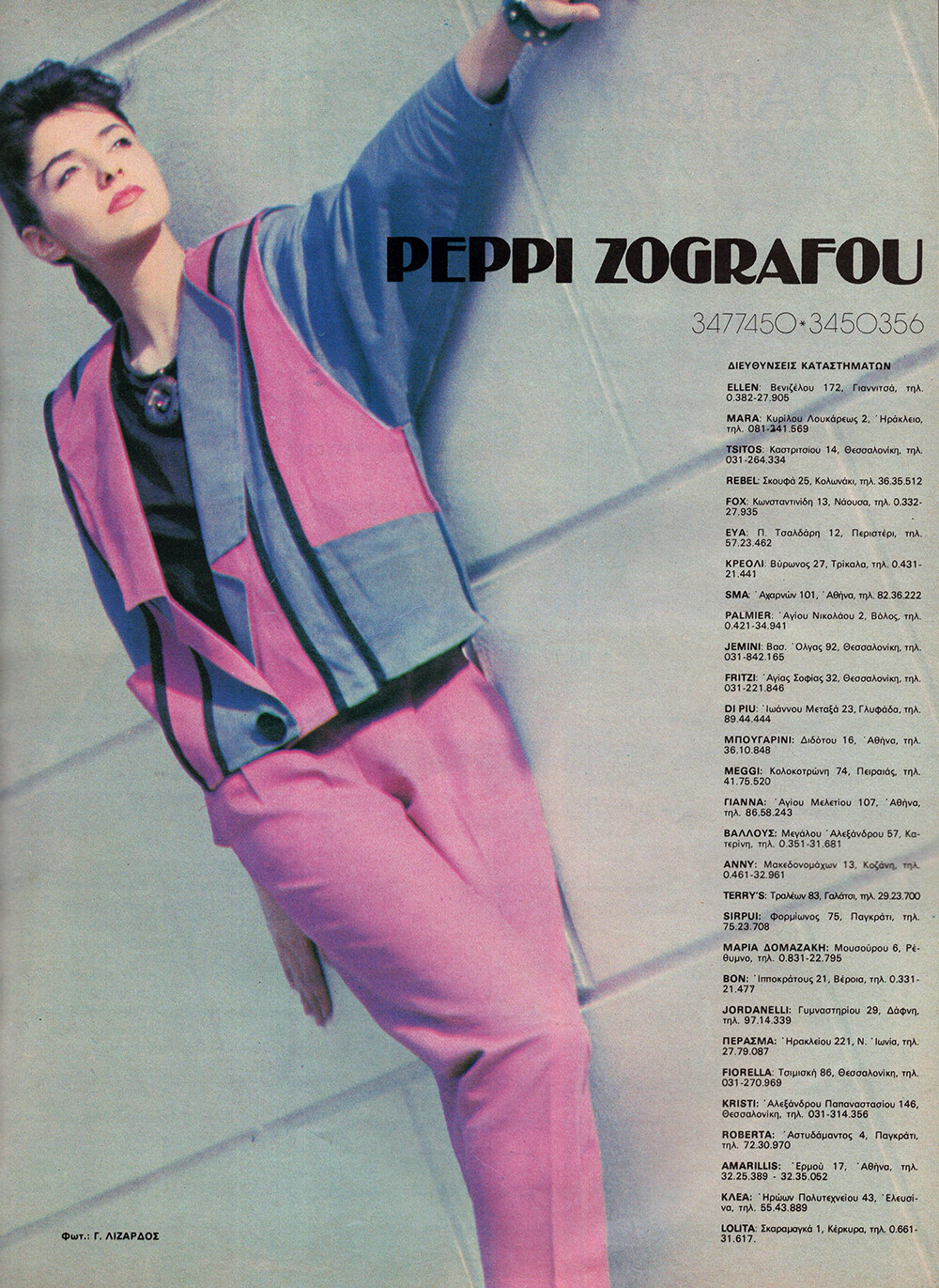
 PEPPI ZOGRAFOU 1985 - PH. GEORGE LIZARDOS - MY SCAN
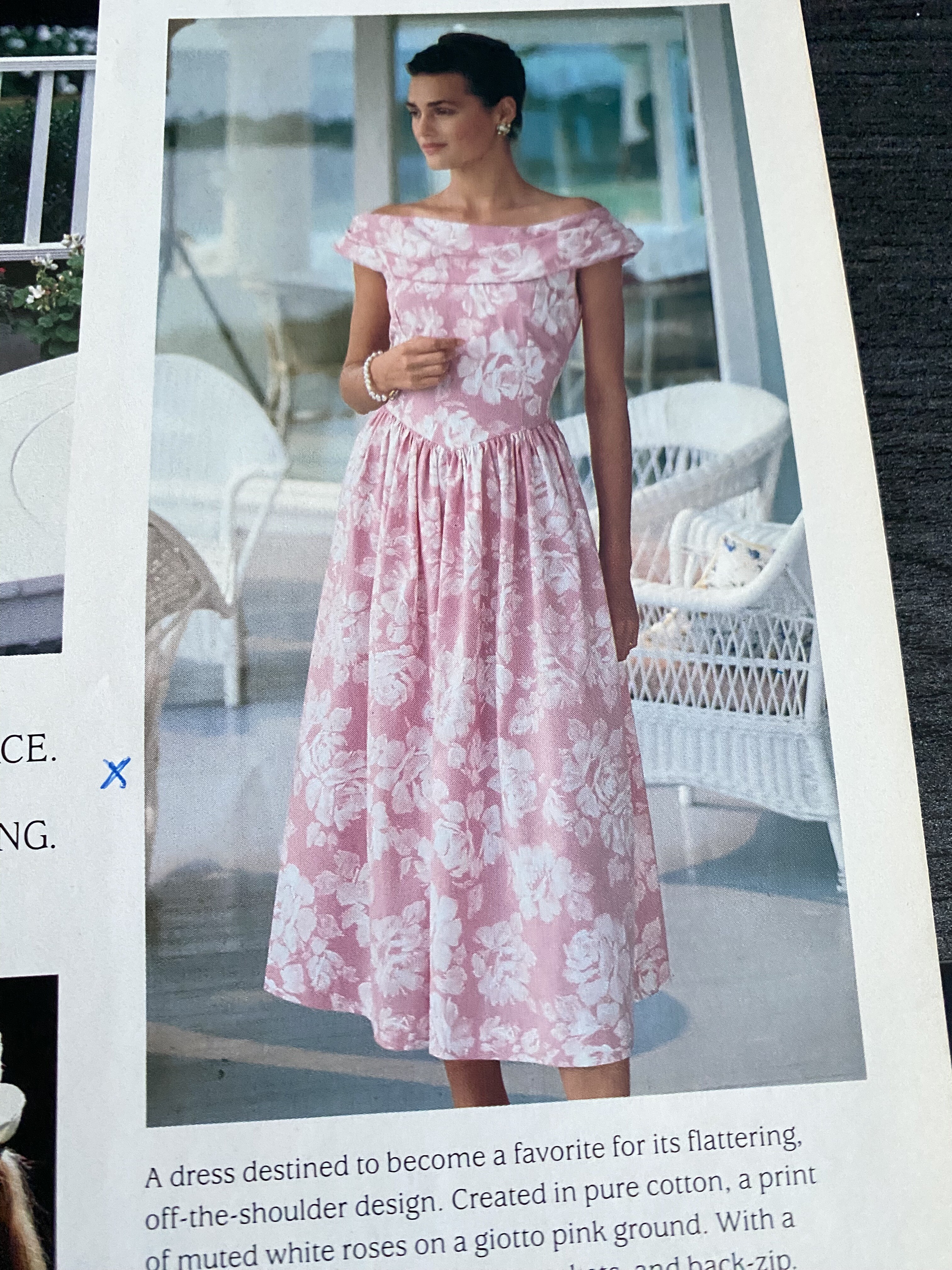
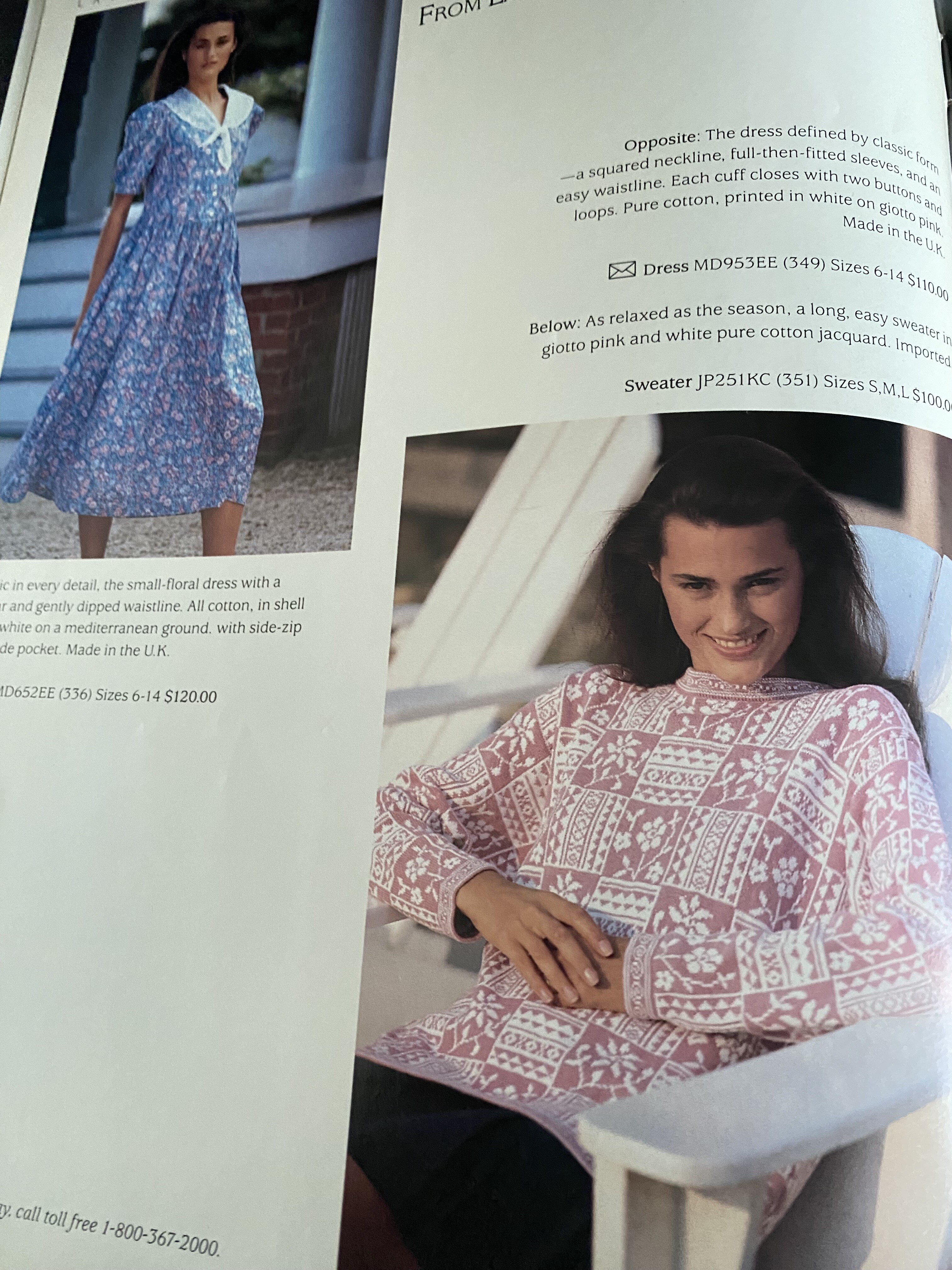
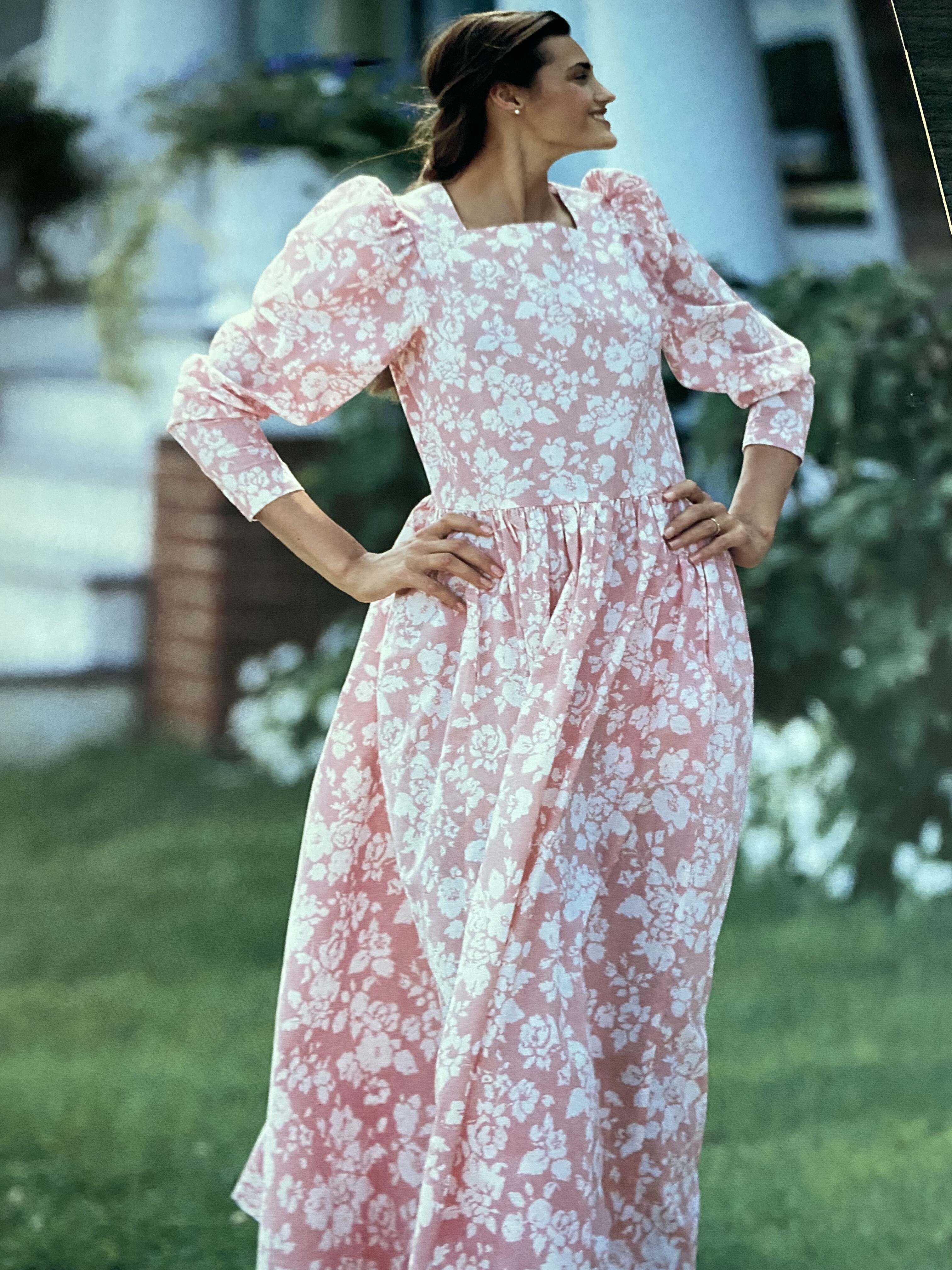
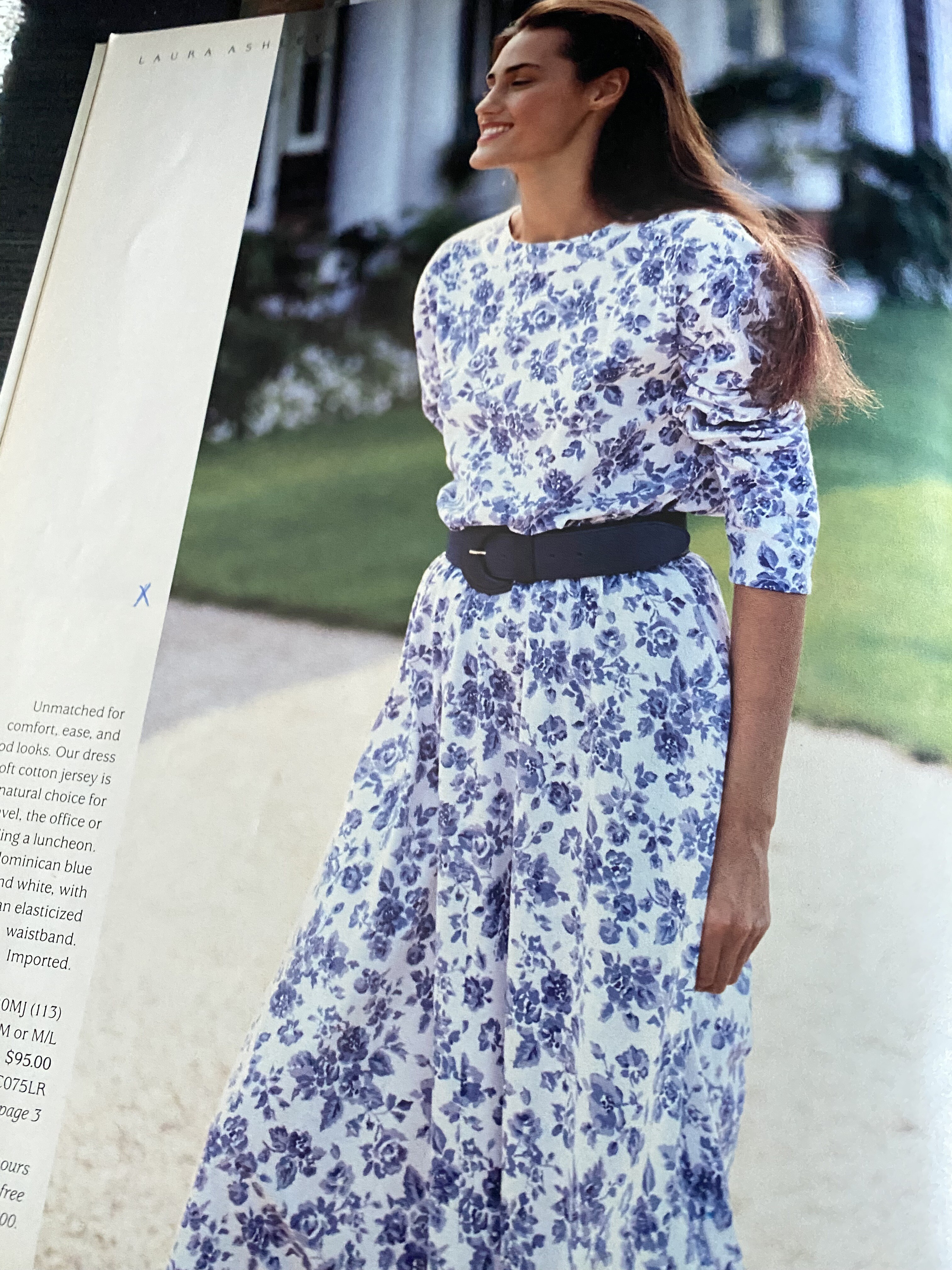
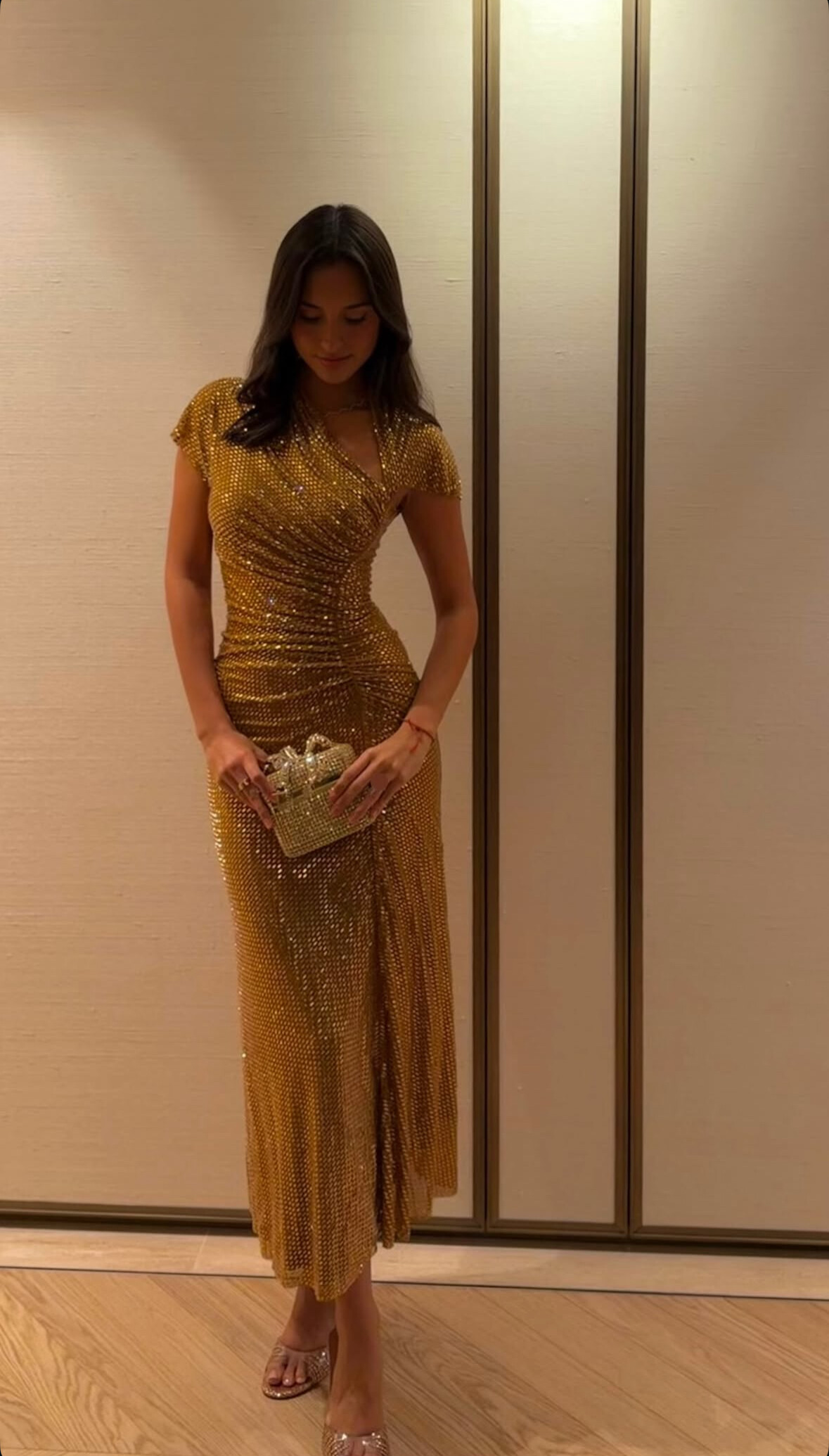
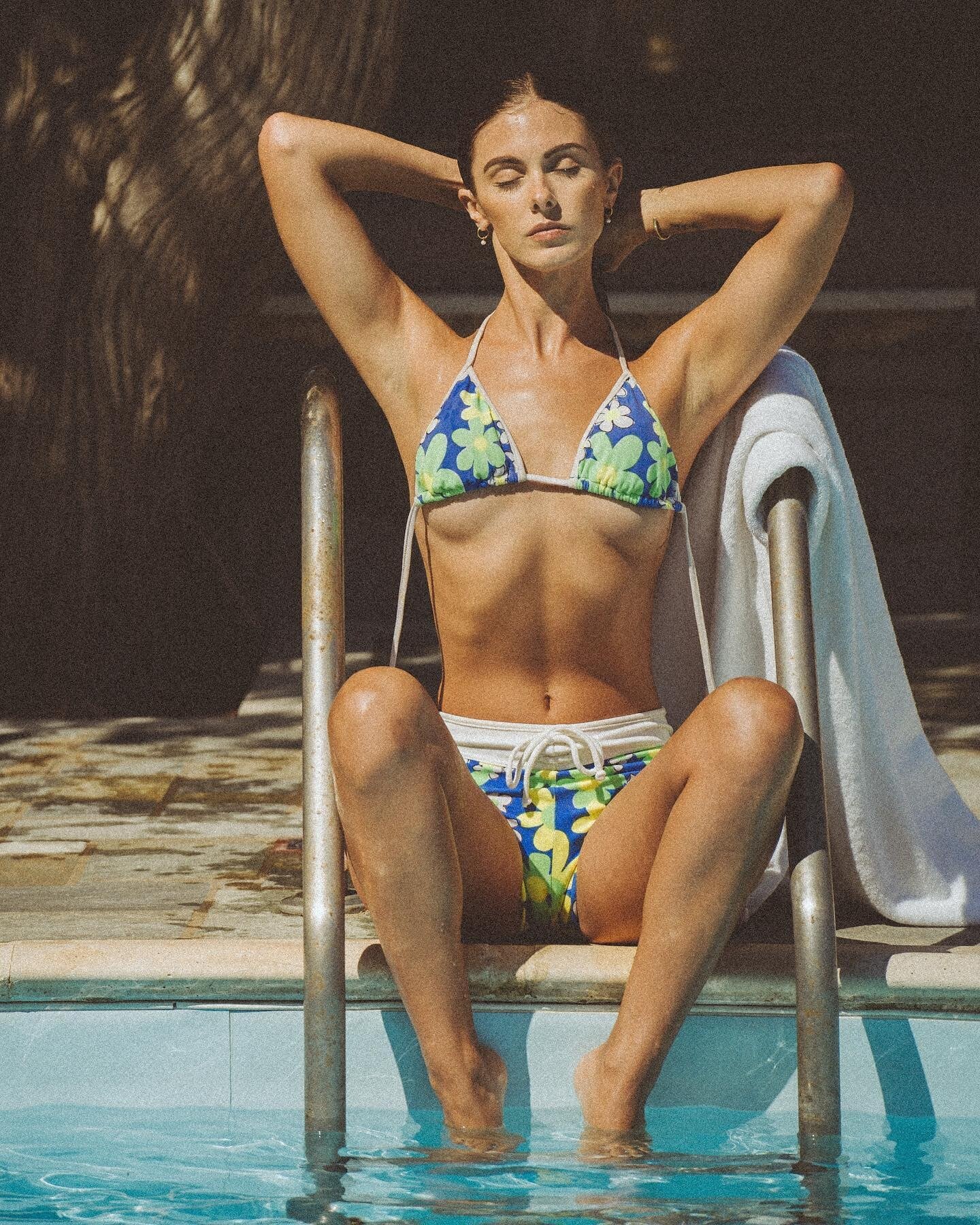
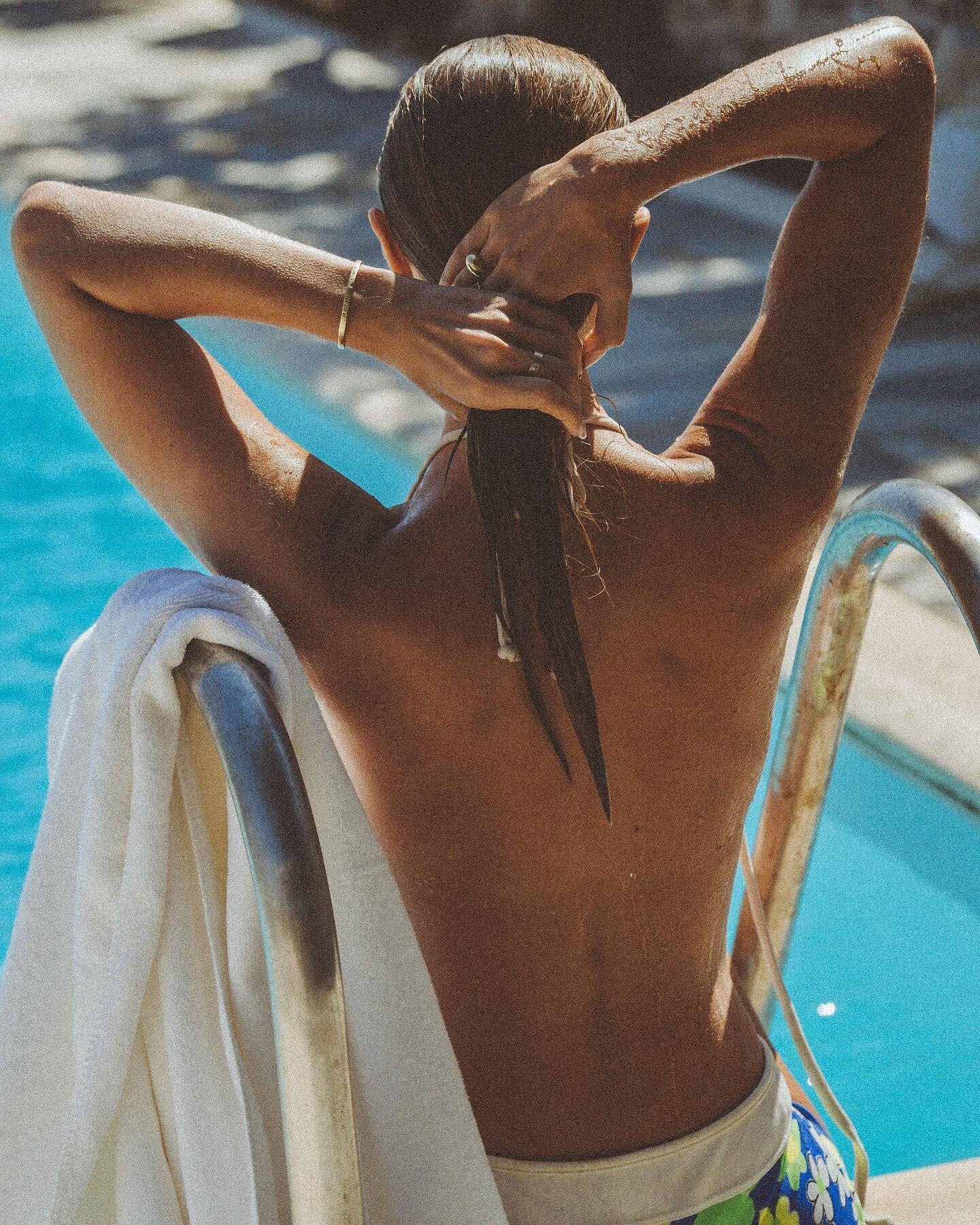
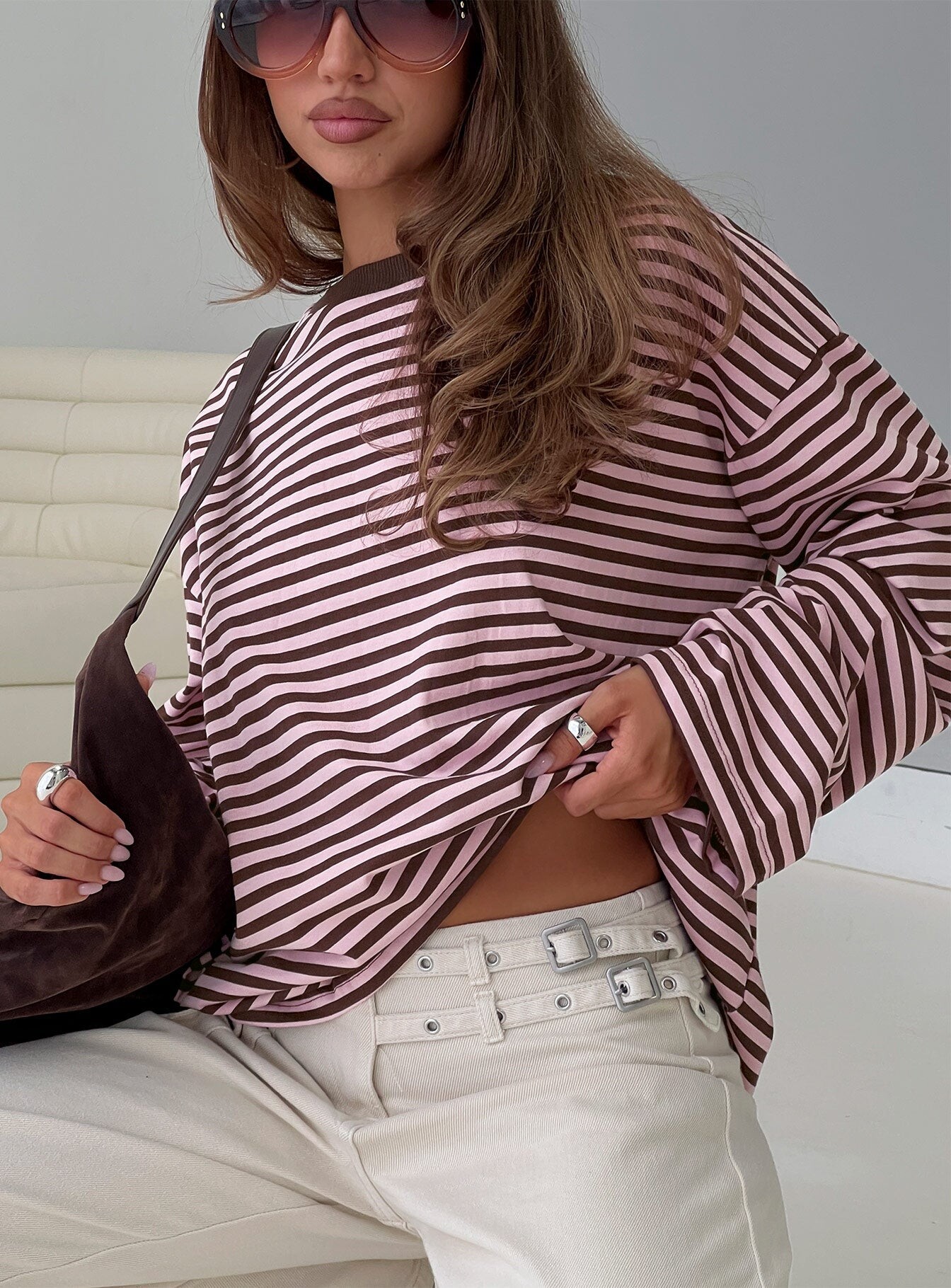
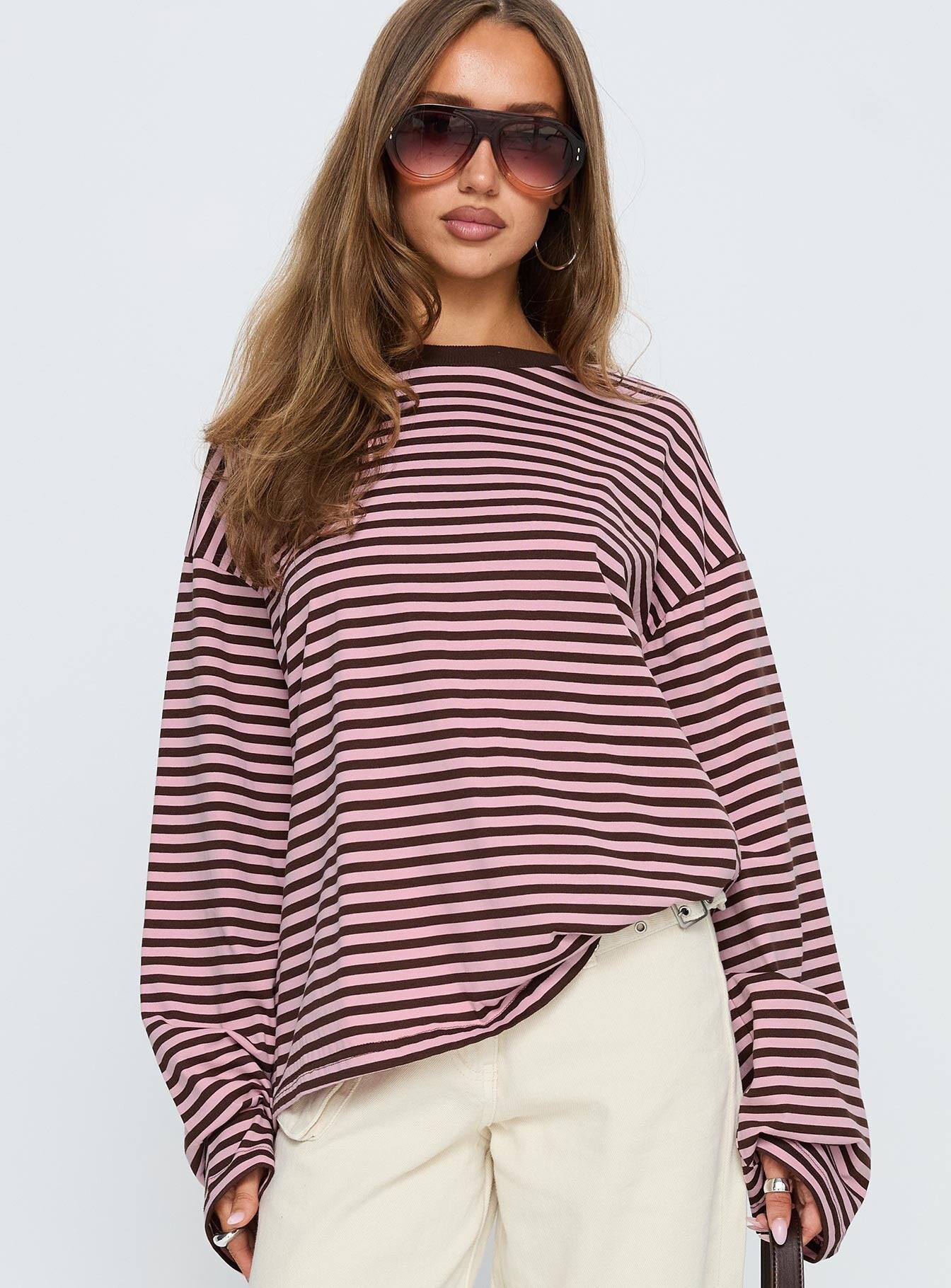
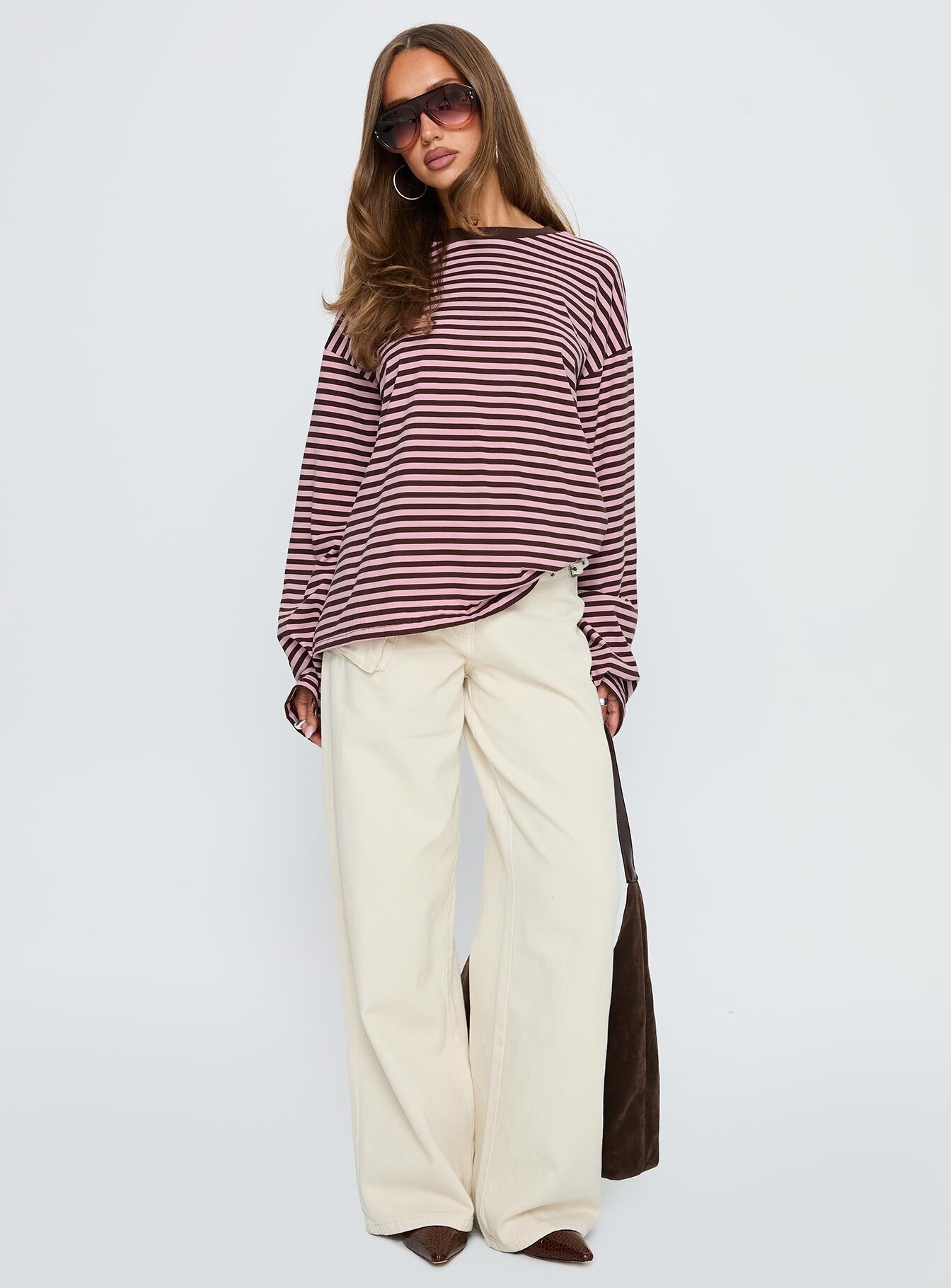
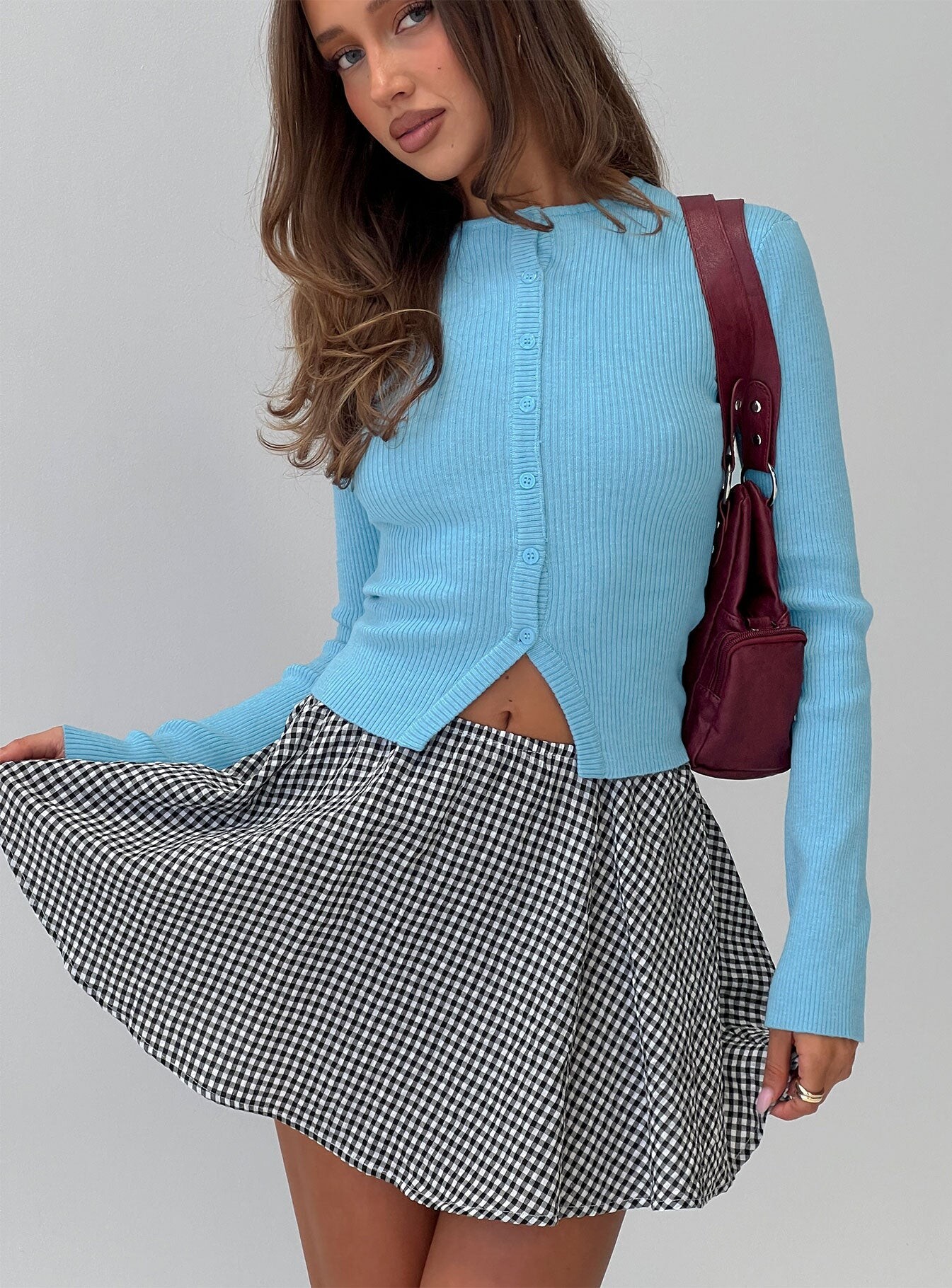
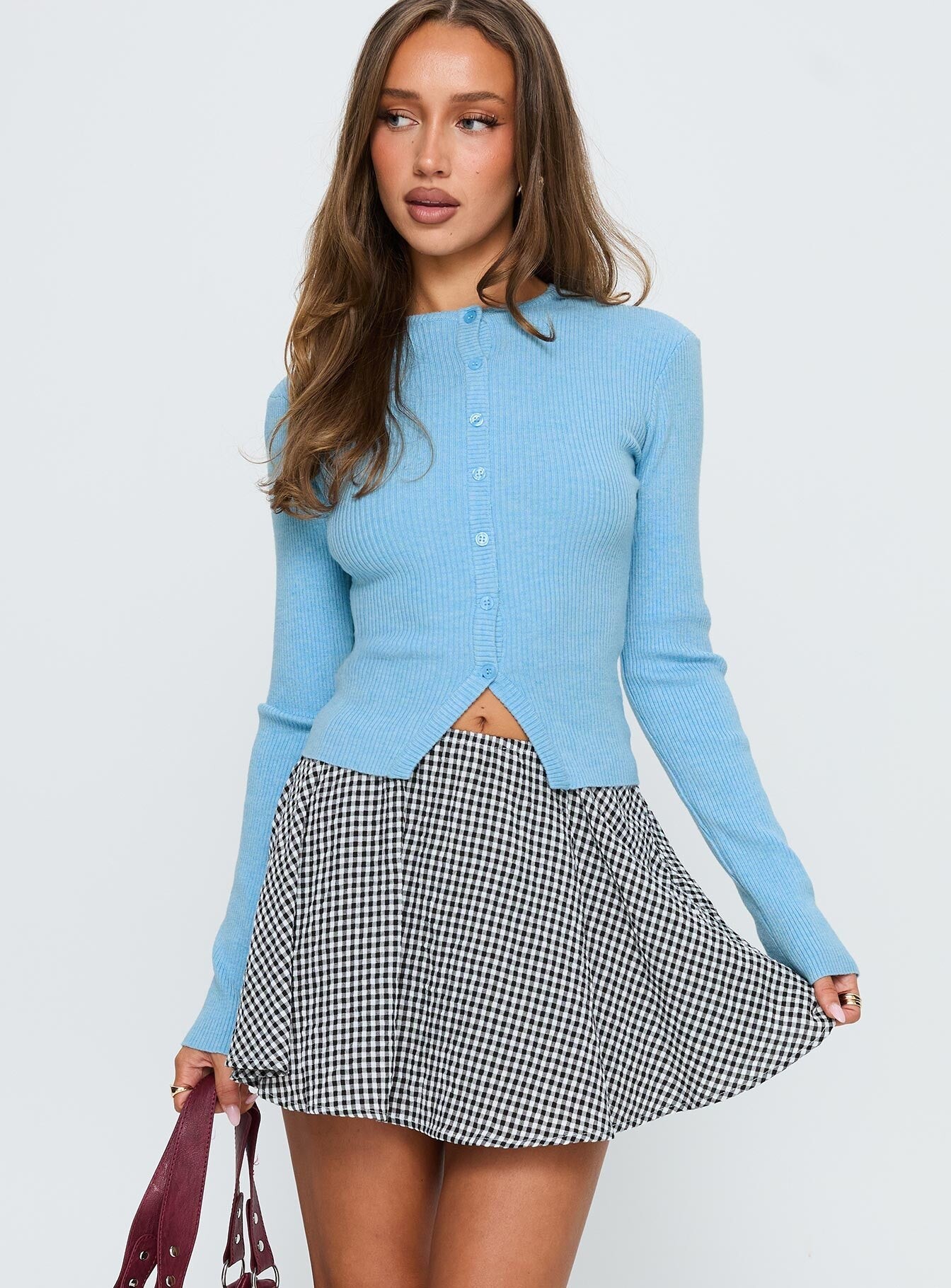
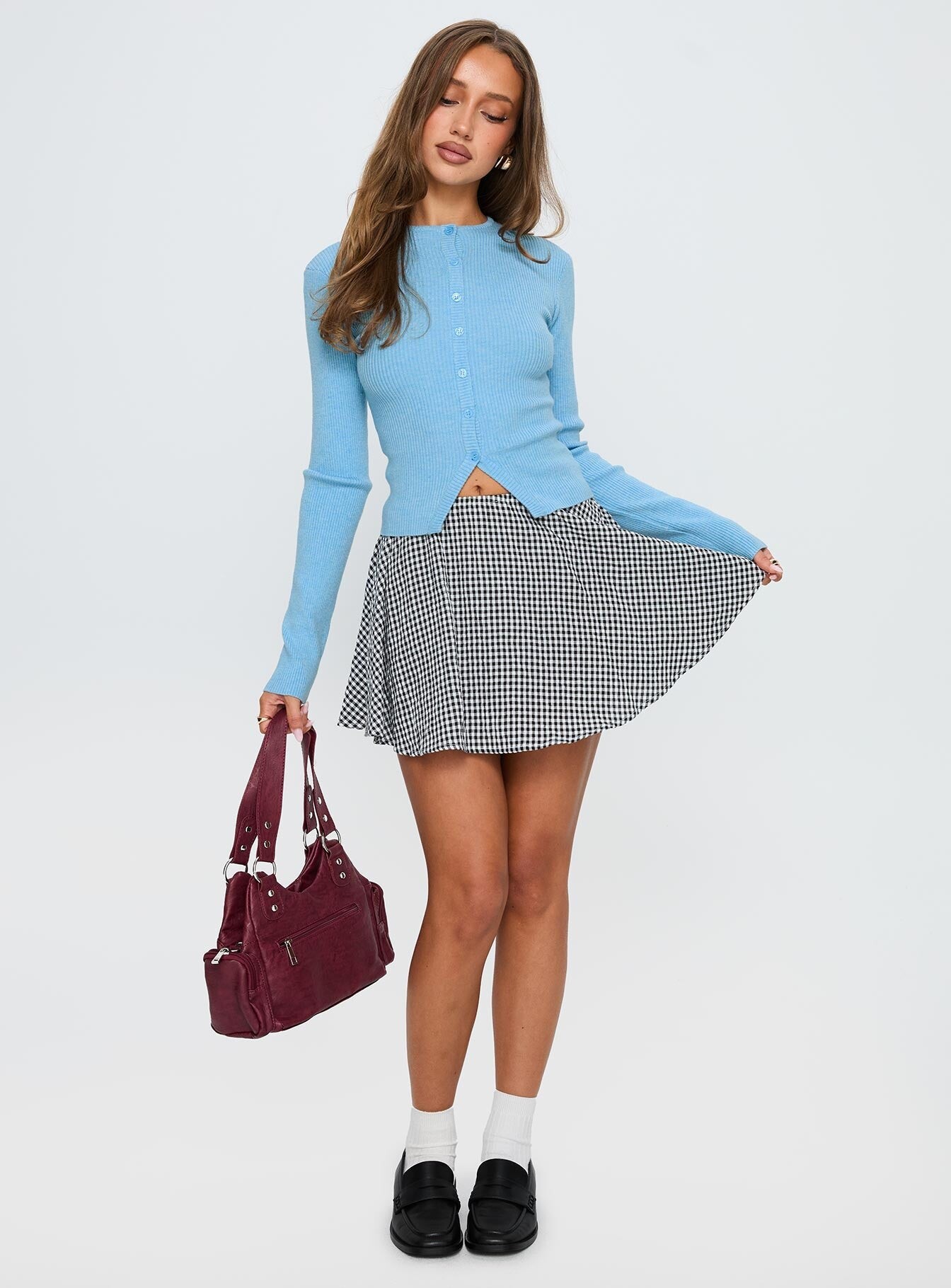
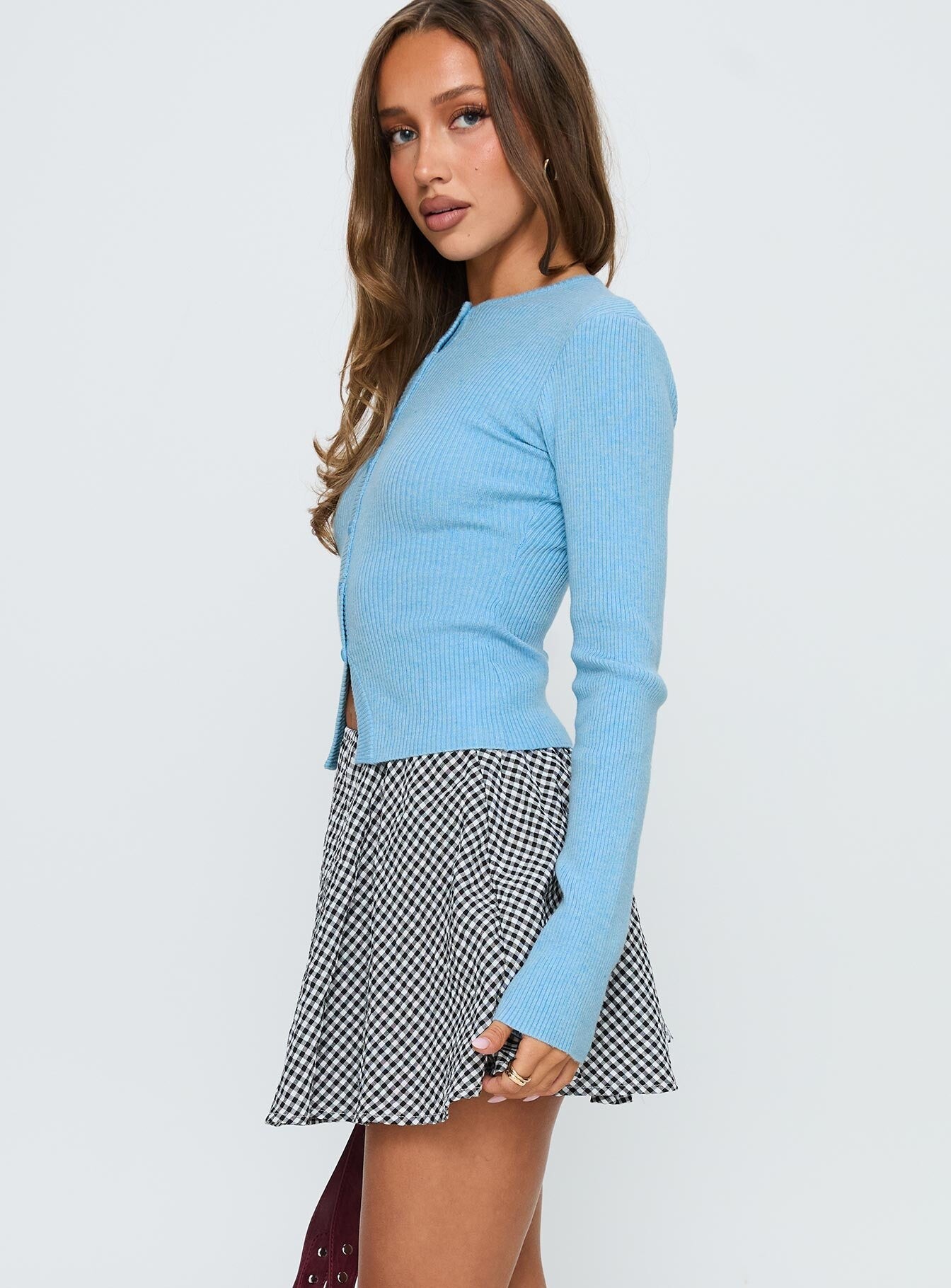
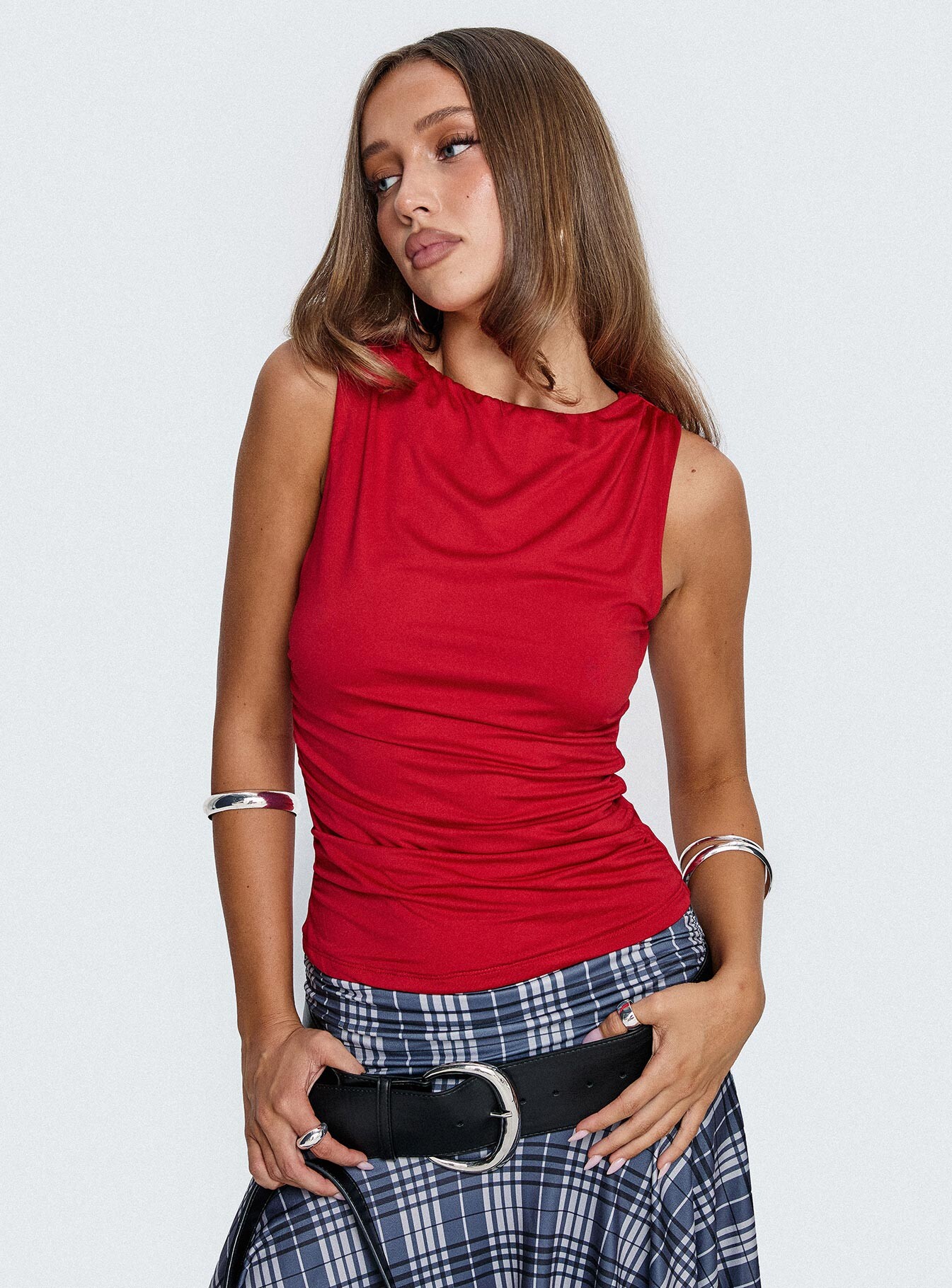
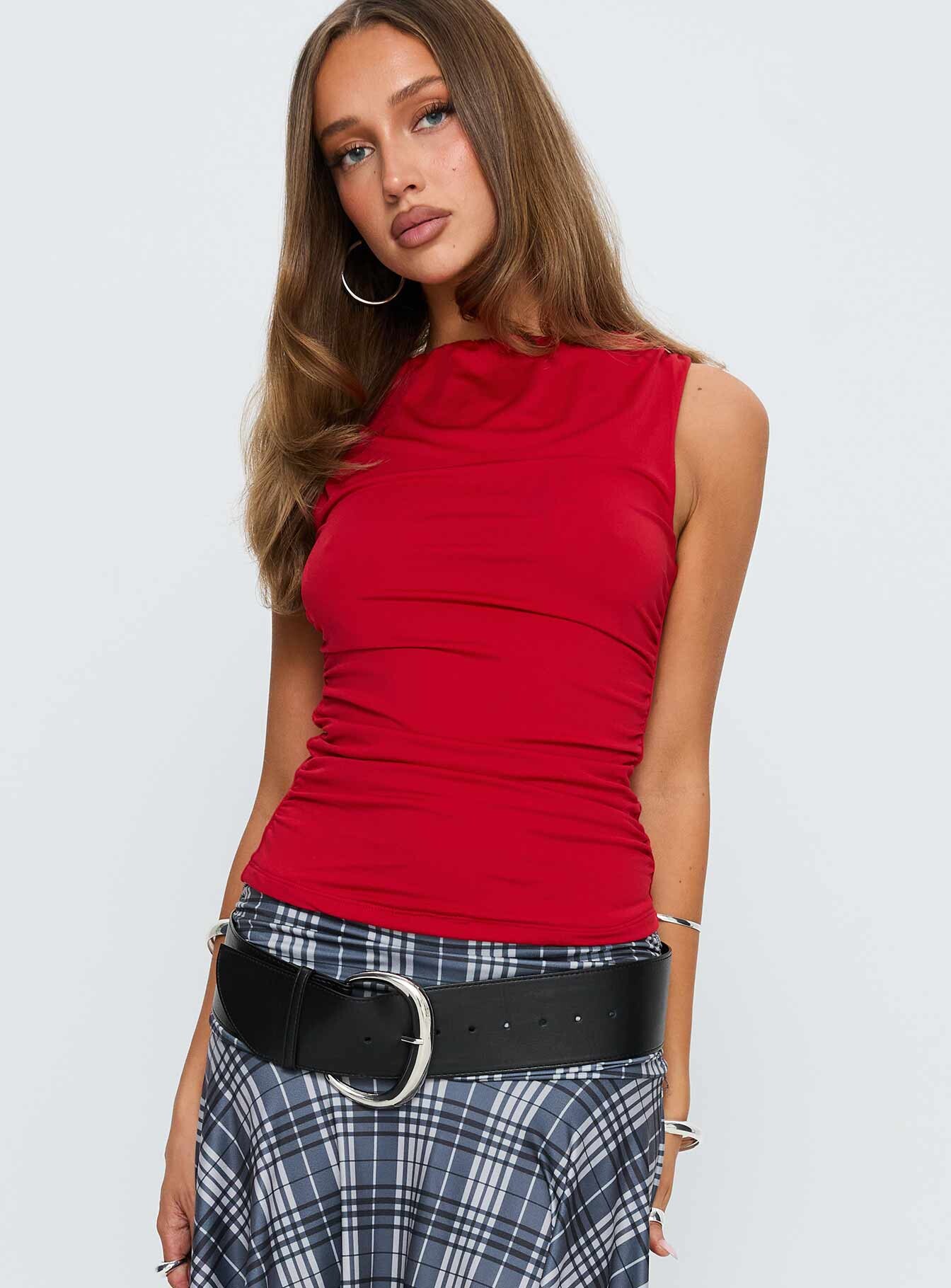
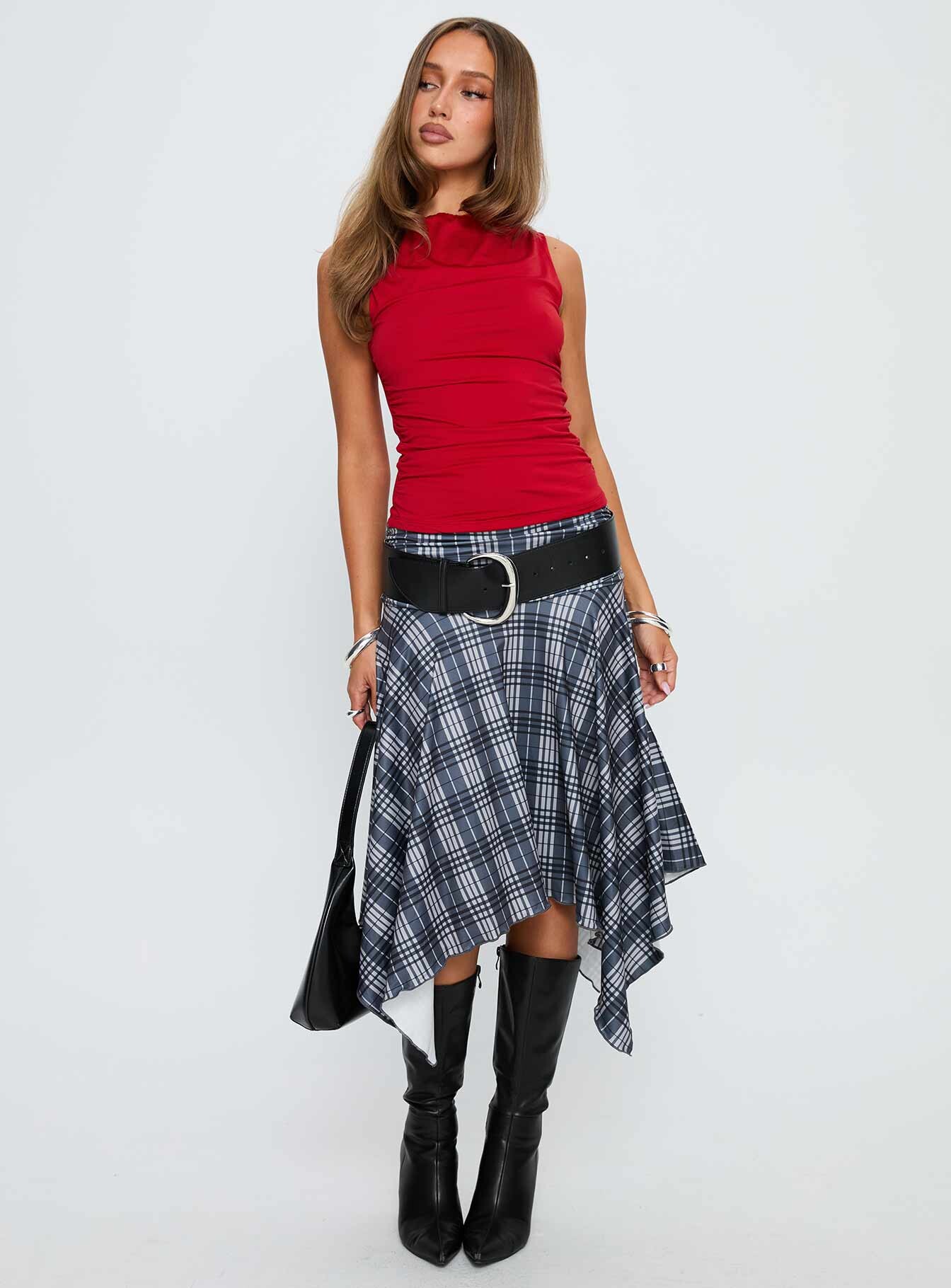
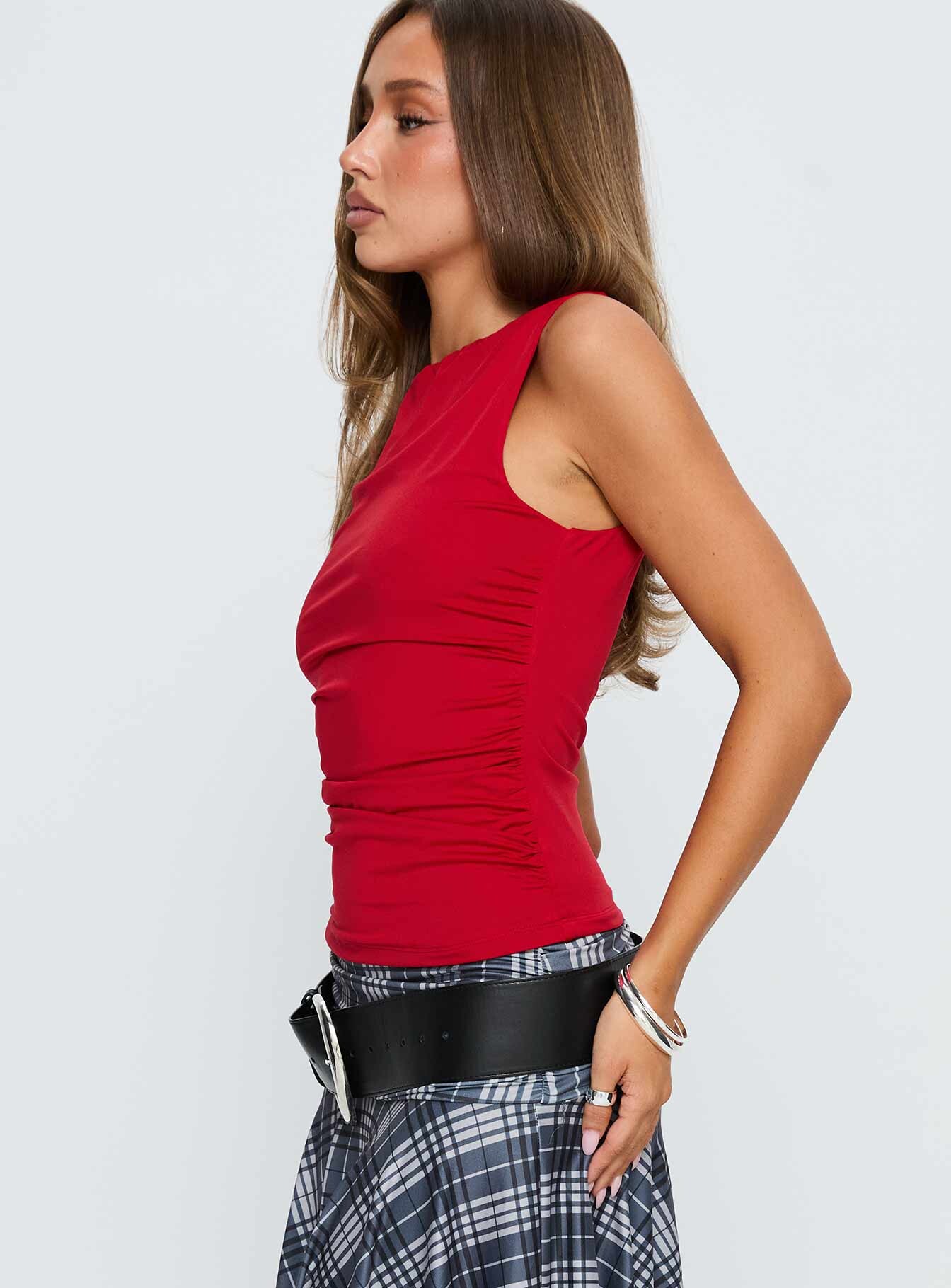
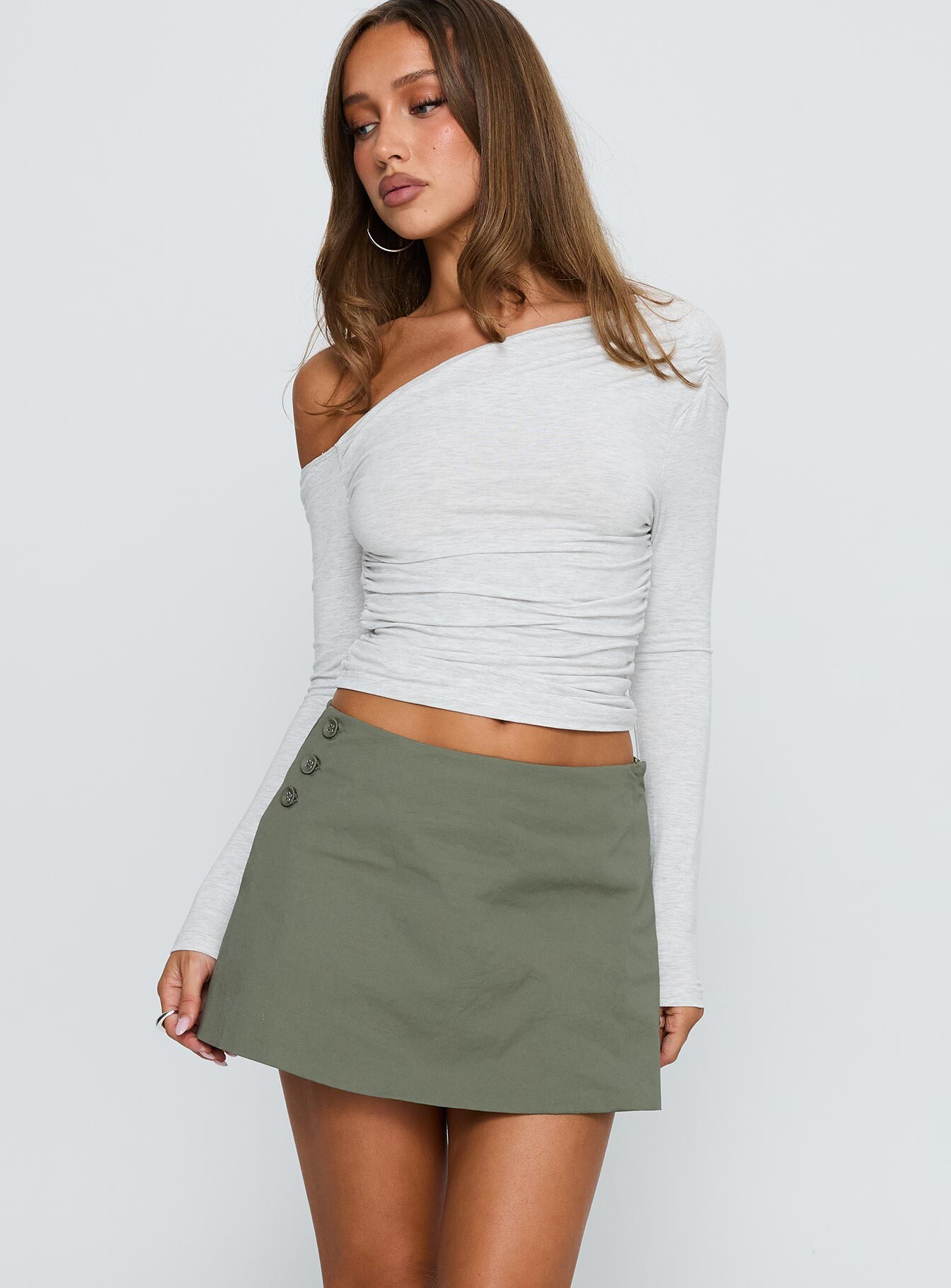
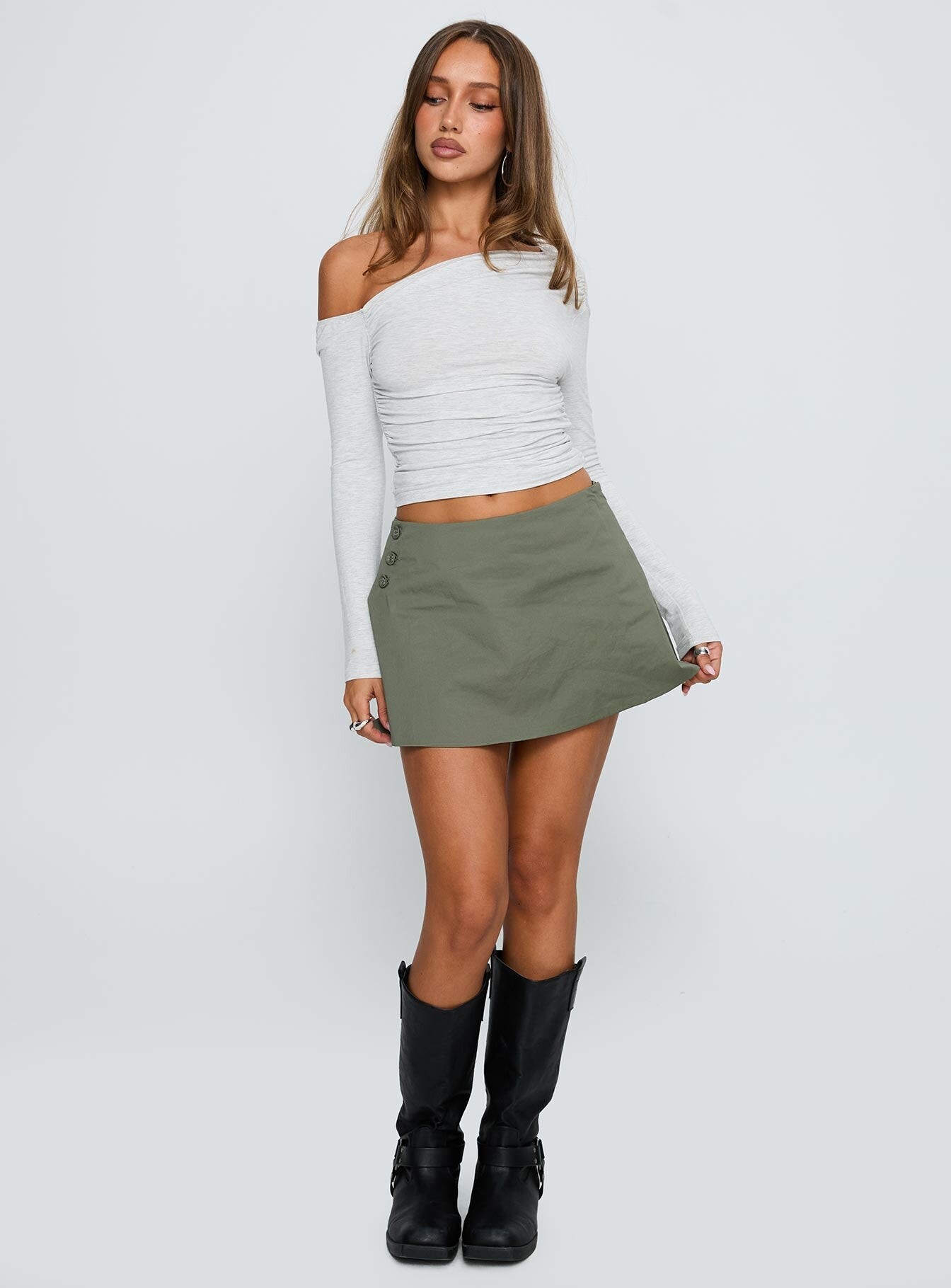
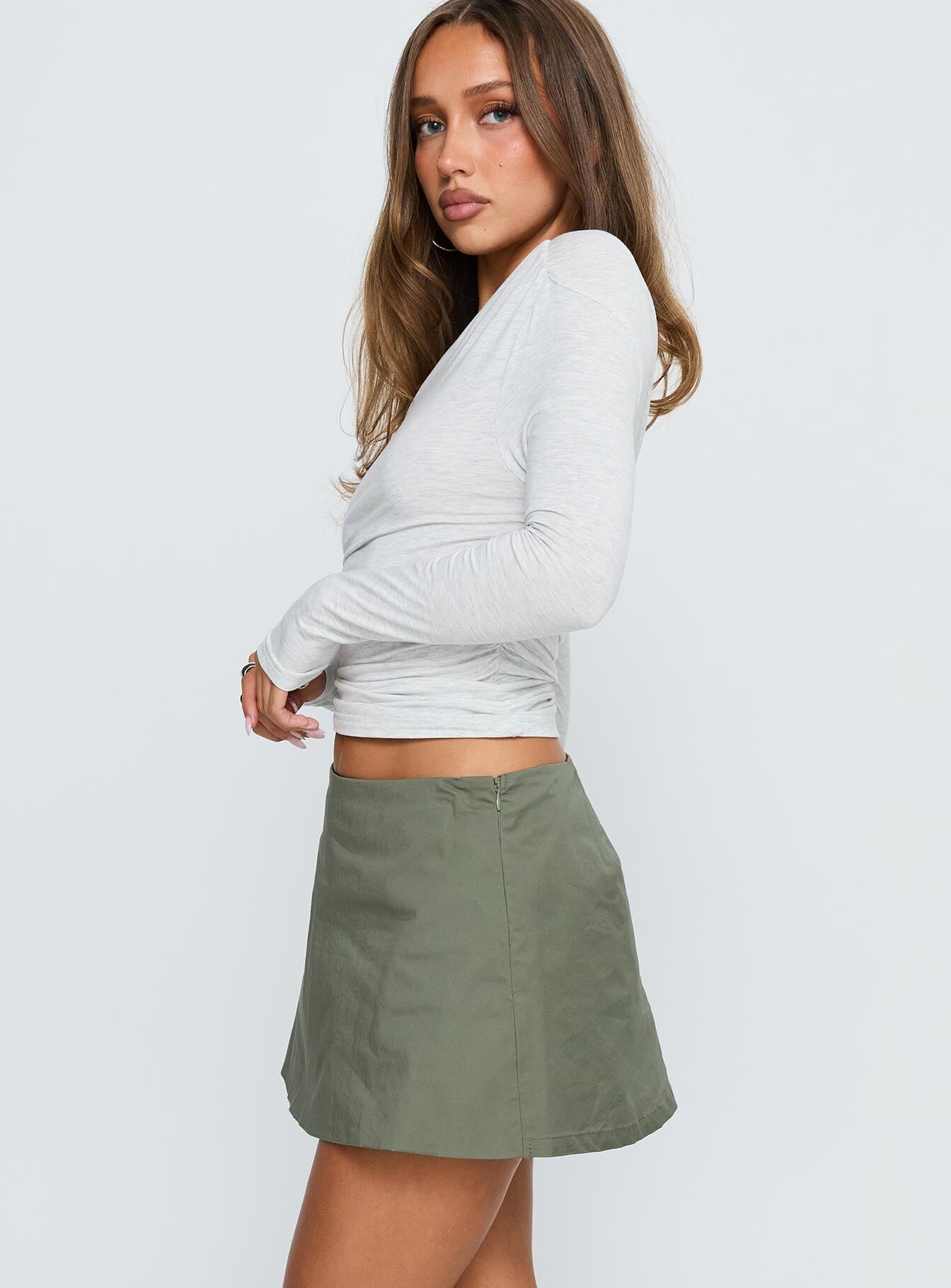
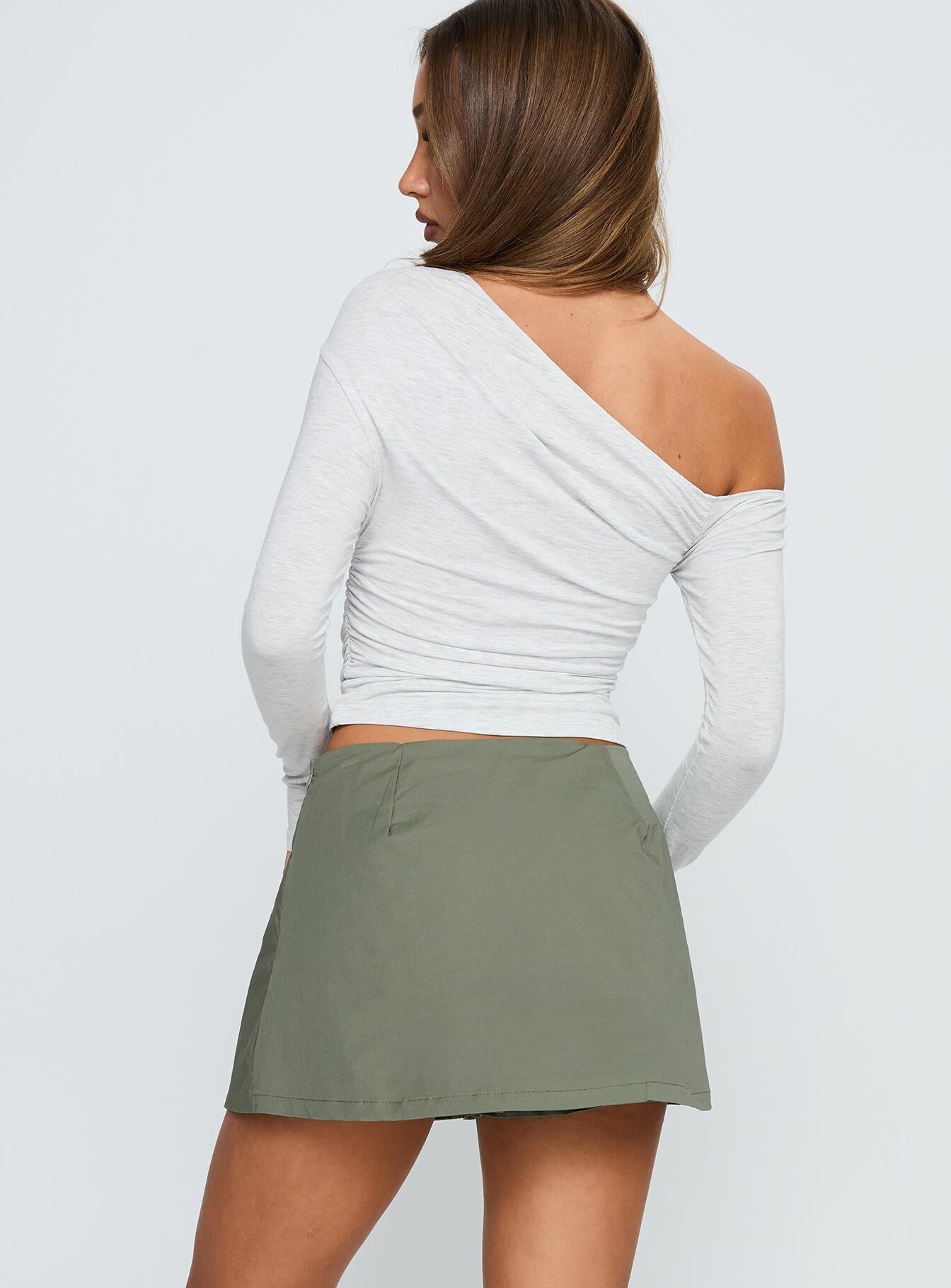
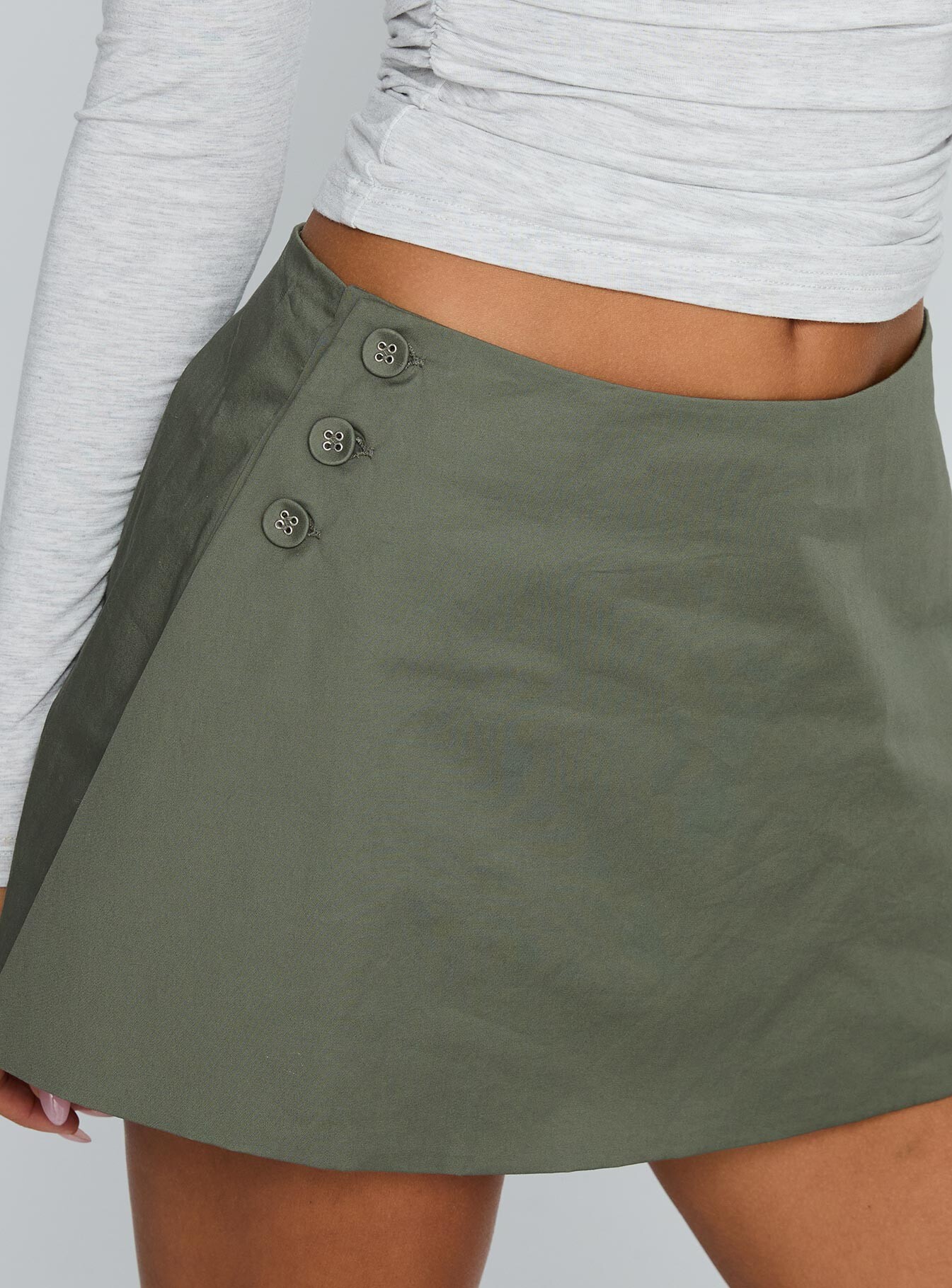
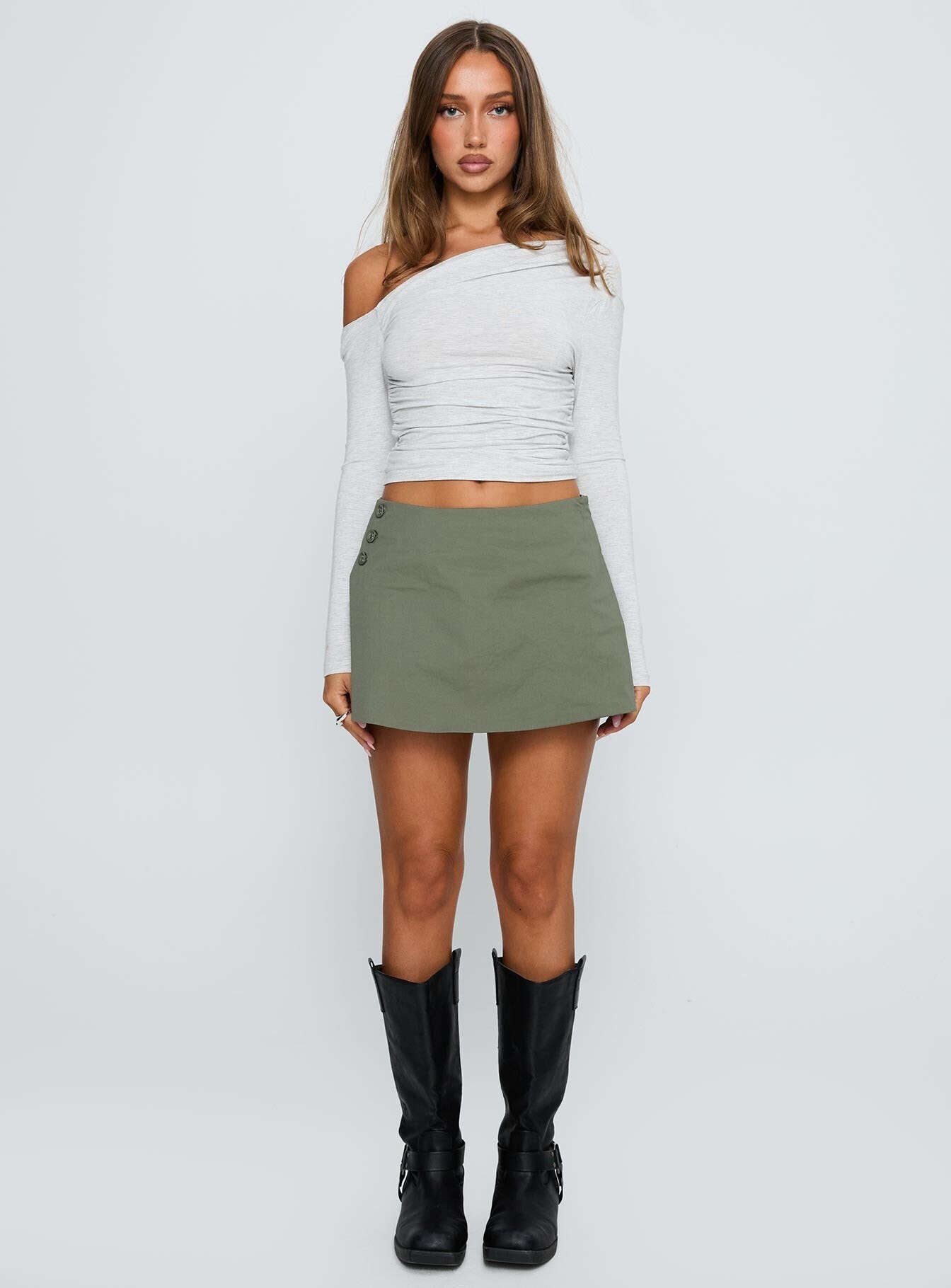
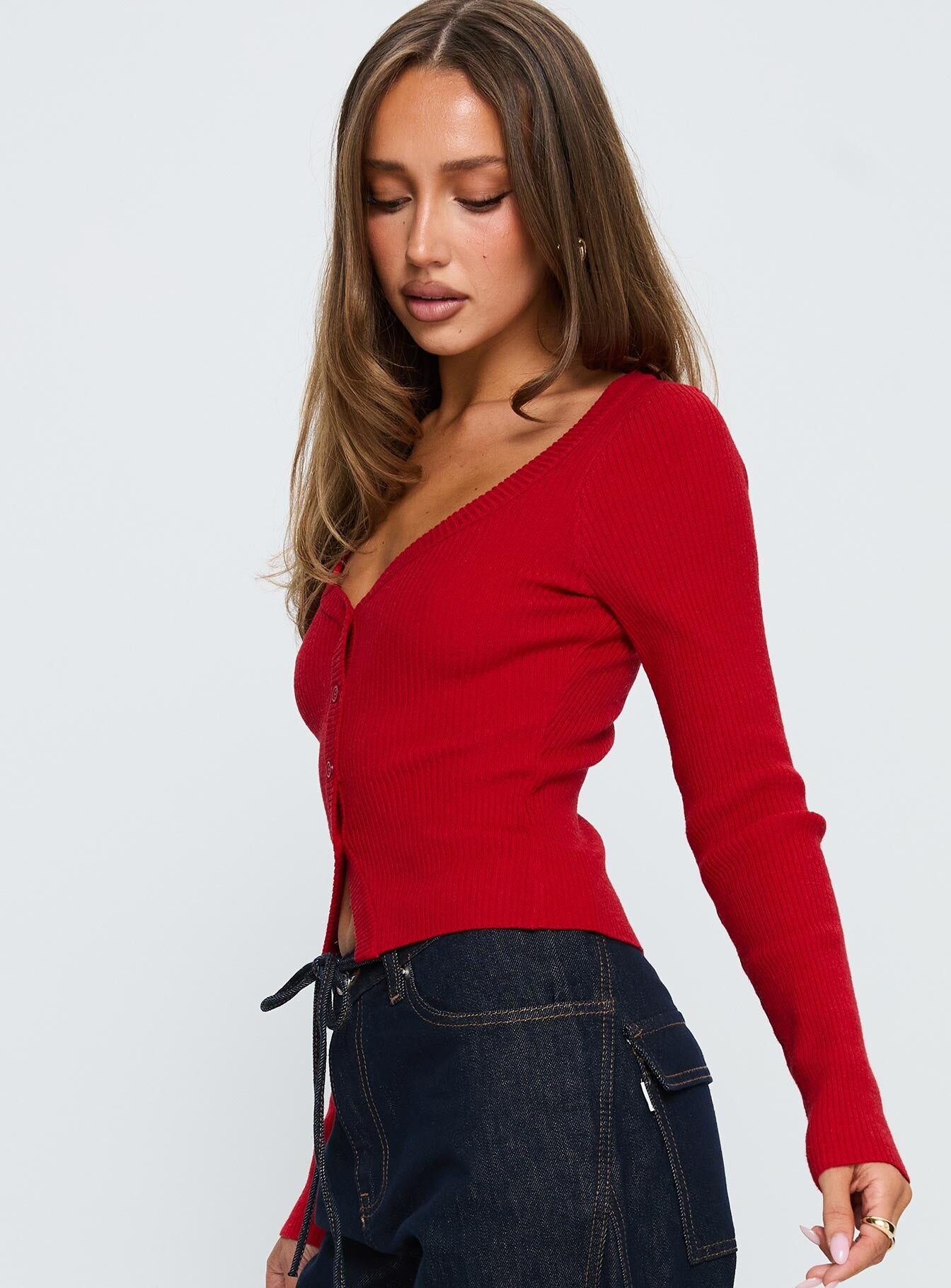
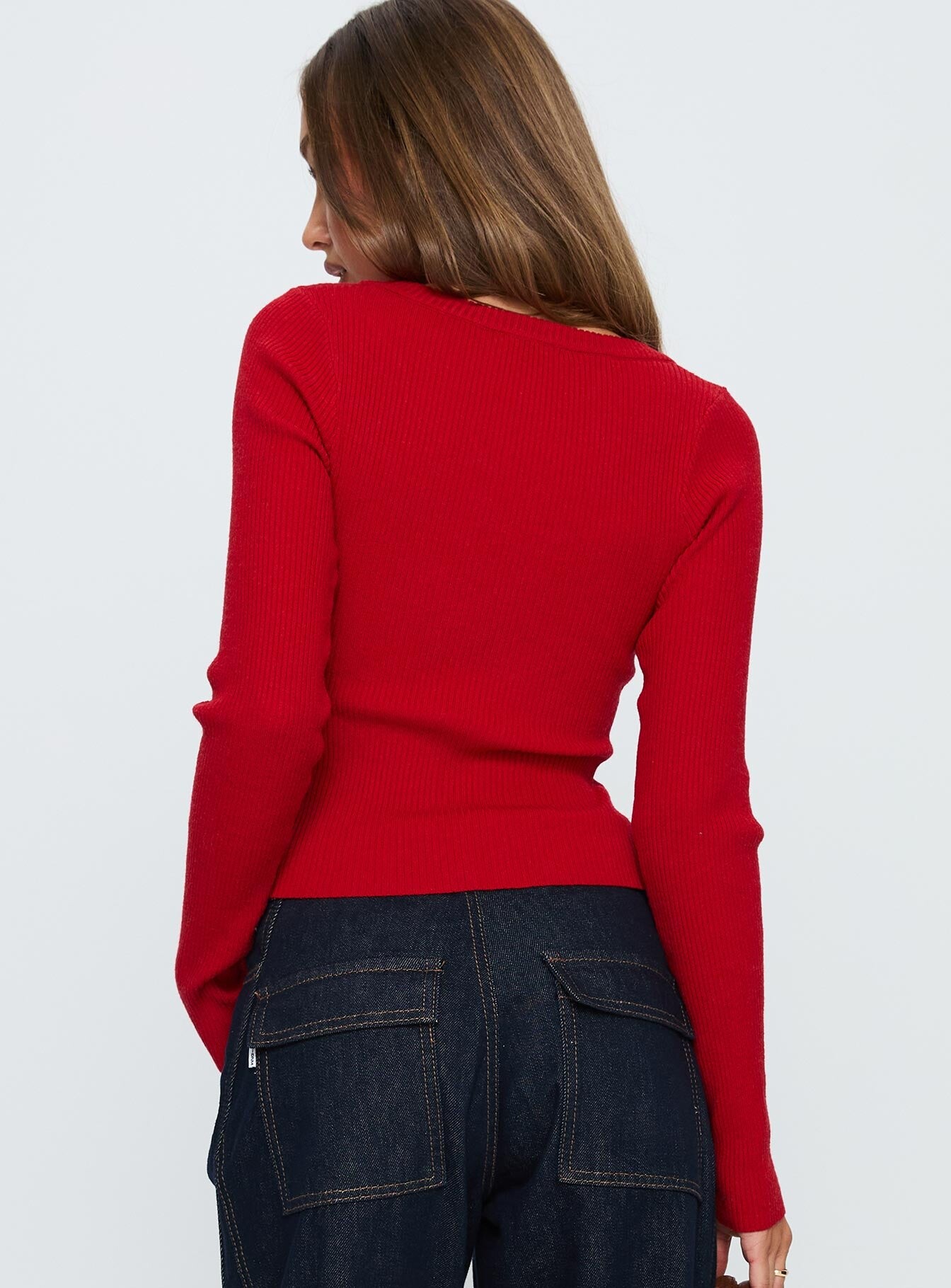
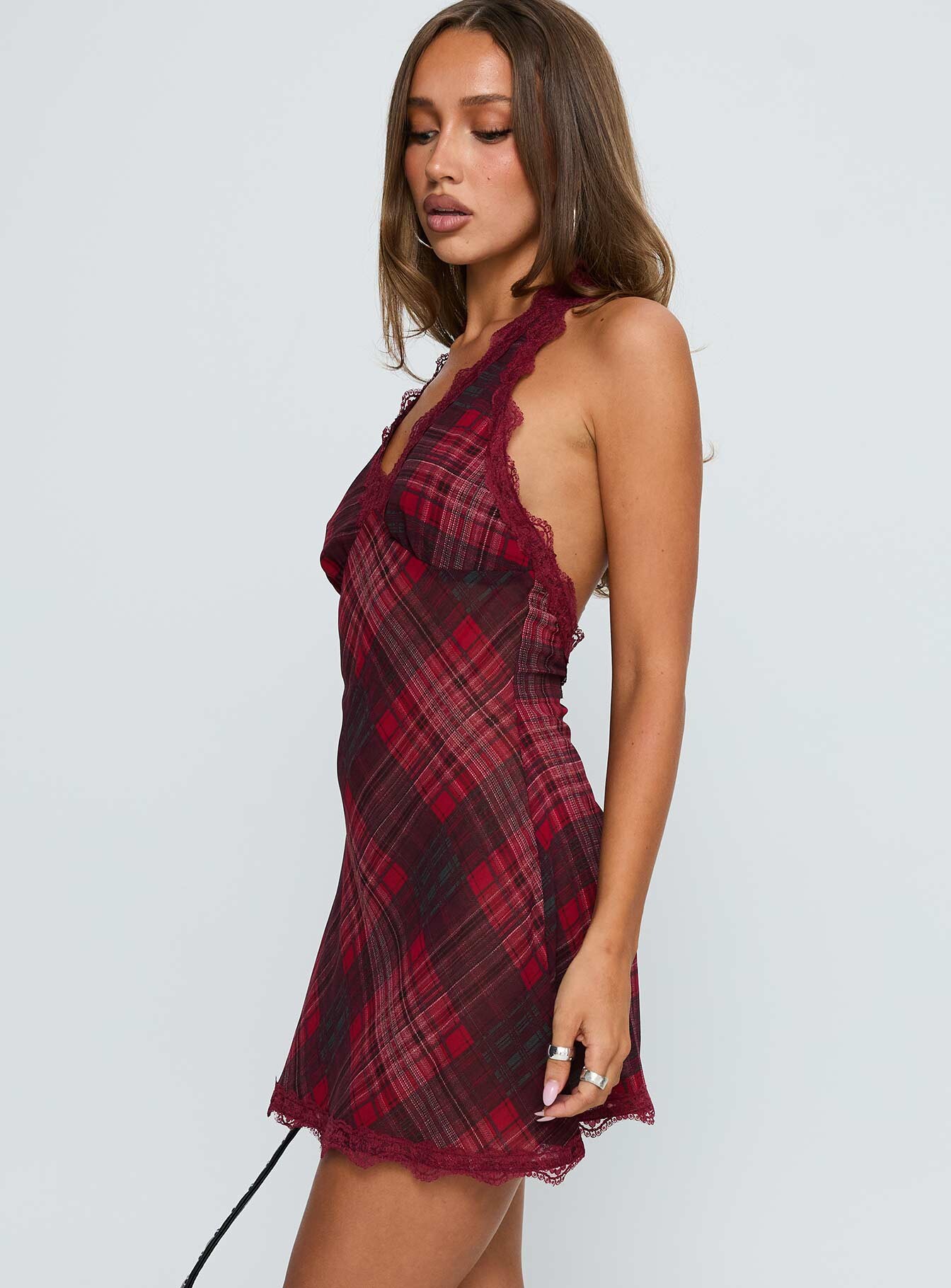
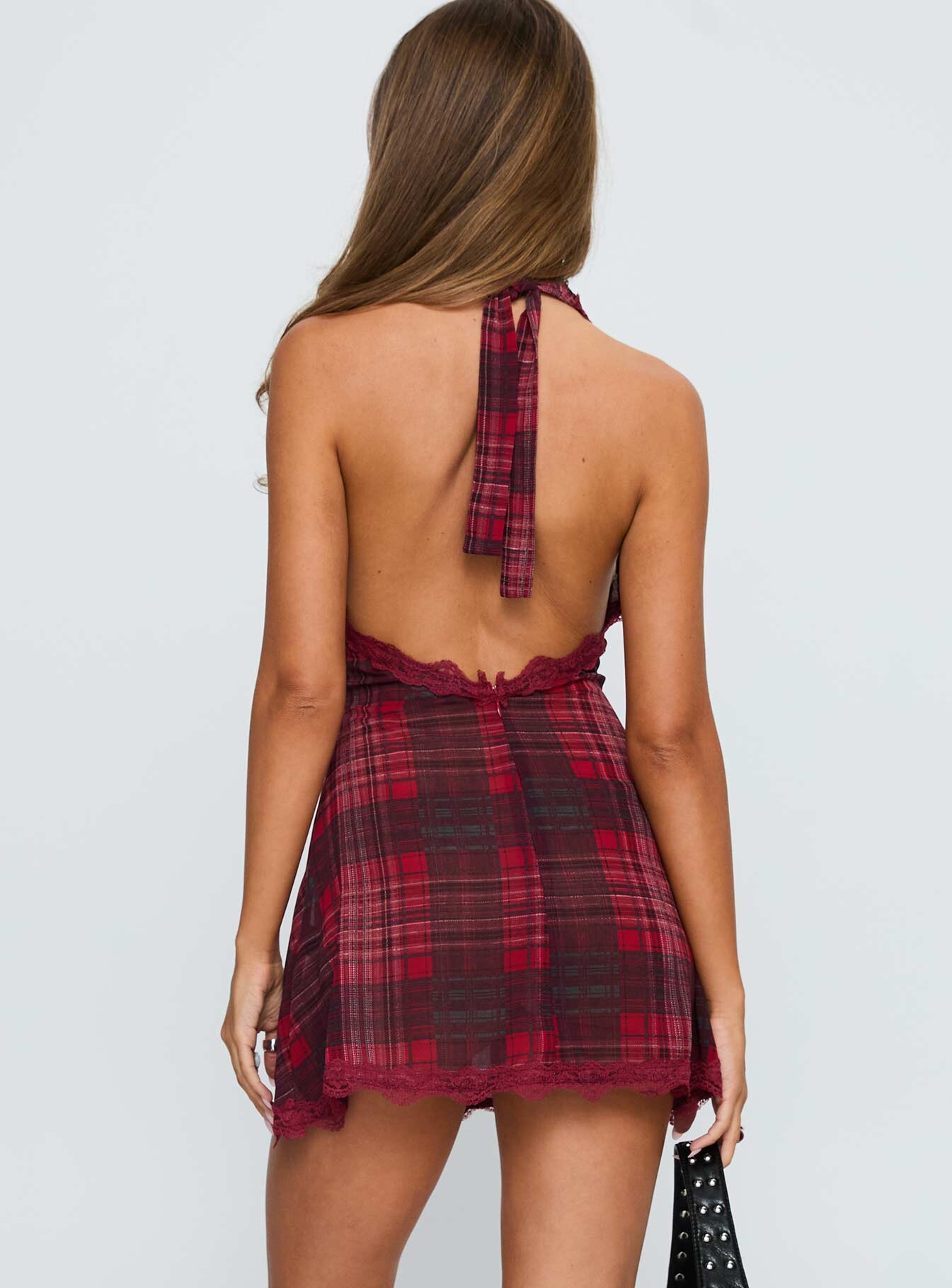
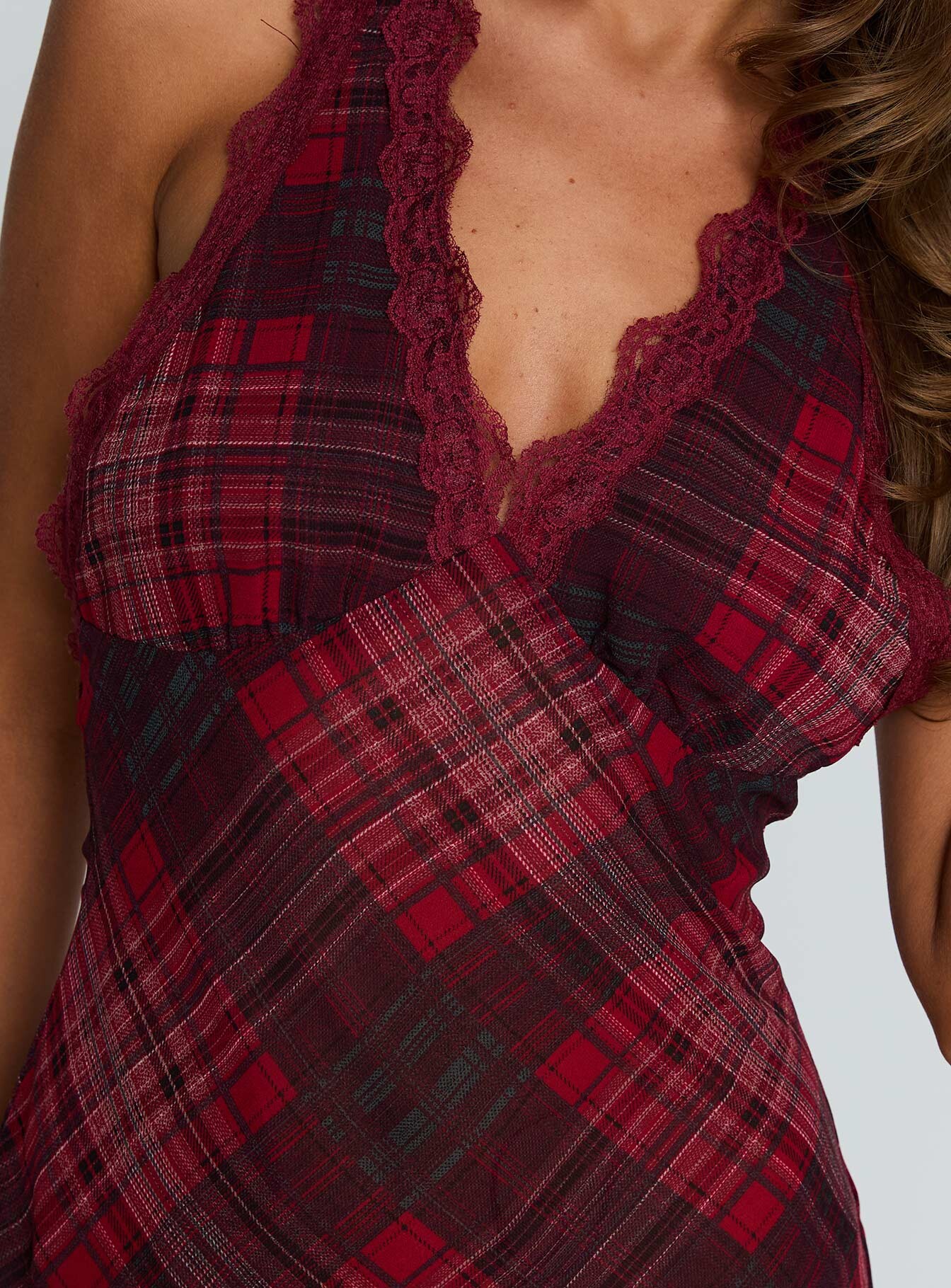
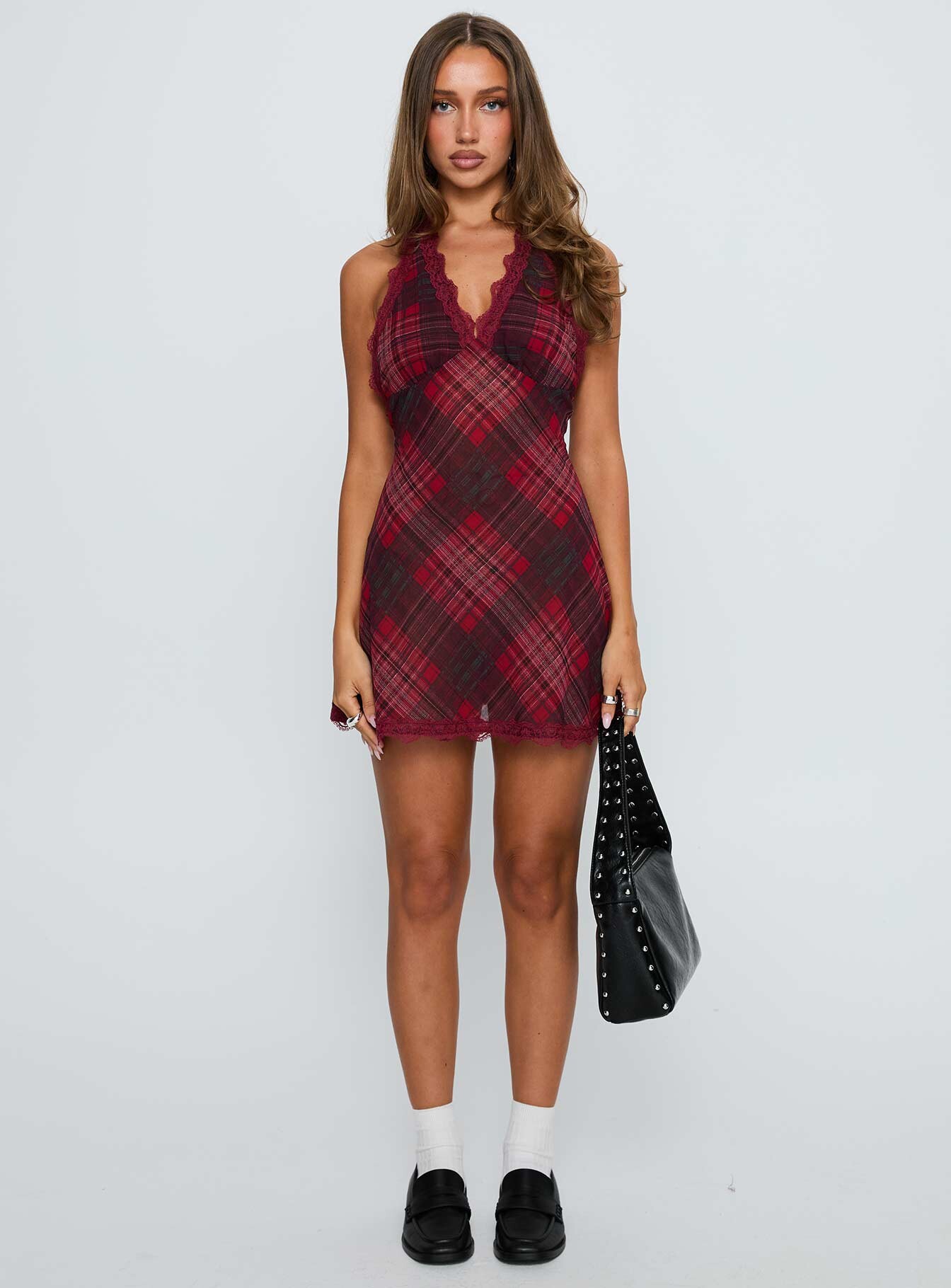
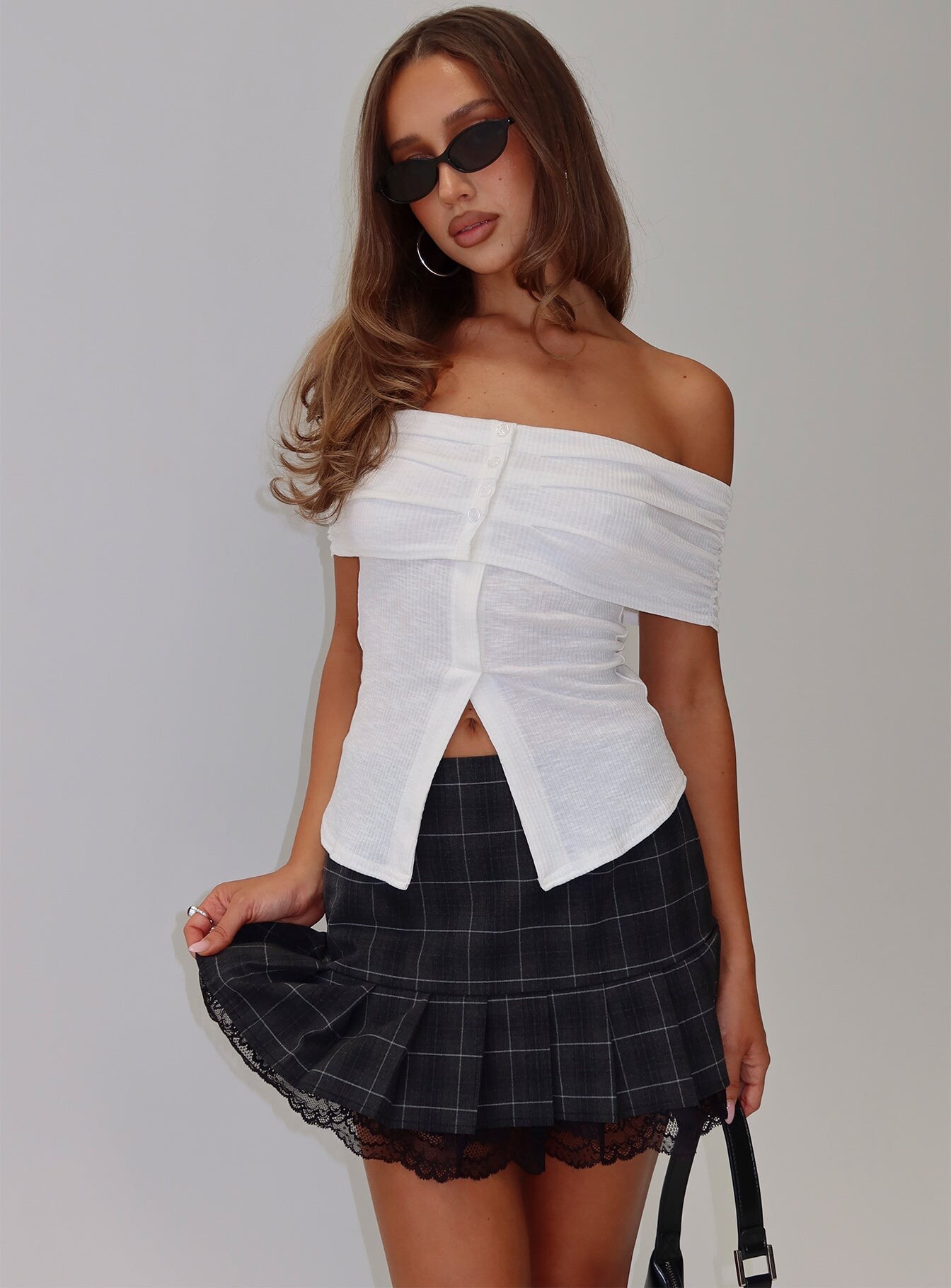
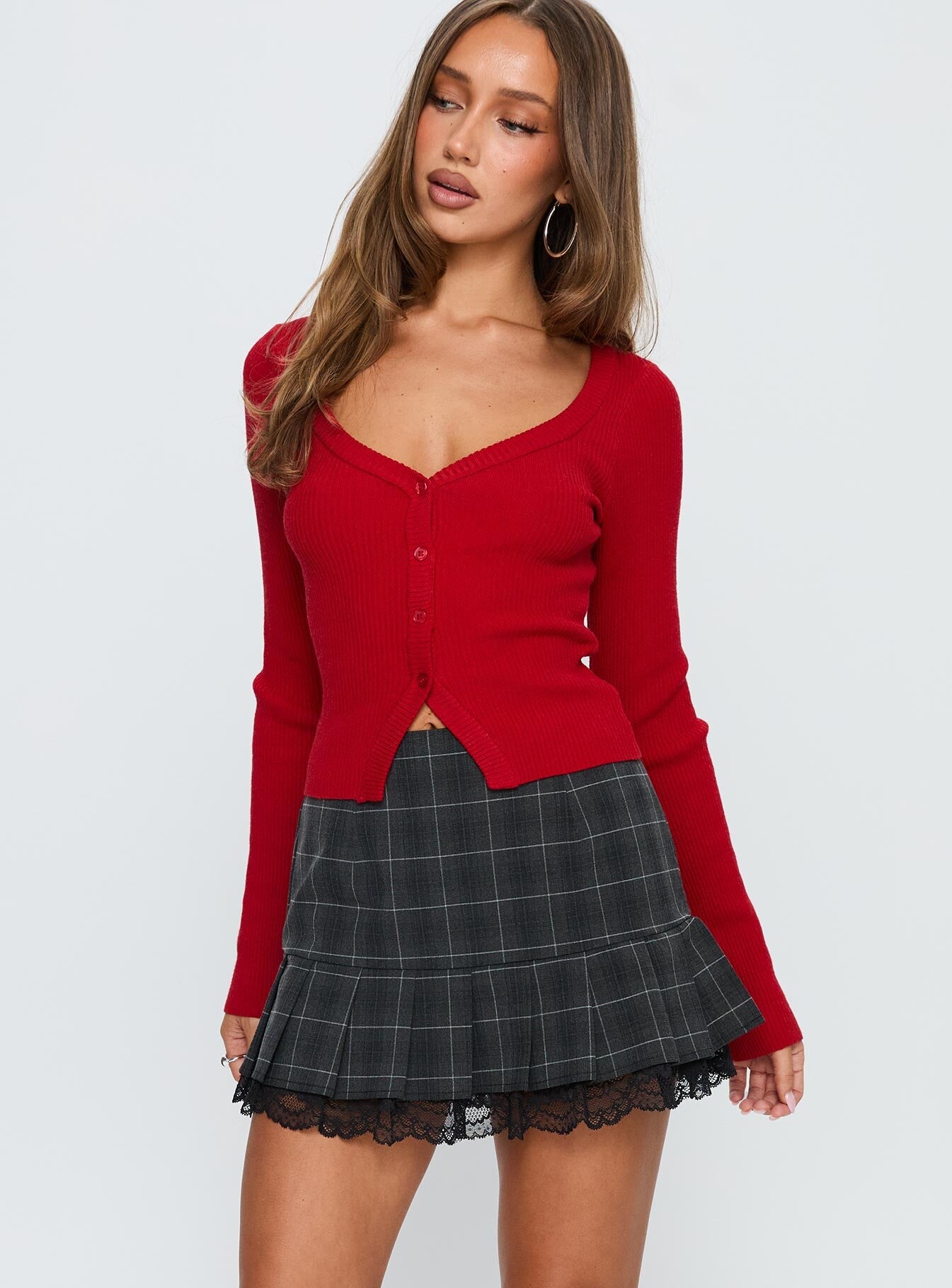
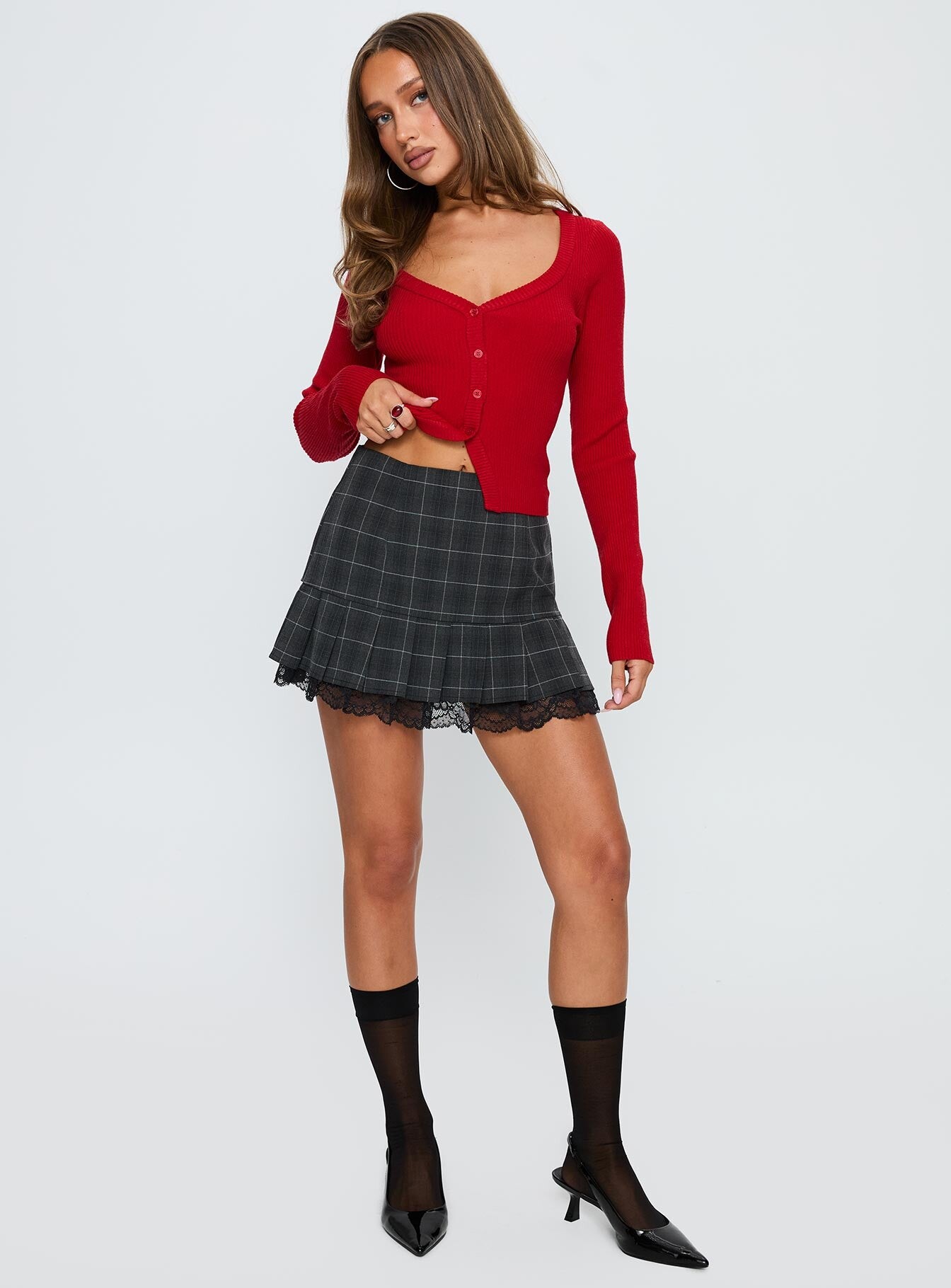
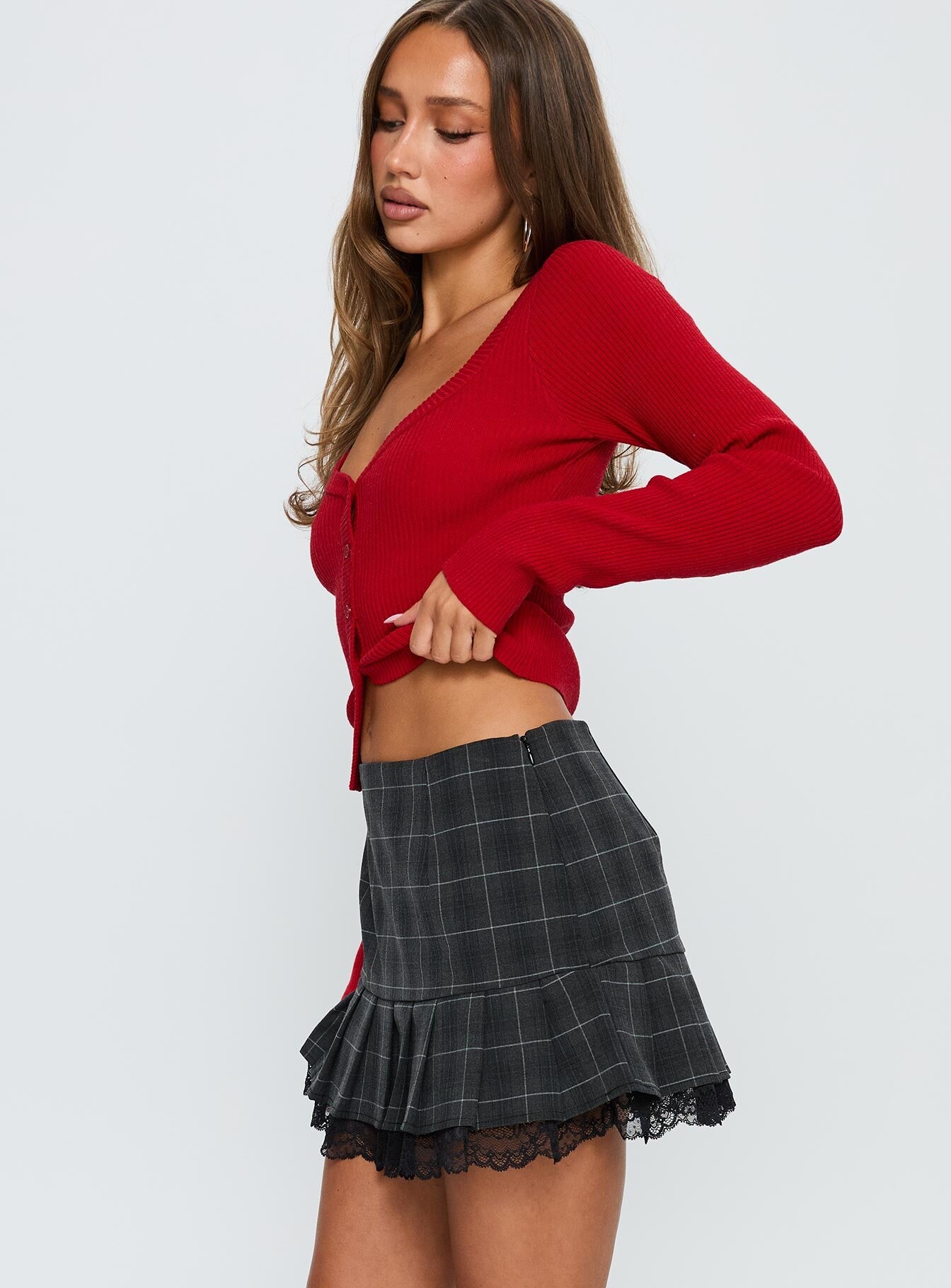
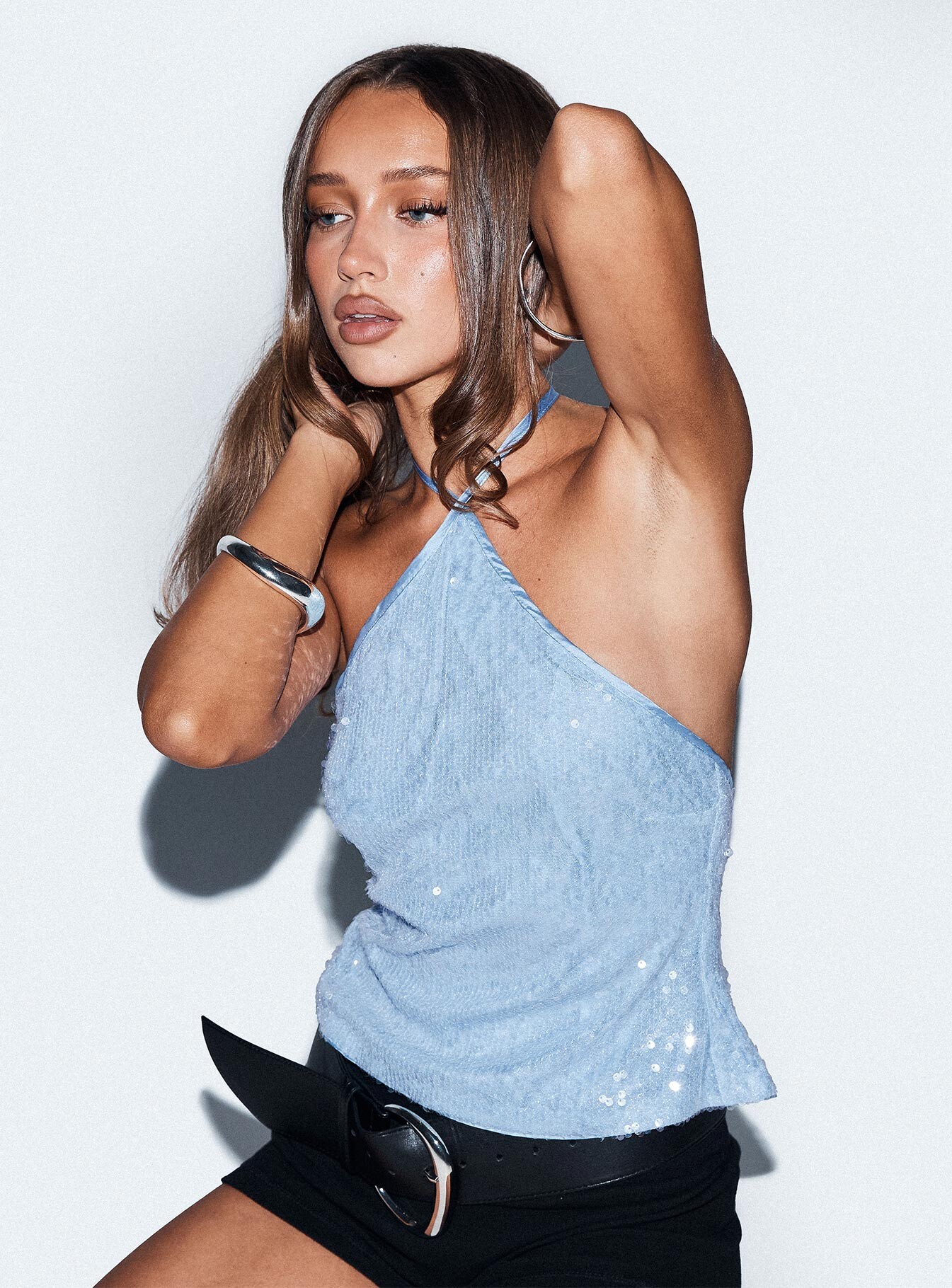
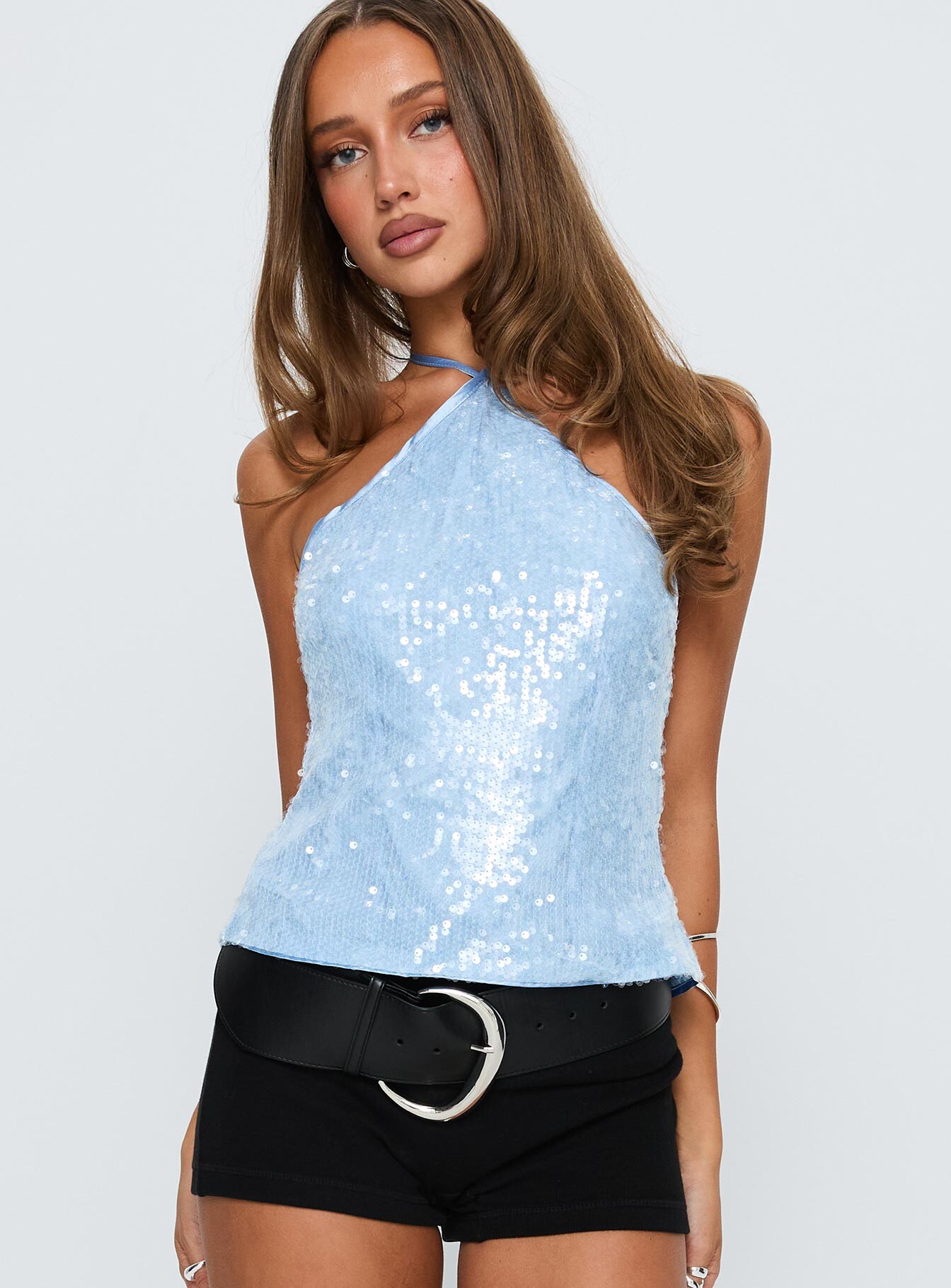
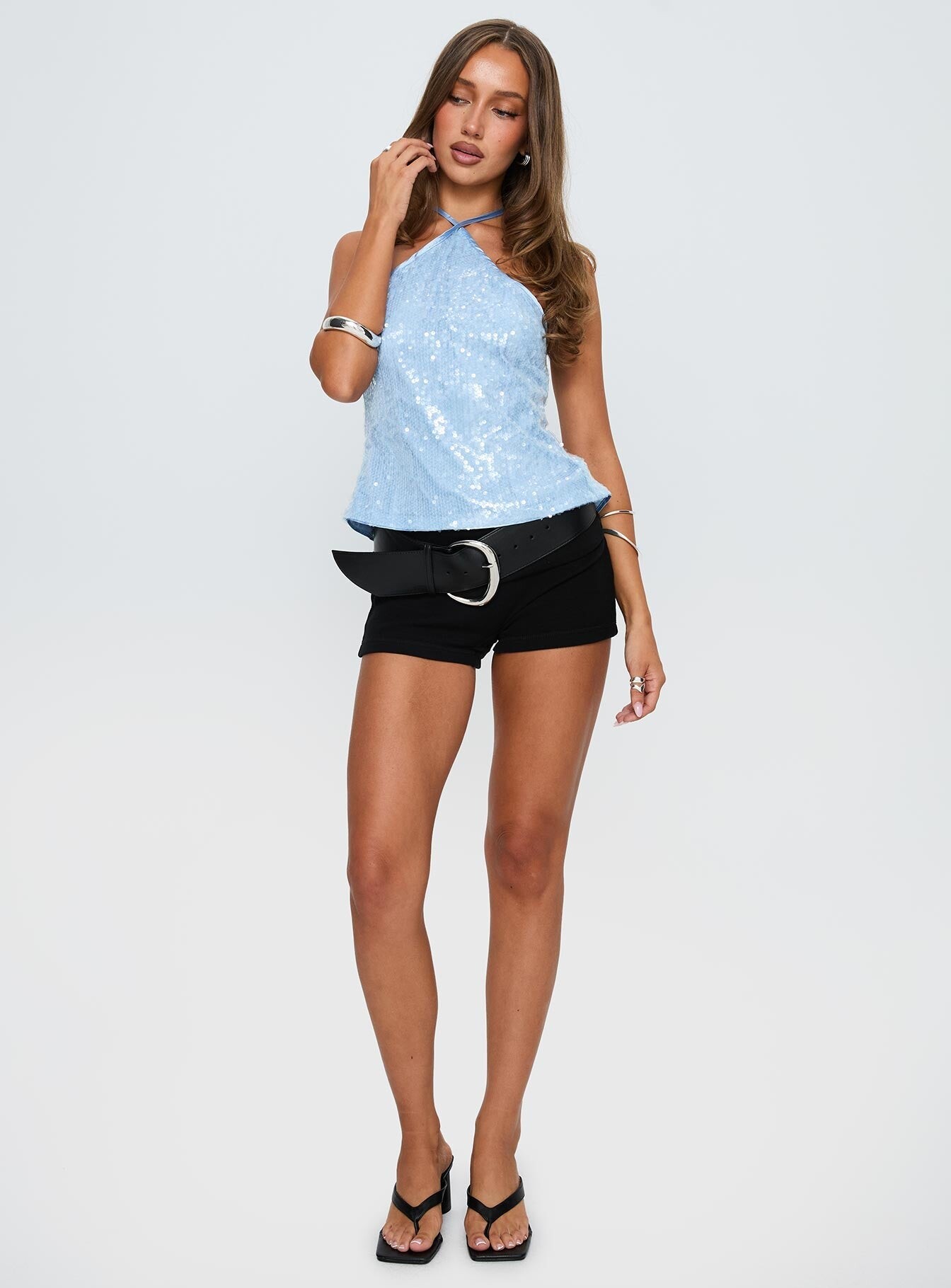
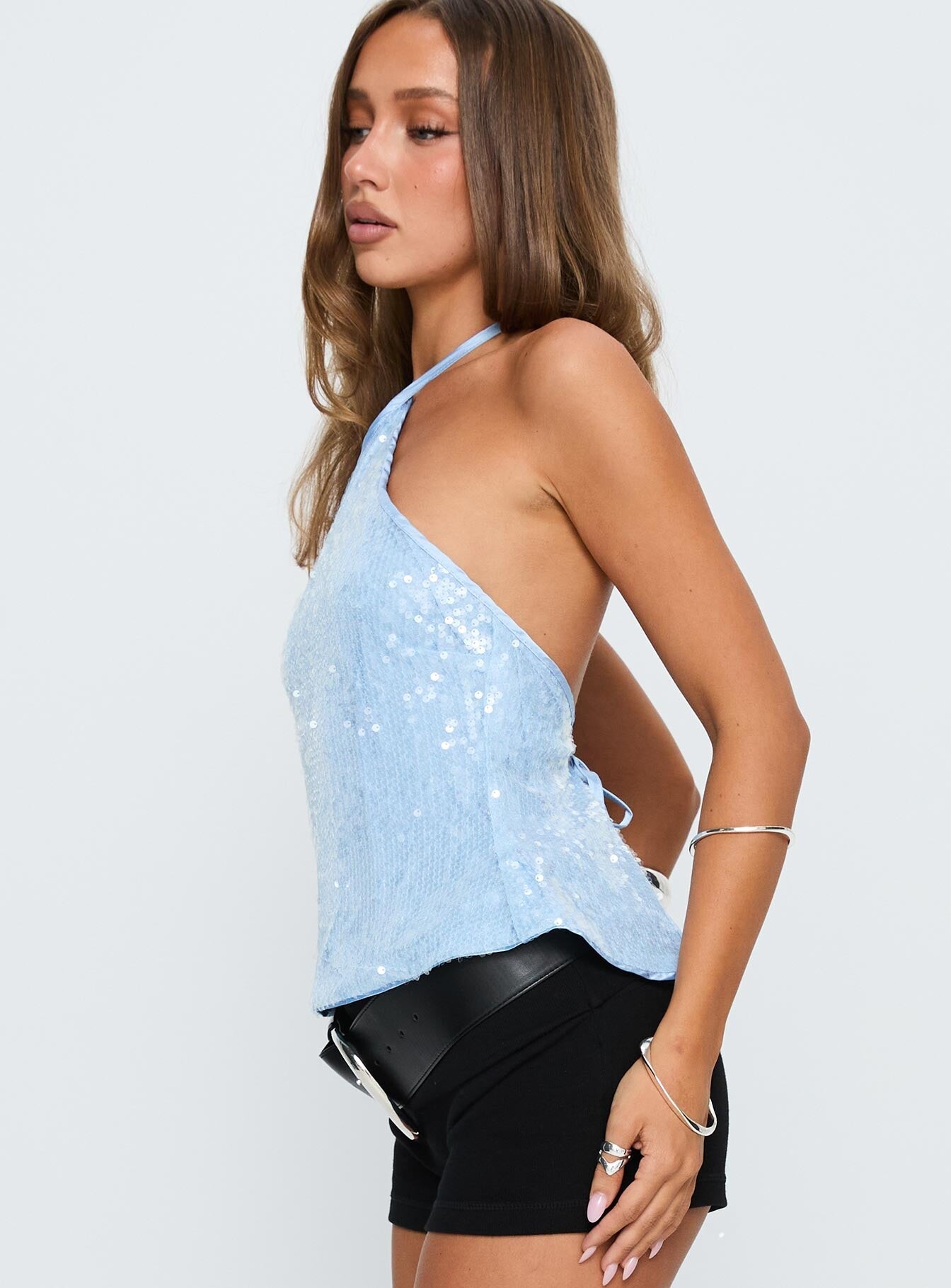
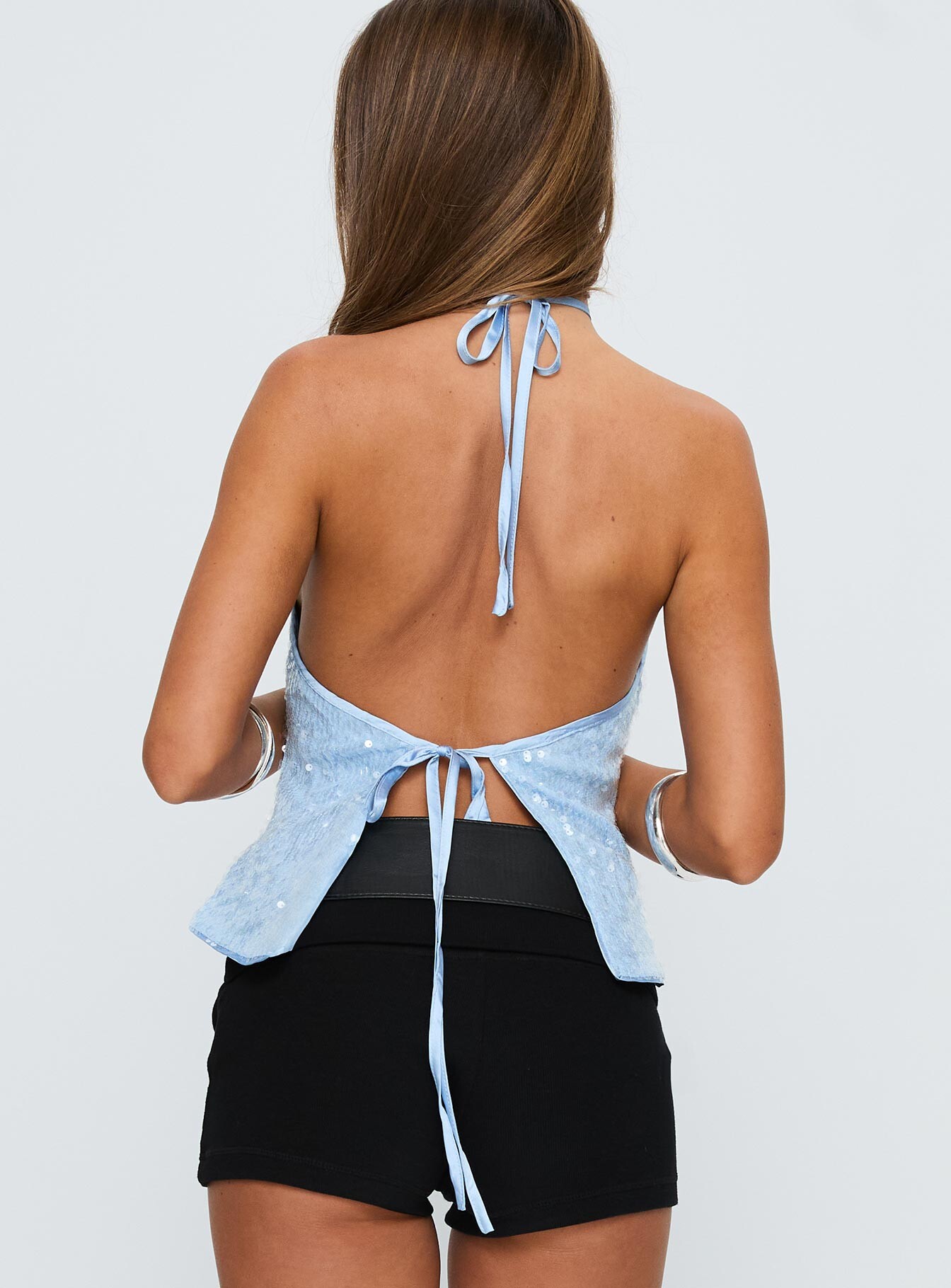
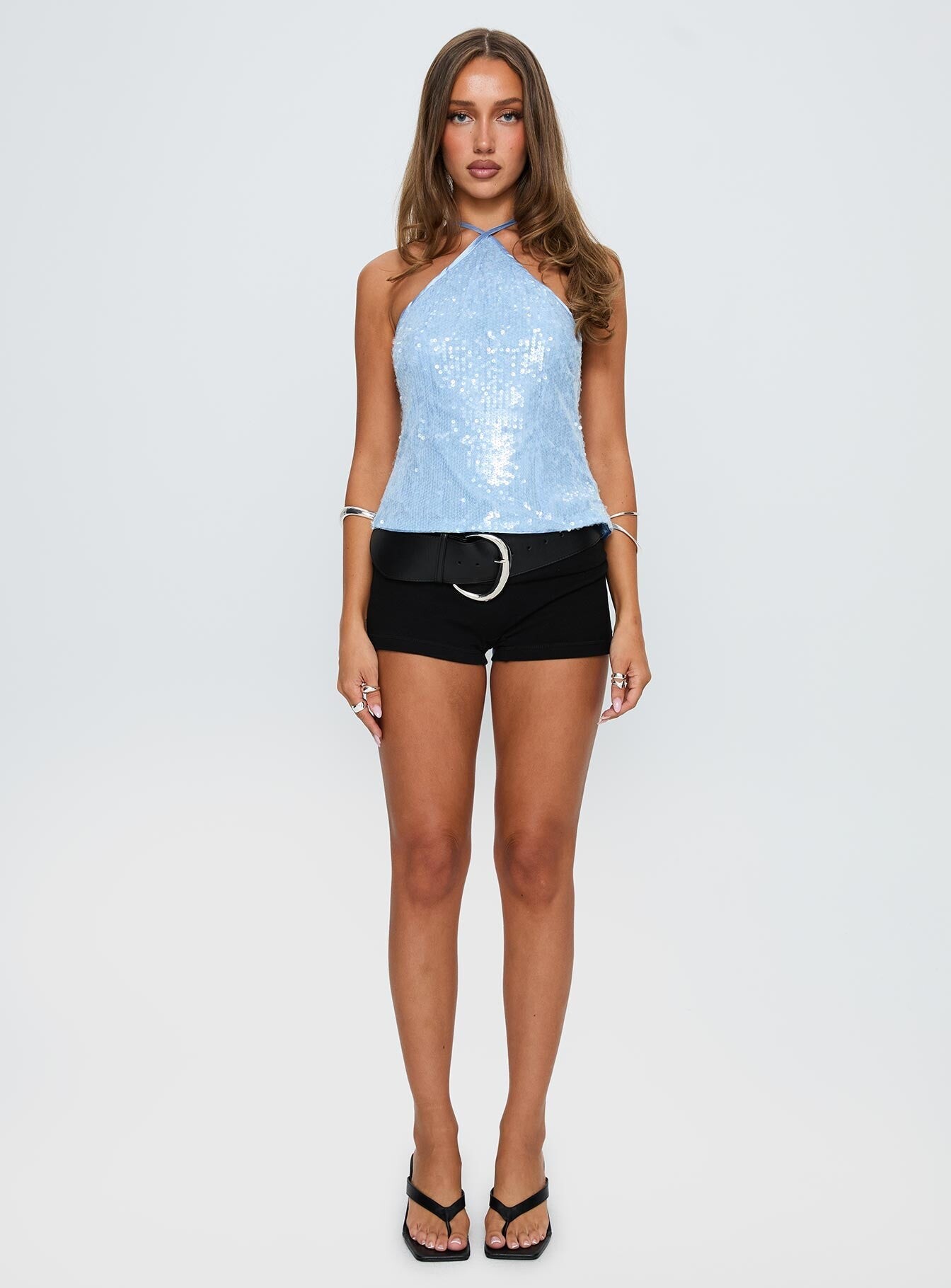
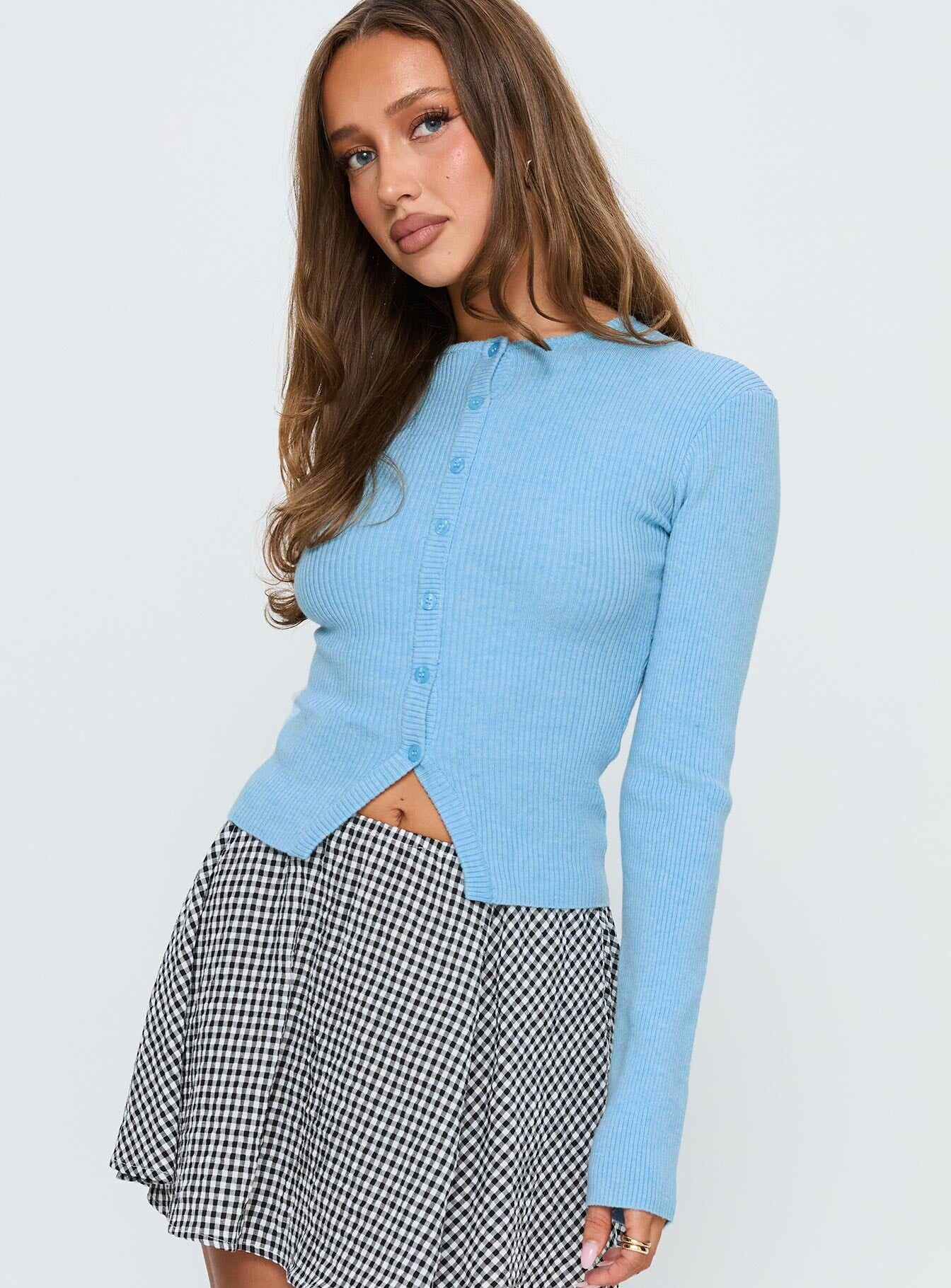
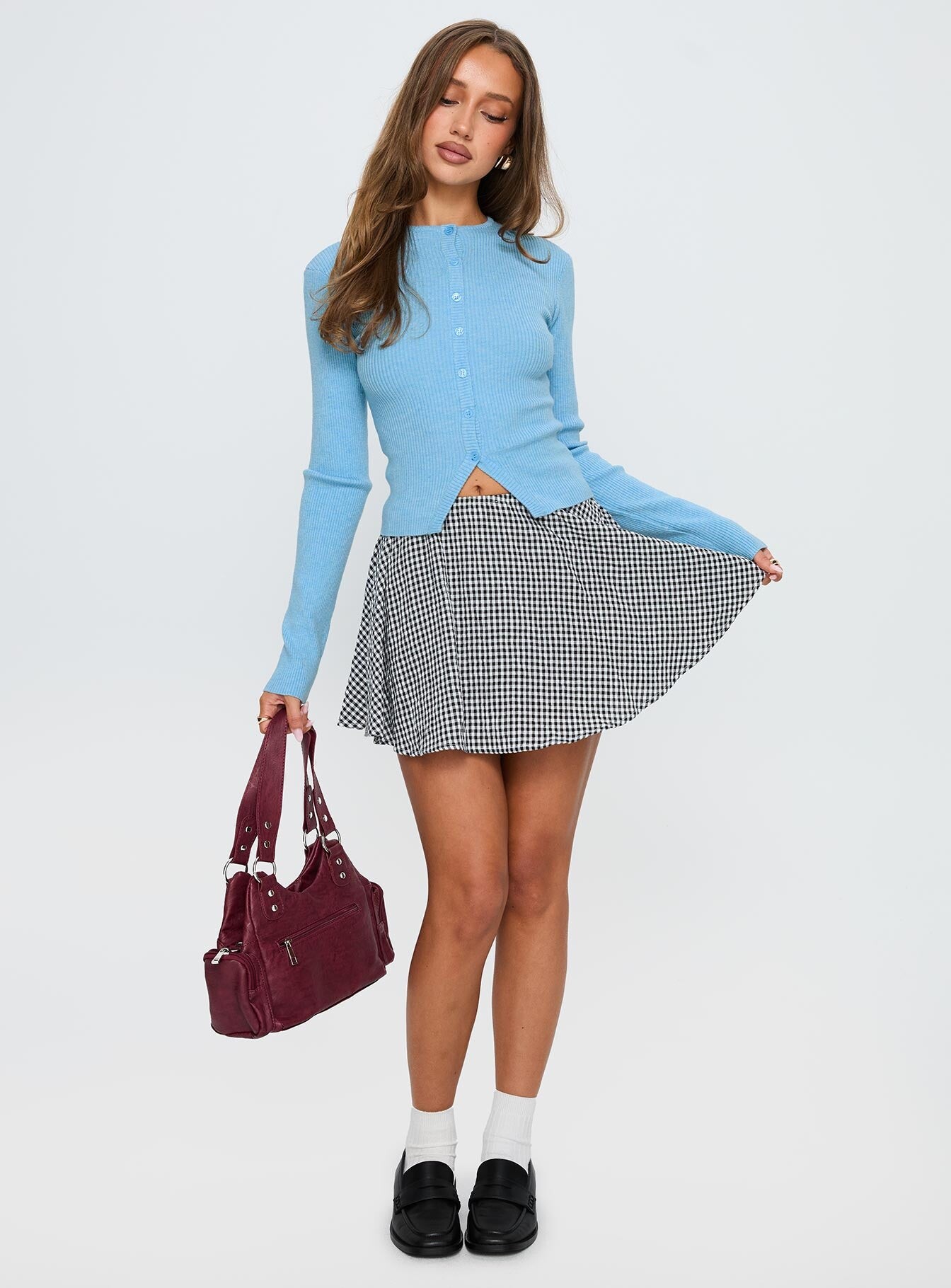
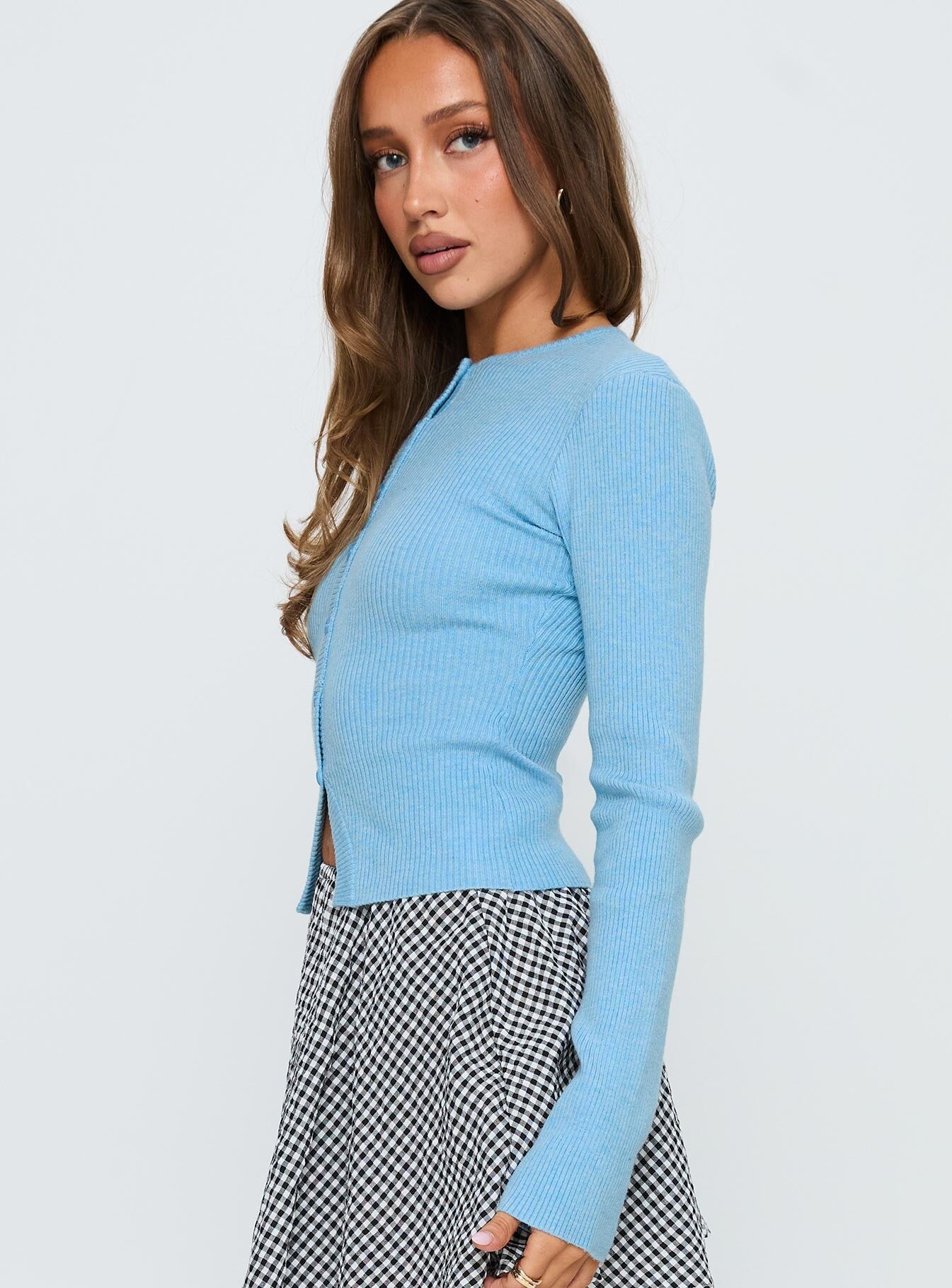
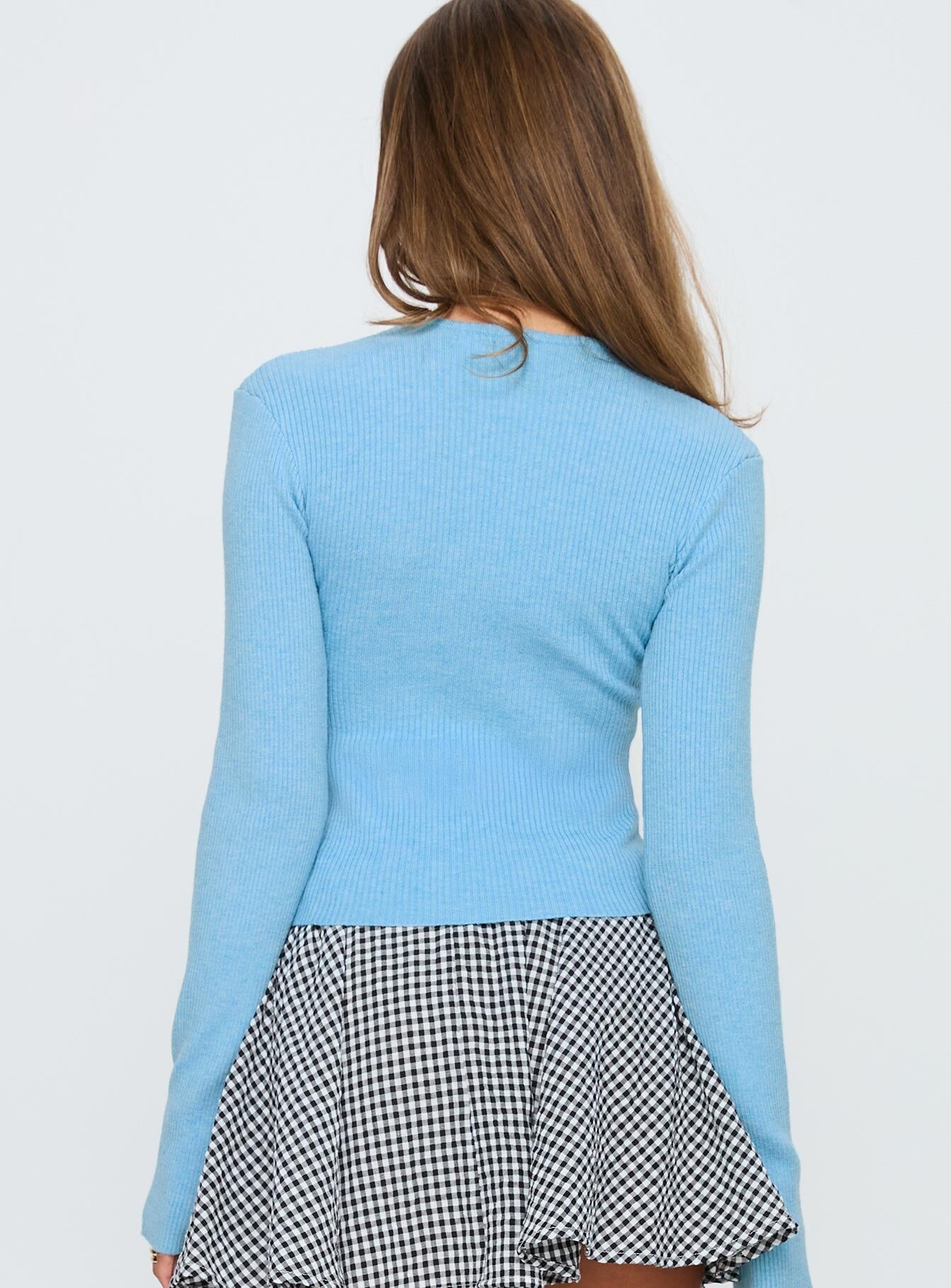
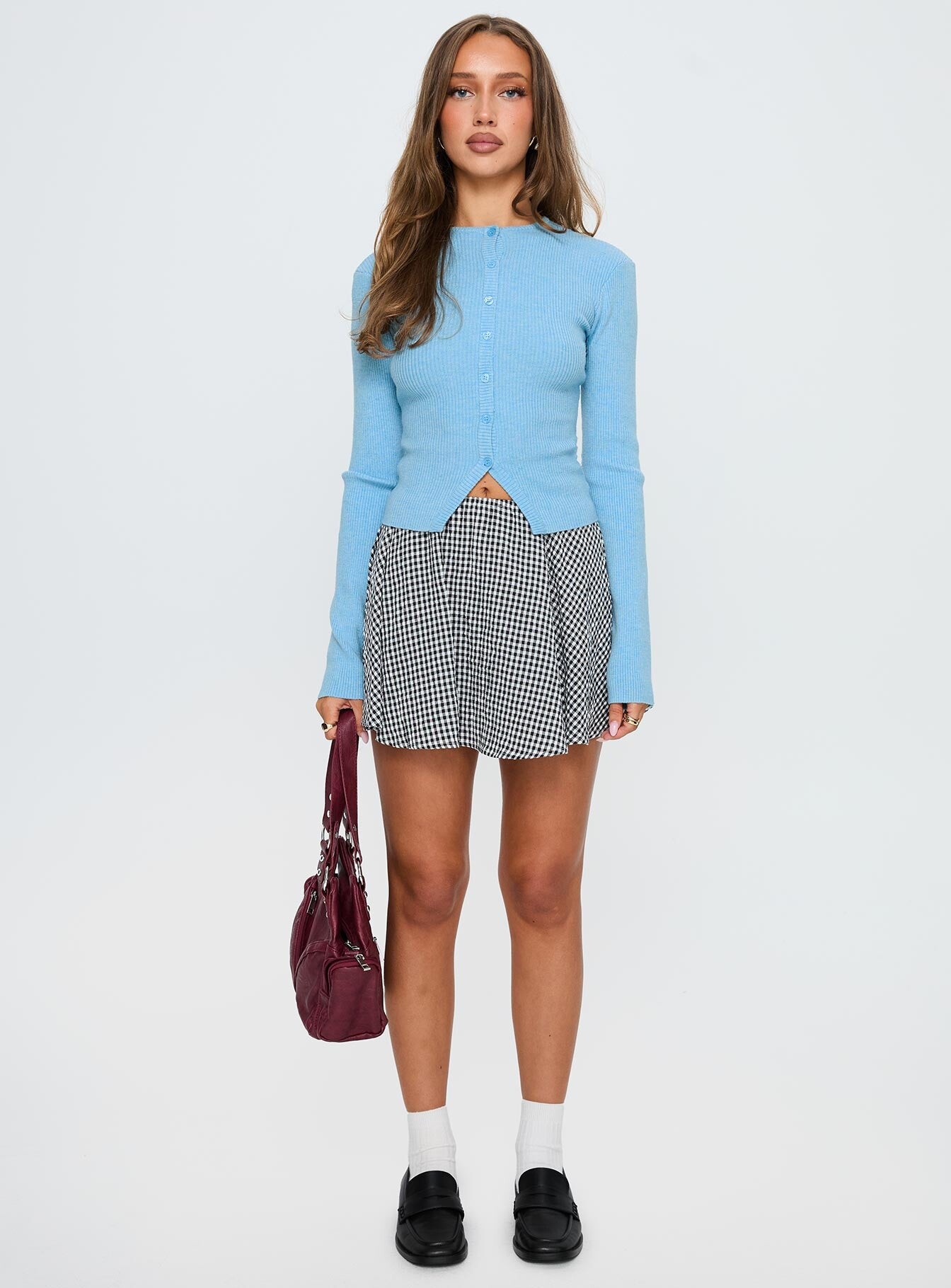
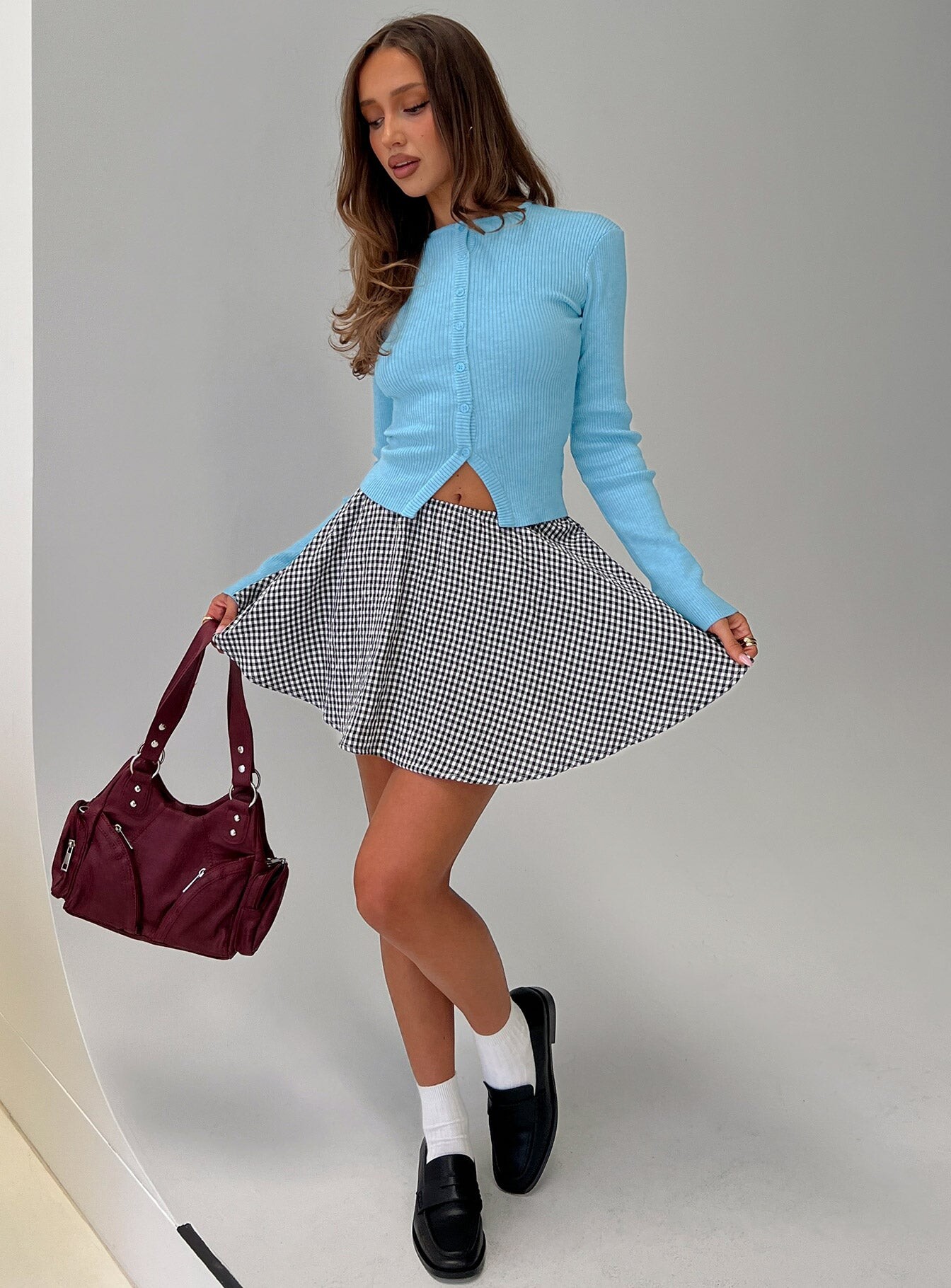
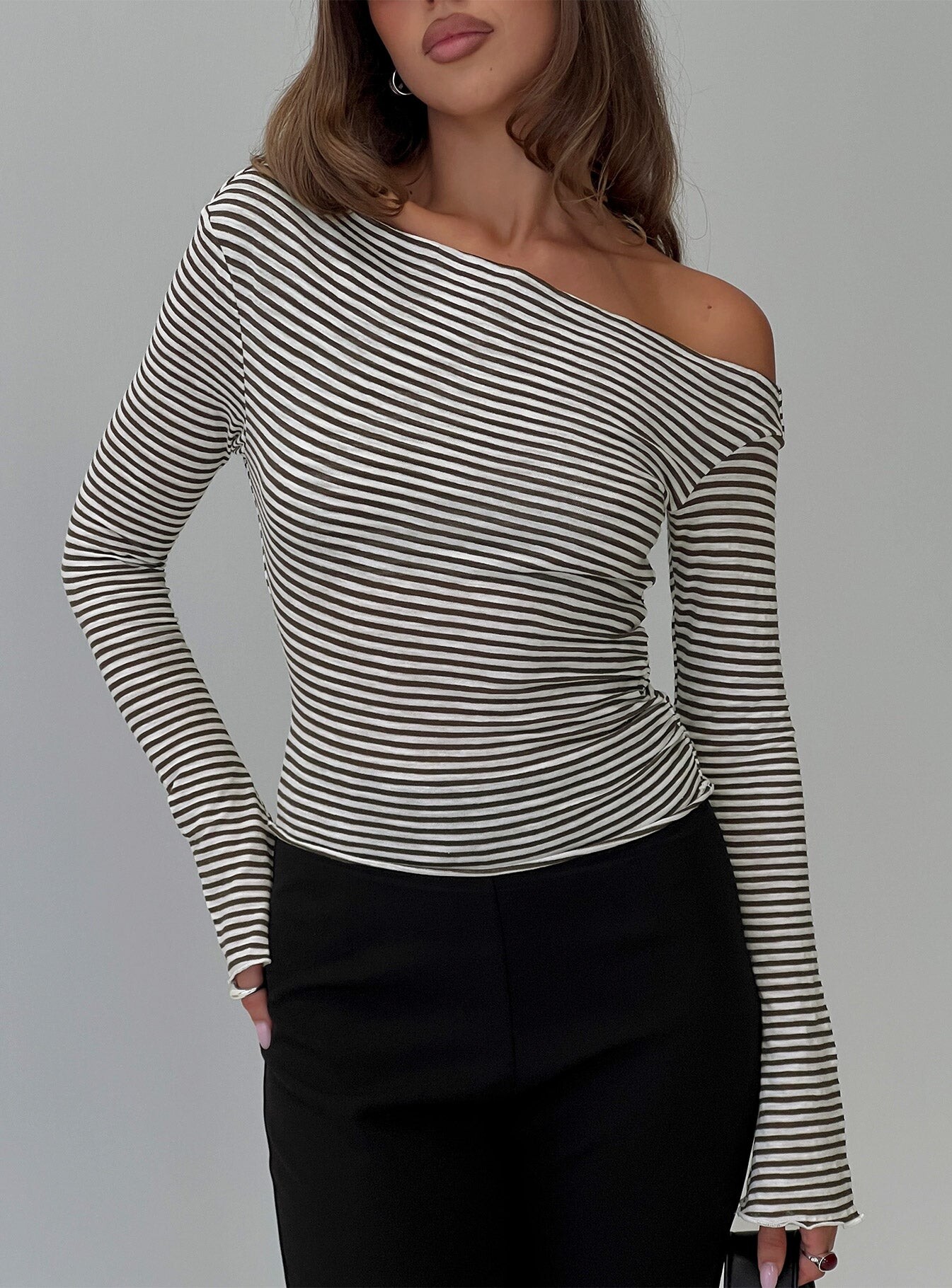
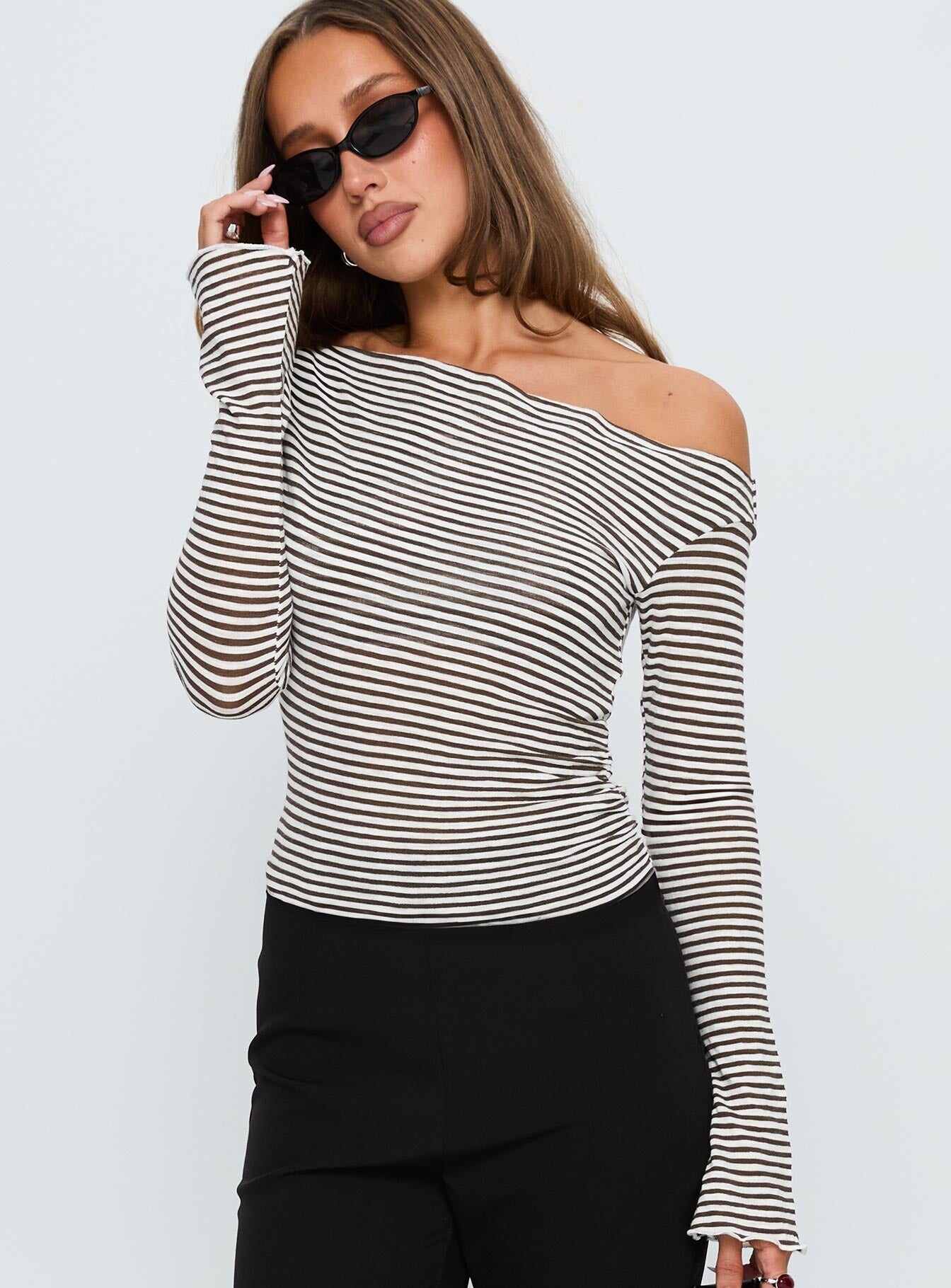
 • Anastasia Veretnova • Marcela Braga • Mara Lafontan • Dehandre Van Tonder • AJ McDonald • Courtney Antalek • Kaia Gerber • Anastasia Syniavina • Caroline Kelley • Tia Mallia • Colleen Cole • Penny Lane





















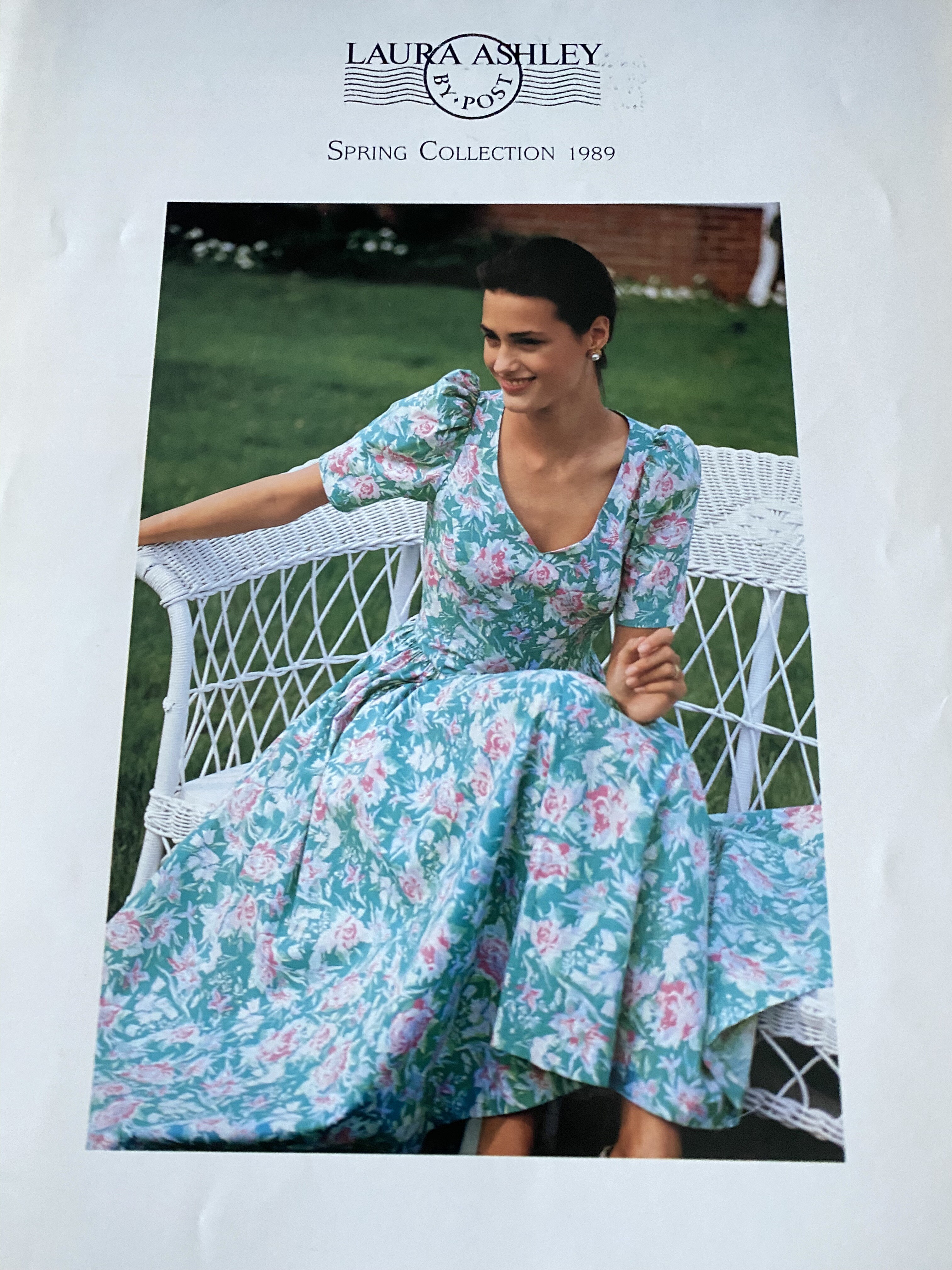
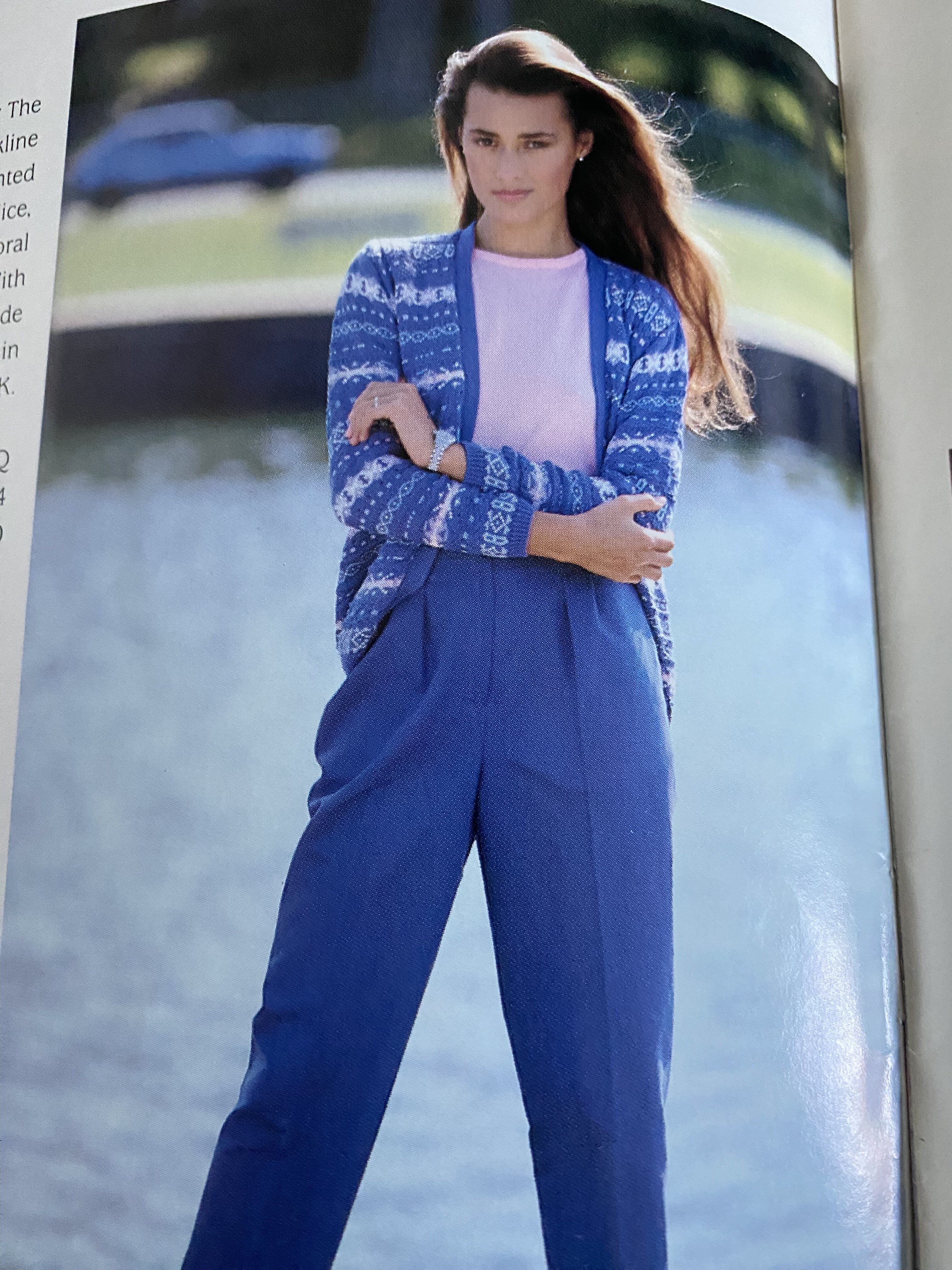
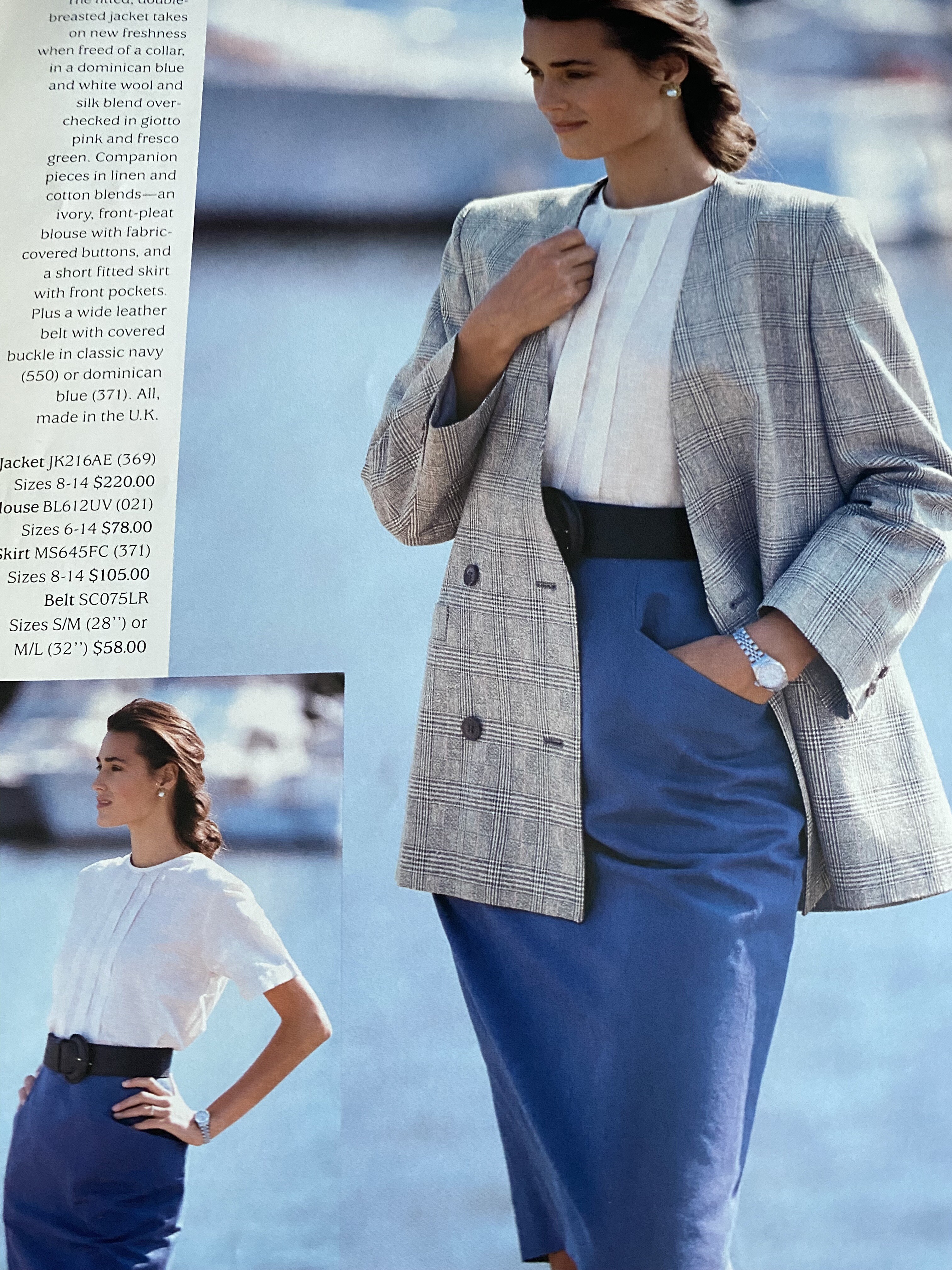
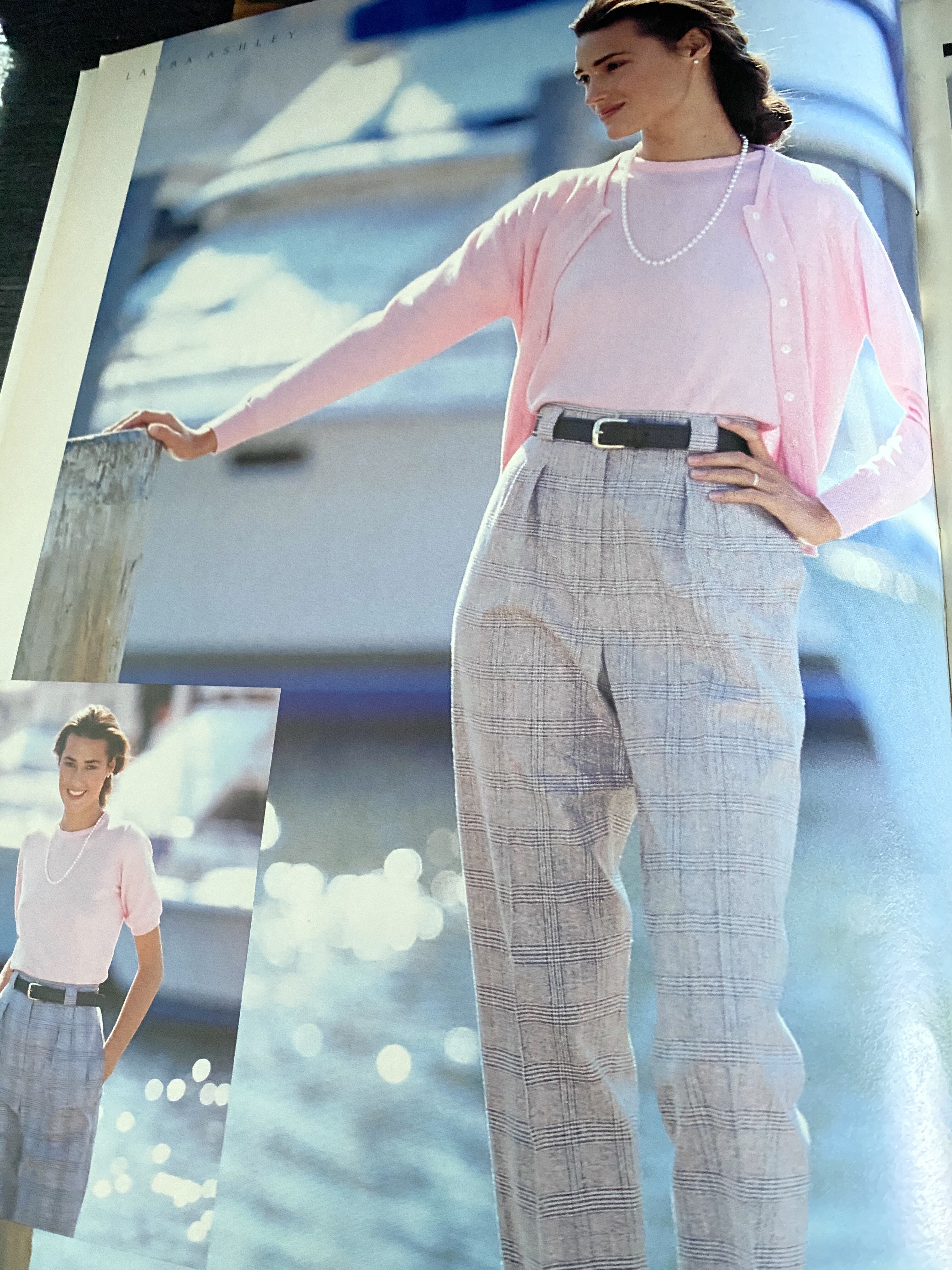
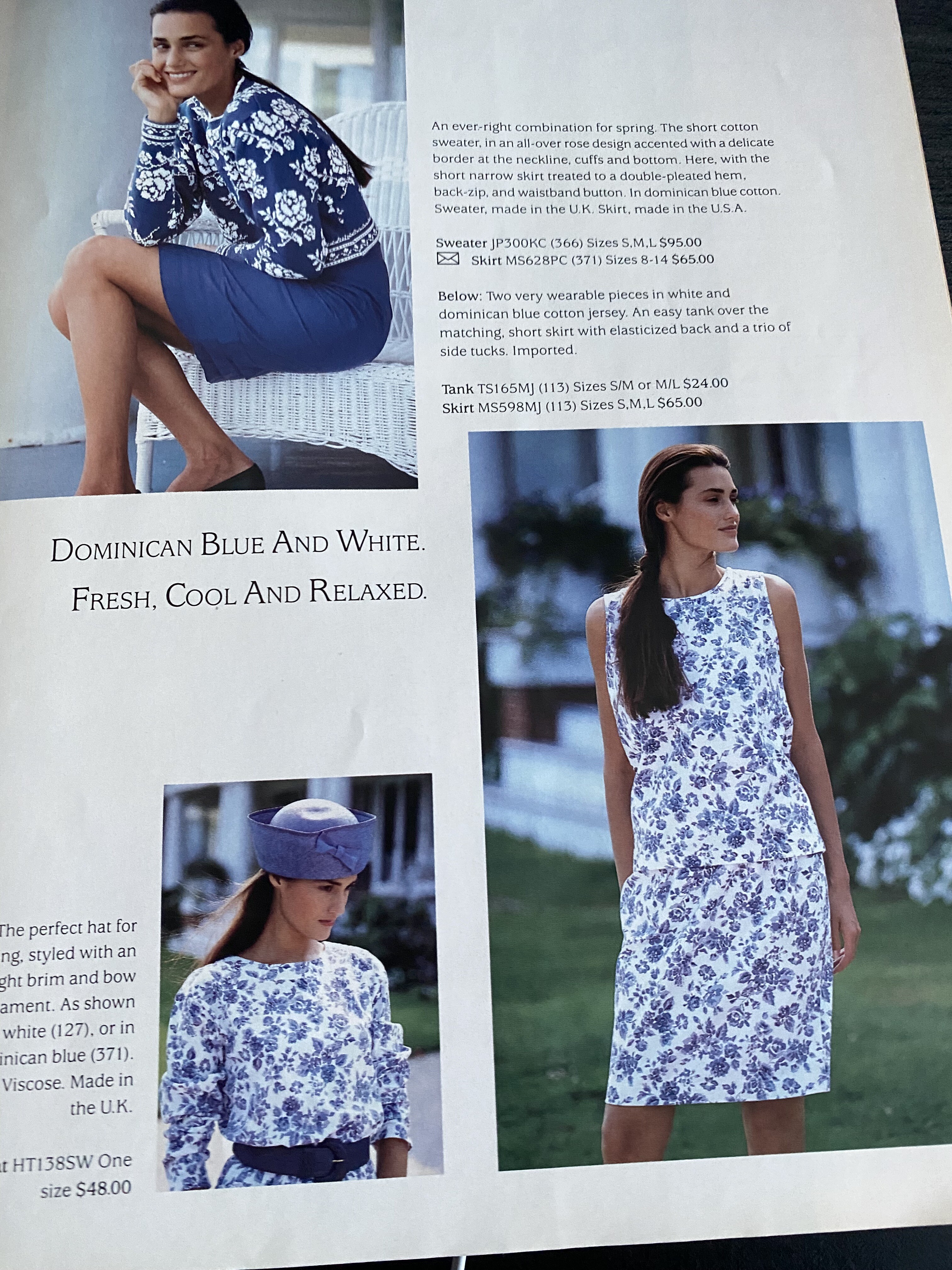
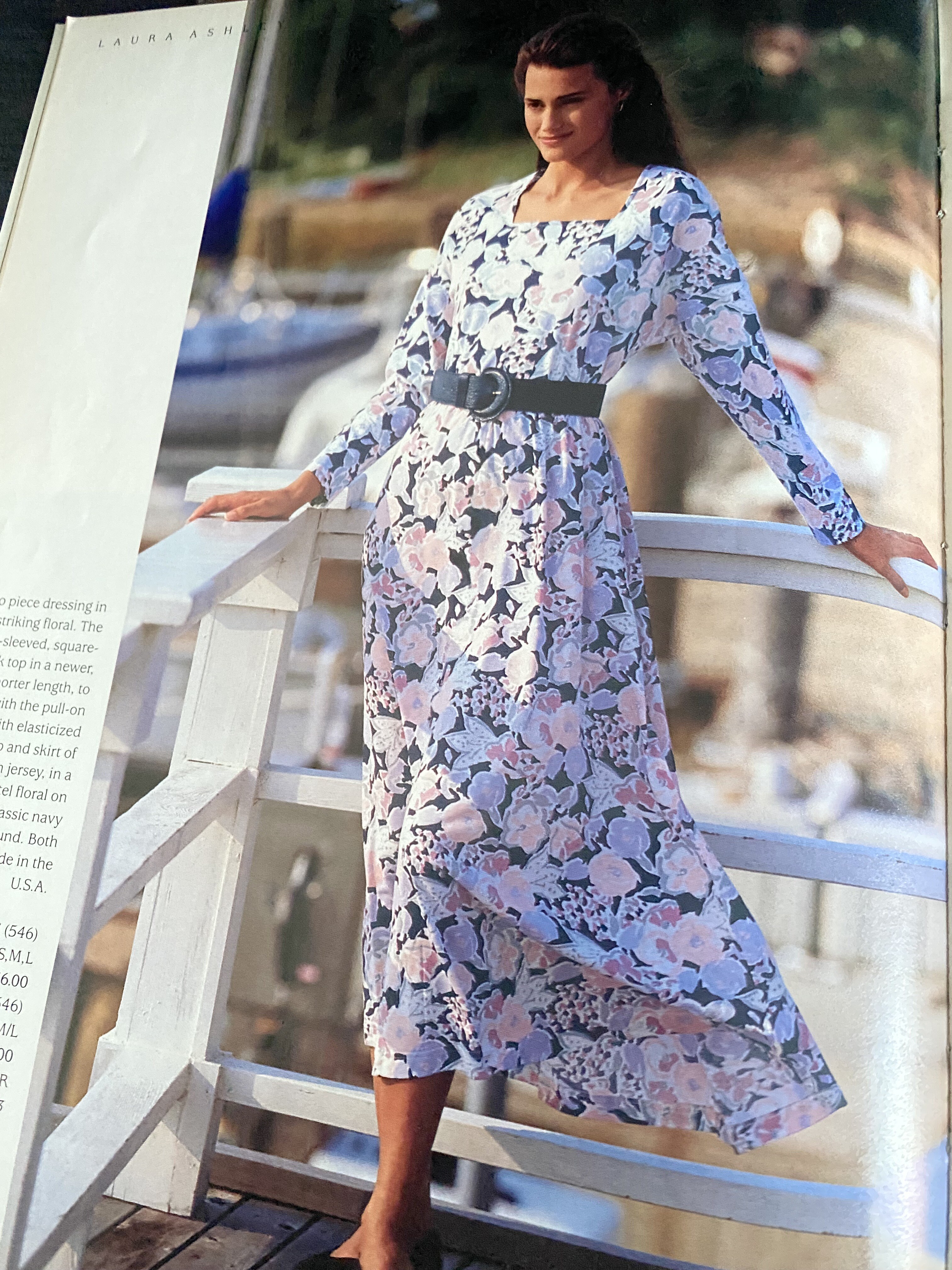
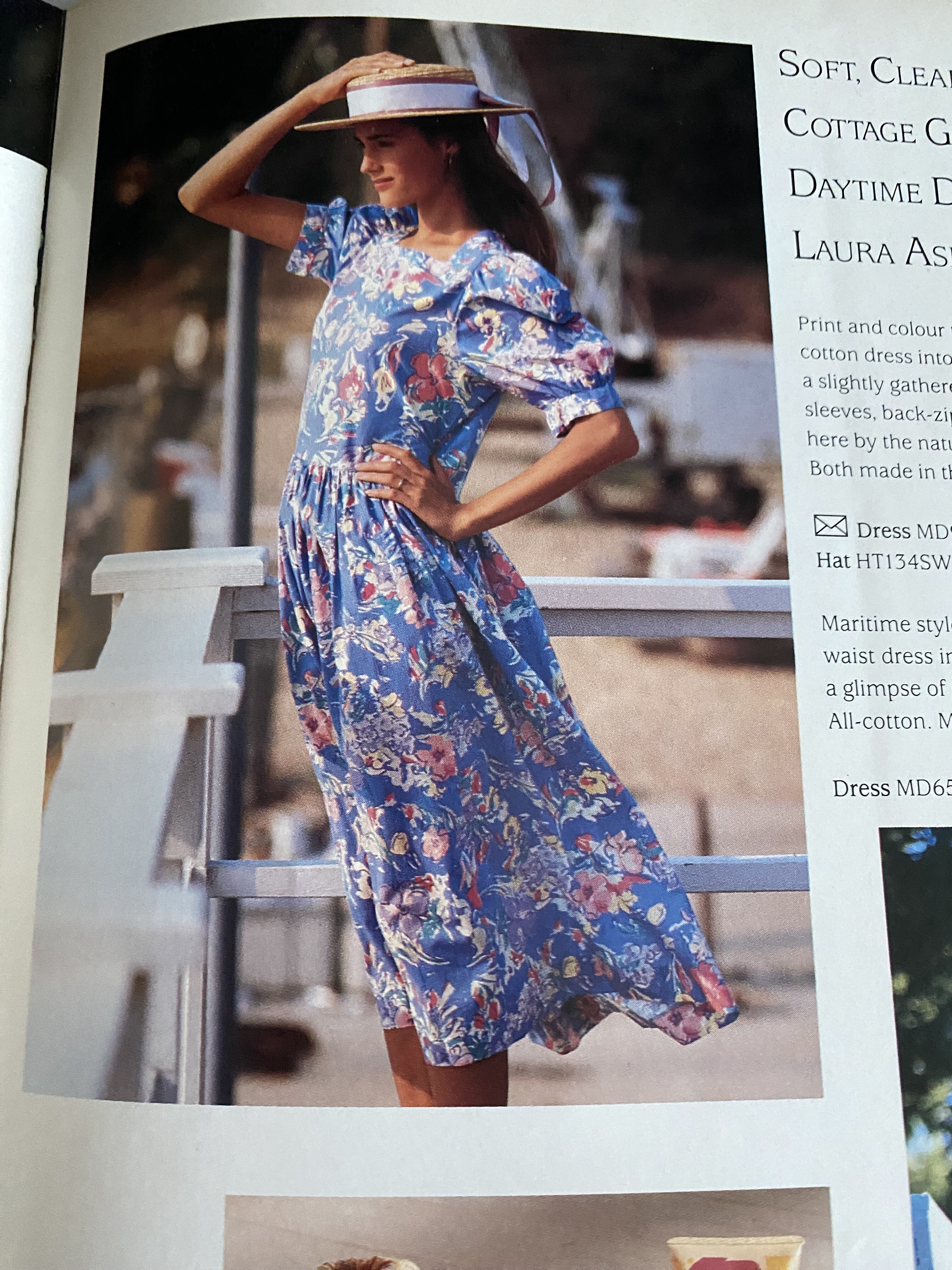
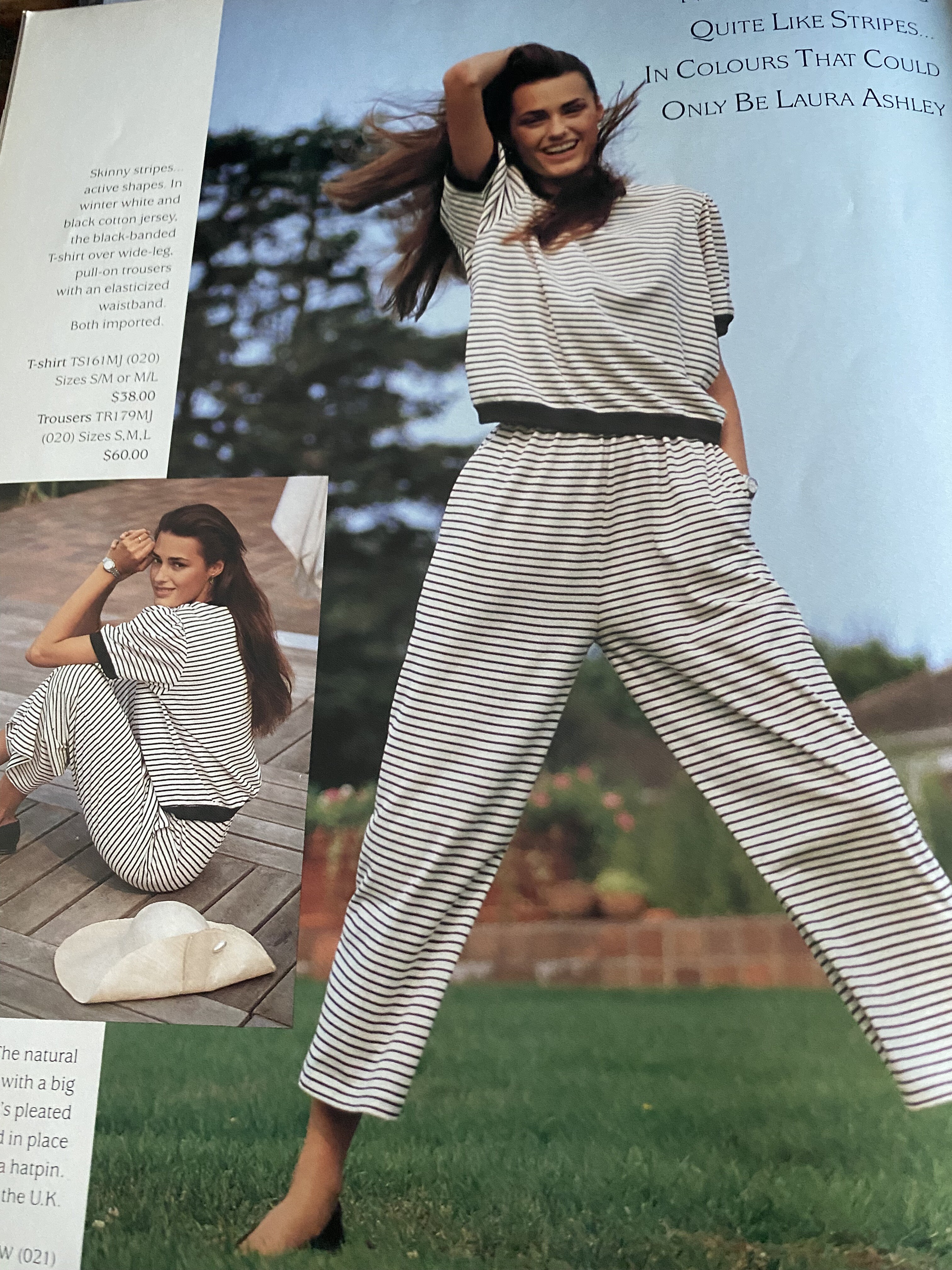
















Account
Search
Configure browser push notifications
Chrome (Android)
- Tap the lock icon next to the address bar.
- Tap Permissions → Notifications.
- Adjust your preference.
Chrome (Desktop)
- Click the padlock icon in the address bar.
- Select Site settings.
- Find Notifications and adjust your preference.
Safari (iOS 16.4+)
- Ensure the site is installed via Add to Home Screen.
- Open Settings App → Notifications.
- Find your app name and adjust your preference.
Safari (macOS)
- Go to Safari → Preferences.
- Click the Websites tab.
- Select Notifications in the sidebar.
- Find this website and adjust your preference.
Edge (Android)
- Tap the lock icon next to the address bar.
- Tap Permissions.
- Find Notifications and adjust your preference.
Edge (Desktop)
- Click the padlock icon in the address bar.
- Click Permissions for this site.
- Find Notifications and adjust your preference.
Firefox (Android)
- Go to Settings → Site permissions.
- Tap Notifications.
- Find this site in the list and adjust your preference.
Firefox (Desktop)
- Open Firefox Settings.
- Search for Notifications.
- Find this site in the list and adjust your preference.