All Activity
- Past hour
-
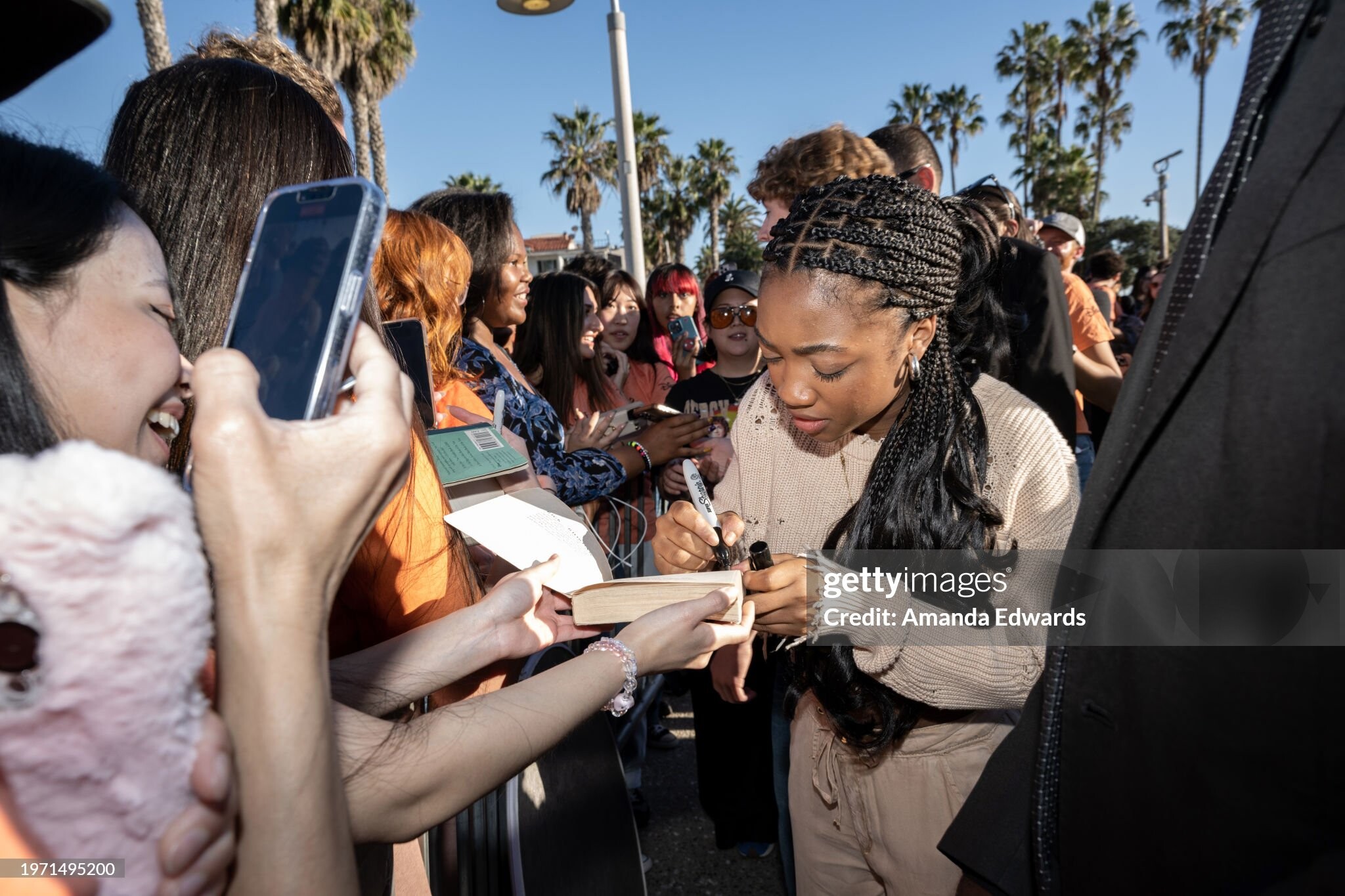
 Season Finale Activation "Percy Was Here" For Disney+ Original Series "Percy Jackson And The Olympians" (Photos by Amanda Edwards/Getty Images)










-

-
 Zita Marlene de Andrade de Sousa, Venezuelan actress and model (Caracas, 14/7/1977).
 -
Isabela Merced at L'Oreal Paris Women of Worth Celebration in Los Angeles















-
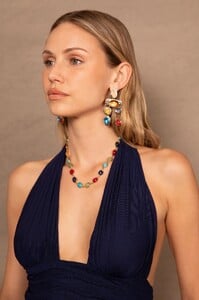
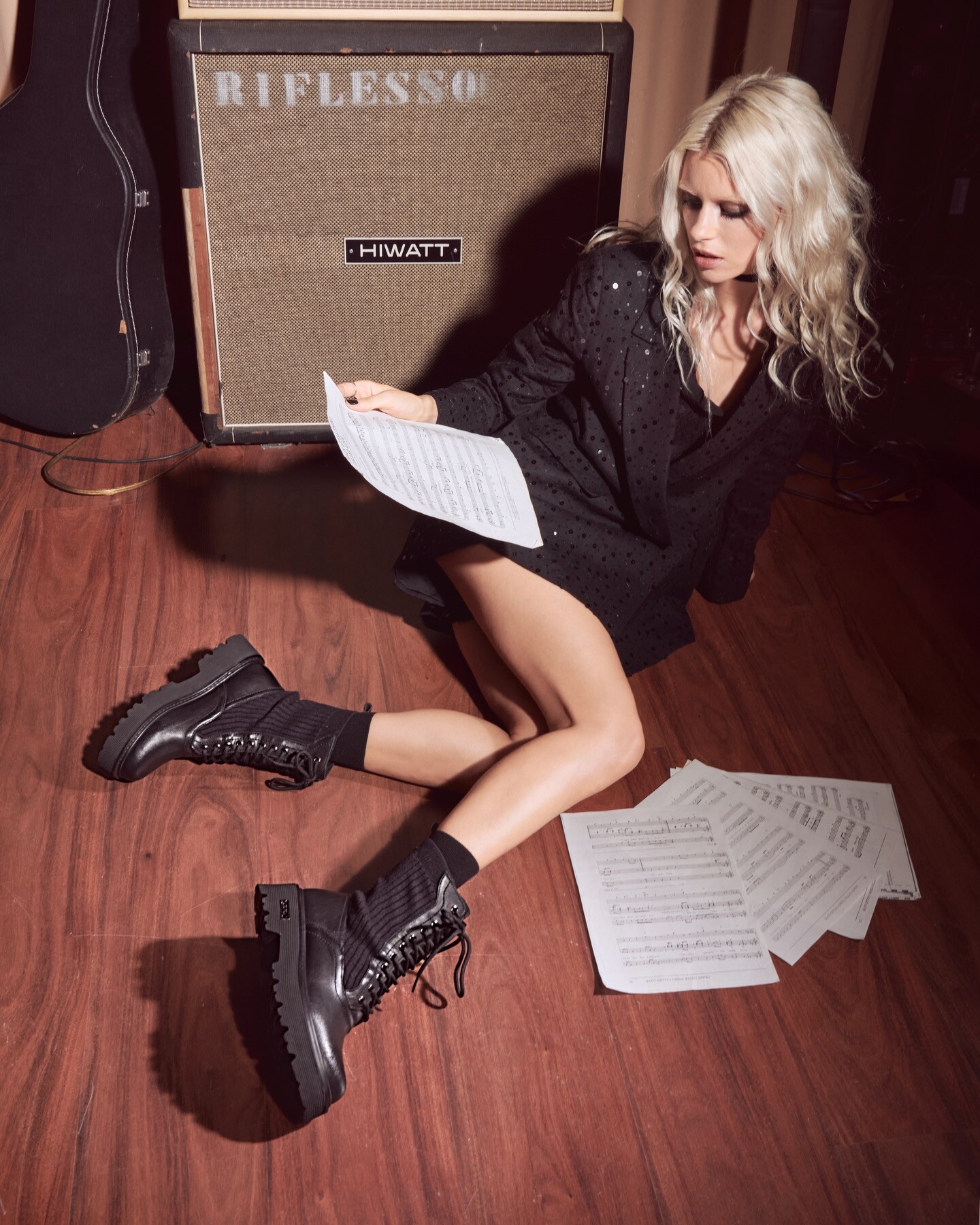
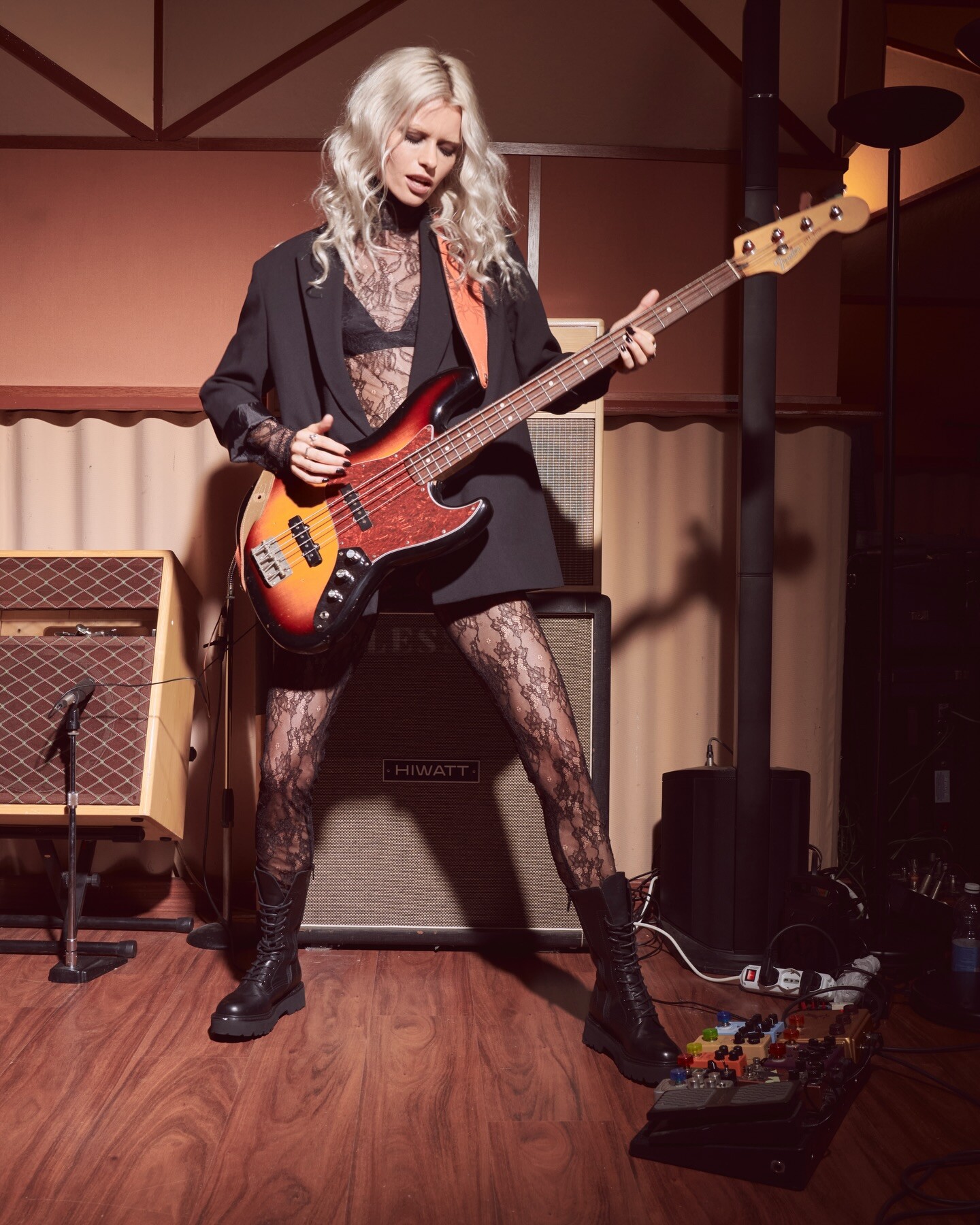
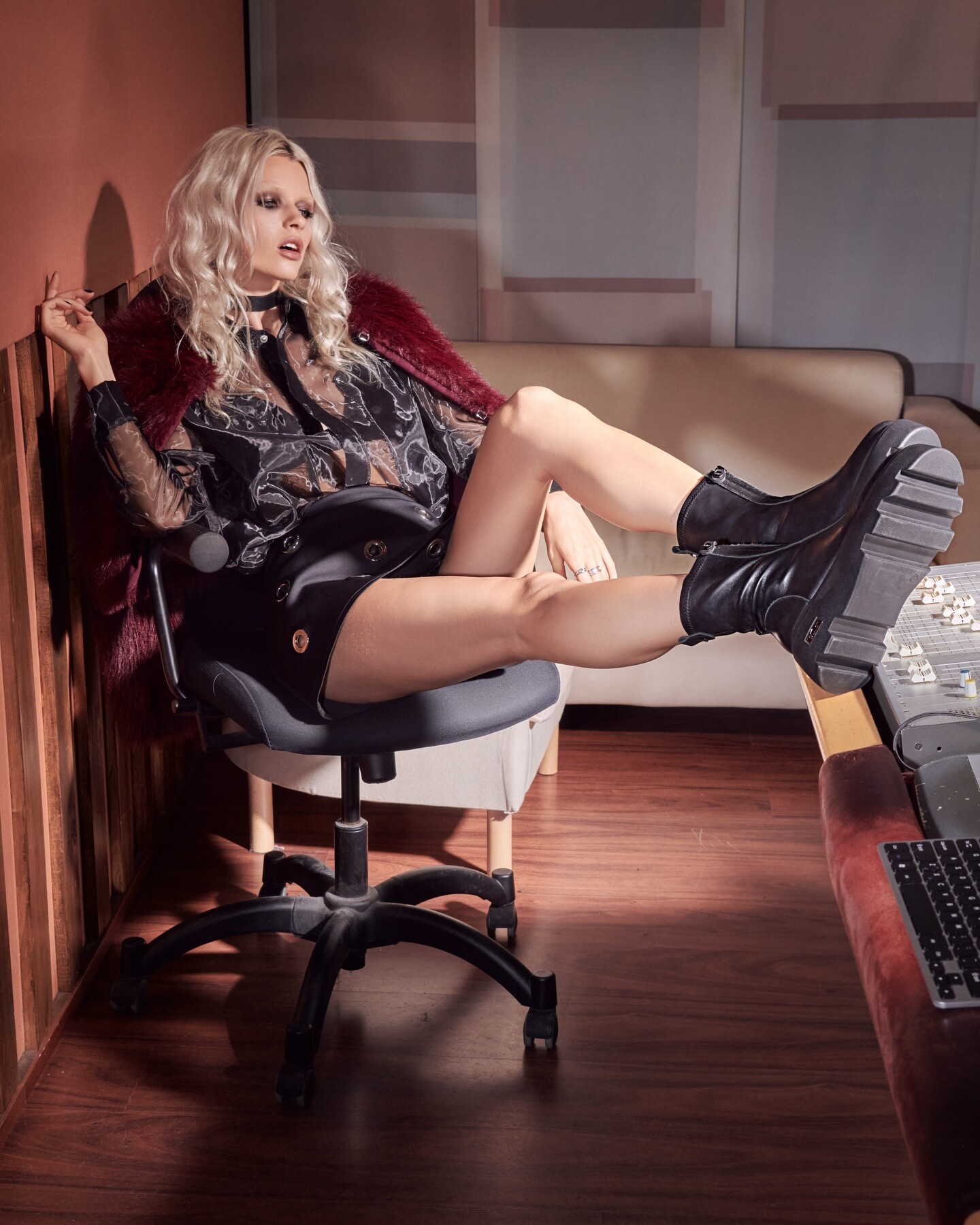
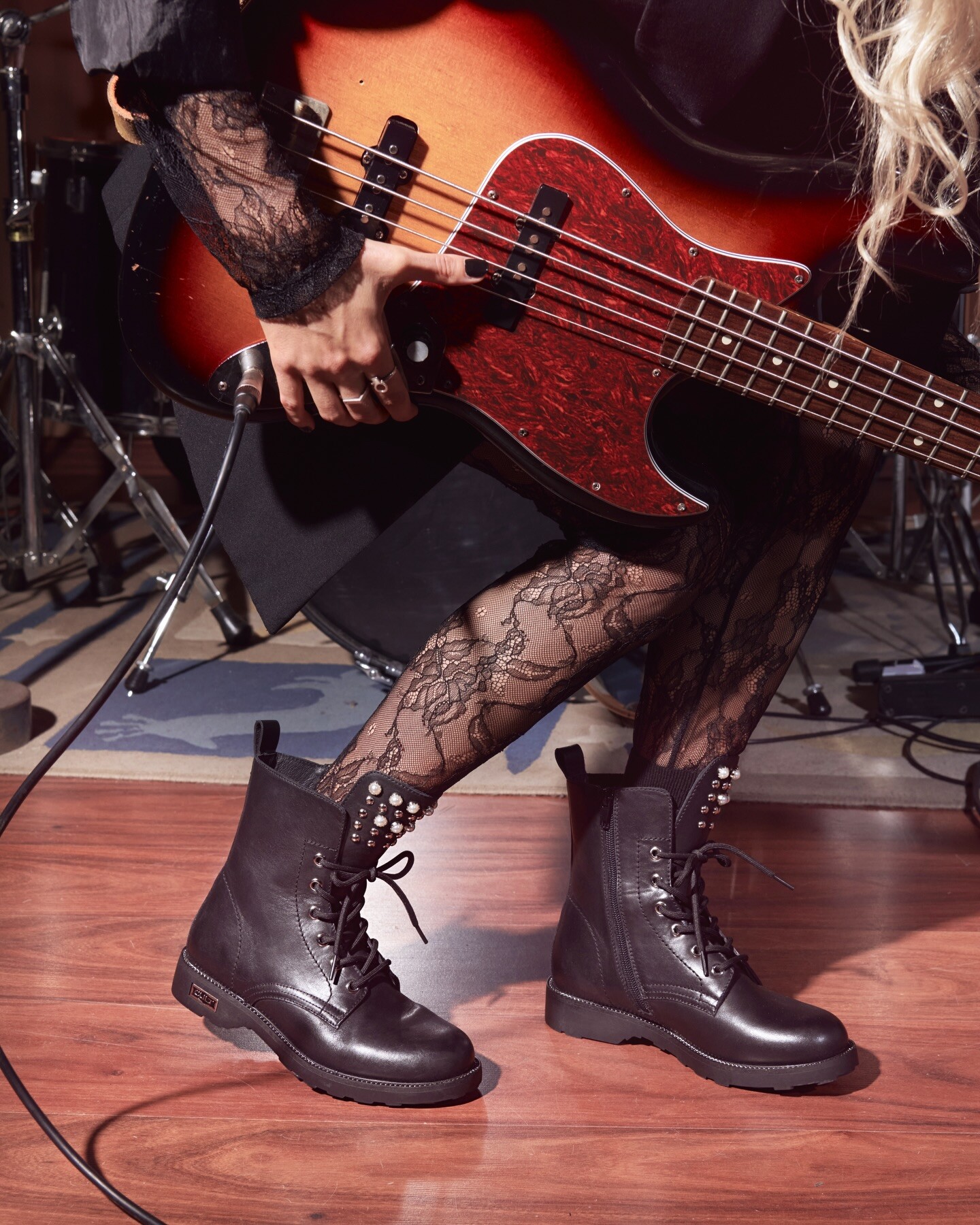
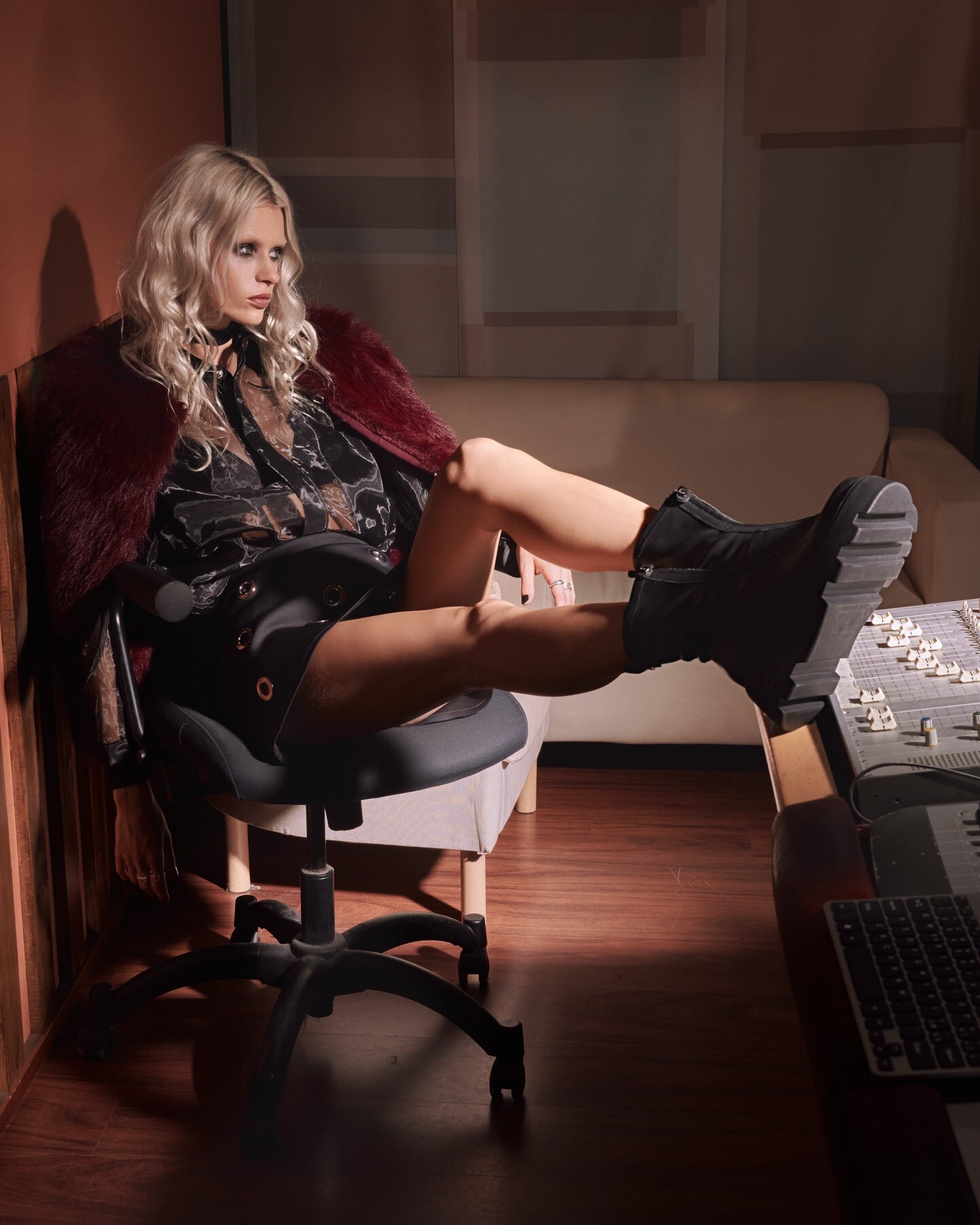
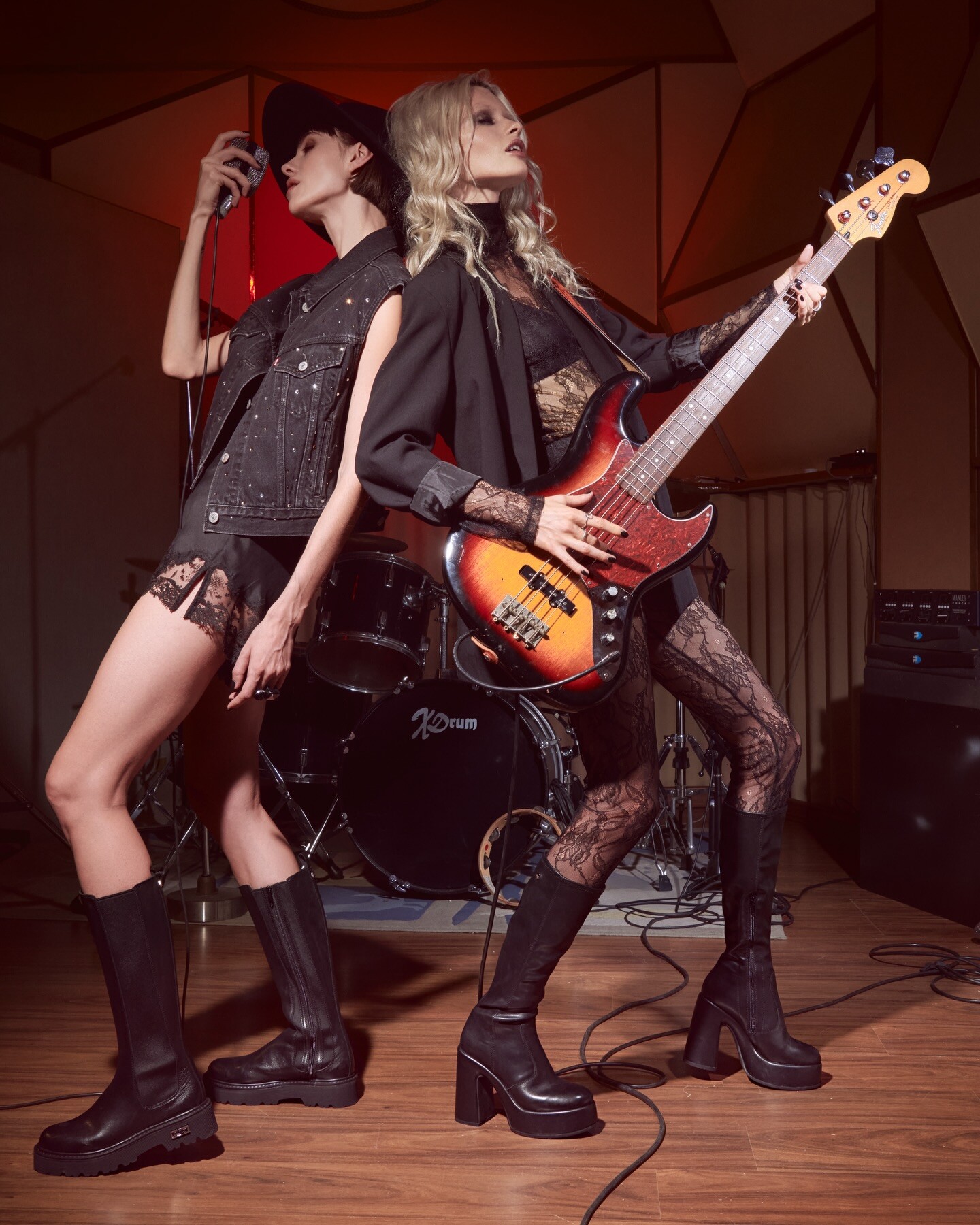
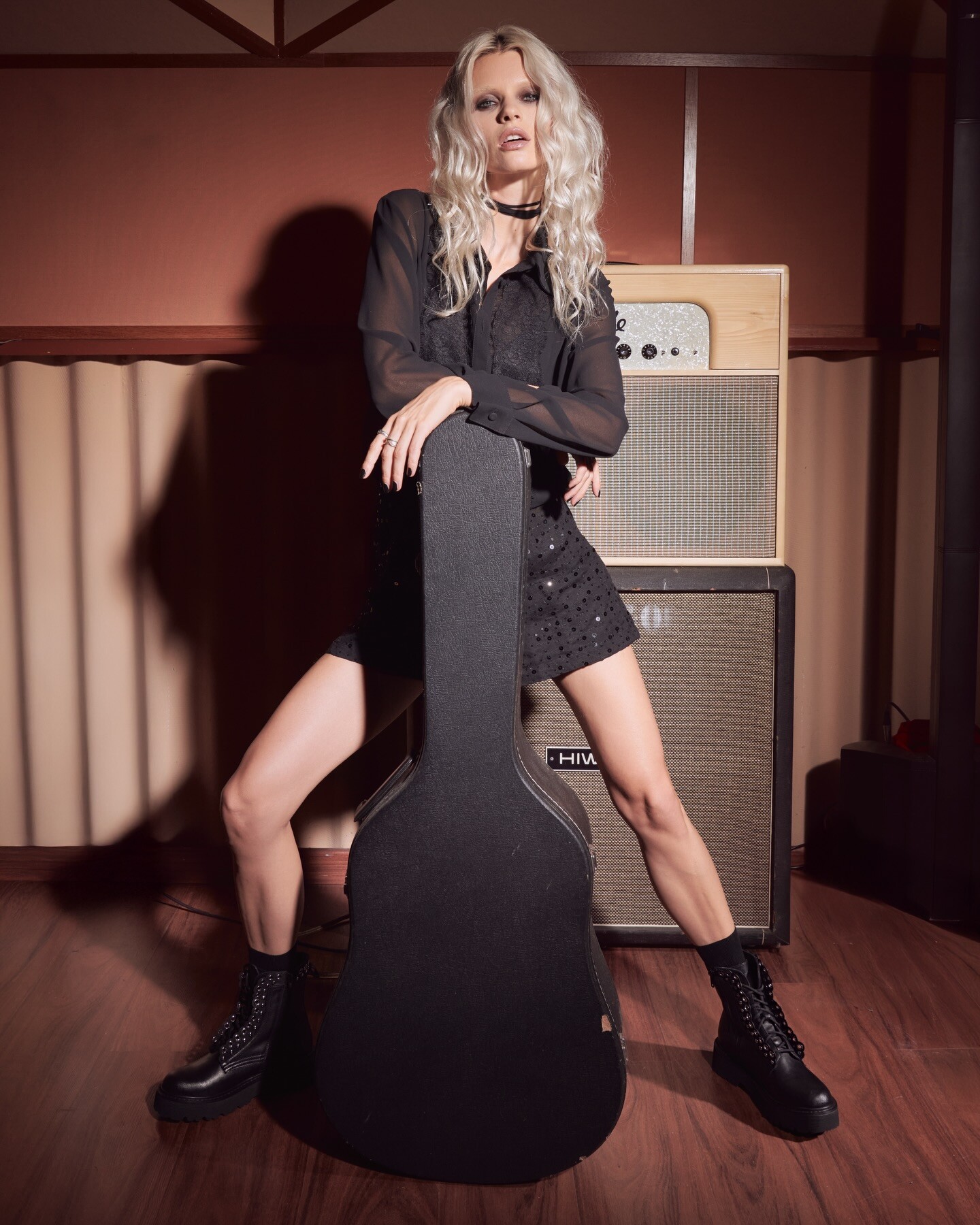
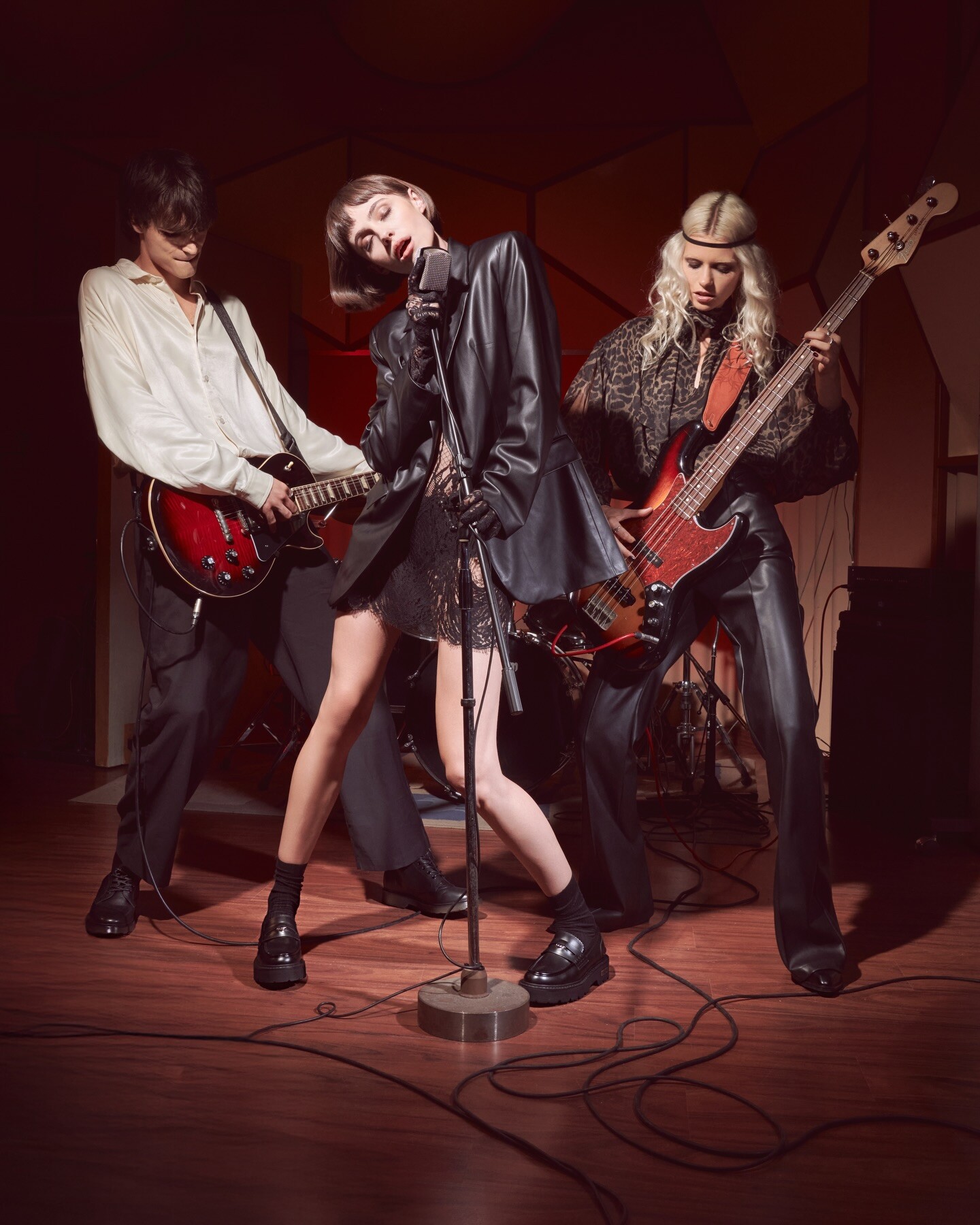
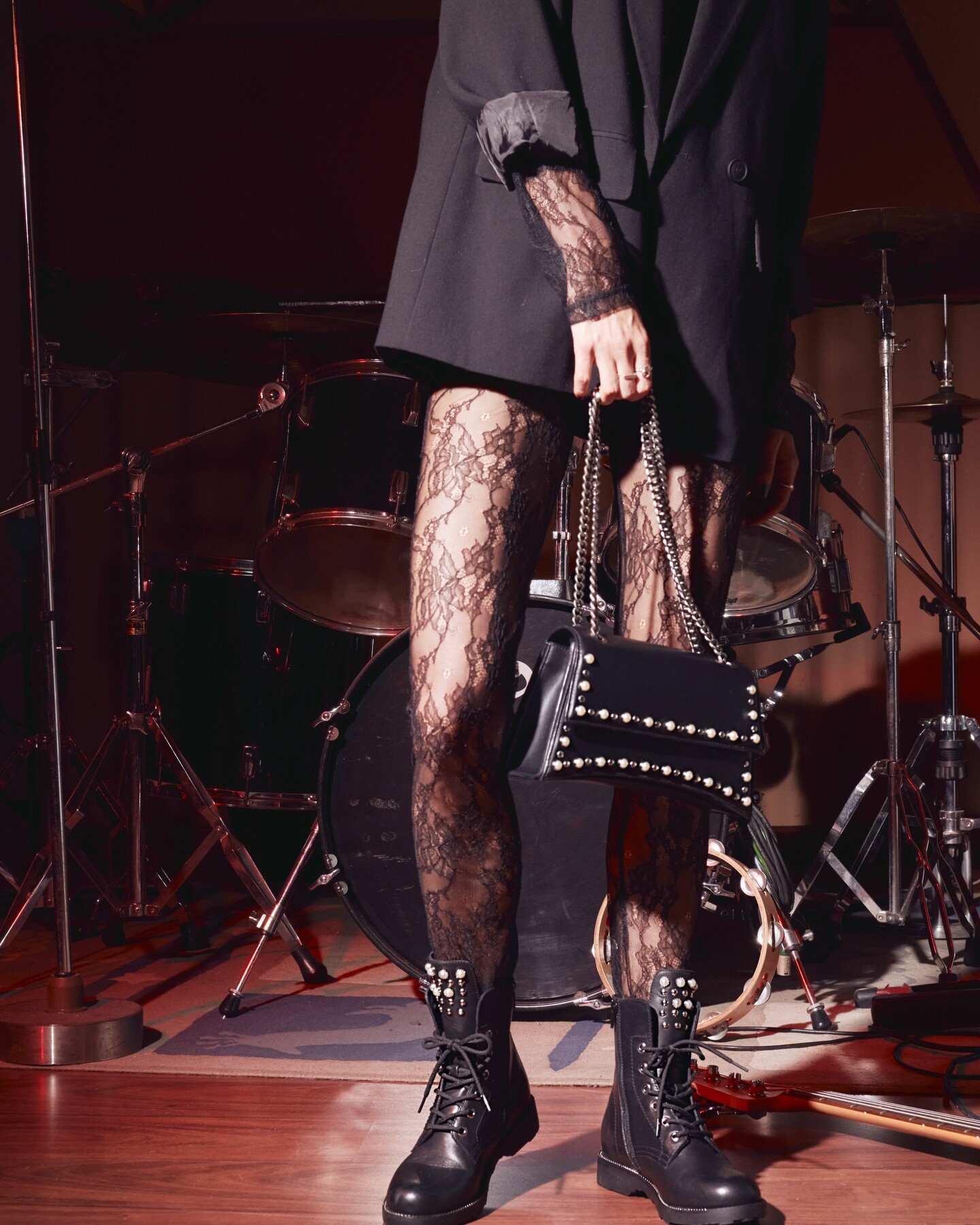
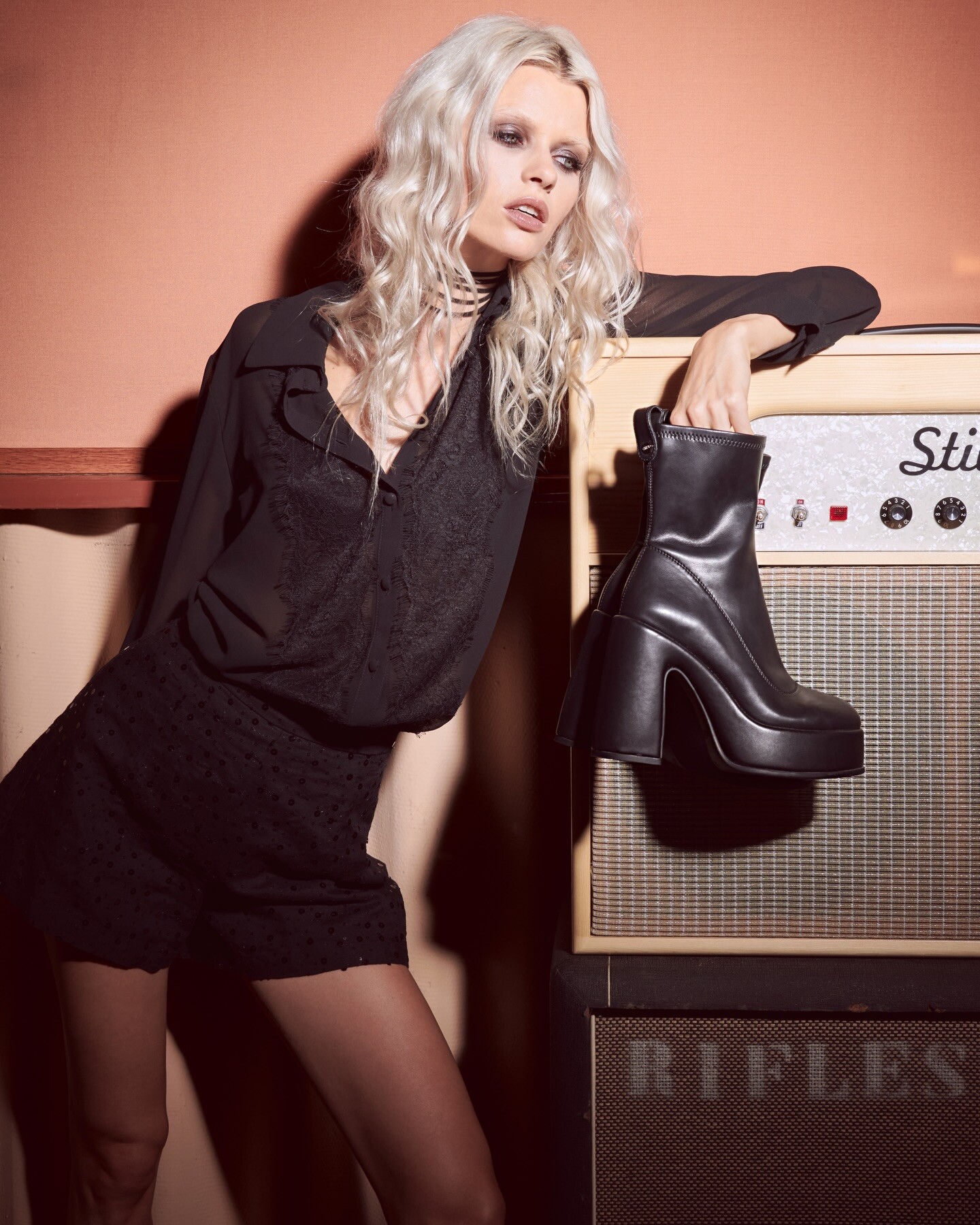
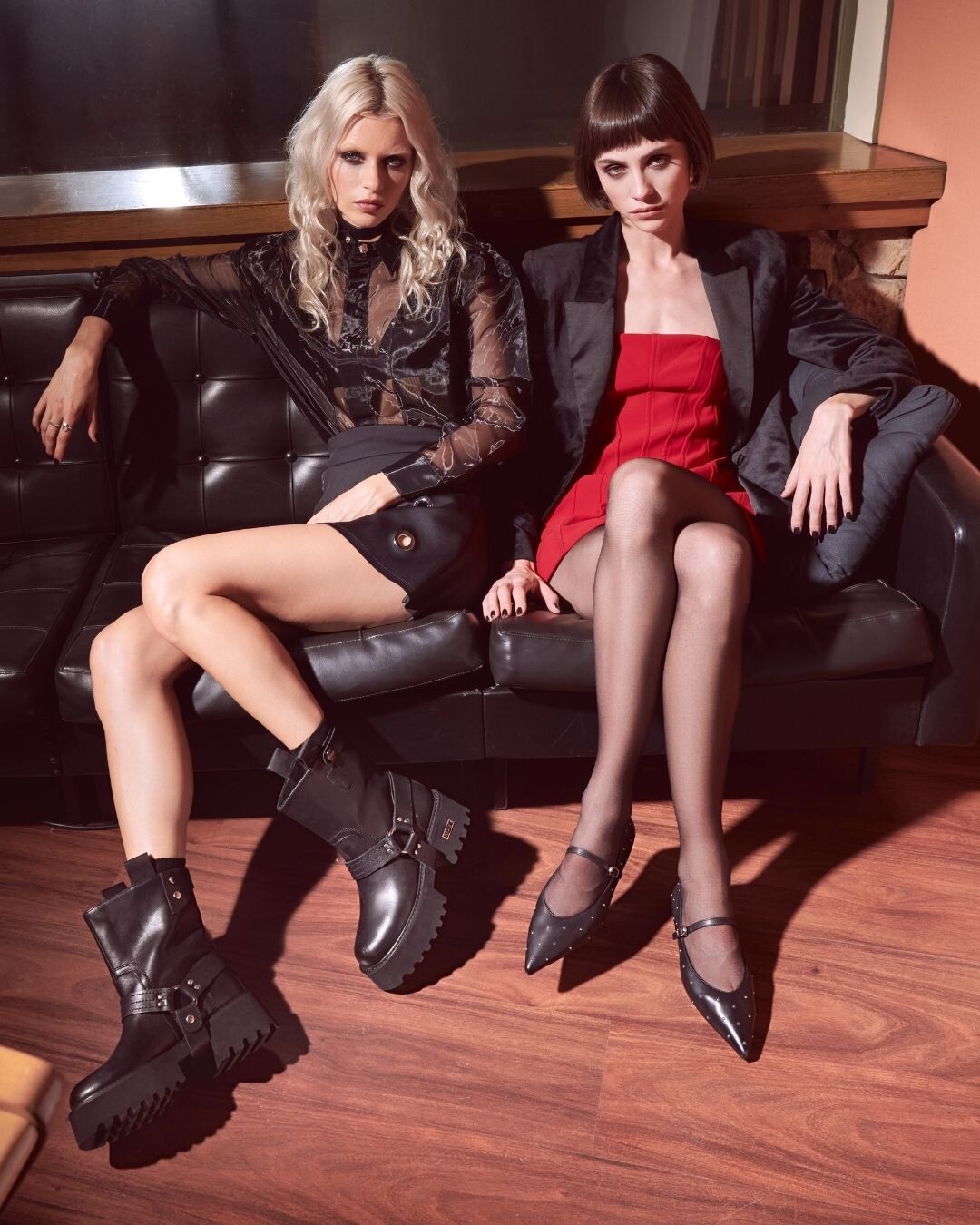
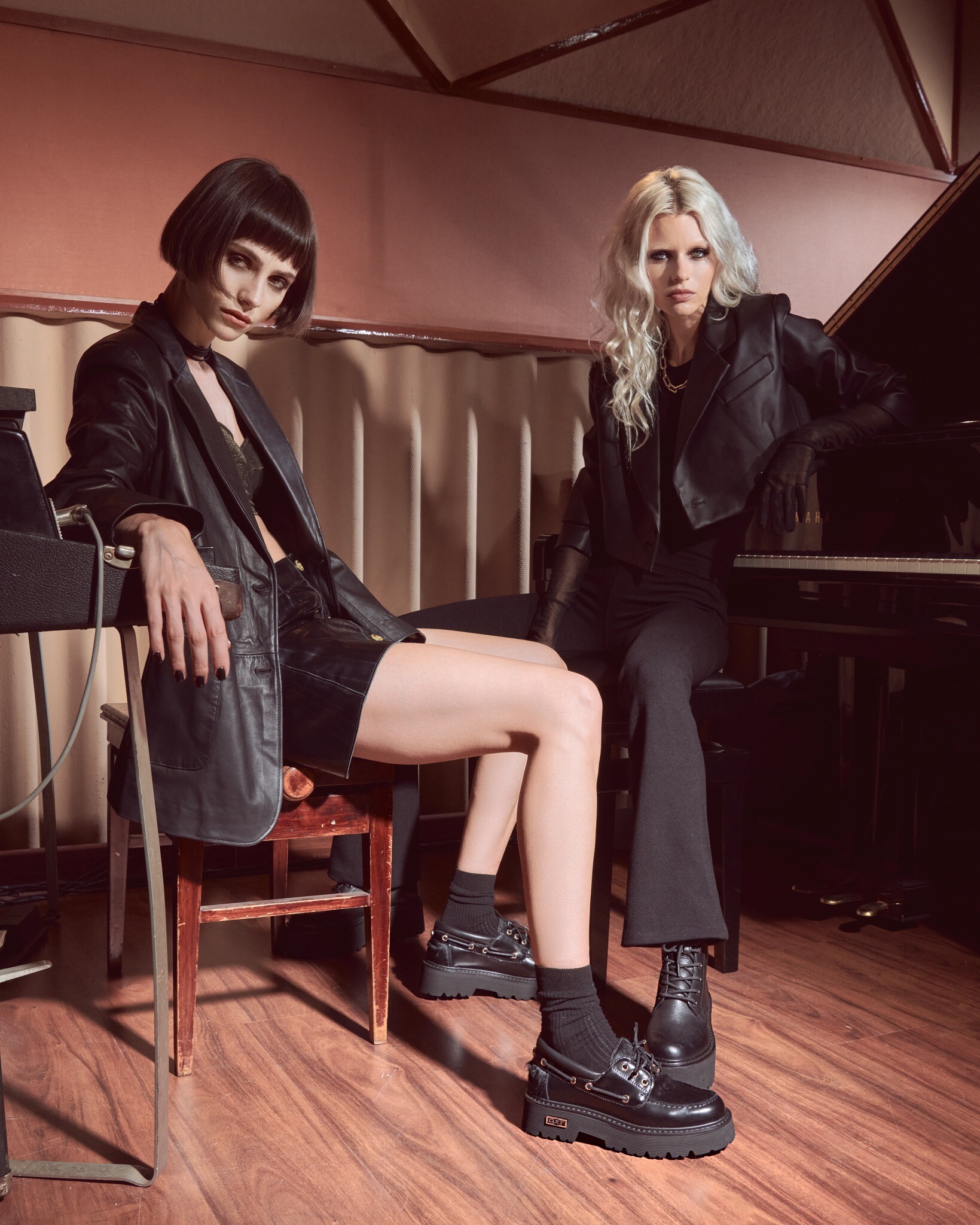
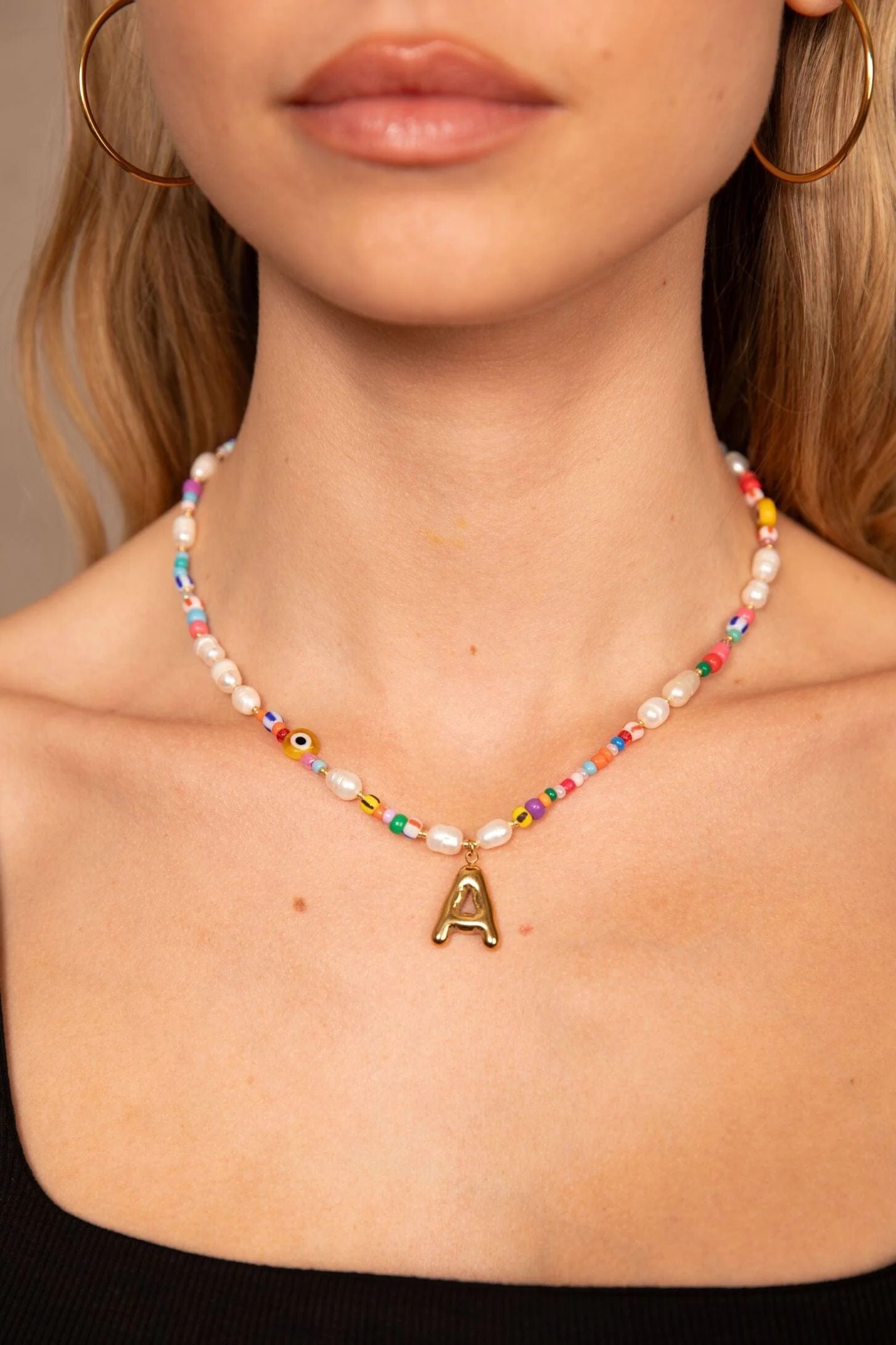
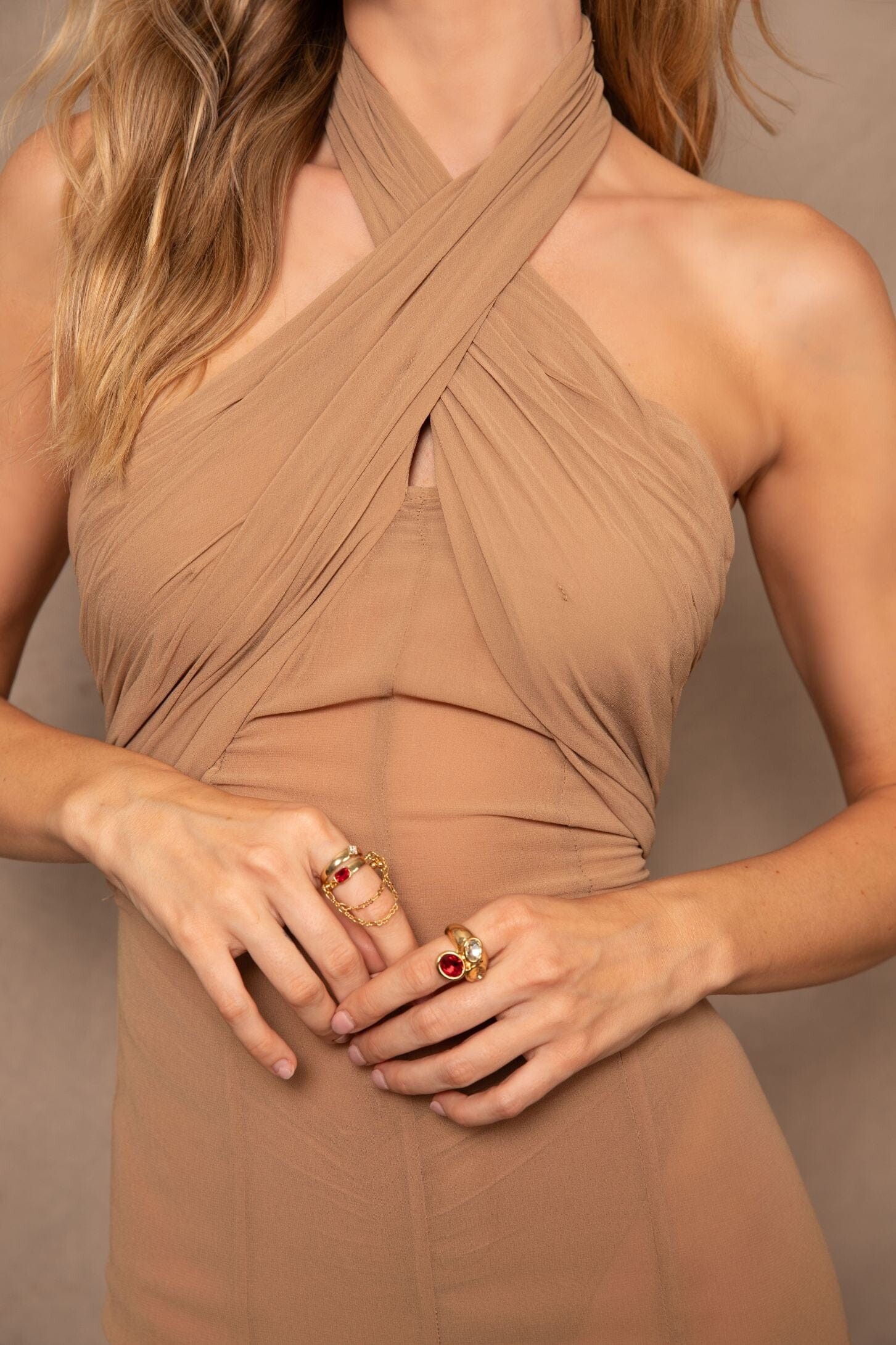
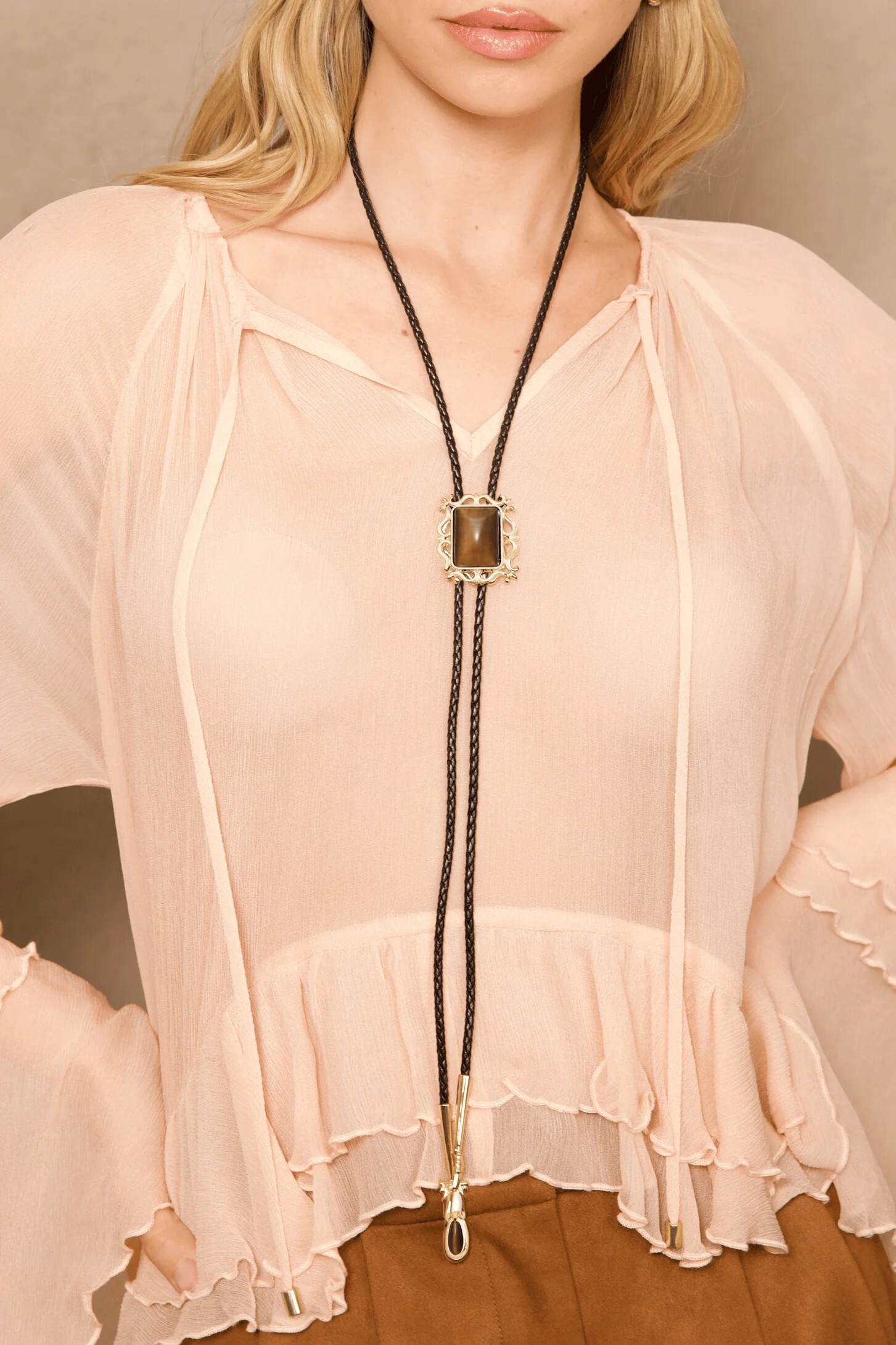
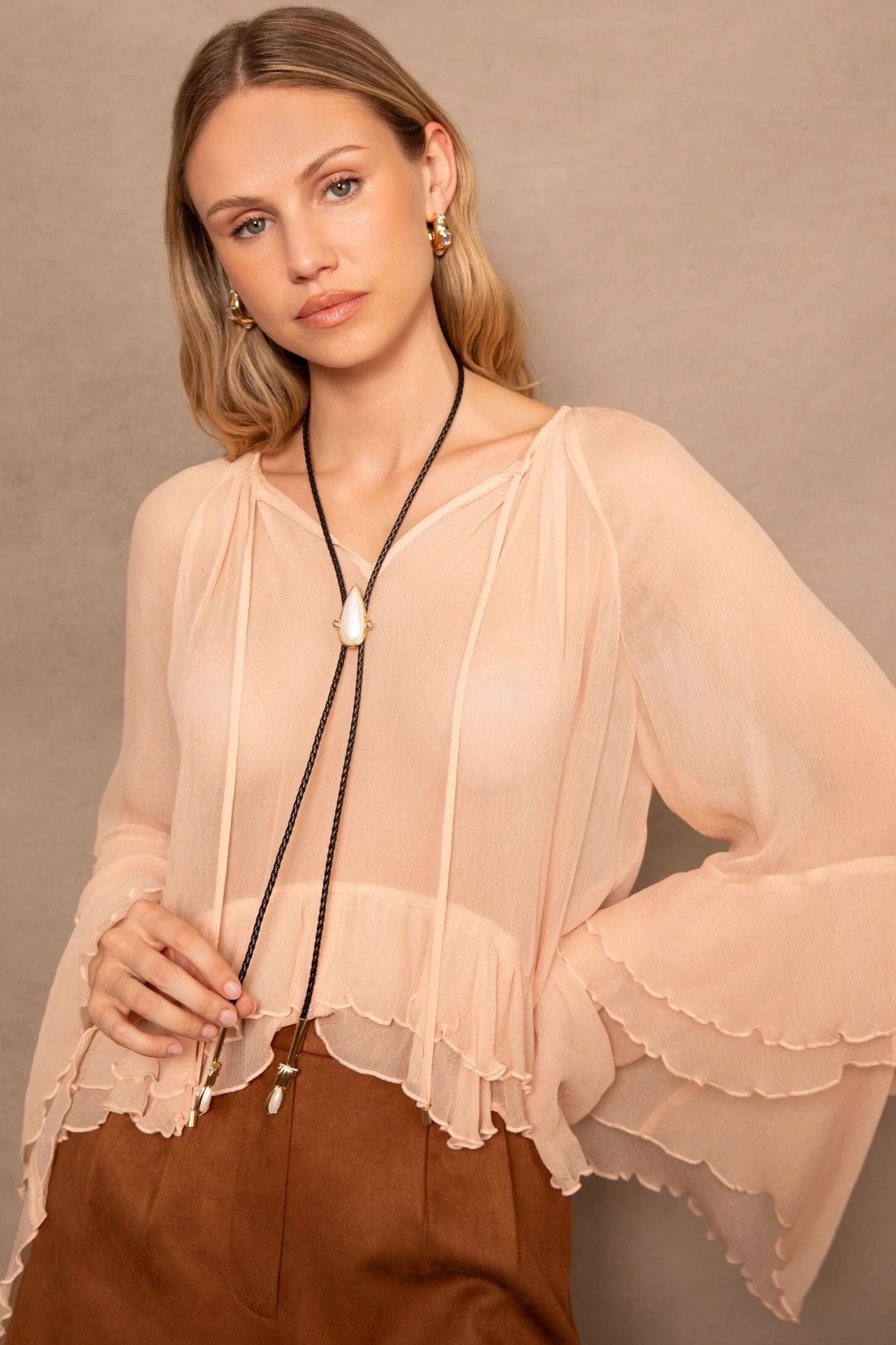
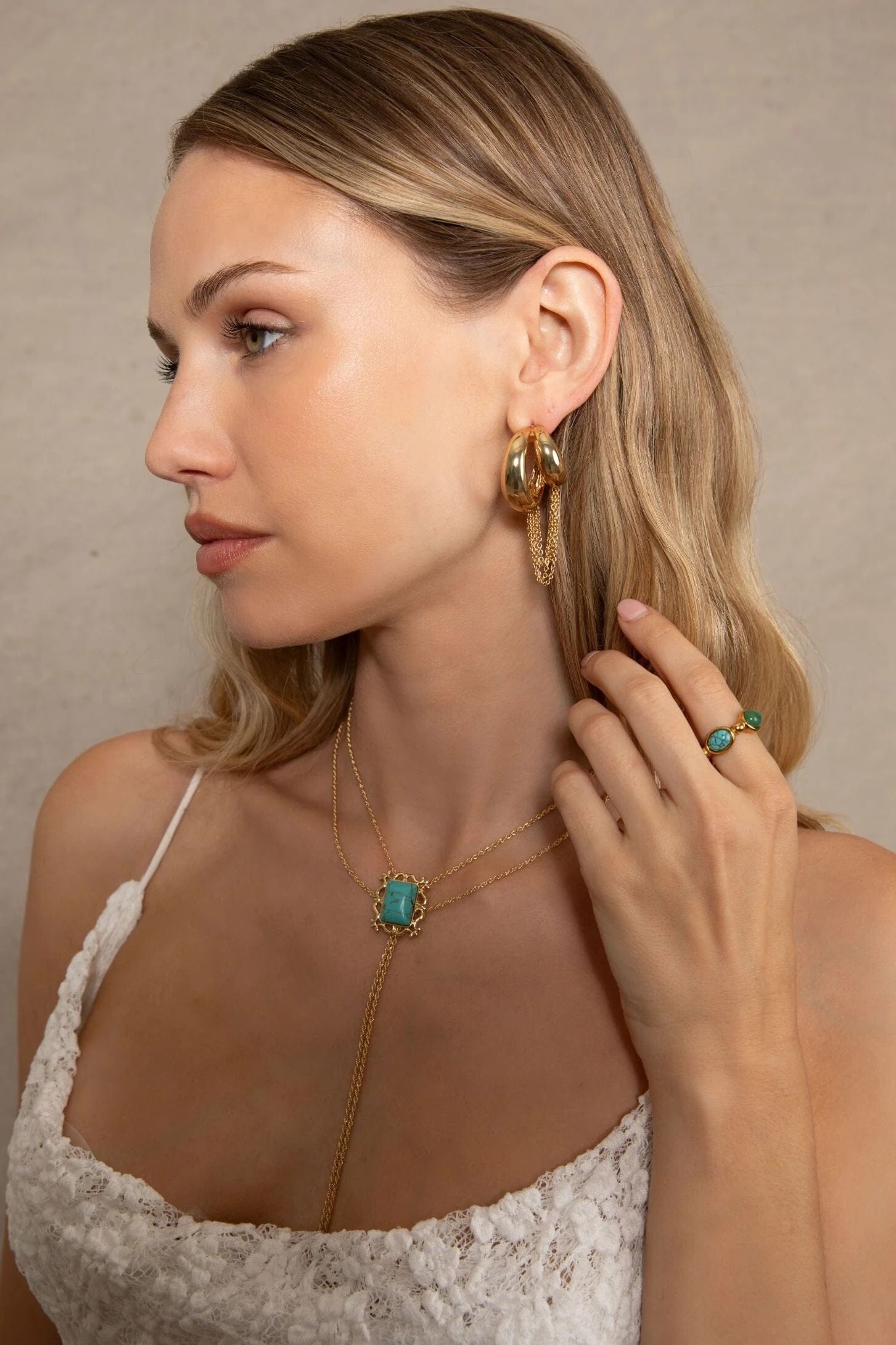
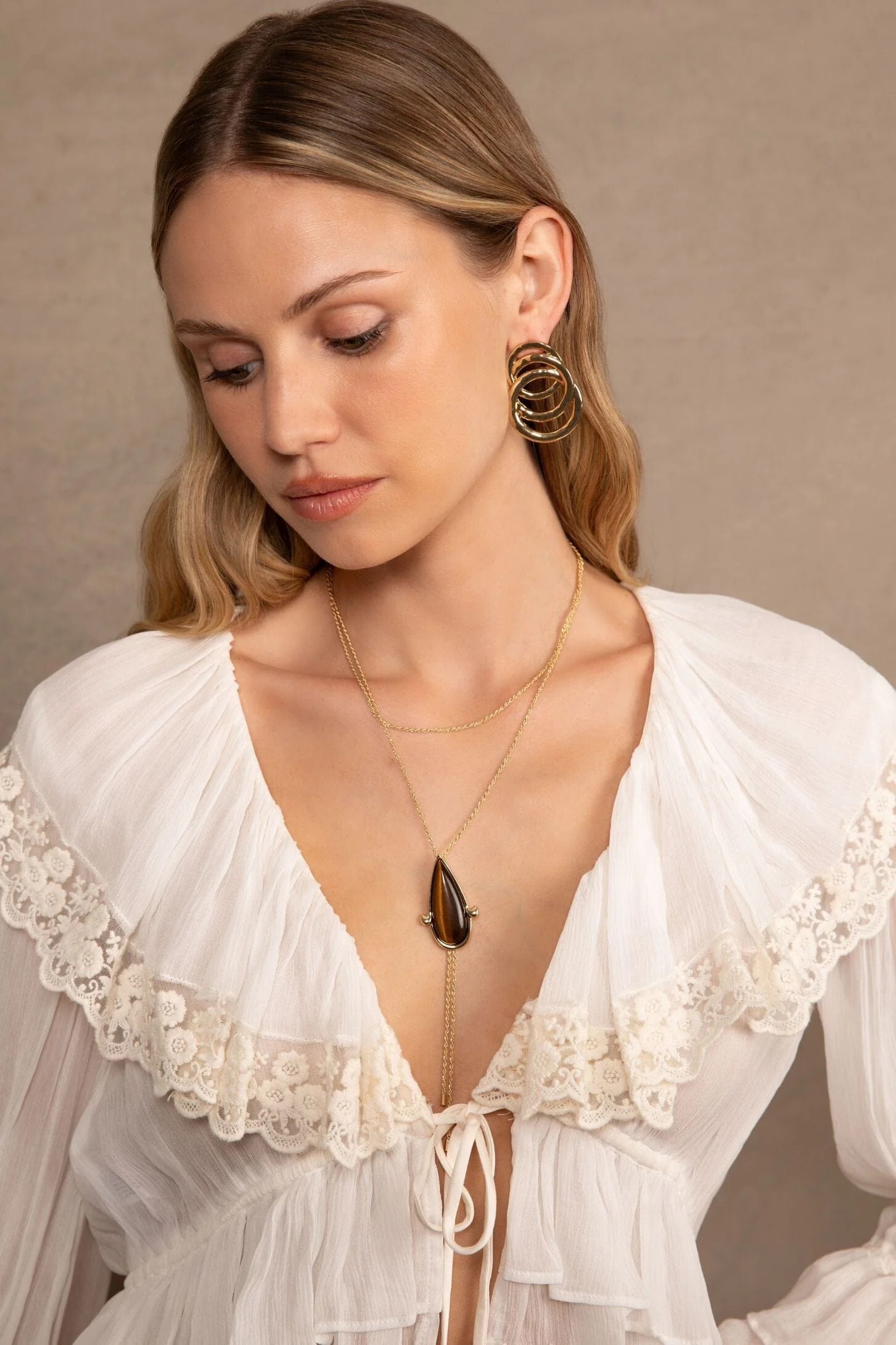
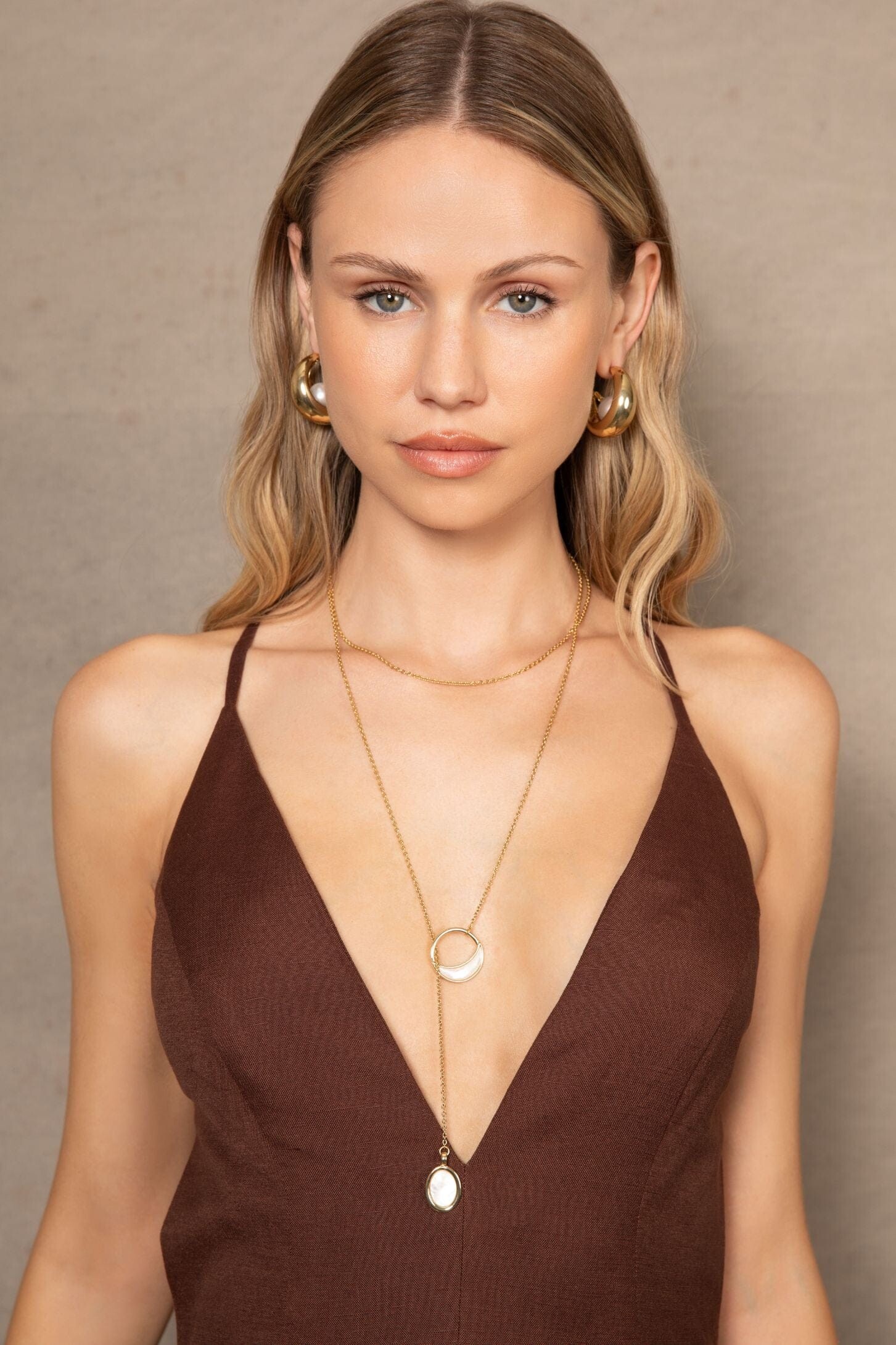
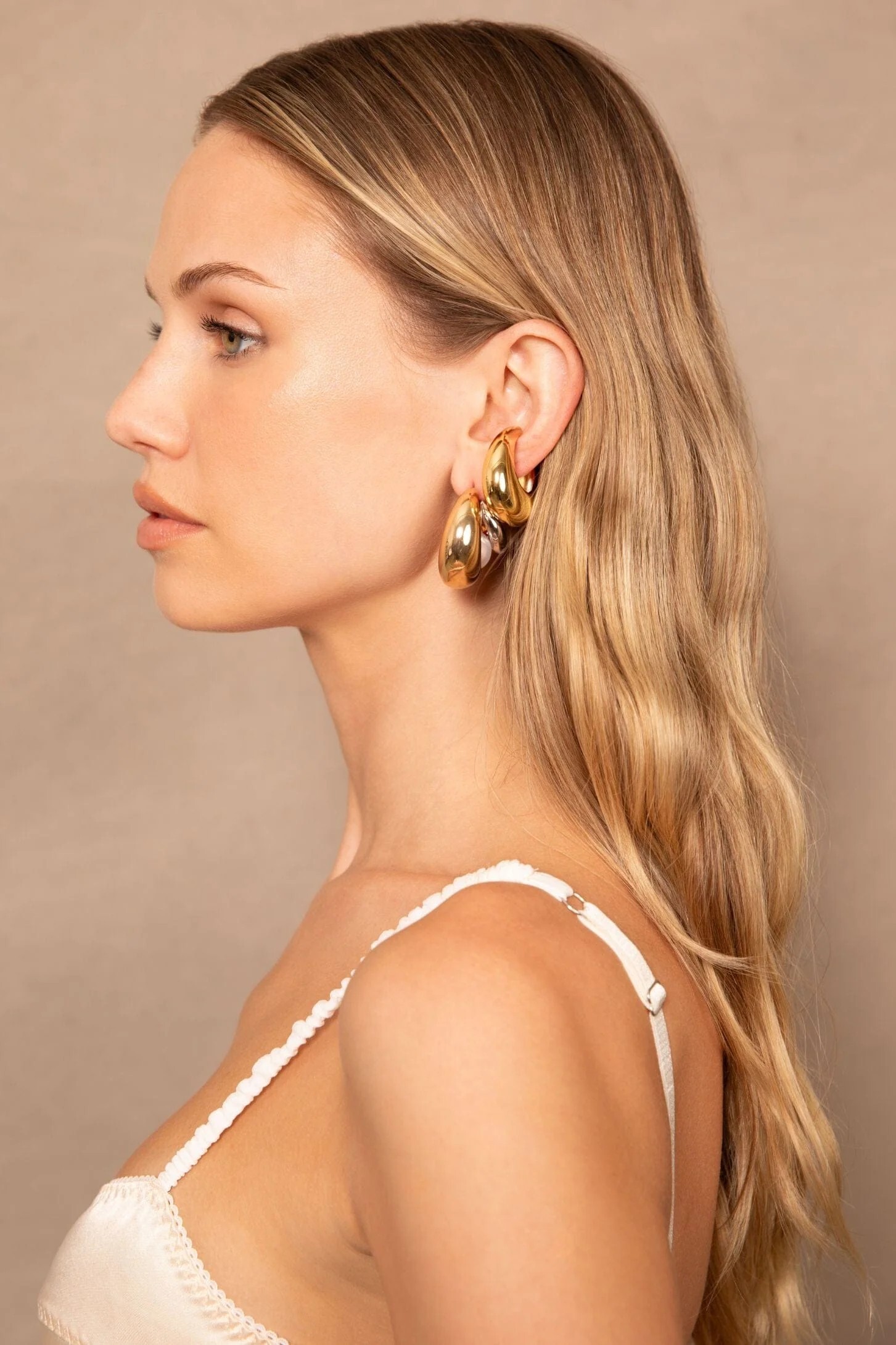
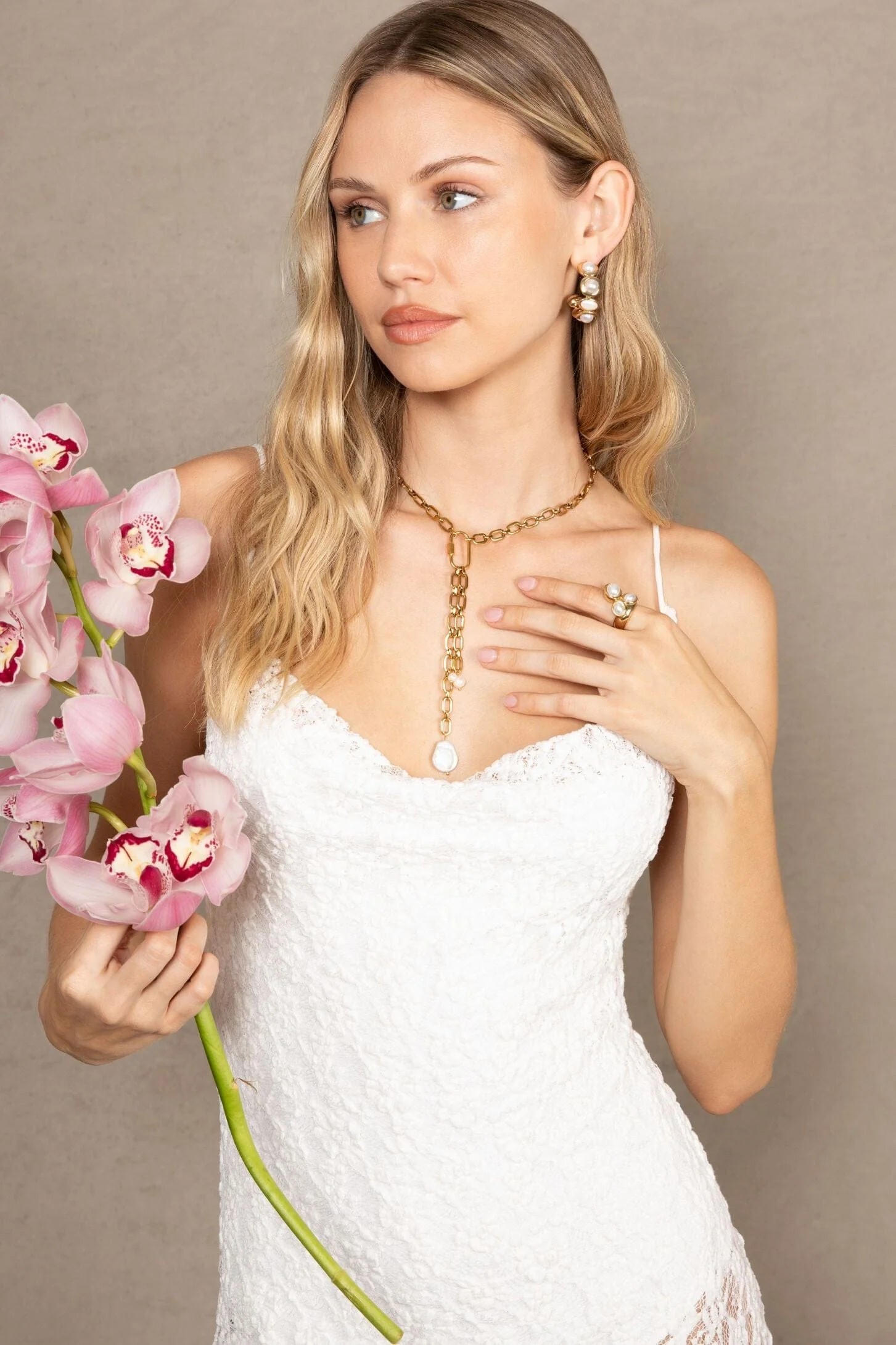
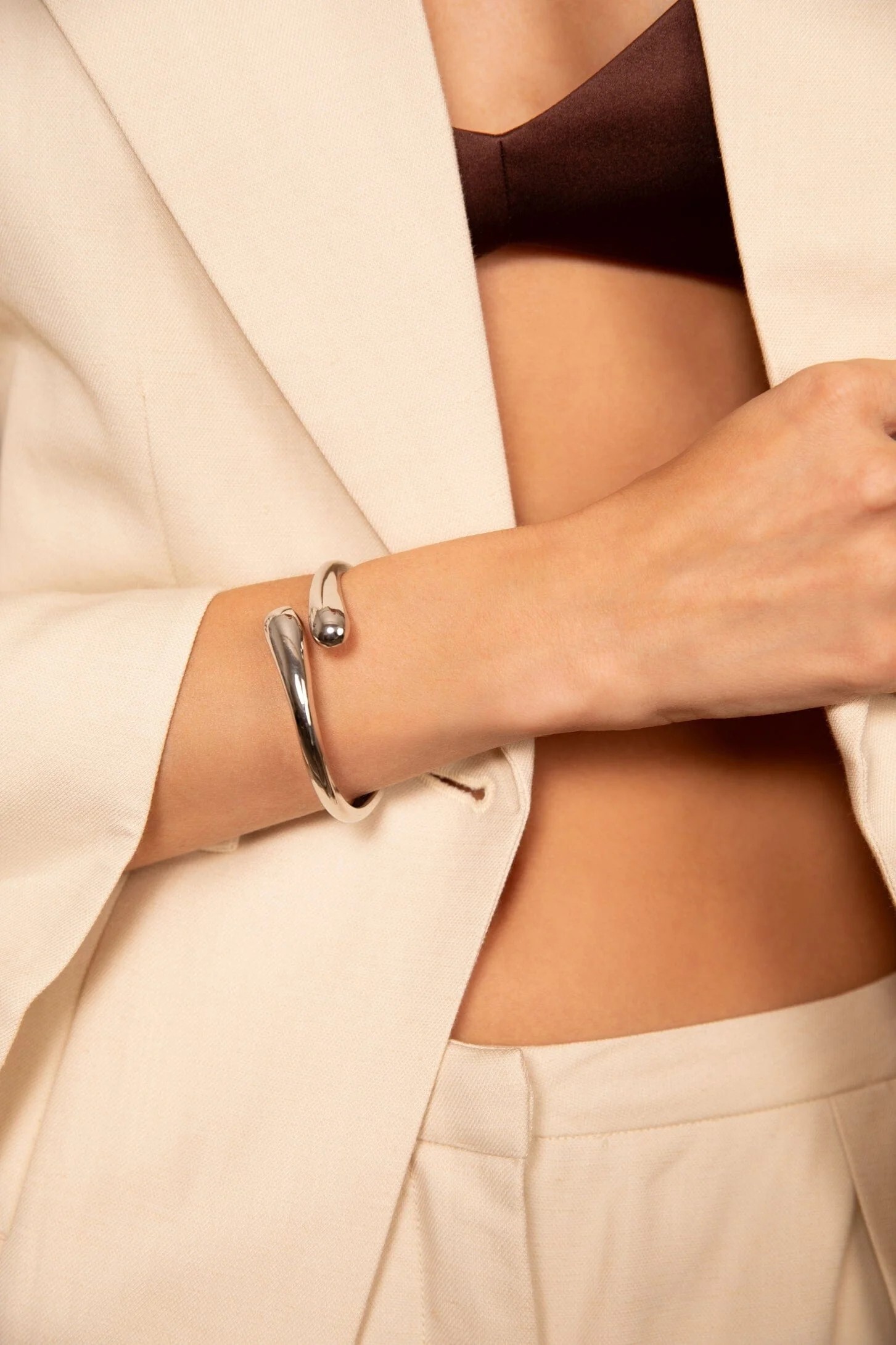
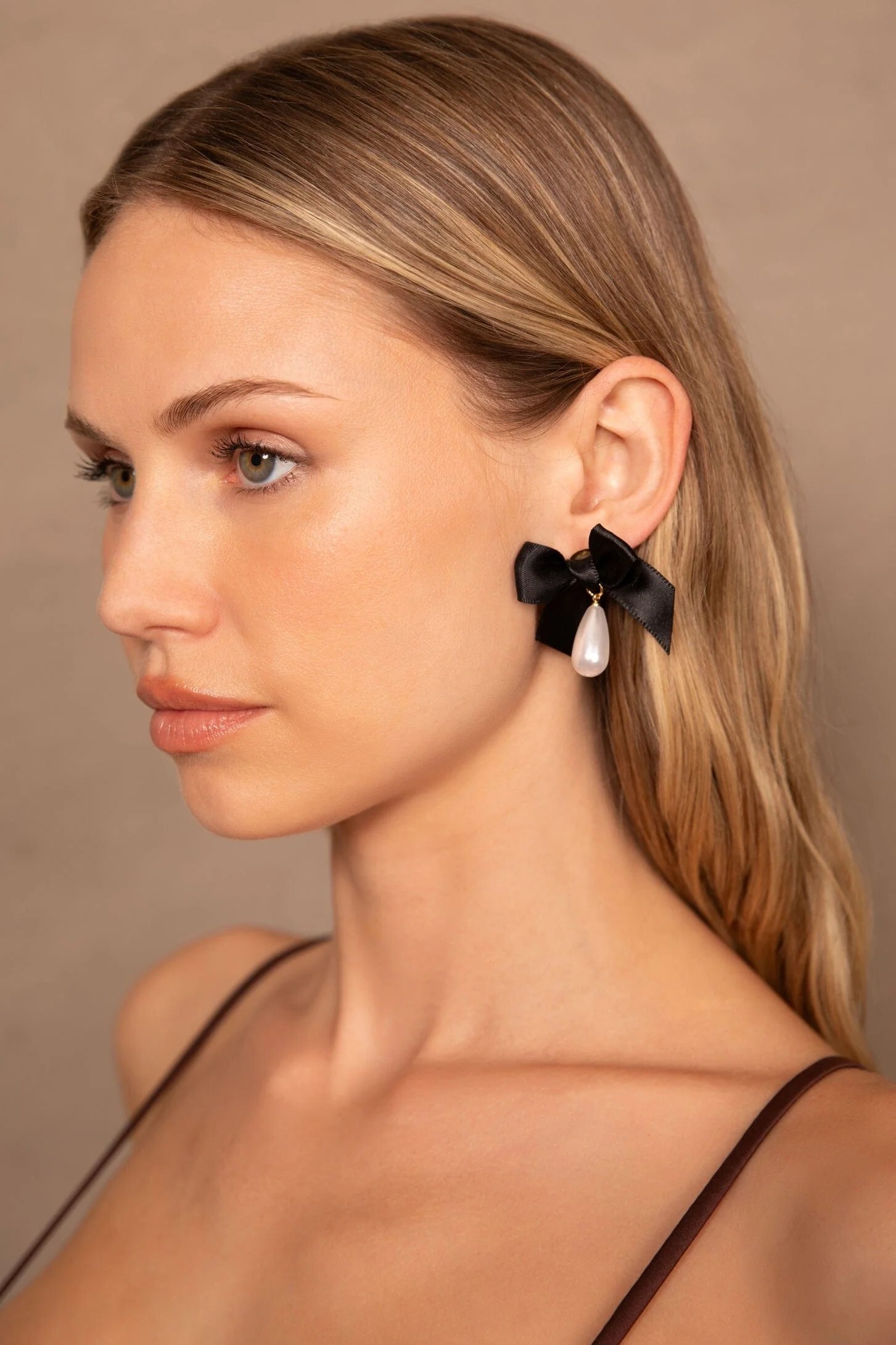
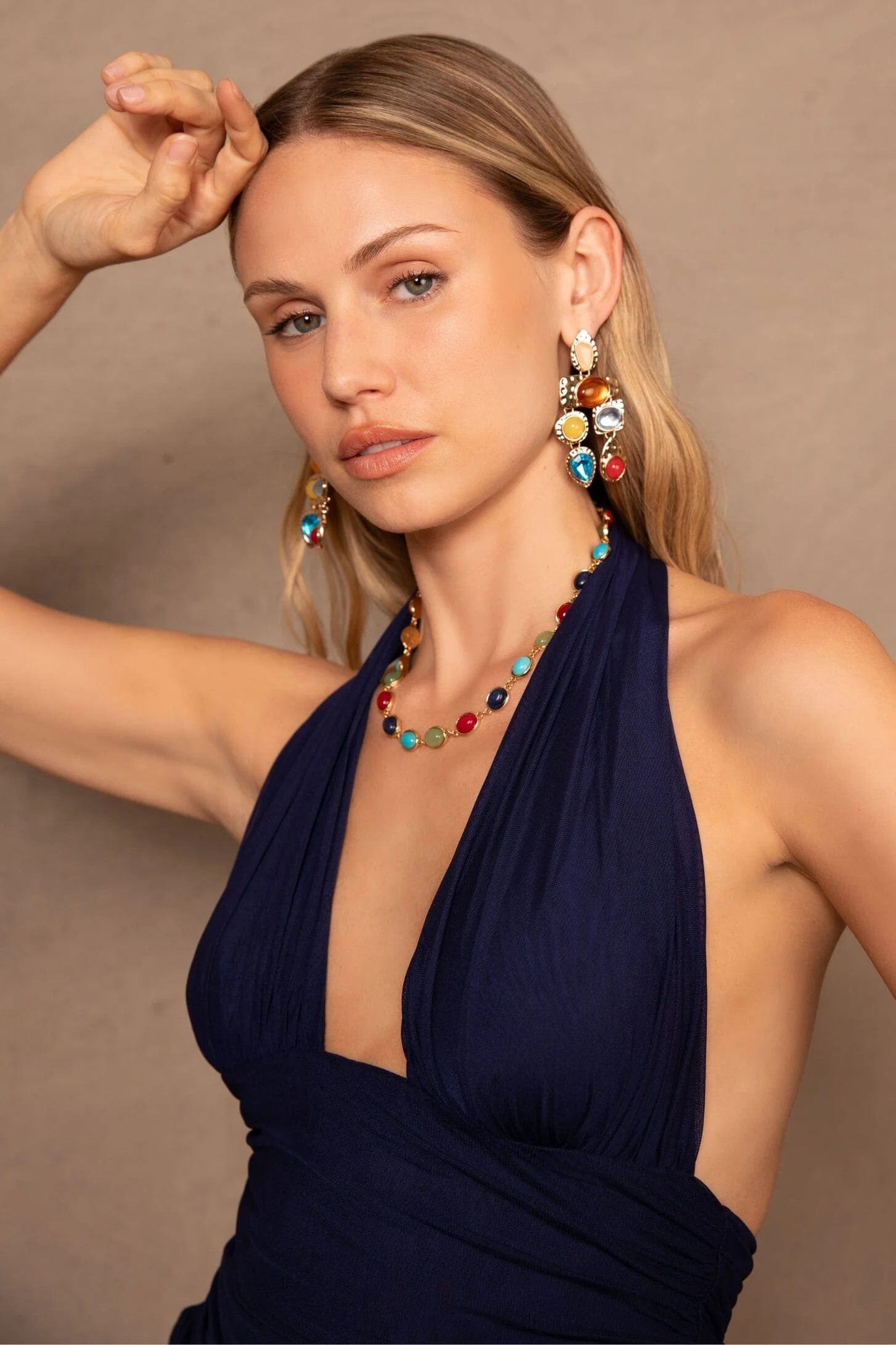
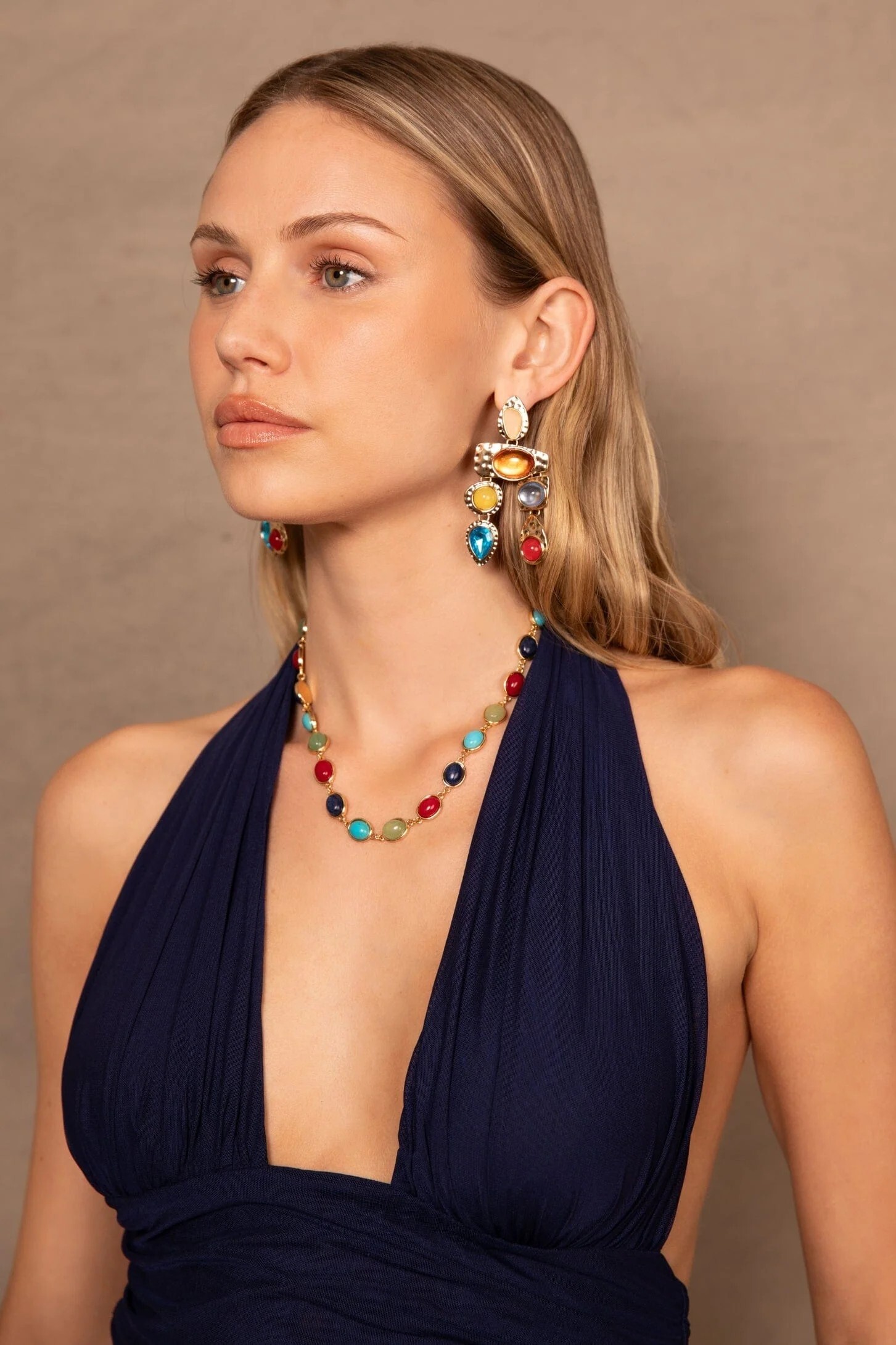
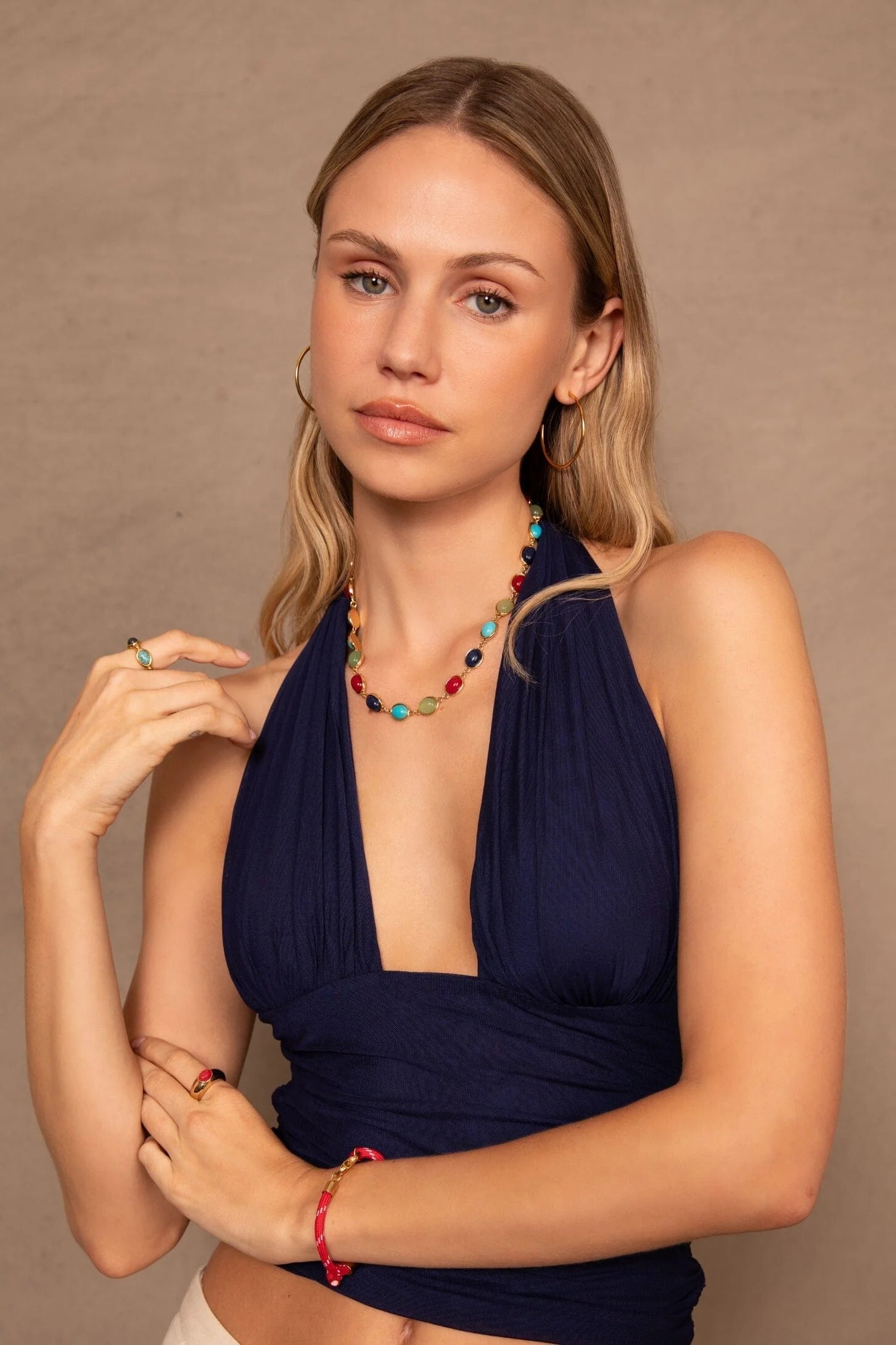
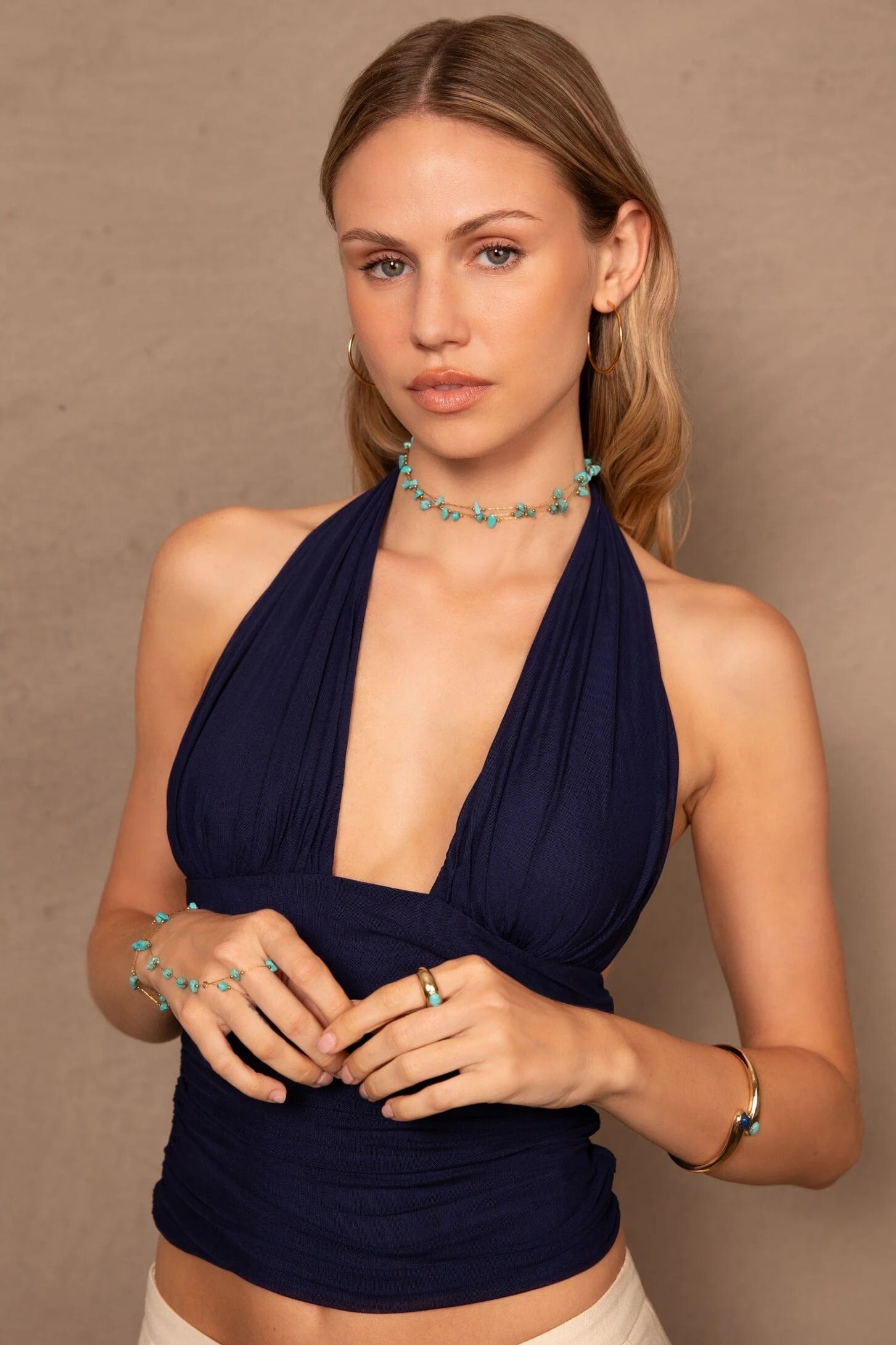
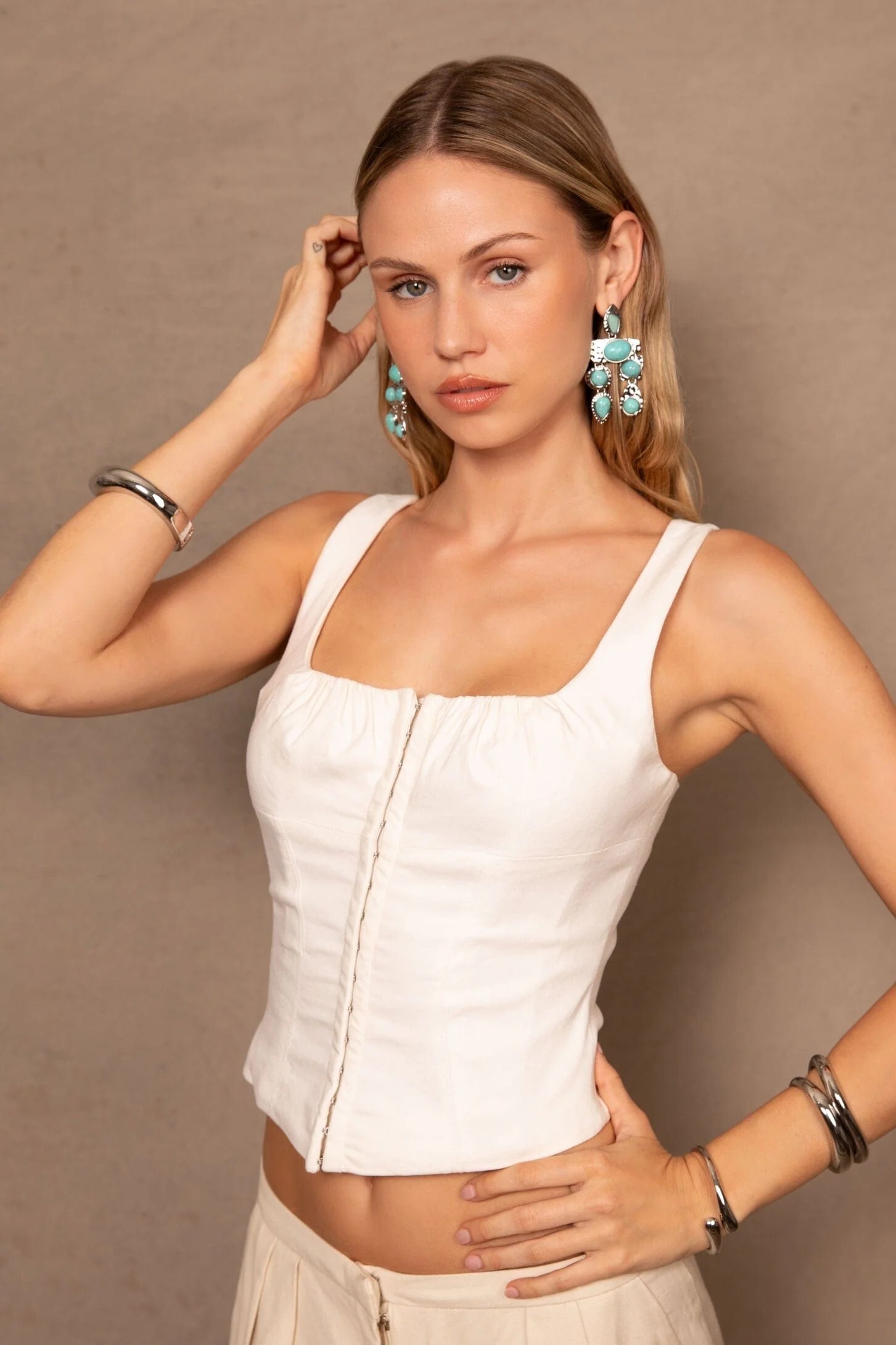
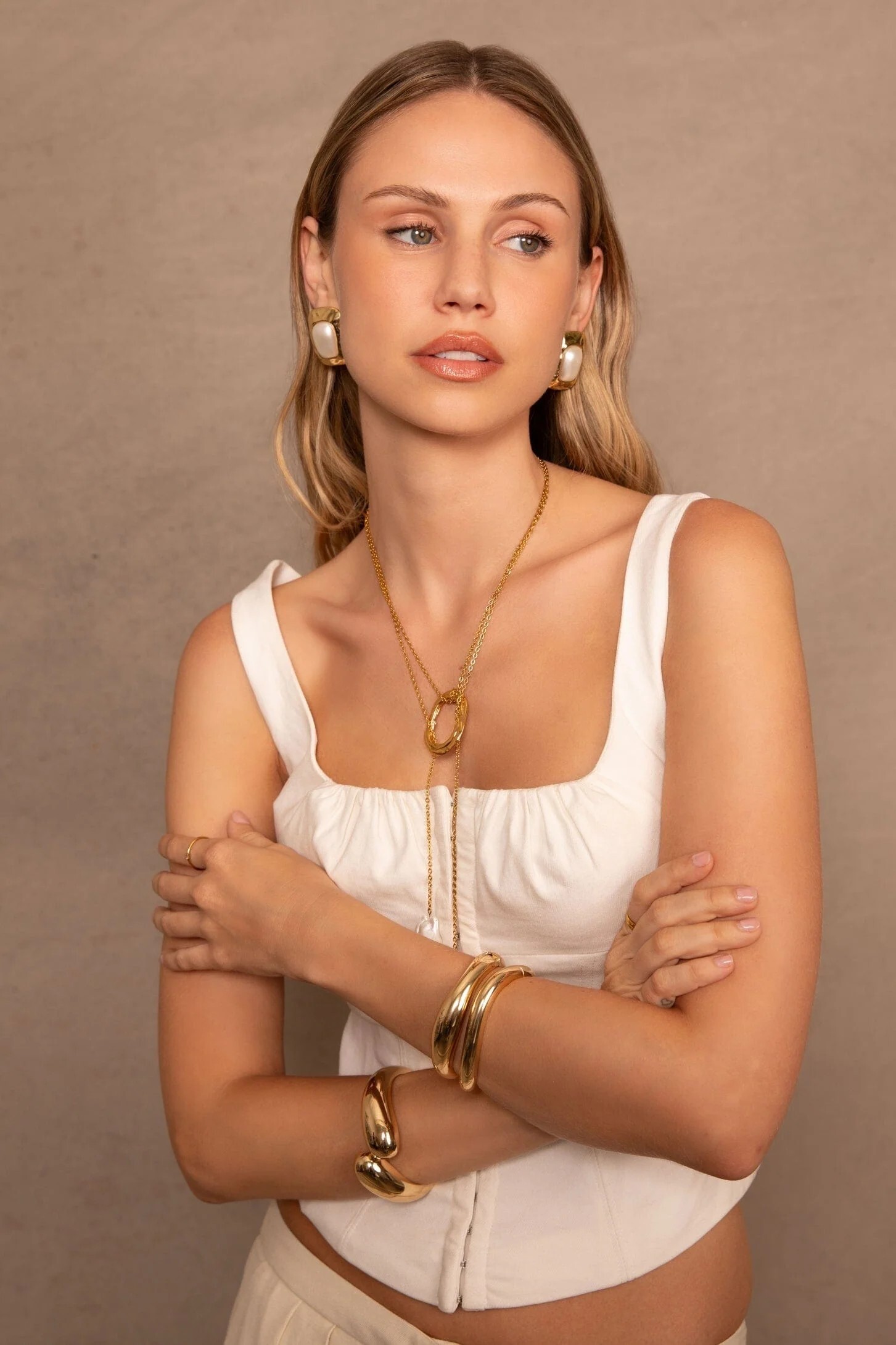
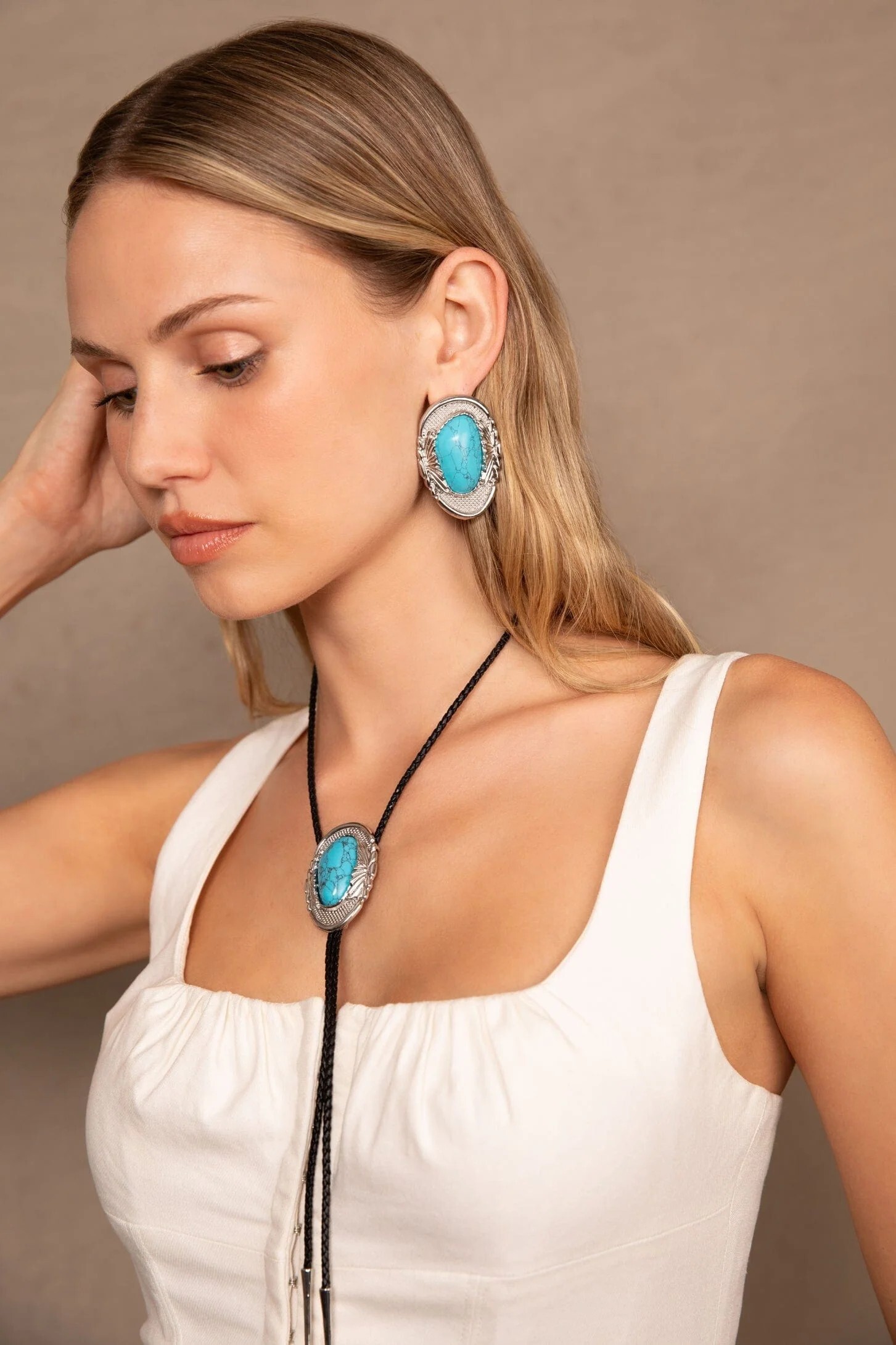
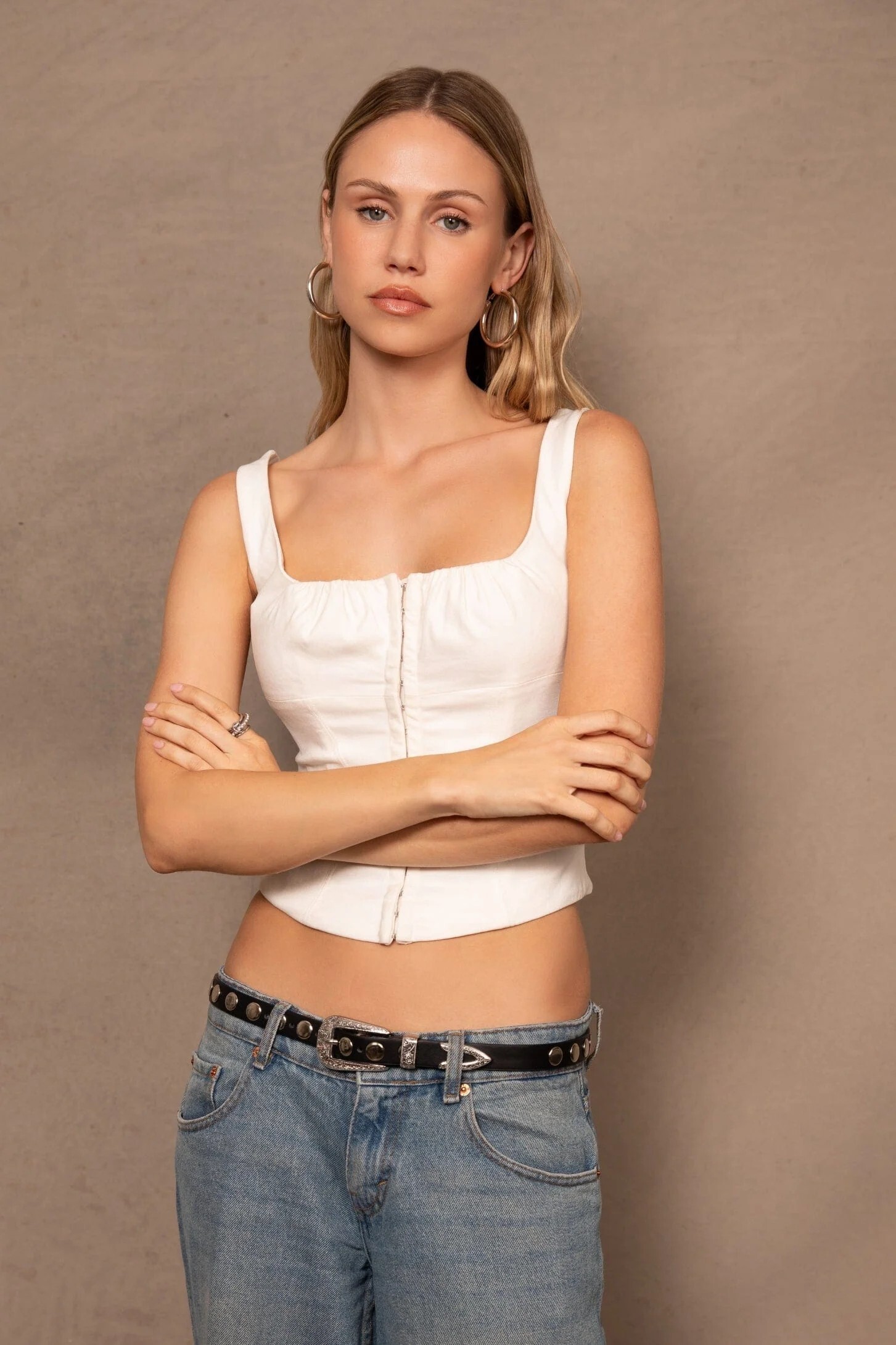
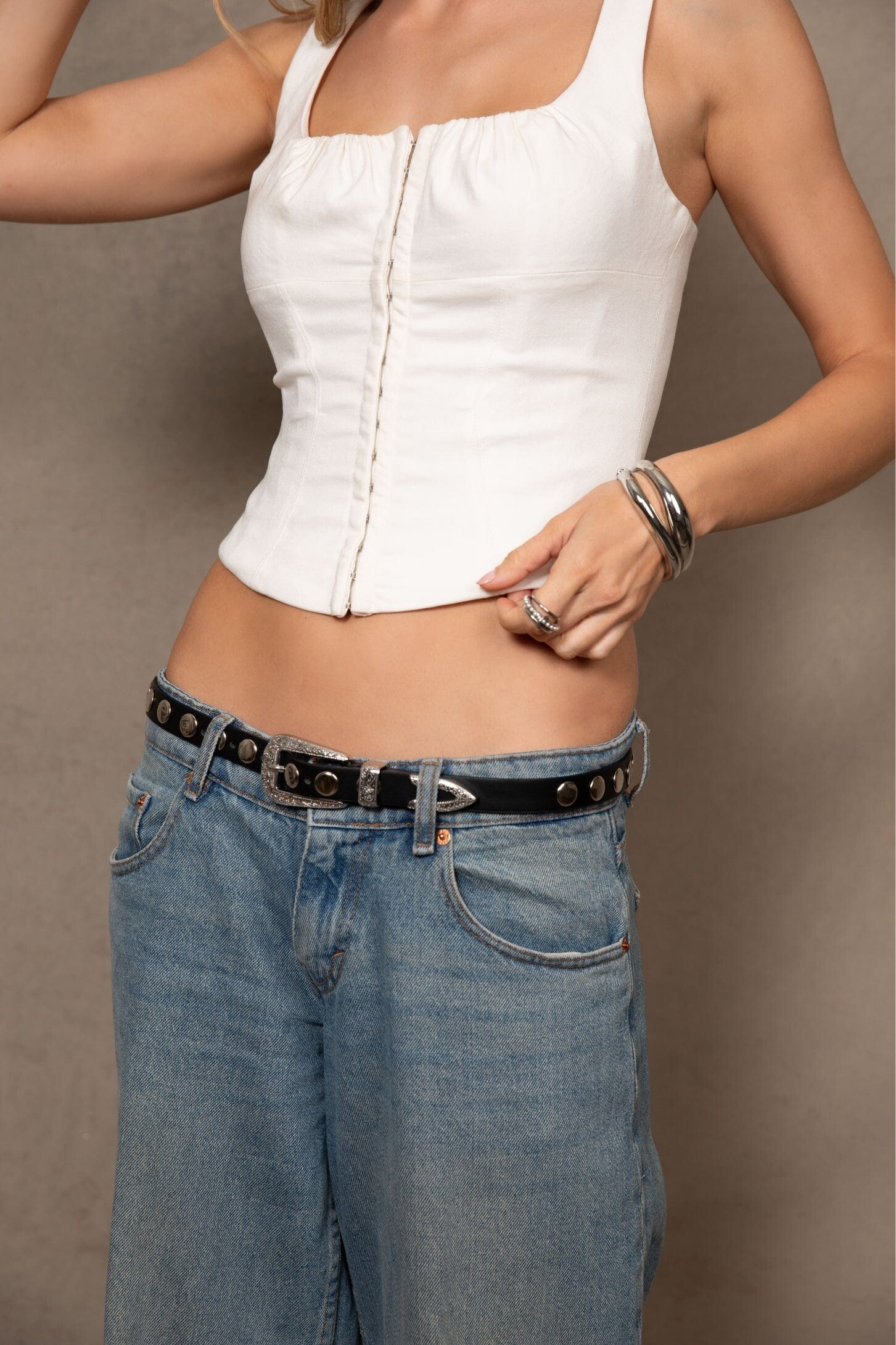
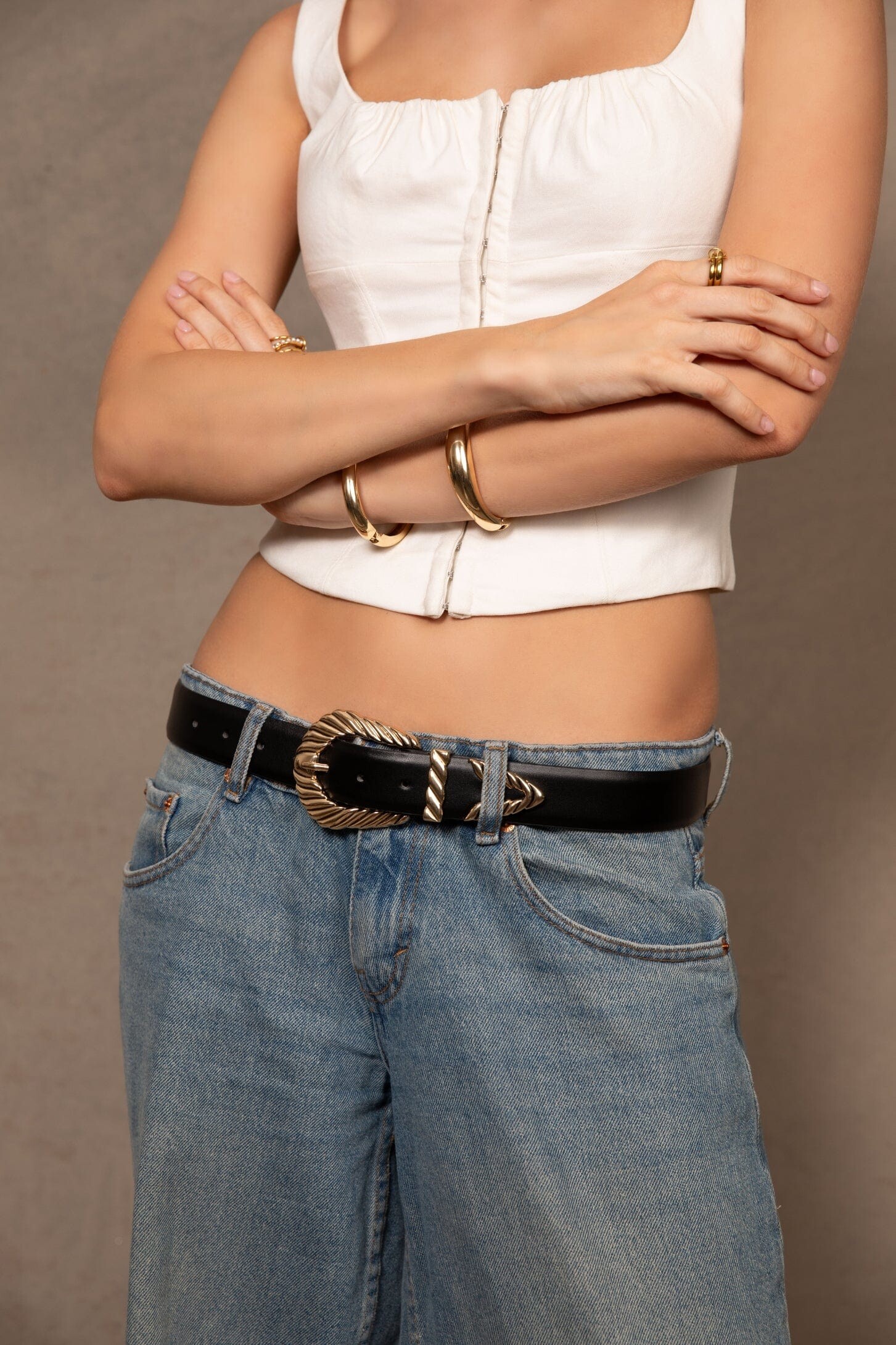
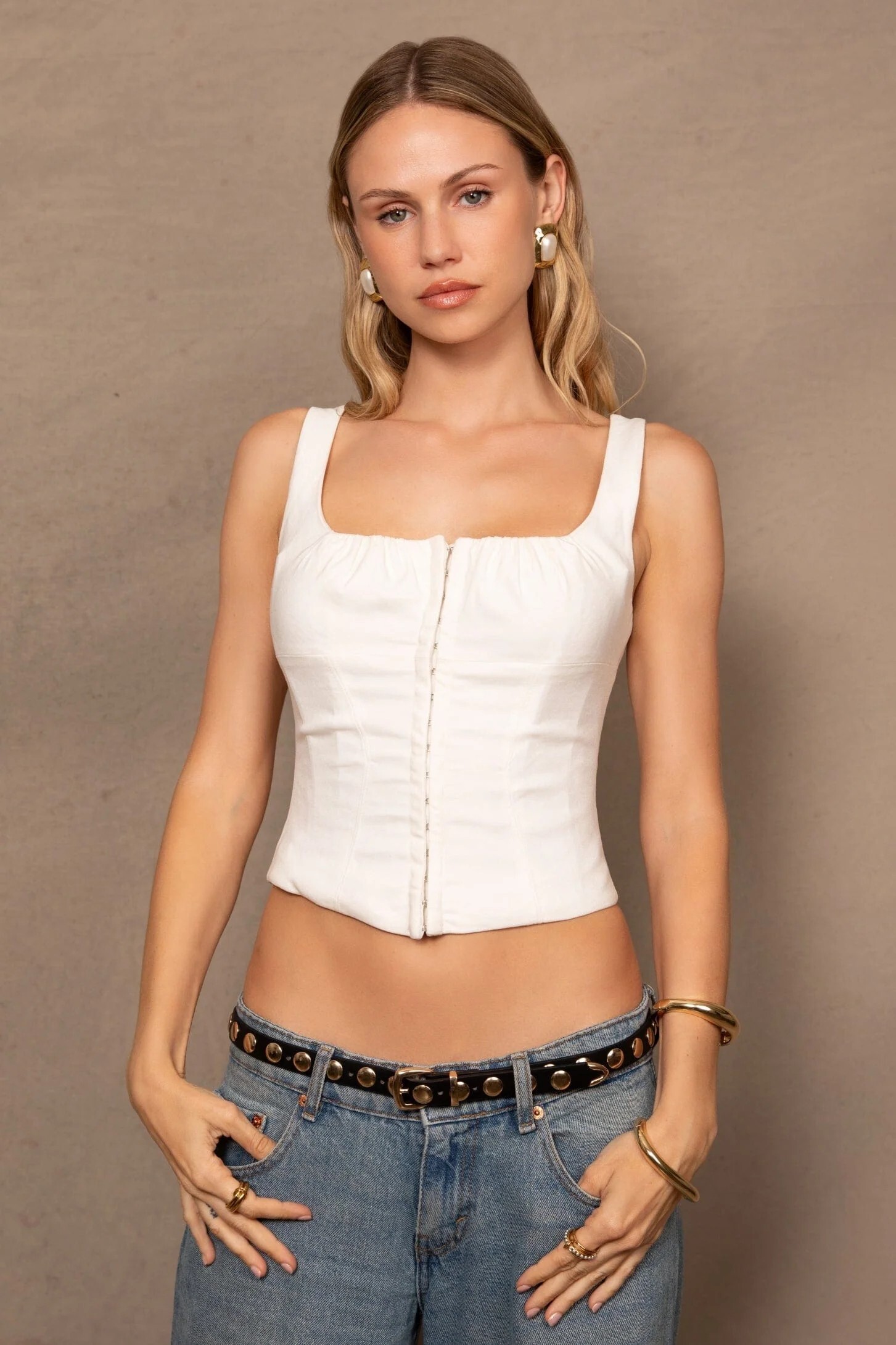
 Cult Official FW25/26



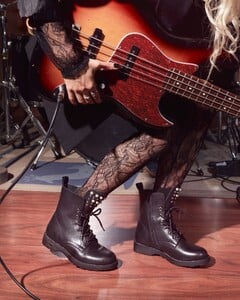




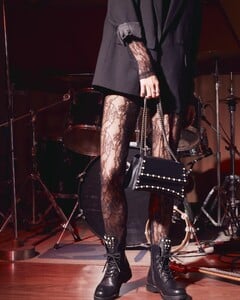





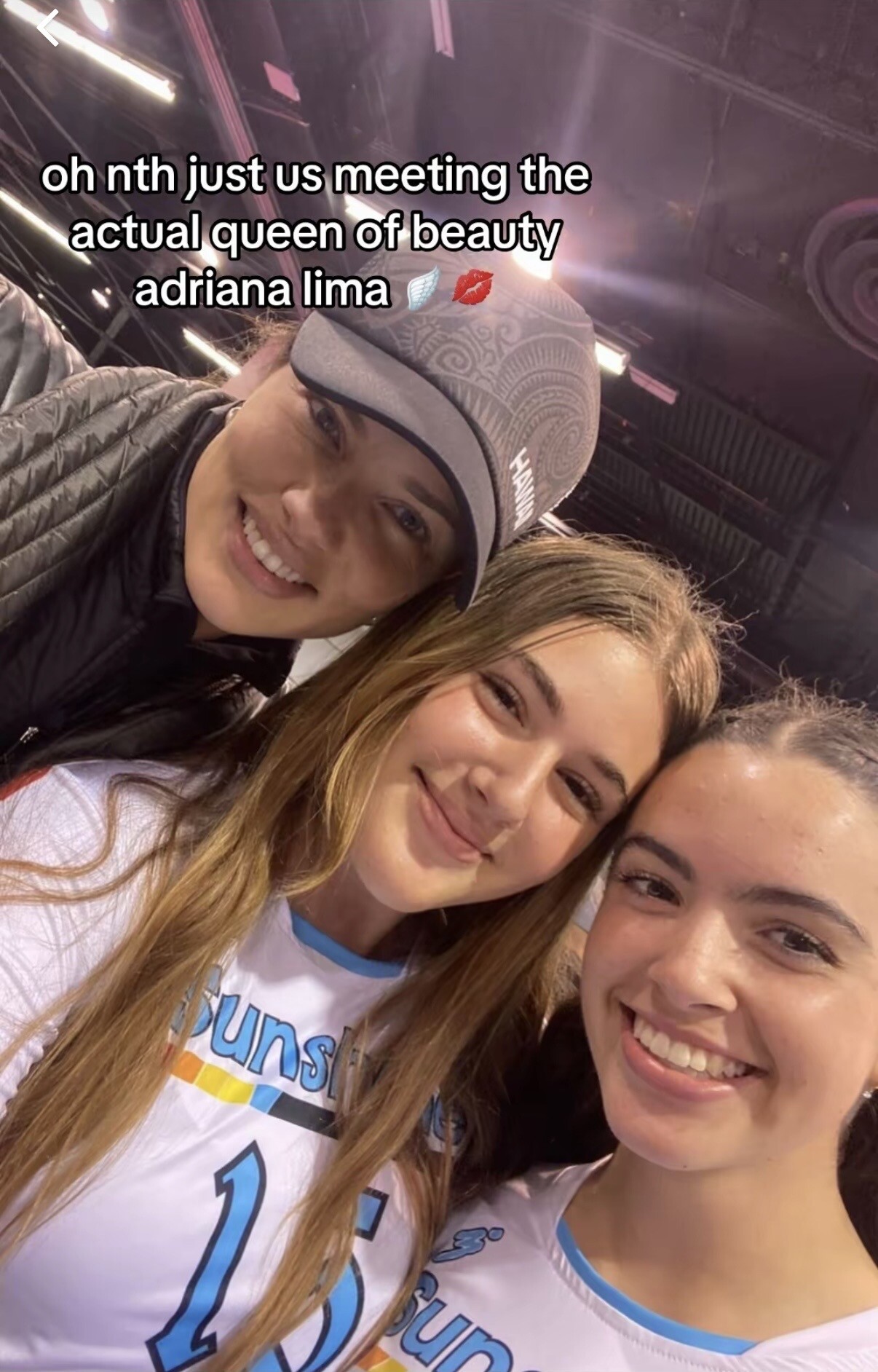
 Posted last week but from 2024. https://vt.tiktok.com/ZSaJycmWa/
 I wish, last year she missed both Cannes and Oscar’s. Attending this kind of events don’t provide financial benefits to her in general but if Andre still works in film business, there is still chance.
 Yes. Do we know where they filming? Edit: Czech Republic so not really around the corner lol Also curios about those other supporting roles and who will be cast.
- Today
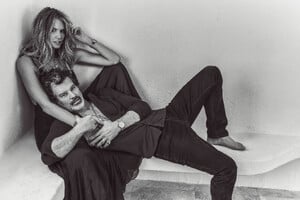
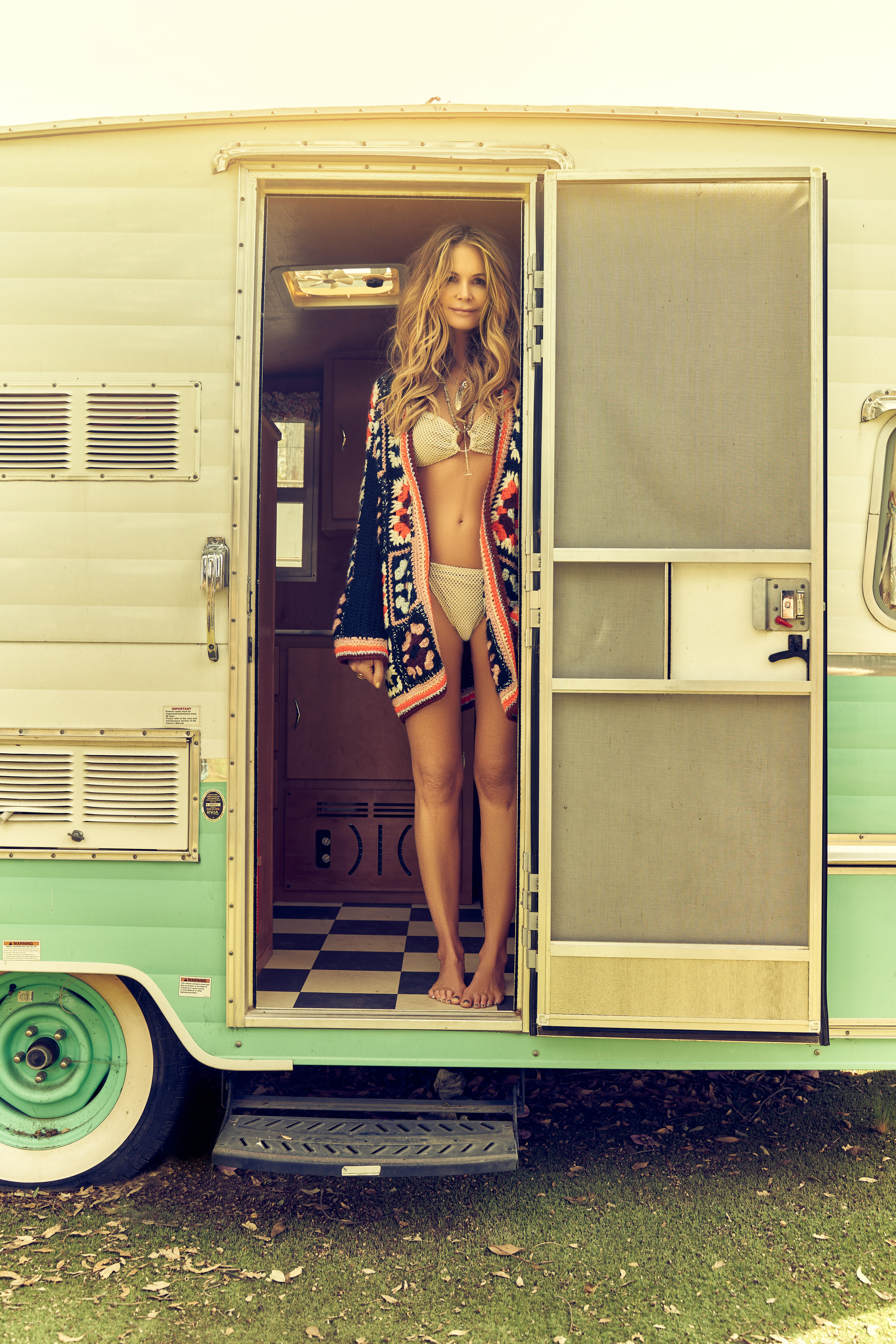
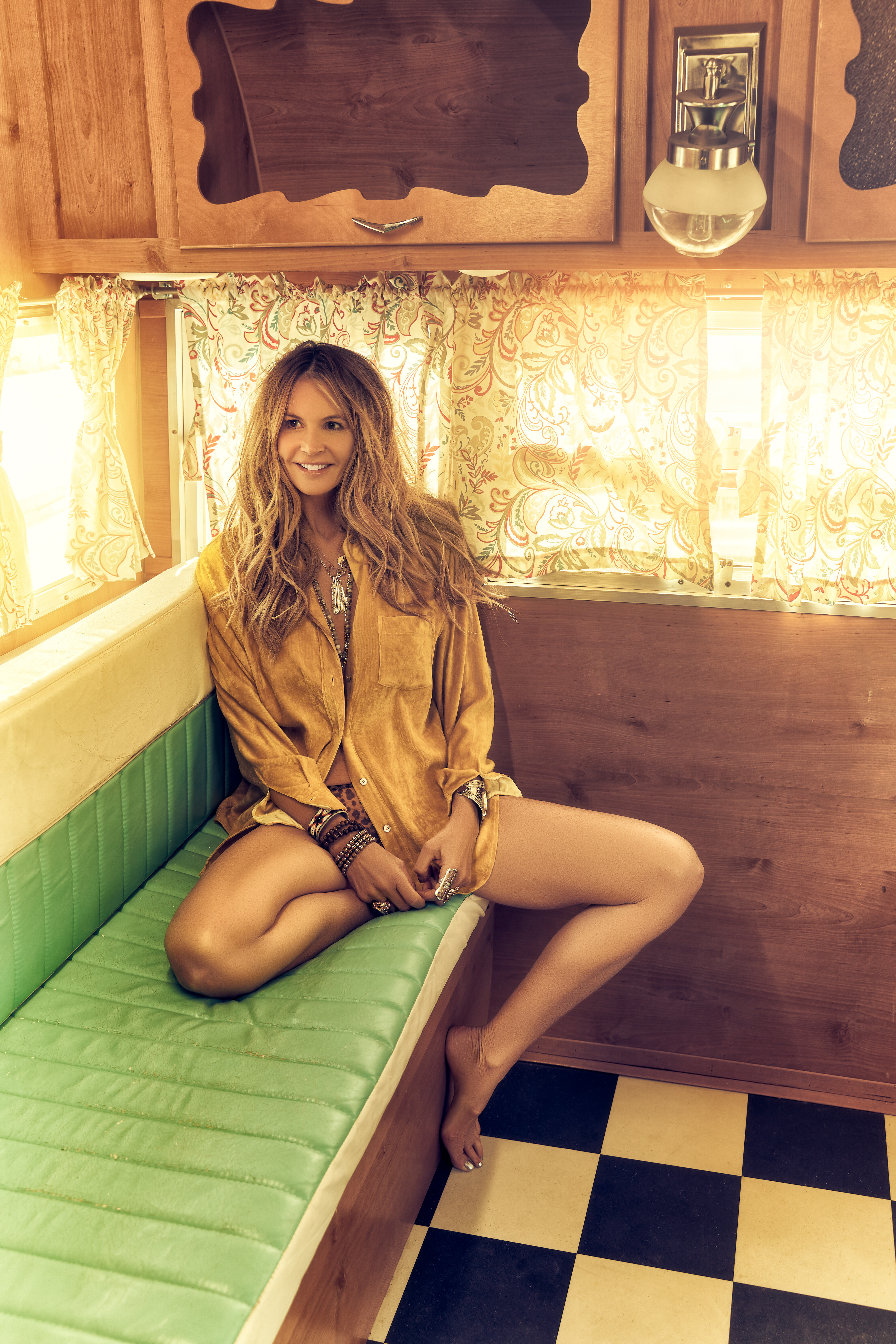
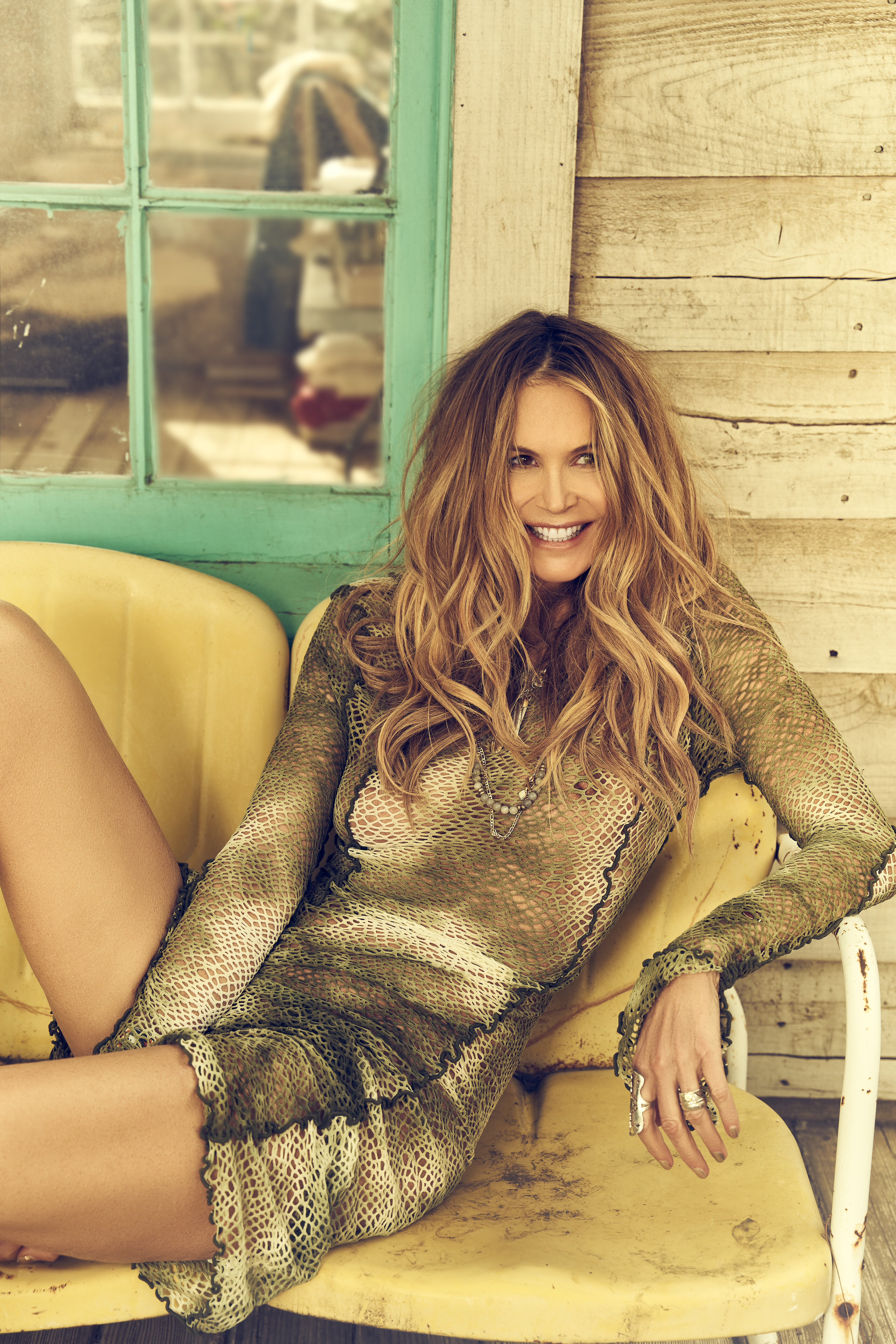
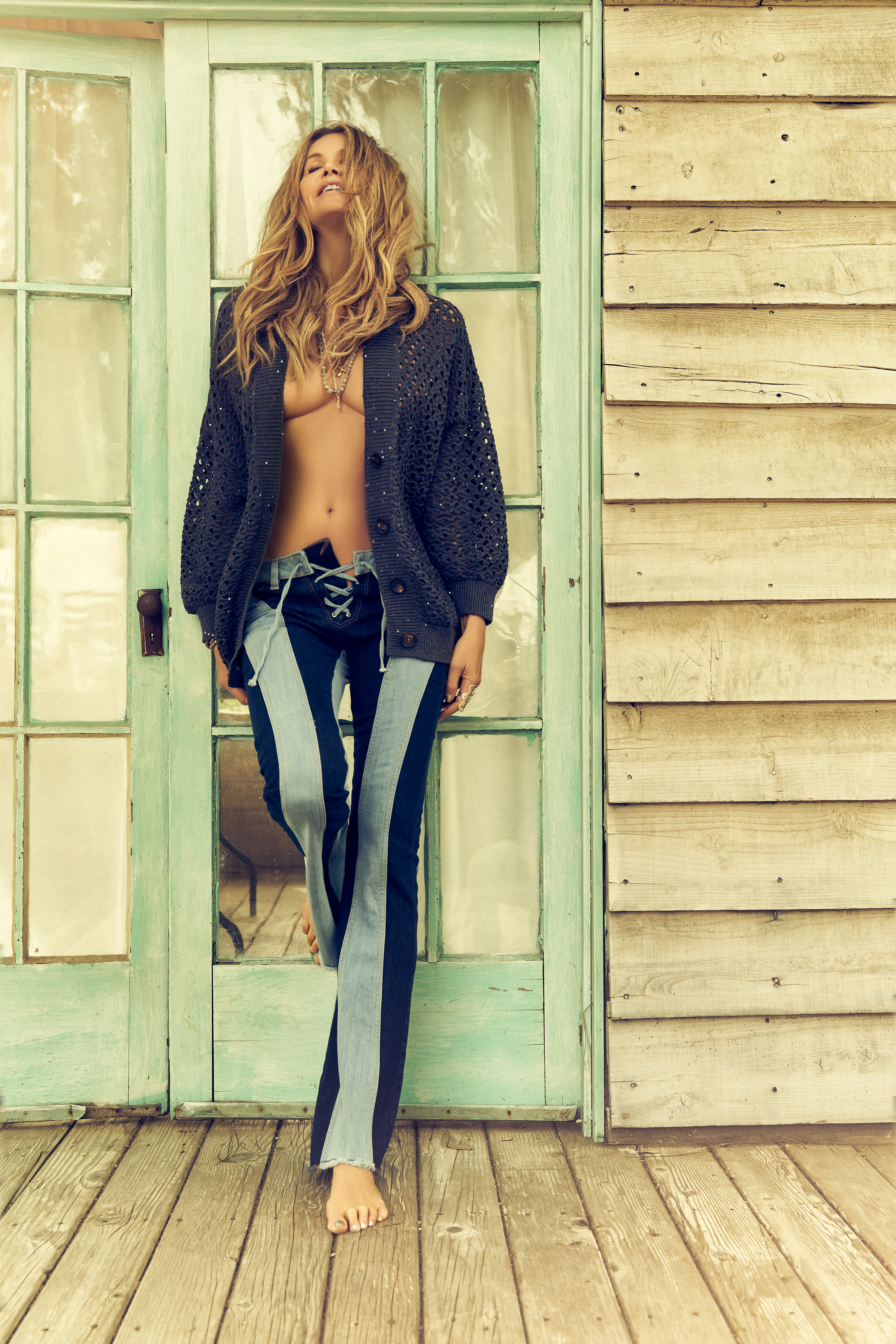
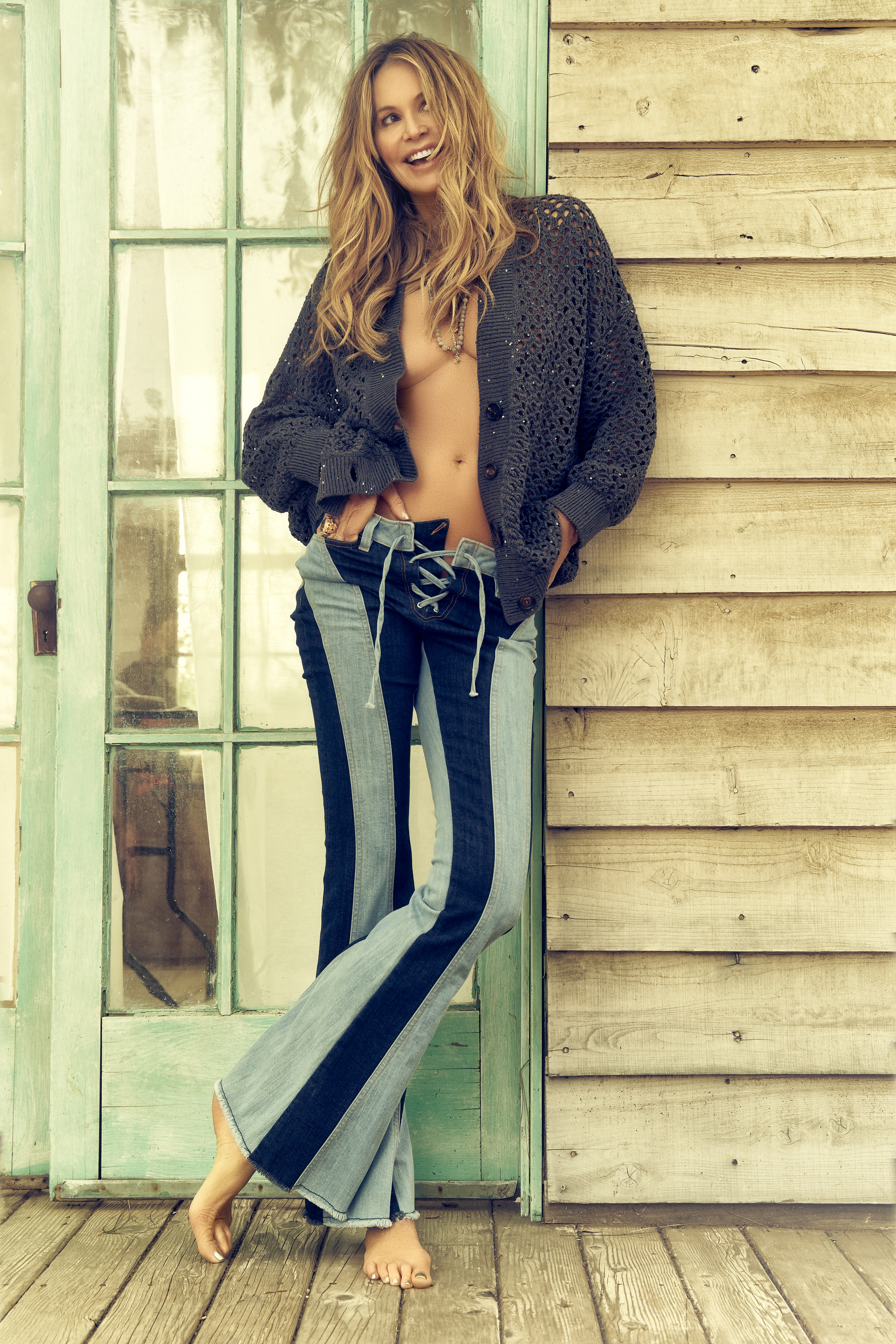
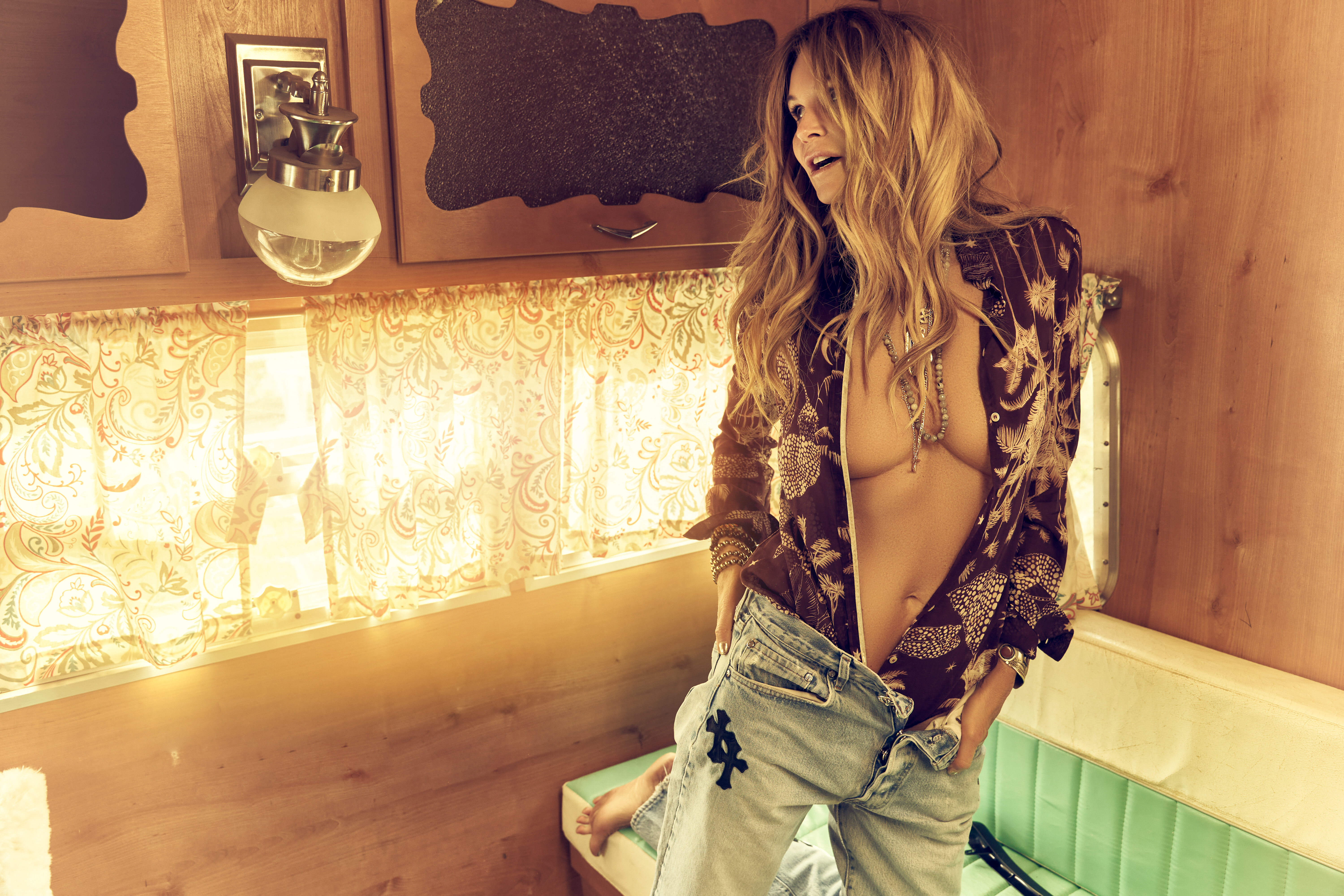
Ph: Randall Slavin some see-through nudity UHQ









 Well Spoken. Also a google image search doesnt pull up bellazon posts sometimes. And some photos arent labeled, making it harder go search them before posting
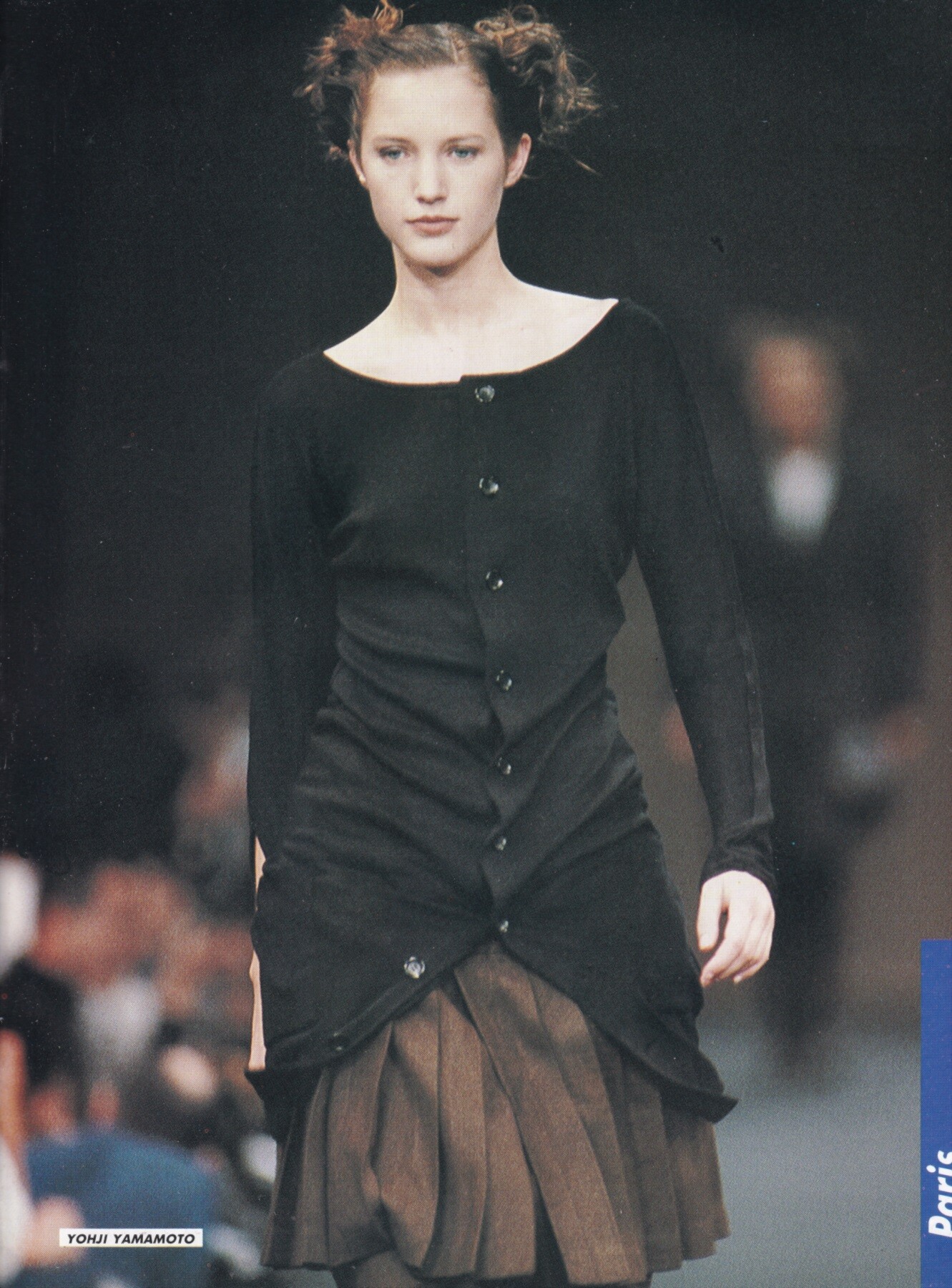
 Cecilia Chancellor for Yohji Yamamoto, ready-to-wear, spring/summer 1988 my scan
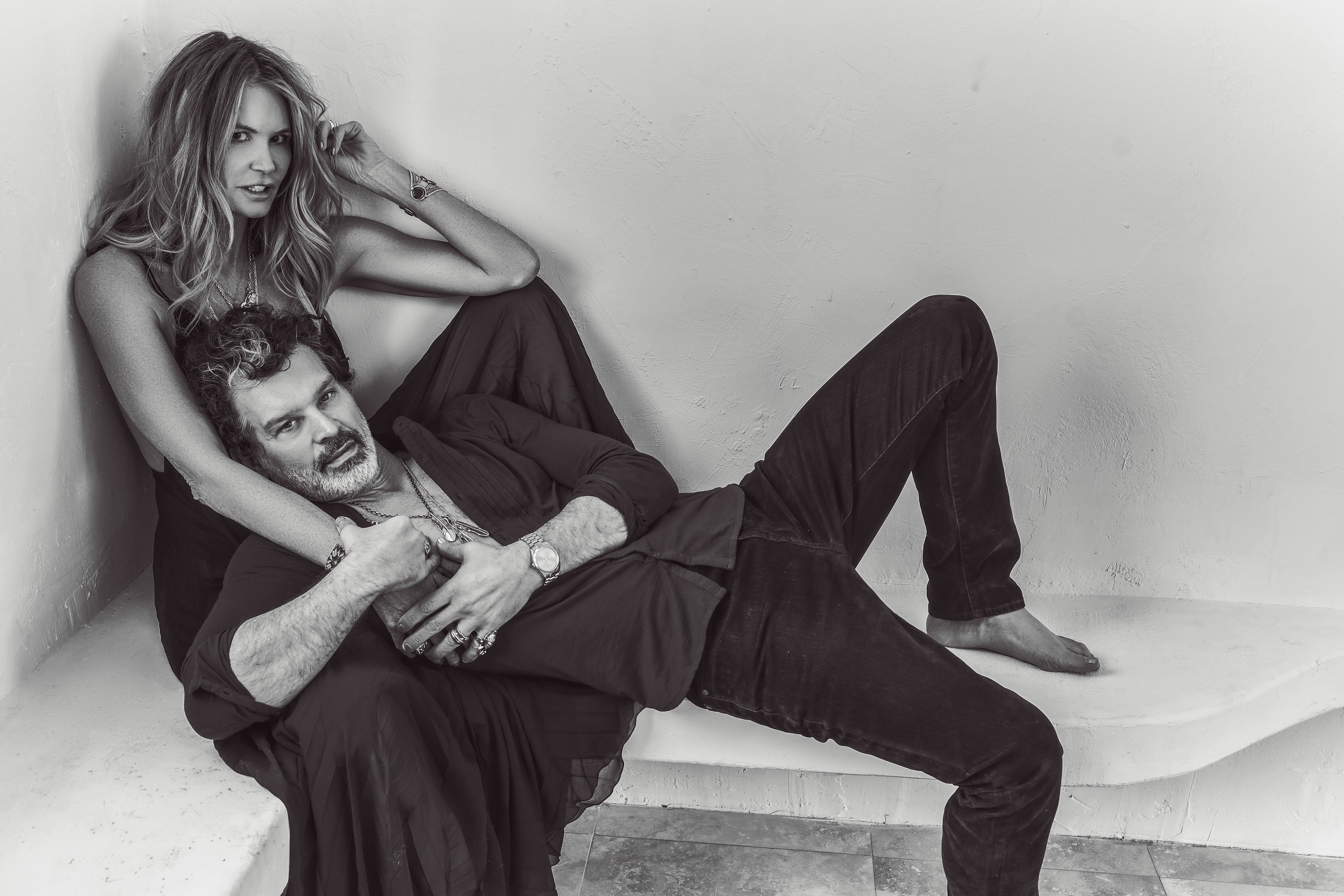
 Ph: Randall Slavin uncensored nudity
 Elisa Johnson: stories
 💋
💋

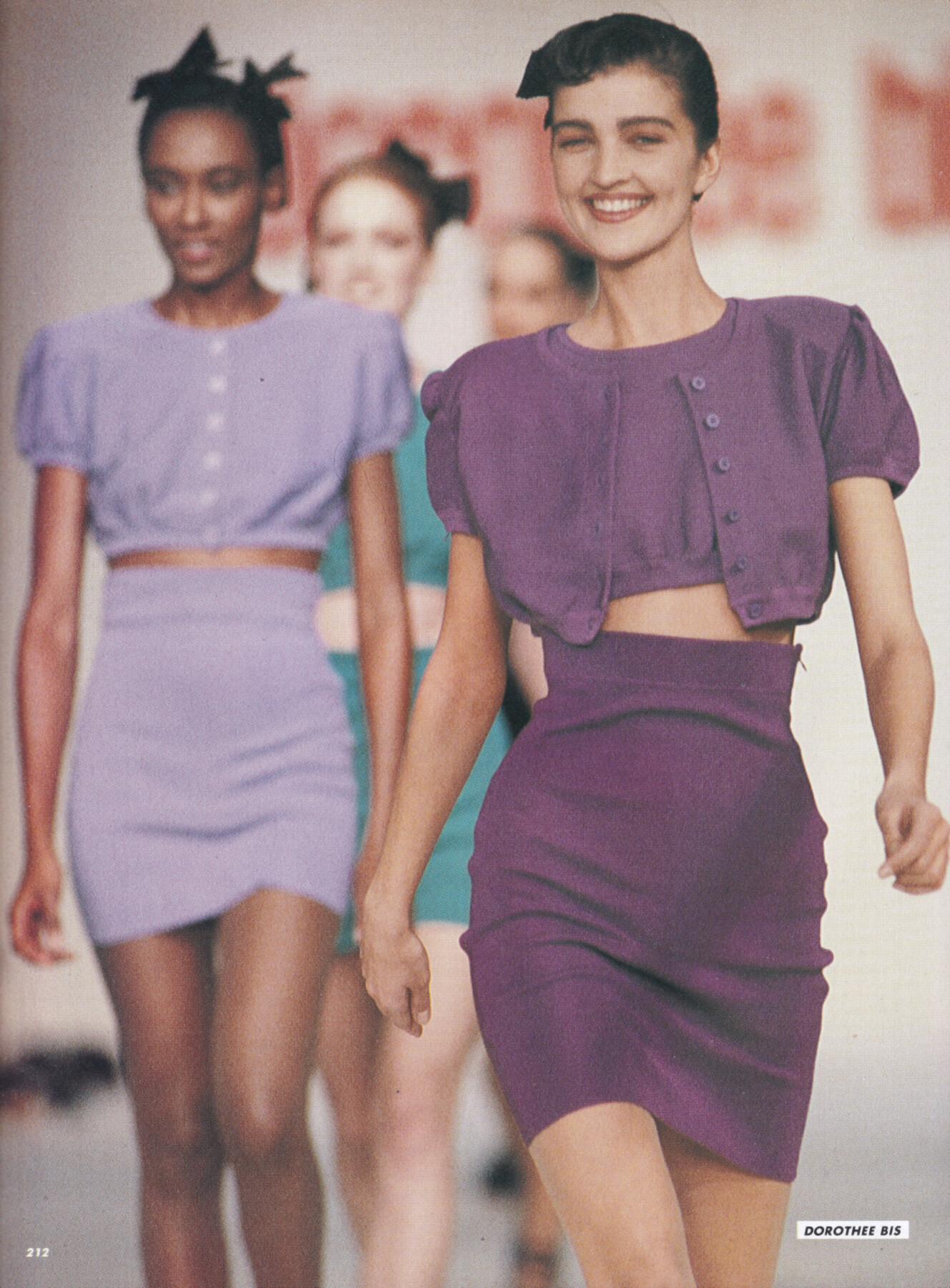
 Claire Atkinson for Dorothee Bis, ready-to-wear, spring/summer 1988 my scan
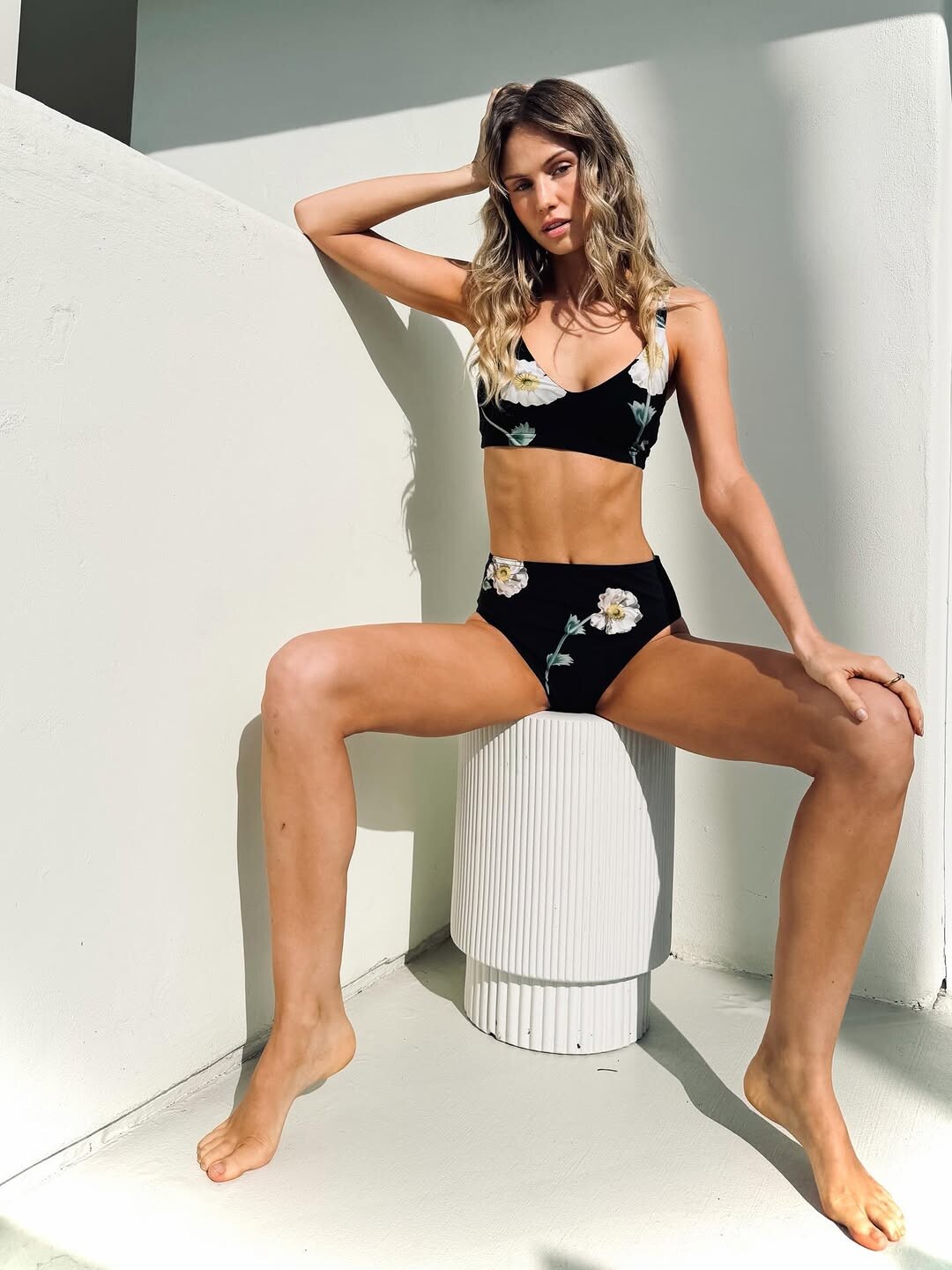
 Hi Cain, Emily's Shein photos are far more numerous than those of any other brand. Shein is also able to change colors of the same items of Emily and make it seem like a new collection. There are also other sources like Everie Swim or Berlook. Each brand can include older photos already published in a new collection. We could publish the Shein photos in a single post and edit it to add new ones. But if someone comments on that content, we won't be able to edit it anymore. This option remains complicated. The only way is indeed to check if the post already exists. This sometimes requires looking back 20 pages. Beyond that, we can try a Google image search. Best Regards
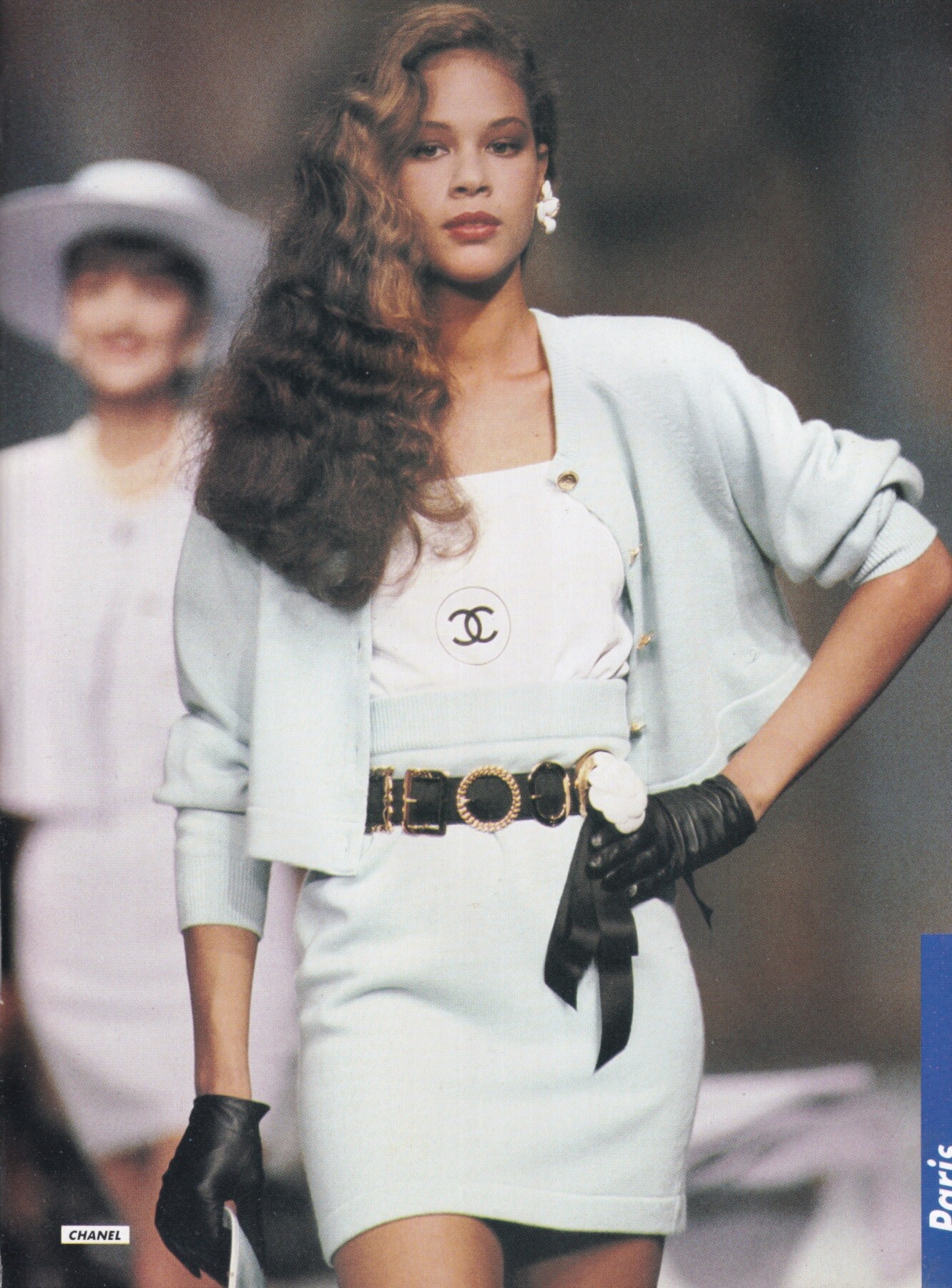
Ilonka Toppenberg for Chanel, ready-to-wear, spring/summer 1988 my scan
Hi Cain, Emily's Shein photos are far more numerous than those of any other brand. Shein is also able to change colors of the same items of Emily and make it seem like a new collection. There are also other sources like Everie Swim or Berlook. Each brand can include older photos already published in a new collection. We could publish the Shein photos in a single post and edit it to add new ones. But if someone comments on that content, we won't be able to edit it anymore. This option remains complicated. The only way is indeed to check if the post already exists. This sometimes requires looking back 20 pages. Beyond that, we can try a Google image search. Best Regards
Ilonka Toppenberg for Chanel, ready-to-wear, spring/summer 1988 my scan
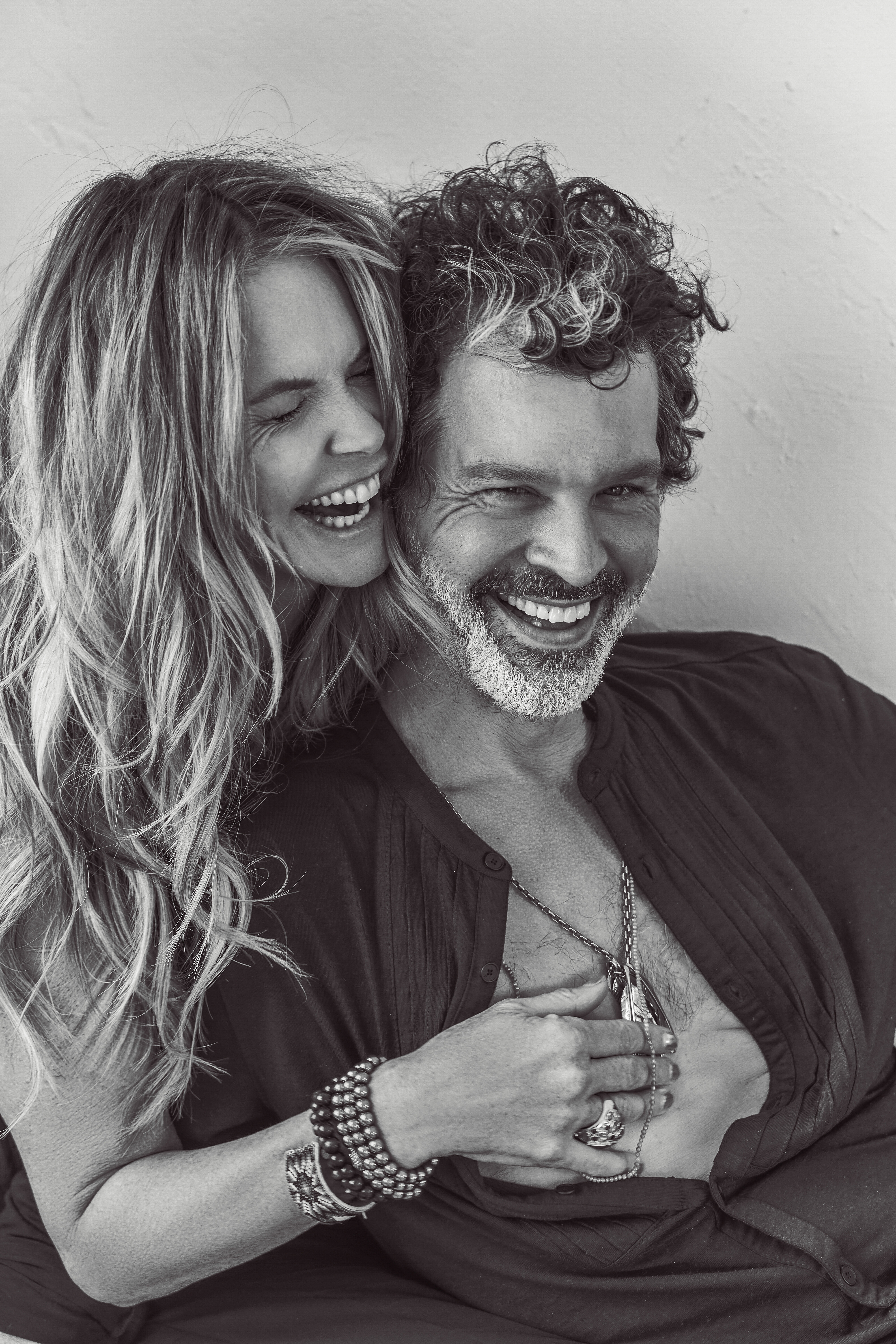
 PSA: You deserve to be happy David Yarrow | UHQ


 Karla Colleto SnapInsta.to_AQPvHL6WG37AWfUJ-hsH6JqdaQxN4FuJggbKfai1j3Dh__qaF_FlN0f-ZX1re8p3wNDm28qiti8vdB5X7_ahG-uu.mp4SnapInsta.to_AQOFwuBd4cbnqhWUUrNC6rNPuF7EywffT10LnpZ22_FQXCoT2CZ9wPCk-SBL3AJihwDOT_UPZJI91qmevqeF5lbK.mp4SnapInsta.to_AQNkbqVnRRo-KcqACZXZA0PgDCghLJ7SVLmSsOid74zER6ueAw0rnf5OdyiTPyBJL2J38k5gBP22LbgRQ4DioC4k.mp4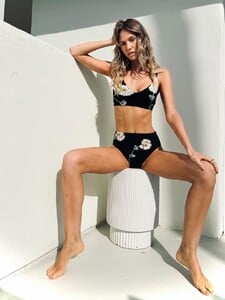
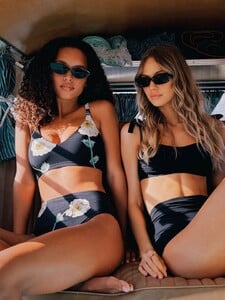

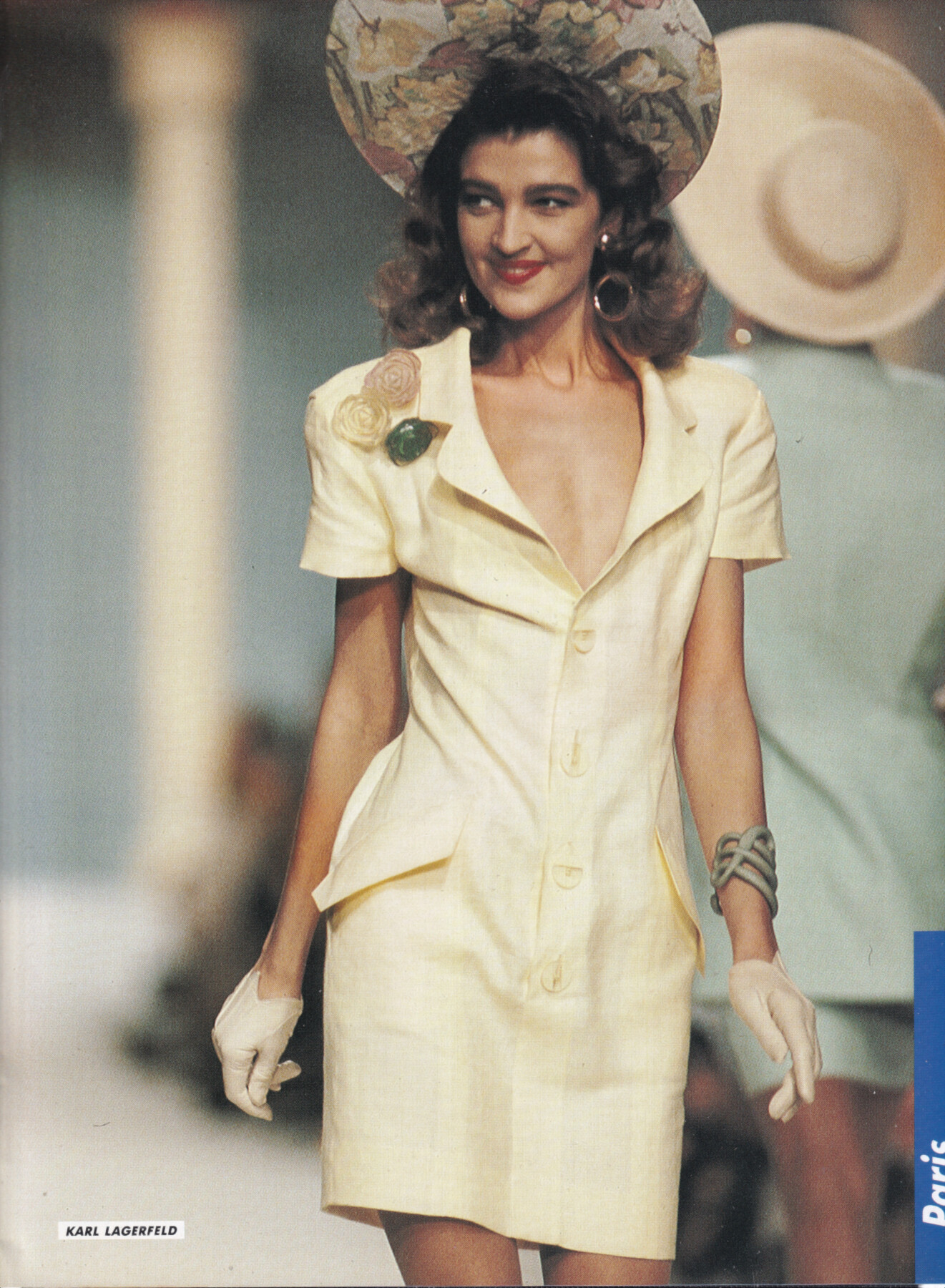
 Claire Atkinson for Karl Lagerfeld, ready-to-wear, spring/summer 1988 my scan
 PETIT MOMENTS SnapInsta.to_AQOshWux0L8UN7cgvripS3la5NhPvQVH6wAKVrsiPb-qdbAJ_ET-u4J033yvQiDDeJiTgMVKR9QshzsW8Yzd6LoR.mp4






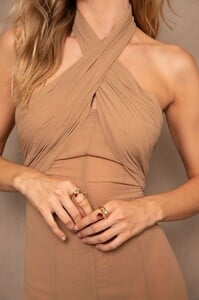

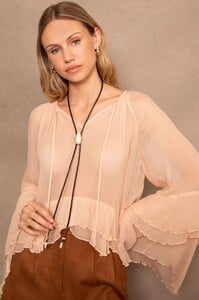




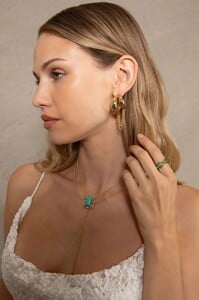




.thumb.jpg.52f24b1f51569fd43017a45b0d44c824.jpg)

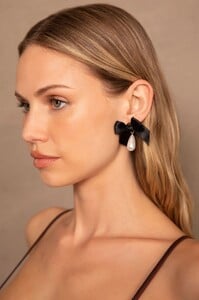























































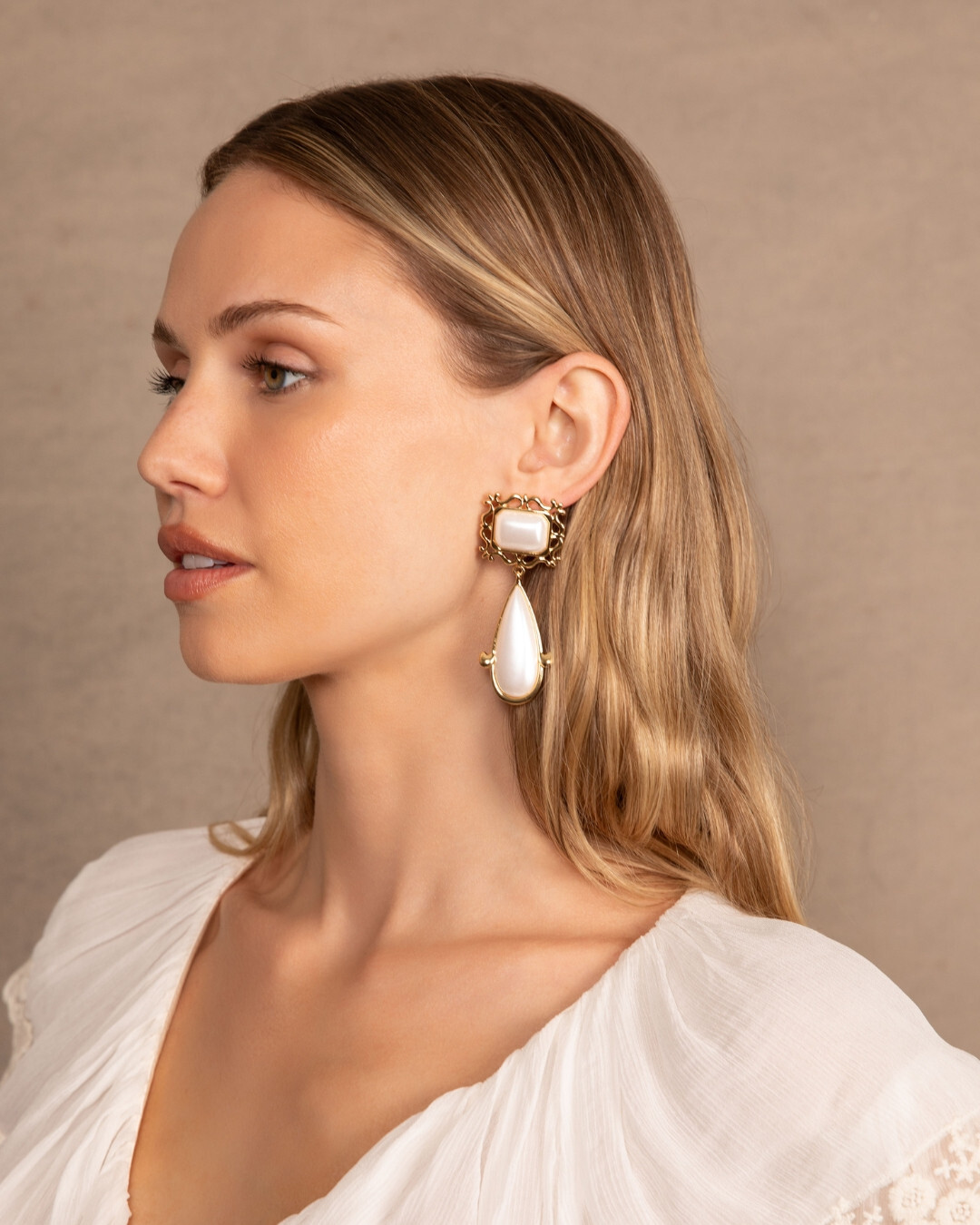
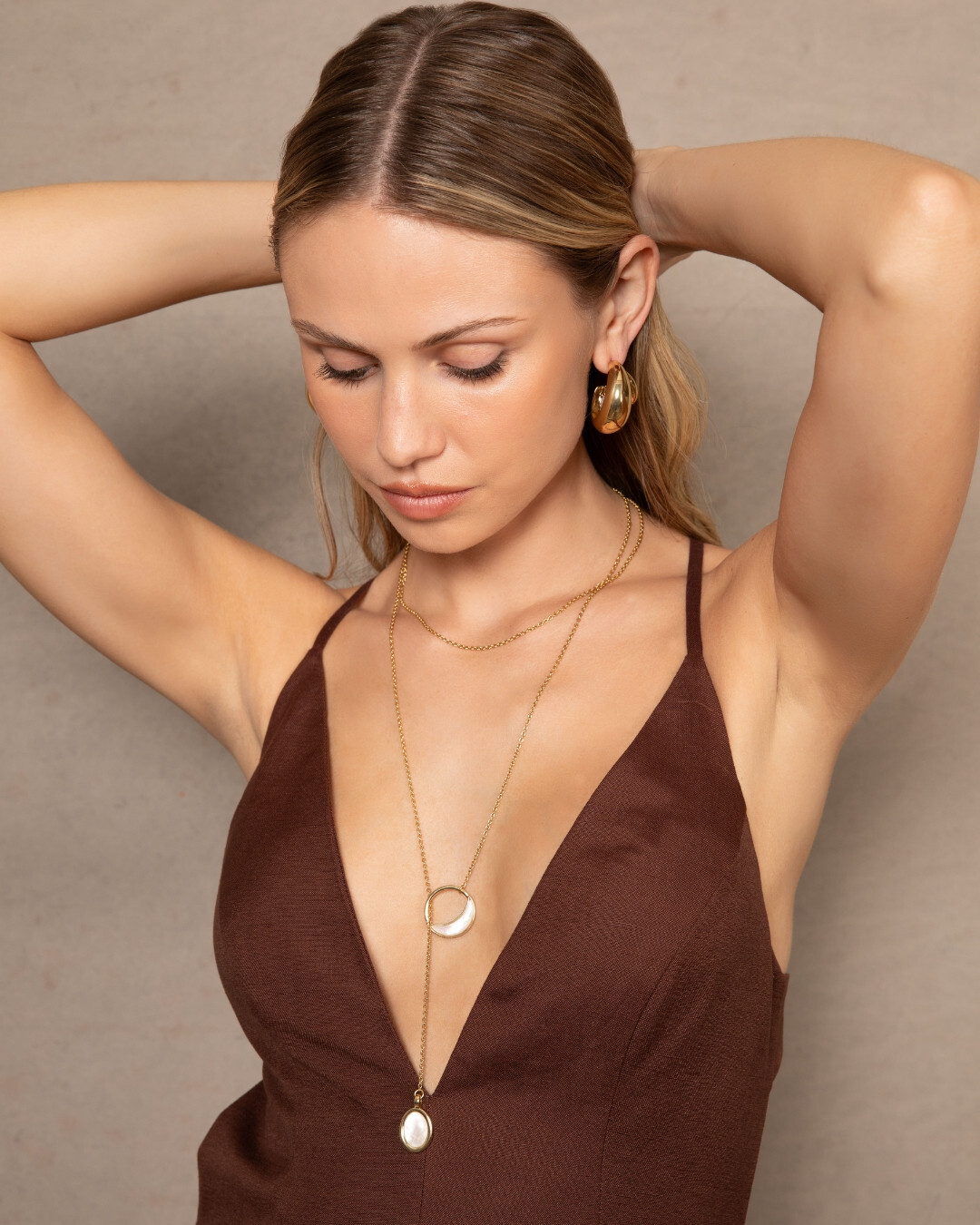
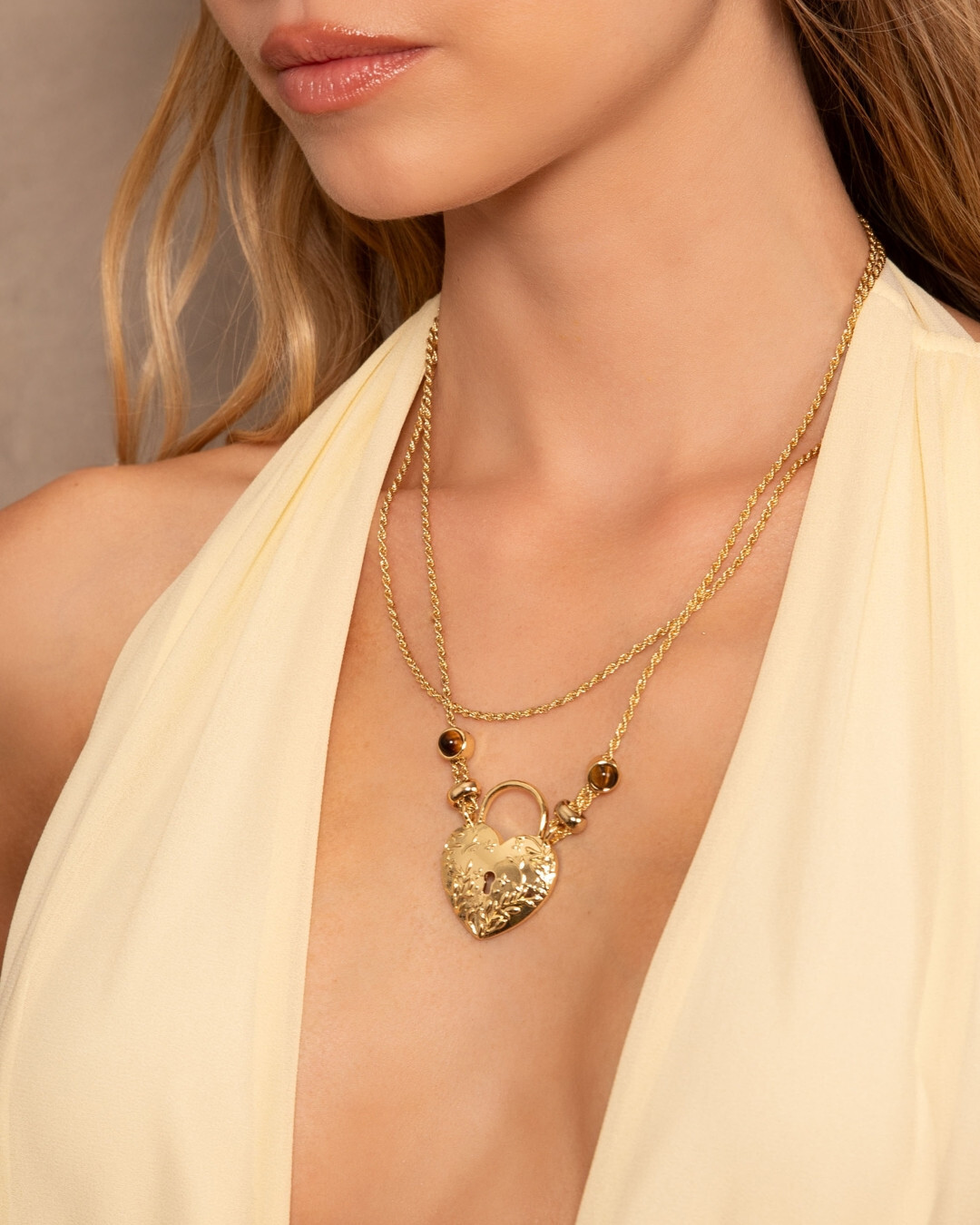

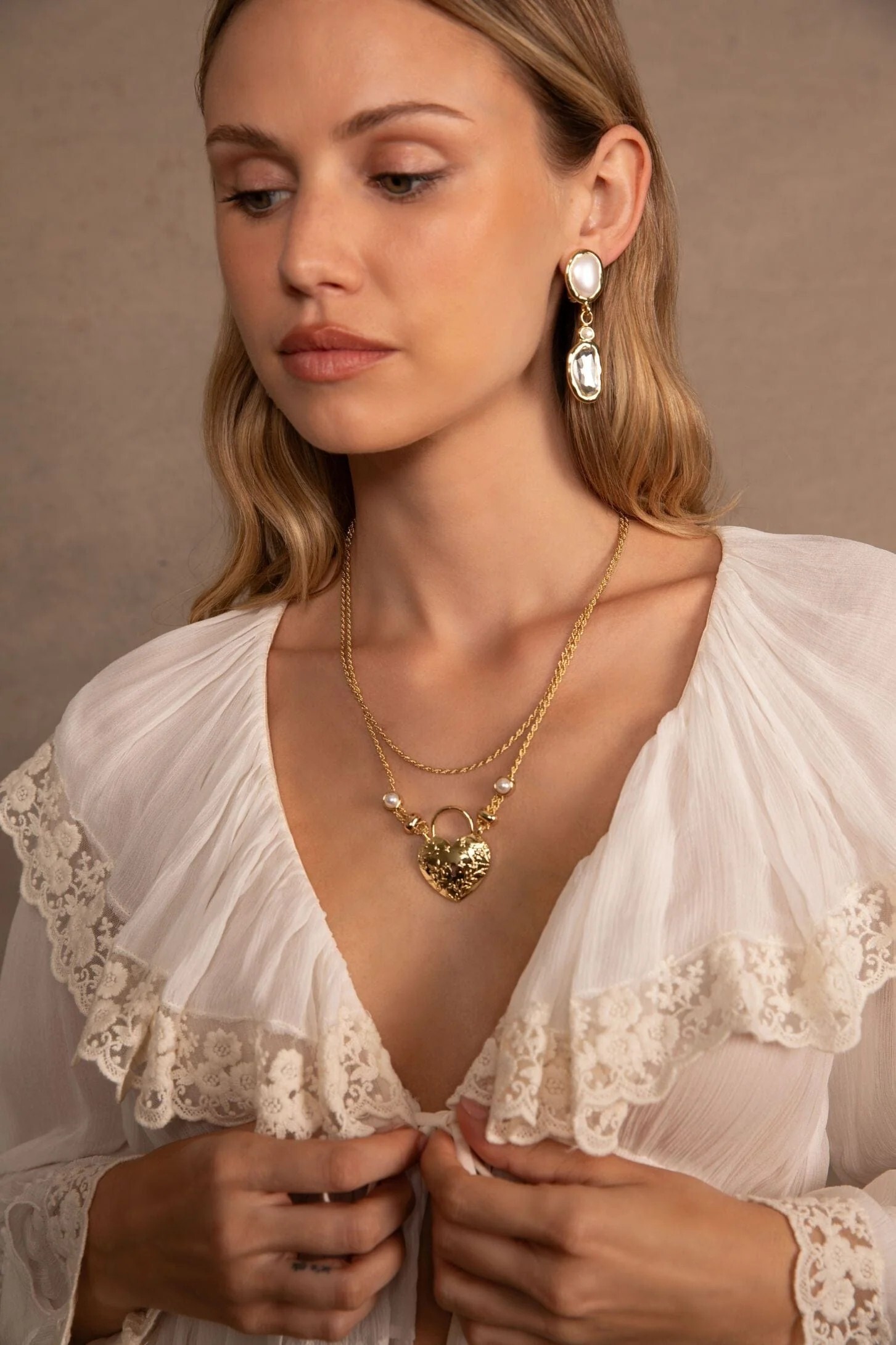


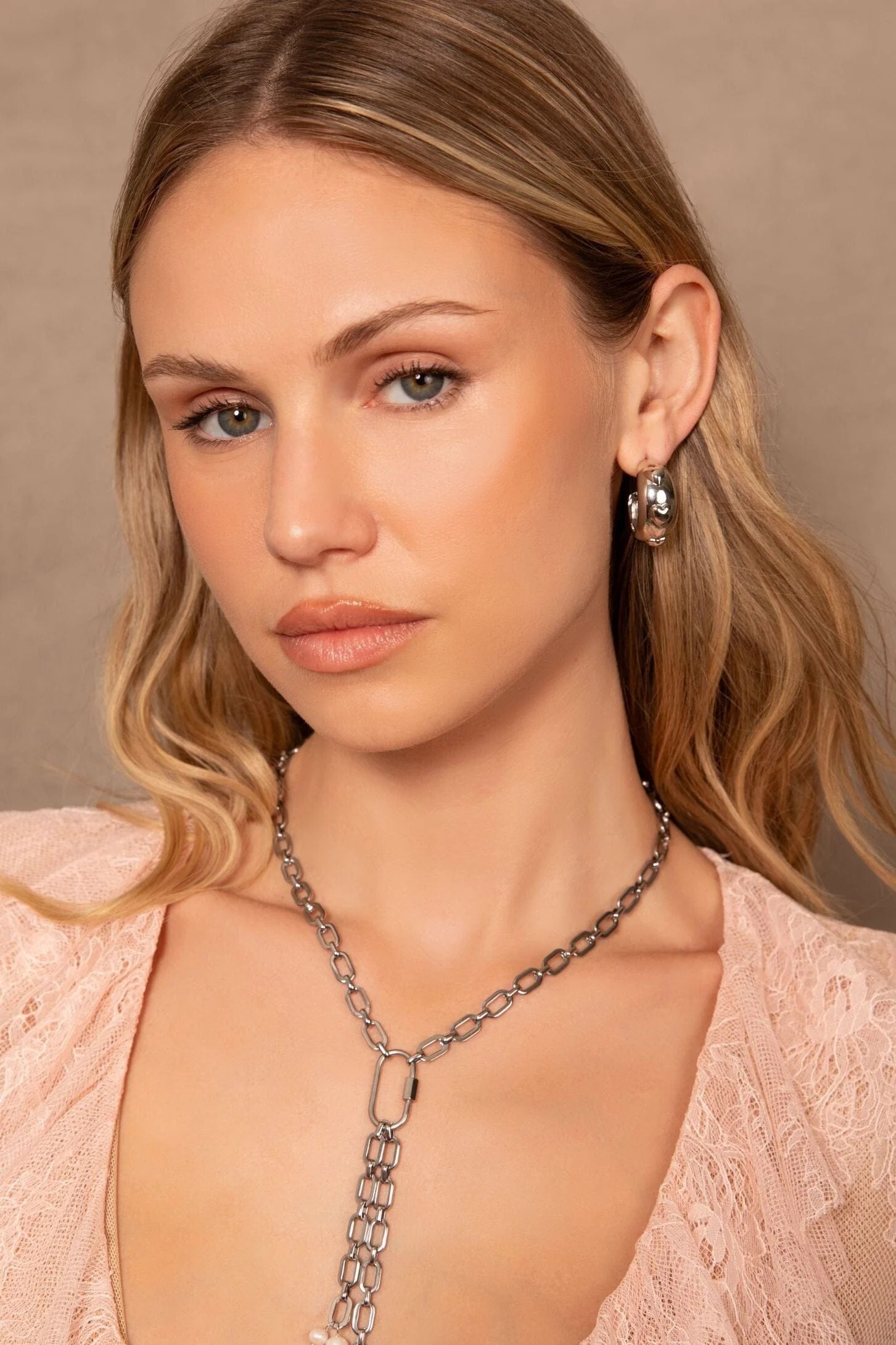
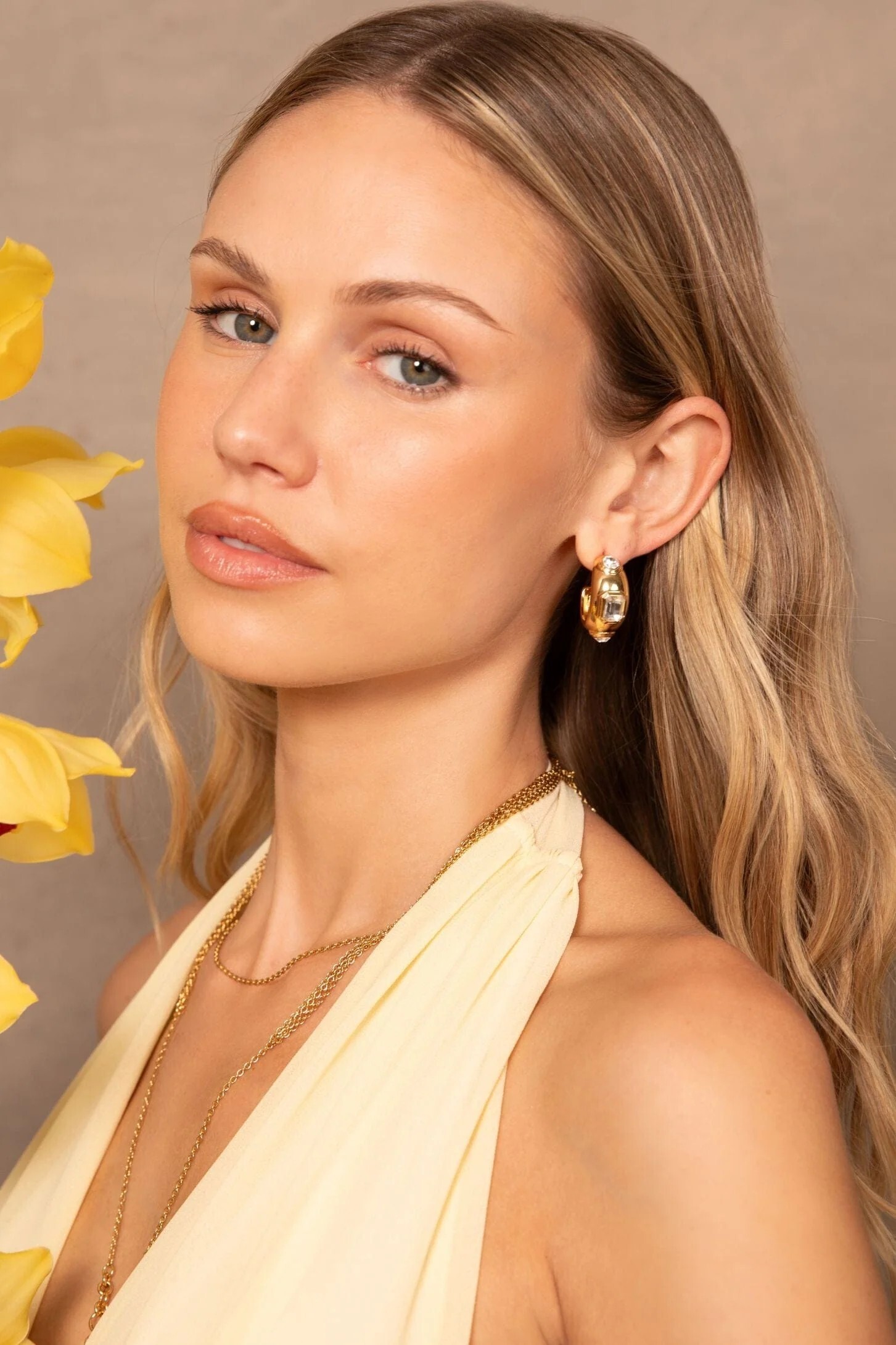
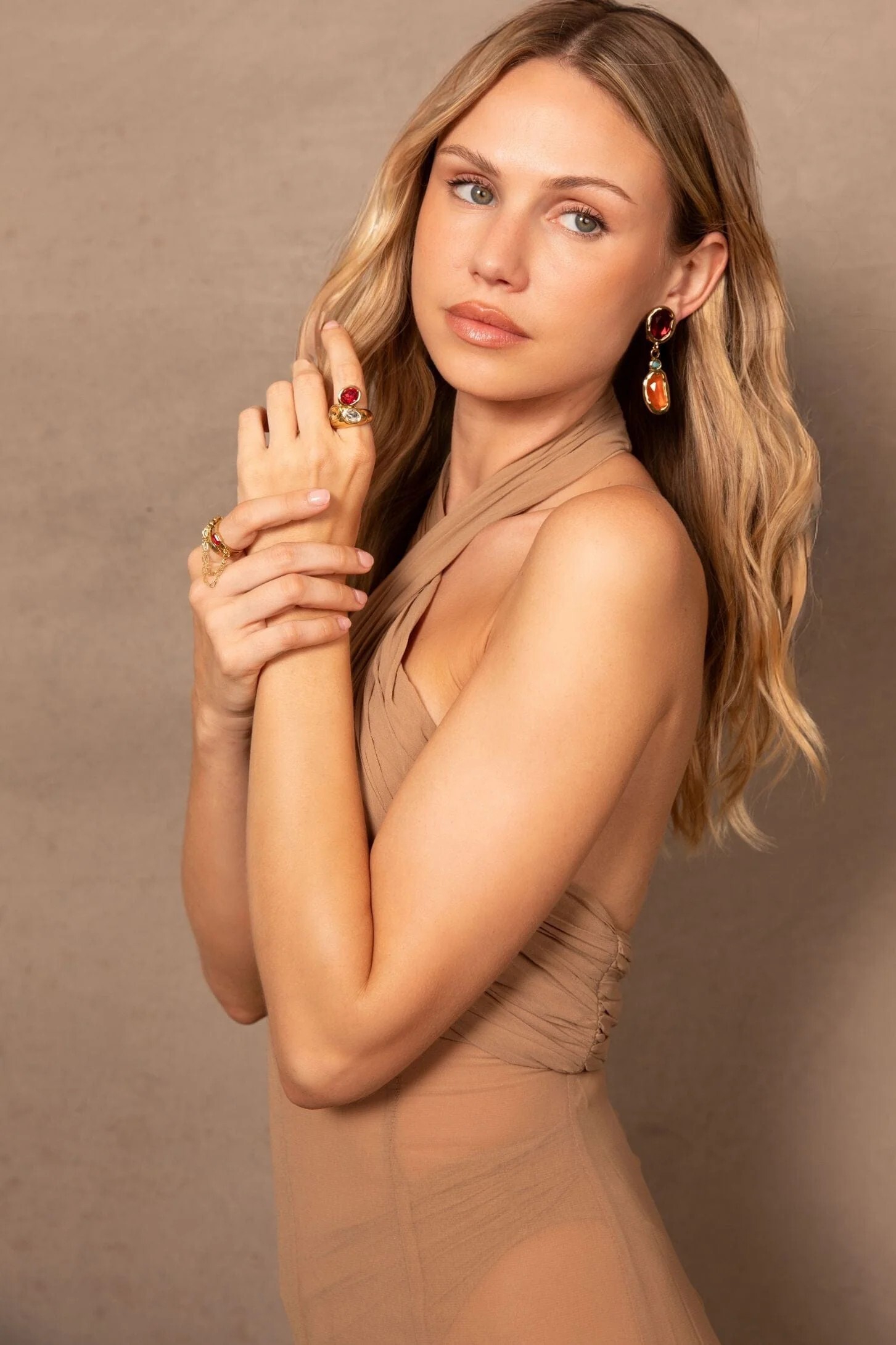
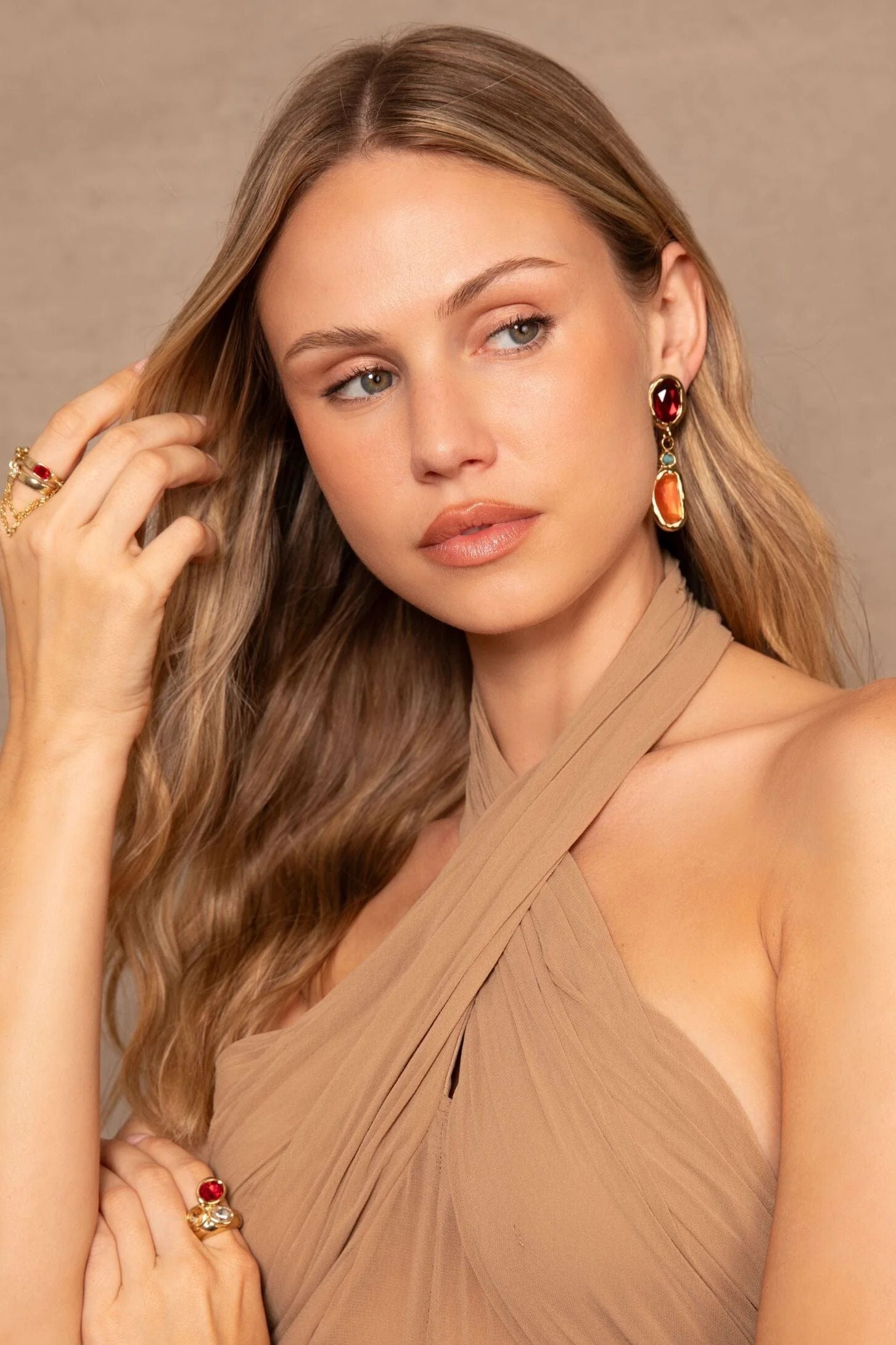
.jpg.7e7da7dbd561b88098a9c2874e751752.jpg)




Account
Search
Configure browser push notifications
Chrome (Android)
- Tap the lock icon next to the address bar.
- Tap Permissions → Notifications.
- Adjust your preference.
Chrome (Desktop)
- Click the padlock icon in the address bar.
- Select Site settings.
- Find Notifications and adjust your preference.
Safari (iOS 16.4+)
- Ensure the site is installed via Add to Home Screen.
- Open Settings App → Notifications.
- Find your app name and adjust your preference.
Safari (macOS)
- Go to Safari → Preferences.
- Click the Websites tab.
- Select Notifications in the sidebar.
- Find this website and adjust your preference.
Edge (Android)
- Tap the lock icon next to the address bar.
- Tap Permissions.
- Find Notifications and adjust your preference.
Edge (Desktop)
- Click the padlock icon in the address bar.
- Click Permissions for this site.
- Find Notifications and adjust your preference.
Firefox (Android)
- Go to Settings → Site permissions.
- Tap Notifications.
- Find this site in the list and adjust your preference.
Firefox (Desktop)
- Open Firefox Settings.
- Search for Notifications.
- Find this site in the list and adjust your preference.