All Activity
- Past hour
-

-
-

-

 Very interesting covers! Thanks 😀
 More bts anonimostory.com_Instagram__3793293304314904318.mp4 anonimostory.com_Instagram__3793314708234281249.mp4
 Spoiler ioh.mp4
cover FEMME PRATIQUE France April 1990 RocketQueen post
cover FEMME PRATIQUE France January 1990 RocketQueen post
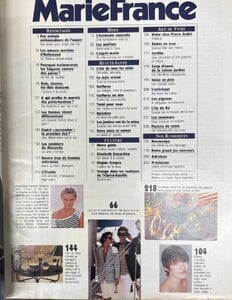
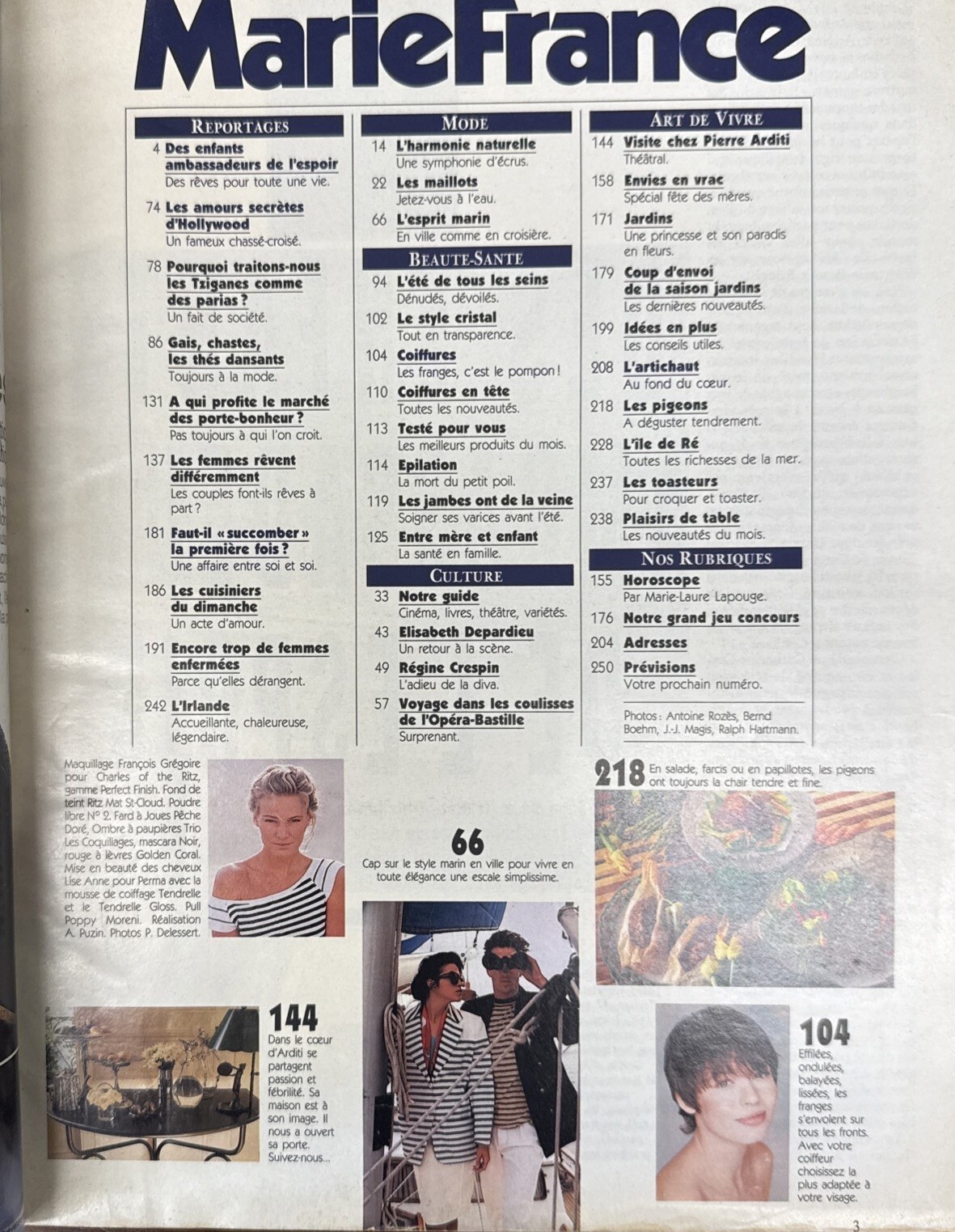
cover + cover-look Marie France France May 1990 by P. Delessert - also showing unknown source: ebay
Spoiler ioh.mp4
cover FEMME PRATIQUE France April 1990 RocketQueen post
cover FEMME PRATIQUE France January 1990 RocketQueen post
cover + cover-look Marie France France May 1990 by P. Delessert - also showing unknown source: ebay
 • Mishel Gerzig • Kyla Shay • Ari Fournier • Sevda Ebrahimi • Cameron Clark • Marilhea Peillard • Solveig Mork Hansen • Kianna Louise Stephens • Marie Teissonniere • Julia Rodrigo • Melinda London • Lauren Alexander • Sydney Leonardo • Patience Silva • Candice Swanepoel • Tao Wickrath
 https://www.bellazon.com/main/topic/10851-changing-the-name-of-a-topic/ ...but I suspect that the quickest way is to send a message to Maddog! 🤪
 Imagen - México
 25 Ans - Japan
 Journal UK
 Marie Claire Turkey
- Today













































Account
Search
Configure browser push notifications
Chrome (Android)
- Tap the lock icon next to the address bar.
- Tap Permissions → Notifications.
- Adjust your preference.
Chrome (Desktop)
- Click the padlock icon in the address bar.
- Select Site settings.
- Find Notifications and adjust your preference.
Safari (iOS 16.4+)
- Ensure the site is installed via Add to Home Screen.
- Open Settings App → Notifications.
- Find your app name and adjust your preference.
Safari (macOS)
- Go to Safari → Preferences.
- Click the Websites tab.
- Select Notifications in the sidebar.
- Find this website and adjust your preference.
Edge (Android)
- Tap the lock icon next to the address bar.
- Tap Permissions.
- Find Notifications and adjust your preference.
Edge (Desktop)
- Click the padlock icon in the address bar.
- Click Permissions for this site.
- Find Notifications and adjust your preference.
Firefox (Android)
- Go to Settings → Site permissions.
- Tap Notifications.
- Find this site in the list and adjust your preference.
Firefox (Desktop)
- Open Firefox Settings.
- Search for Notifications.
- Find this site in the list and adjust your preference.