Skip to content
View in the app

A better way to browse. Learn more.

Bellazon

A full-screen app on your home screen with push notifications, badges and more.

To install this app on iOS and iPadOS
  1. Tap the Share icon in Safari
  2. Scroll the menu and tap Add to Home Screen.
  3. Tap Add in the top-right corner.
To install this app on Android
  1. Tap the 3-dot menu (⋮) in the top-right corner of the browser.
  2. Tap Add to Home screen or Install app.
  3. Confirm by tapping Install.

All Activity

This stream auto-updates

  1. Past hour
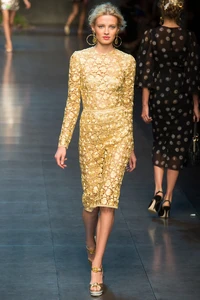
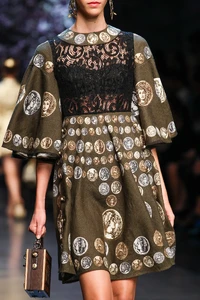
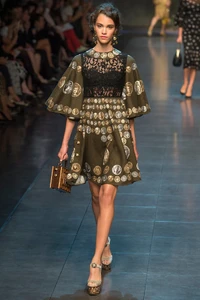
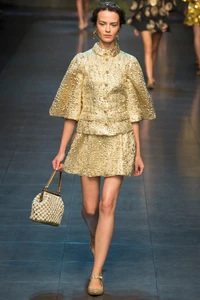
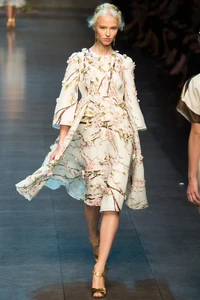
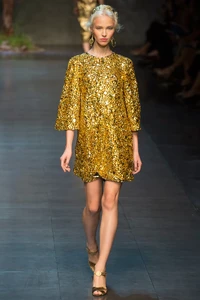
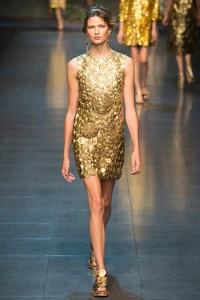
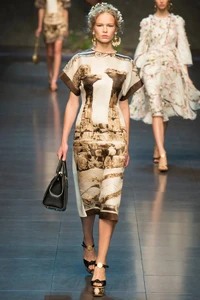
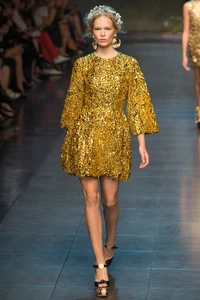
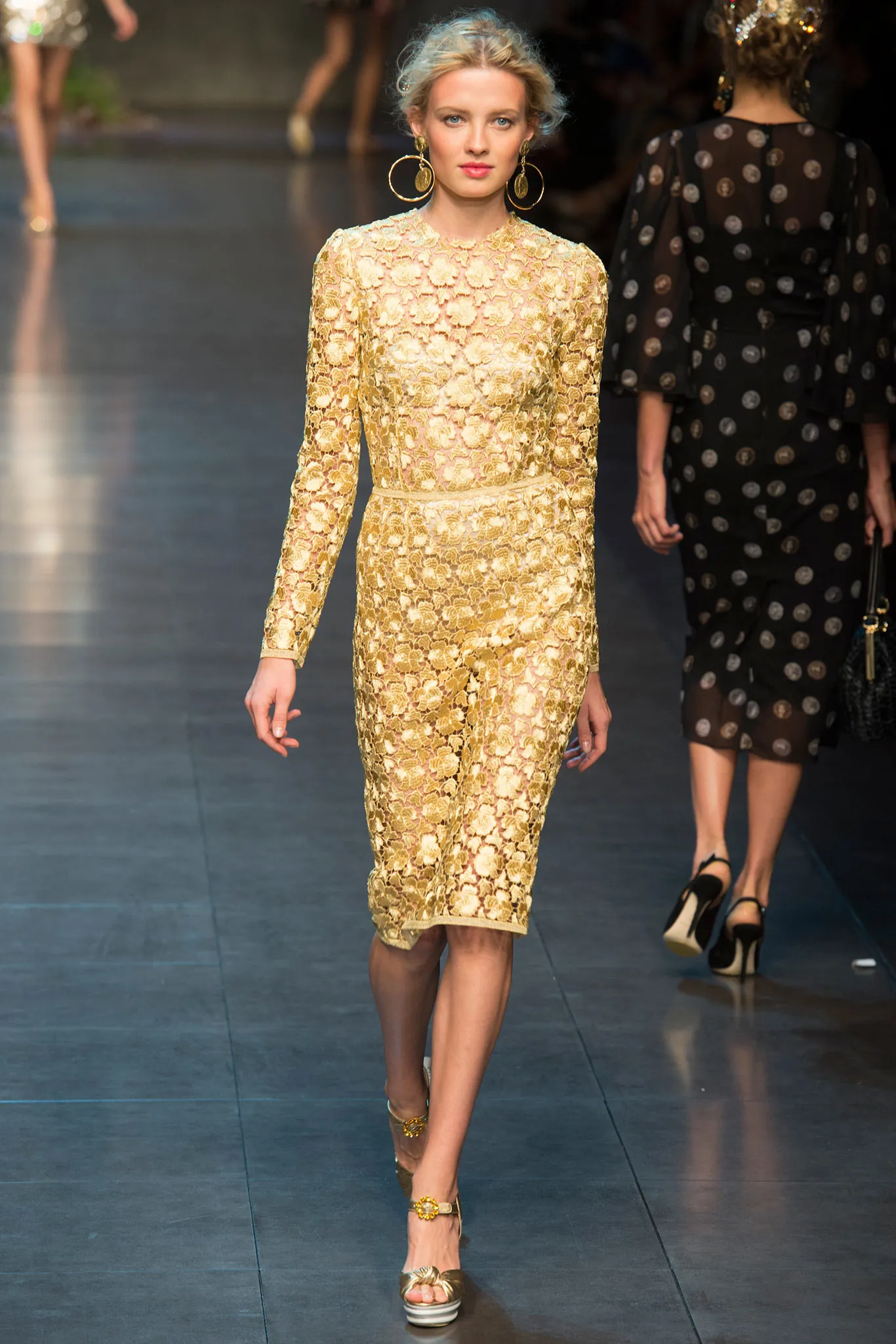
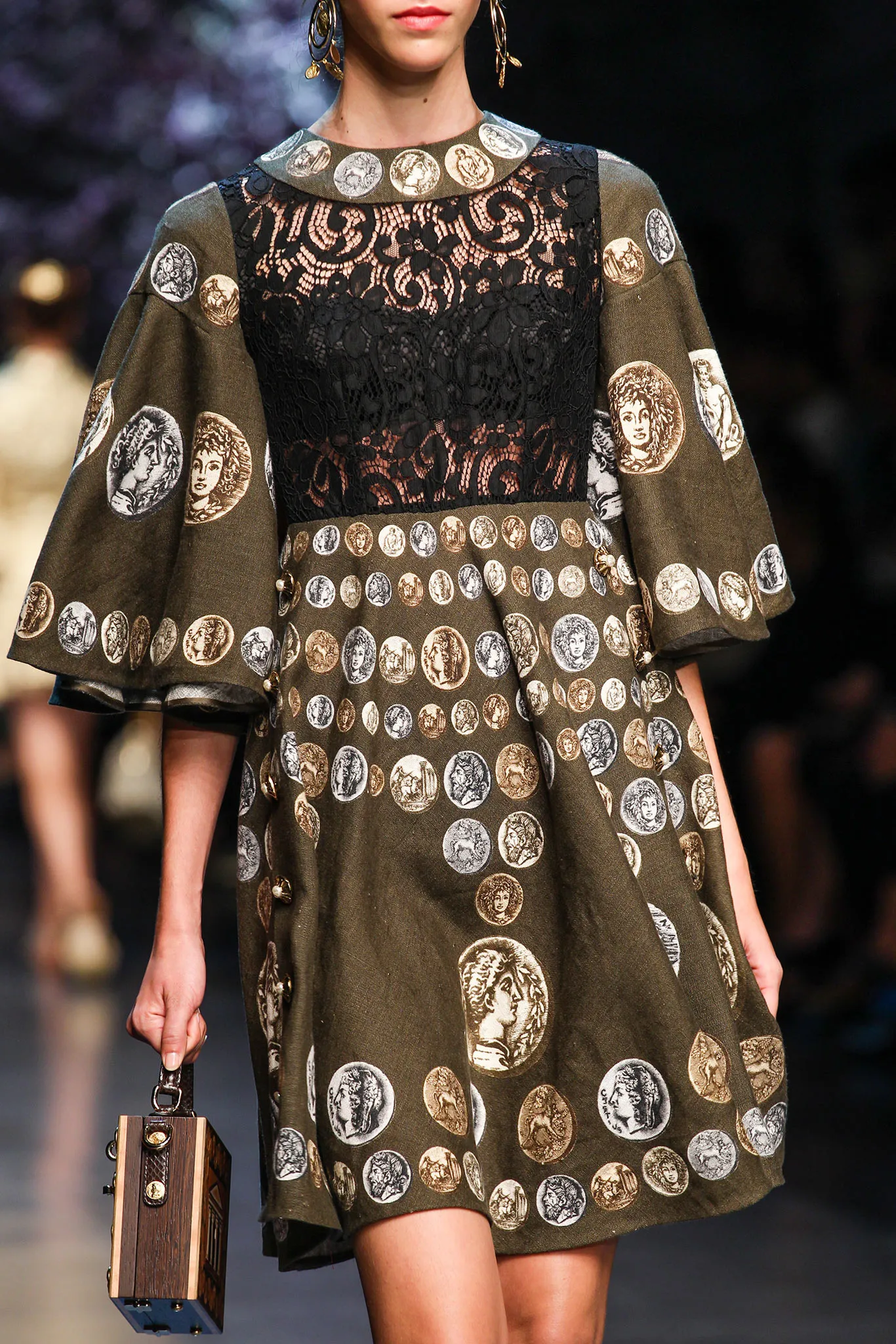
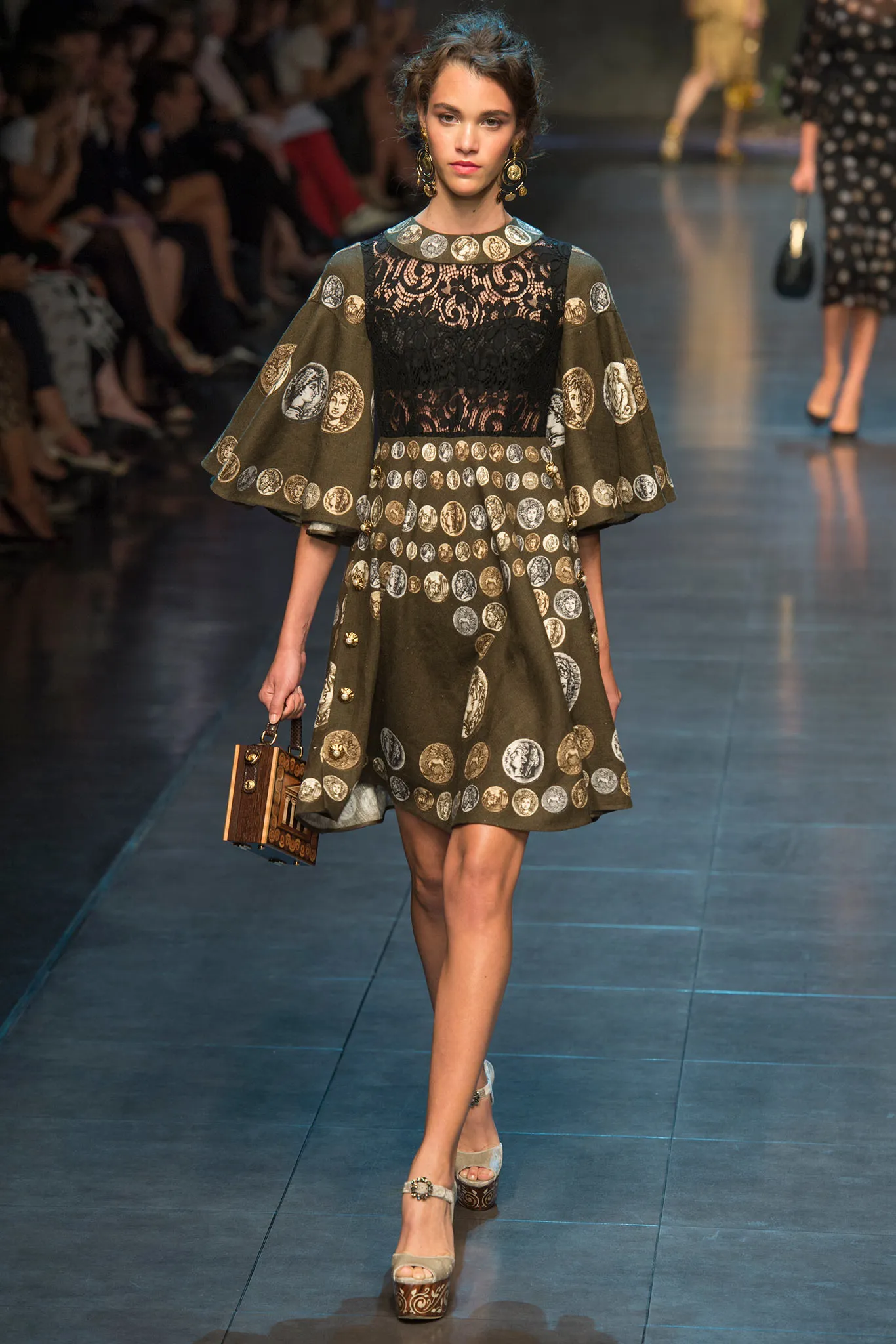
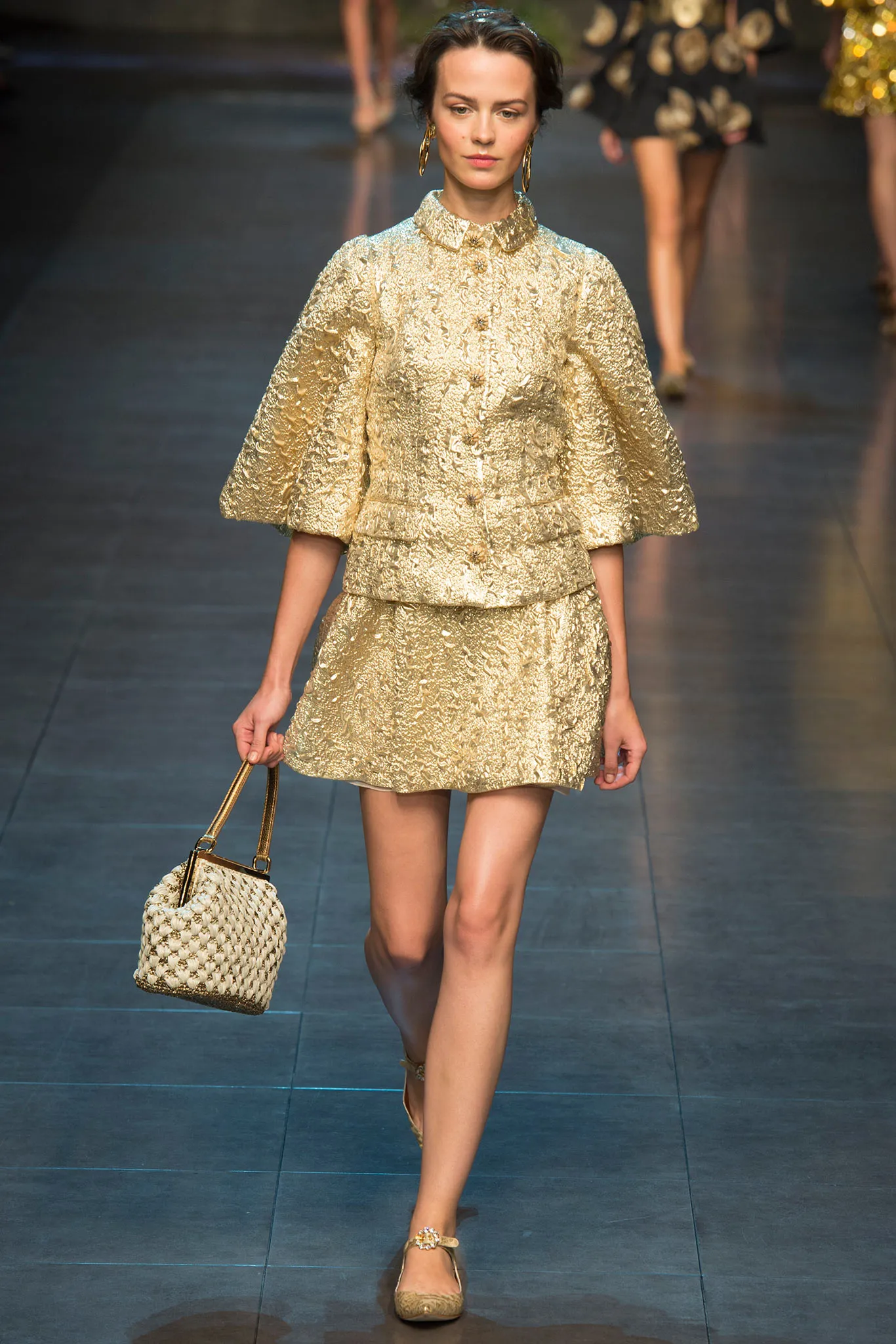
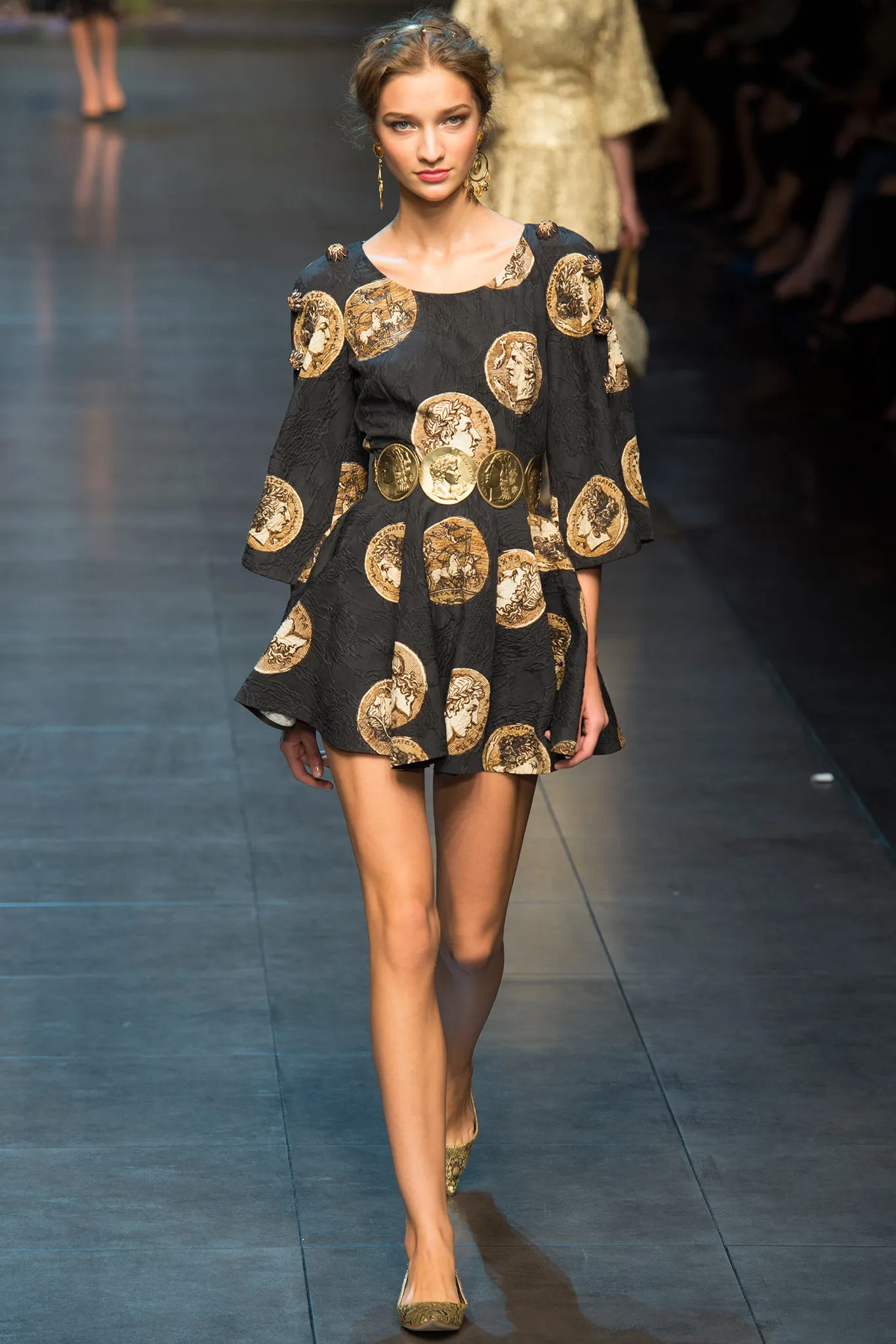
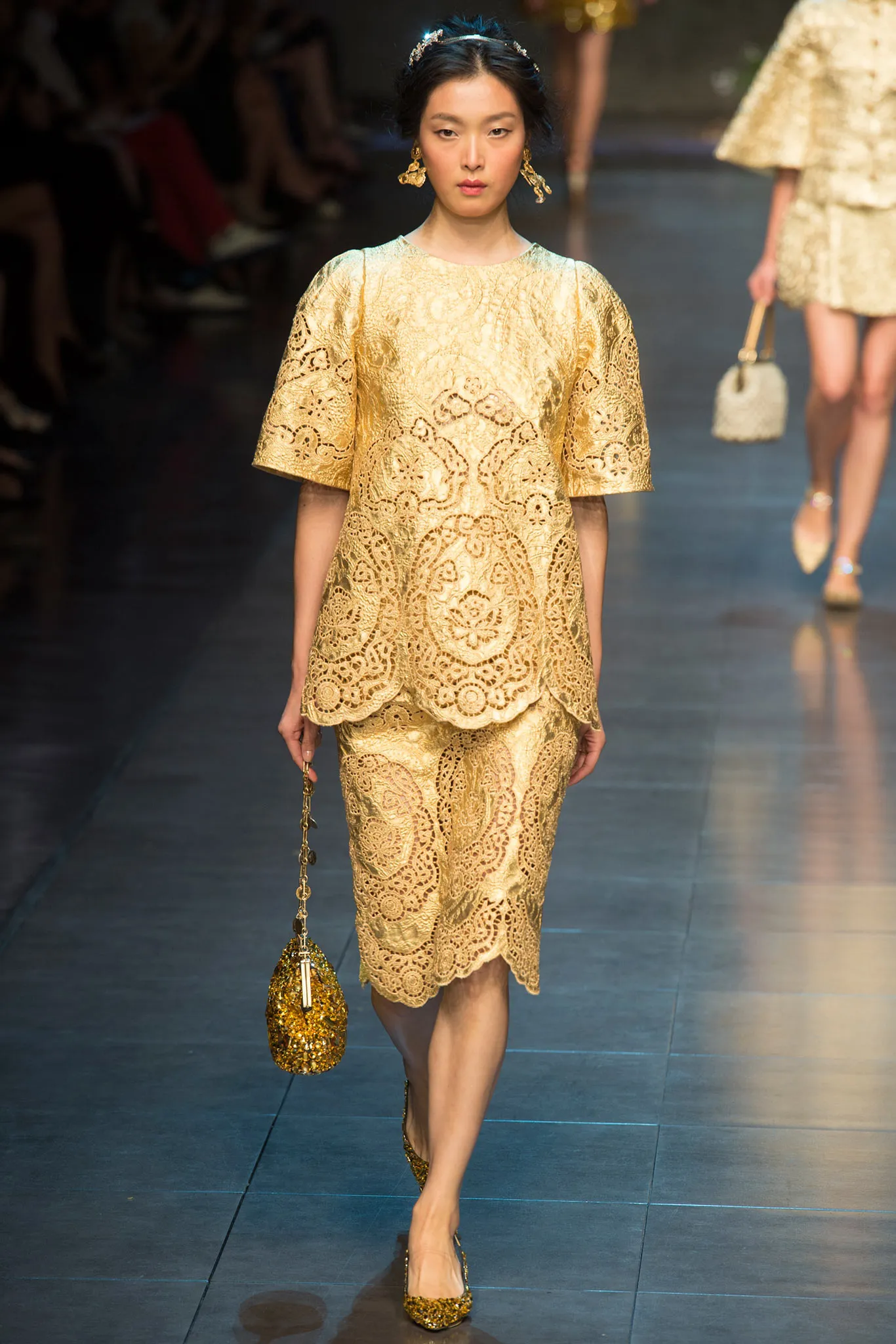
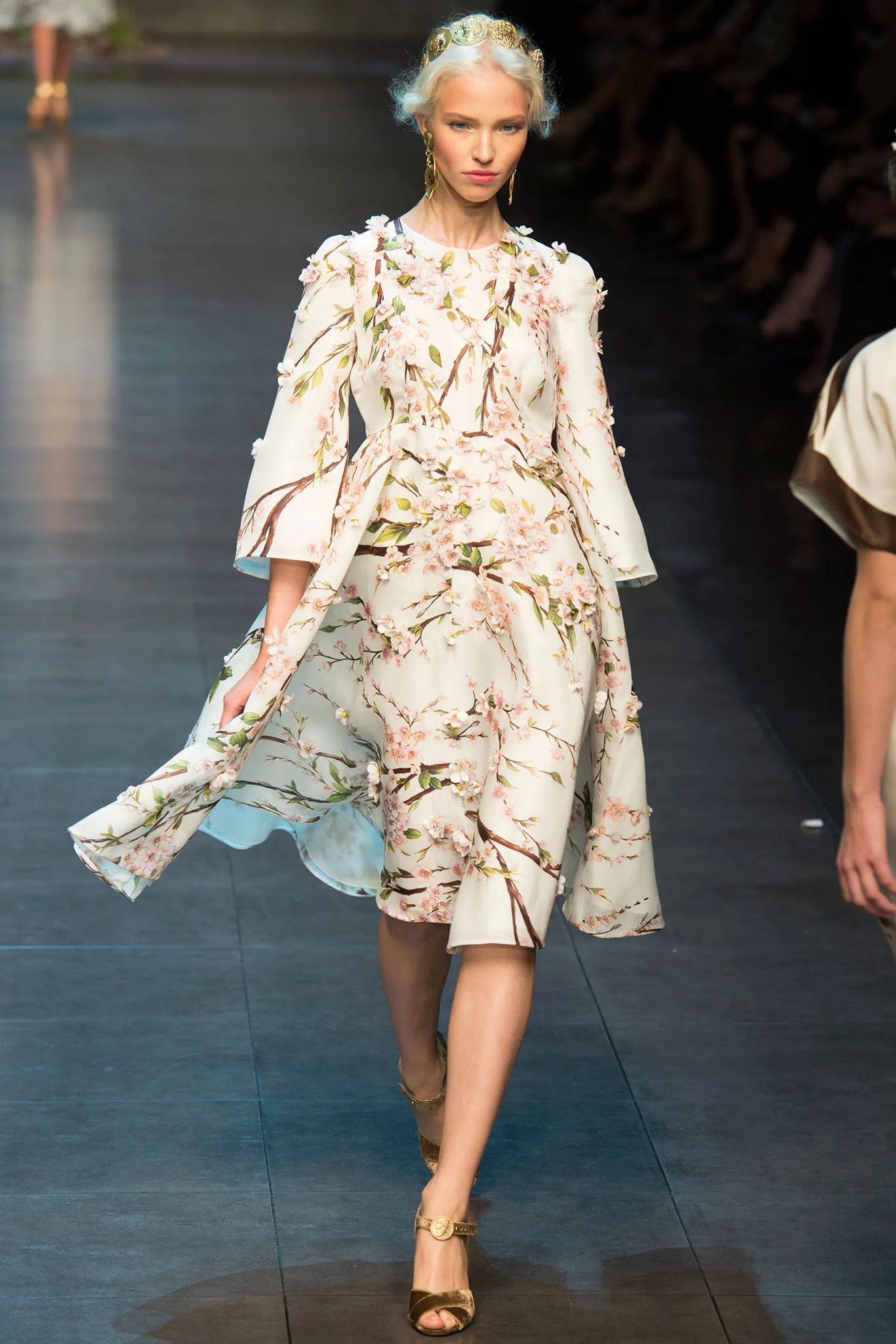
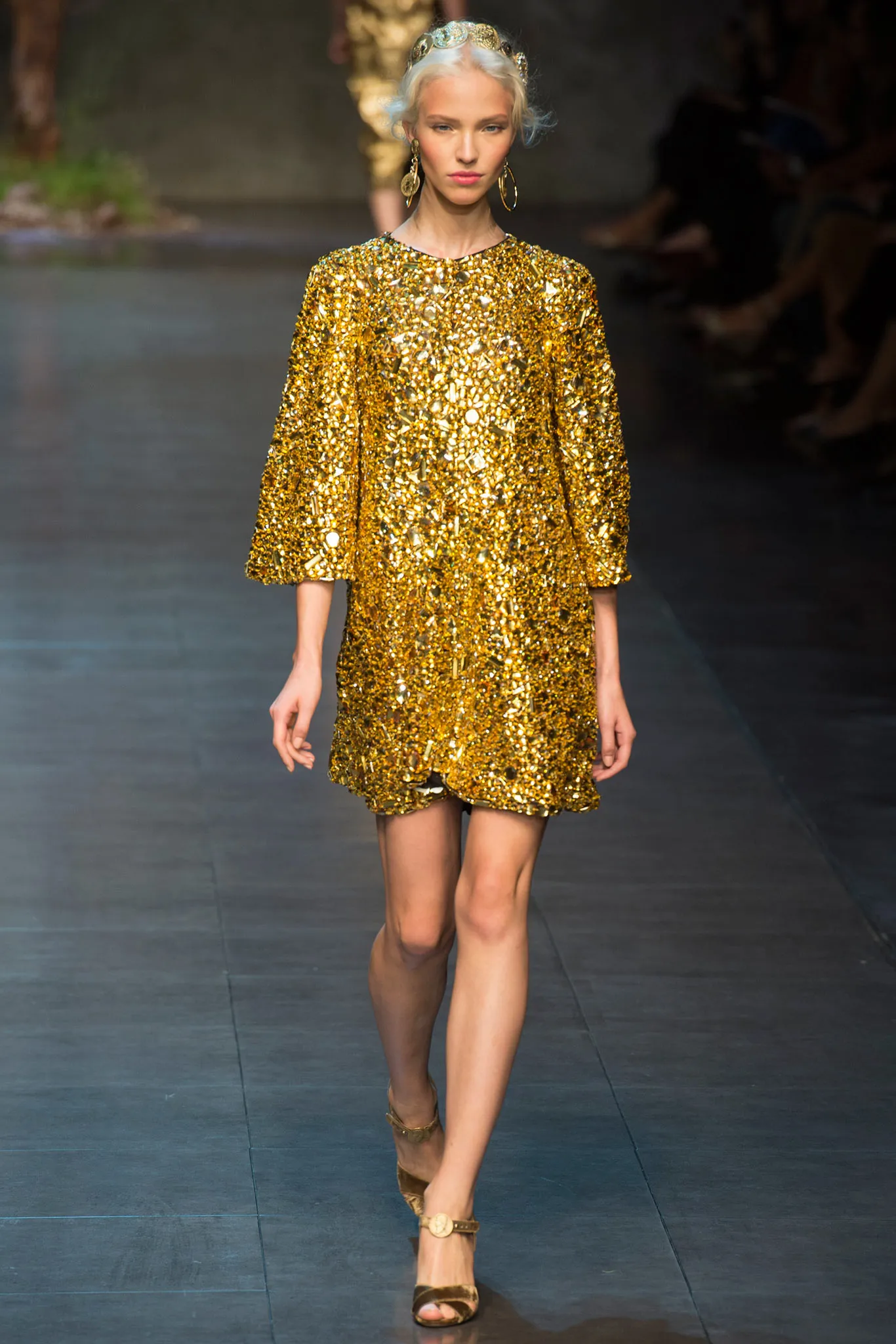
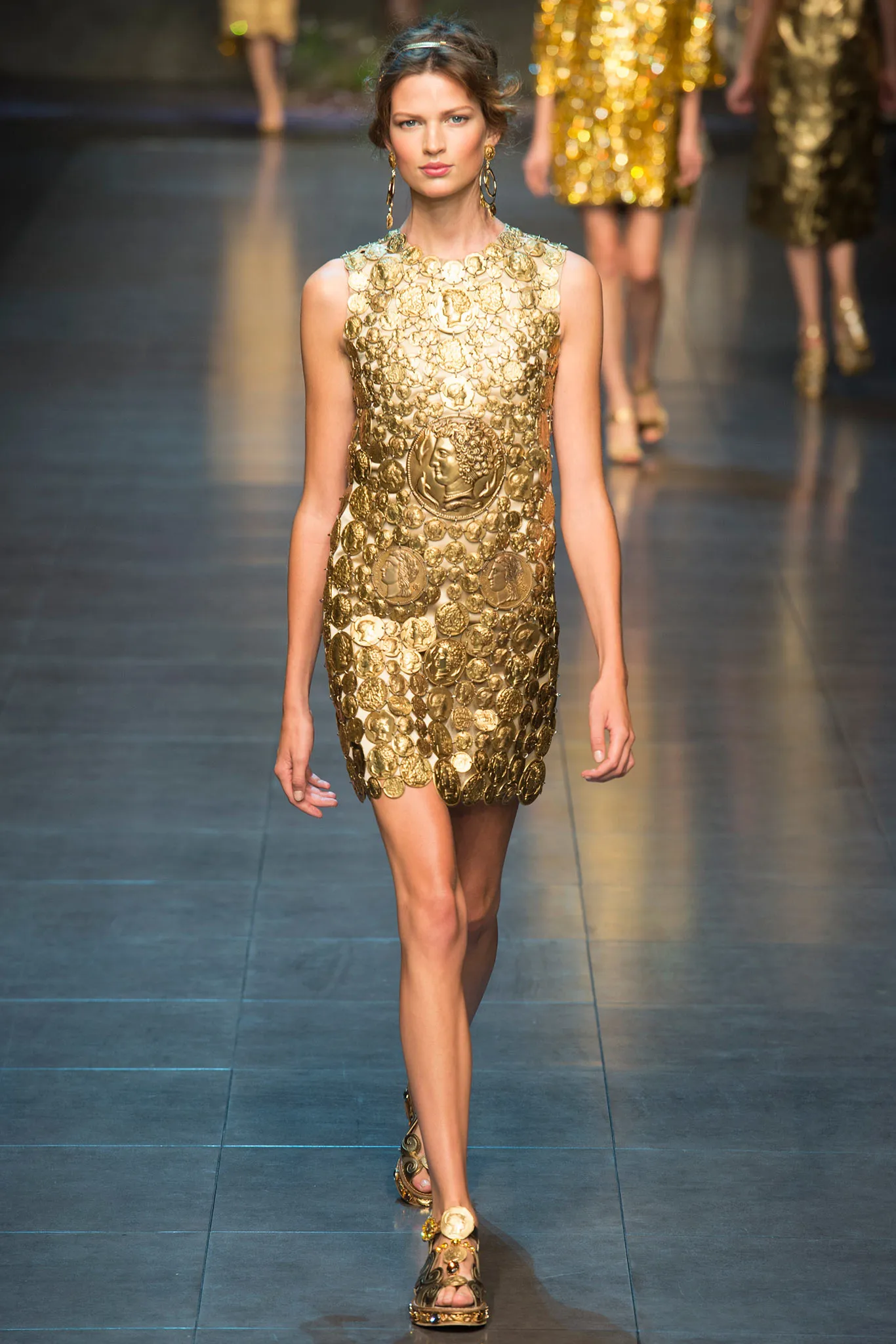
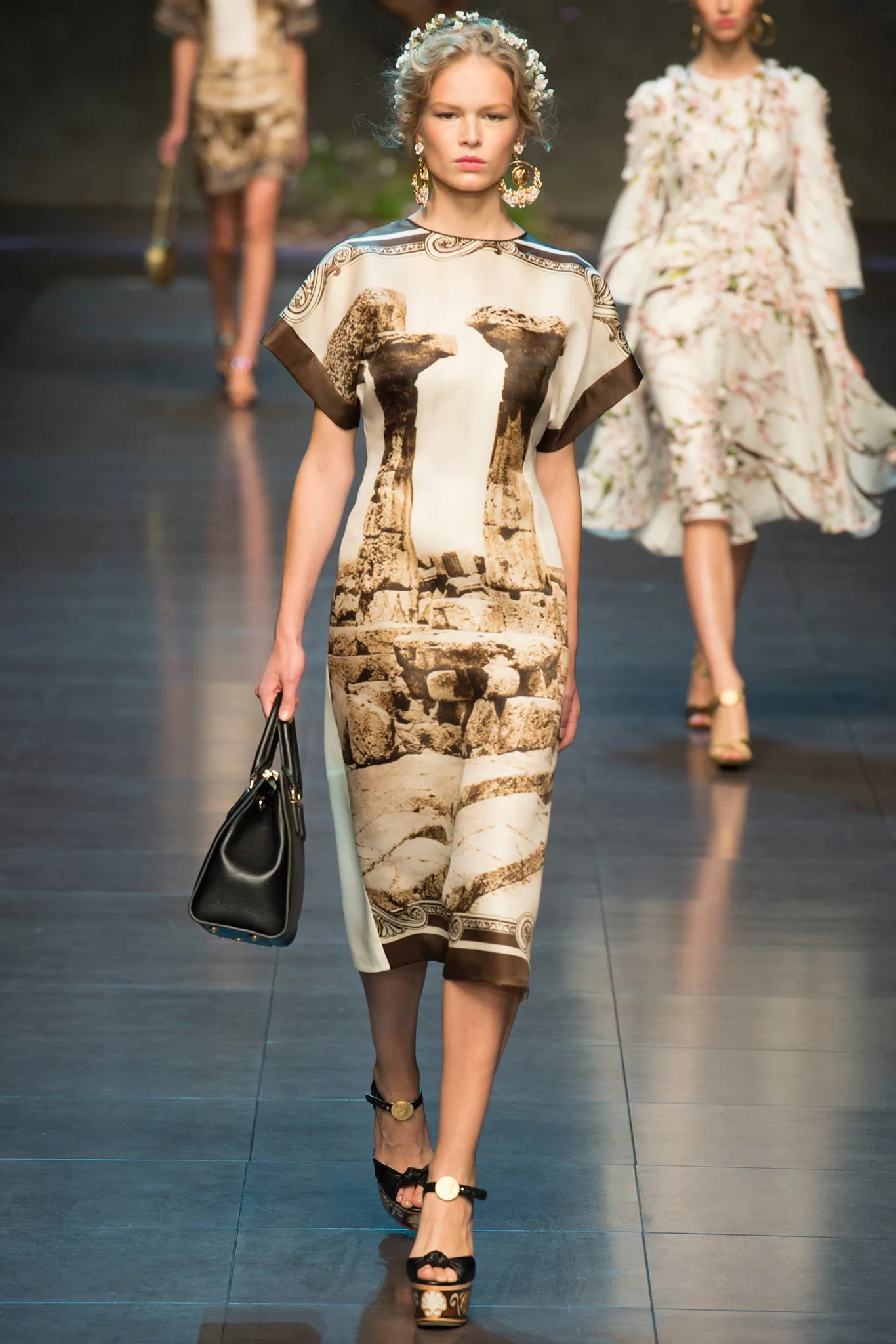
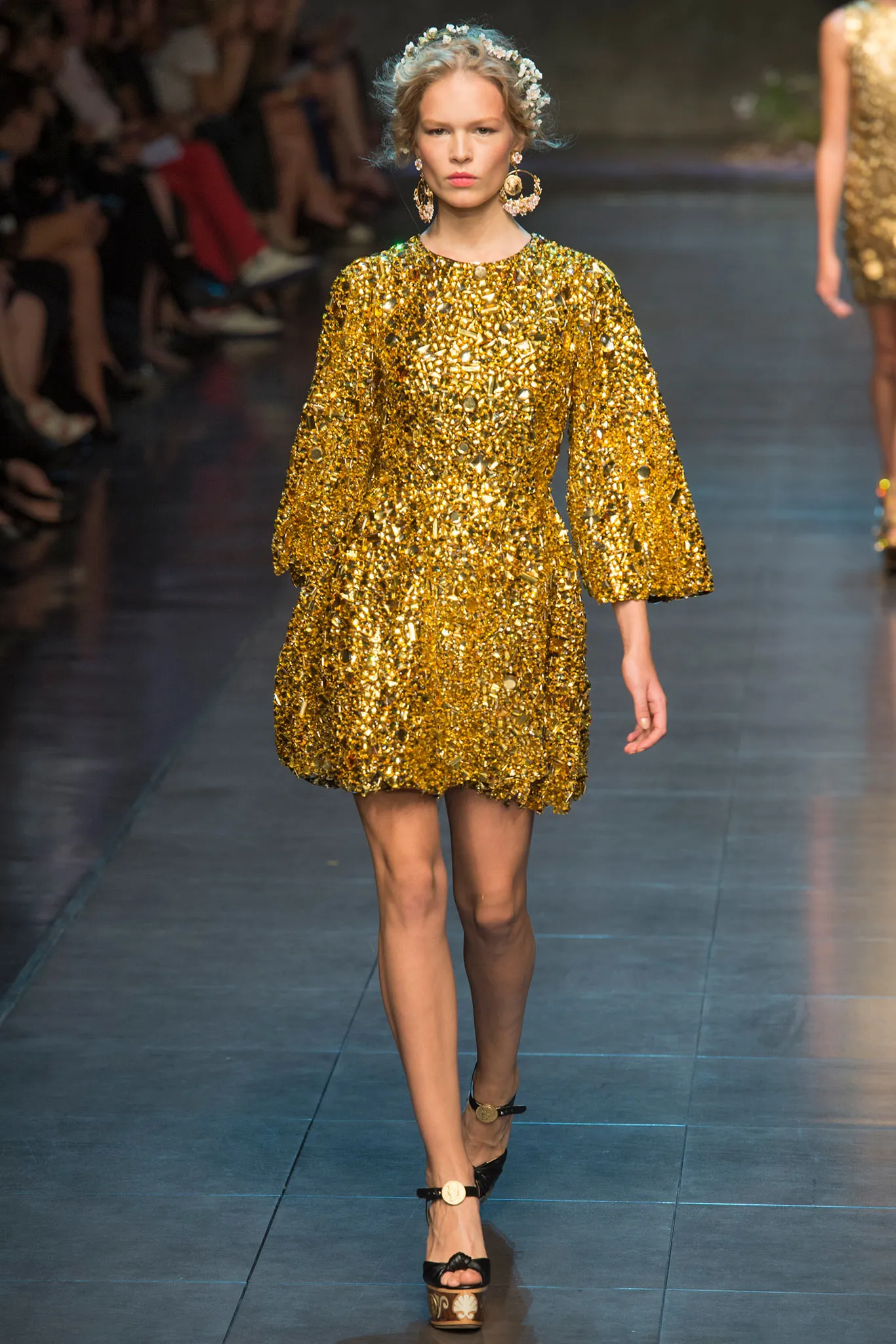
  2. dolce & gabbana ss2014
  3. DOLCE & GABBANA SS2014
  4. dolce & gabbana ss2014
  5. johny83 started following Rebecca McLeod
  6. Dolce & Gabbana s/s 2014
  7. dolce and gabbana ss2014
  8. Malcom7 started following Laís Oliveira
  9. dolce & gabbana s/s 2014
  10. Additional photos!
  11. dolce & gabbana ss2014
  12. deyter started following Lea Mohr
  13. mkultra22 started following Lauren Jensen
  14. tonimonoply started following Svenja Jung
  15. C1C320 started following Jordyn Johnsonn
  16. Green Budz Papers joined the community
  17. could this be prisca ambonguilat? pretty sure its her right........
  18. 11ph22il started following Kelly Monaco
  19. C1C320 started following Noémie Checa
  20. tonimonoply started following Elle Evans
  21. C1C320 started following Larni Jennar
  22. Today
  23. Crazy mommy 👽
  24. care to share the link again?
  25. GatoCat changed their profile photo

Account

Navigation

Search

Search

Configure browser push notifications

Chrome (Android)
  1. Tap the lock icon next to the address bar.
  2. Tap Permissions → Notifications.
  3. Adjust your preference.
Chrome (Desktop)
  1. Click the padlock icon in the address bar.
  2. Select Site settings.
  3. Find Notifications and adjust your preference.