All Activity
- Past hour
-

-
 Sun out, 🌶️ on @Emily.Feld Sun out, 🌶️ on @emily.feld.mp4
 -
 202105031051560.mp4
 -

 February 25 2026- "The Bride!" London Photocall Nymeros at picturepub
















































 Emlak Platform changed their profile photo
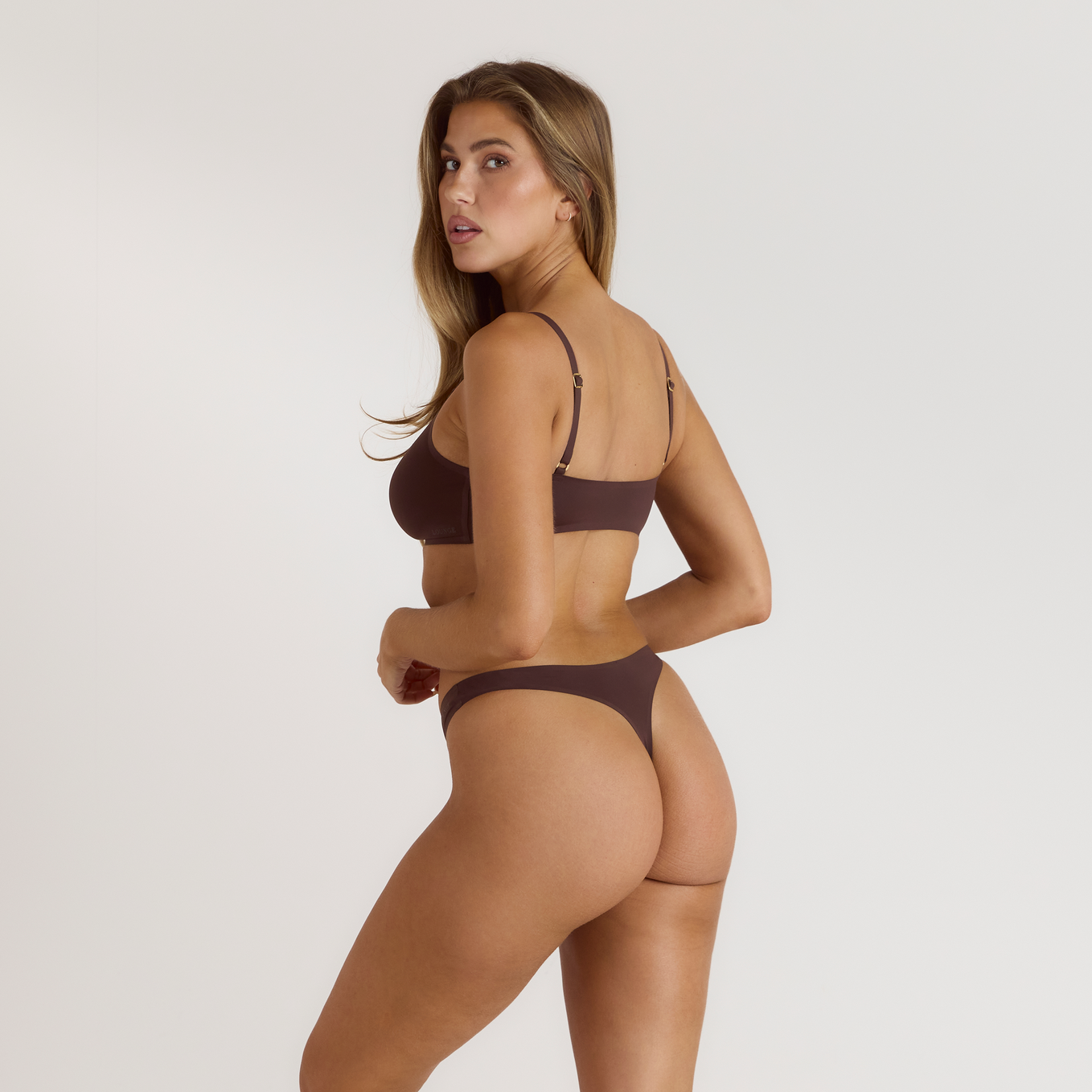
 LoungeUnderwear (NTB)
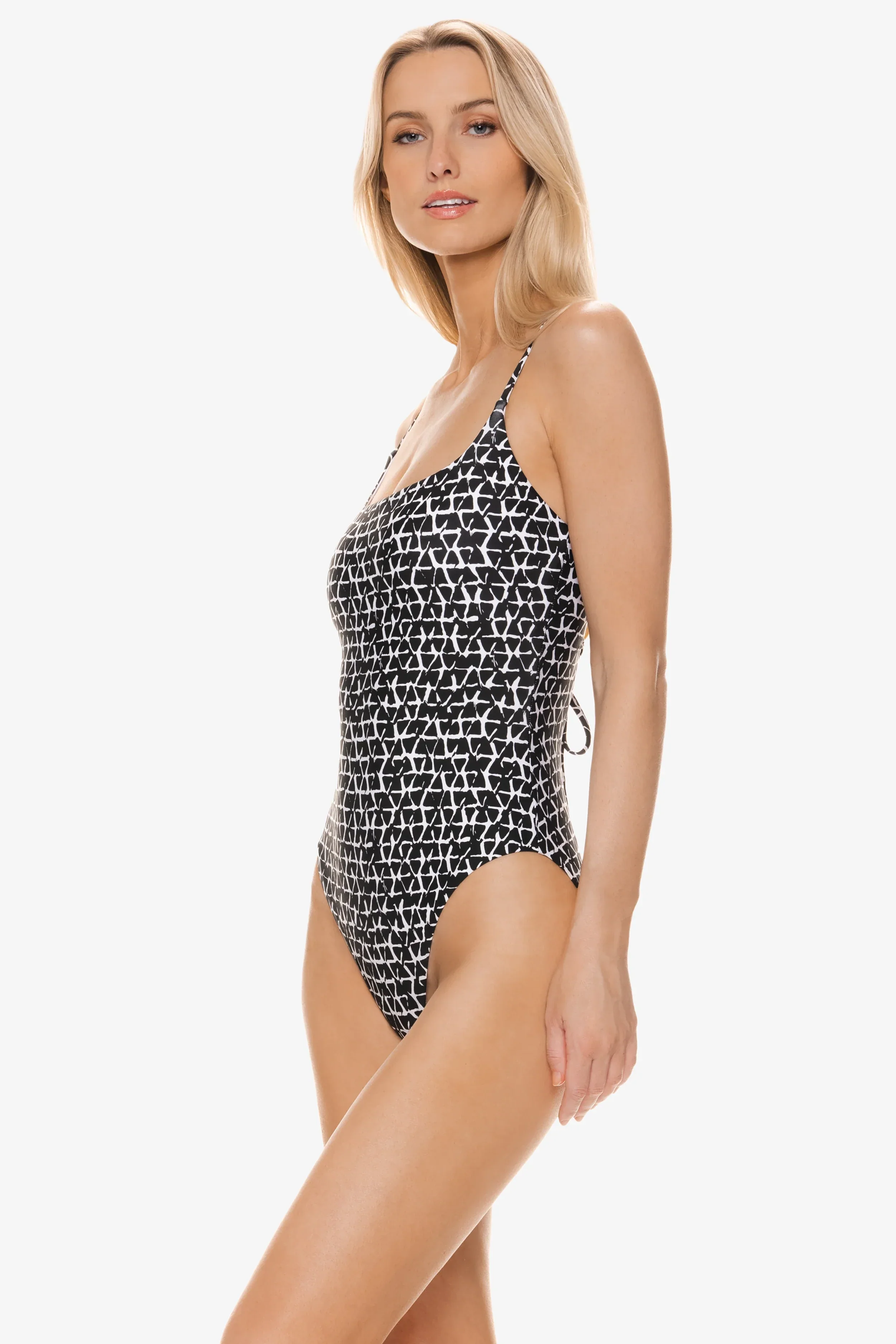
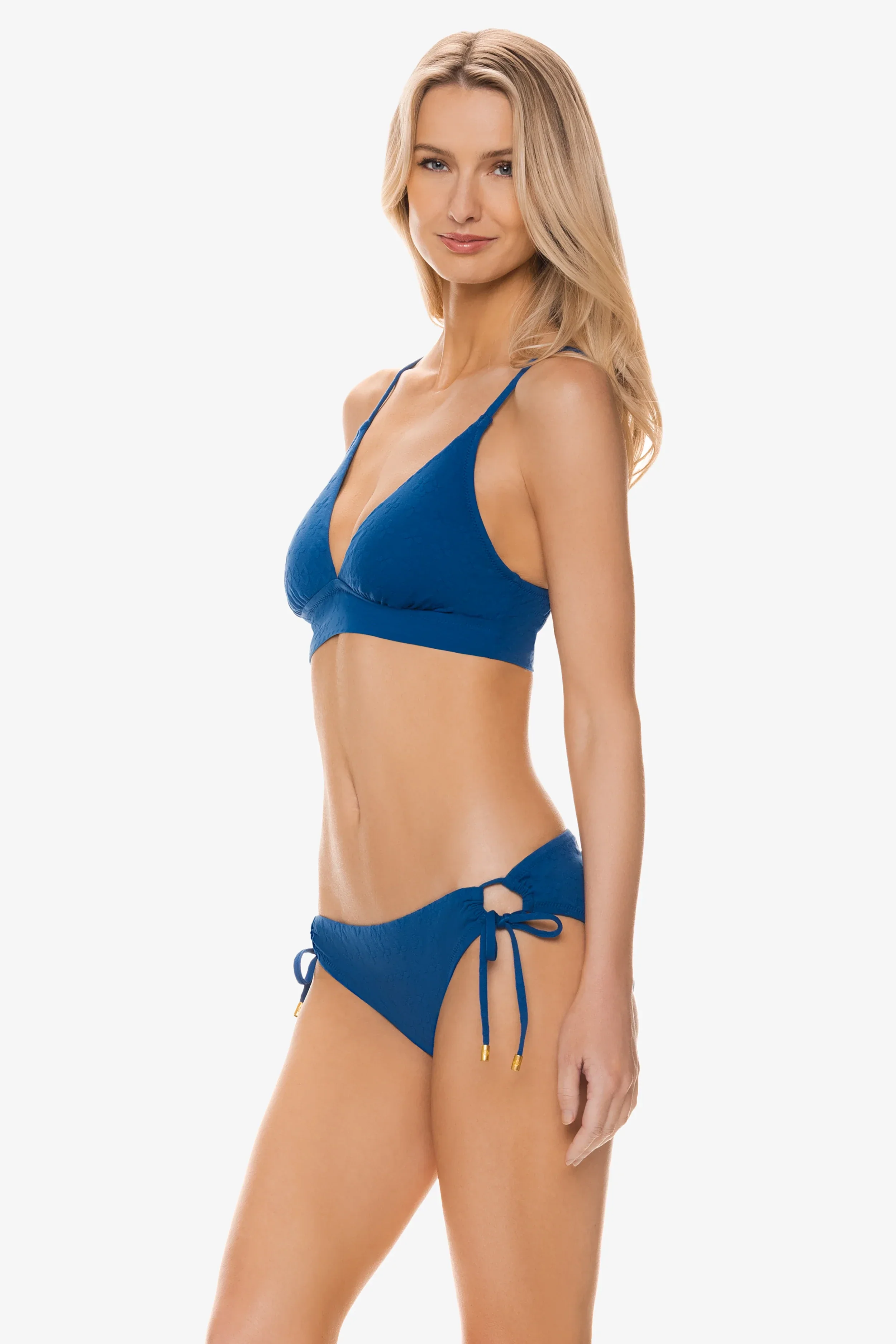
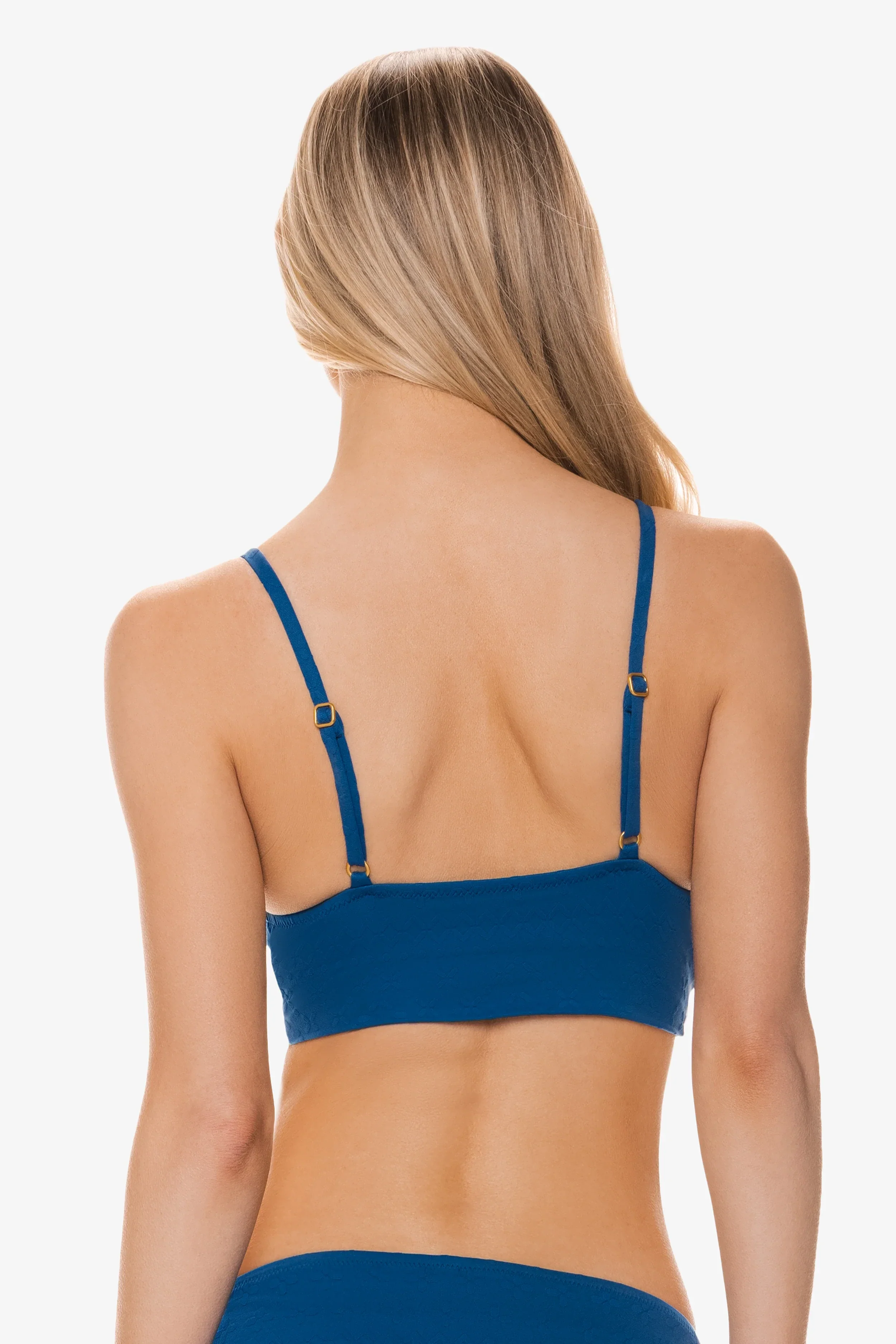
 Berlook Dark Coffee Textured Cutout One-Piece Swimwear




 Additional Bridal








 LoungeUnderwear (NTB)
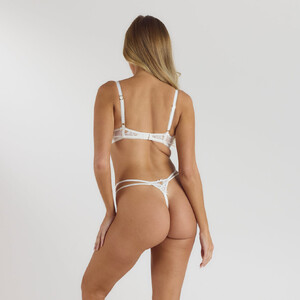



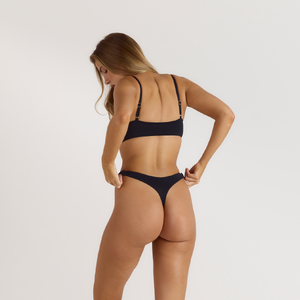







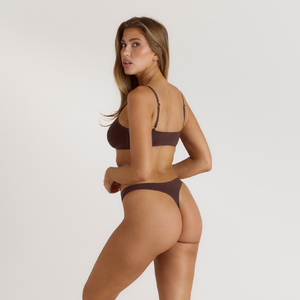 I posted this a couple hours ago. Best Regards ☺️
 iceberg ss01
 Iceberg S/S01

 iceberg s/s 2001
 Emlak Platform joined the community
Luck…or Something emimoore at picturepub
Emlak Platform joined the community
Luck…or Something emimoore at picturepub

 approofing joined the community
 Jennifer Garner on the set of her new movie One Attempt Remaining
.thumb.jpg.b99901087a131070d14cd0c2e4ee8525.jpg)
.thumb.jpg.bfaad72ff7ec14b46cae3047e9c25a47.jpg)



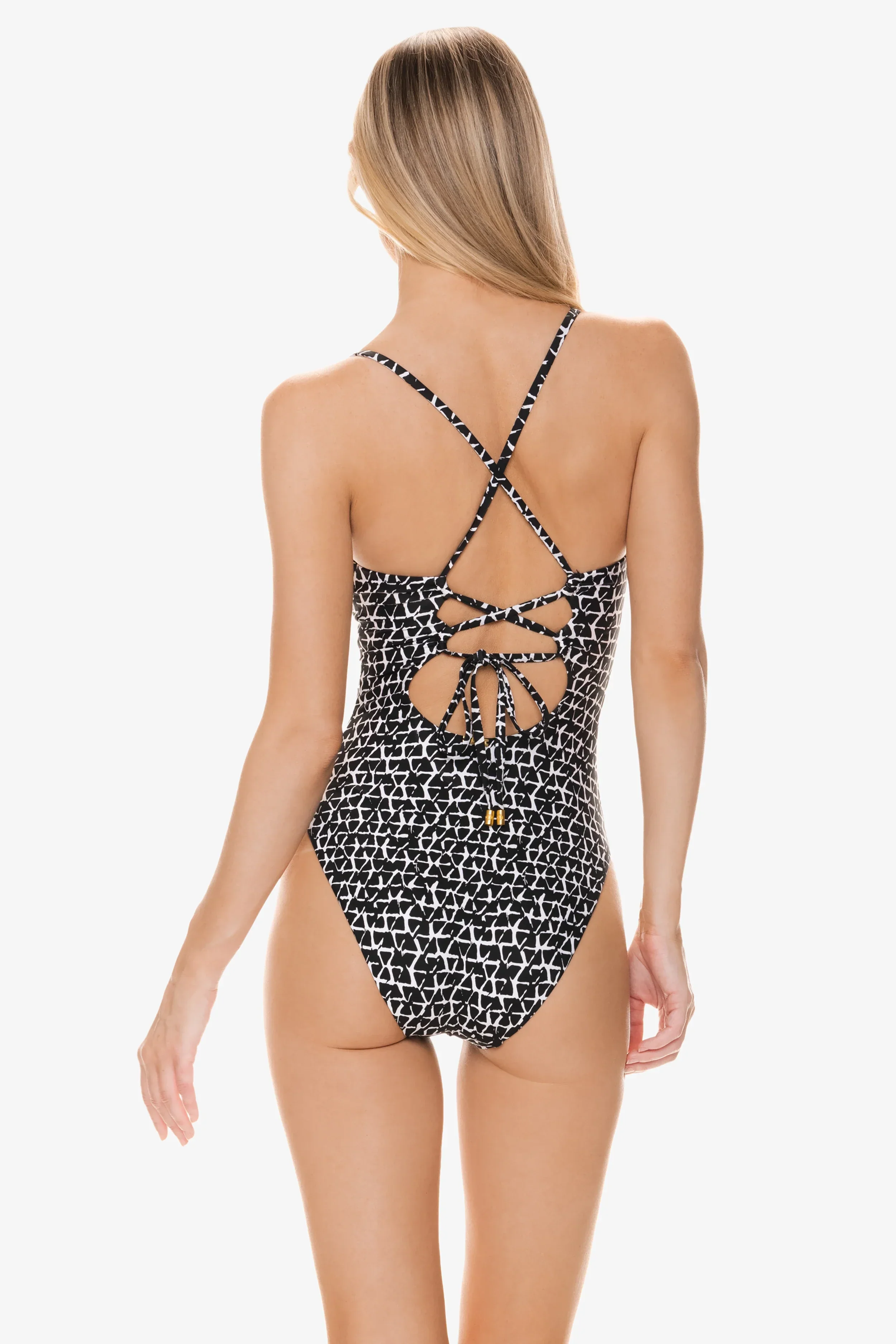
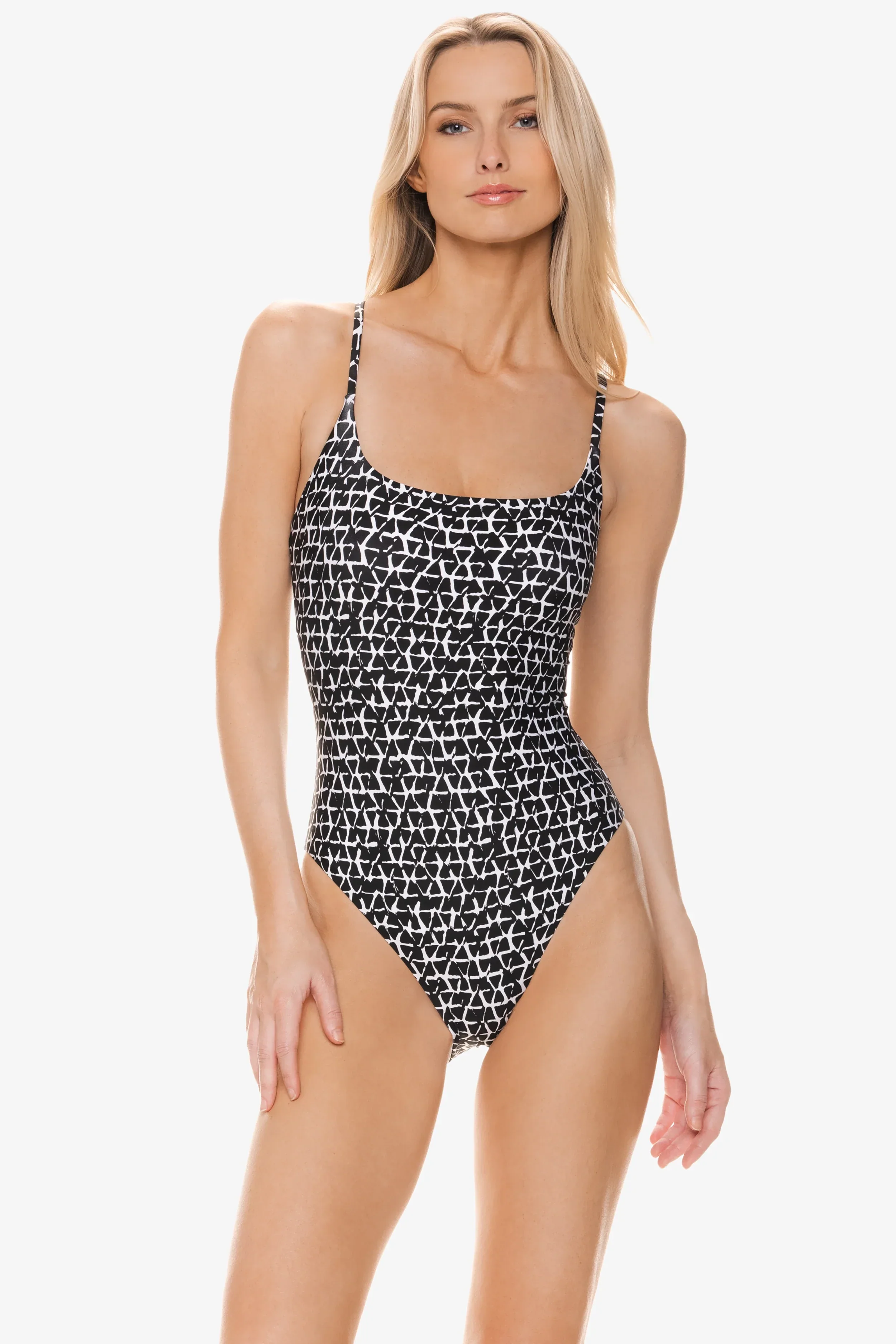



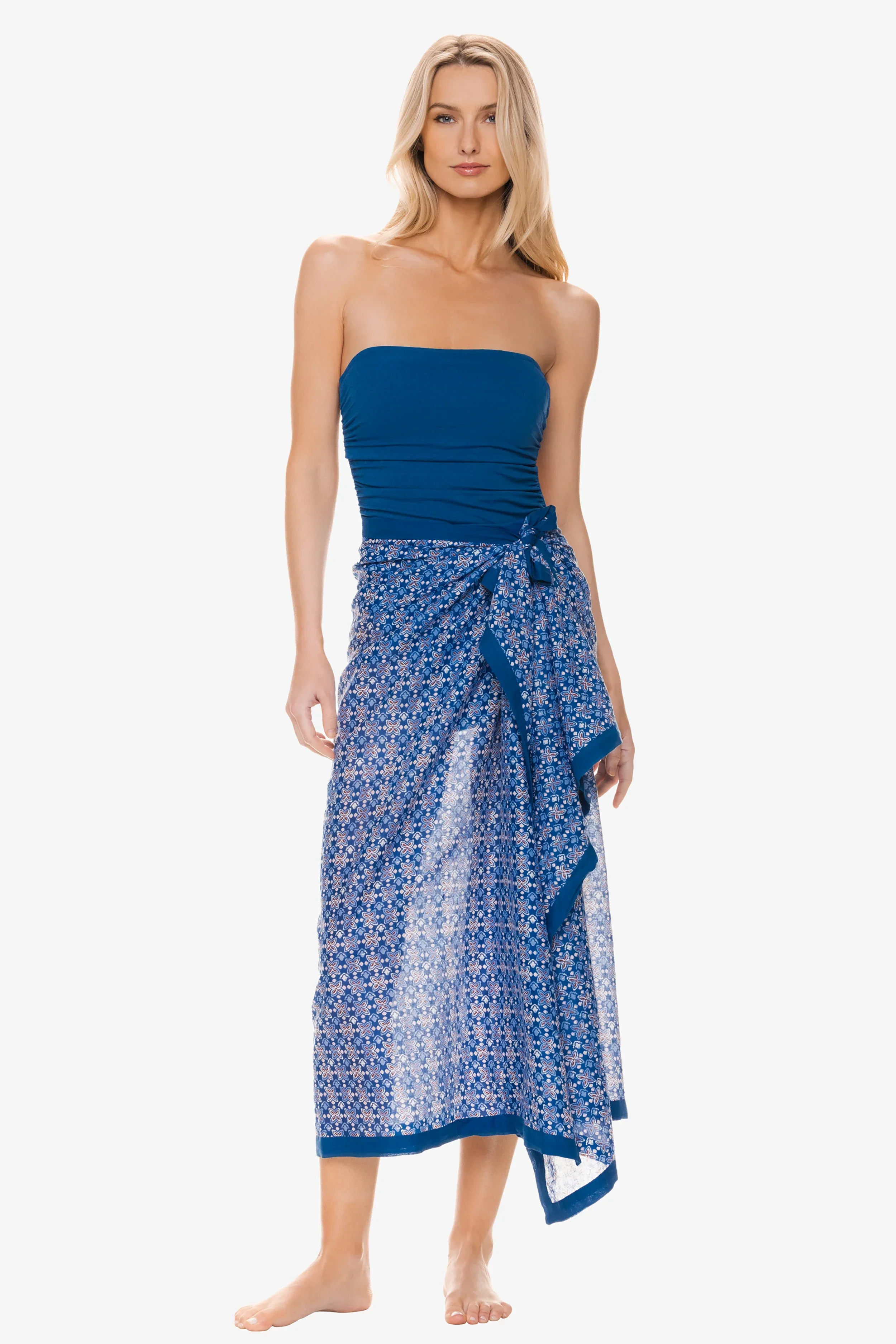

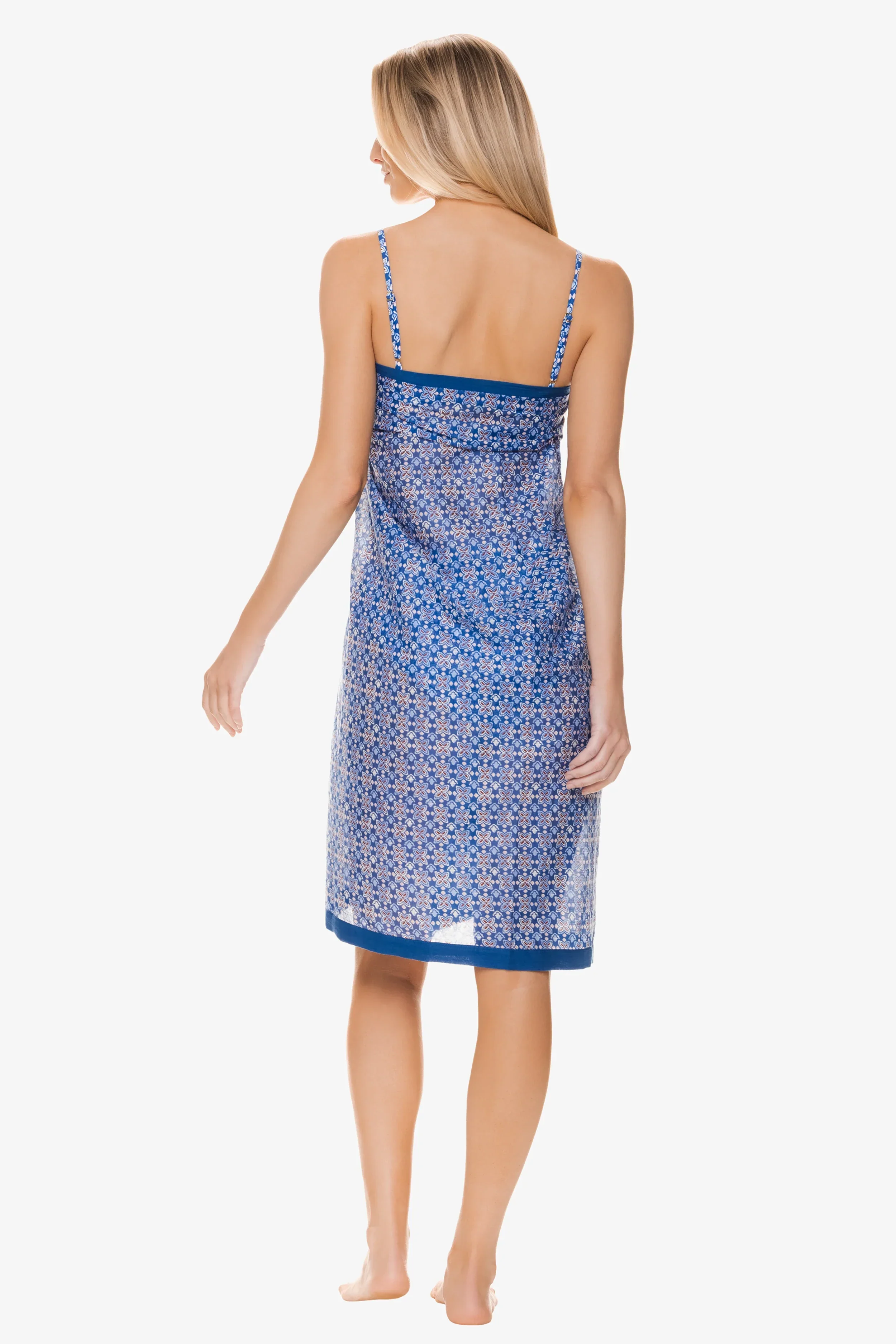
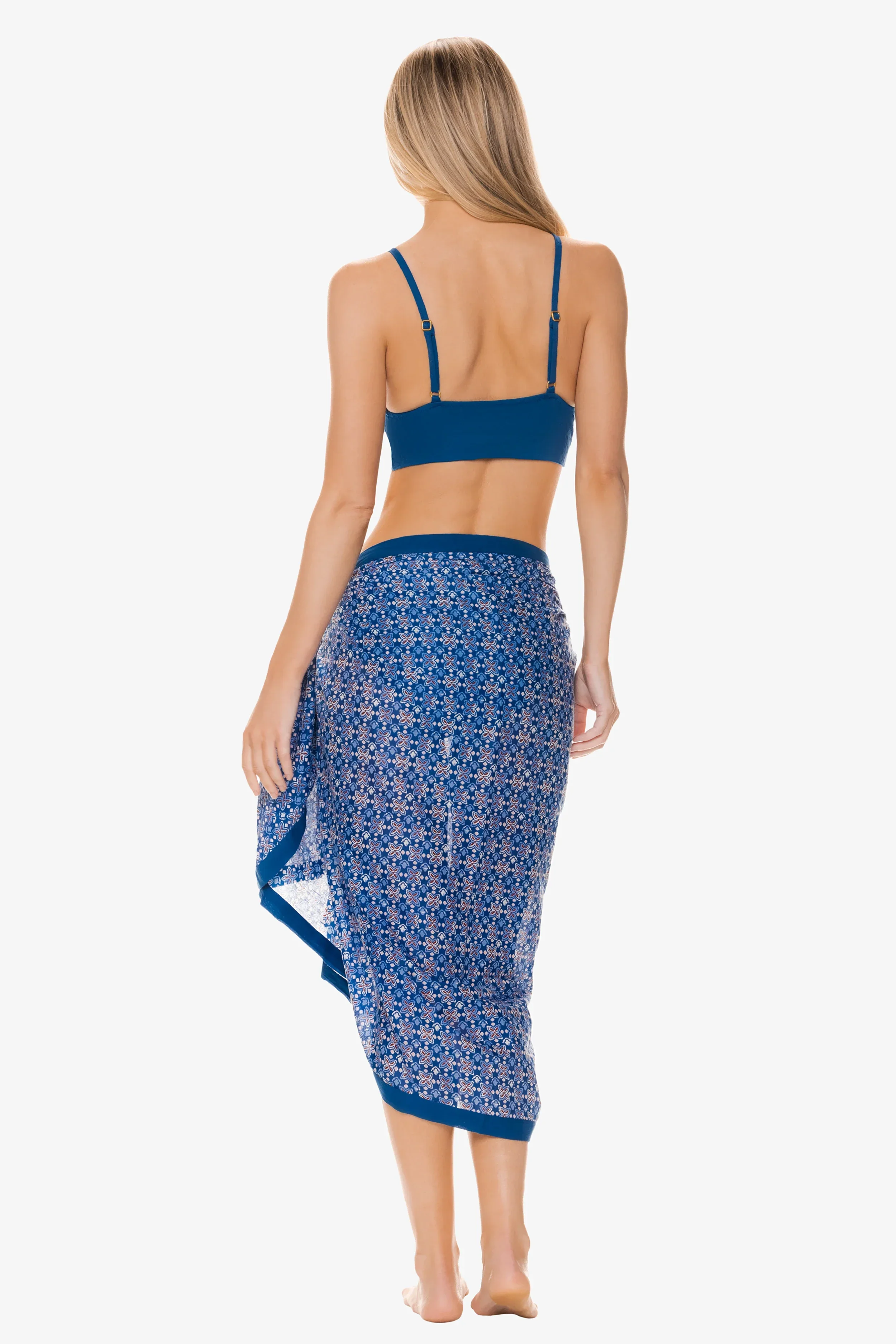






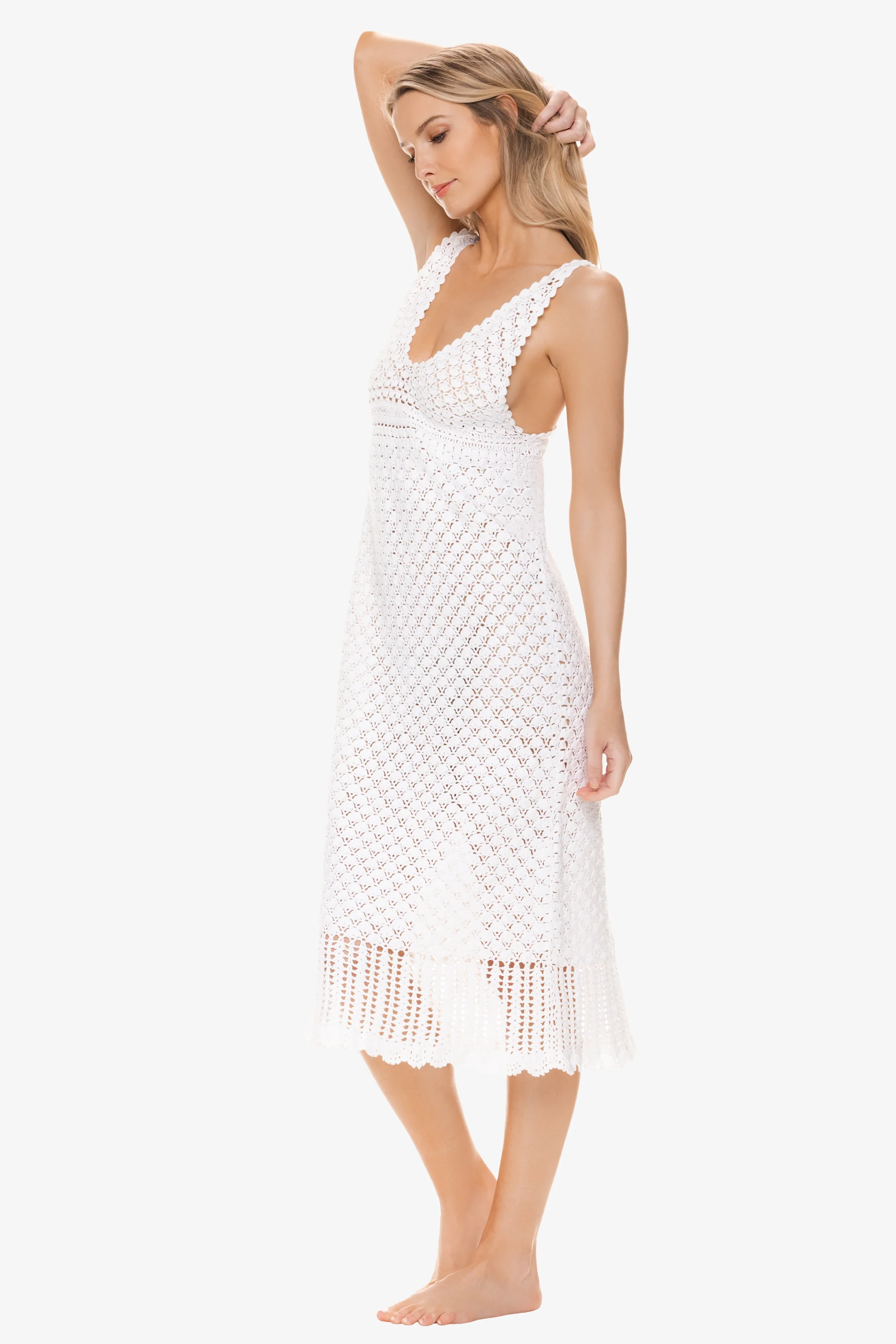


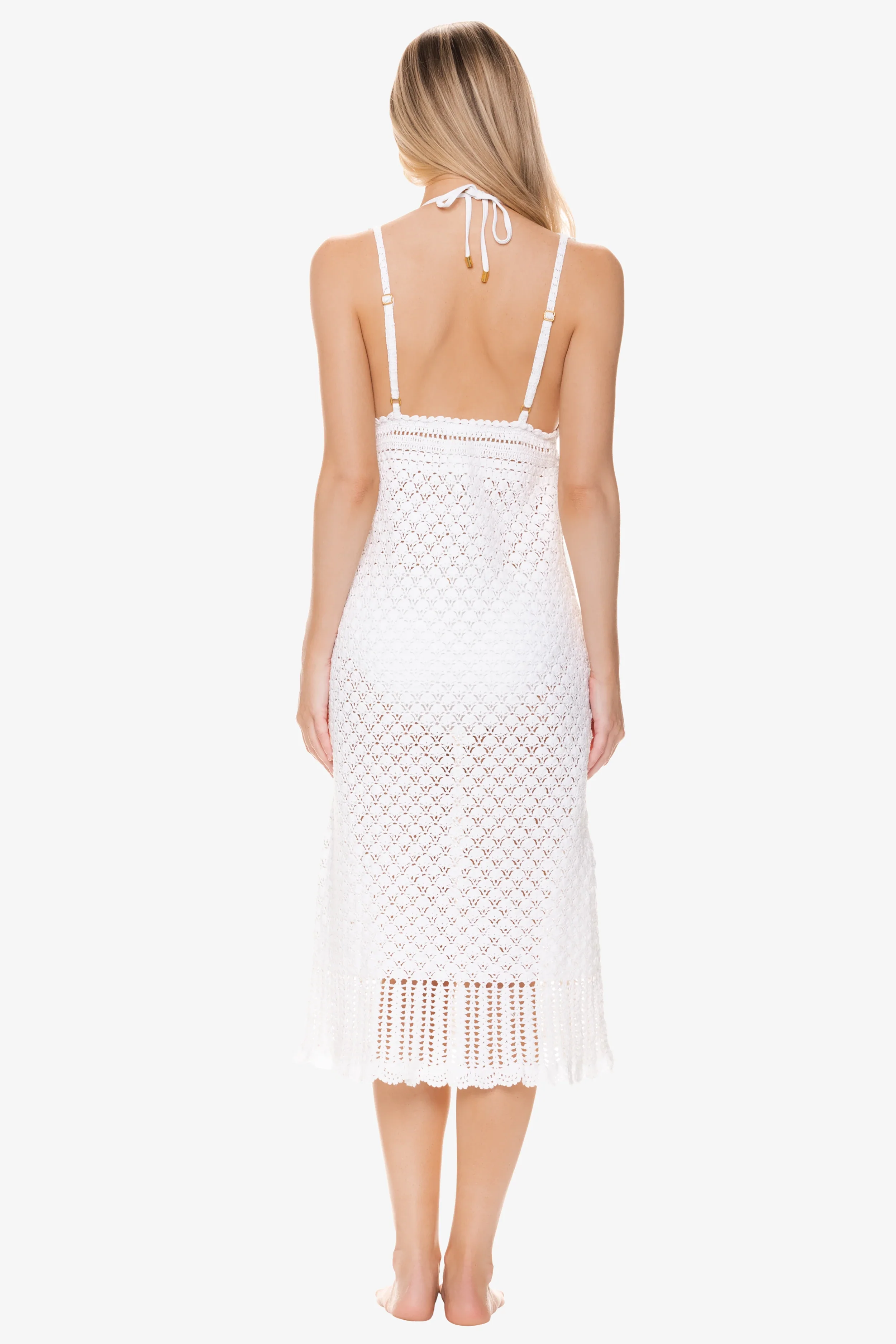




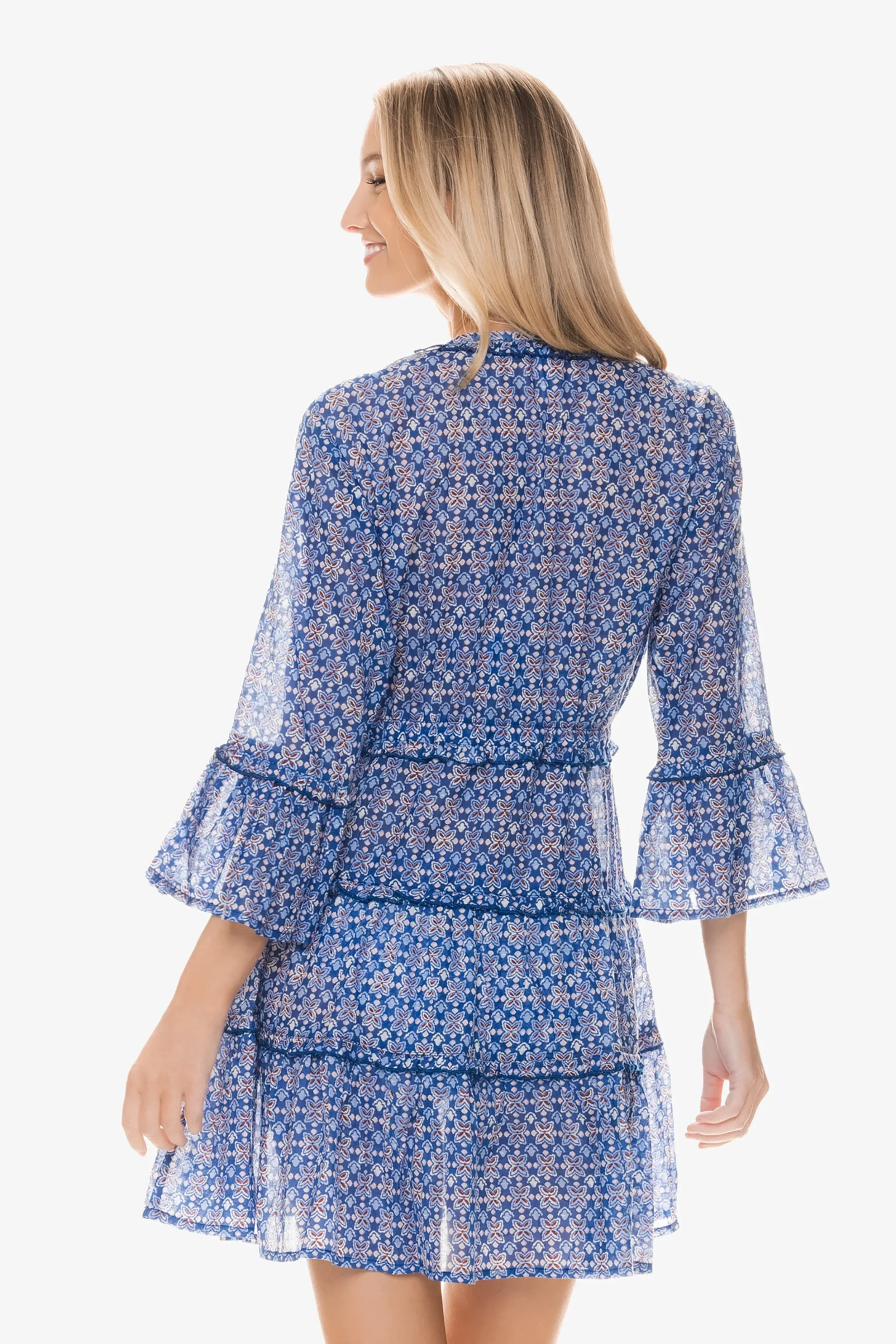



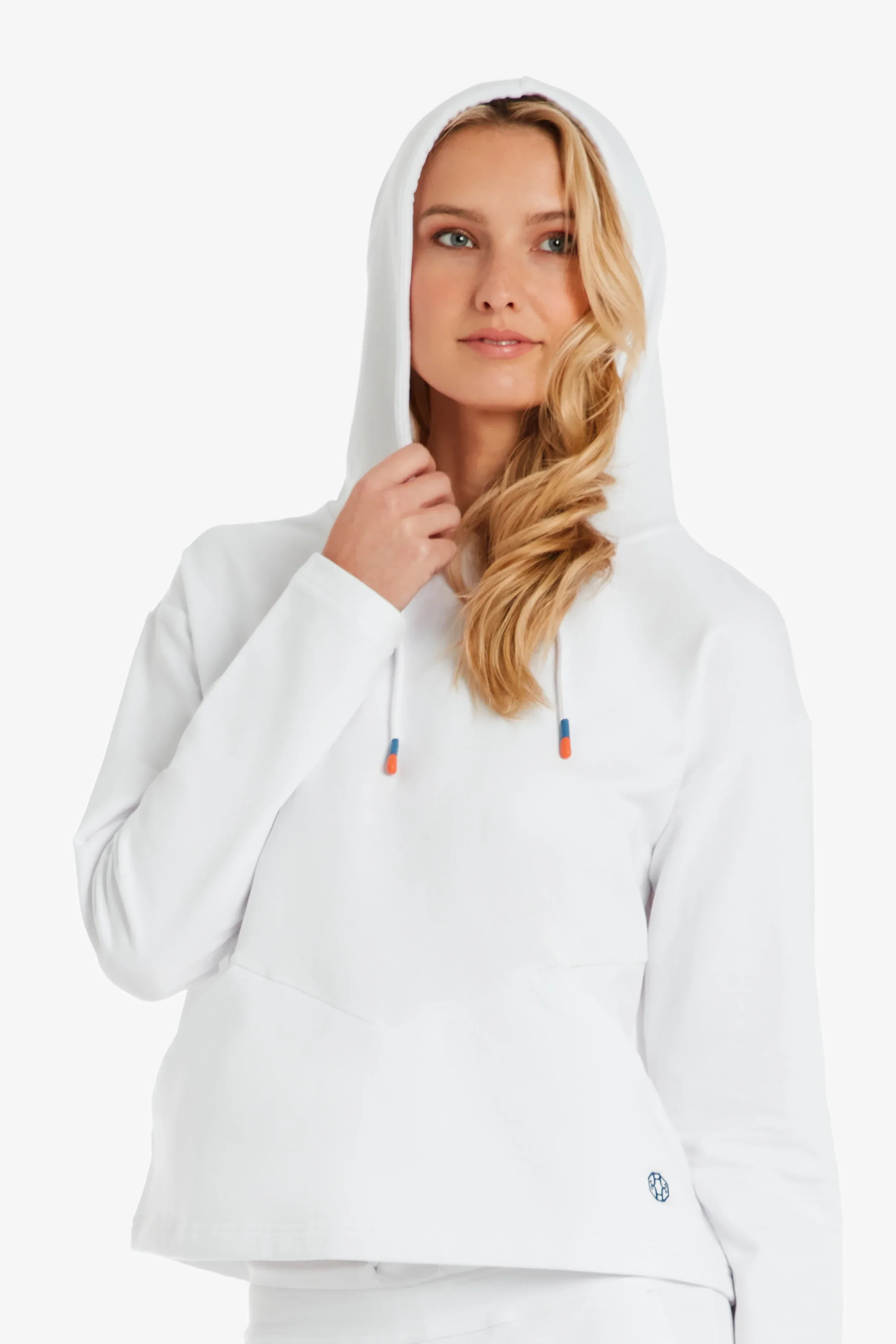
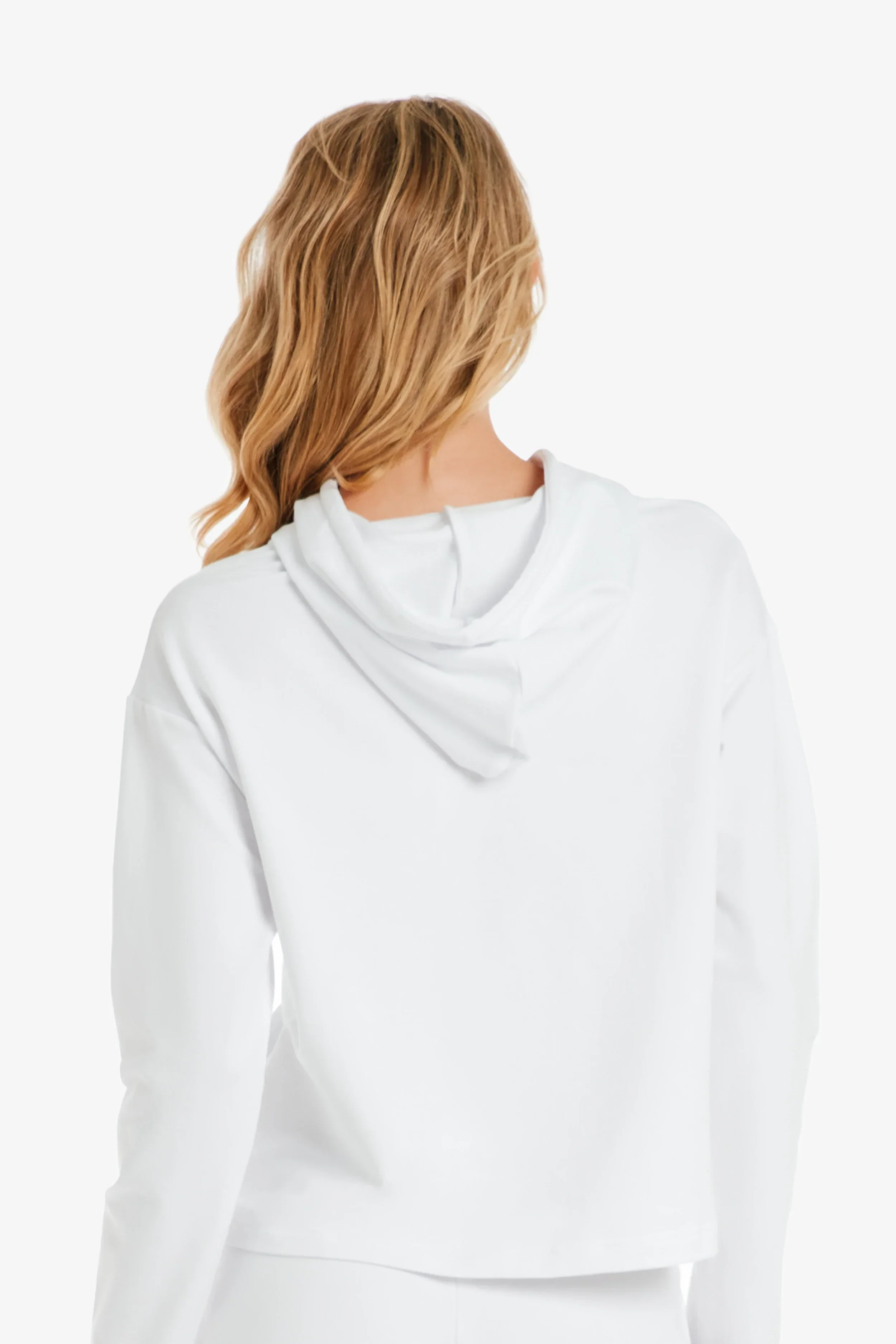
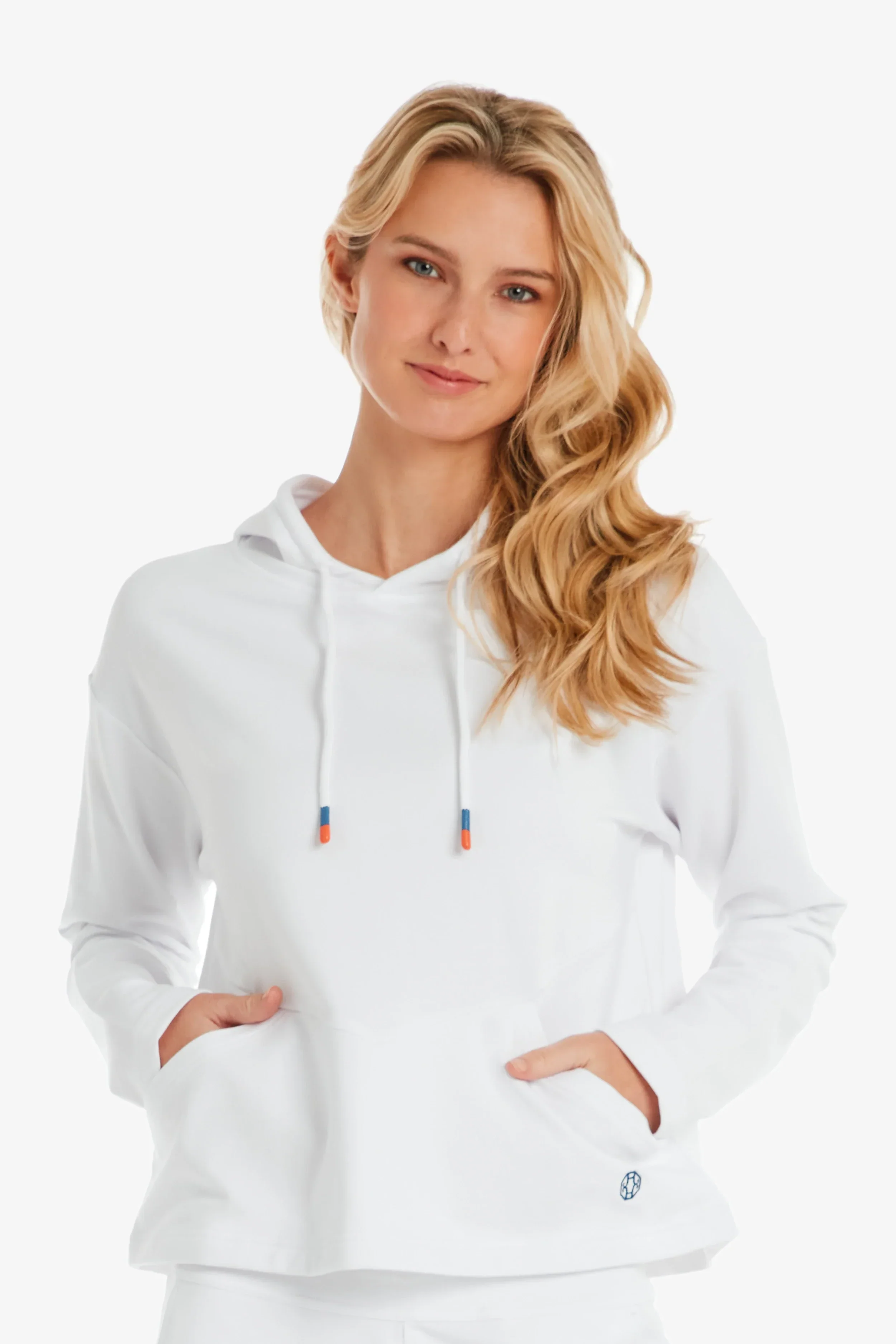
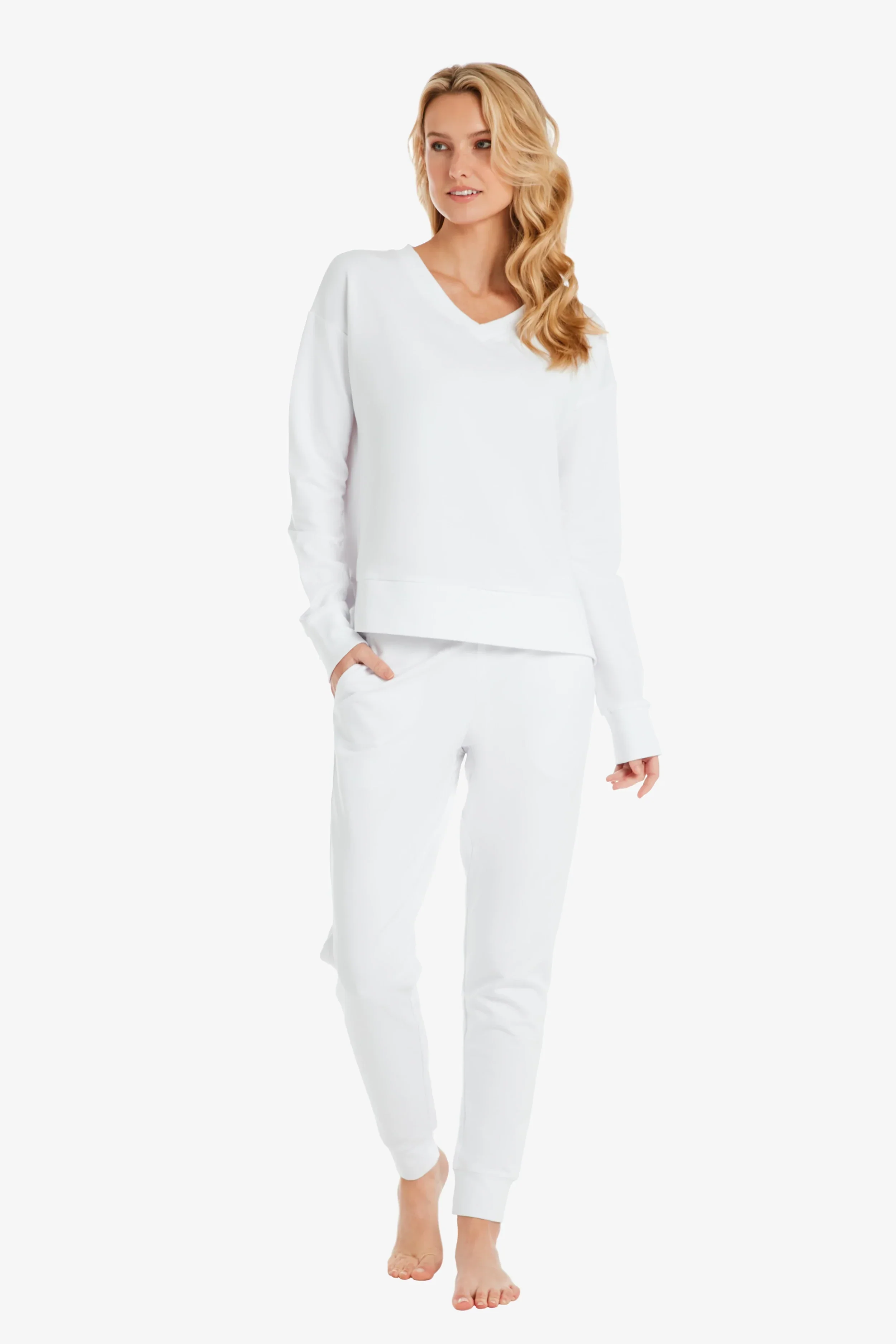
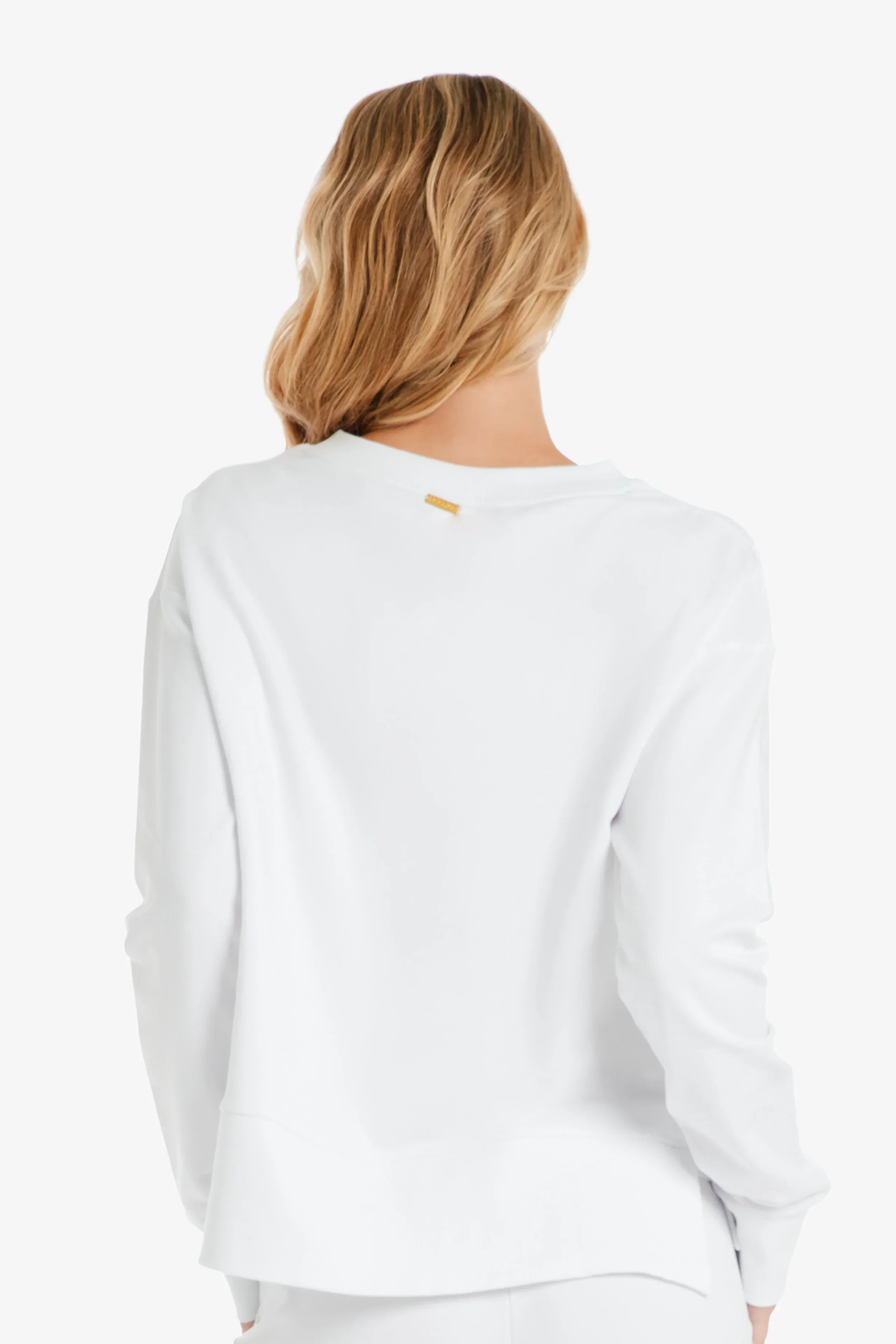




























































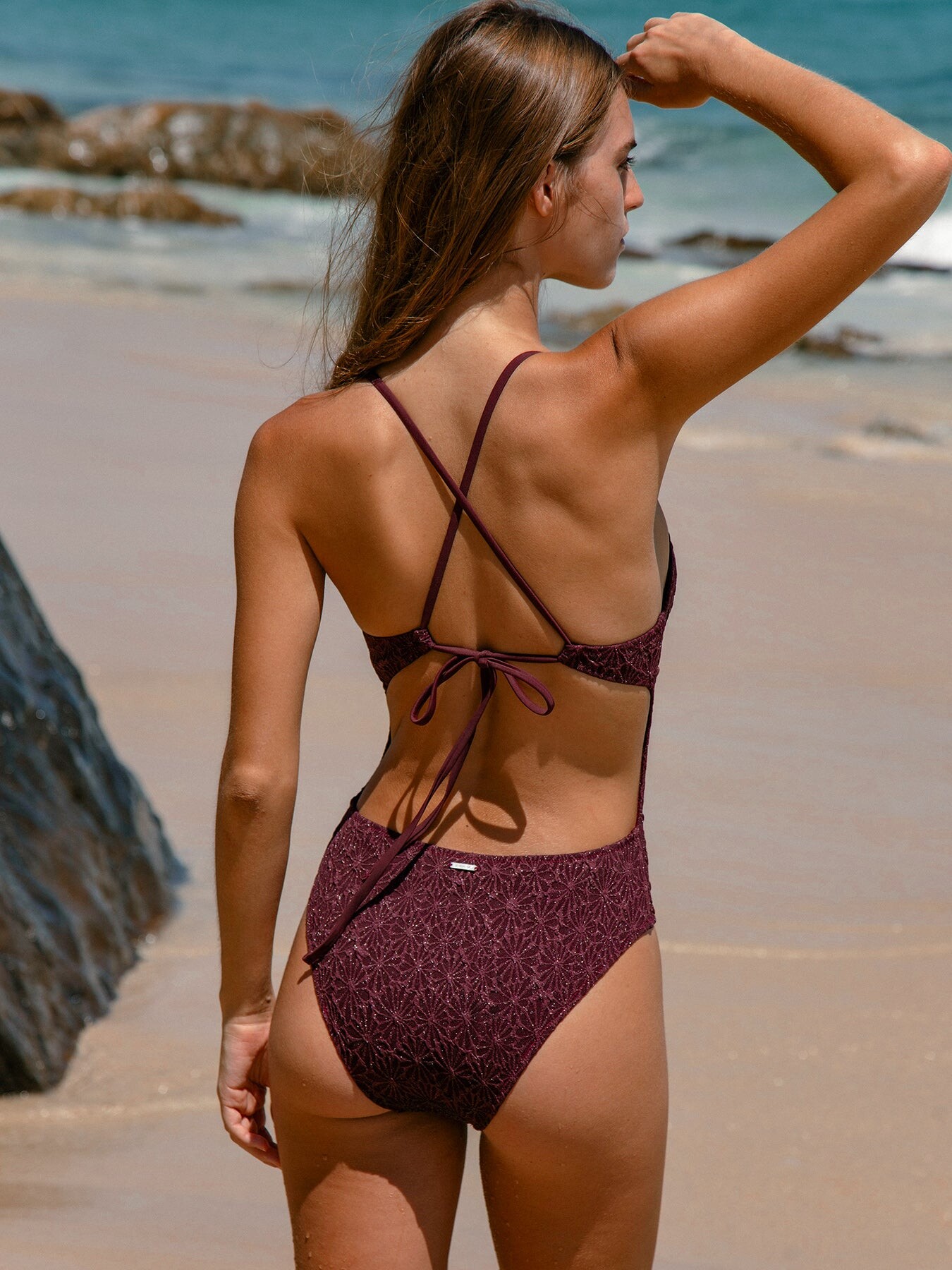
















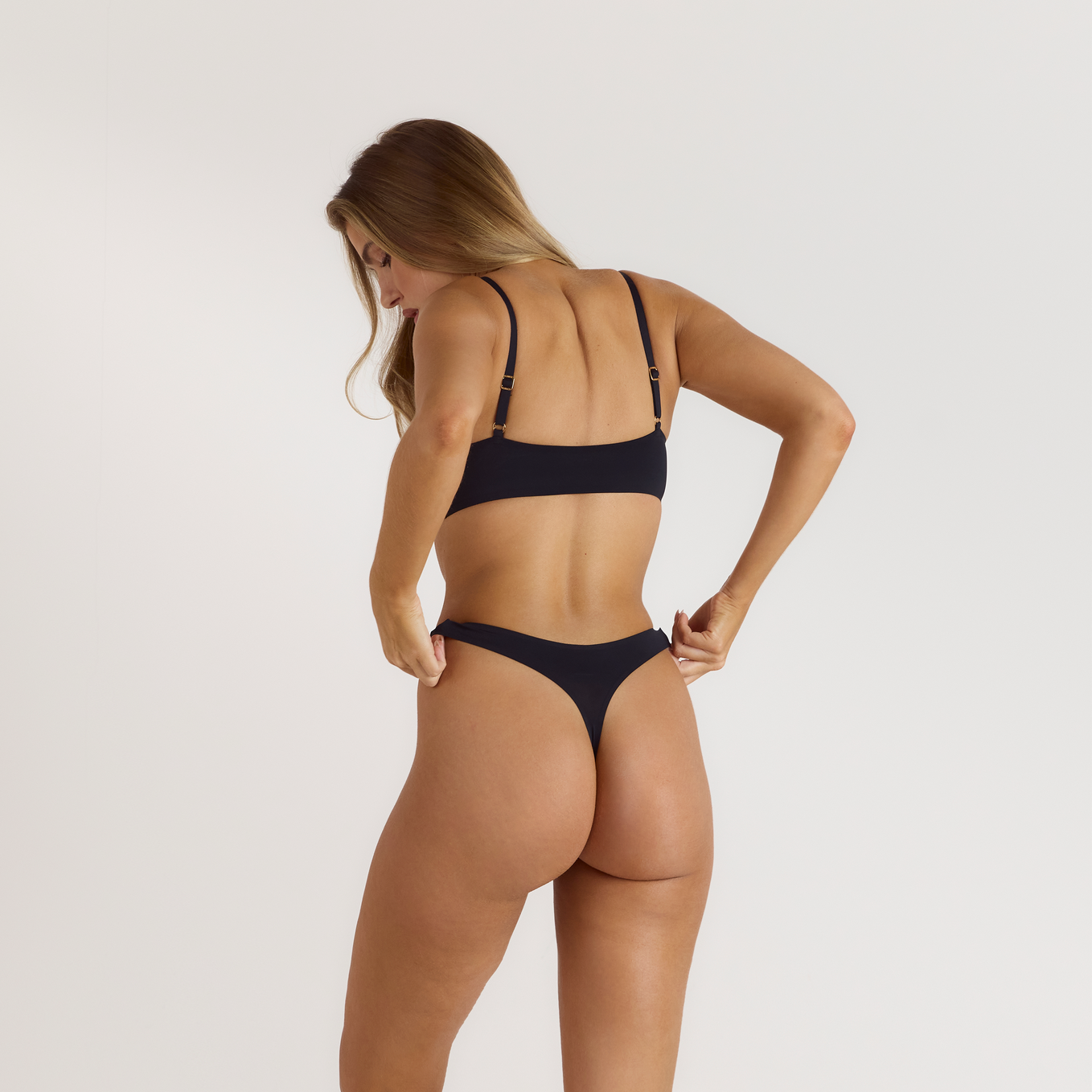




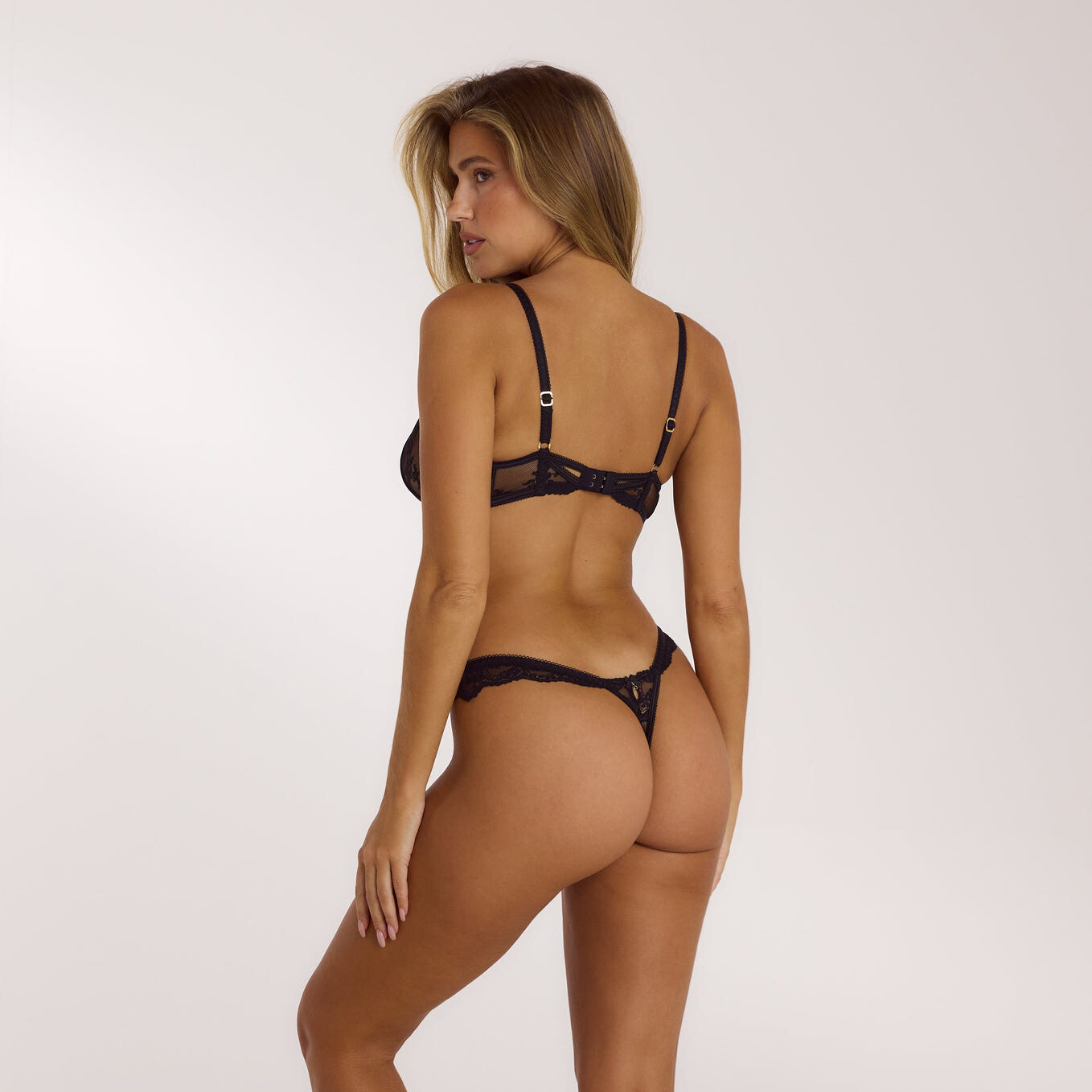







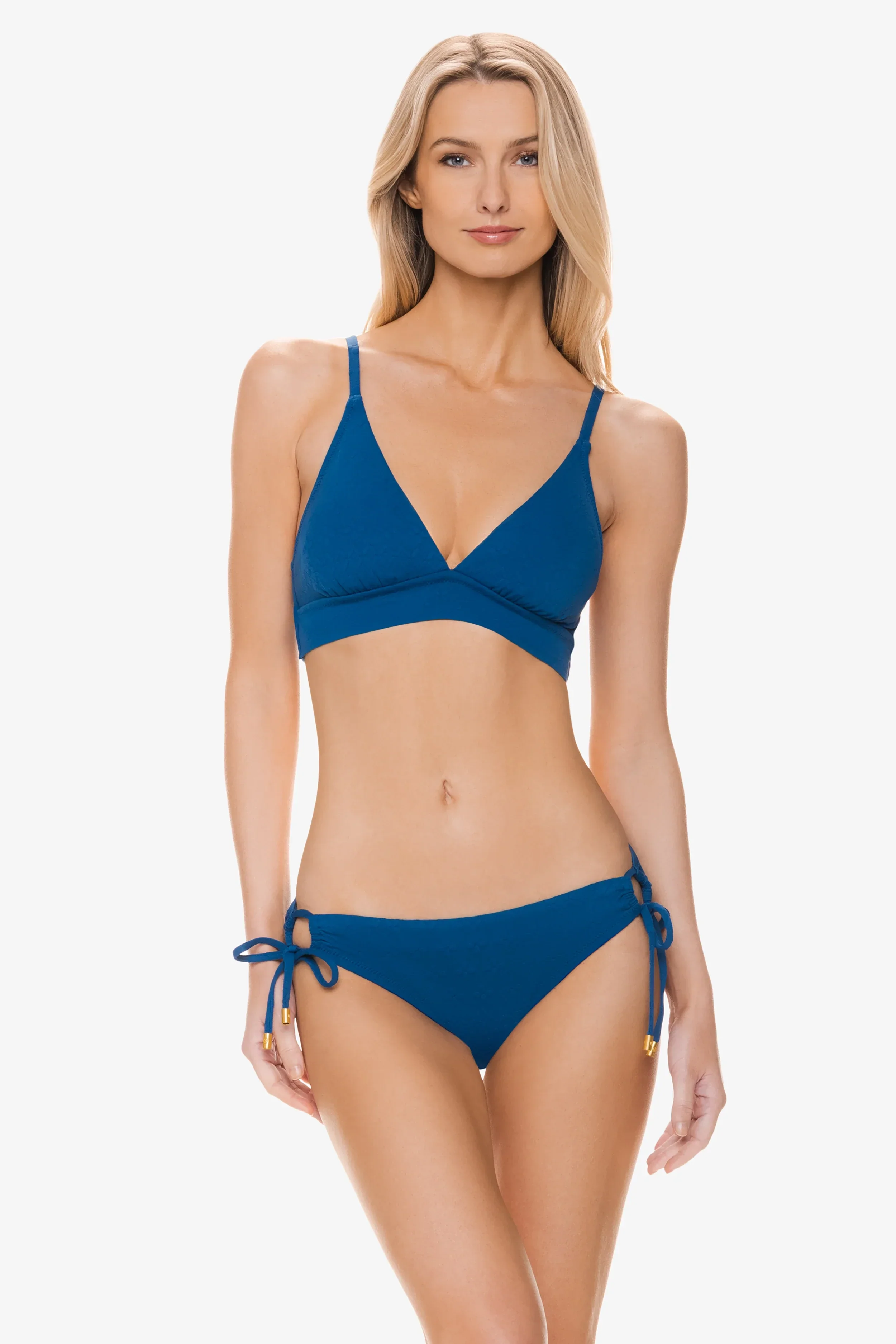
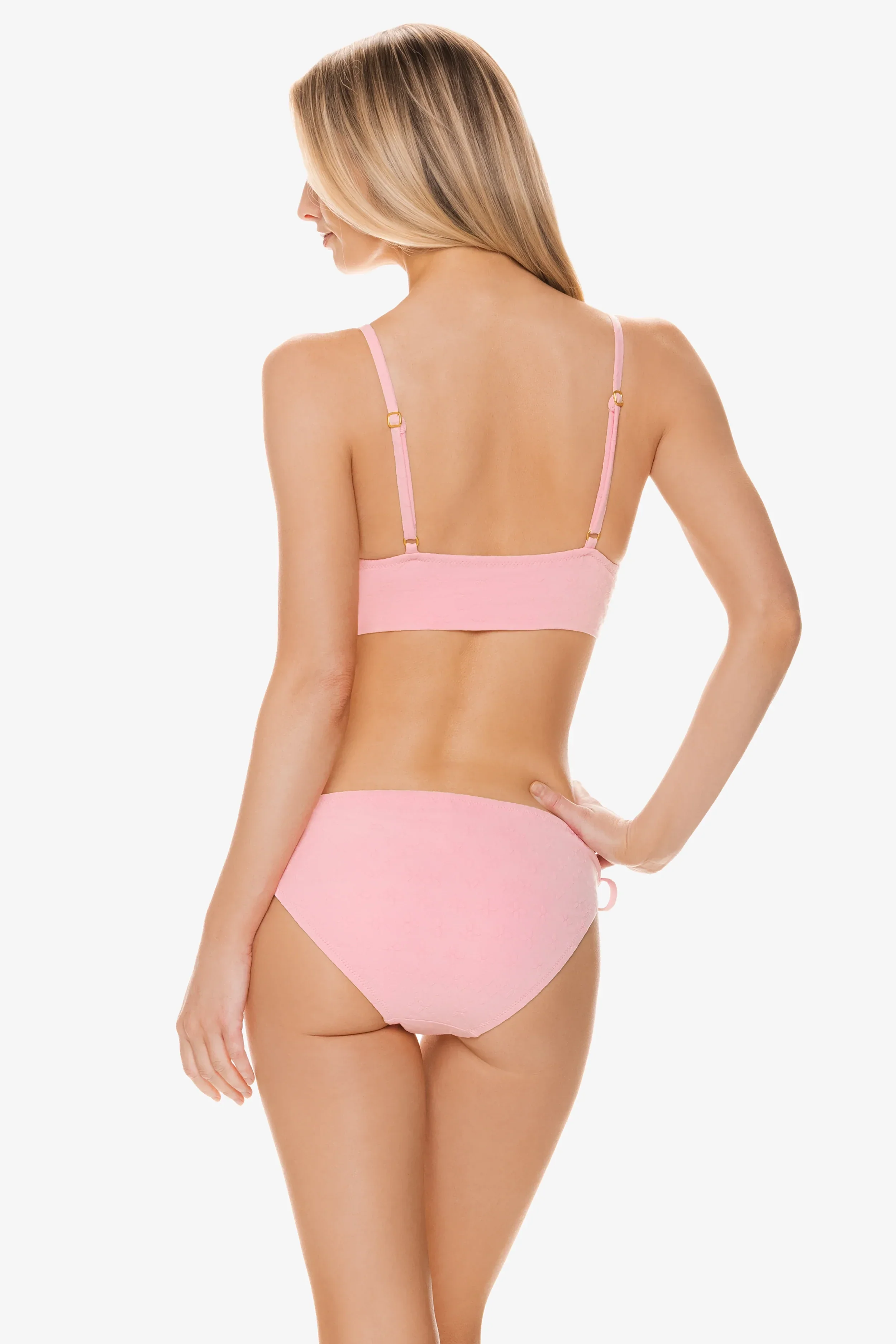

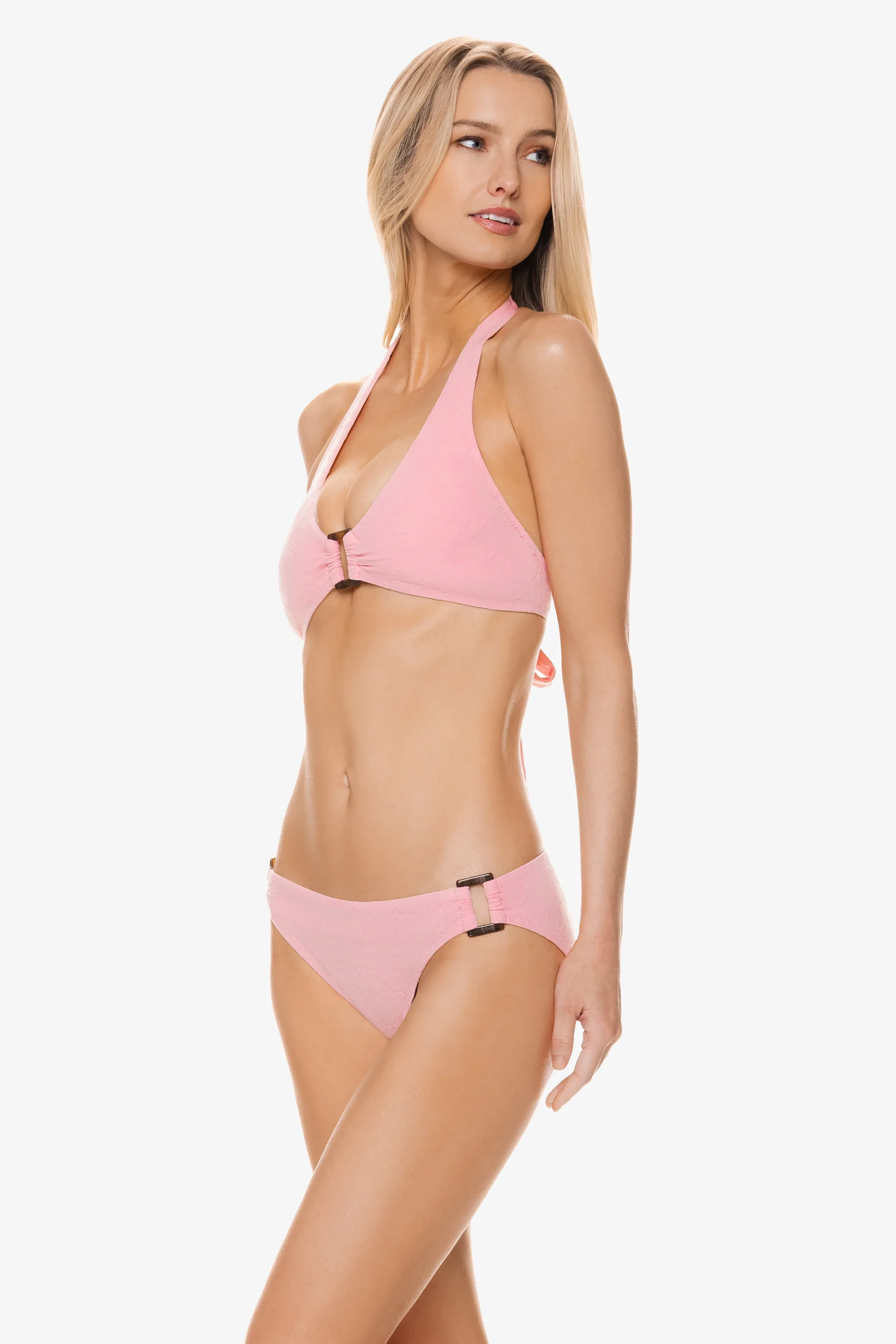

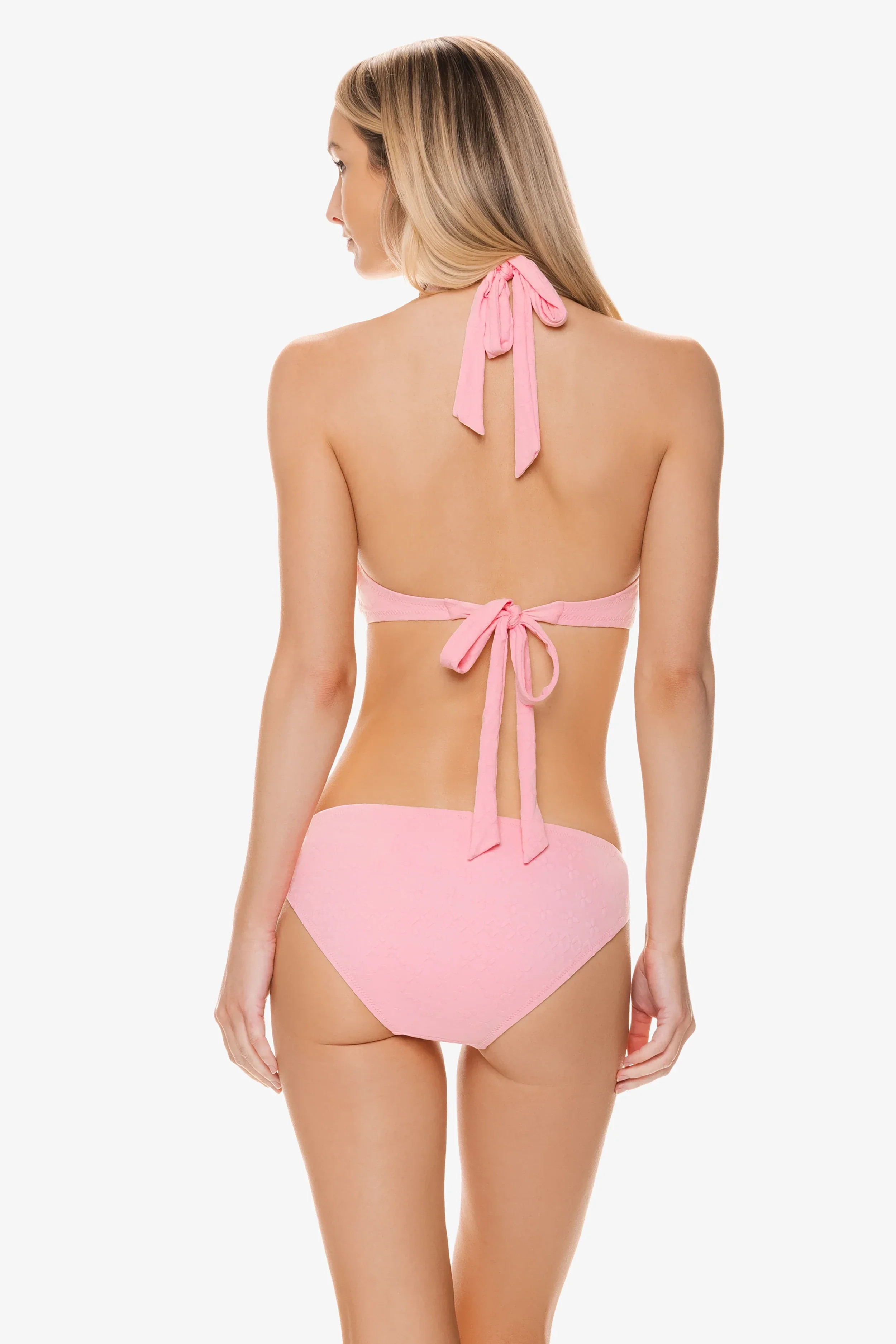

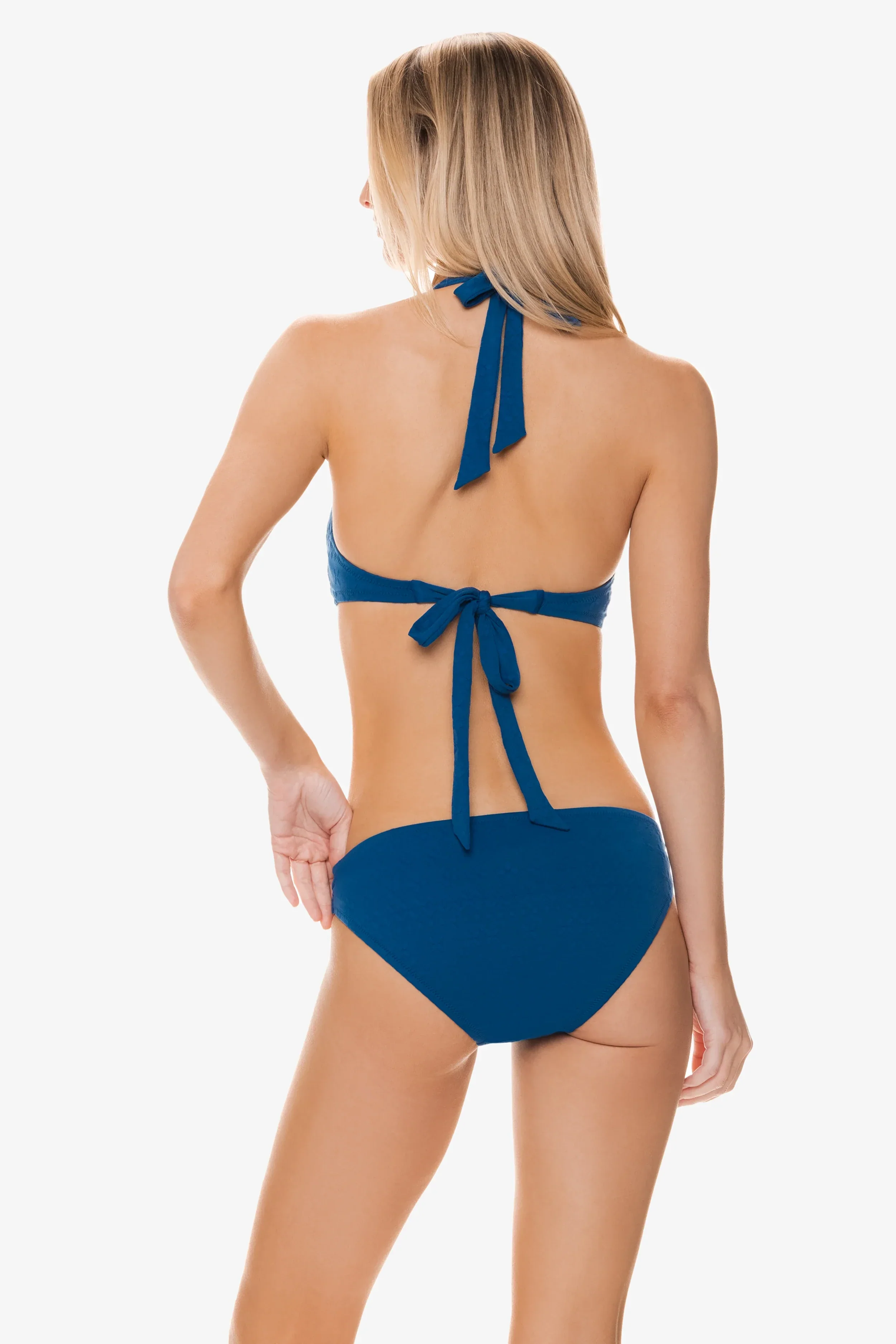
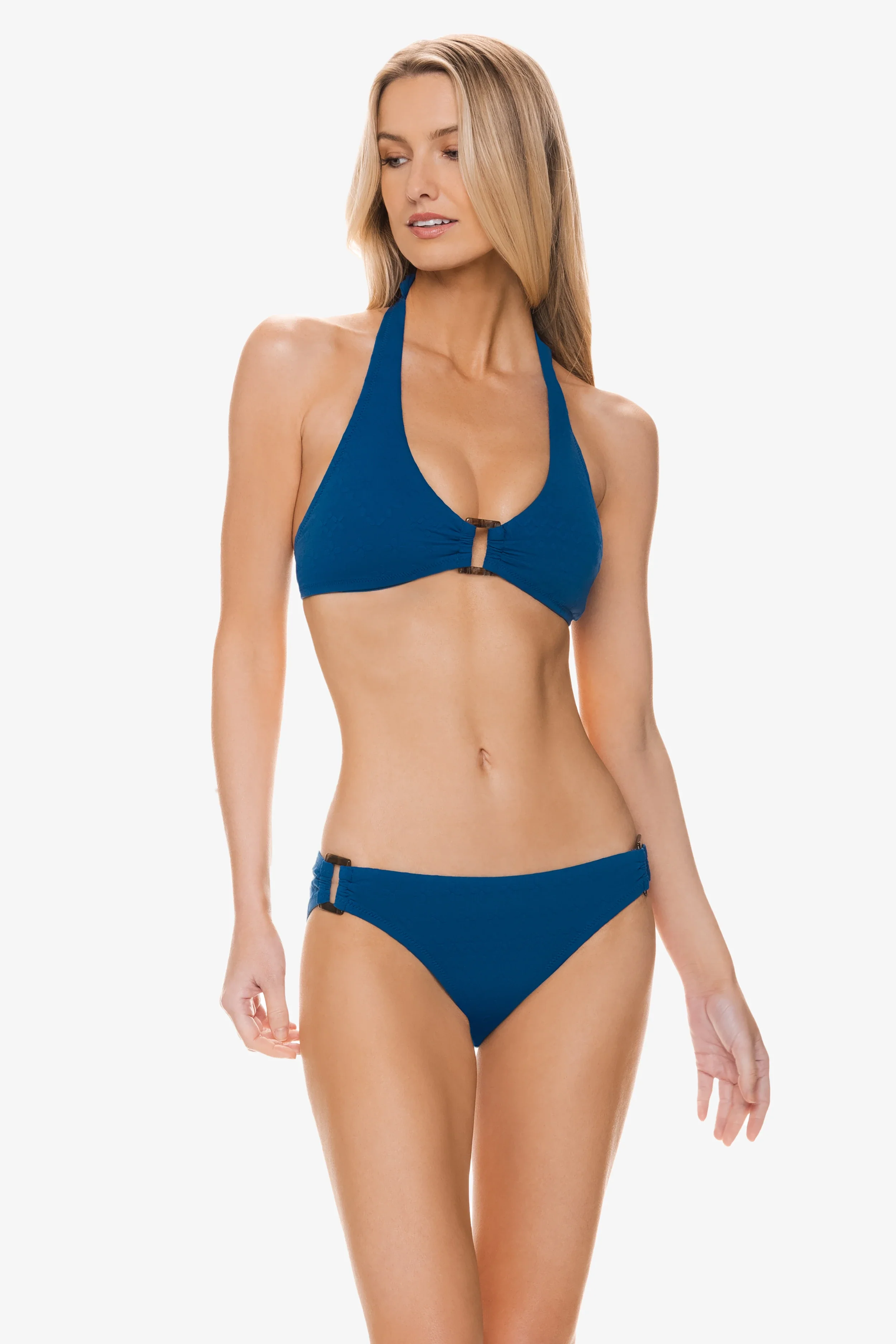

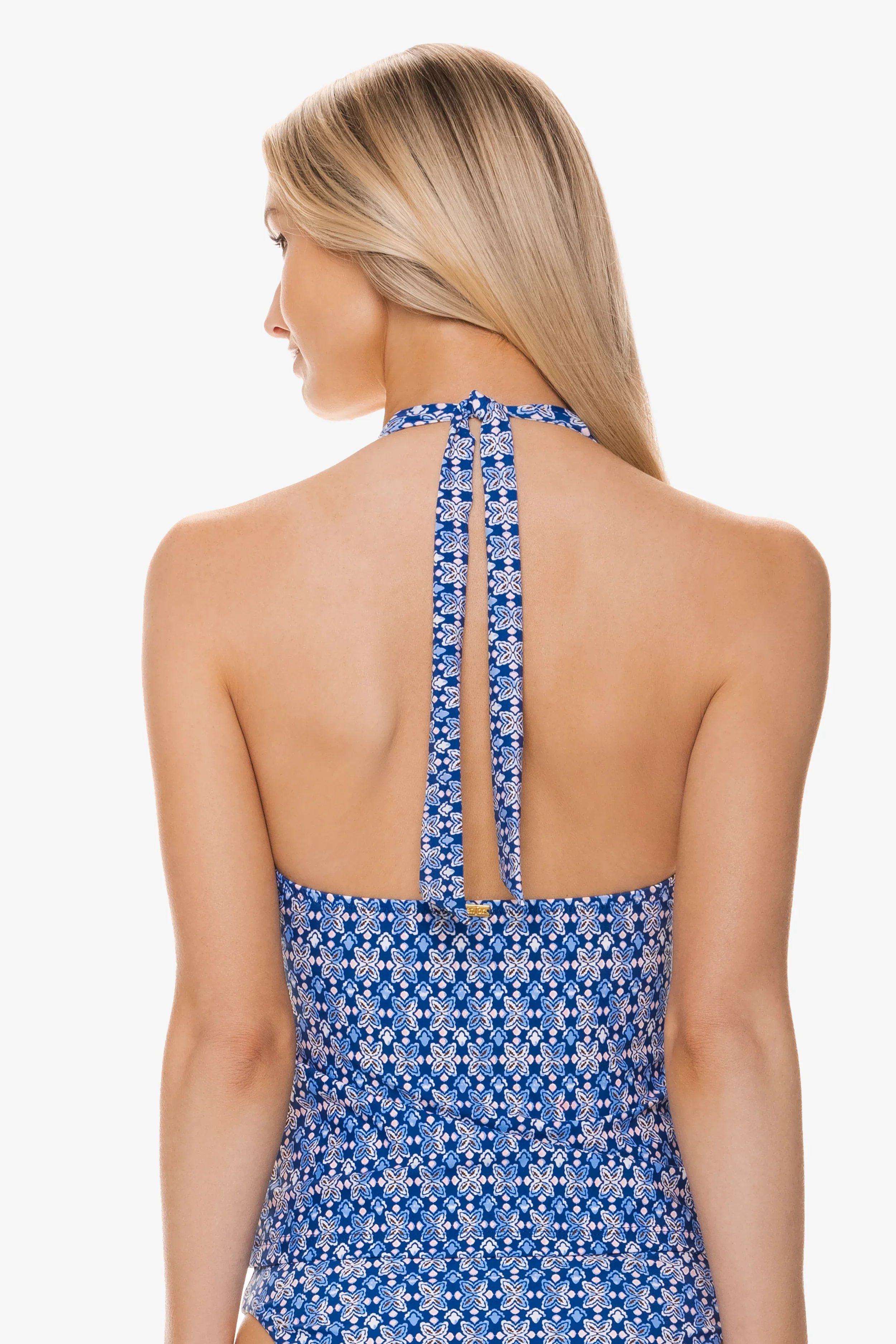




















.jpg.ef9d6aa4c952ad8063c05e057c8fa782.jpg)
.jpg.0a45983ad2371edd34766c86e8a9ef7a.jpg)






Account
Navigation
Search
Configure browser push notifications
Chrome (Android)
- Tap the lock icon next to the address bar.
- Tap Permissions → Notifications.
- Adjust your preference.
Chrome (Desktop)
- Click the padlock icon in the address bar.
- Select Site settings.
- Find Notifications and adjust your preference.
Safari (iOS 16.4+)
- Ensure the site is installed via Add to Home Screen.
- Open Settings App → Notifications.
- Find your app name and adjust your preference.
Safari (macOS)
- Go to Safari → Preferences.
- Click the Websites tab.
- Select Notifications in the sidebar.
- Find this website and adjust your preference.
Edge (Android)
- Tap the lock icon next to the address bar.
- Tap Permissions.
- Find Notifications and adjust your preference.
Edge (Desktop)
- Click the padlock icon in the address bar.
- Click Permissions for this site.
- Find Notifications and adjust your preference.
Firefox (Android)
- Go to Settings → Site permissions.
- Tap Notifications.
- Find this site in the list and adjust your preference.
Firefox (Desktop)
- Open Firefox Settings.
- Search for Notifications.
- Find this site in the list and adjust your preference.