All Activity
- Past hour
-

- Yesterday
-
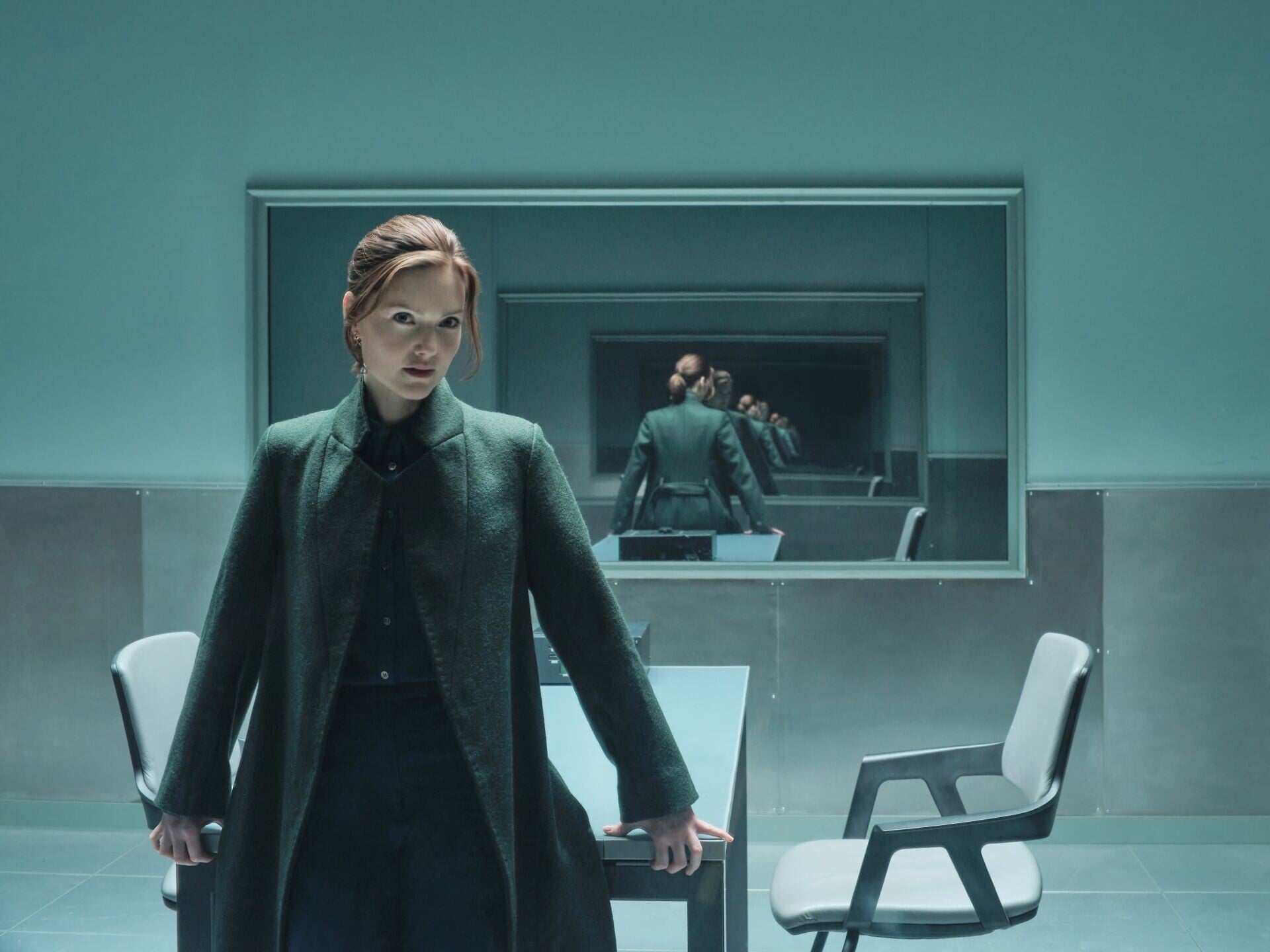
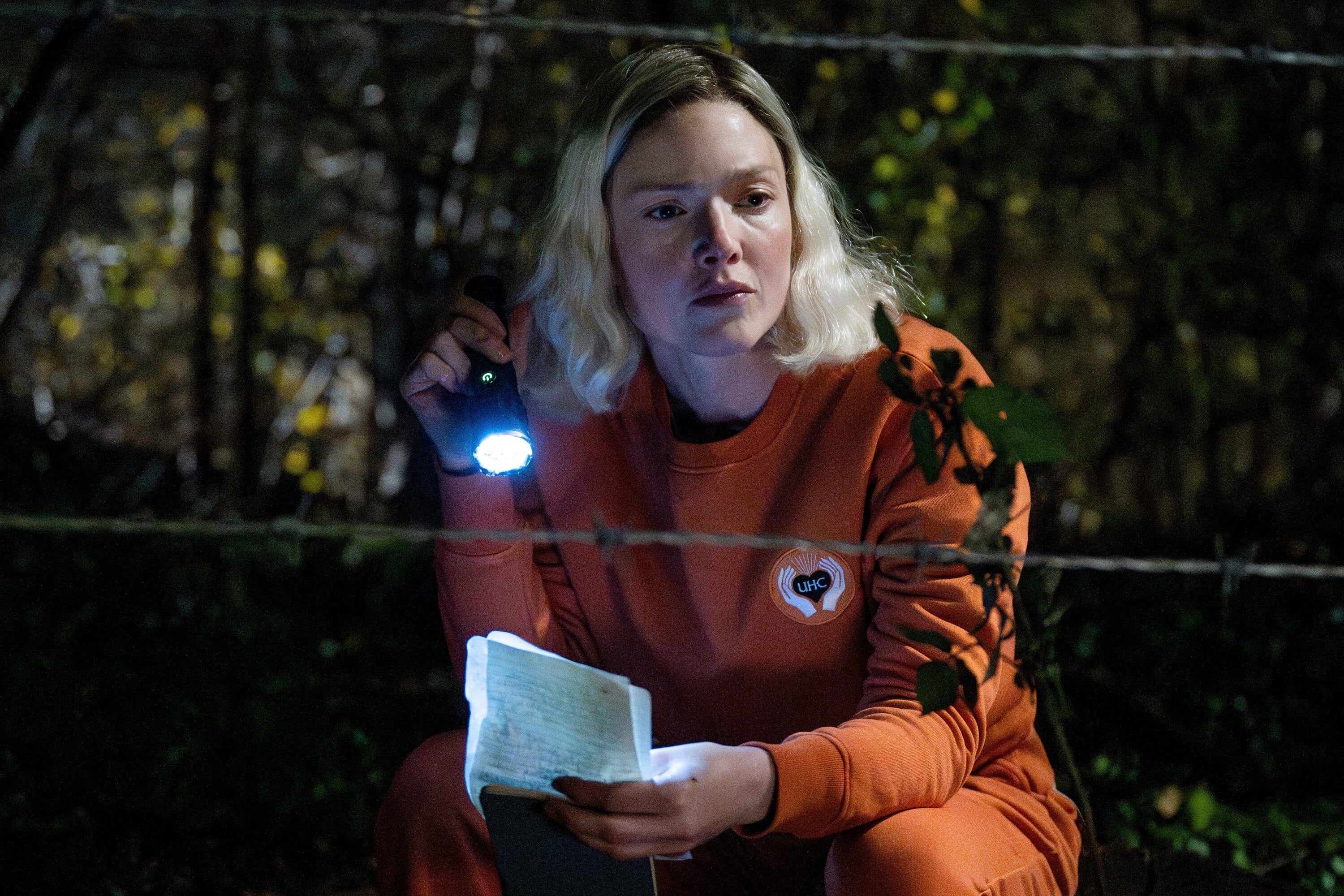
 The Capture Season 3 Stills holliday-grainger.net
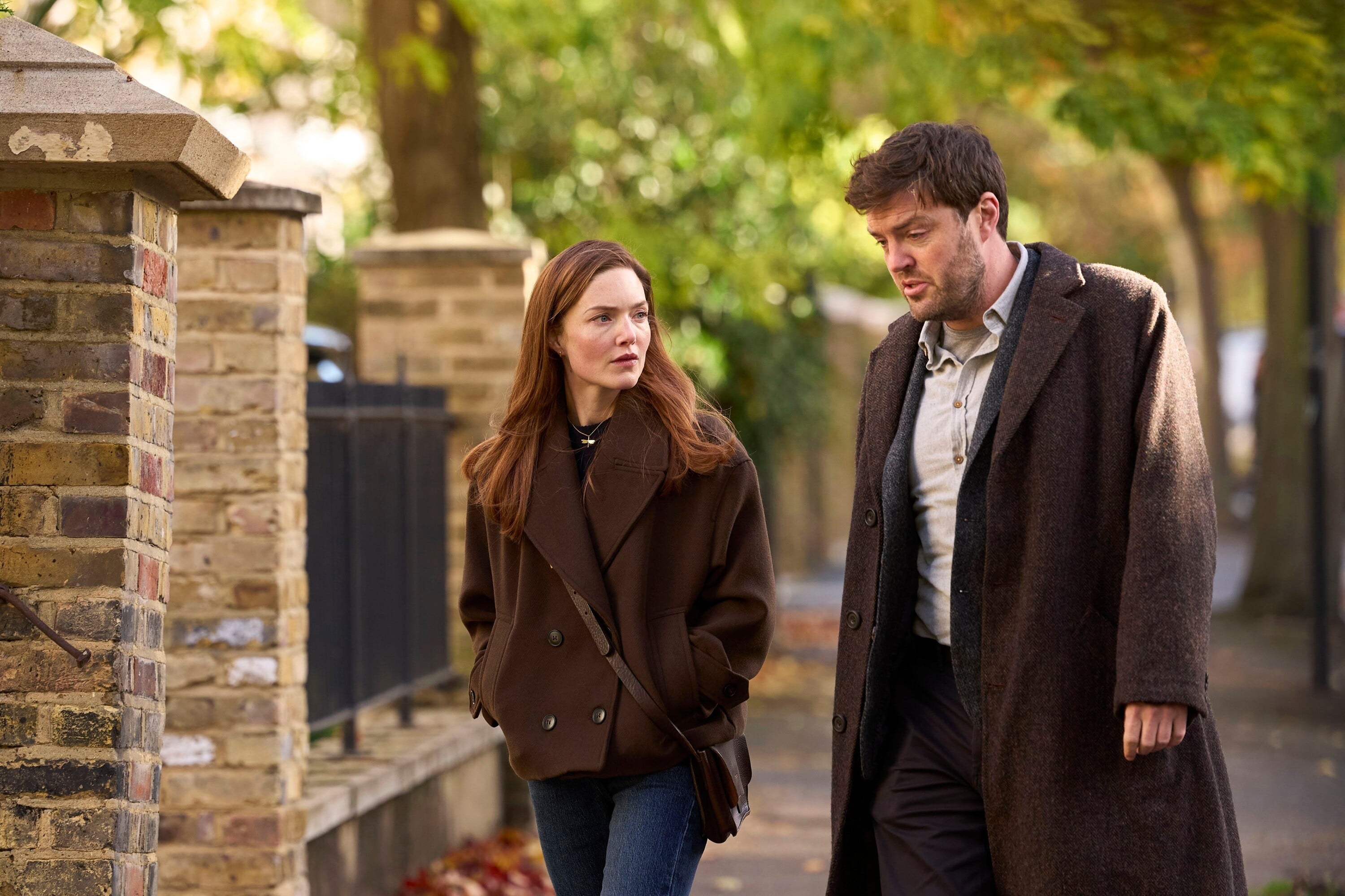
 Strike Stills holliday-grainger.net

 stories












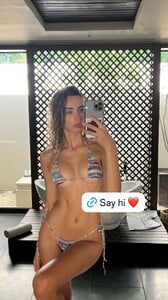










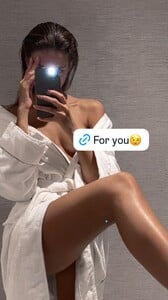

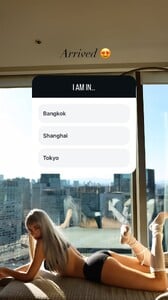
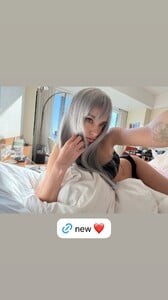






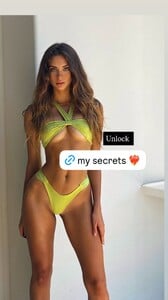



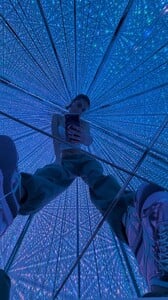






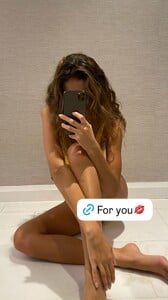 E! News: Always and Forever. ❤️ (🎥: TikTok) video [2025.12.20] enews_DSdyCa2gT2o.mp4
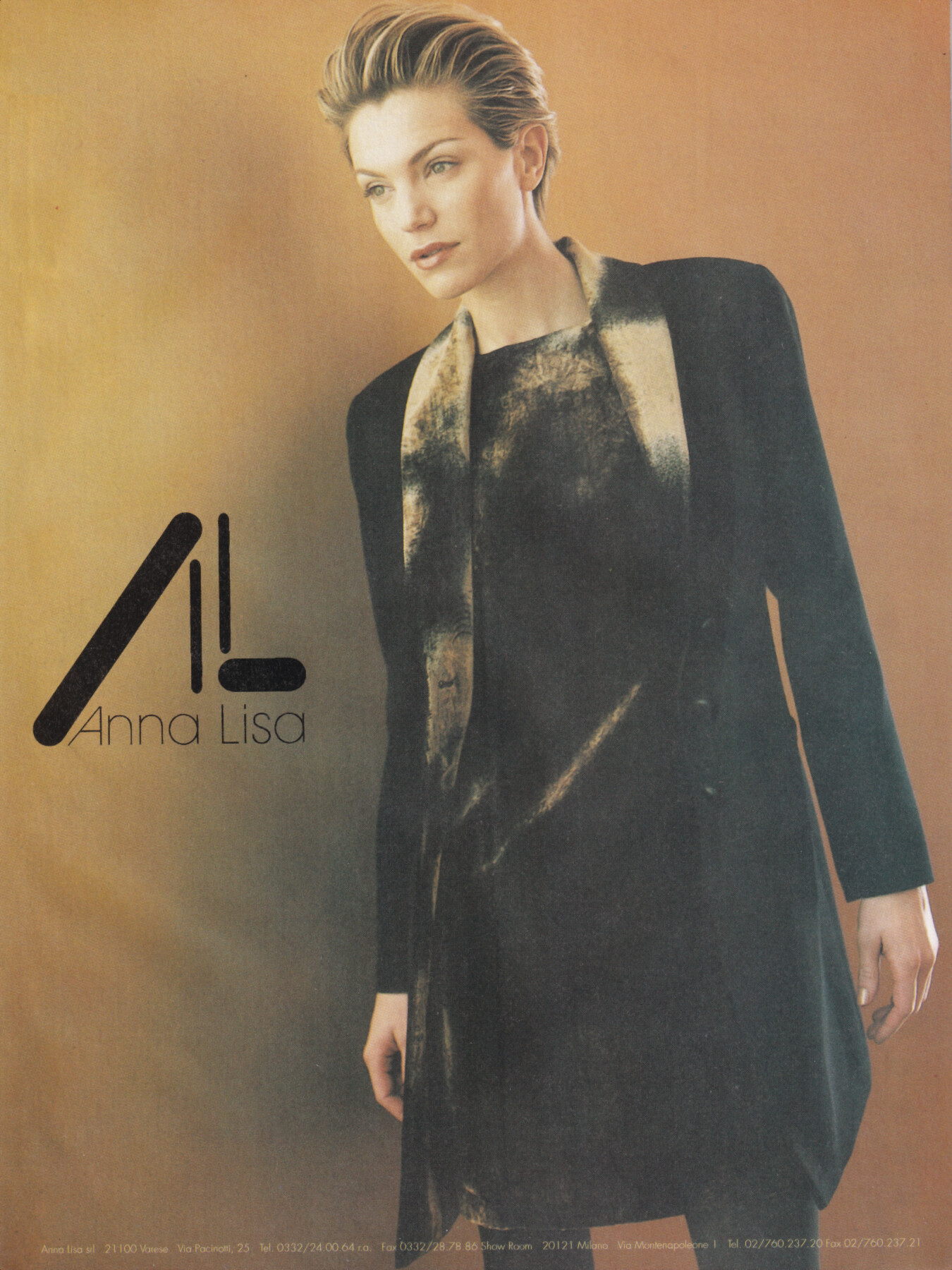
 model for Anna Lisa, 1999 my scan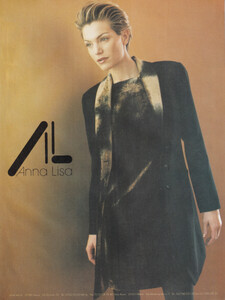
 Belly1967 changed their profile photo
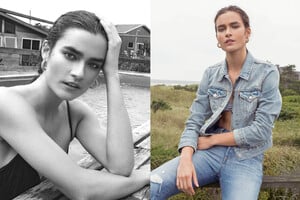
 Ford Model

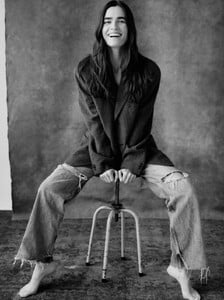

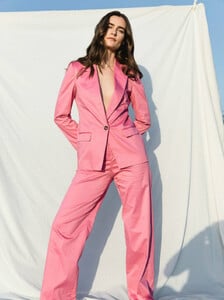





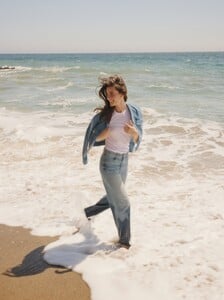
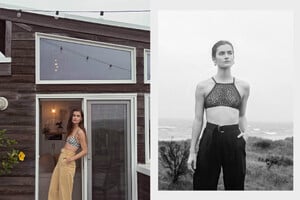
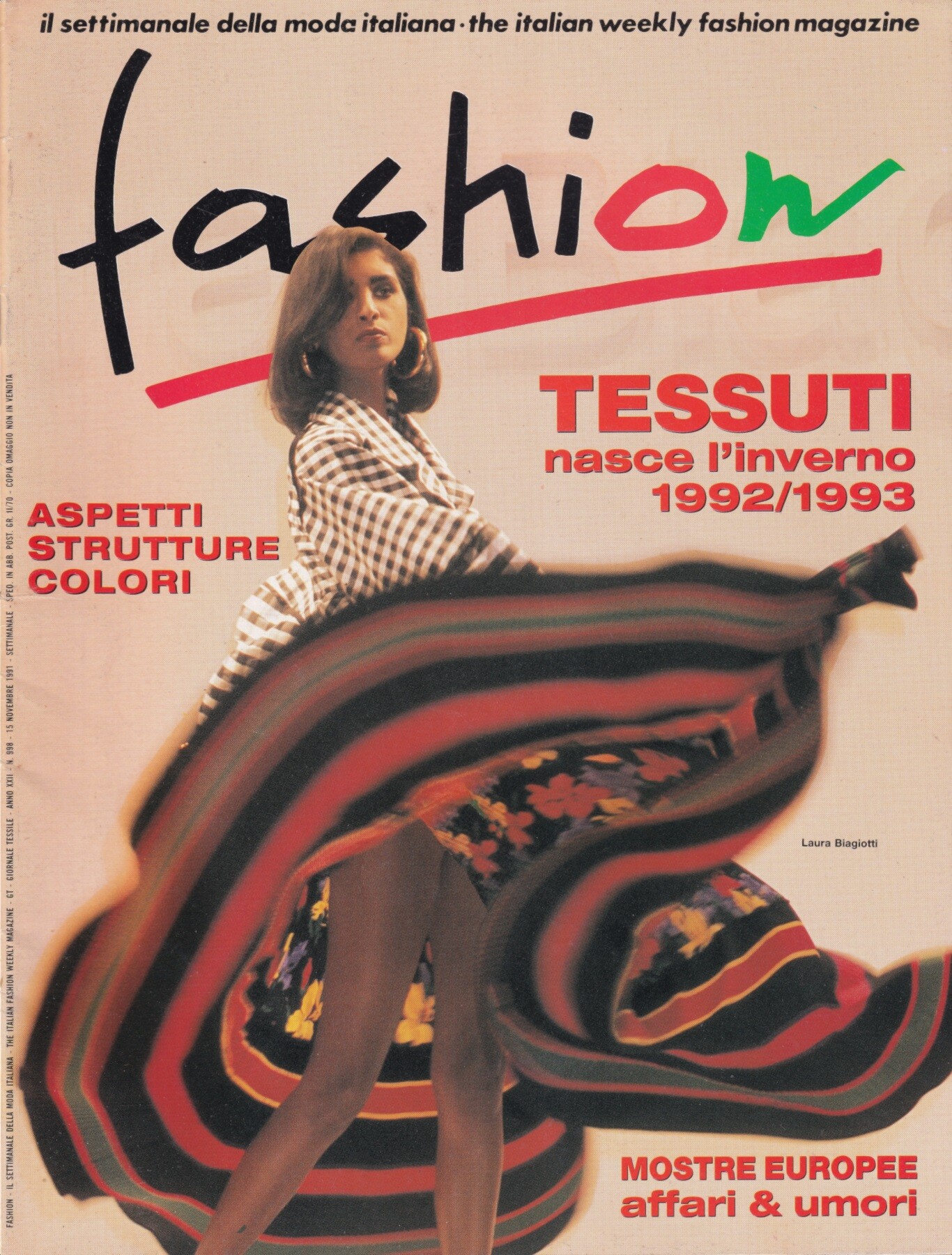
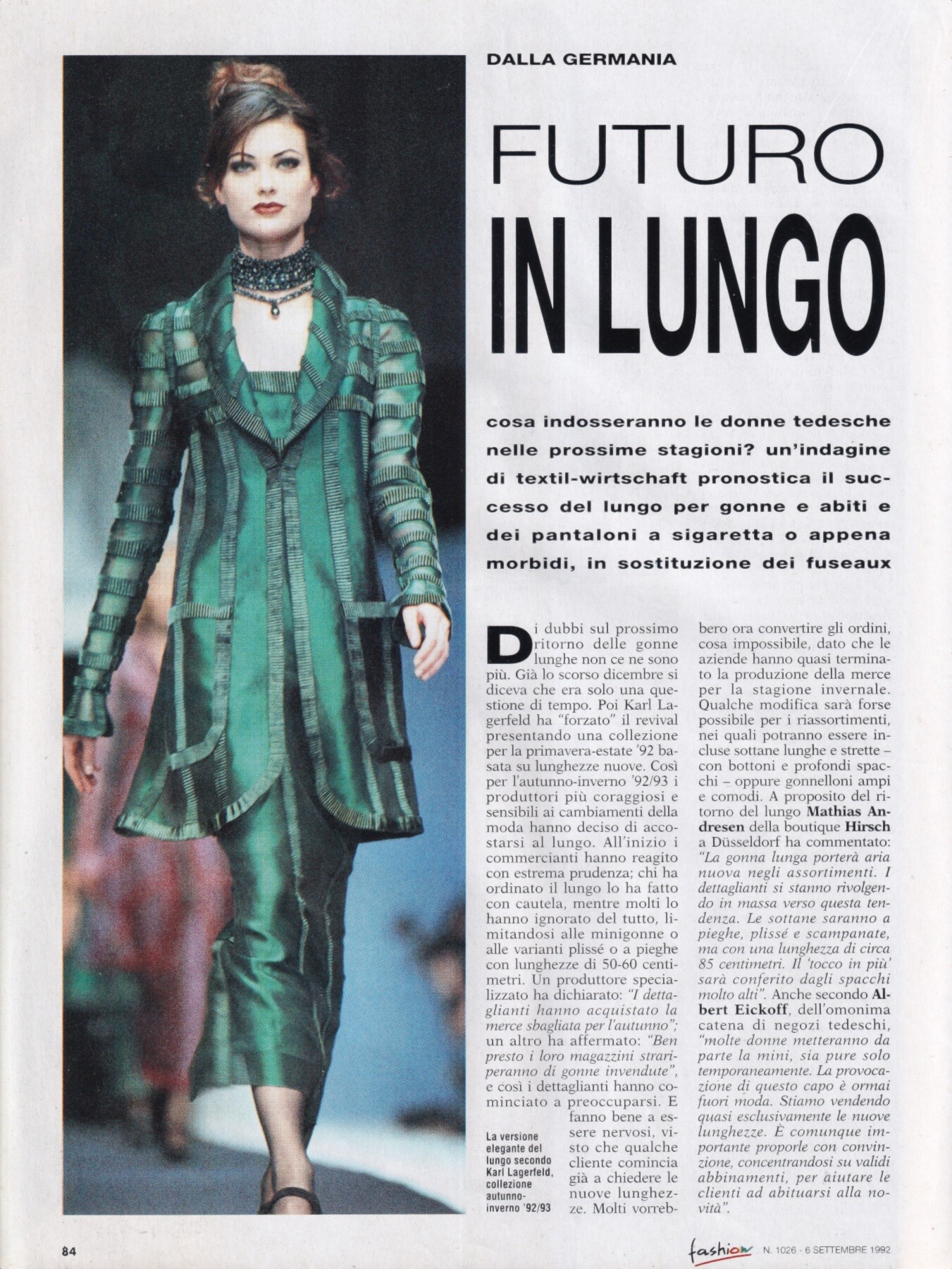
 Anjani Shivamanga for Laura Biagiotti, ready-to-wear, fall/winter 1992 my scan
 thanks as usual
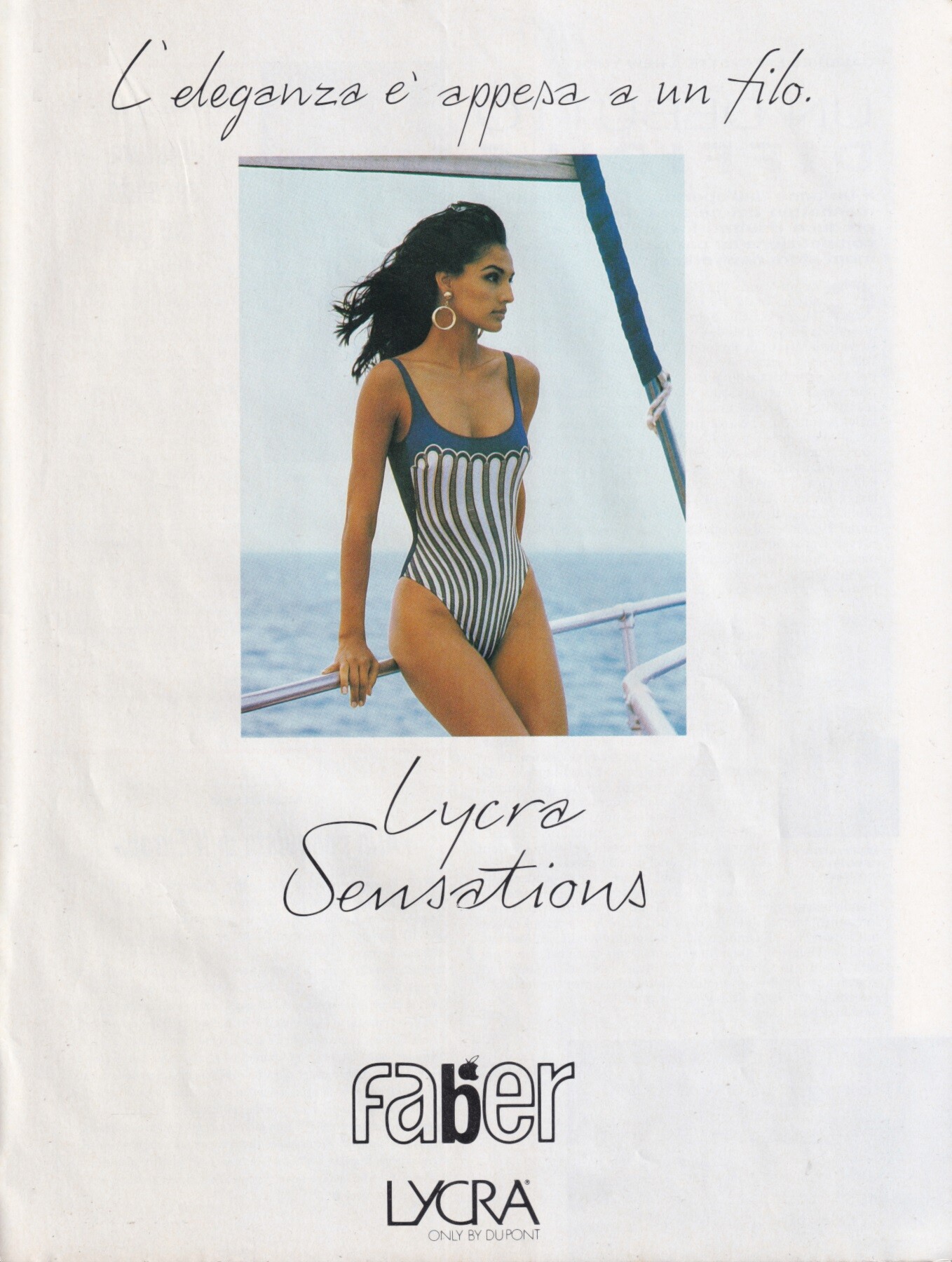
model for Faber, 1993 (maybe Vicky Koulianou, but not sure) my scan
thanks as usual
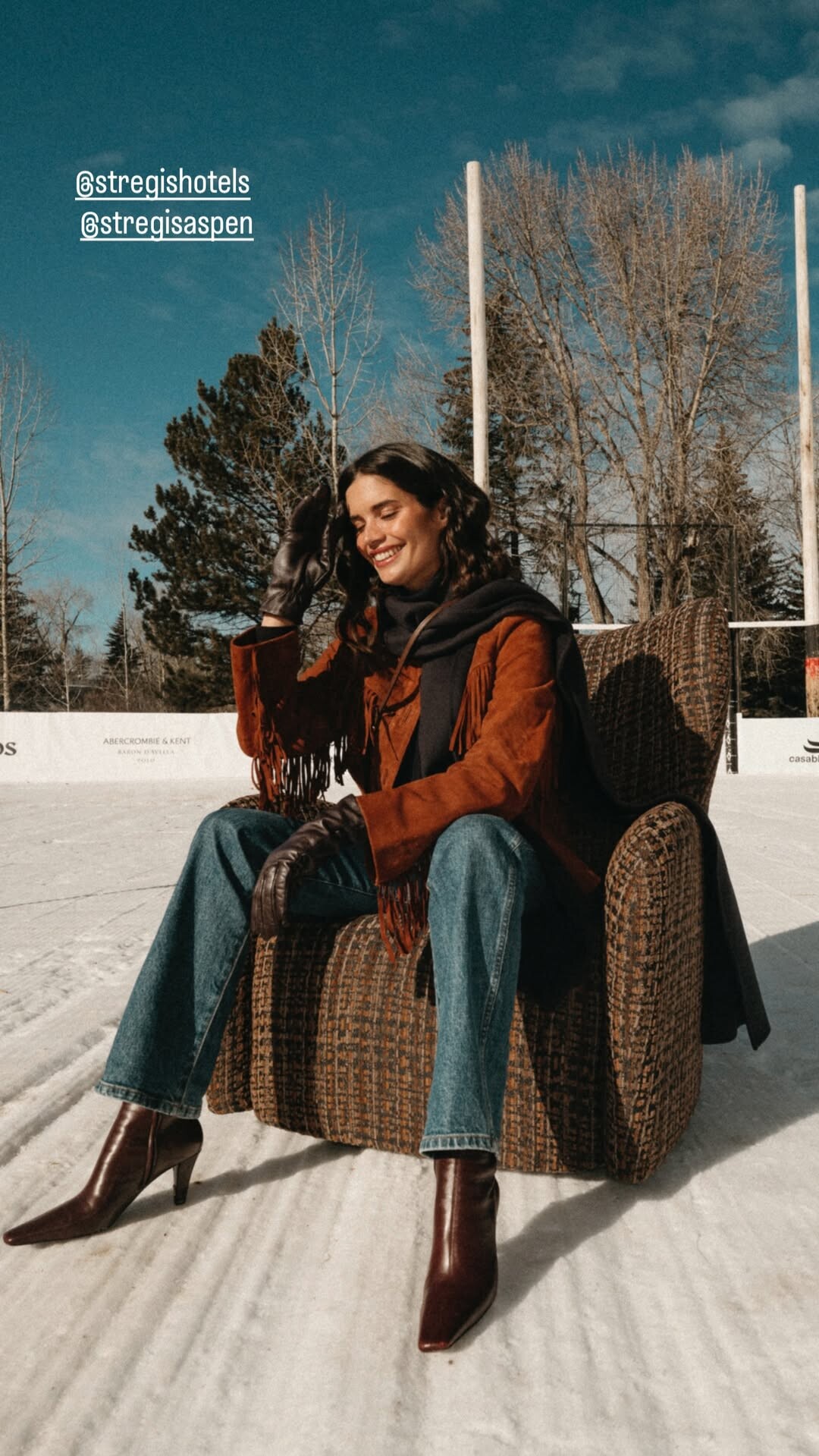
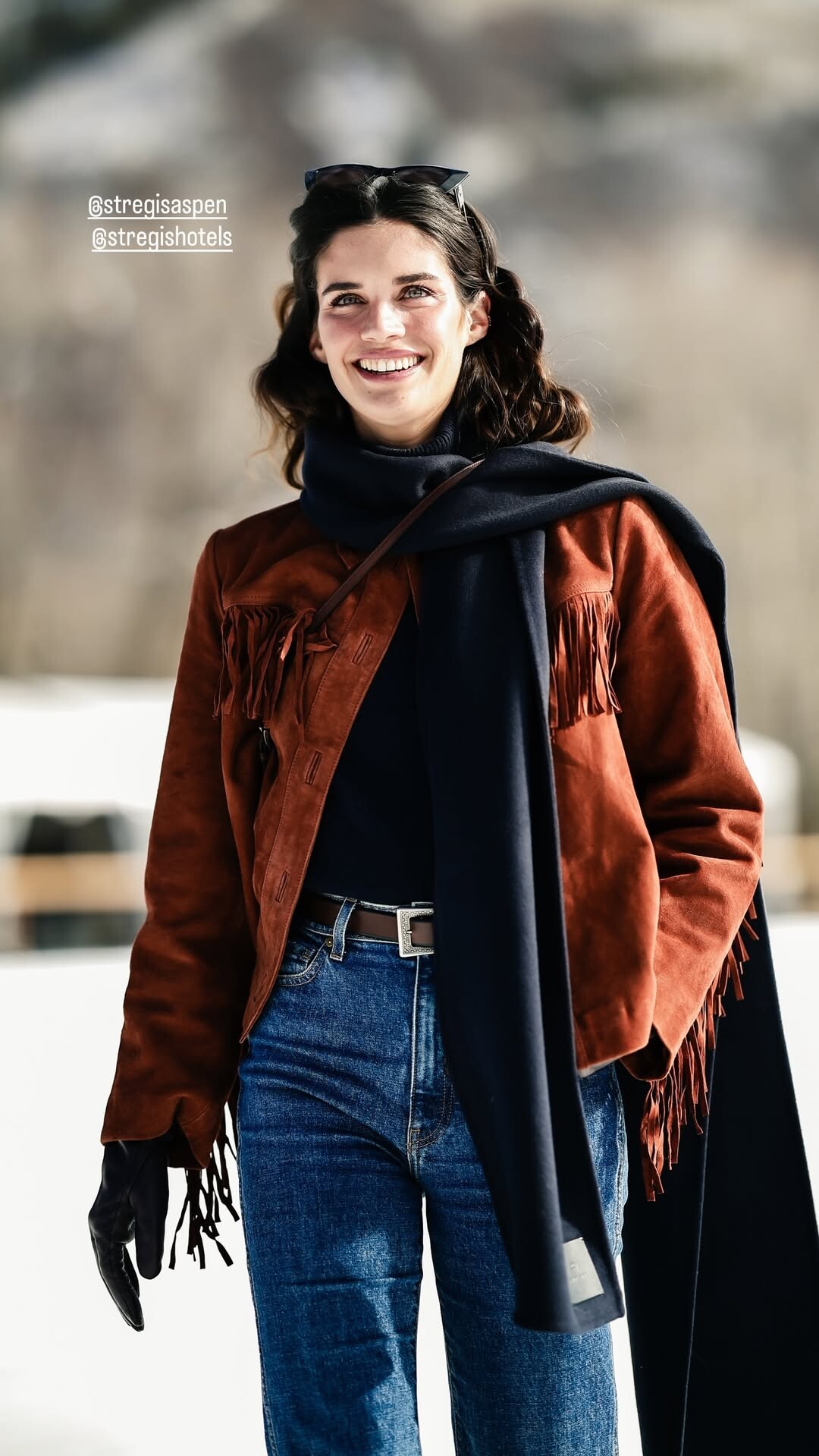
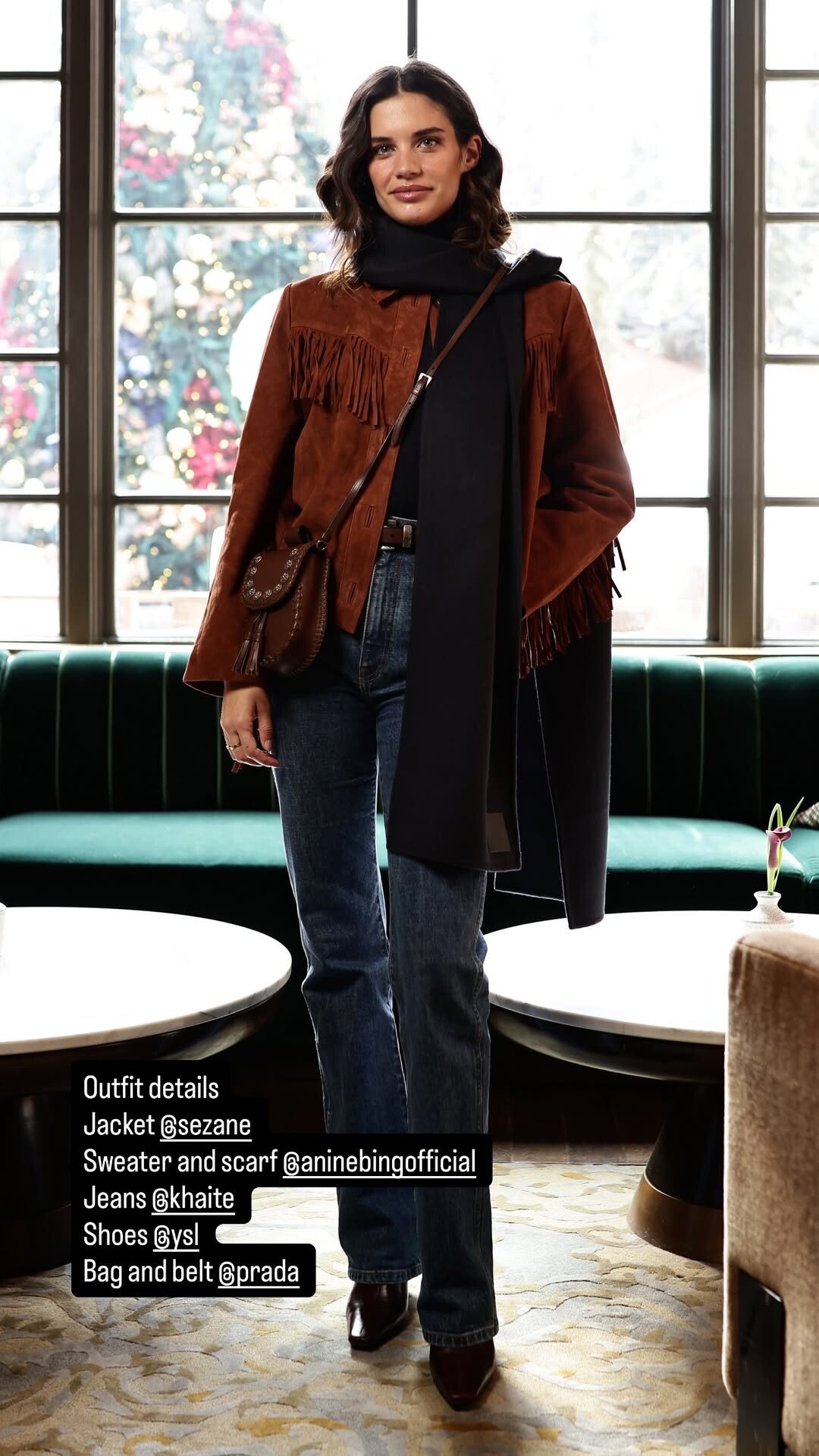
model for Faber, 1993 (maybe Vicky Koulianou, but not sure) my scan Just got to spent the most wonderful couple of days in Aspen where I got to watch my first Snow Polo Match. Where the stregisaspen team won the championship! 🙌🏻 Had one of the best massages I’ve ever had 🫠, got to see the most insane gingerbread house 🤯, had the most yummy food and 🍷😏, got to have my first Skii day of the season (I still remember how to ski! 😅) met wonderful people and created long lasting memories. Thank you stregishotels stregisaspen for a magical stay.


 same as above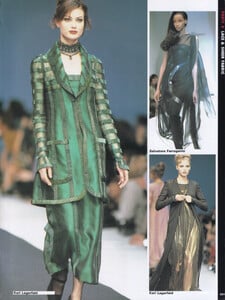
 Clint: Return to sender scarlett for shop_resa ✏️💾💼 video [2025.11.28] clint_DRn90l1kbPK.mp4








 acechop13 joined the community
 💘
💘
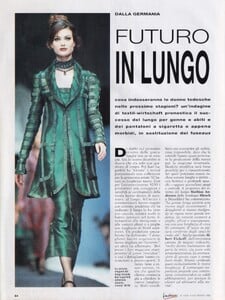
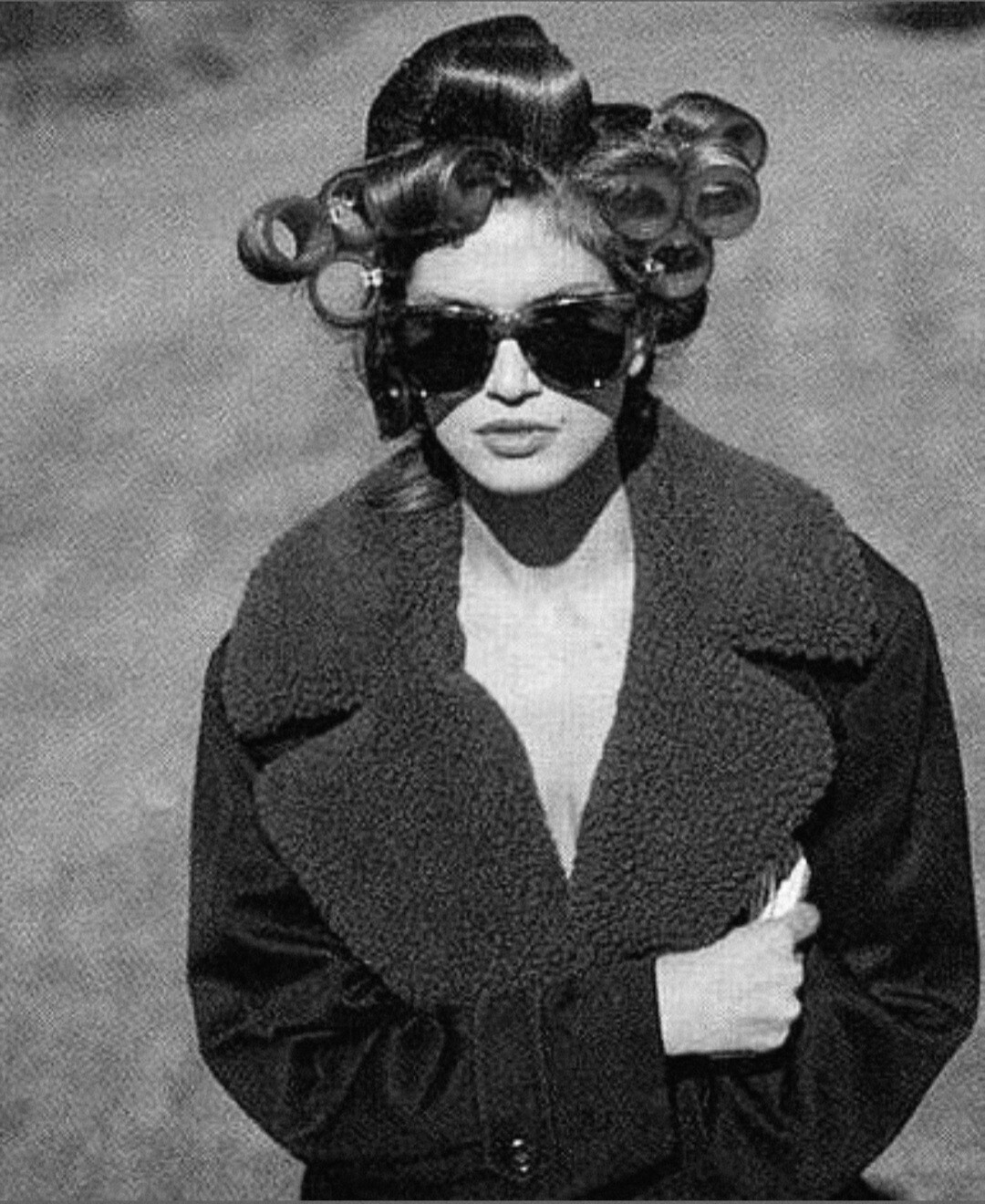
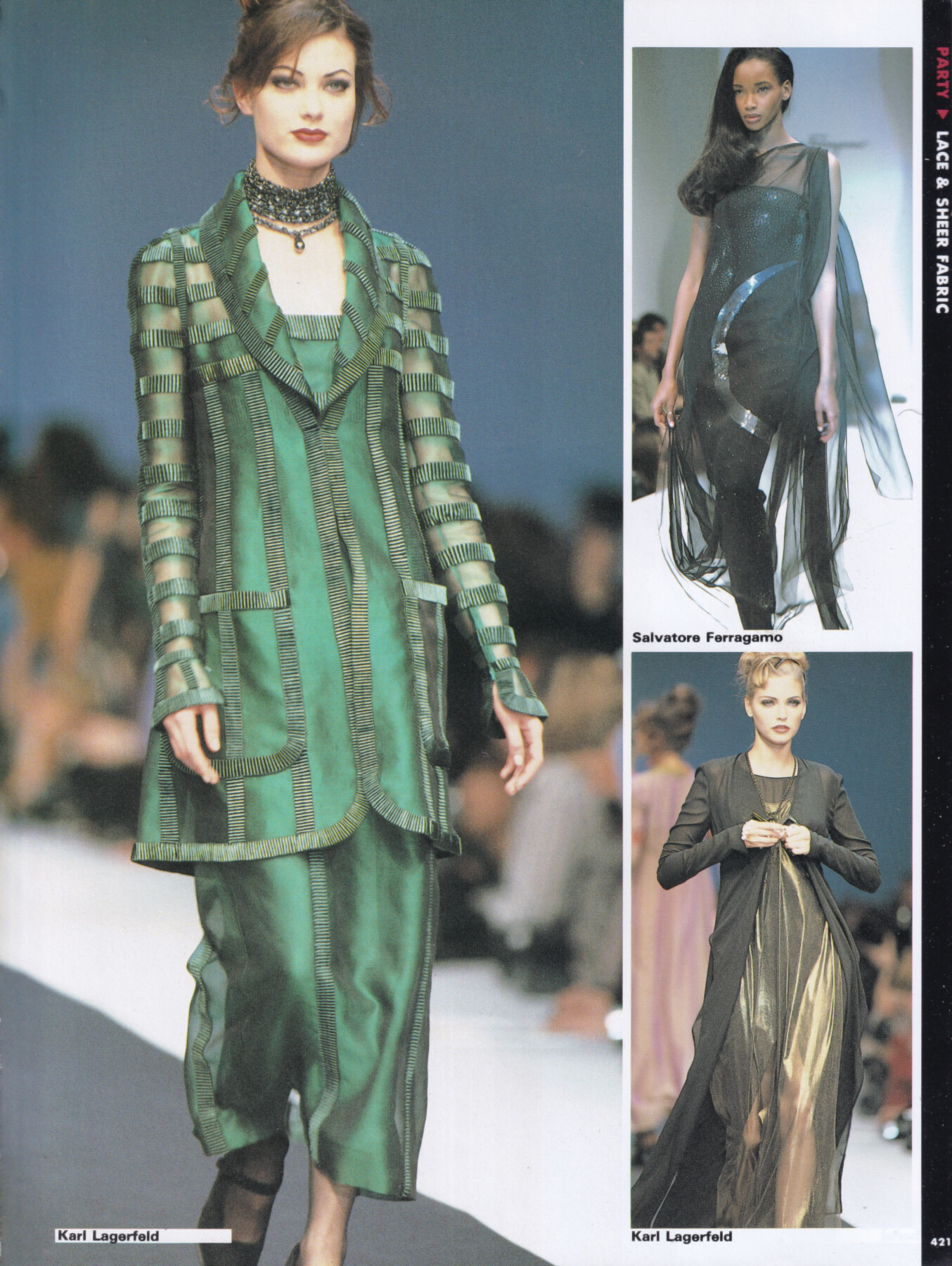
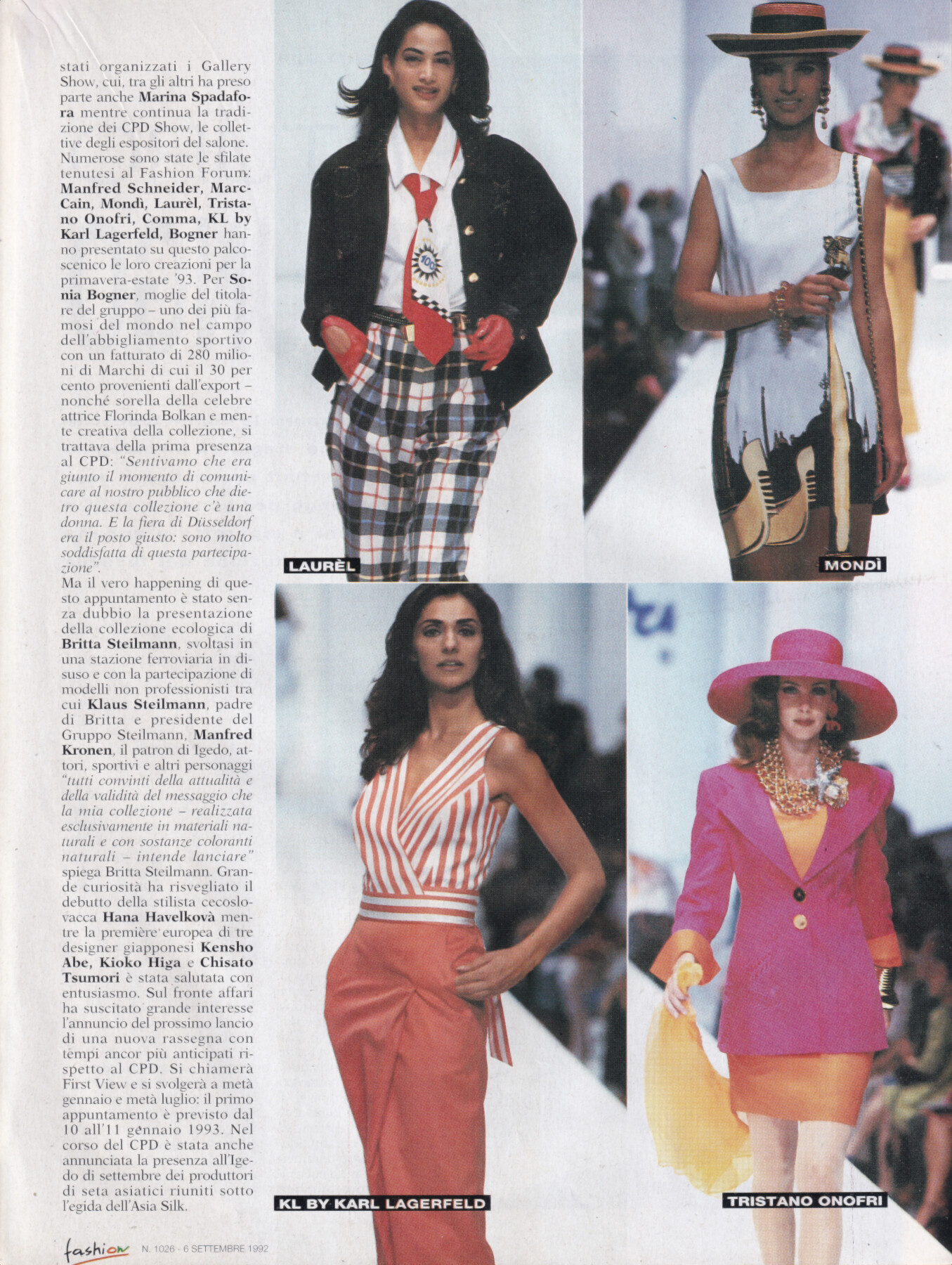
 Vicky Koulianou for Karl Lagerfeld, ready-to-wear, spring/summer 1993 my scan
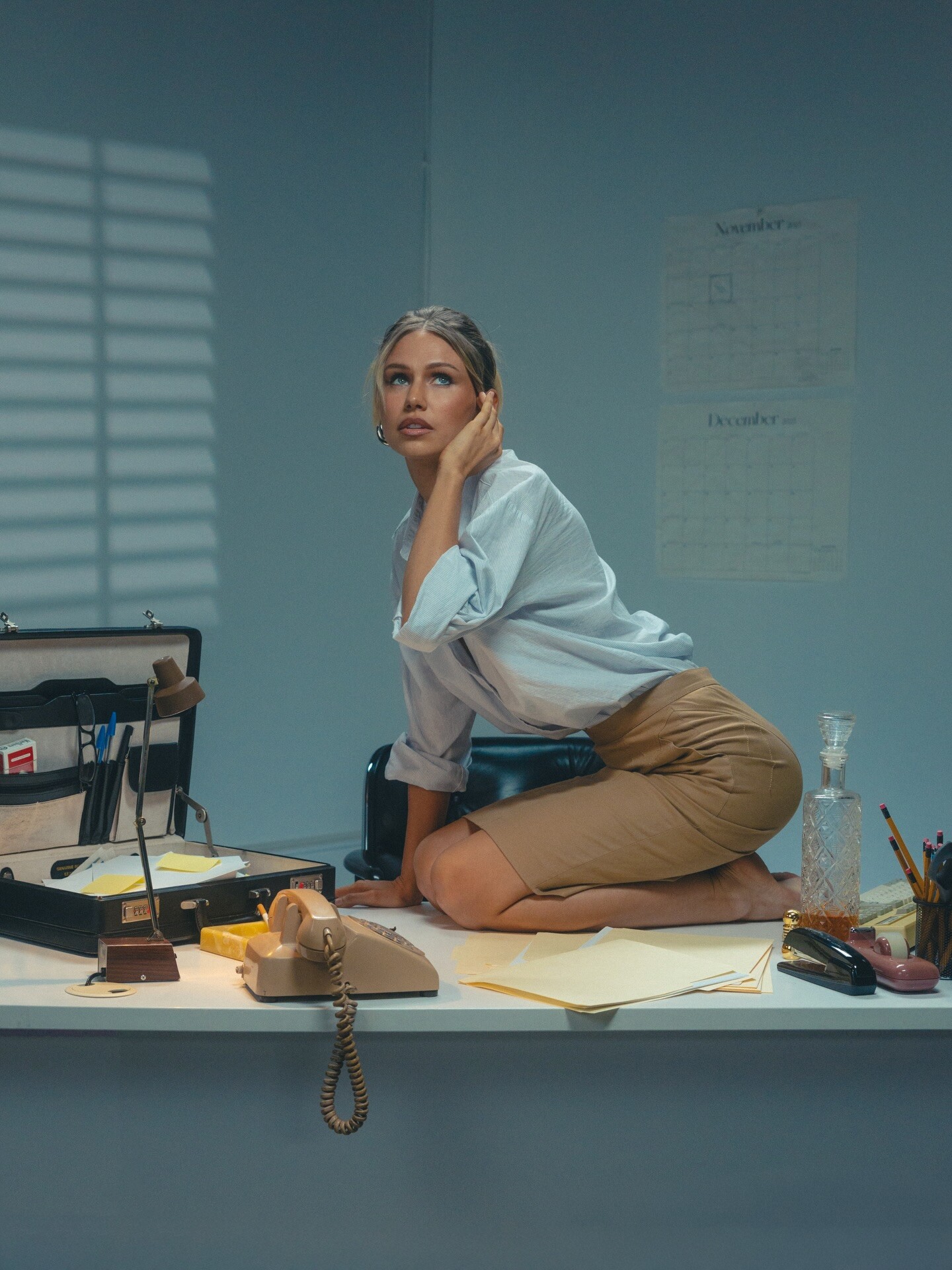
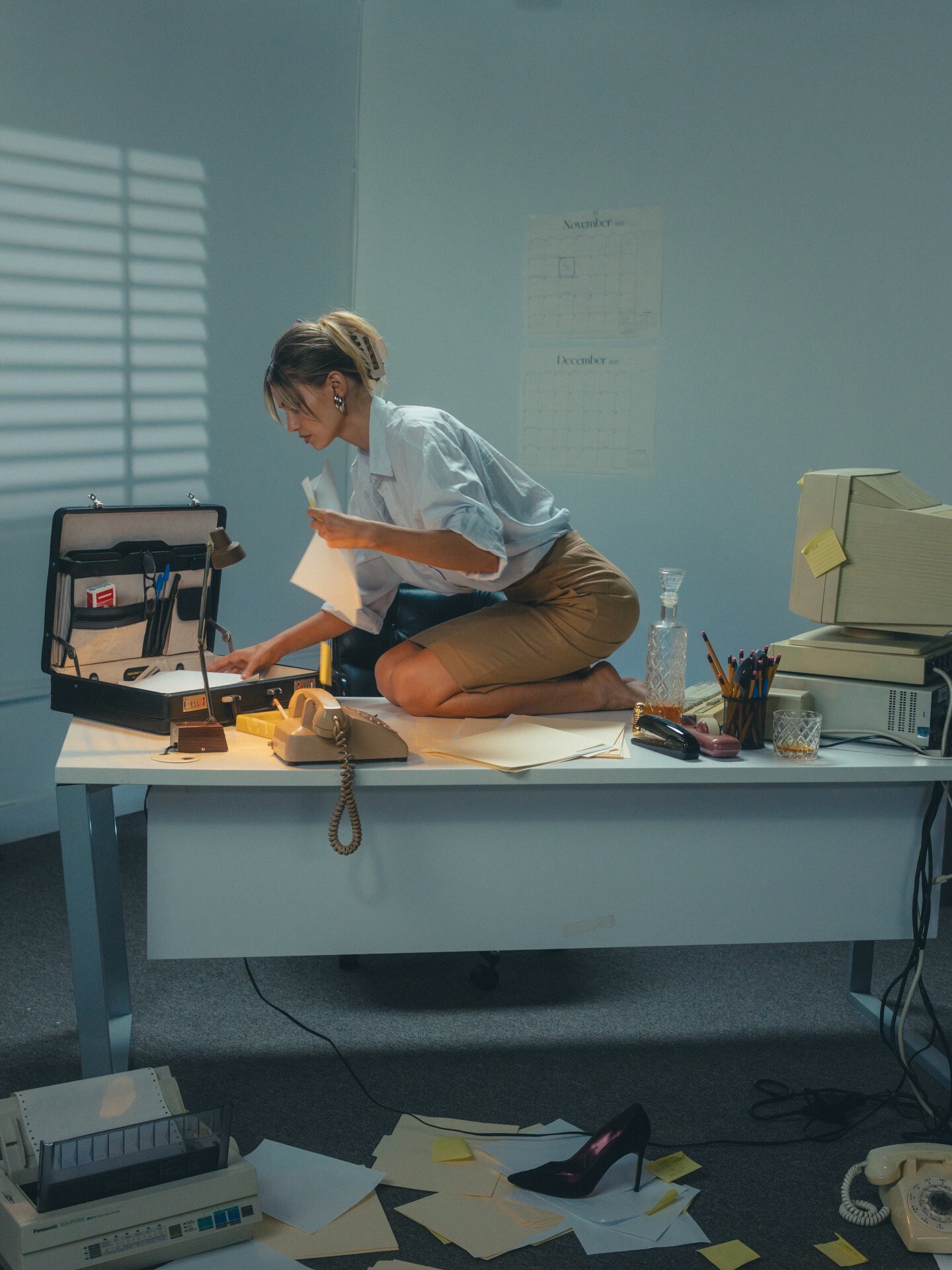
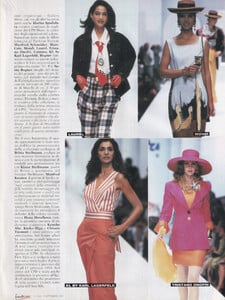 Clint: Tropic night maggierawlins x loganhollowell 💄 michaelgoyette

 • Shanina Shaik (L) • Alexa Pollock (M) • Franceska Rustemi 2 • Ira Asllani 3 • Leorita Haxhijaj (M) • Kimiya Hosseini • Rimma Schastlivaia (L) • Caroline Daur (L) • Mariana Nunes (M) • Maura Maurer (L) • Omer Nudelman (M) • Natali Danish • Sindi Myftari (M) • Katharina Plicht (L)
 Très jolie femme mais je ne suis vraiment pas sûre que ça soit Charlie Arsan, elle n’a pas le même nez/visage
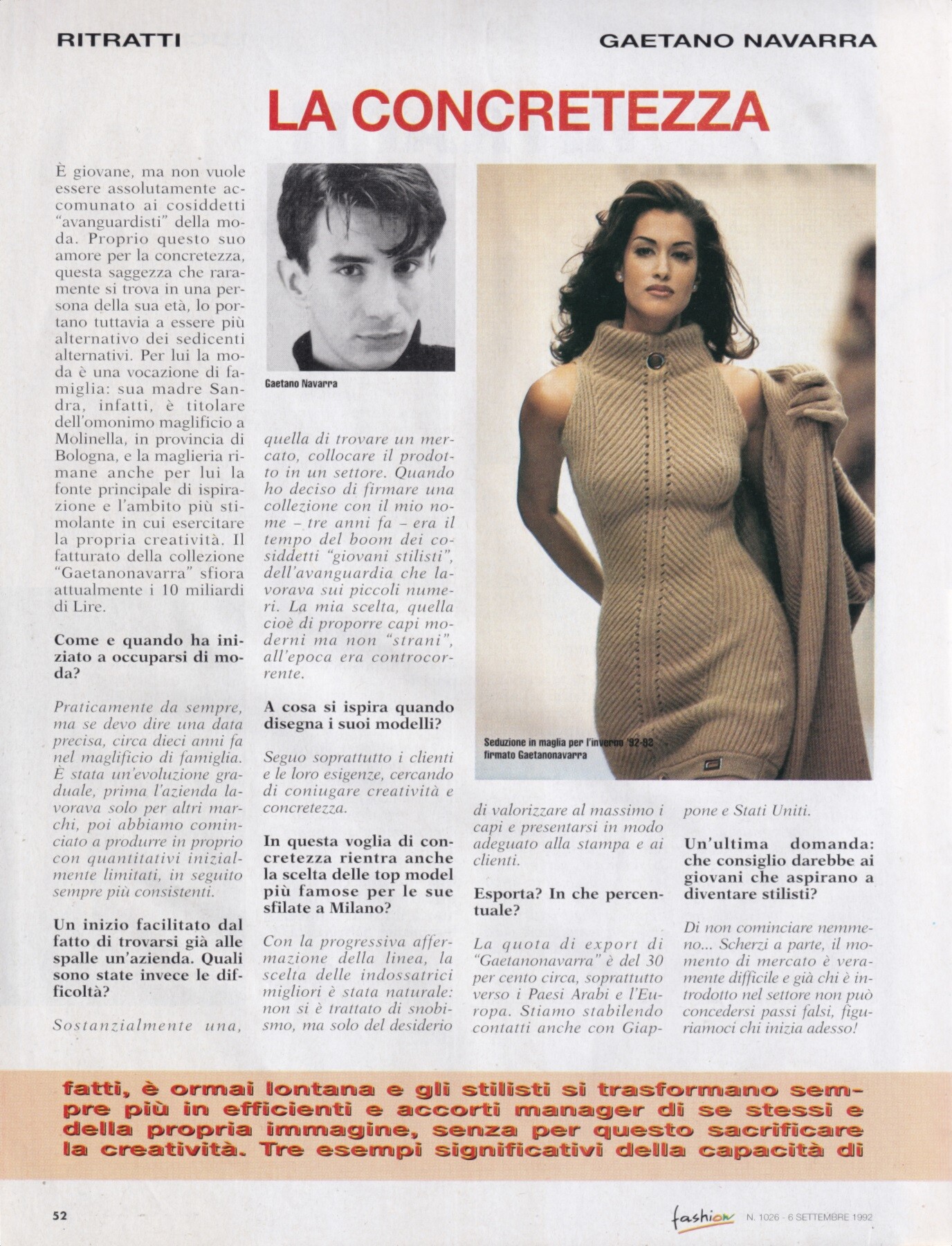
Yasmeen Ghauri for Gaetano Navarra, ready-to-wear, fall/winter 1992 my scan
Très jolie femme mais je ne suis vraiment pas sûre que ça soit Charlie Arsan, elle n’a pas le même nez/visage
Yasmeen Ghauri for Gaetano Navarra, ready-to-wear, fall/winter 1992 my scan



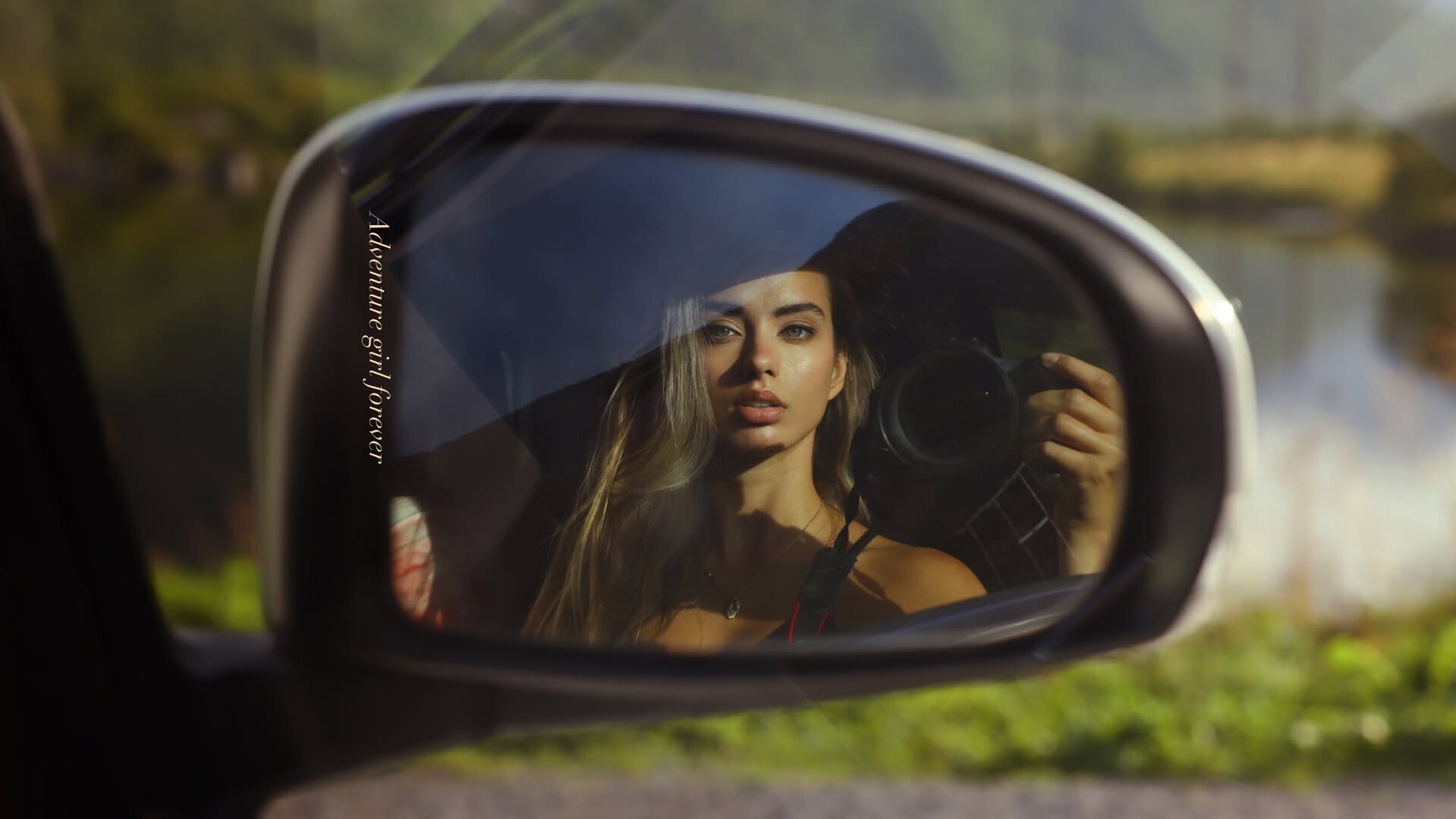
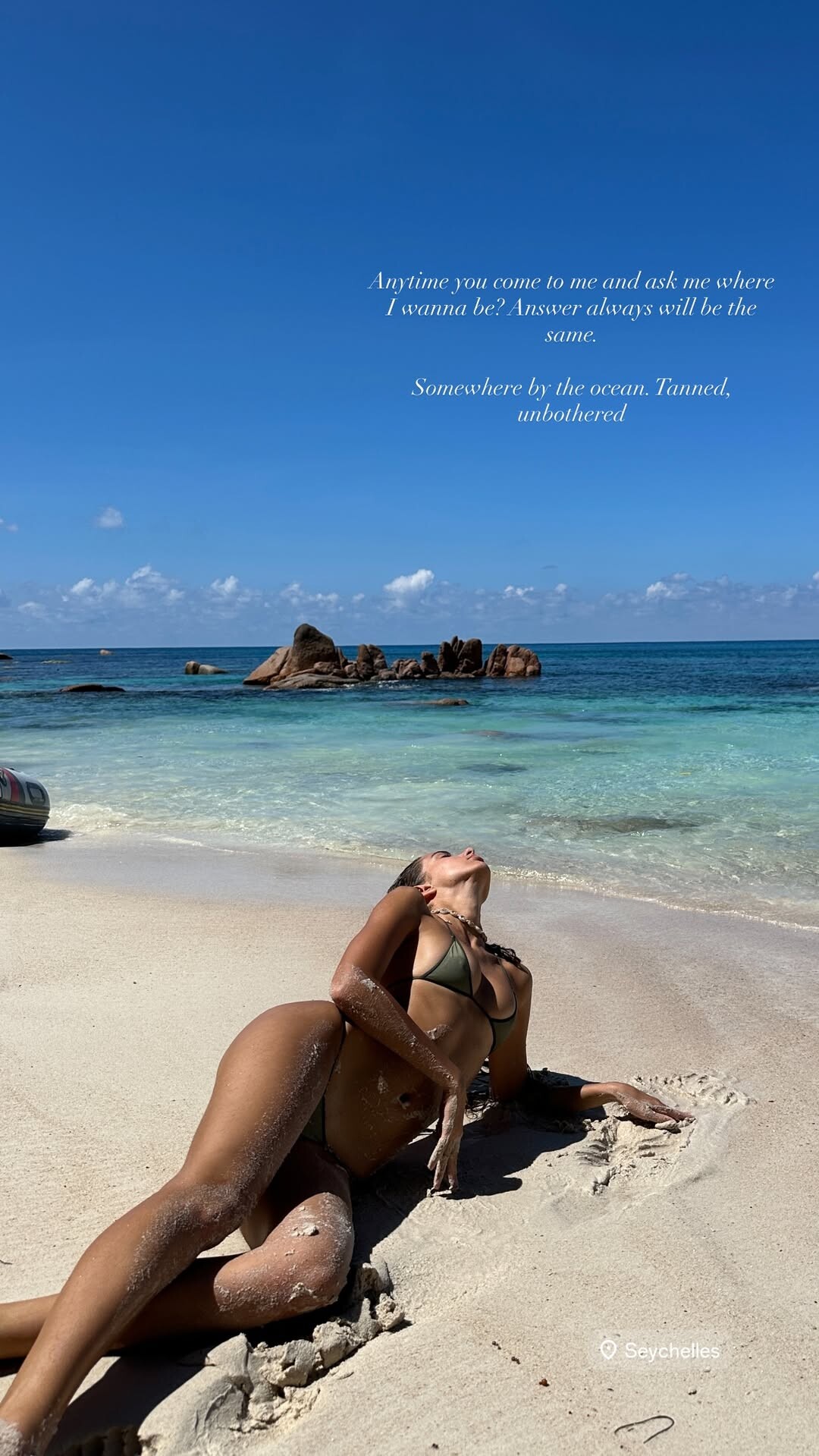















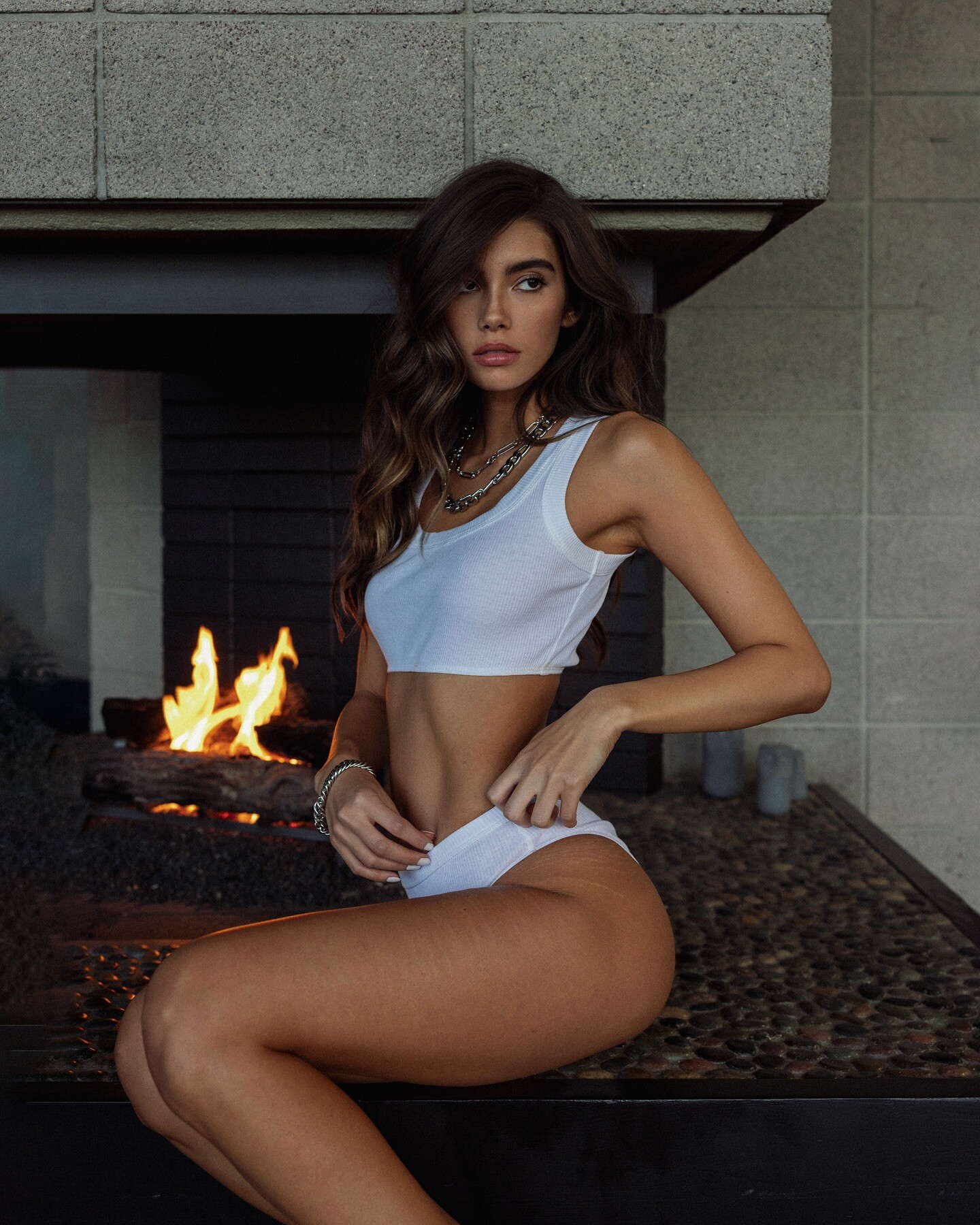
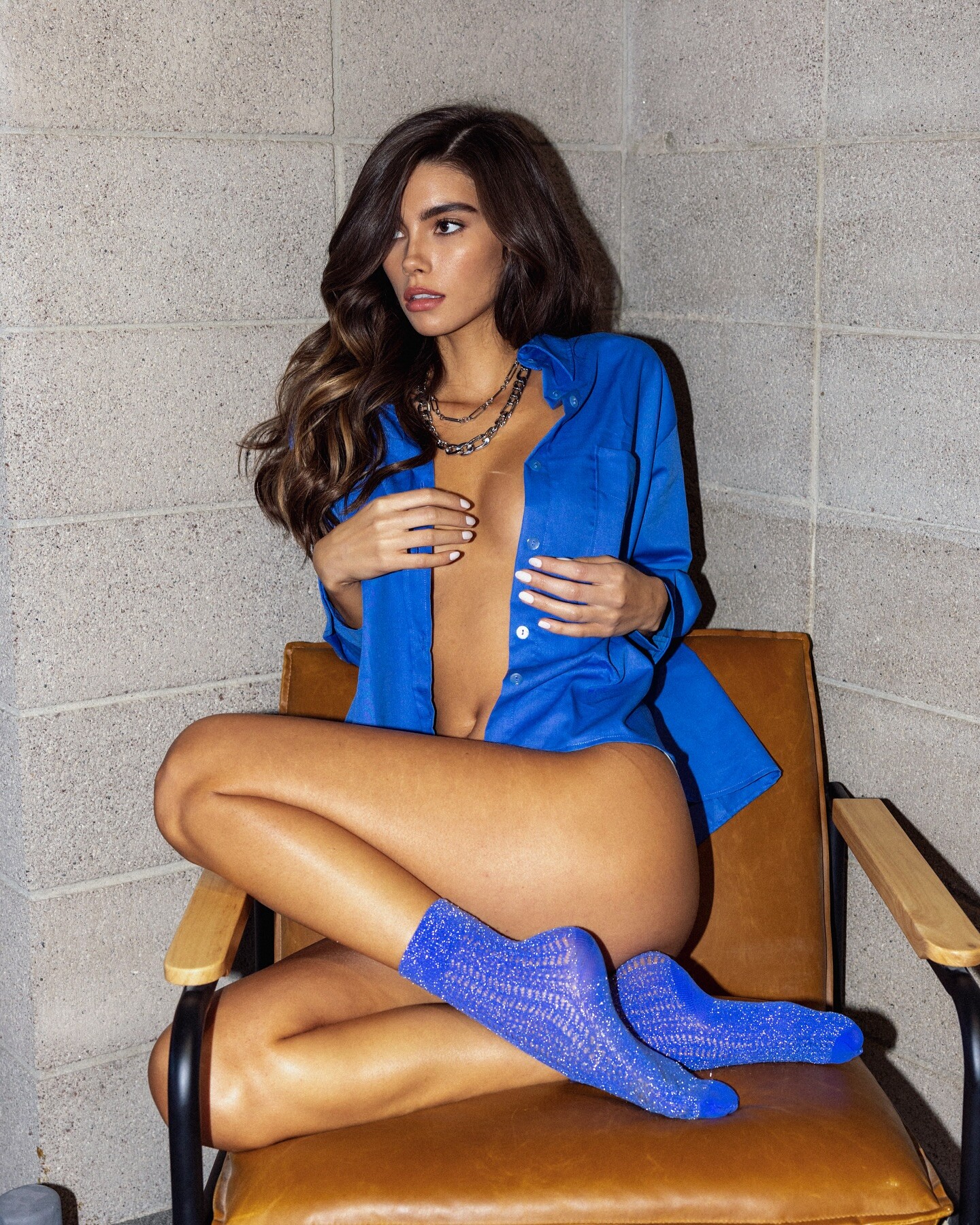
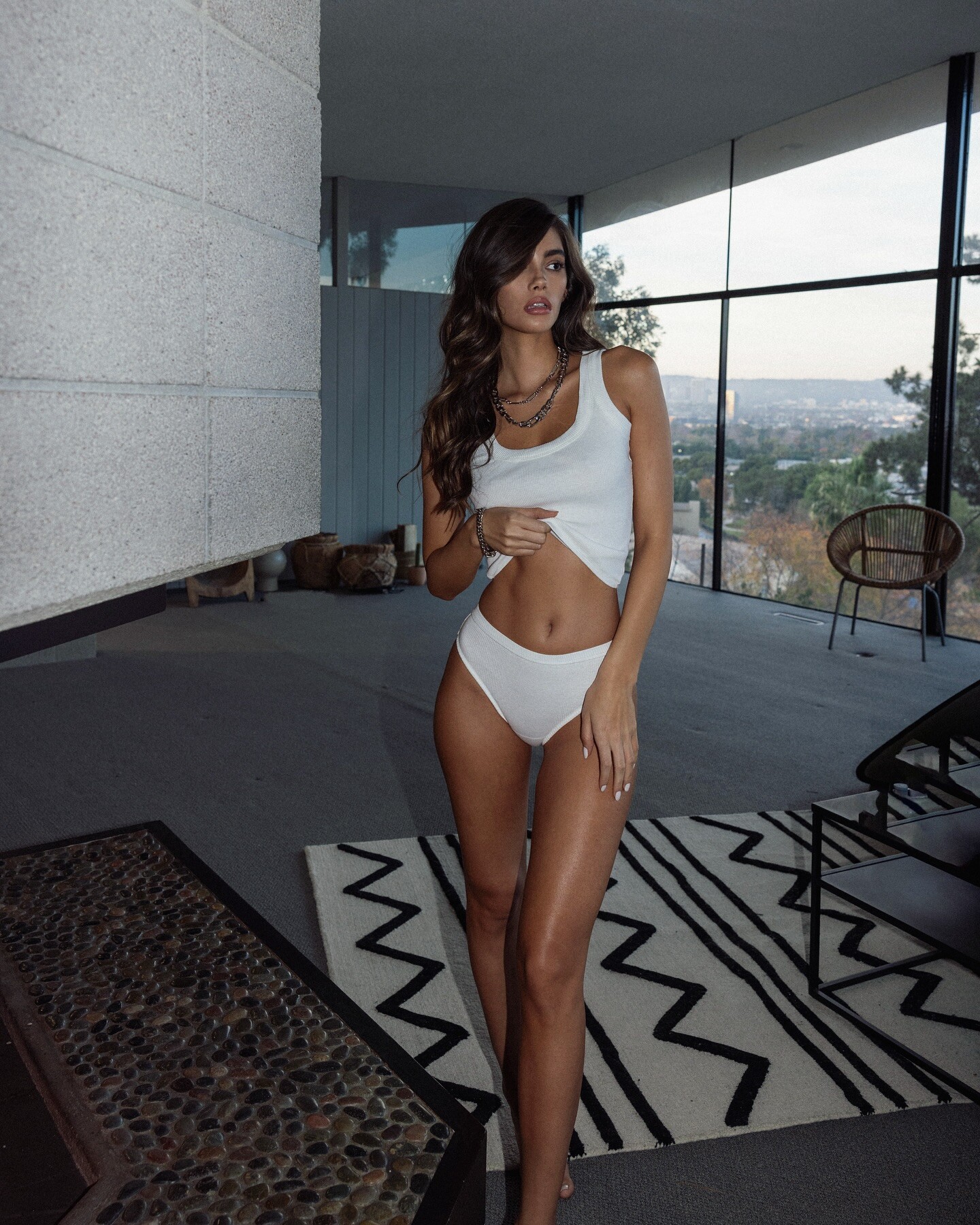
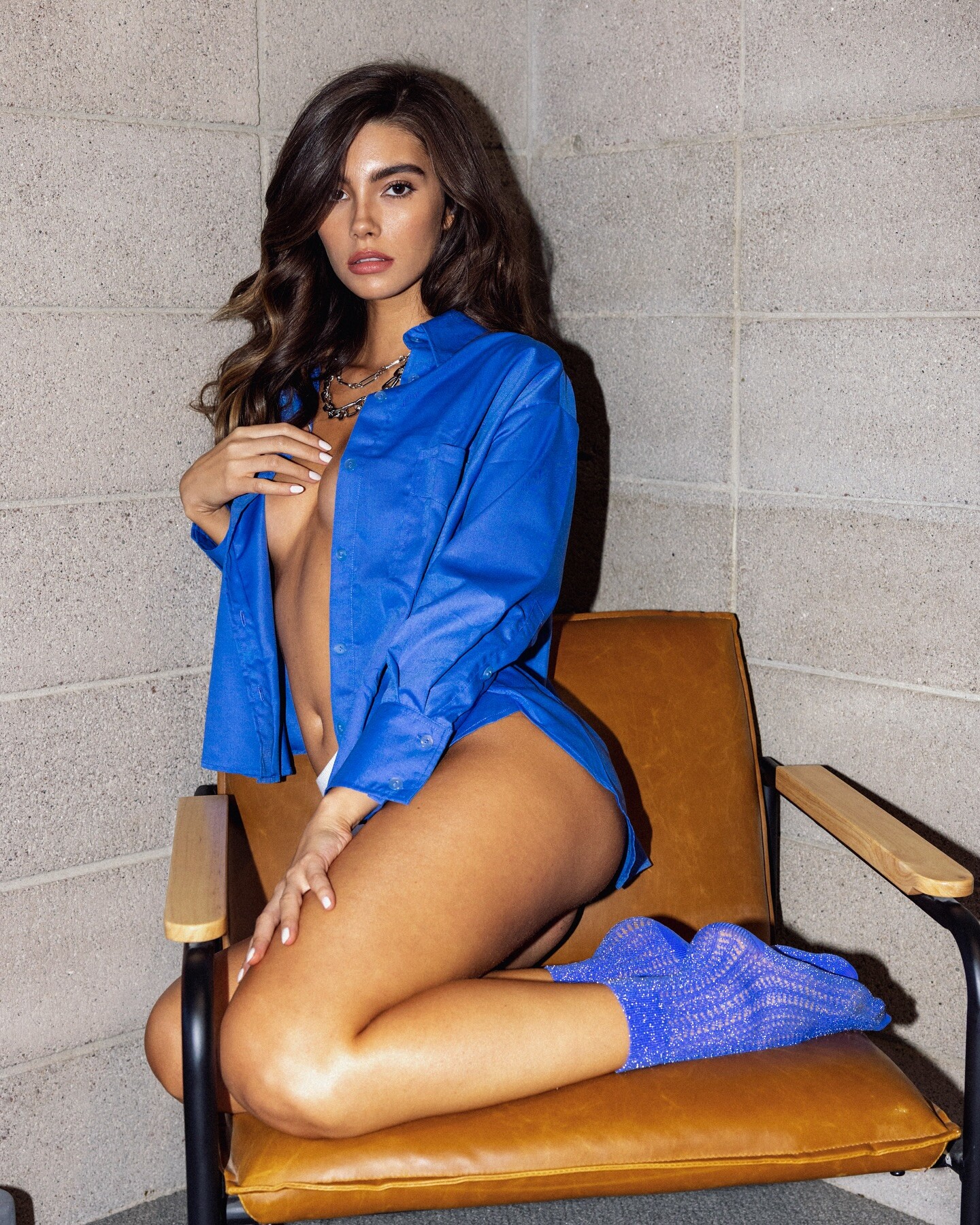

Account
Search
Configure browser push notifications
Chrome (Android)
- Tap the lock icon next to the address bar.
- Tap Permissions → Notifications.
- Adjust your preference.
Chrome (Desktop)
- Click the padlock icon in the address bar.
- Select Site settings.
- Find Notifications and adjust your preference.
Safari (iOS 16.4+)
- Ensure the site is installed via Add to Home Screen.
- Open Settings App → Notifications.
- Find your app name and adjust your preference.
Safari (macOS)
- Go to Safari → Preferences.
- Click the Websites tab.
- Select Notifications in the sidebar.
- Find this website and adjust your preference.
Edge (Android)
- Tap the lock icon next to the address bar.
- Tap Permissions.
- Find Notifications and adjust your preference.
Edge (Desktop)
- Click the padlock icon in the address bar.
- Click Permissions for this site.
- Find Notifications and adjust your preference.
Firefox (Android)
- Go to Settings → Site permissions.
- Tap Notifications.
- Find this site in the list and adjust your preference.
Firefox (Desktop)
- Open Firefox Settings.
- Search for Notifications.
- Find this site in the list and adjust your preference.