All Activity
- Past hour
-


 Leo won't attend the Actor Awards (SAG). What a bummer. I took monday off to watch it I also wanted to get a close look at his new look. There's a chance he might win for ensemble. Maybe even best actor. Best actor is not very likely but there's still a chance.
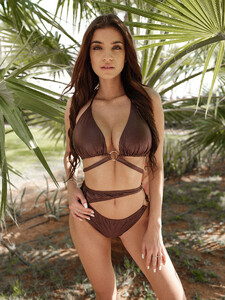
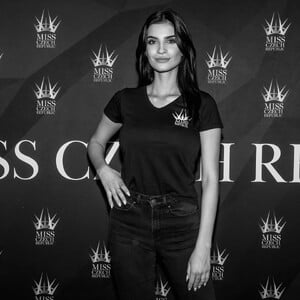
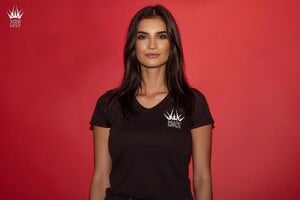
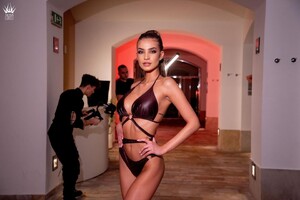
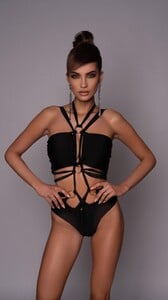
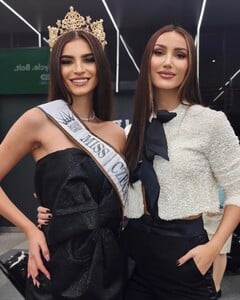
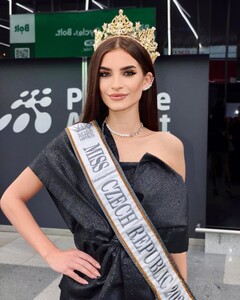
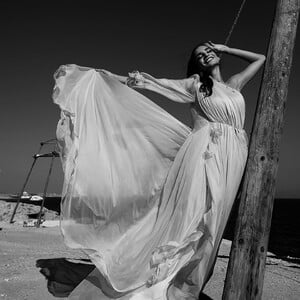
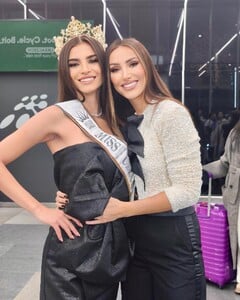
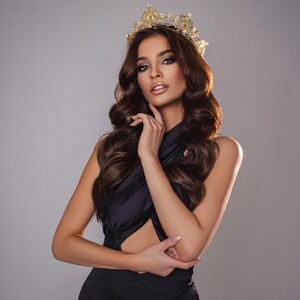
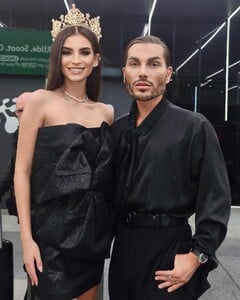
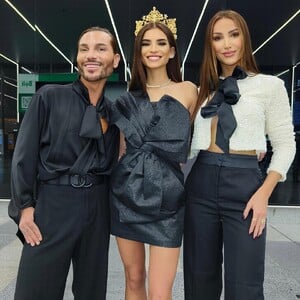
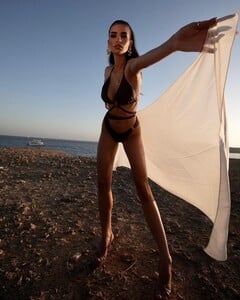
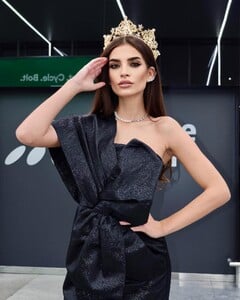
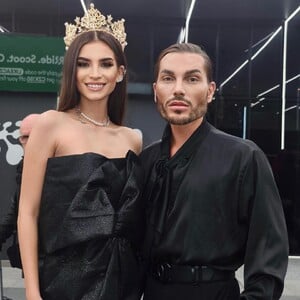
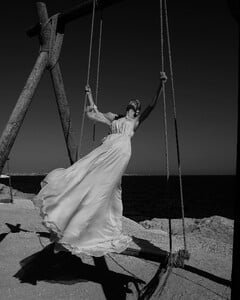
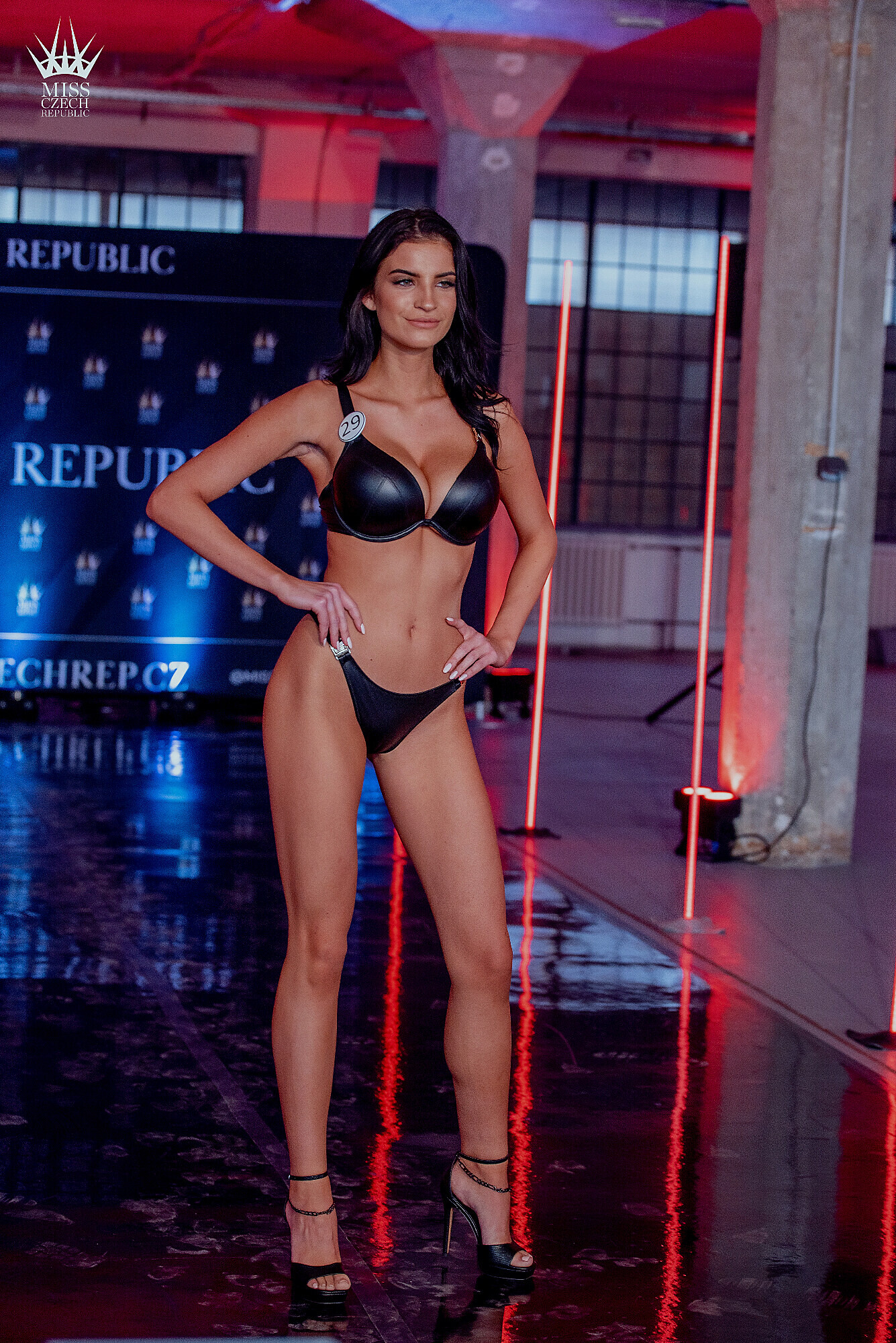
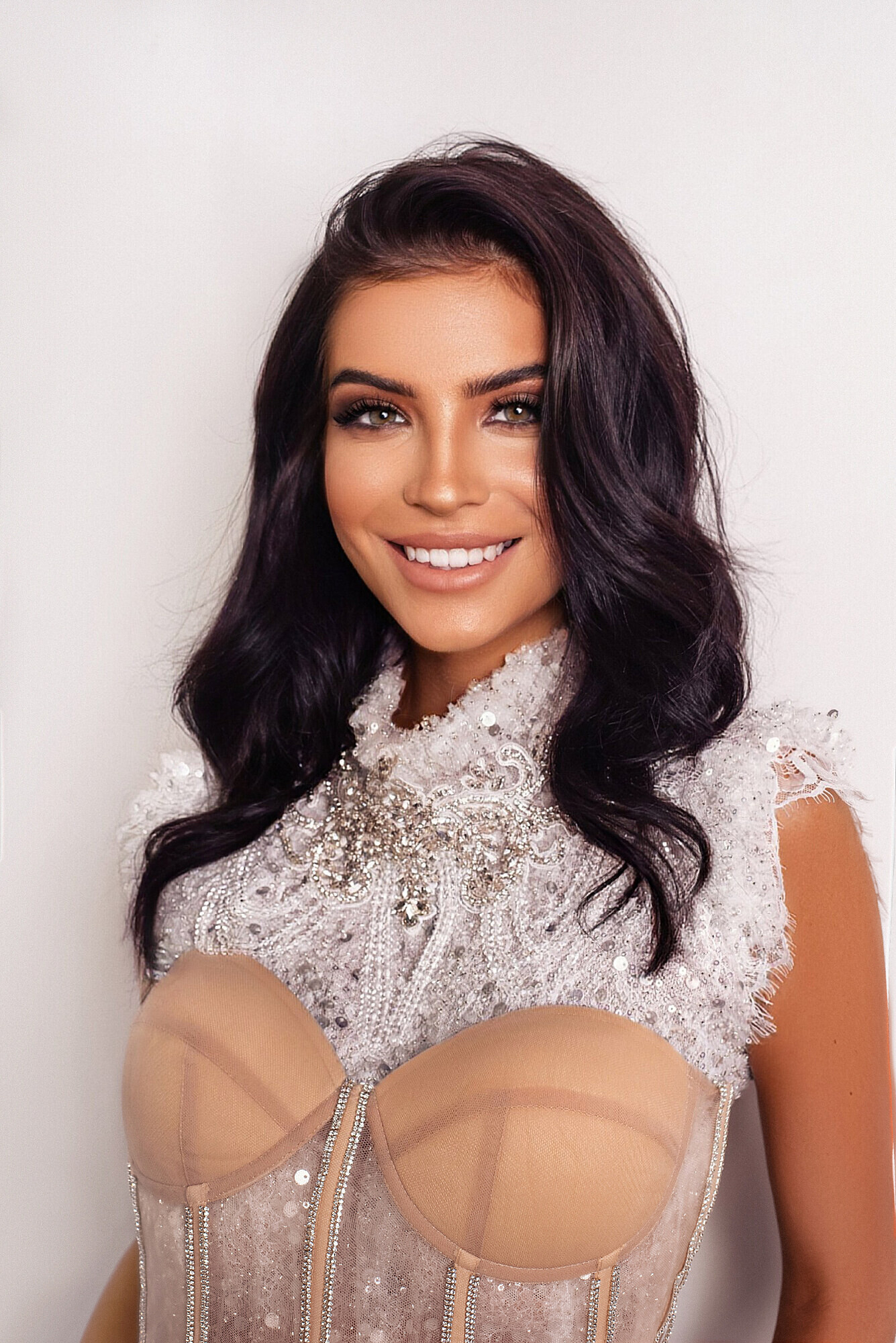
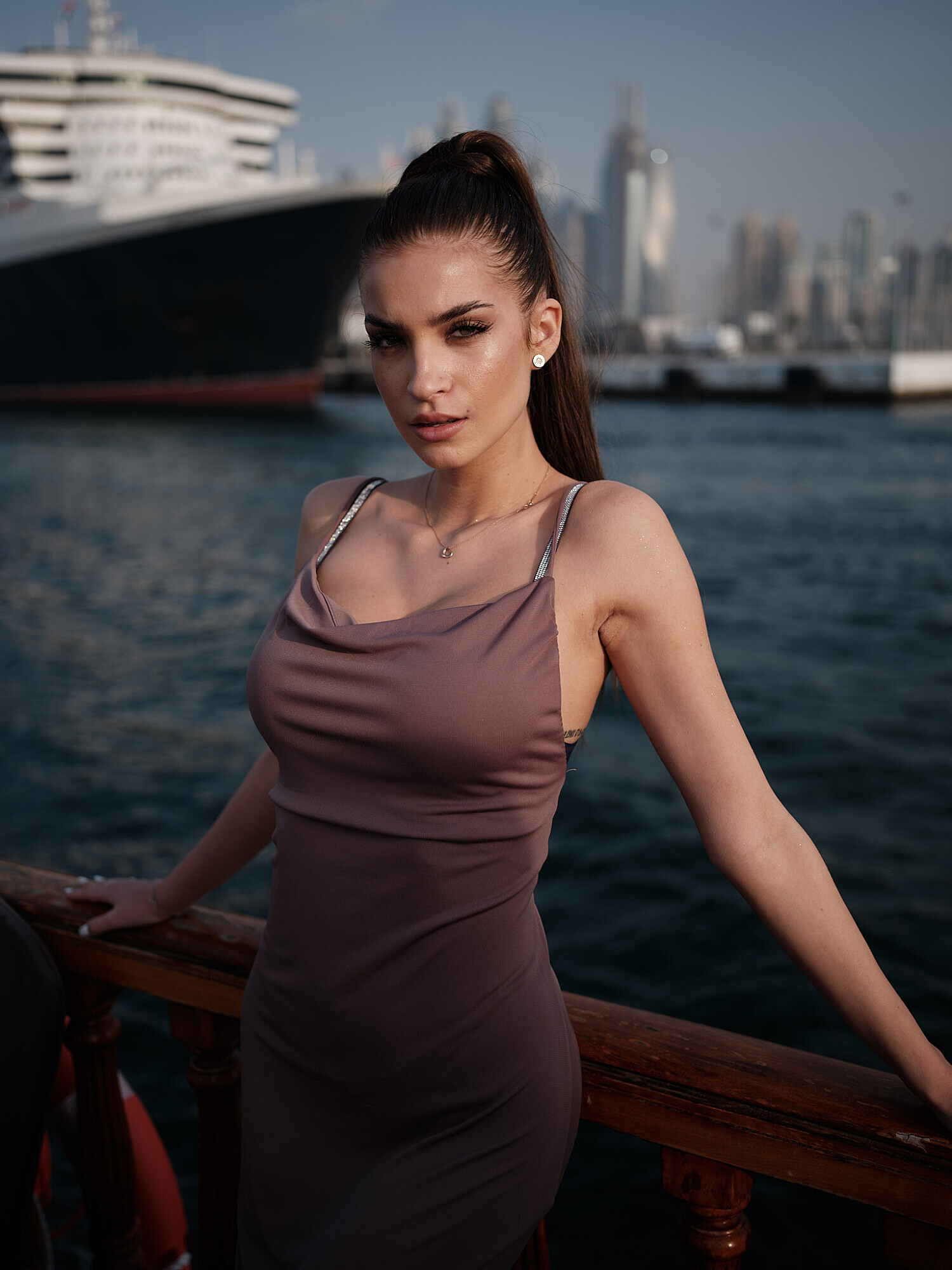
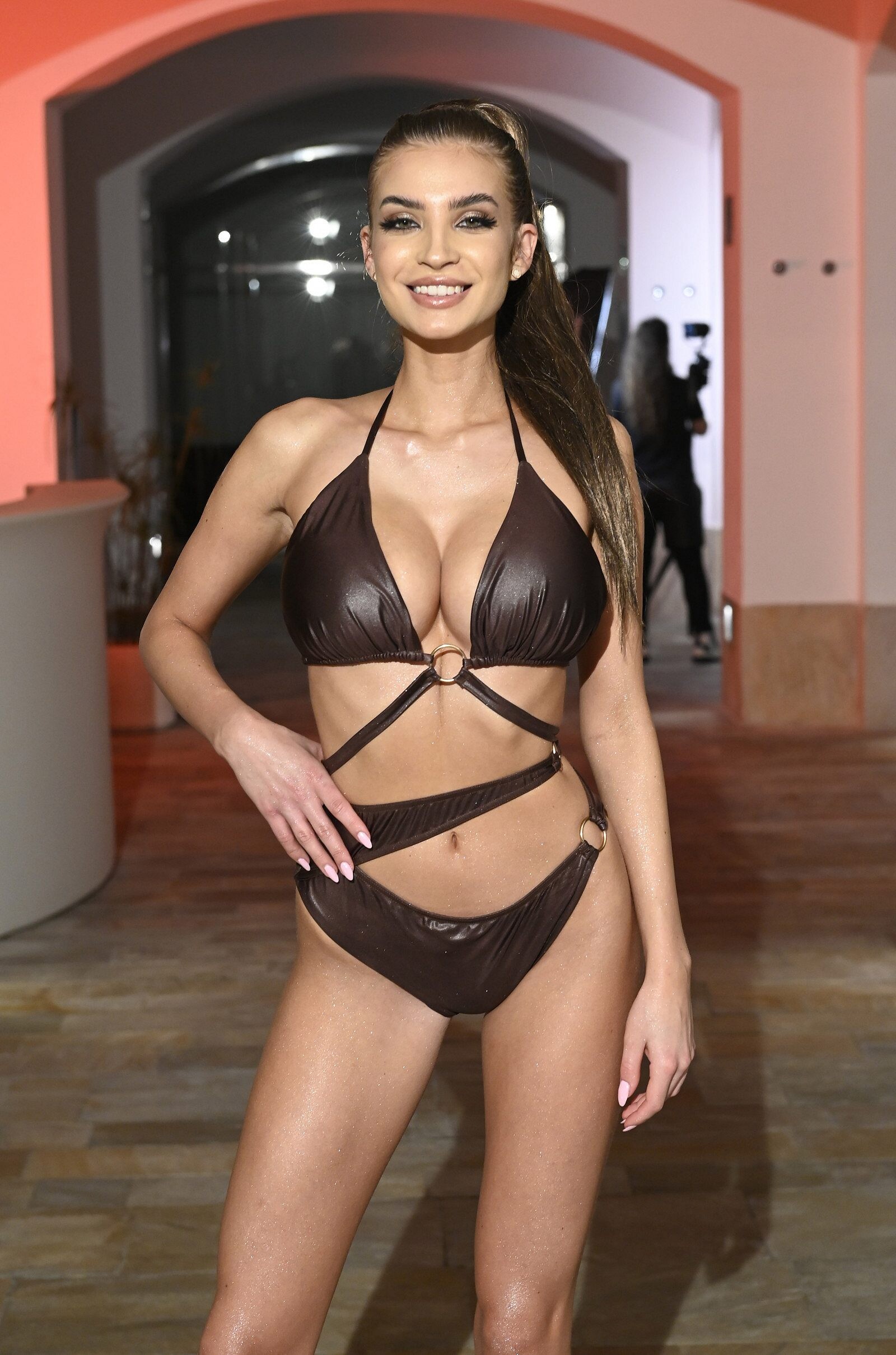
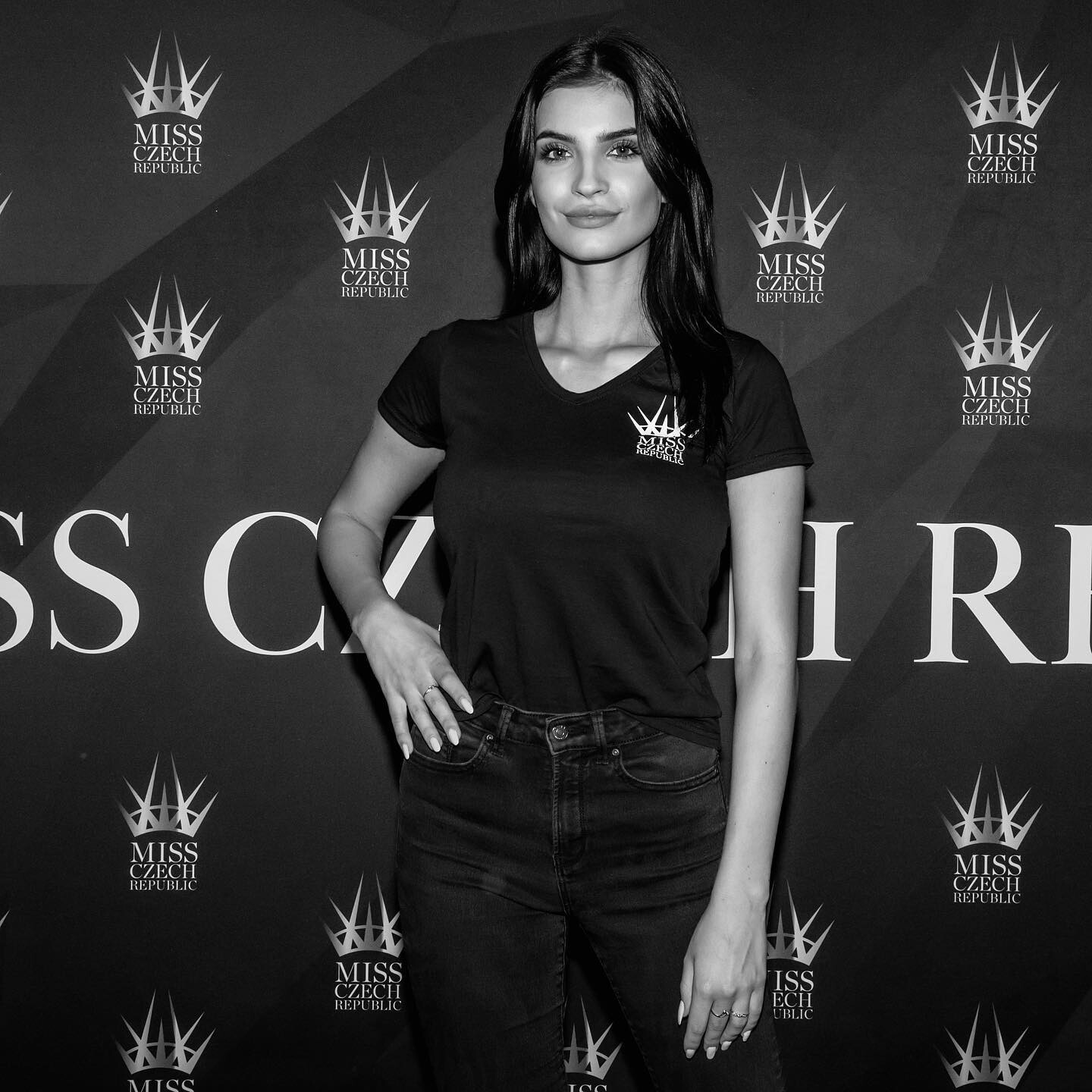
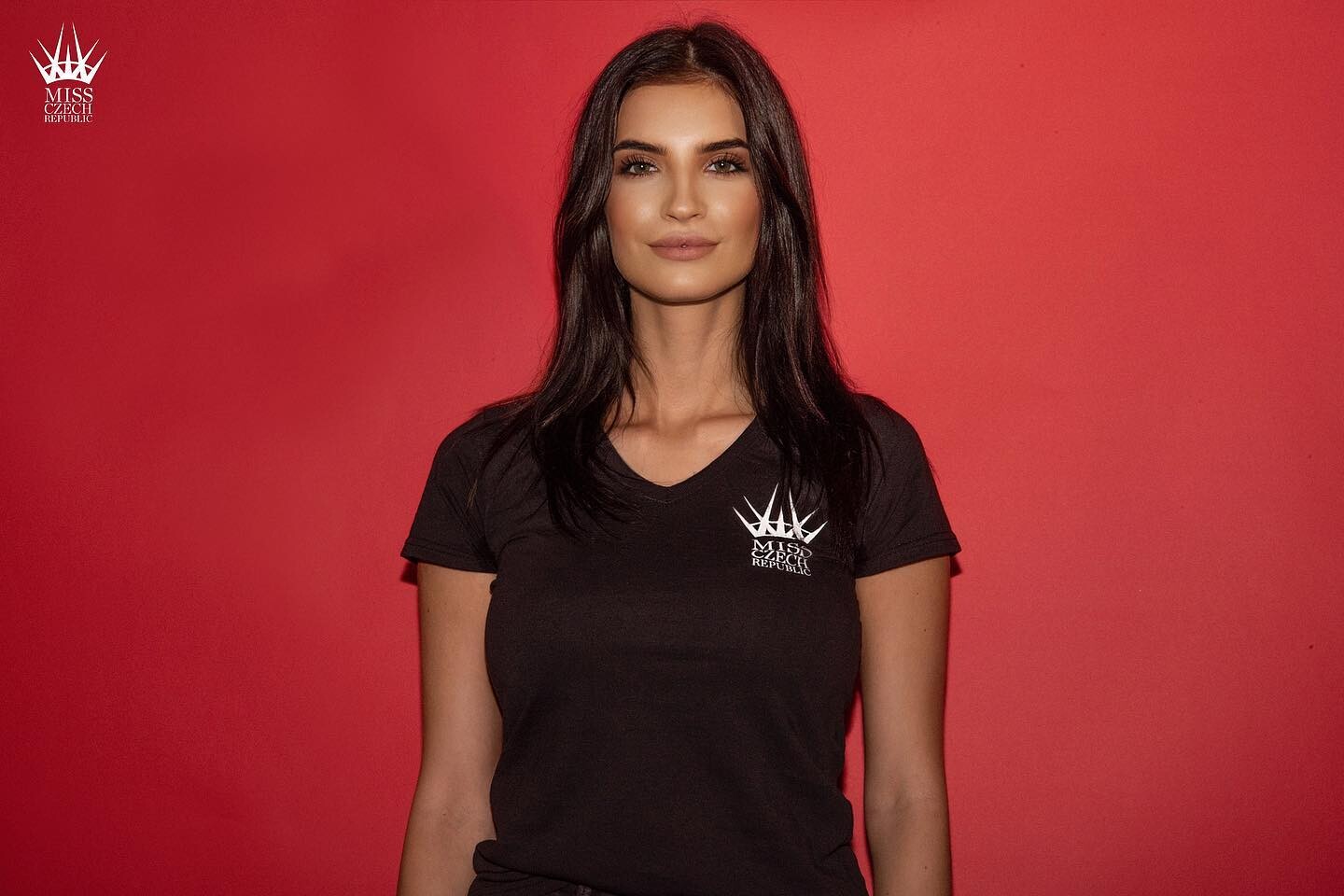
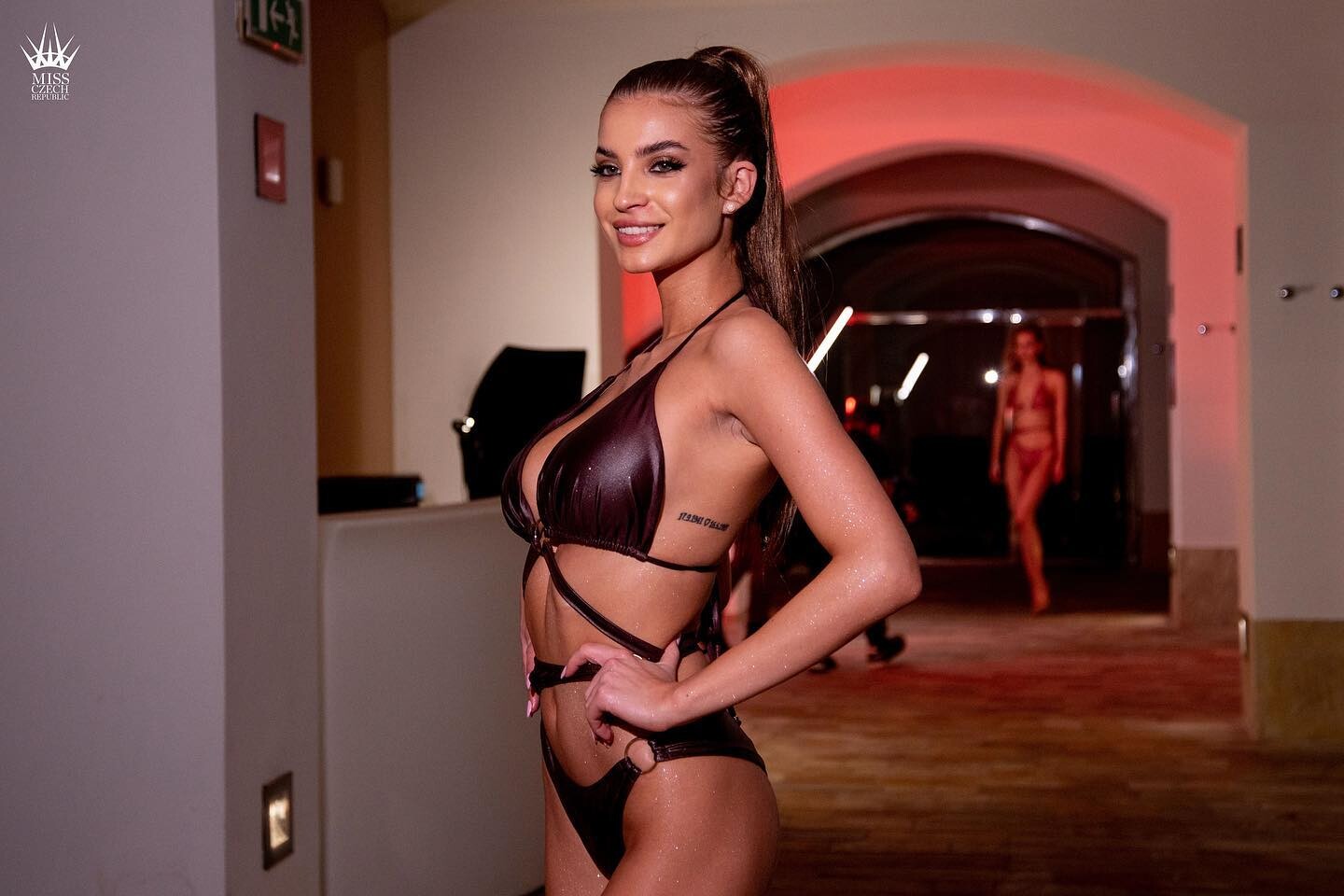
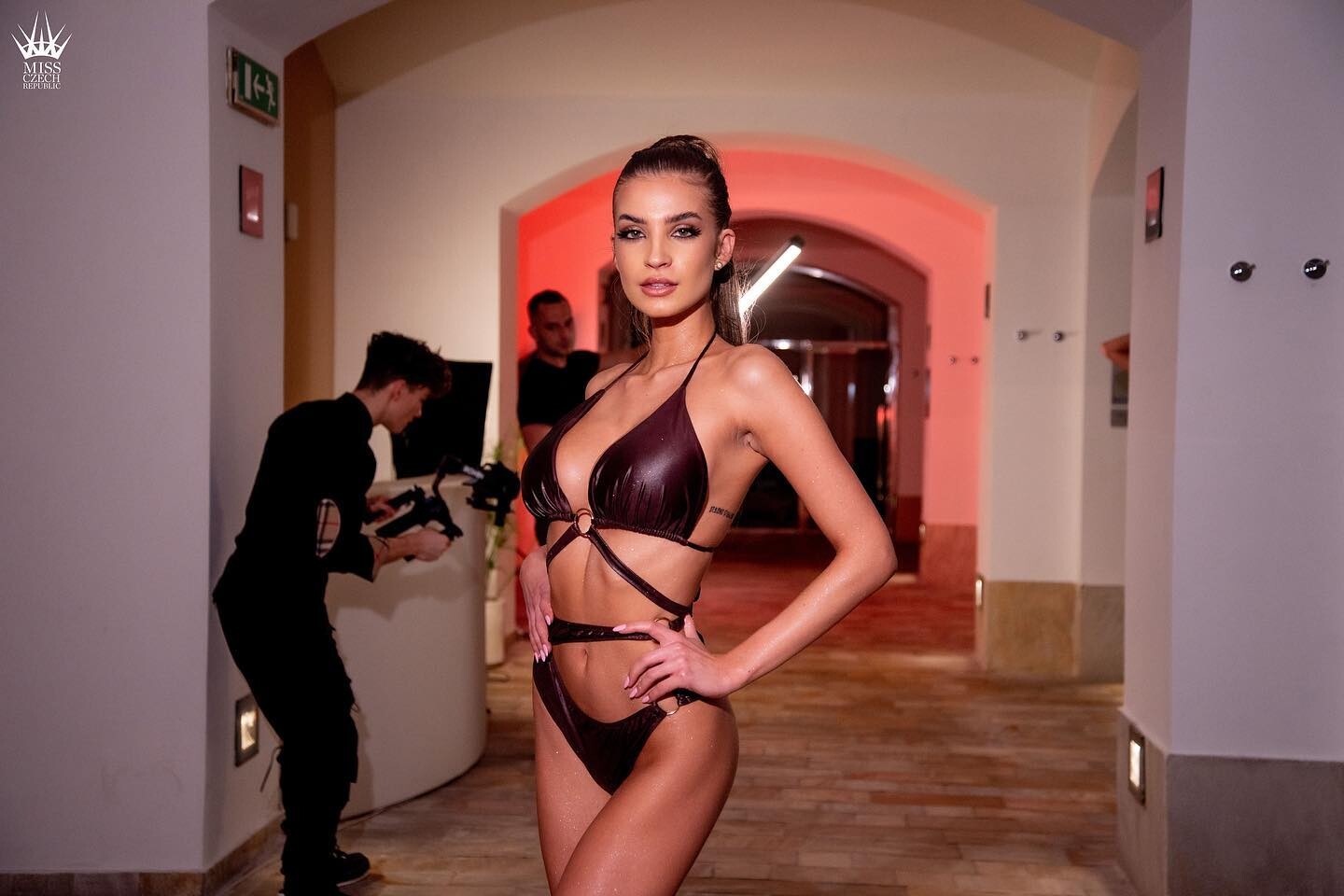
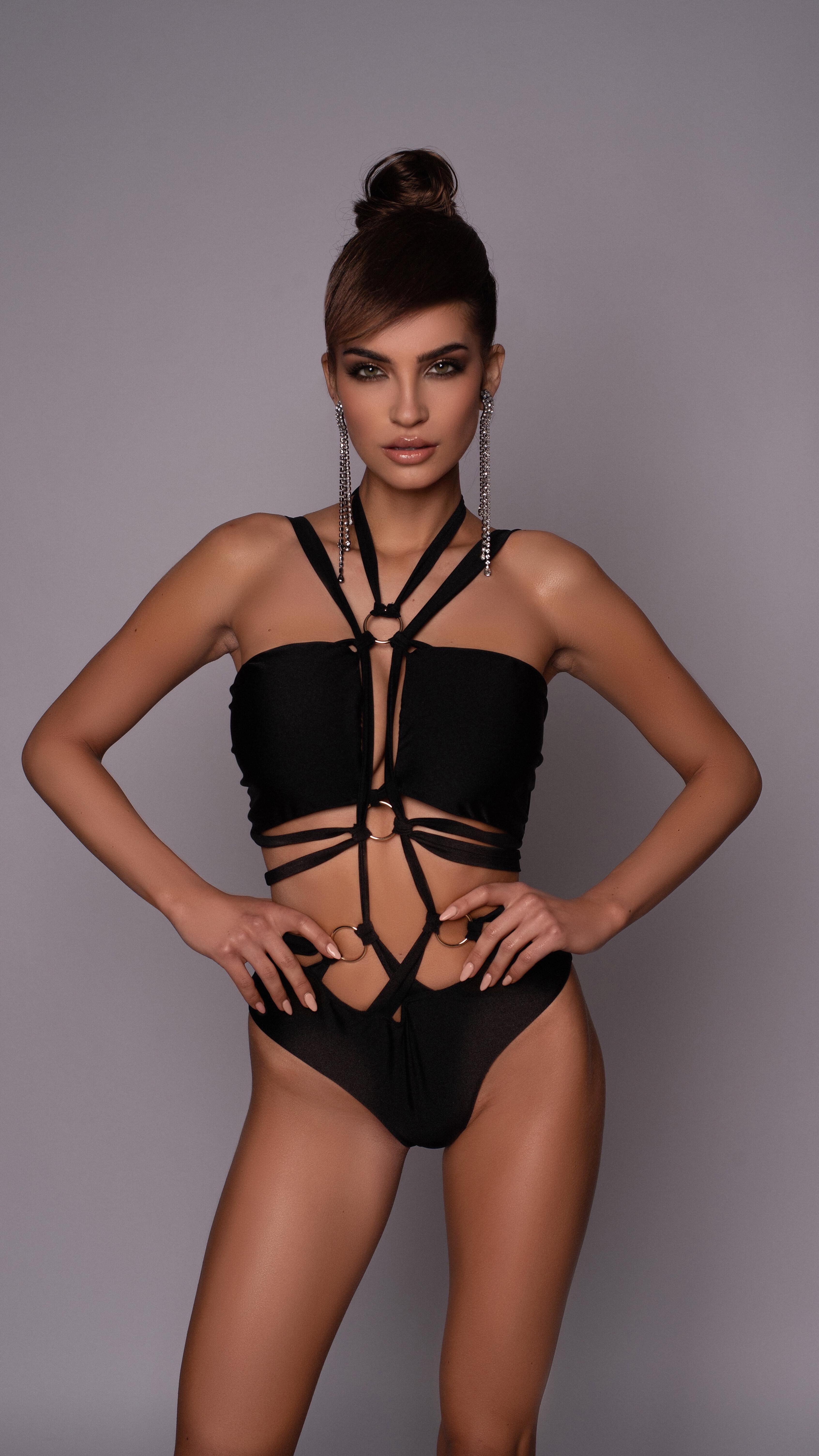
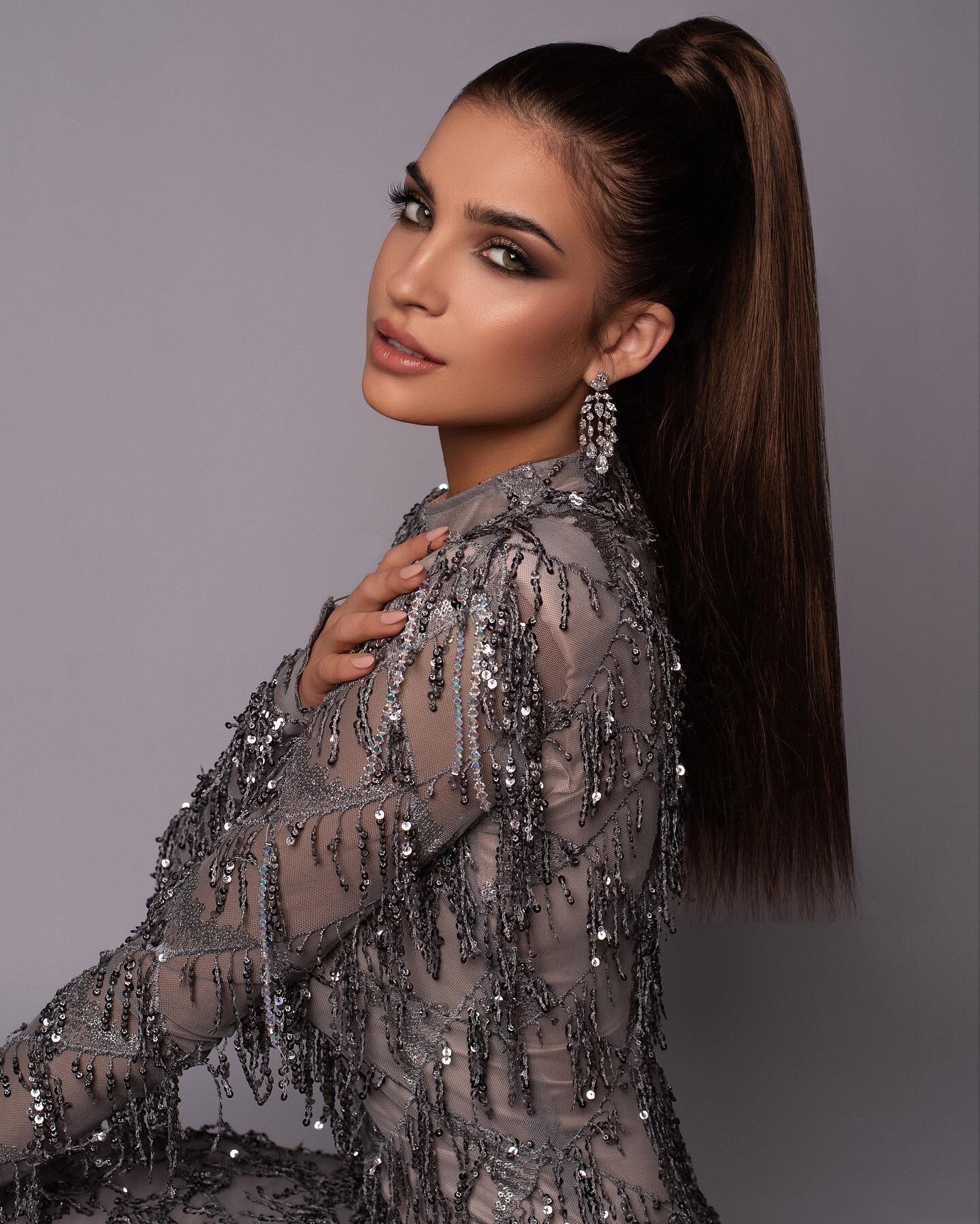
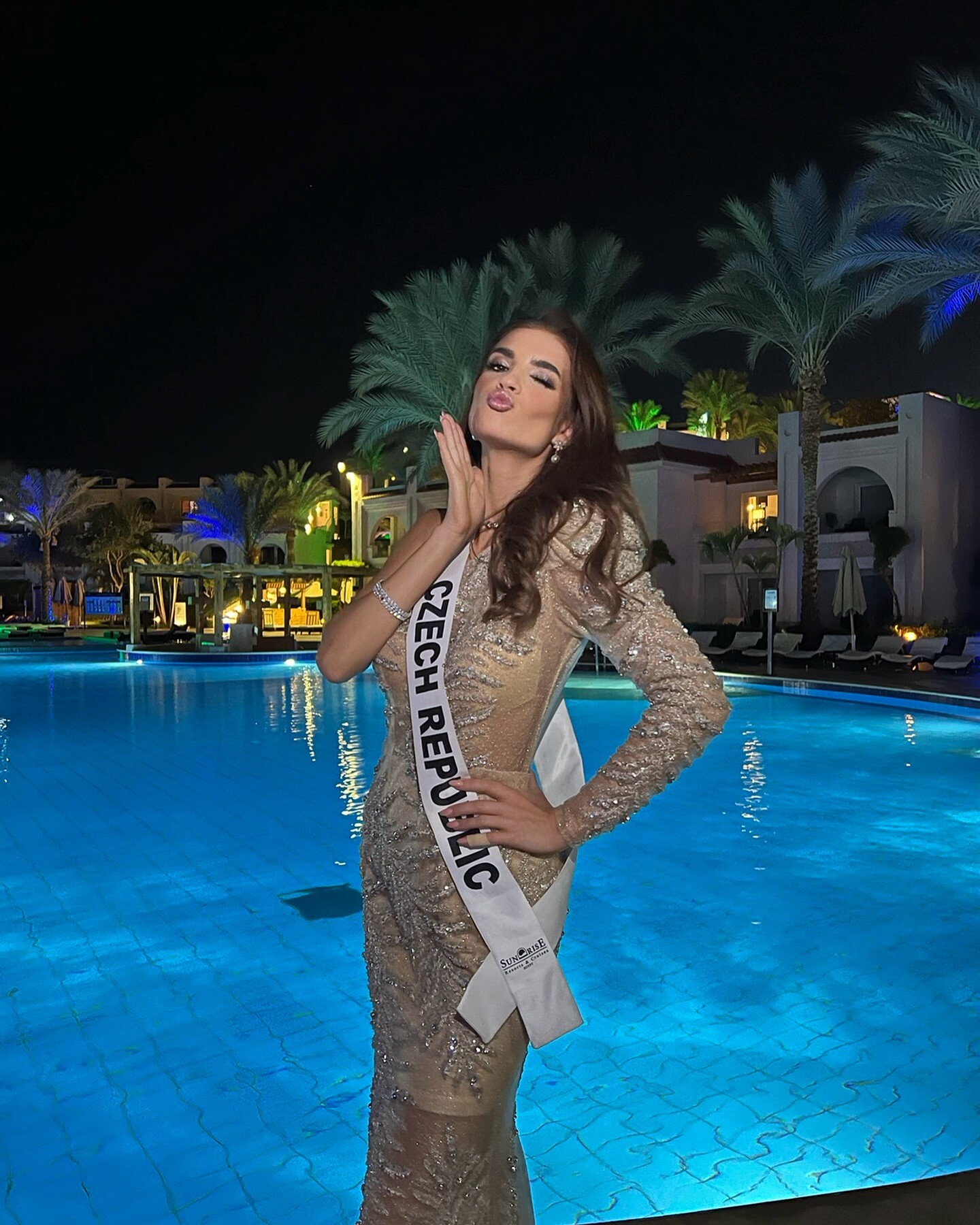
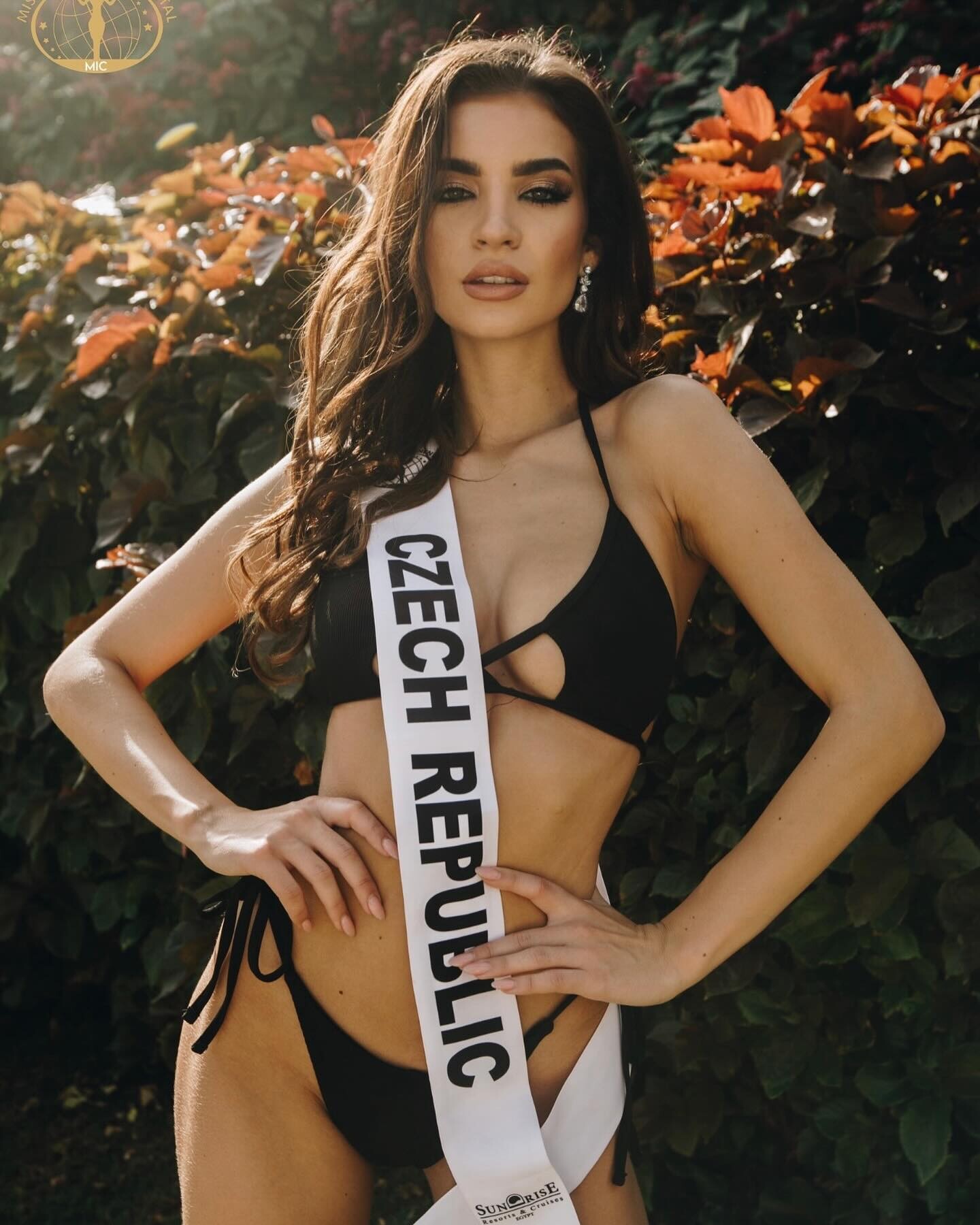
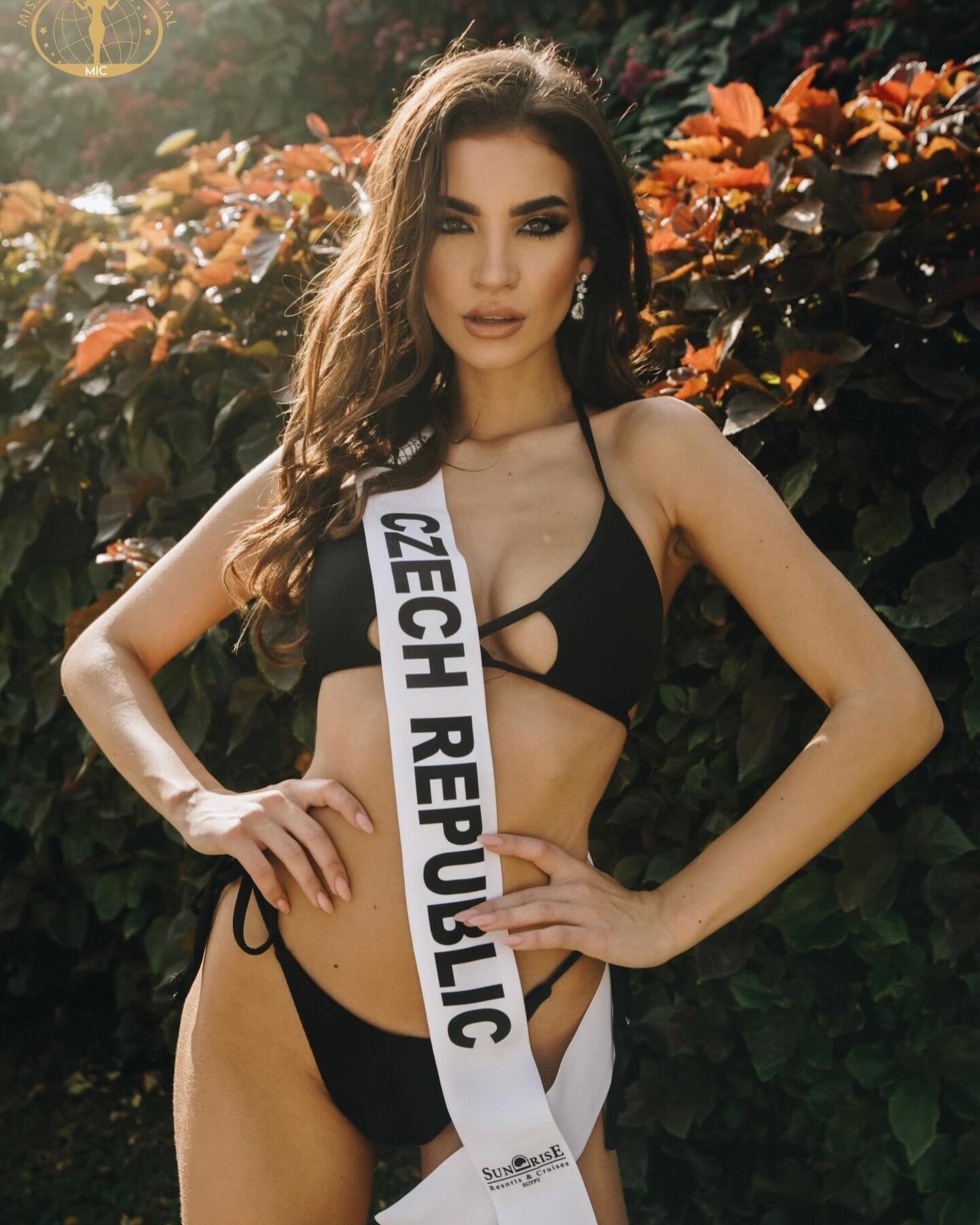
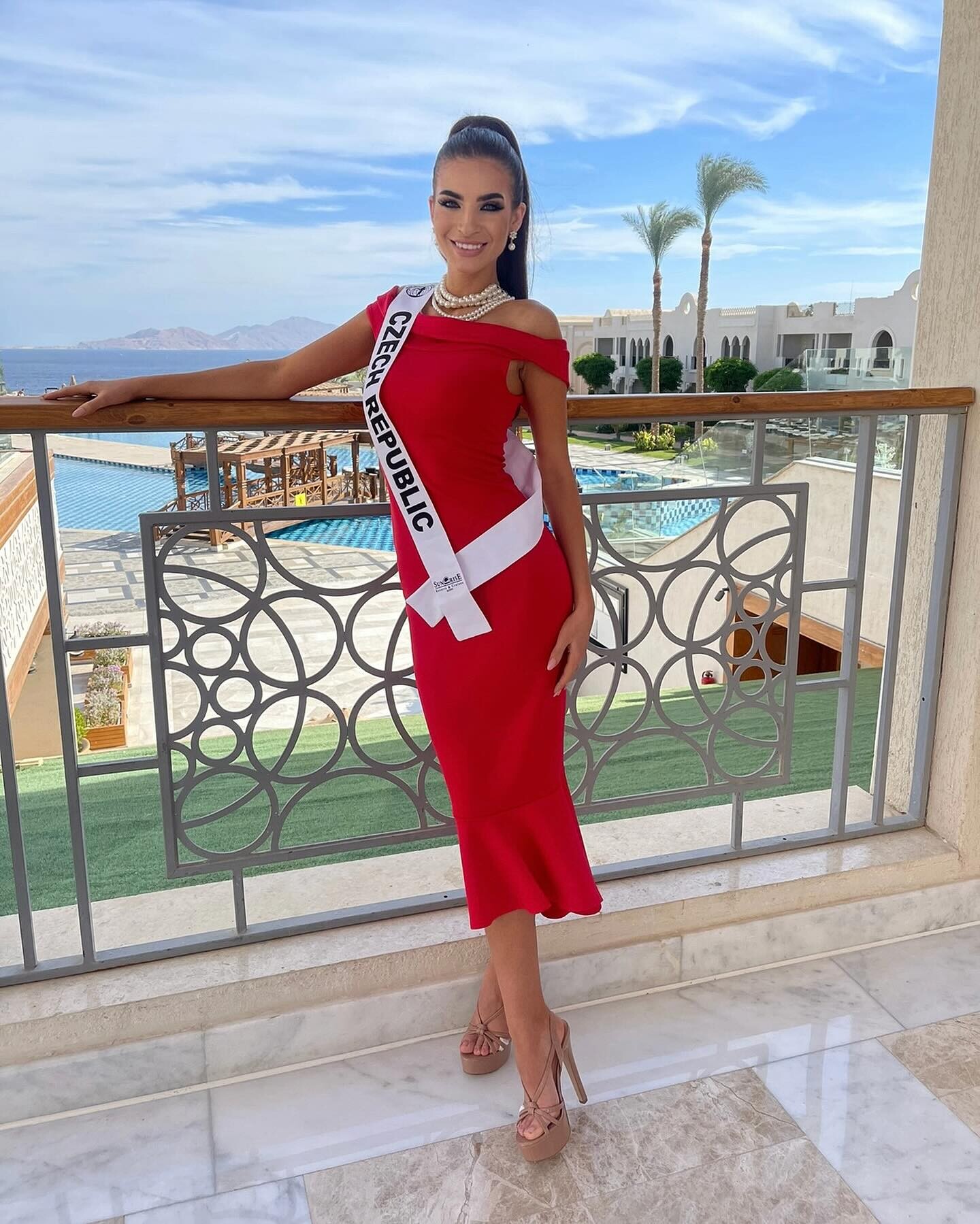
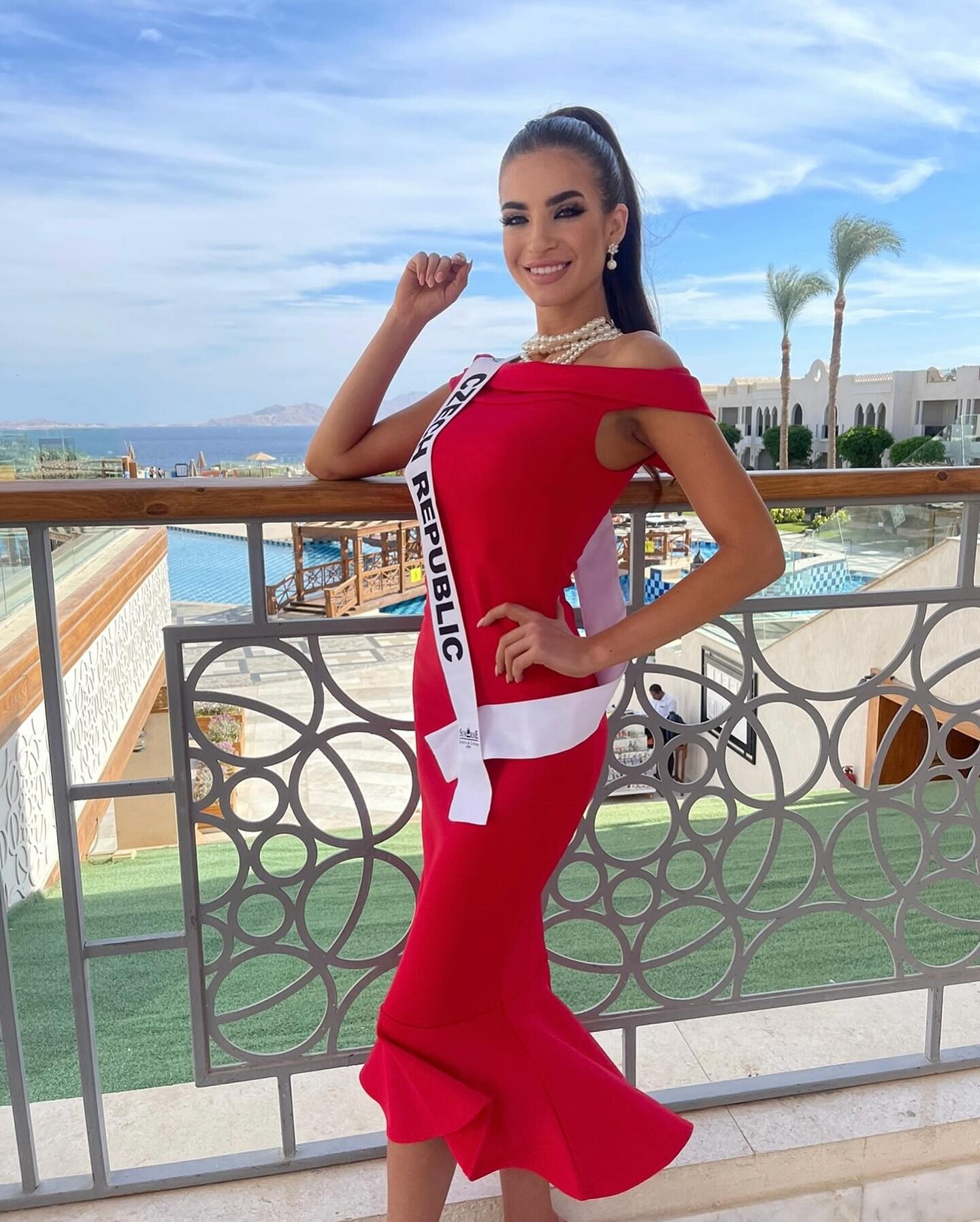
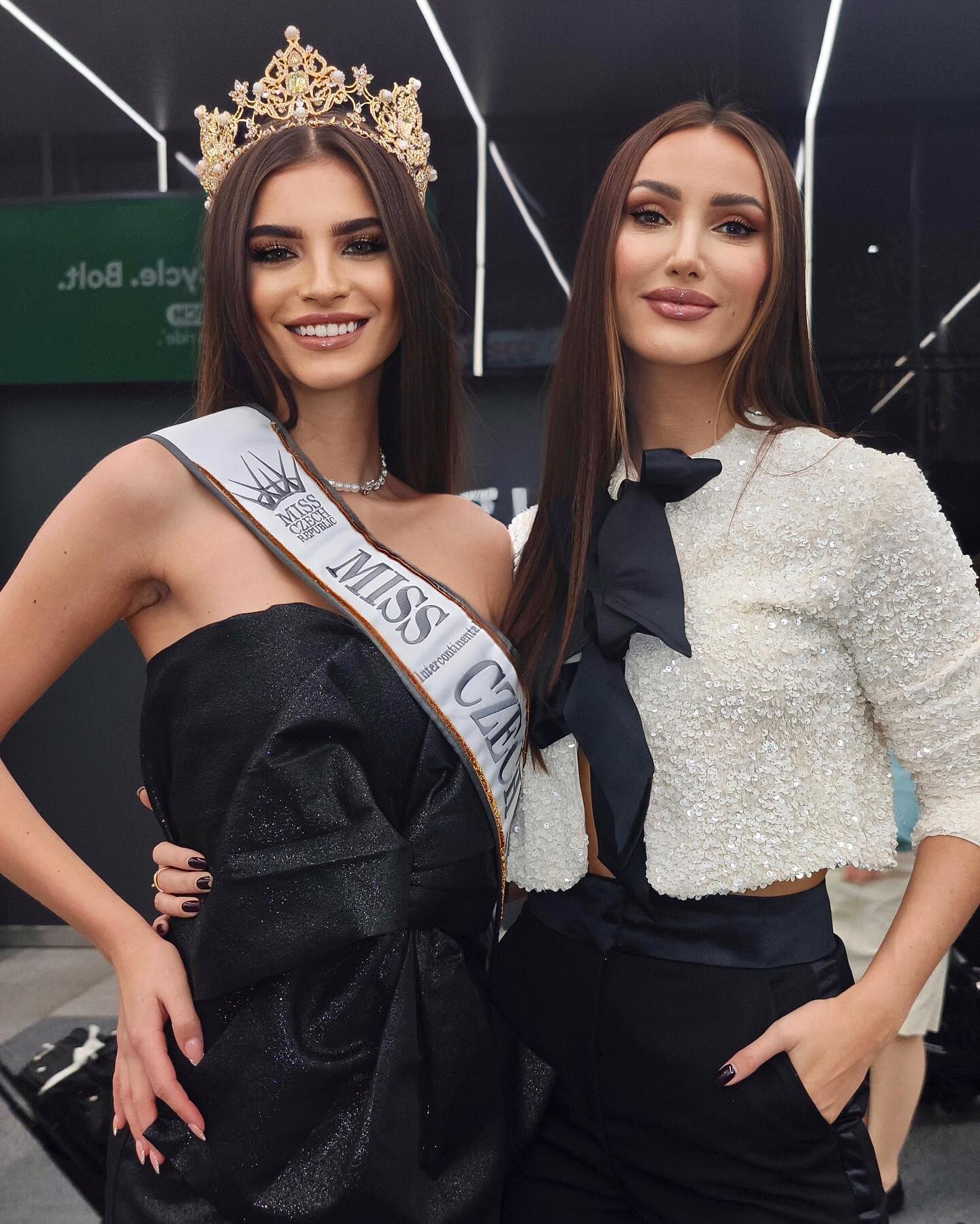
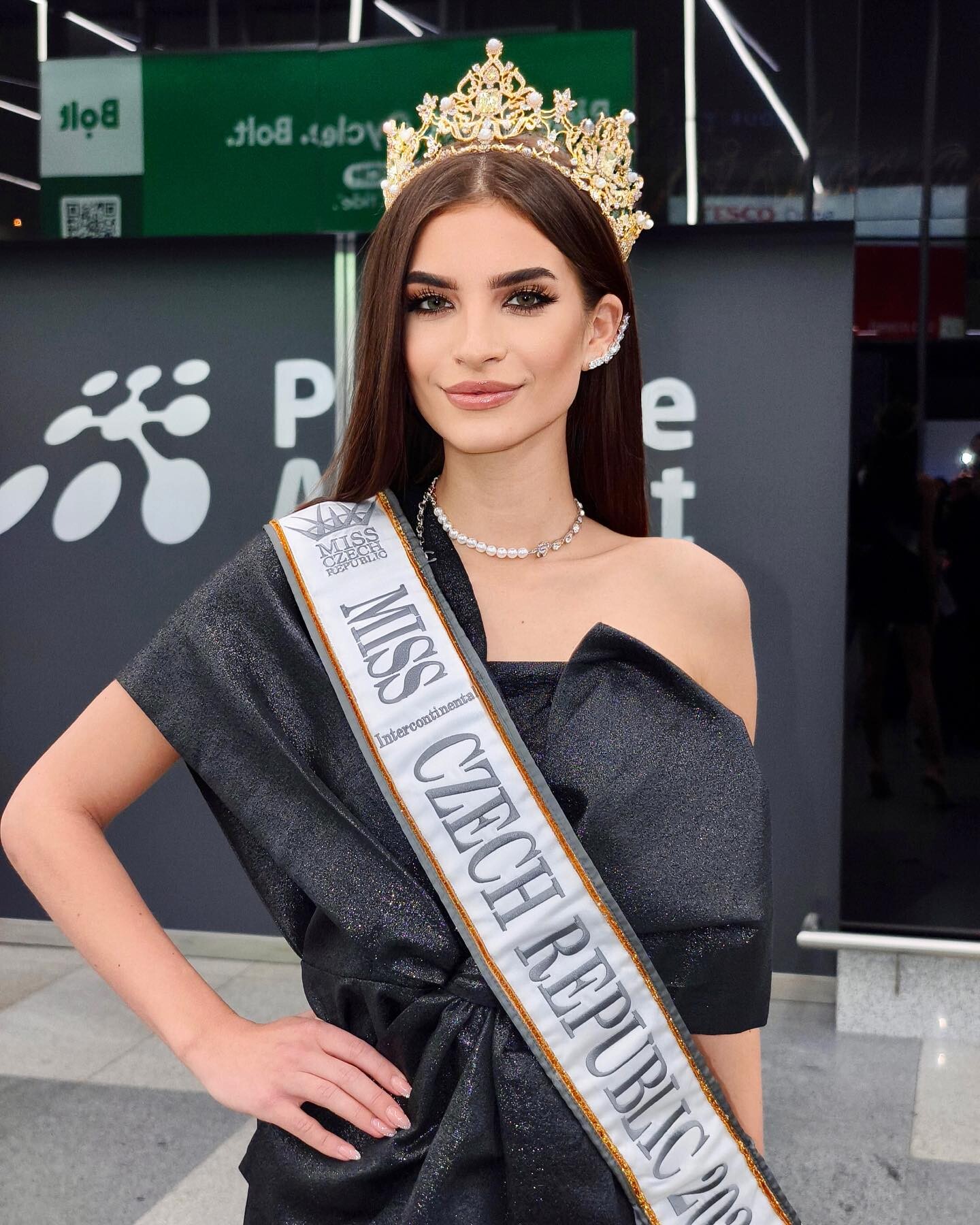
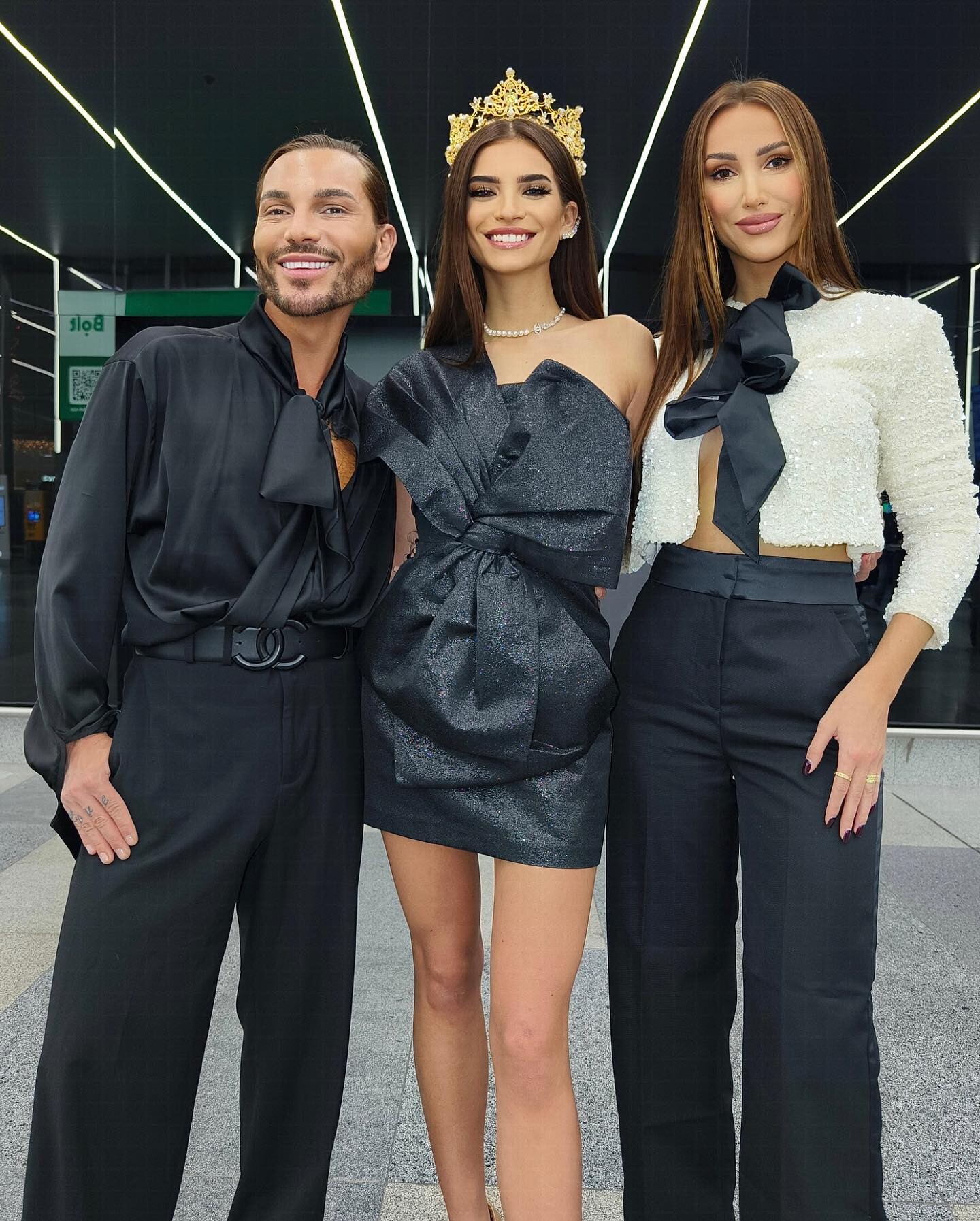
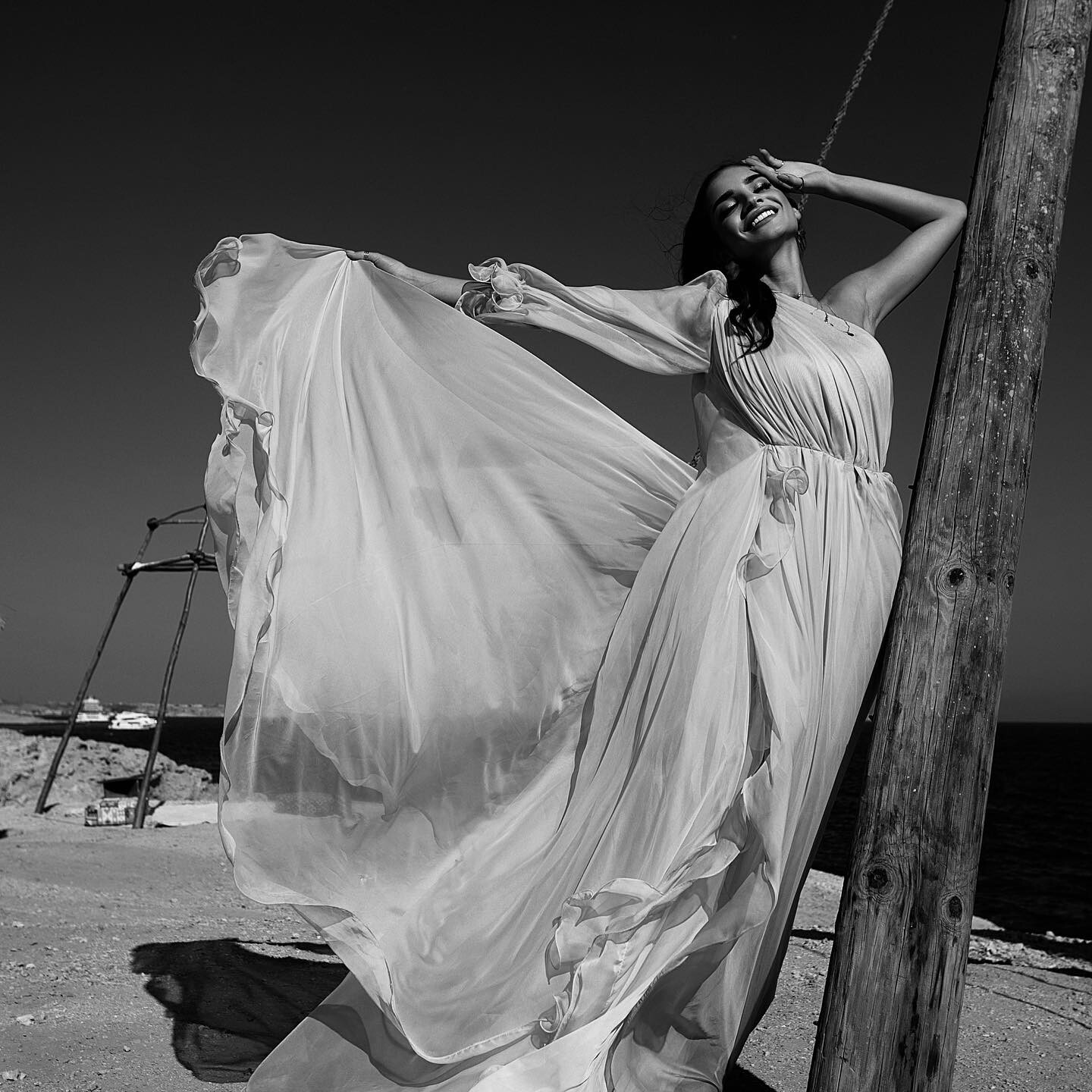
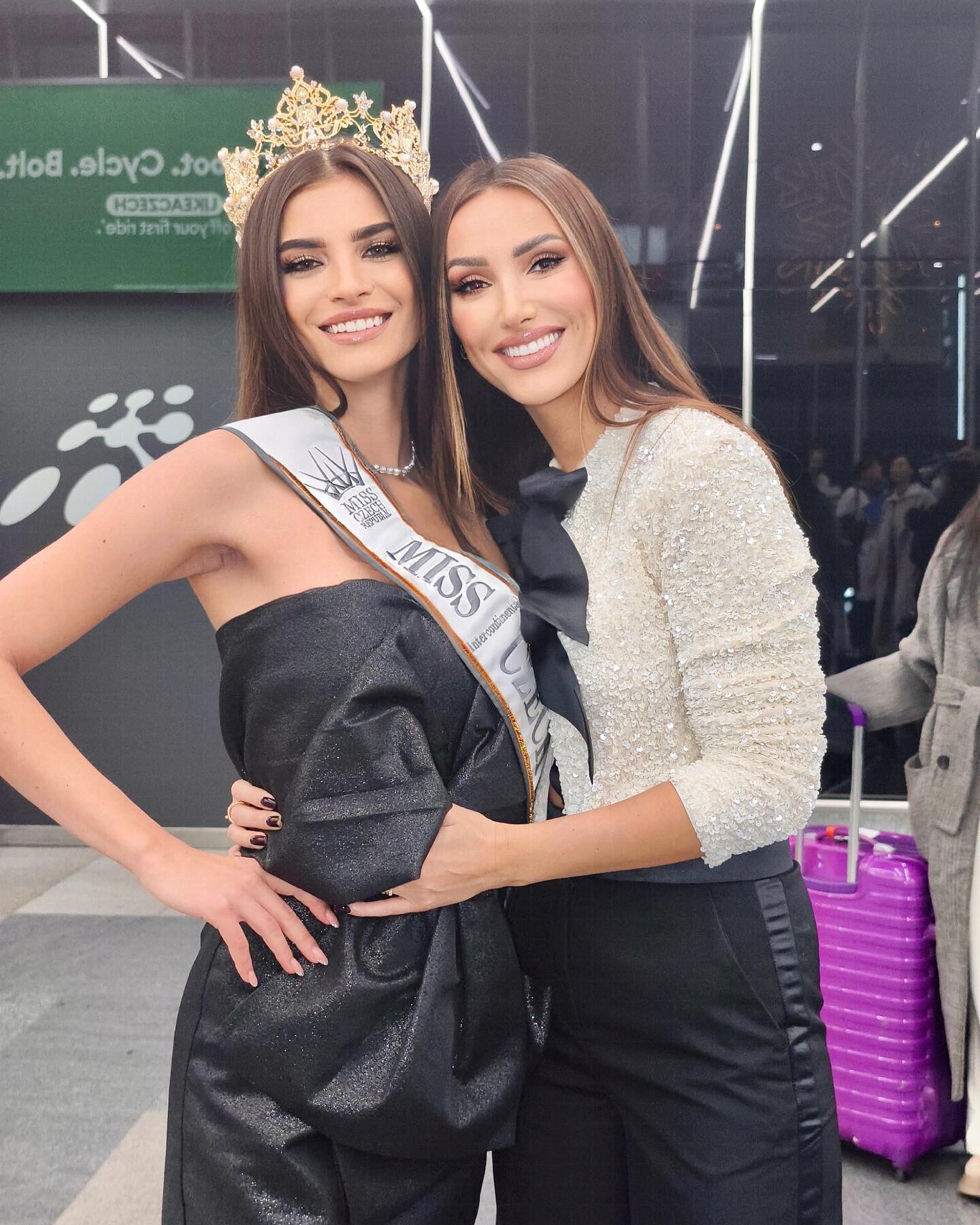
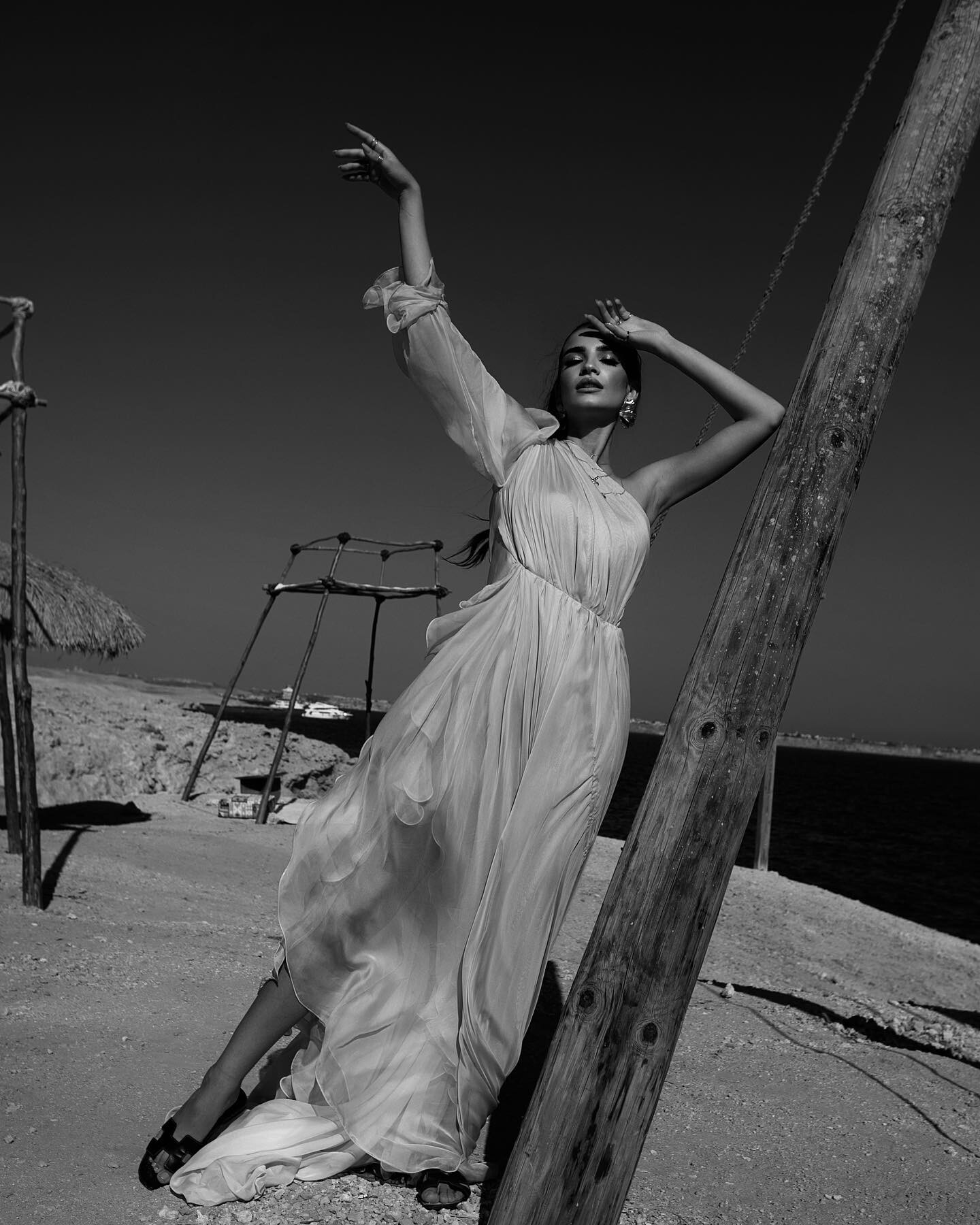
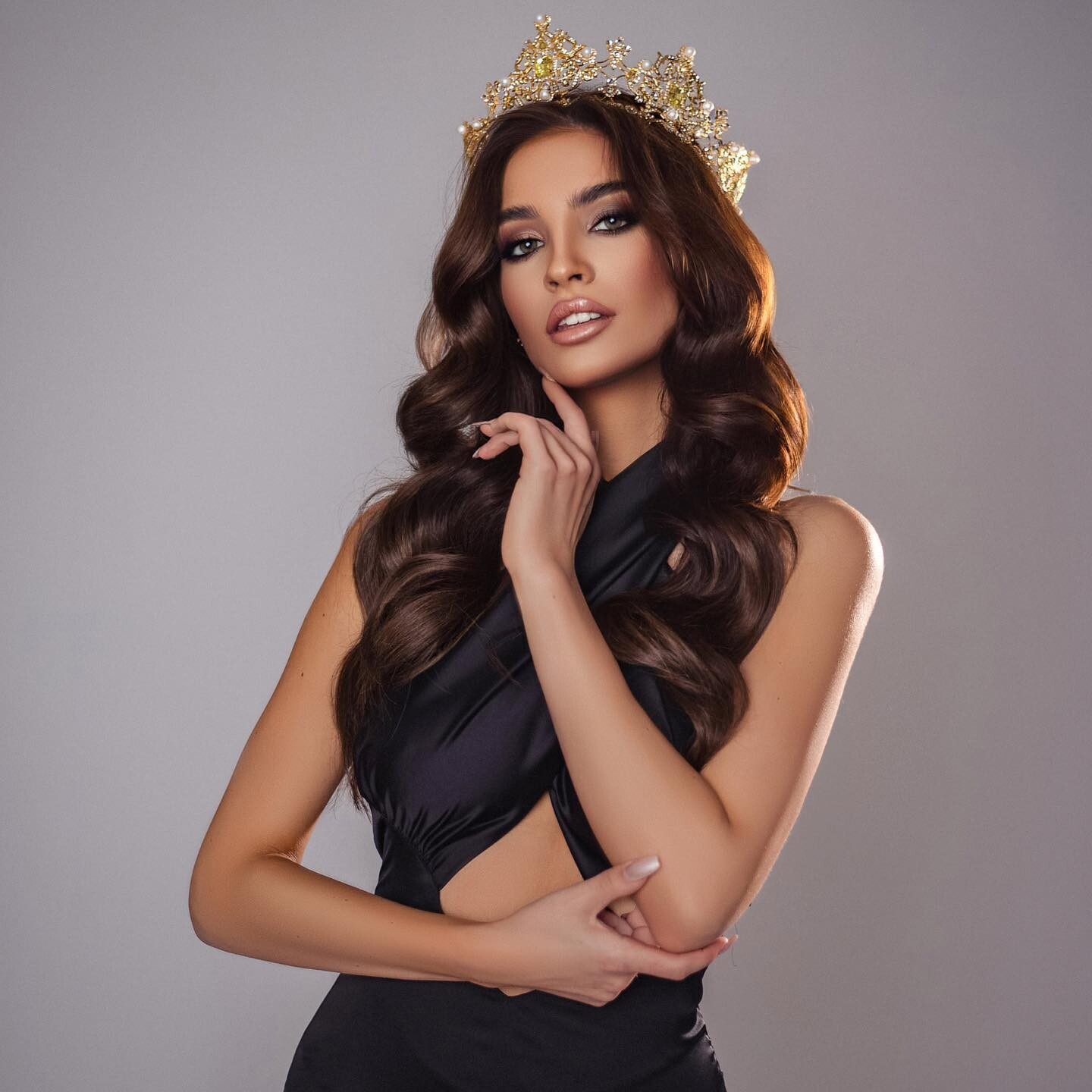
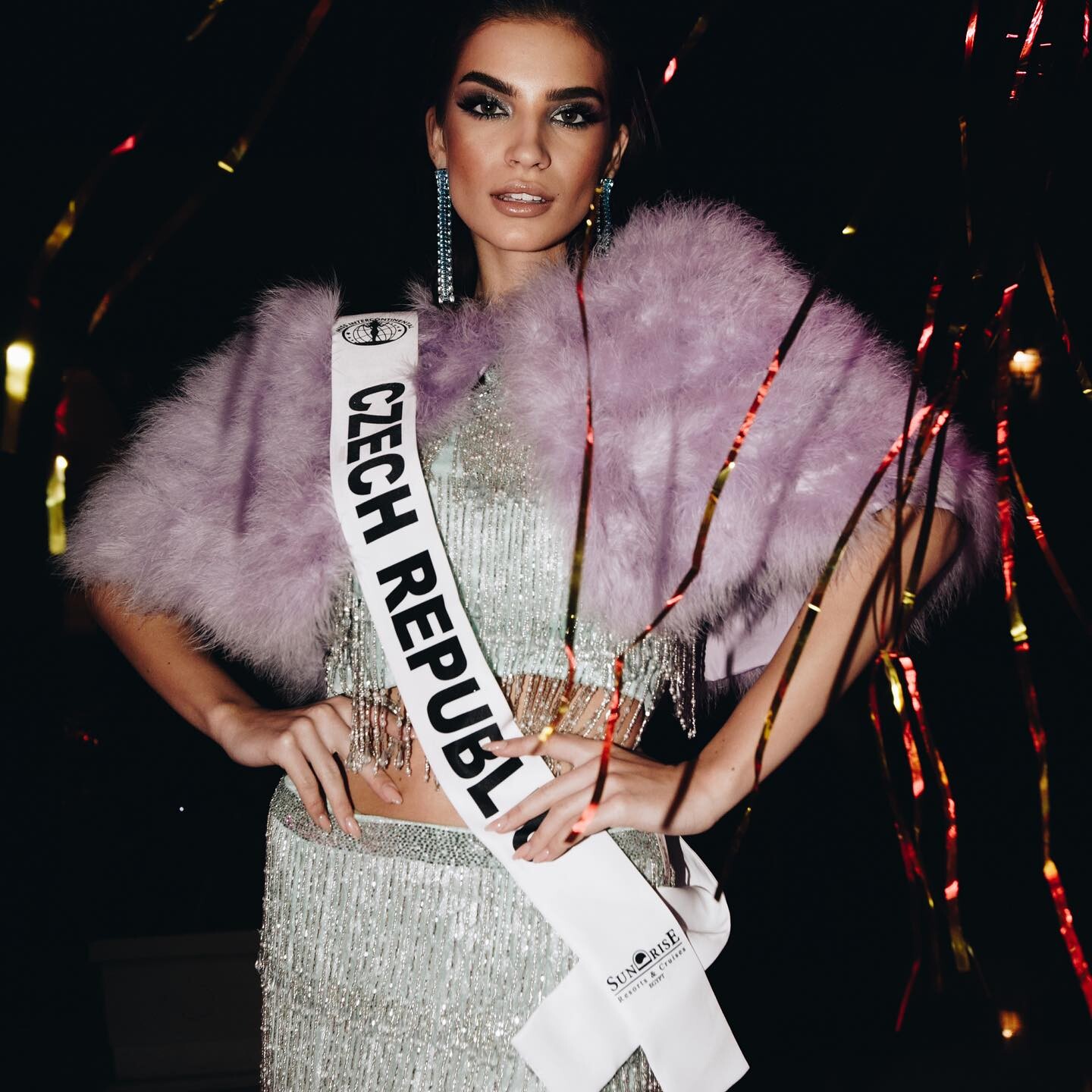
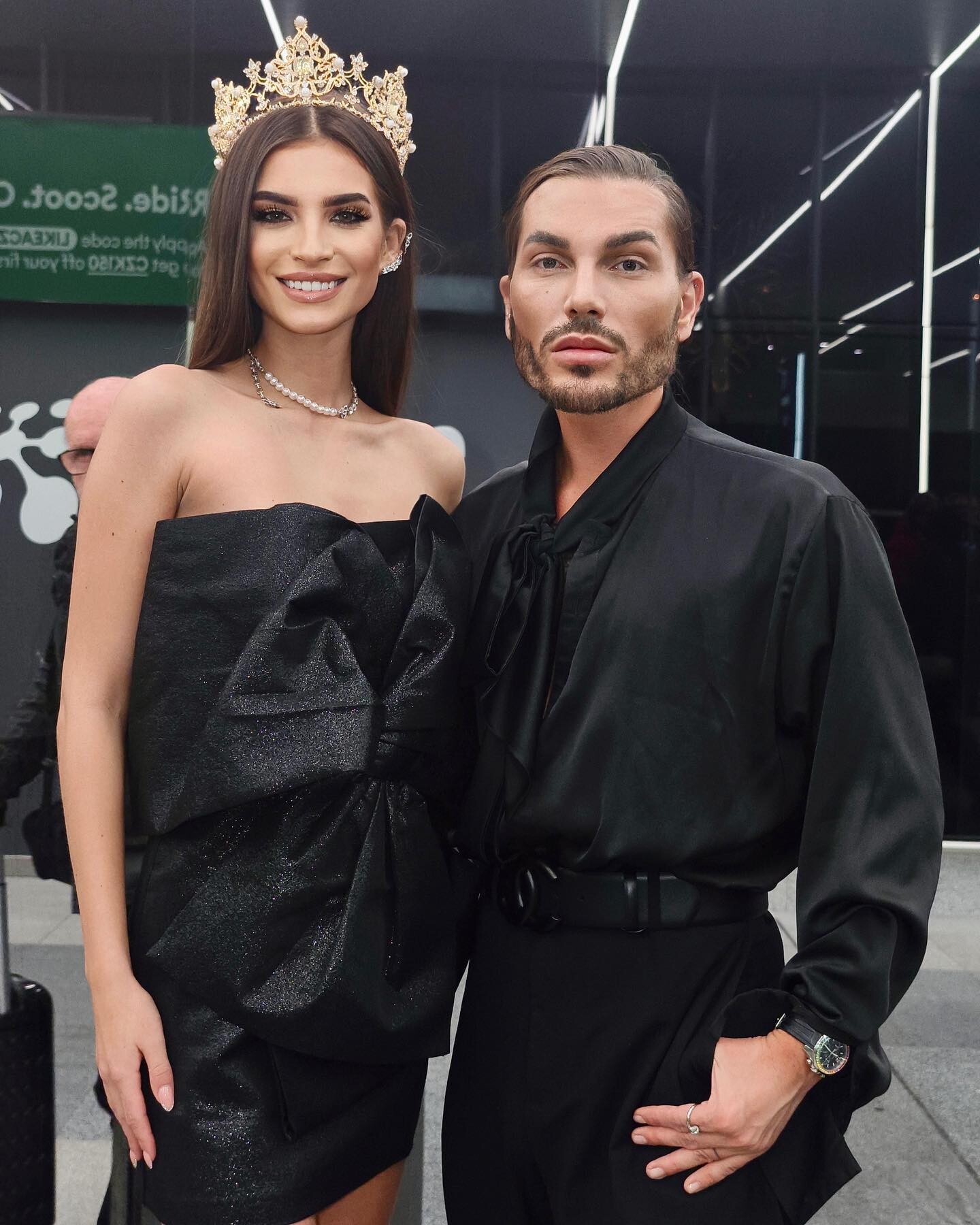
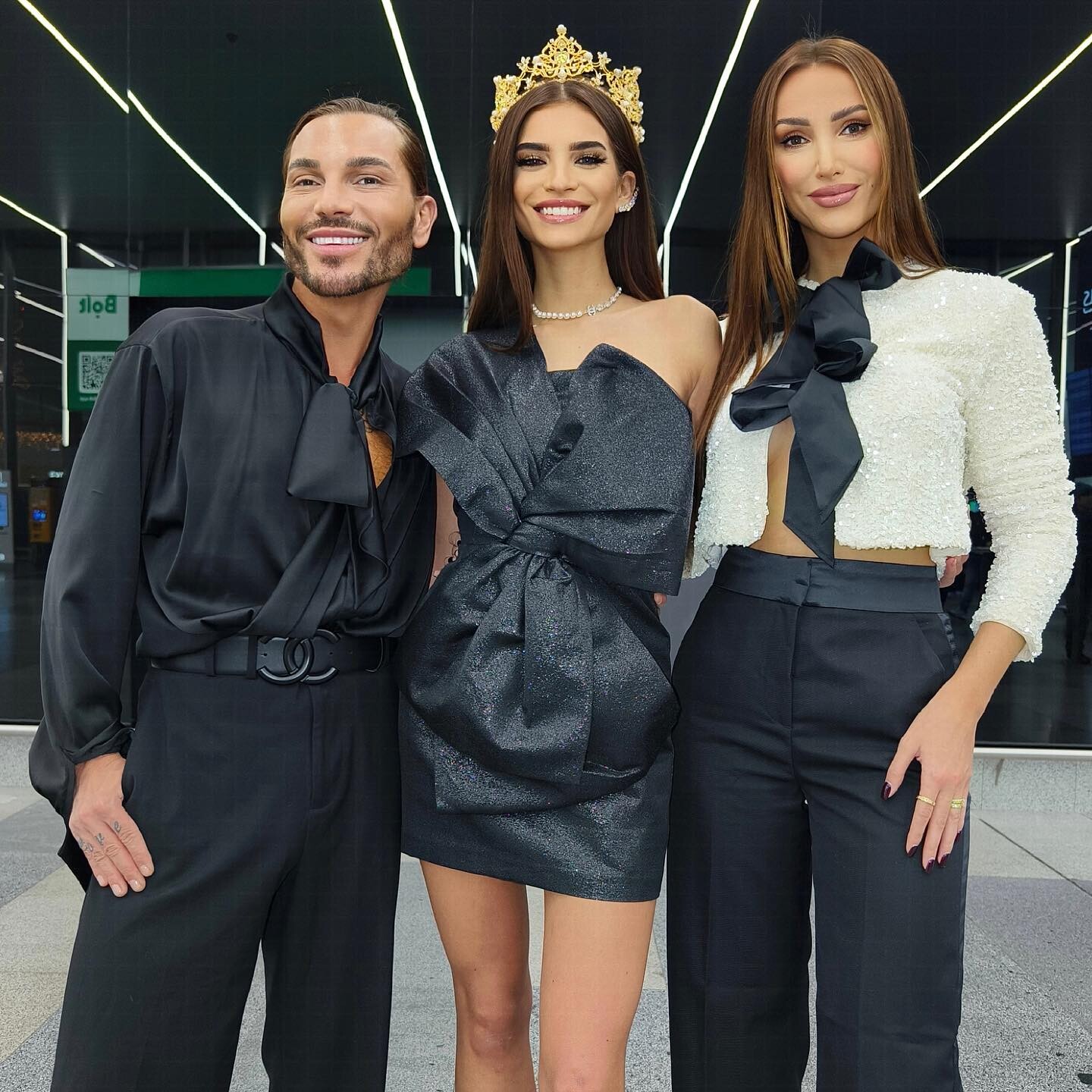
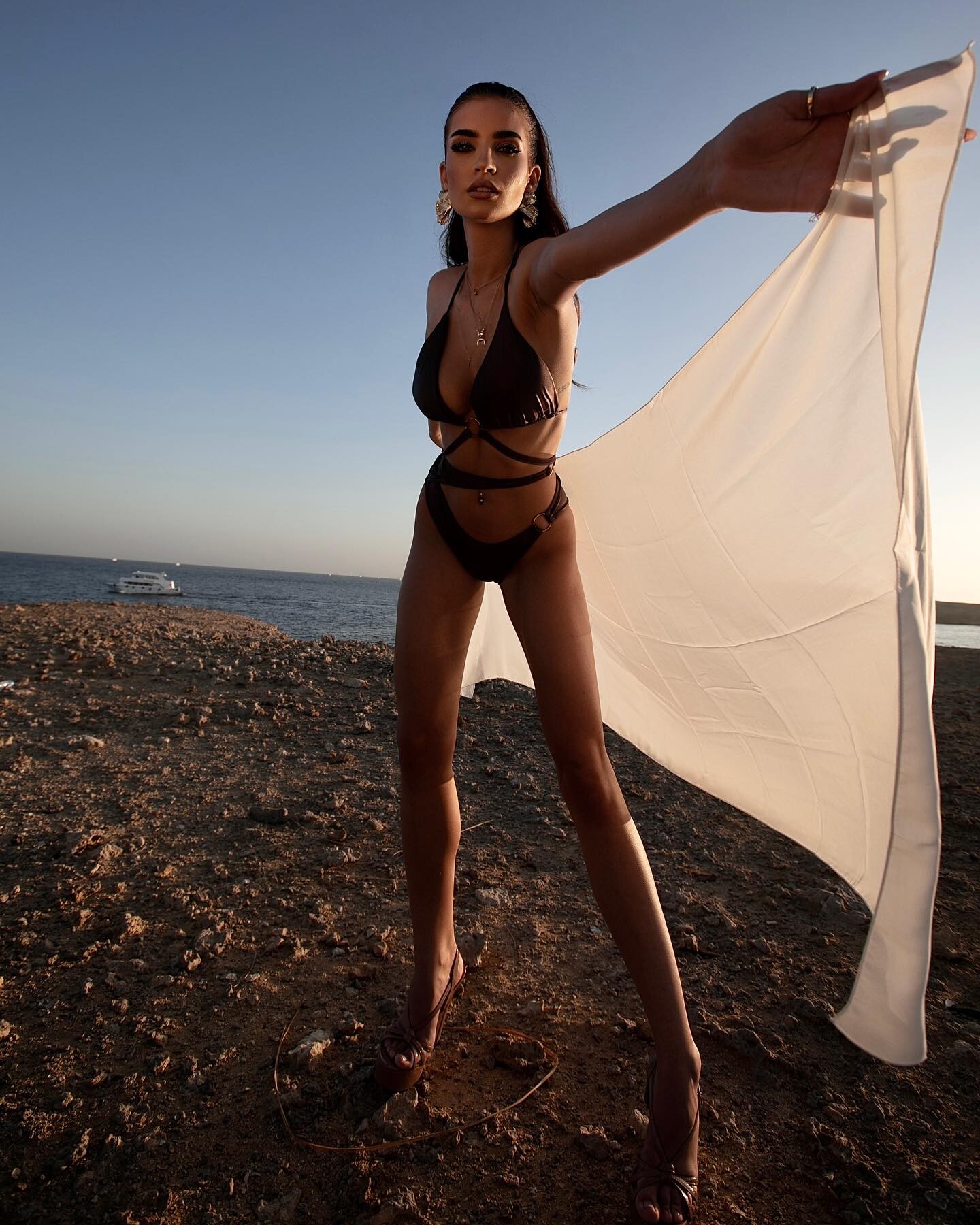
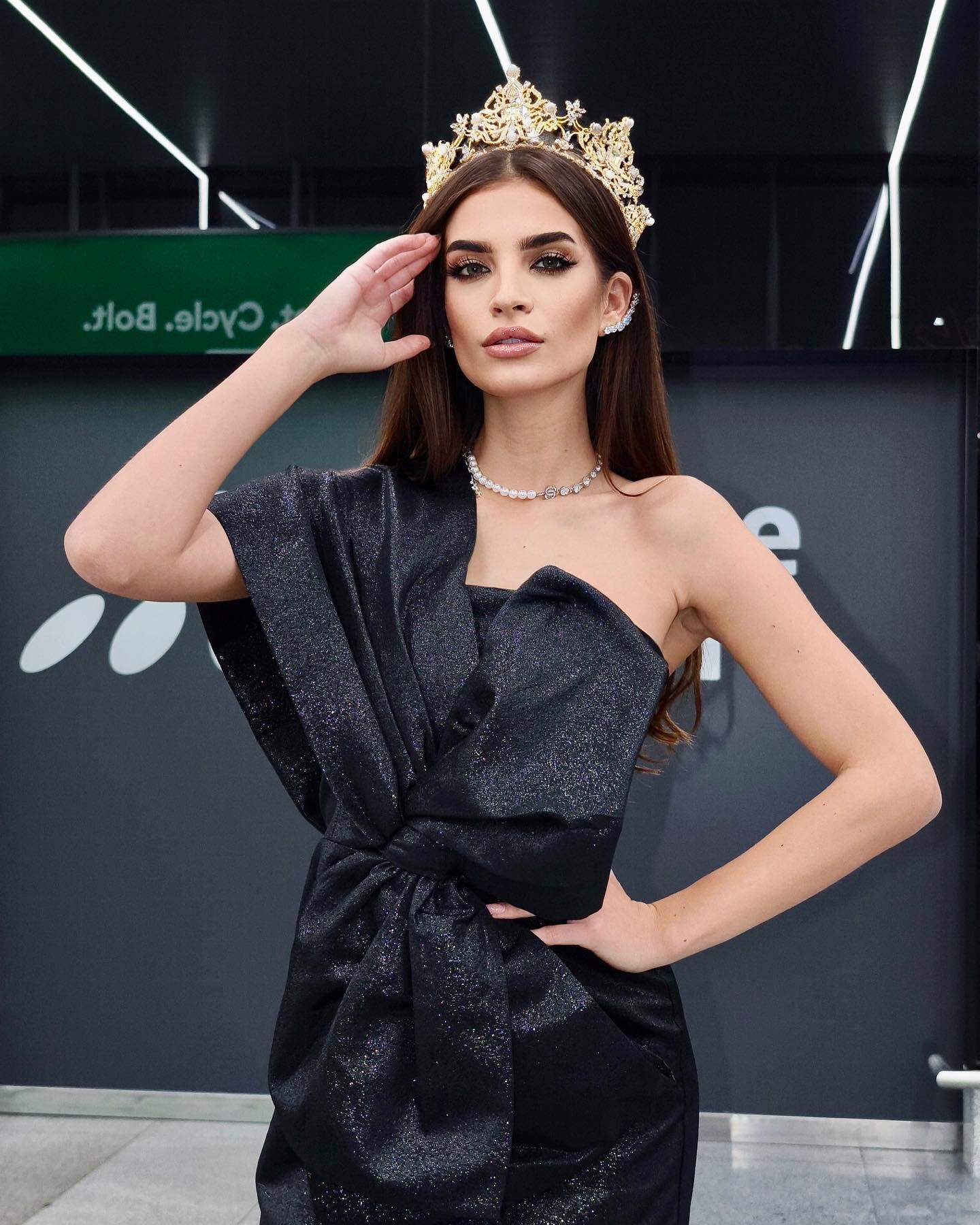
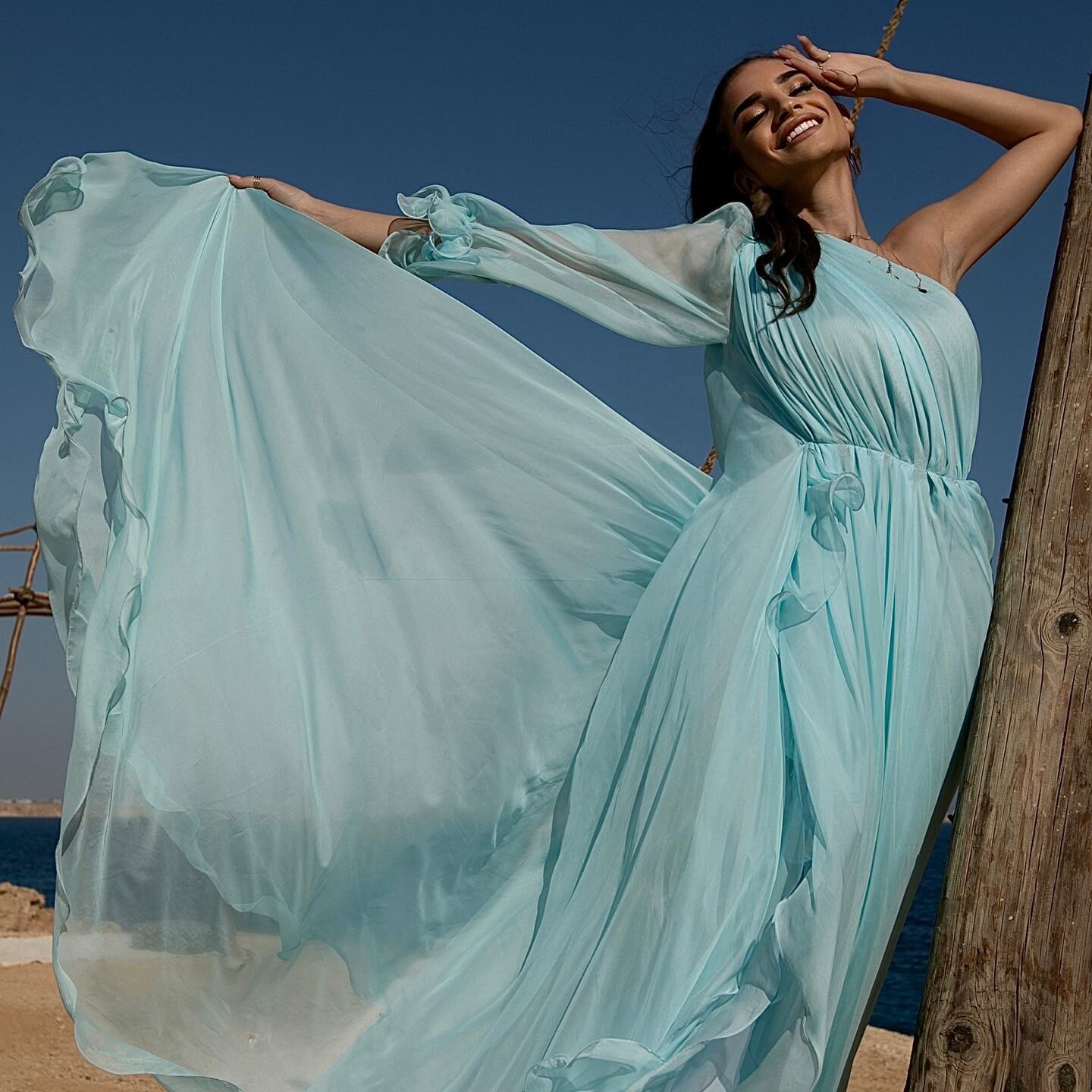
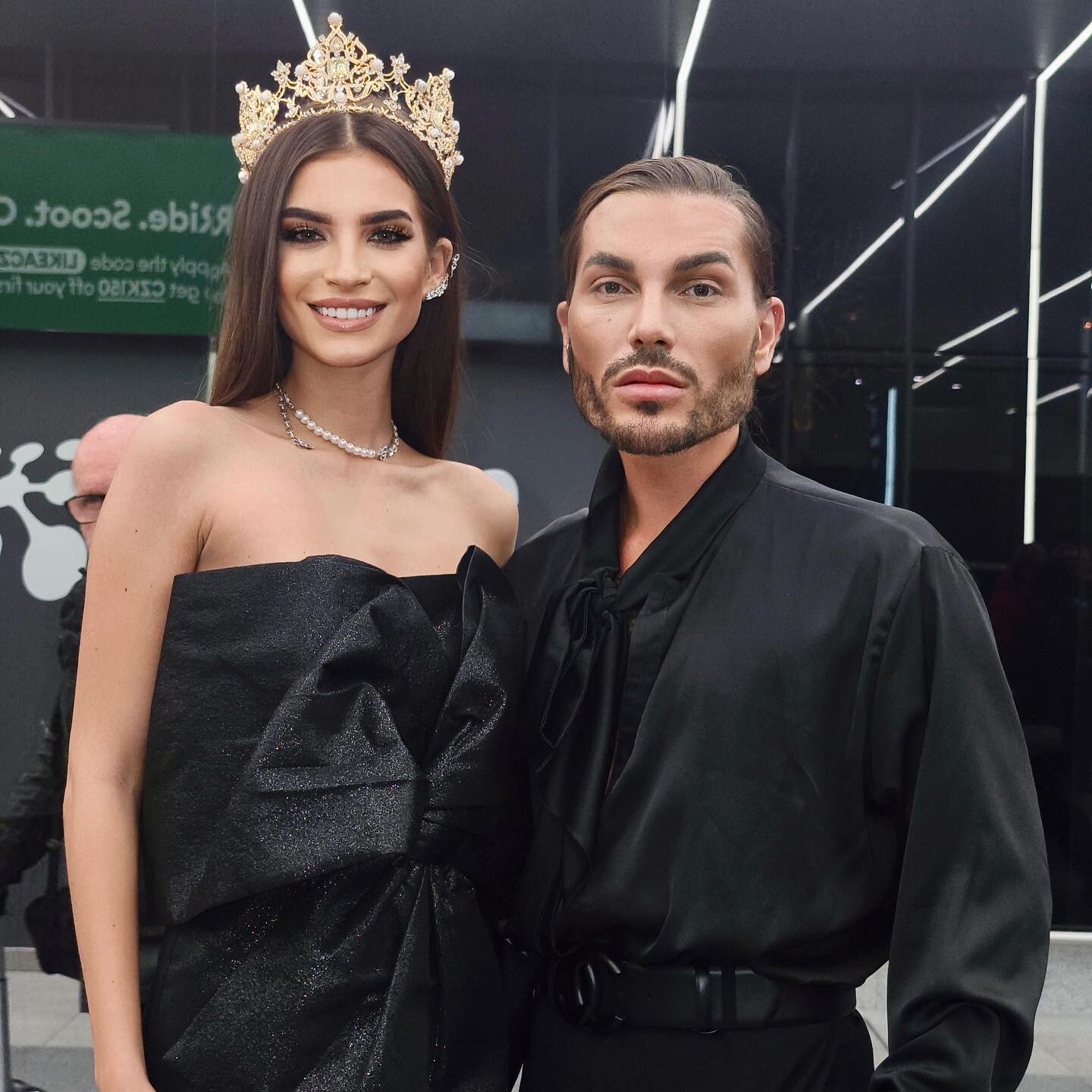
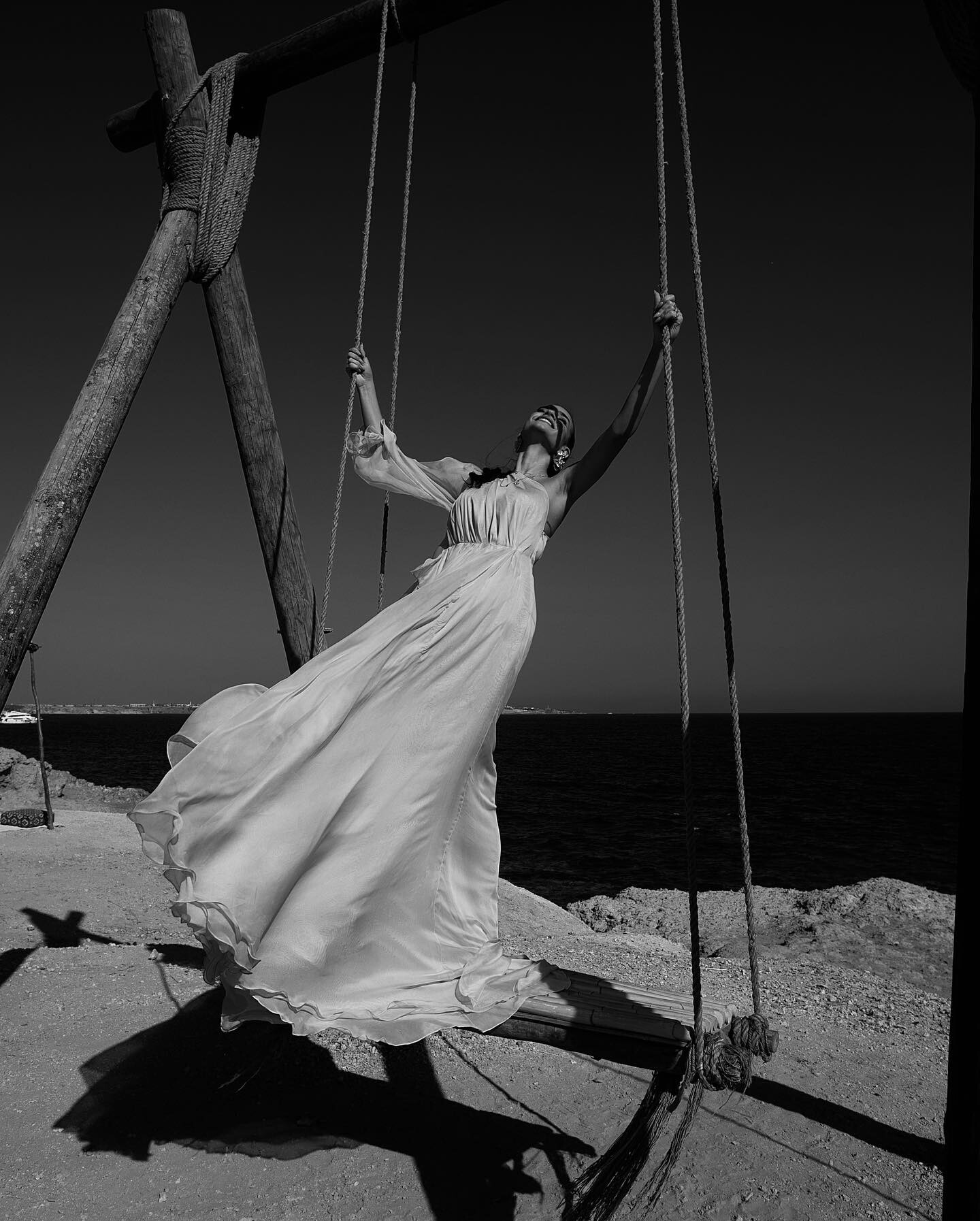
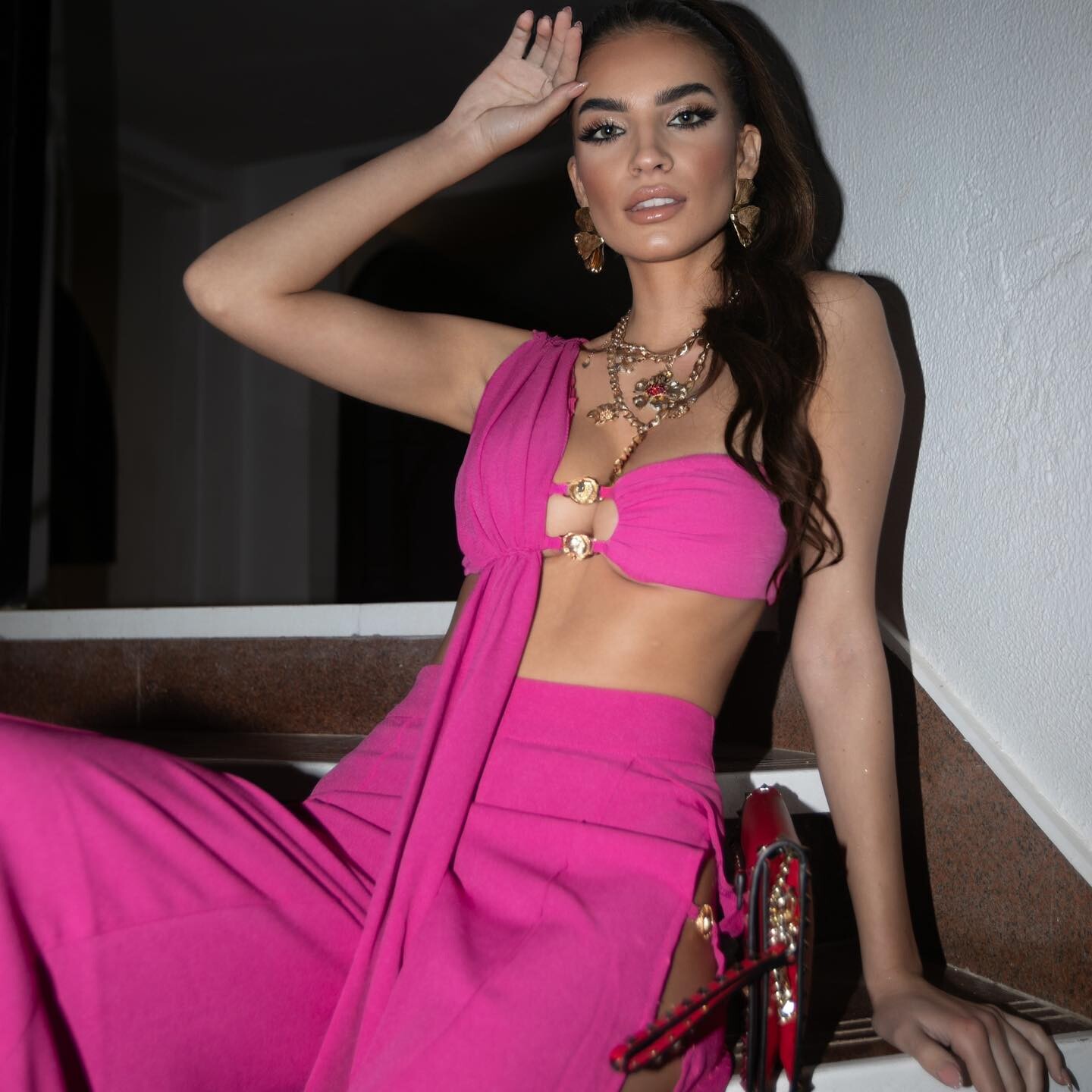
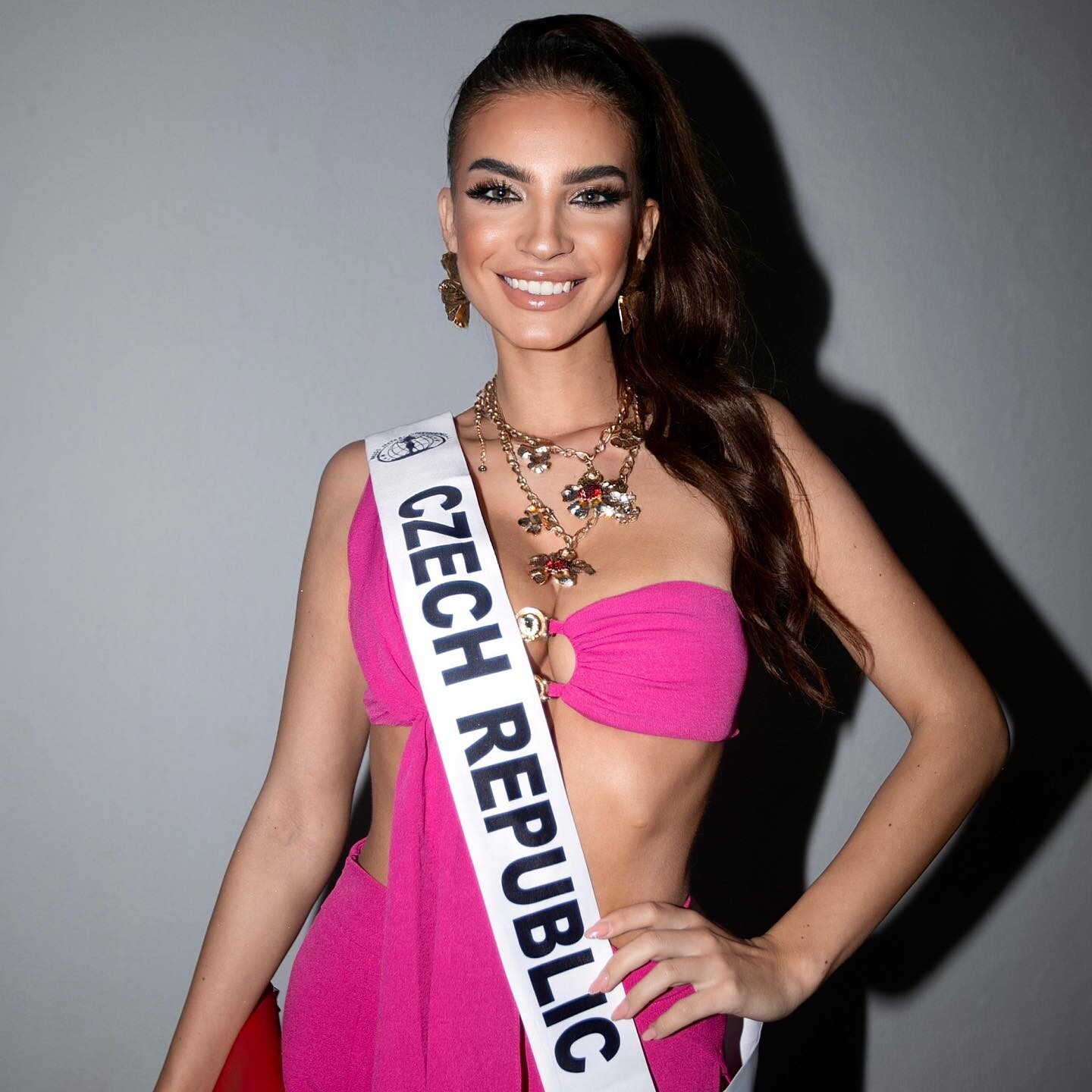
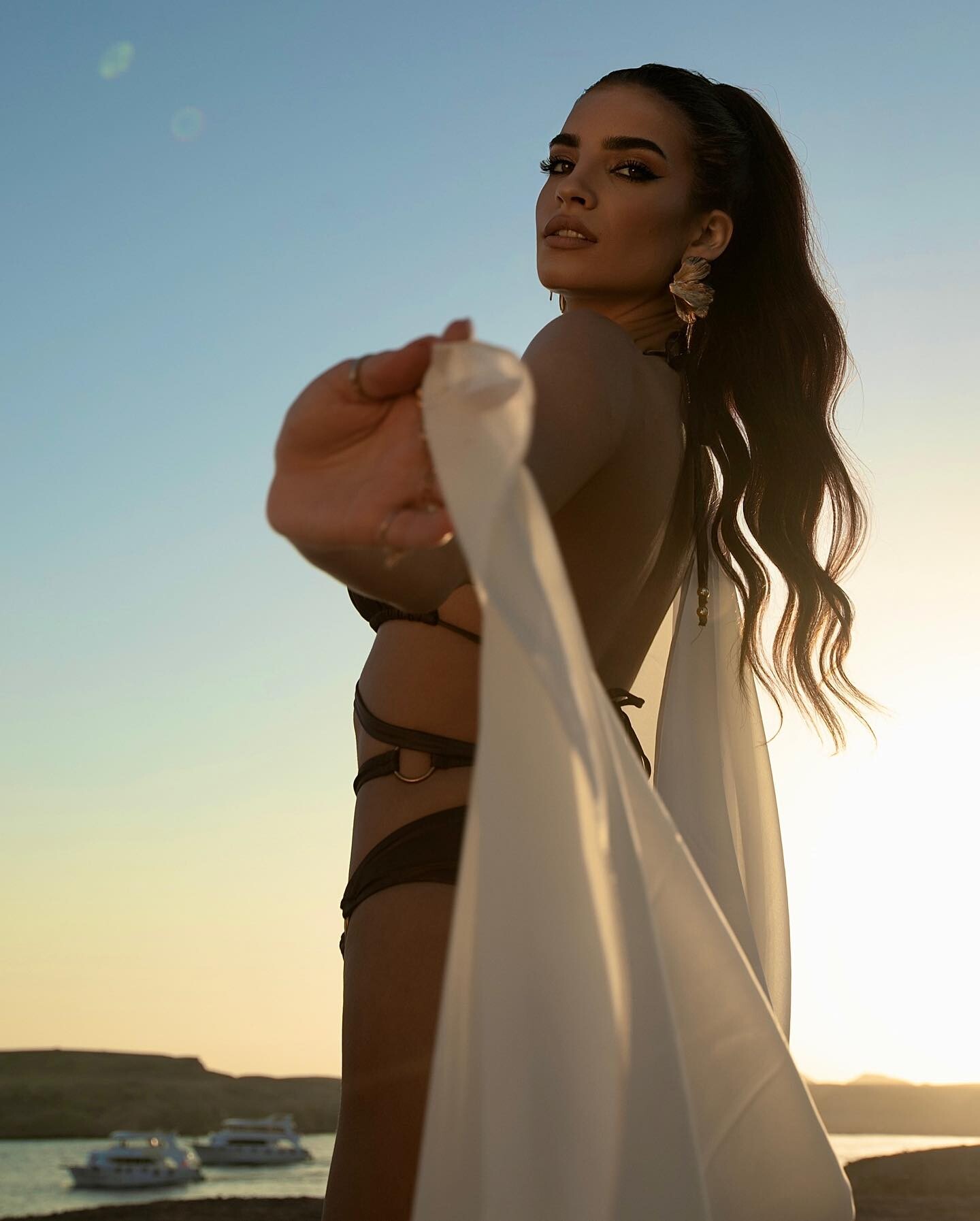
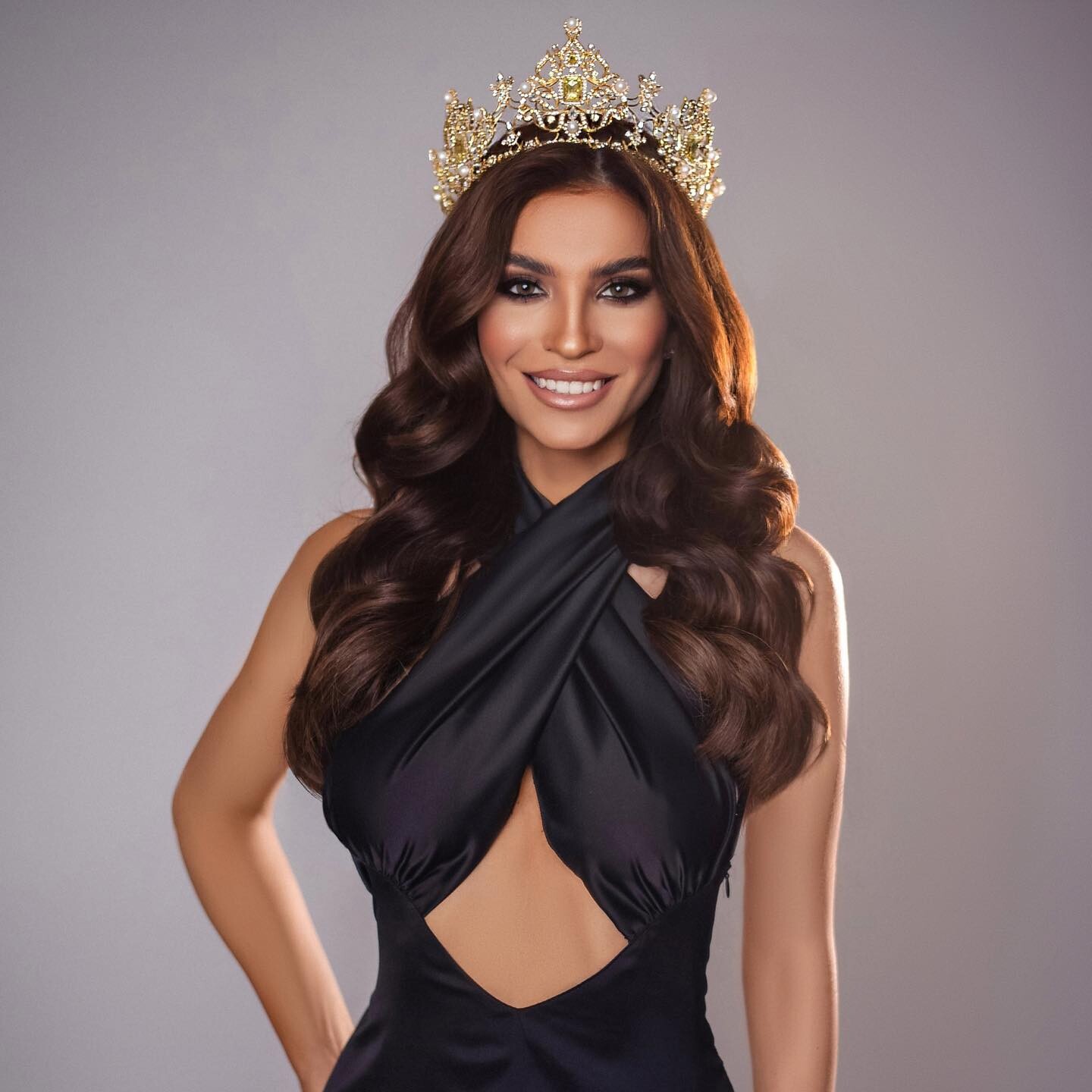
 More from Anna's Miss Czech Republic year



























 Alex2317 joined the community
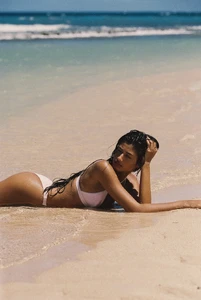
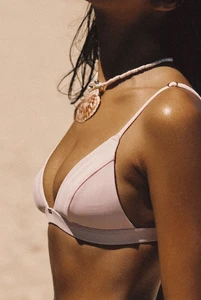
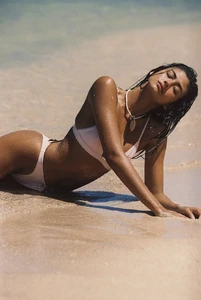
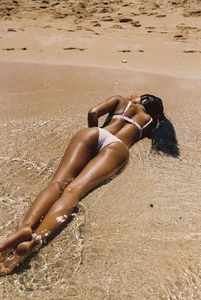
 Gooseberry ph. Amadeo Agis (reposts are larger)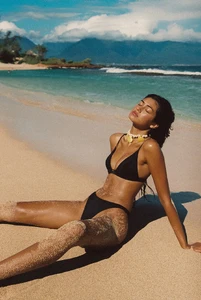
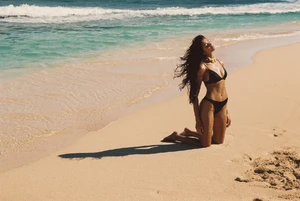
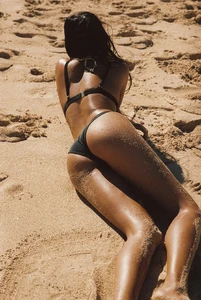
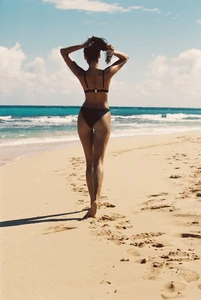
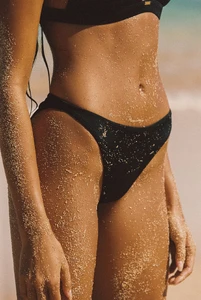
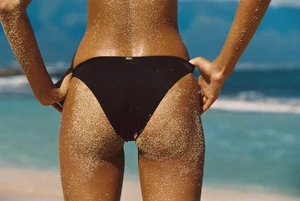
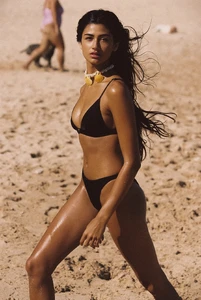
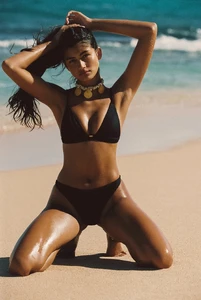
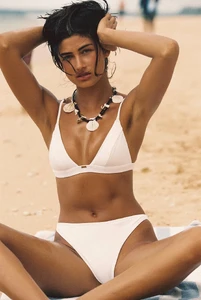
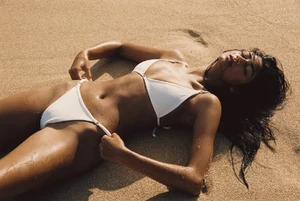
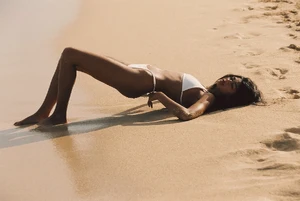
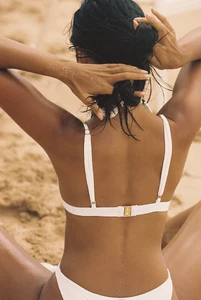
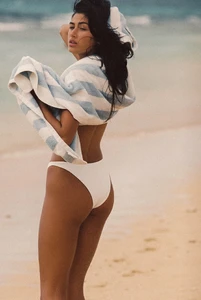
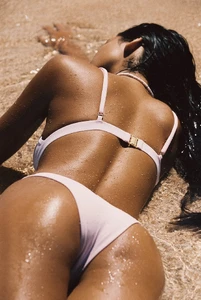
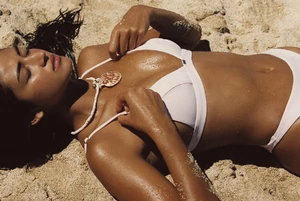
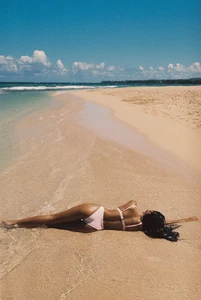
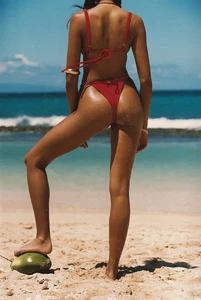
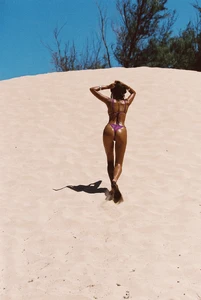
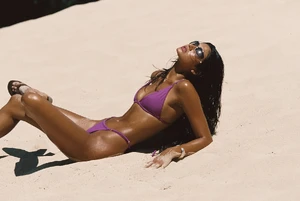
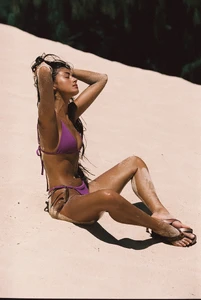
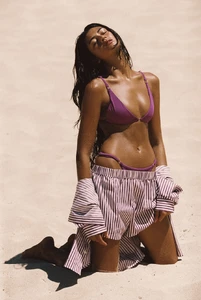
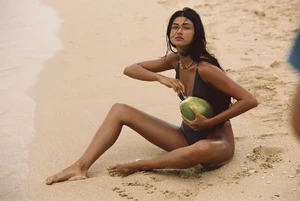
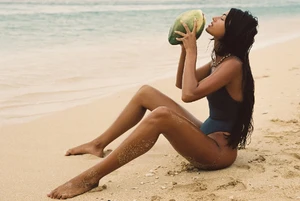
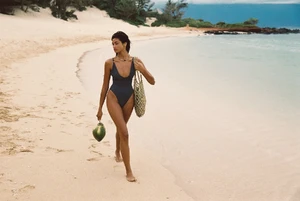
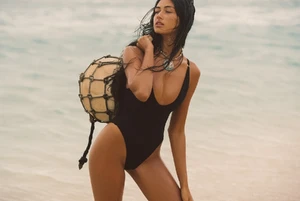
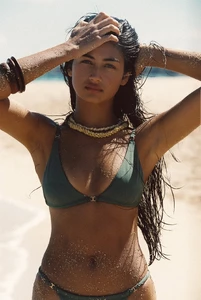
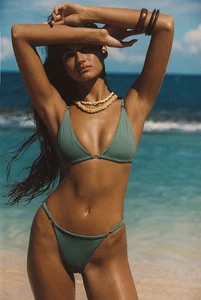

 Aminn tattoo changed their profile photo
 yeah makes sense. got me confused when u said between font and emoji. ty
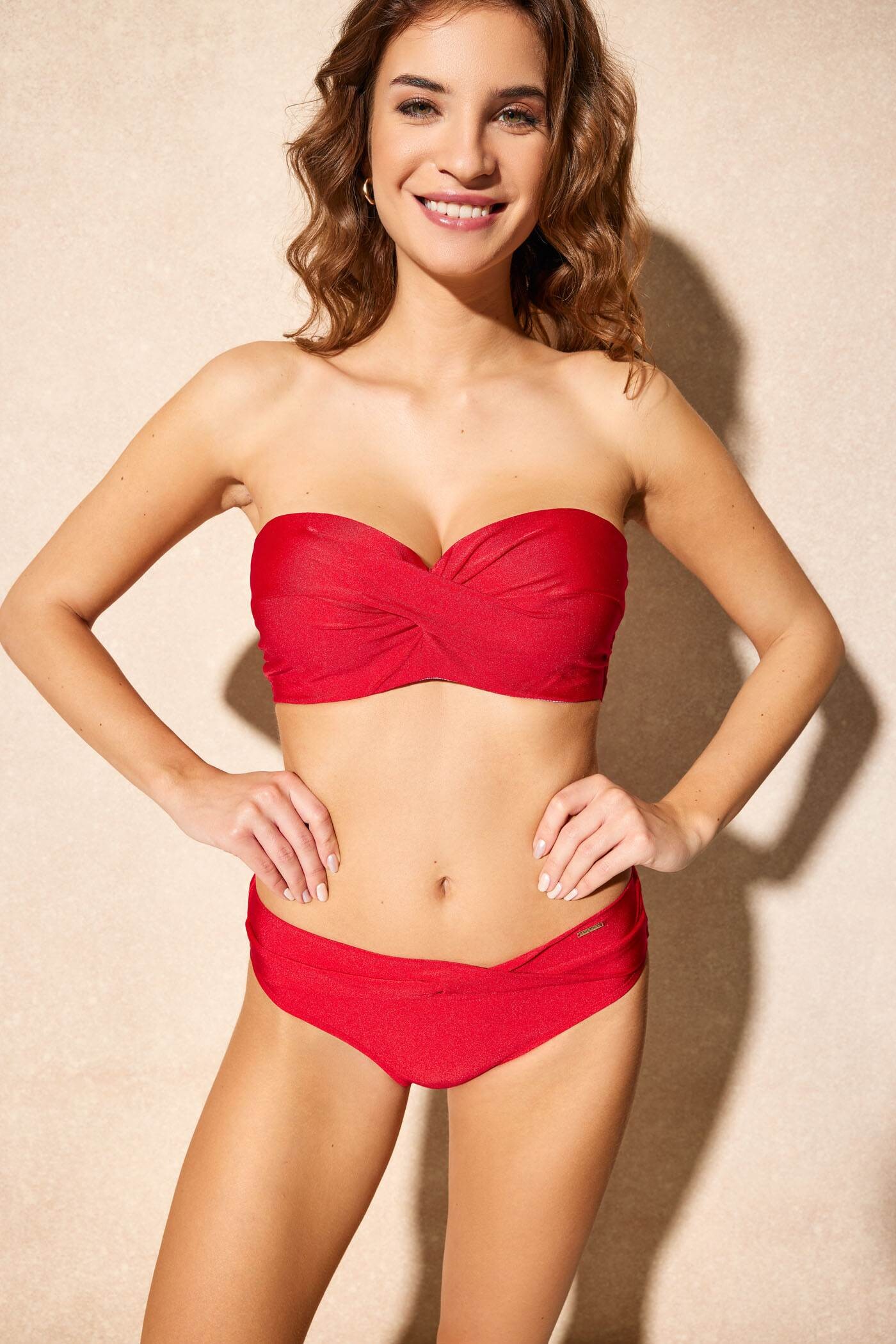
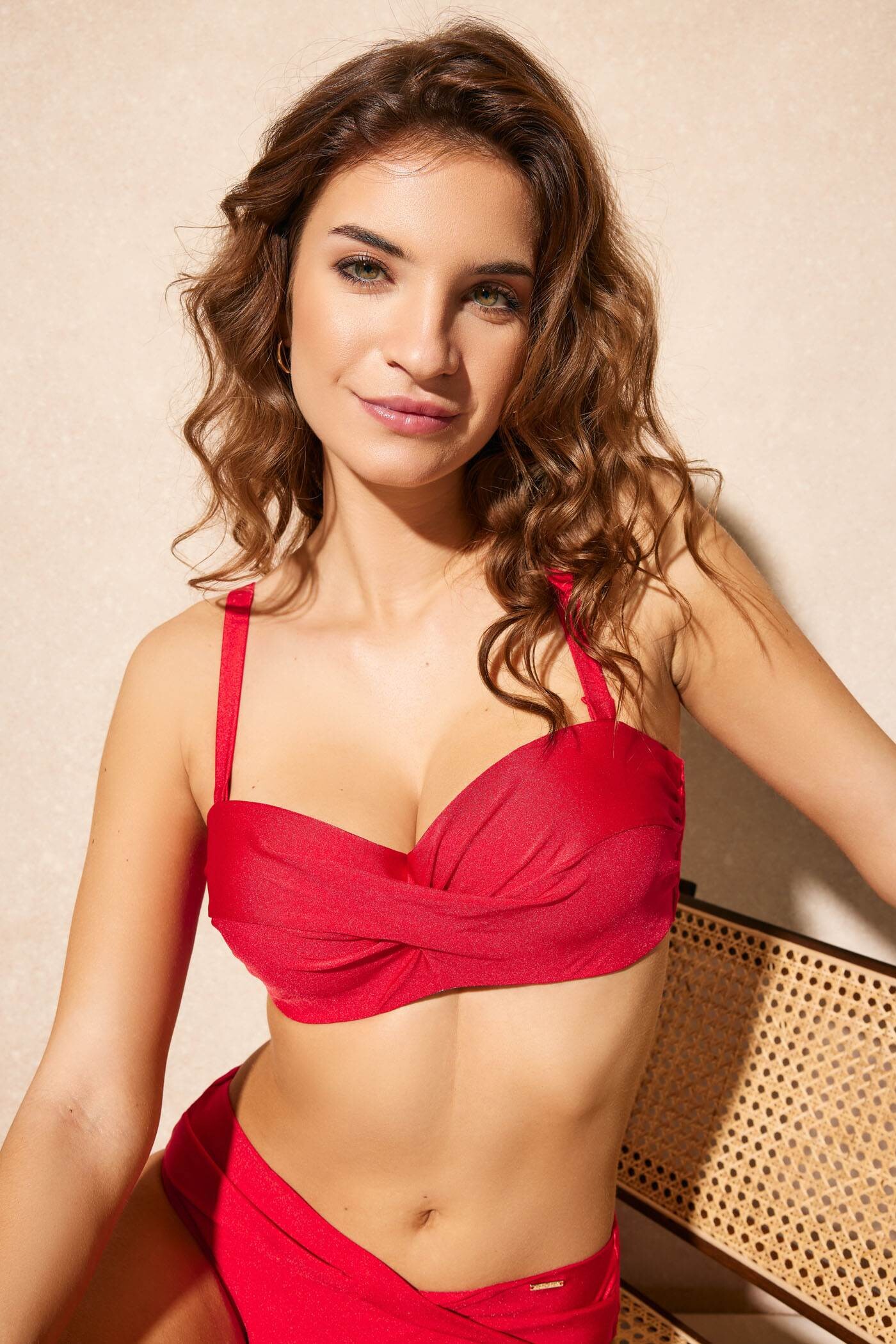
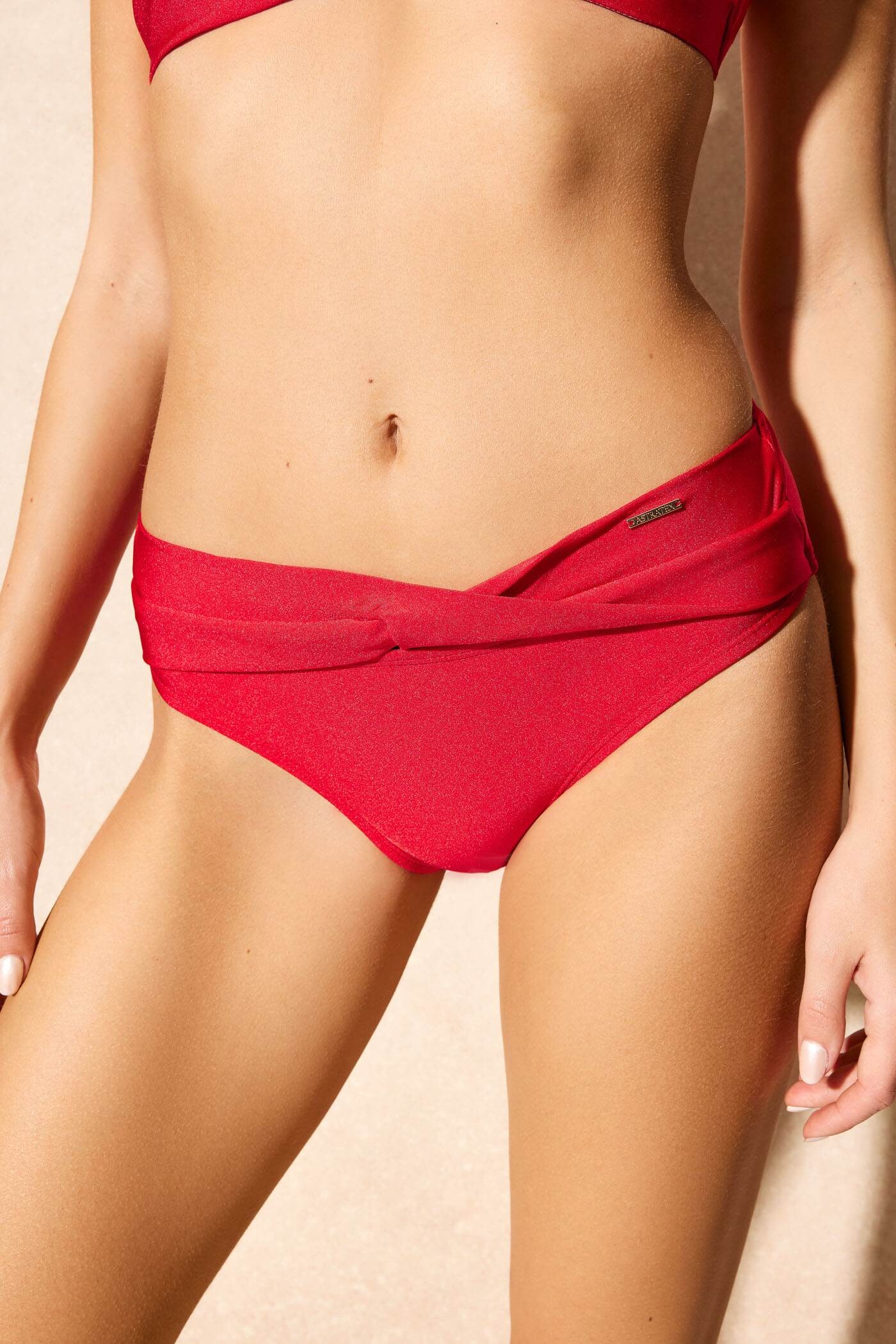
Astratex: Her IG is @ani.benesova (currently ~81k followers)
yeah makes sense. got me confused when u said between font and emoji. ty
Astratex: Her IG is @ani.benesova (currently ~81k followers)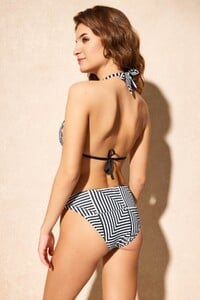

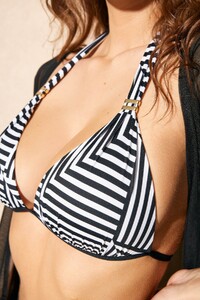
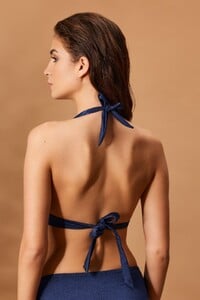
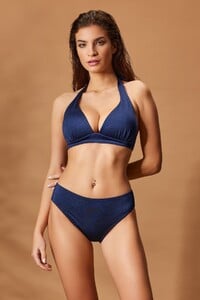
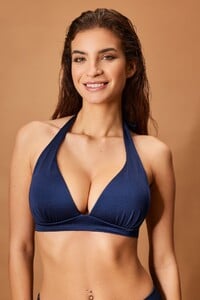
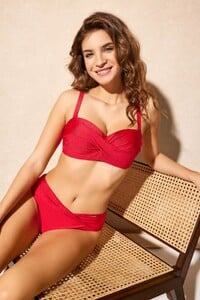



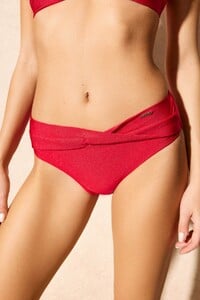
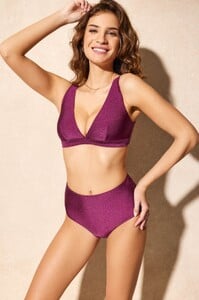
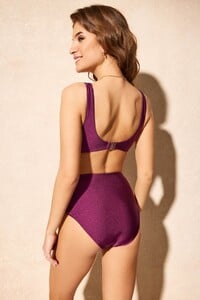








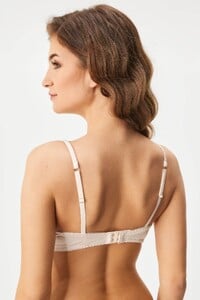


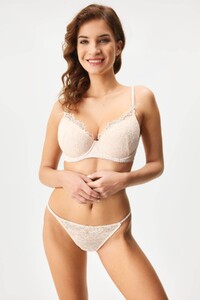
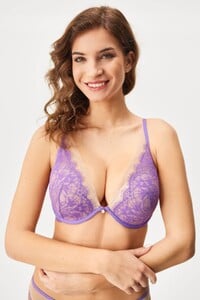
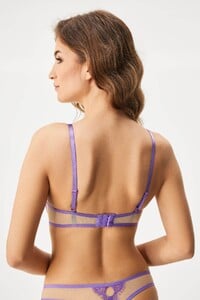
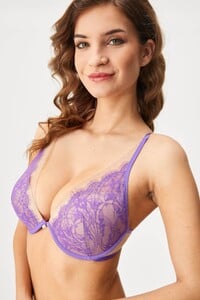

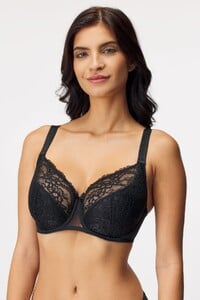
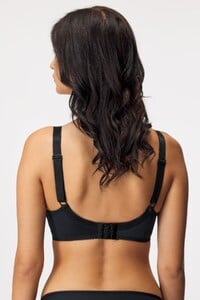
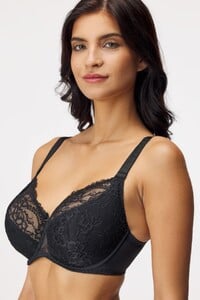
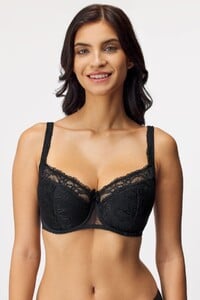
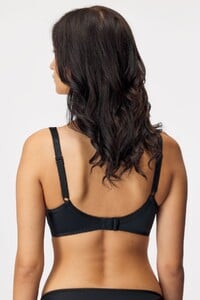
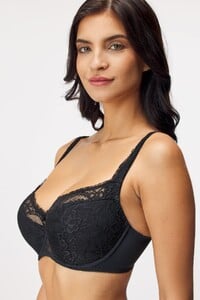
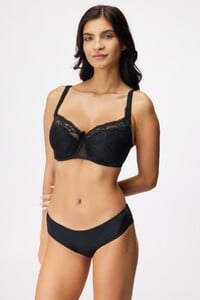
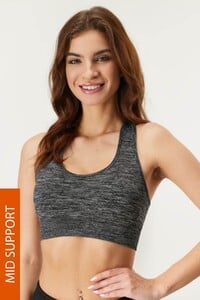
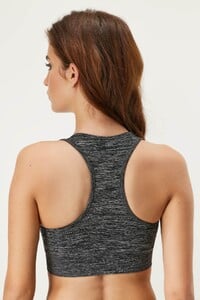
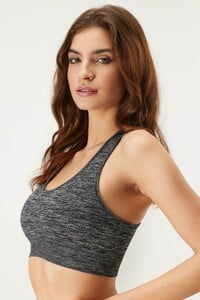
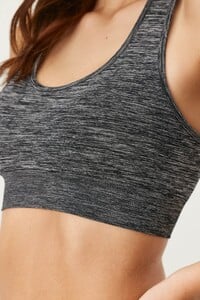

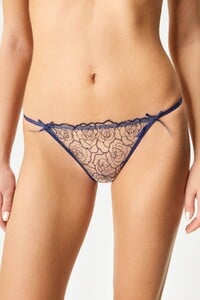
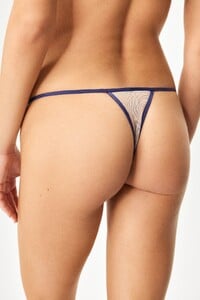
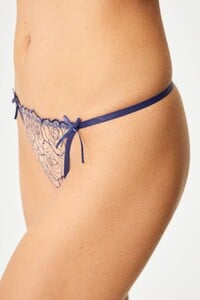
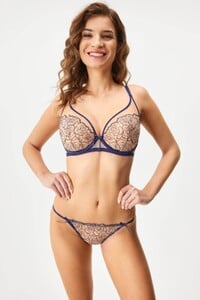
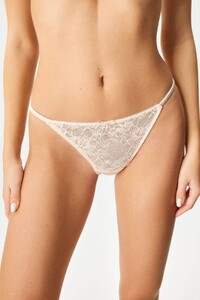
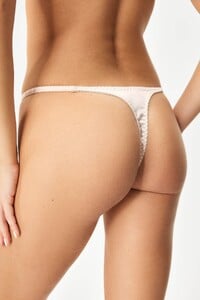
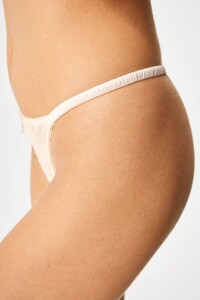
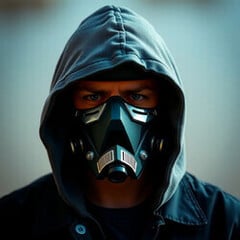 Who is she?
 Aminn tattoo joined the community
 NIU MEN DOOR joined the community
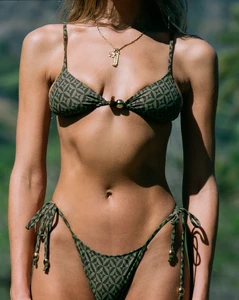
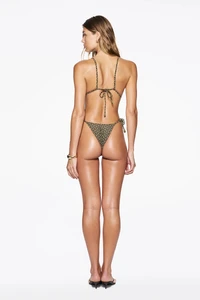
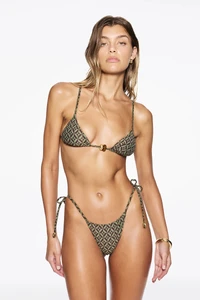
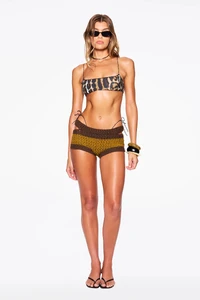
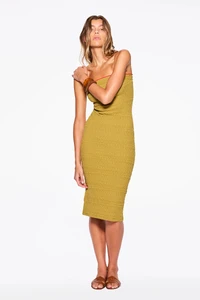
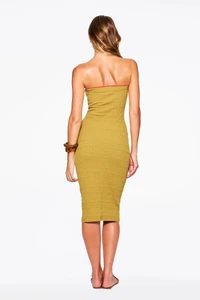
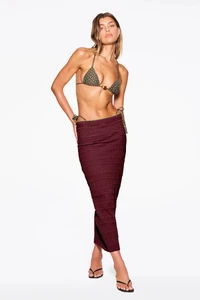
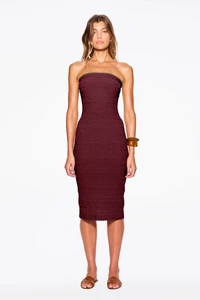
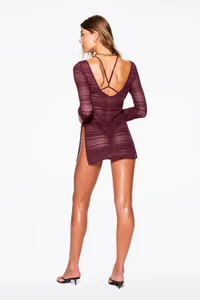
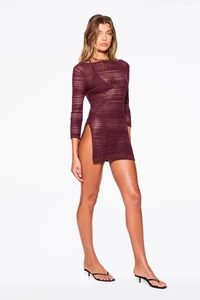
 Tropic of C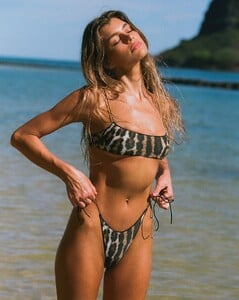
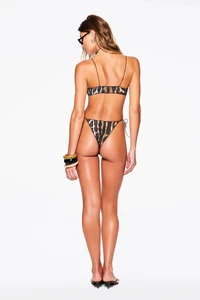

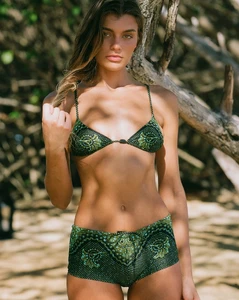
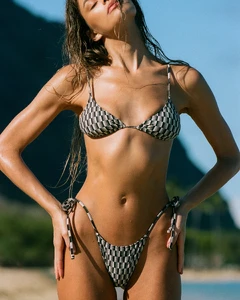
 war with iran.................
It takes 9! headshots to kill a zombie on 'insanity' and crimson heads appear from the start wtf! Grace dies from 2 hits from a zombie. Some of the zombies tank 1 requiem tank and get back up... the blister heads are insane, complete bullet sponges and so fast. All enemies are now speeded up and way more dangerous.
war with iran.................
It takes 9! headshots to kill a zombie on 'insanity' and crimson heads appear from the start wtf! Grace dies from 2 hits from a zombie. Some of the zombies tank 1 requiem tank and get back up... the blister heads are insane, complete bullet sponges and so fast. All enemies are now speeded up and way more dangerous.
- Today
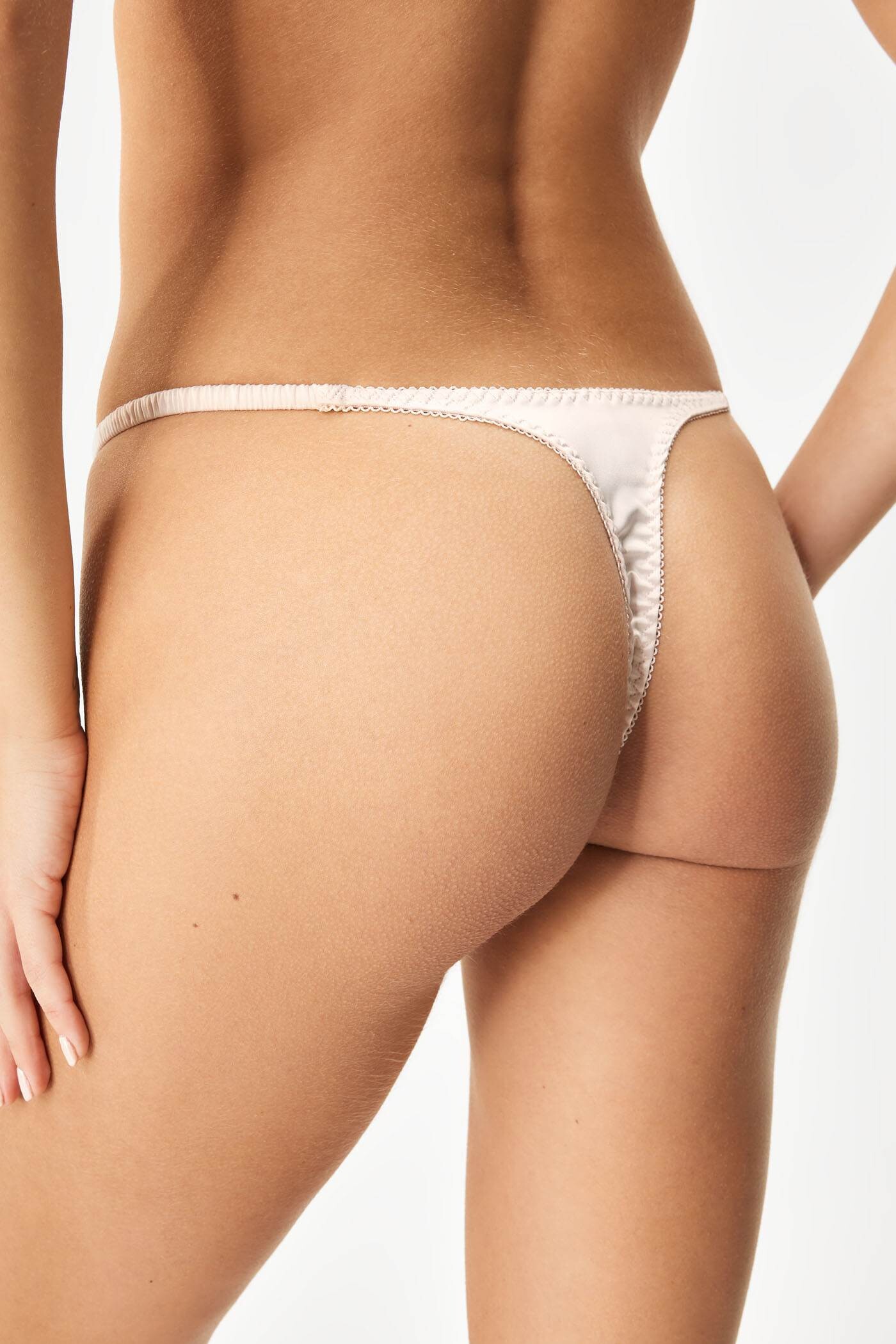
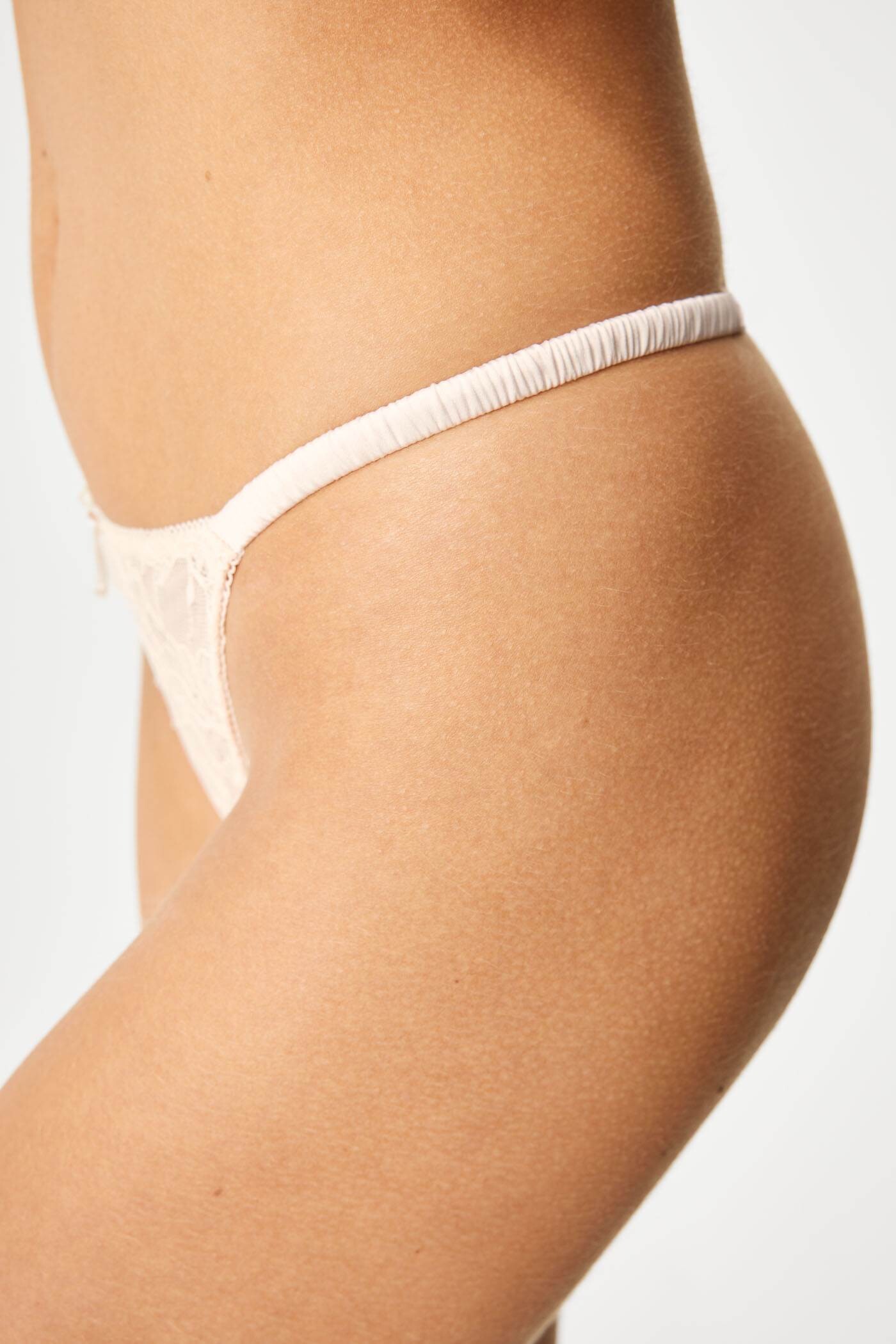
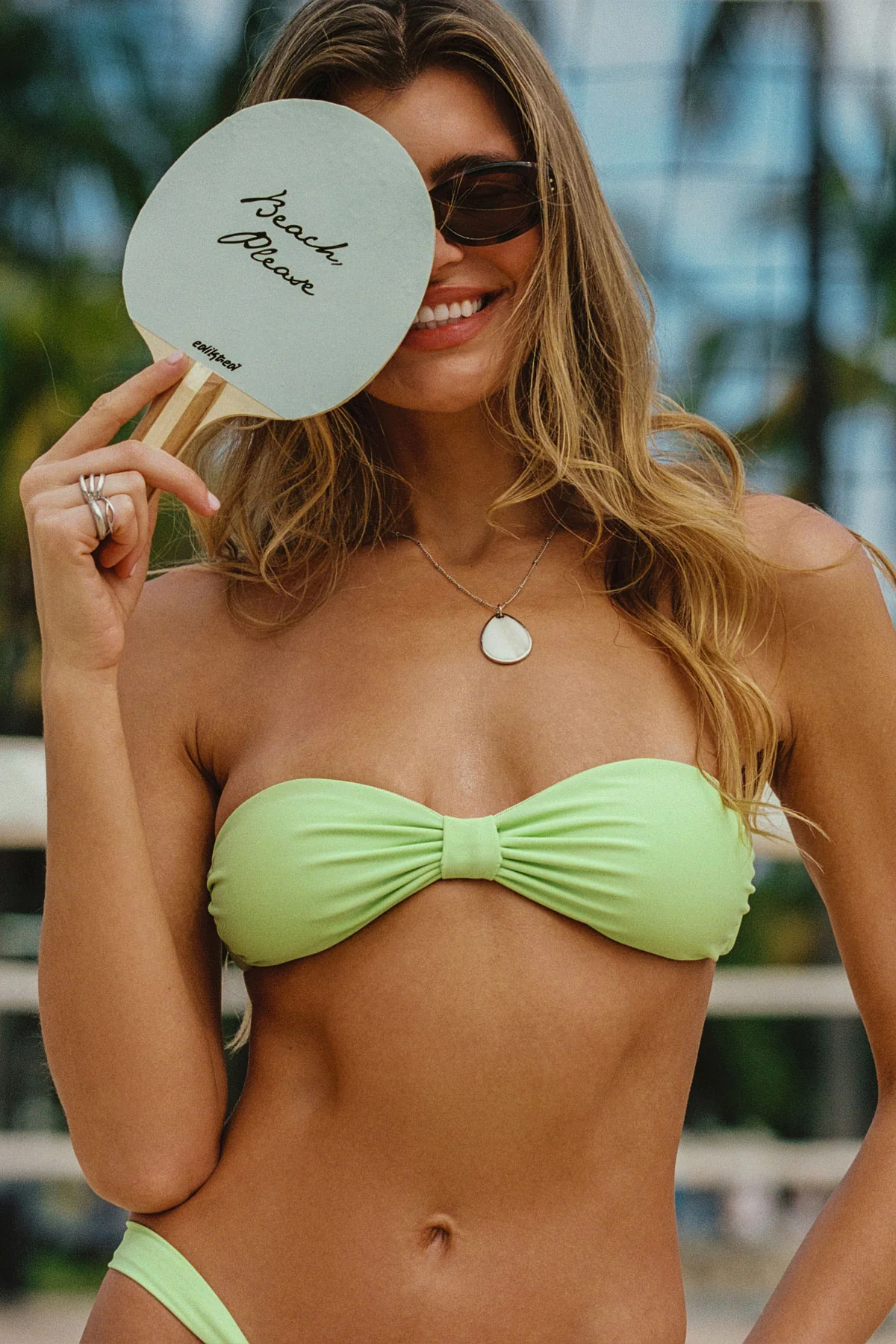
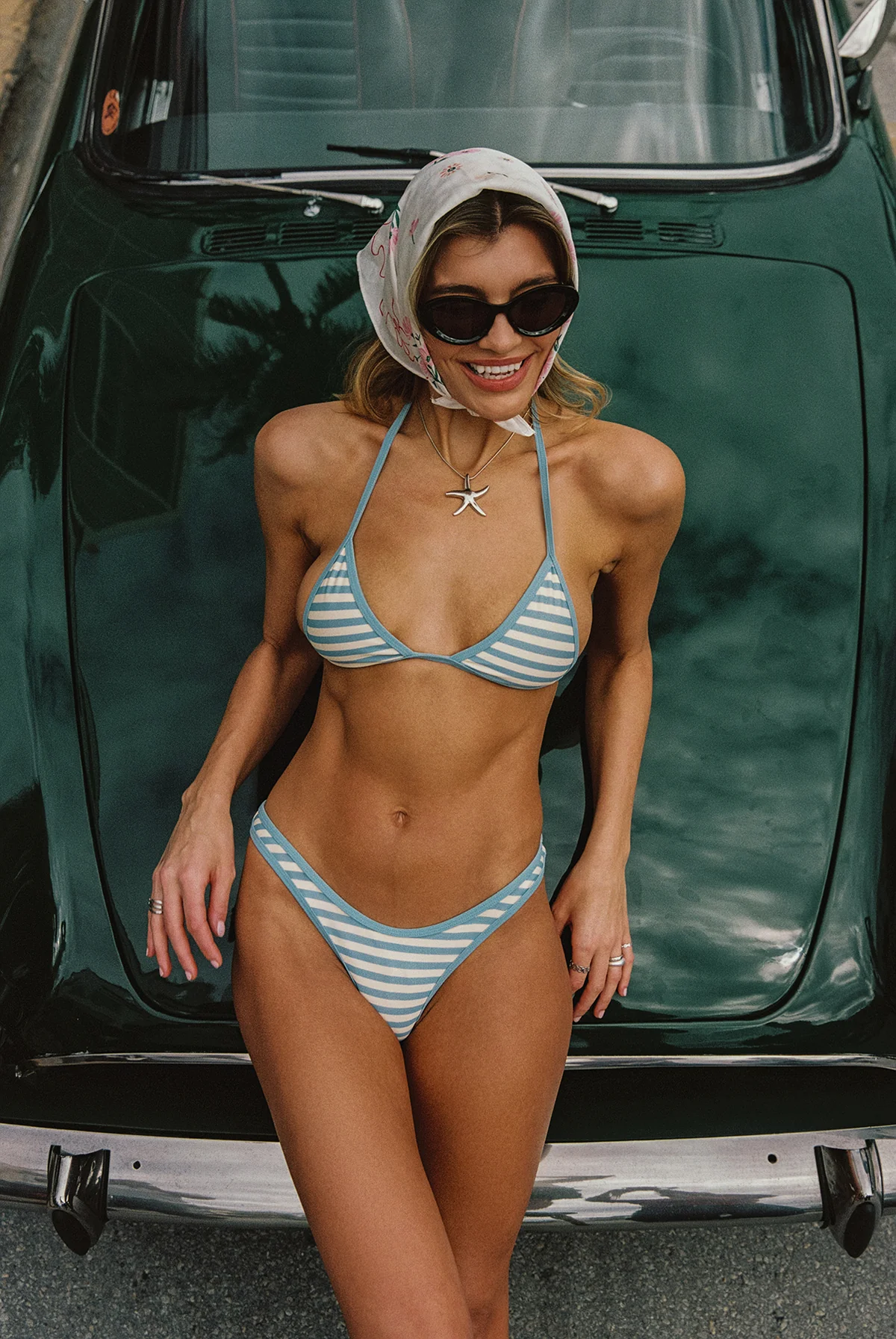
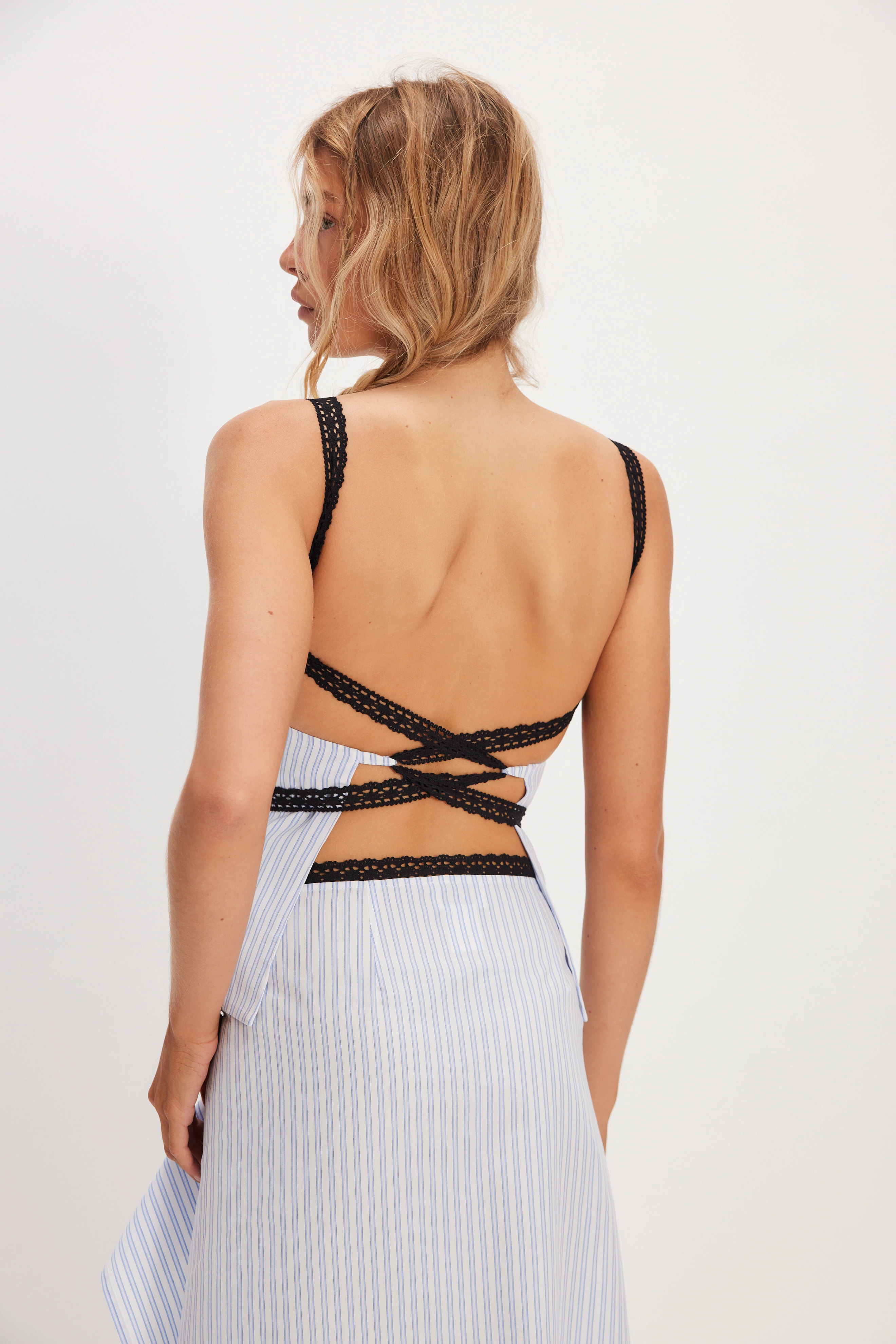
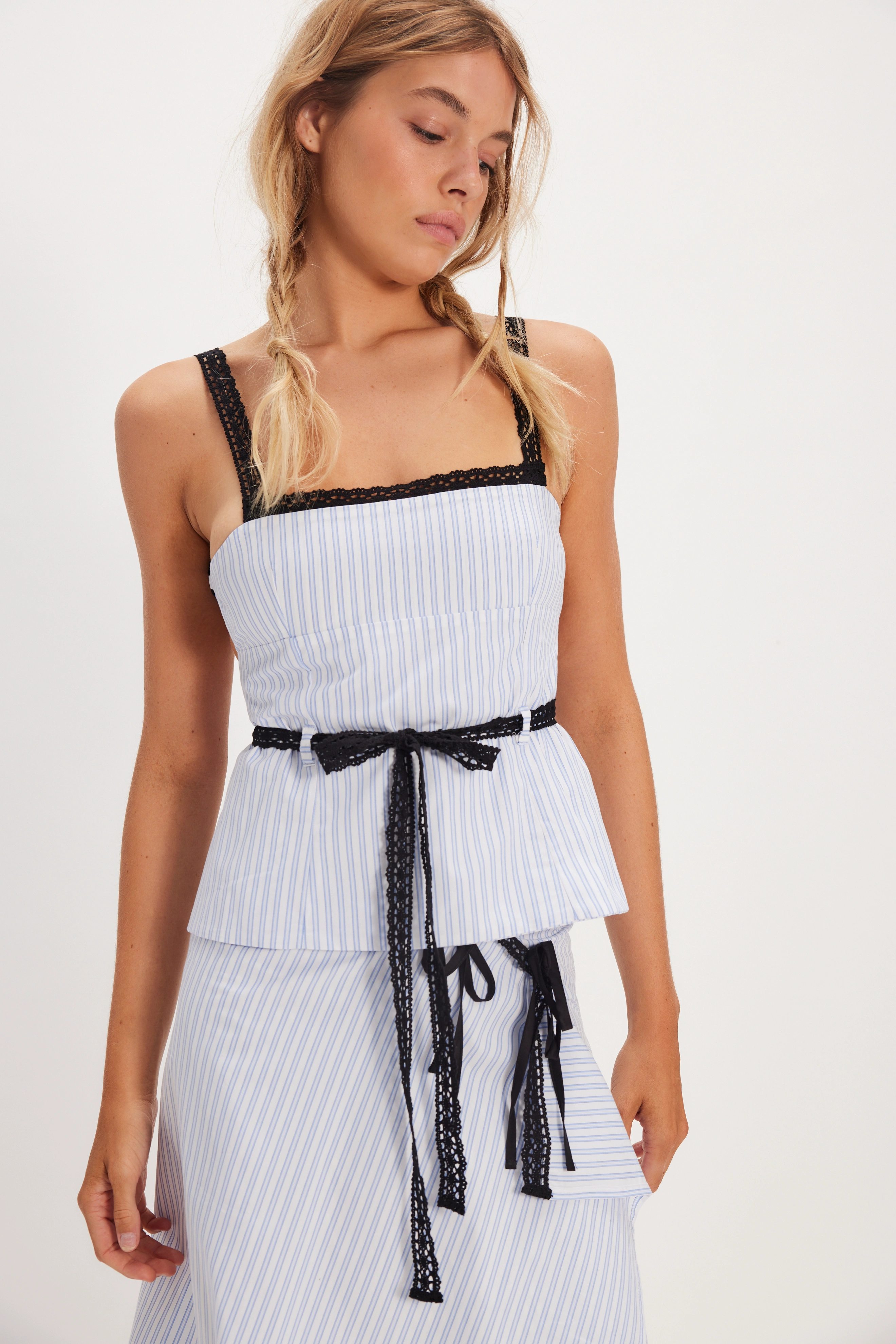
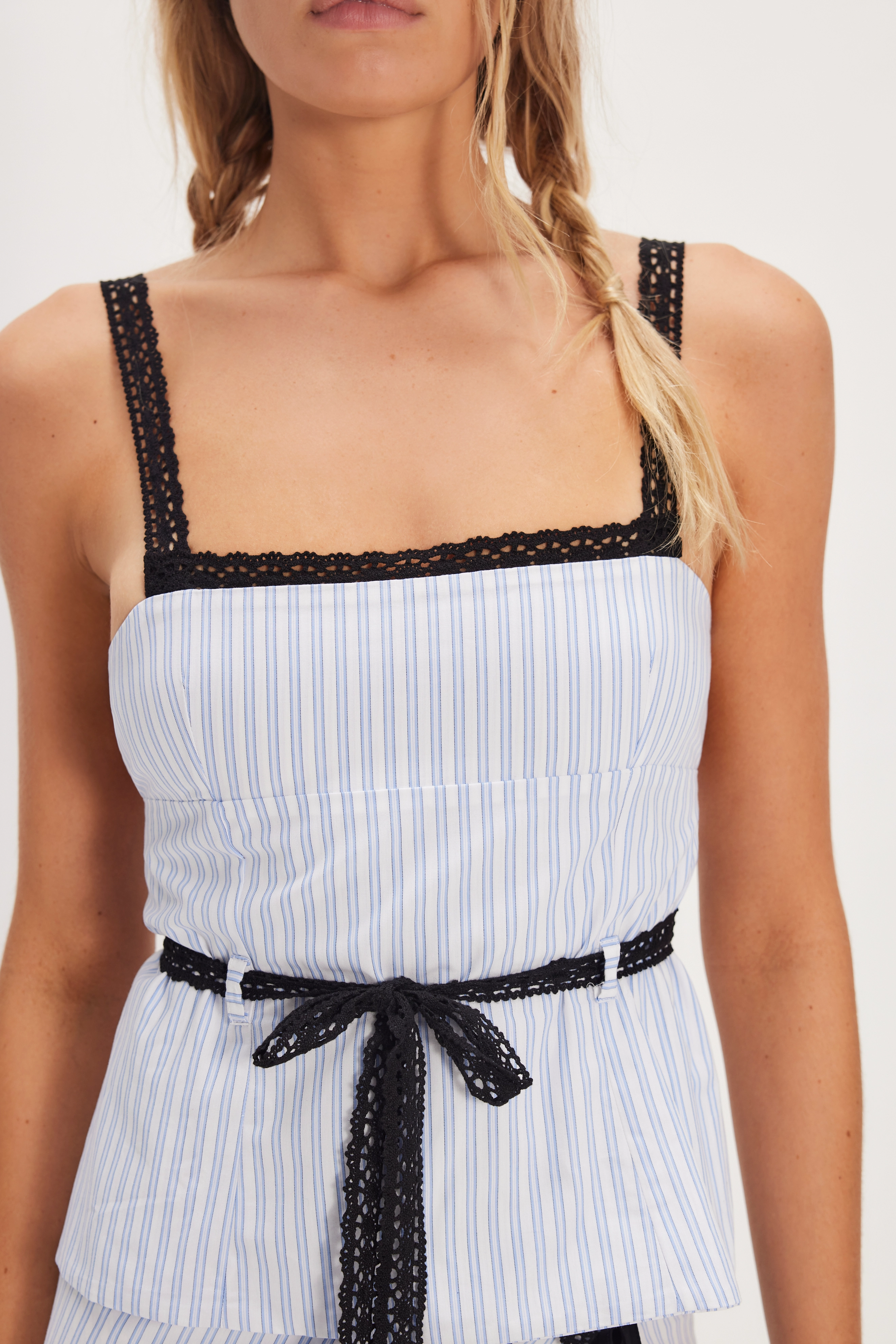
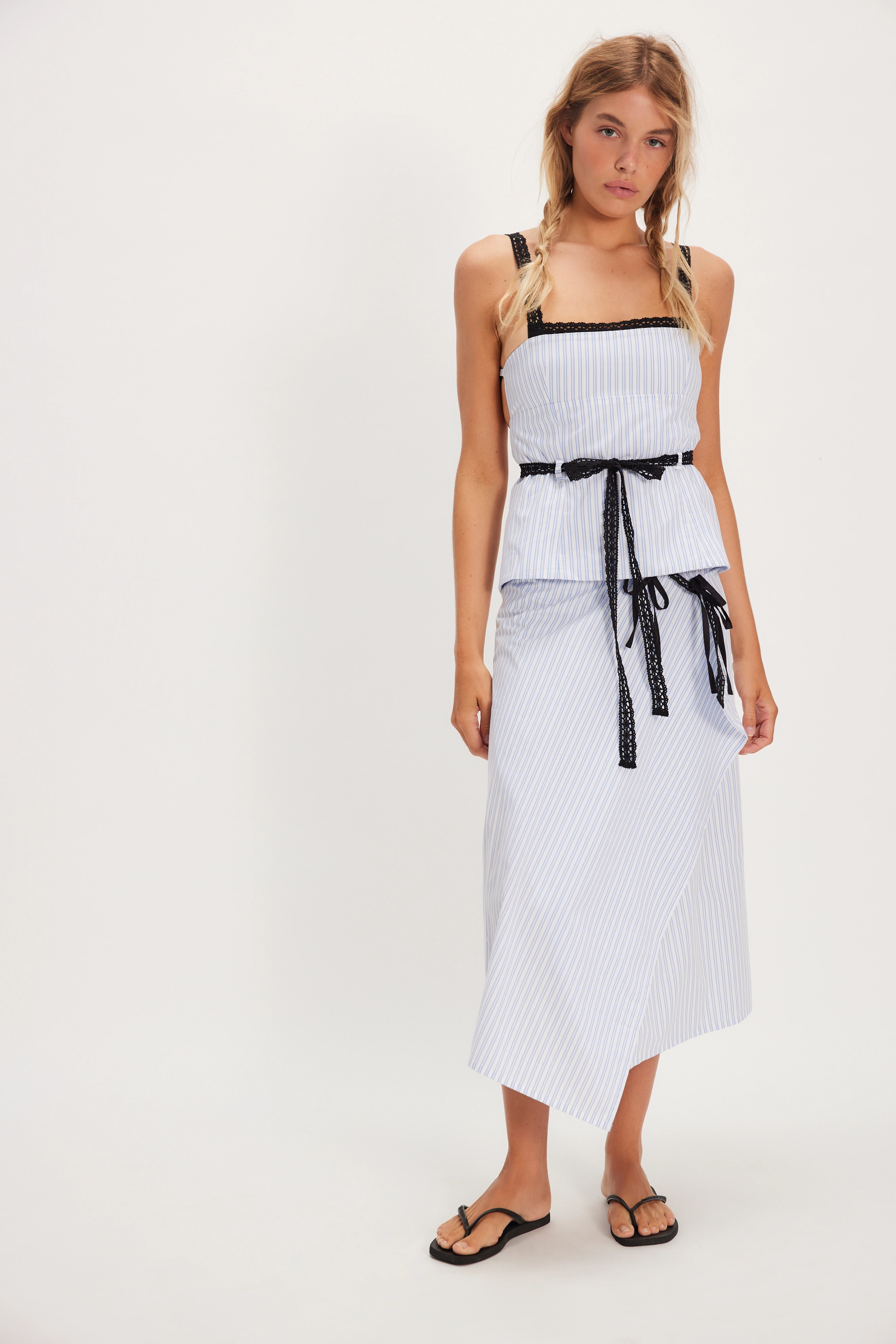
Edikted
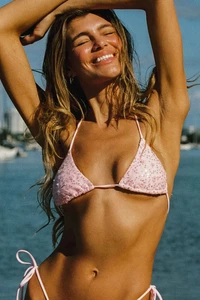
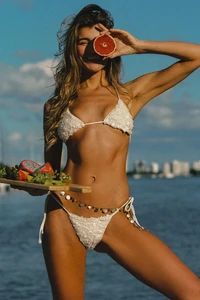
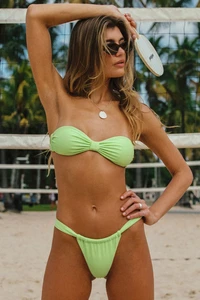
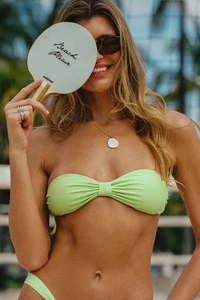
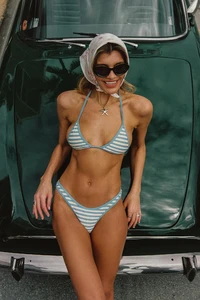
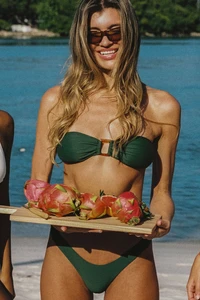
 Brown Studio joined the community
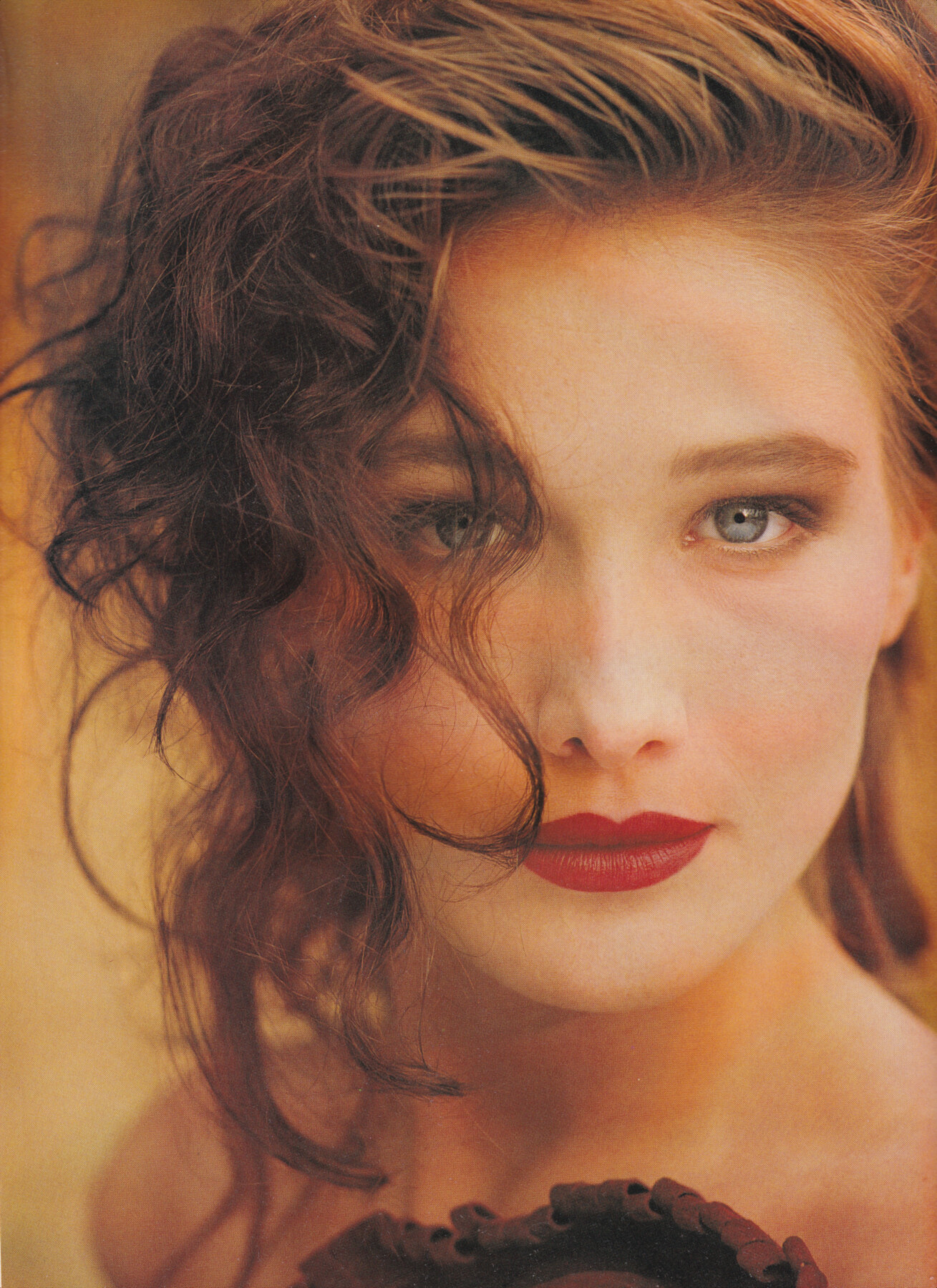
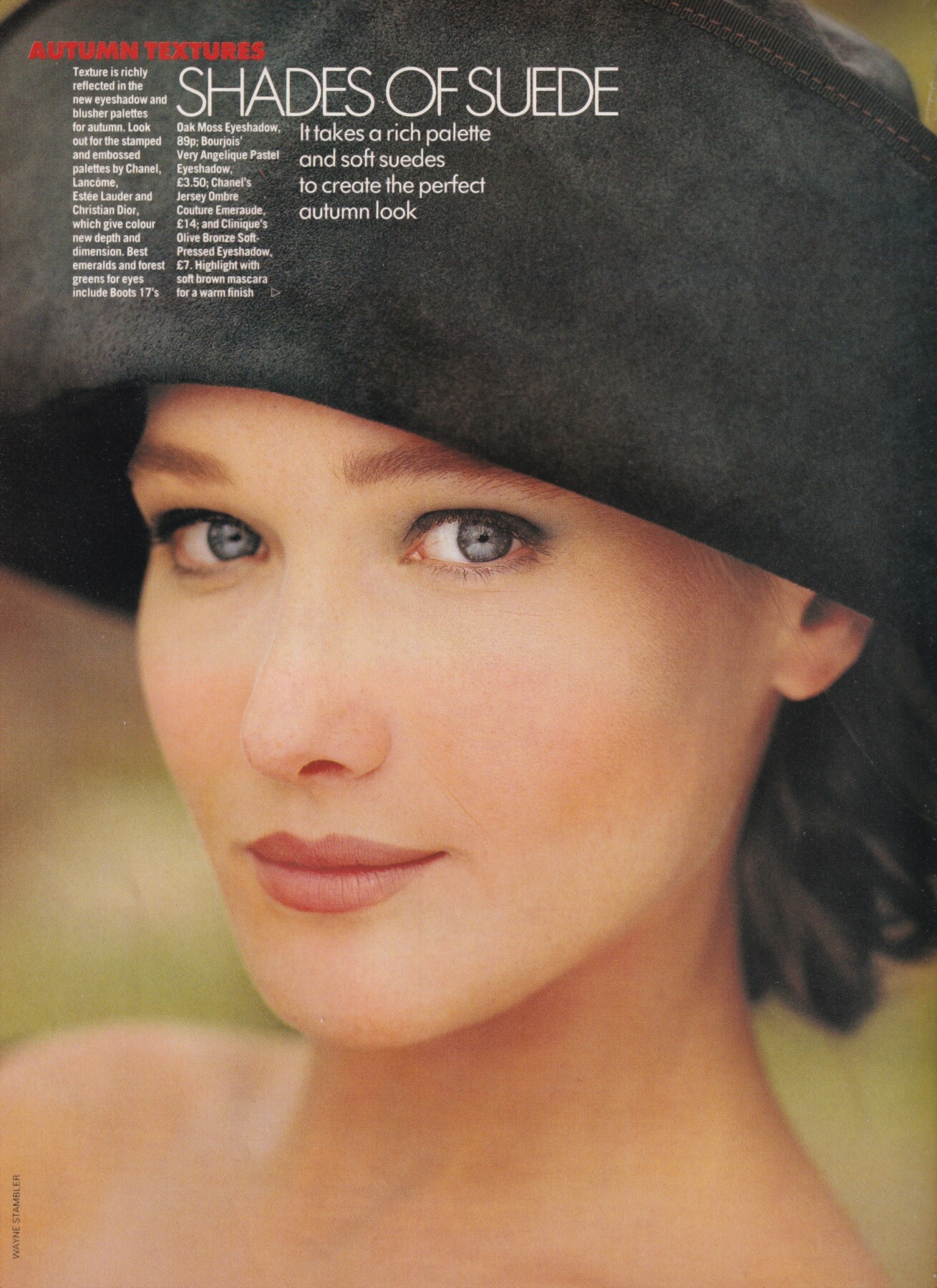
 "Shades of suede", Elle UK, September 1988 Carla Bruni by Wayne Stambler my scans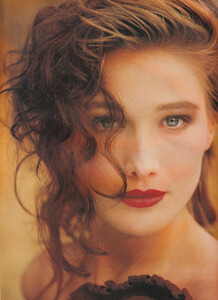
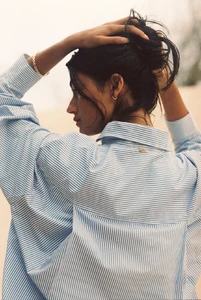
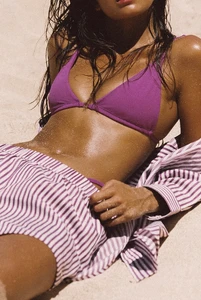
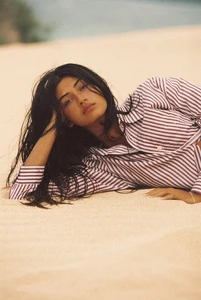
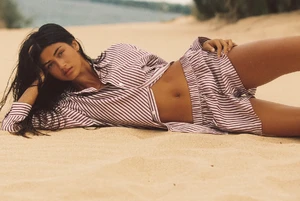
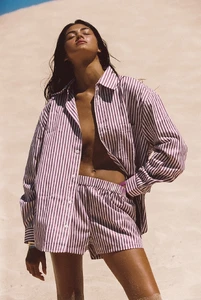
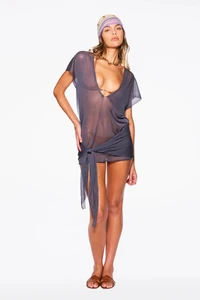
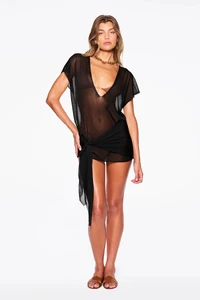
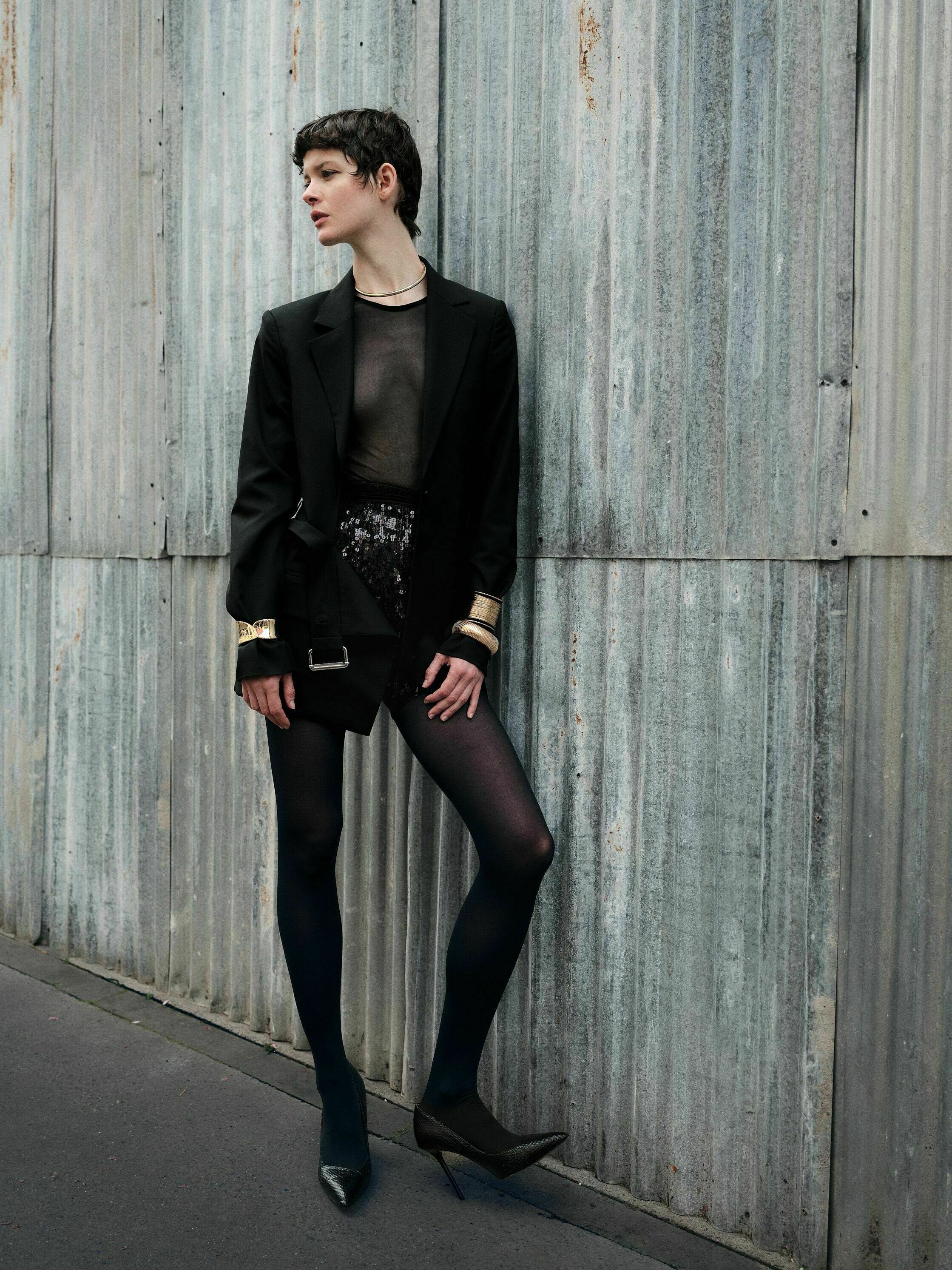
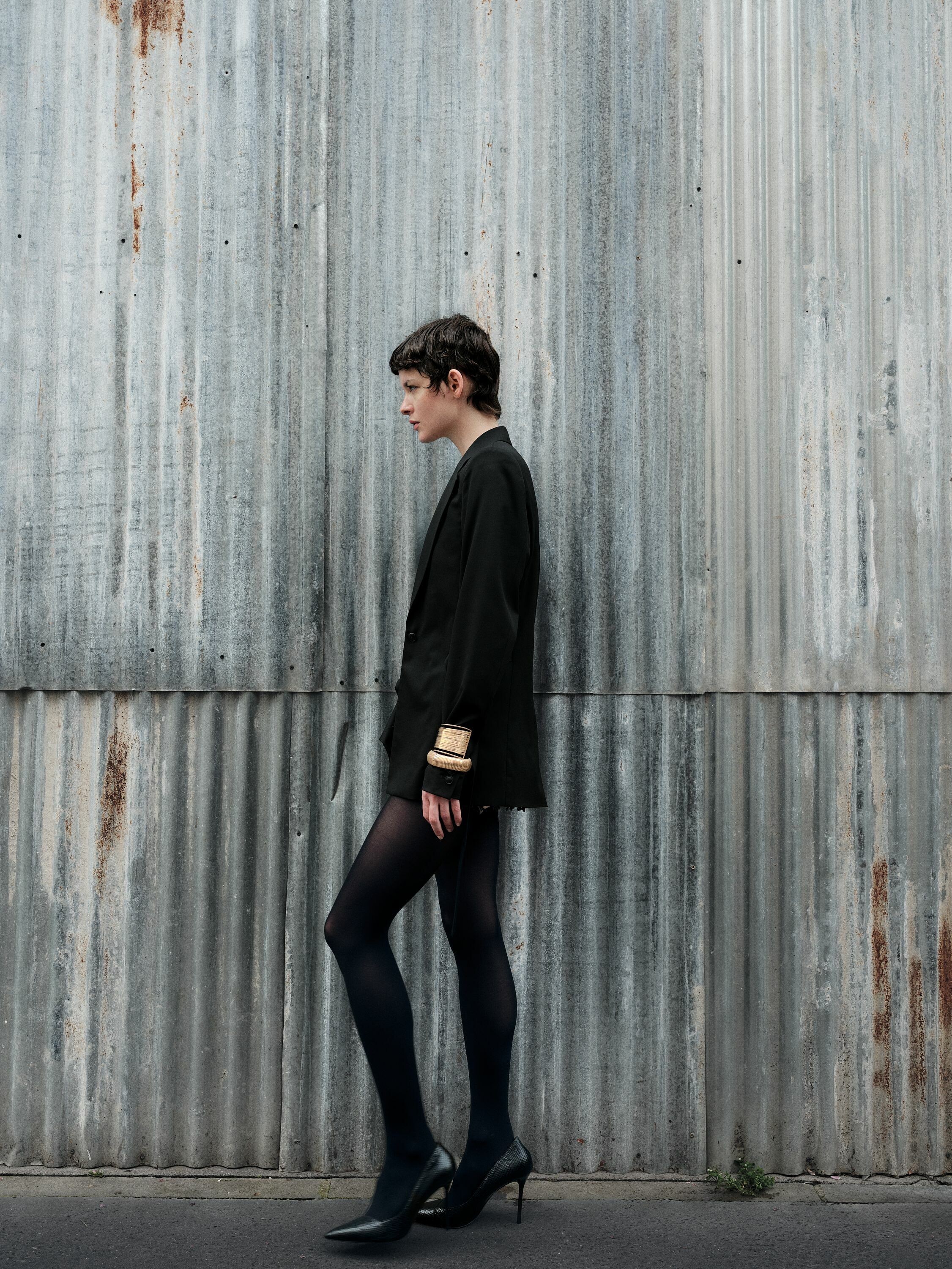
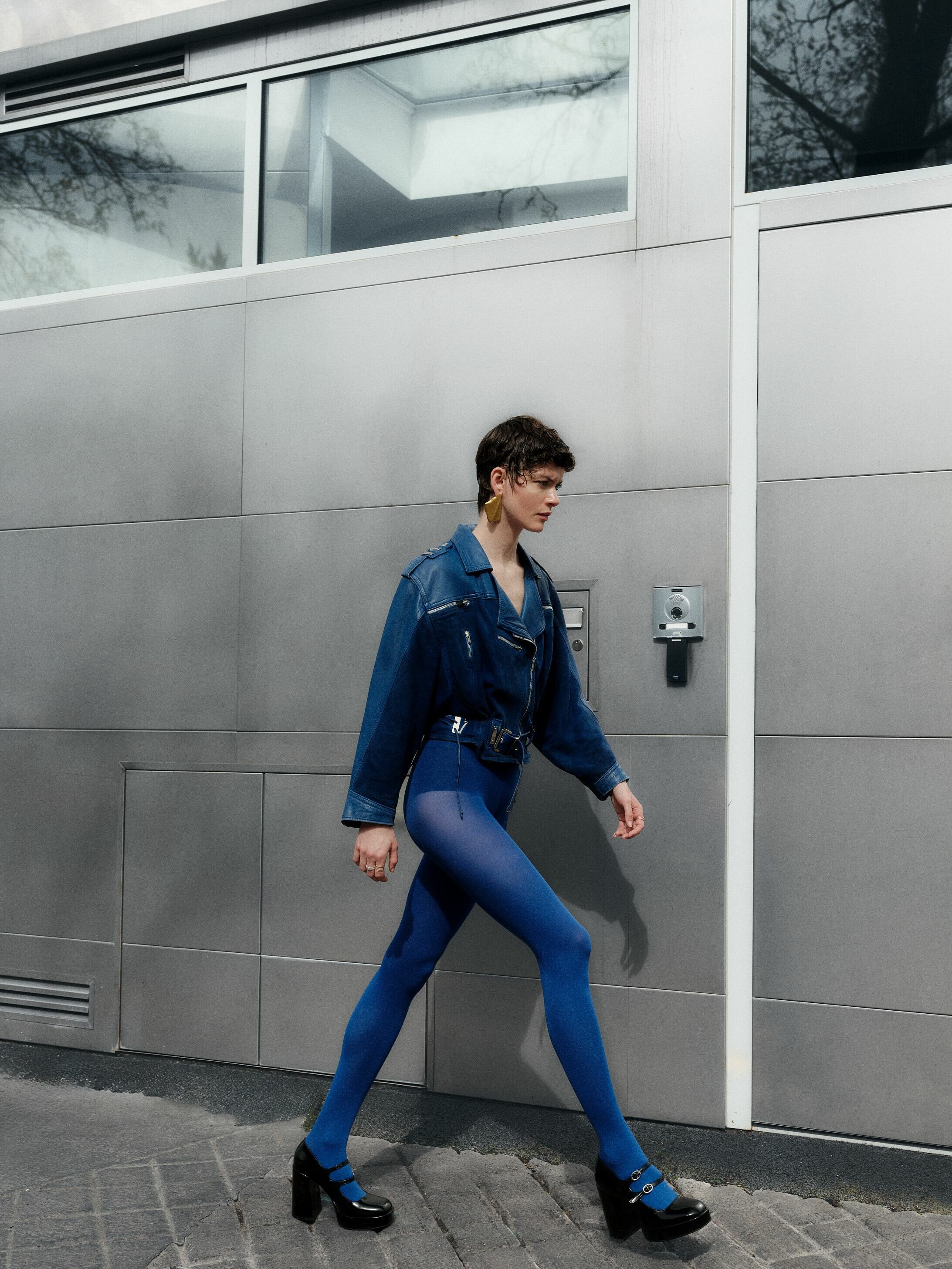
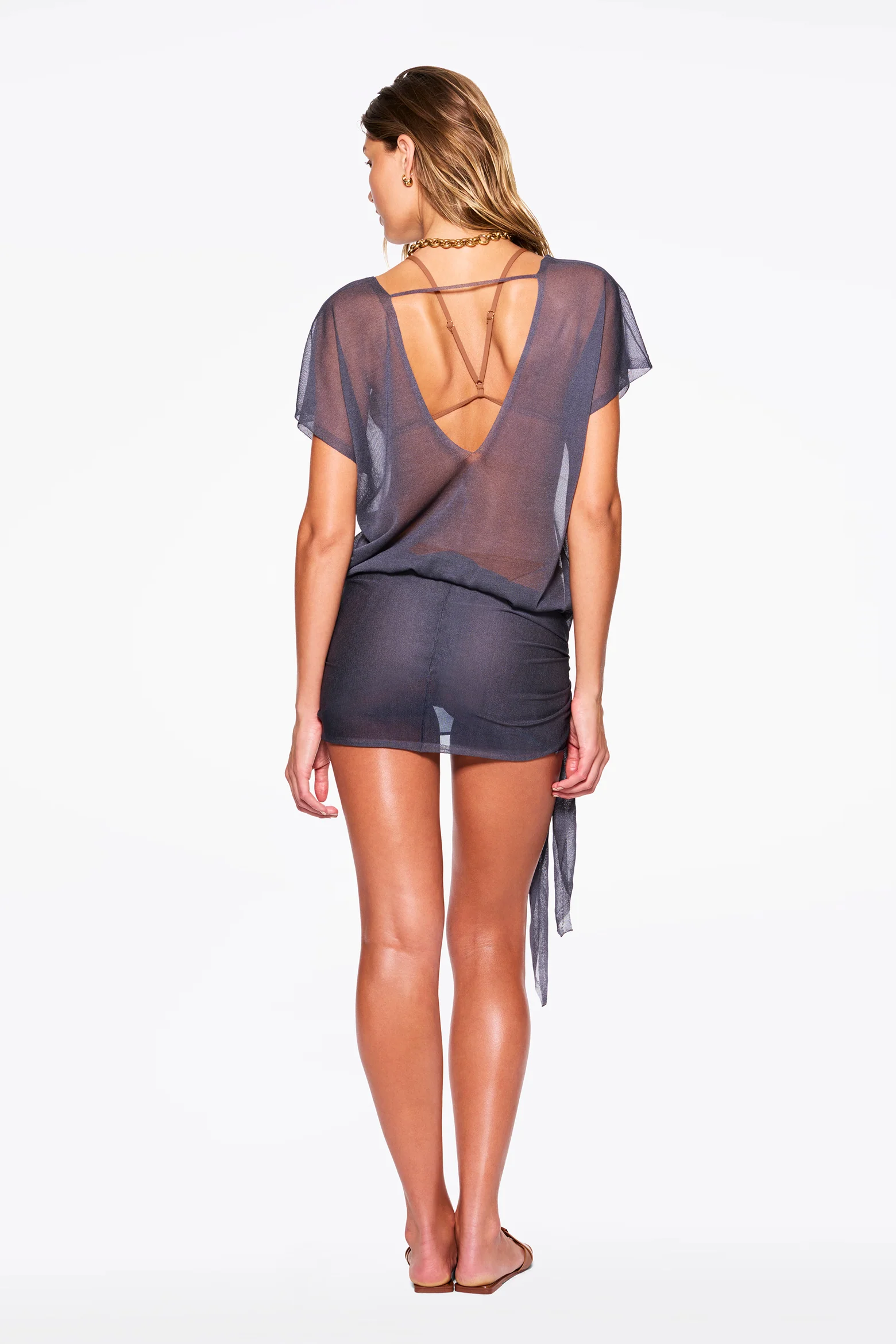
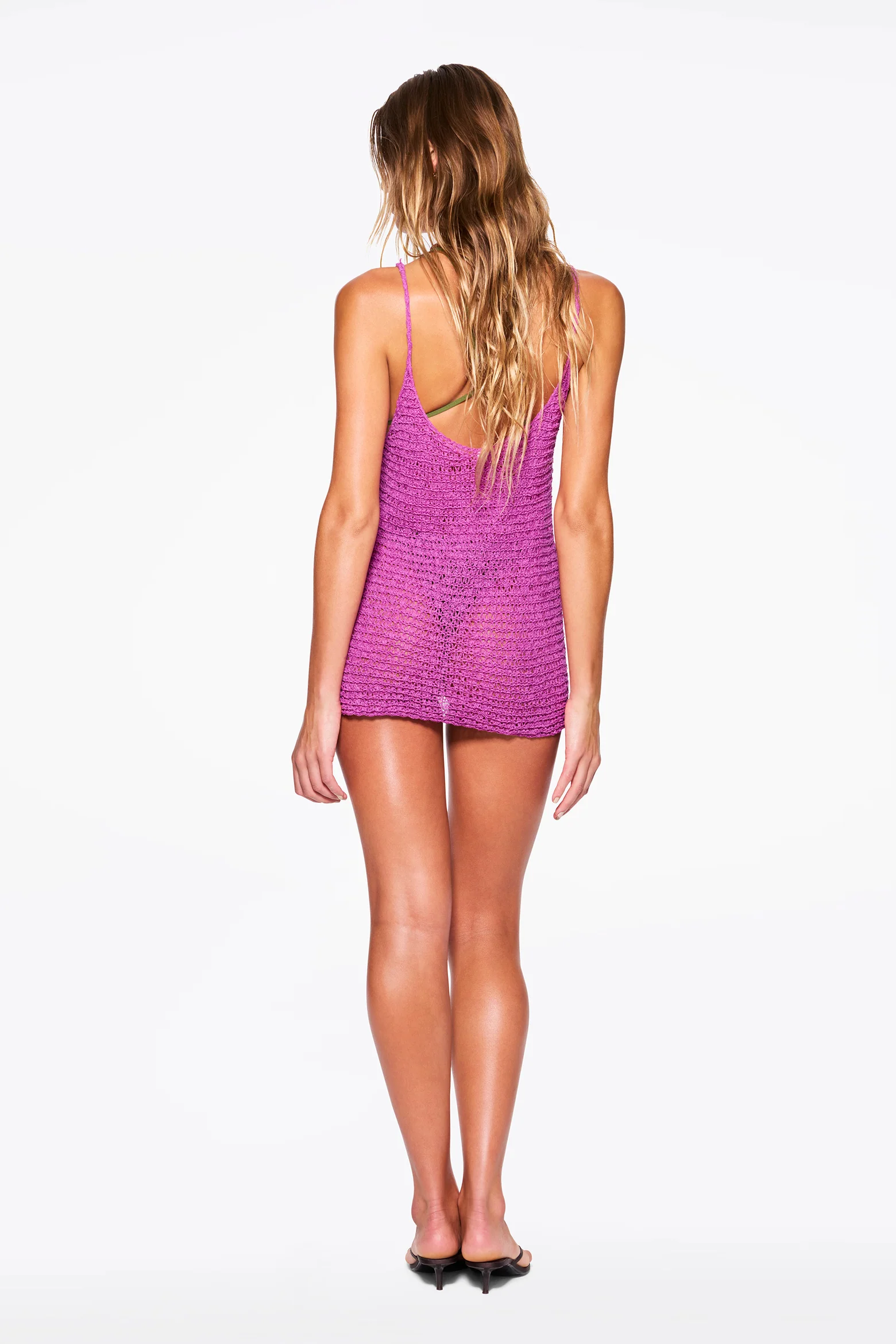
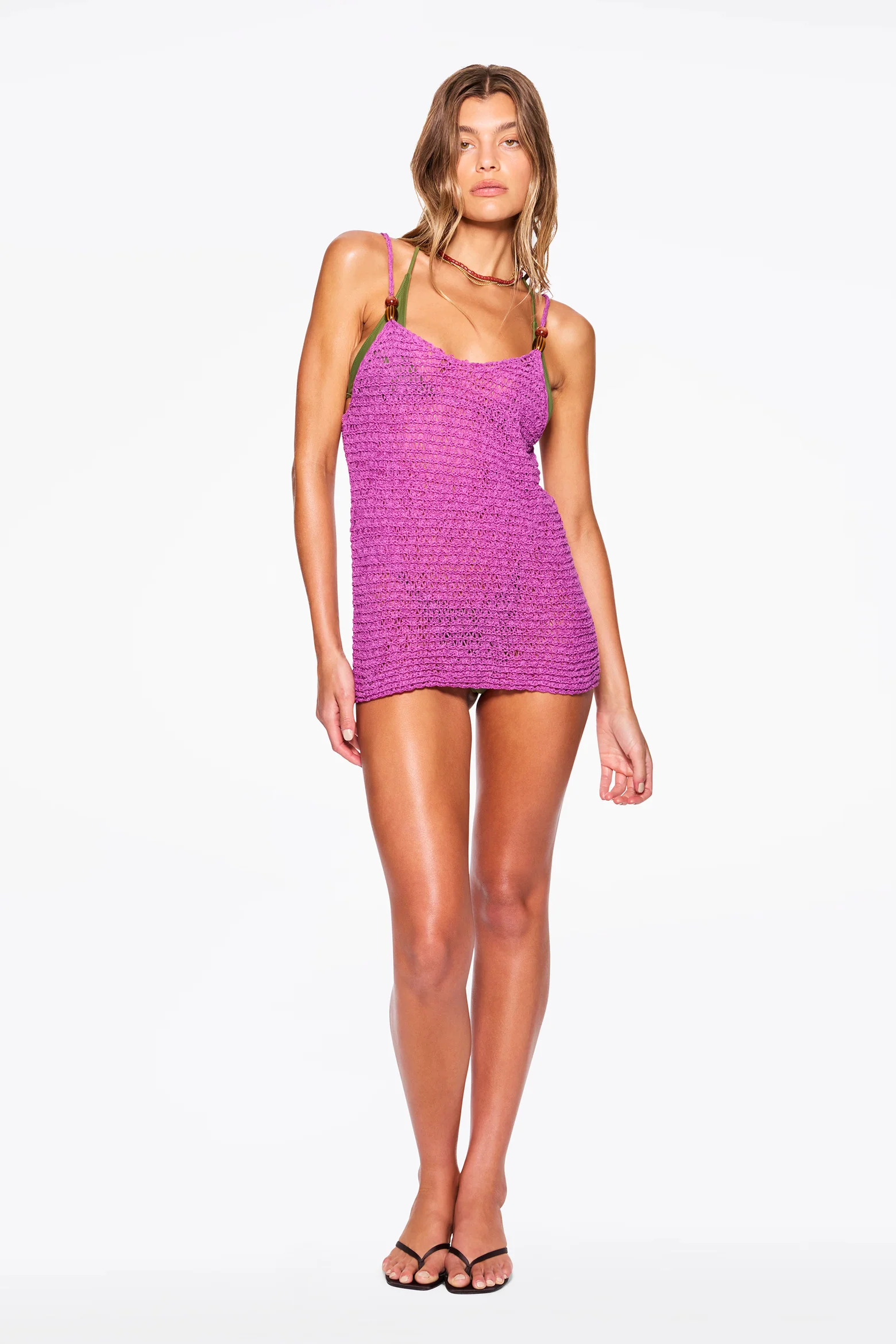
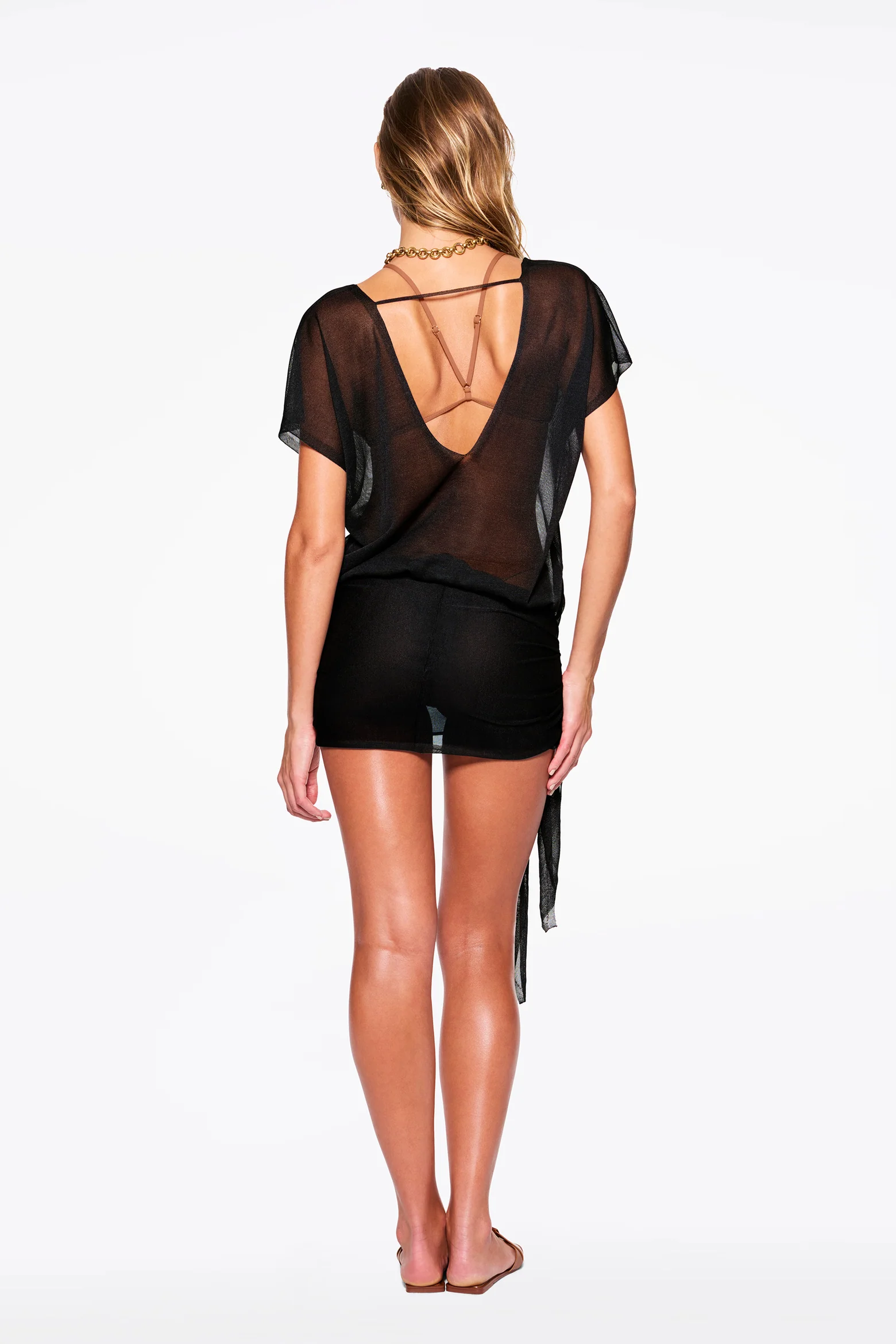
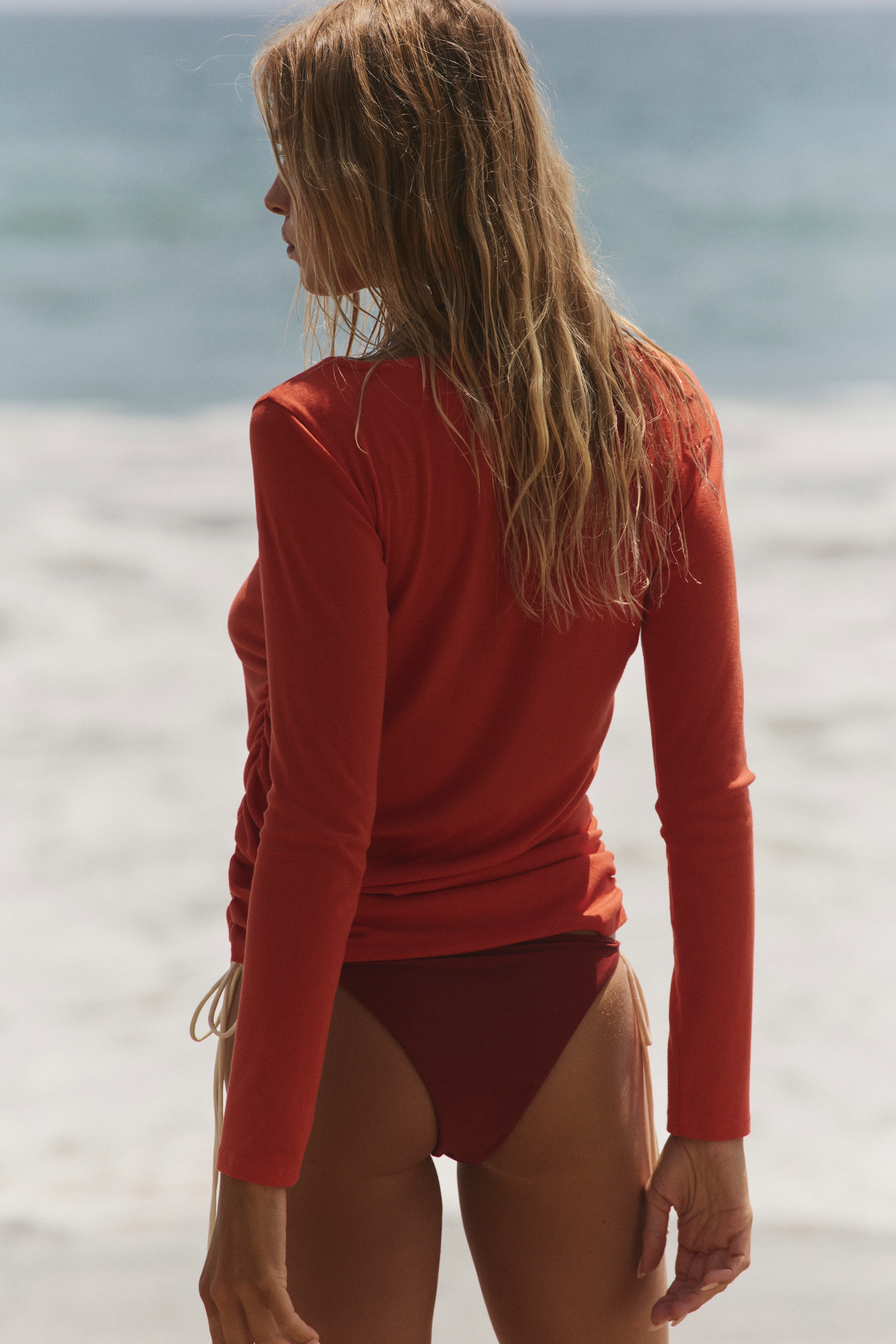
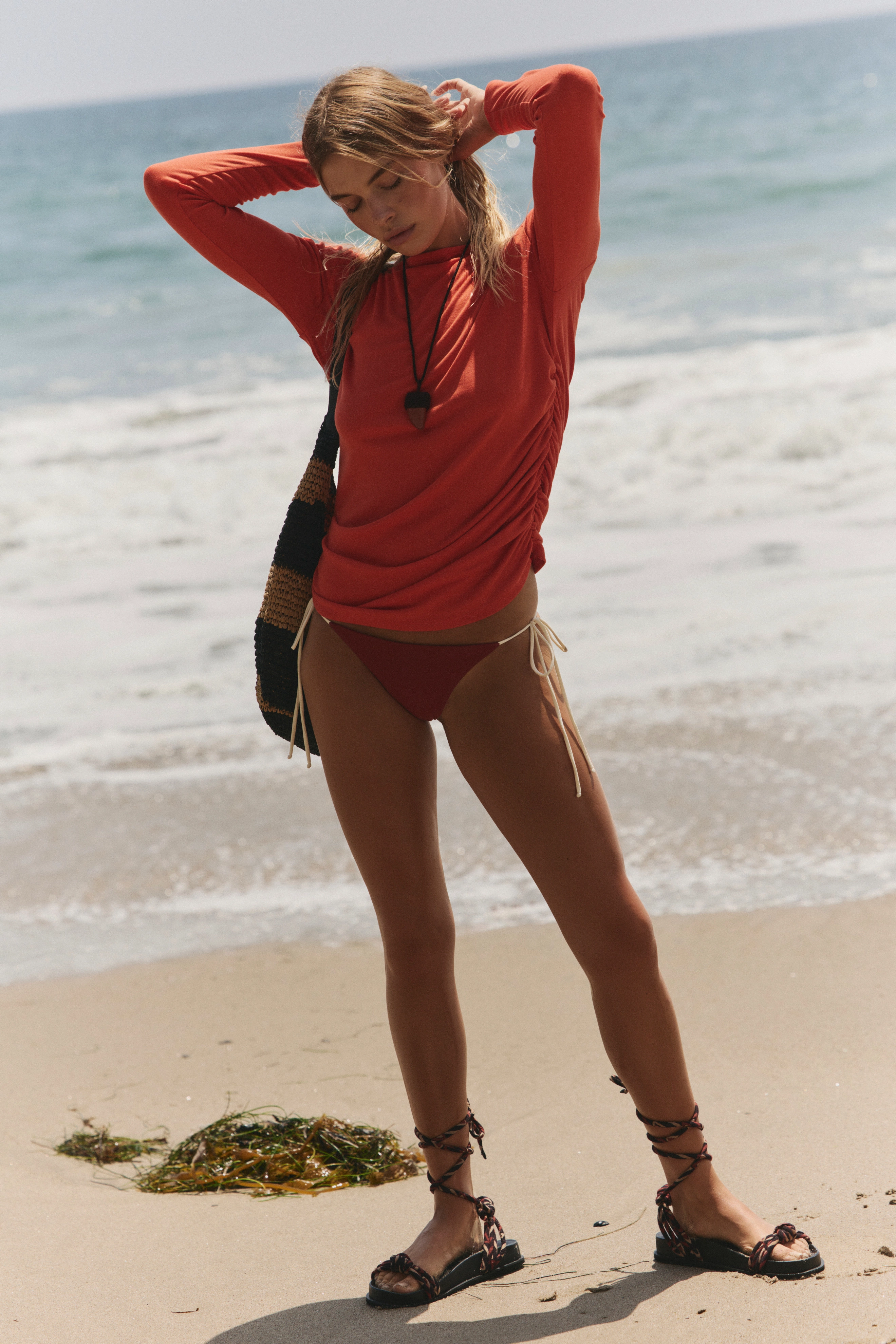
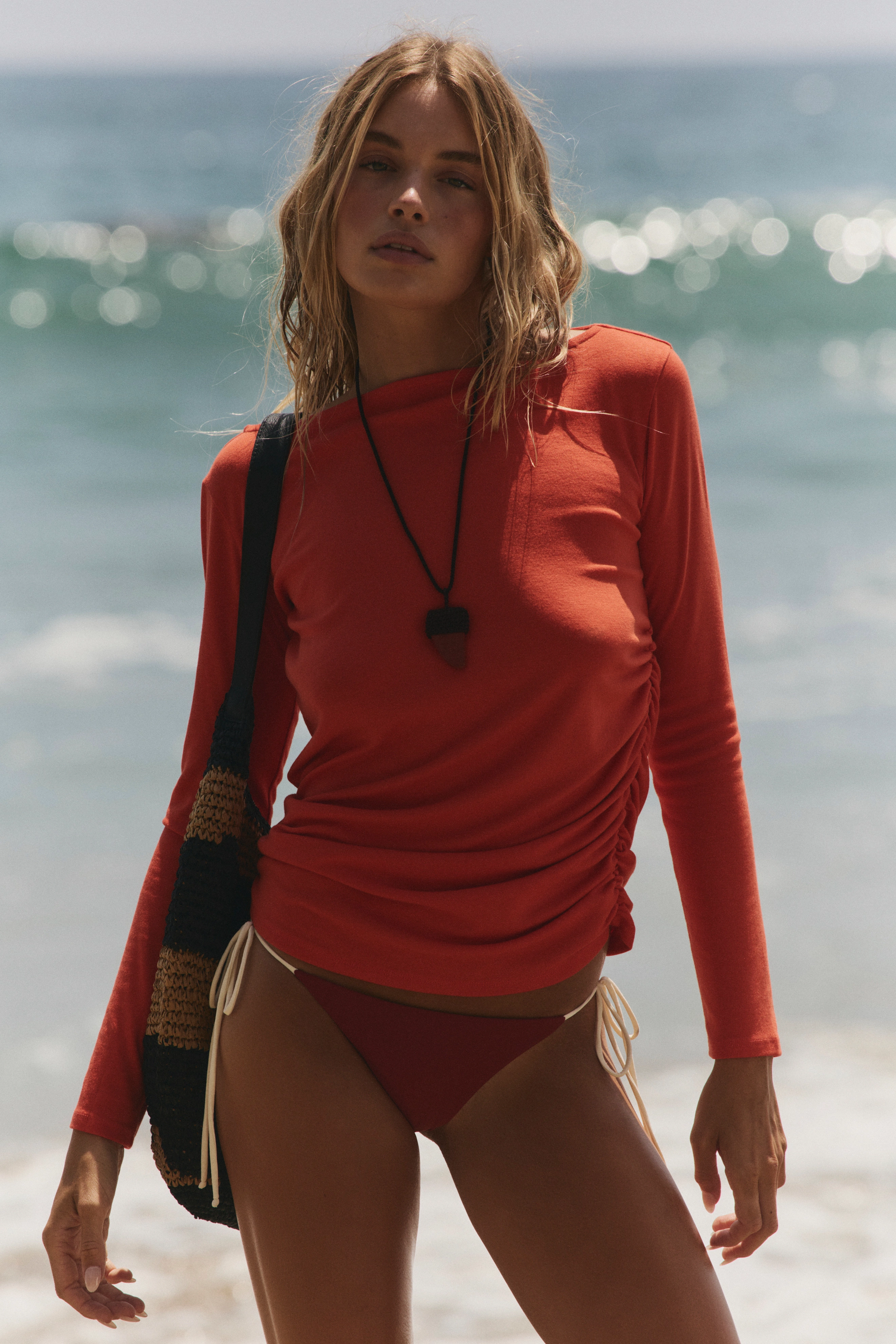
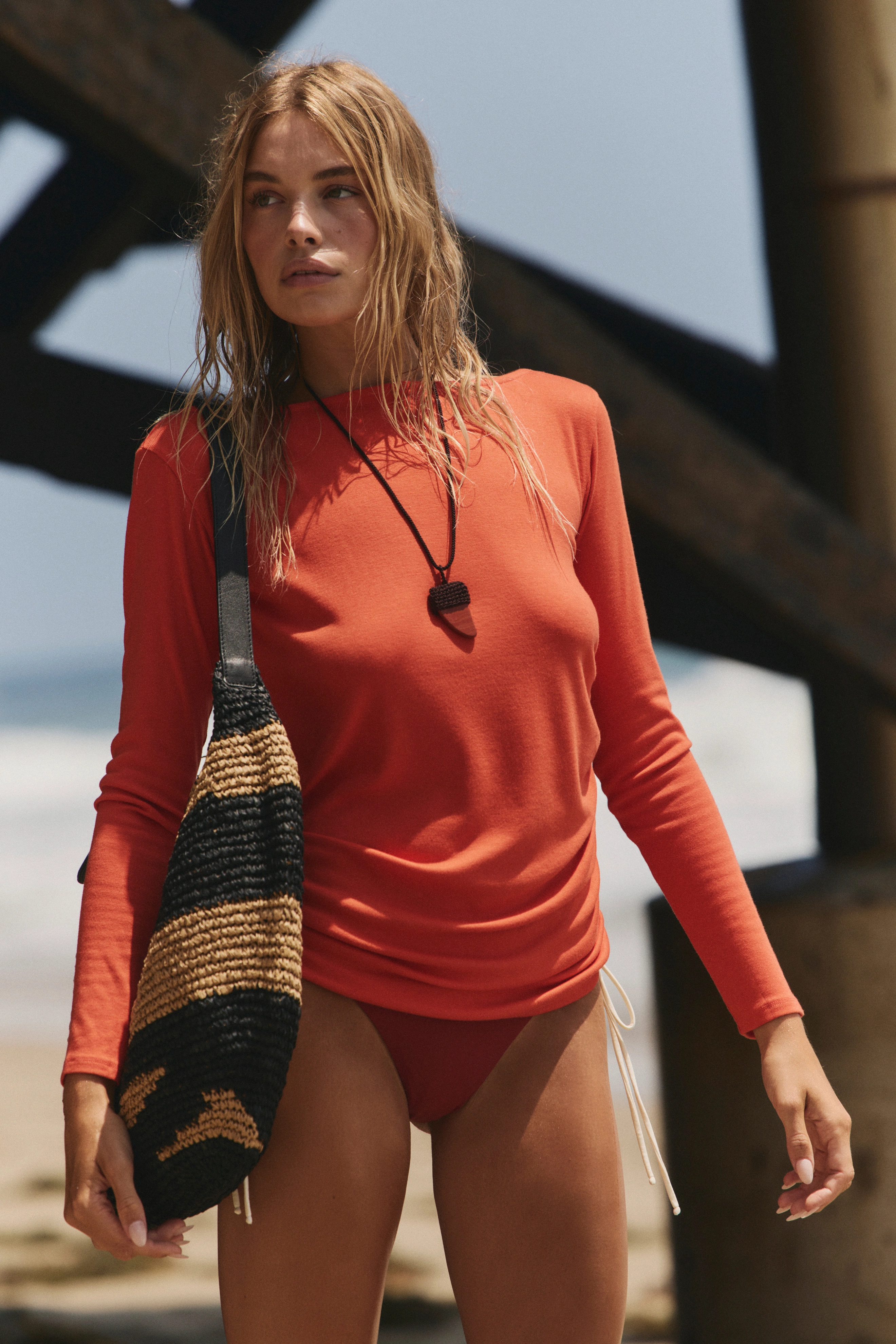
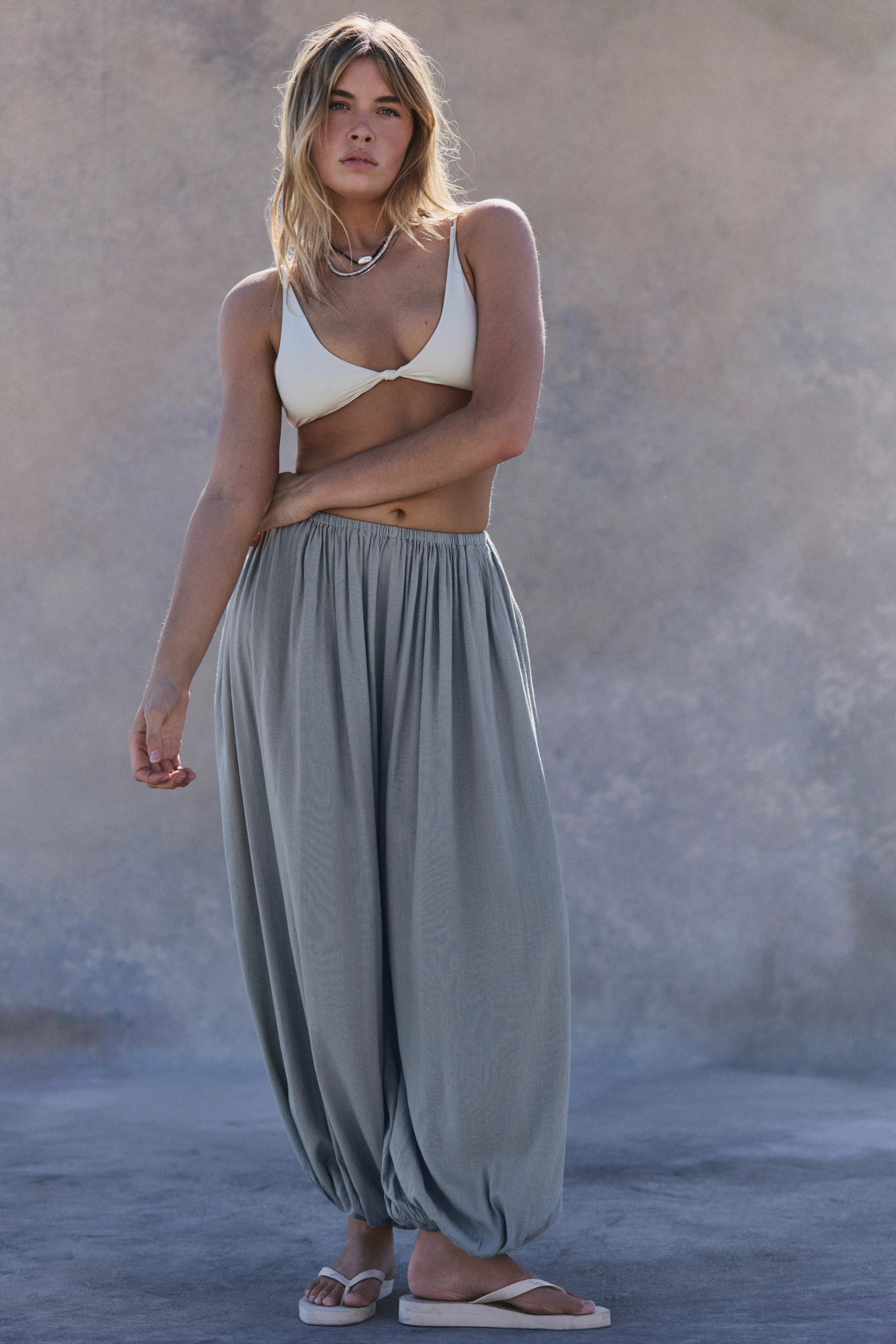
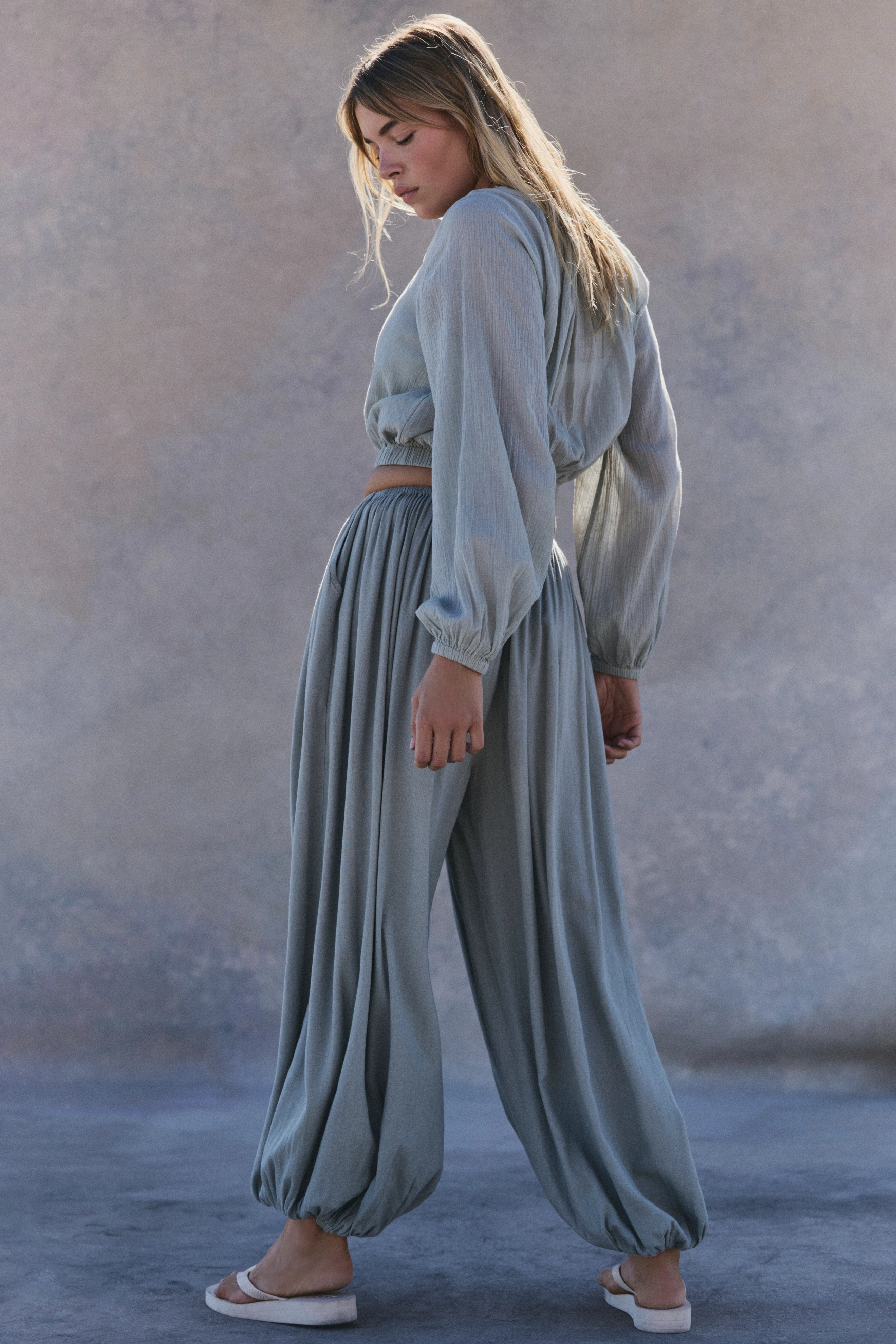
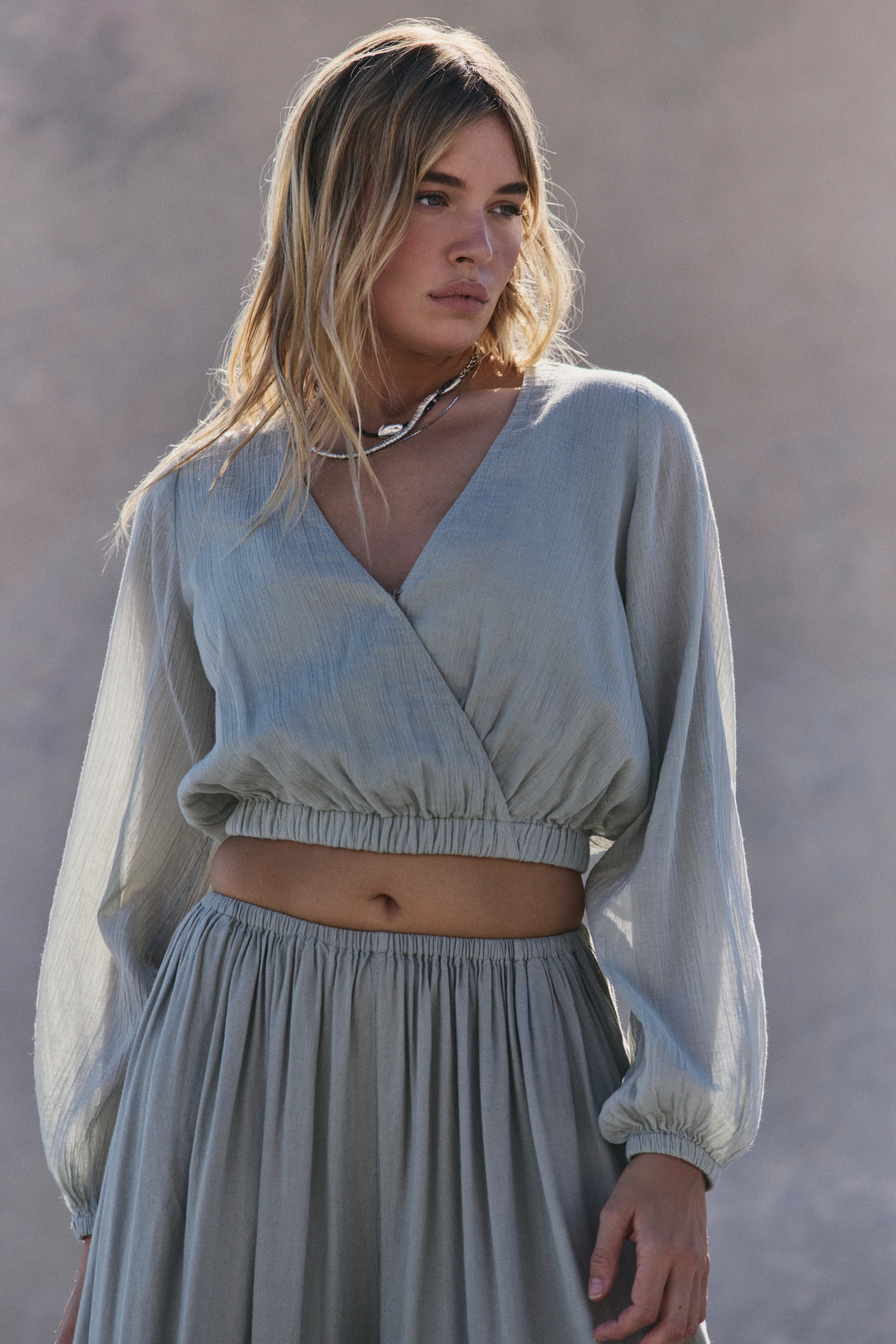
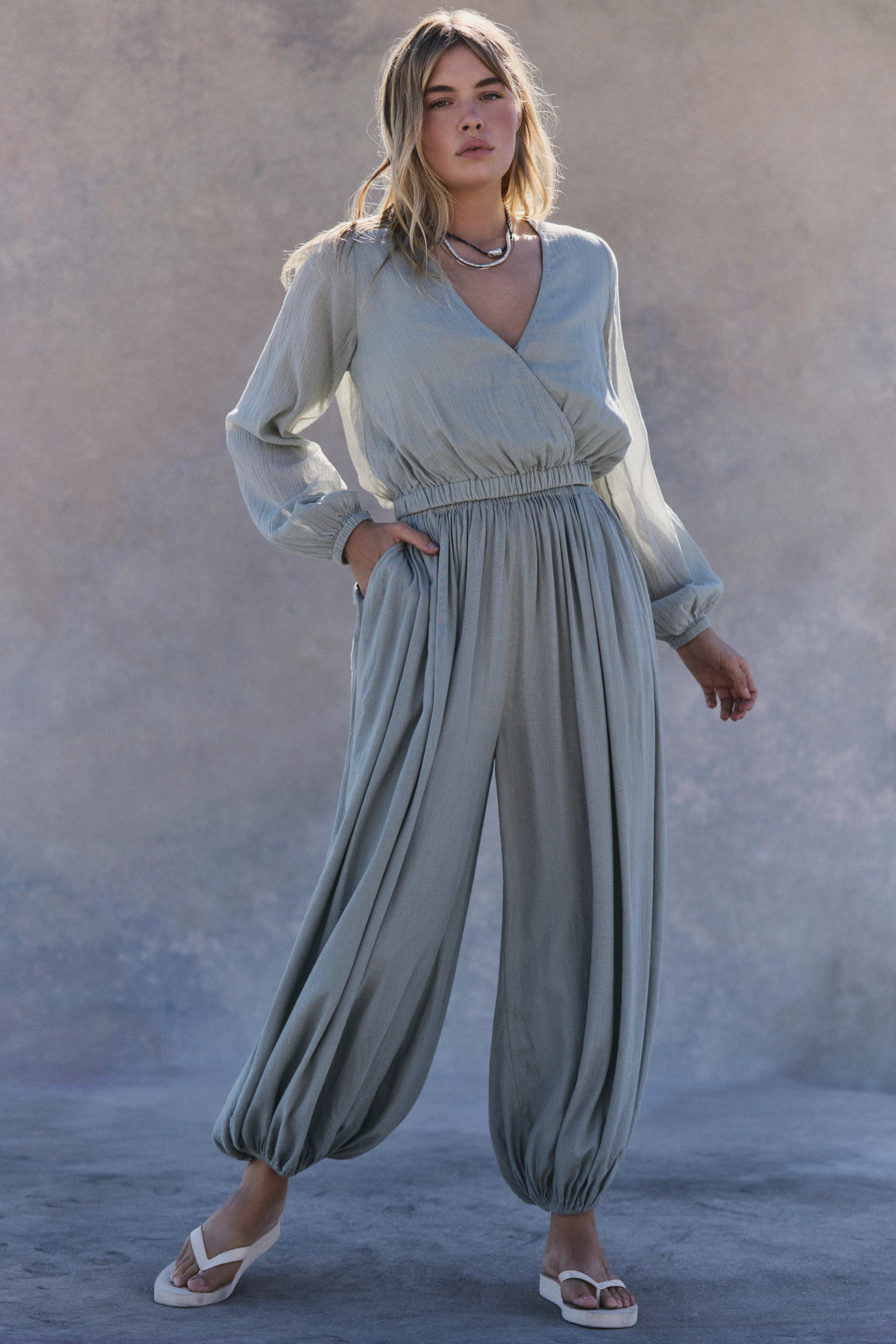
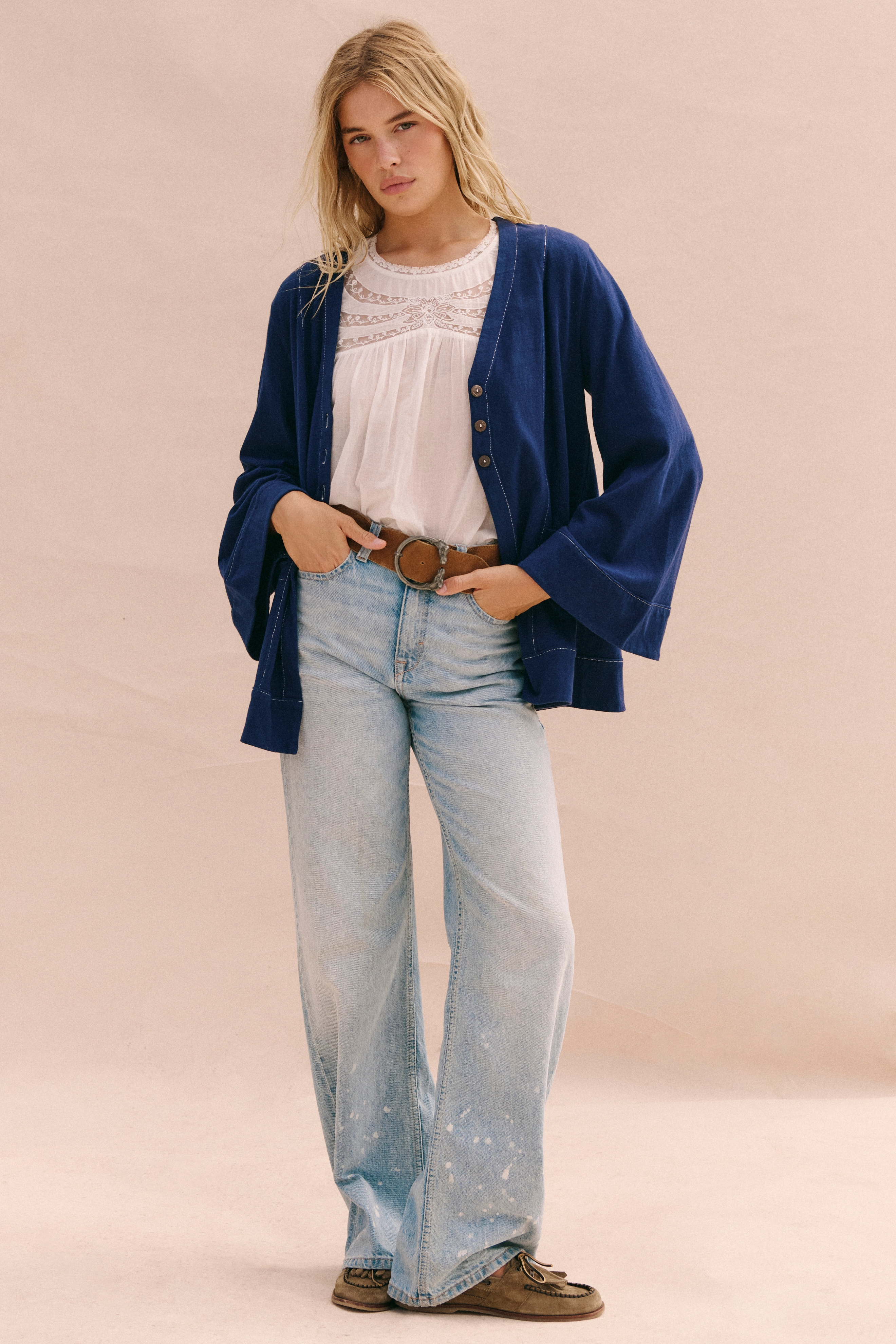
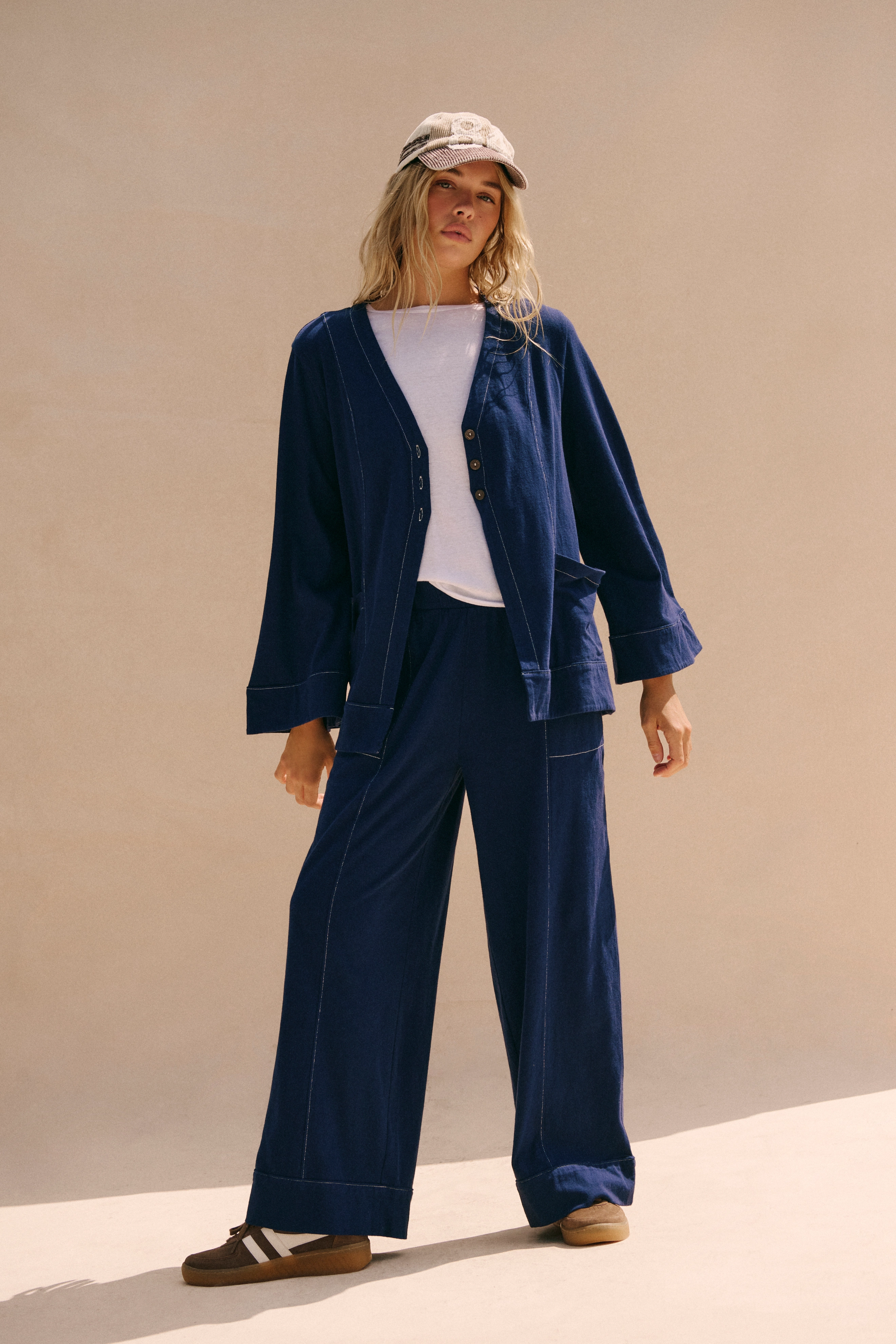
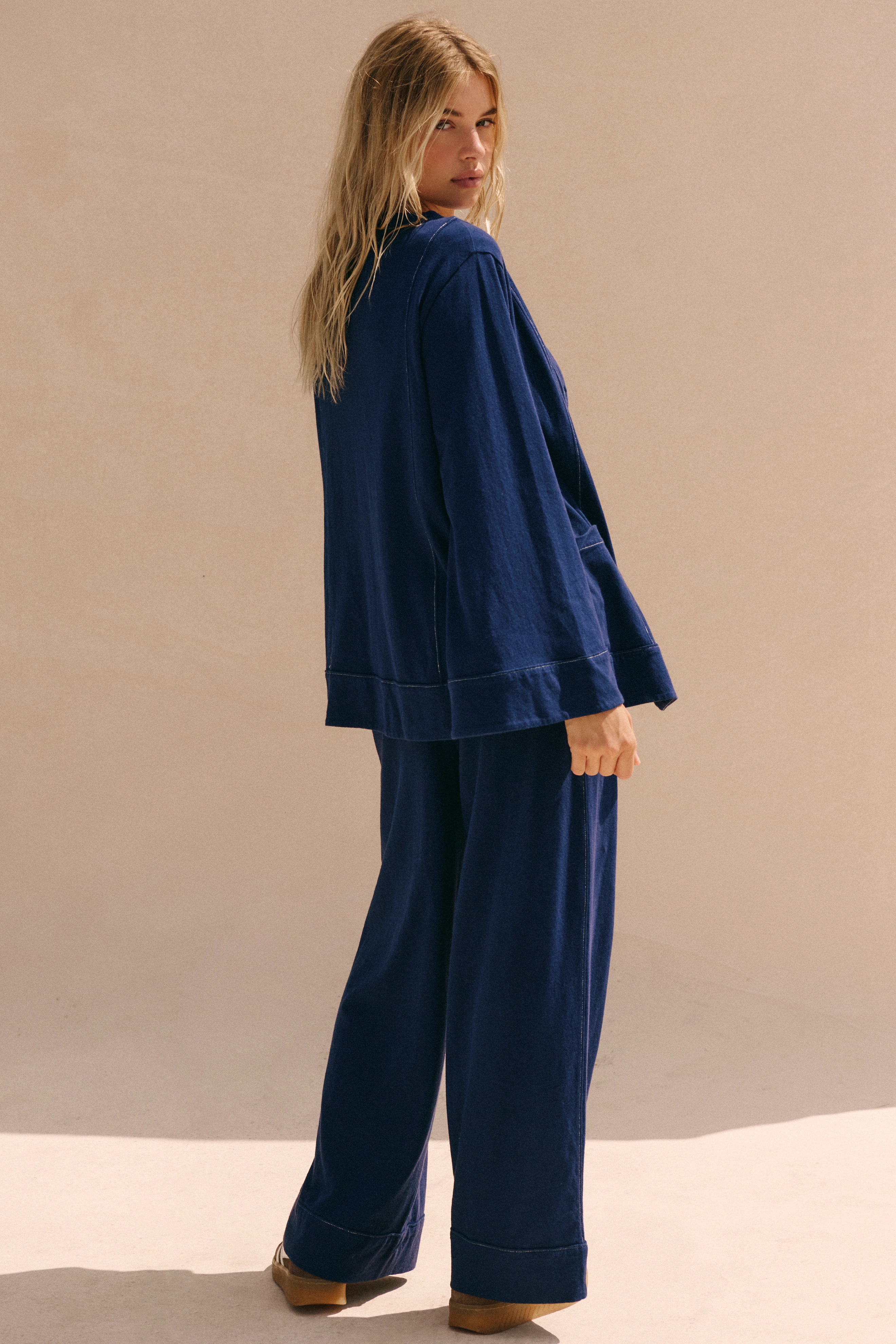
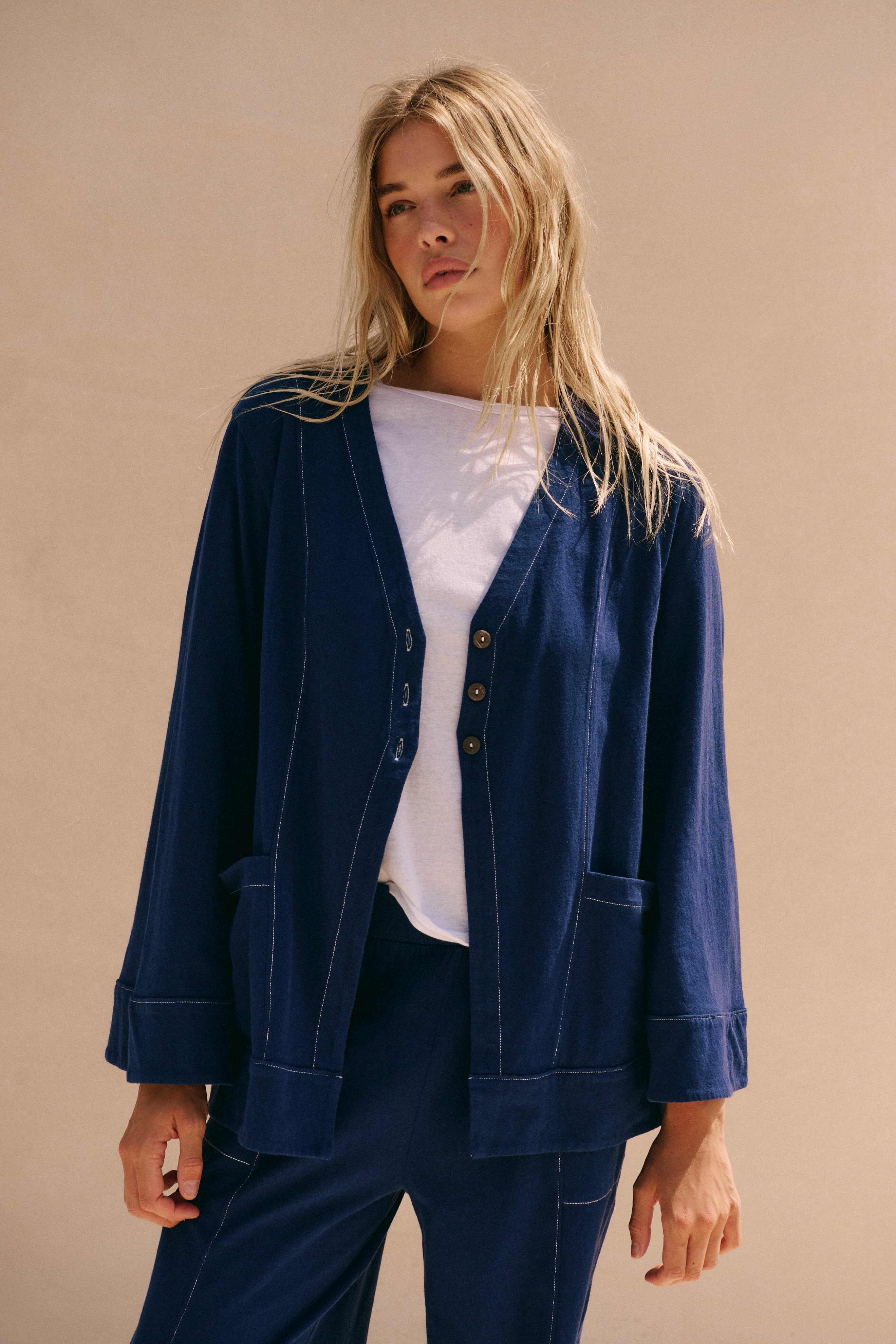
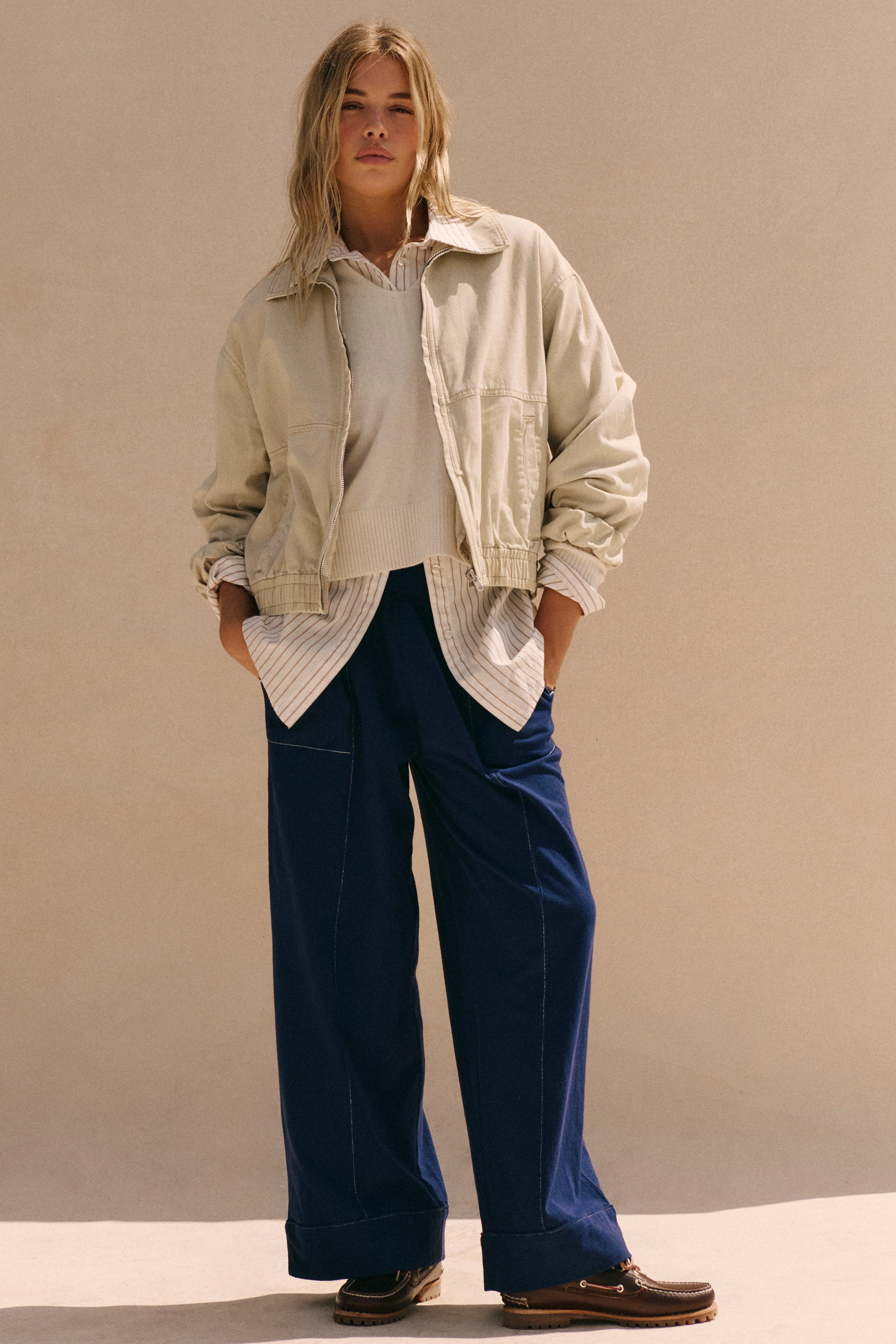
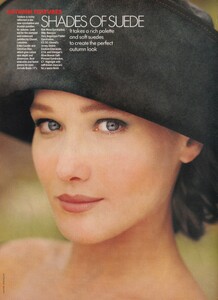 free people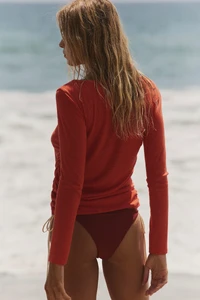
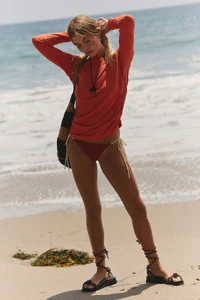
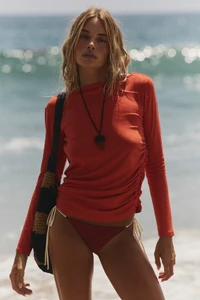
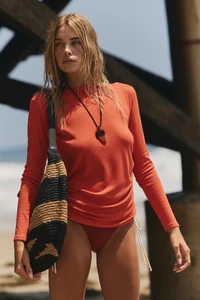
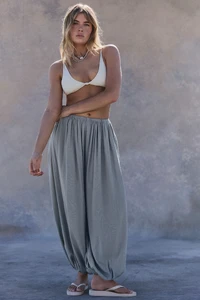
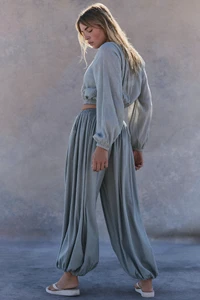
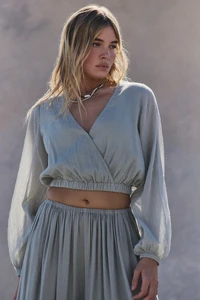
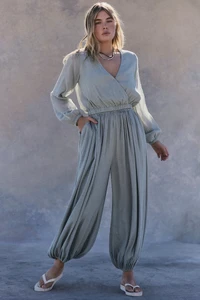
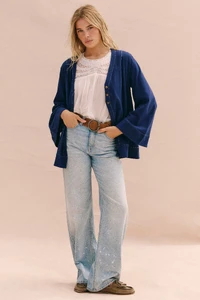
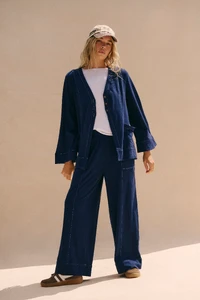
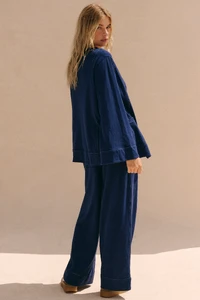
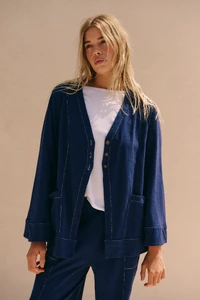
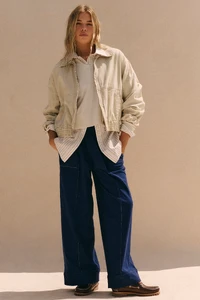
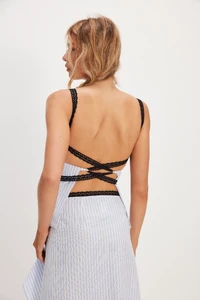
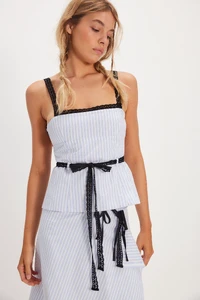
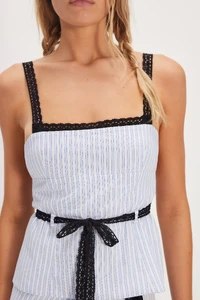
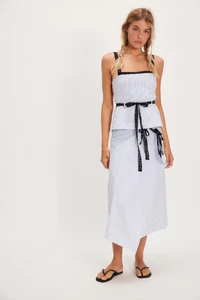
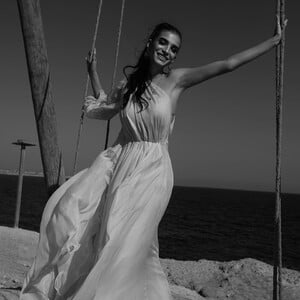
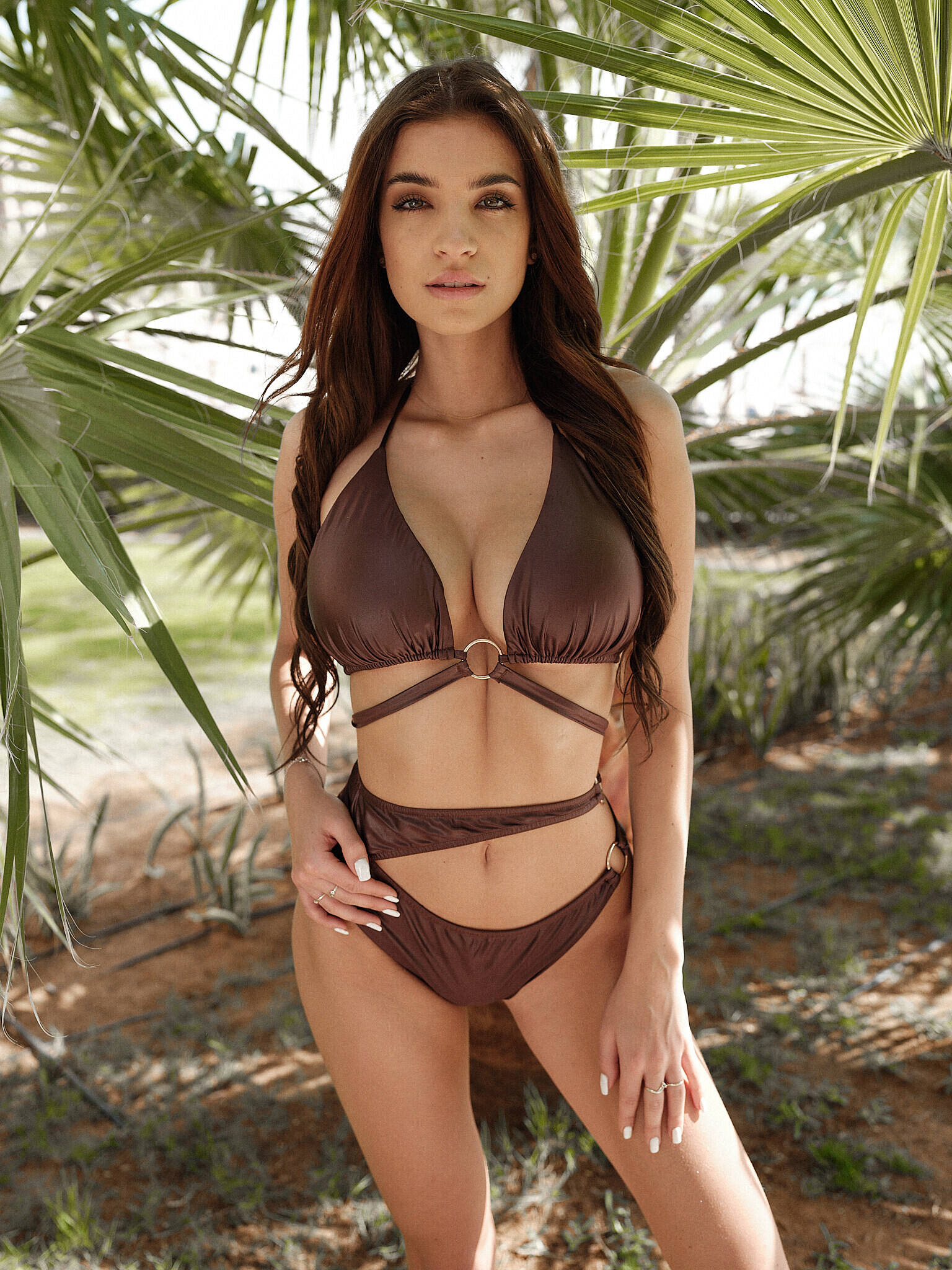
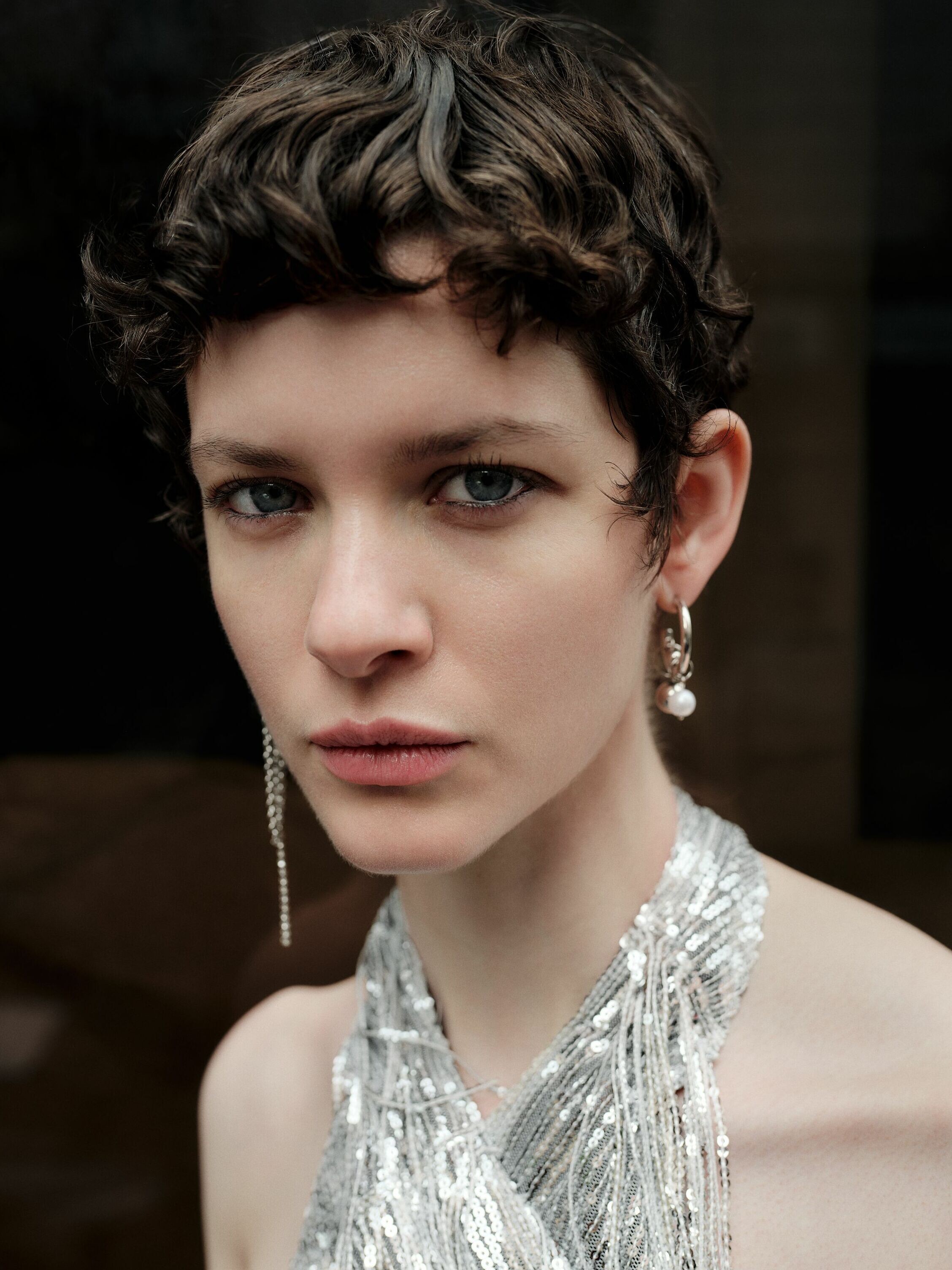
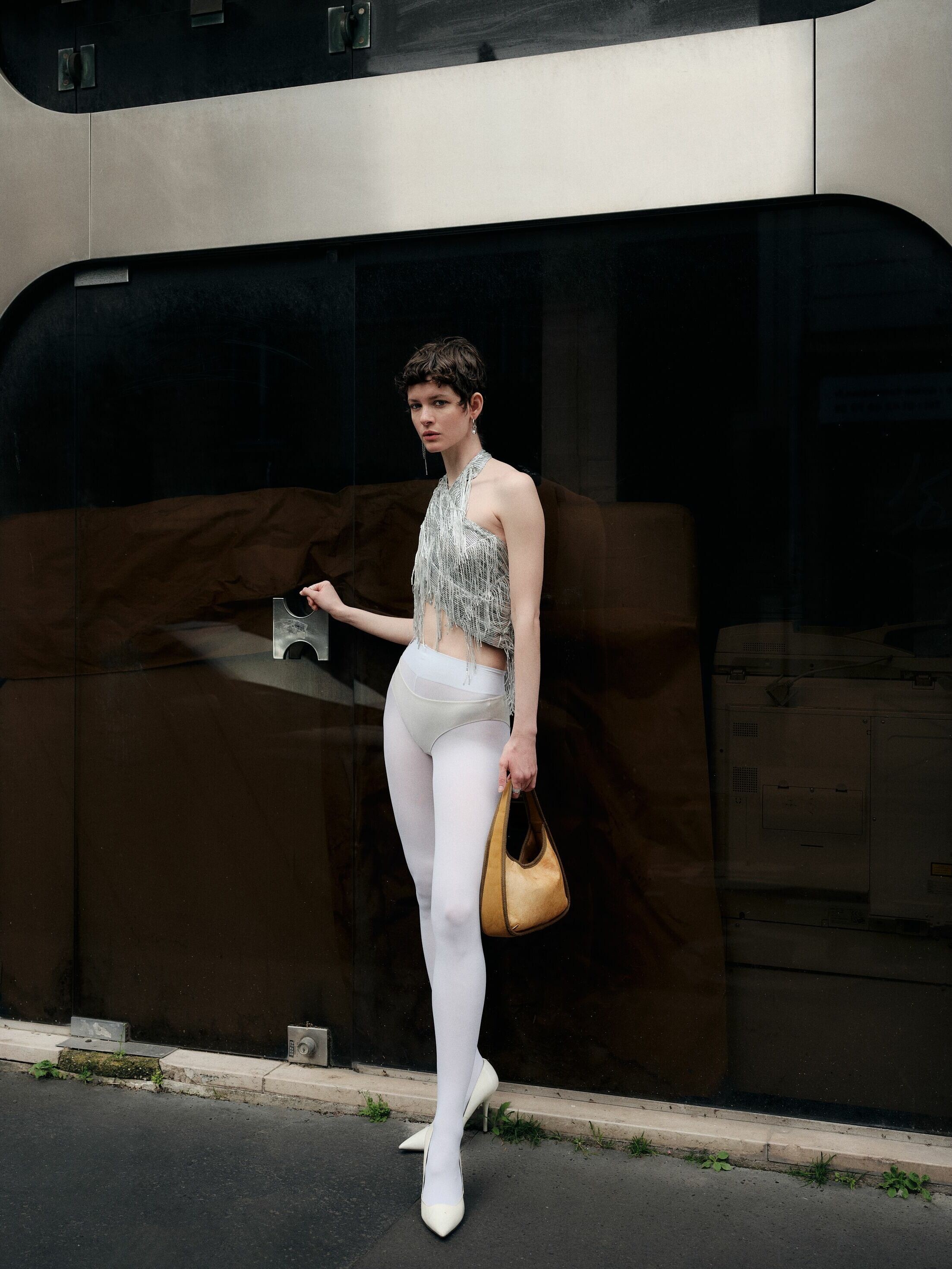
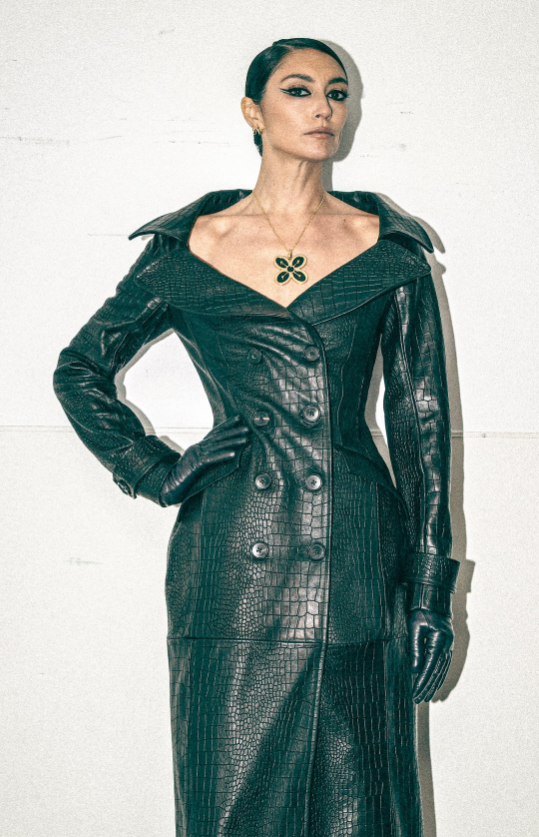
 Anna Schilling https://www.instagram.com/anna_schilling/?hl=en
 Beautiful
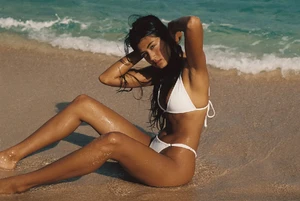
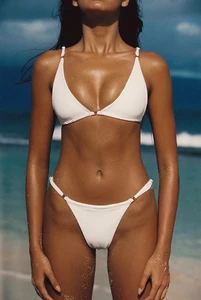
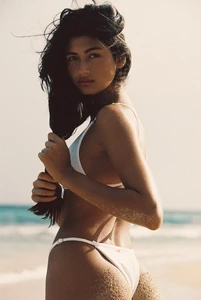
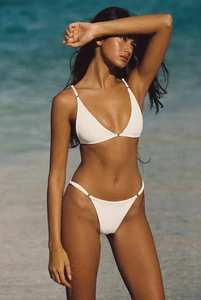
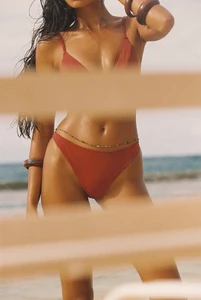
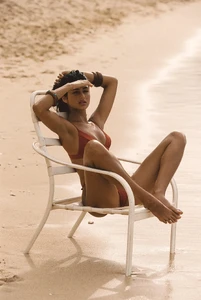
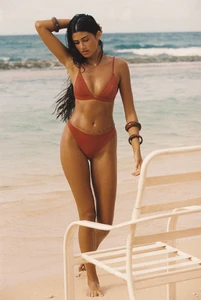
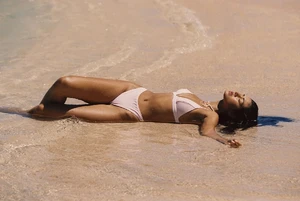
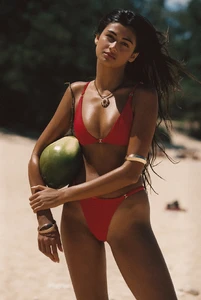
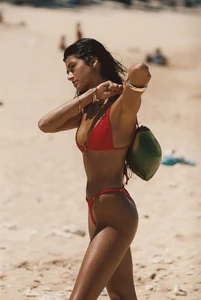
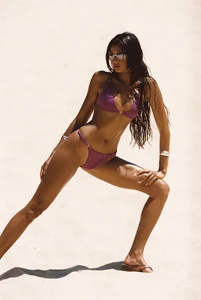
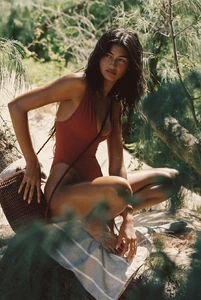
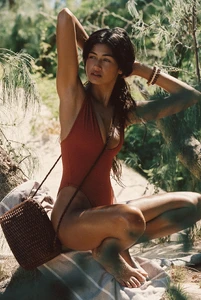
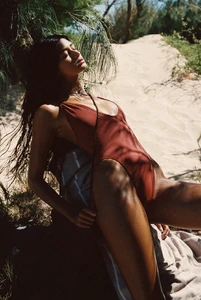
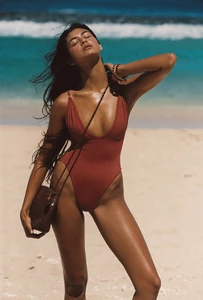
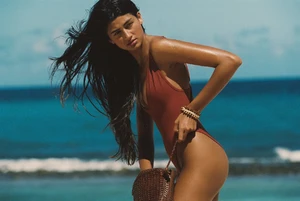
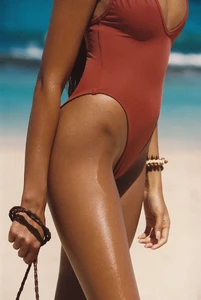
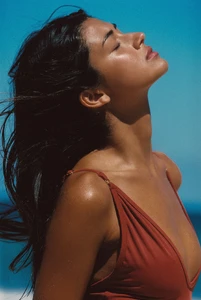
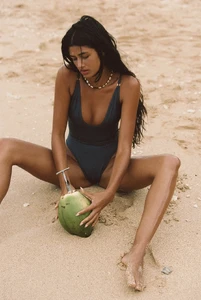
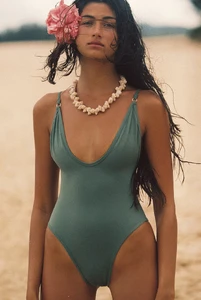
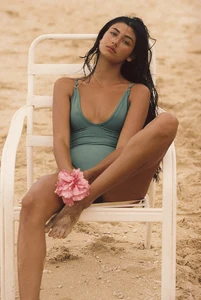
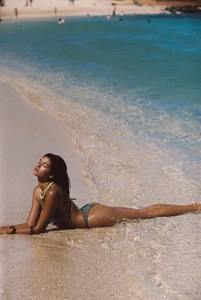
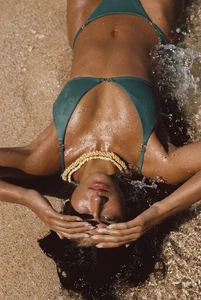
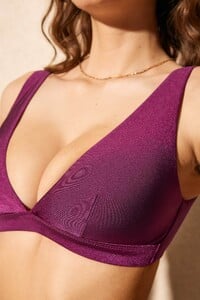
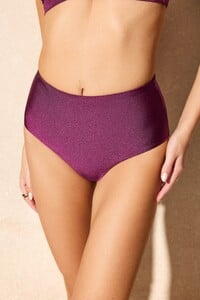
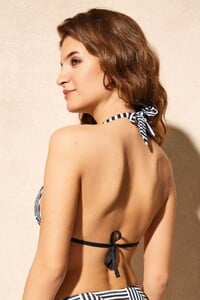
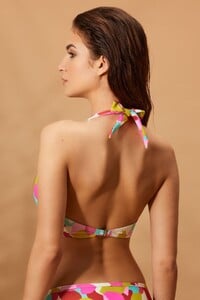
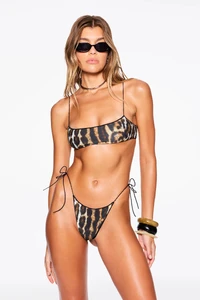
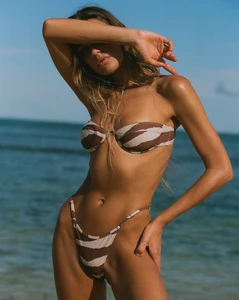
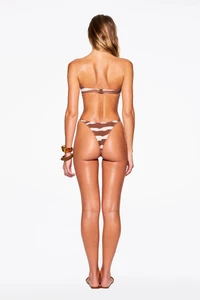
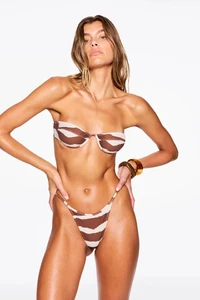
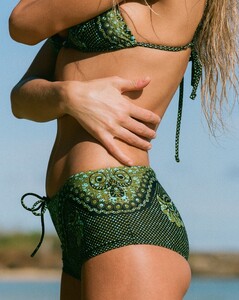
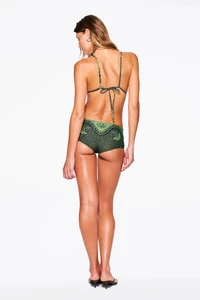
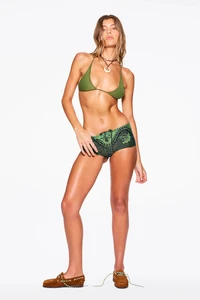
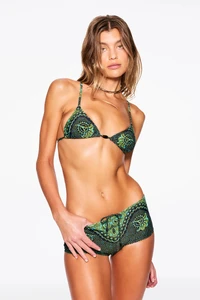
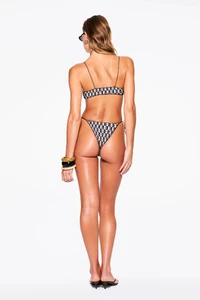
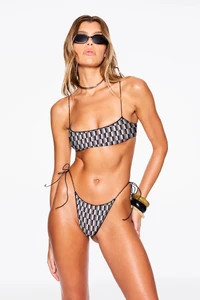
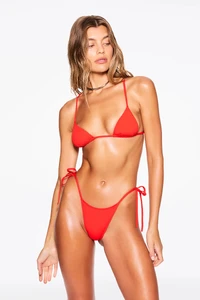
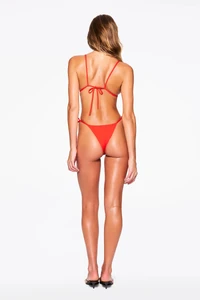
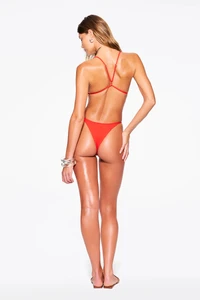
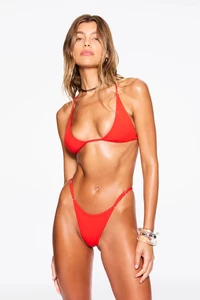
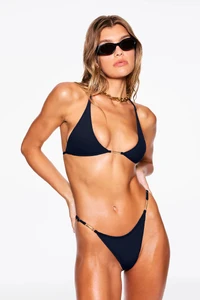
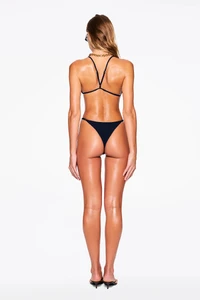
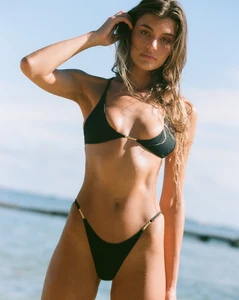
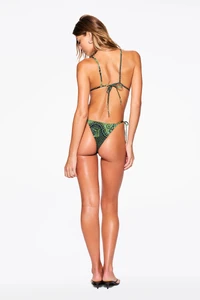
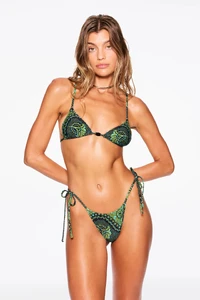
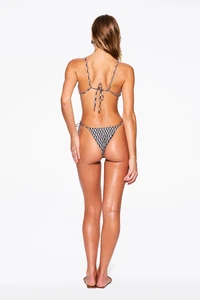
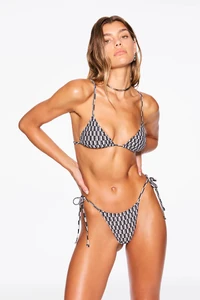
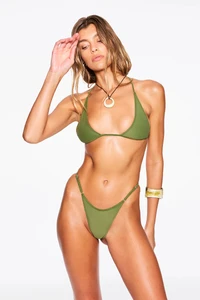
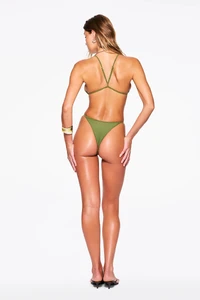
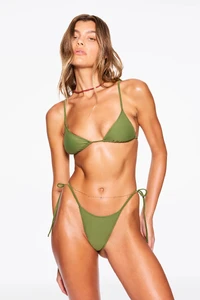
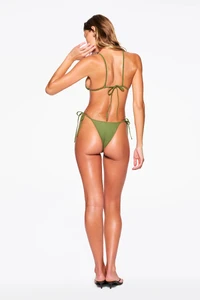
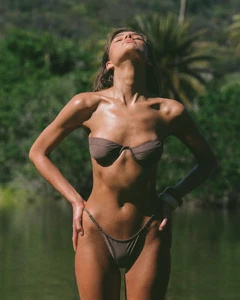
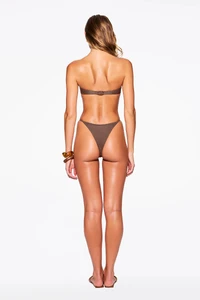
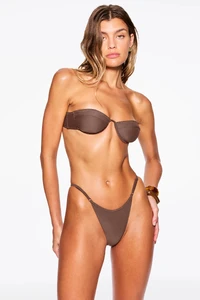
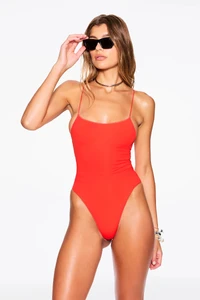
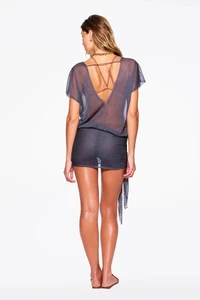
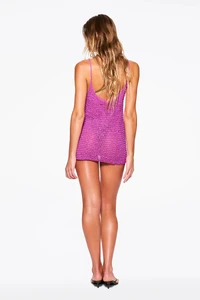
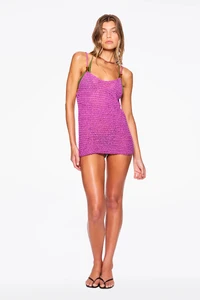
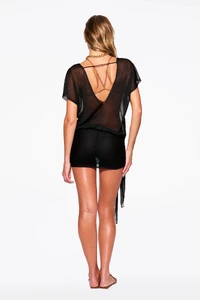
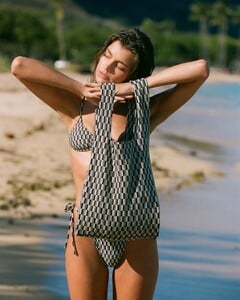
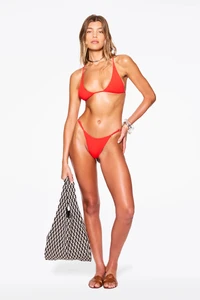
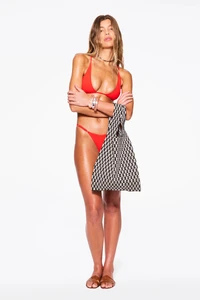
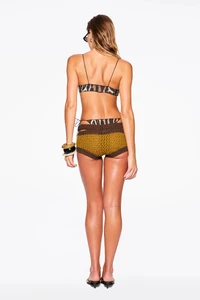
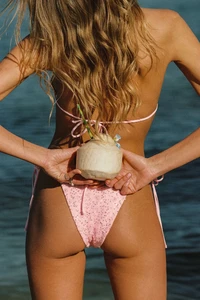
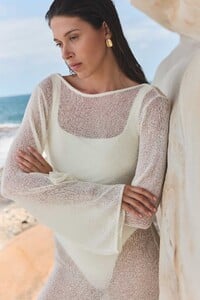
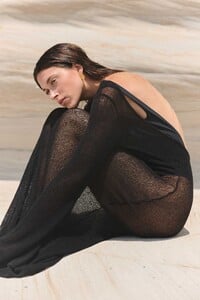
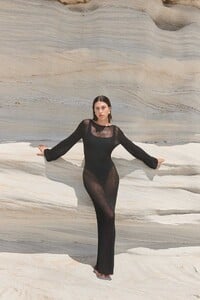
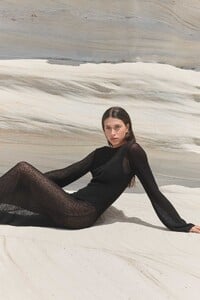
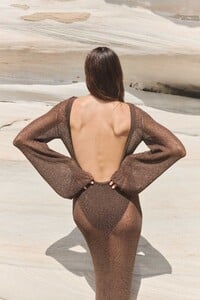
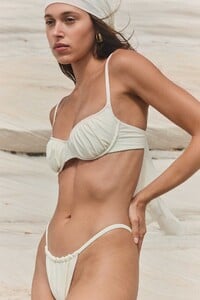
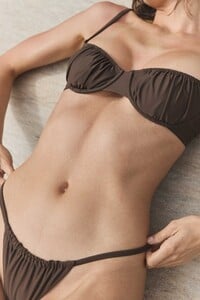
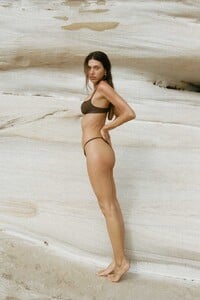
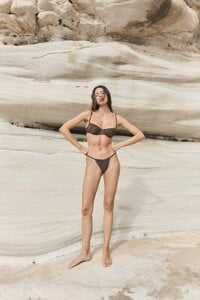
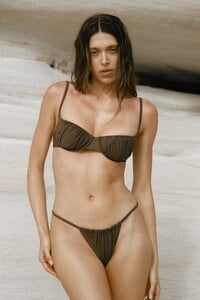
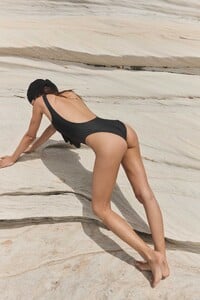
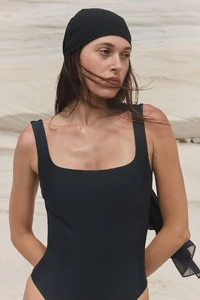
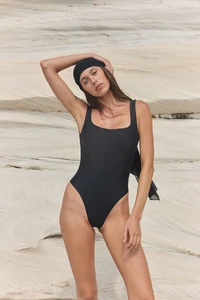
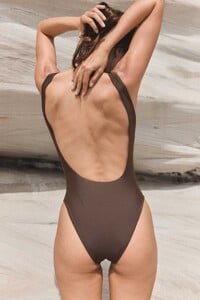
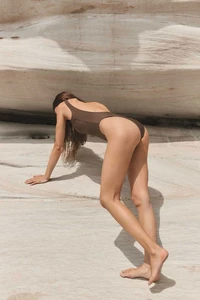
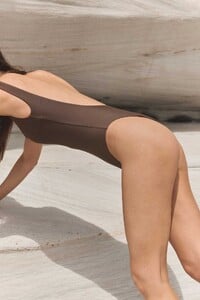
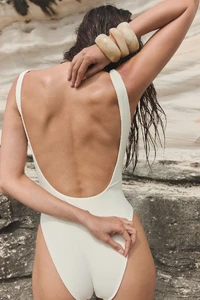
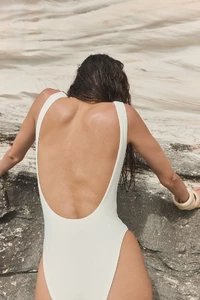
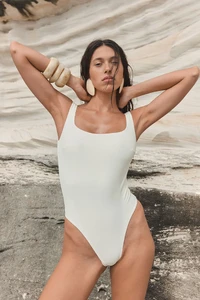
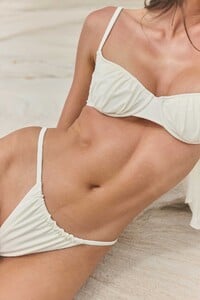
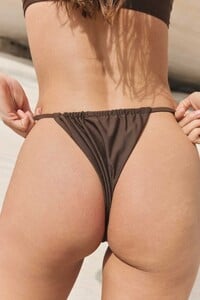
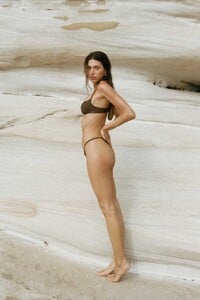
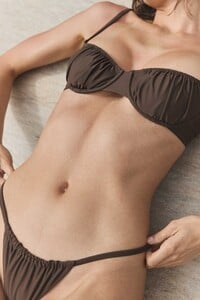
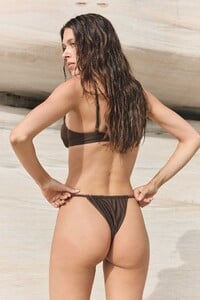
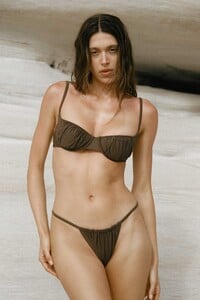
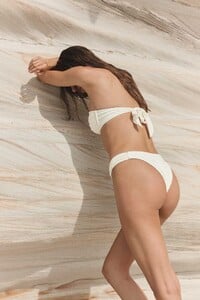
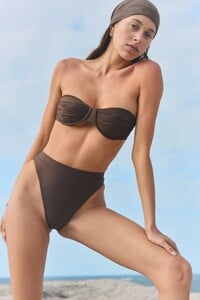
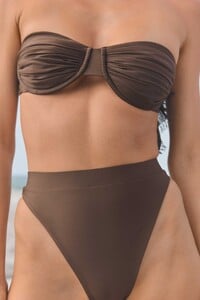
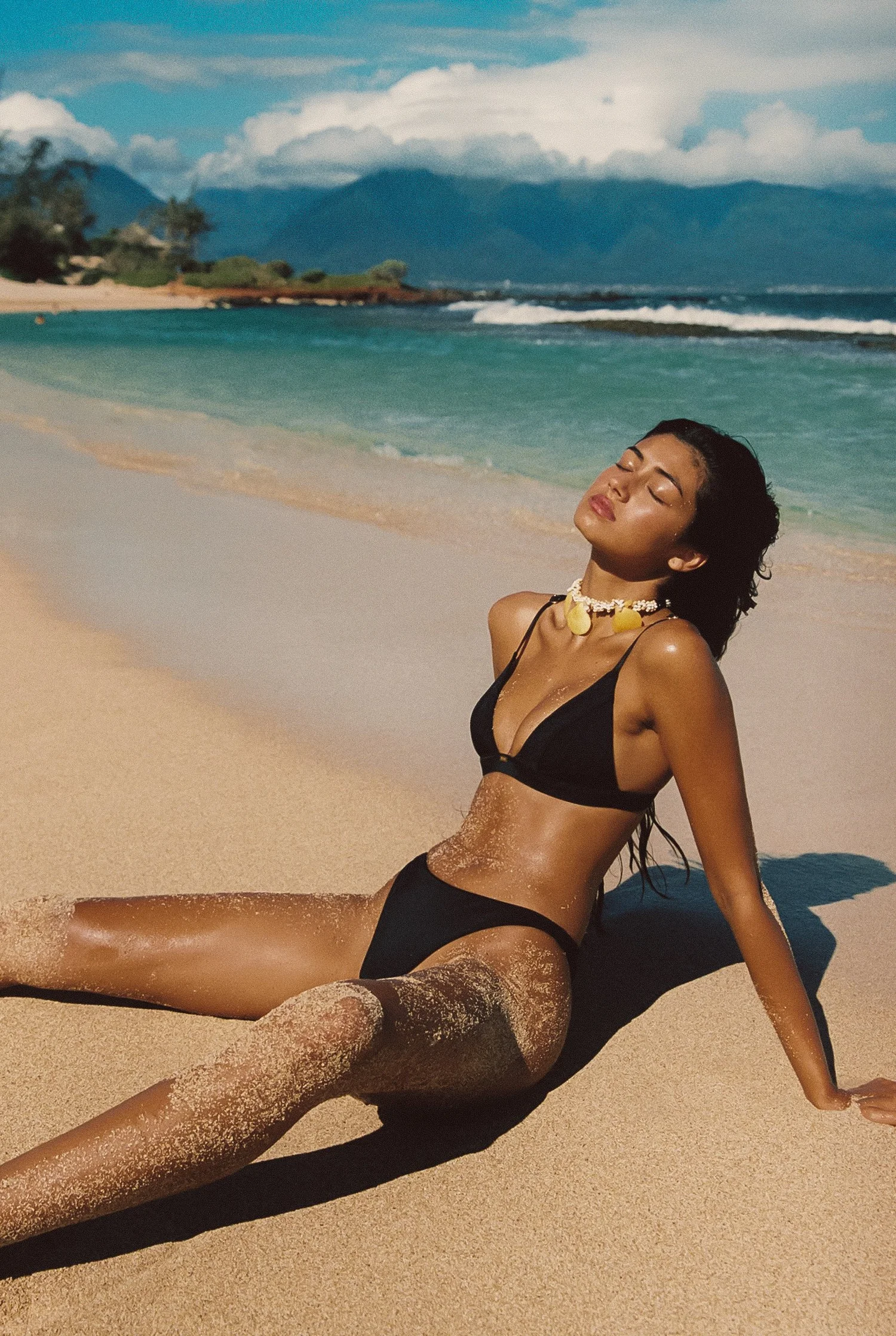
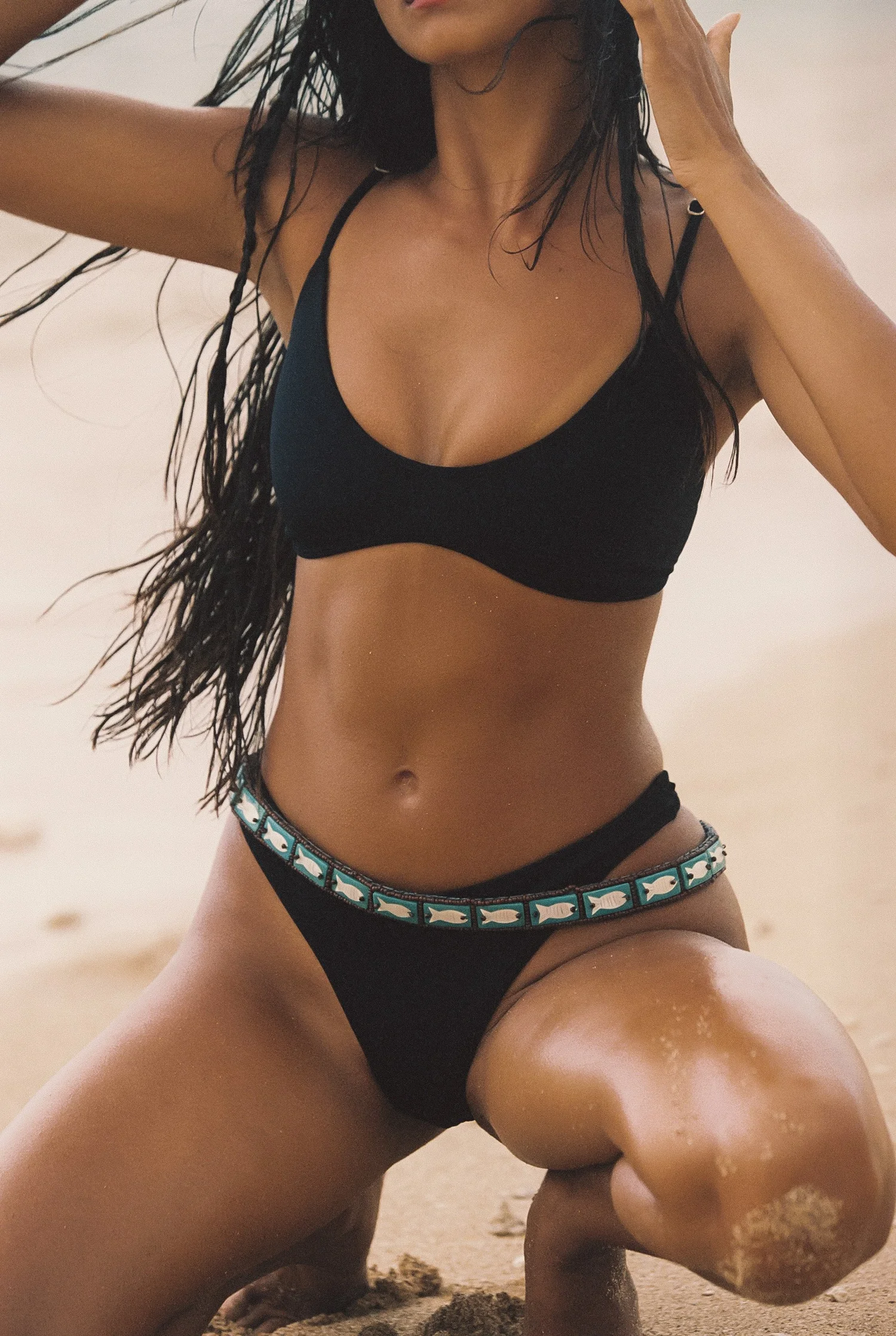
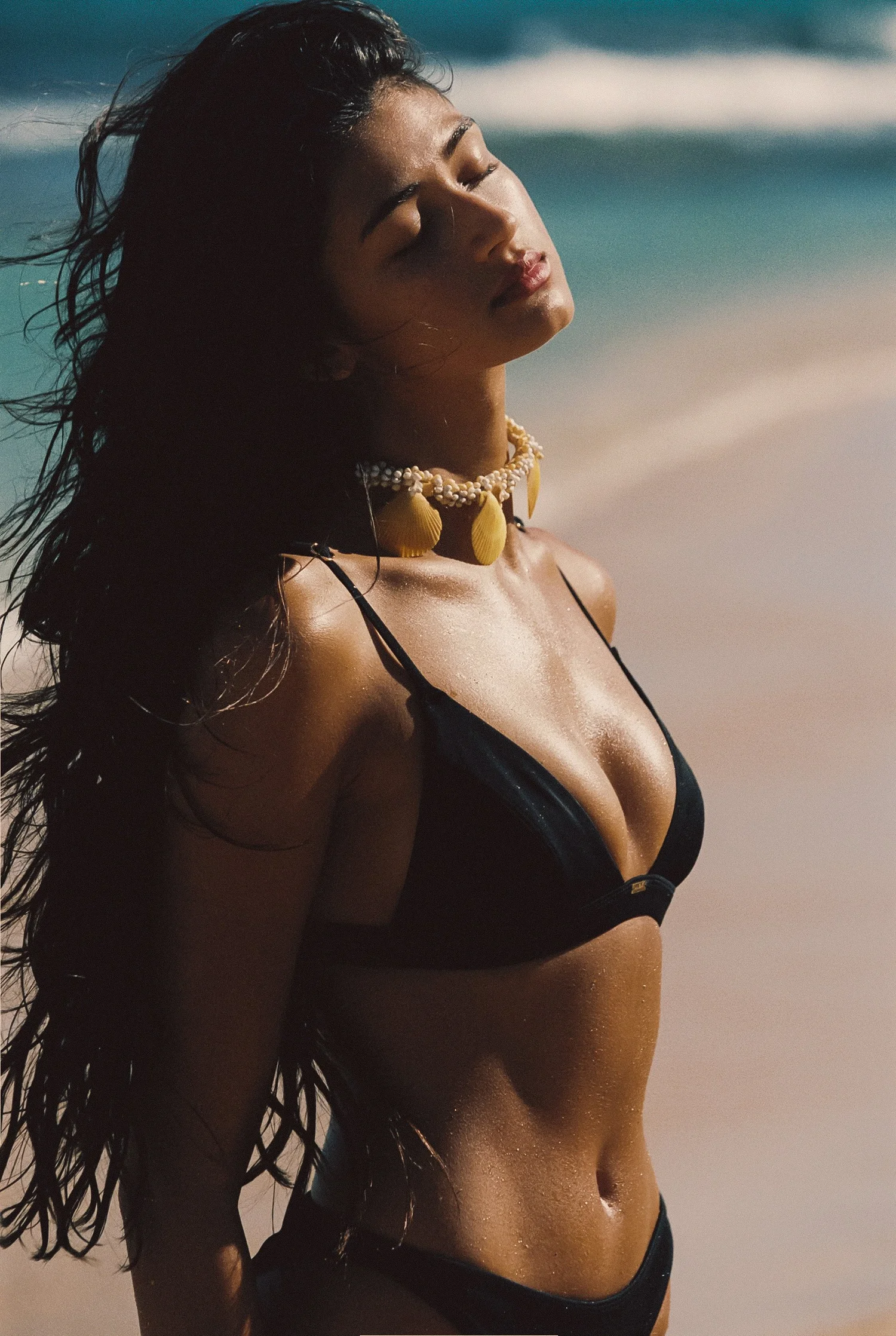
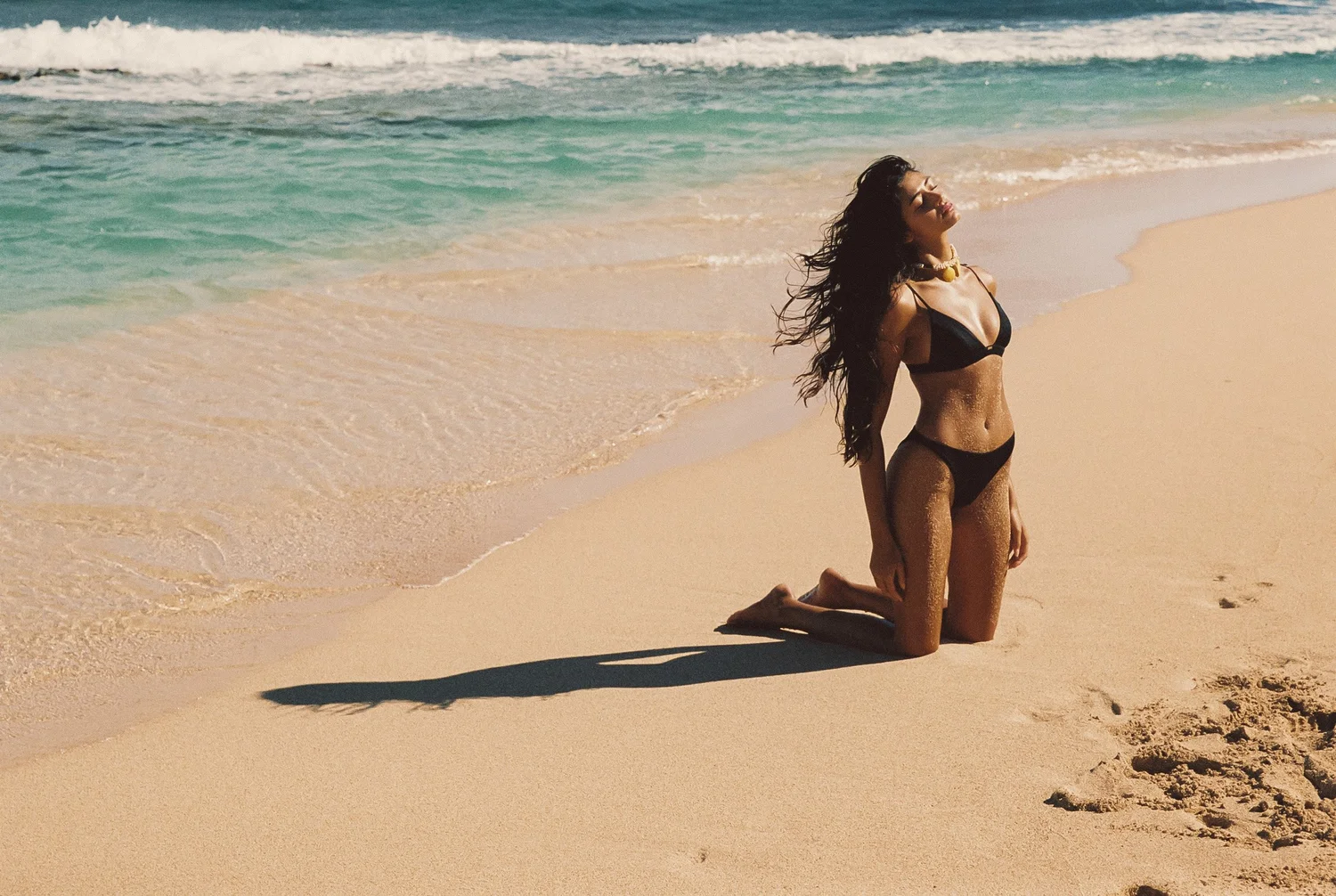
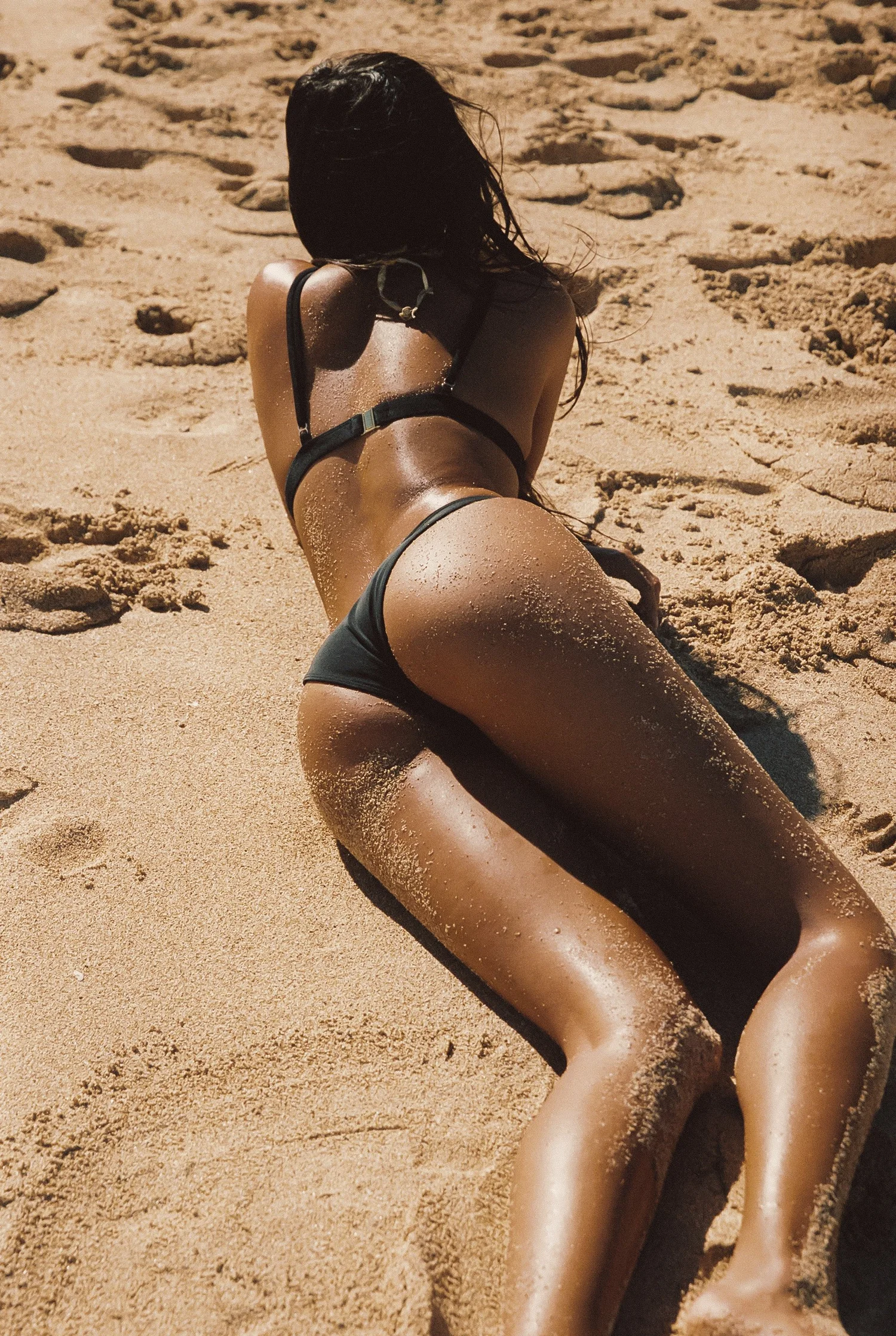
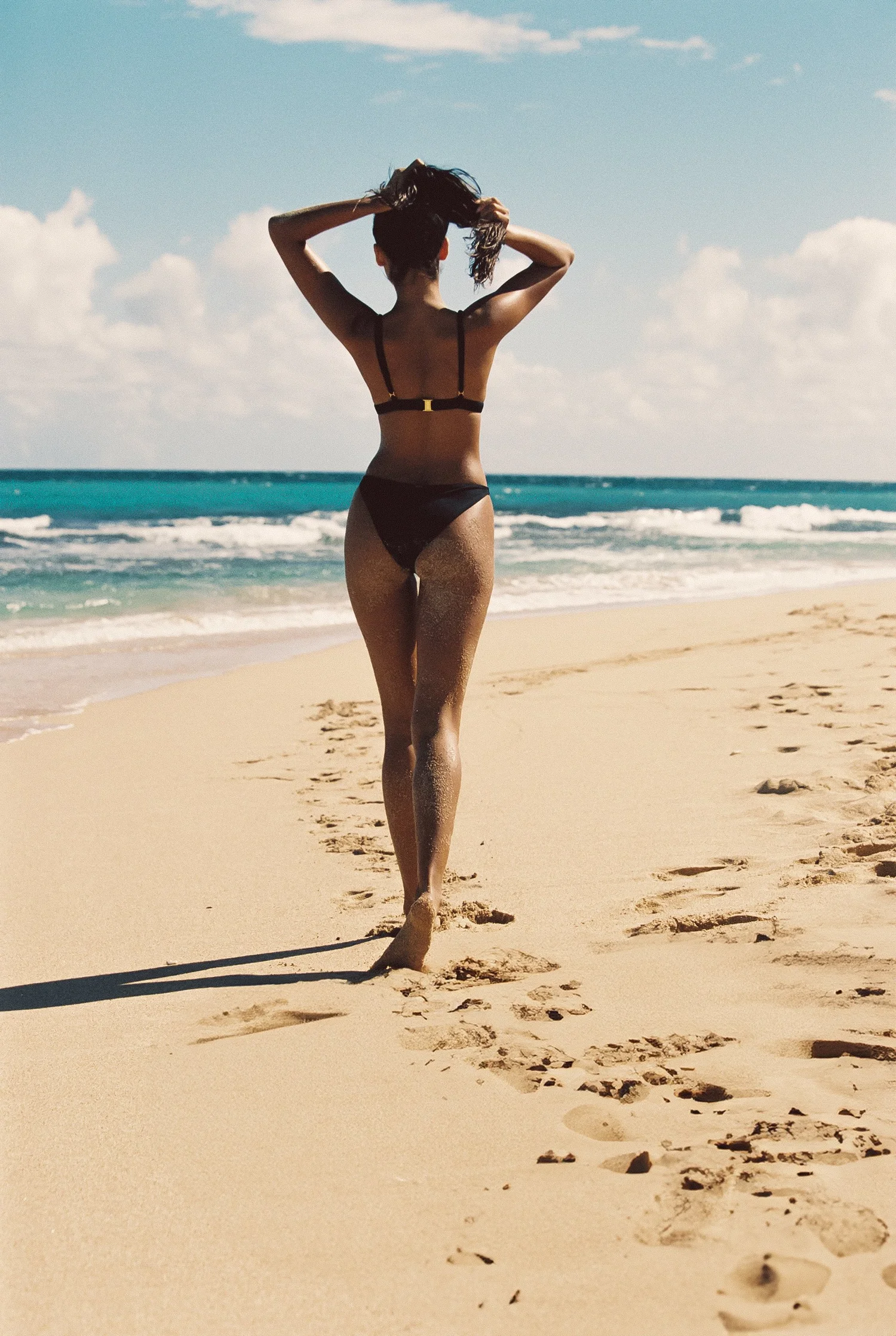
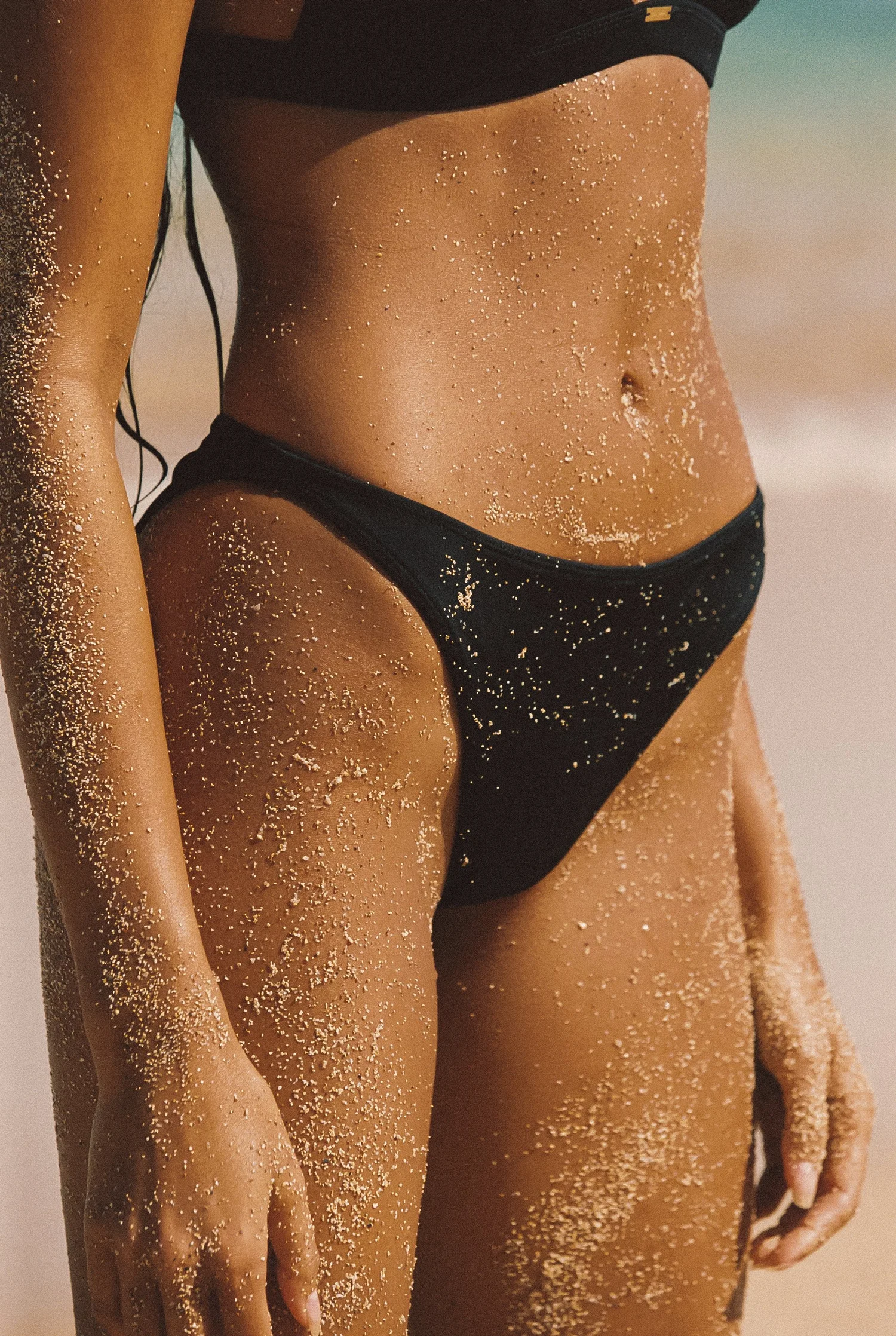
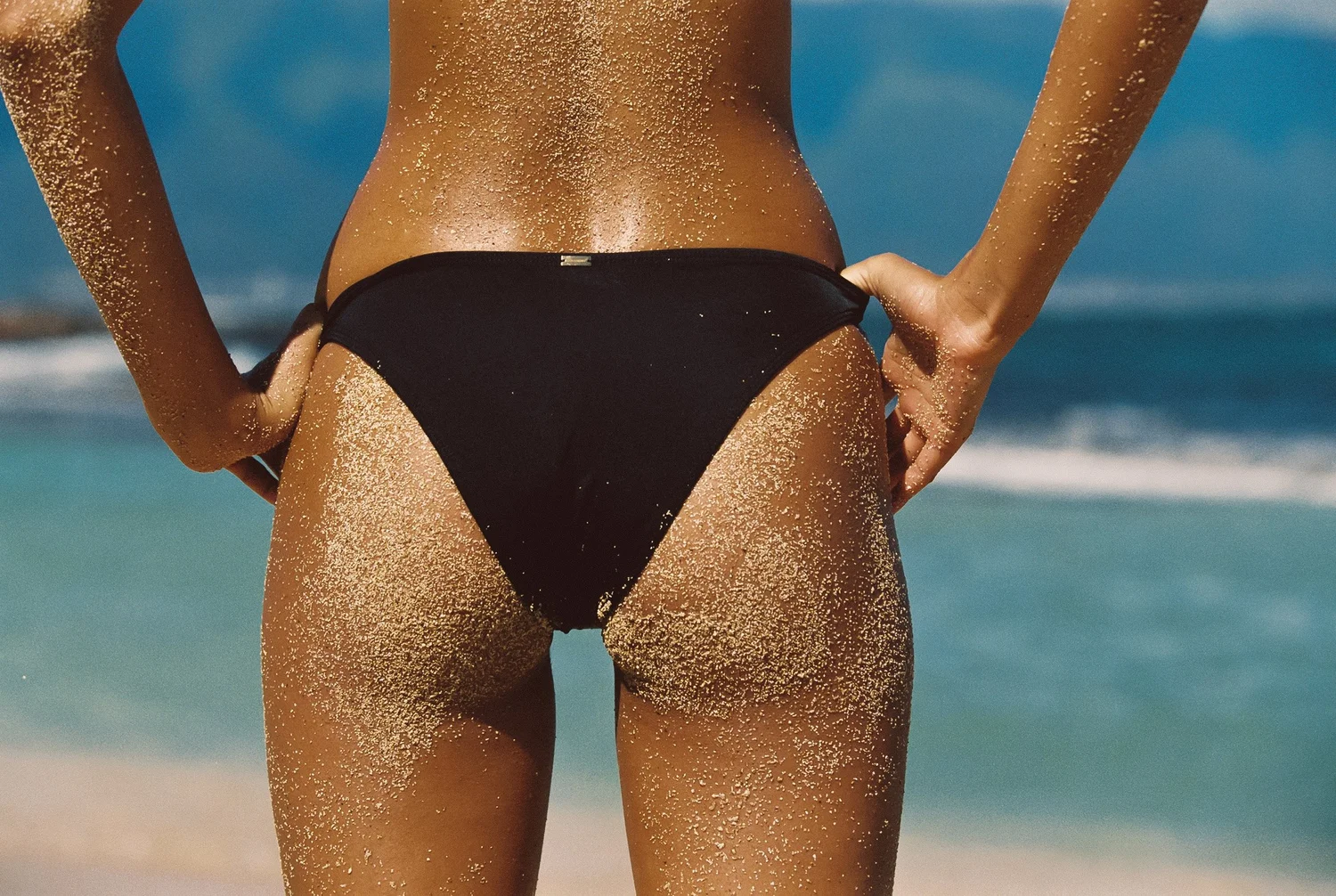
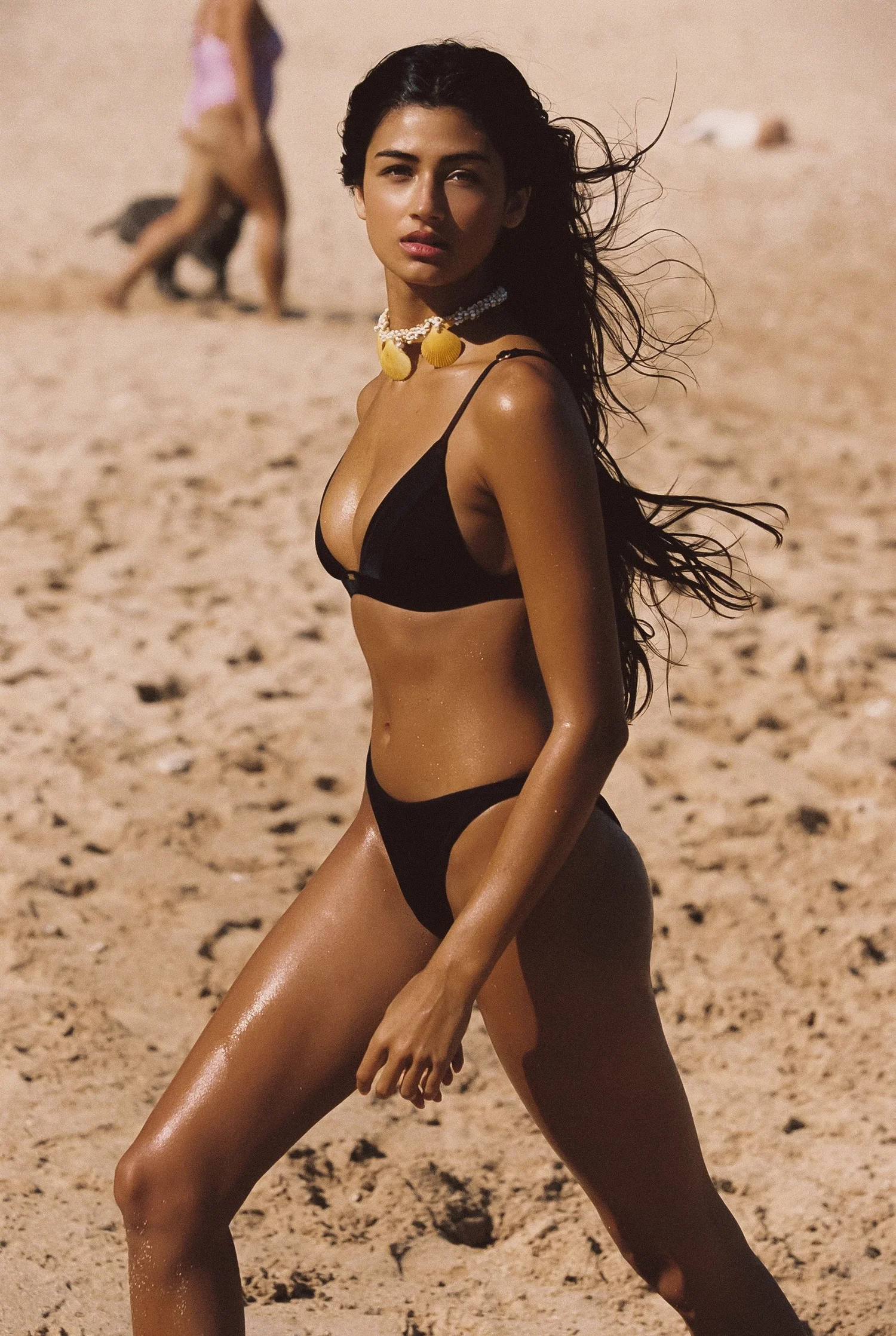
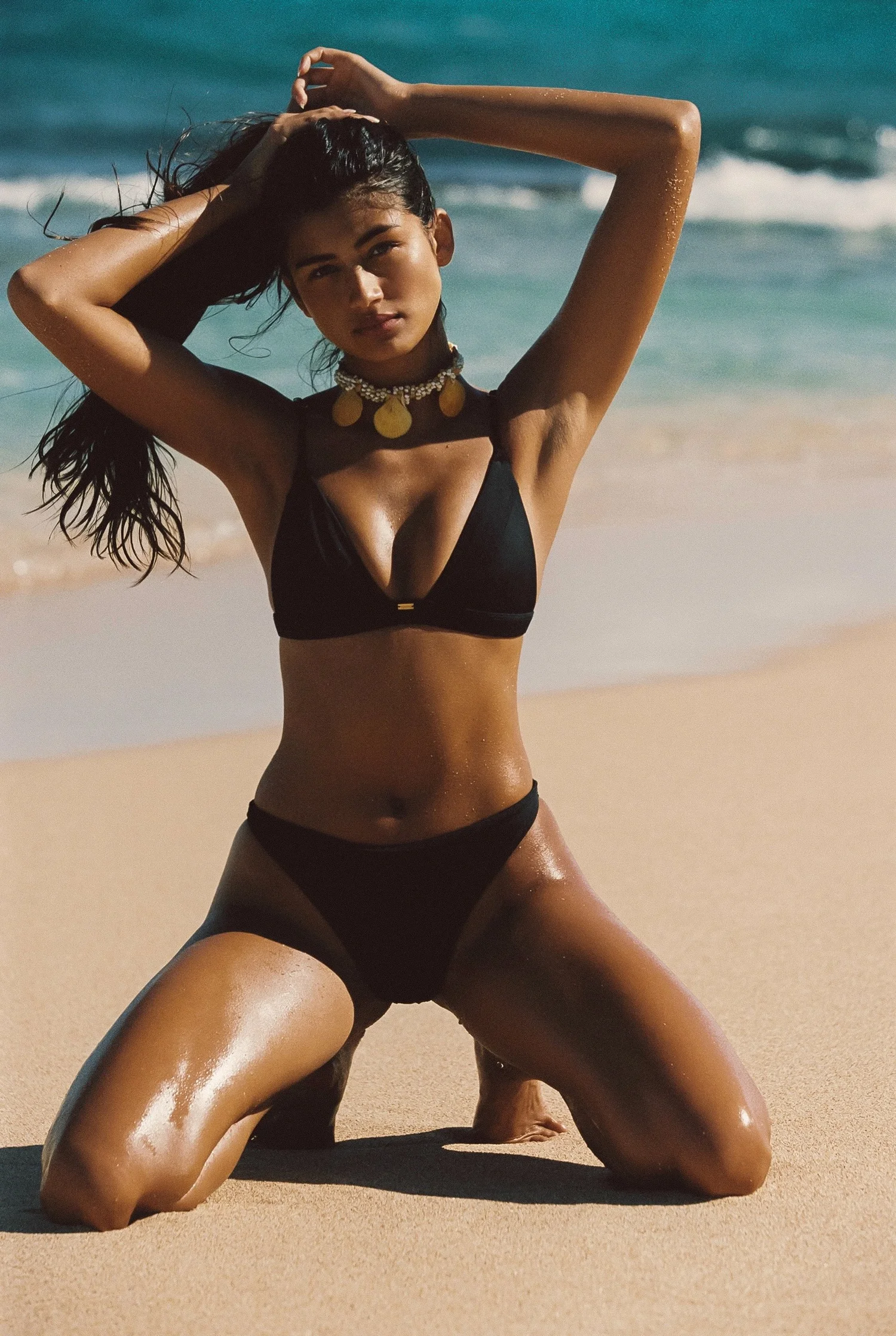
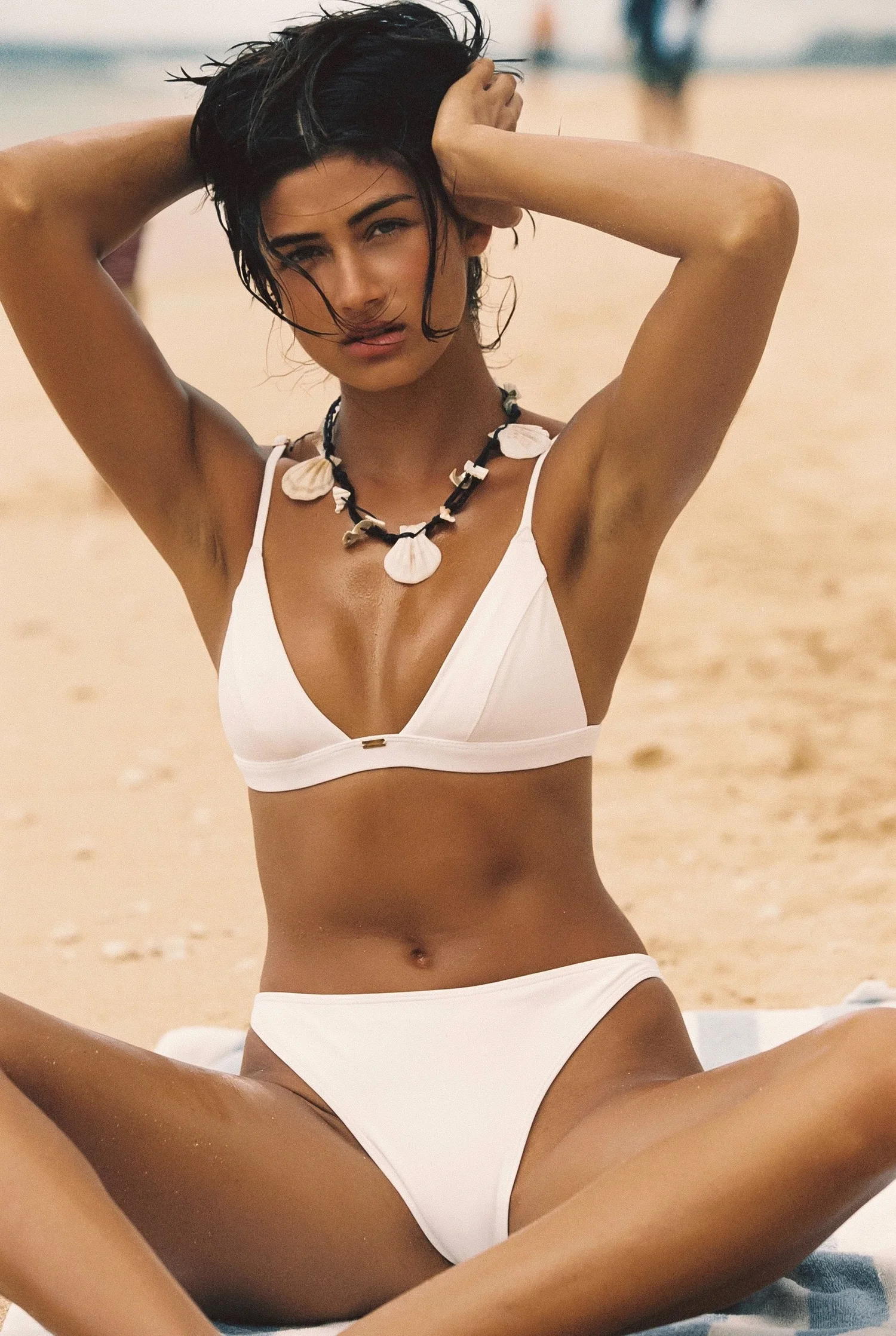
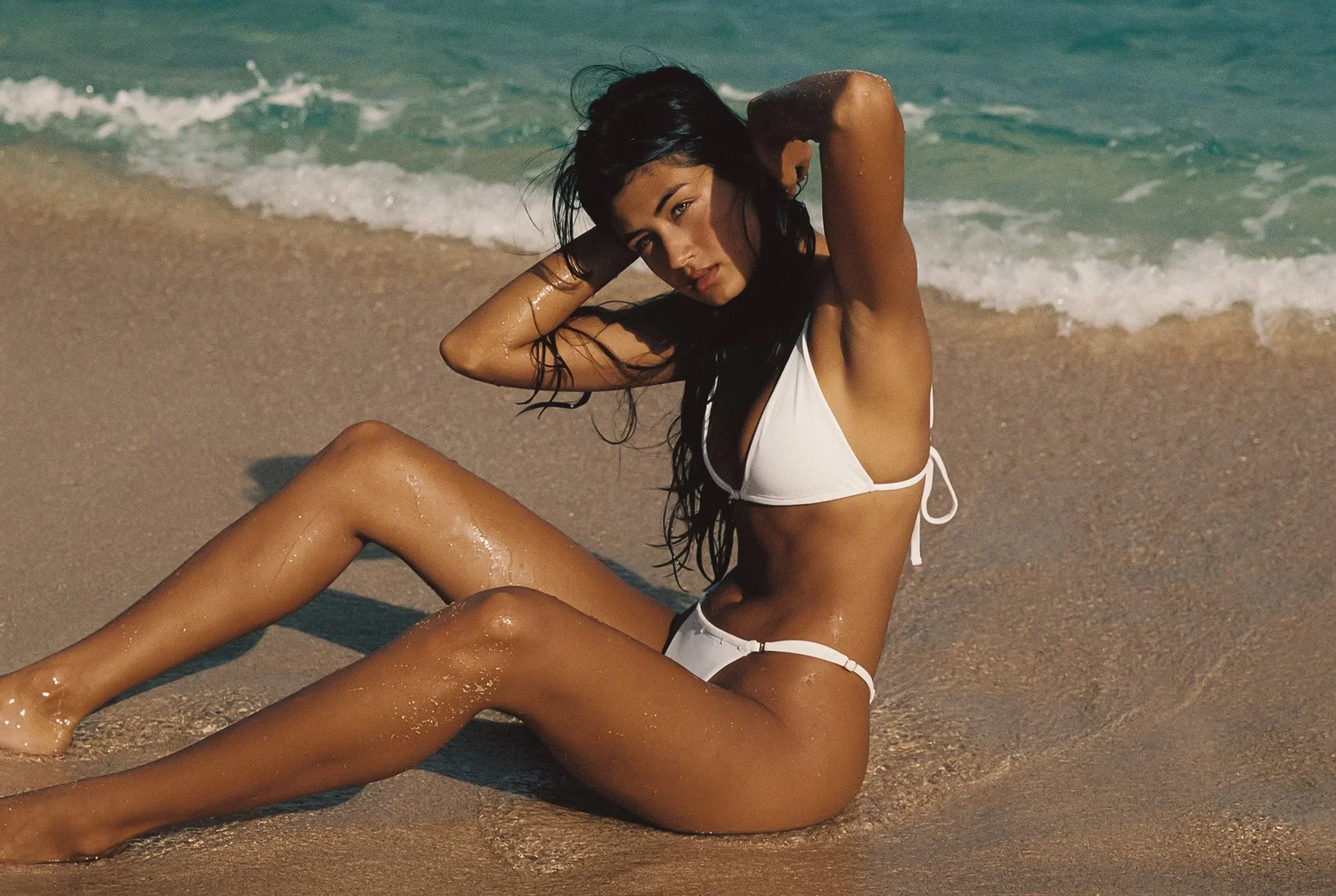
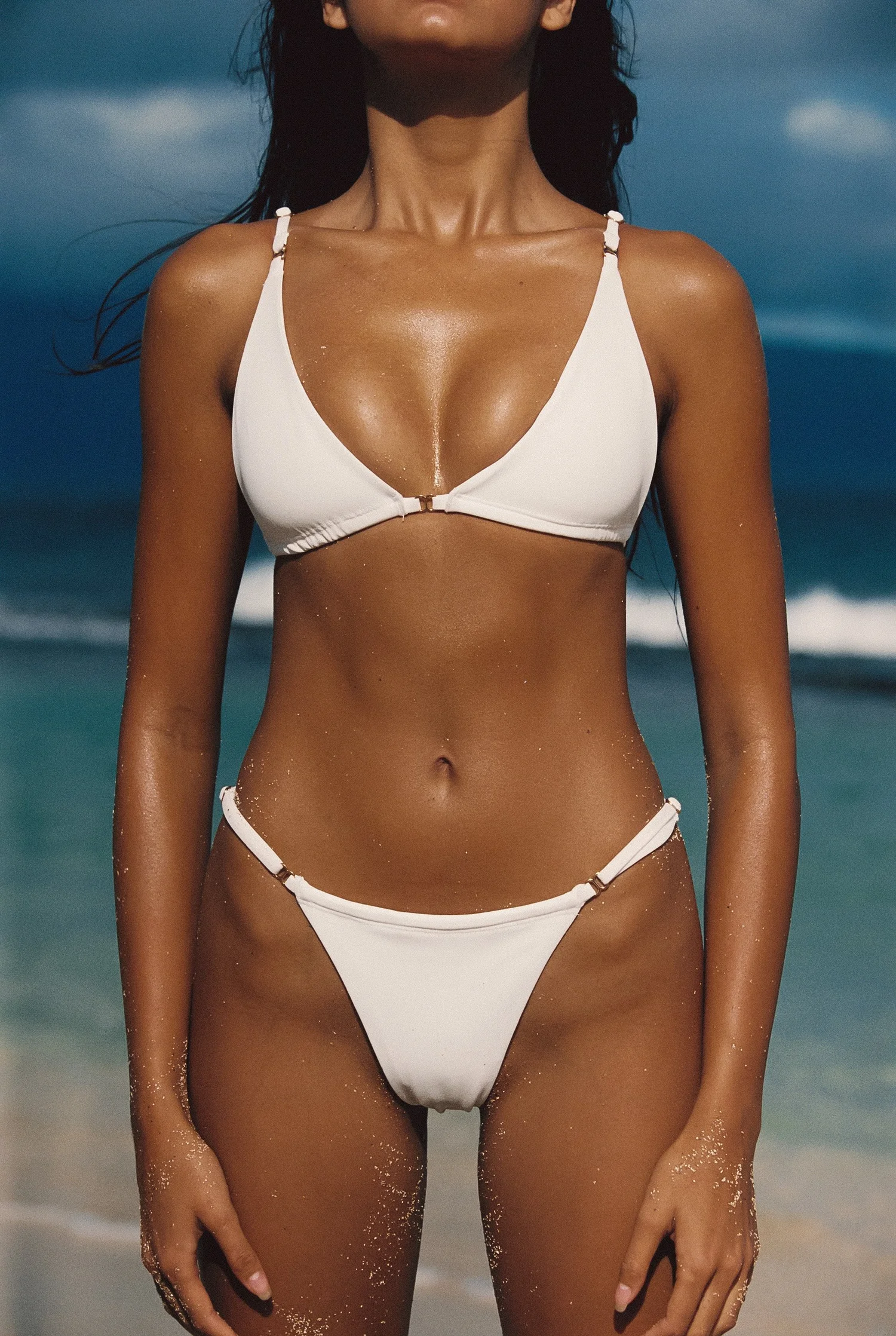
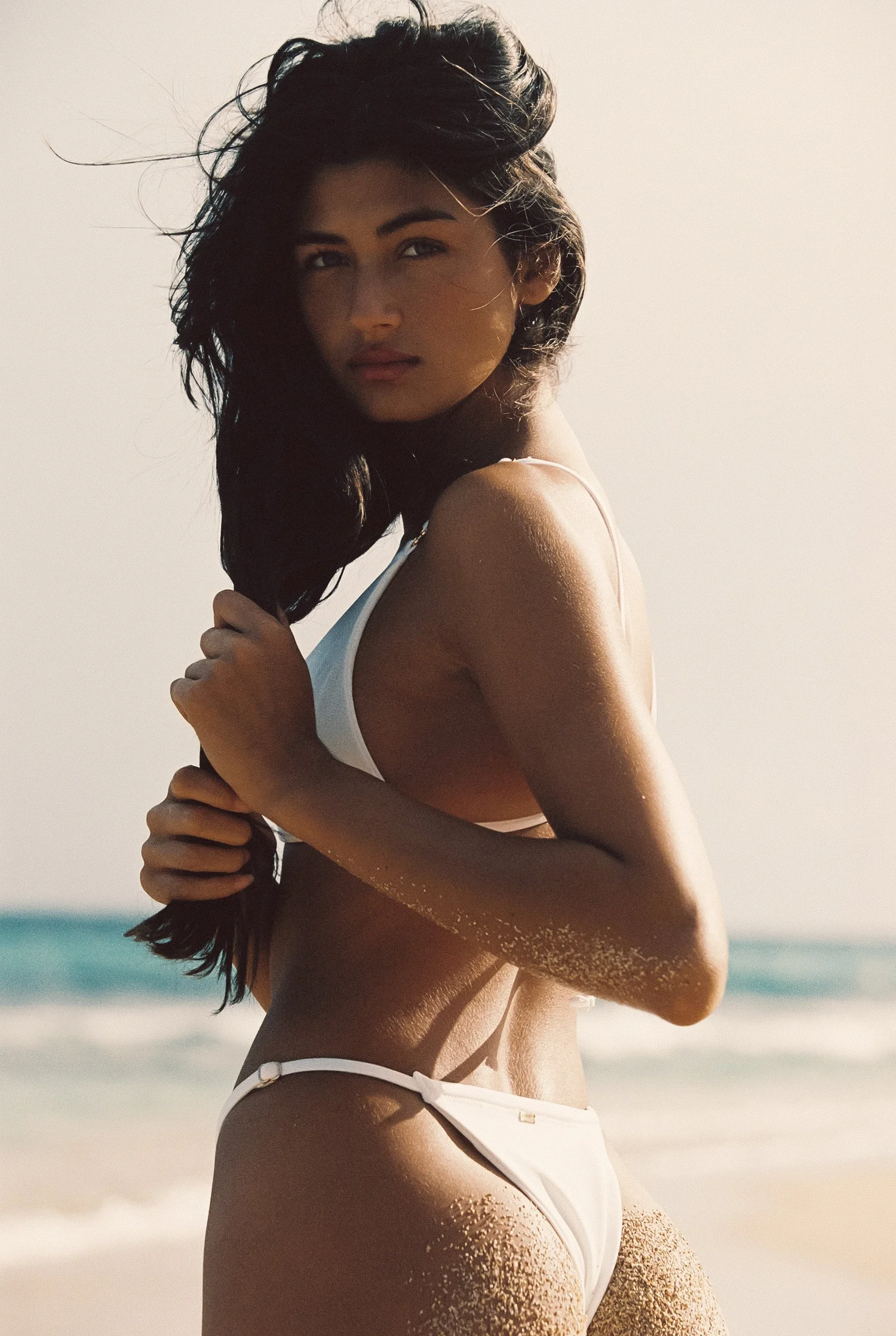
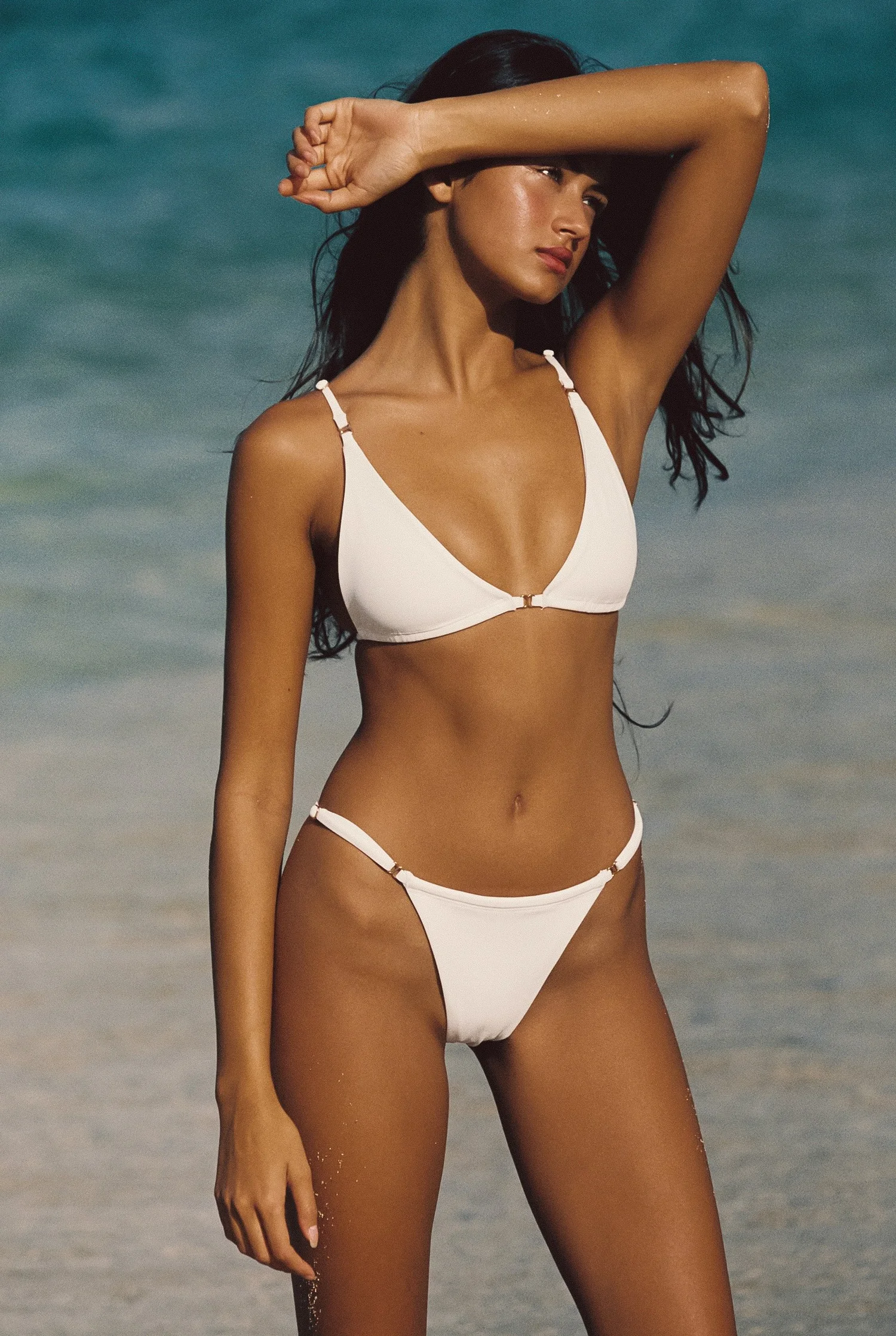
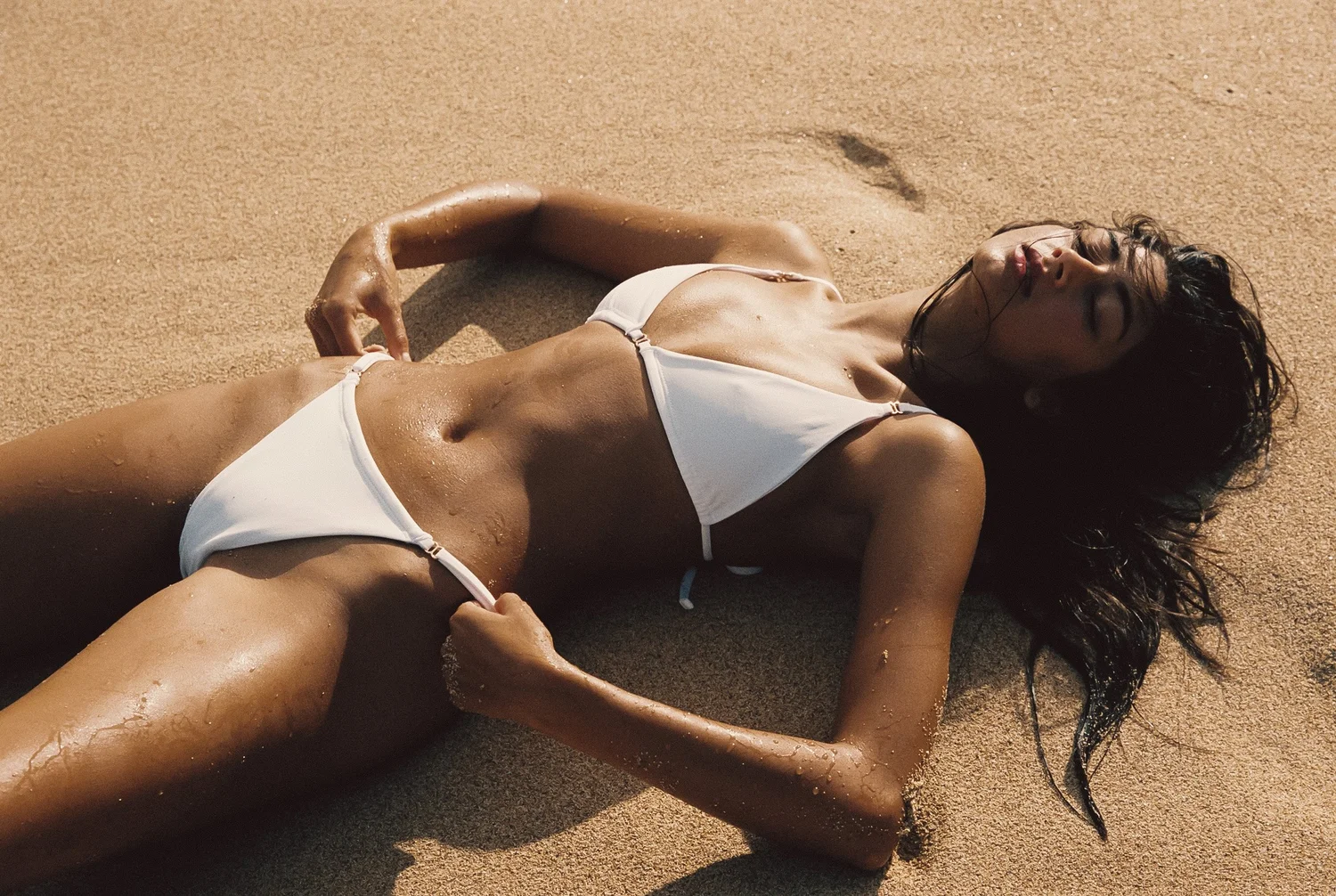
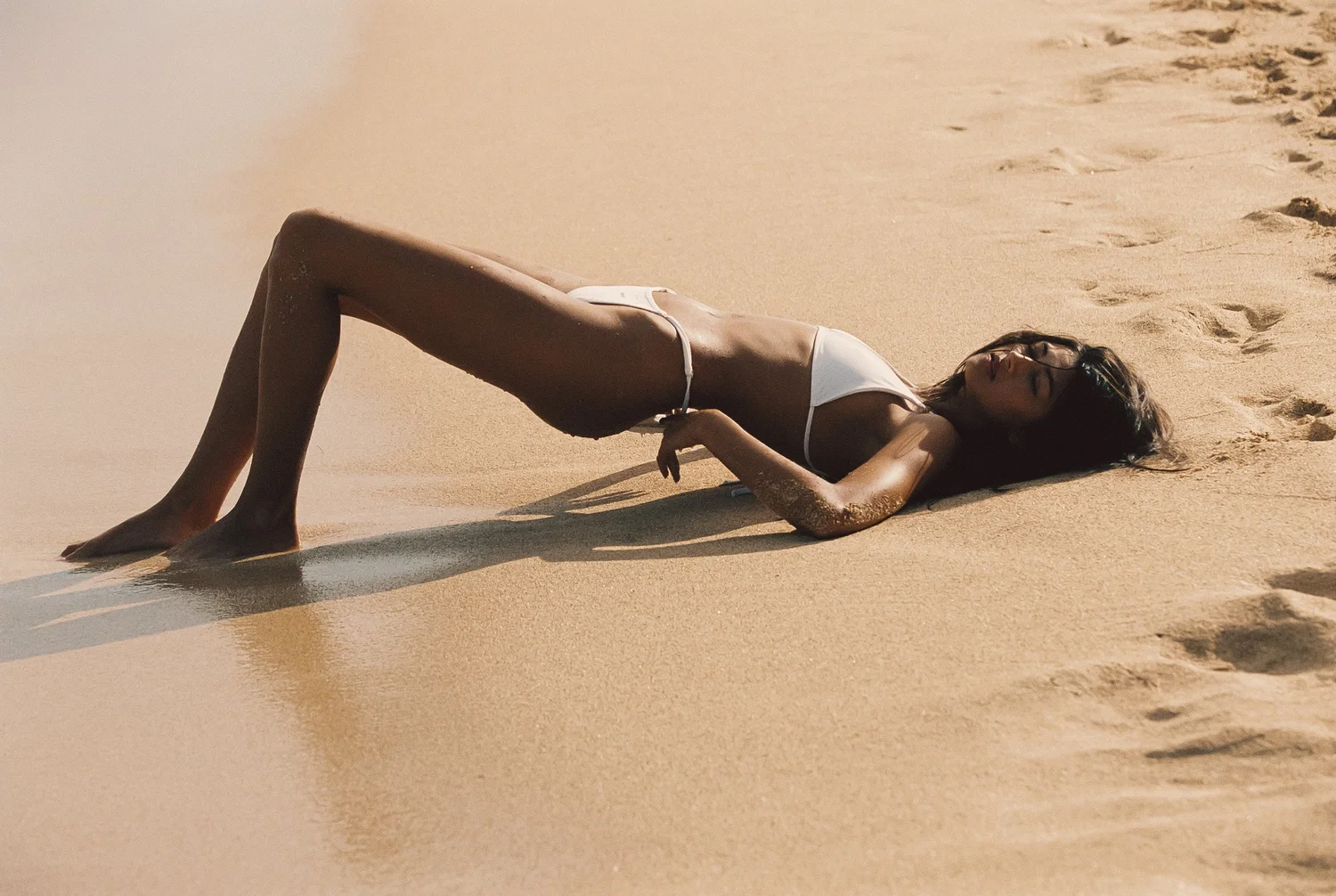
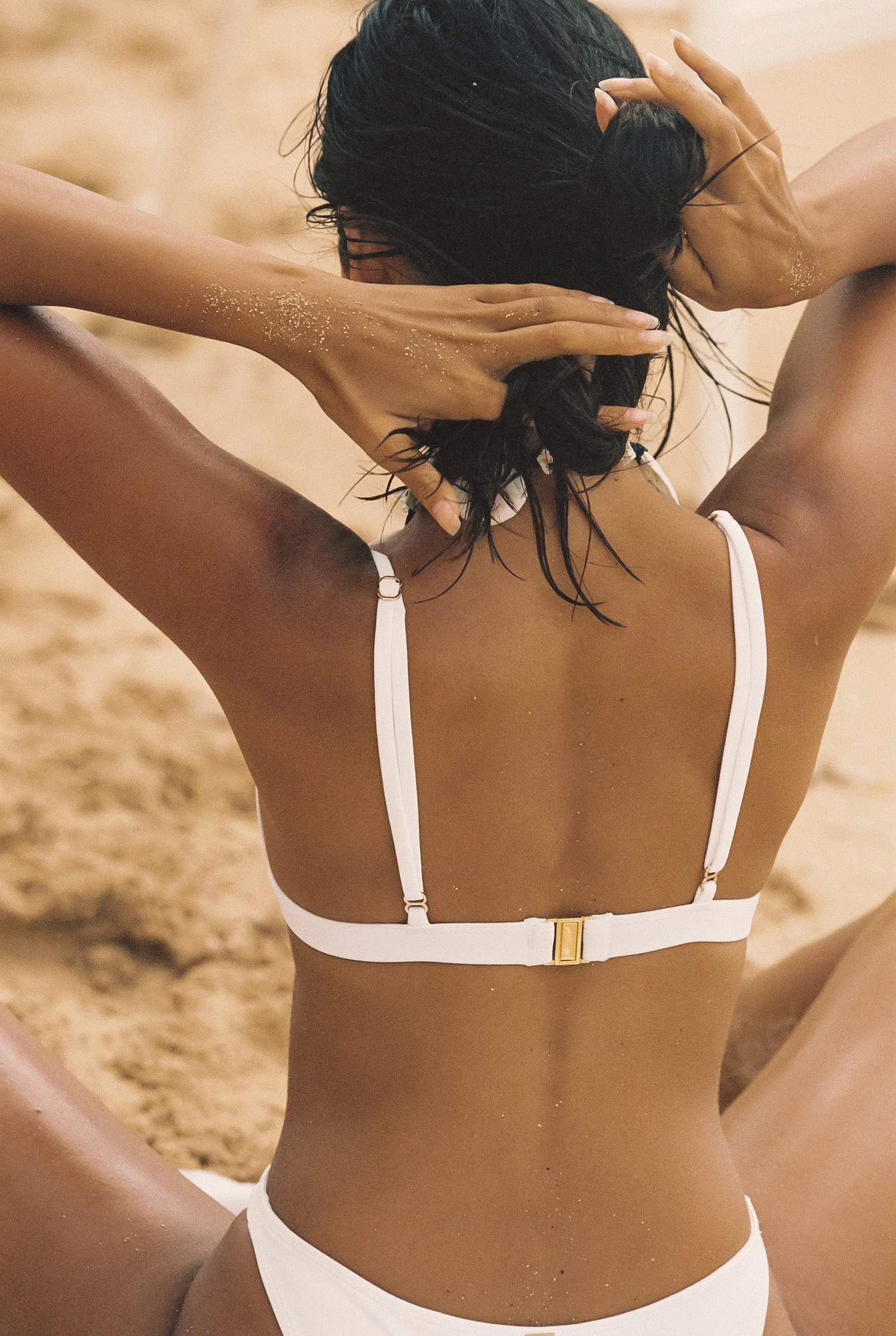
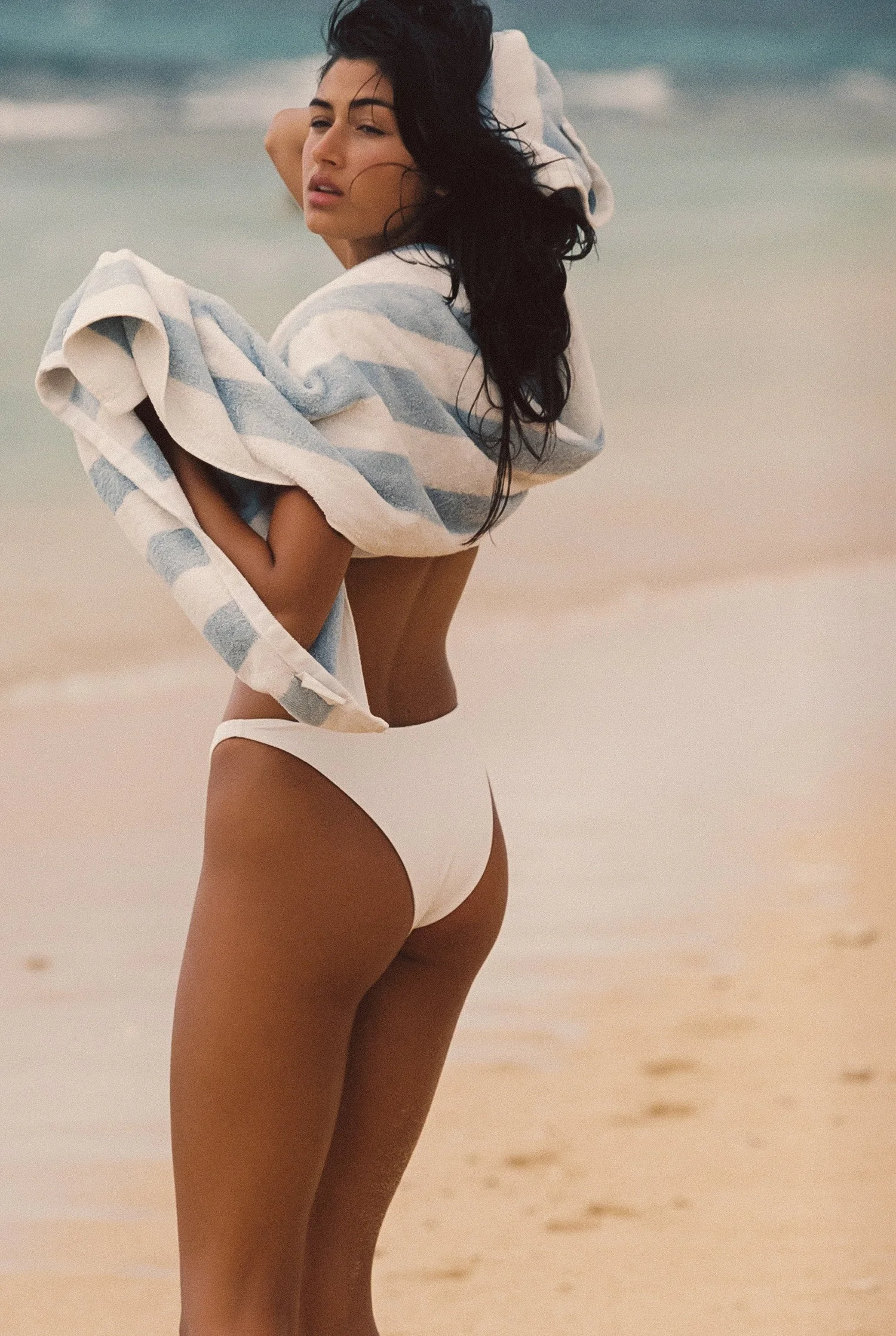
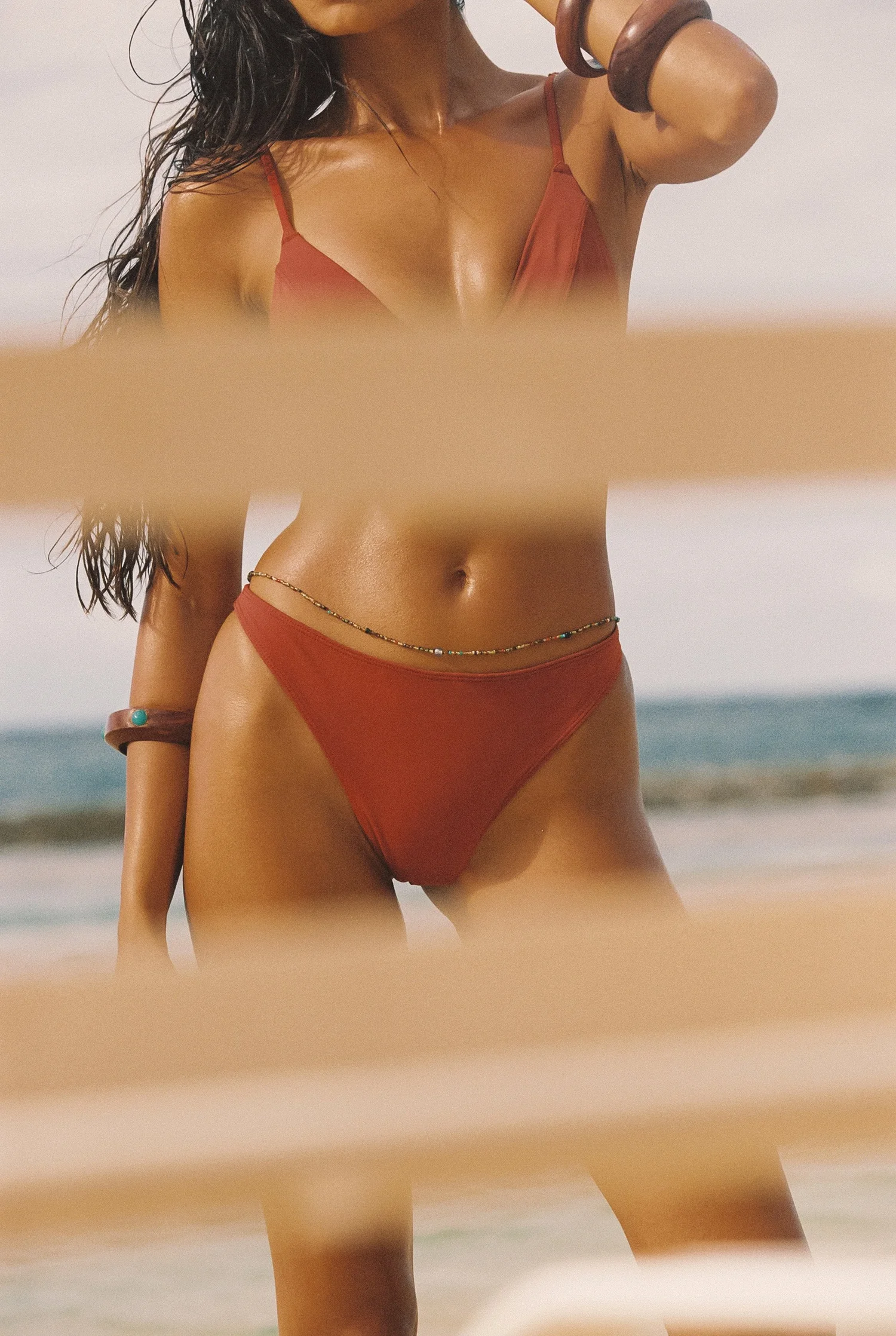
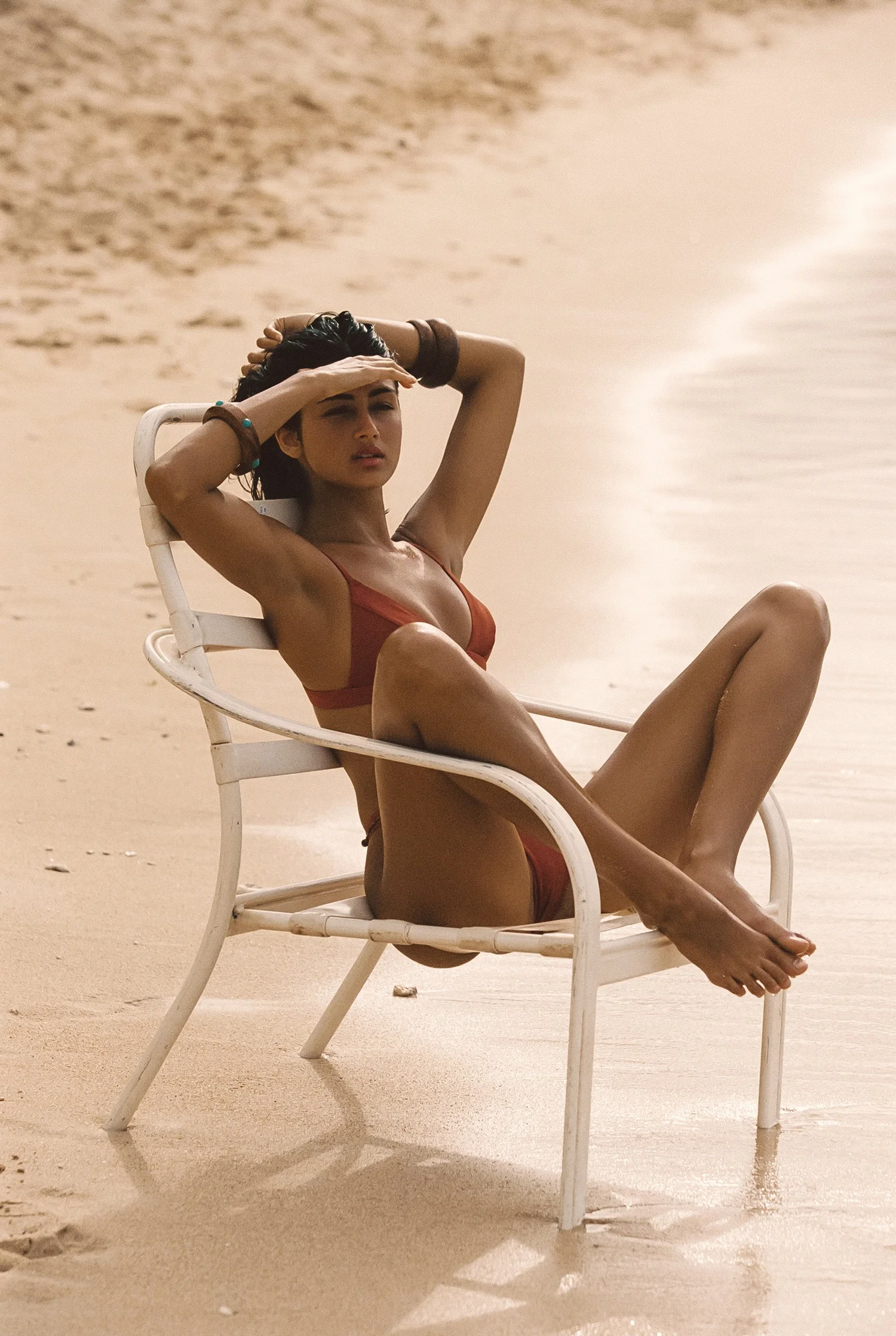
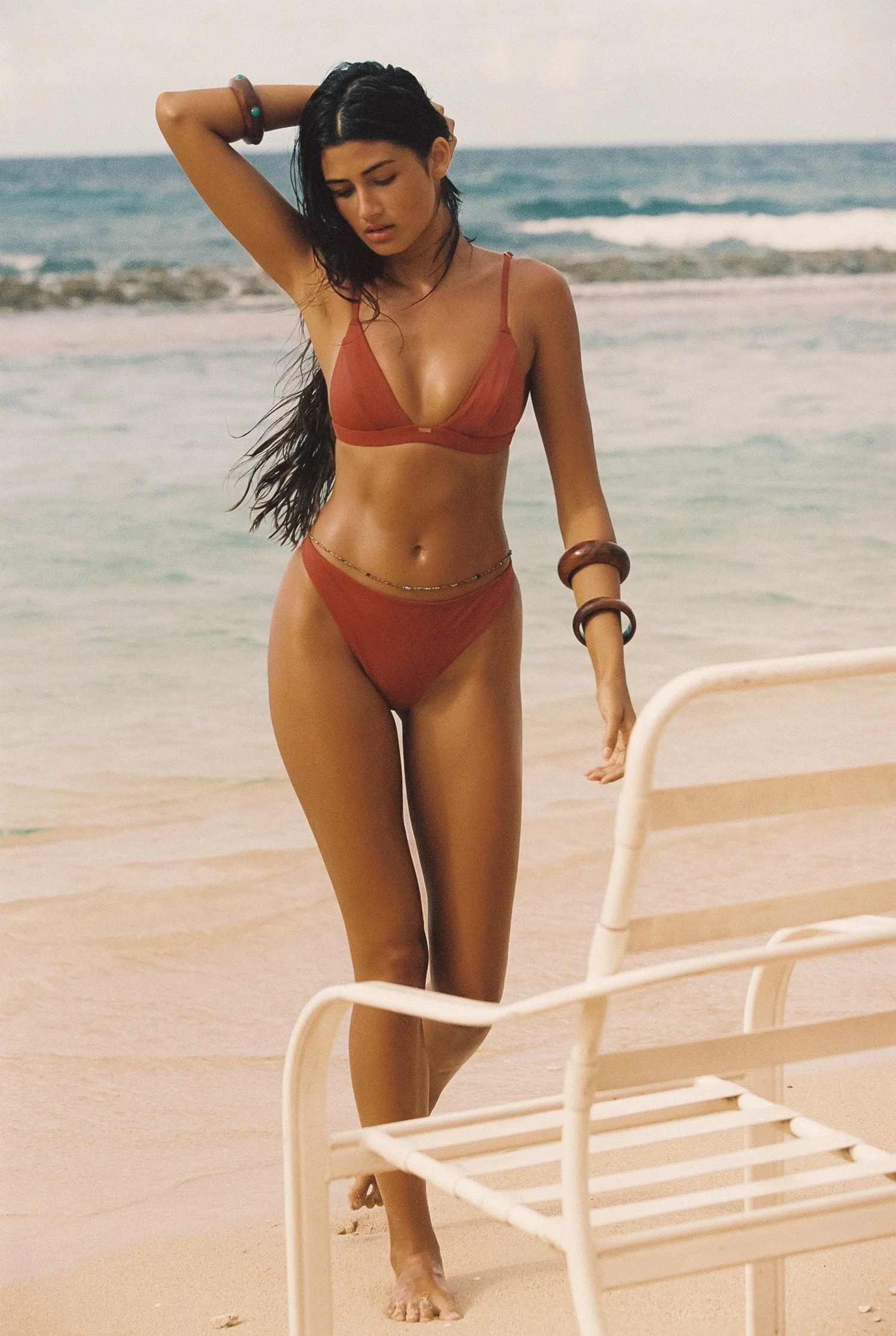
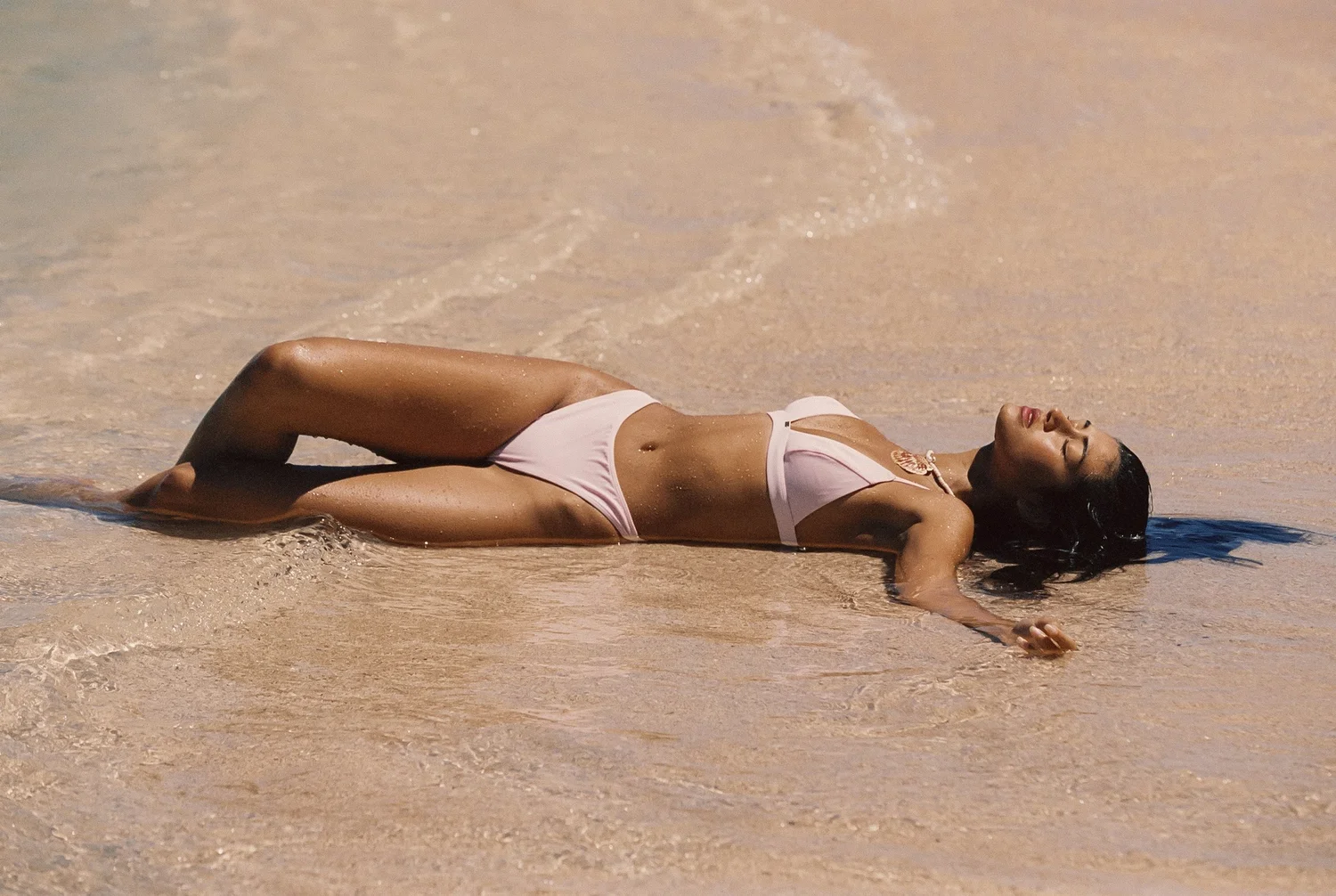
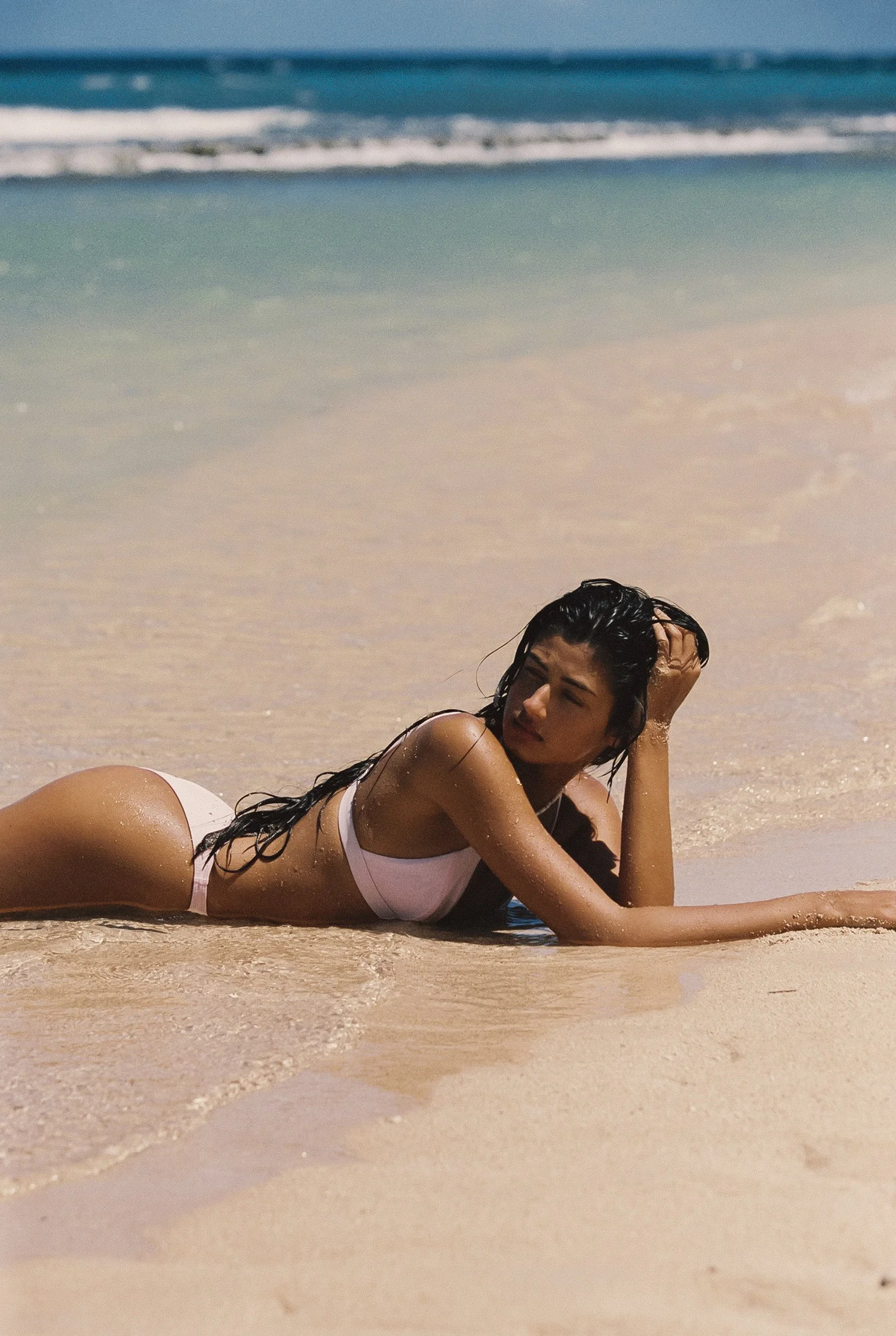
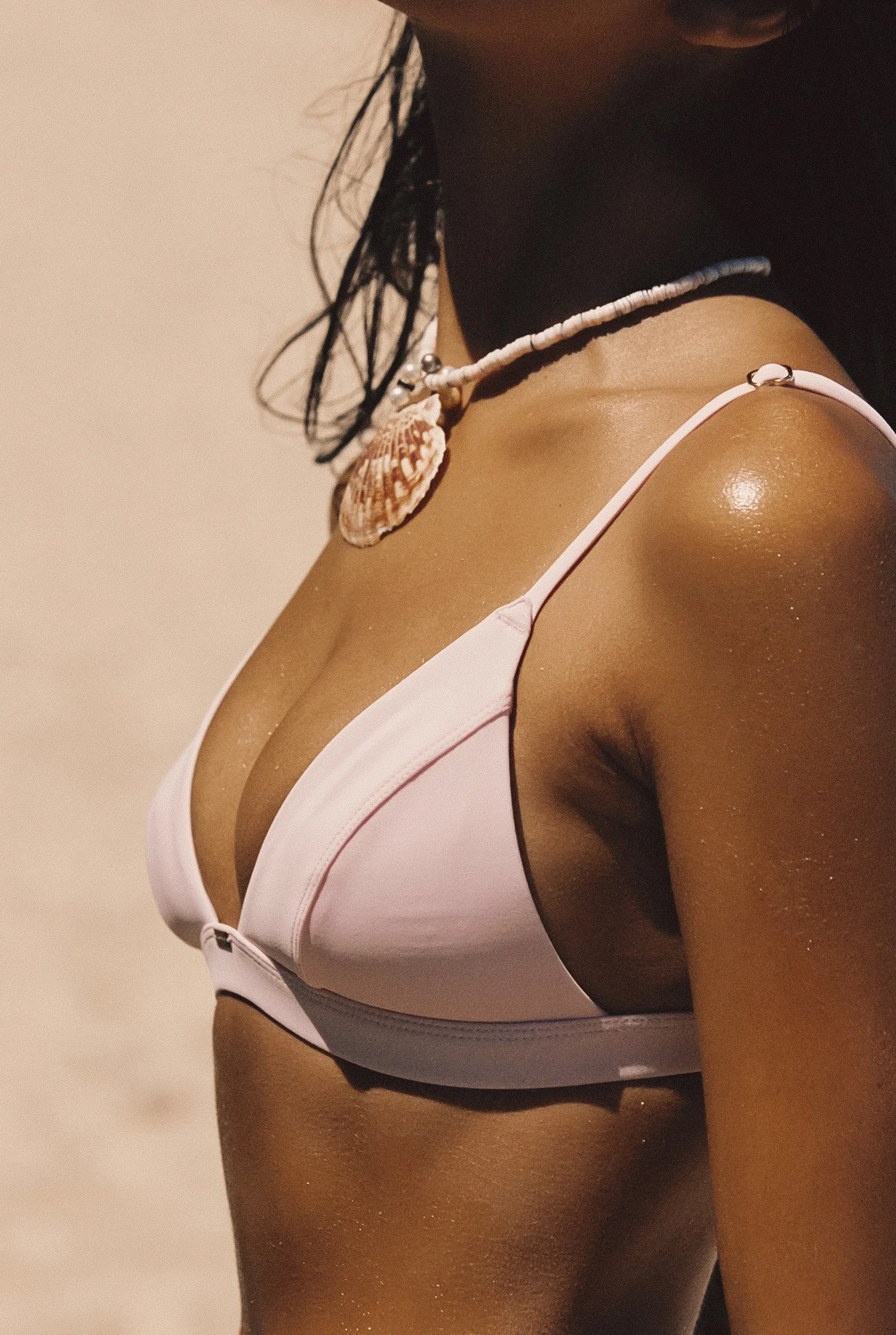
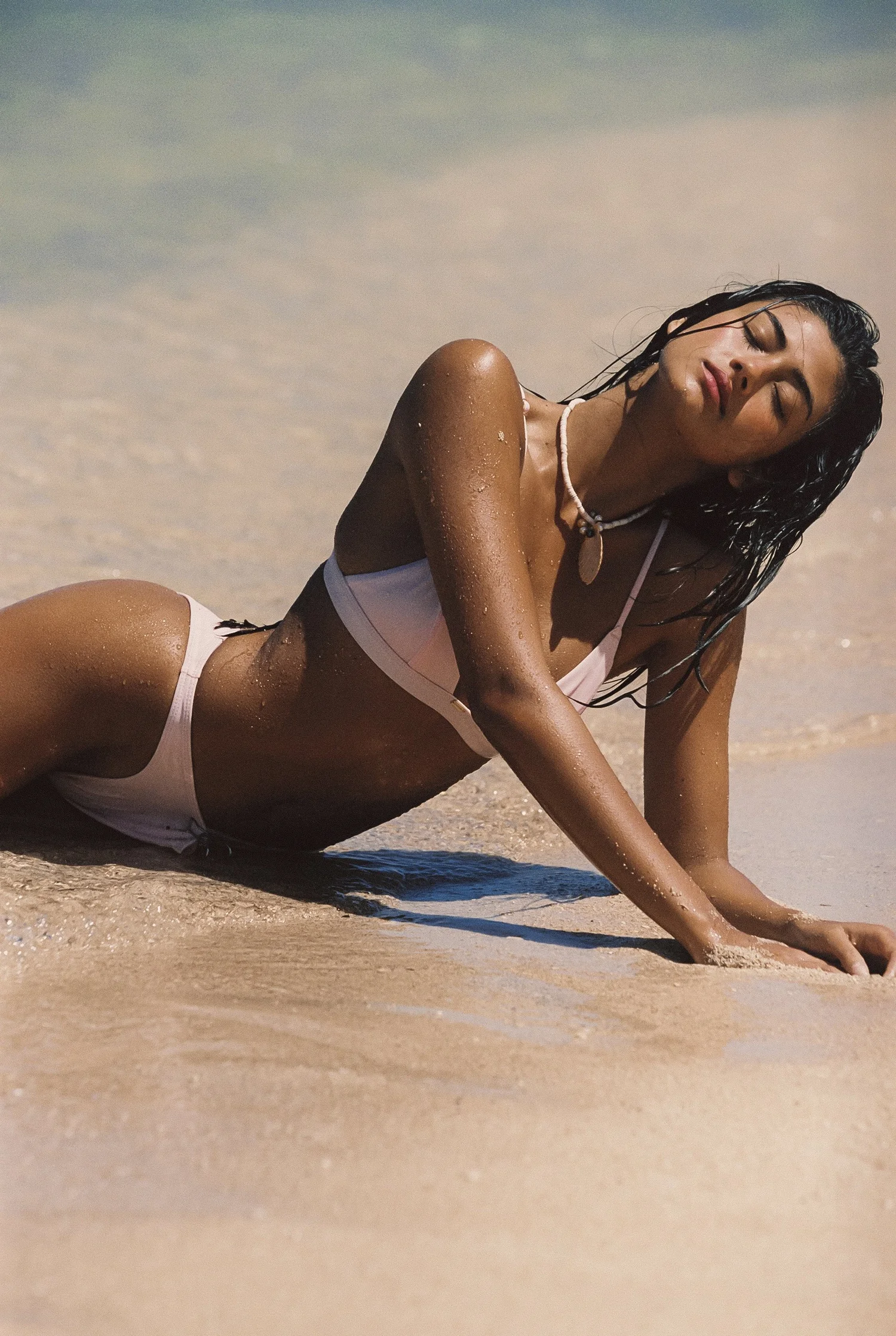
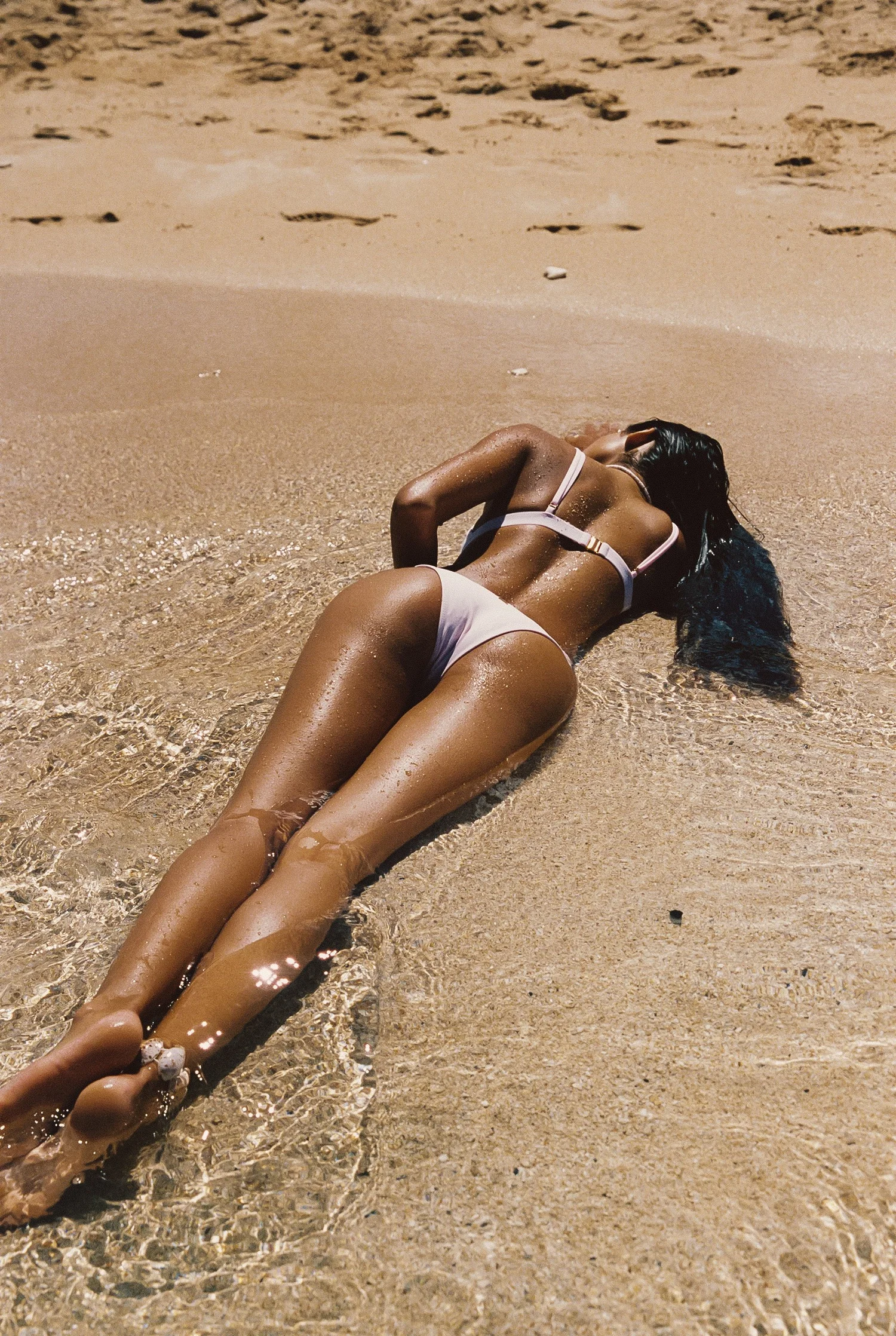
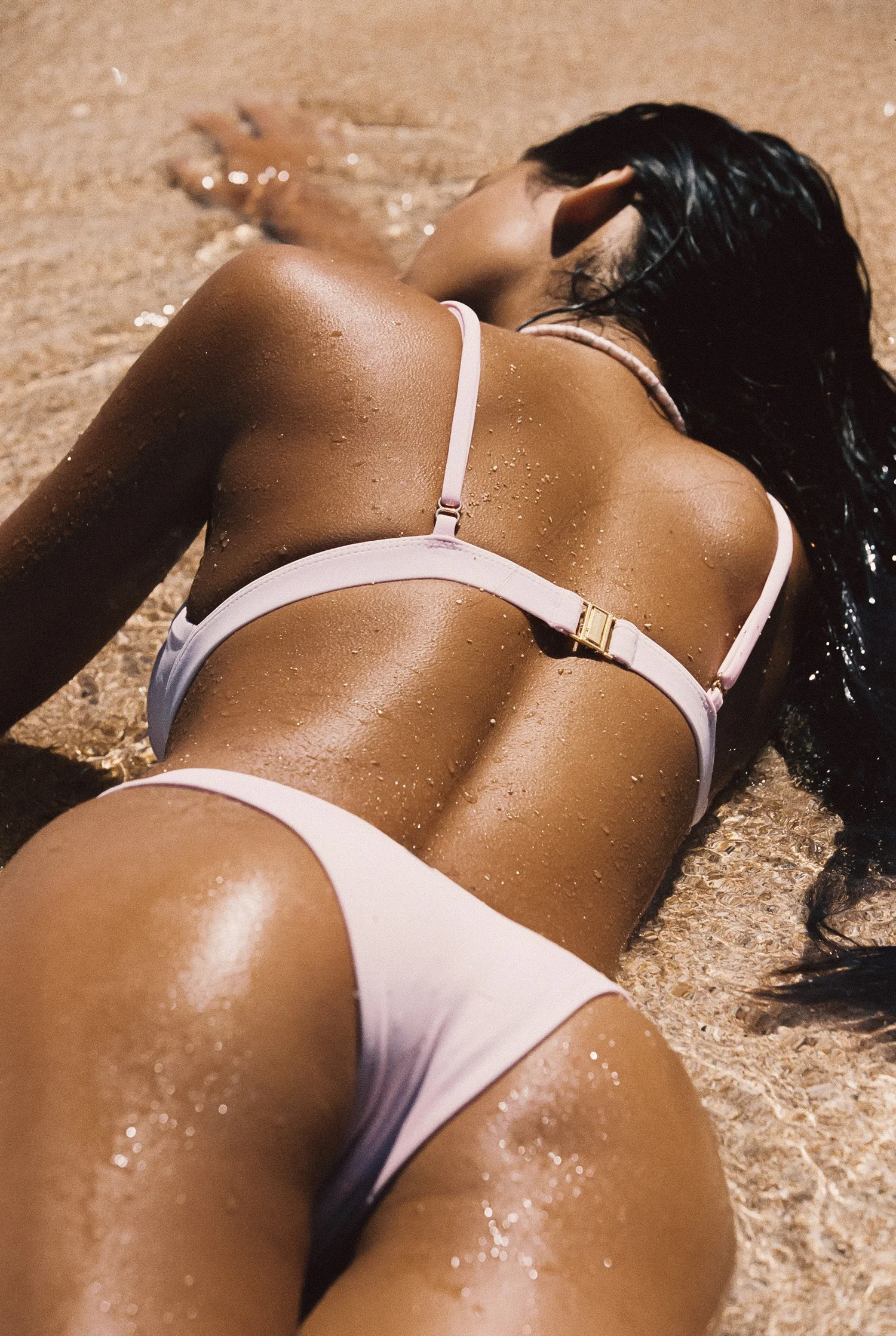
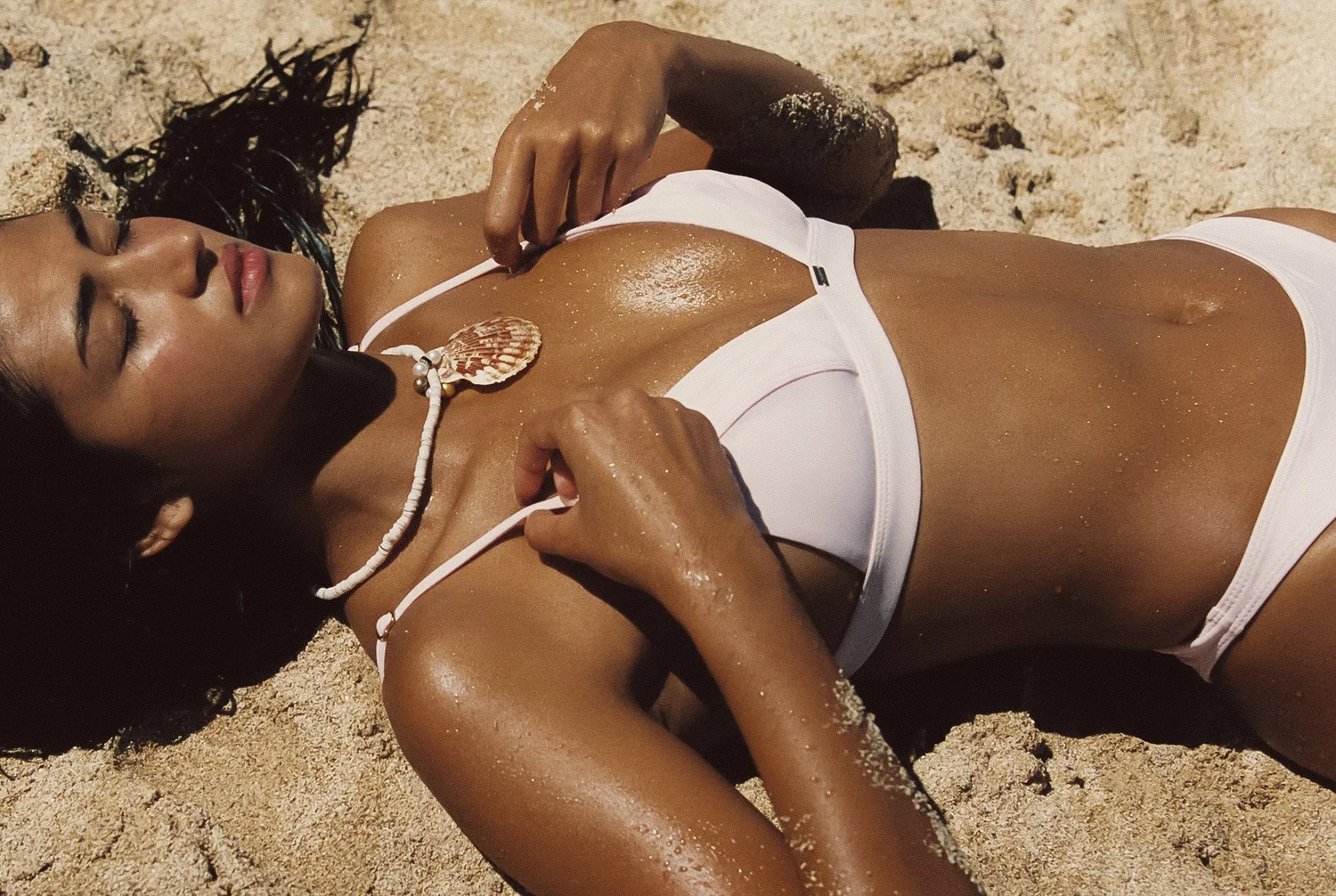
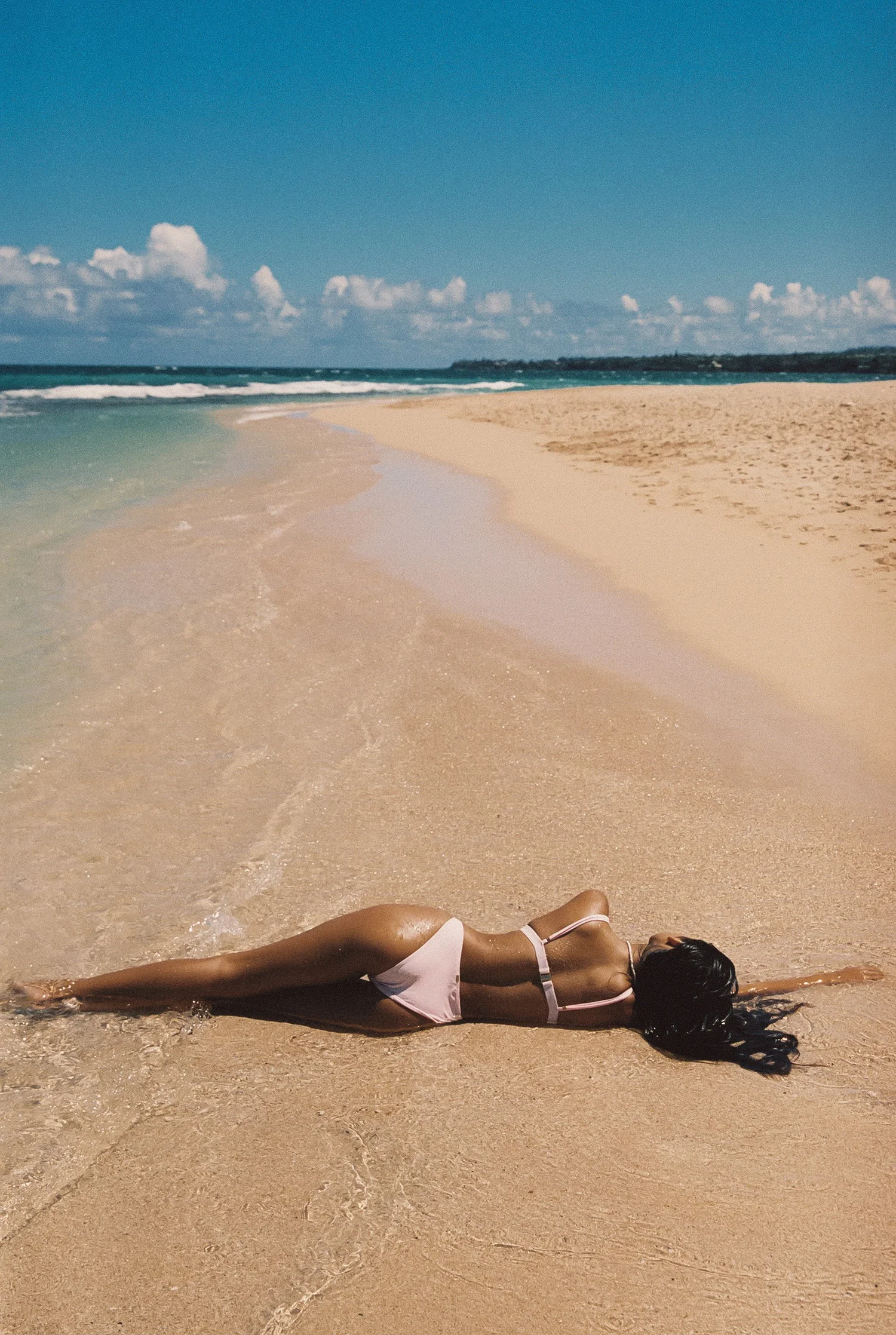
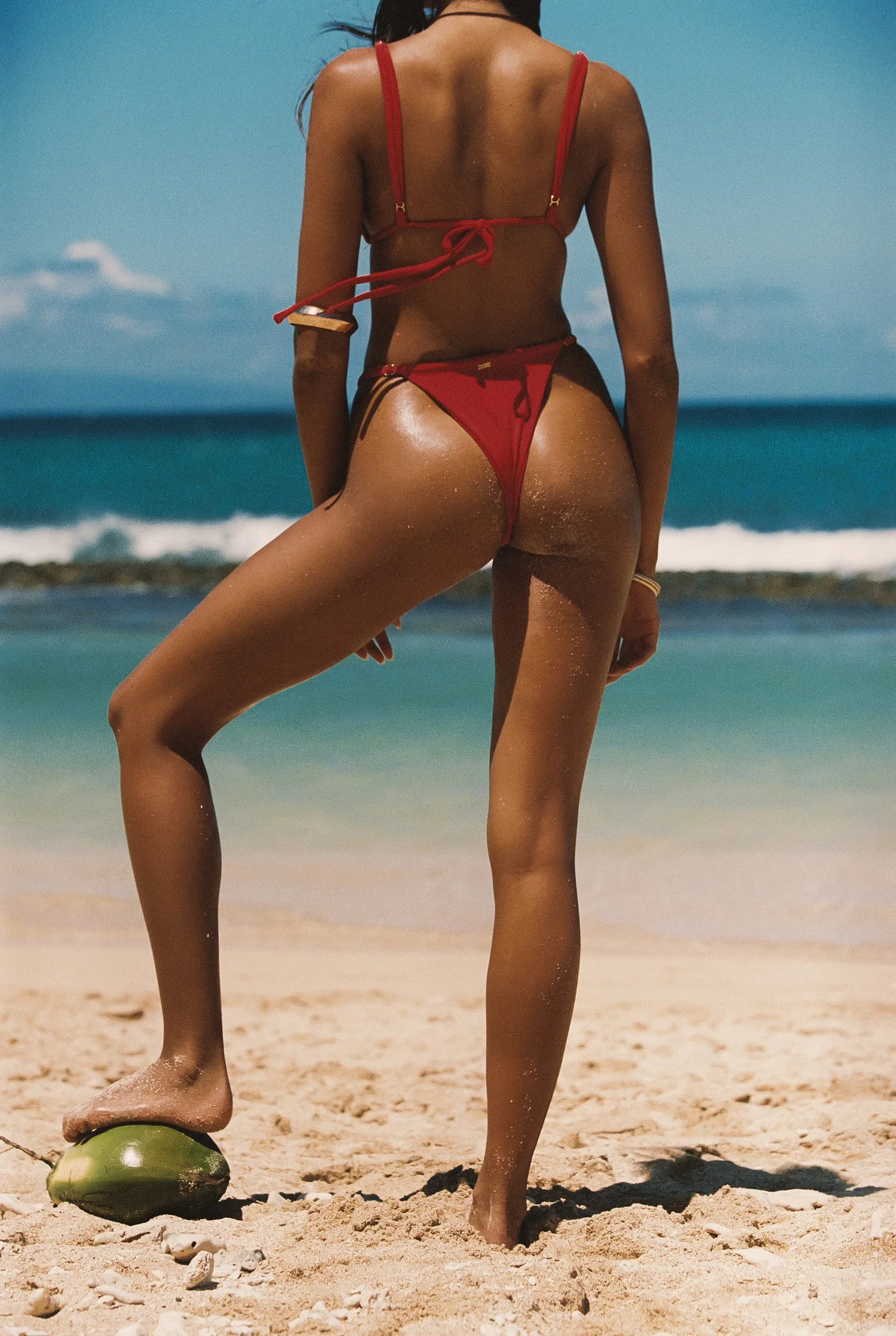
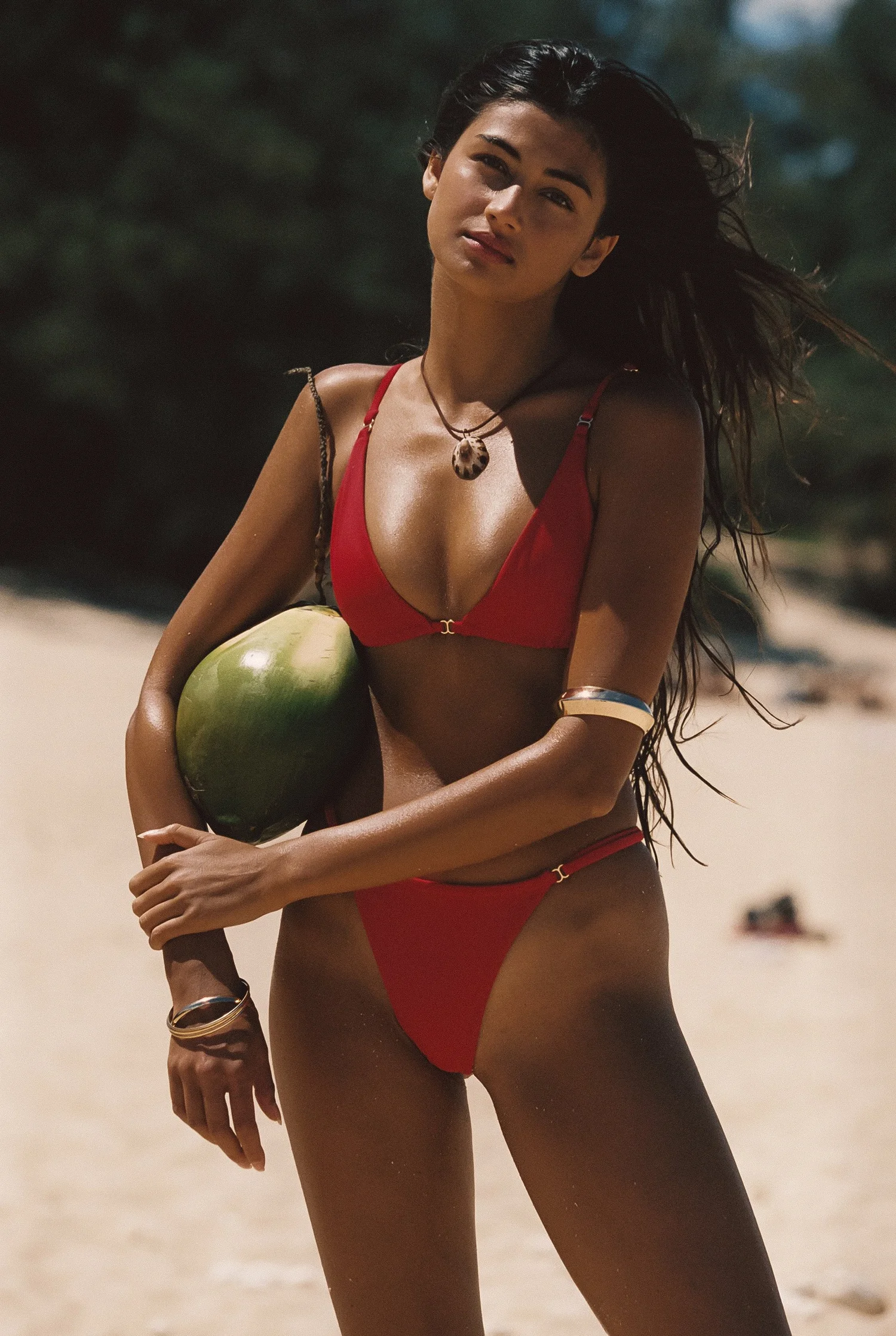
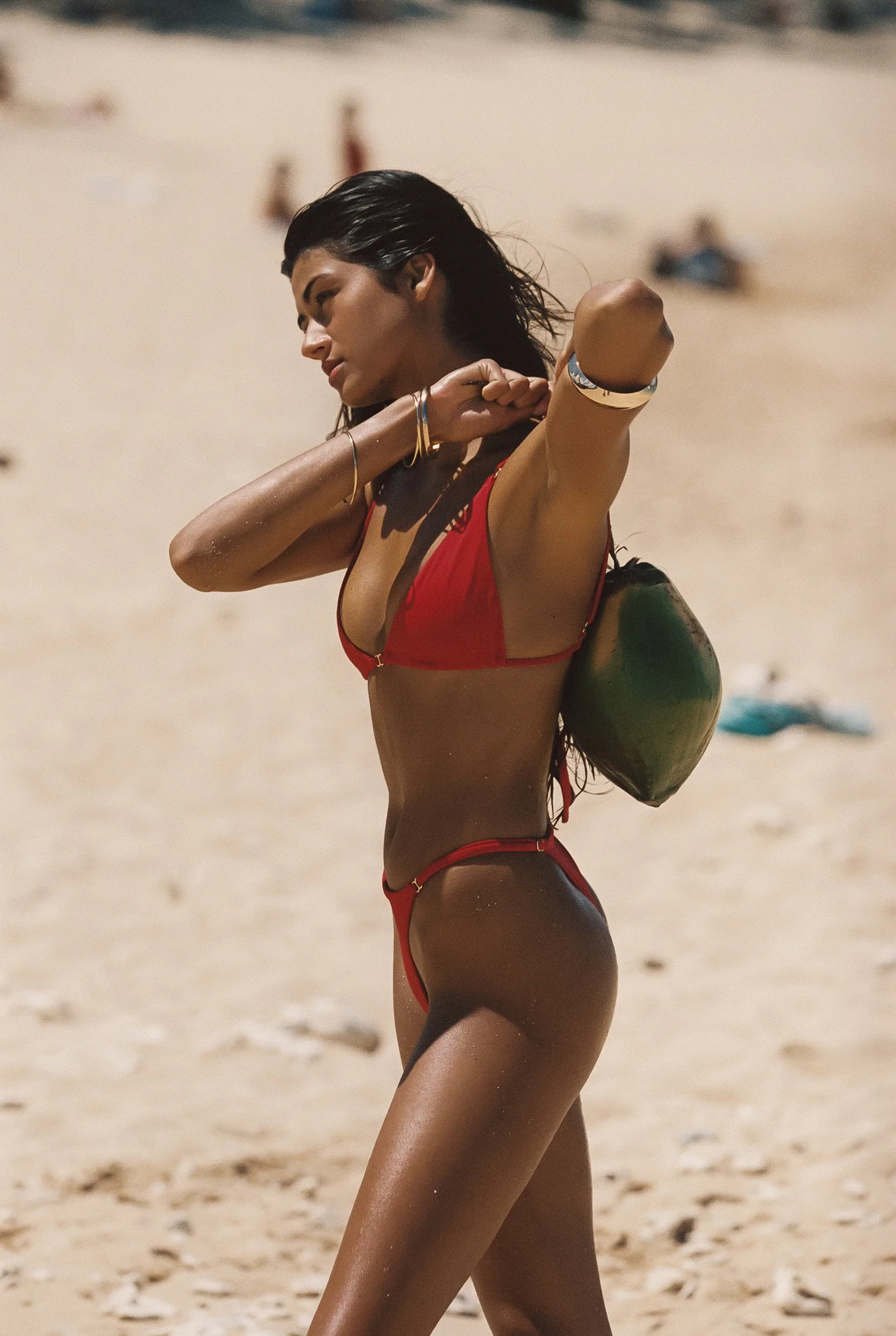
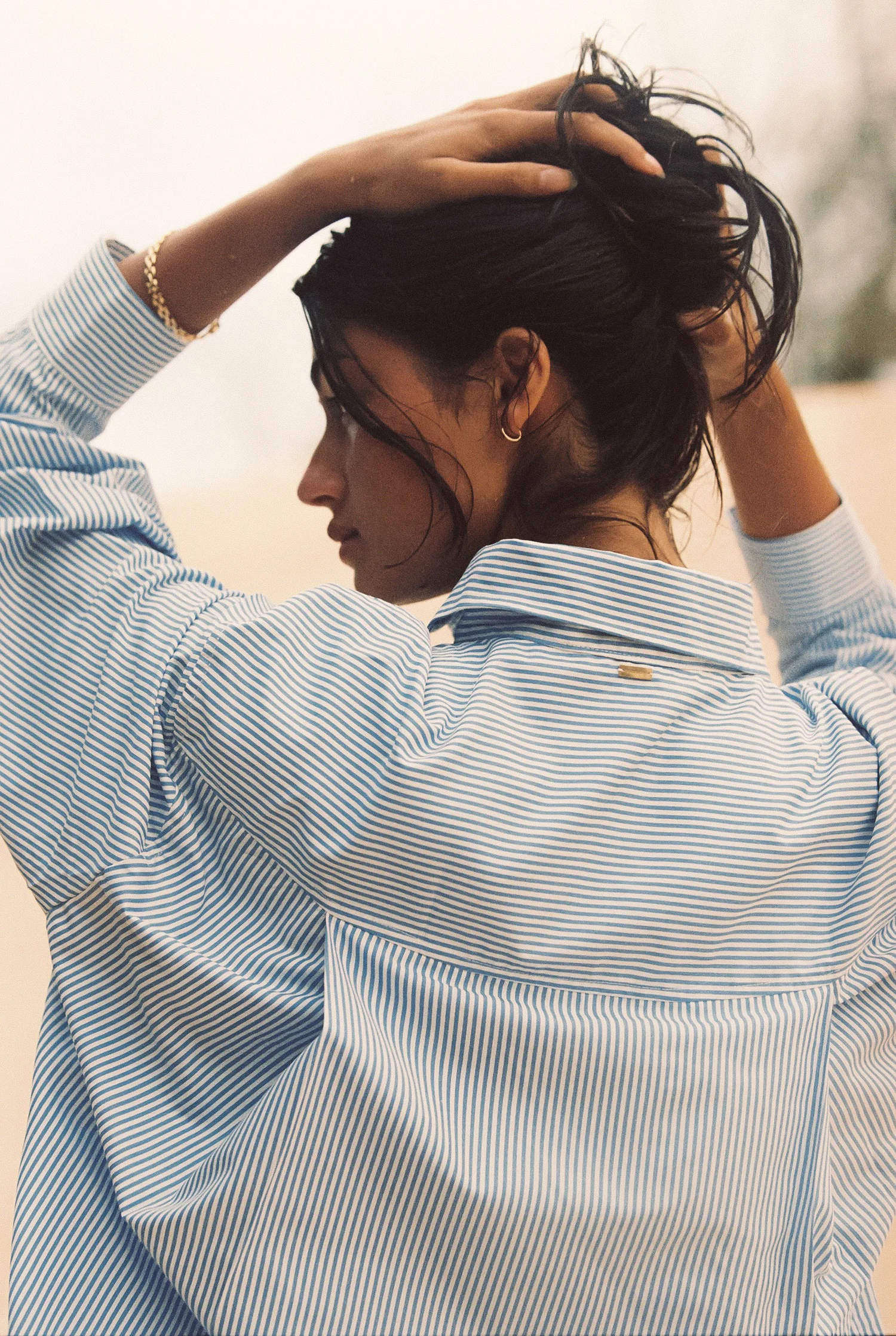
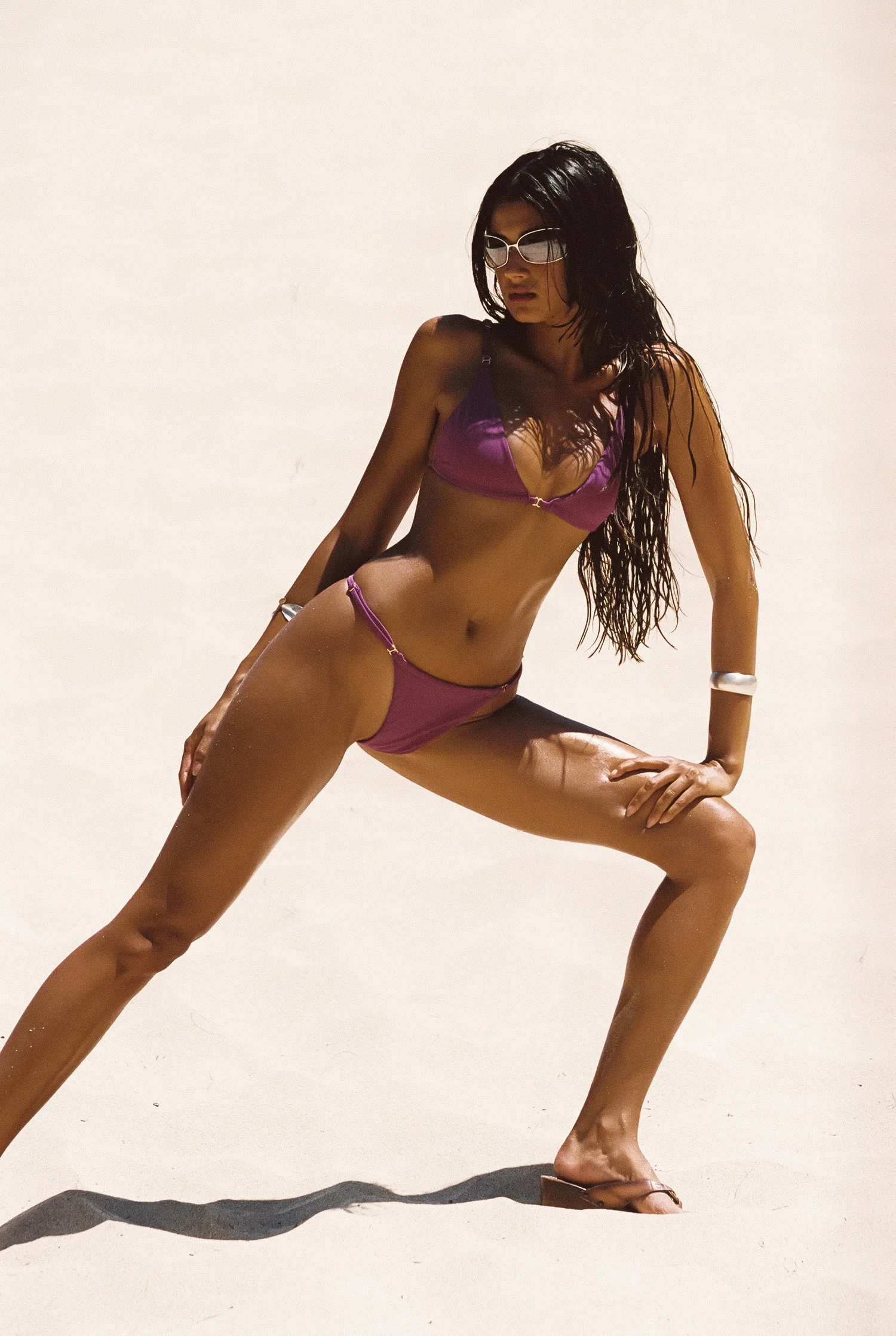
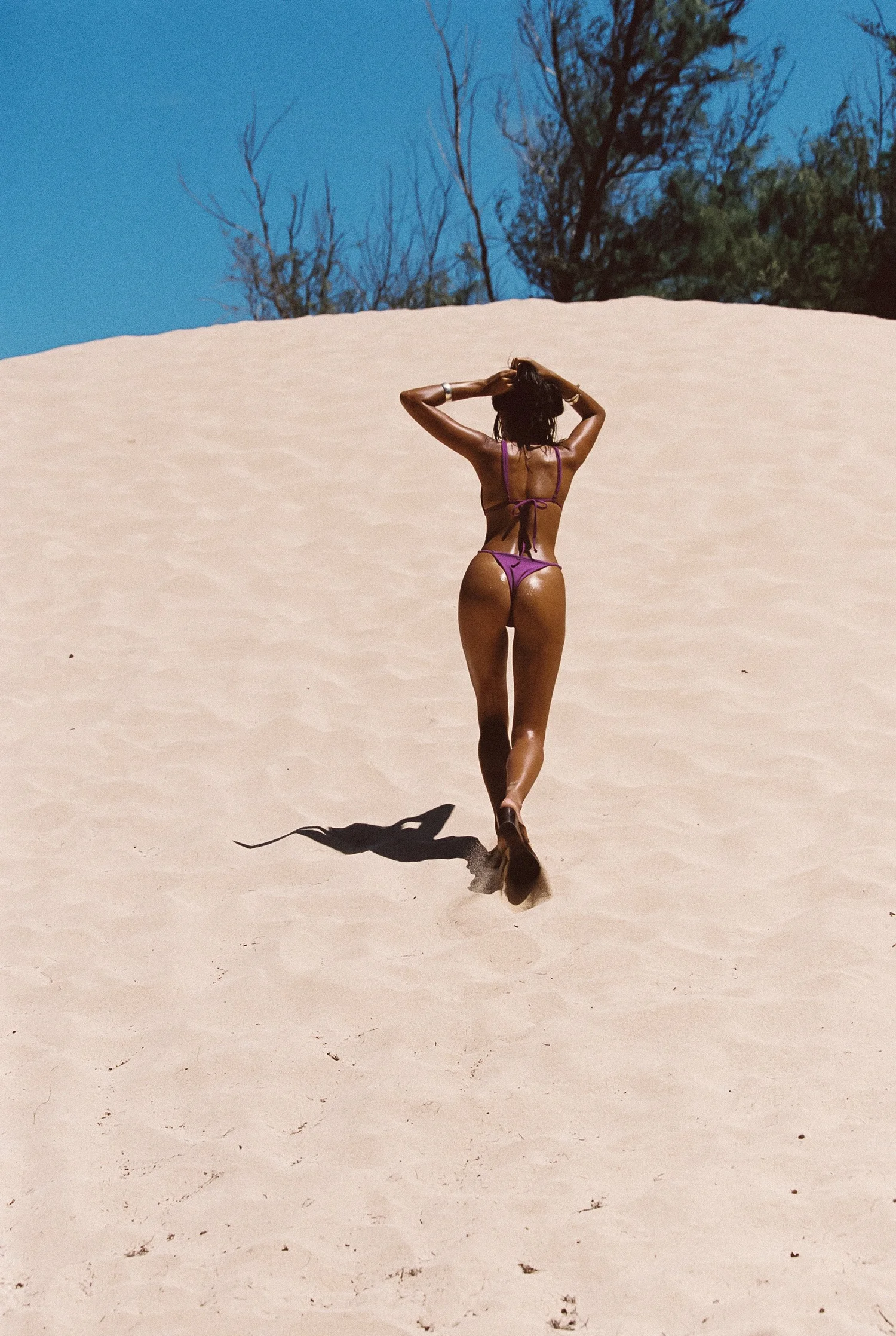
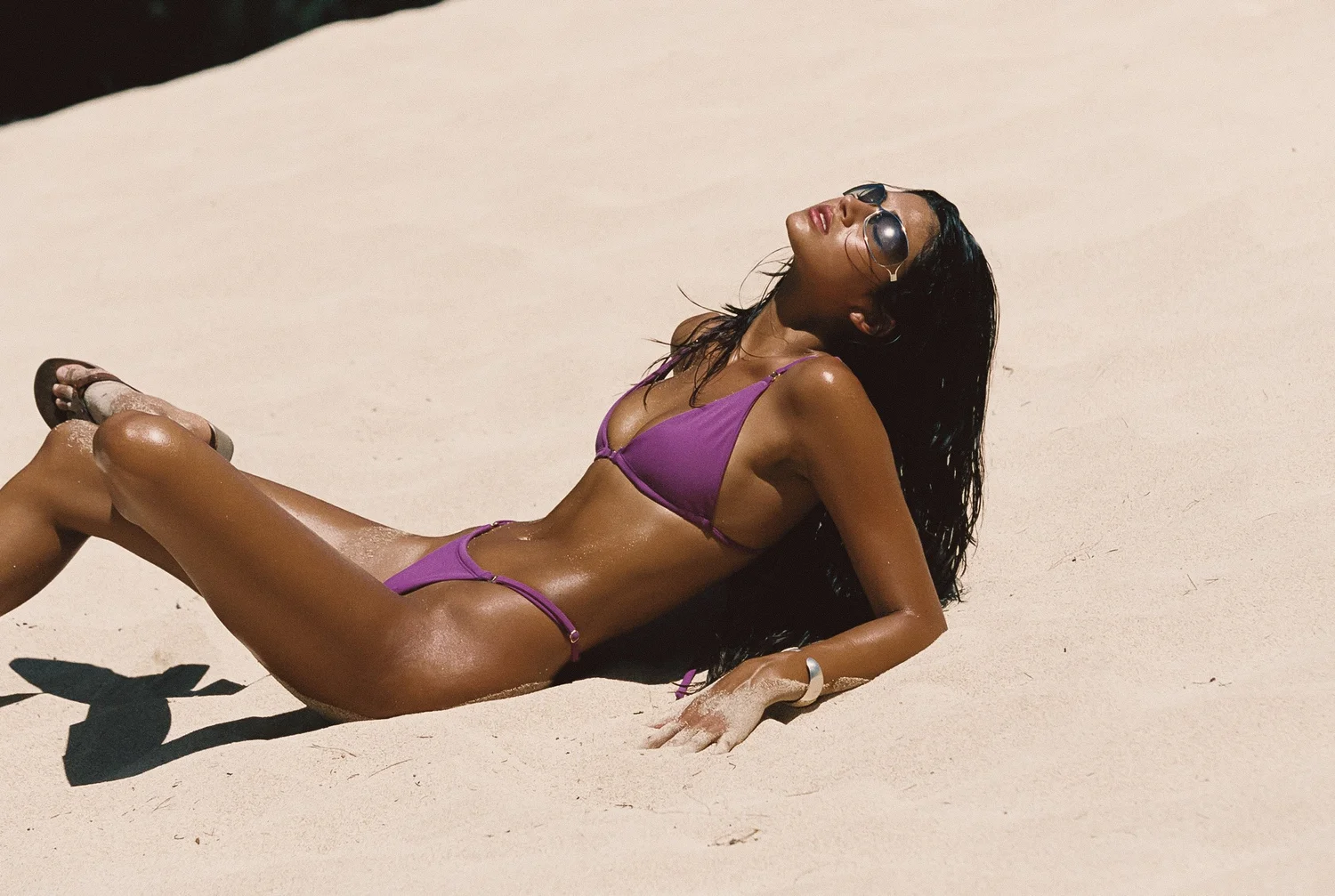
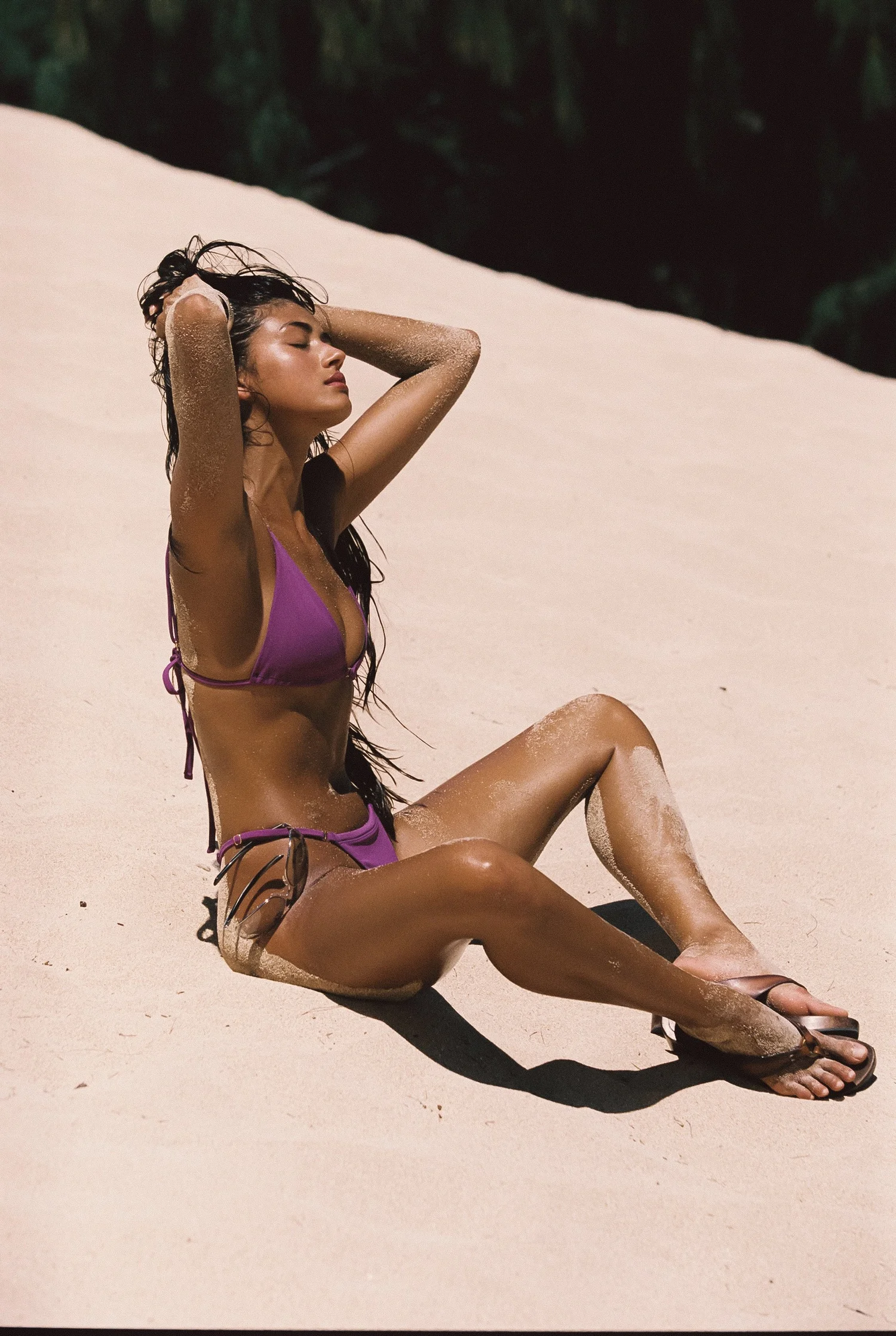
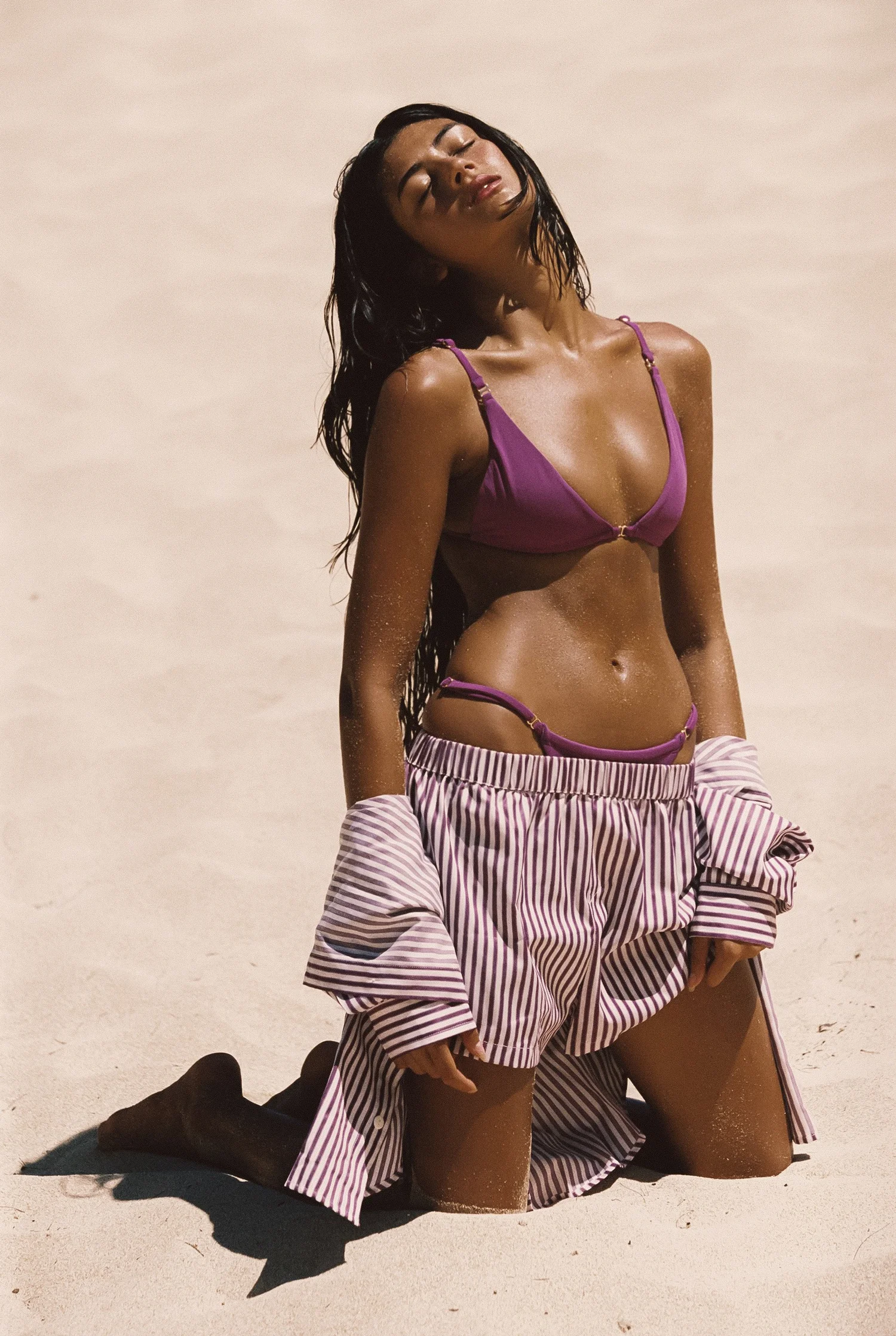
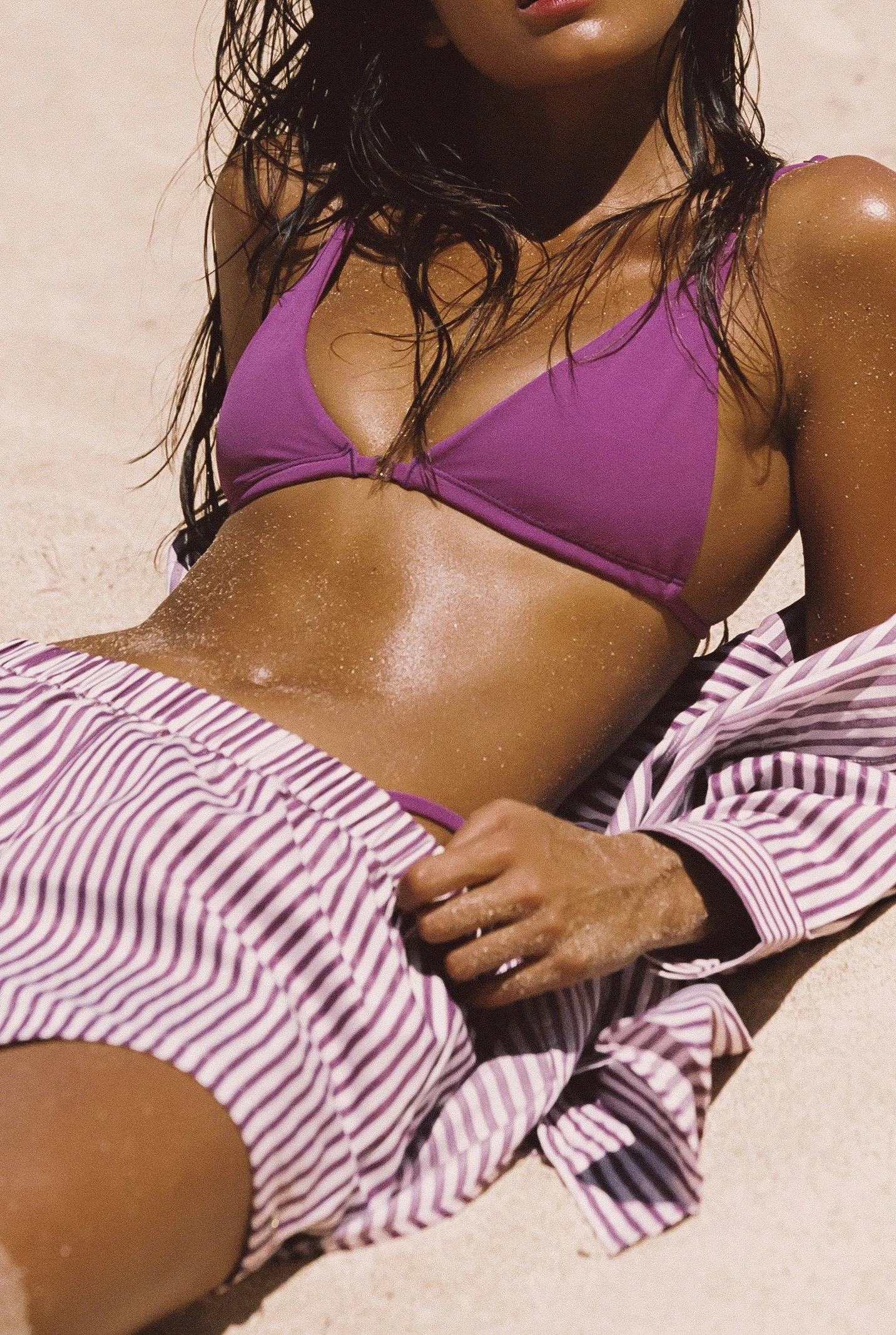
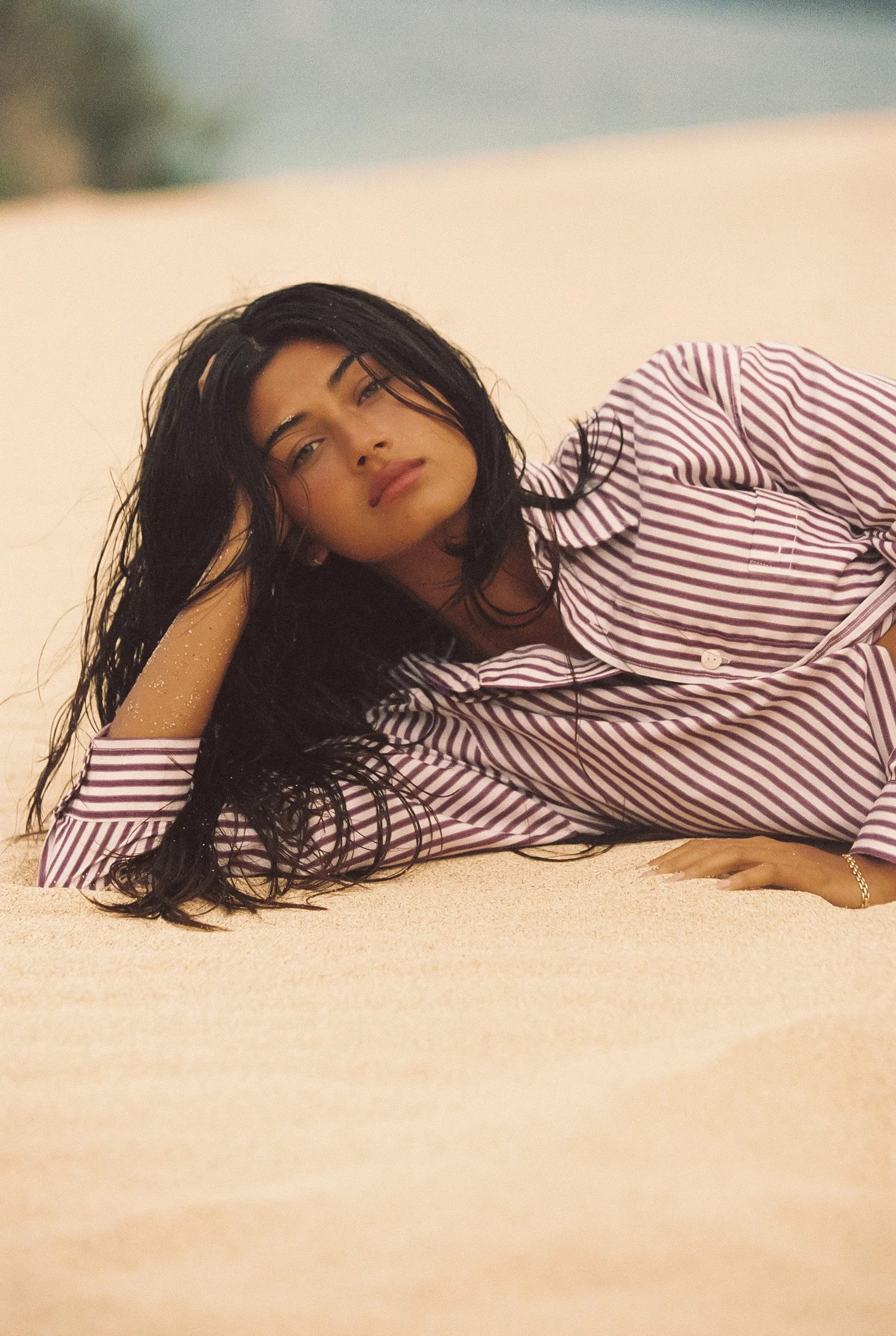
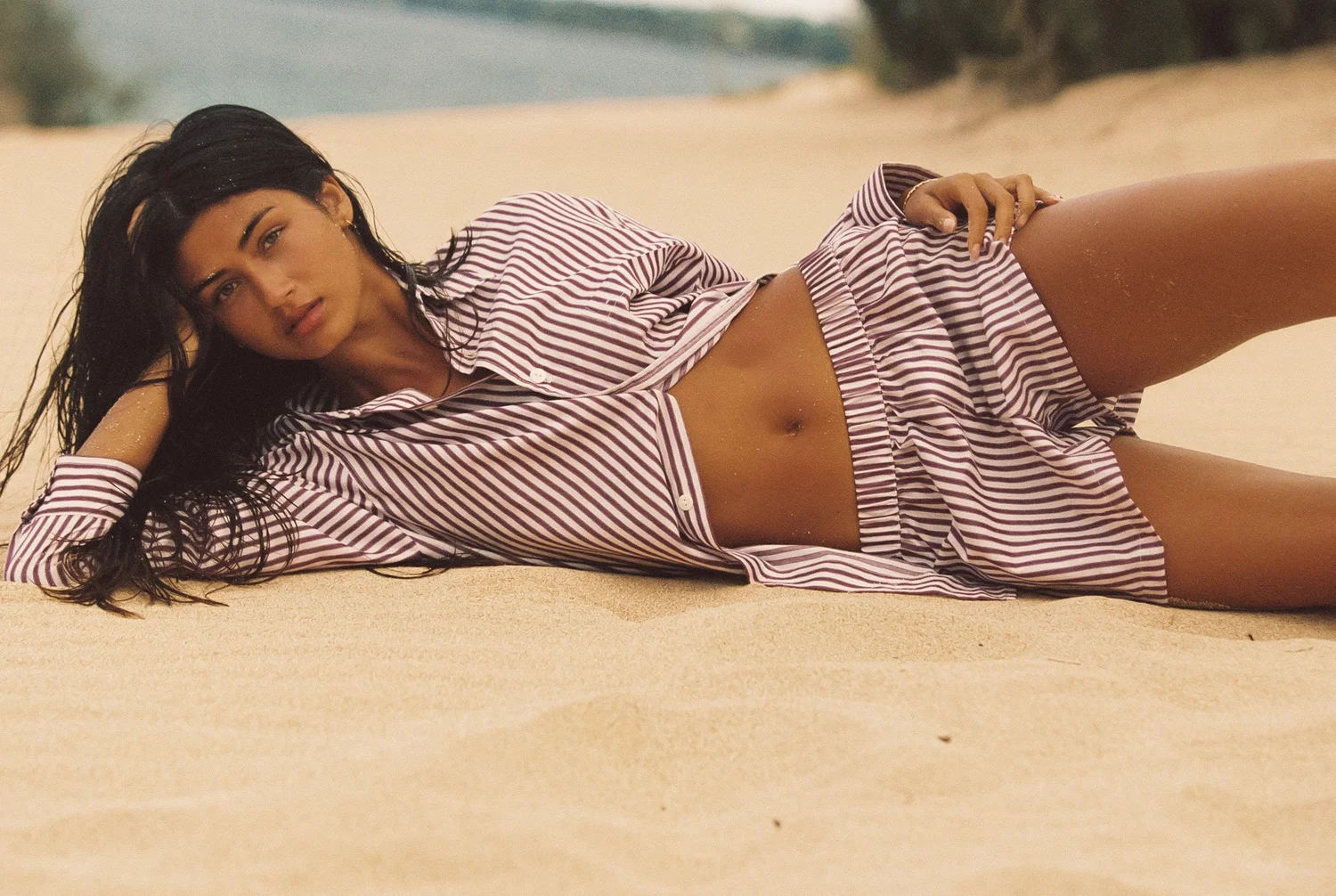
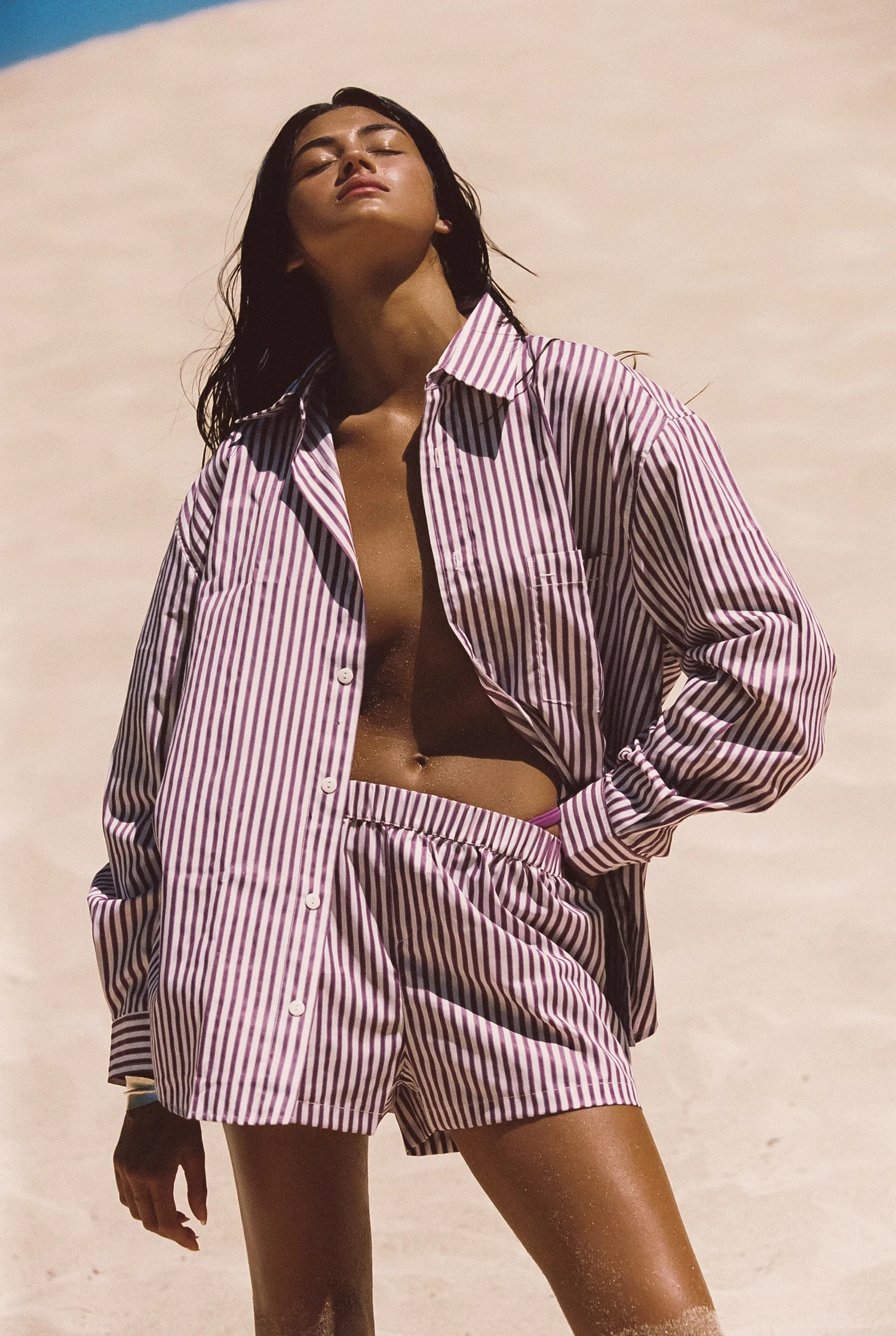
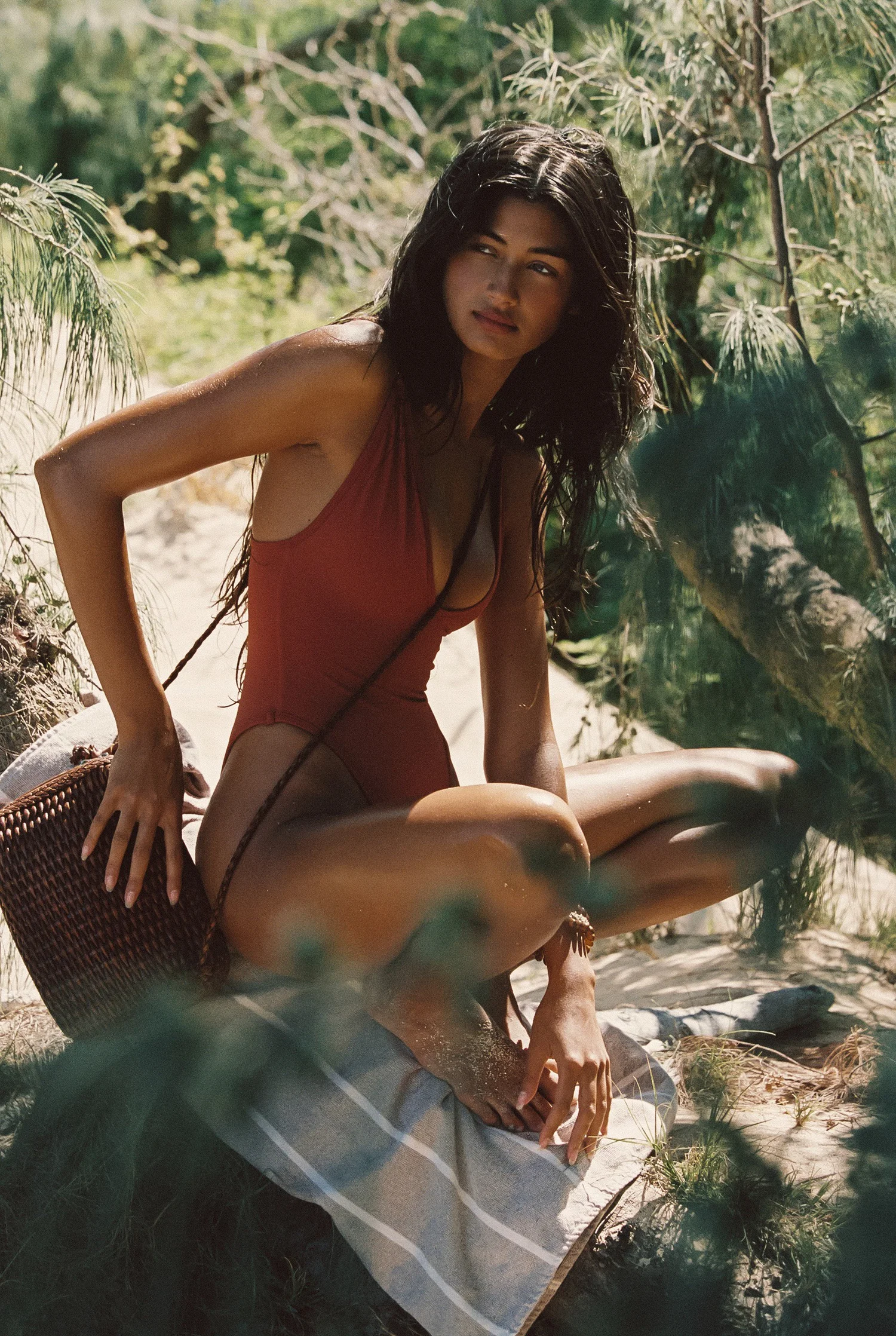
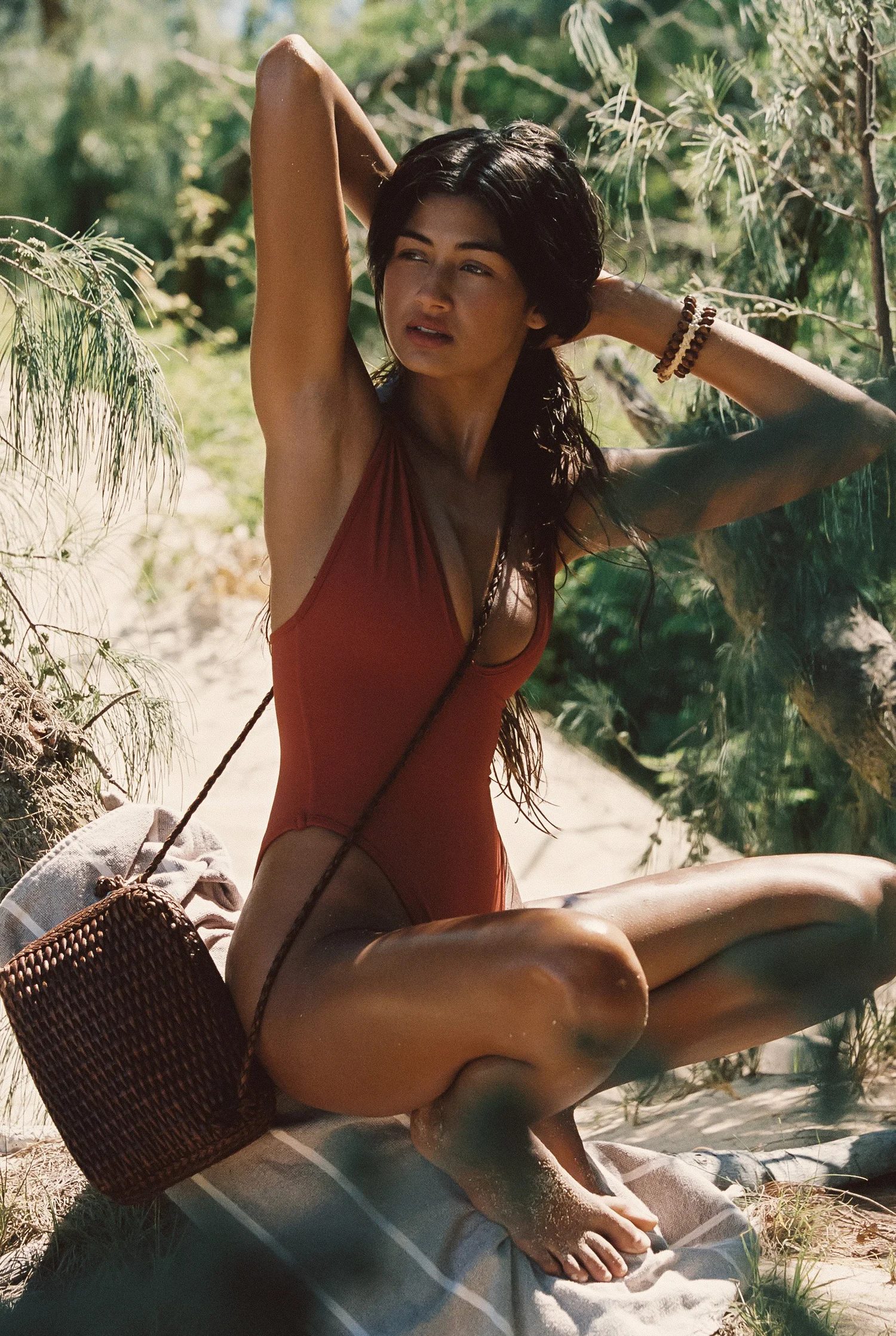
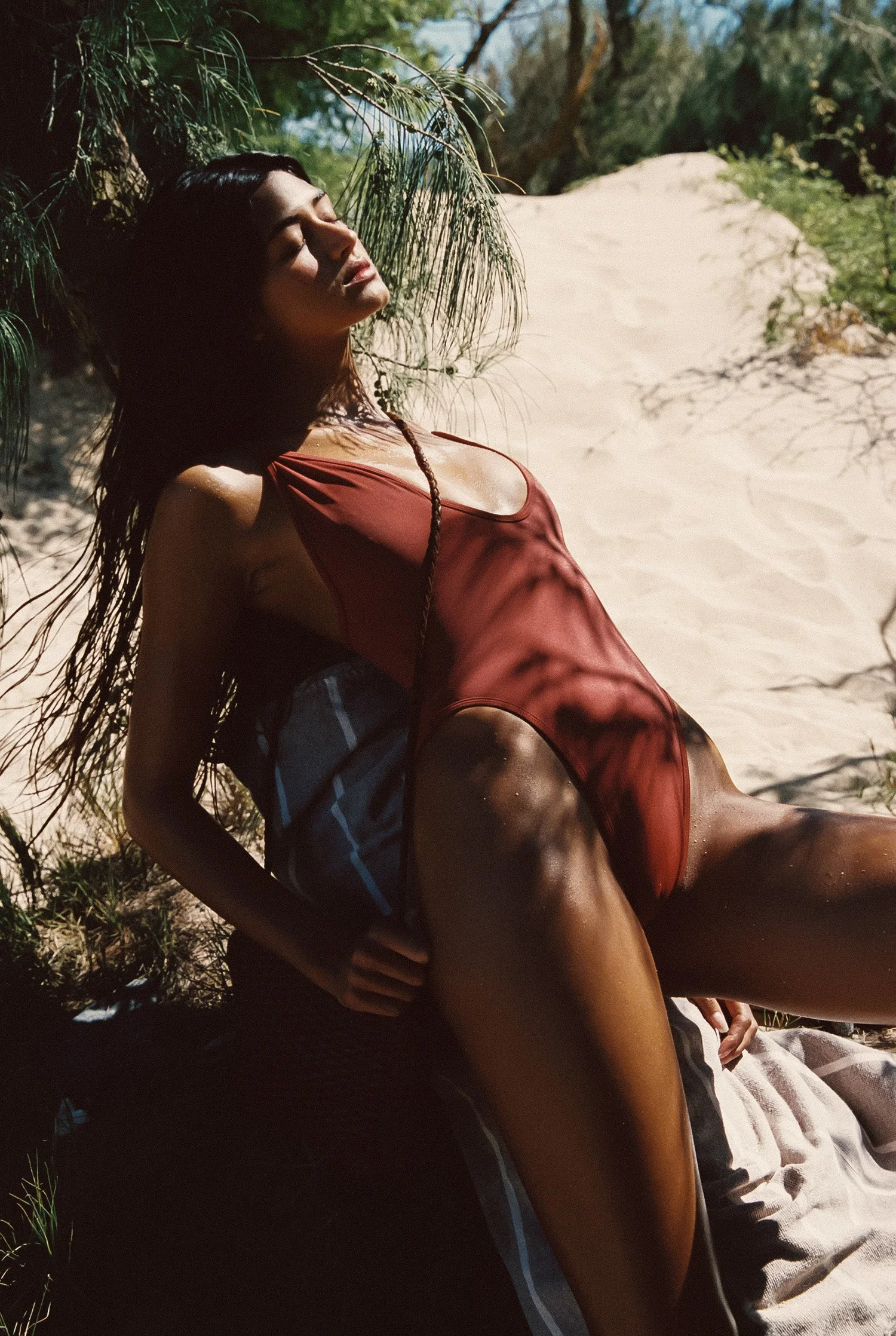
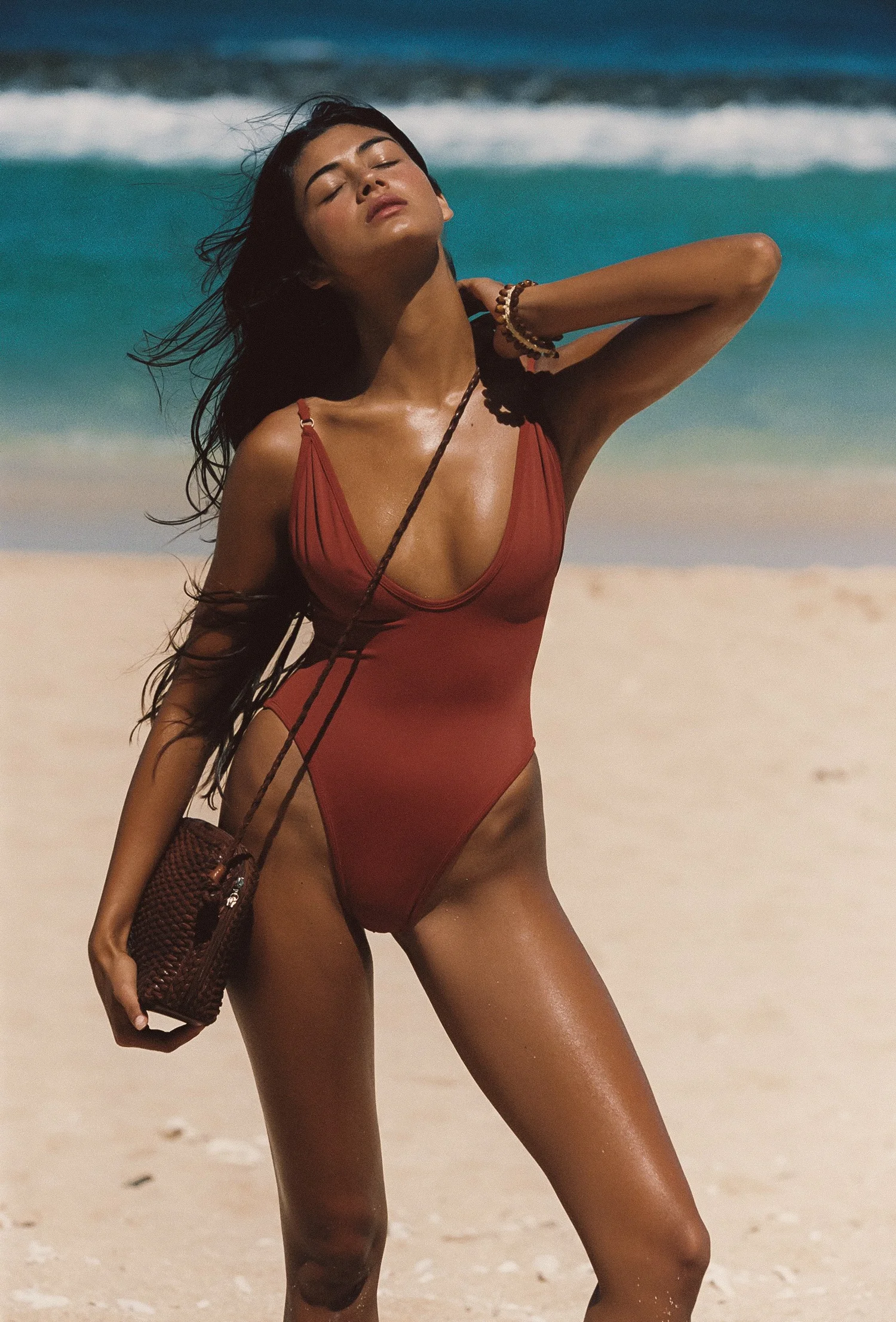
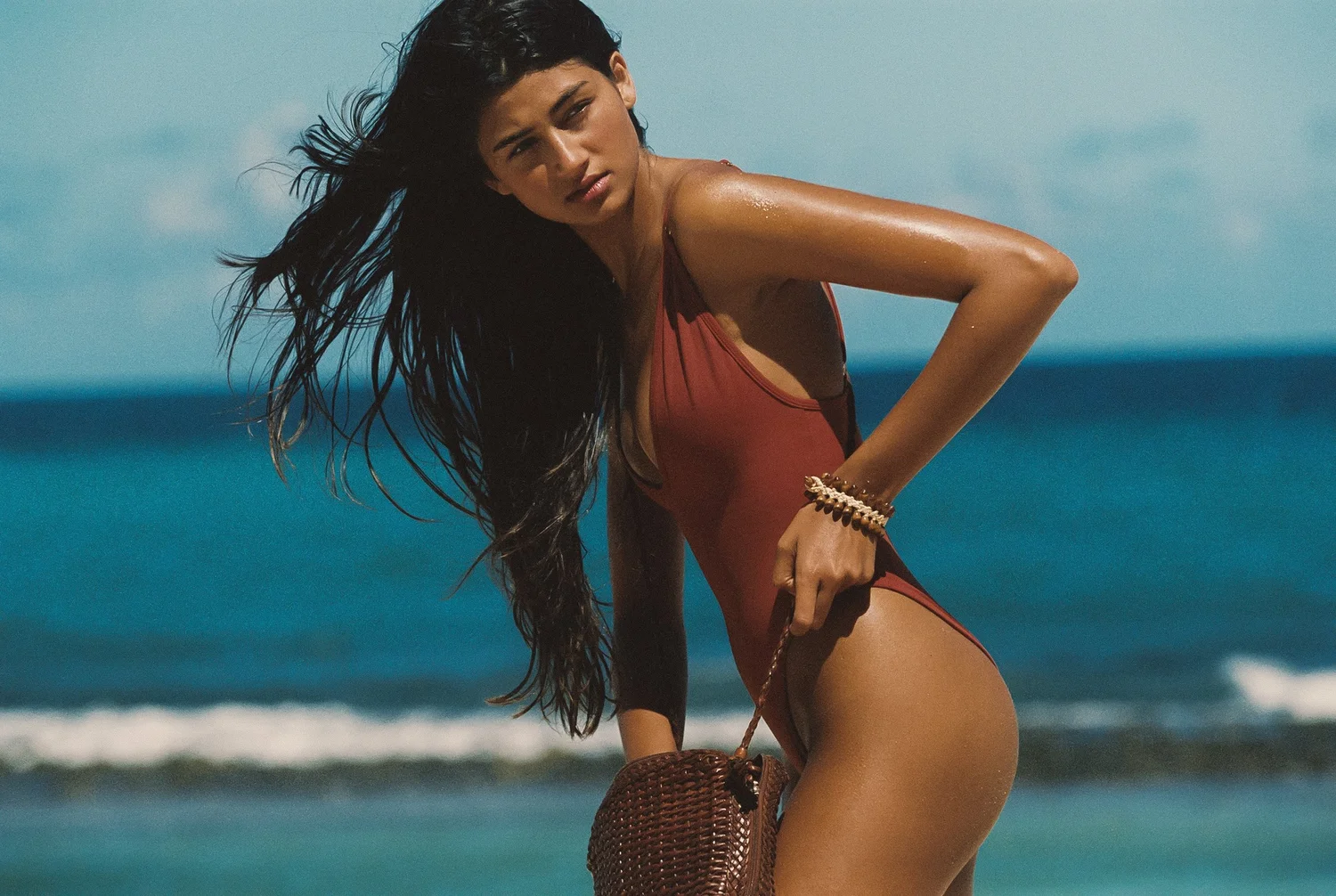
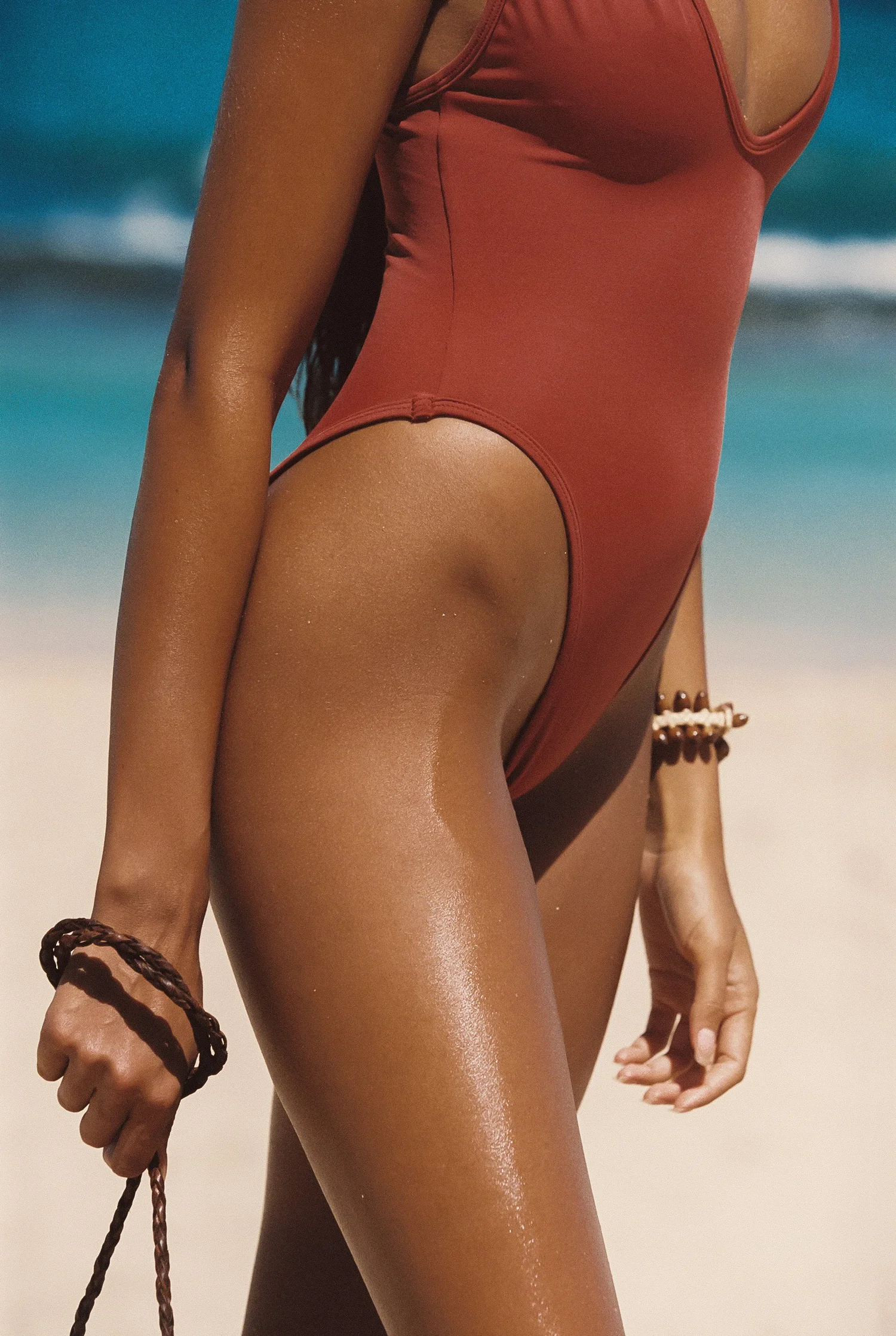
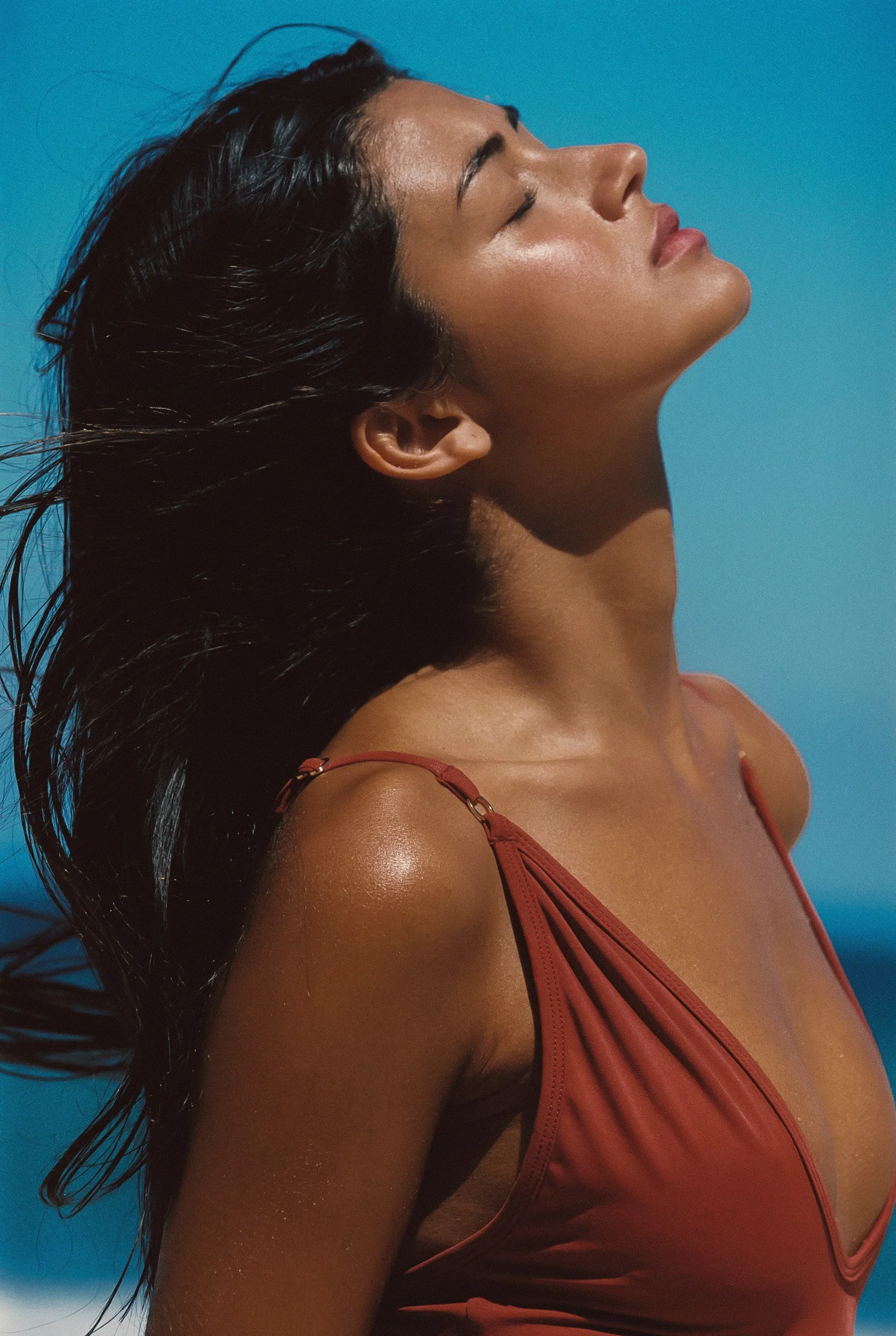
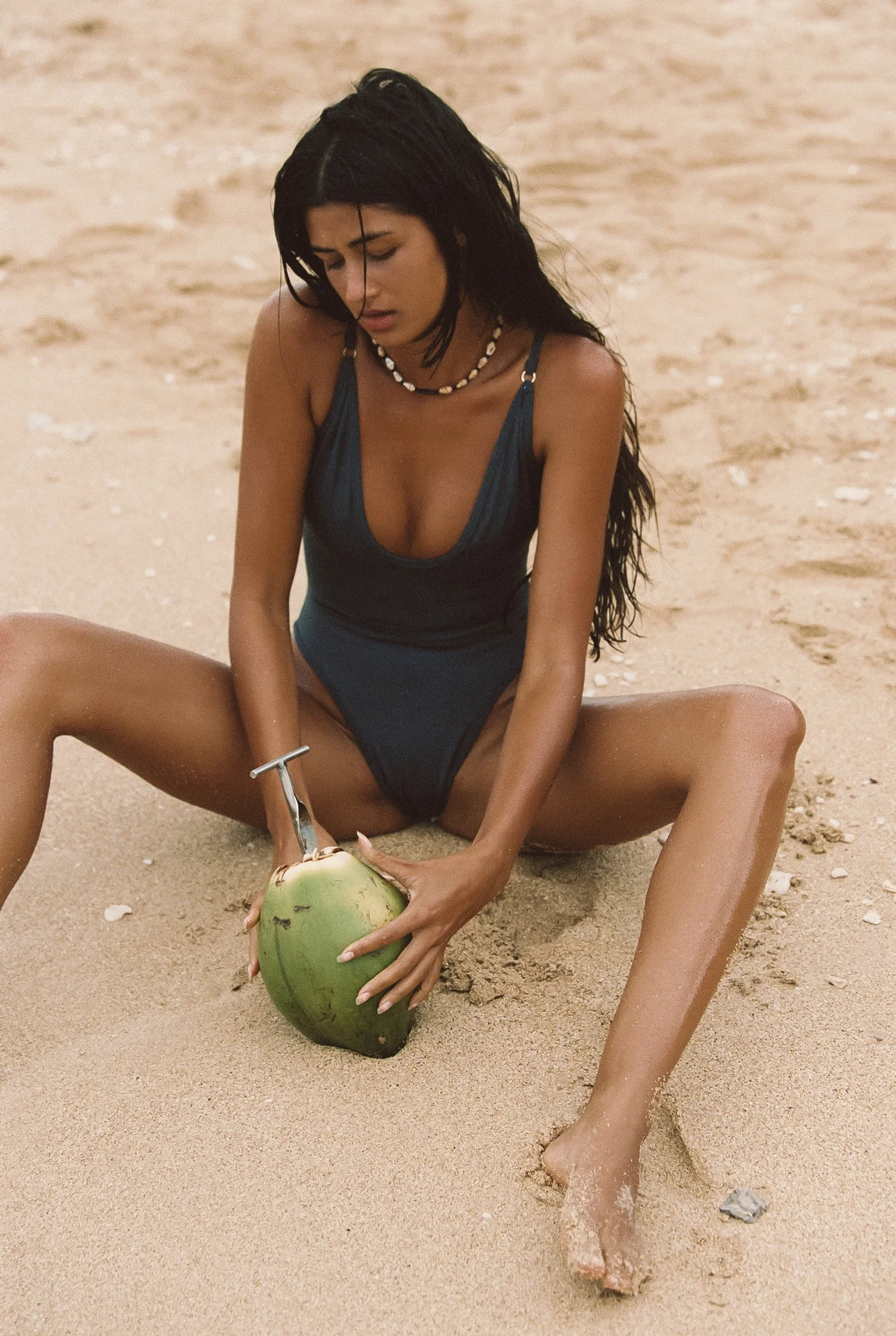
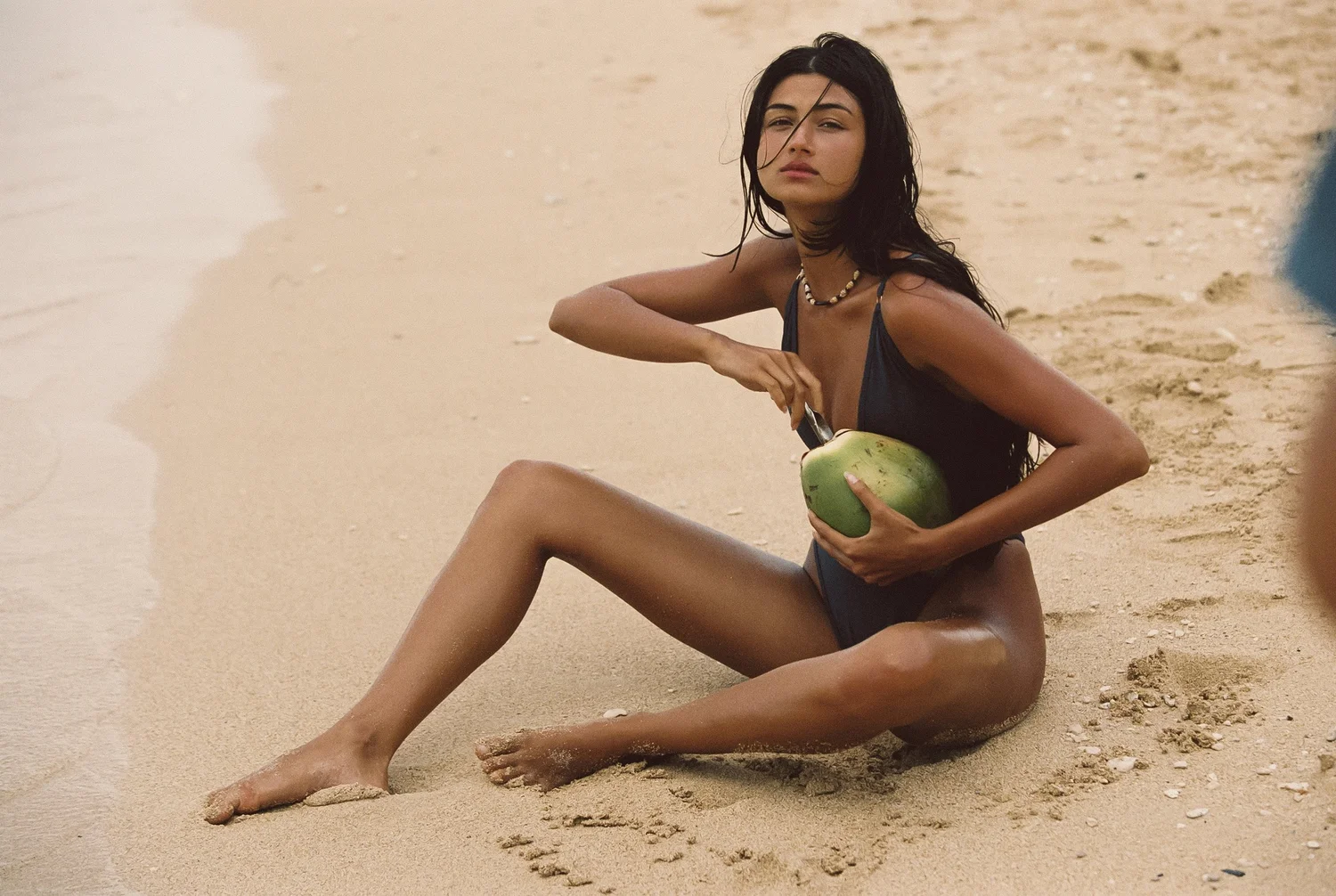
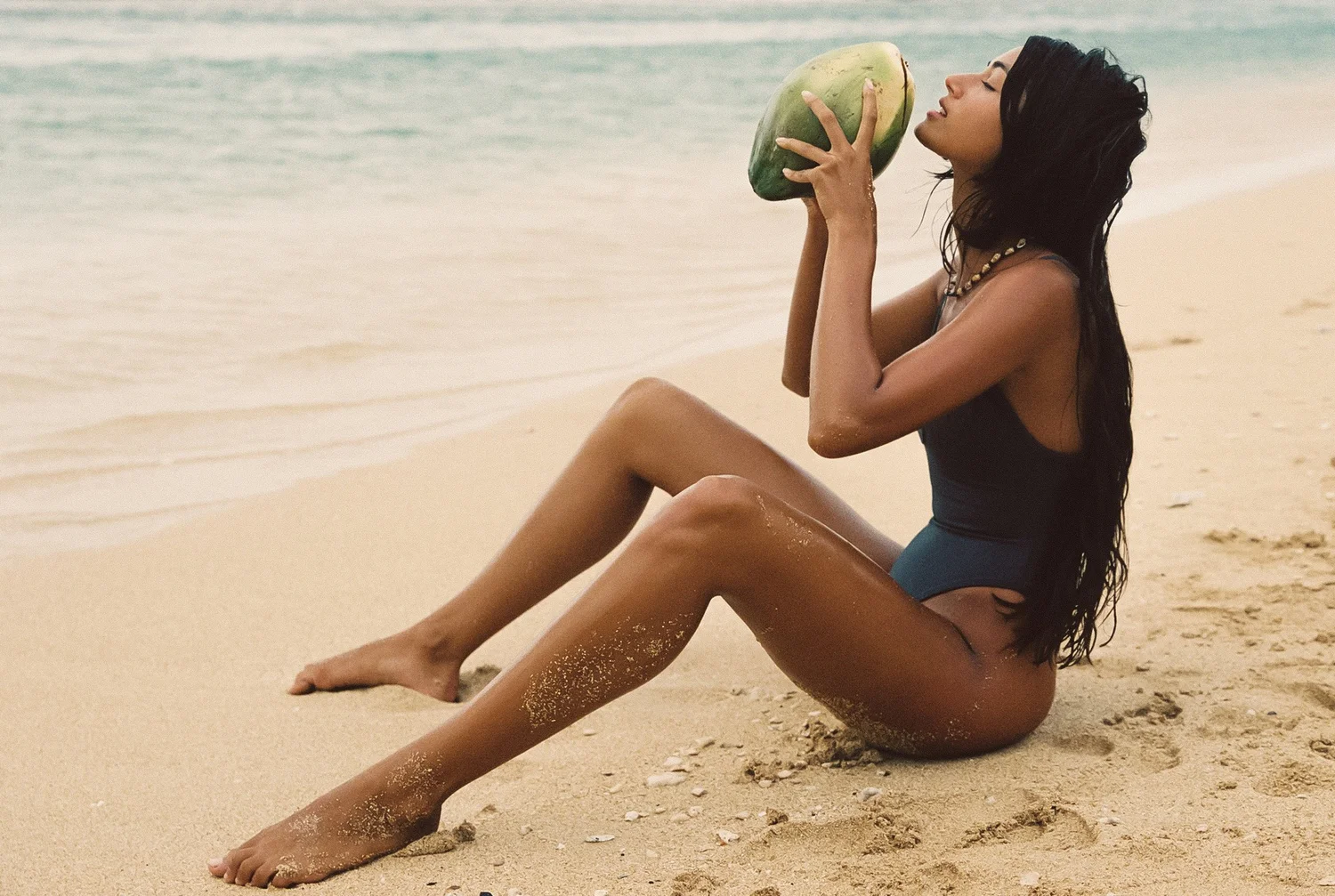
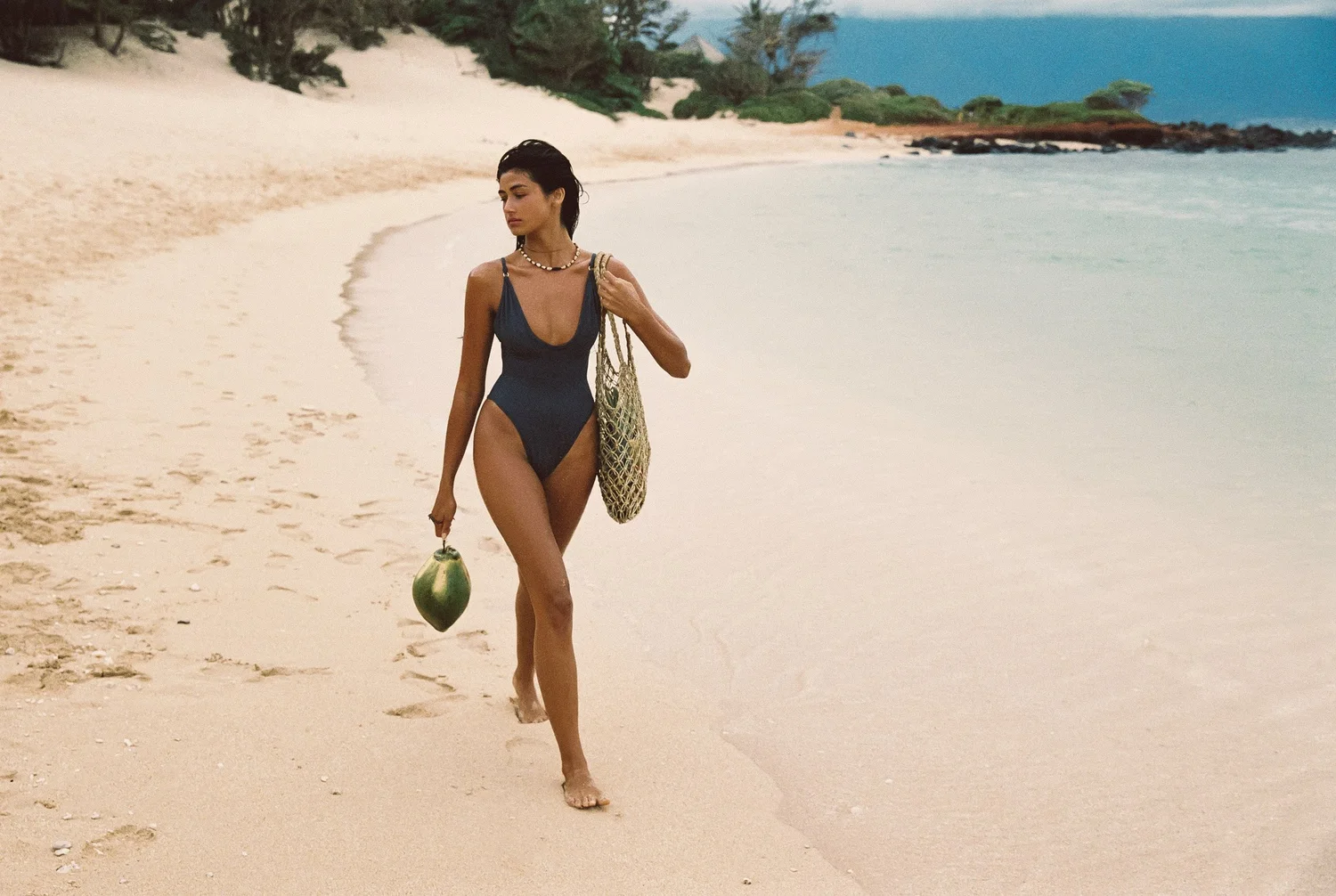
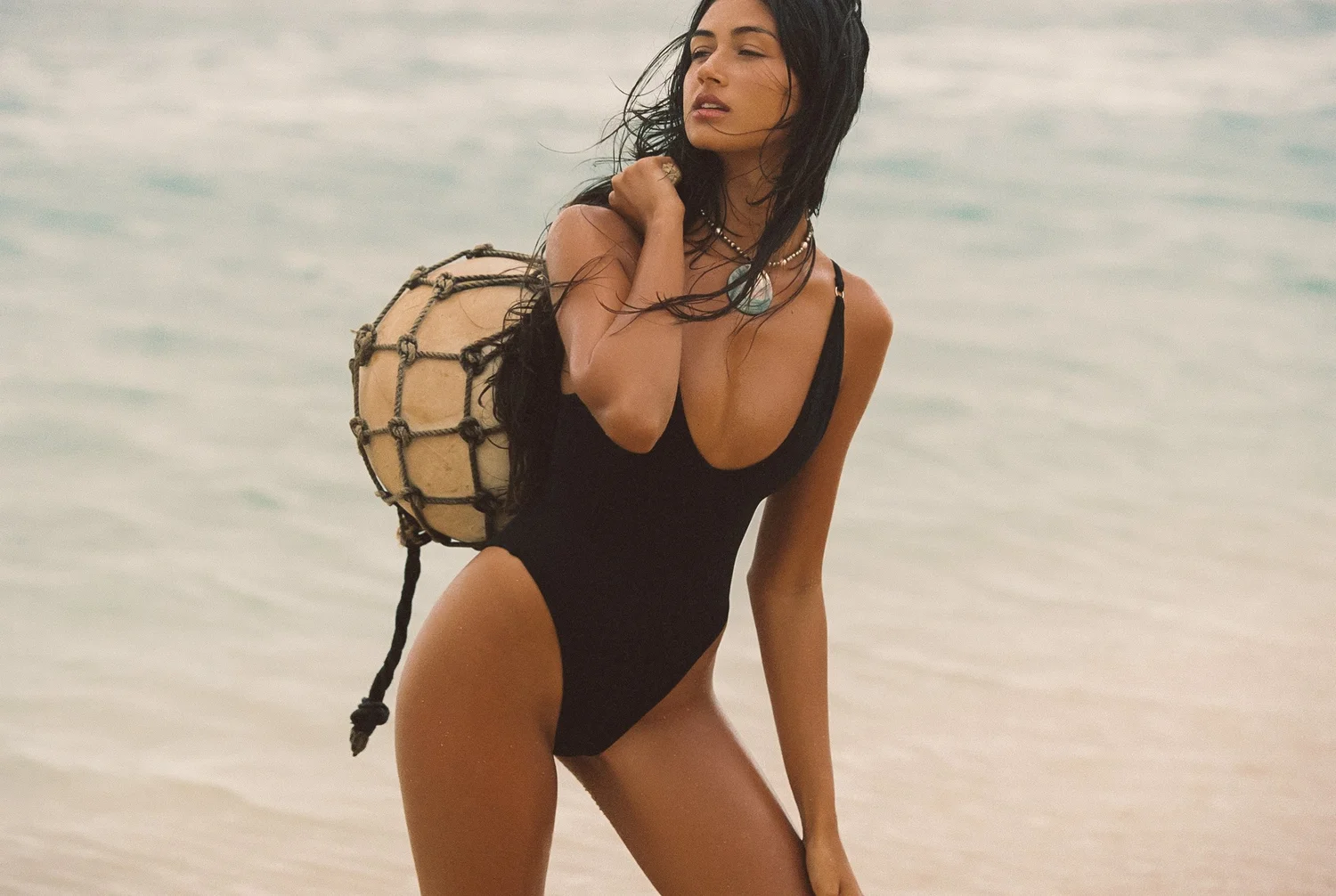
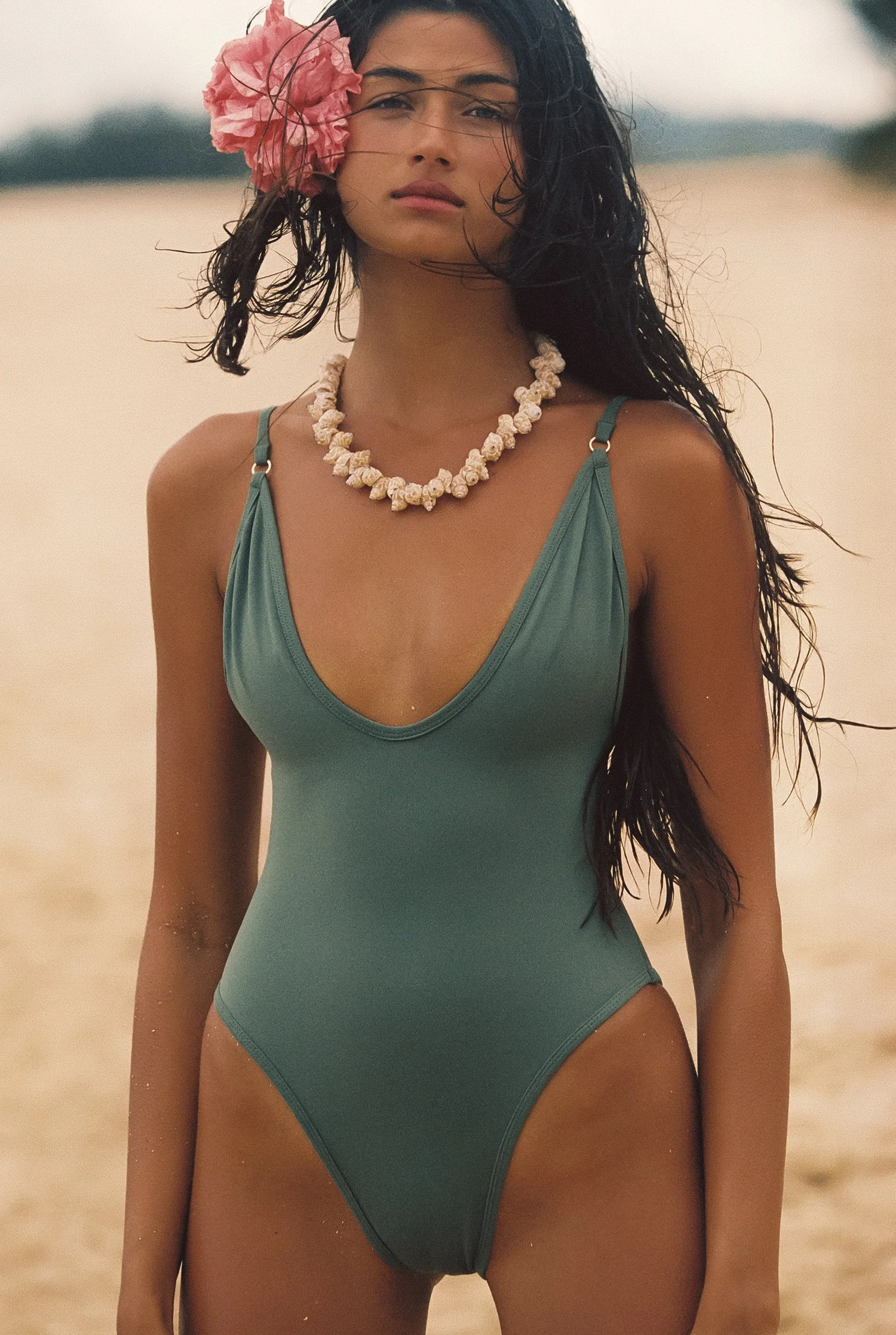
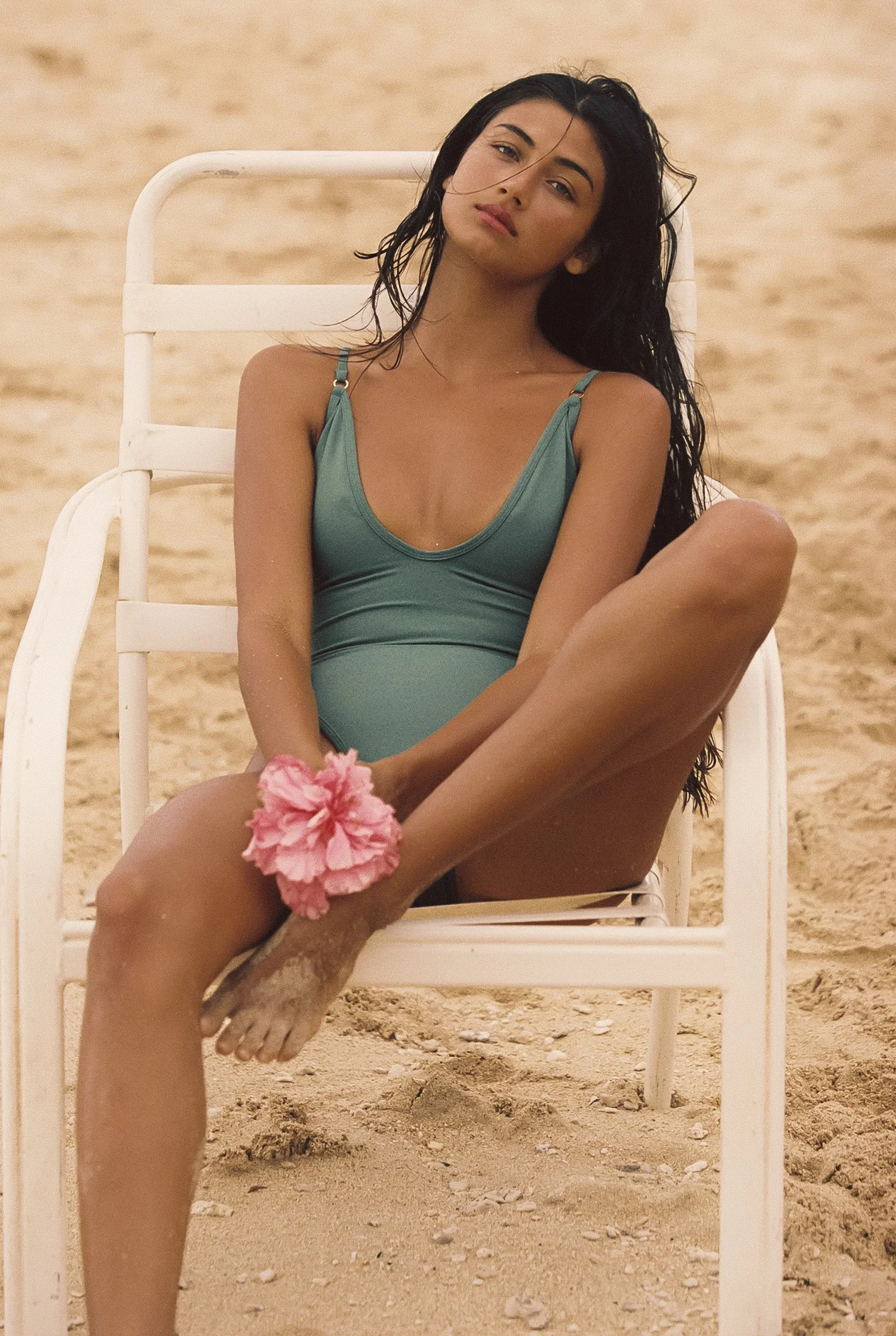
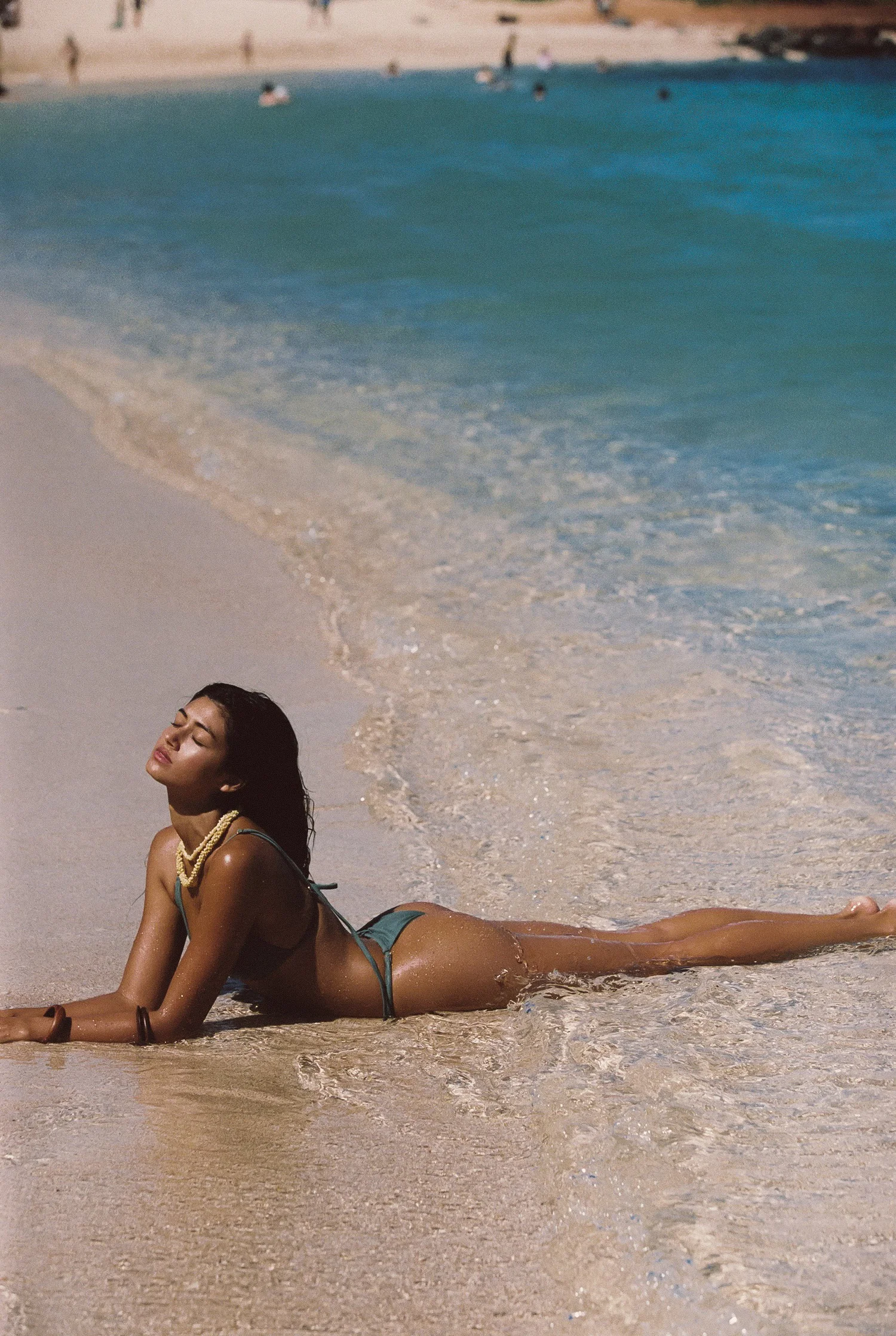
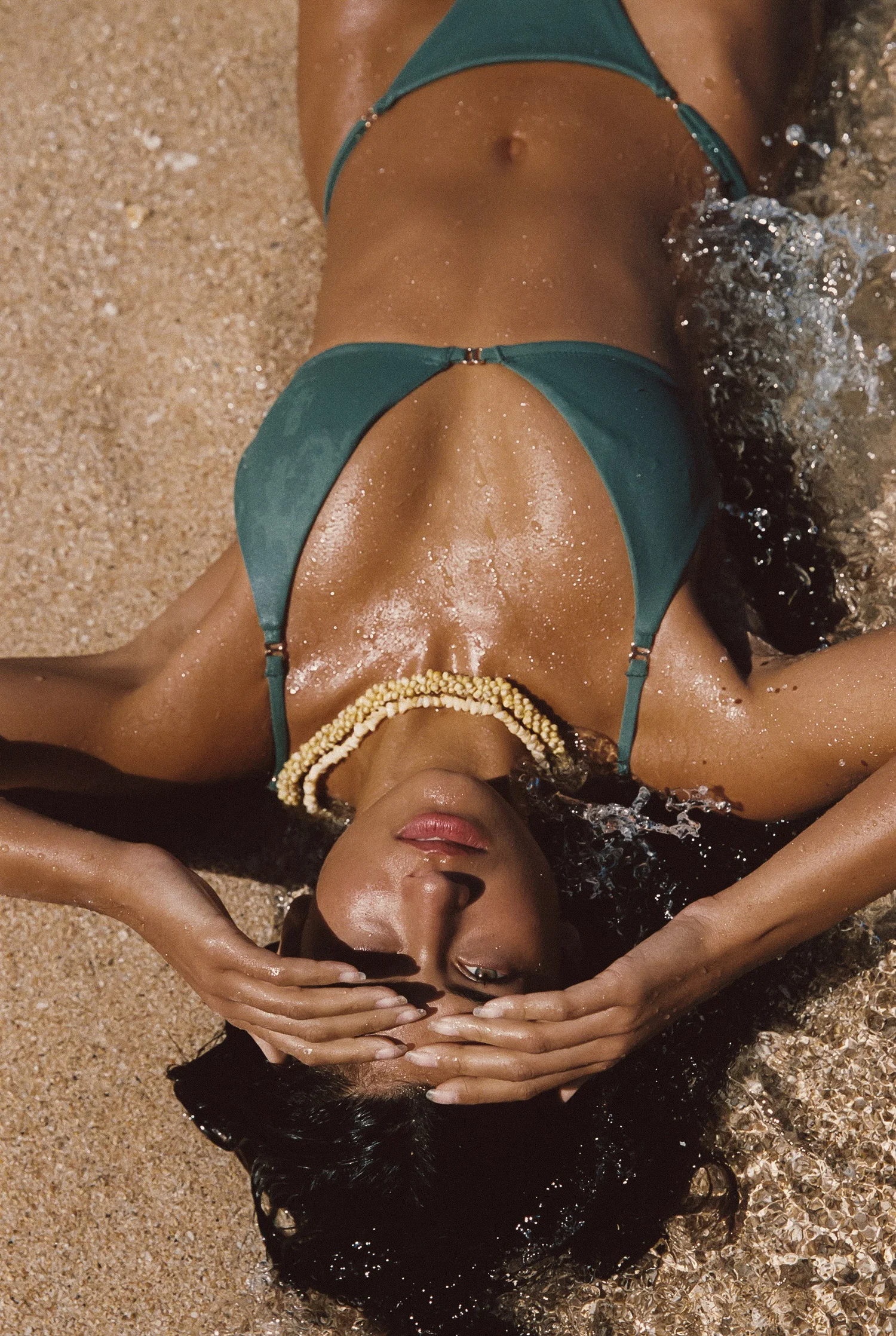
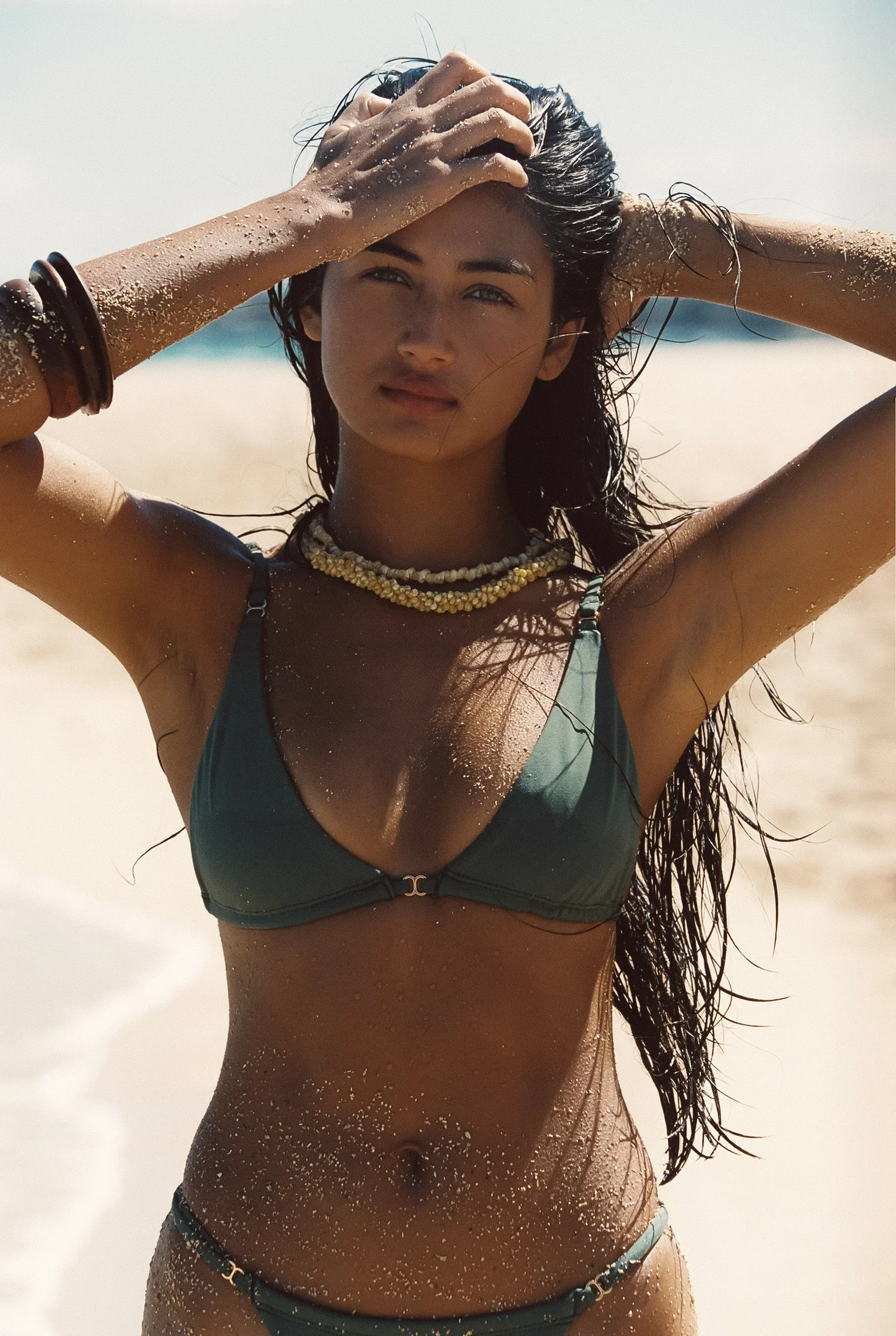
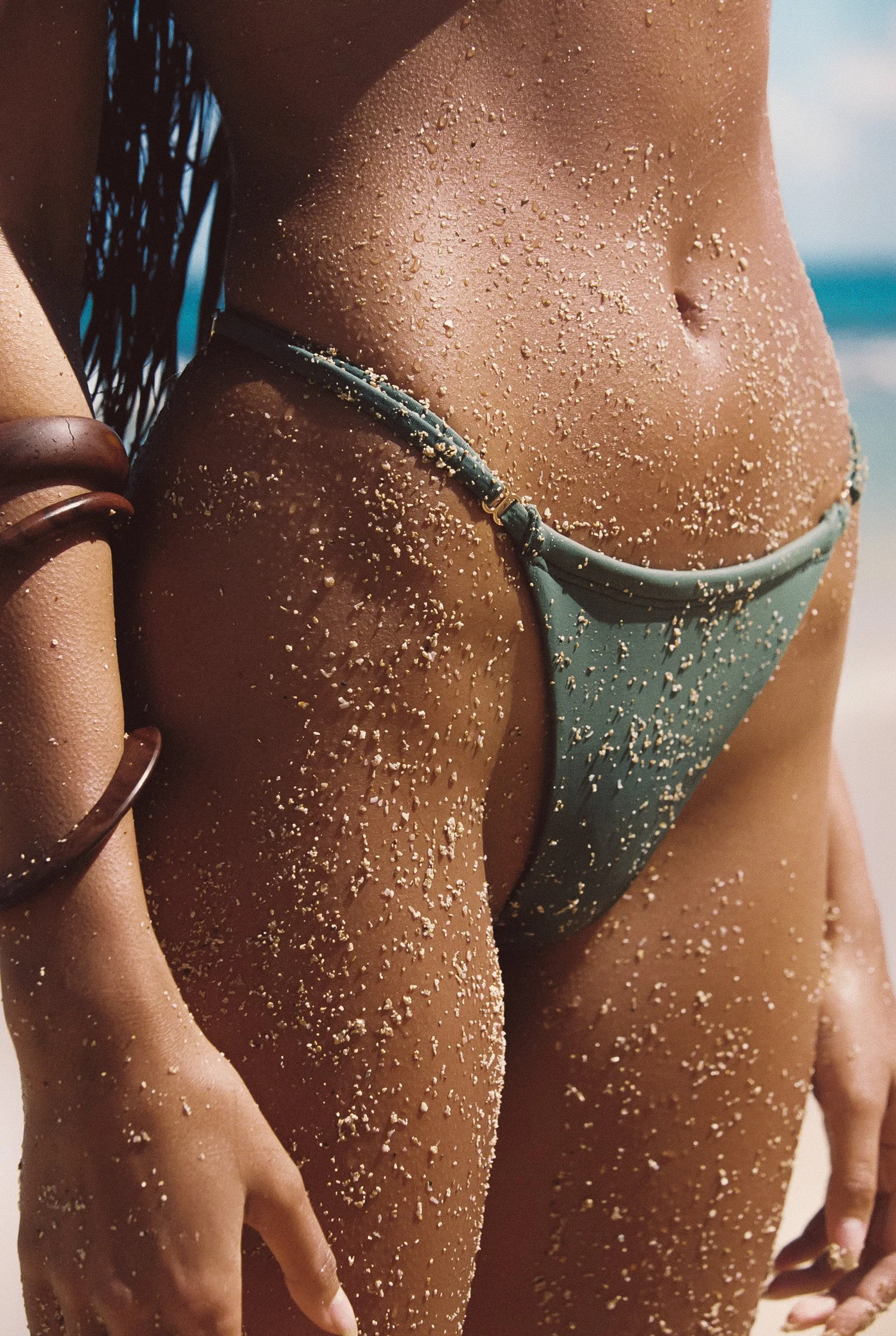
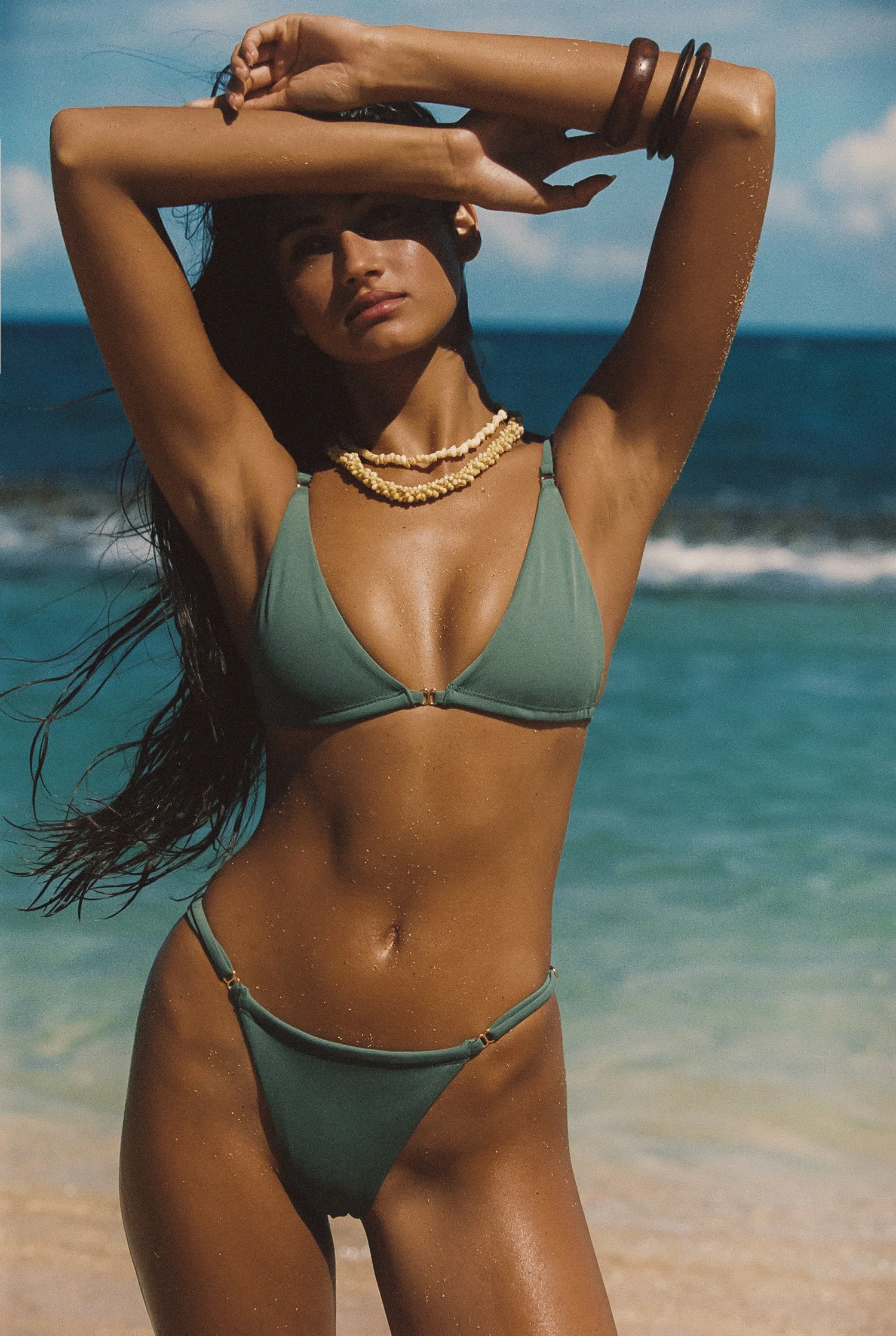
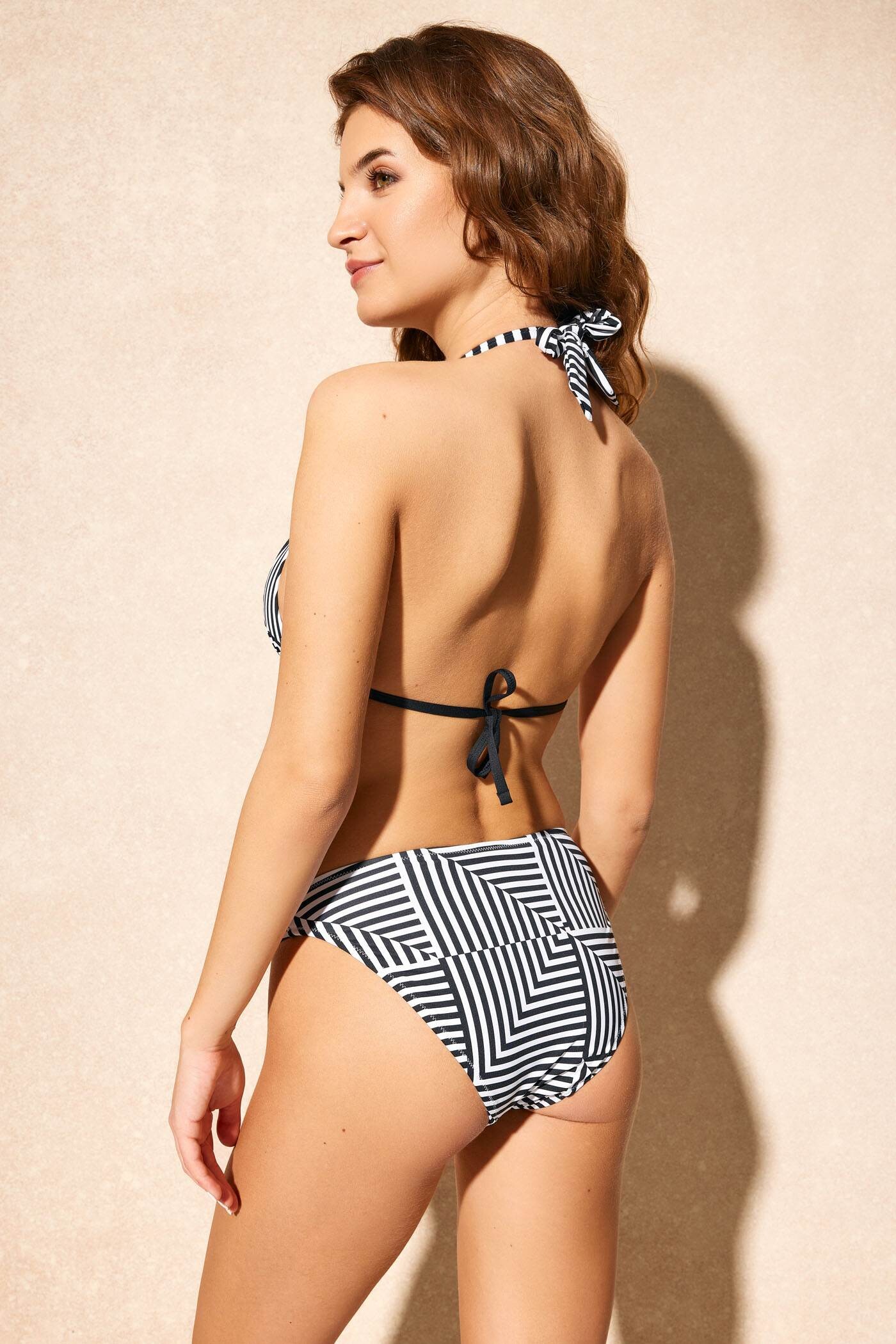
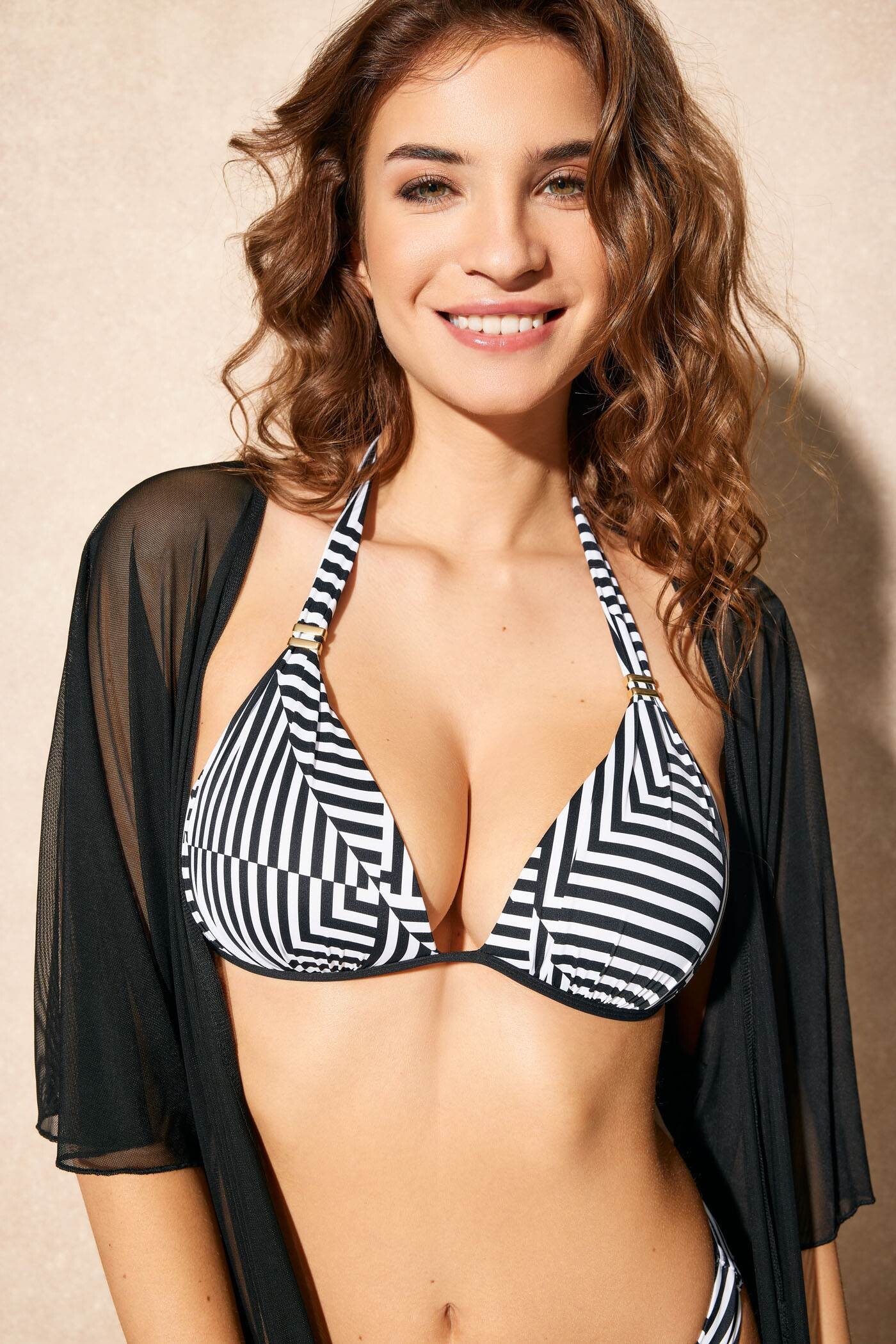
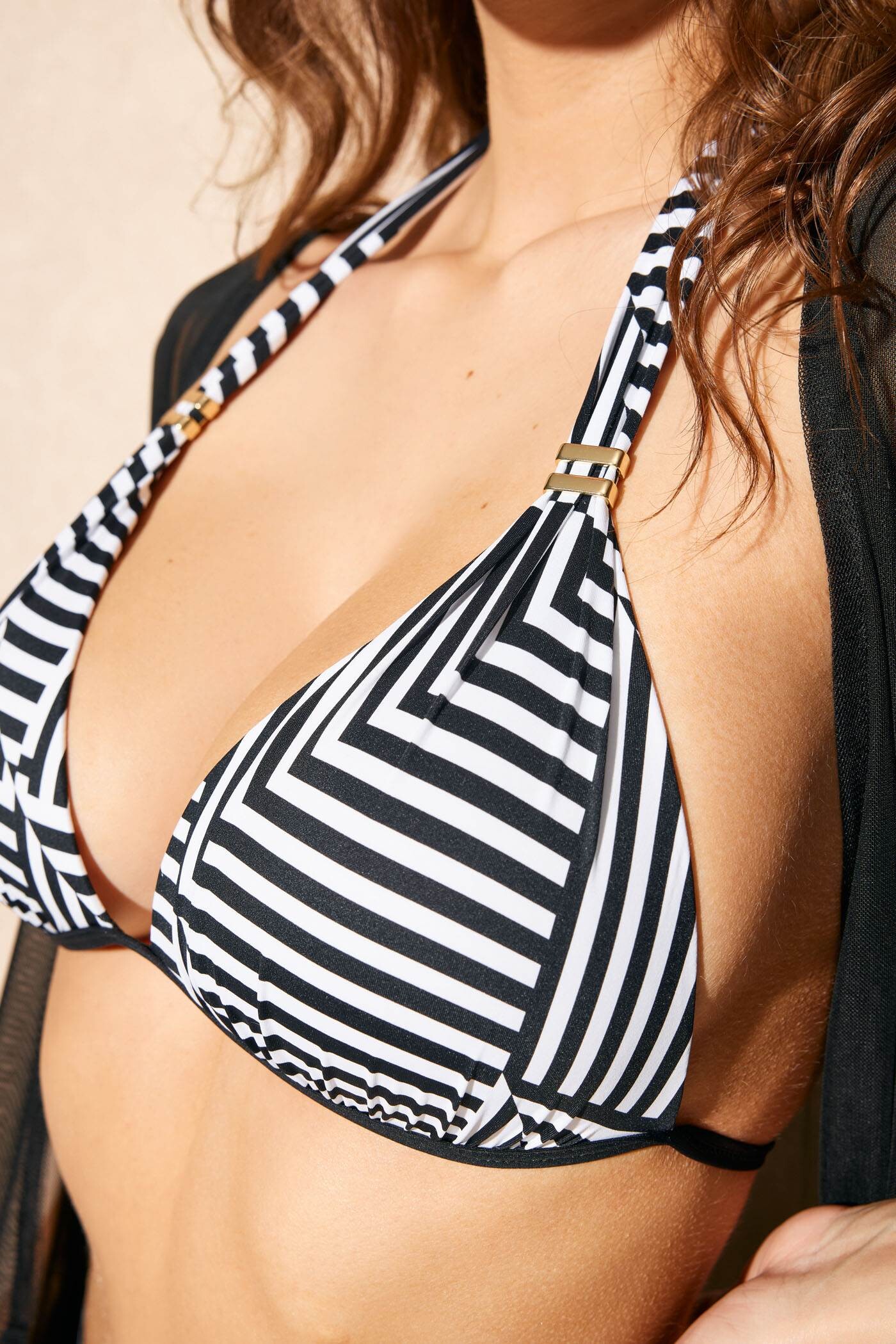
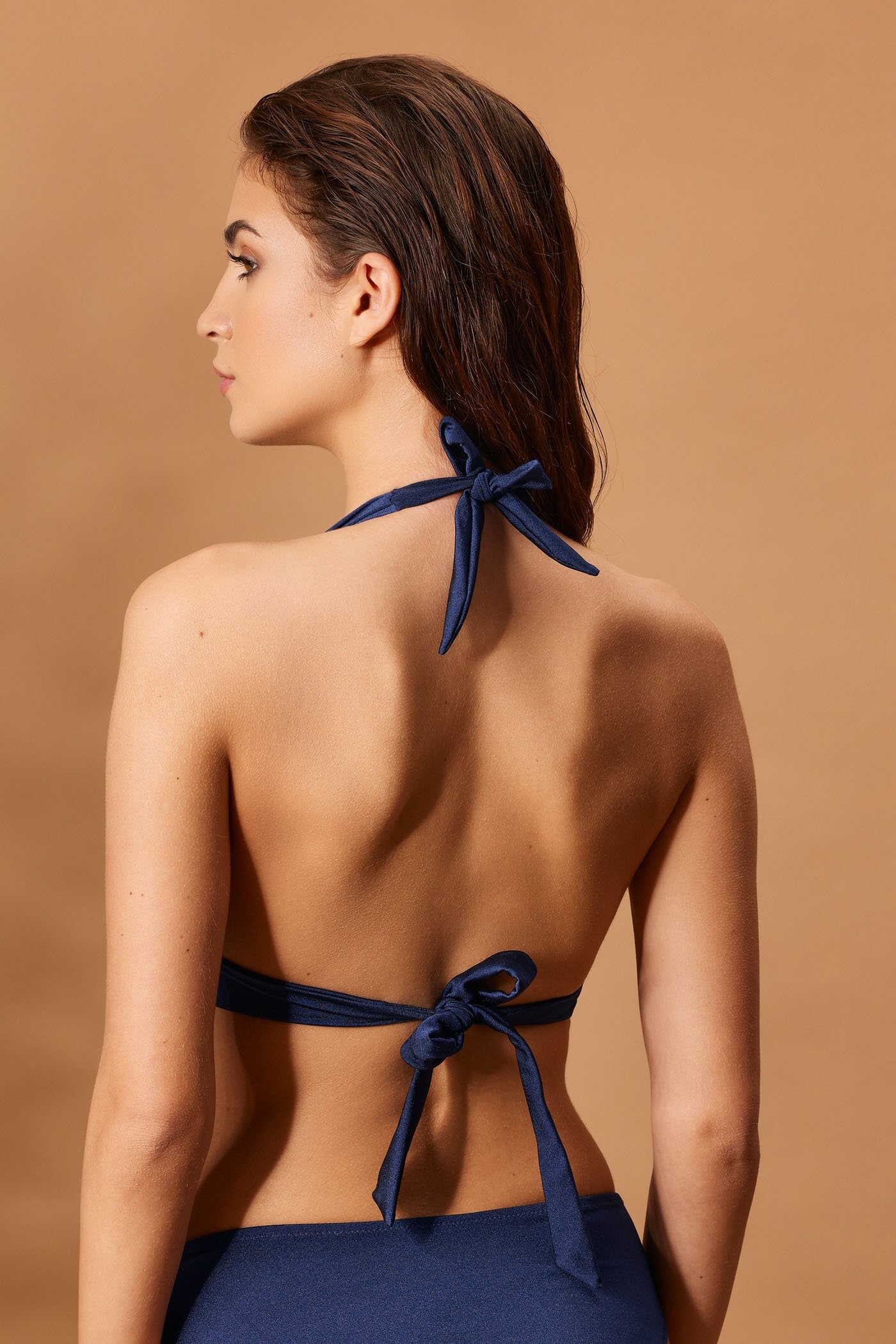
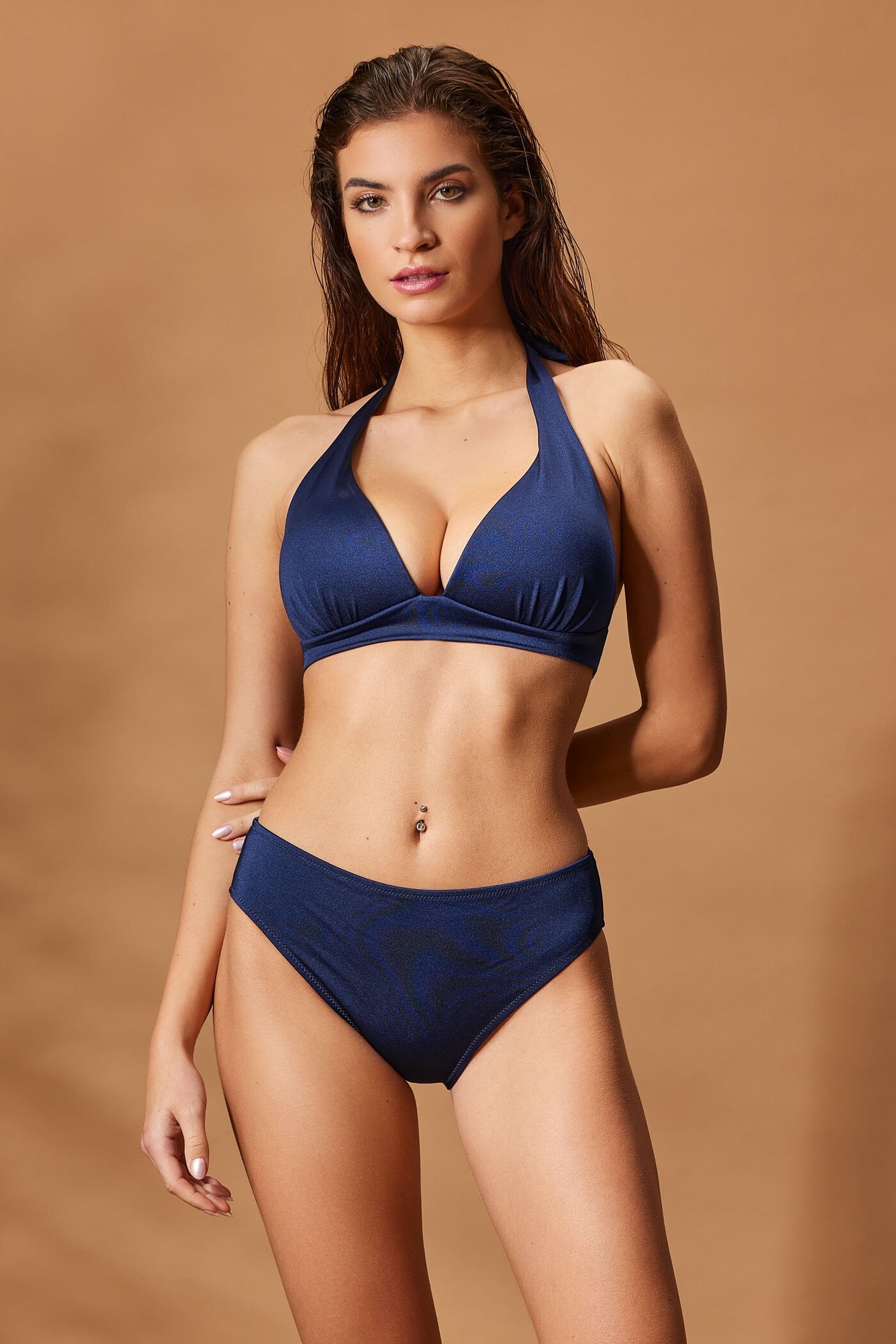
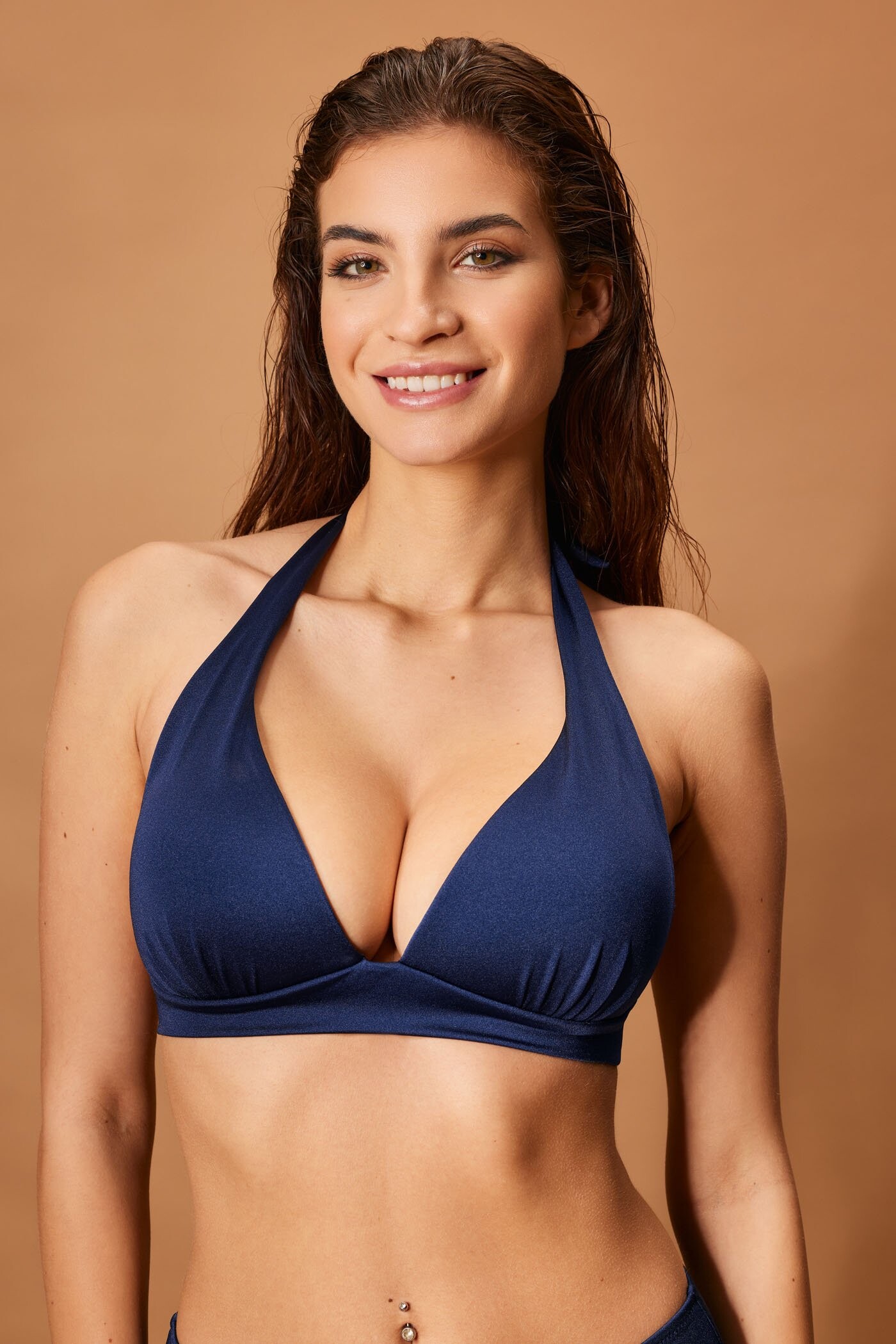
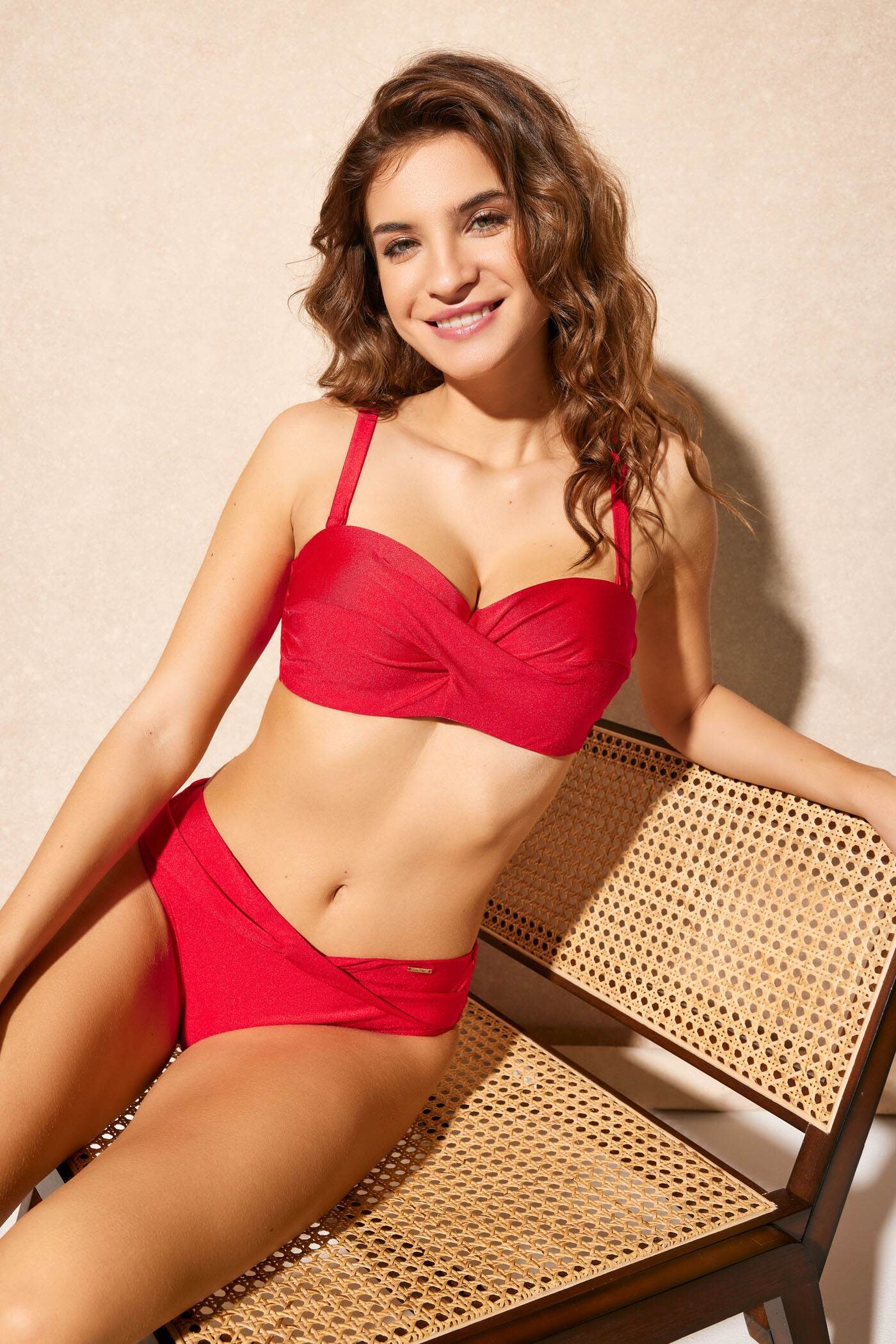
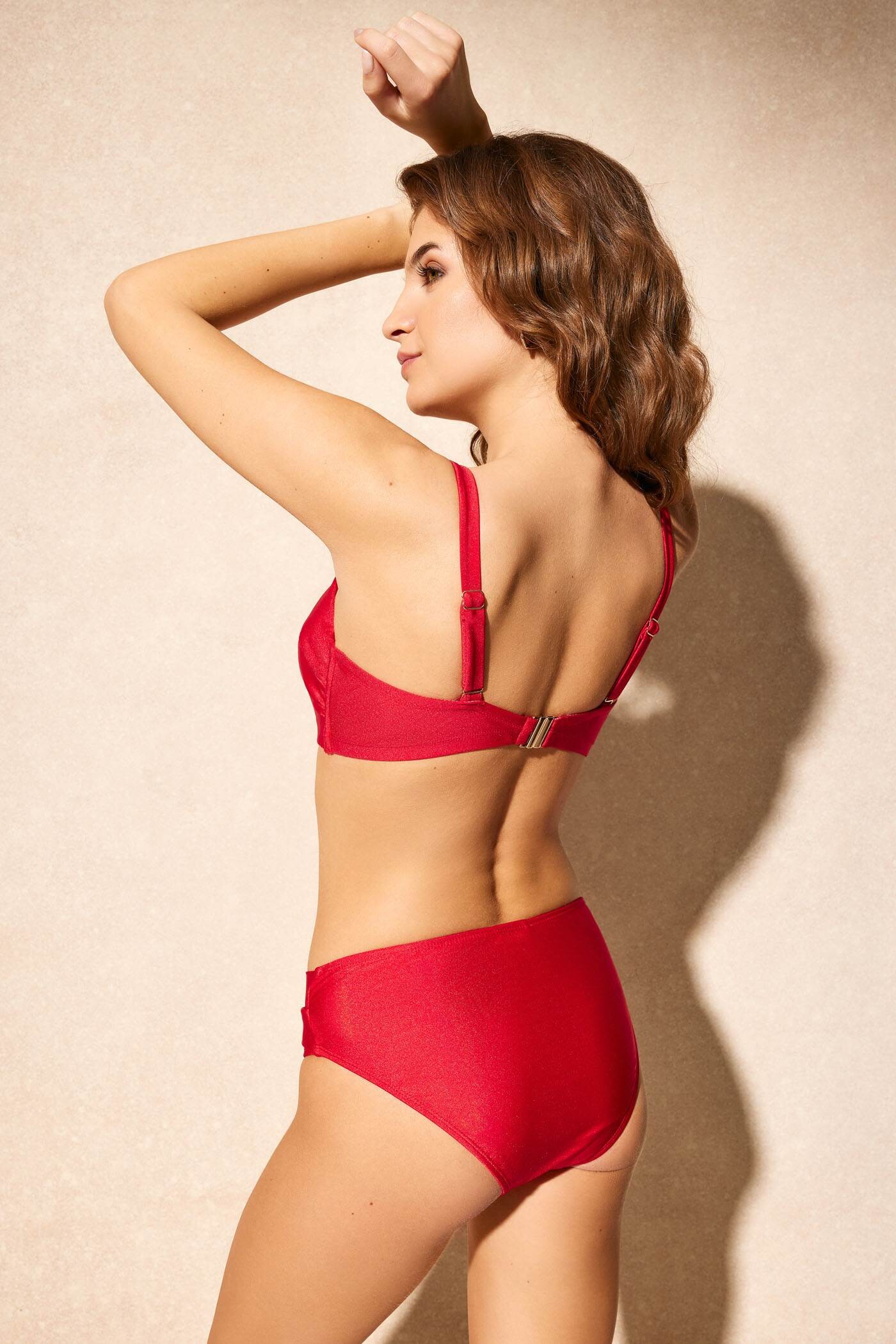
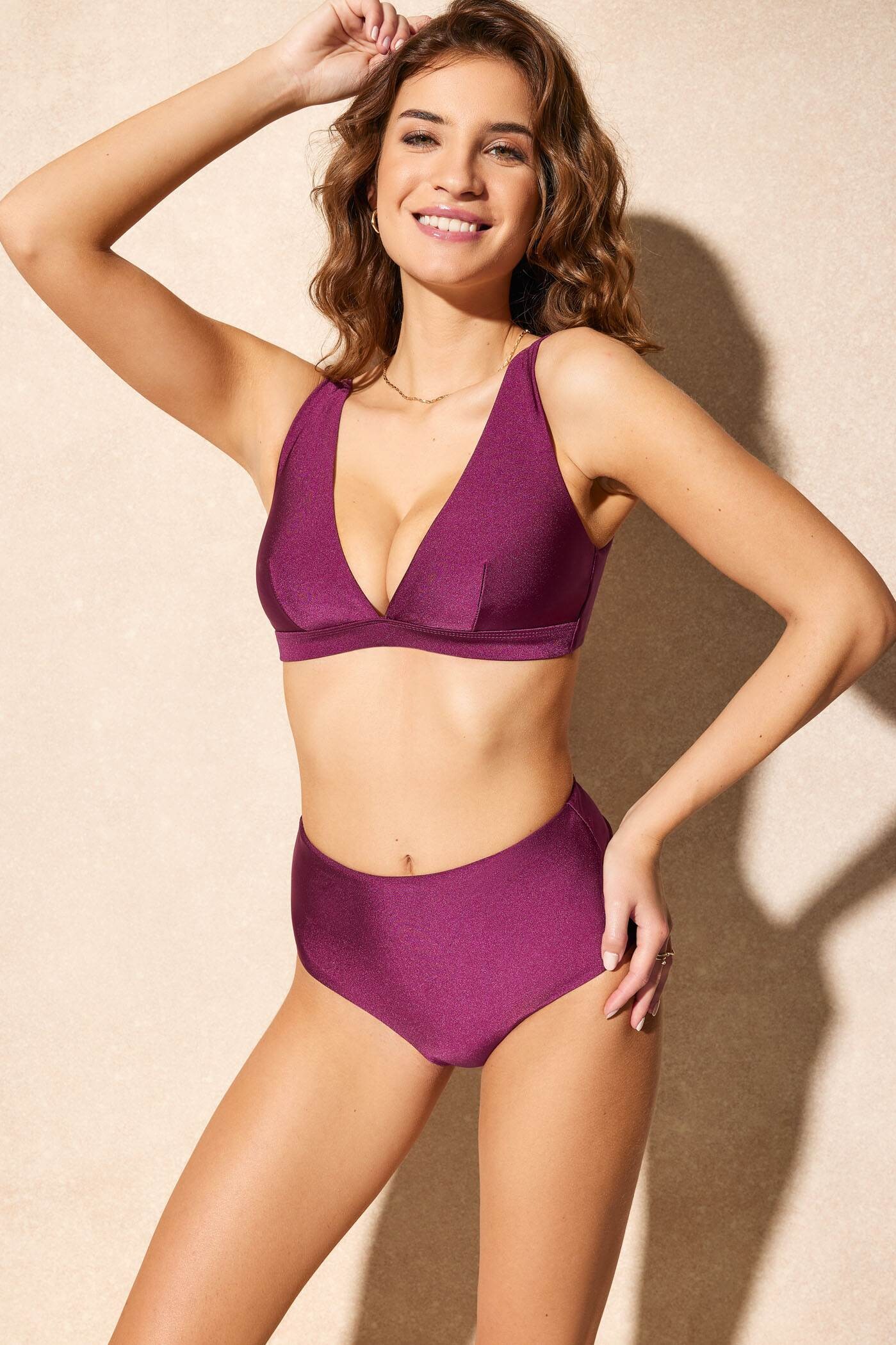
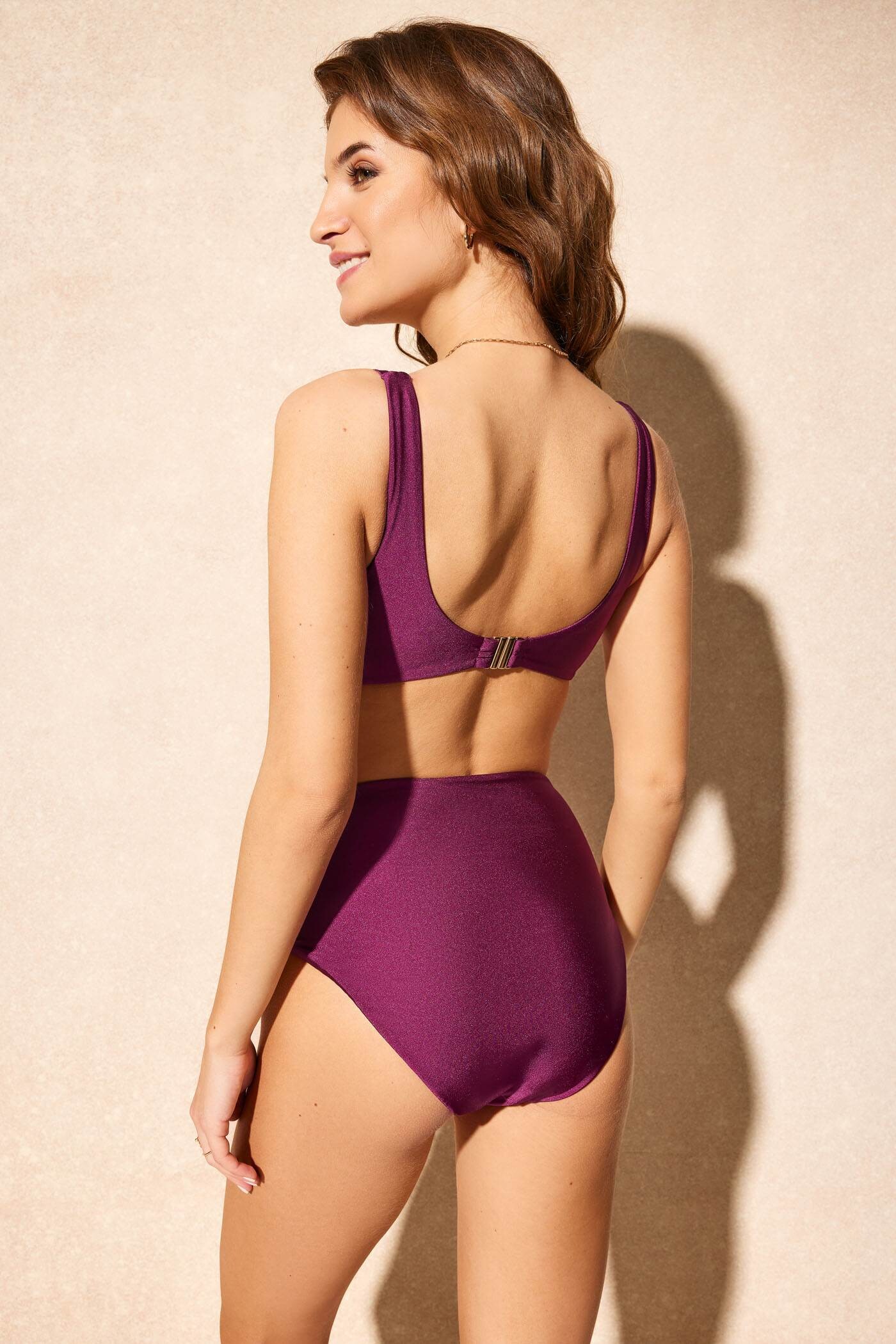
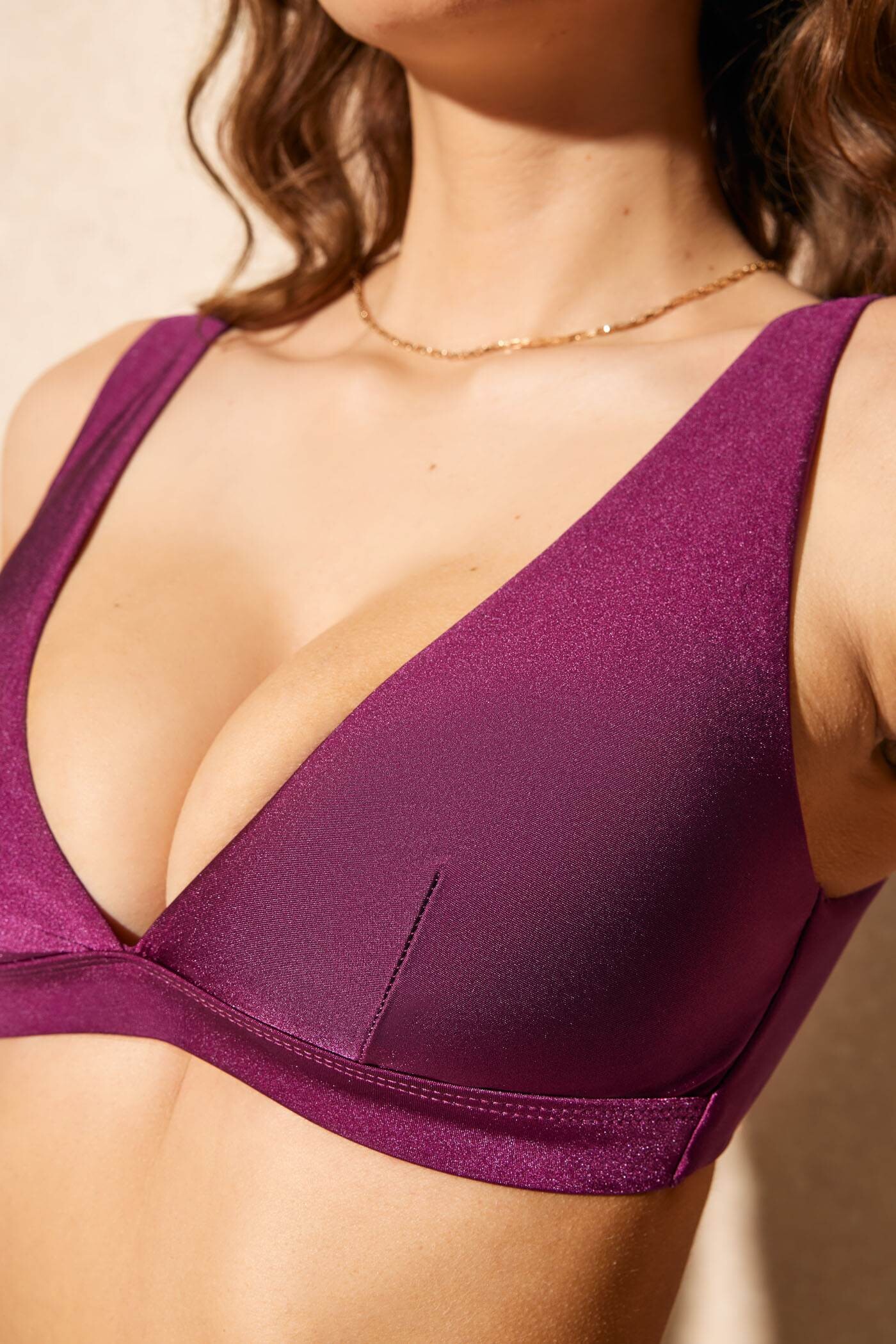
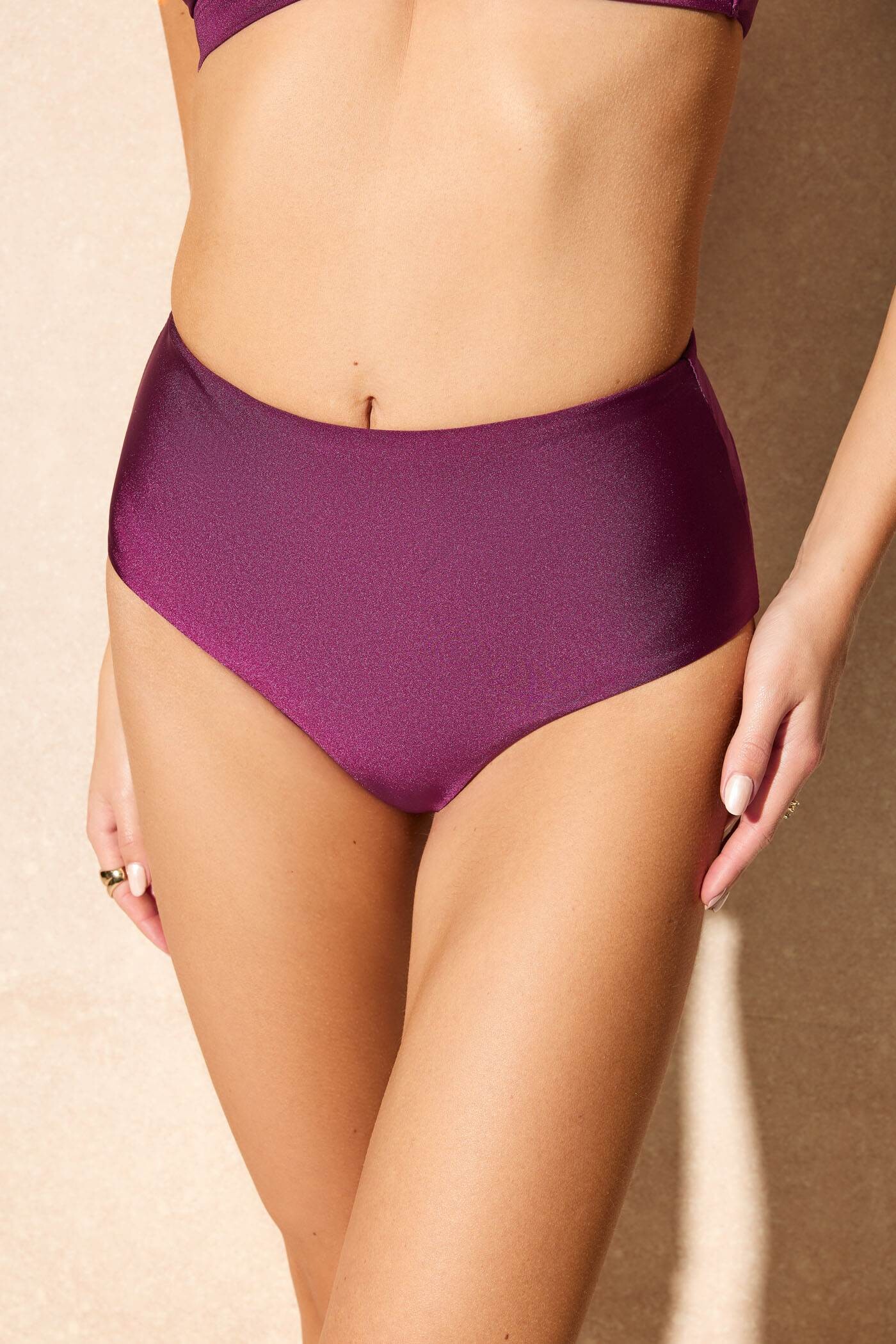
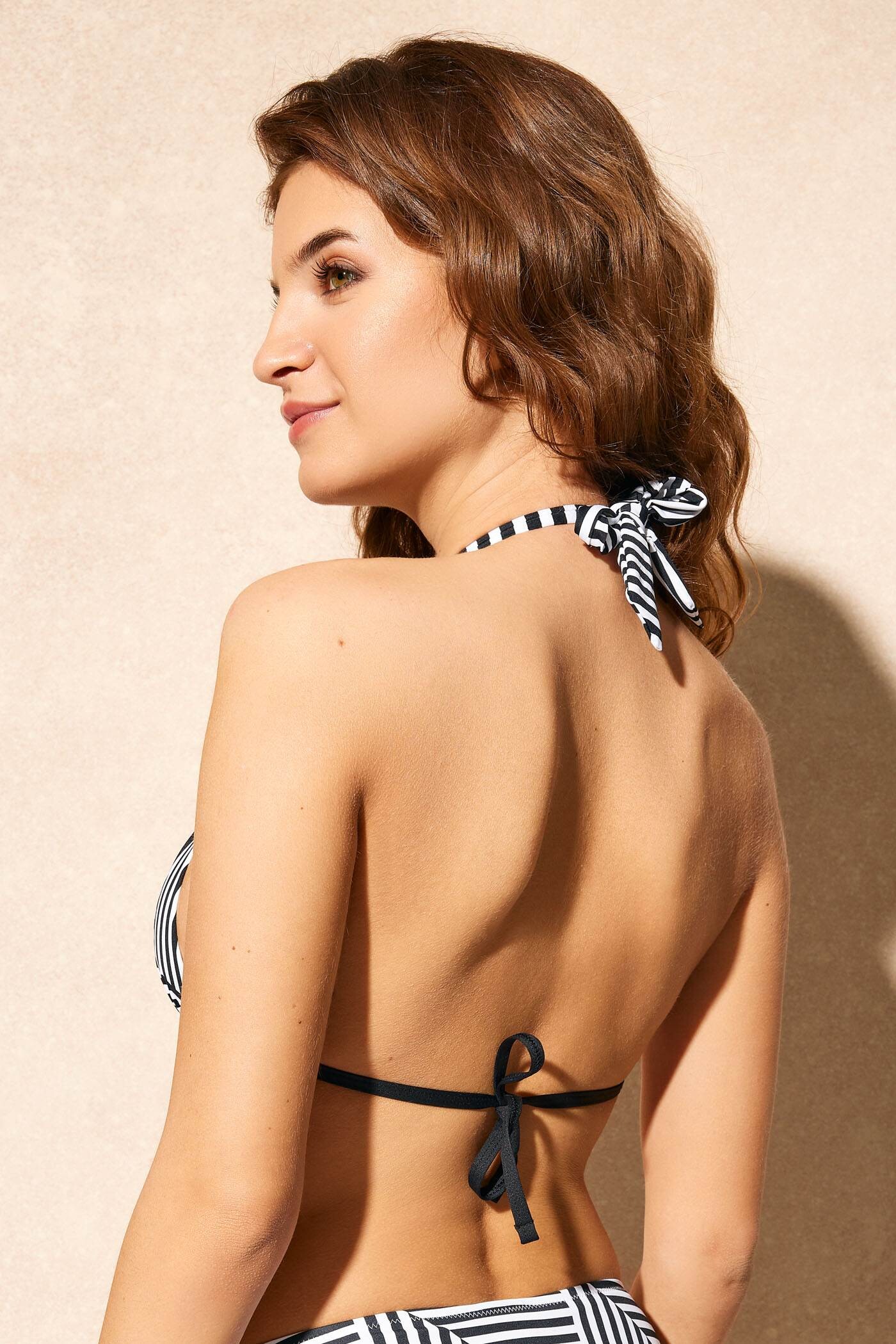
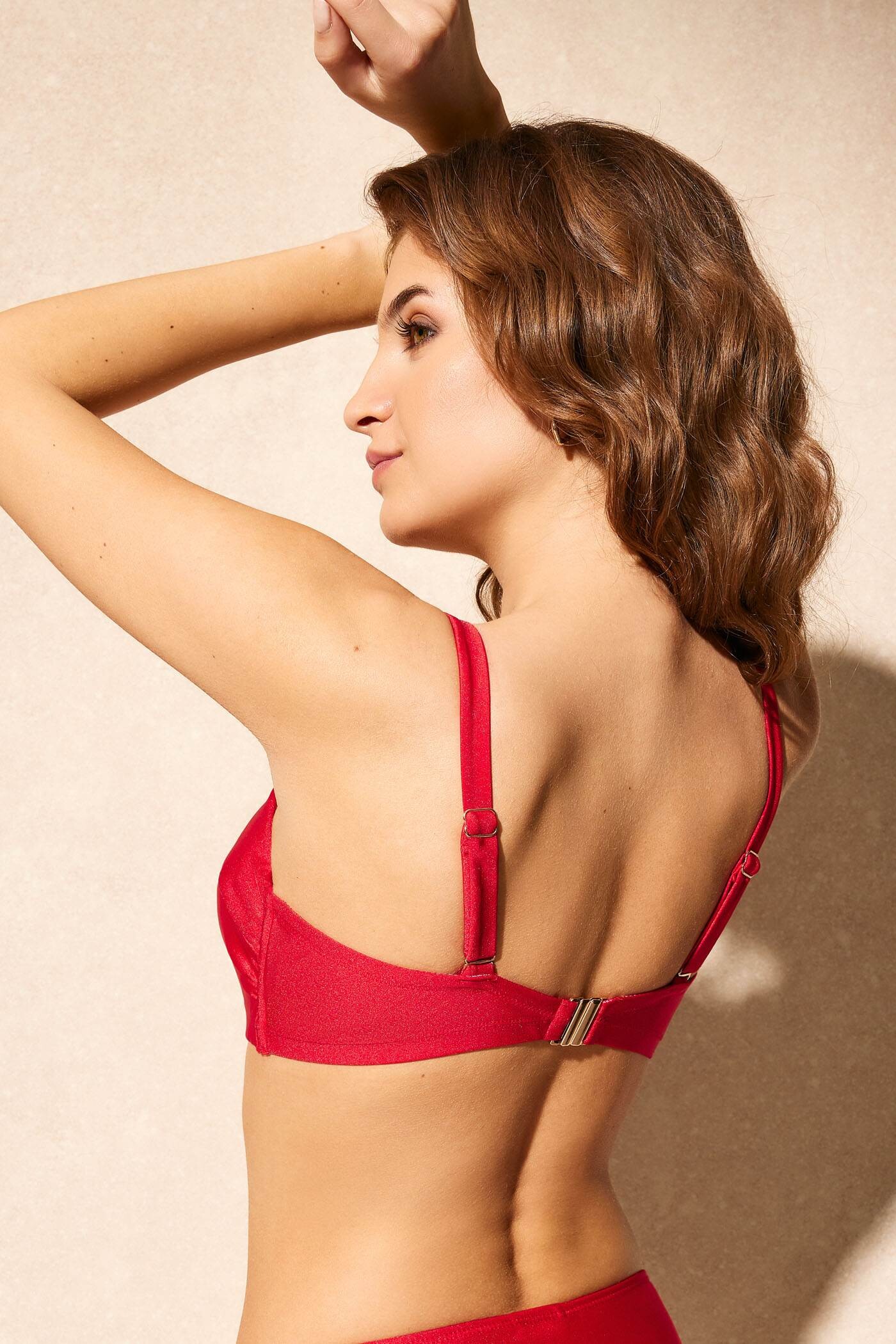
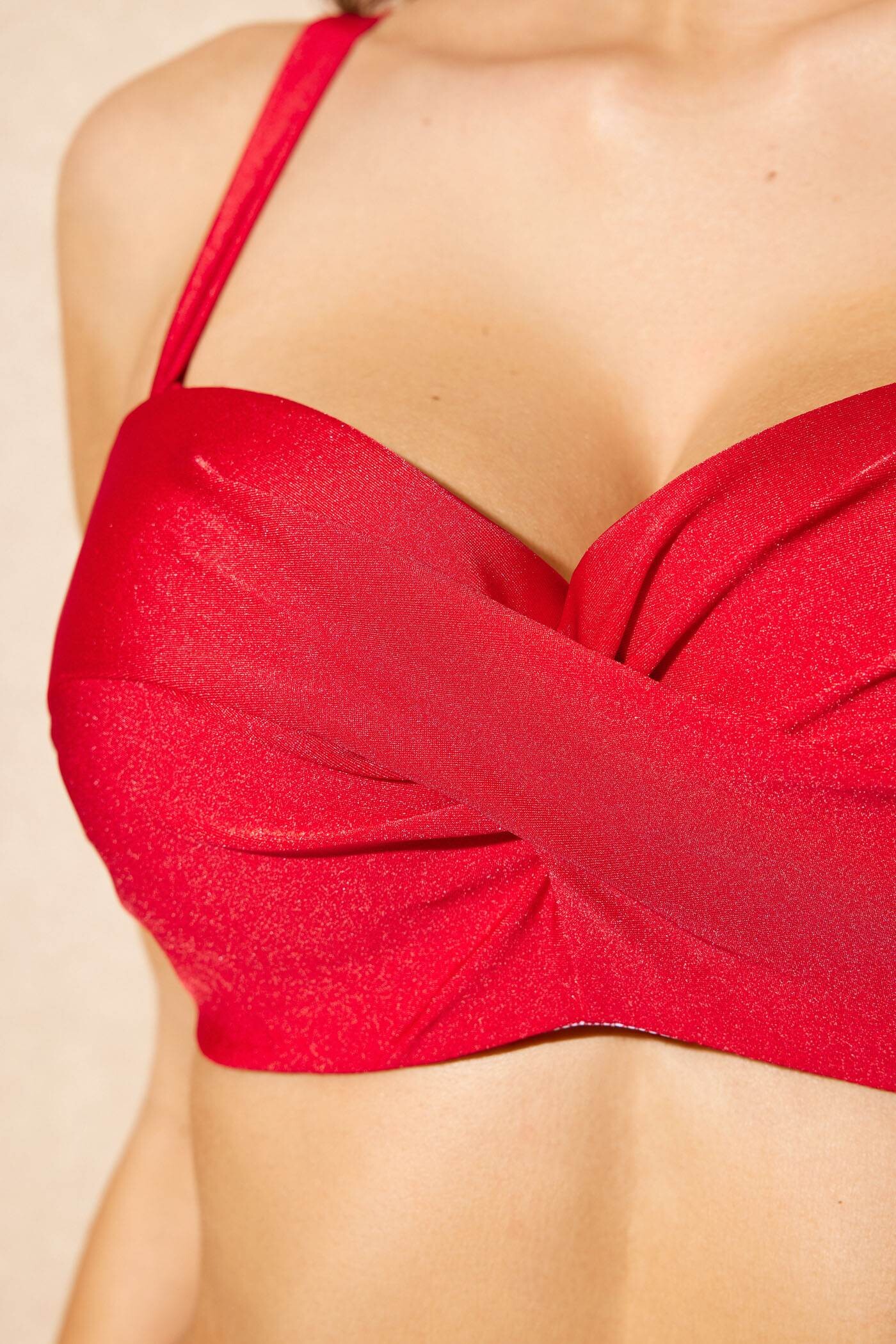
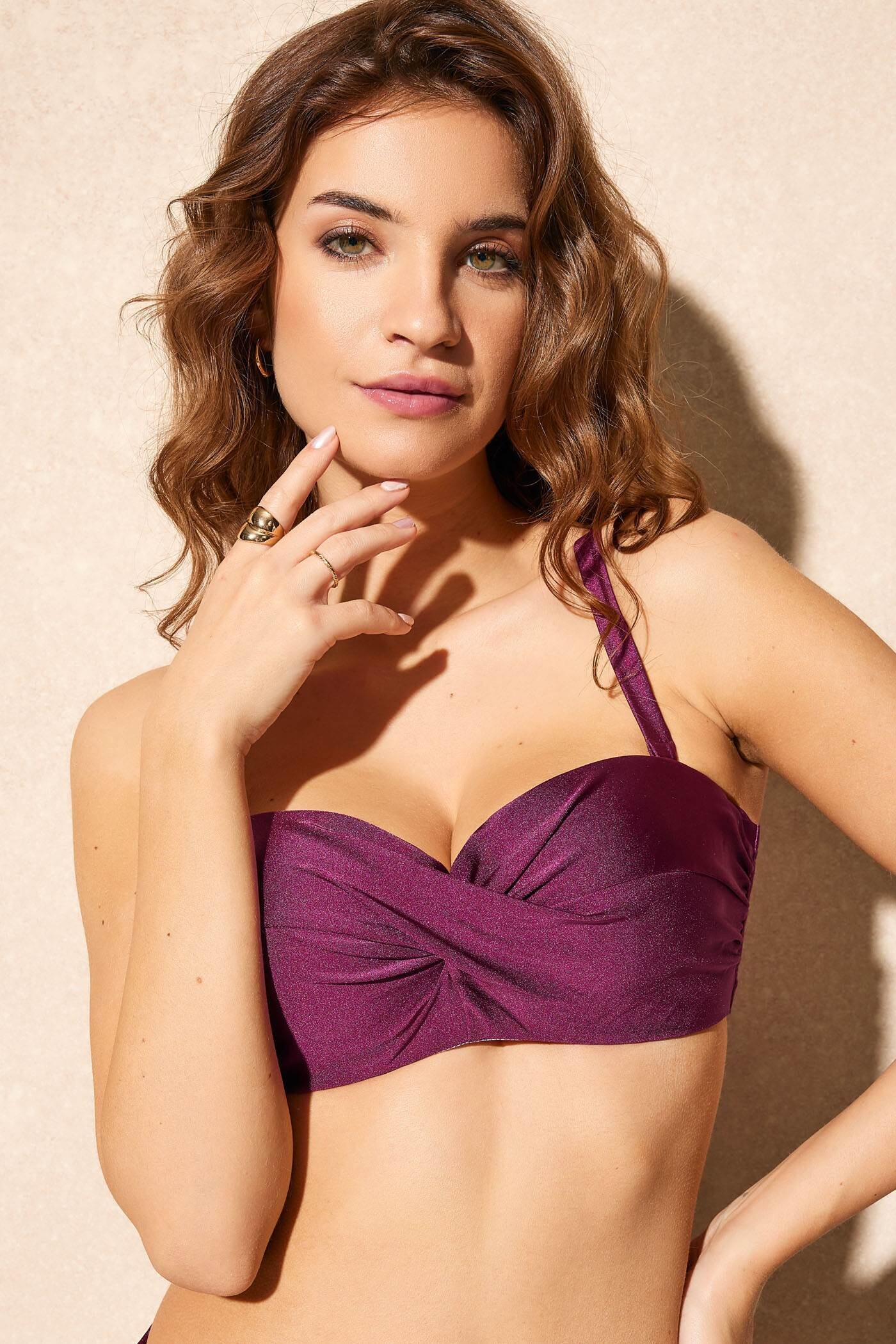
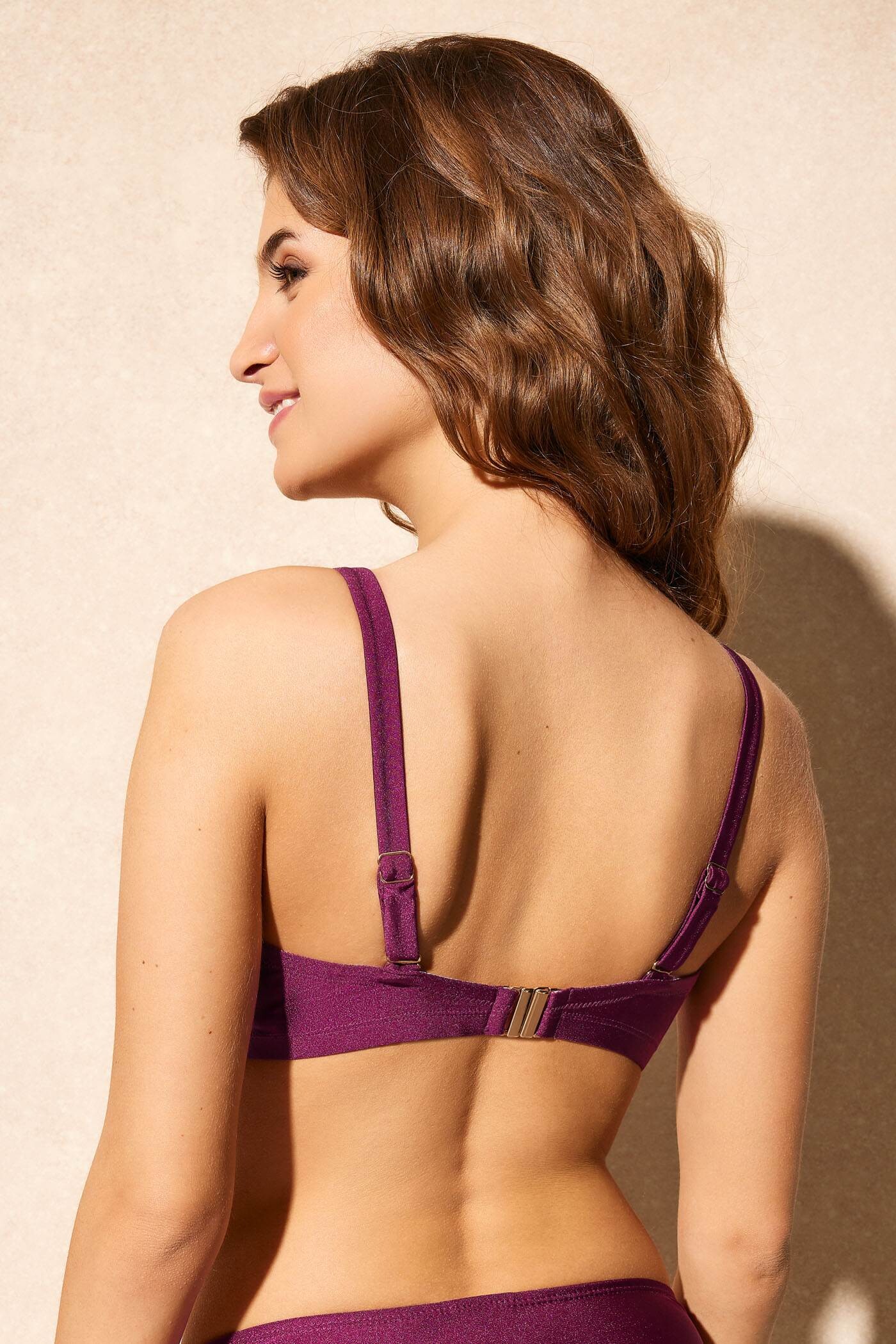
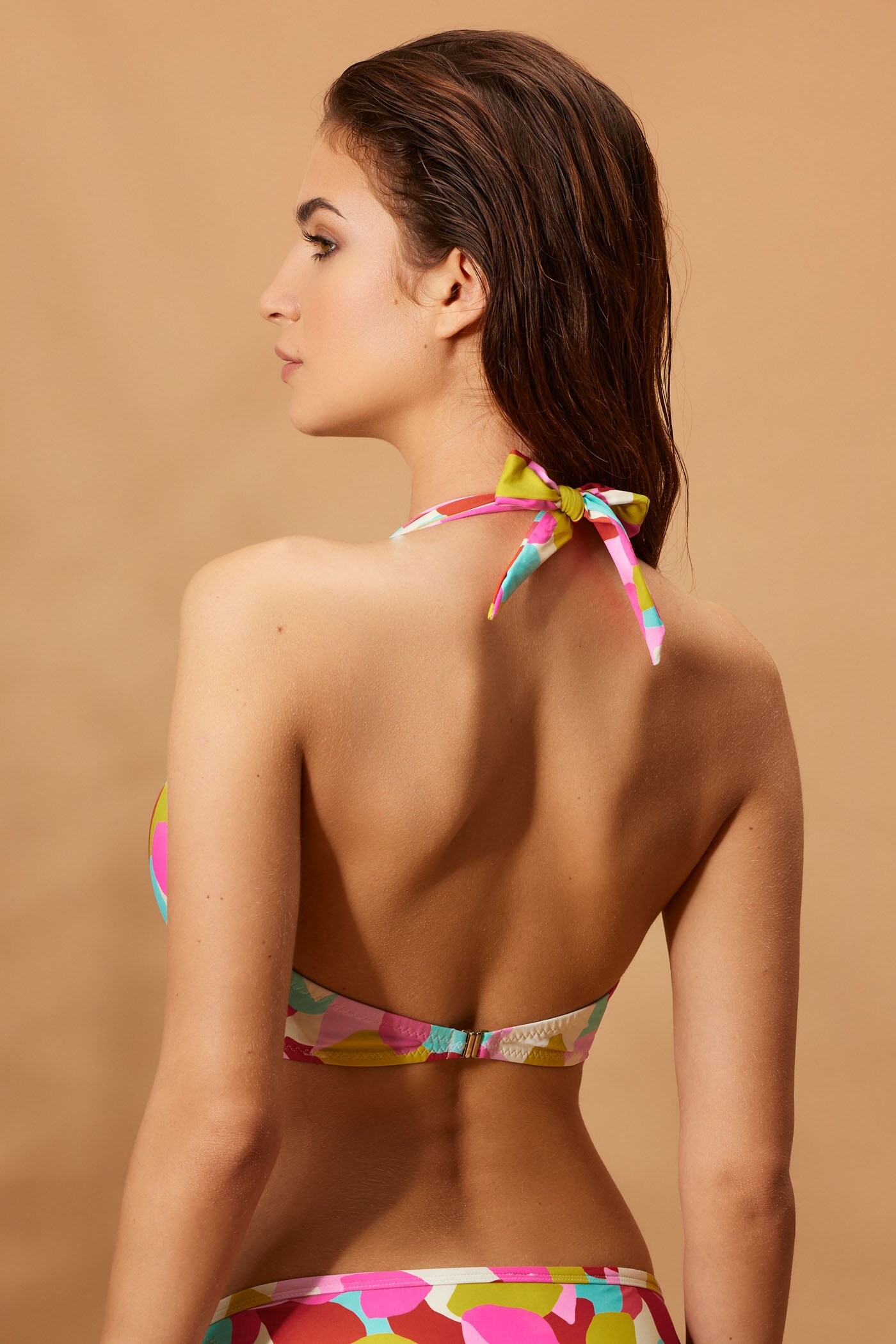
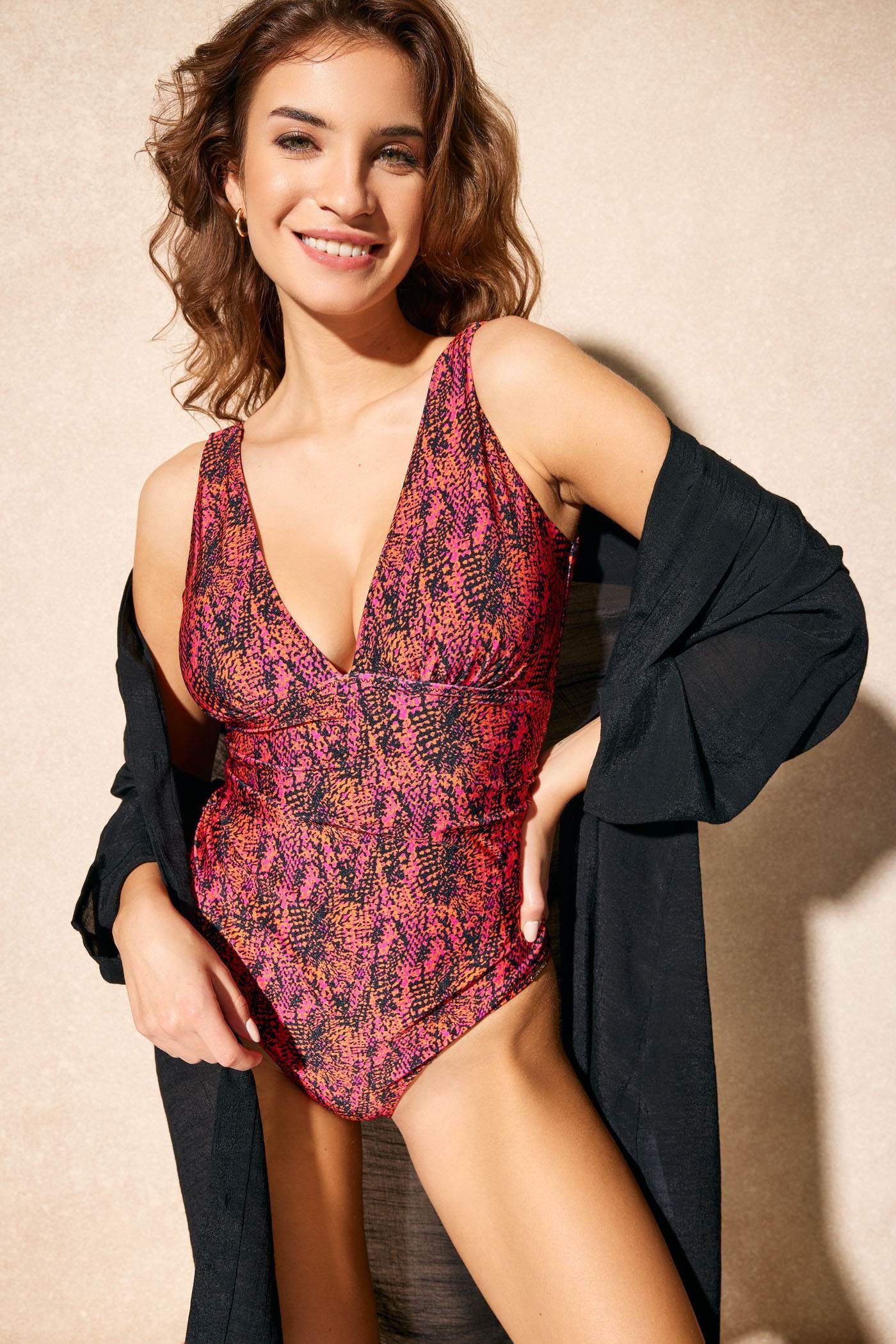
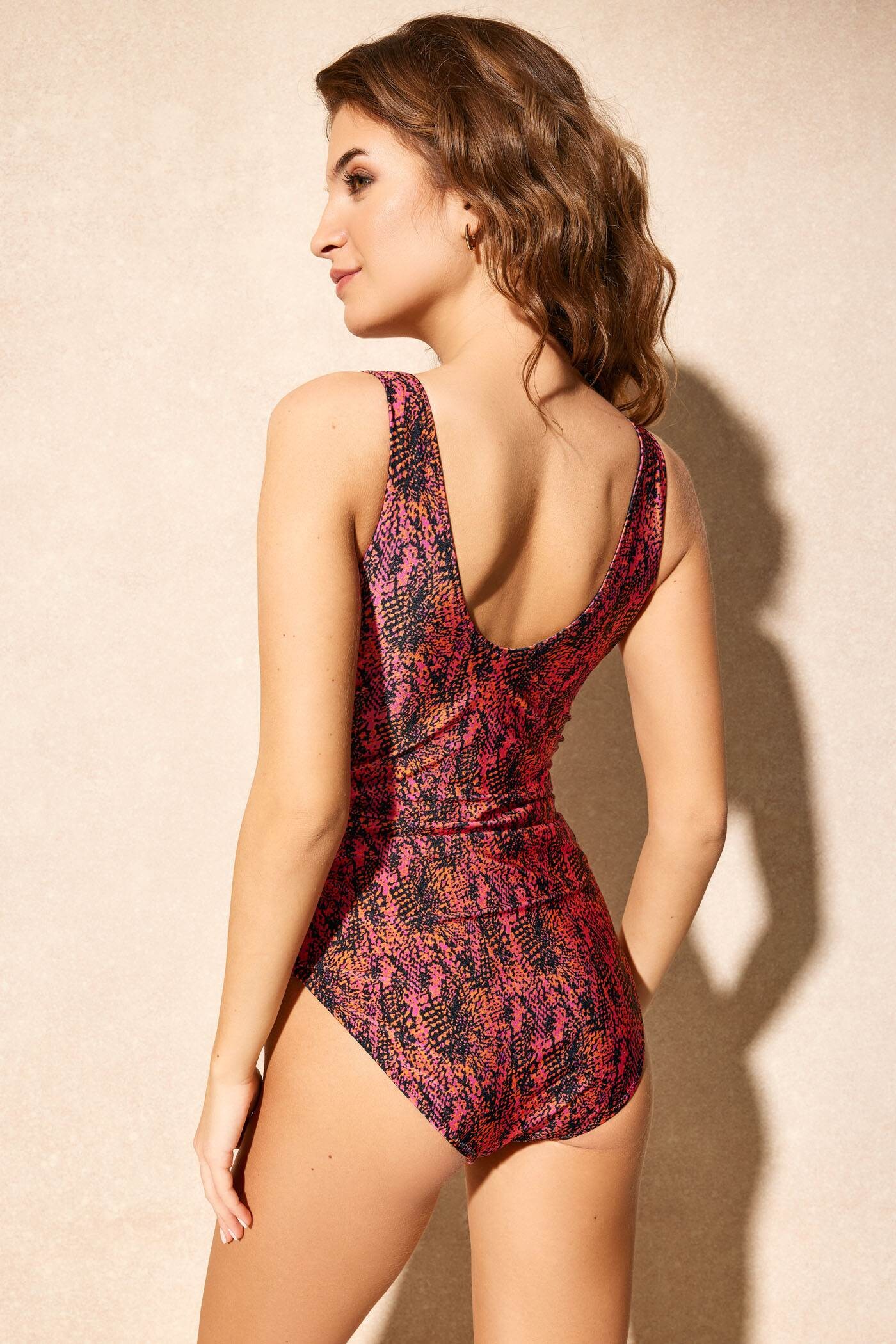
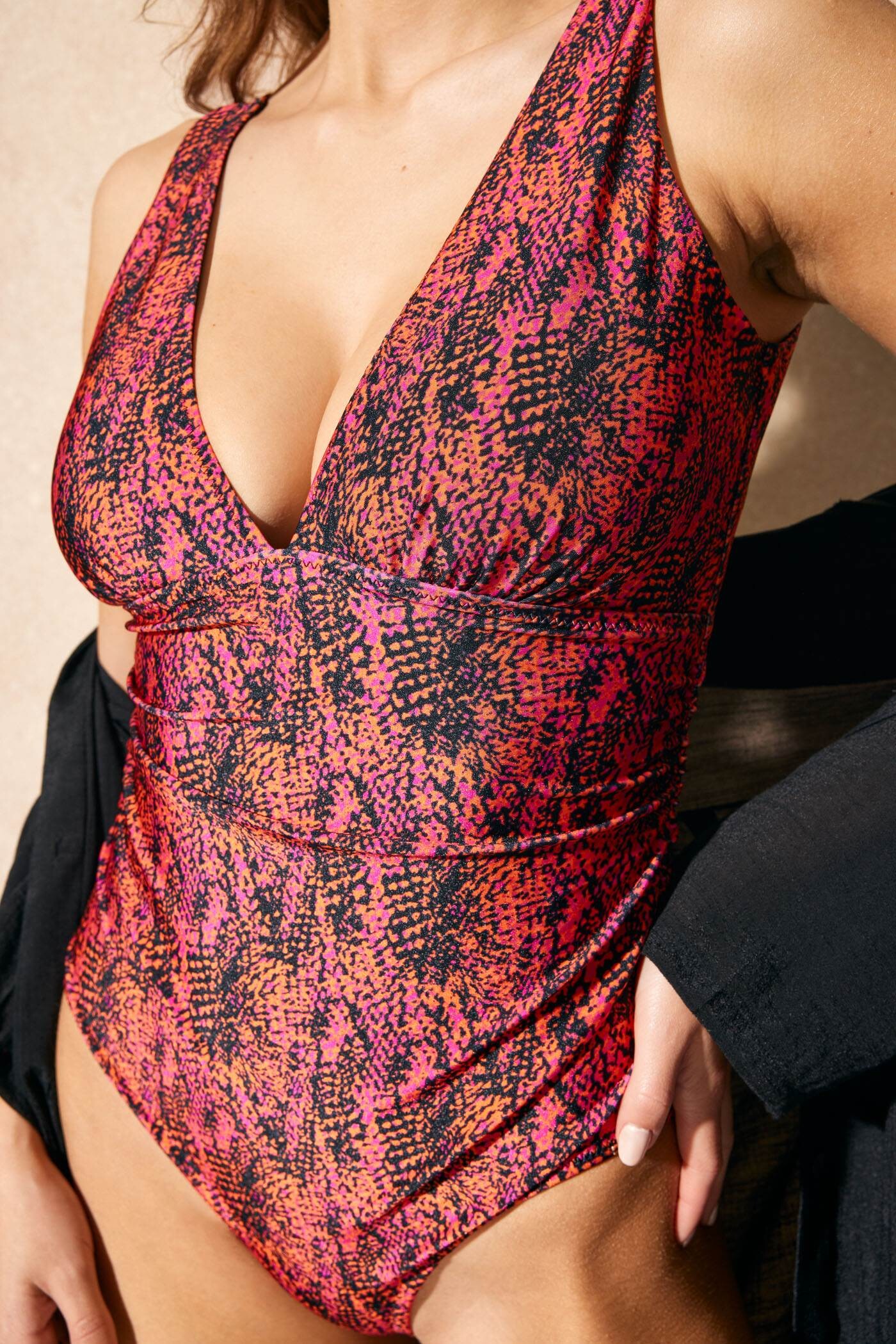
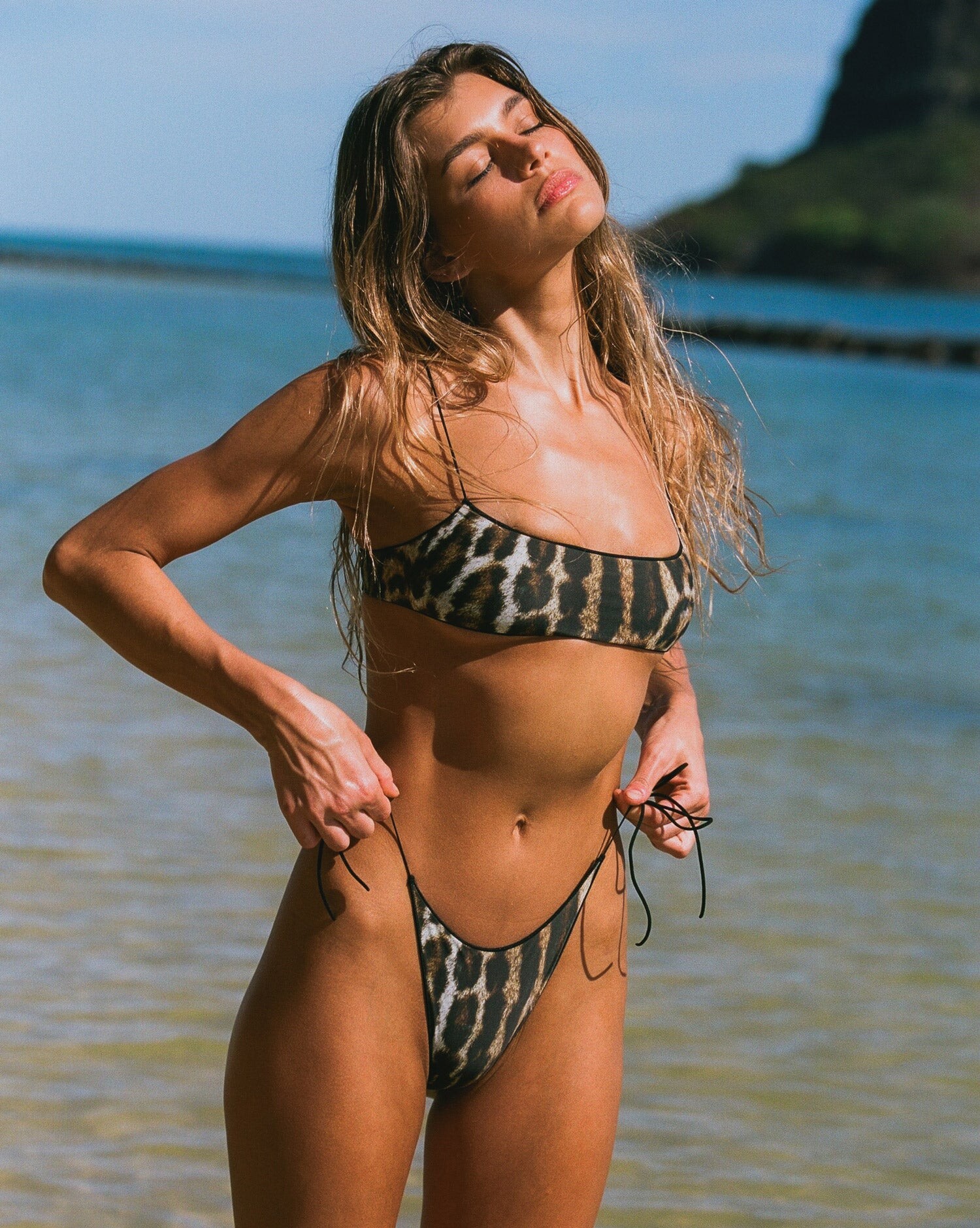
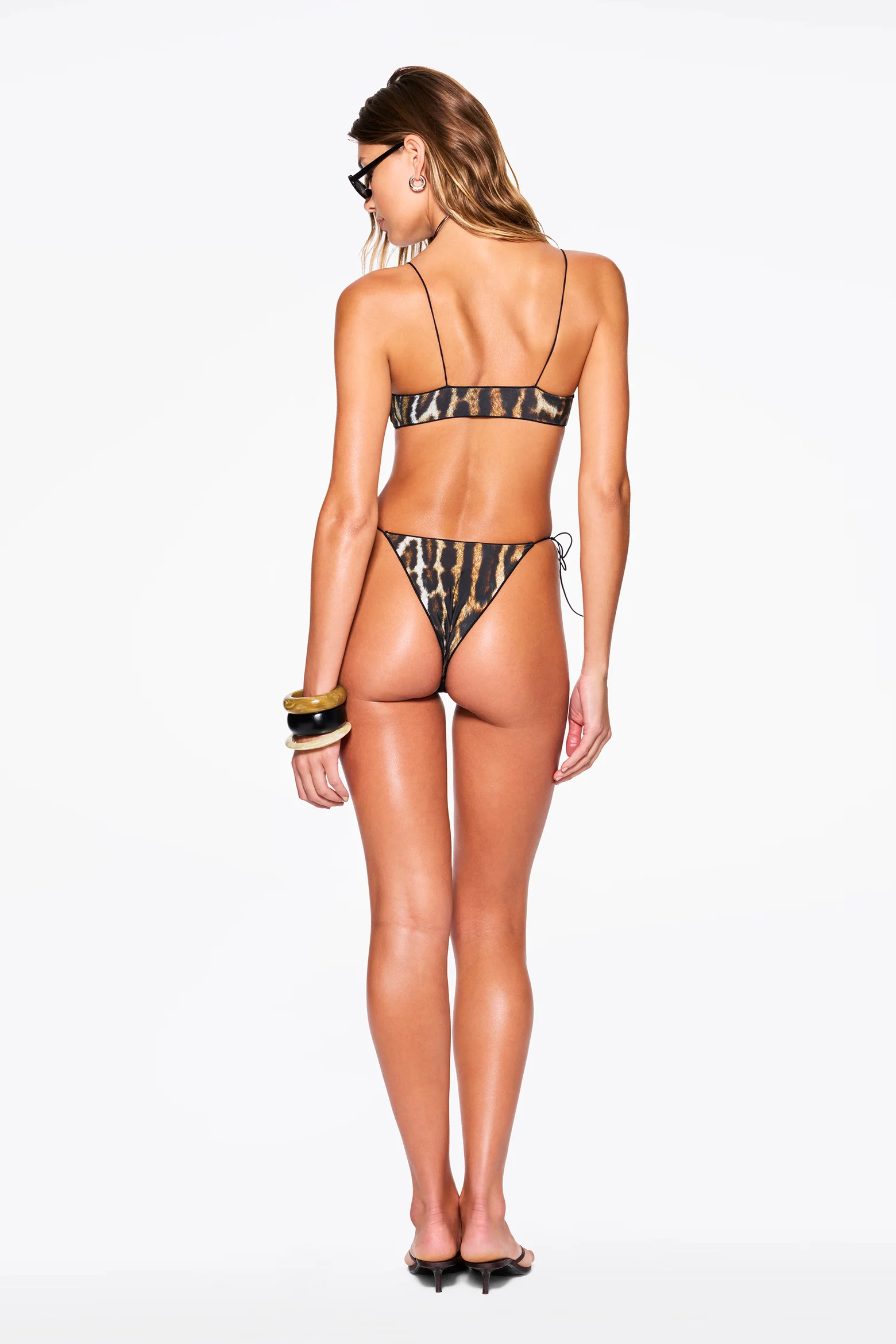
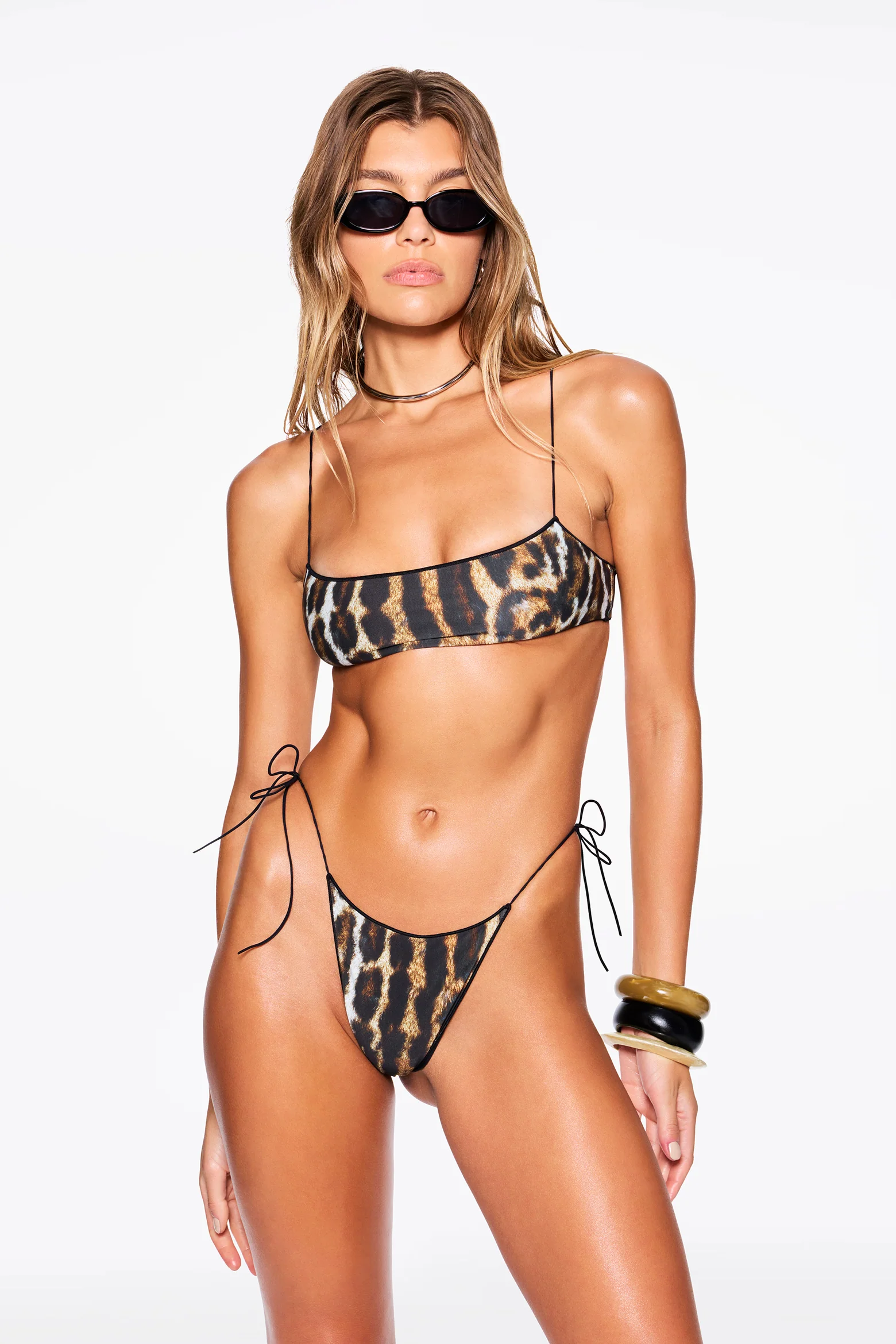
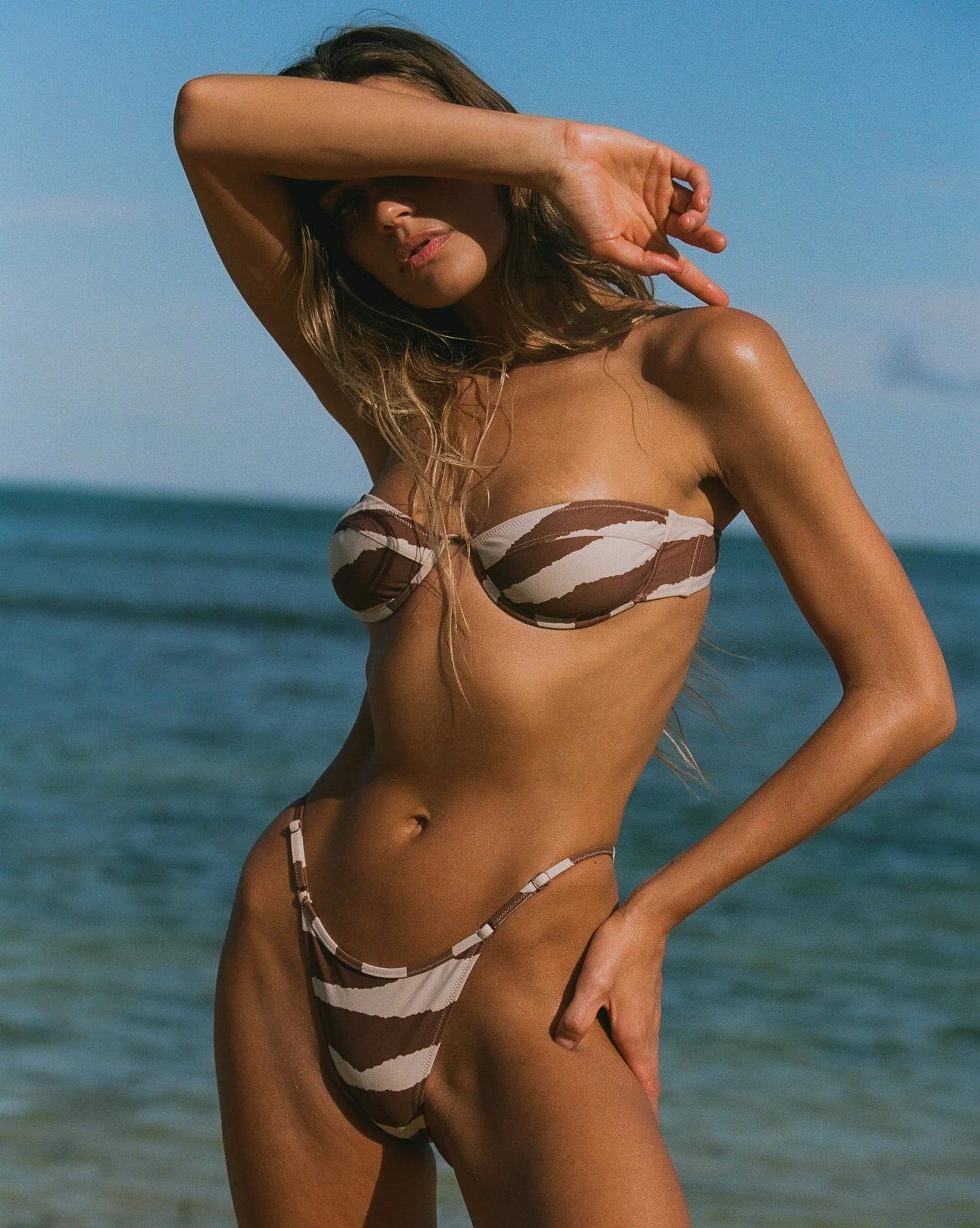
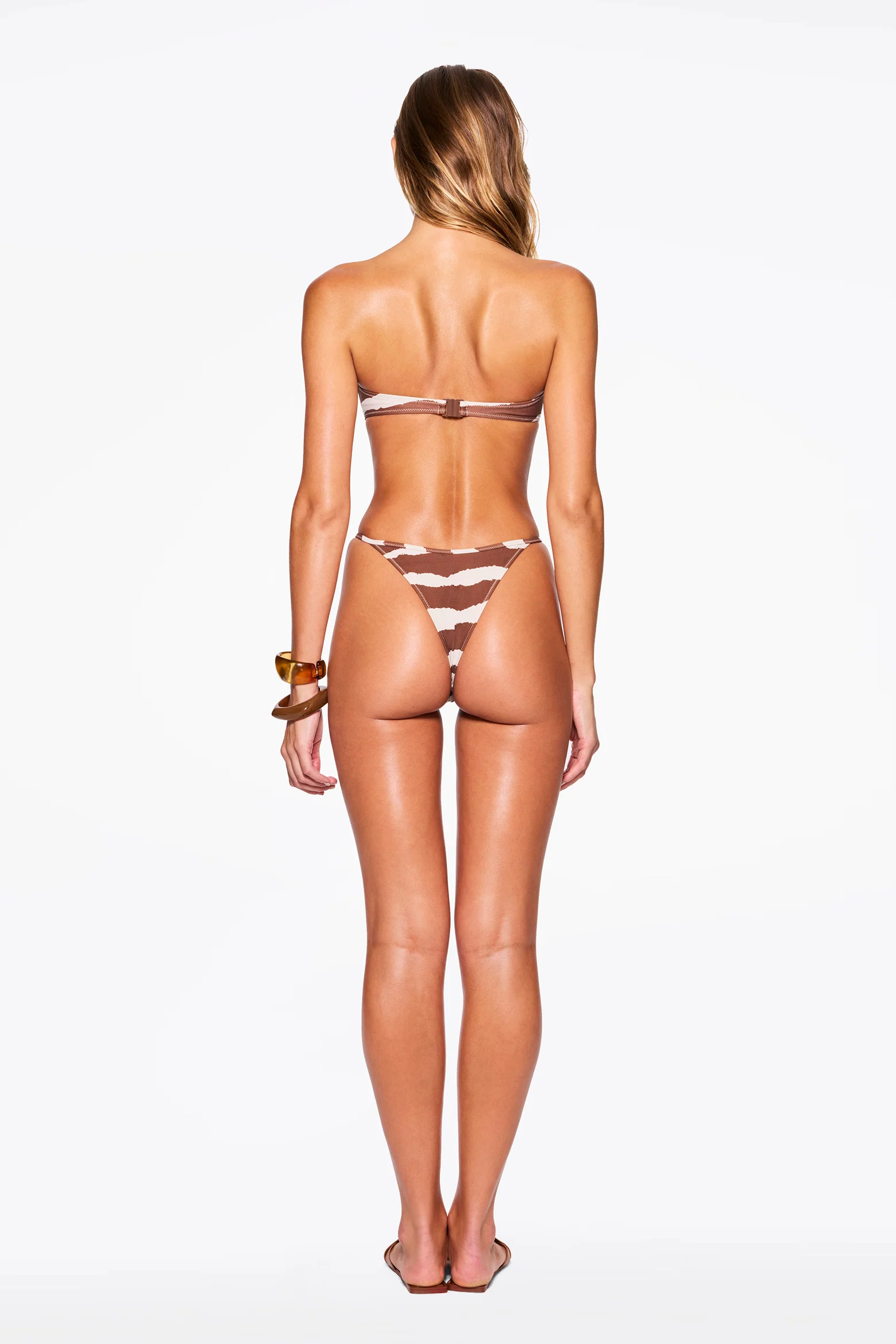
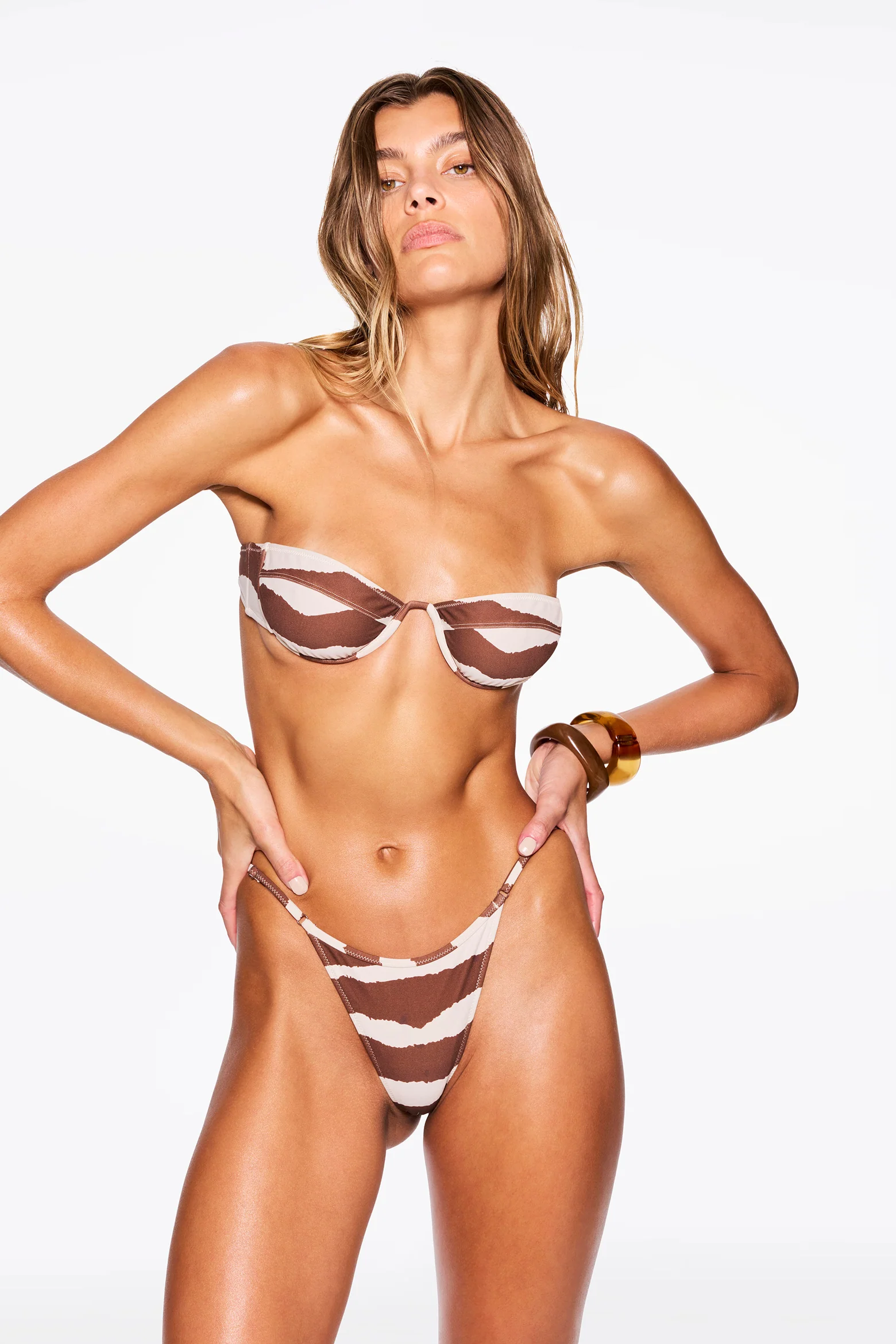
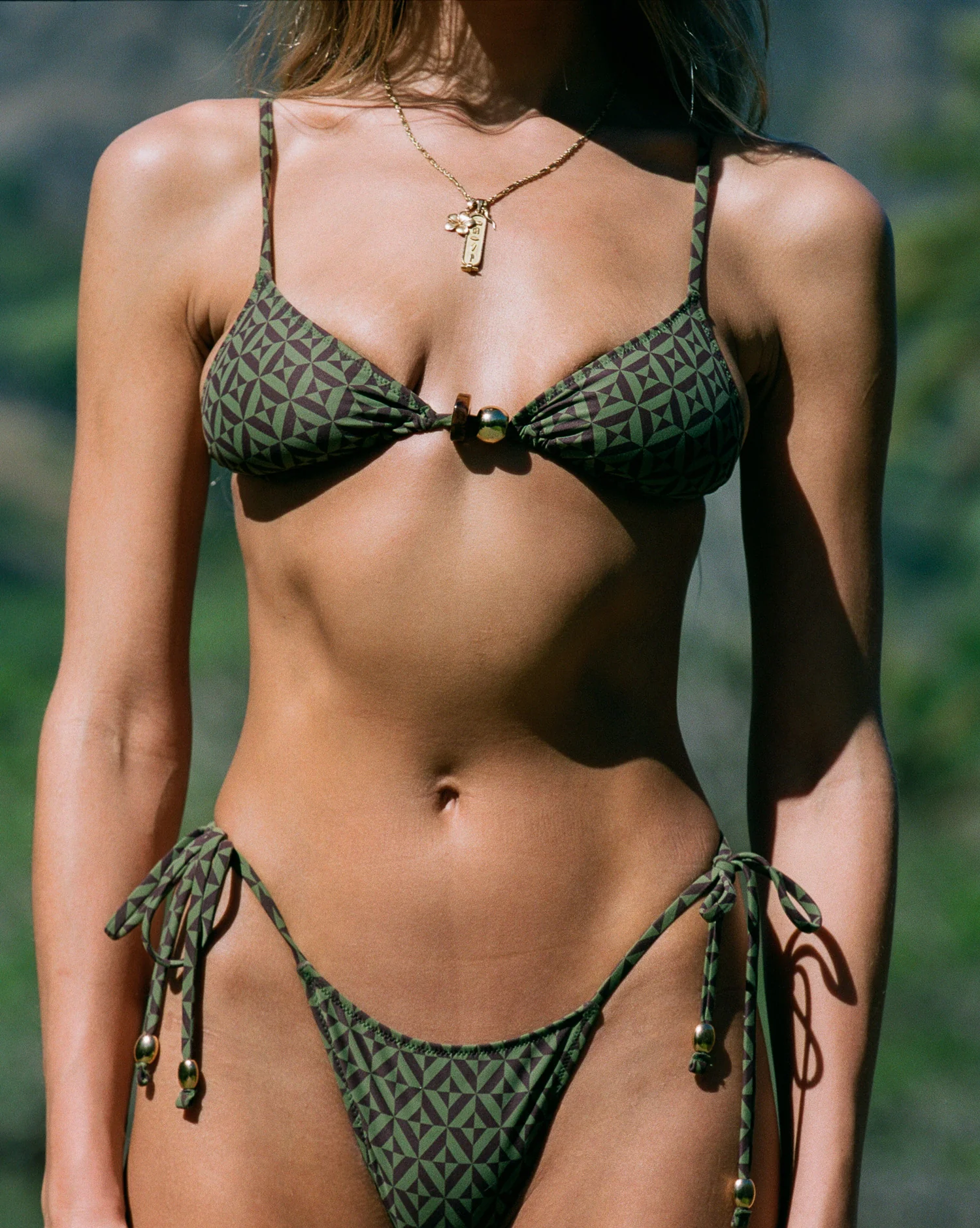
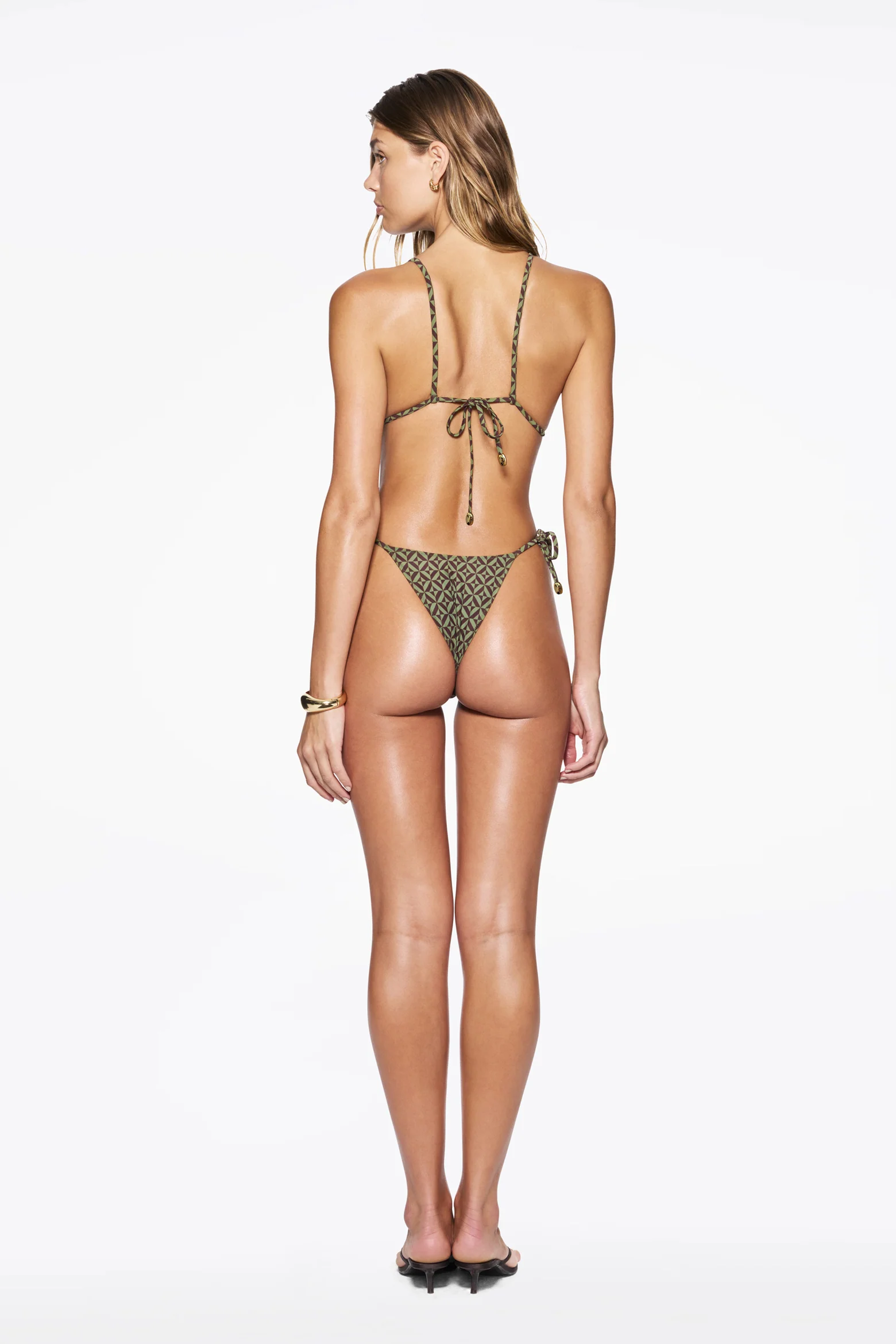
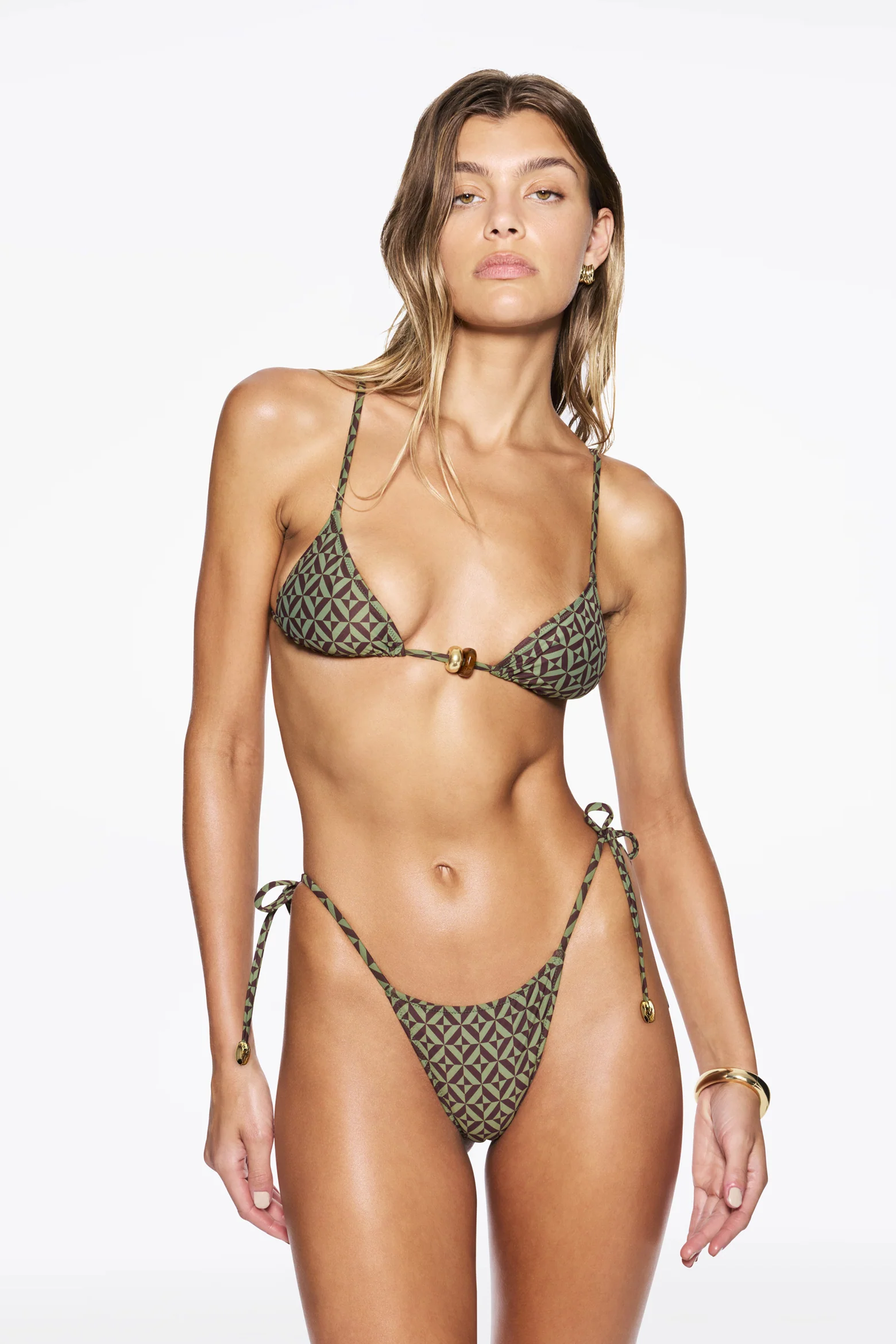
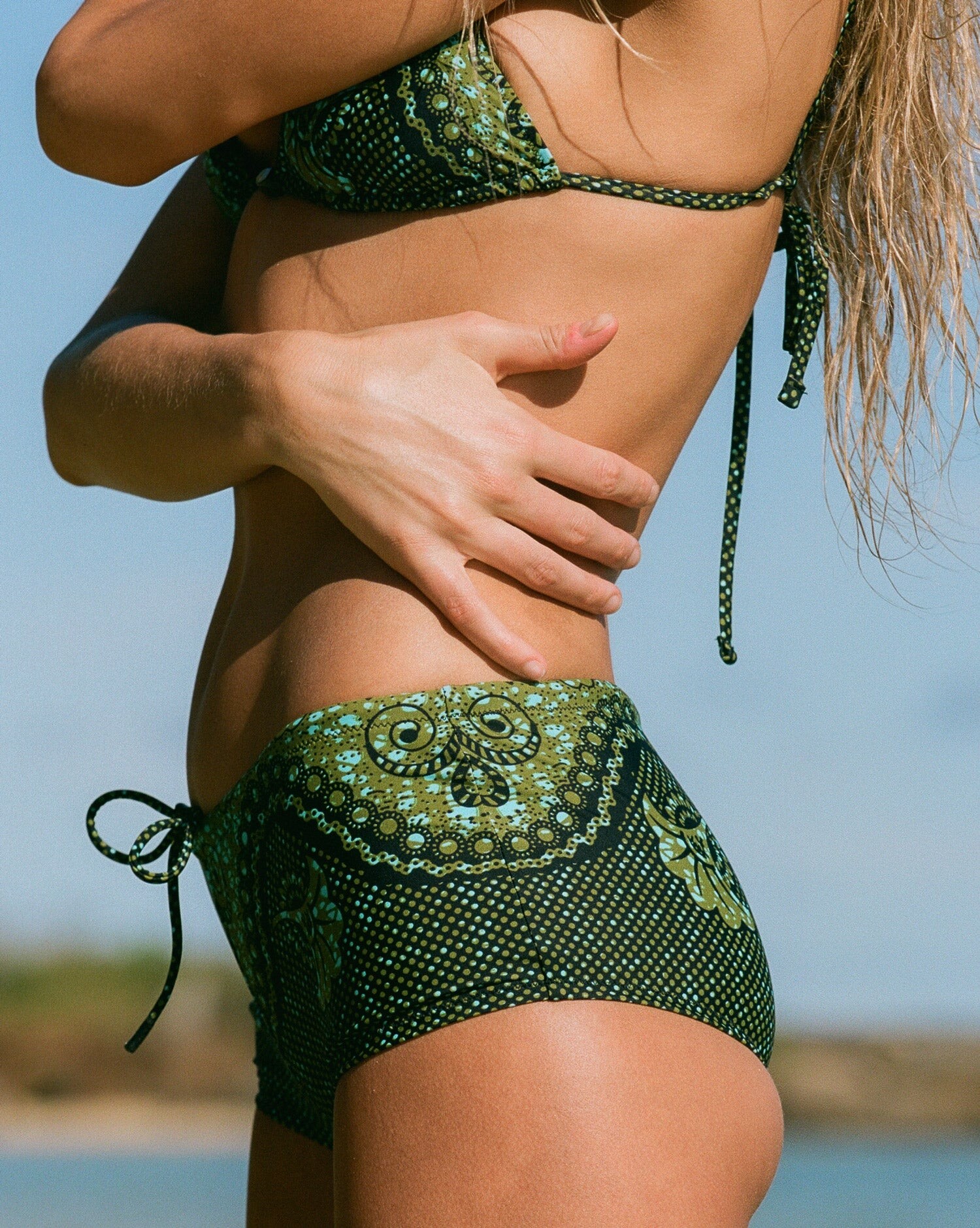
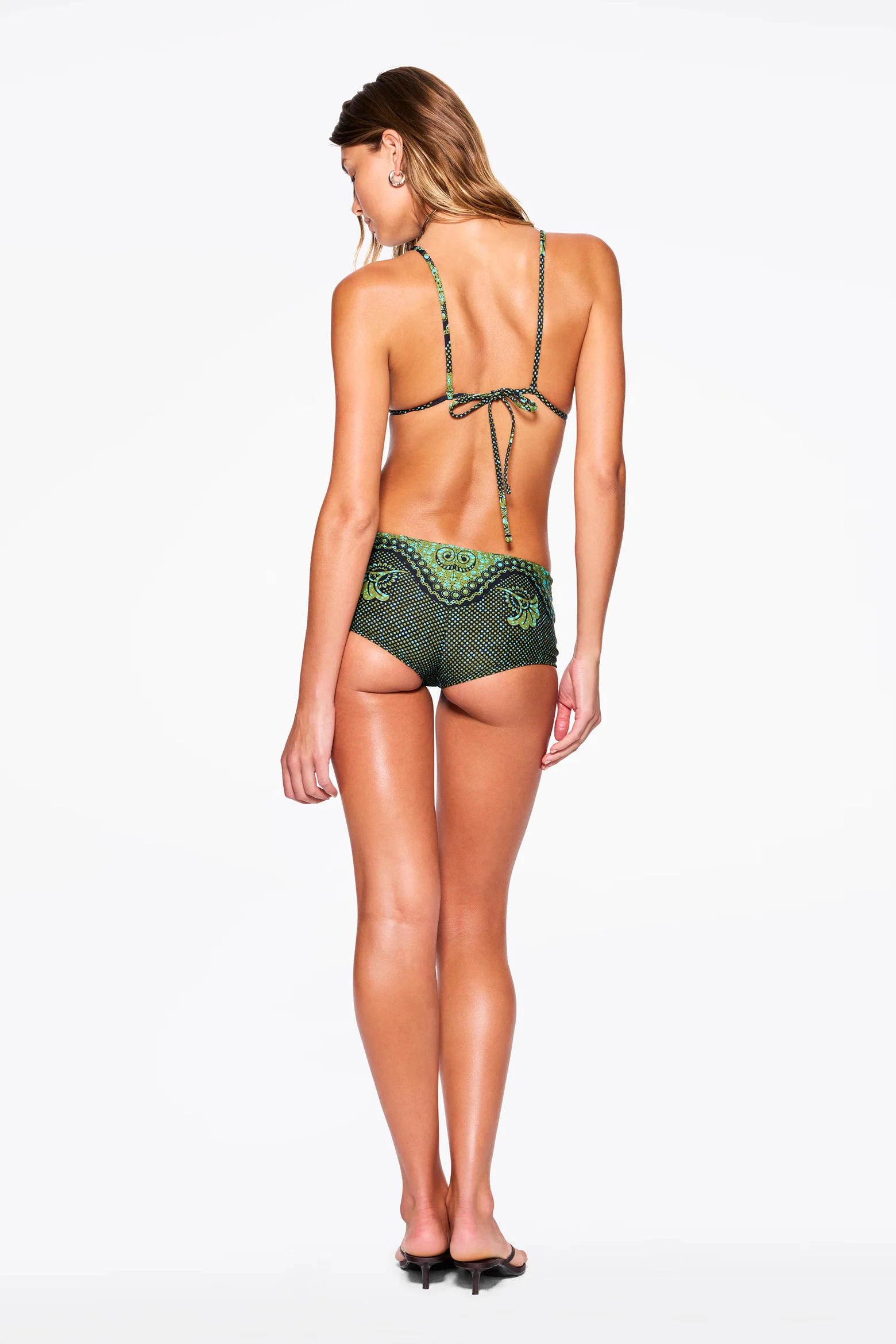
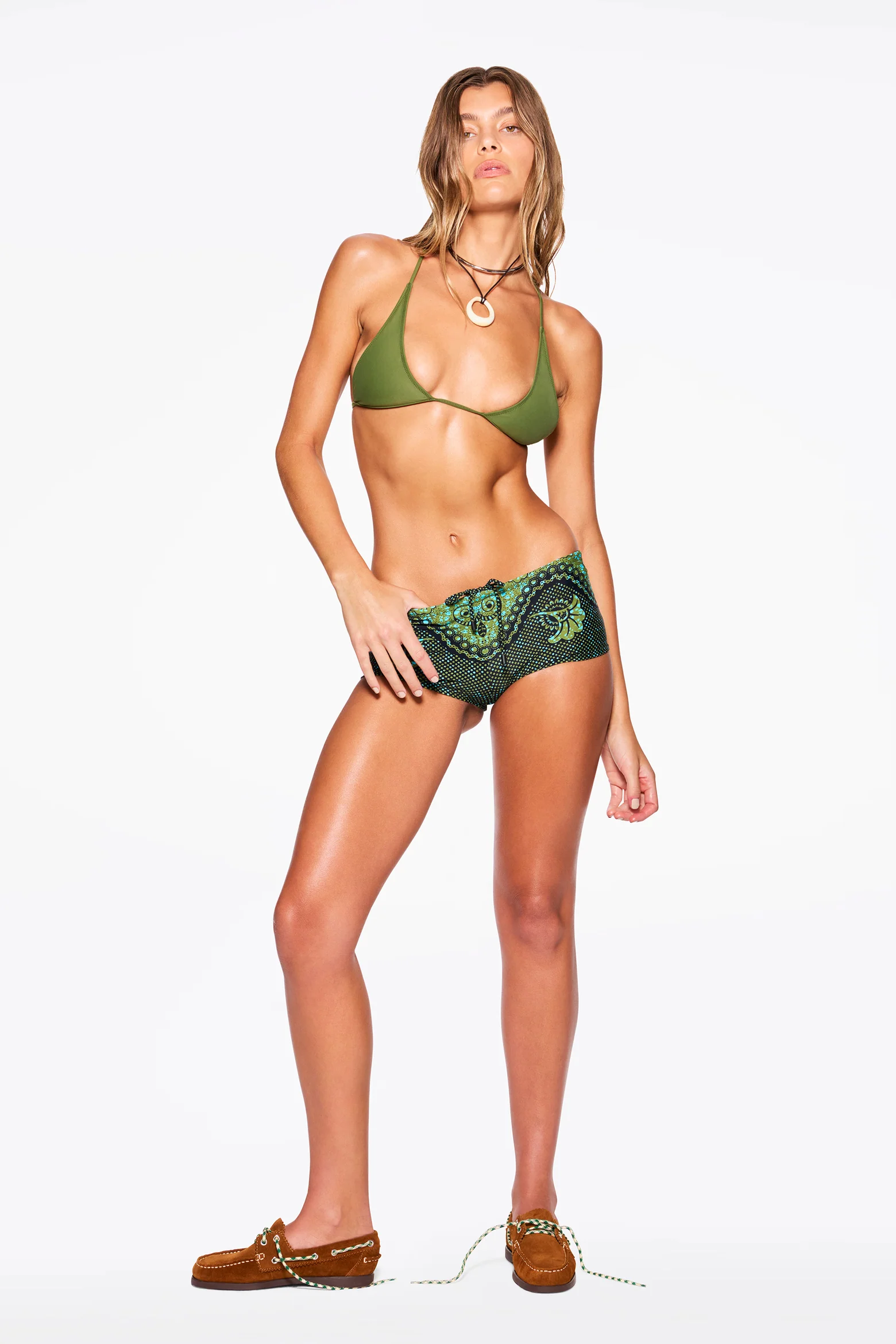
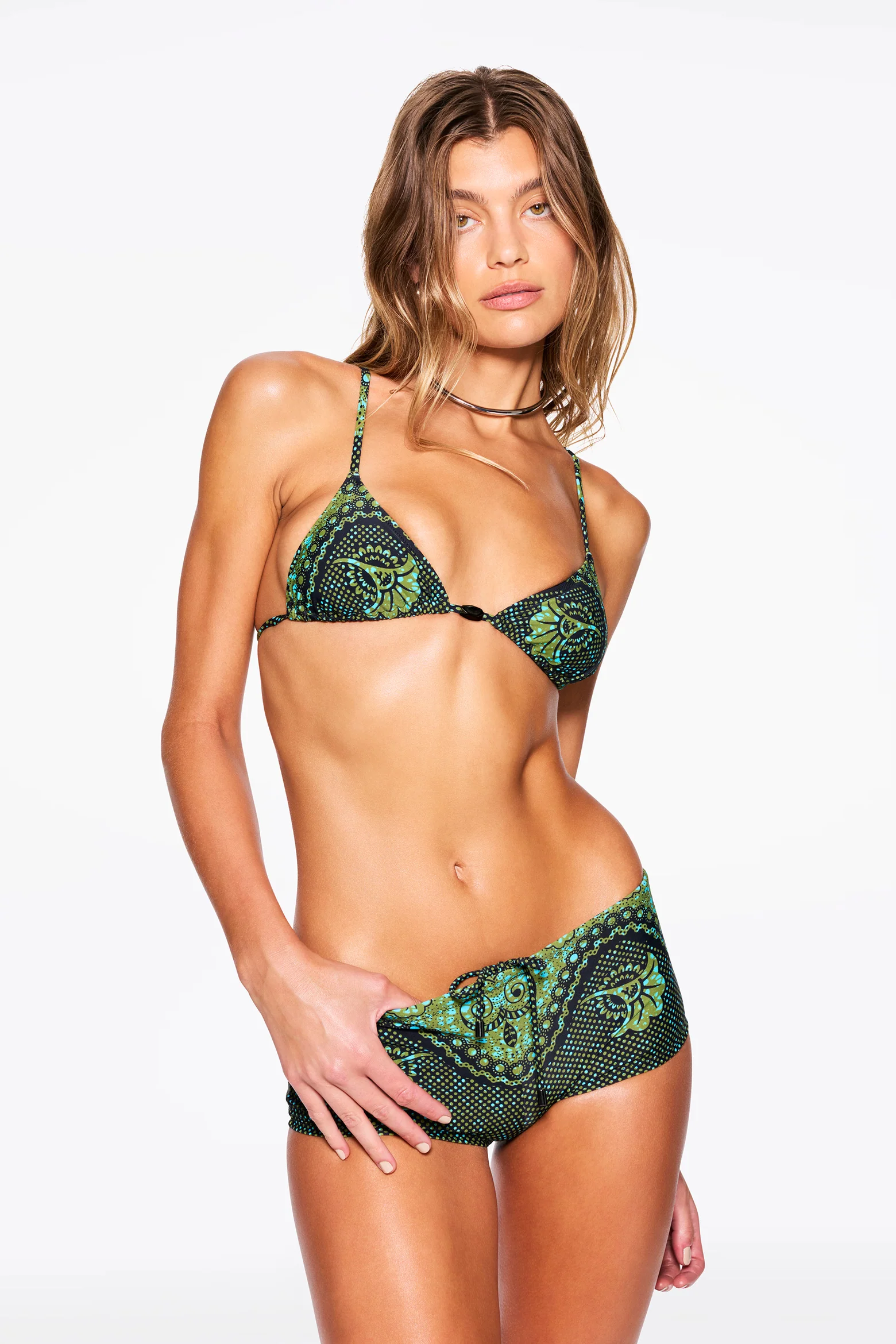
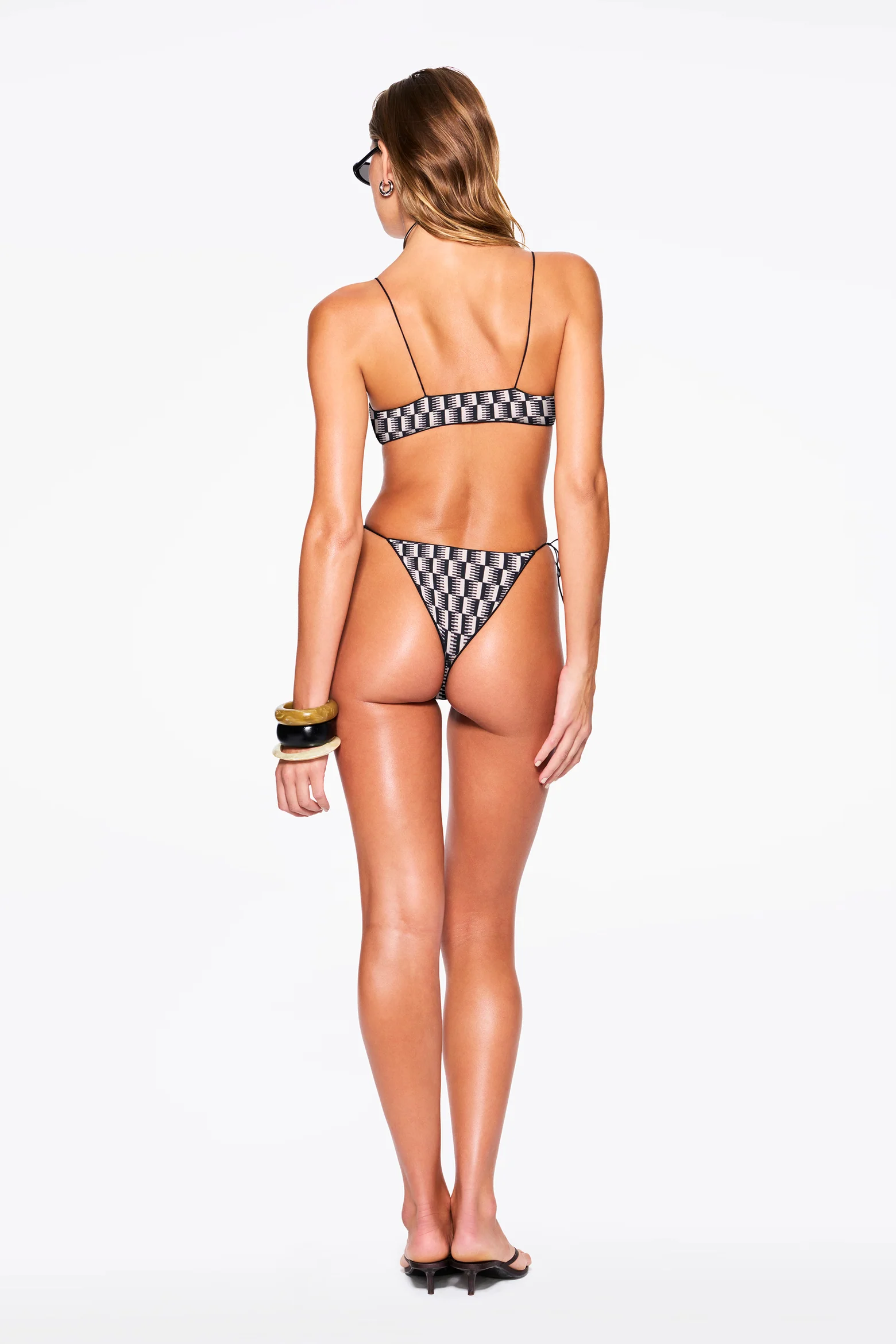
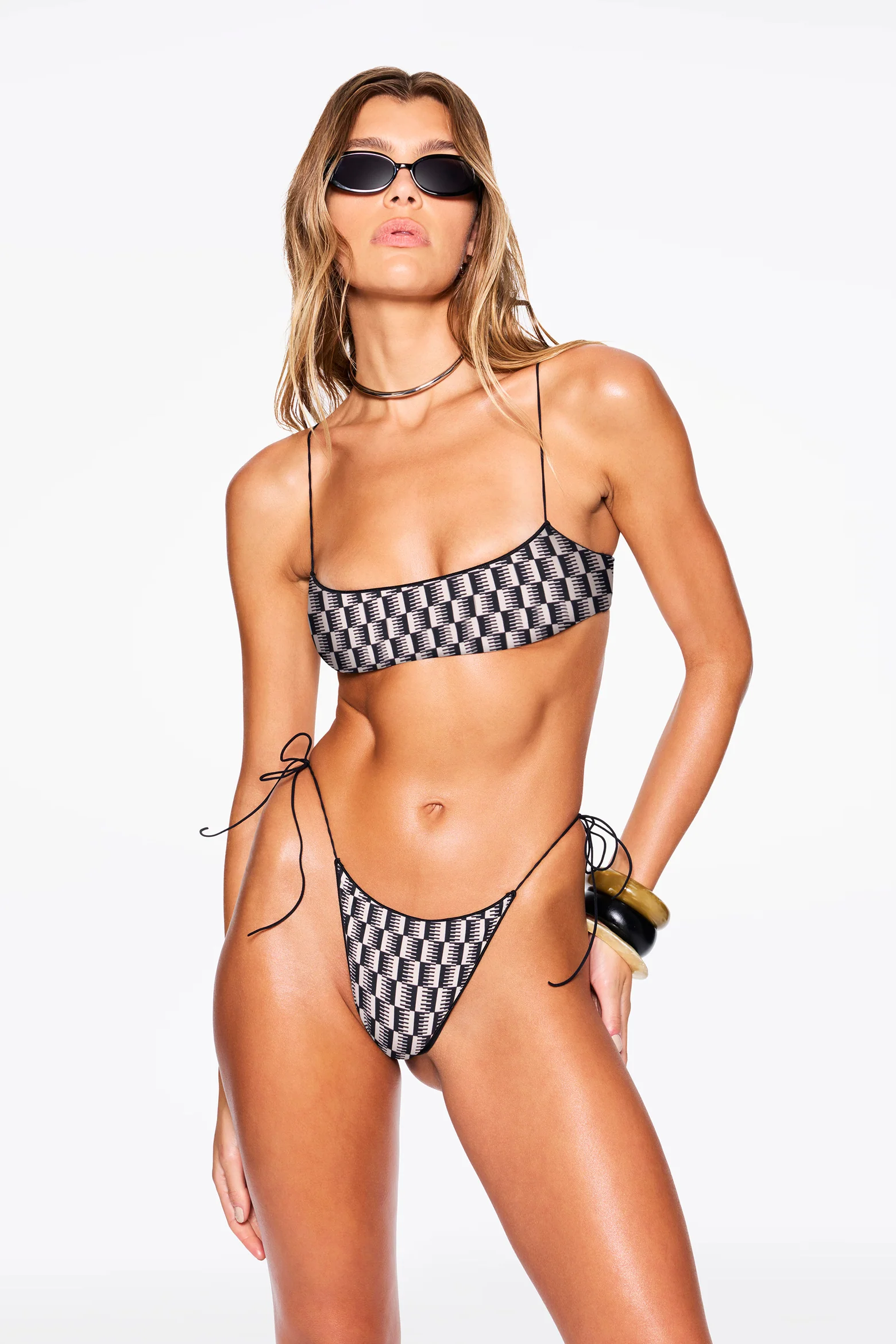
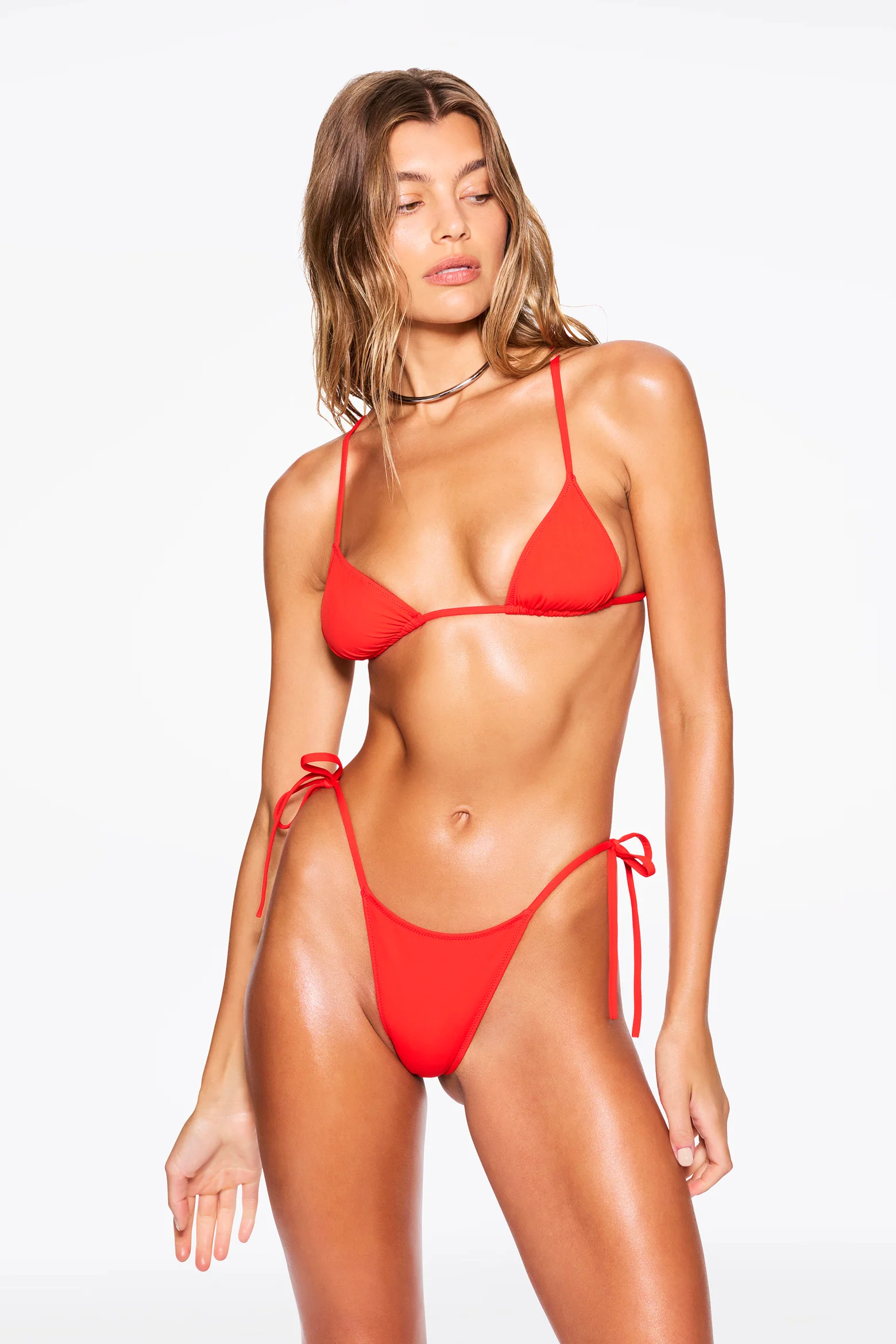
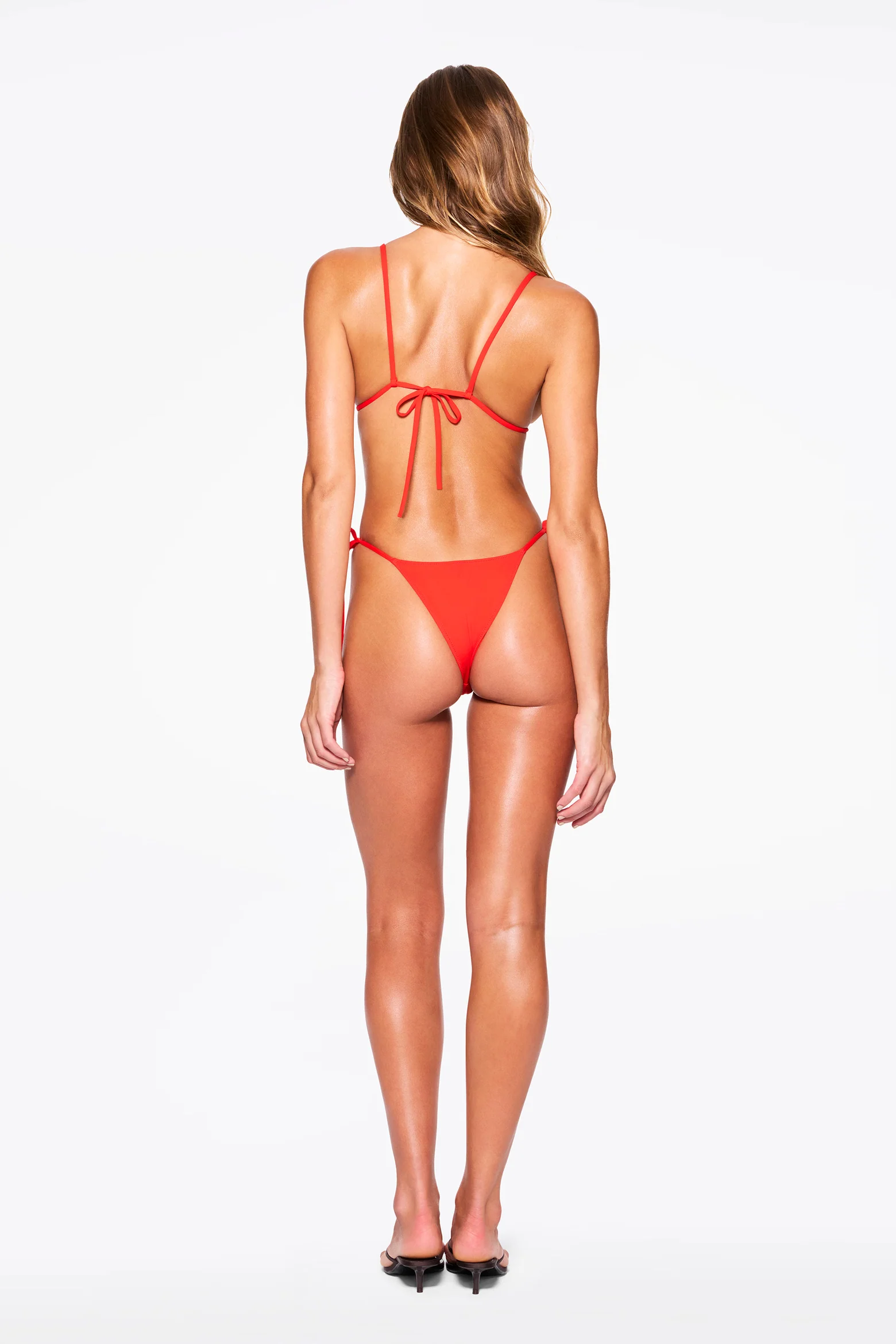
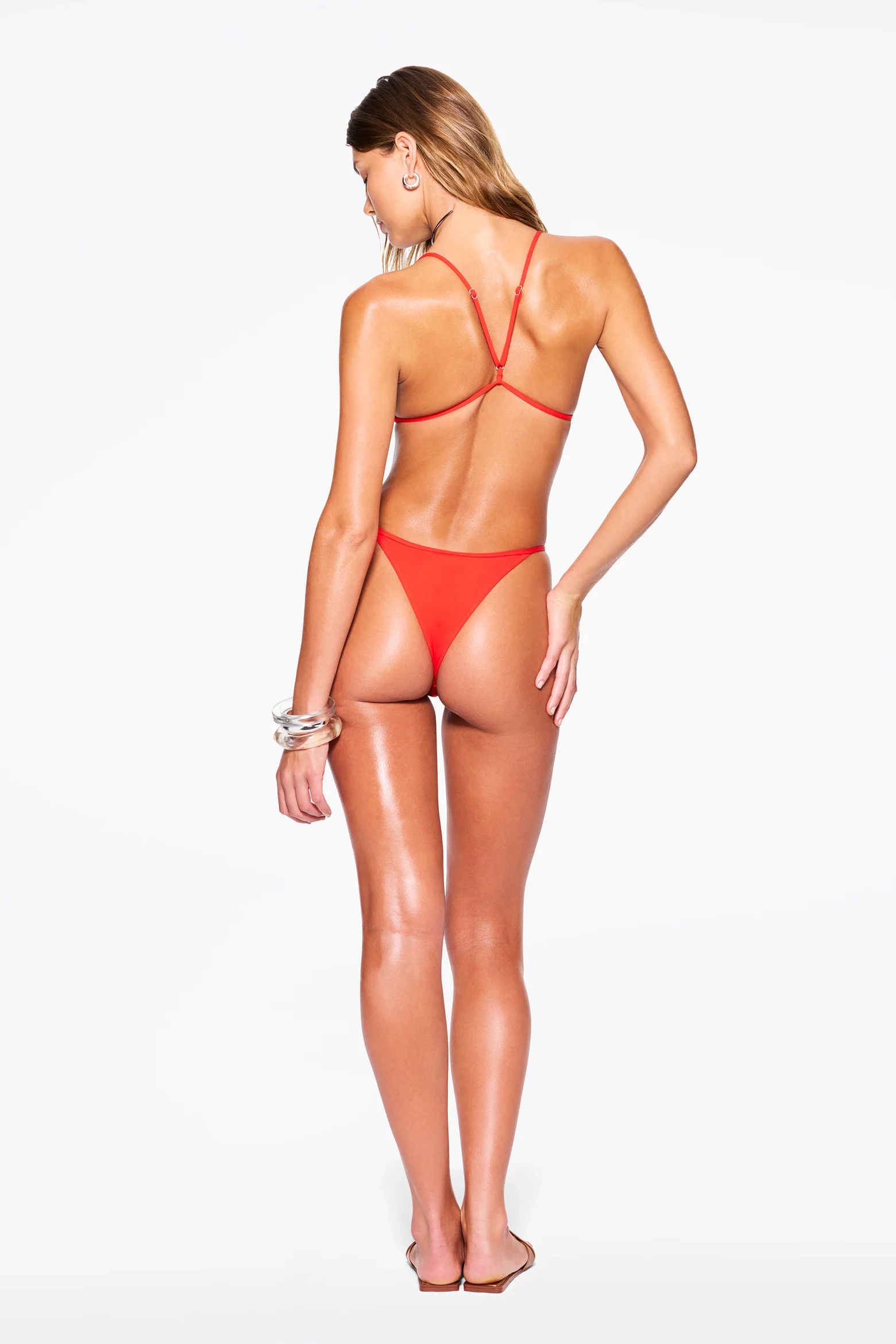
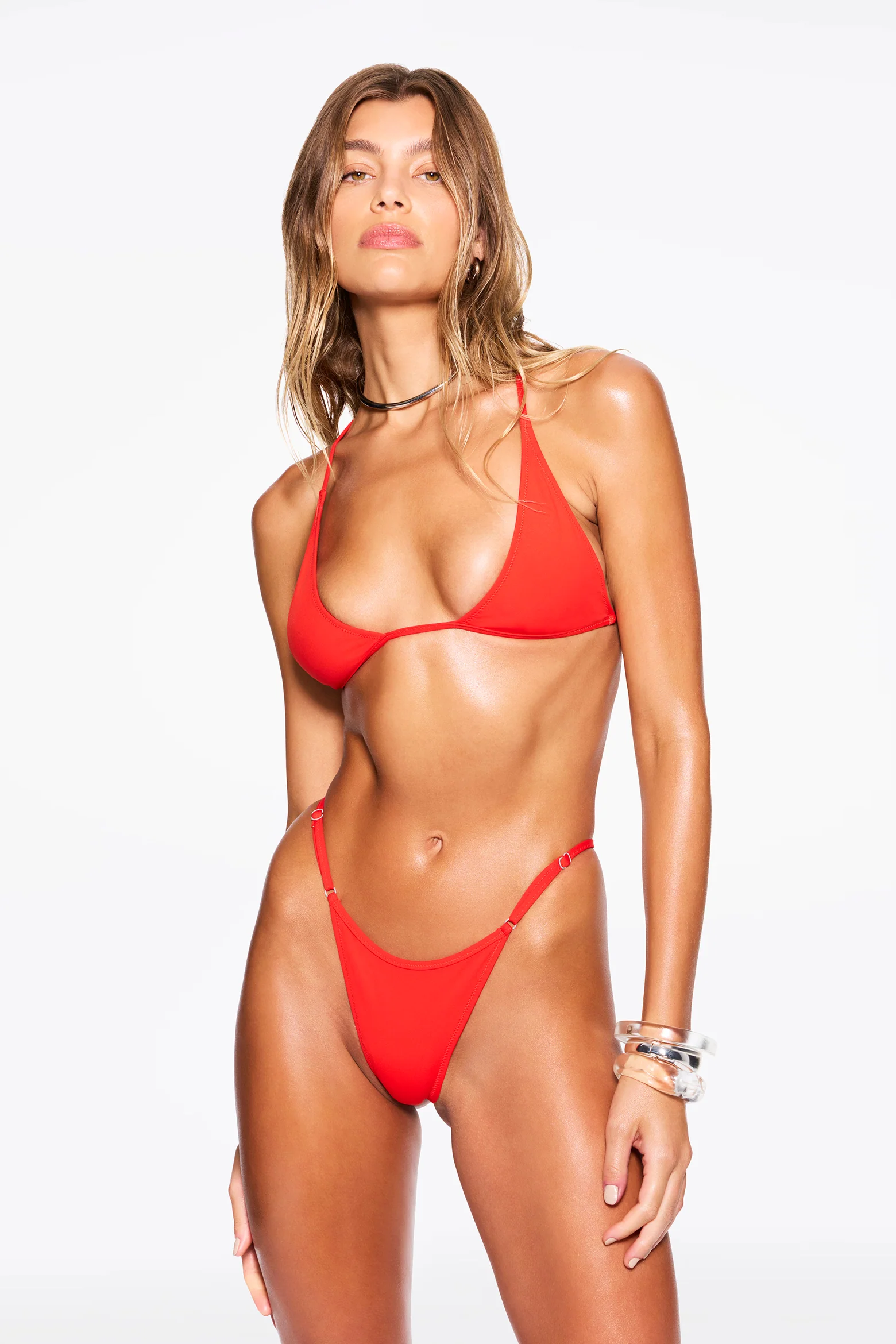
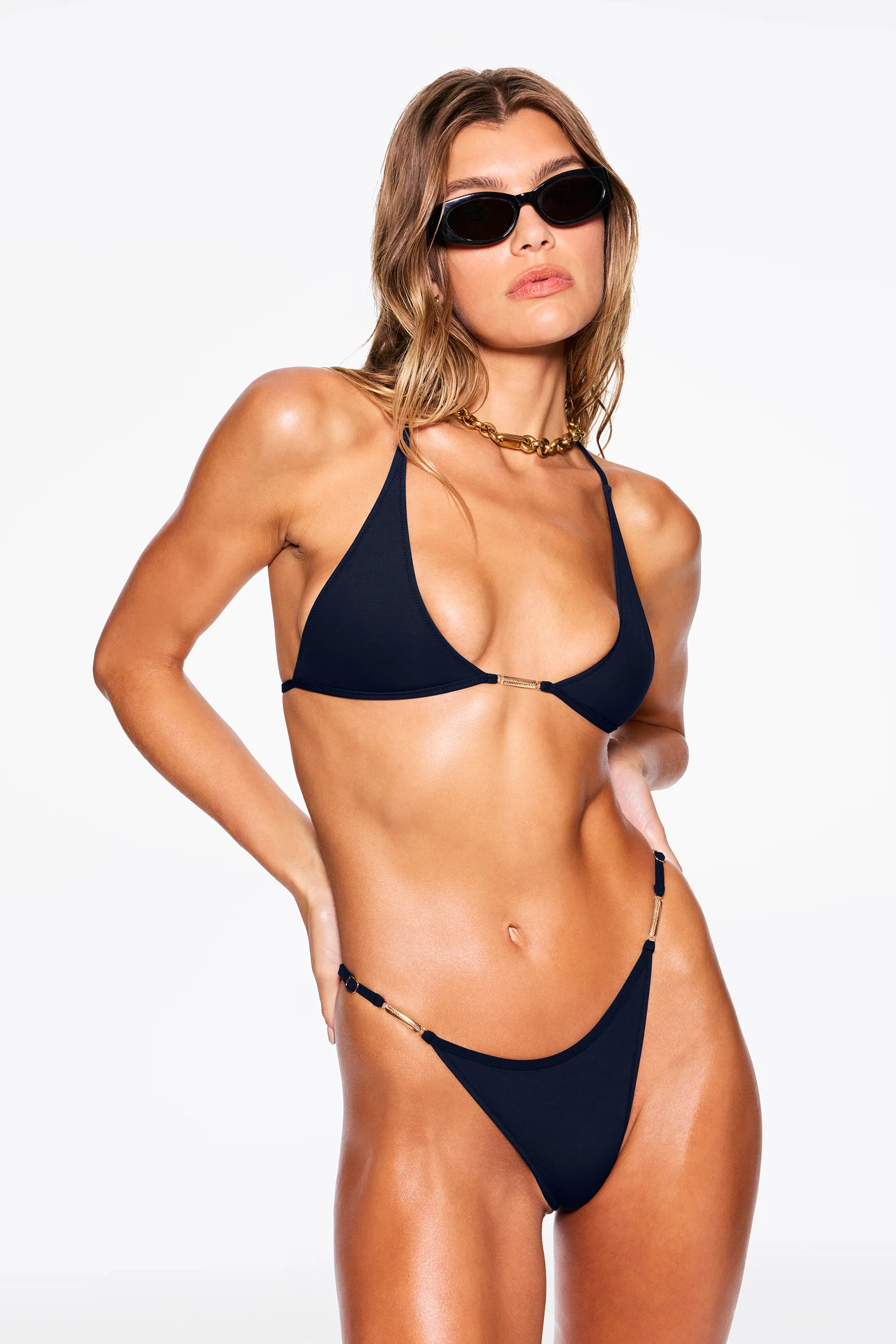
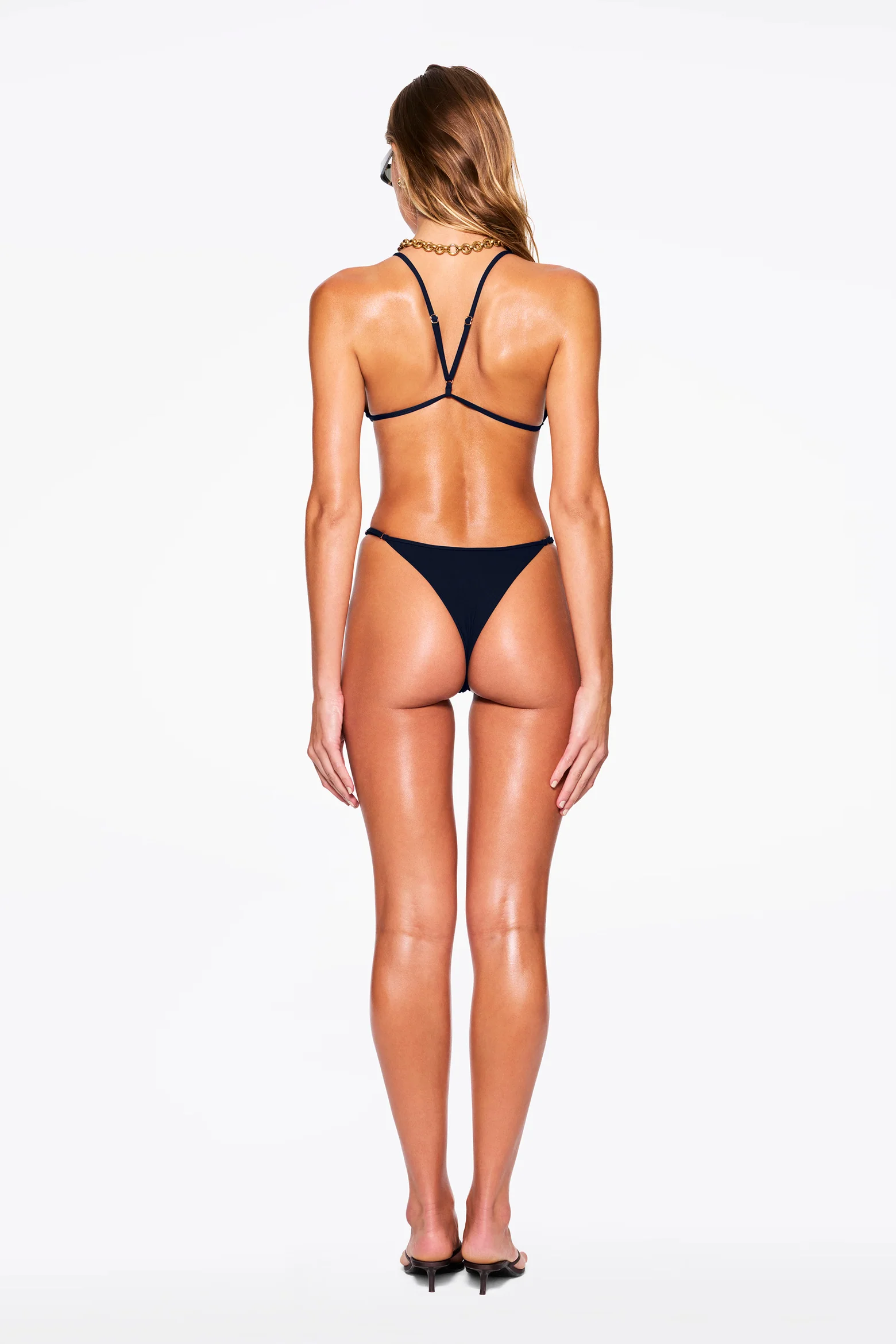
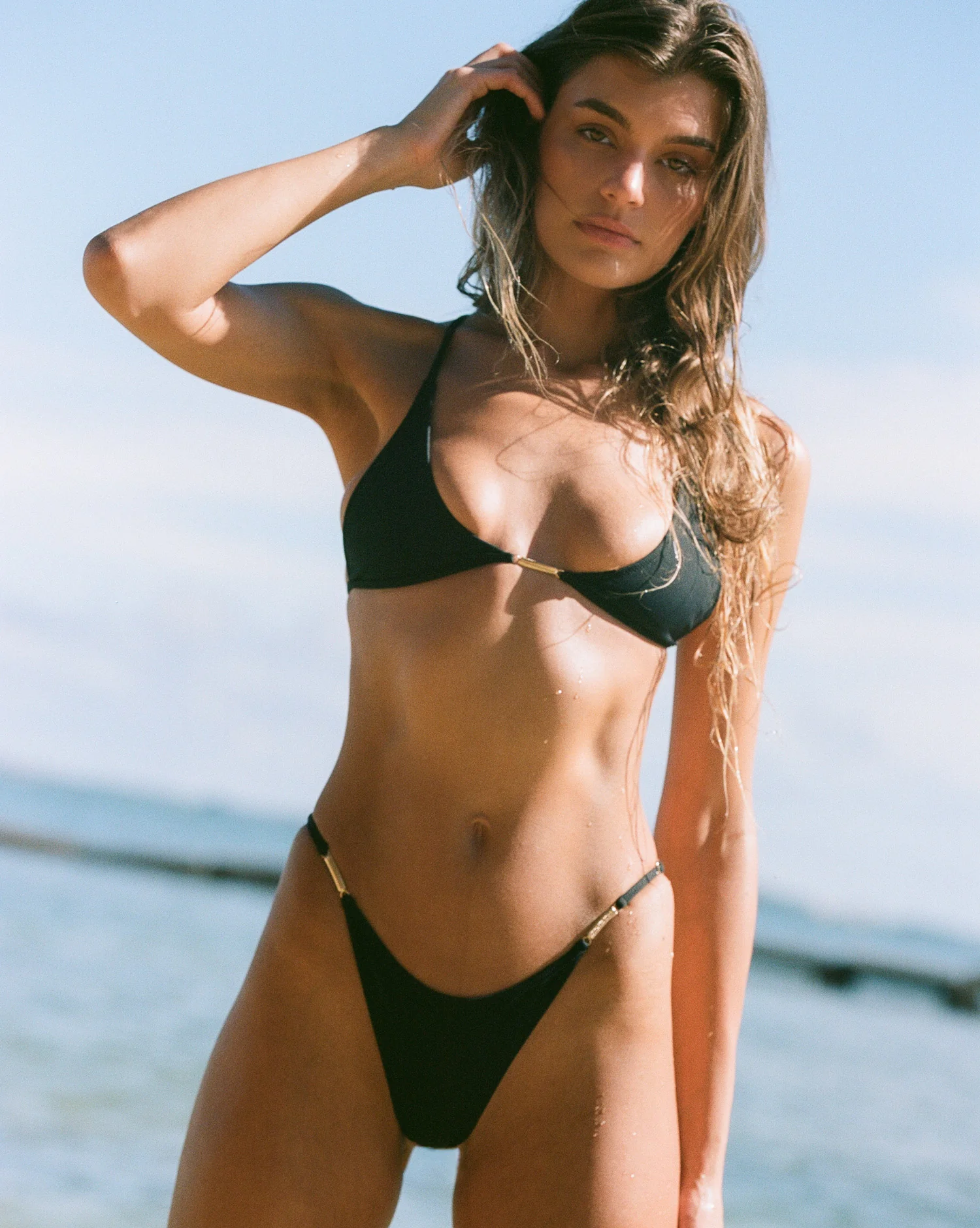
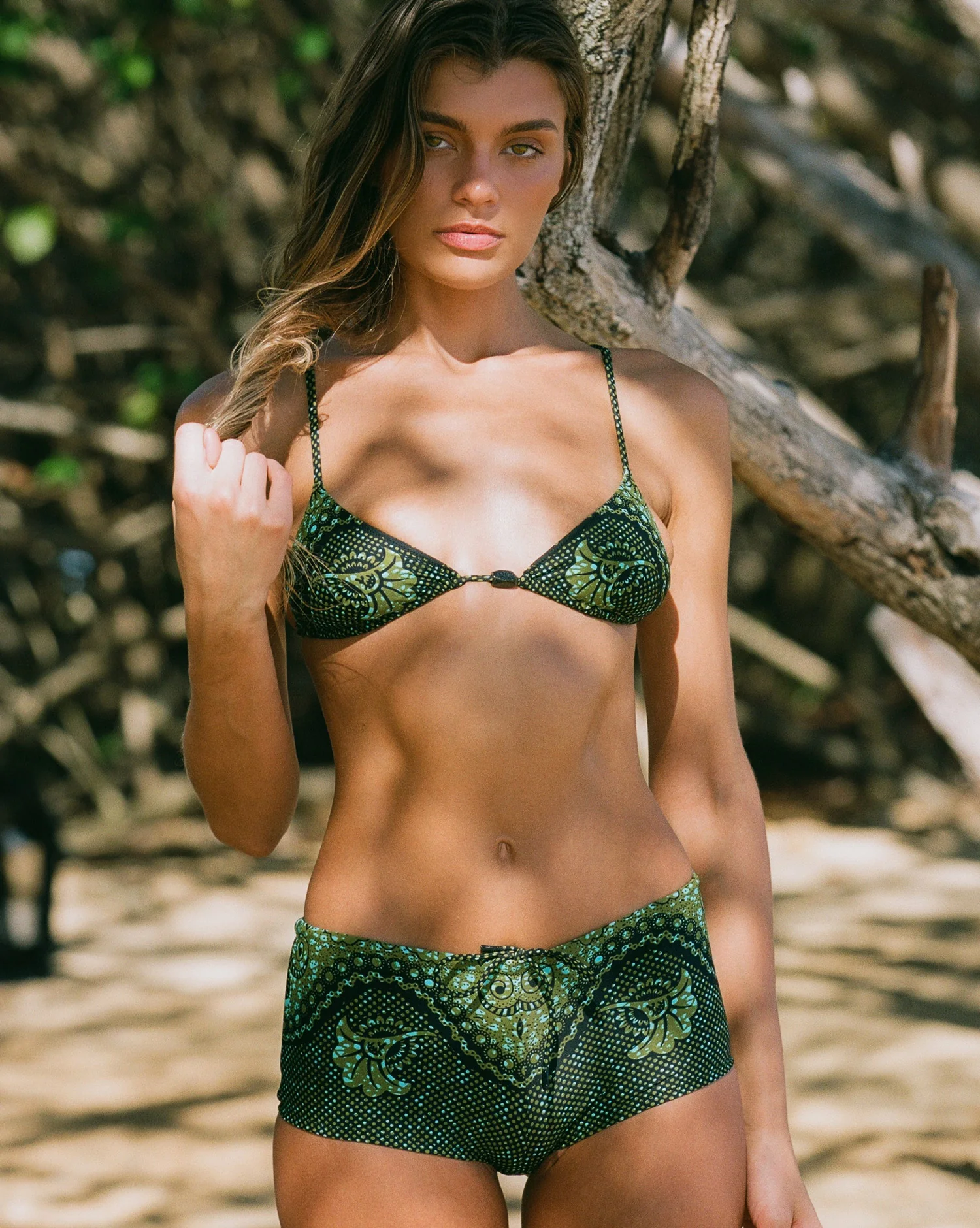
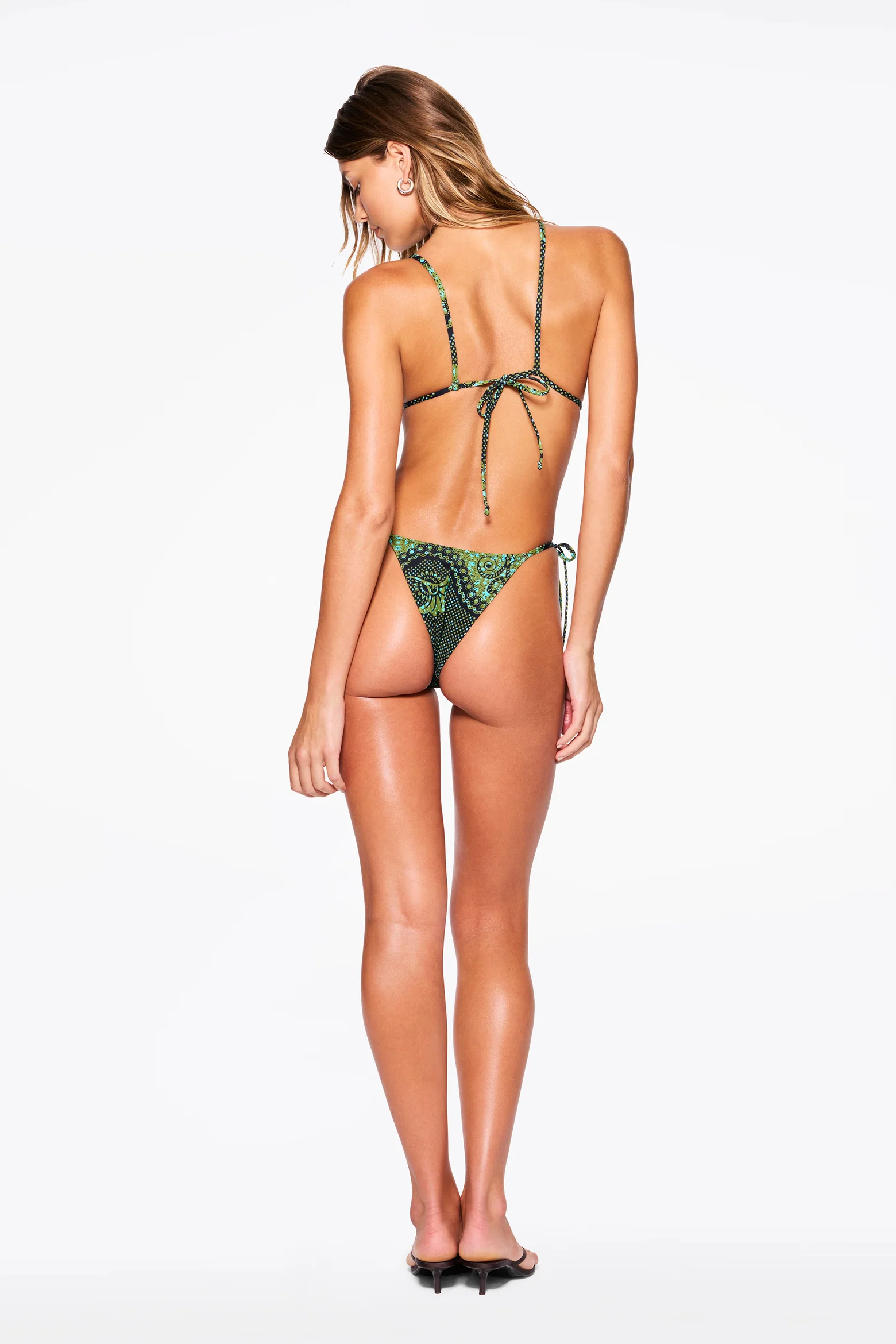
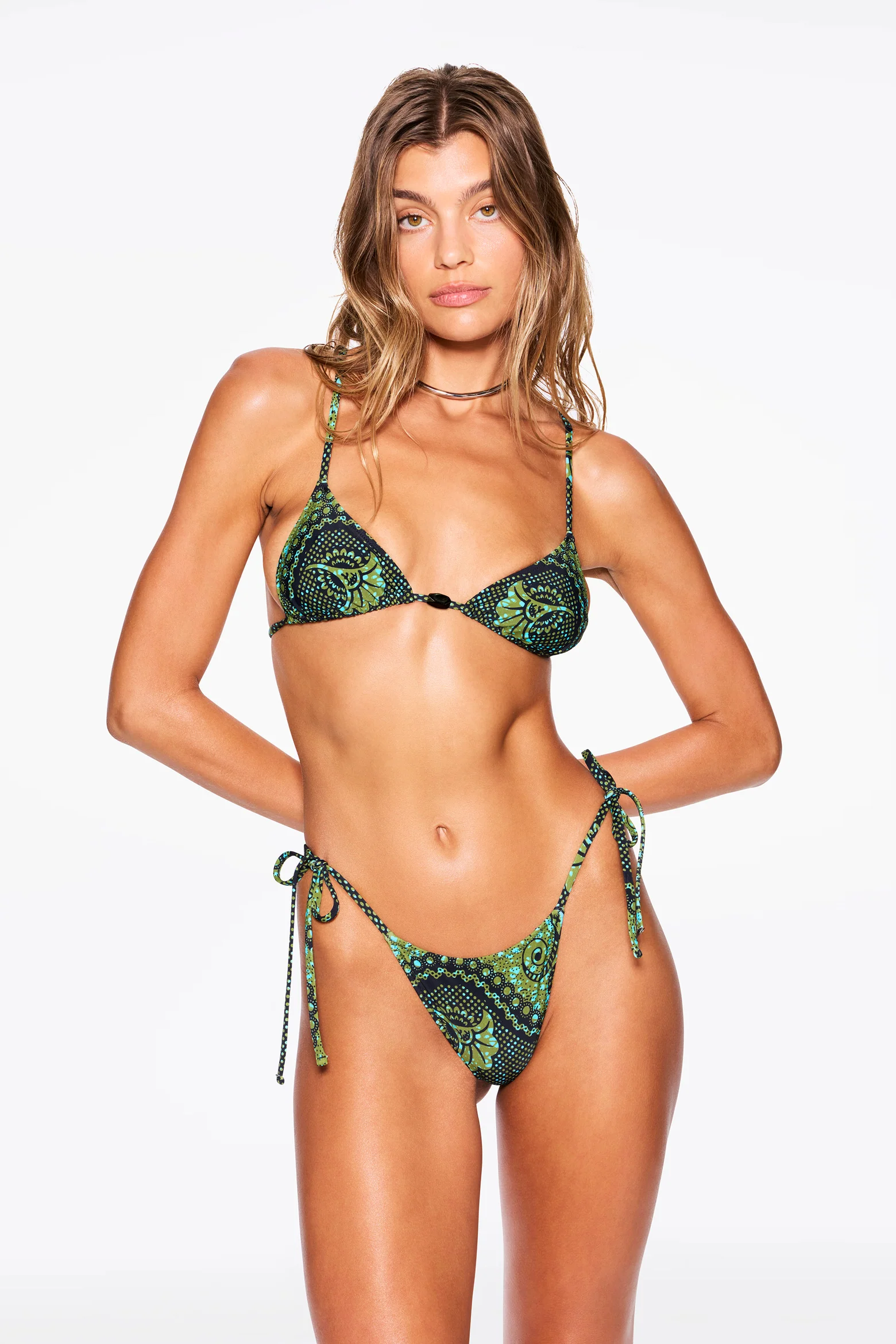
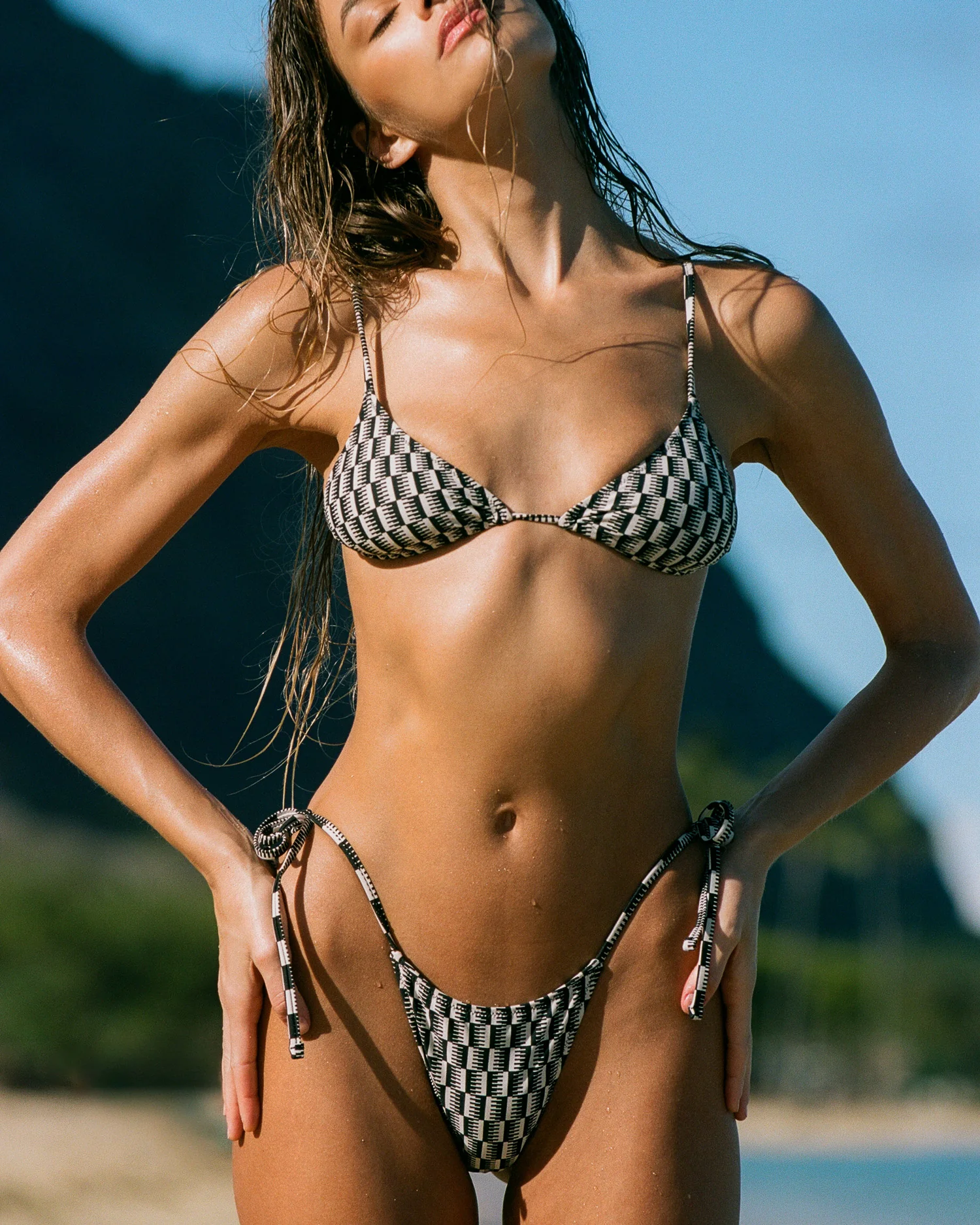
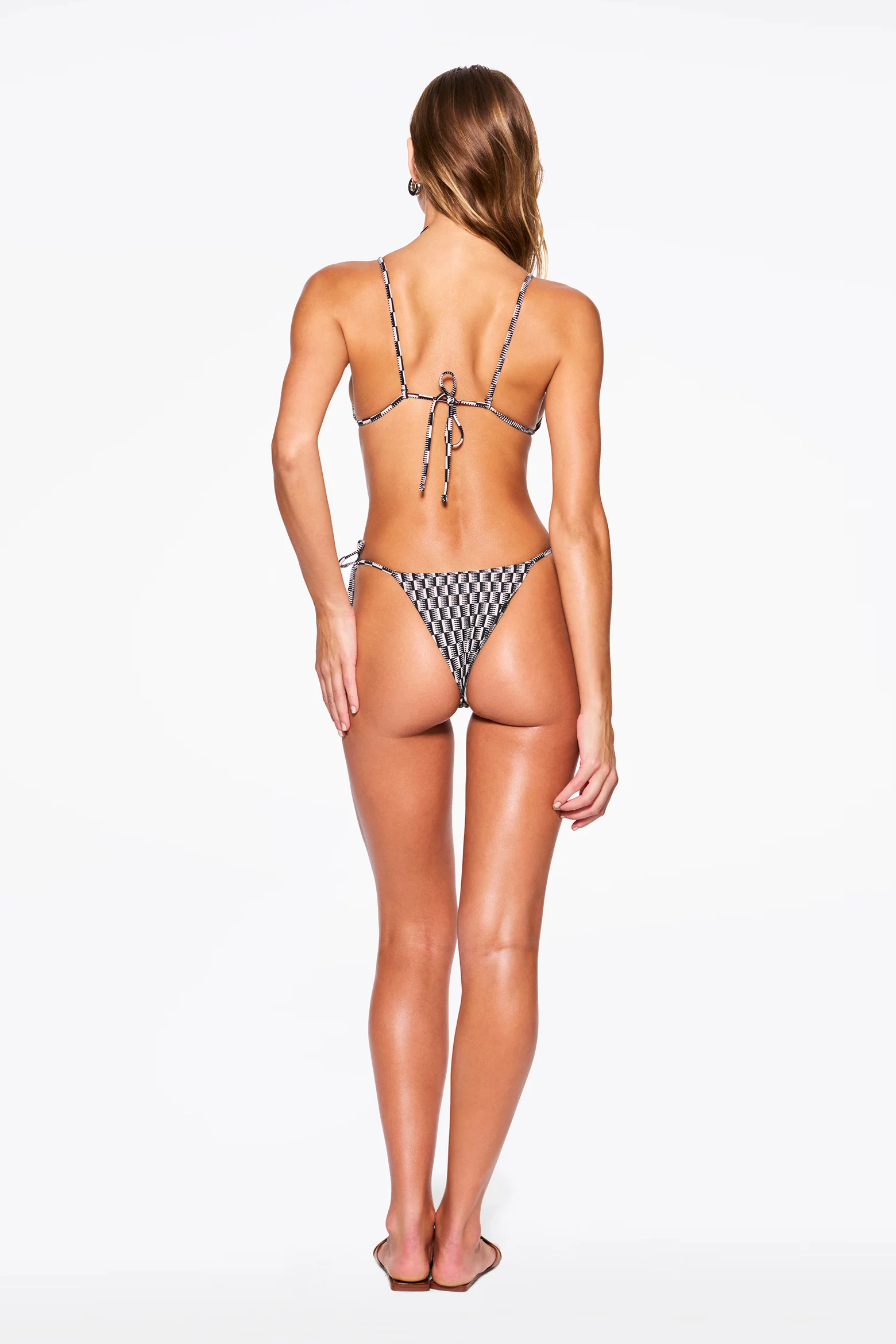
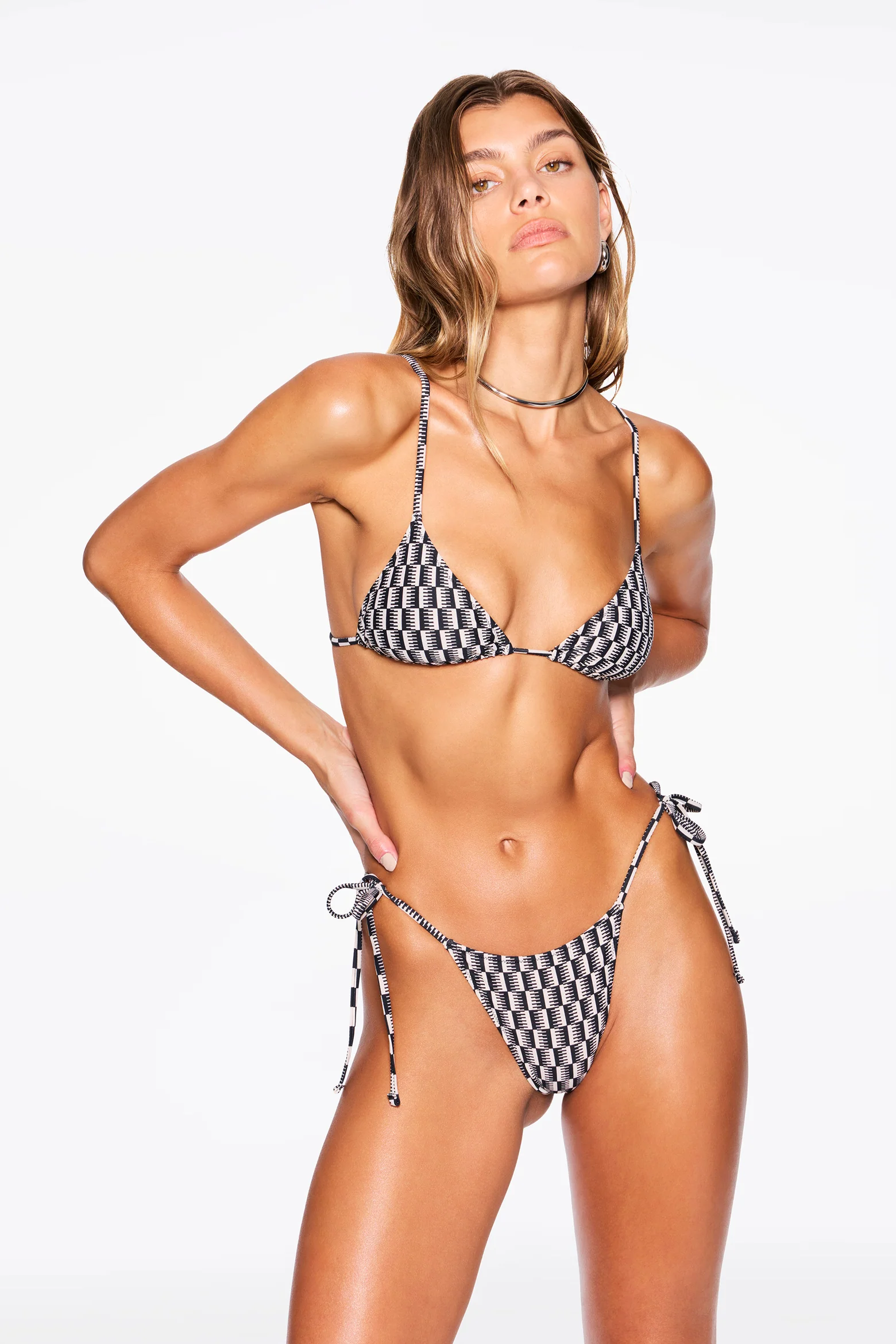
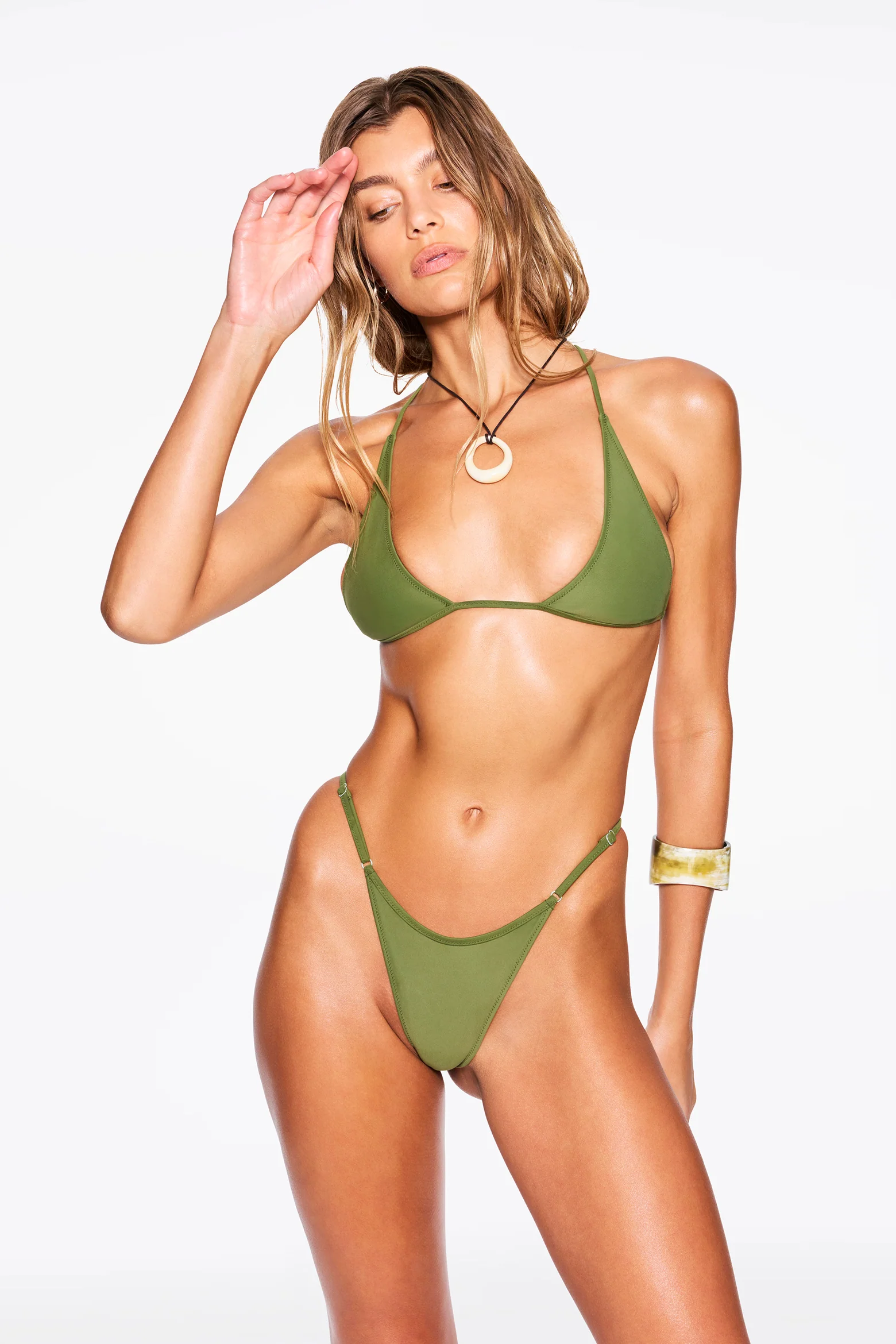
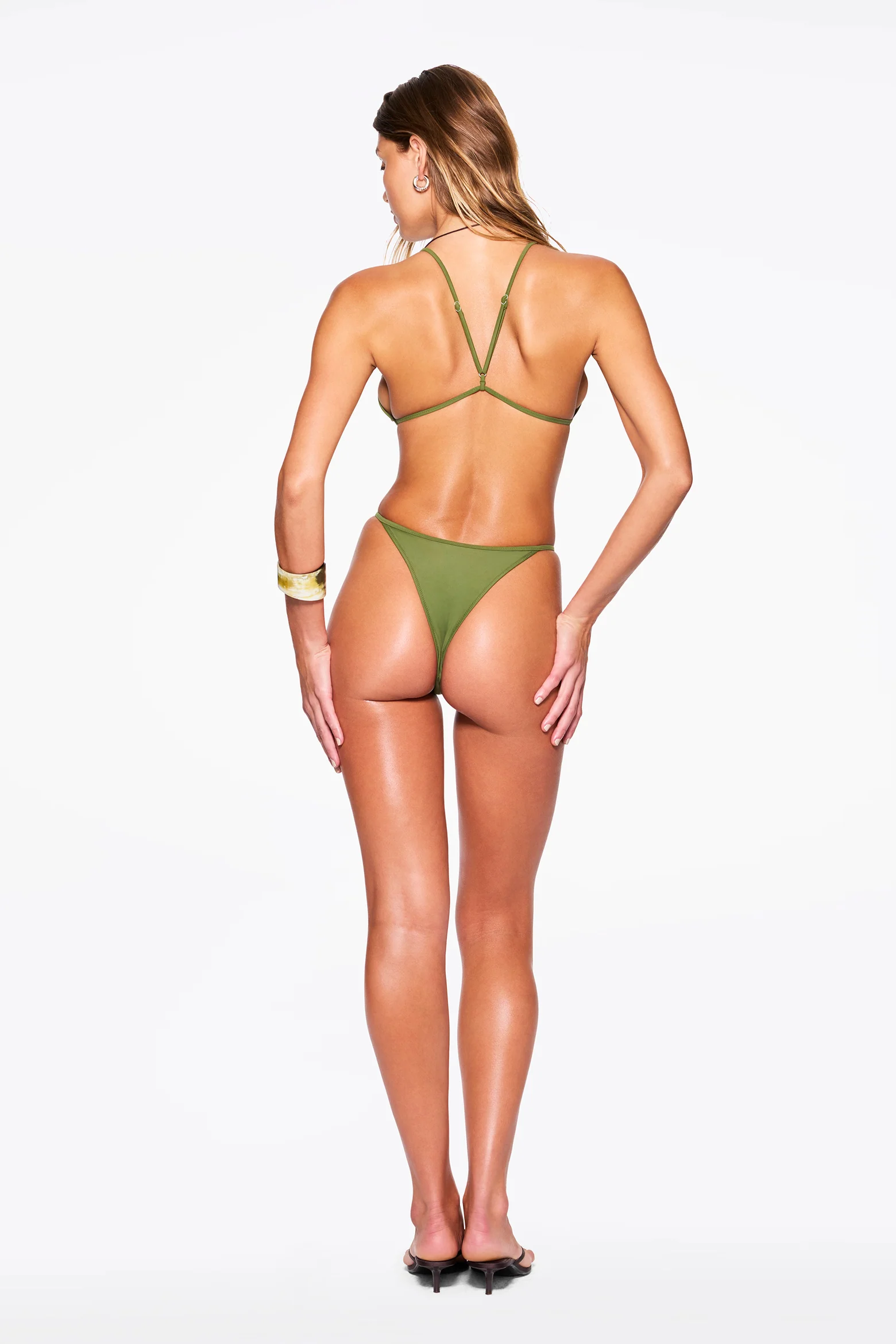
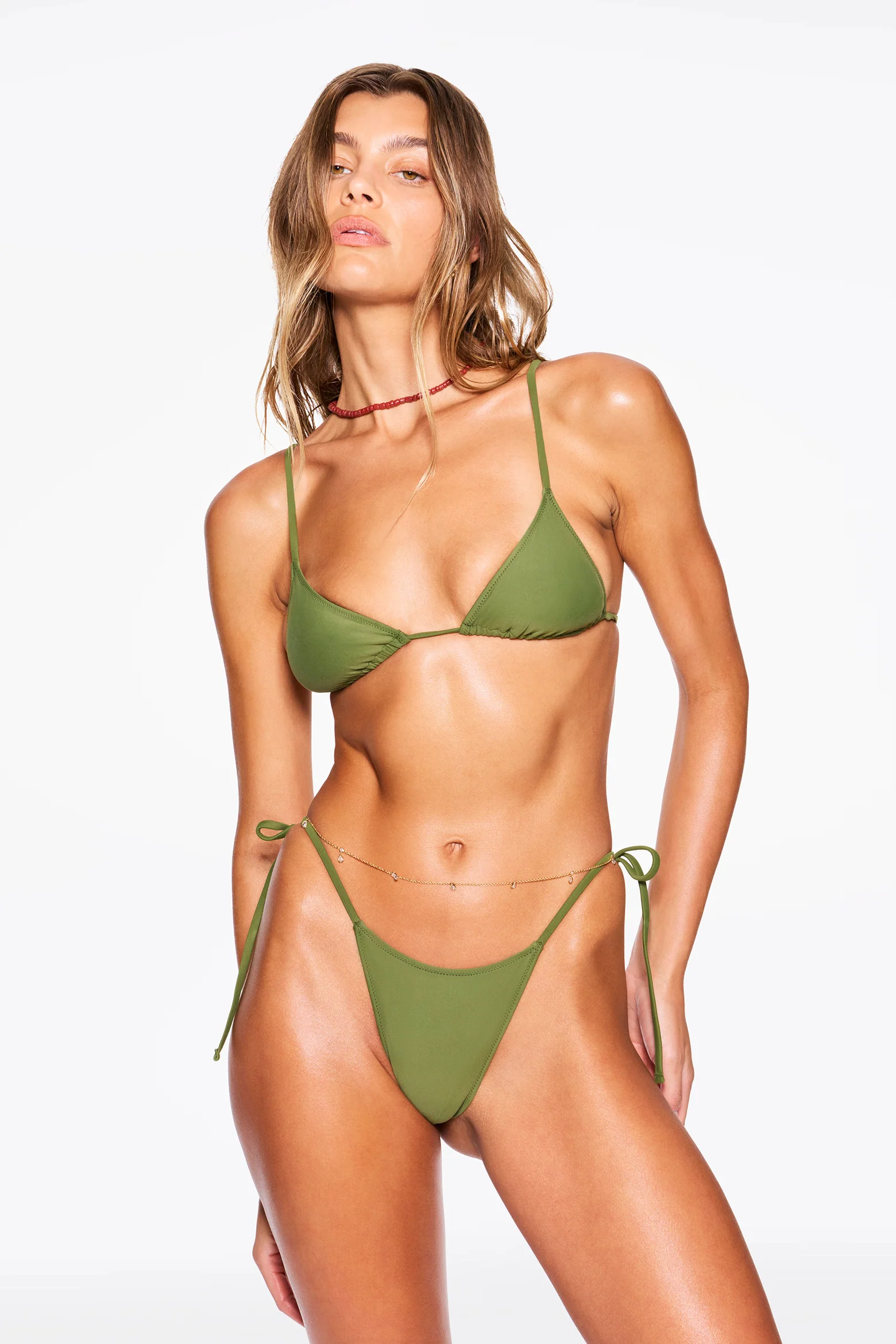
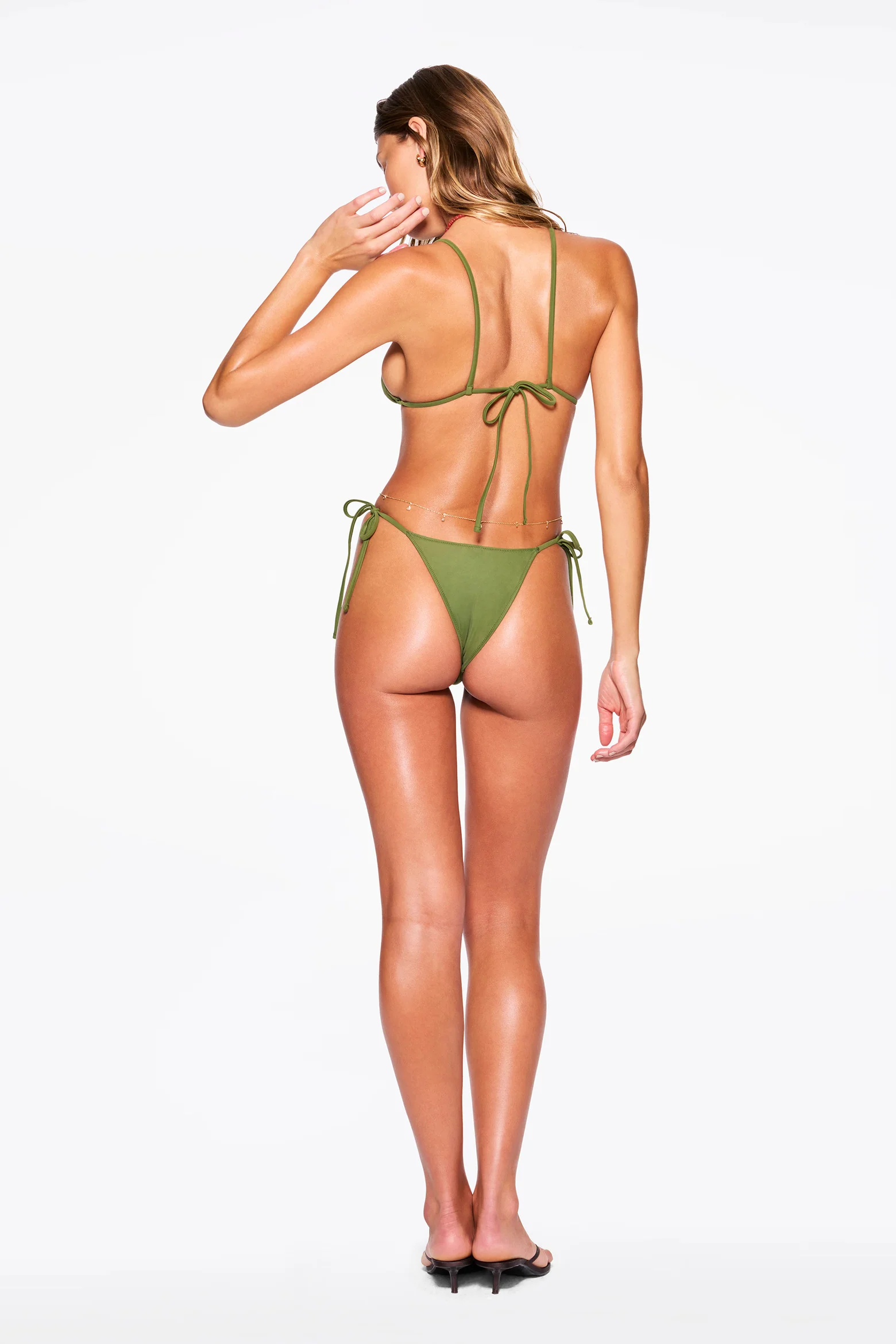
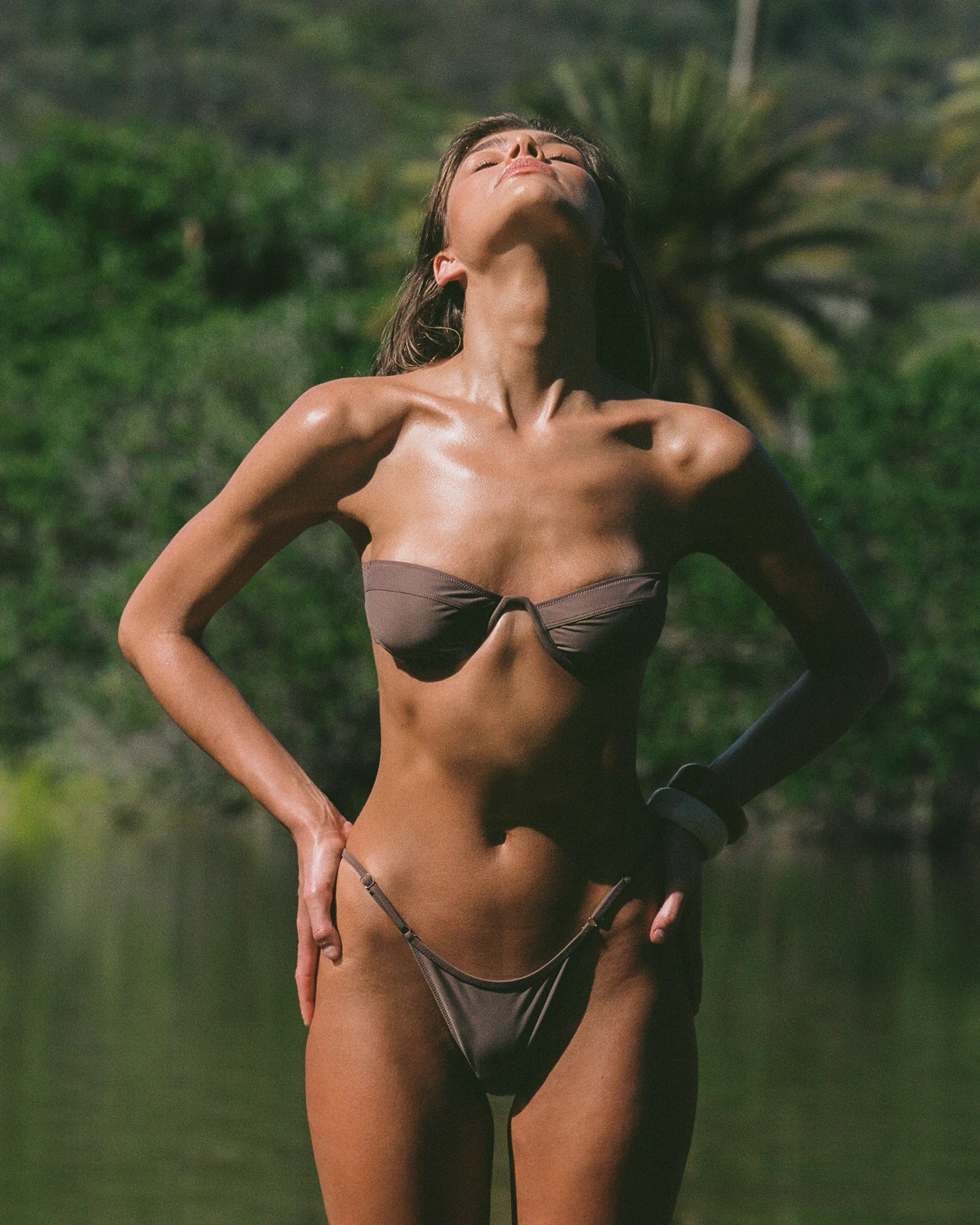
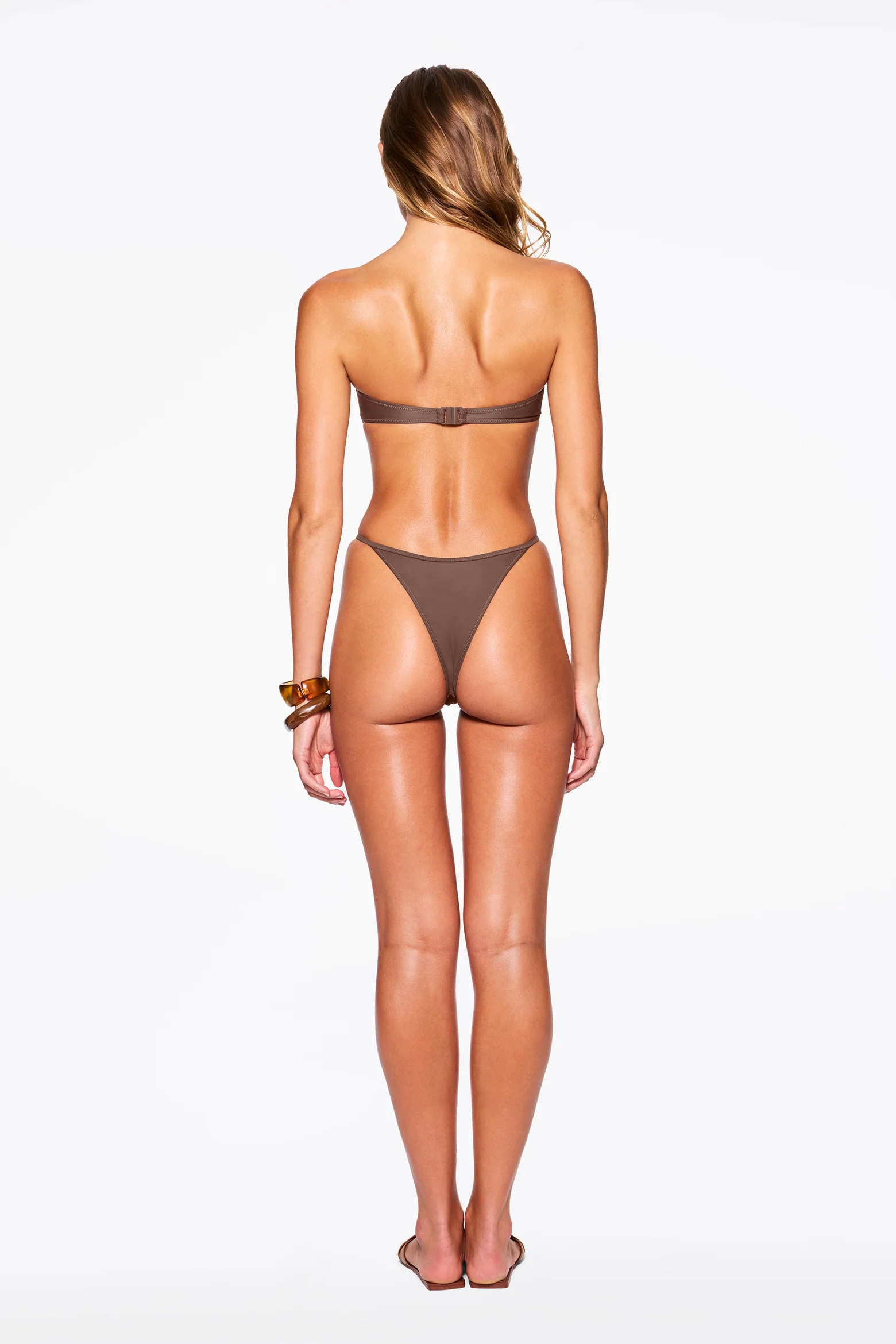
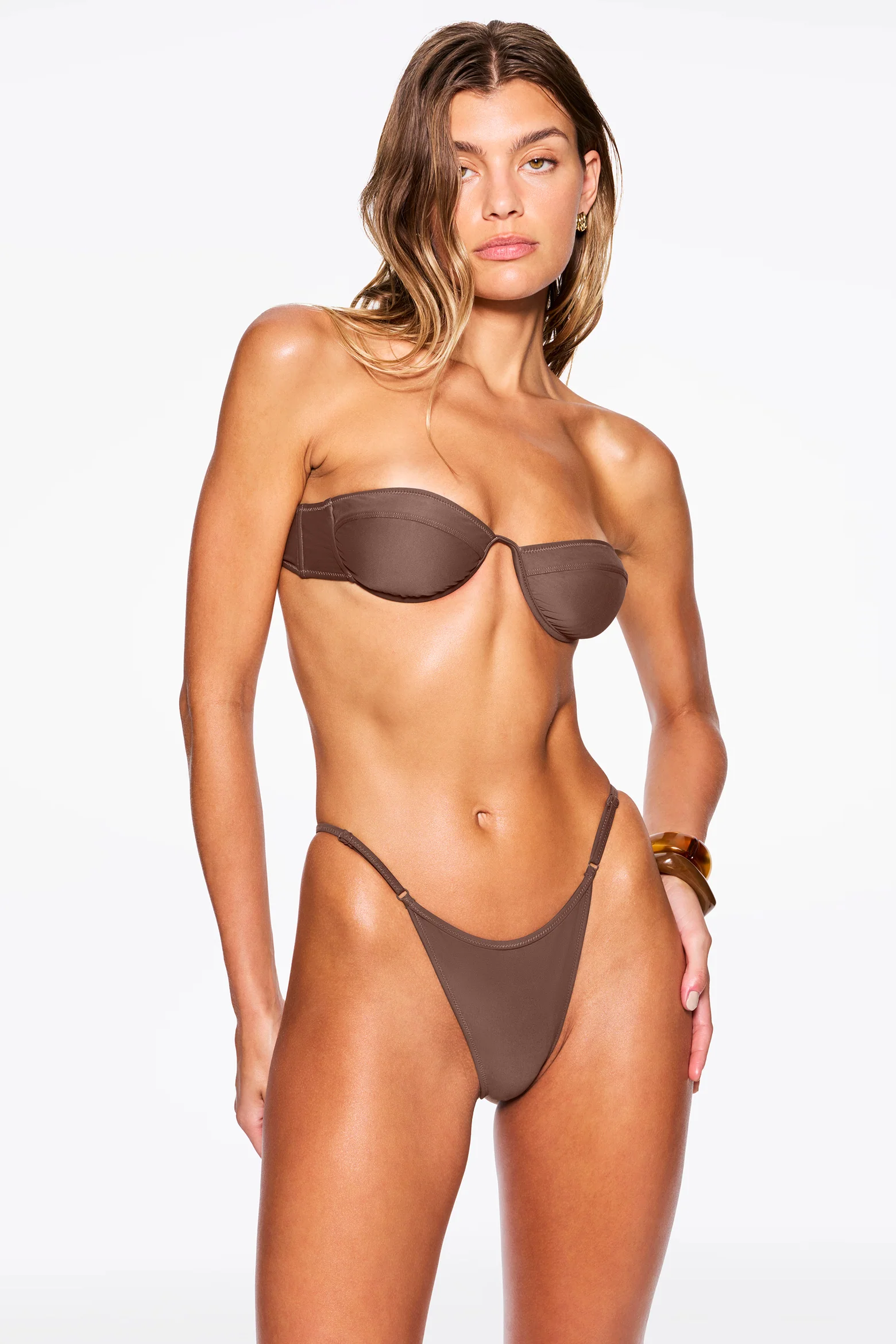
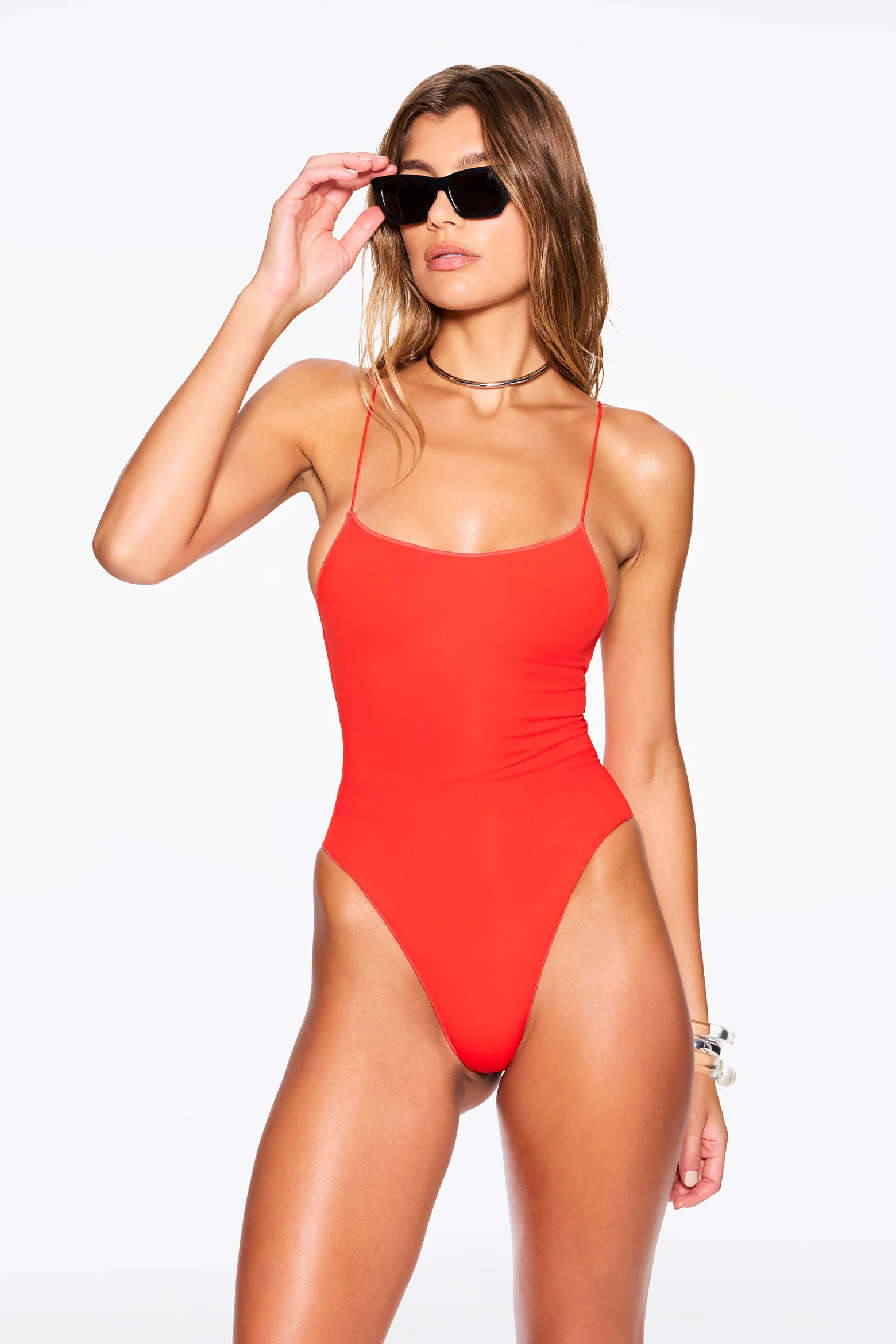
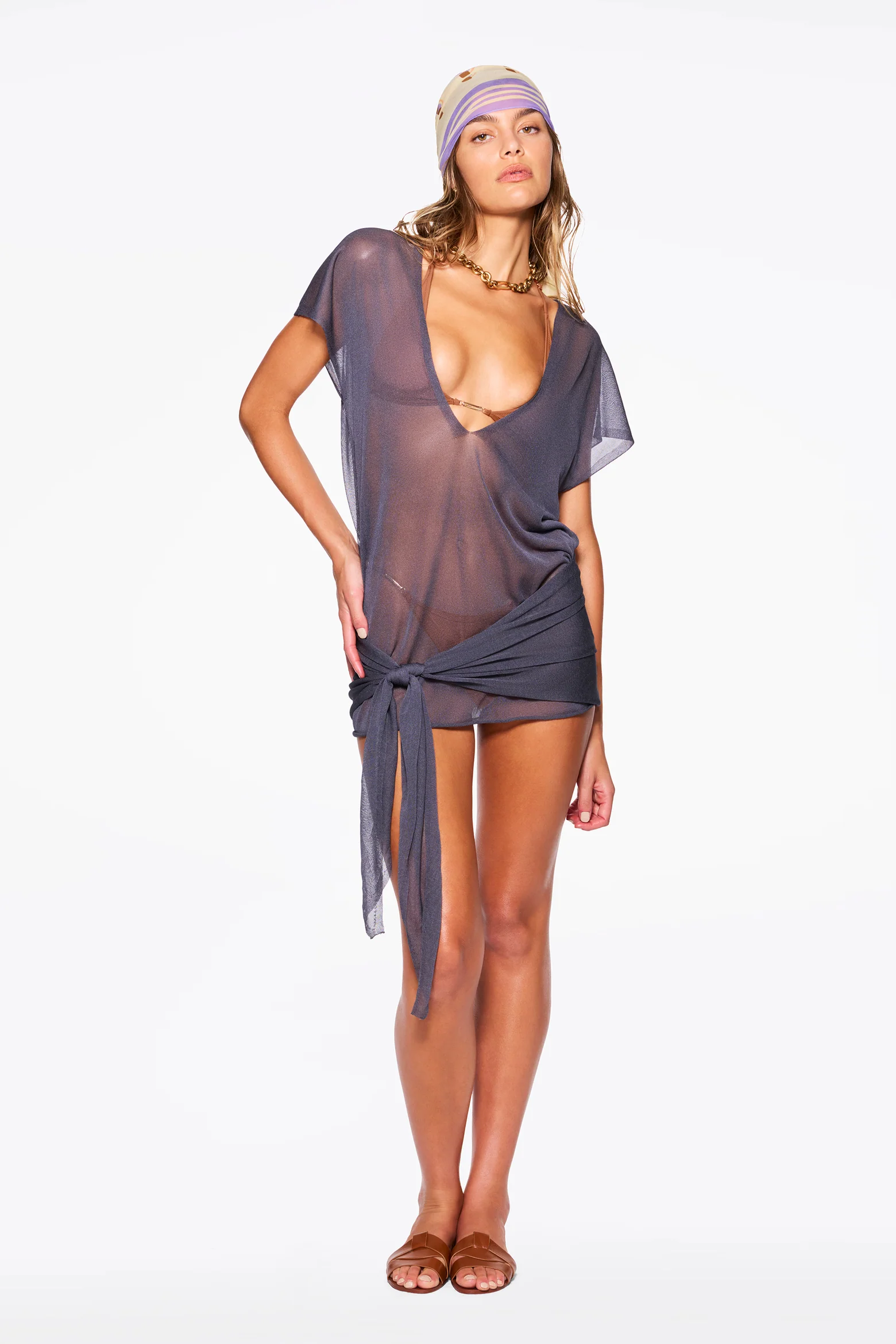
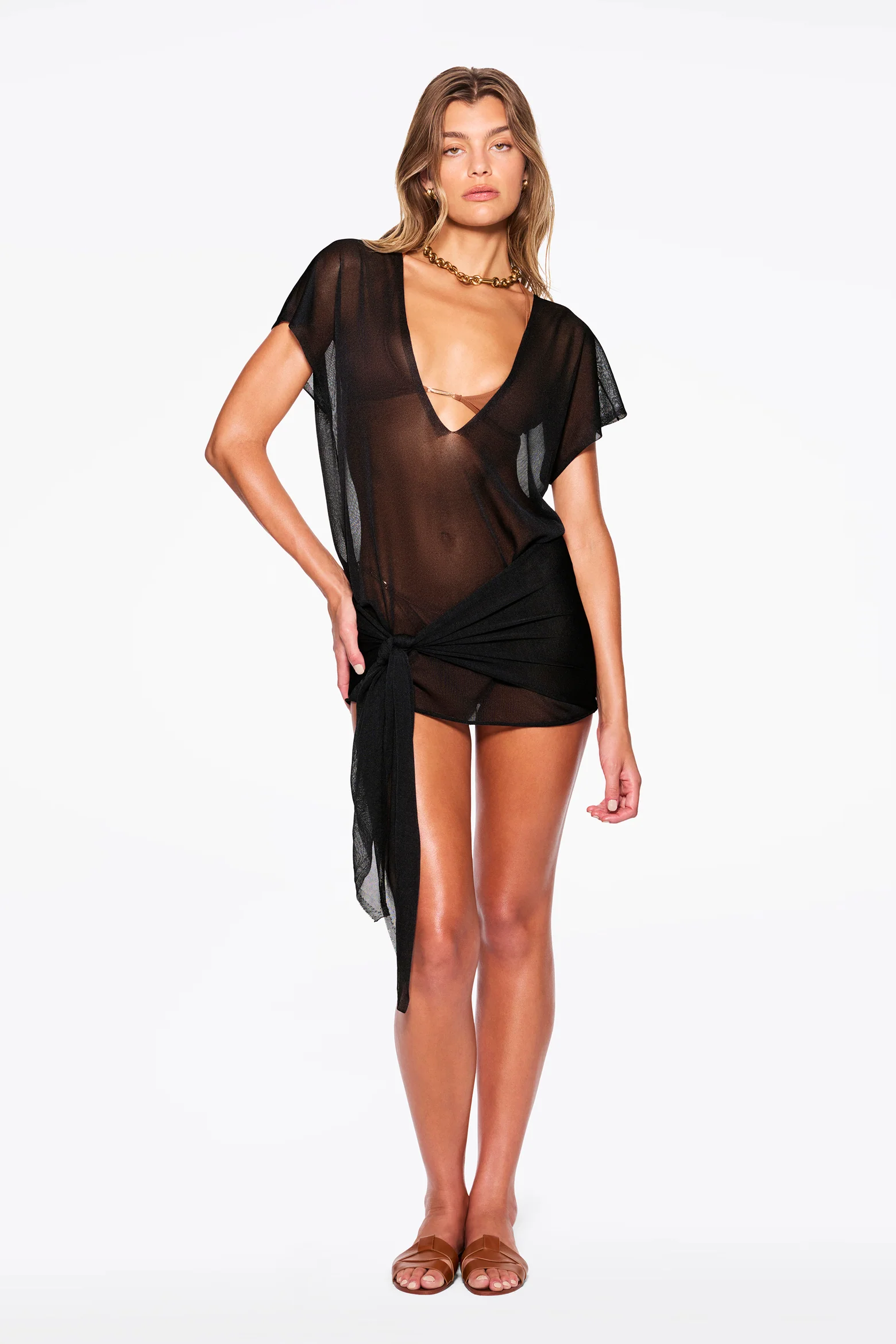
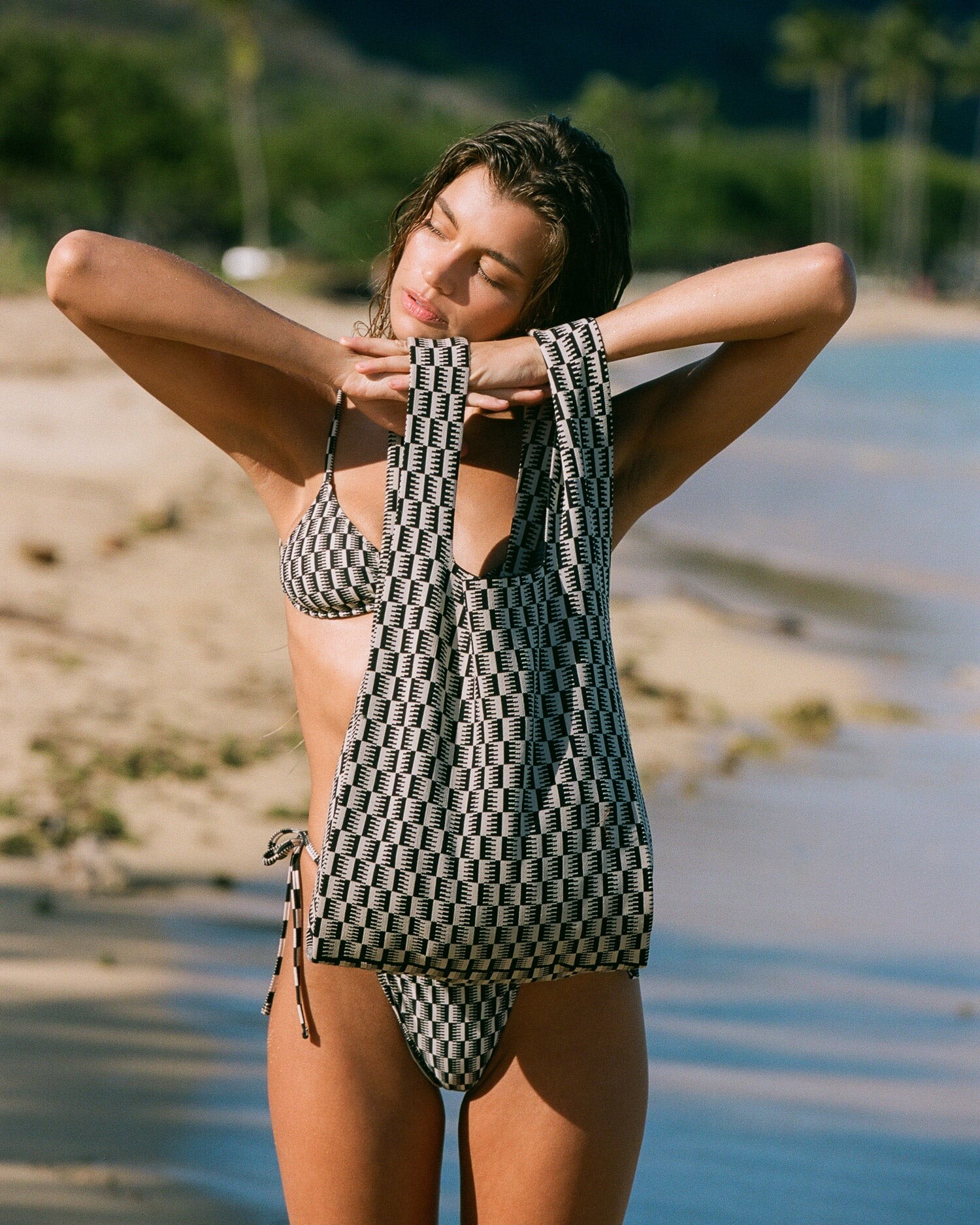
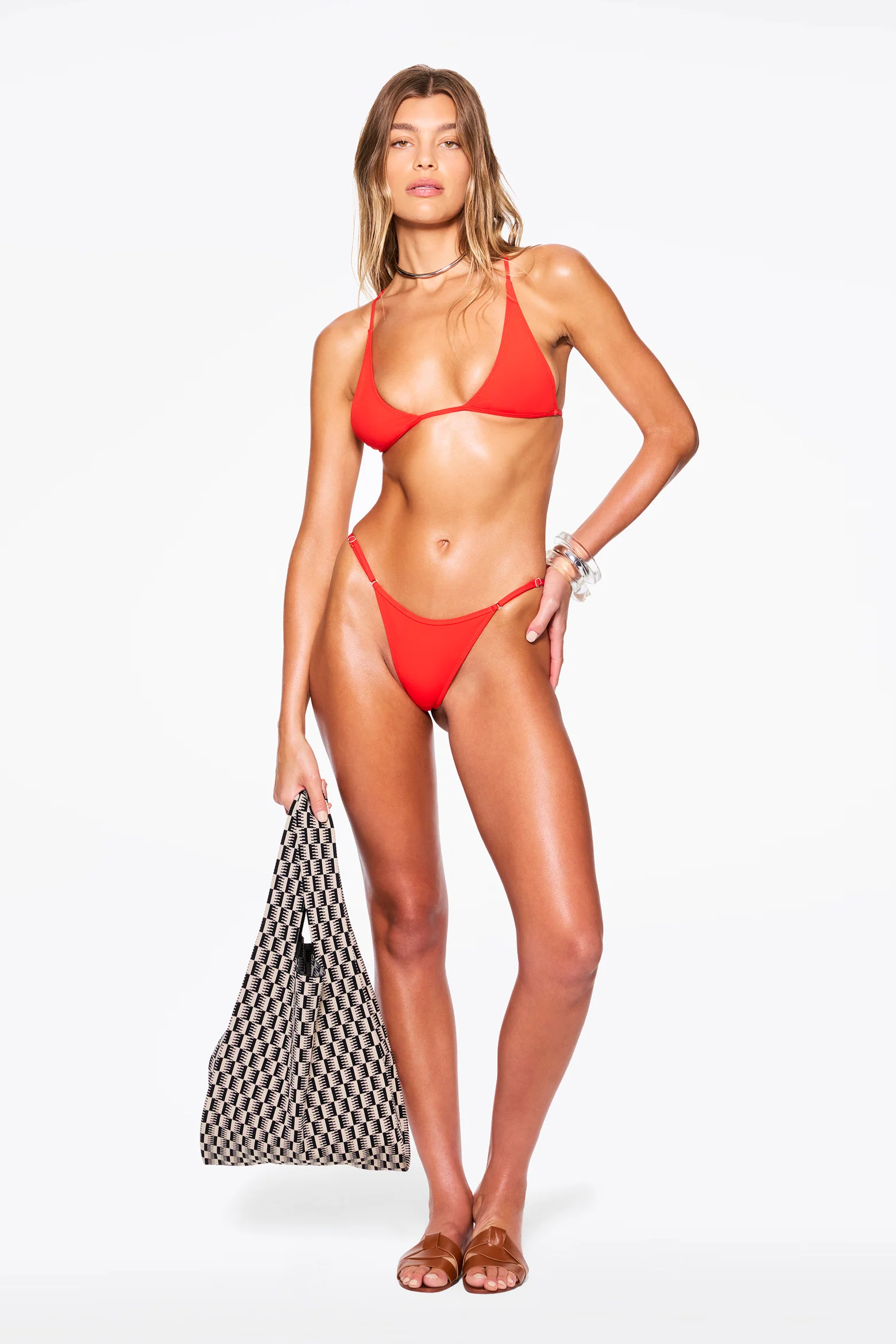
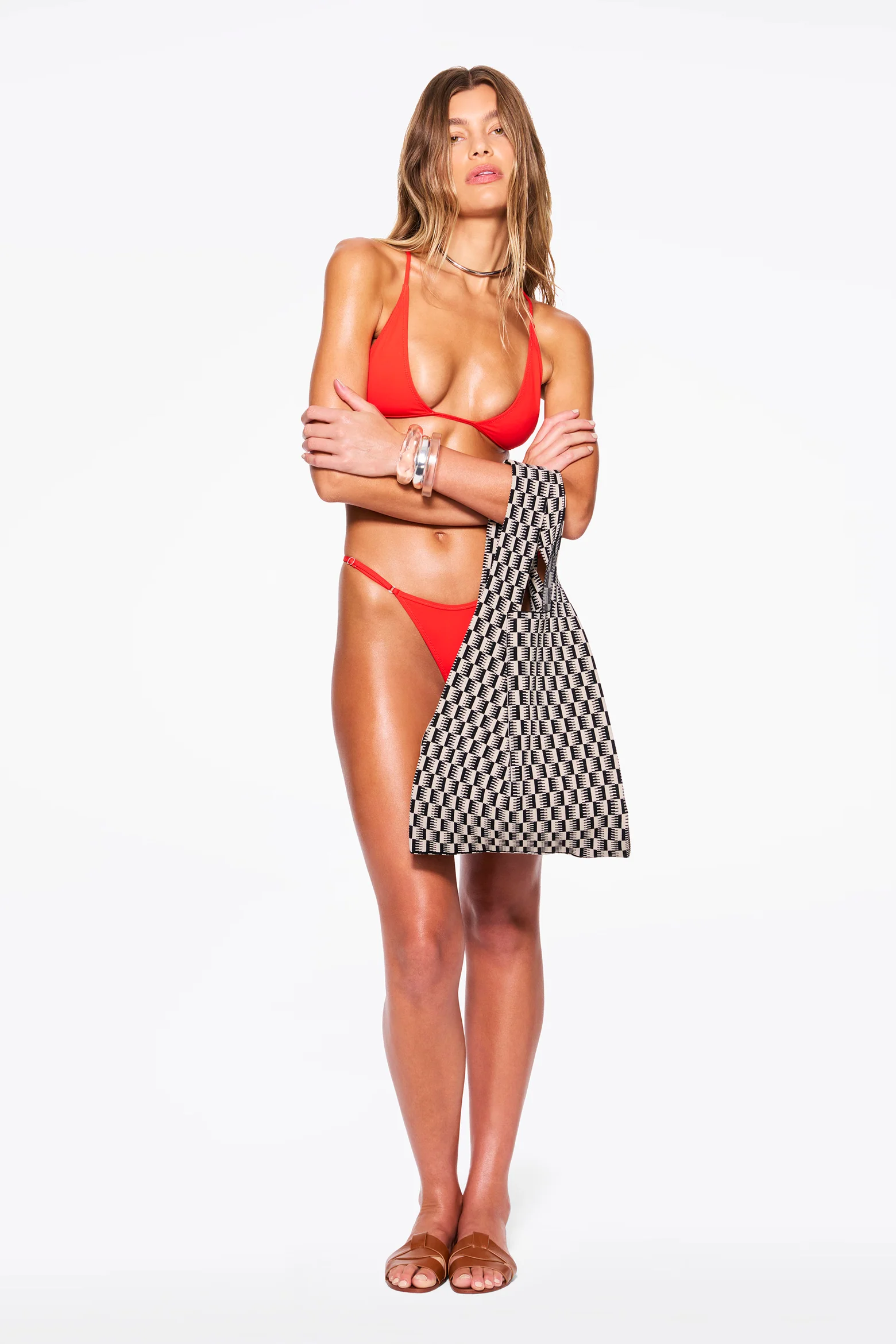
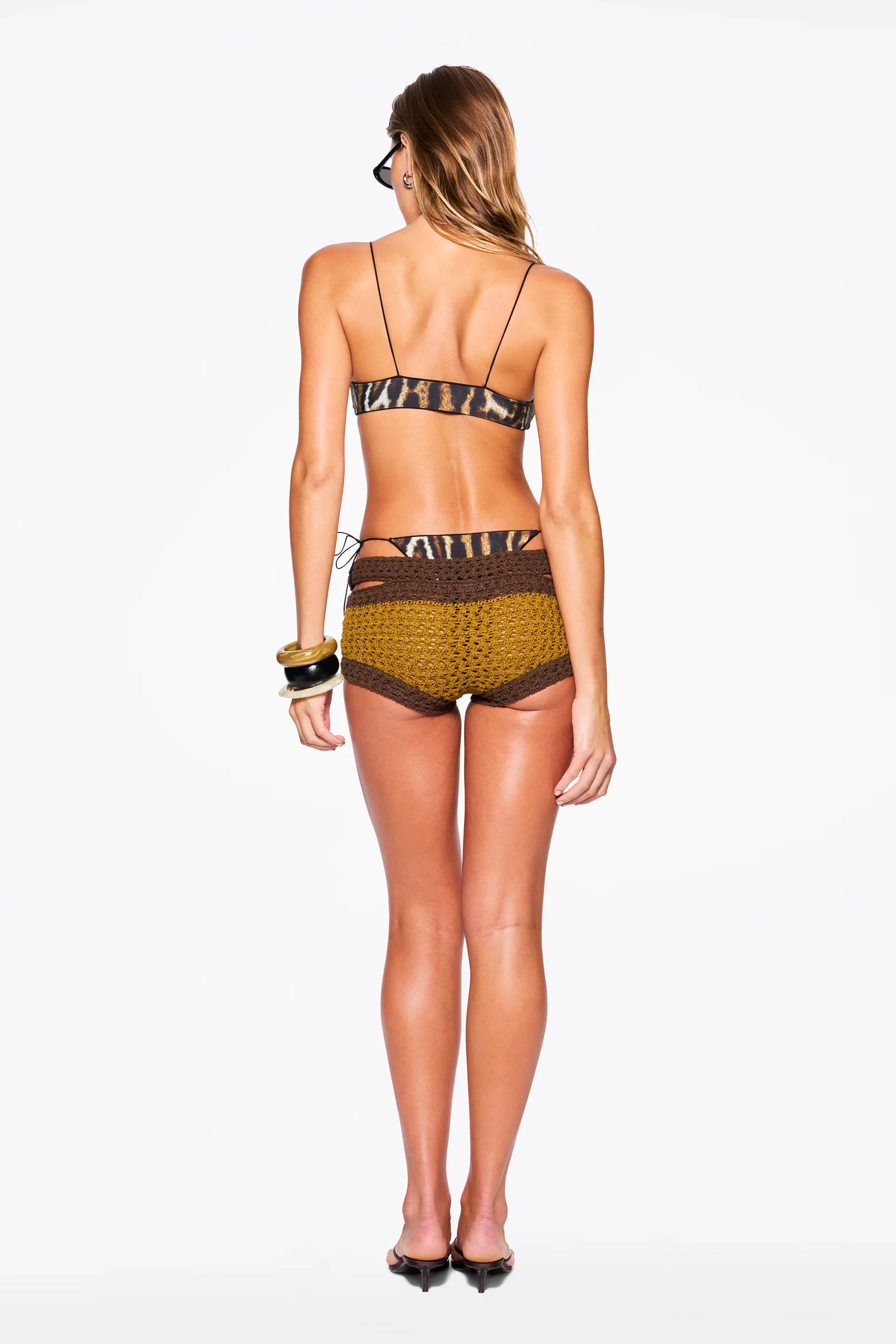
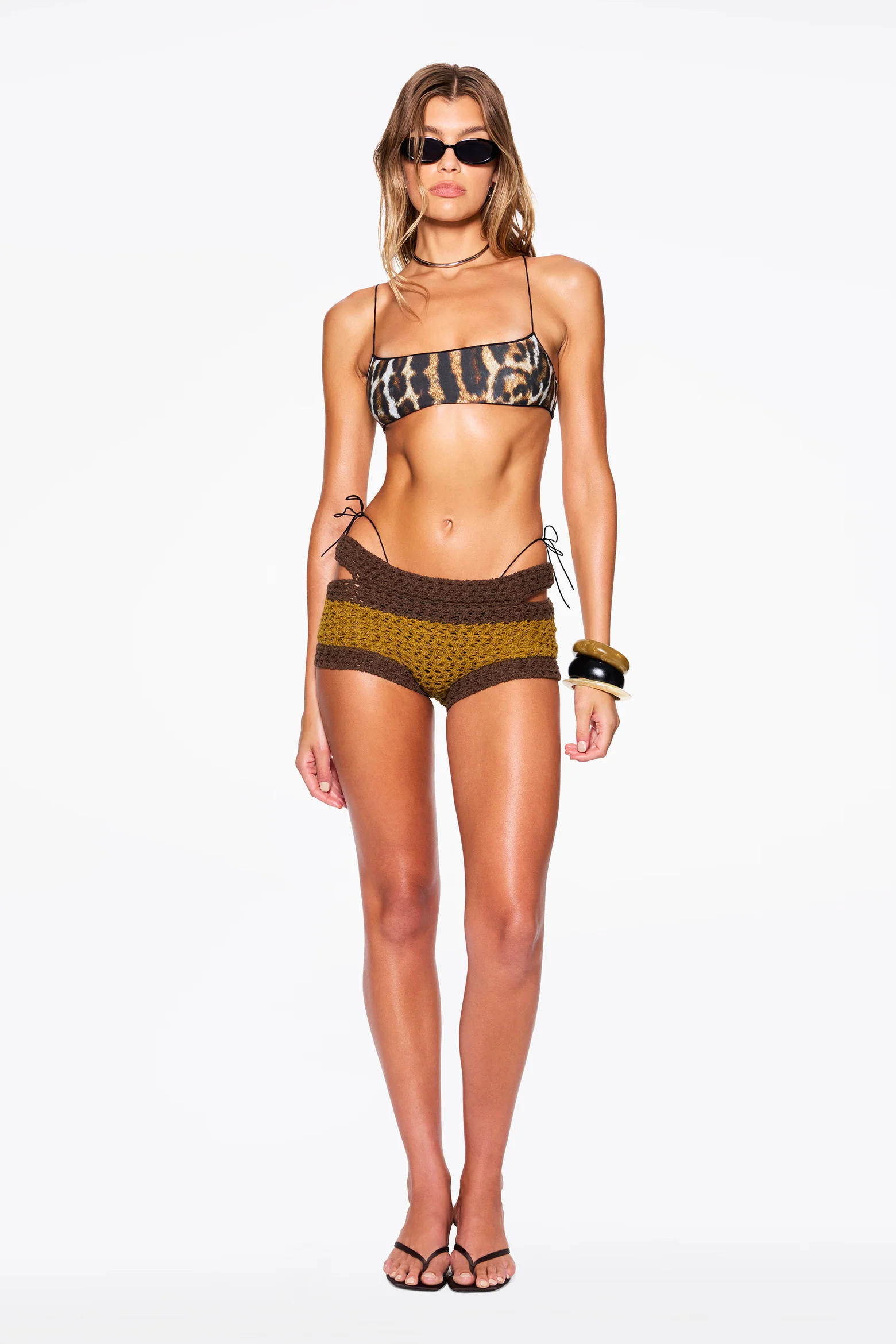
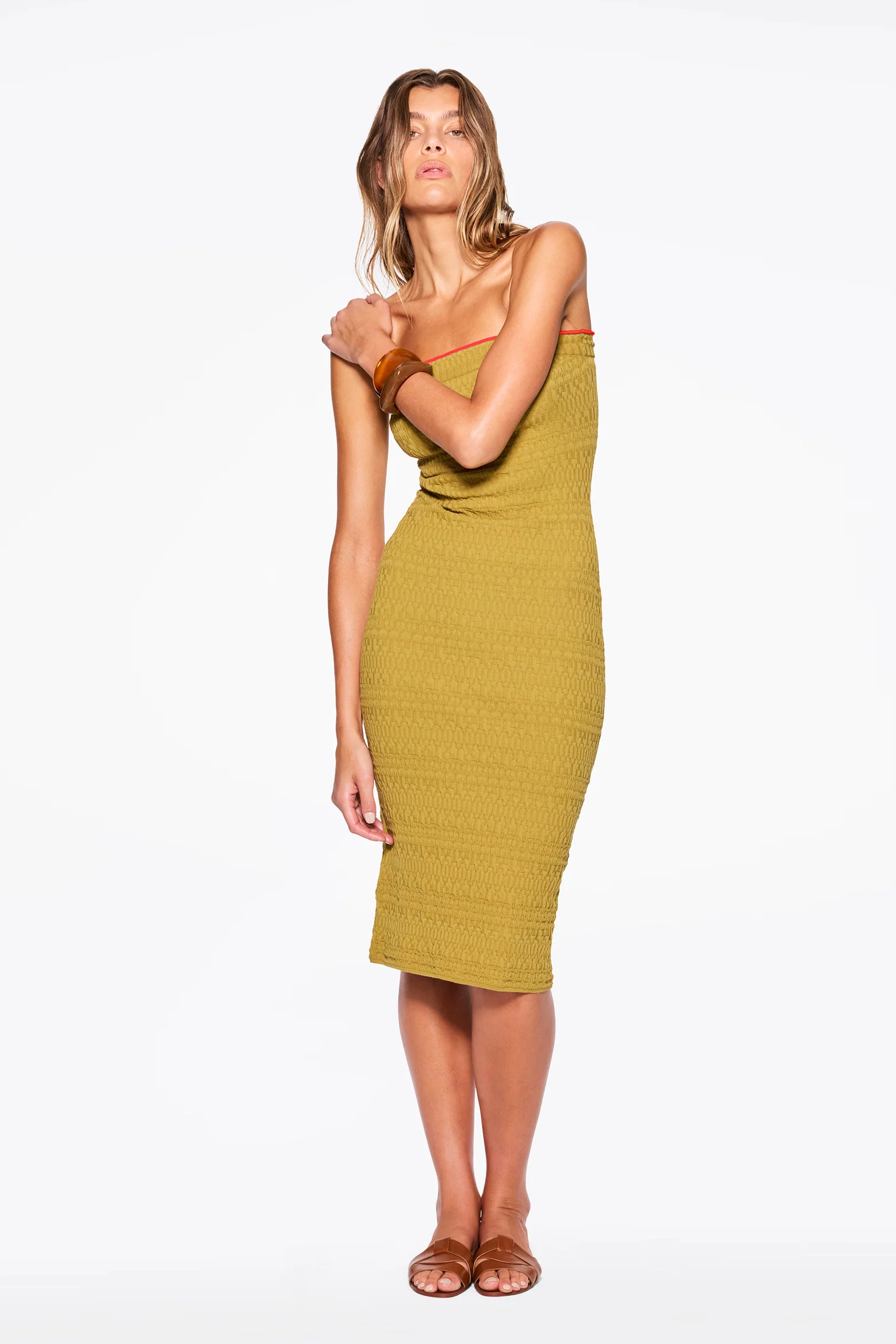
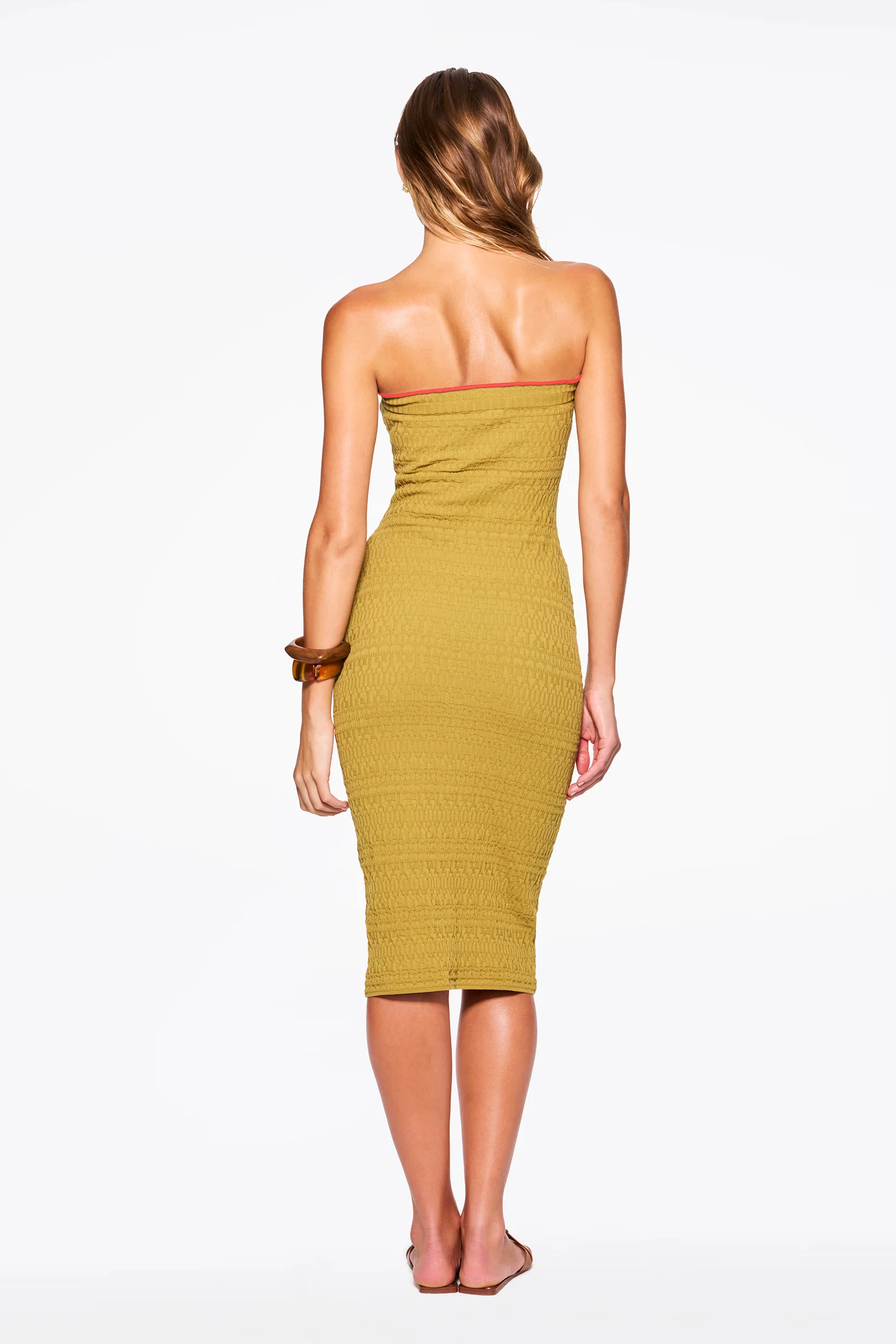
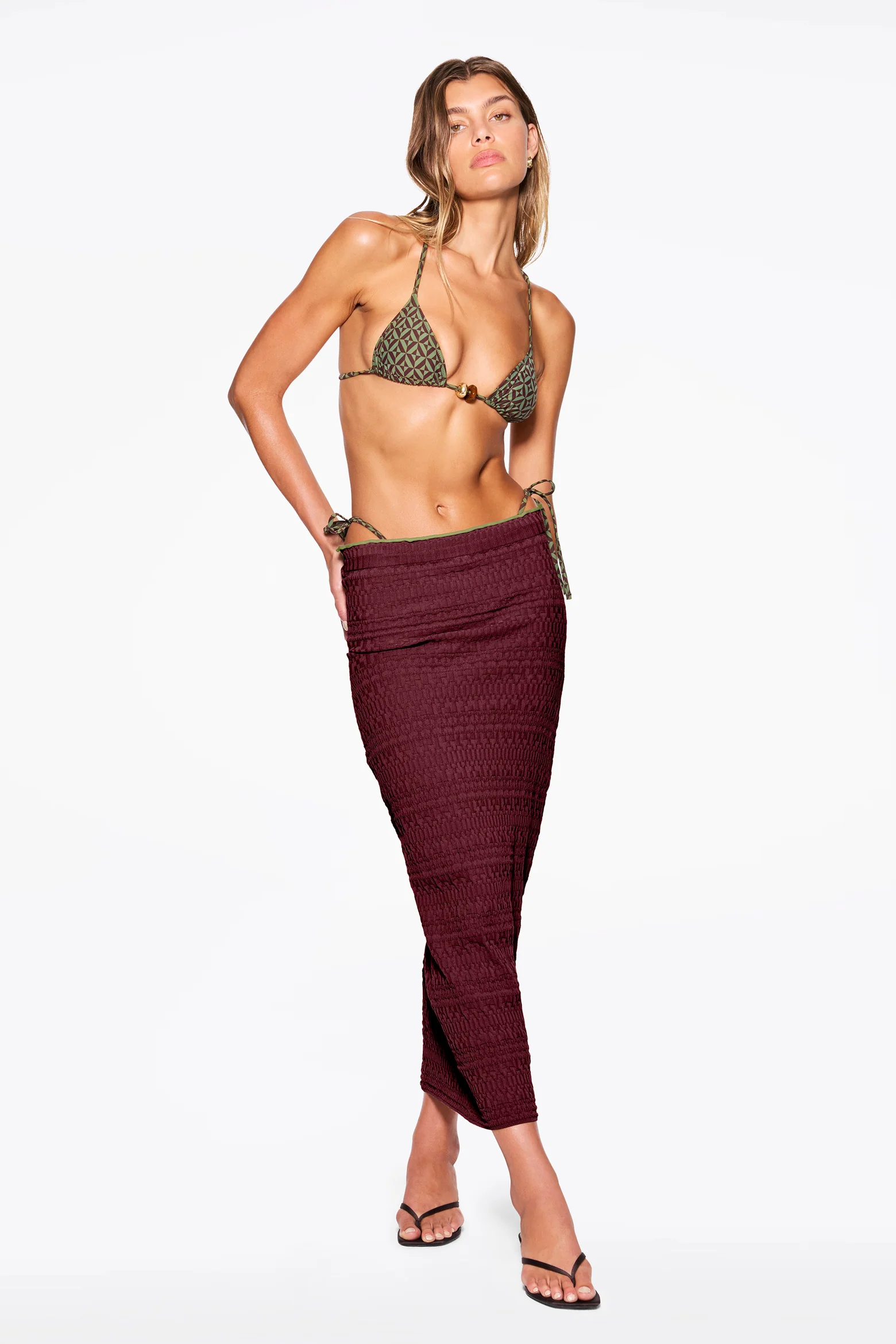
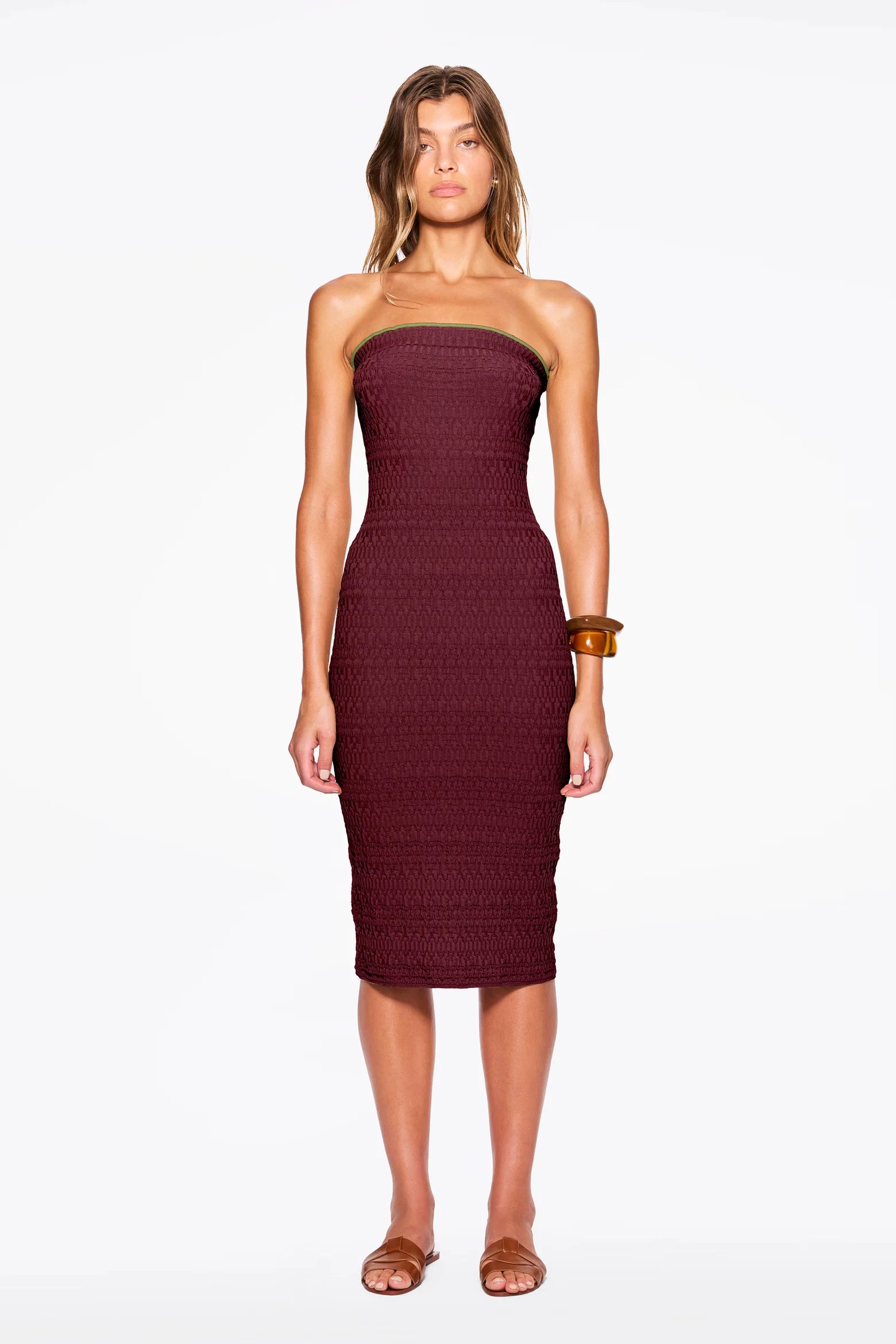
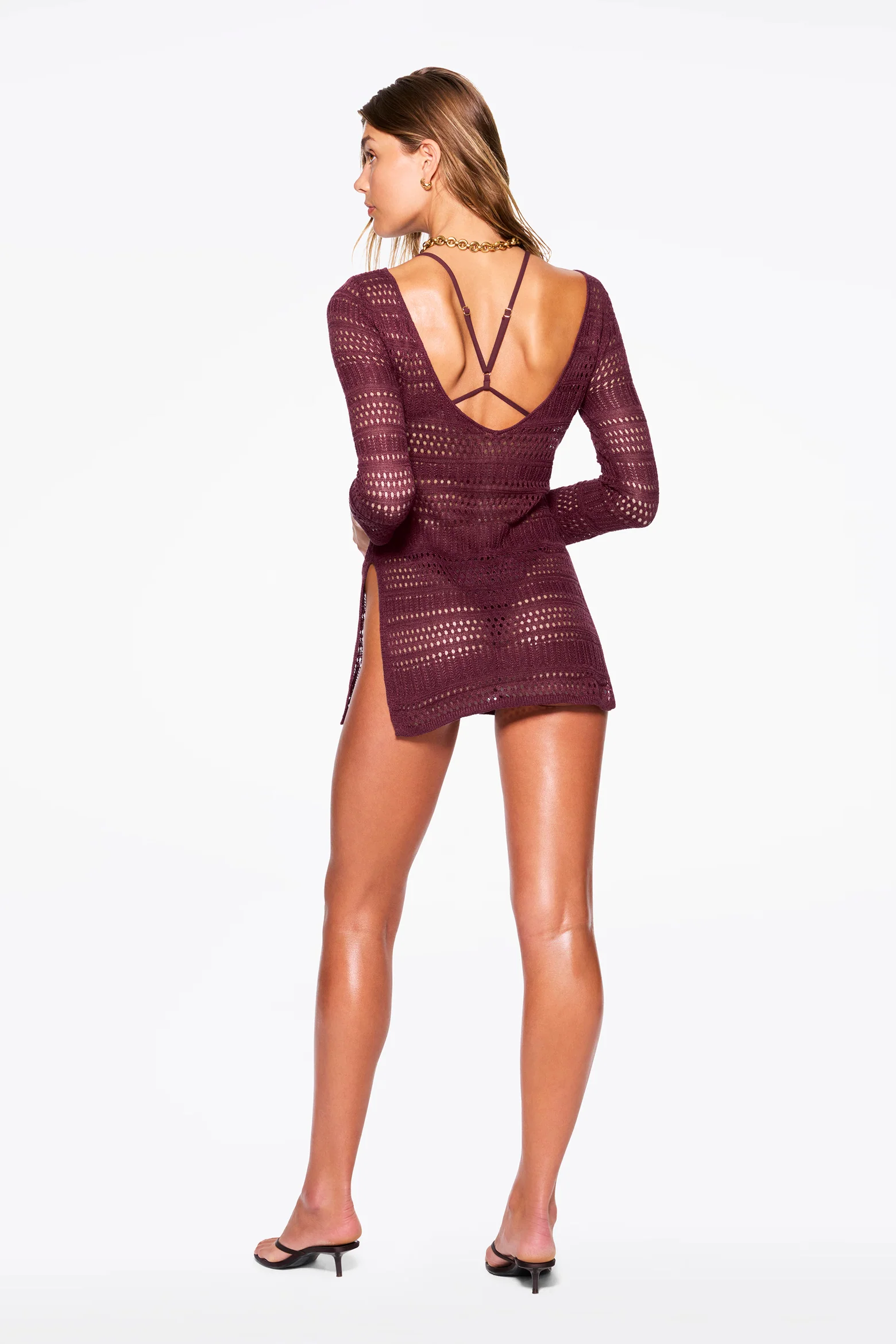
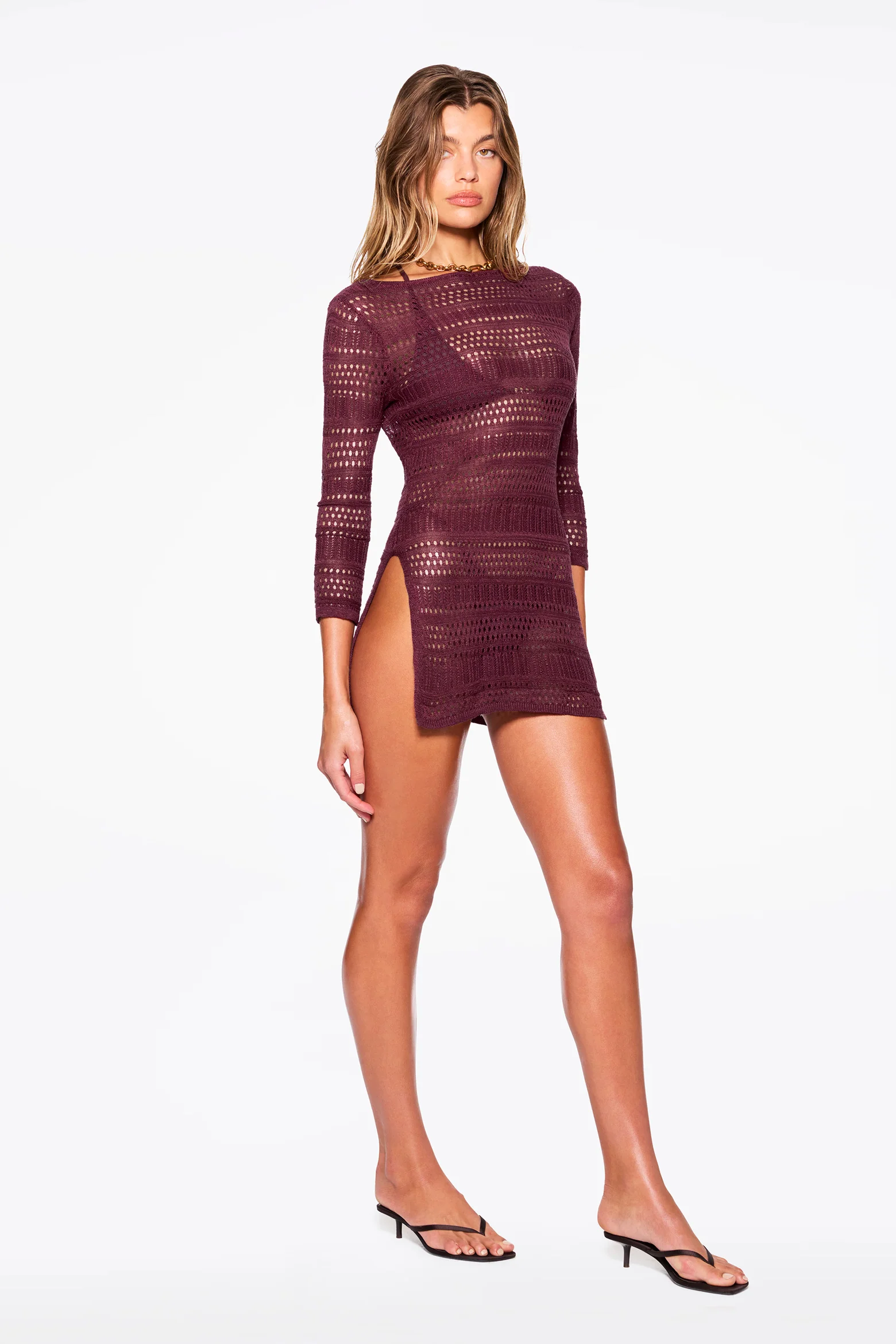
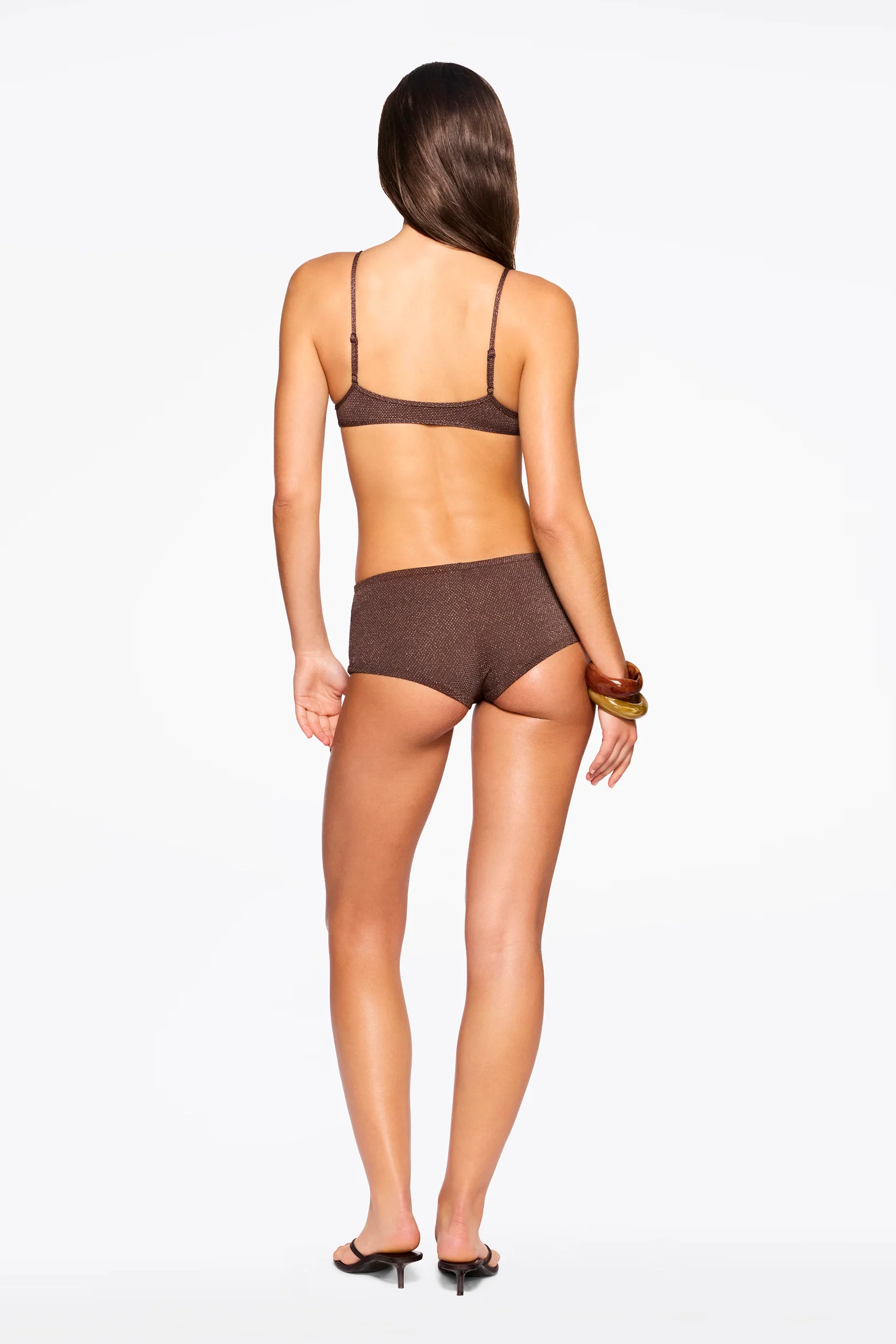
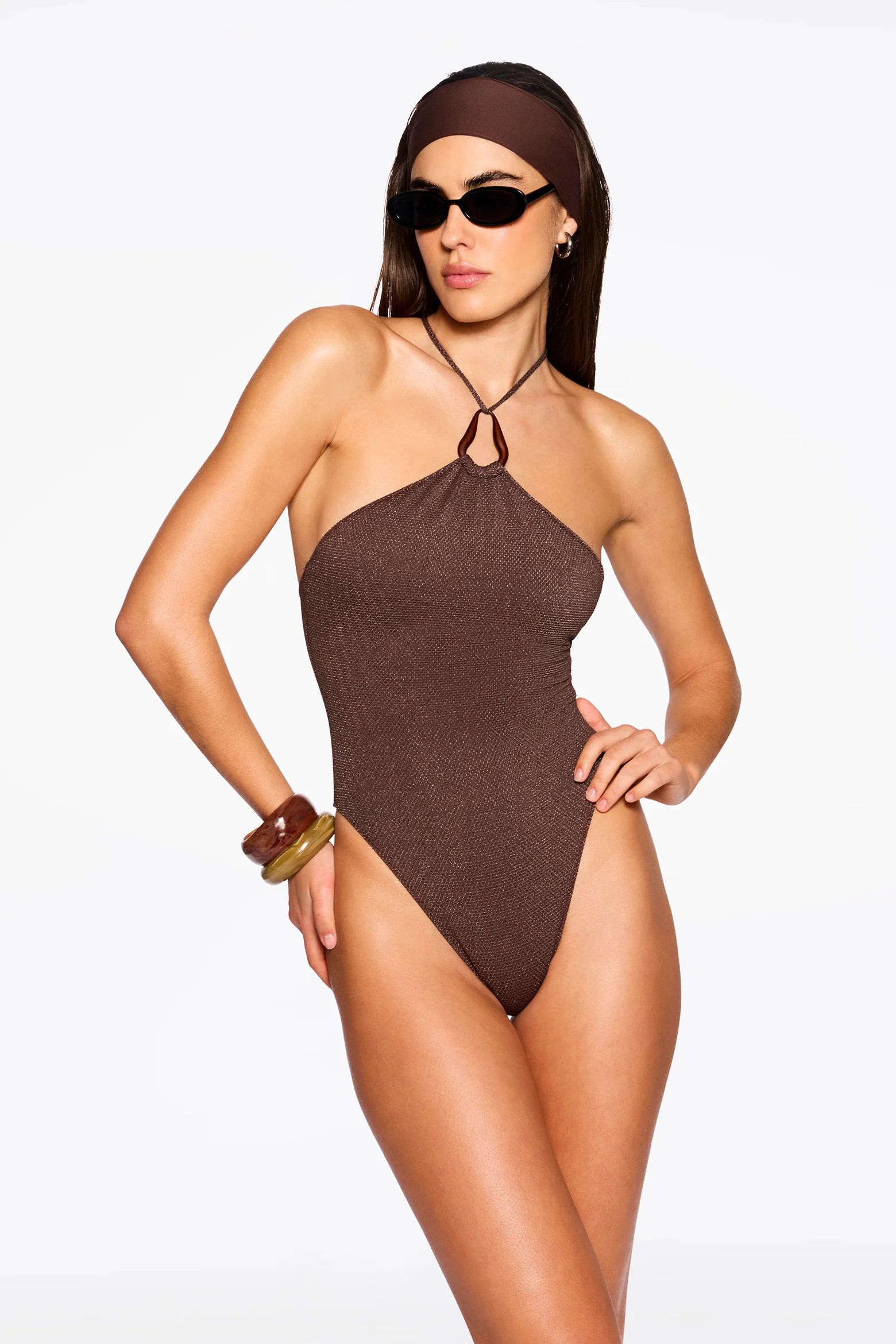
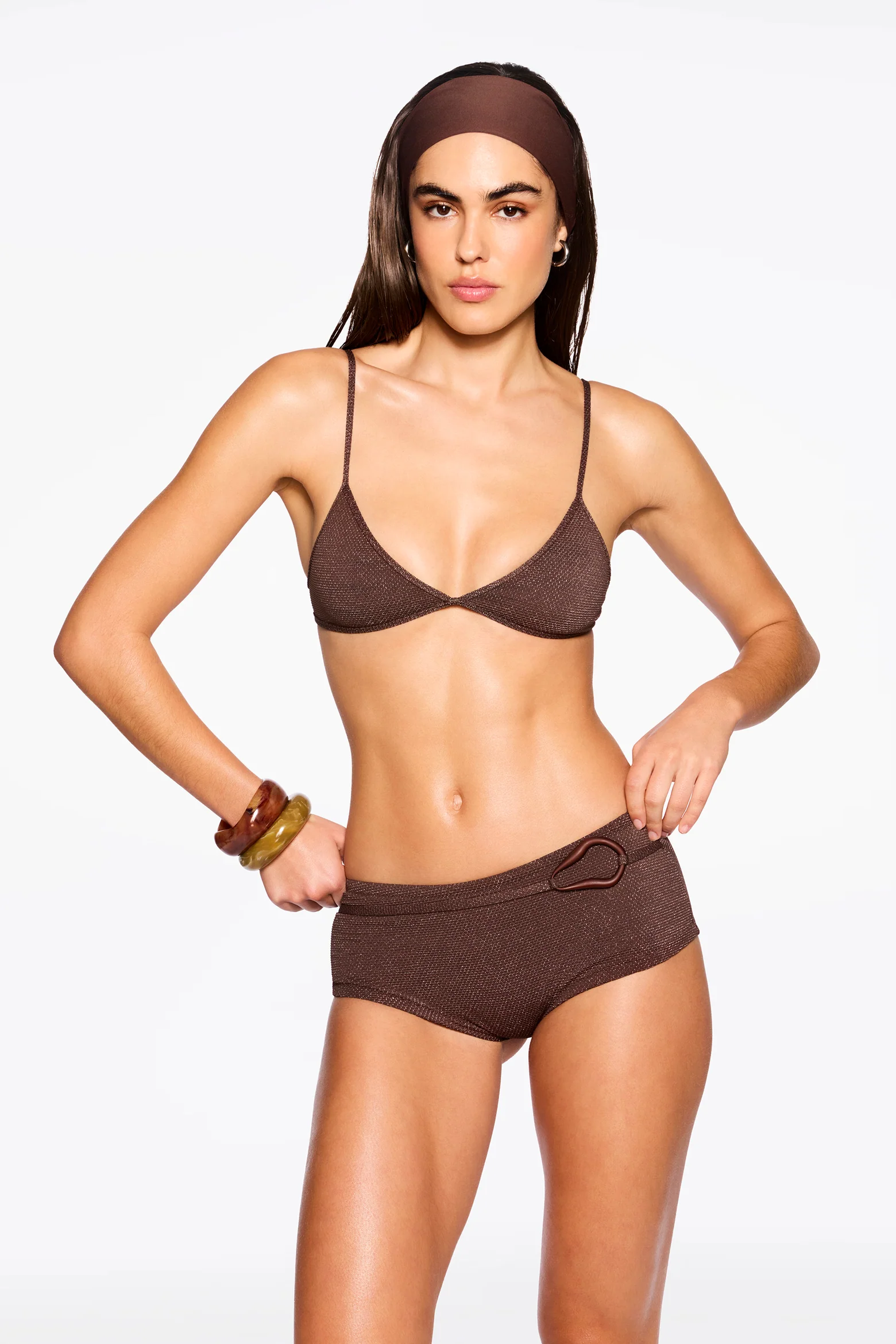
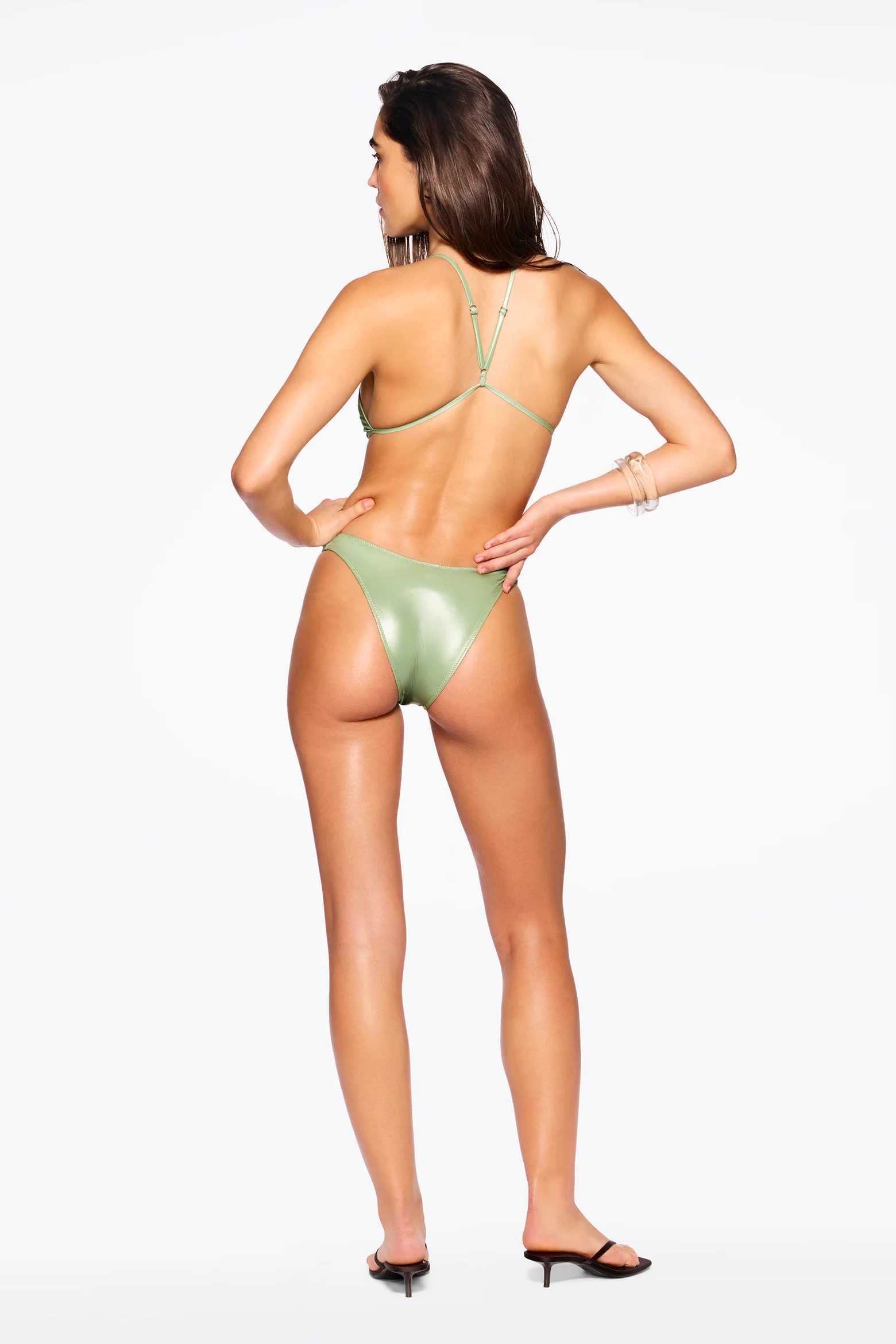
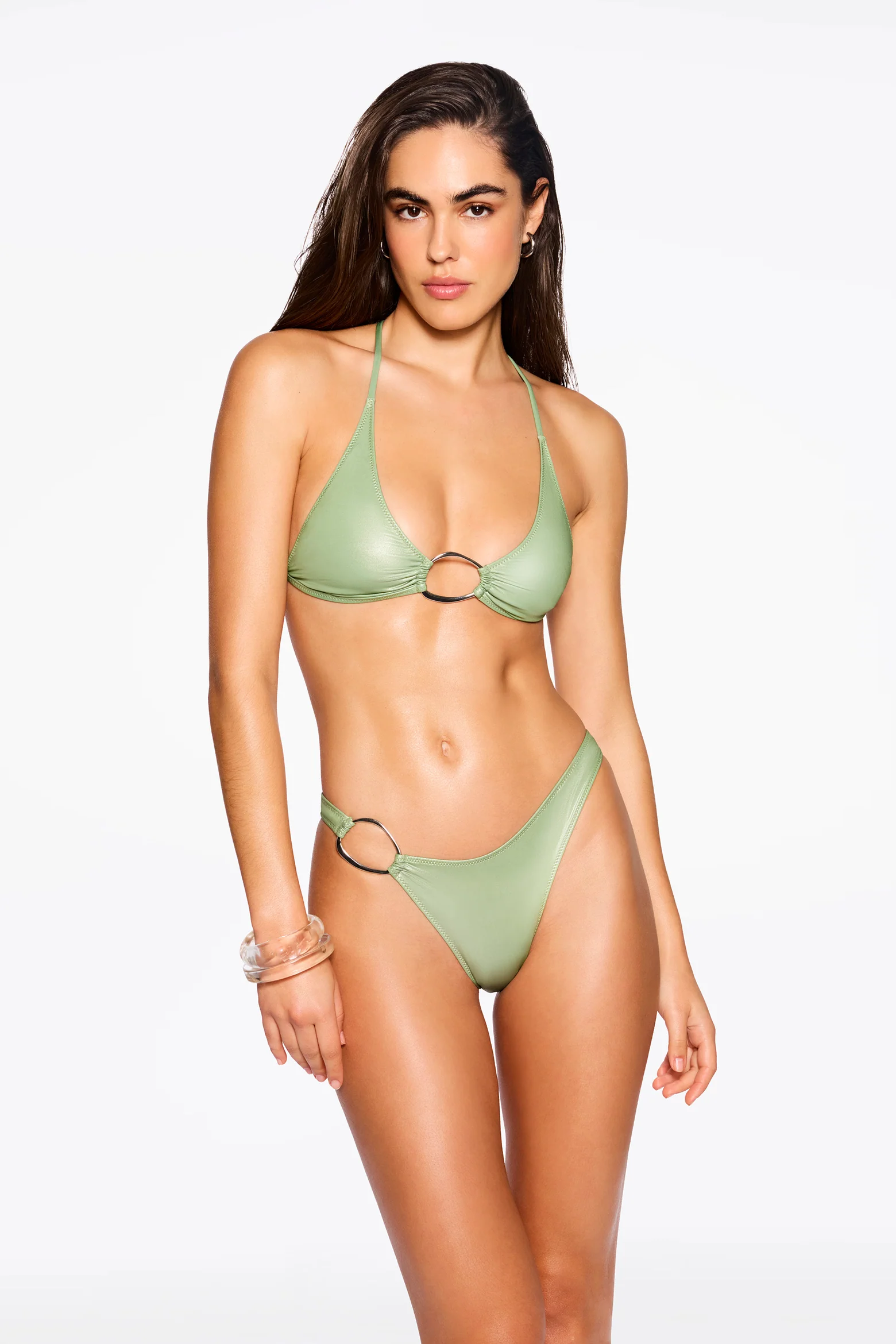
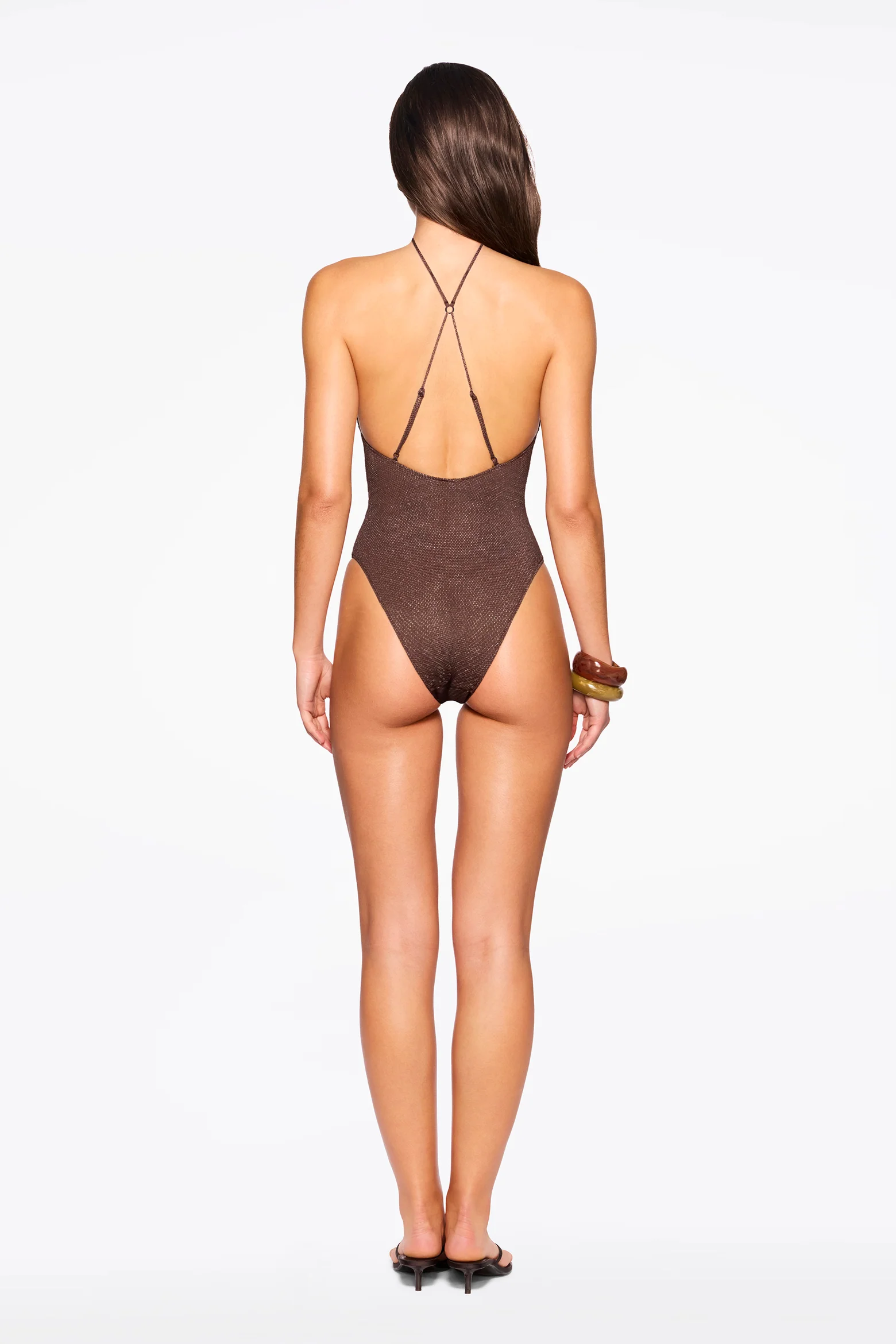
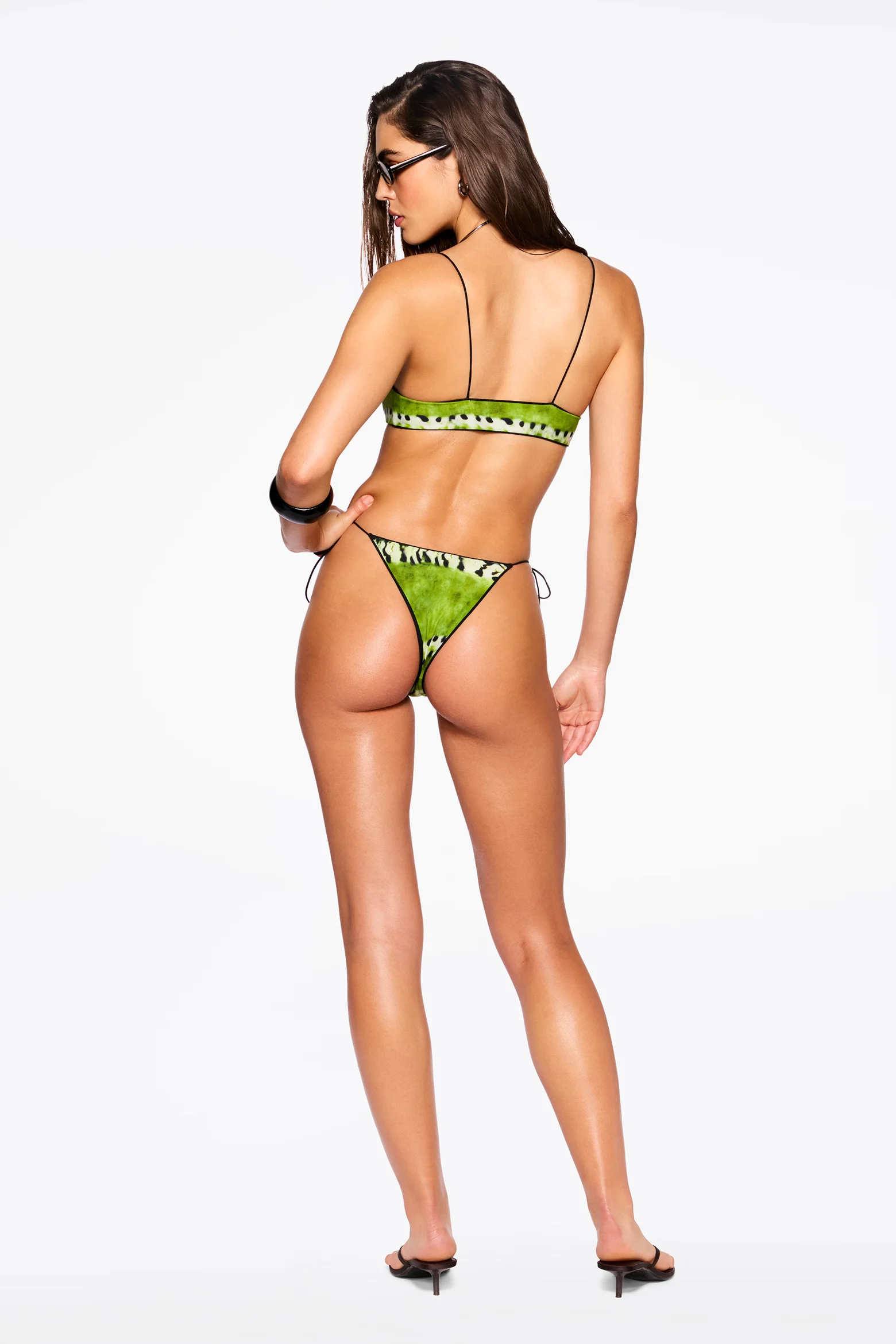
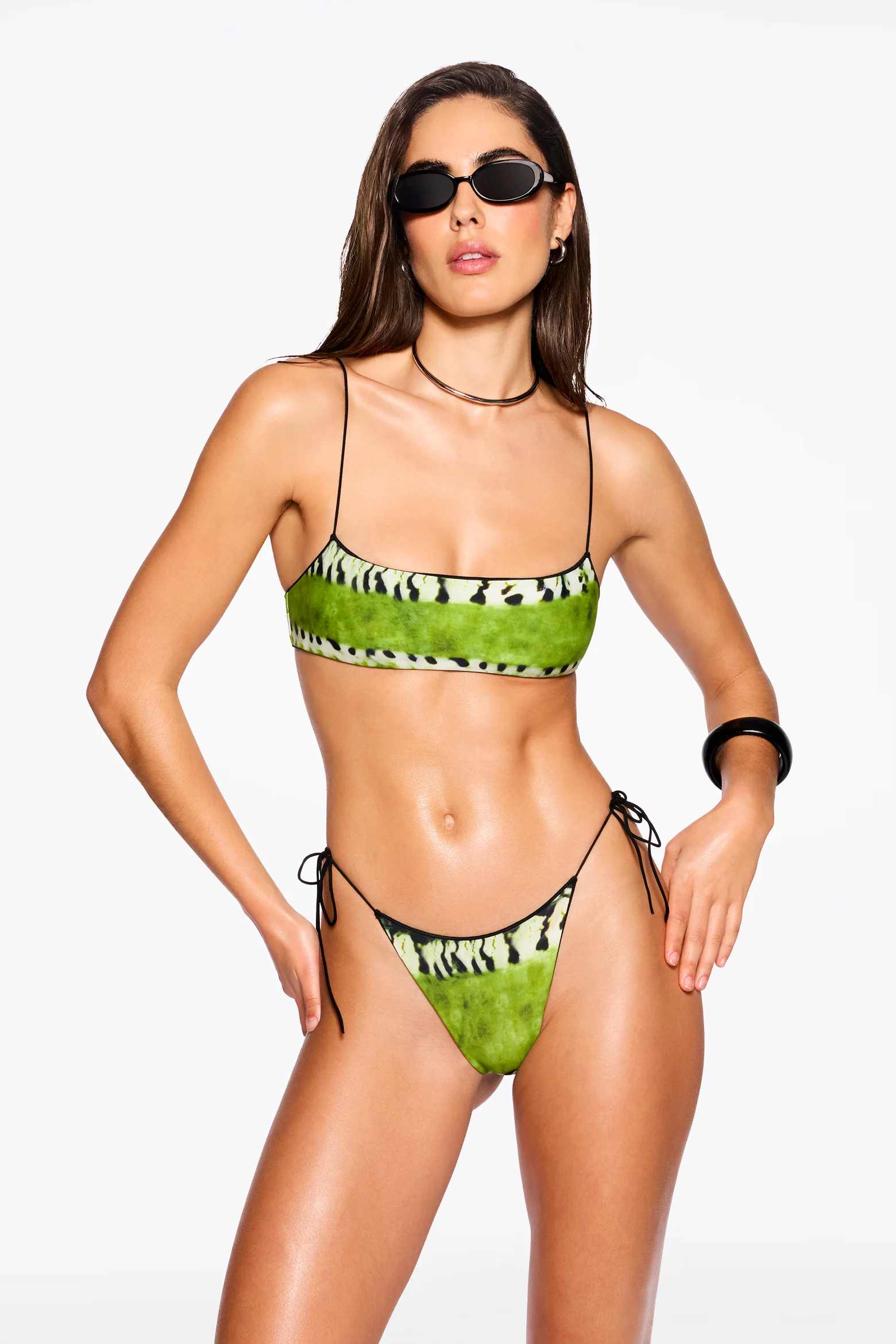
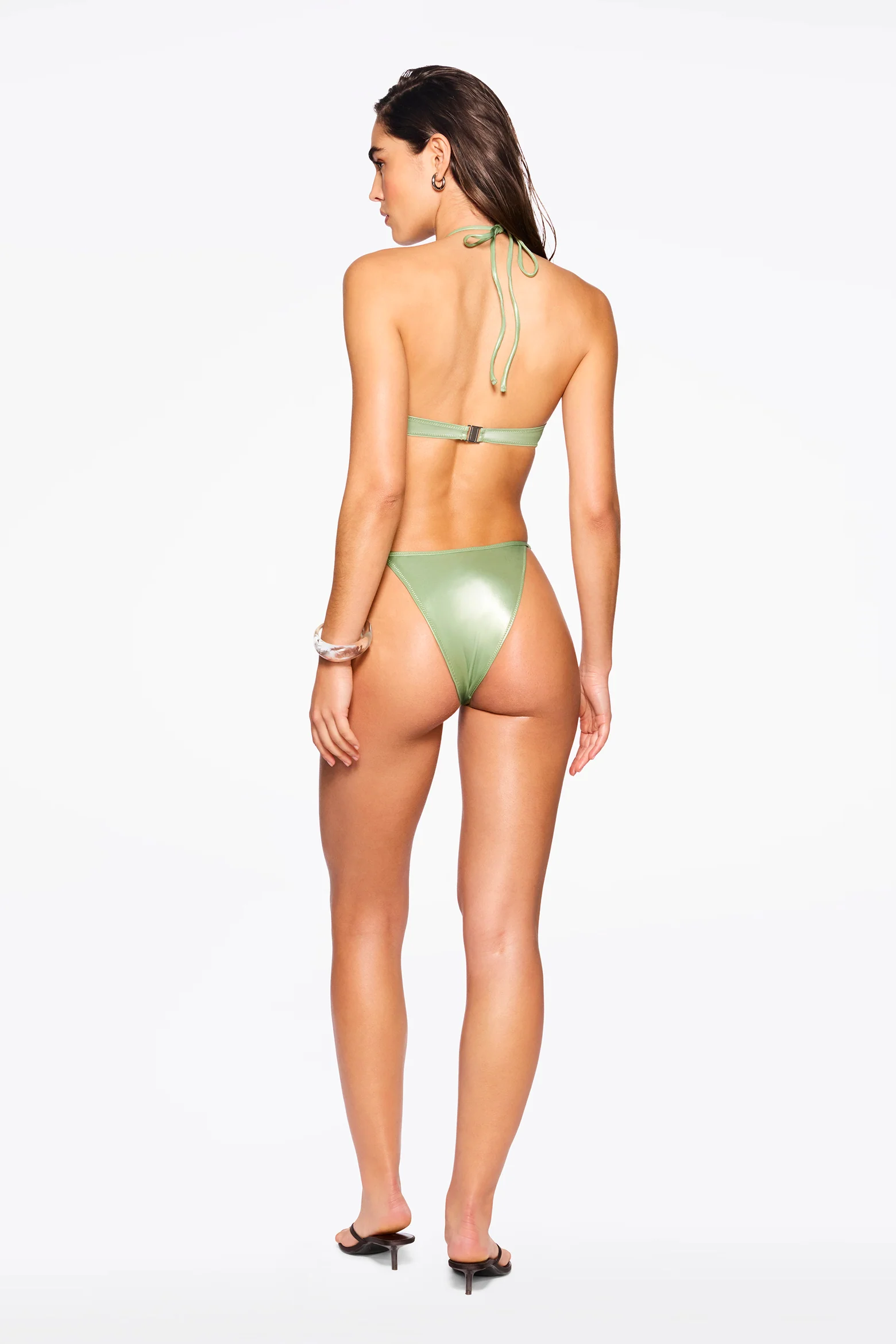
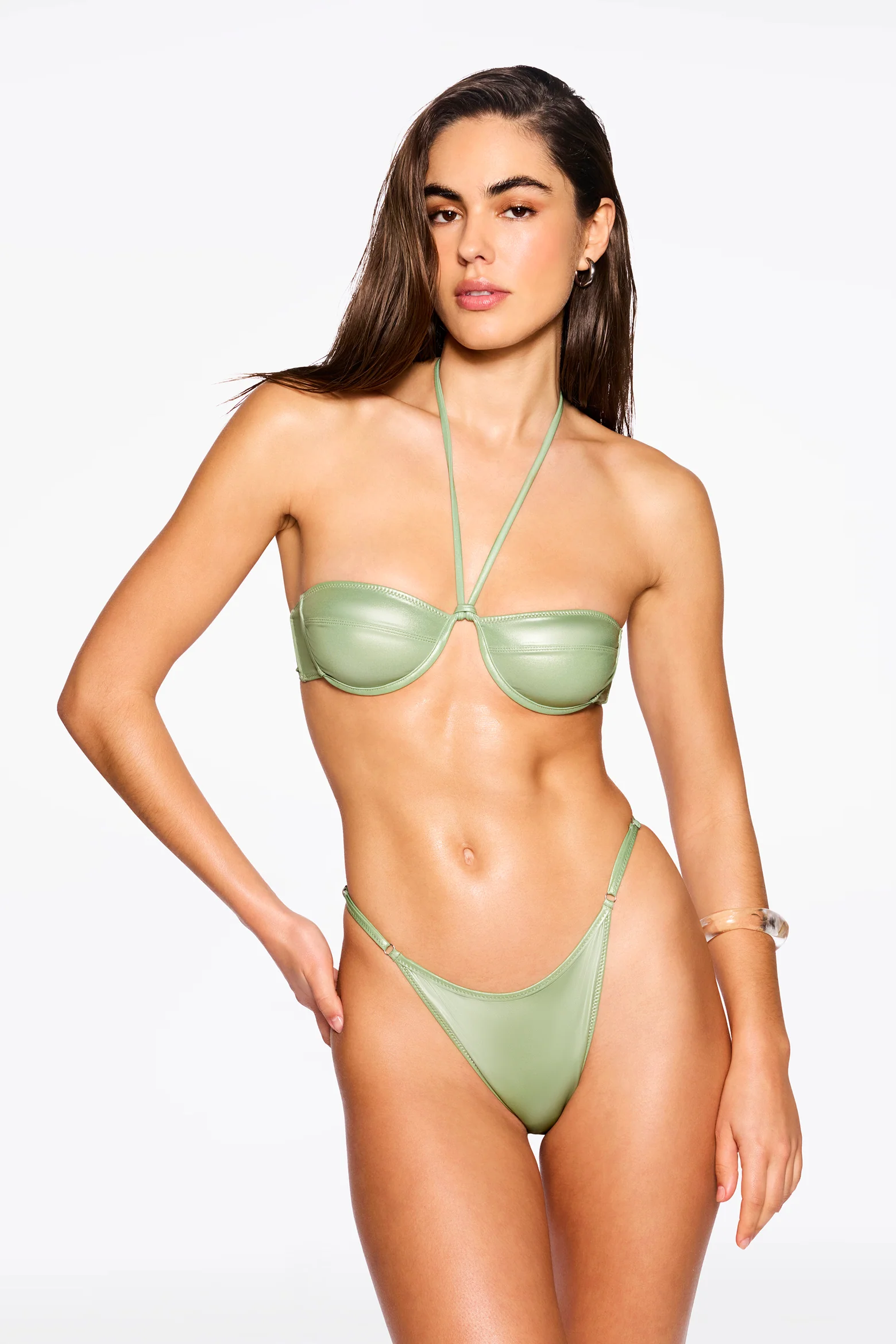
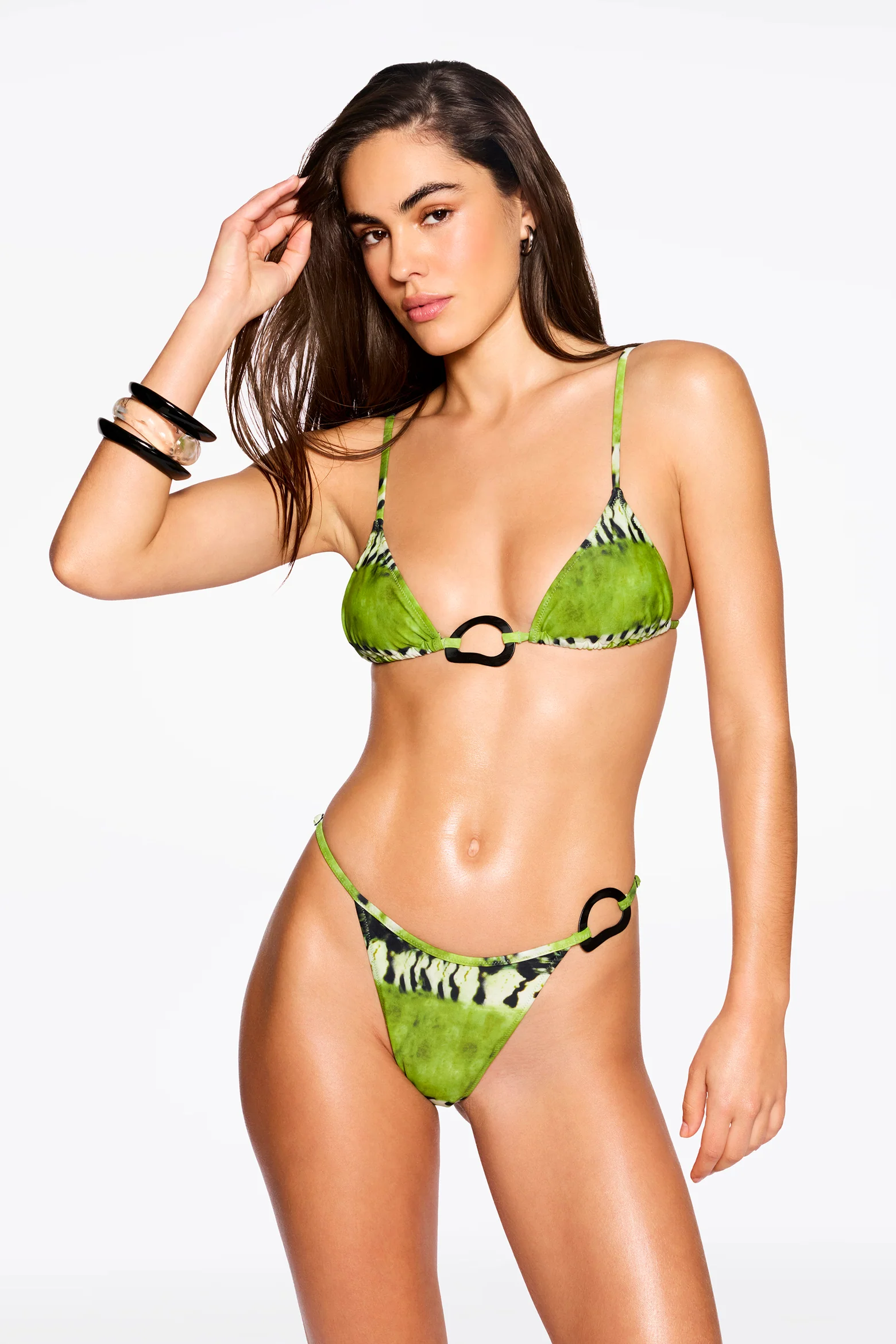
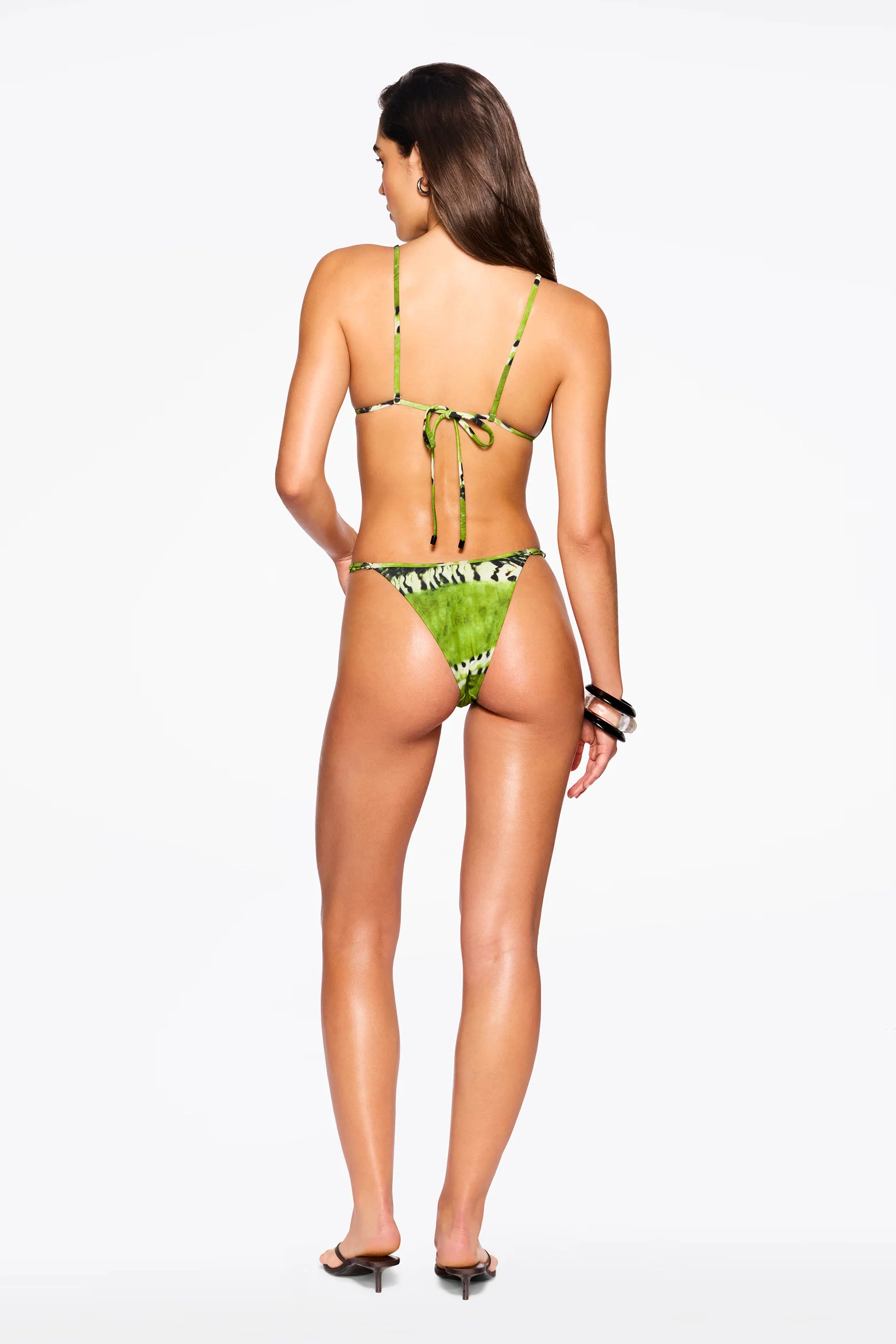
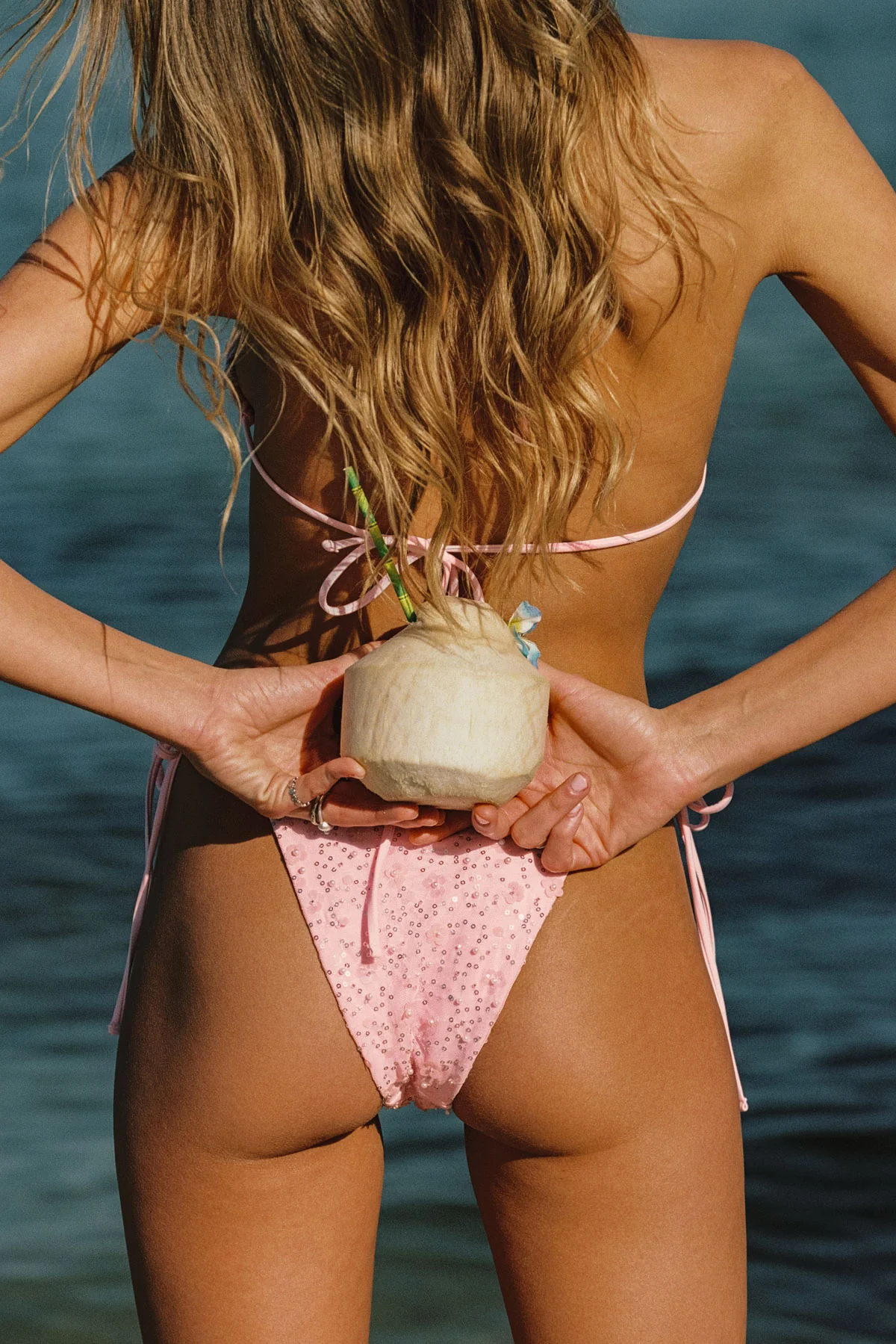
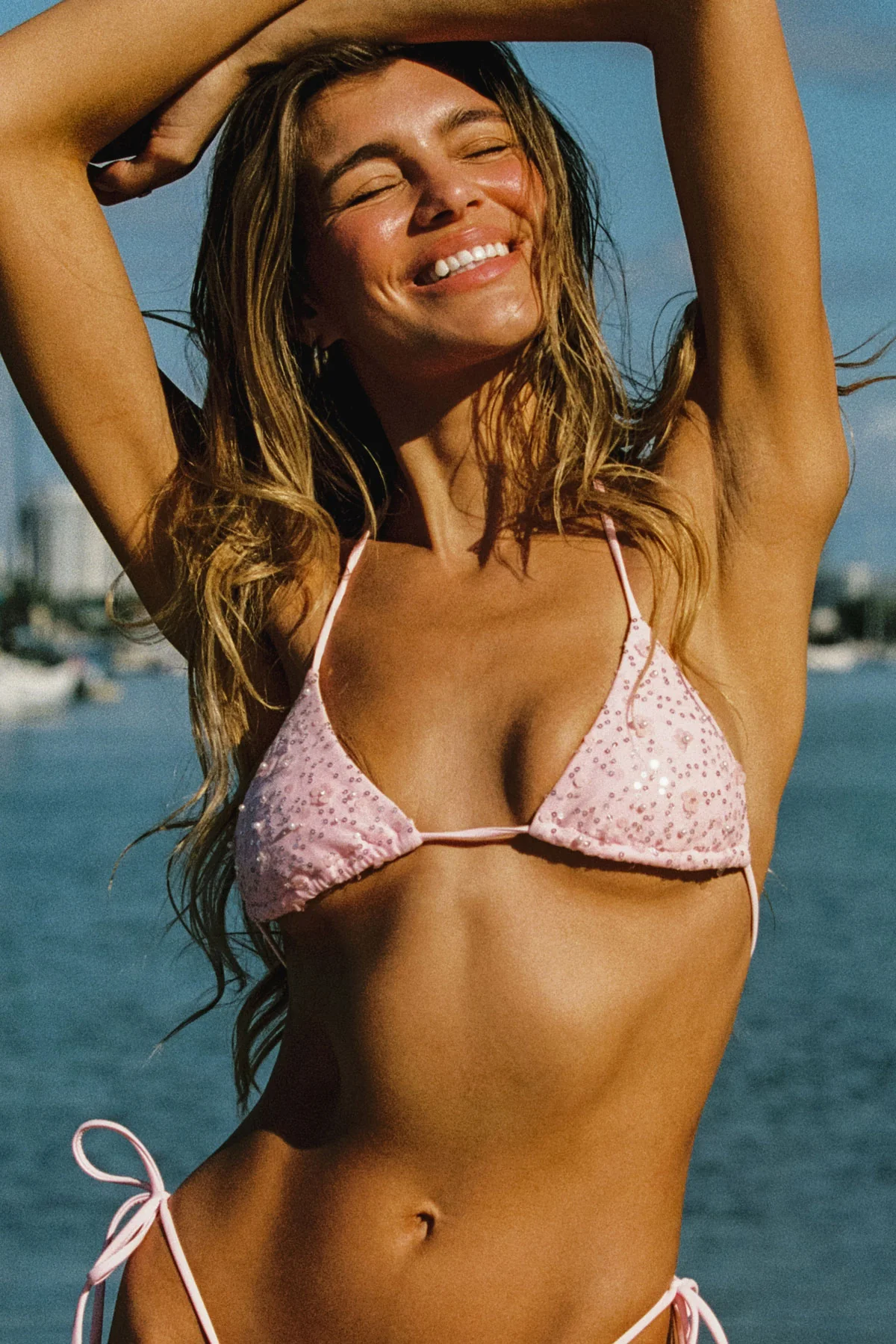
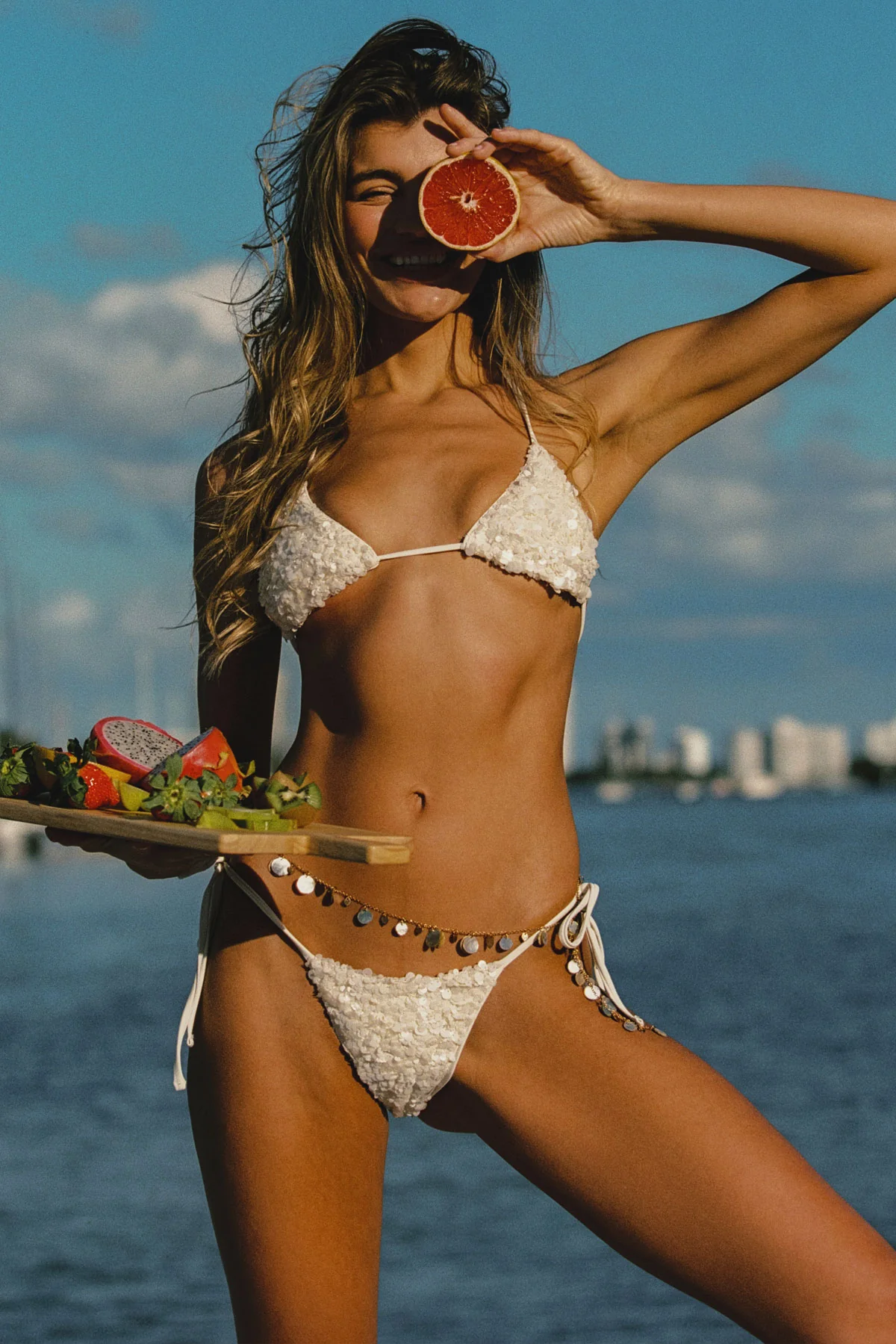
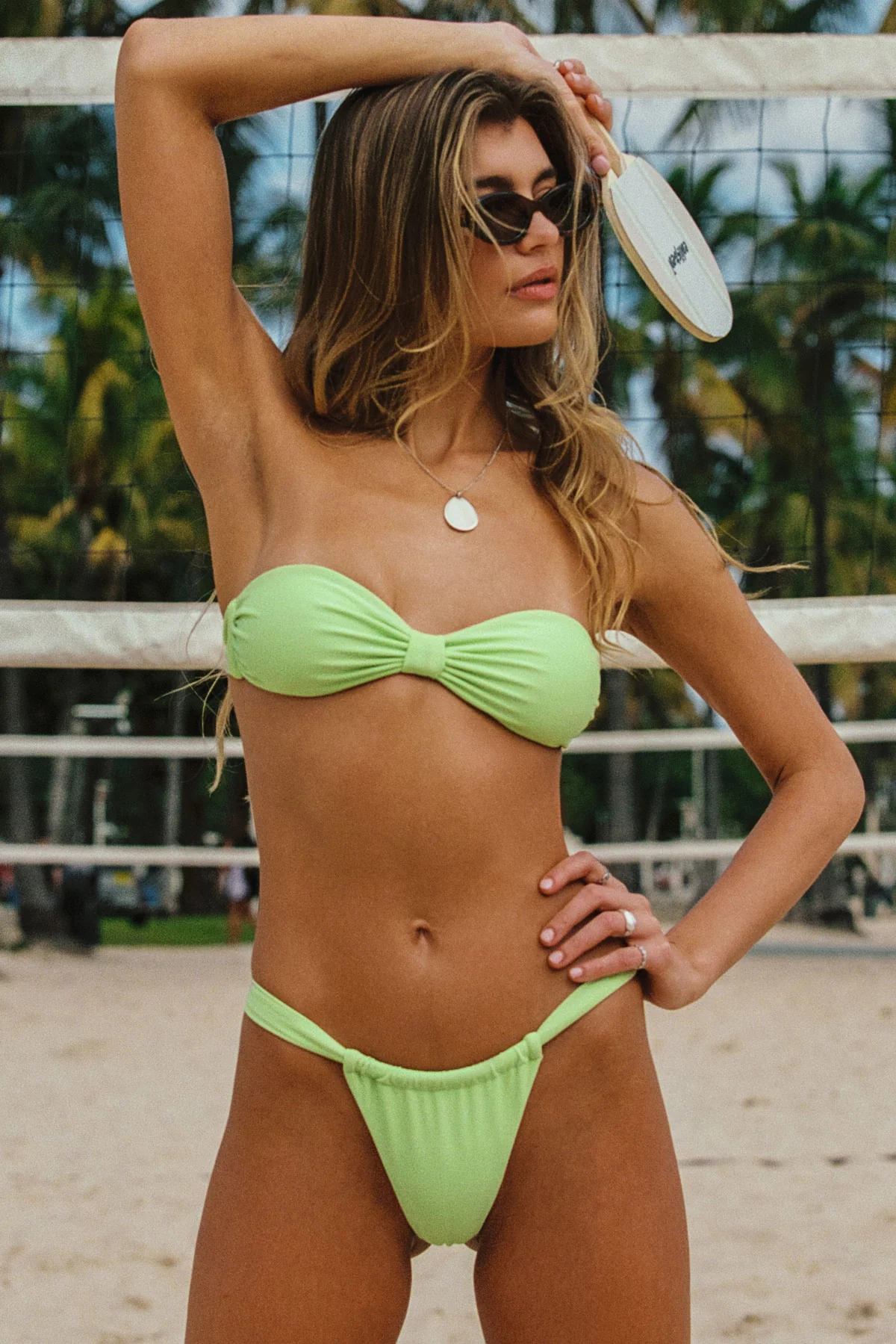
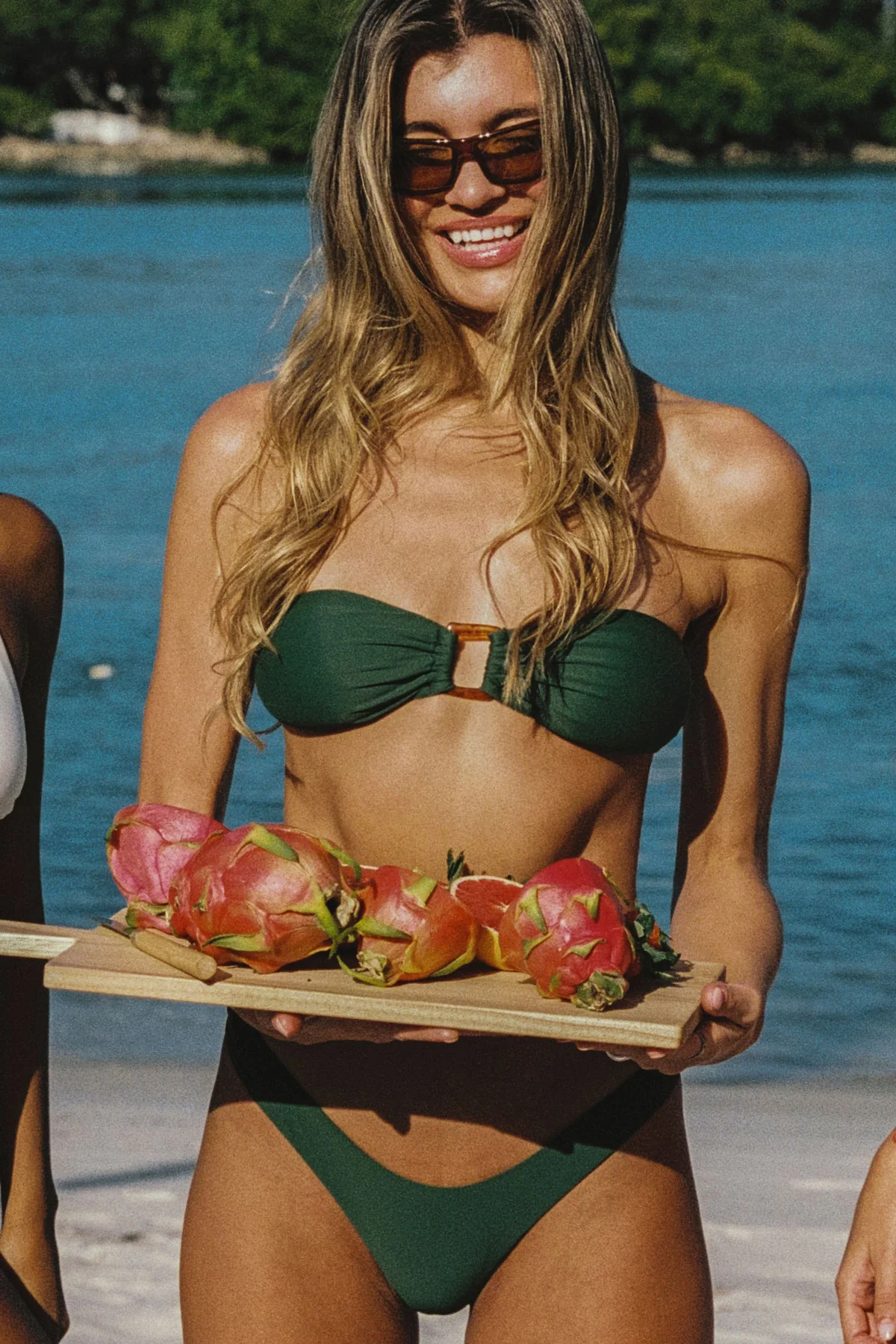
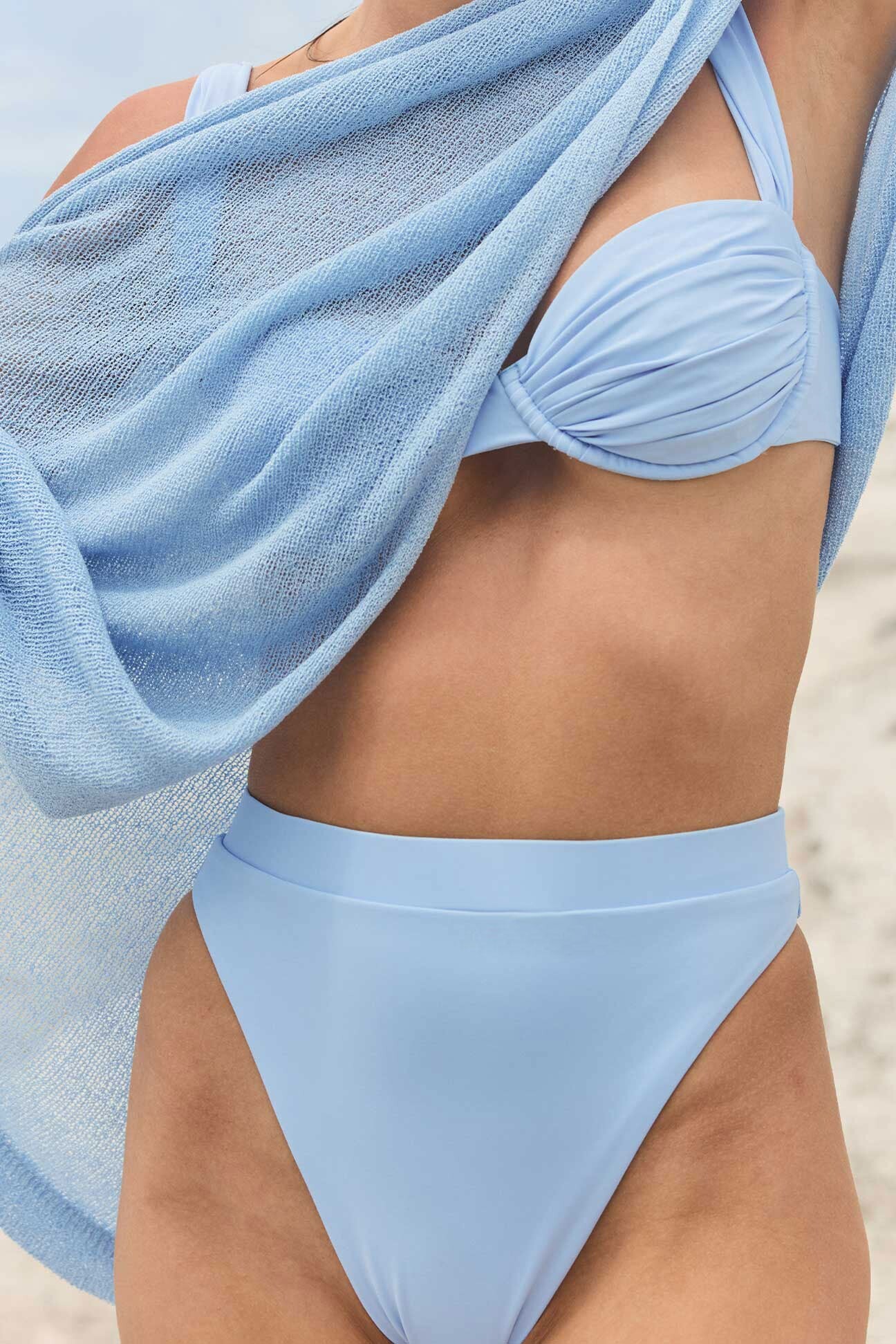
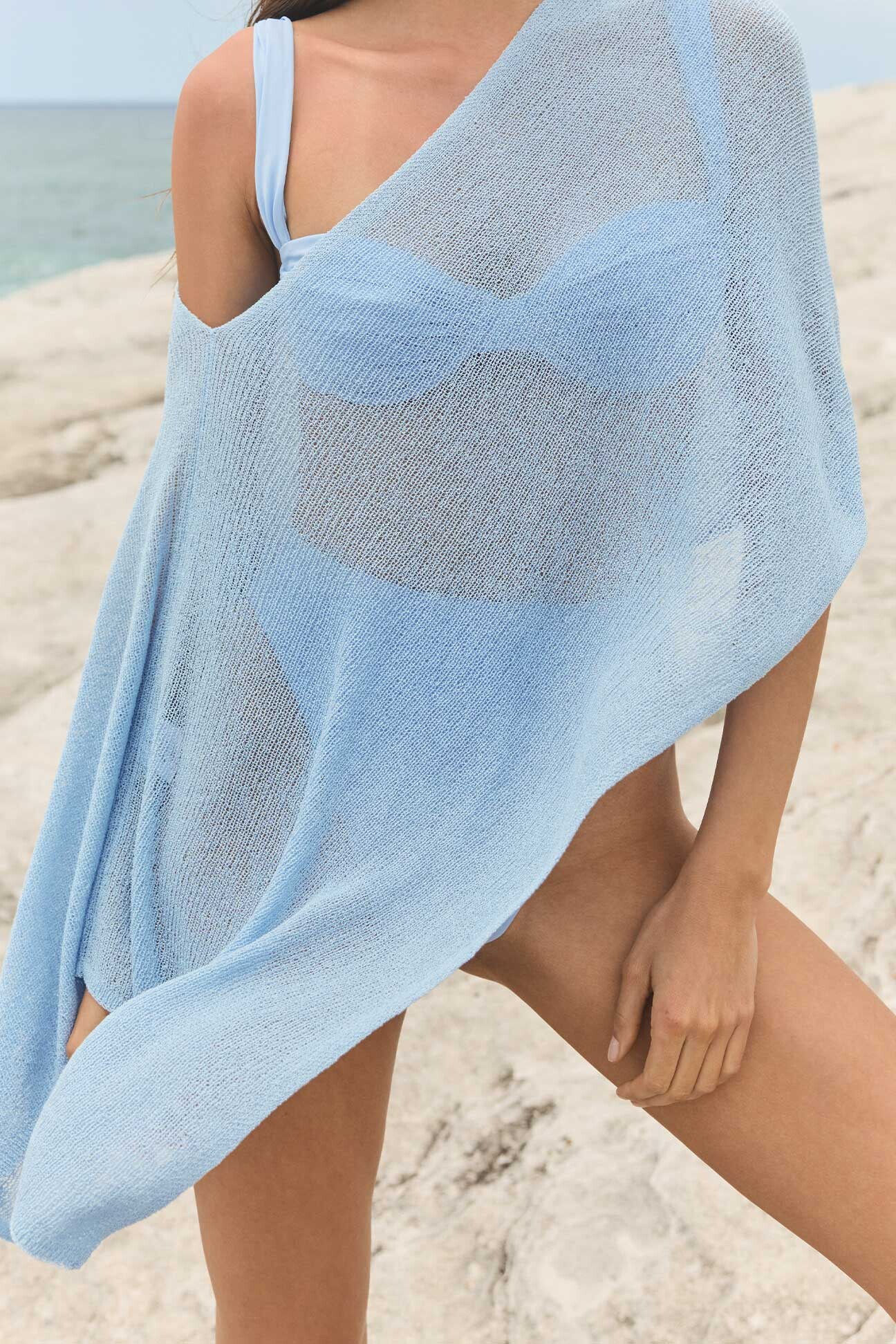
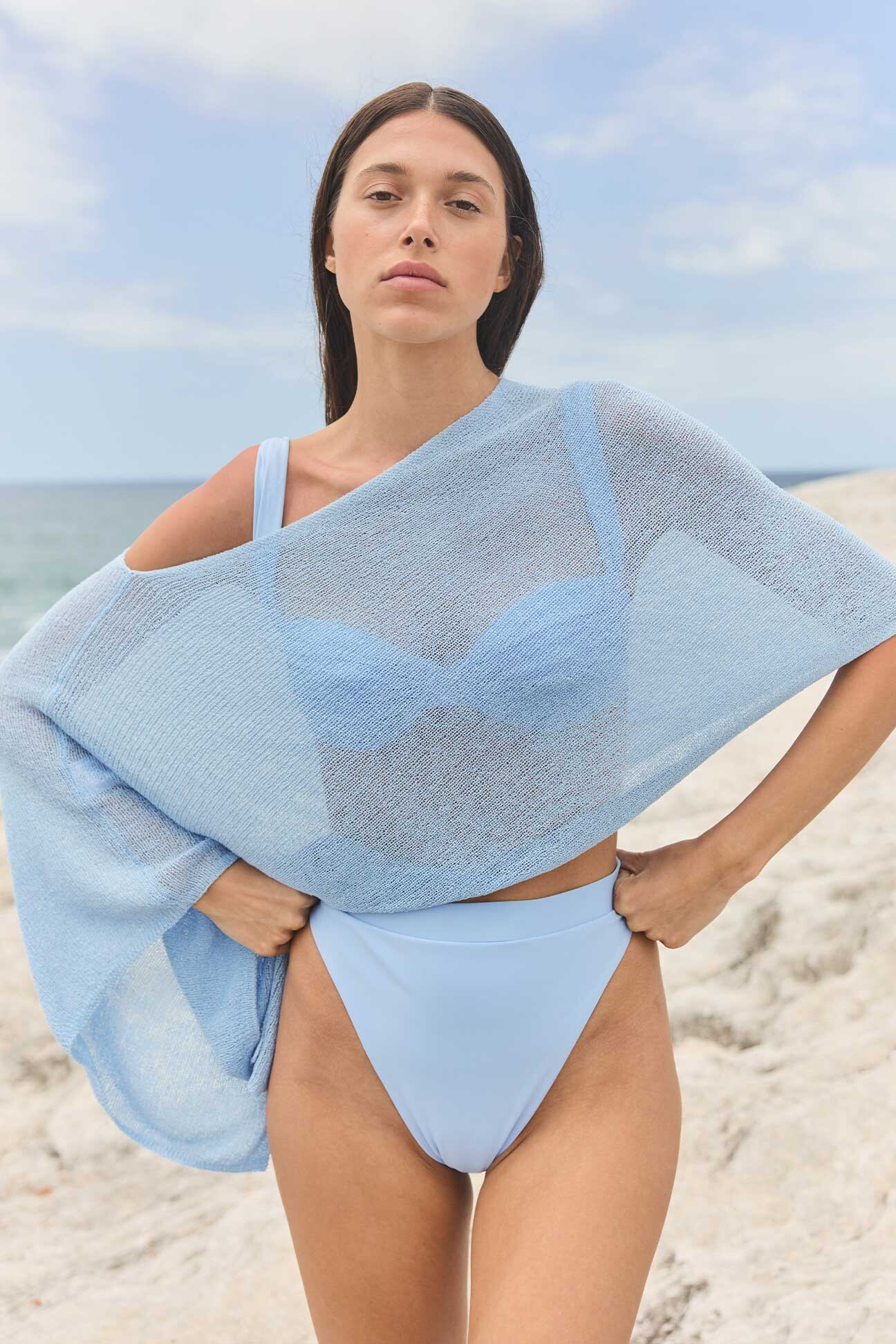
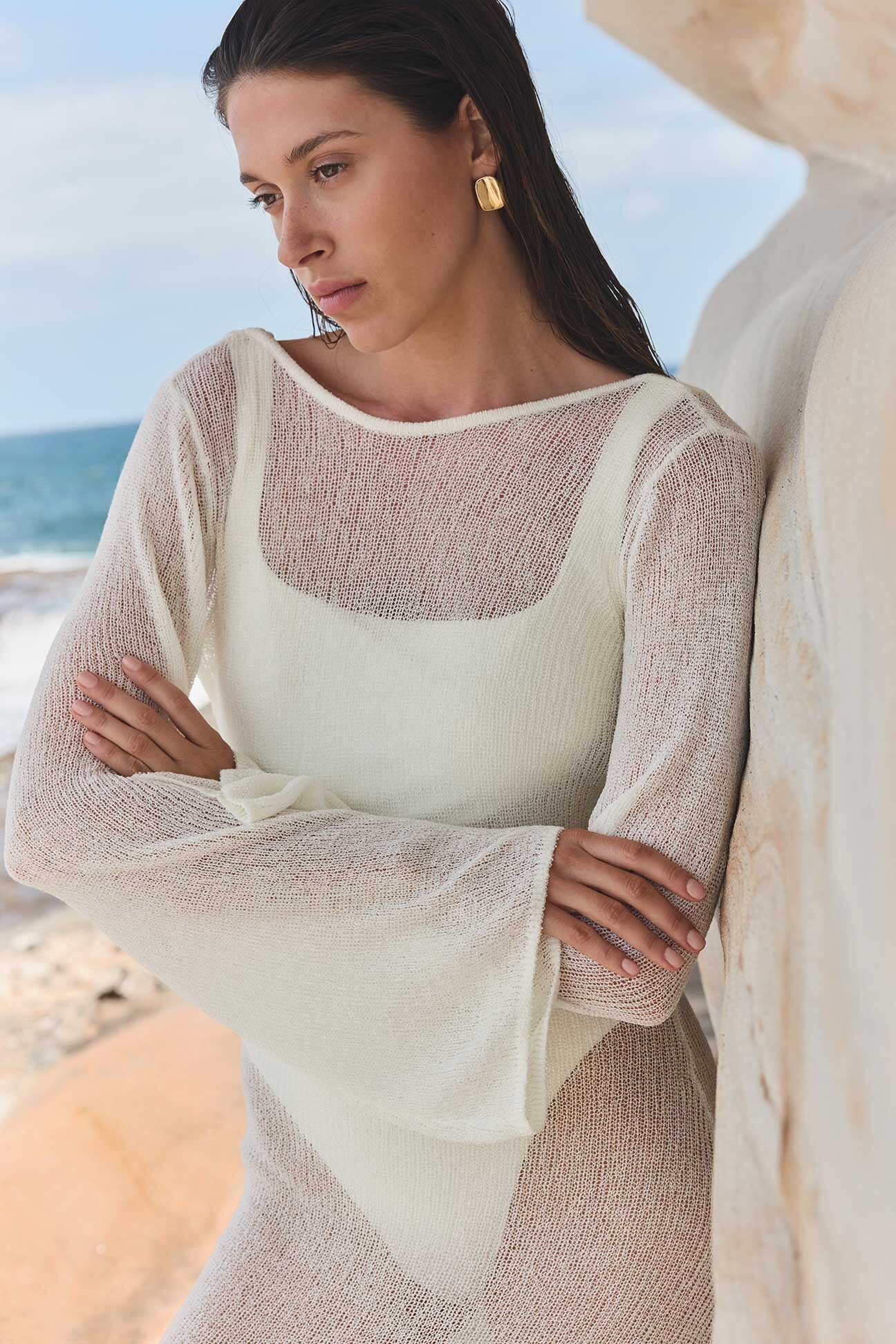
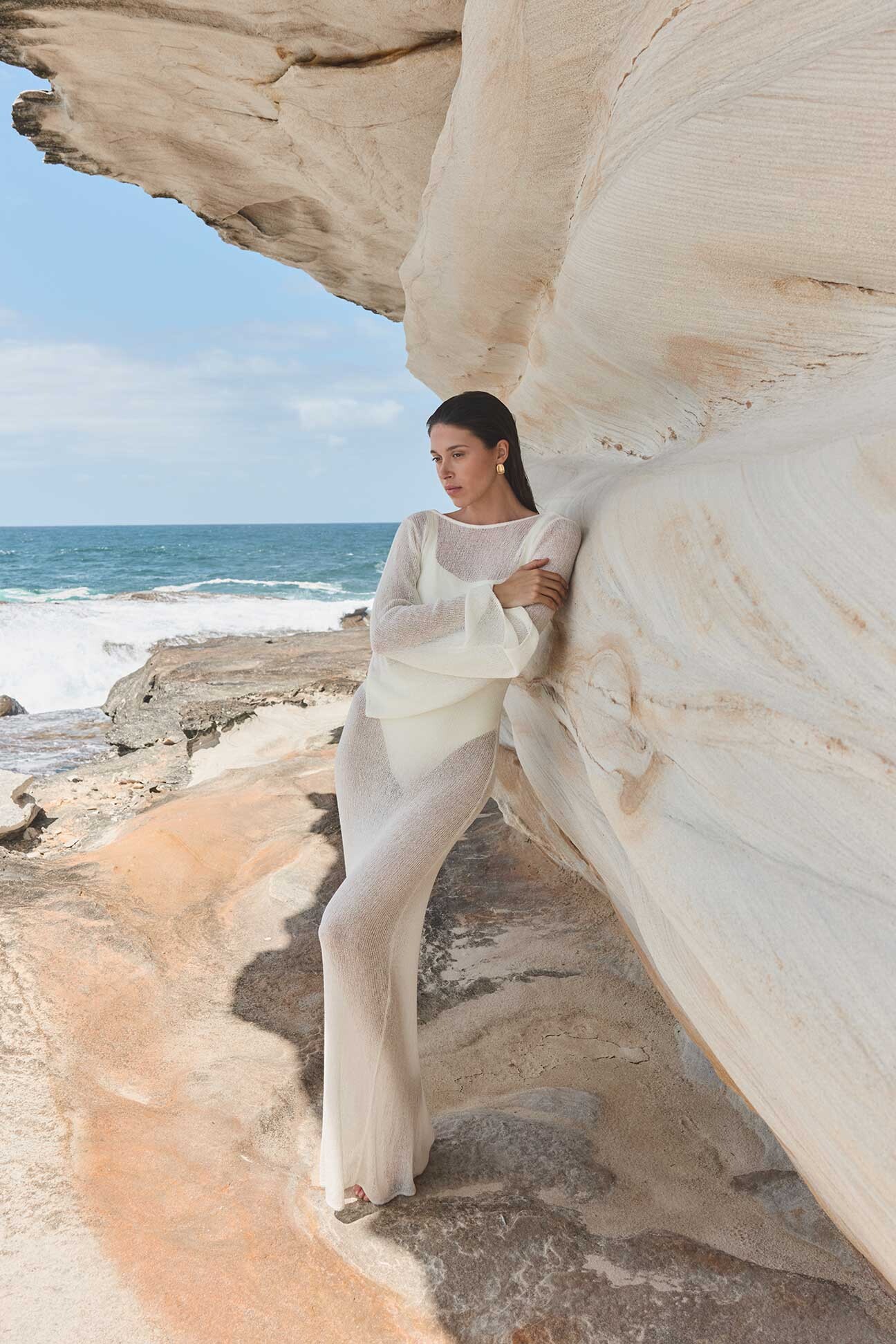
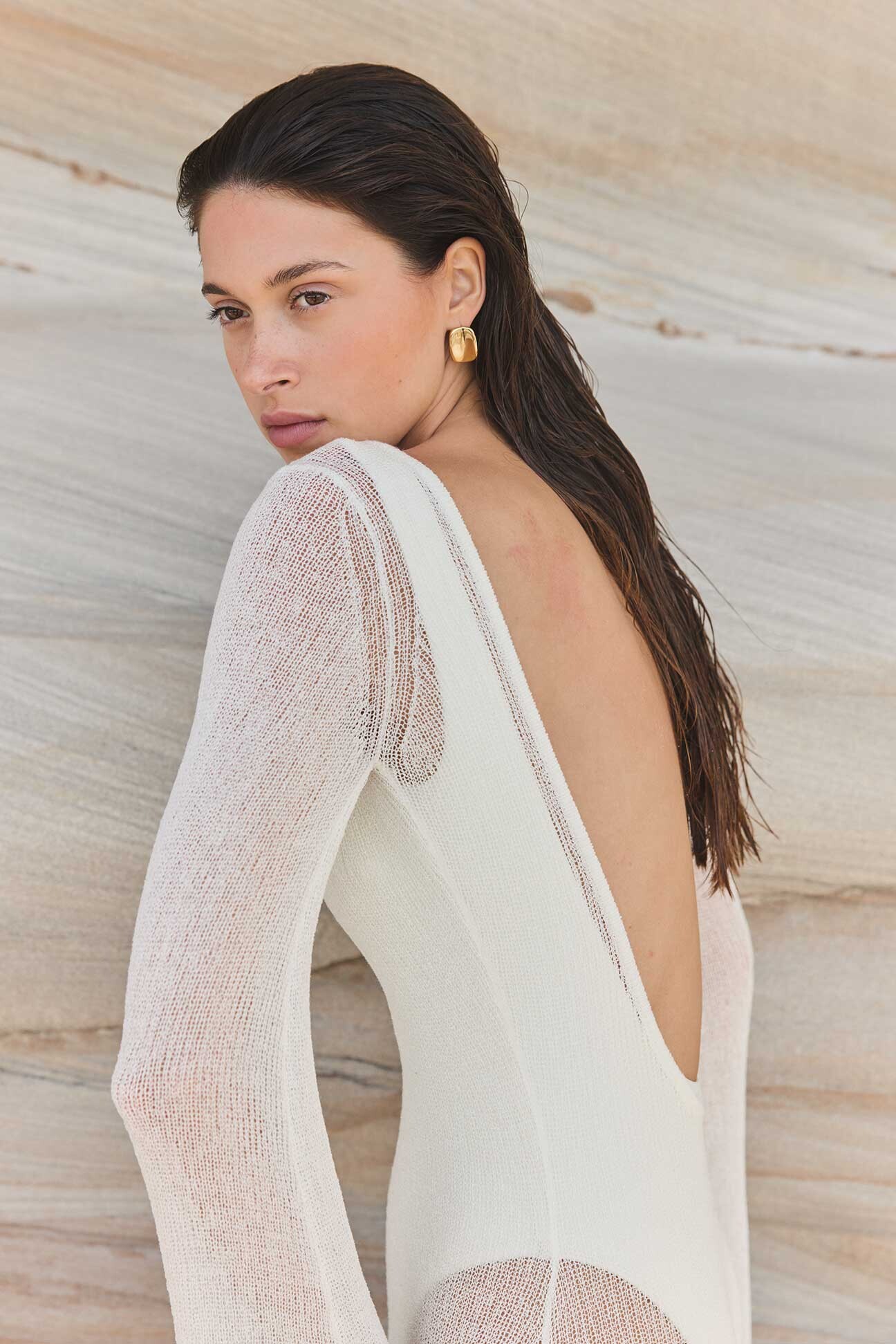
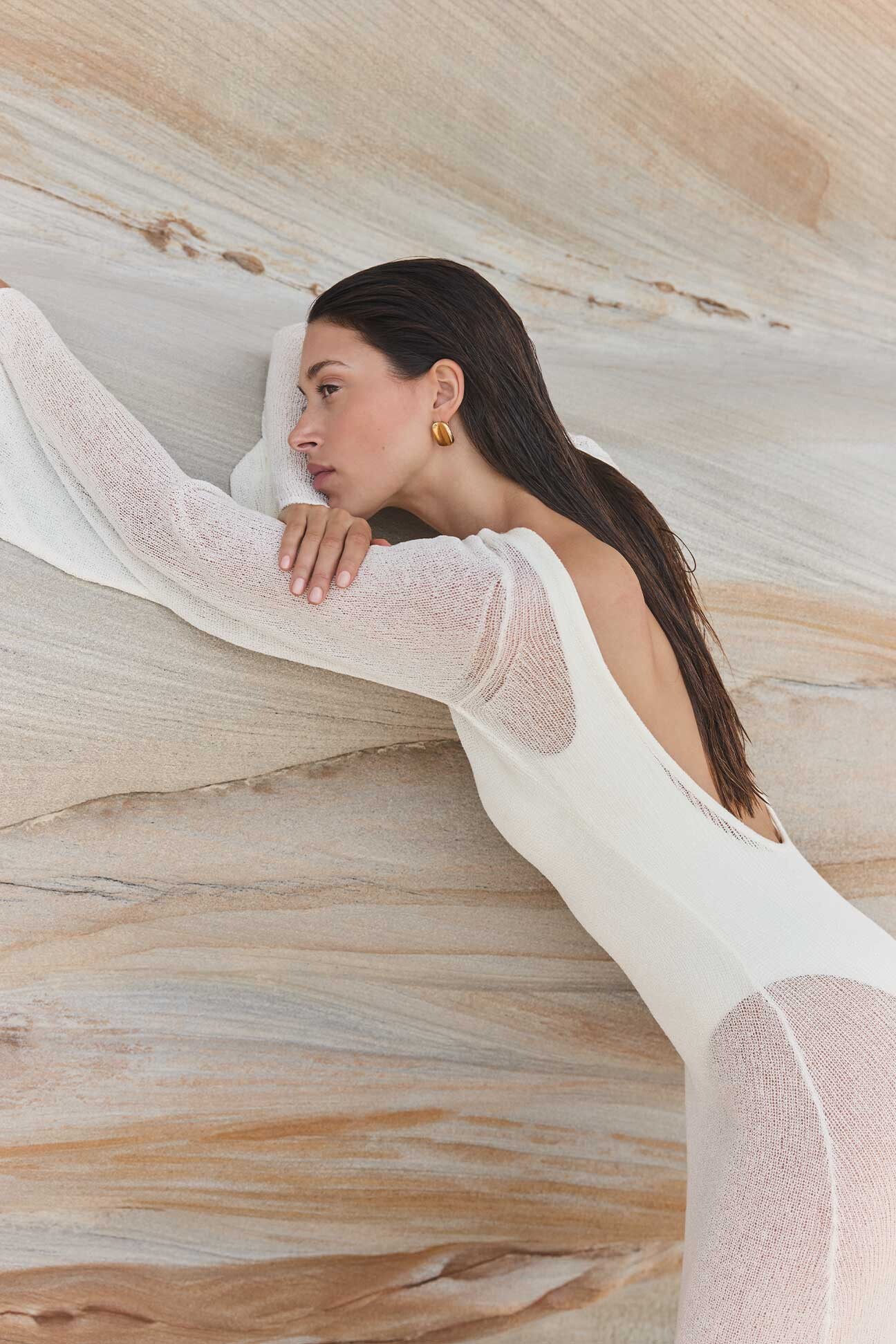
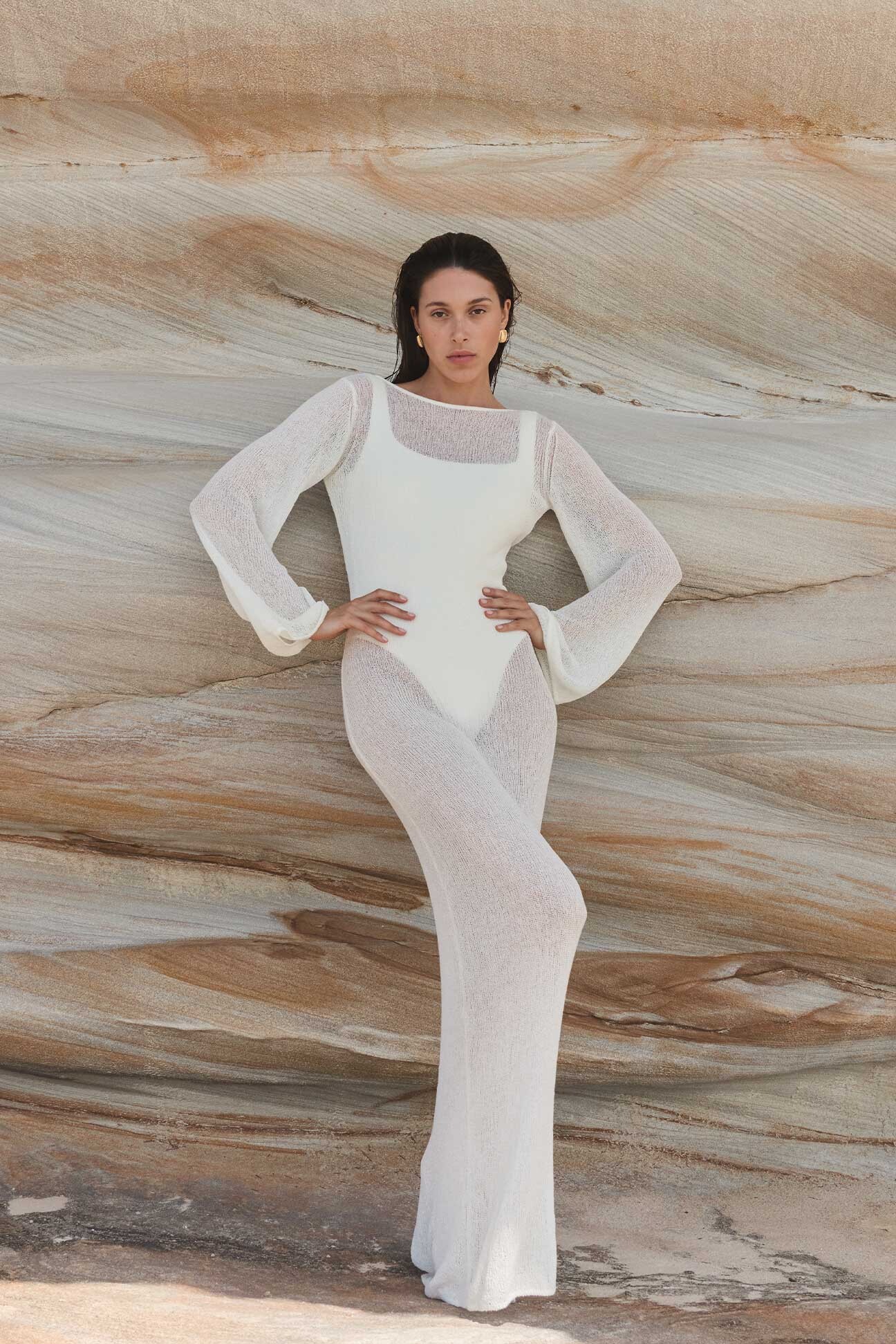
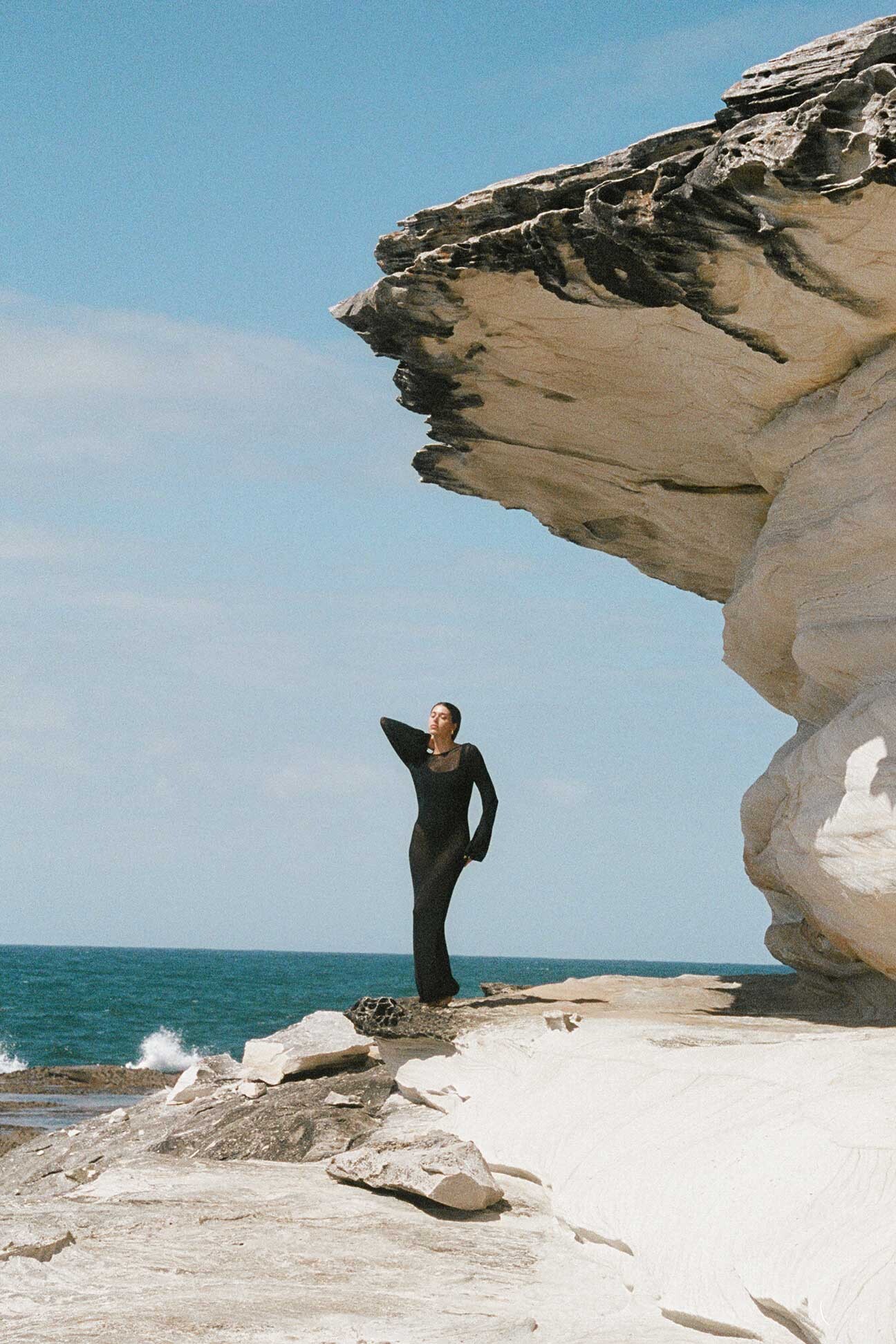
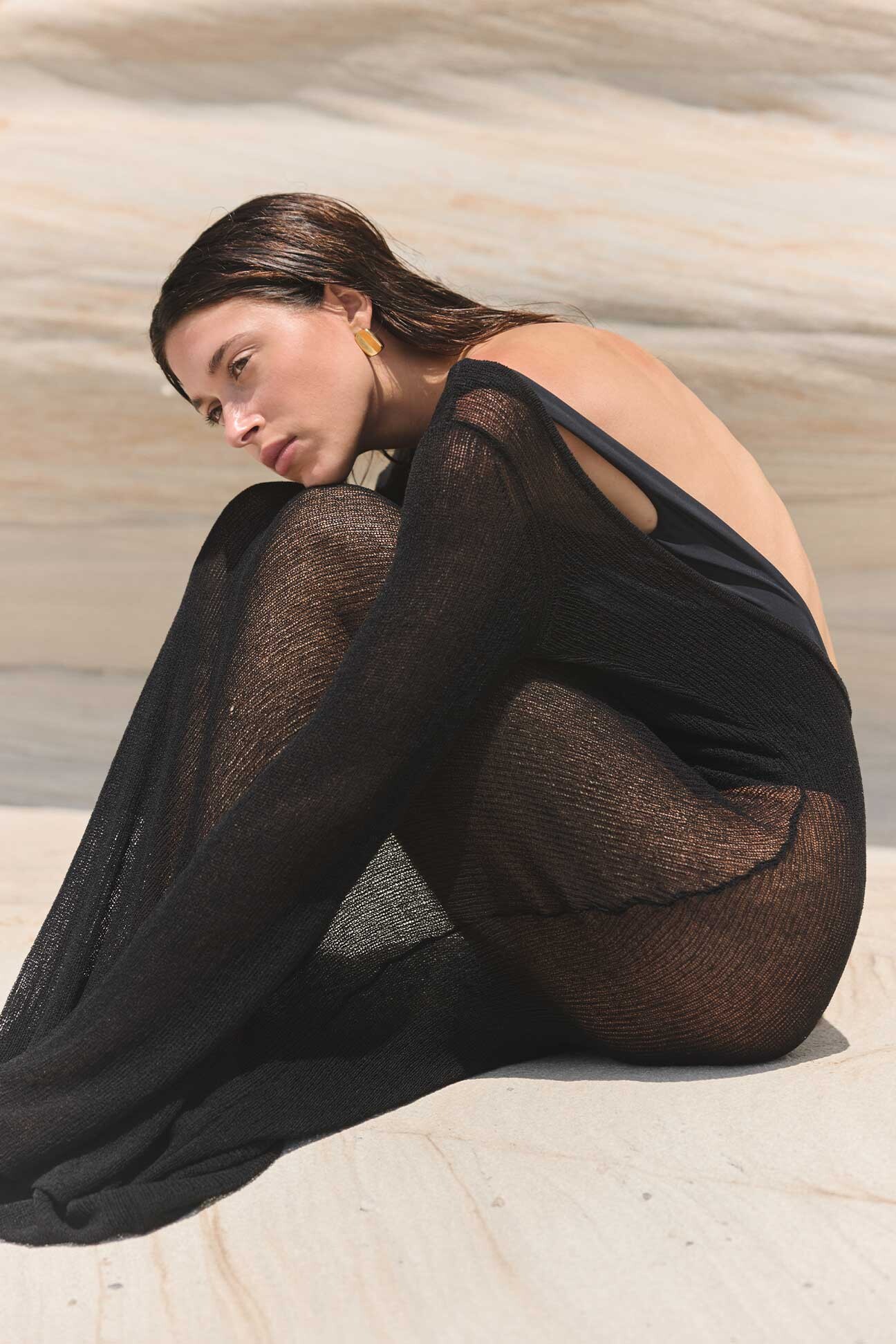
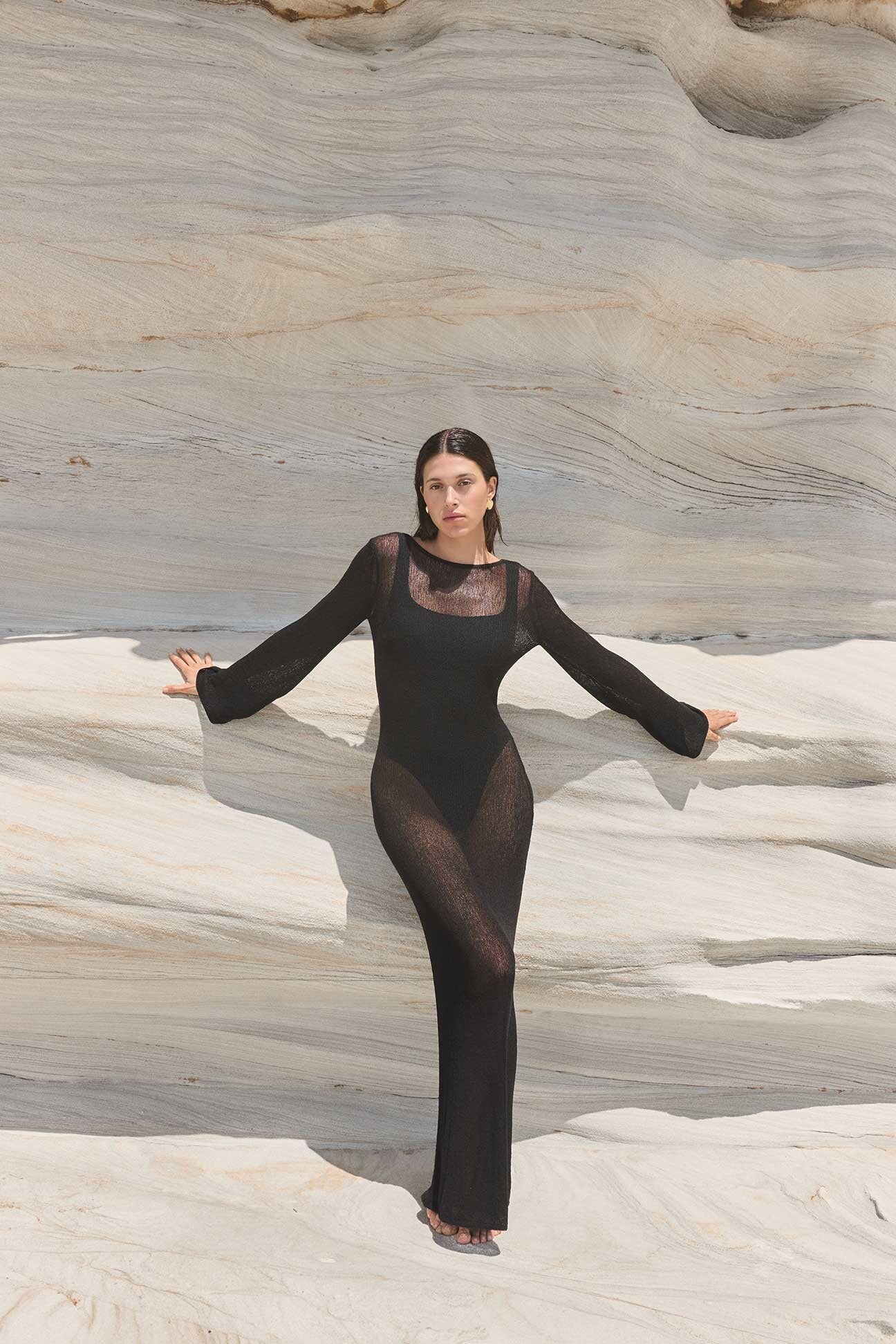
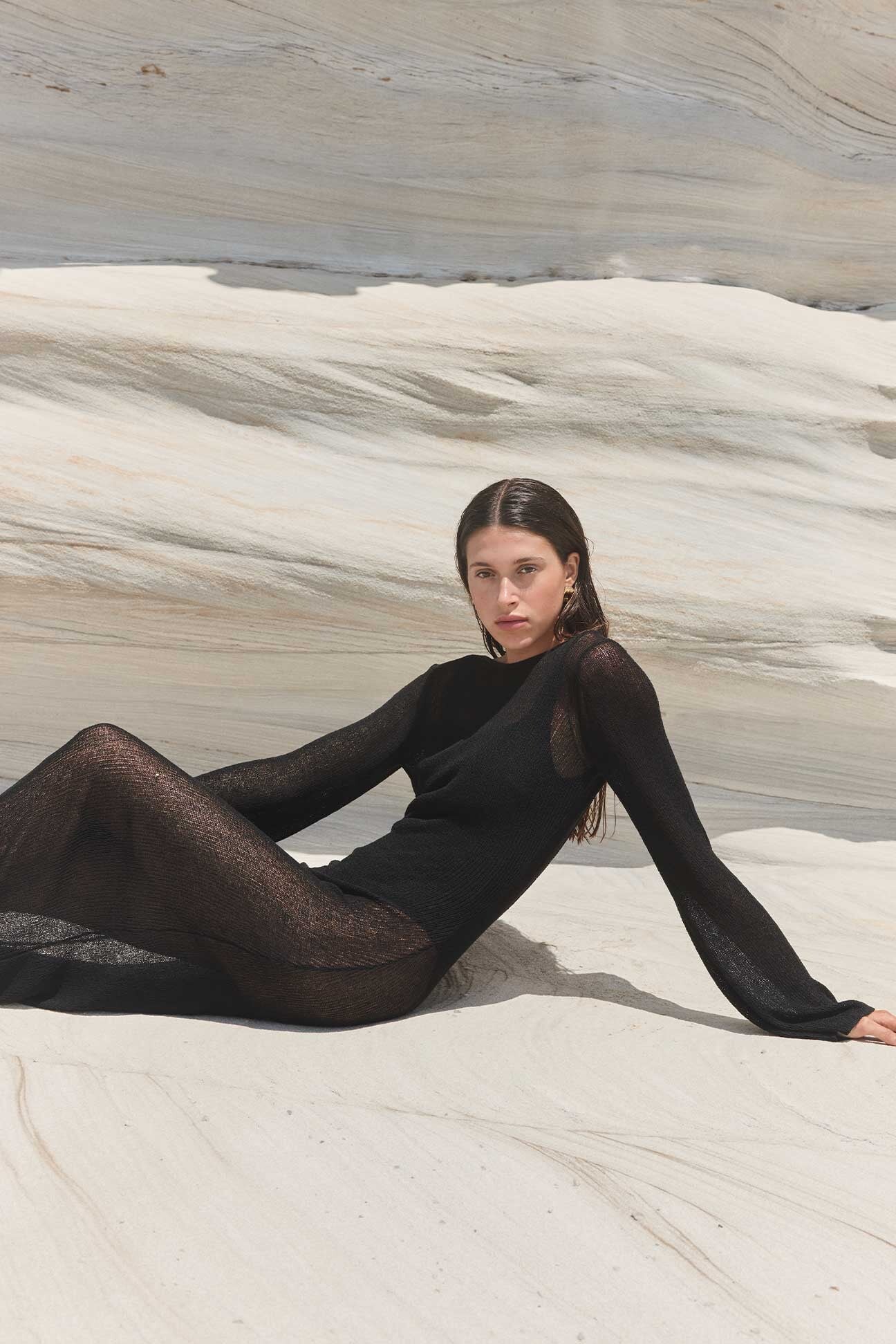
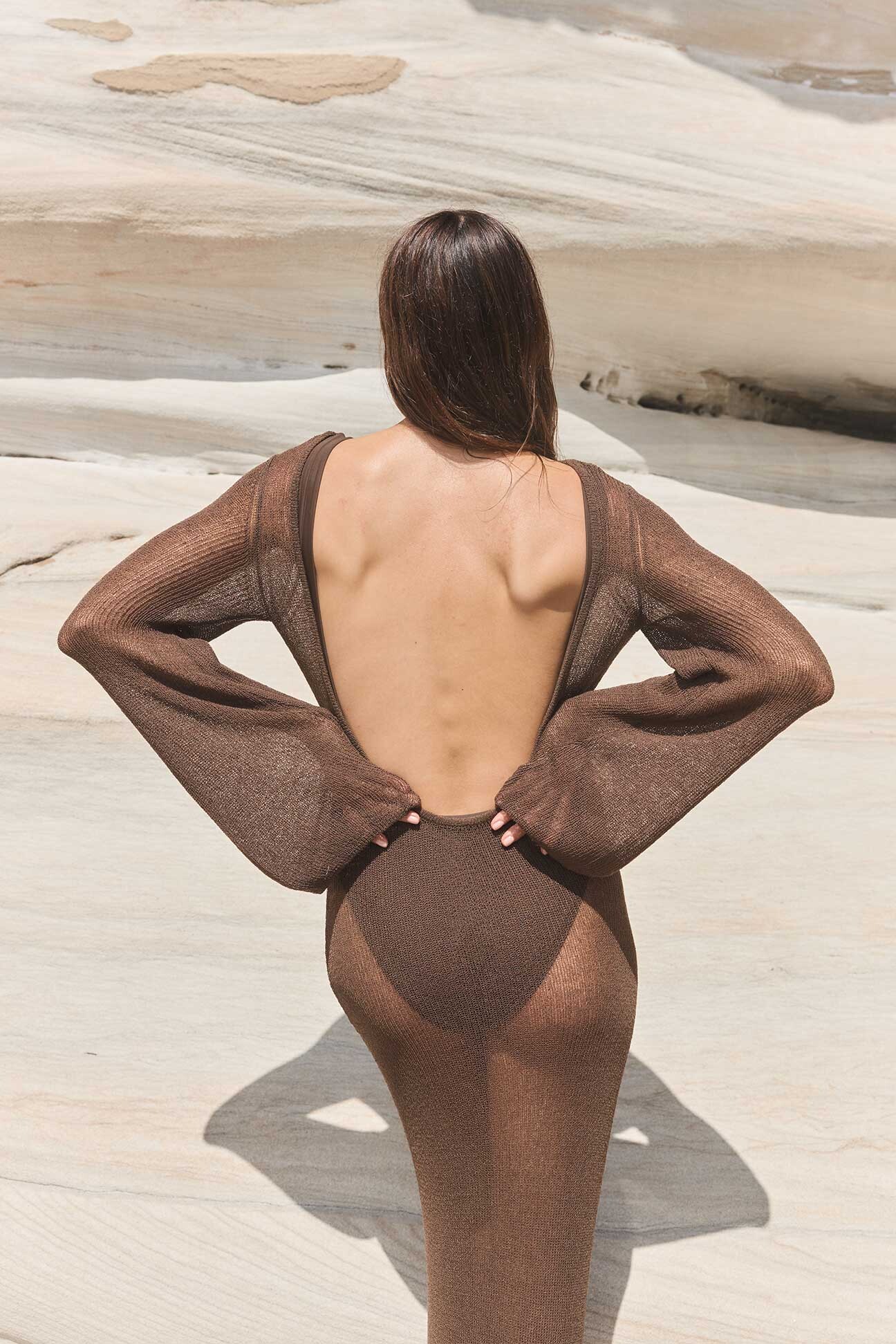
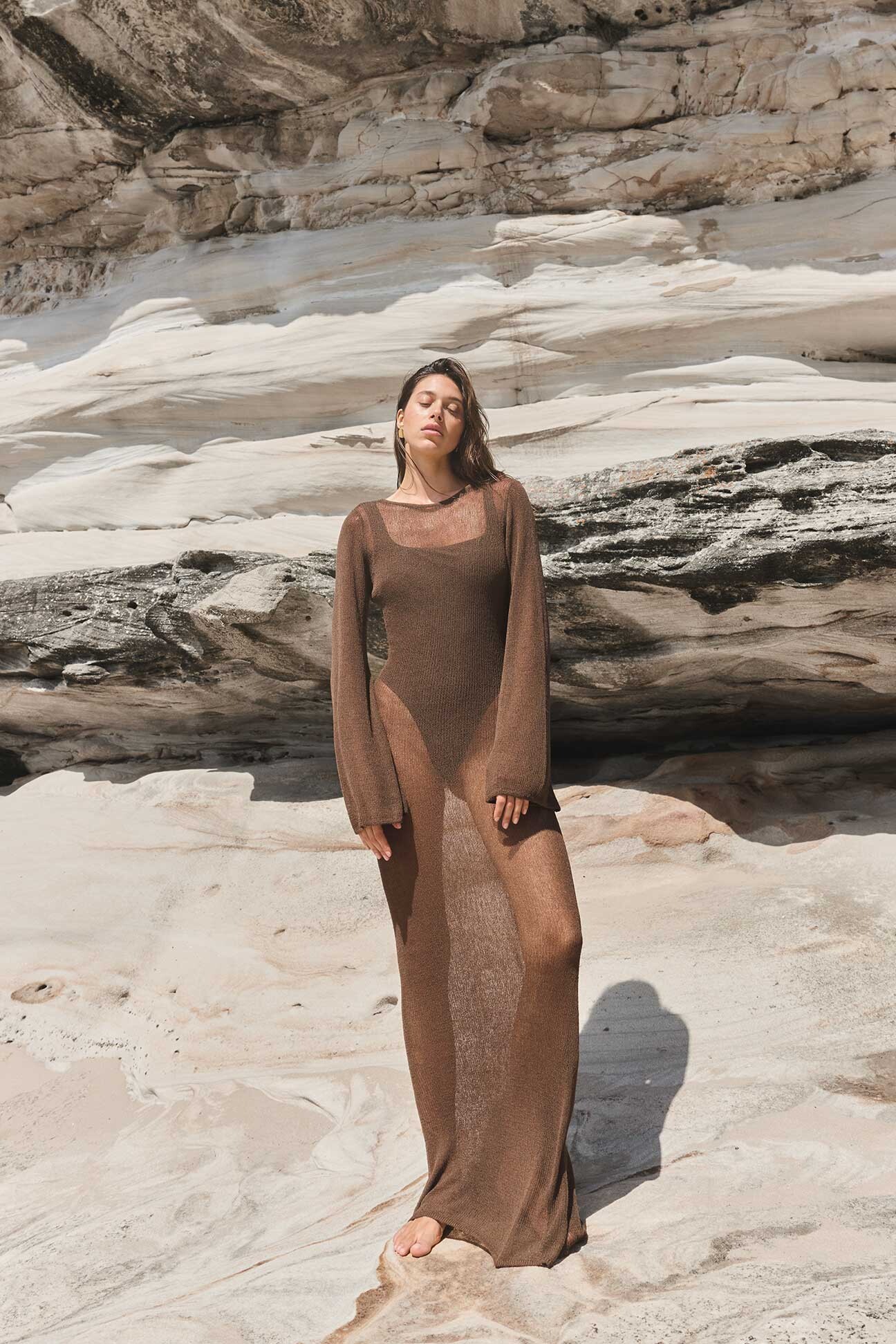
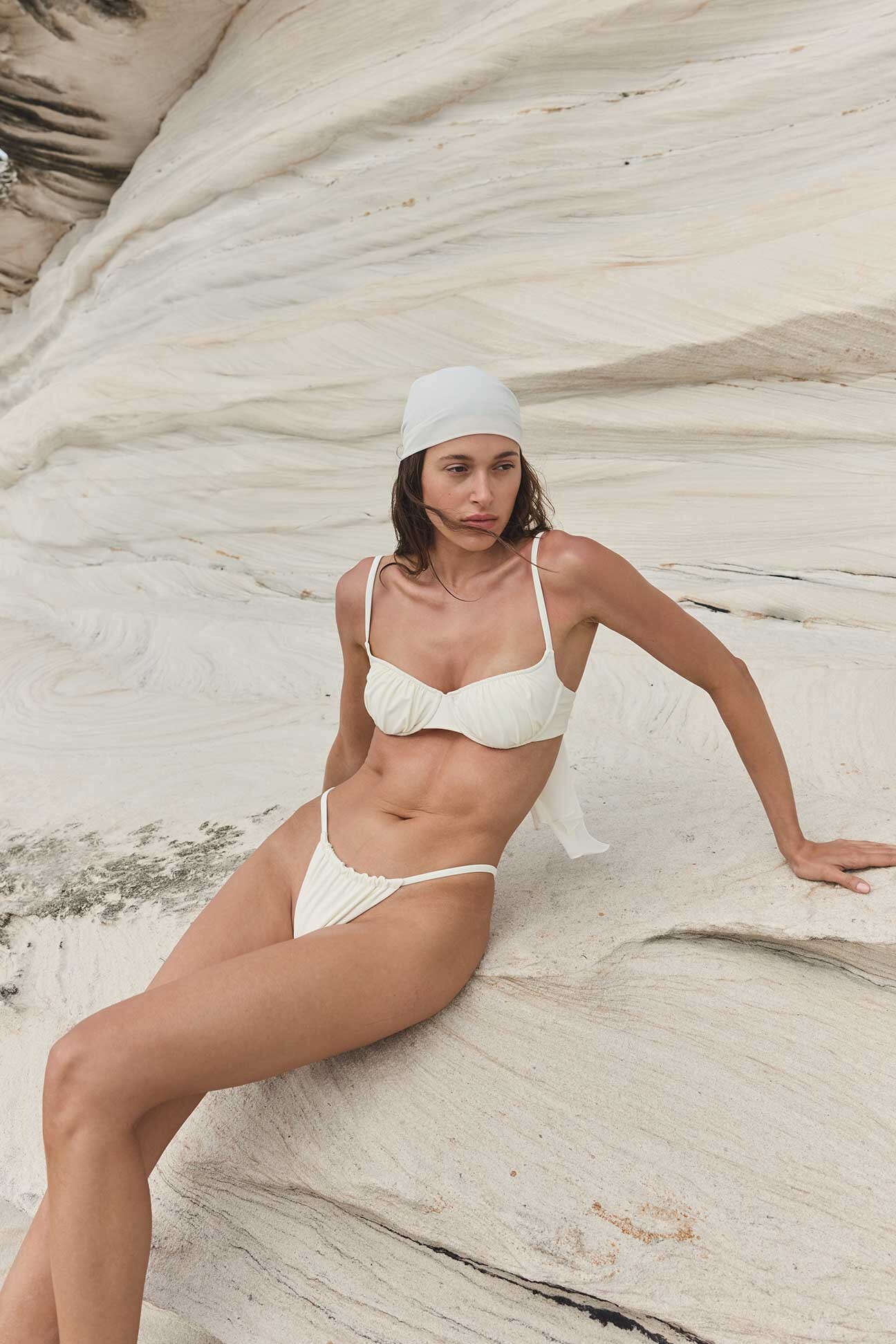
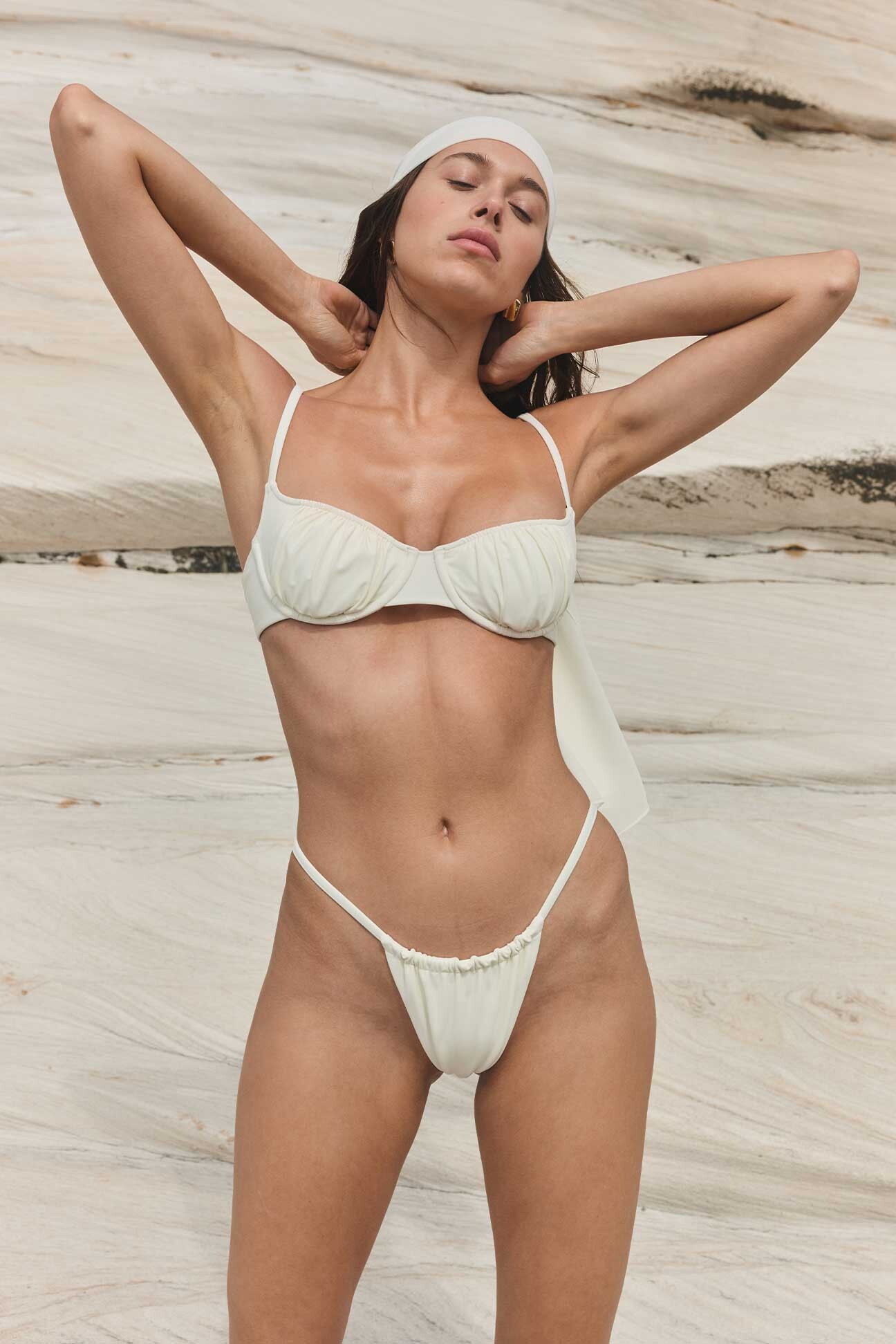
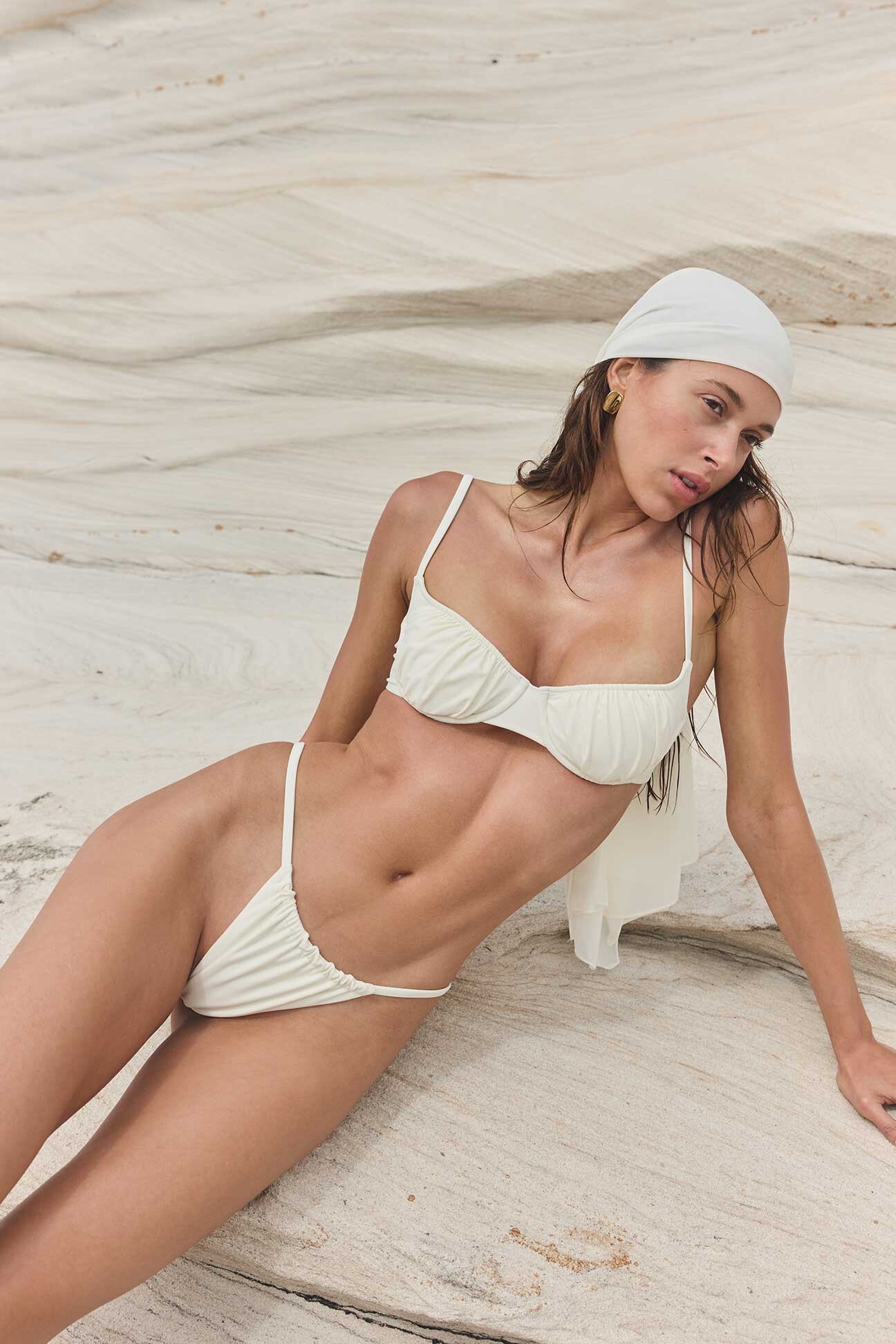
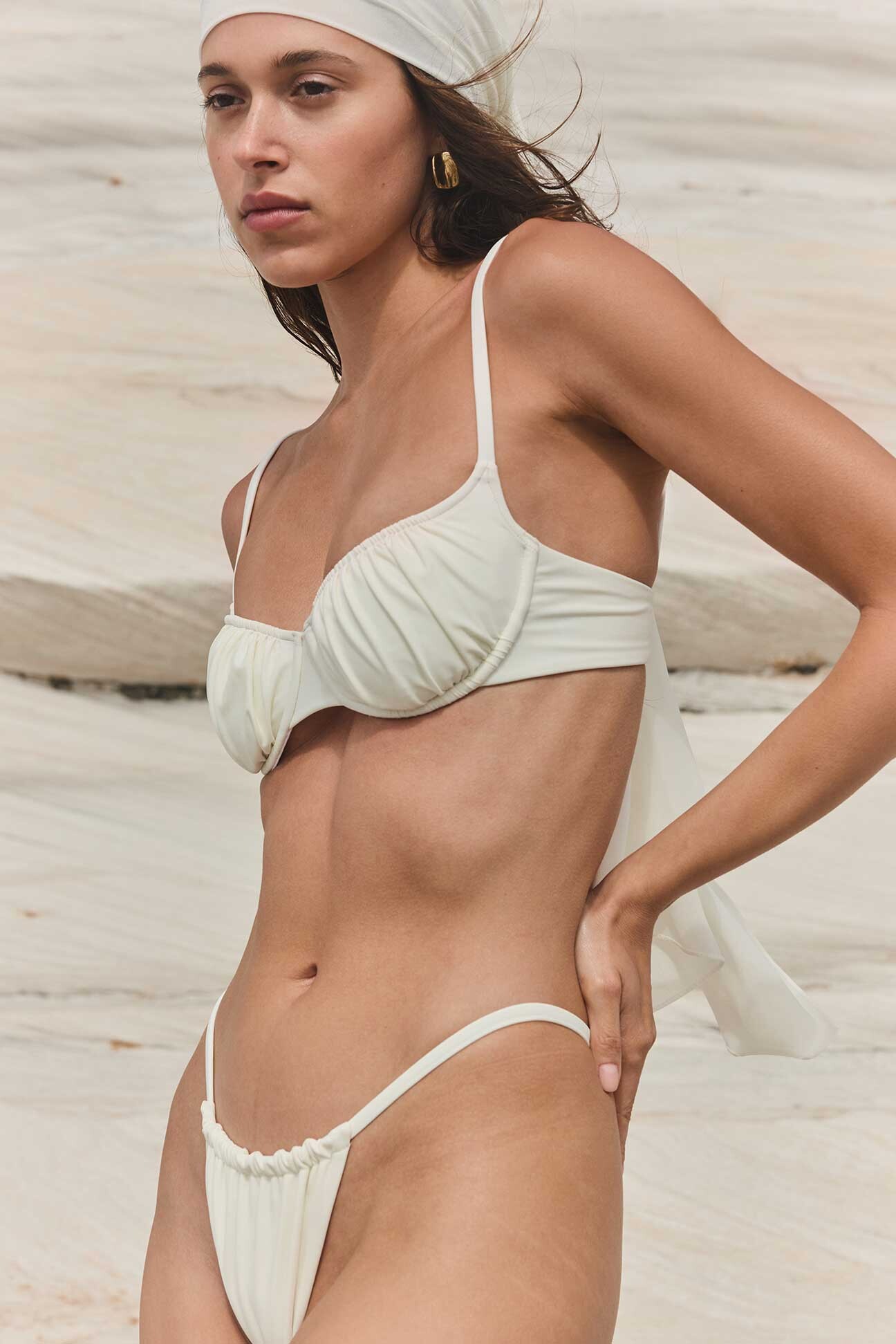
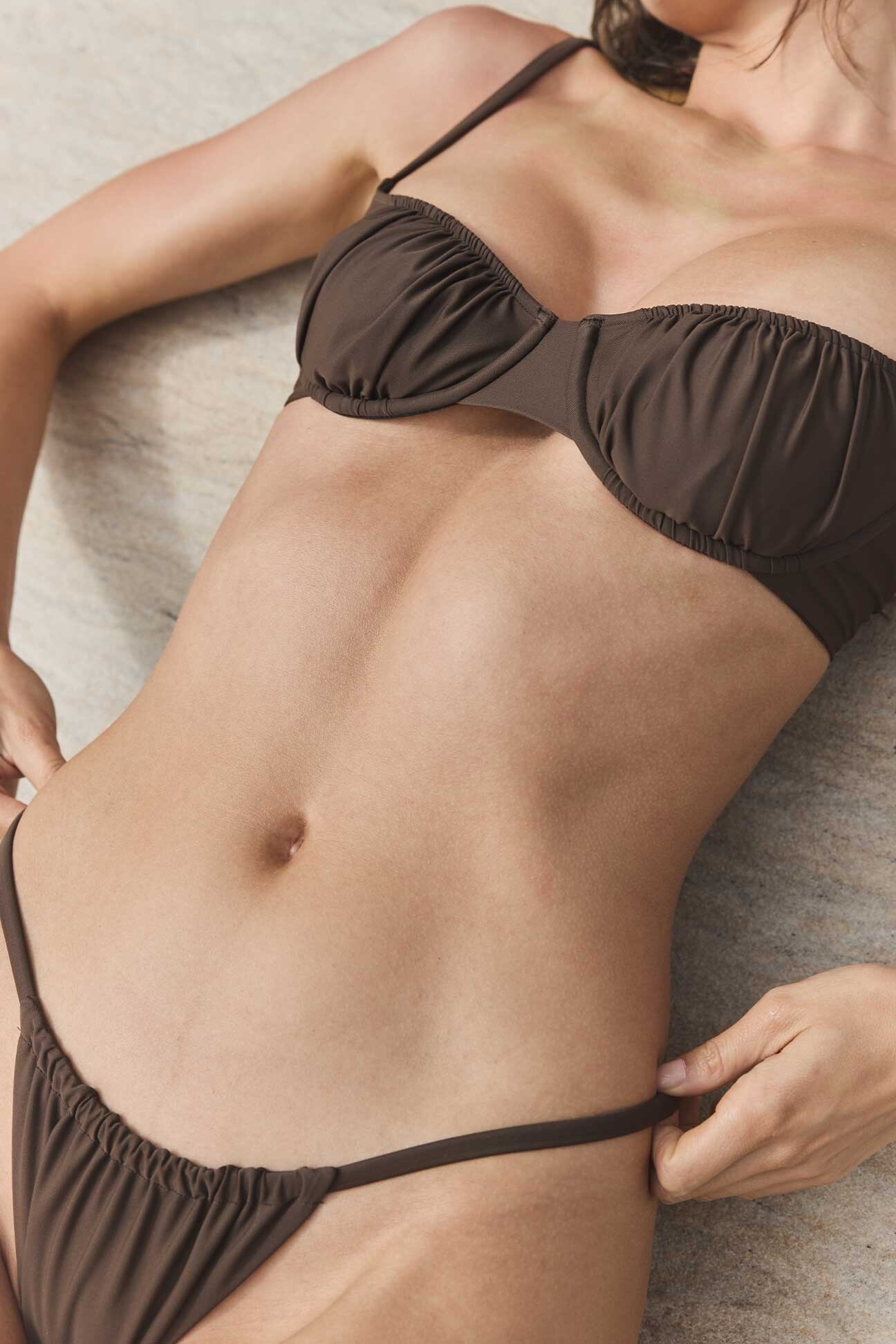
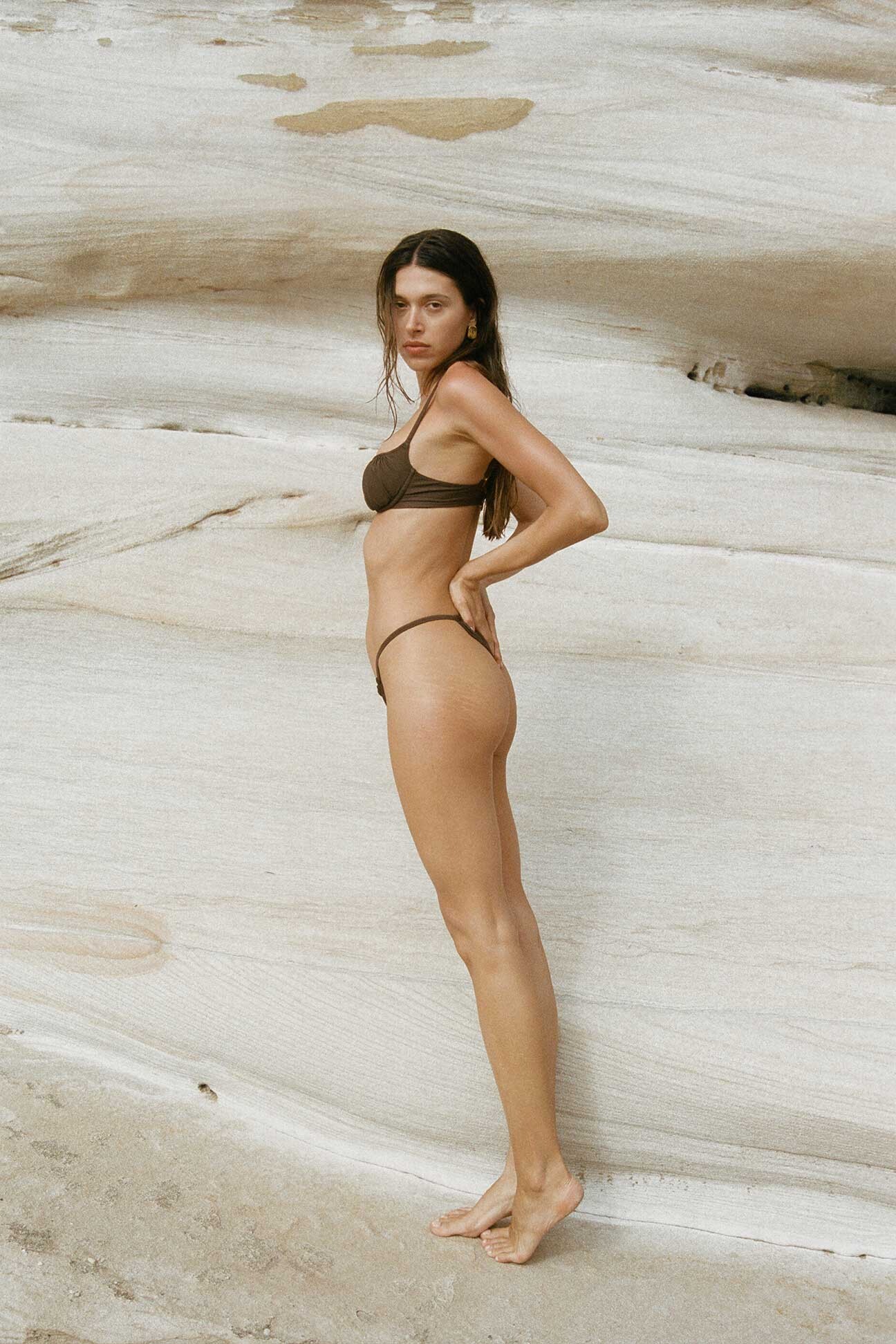
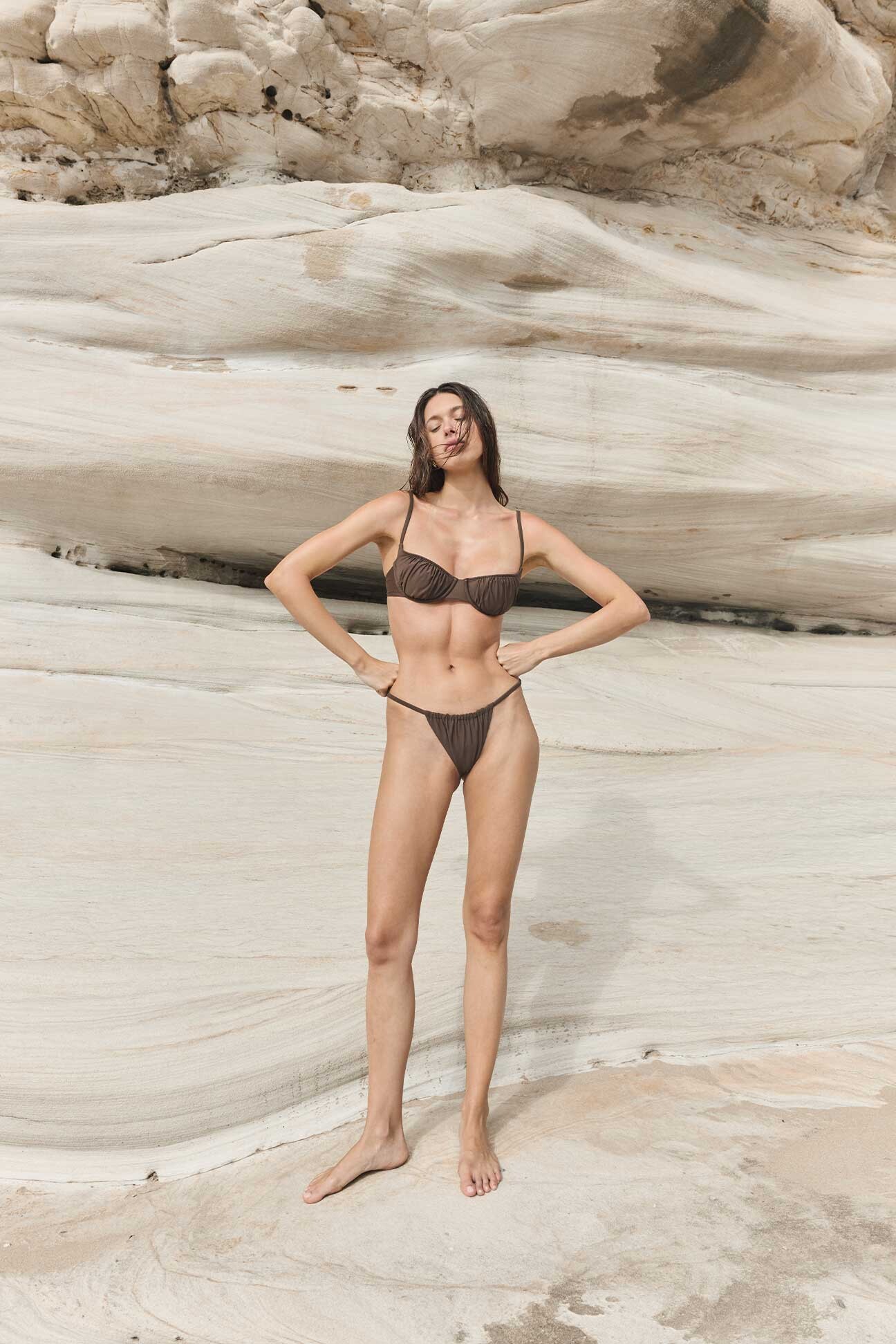
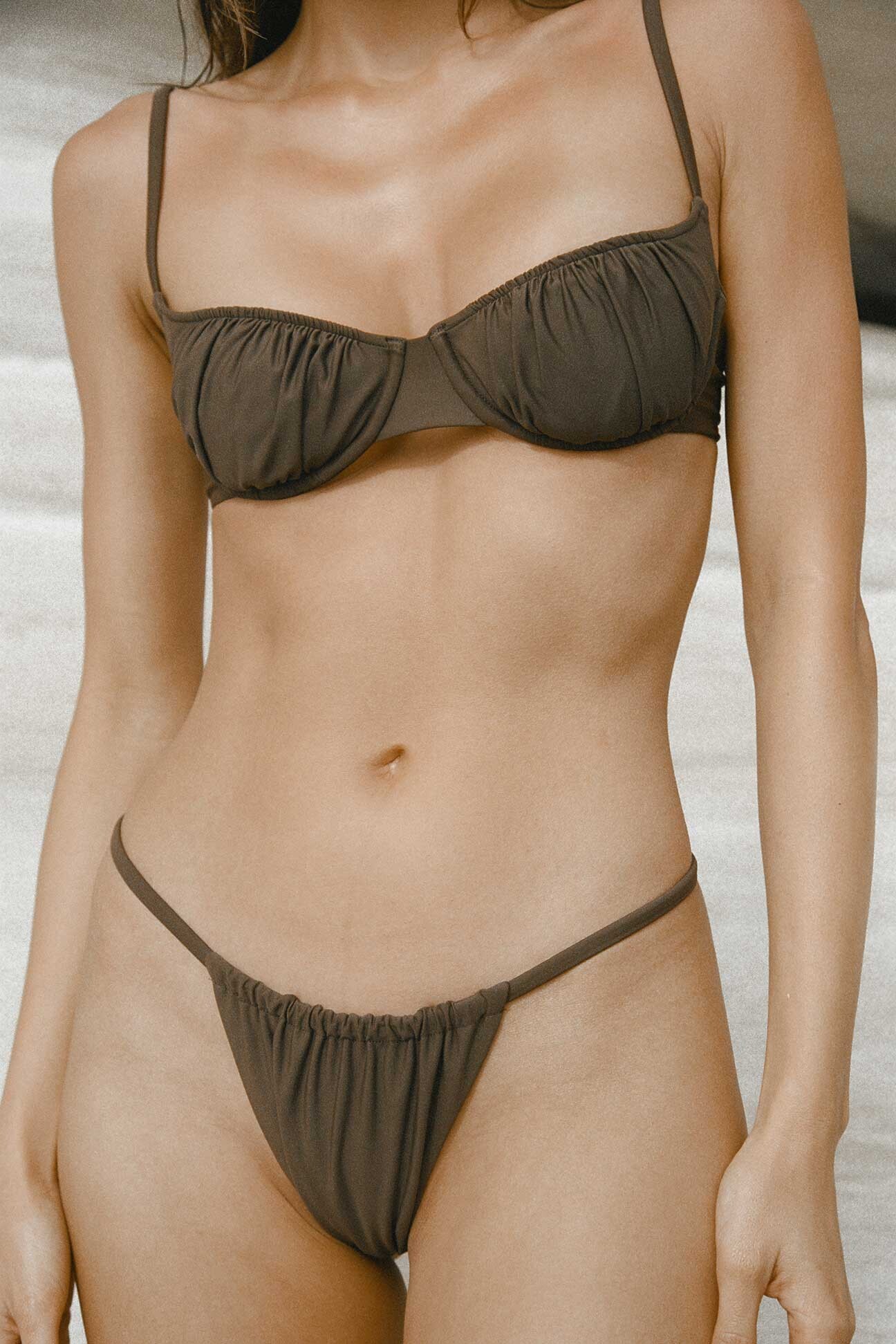
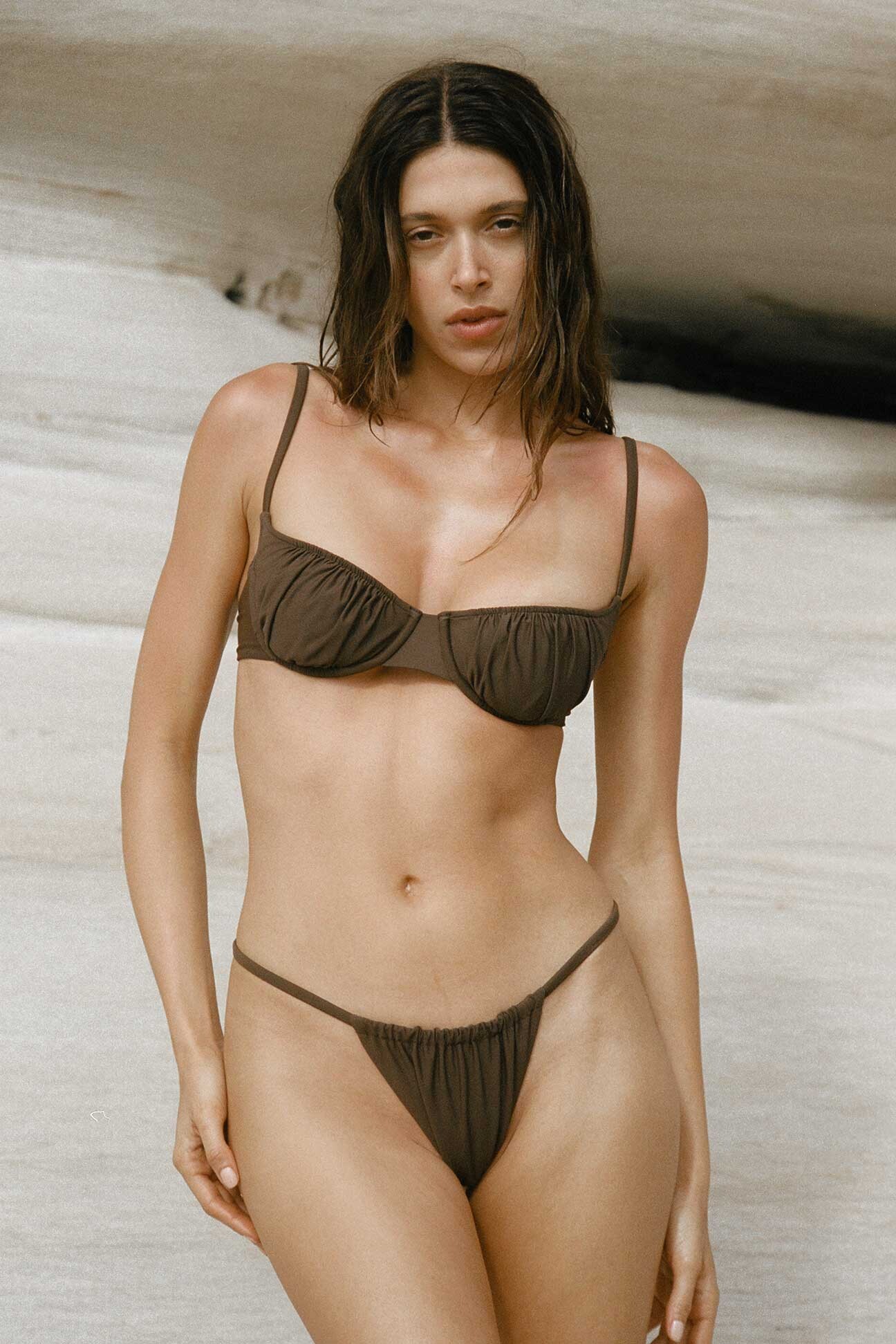
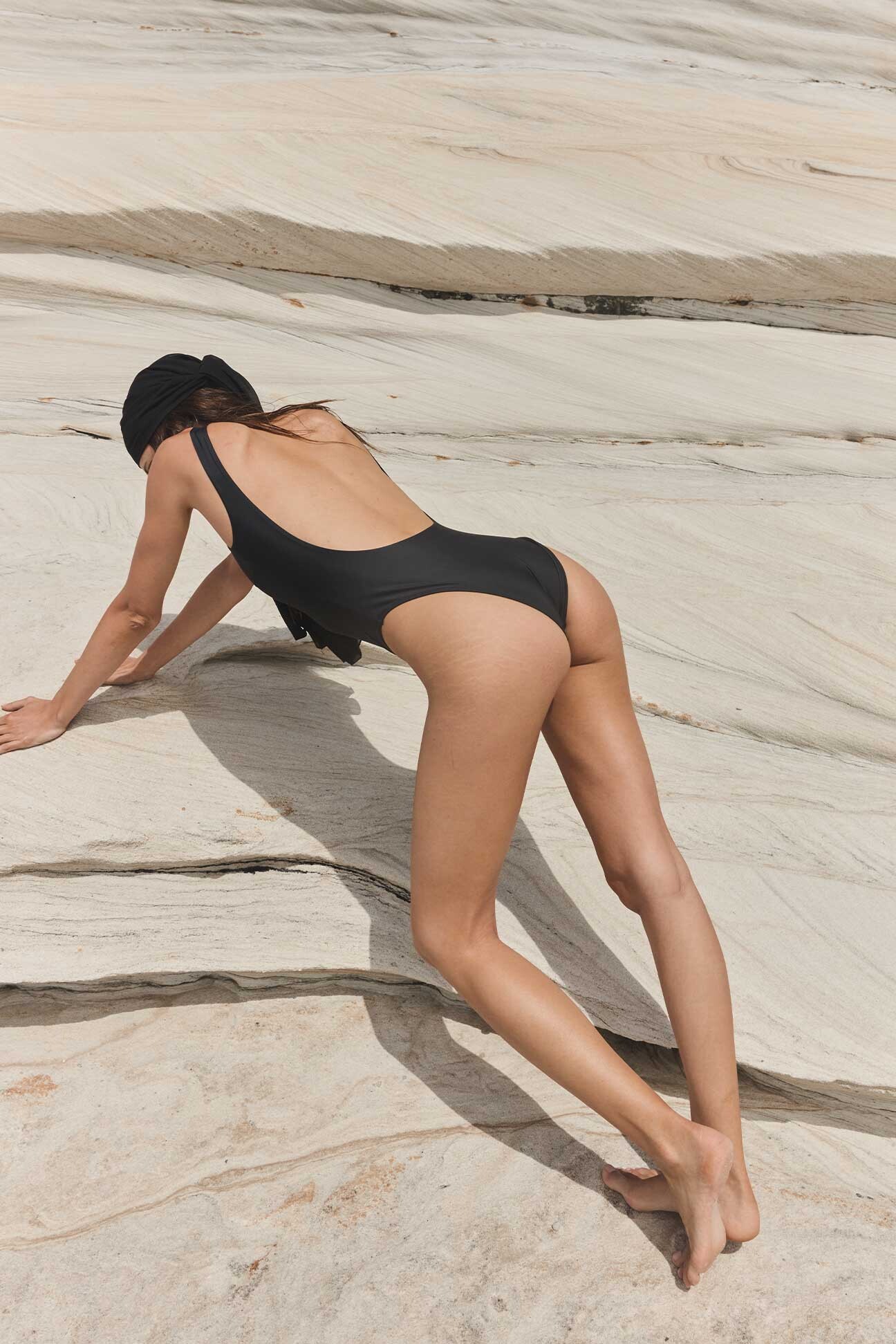
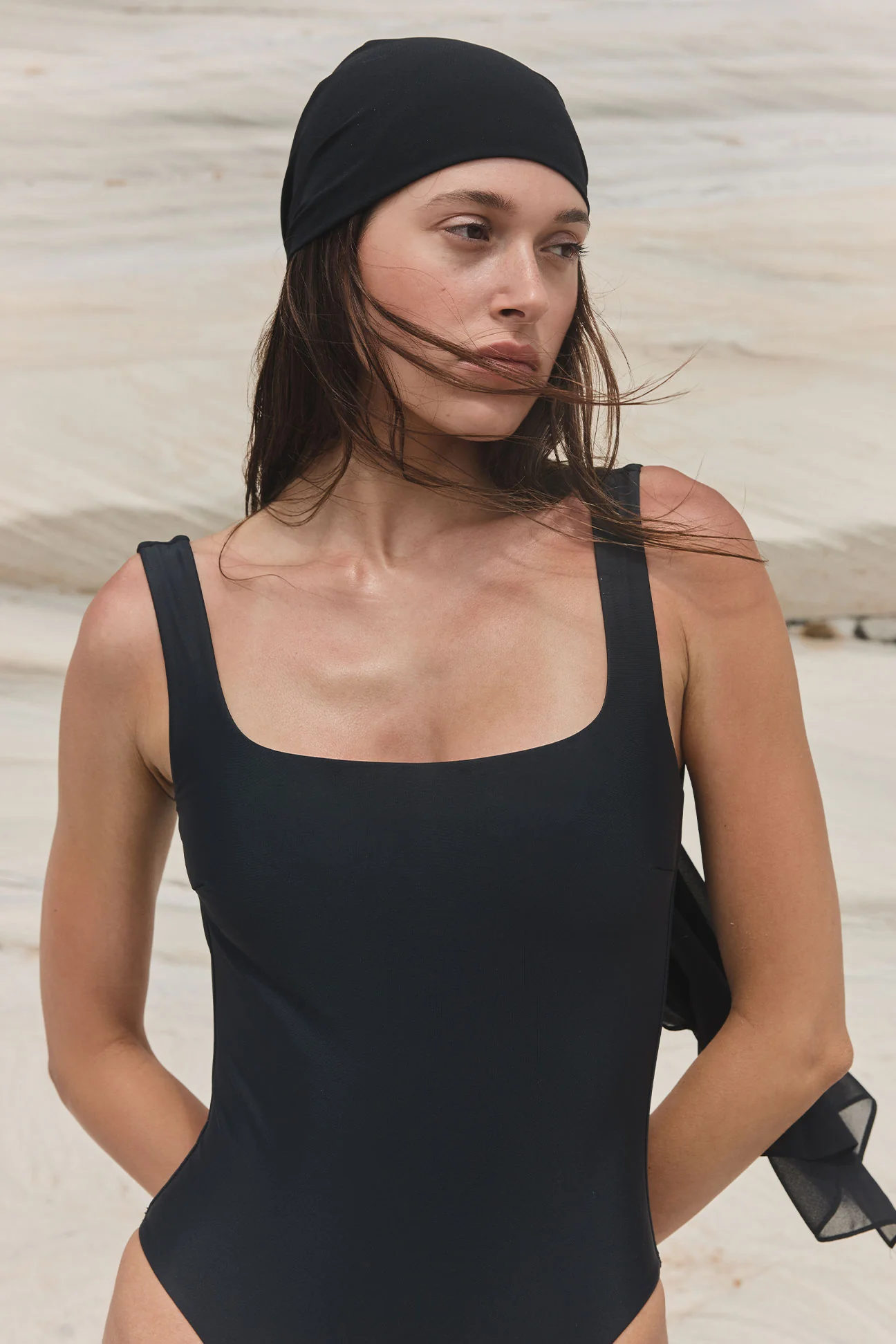
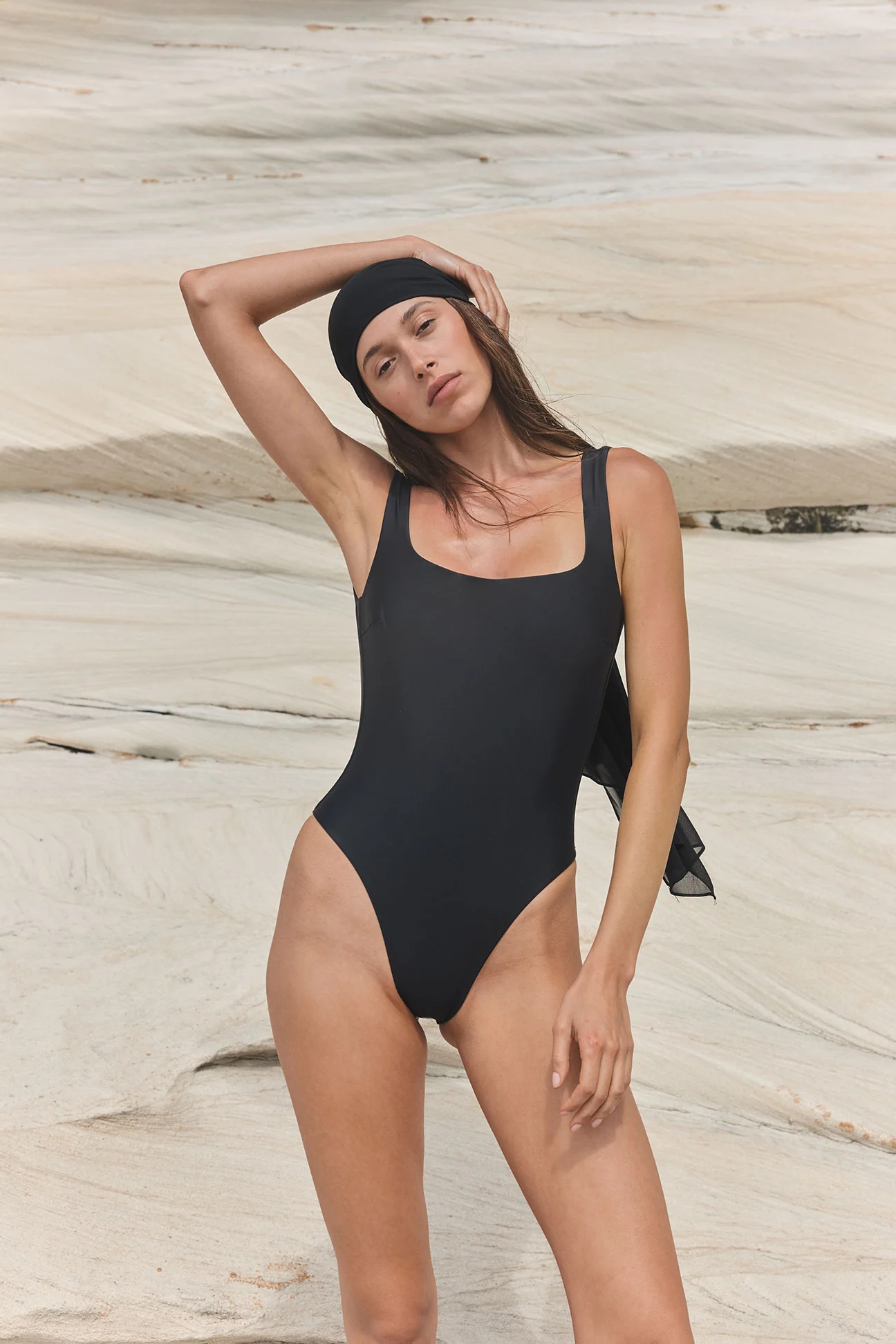
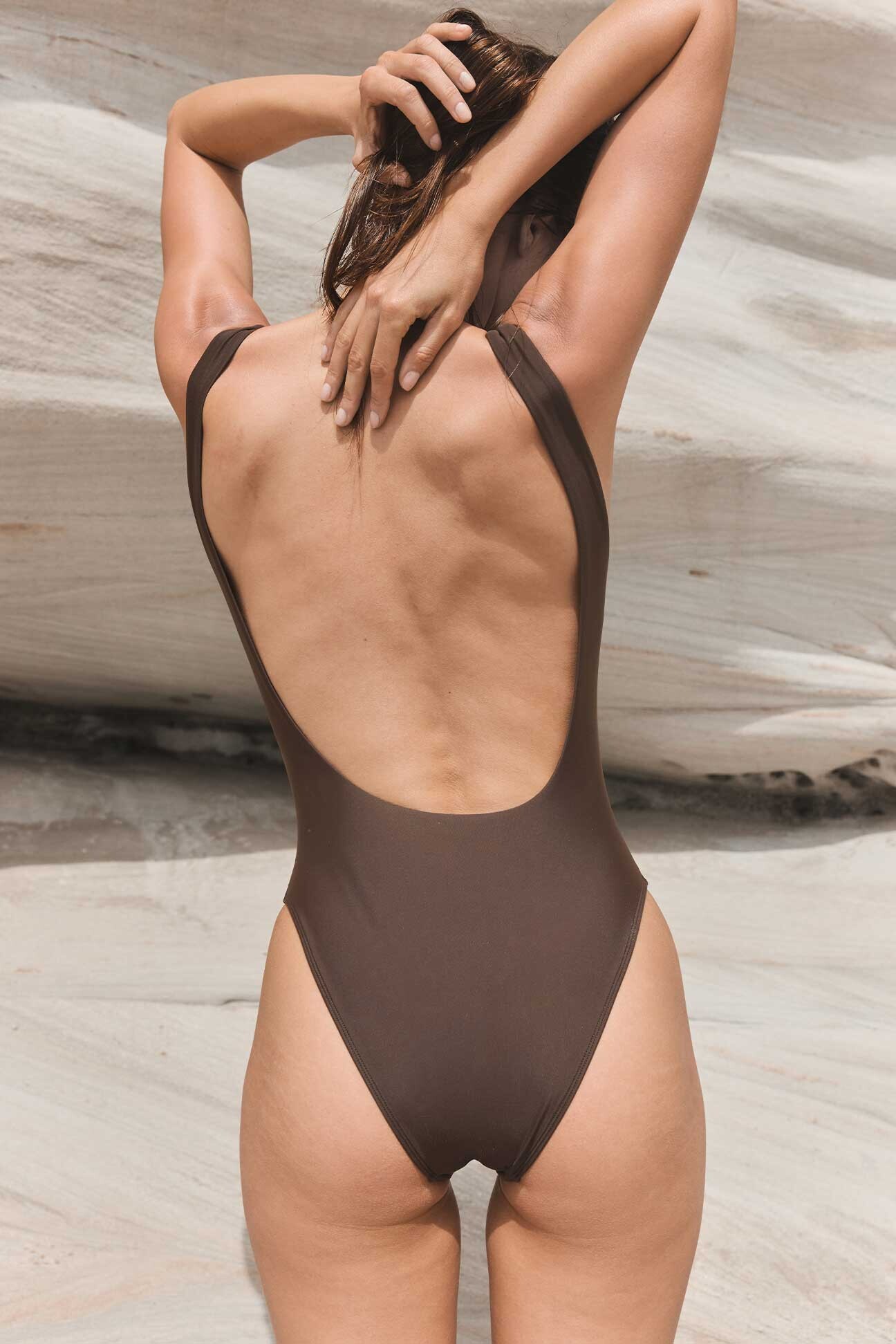
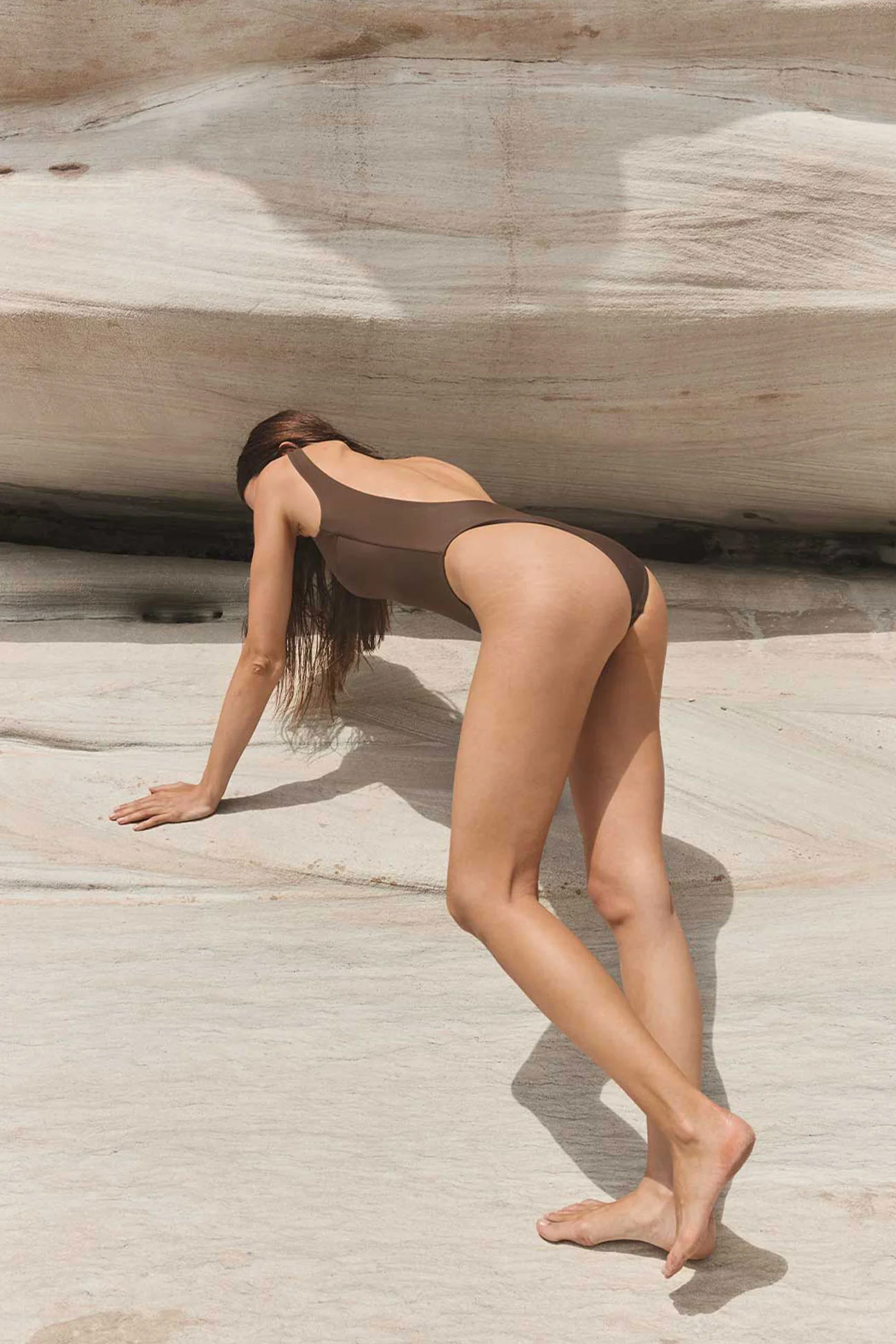
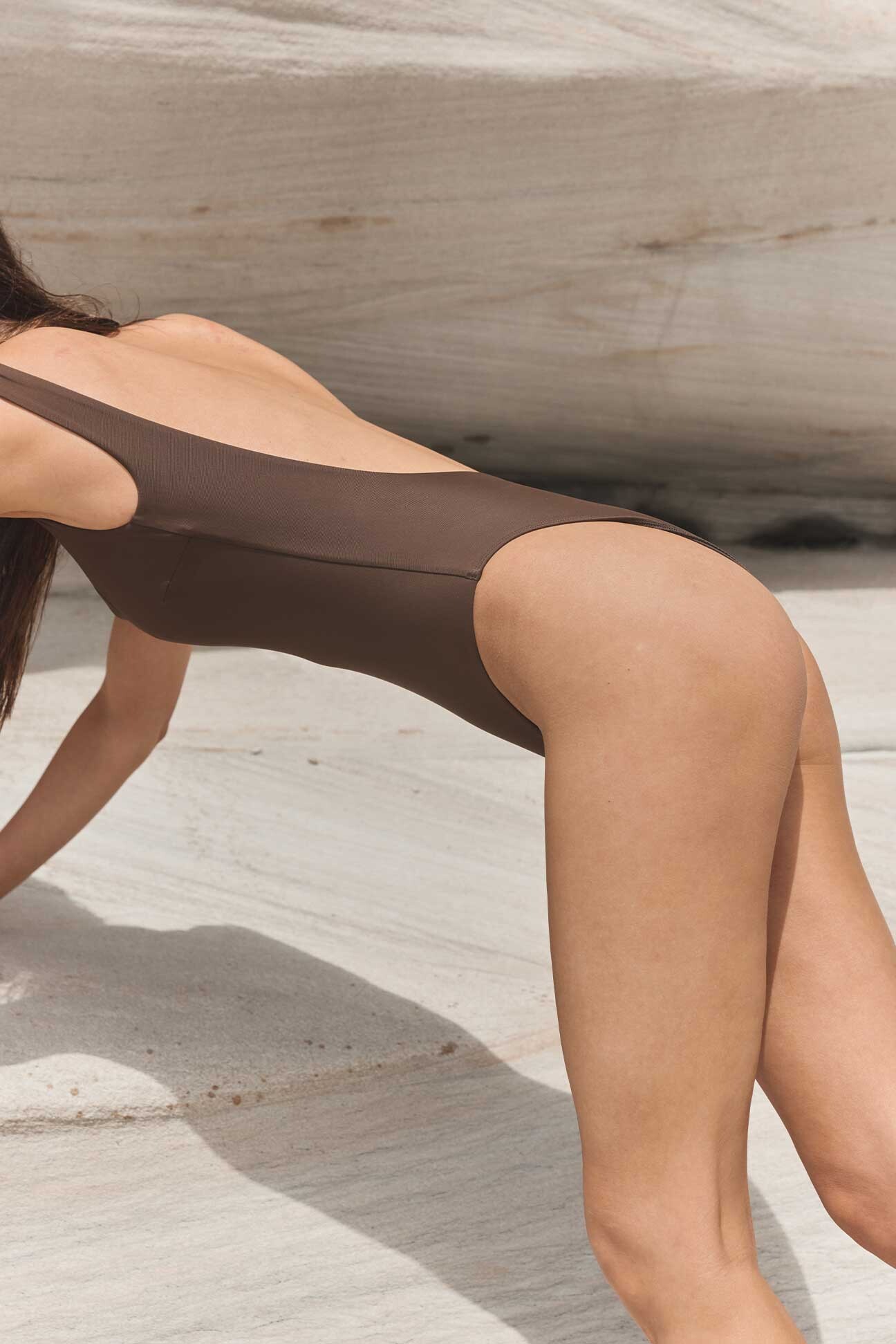
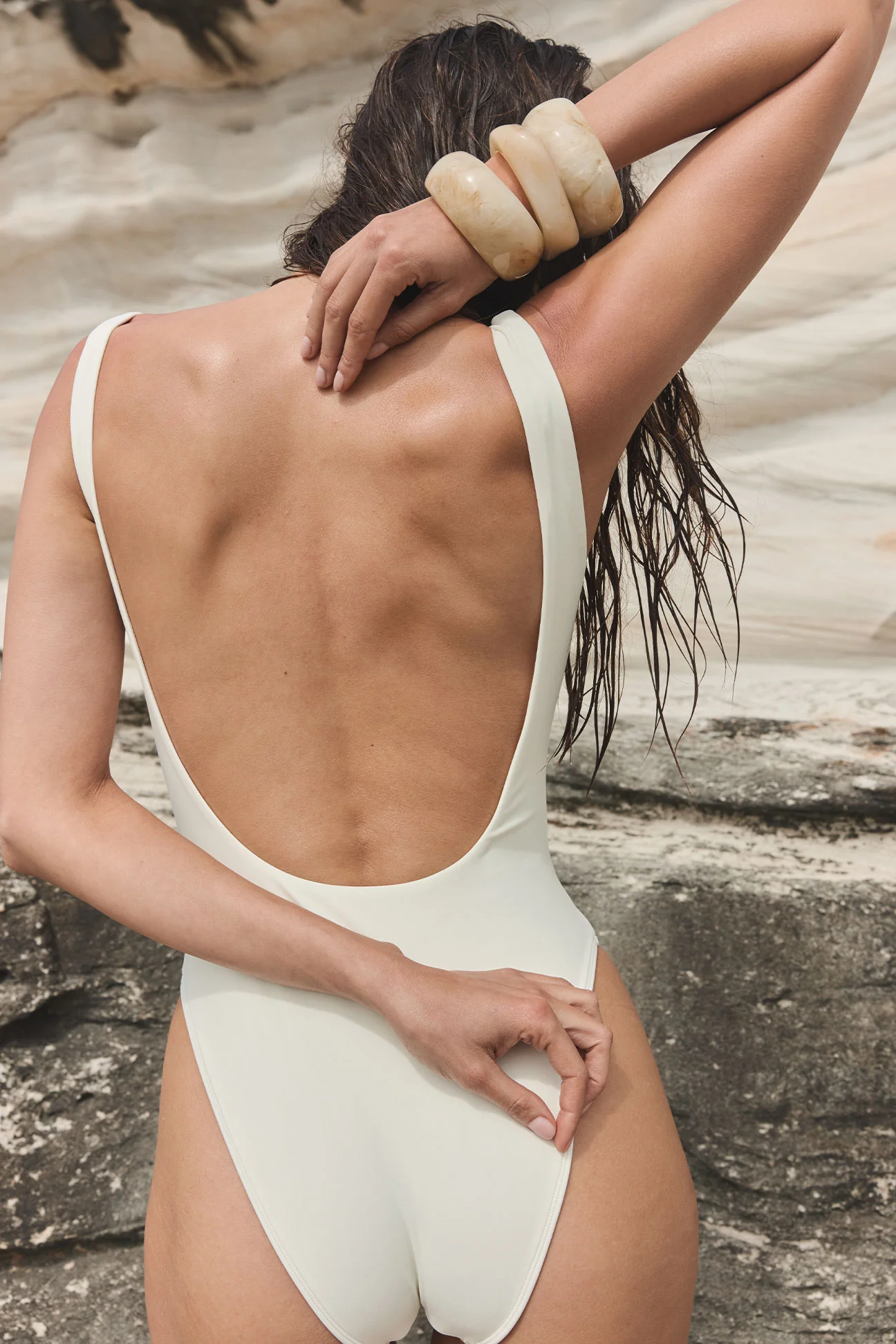
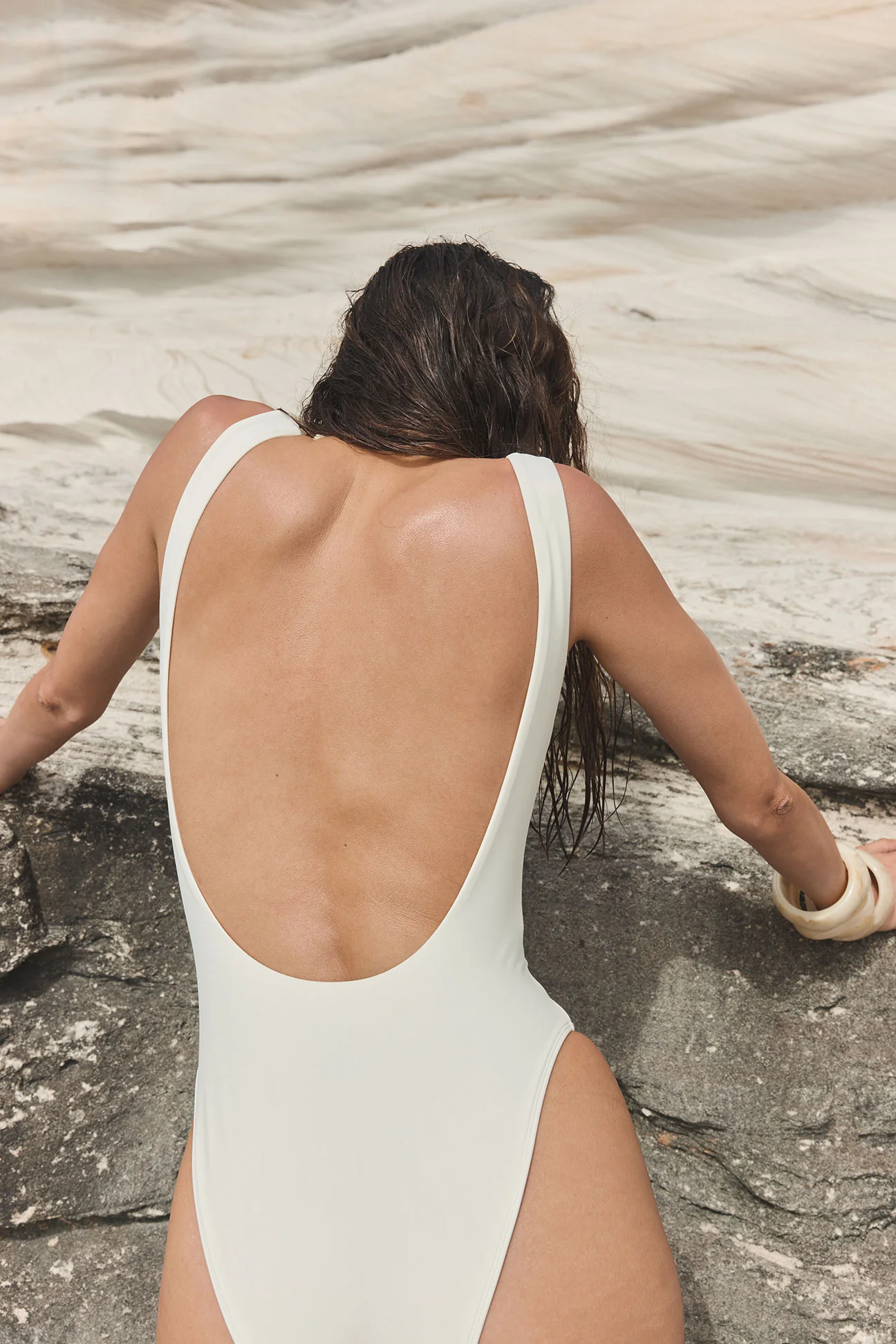
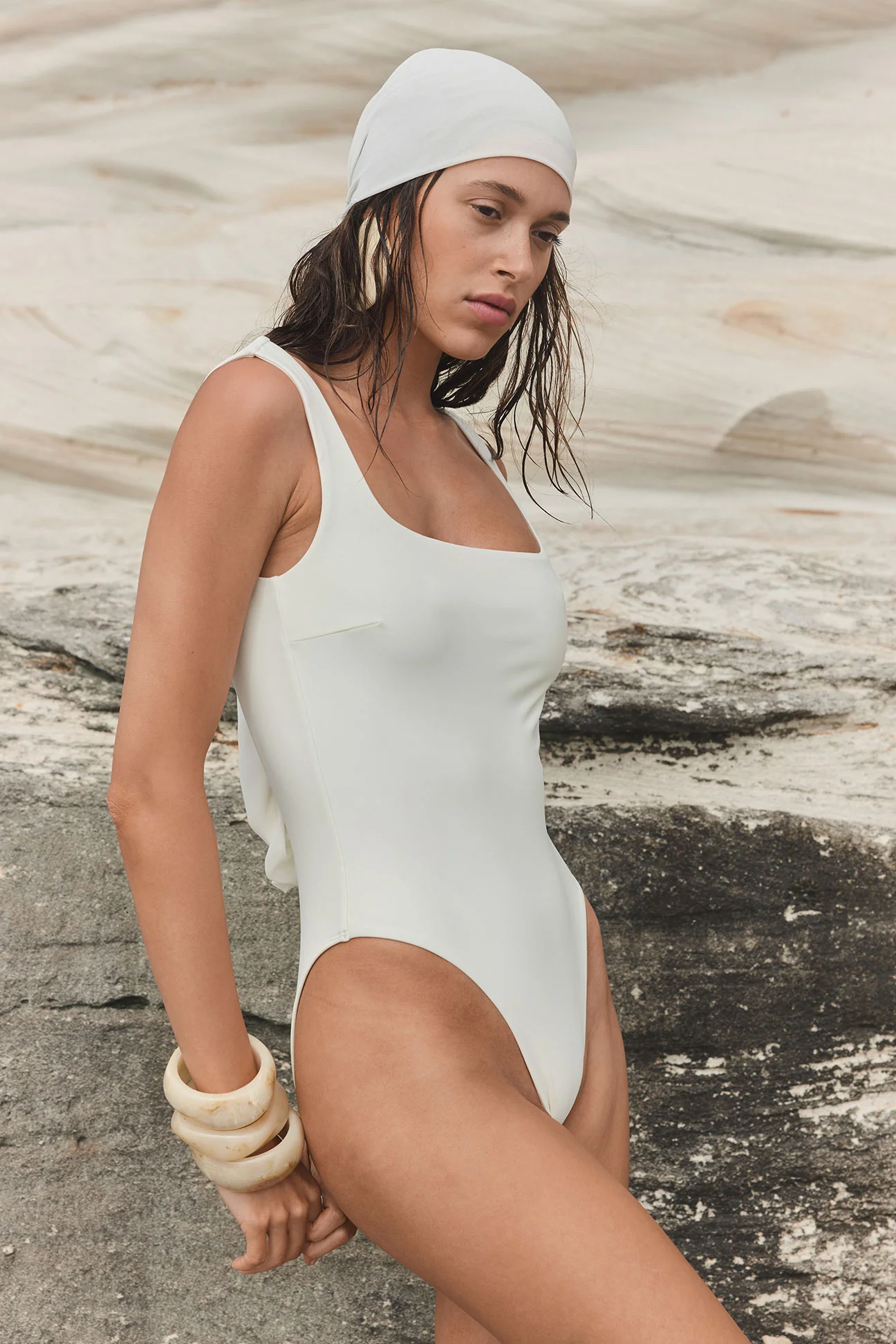
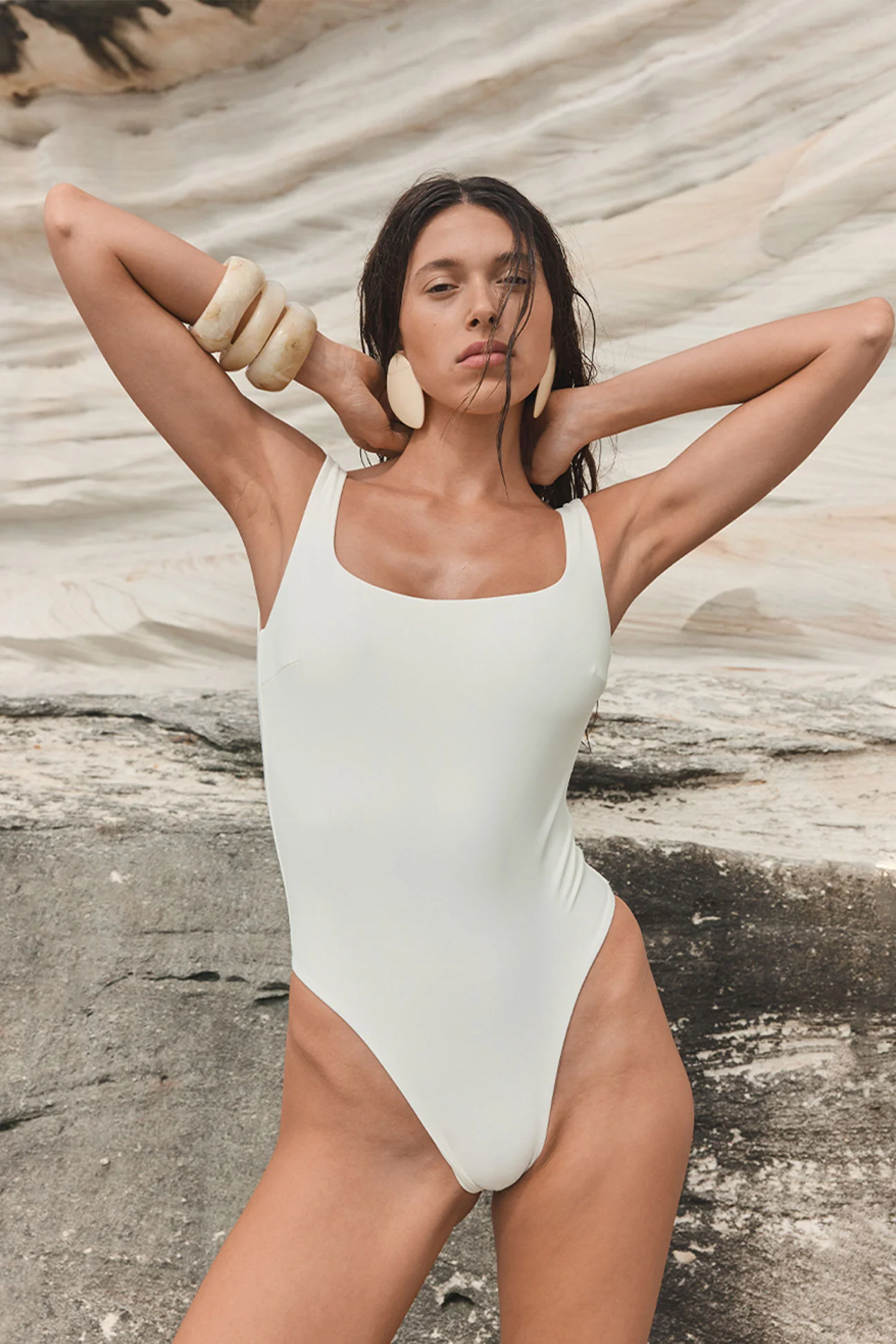
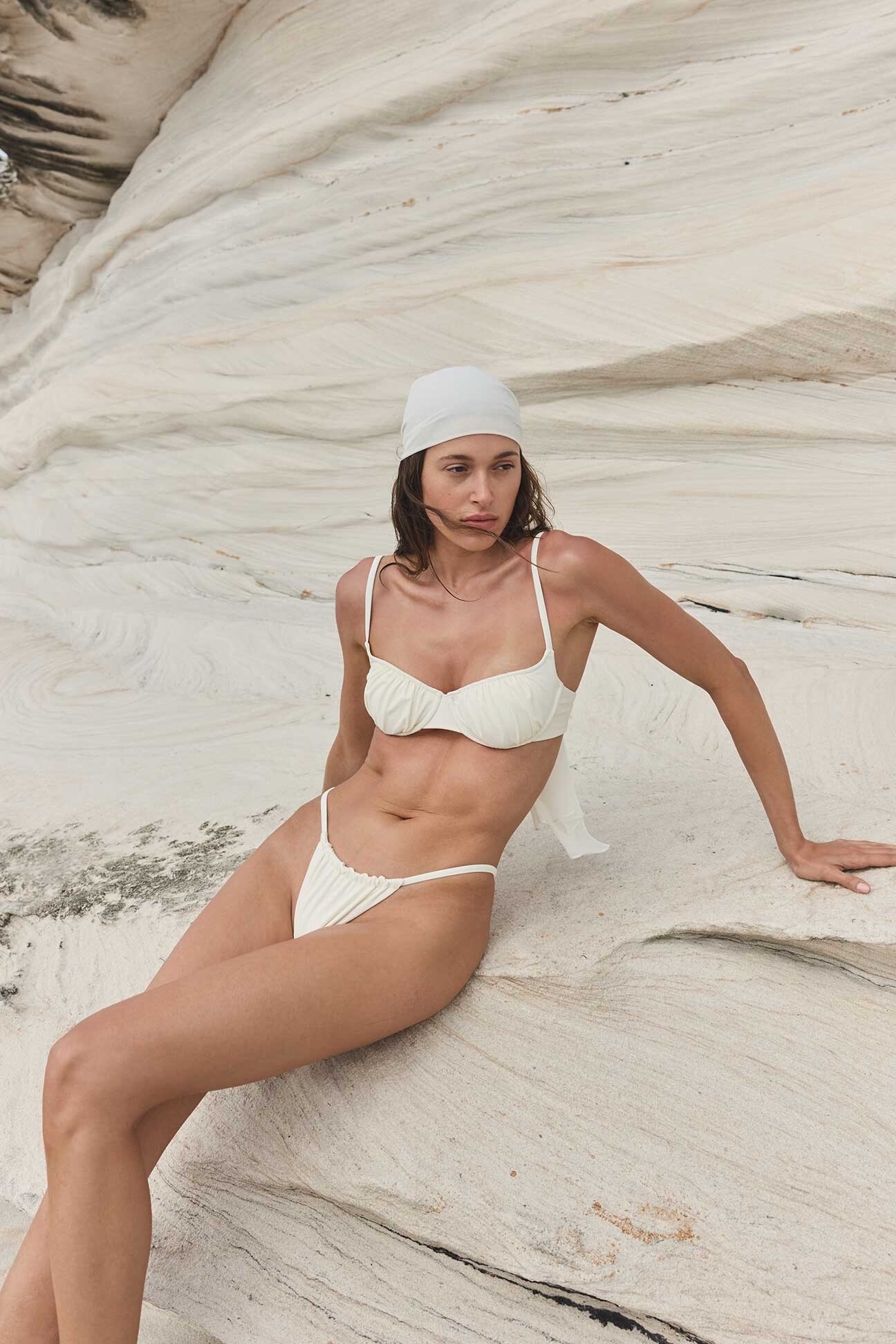
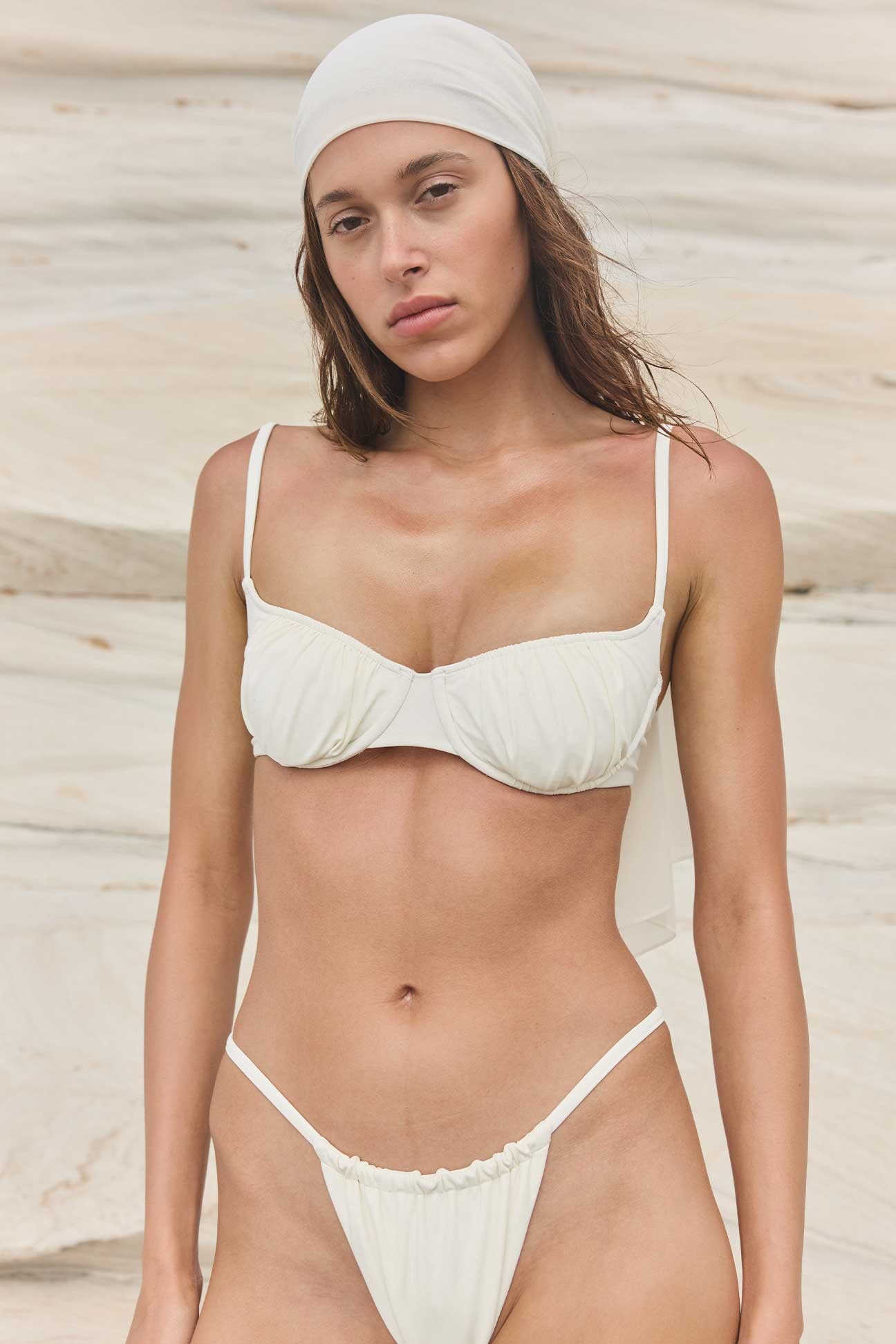
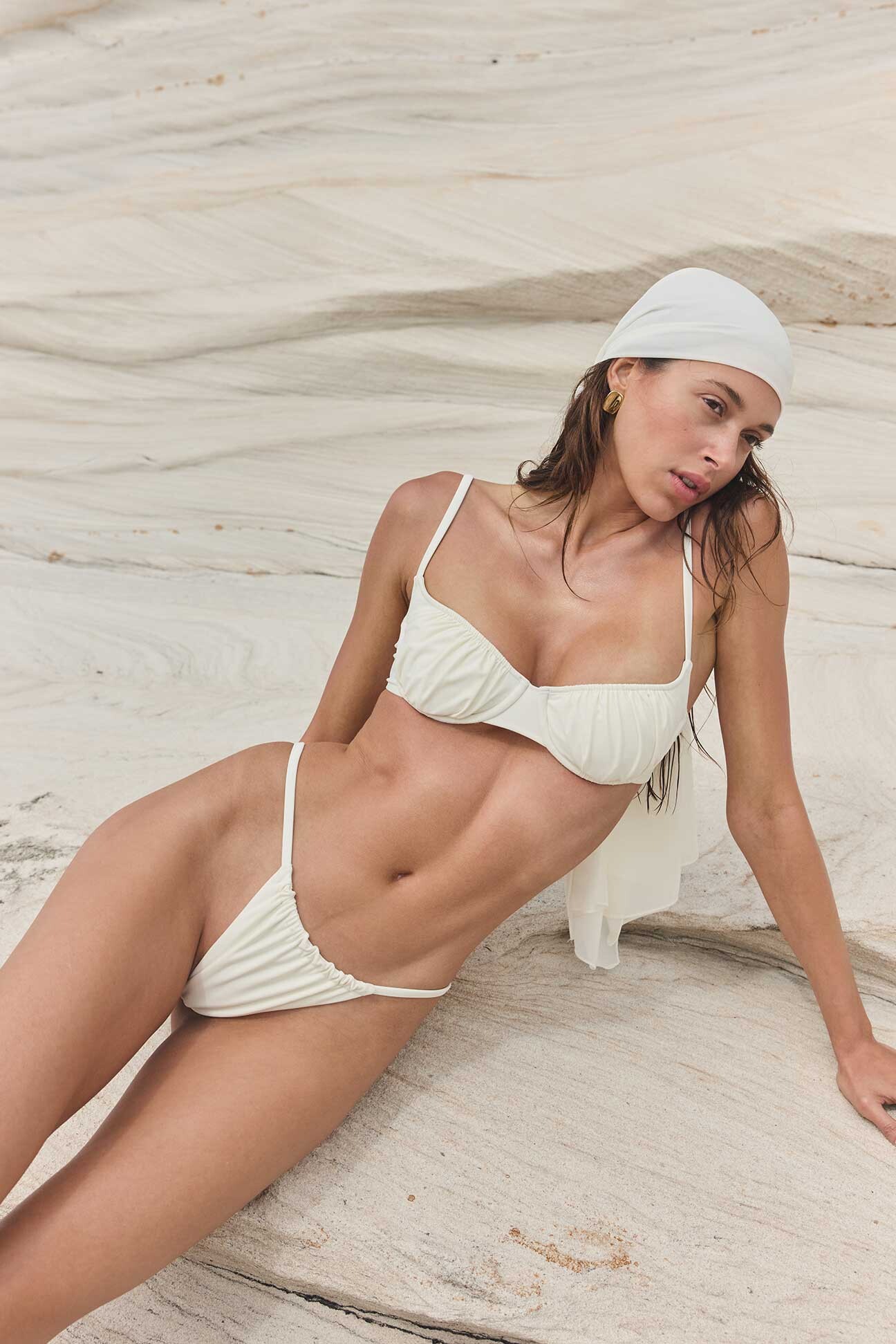
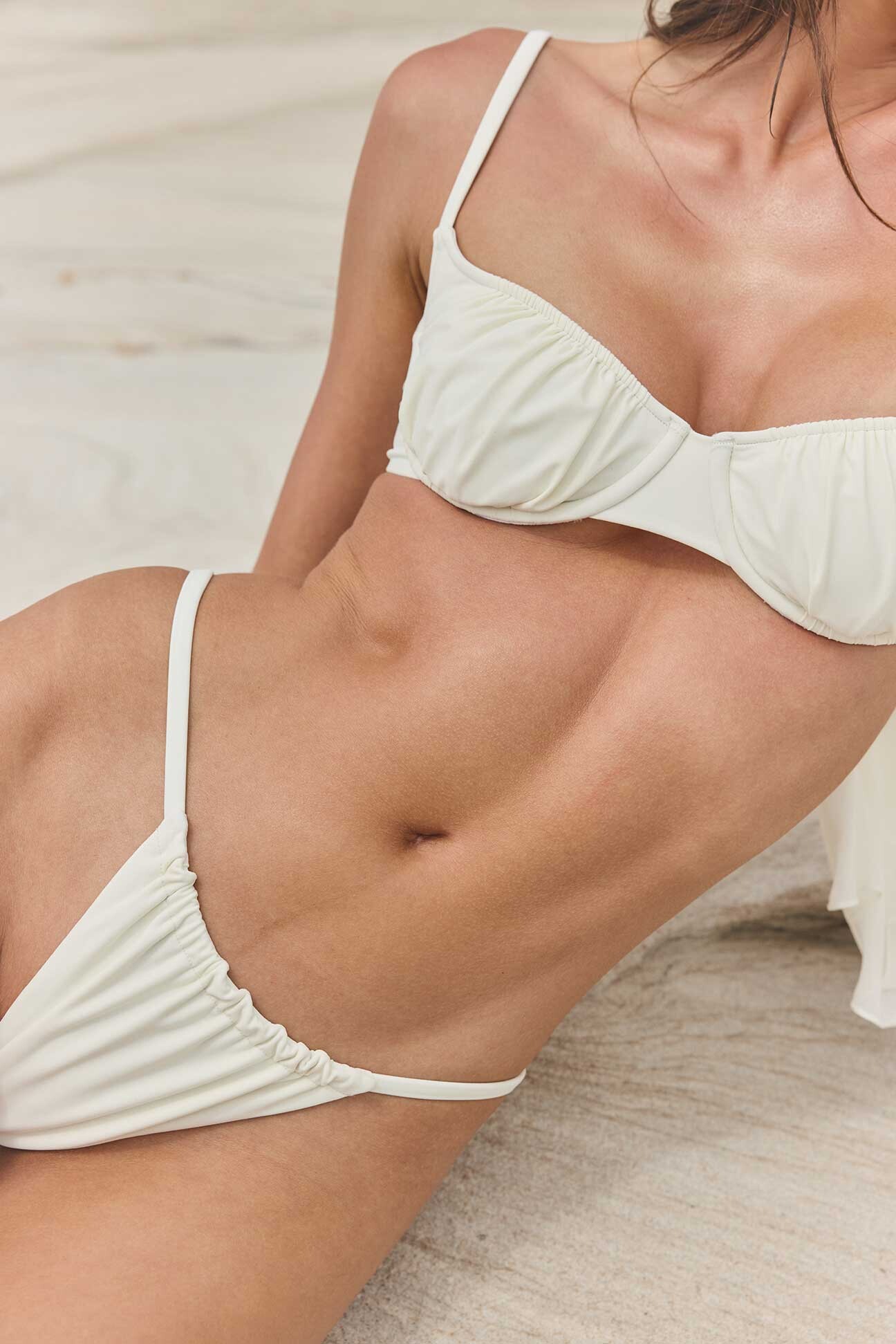
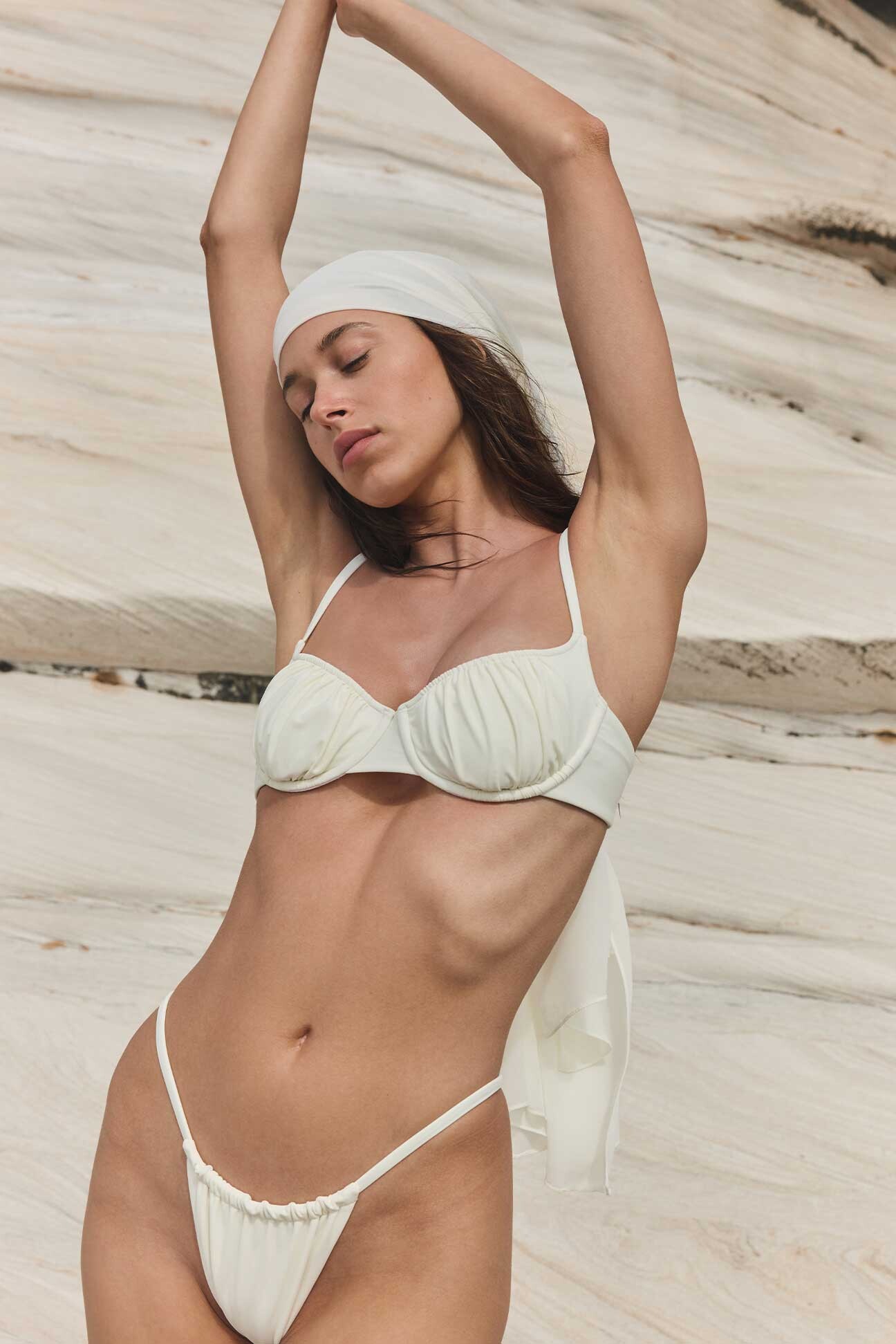
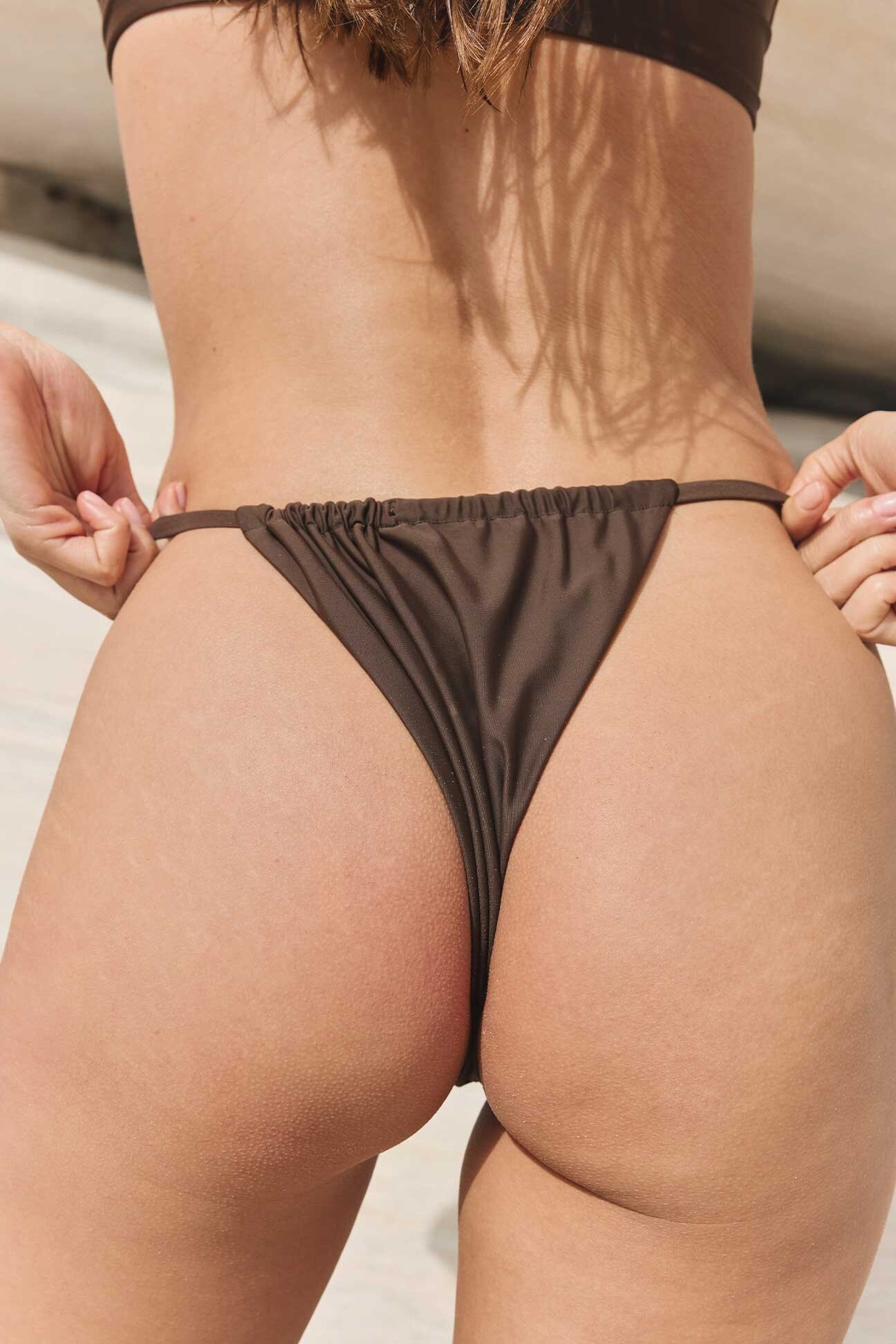
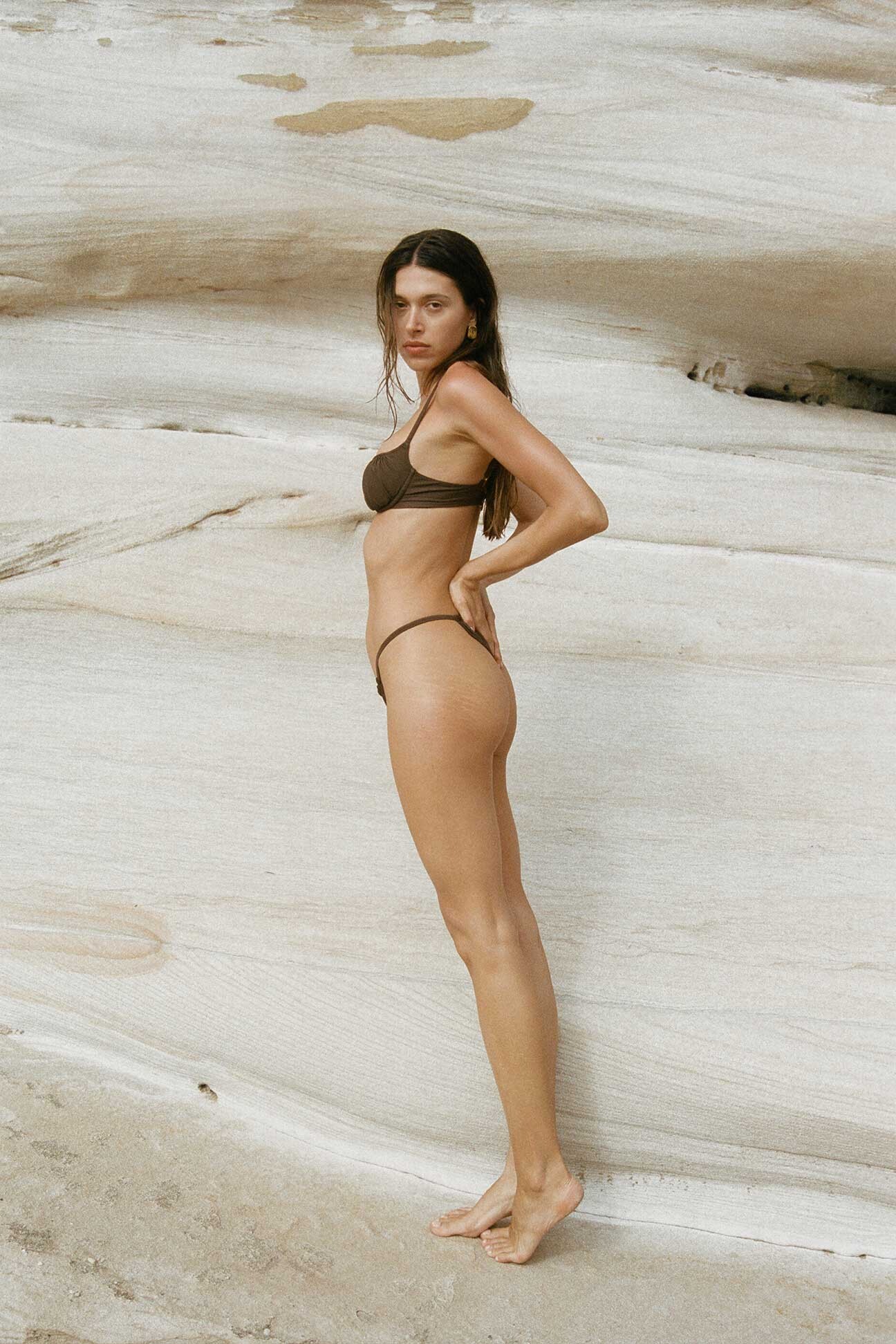
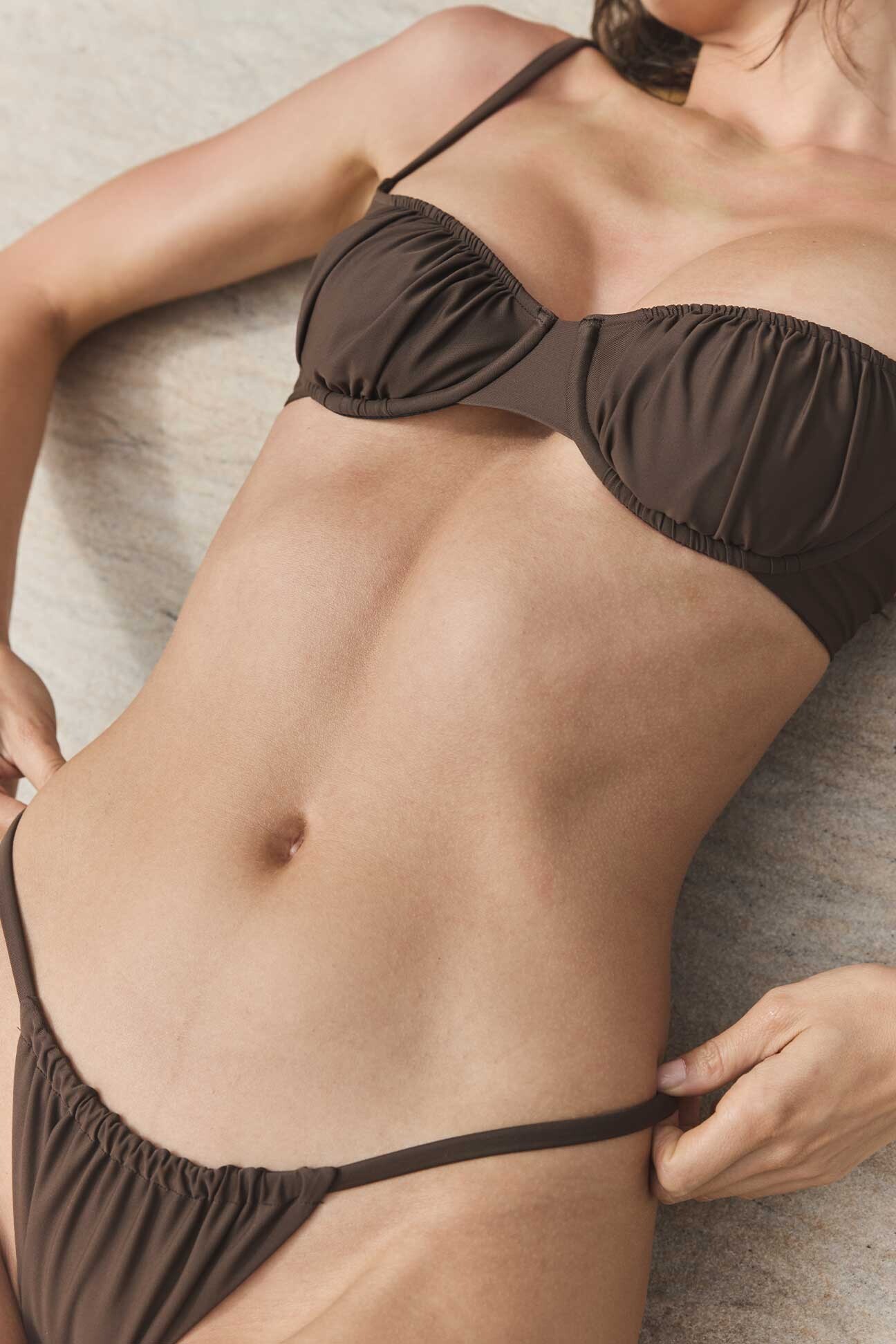
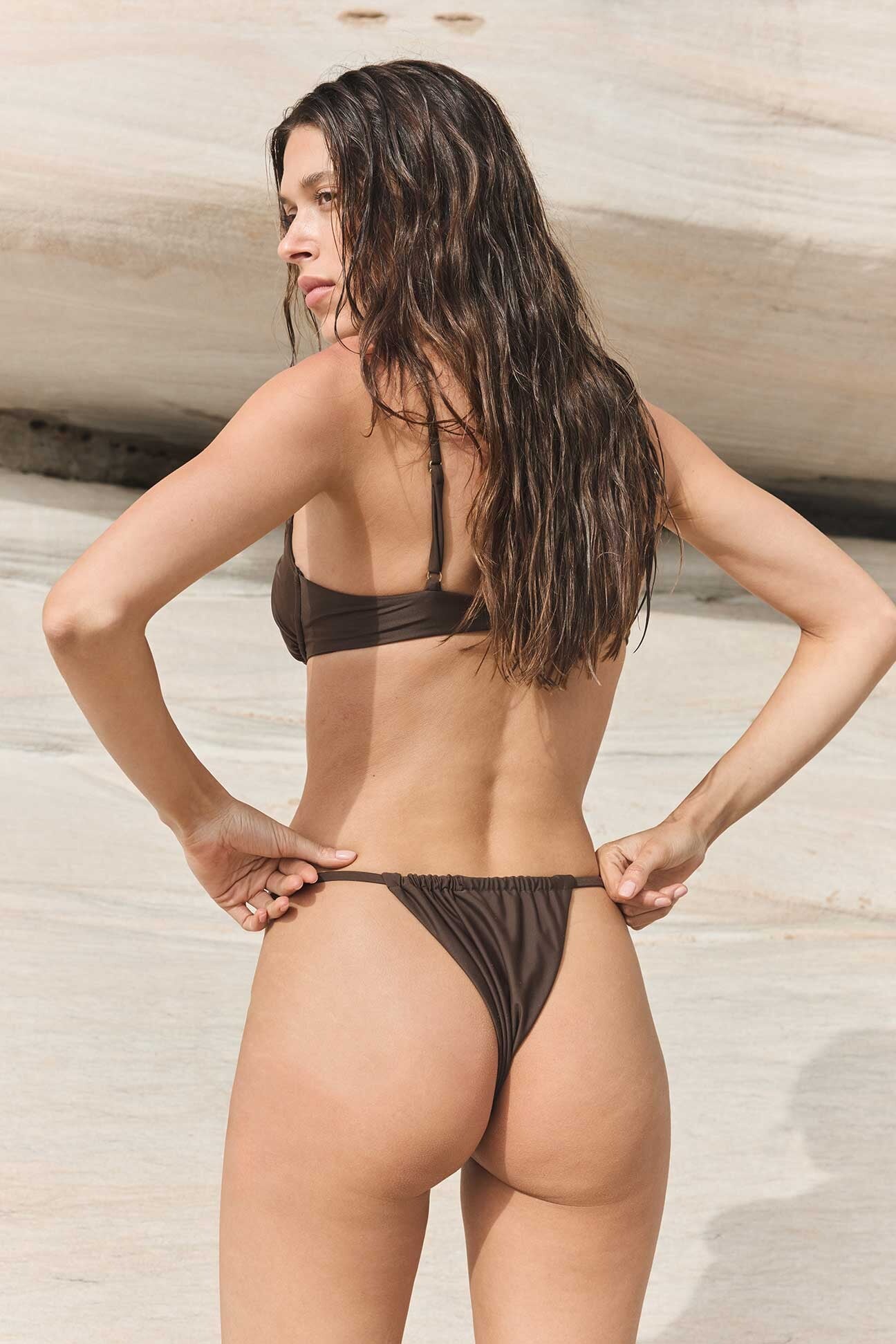
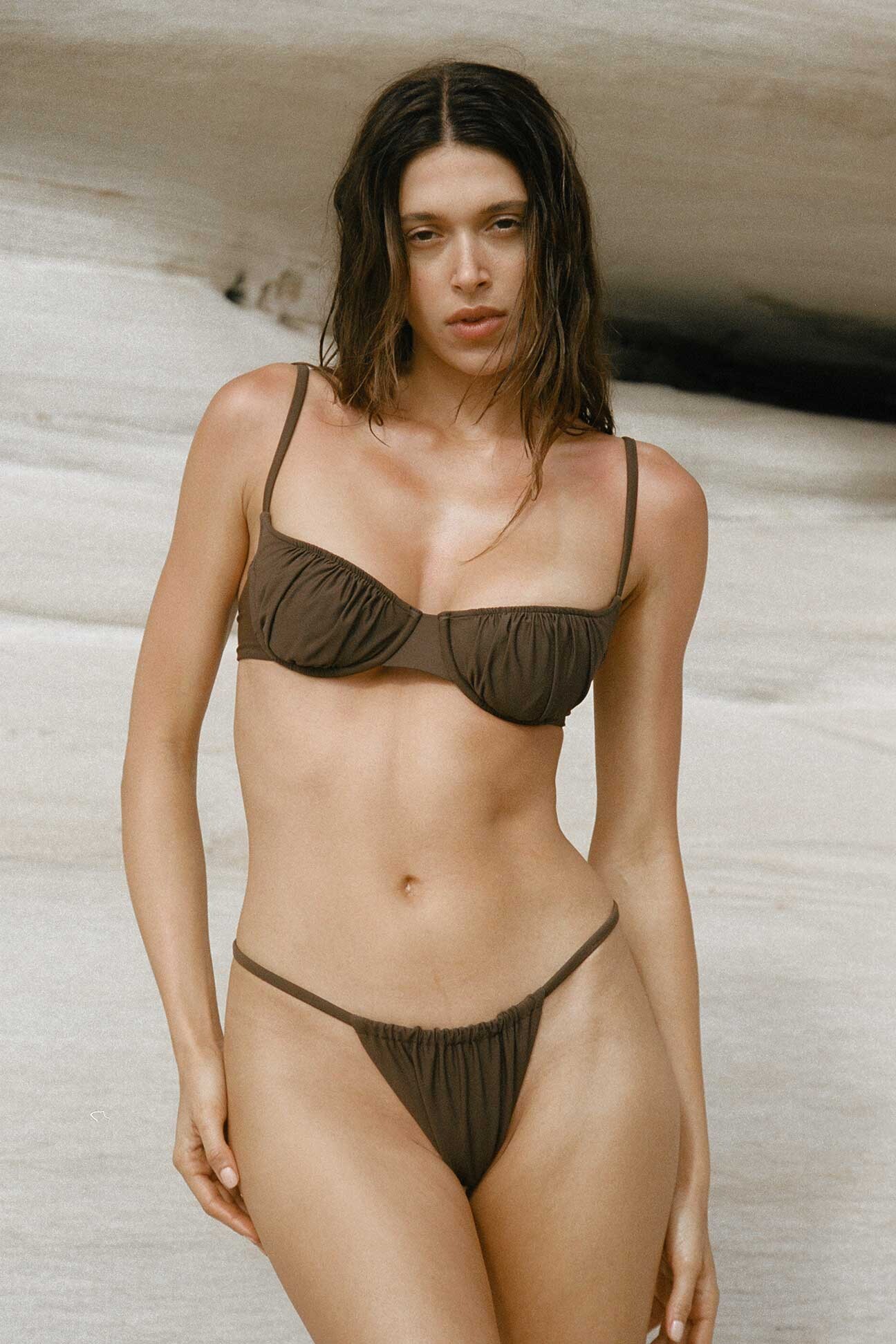
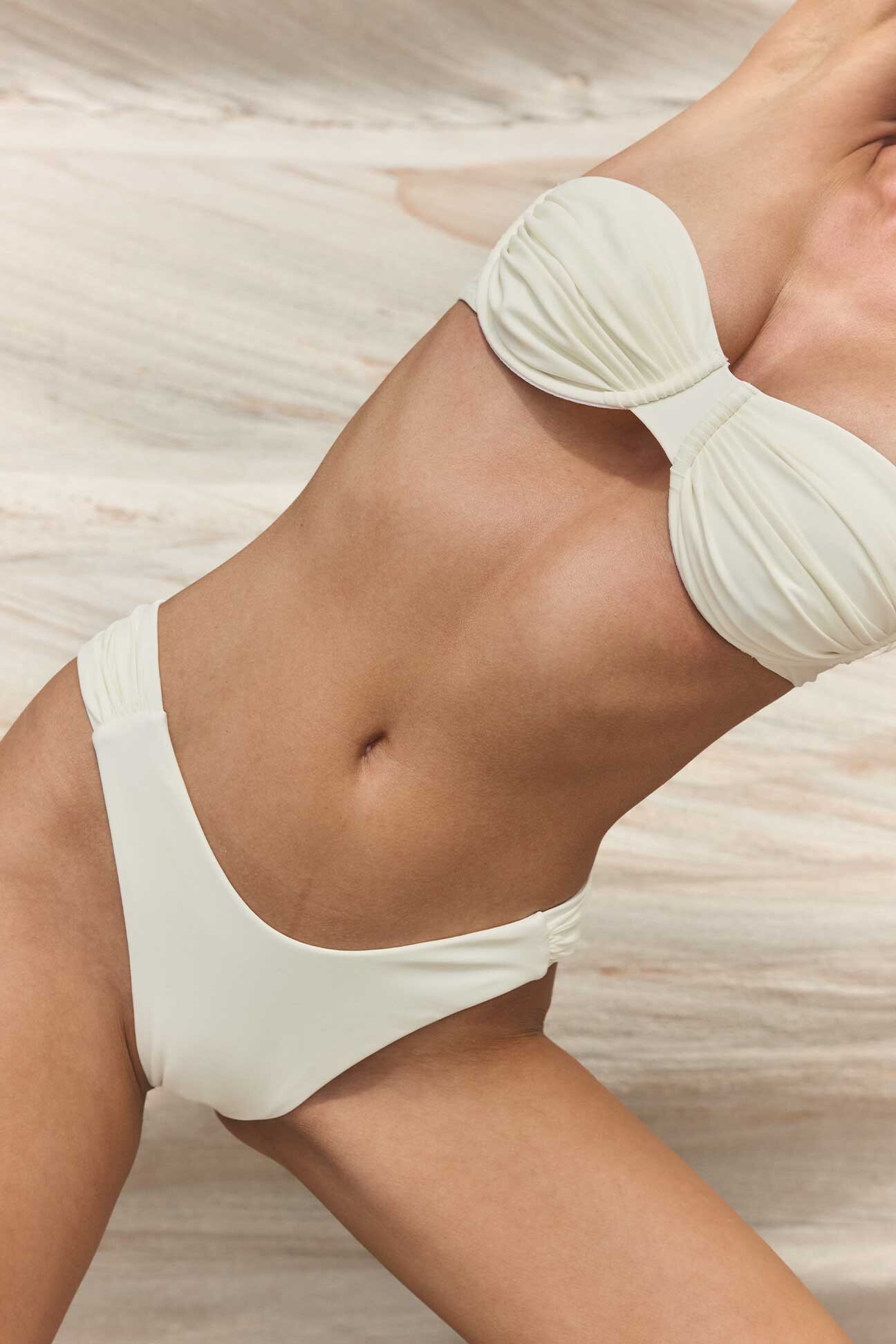
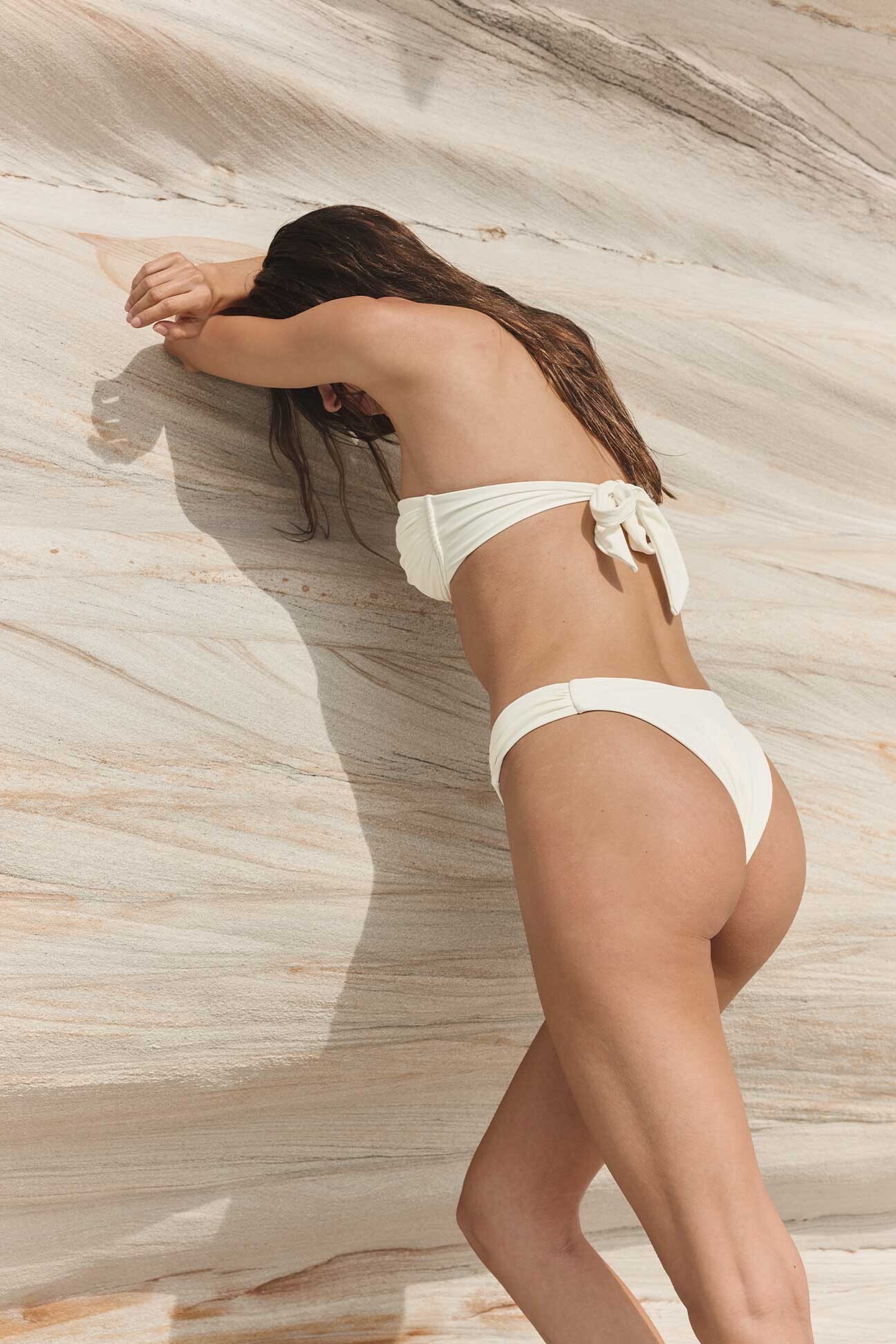
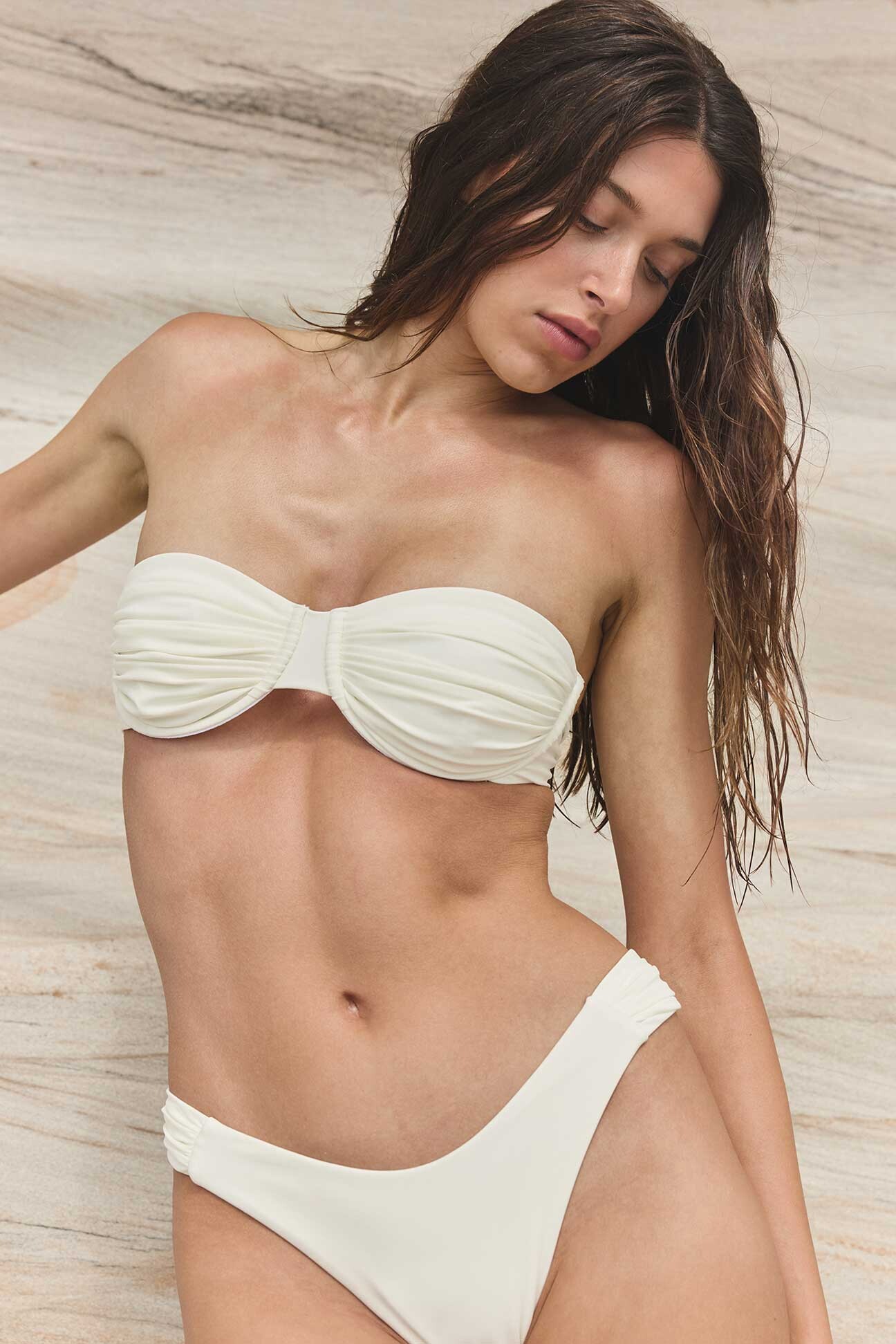
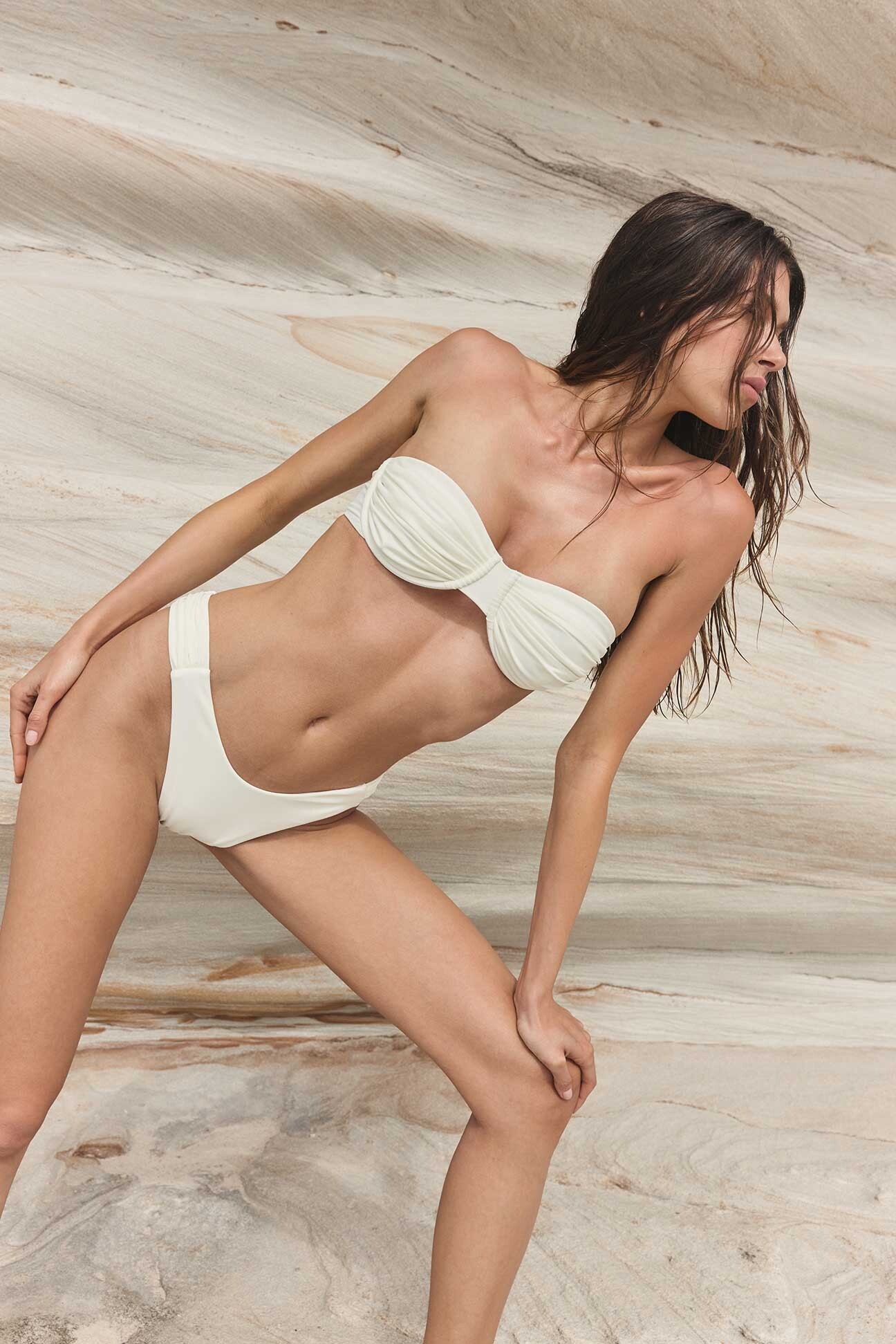
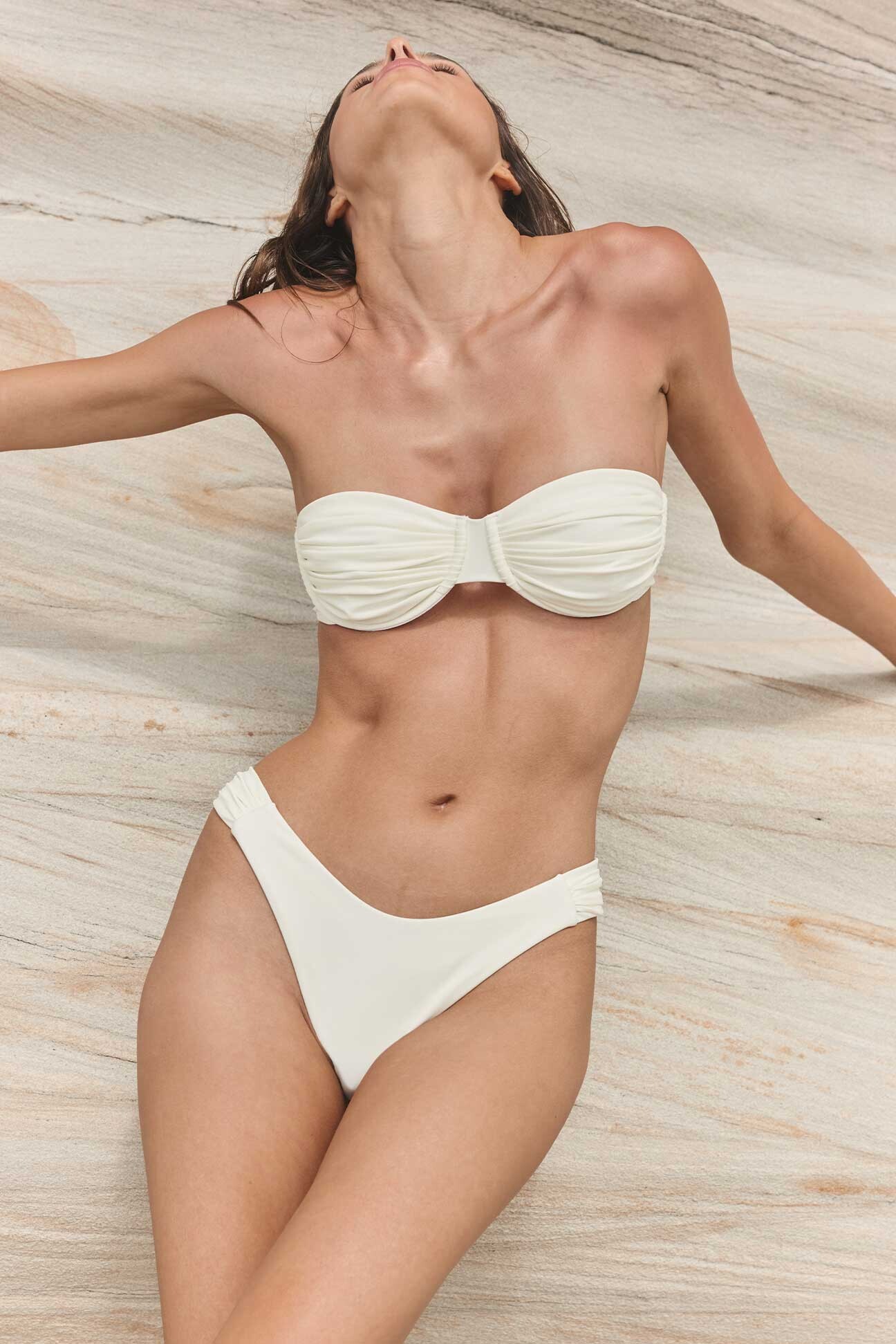
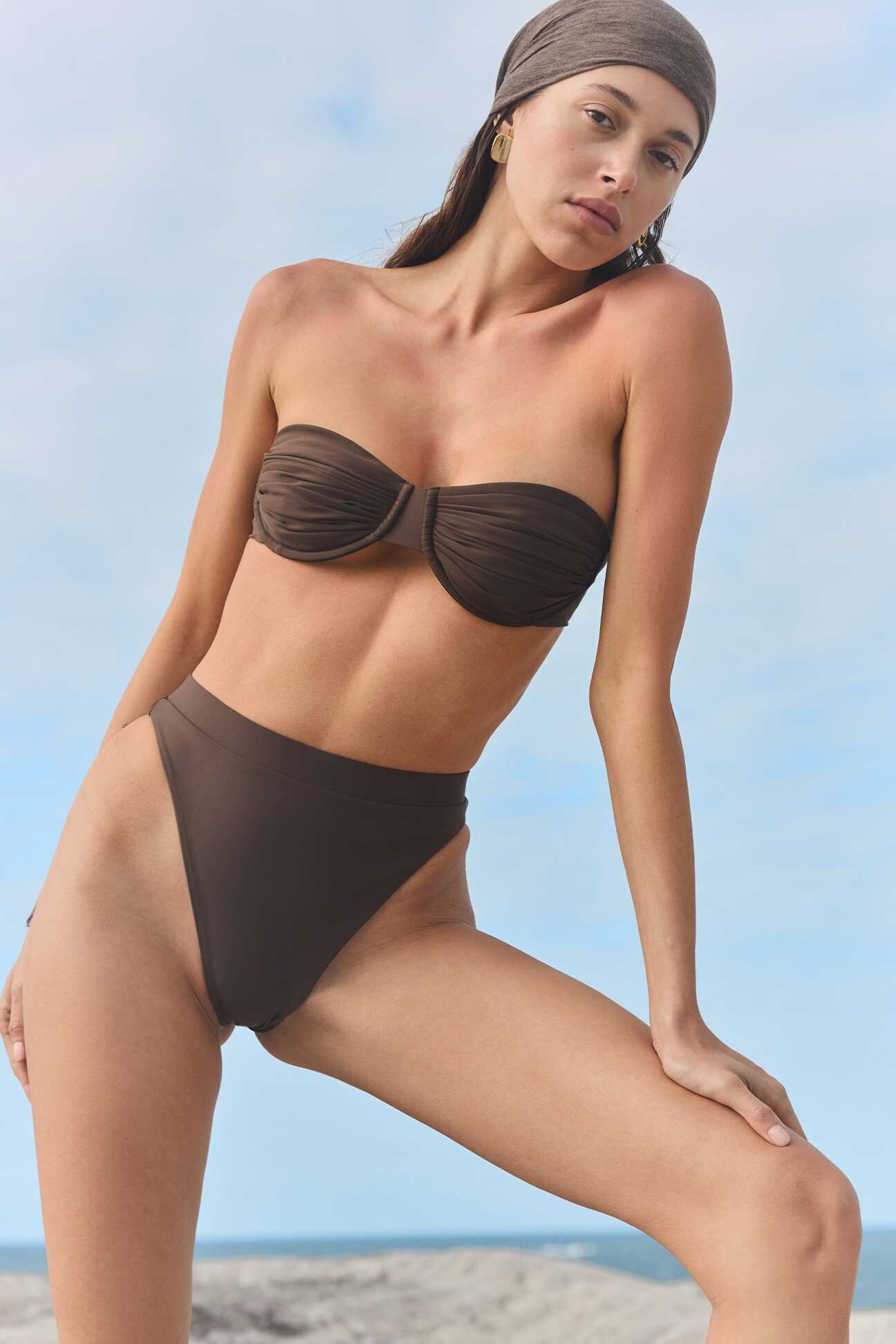
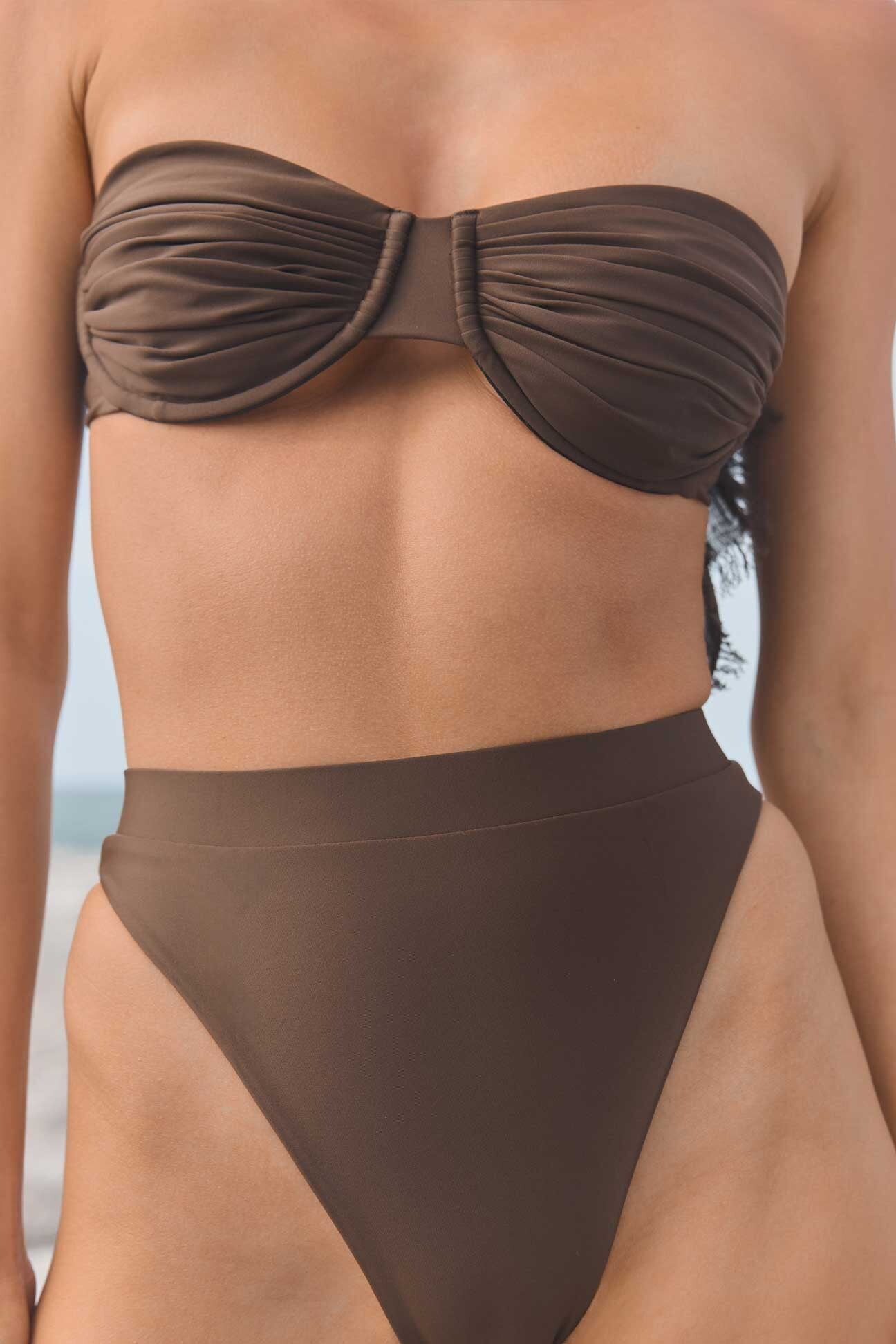
Sylk Swim (extended)
Beautiful
Sylk Swim (extended)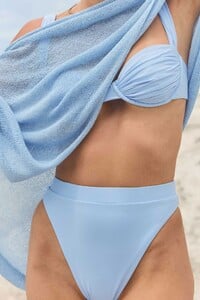
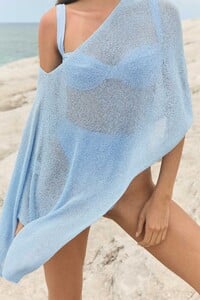
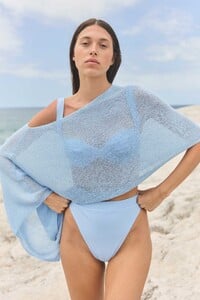


















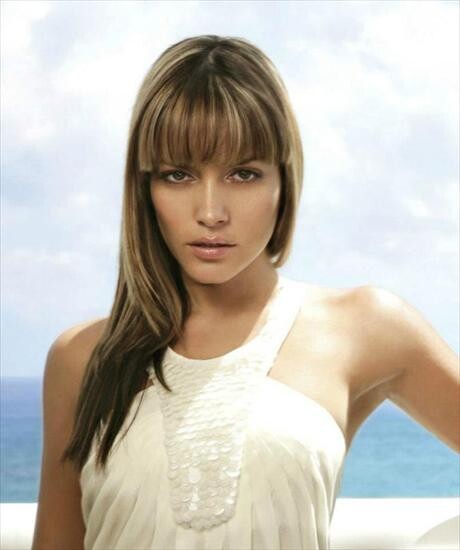
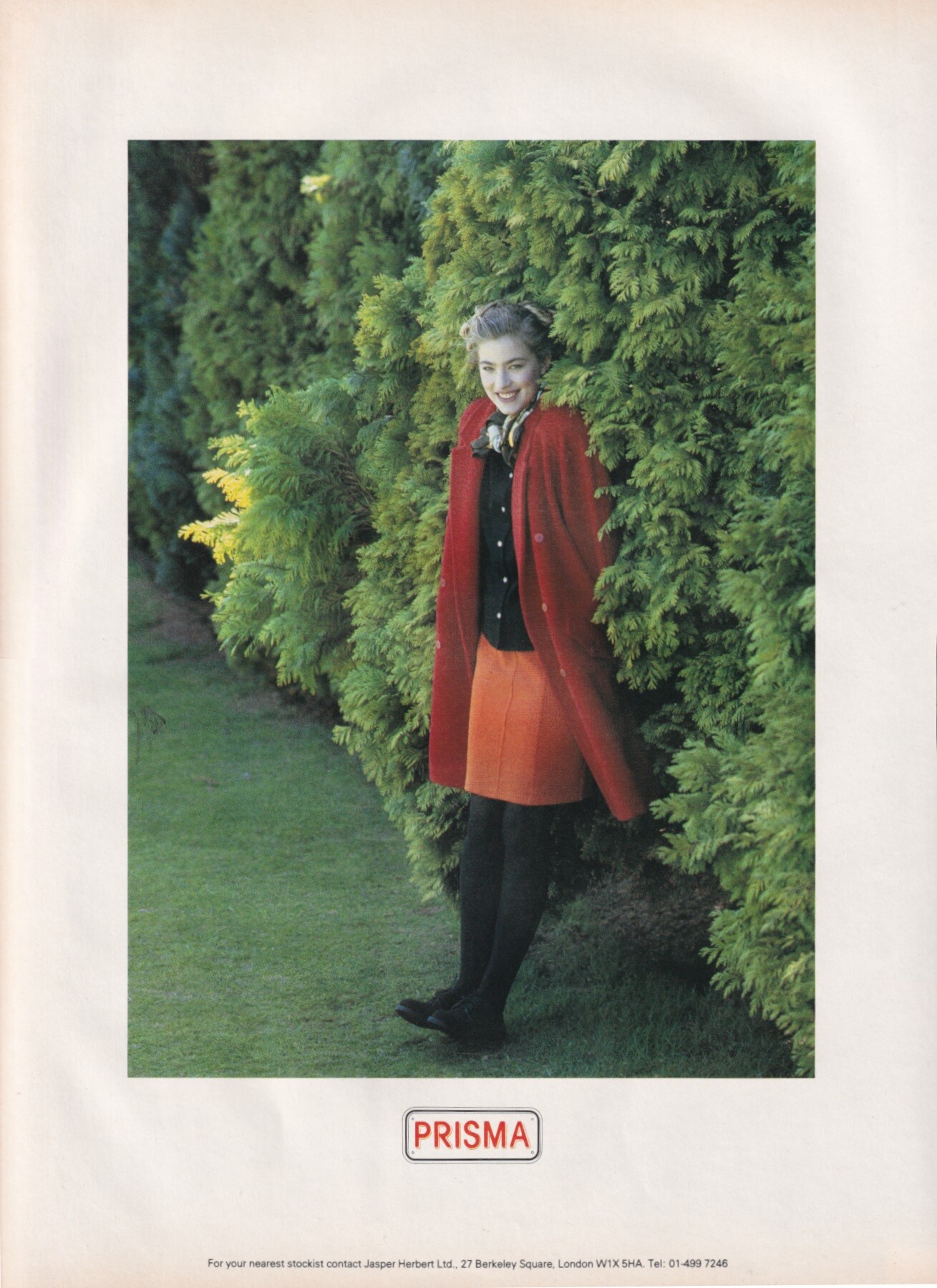
 Elaine Irwin for Prisma, 1988 my scan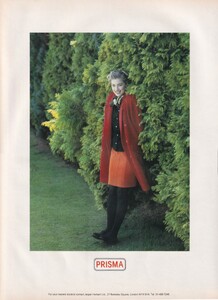







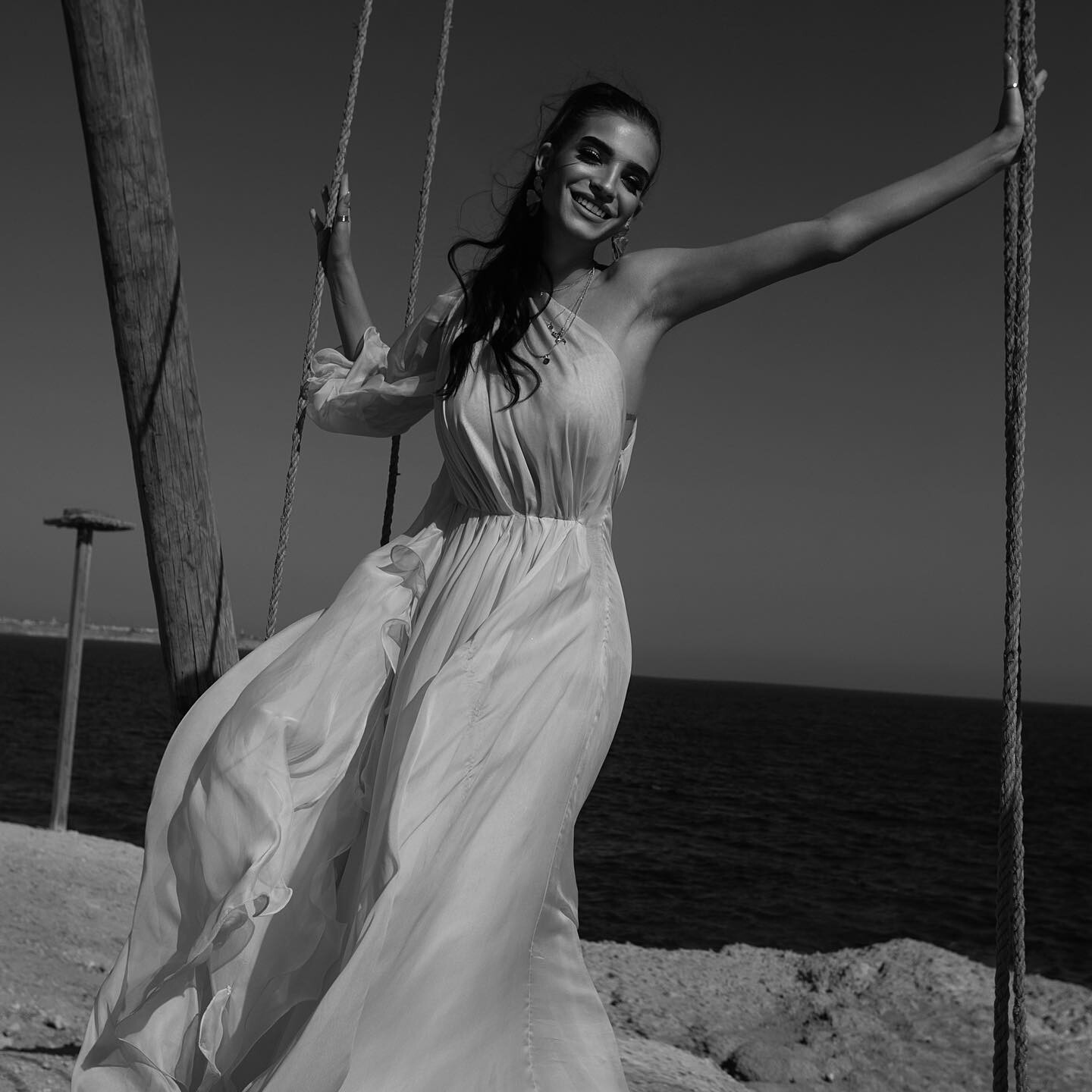
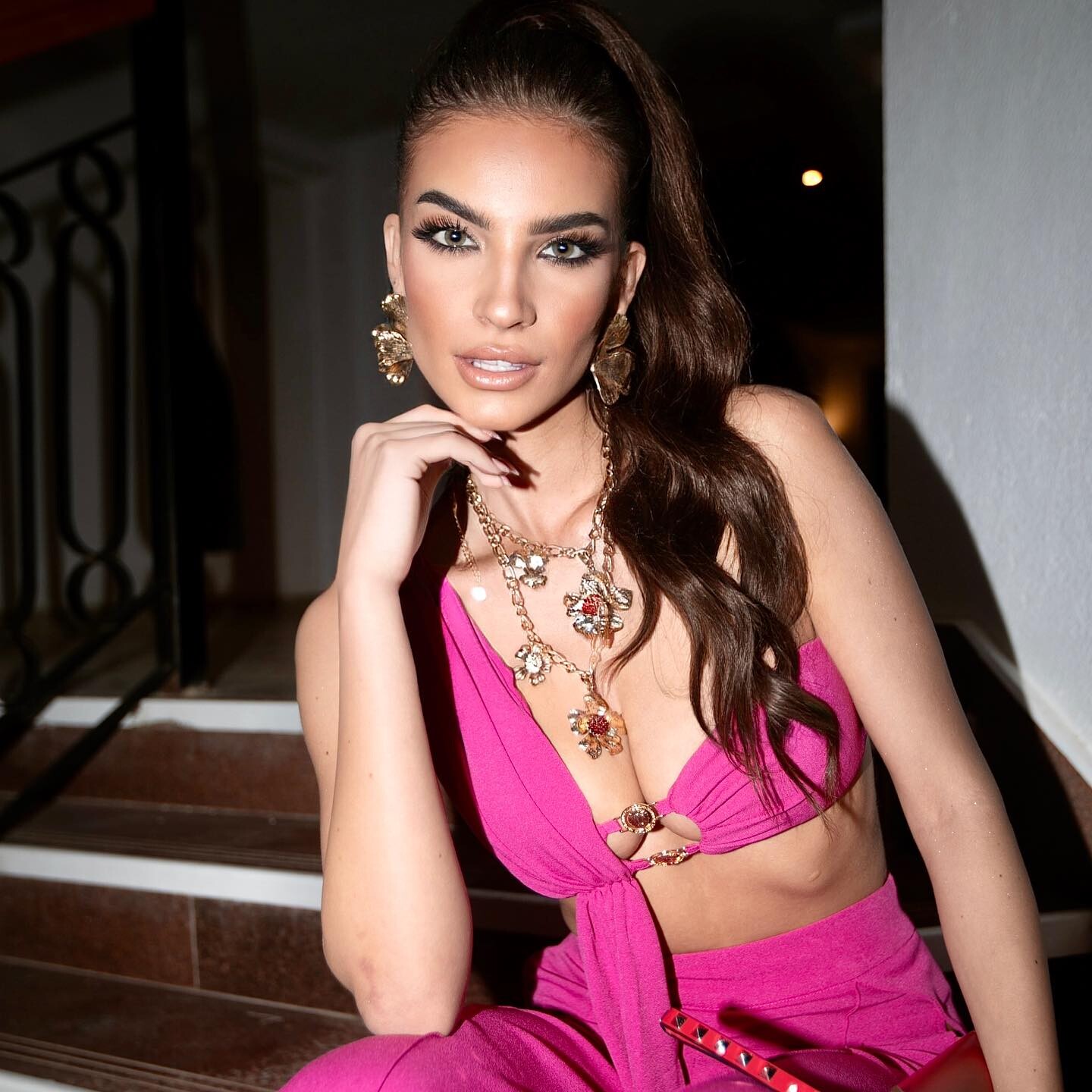
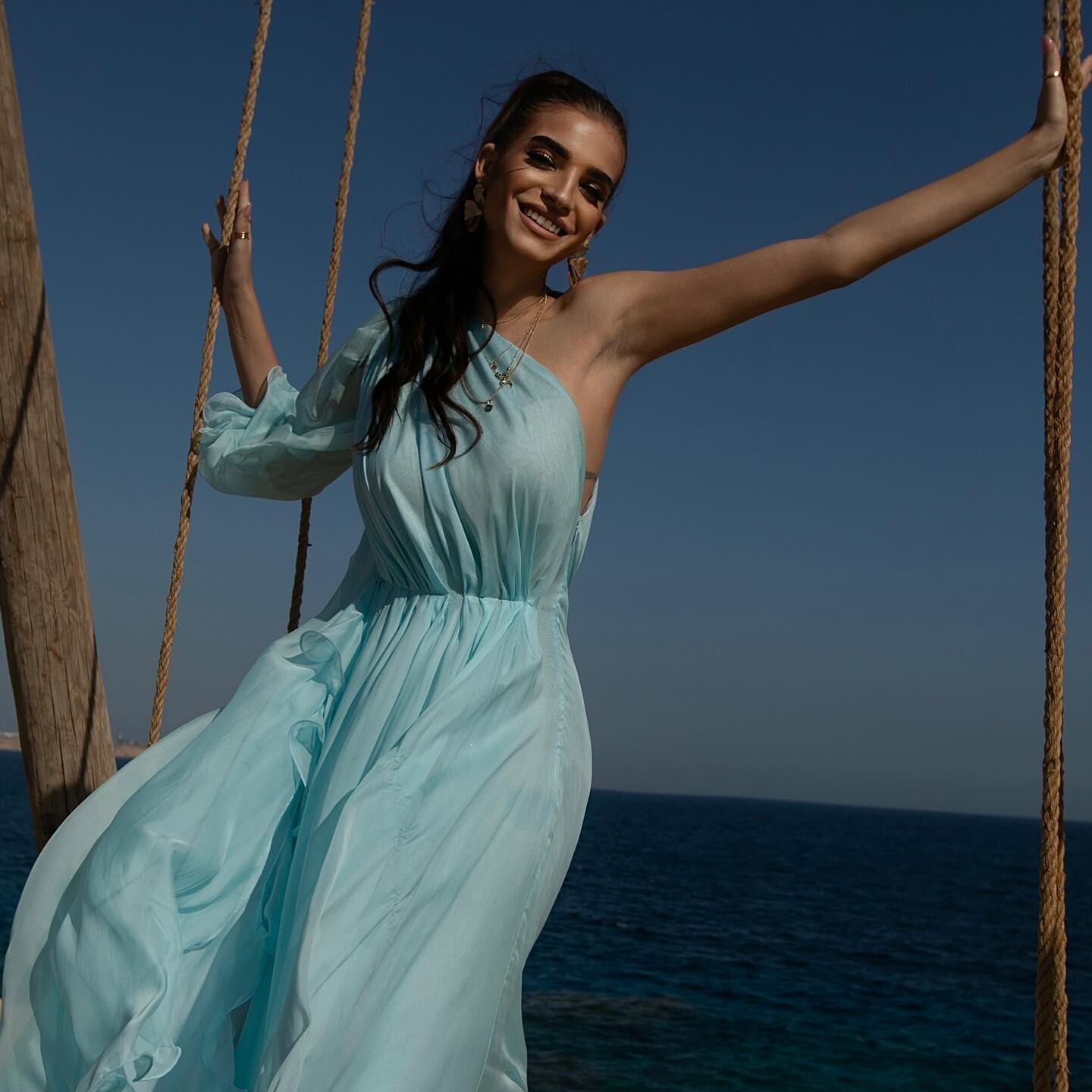
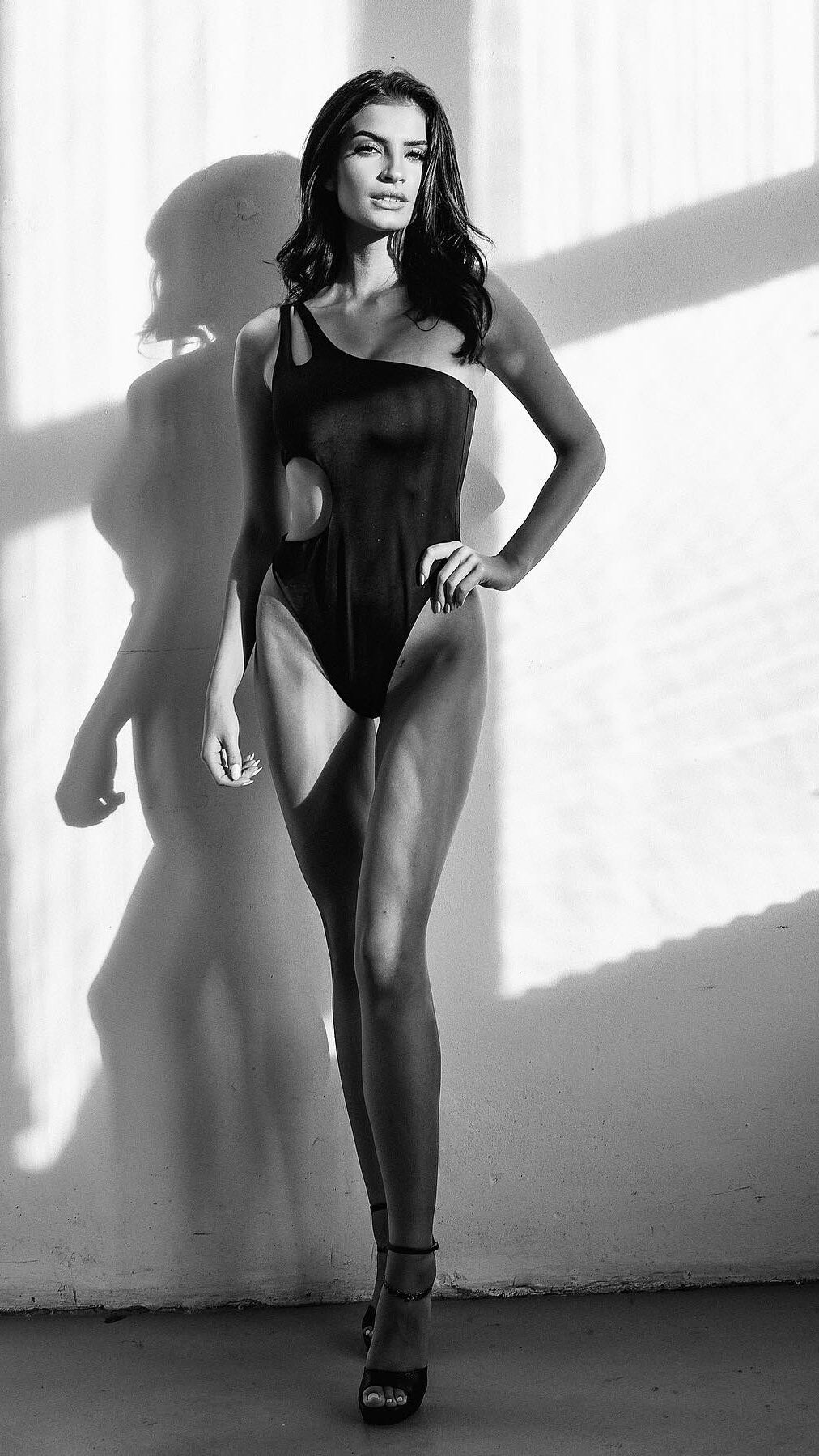




Account
Navigation
Search
Configure browser push notifications
Chrome (Android)
- Tap the lock icon next to the address bar.
- Tap Permissions → Notifications.
- Adjust your preference.
Chrome (Desktop)
- Click the padlock icon in the address bar.
- Select Site settings.
- Find Notifications and adjust your preference.
Safari (iOS 16.4+)
- Ensure the site is installed via Add to Home Screen.
- Open Settings App → Notifications.
- Find your app name and adjust your preference.
Safari (macOS)
- Go to Safari → Preferences.
- Click the Websites tab.
- Select Notifications in the sidebar.
- Find this website and adjust your preference.
Edge (Android)
- Tap the lock icon next to the address bar.
- Tap Permissions.
- Find Notifications and adjust your preference.
Edge (Desktop)
- Click the padlock icon in the address bar.
- Click Permissions for this site.
- Find Notifications and adjust your preference.
Firefox (Android)
- Go to Settings → Site permissions.
- Tap Notifications.
- Find this site in the list and adjust your preference.
Firefox (Desktop)
- Open Firefox Settings.
- Search for Notifications.
- Find this site in the list and adjust your preference.