All Activity
- Past hour
-
 Ana Maria Ponce Guirao - Female Fashion Models - Bellazon
Laura Goodwin - Female Fashion Models - Bellazon
10
9
Ana Maria Ponce Guirao - Female Fashion Models - Bellazon
Laura Goodwin - Female Fashion Models - Bellazon
10
9

- Yesterday
 Victoria's Secret: stories
.jpg.ae5a19b79cbc4b403a7ae81fcbda55f7_cropped(2).thumb.png.bcf791fab378ac84d9176d17773d5c7e.png) stories video [2026.01.02] celinebethmann_3801218138399069111.mp4
stories video [2026.01.02] celinebethmann_3801218138399069111.mp4

 svaramohan joined the community


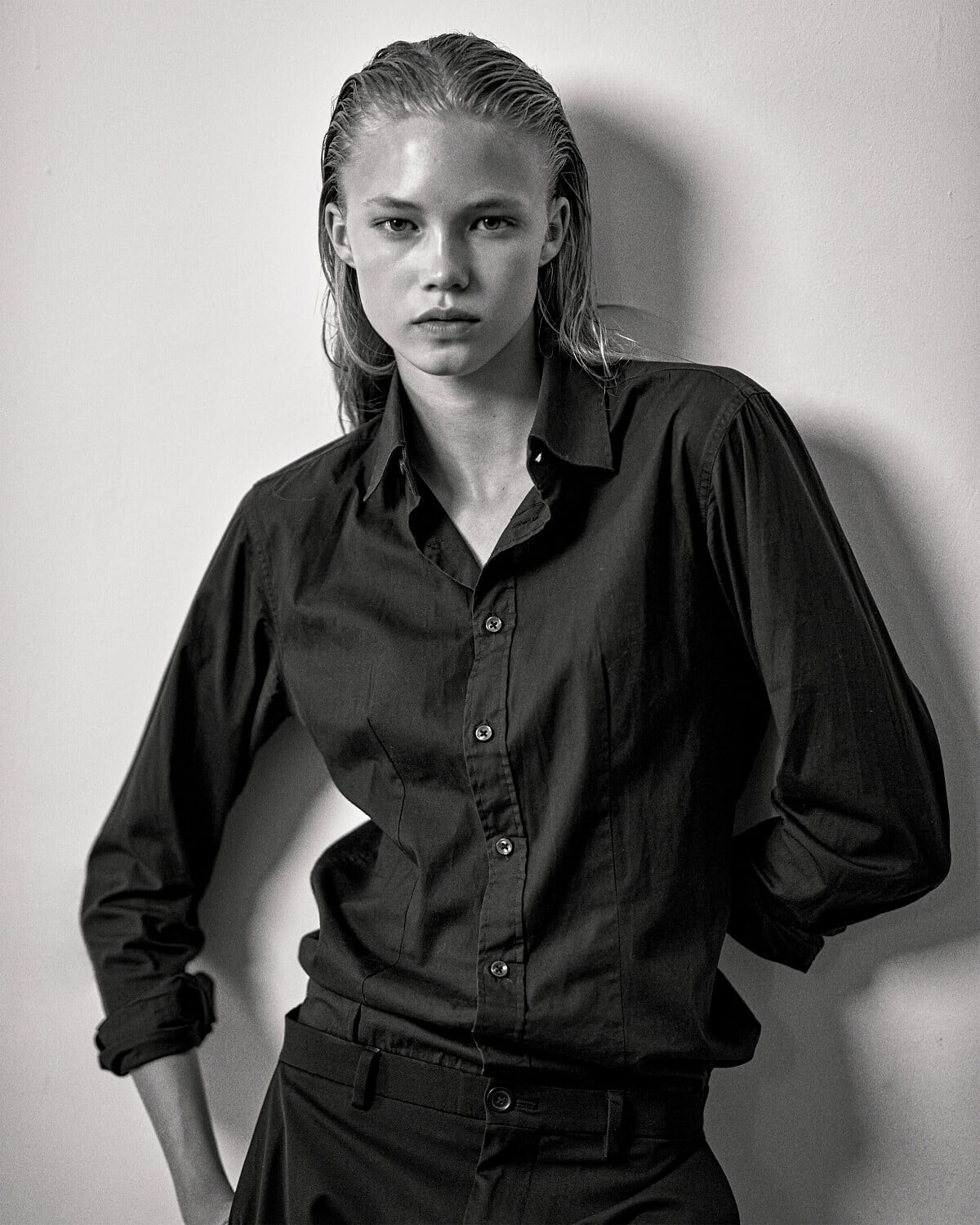
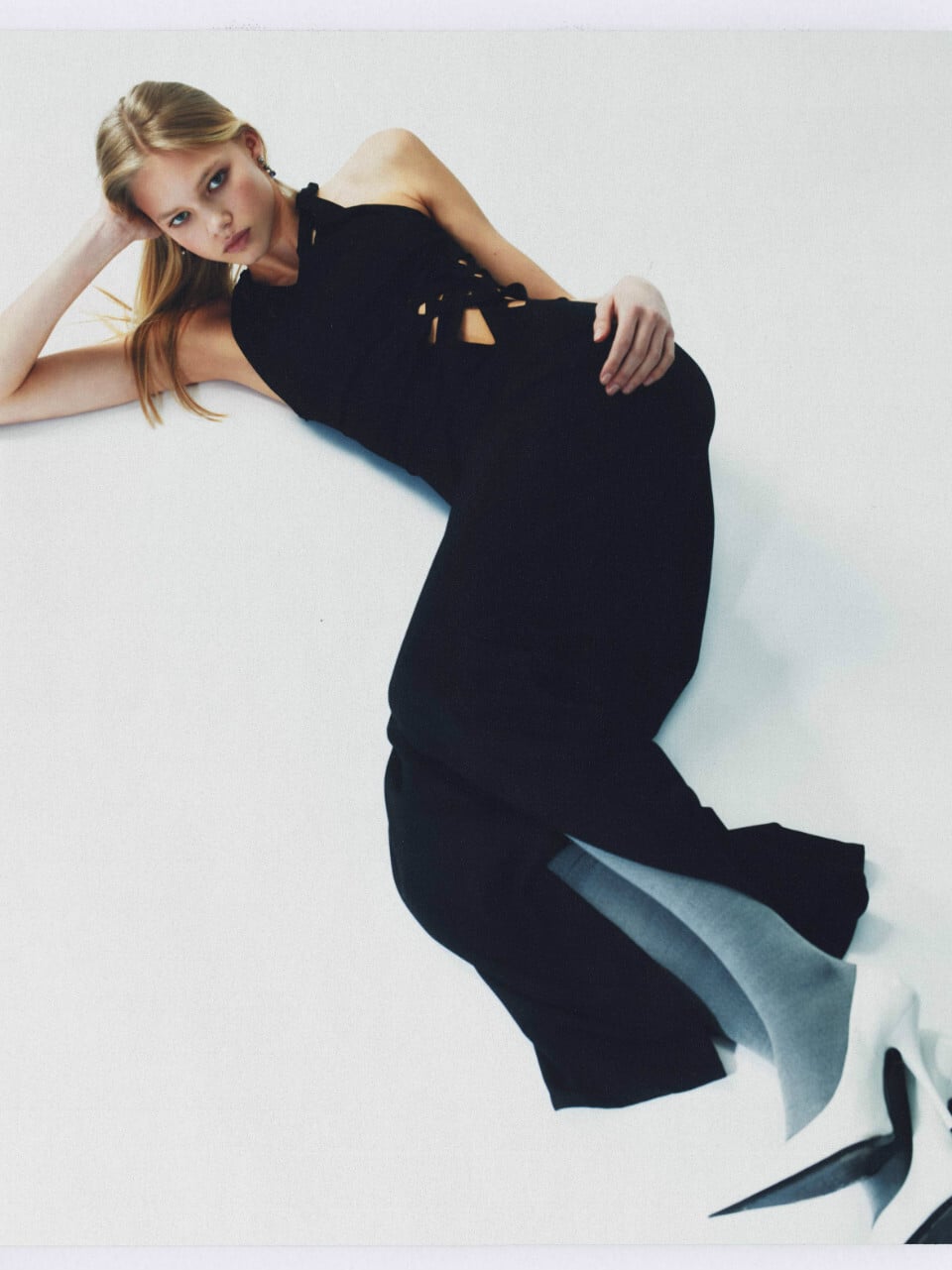
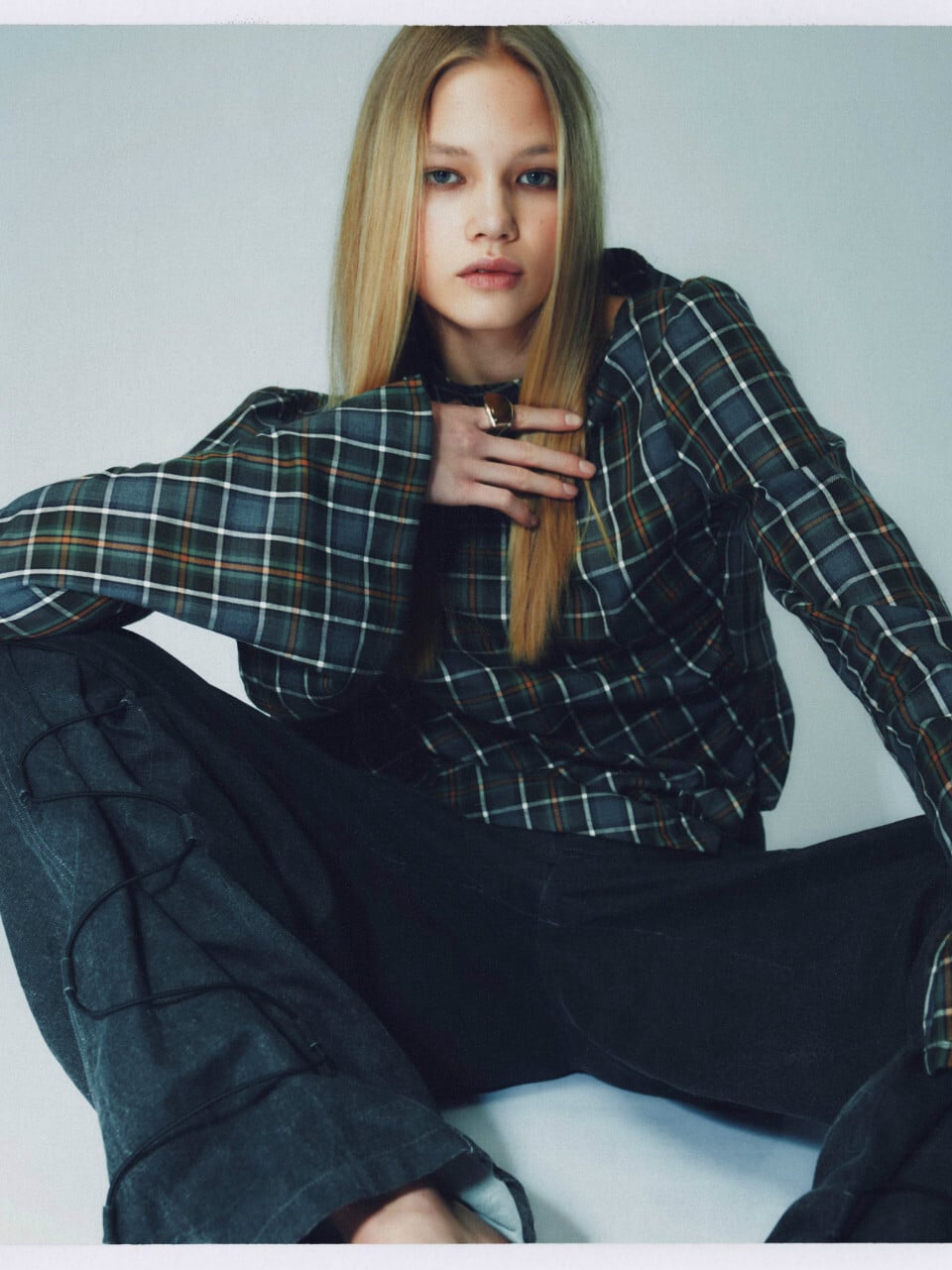

Account
Search
Configure browser push notifications
Chrome (Android)
- Tap the lock icon next to the address bar.
- Tap Permissions → Notifications.
- Adjust your preference.
Chrome (Desktop)
- Click the padlock icon in the address bar.
- Select Site settings.
- Find Notifications and adjust your preference.
Safari (iOS 16.4+)
- Ensure the site is installed via Add to Home Screen.
- Open Settings App → Notifications.
- Find your app name and adjust your preference.
Safari (macOS)
- Go to Safari → Preferences.
- Click the Websites tab.
- Select Notifications in the sidebar.
- Find this website and adjust your preference.
Edge (Android)
- Tap the lock icon next to the address bar.
- Tap Permissions.
- Find Notifications and adjust your preference.
Edge (Desktop)
- Click the padlock icon in the address bar.
- Click Permissions for this site.
- Find Notifications and adjust your preference.
Firefox (Android)
- Go to Settings → Site permissions.
- Tap Notifications.
- Find this site in the list and adjust your preference.
Firefox (Desktop)
- Open Firefox Settings.
- Search for Notifications.
- Find this site in the list and adjust your preference.