misterZ
Members
-
Joined
-
Last visited
-
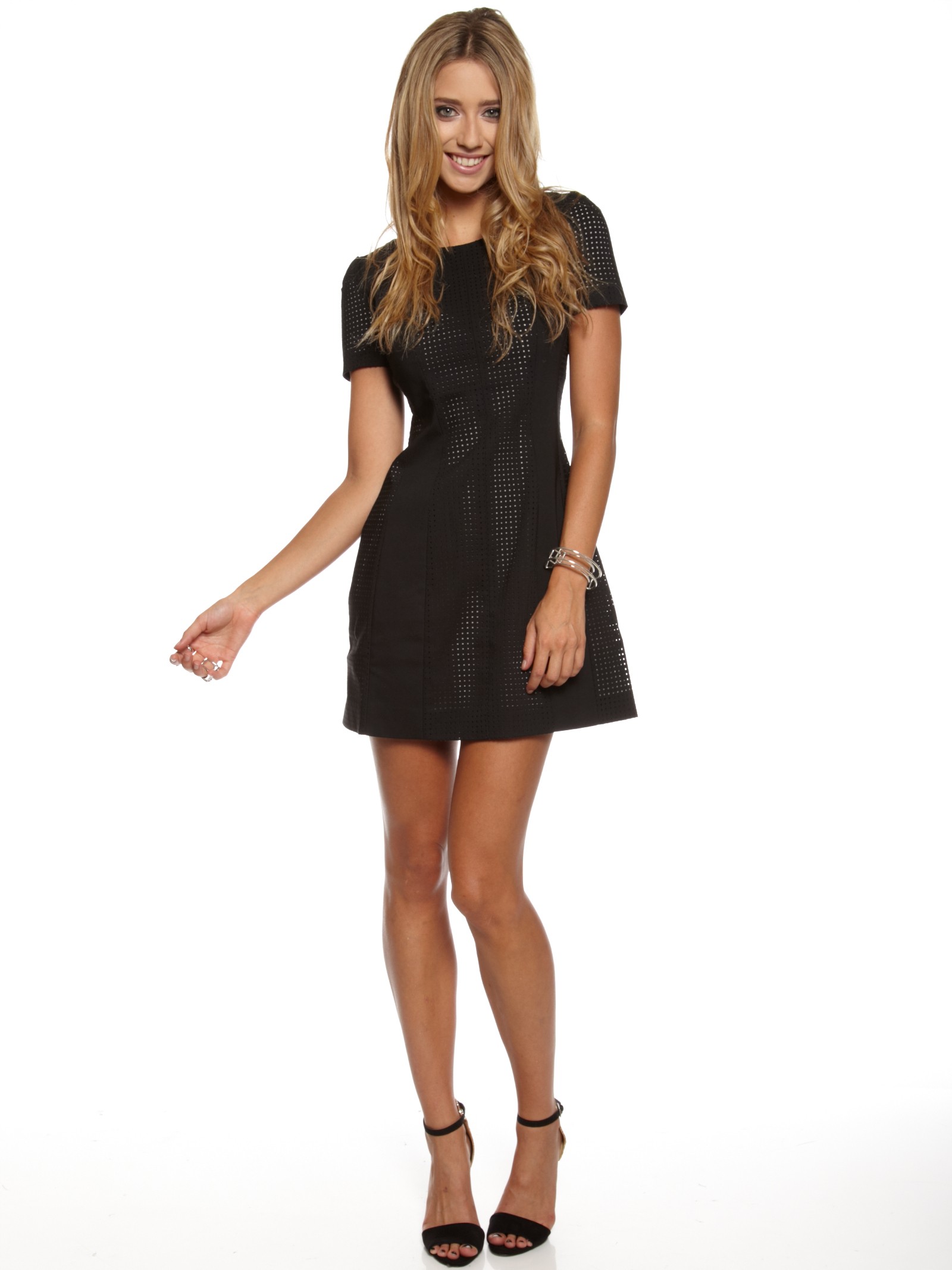
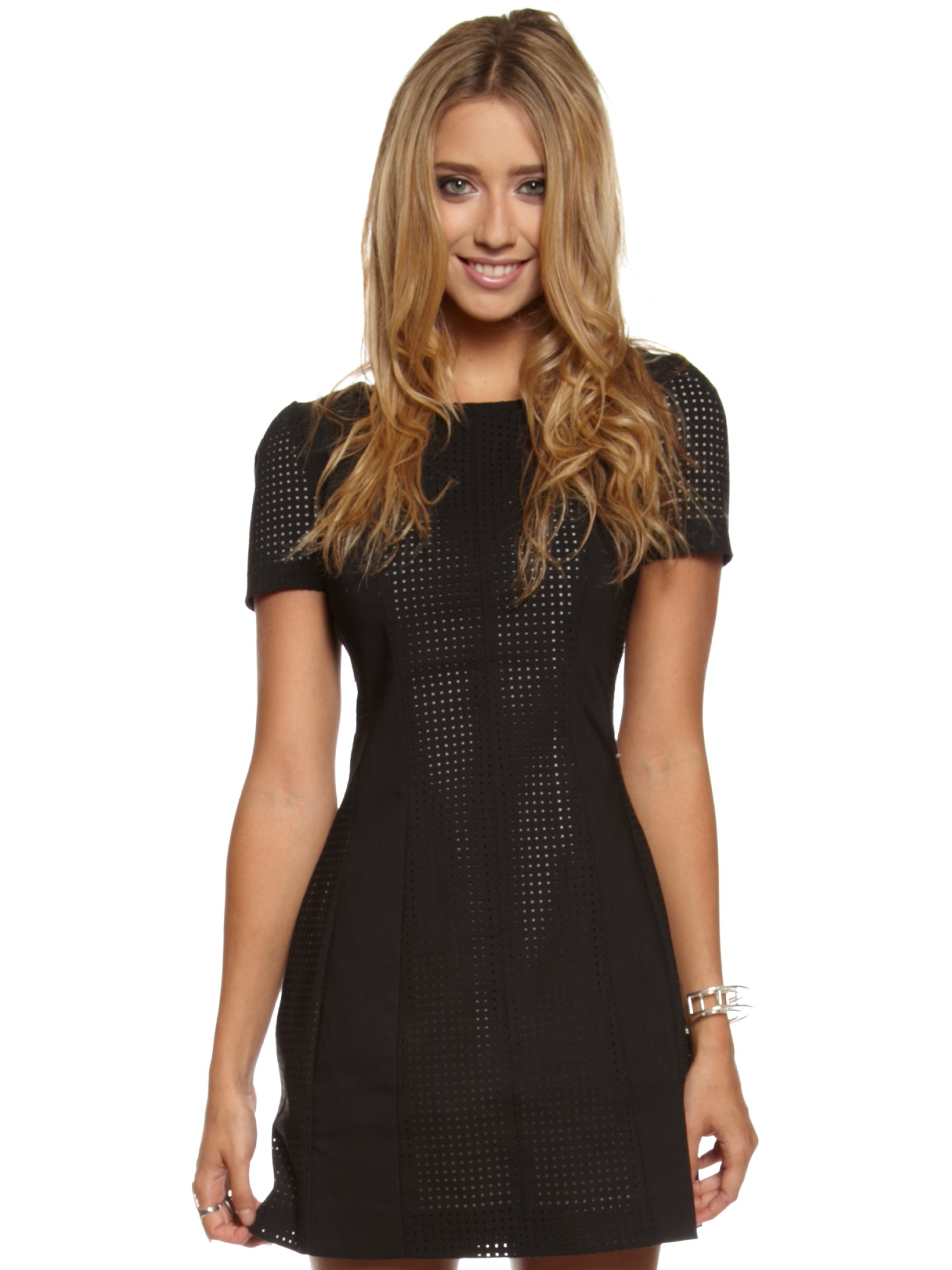
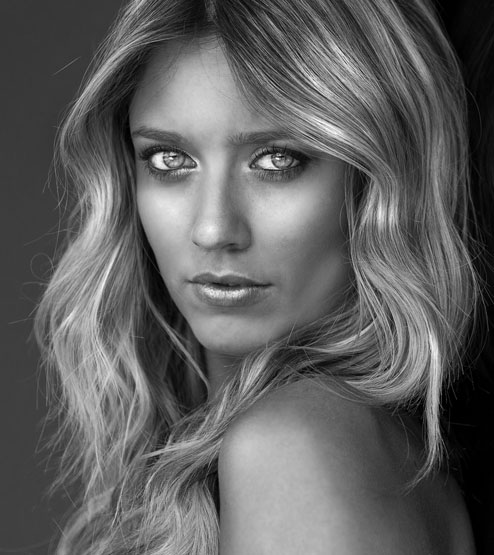
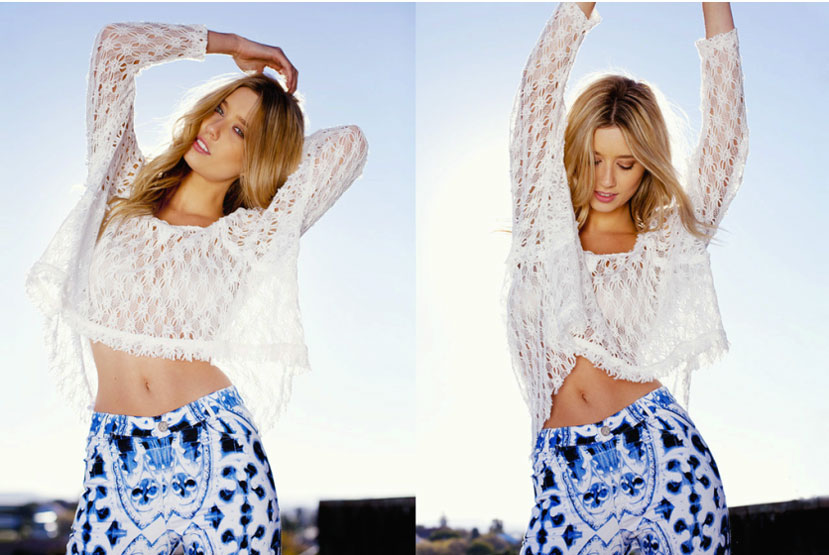
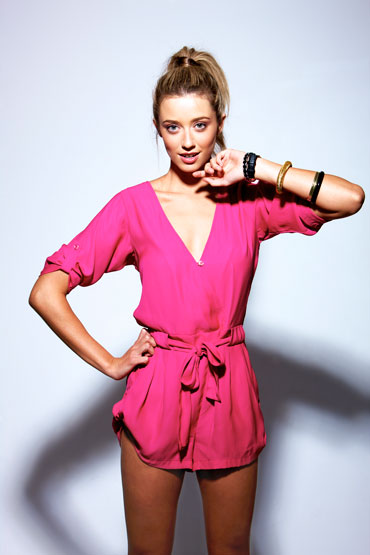
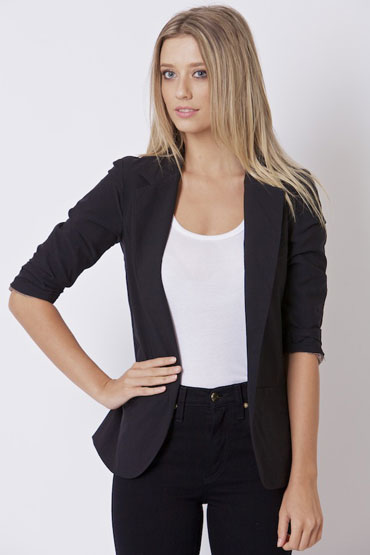
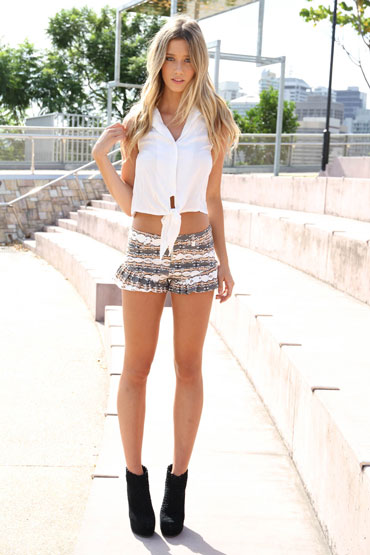
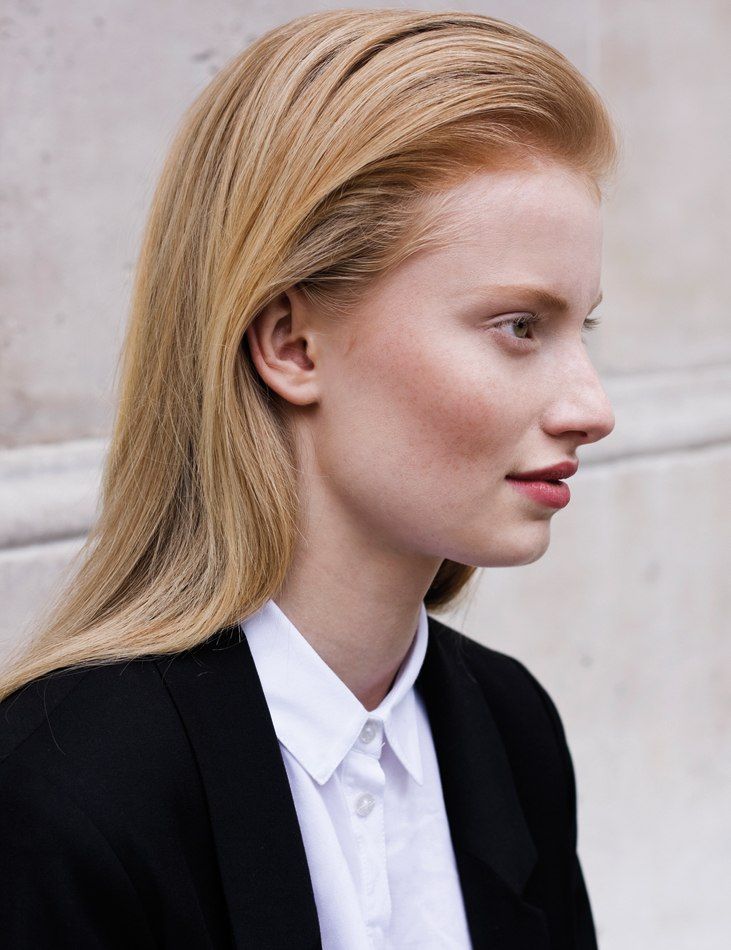
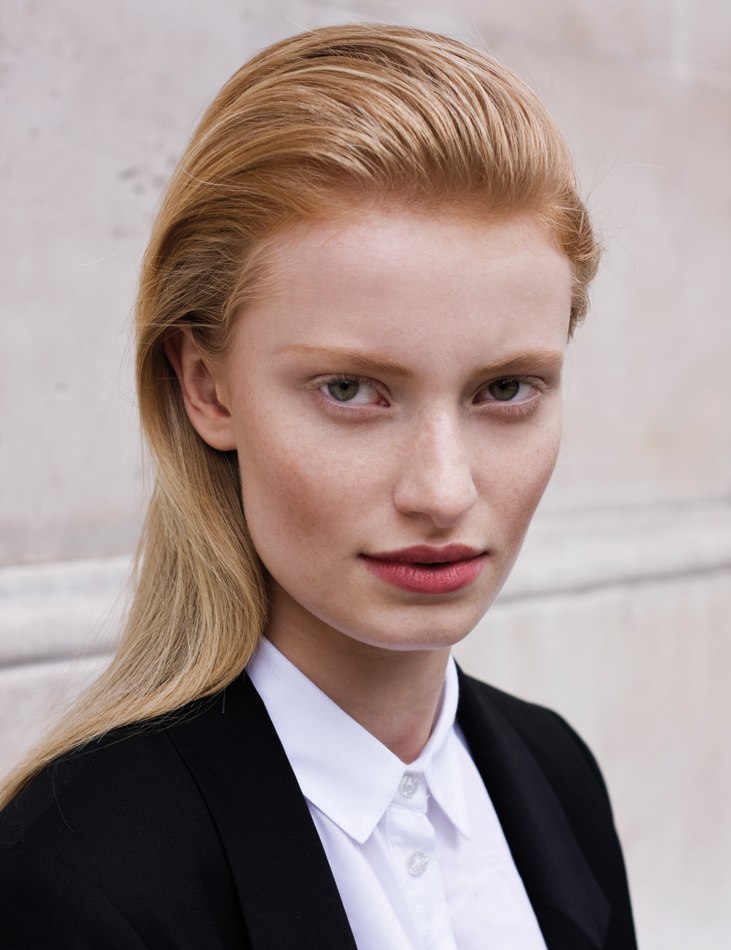
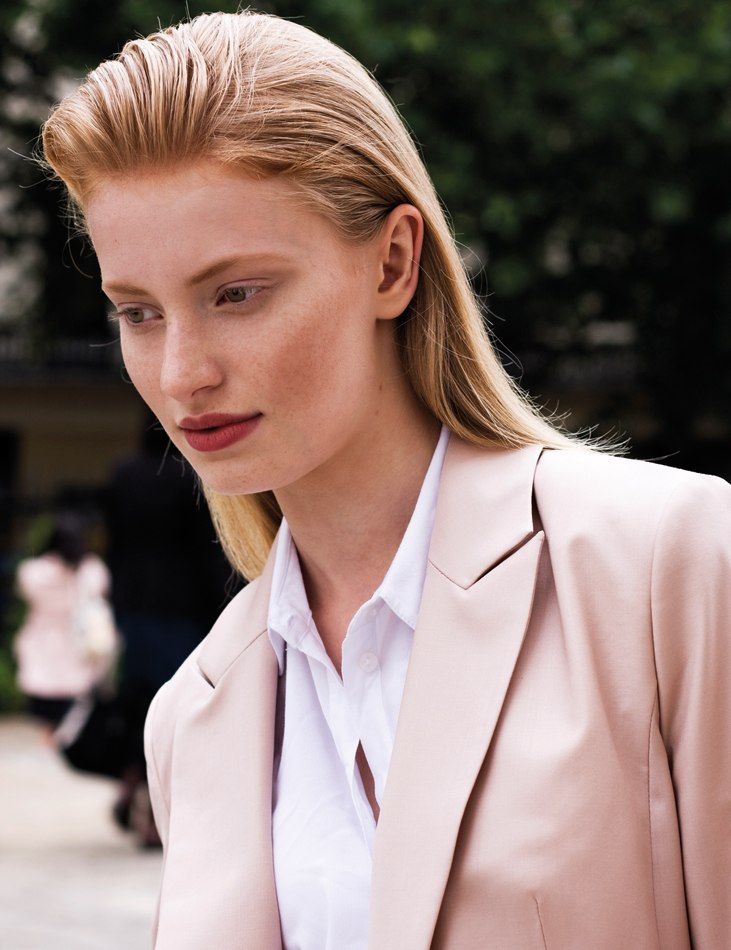
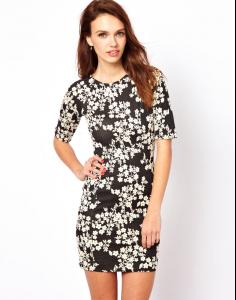
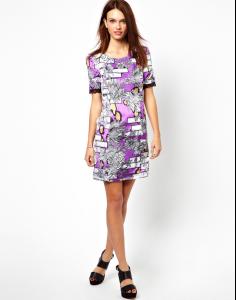
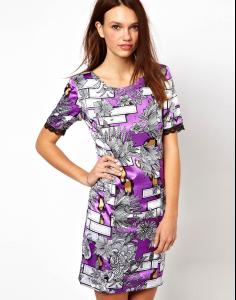
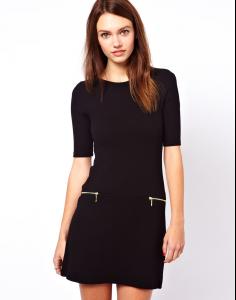
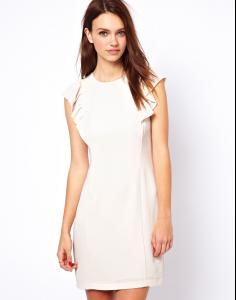
Emily Jean Bester god, she is gorgeous!

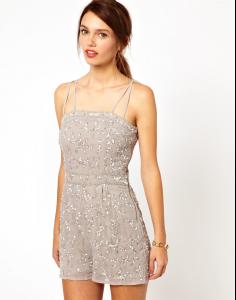
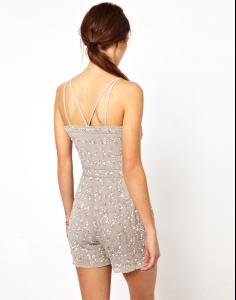
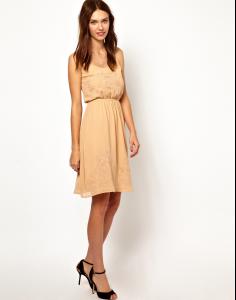
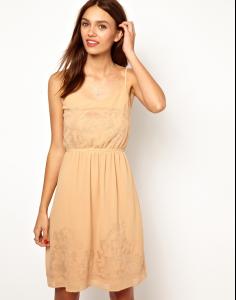
-
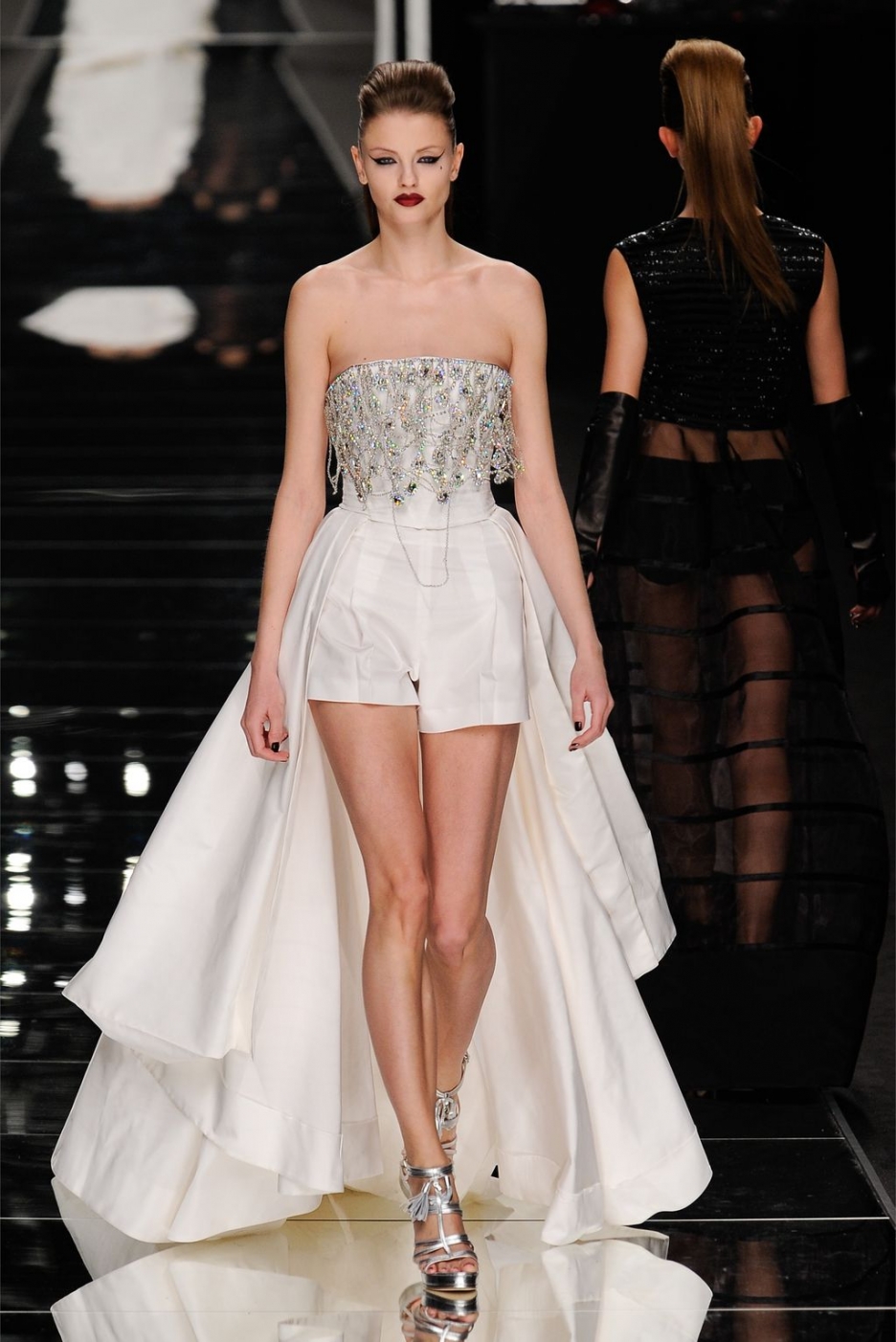
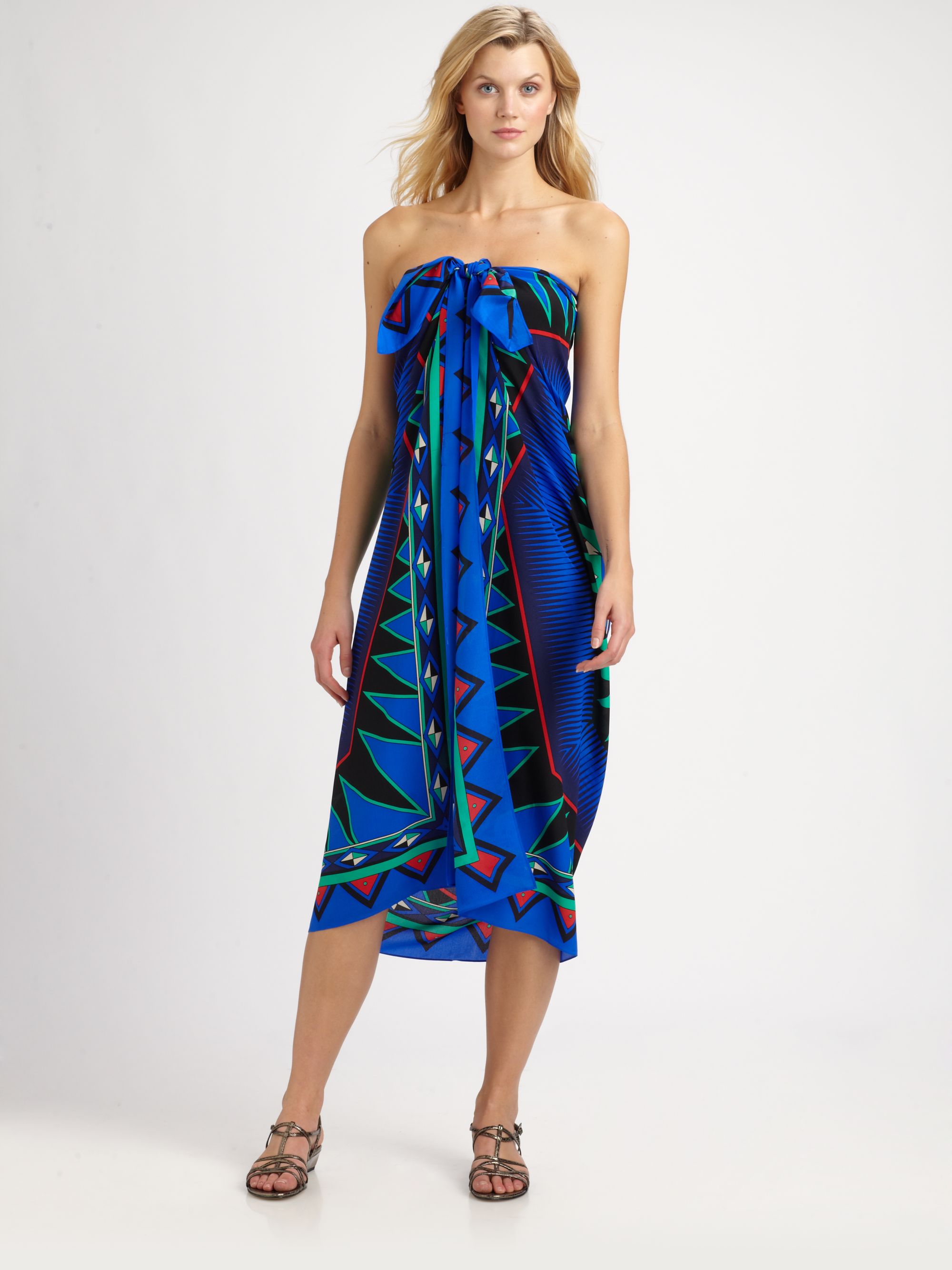
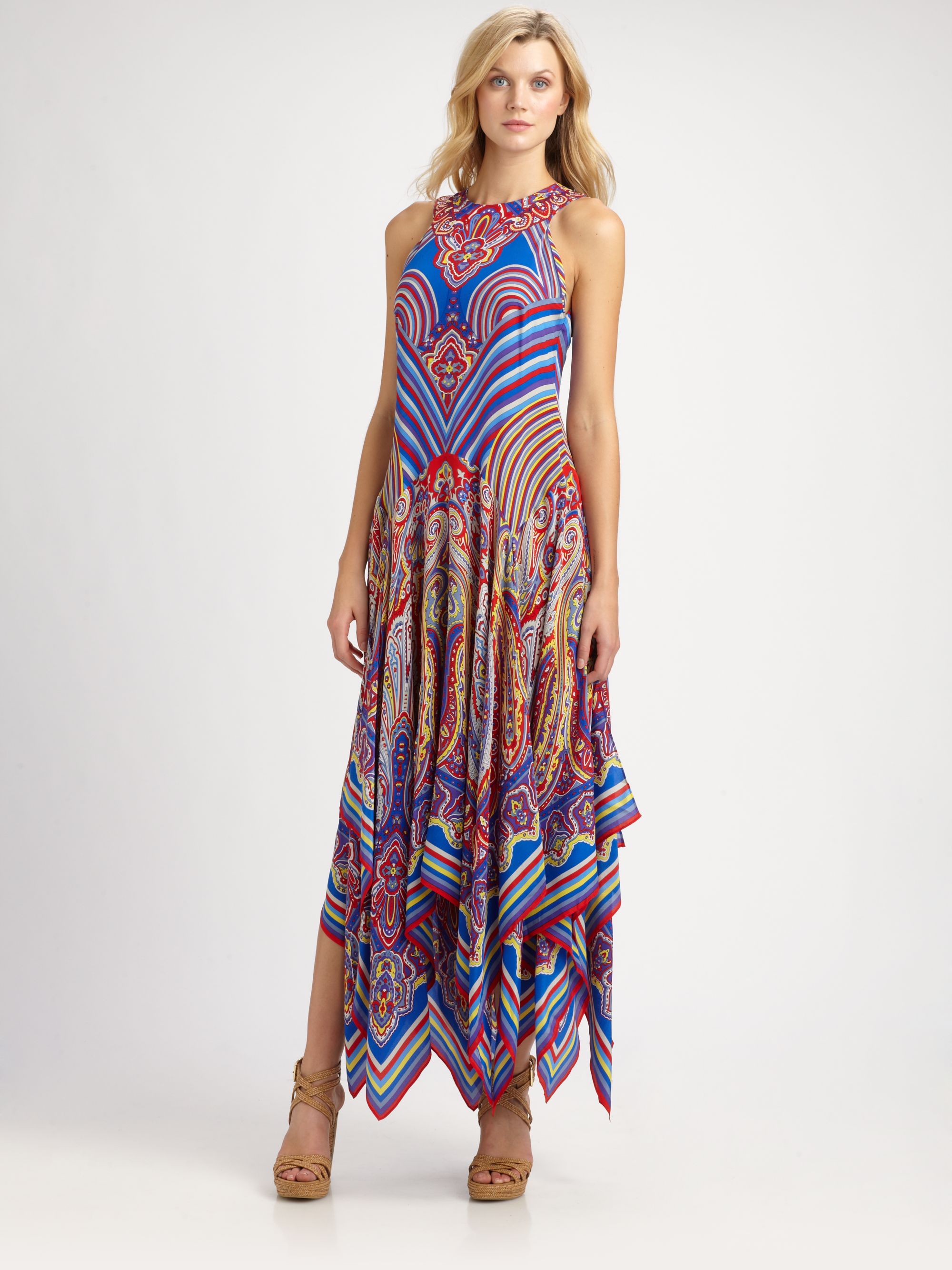
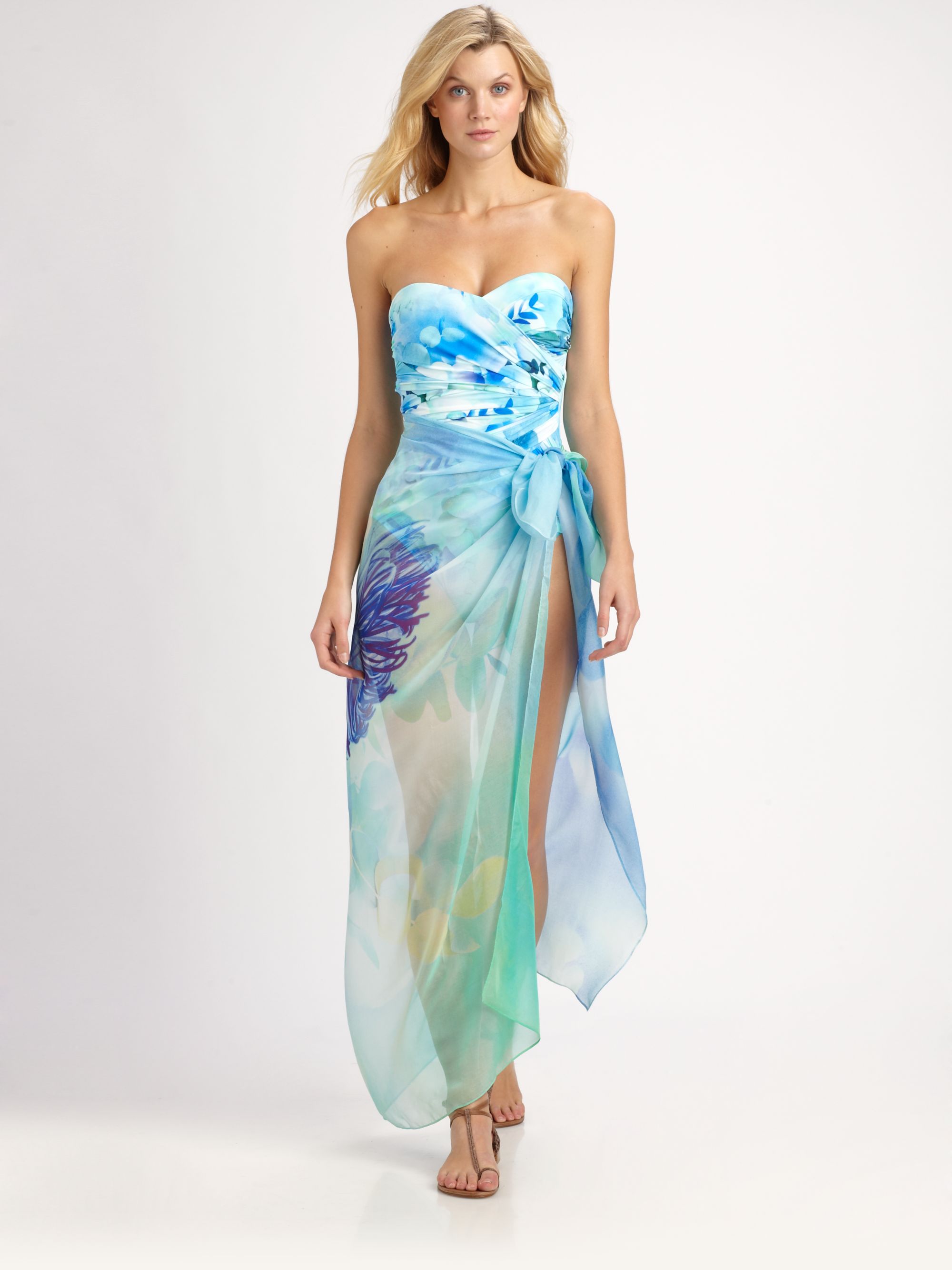
/monthly_05_2014/post-59118-0-1446062666-14722_thumb.jpg" data-fileid="3246836" alt="post-59118-0-1446062666-14722_thumb.jpg" data-ratio="134.21"> would be great to know from which show the first pic is of
-
want higher quality? see http://www.bellazon.com/main/topic/20981-how-to-get-hq-pictures-from-online-please-read-first-post-prior-to-posting/page-73#entry3070690
-
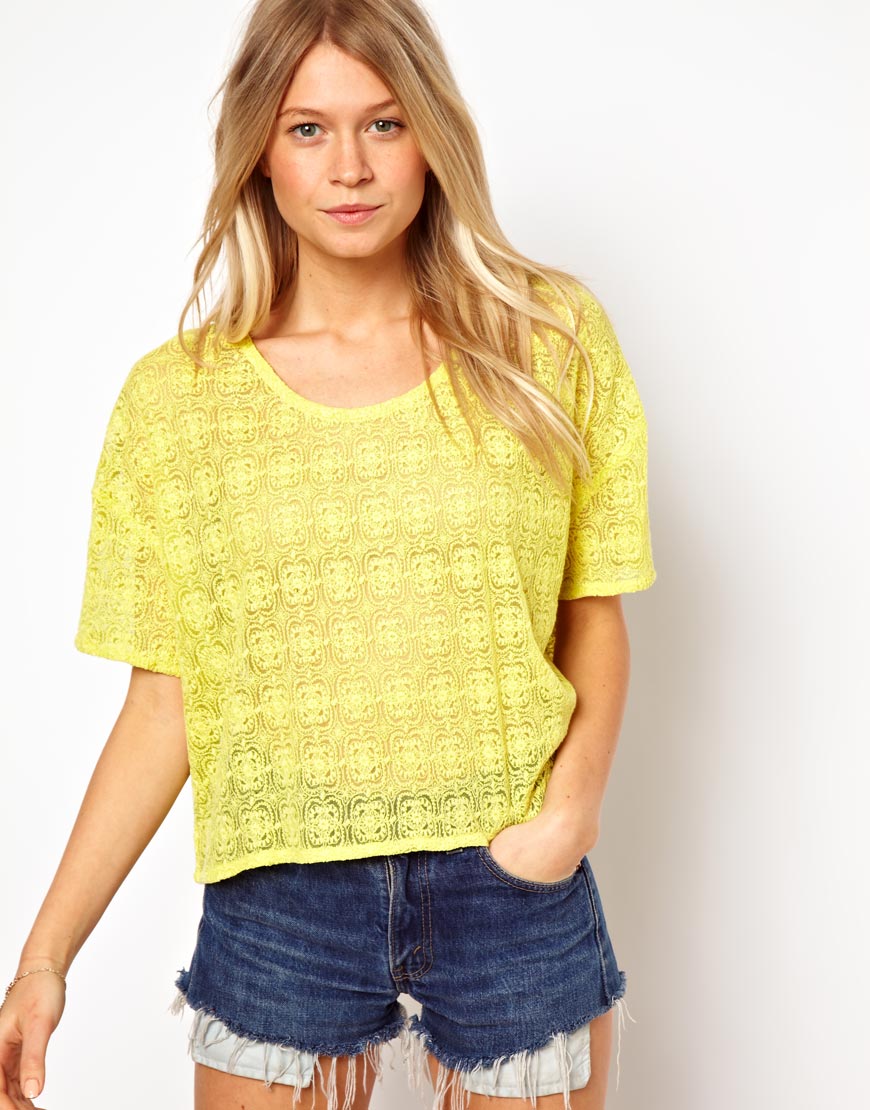
Grand, spud! thanks!You have 2 girls here. One is Kirstie Bennett, the other, I don't know but would surely like to! : ) !
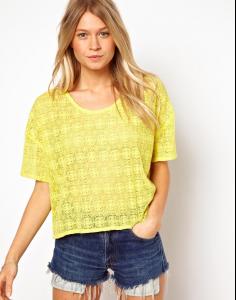
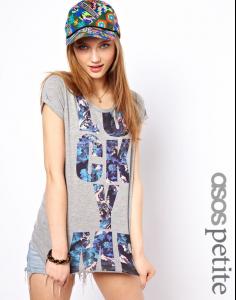
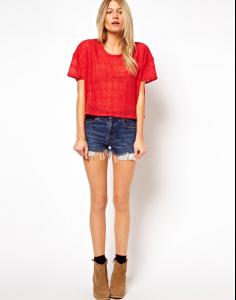

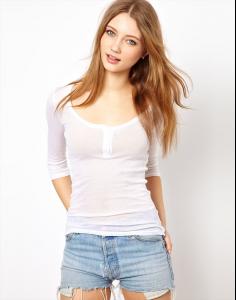
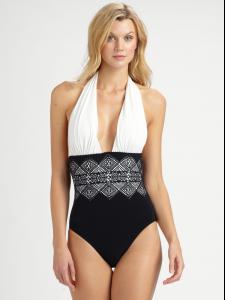
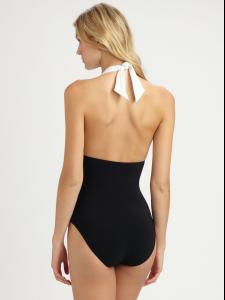
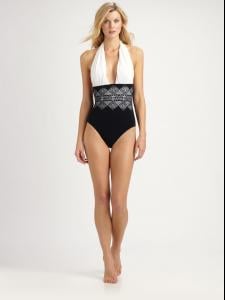
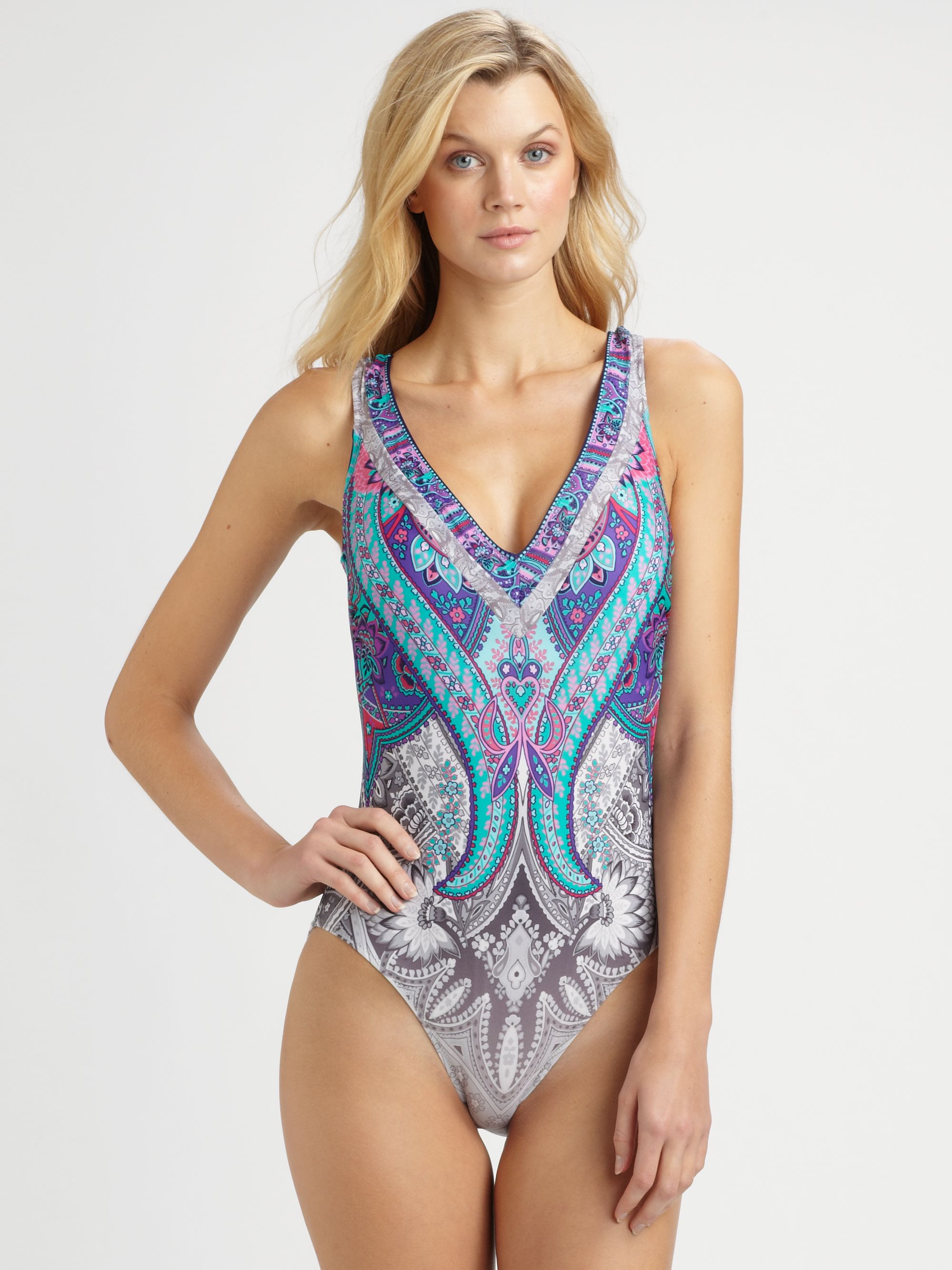
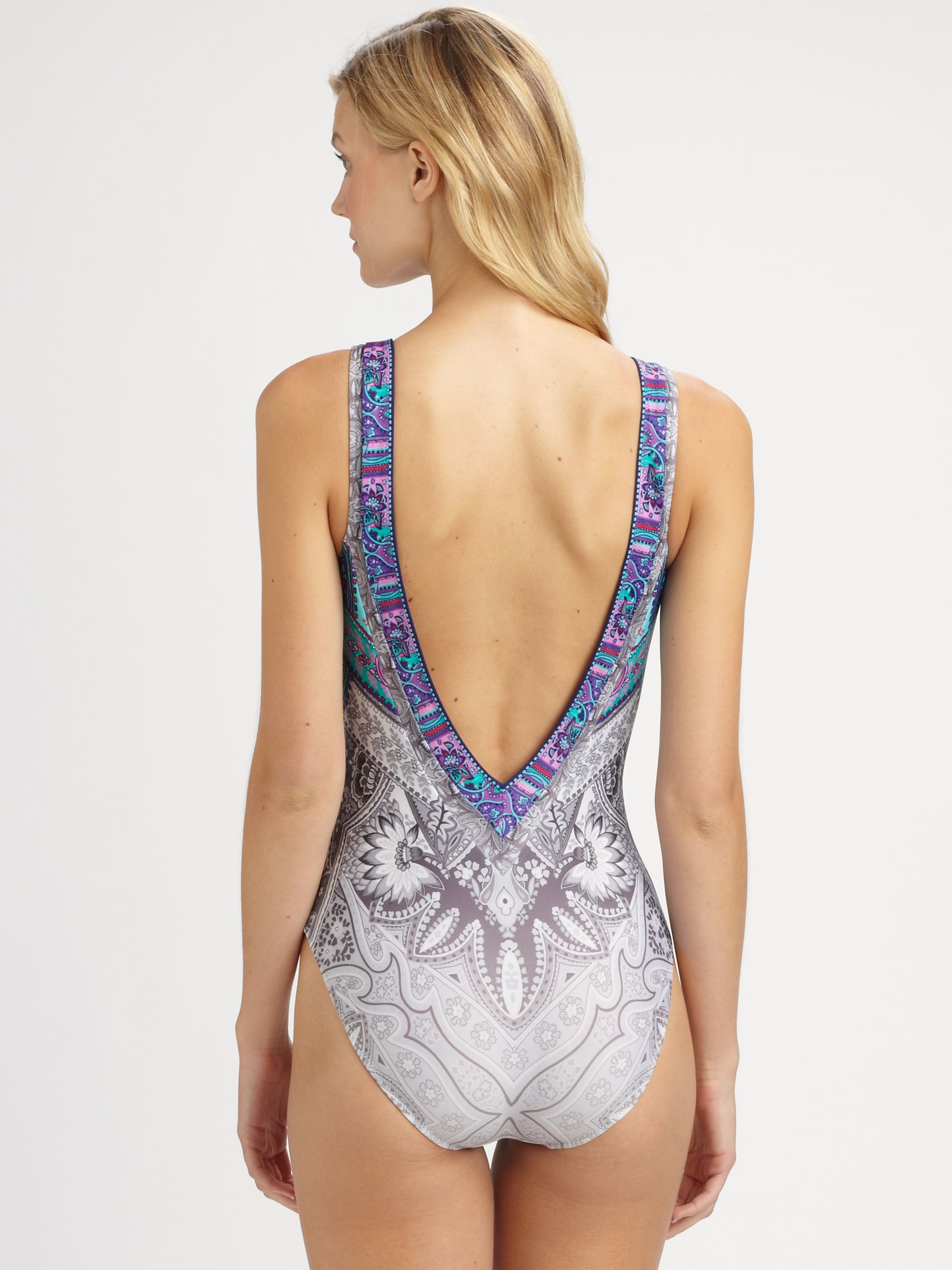
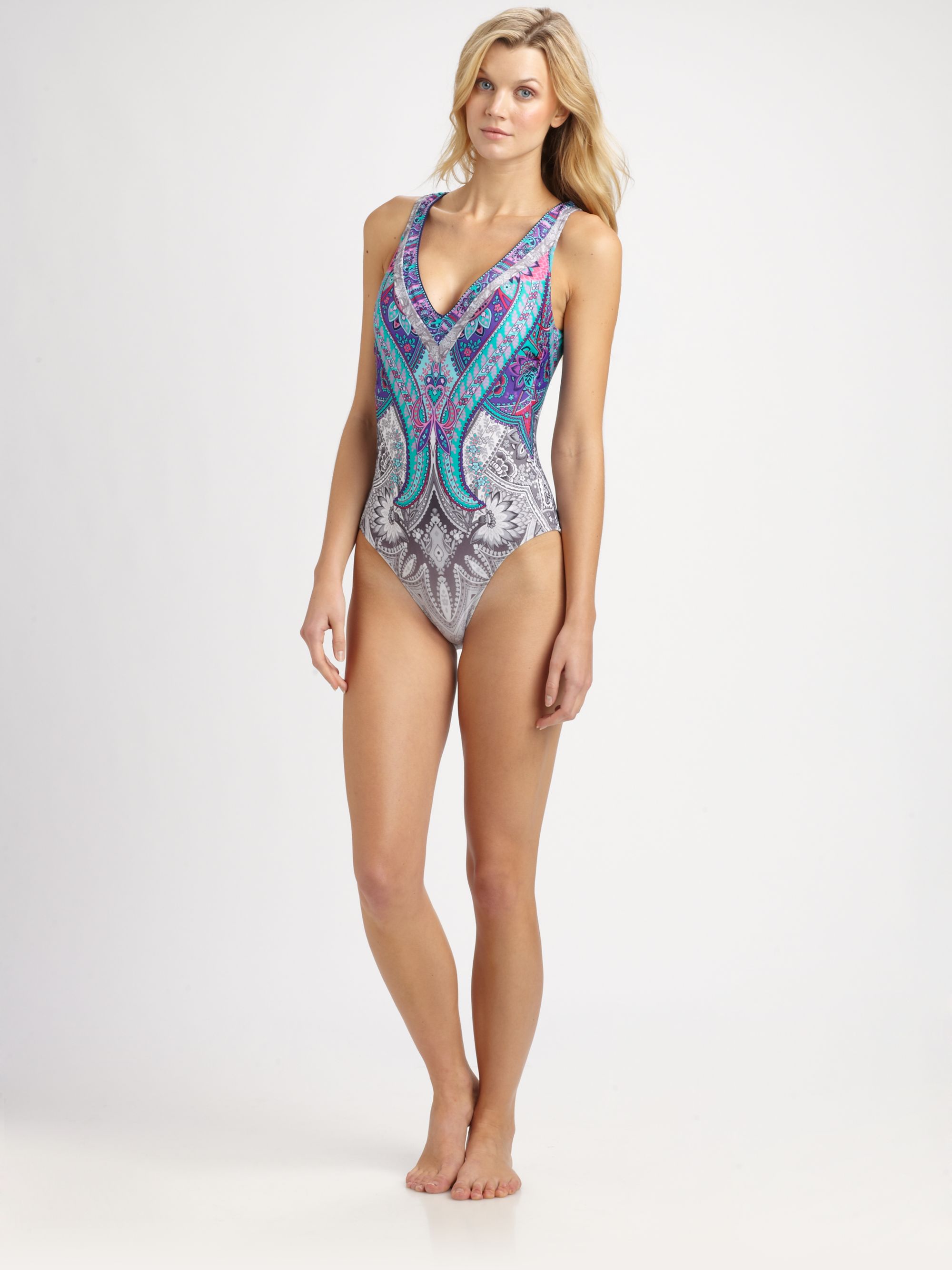
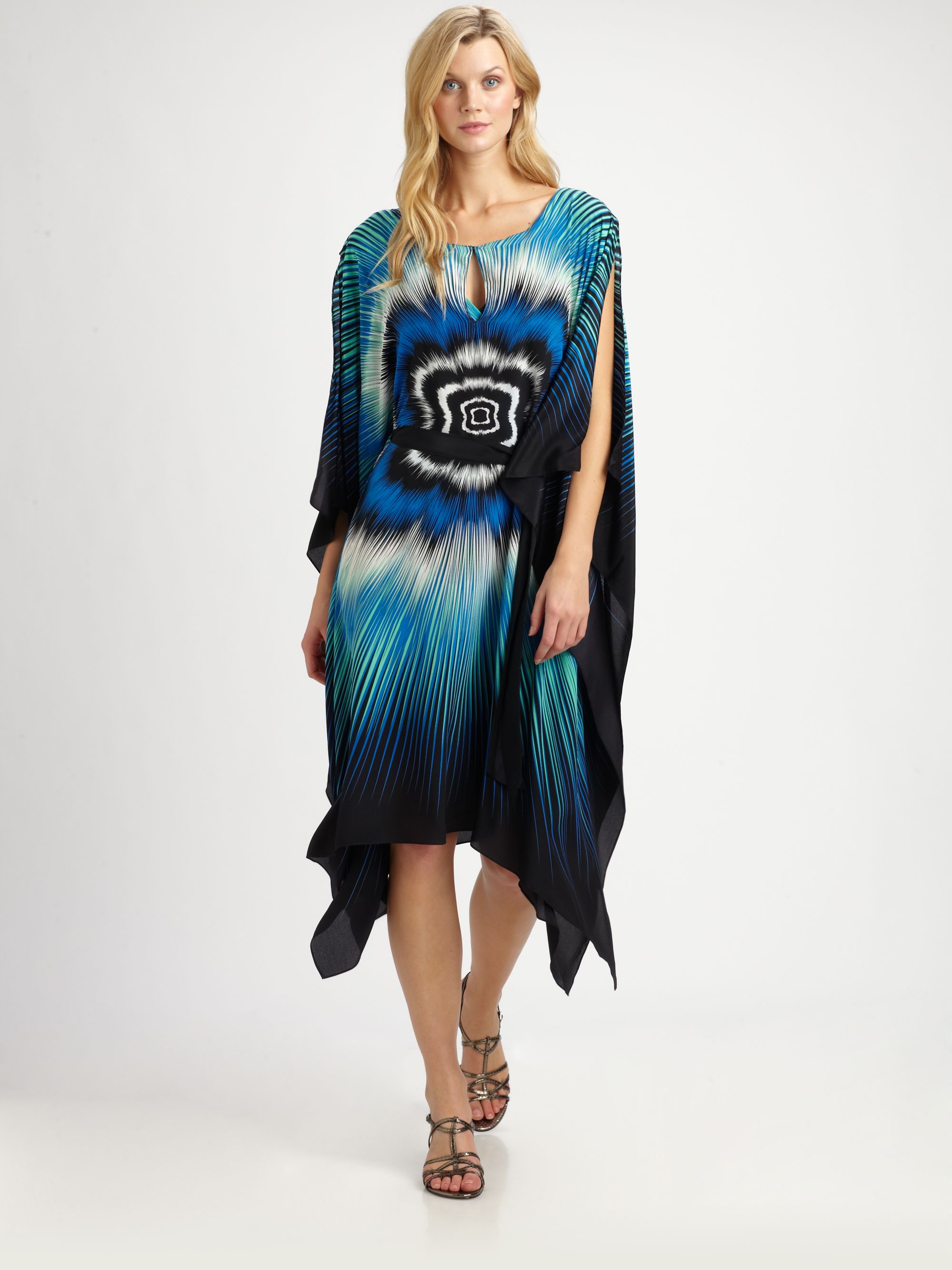
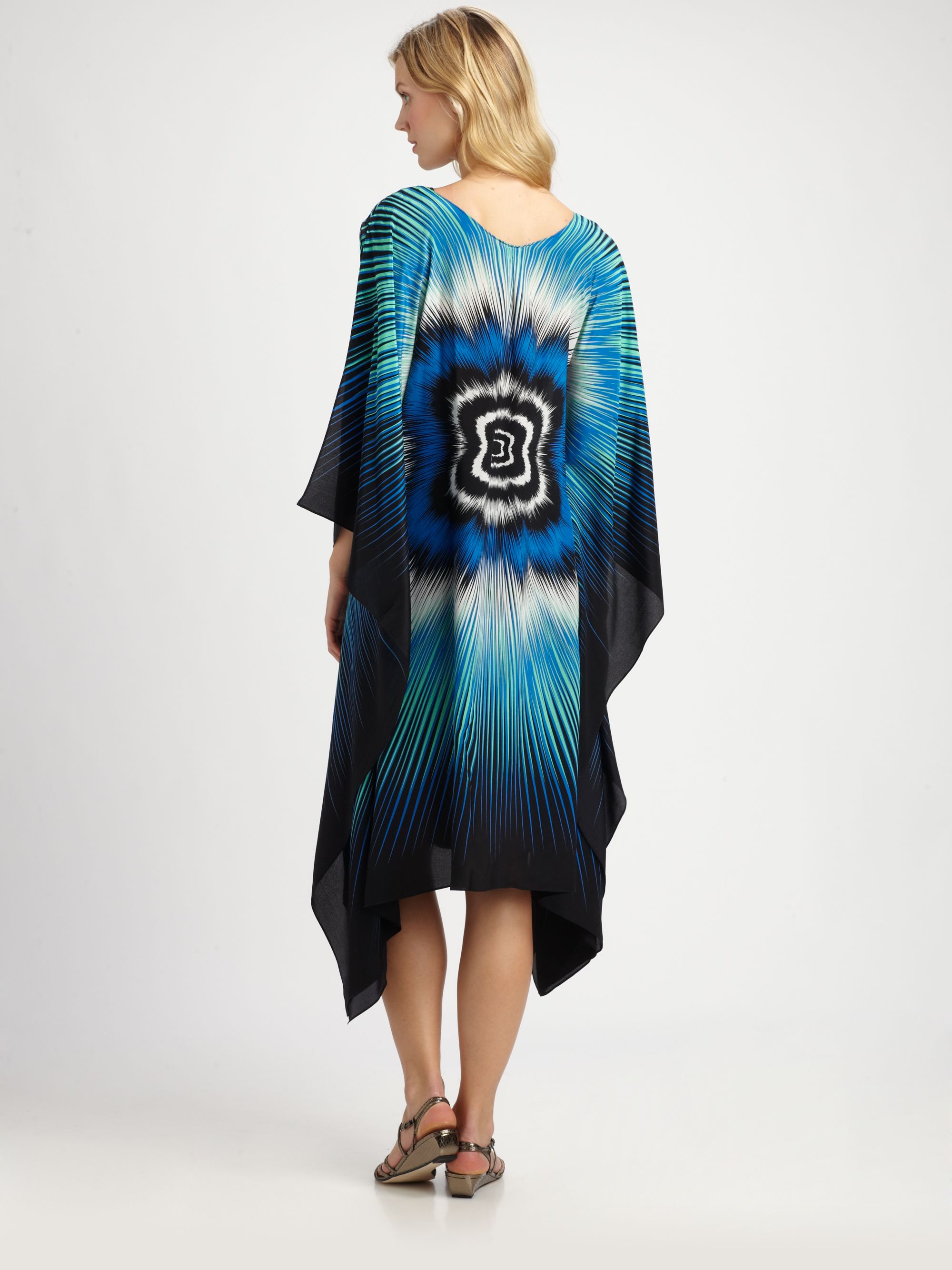
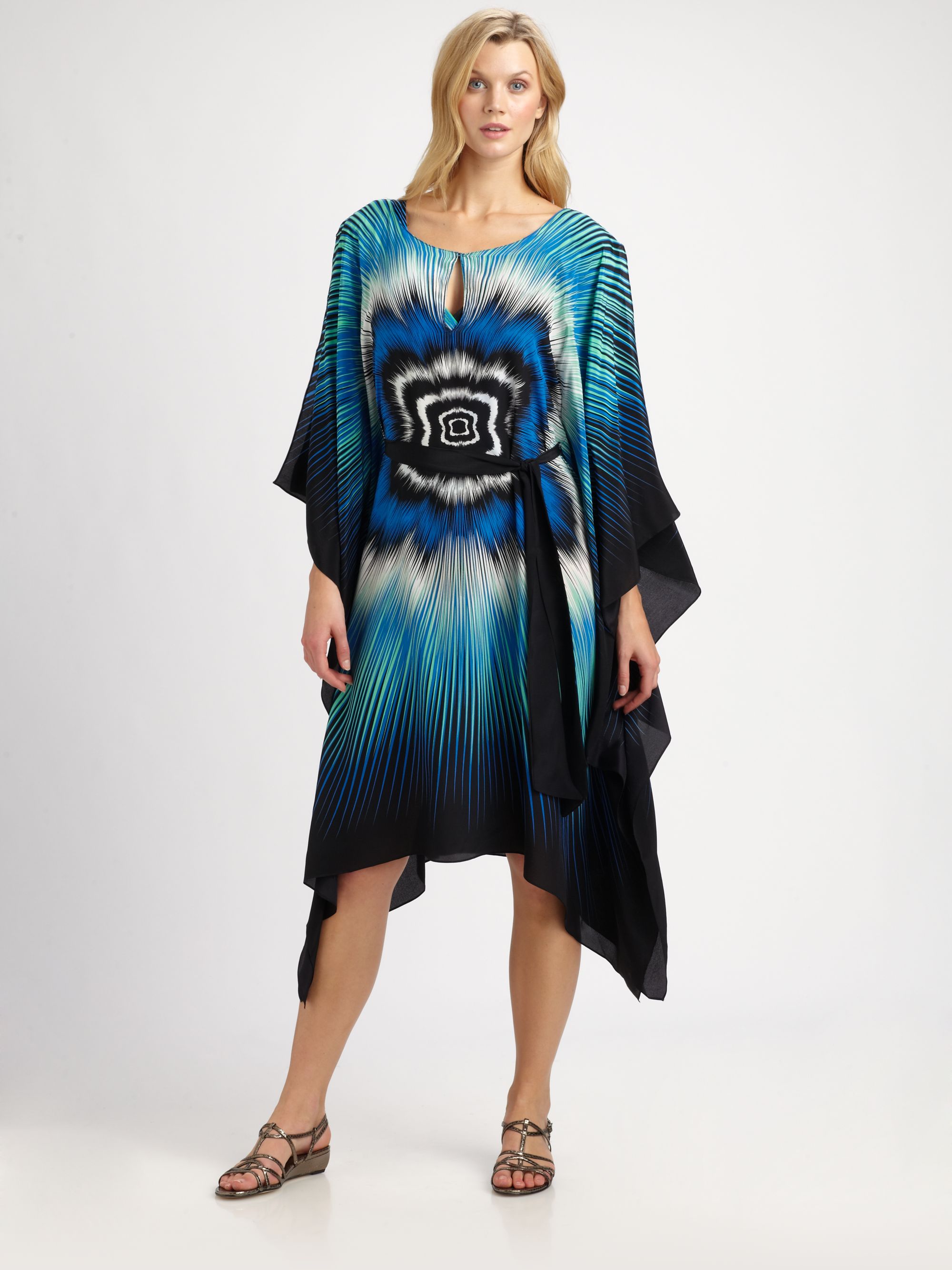
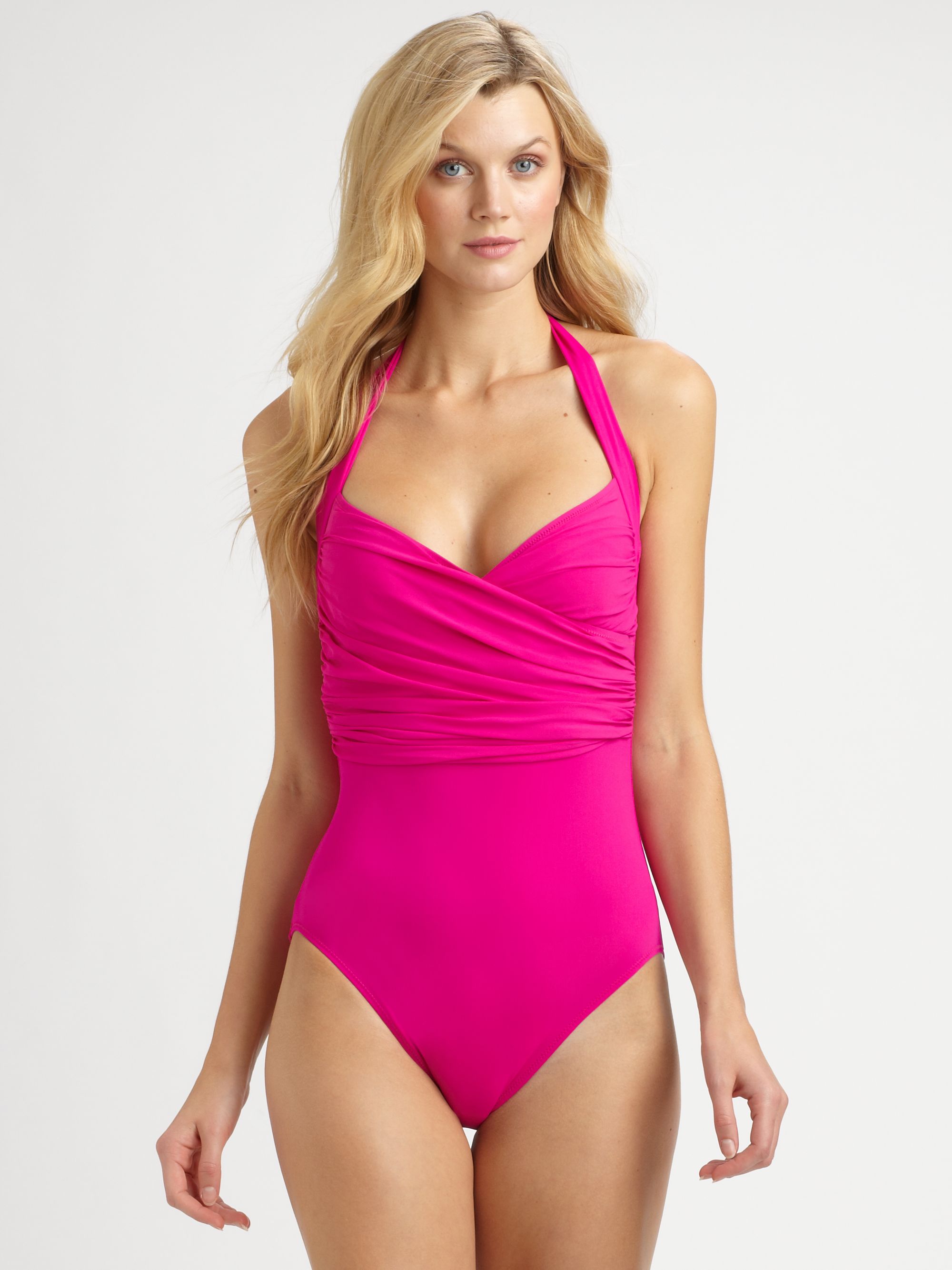
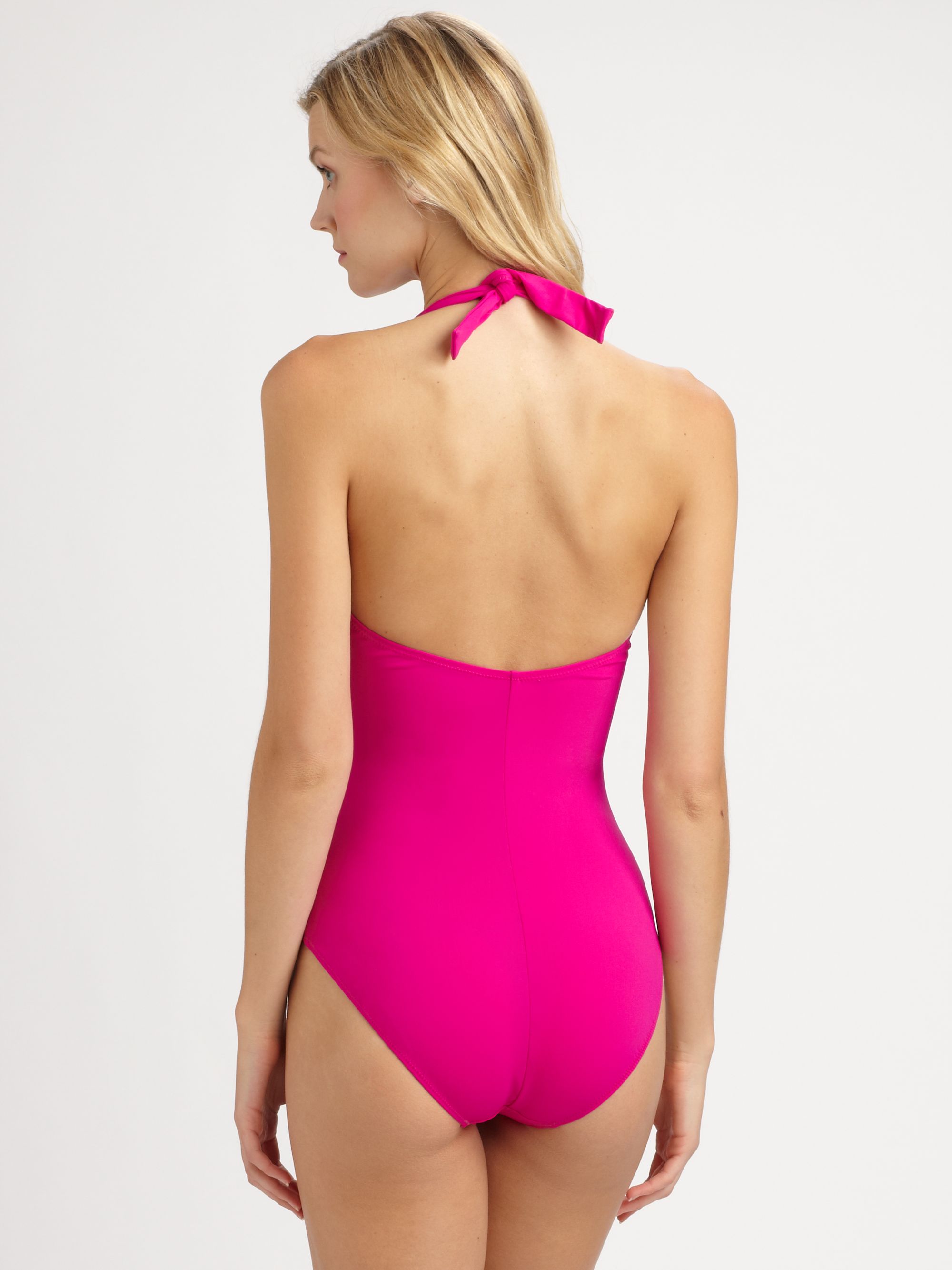
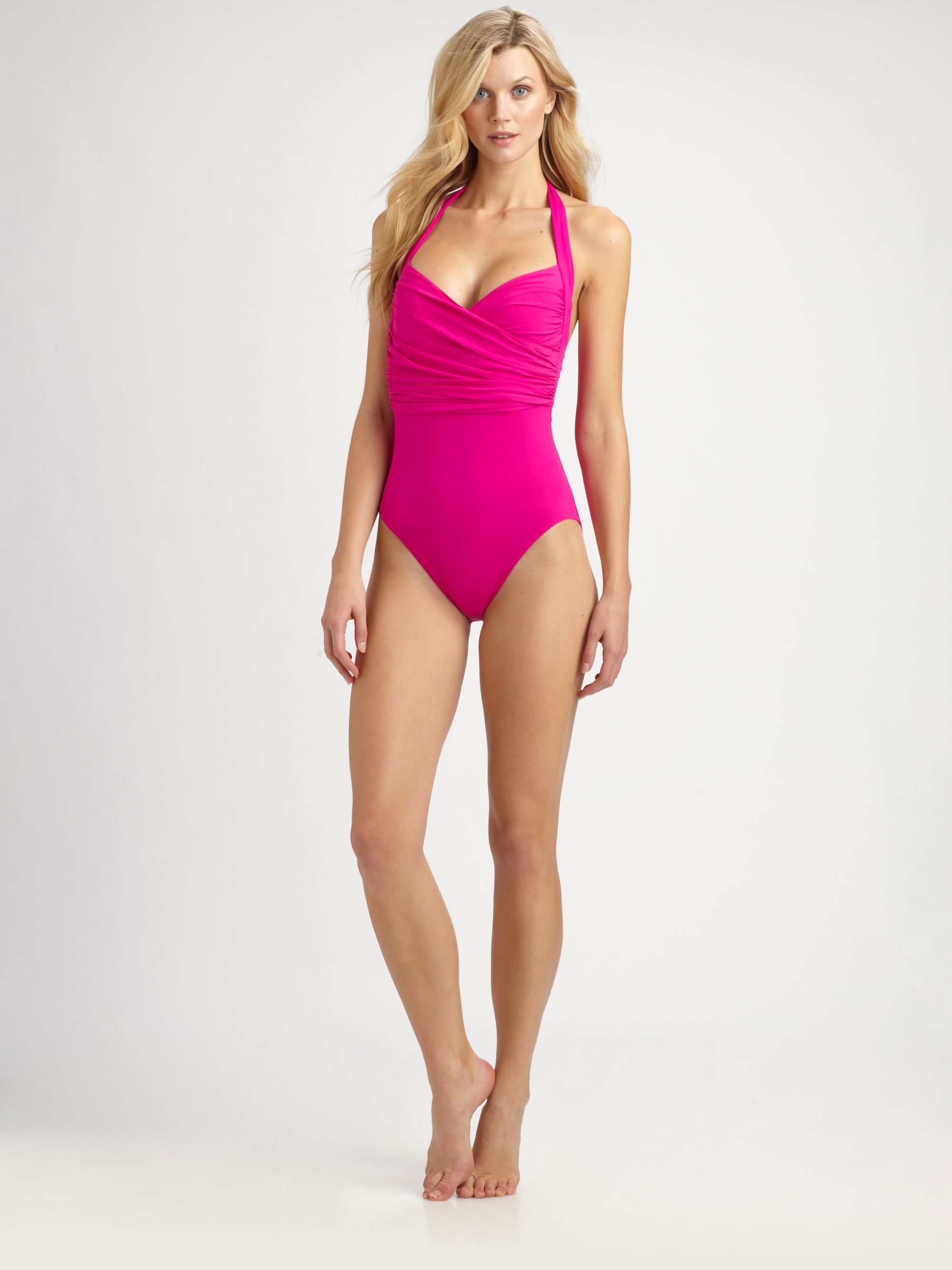
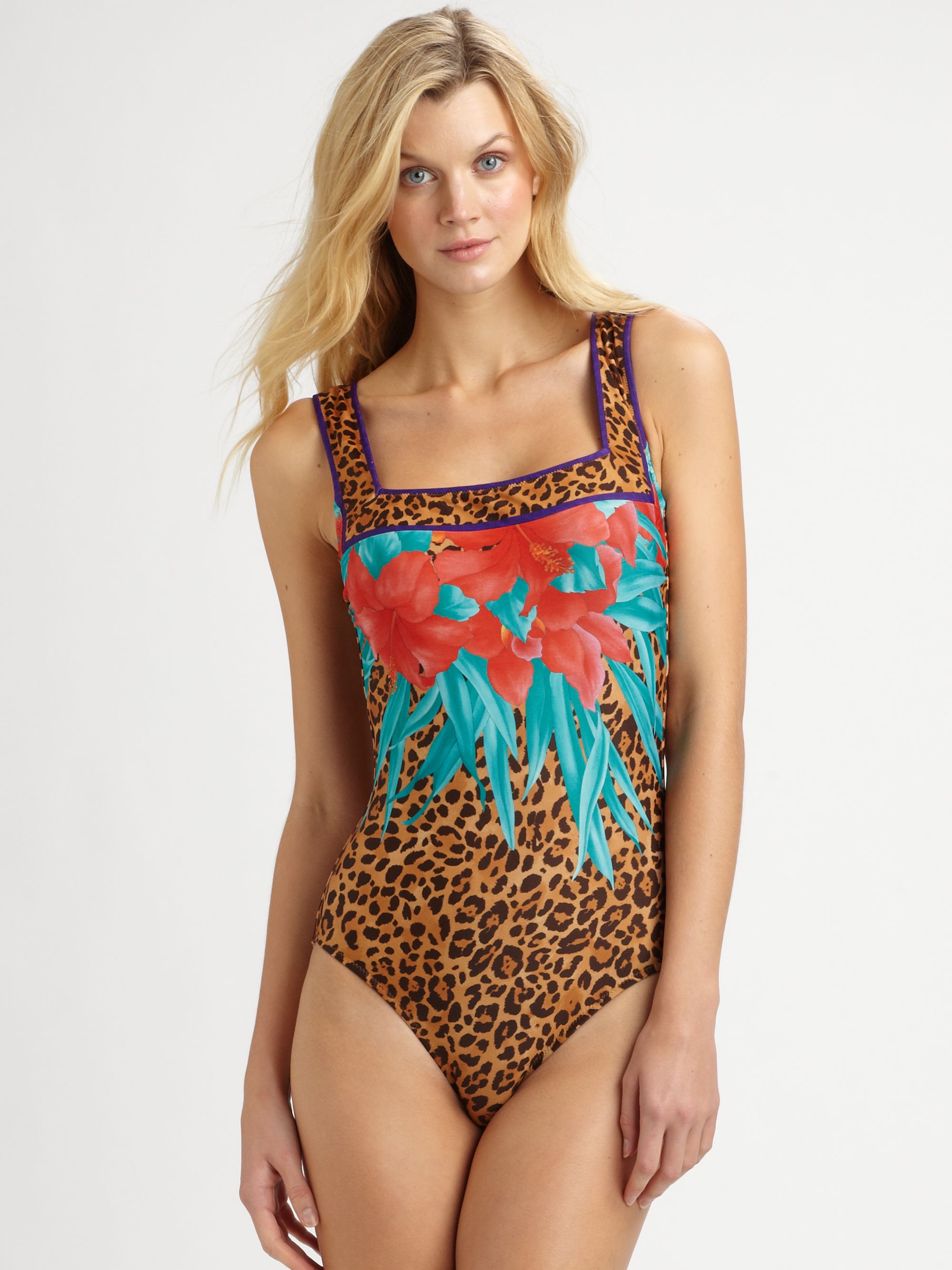
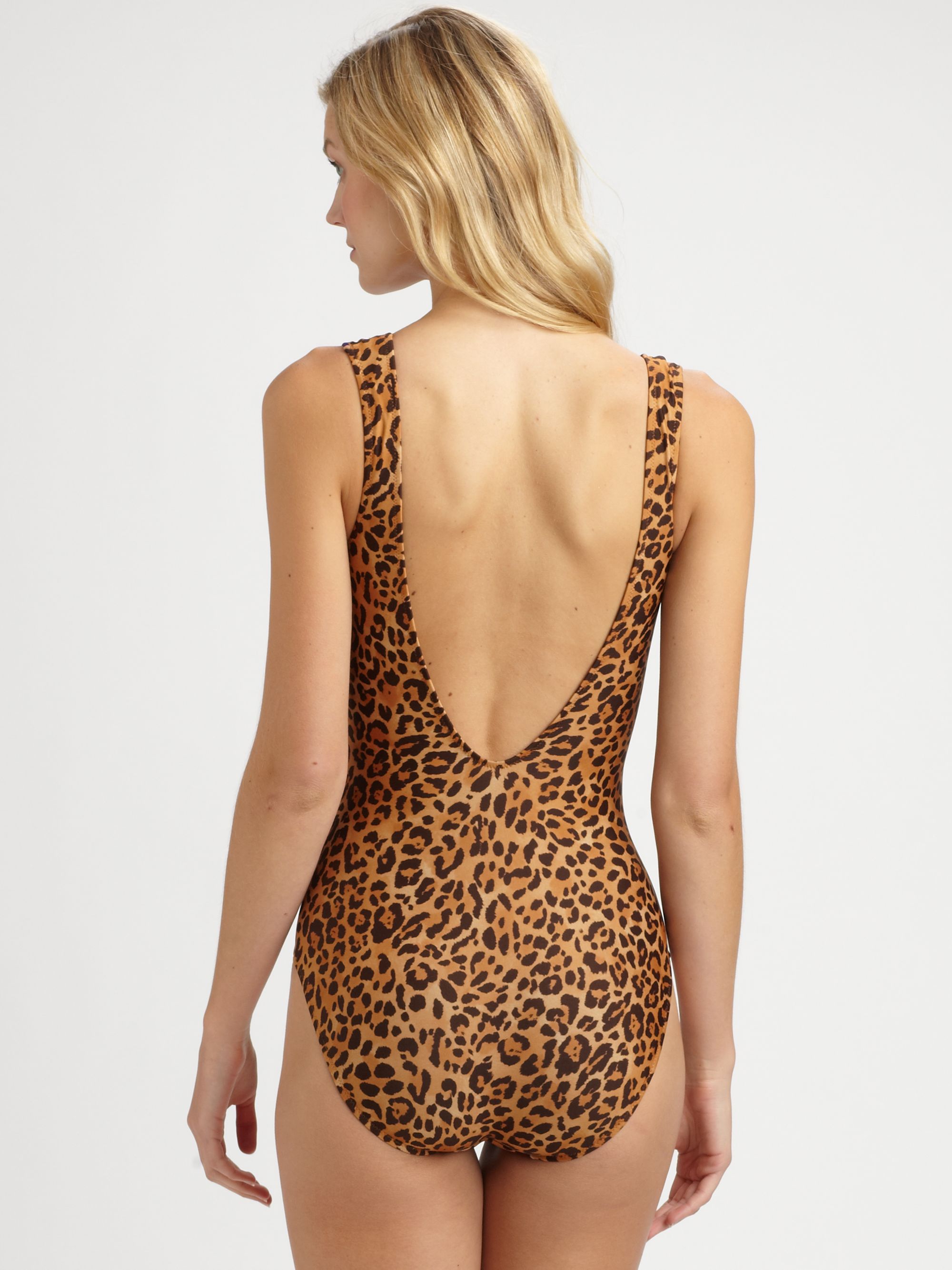
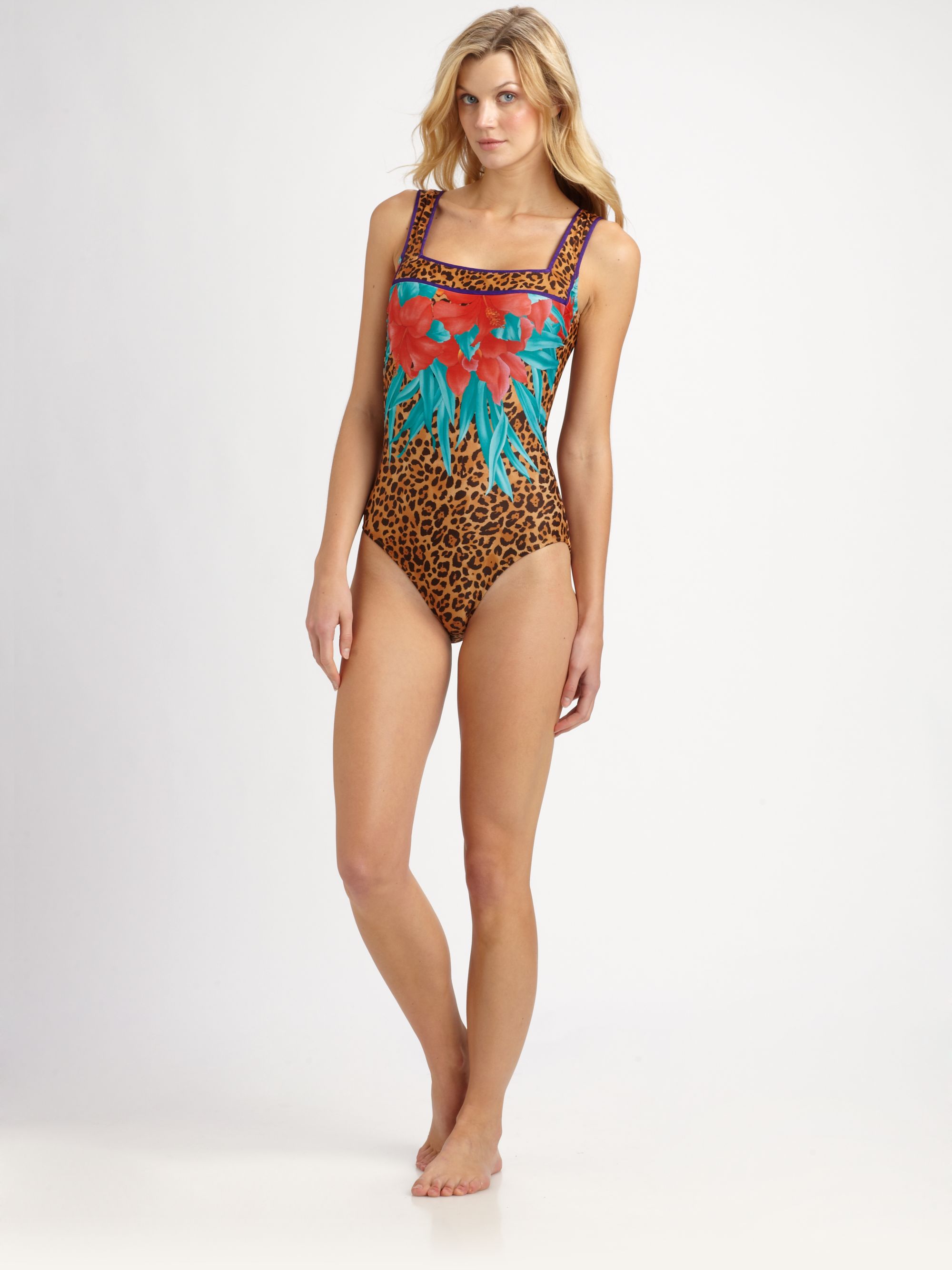
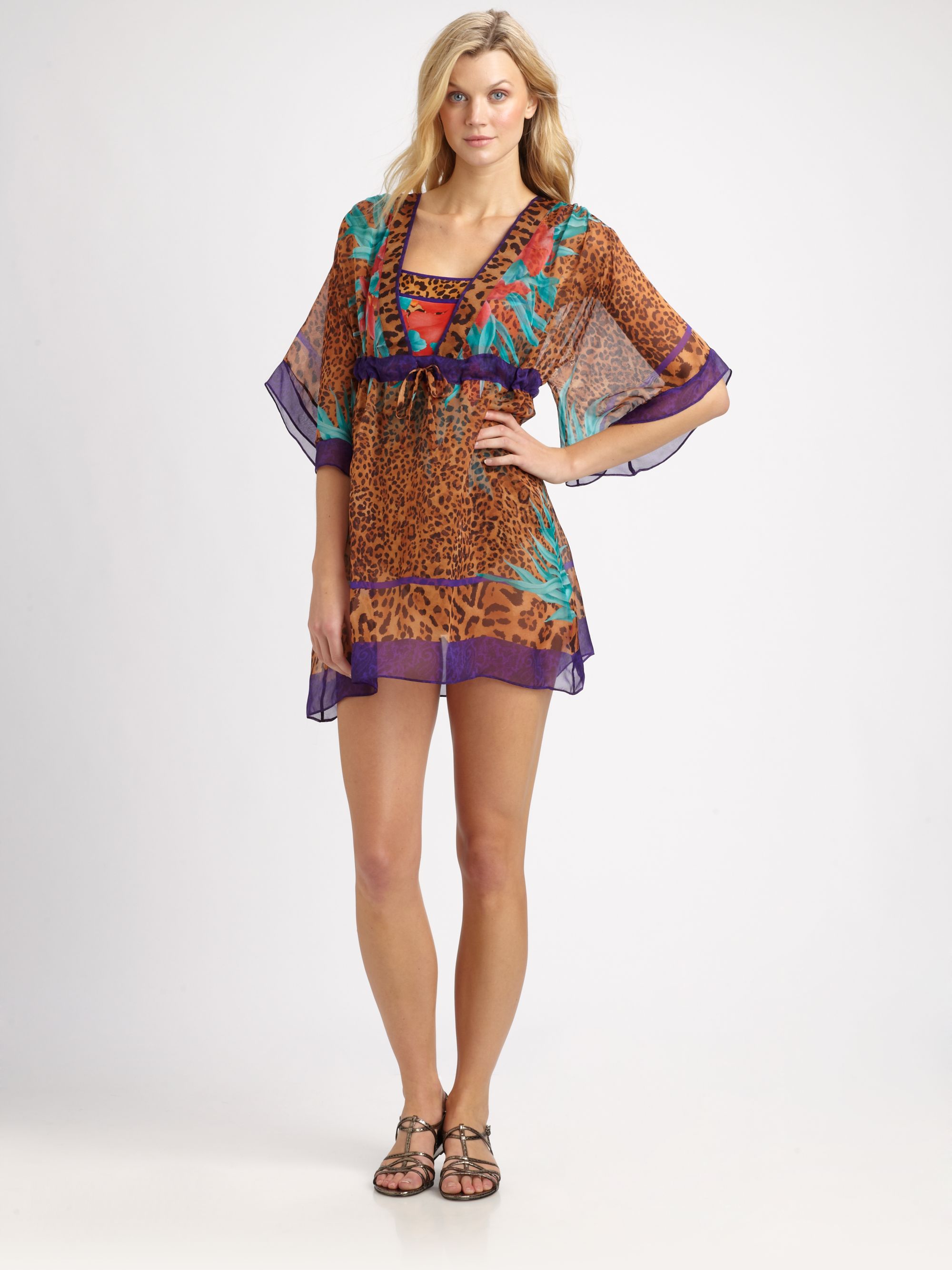
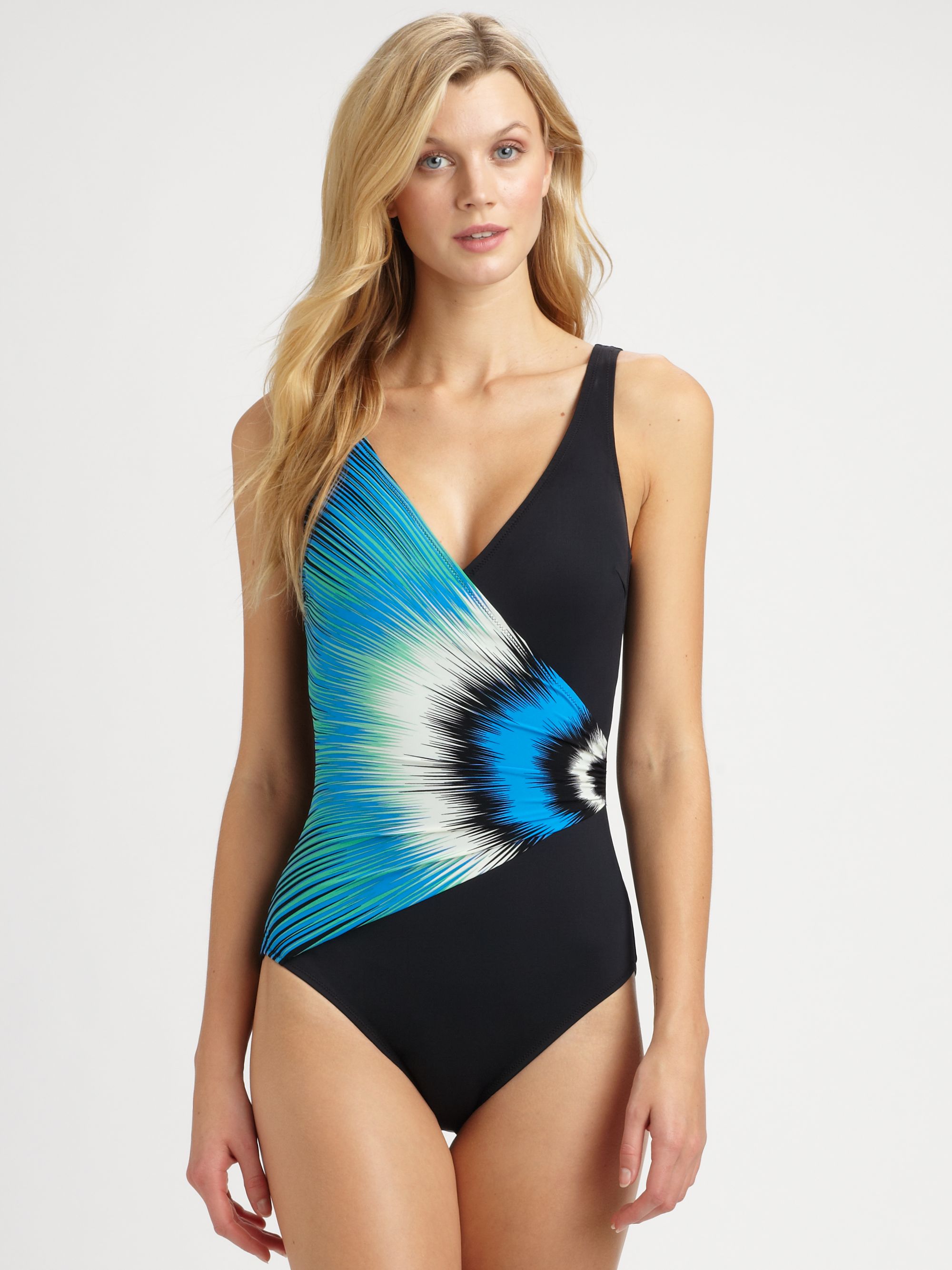
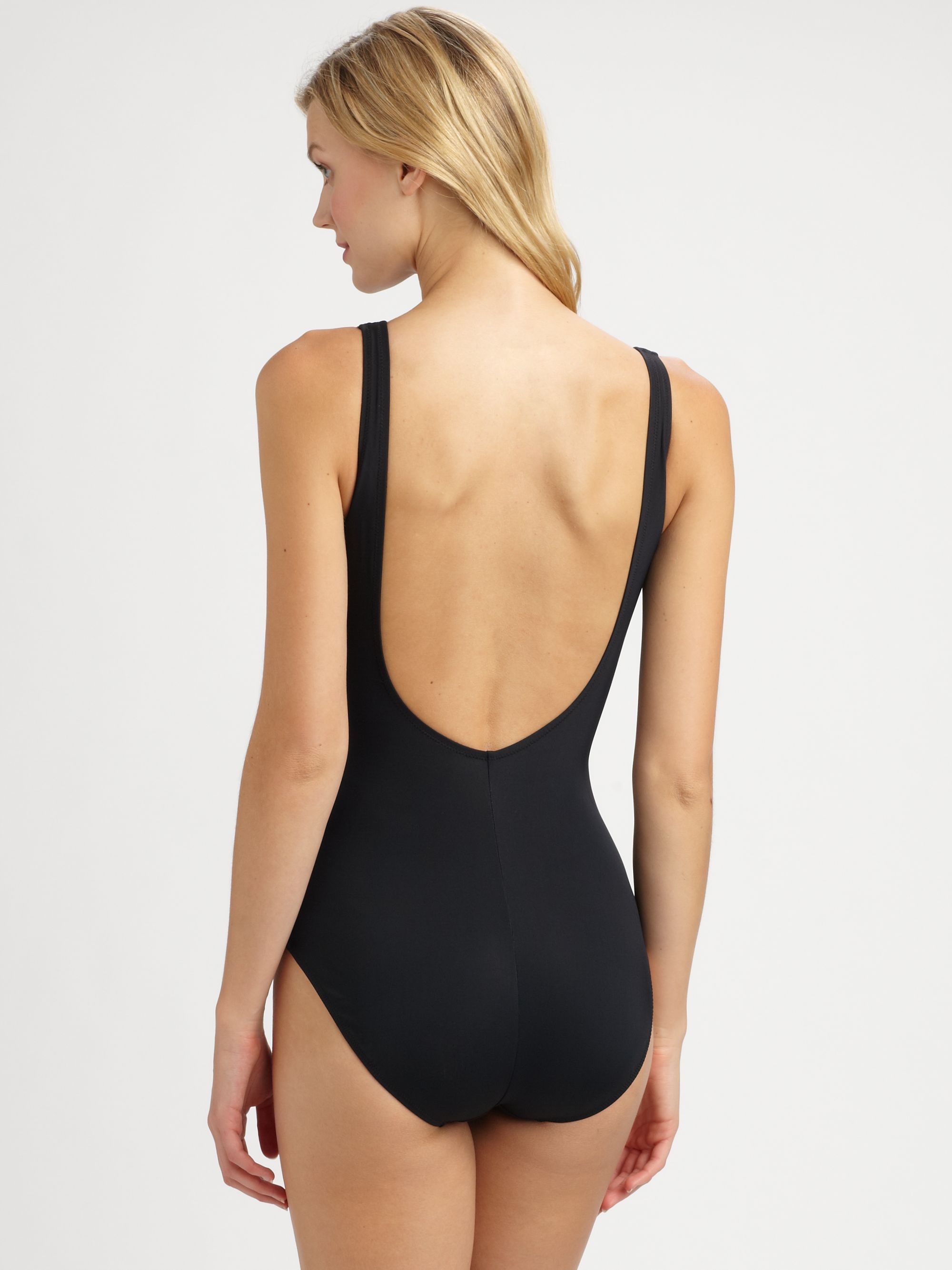
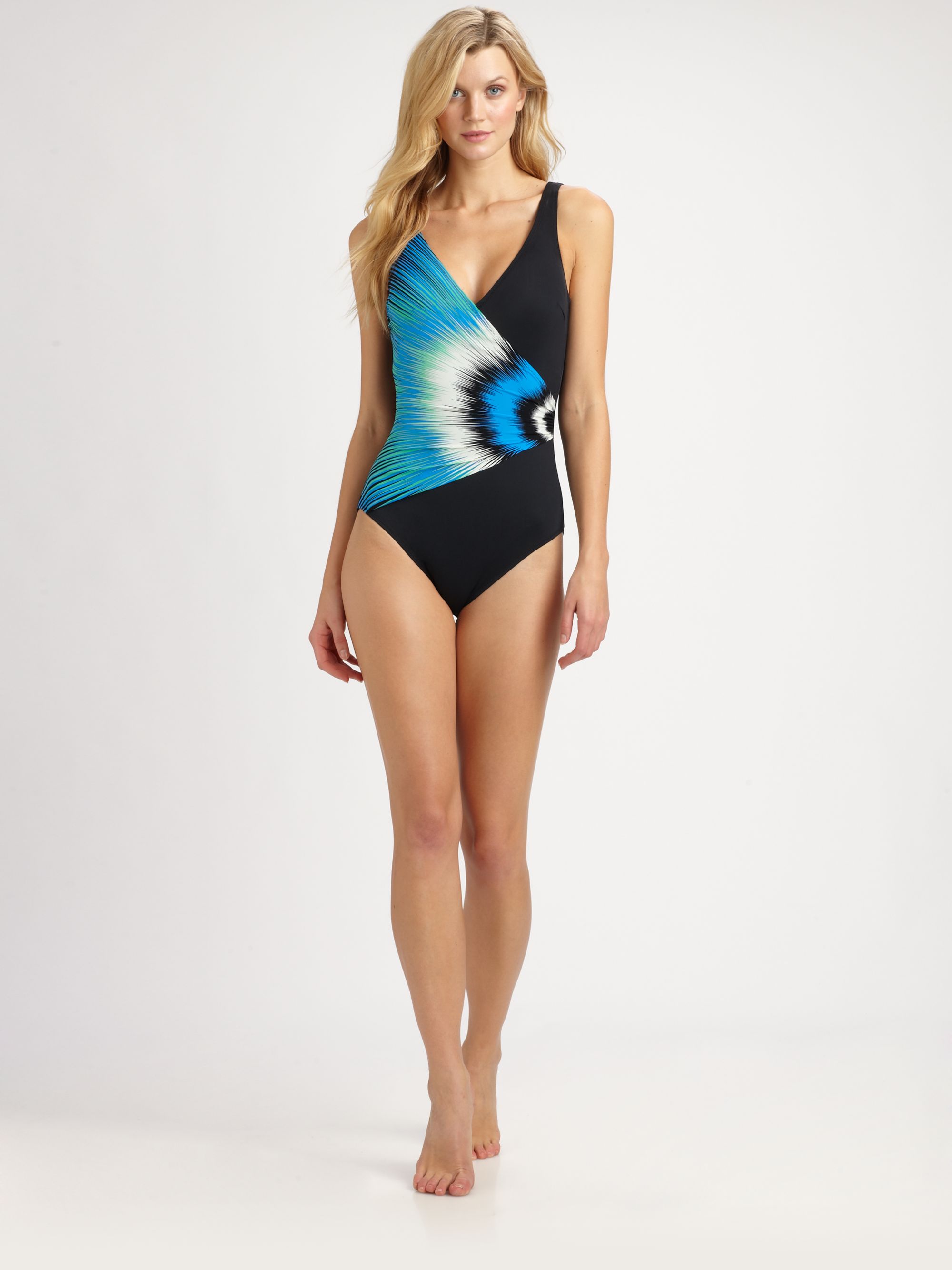
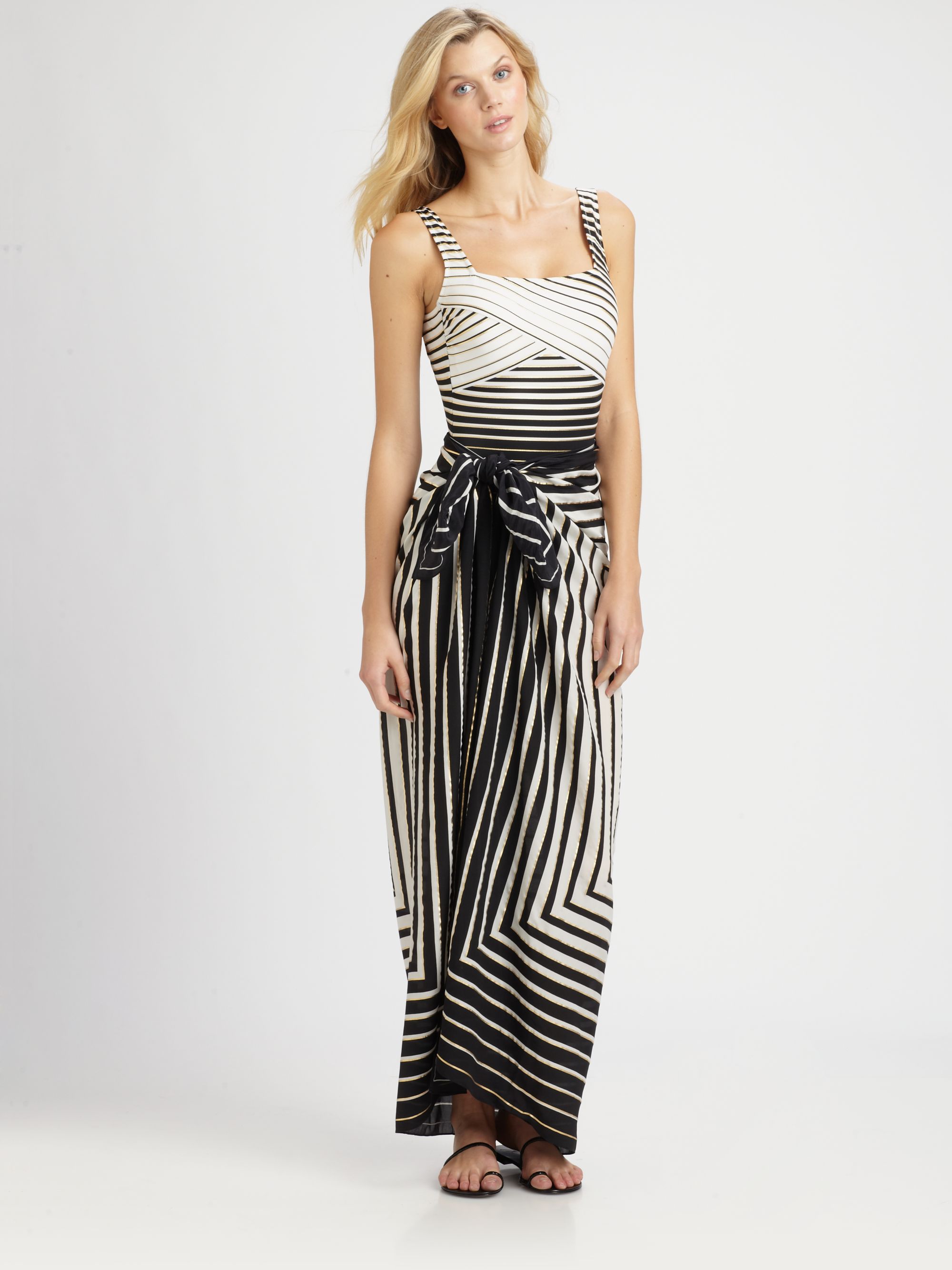
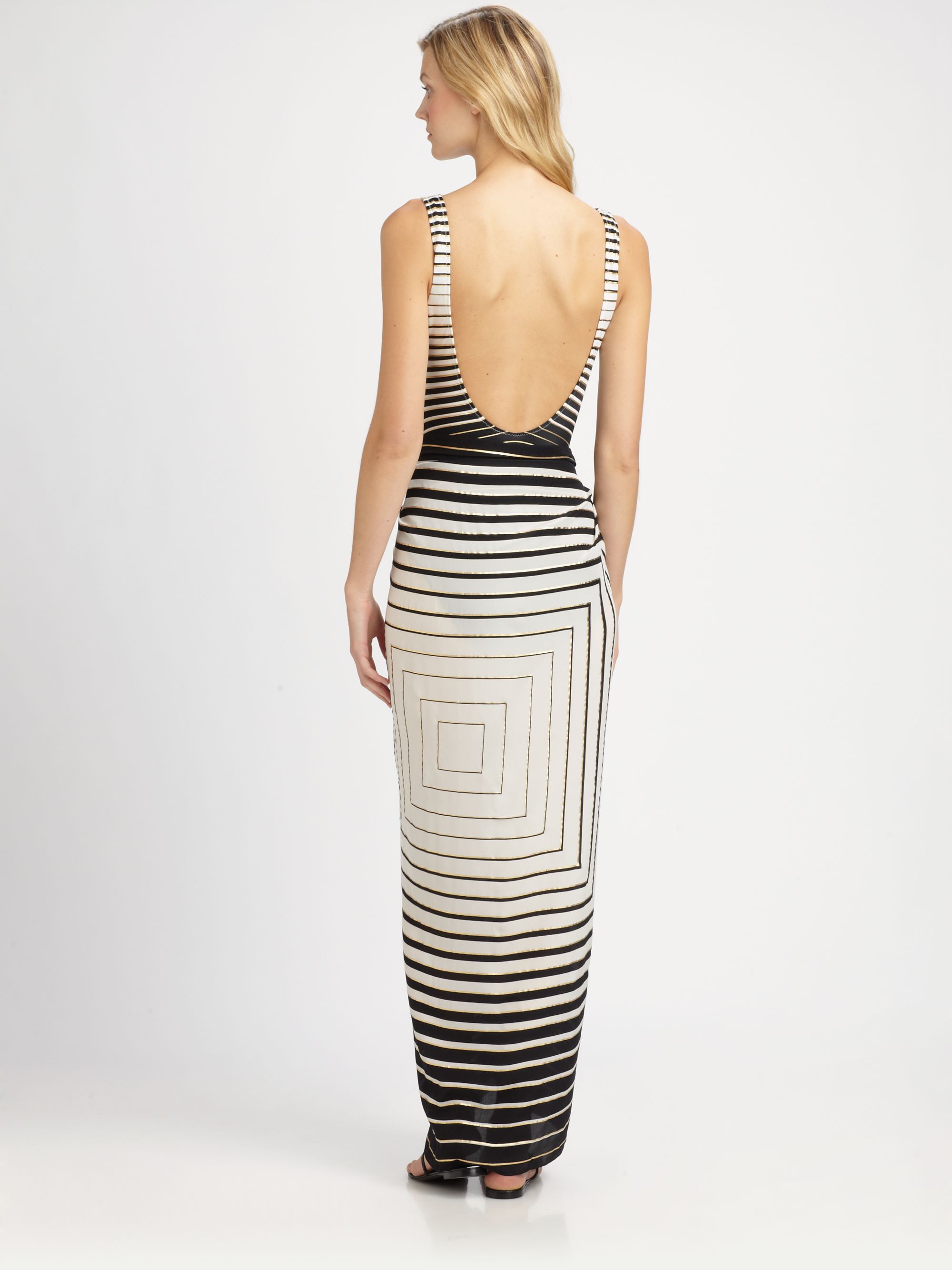
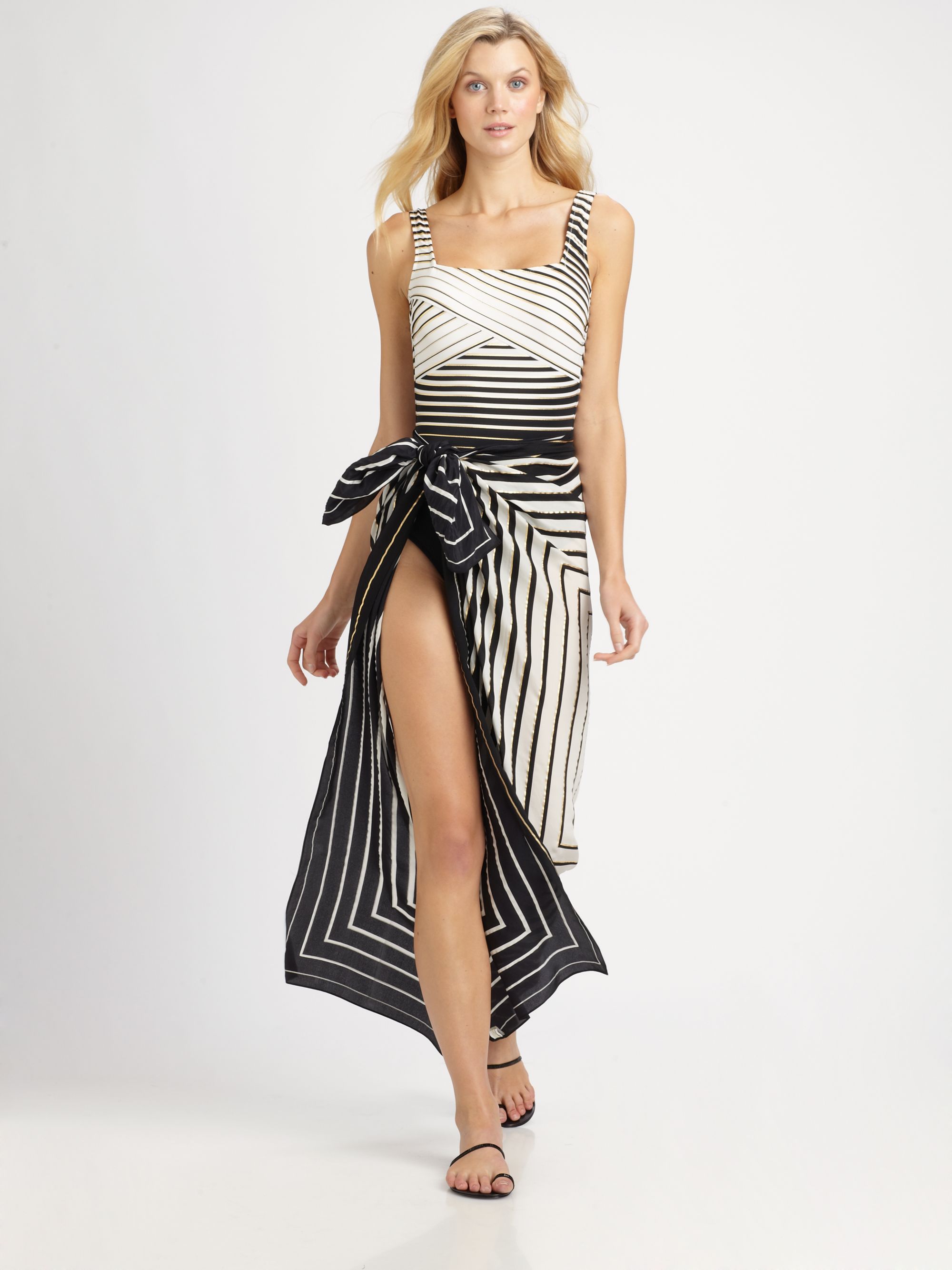
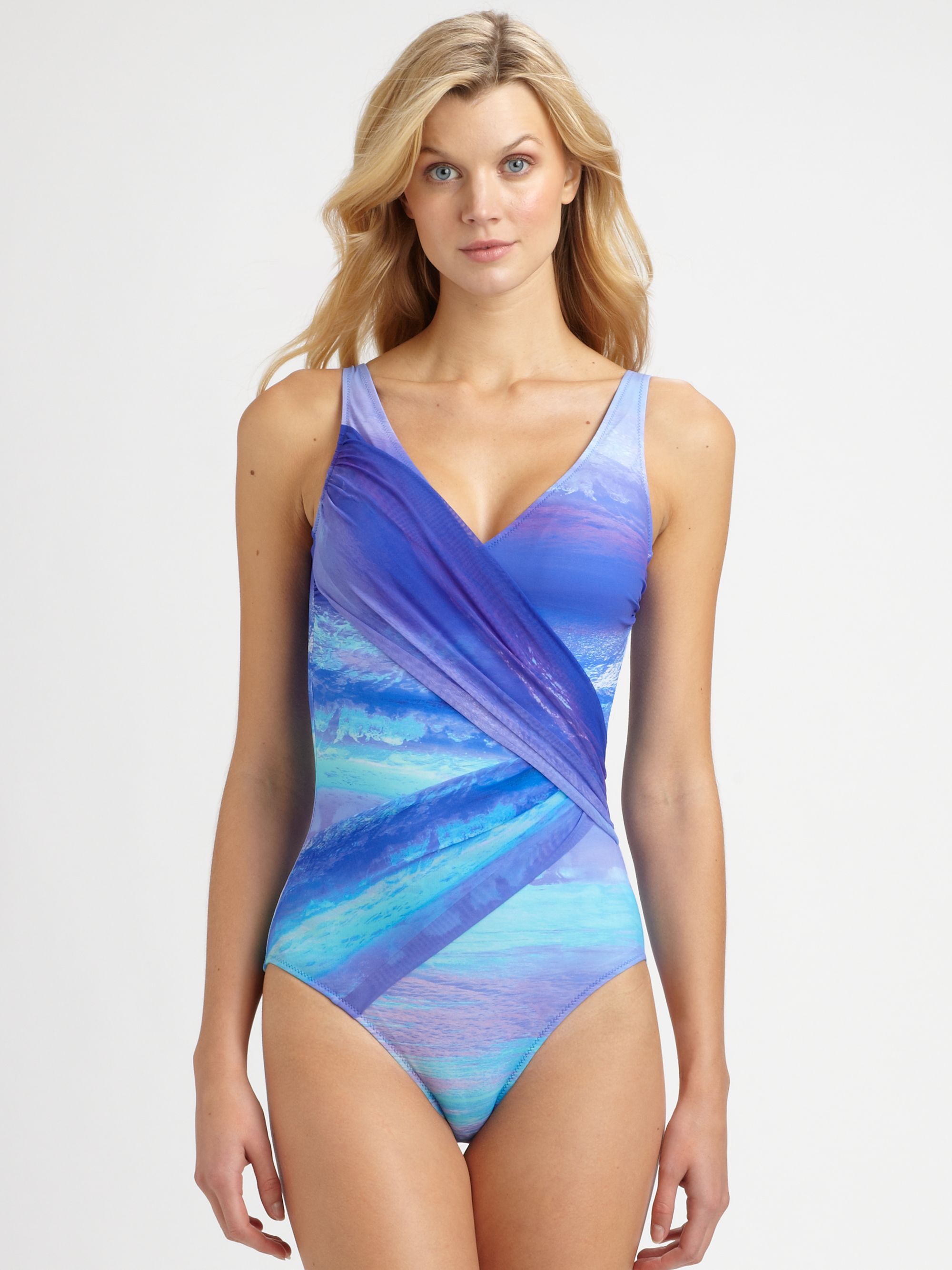
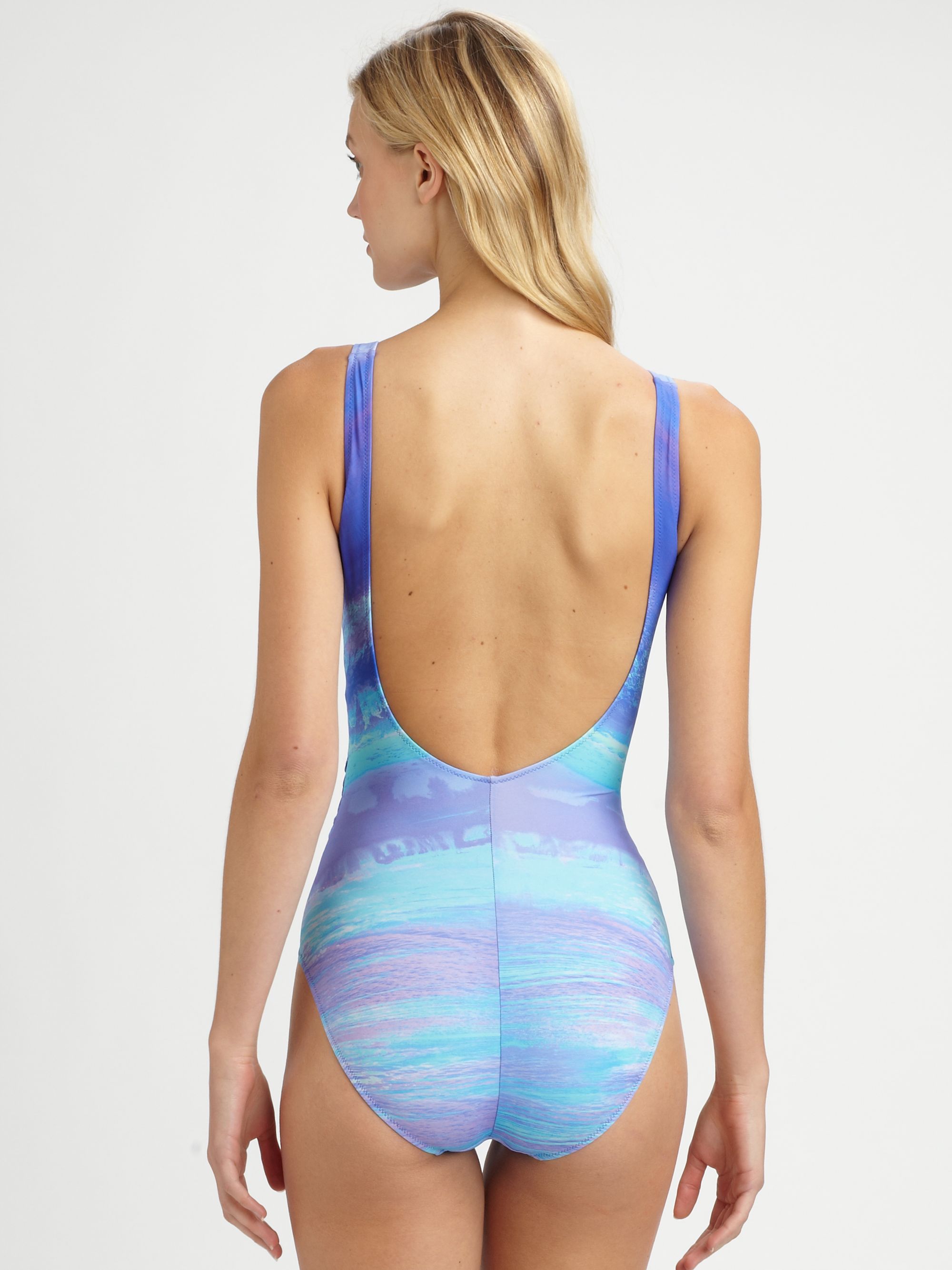
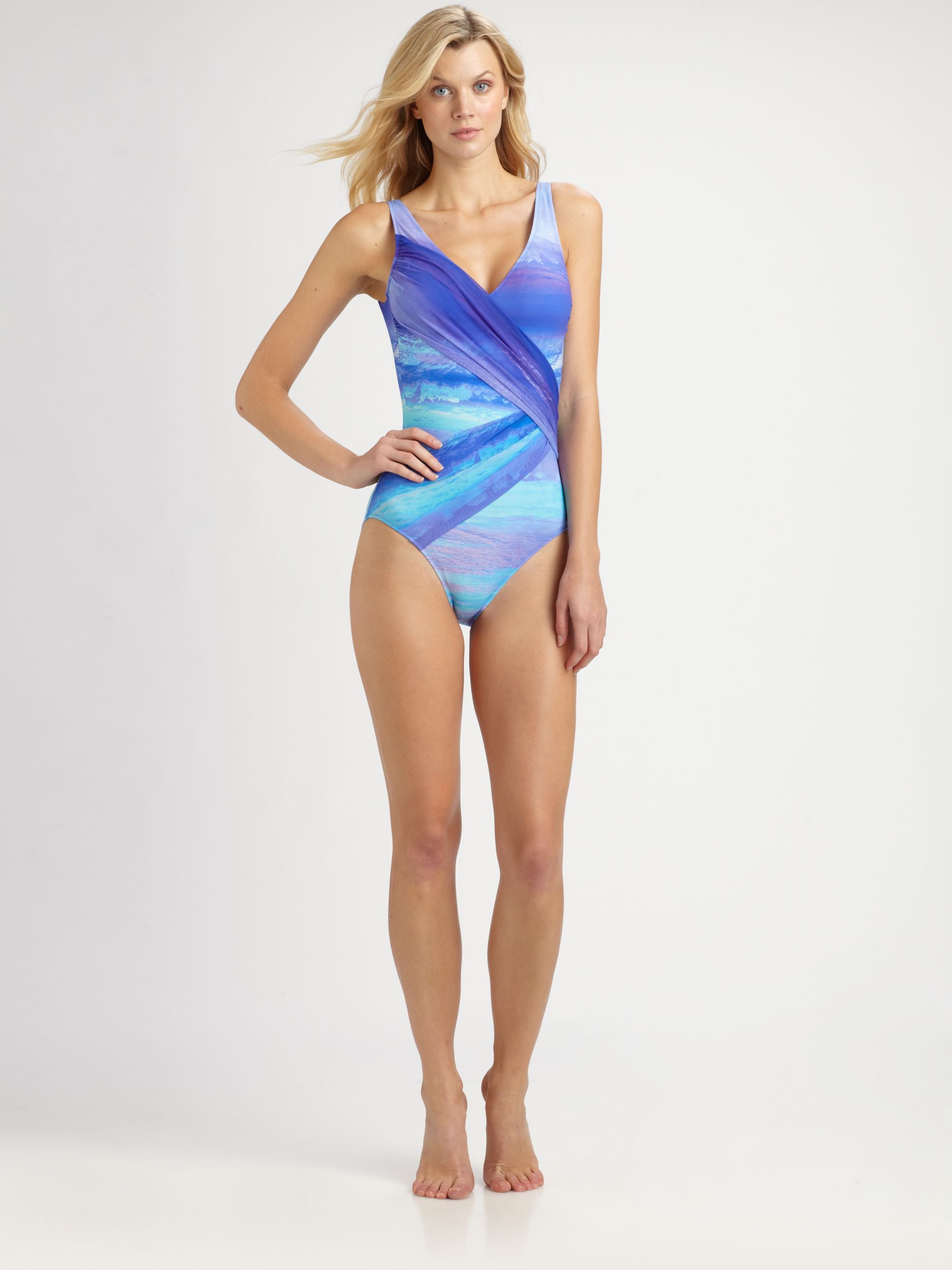
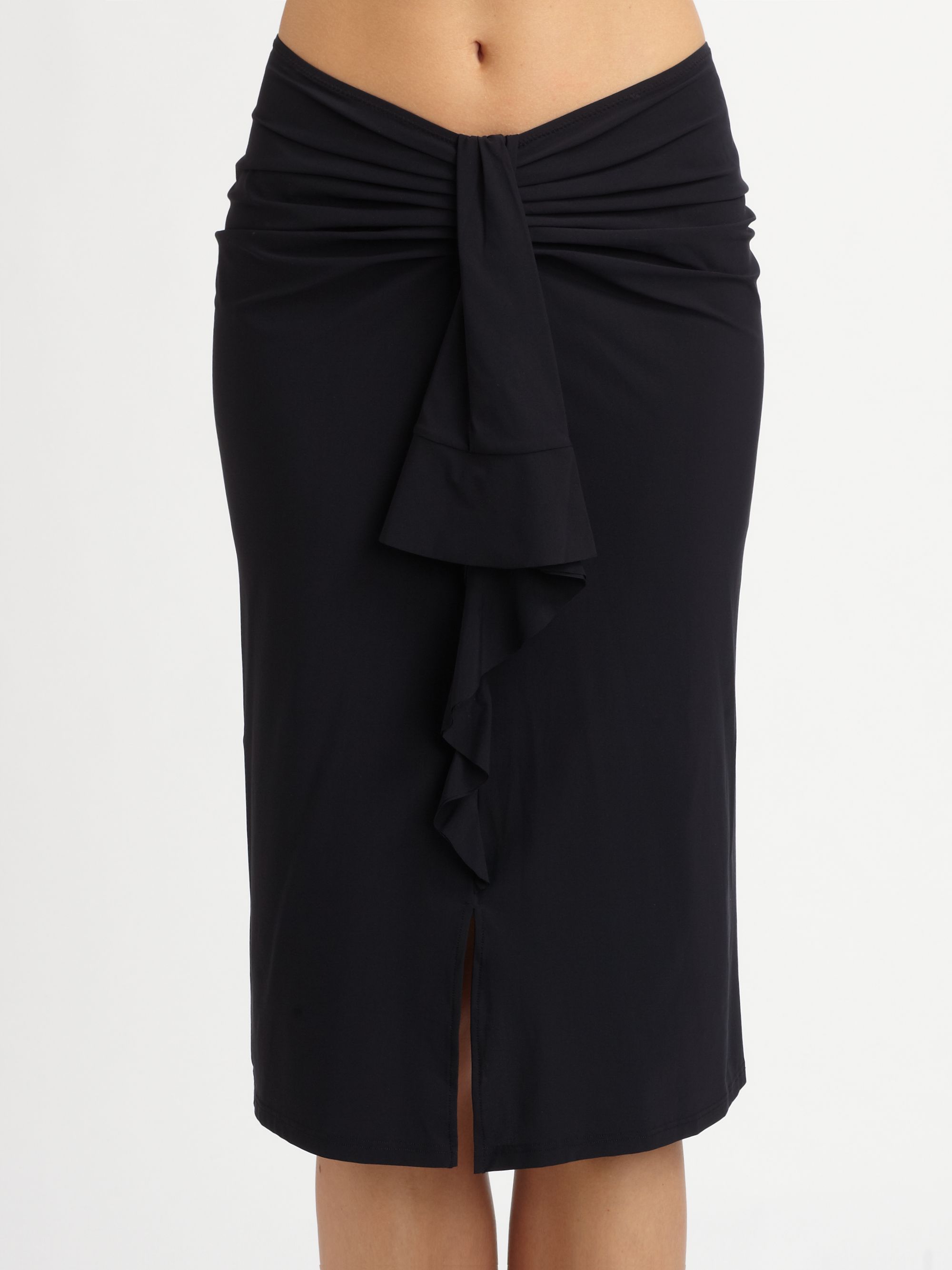
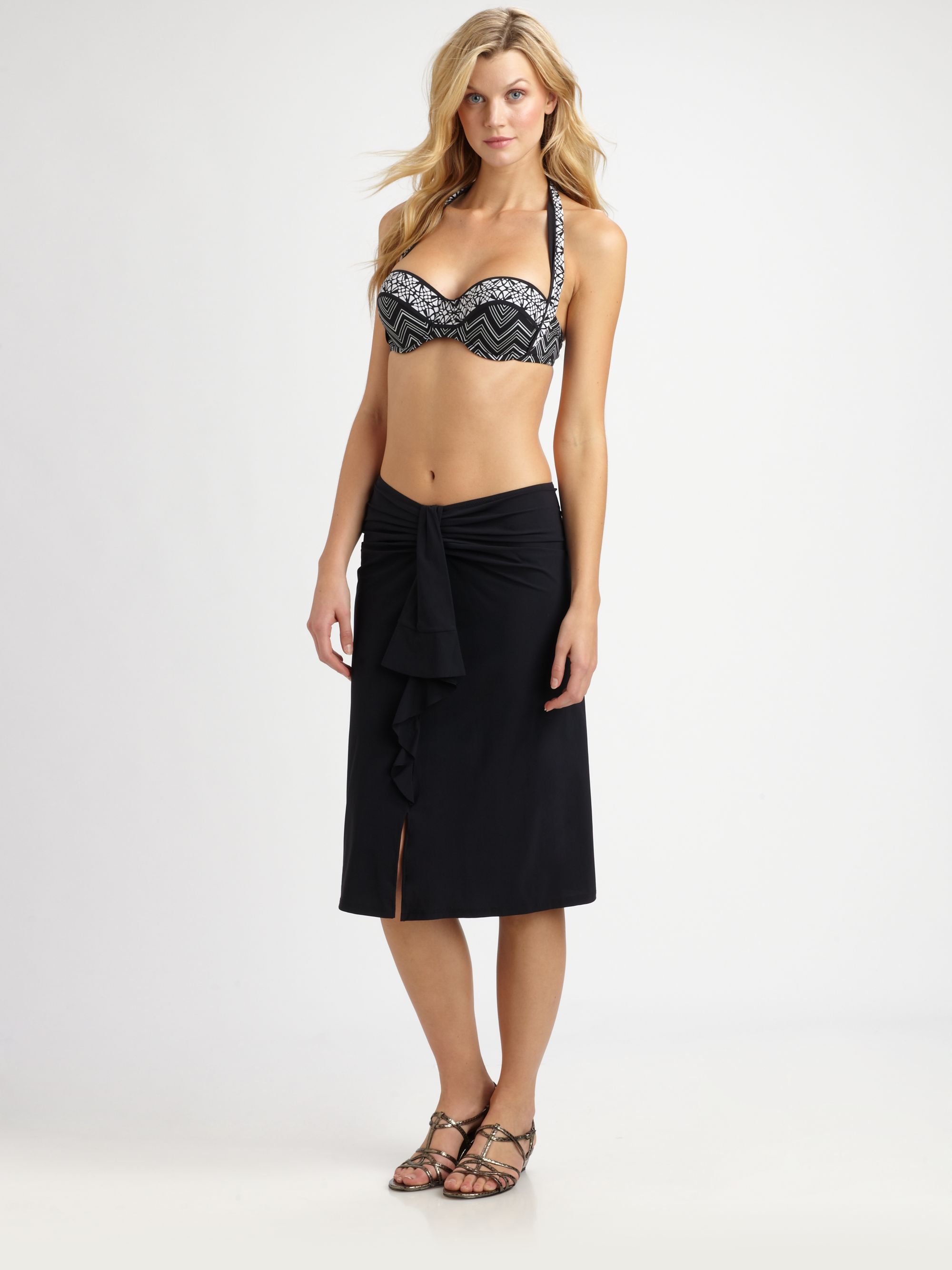
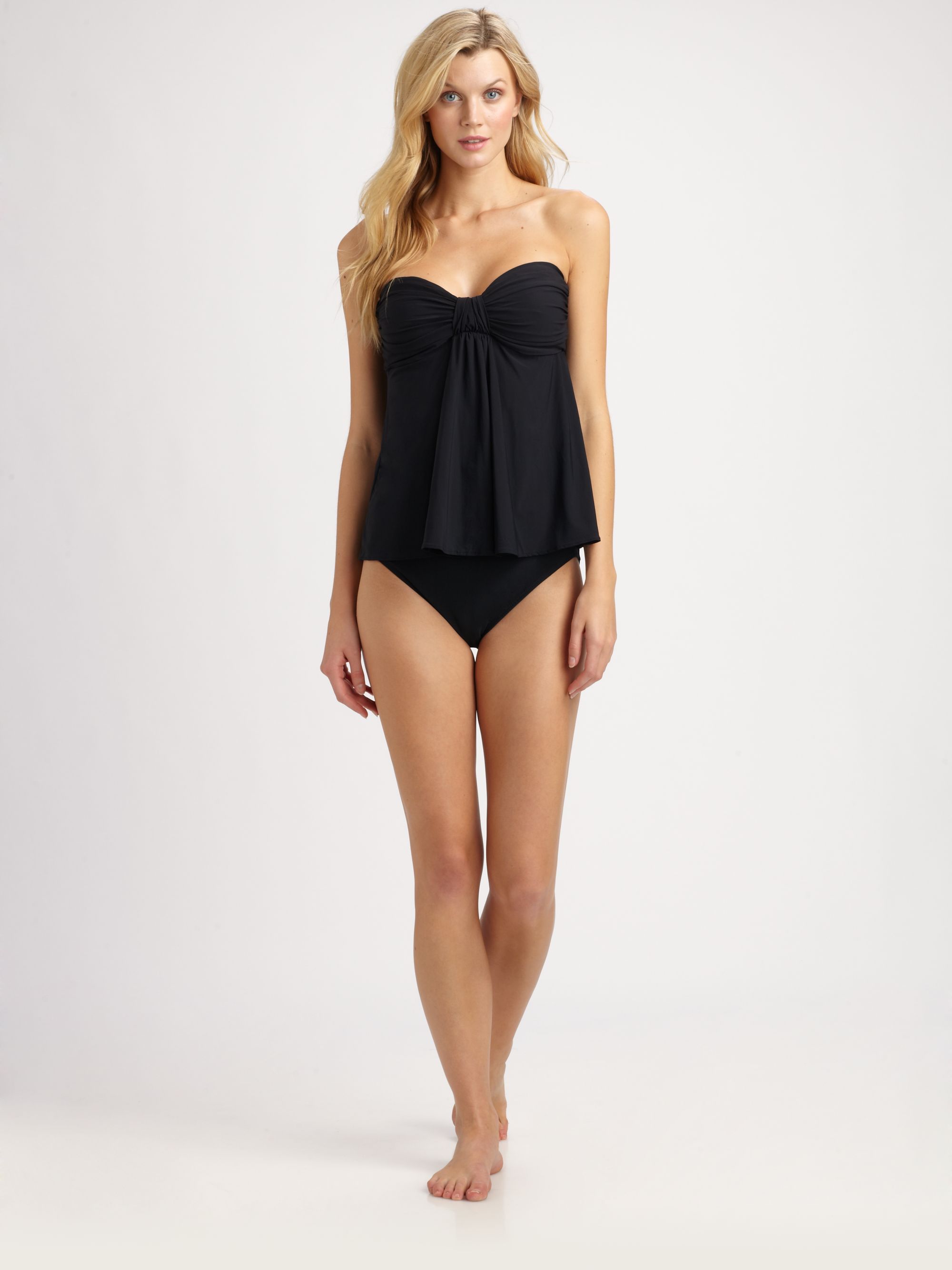
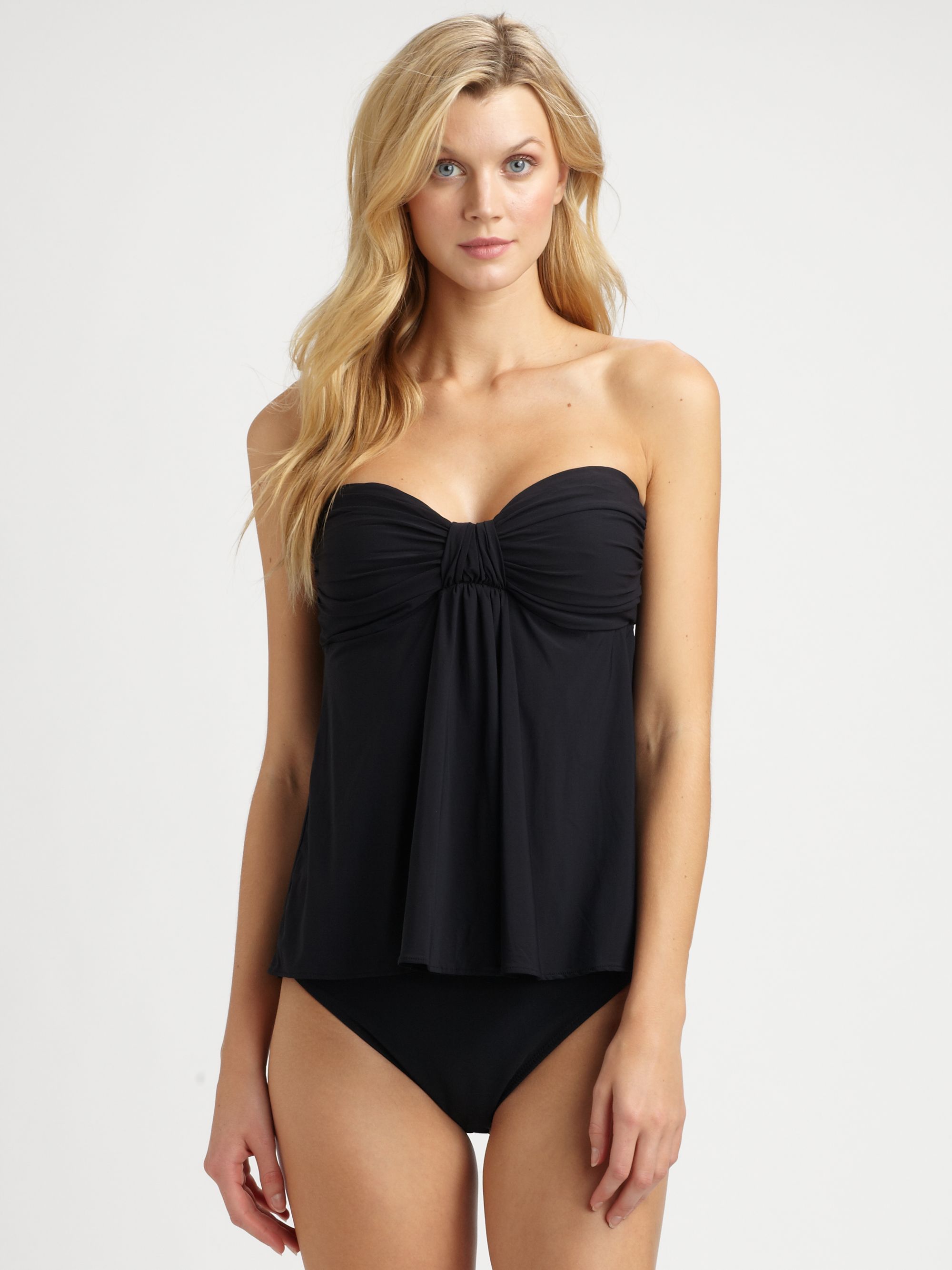
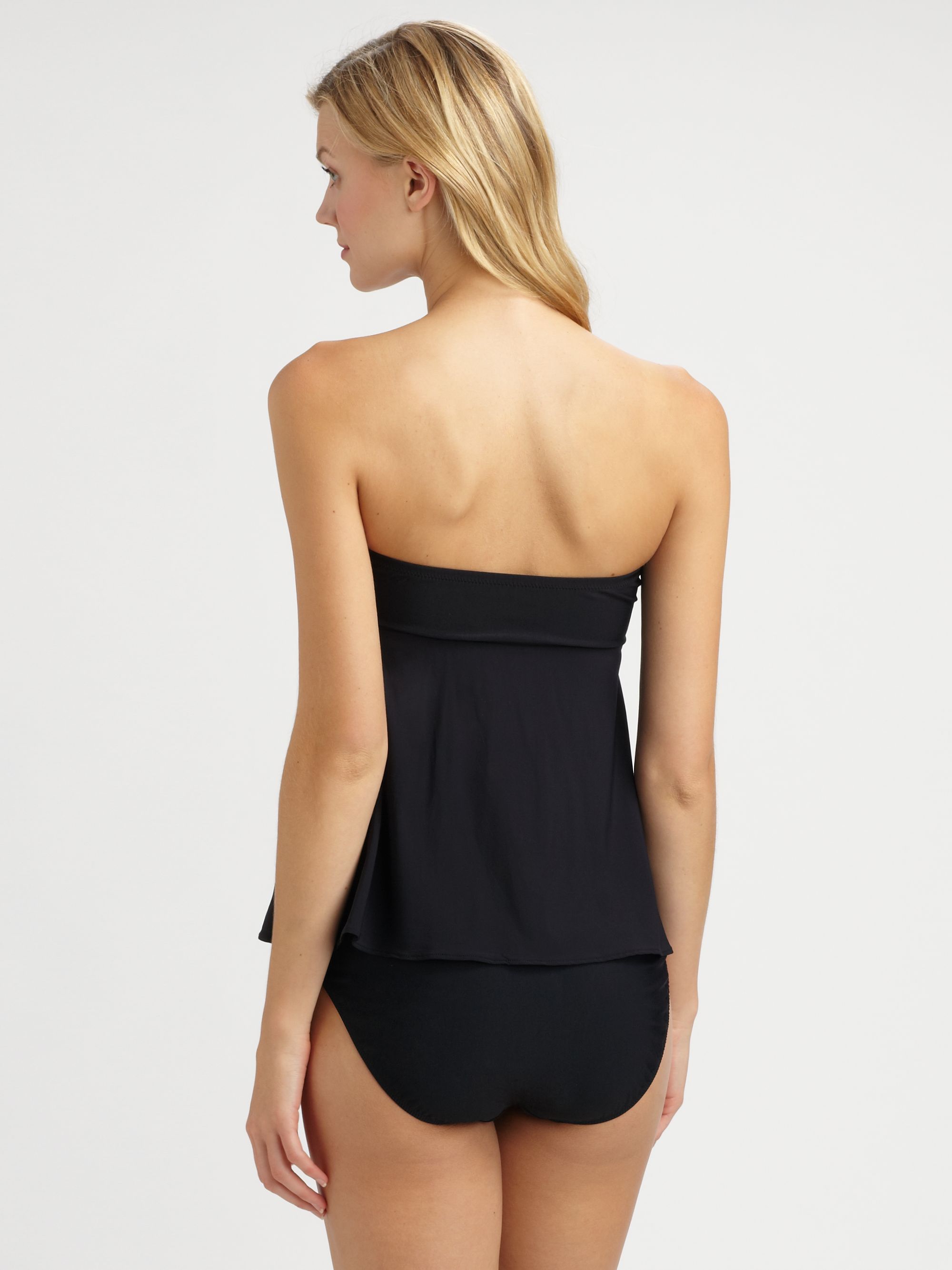
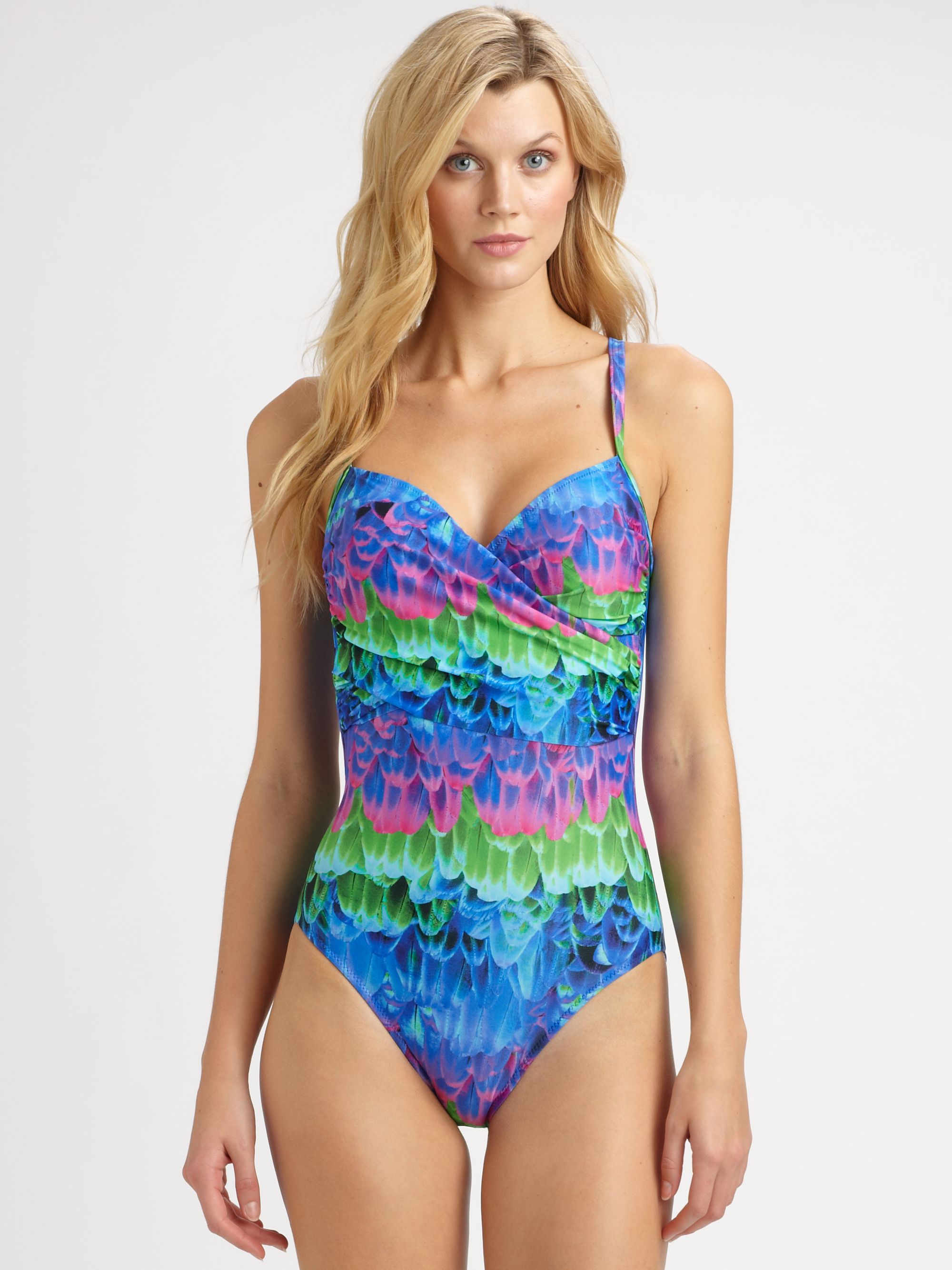
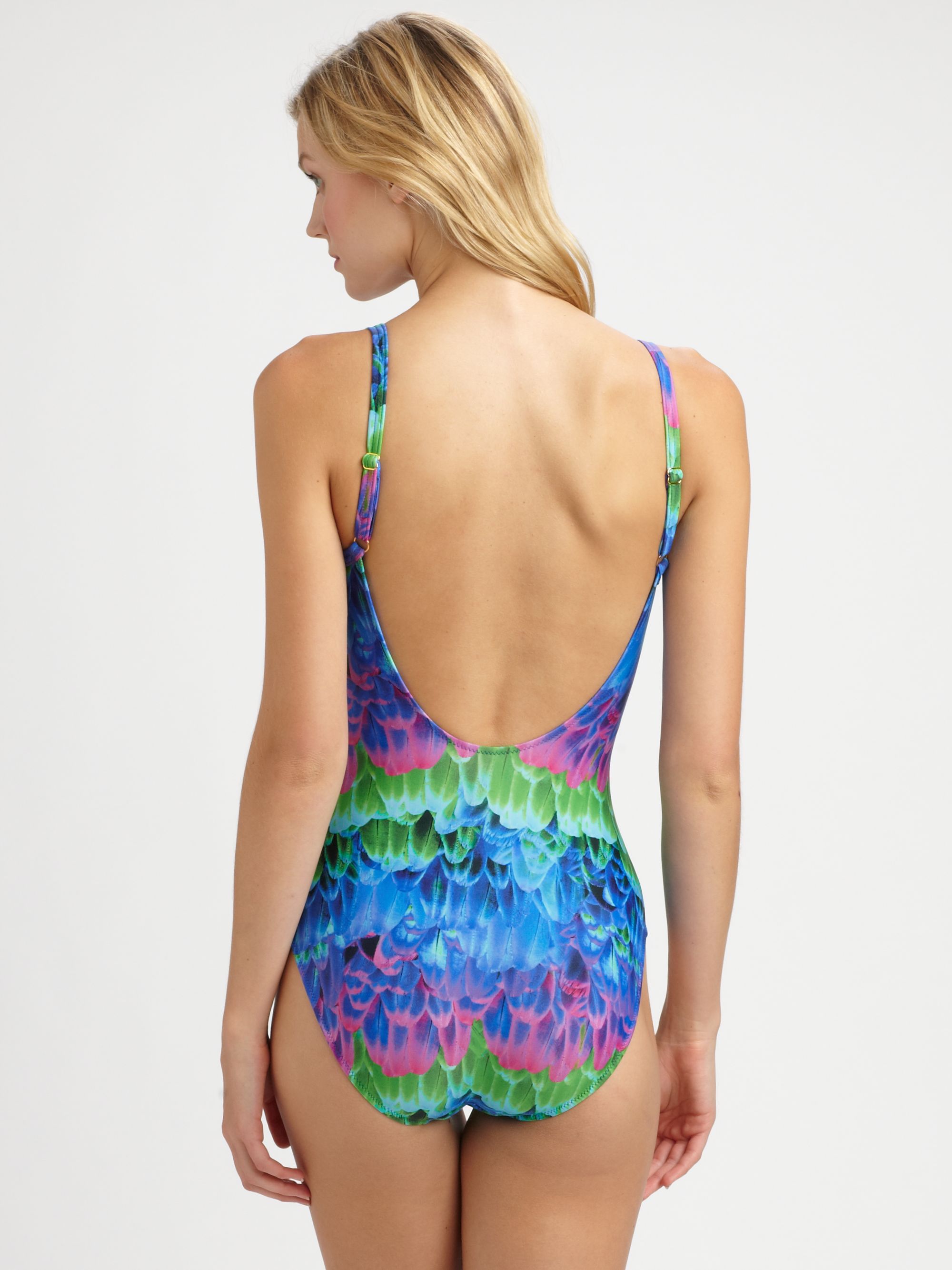
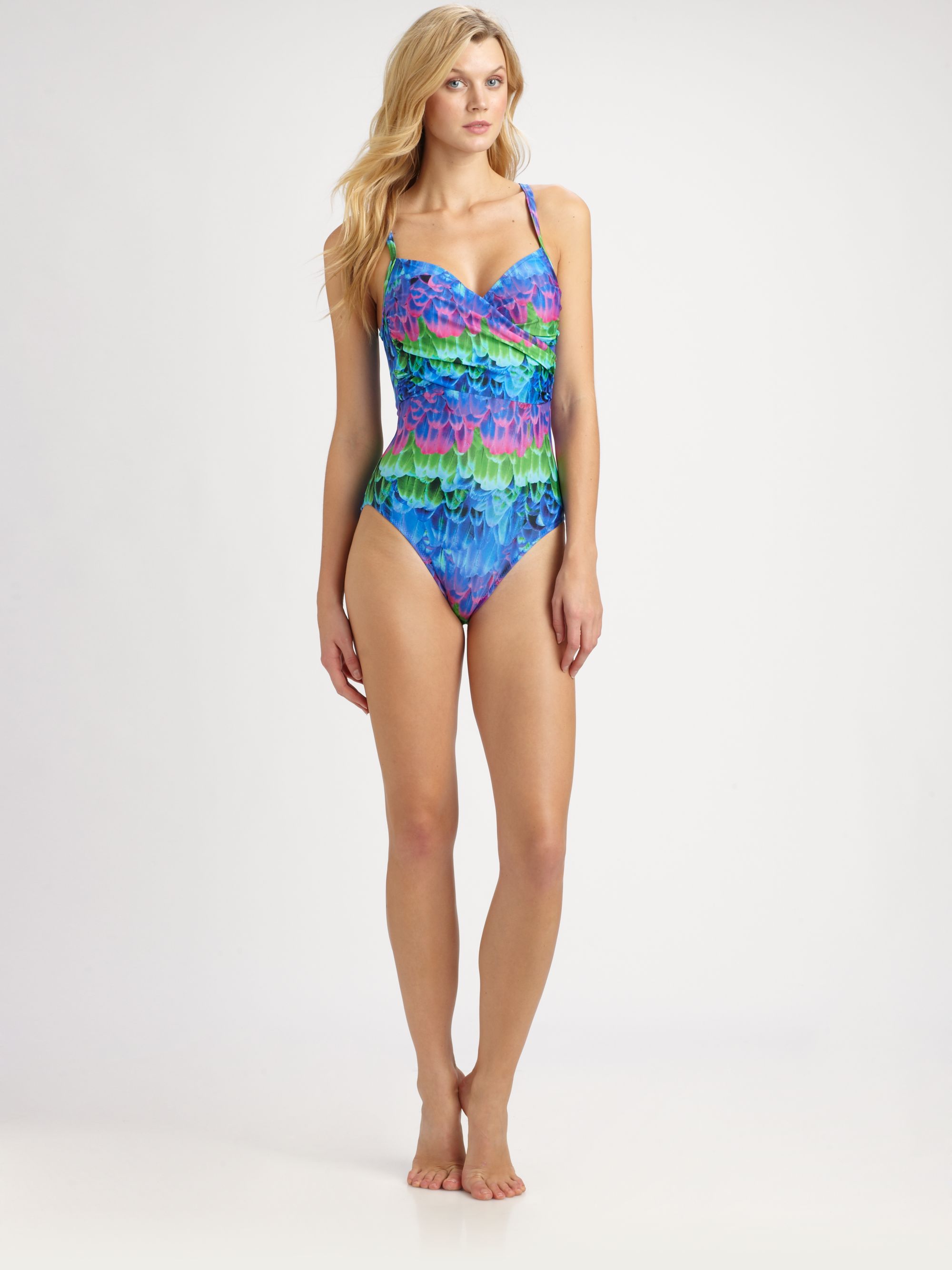
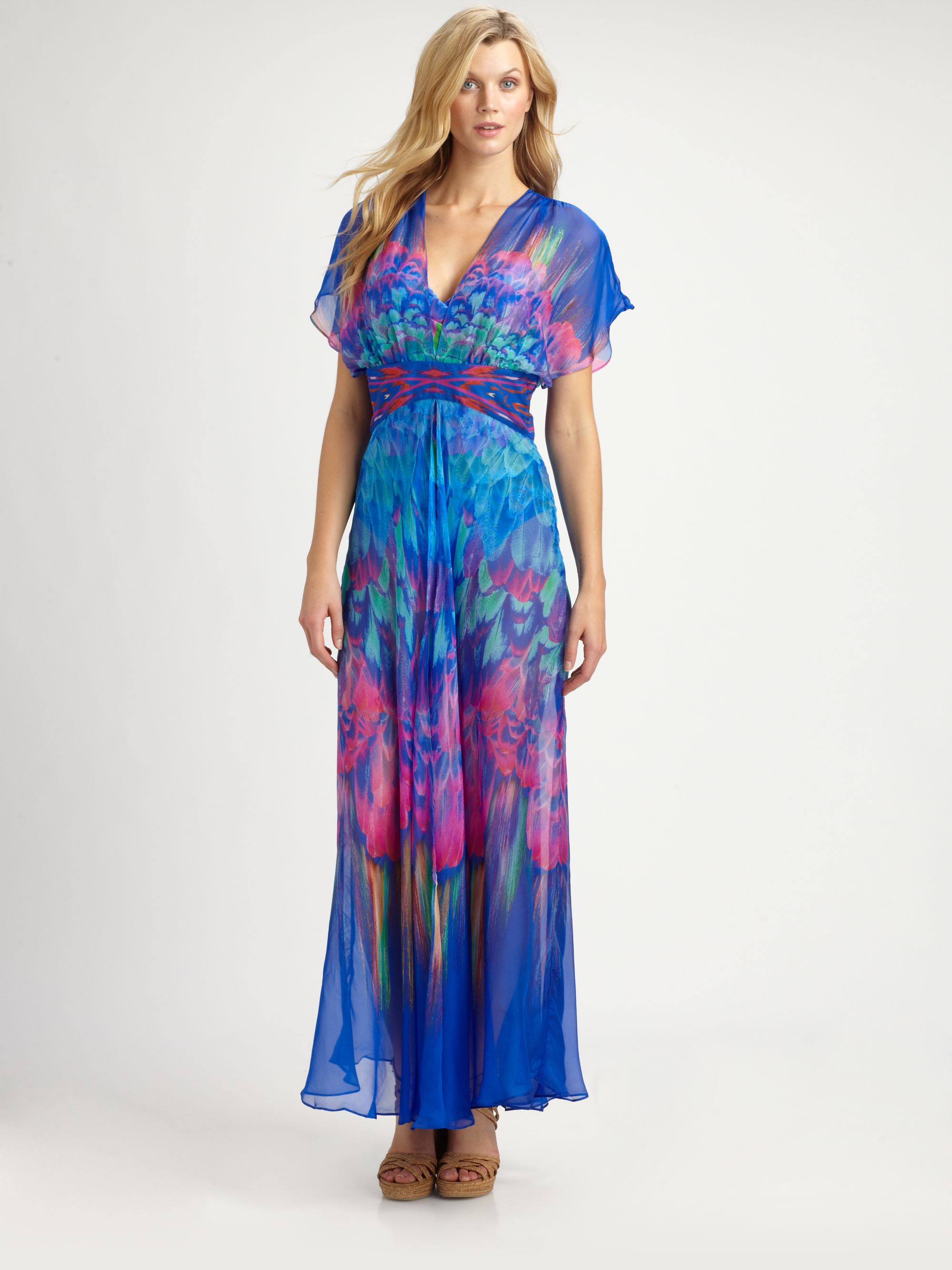
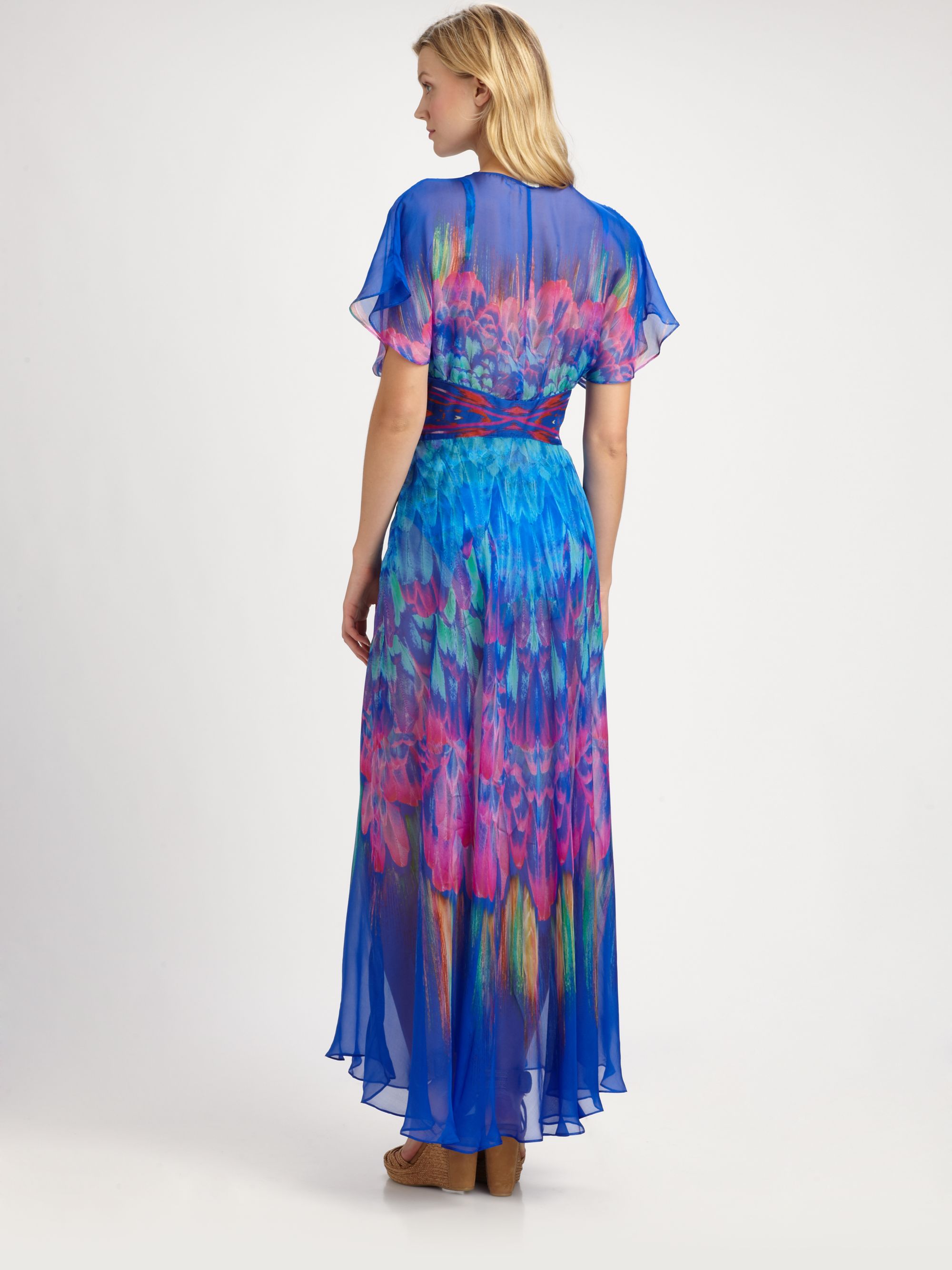
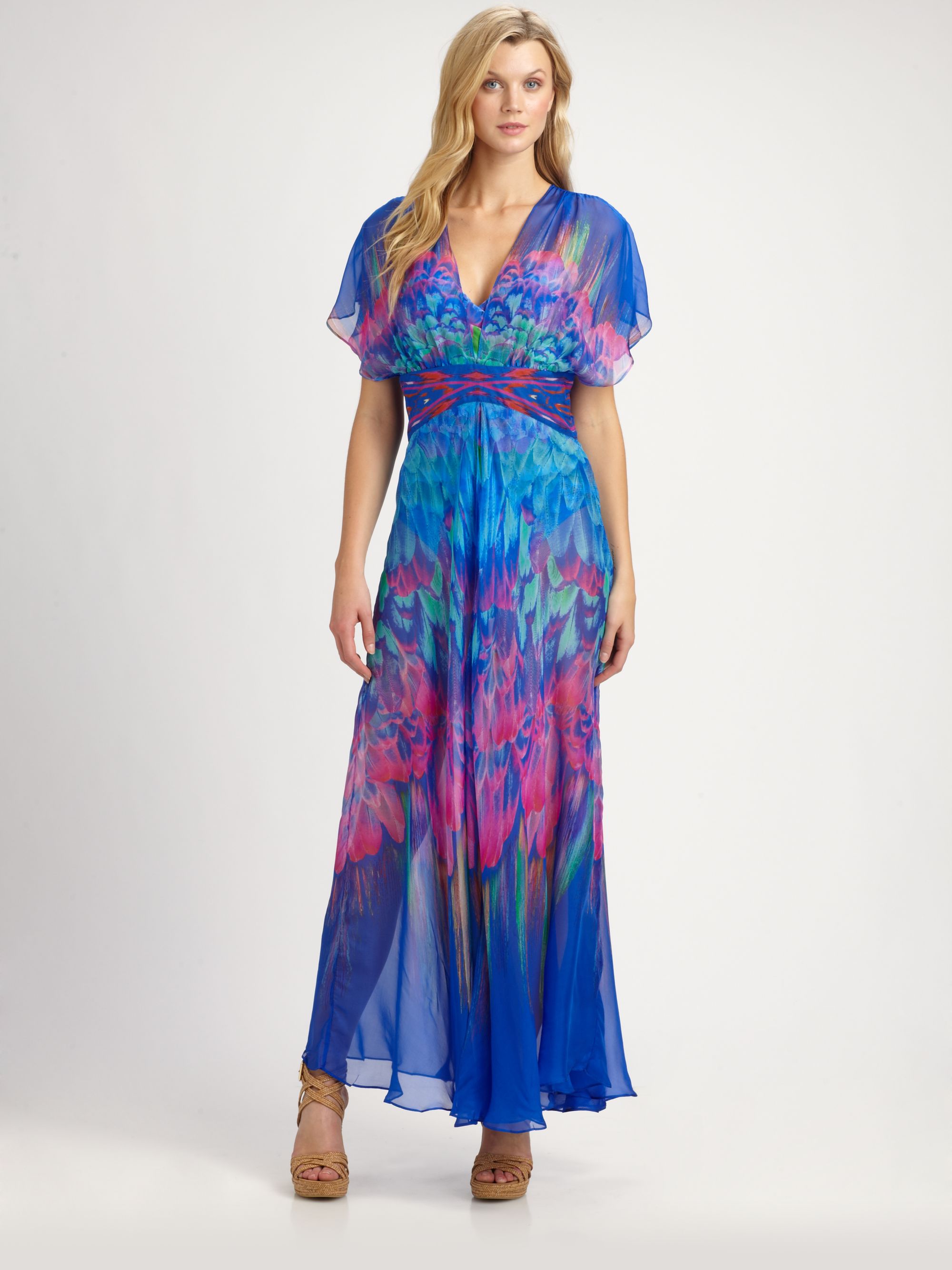
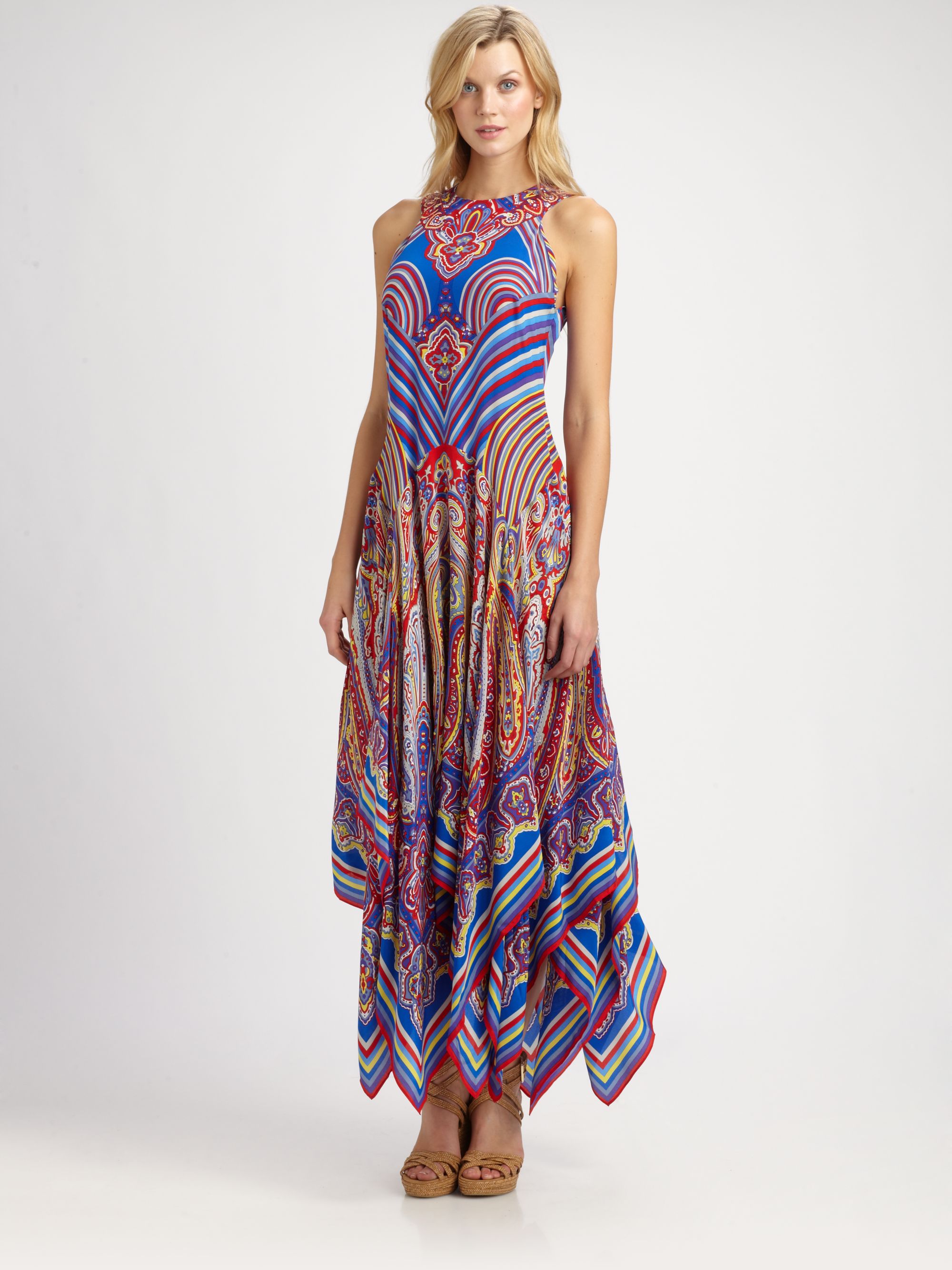
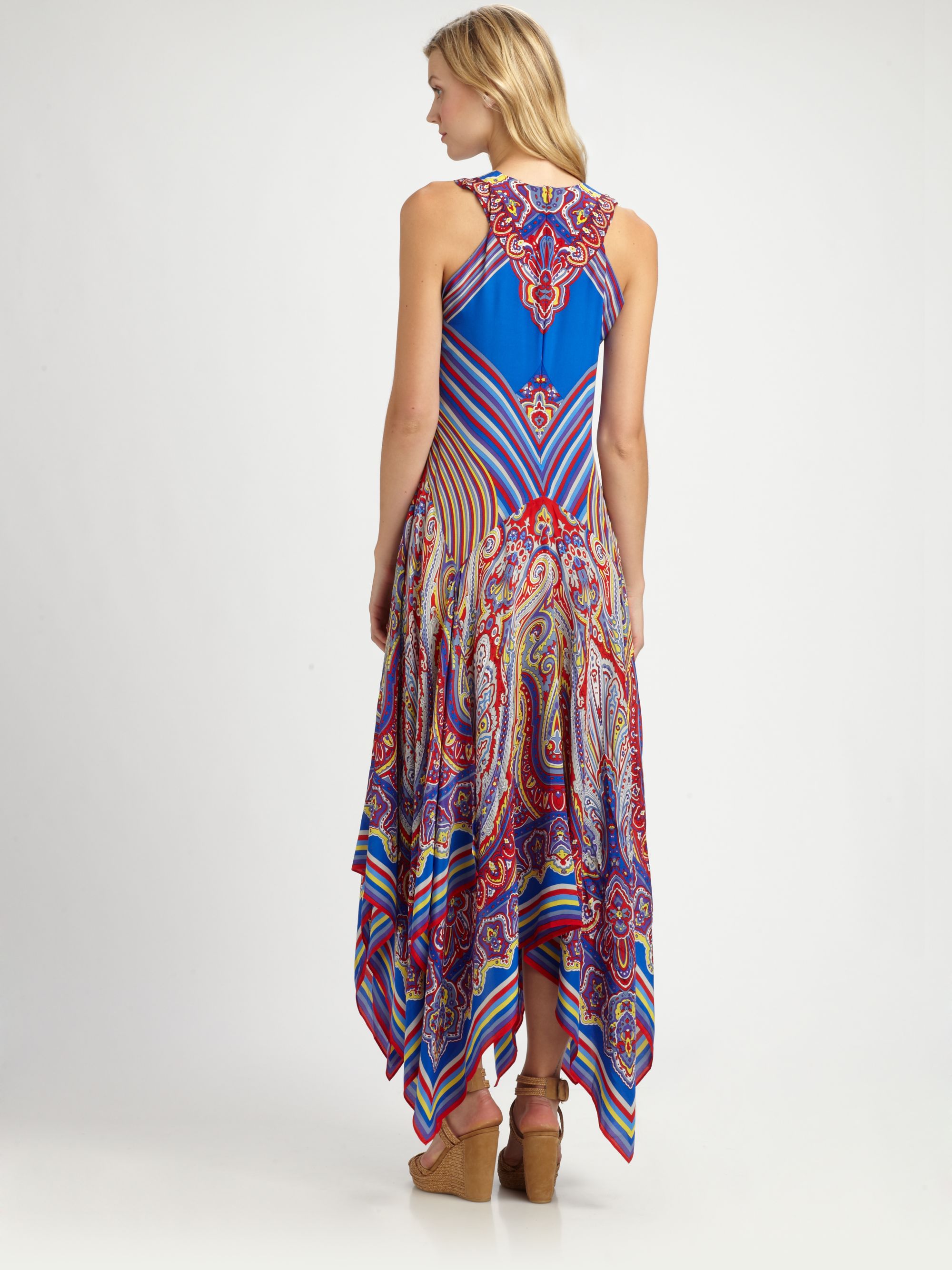
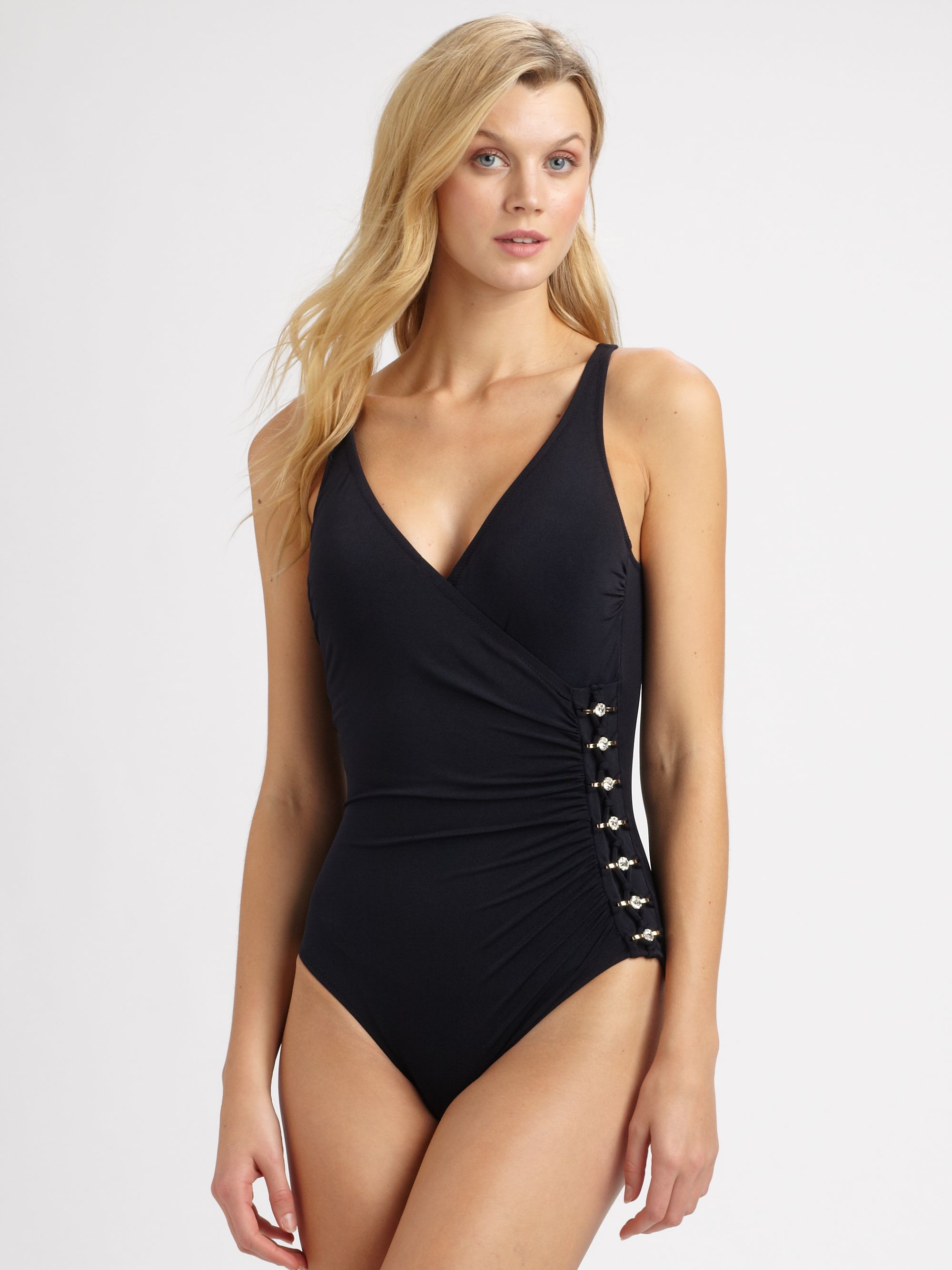
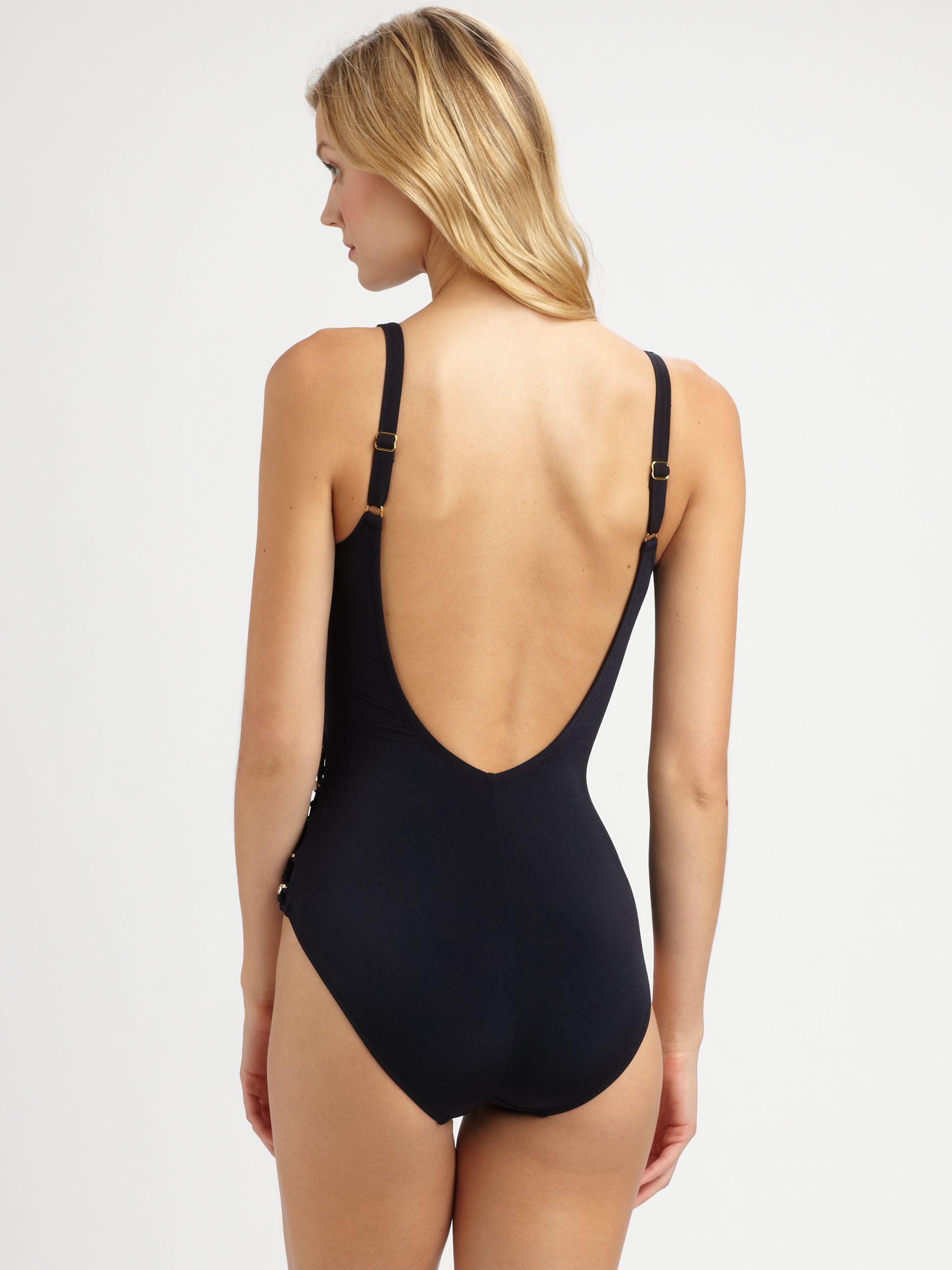
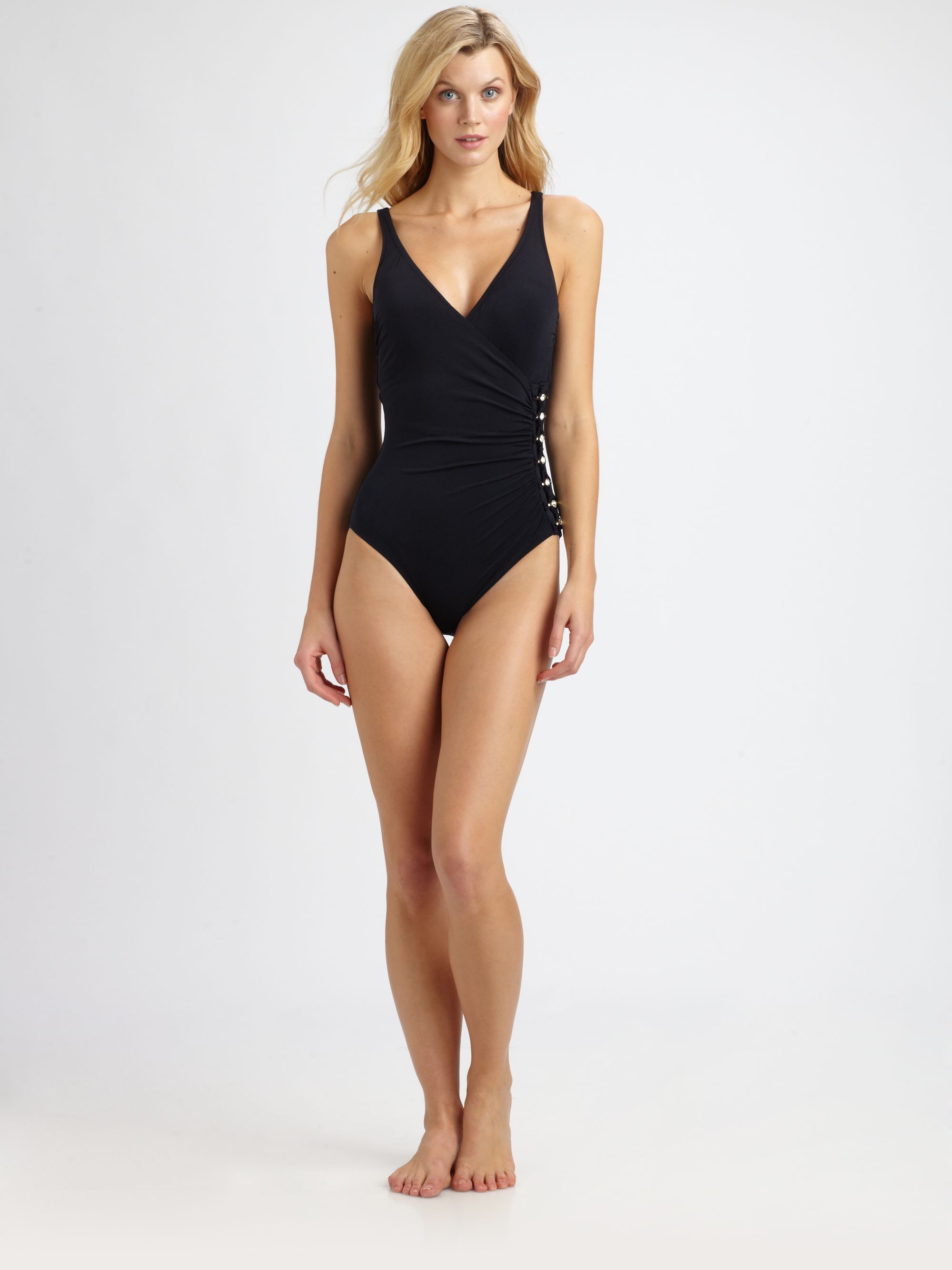
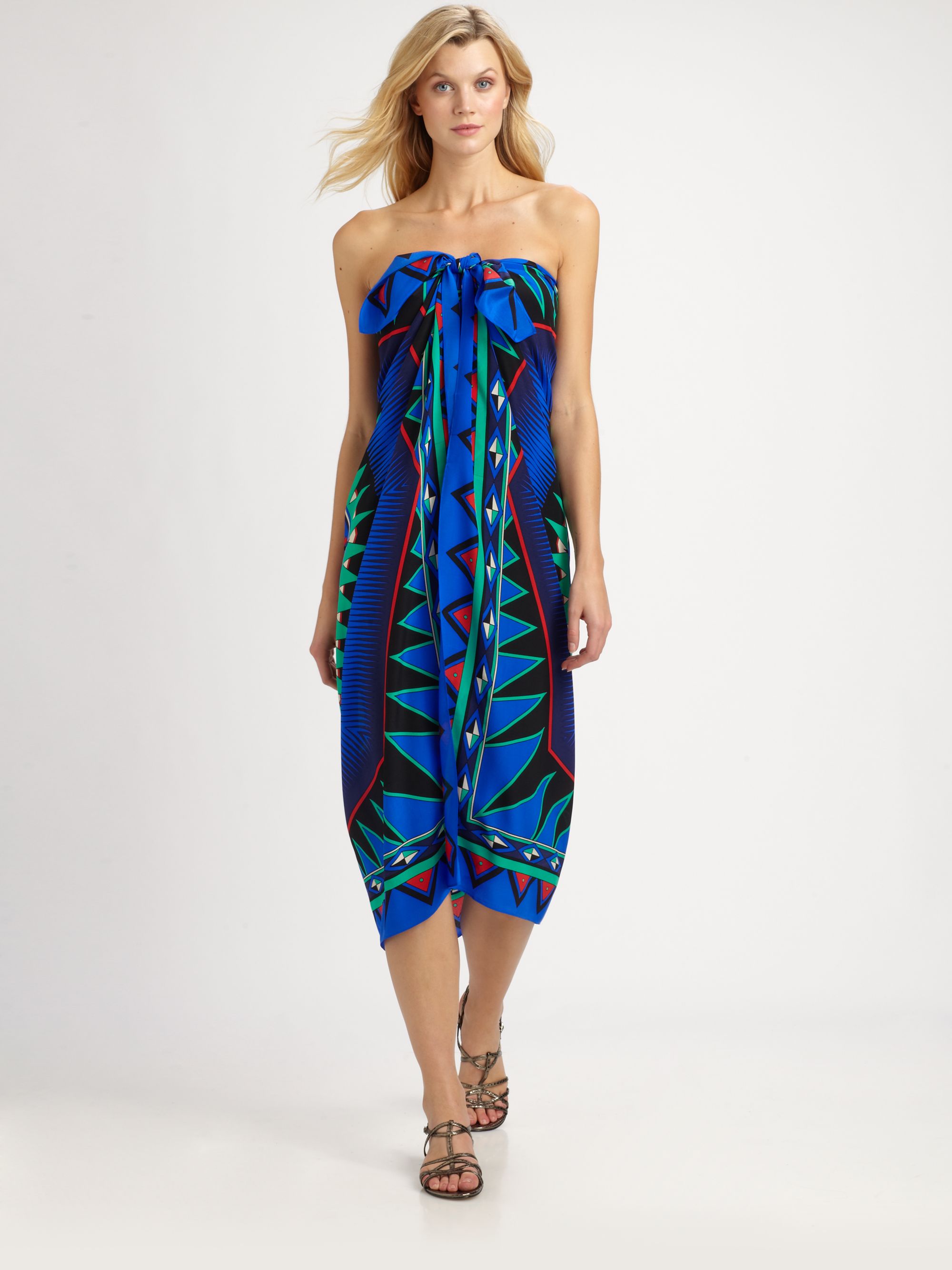
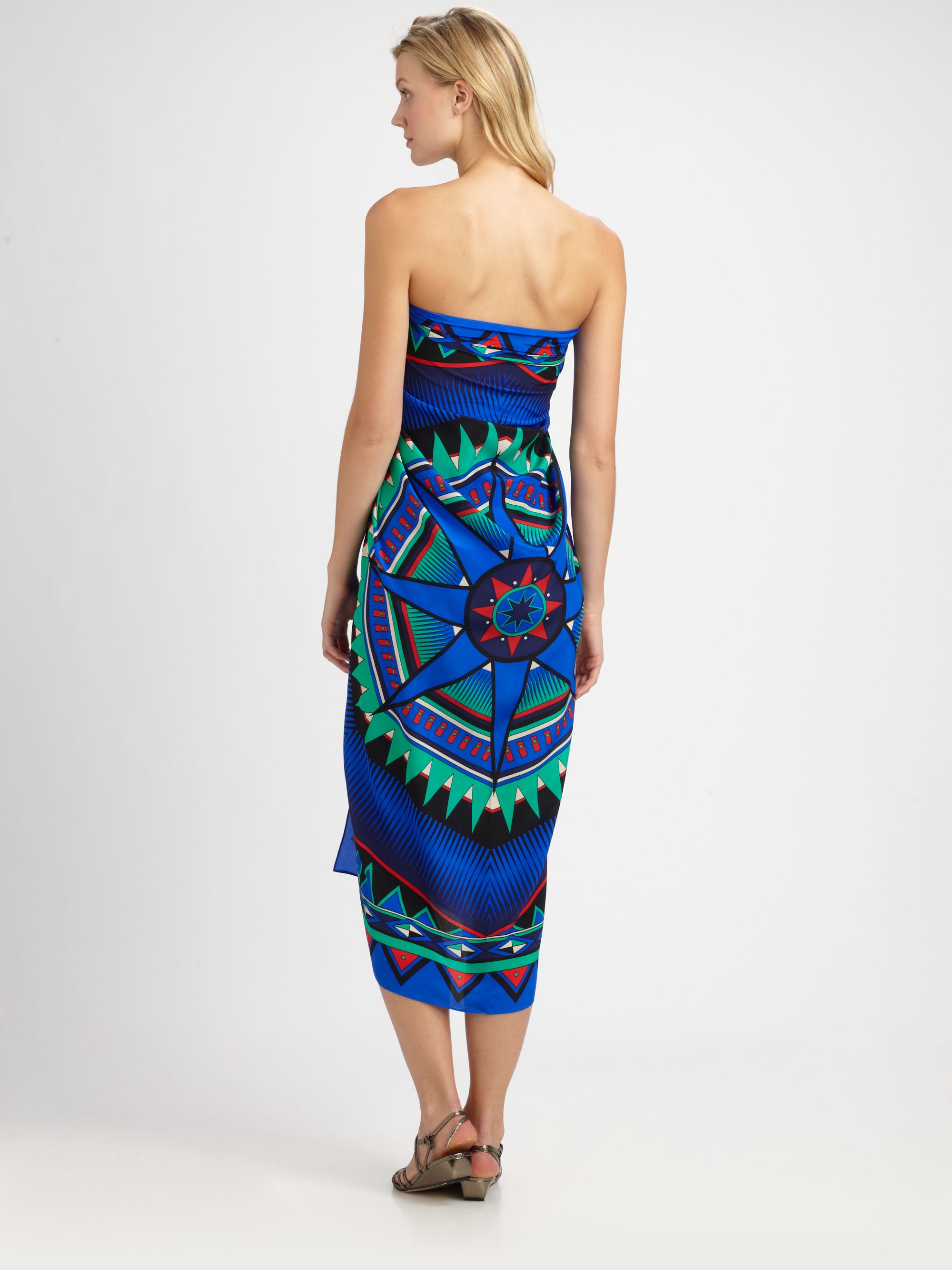
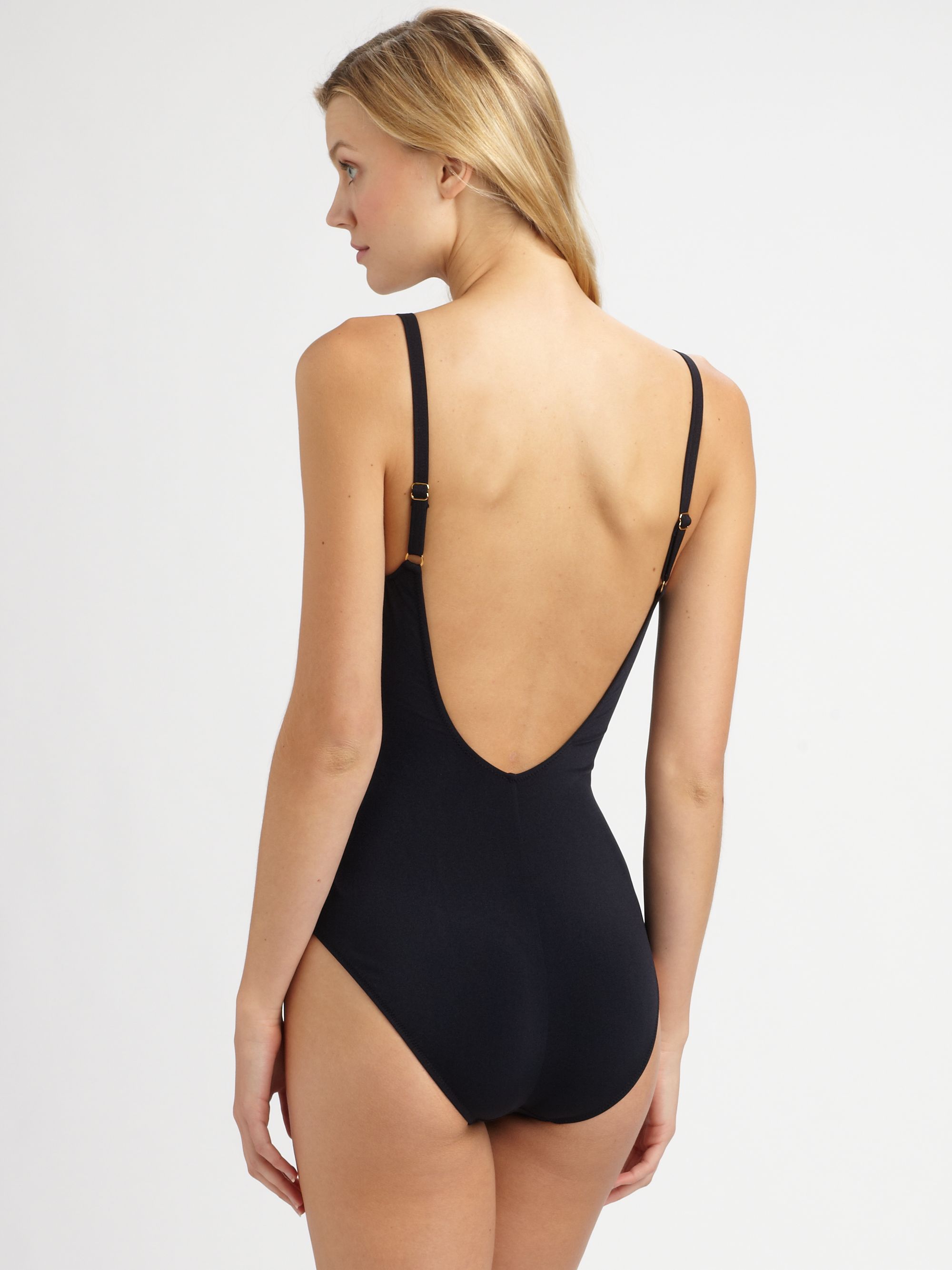
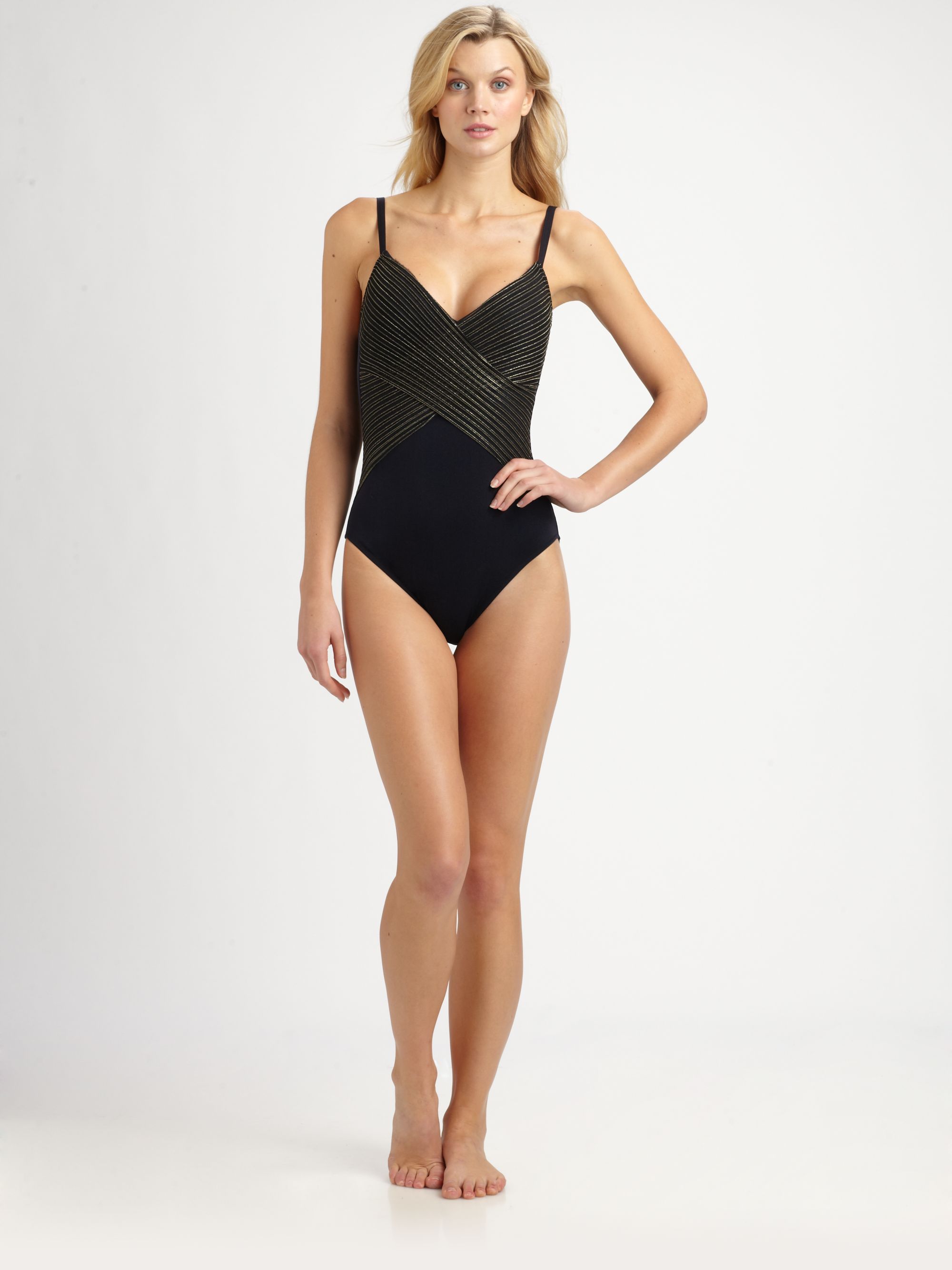
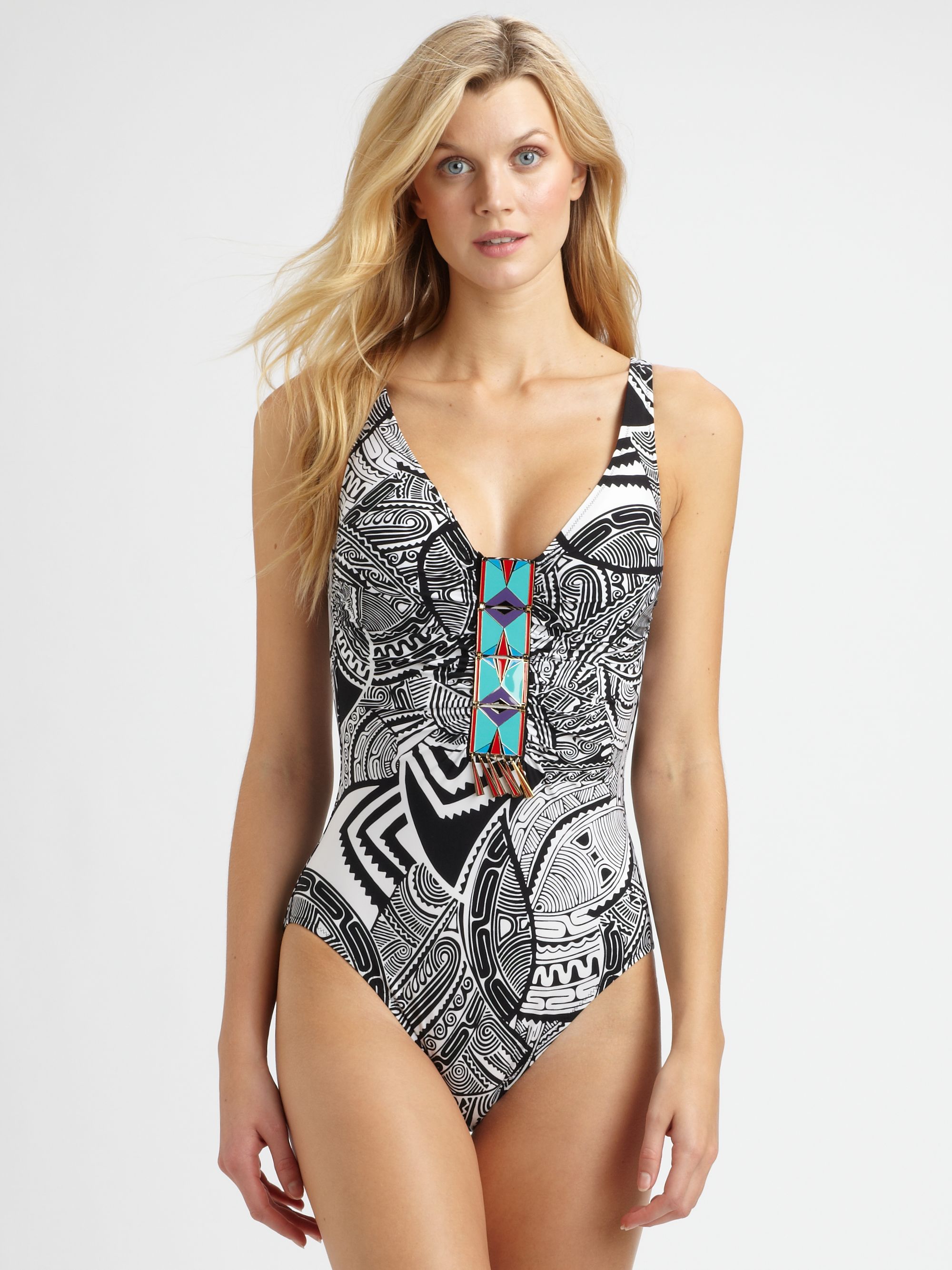
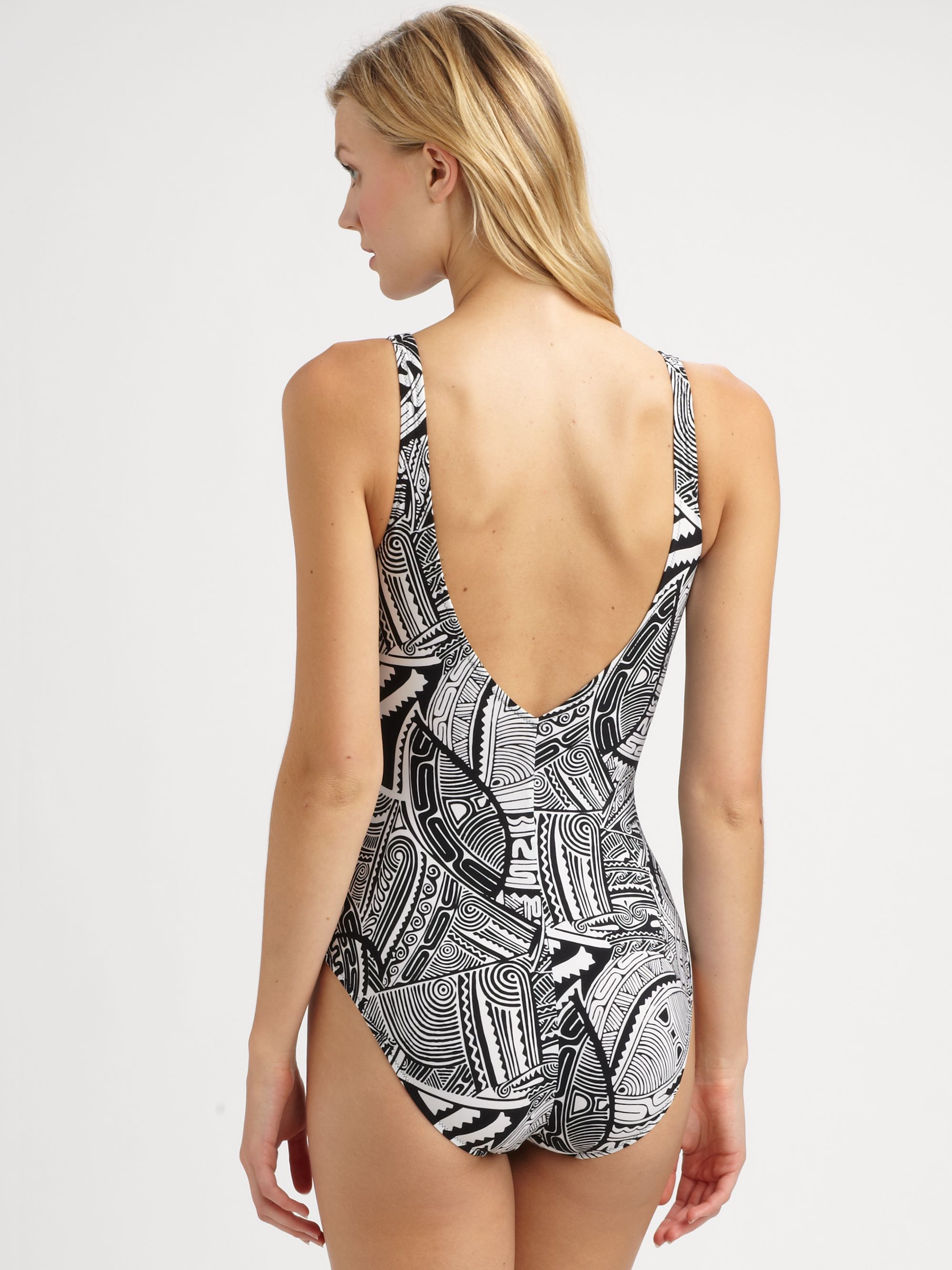
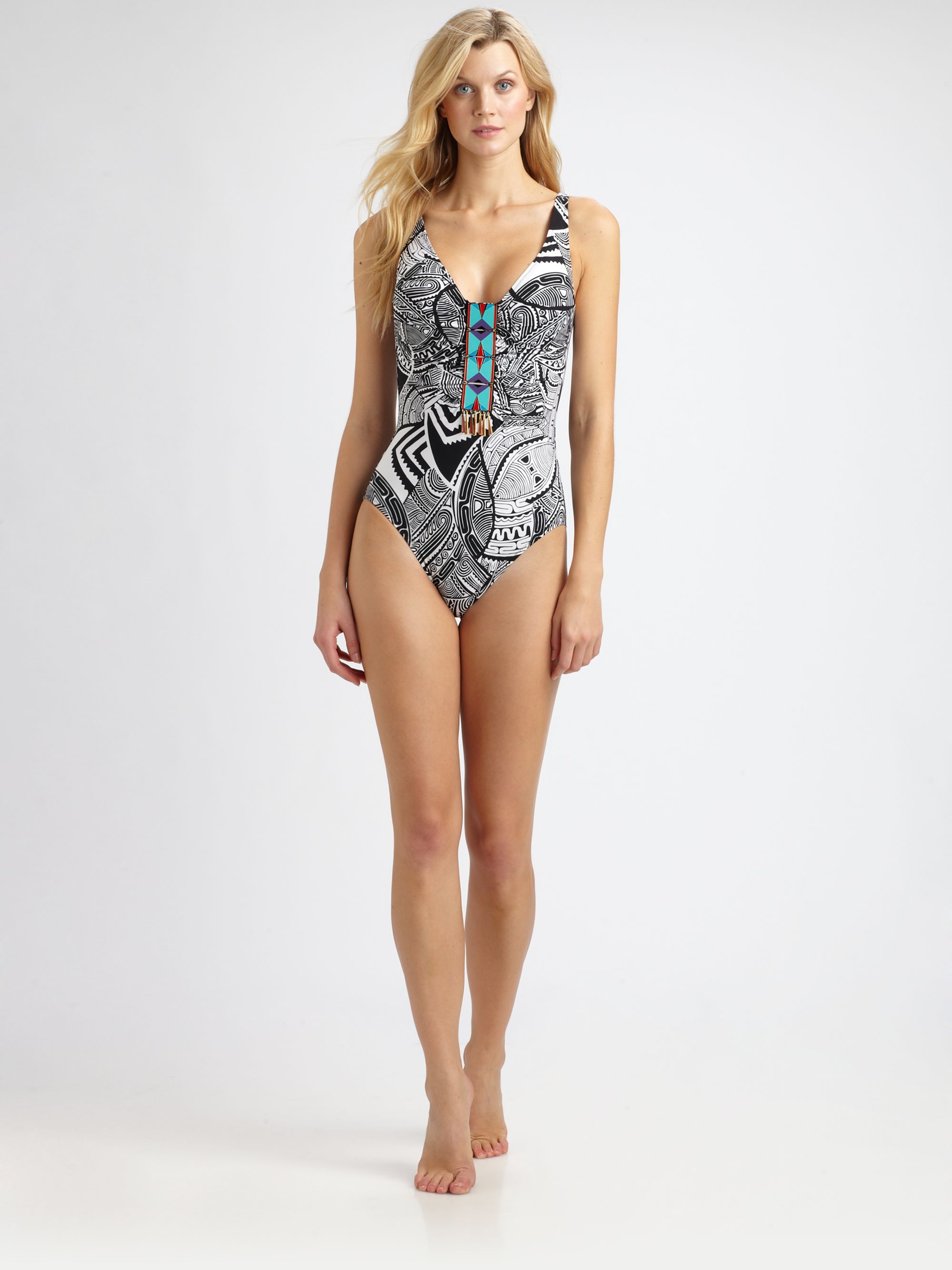
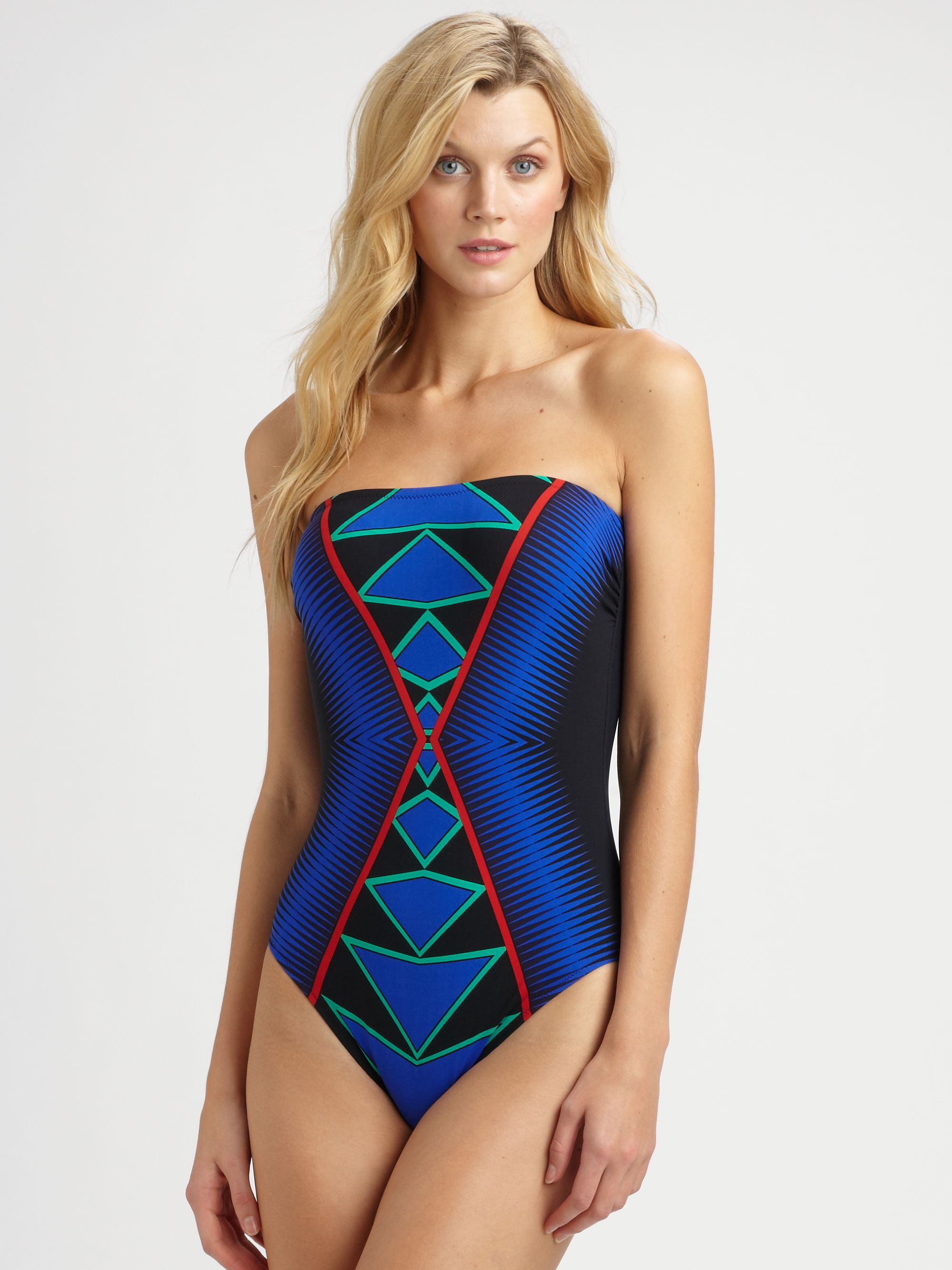
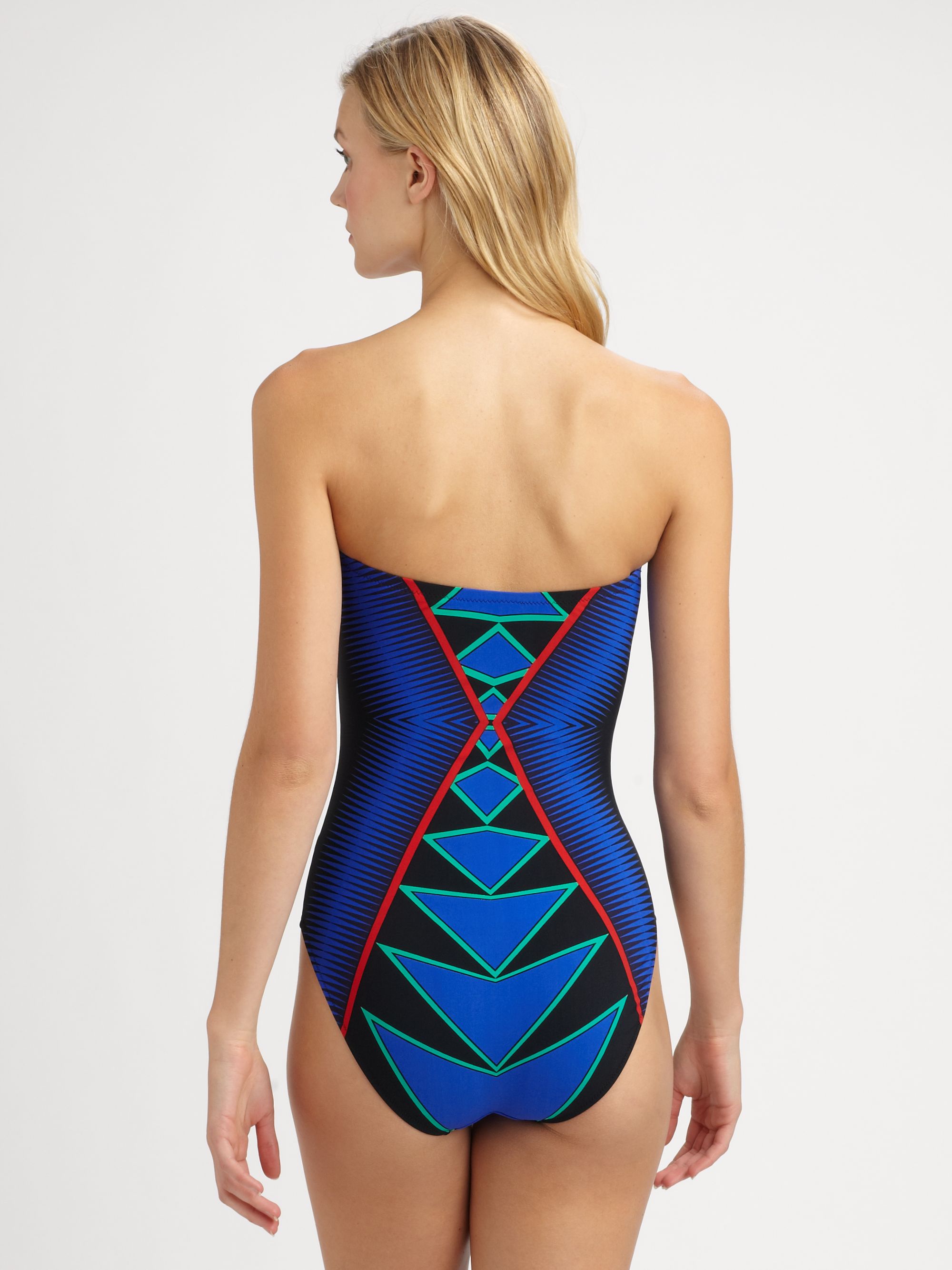
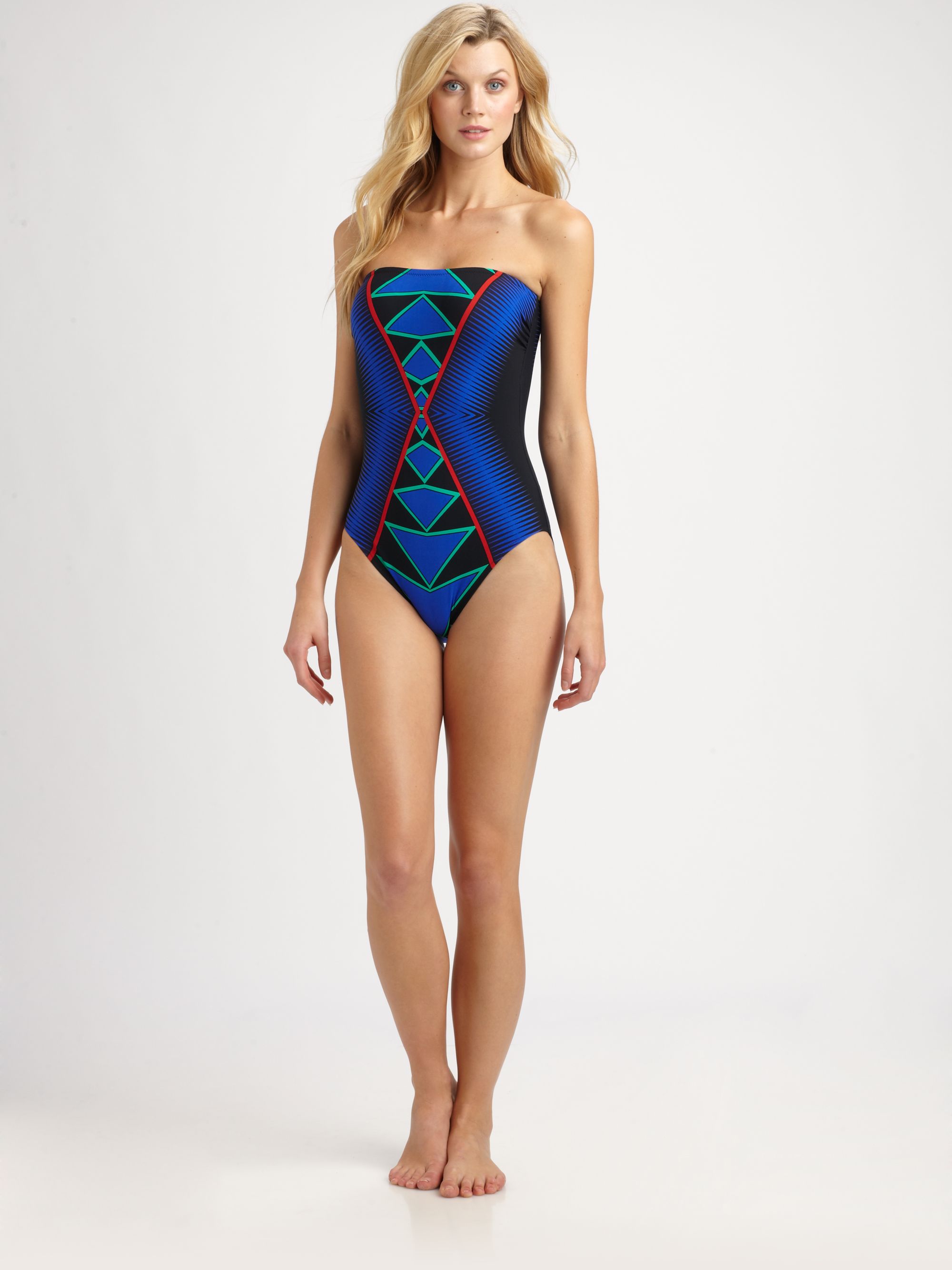
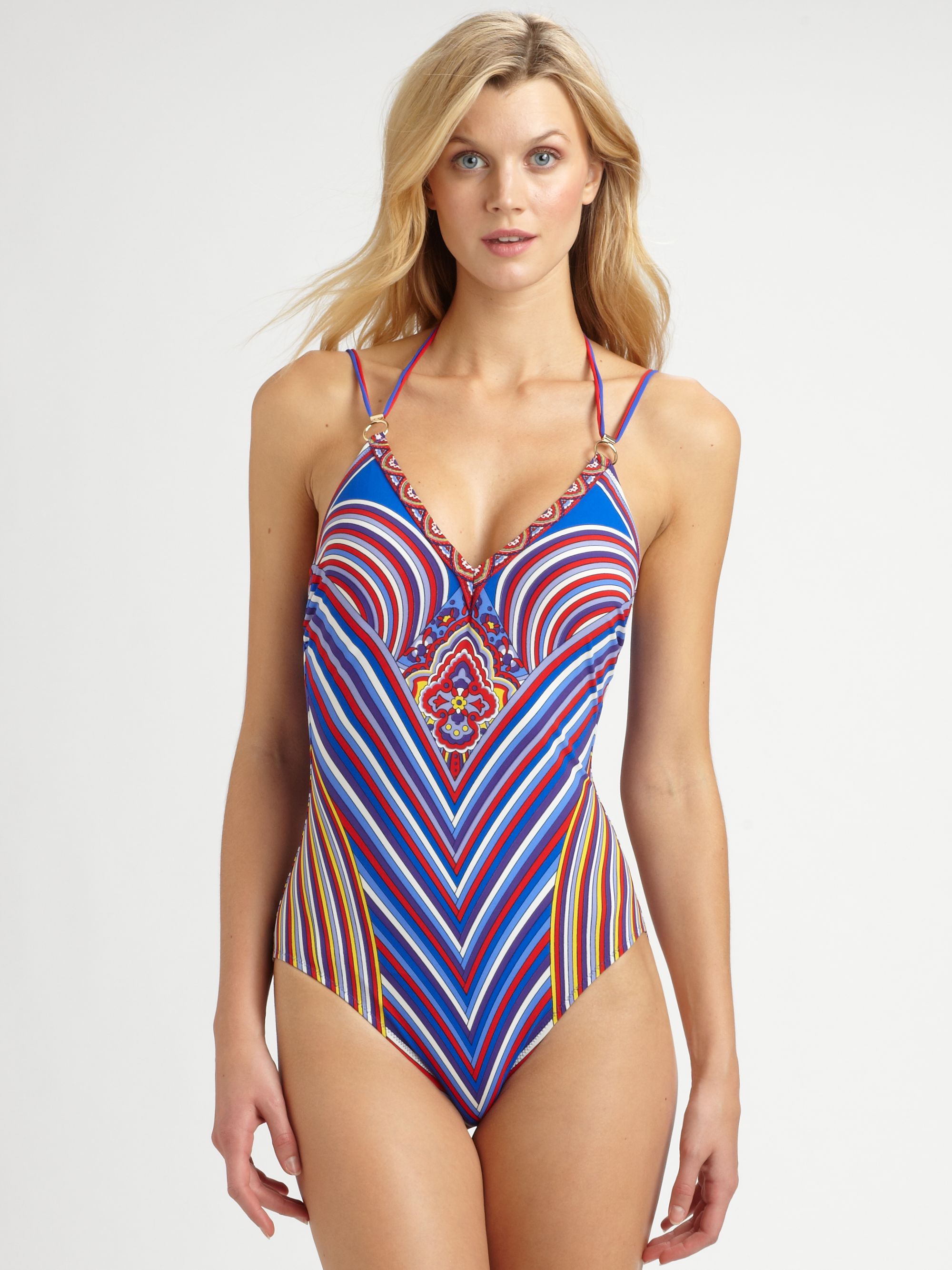
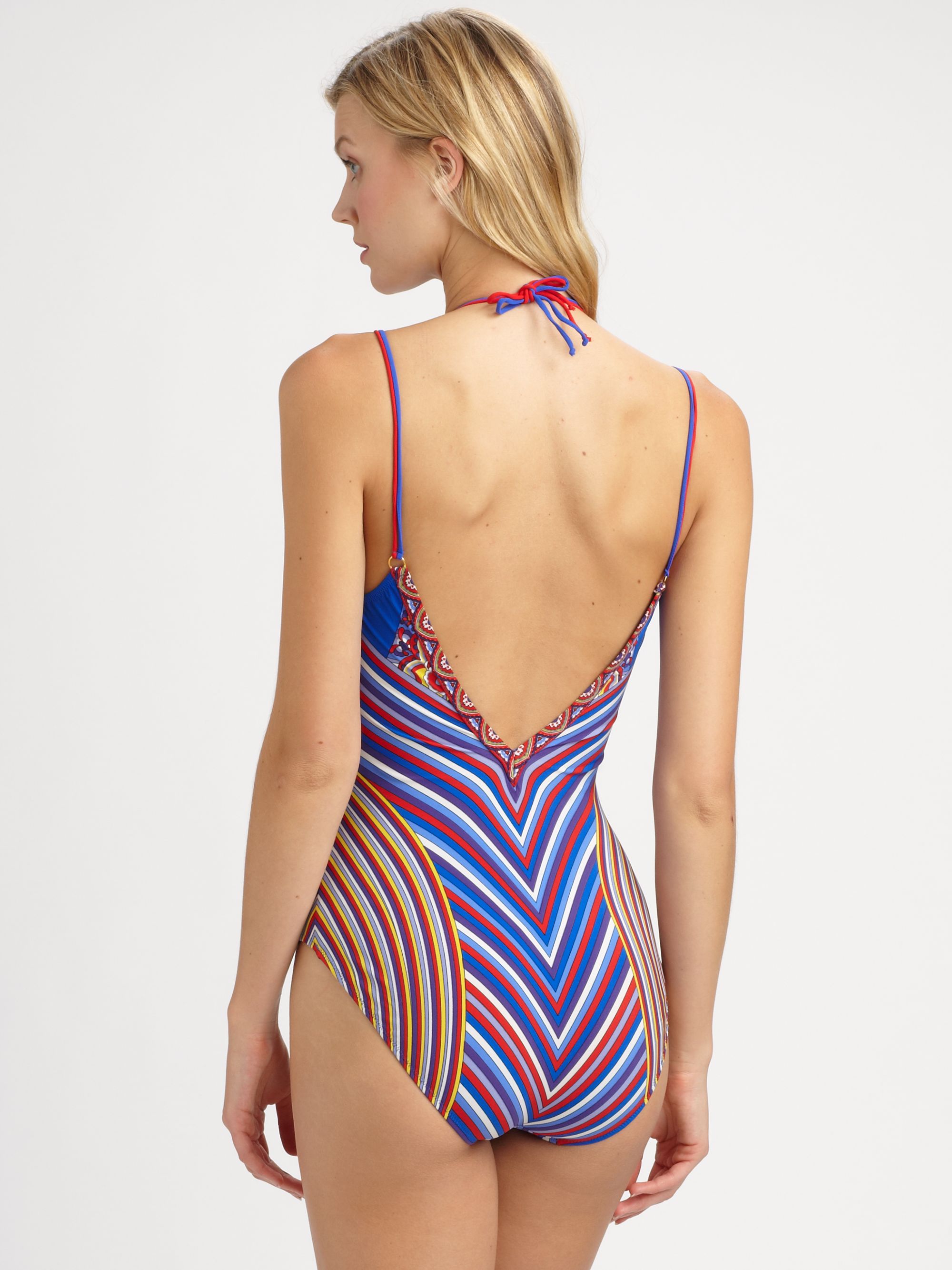
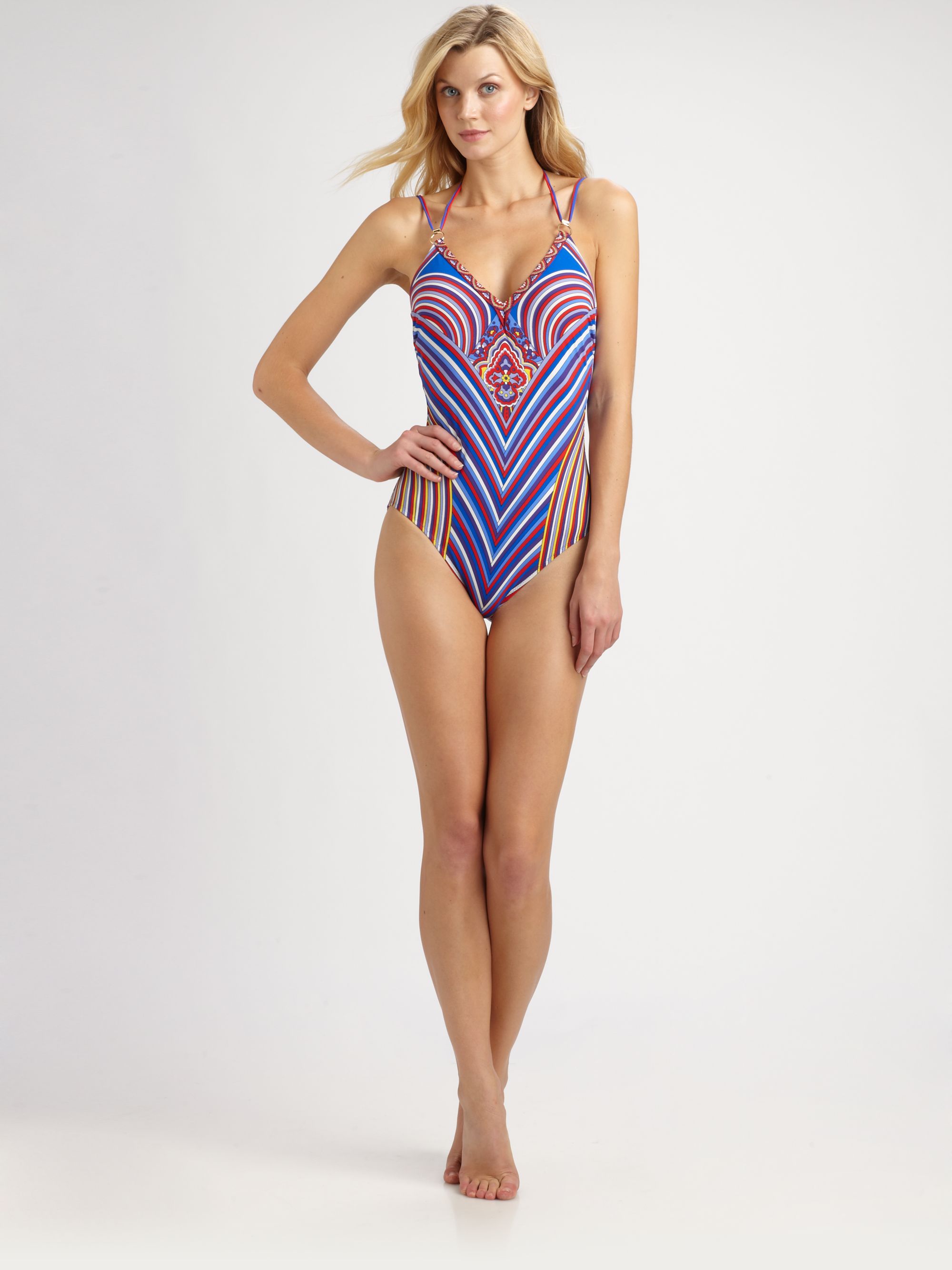
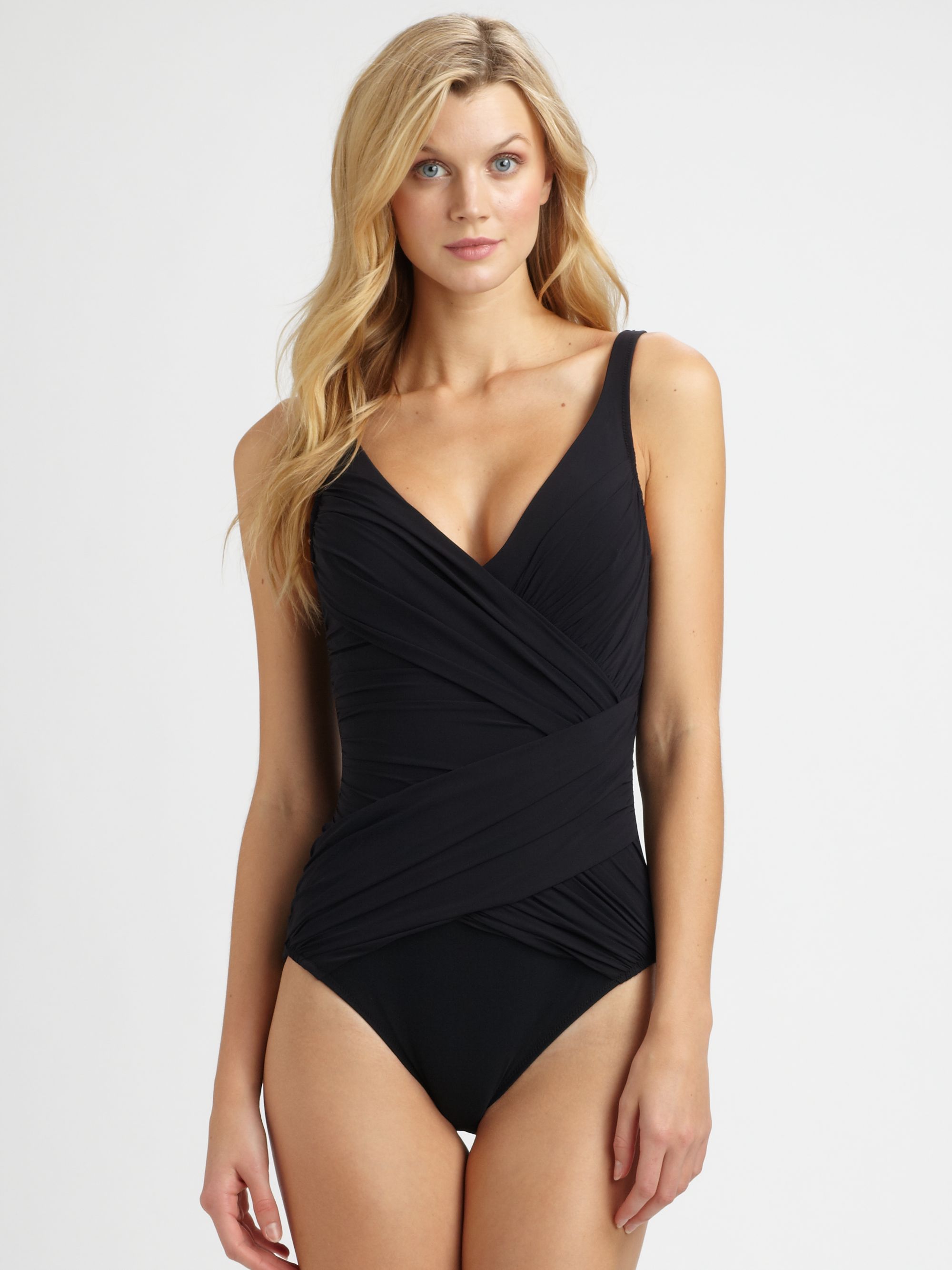
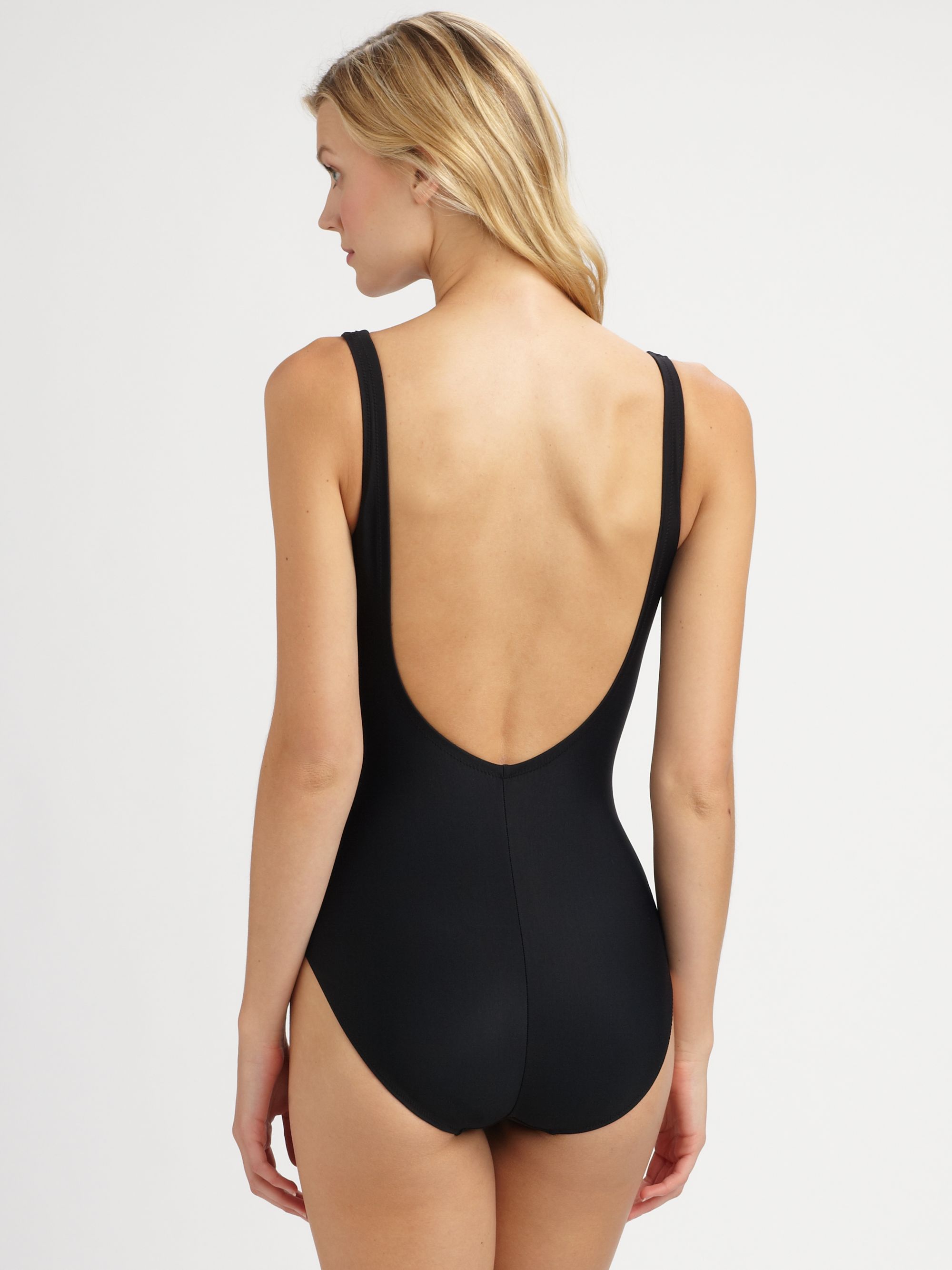
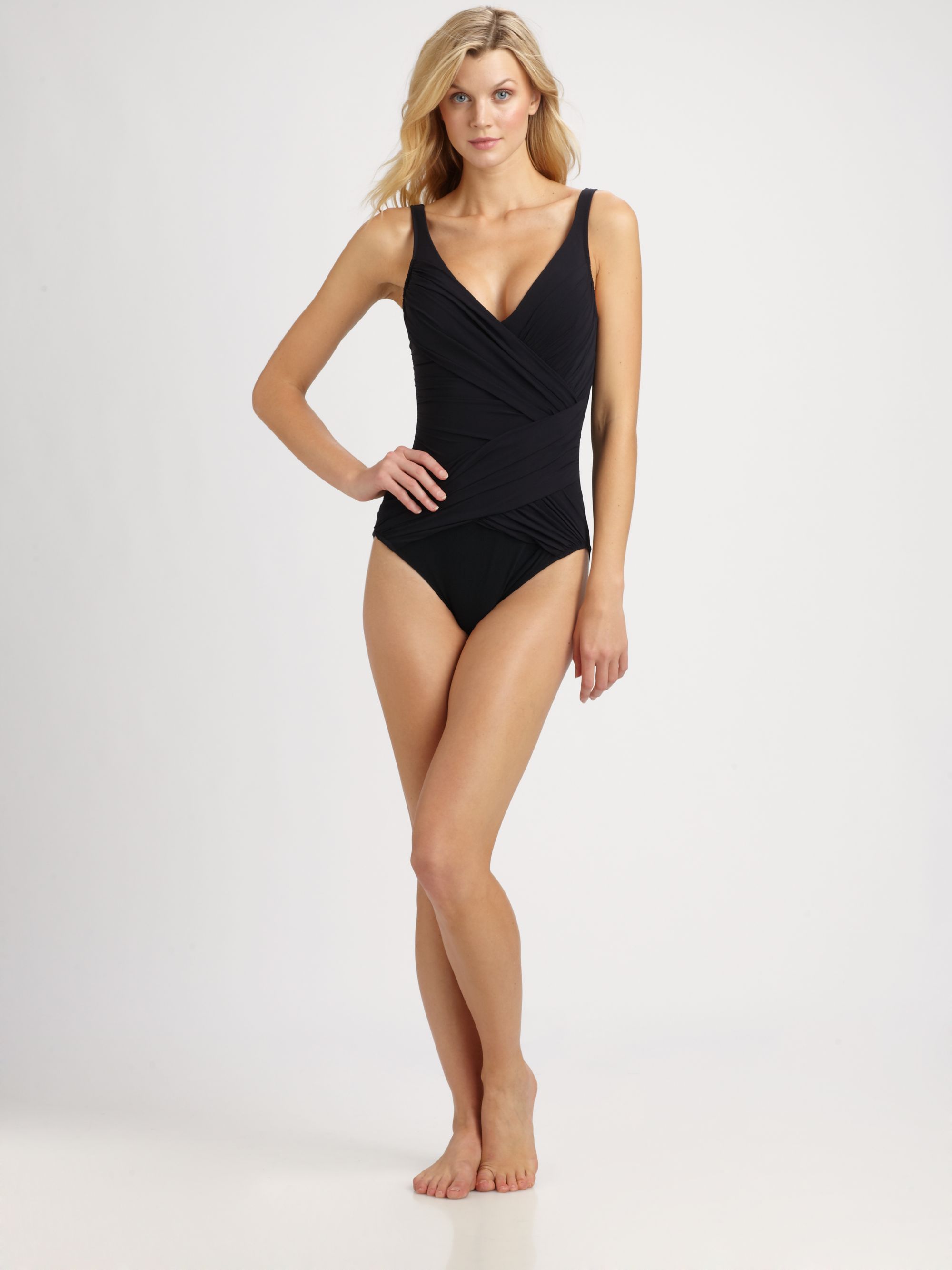
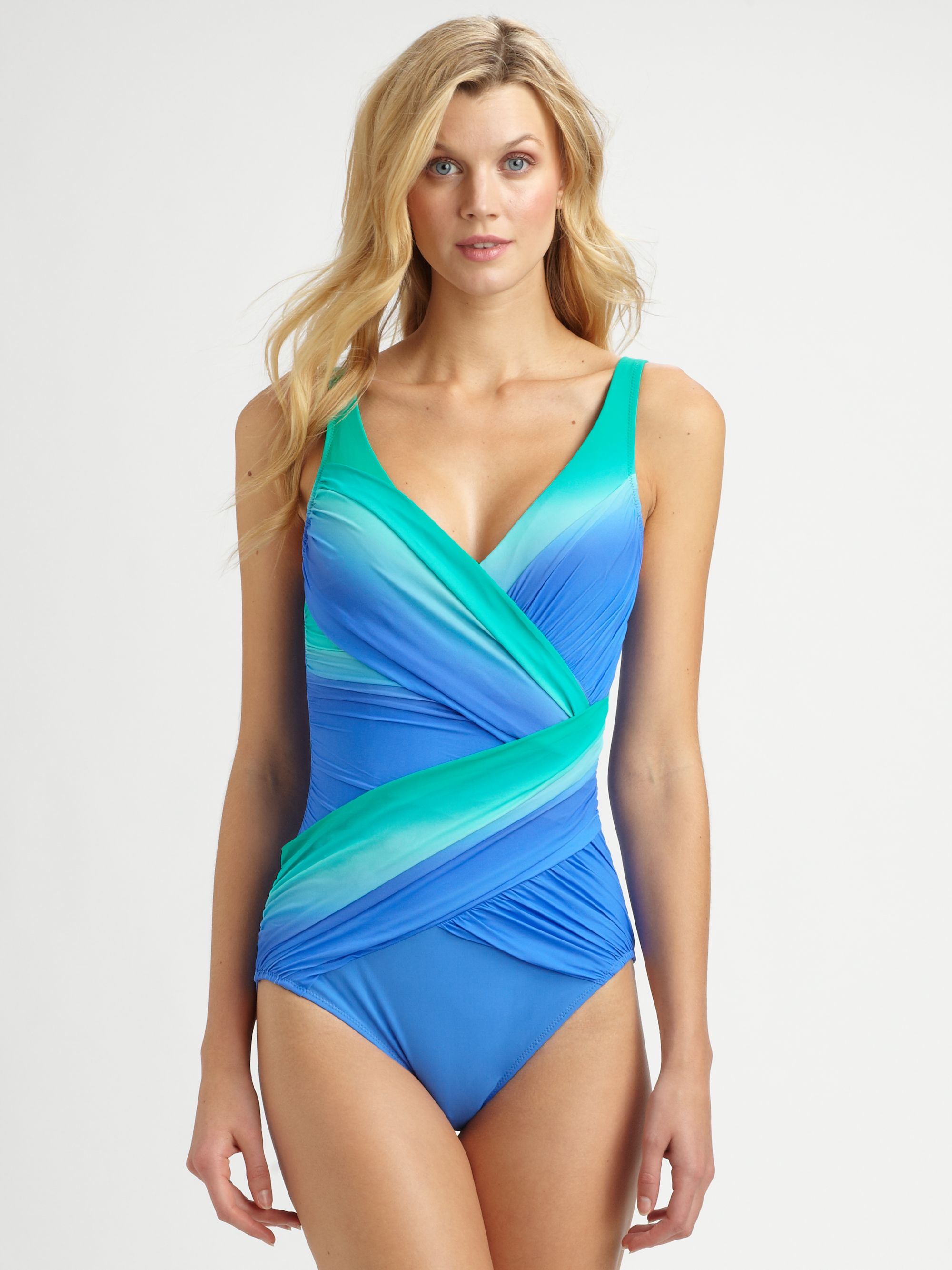
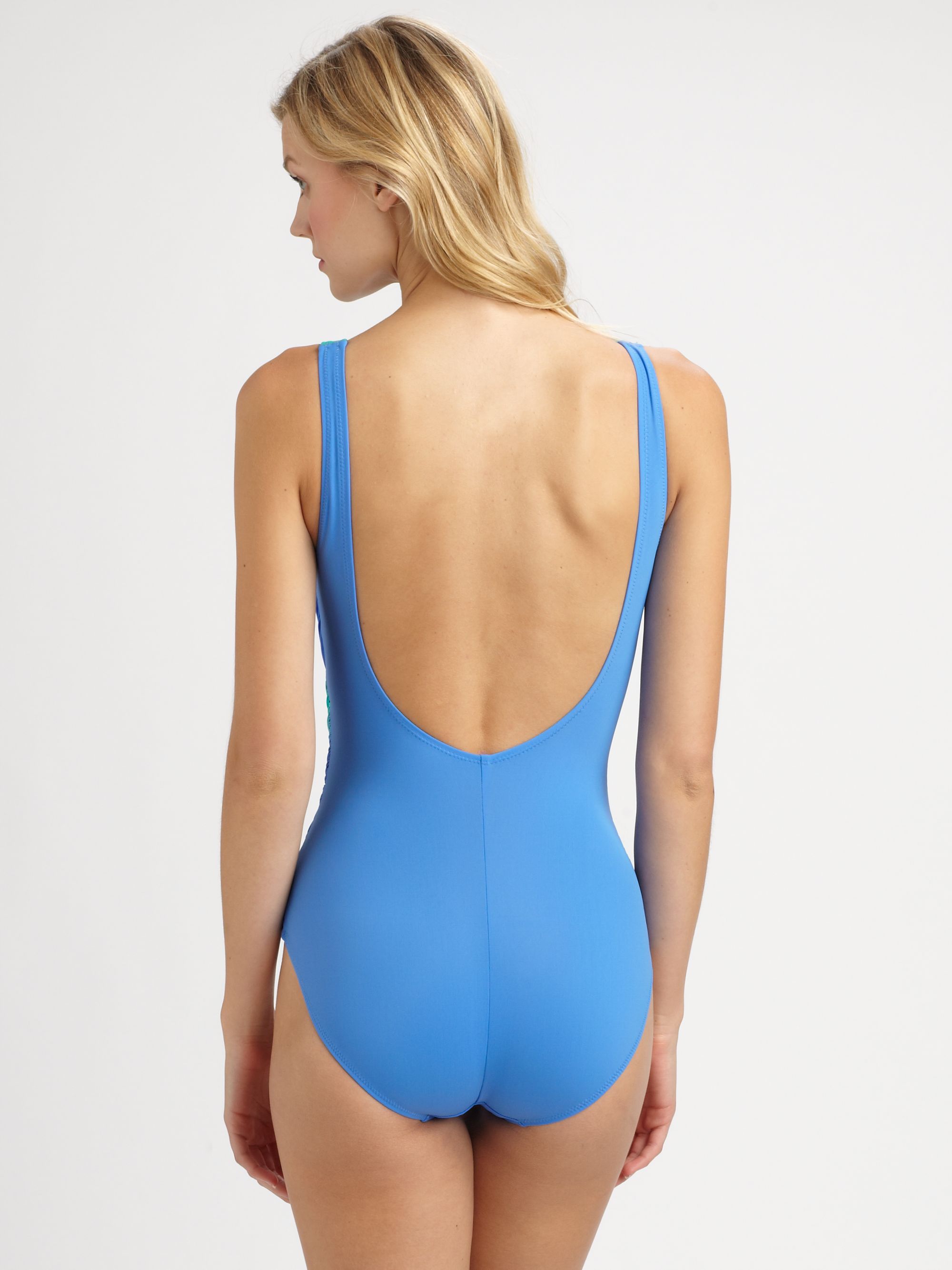
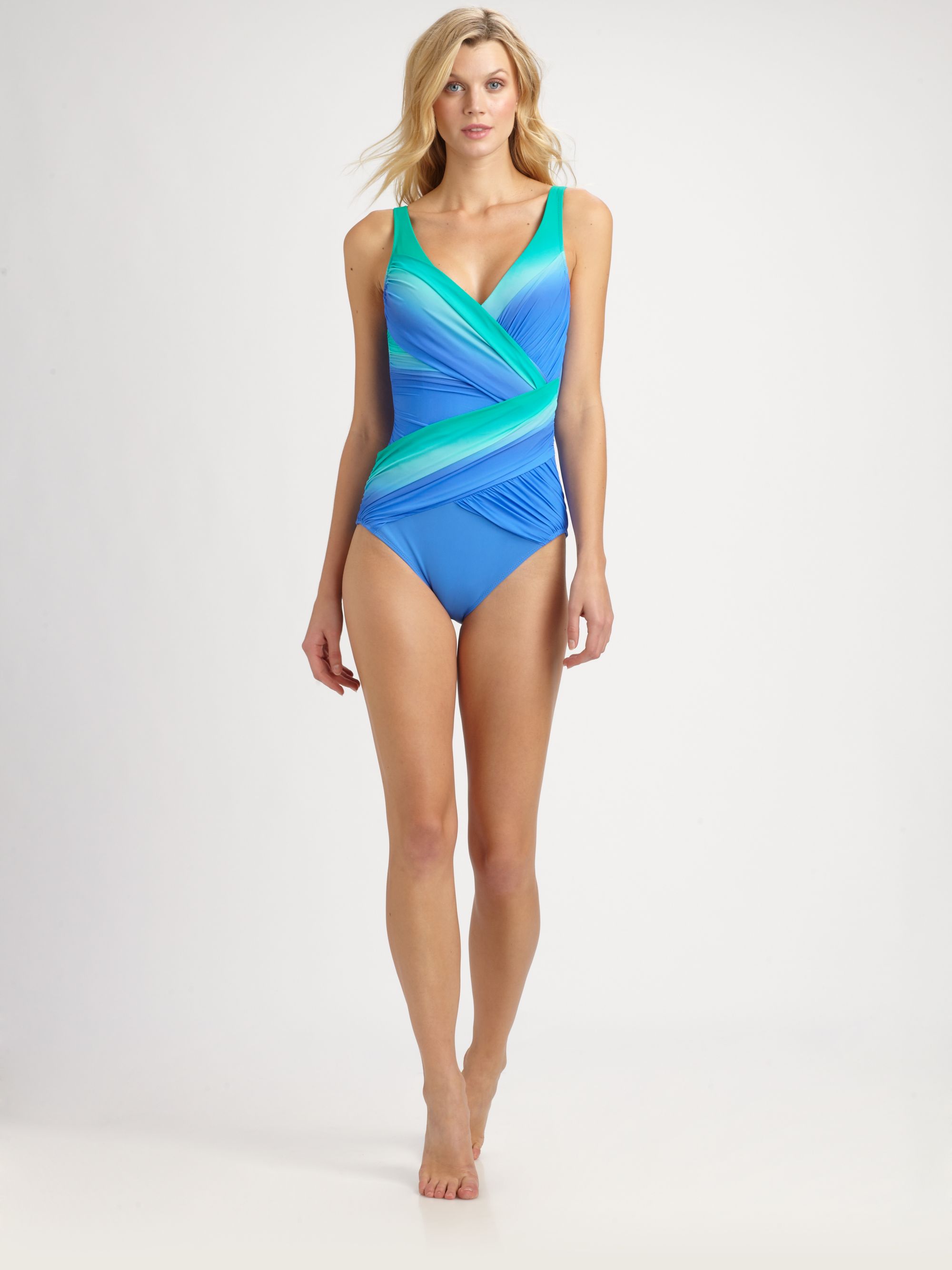
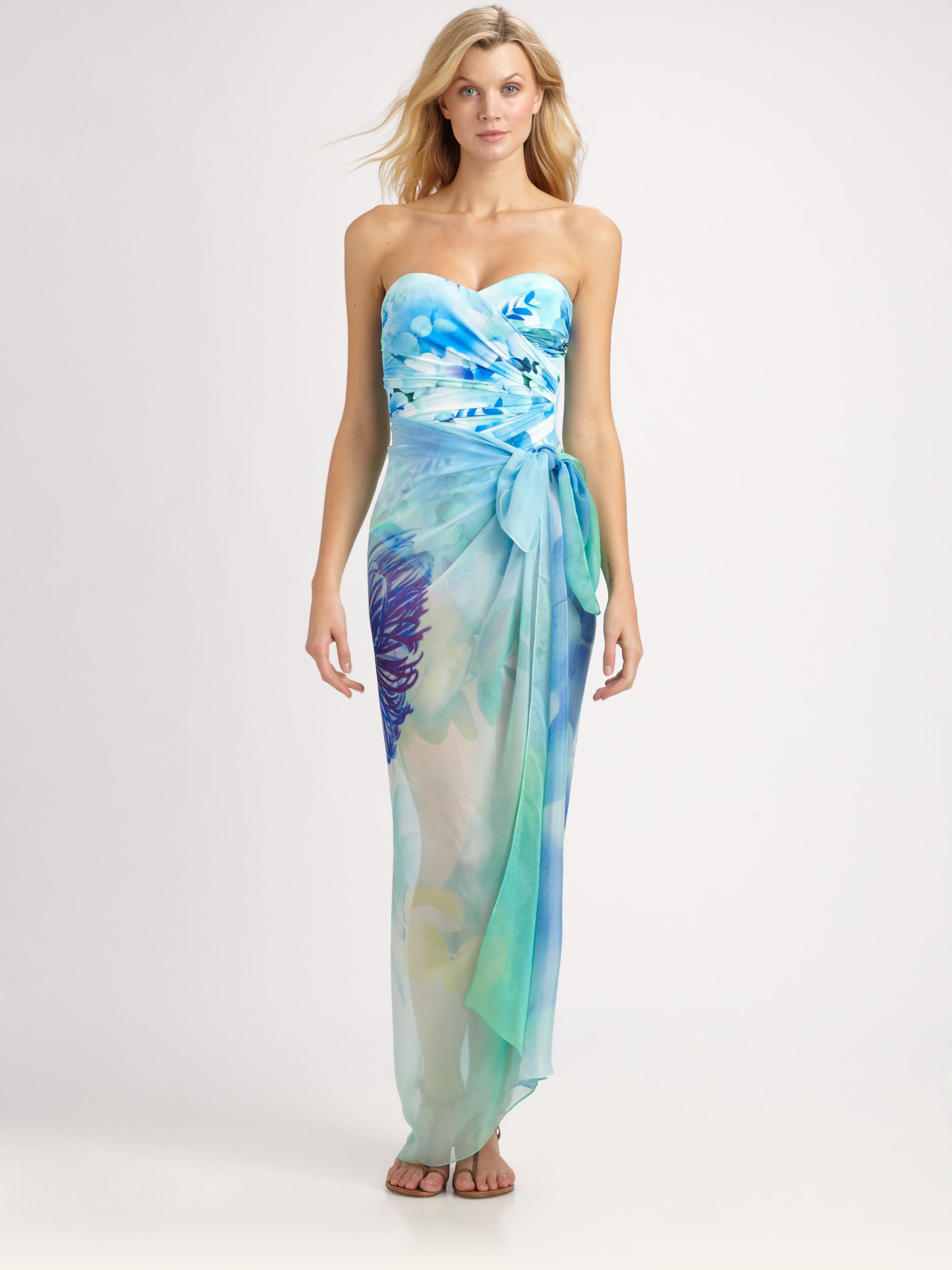
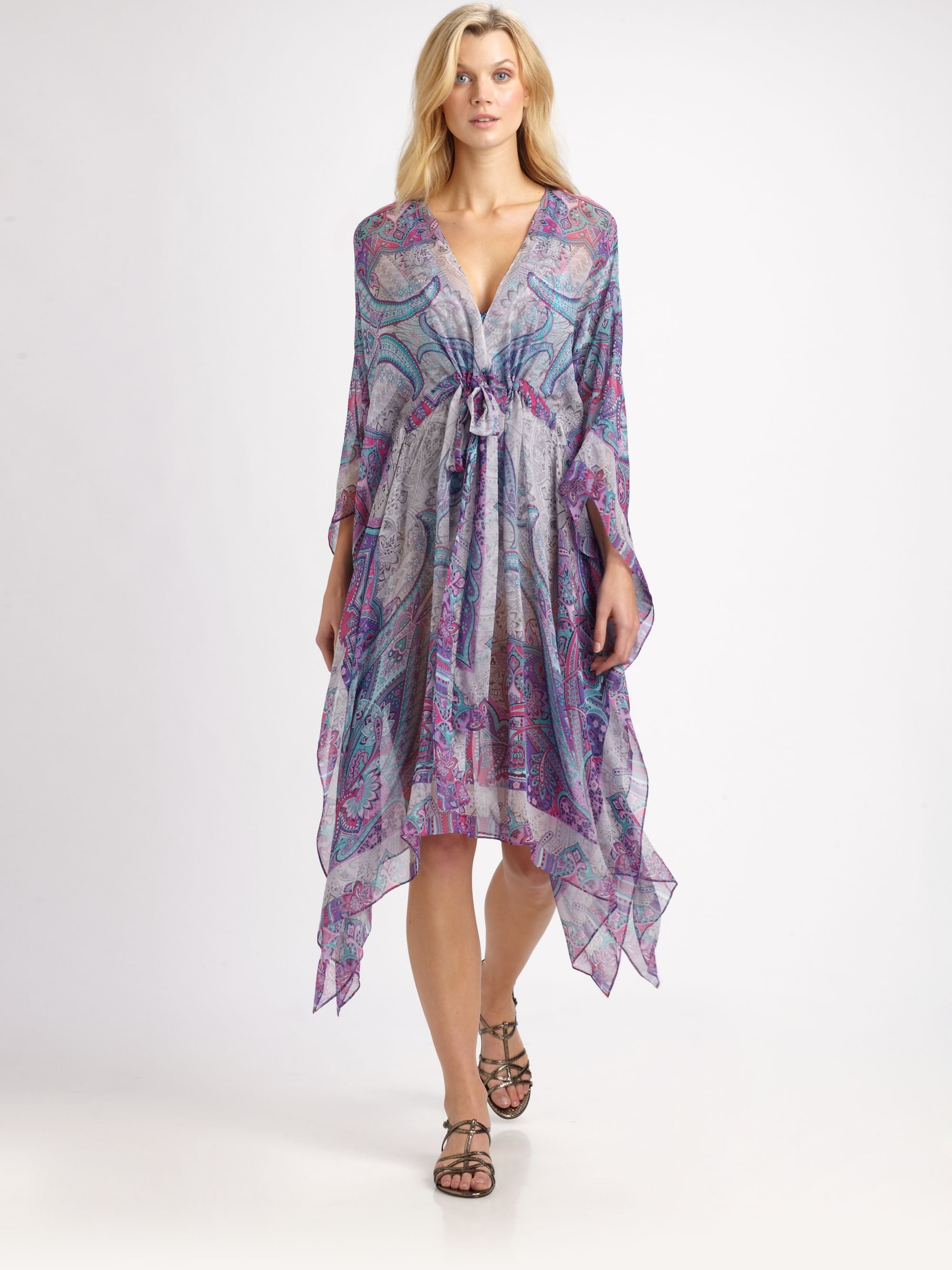
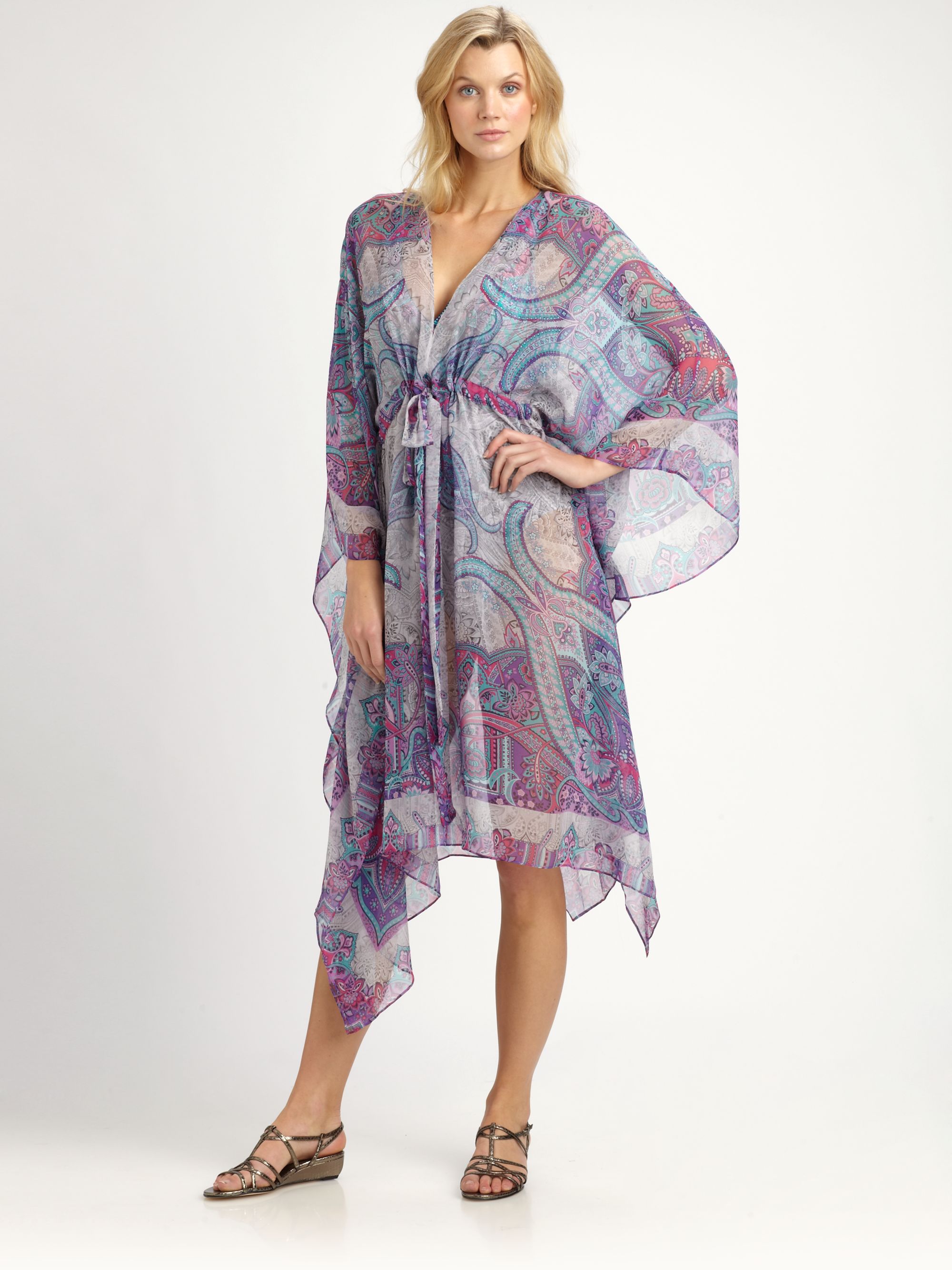
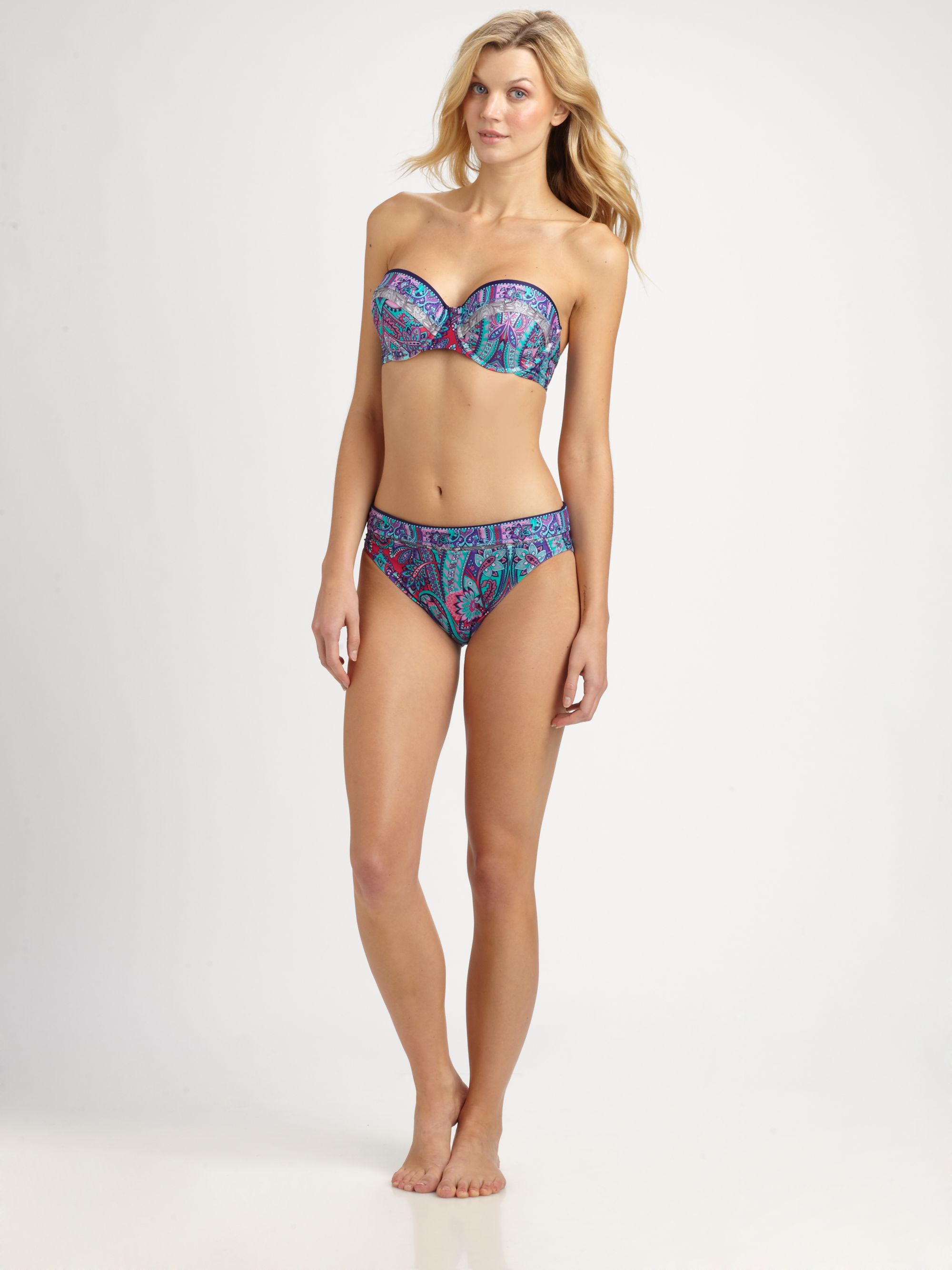
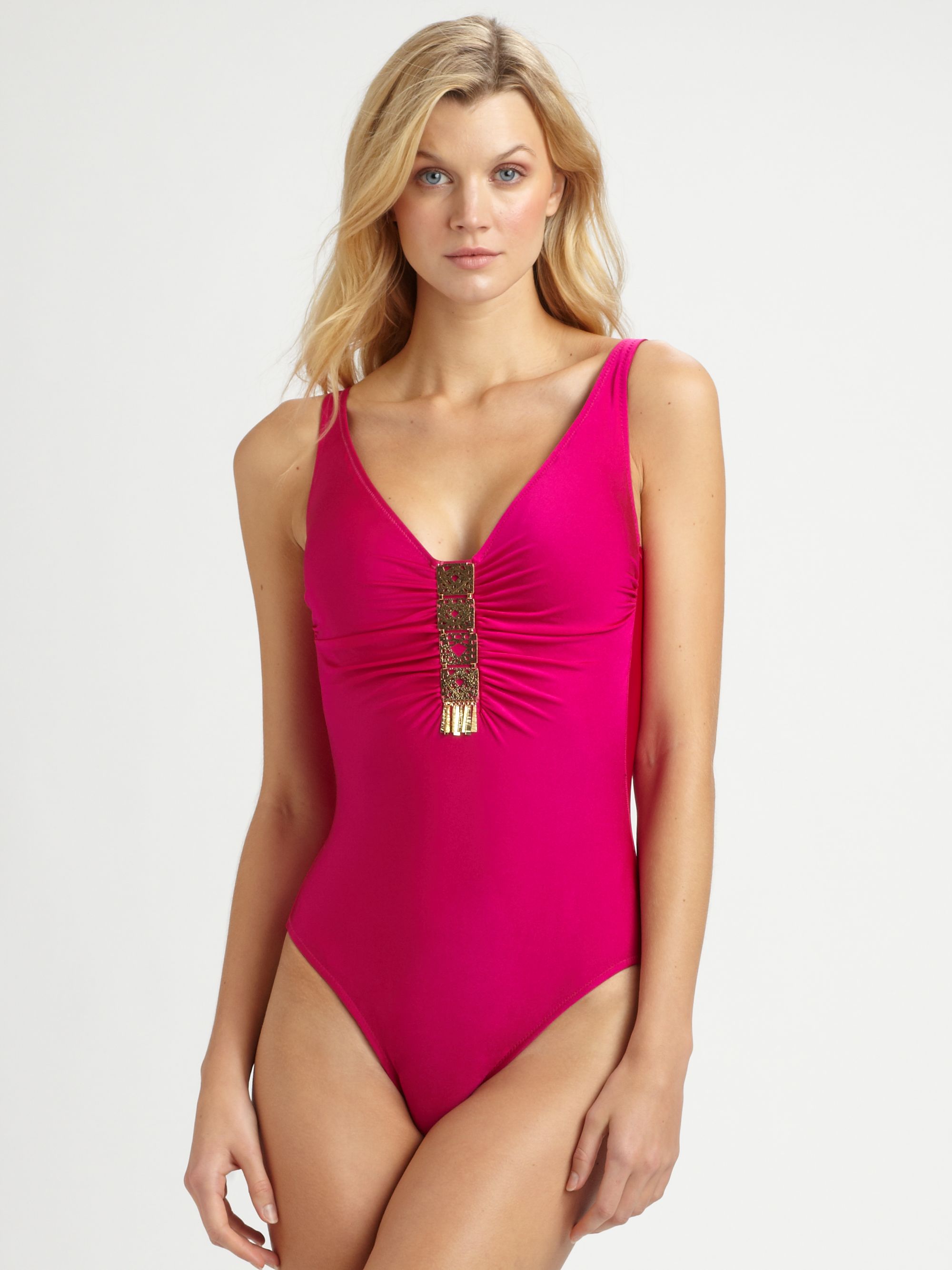
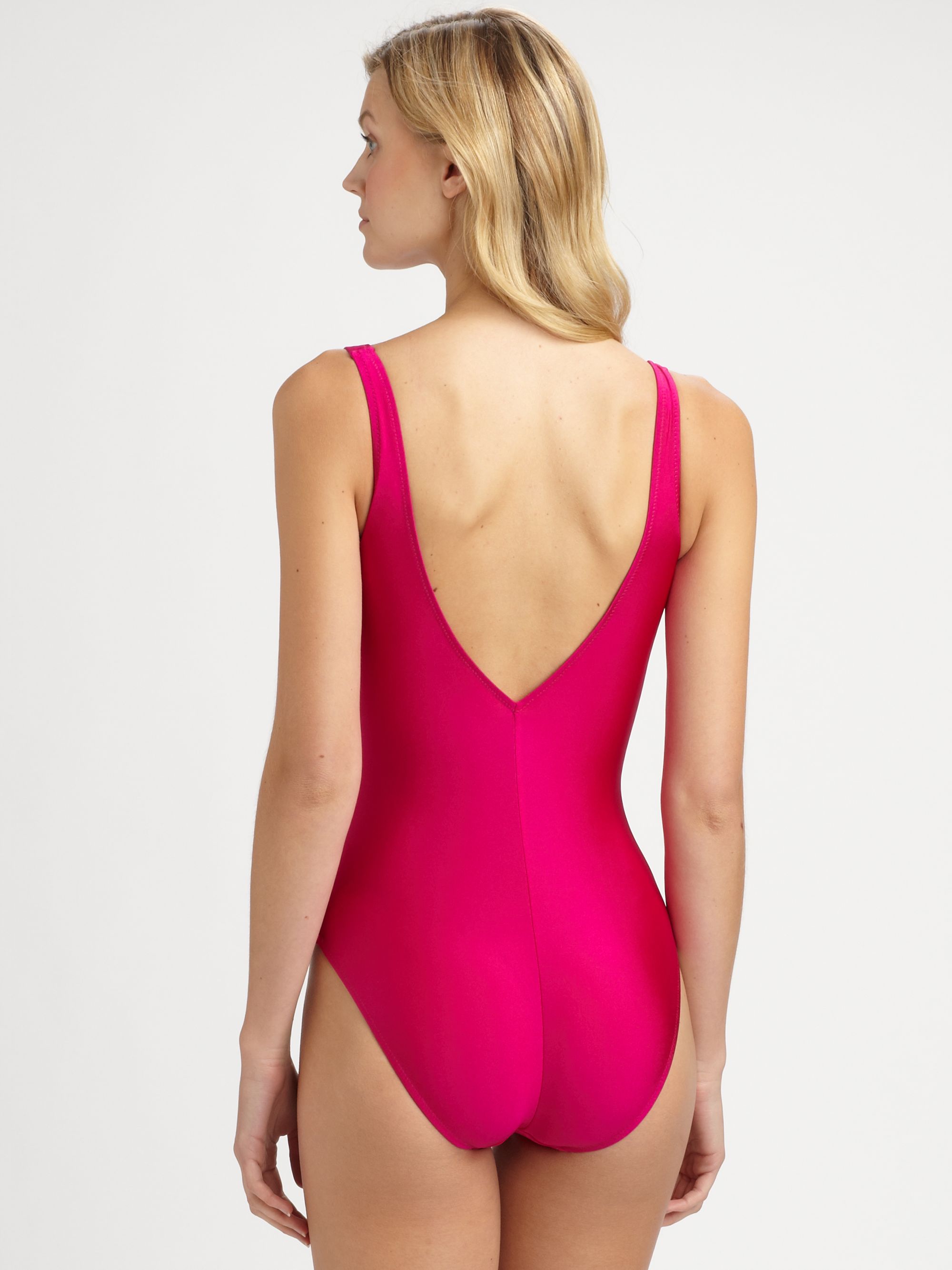
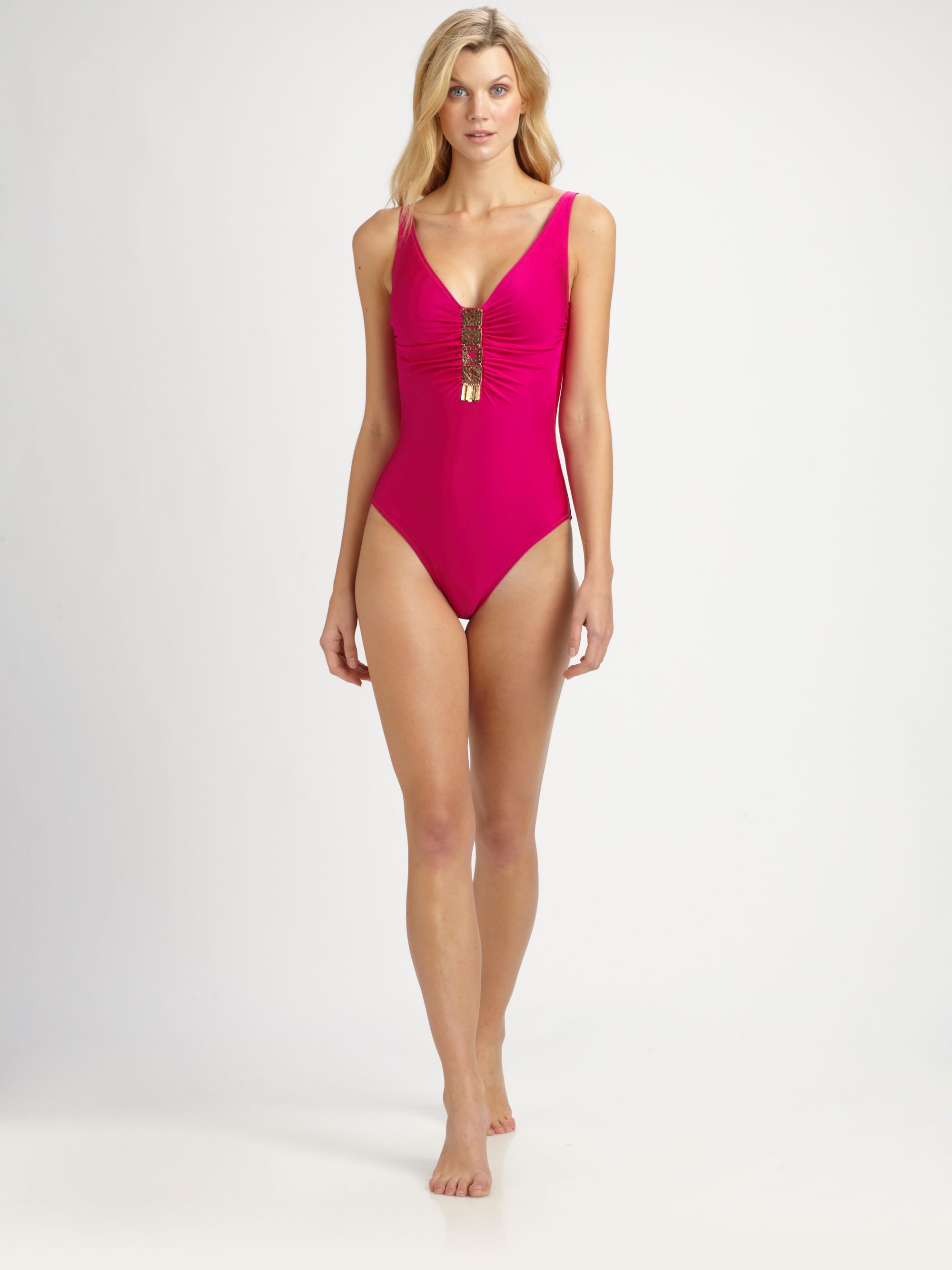
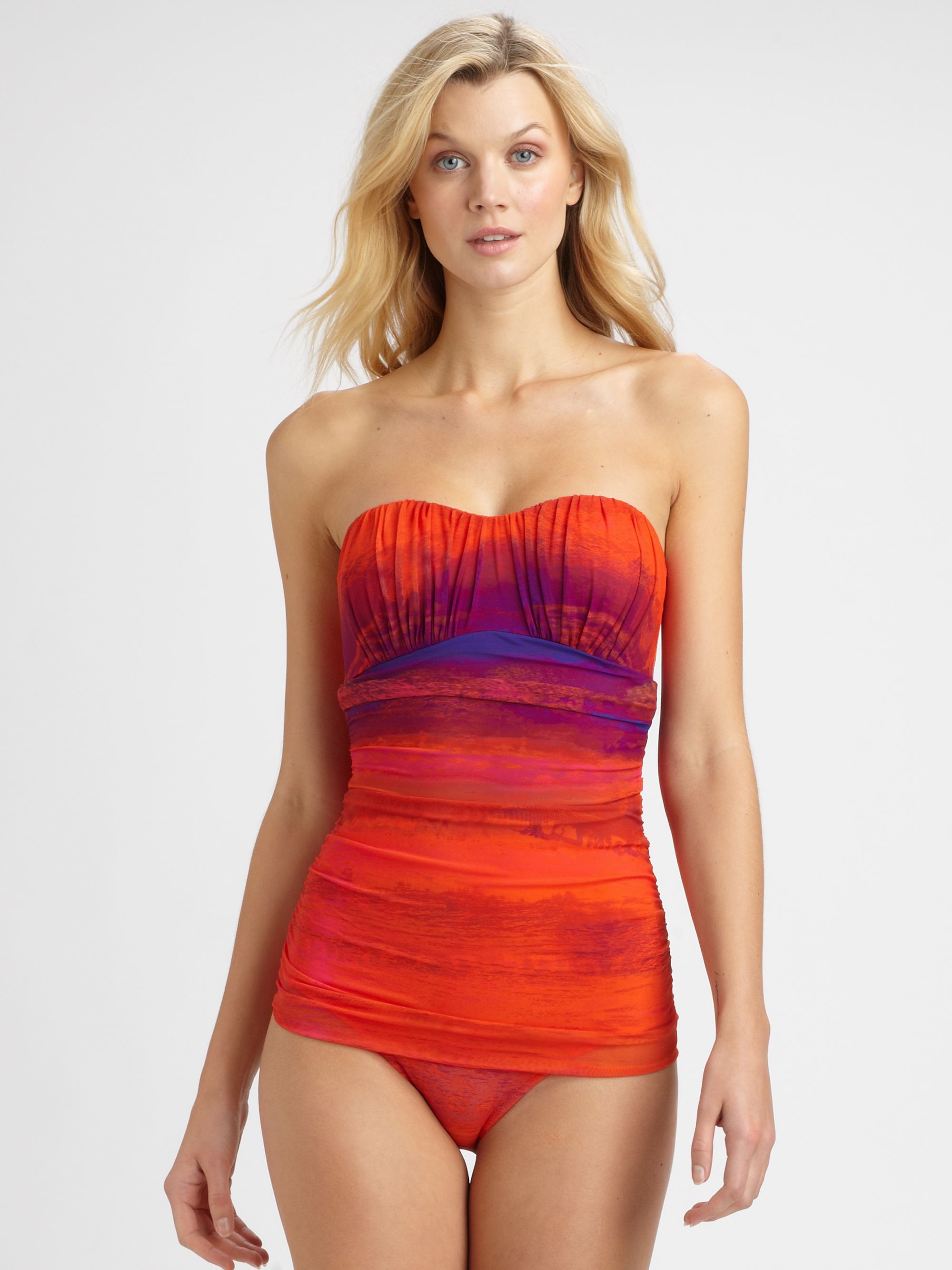
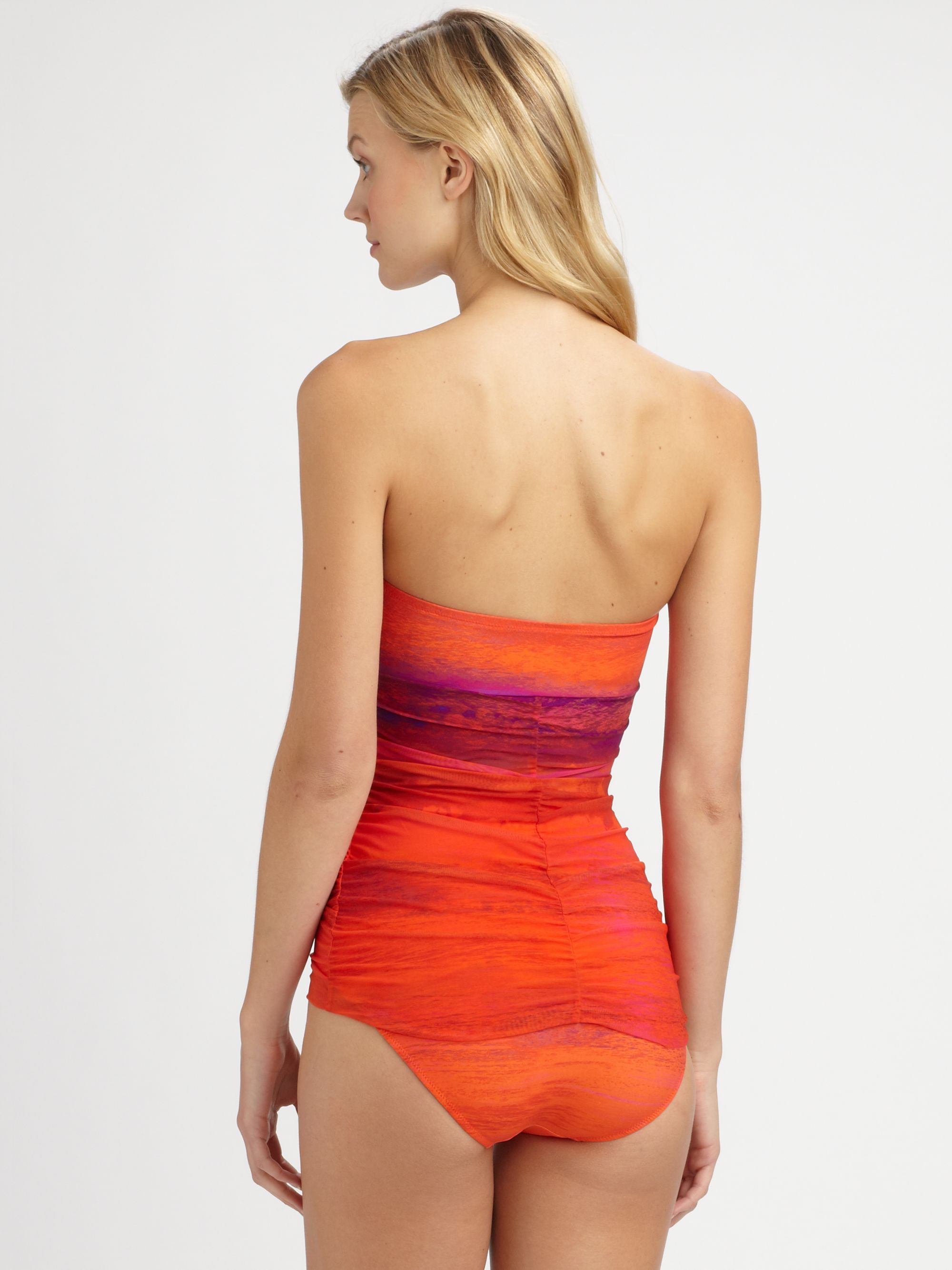
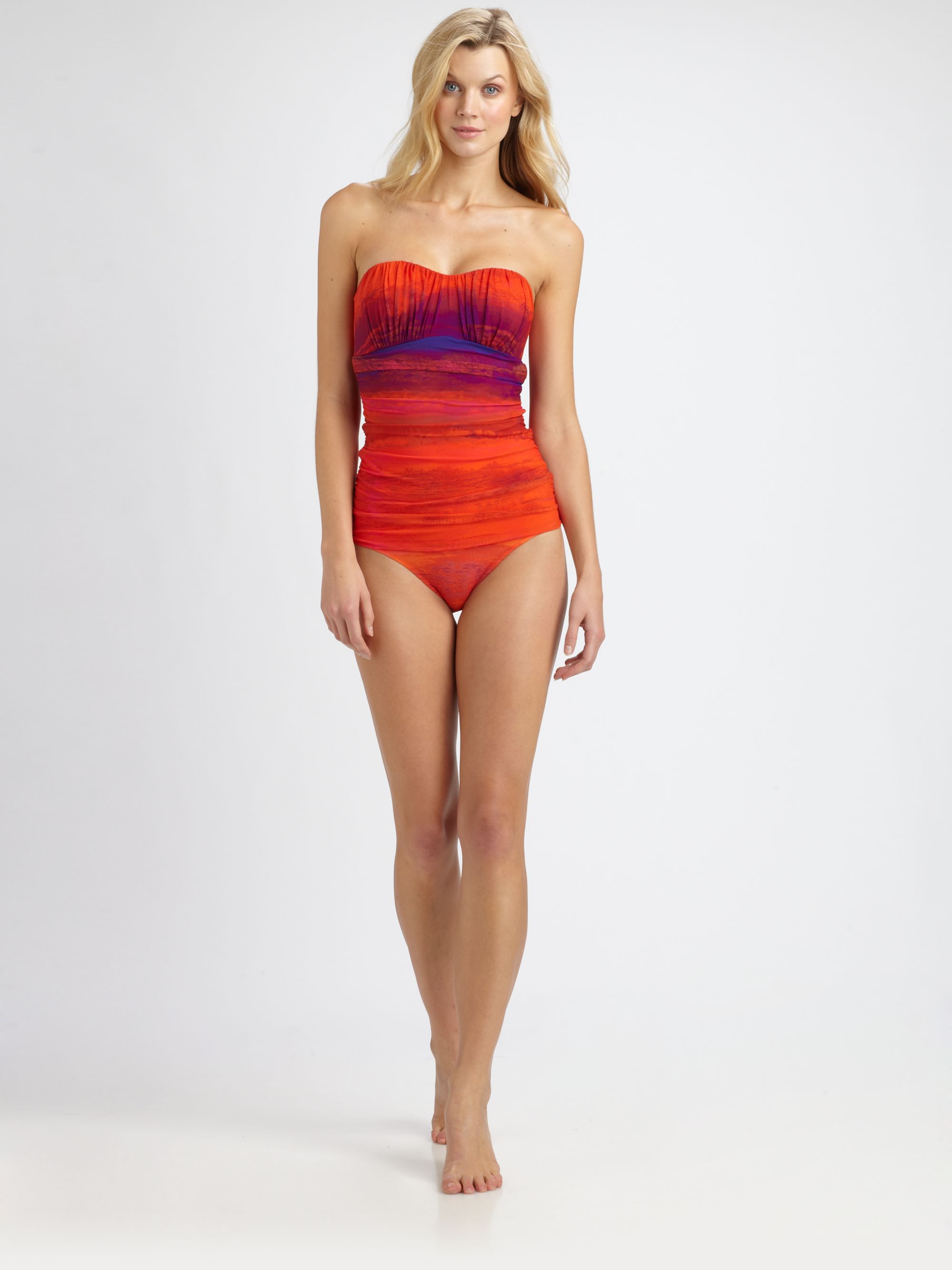
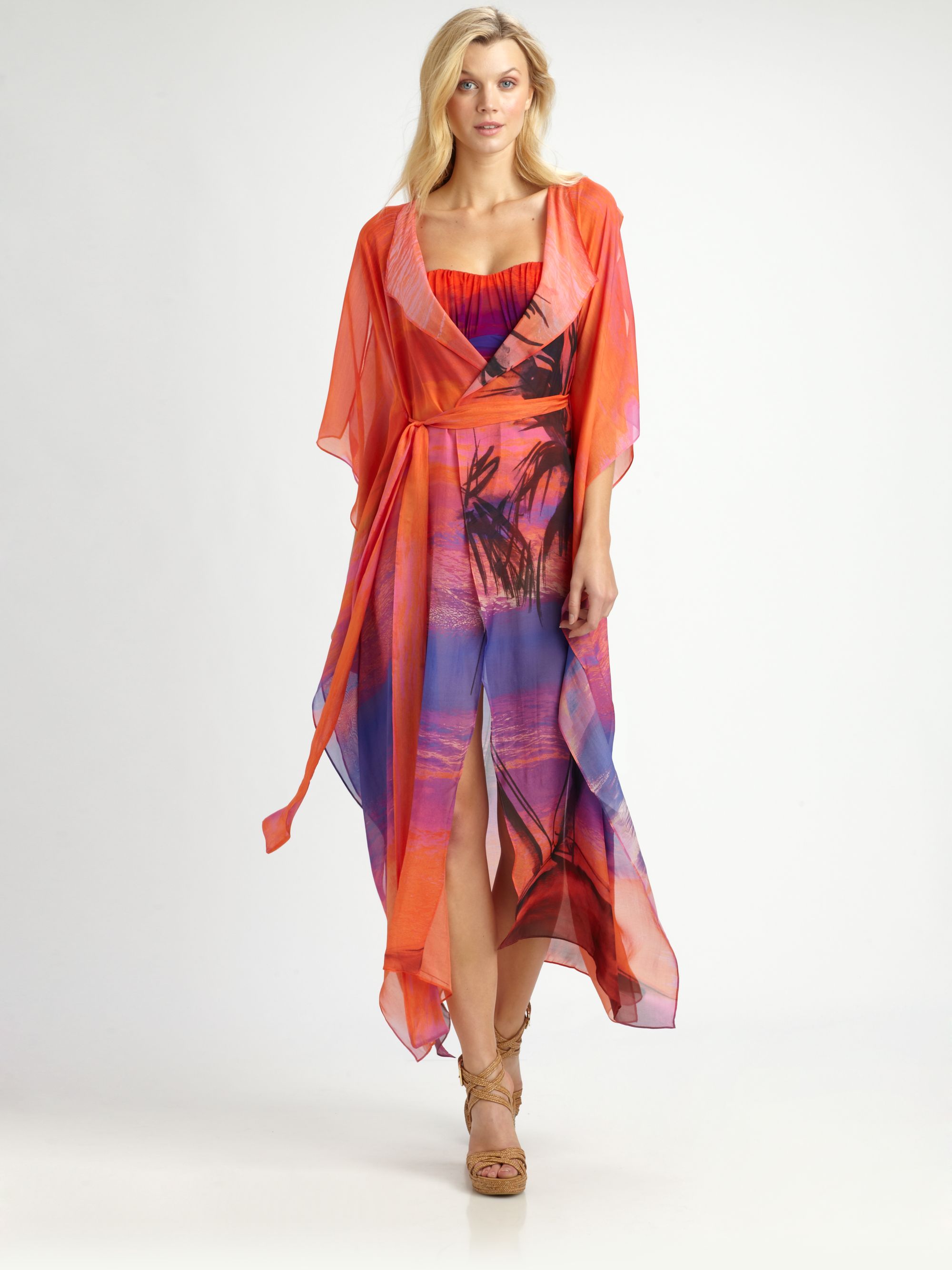
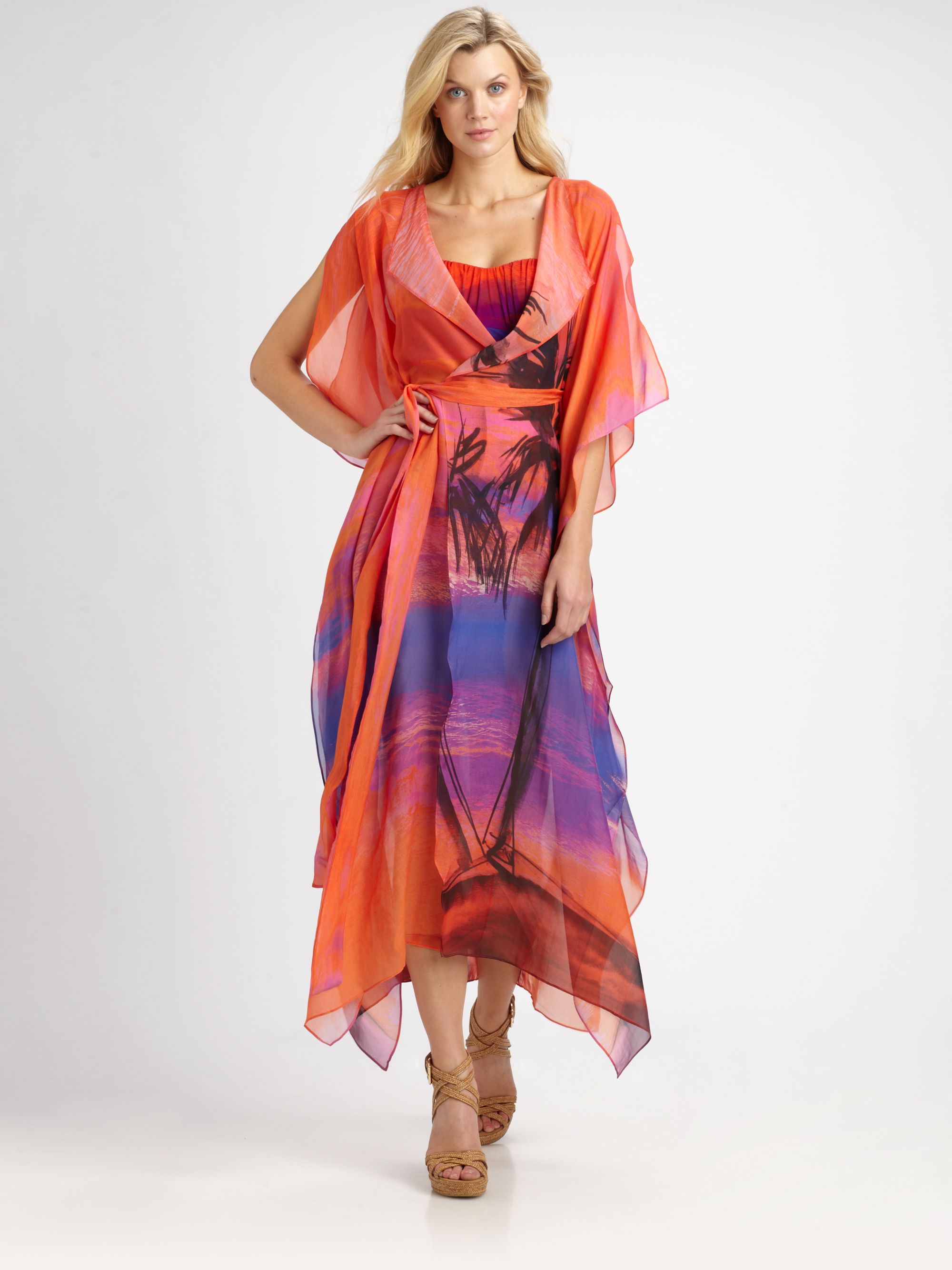
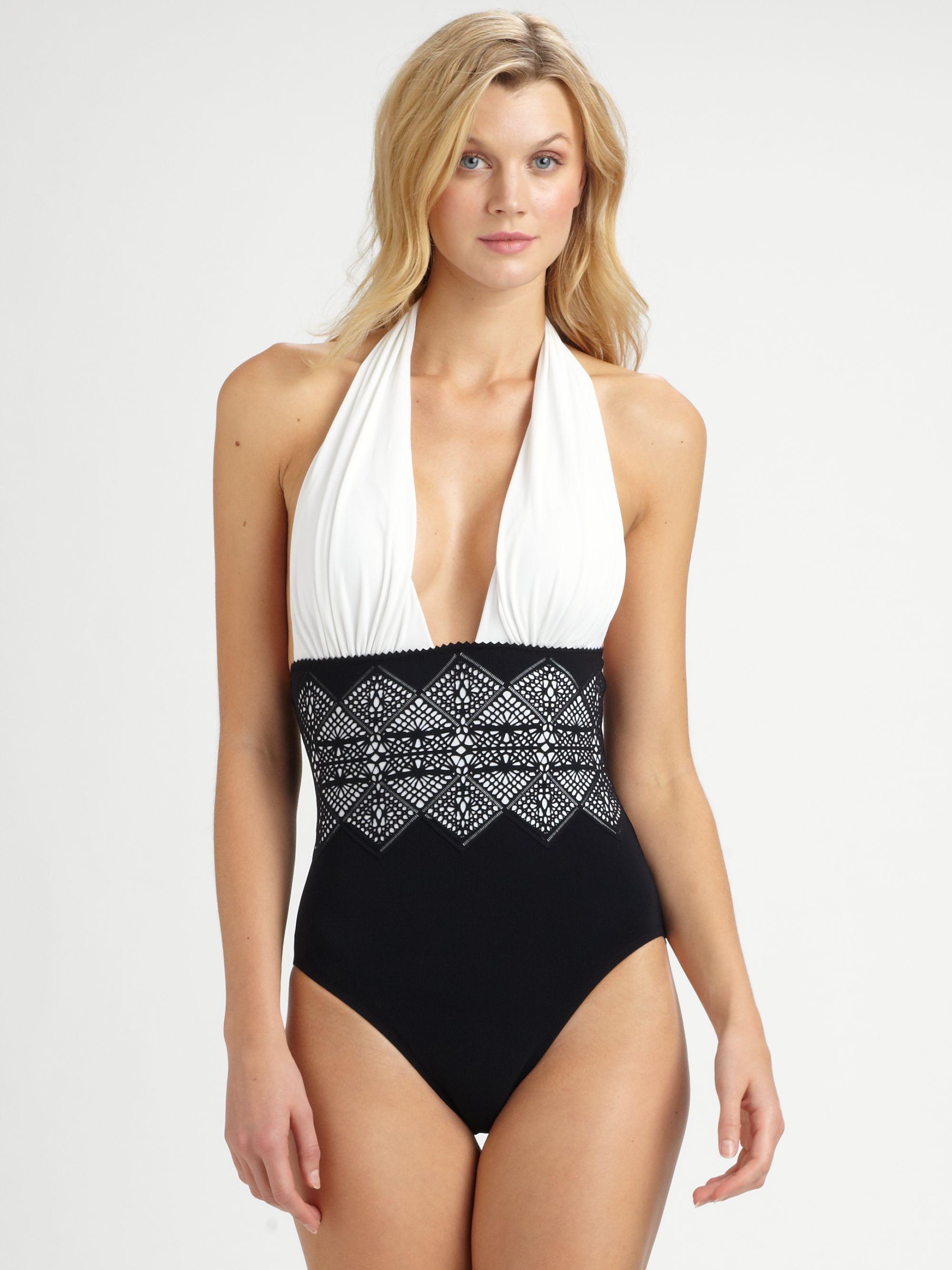
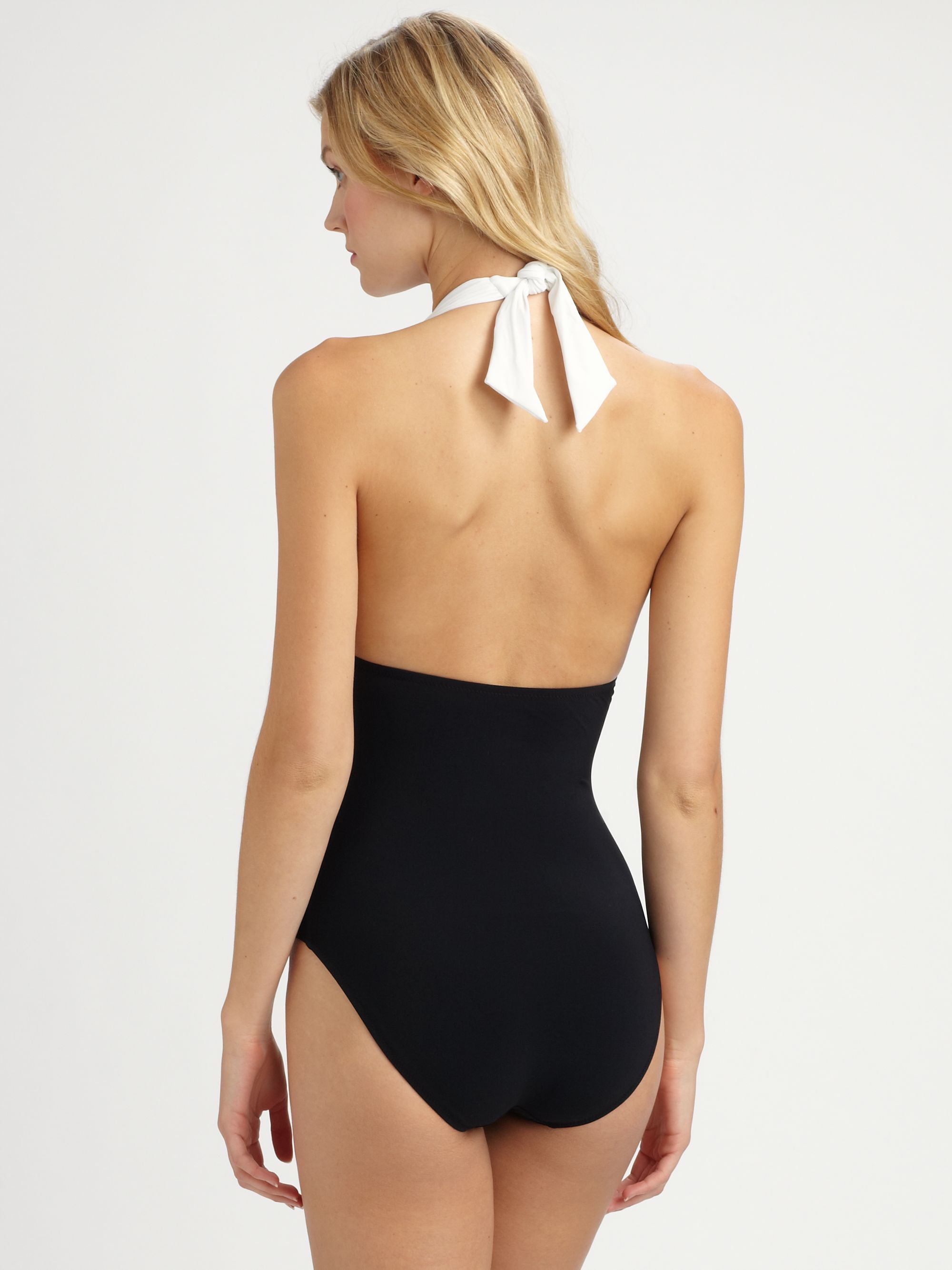
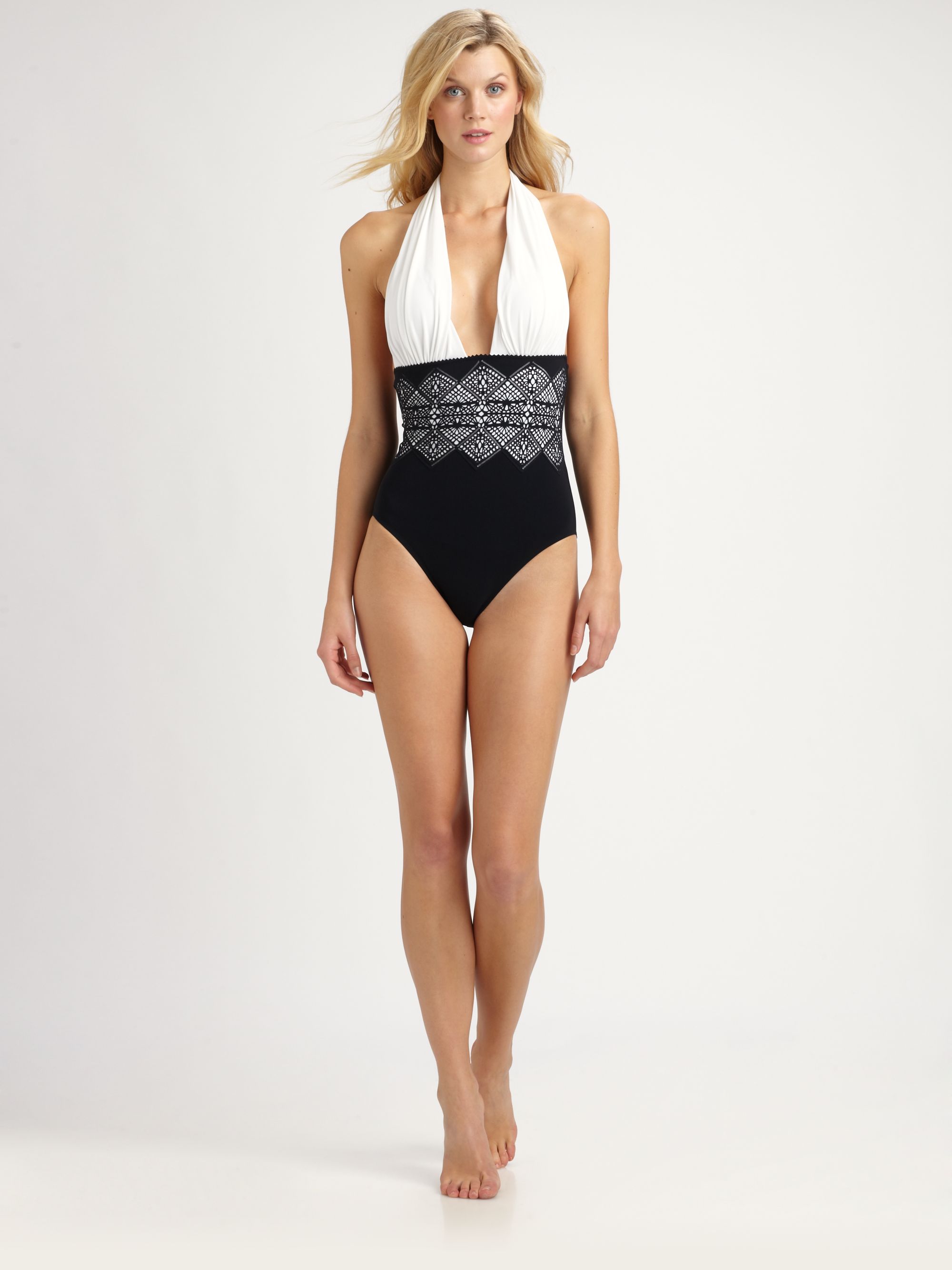
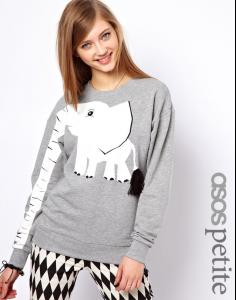 Beautiful Jayne modeling swimsuits & tunics at saks (set 3) get the 4 sets, plus 17 catwalk vids from rapidshare !Image hidden for guestsSign in to viewImage hidden for guestsSign in to viewImage hidden for guestsSign in to viewImage hidden for guestsSign in to viewImage hidden for guestsSign in to viewImage hidden for guestsSign in to view
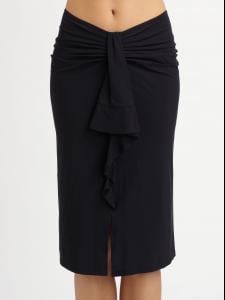
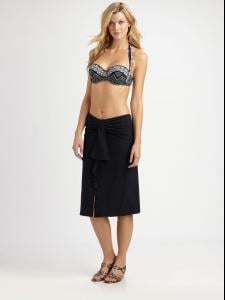 Image hidden for guestsSign in to viewImage hidden for guestsSign in to view
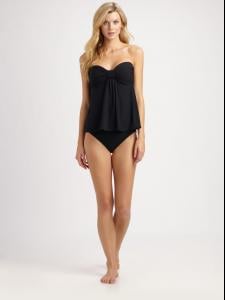
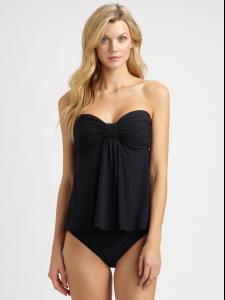
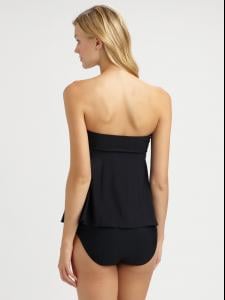
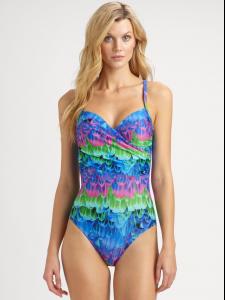
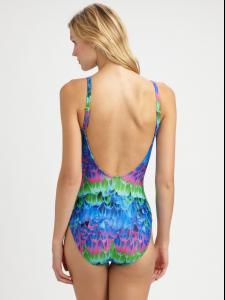
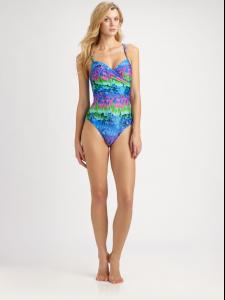
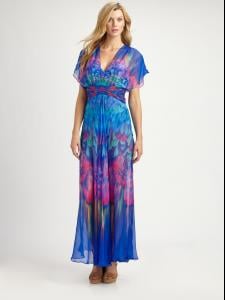
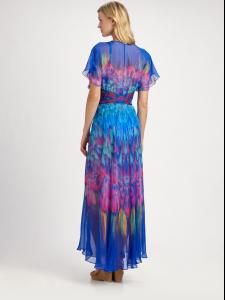
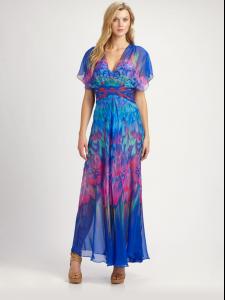
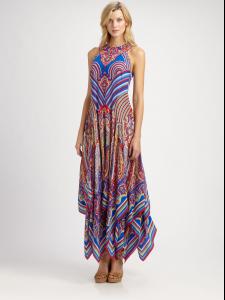
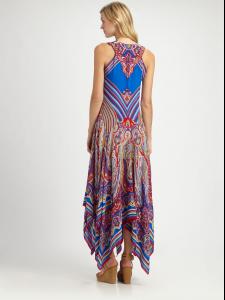
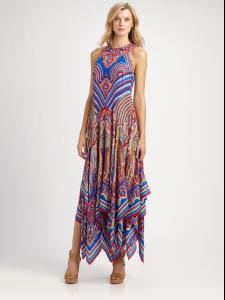
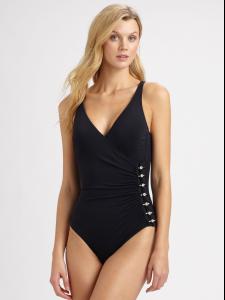
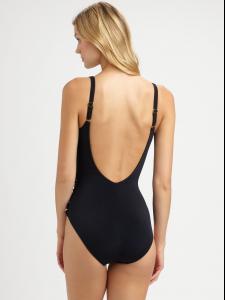
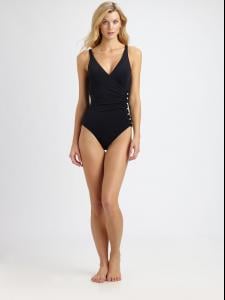
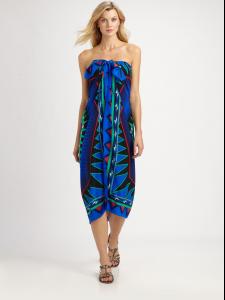
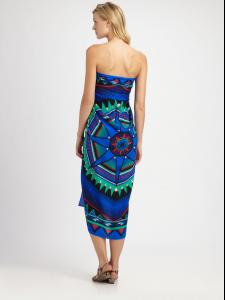 Beautiful Jayne modeling swimsuits & tunics at saks (set 2) get the 4 sets, plus 17 catwalk vids from rapidshare !
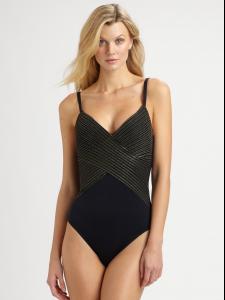
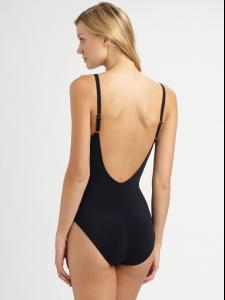
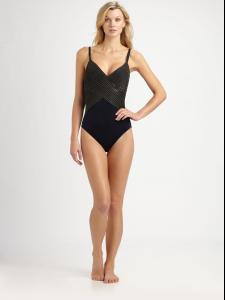 Image hidden for guestsSign in to viewImage hidden for guestsSign in to viewImage hidden for guestsSign in to view
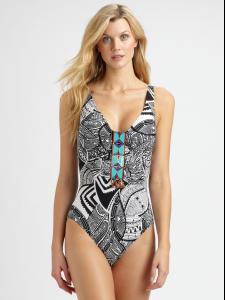
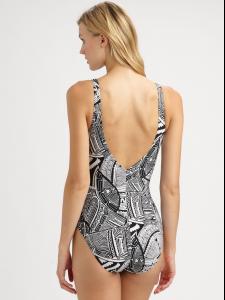
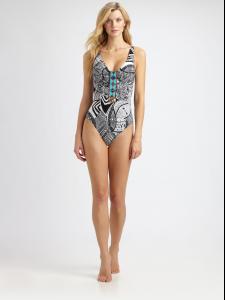
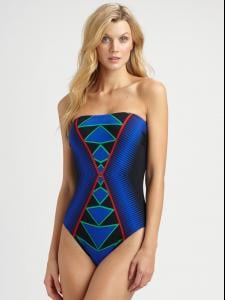
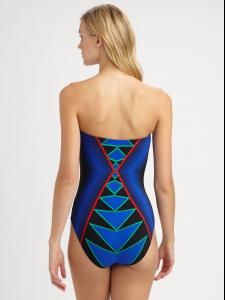
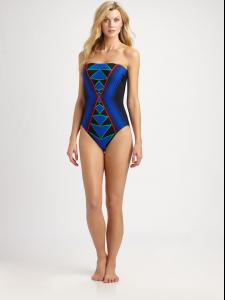
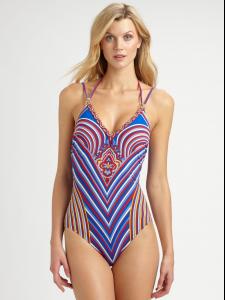
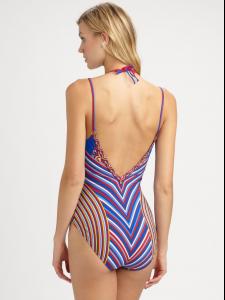
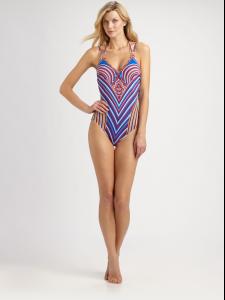
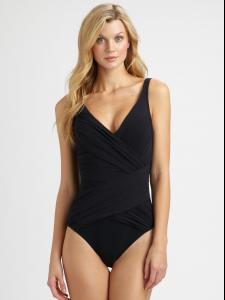
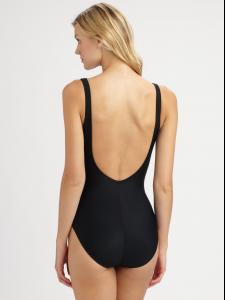
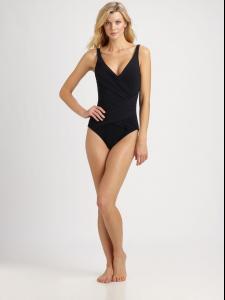
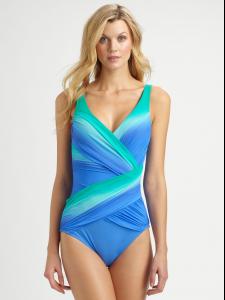
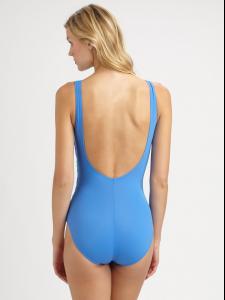
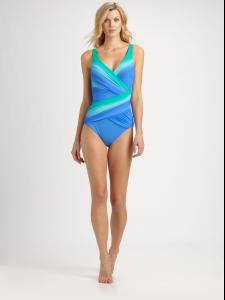
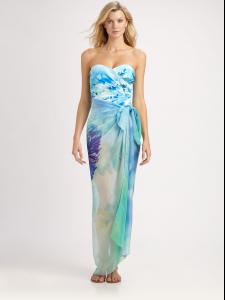 Image hidden for guestsSign in to view
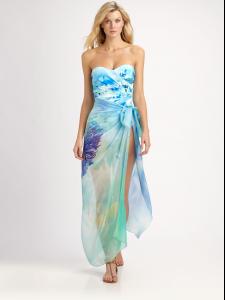
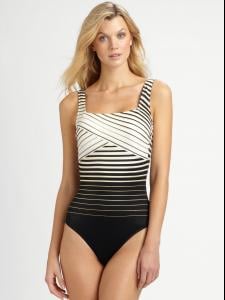
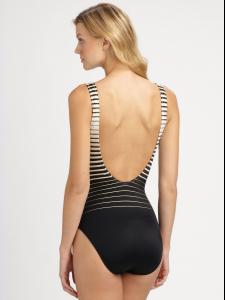
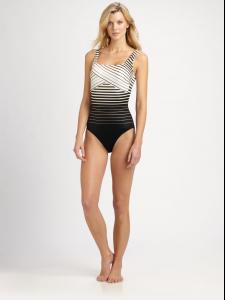
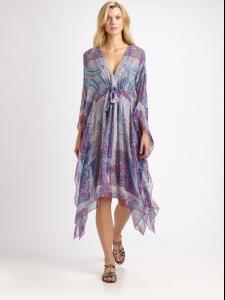 Image hidden for guestsSign in to view
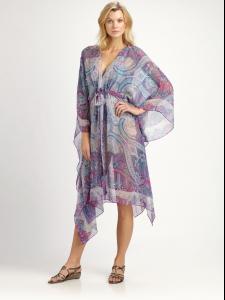 Image hidden for guestsSign in to viewImage hidden for guestsSign in to view
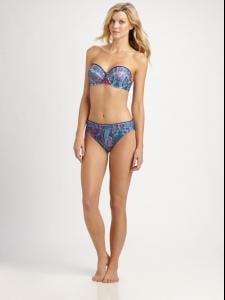
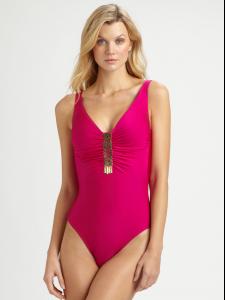
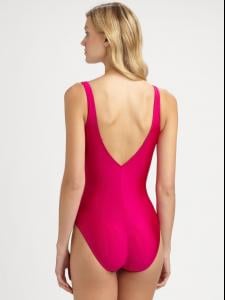
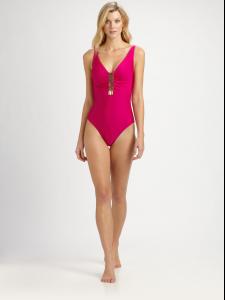
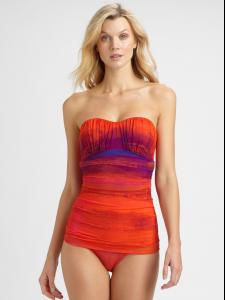
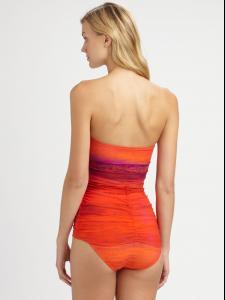
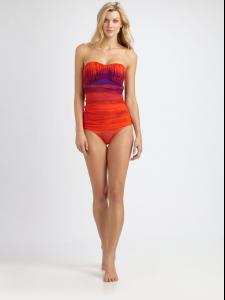
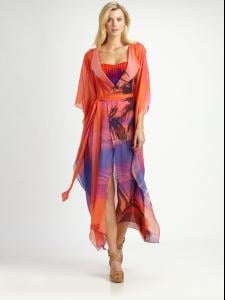 Image hidden for guestsSign in to view
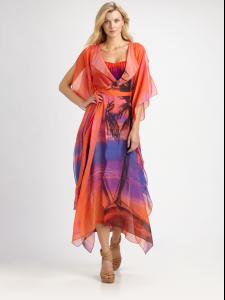 Image hidden for guestsSign in to viewImage hidden for guestsSign in to viewImage hidden for guestsSign in to view