All Activity
- Past hour
-

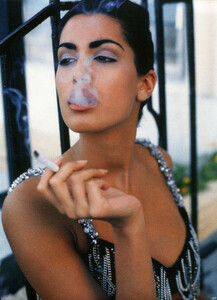
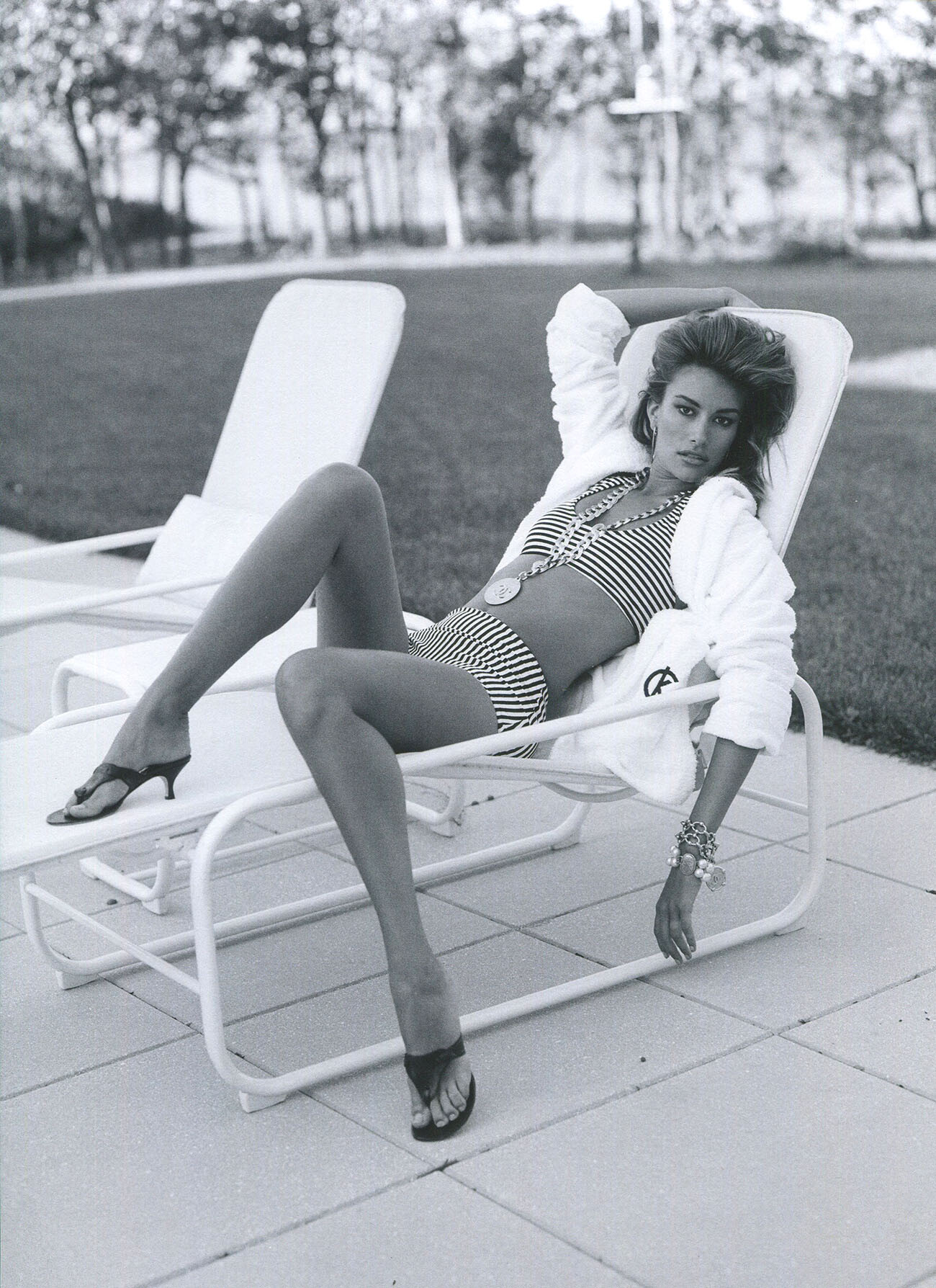
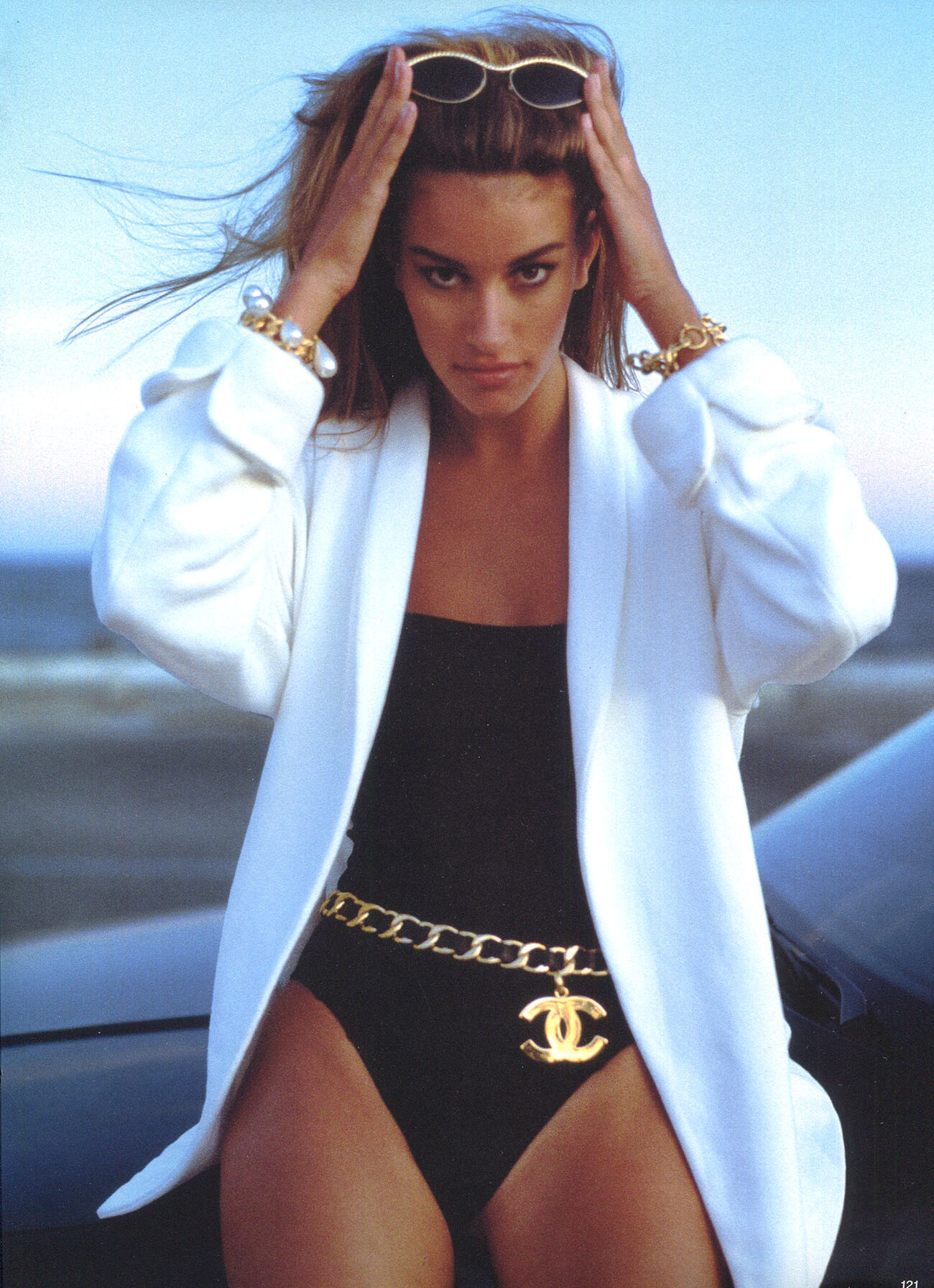
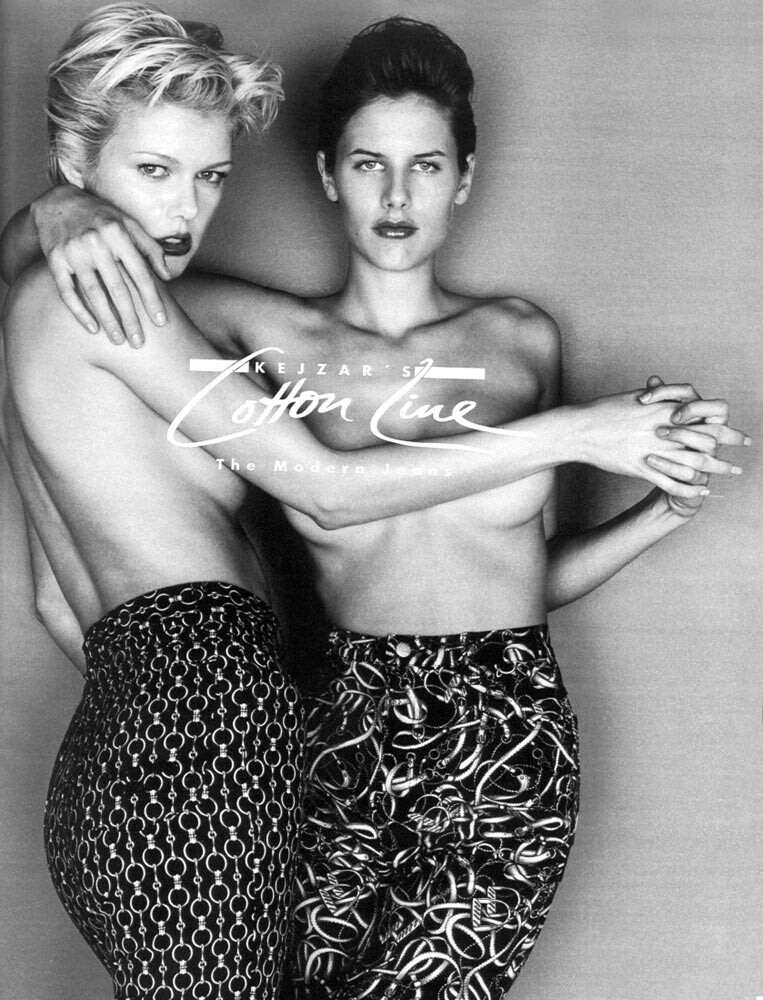
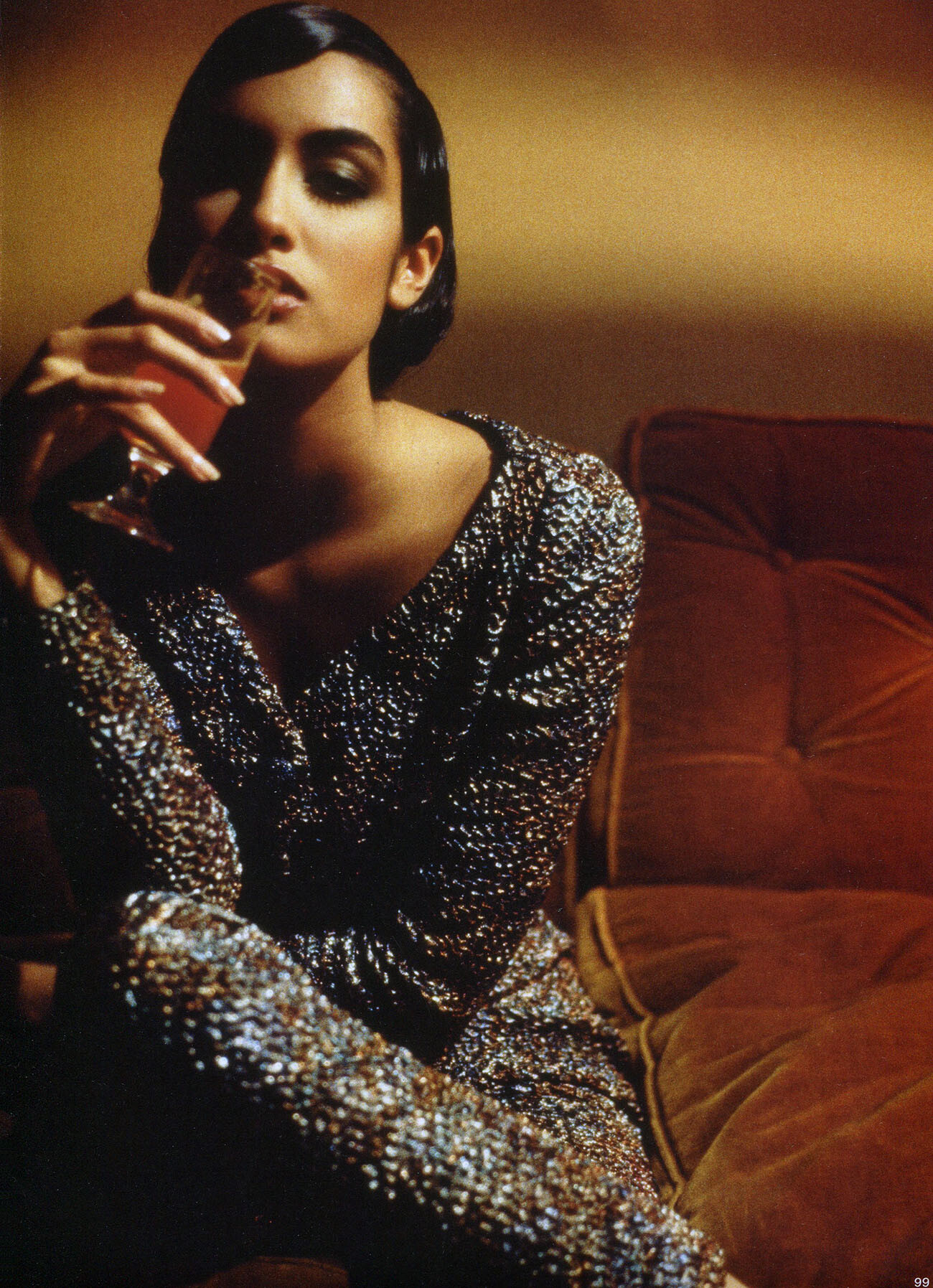
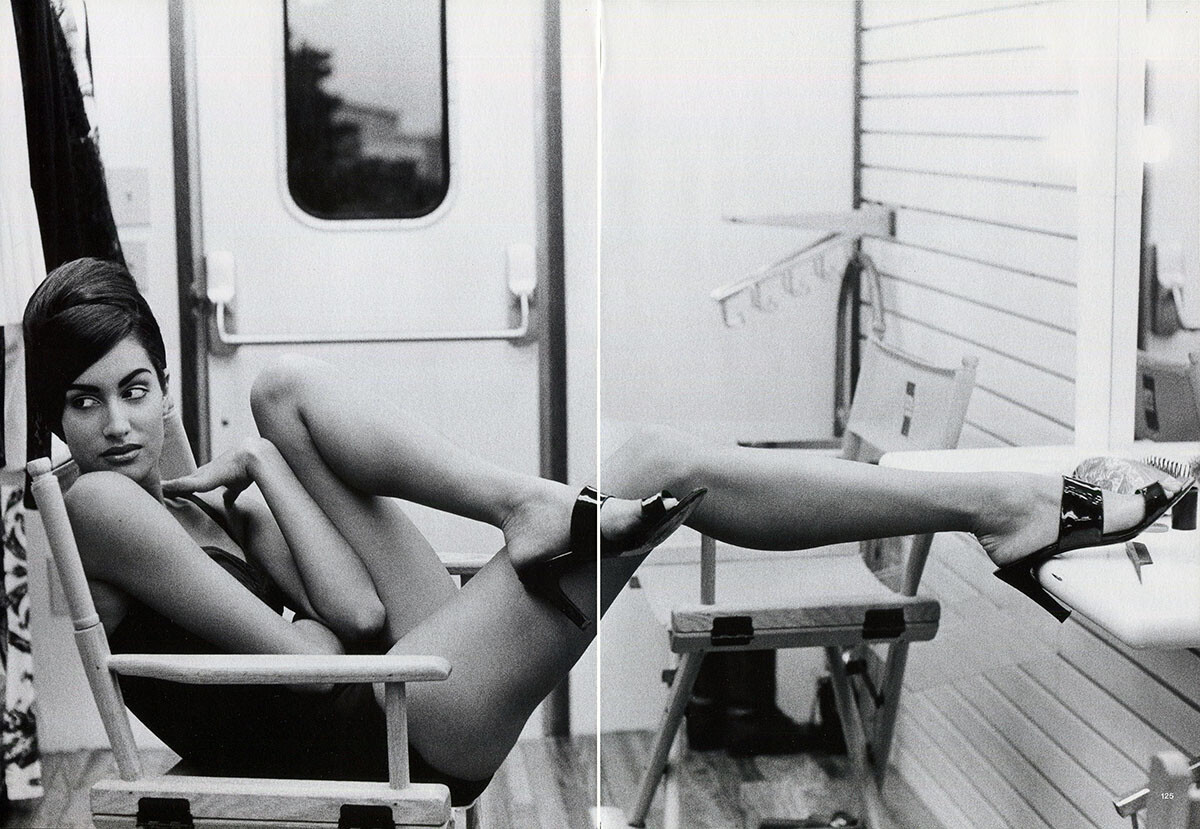
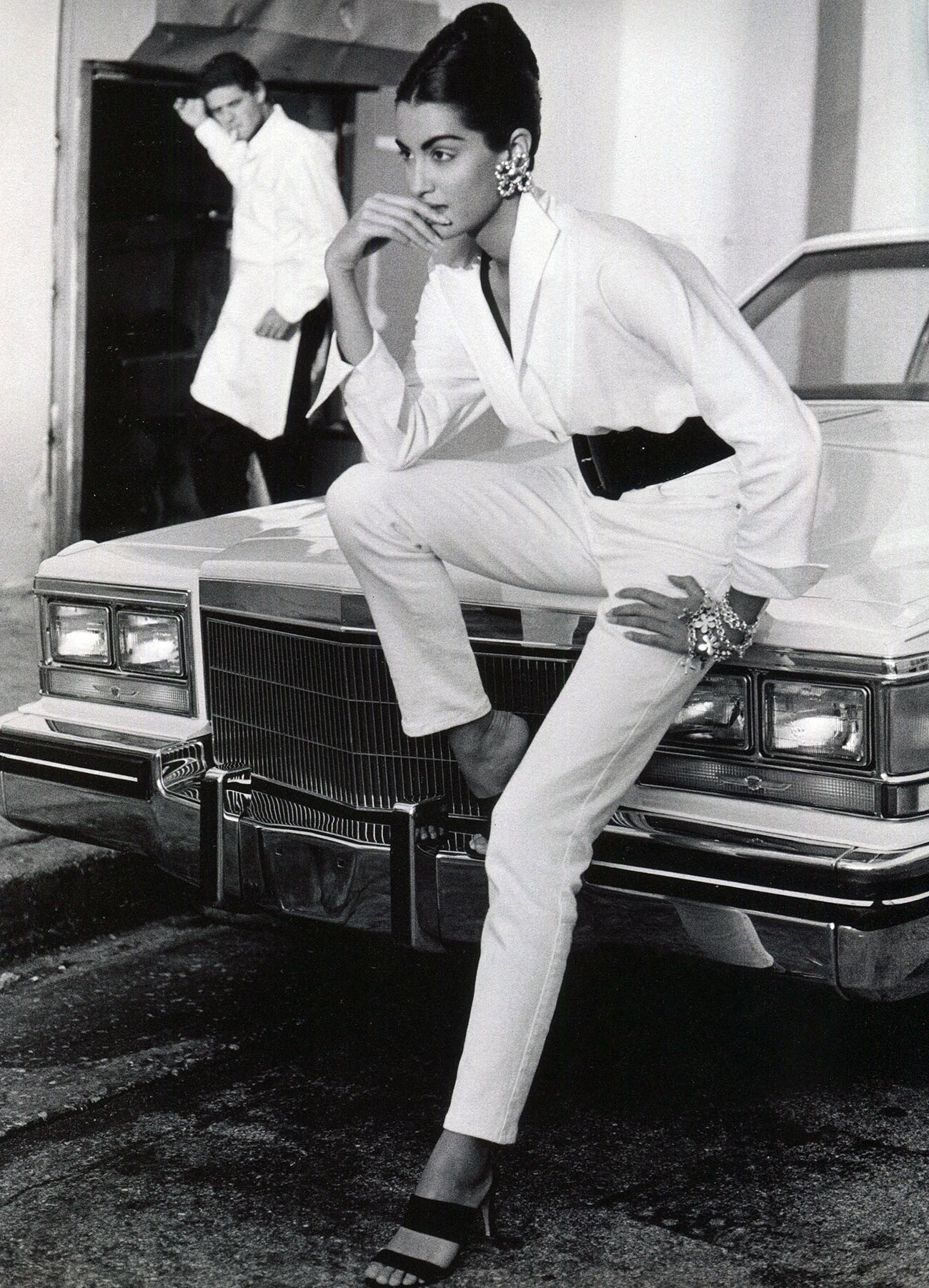
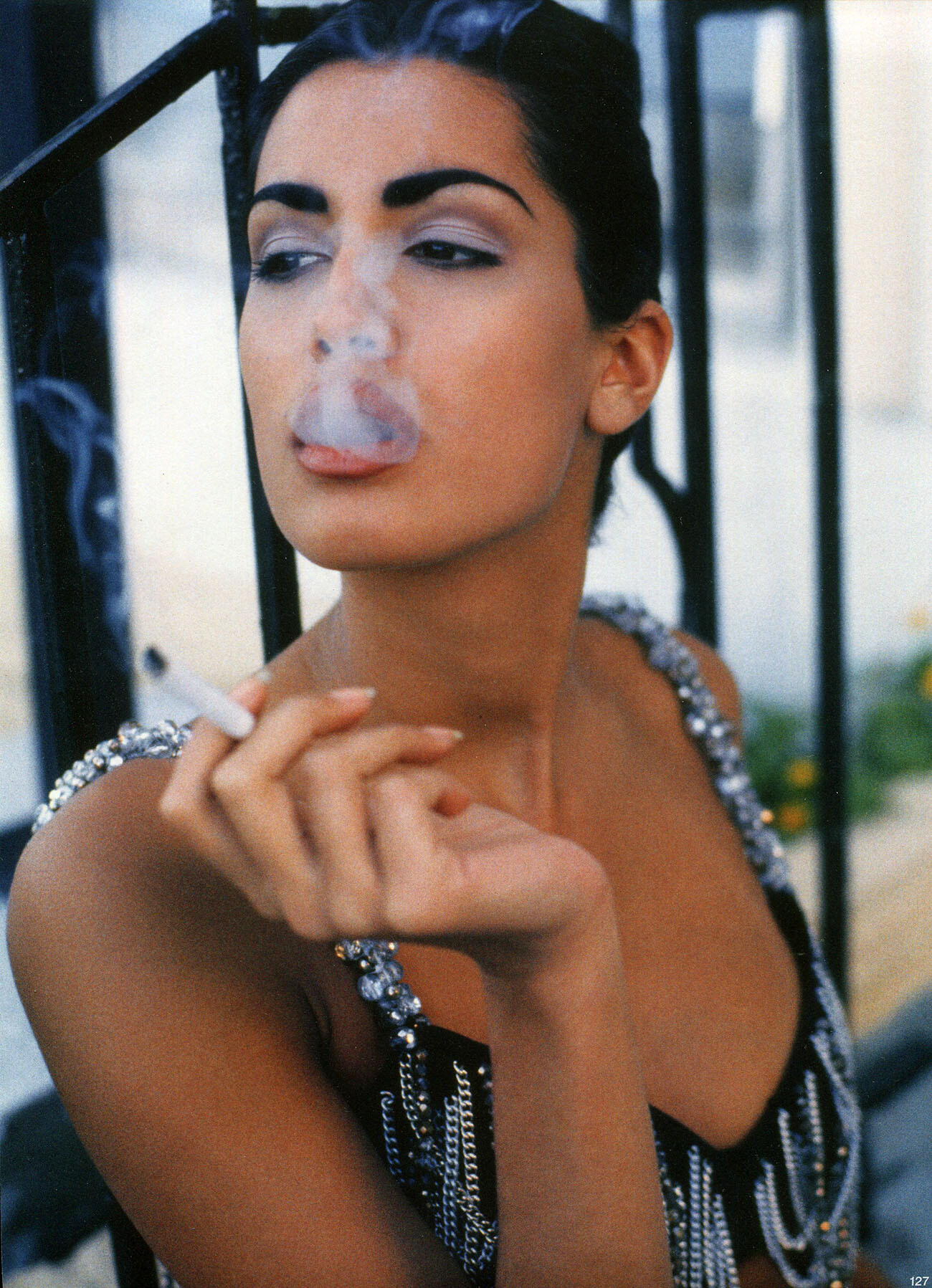
 from Pamela Hanson's book The 90's, my scans: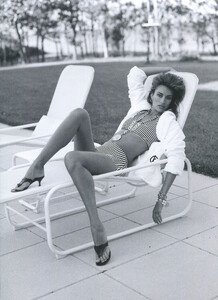
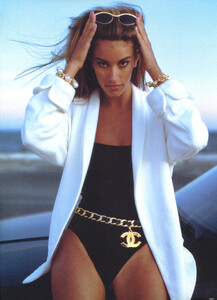
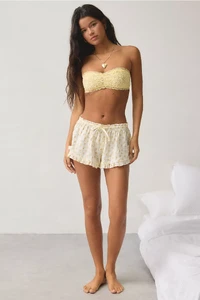
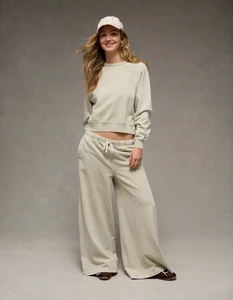
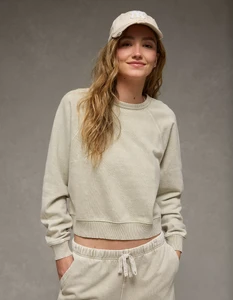
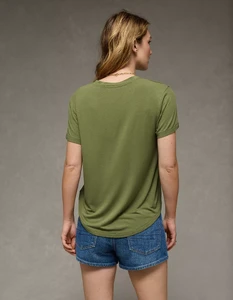
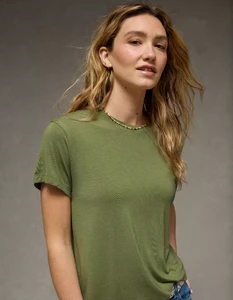
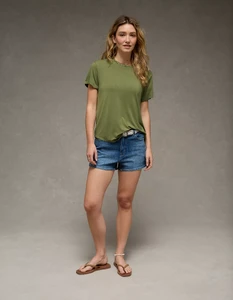
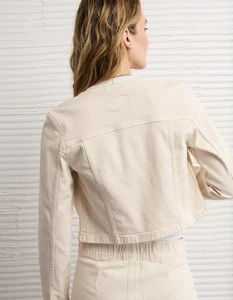
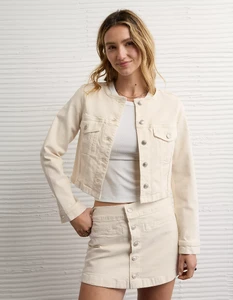
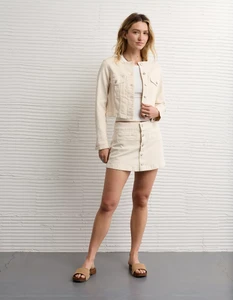
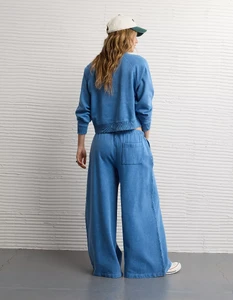
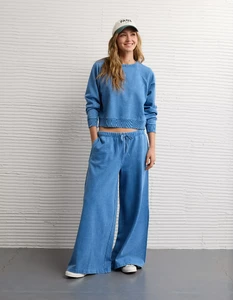
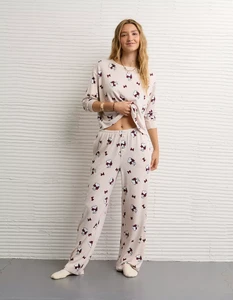
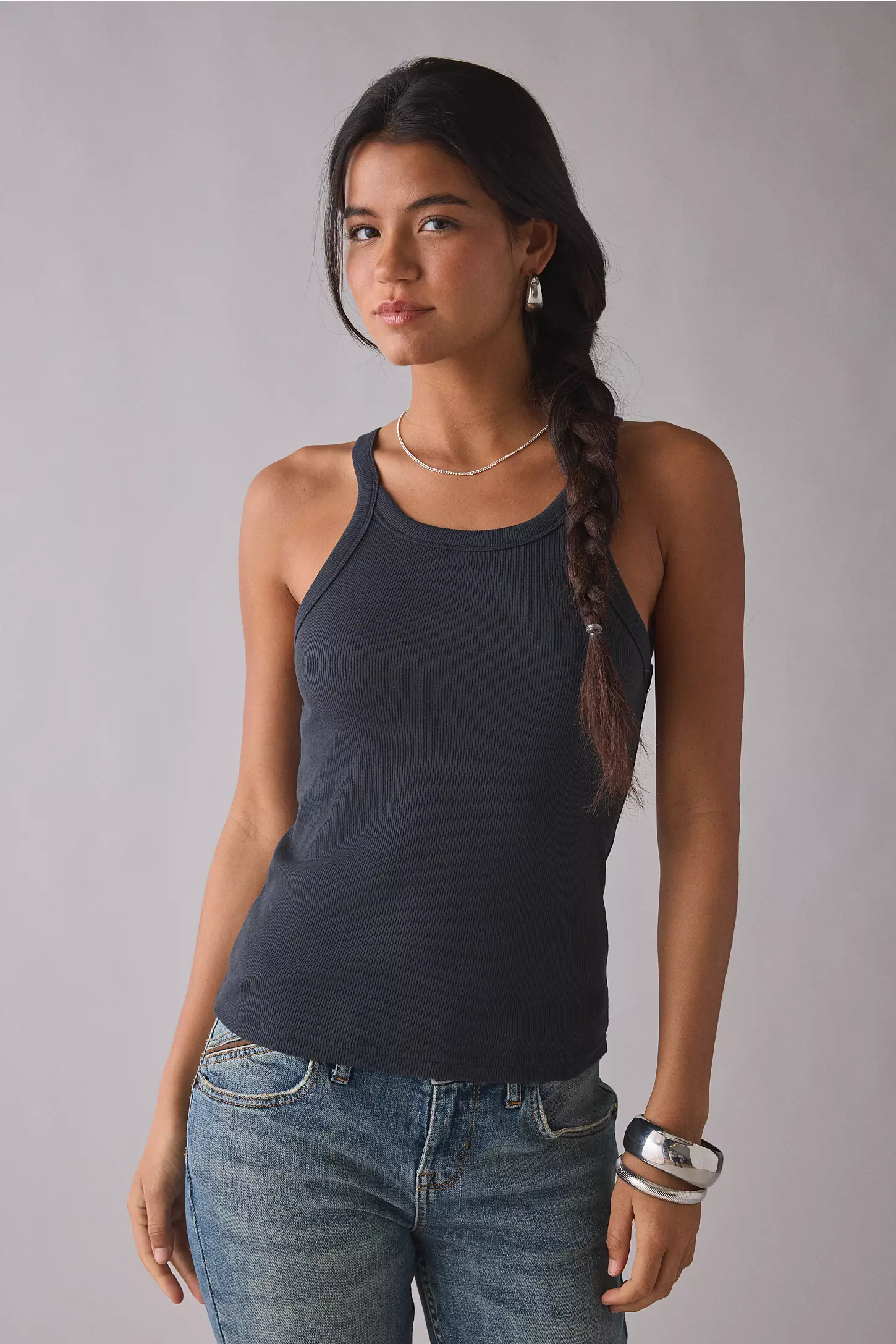
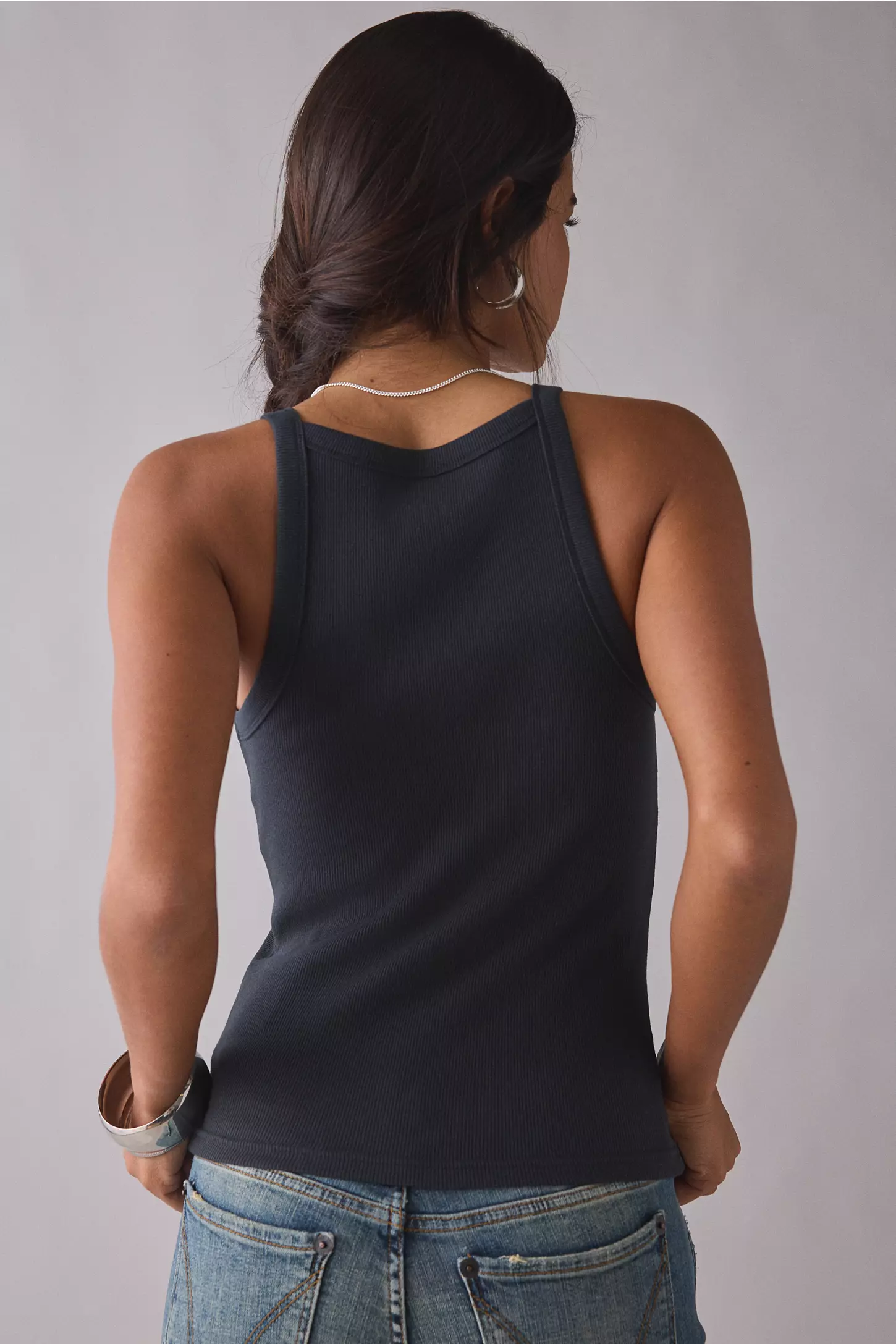
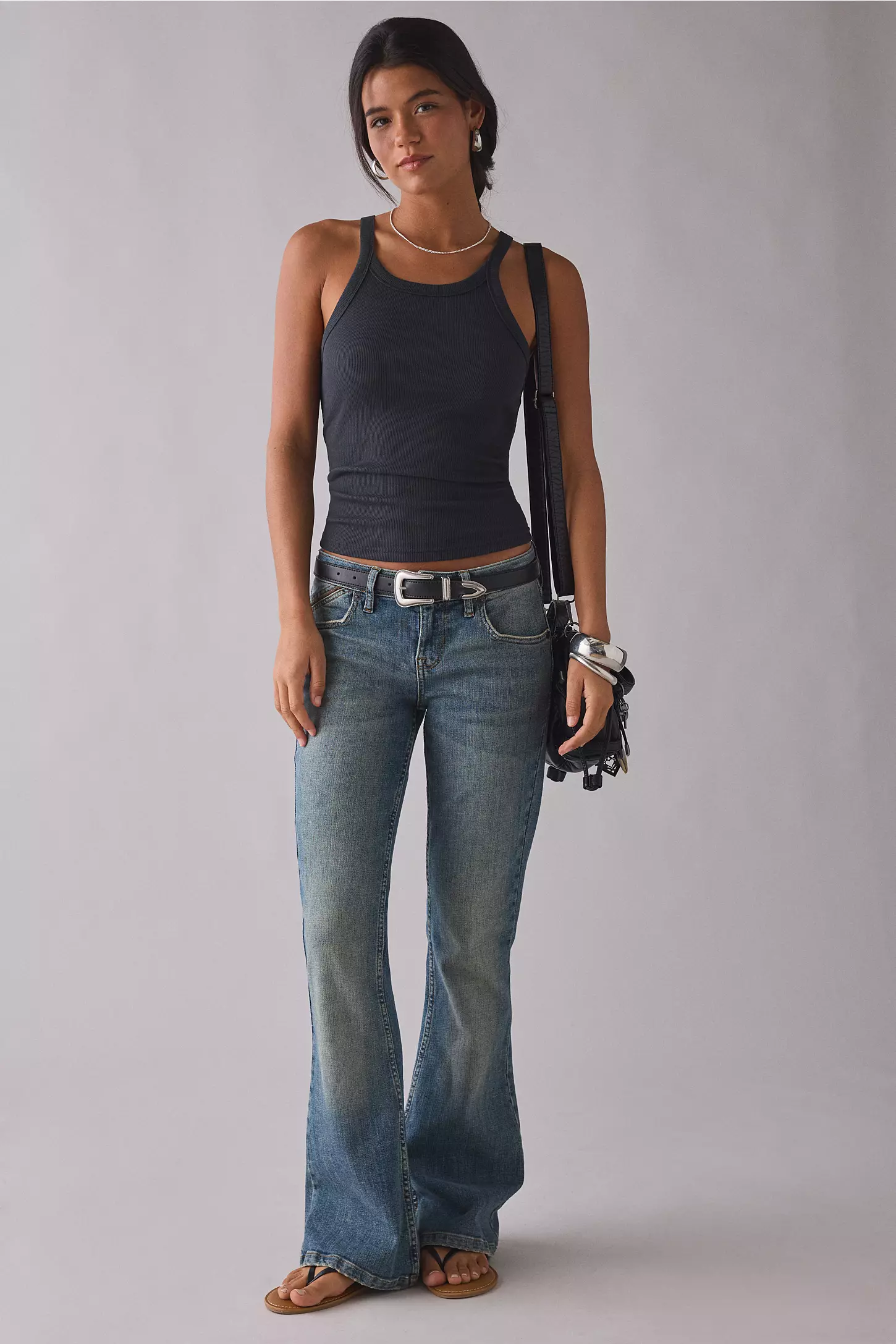
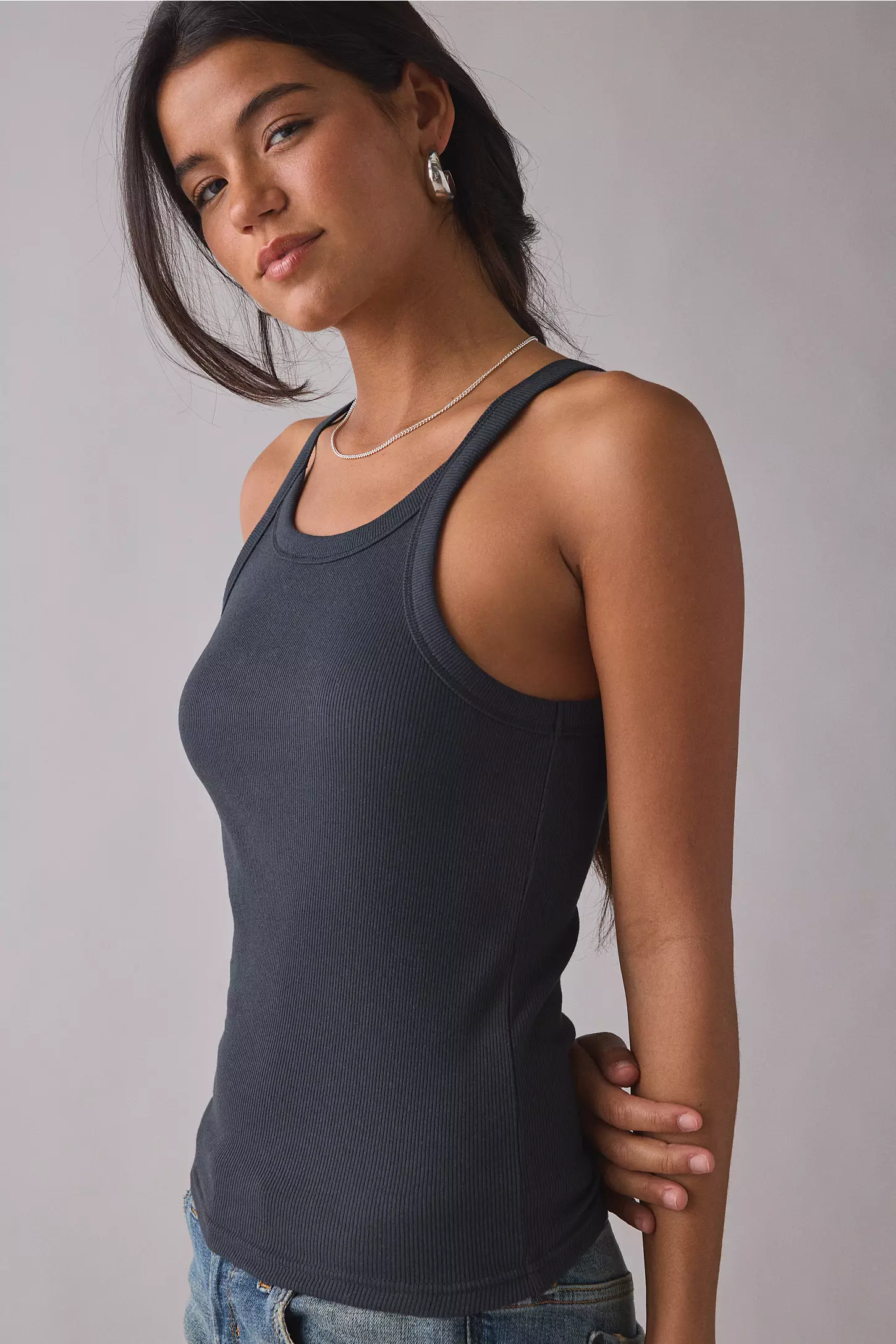
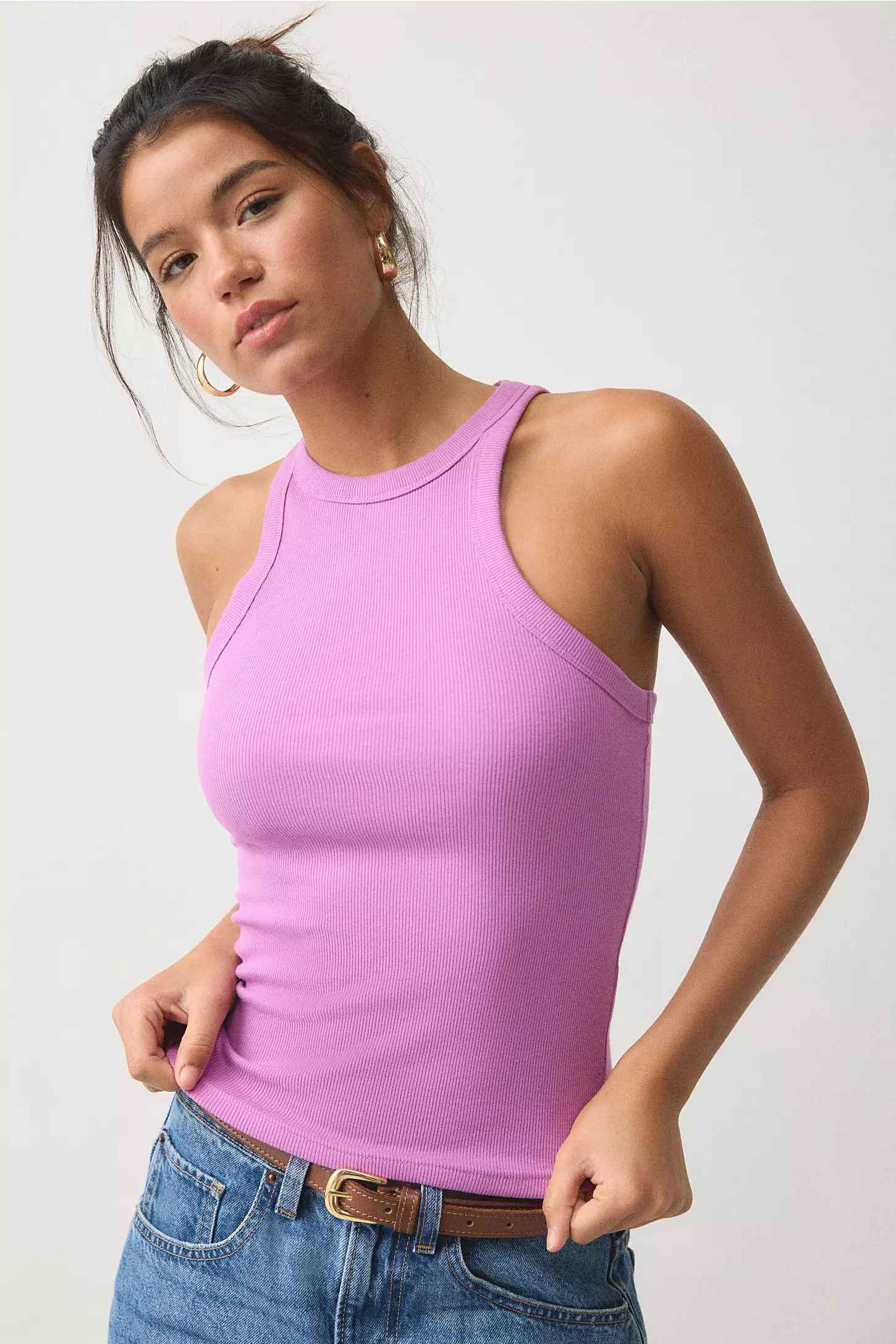
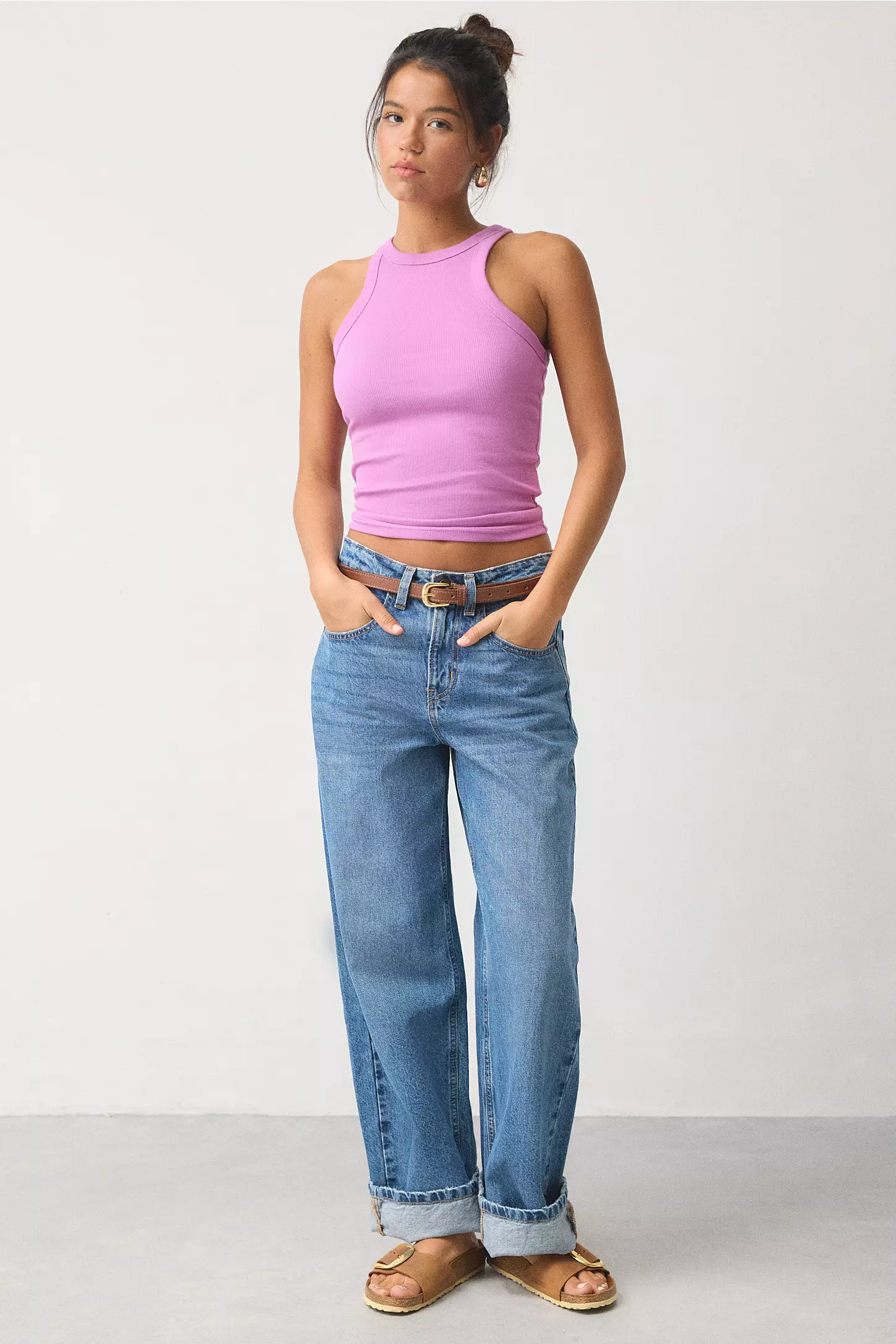
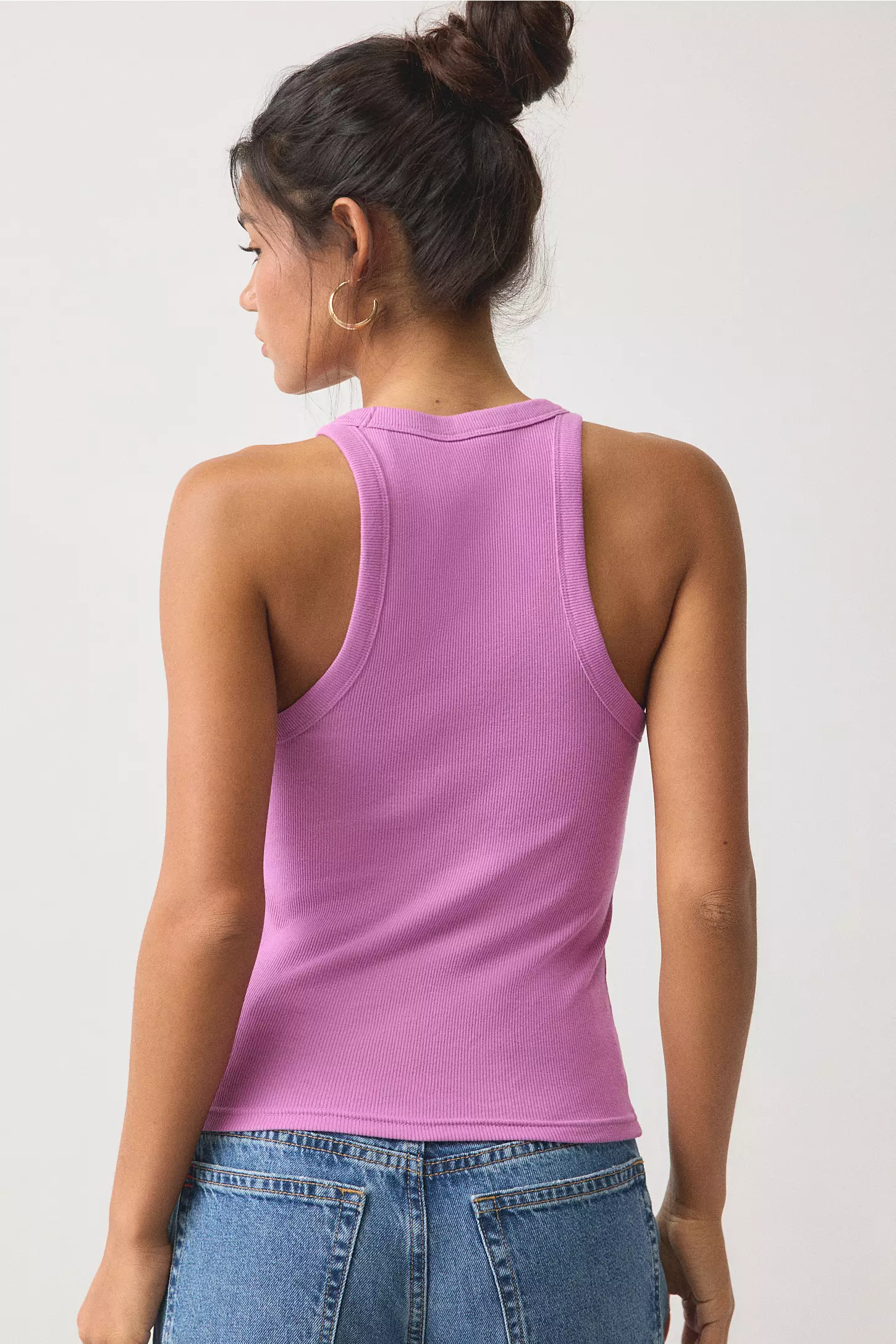
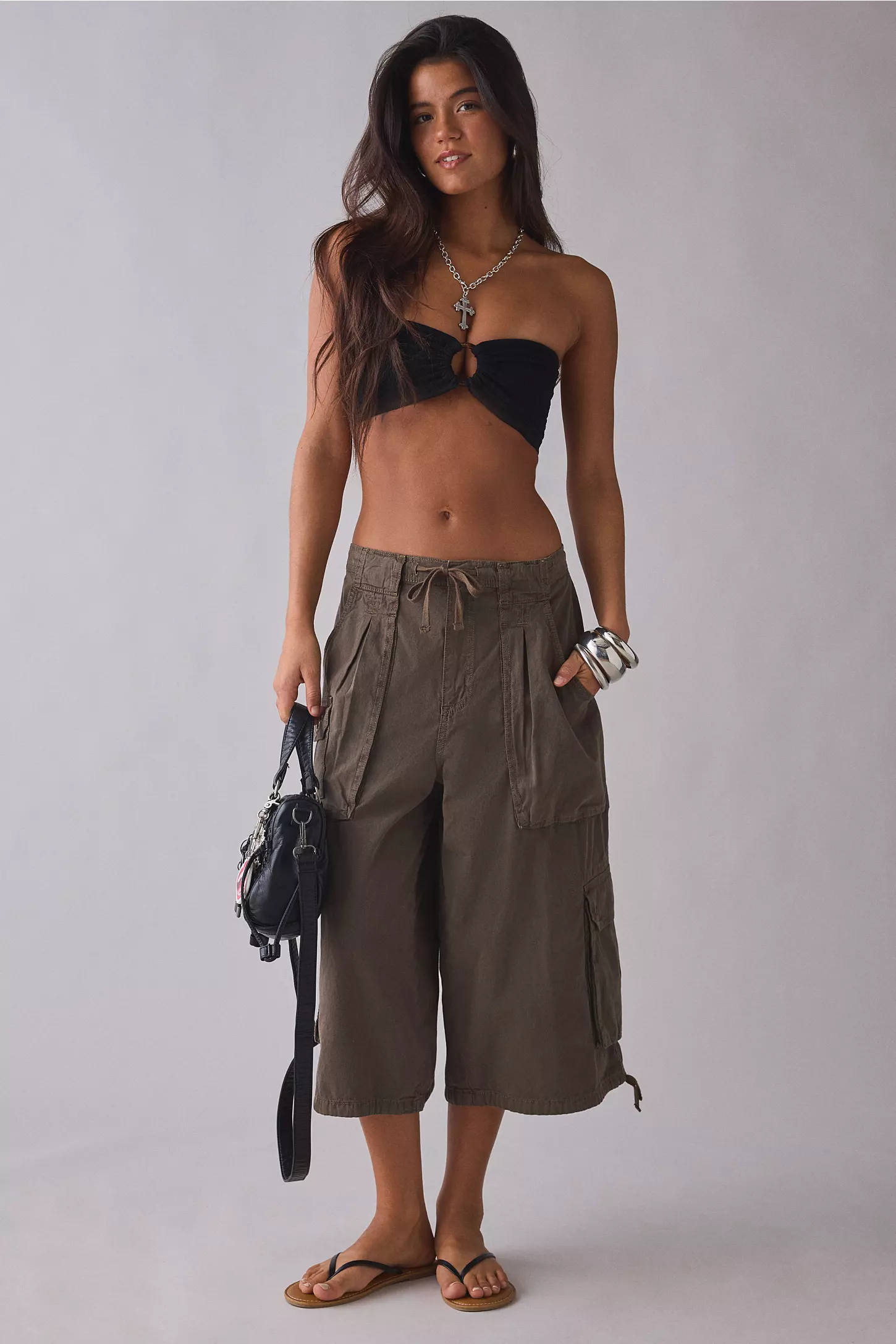
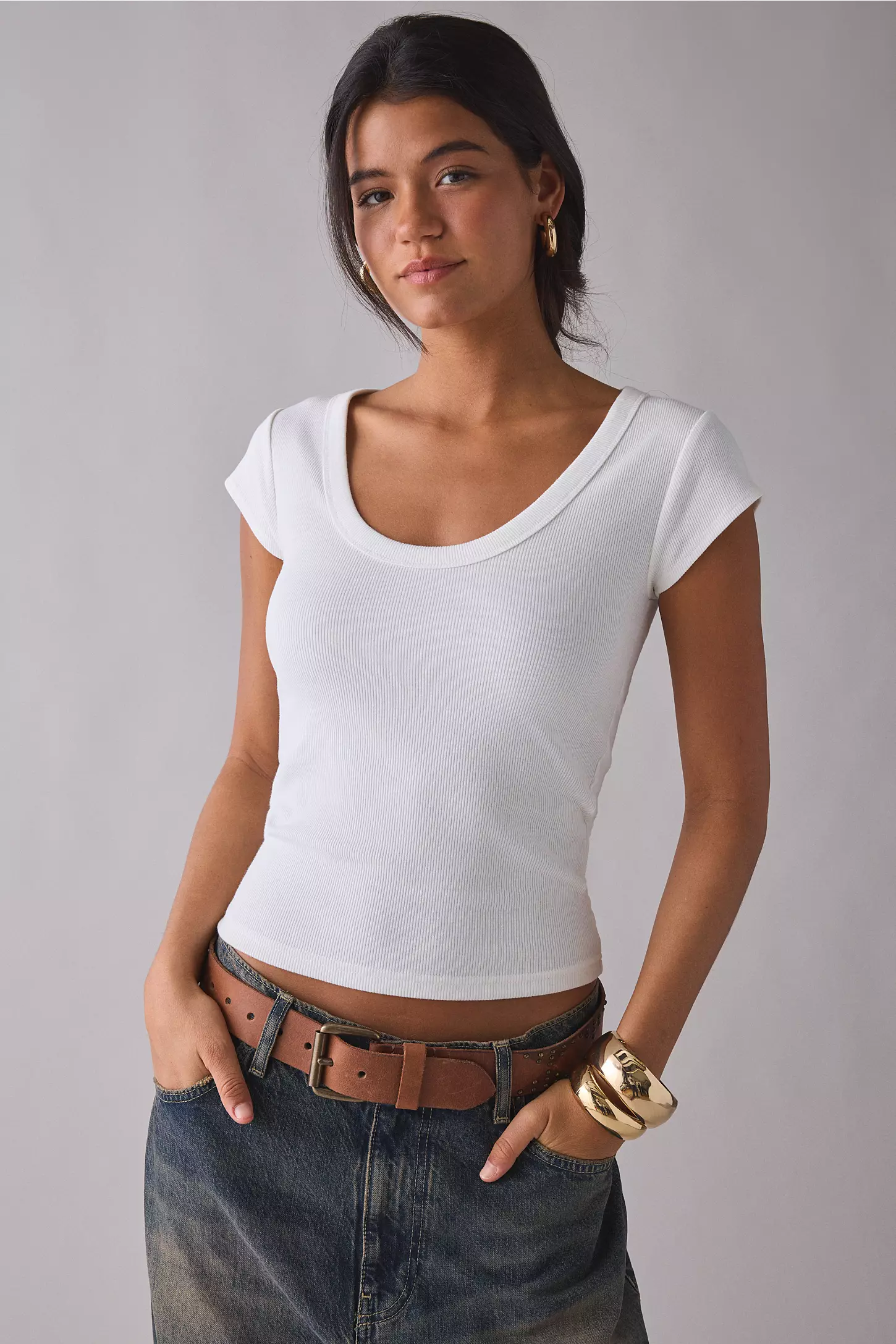
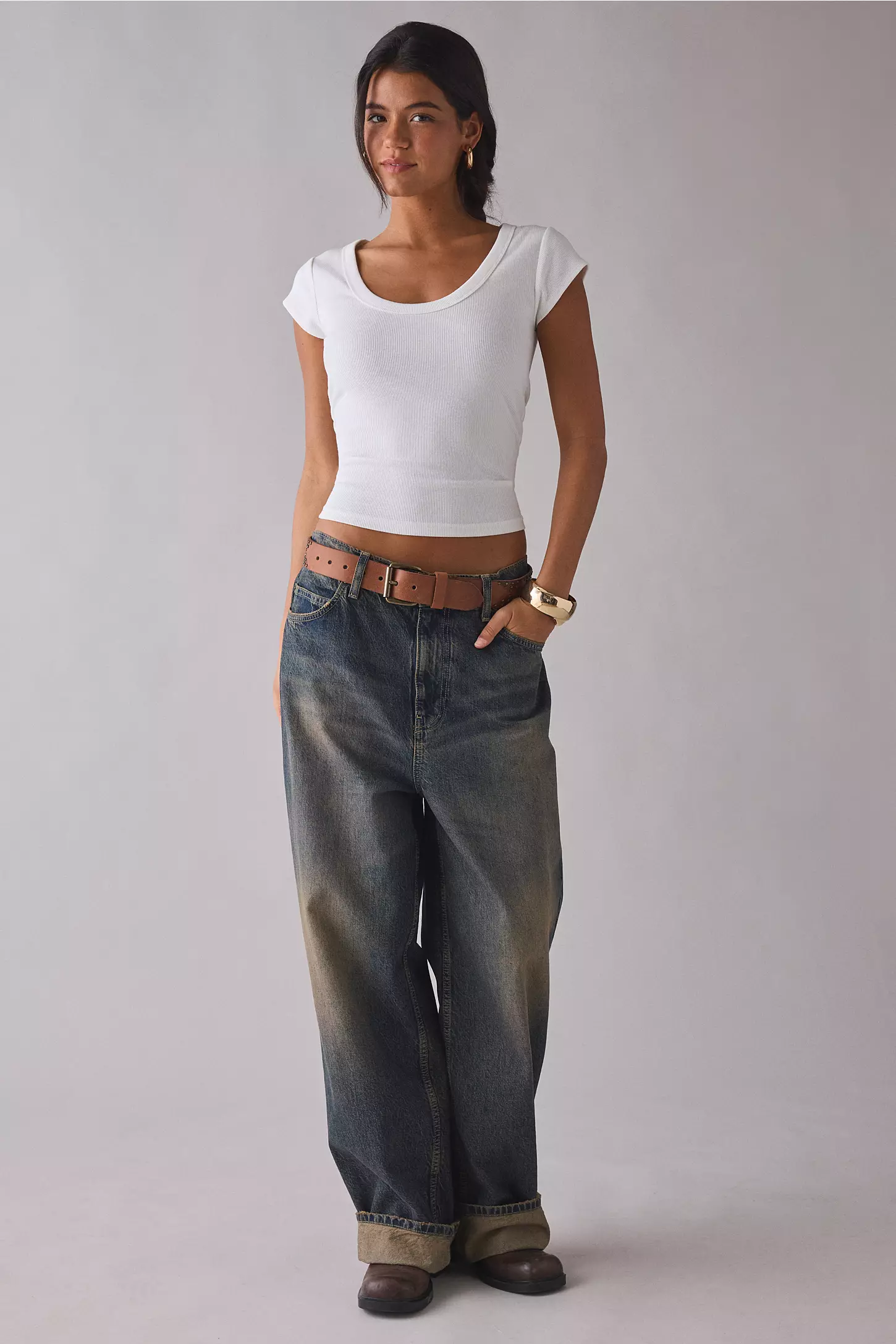
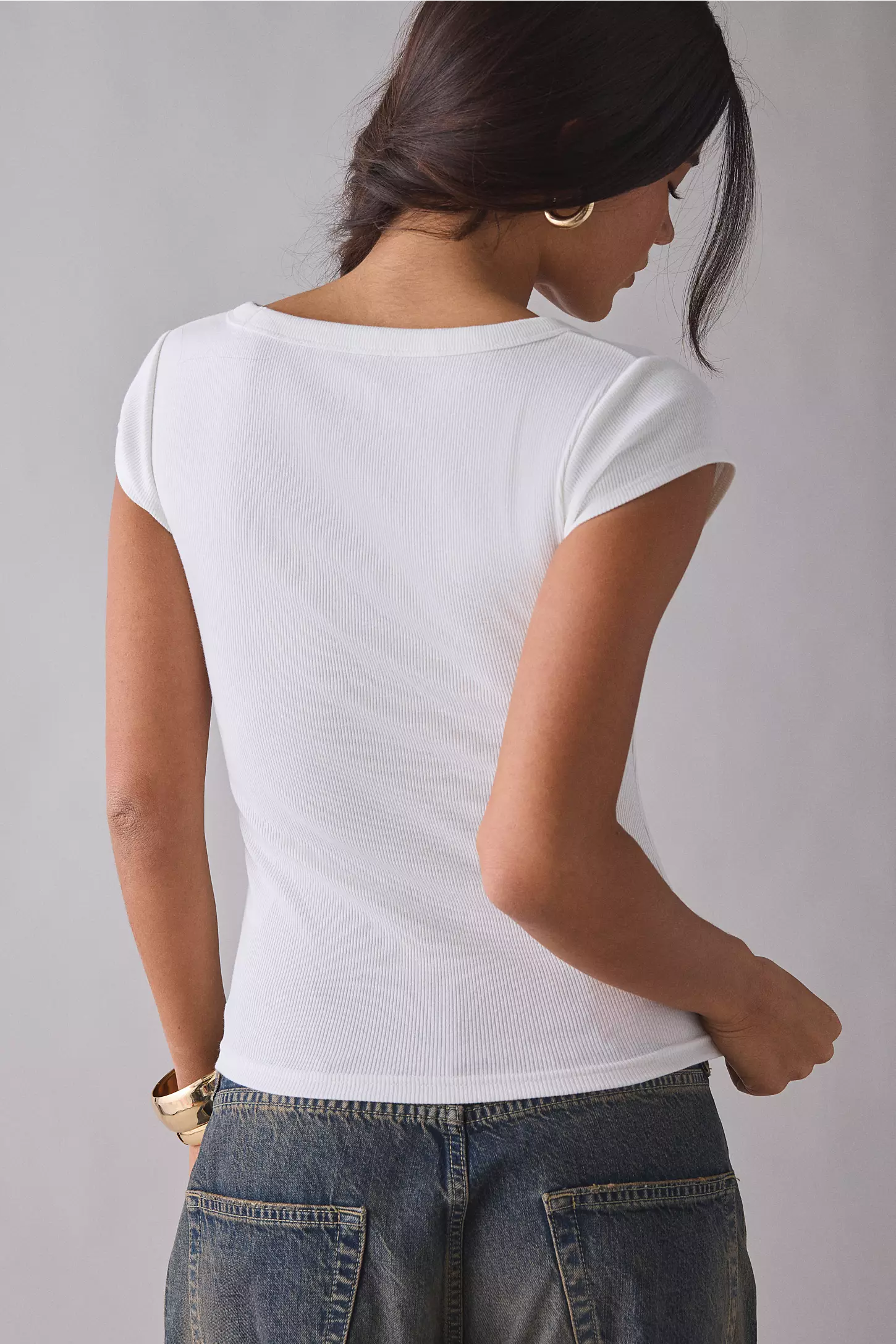
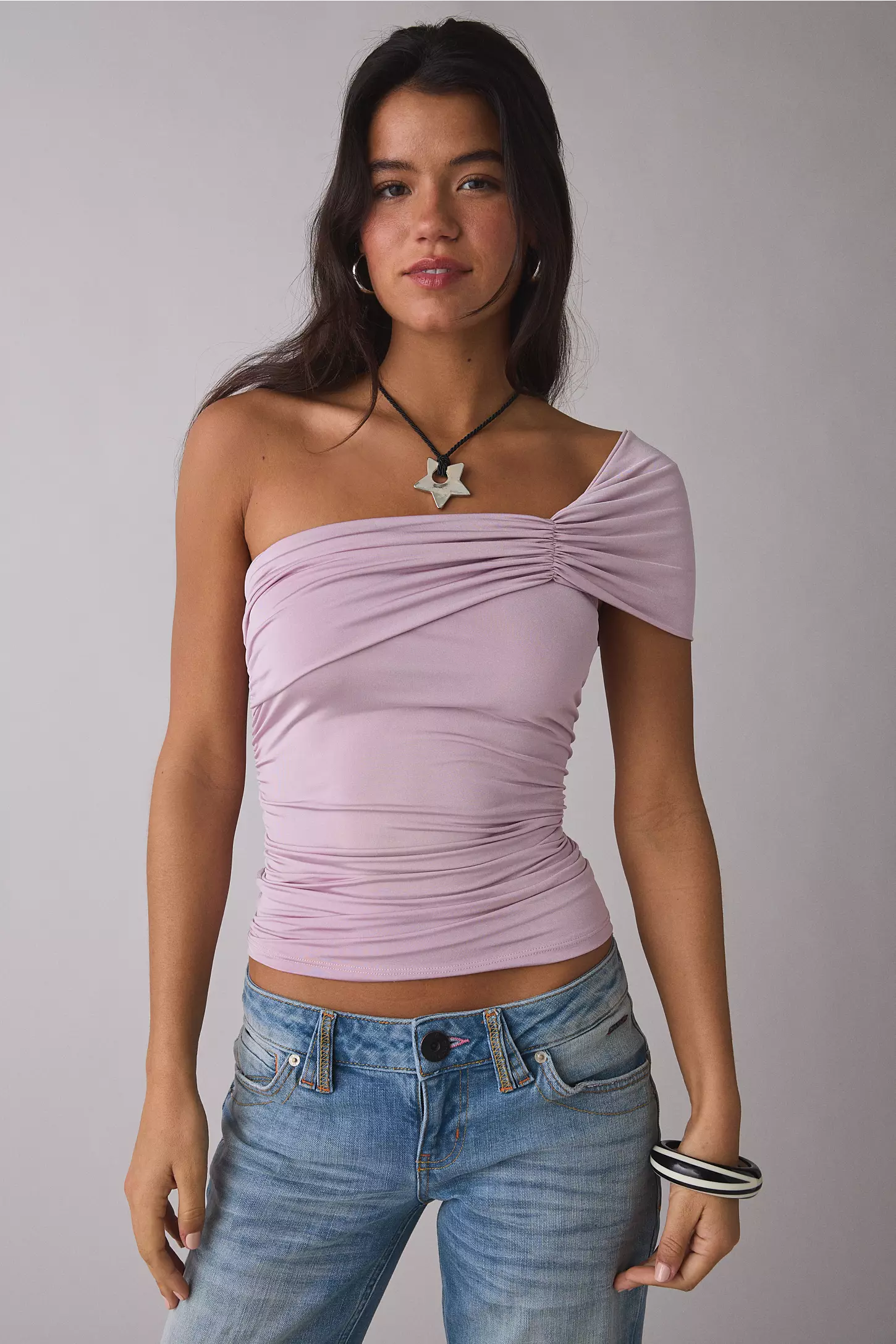
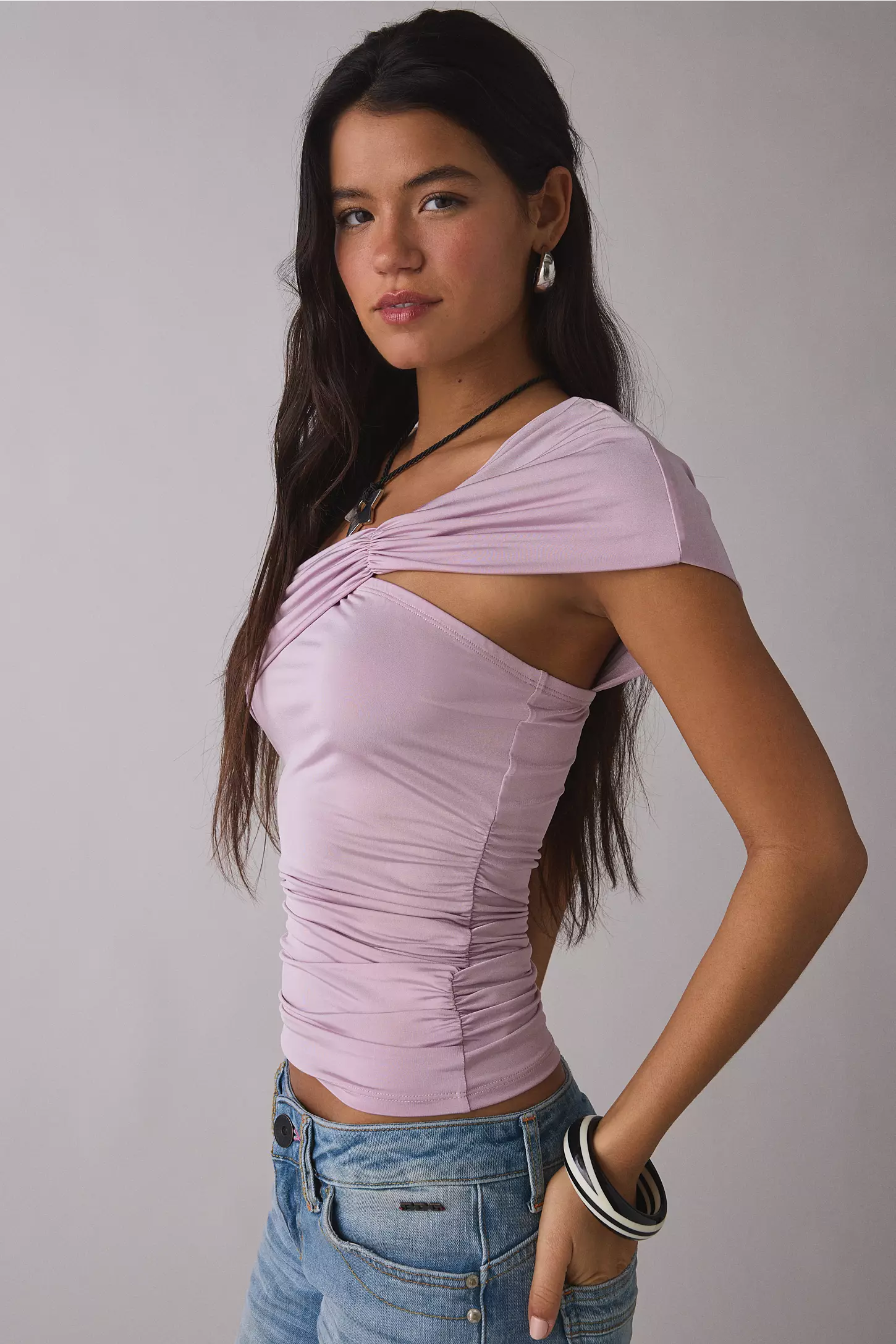
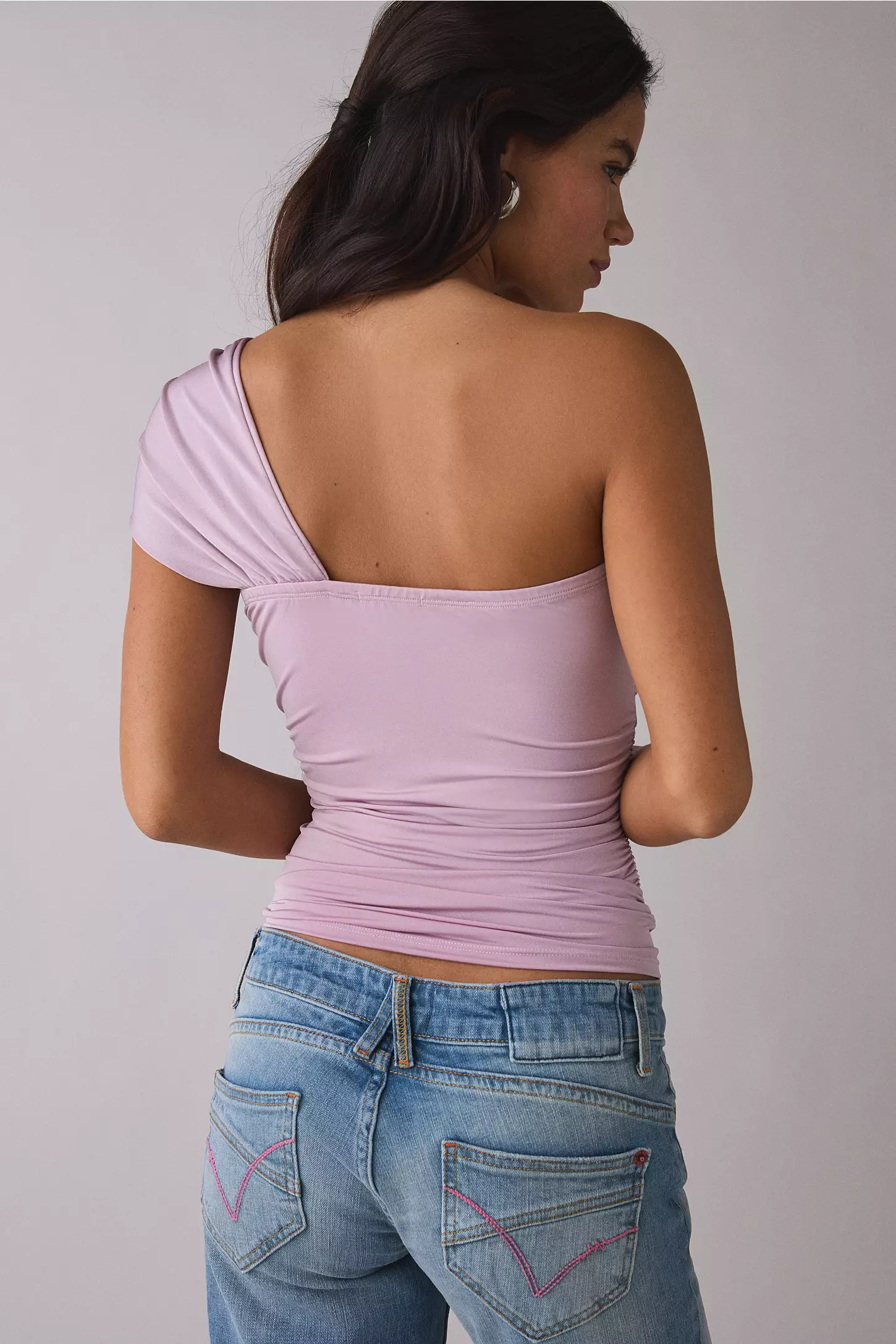
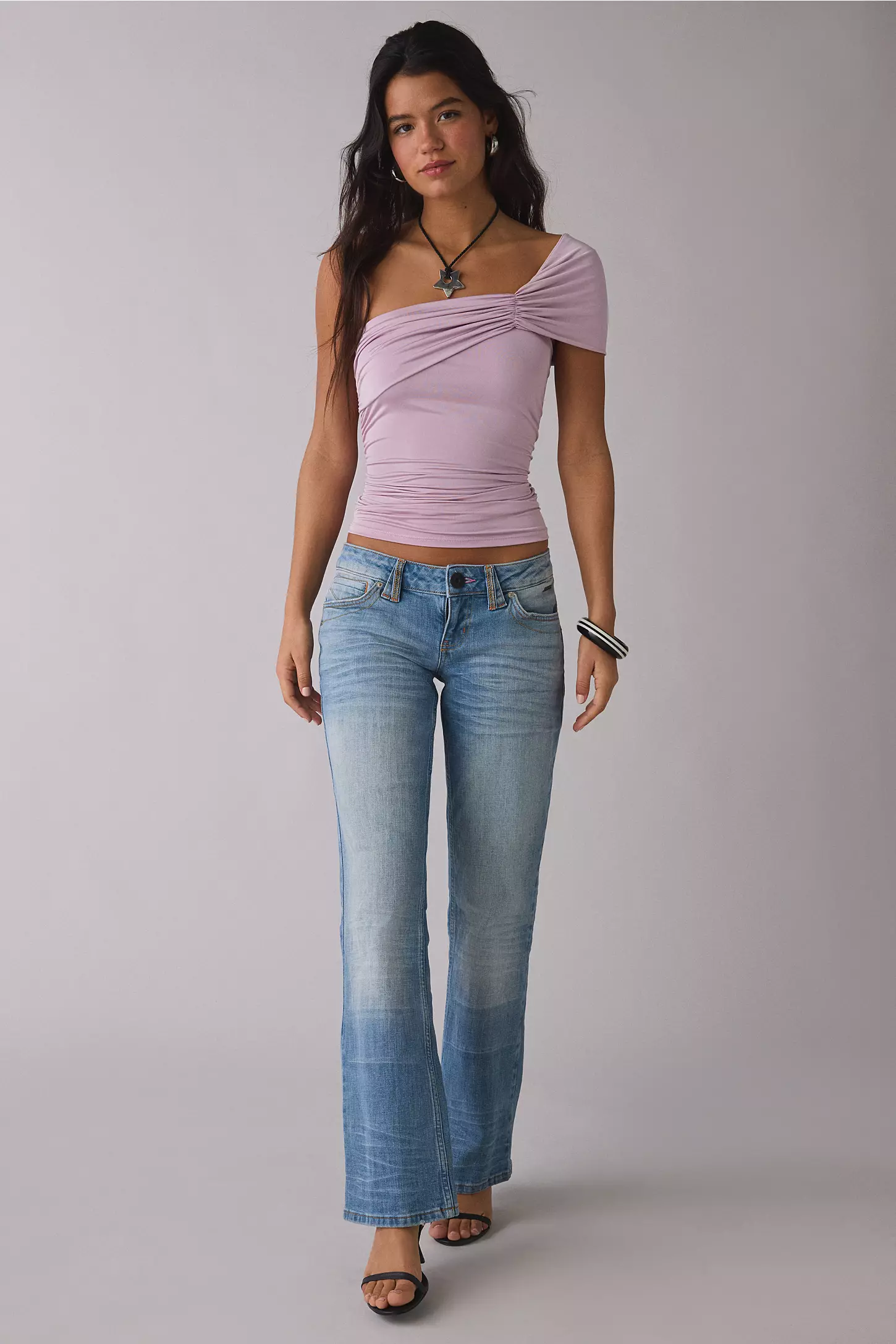
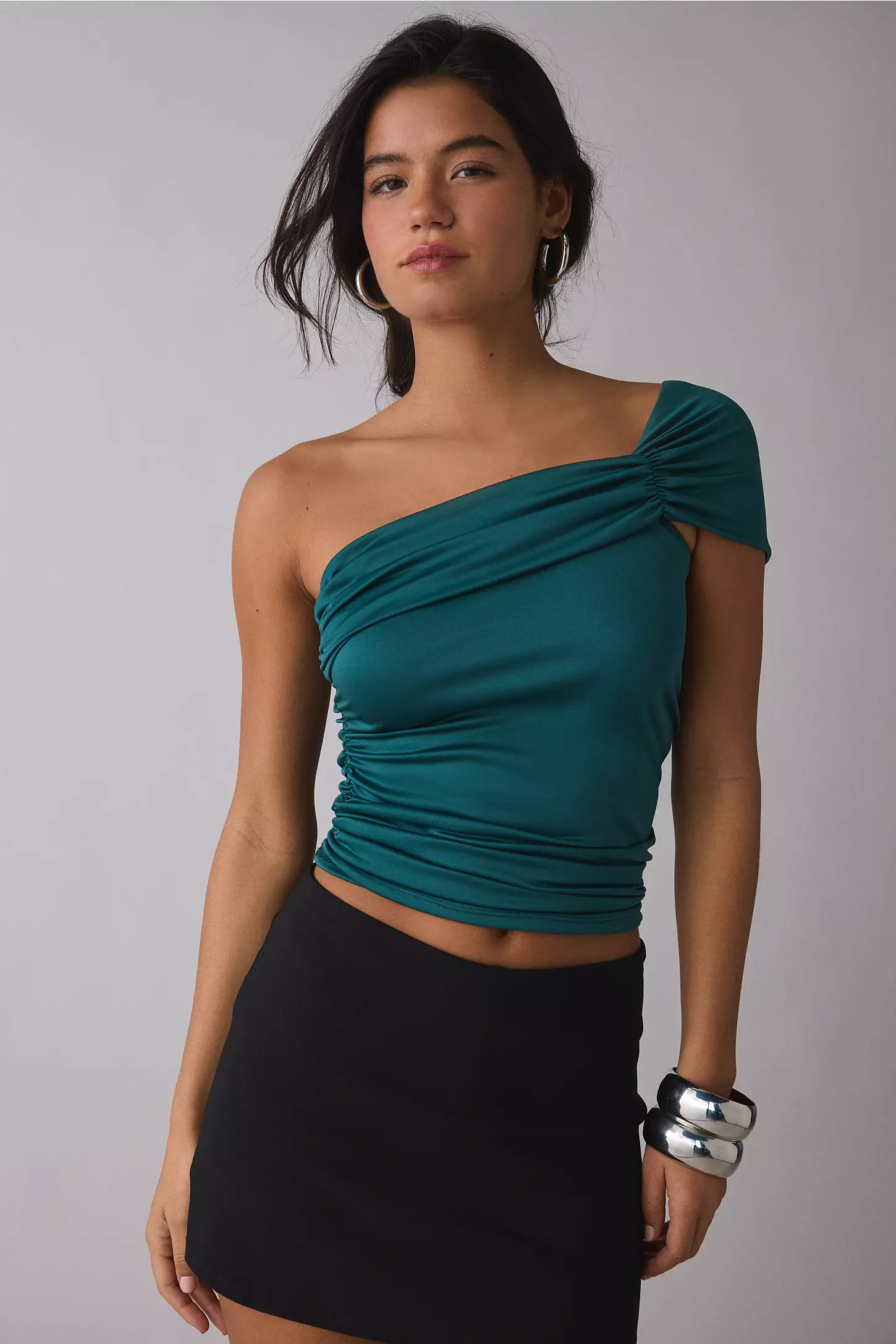
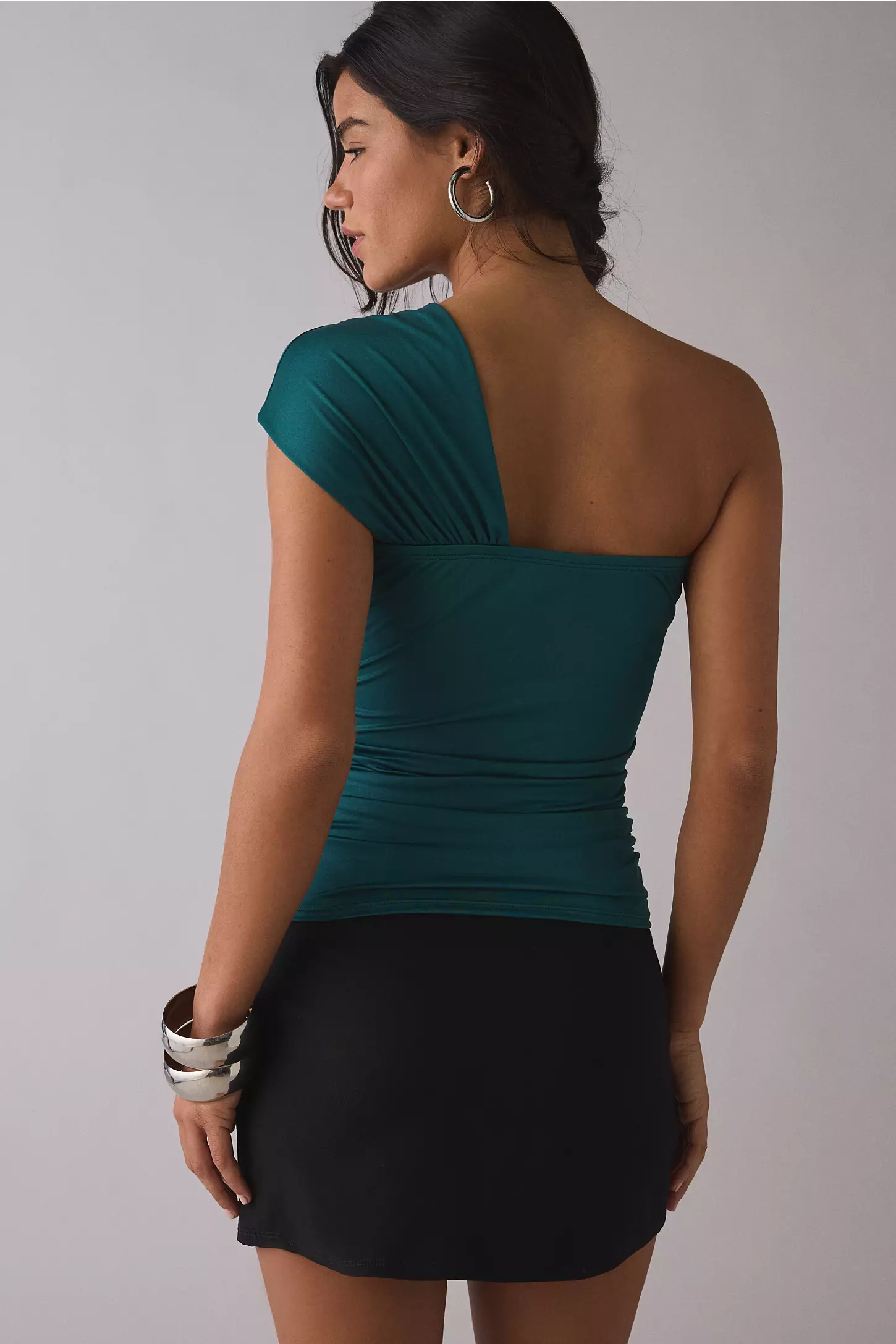
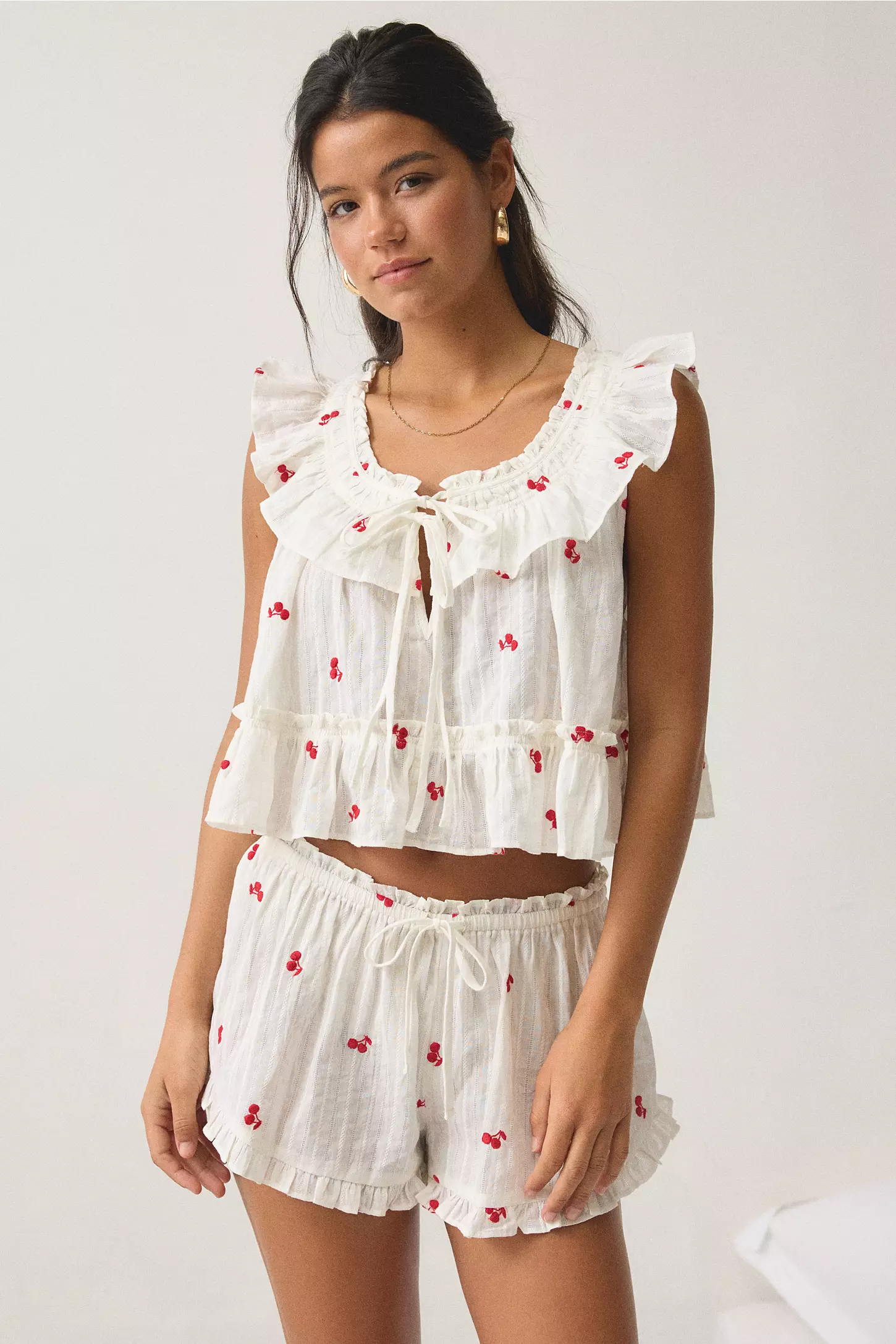
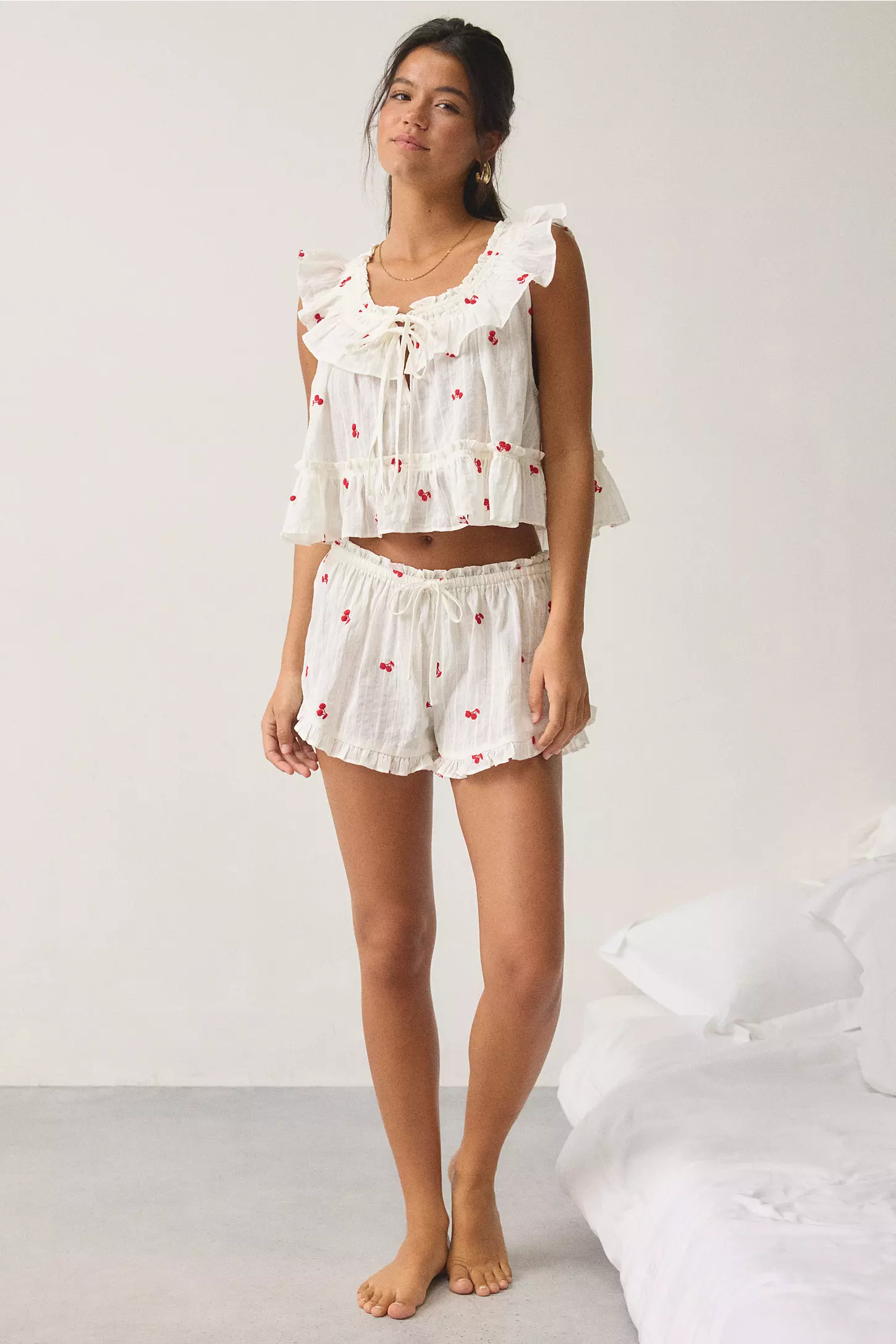
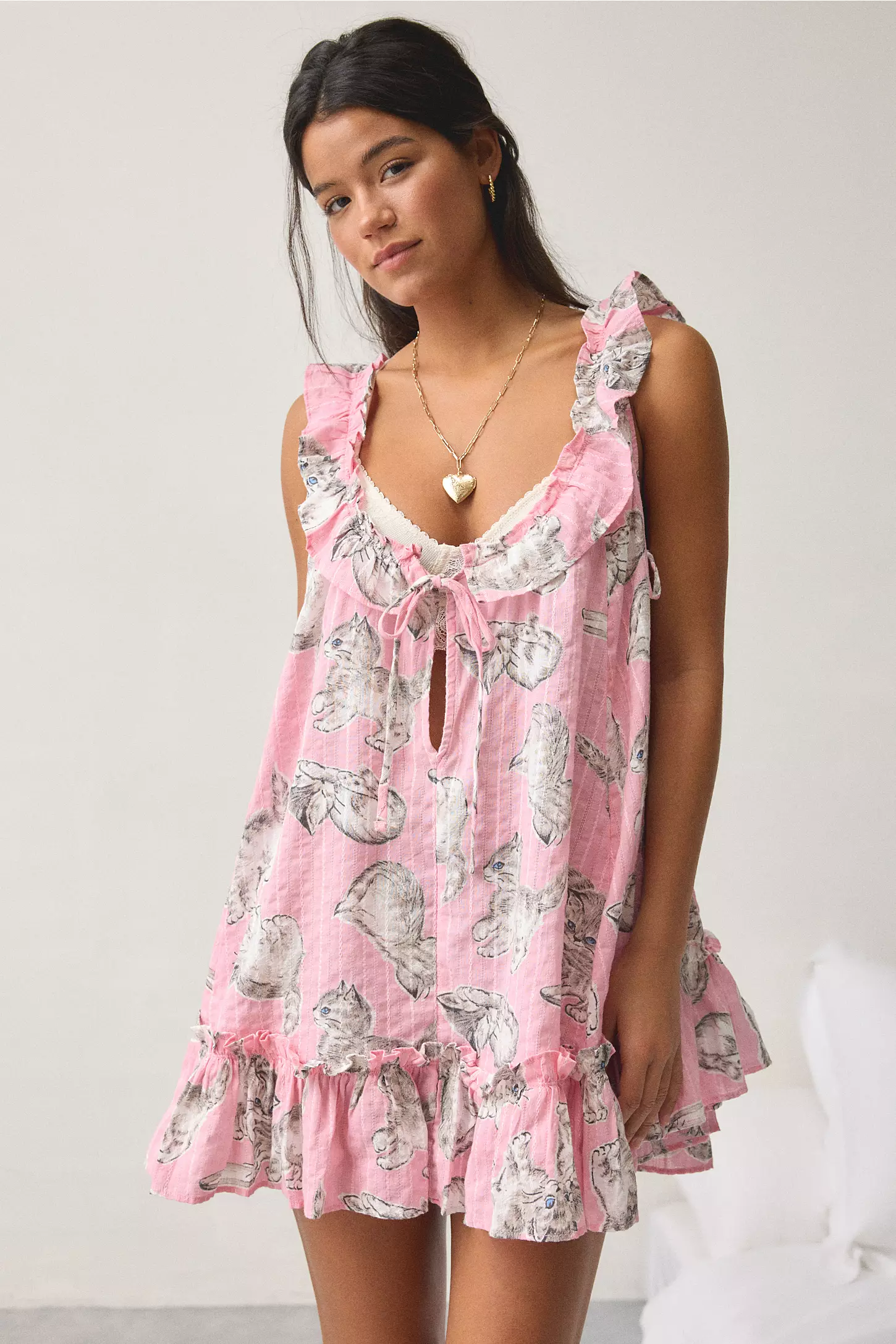
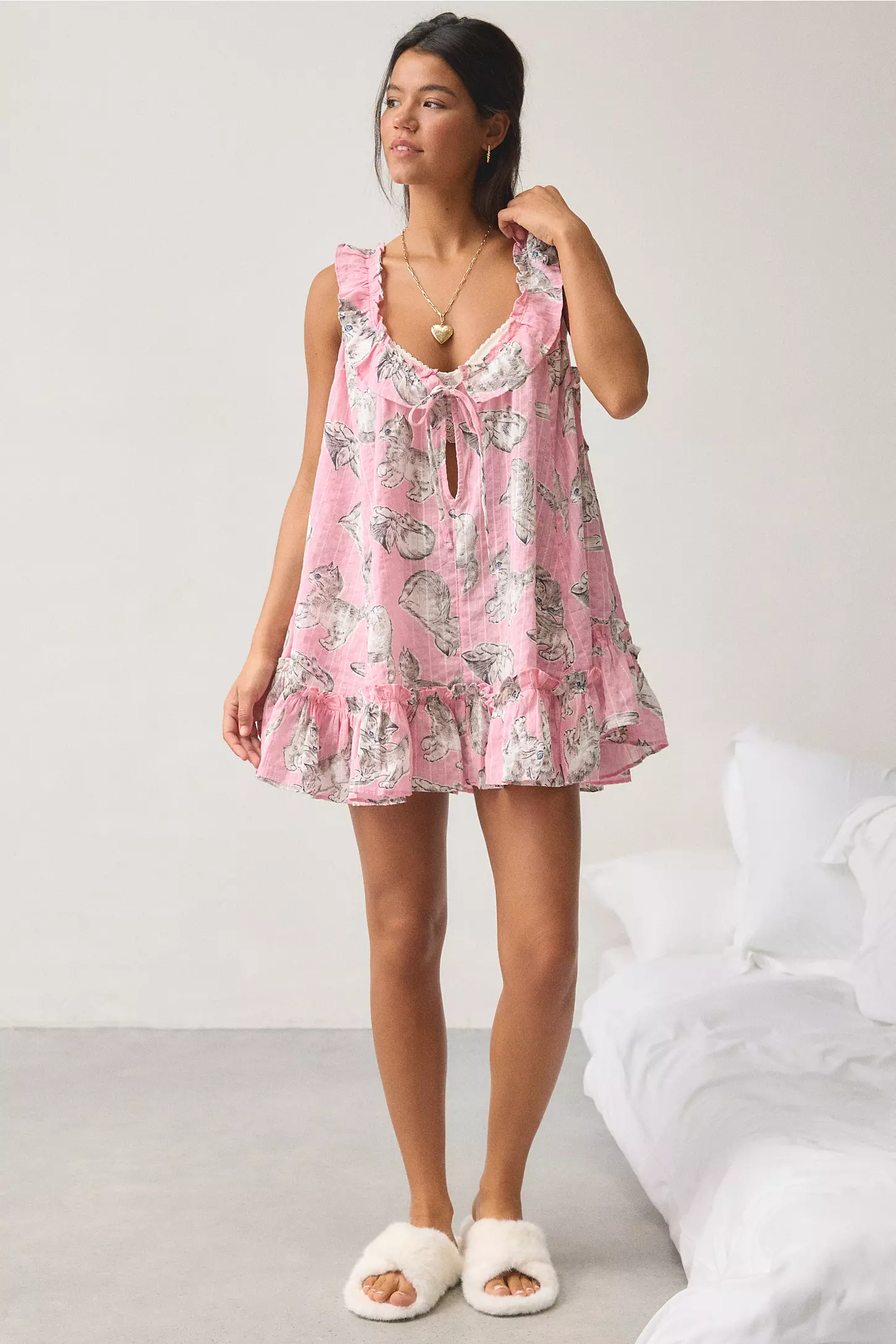
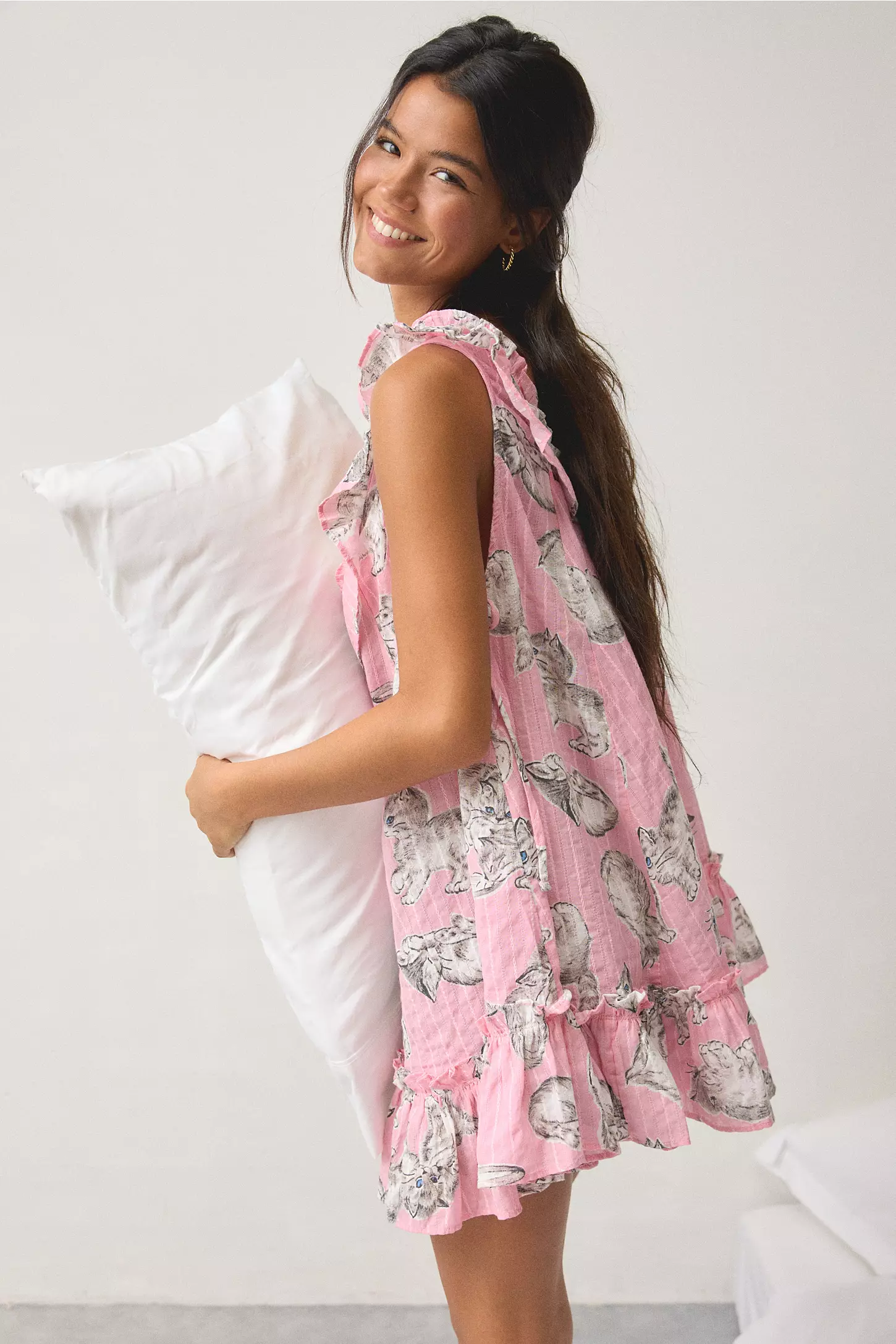
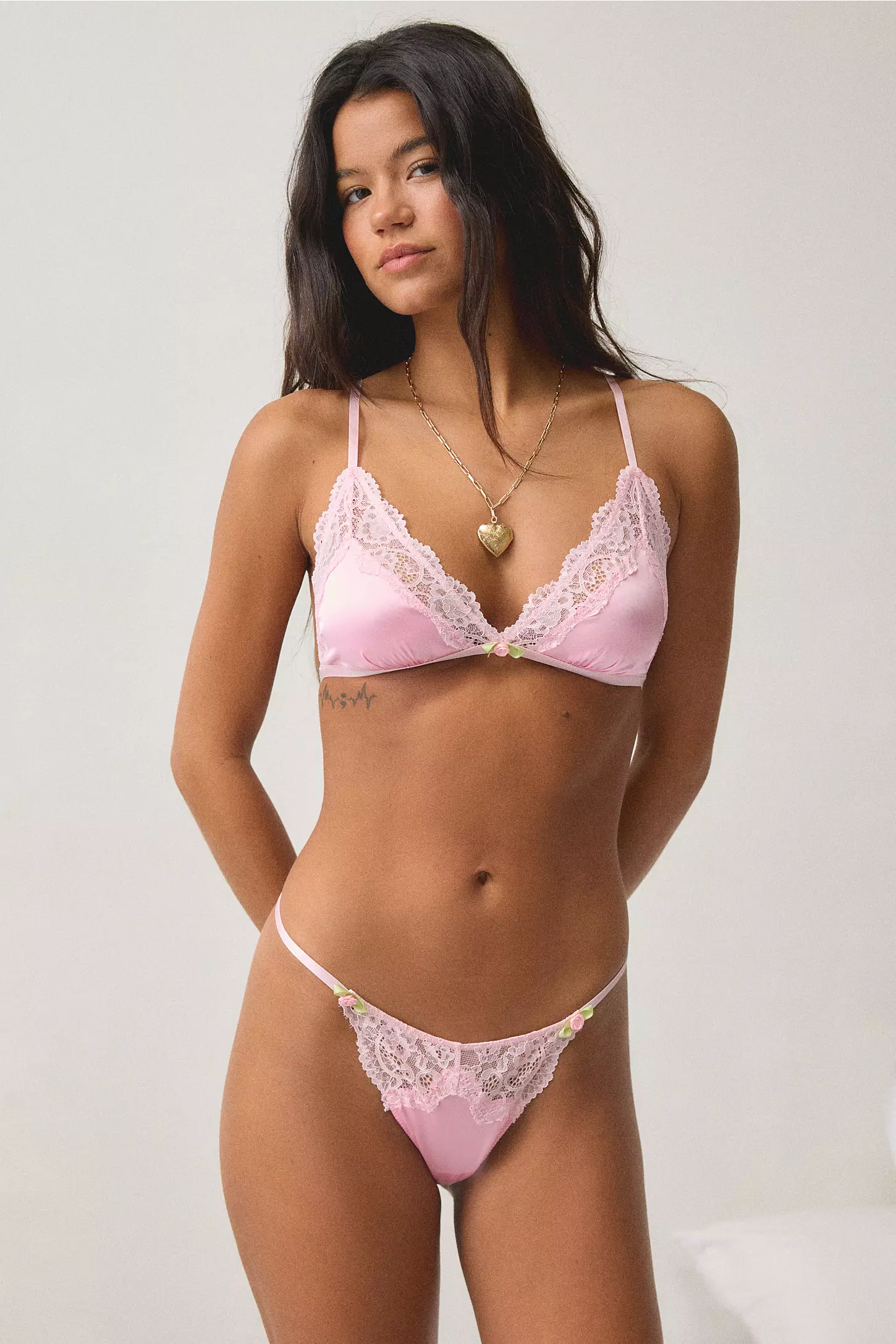
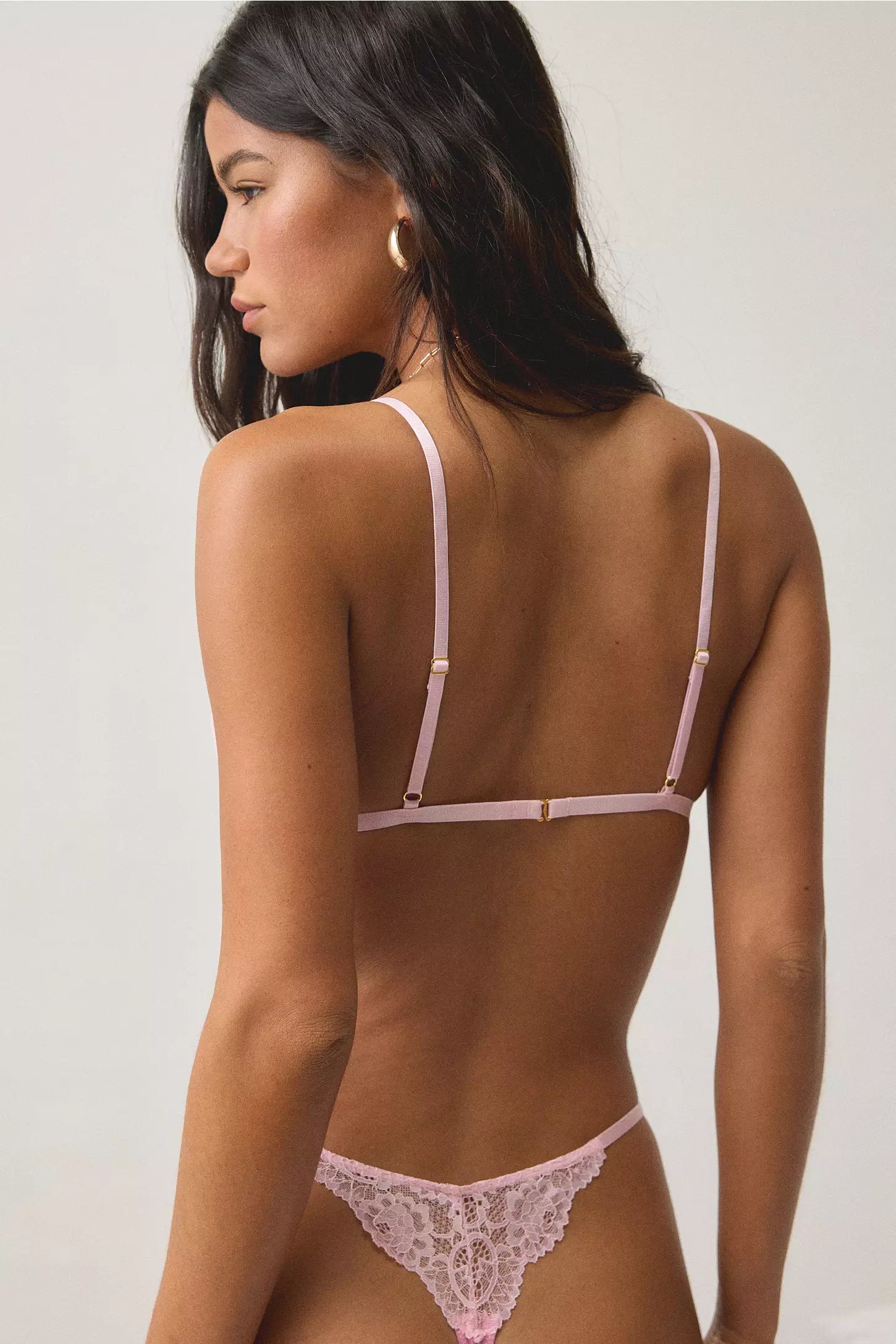
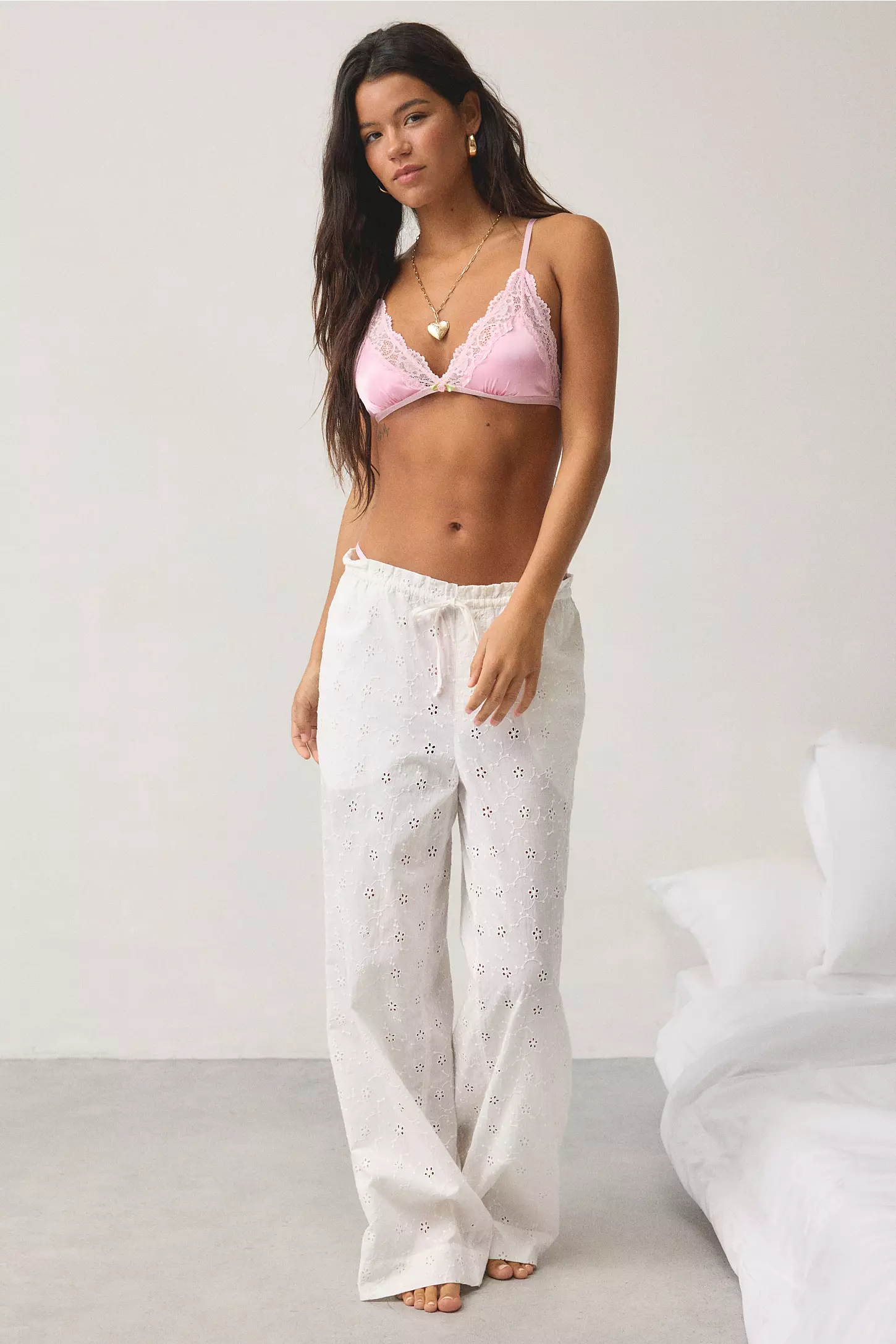
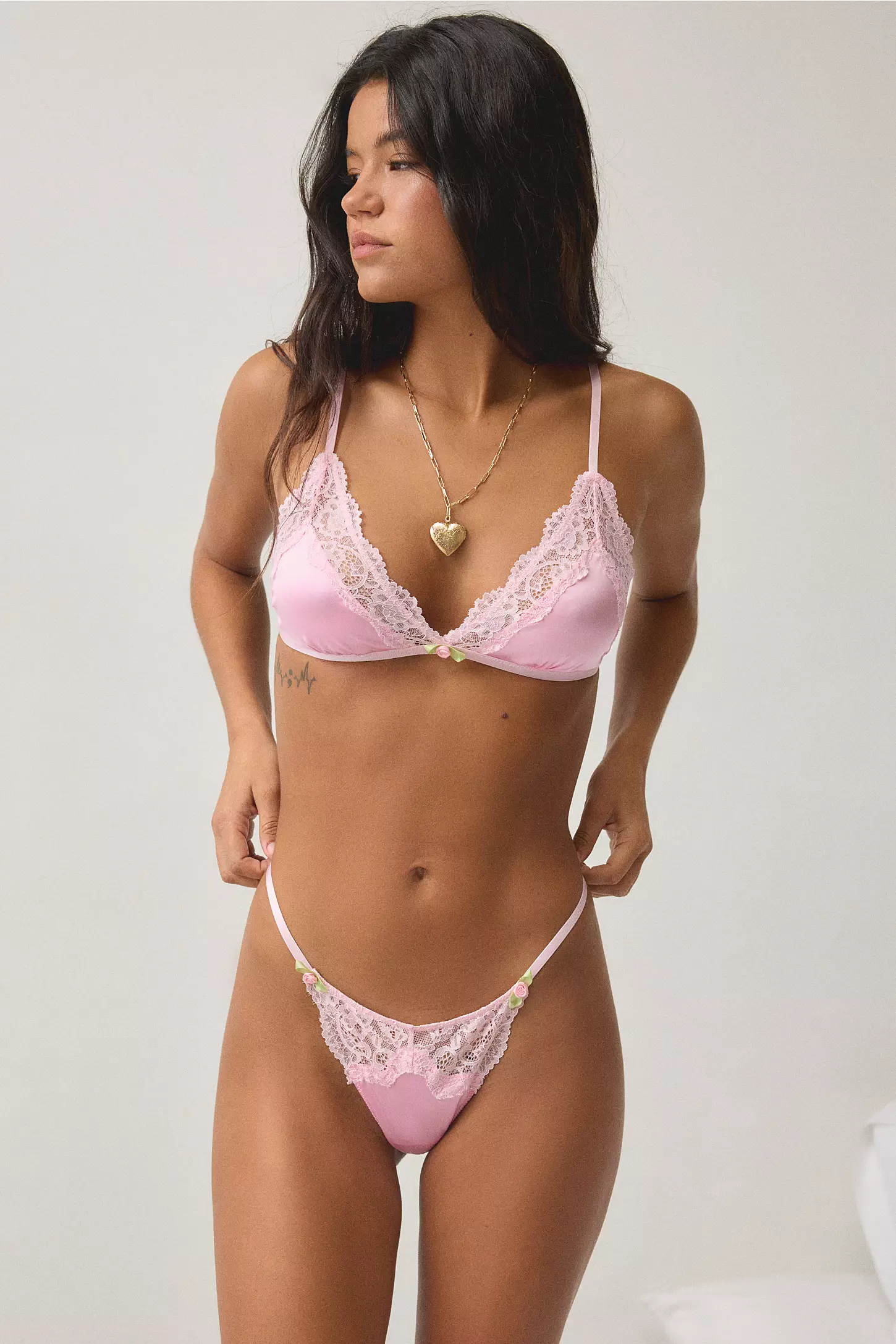
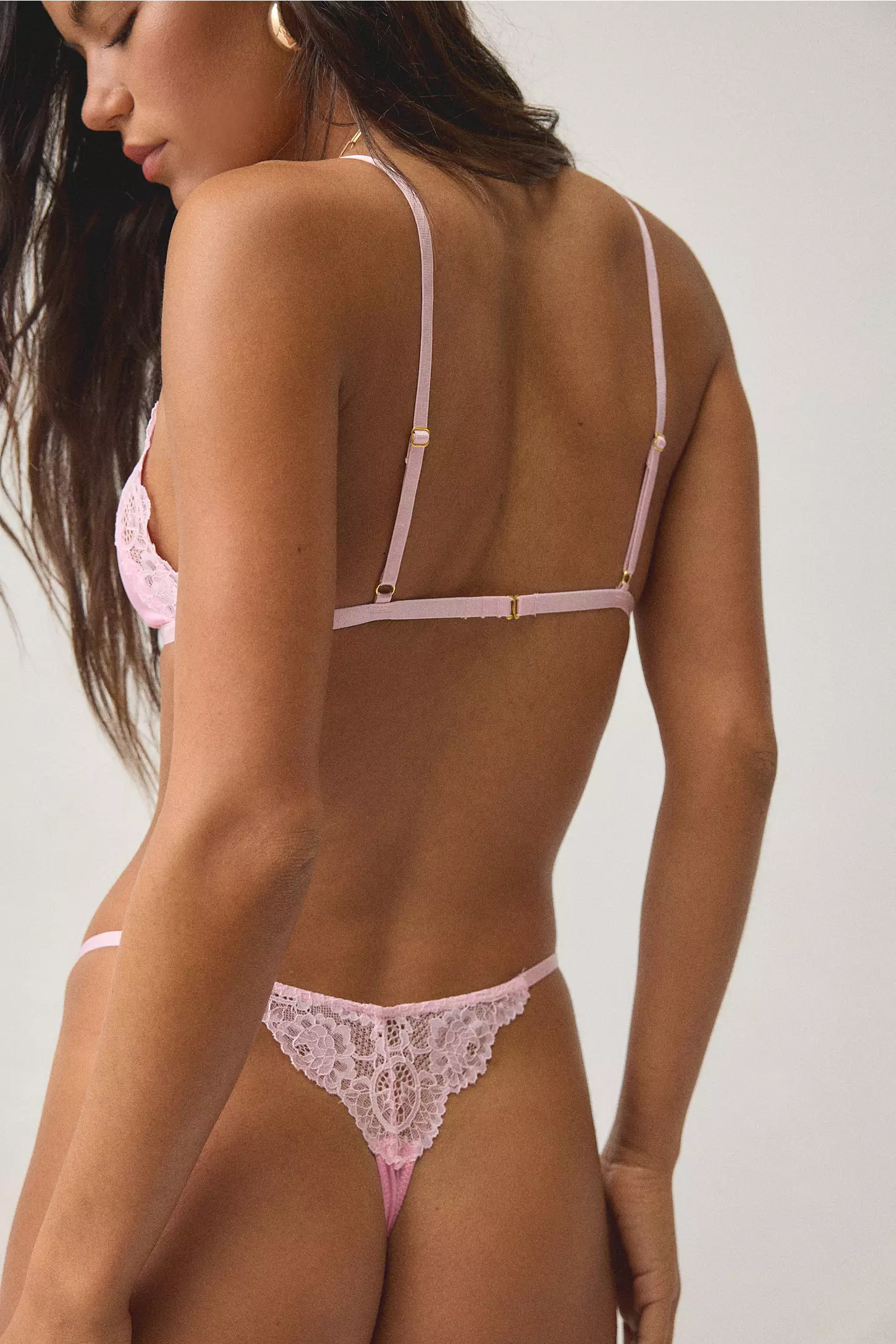
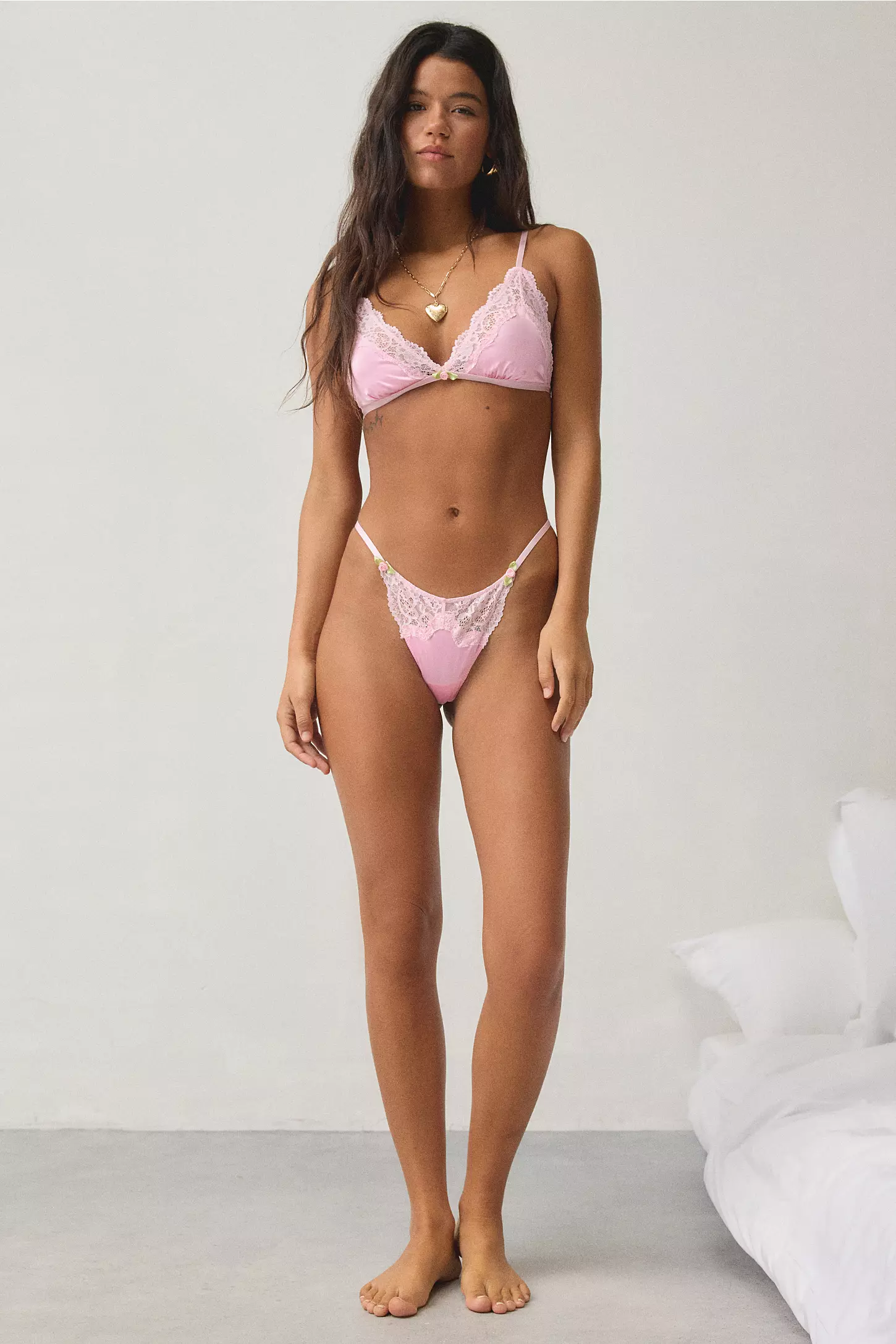
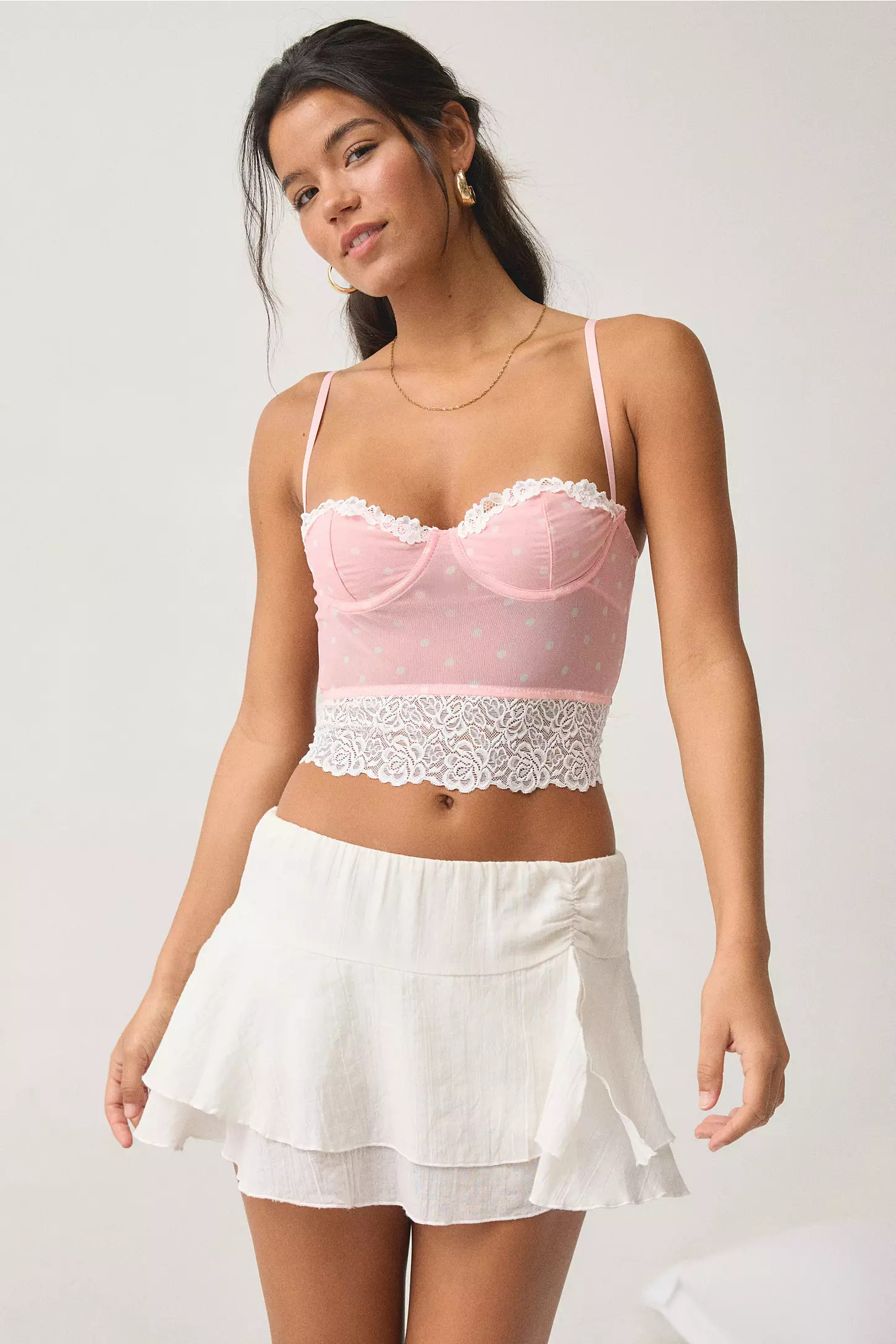
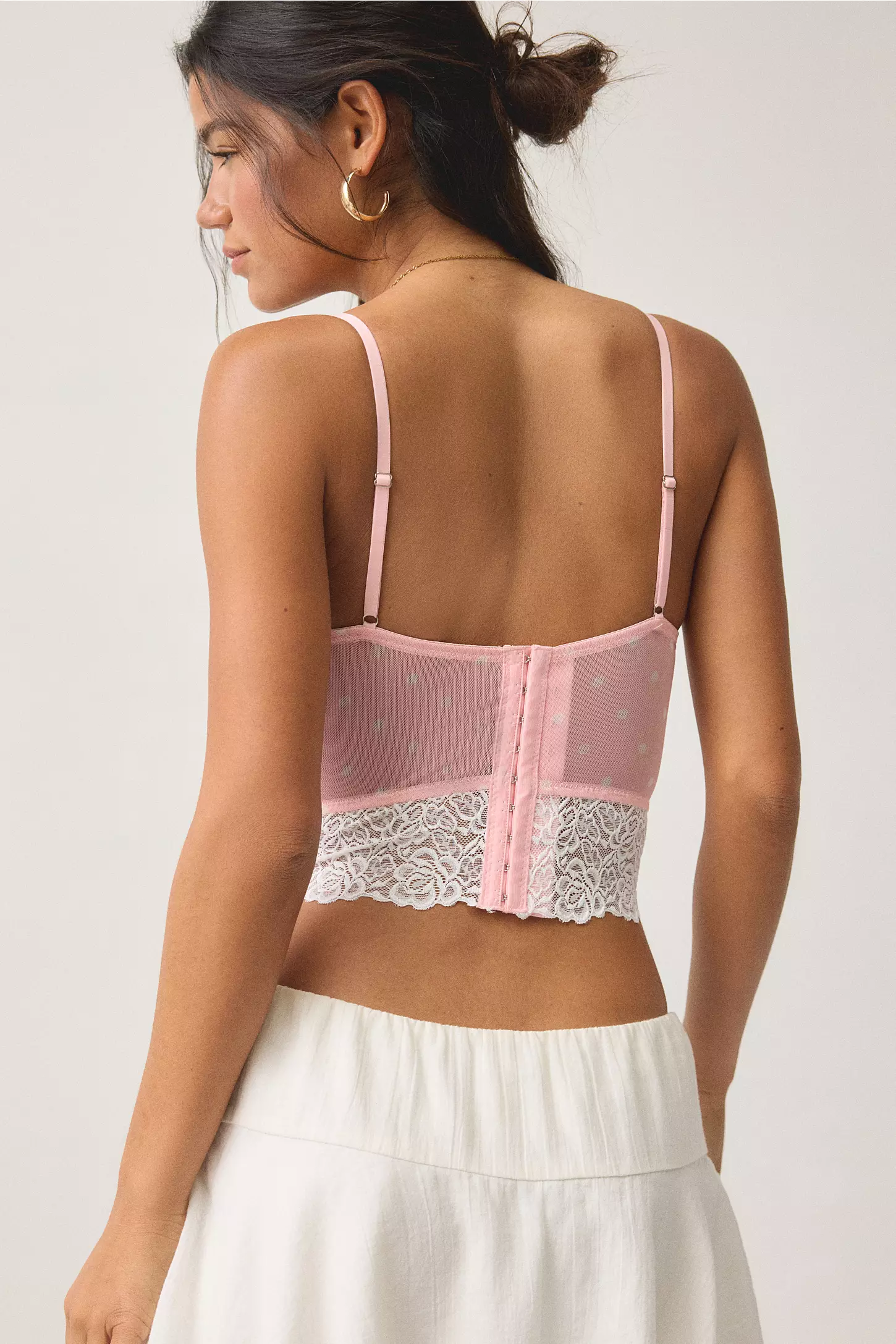
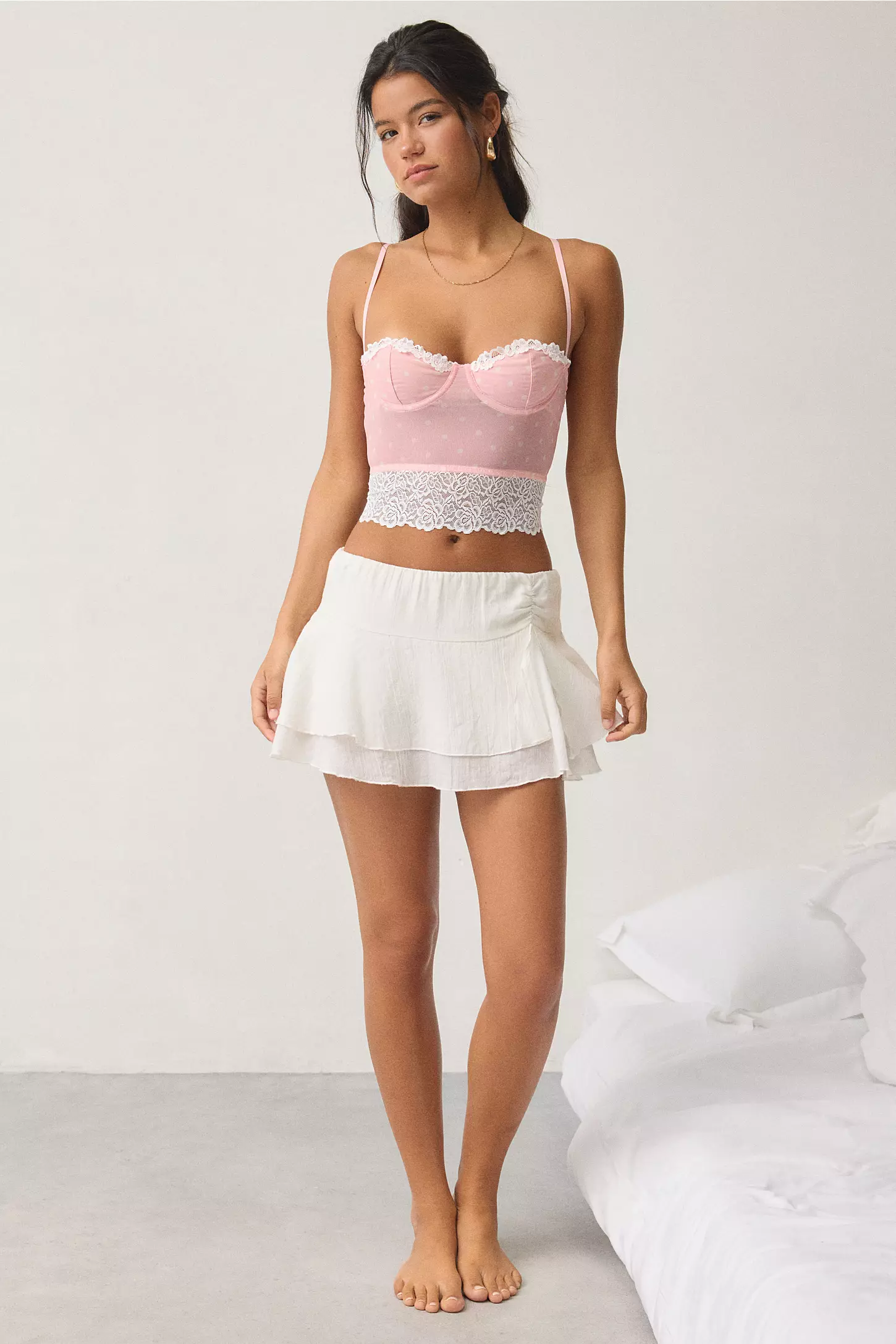
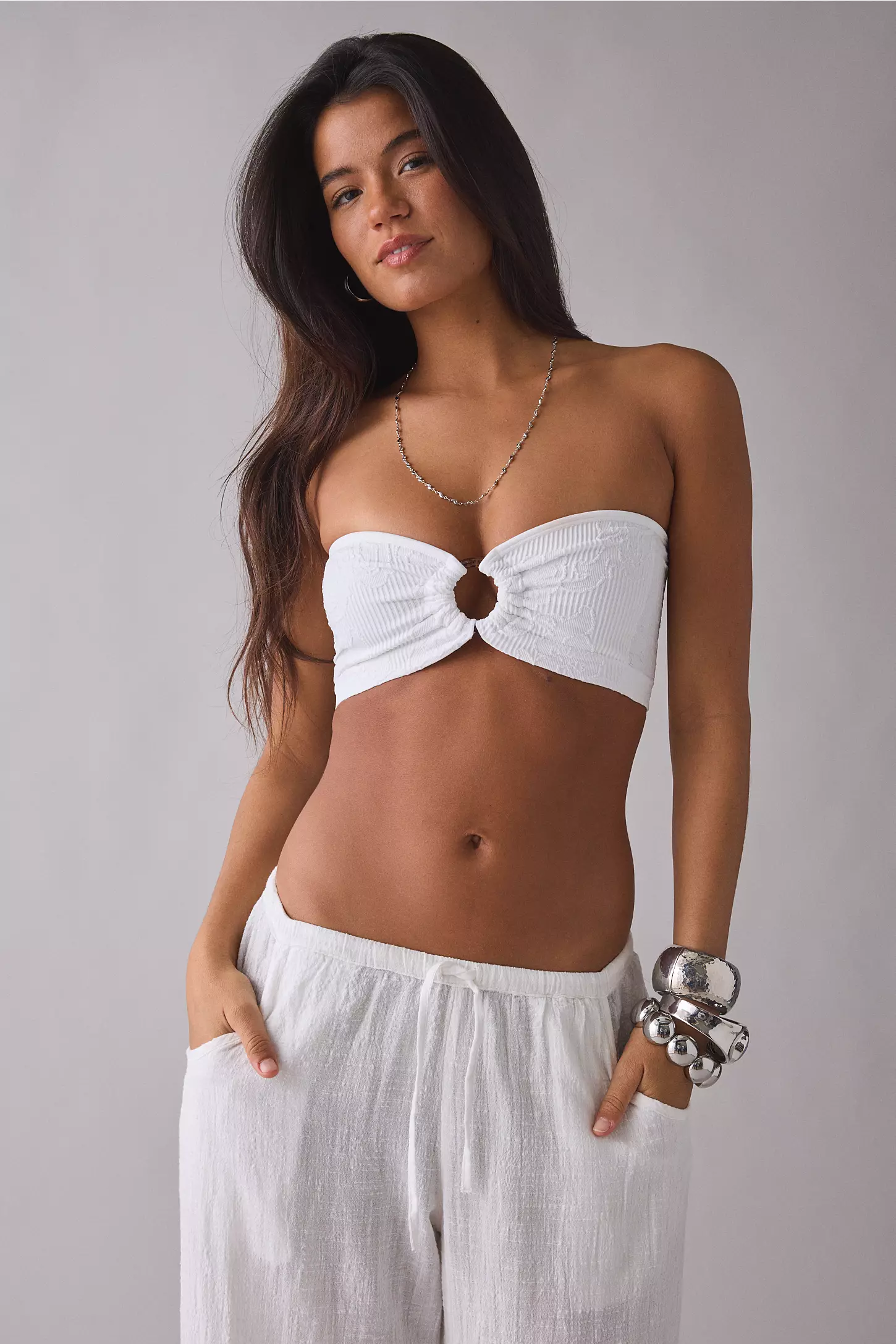
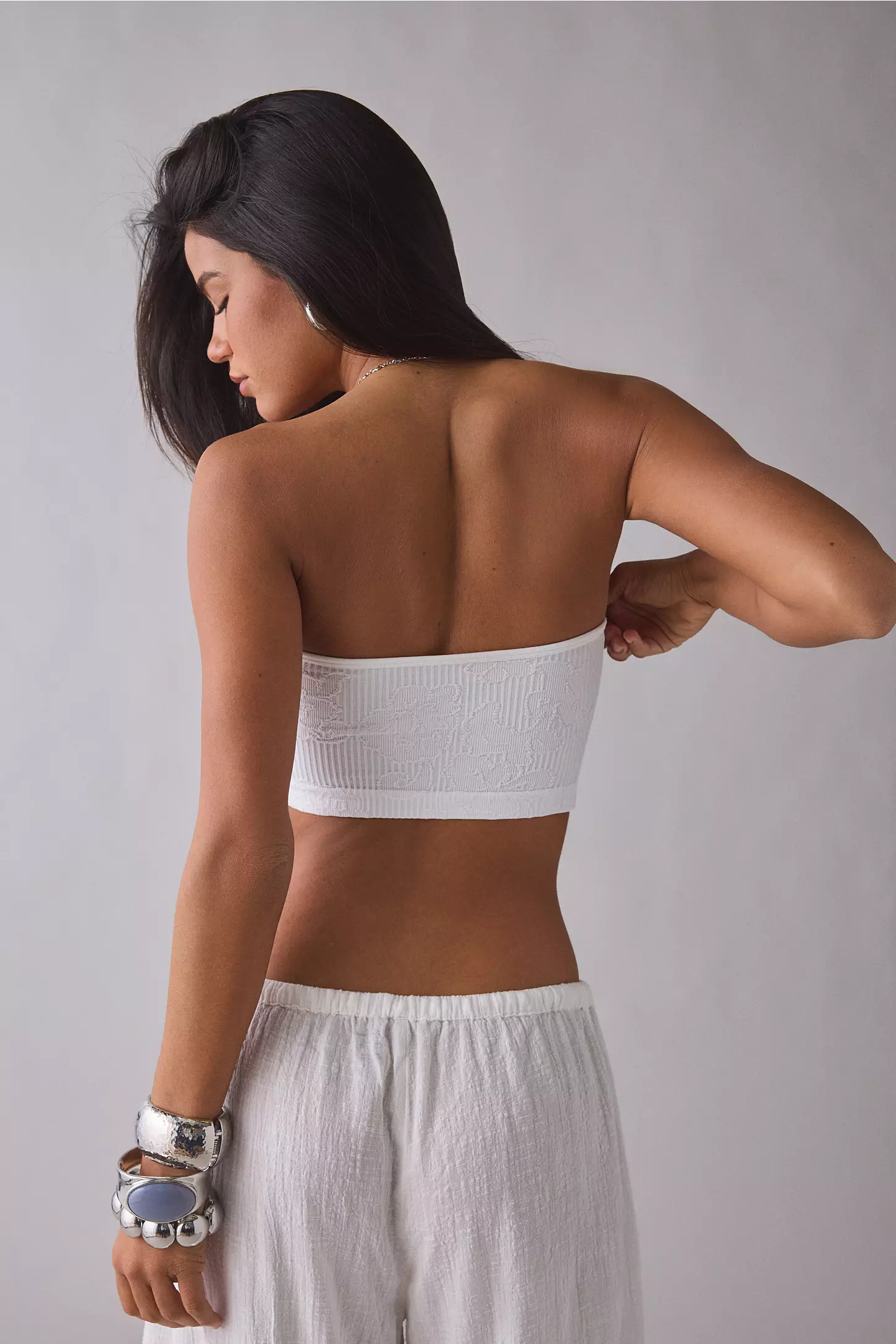
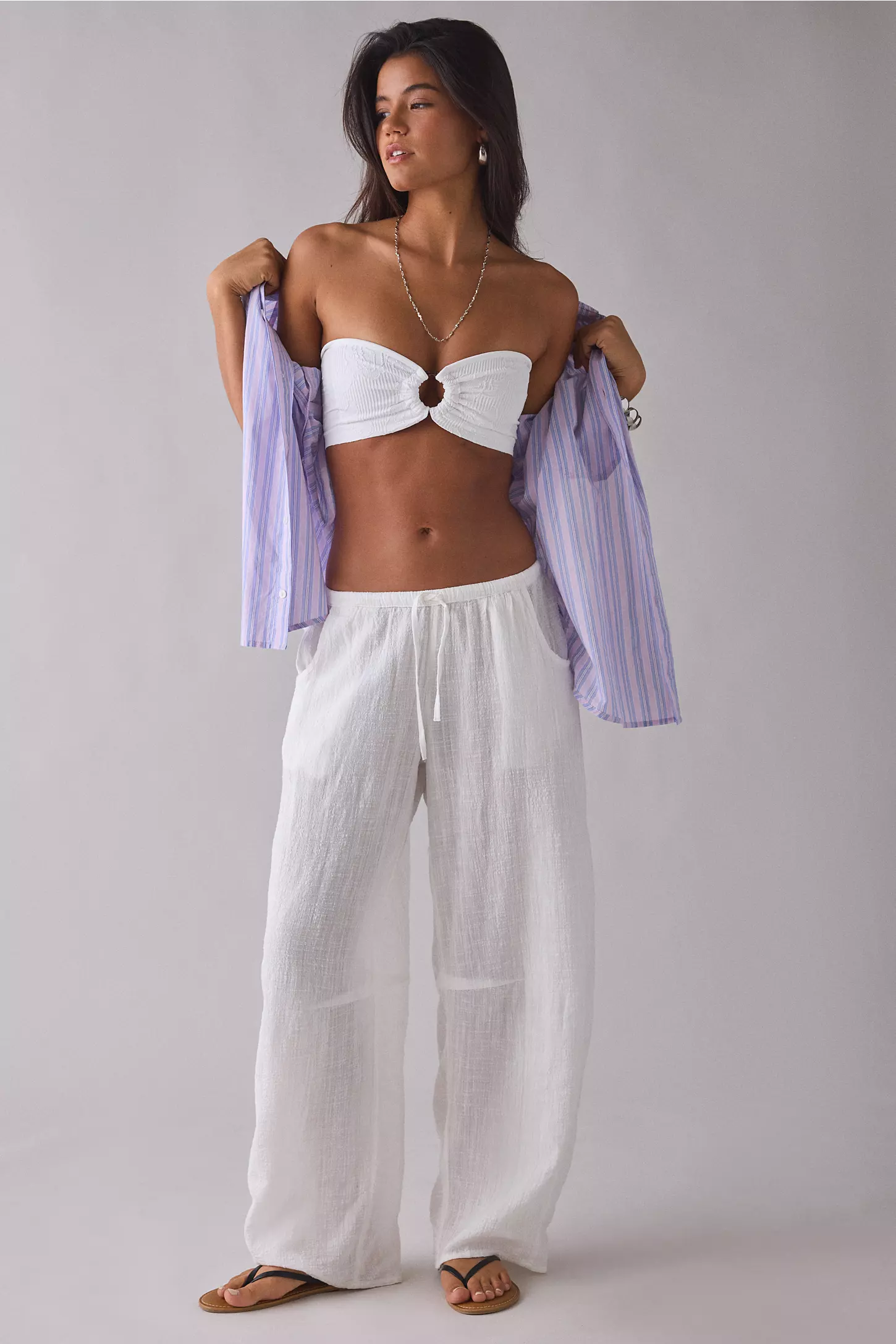
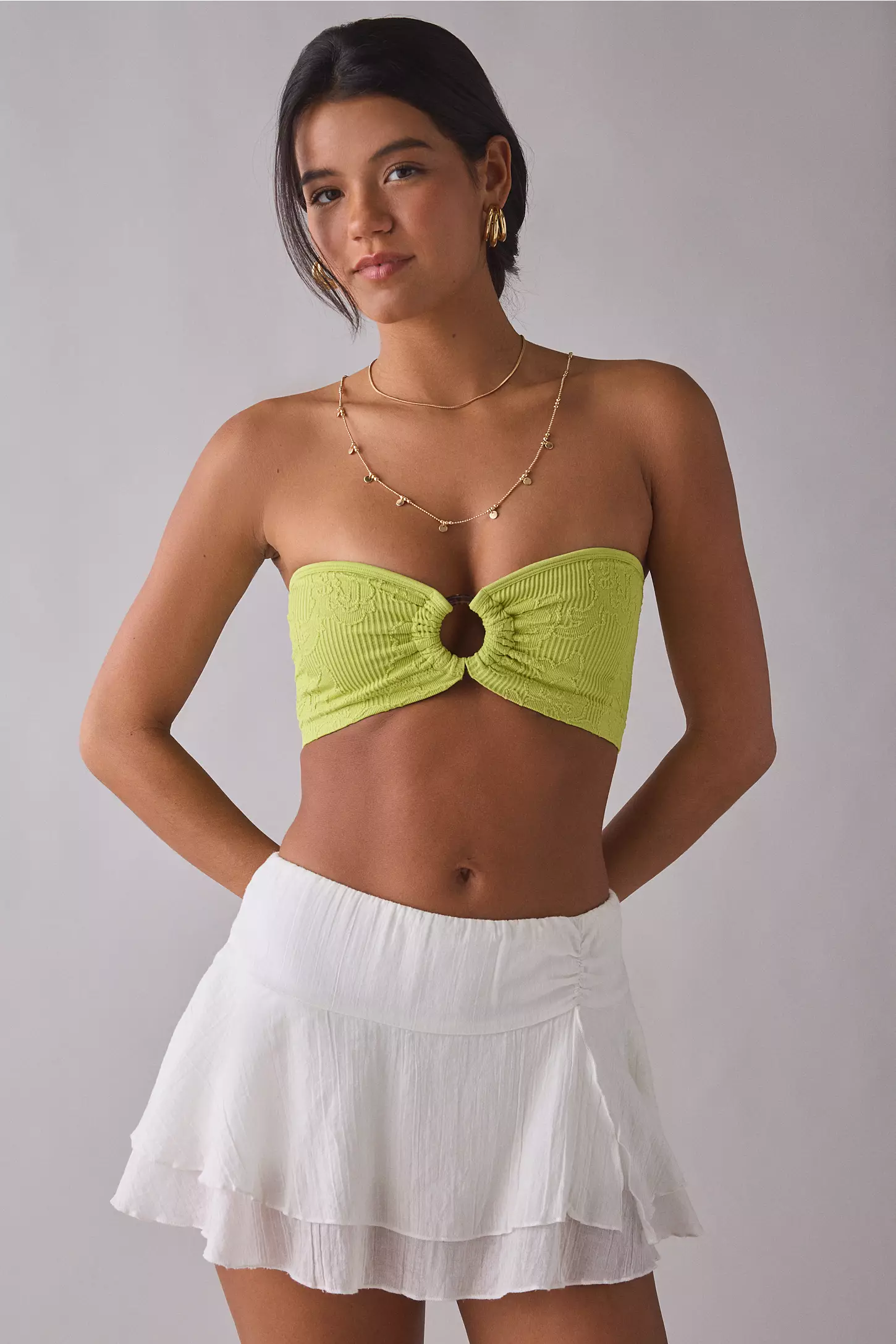
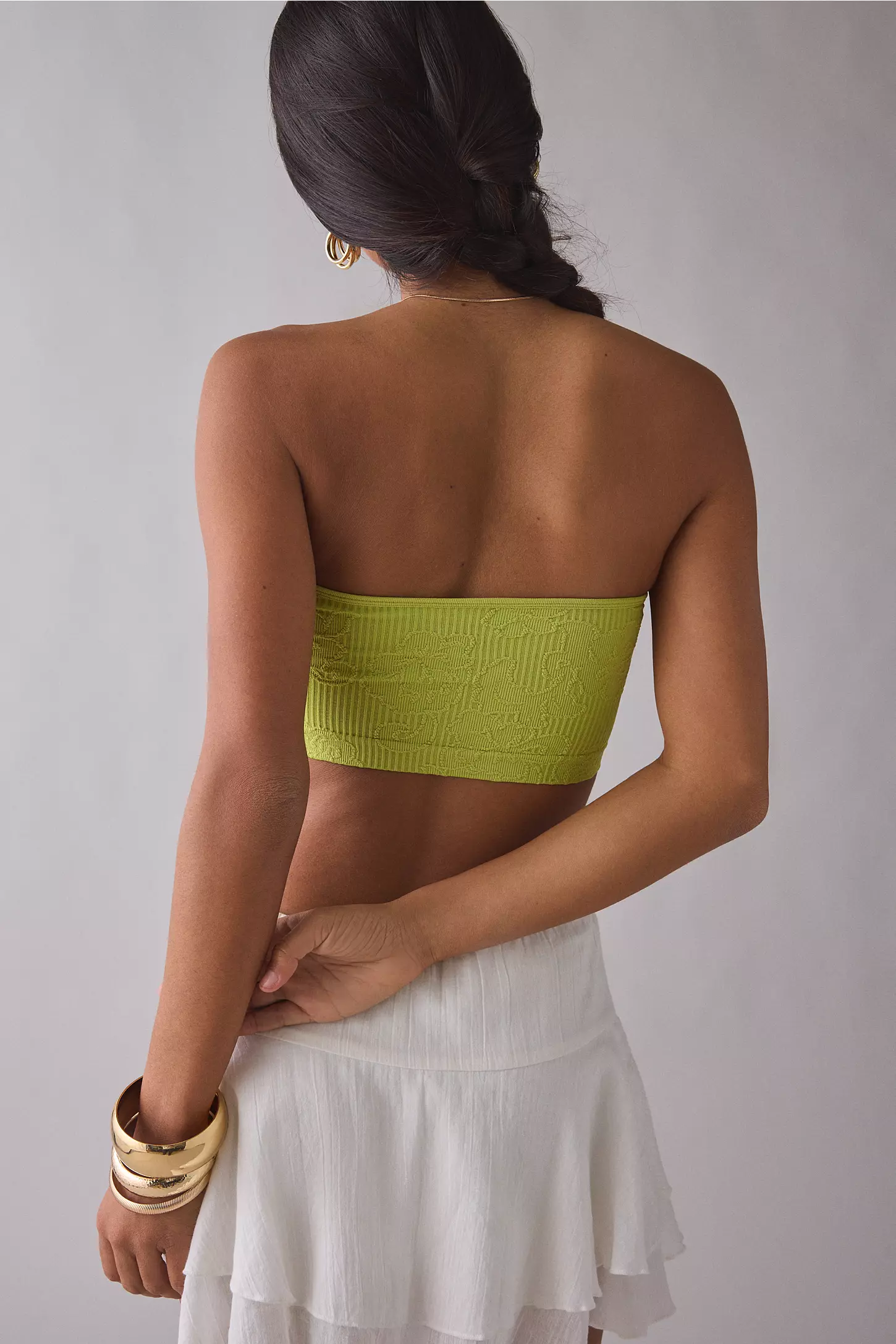
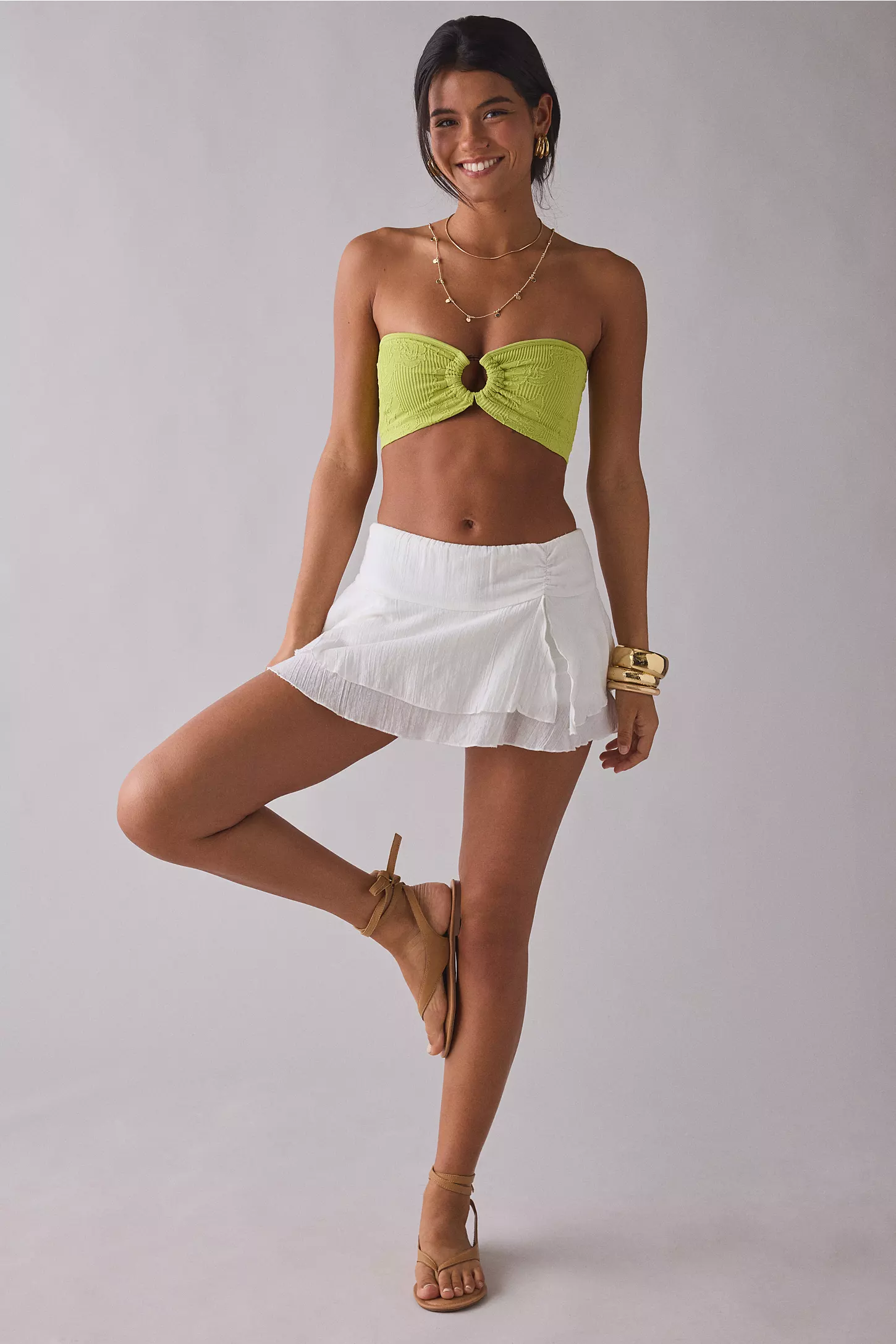
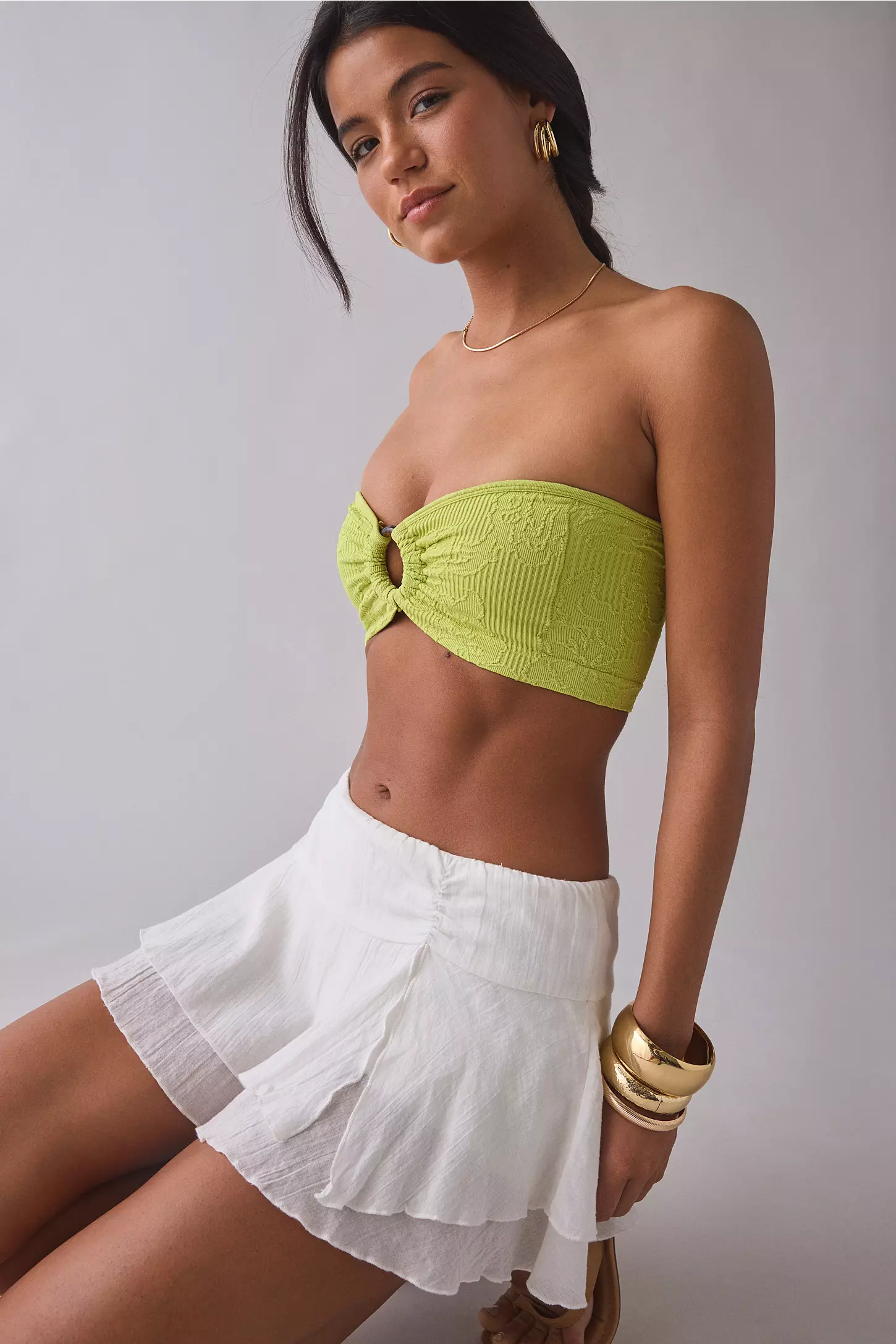
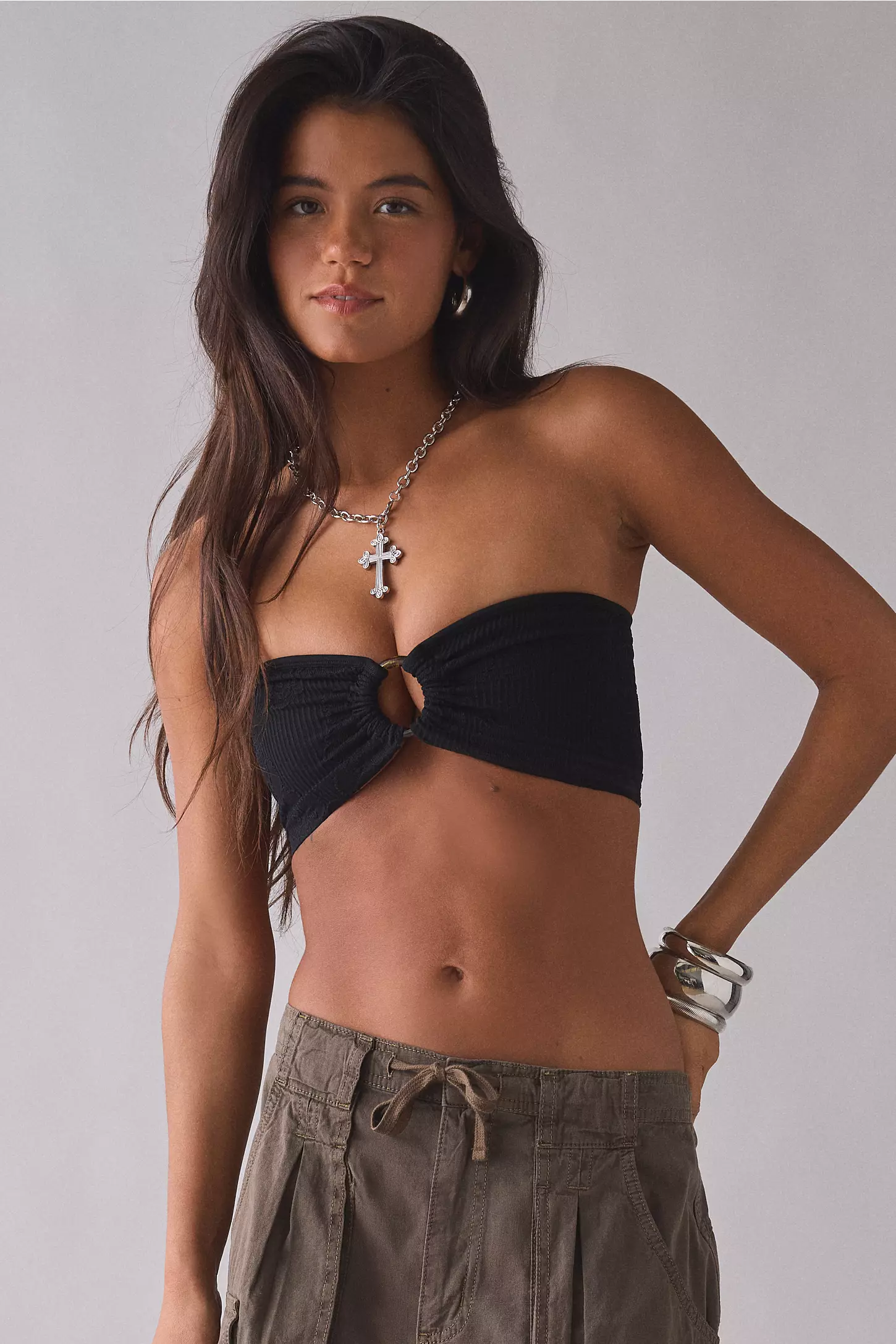
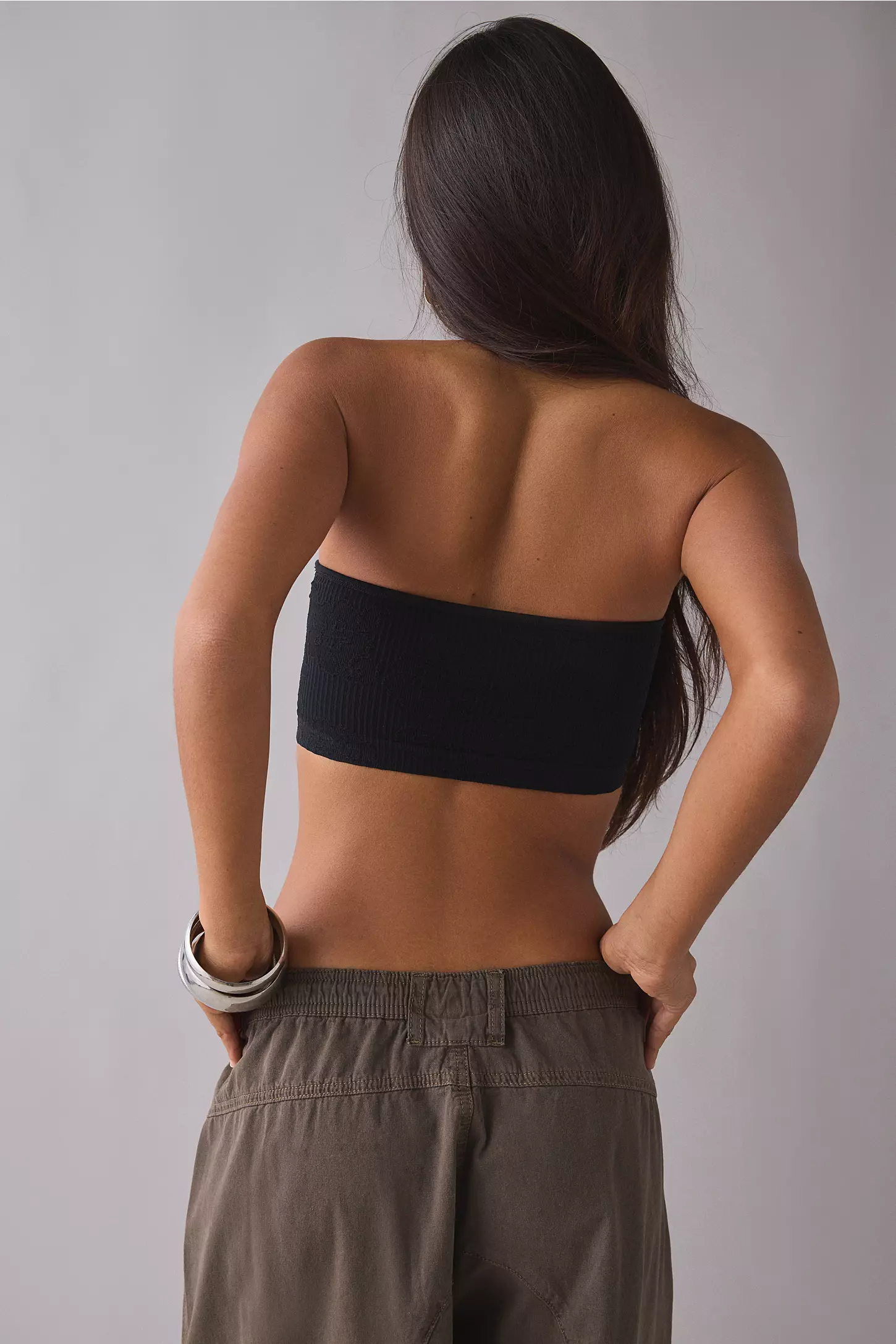
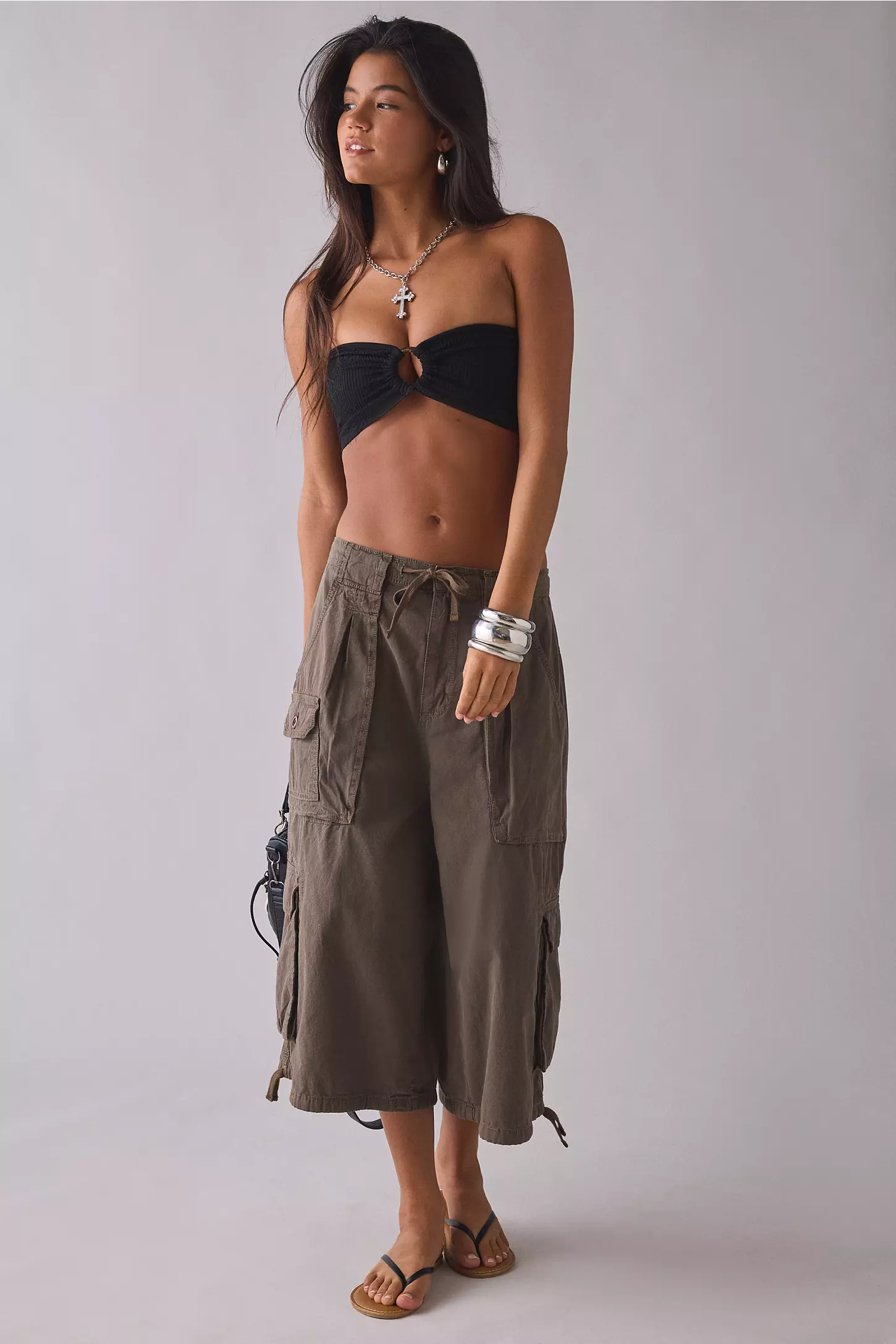
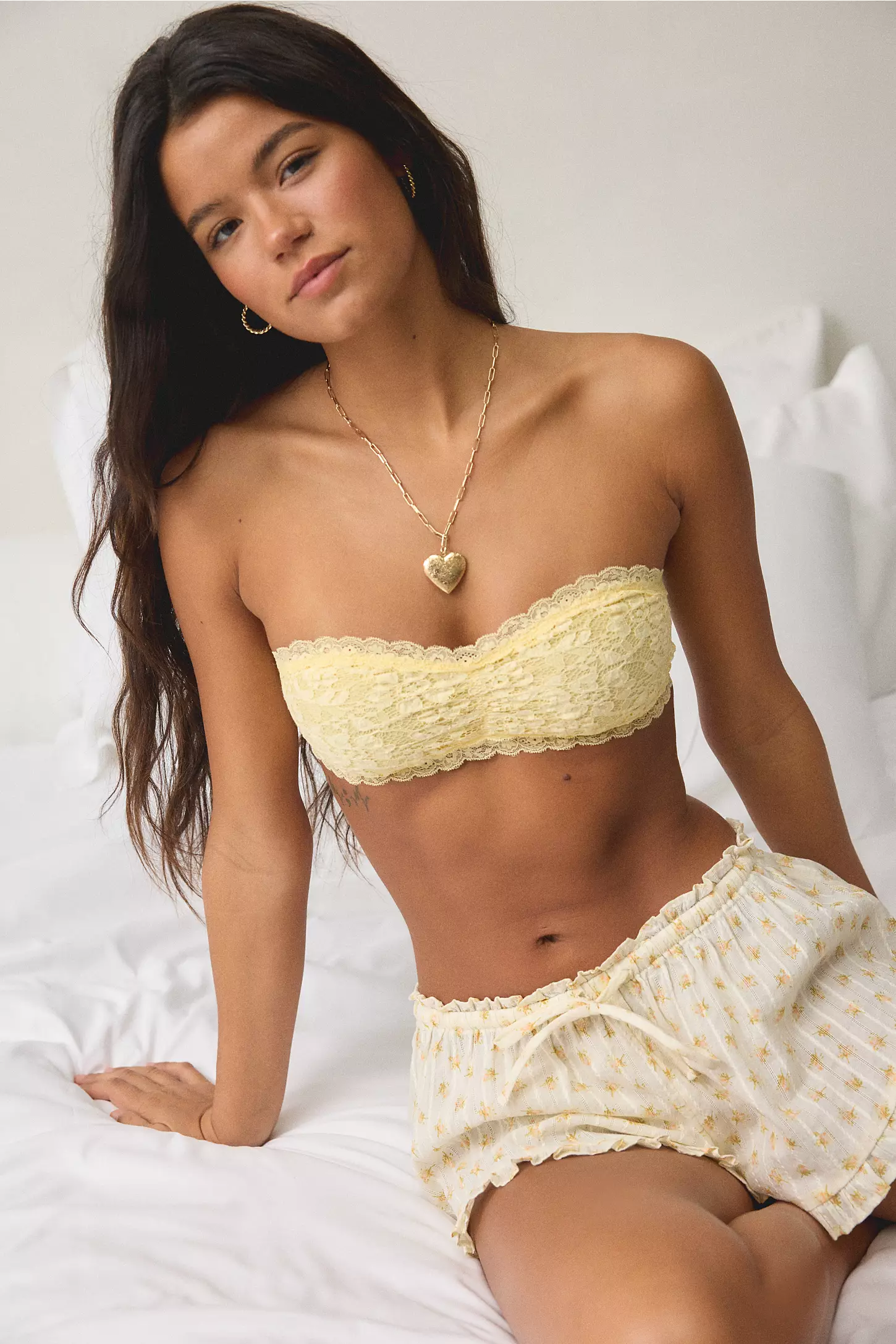
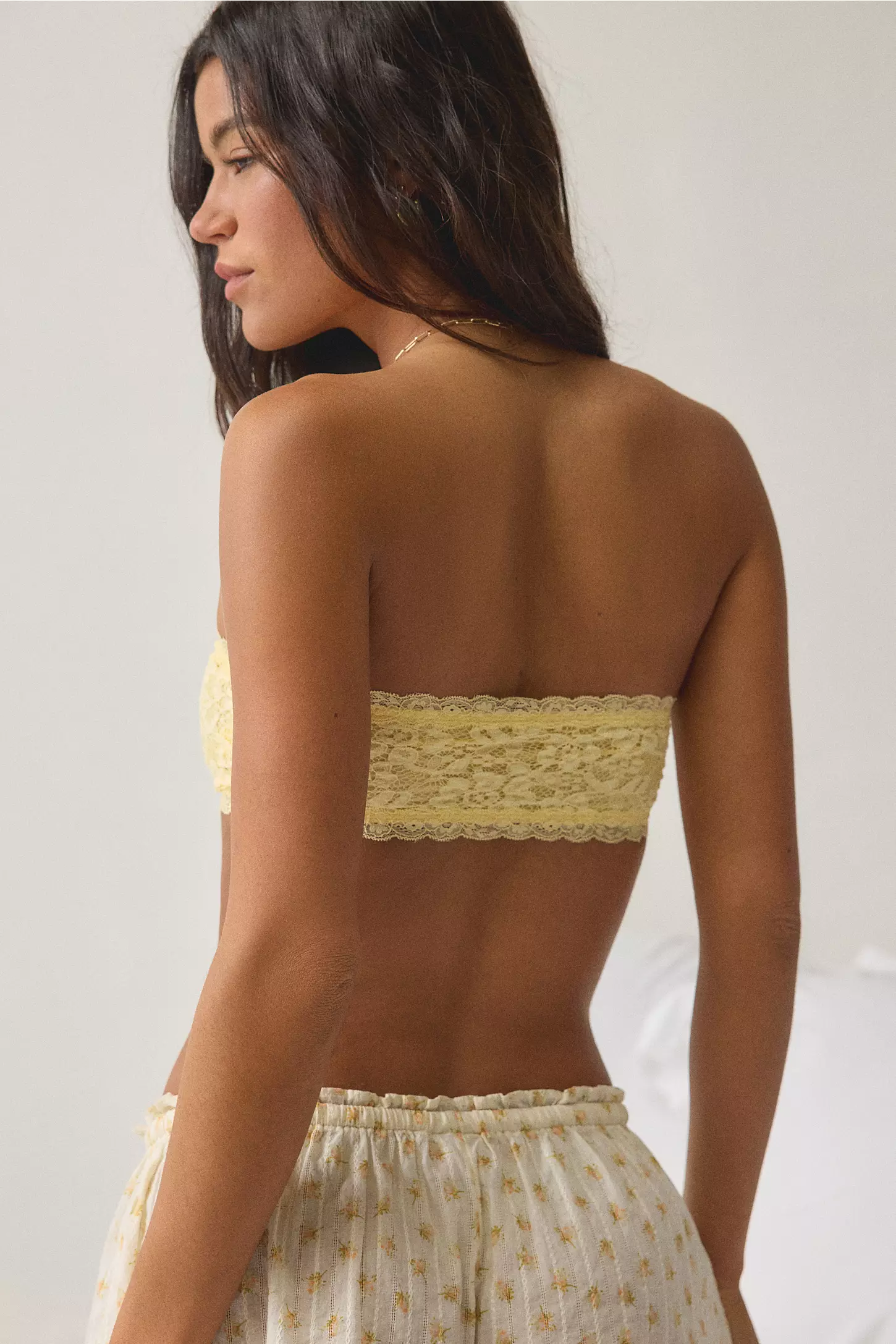
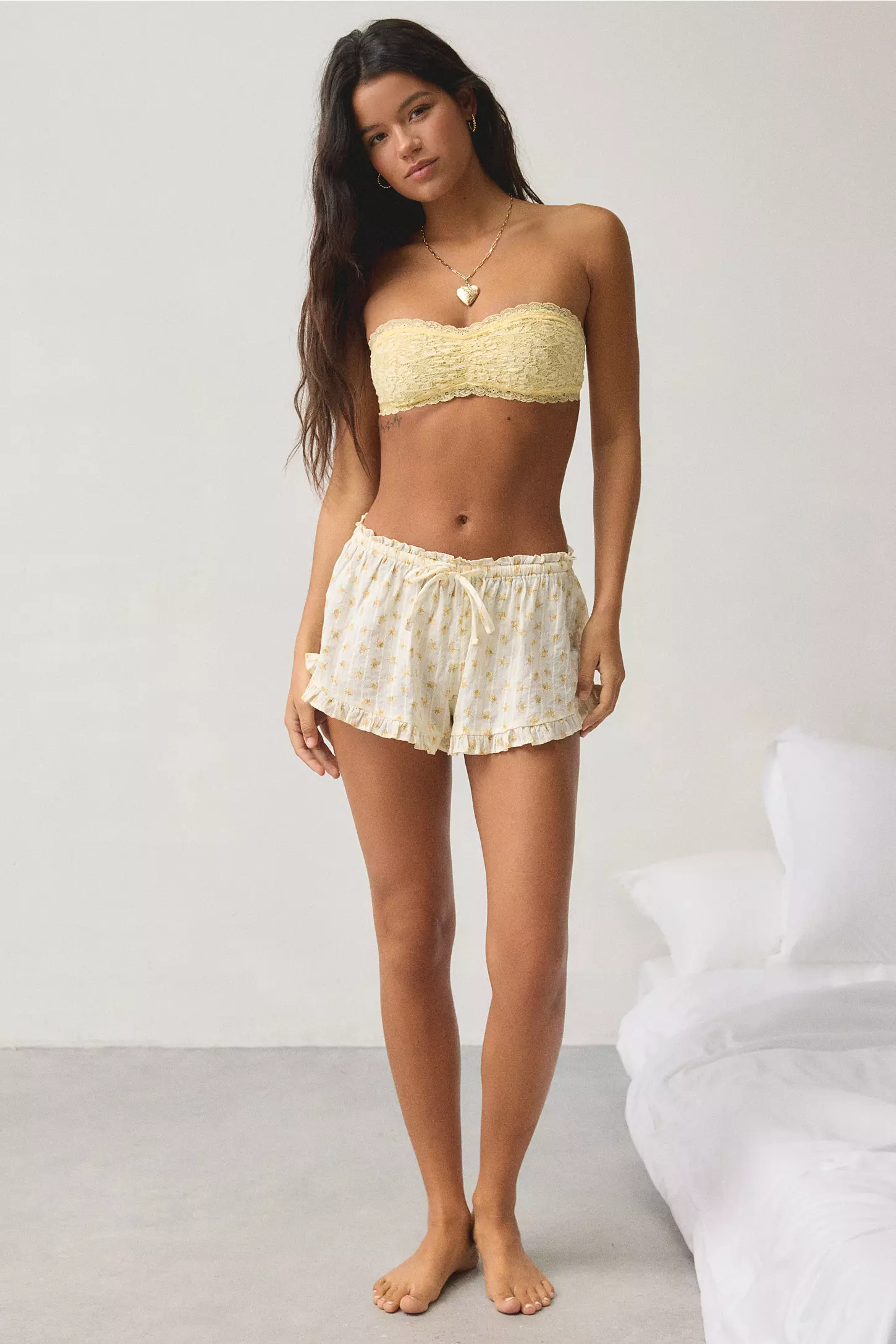
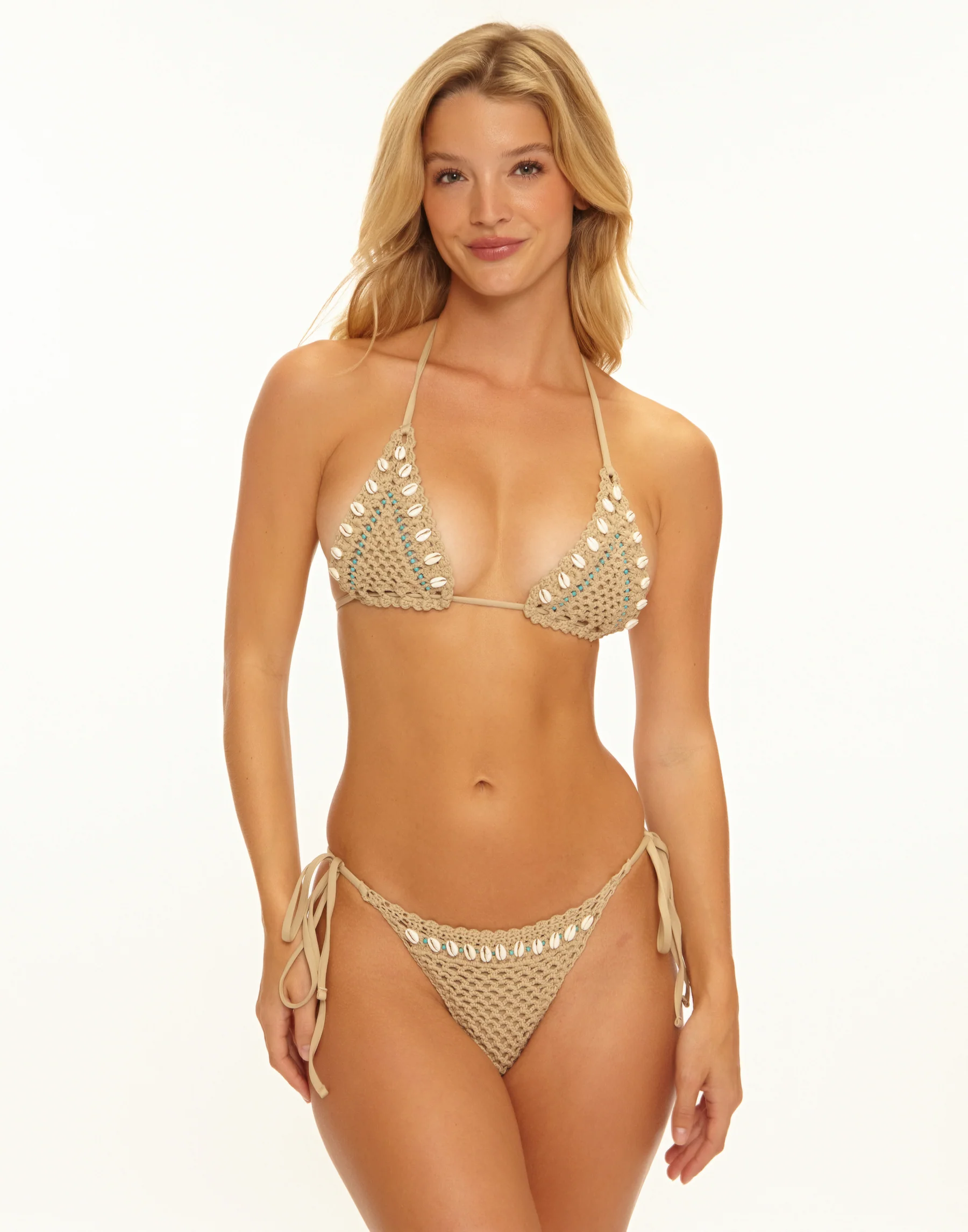
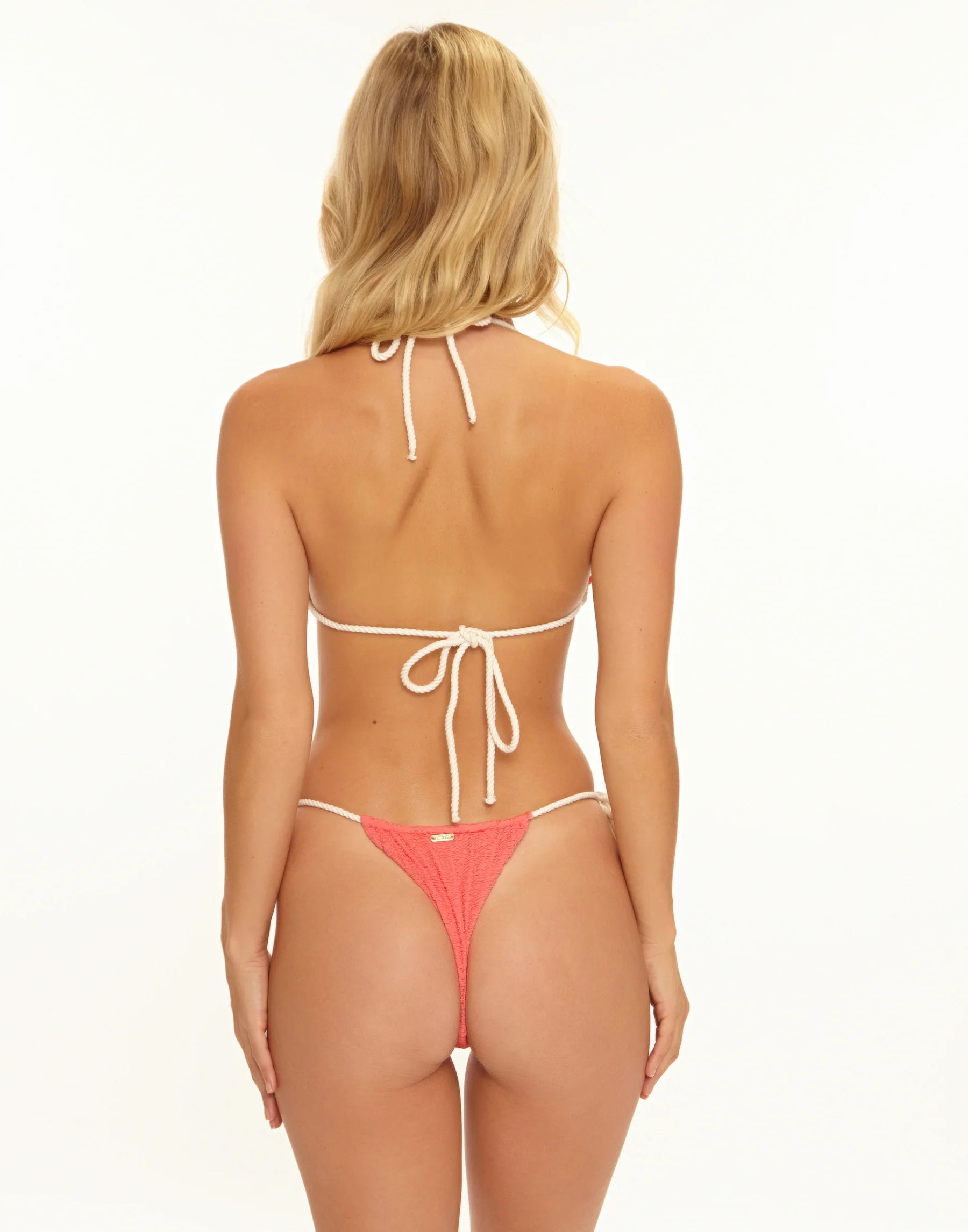
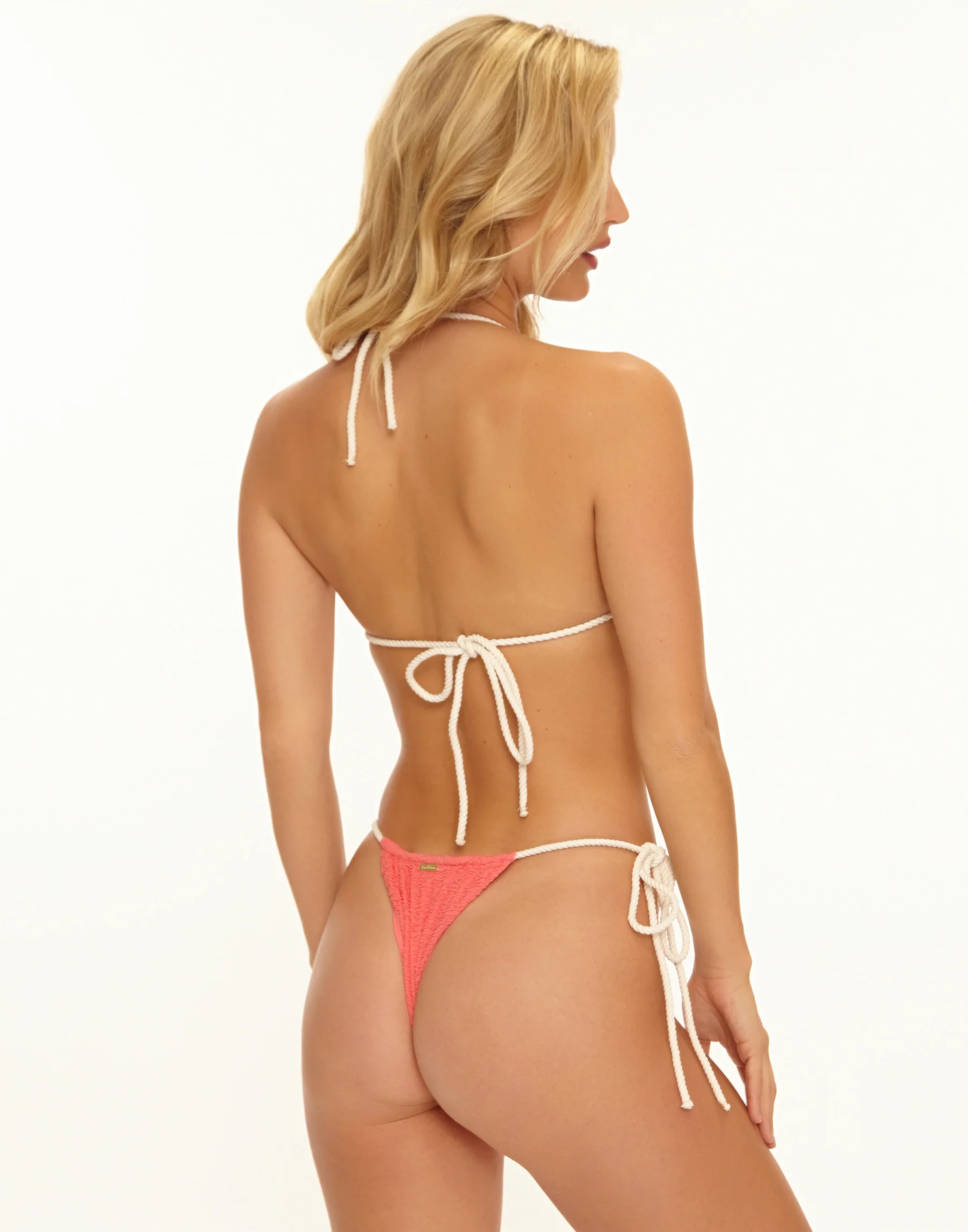
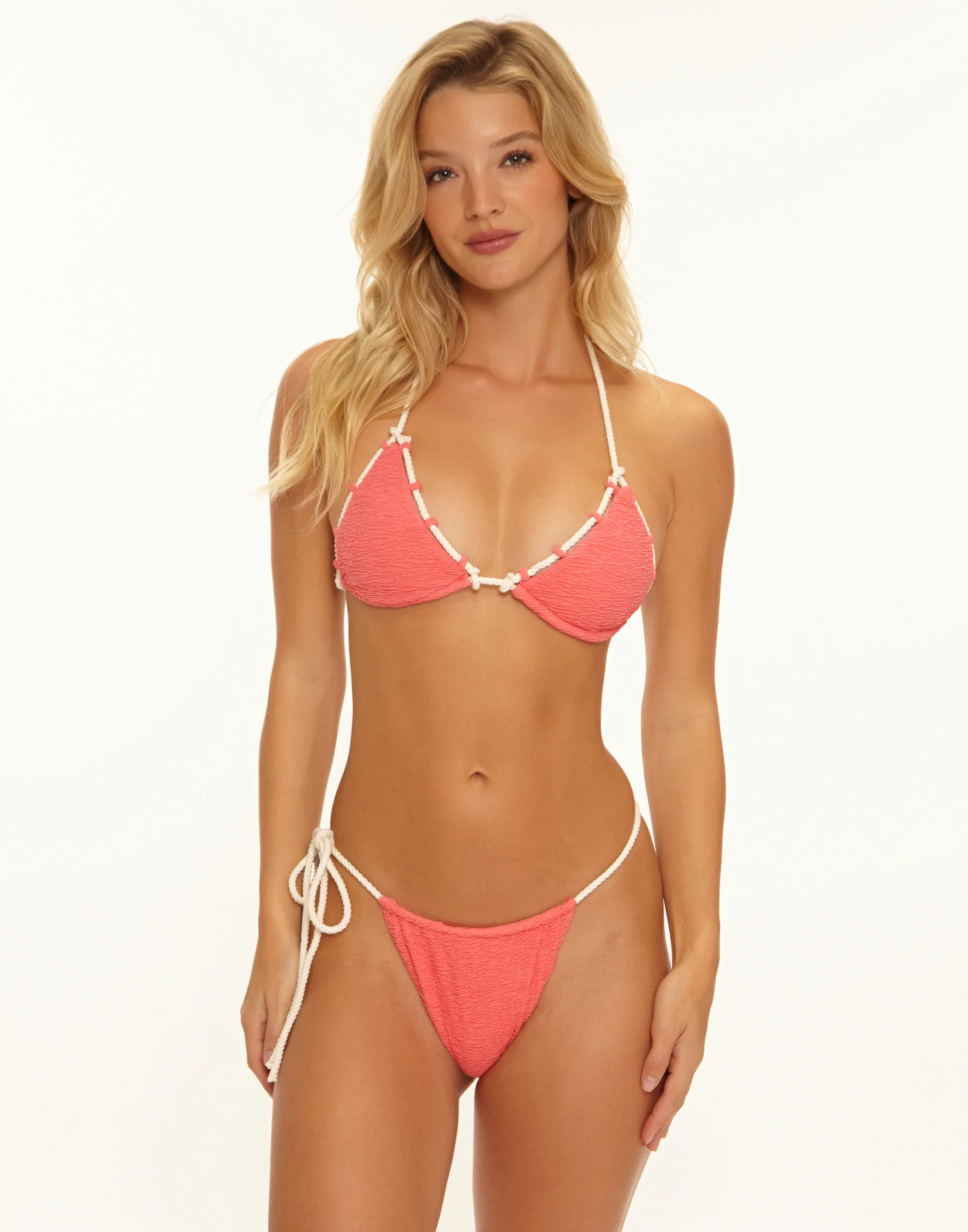
 Urban Outfitters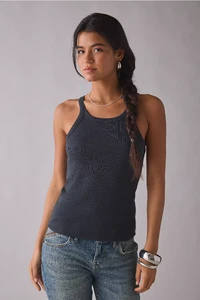
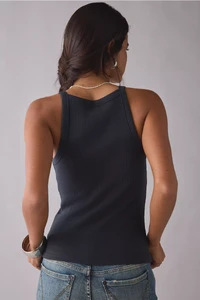
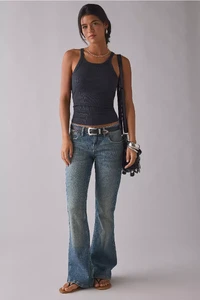
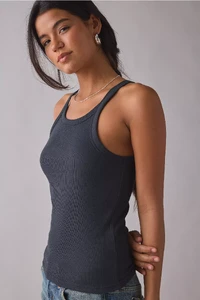
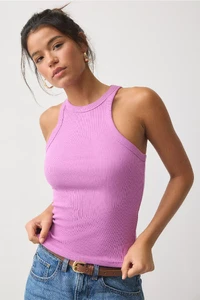
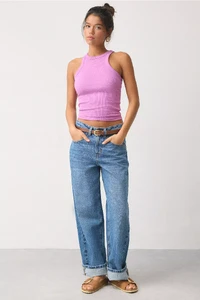
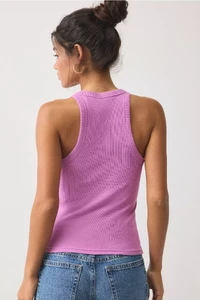
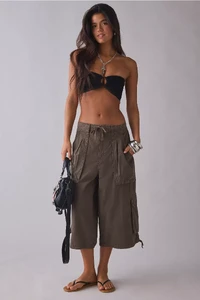
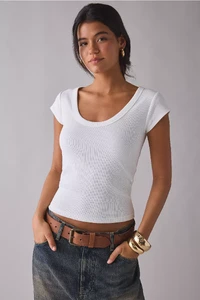
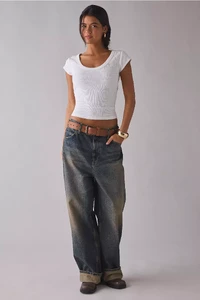
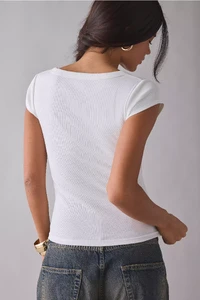
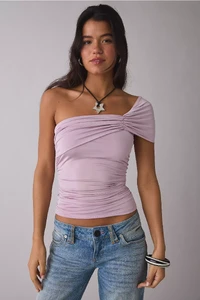
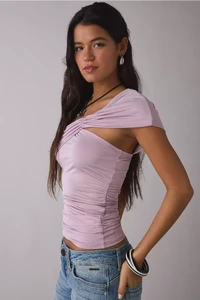
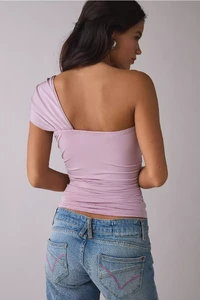
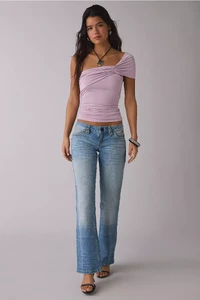
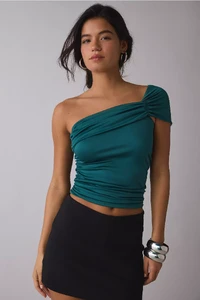
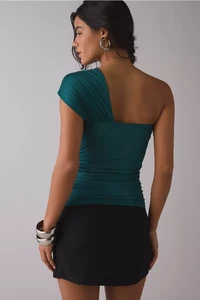
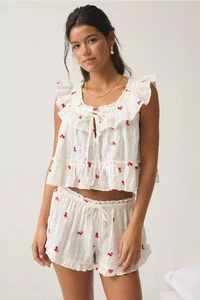
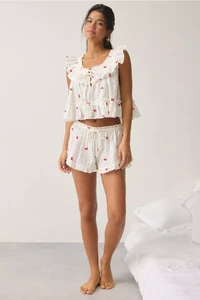
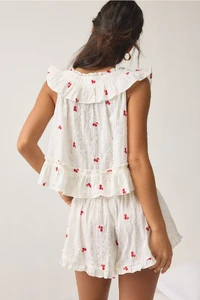
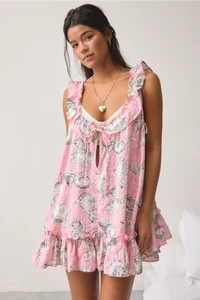
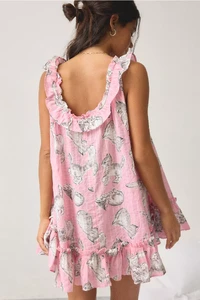
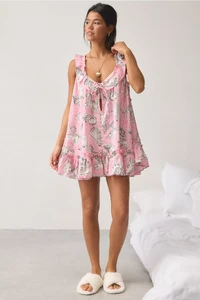
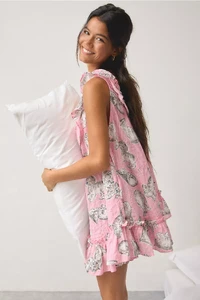
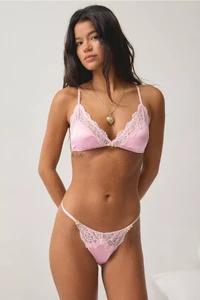
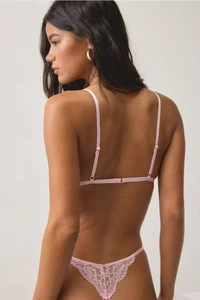
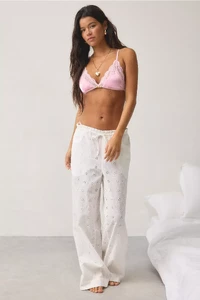
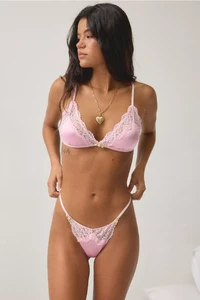
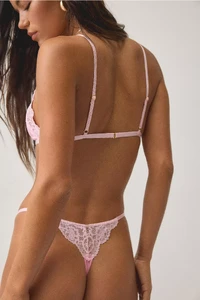
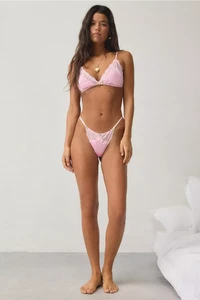
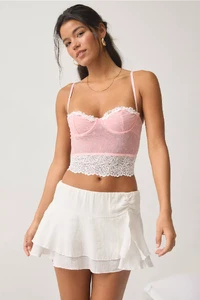
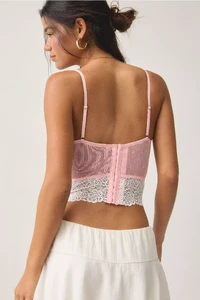
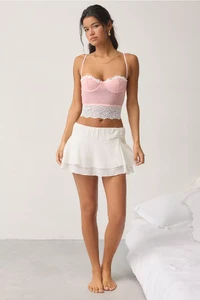
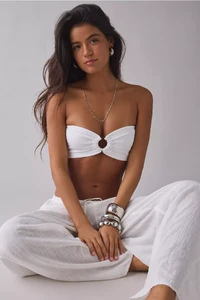
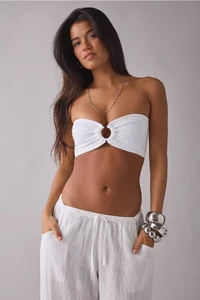
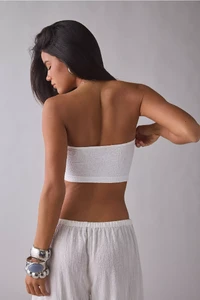
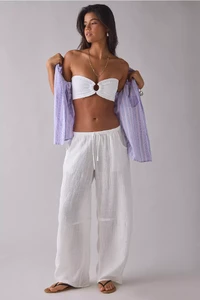
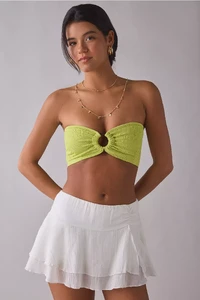
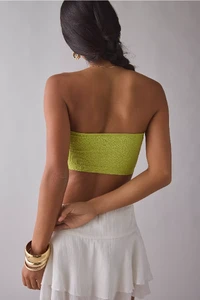
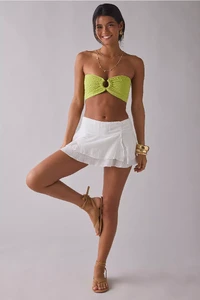
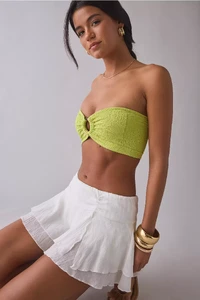
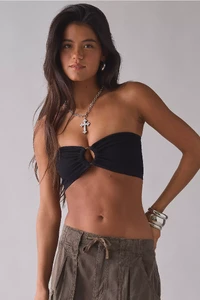
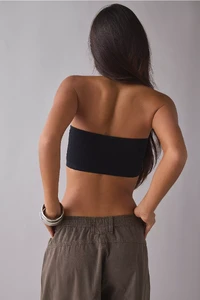
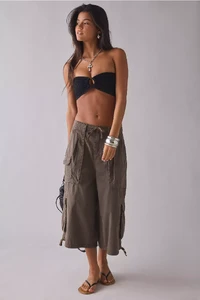
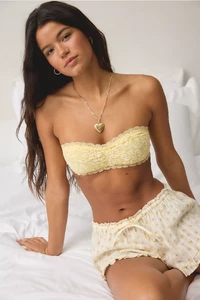
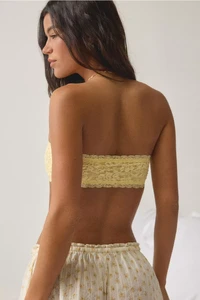
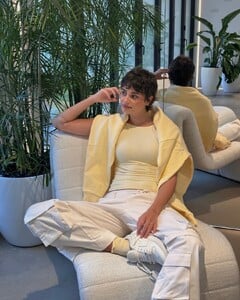
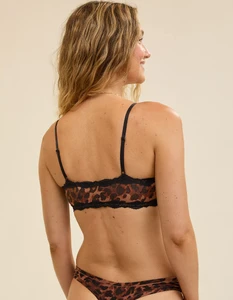
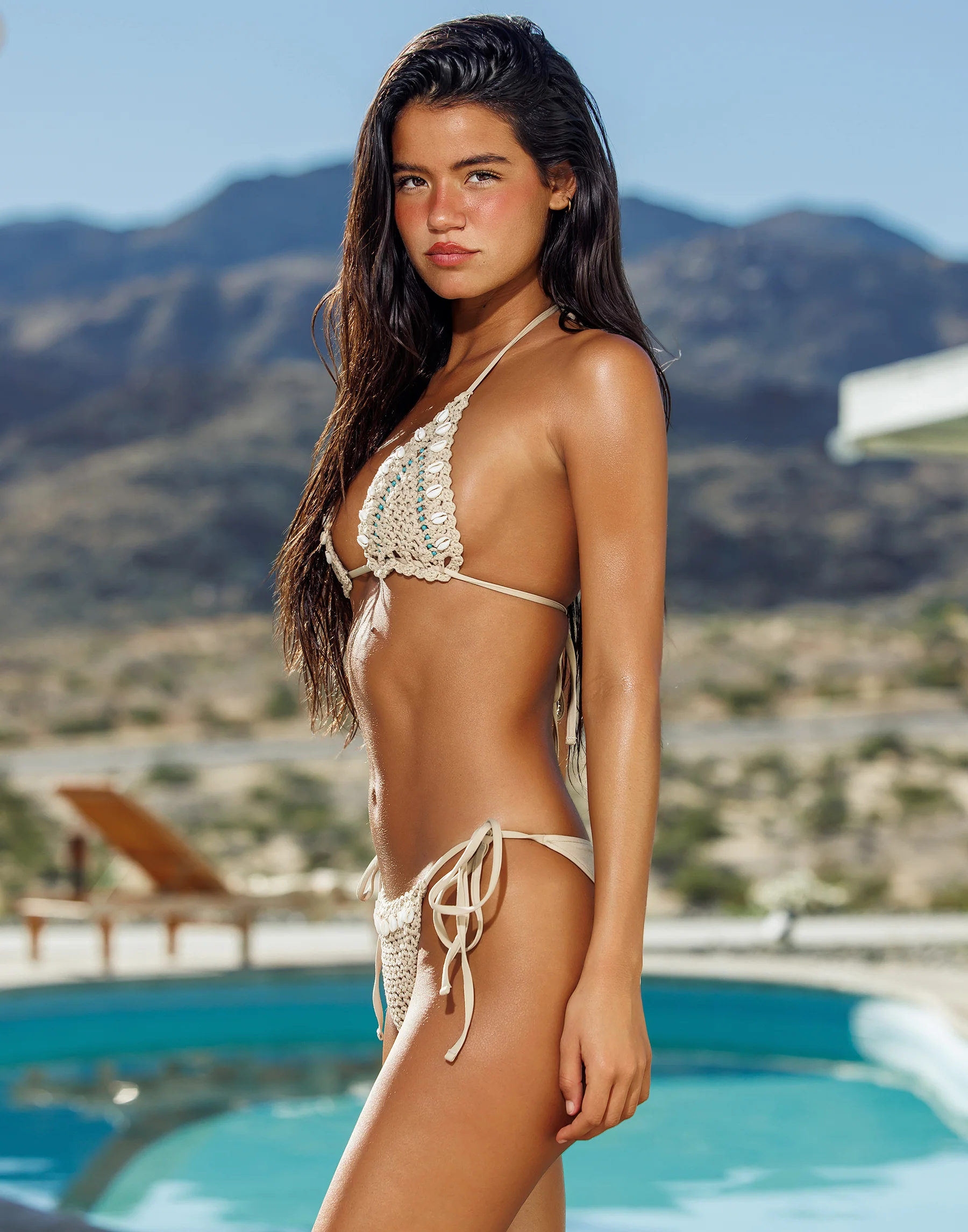
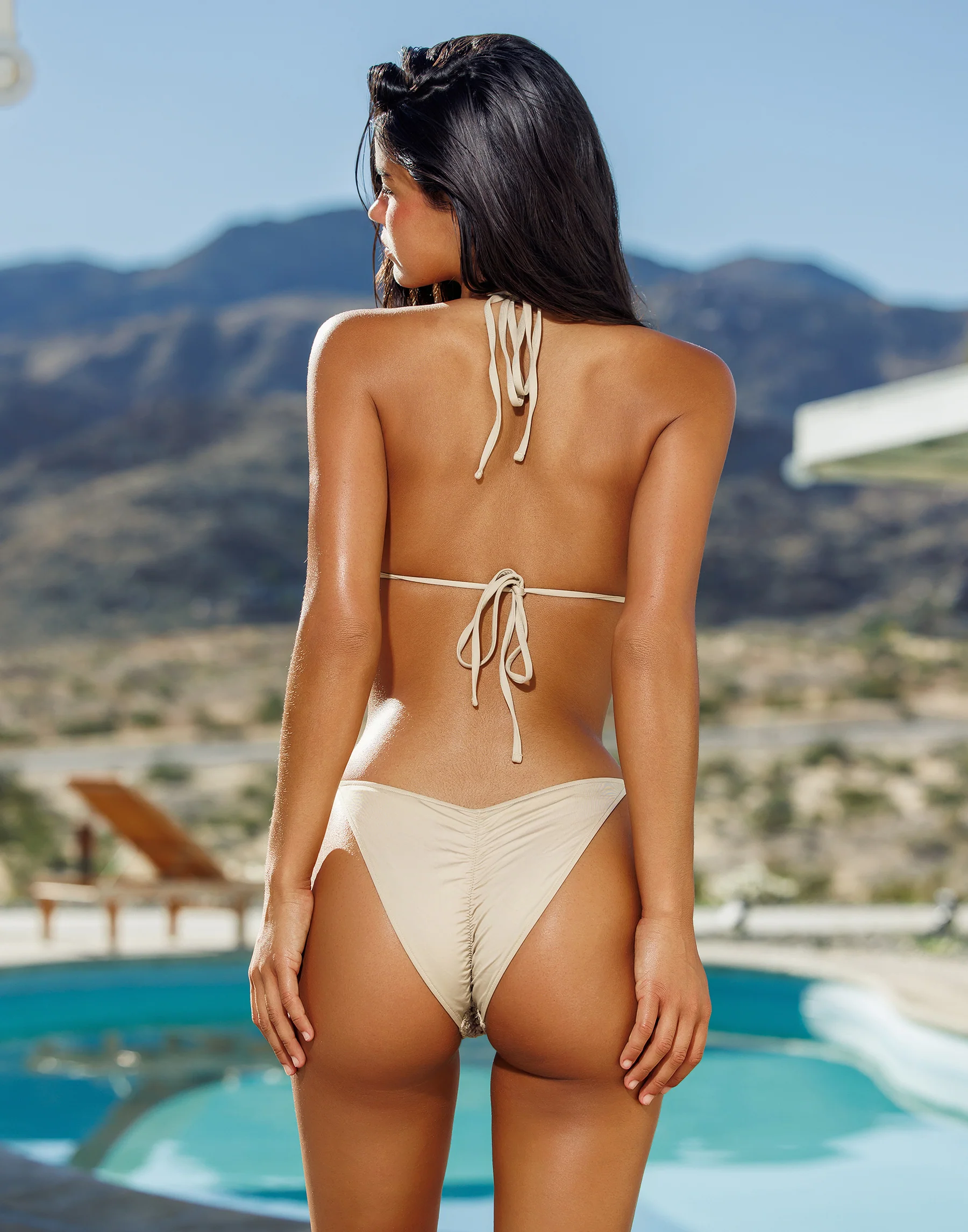
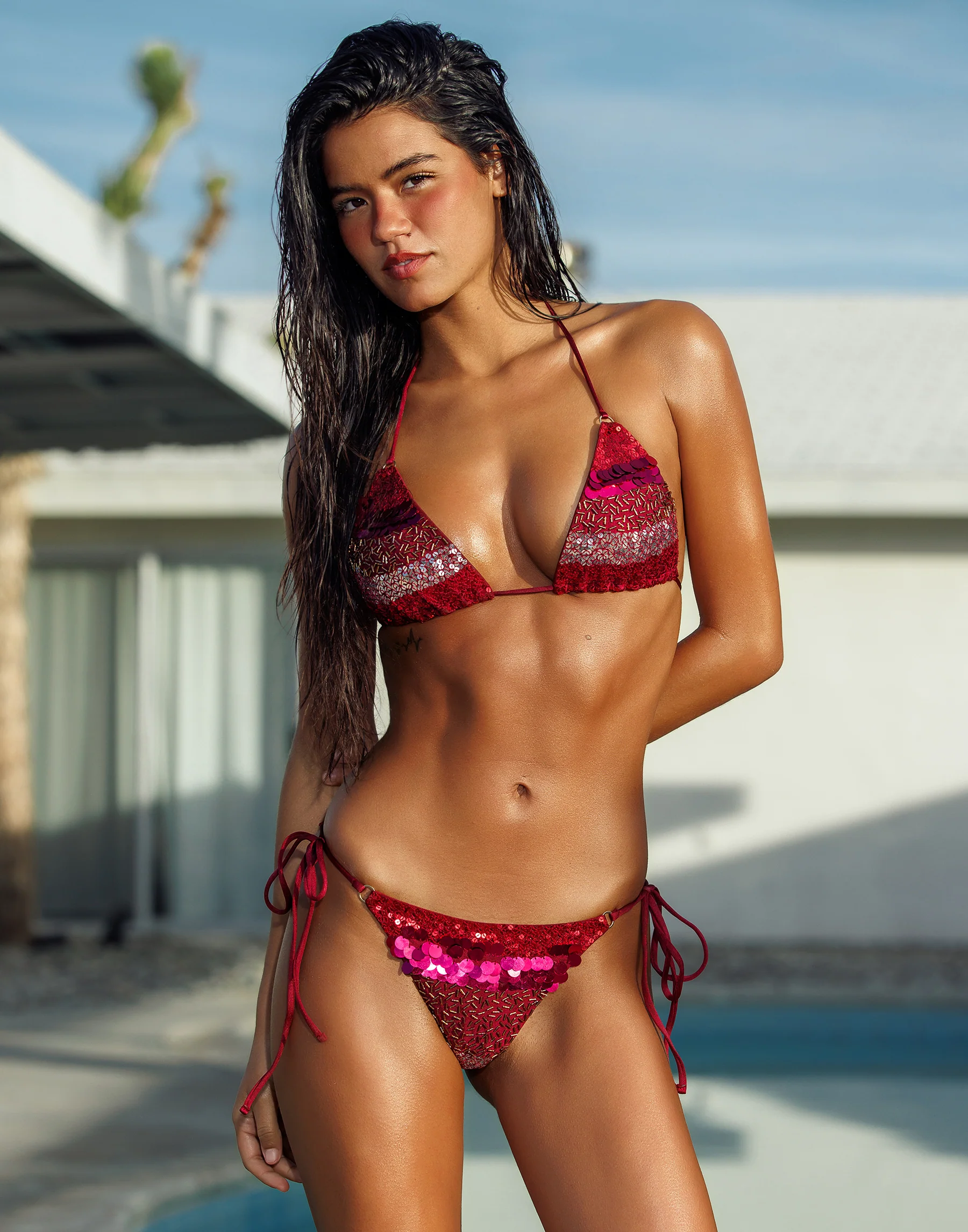
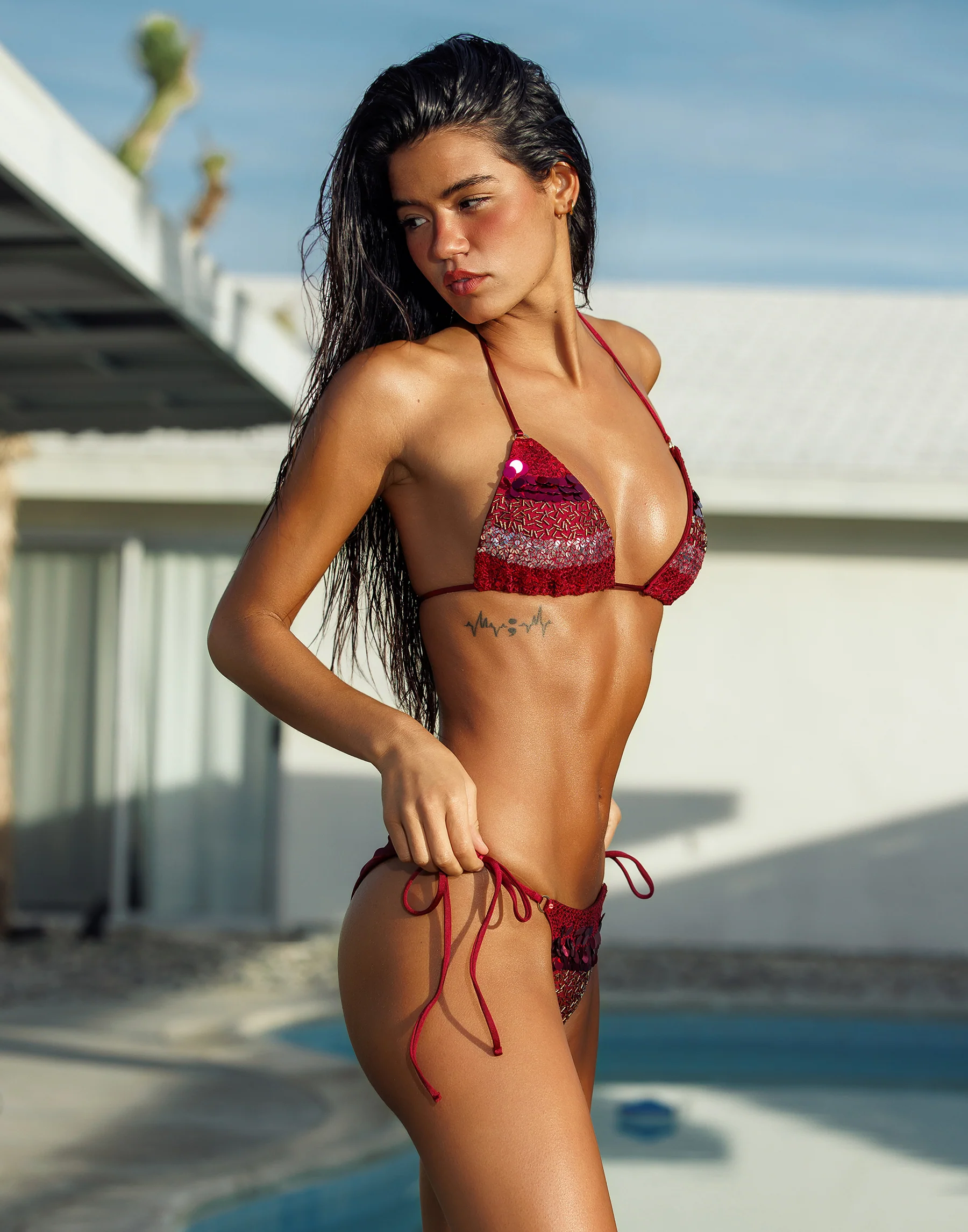
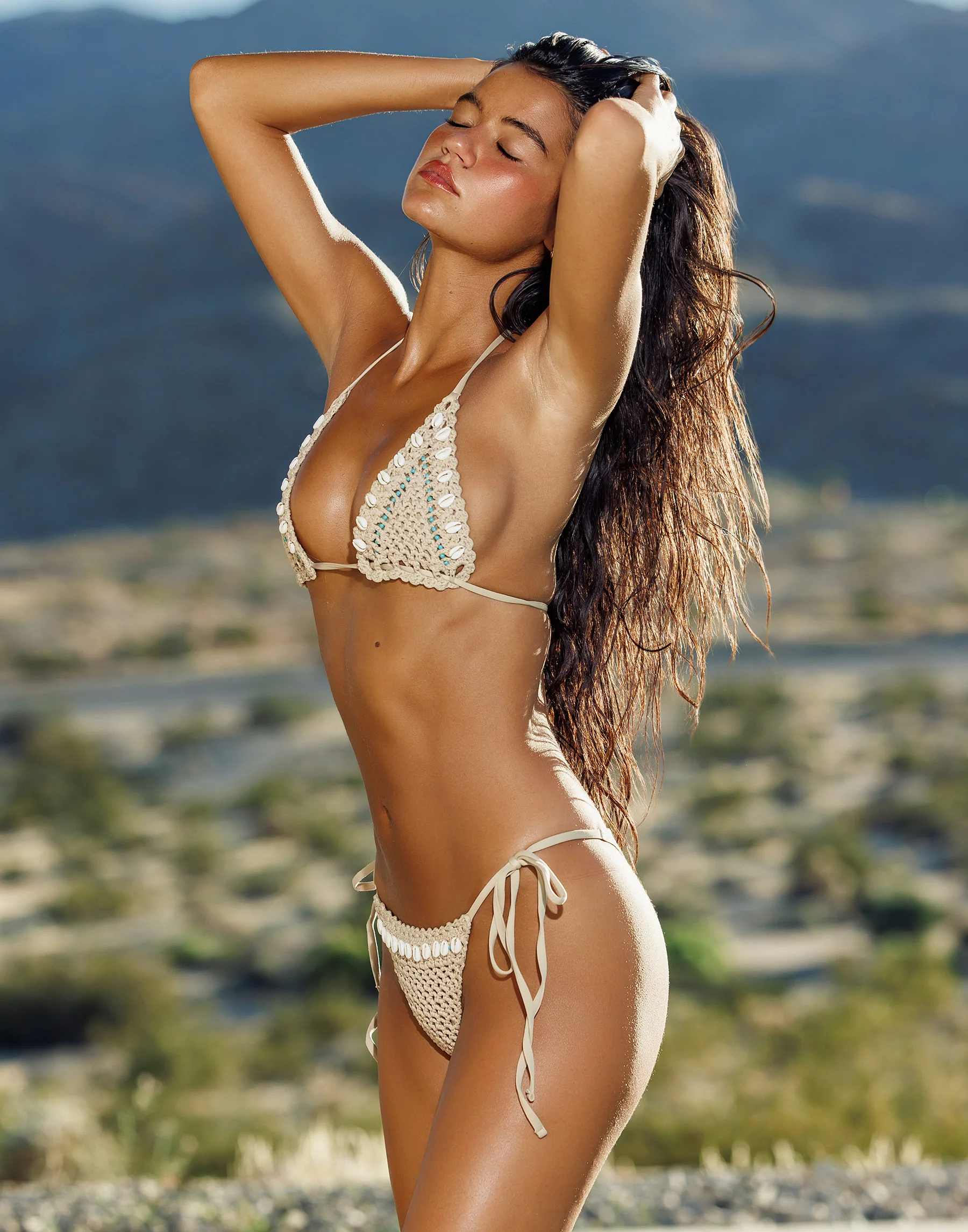
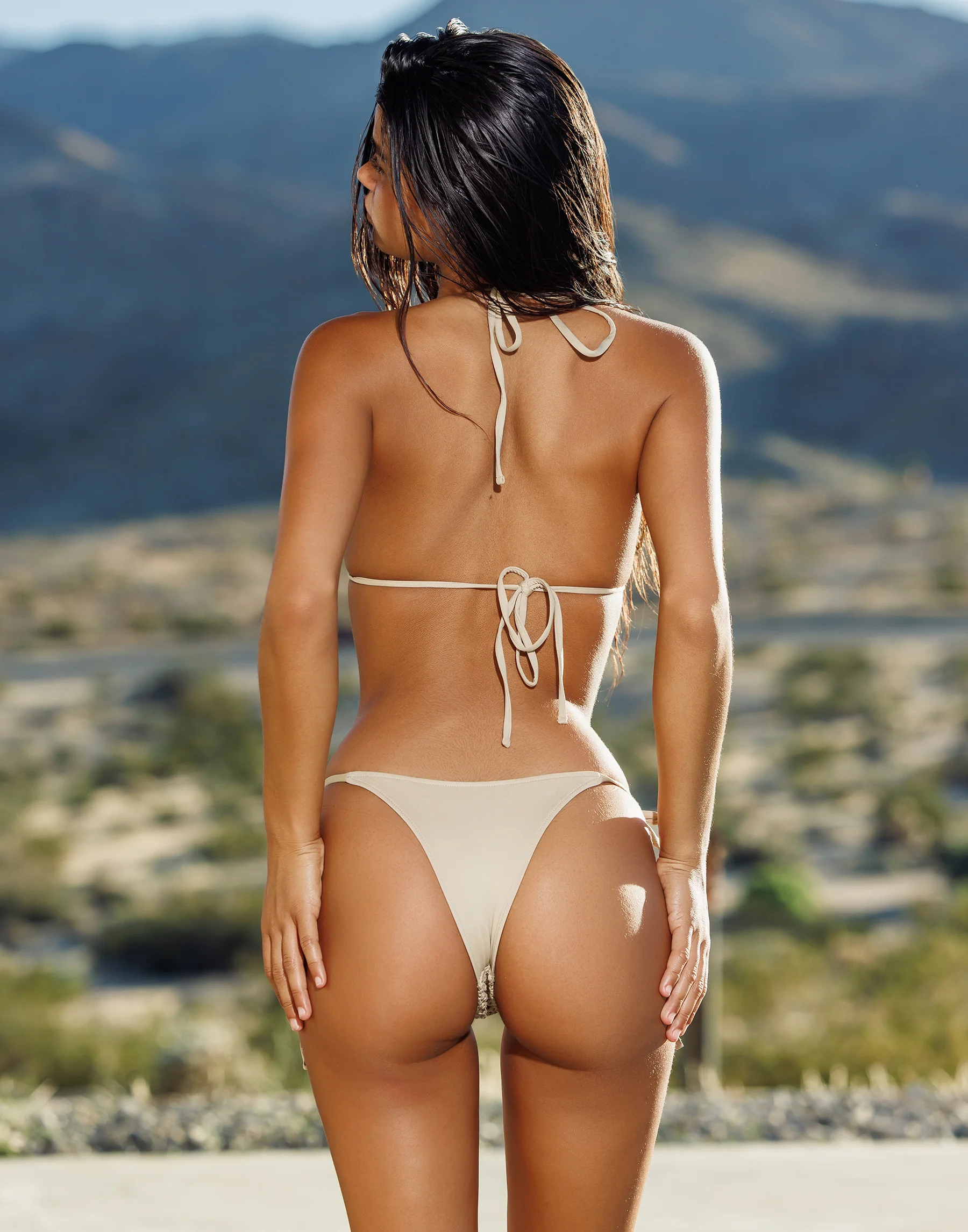
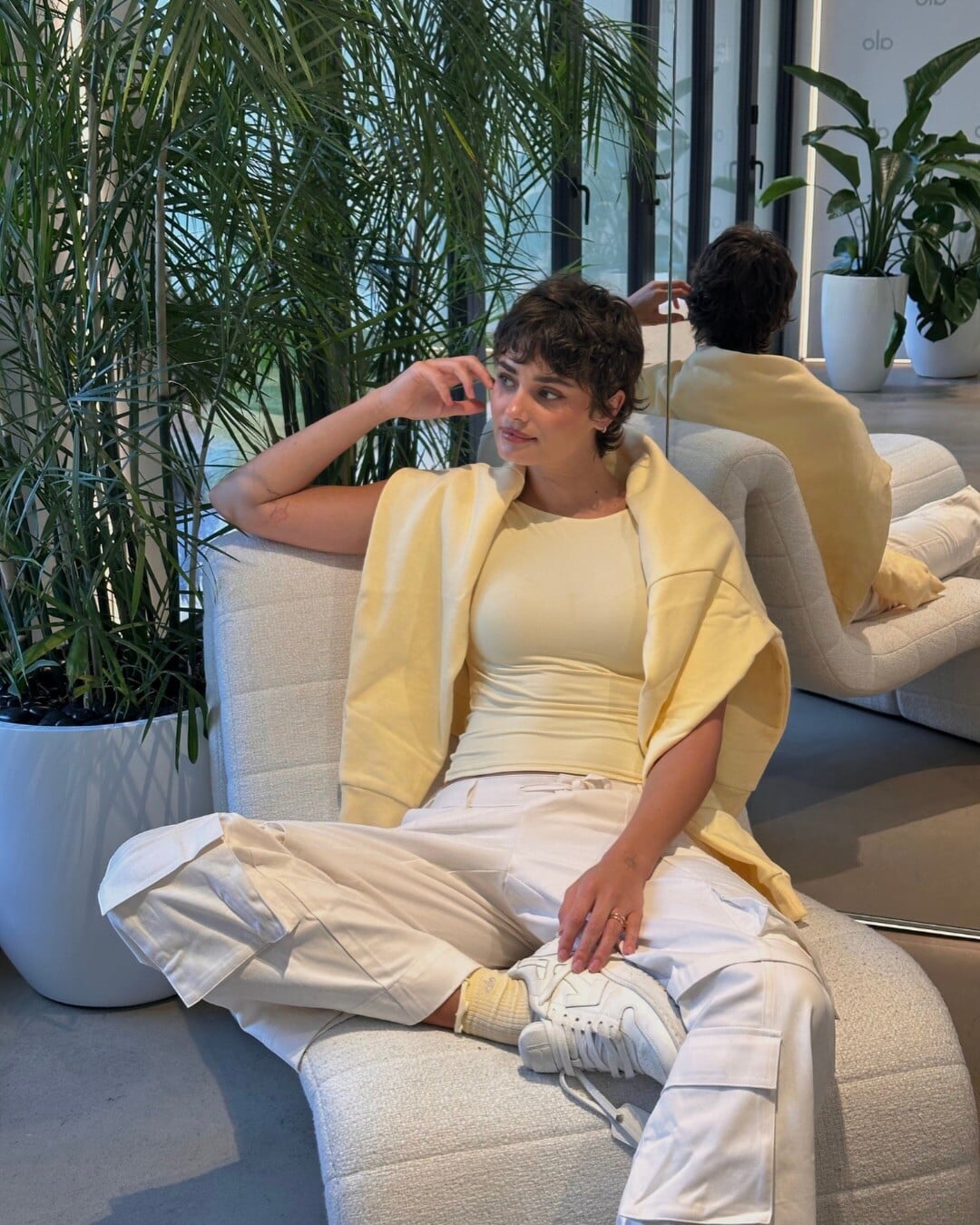
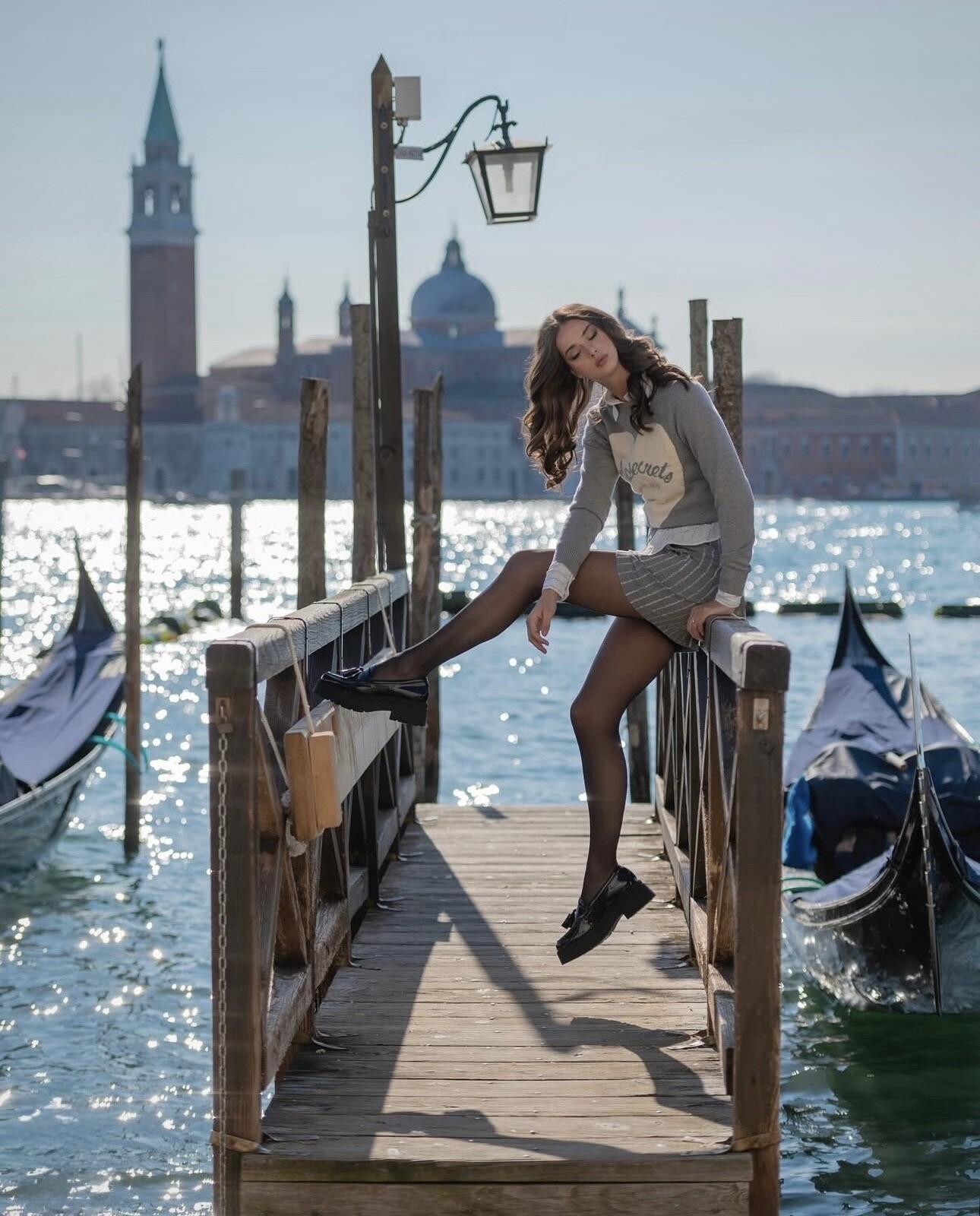
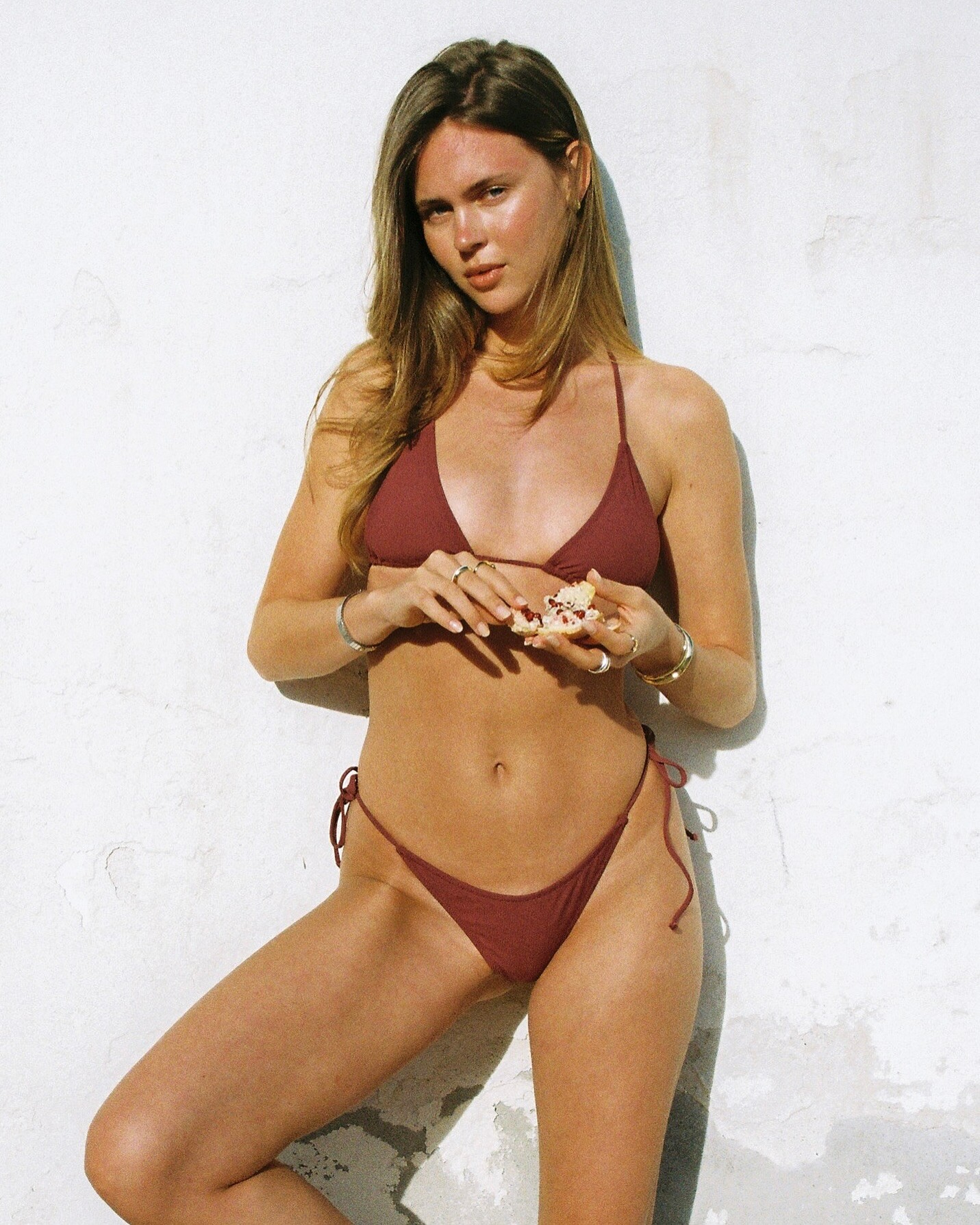
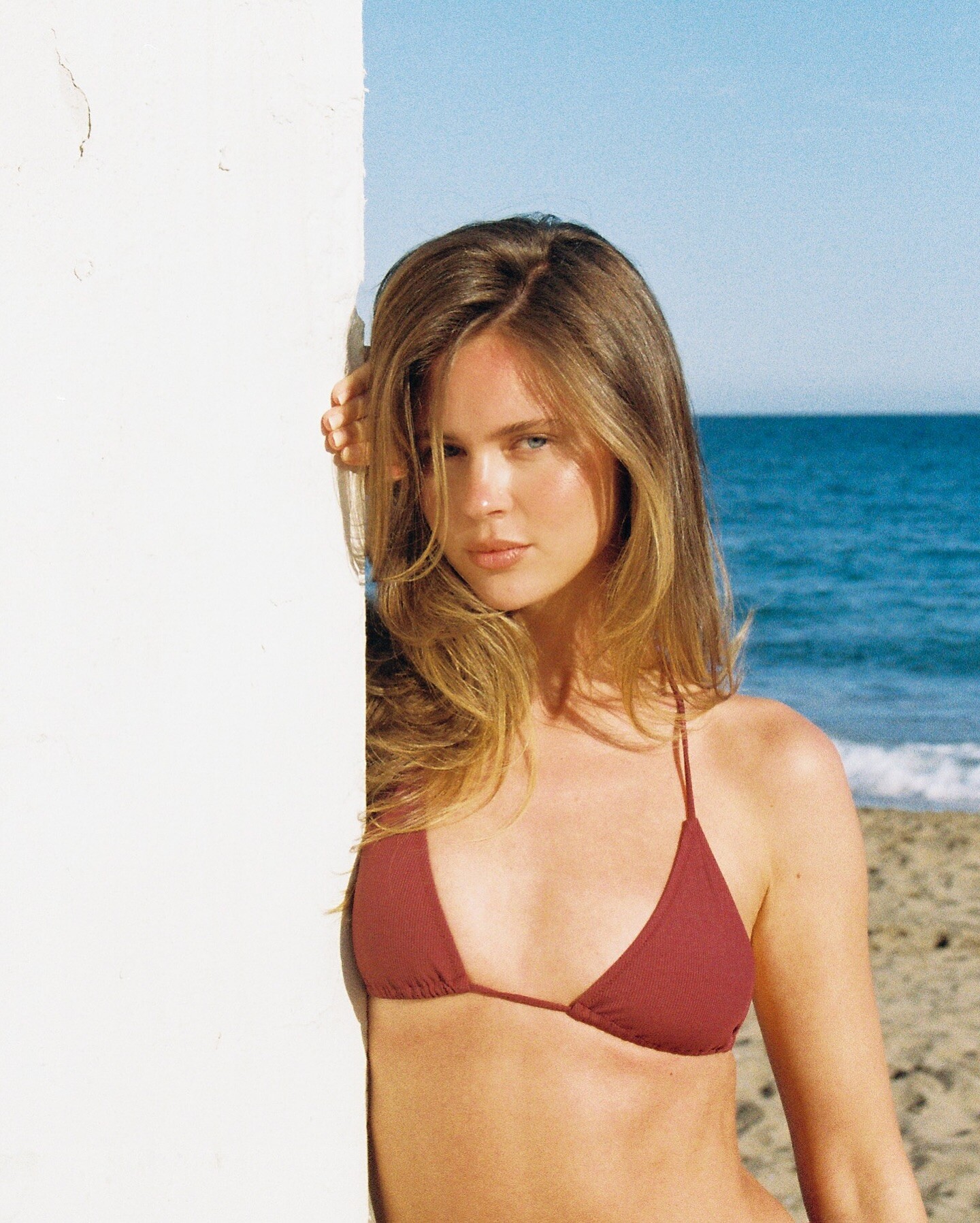
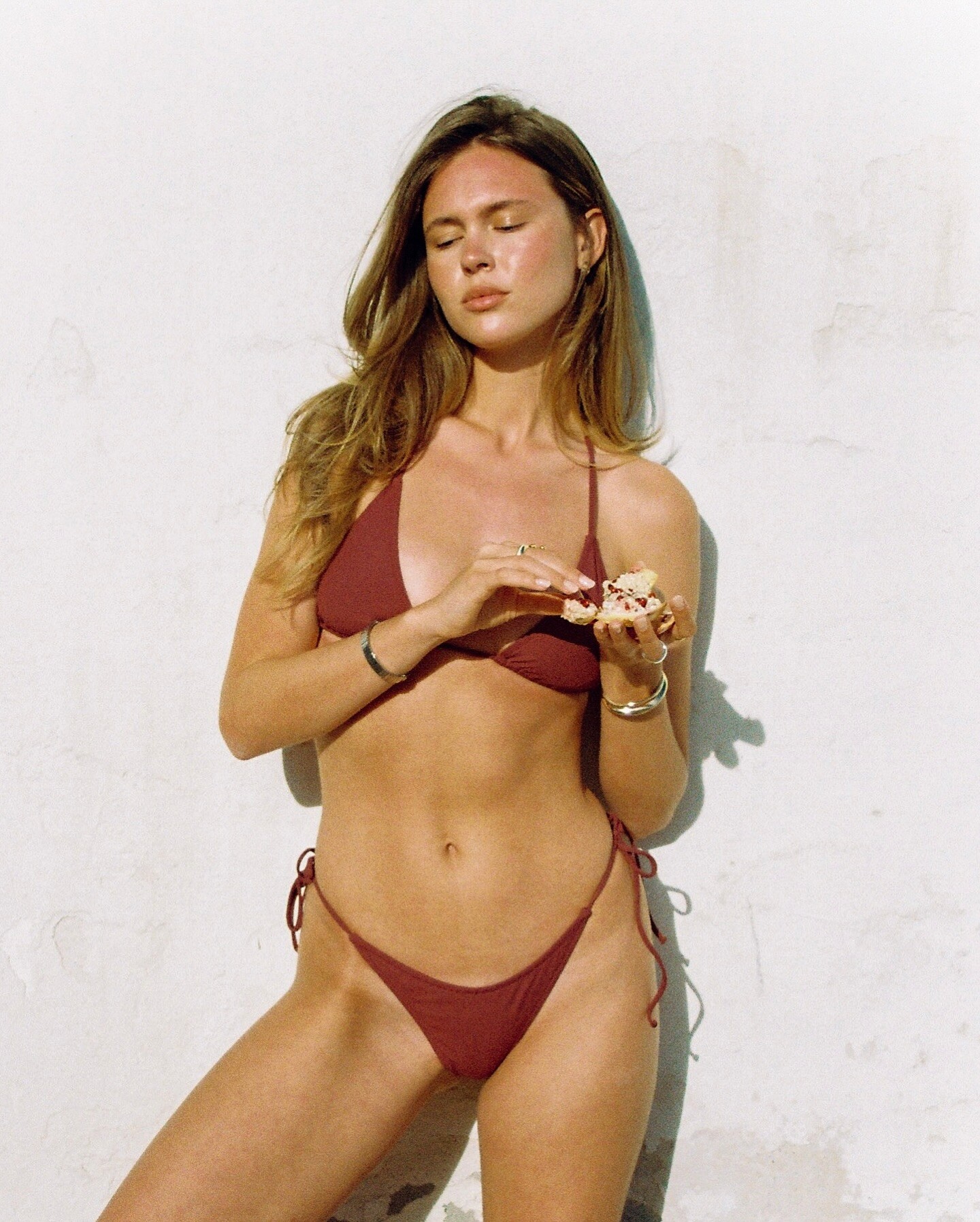
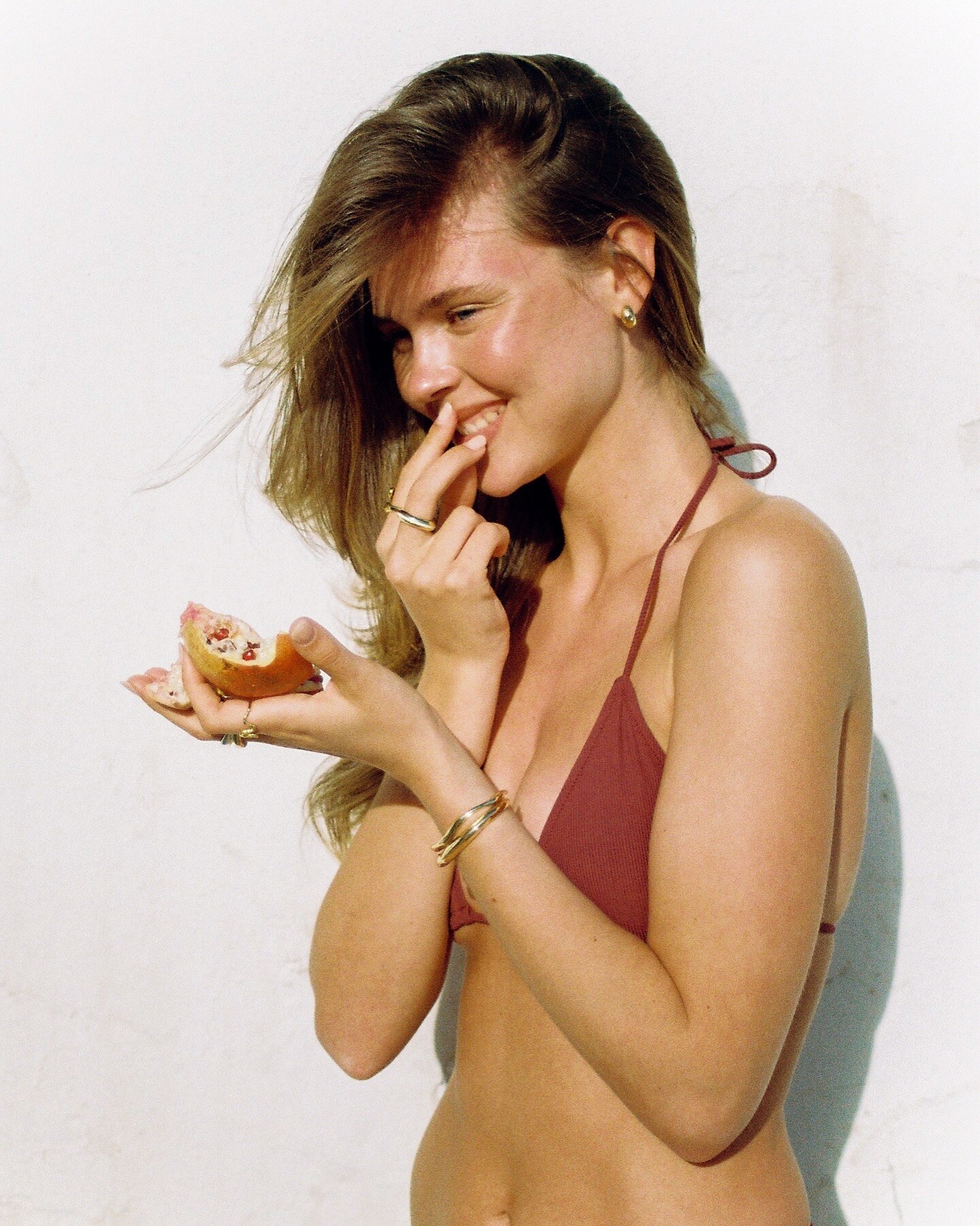
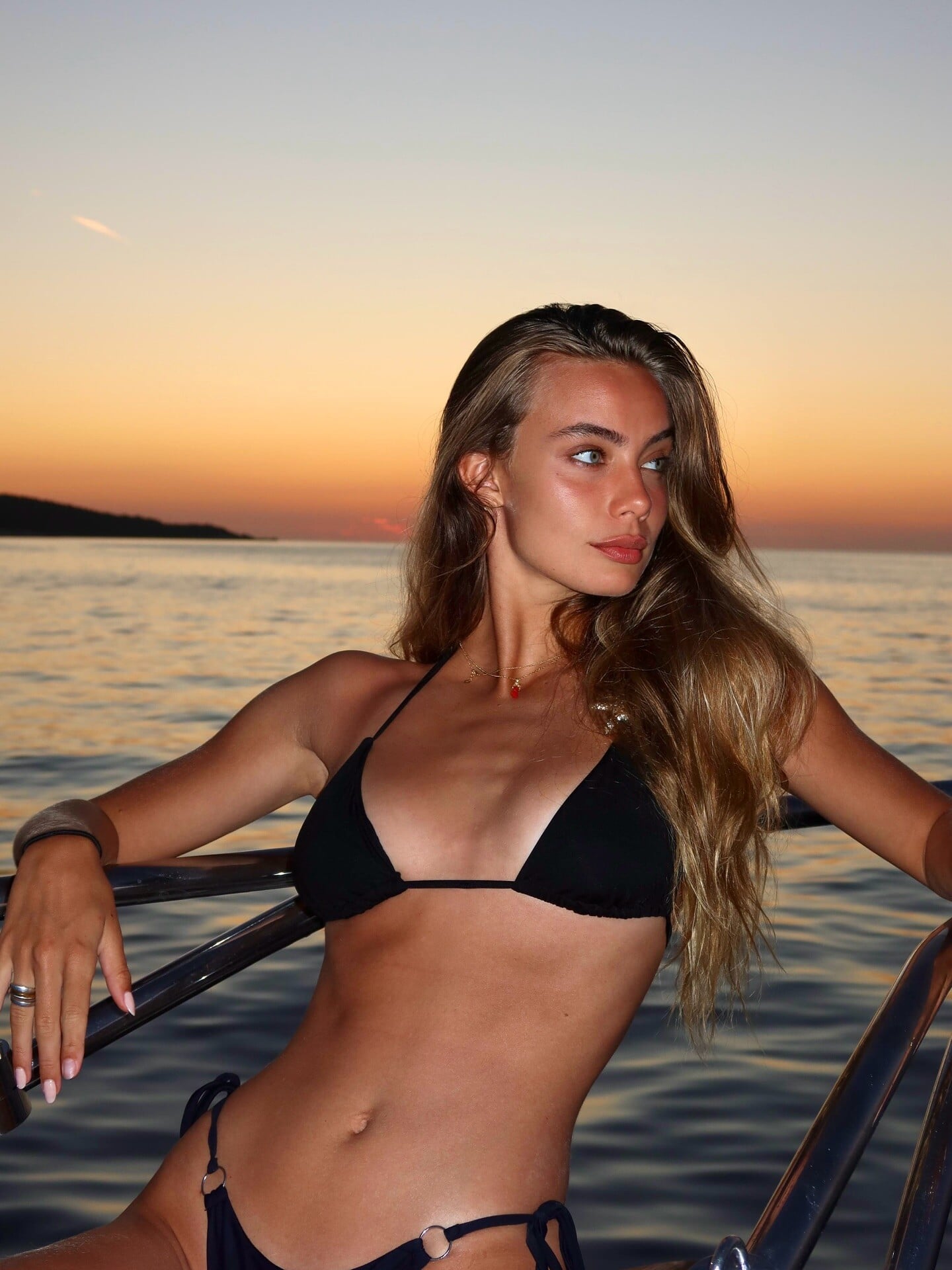
 A touch of winter sun💛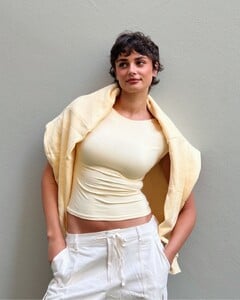
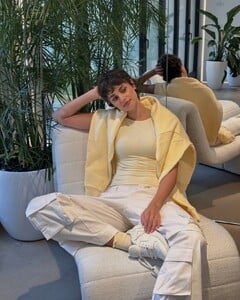
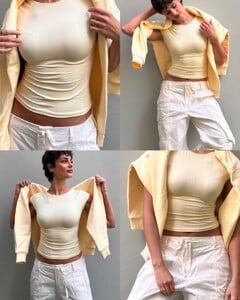
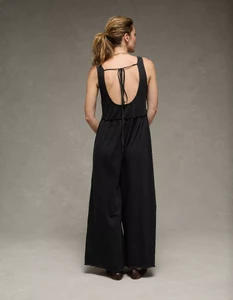
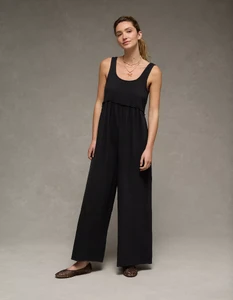
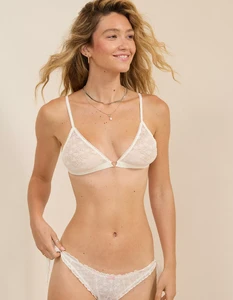
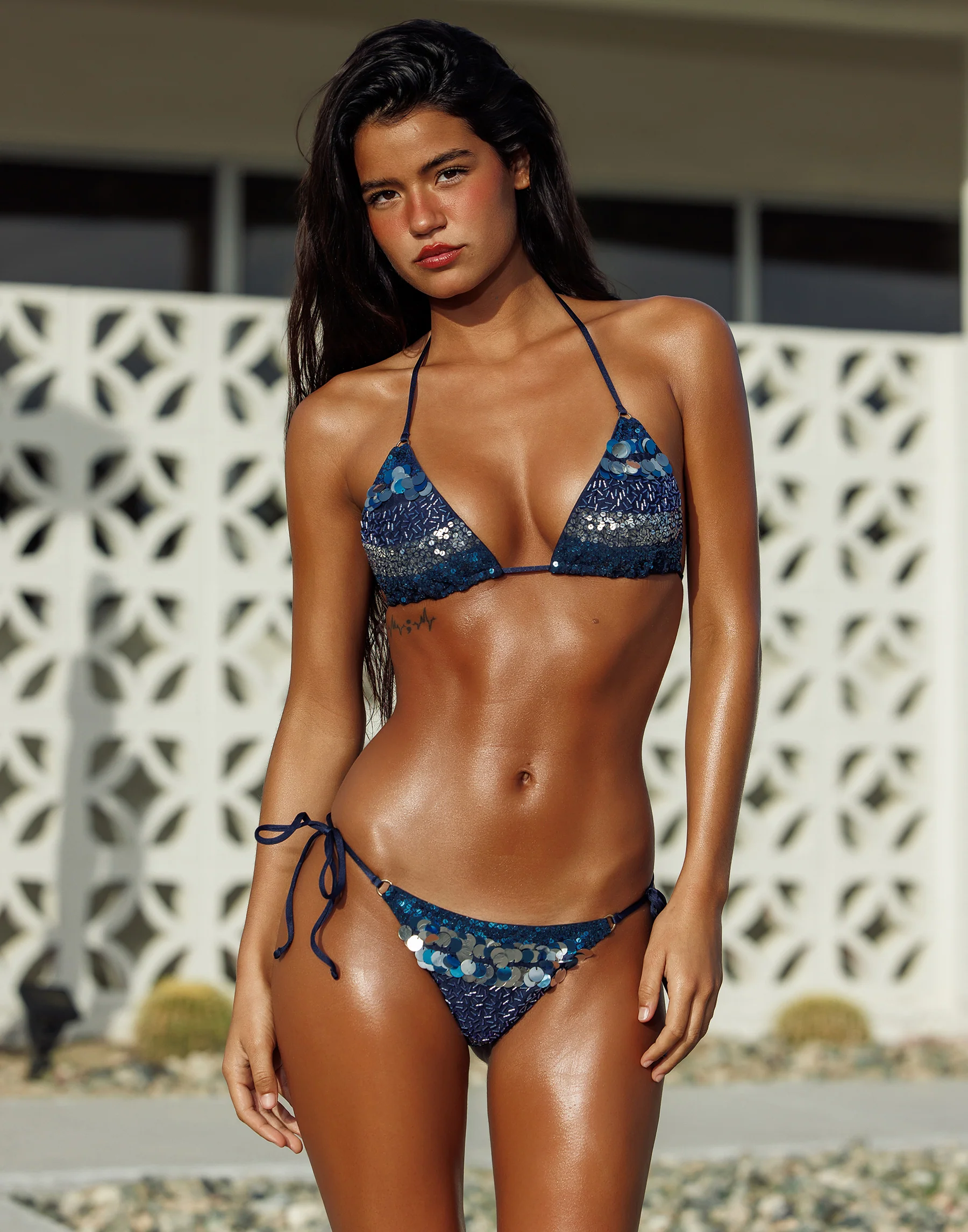
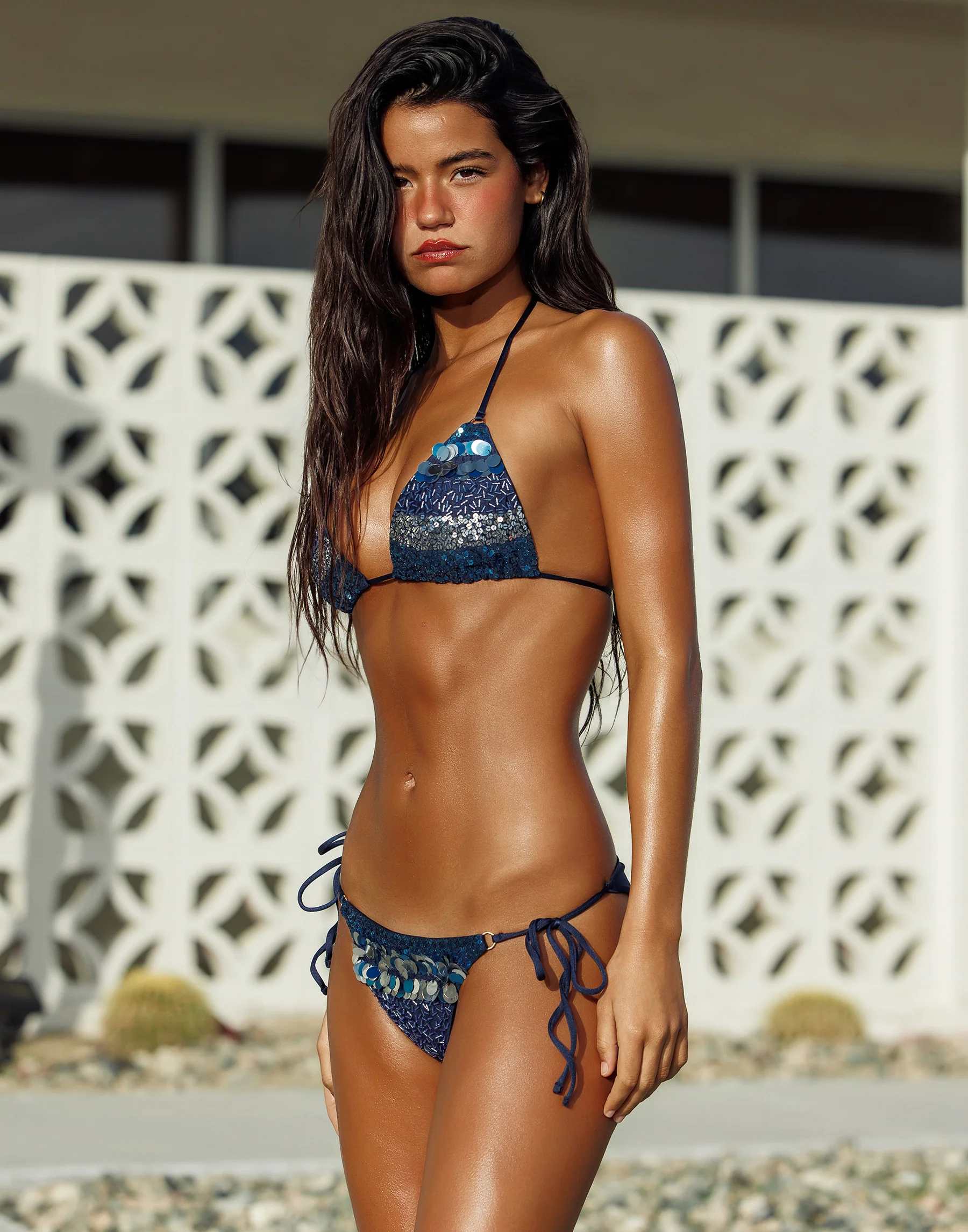
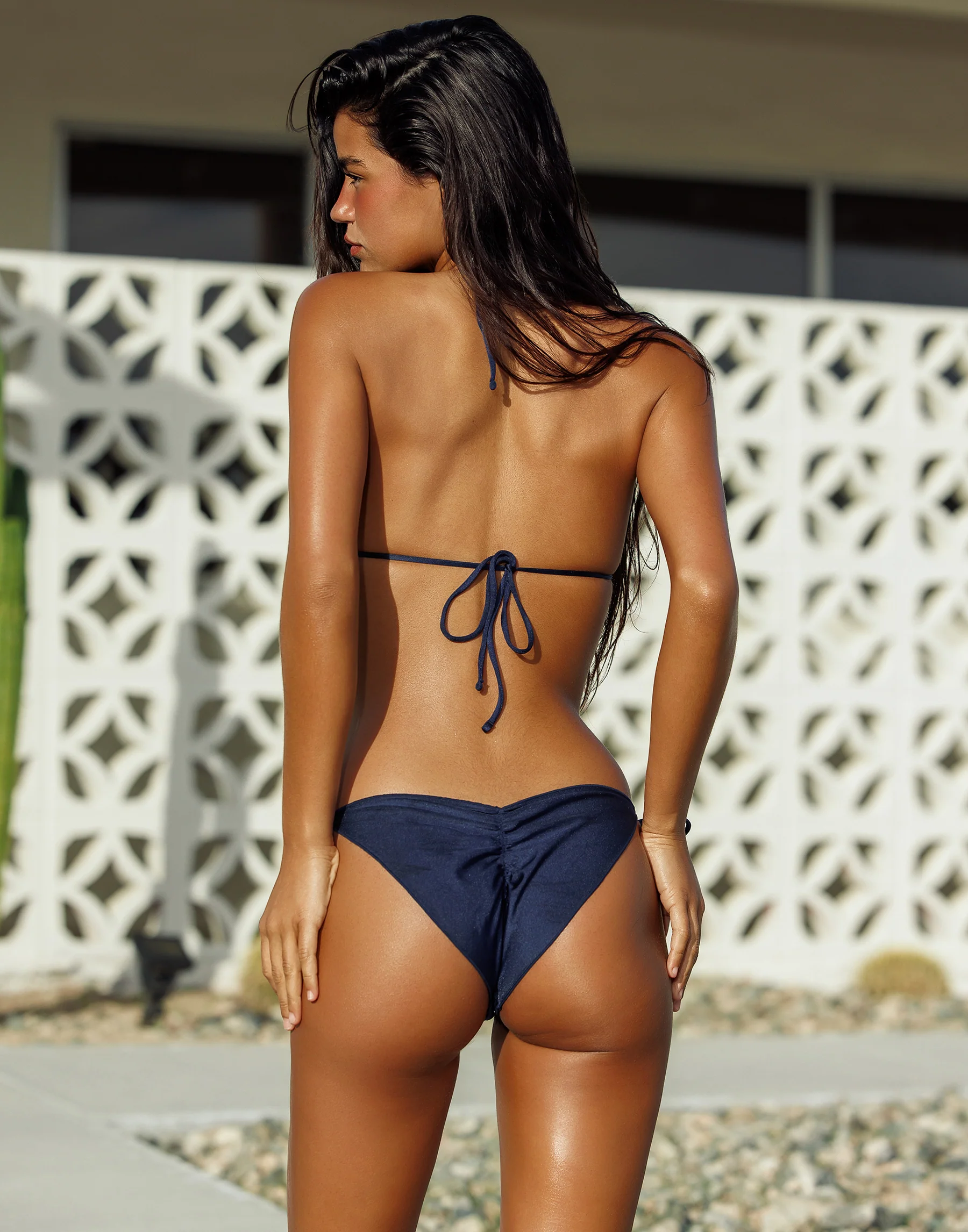
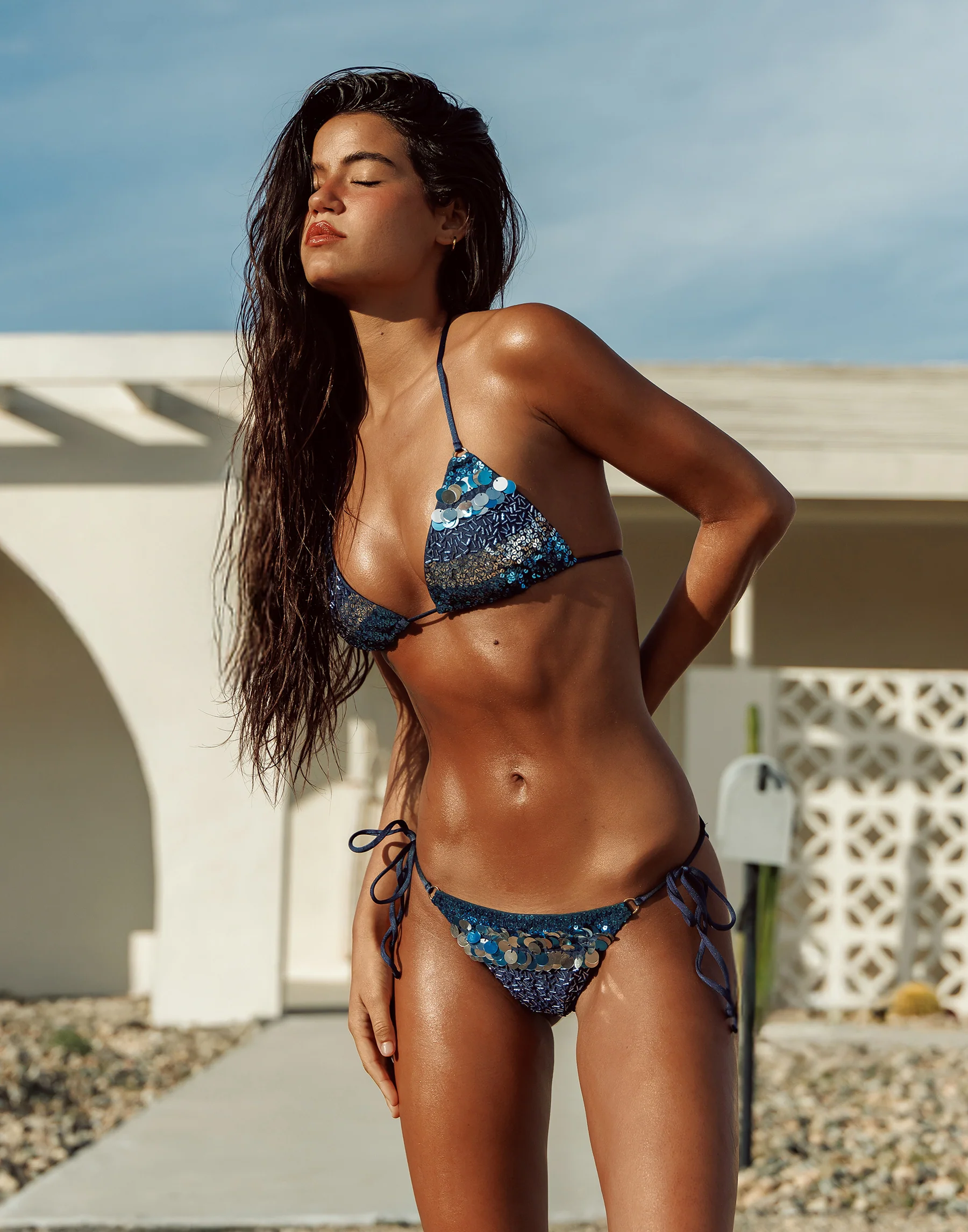
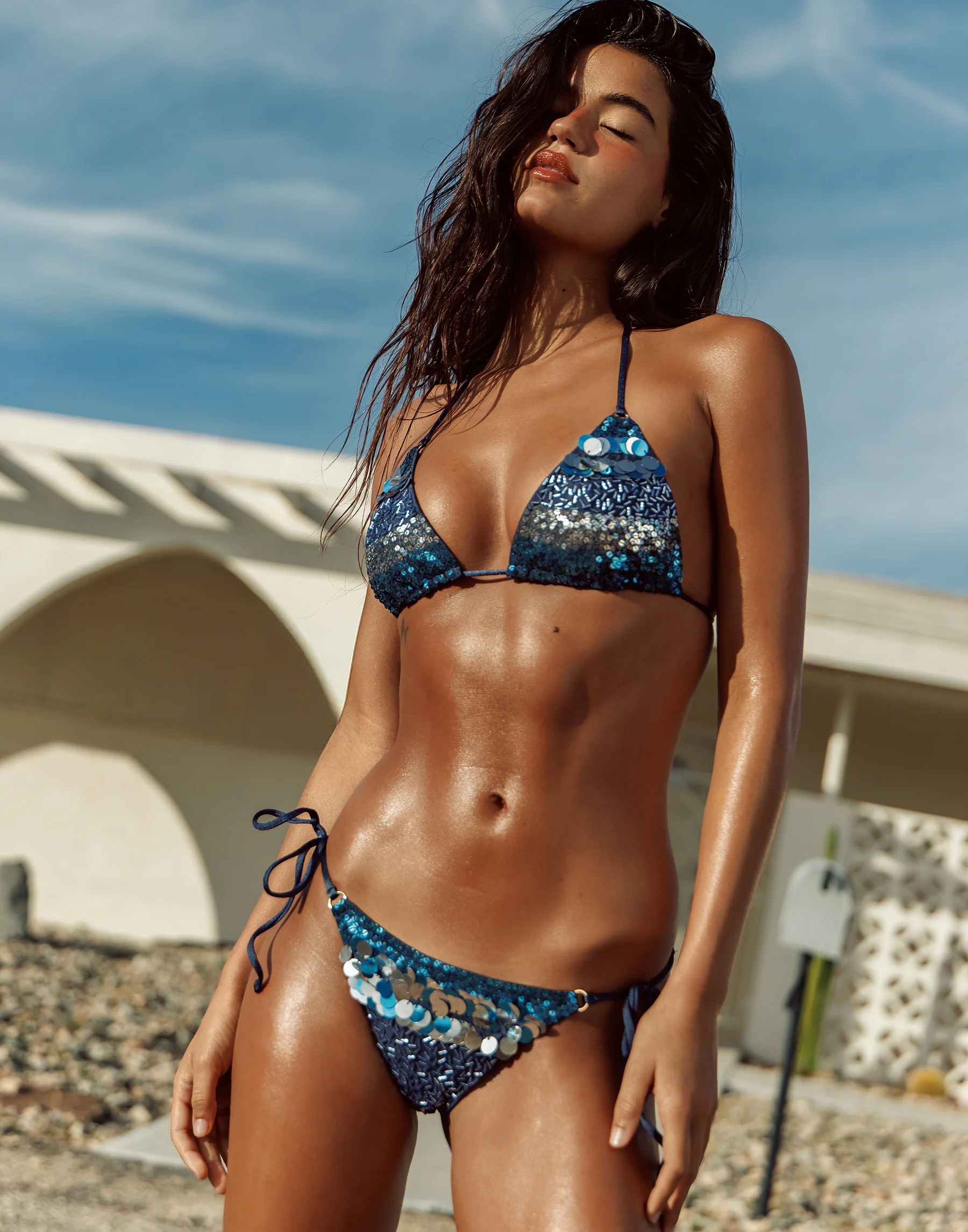
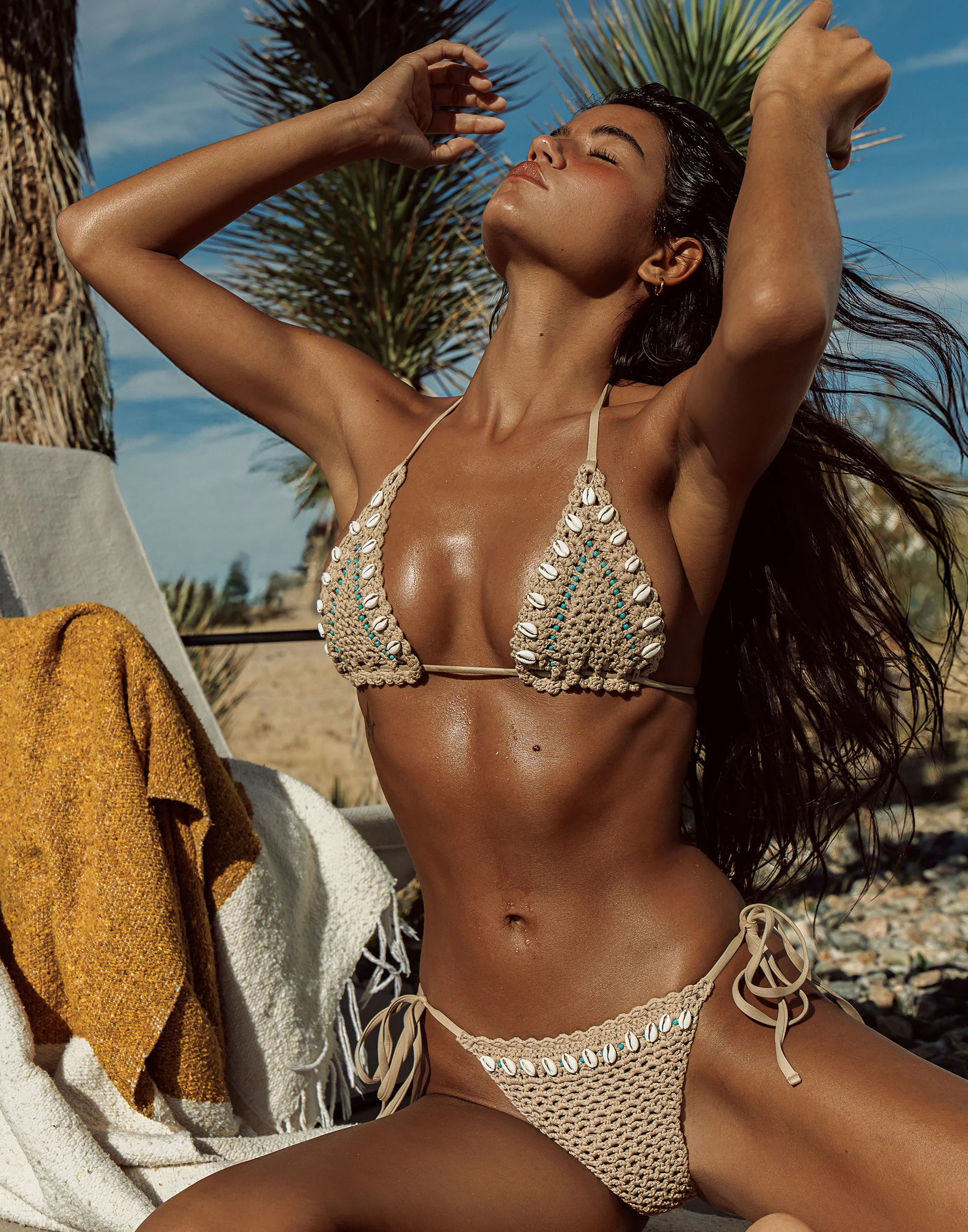
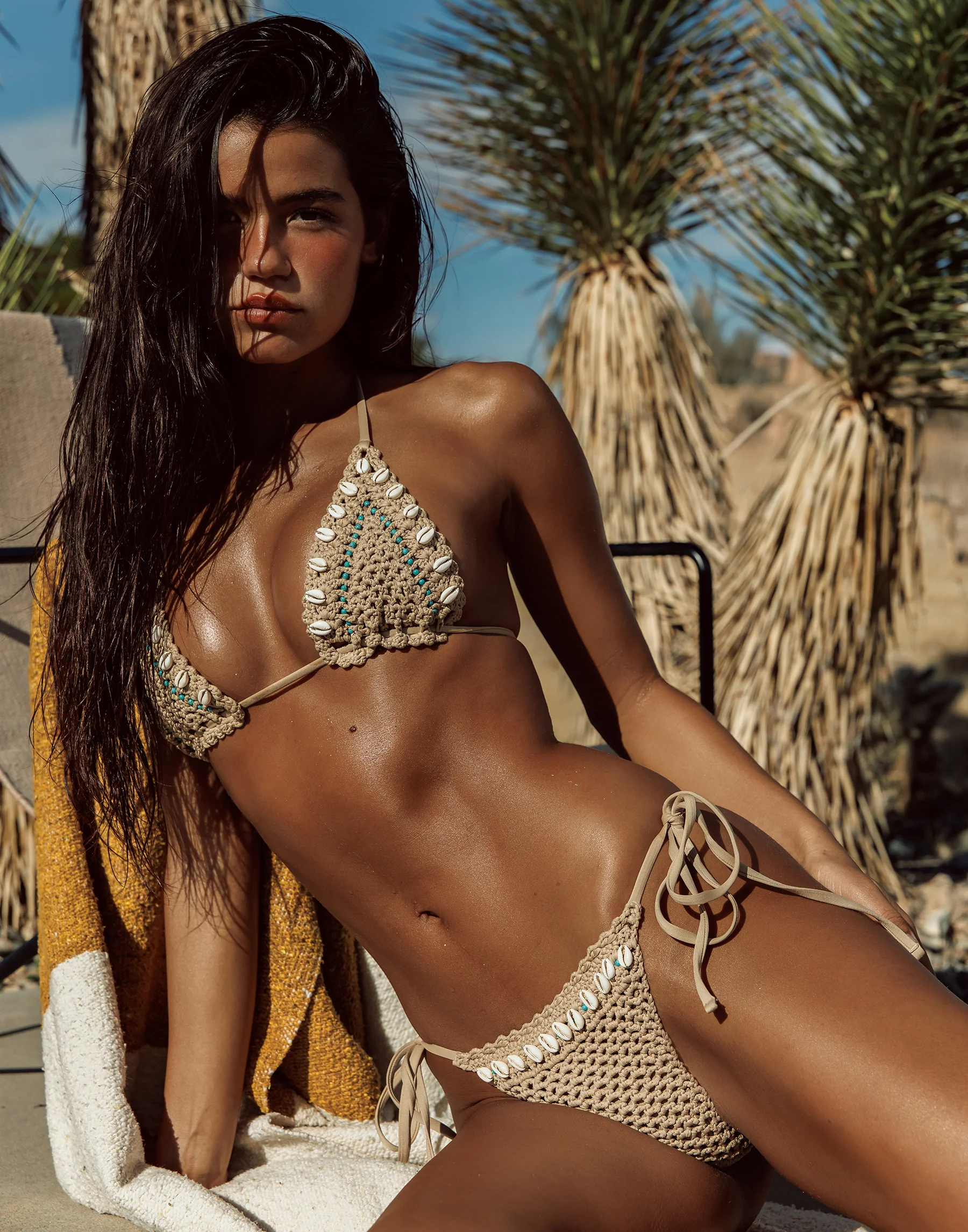
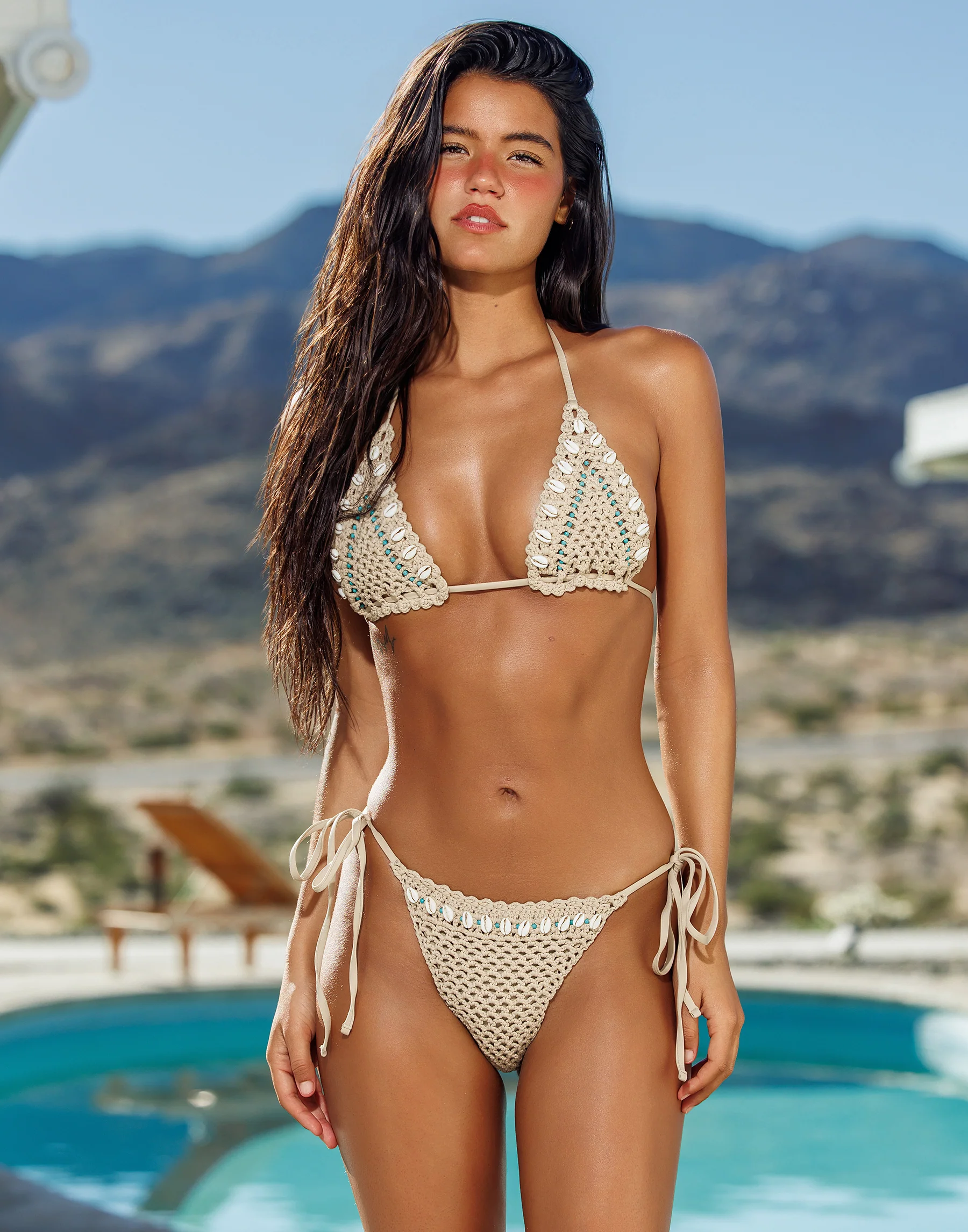
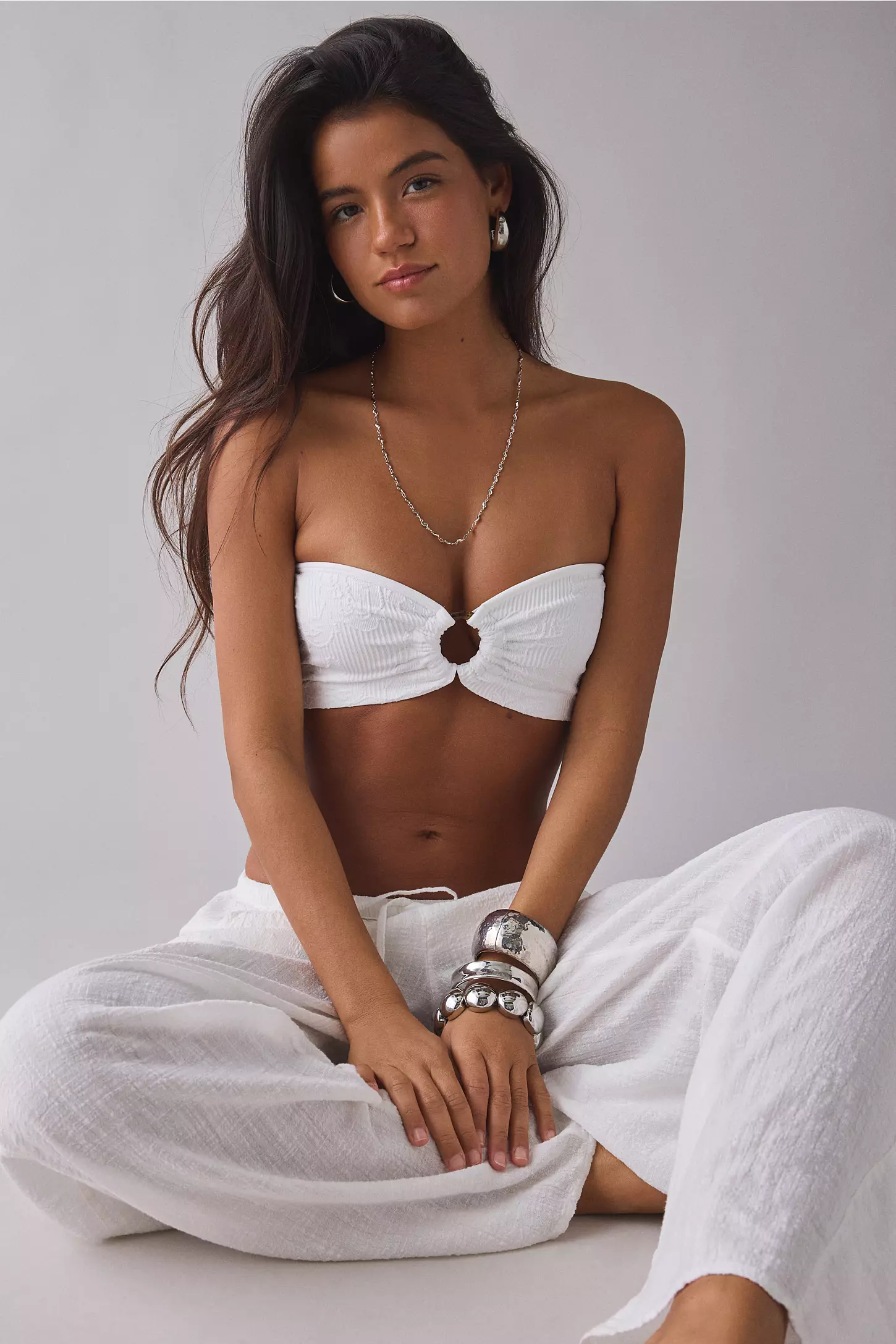
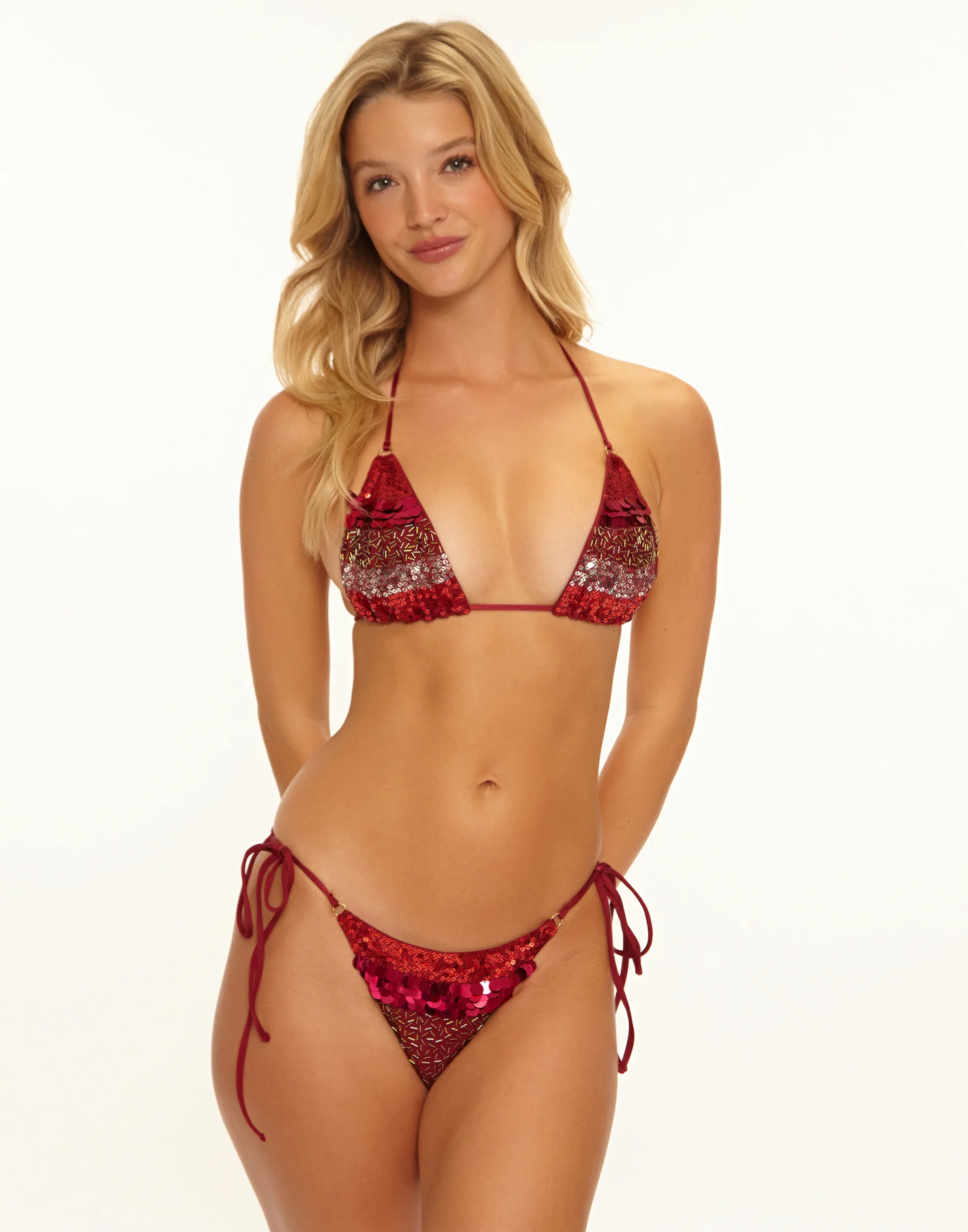
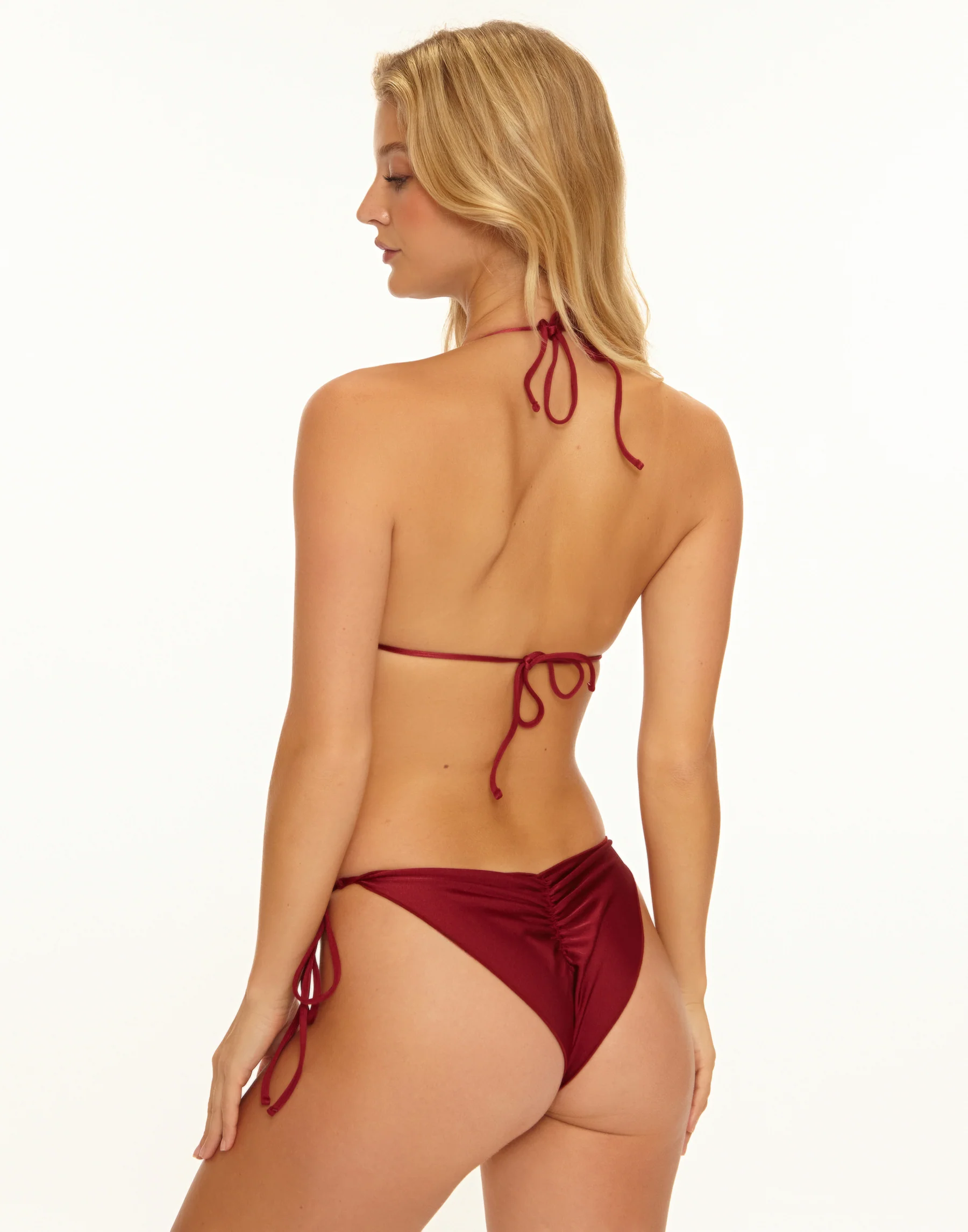
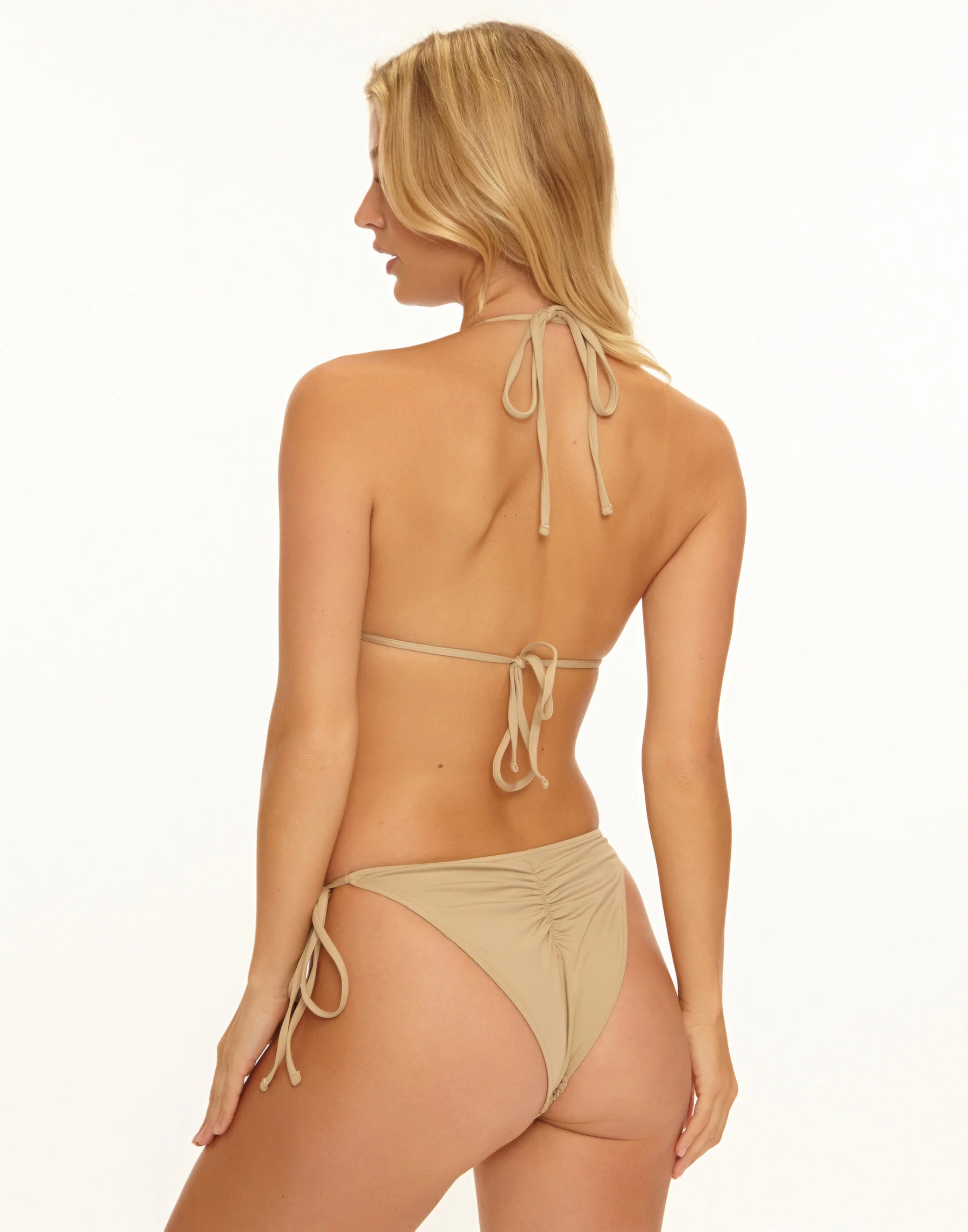
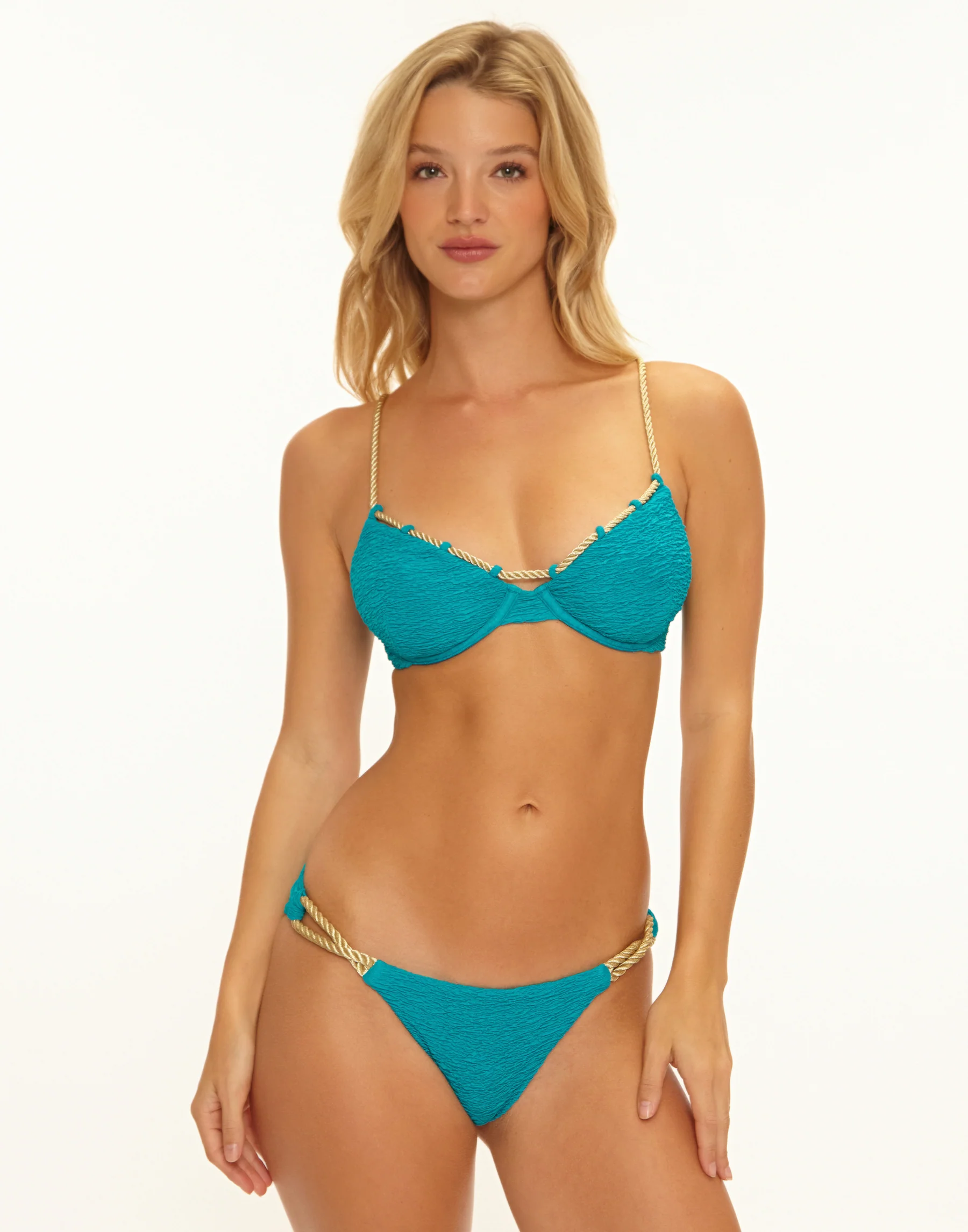
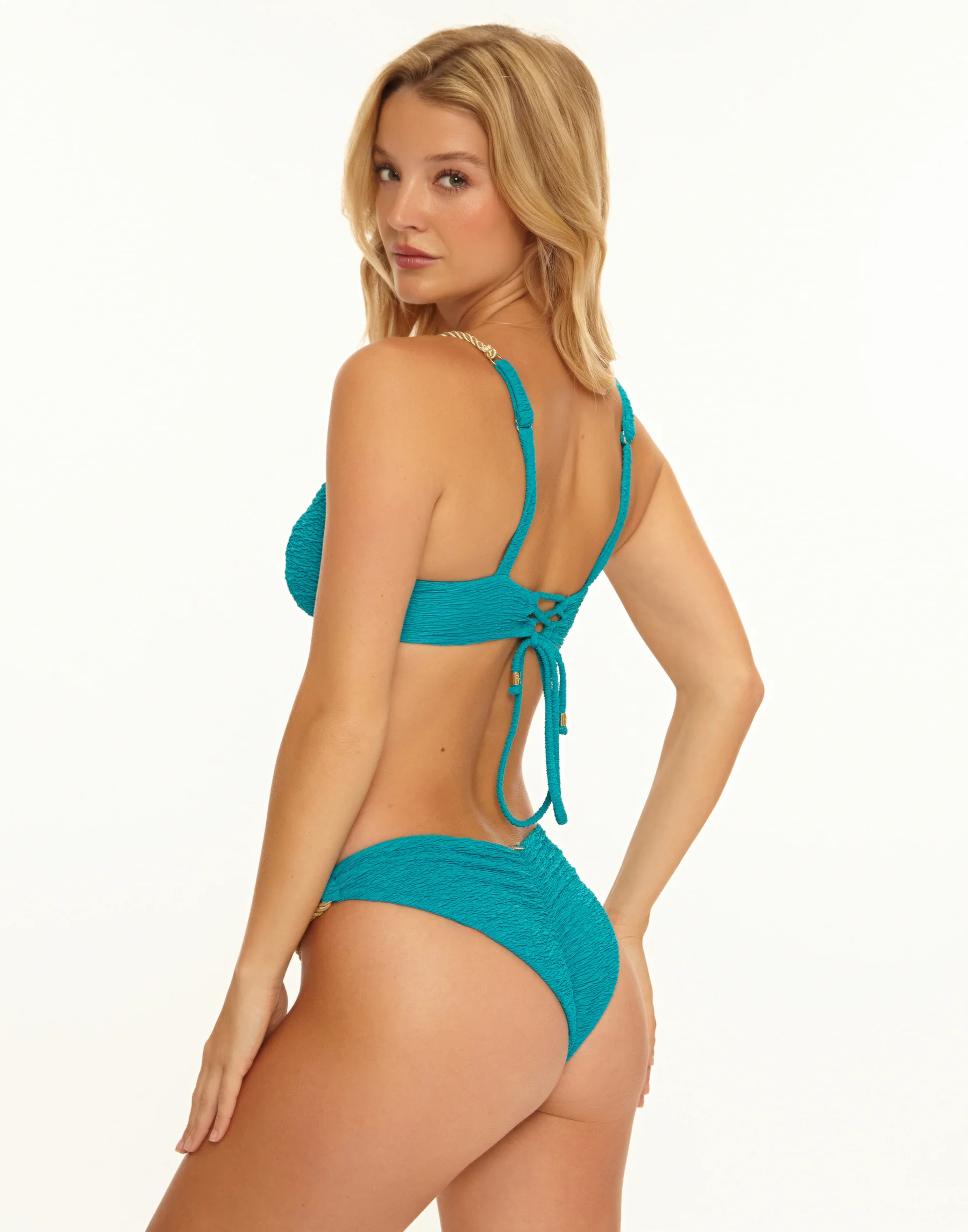
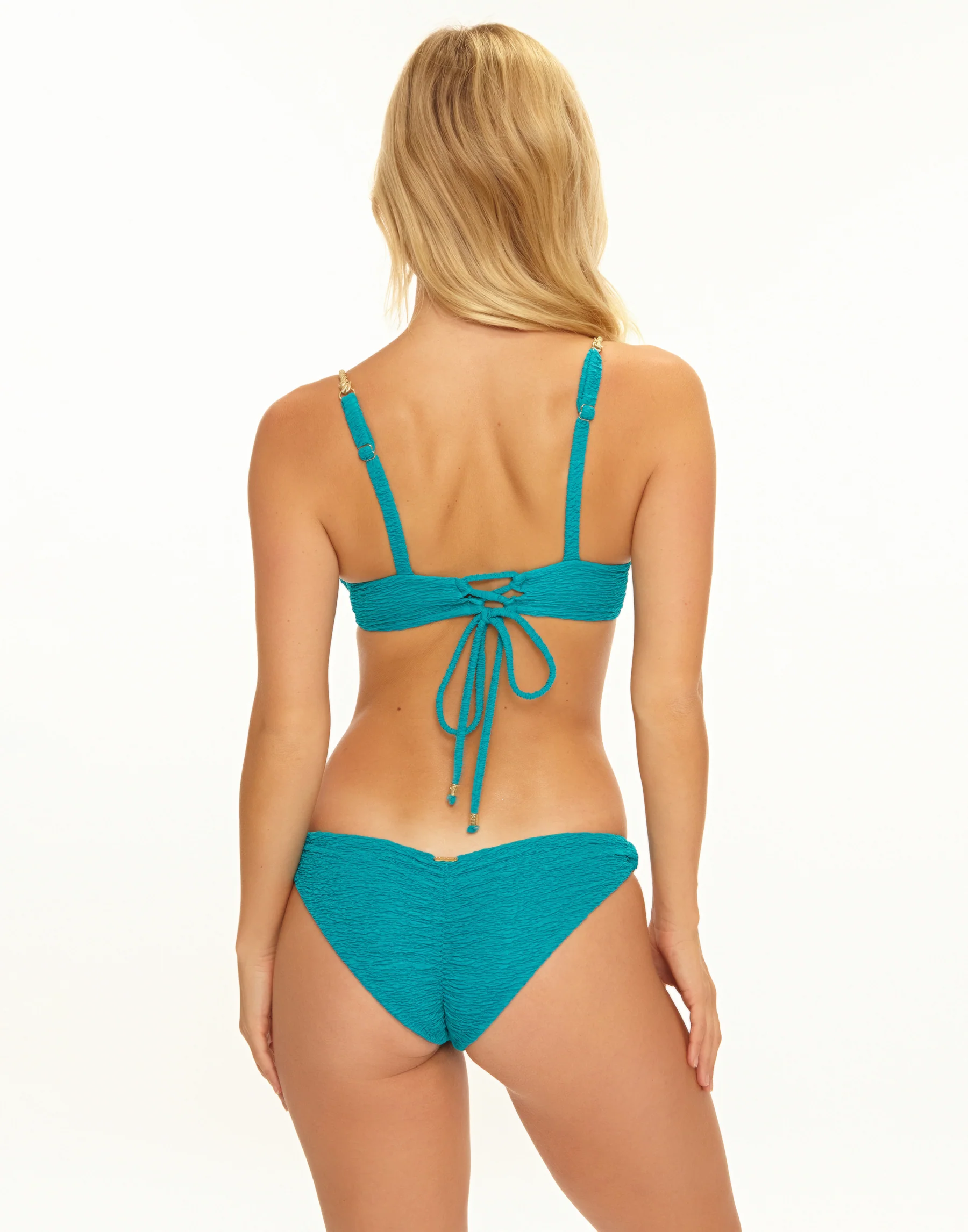
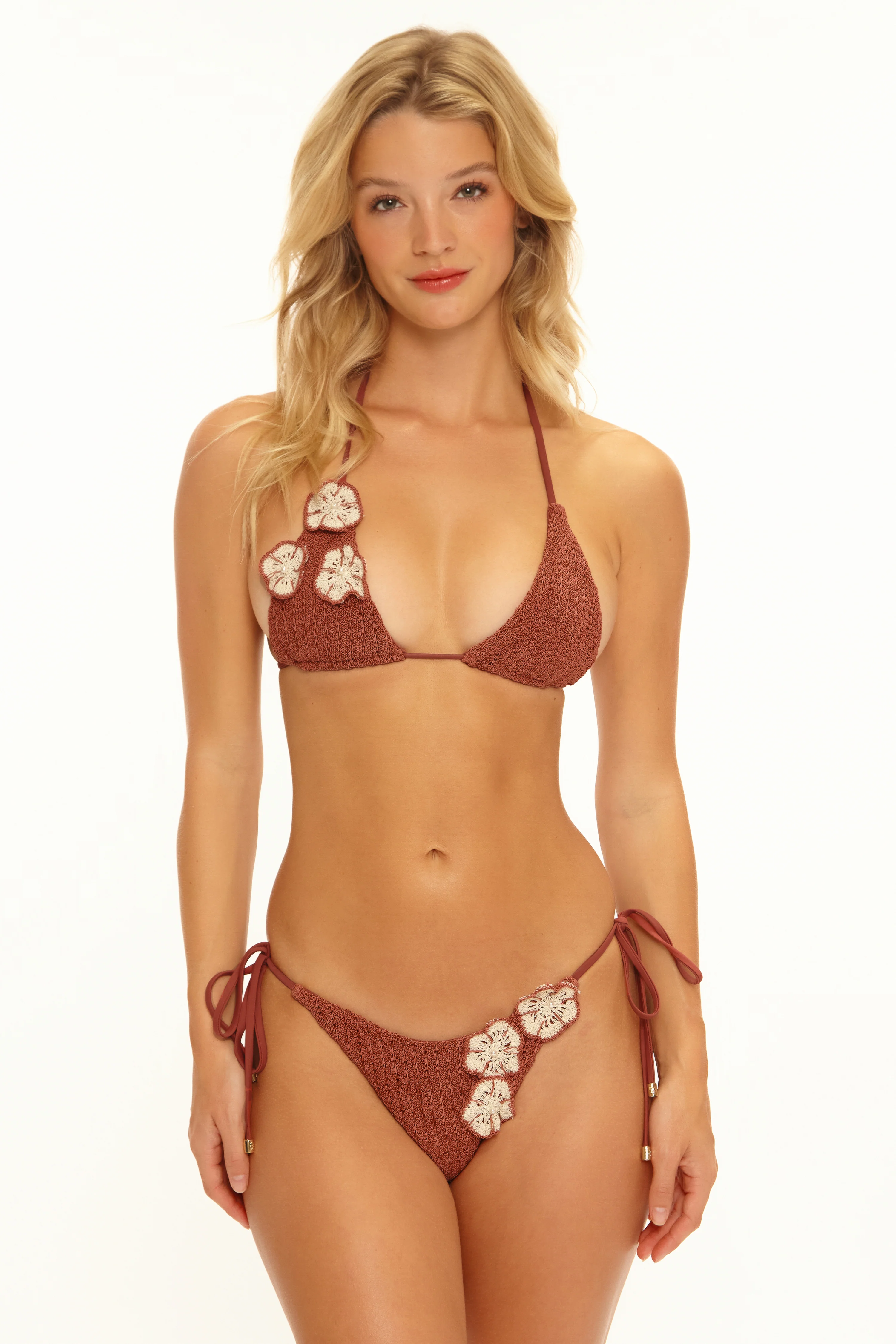
 Beach Bunny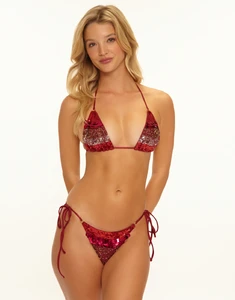
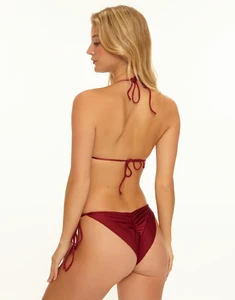
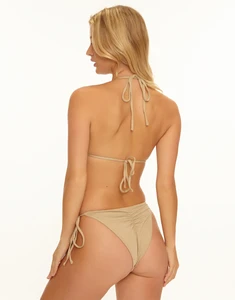
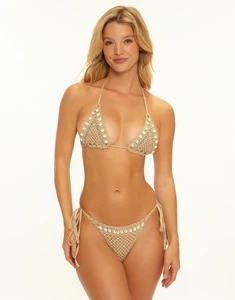
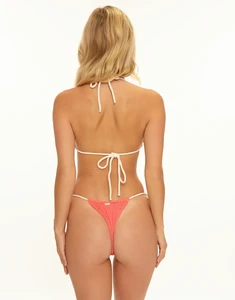
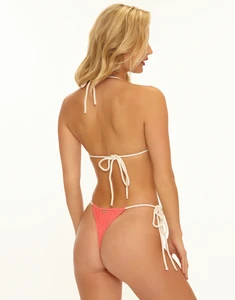
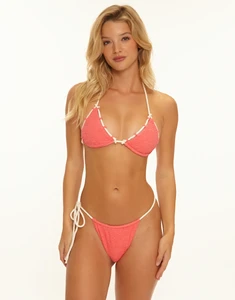
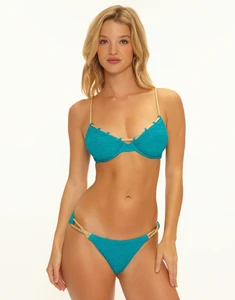
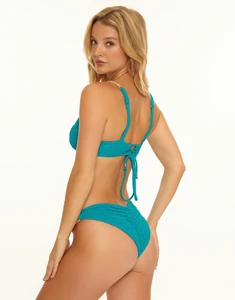
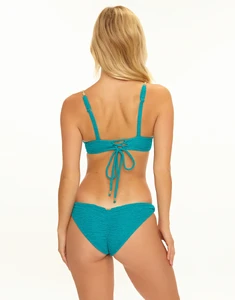
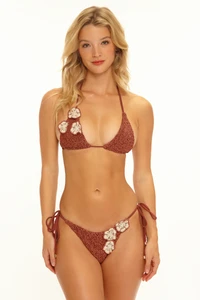
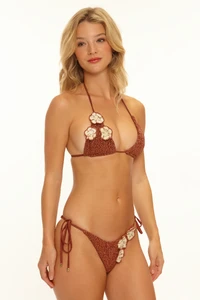
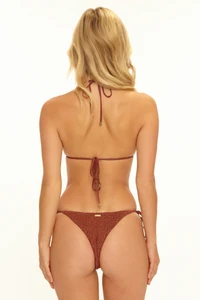
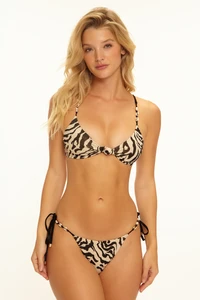
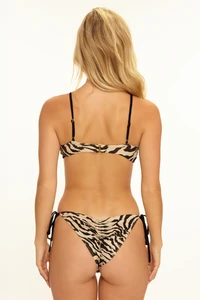
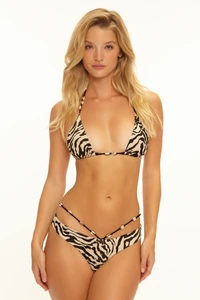
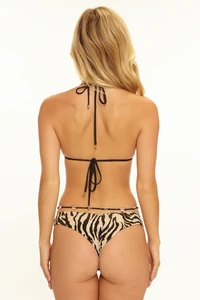
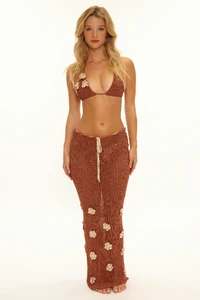
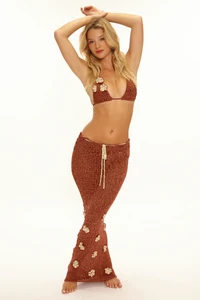
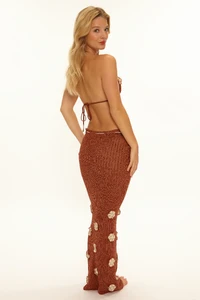
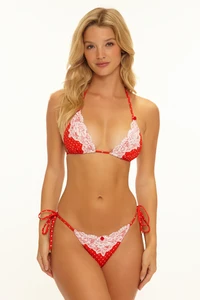
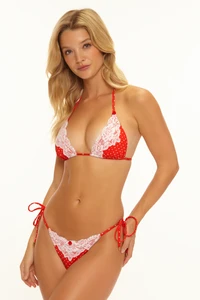
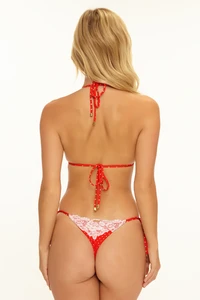
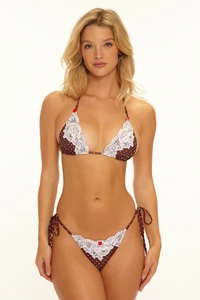
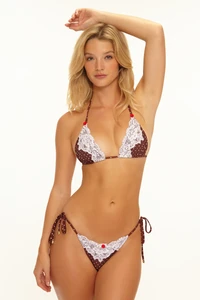
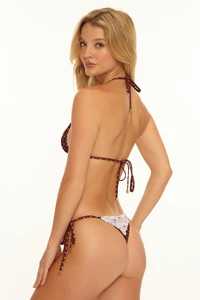
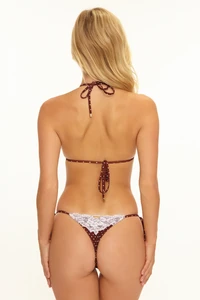
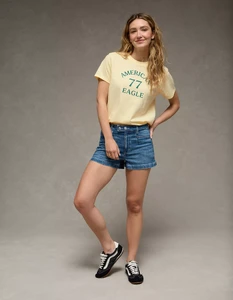
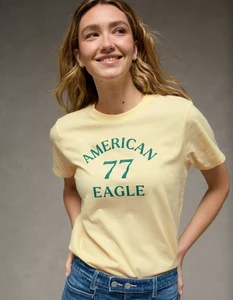
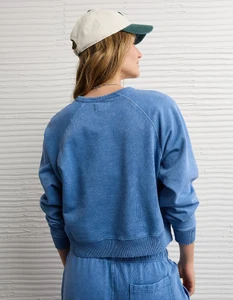
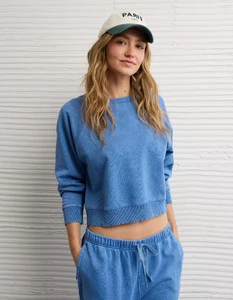
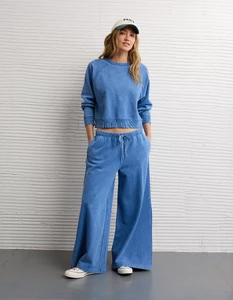
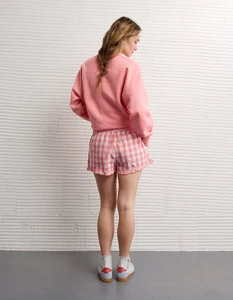
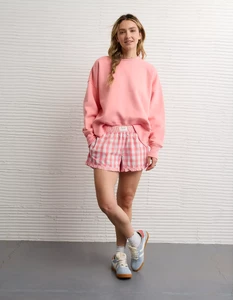
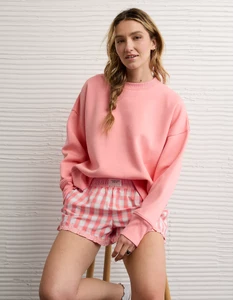
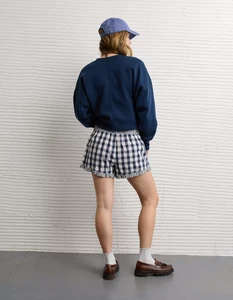
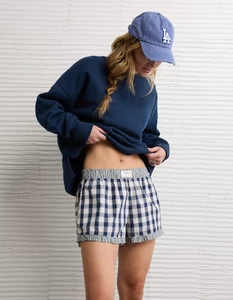
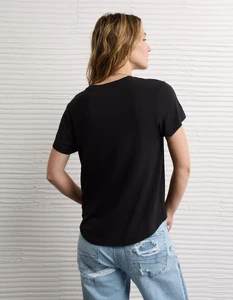
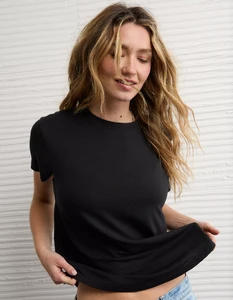
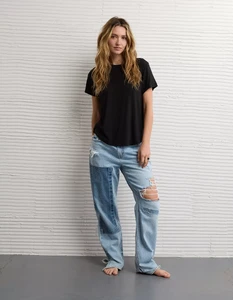
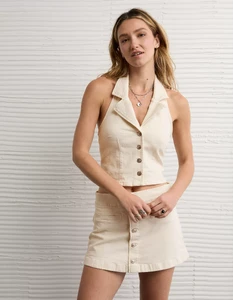
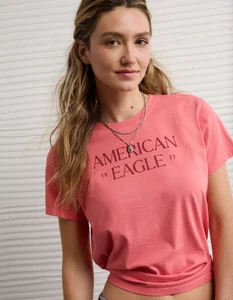
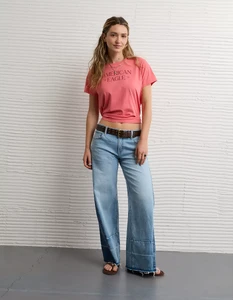
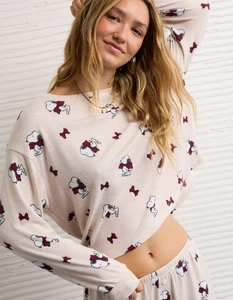
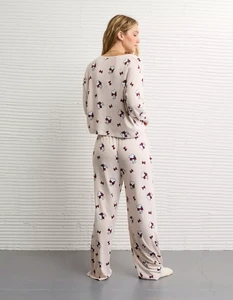
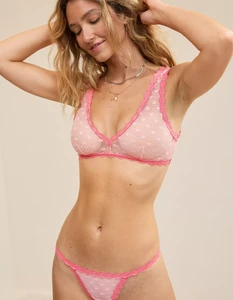
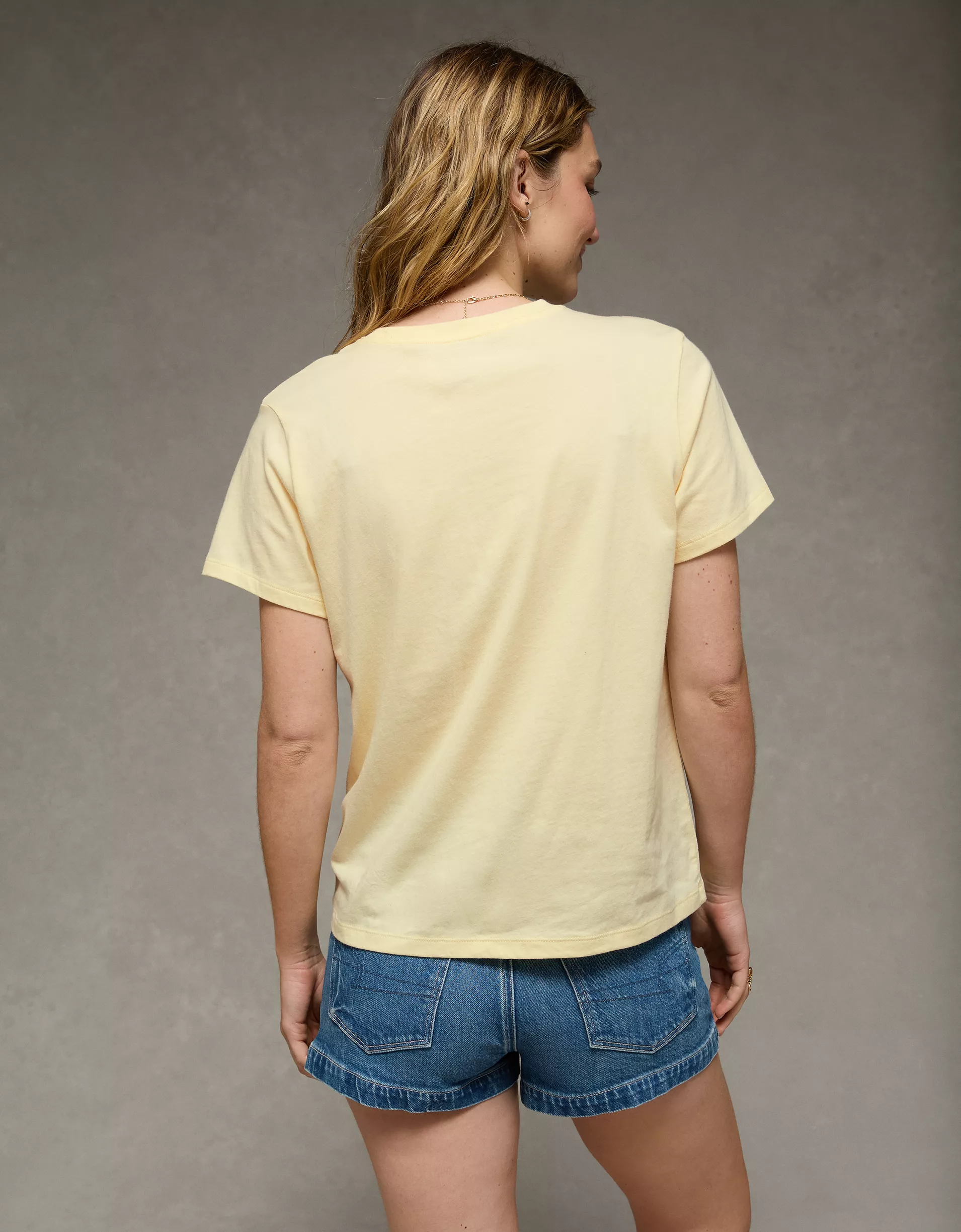
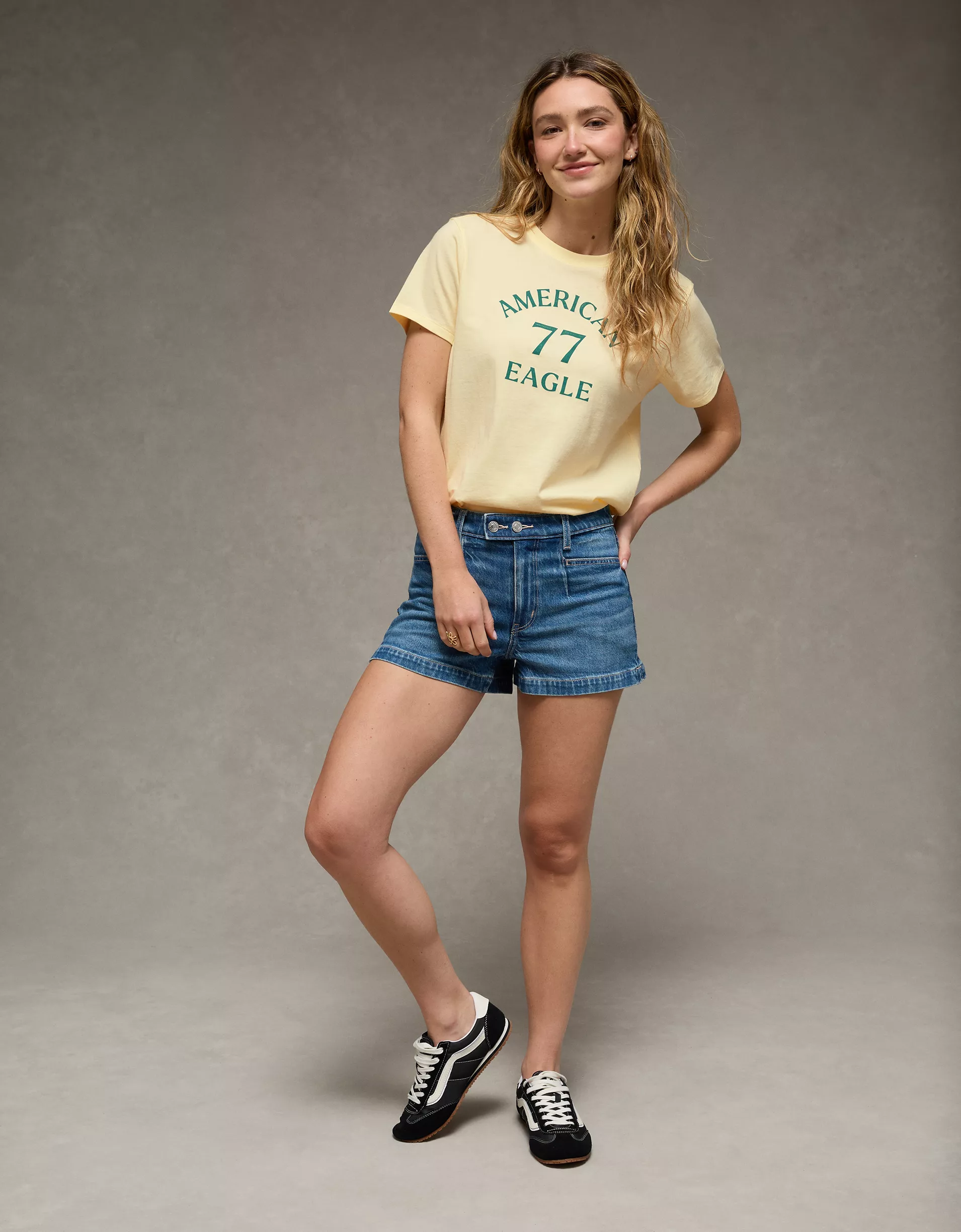
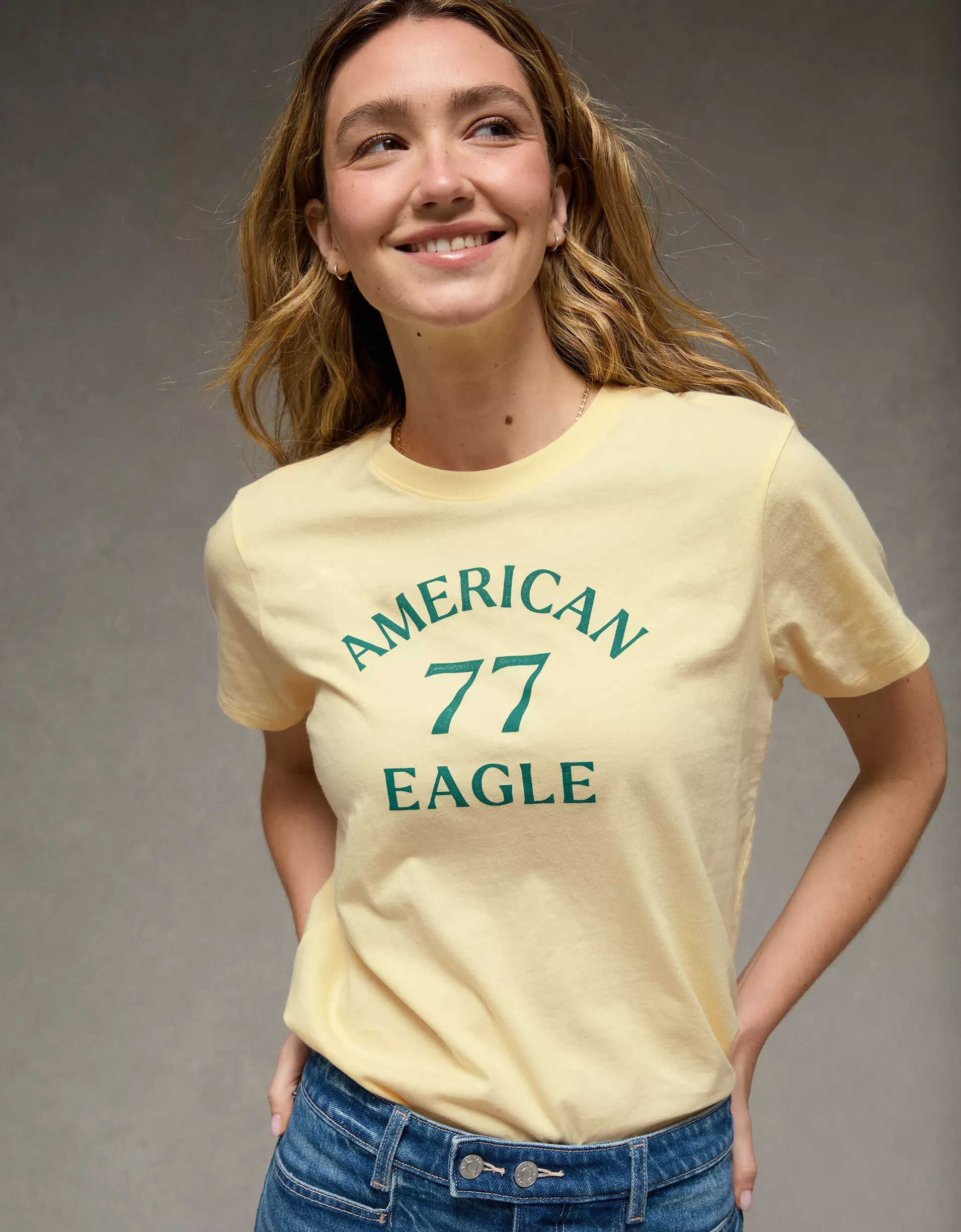
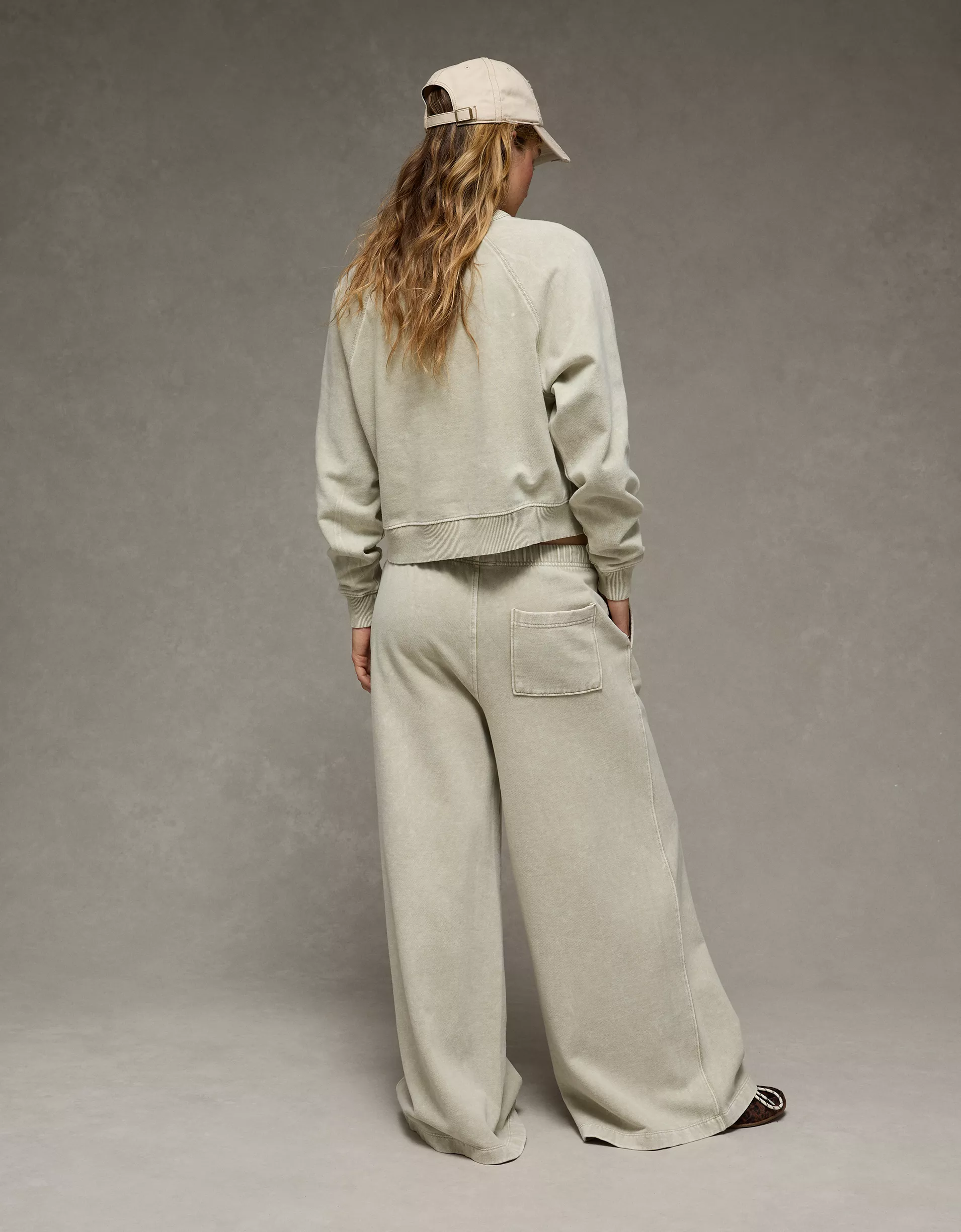
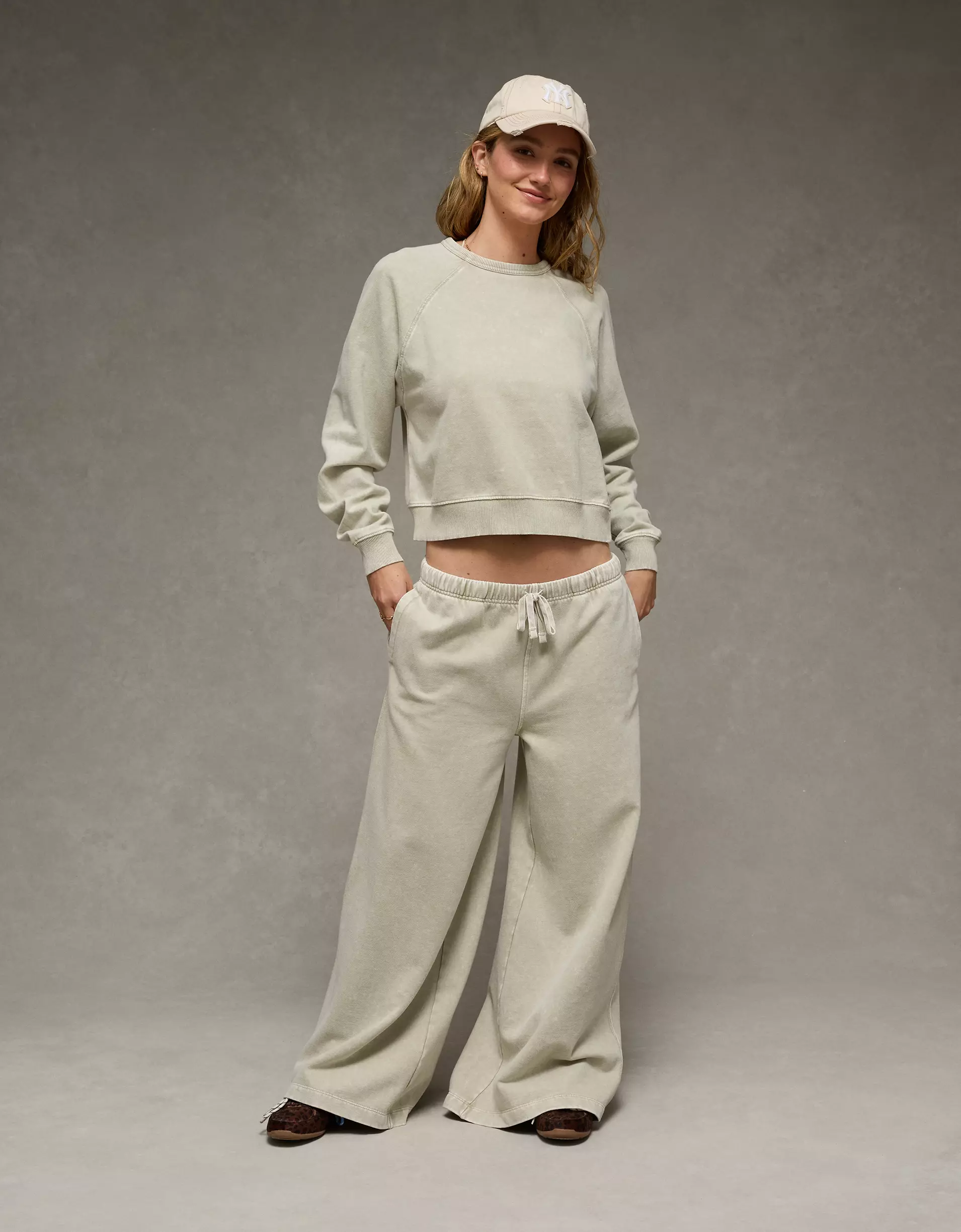
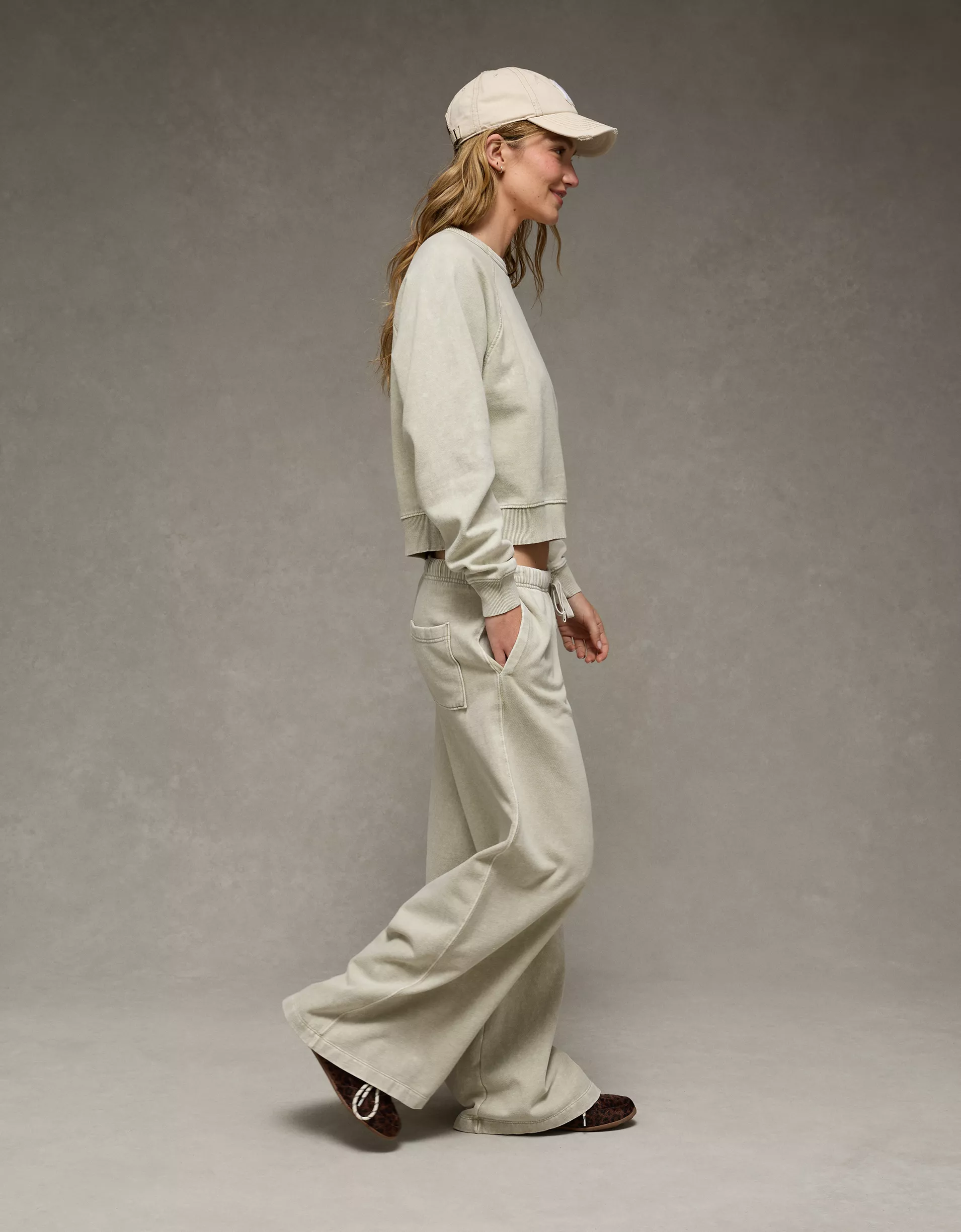
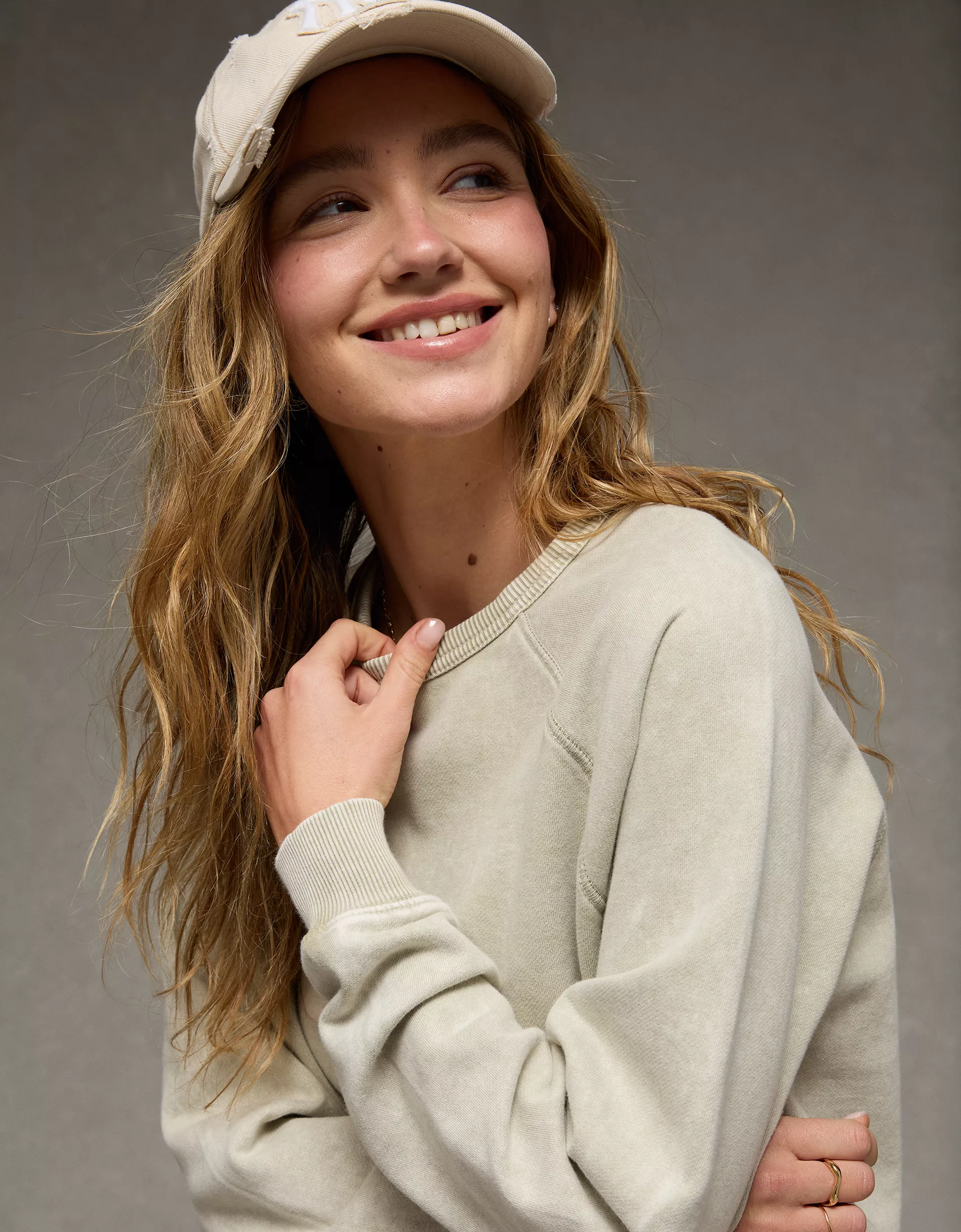
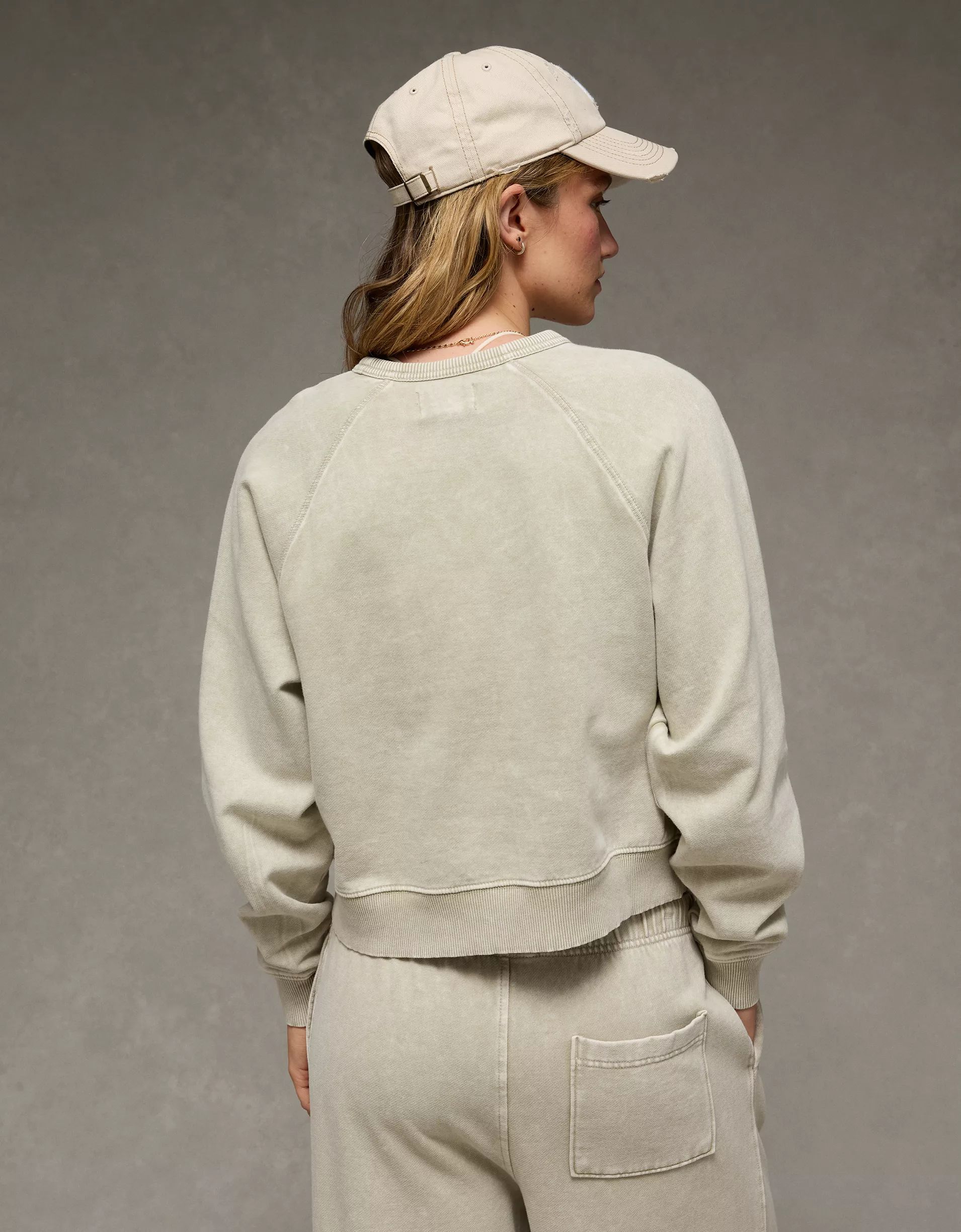
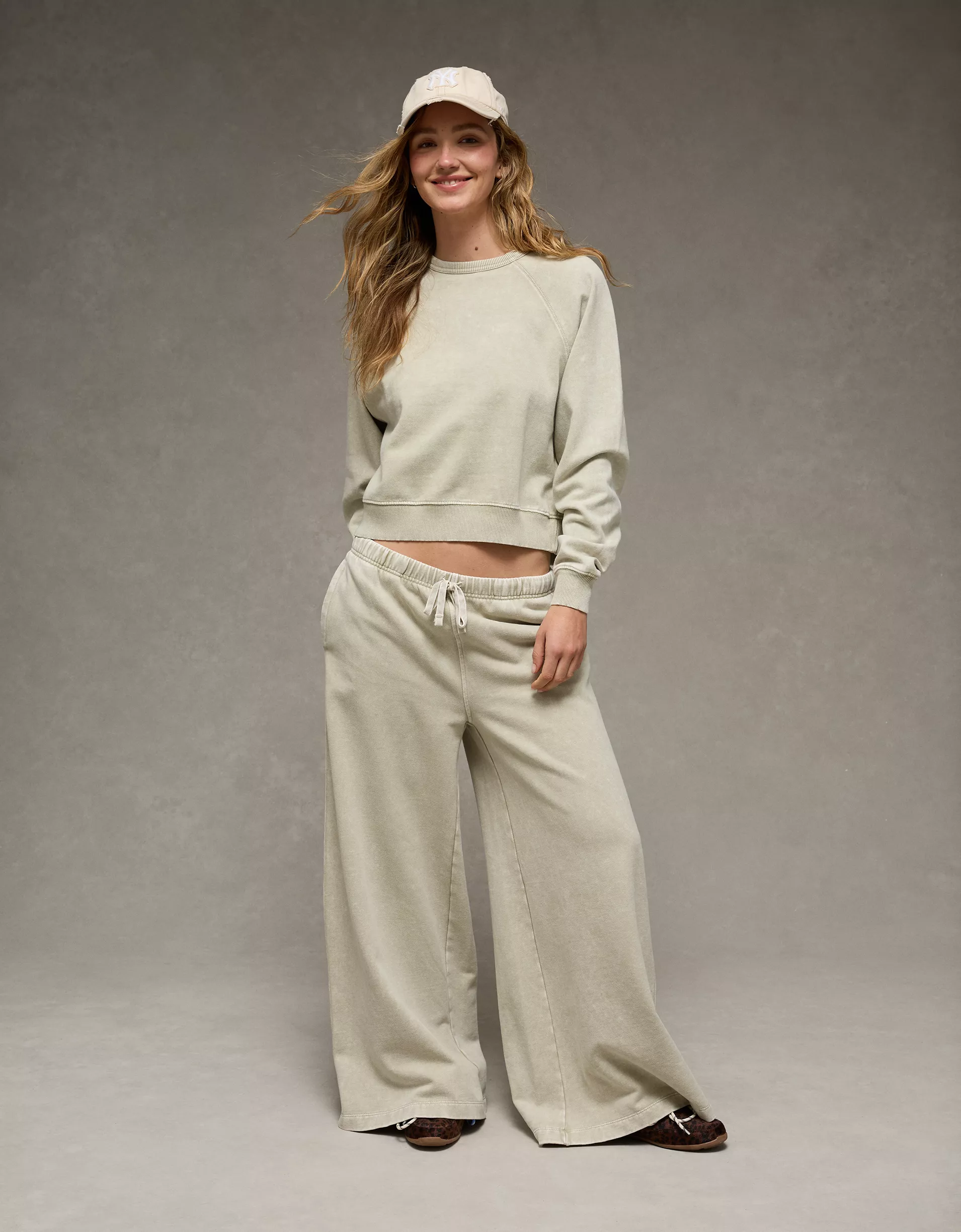
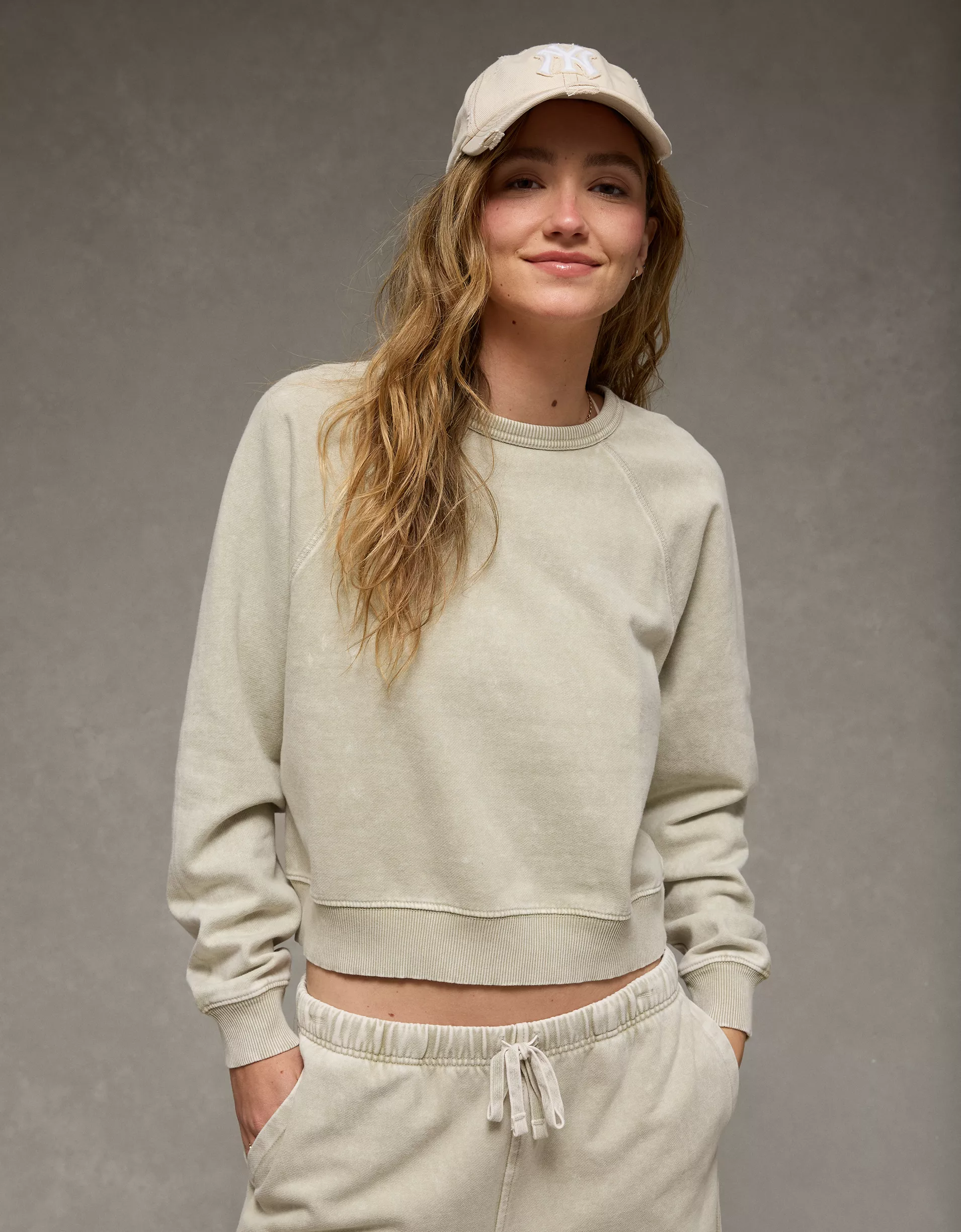
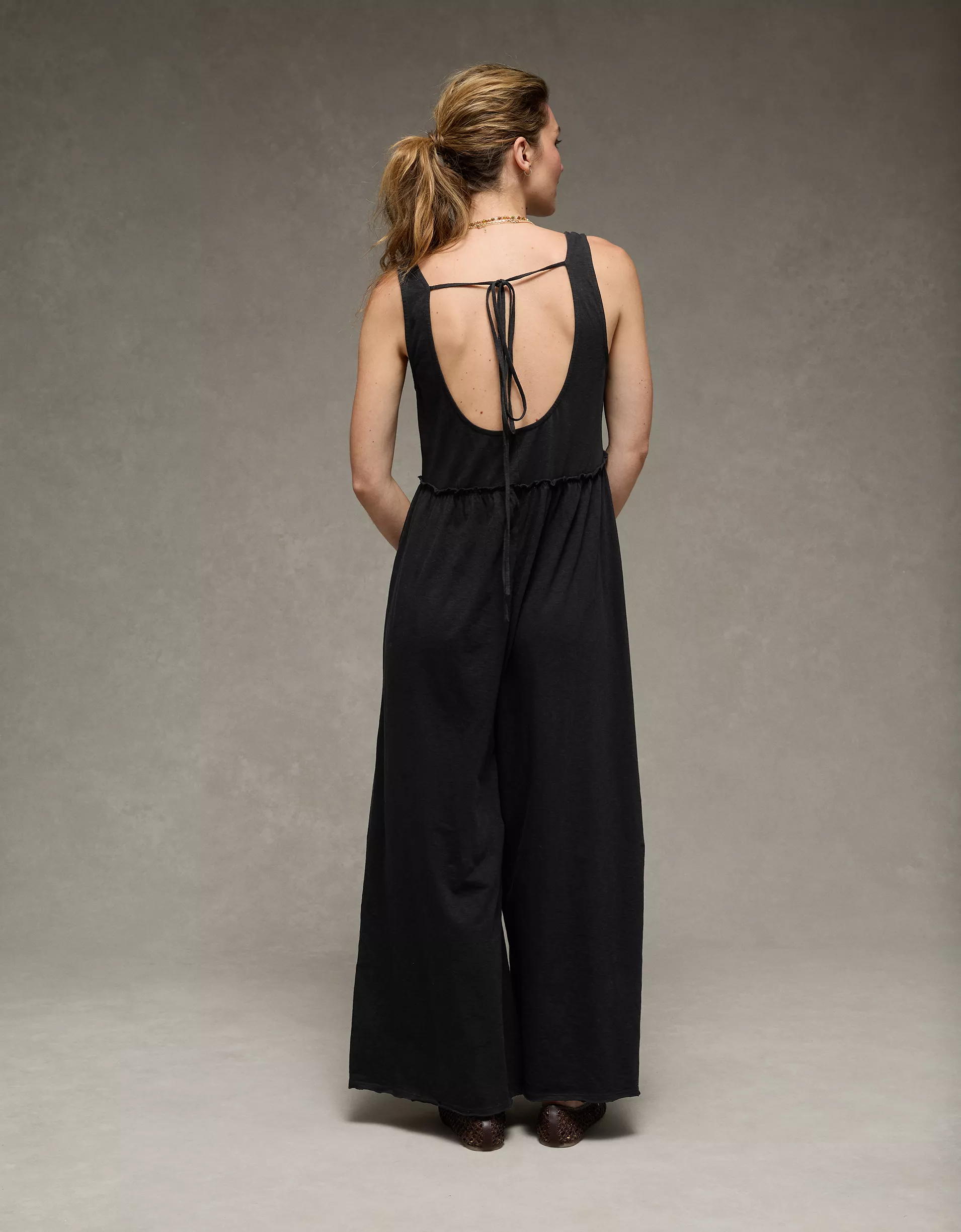
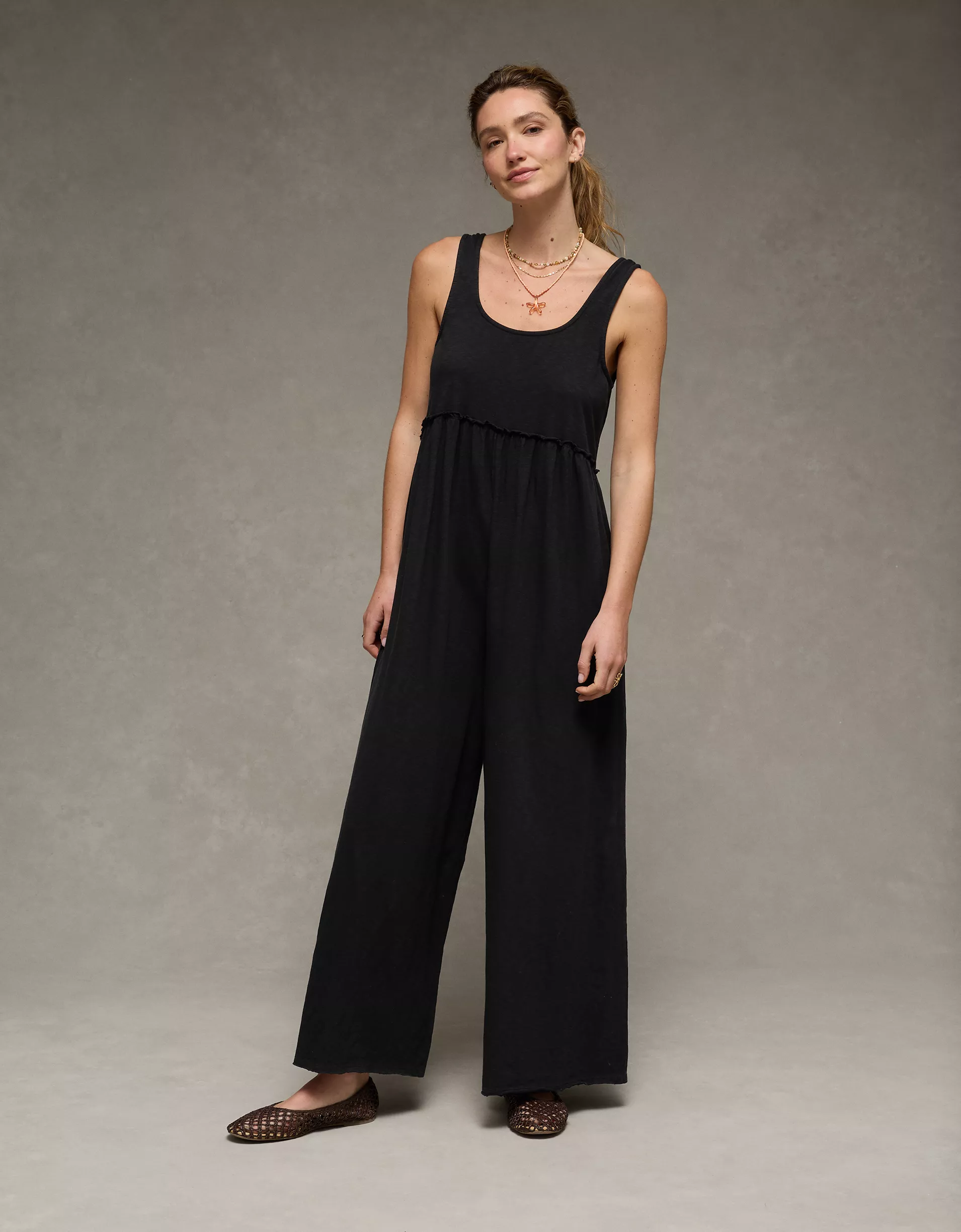
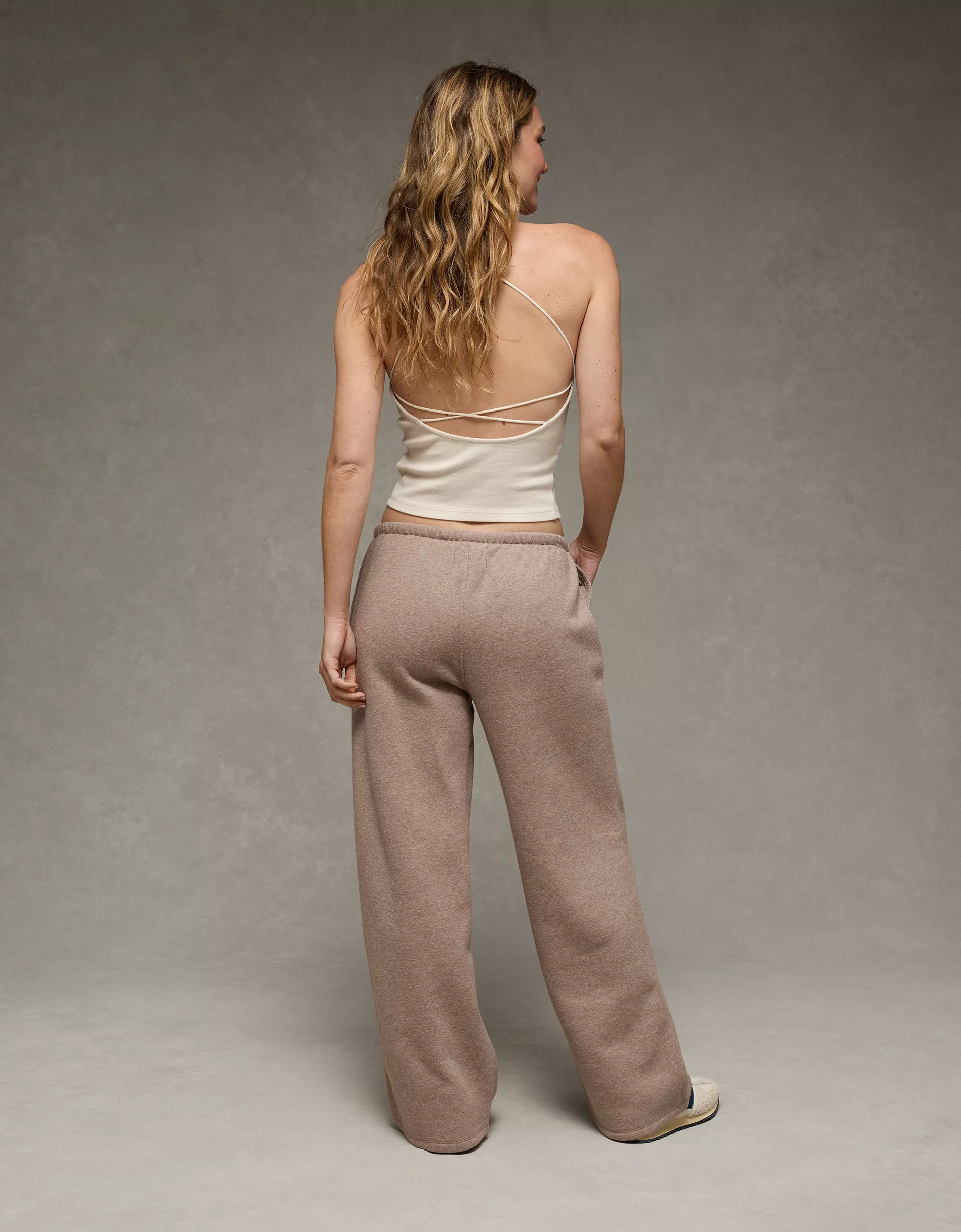
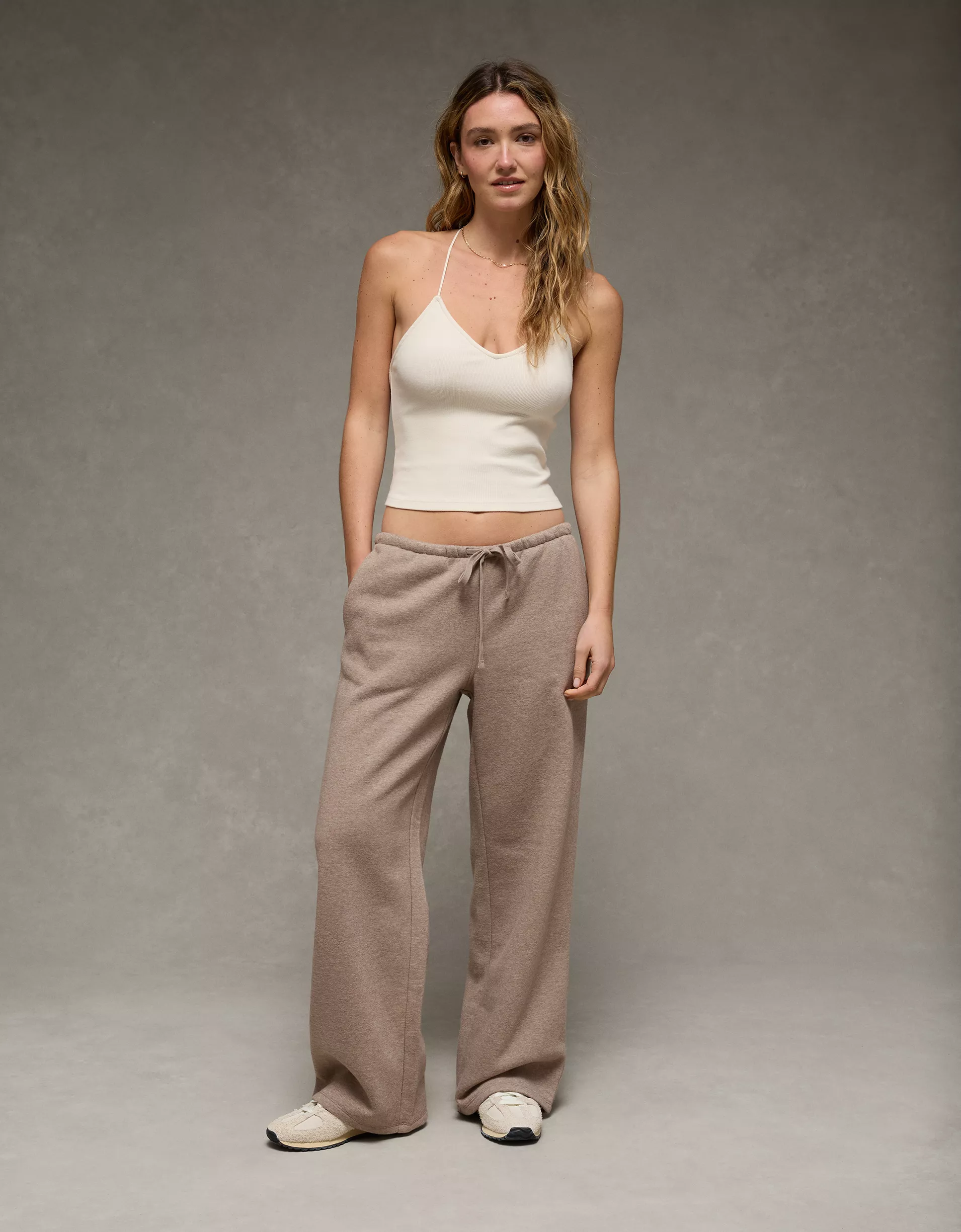
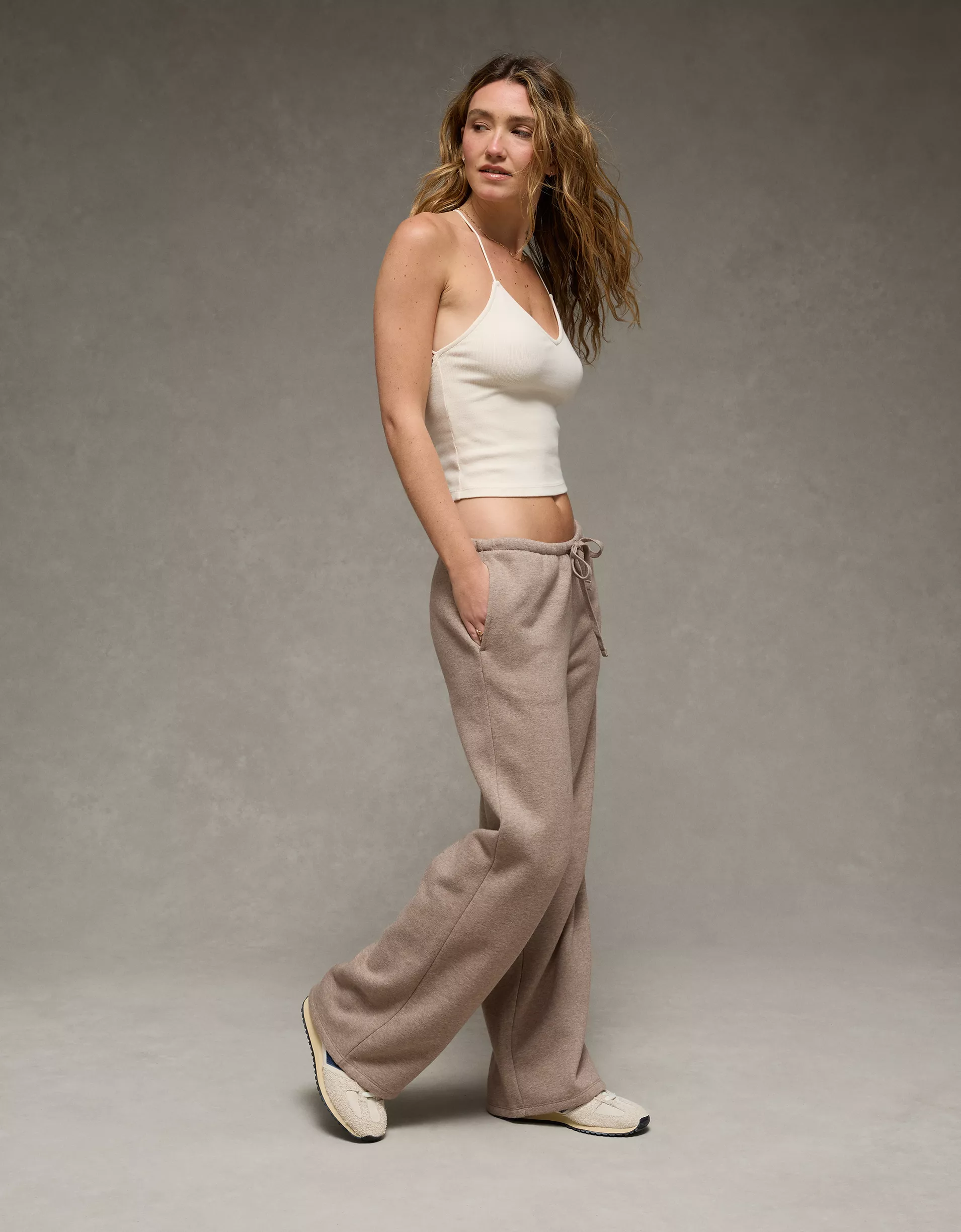
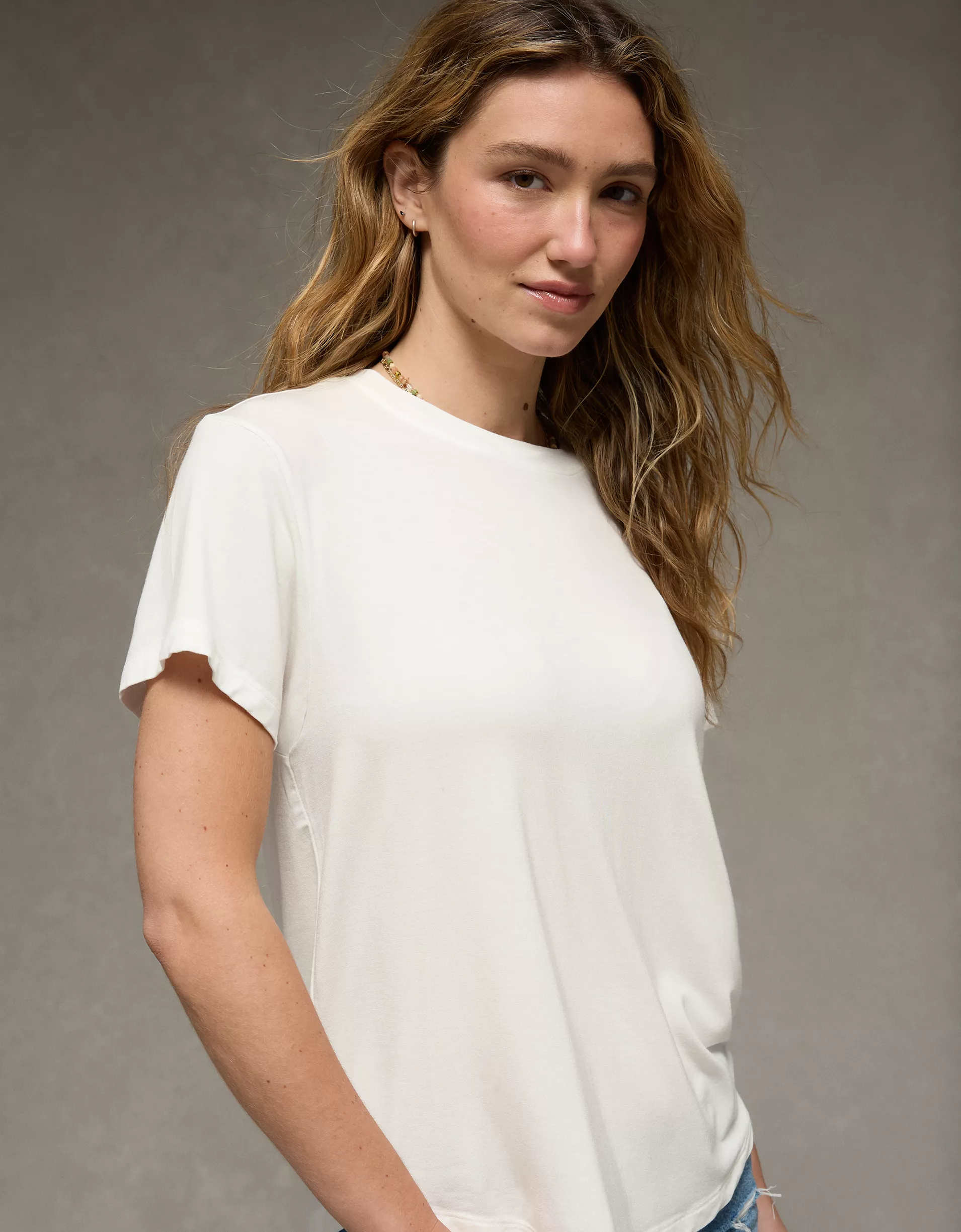
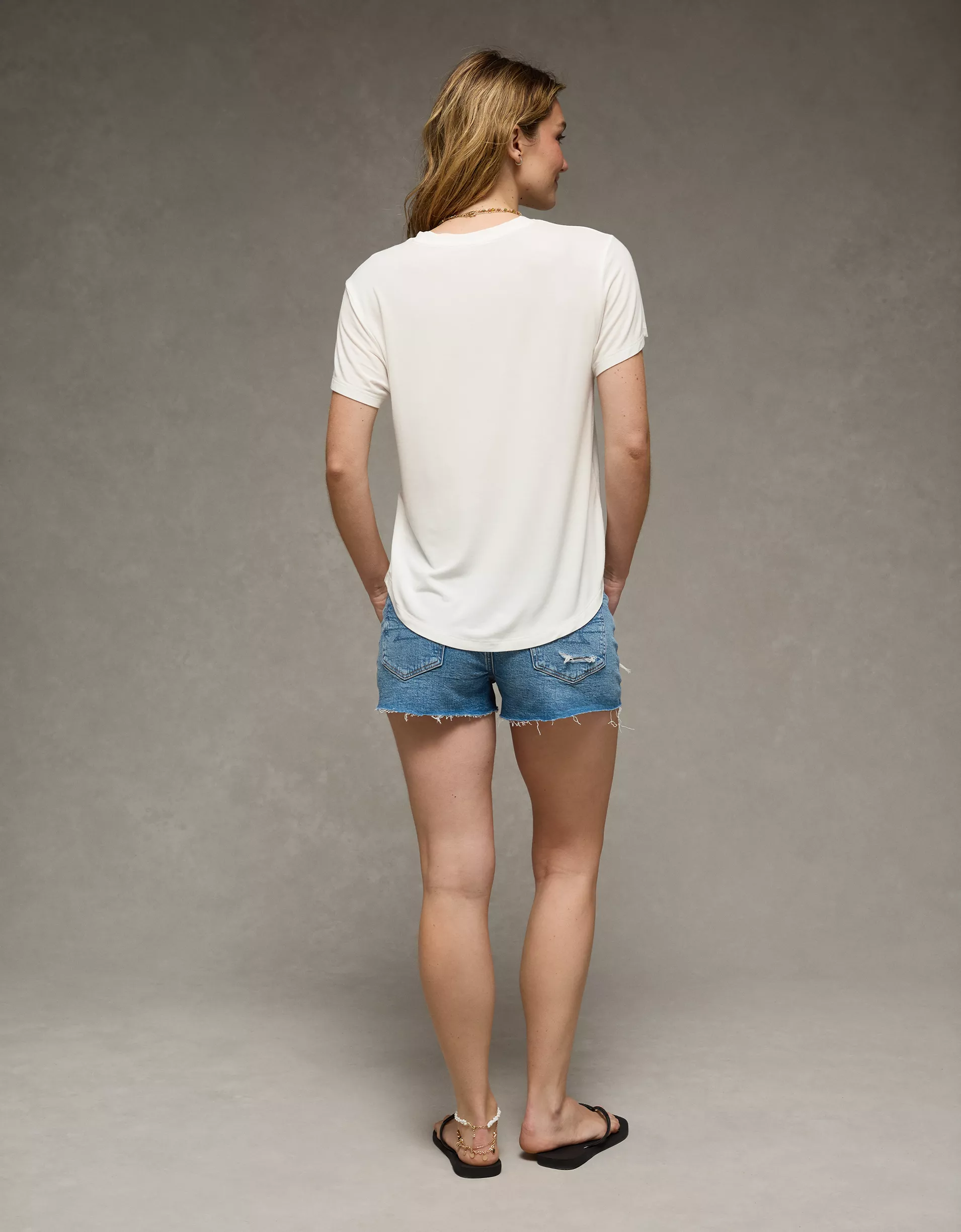
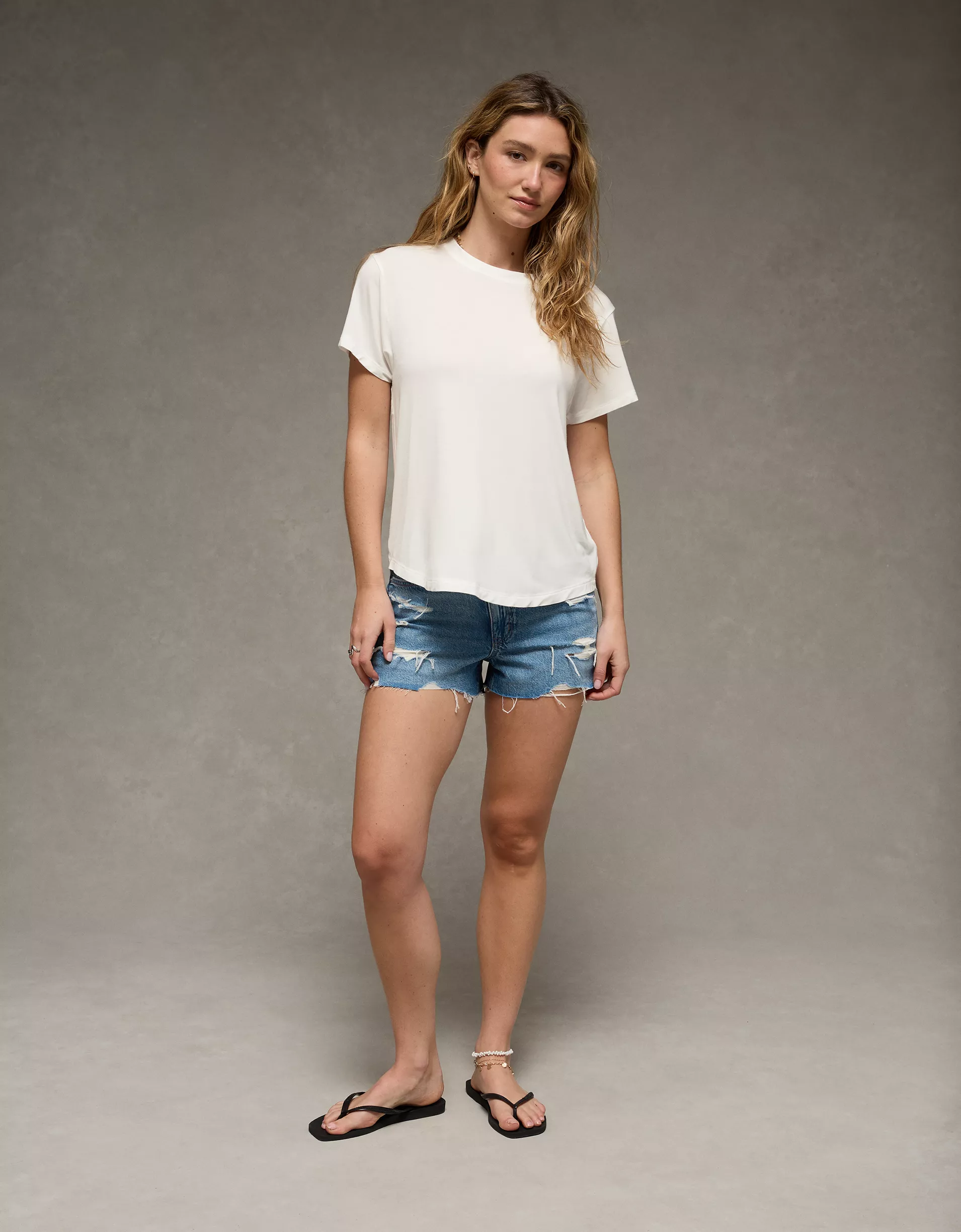
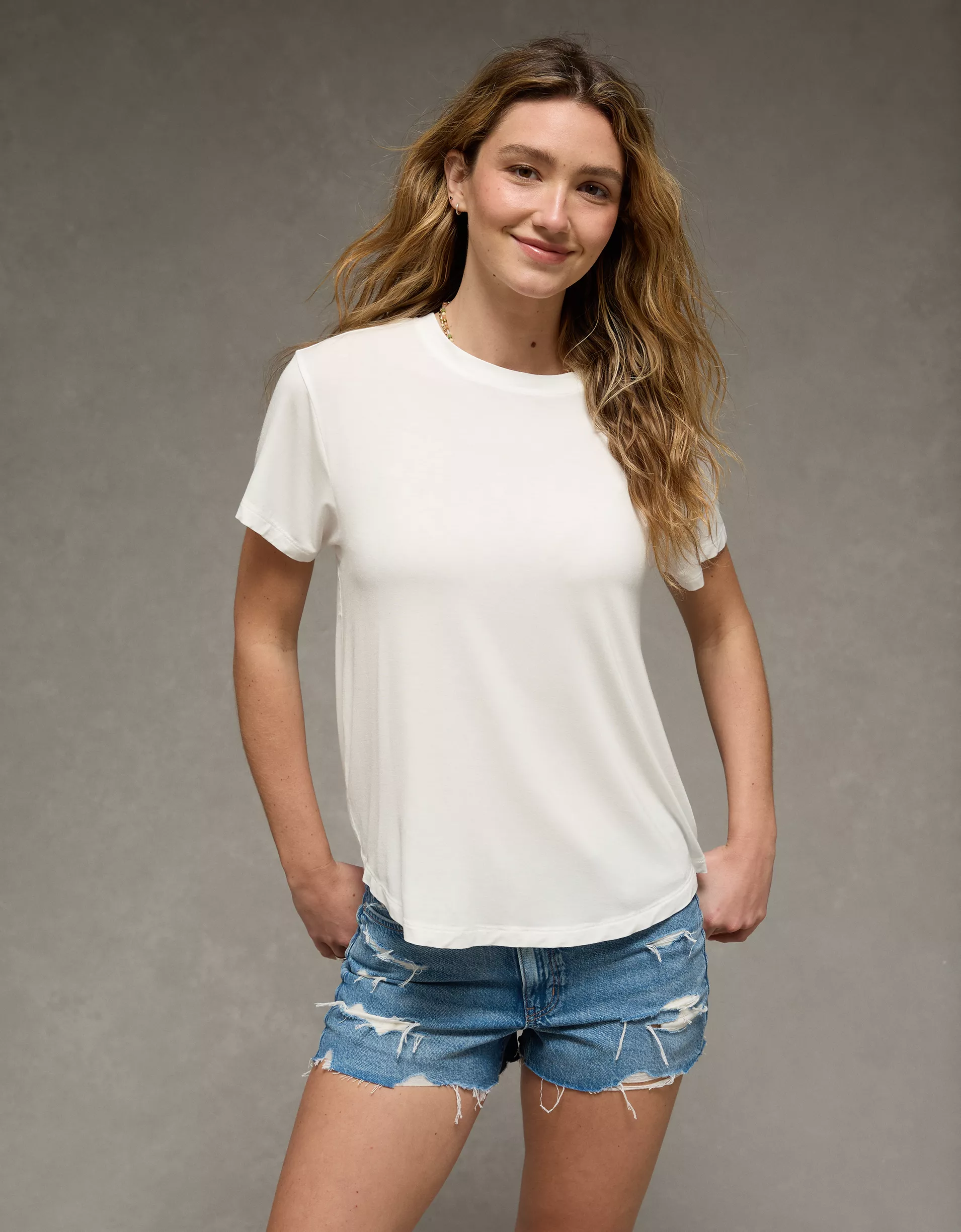
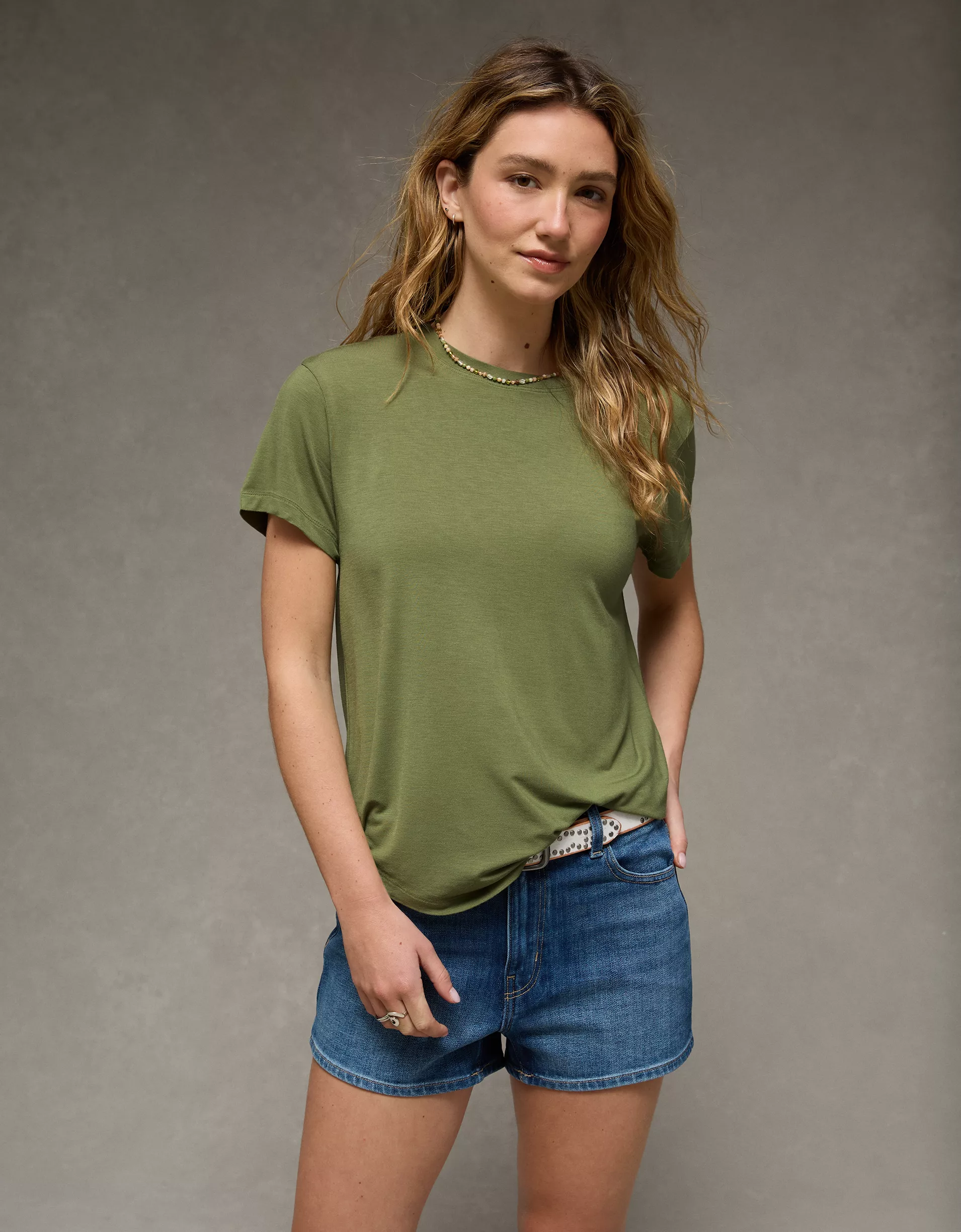
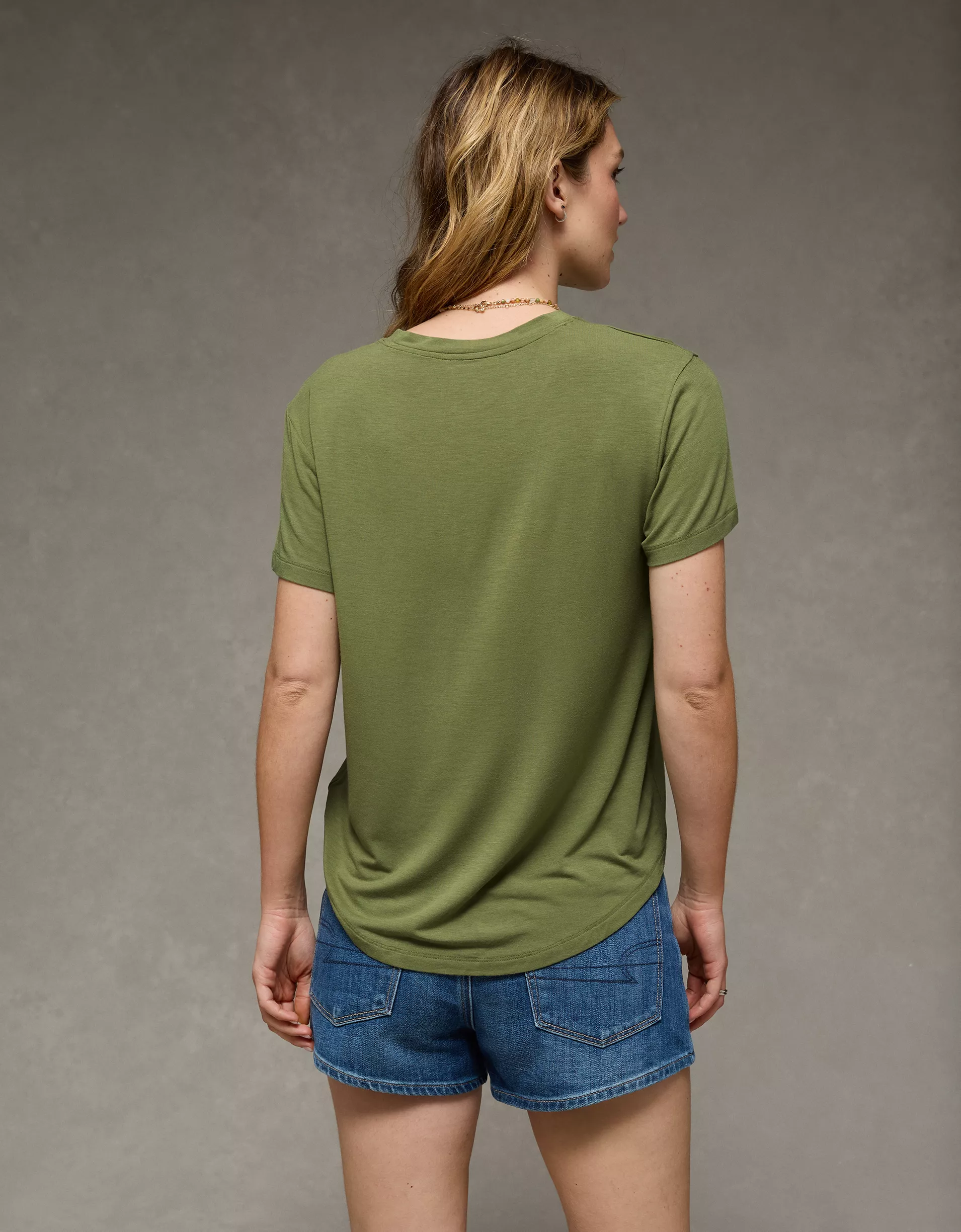
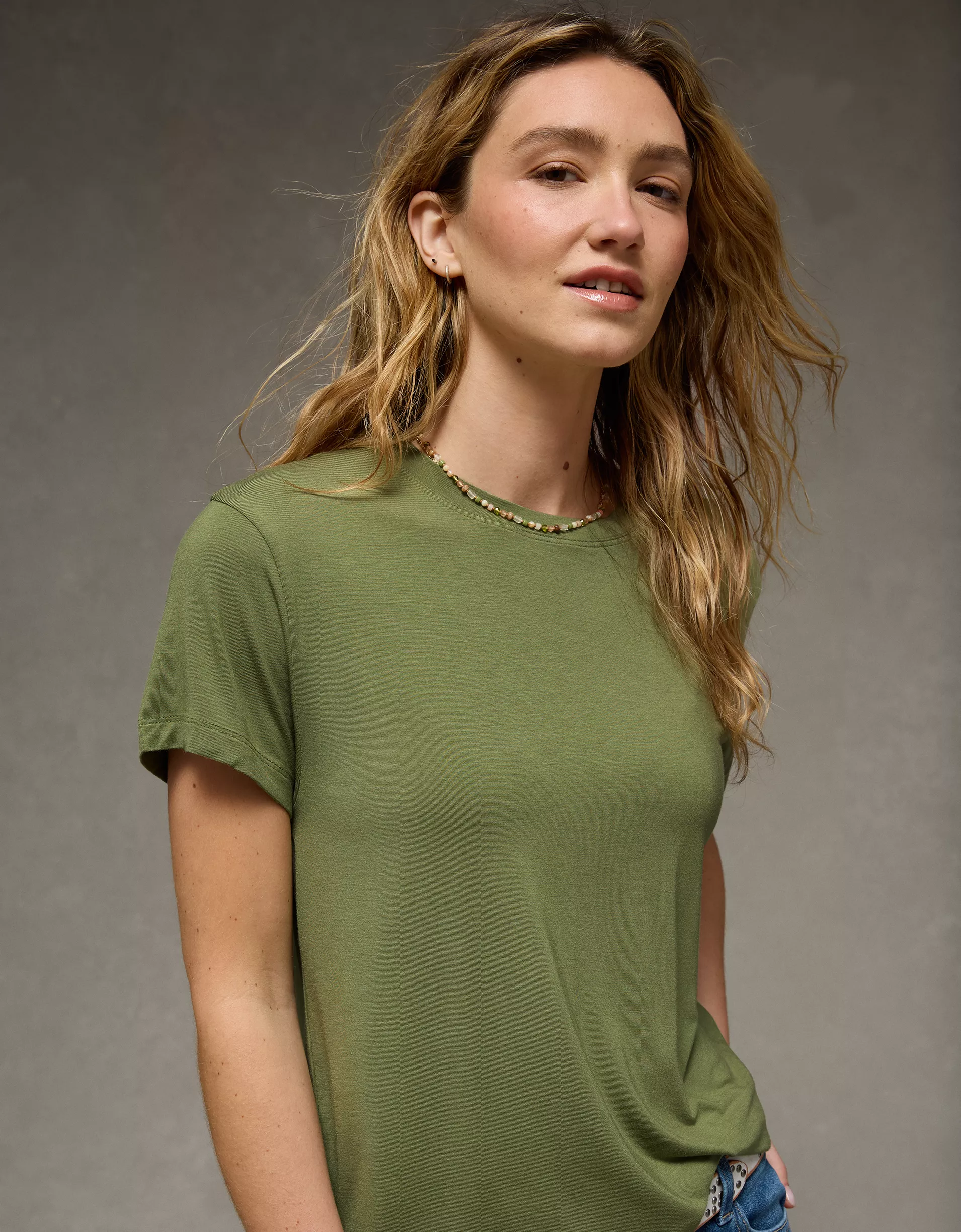
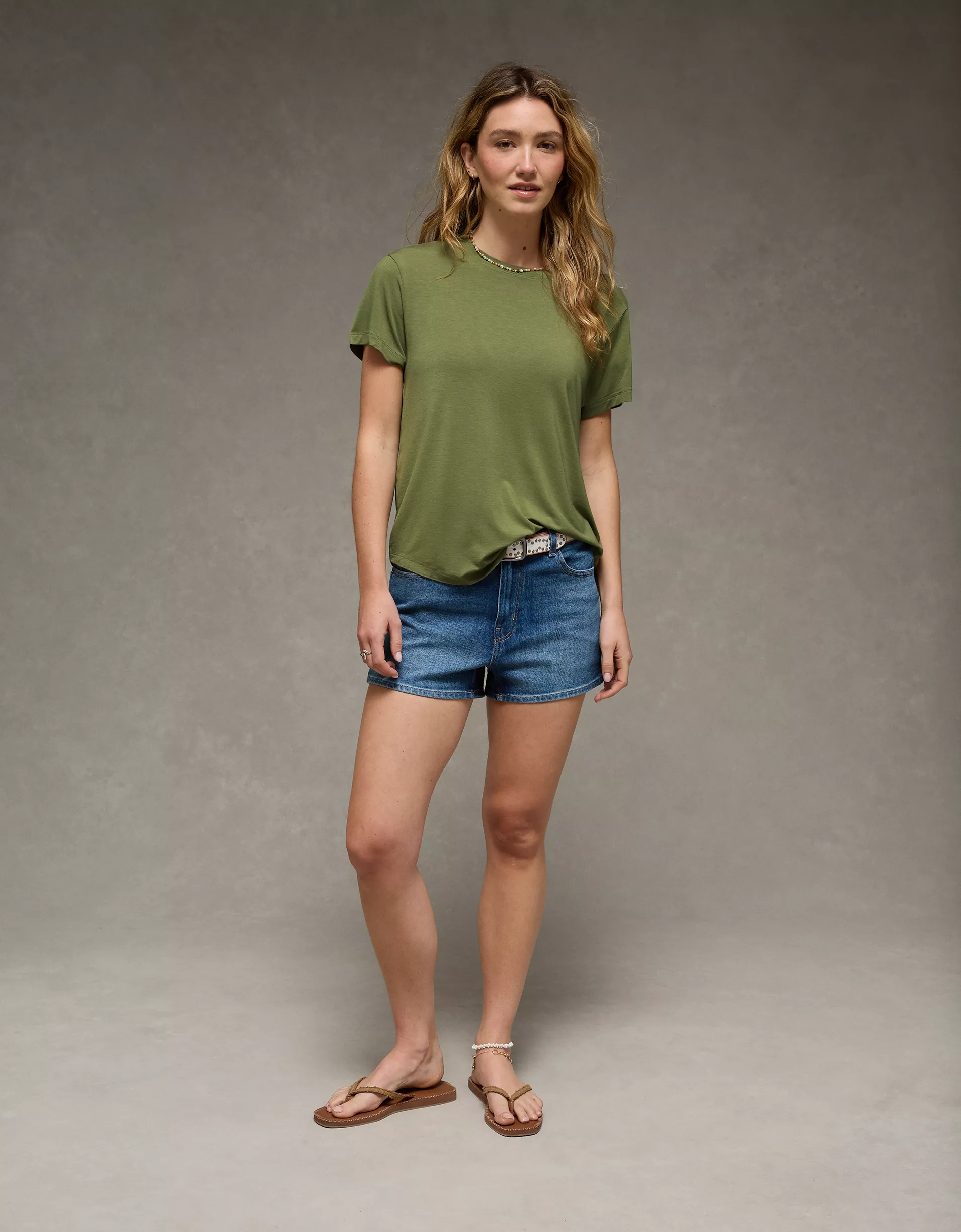
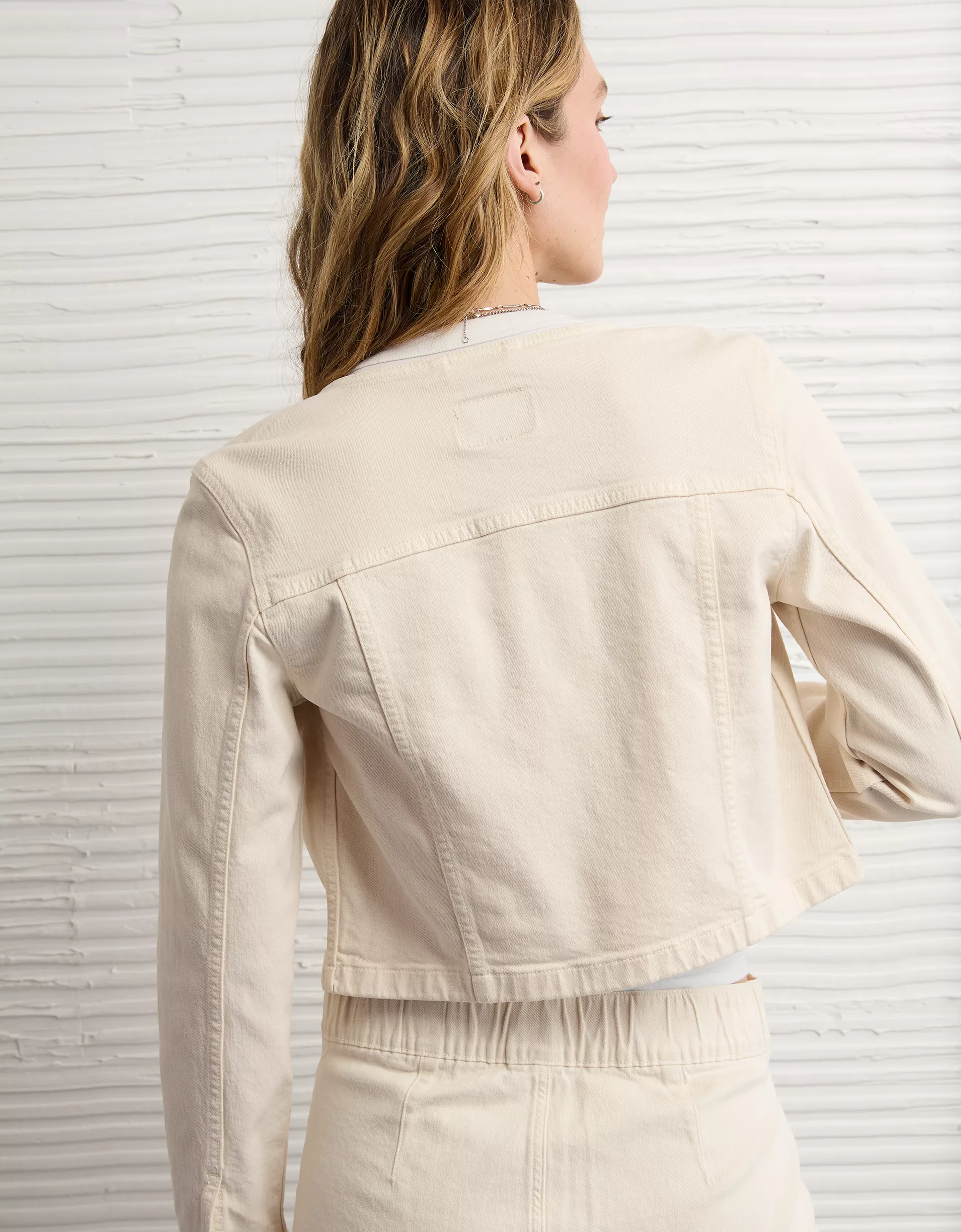
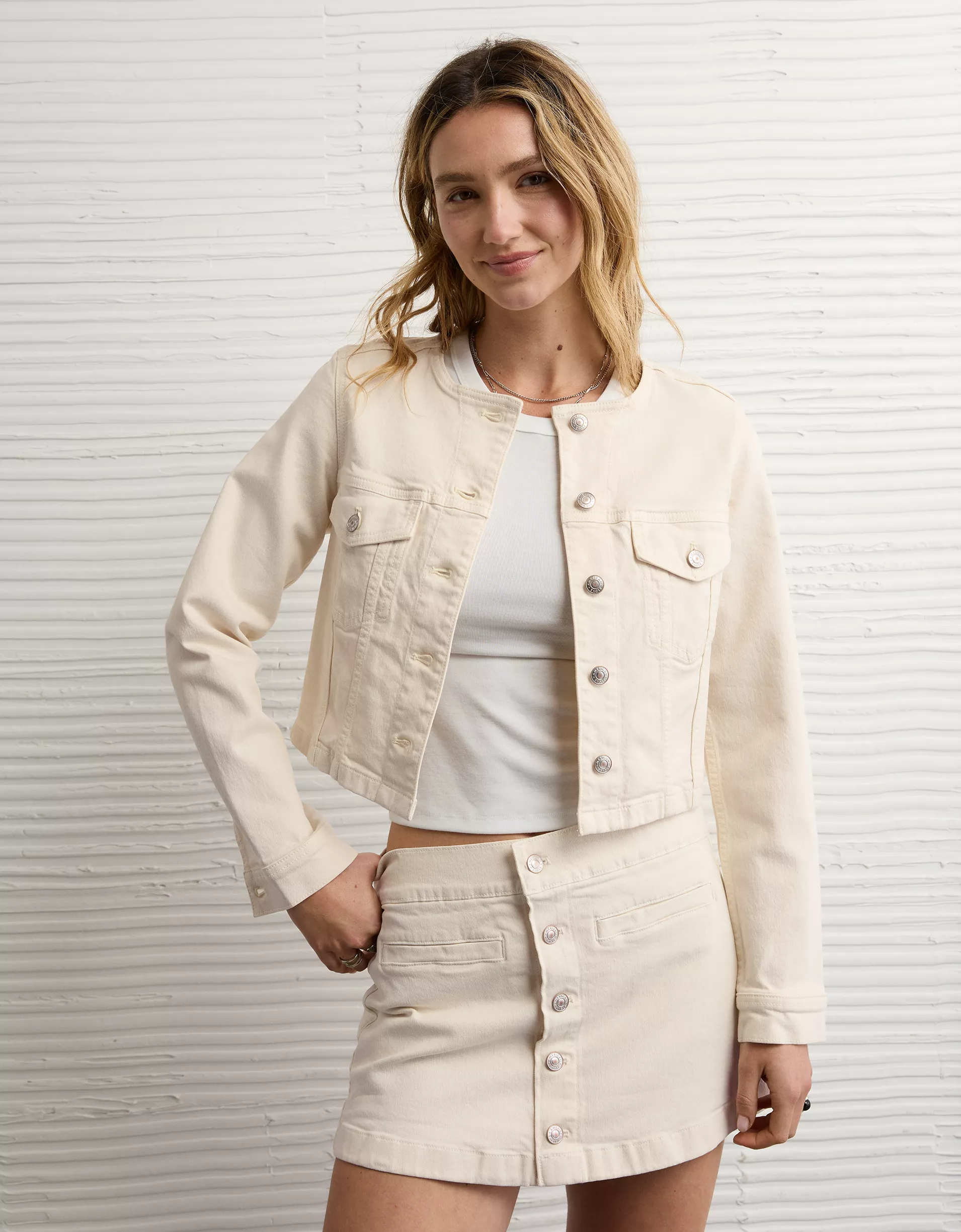
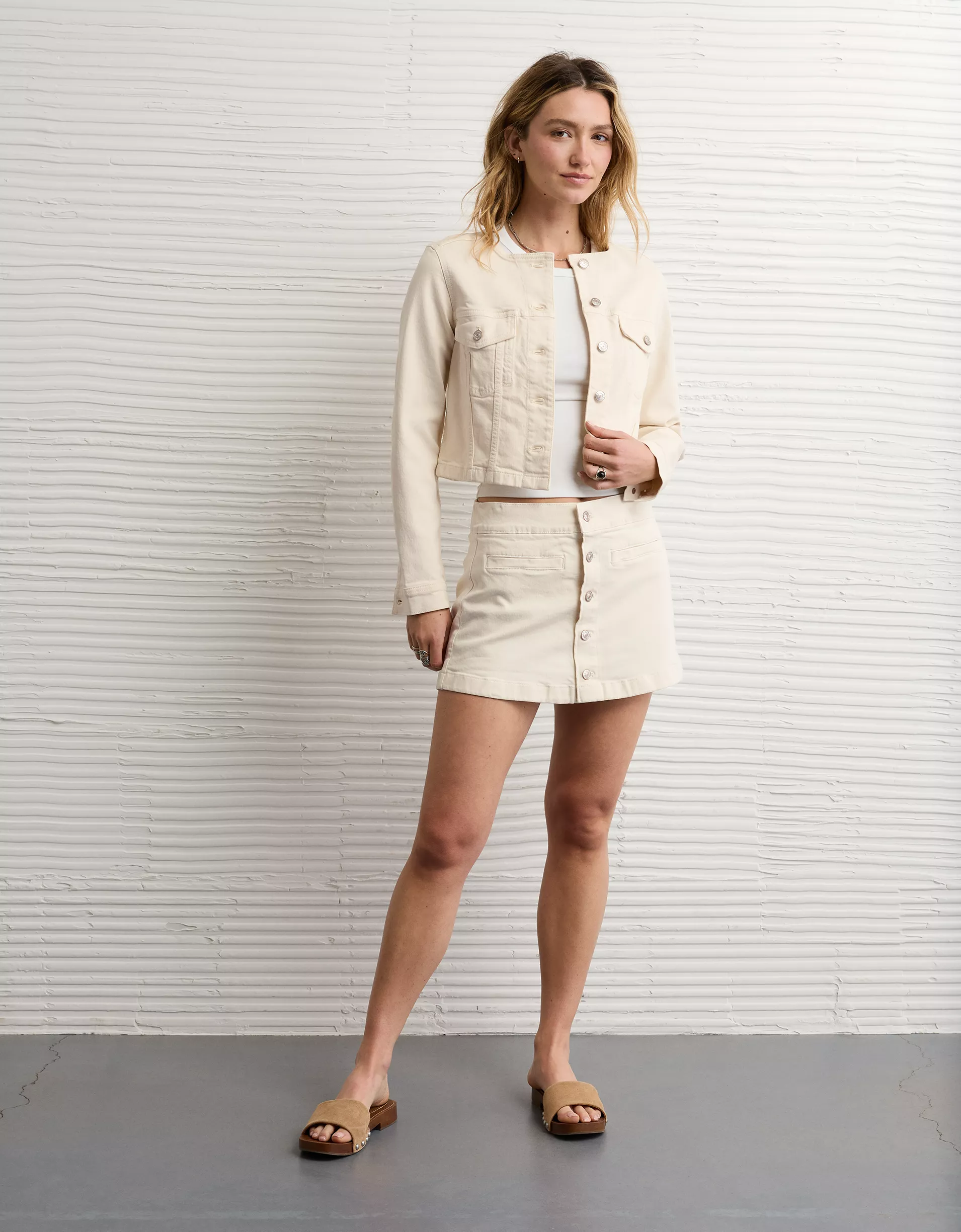
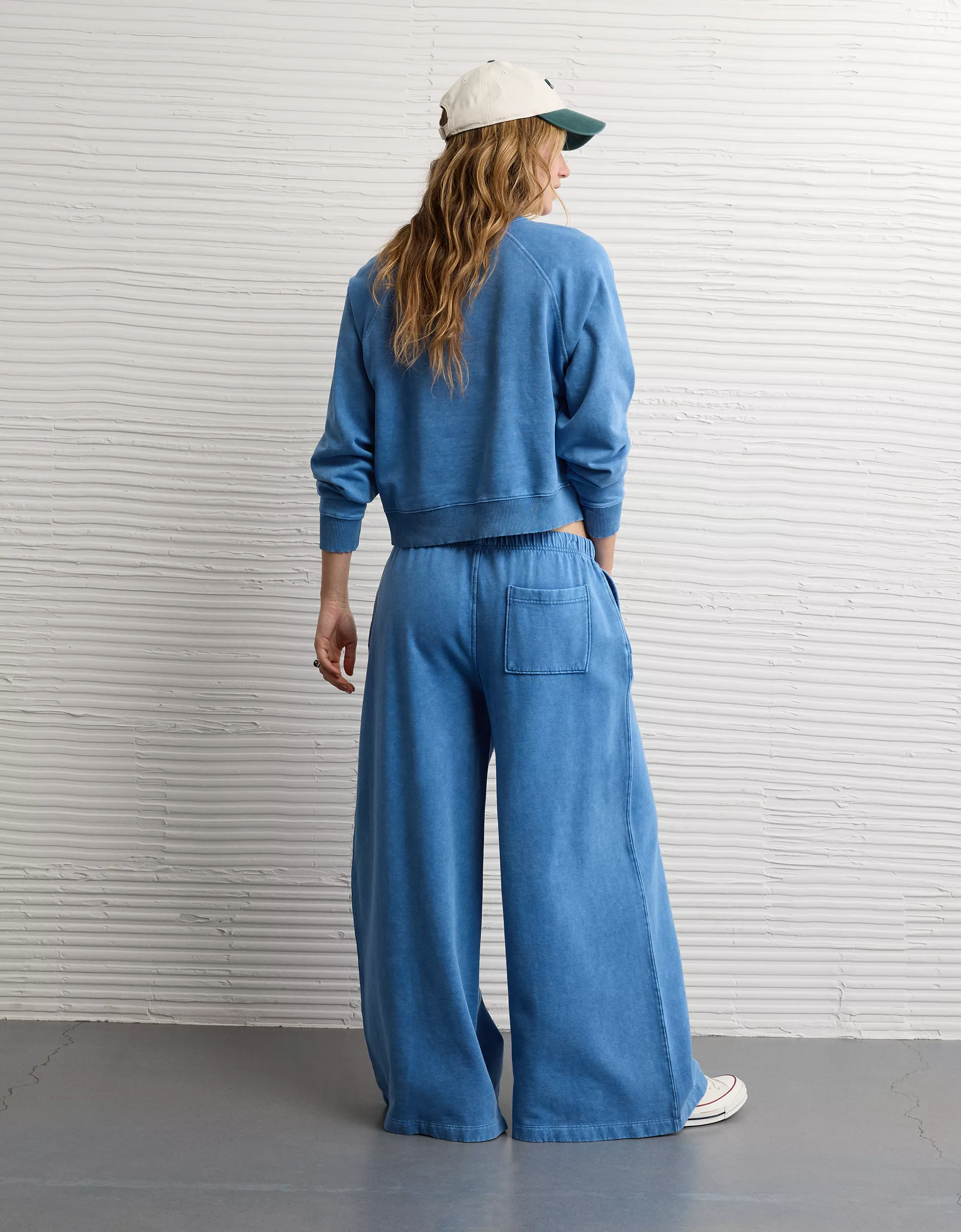
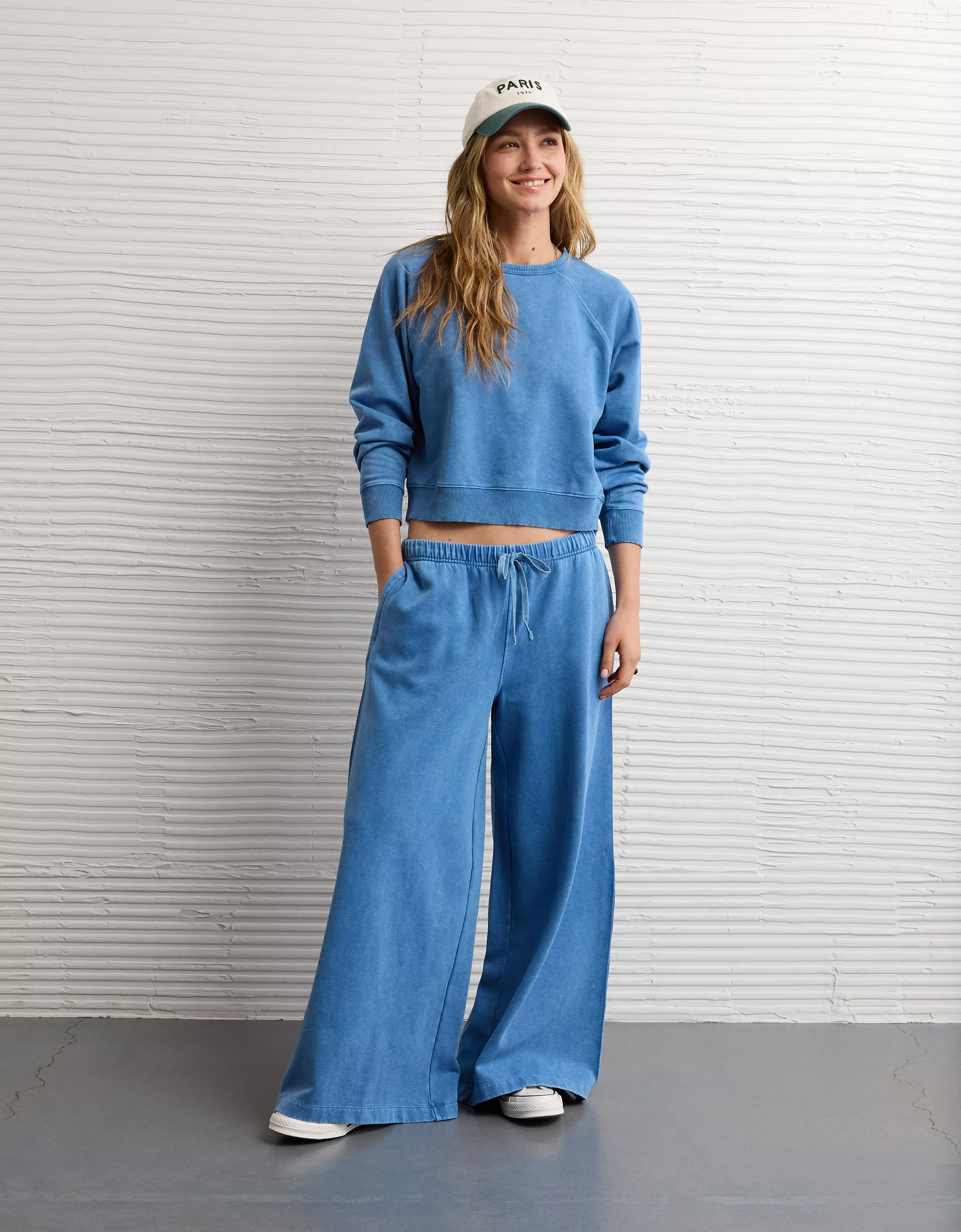
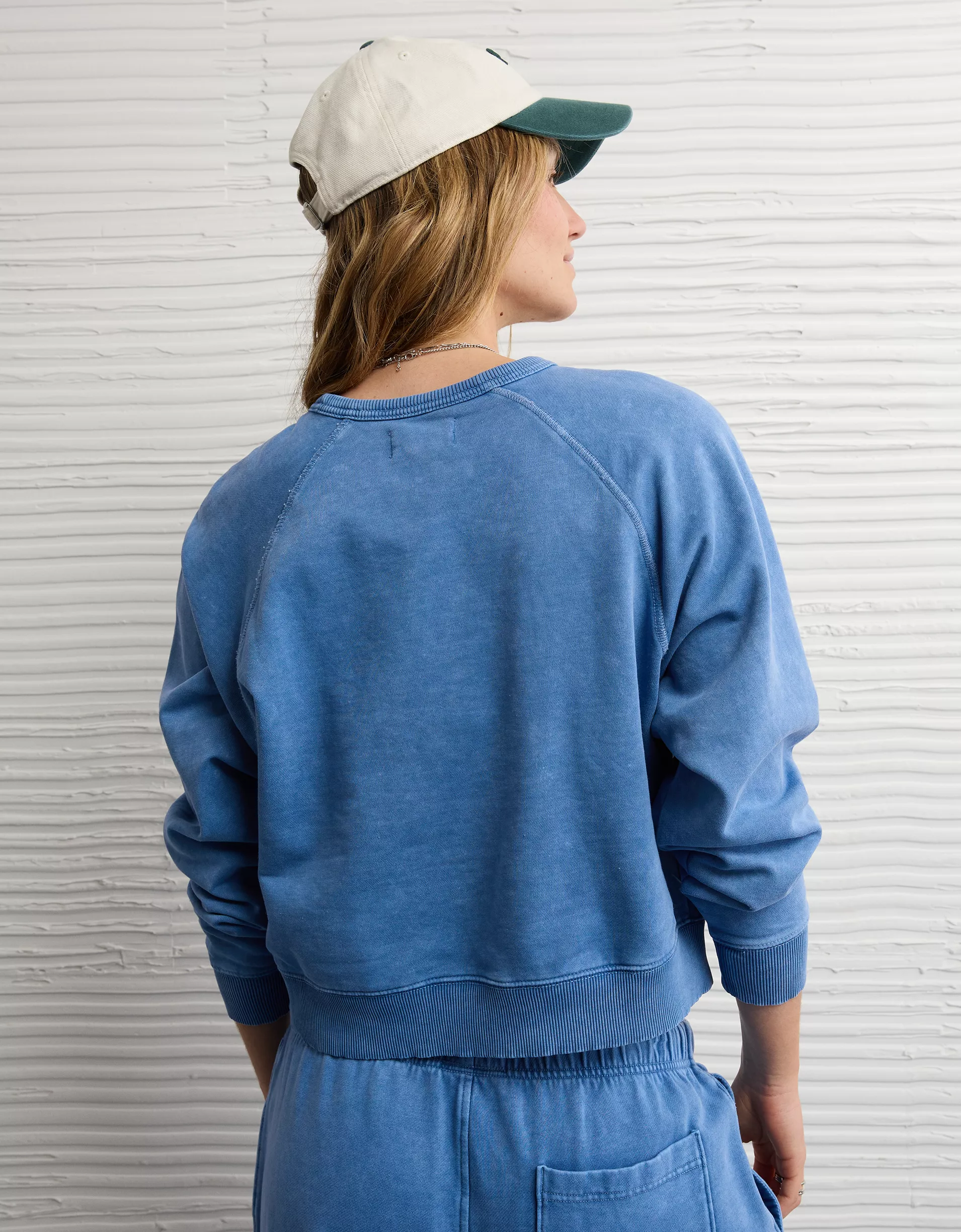
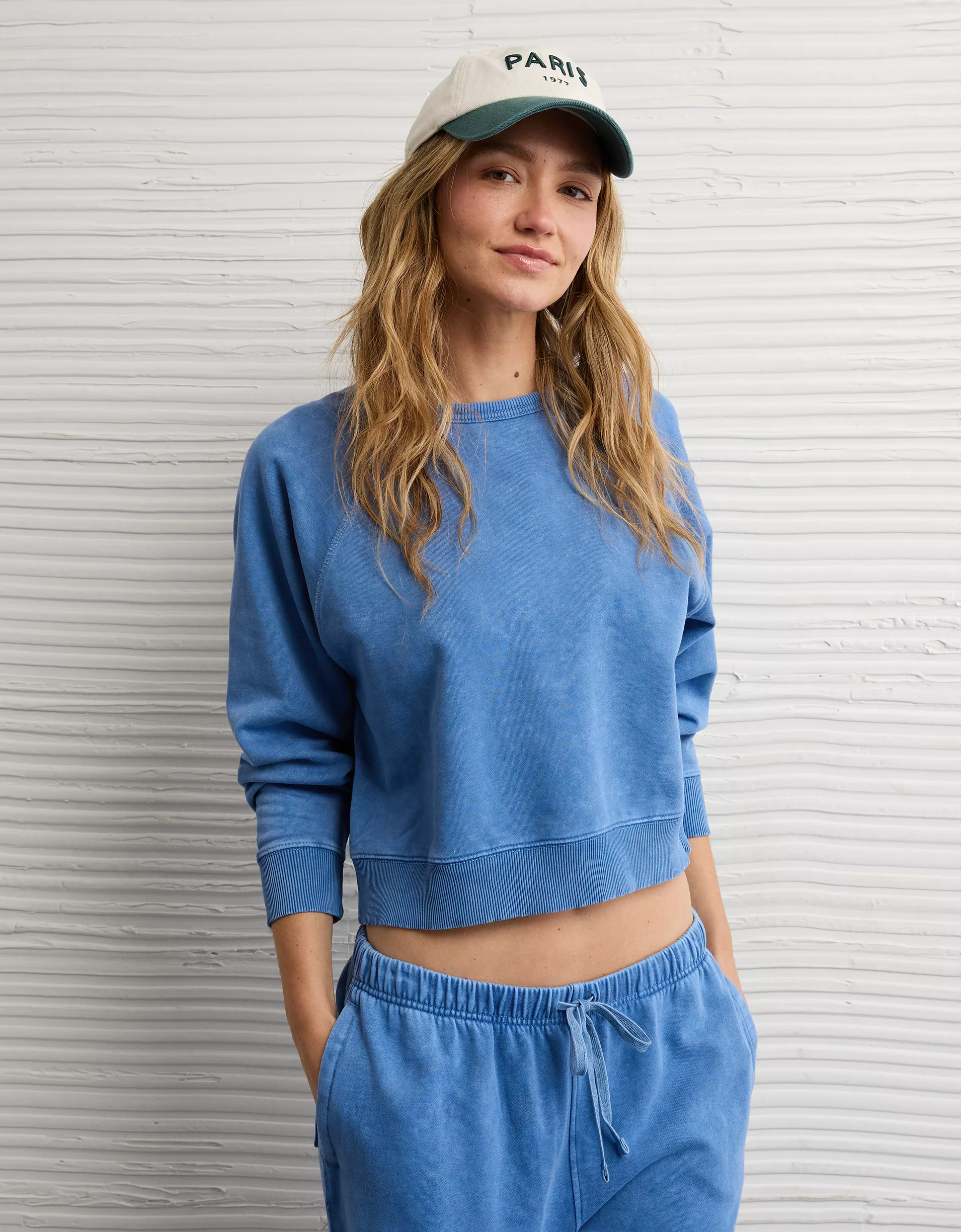
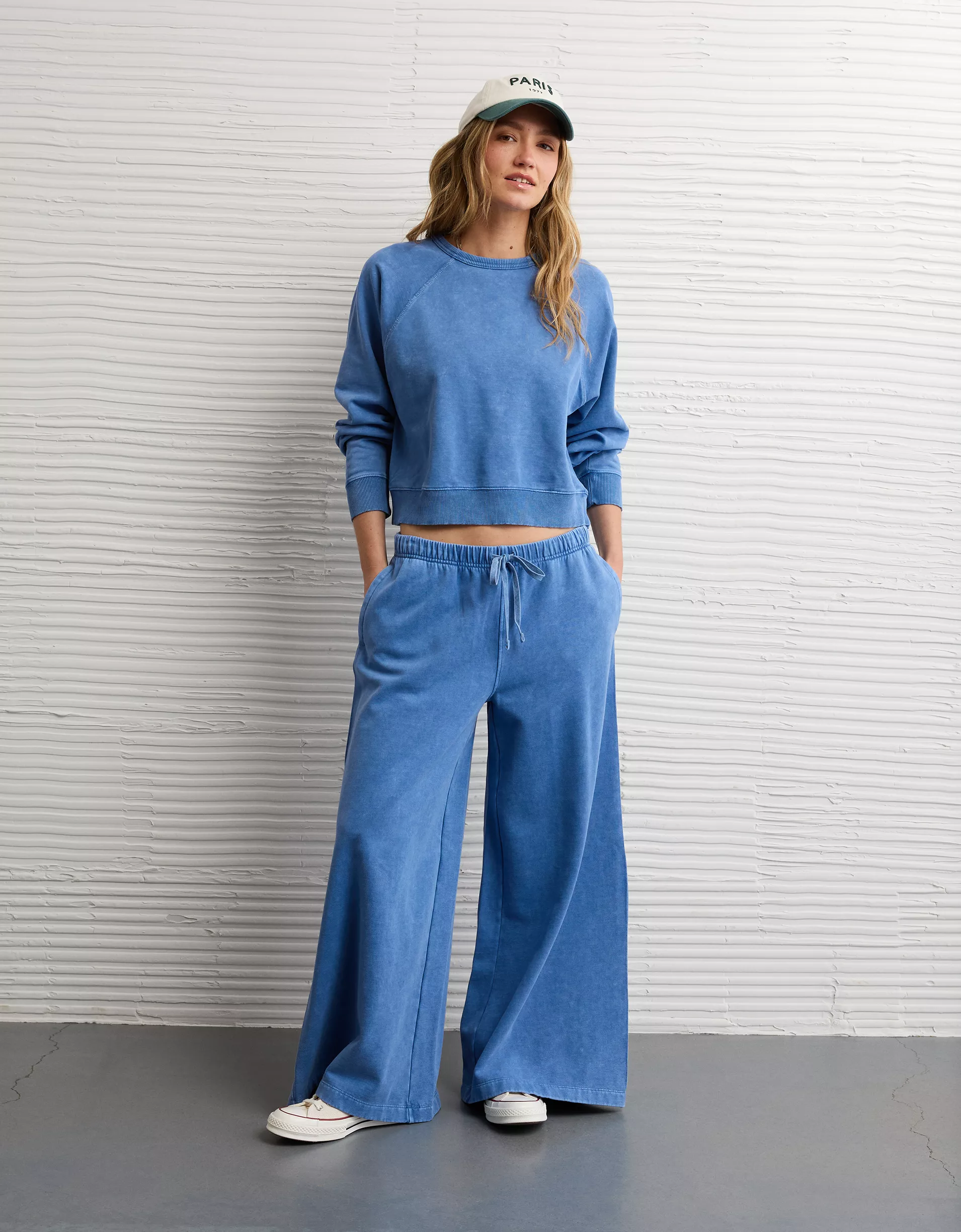
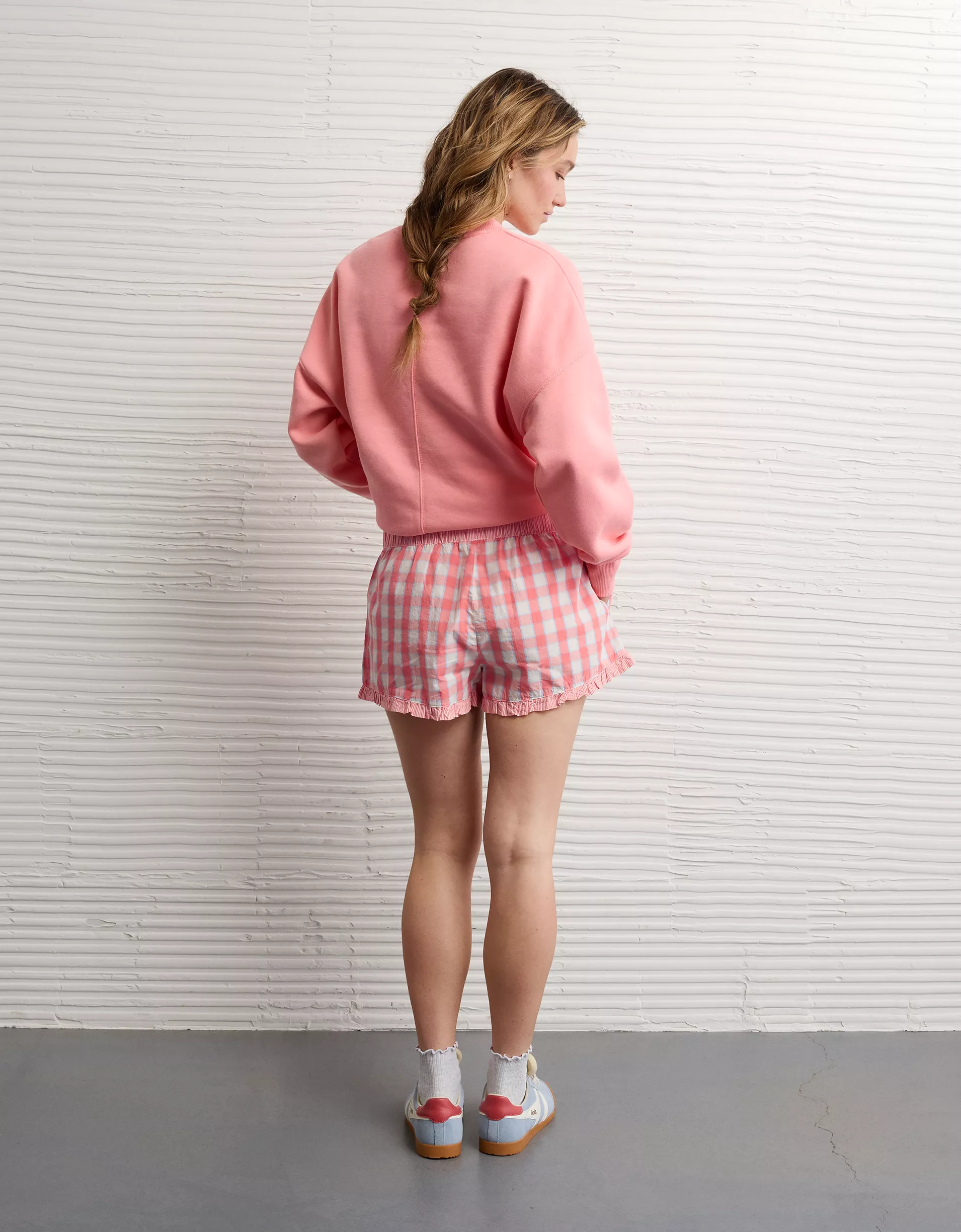
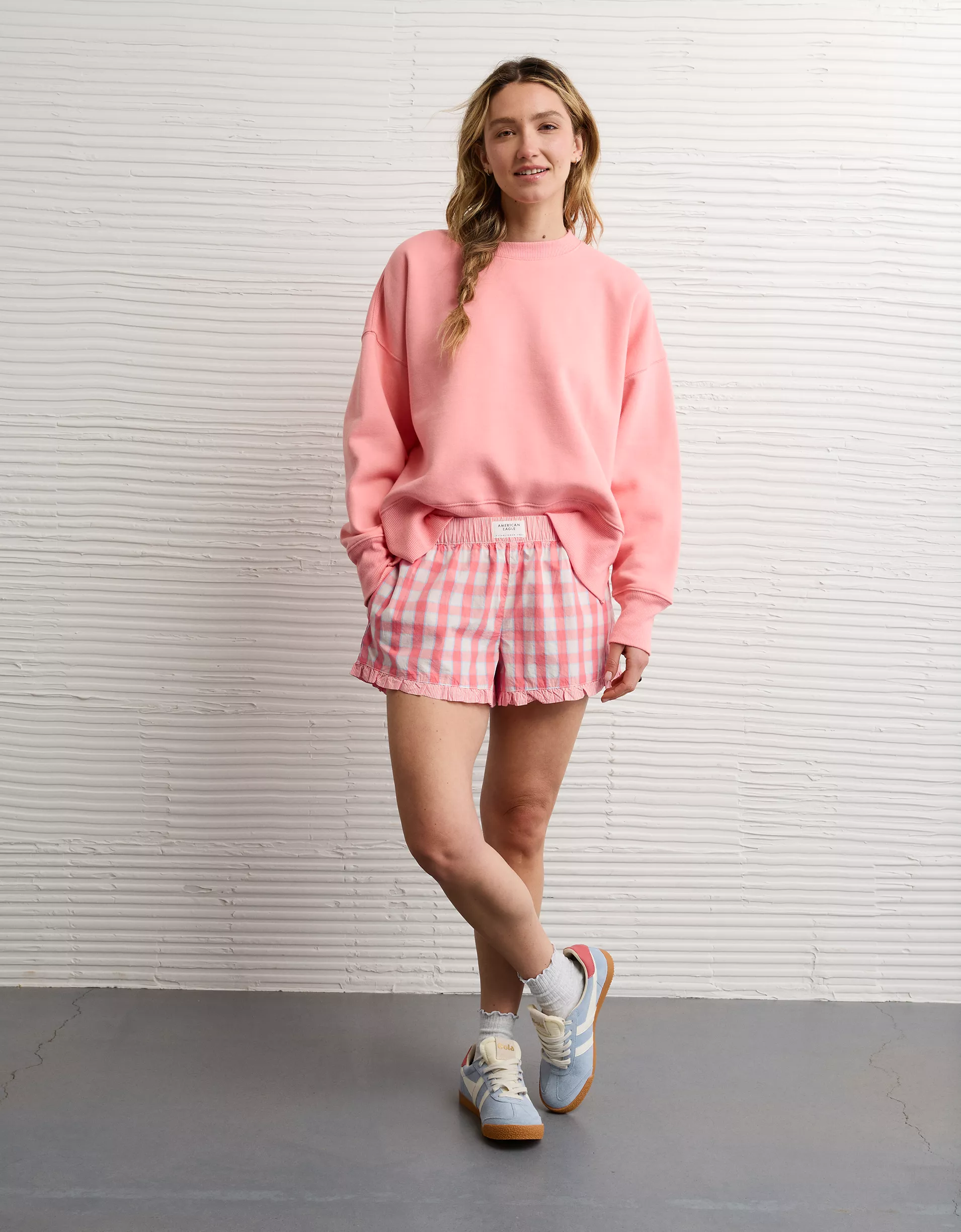
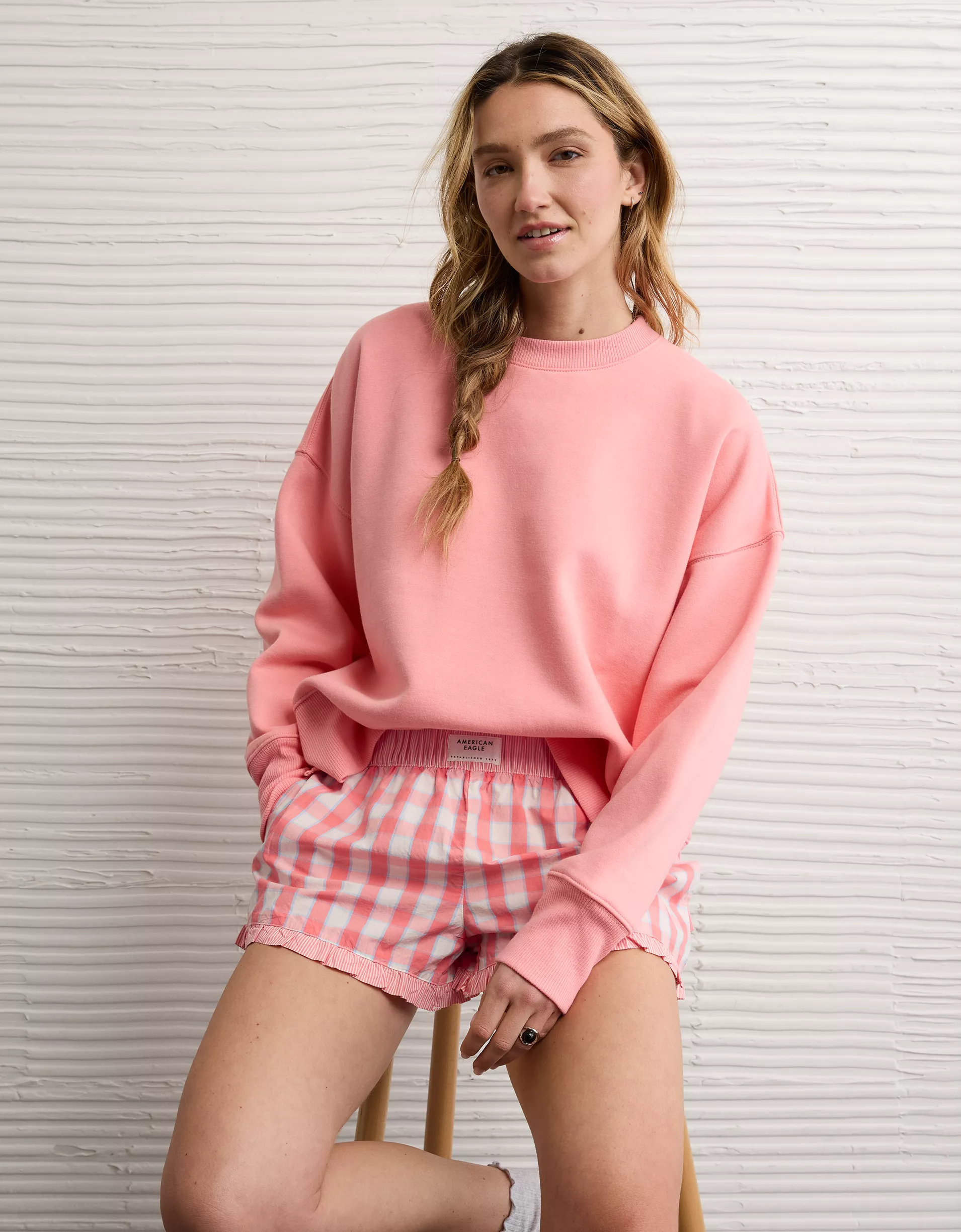
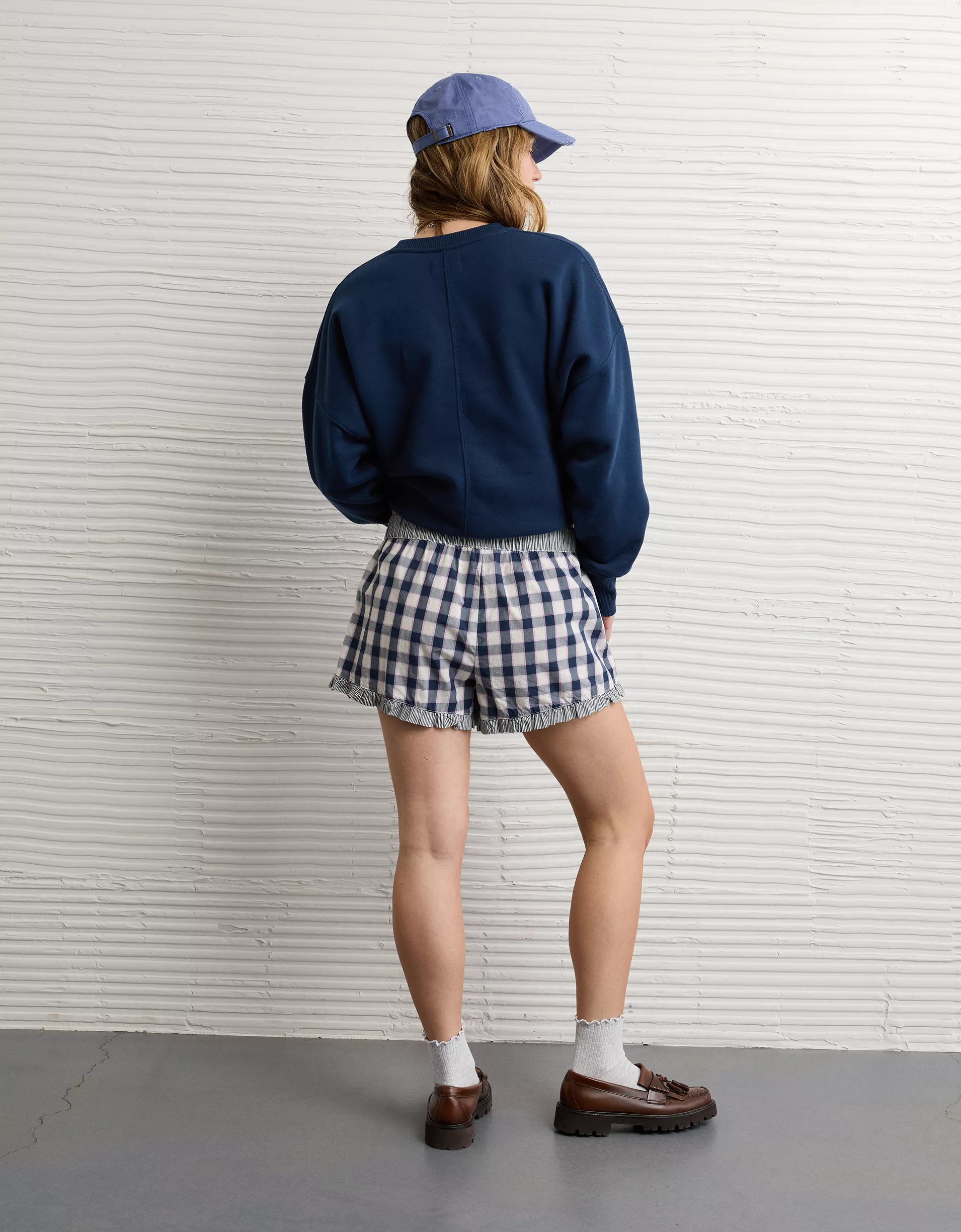
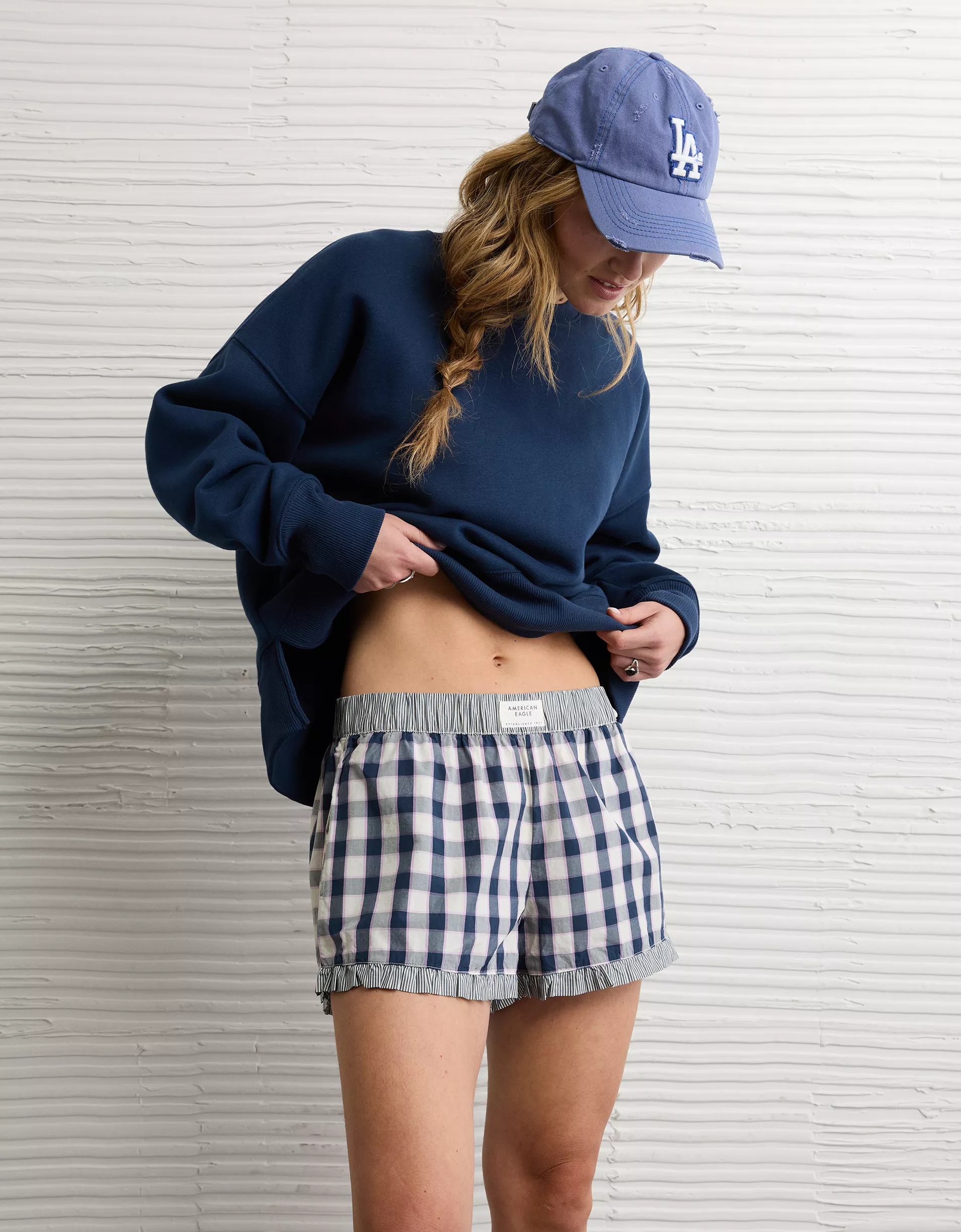
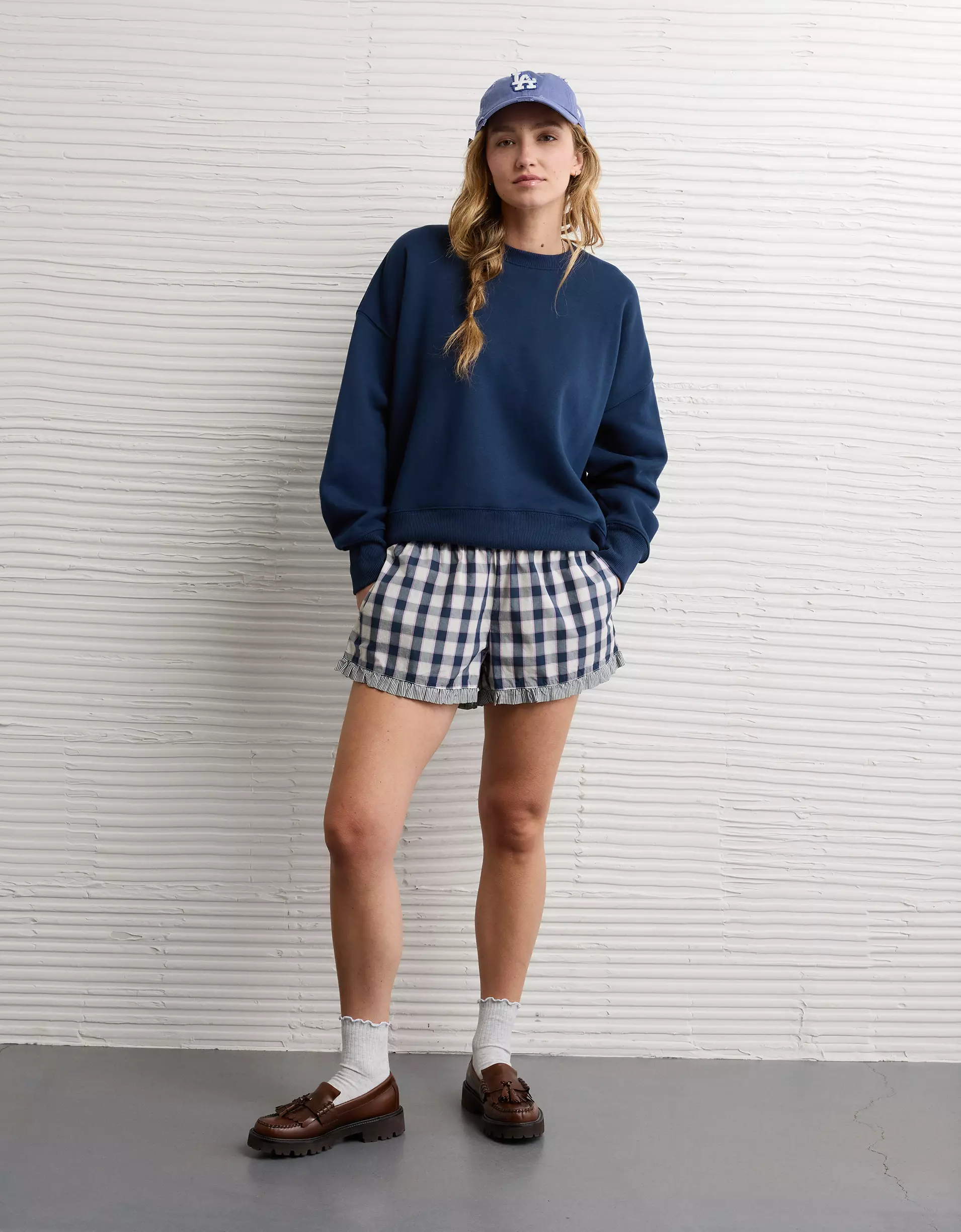
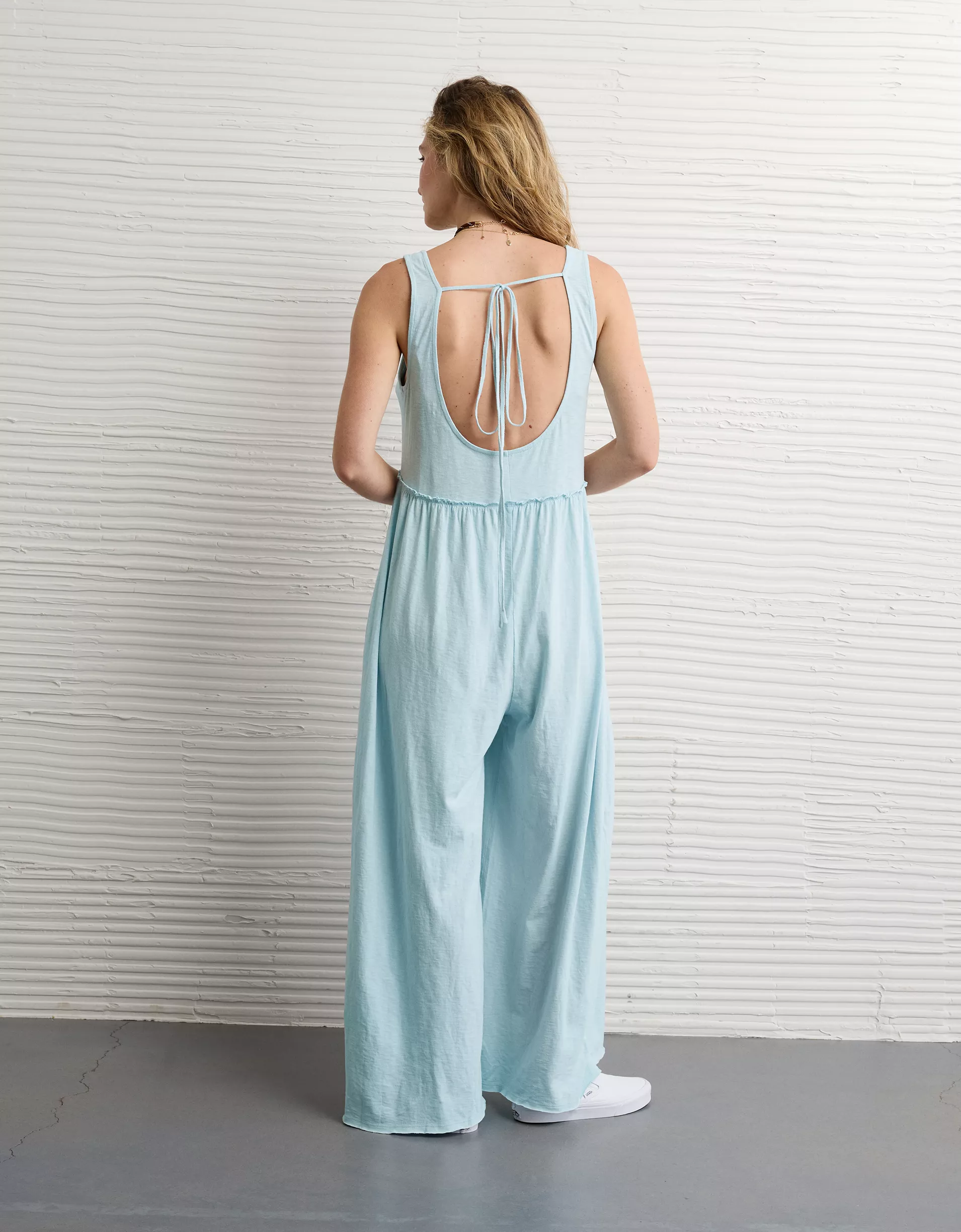
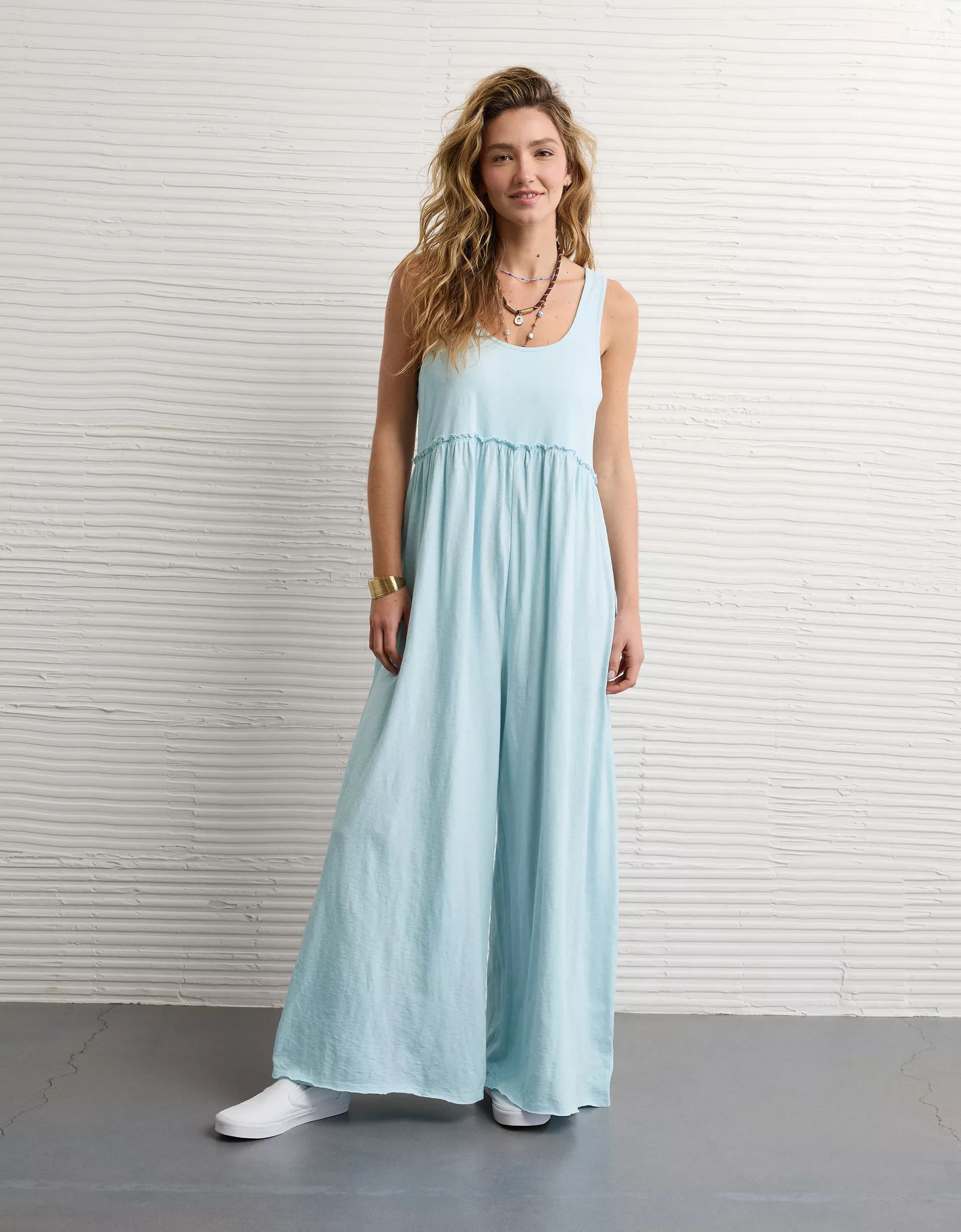
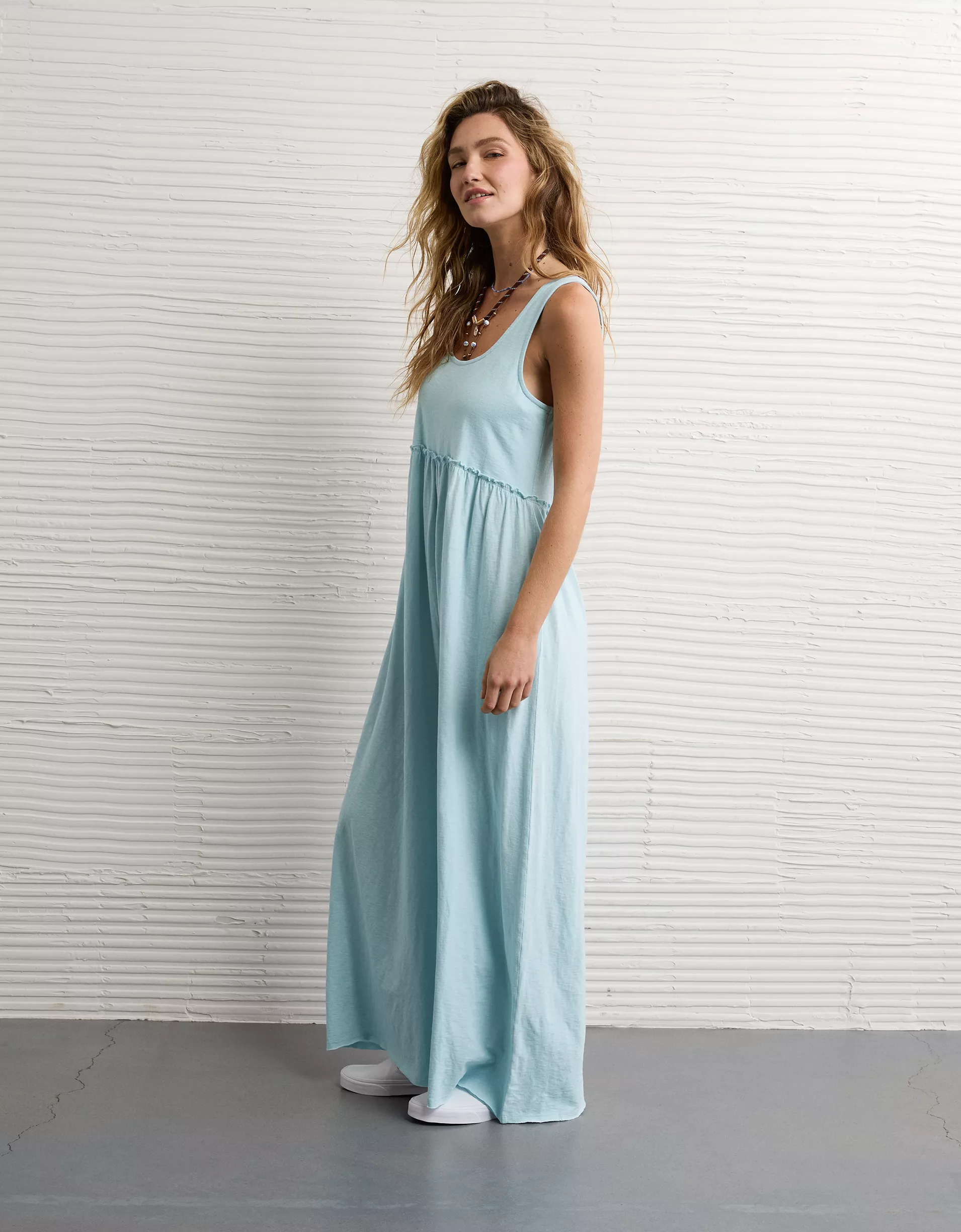
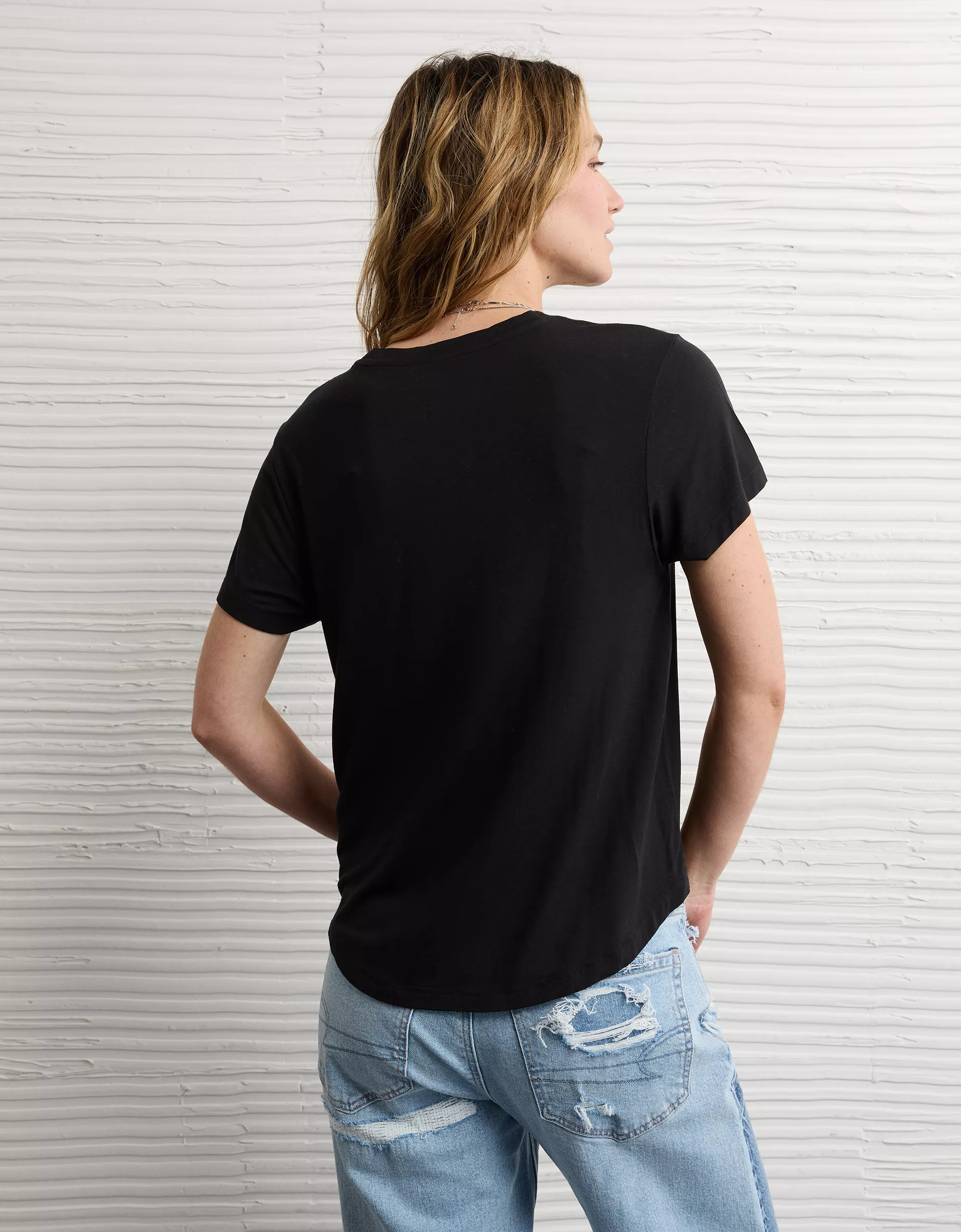
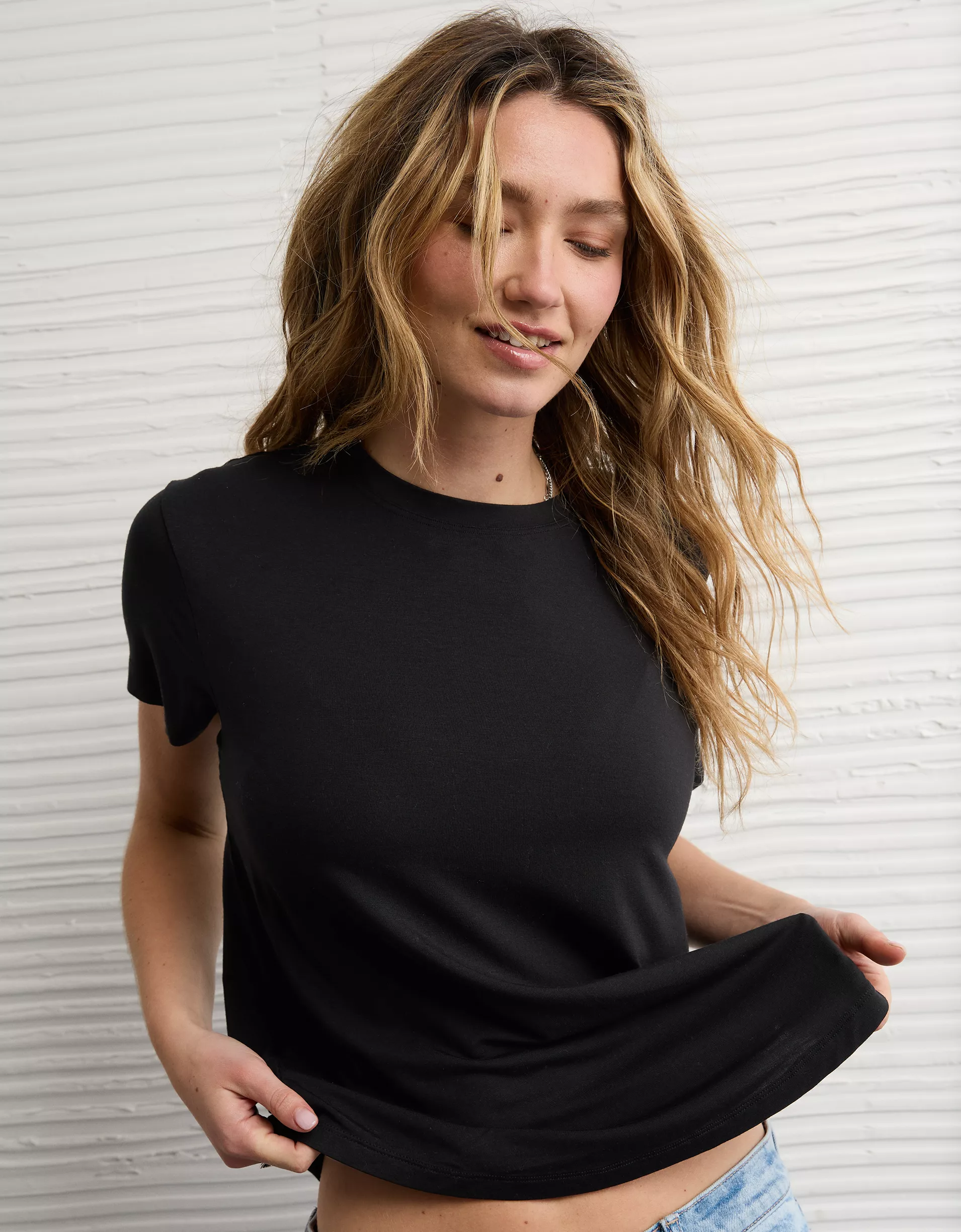
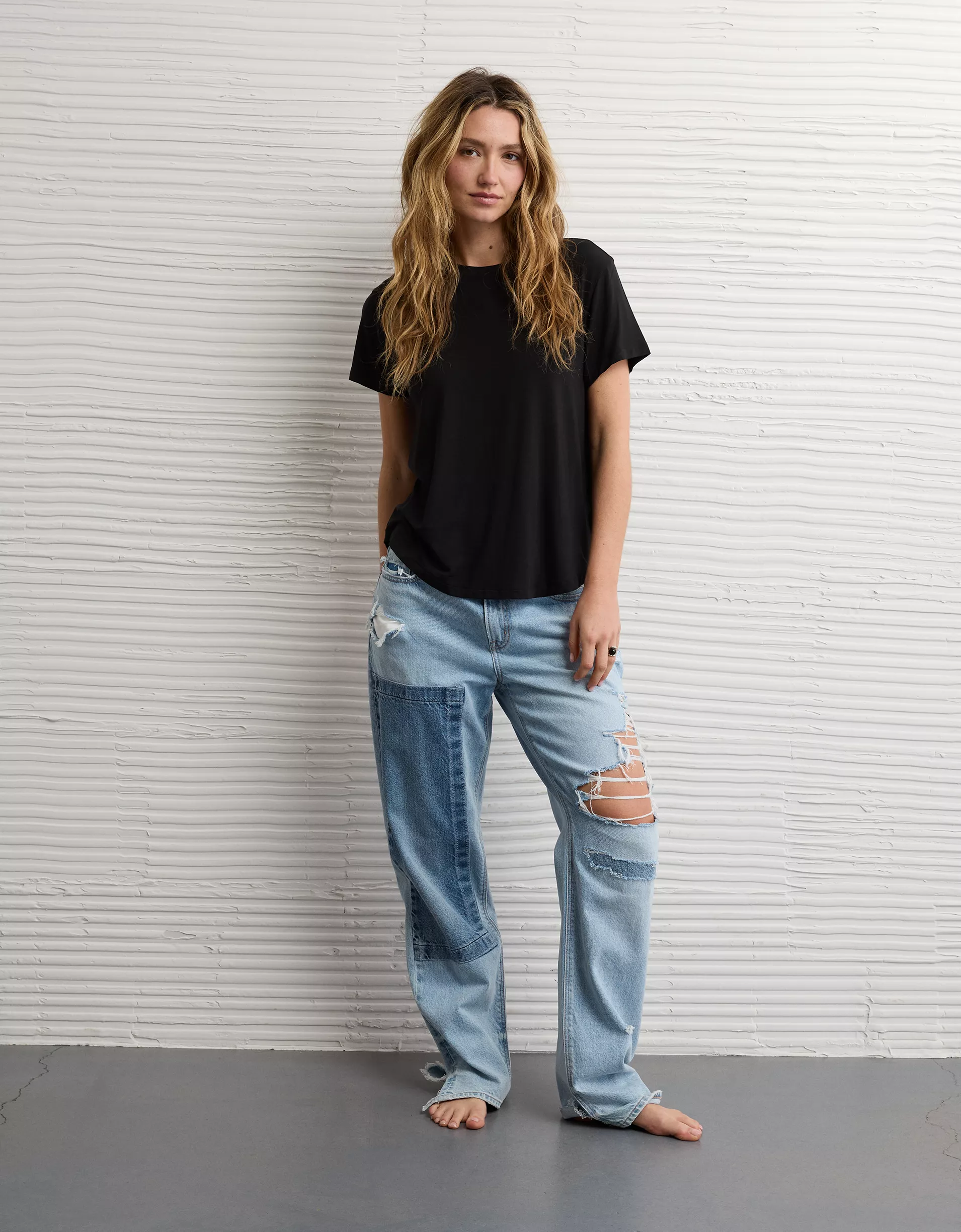
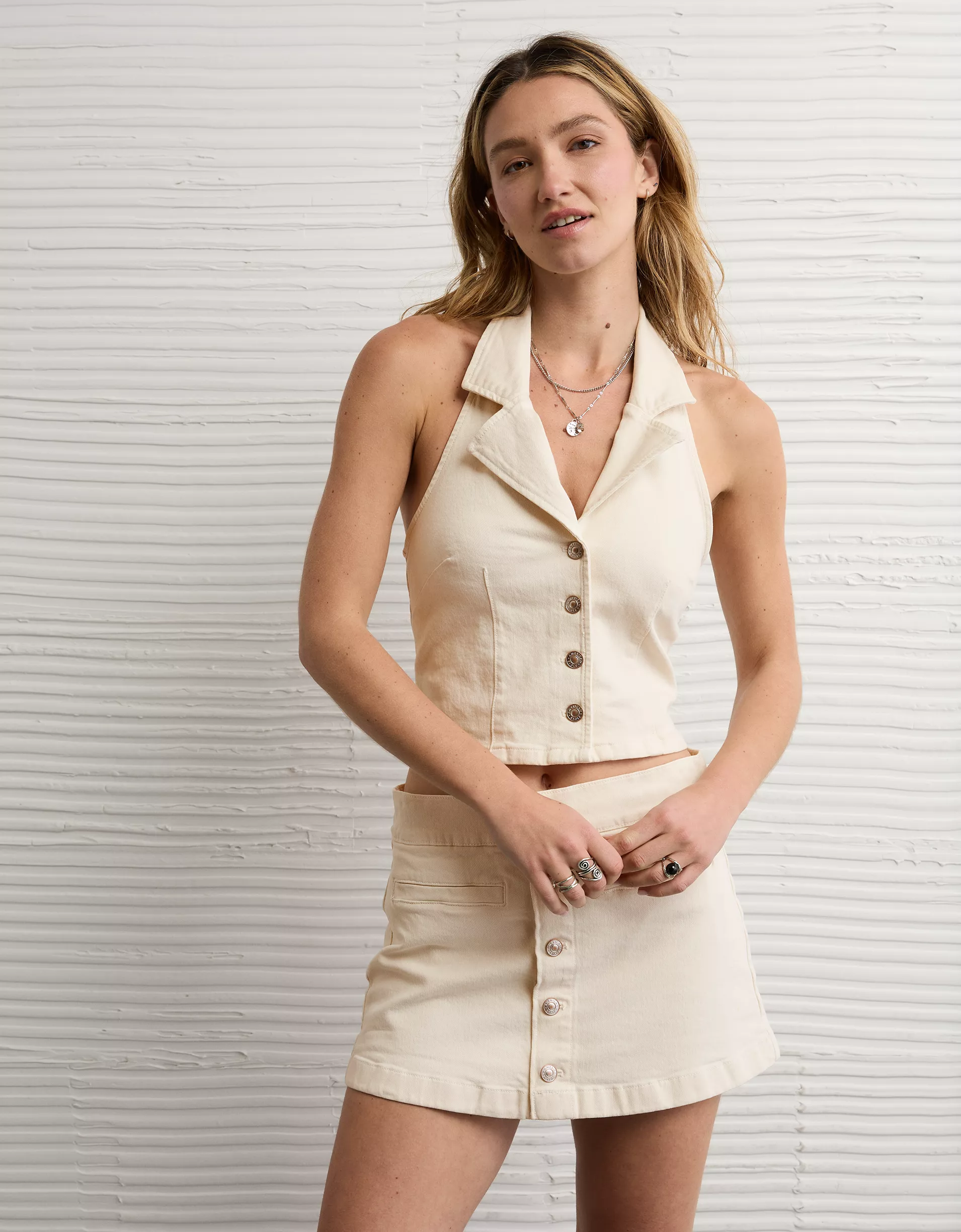
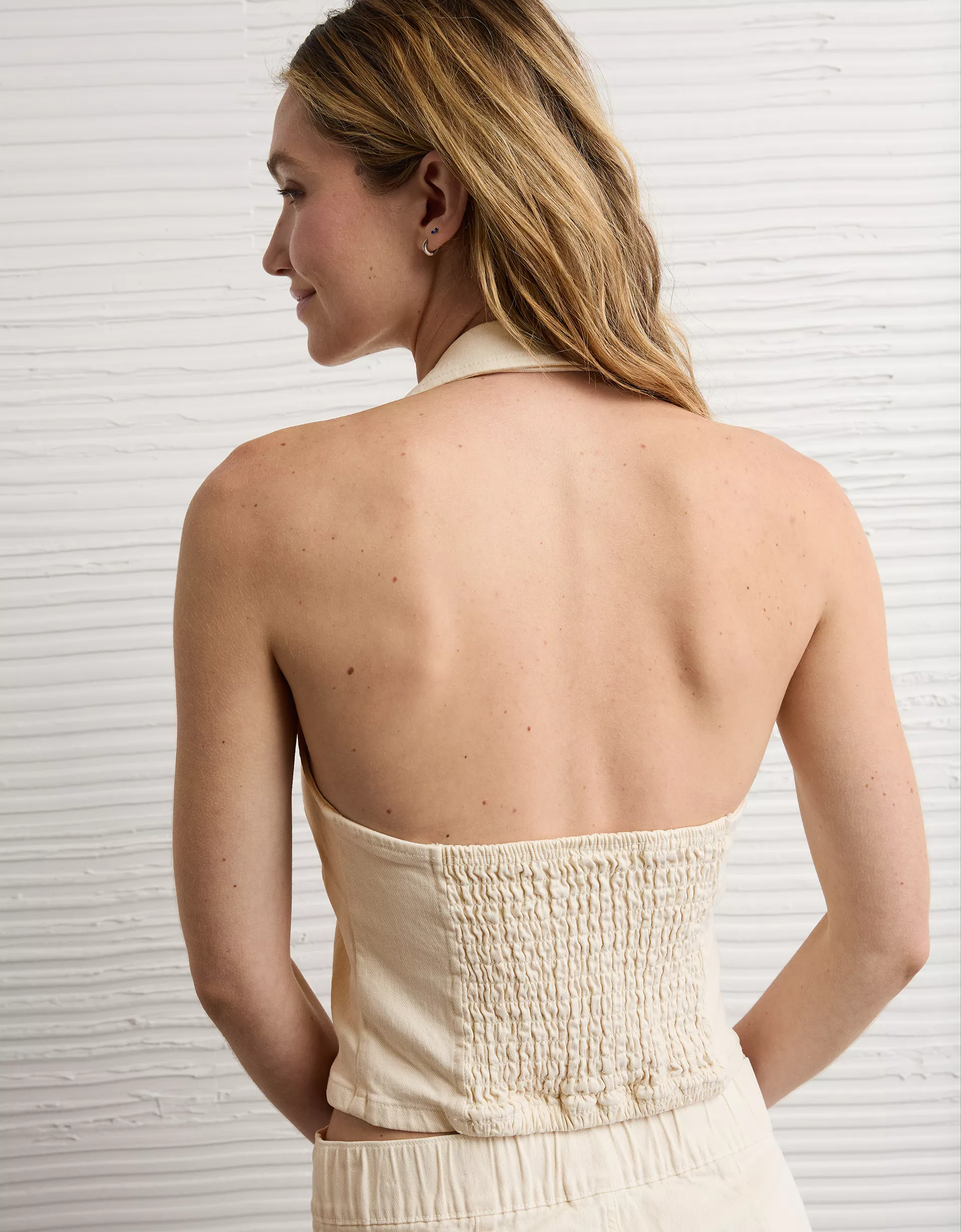
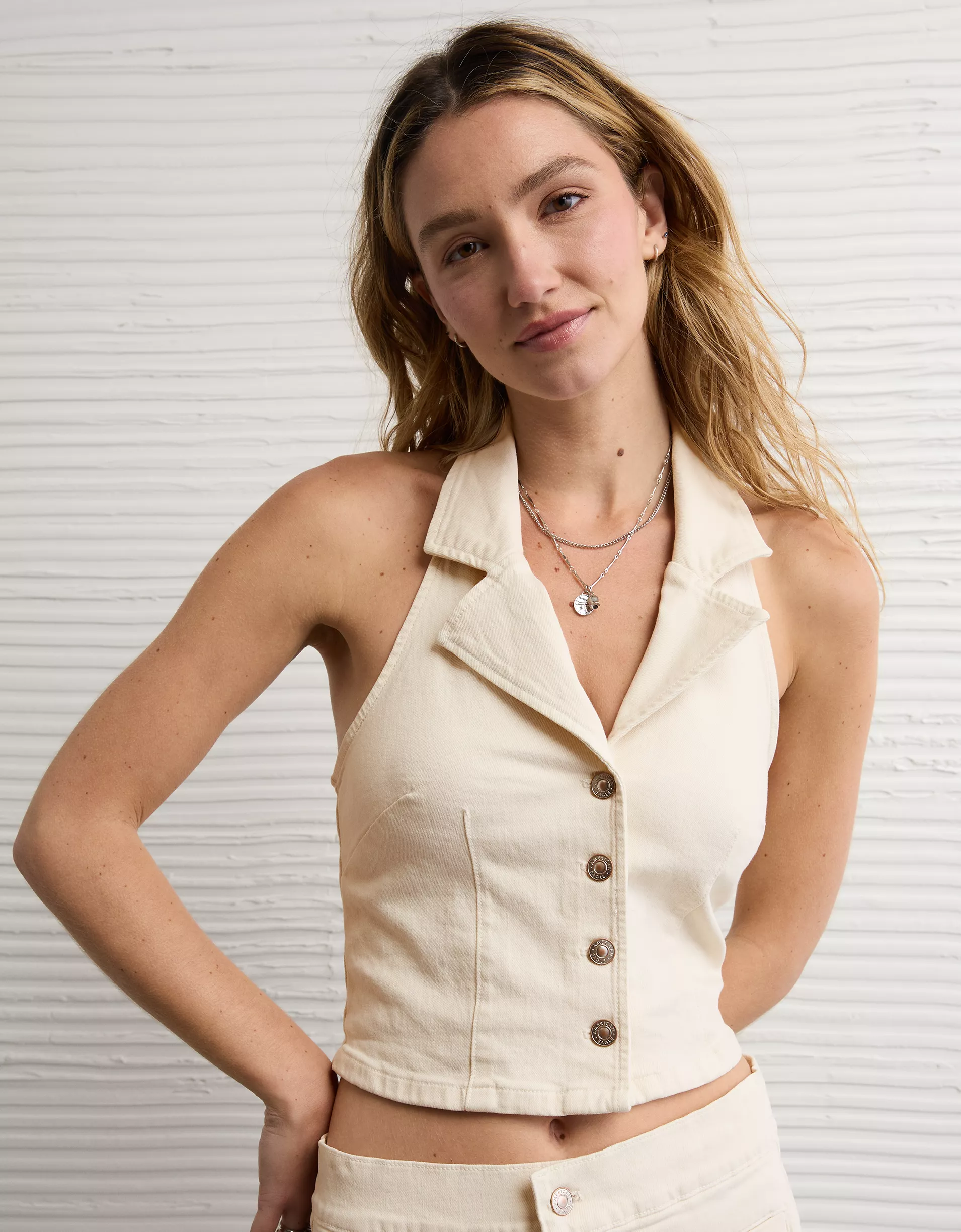
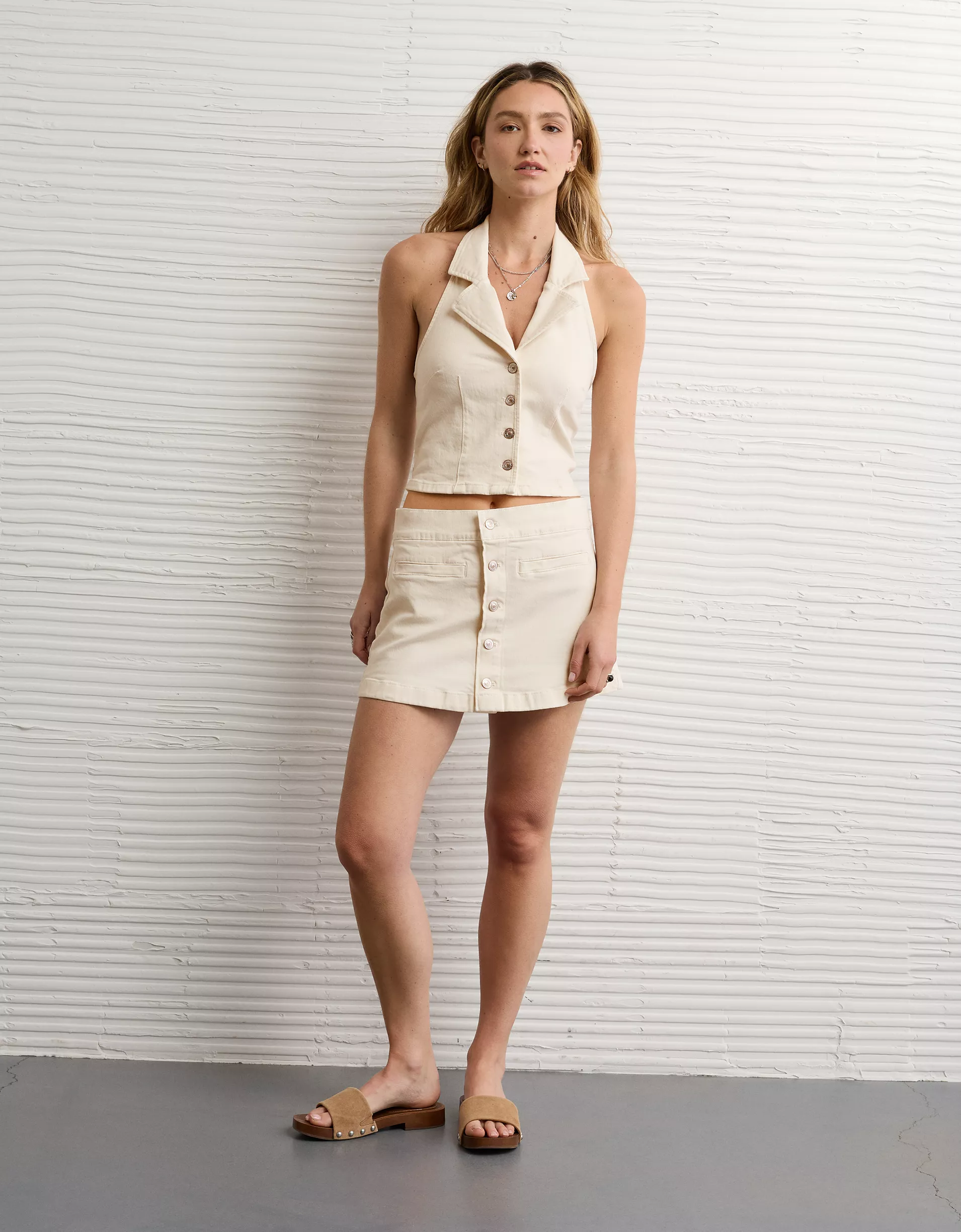
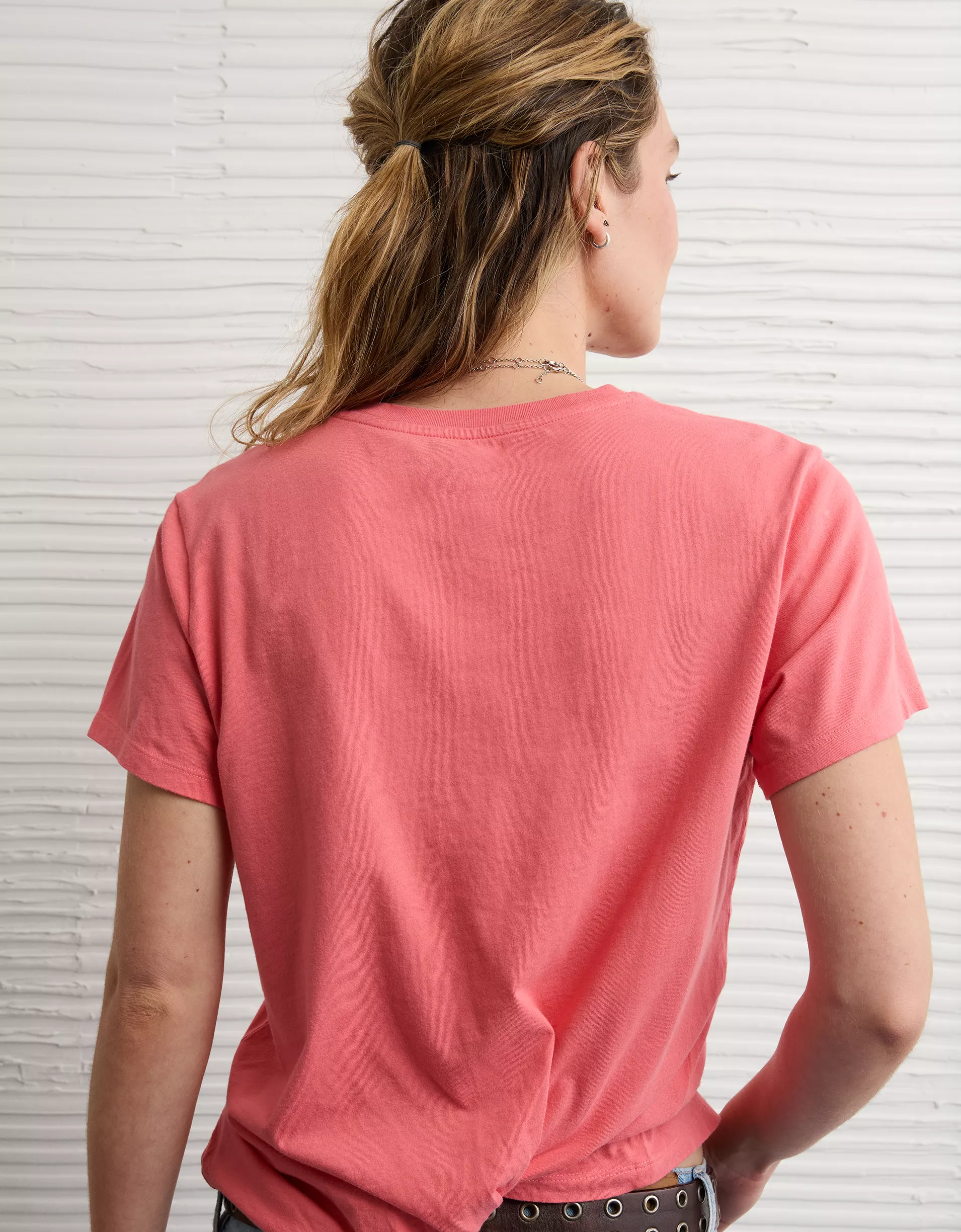
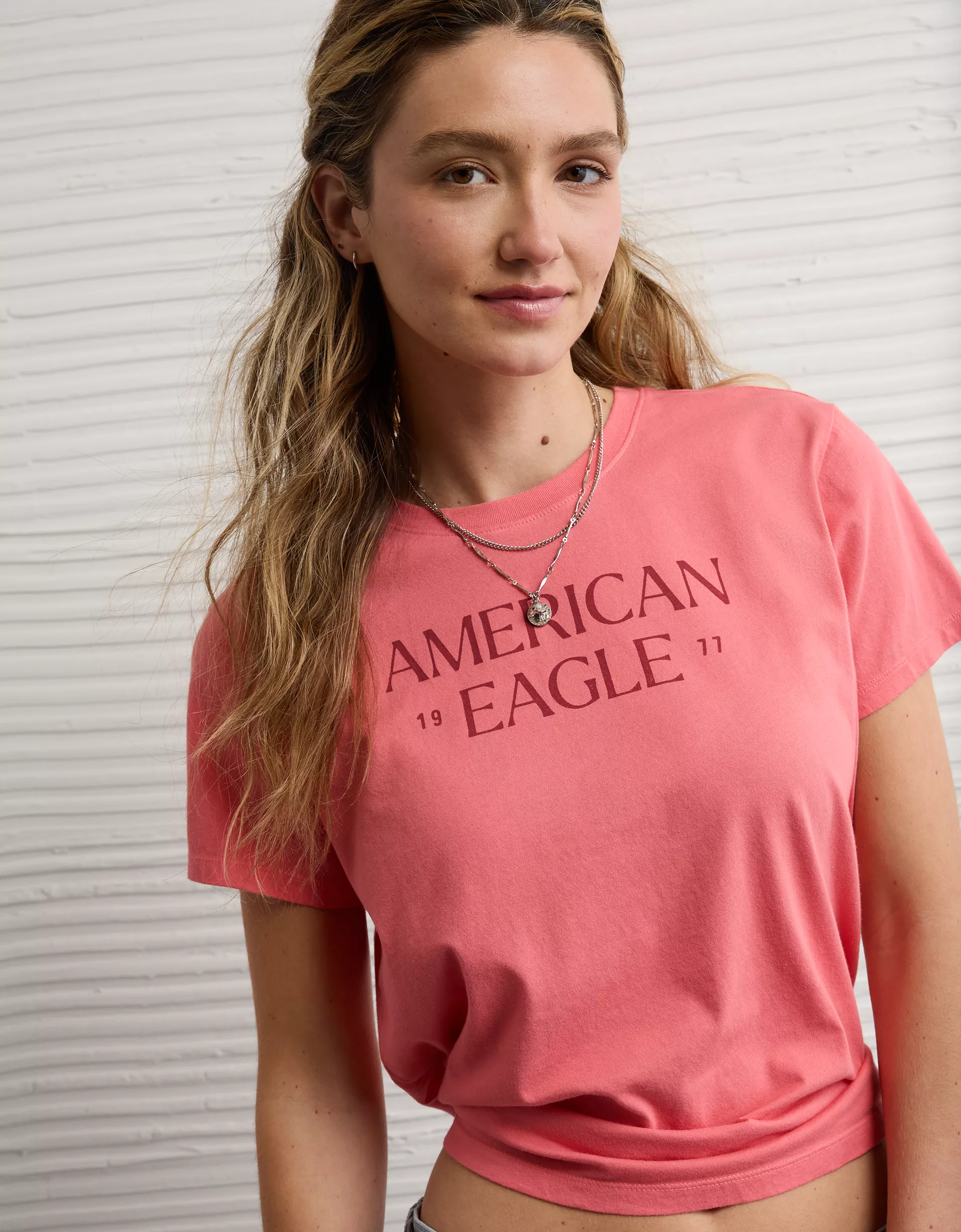
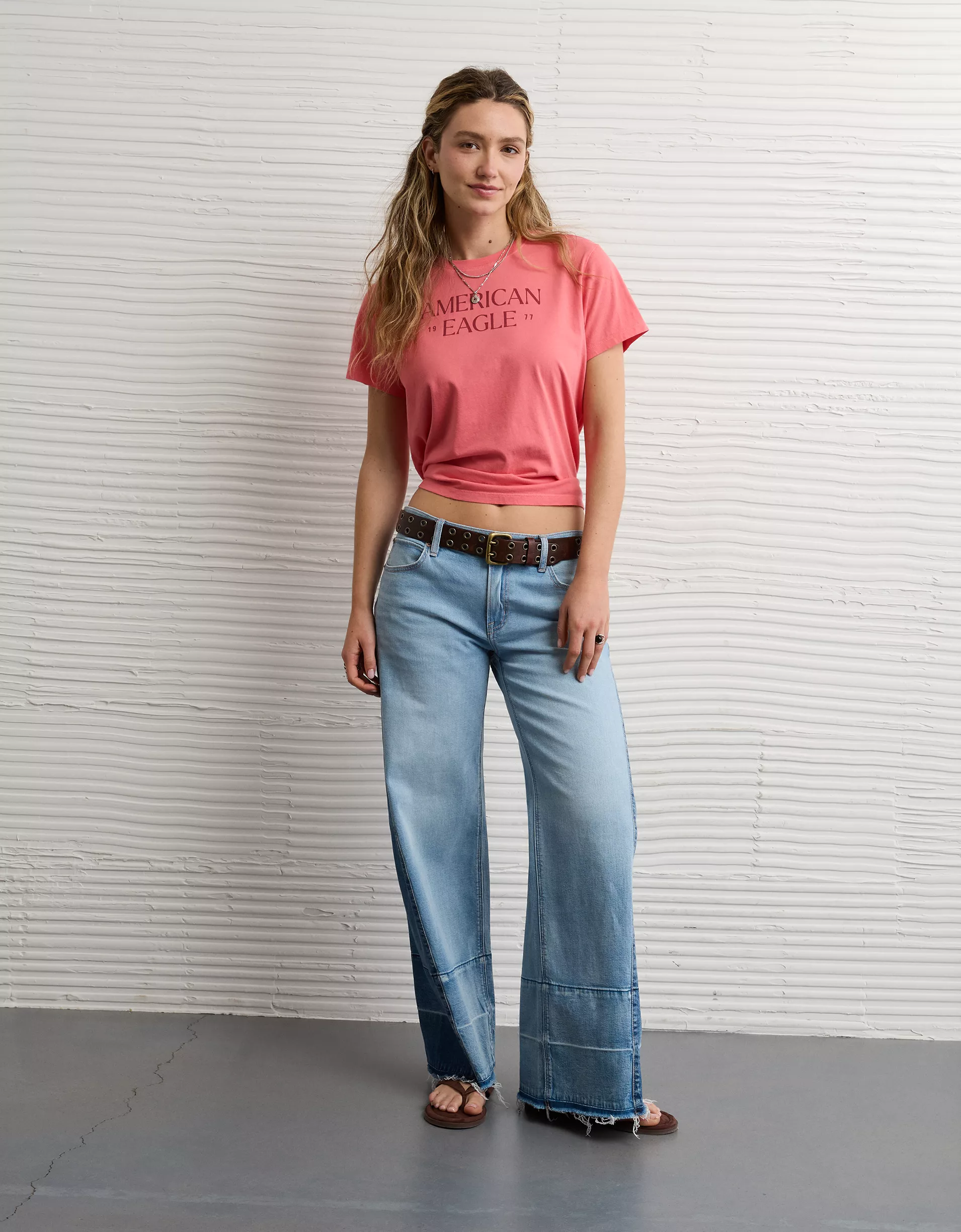
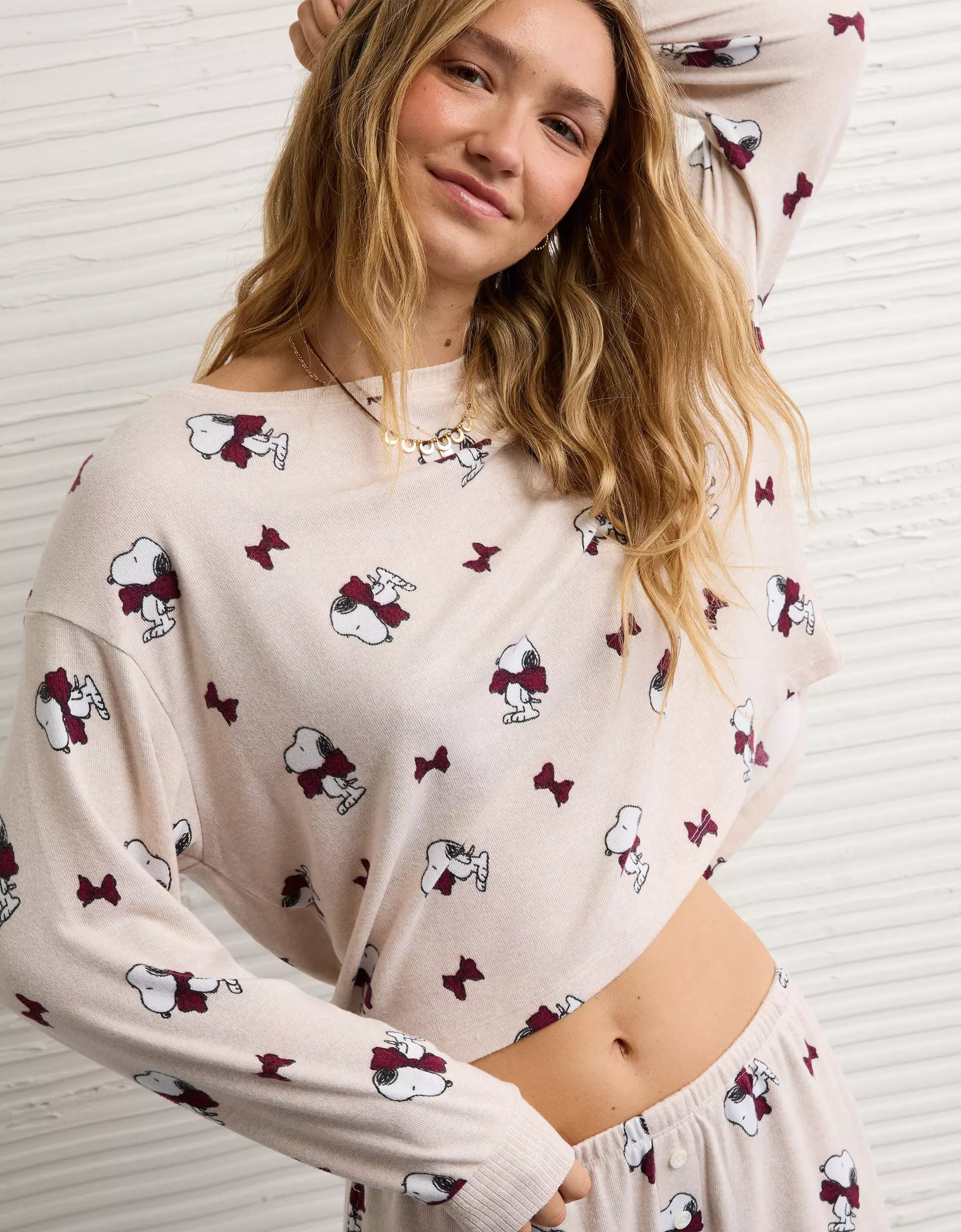
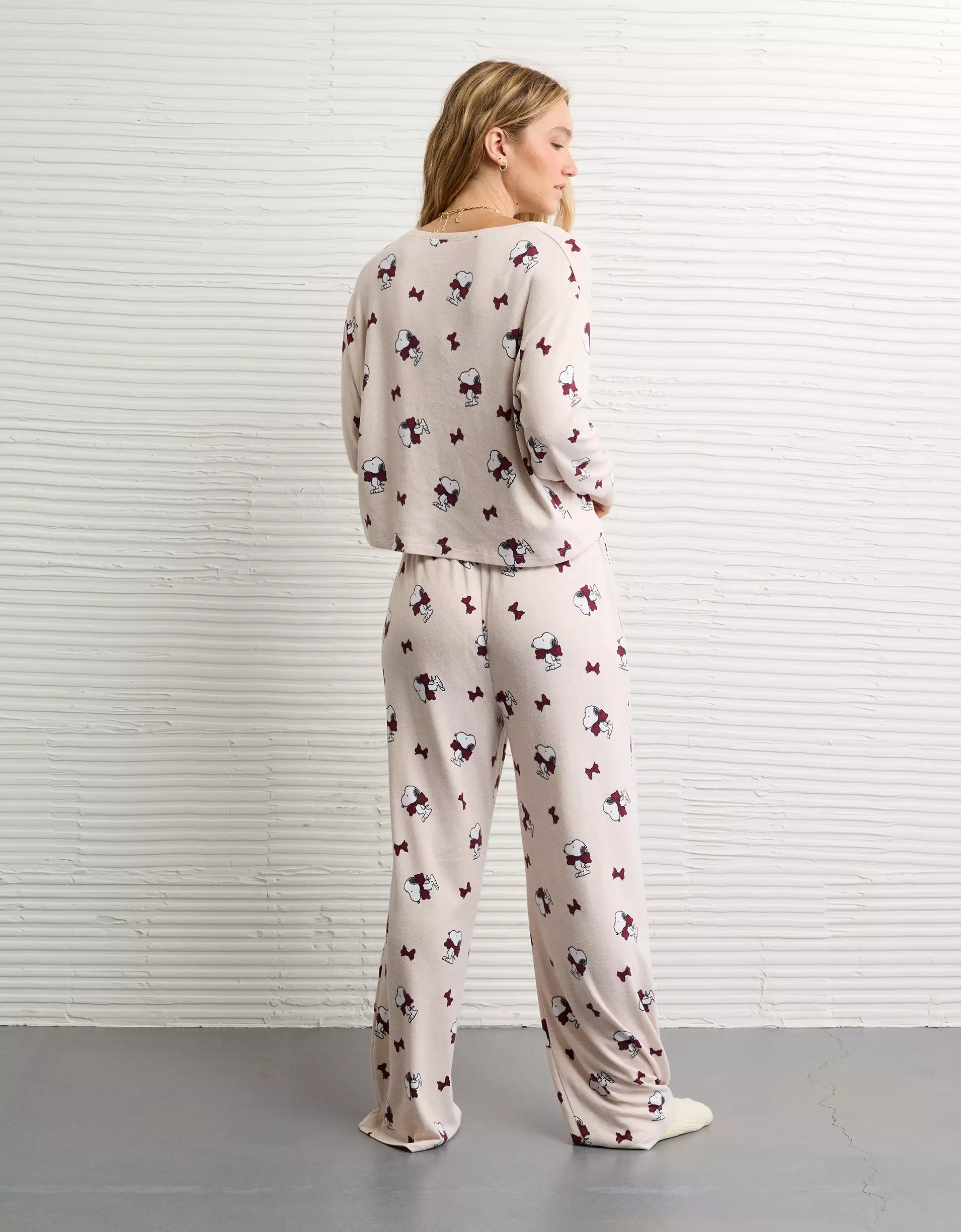
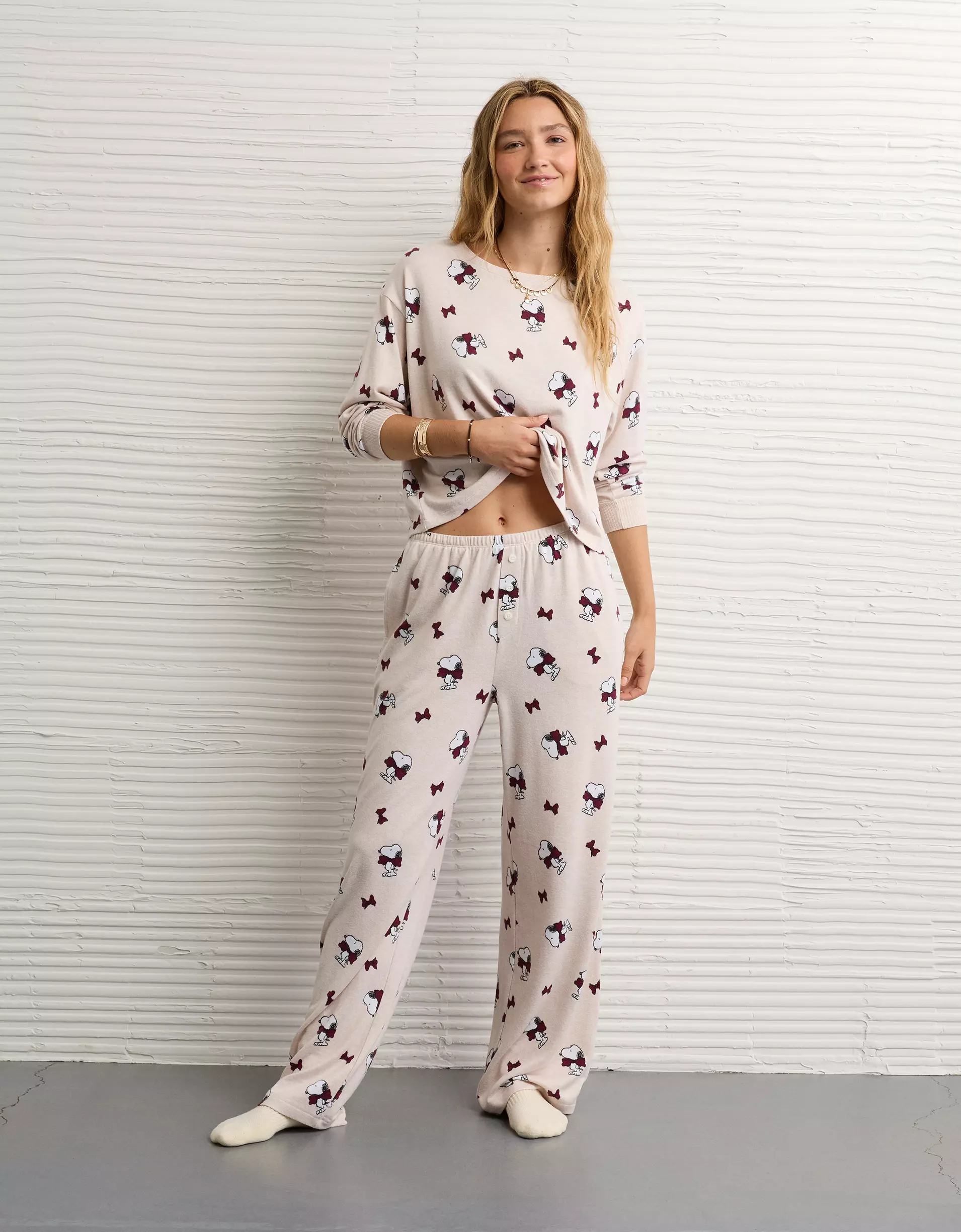
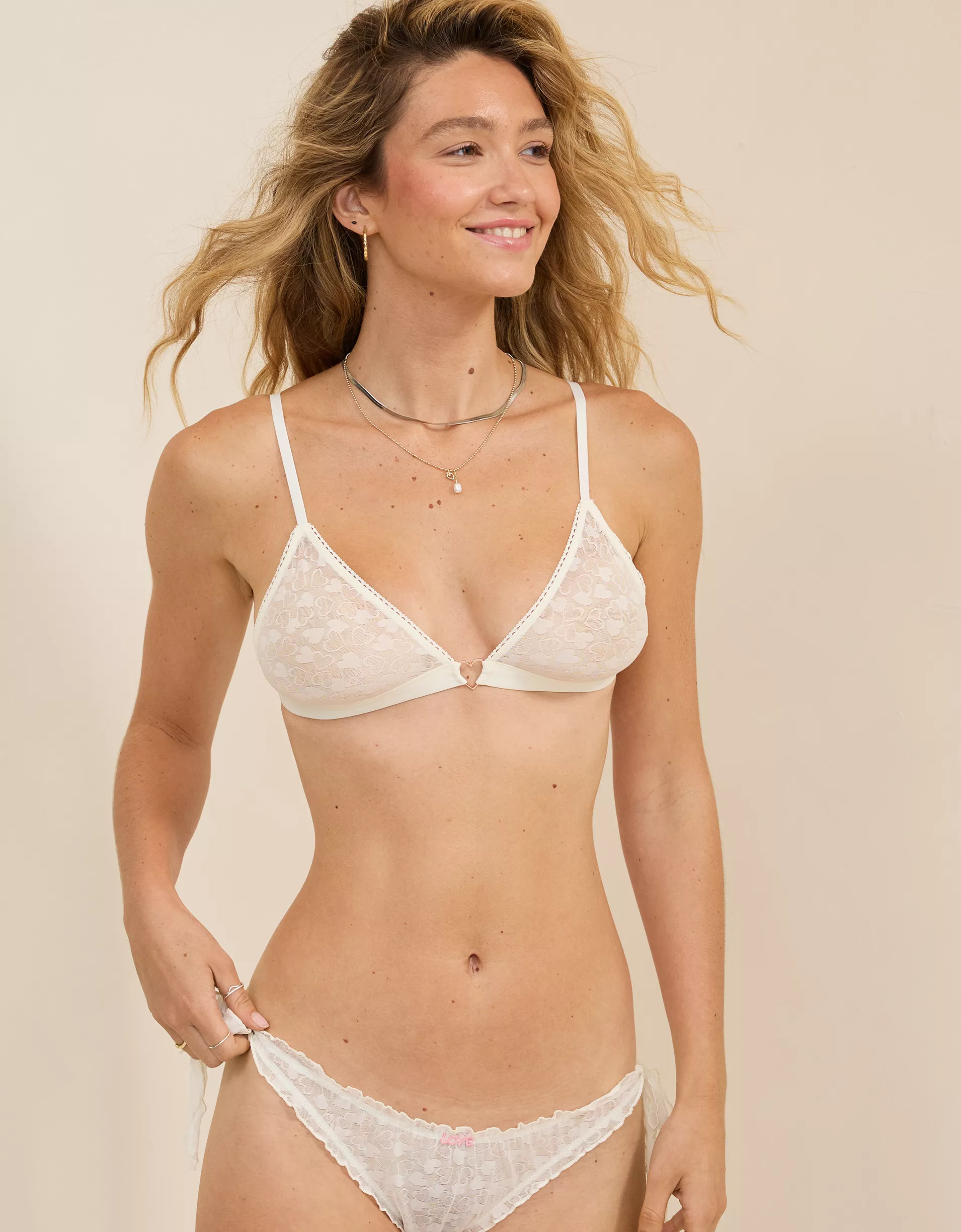
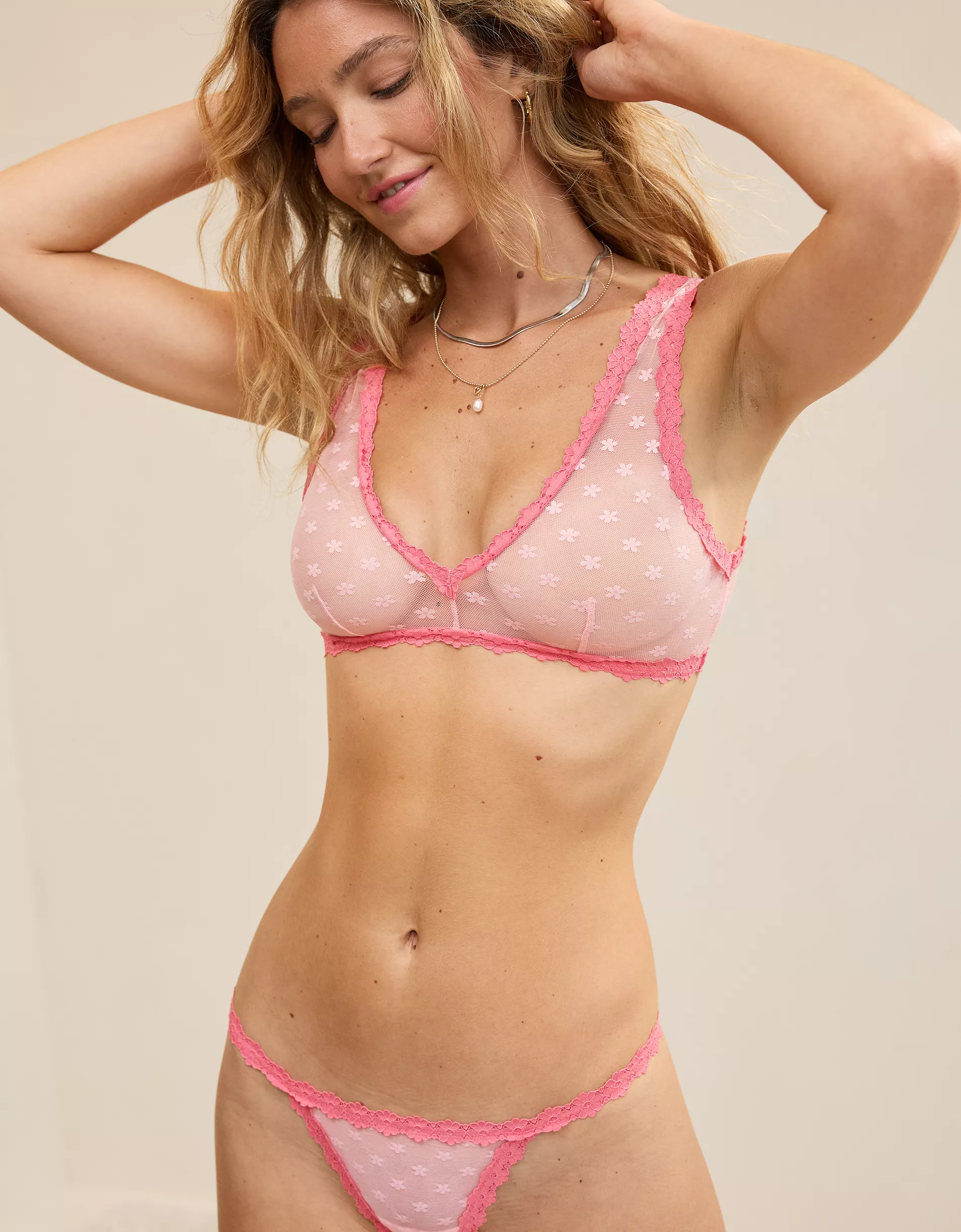
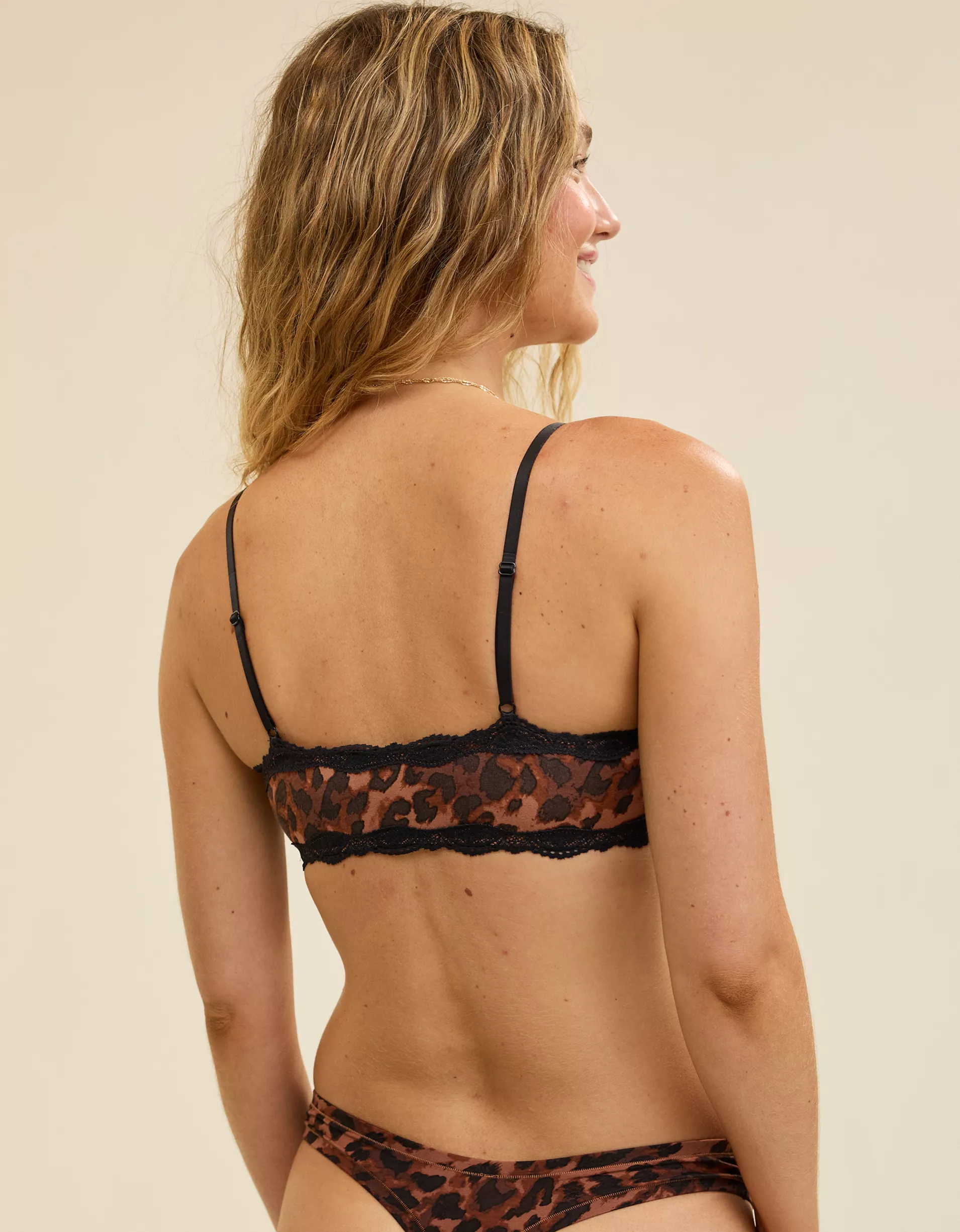
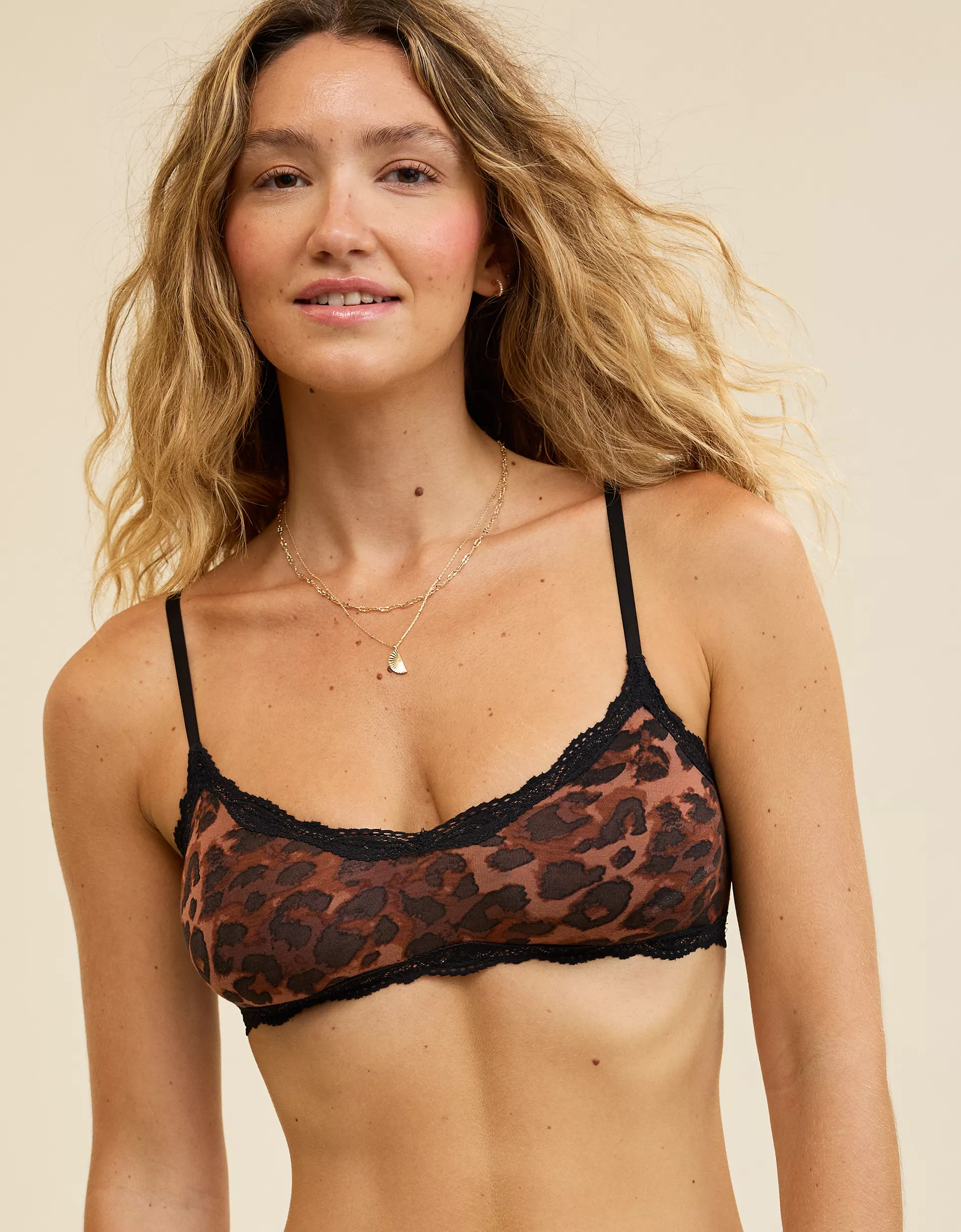
 American Eagle Aerie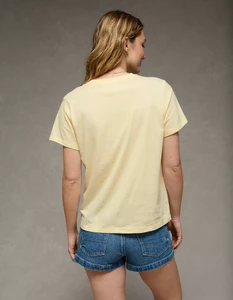
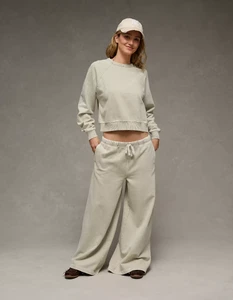
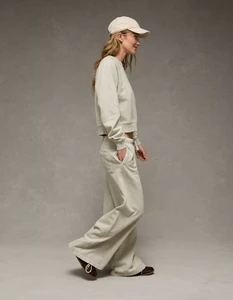
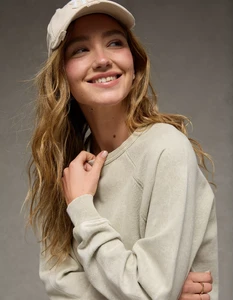
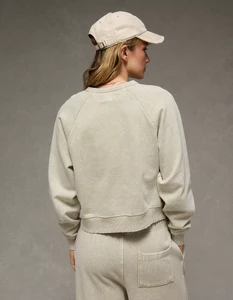
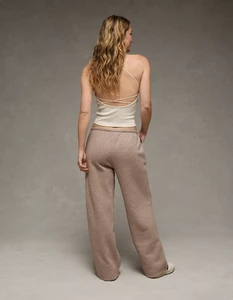
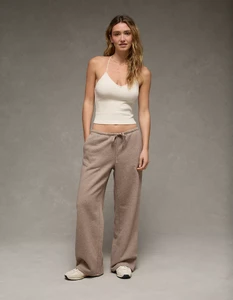
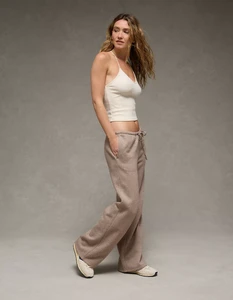
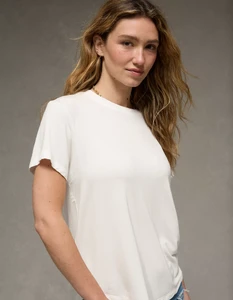
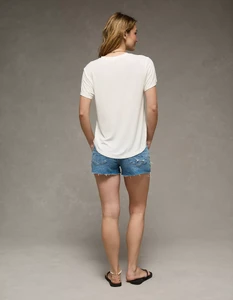
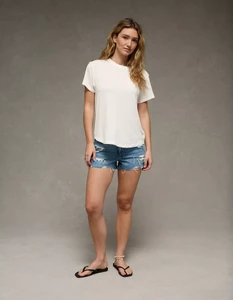
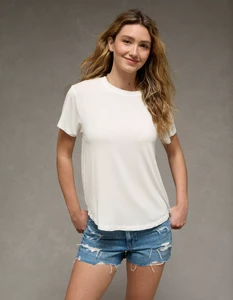
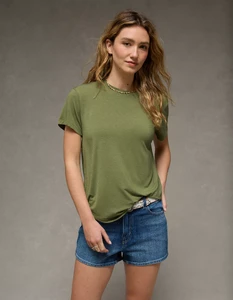
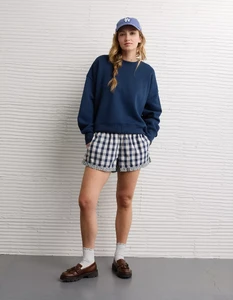
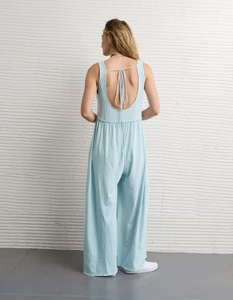
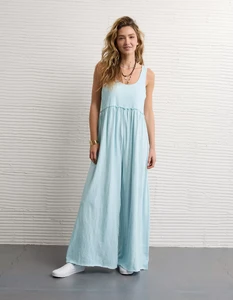
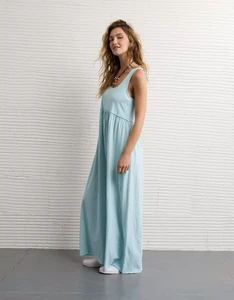
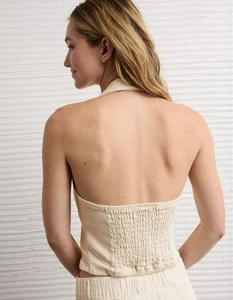
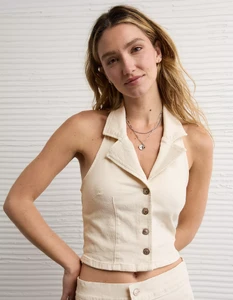
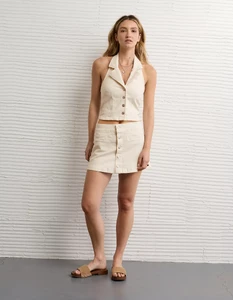
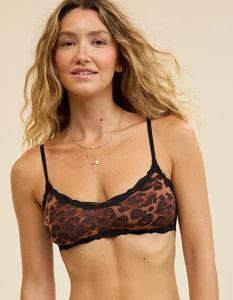
 Let’s wait until next week. I’ll be in the office next week and can check if we still have her old cutting file with her material inside or at least an old comp. The pics on fmd are the photos from our old homepage 20 years ago 😉 Reminder for next week is already stored on my phone.
 This is why they looked so much alike. Now we need a thread...
 That is what I am saying, my dear 😘 You are correct - the showgirl is Aune. And I additionally informed you that her name at the time of the show was Dokoupilova. She obviously uses a new family name nowadays 🤪
I checked repeatedly, even with reverse image search, she is Kristyna Aune. Similar facial bone structure though.
That is what I am saying, my dear 😘 You are correct - the showgirl is Aune. And I additionally informed you that her name at the time of the show was Dokoupilova. She obviously uses a new family name nowadays 🤪
I checked repeatedly, even with reverse image search, she is Kristyna Aune. Similar facial bone structure though. I can reconfirm this. It actually is Kristyna Dokoupilova in the early 2Ks > https://www.fashionmodeldirectory.com/models/kristyna_dokoupilova/photos/ She was with Nathalie Models in Paris at the time of the show. also @fakediorpurse
Anna IT 07-06-1990 online seller
I can reconfirm this. It actually is Kristyna Dokoupilova in the early 2Ks > https://www.fashionmodeldirectory.com/models/kristyna_dokoupilova/photos/ She was with Nathalie Models in Paris at the time of the show. also @fakediorpurse
Anna IT 07-06-1990 online seller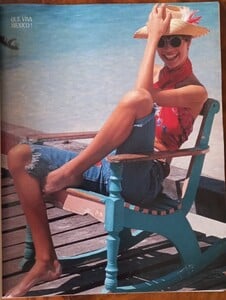

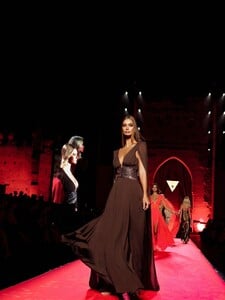
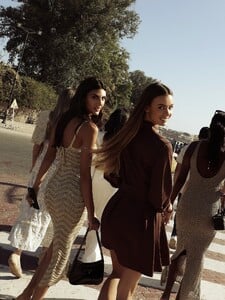
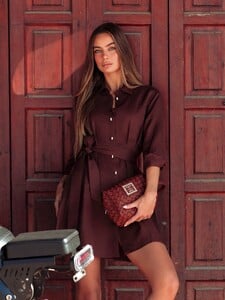
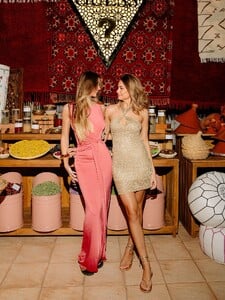
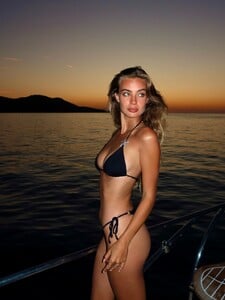
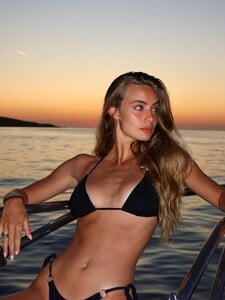
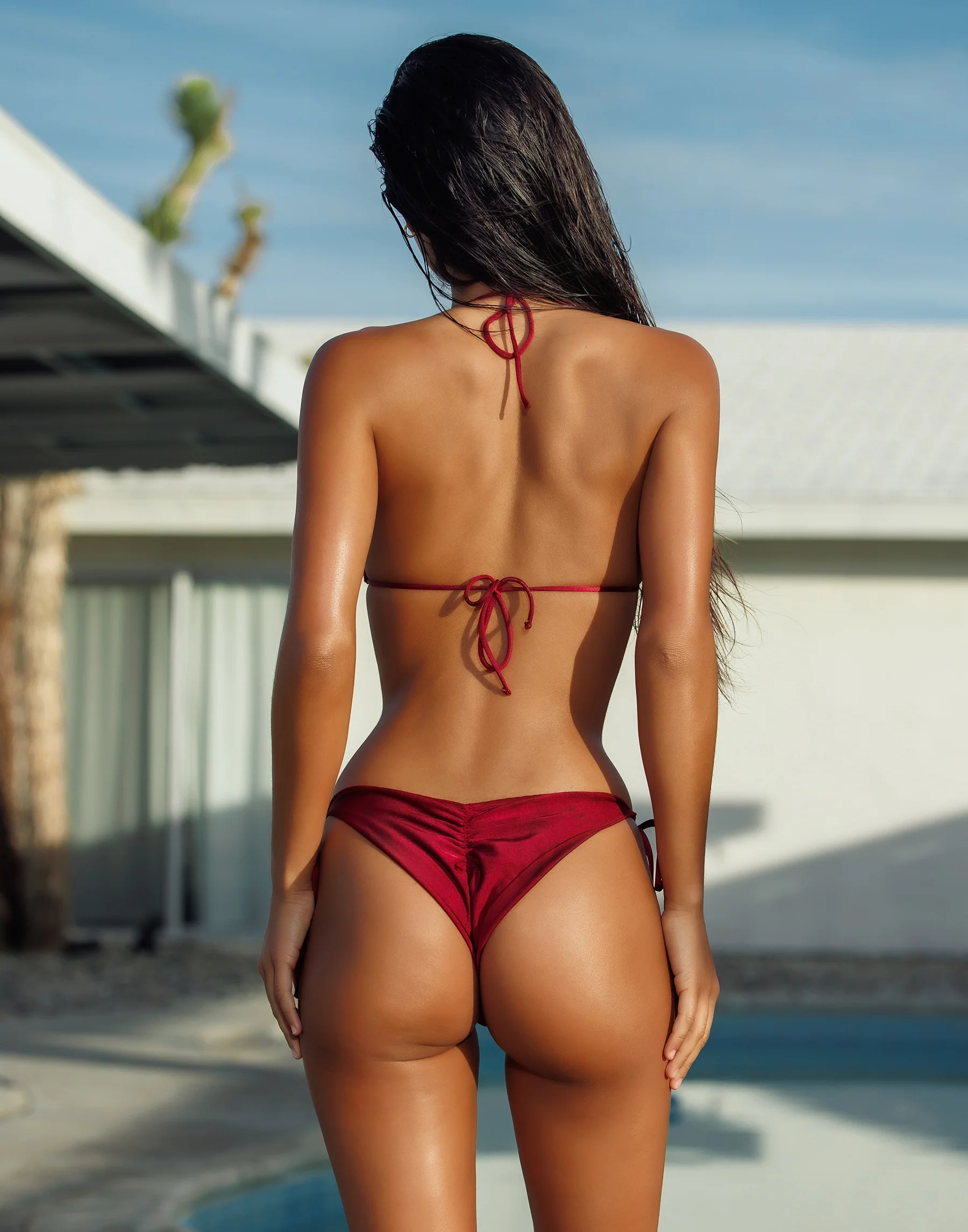
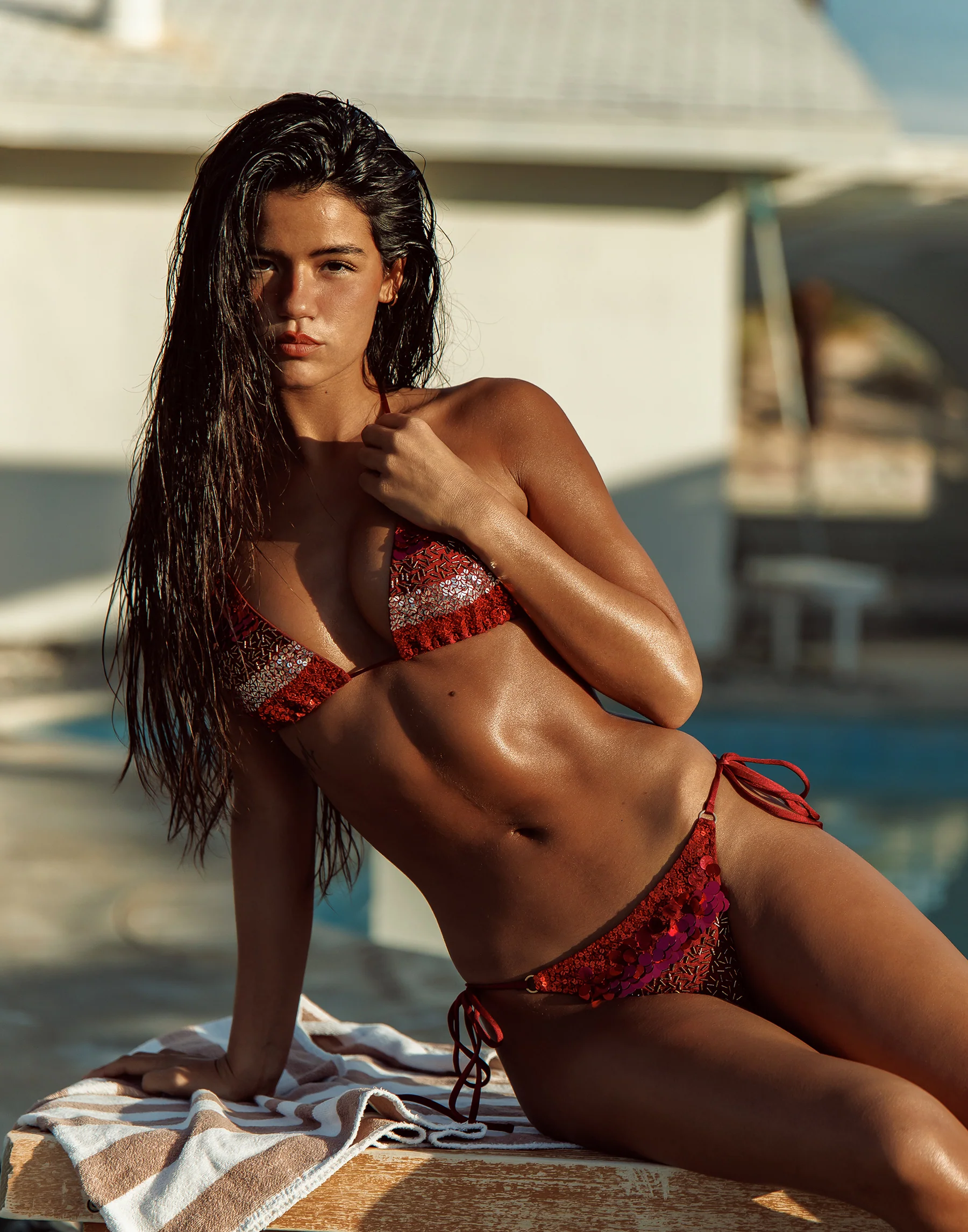
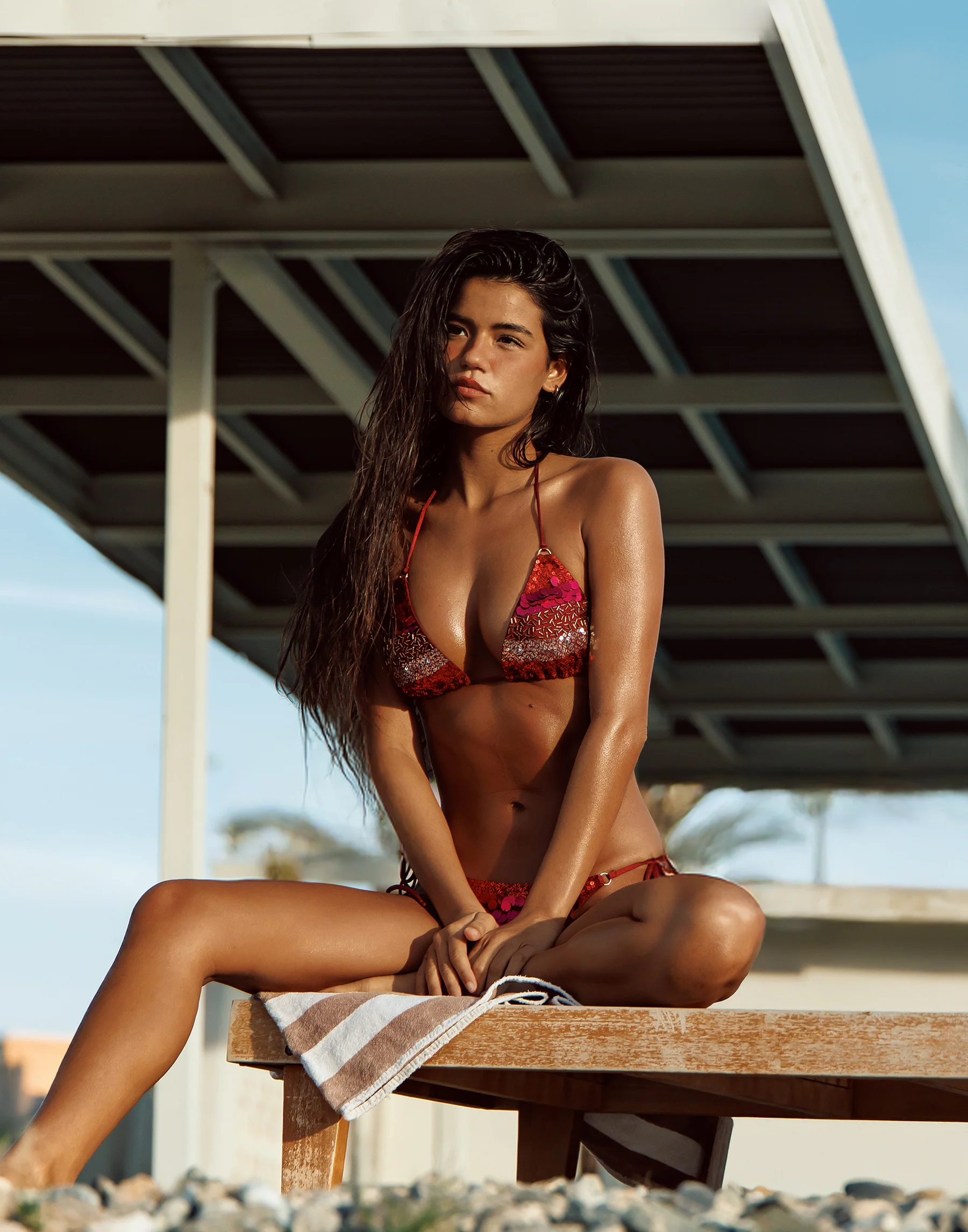
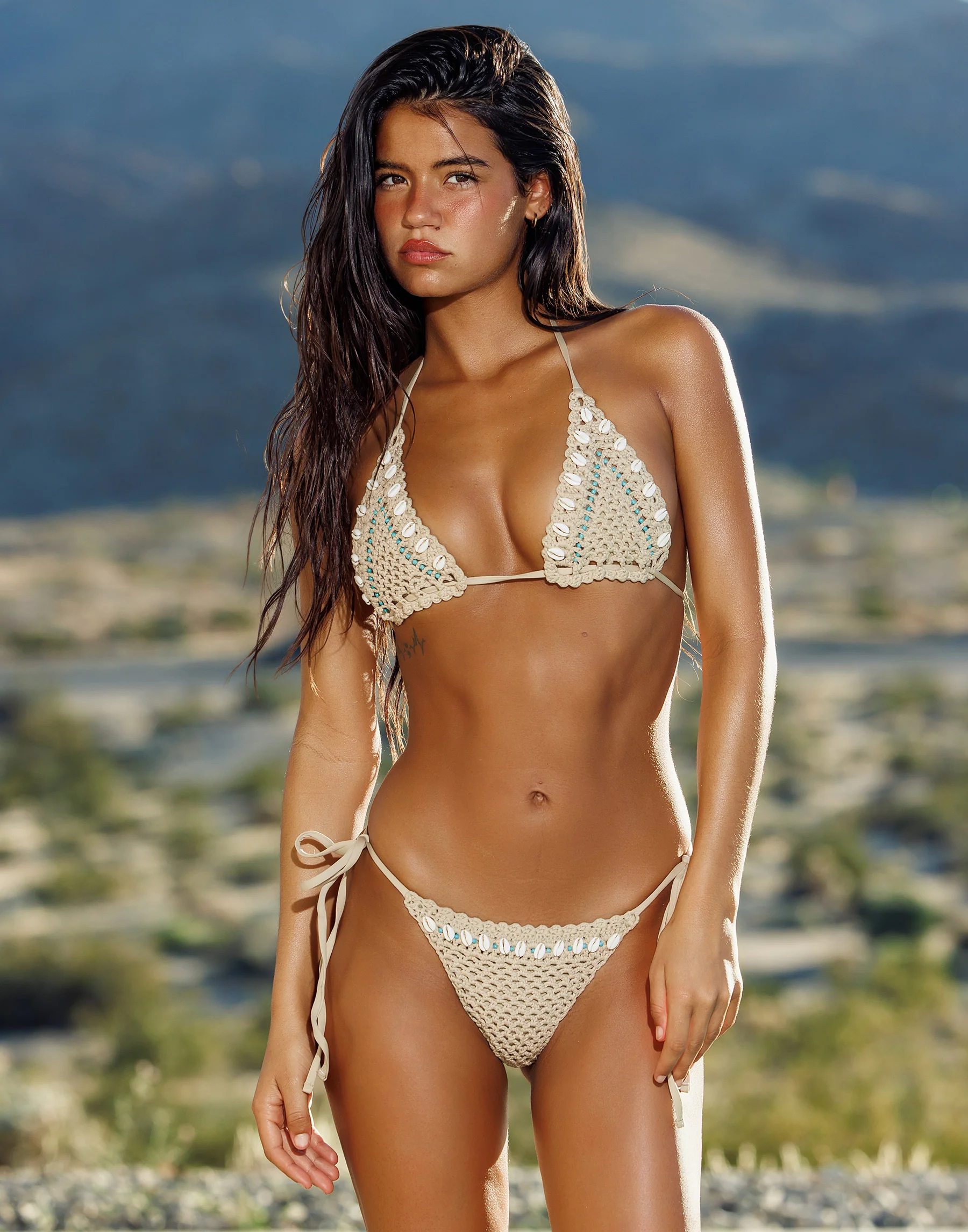
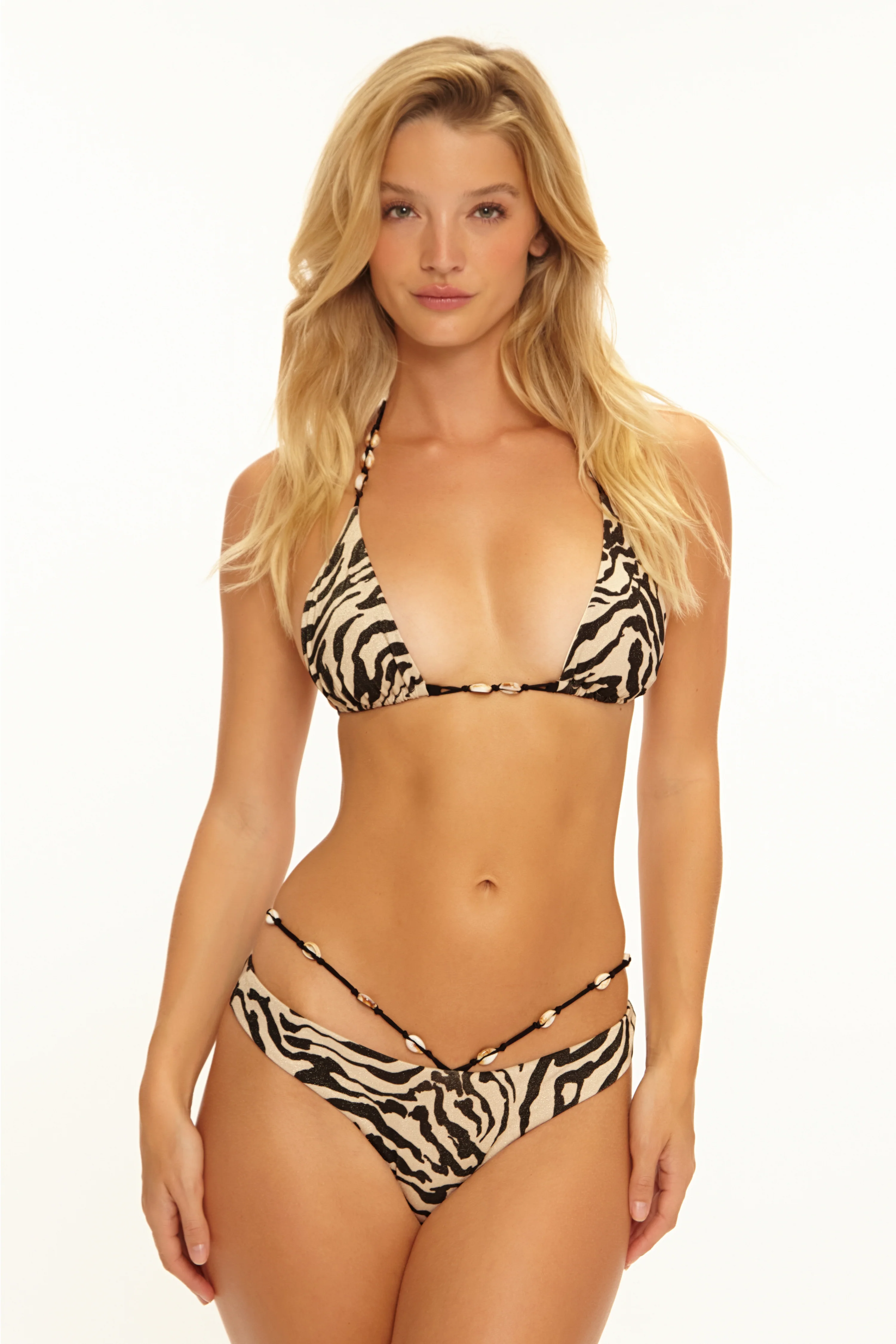
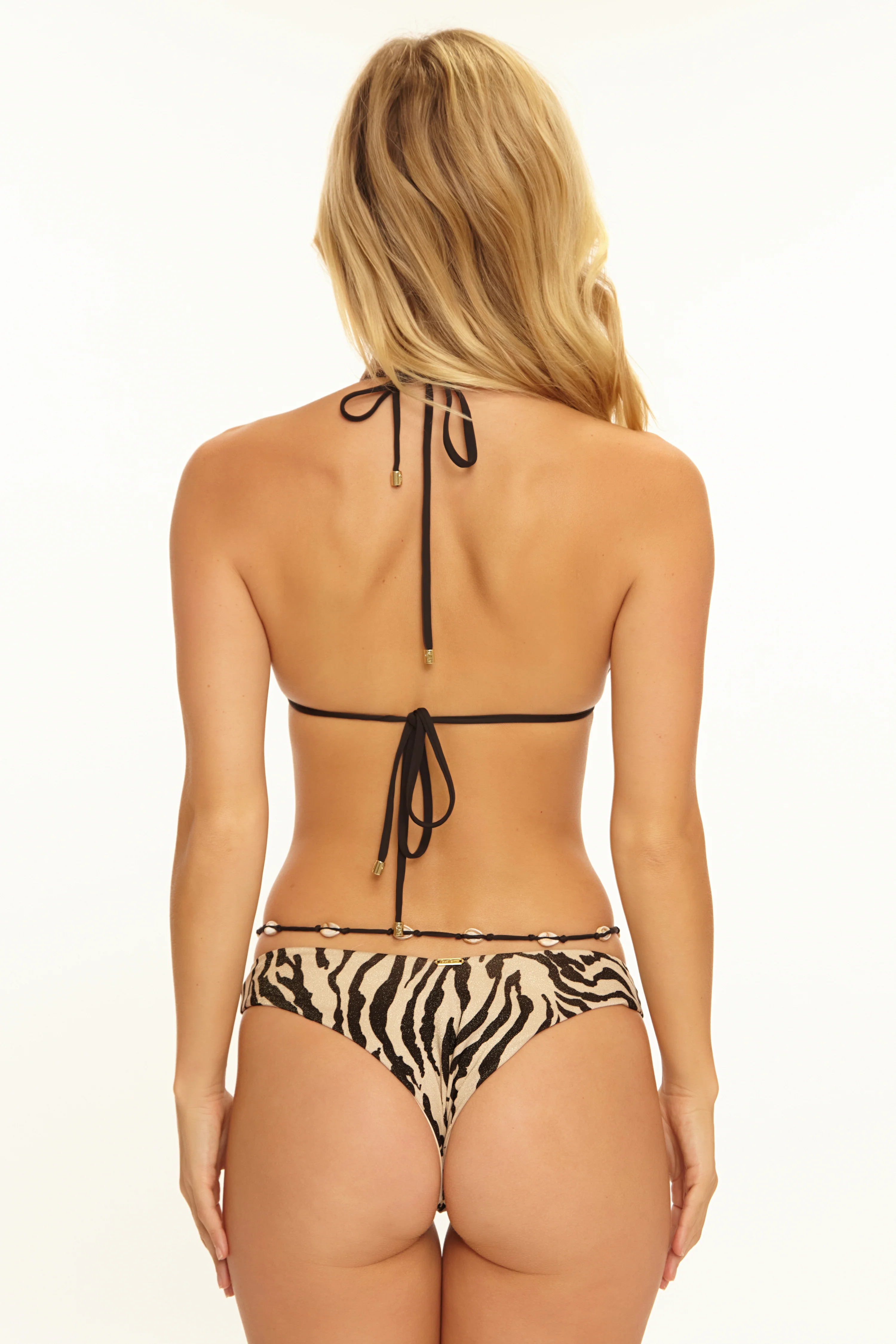
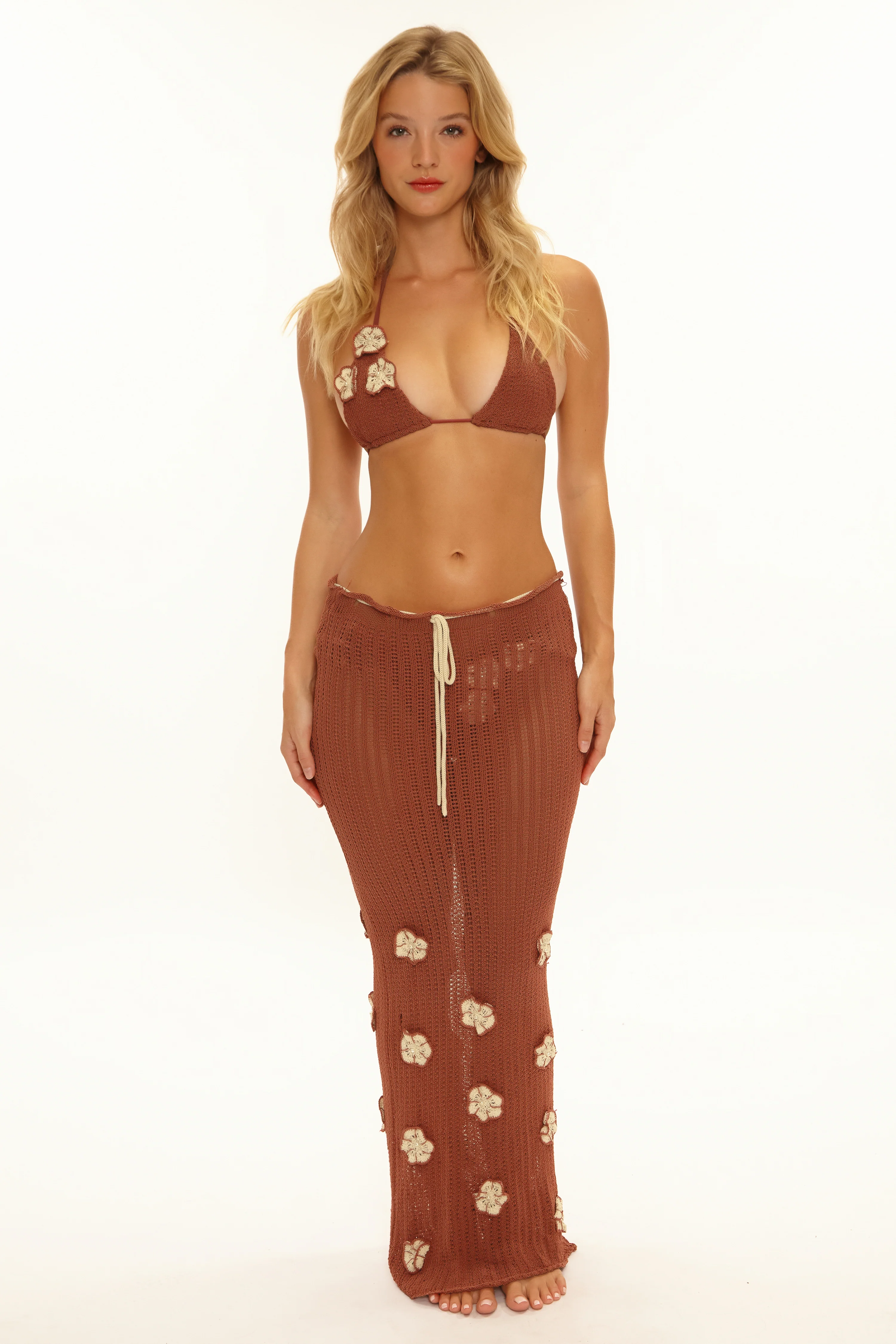
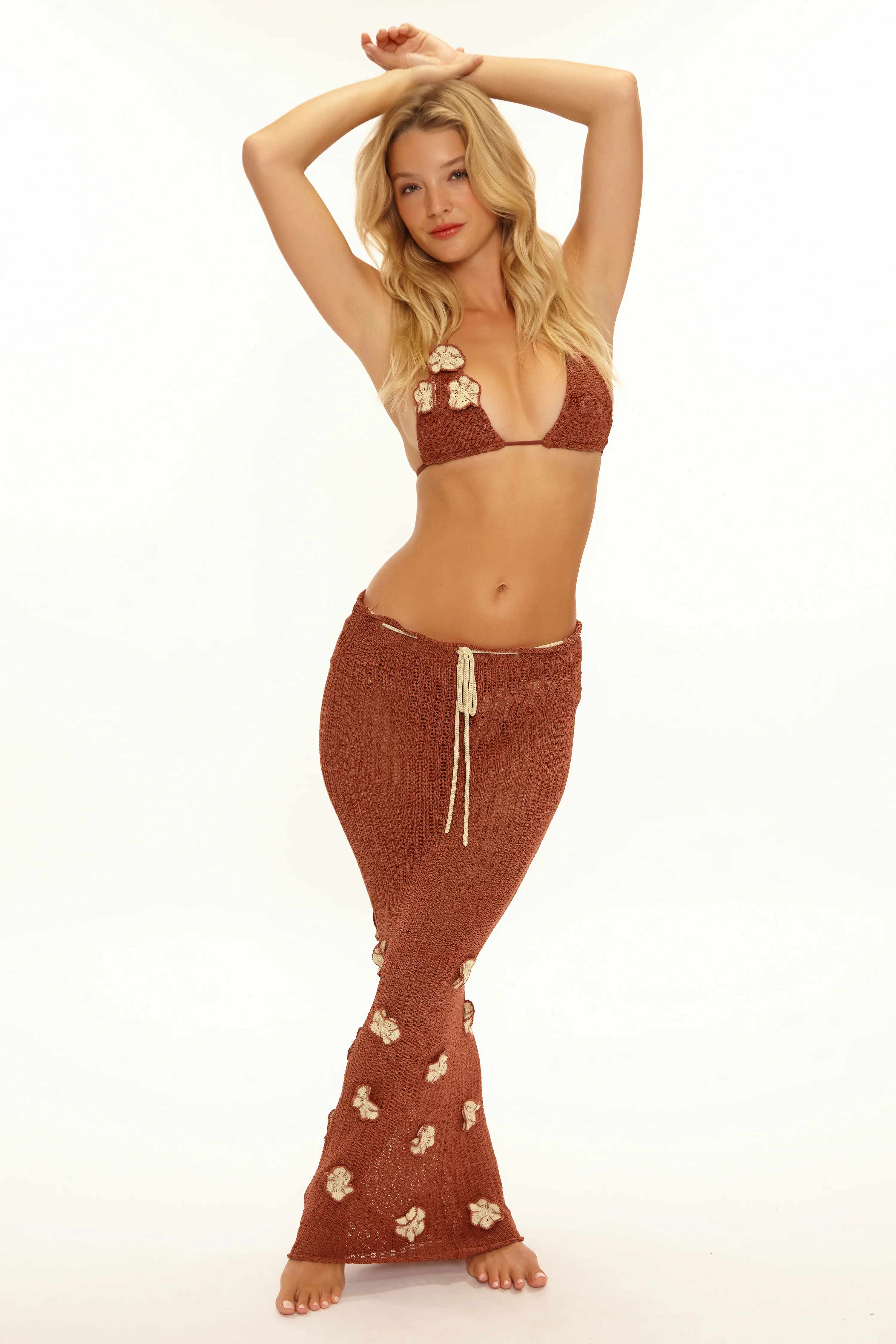
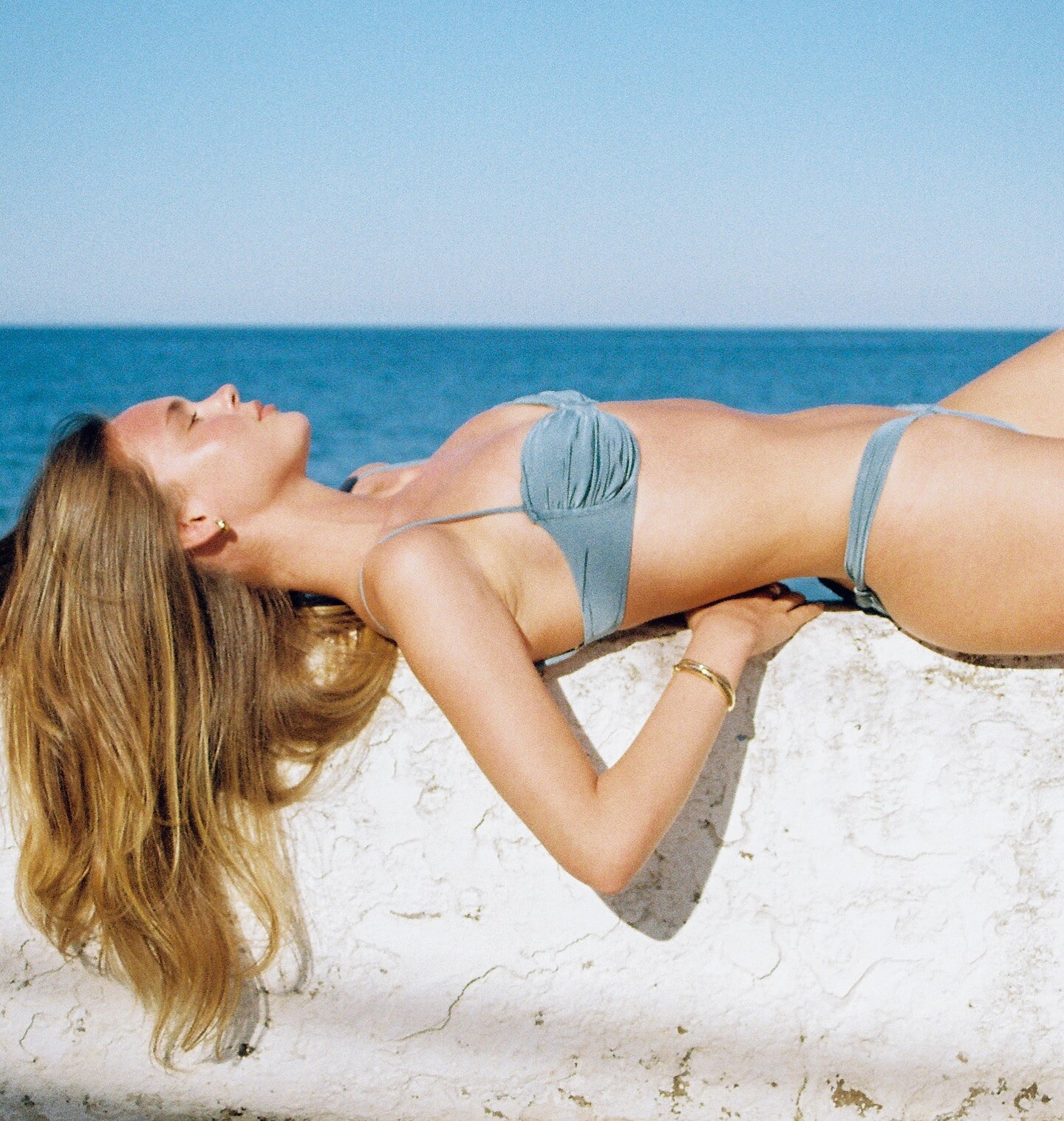
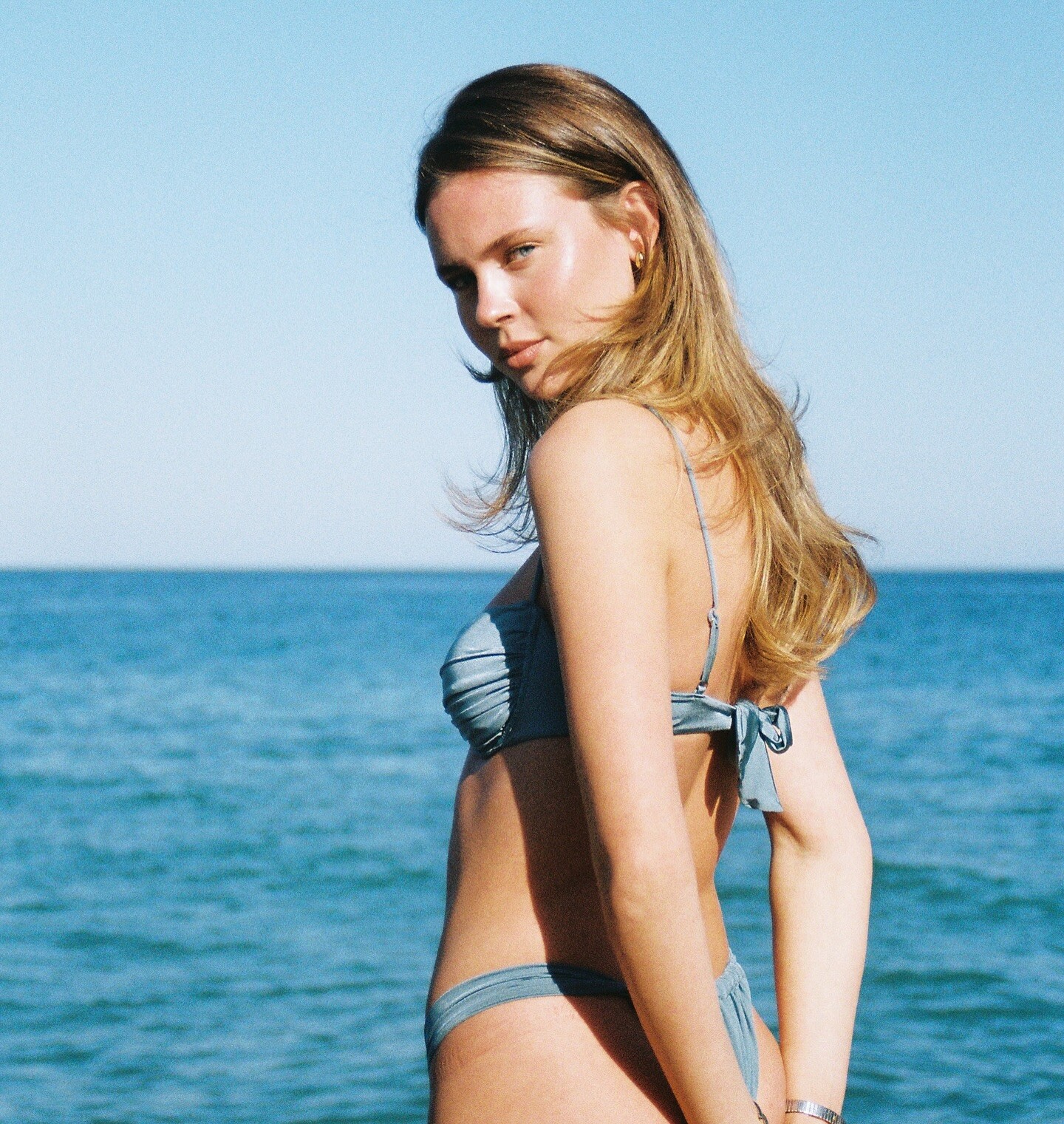
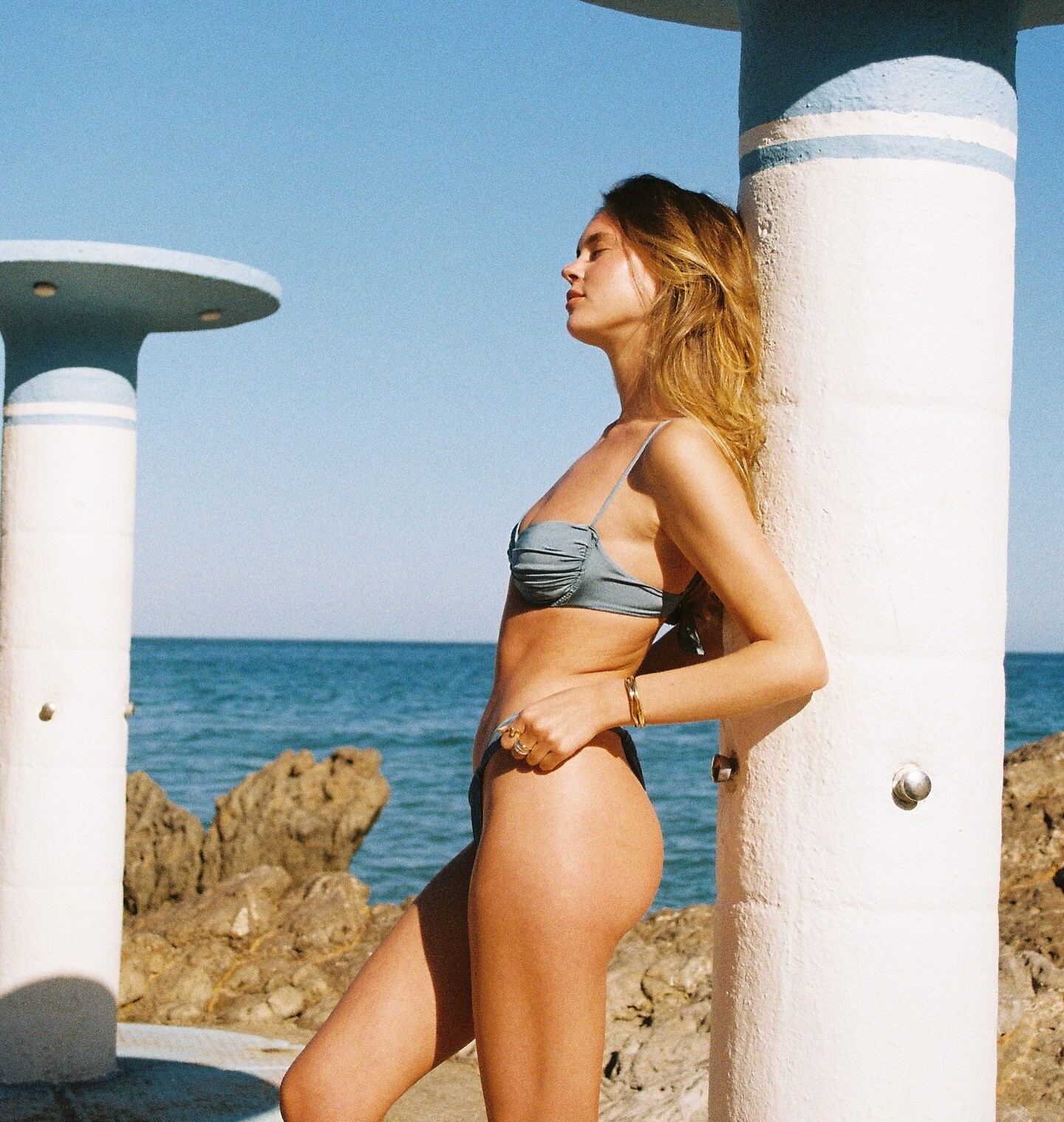
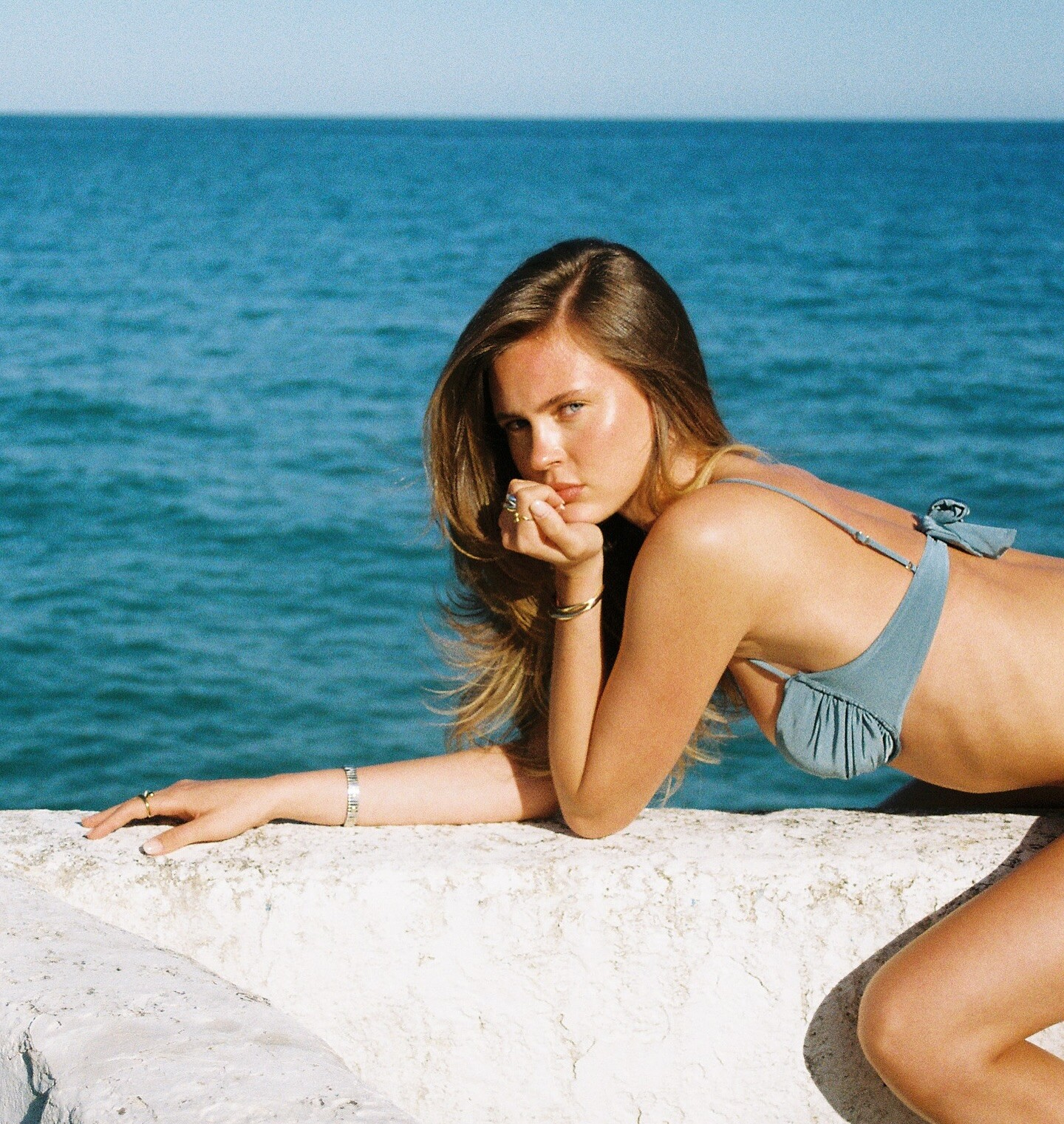
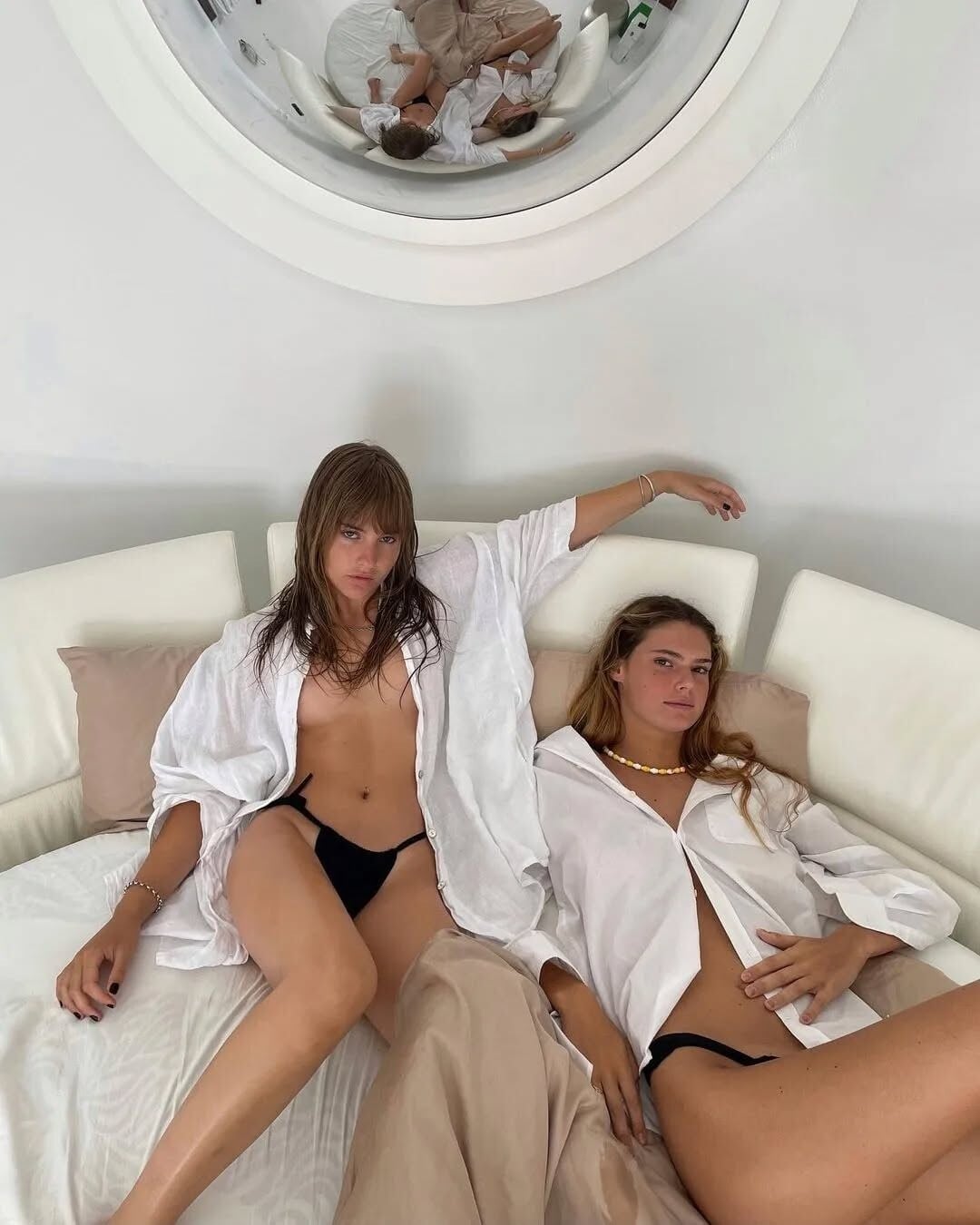
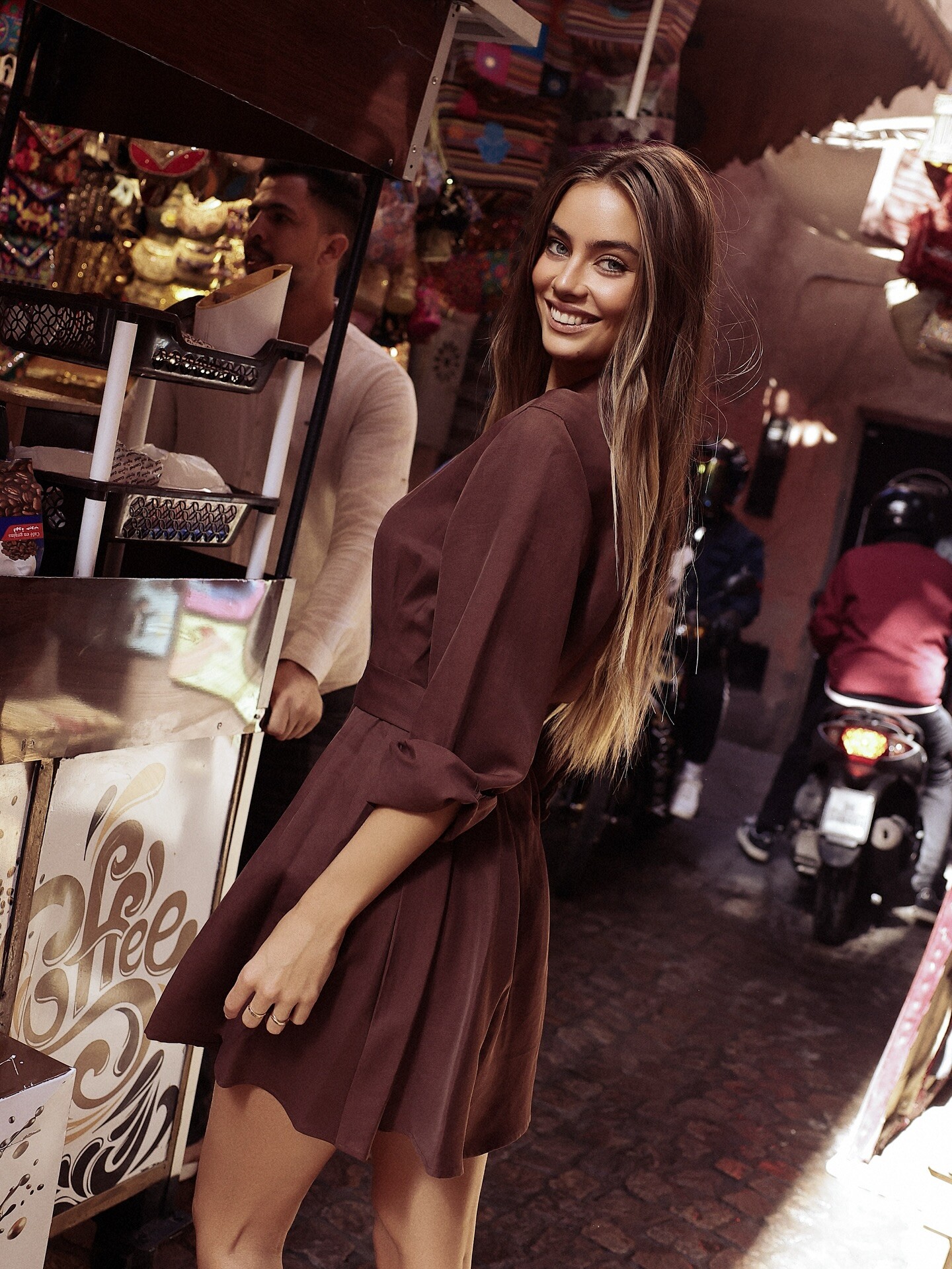
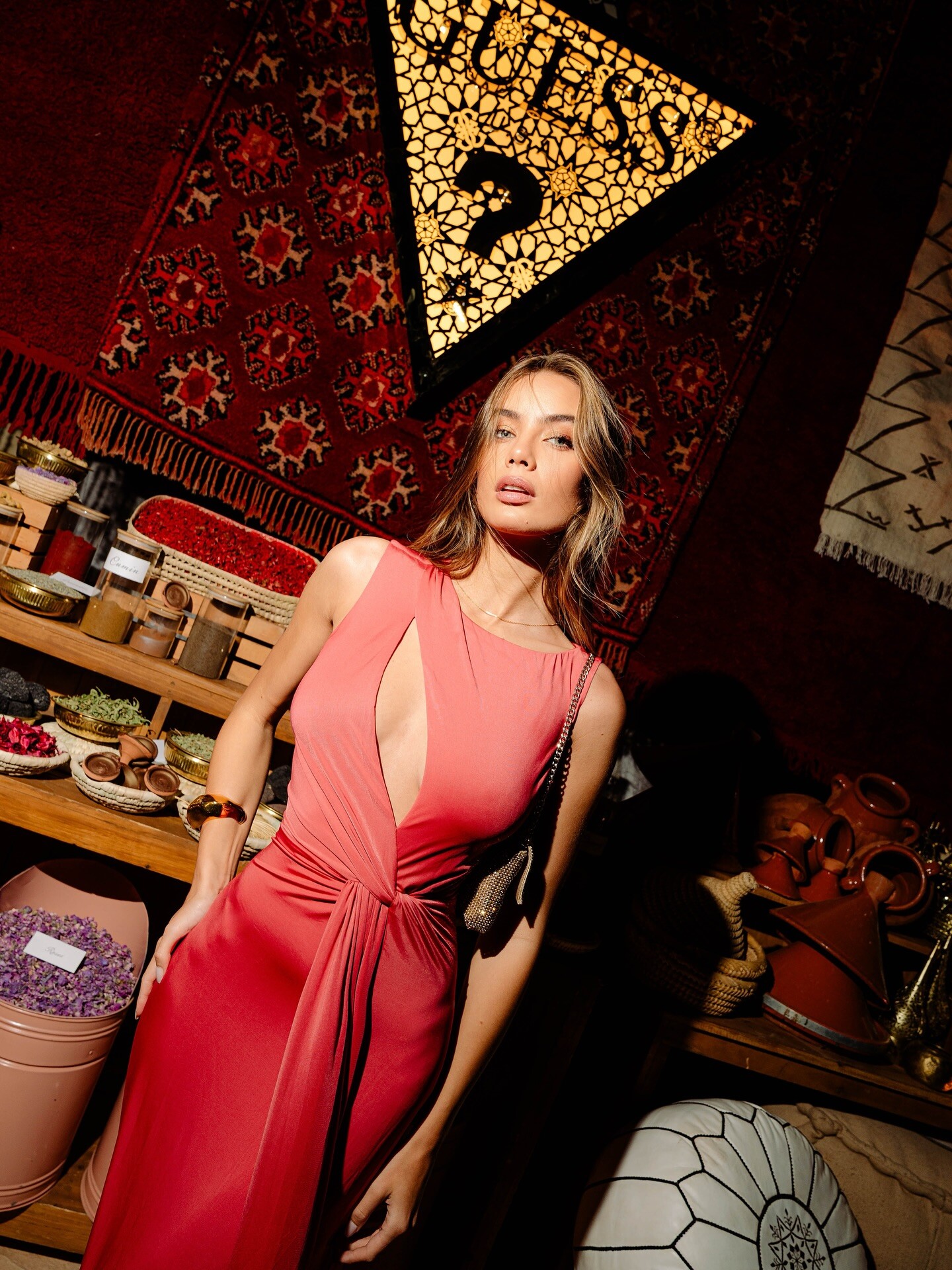
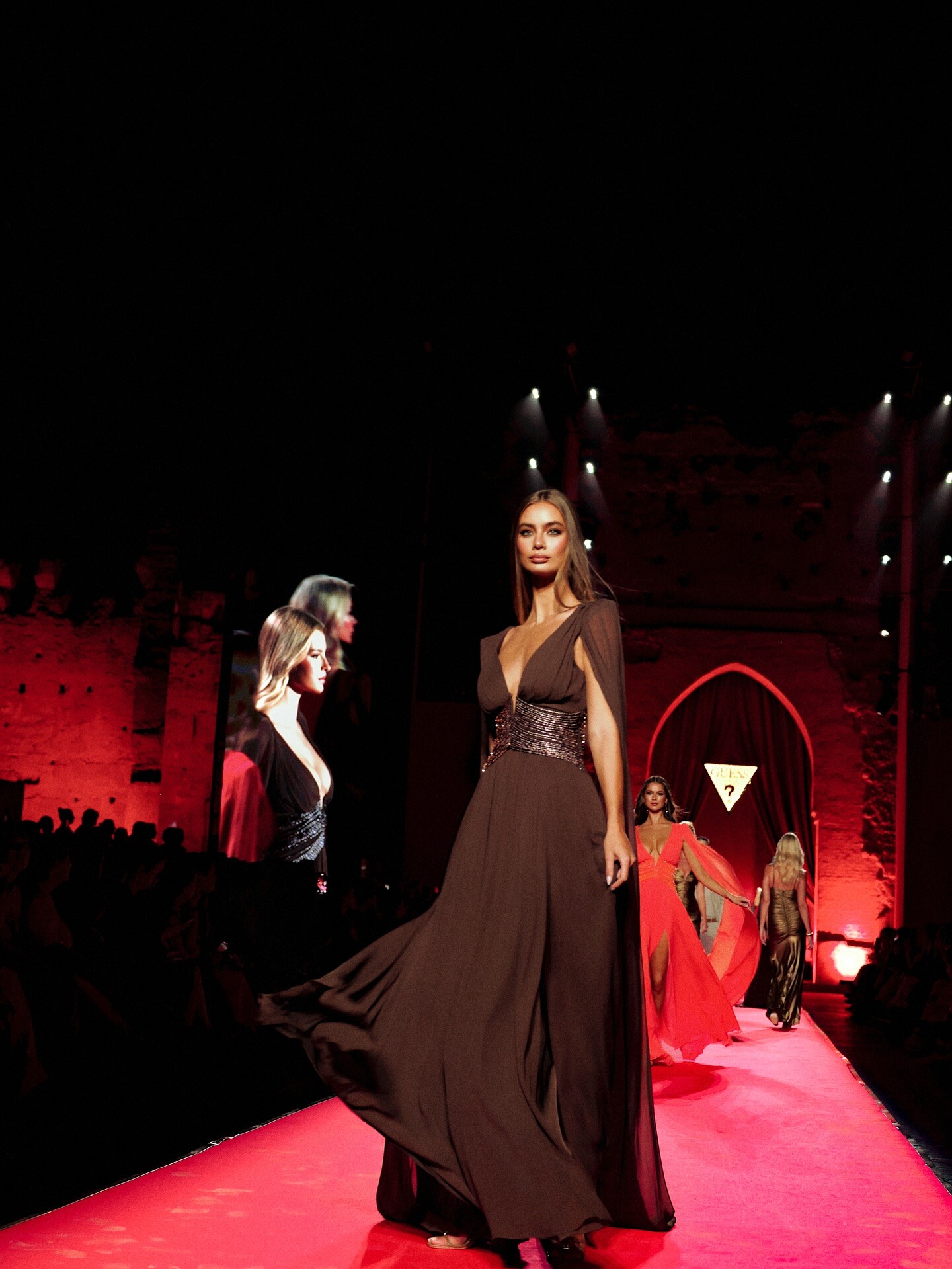
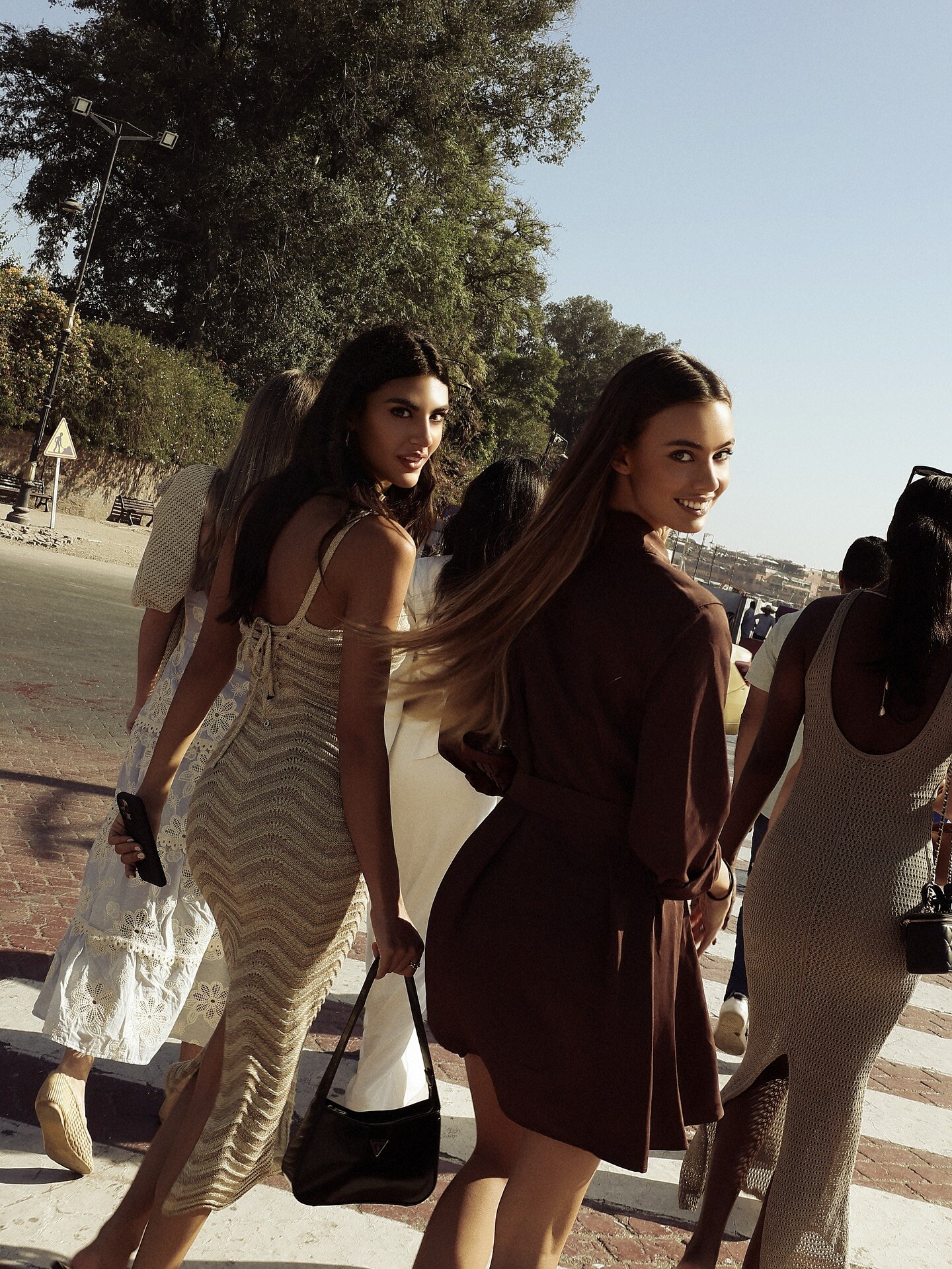
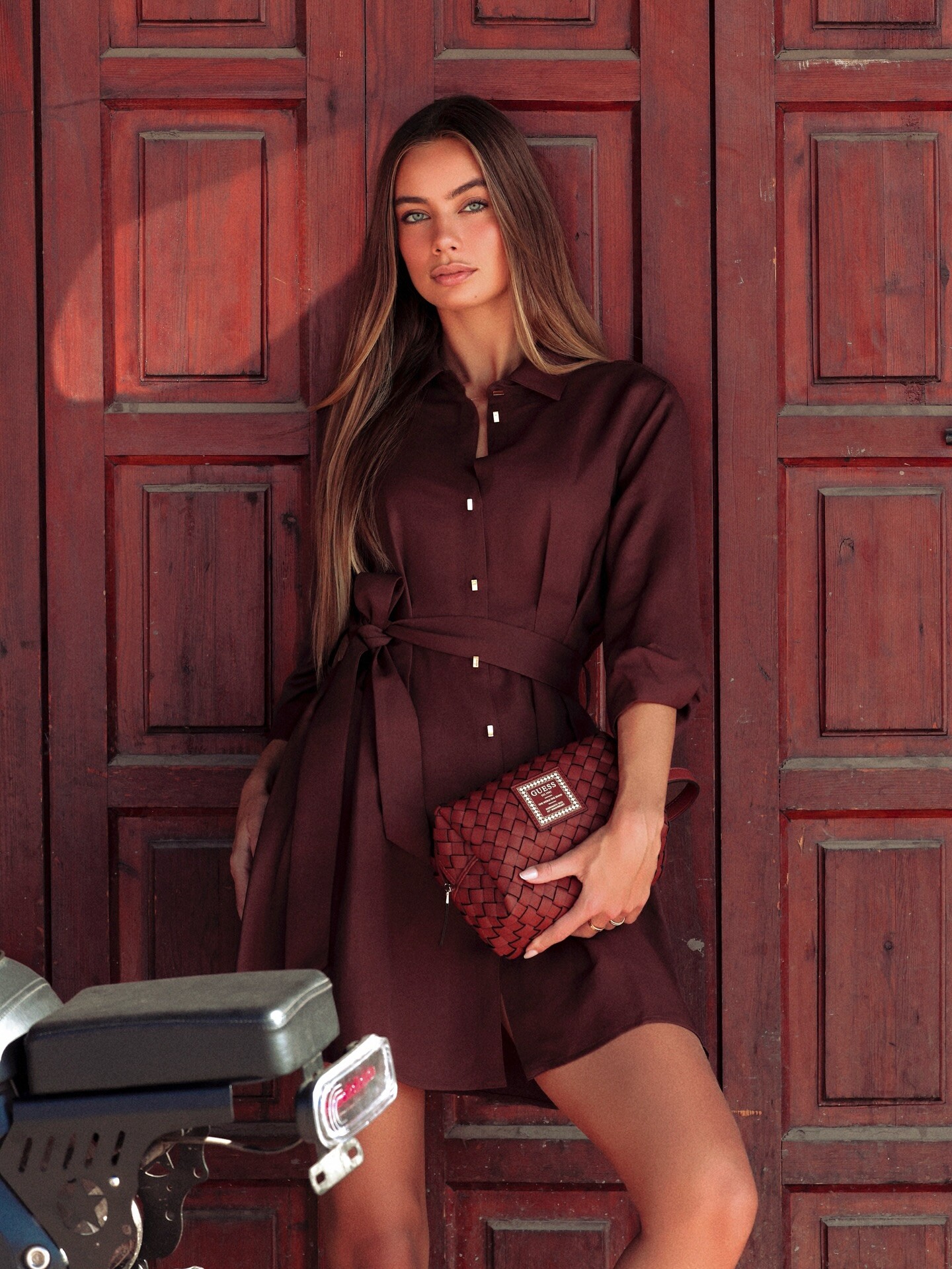
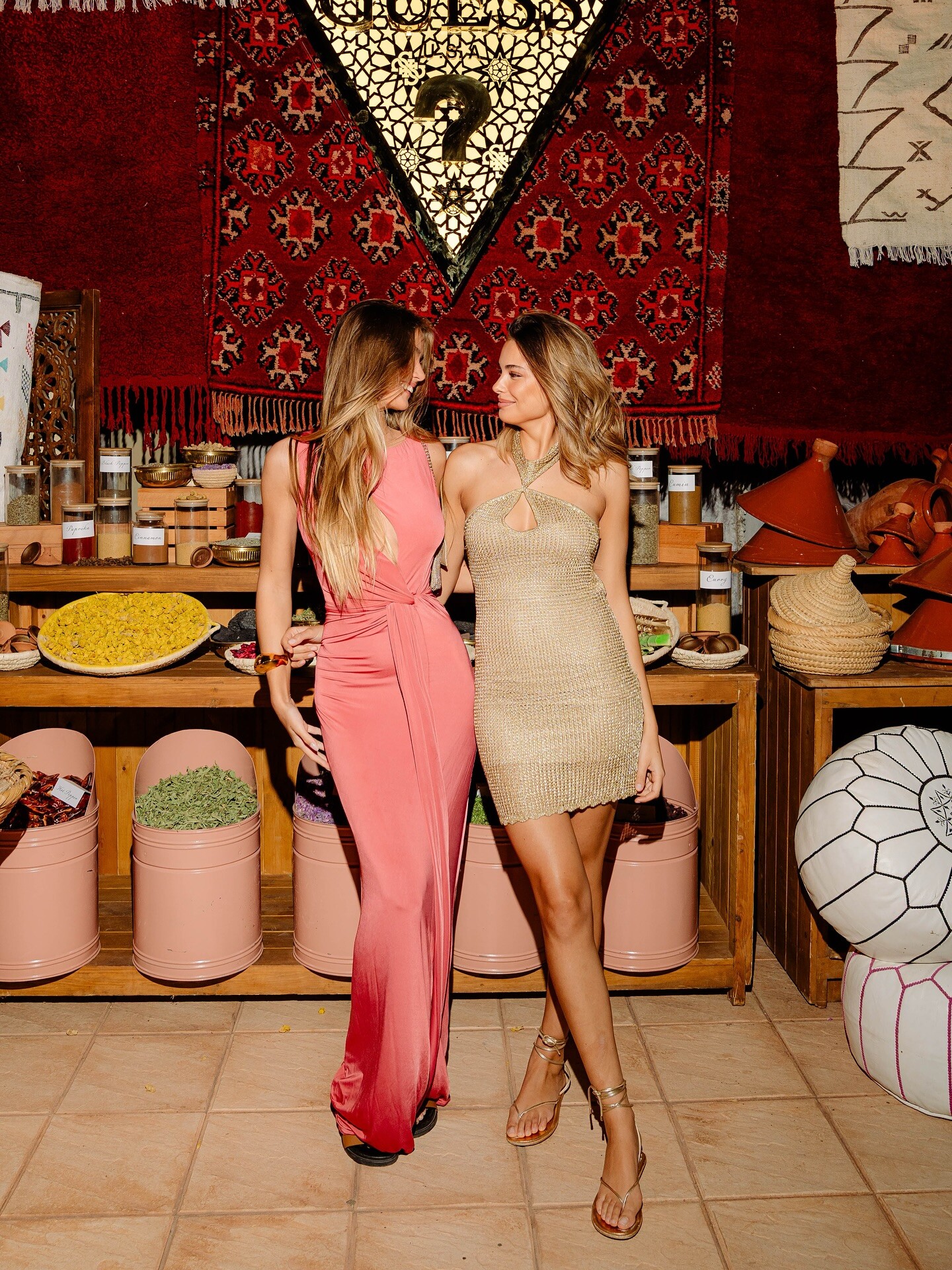
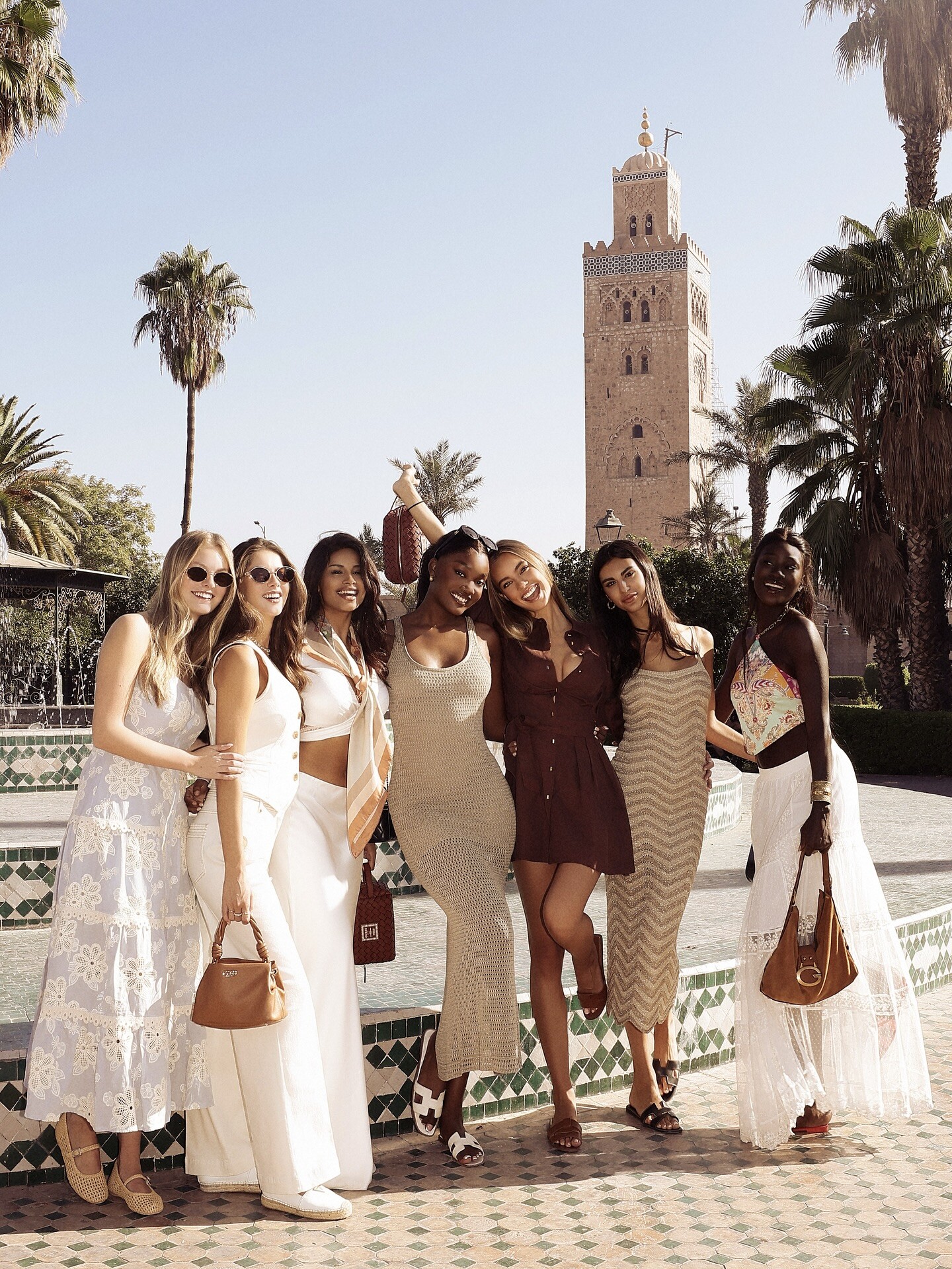
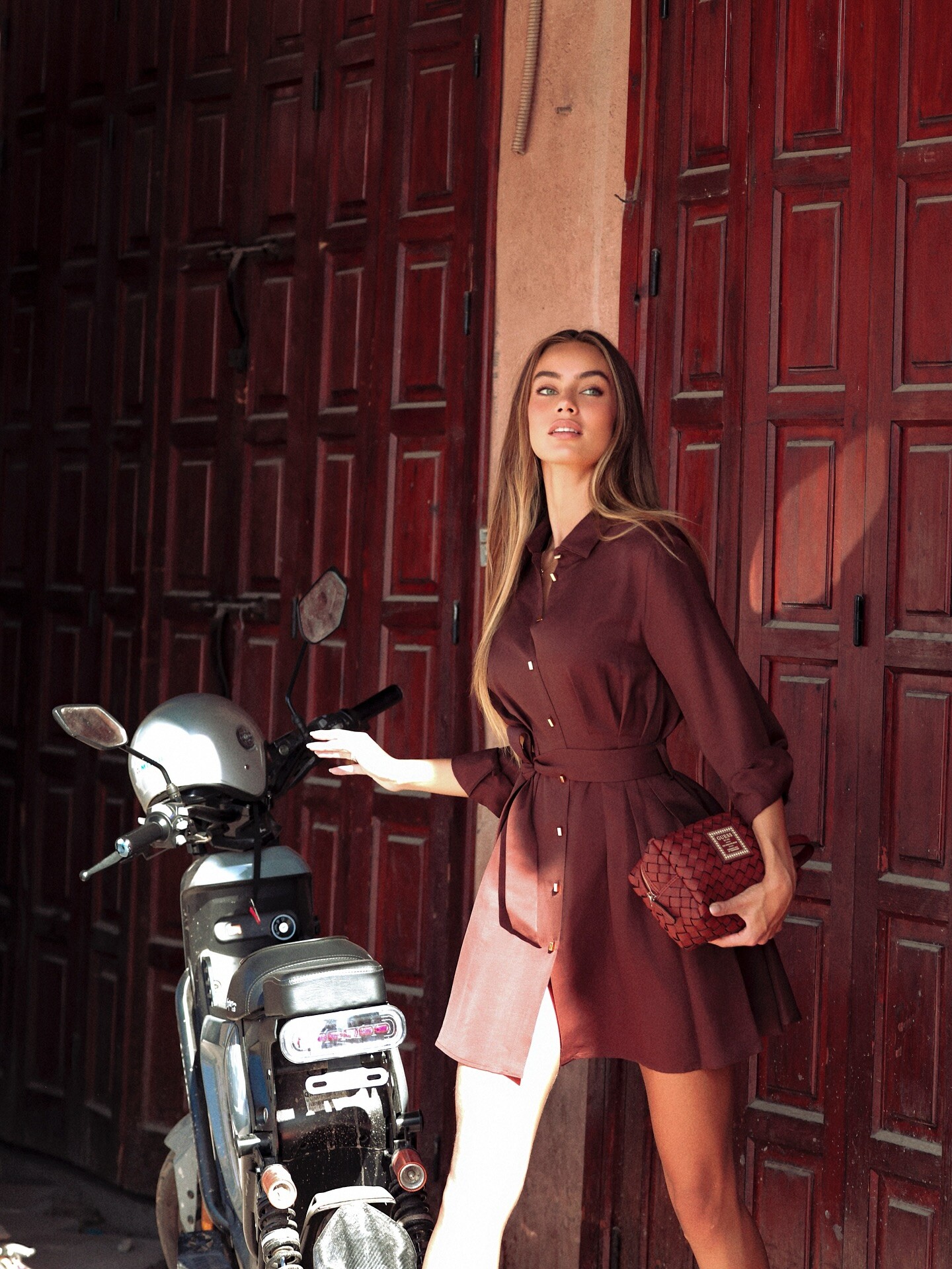
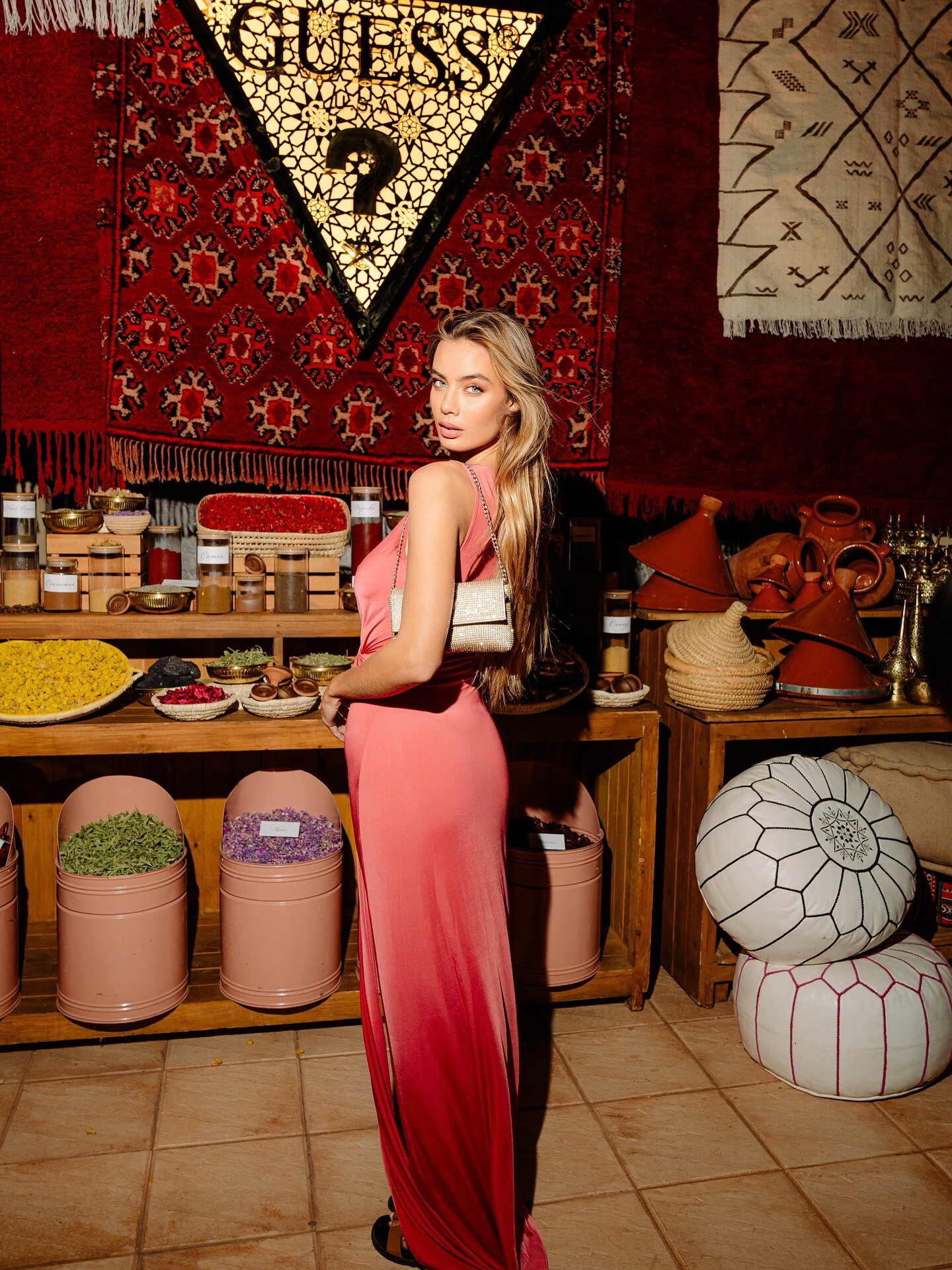
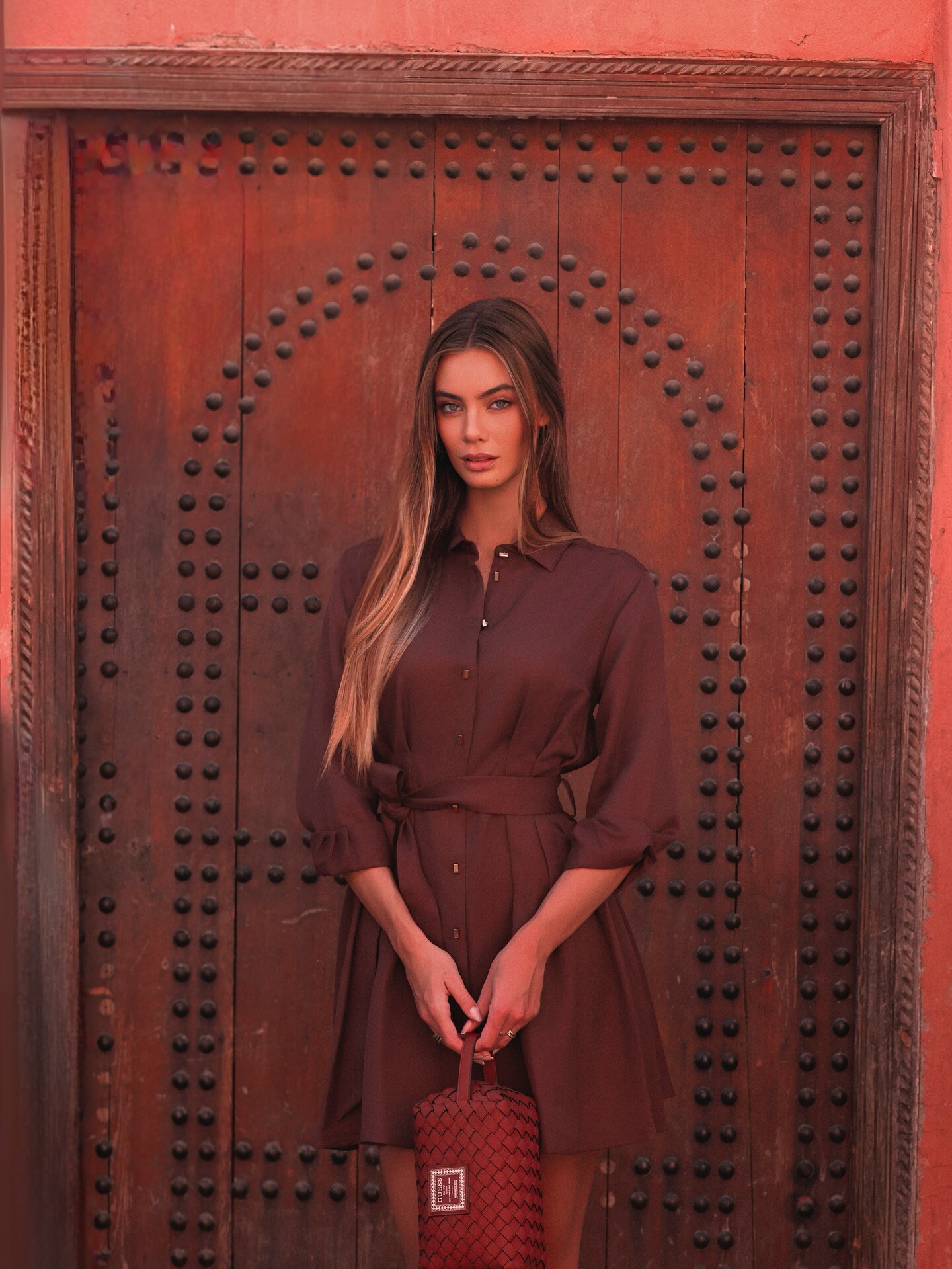
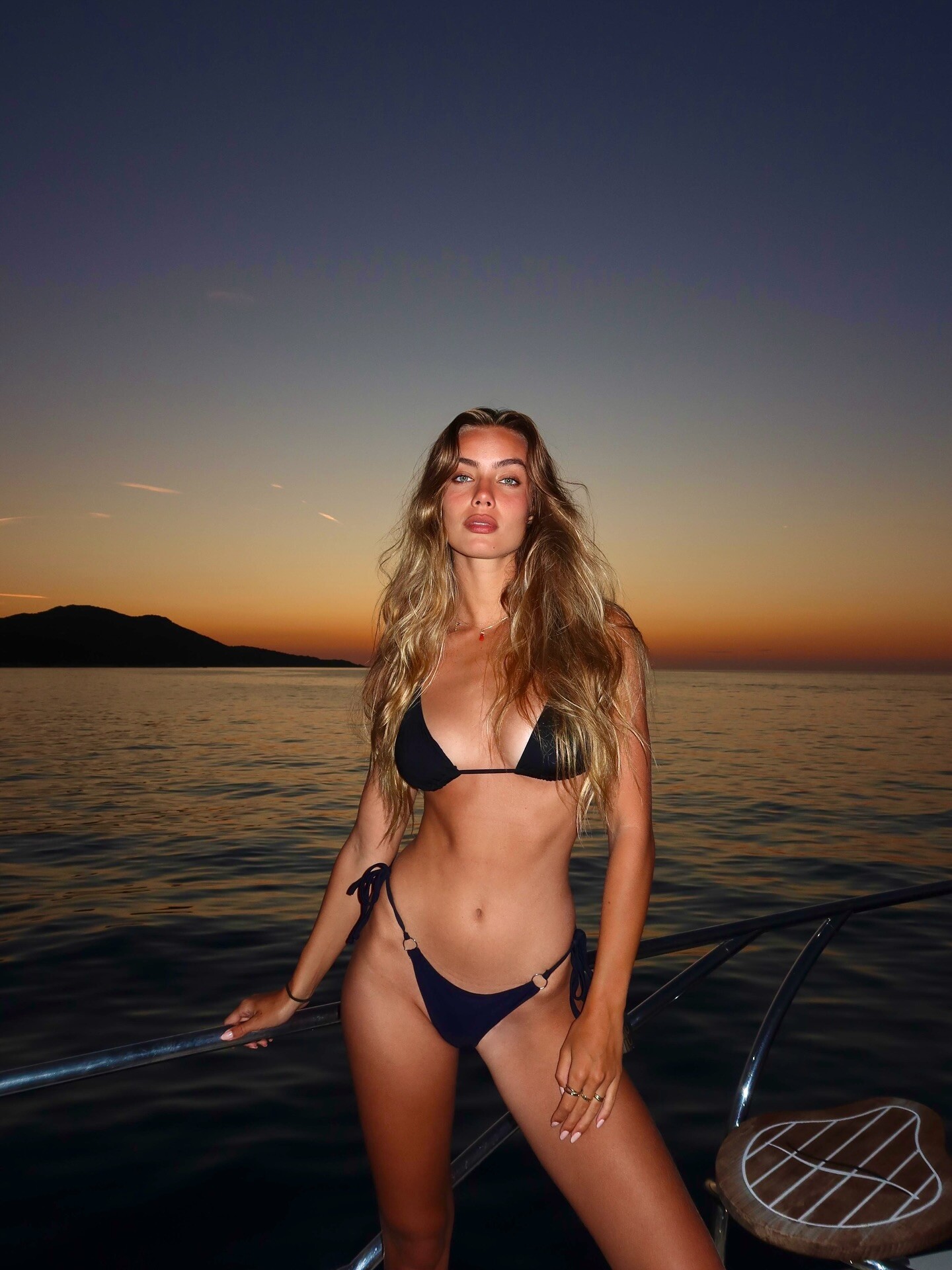
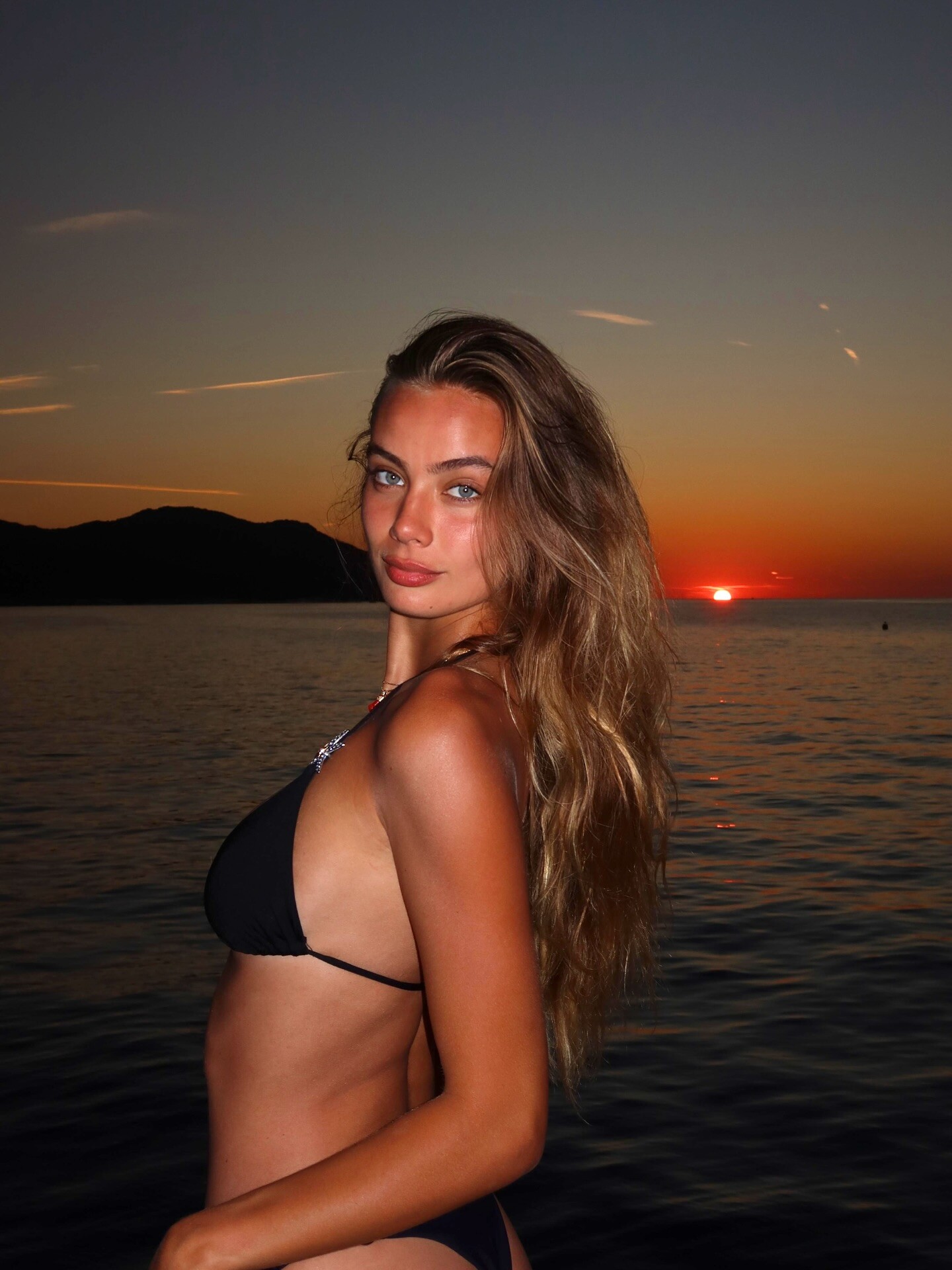
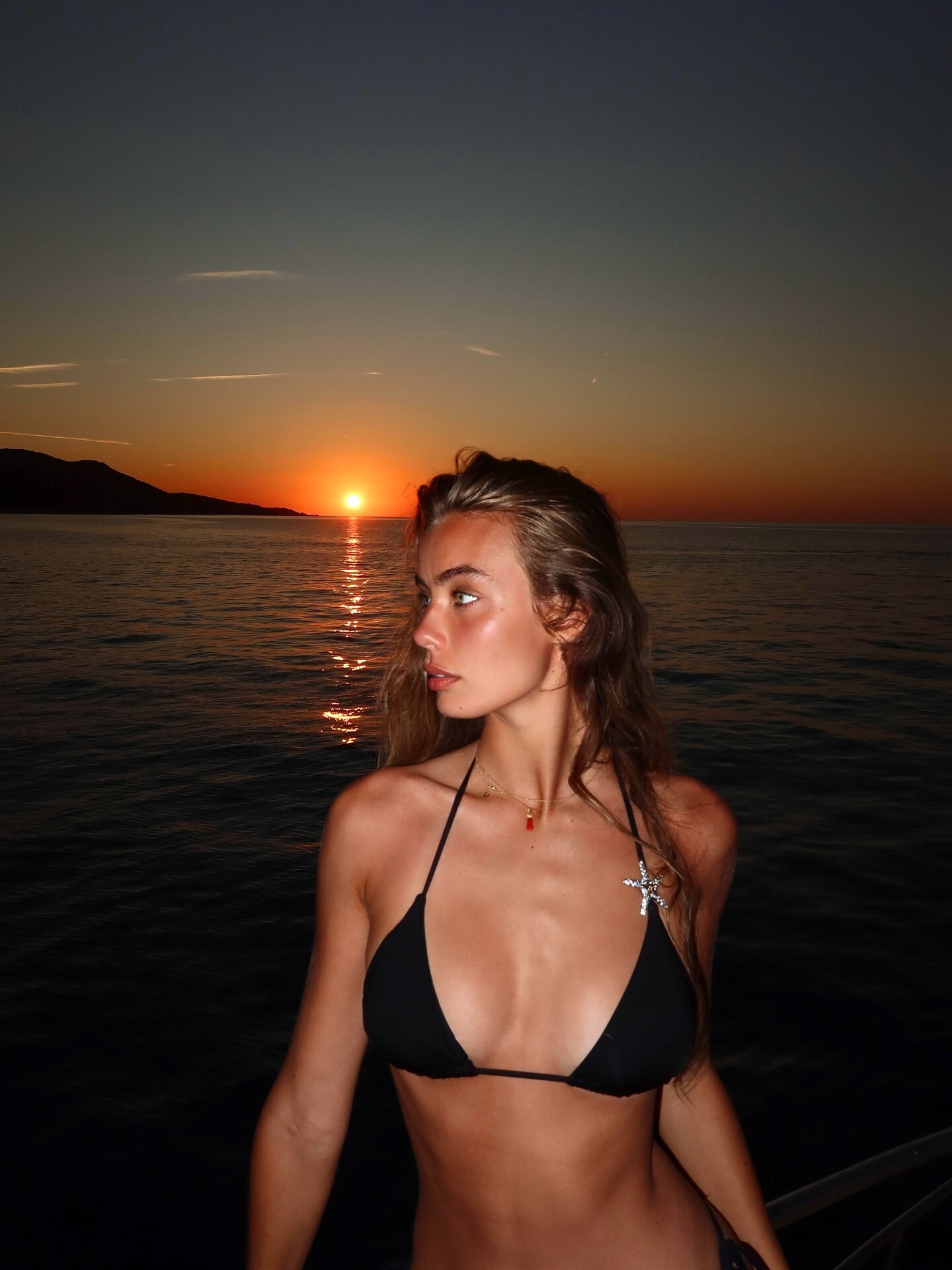
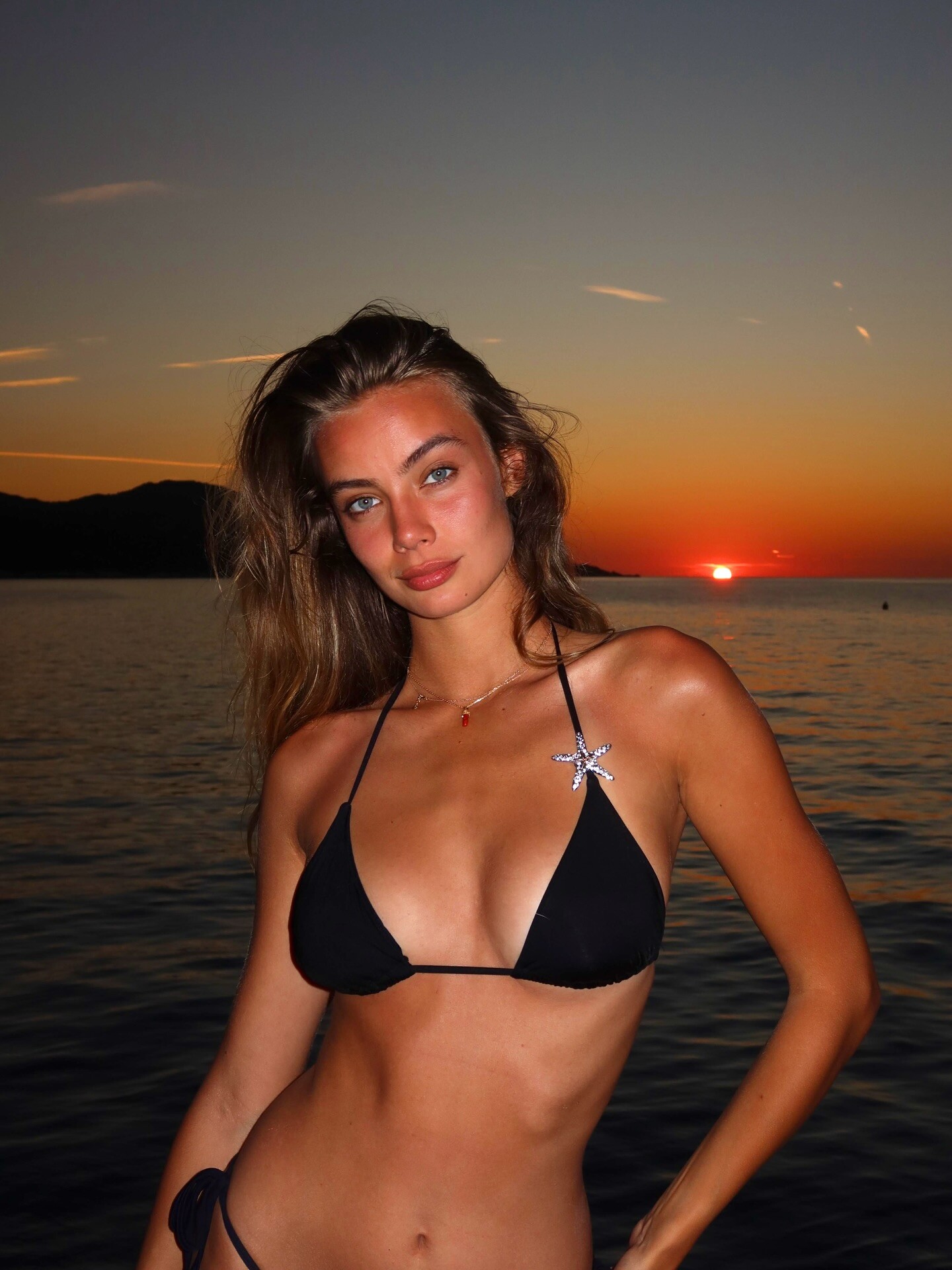
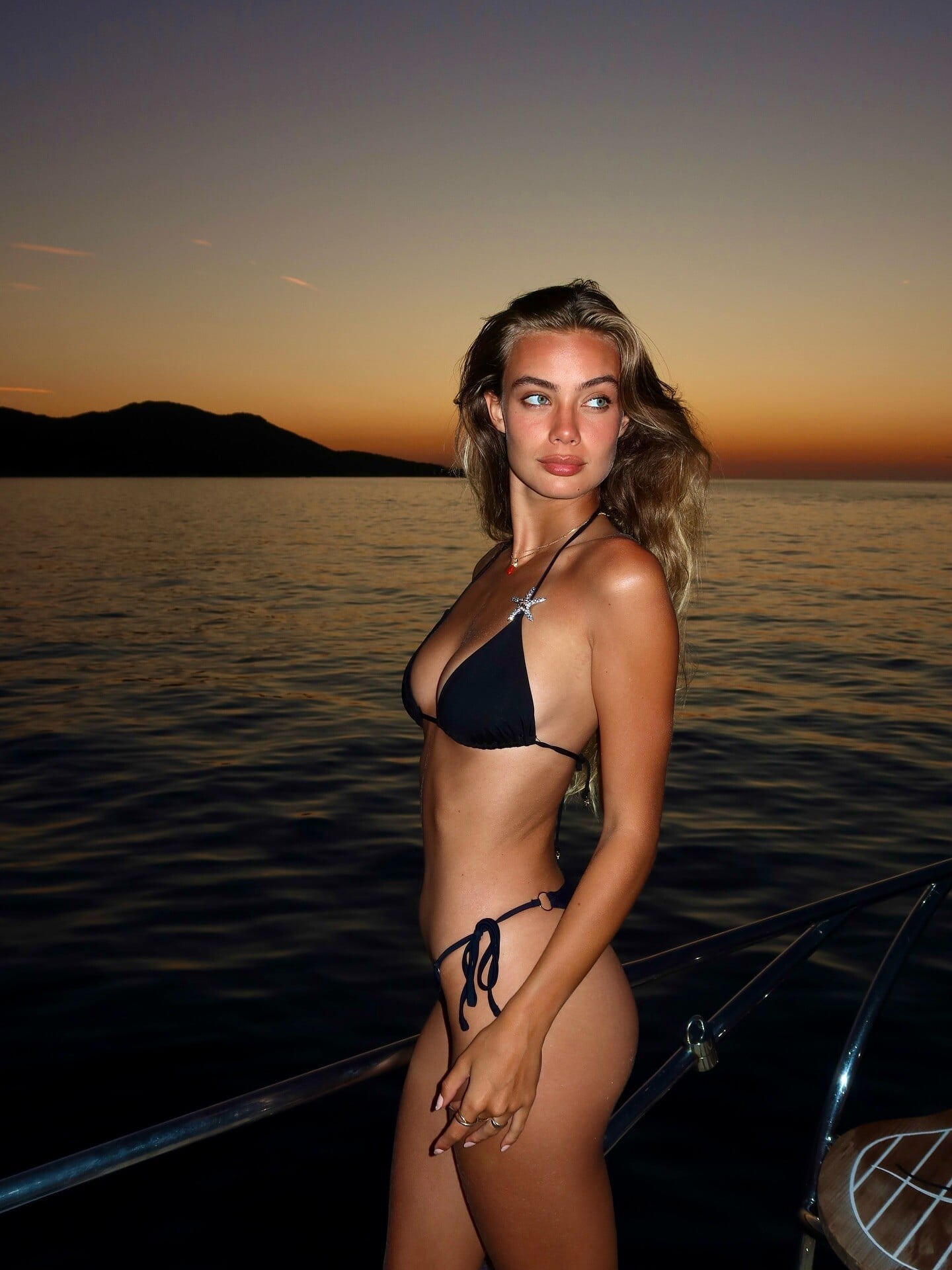
 A day's work for Guess in Marrakesh, for the brand's 45th anniversary, in early October 2025: Since I haven't posted any images of her in swimwear: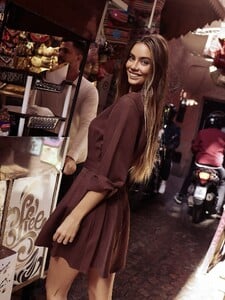
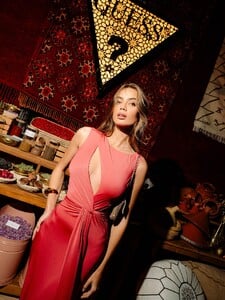
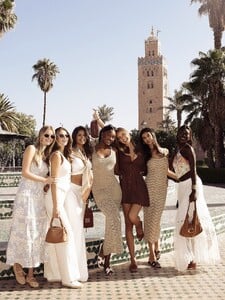
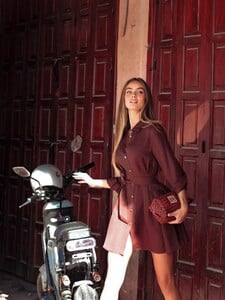
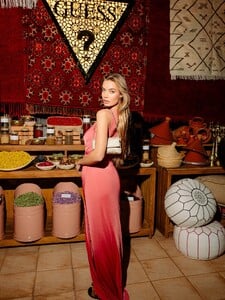
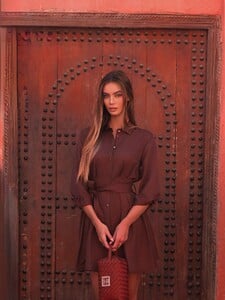
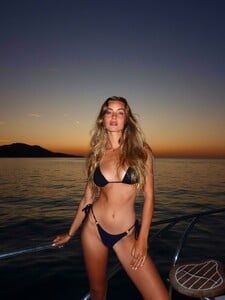
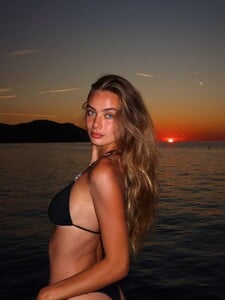
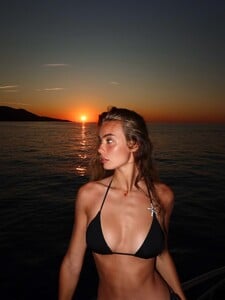
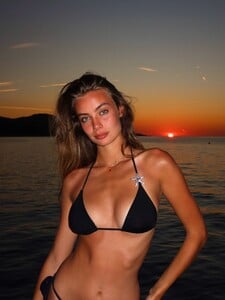
 From the documentary. AdrianaBTS.mp4
a few images from the Pamela Hanson's book THE 90's, my scans:
From the documentary. AdrianaBTS.mp4
a few images from the Pamela Hanson's book THE 90's, my scans: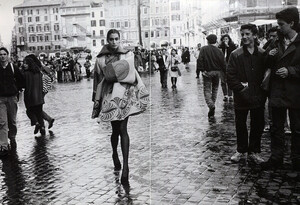
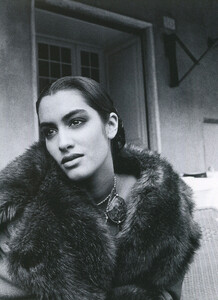
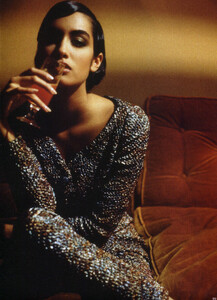
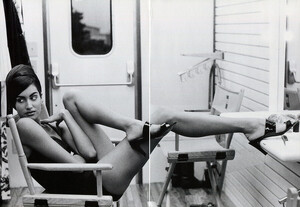
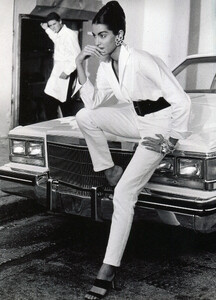

- Today
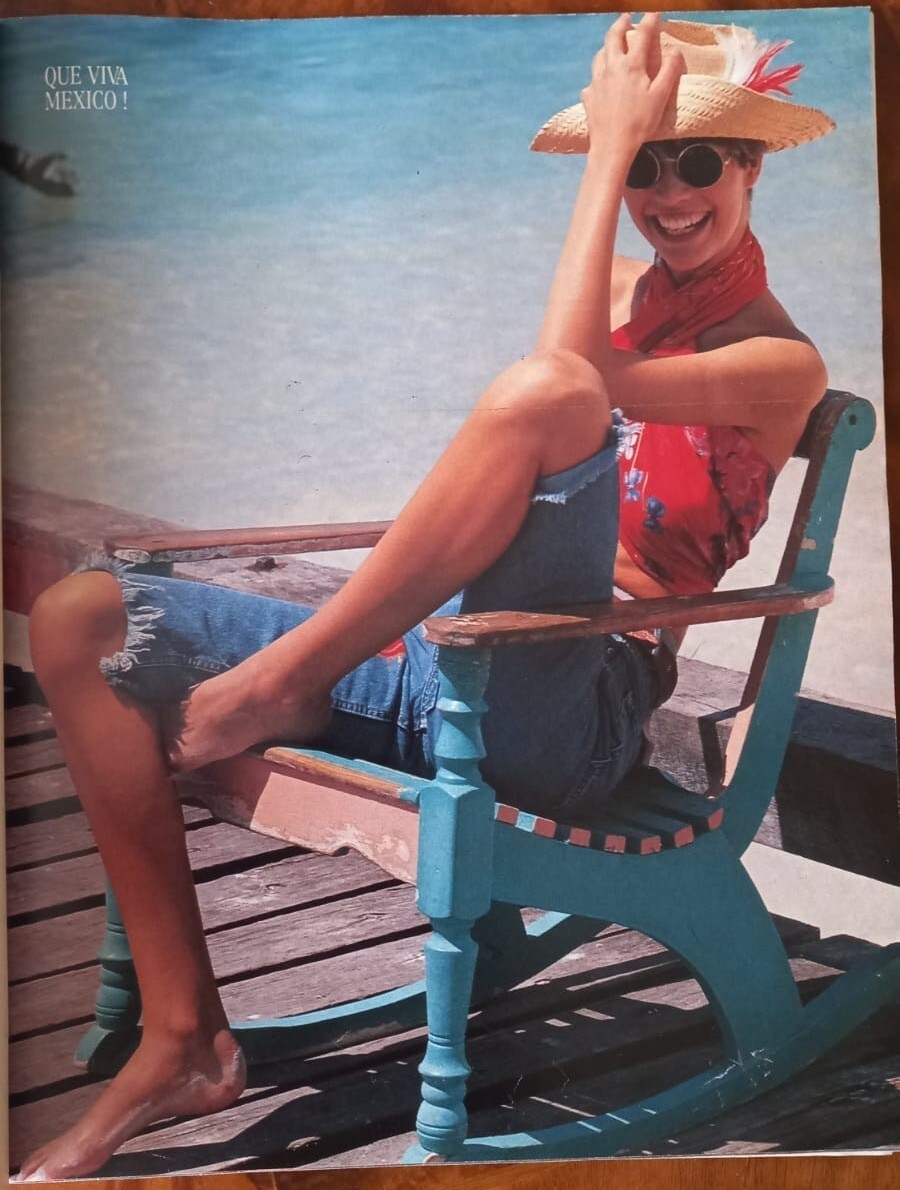
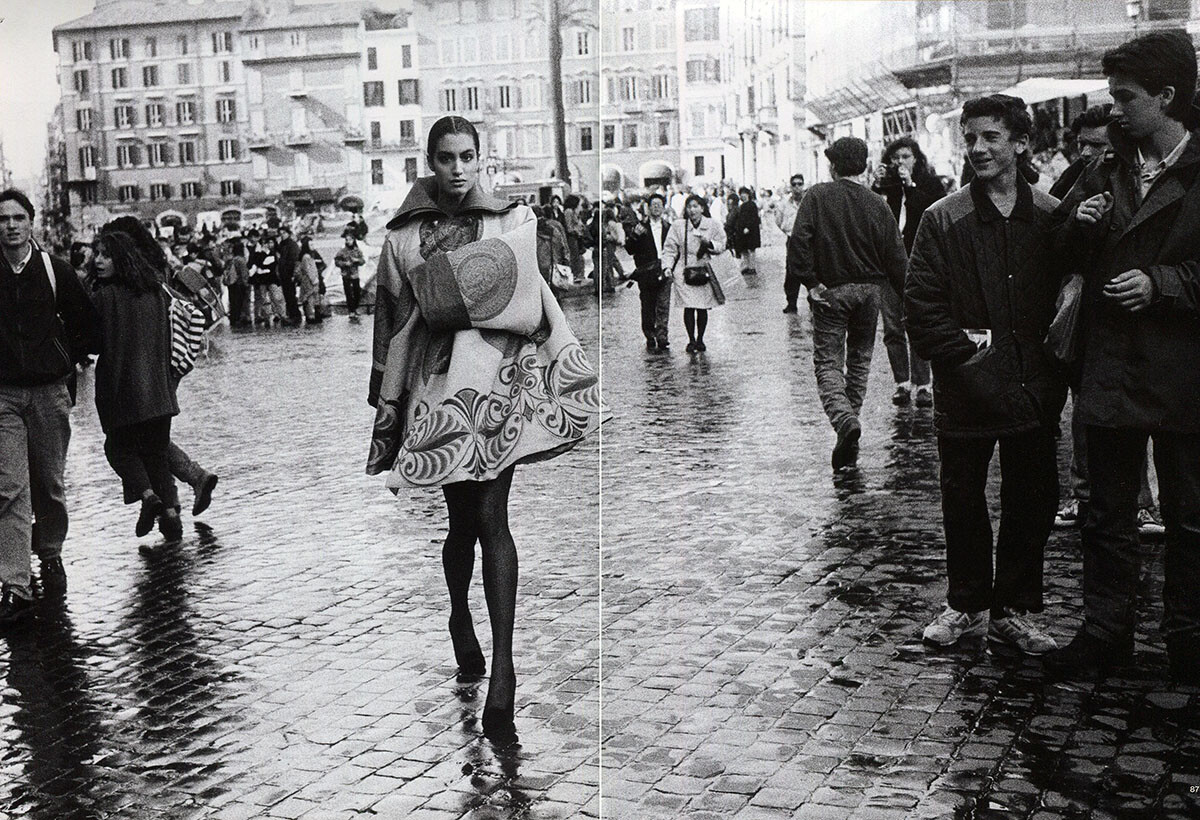
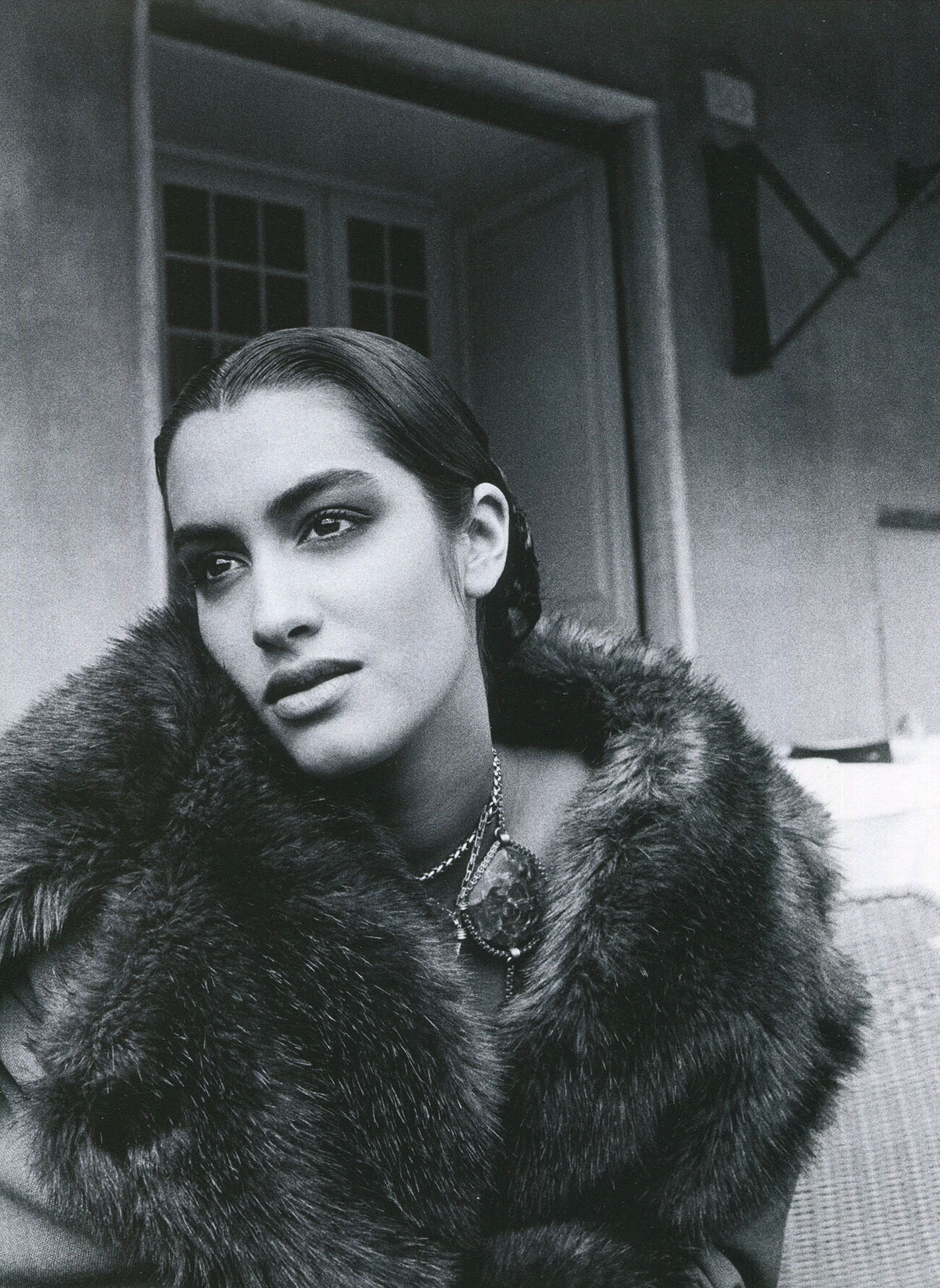
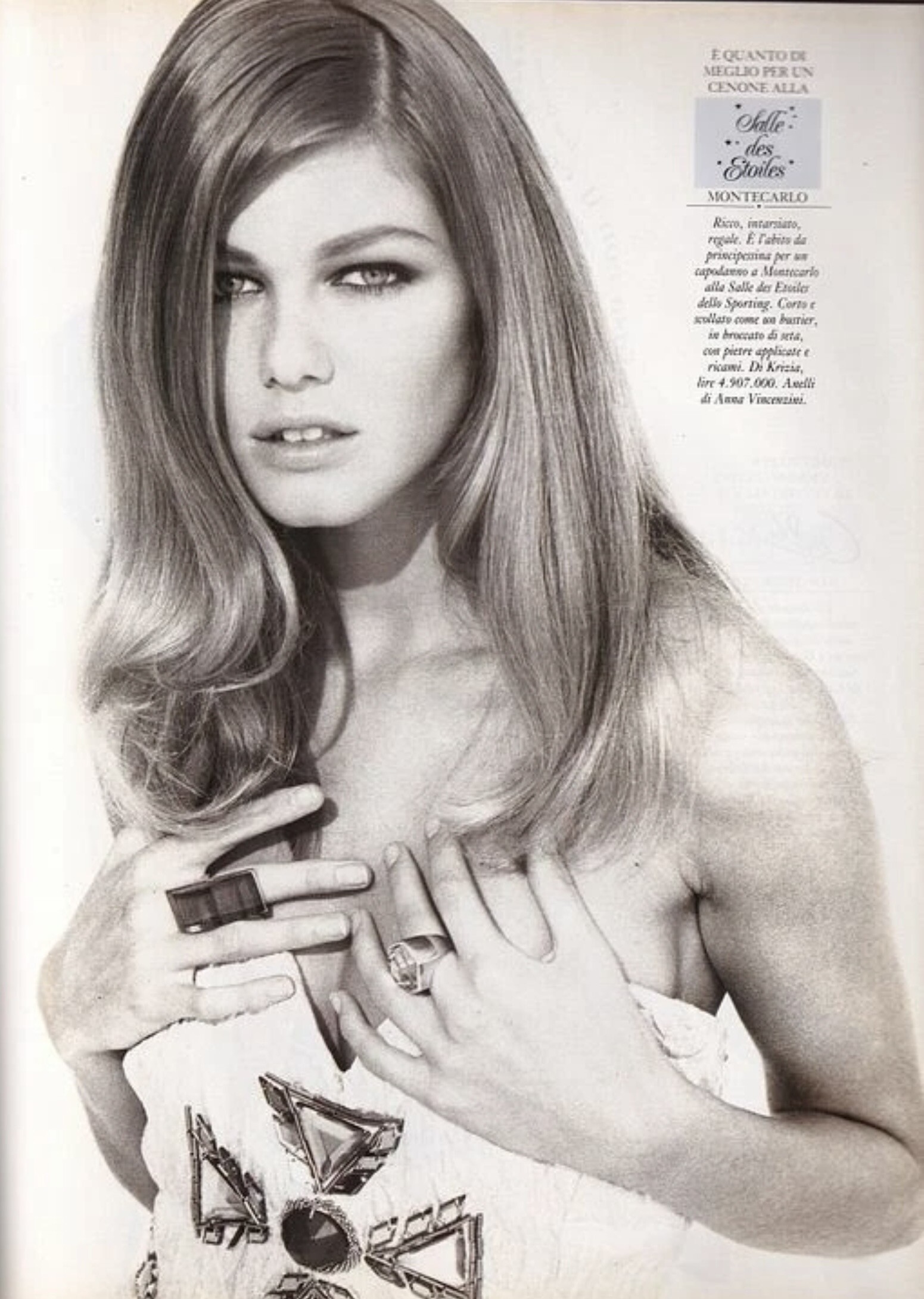
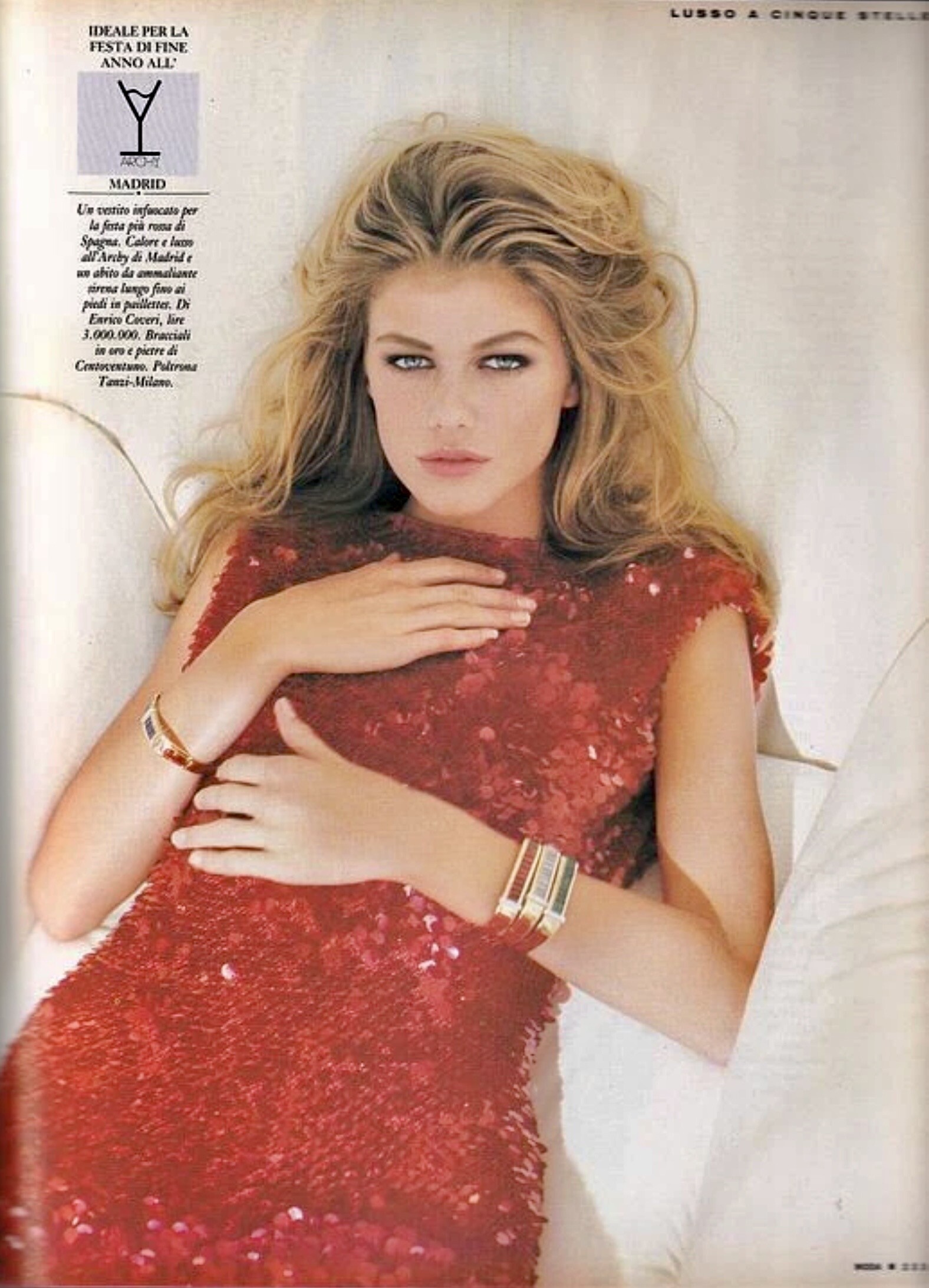
MODA magazine Italy Dec.1991 - photo unknown eBay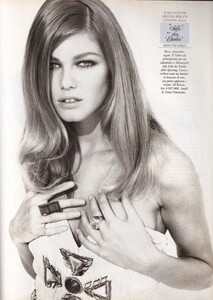
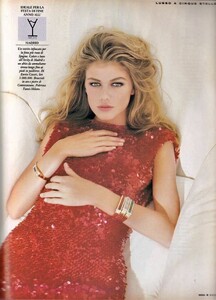 This is unfortunately not Ingrid Seynhaeve :(
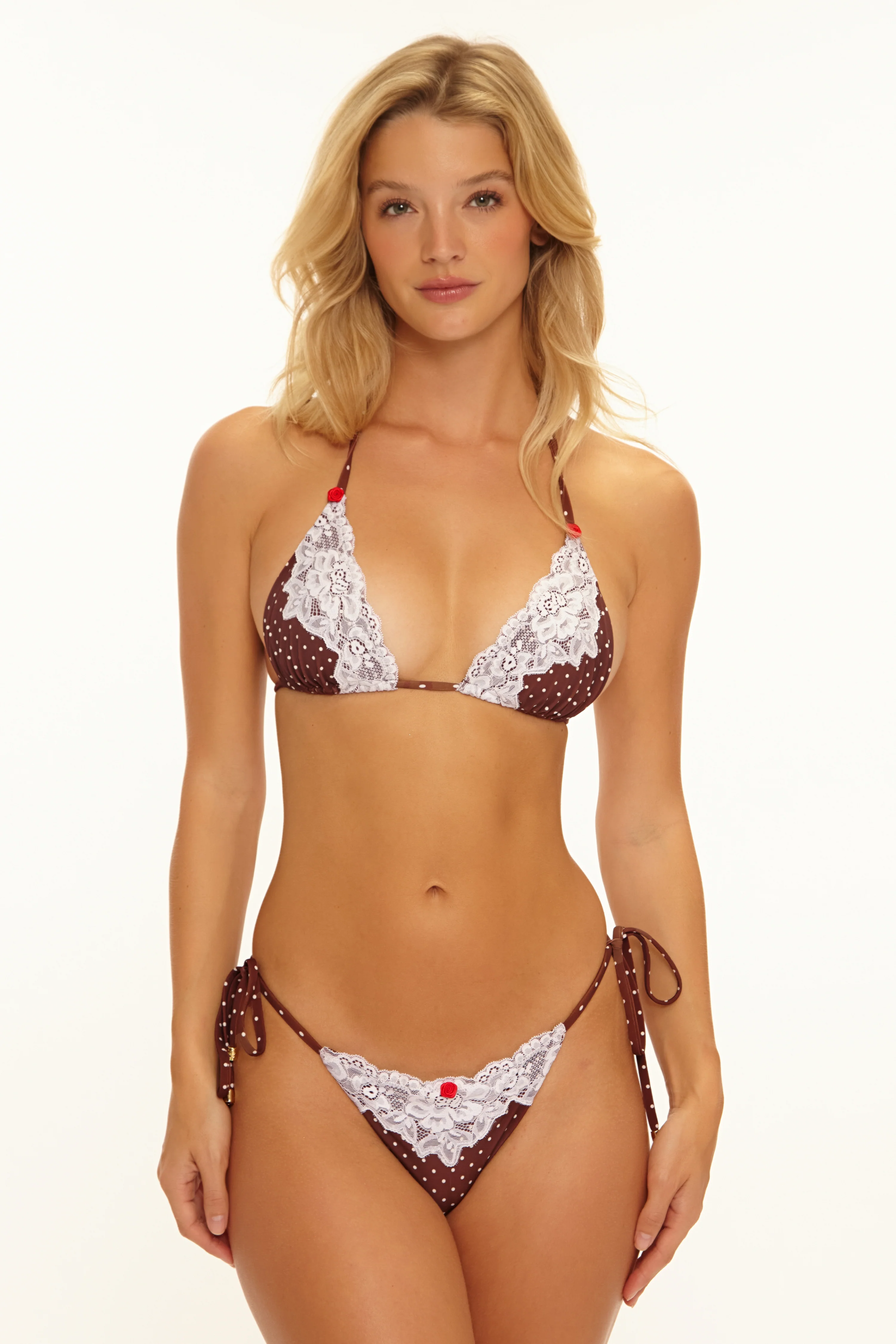
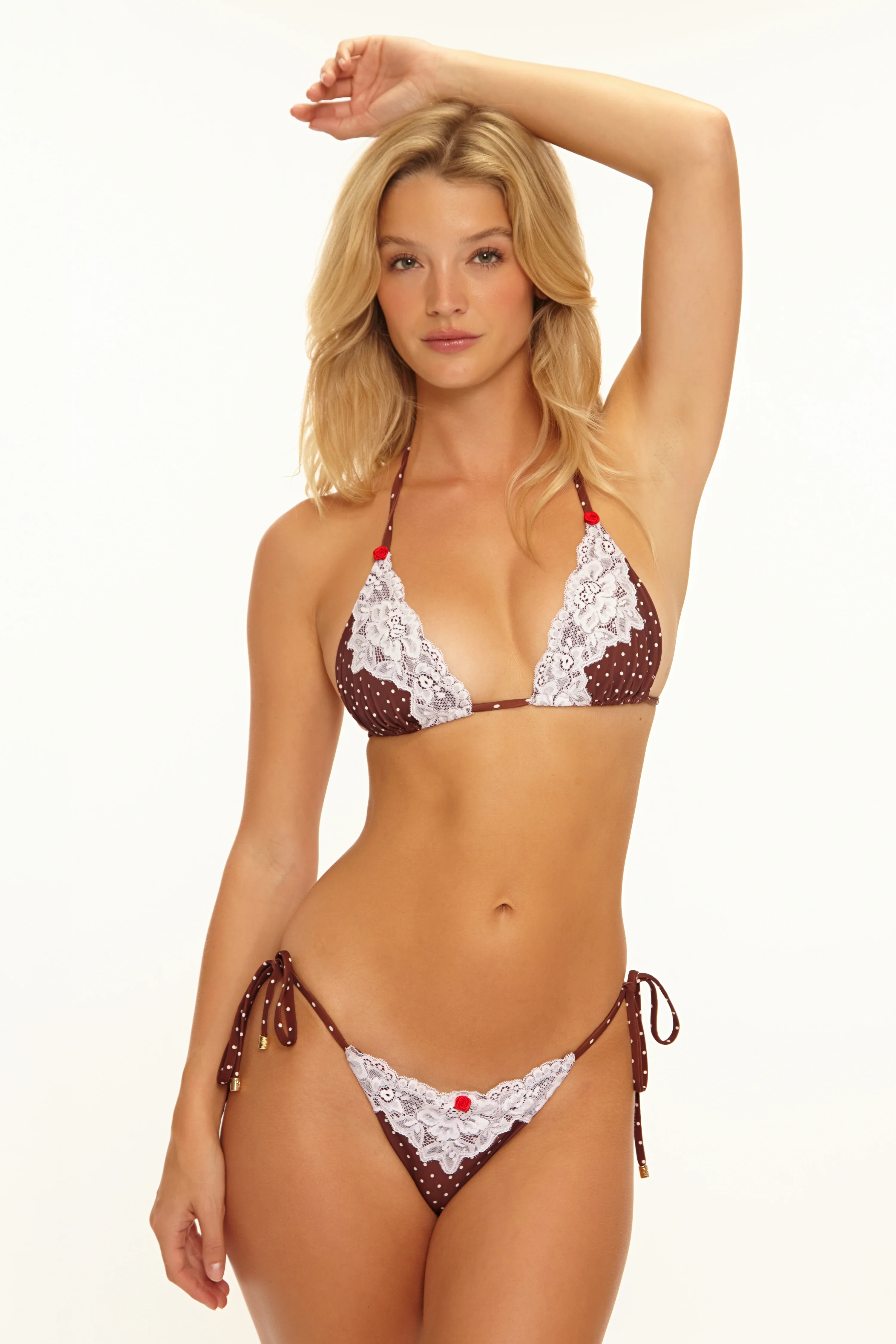
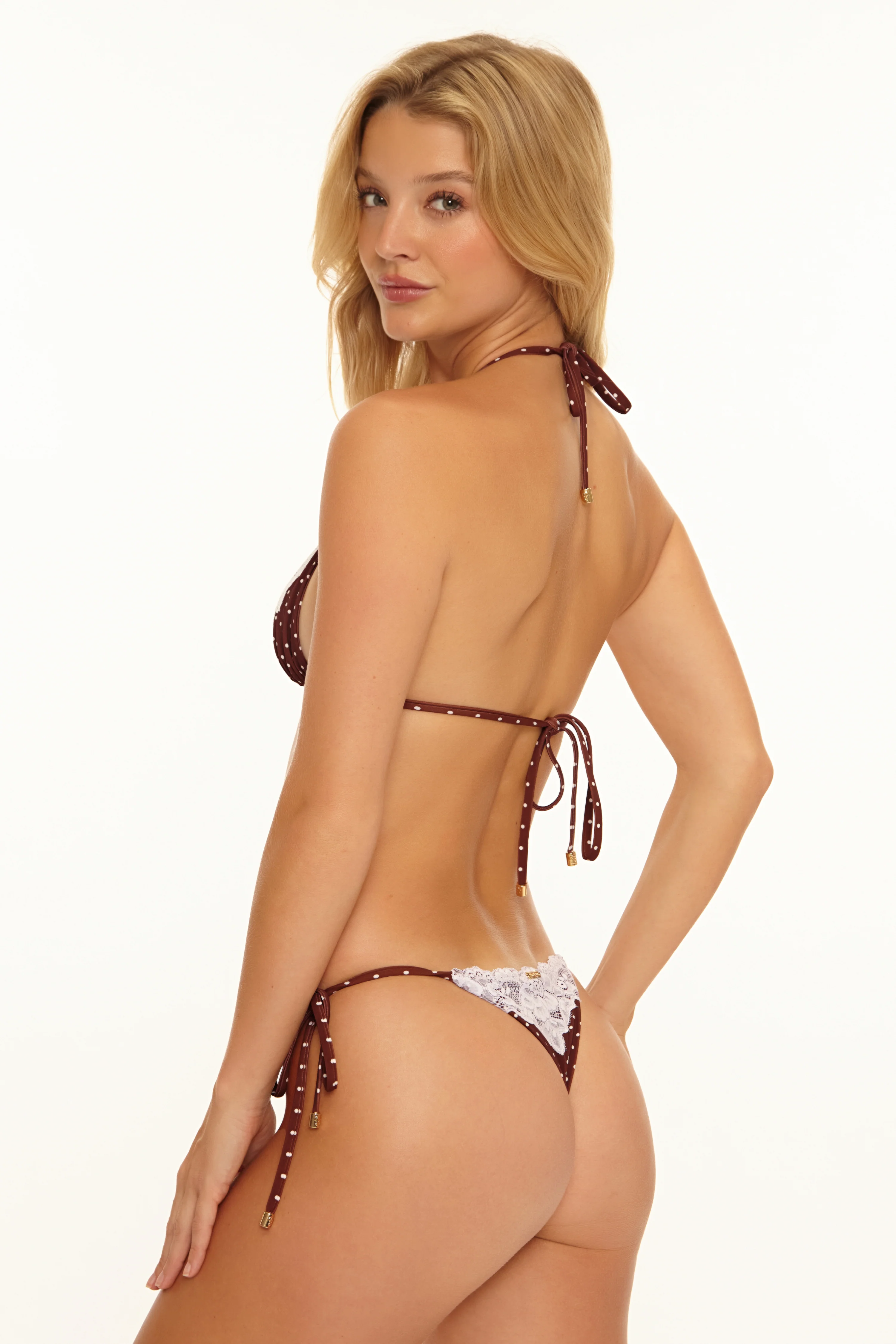
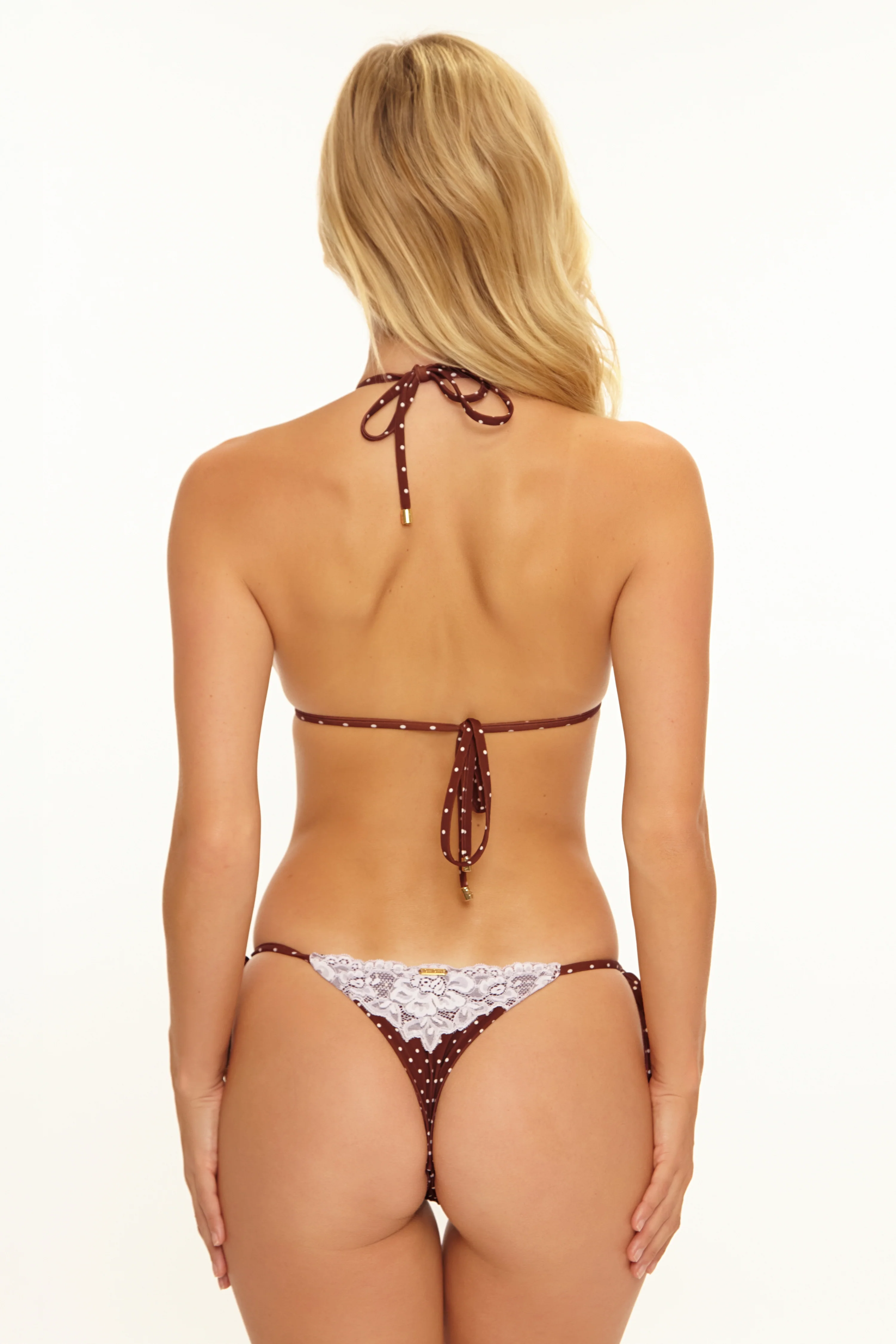
Account
Search
Configure browser push notifications
Chrome (Android)
- Tap the lock icon next to the address bar.
- Tap Permissions → Notifications.
- Adjust your preference.
Chrome (Desktop)
- Click the padlock icon in the address bar.
- Select Site settings.
- Find Notifications and adjust your preference.
Safari (iOS 16.4+)
- Ensure the site is installed via Add to Home Screen.
- Open Settings App → Notifications.
- Find your app name and adjust your preference.
Safari (macOS)
- Go to Safari → Preferences.
- Click the Websites tab.
- Select Notifications in the sidebar.
- Find this website and adjust your preference.
Edge (Android)
- Tap the lock icon next to the address bar.
- Tap Permissions.
- Find Notifications and adjust your preference.
Edge (Desktop)
- Click the padlock icon in the address bar.
- Click Permissions for this site.
- Find Notifications and adjust your preference.
Firefox (Android)
- Go to Settings → Site permissions.
- Tap Notifications.
- Find this site in the list and adjust your preference.
Firefox (Desktop)
- Open Firefox Settings.
- Search for Notifications.
- Find this site in the list and adjust your preference.