
Stromboli1
Members
-
Joined
Everything posted by Stromboli1
-
 As I said in my posts on last page that not including China & India screams that it isn't about climate change, but about monetary gain and power.
It's a brilliant plan tactically orchestrated by the Donald.
General discussion part of BZ, right above the site and forum section.
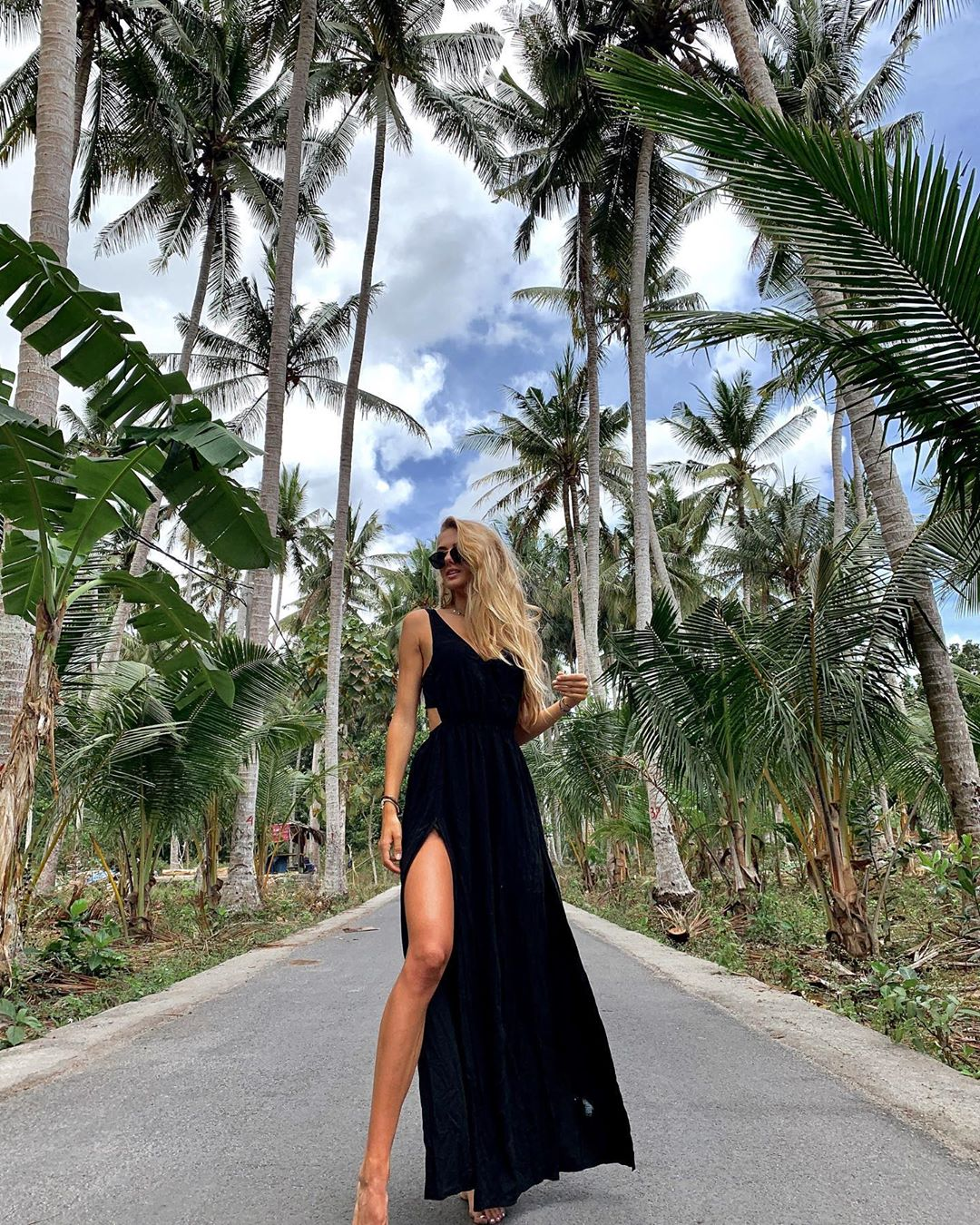
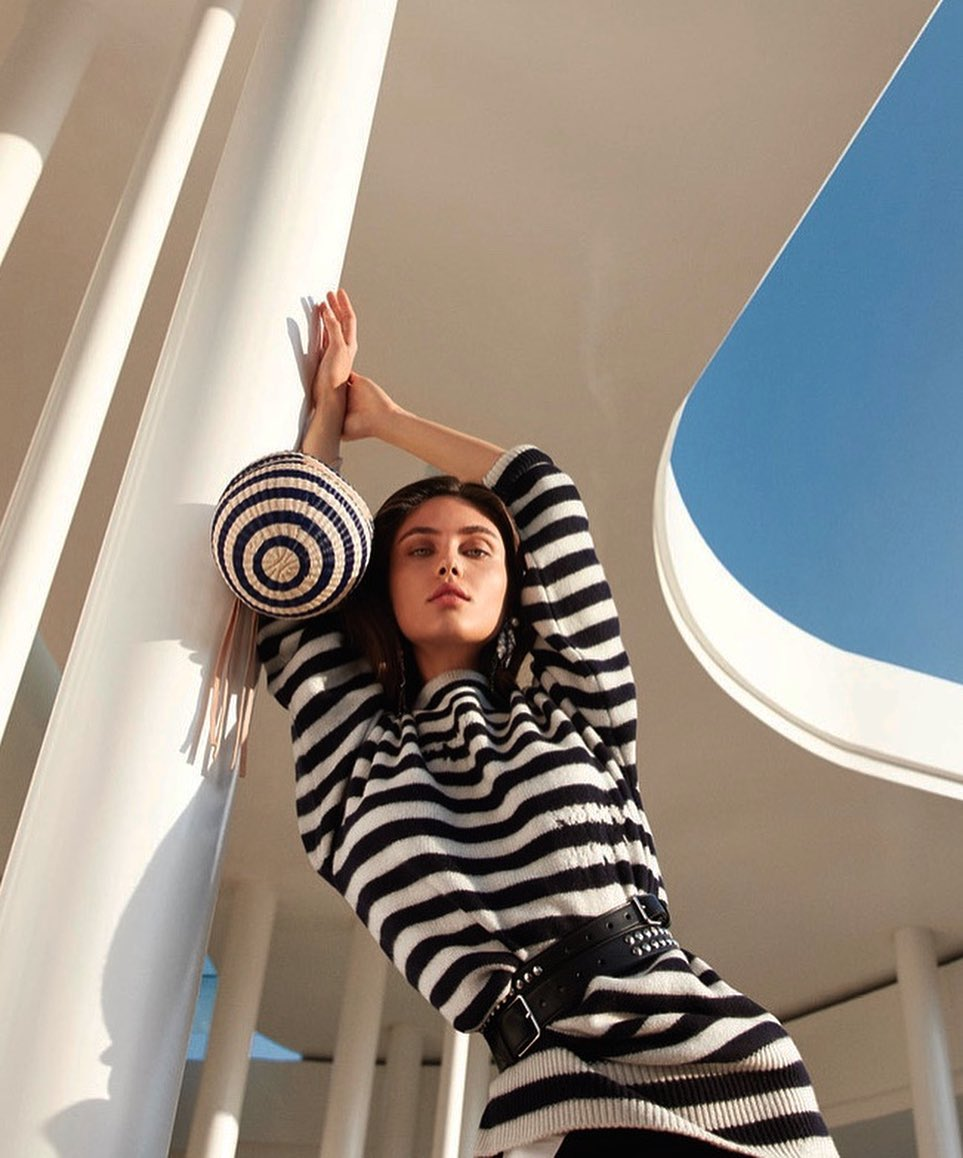
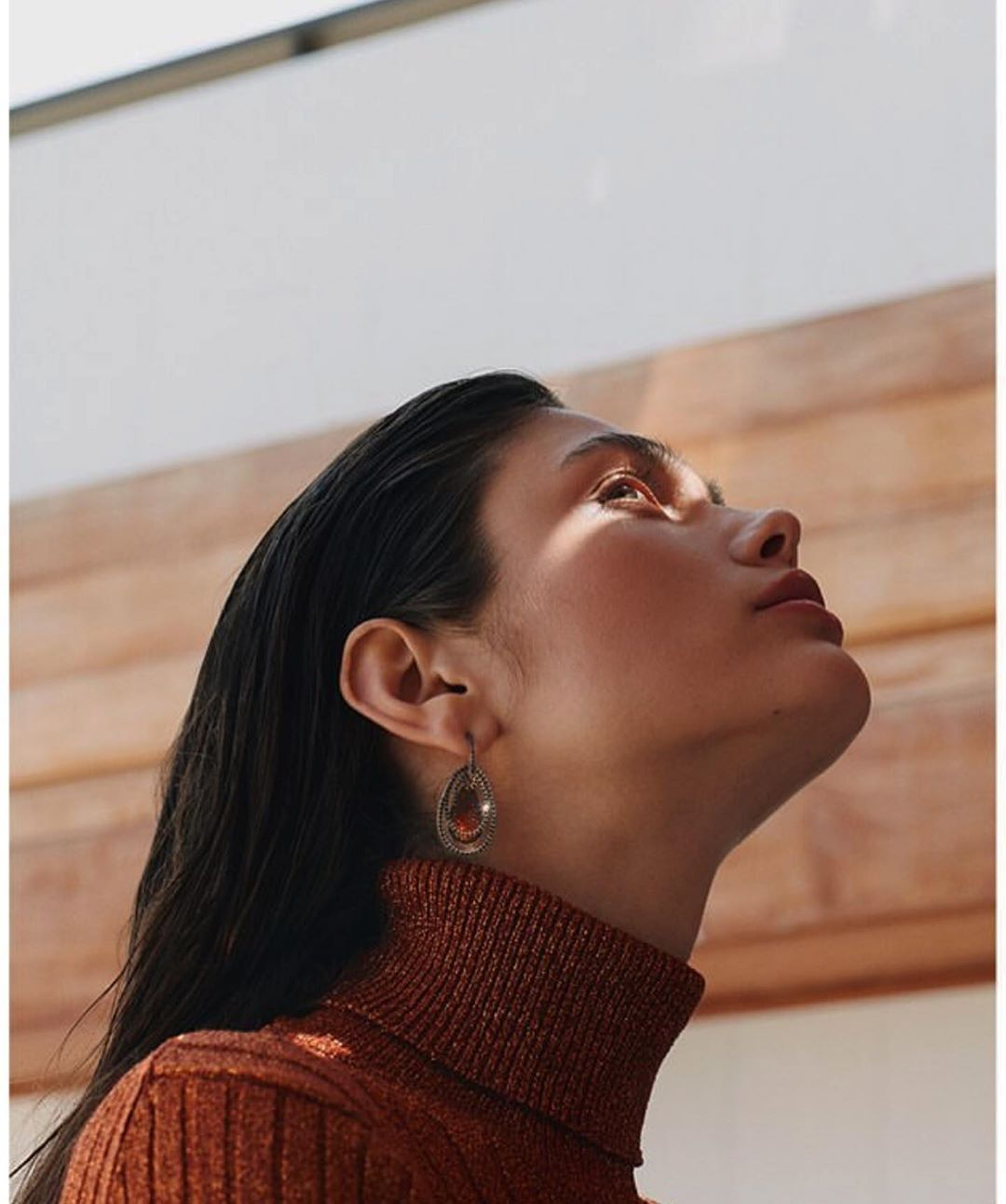
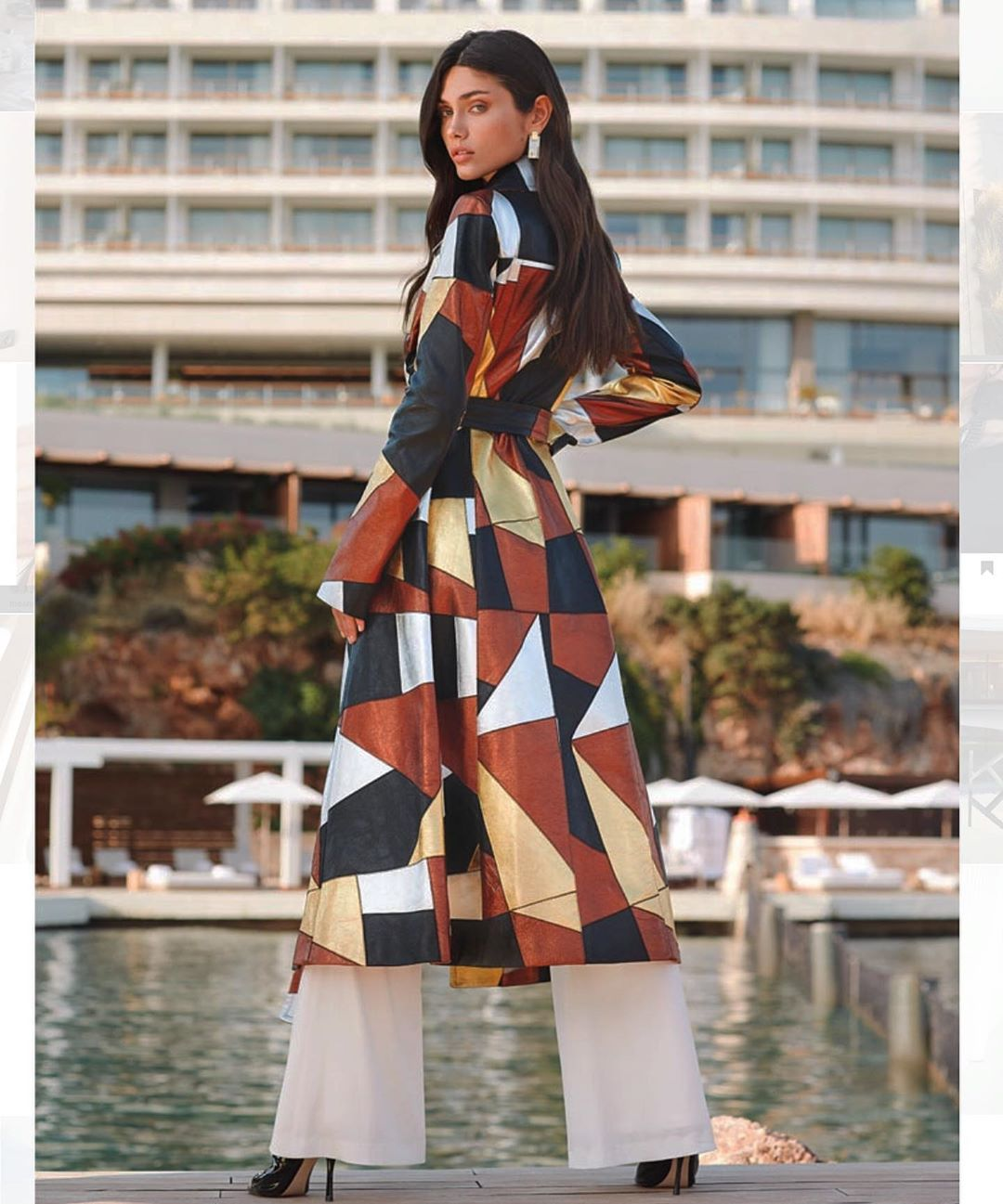
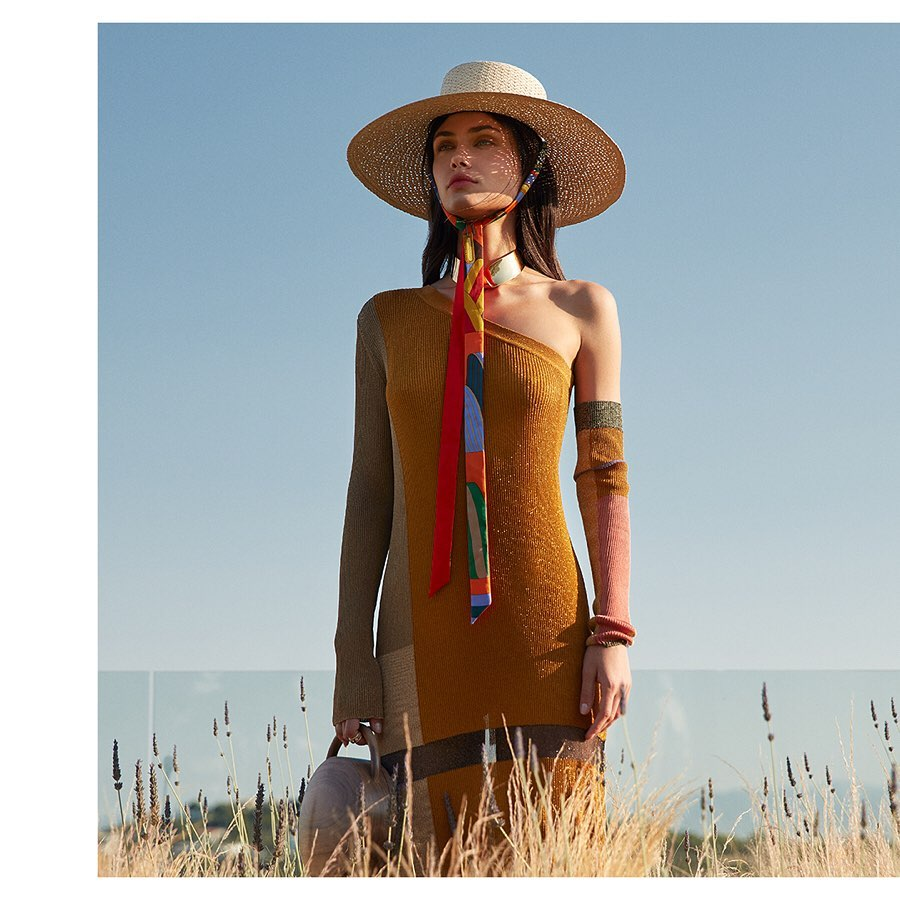
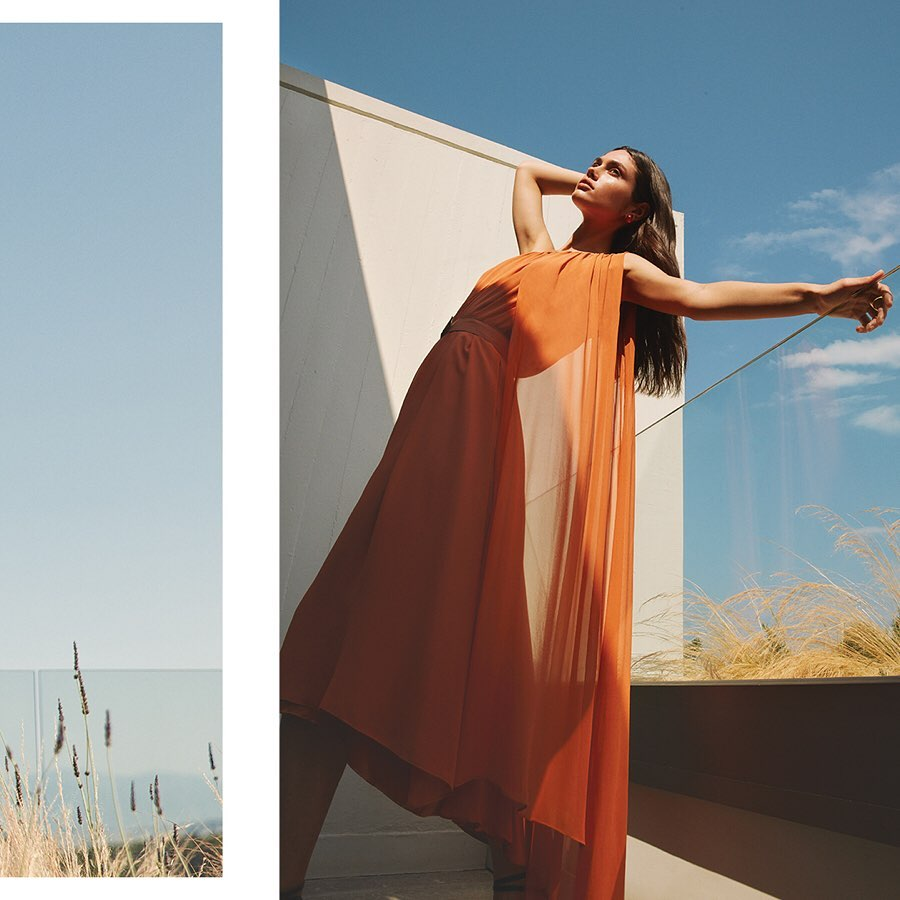
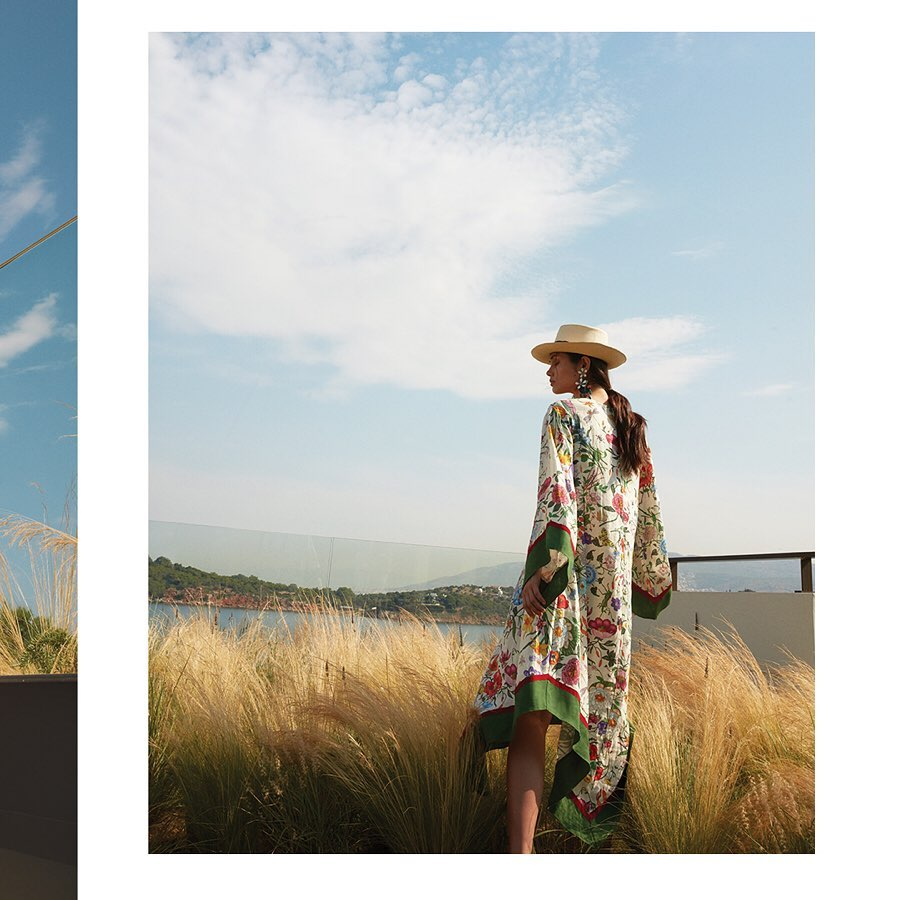
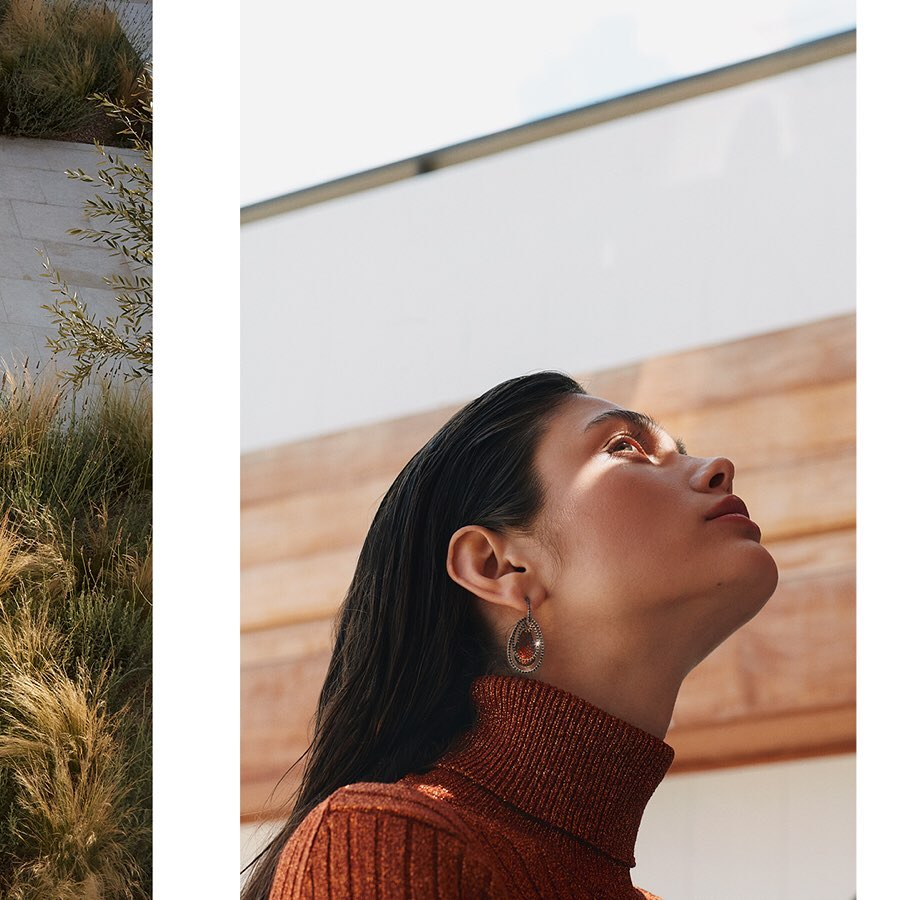
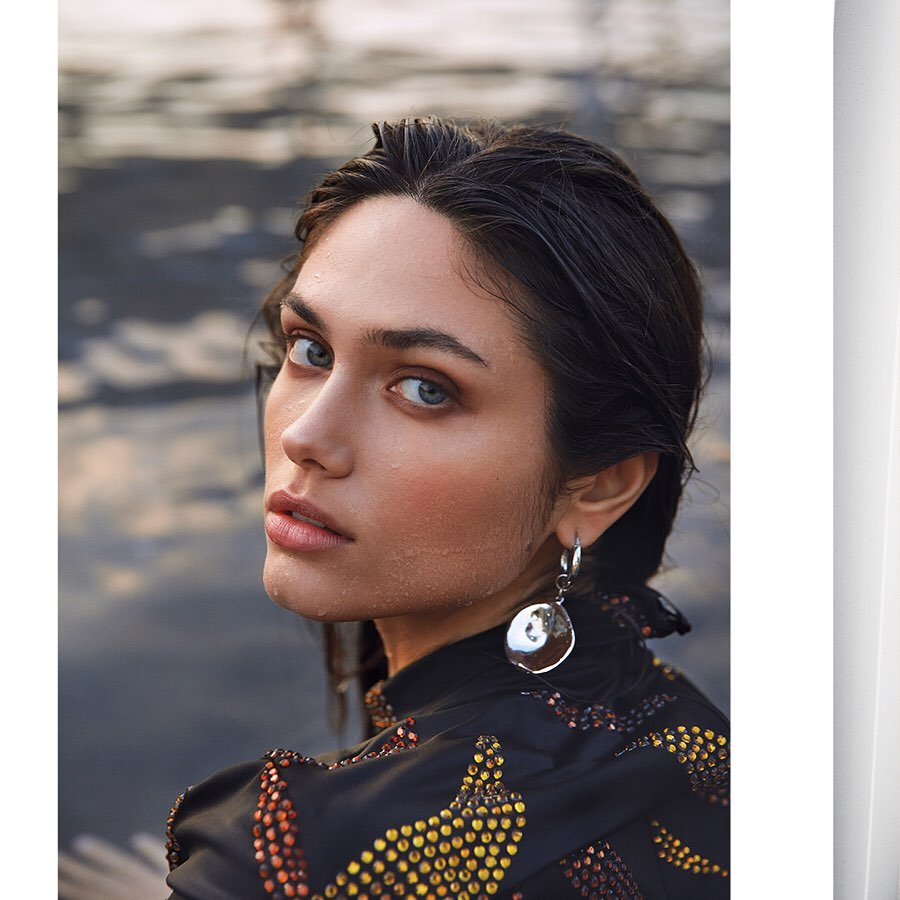
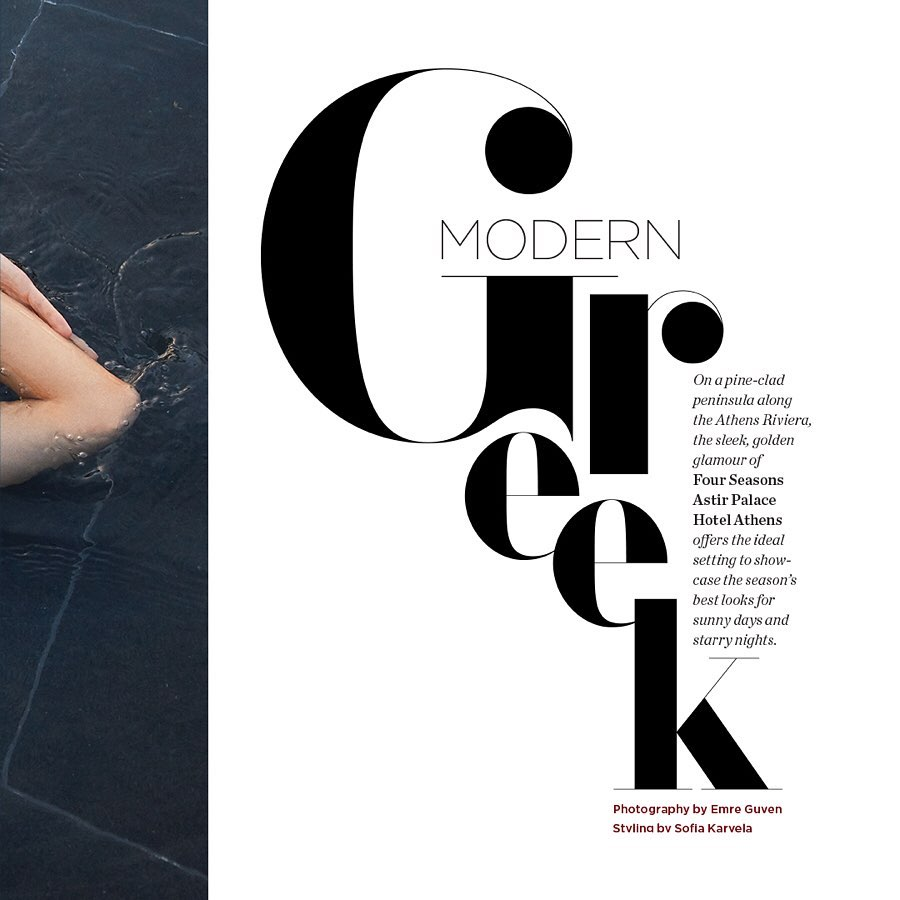
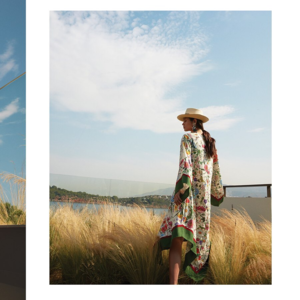
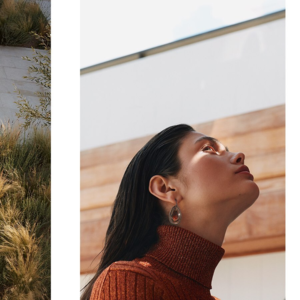
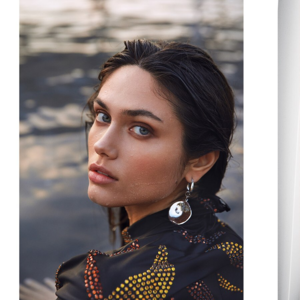
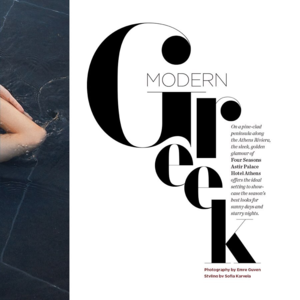
Stephanie Jones IG - Four Seasons Magazine
As I said in my posts on last page that not including China & India screams that it isn't about climate change, but about monetary gain and power.
It's a brilliant plan tactically orchestrated by the Donald.
General discussion part of BZ, right above the site and forum section.
Stephanie Jones IG - Four Seasons Magazine




 @maddog107 It takes me longer for me to load the general discussion board than any other part of BZ. A second vs 18 seconds, I timed it.
If you needed another reason to see through the bullshit farce.
27446135_2194834433953988_5172449600626401693_n.mp4
@maddog107 It takes me longer for me to load the general discussion board than any other part of BZ. A second vs 18 seconds, I timed it.
If you needed another reason to see through the bullshit farce.
27446135_2194834433953988_5172449600626401693_n.mp4 39531315_403107007074232_726273735856362621_n.mp4
@Prettyphile 71967481_132017621462353_6088539864823036504_n.mp4
JJ was Executive Producer on 8 and had the most power over the sequel trilogy besides KK. My new theory is that 8 was always going to be political because 7 was about getting the fans back.
39531315_403107007074232_726273735856362621_n.mp4
@Prettyphile 71967481_132017621462353_6088539864823036504_n.mp4
JJ was Executive Producer on 8 and had the most power over the sequel trilogy besides KK. My new theory is that 8 was always going to be political because 7 was about getting the fans back.Account
Search
Configure browser push notifications
Chrome (Android)
- Tap the lock icon next to the address bar.
- Tap Permissions → Notifications.
- Adjust your preference.
Chrome (Desktop)
- Click the padlock icon in the address bar.
- Select Site settings.
- Find Notifications and adjust your preference.
Safari (iOS 16.4+)
- Ensure the site is installed via Add to Home Screen.
- Open Settings App → Notifications.
- Find your app name and adjust your preference.
Safari (macOS)
- Go to Safari → Preferences.
- Click the Websites tab.
- Select Notifications in the sidebar.
- Find this website and adjust your preference.
Edge (Android)
- Tap the lock icon next to the address bar.
- Tap Permissions.
- Find Notifications and adjust your preference.
Edge (Desktop)
- Click the padlock icon in the address bar.
- Click Permissions for this site.
- Find Notifications and adjust your preference.
Firefox (Android)
- Go to Settings → Site permissions.
- Tap Notifications.
- Find this site in the list and adjust your preference.
Firefox (Desktop)
- Open Firefox Settings.
- Search for Notifications.
- Find this site in the list and adjust your preference.