MissPadilla
Members
-
Joined
-
Last visited
Everything posted by MissPadilla
-
 Thanks for all the info you're sharing with us Dani! Safe travels to NYC
 -
I've got a few more from the last batch downloaded
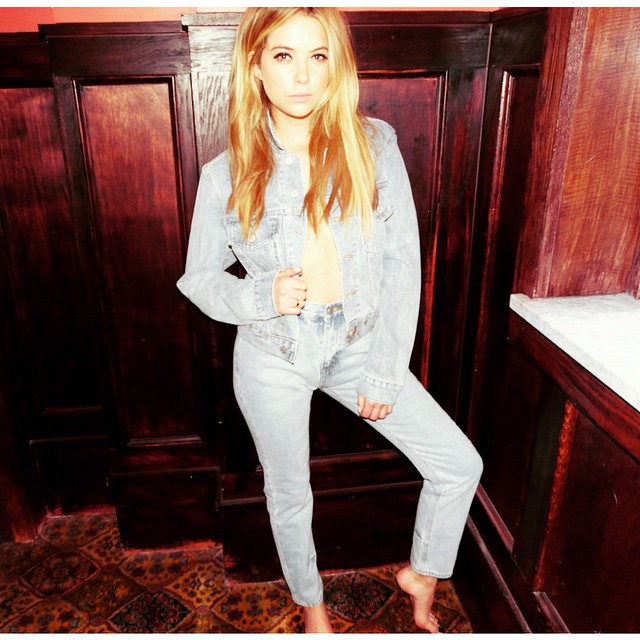
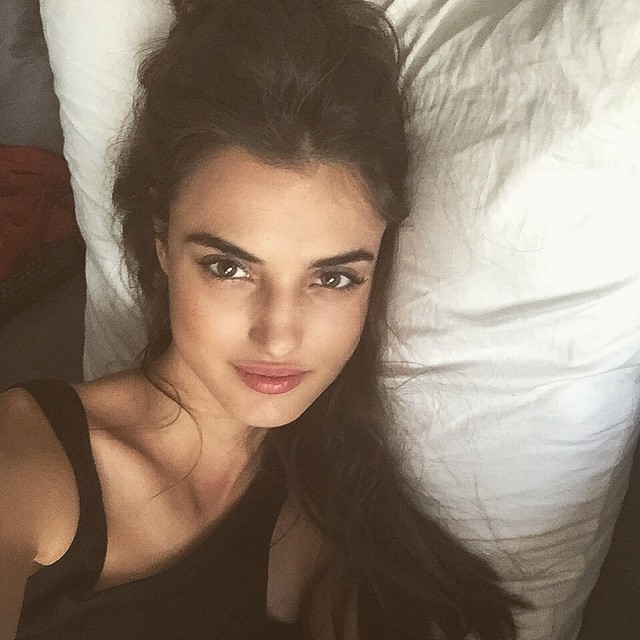
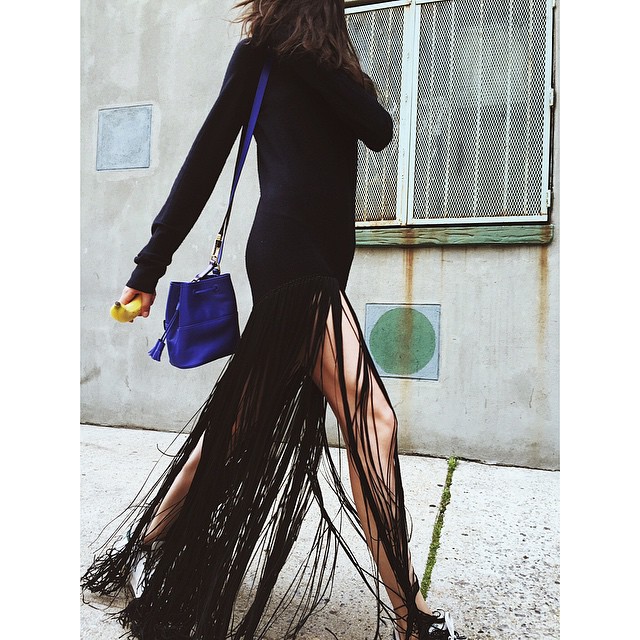
She just uploaded this to her Instagram mentioning FreePeople.
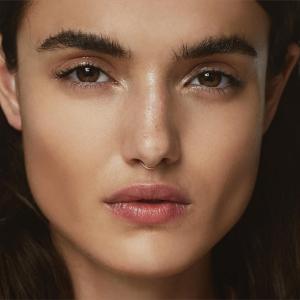 Love the photo. Can't wait for VS to upload those Bellemere shoots with her. She's truly the queen of swim
Antena 3 has shared these two clips of the episode of next Wednesday where Cara will be on. She tapped it during the promotion of Paper Towns in Madrid. http://www.antena3.com/programas/el-hormiguero/noticias/muy-pronto-cara-delevingne-visitara-hormiguero_2015062200341.html
Uploaded by Russell
Love the photo. Can't wait for VS to upload those Bellemere shoots with her. She's truly the queen of swim
Antena 3 has shared these two clips of the episode of next Wednesday where Cara will be on. She tapped it during the promotion of Paper Towns in Madrid. http://www.antena3.com/programas/el-hormiguero/noticias/muy-pronto-cara-delevingne-visitara-hormiguero_2015062200341.html
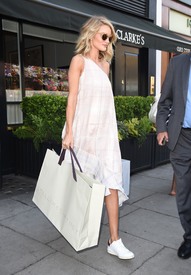
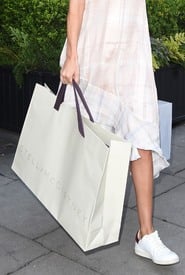
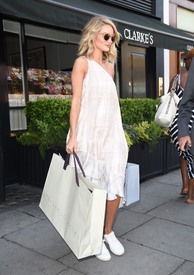
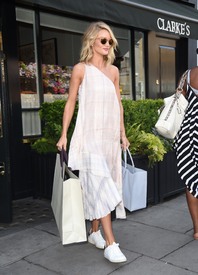
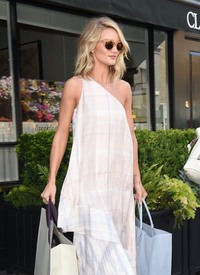
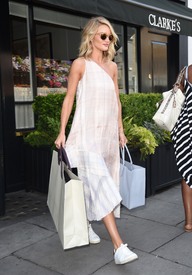
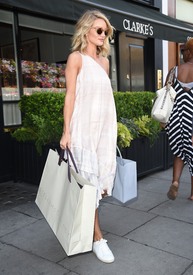
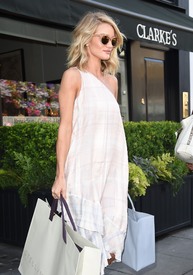
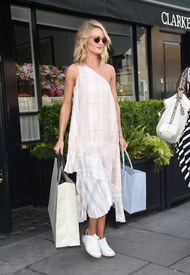
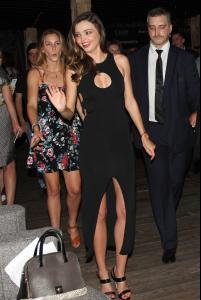
Uploaded by Russell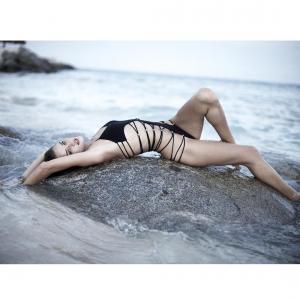 Rosie Huntington Whiteley Seen Leaving Clarkes Restaurant In London - July 3rd 2015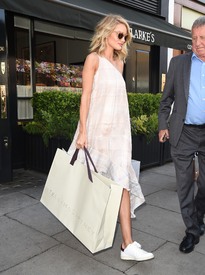
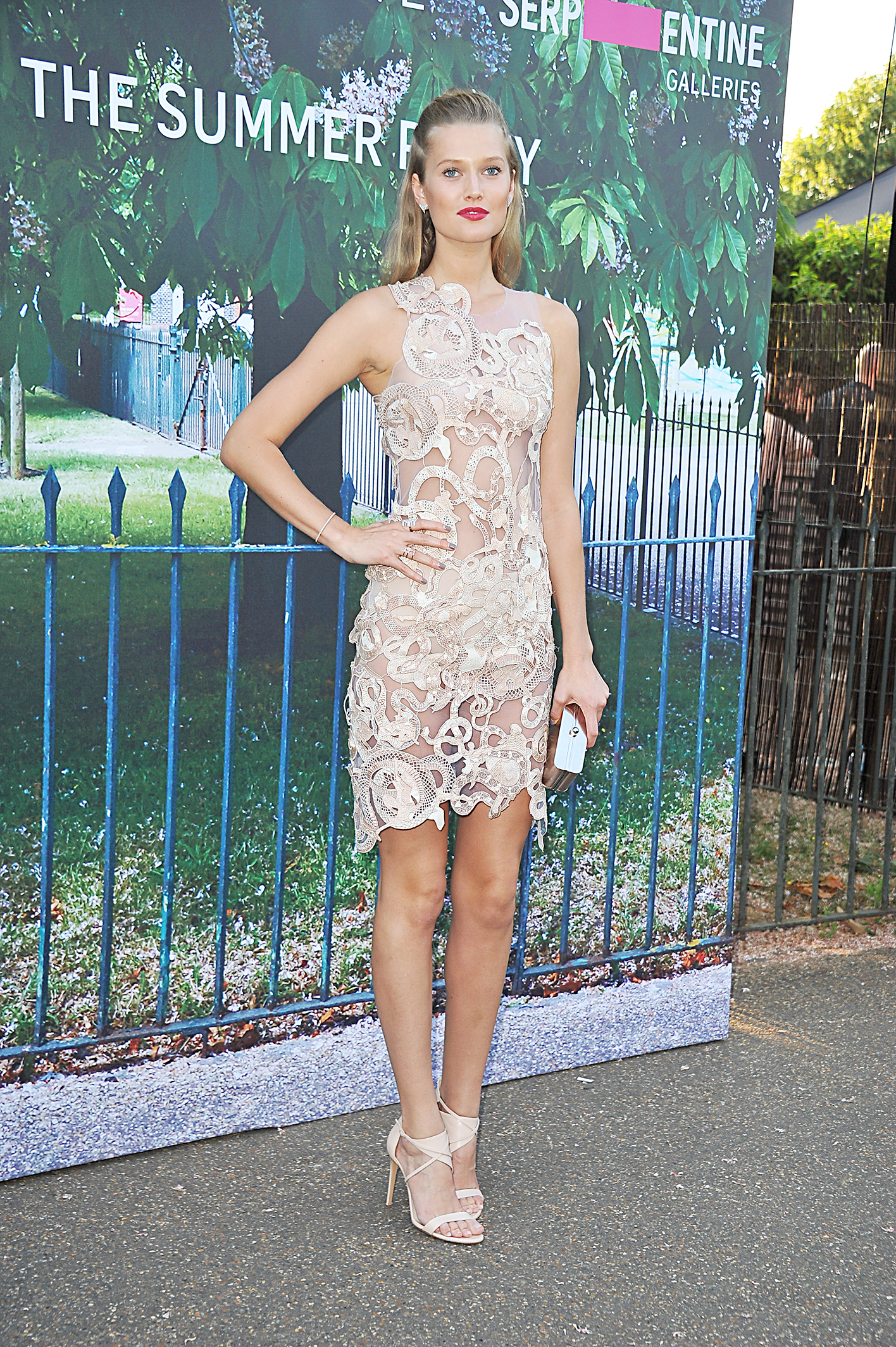
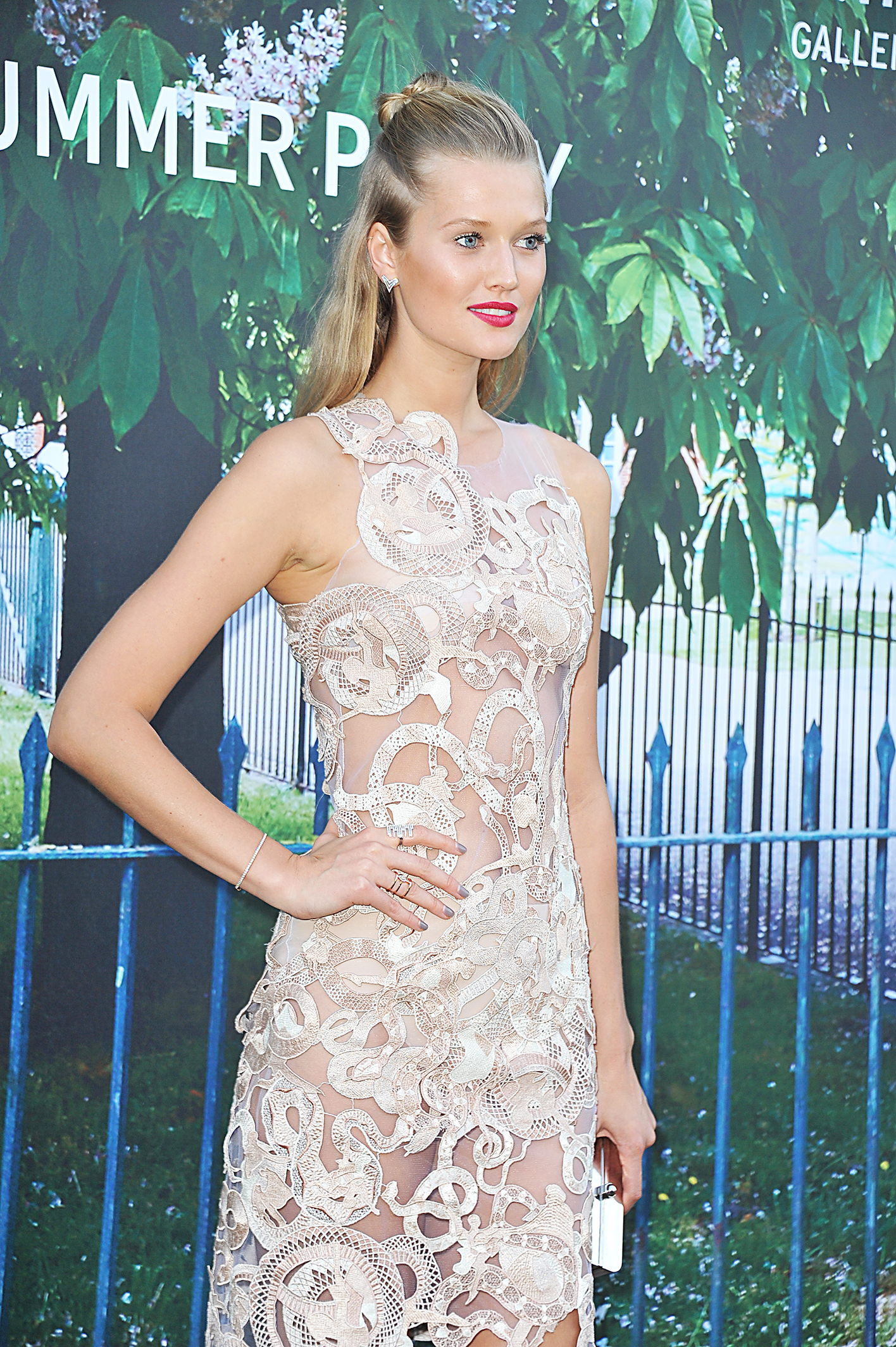
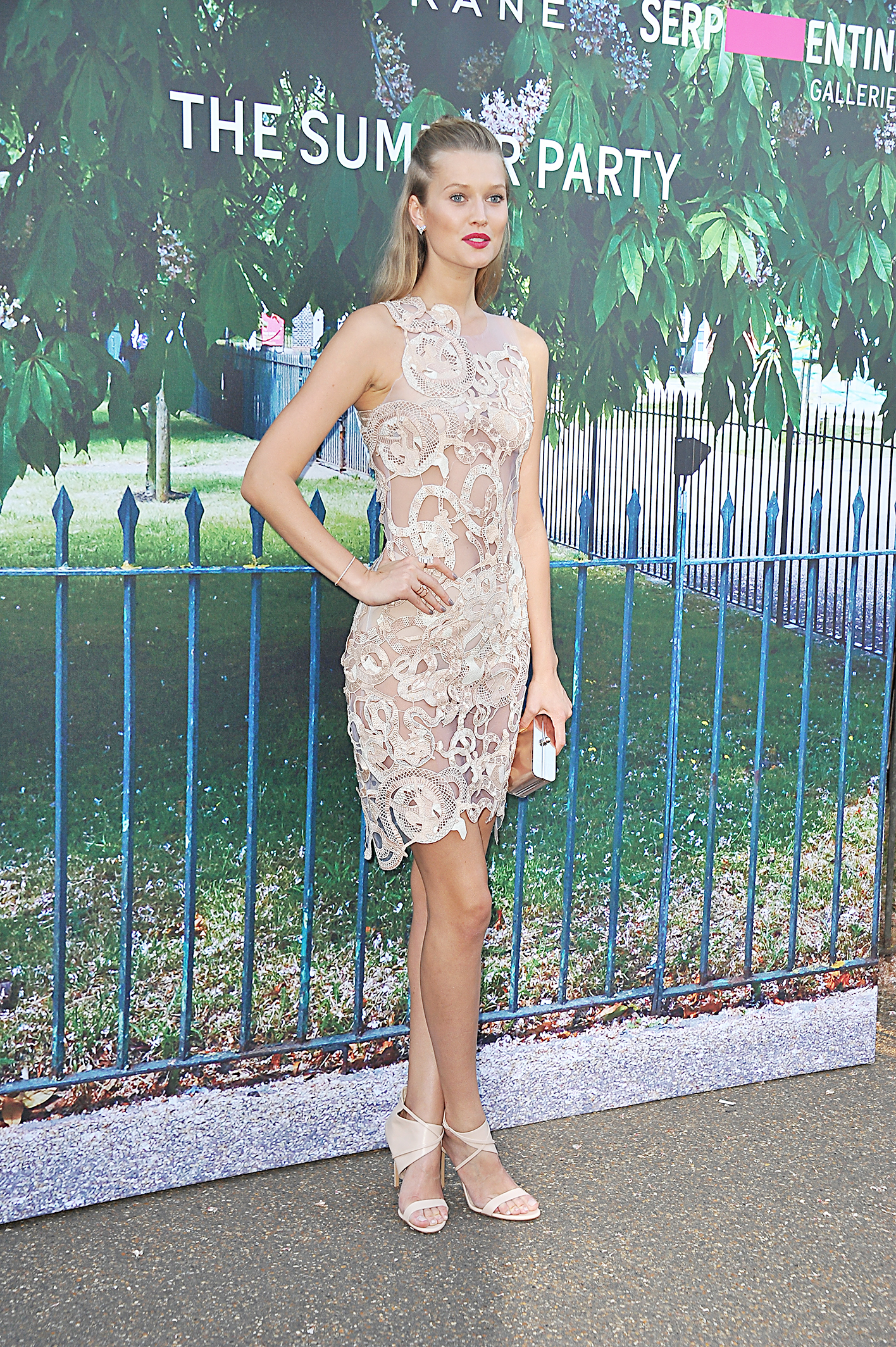
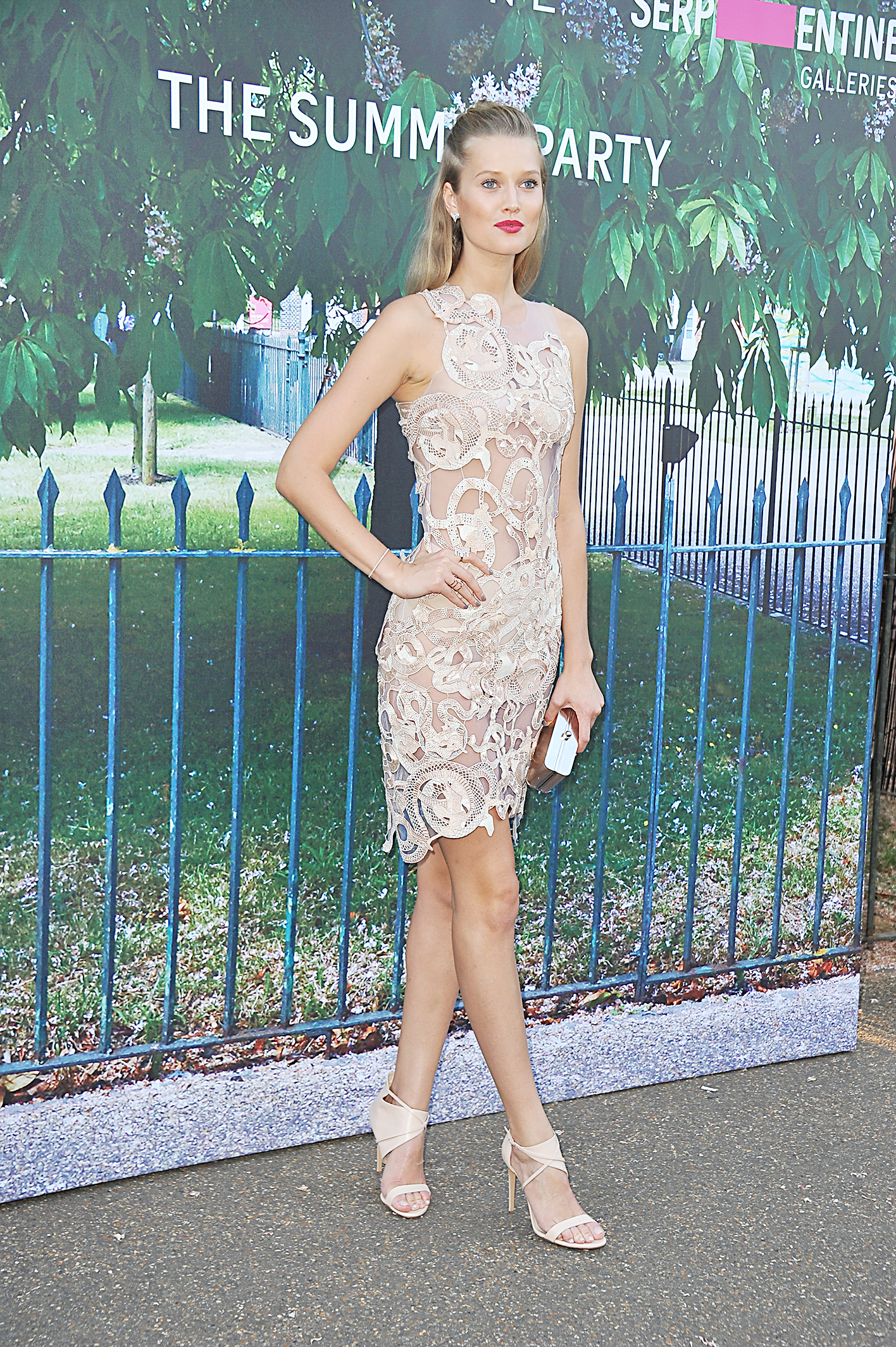
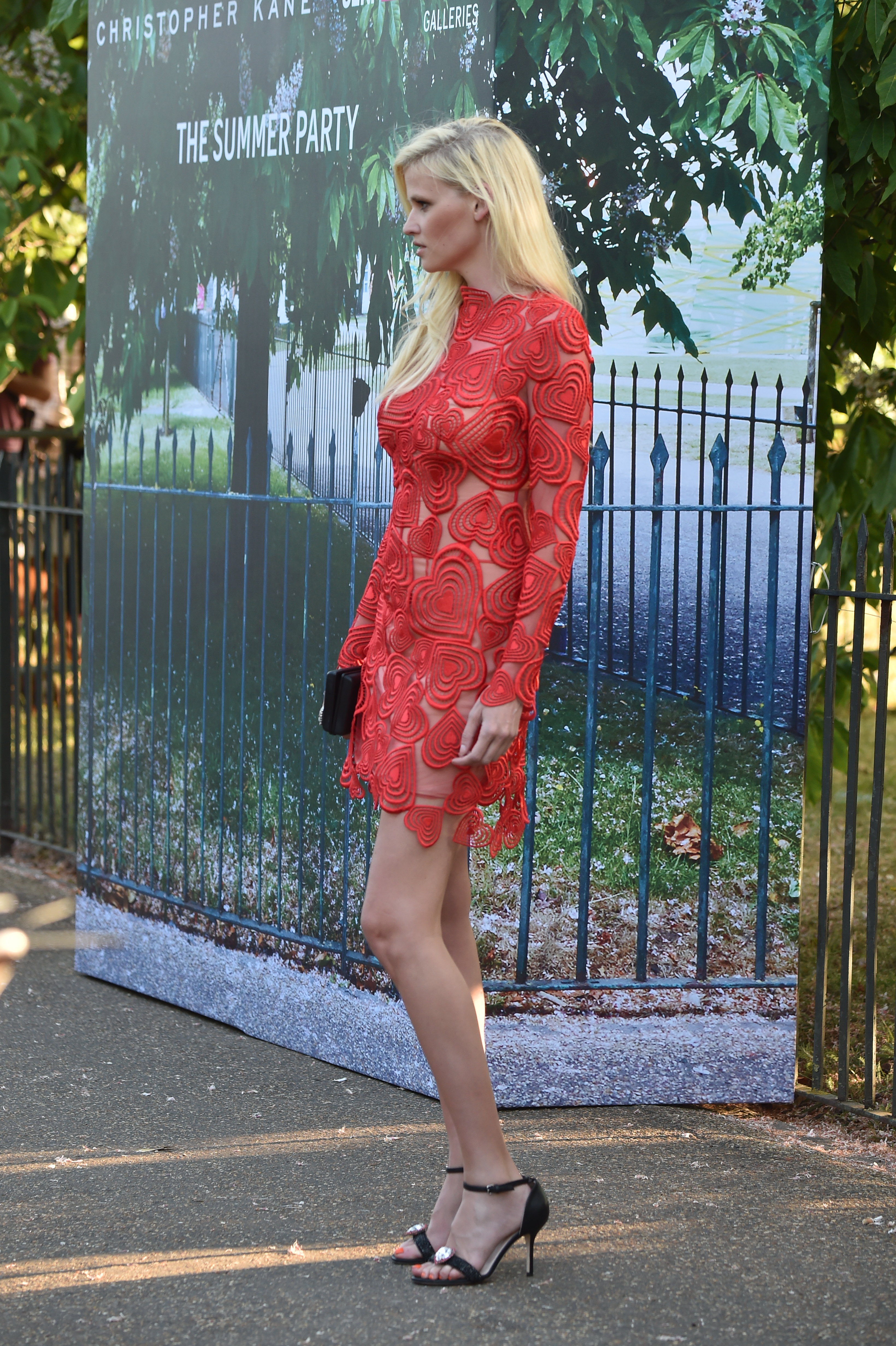
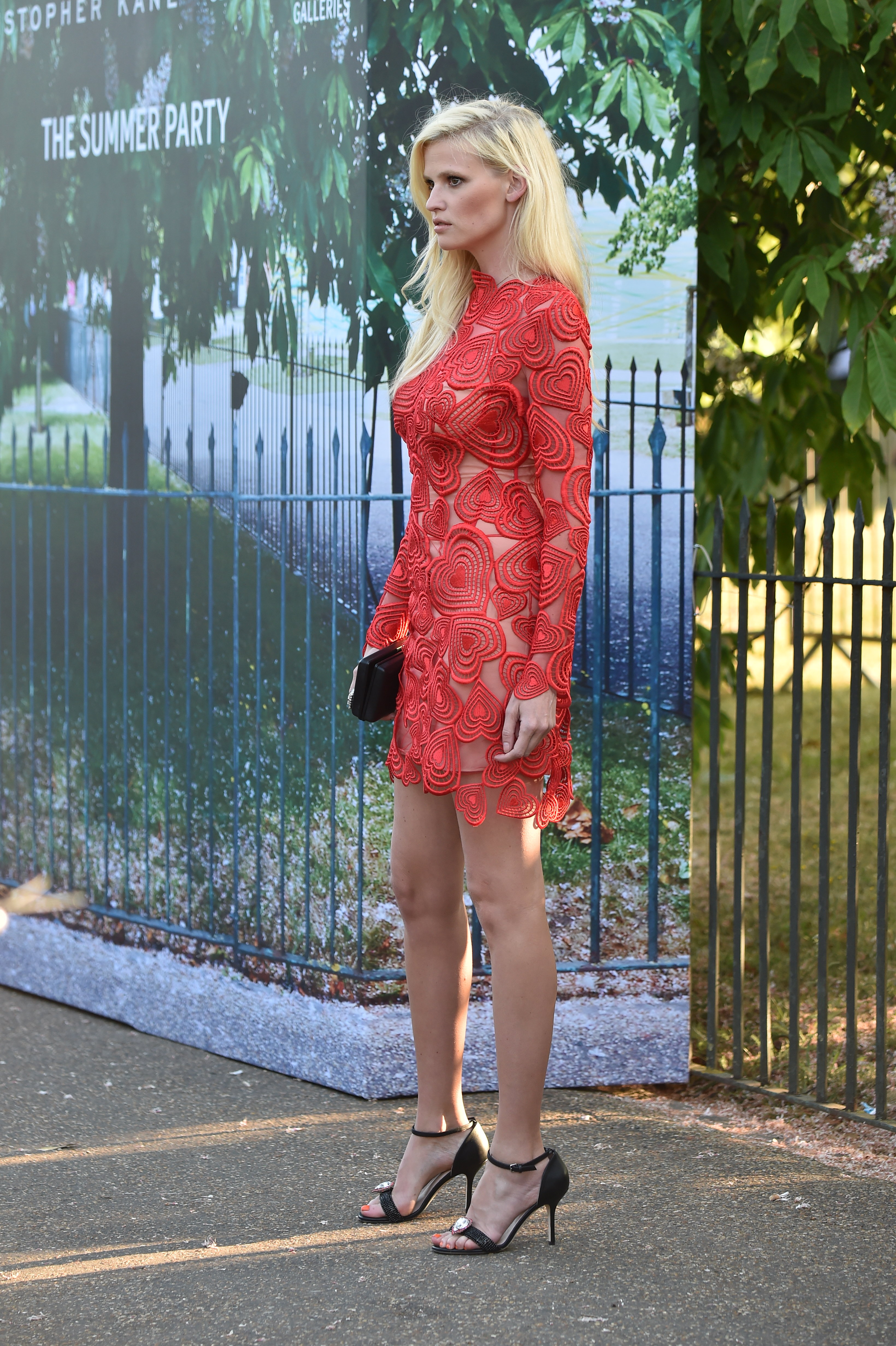
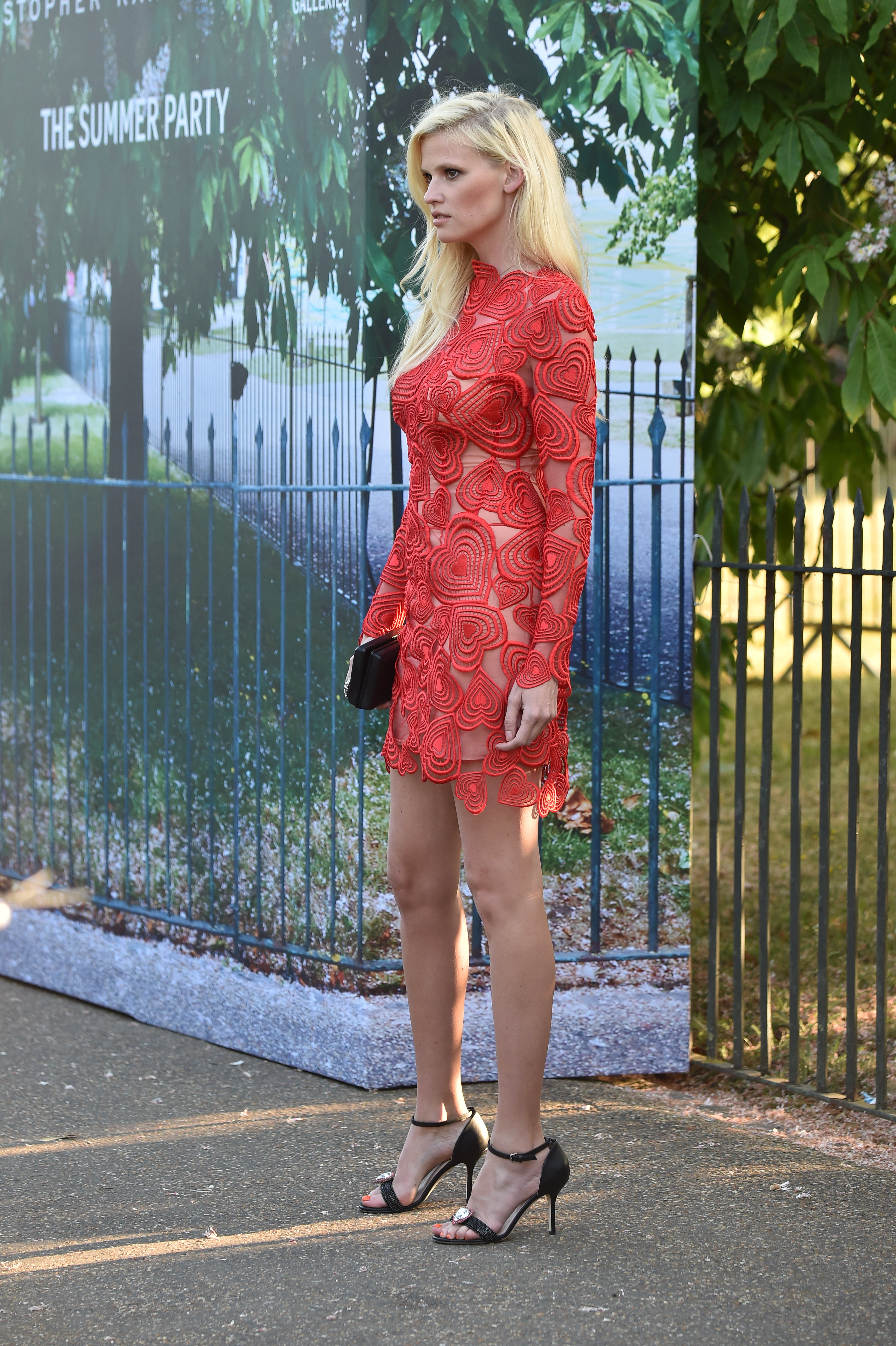
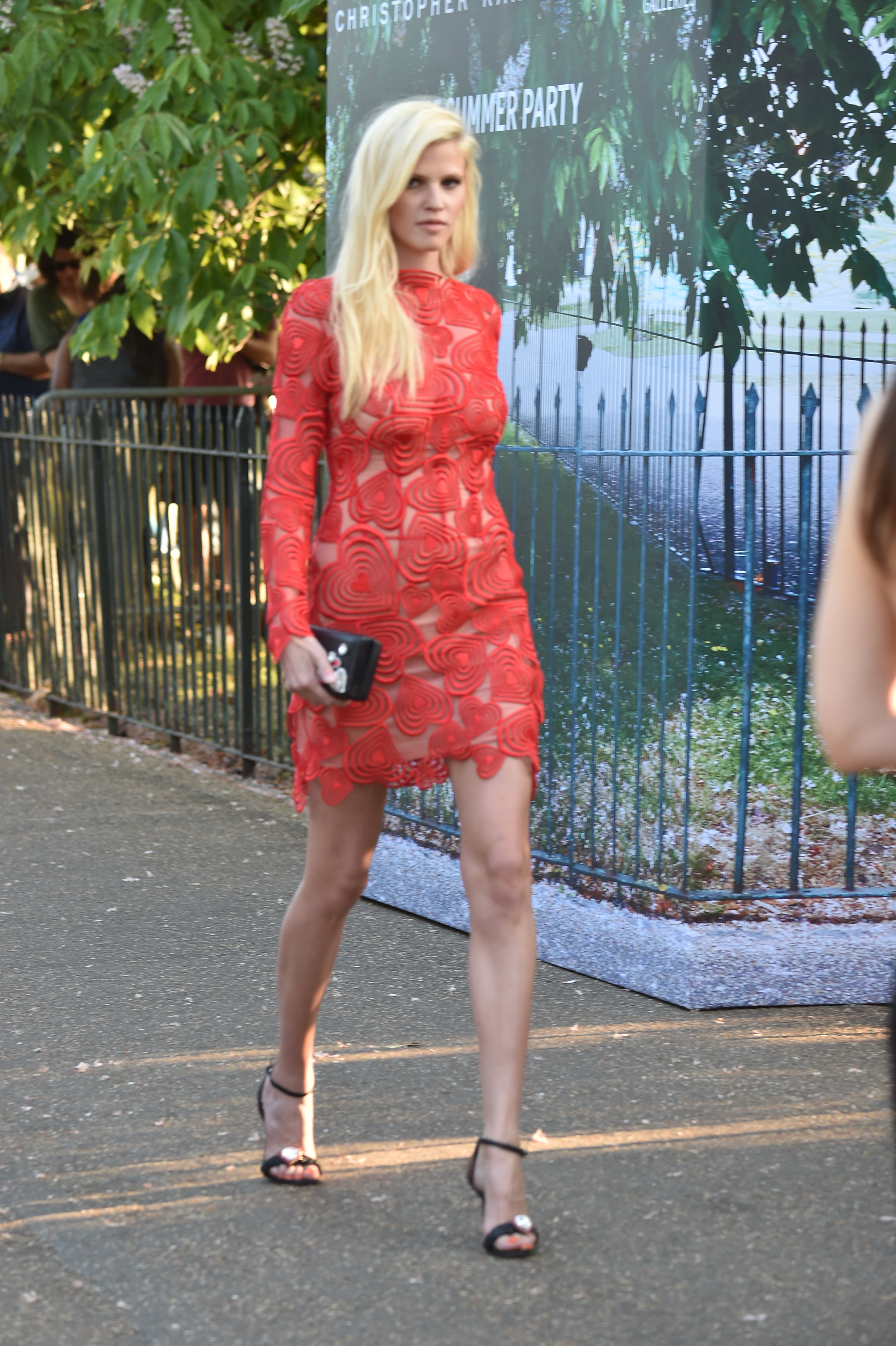
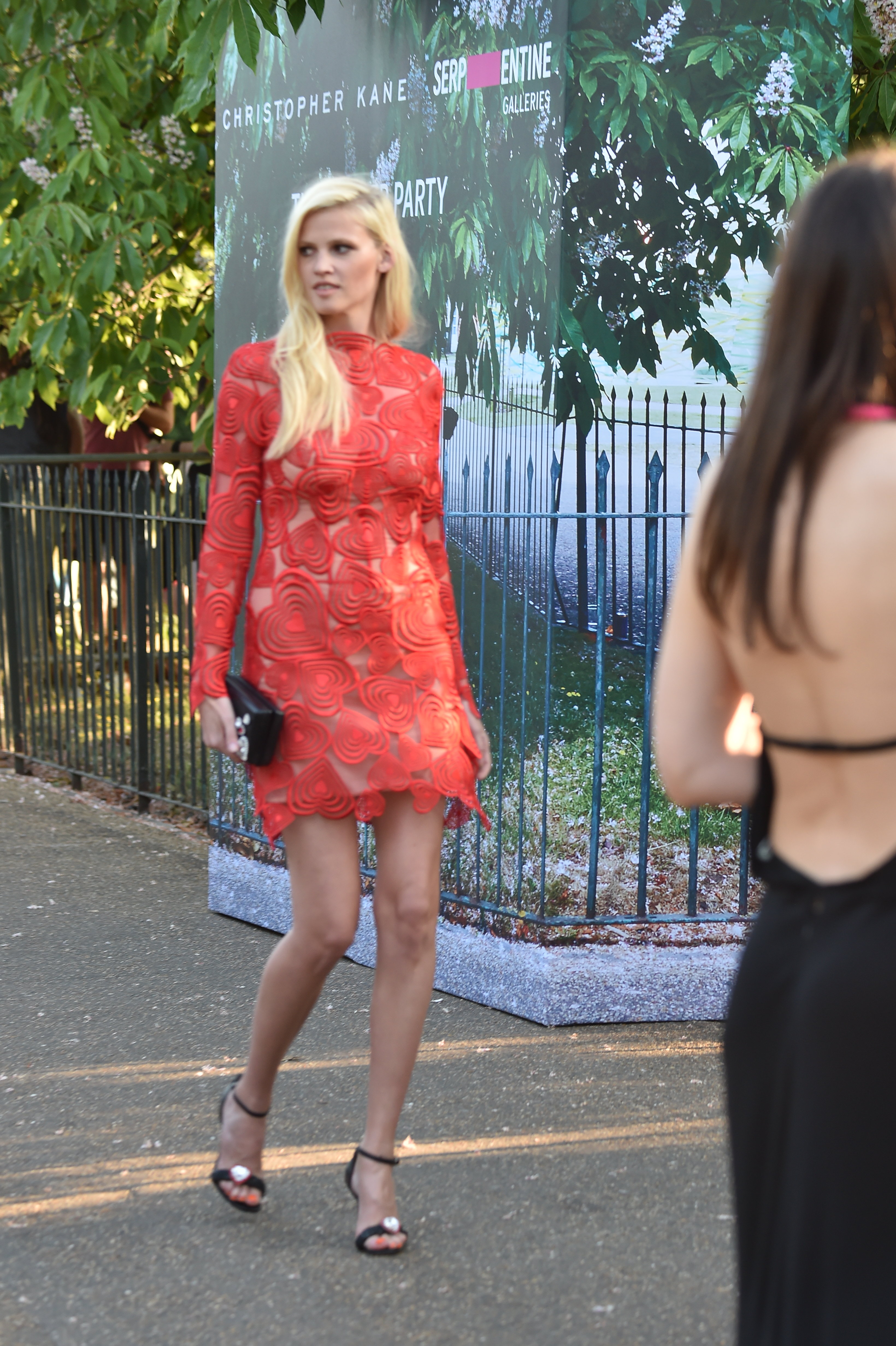
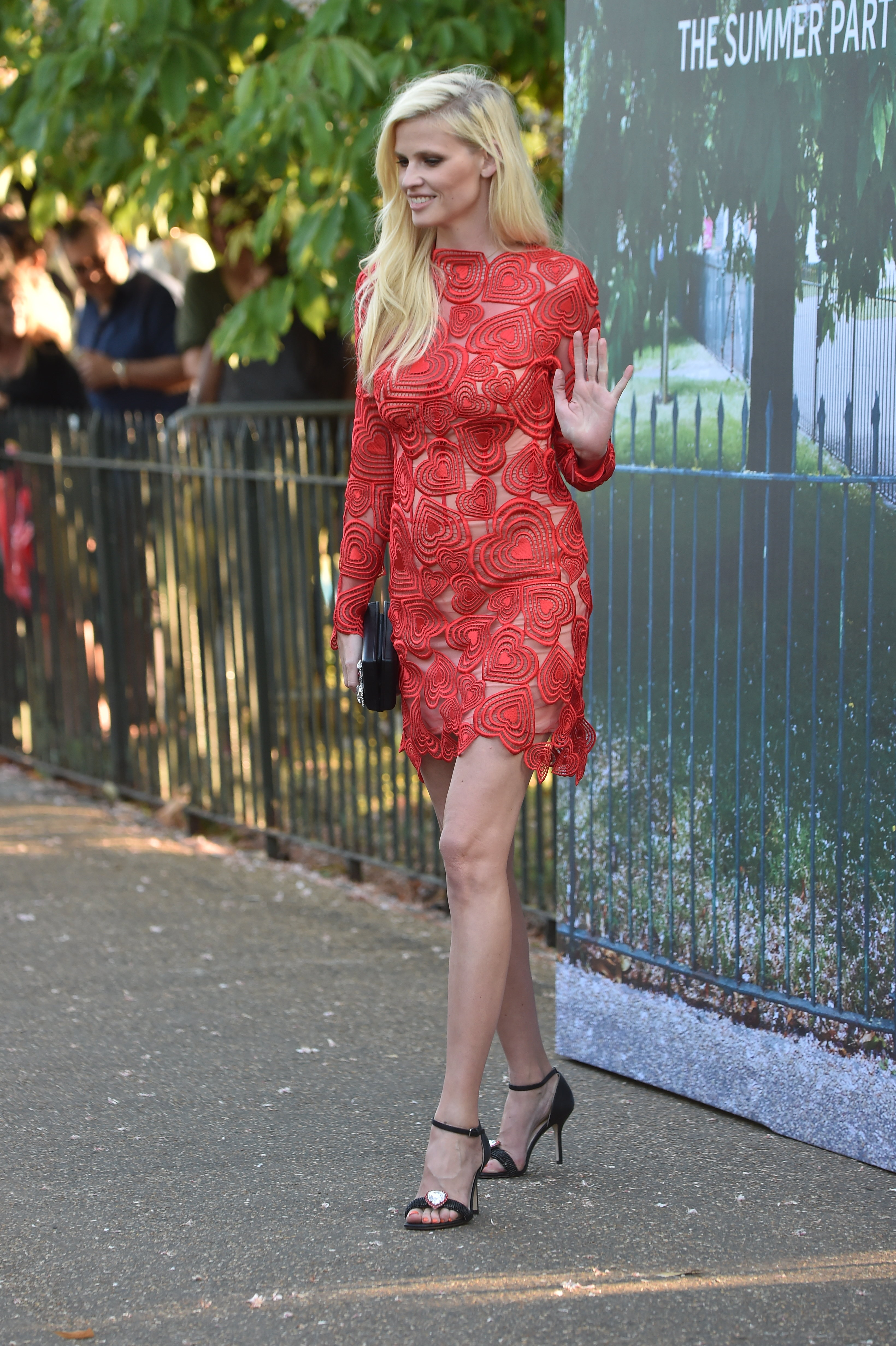
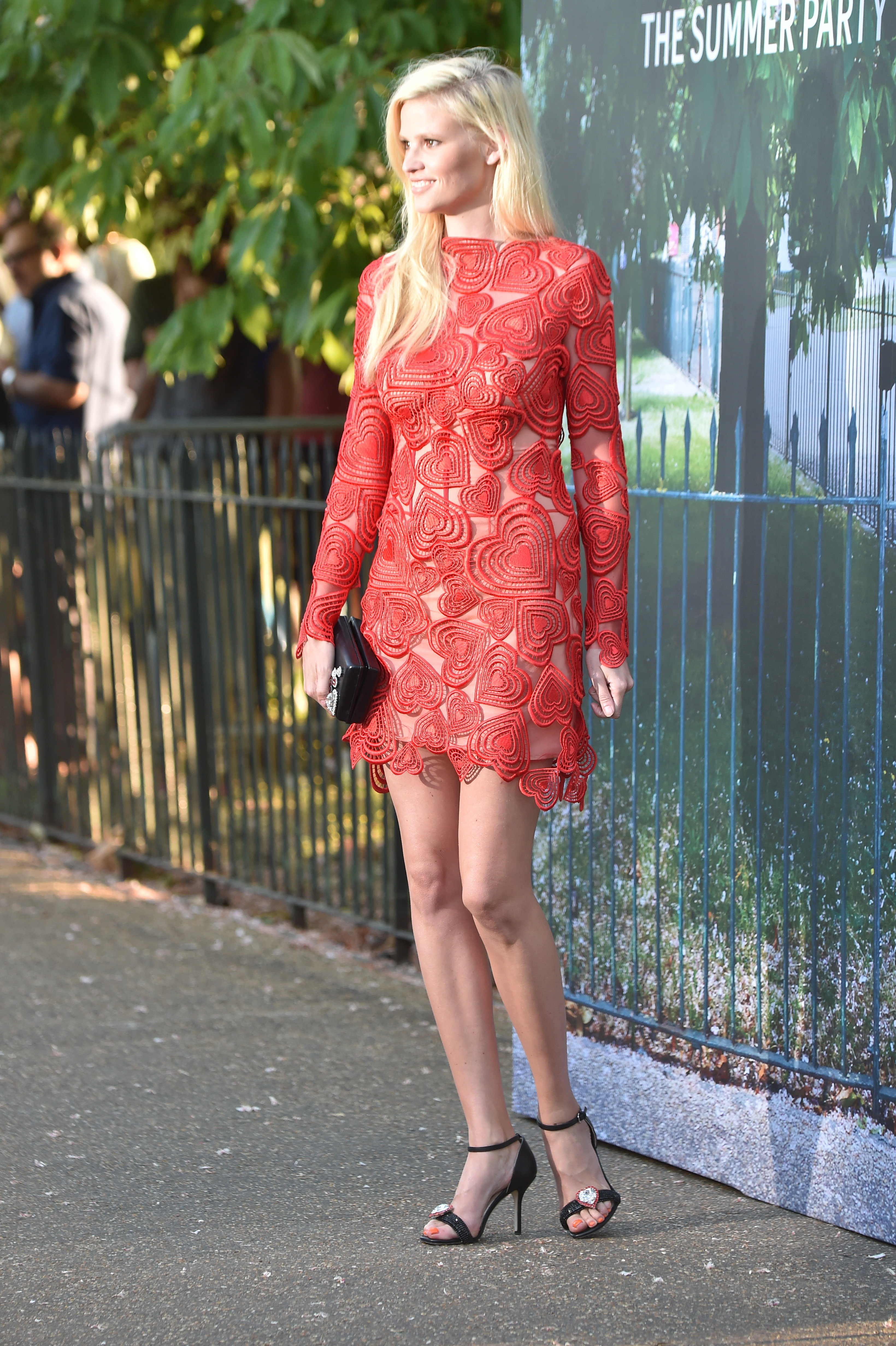
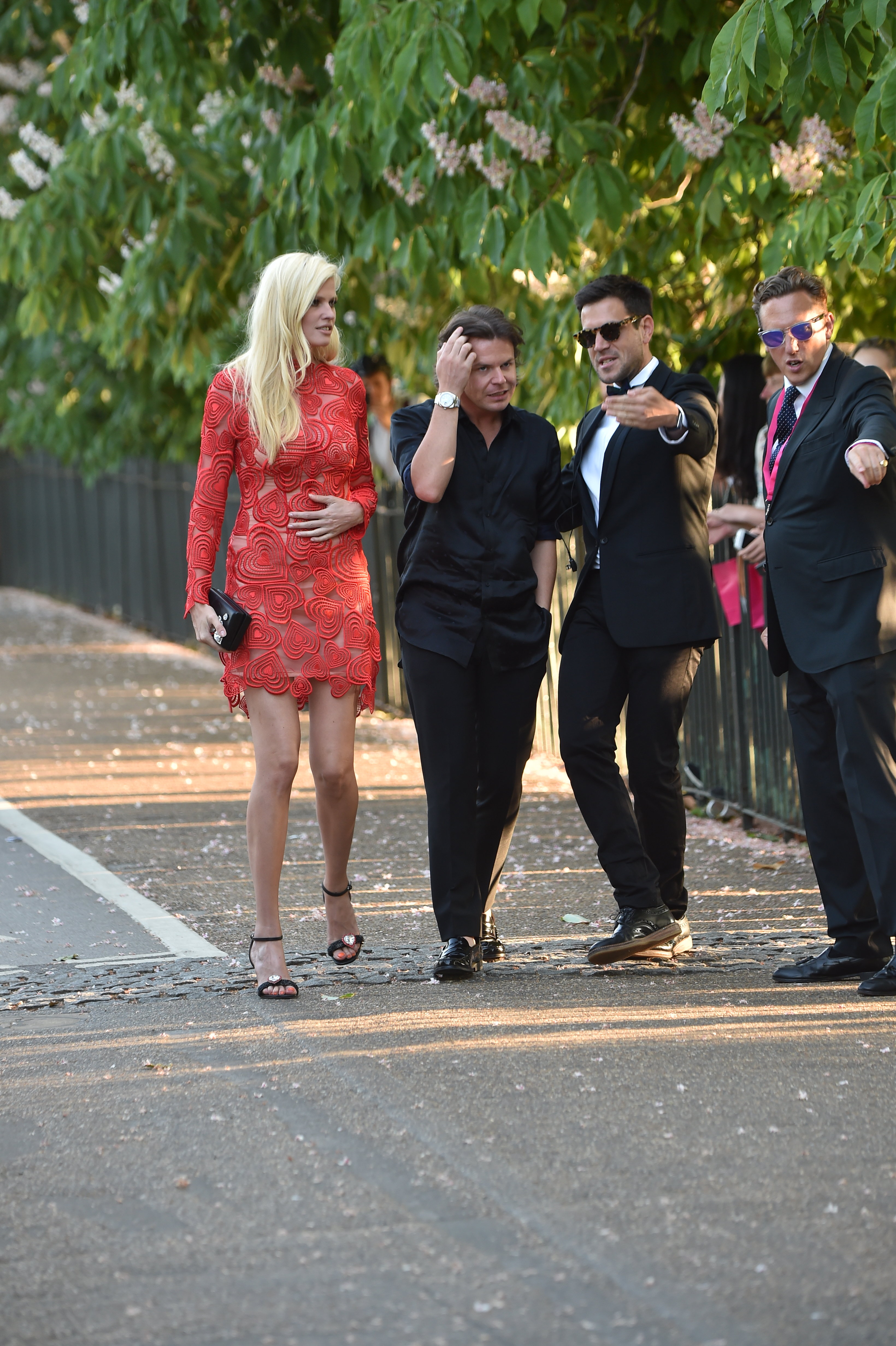
 The Serpentine Gallery Summer Party In London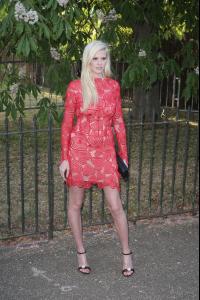
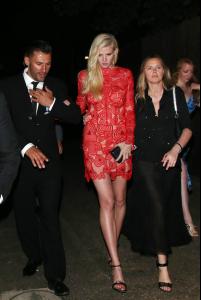
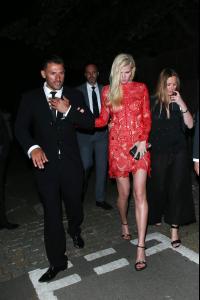
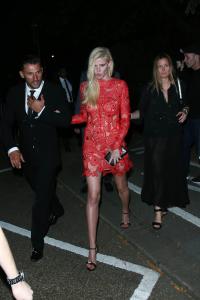
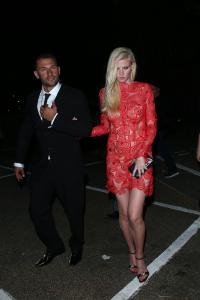
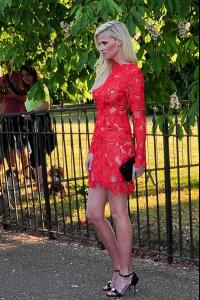
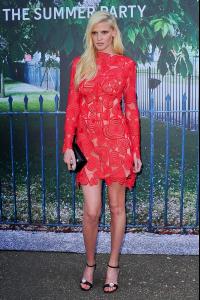
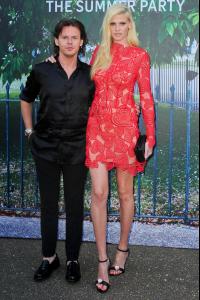

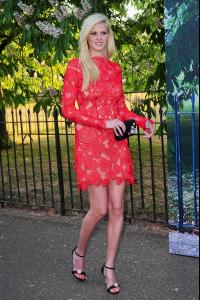
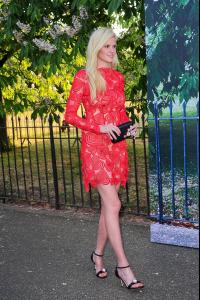
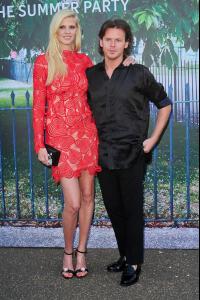
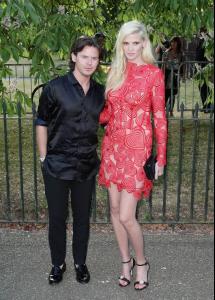
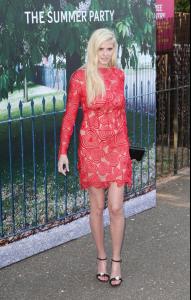

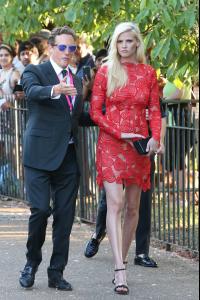
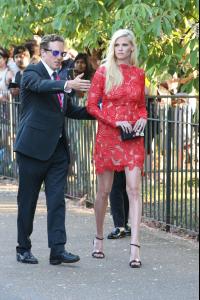
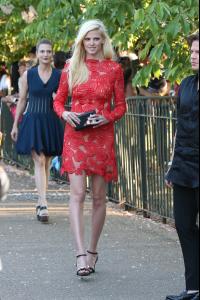 The Serpentine Gallery Summer Party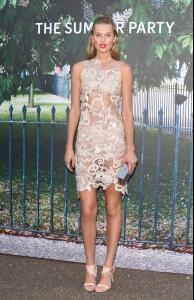
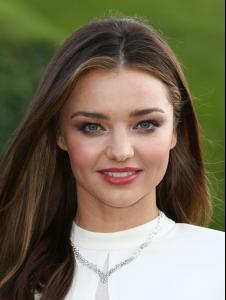
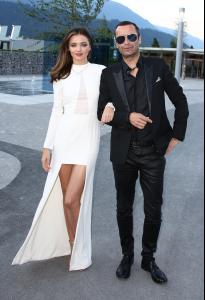
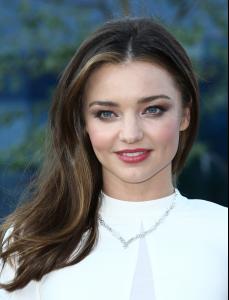
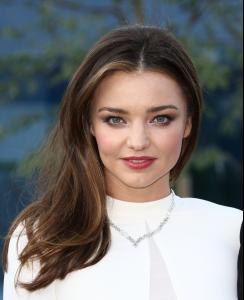
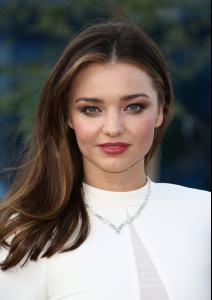
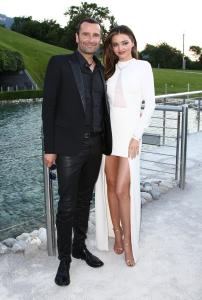
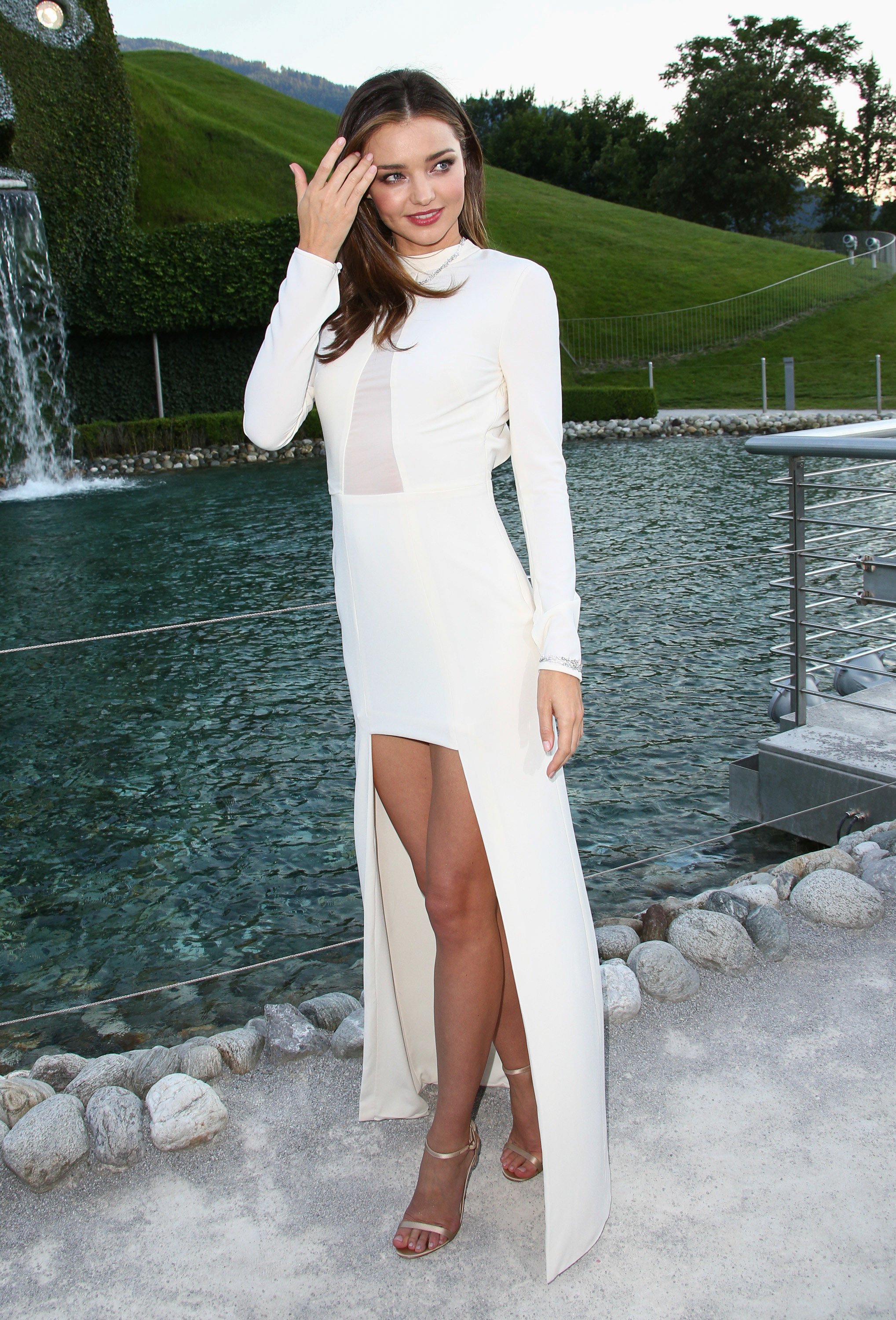
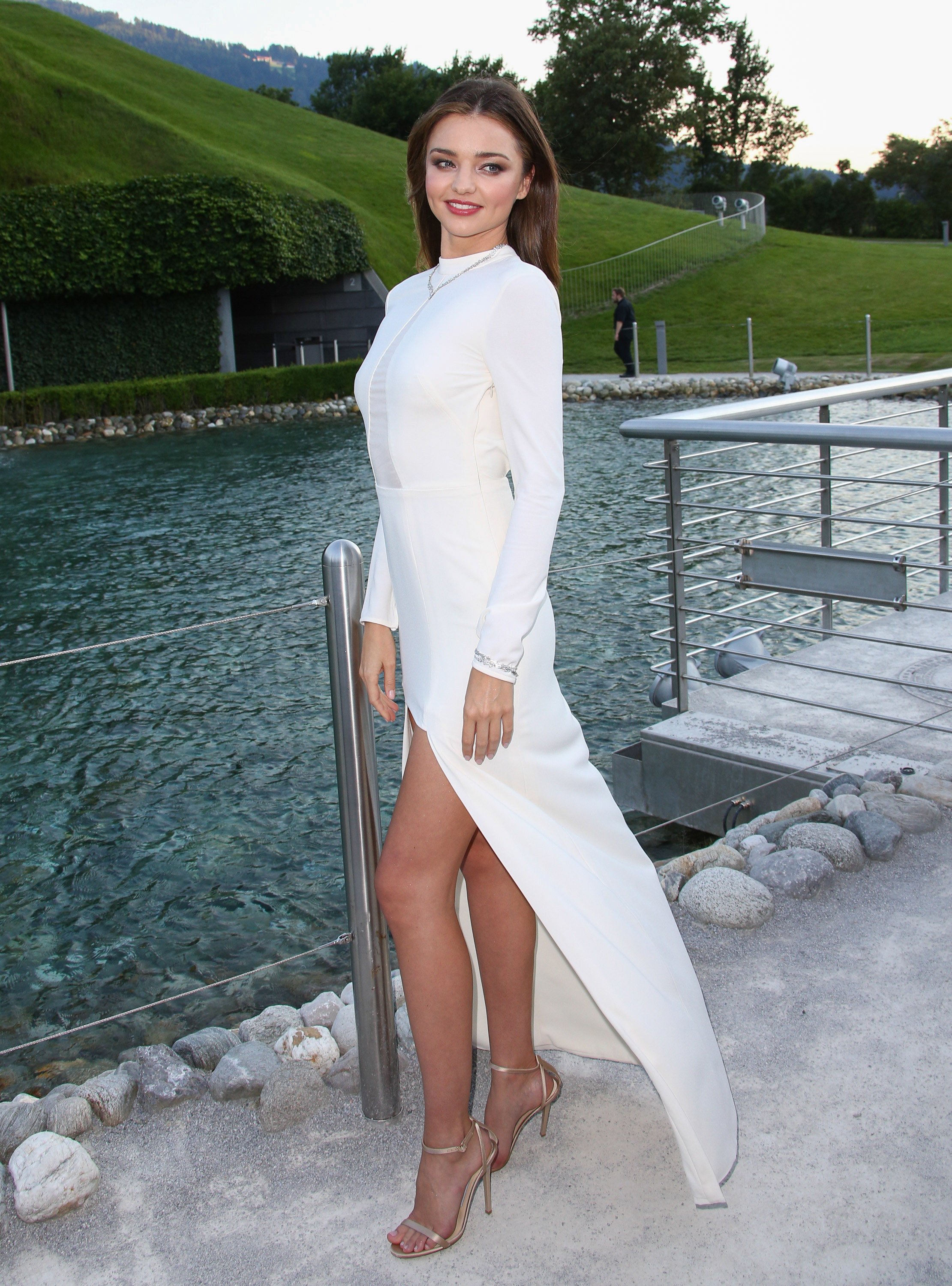
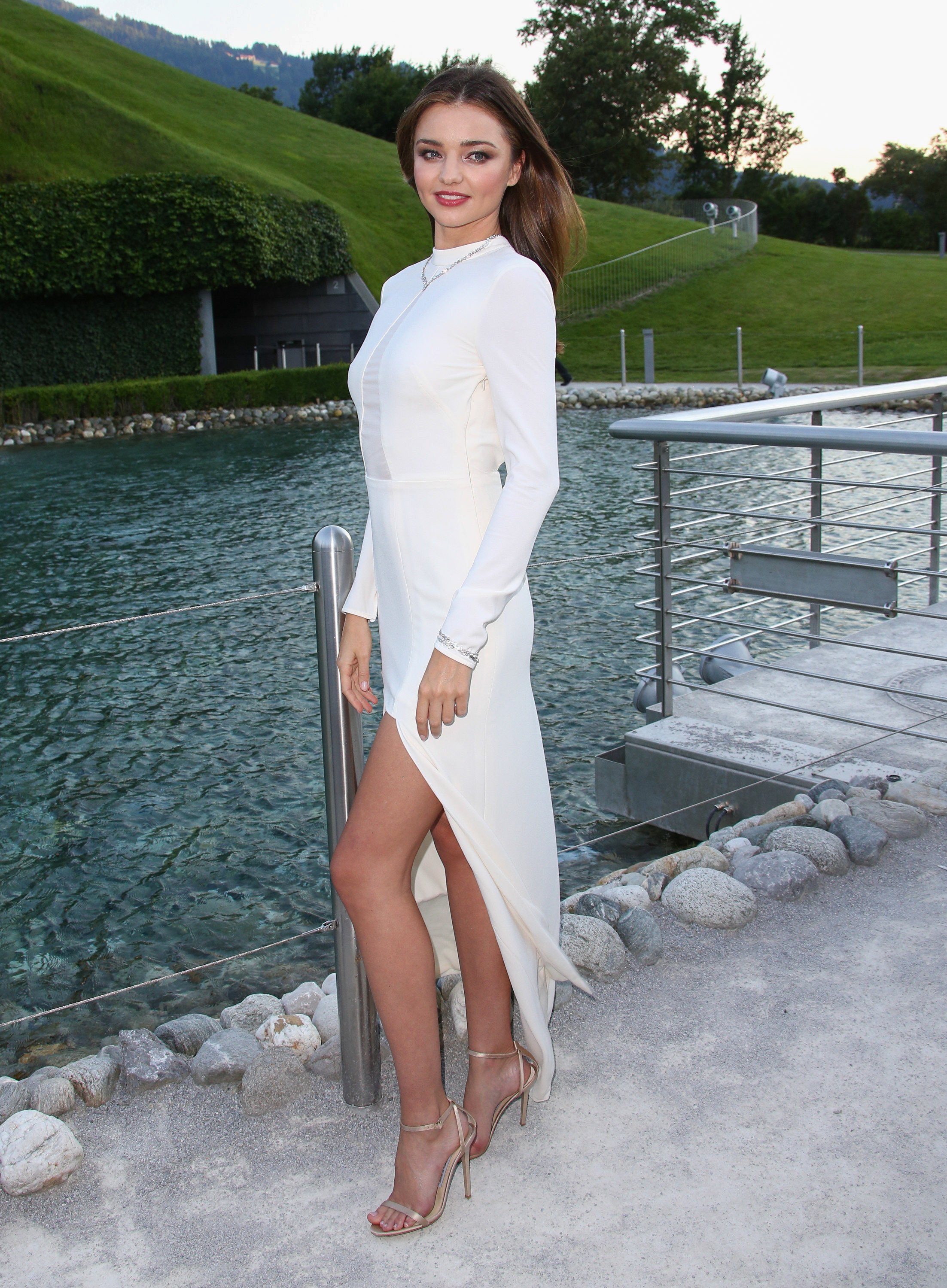
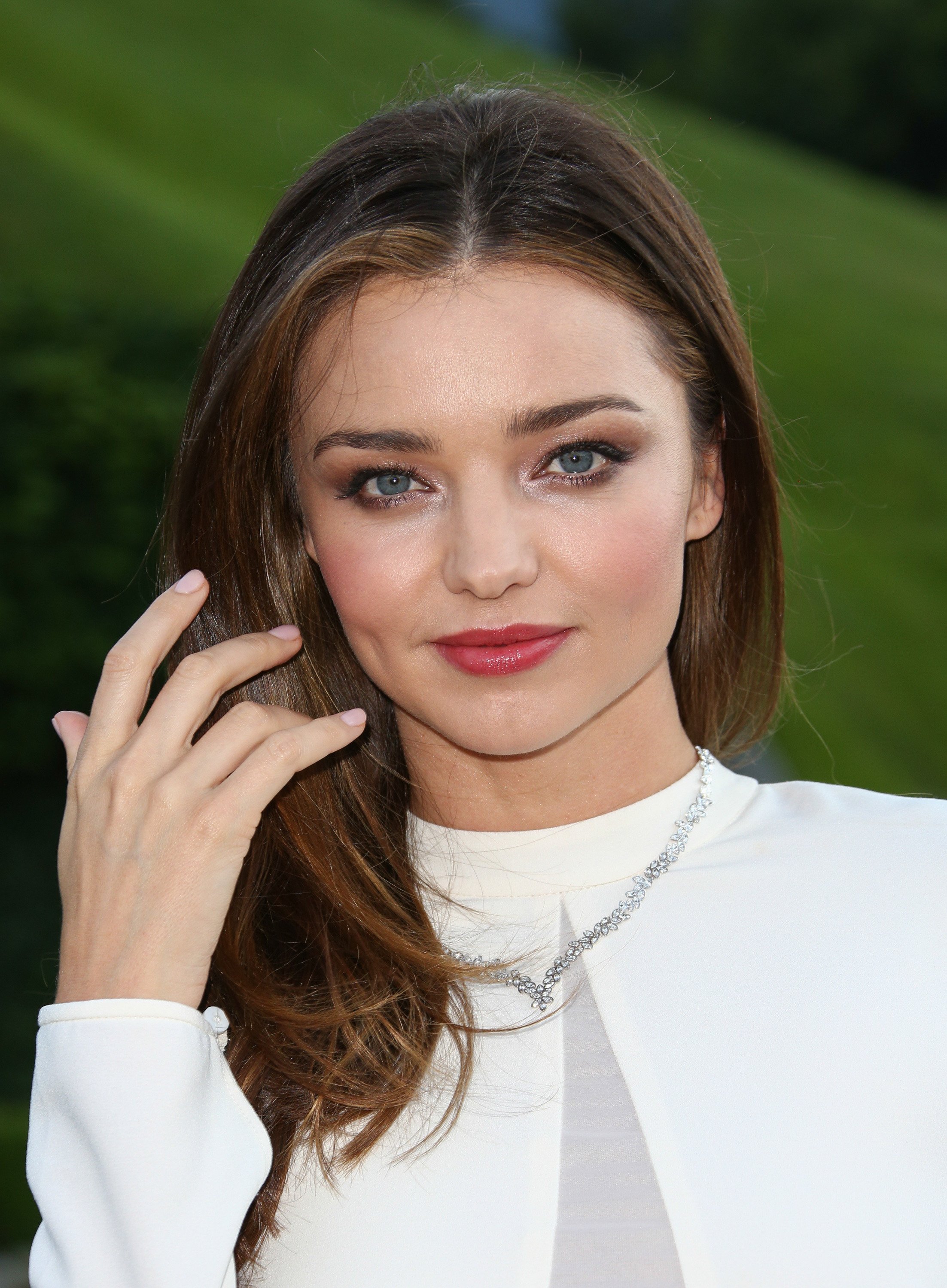
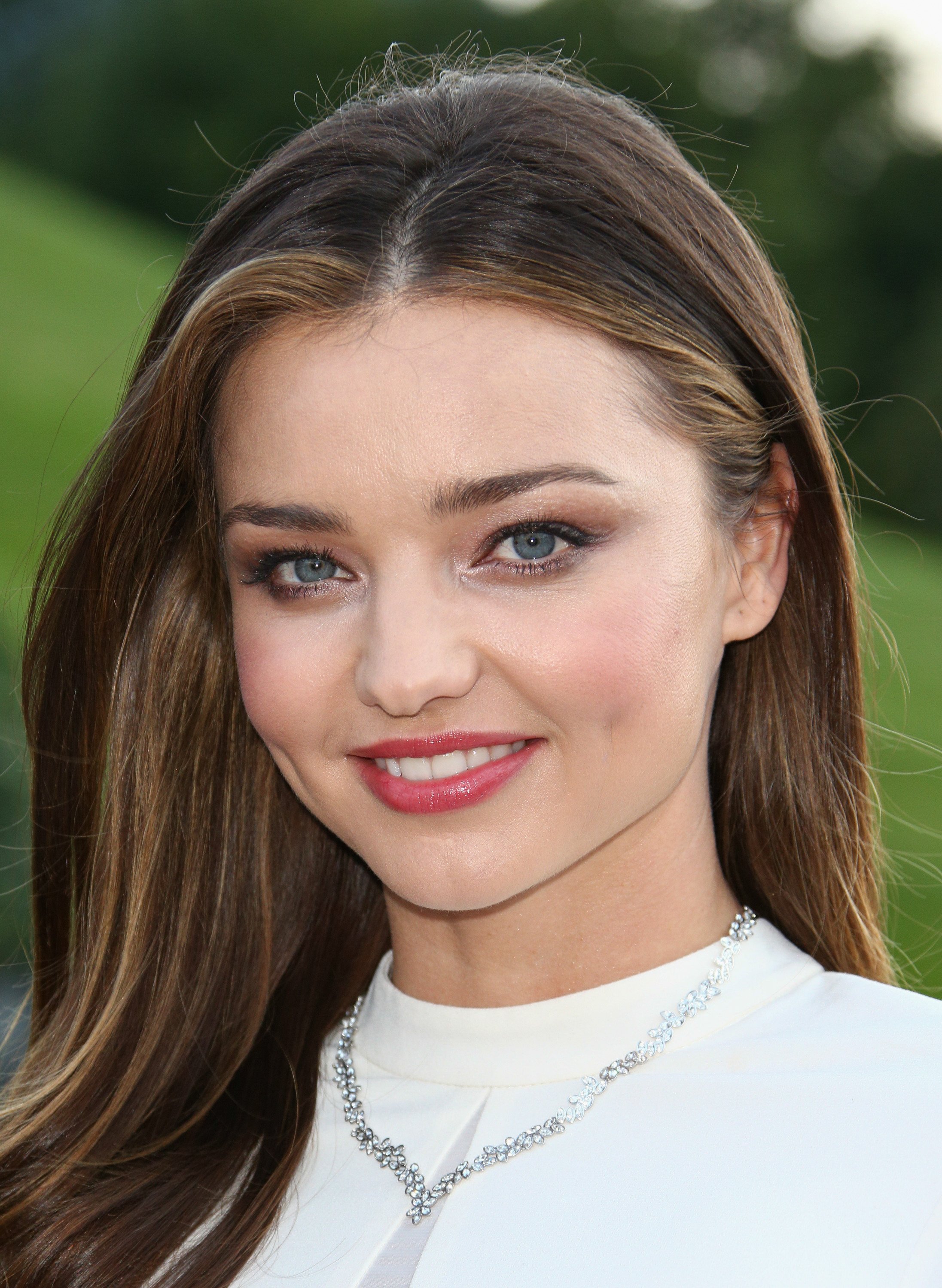
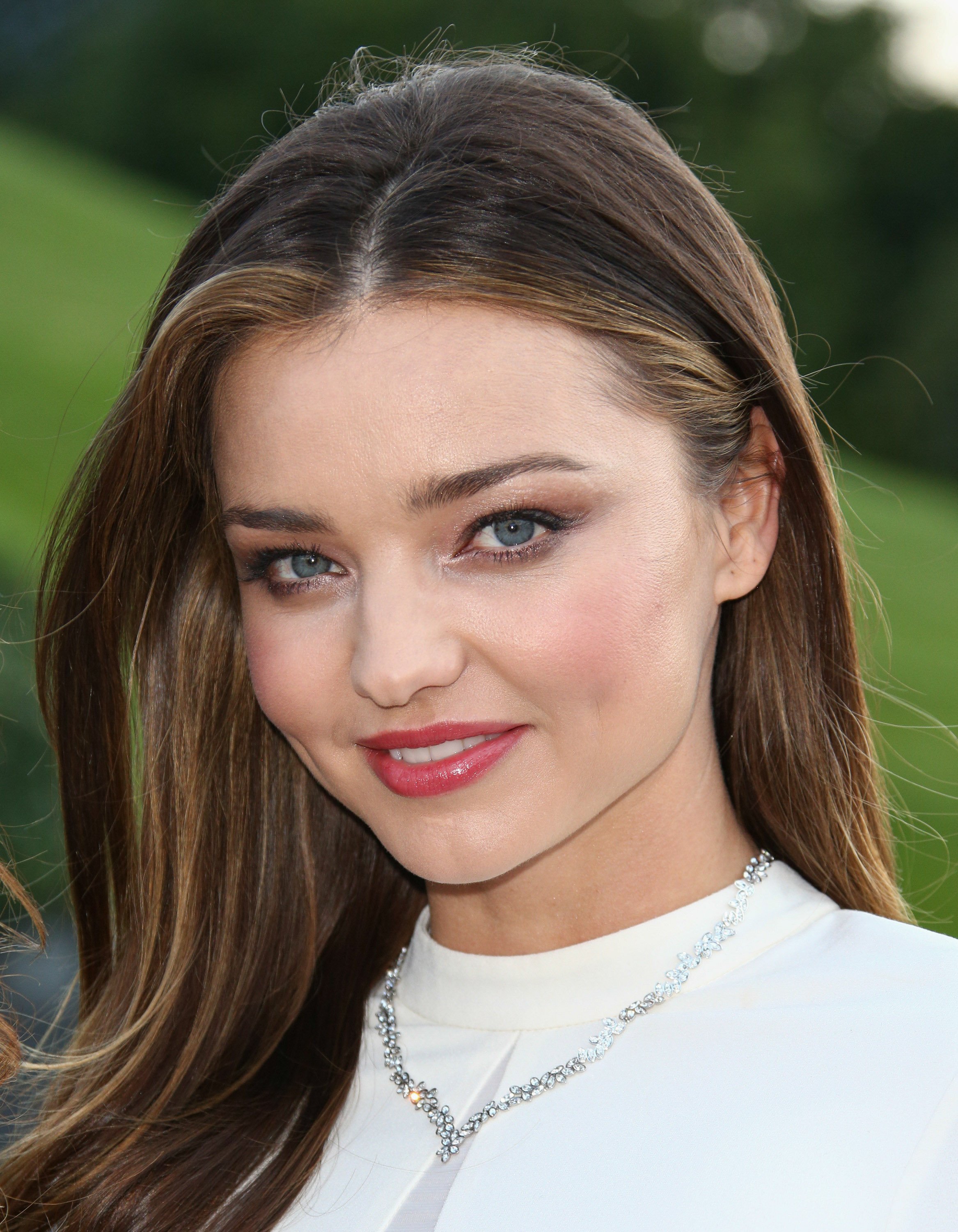
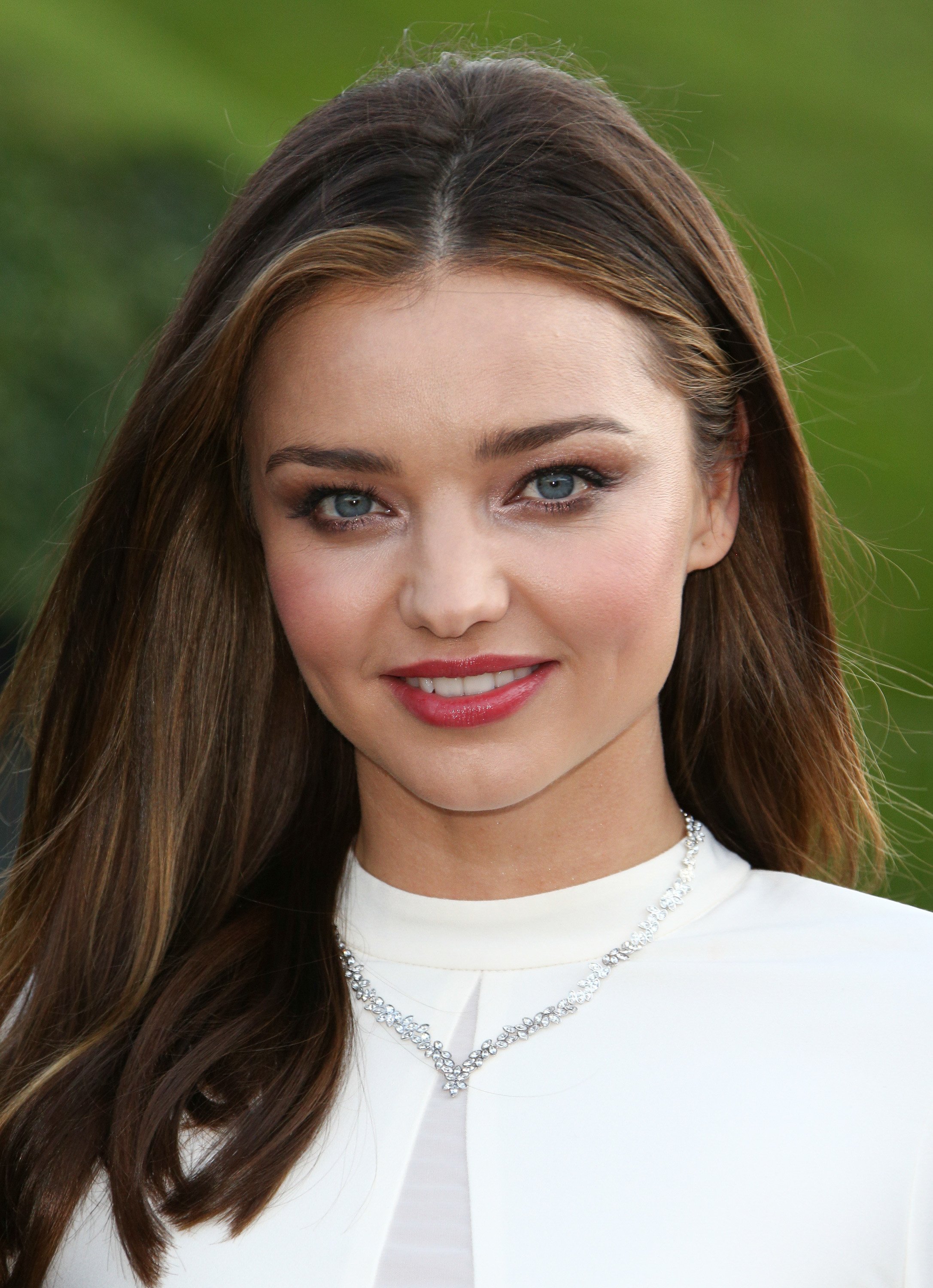
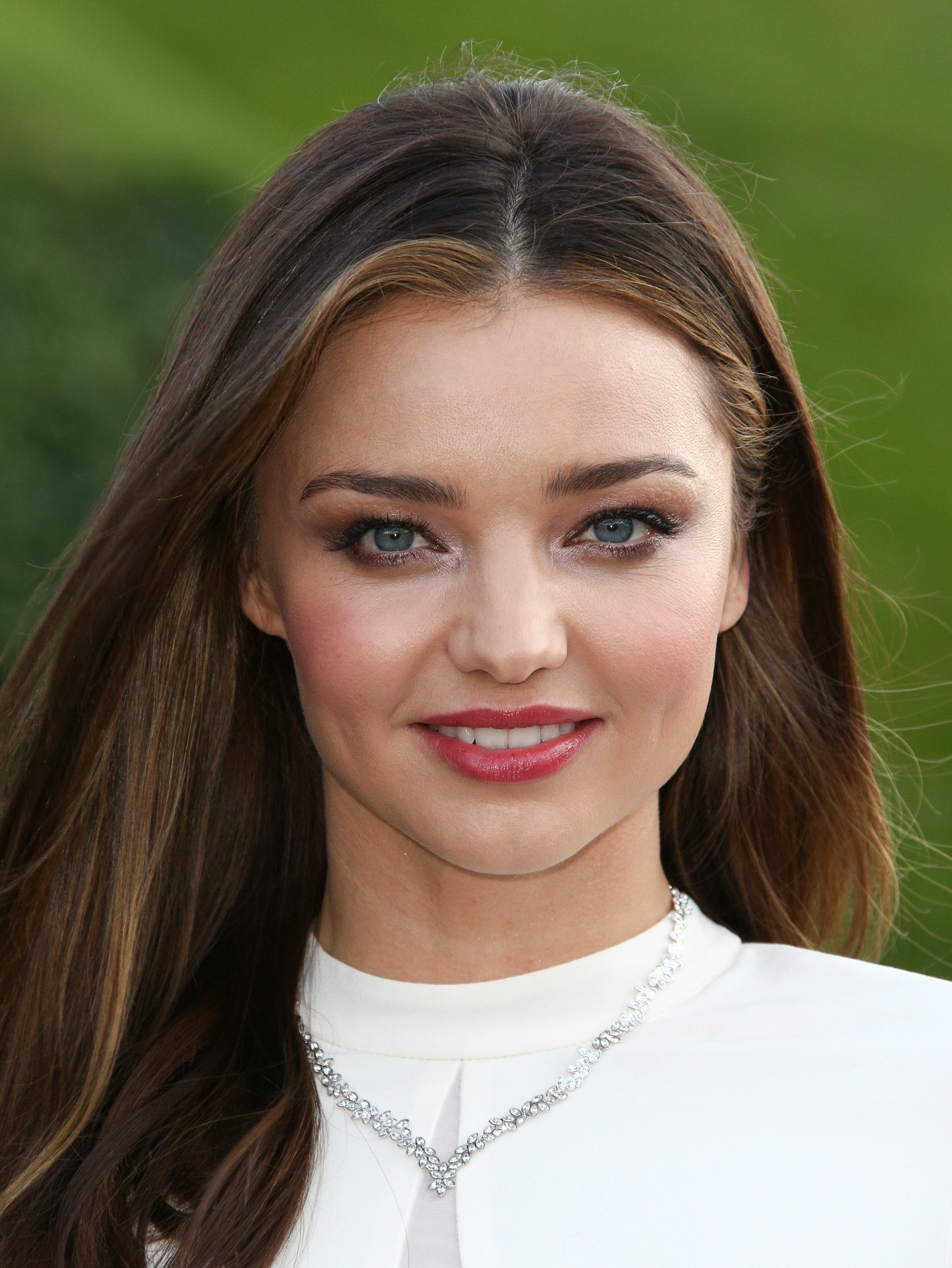
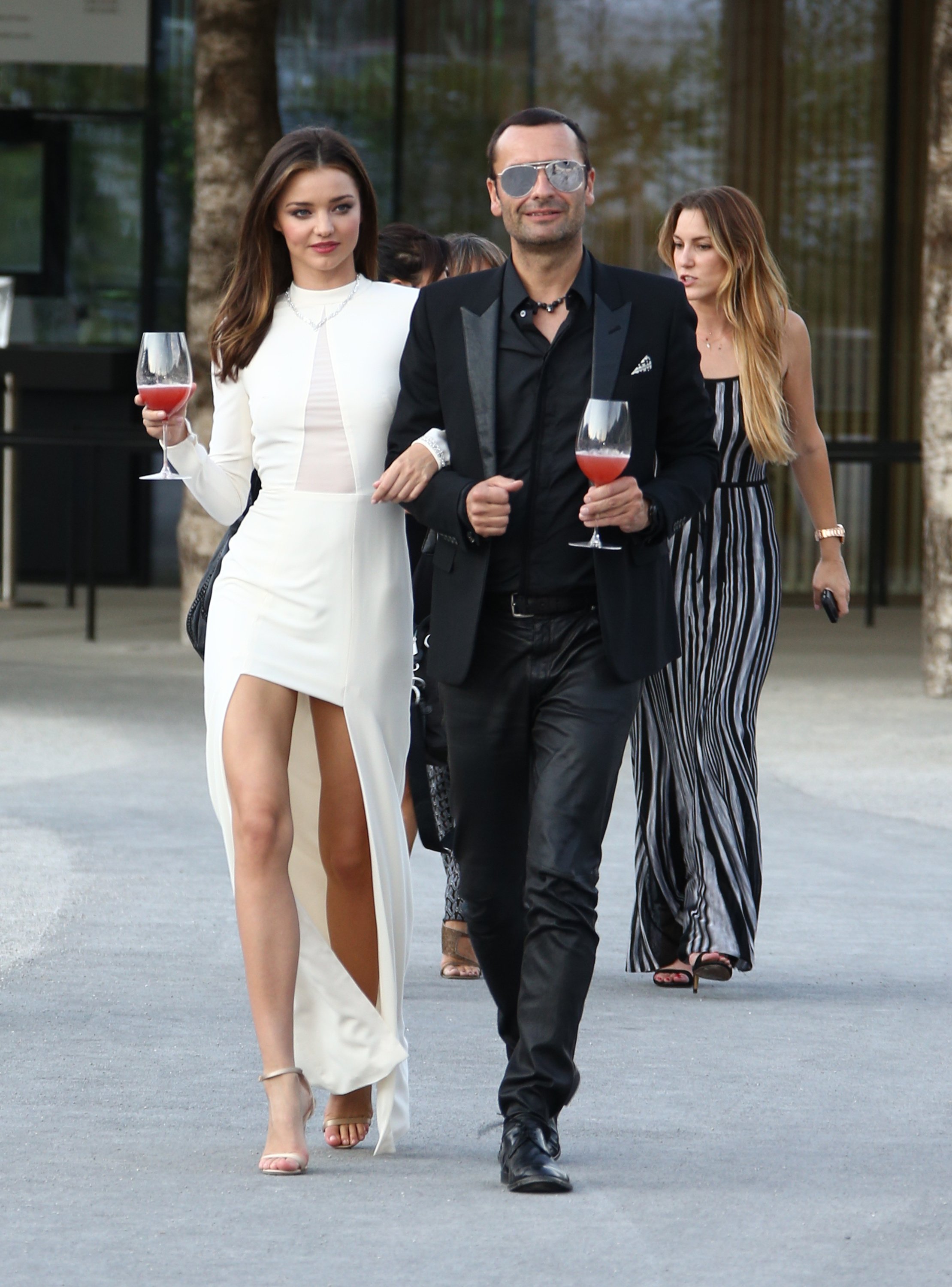
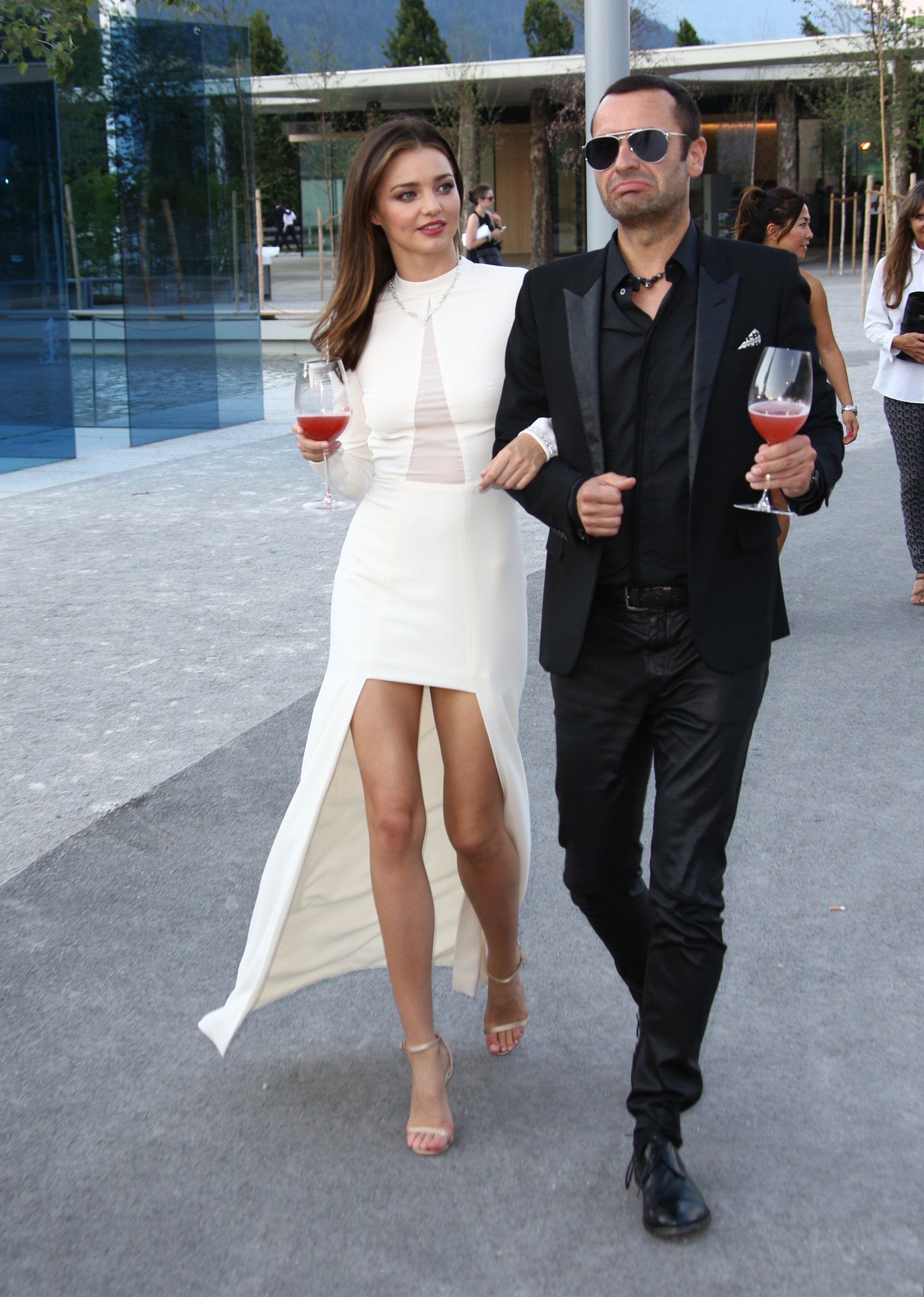
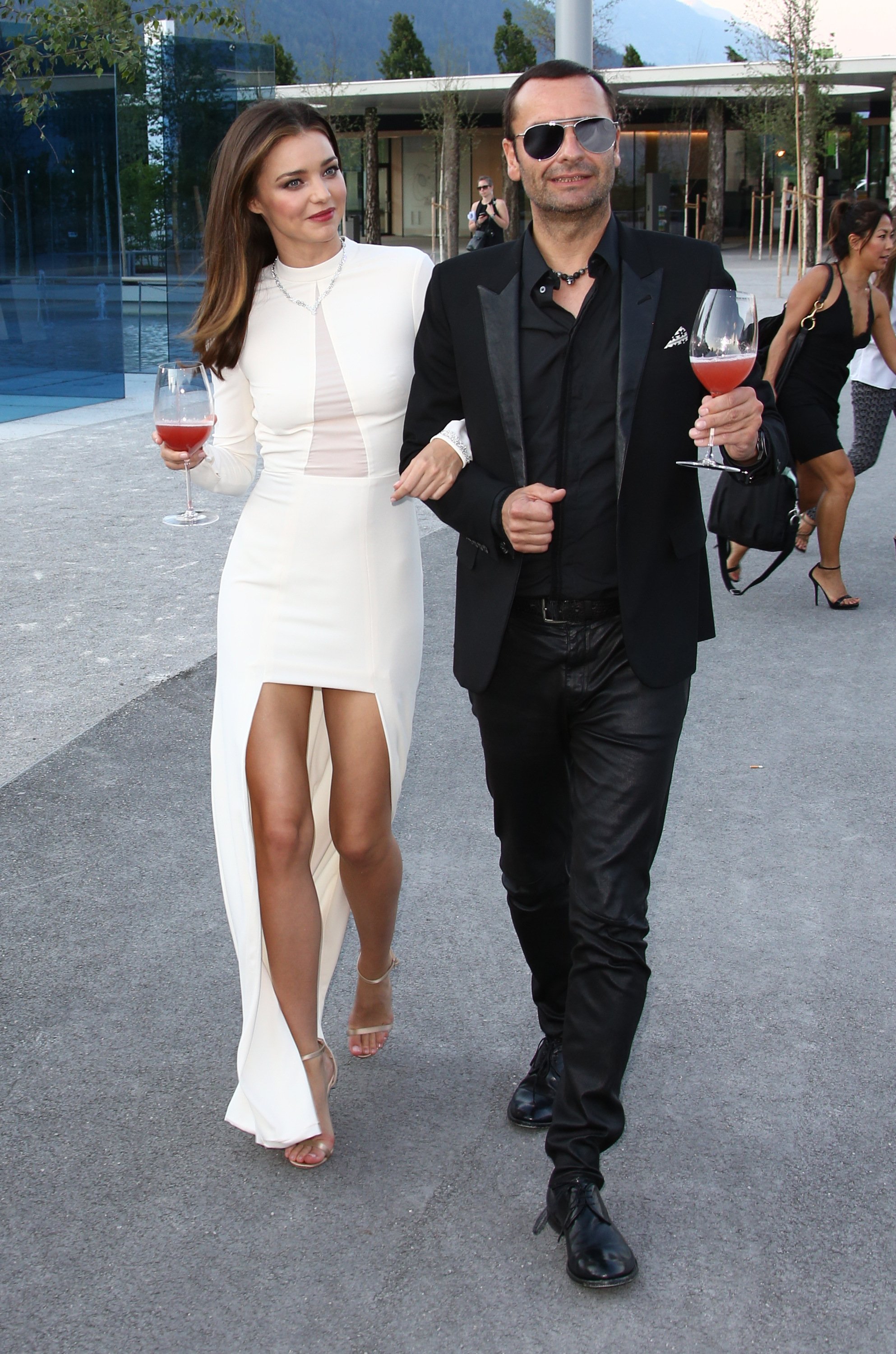
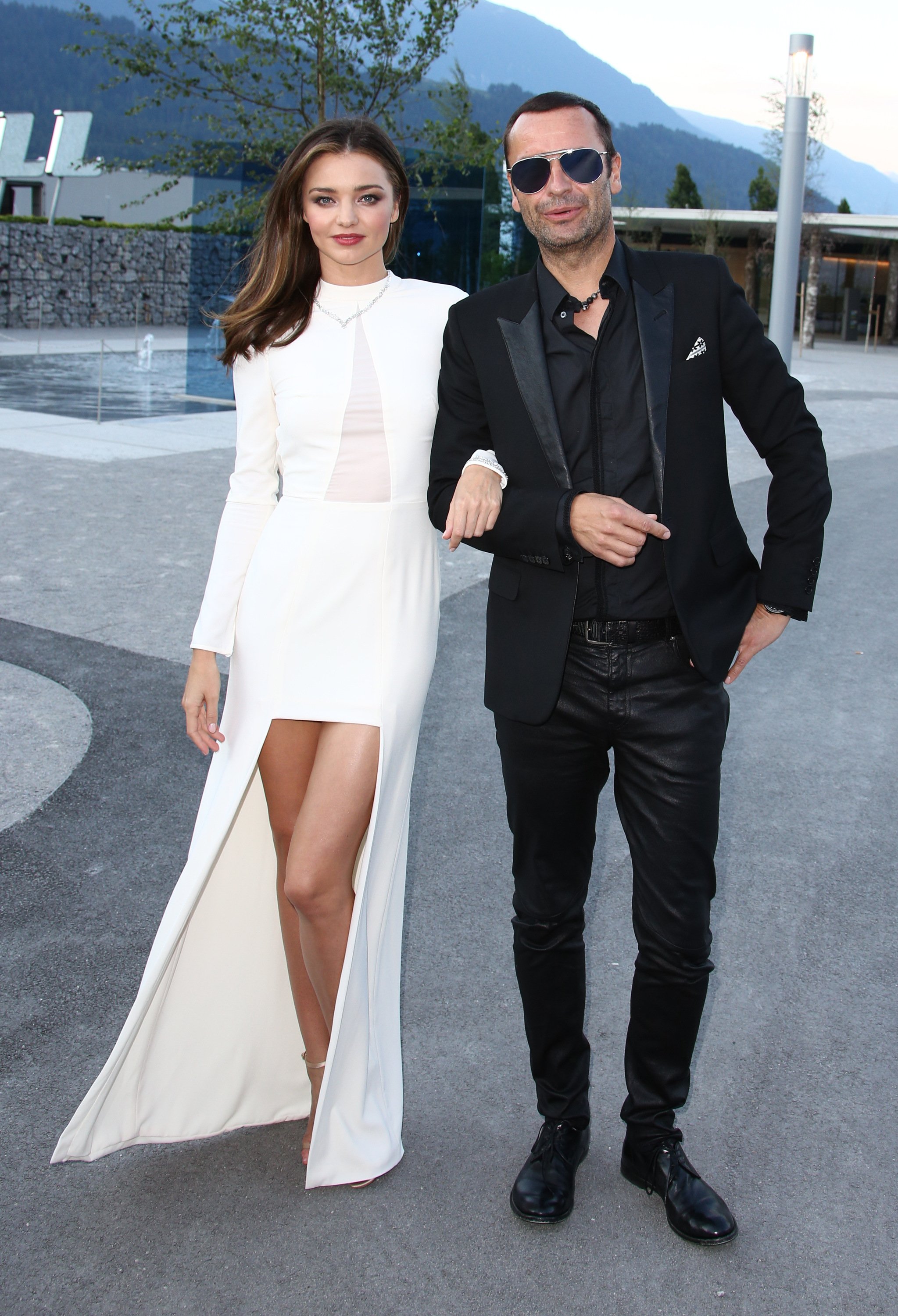
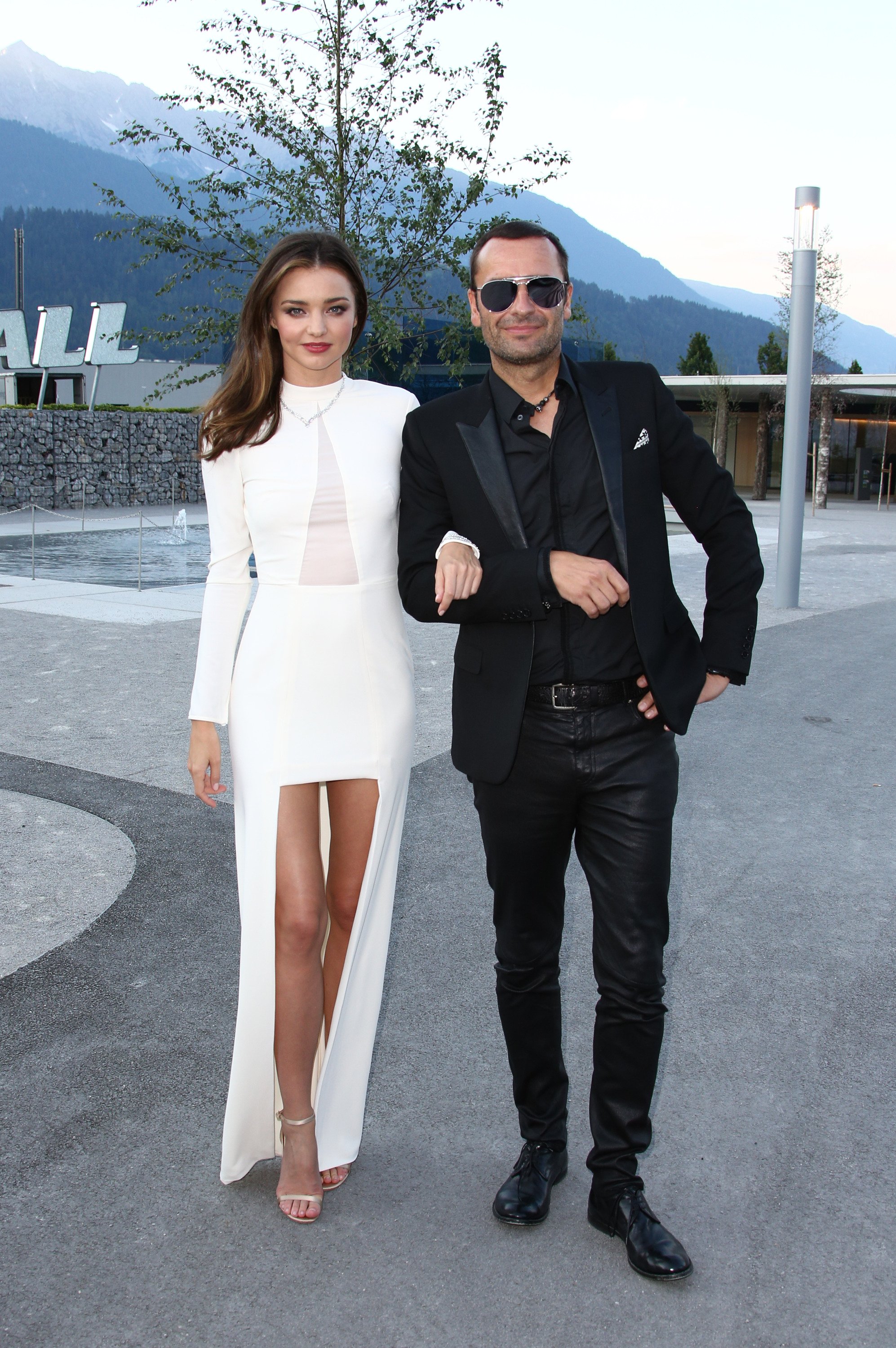
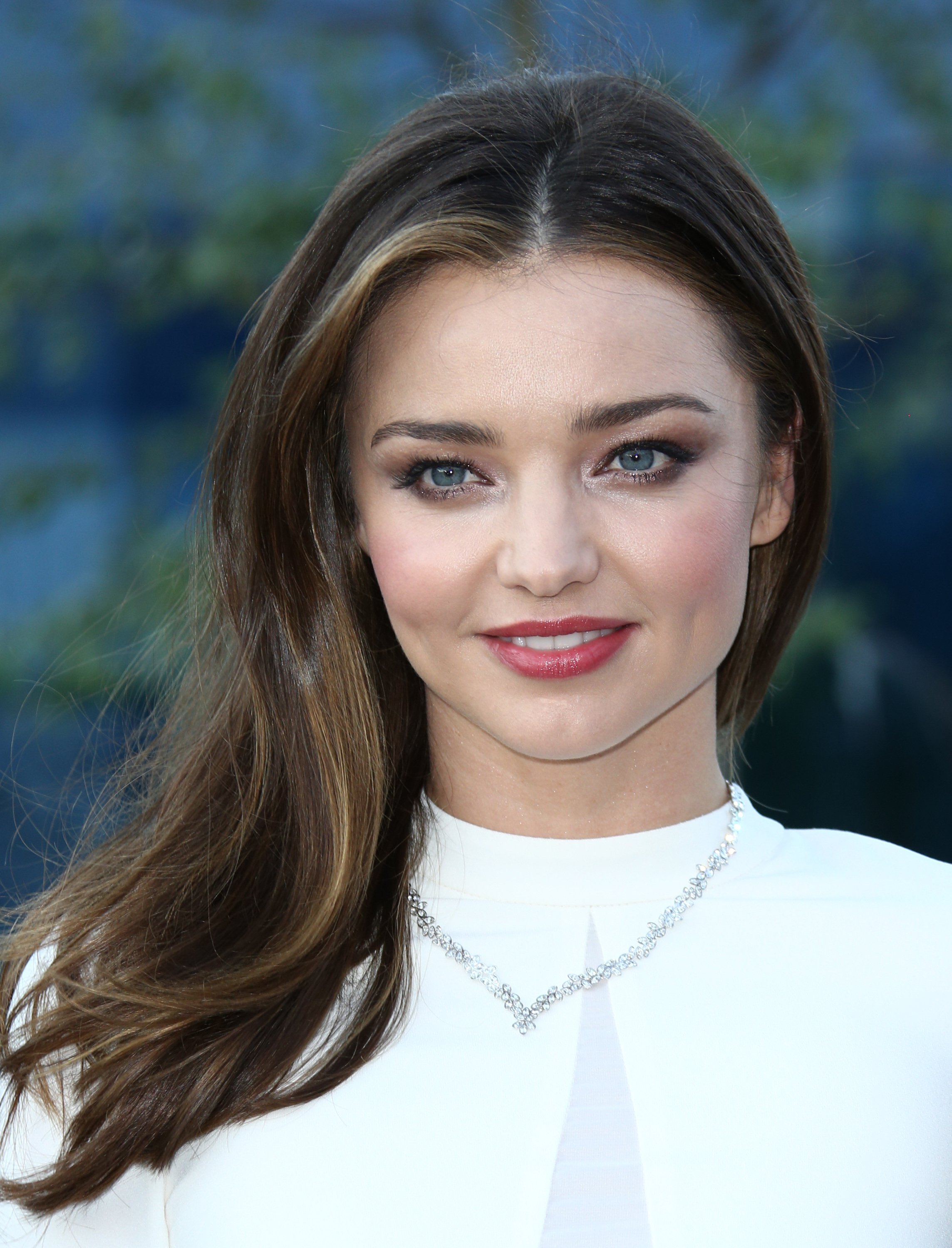
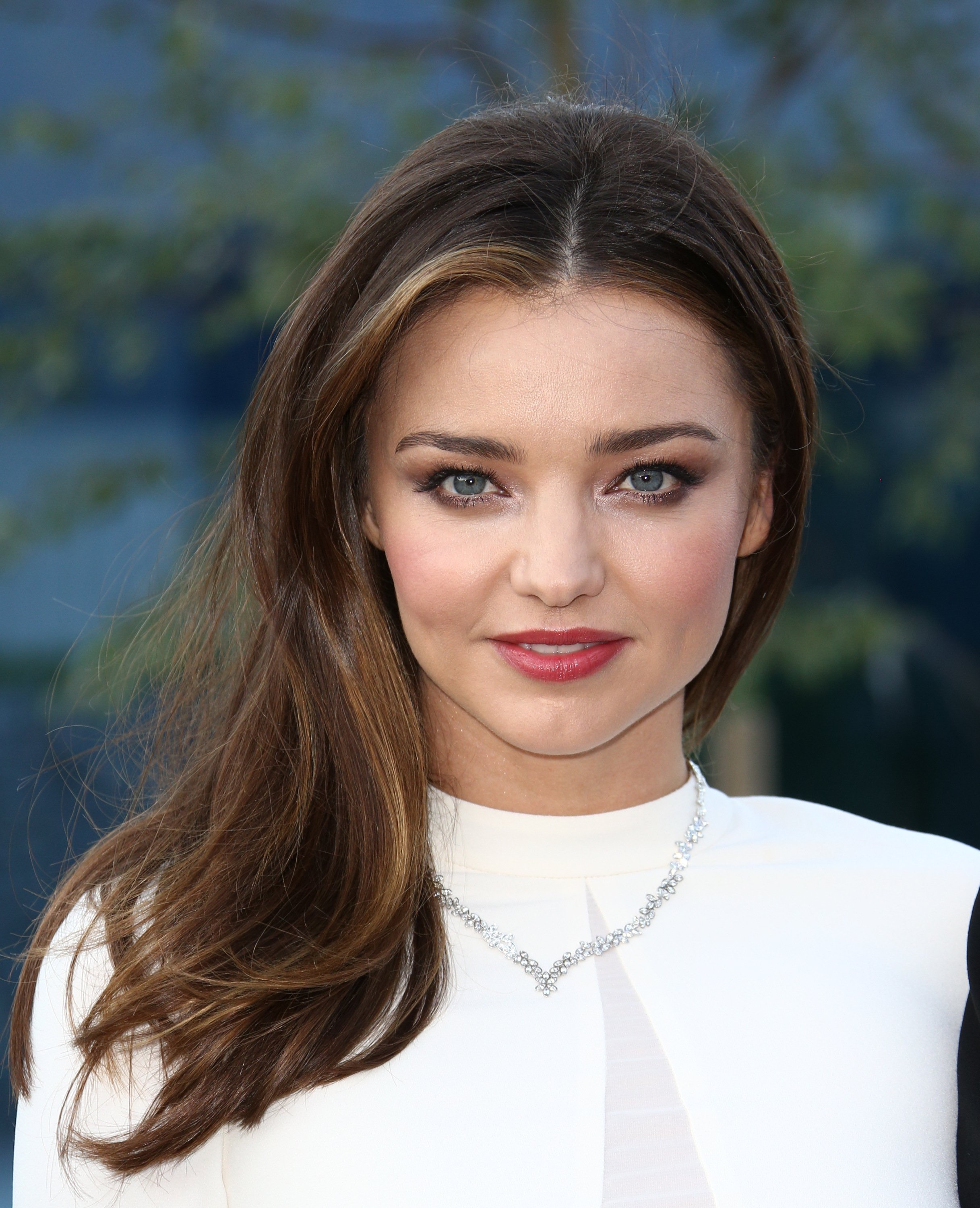
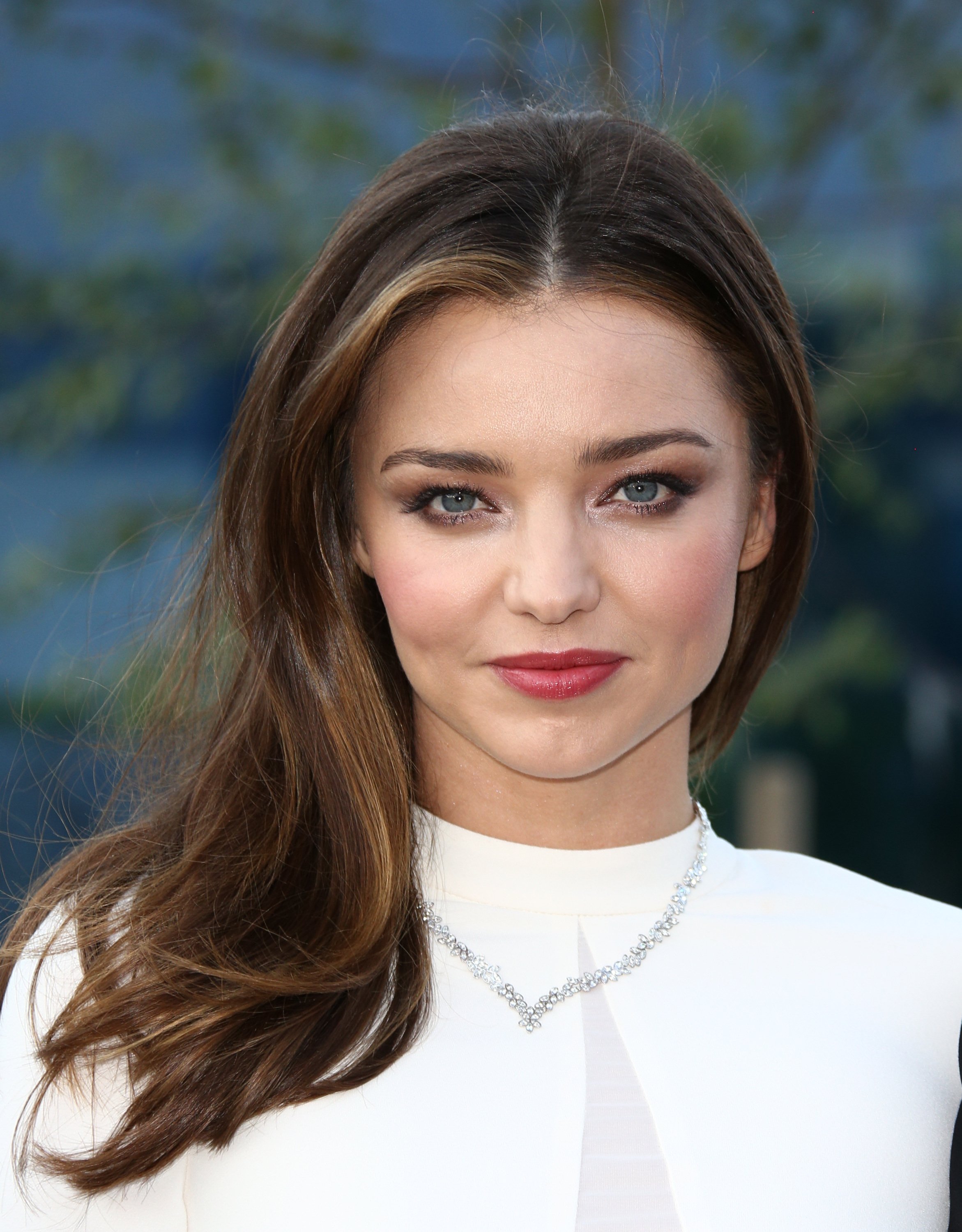
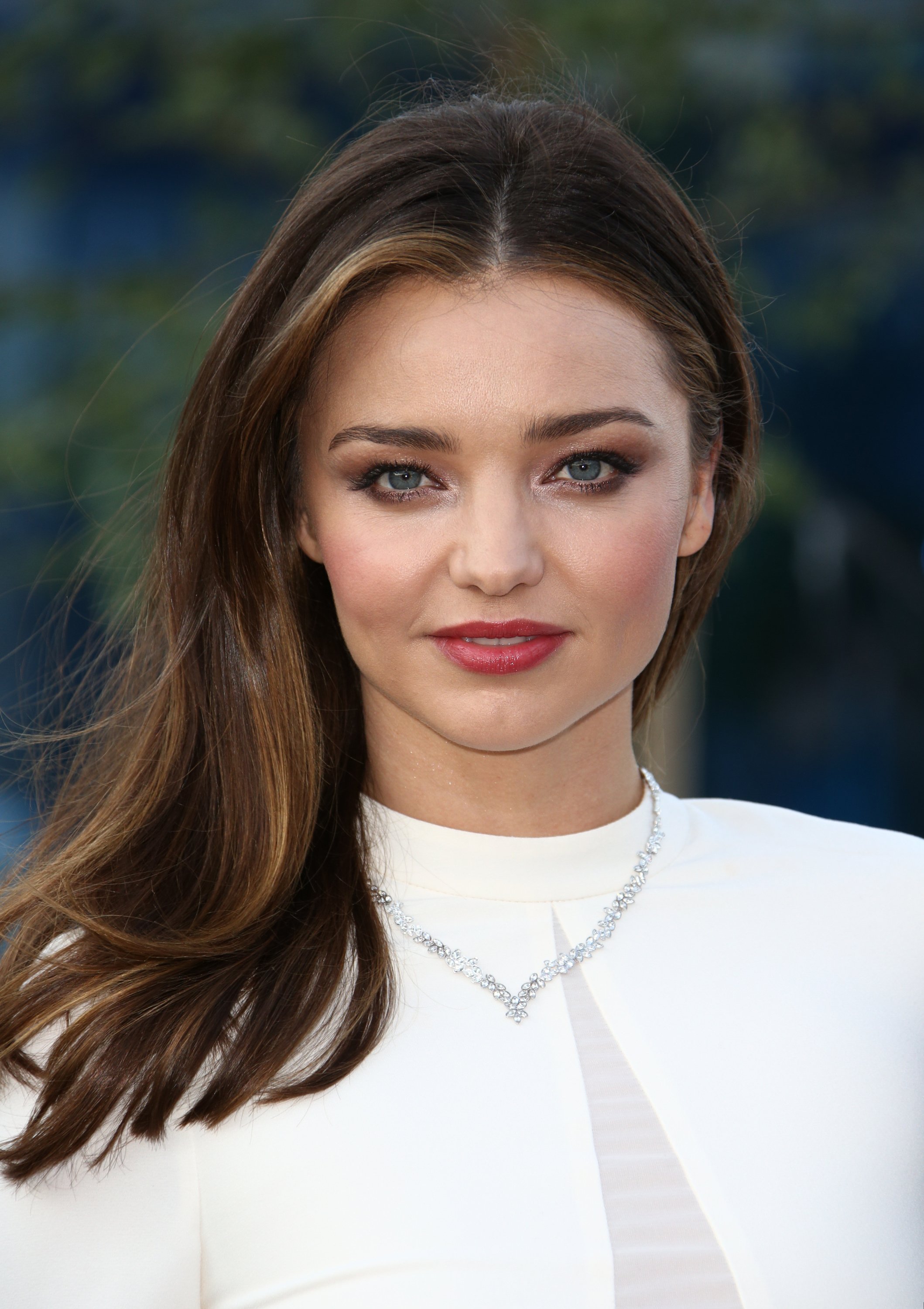
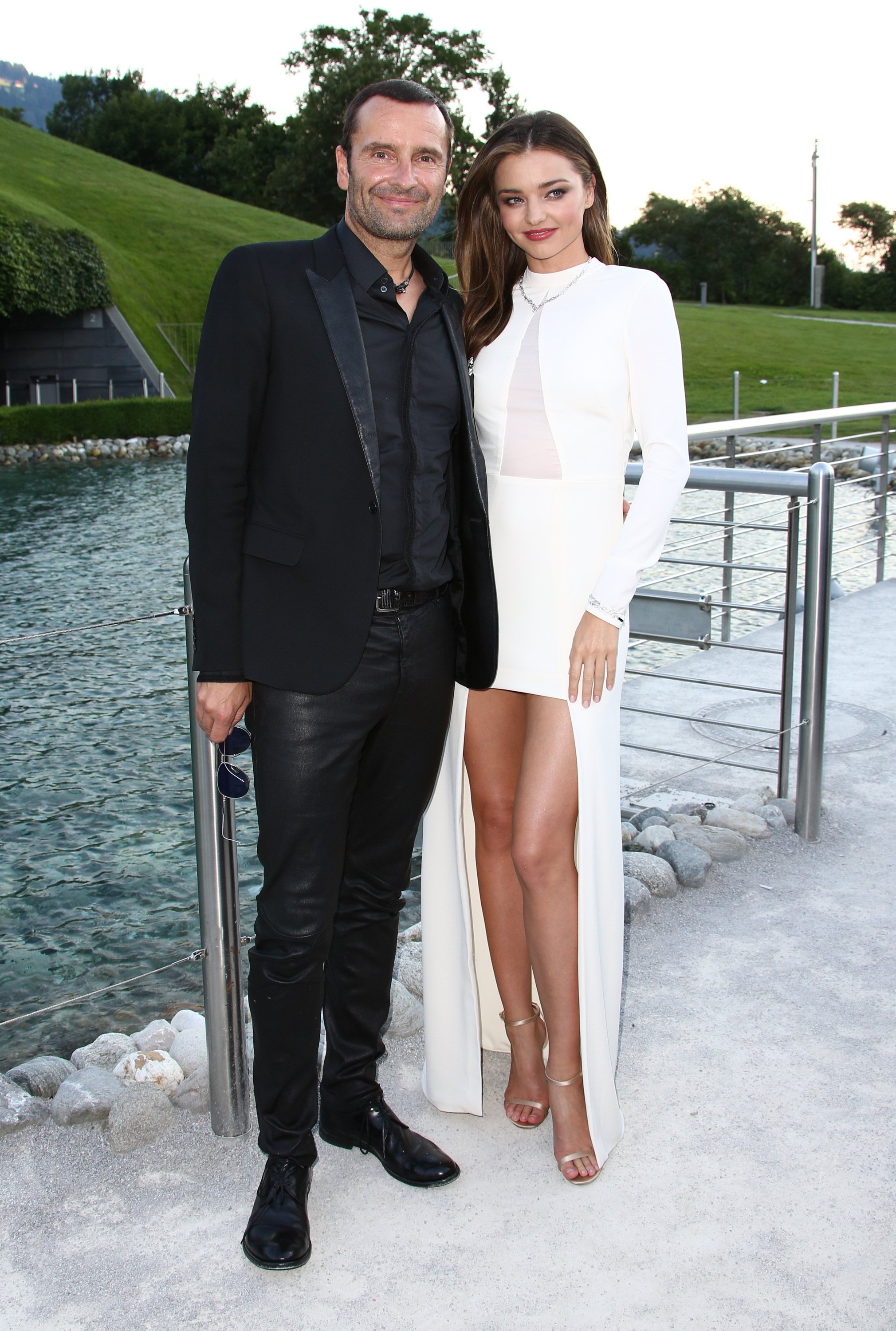
 Miranda Kerr at the Swarovski new collection launch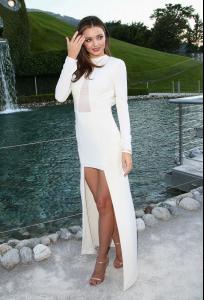


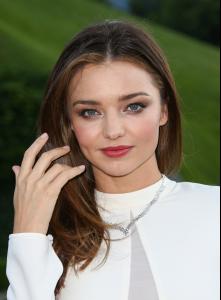
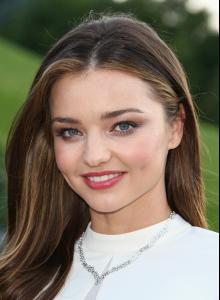
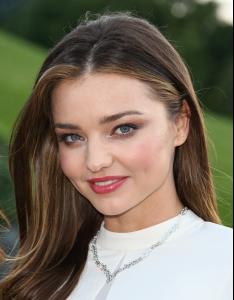
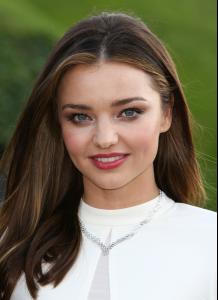








 Scream potraits by AP






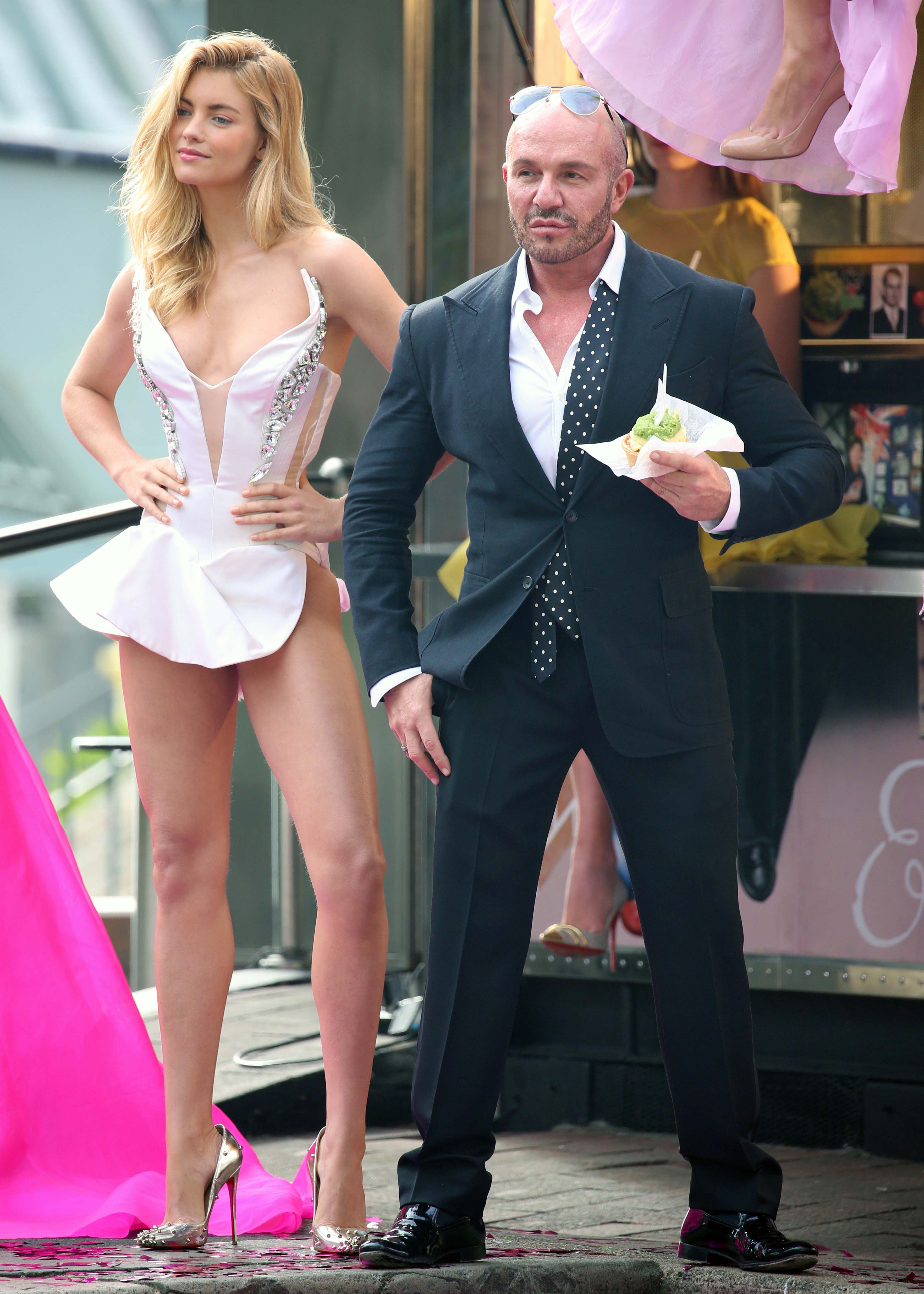
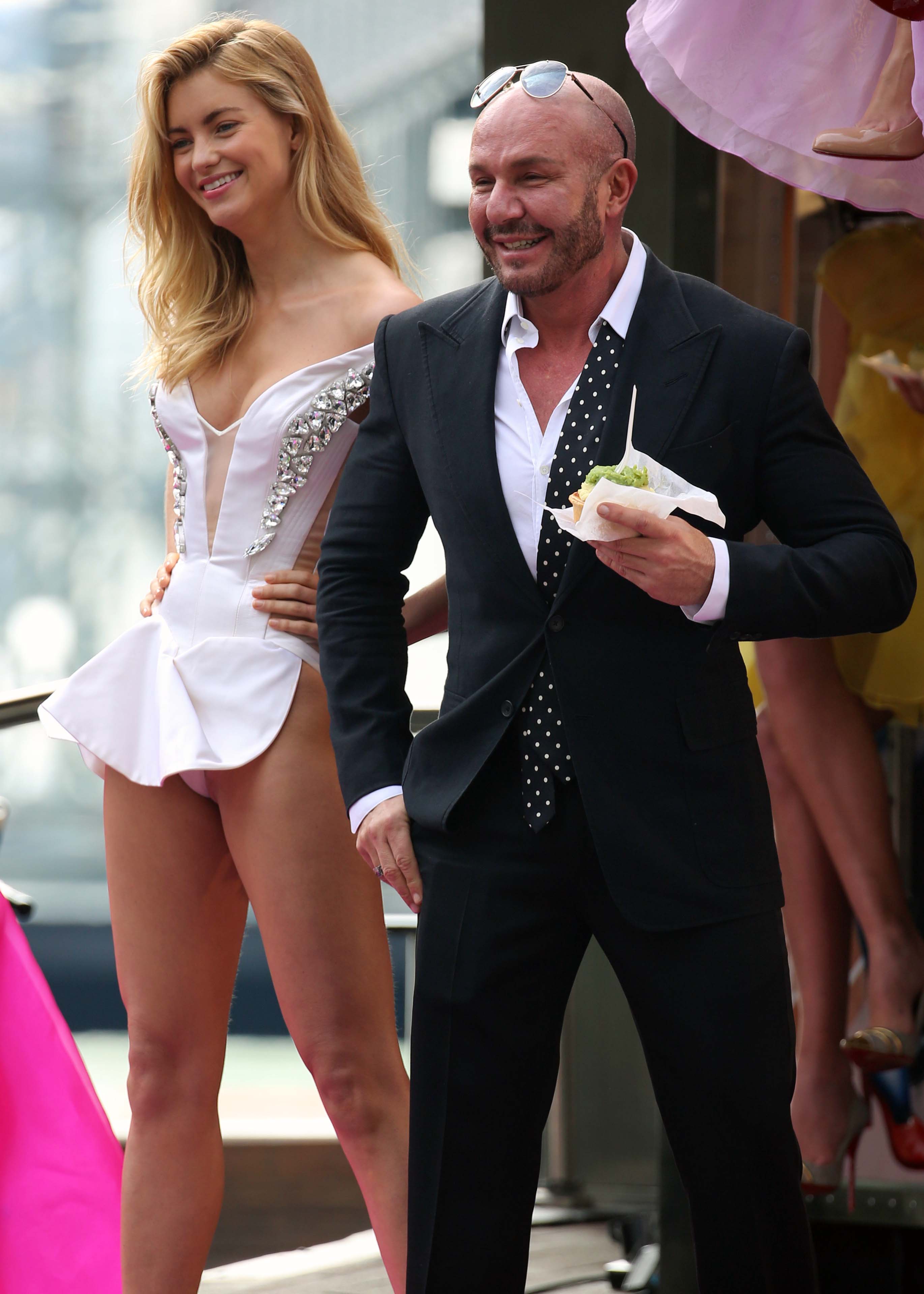
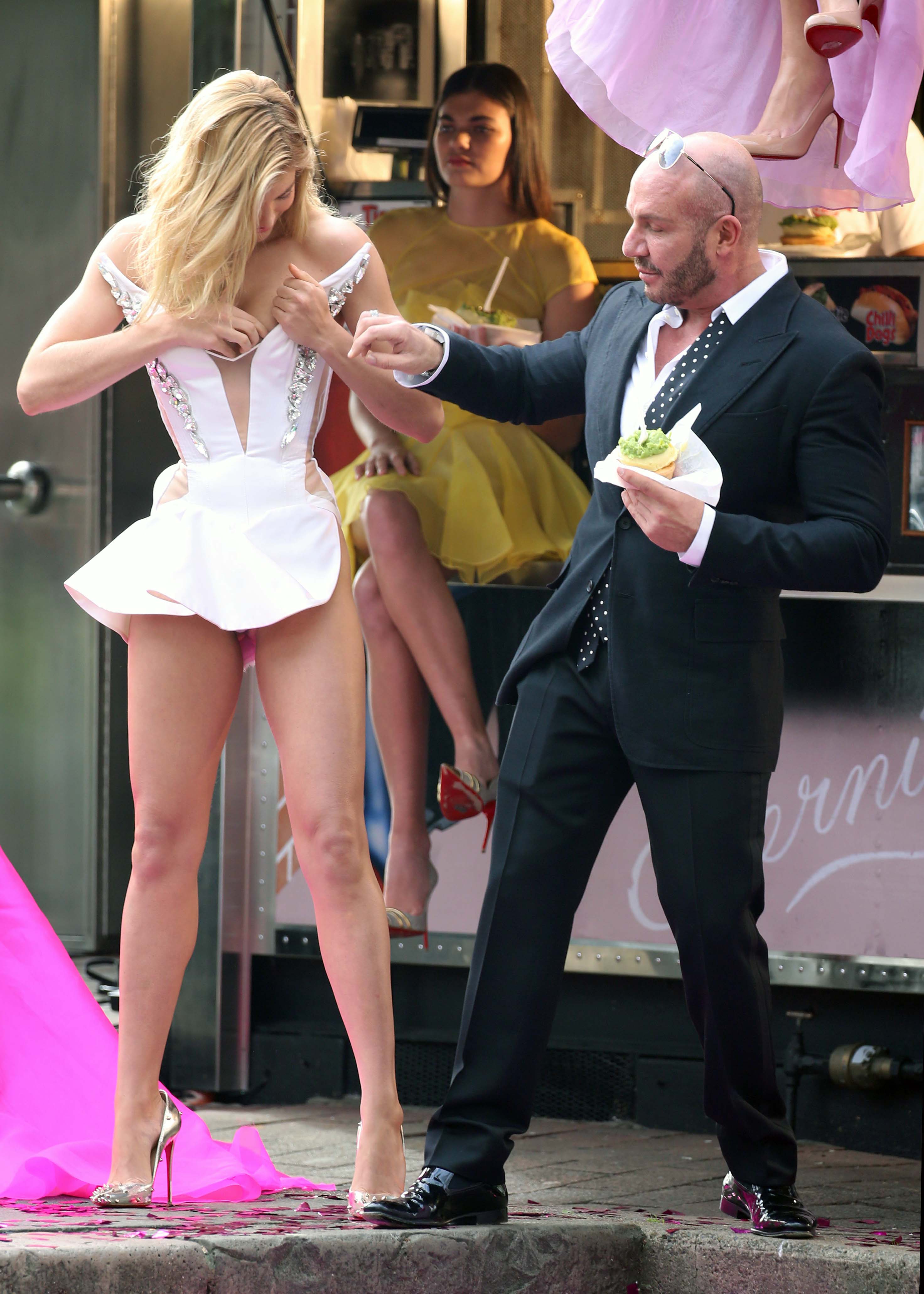
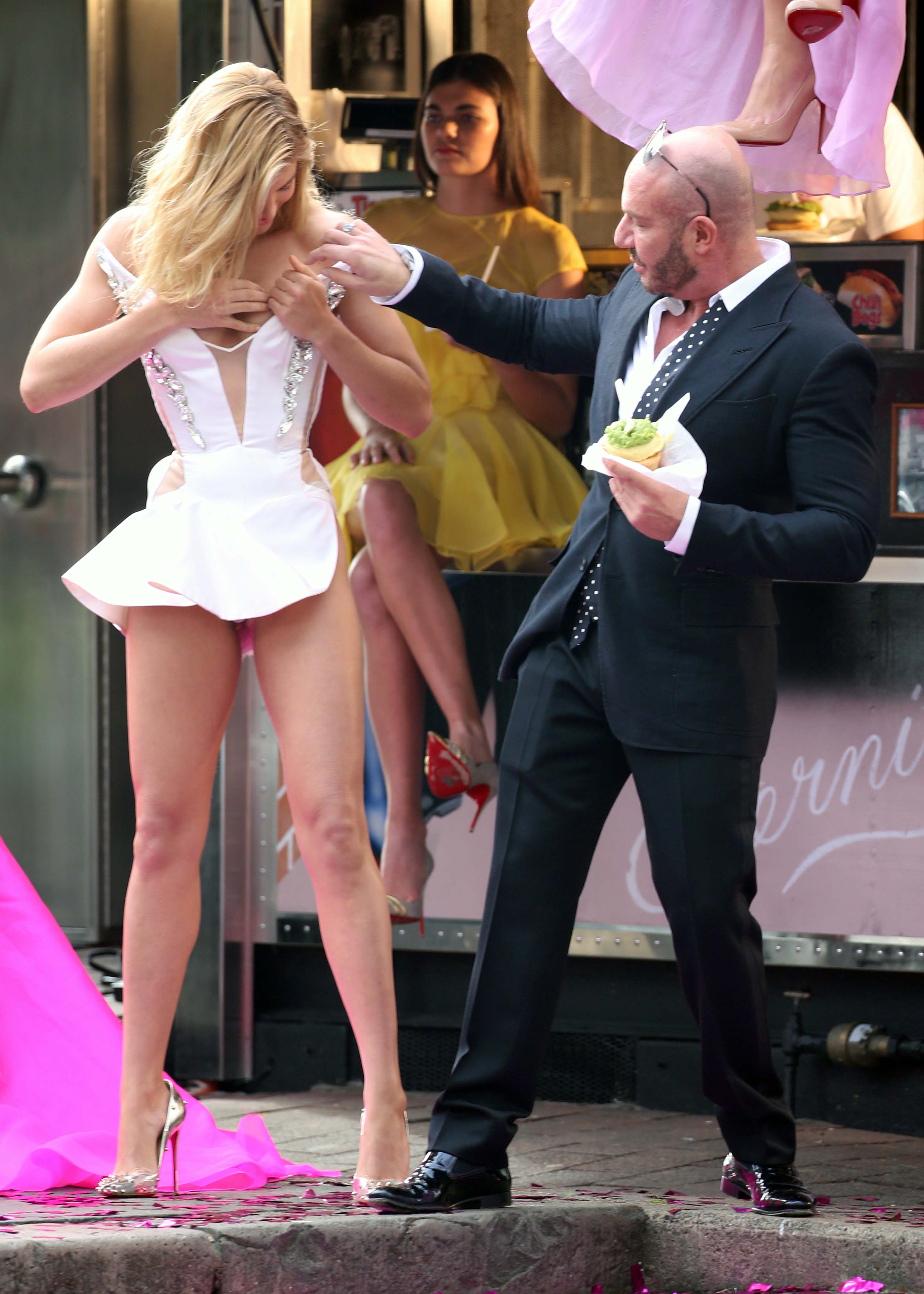
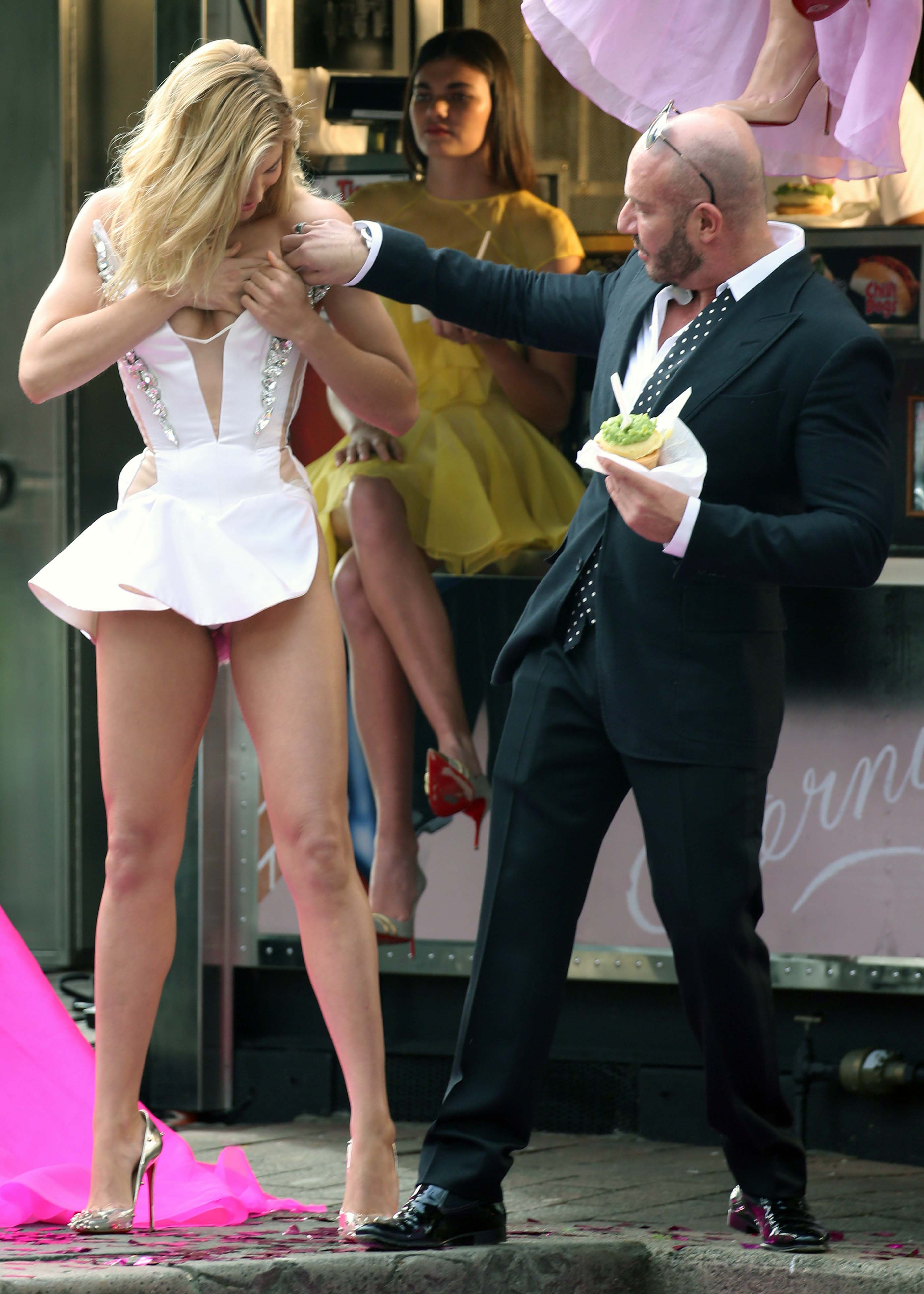
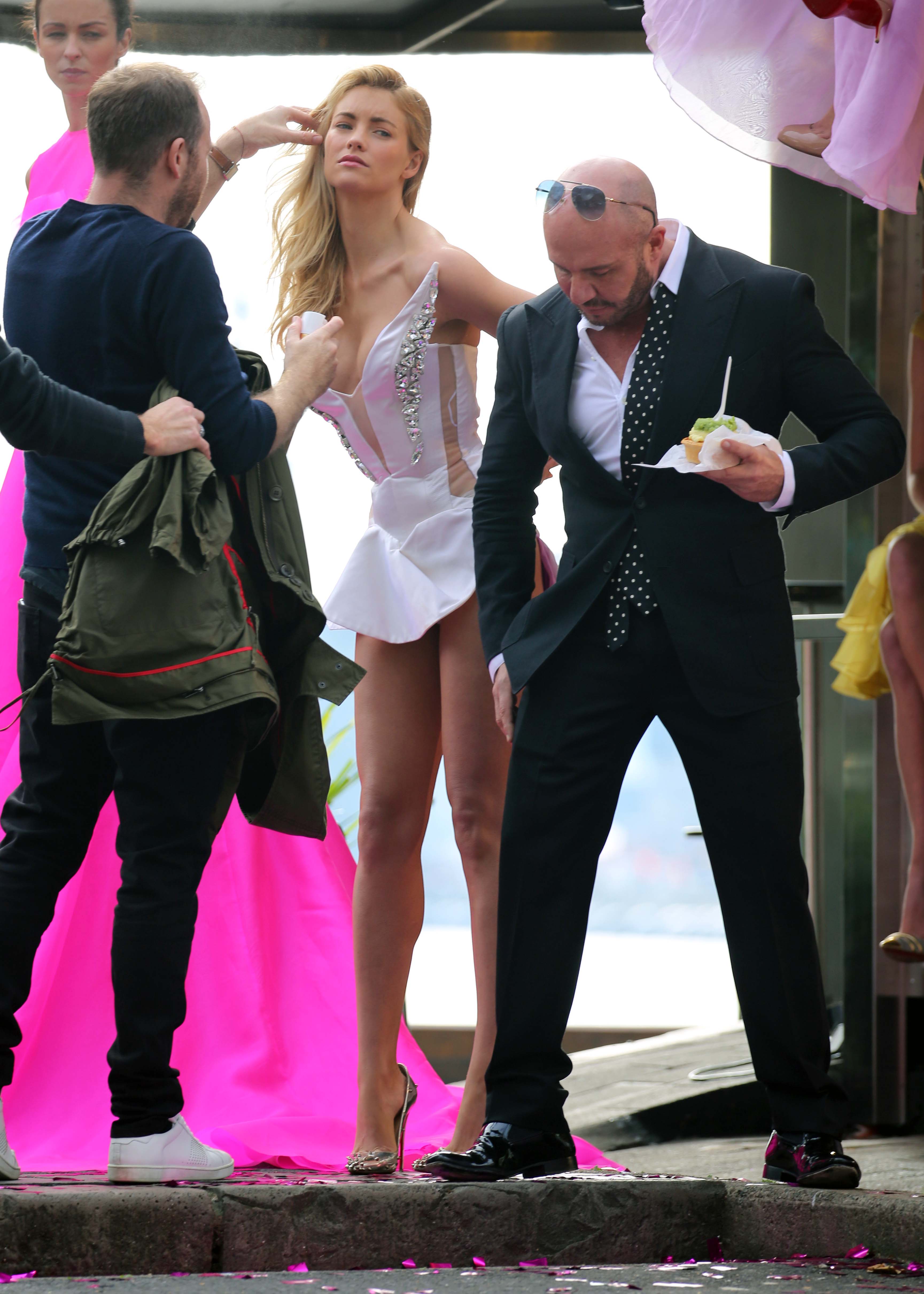
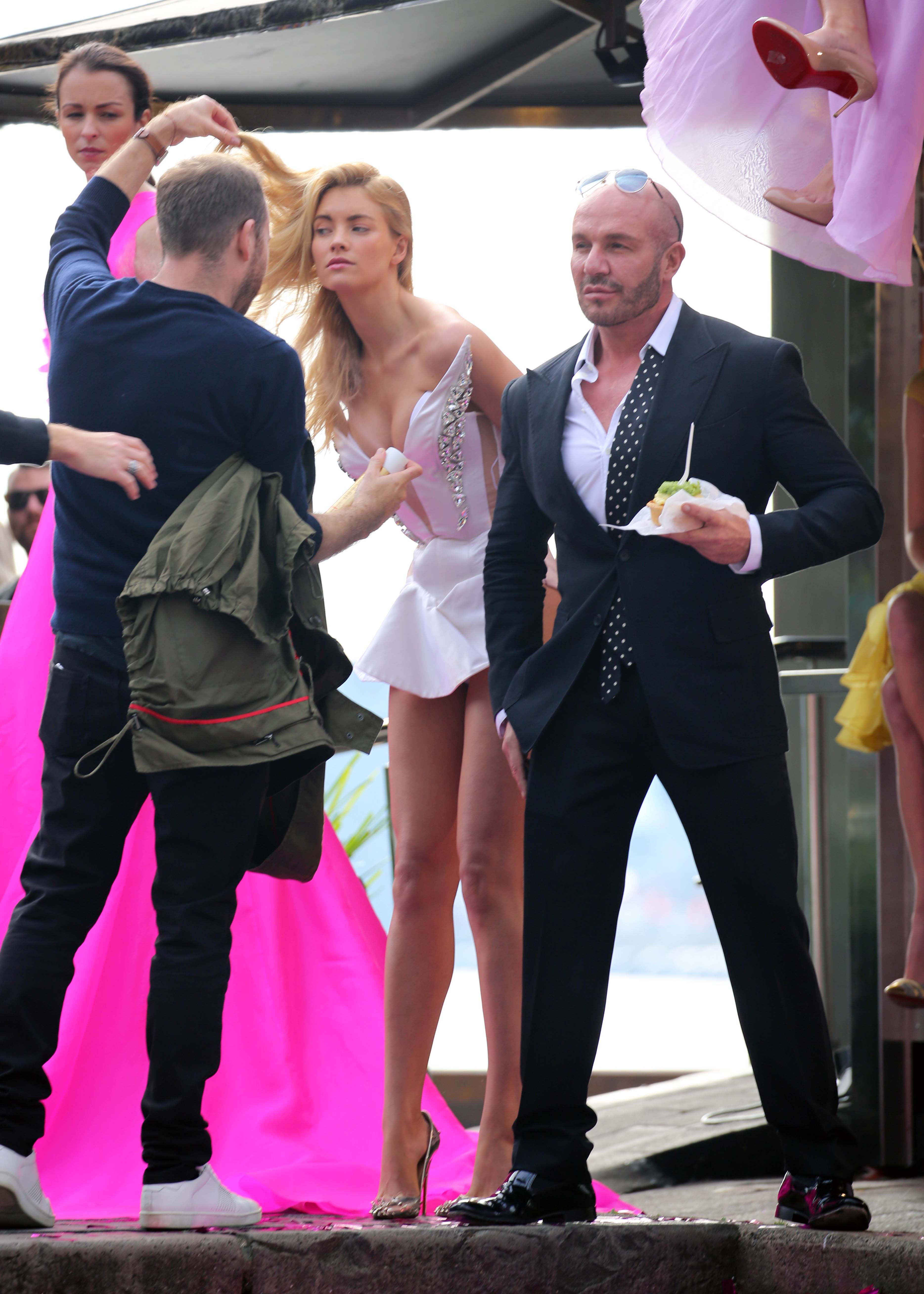
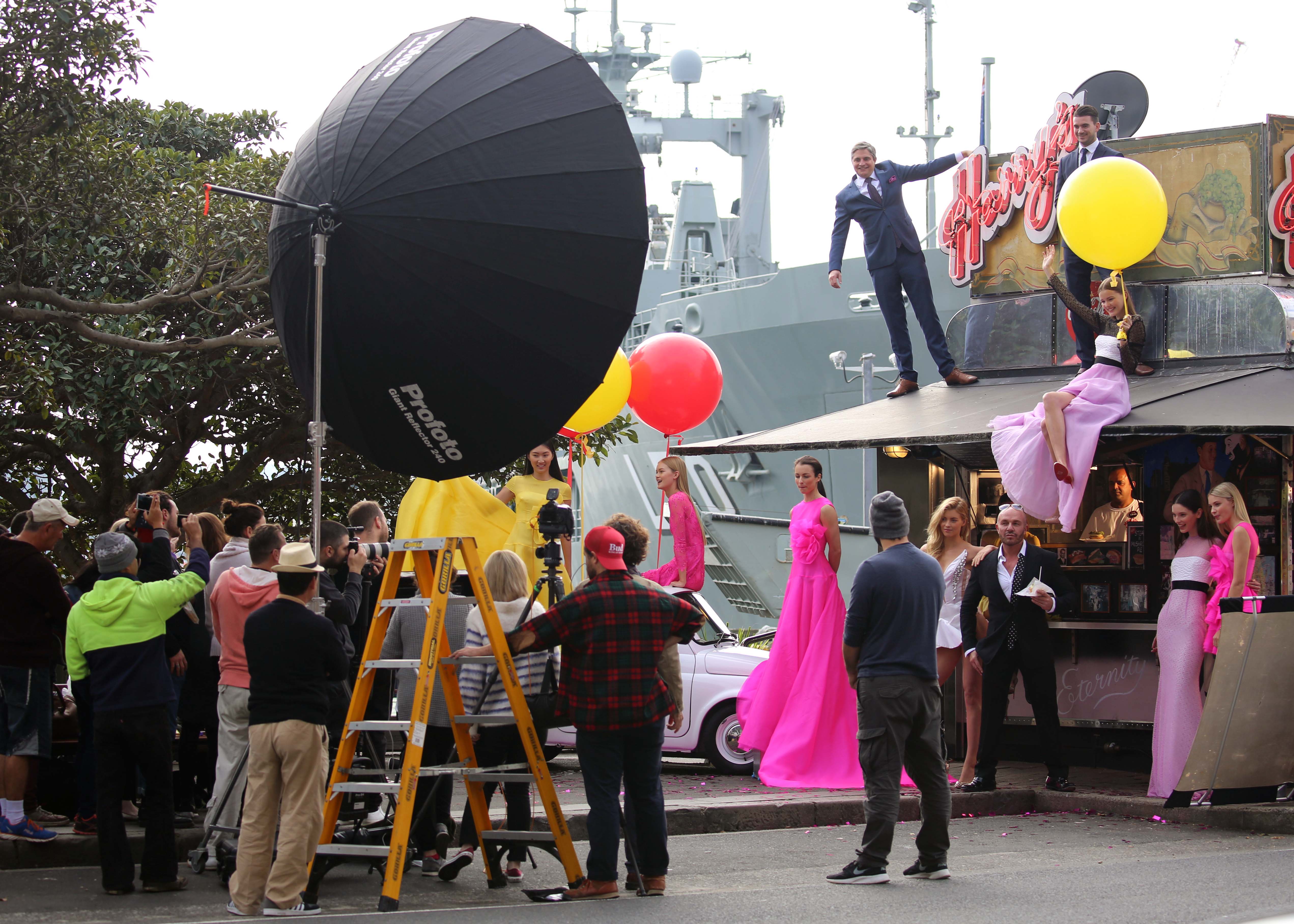
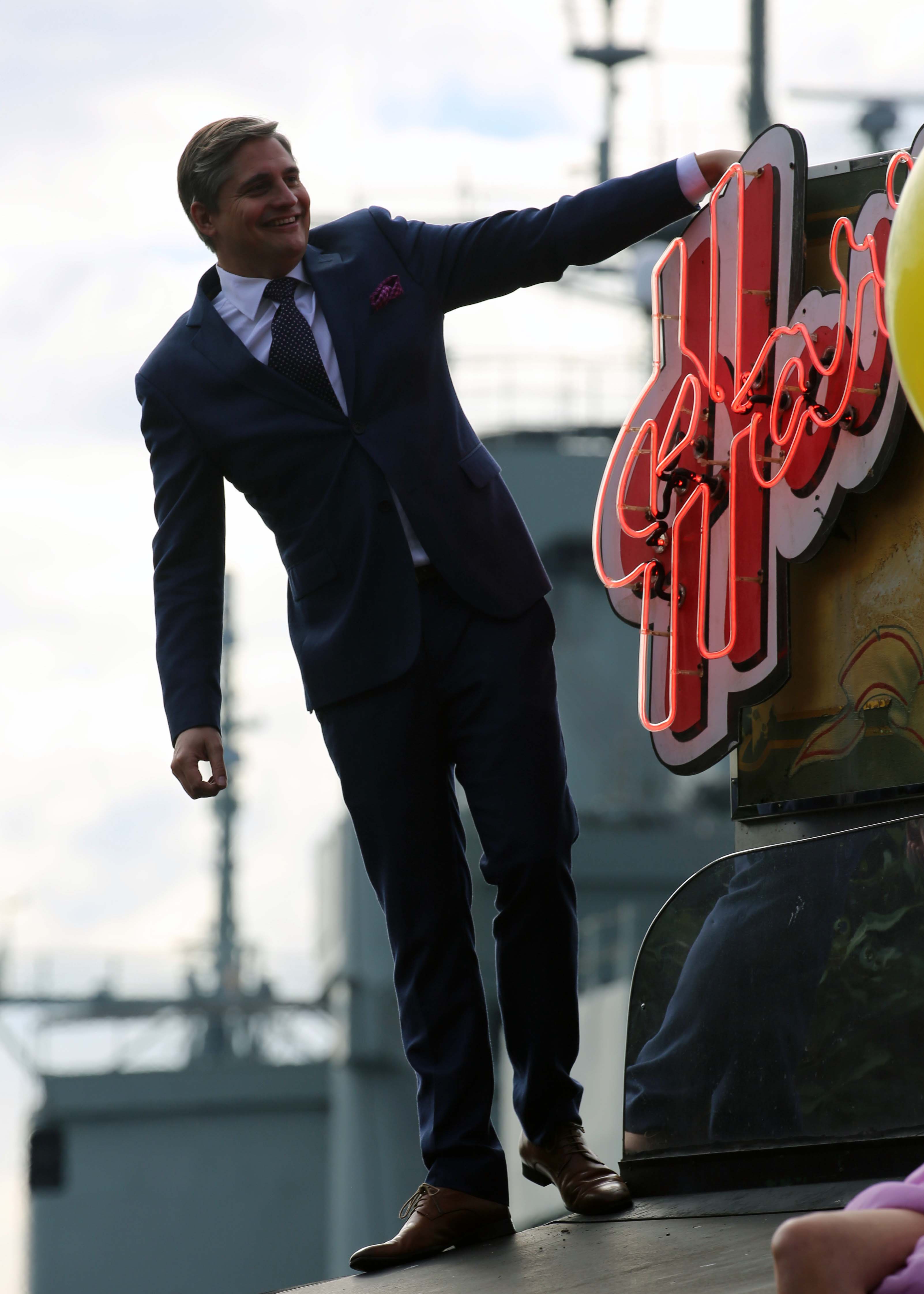
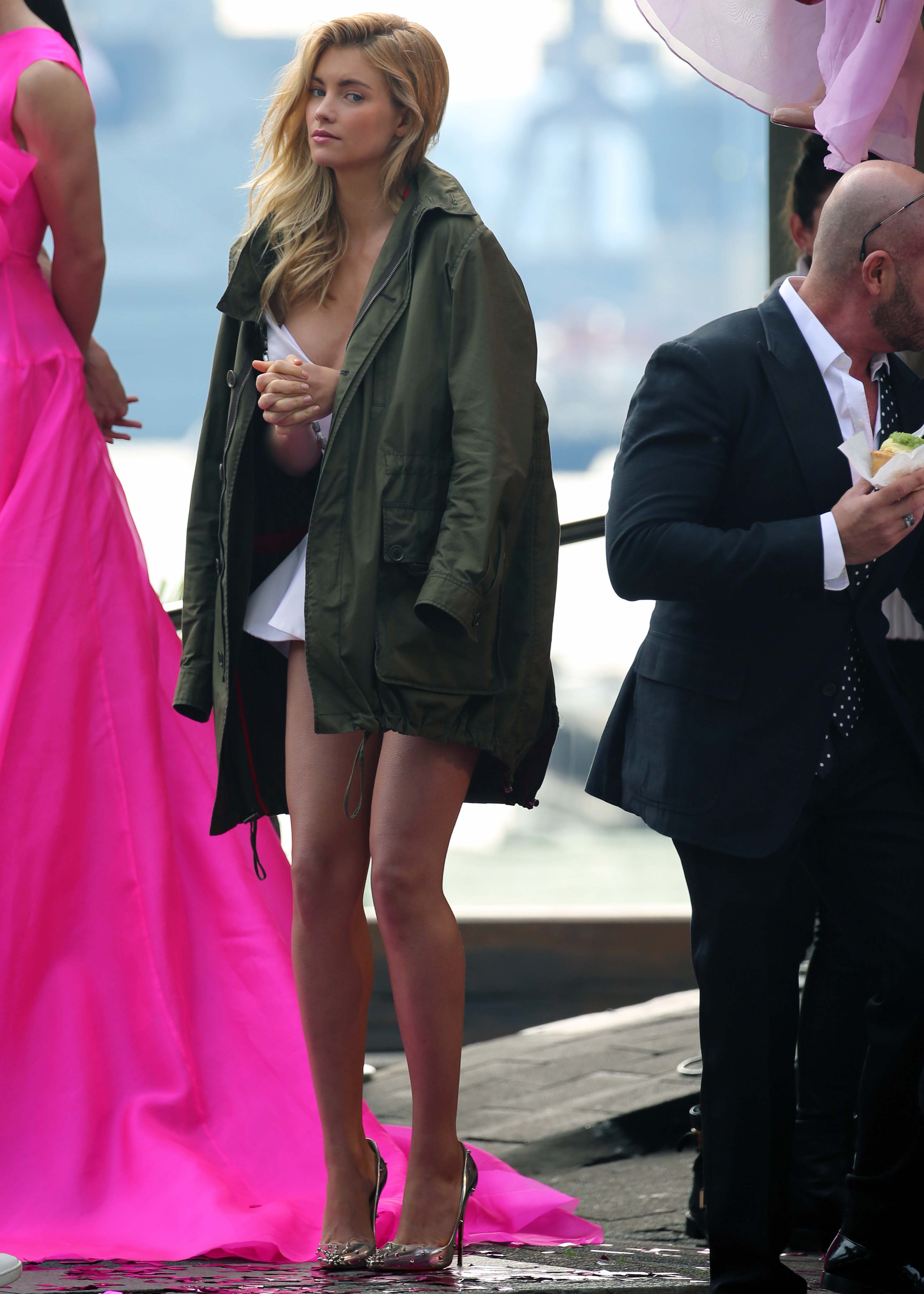
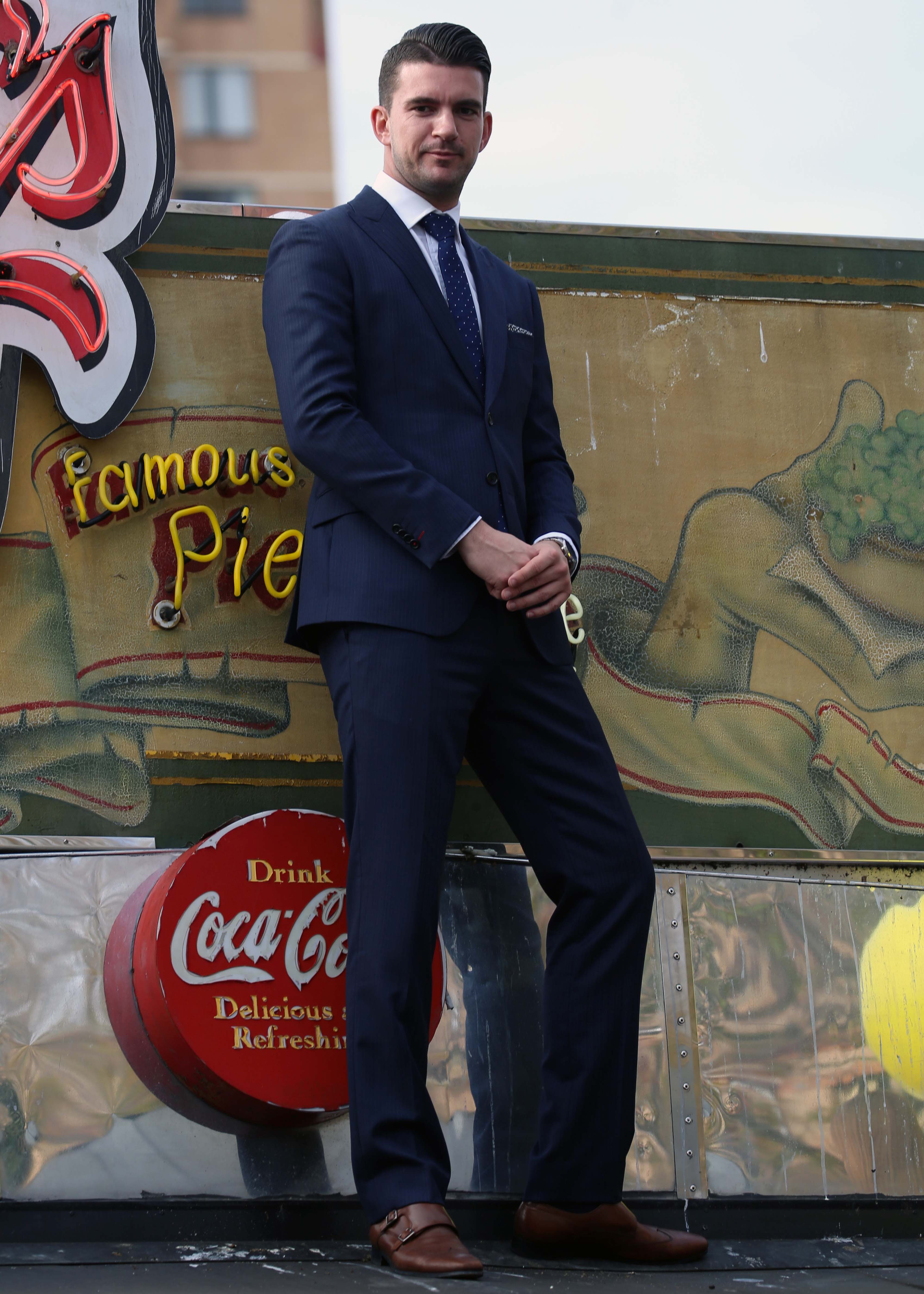
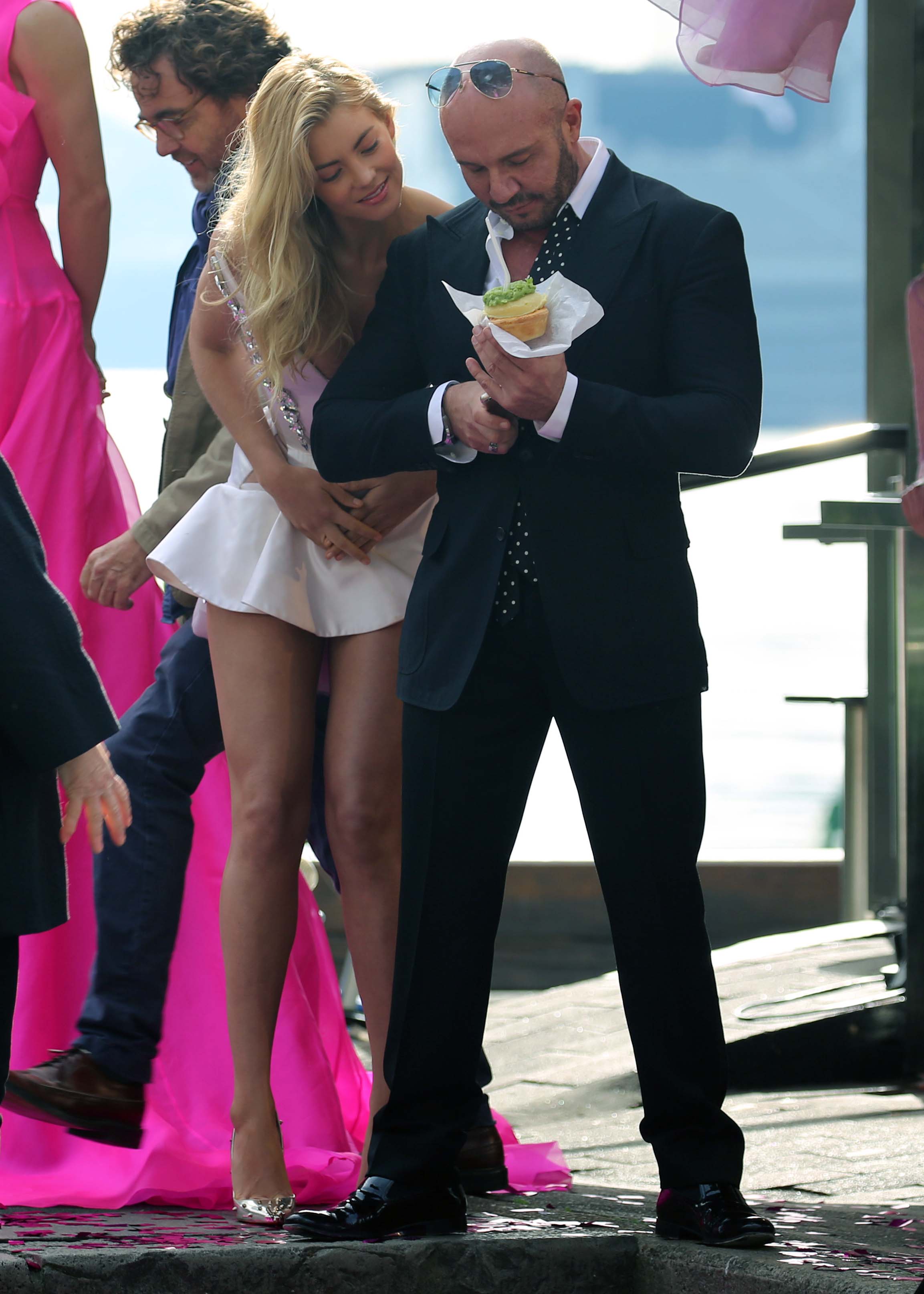
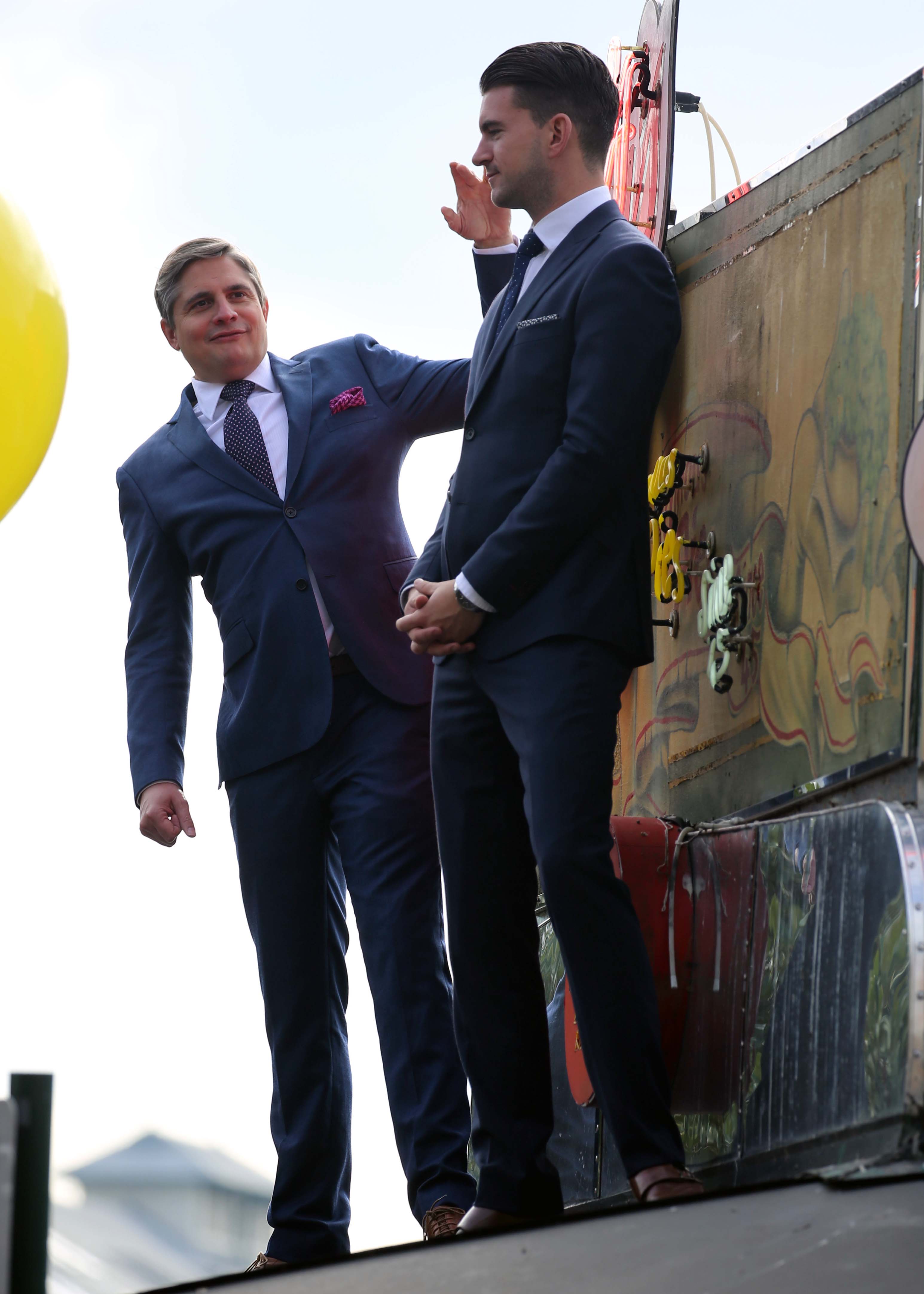
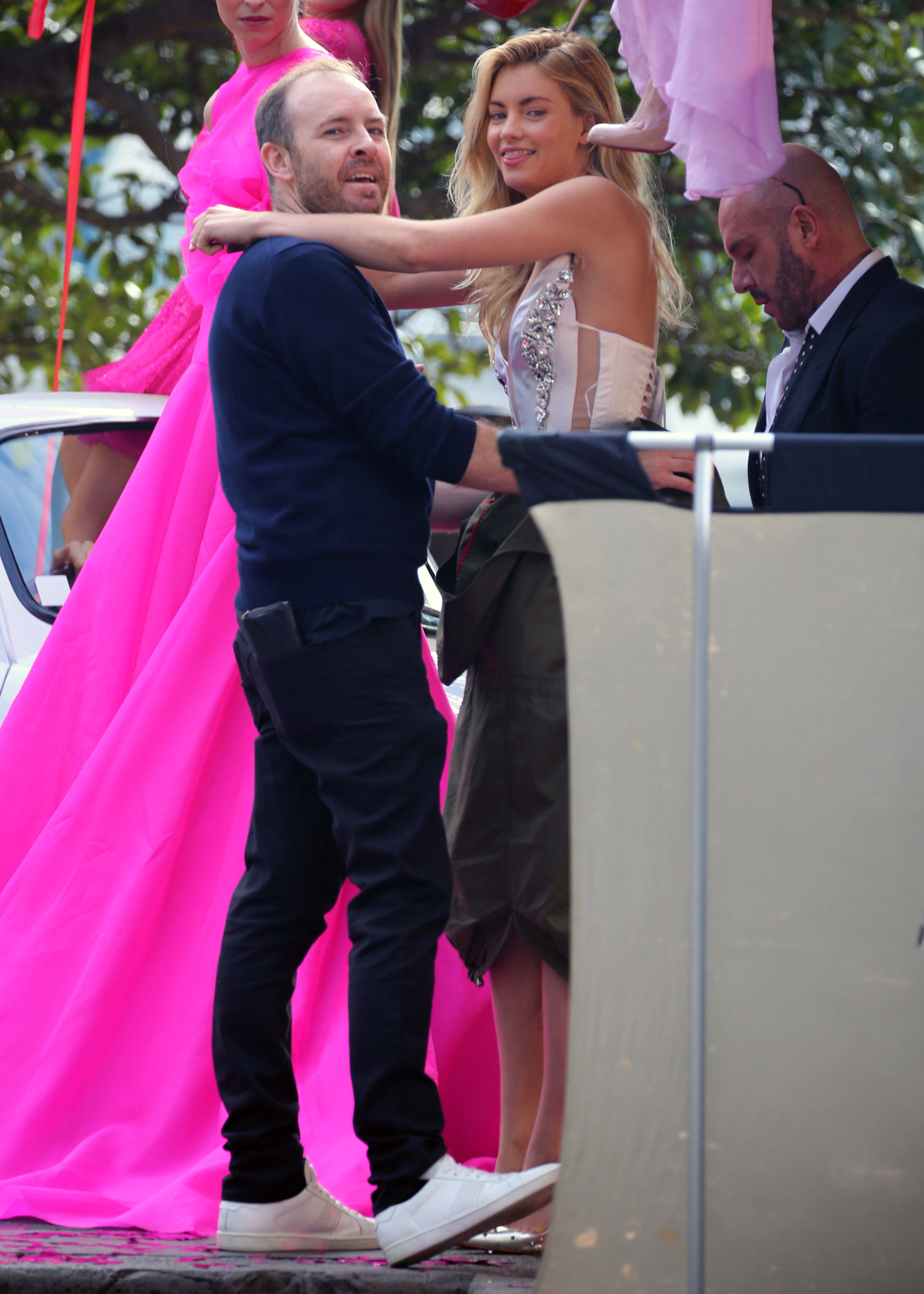
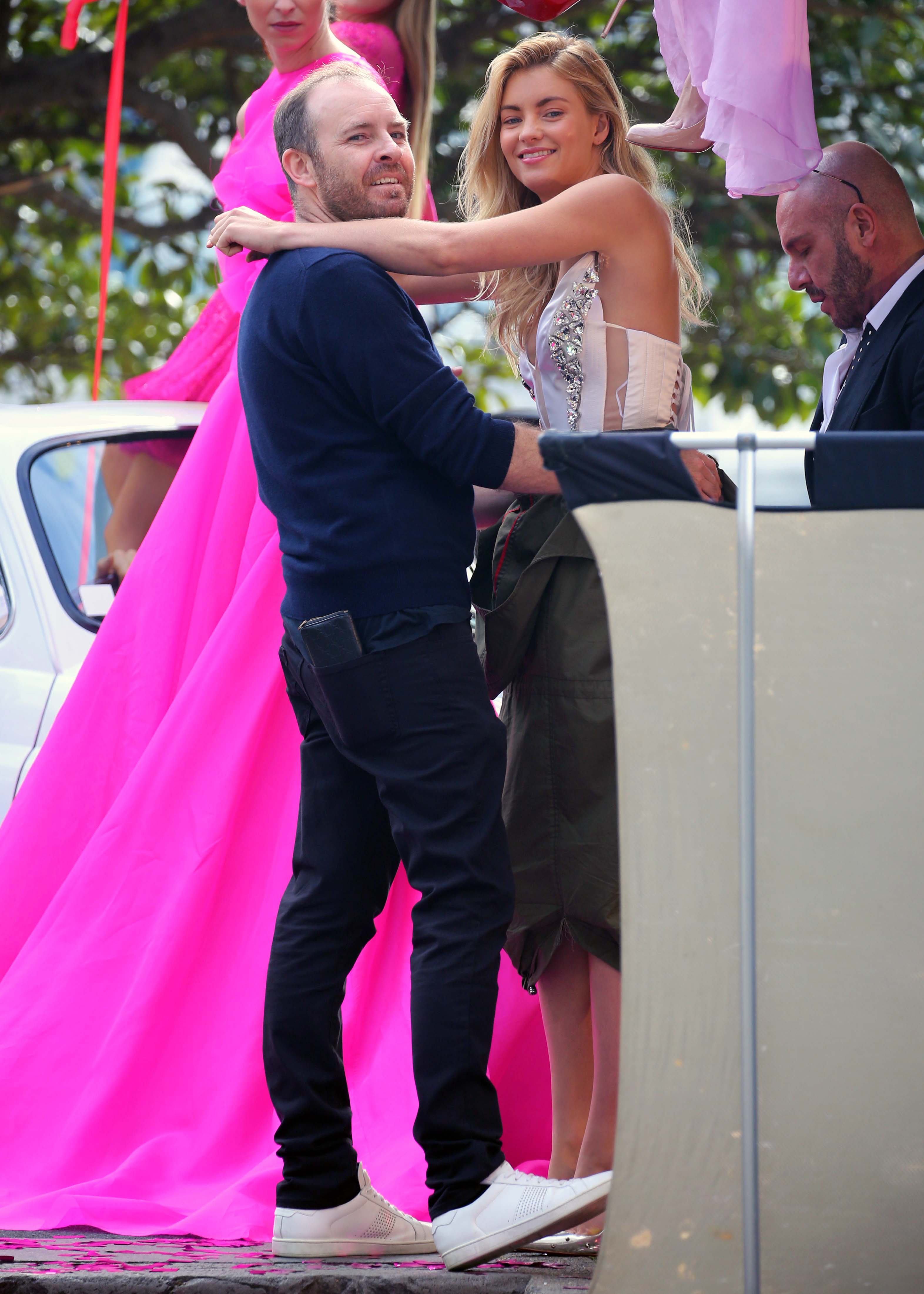
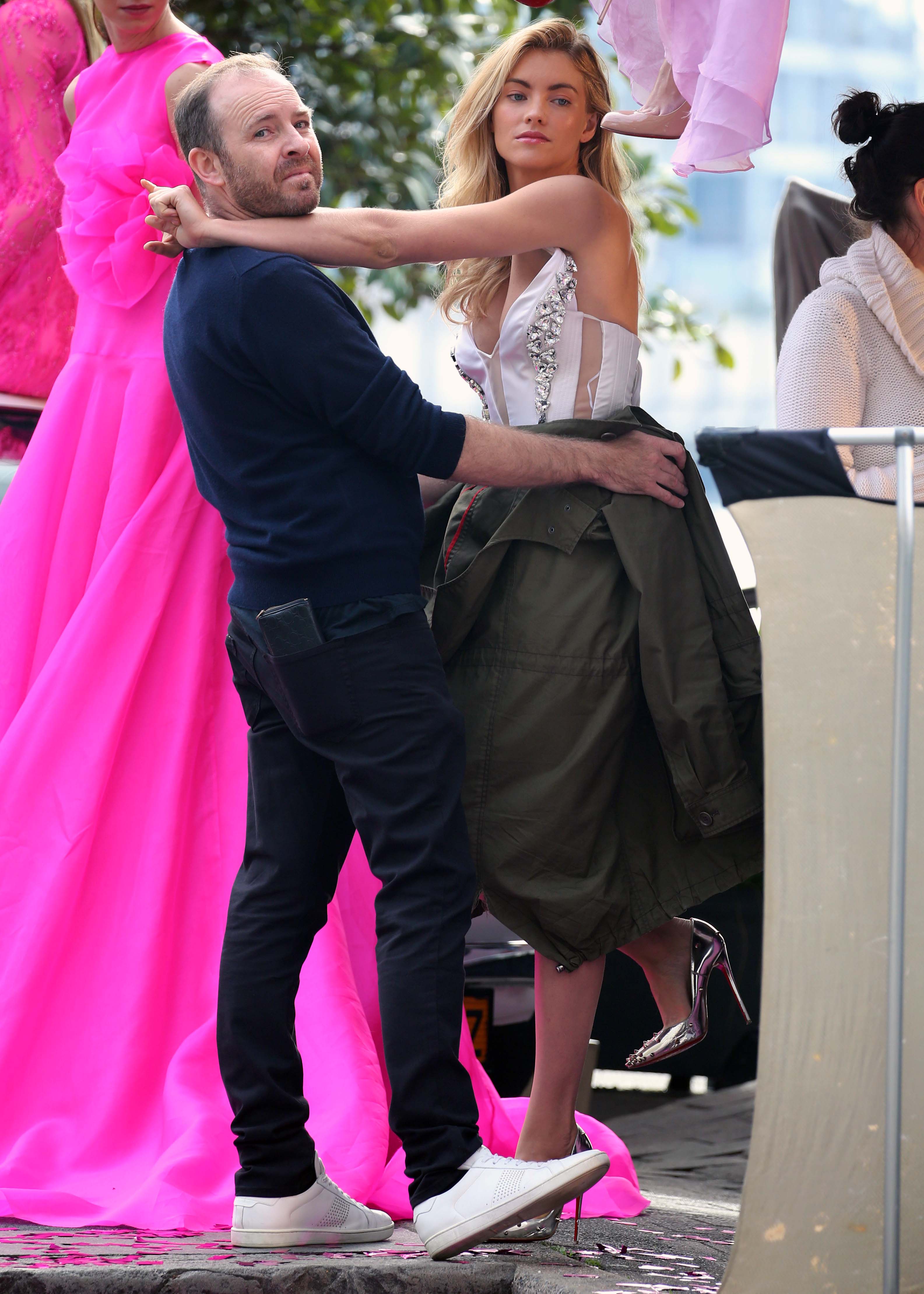
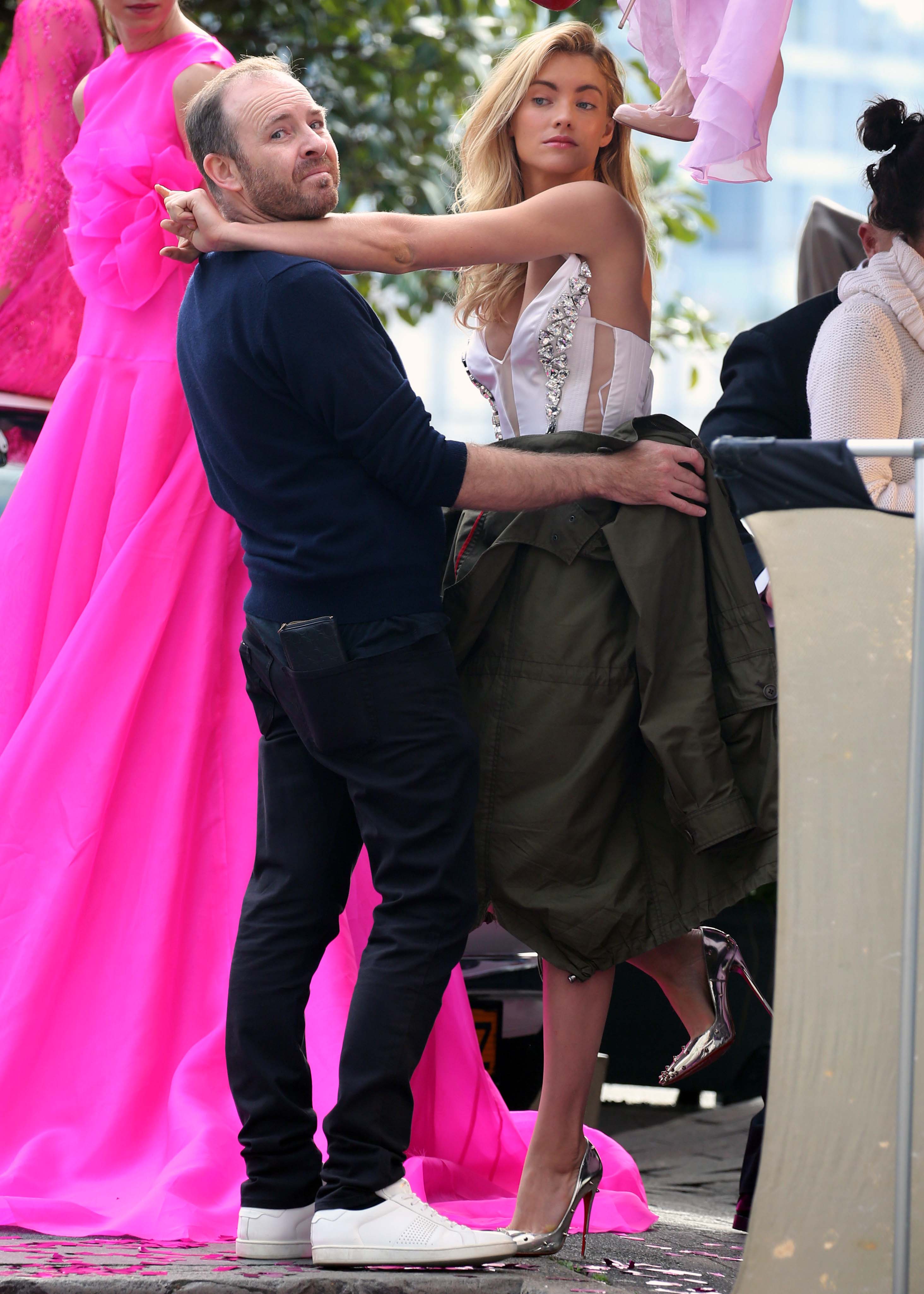
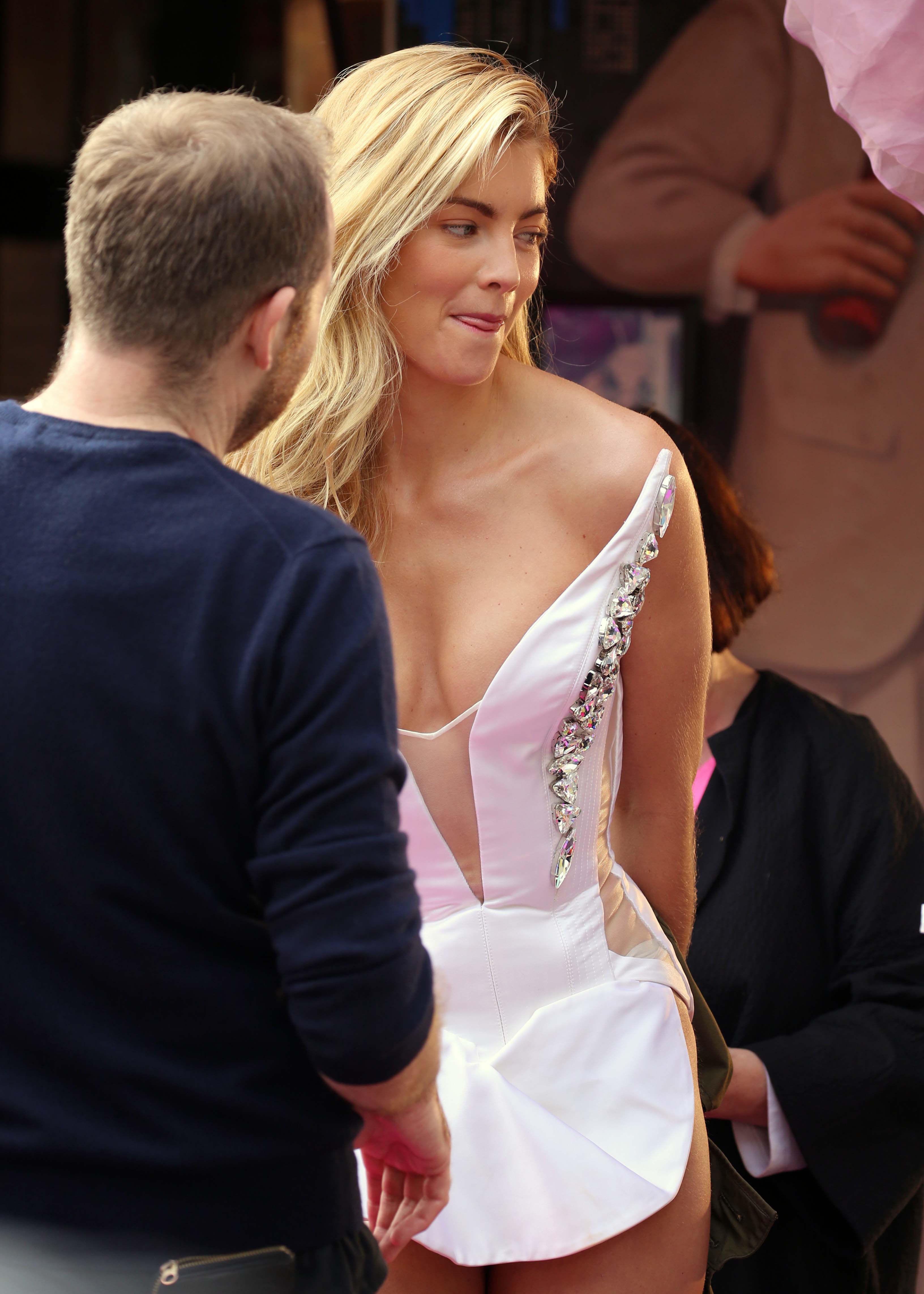
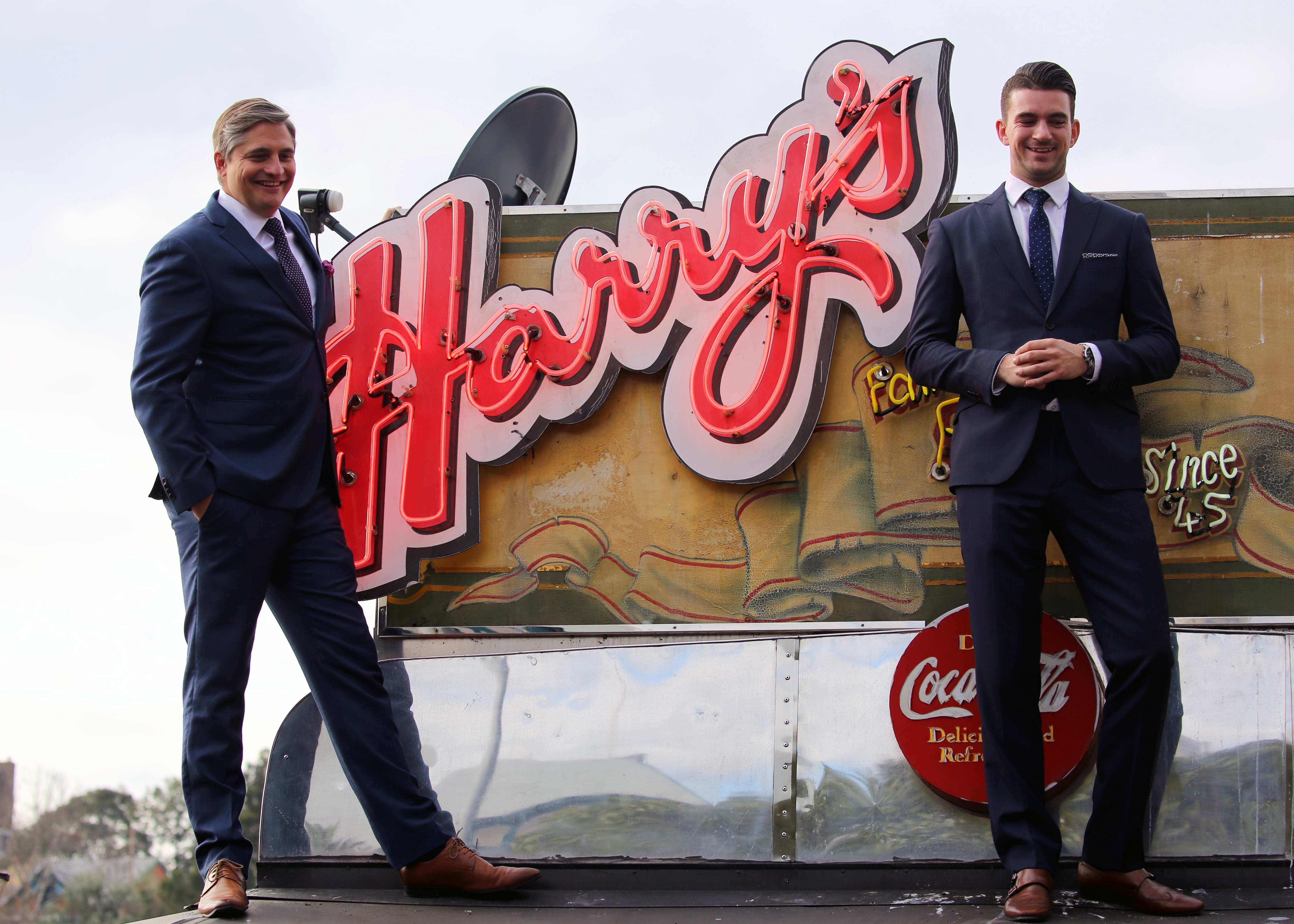
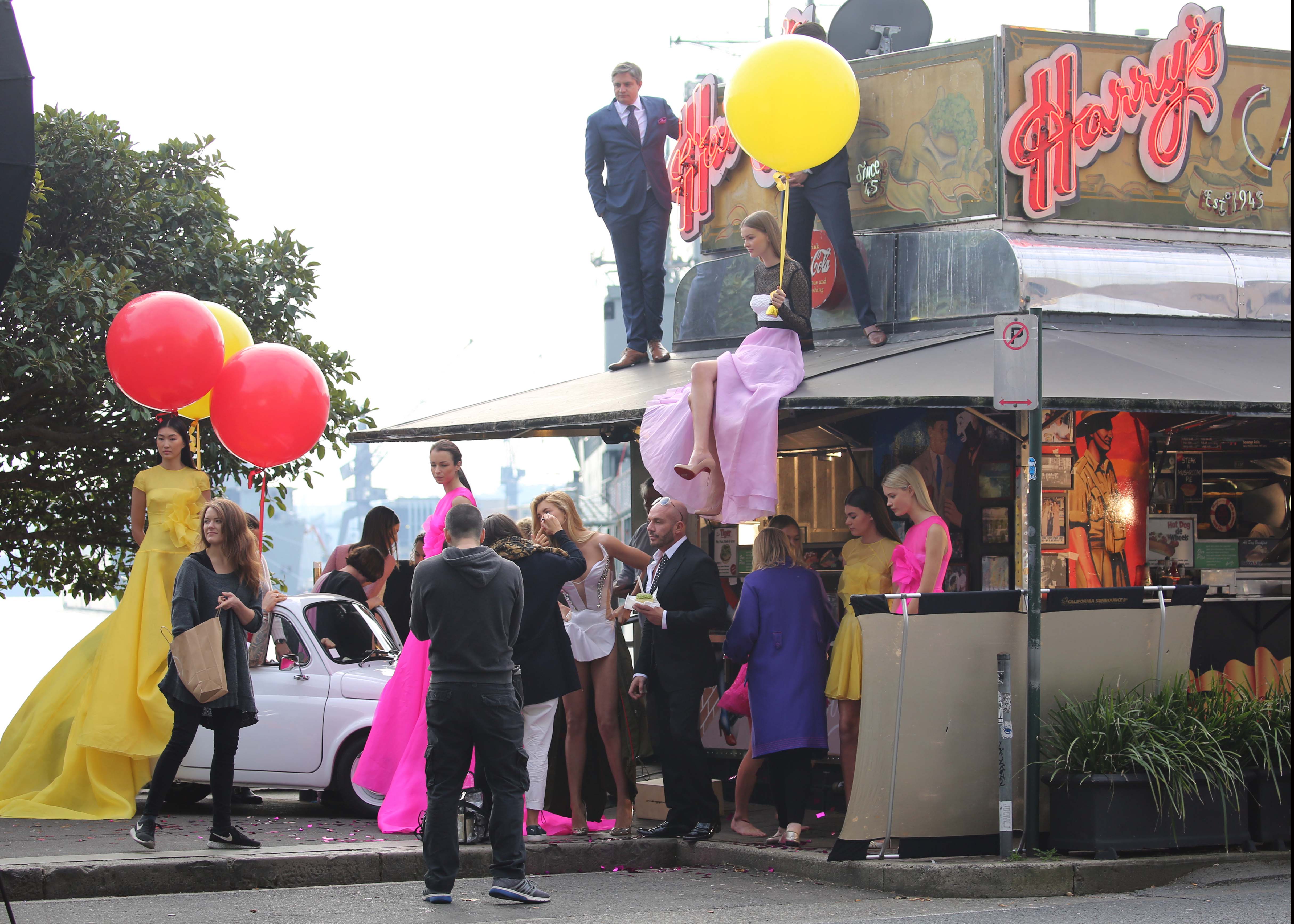
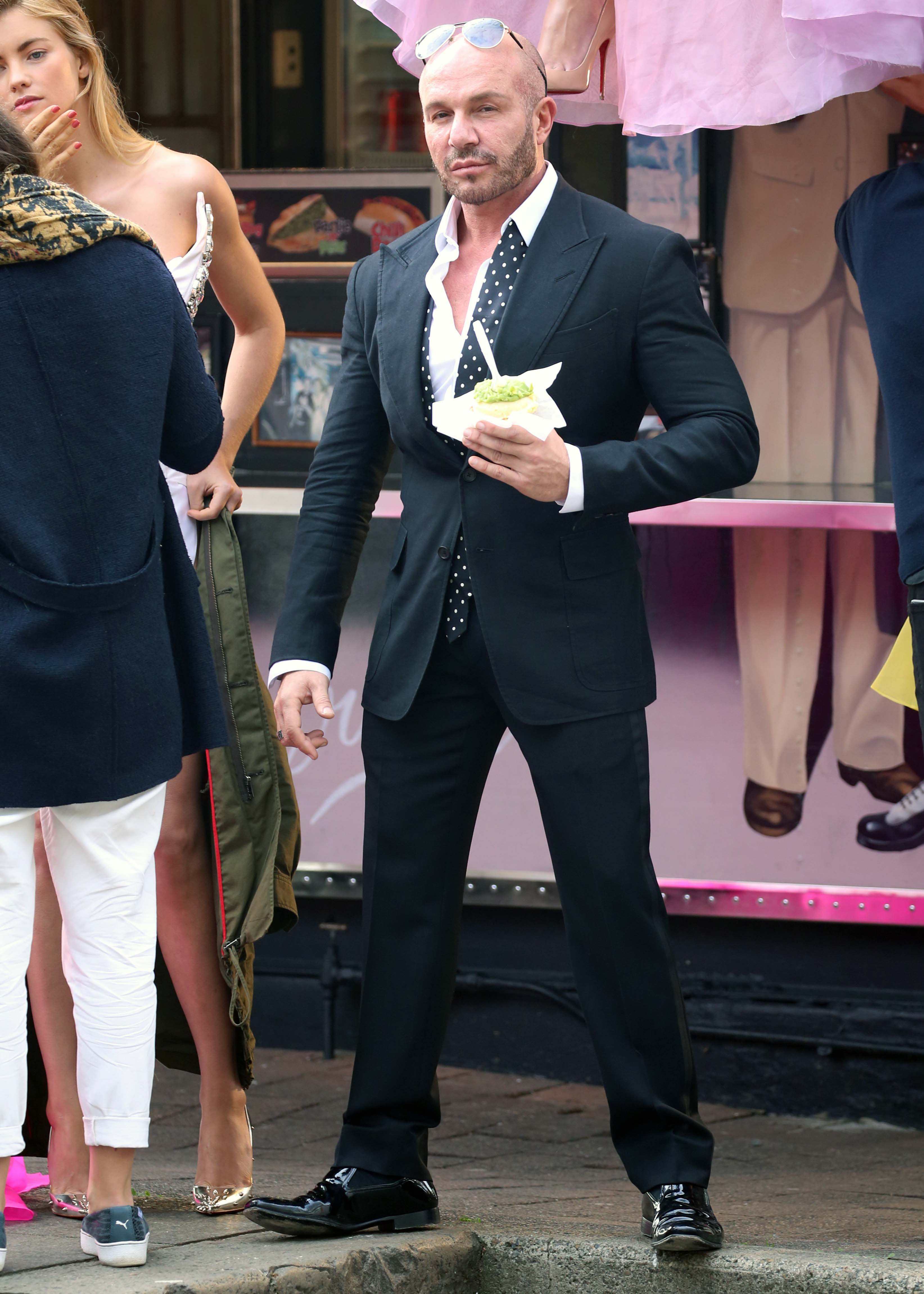
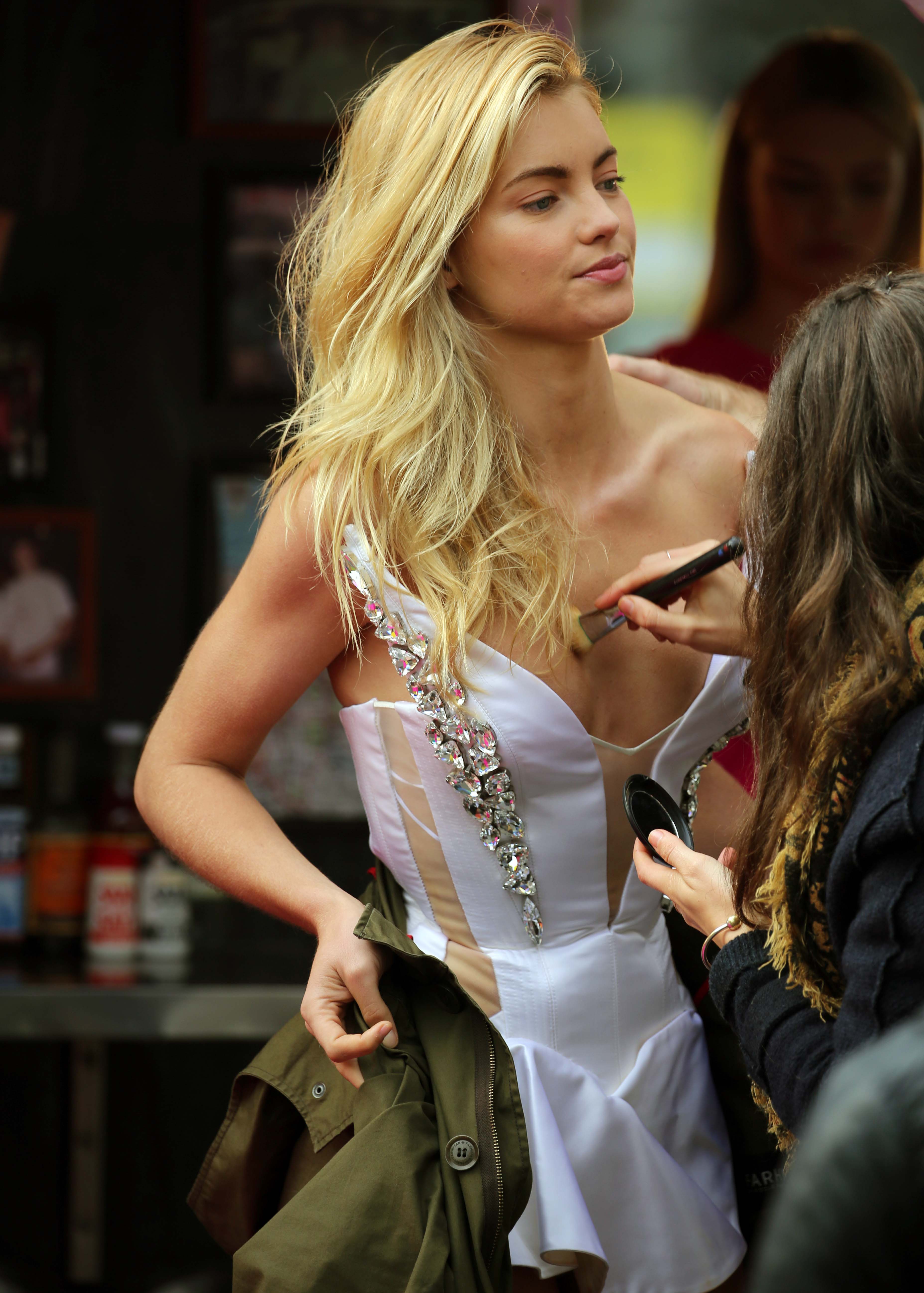
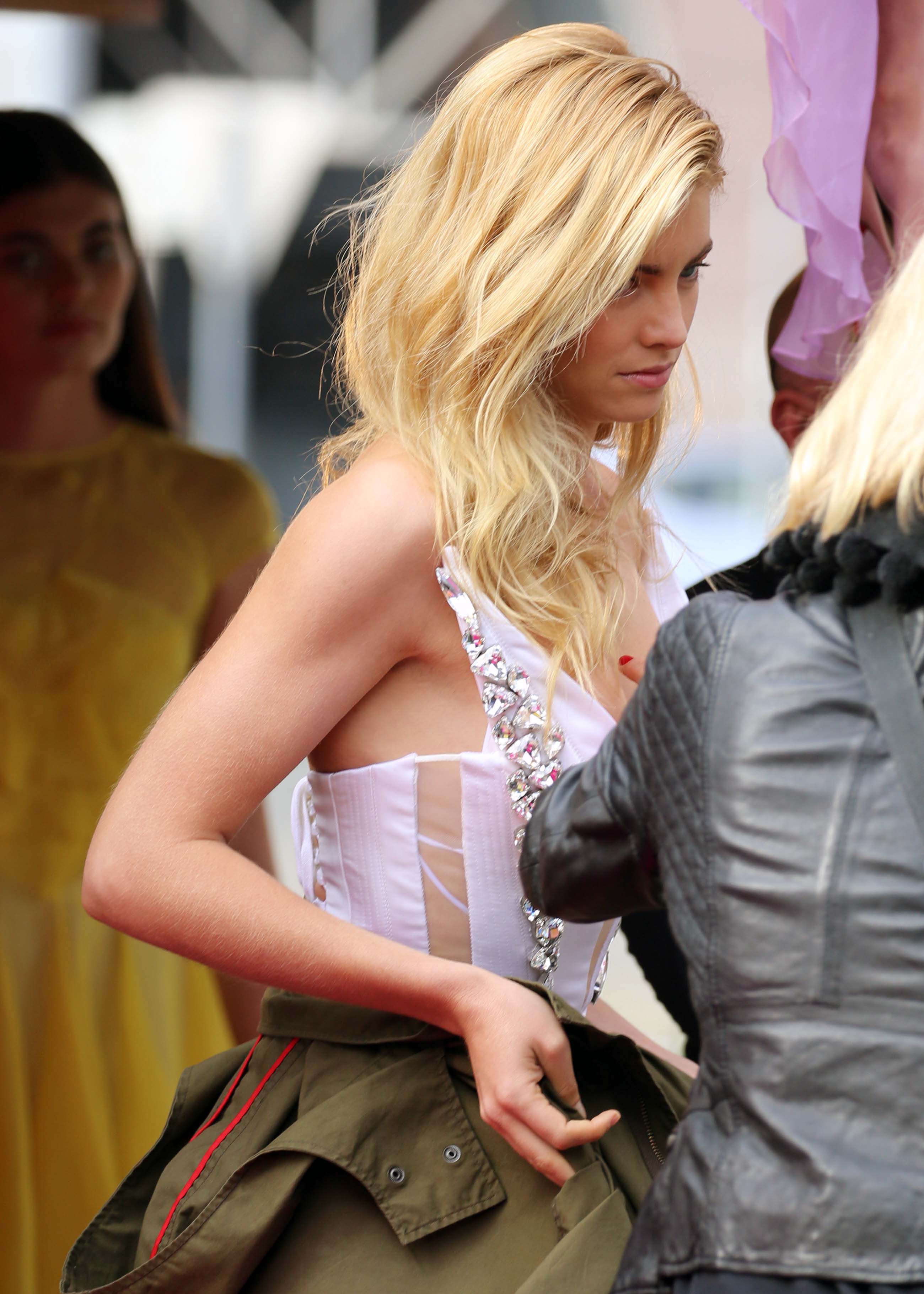
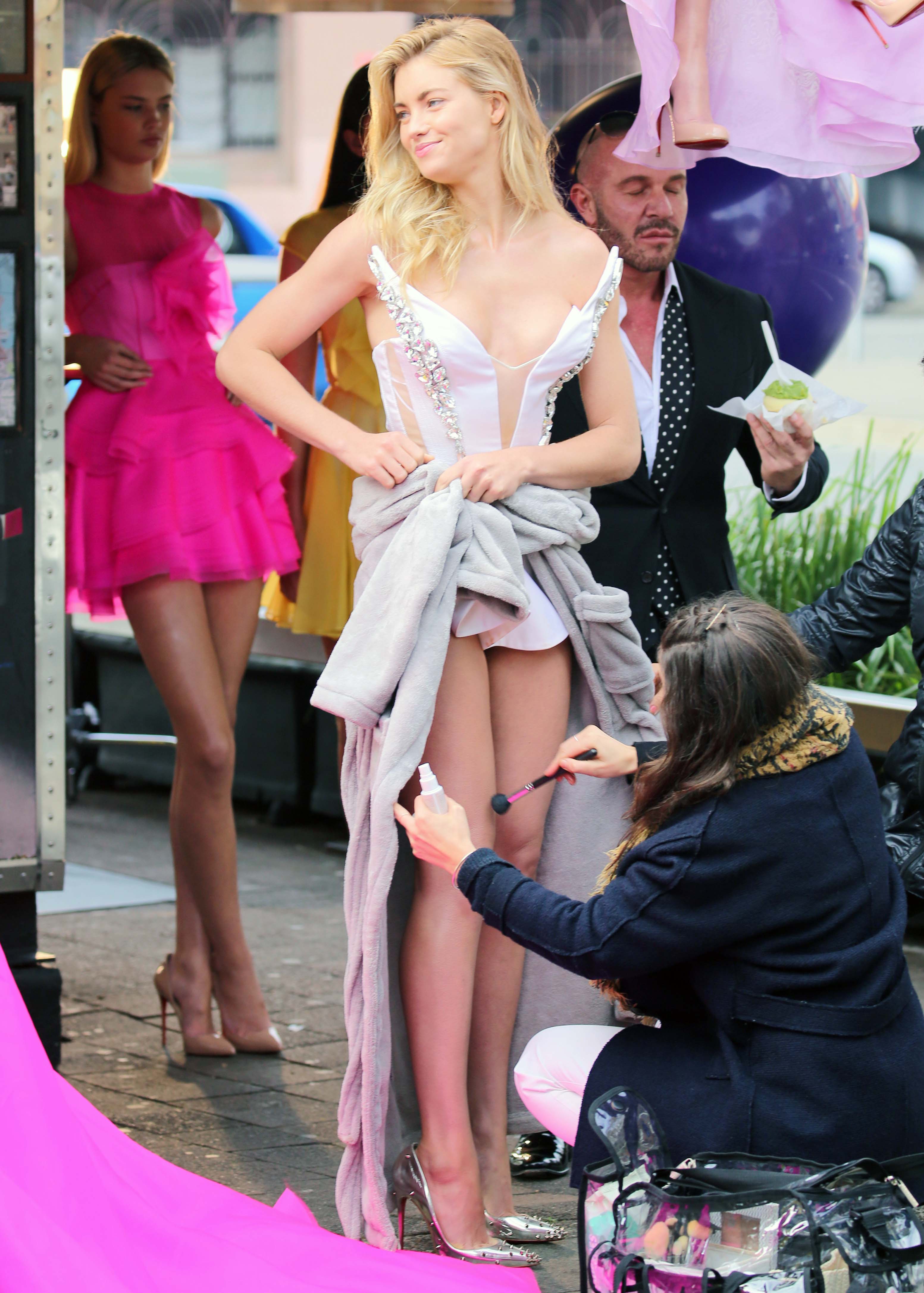
 On set of Marie Claire Photoshoot in Sydney. - June 30th

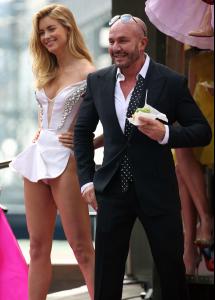



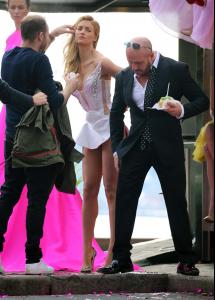
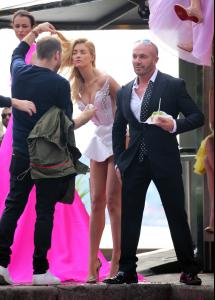




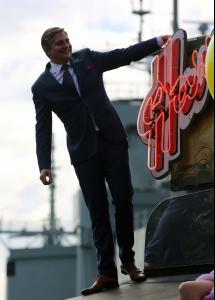
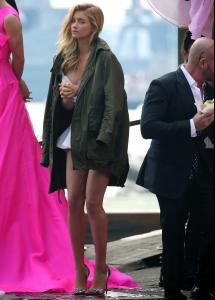


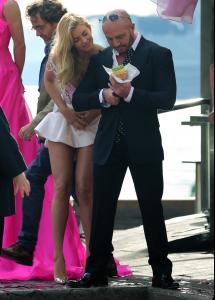
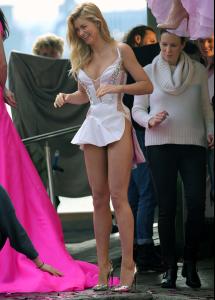
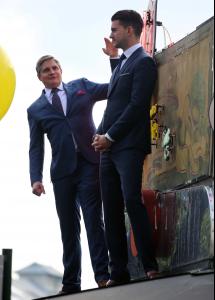
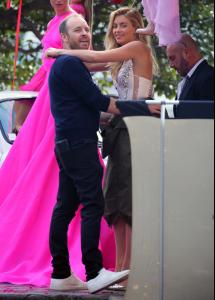
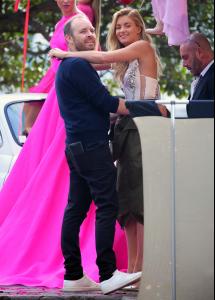
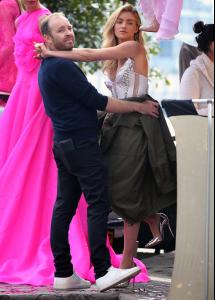
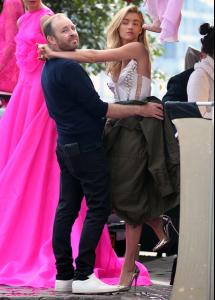
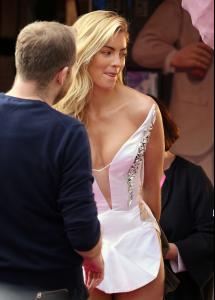


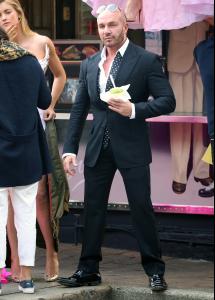
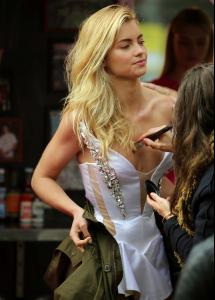
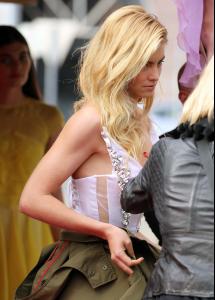
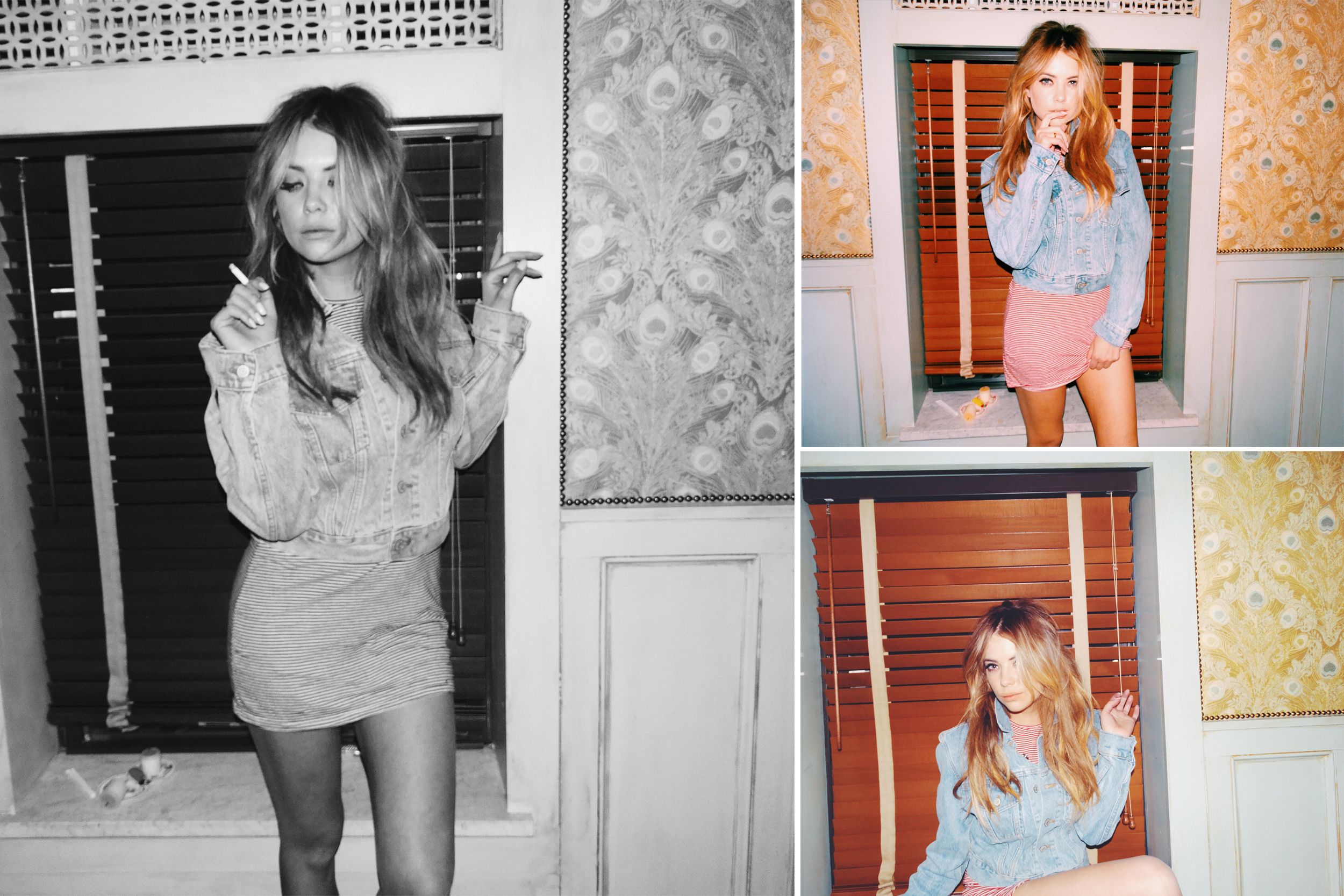
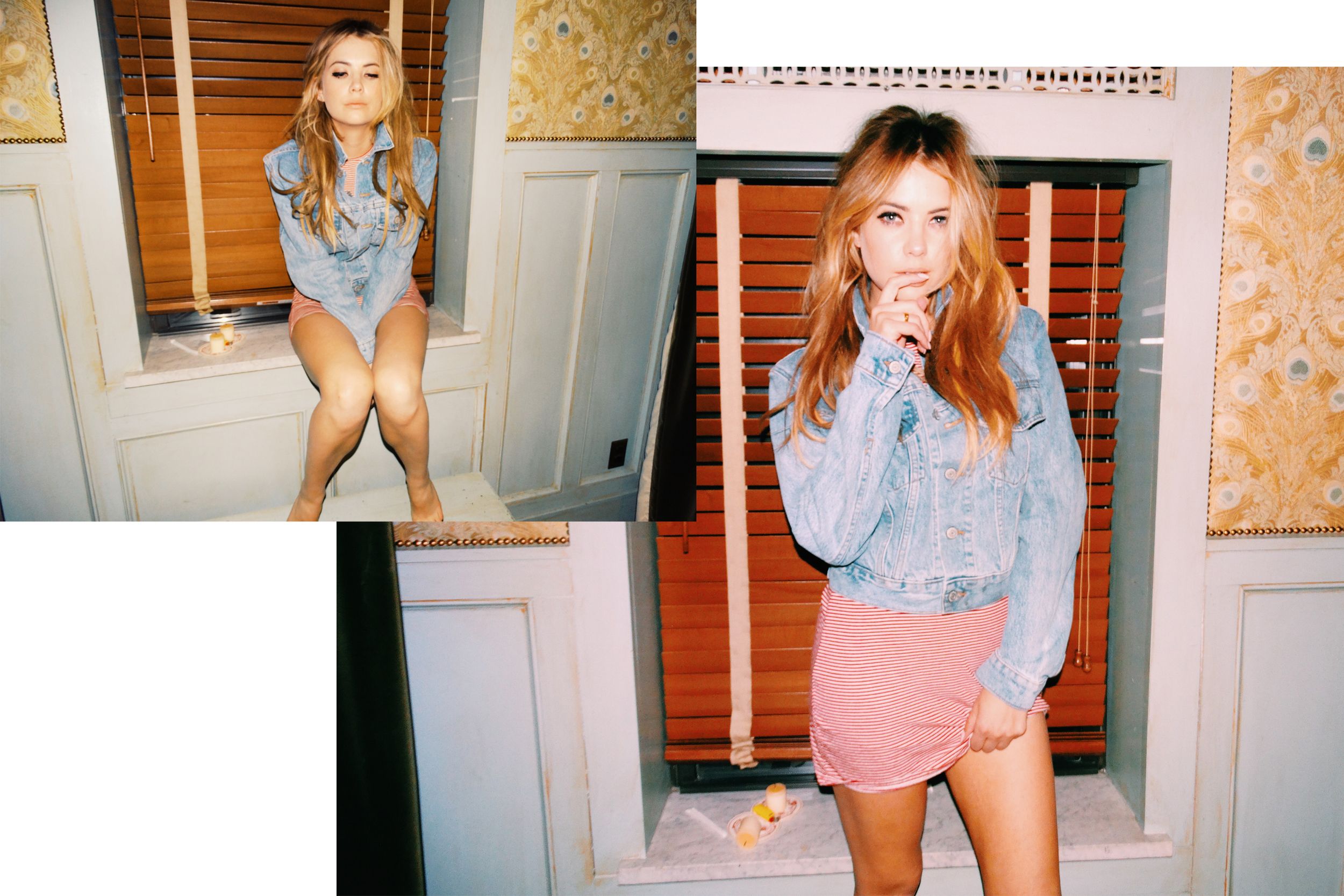
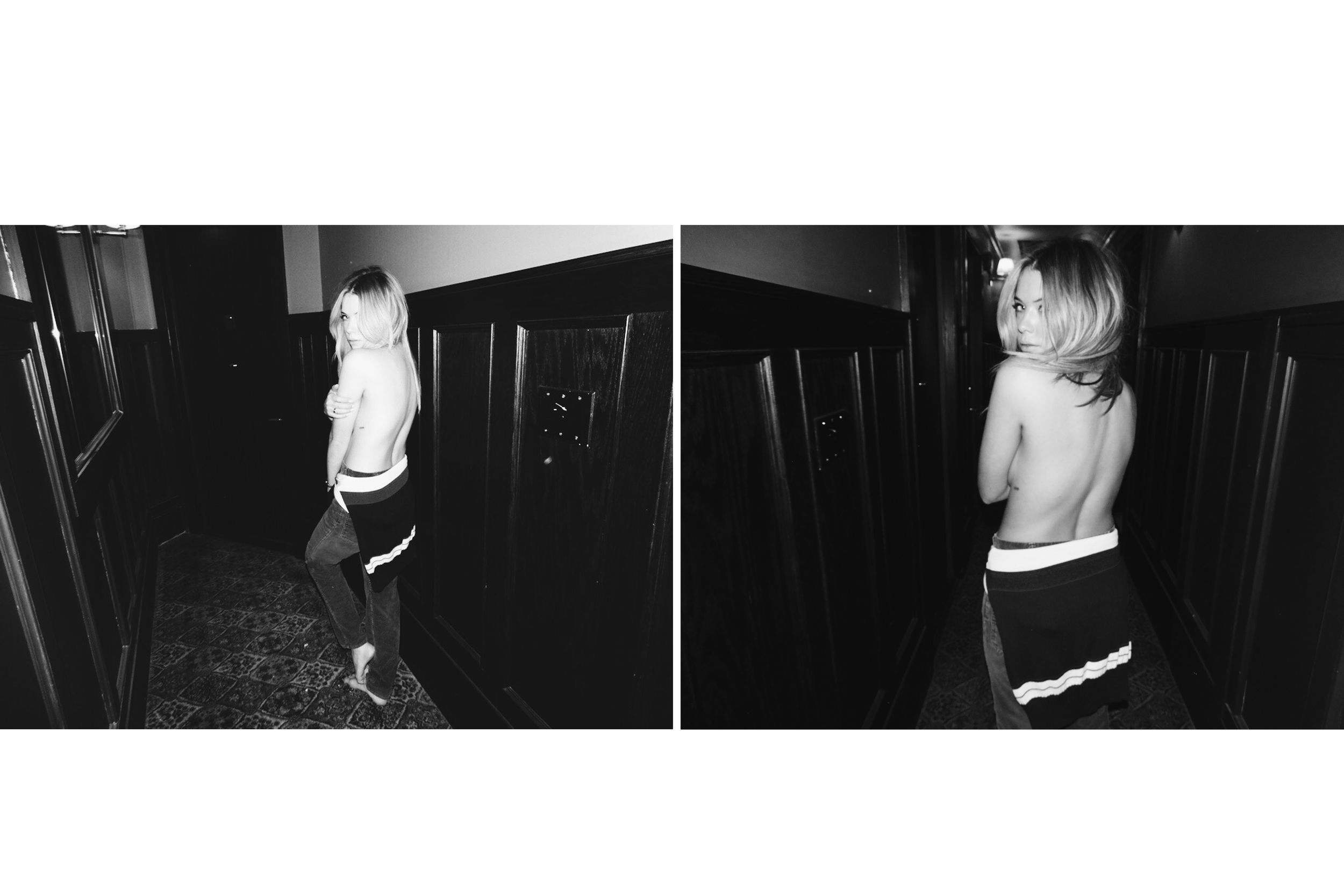
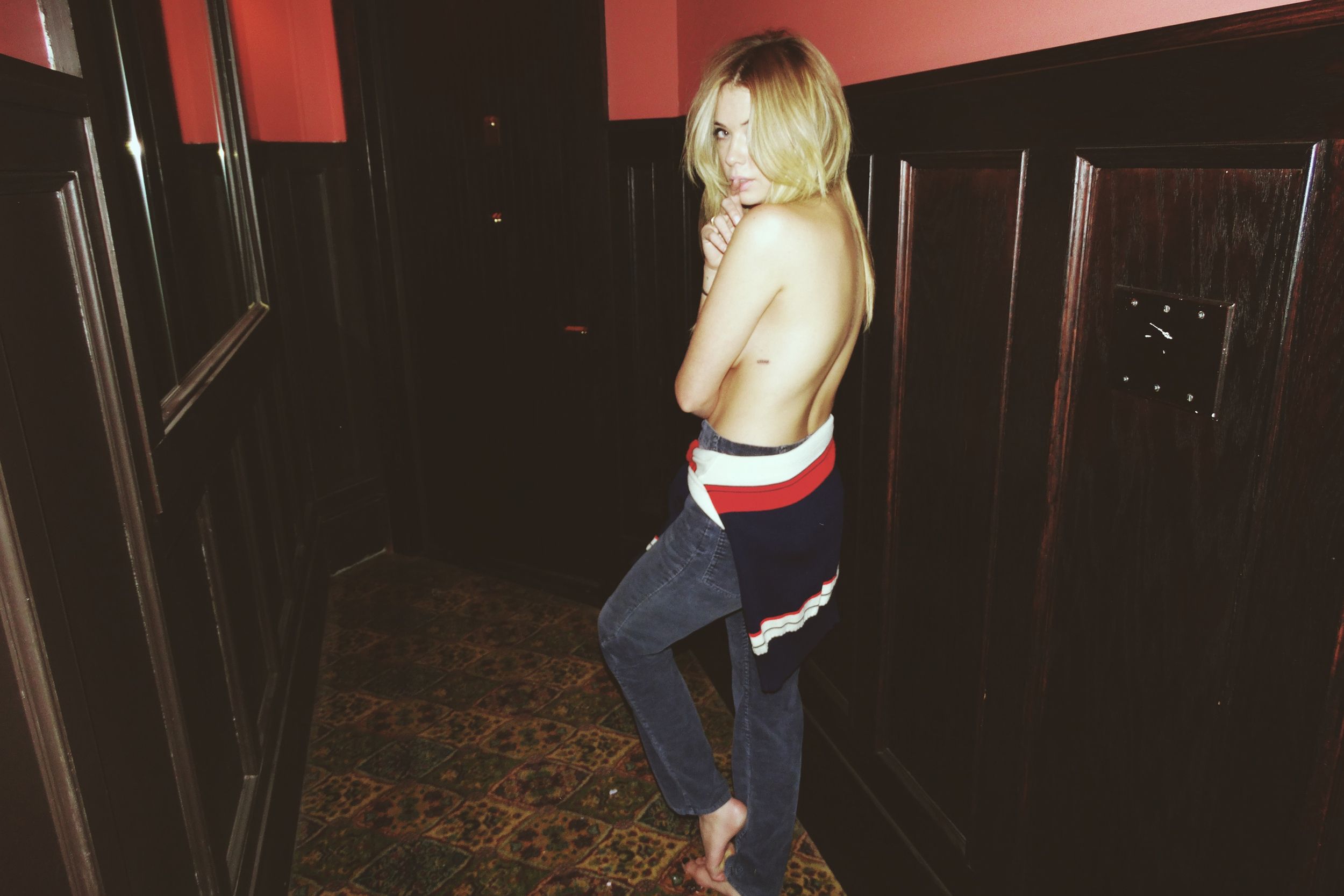
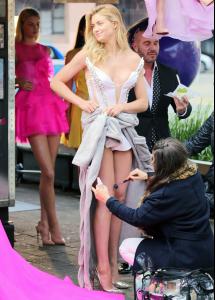 Does anyone know who she is? I found those pictures on my ftps in a folder titled "Marie Claire Shoot" uploaded by SPLASH but there was no name attached.
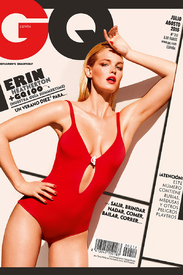
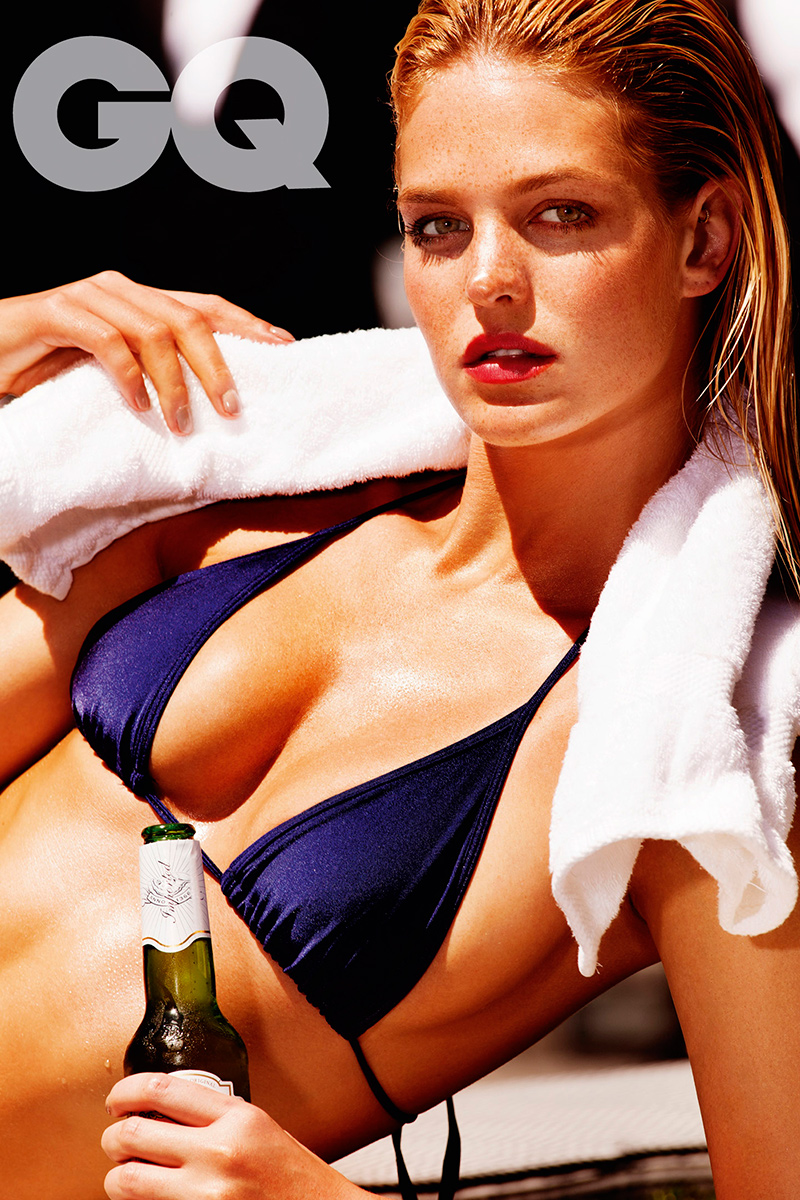
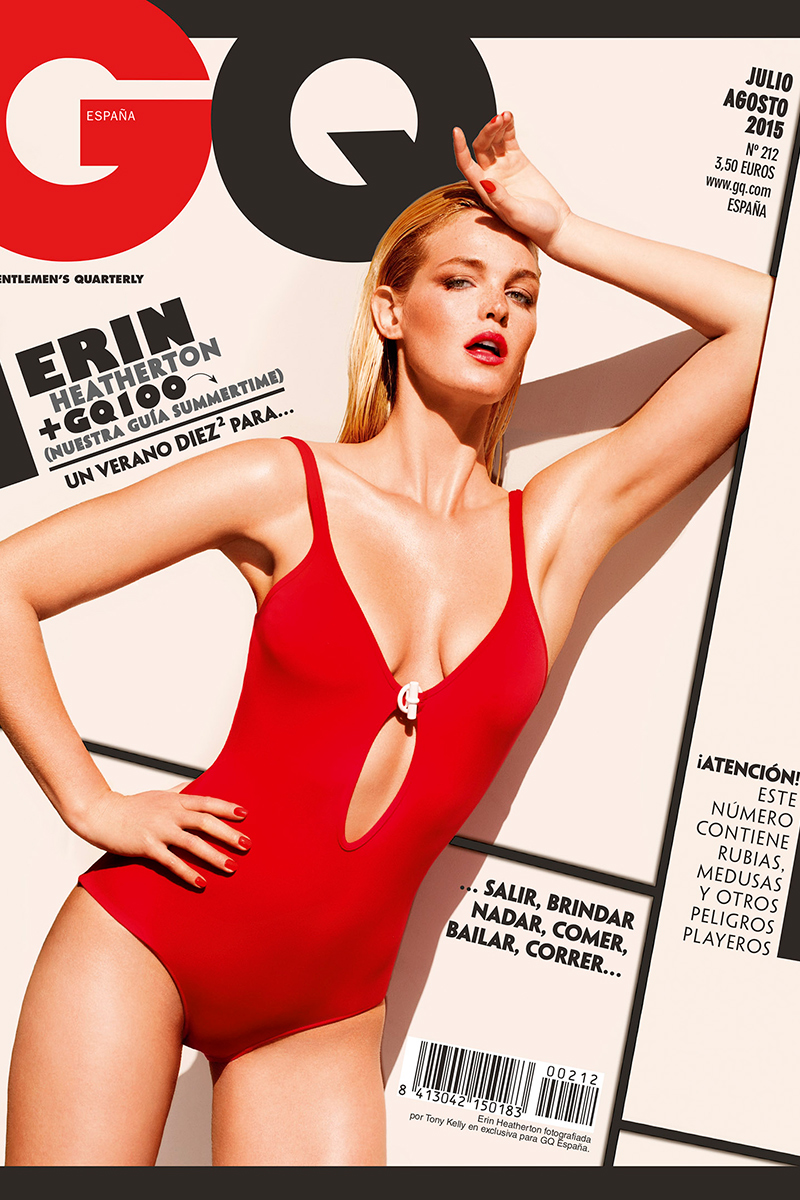
GQ Spain July/August 2015 (Cover + 1 outtake) Outtakes (Magazine quality)
Does anyone know who she is? I found those pictures on my ftps in a folder titled "Marie Claire Shoot" uploaded by SPLASH but there was no name attached.
GQ Spain July/August 2015 (Cover + 1 outtake) Outtakes (Magazine quality)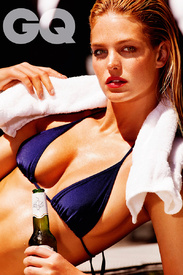
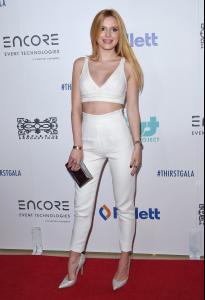
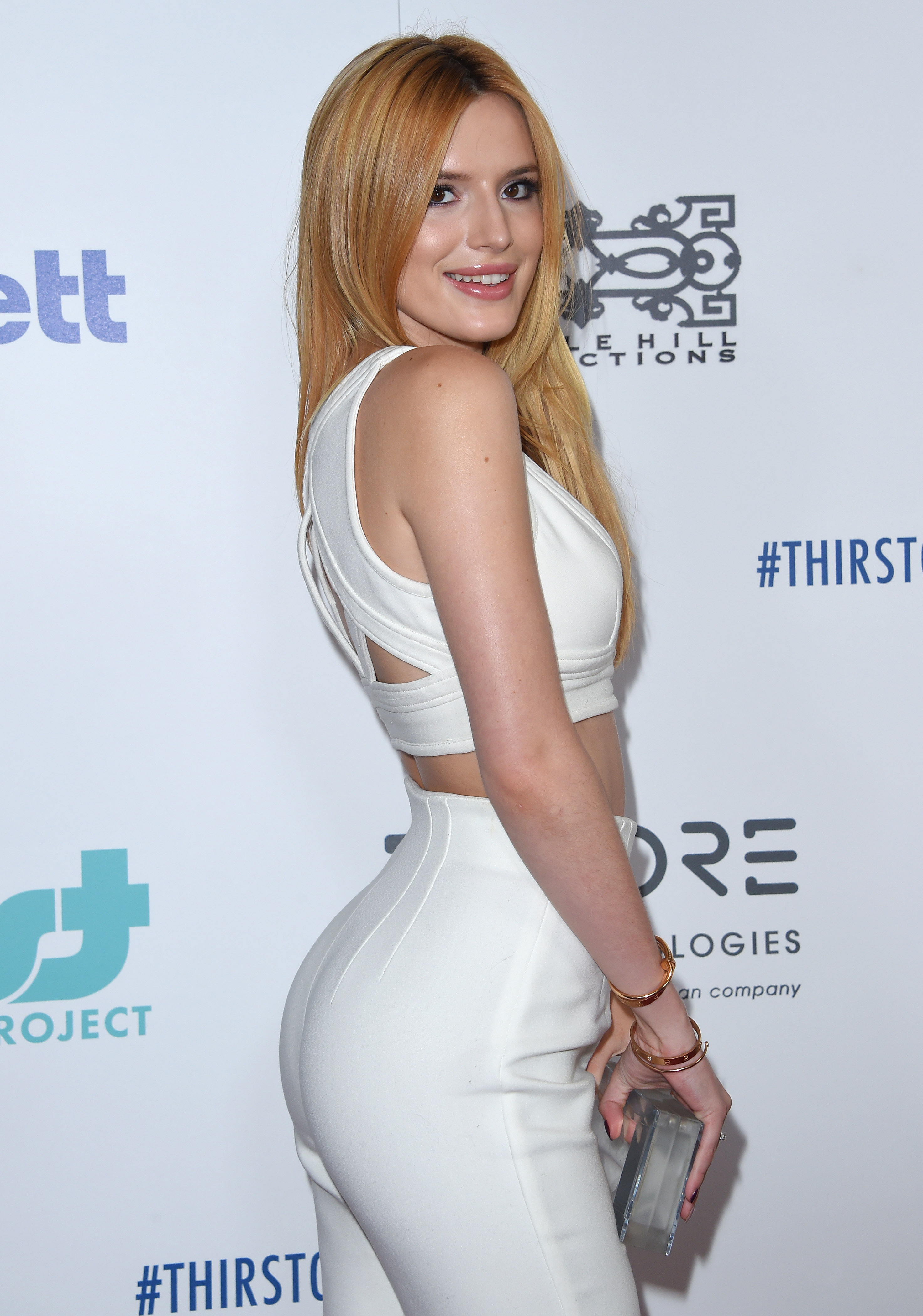
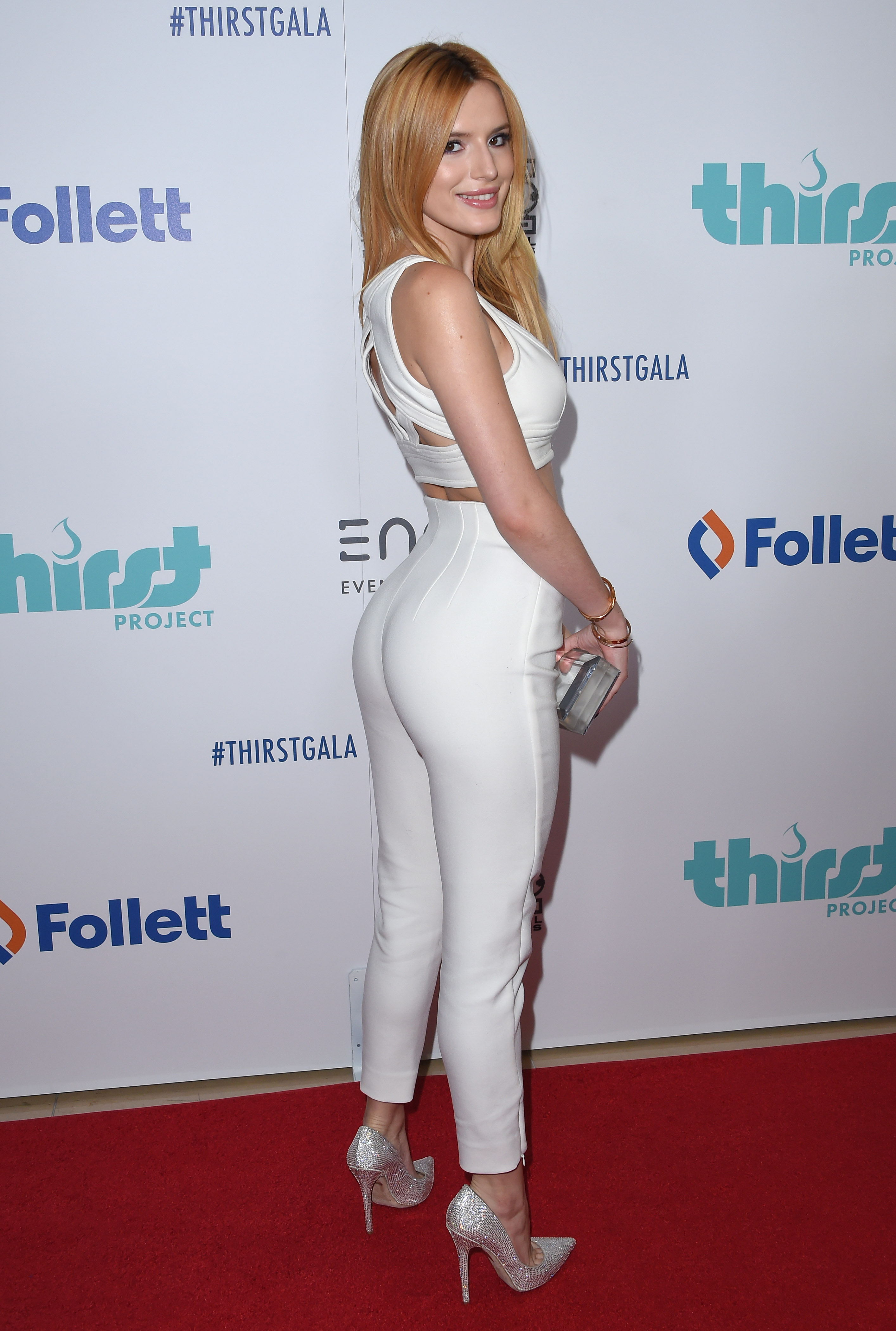
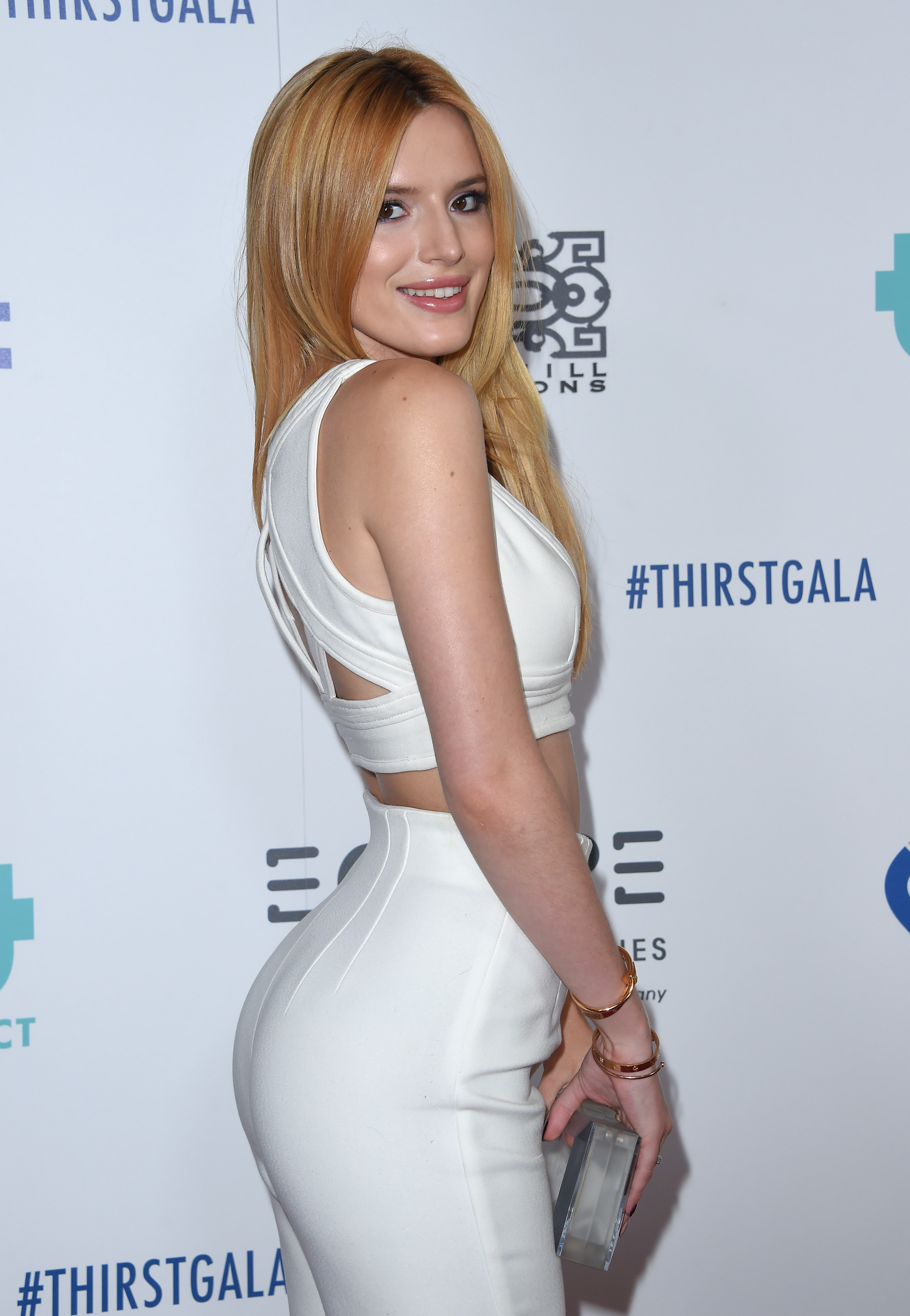
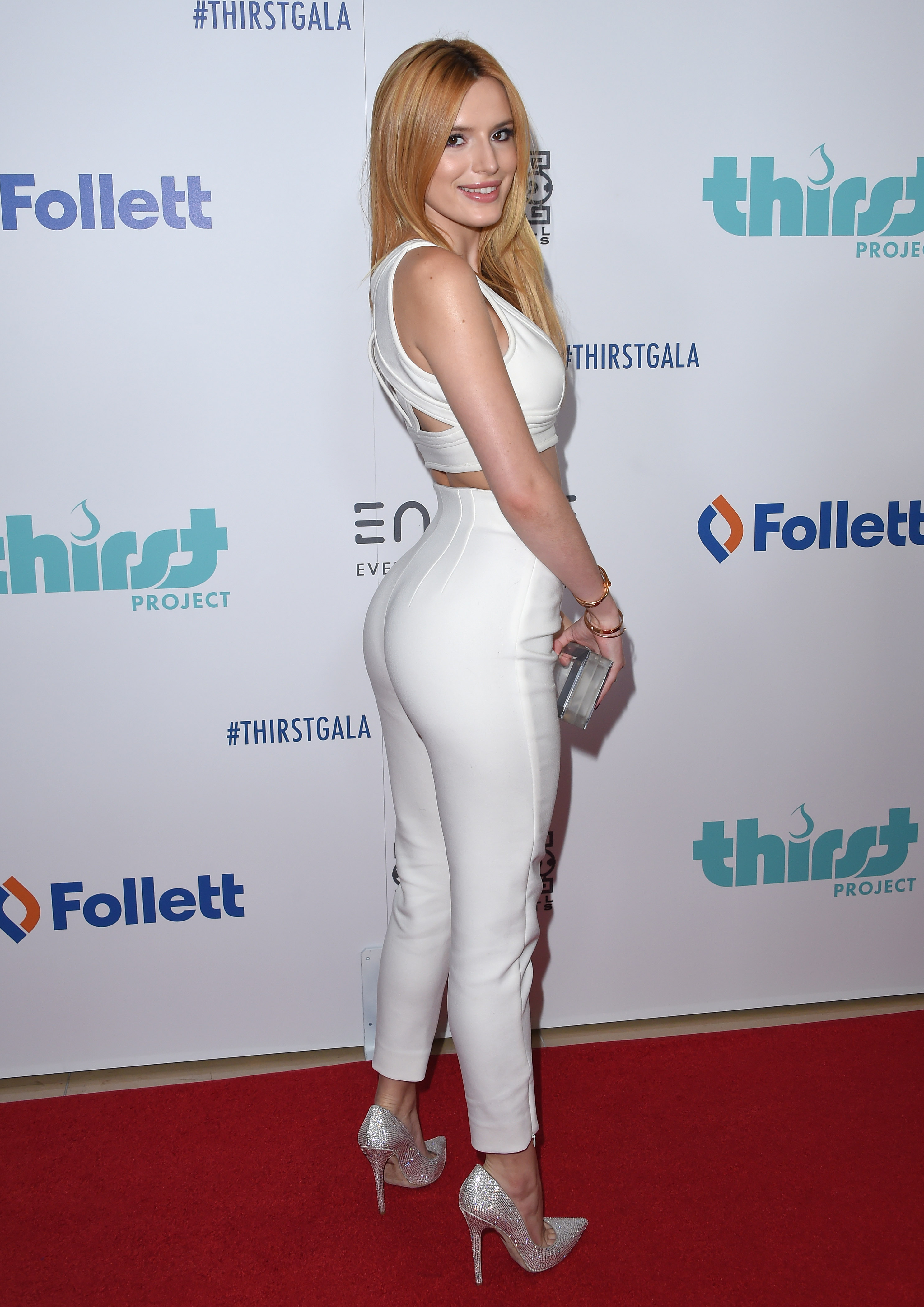
 6th Annual Thirst Gala, Beverly Hills, Jun 30th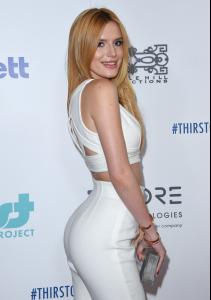












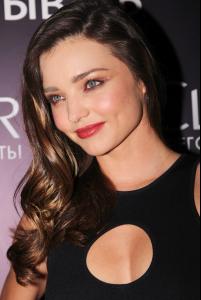
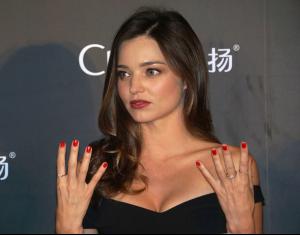
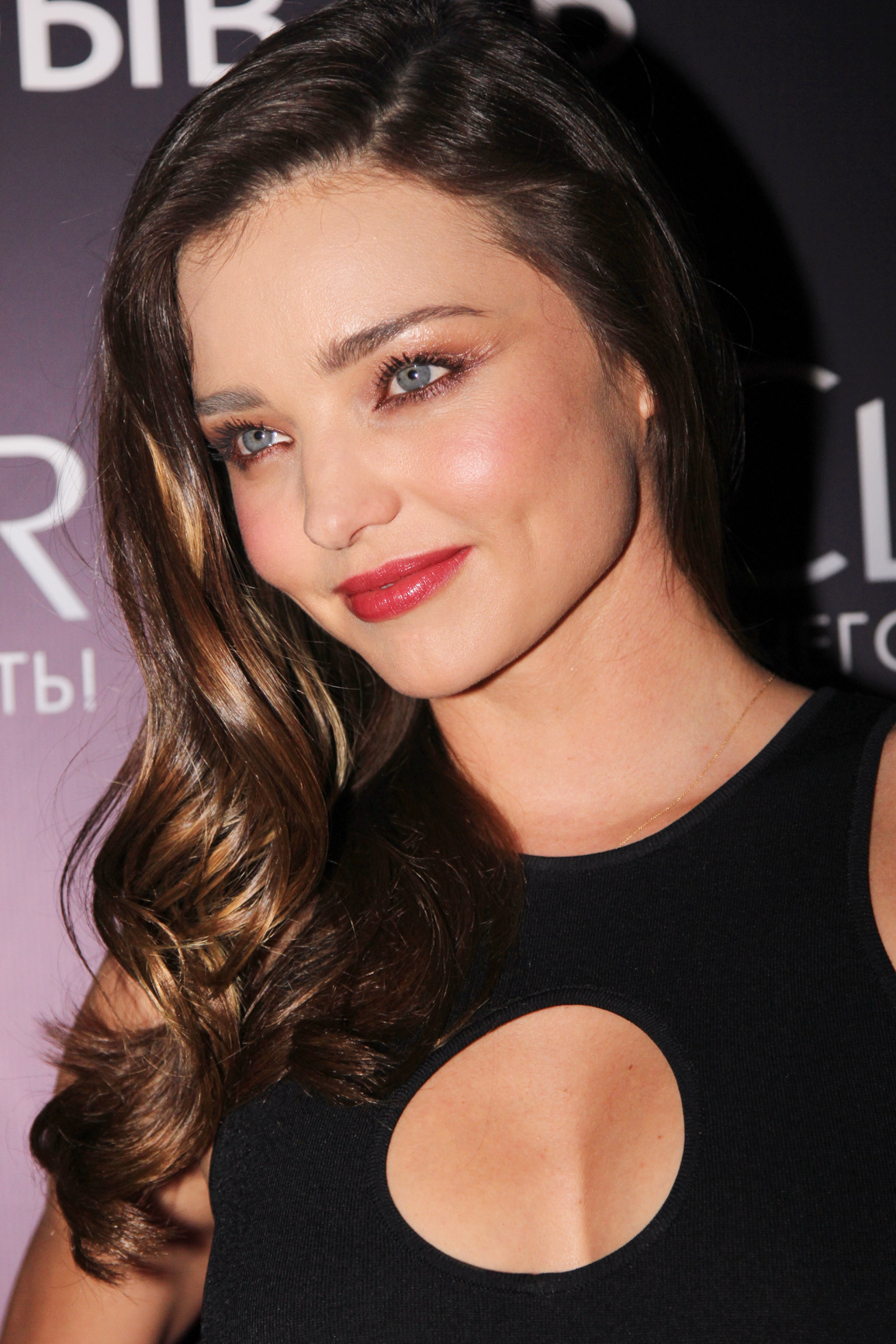
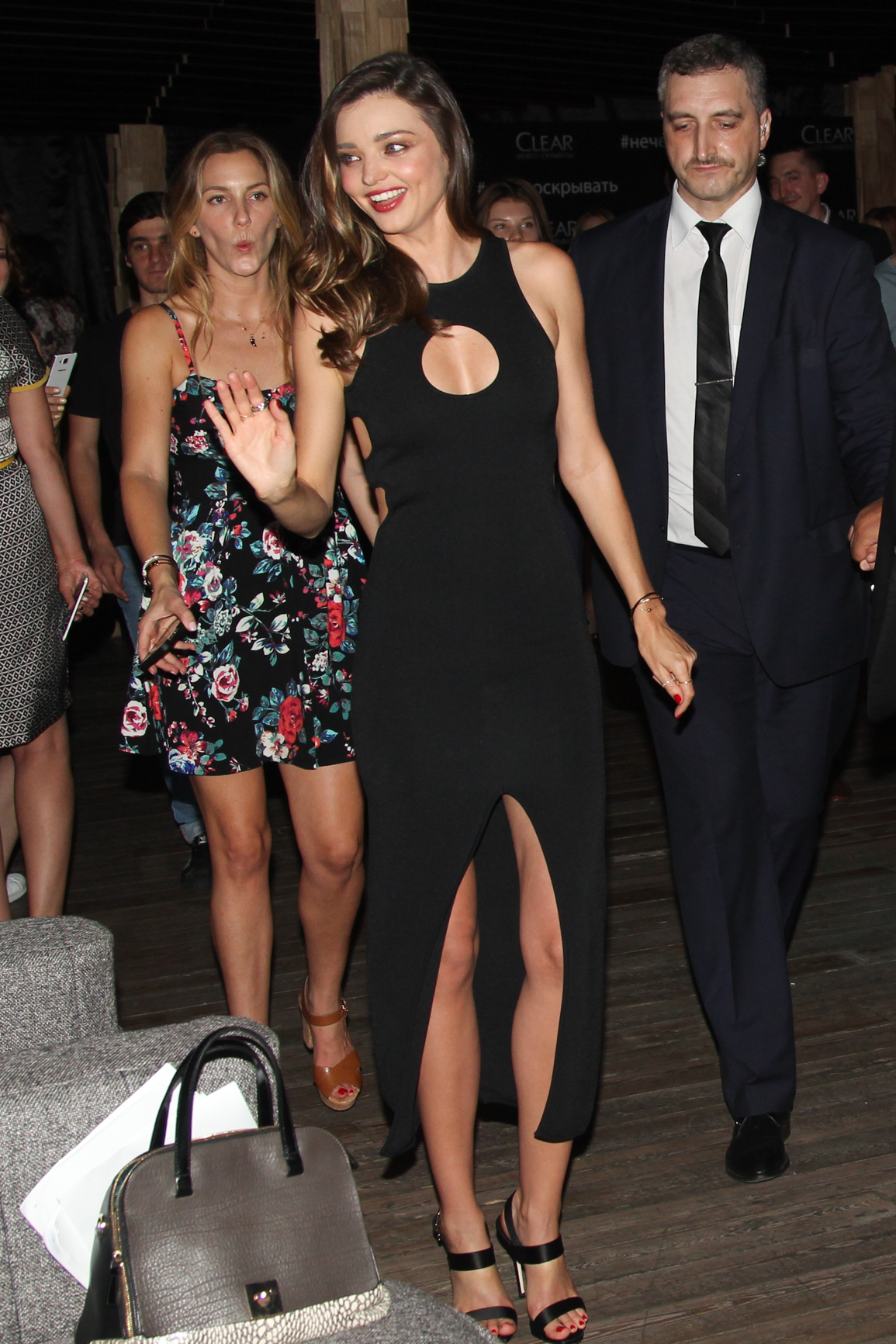
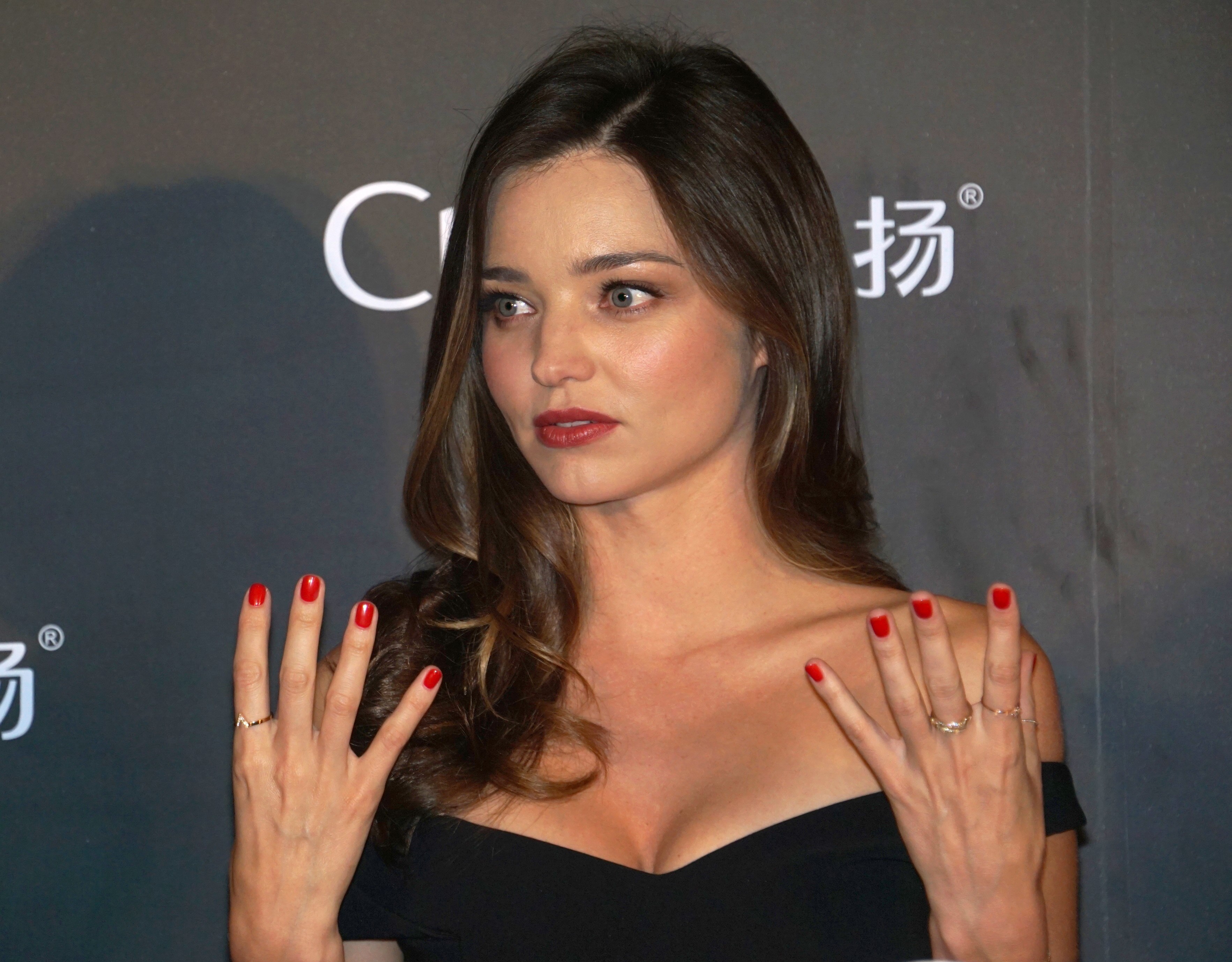
 Miranda Kerr Launches Clear Shampoo in Moscow






































































Account
Navigation
Search
Configure browser push notifications
Chrome (Android)
- Tap the lock icon next to the address bar.
- Tap Permissions → Notifications.
- Adjust your preference.
Chrome (Desktop)
- Click the padlock icon in the address bar.
- Select Site settings.
- Find Notifications and adjust your preference.
Safari (iOS 16.4+)
- Ensure the site is installed via Add to Home Screen.
- Open Settings App → Notifications.
- Find your app name and adjust your preference.
Safari (macOS)
- Go to Safari → Preferences.
- Click the Websites tab.
- Select Notifications in the sidebar.
- Find this website and adjust your preference.
Edge (Android)
- Tap the lock icon next to the address bar.
- Tap Permissions.
- Find Notifications and adjust your preference.
Edge (Desktop)
- Click the padlock icon in the address bar.
- Click Permissions for this site.
- Find Notifications and adjust your preference.
Firefox (Android)
- Go to Settings → Site permissions.
- Tap Notifications.
- Find this site in the list and adjust your preference.
Firefox (Desktop)
- Open Firefox Settings.
- Search for Notifications.
- Find this site in the list and adjust your preference.