

RIP_Cabrini_Green
Members
-
Joined
-
Last visited
Everything posted by RIP_Cabrini_Green
-
 Maybe if you ask nicely and offer to rescue 1000 kittens, you might be able to use it. I'm not sure though, I guess it's worth a shot.
 -
27 years old today.
-
Yaaaay! That's so incredibly badass Stormy! Congrats!
-
Hurry up. Can't wait for this!
-
Yeah I'm interested. I kept hearing though that they were trying to write a script that brought Matt Damon and Jeremy Renner together. Hmmm but I'm pumped nonetheless.
-
The Good Dinosaur. yes a Pixar movie, and I as an 27 yr old Alpha type male fucking loved it. 9/10
-
Is there really going to be a sequel? I enjoyed it too although the realism was quite exaggerated, but it's Hollywood and expected nothing less.
-
-
Ugh I Know!!! I'm almost certain there's more, but I can't find them right now. It seems to be a fairly new shoot so hopefully more pop up in the next few days.
-
Ph: Marcus Derricotte

-
Ha. I'm falling behind on here though. She has some other stuff out floating around I need to find.
Interesting.
Foundation for Fighting Blindness Gala
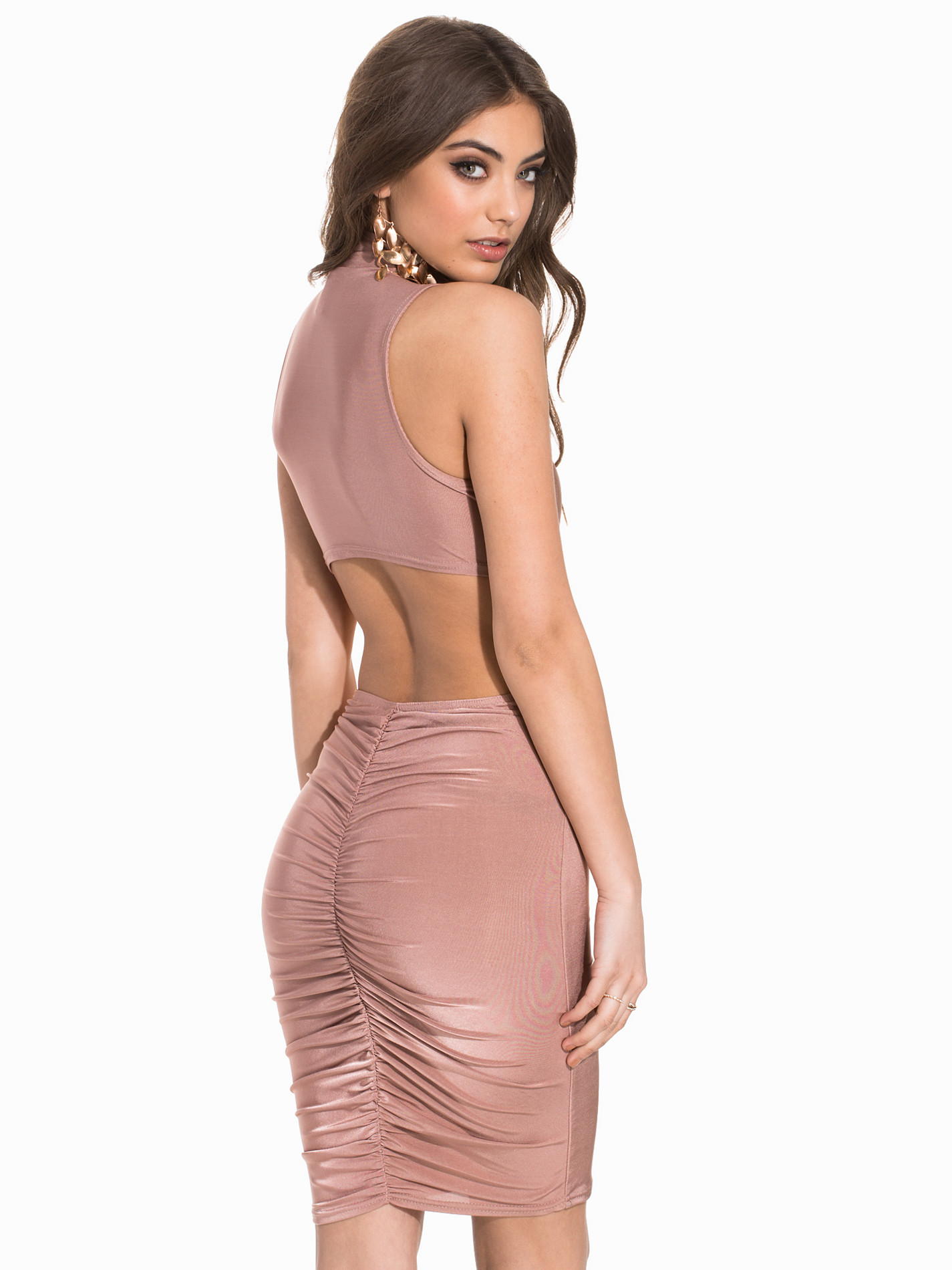
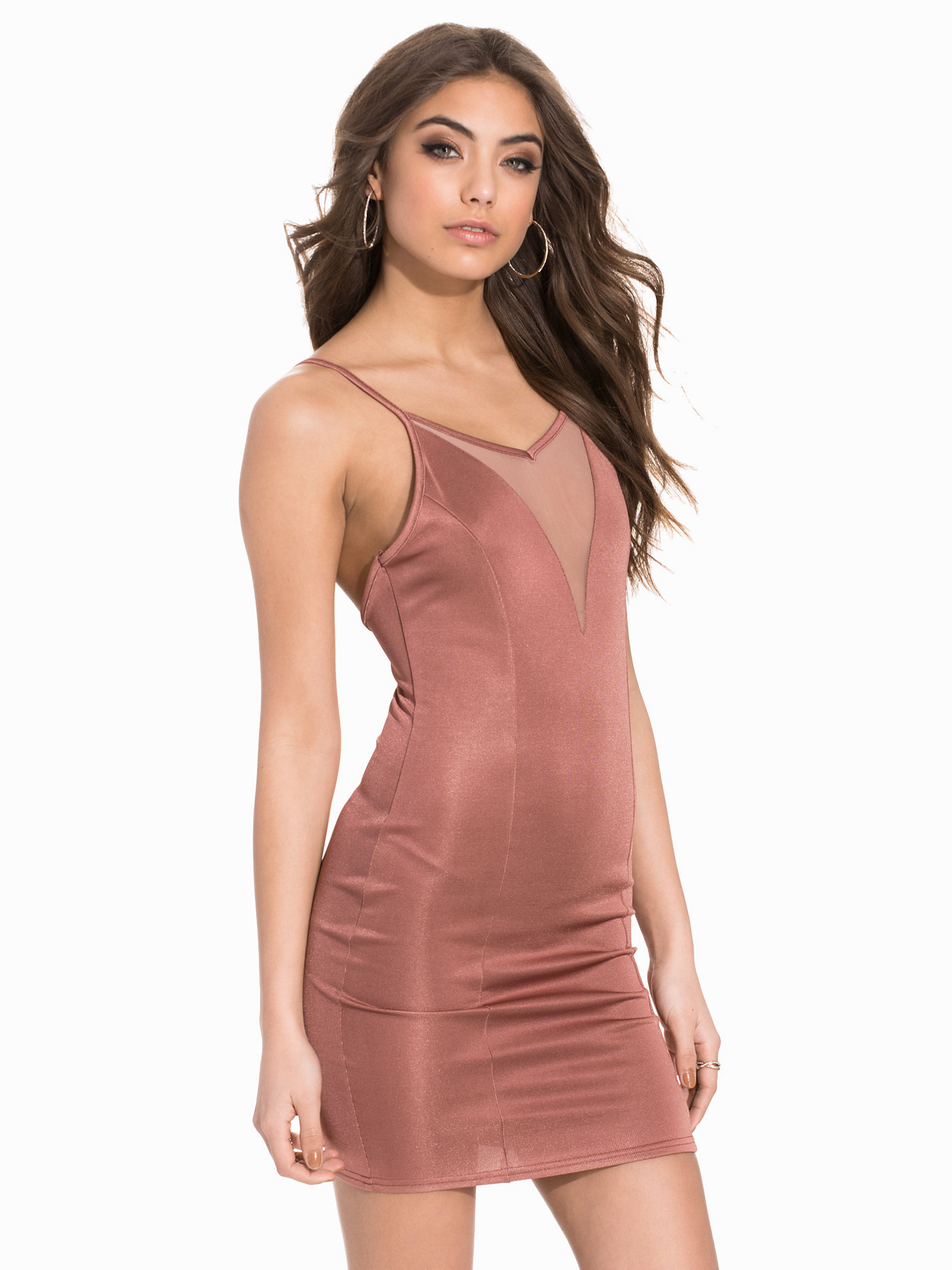
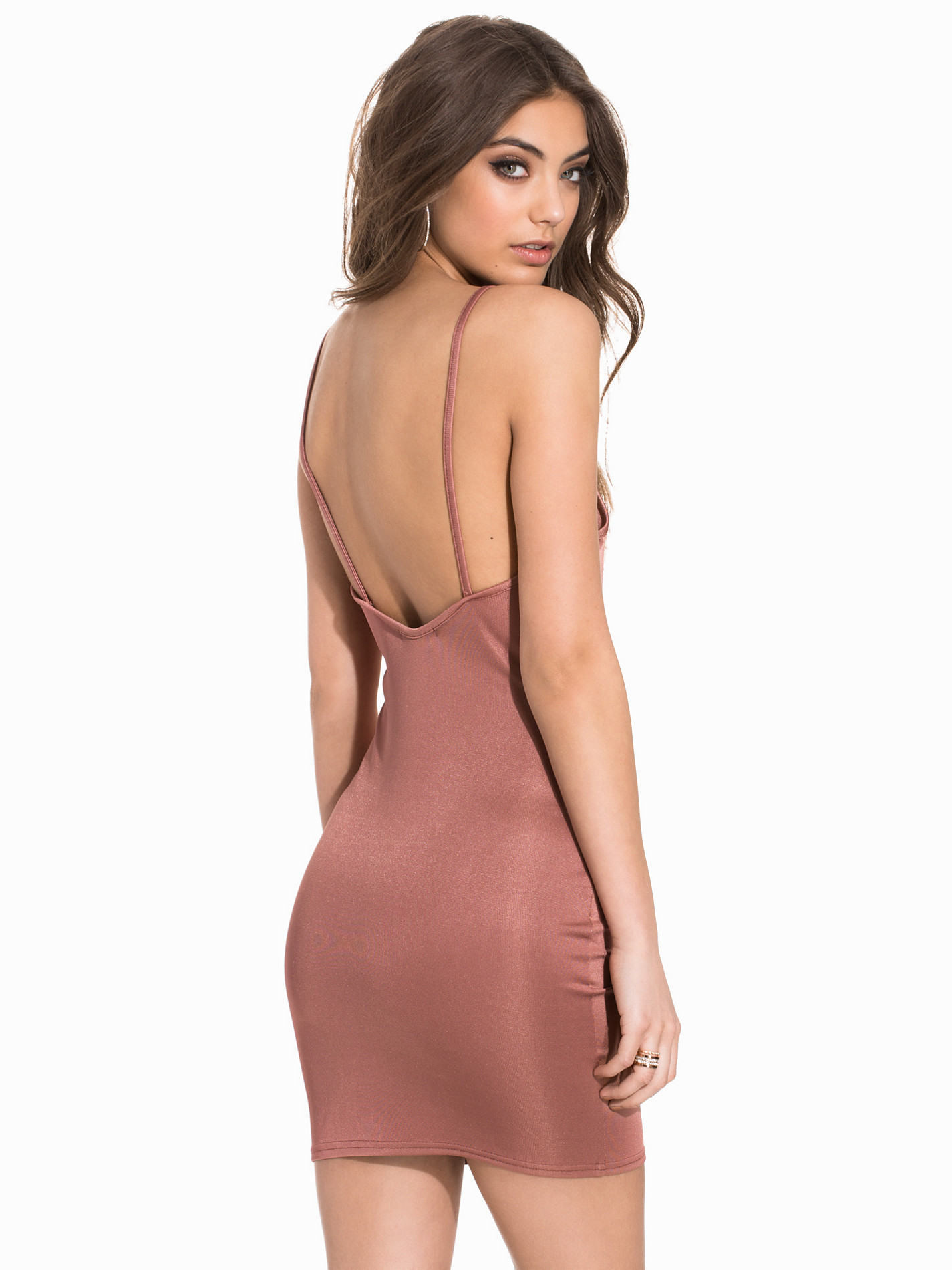
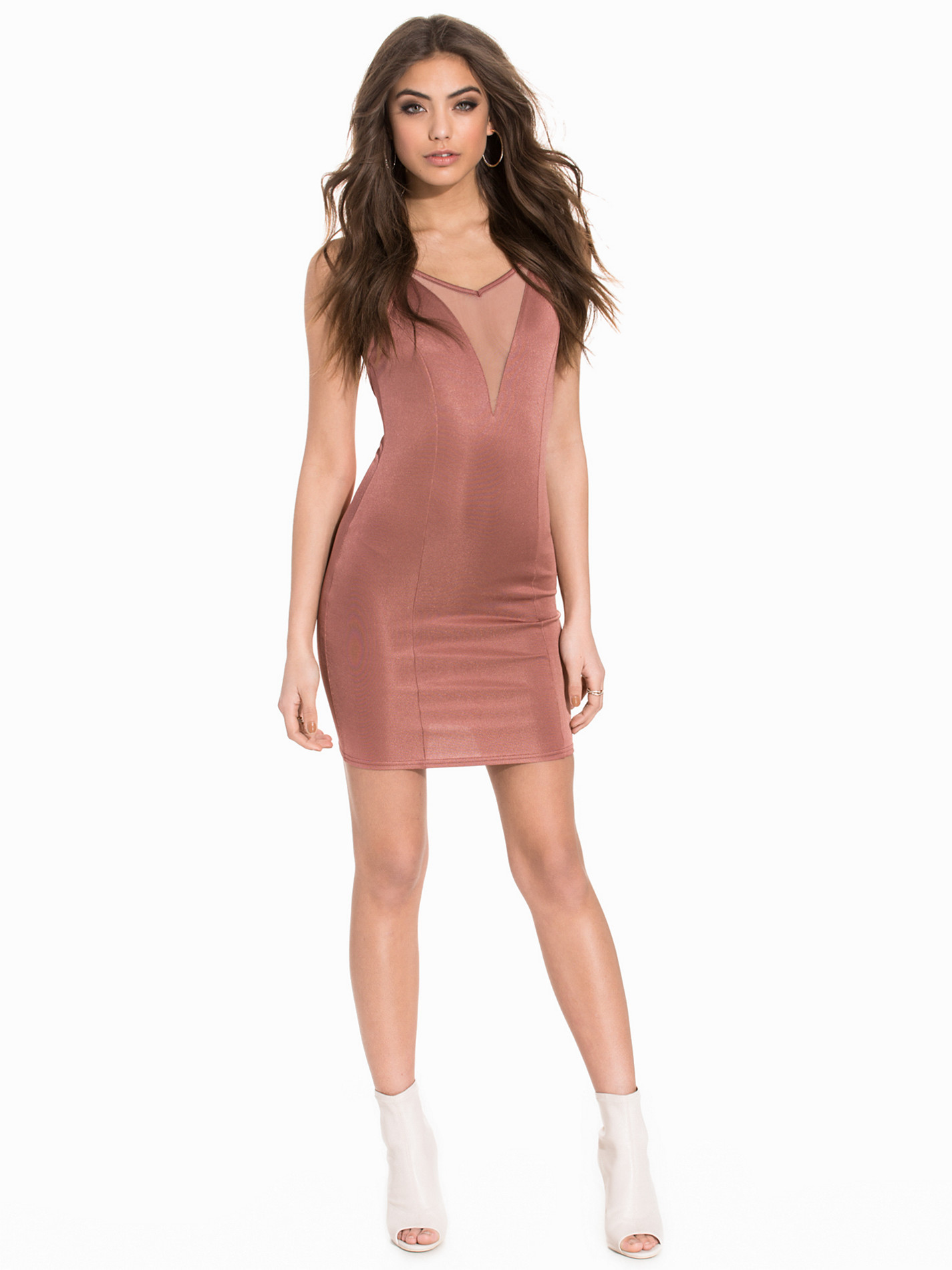
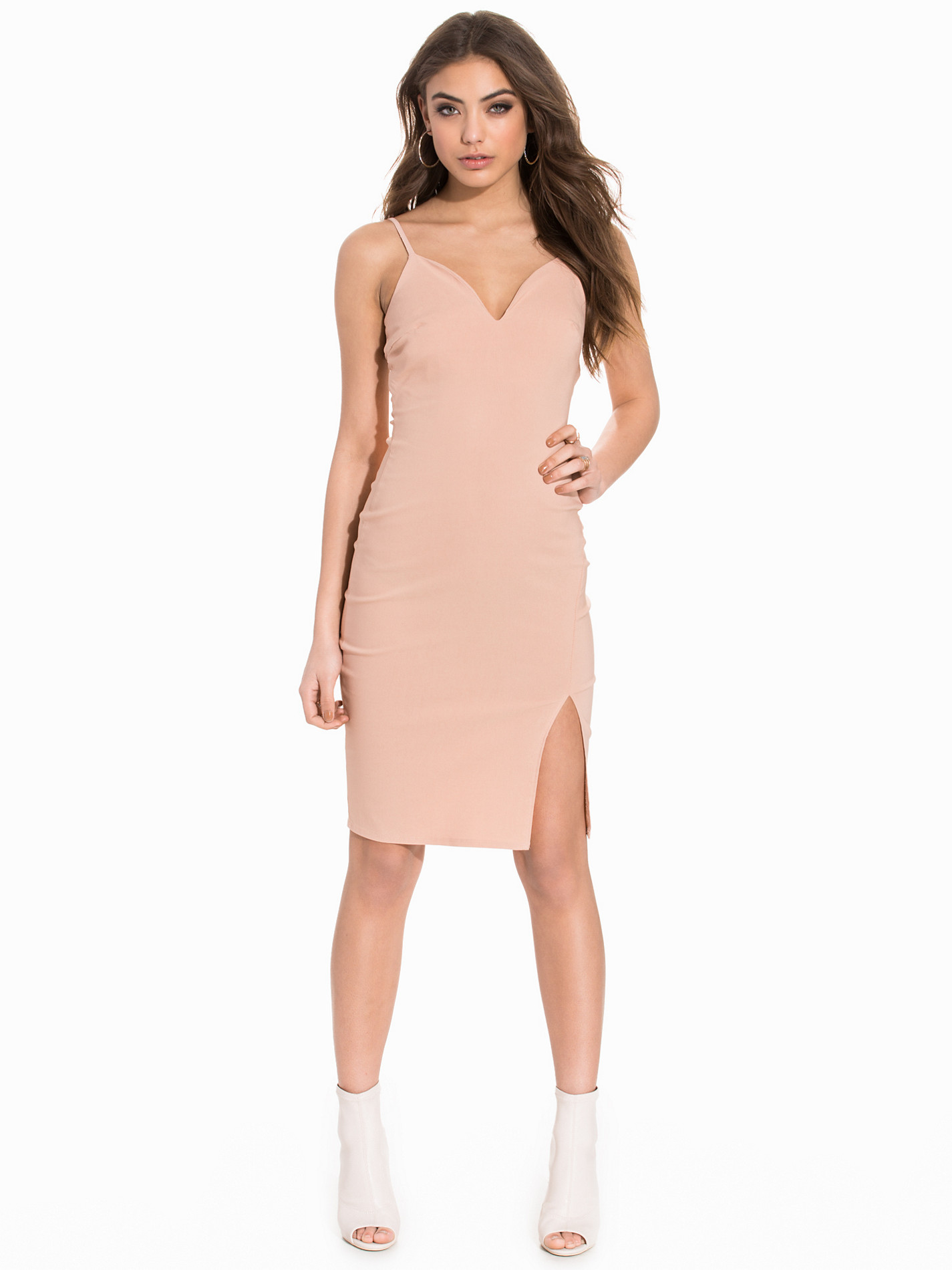
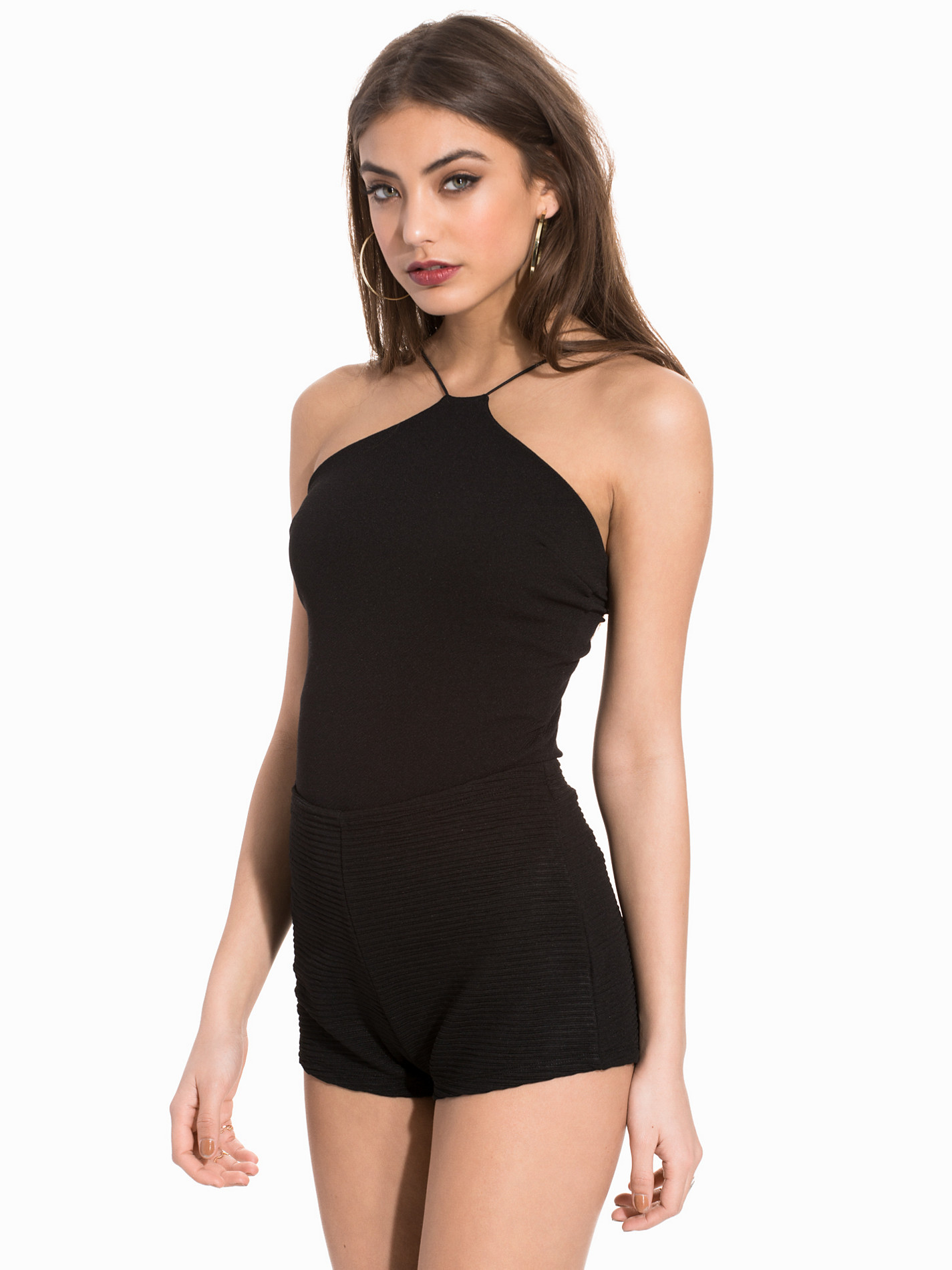
Nelly Dresses






















 Nelly Clothing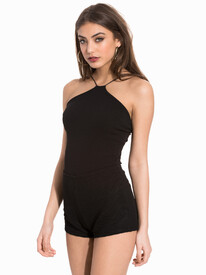
















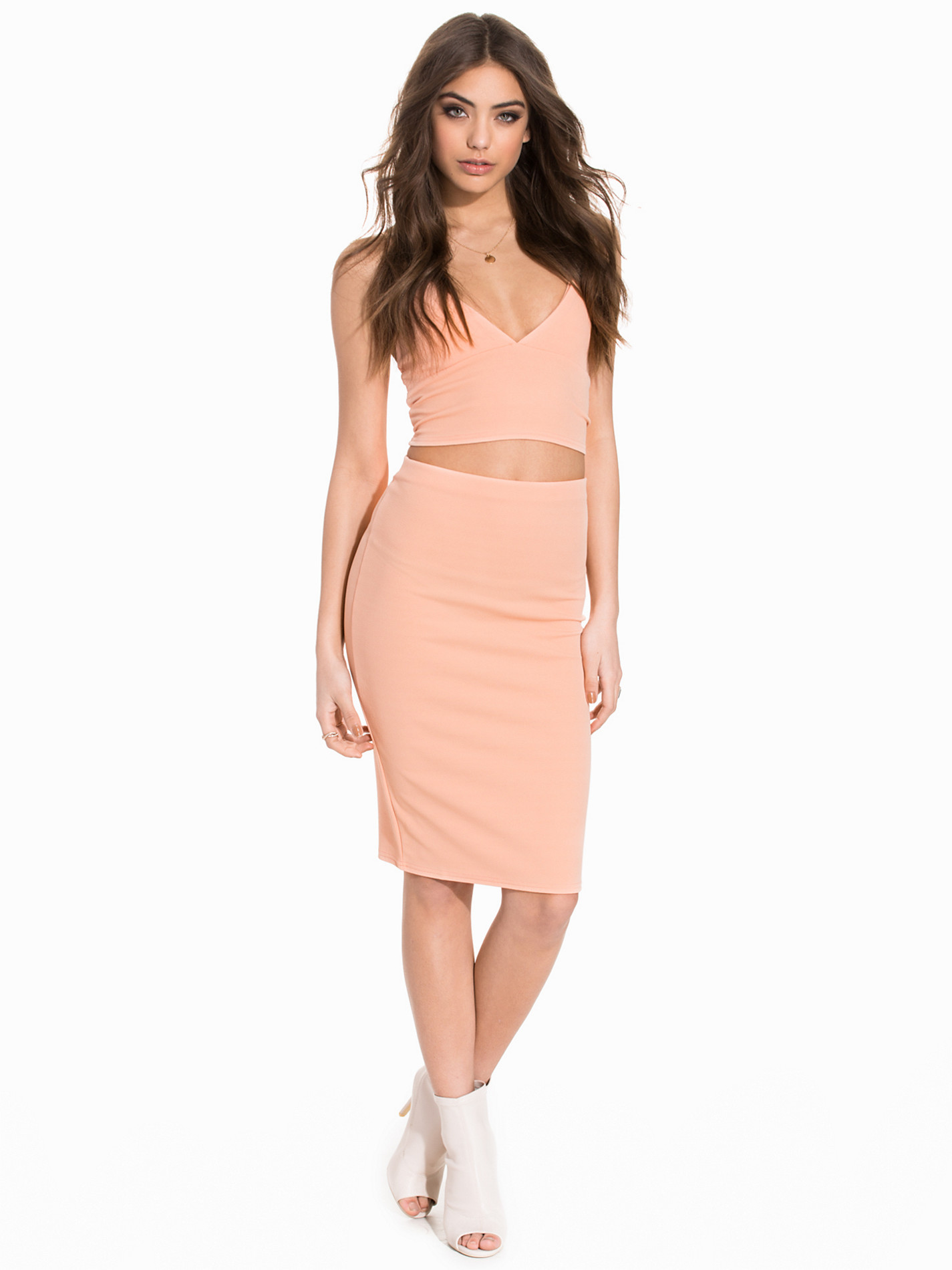
 Nelly Dresses
Nelly Clothing
Halston EmRata
Savannah Montano IG:https://www.instagram.com/savmontano/
Watching Outfront with Erin Burnett on CNN and eating tacos. double YUM.
"Let's see how jealous I can make HairGel"
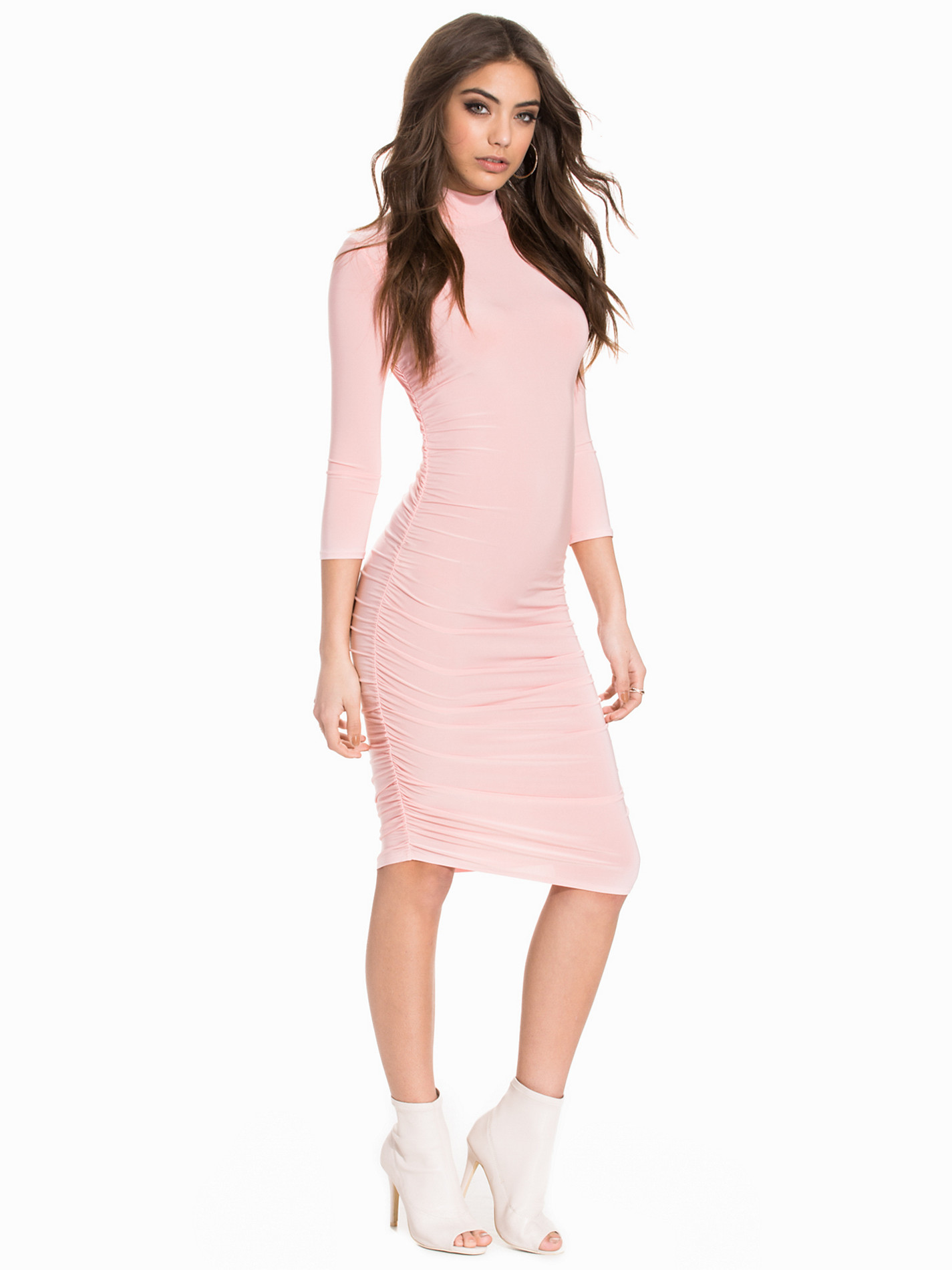
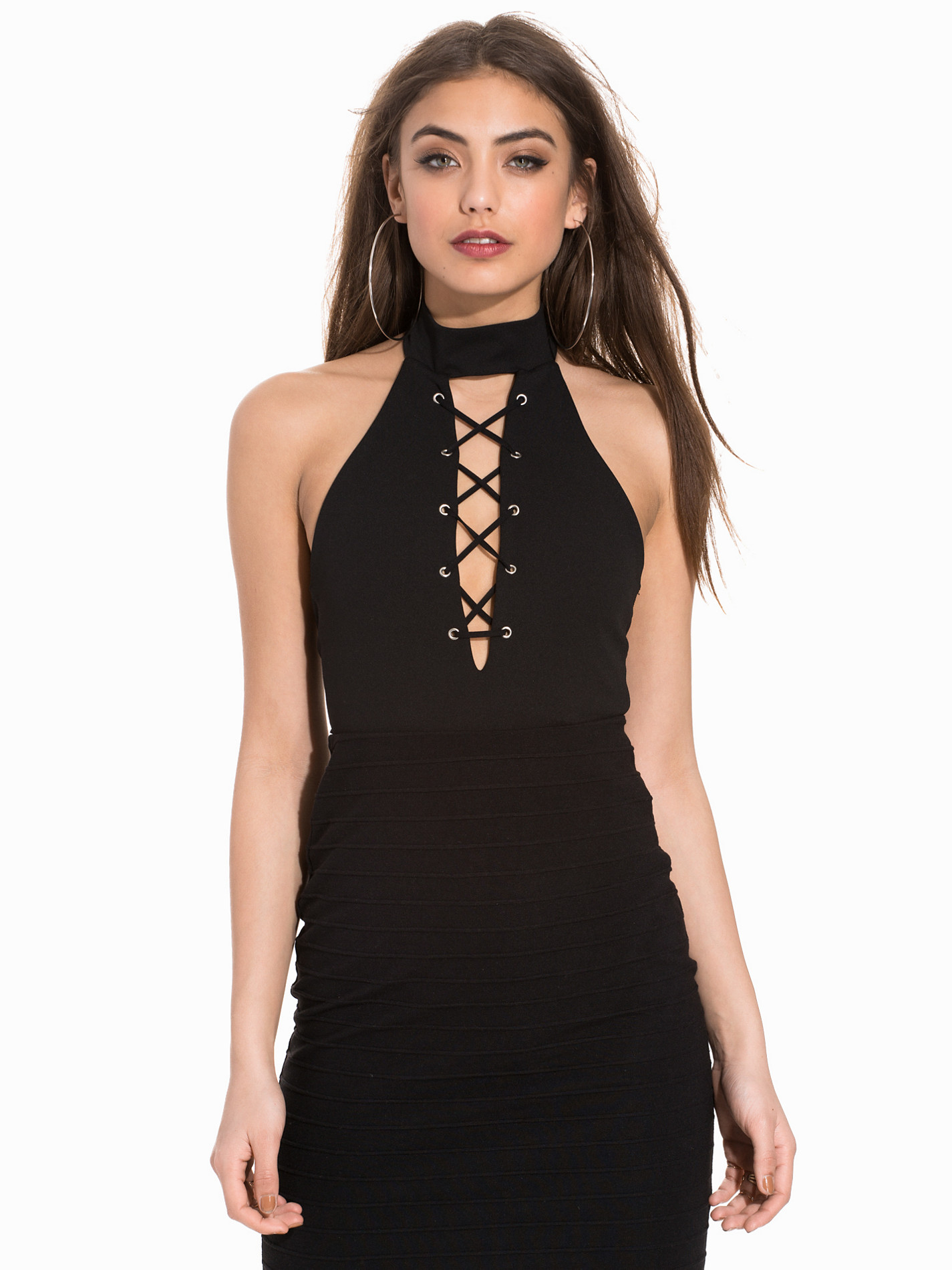
Nelly Dresses
Nelly Clothing
Halston EmRata
Savannah Montano IG:https://www.instagram.com/savmontano/
Watching Outfront with Erin Burnett on CNN and eating tacos. double YUM.
"Let's see how jealous I can make HairGel"


































Account
Search
Configure browser push notifications
Chrome (Android)
- Tap the lock icon next to the address bar.
- Tap Permissions → Notifications.
- Adjust your preference.
Chrome (Desktop)
- Click the padlock icon in the address bar.
- Select Site settings.
- Find Notifications and adjust your preference.
Safari (iOS 16.4+)
- Ensure the site is installed via Add to Home Screen.
- Open Settings App → Notifications.
- Find your app name and adjust your preference.
Safari (macOS)
- Go to Safari → Preferences.
- Click the Websites tab.
- Select Notifications in the sidebar.
- Find this website and adjust your preference.
Edge (Android)
- Tap the lock icon next to the address bar.
- Tap Permissions.
- Find Notifications and adjust your preference.
Edge (Desktop)
- Click the padlock icon in the address bar.
- Click Permissions for this site.
- Find Notifications and adjust your preference.
Firefox (Android)
- Go to Settings → Site permissions.
- Tap Notifications.
- Find this site in the list and adjust your preference.
Firefox (Desktop)
- Open Firefox Settings.
- Search for Notifications.
- Find this site in the list and adjust your preference.