

RIP_Cabrini_Green
Members
-
Joined
-
Last visited
Everything posted by RIP_Cabrini_Green
-
 Best Dressed Model: 1. Toni Garrn 2. Alessandra Ambrosio 3. Petra Nemcova Worst dressed Model: Maryna Linchuk
 -
Dioni Tabbers (1) Sarah Stephens (0) Elizabeth Turner (2) Carmella Rose (3) Bryana Holly (2) Rachel Cook (3)
-
Friends that Play for Pay together.....stay together.
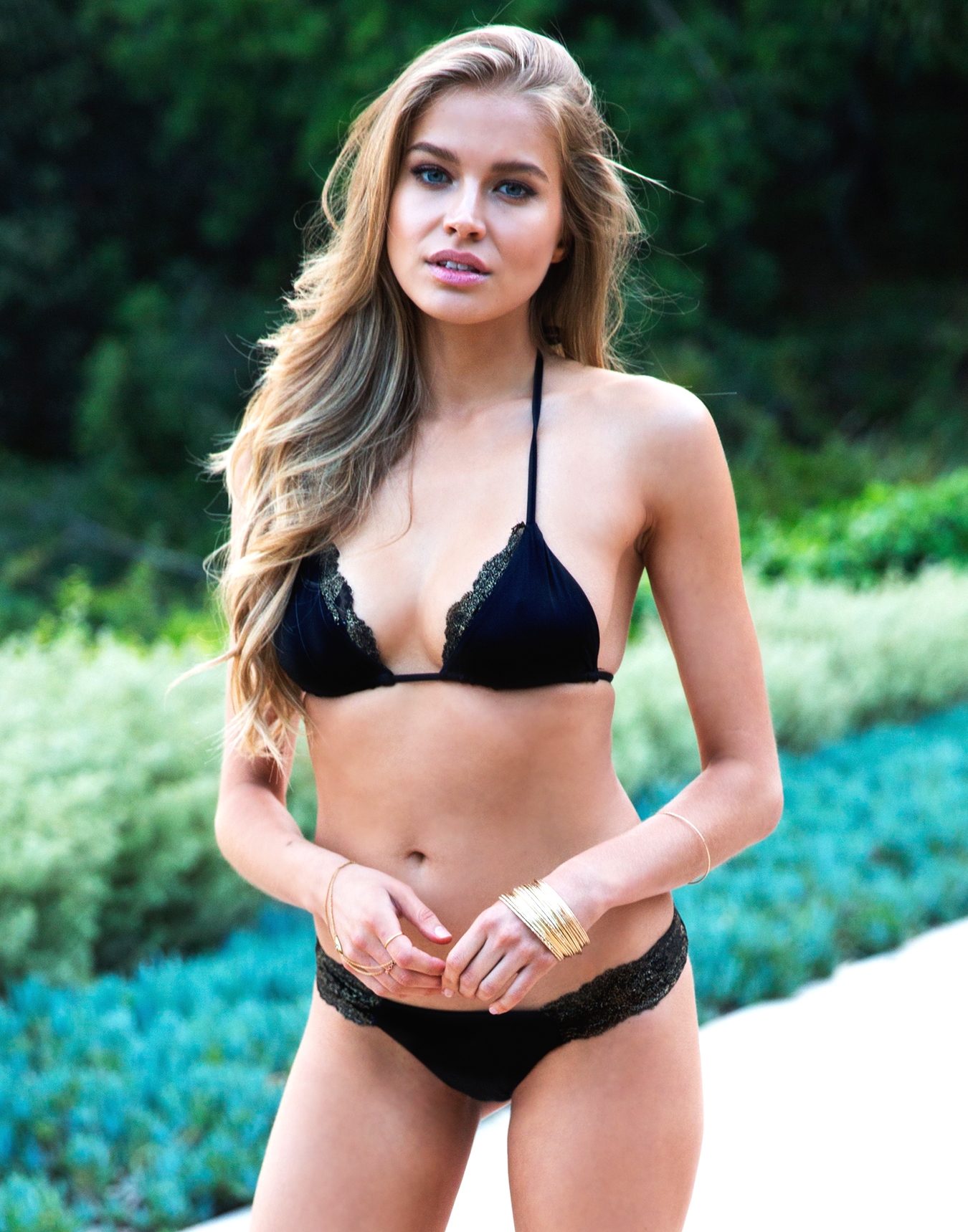
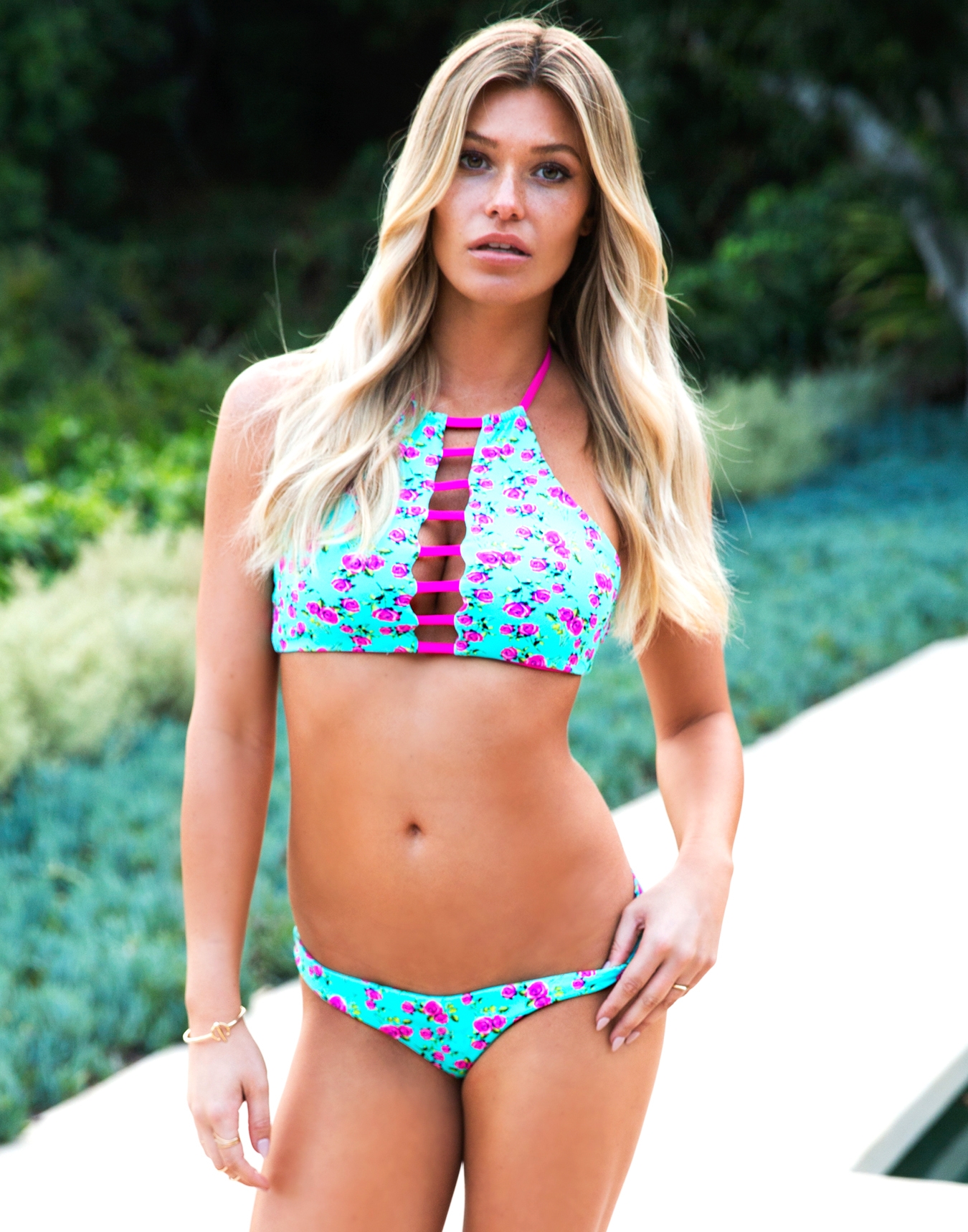
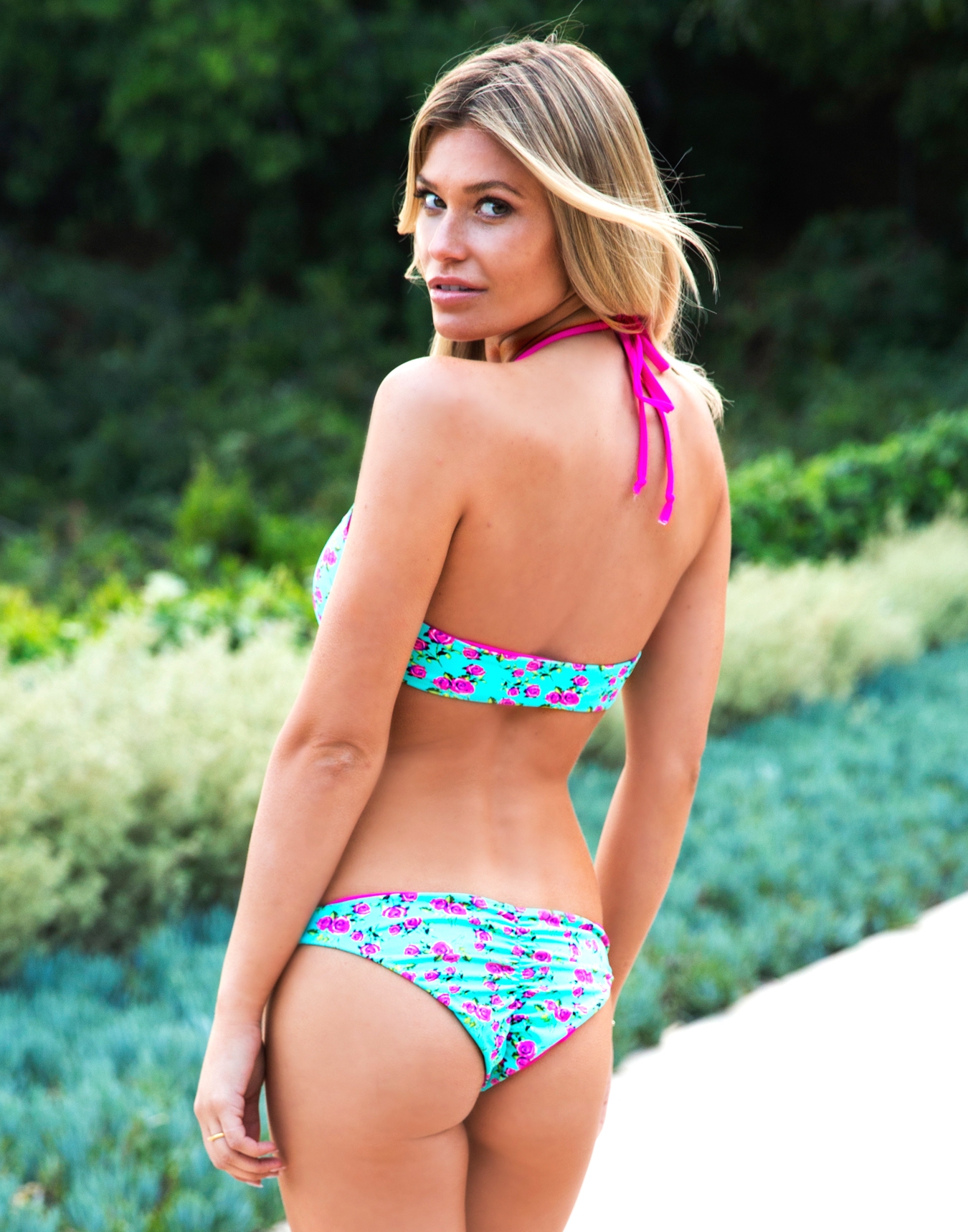
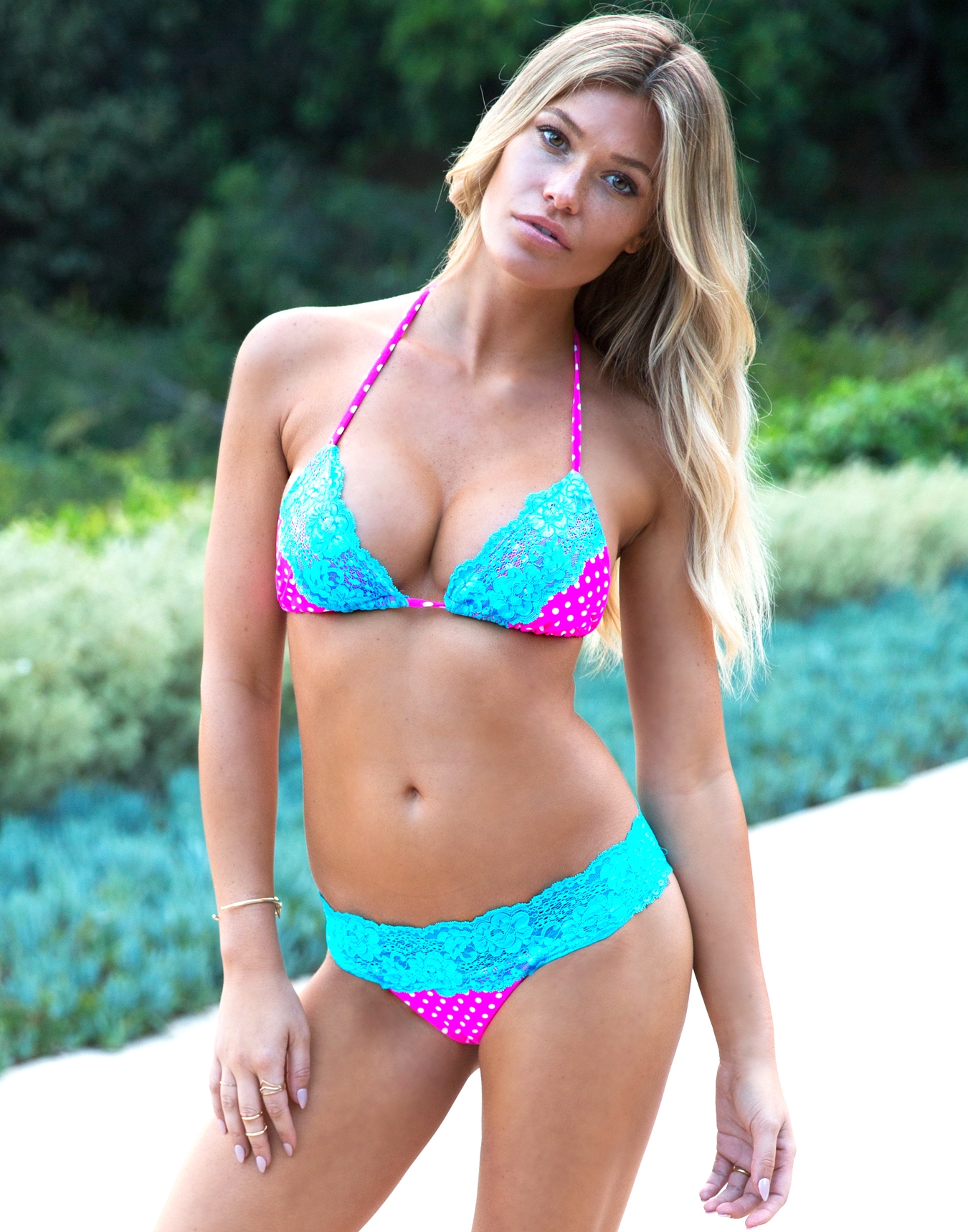
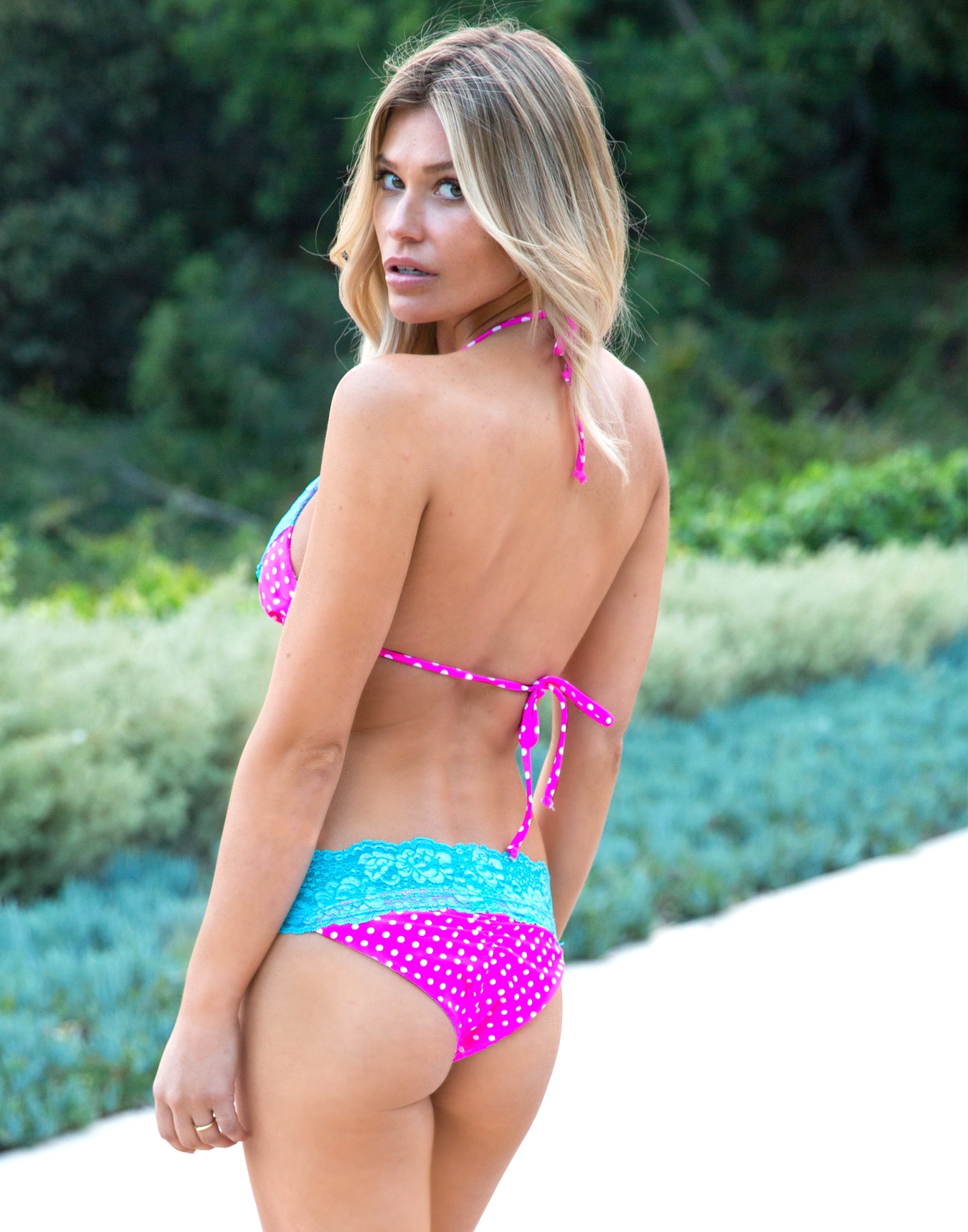
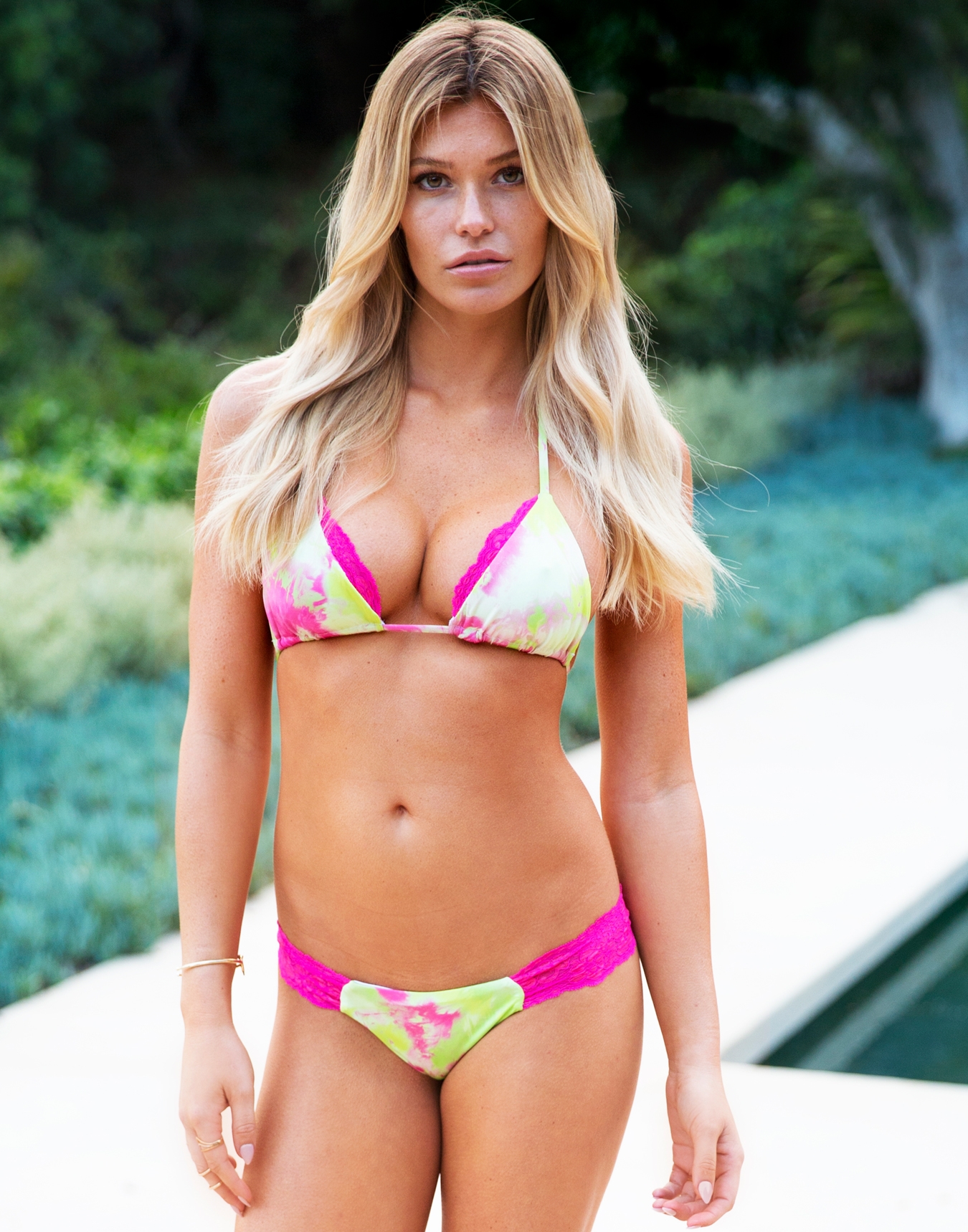
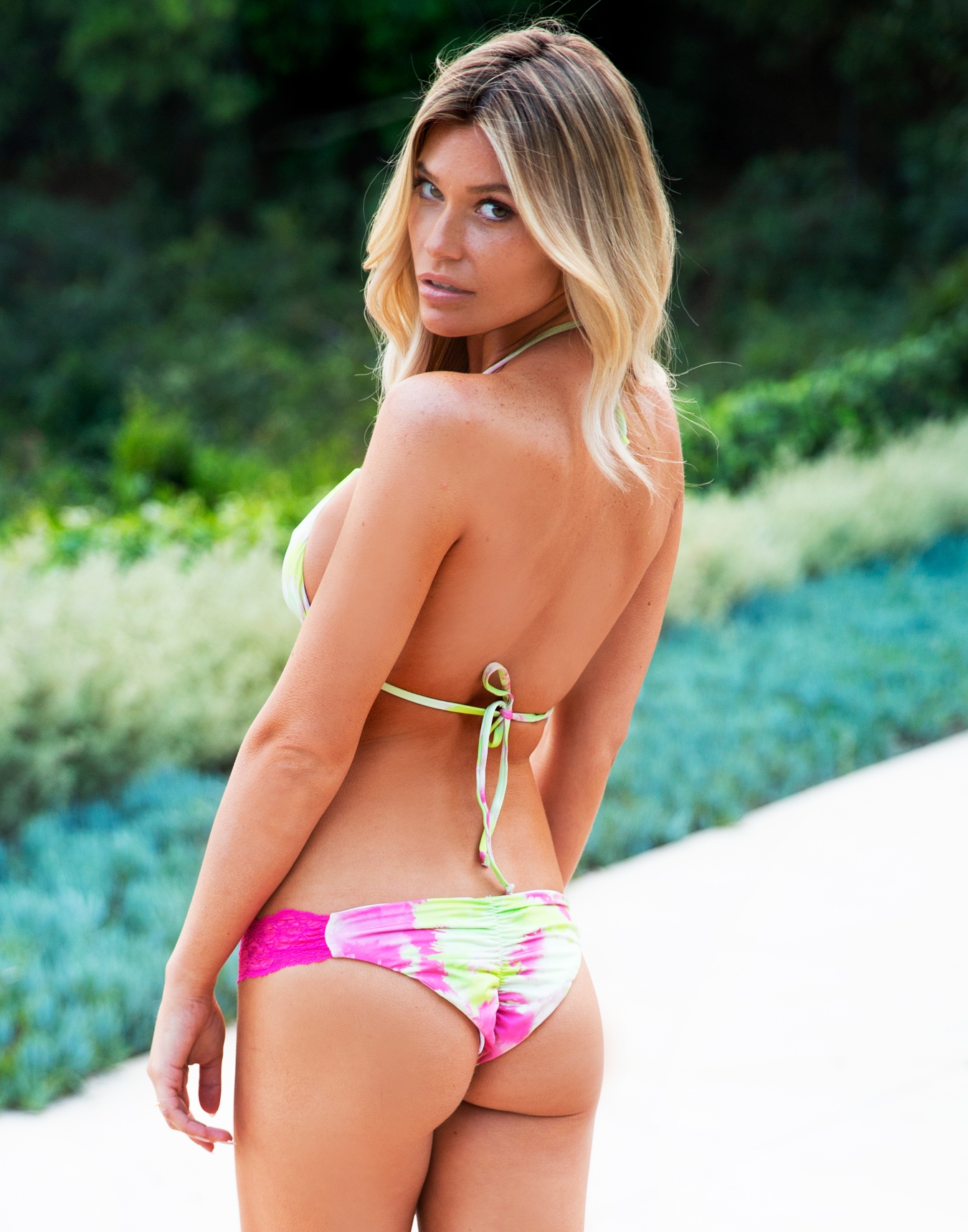
Beach Bunny Swimwear
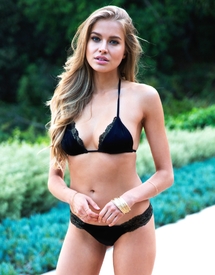
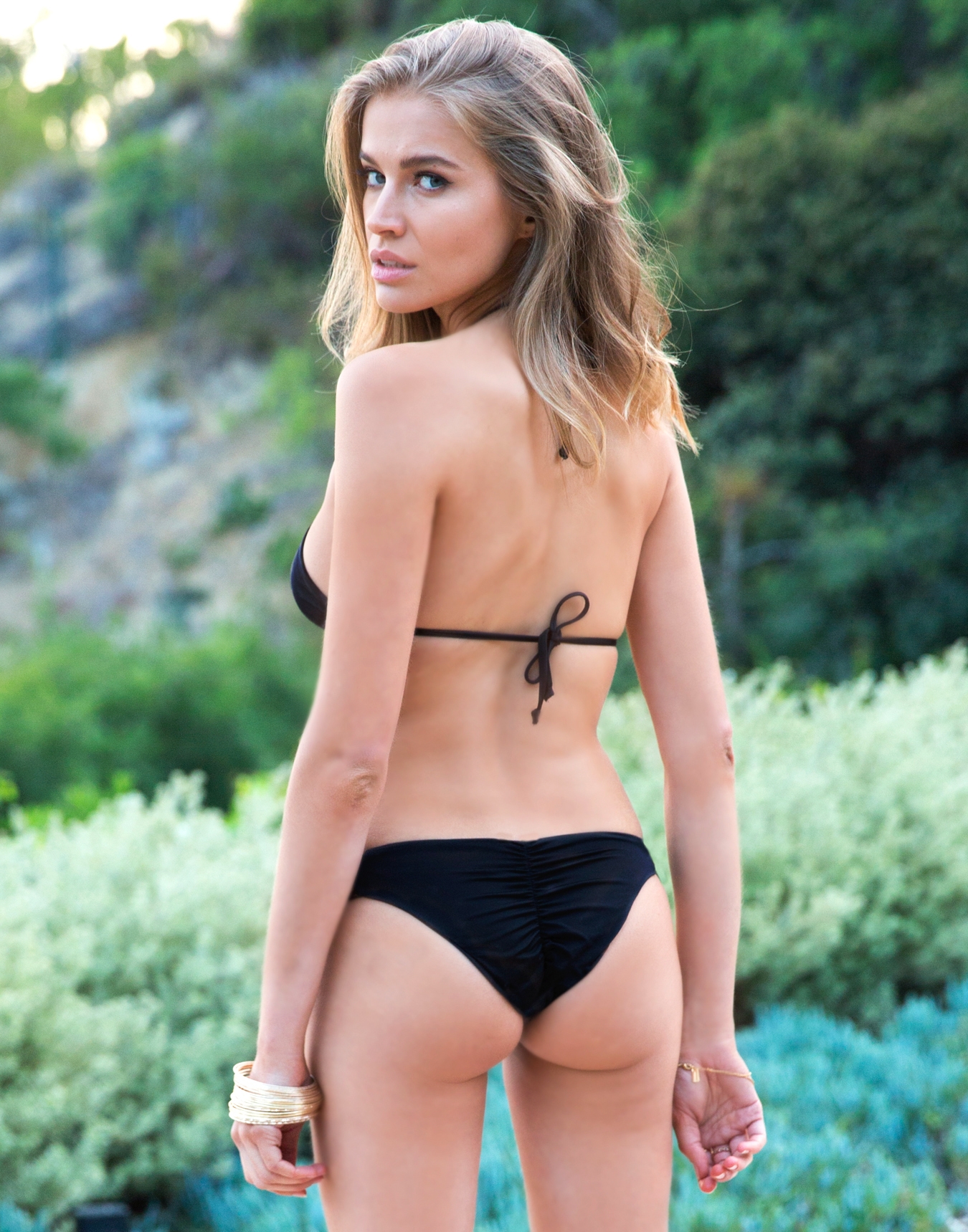
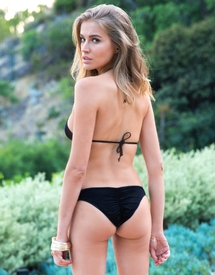 Beach Bunny Swimwear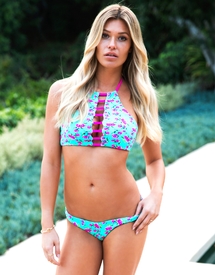
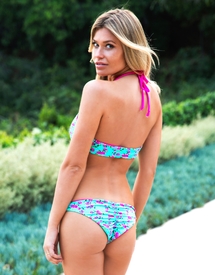
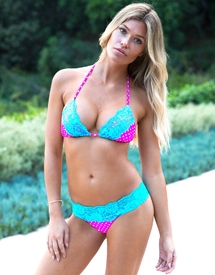
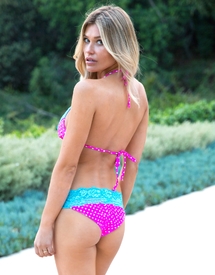
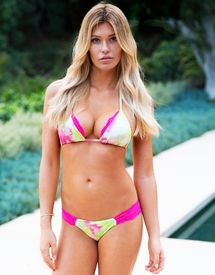
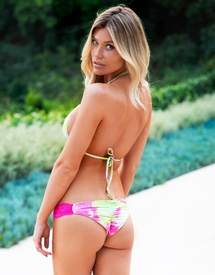 Ph: Jared Thomas Kocka
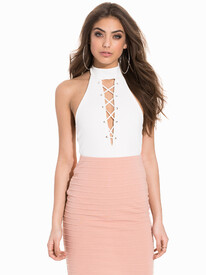
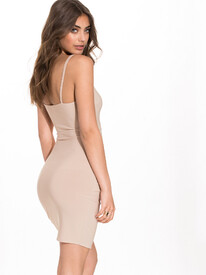
Nelly Swim Intimates
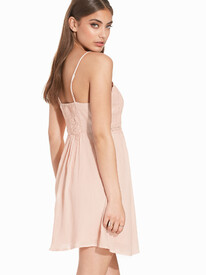
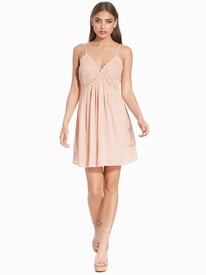
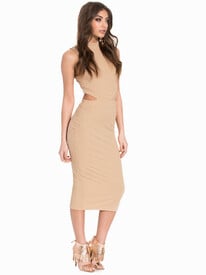
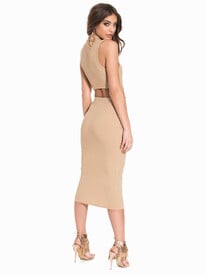
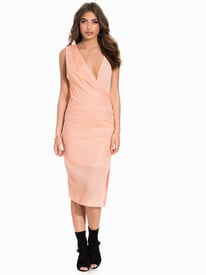
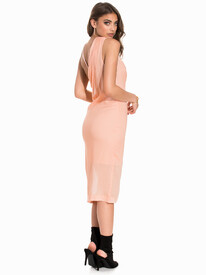
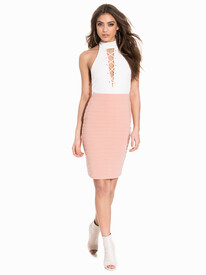
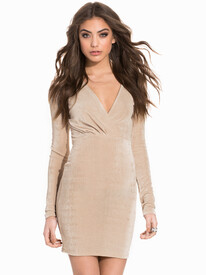
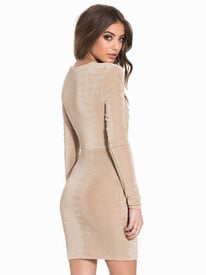
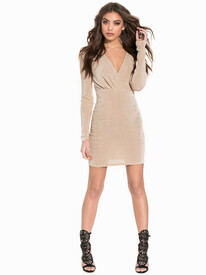
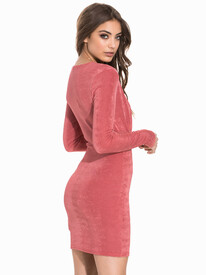
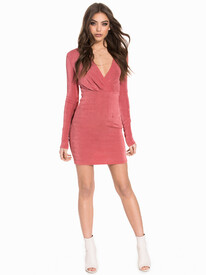
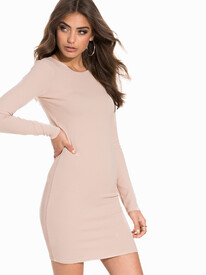
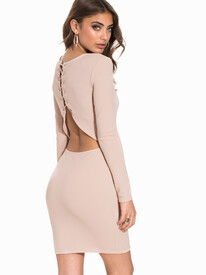
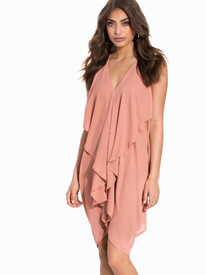
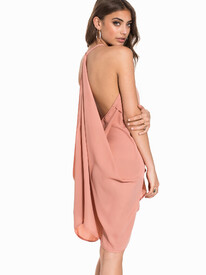
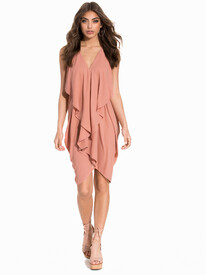
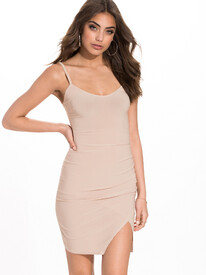
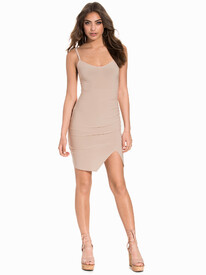
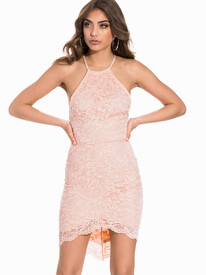
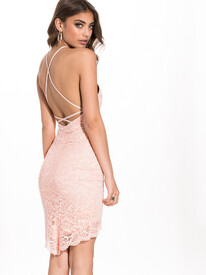
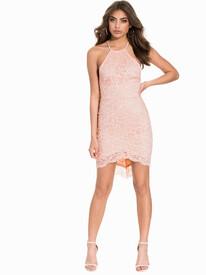
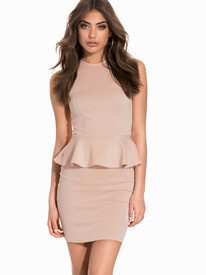
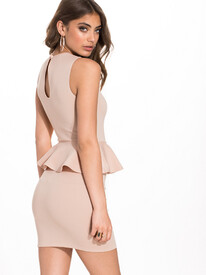
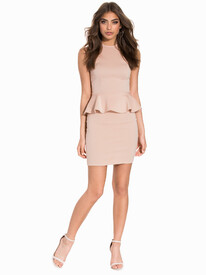
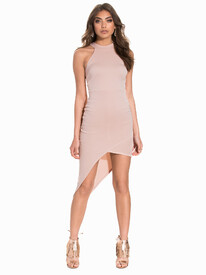
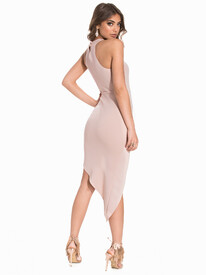
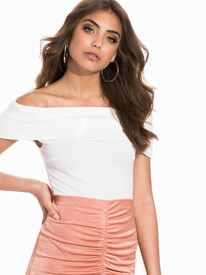
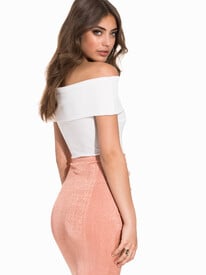
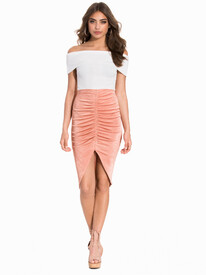
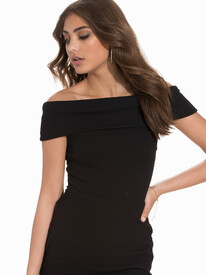
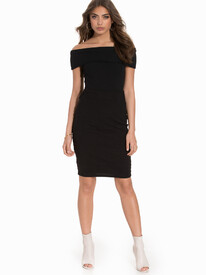
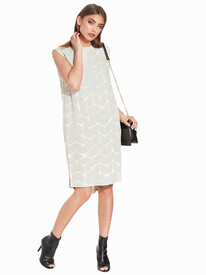
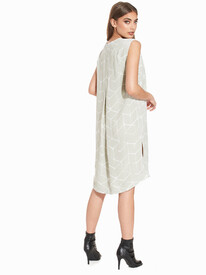
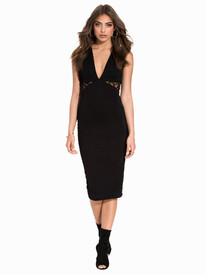
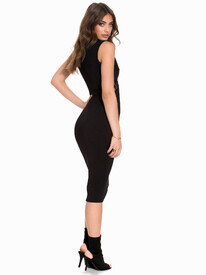
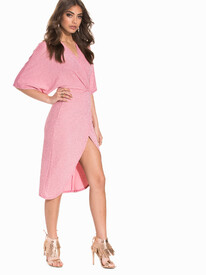
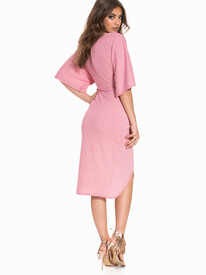
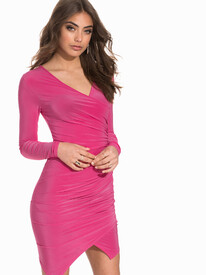
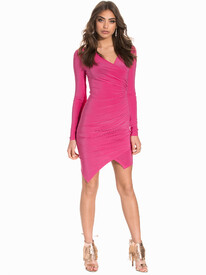
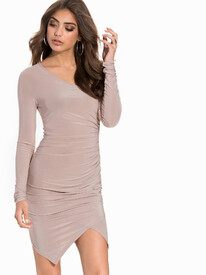
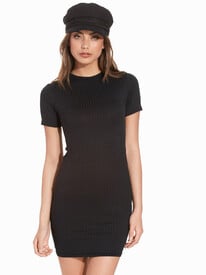
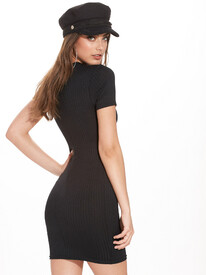
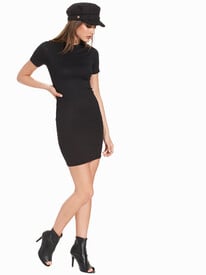
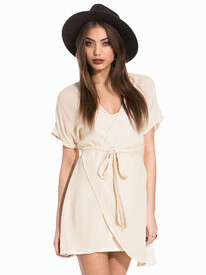
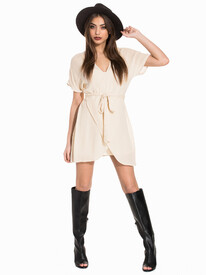
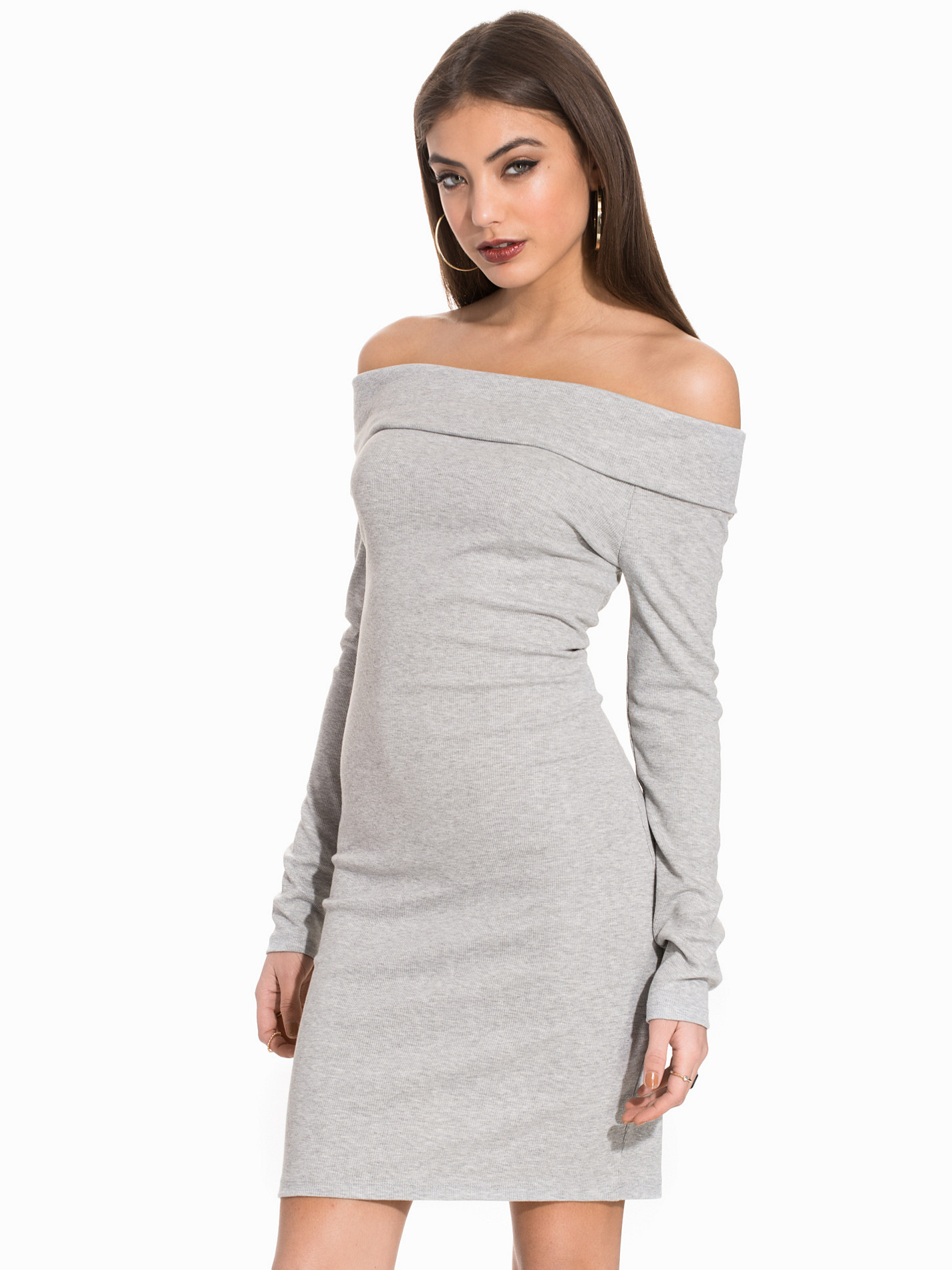
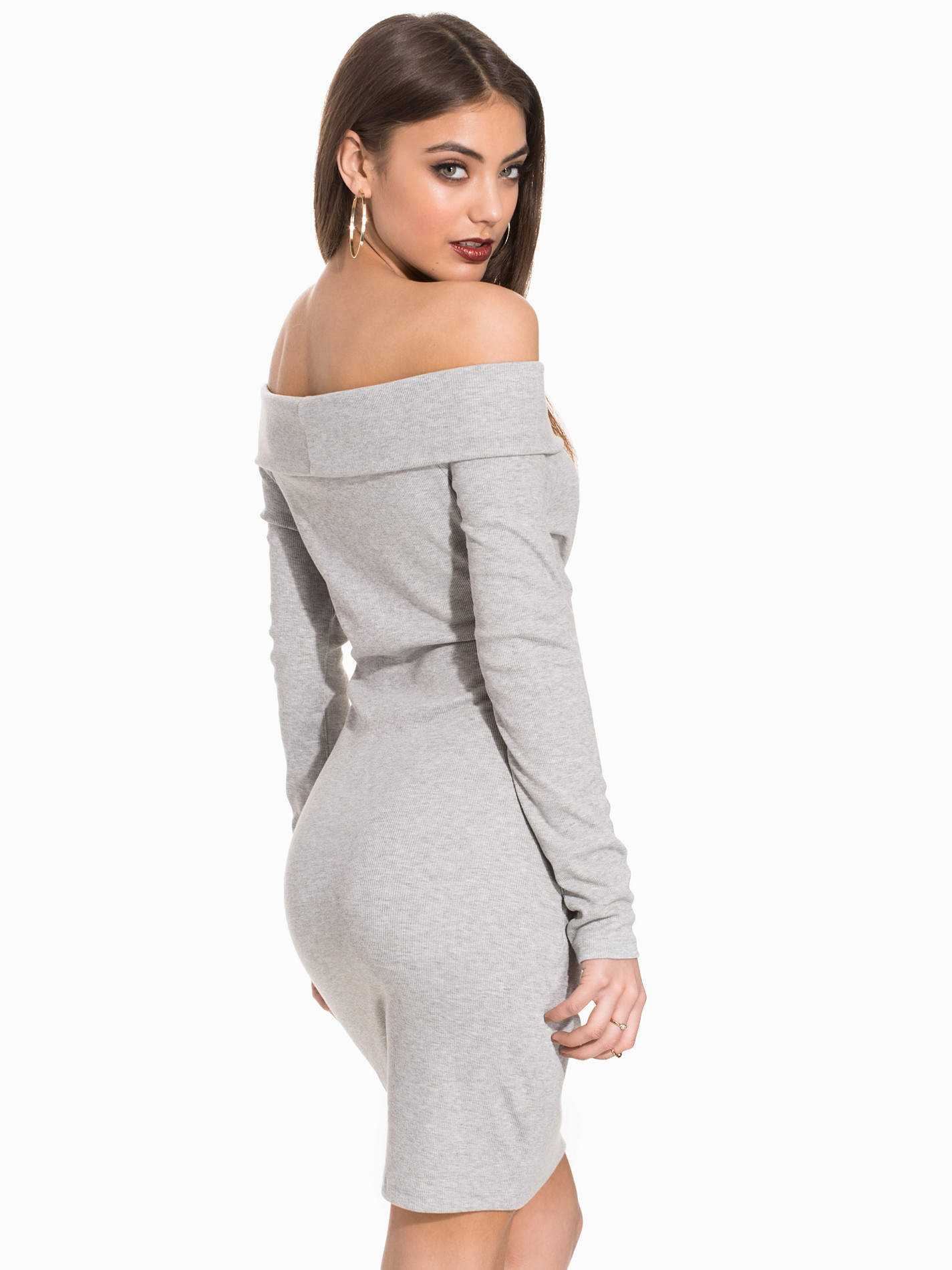
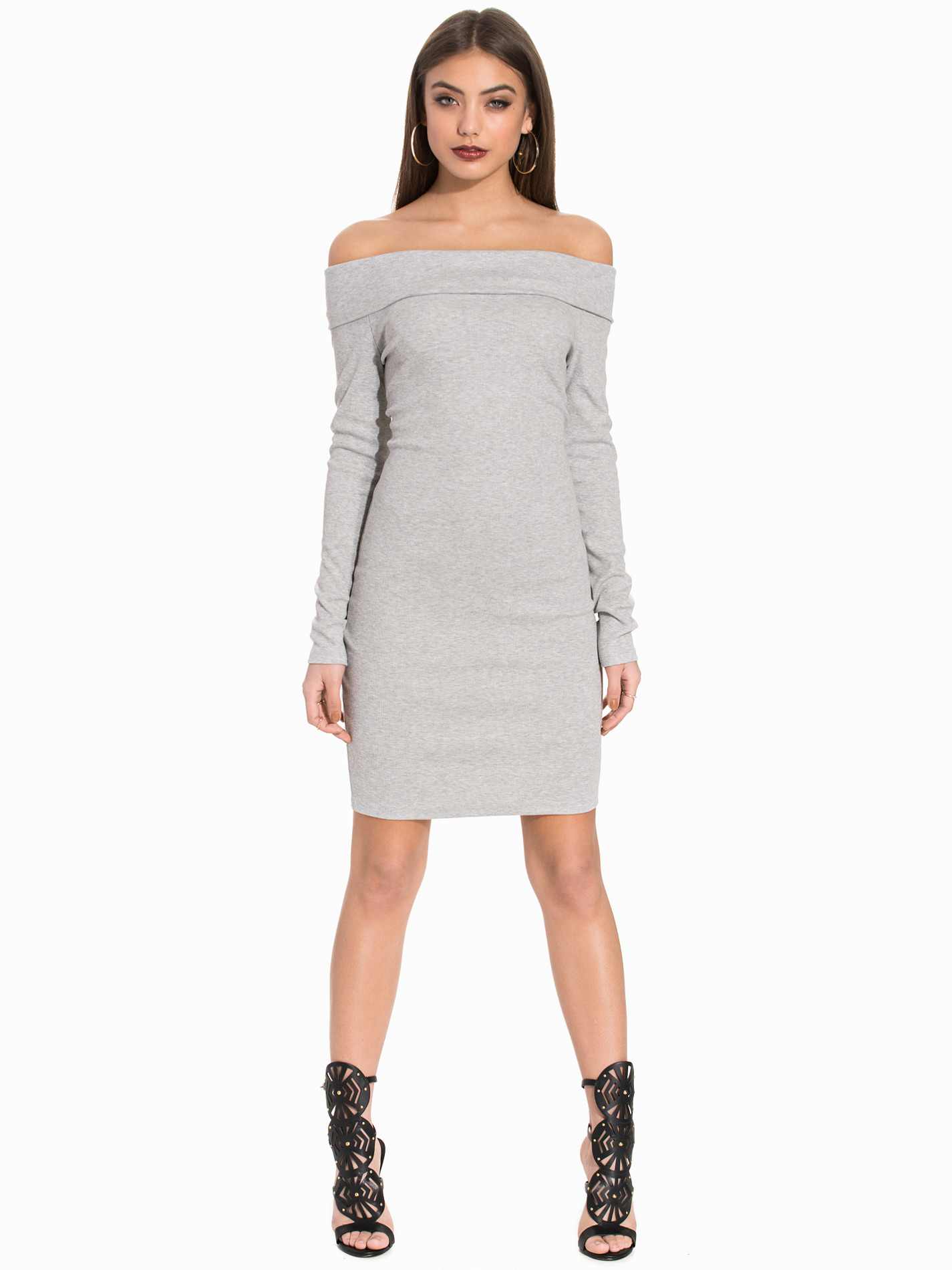
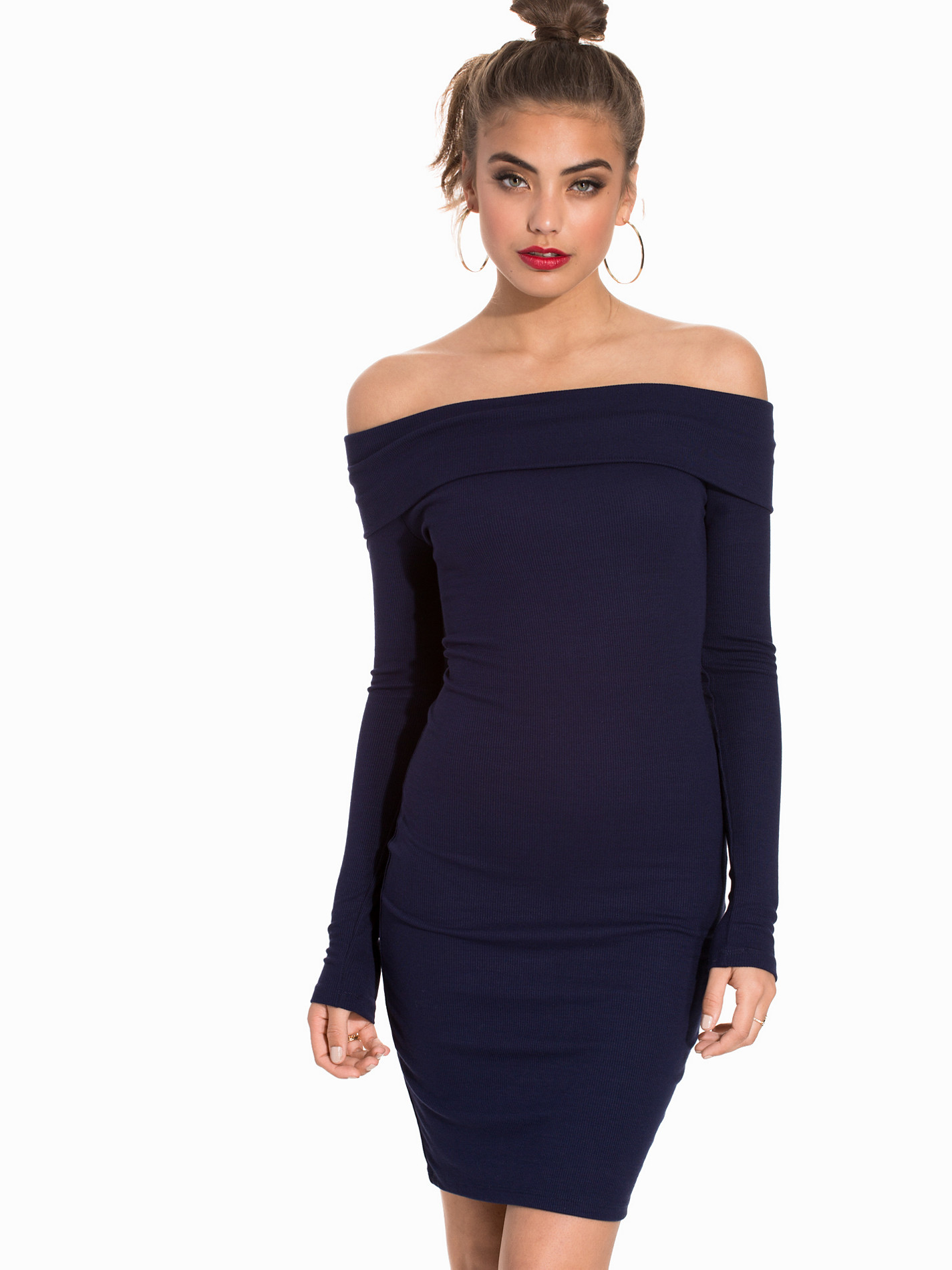
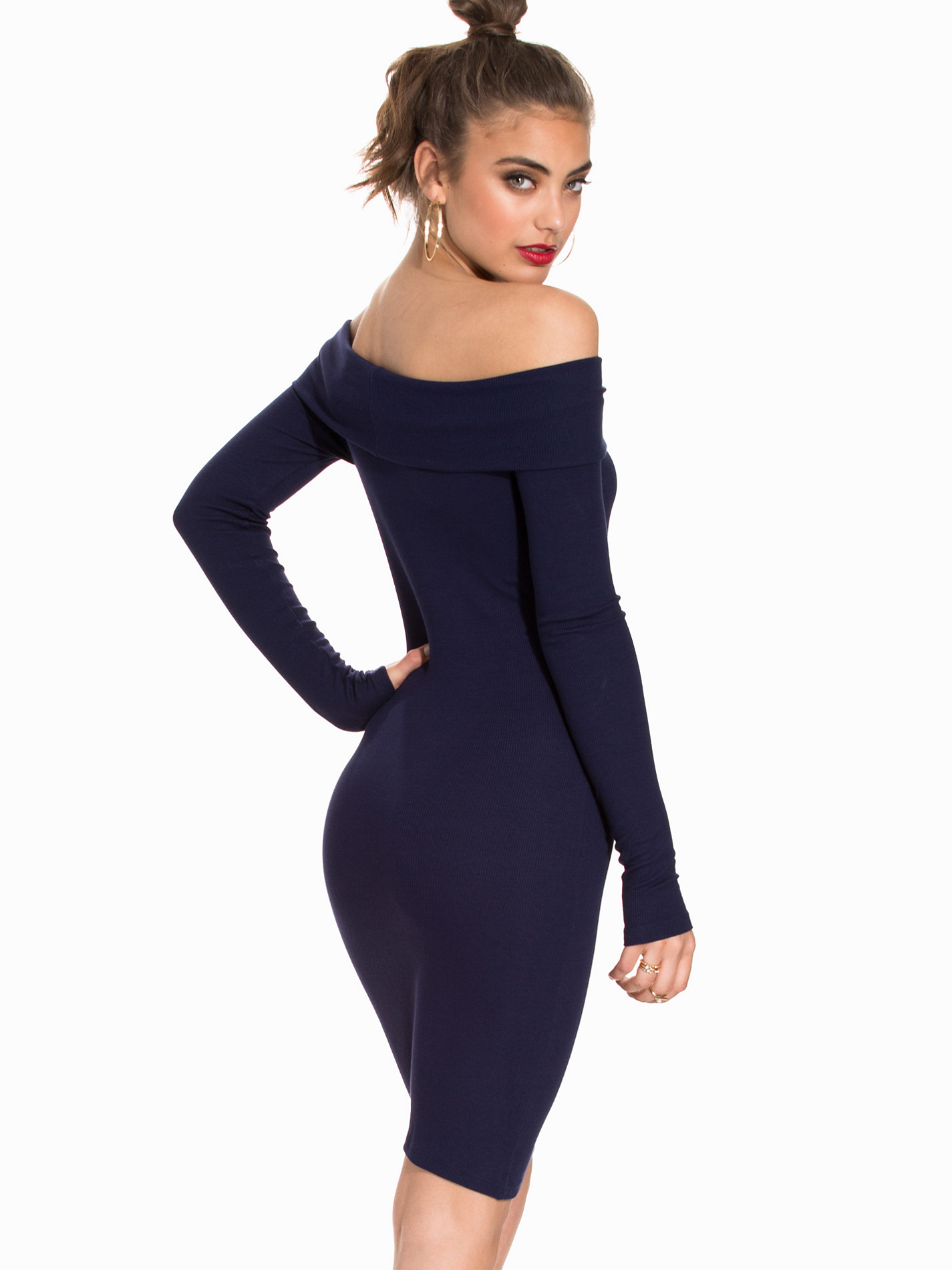
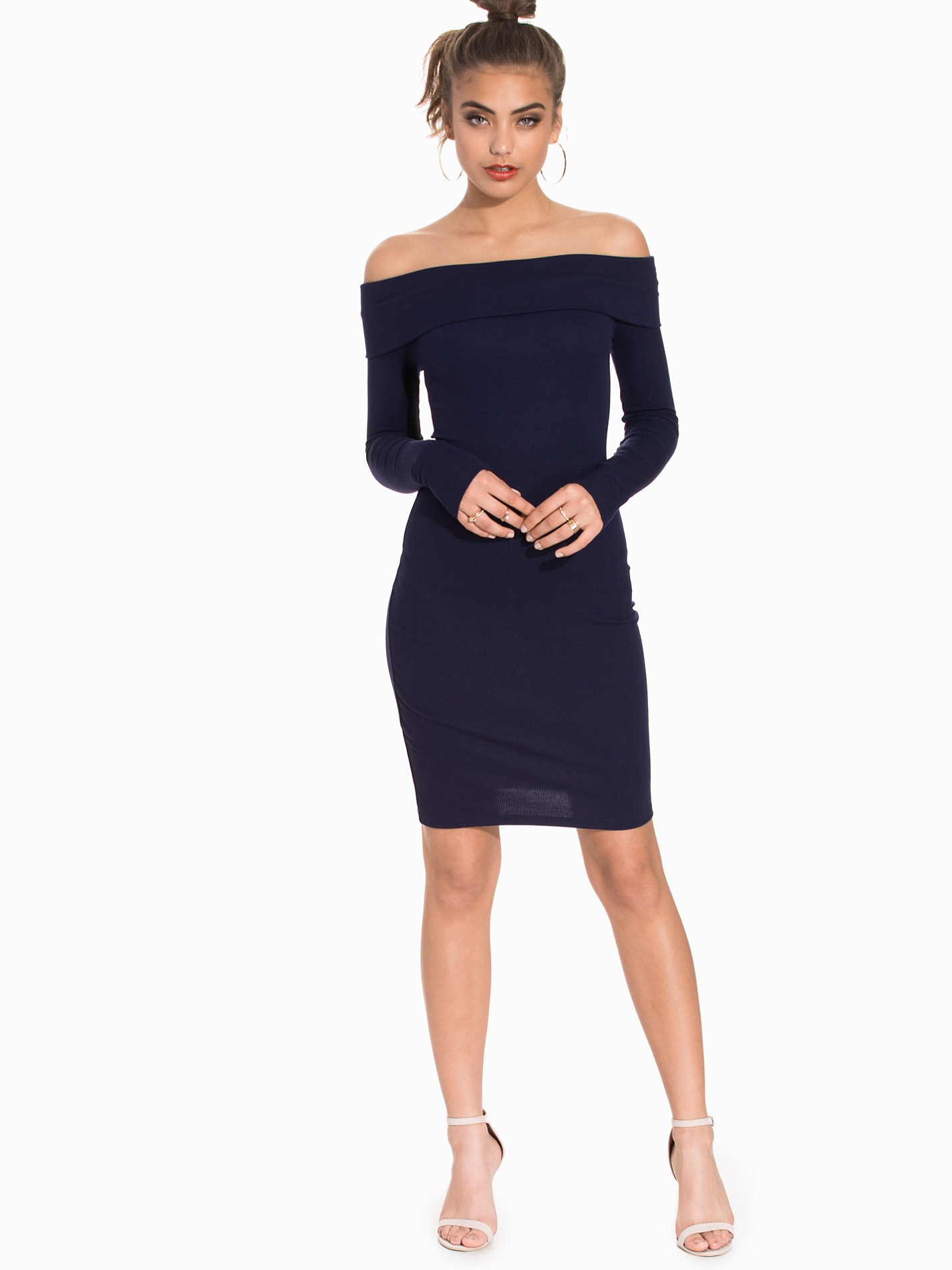
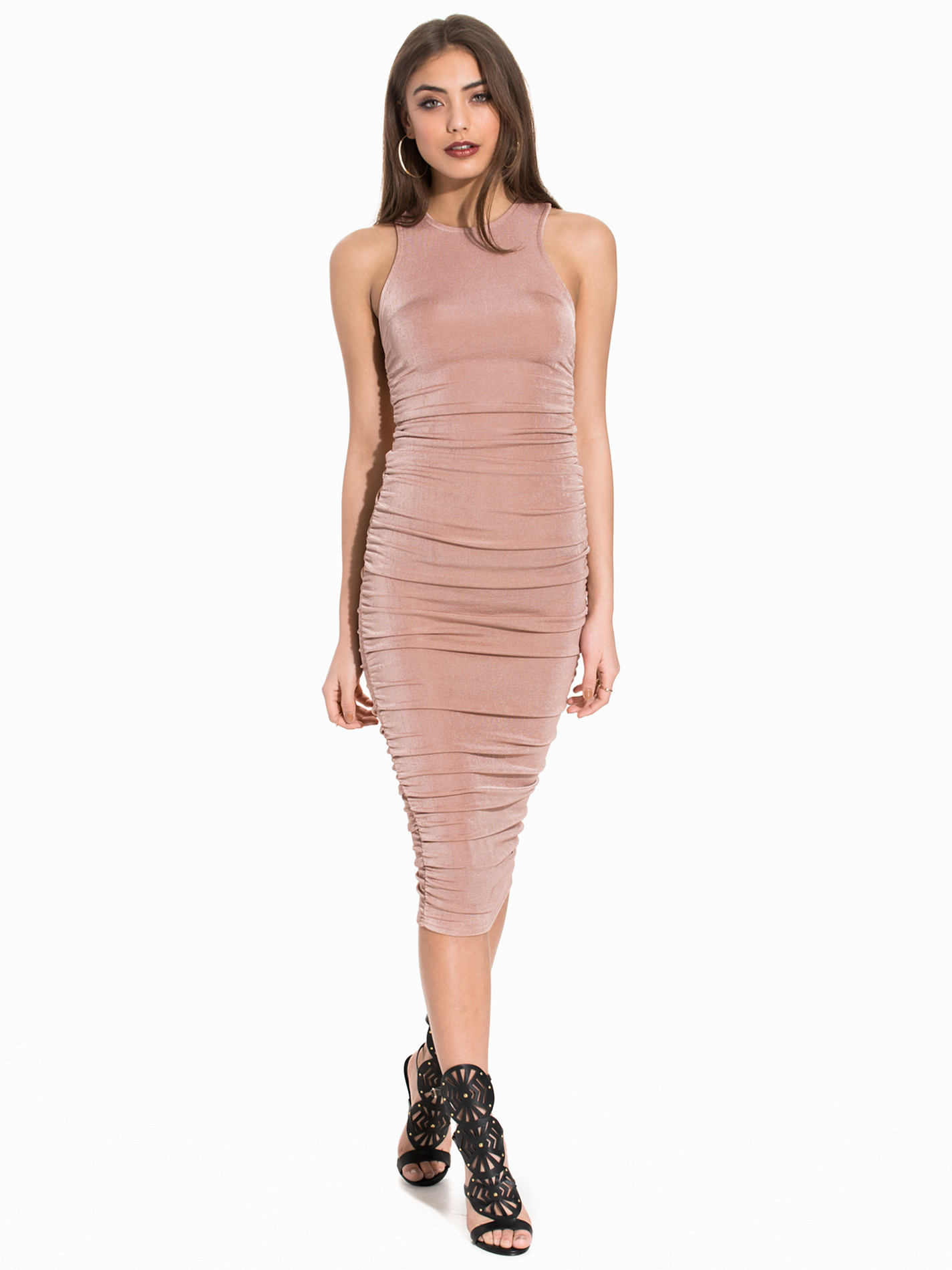
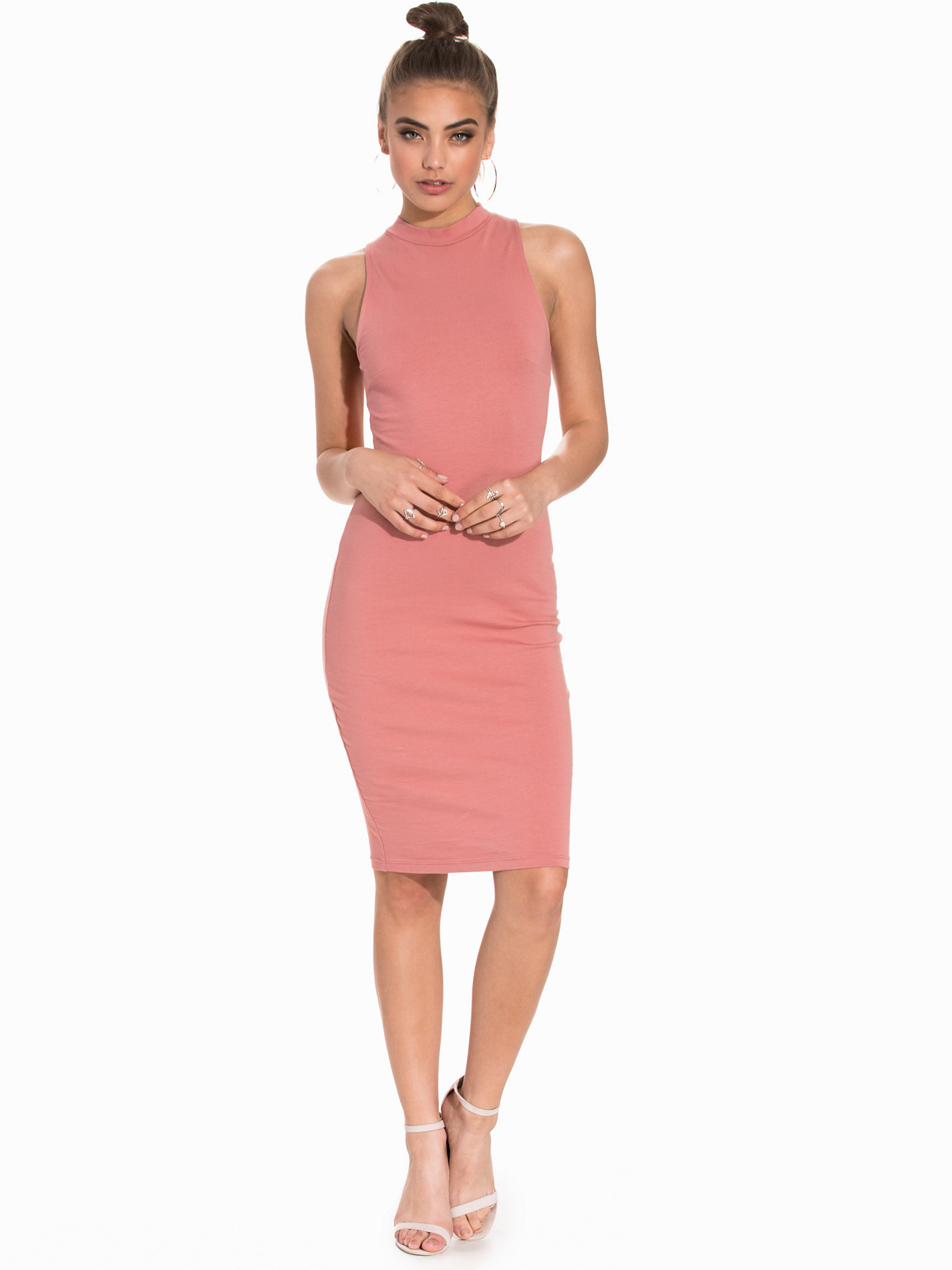
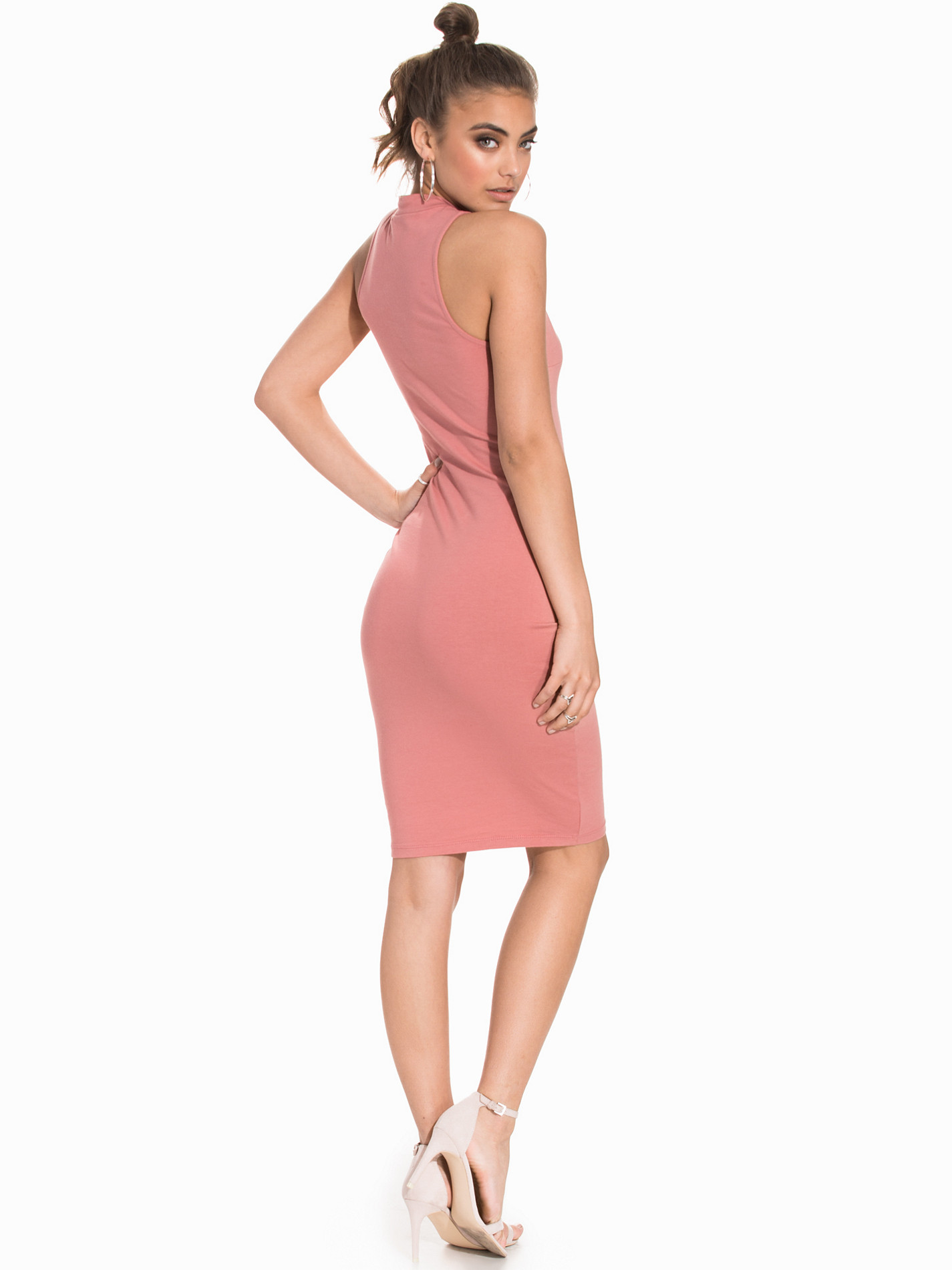
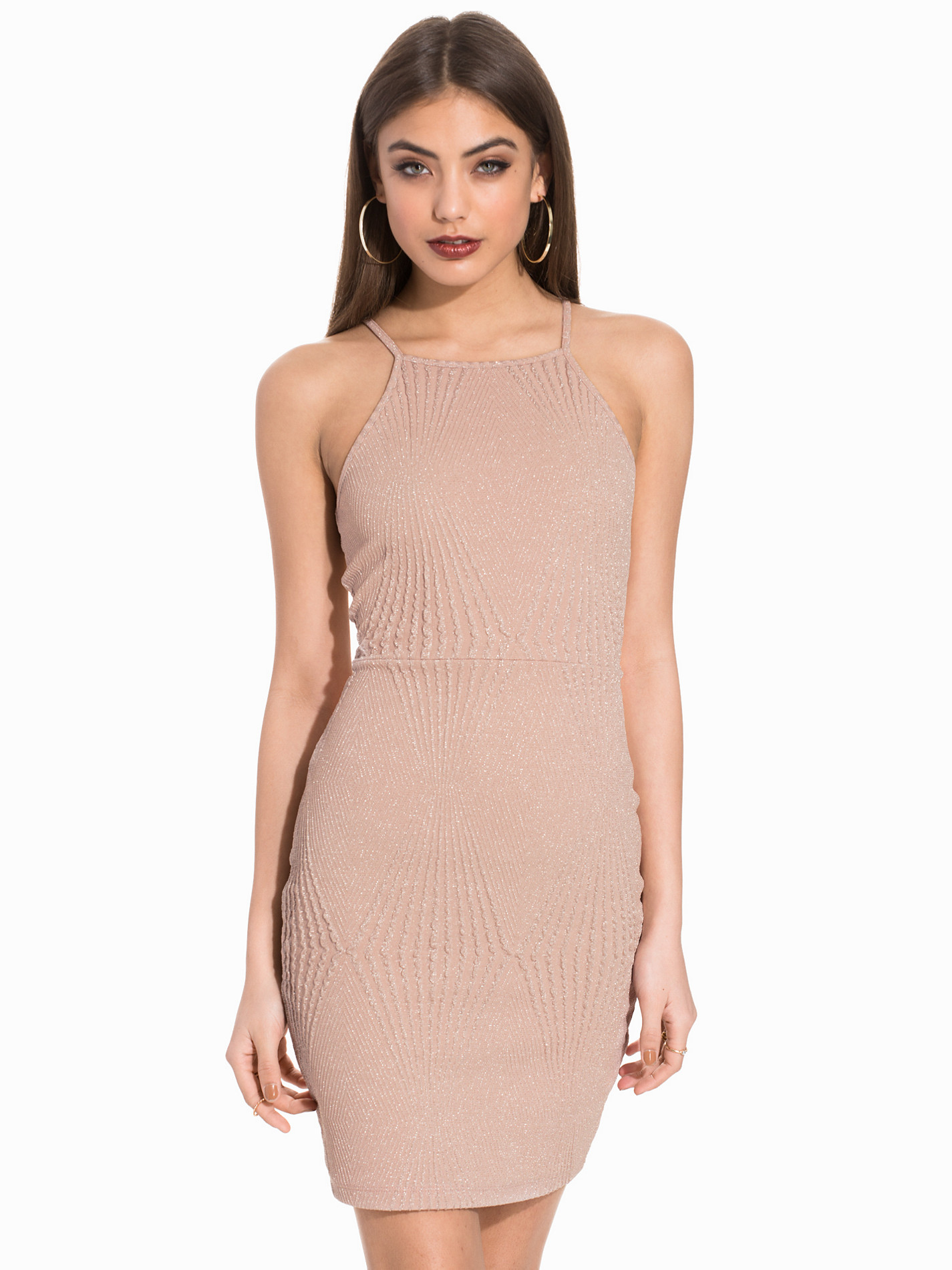
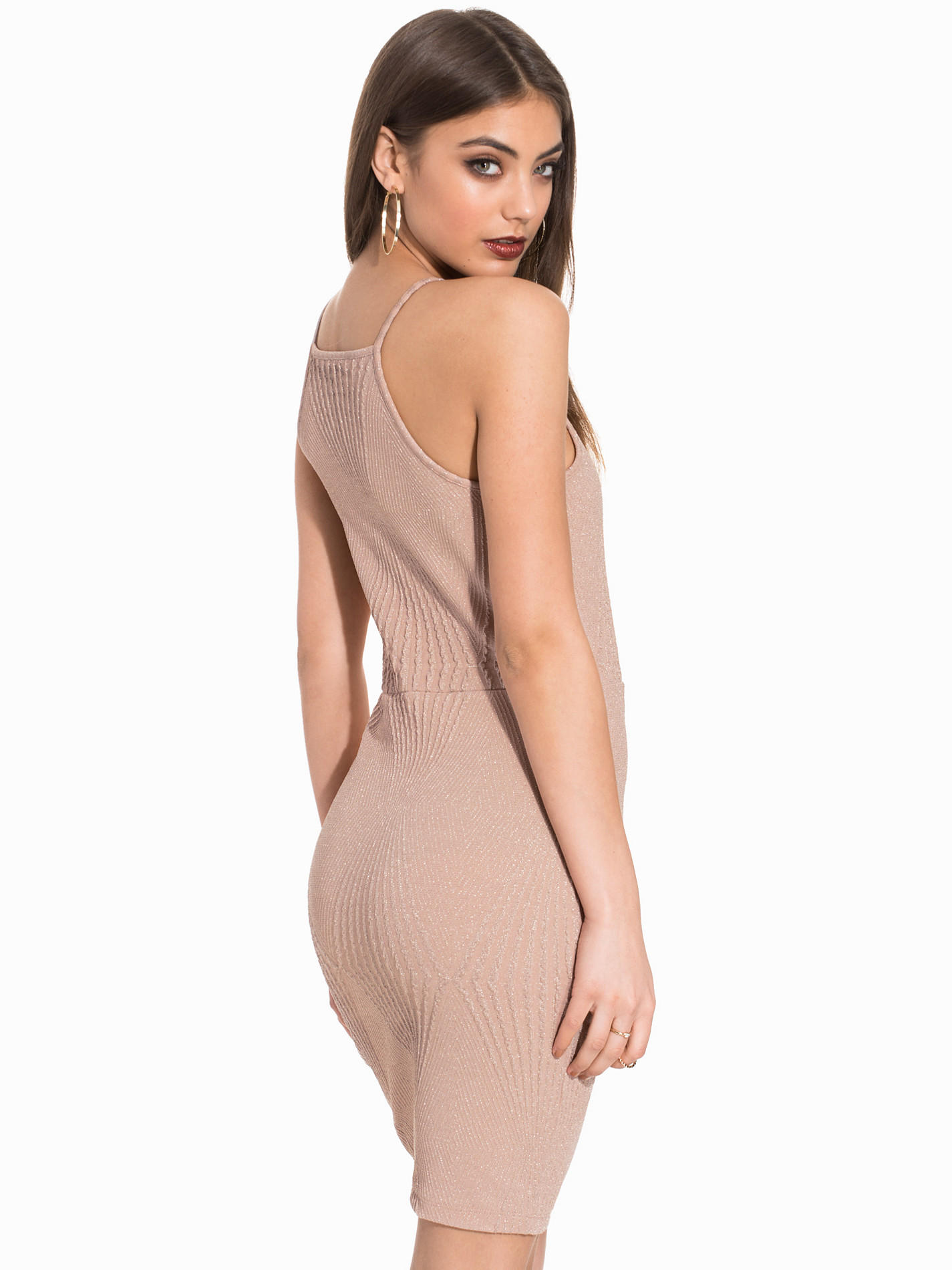
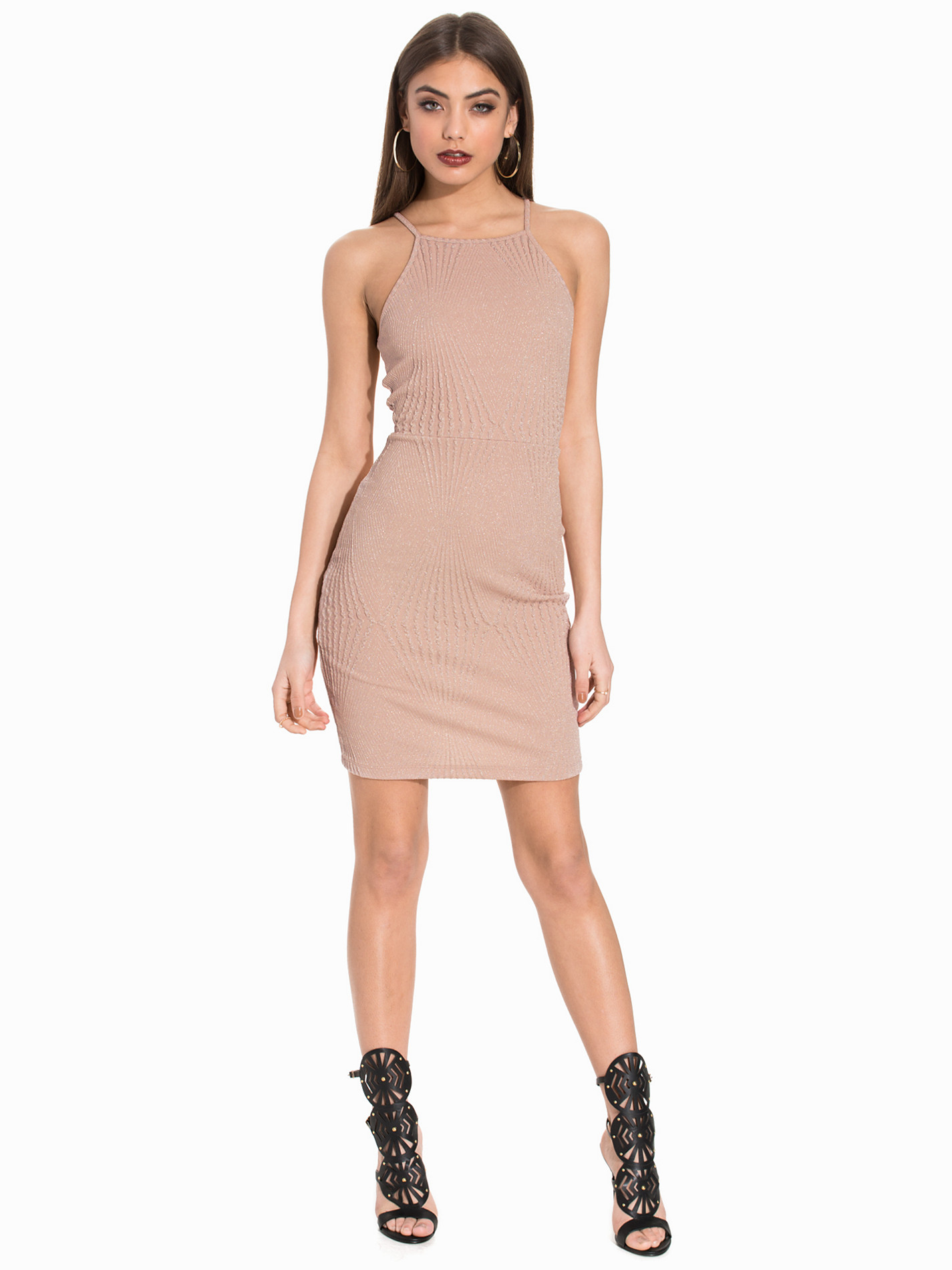
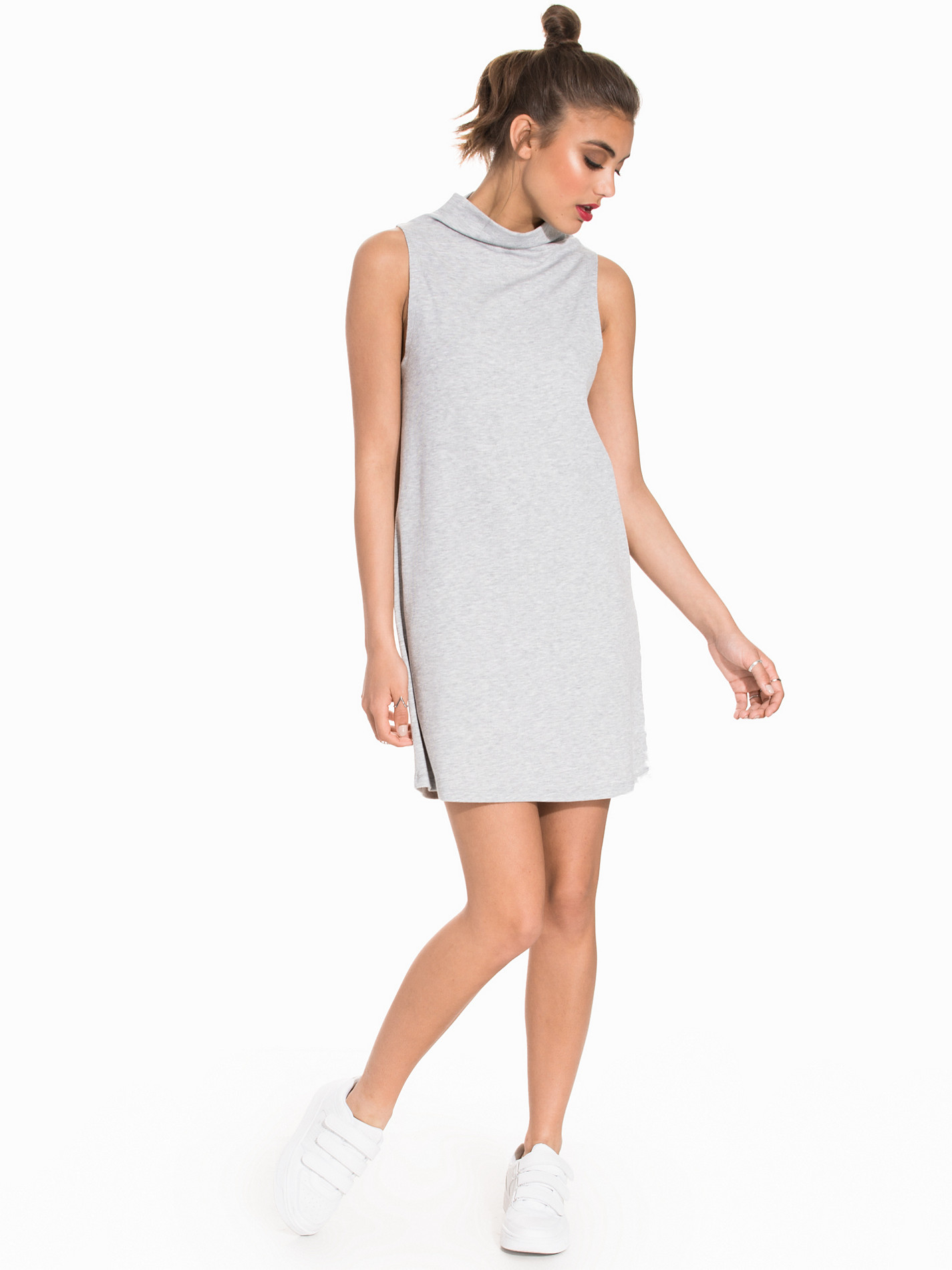
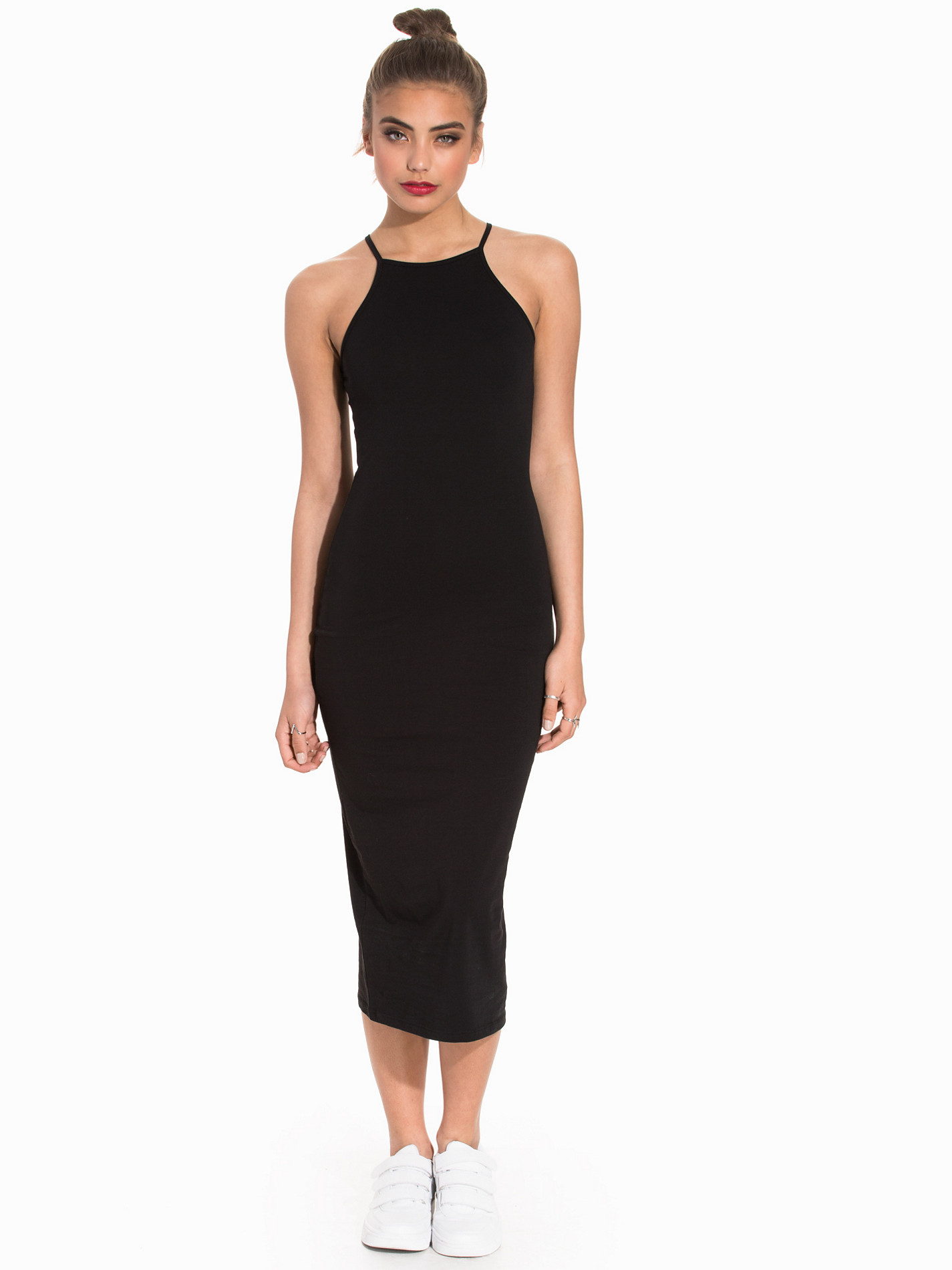
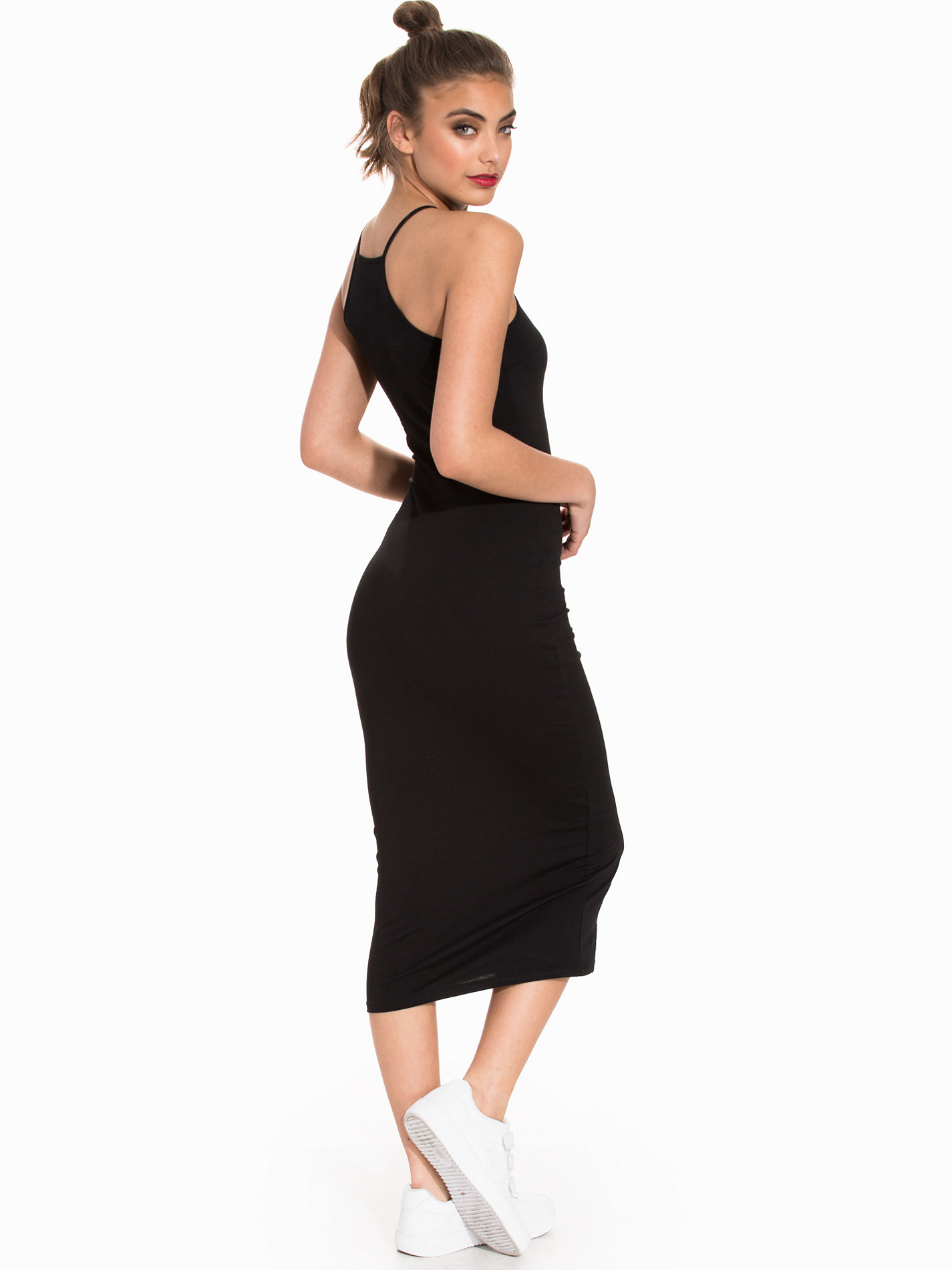
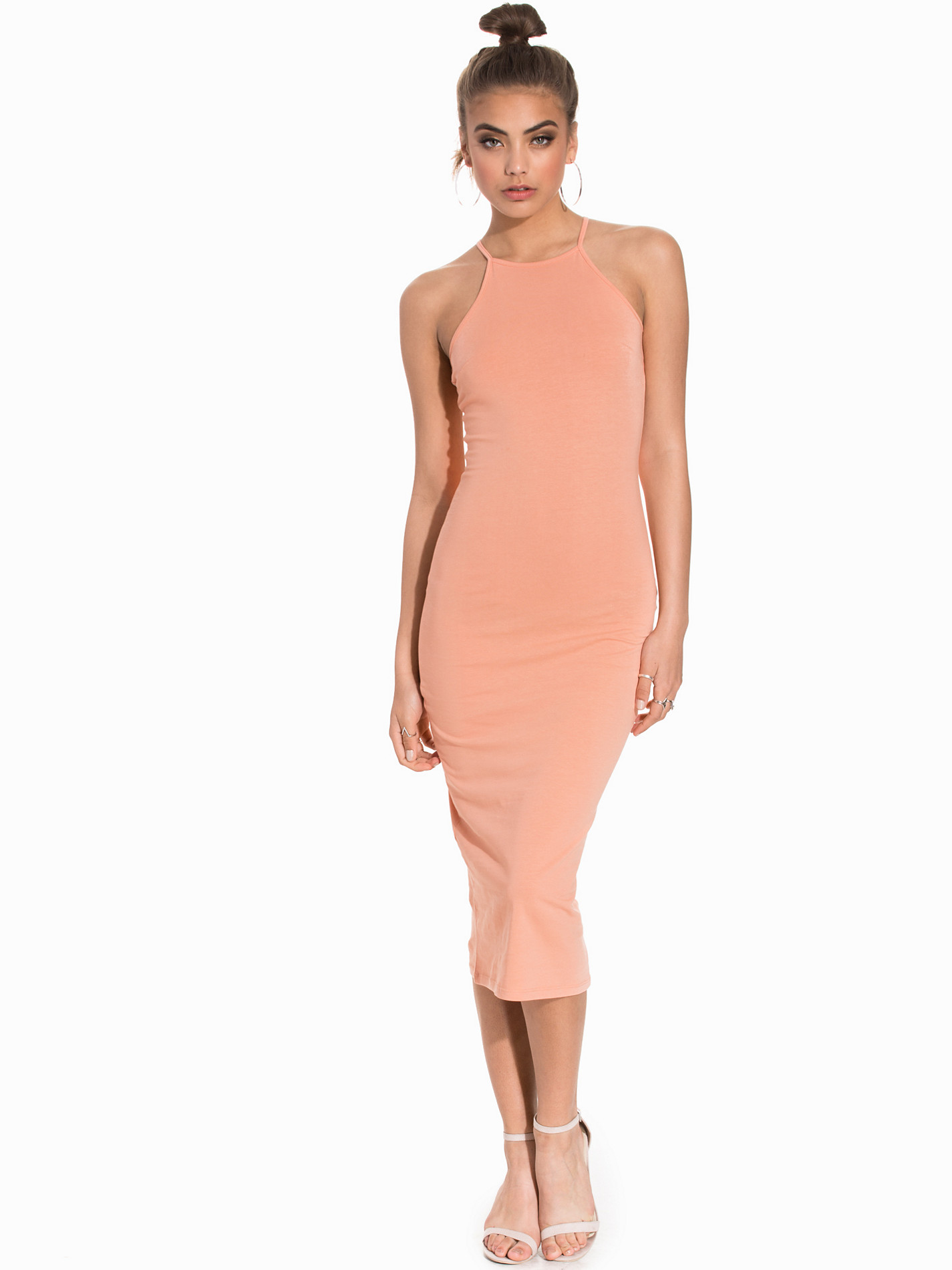
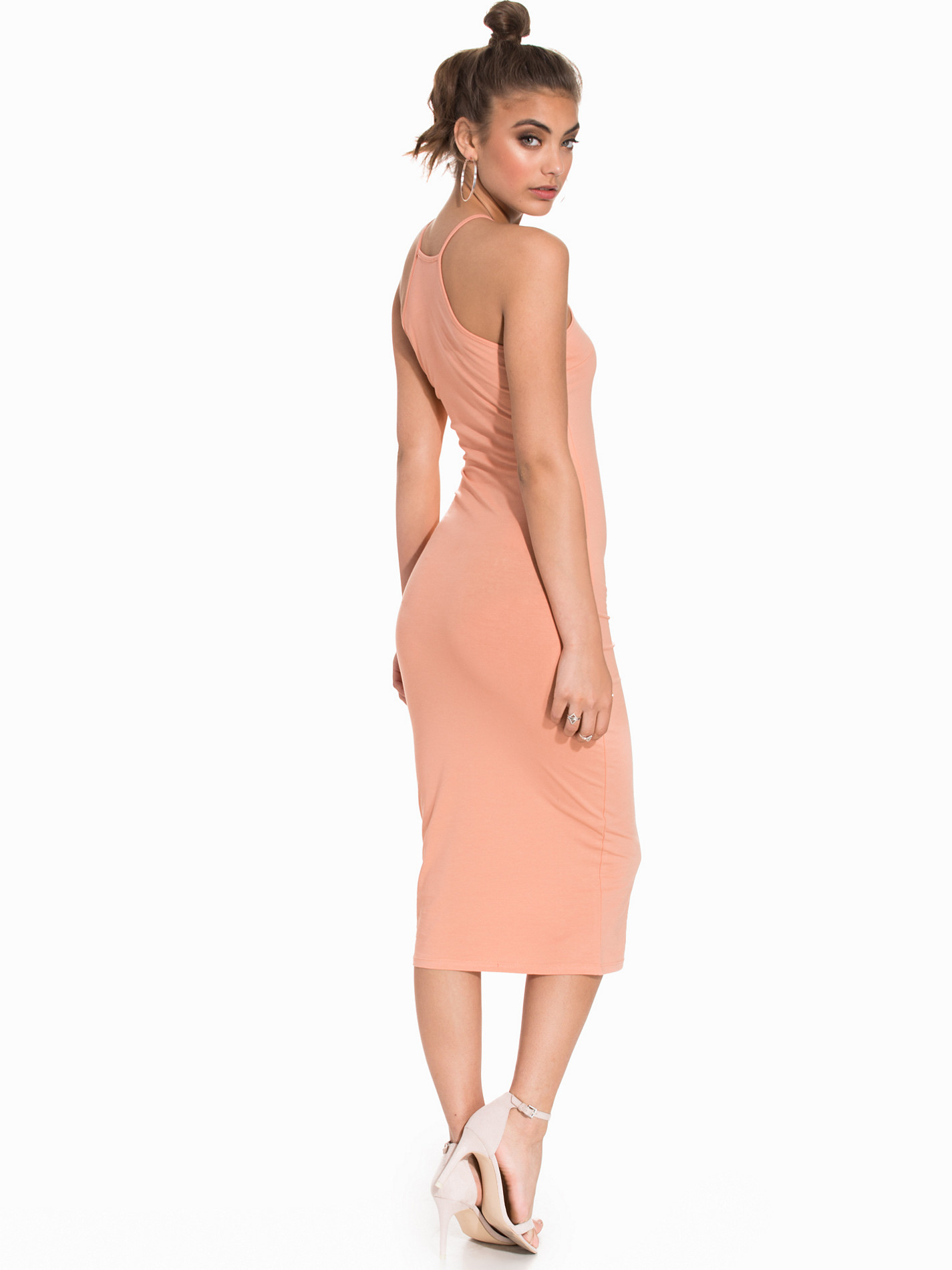
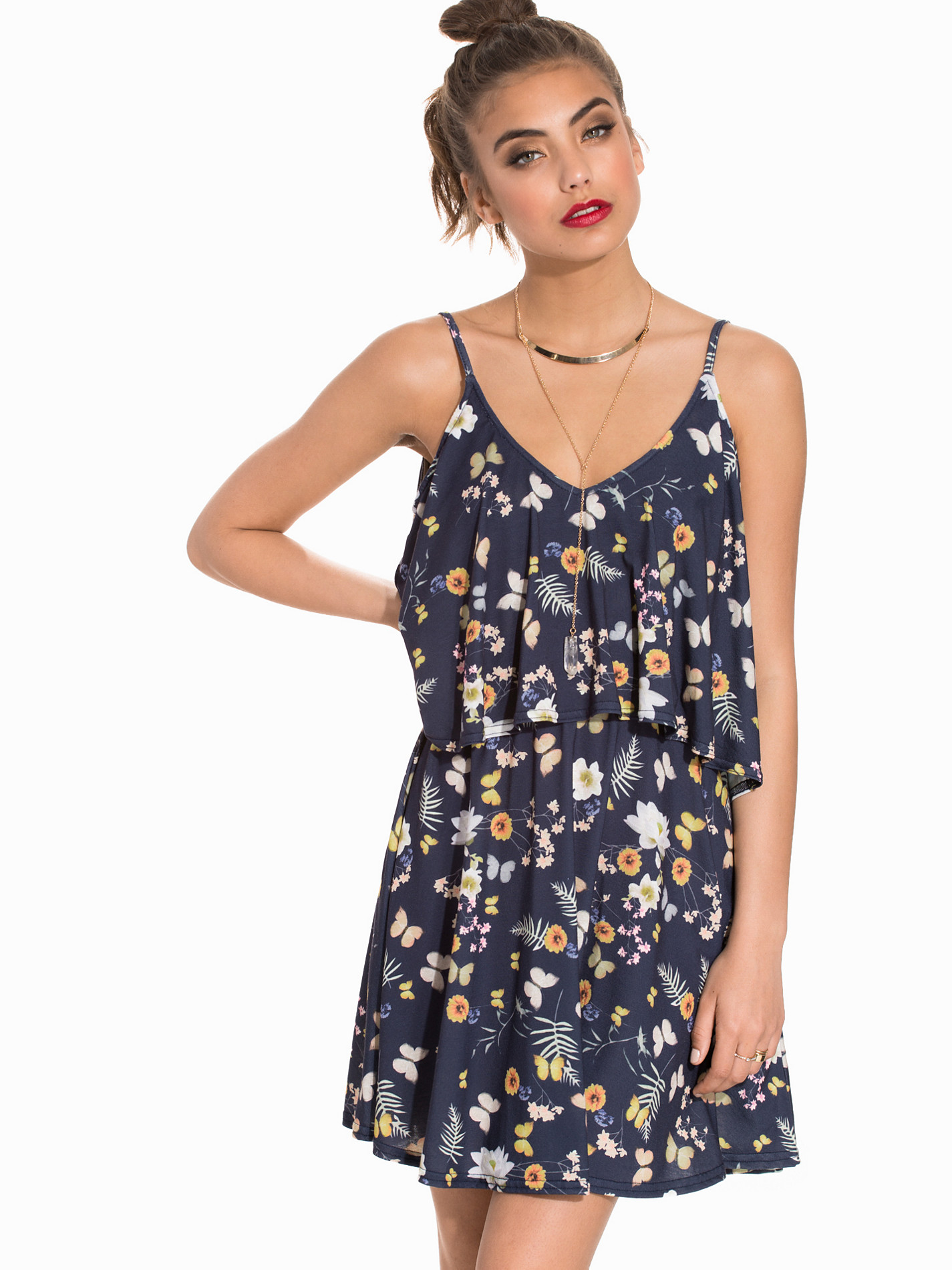
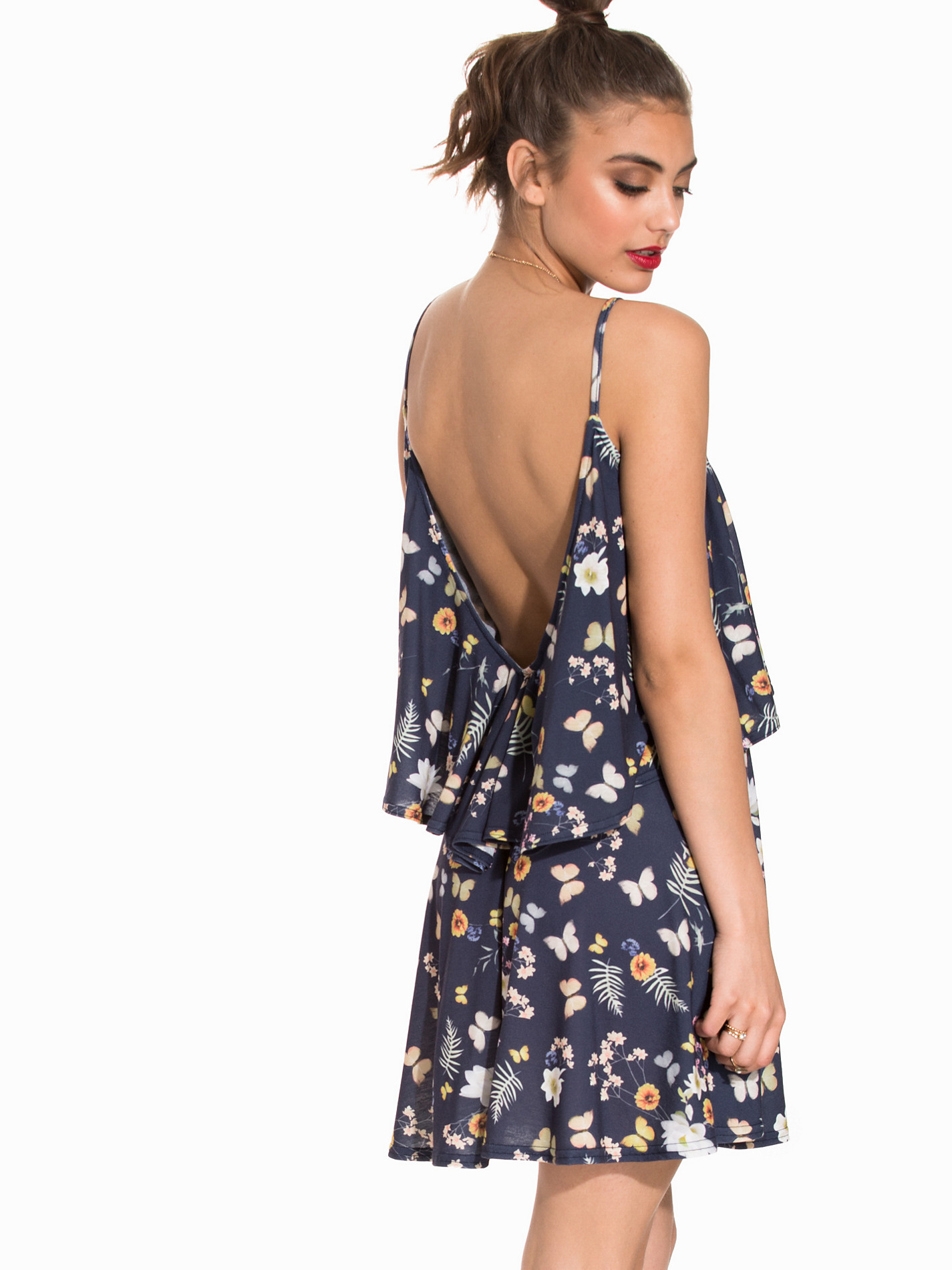
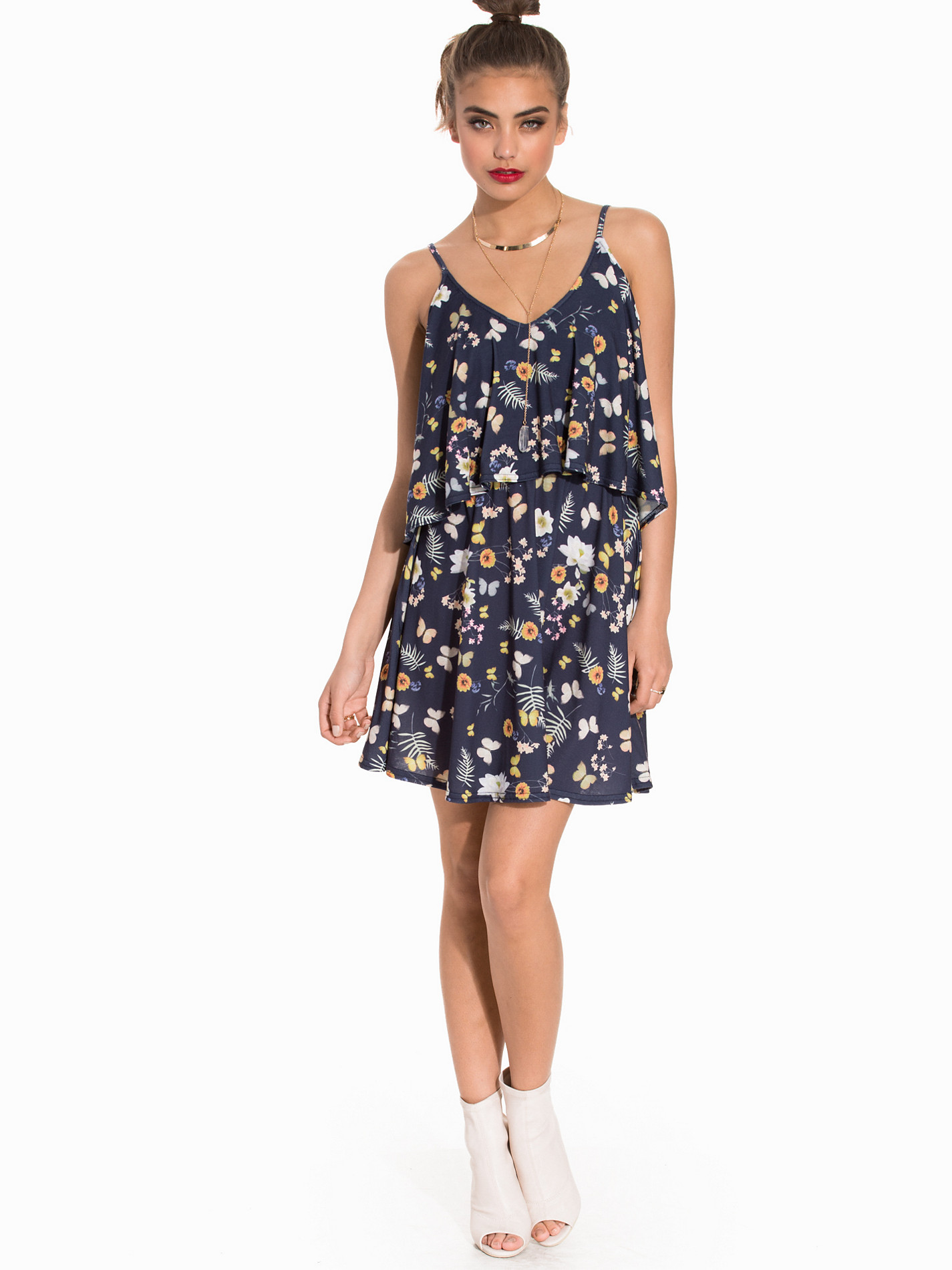
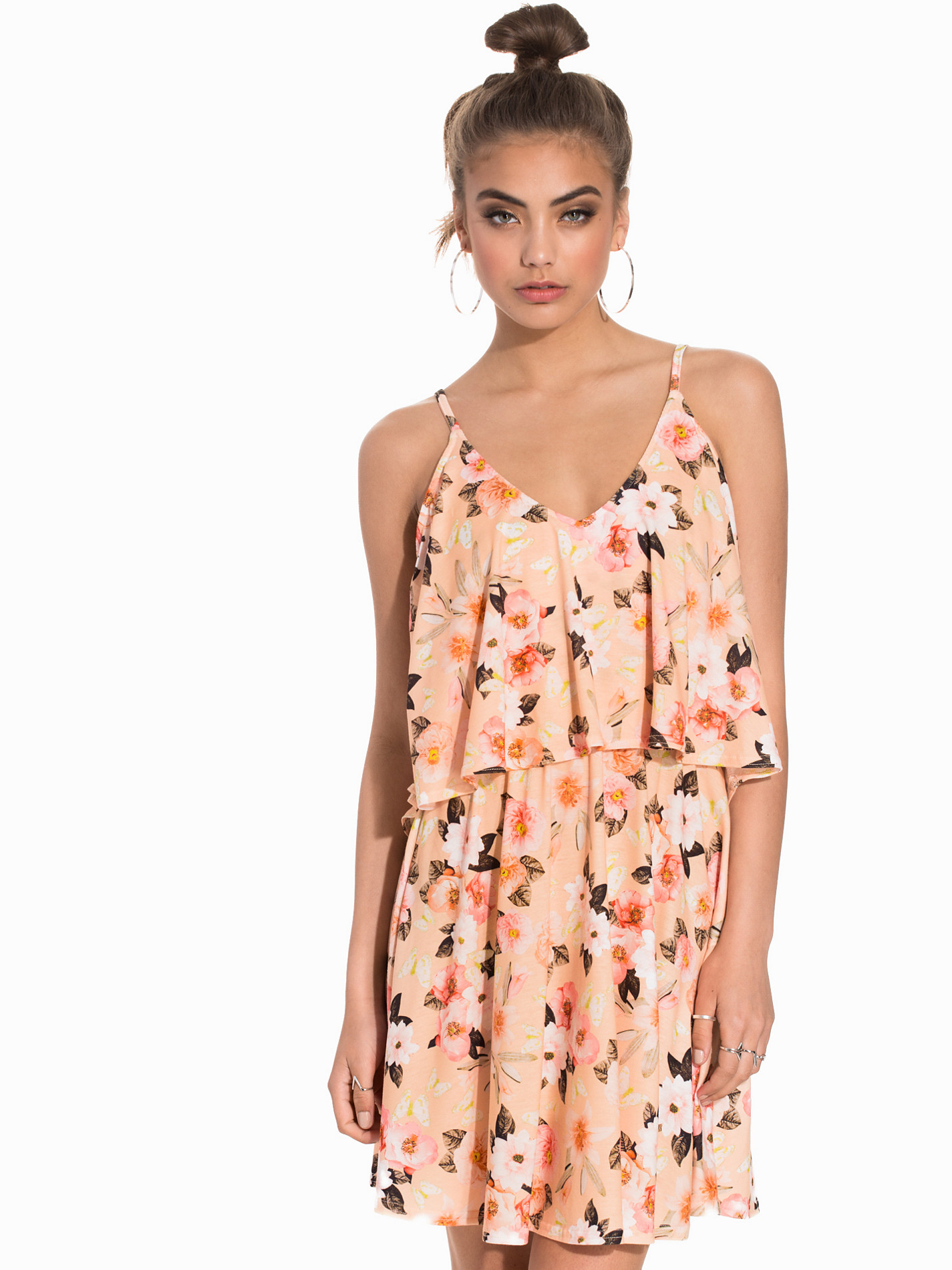
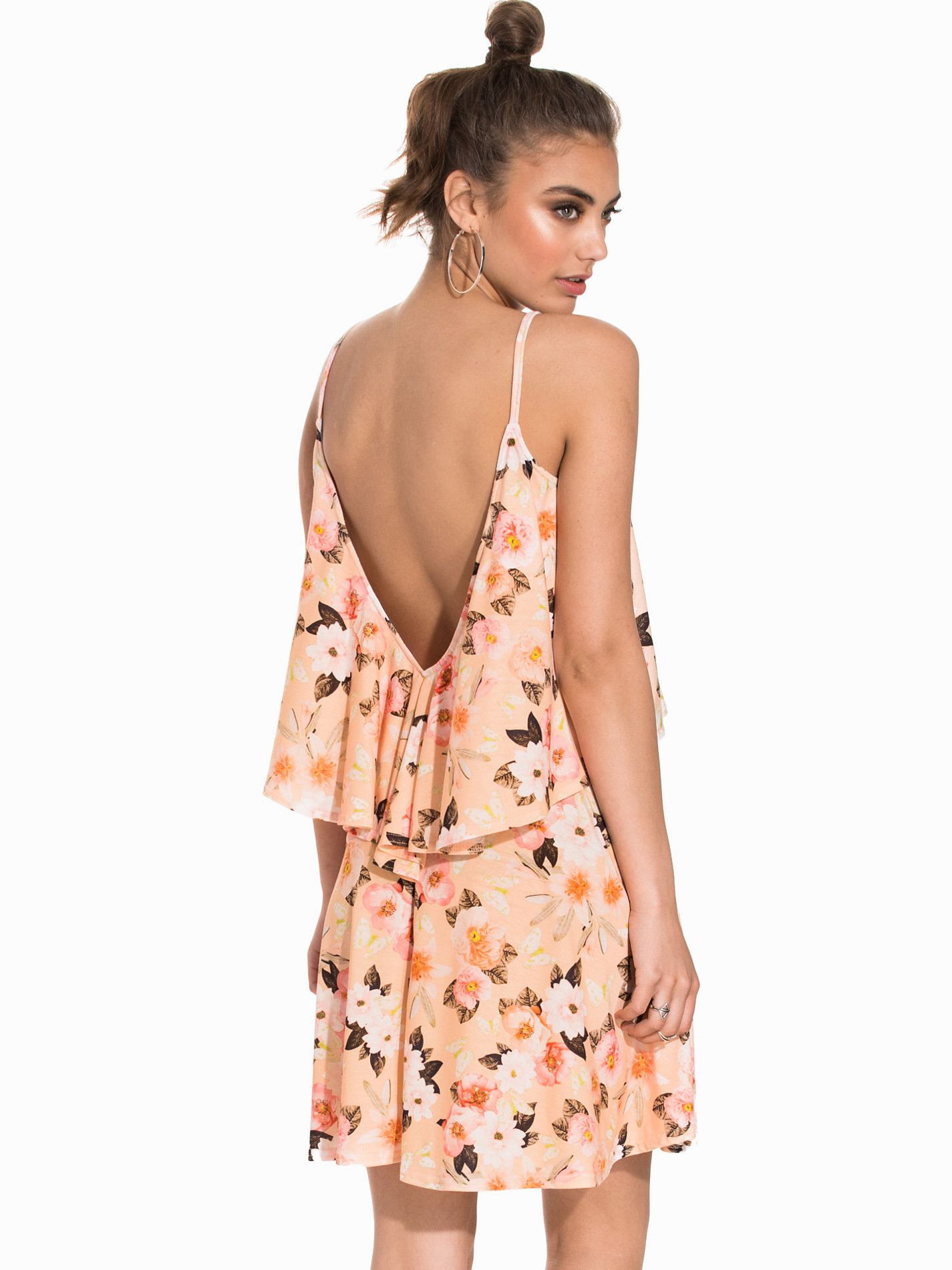
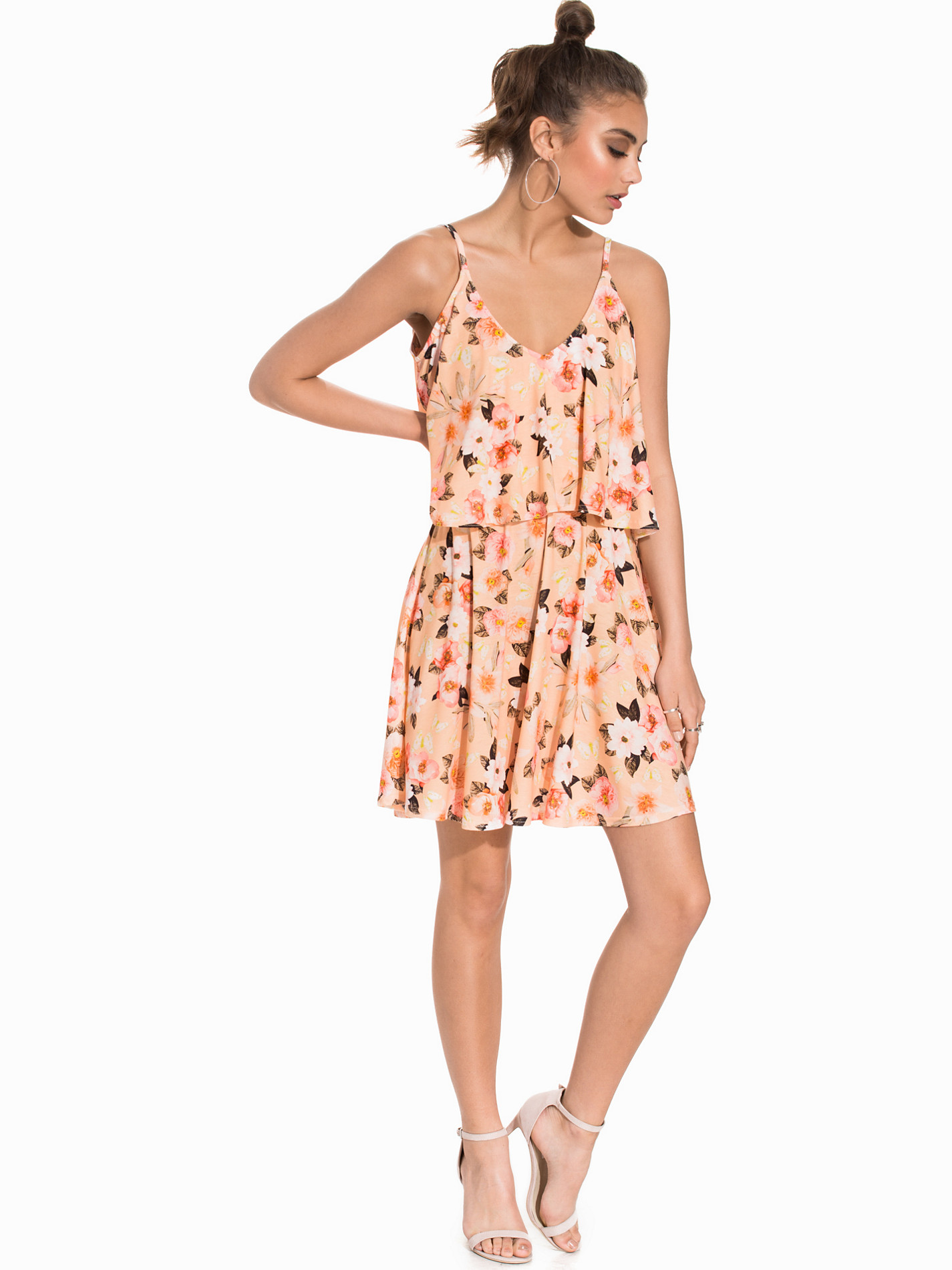
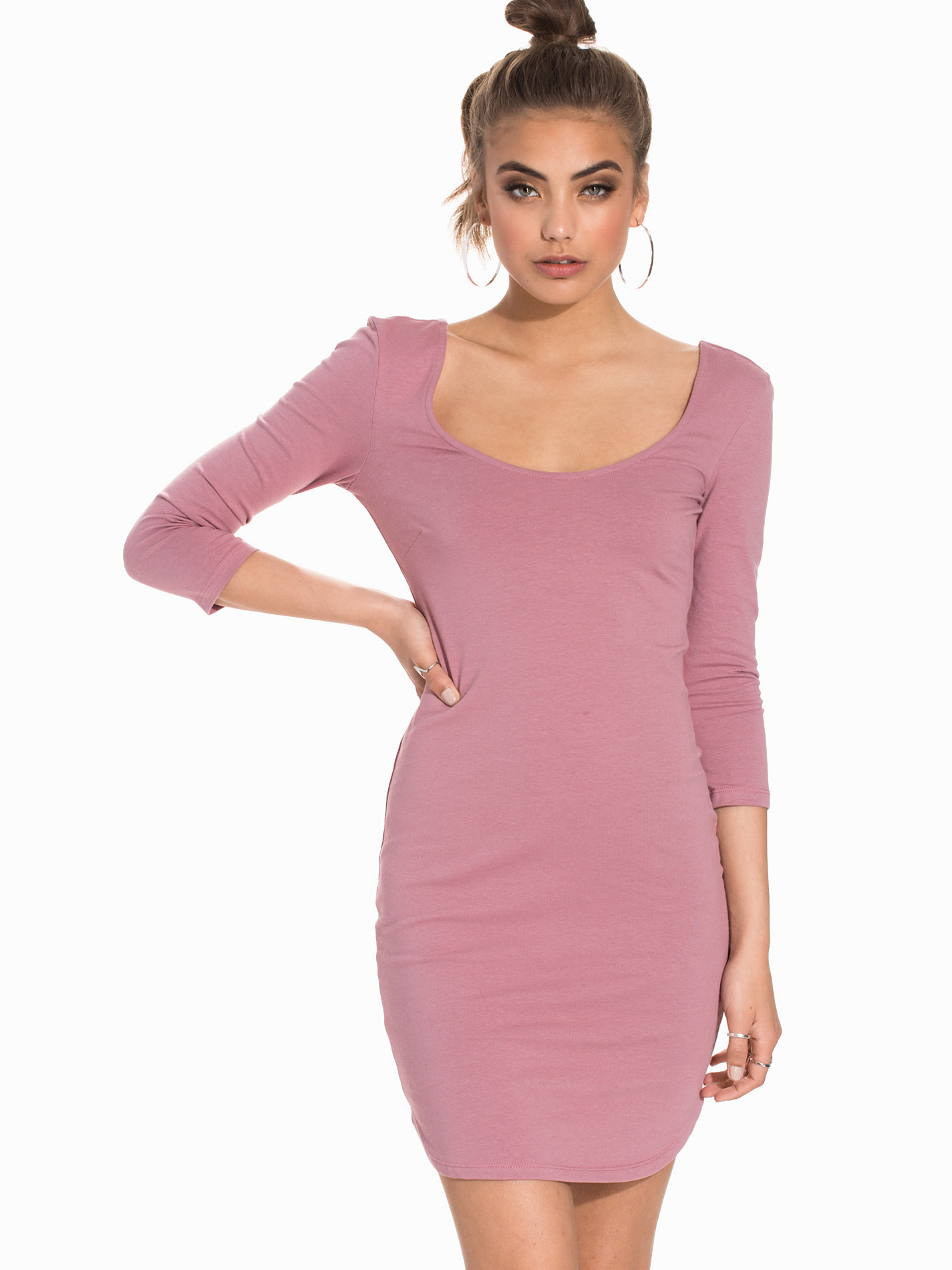
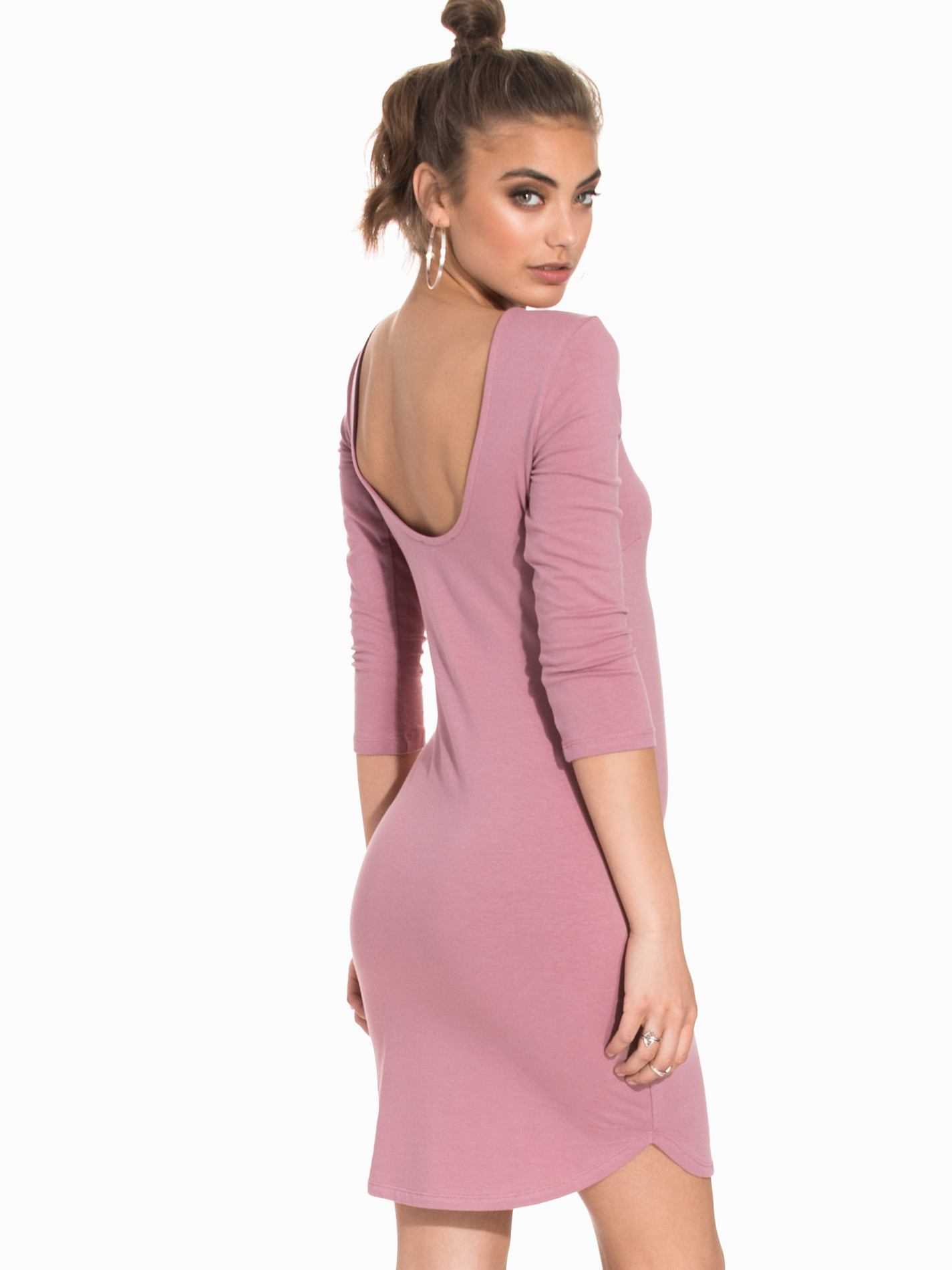
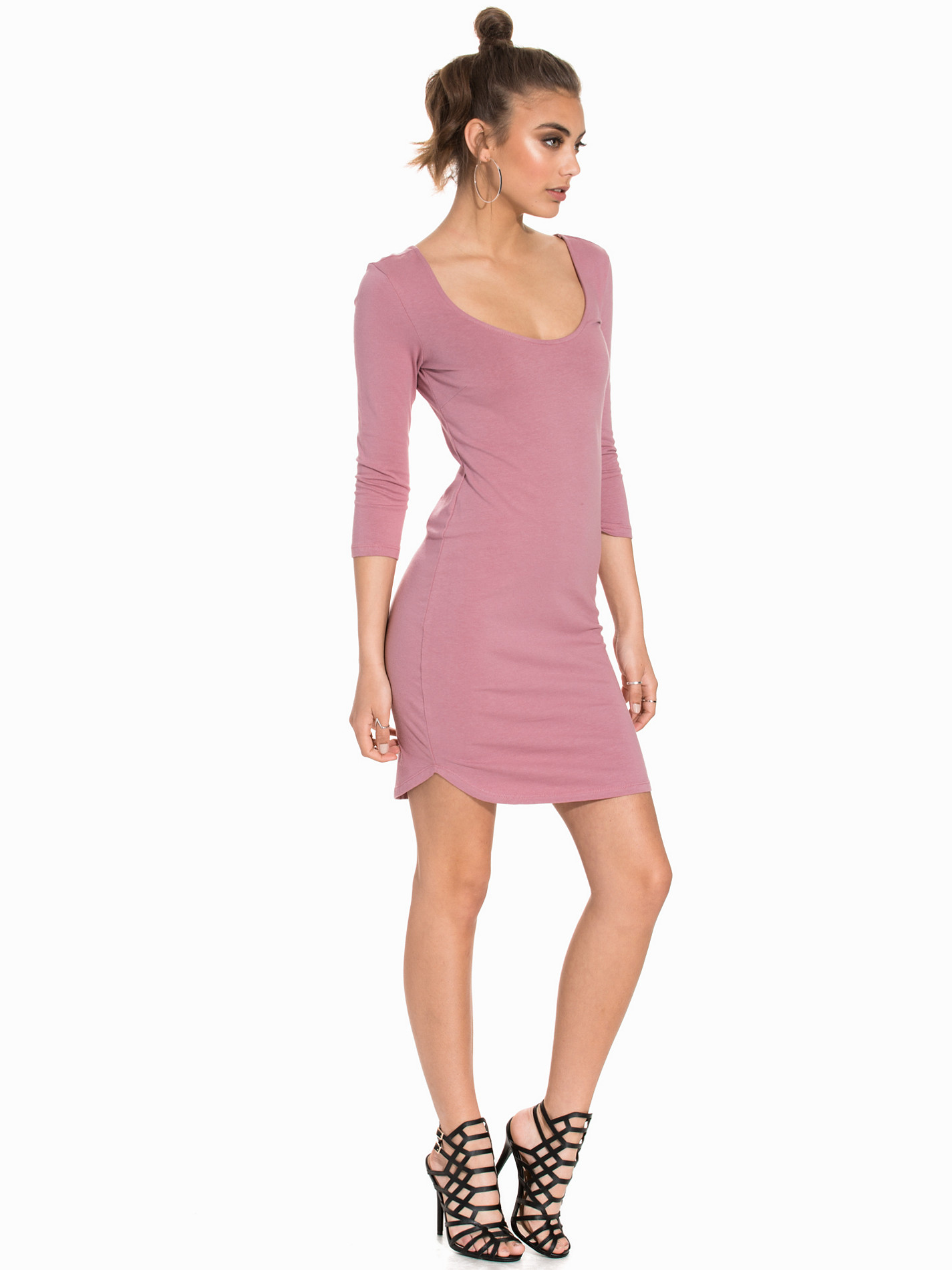
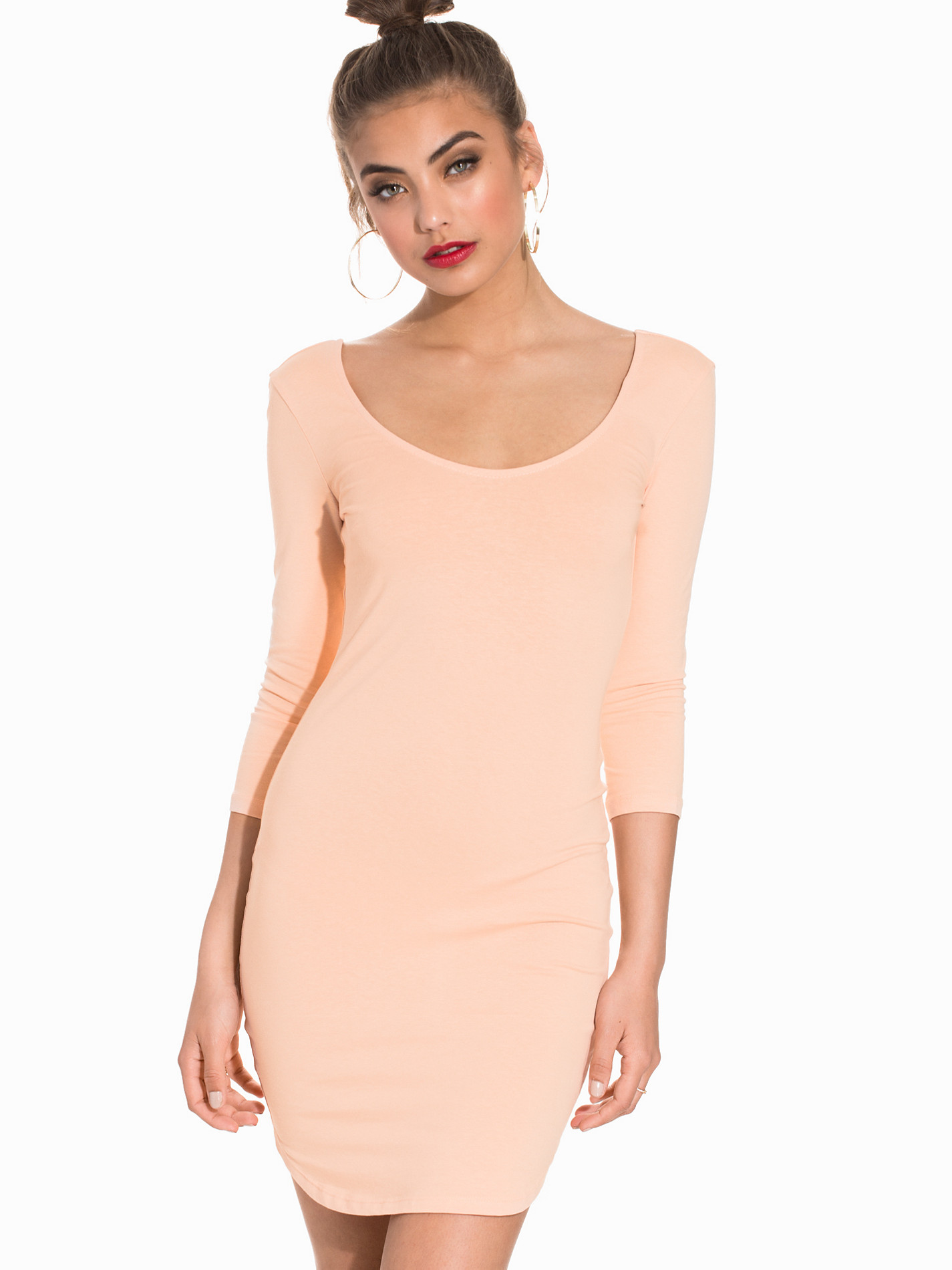
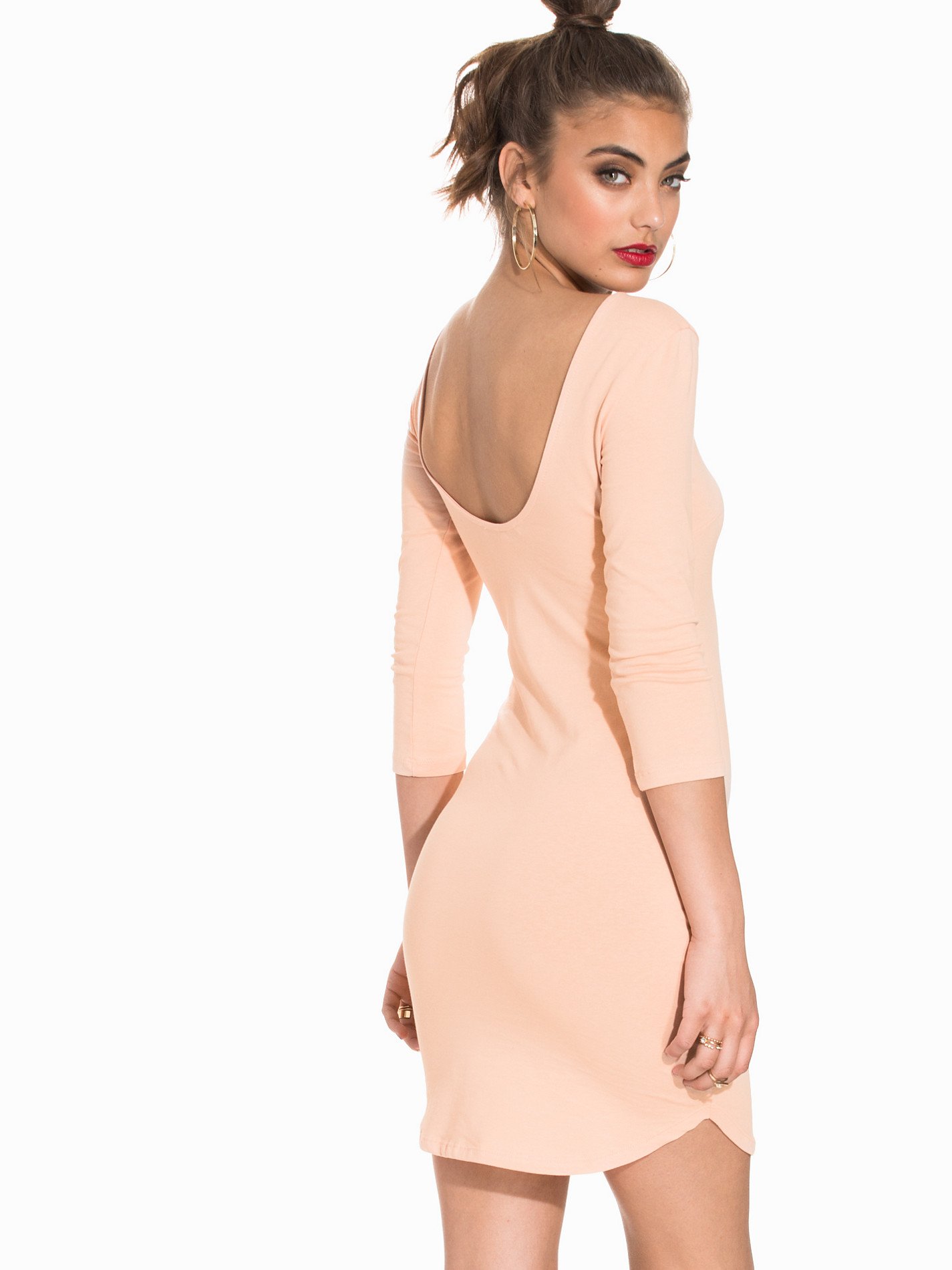
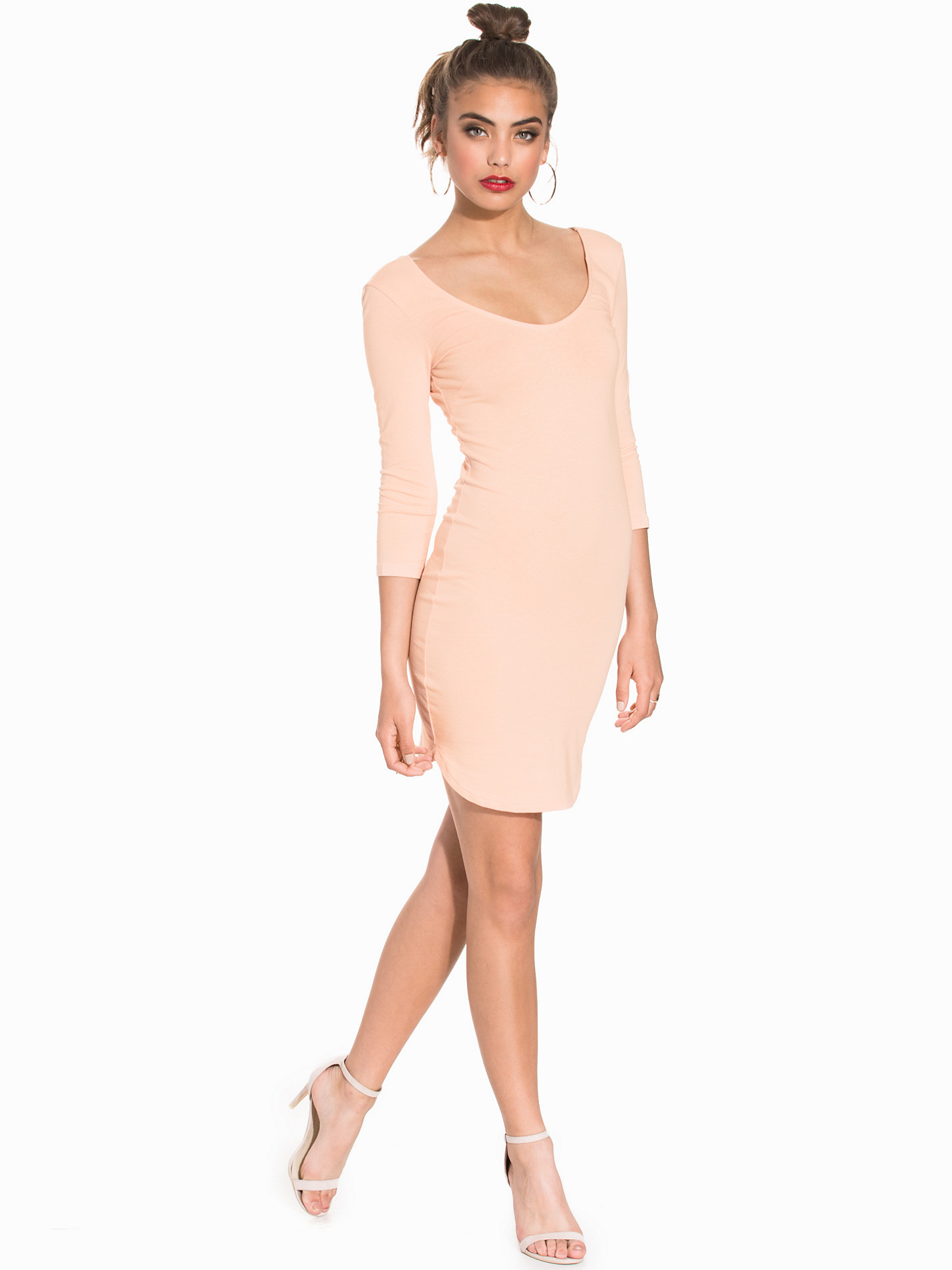
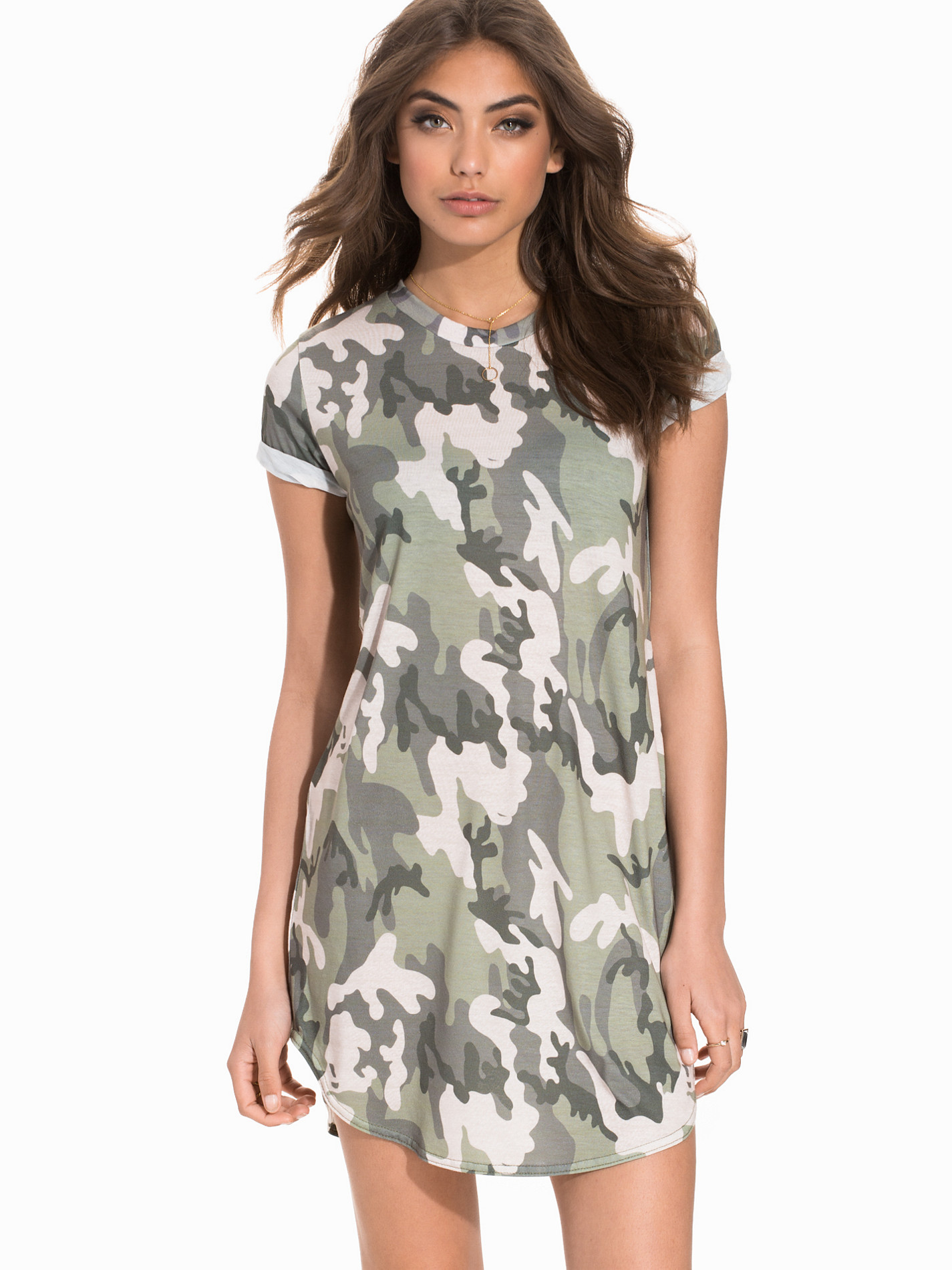
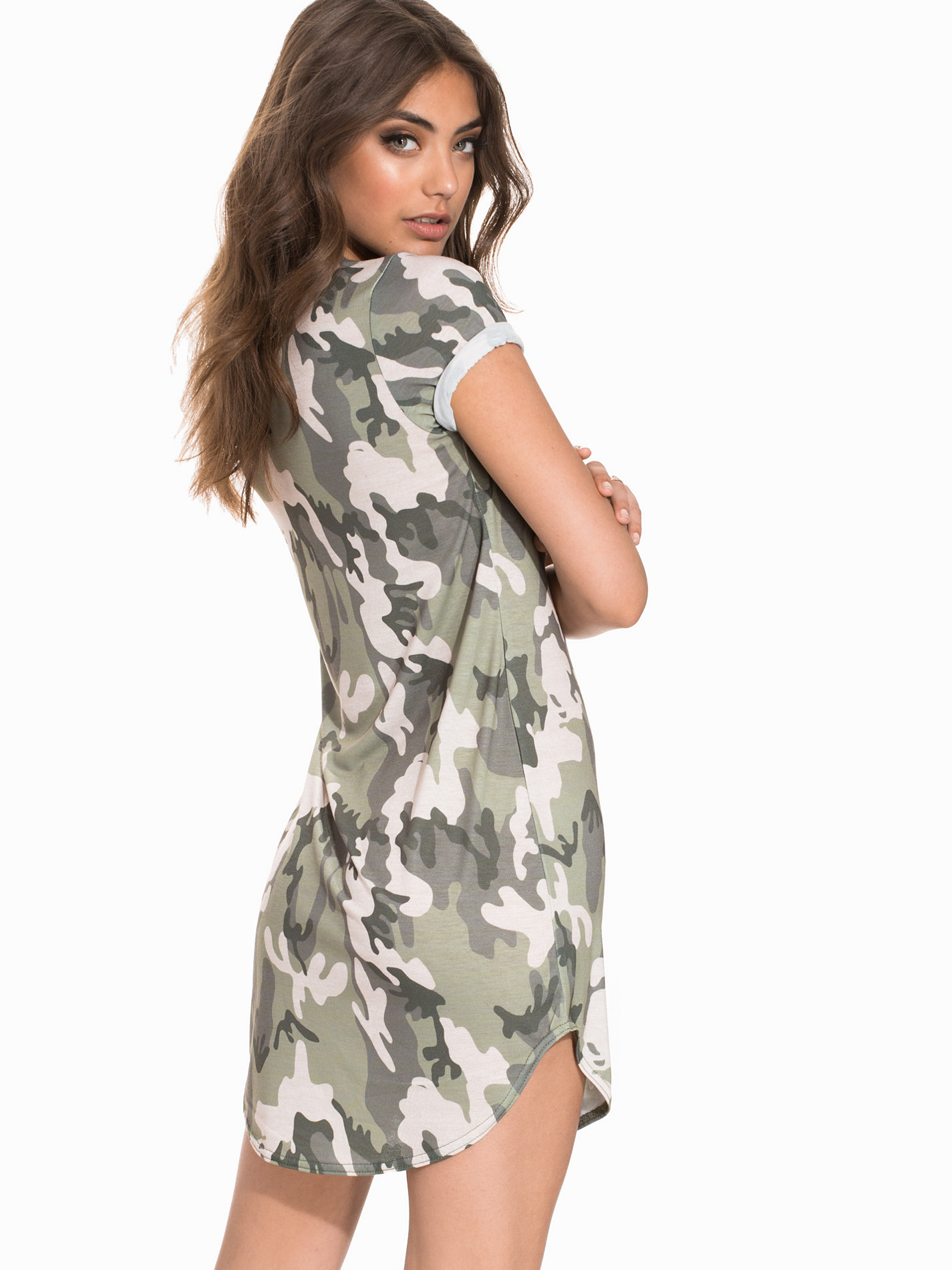
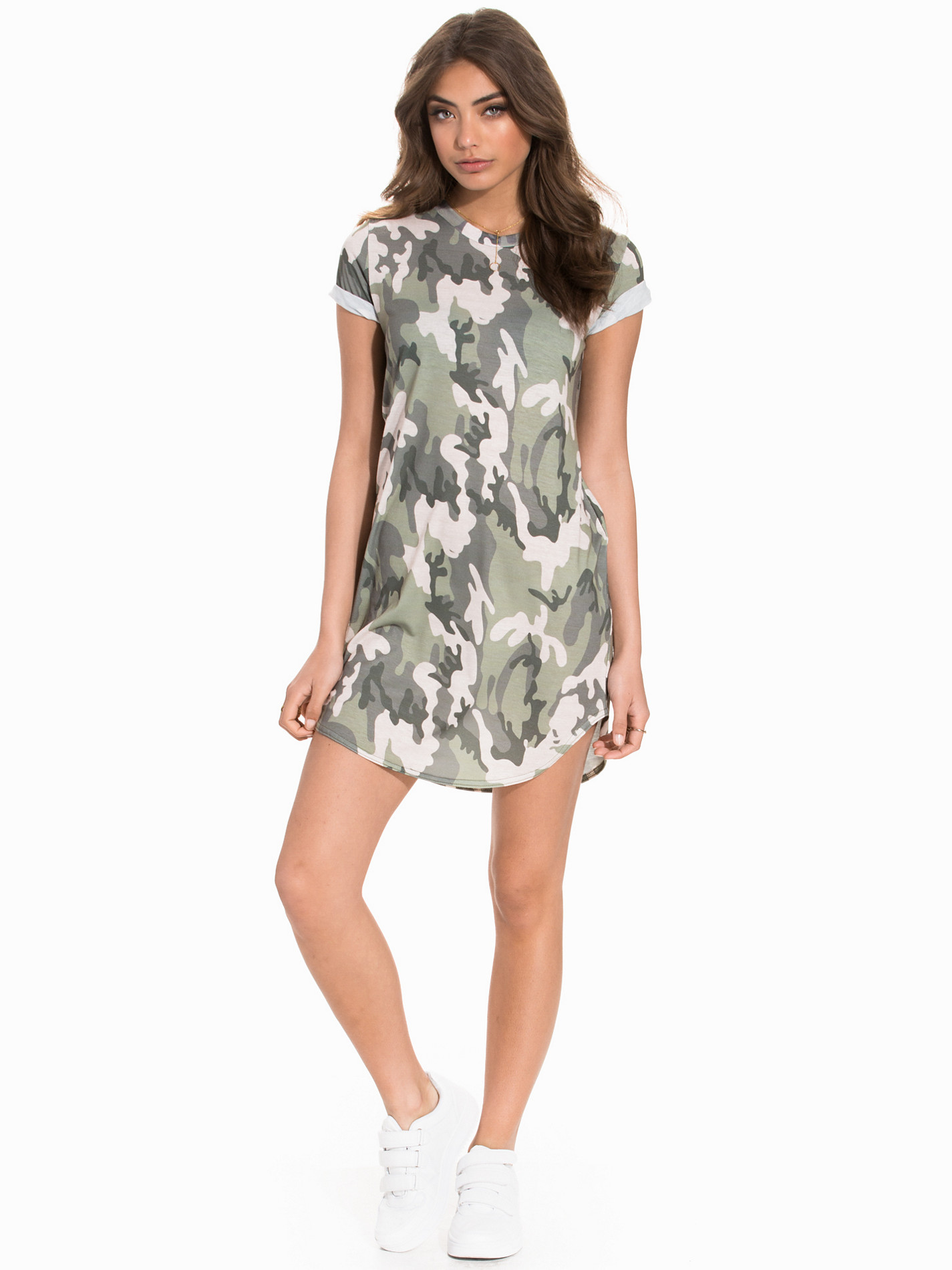
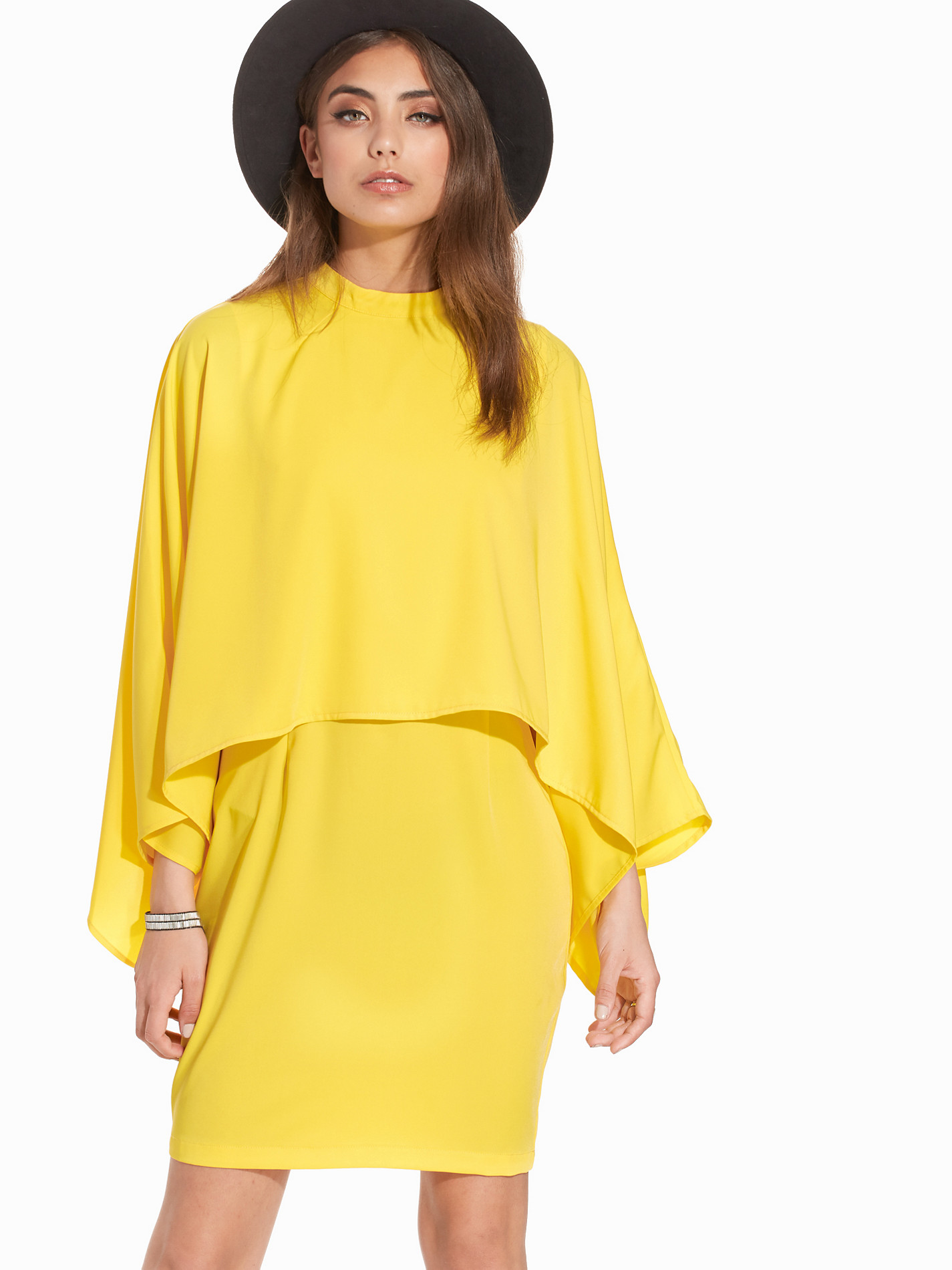
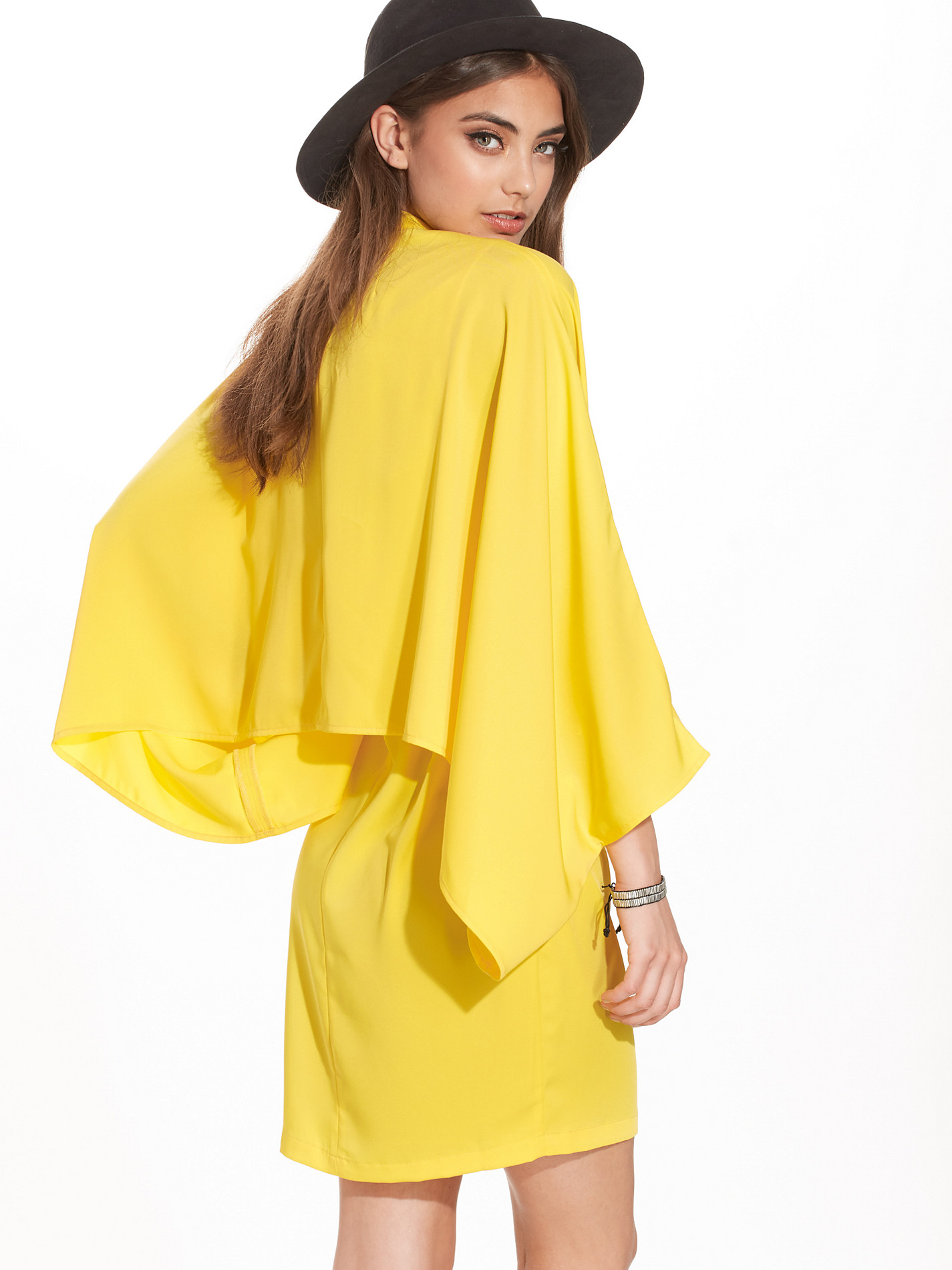
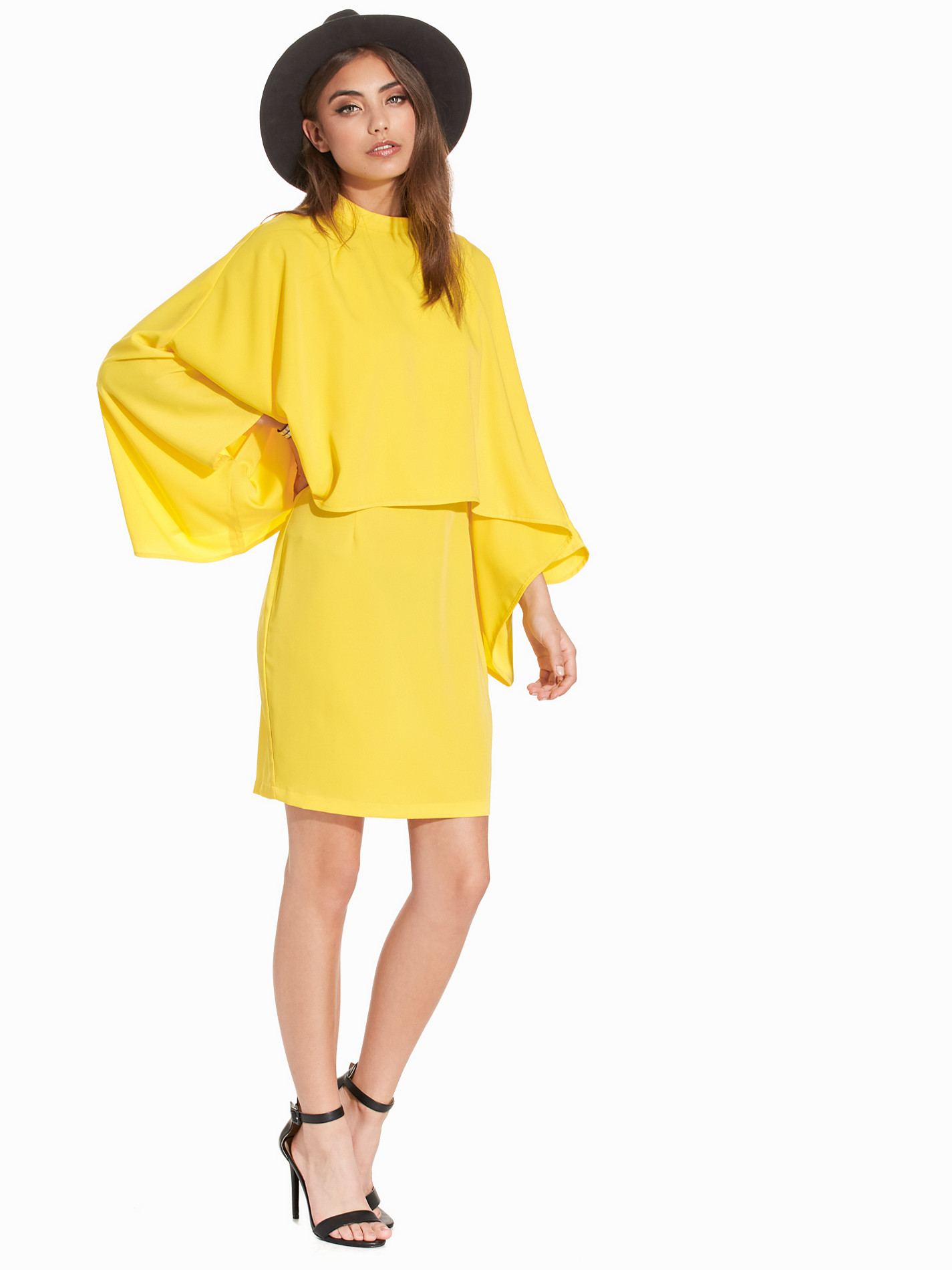
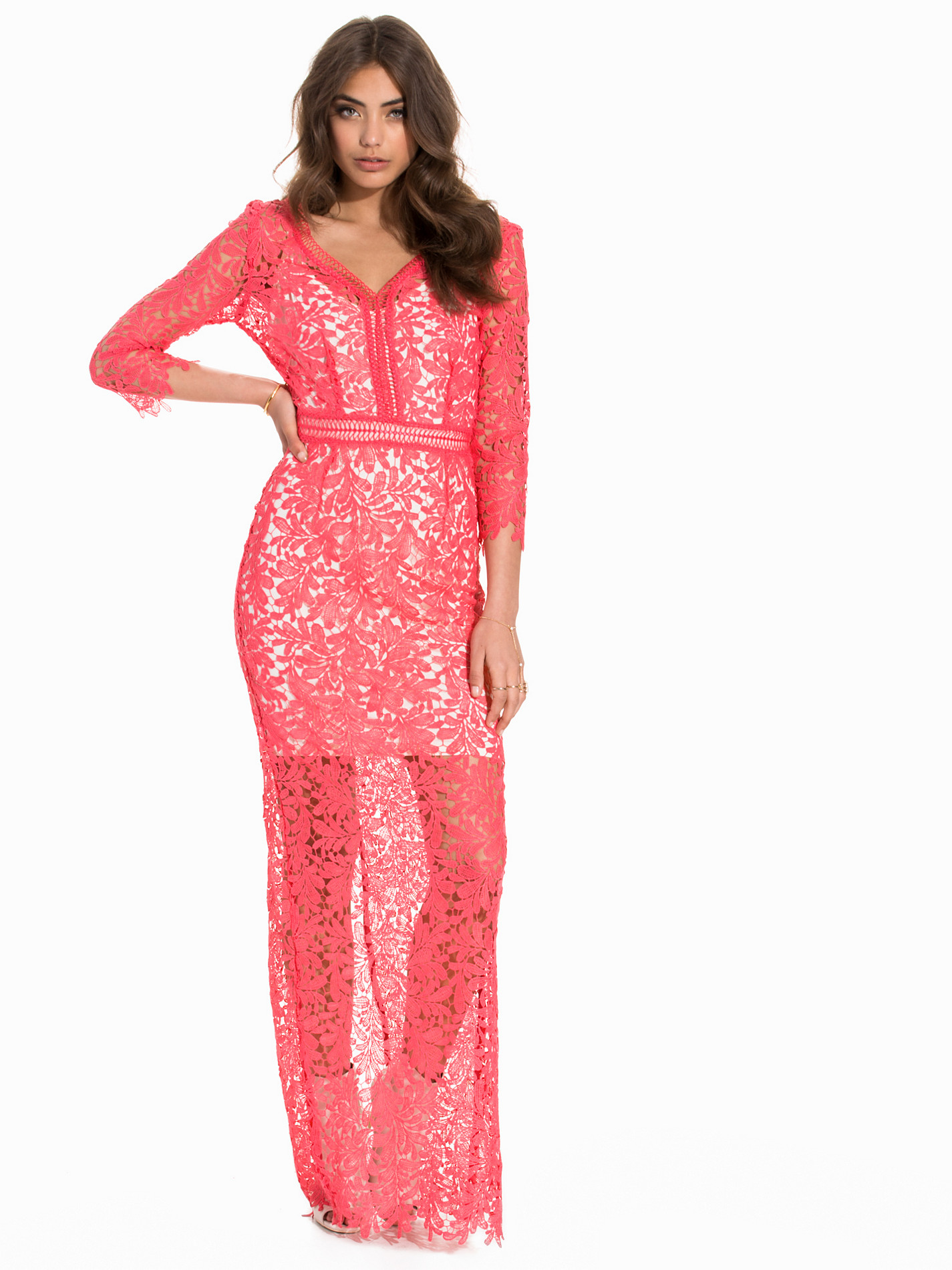
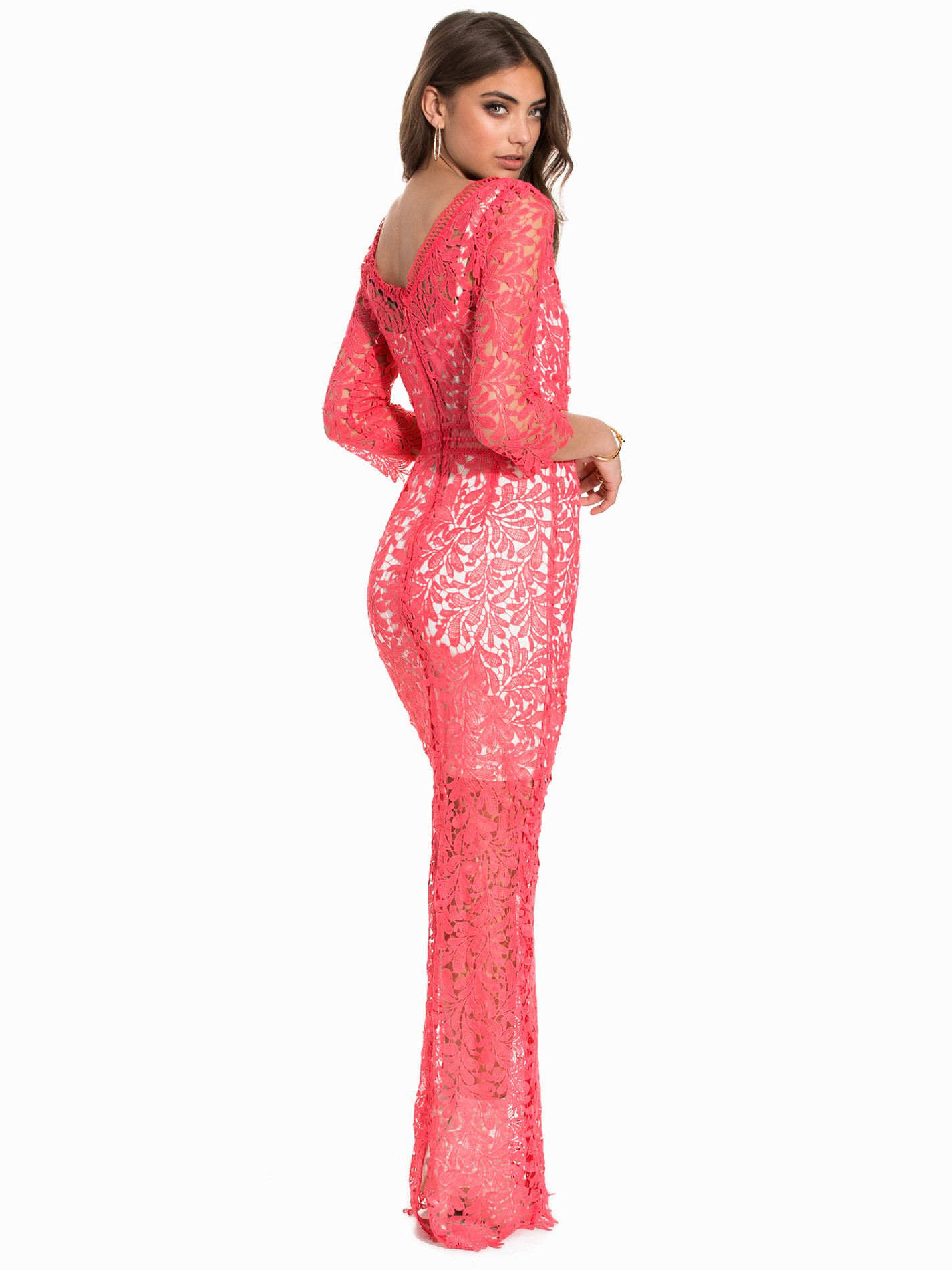
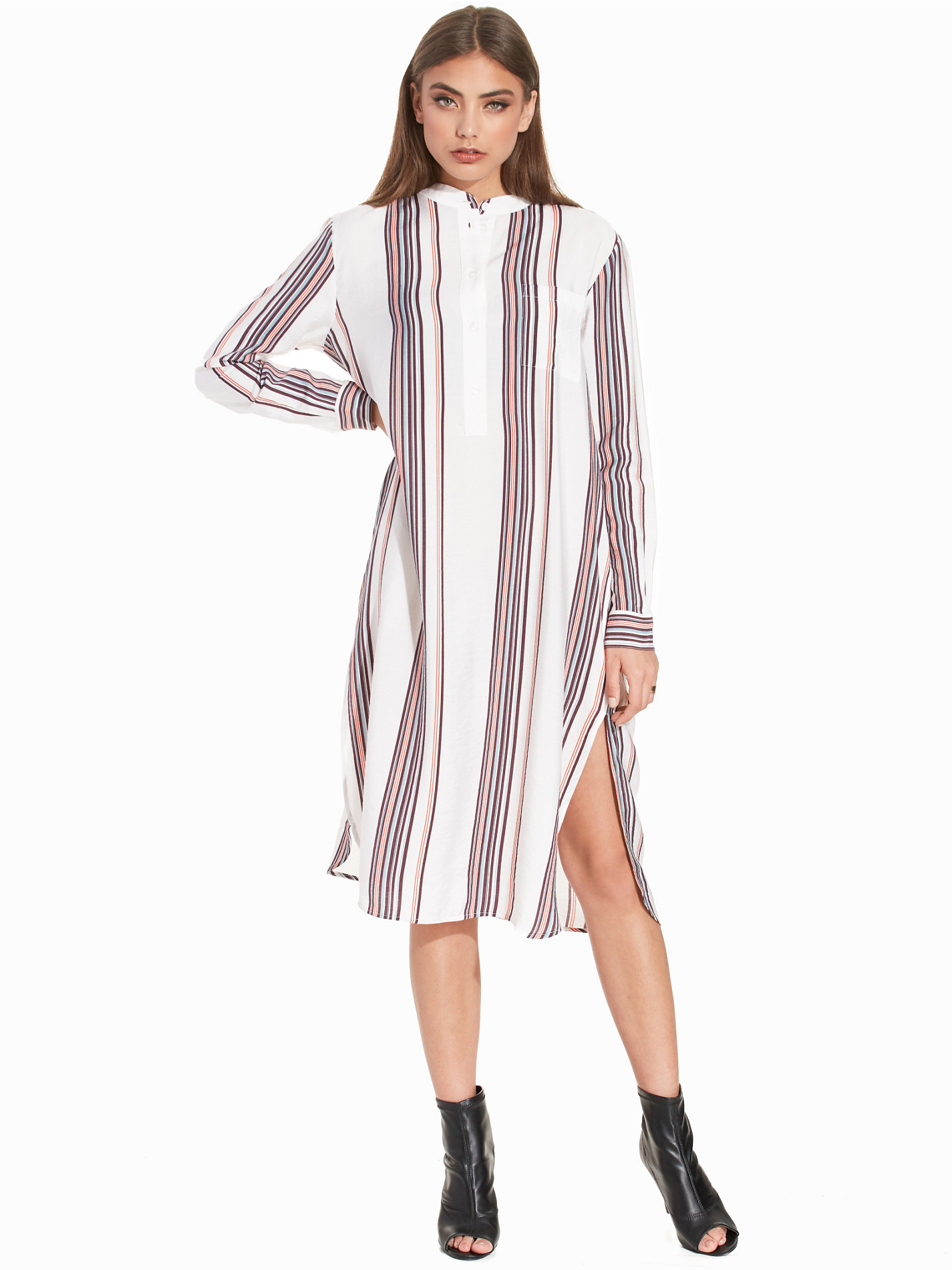
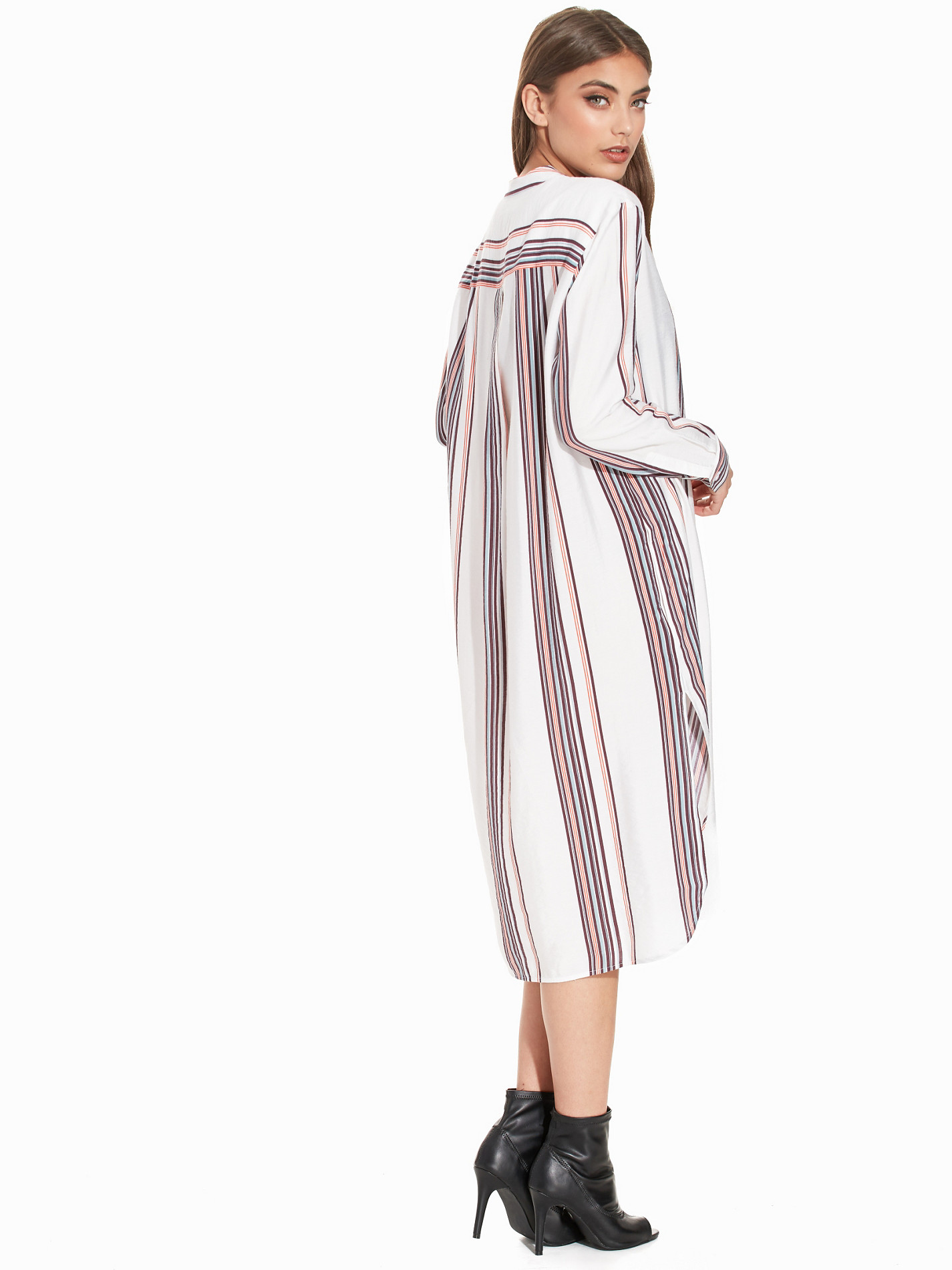
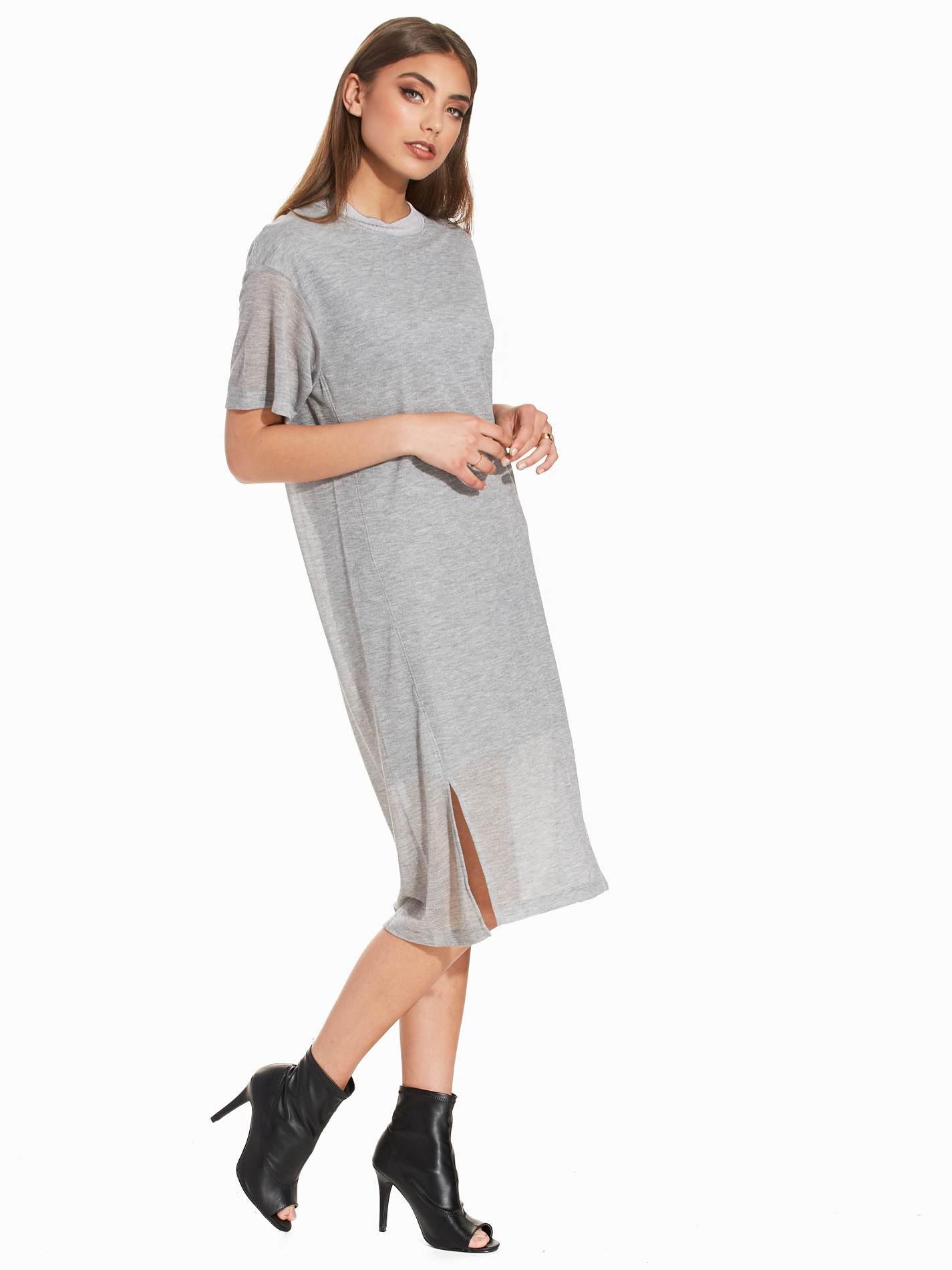
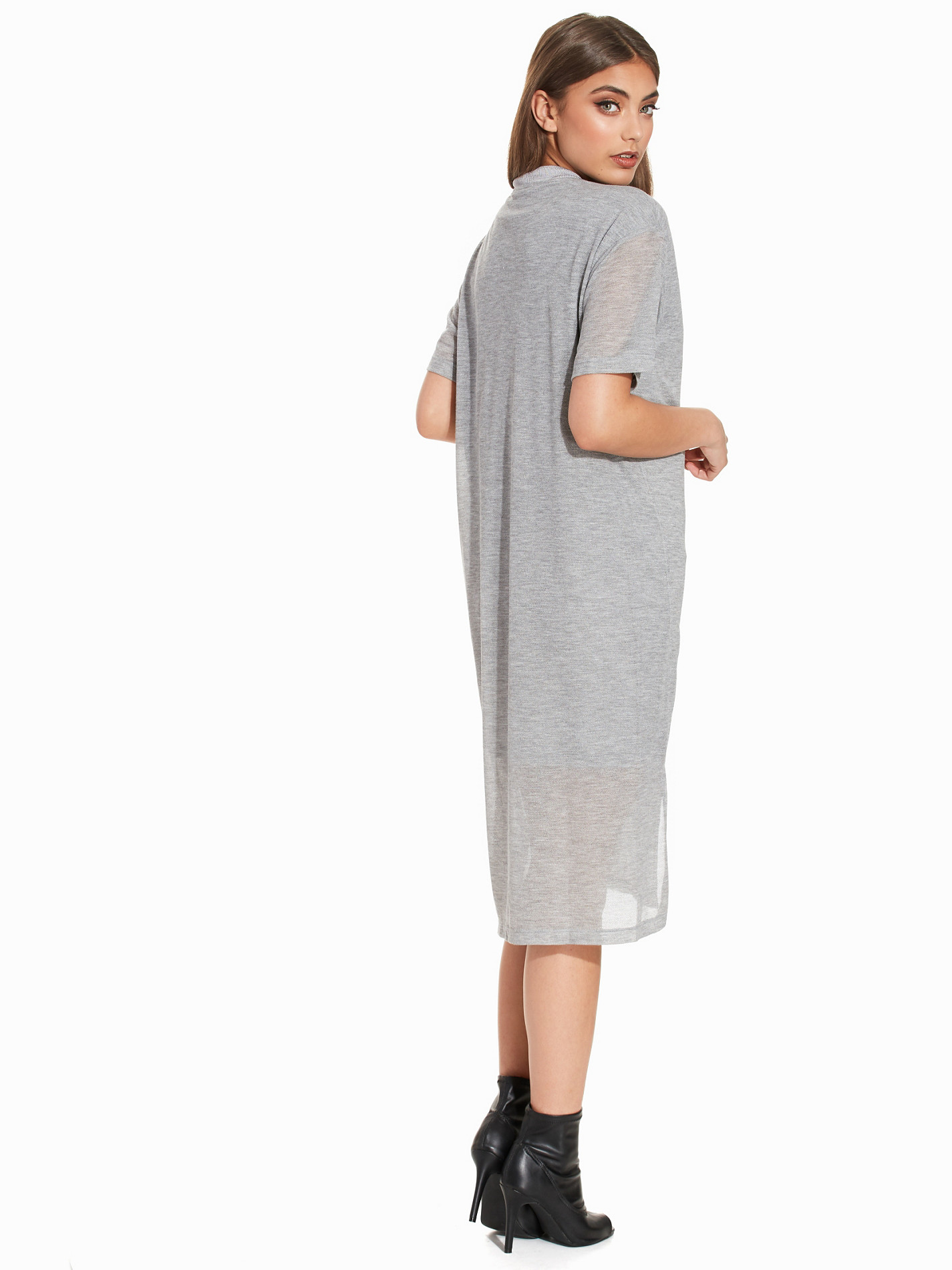
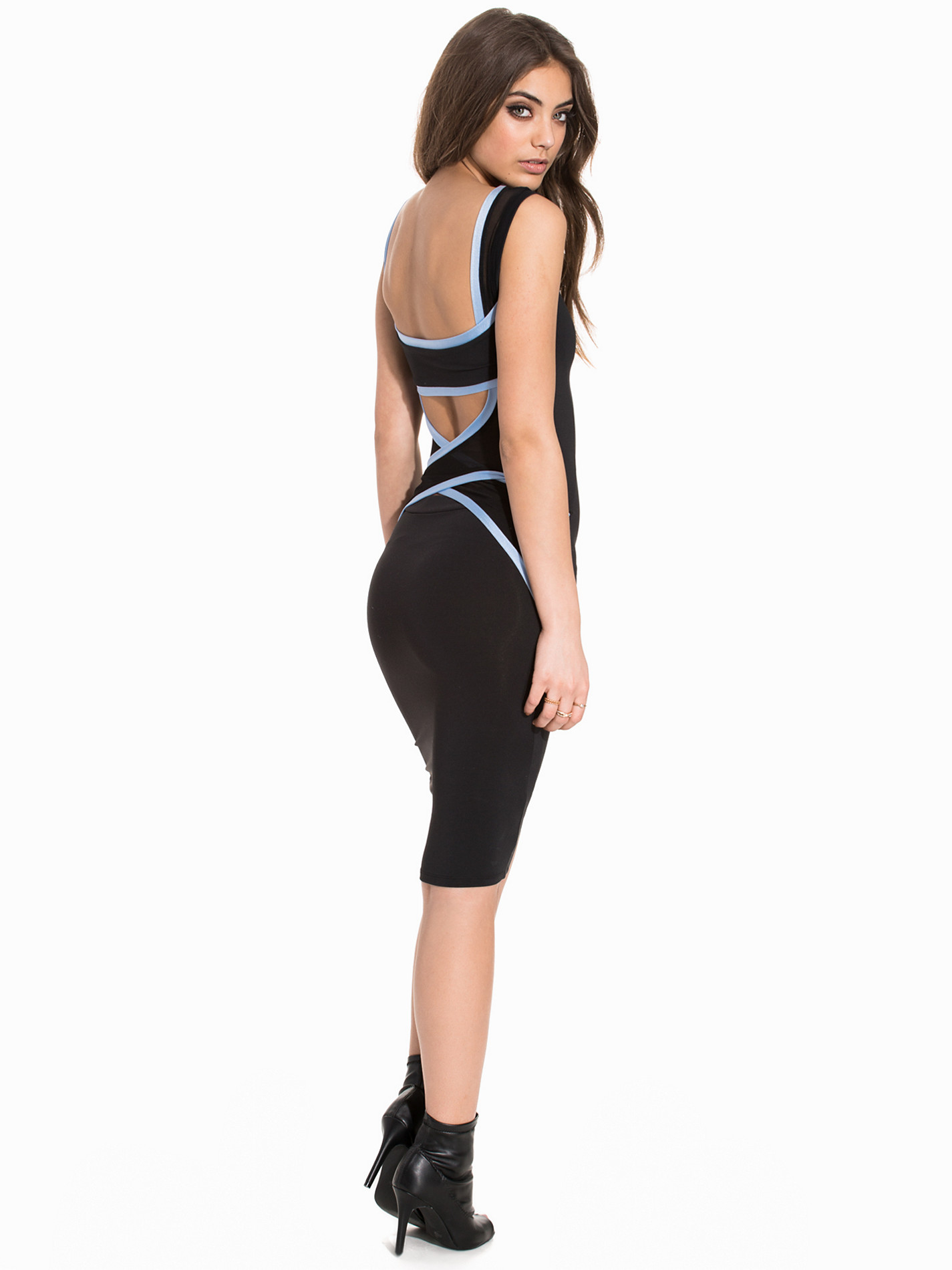
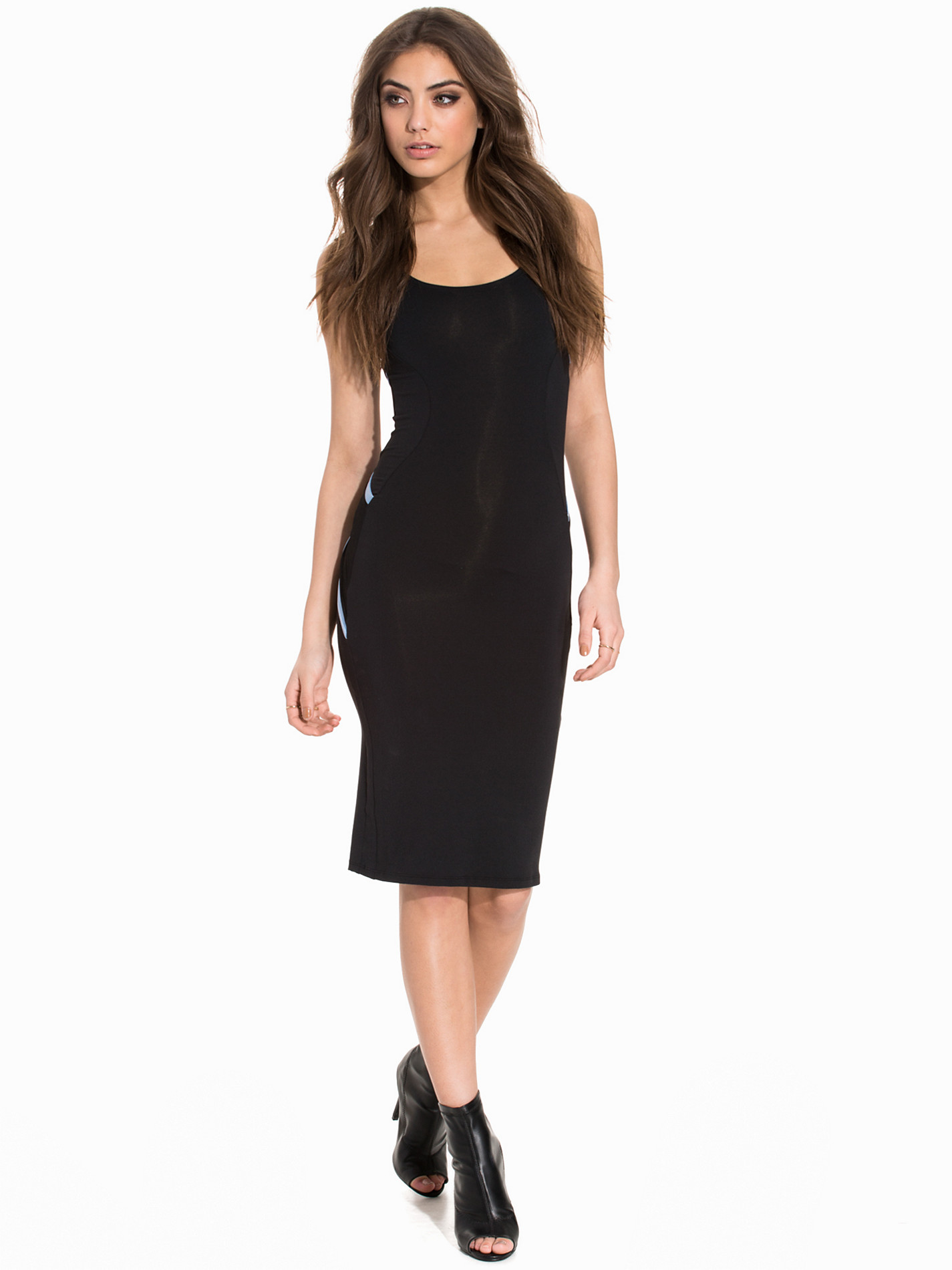
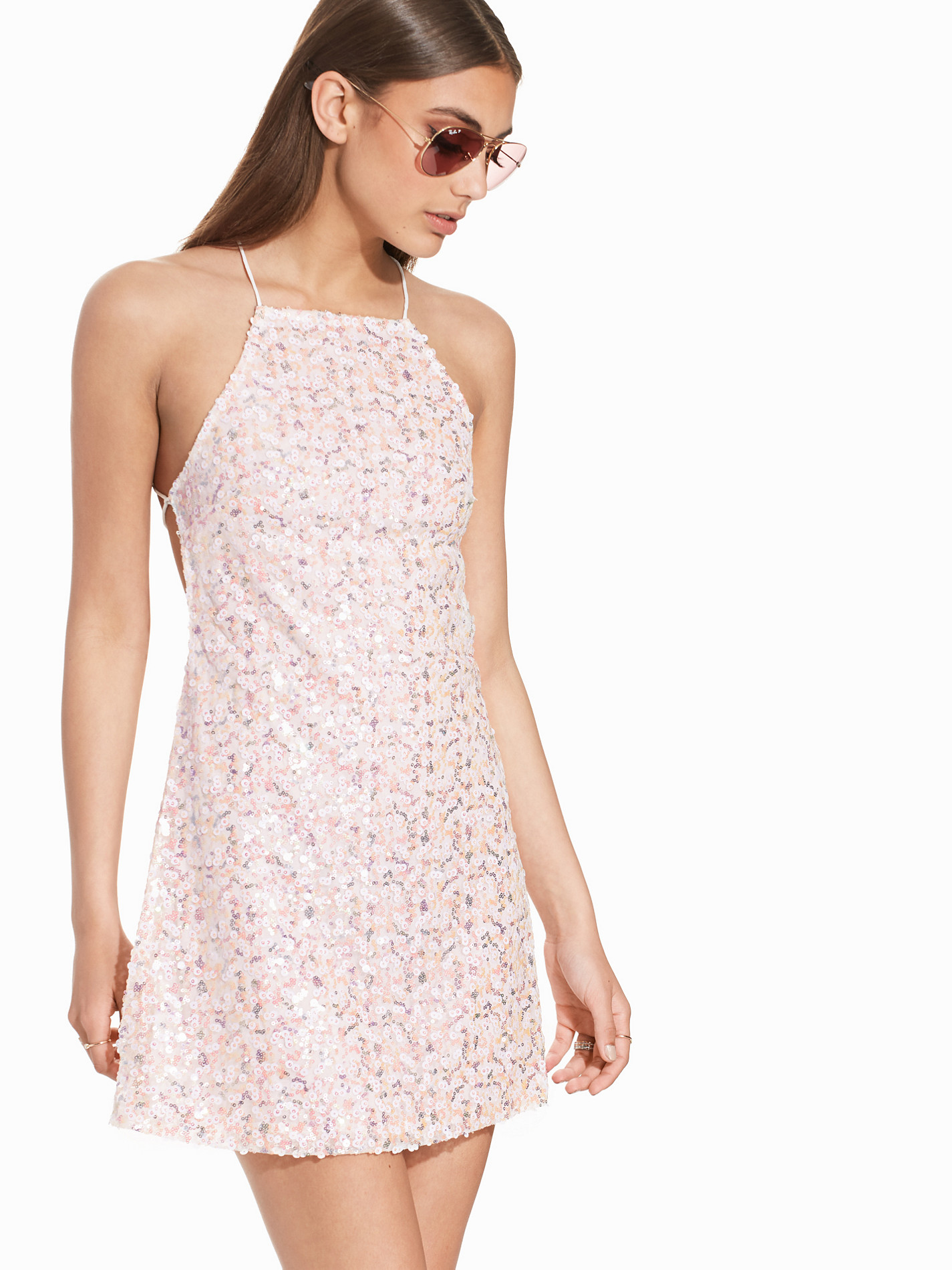
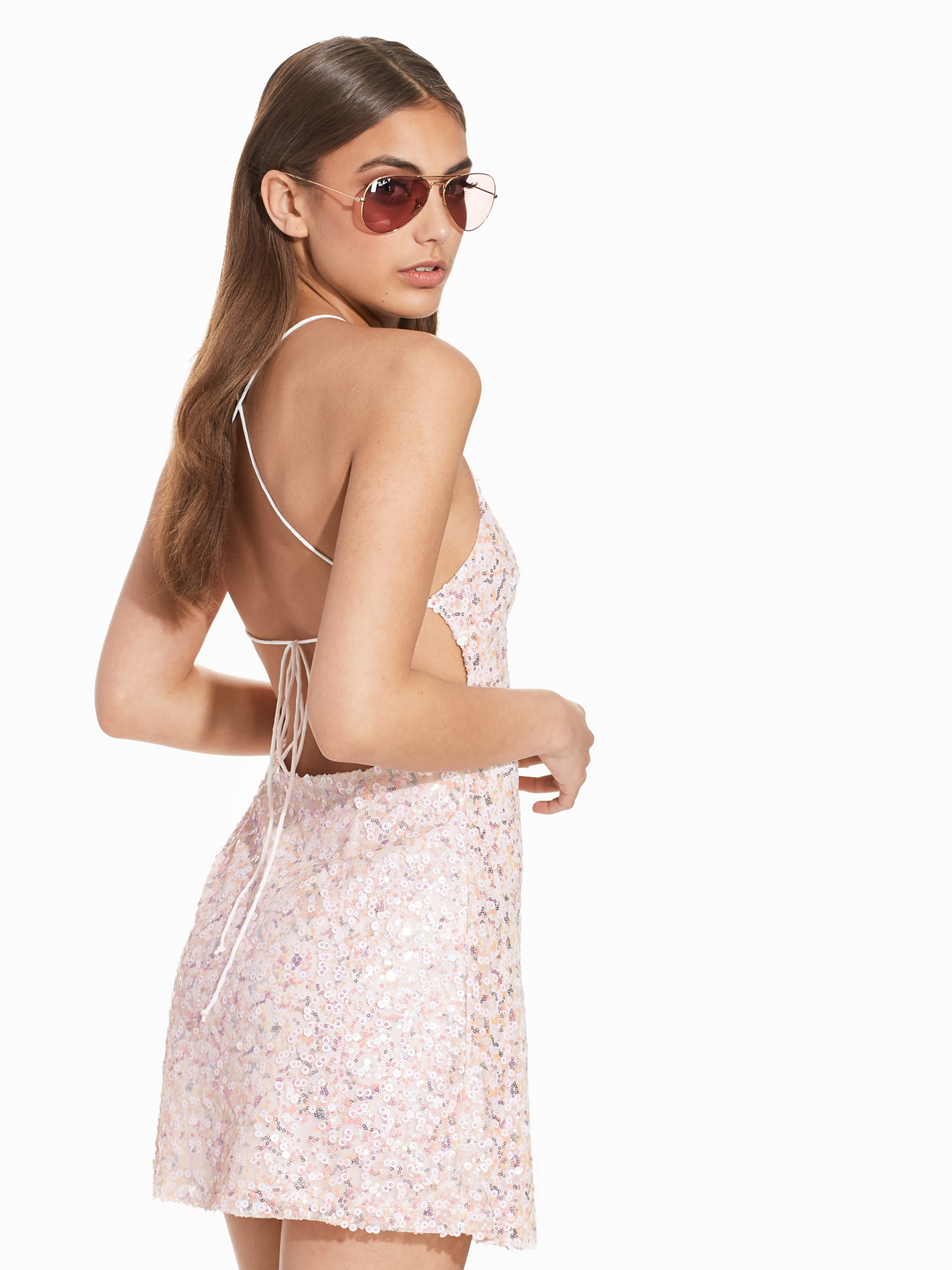
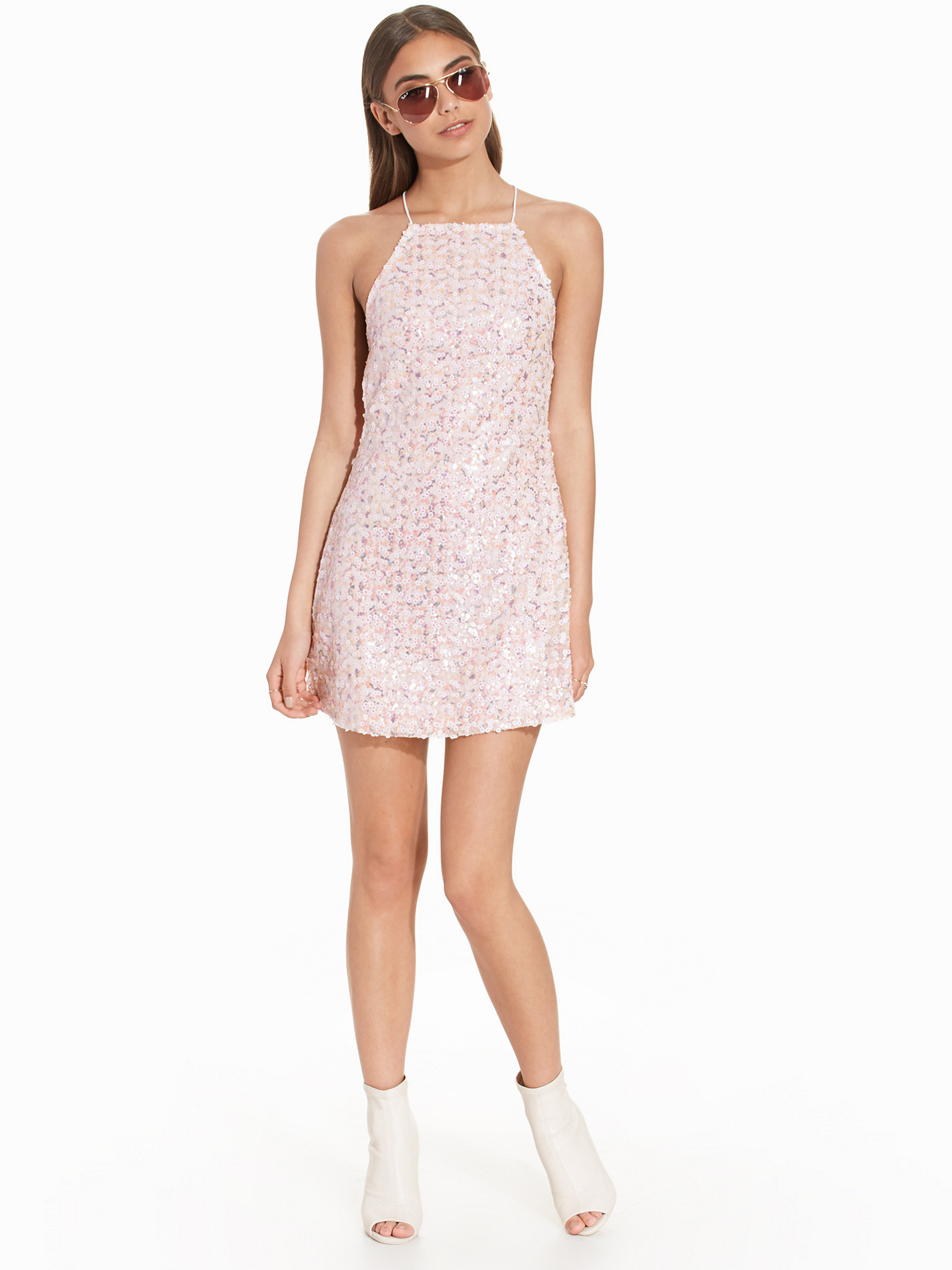
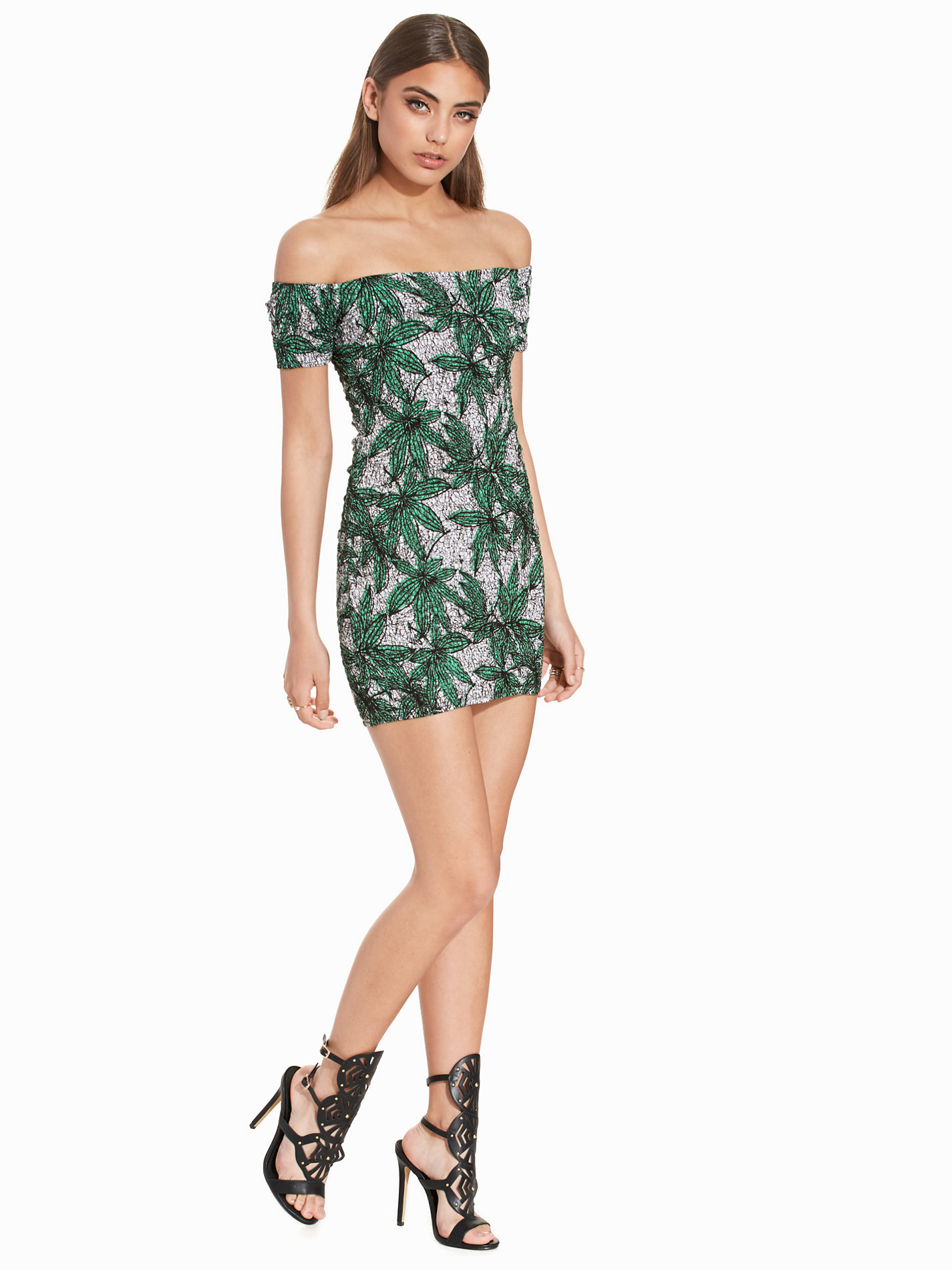
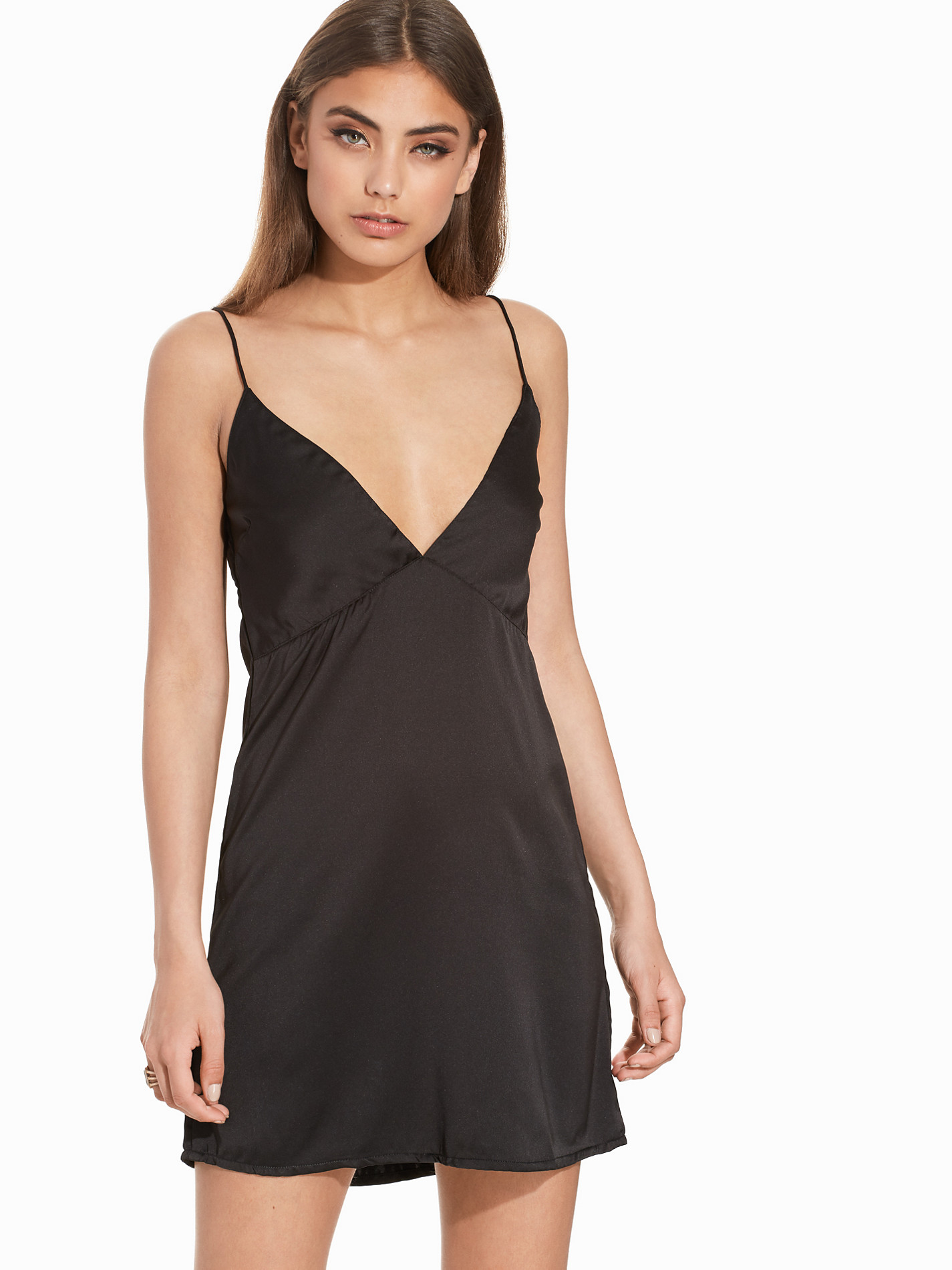
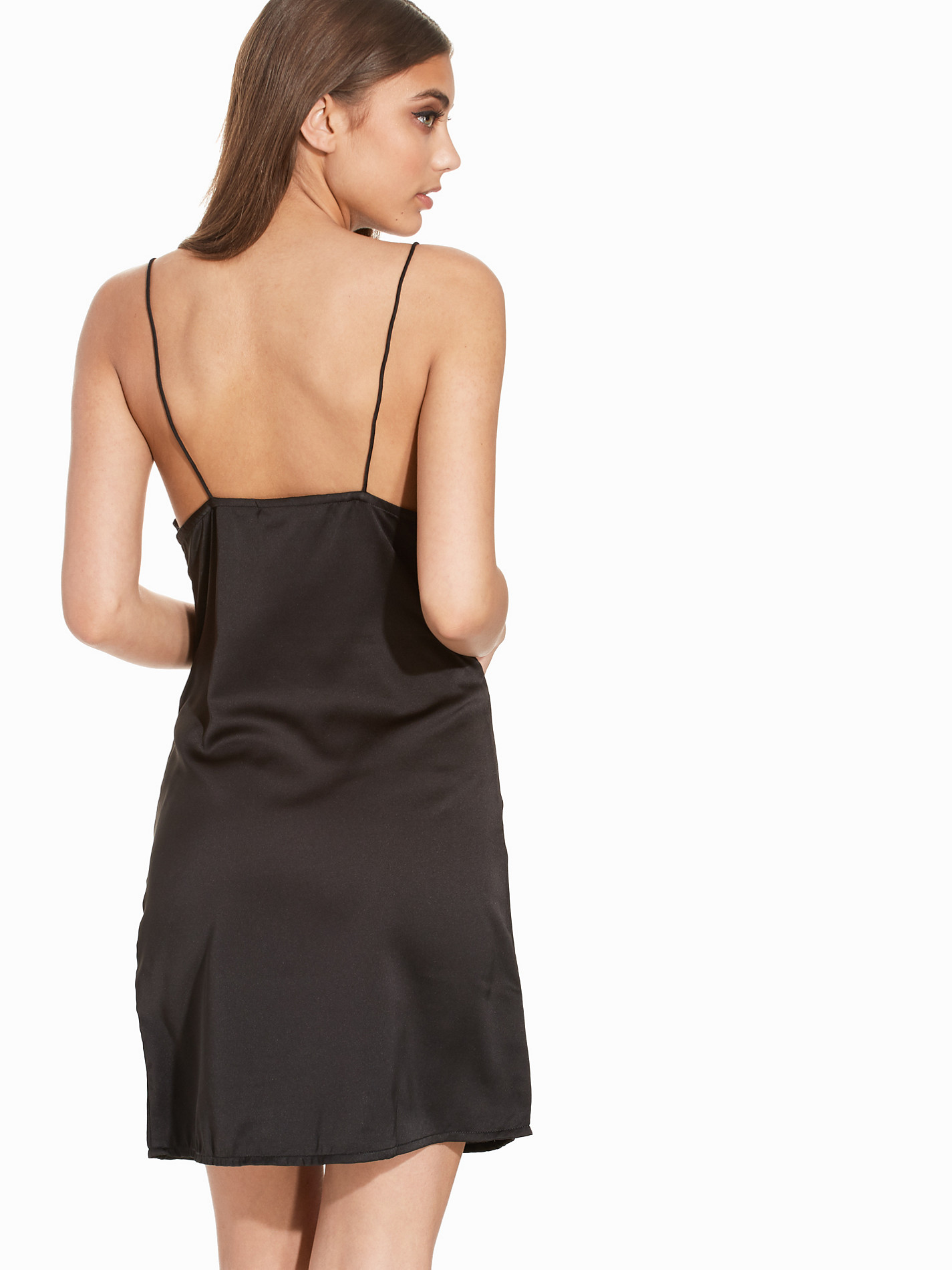
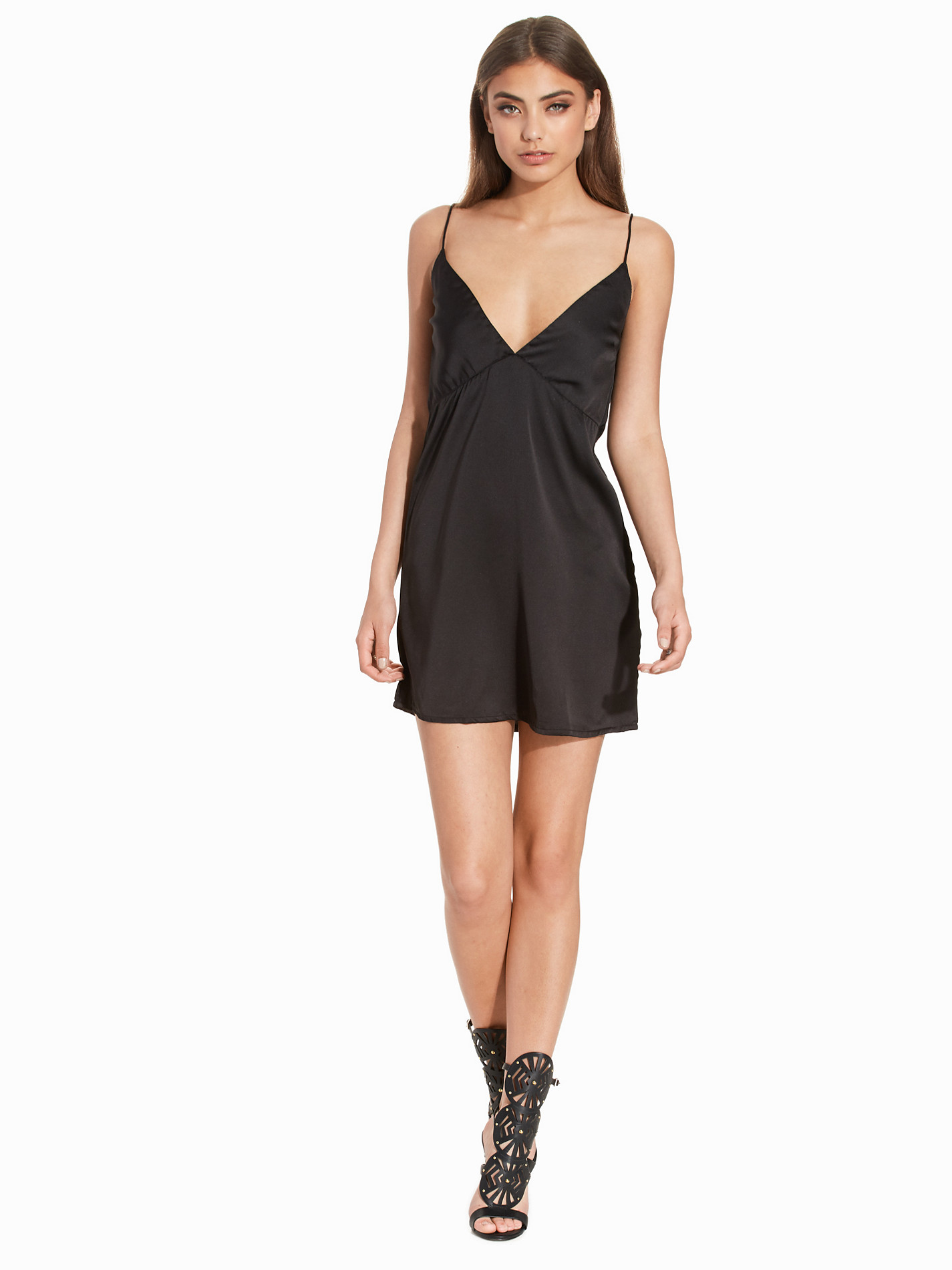
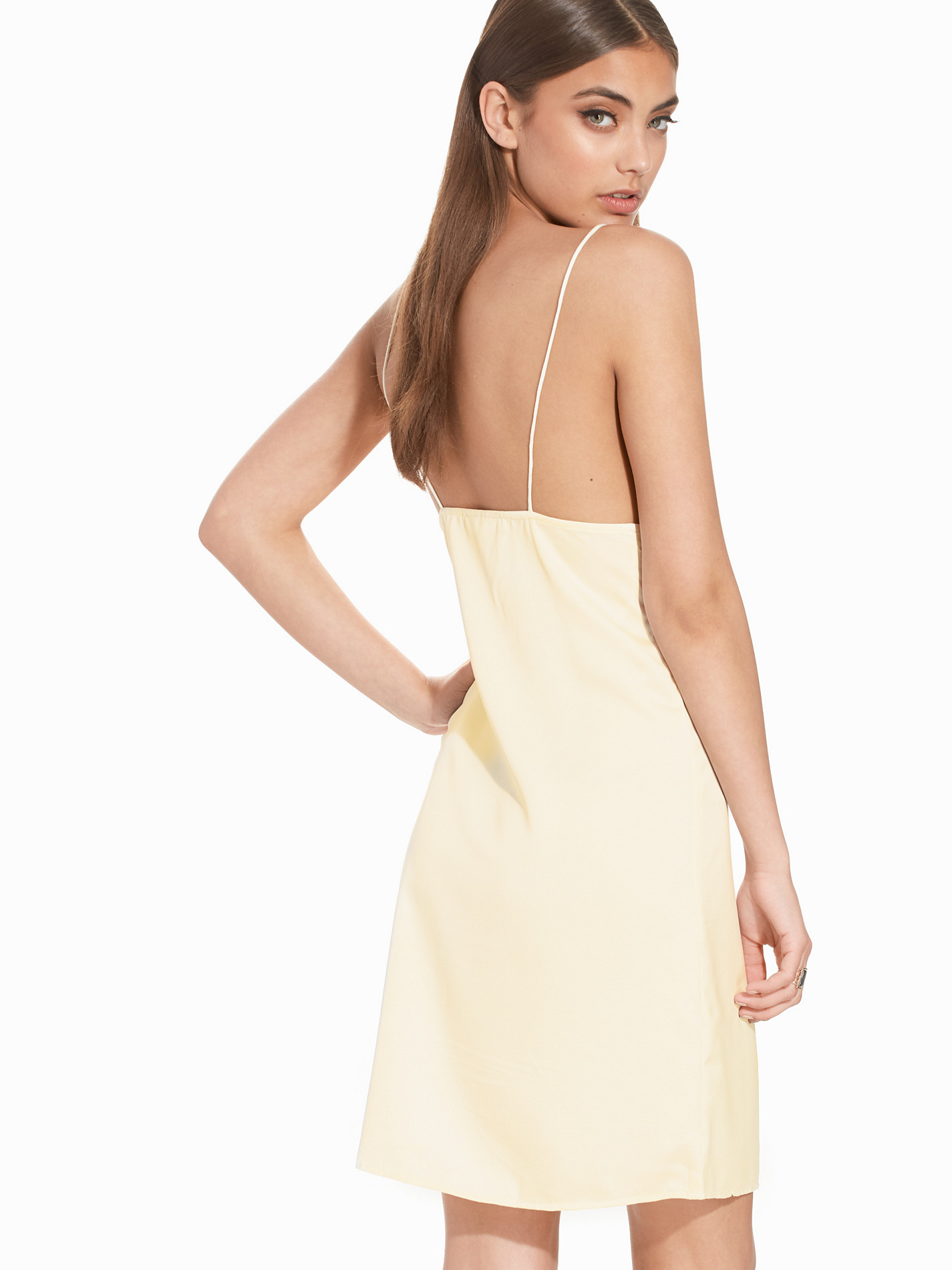
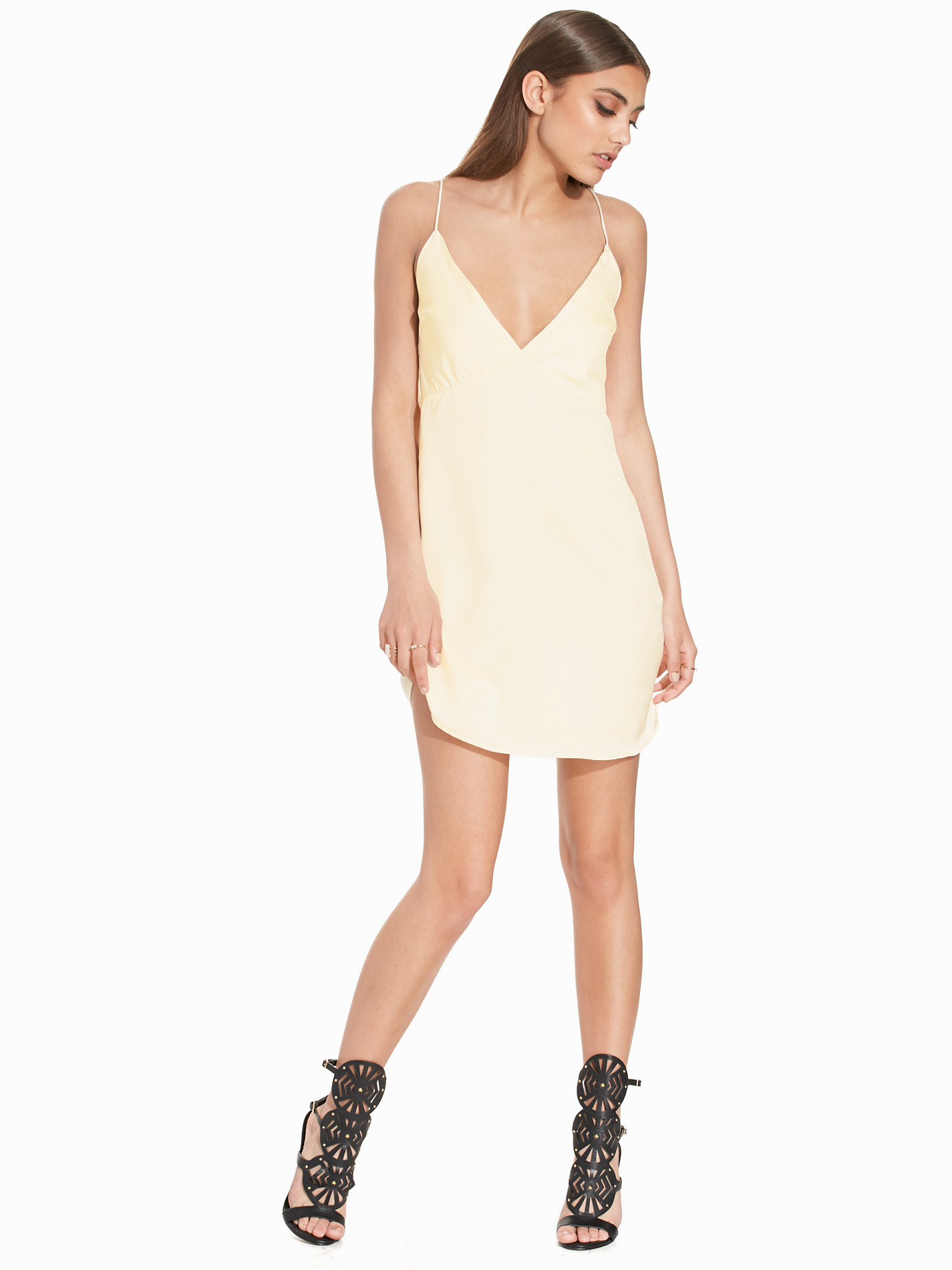
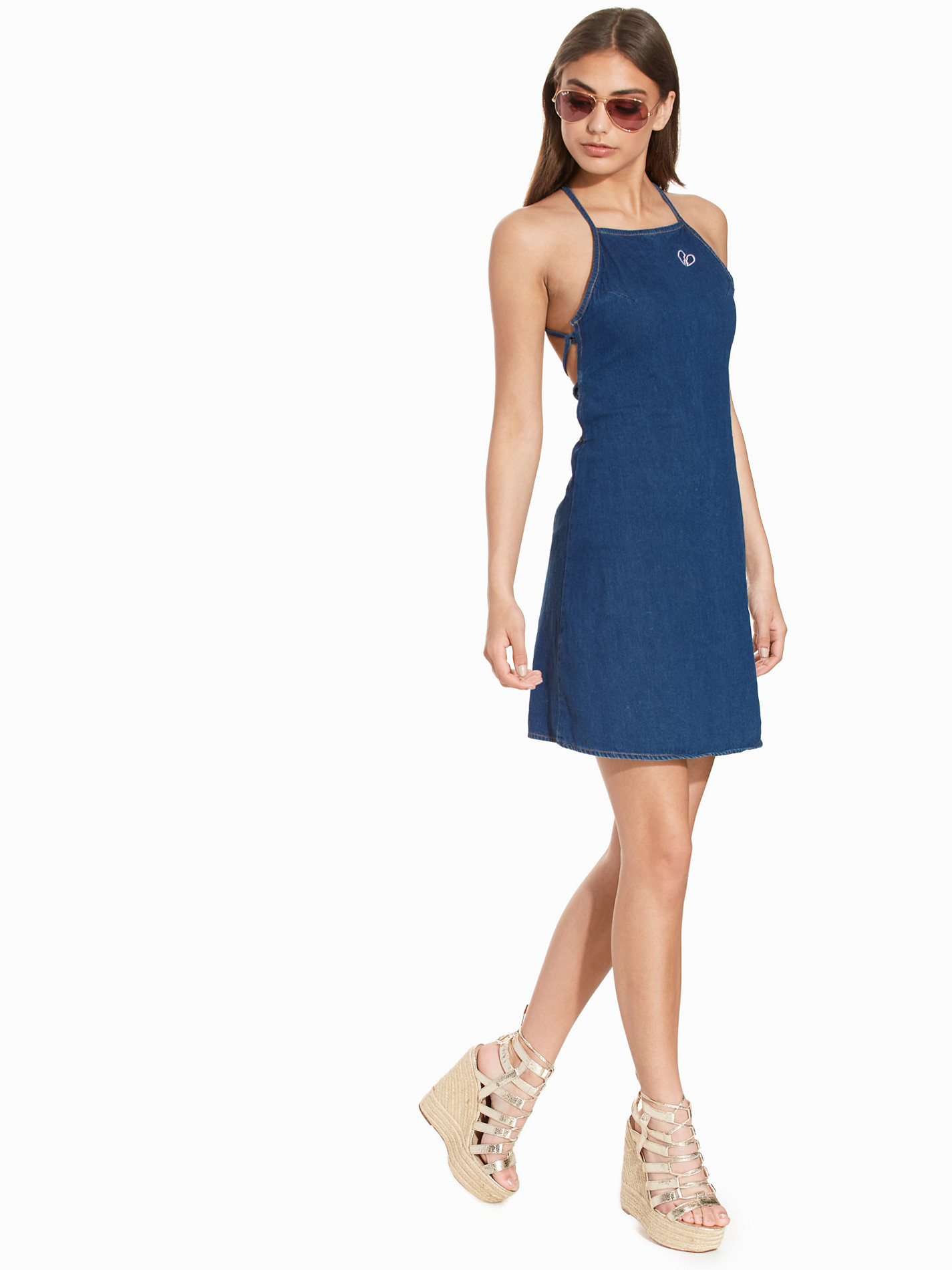
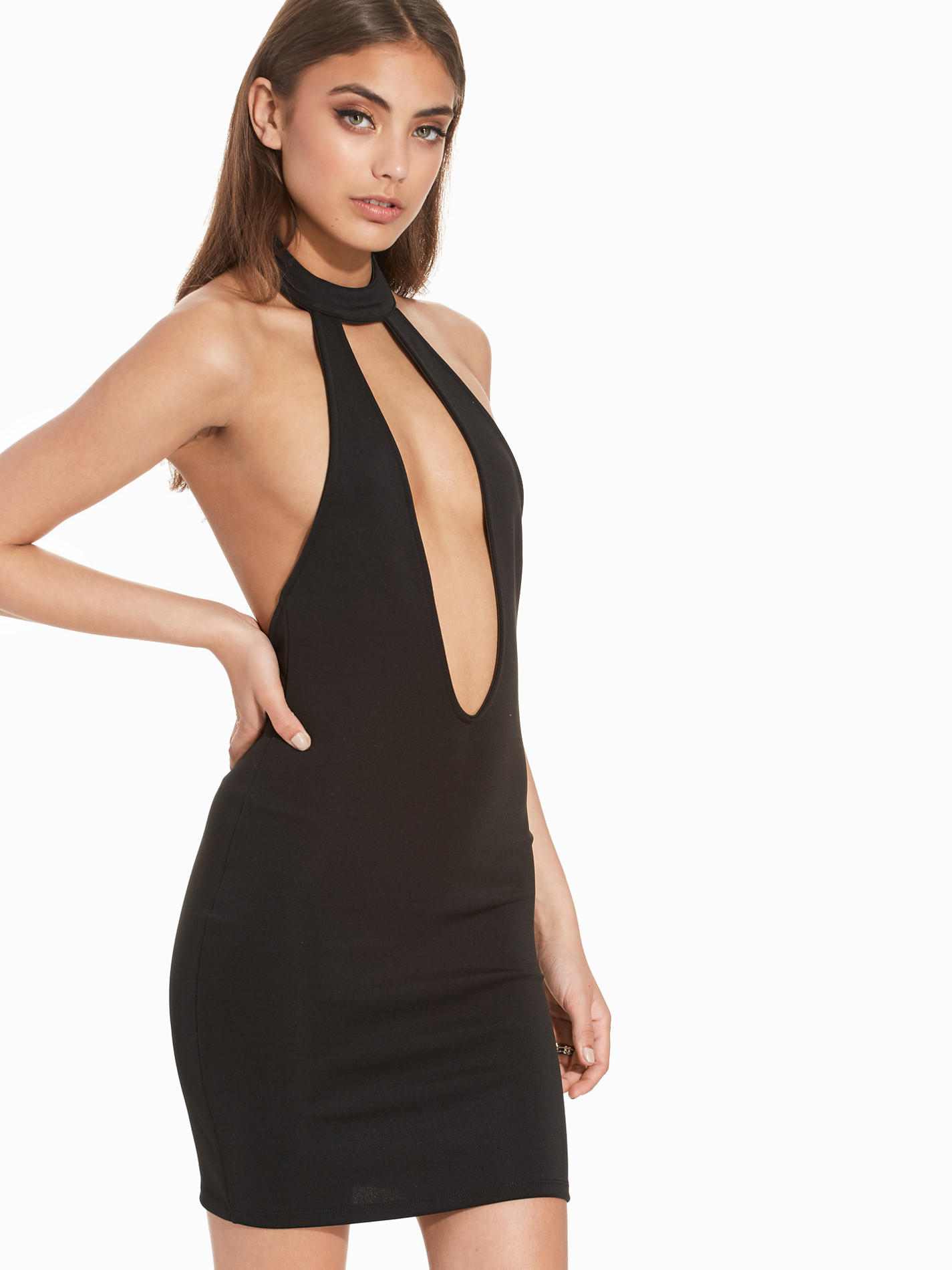
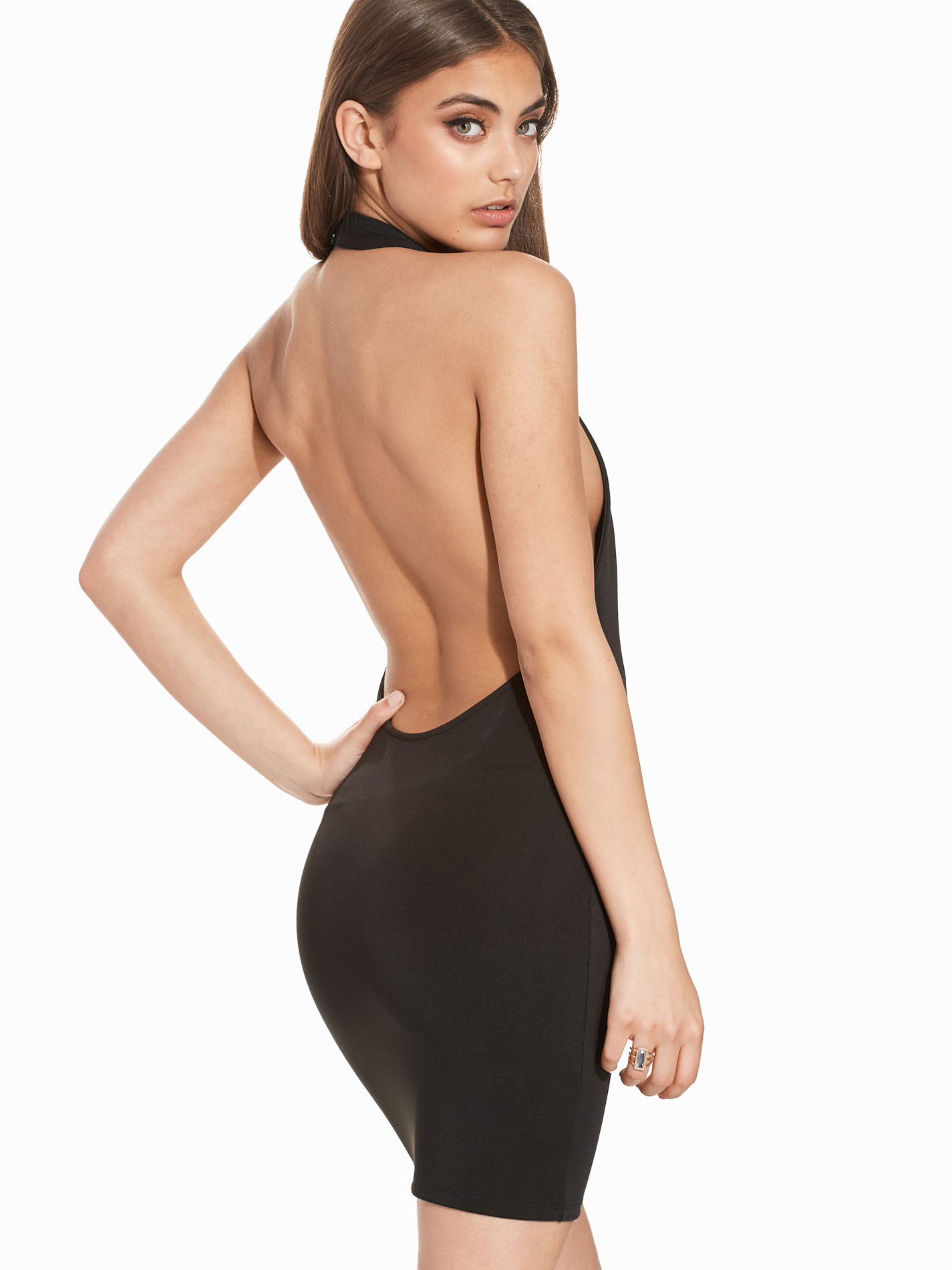
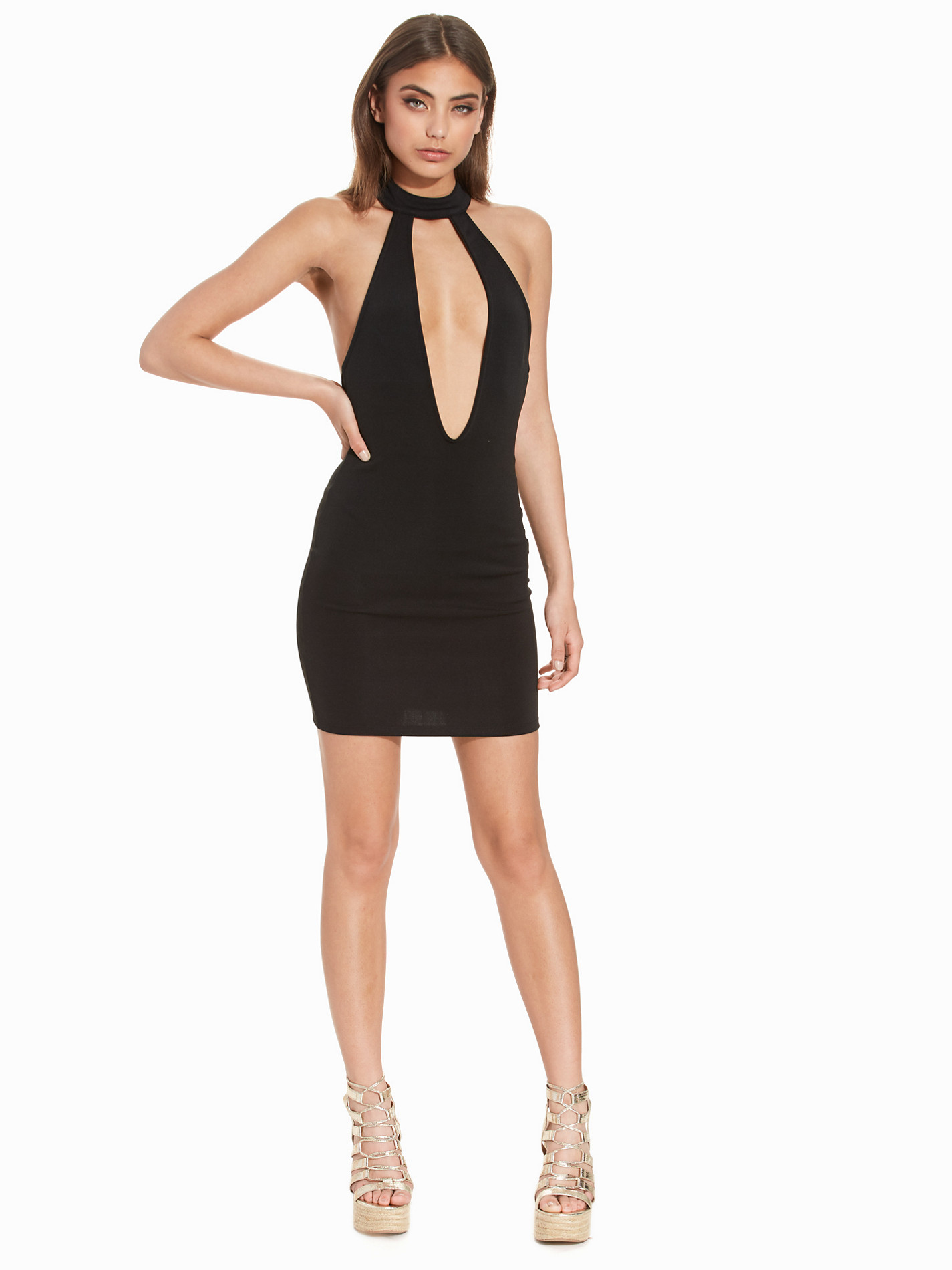
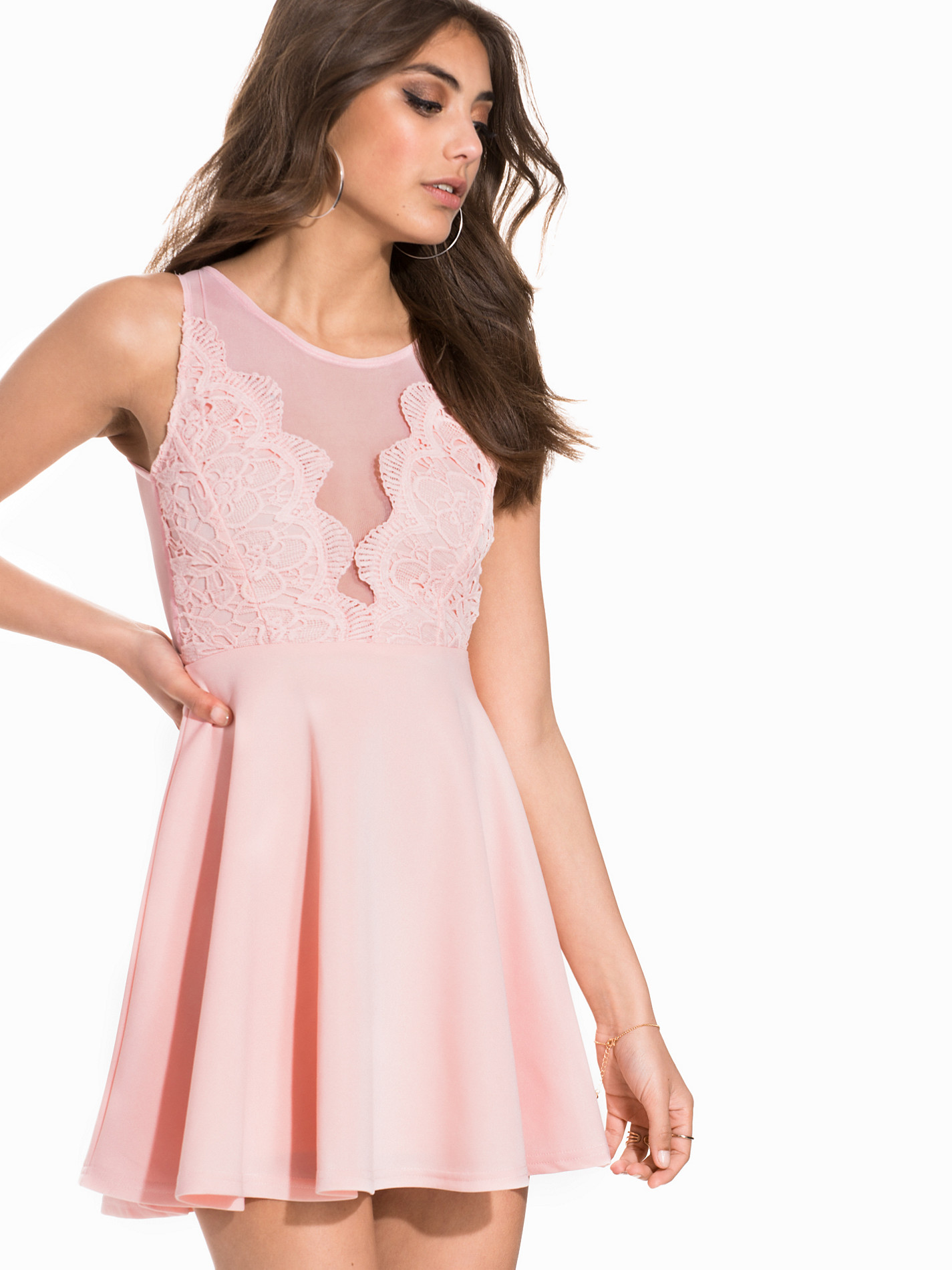
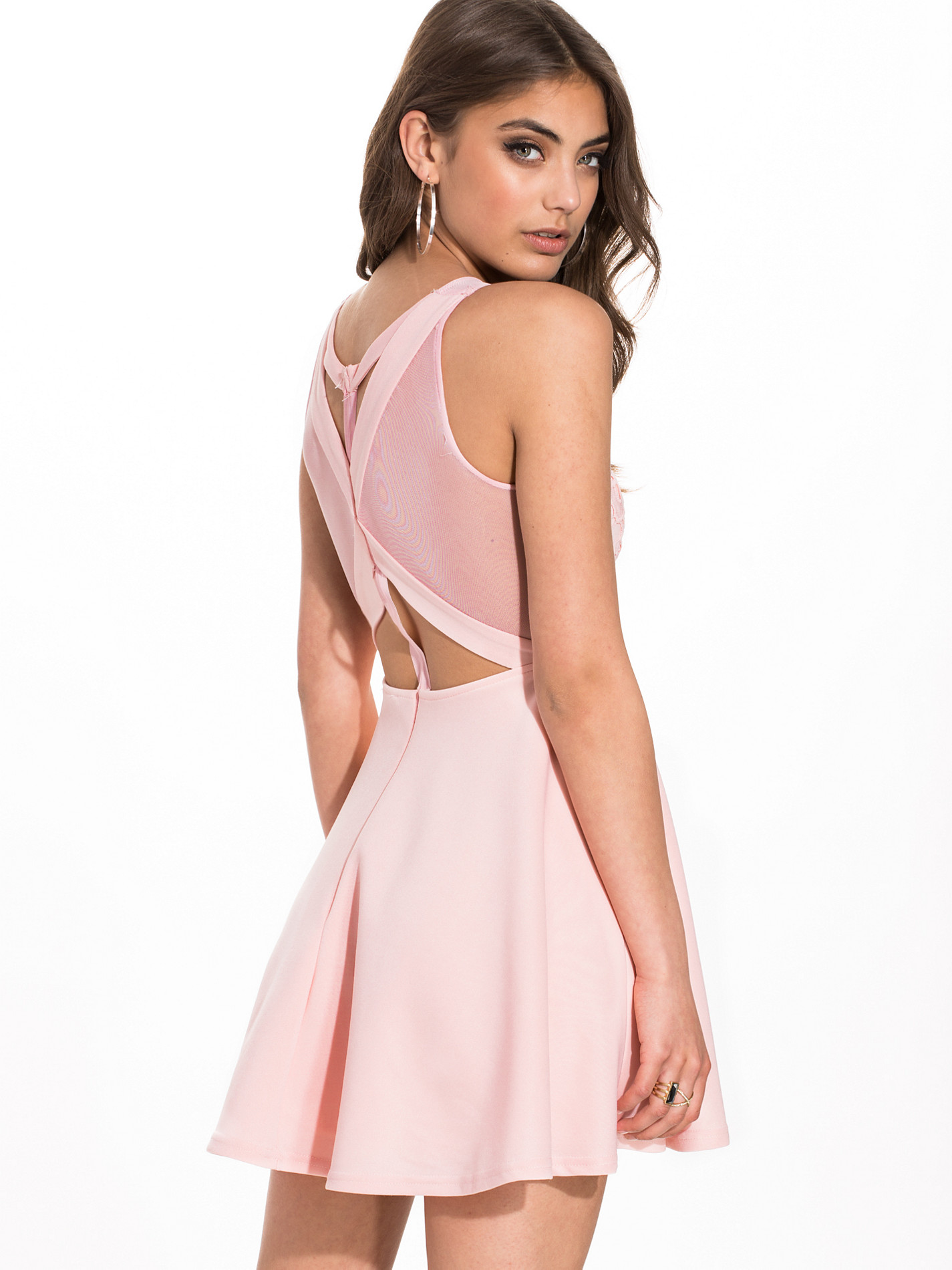
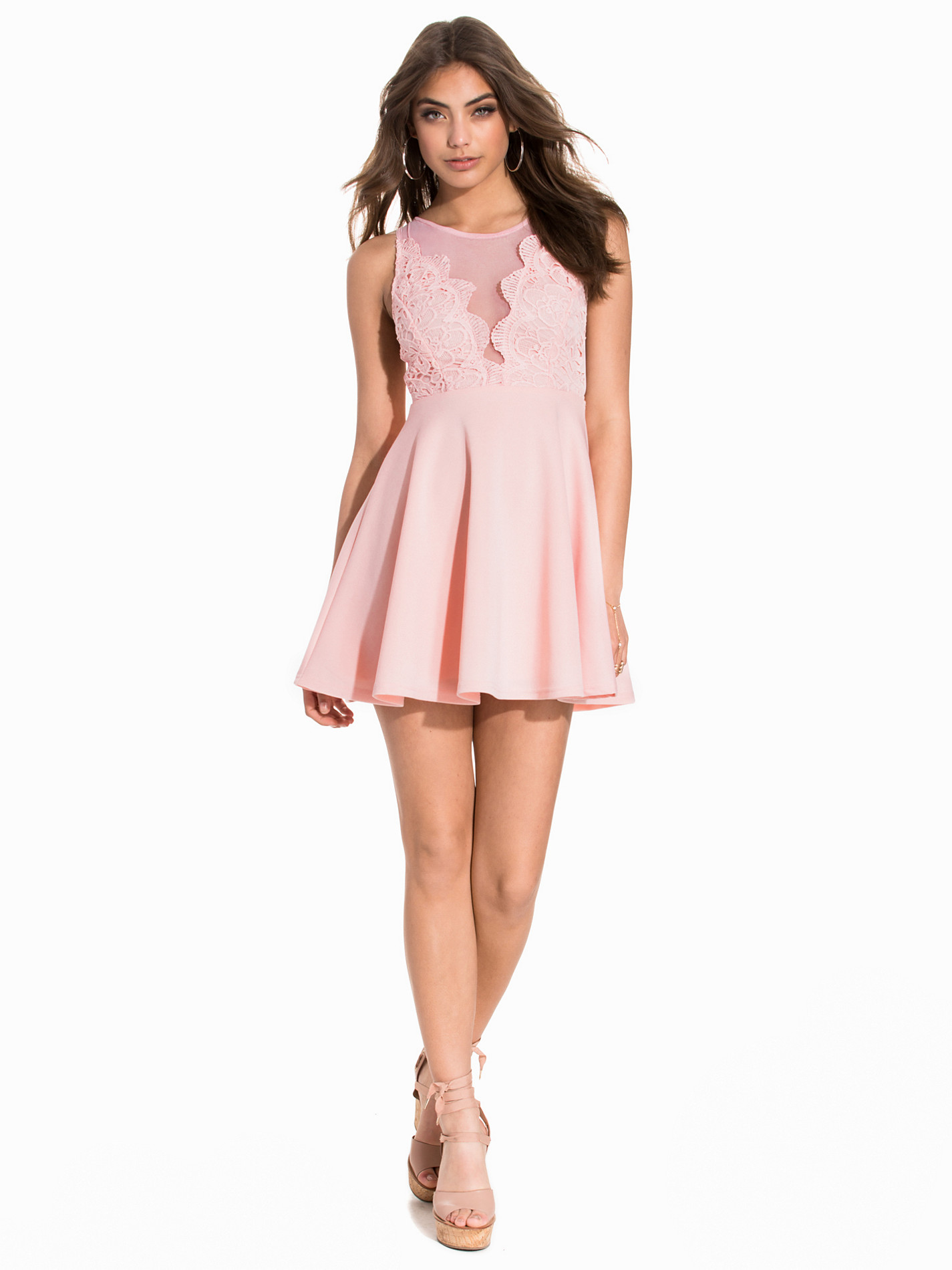
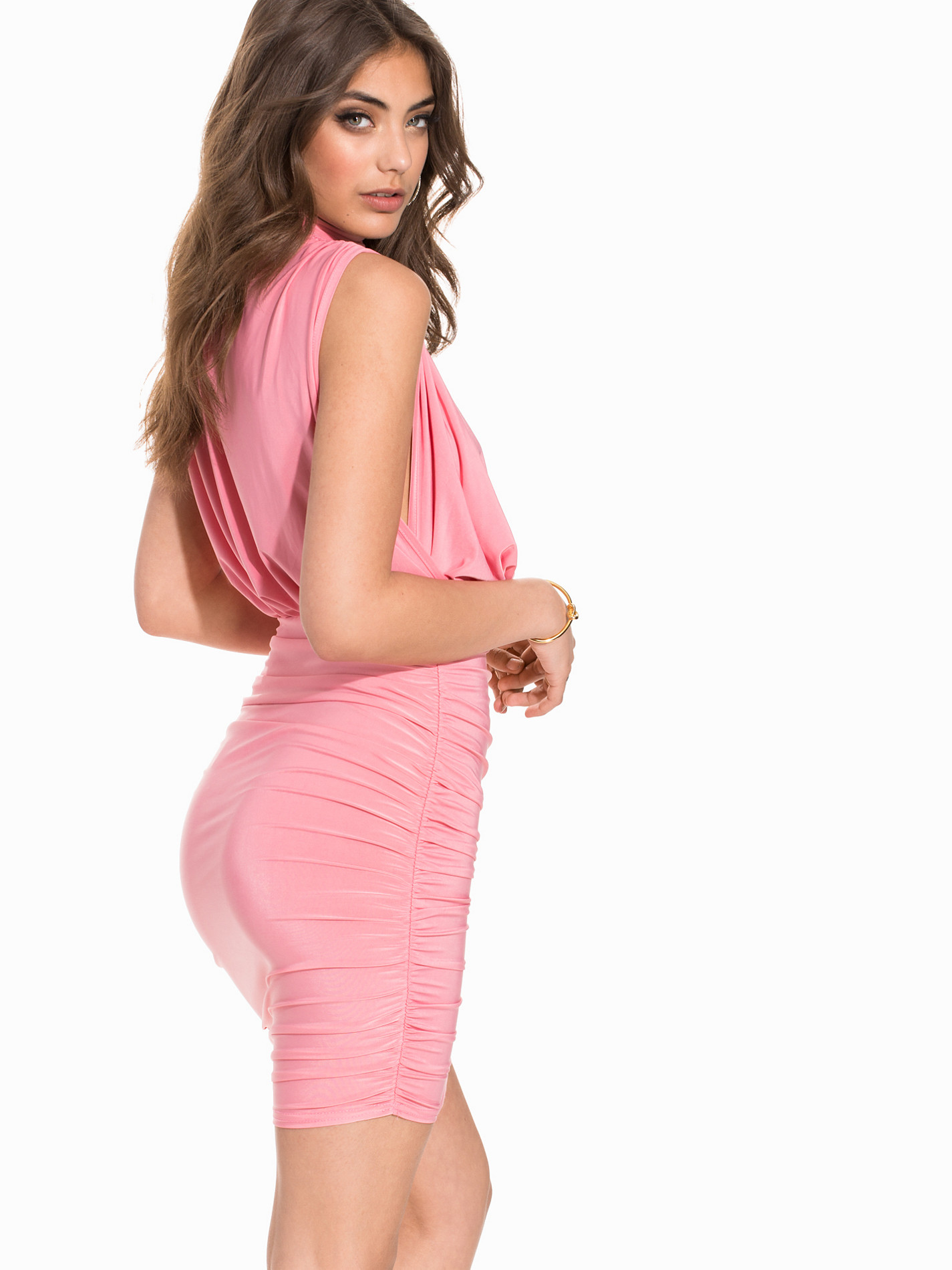
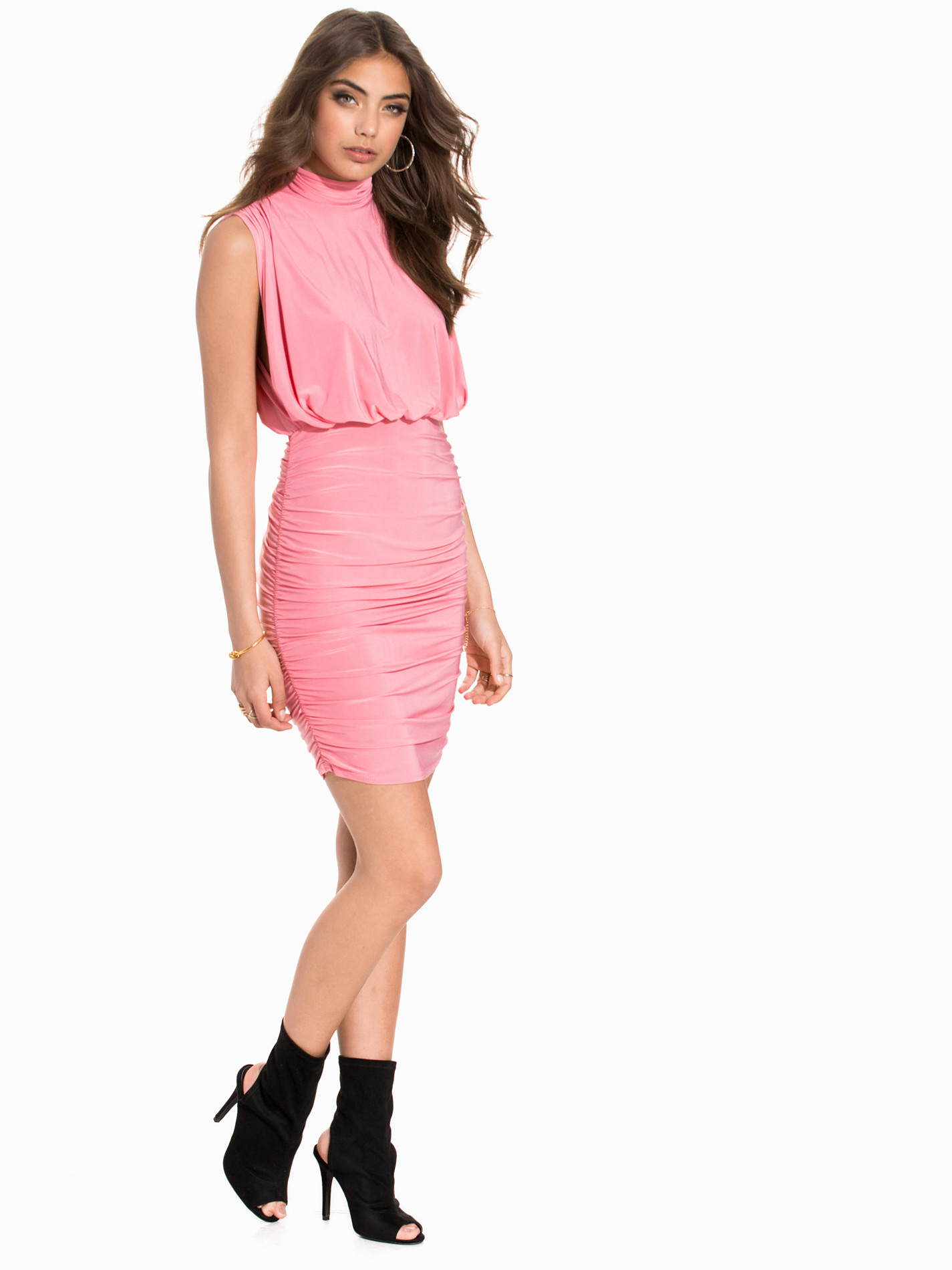
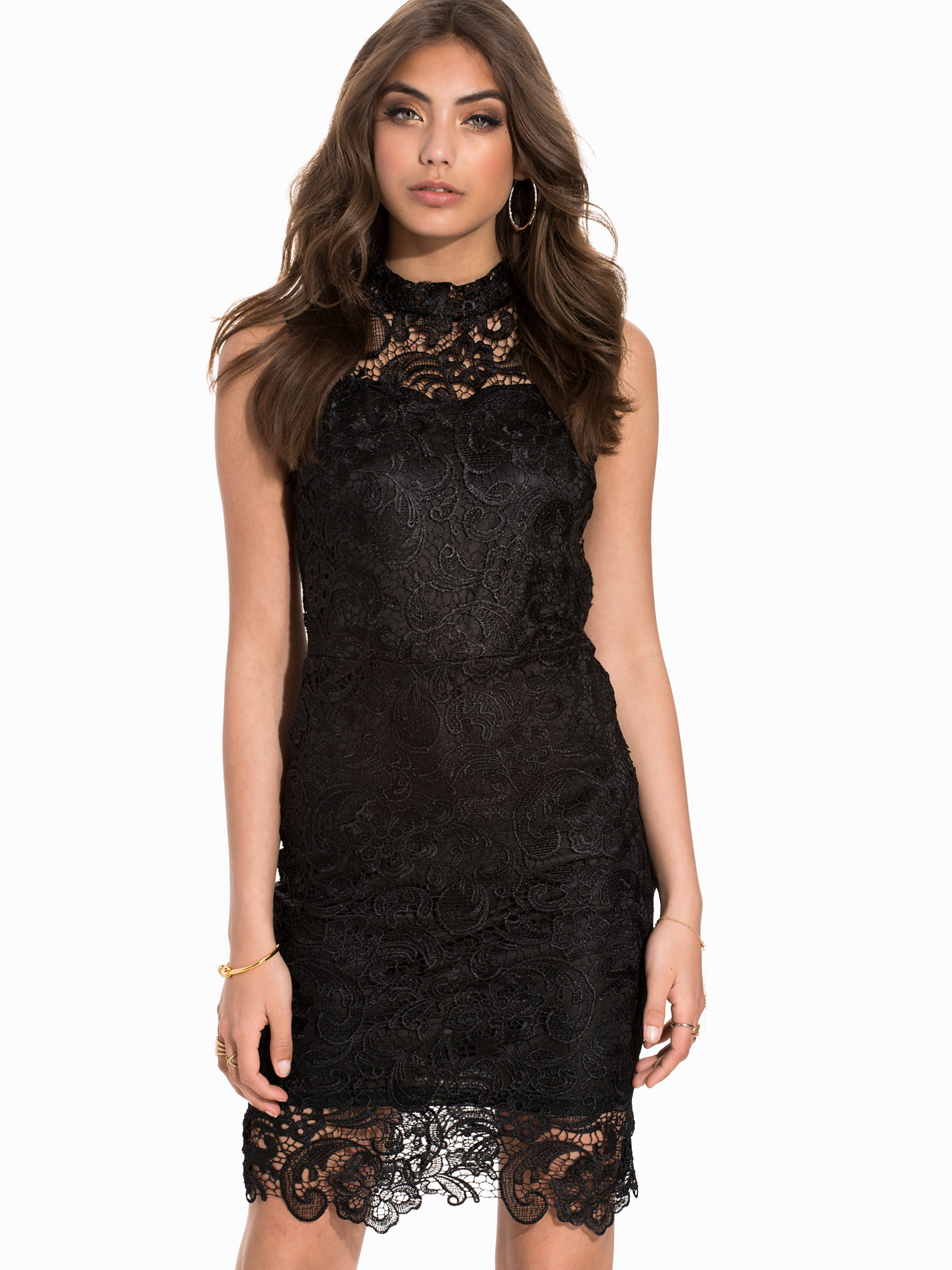
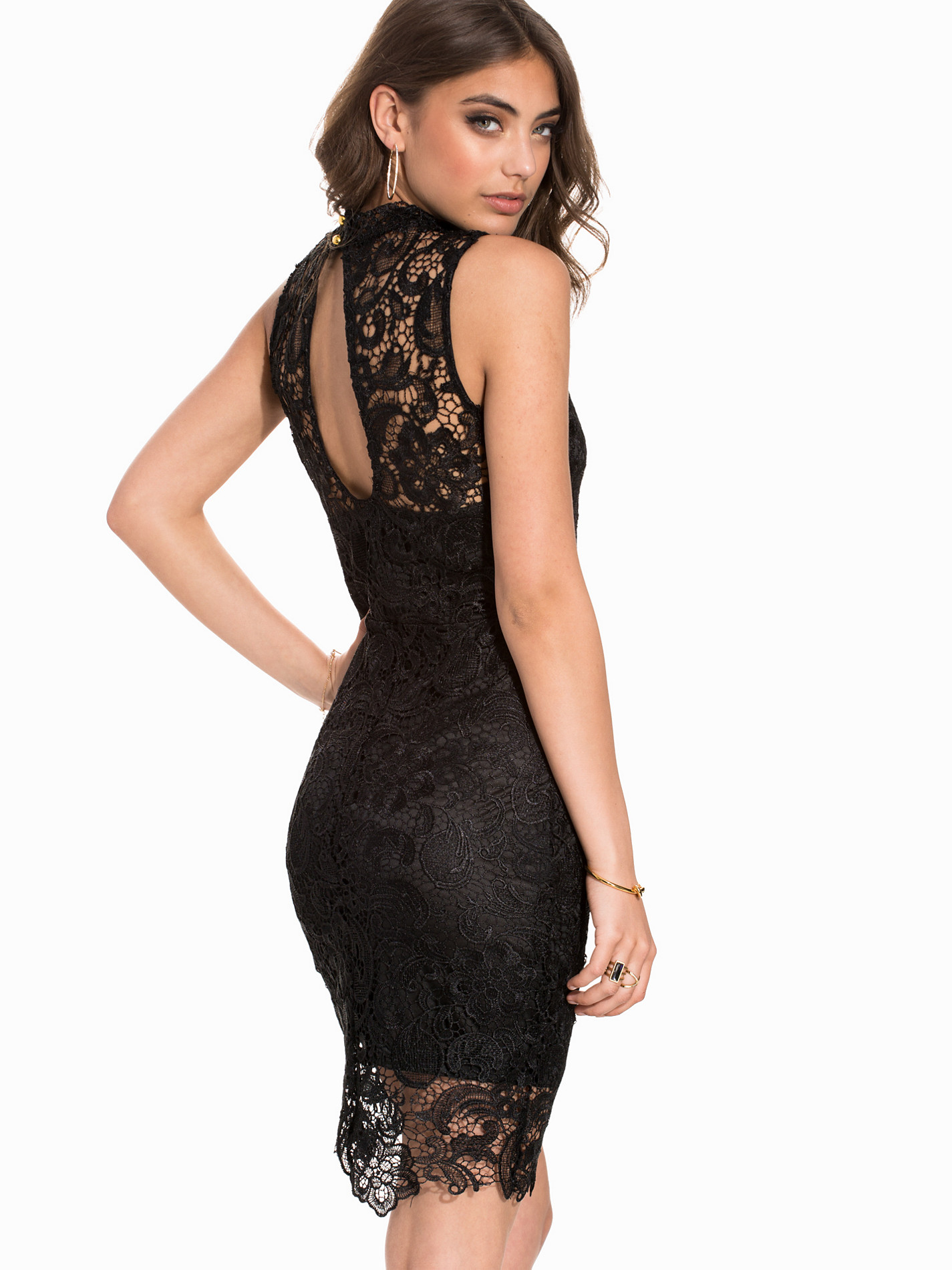
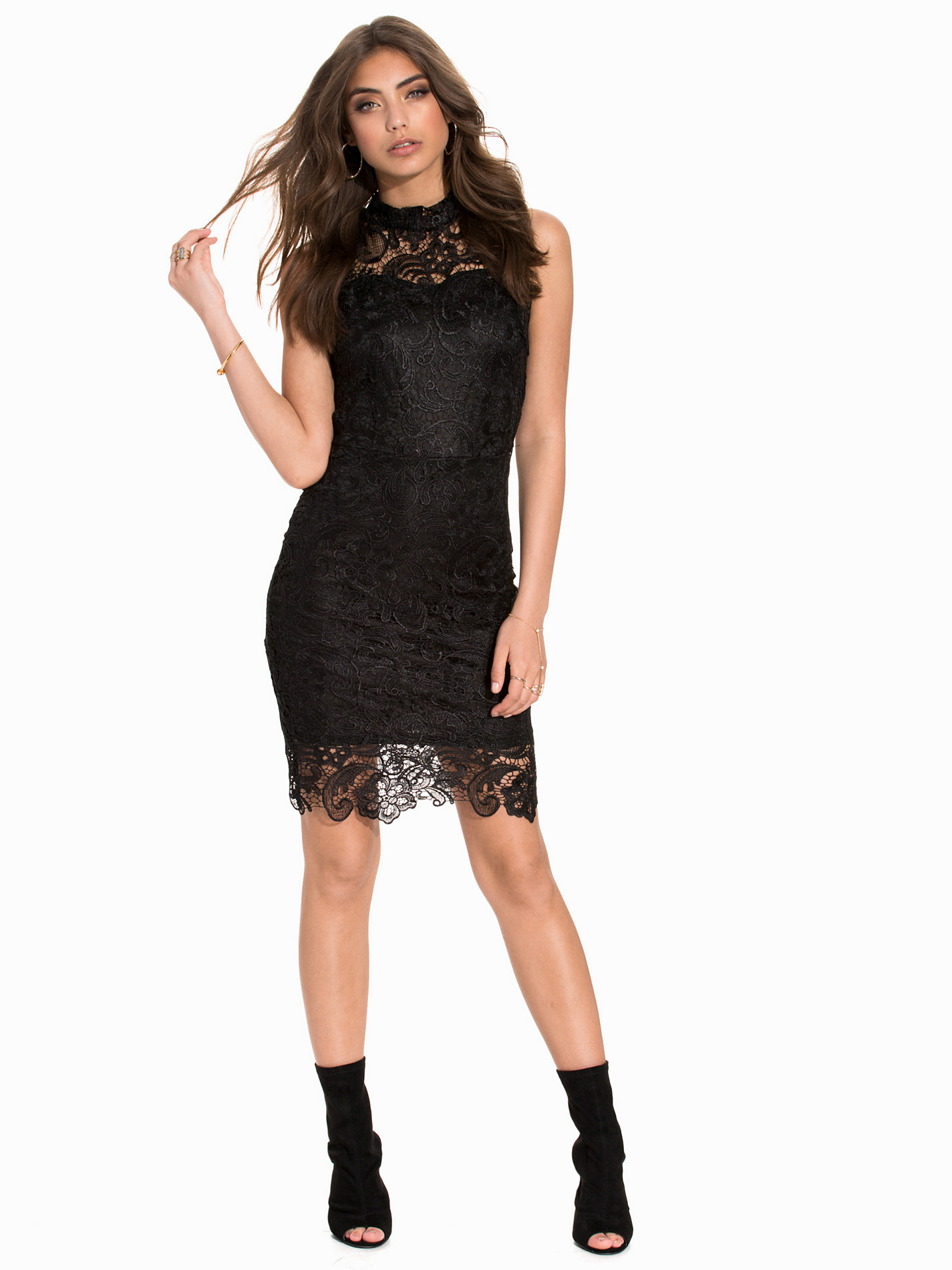
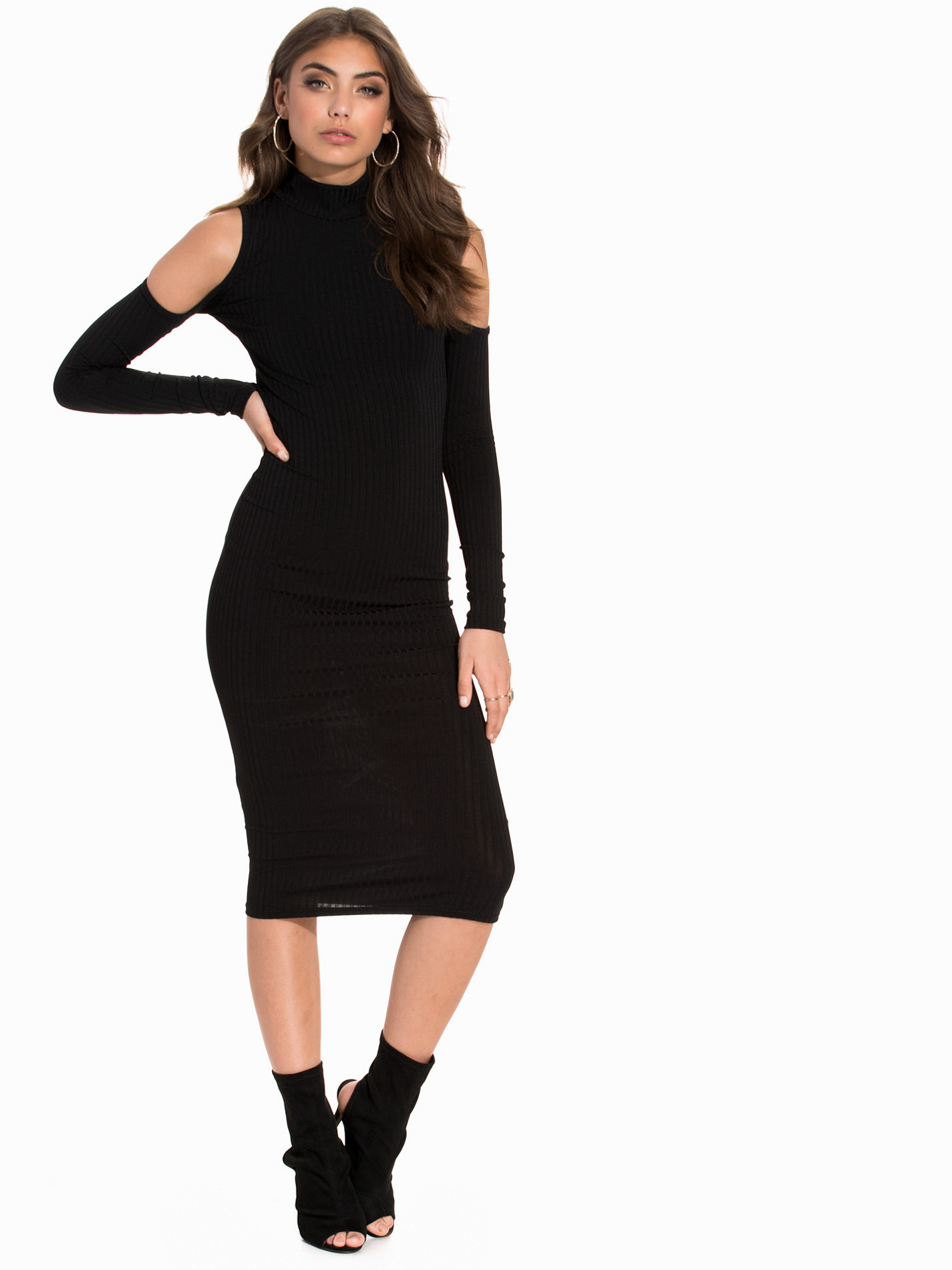
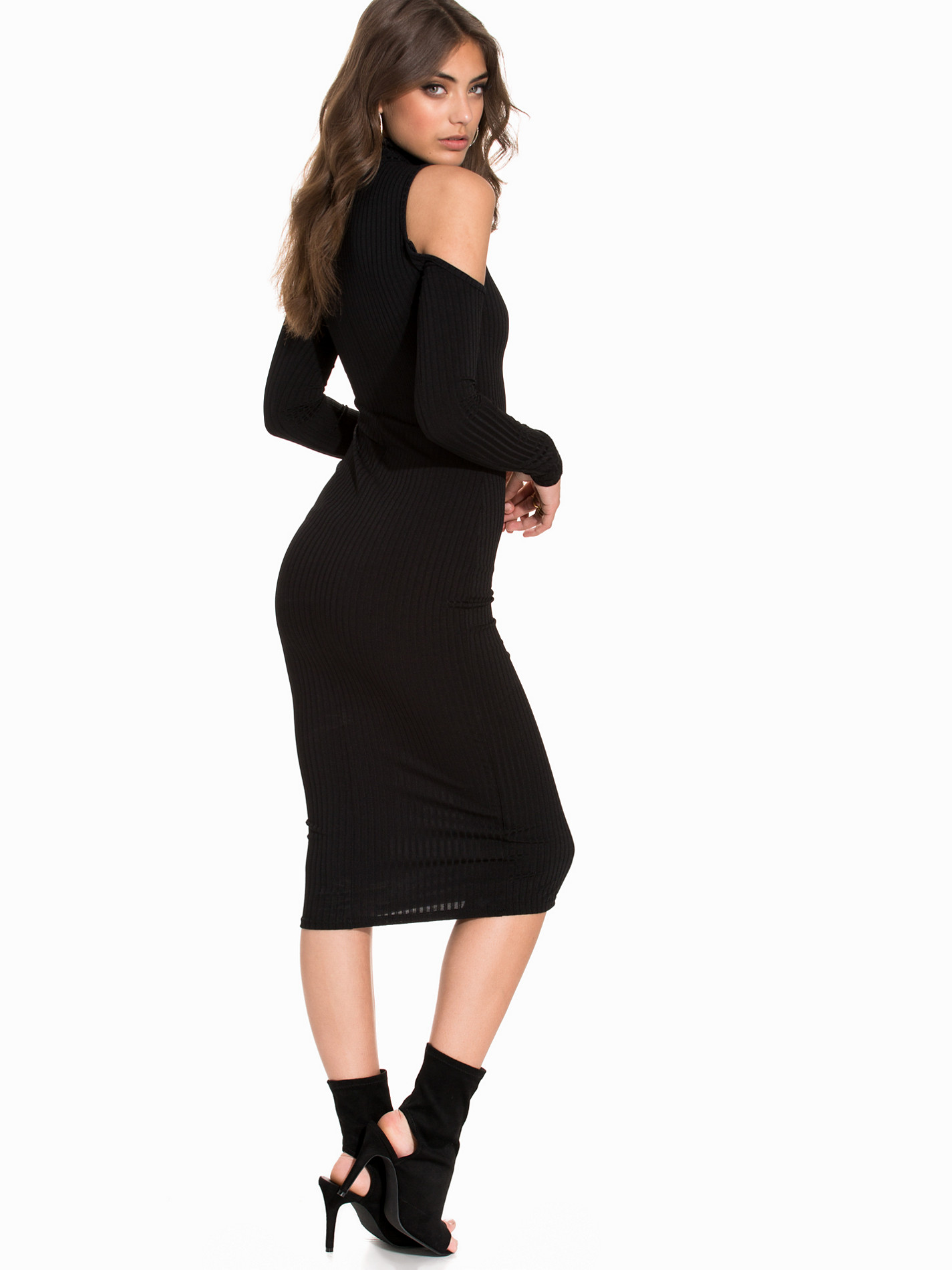
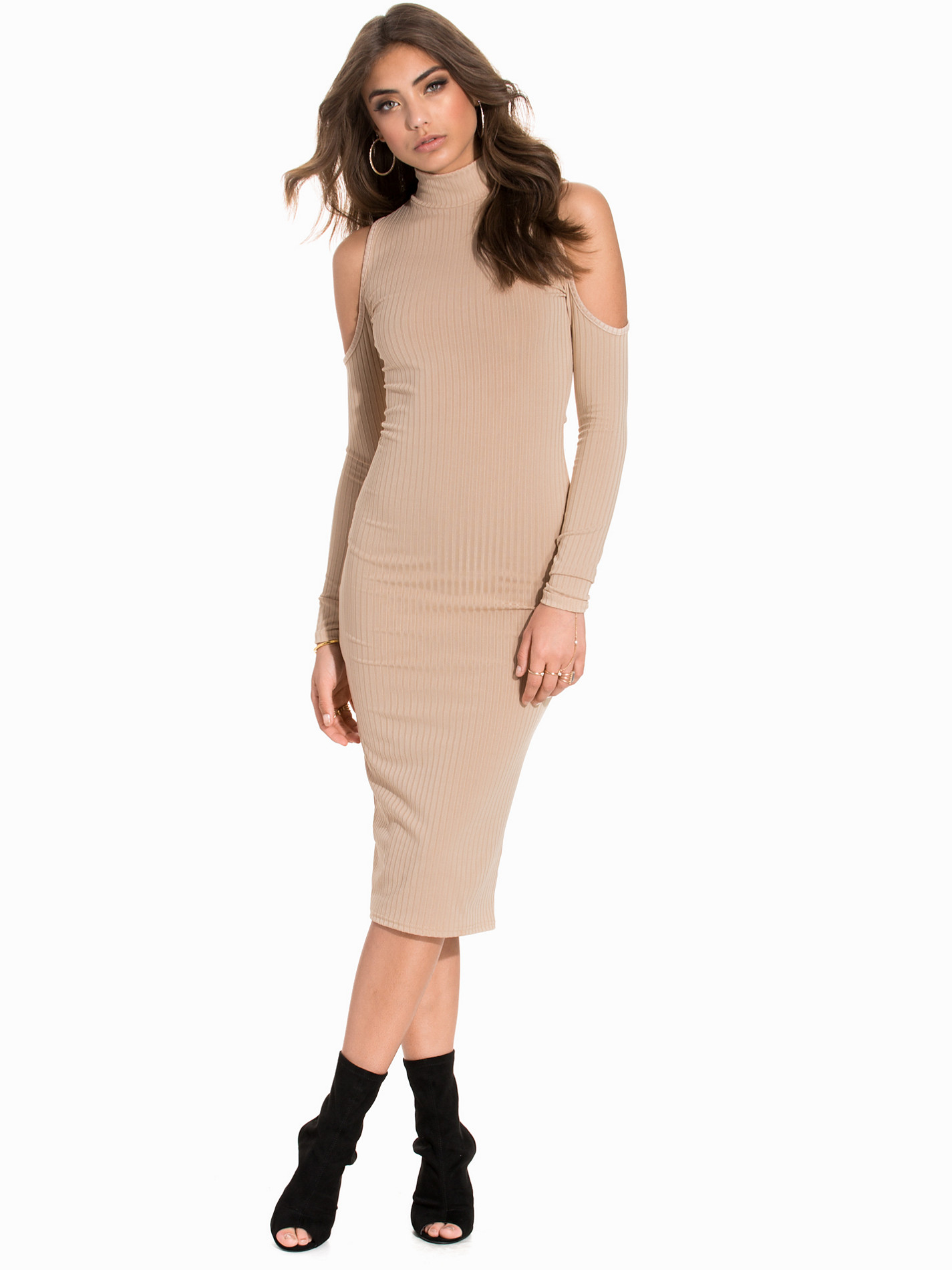
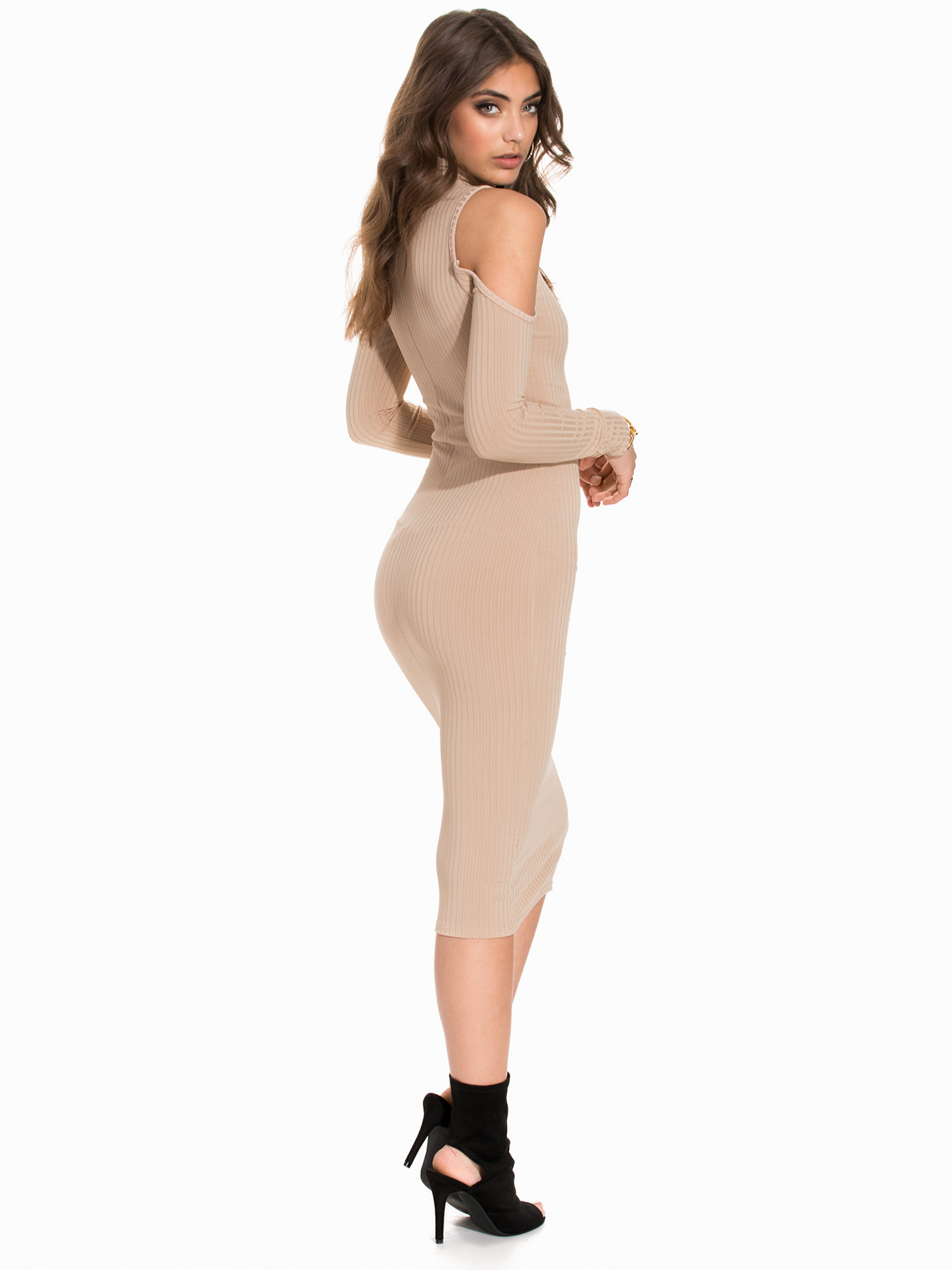
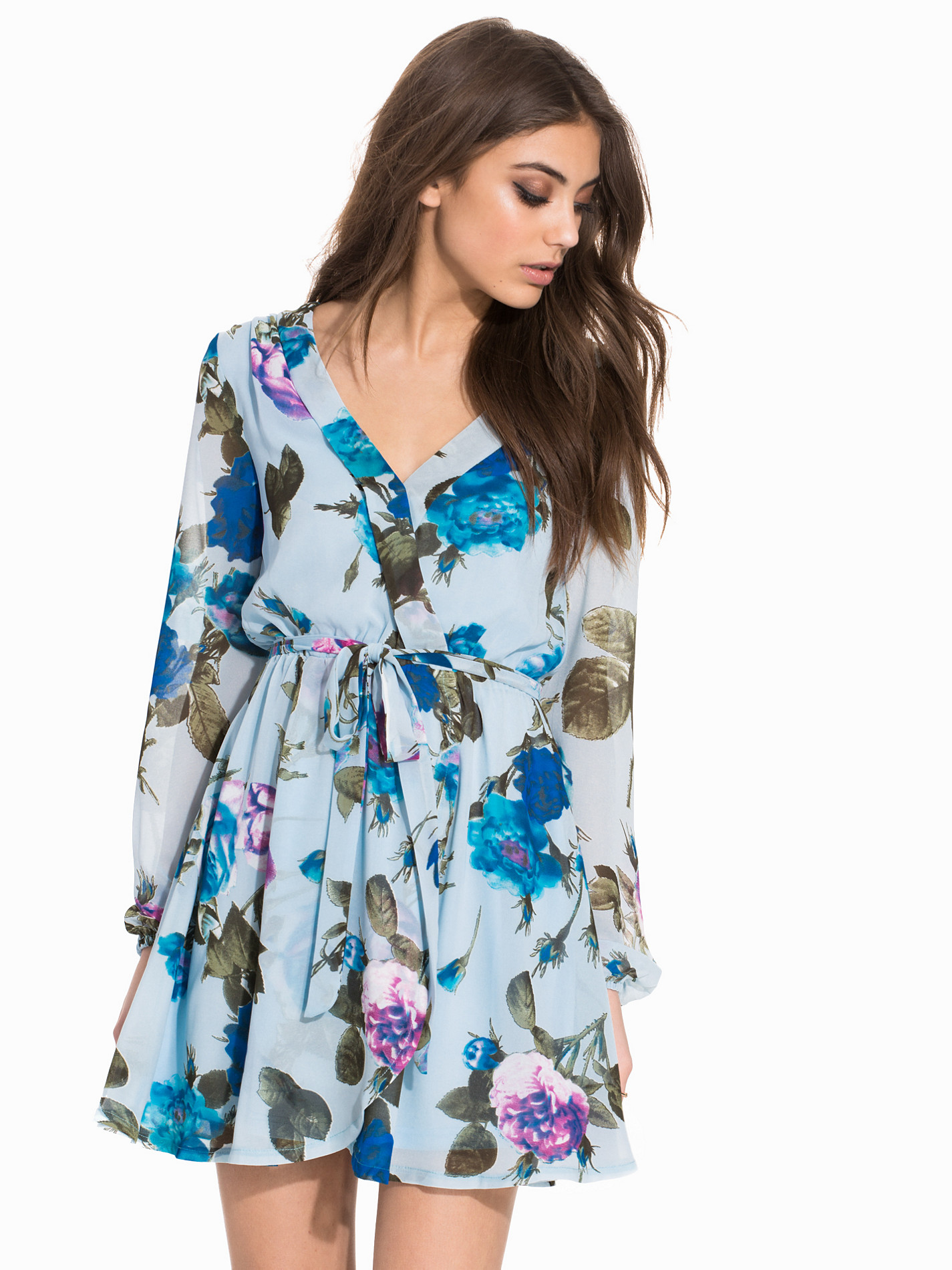
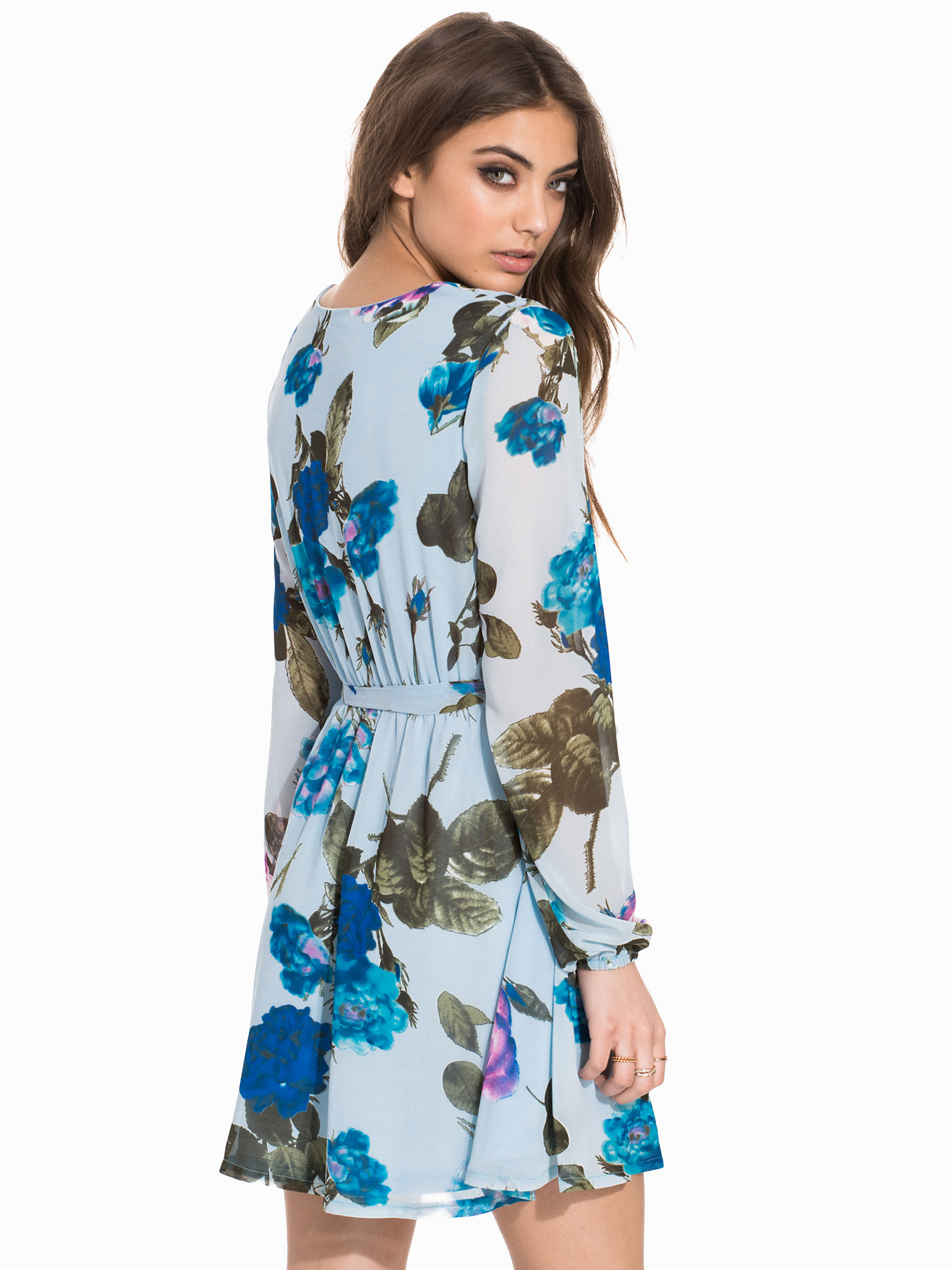
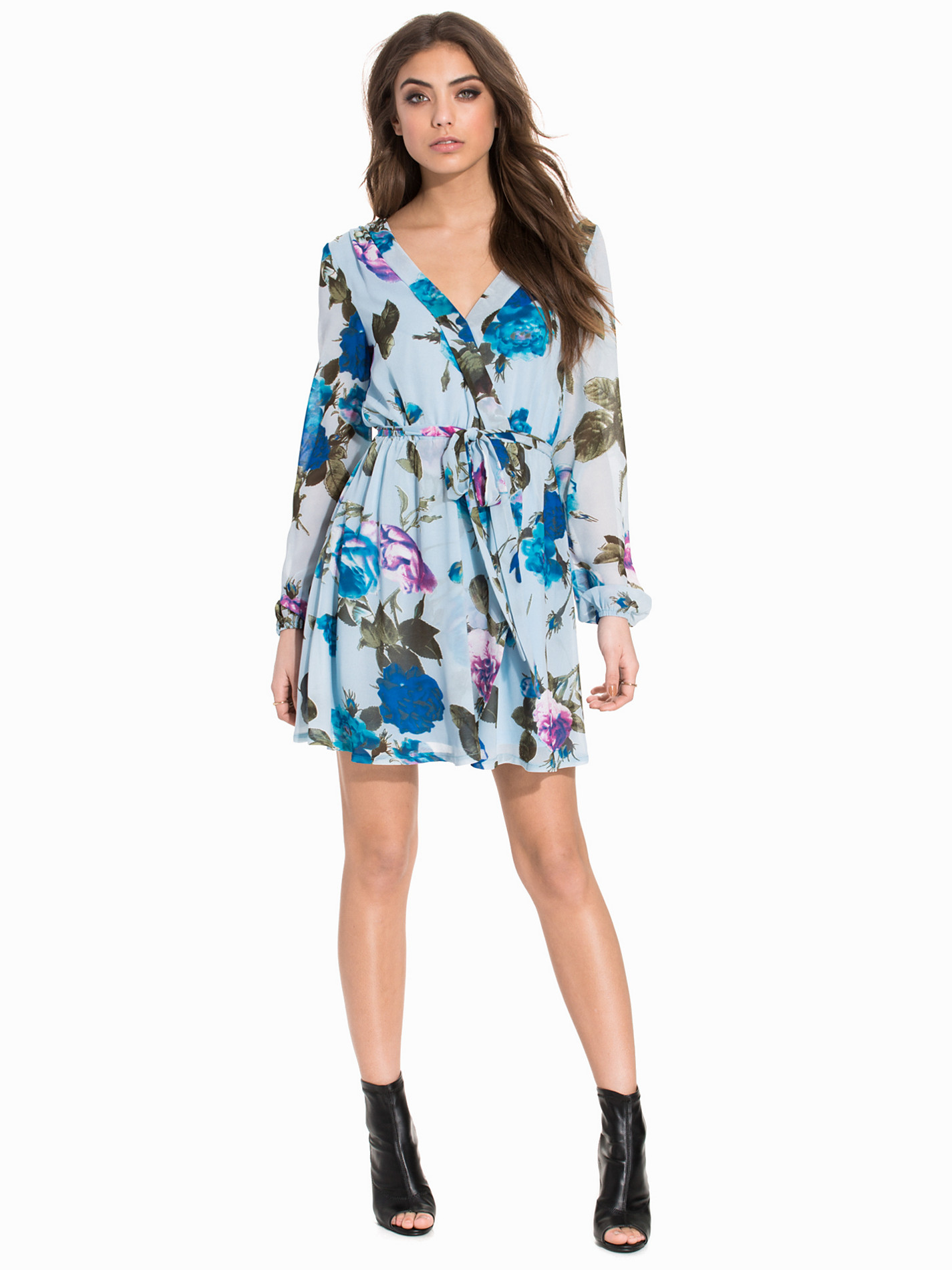
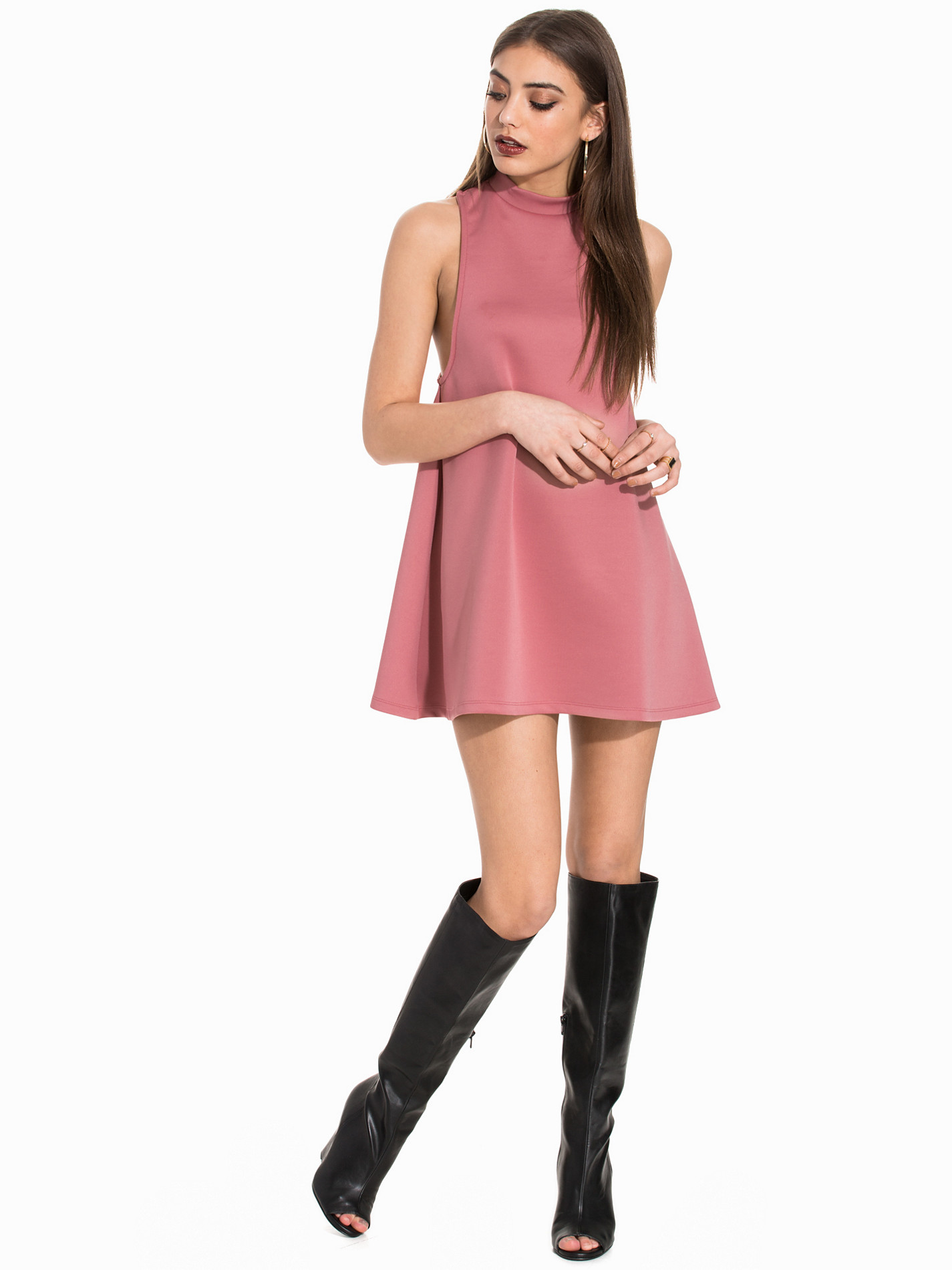
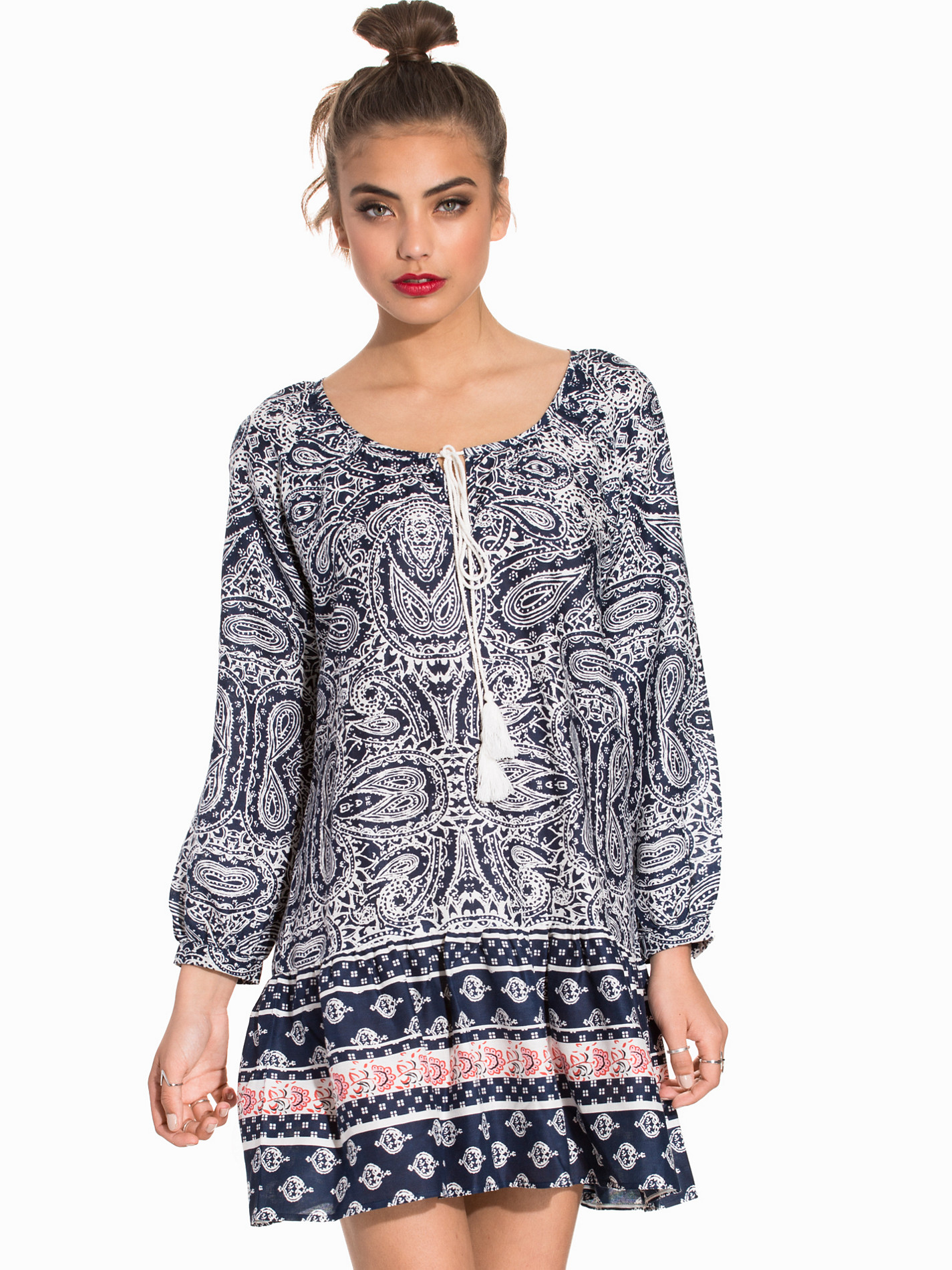
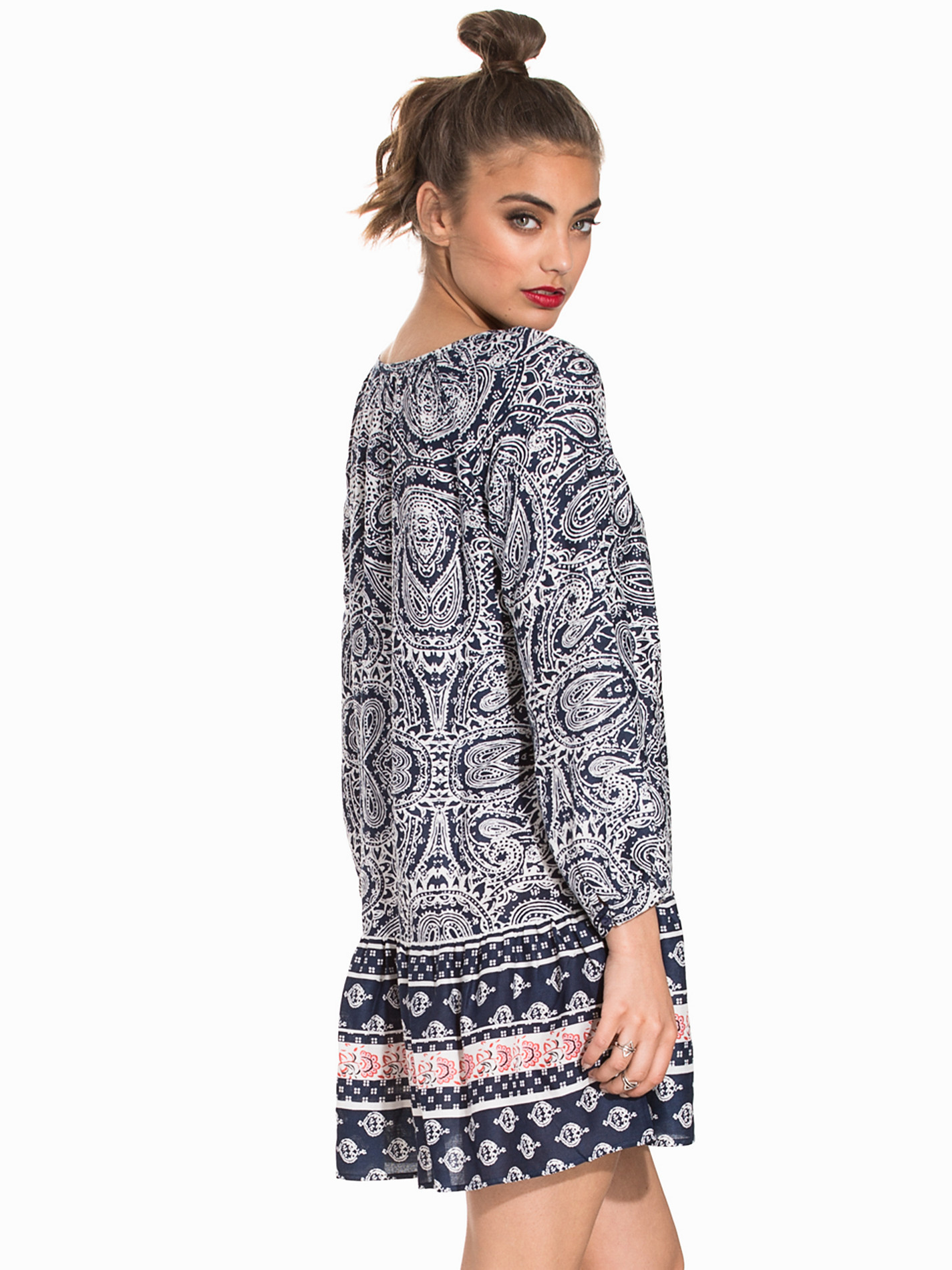
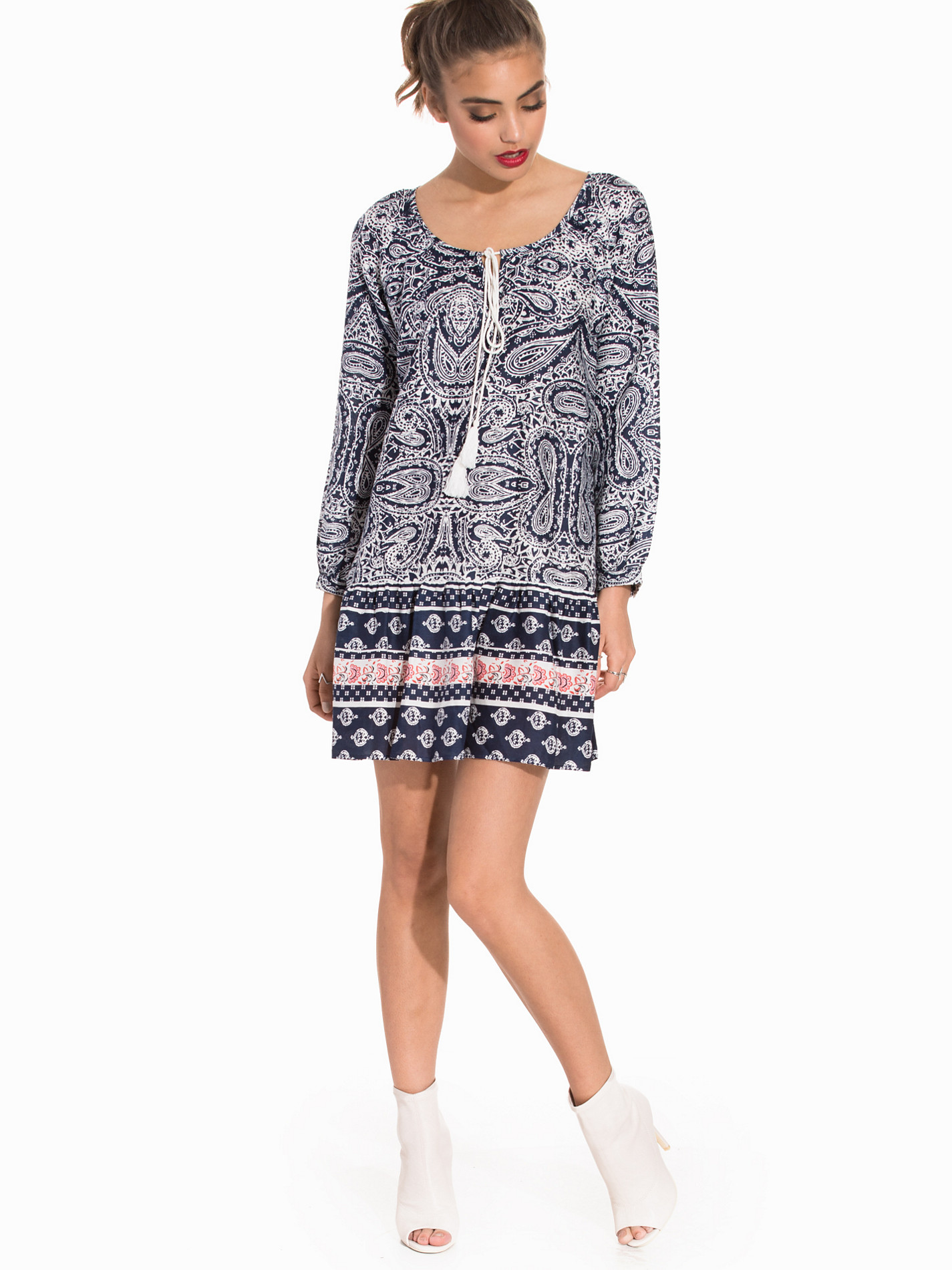
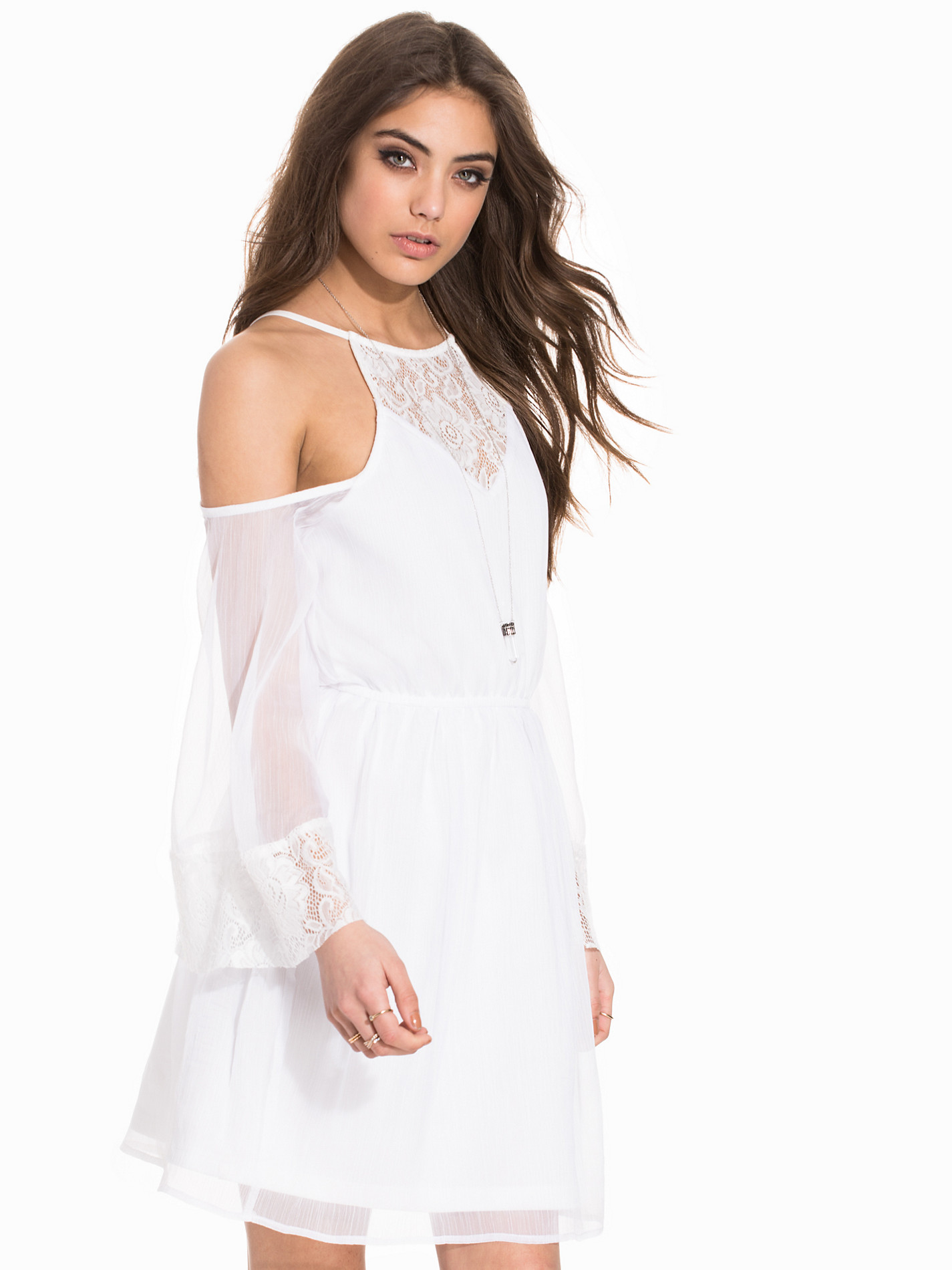
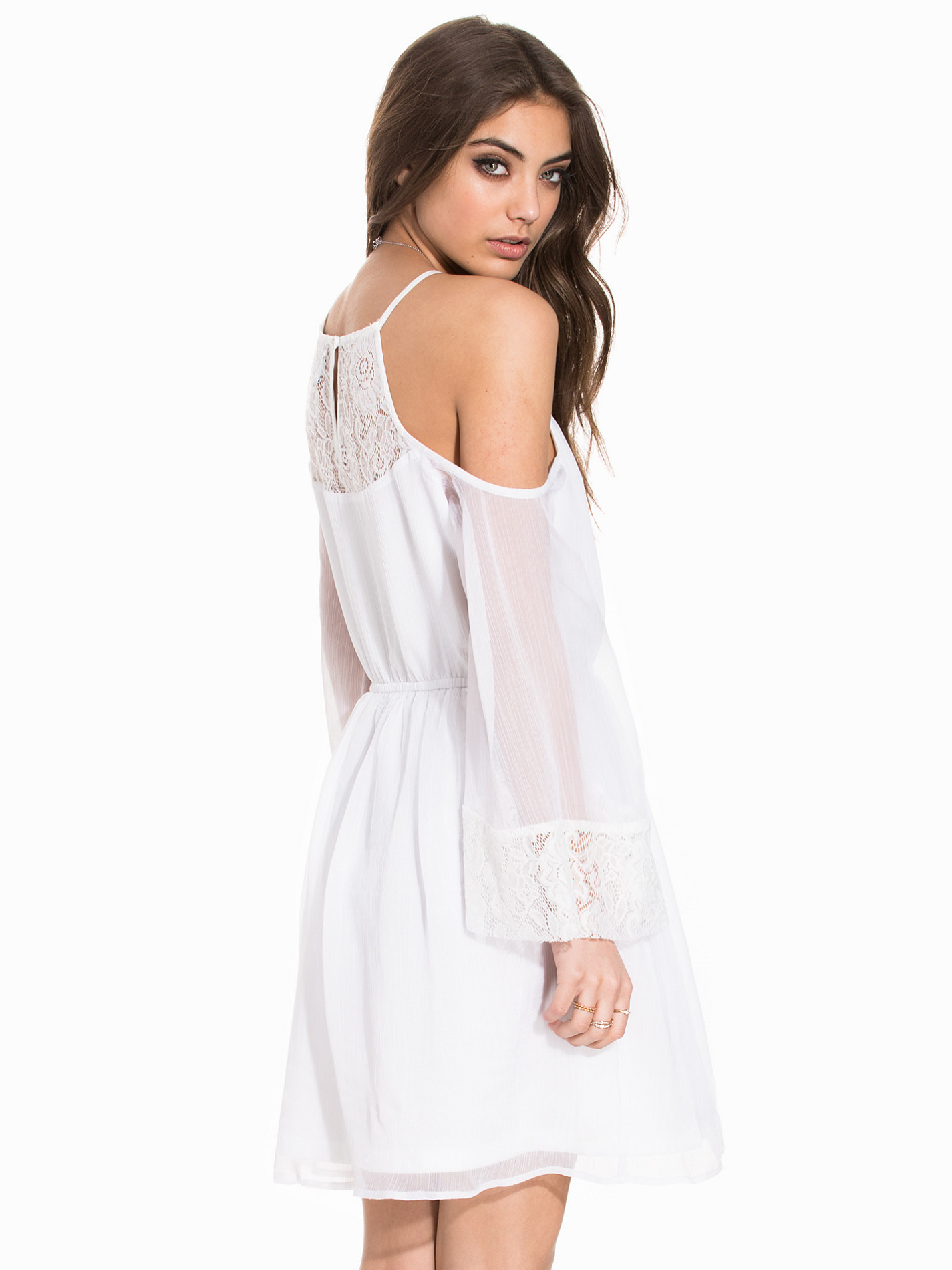
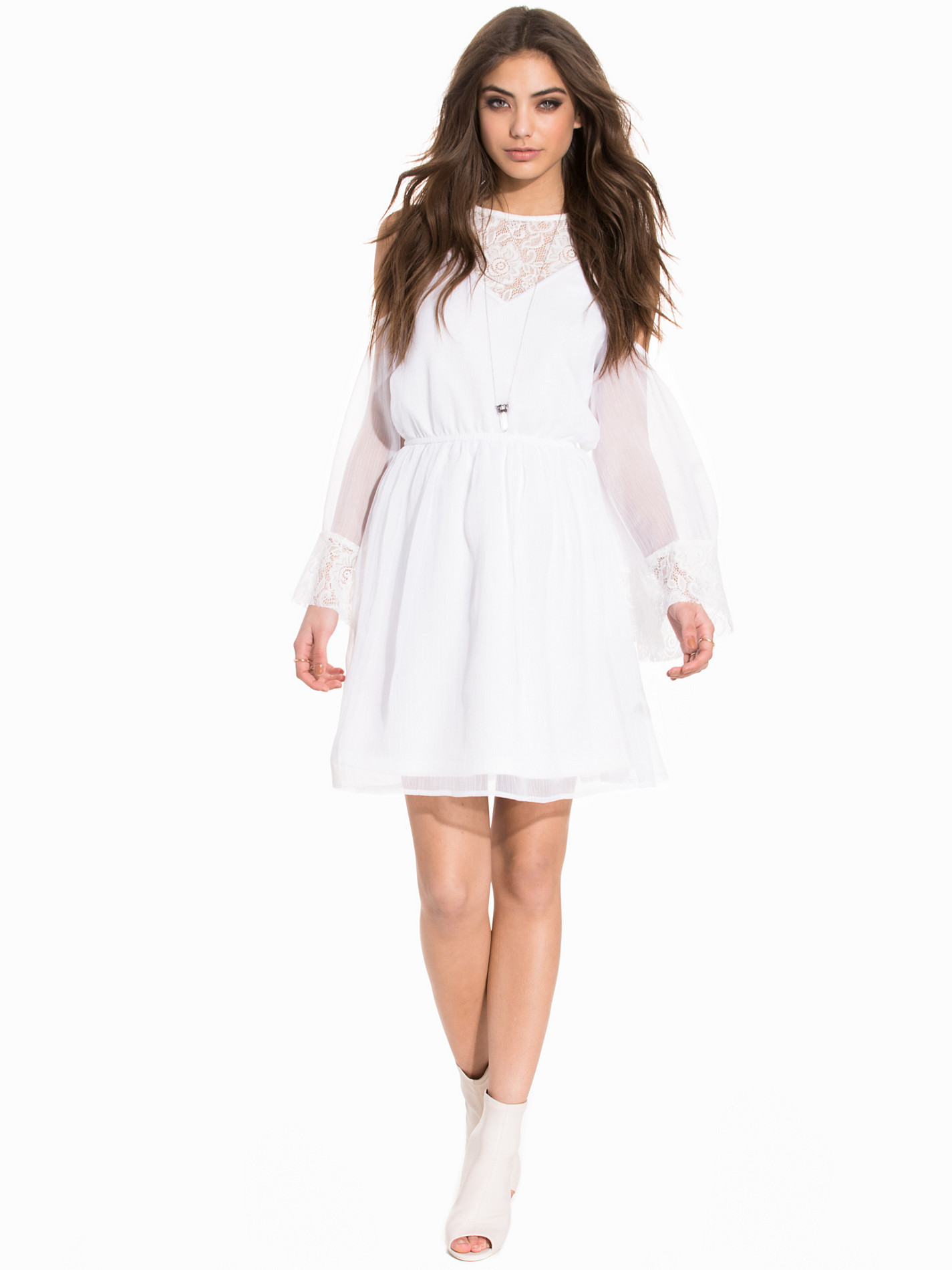
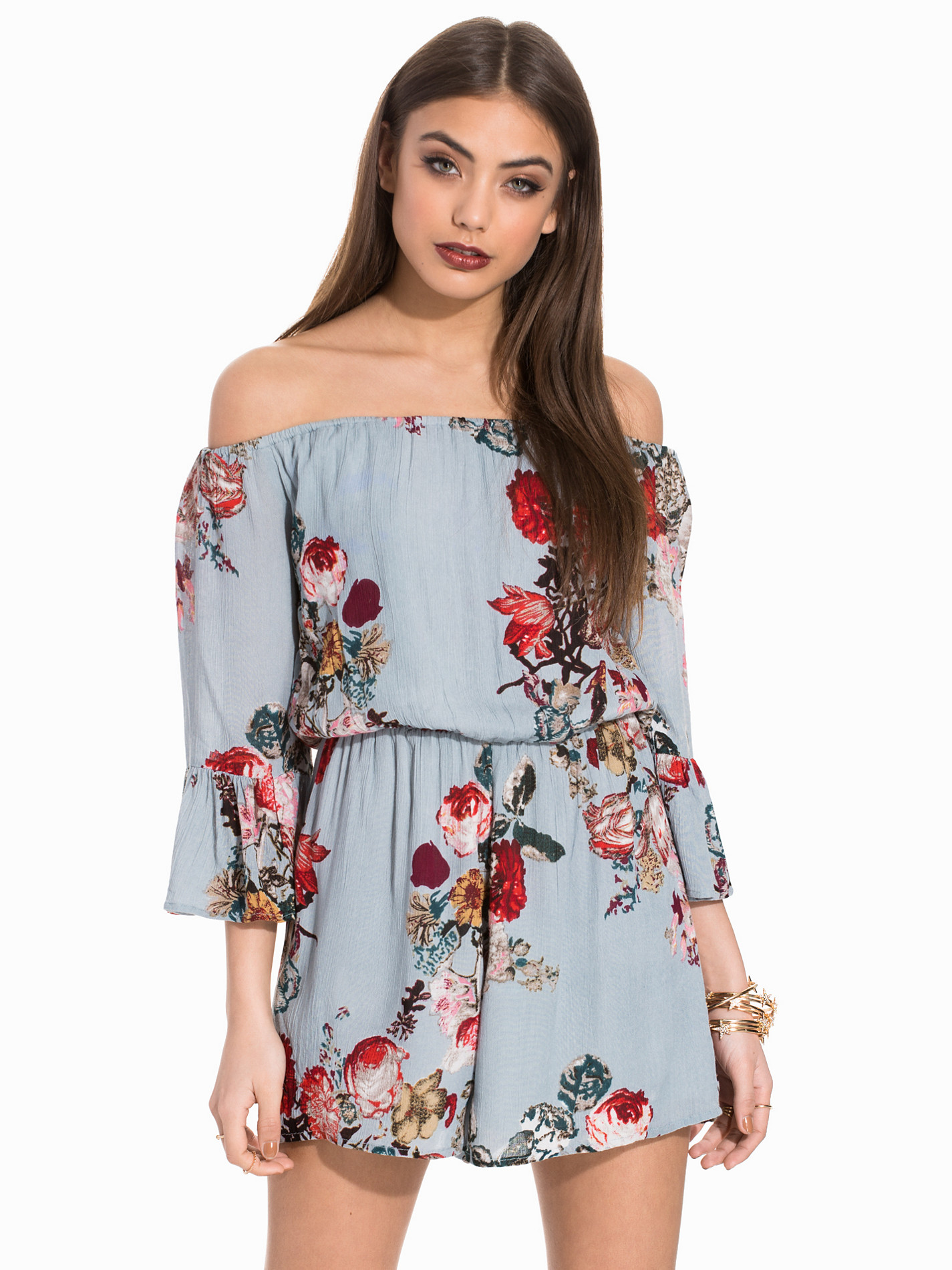
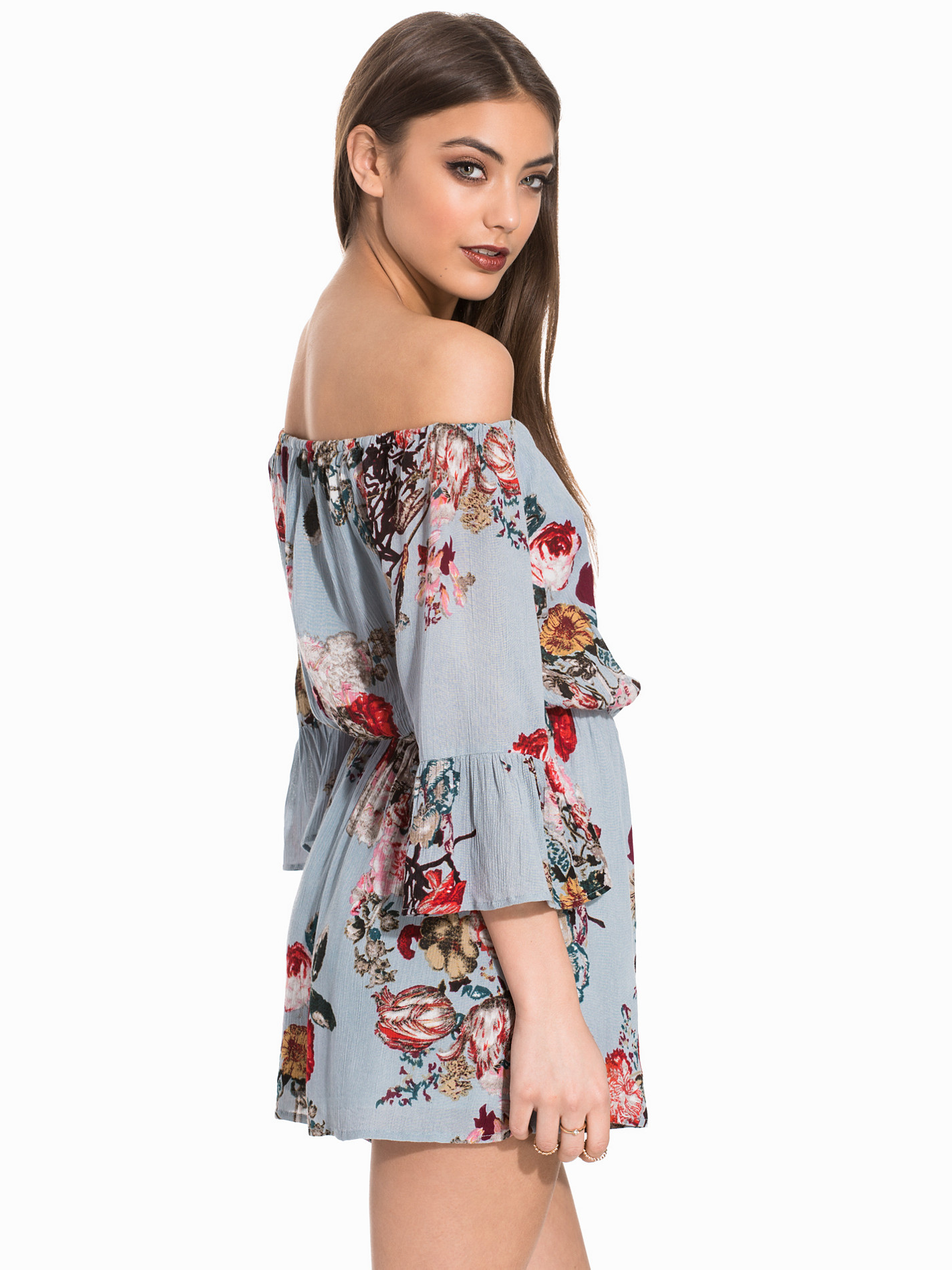
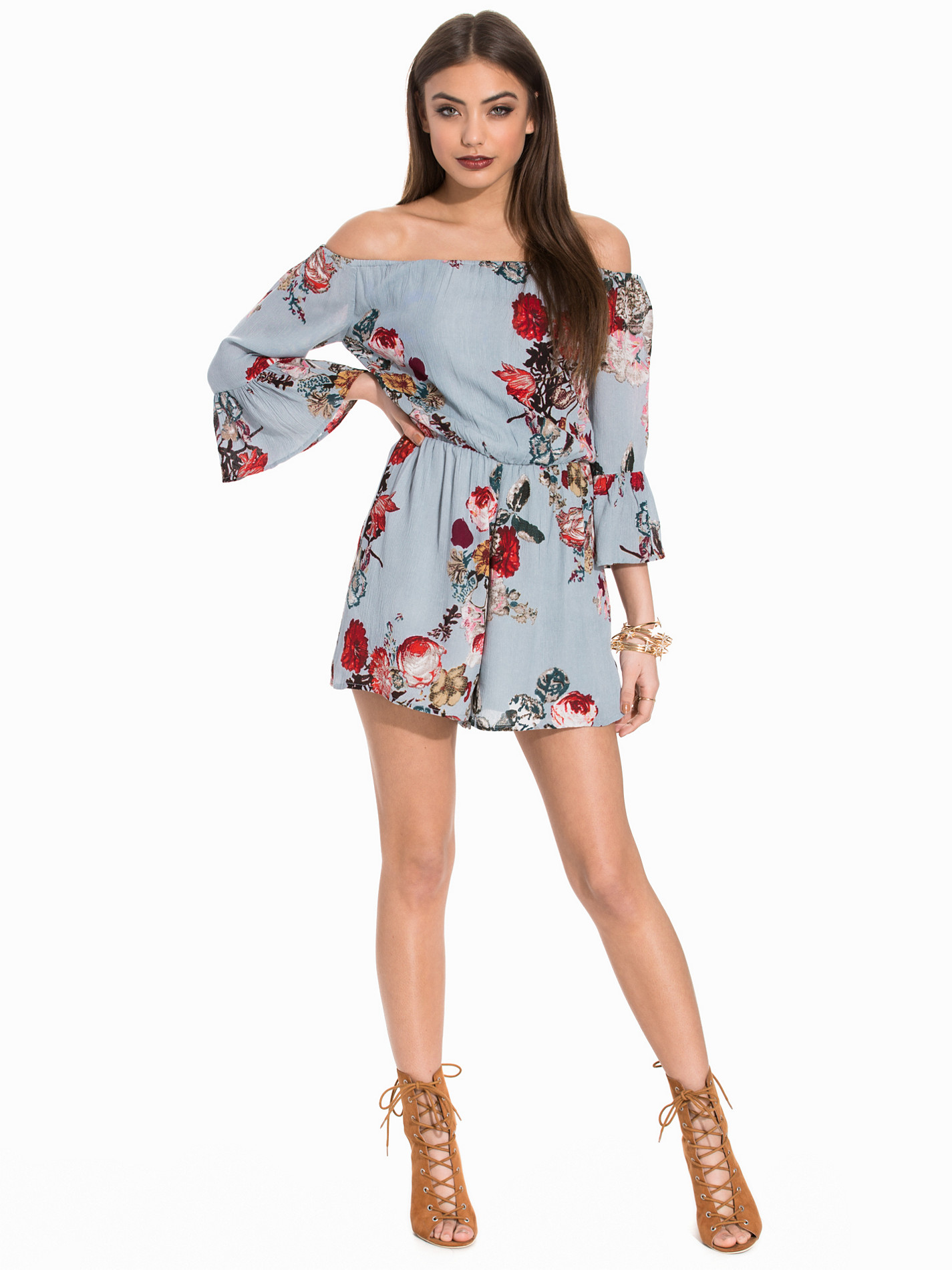
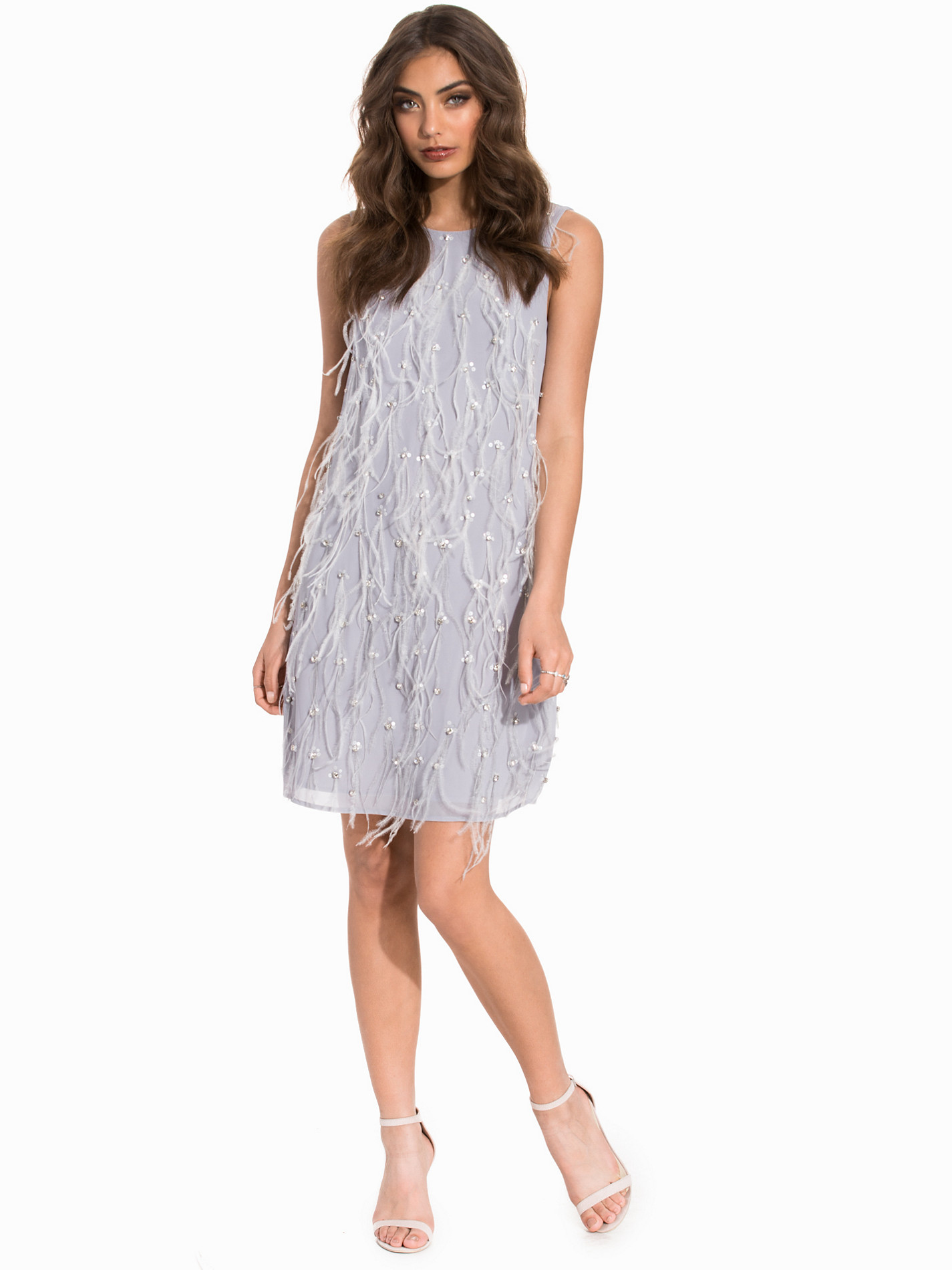
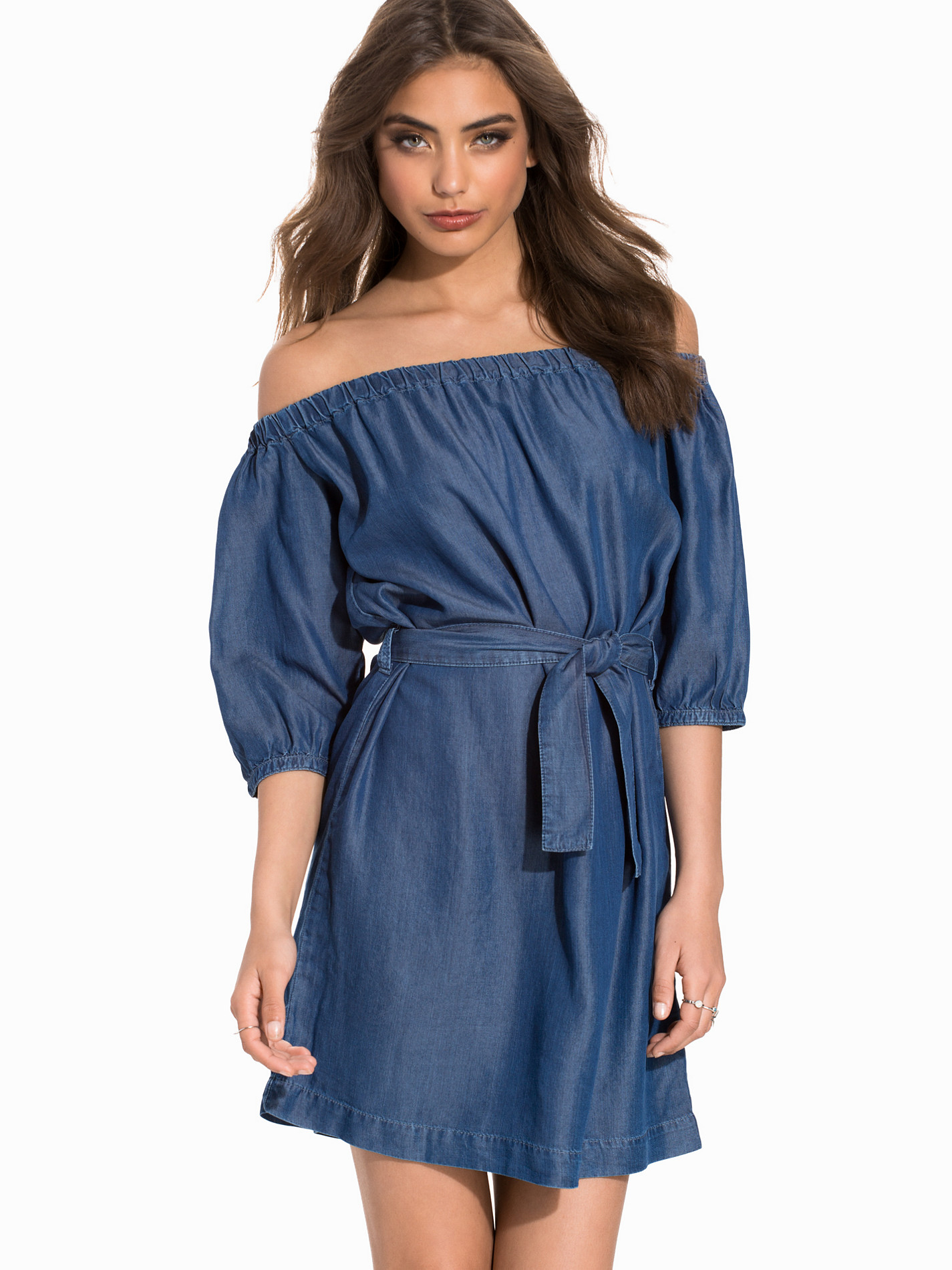
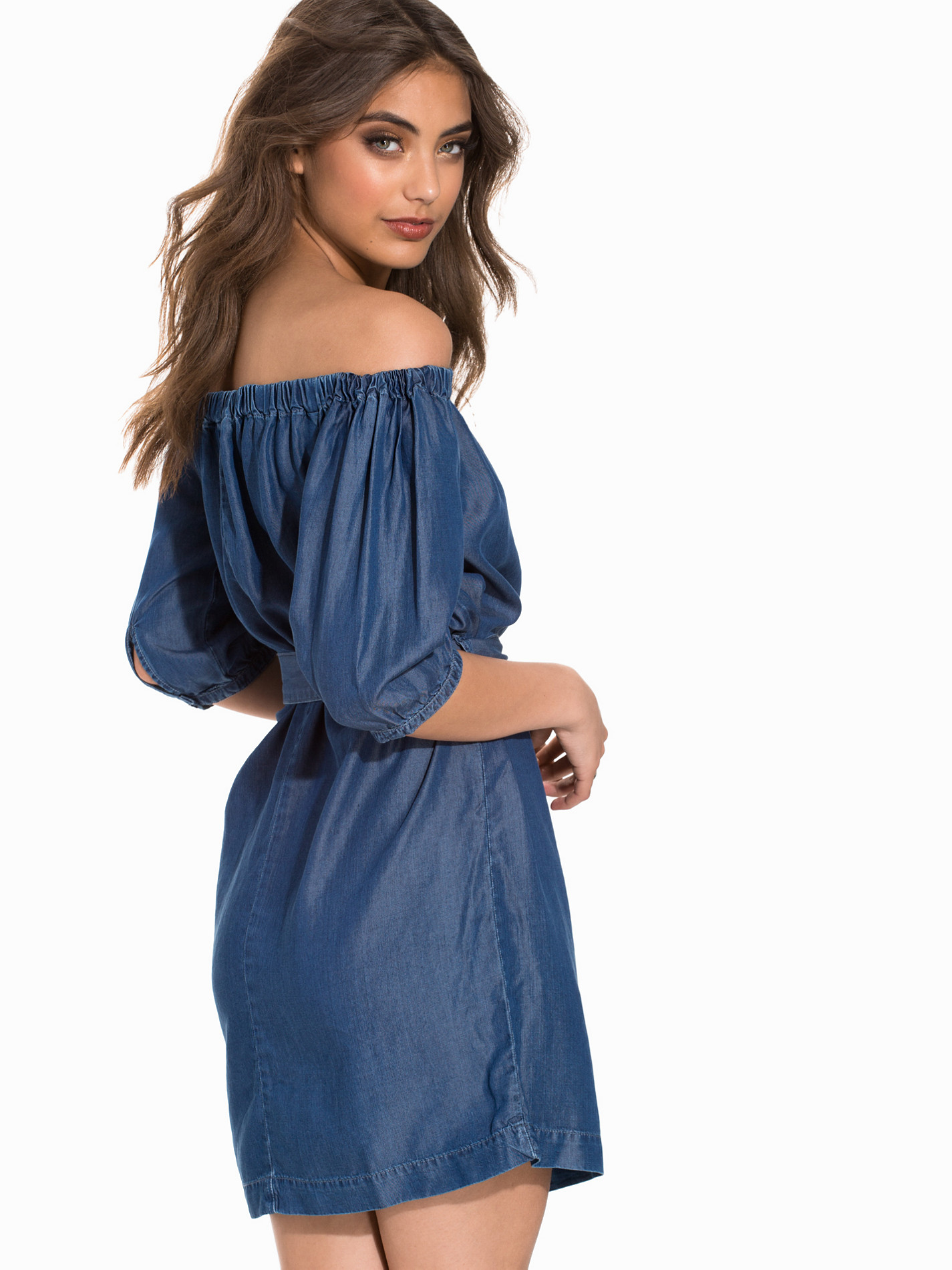
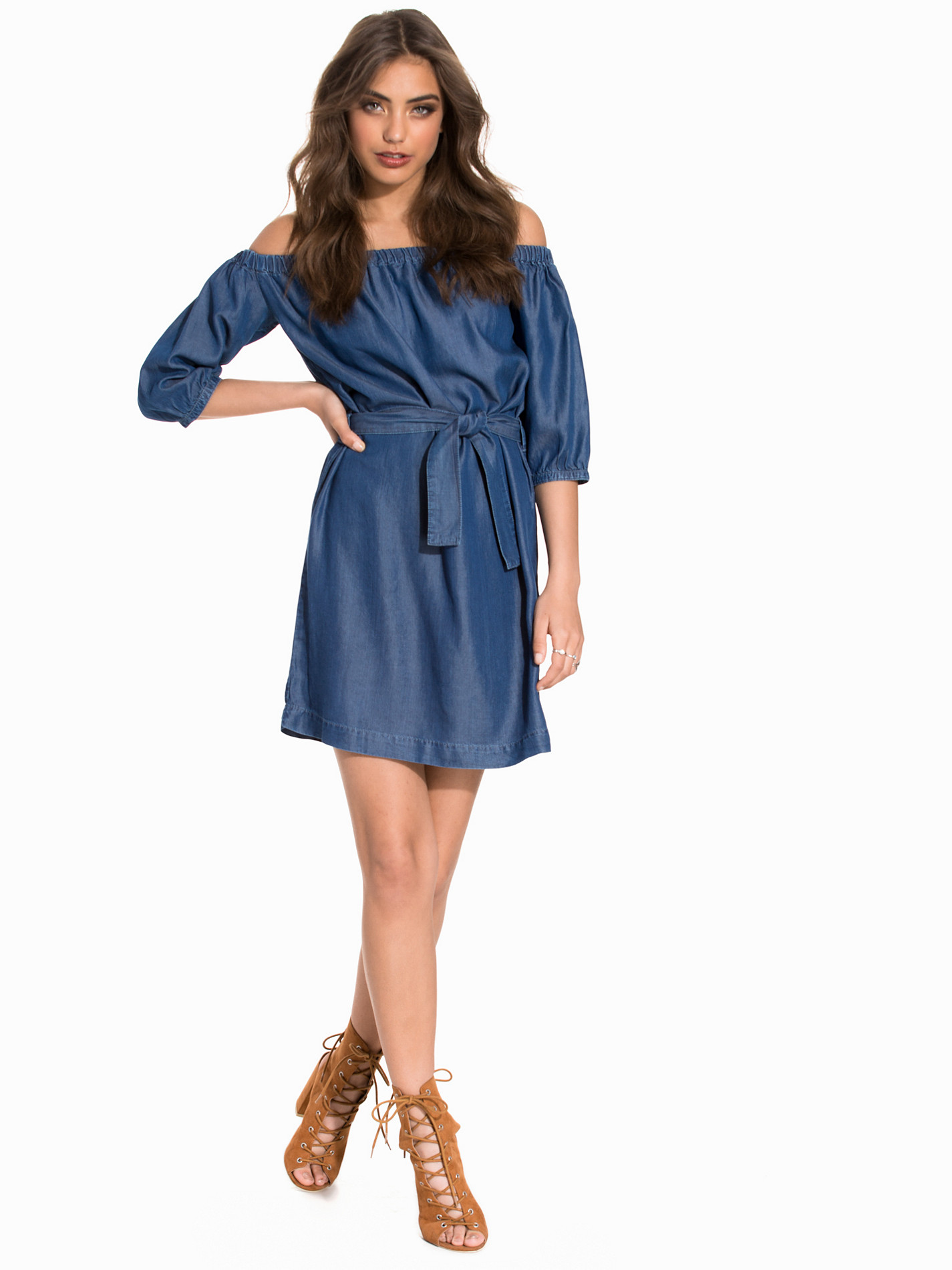
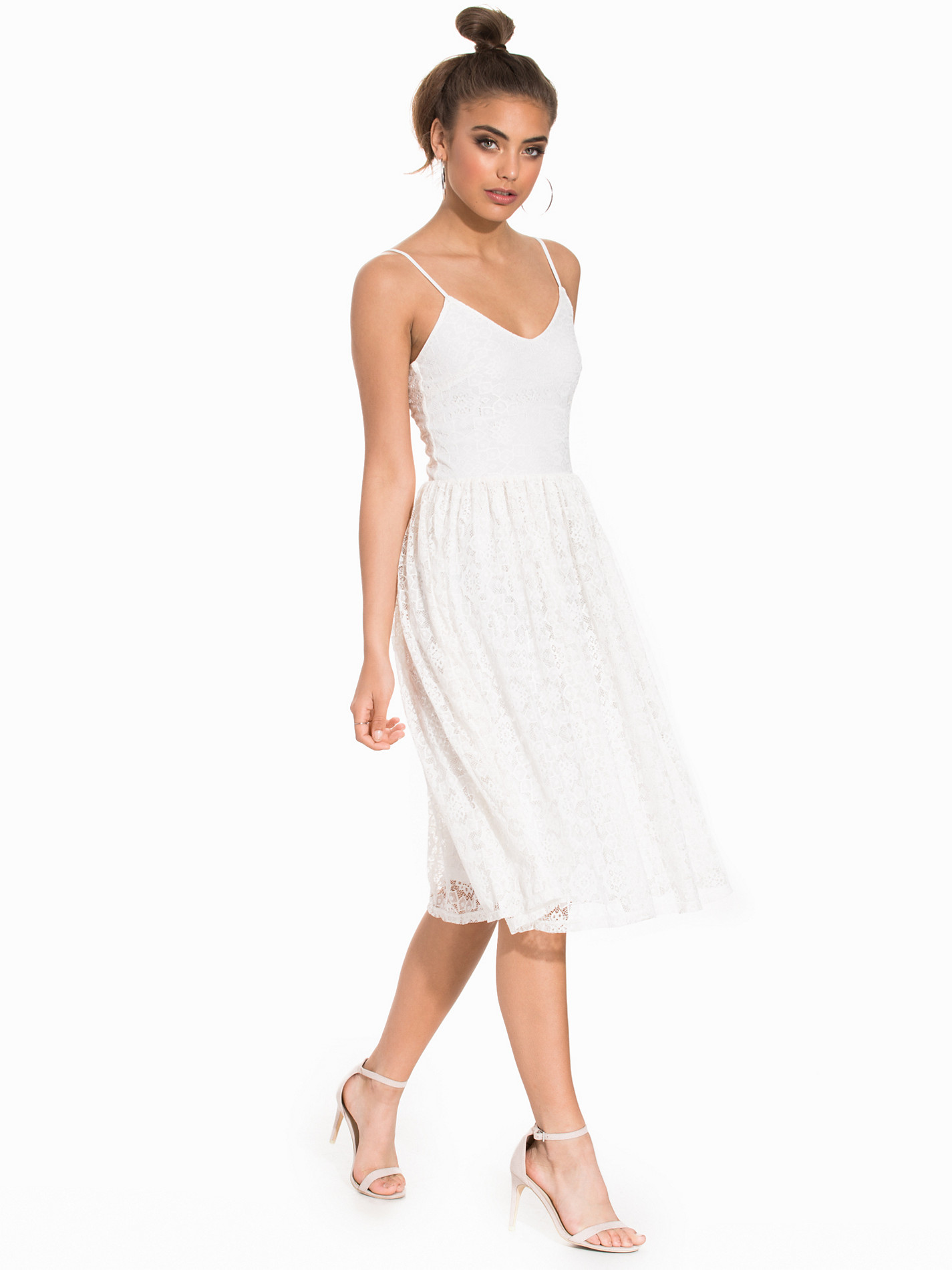
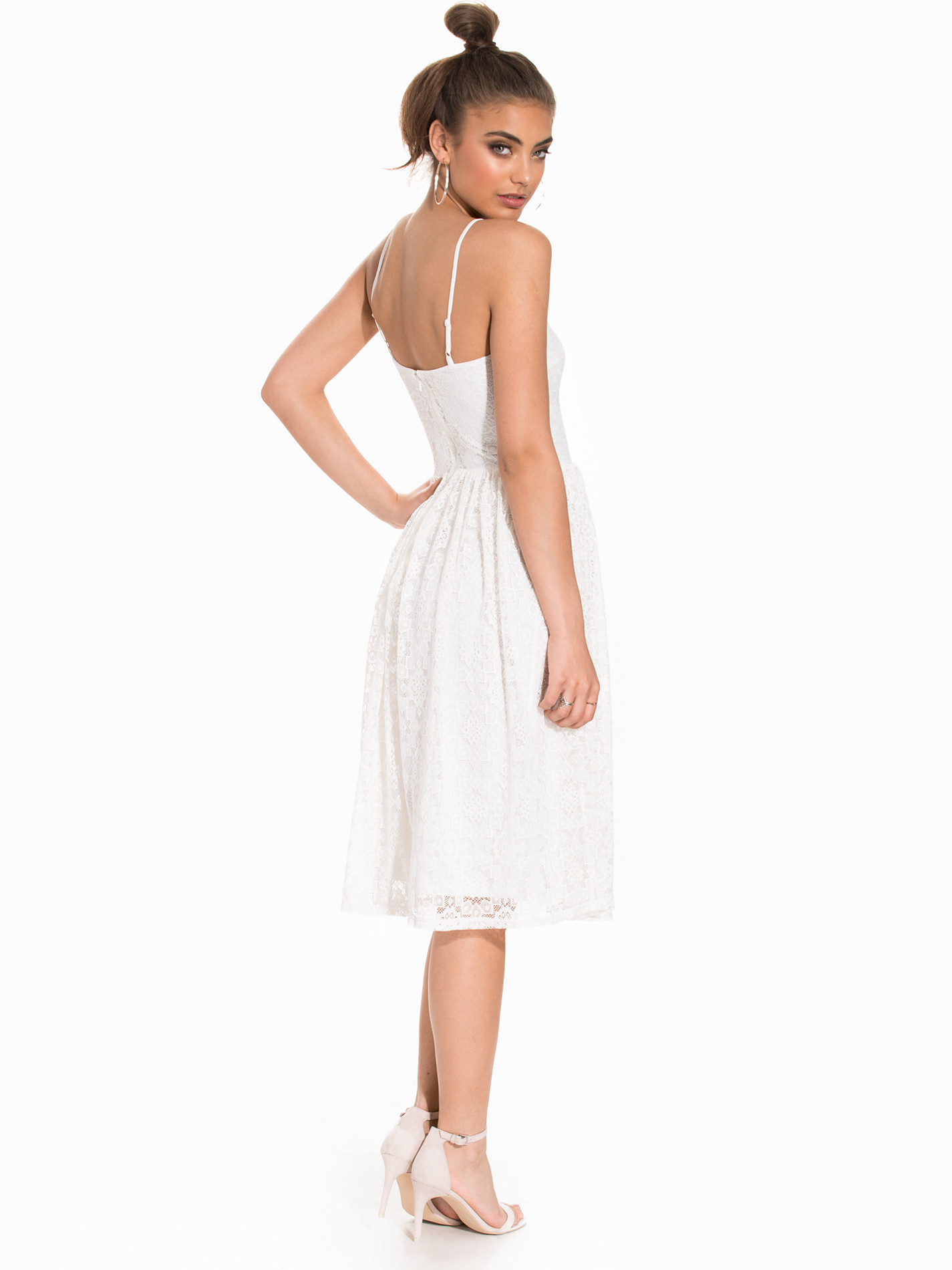
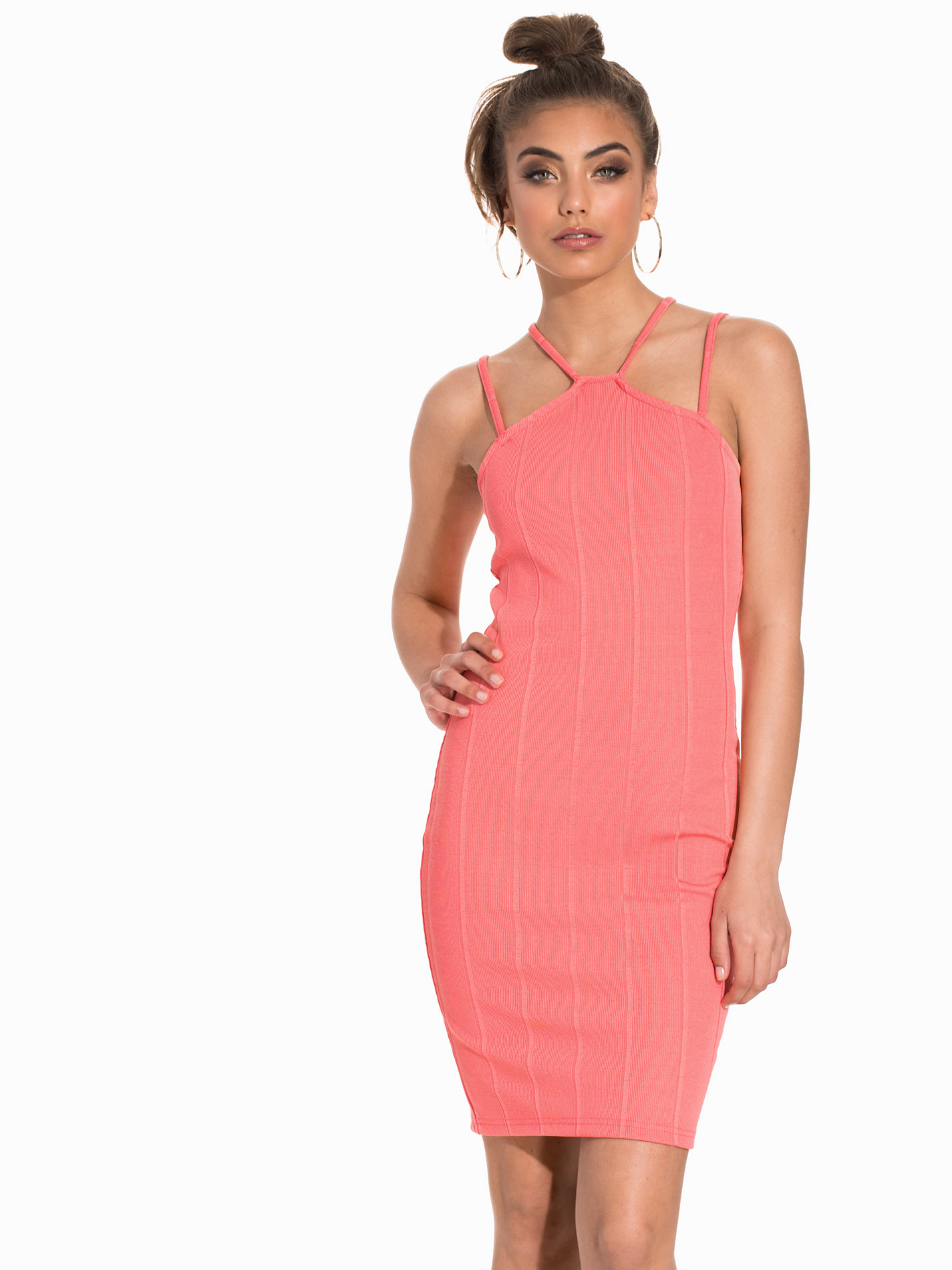
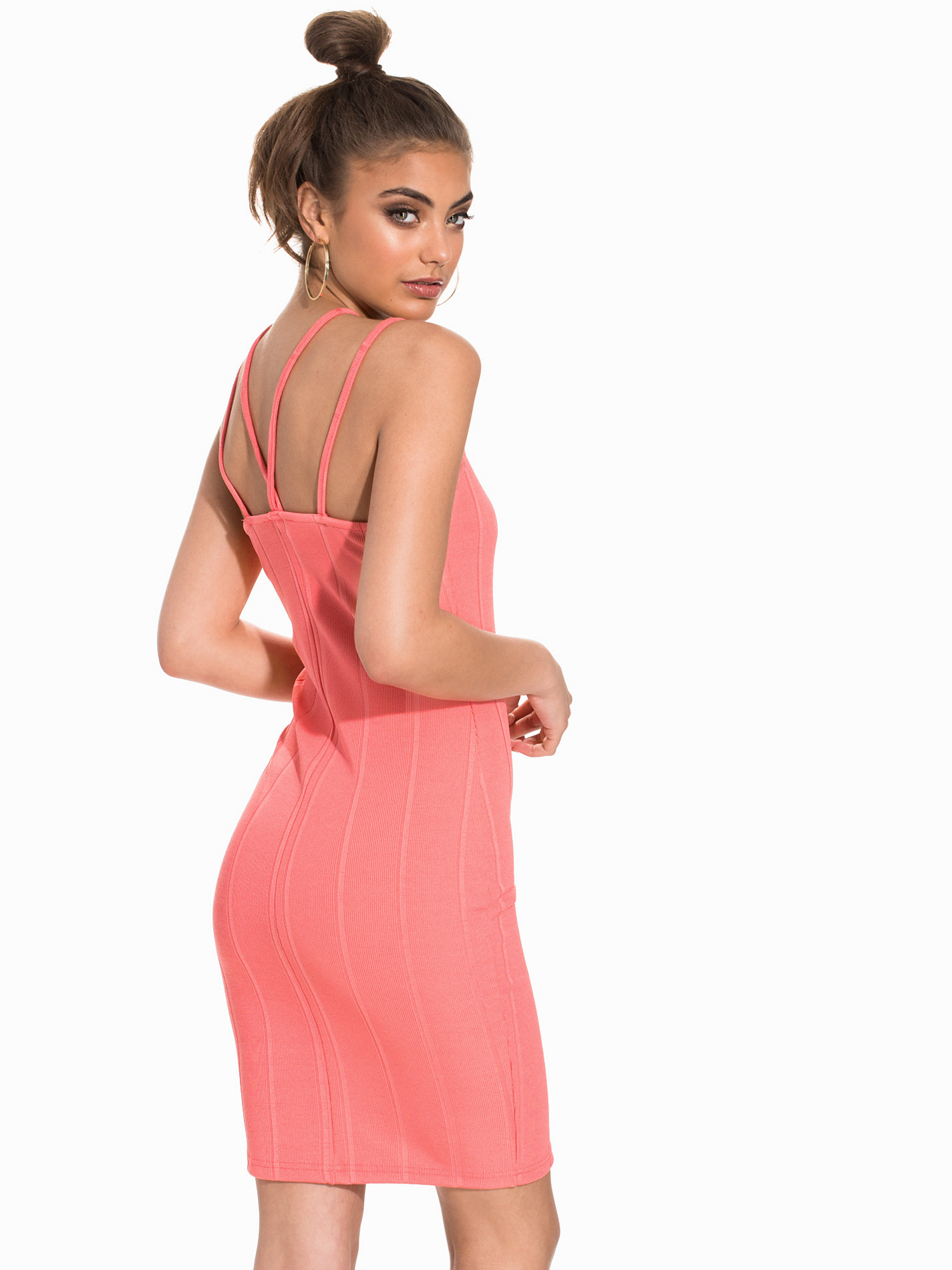
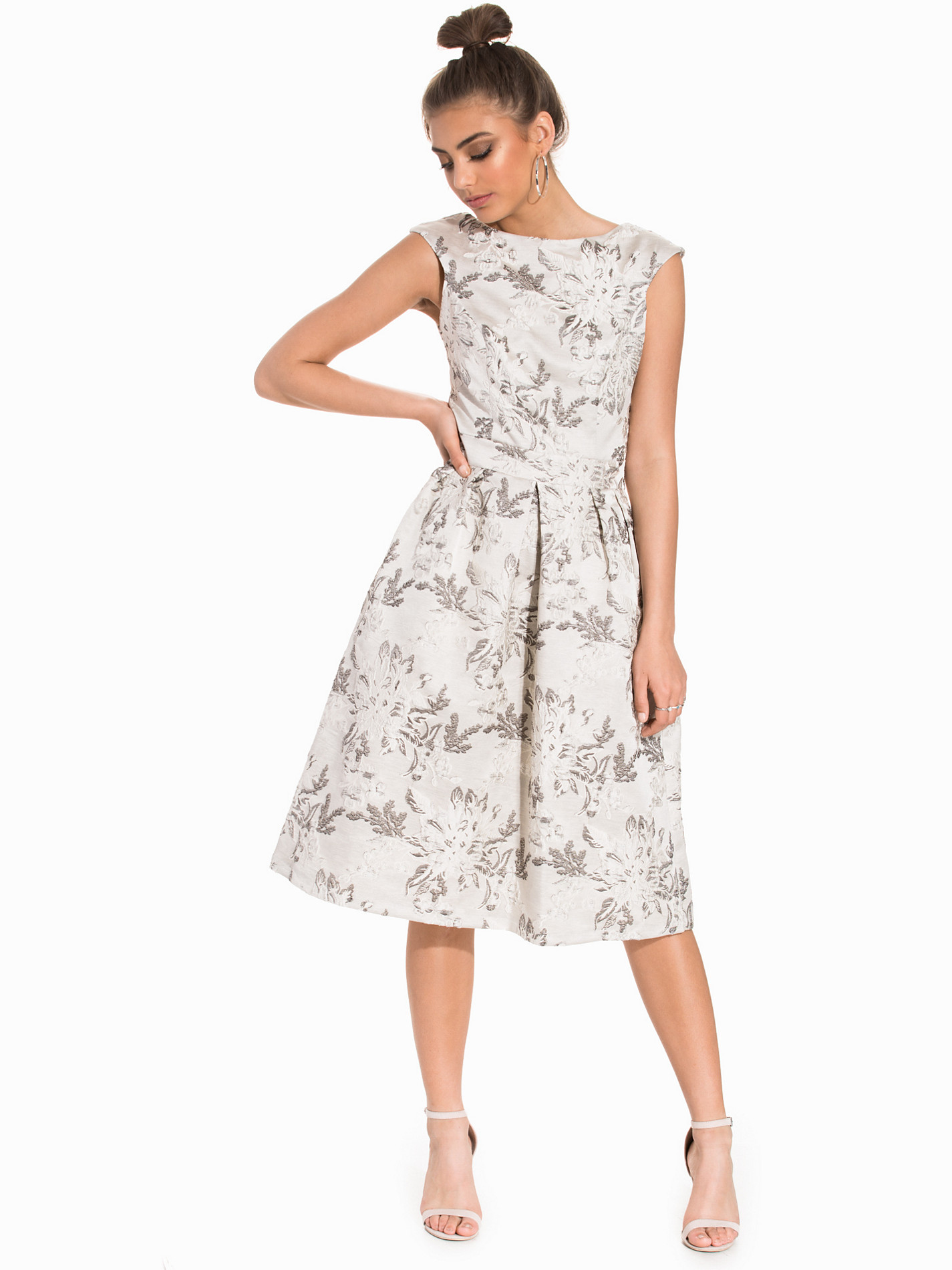
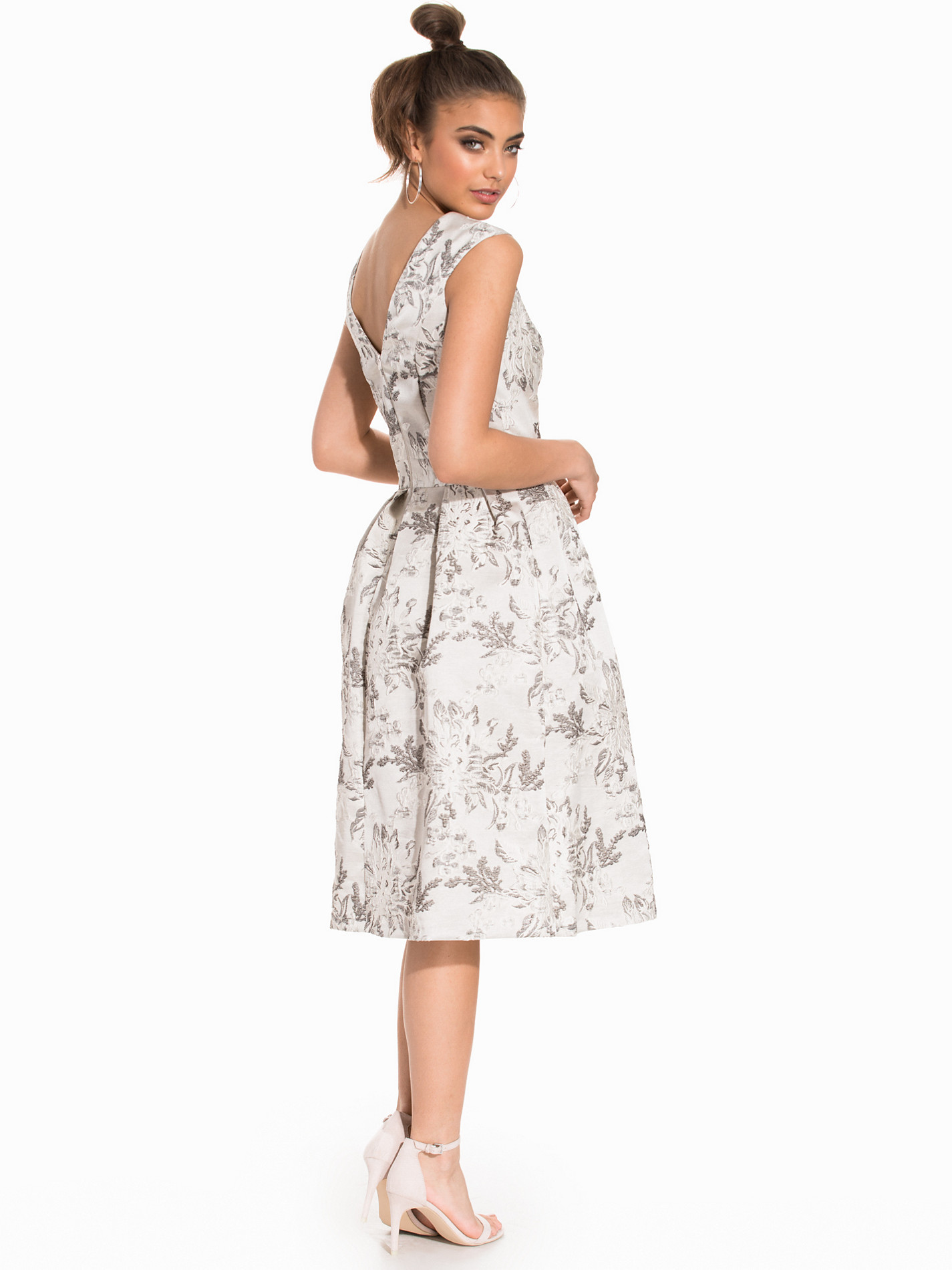
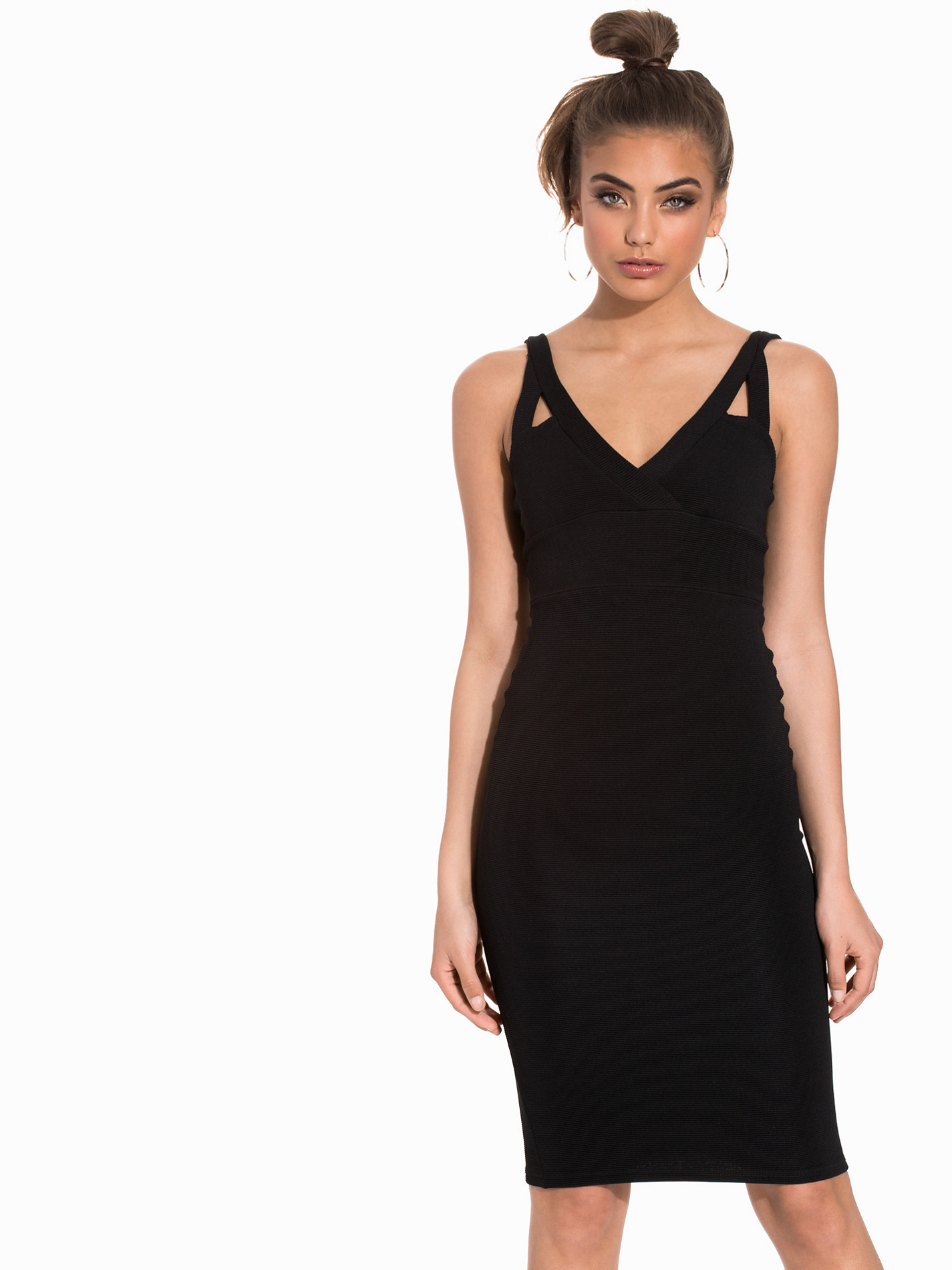
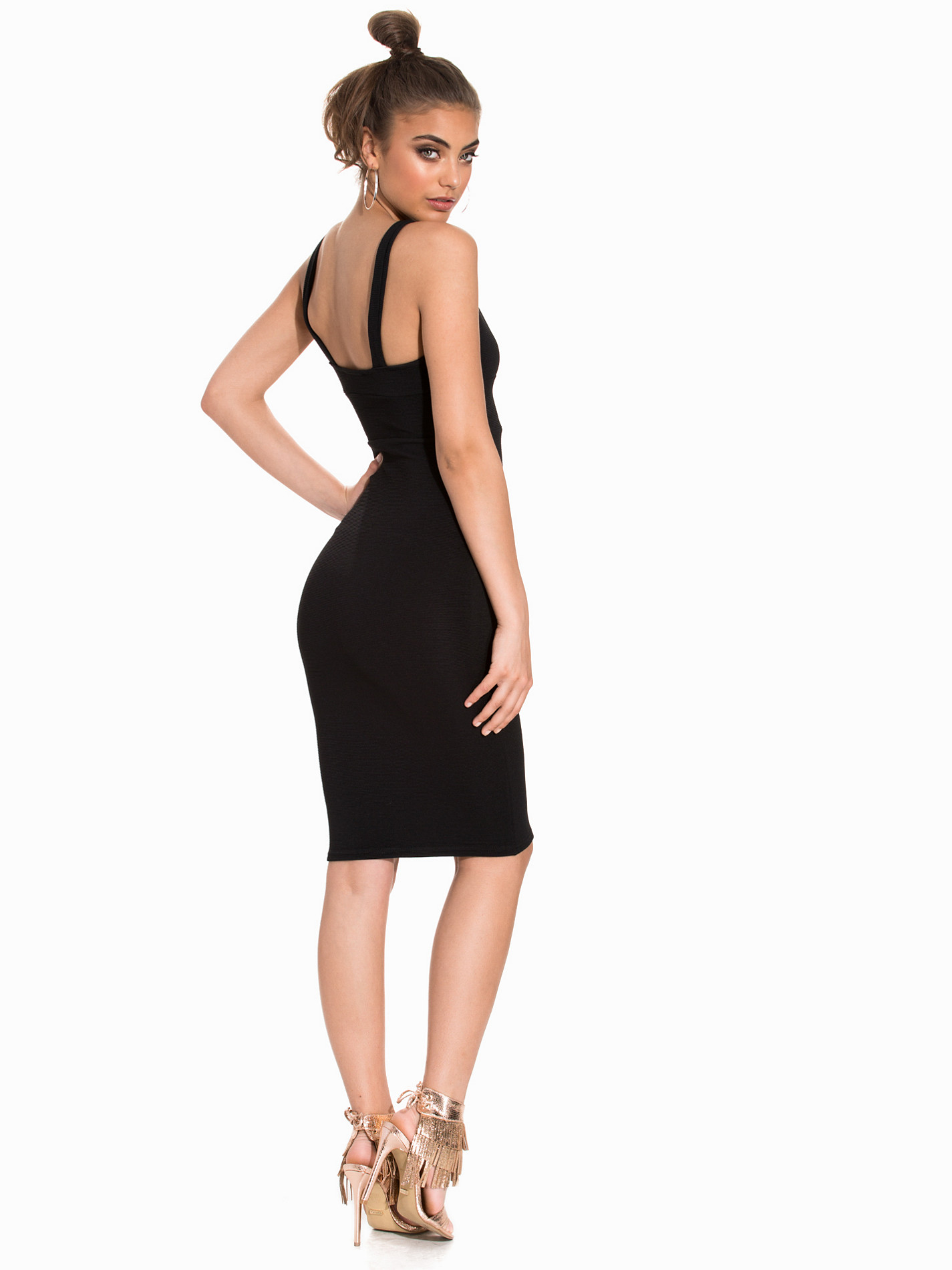
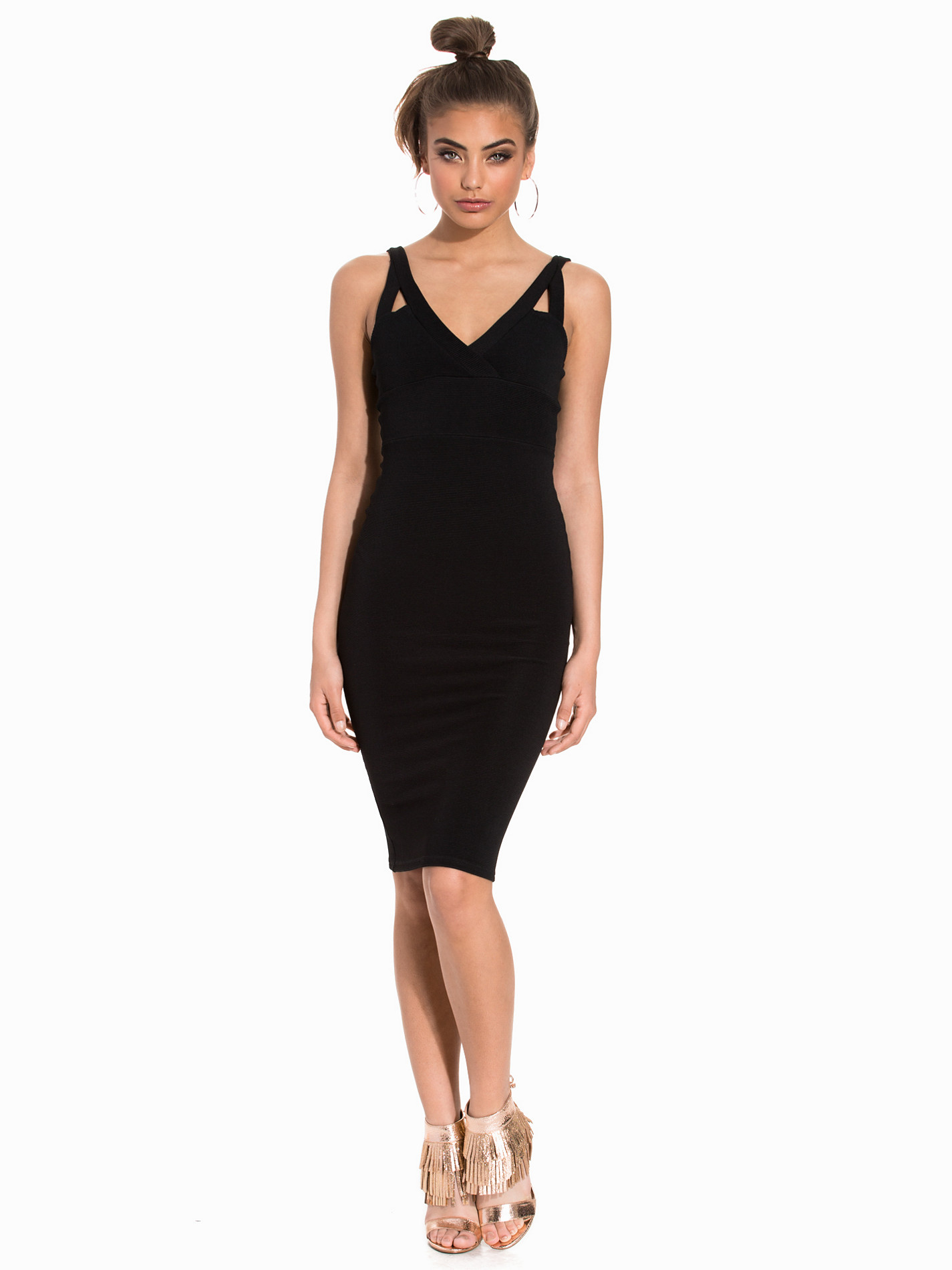
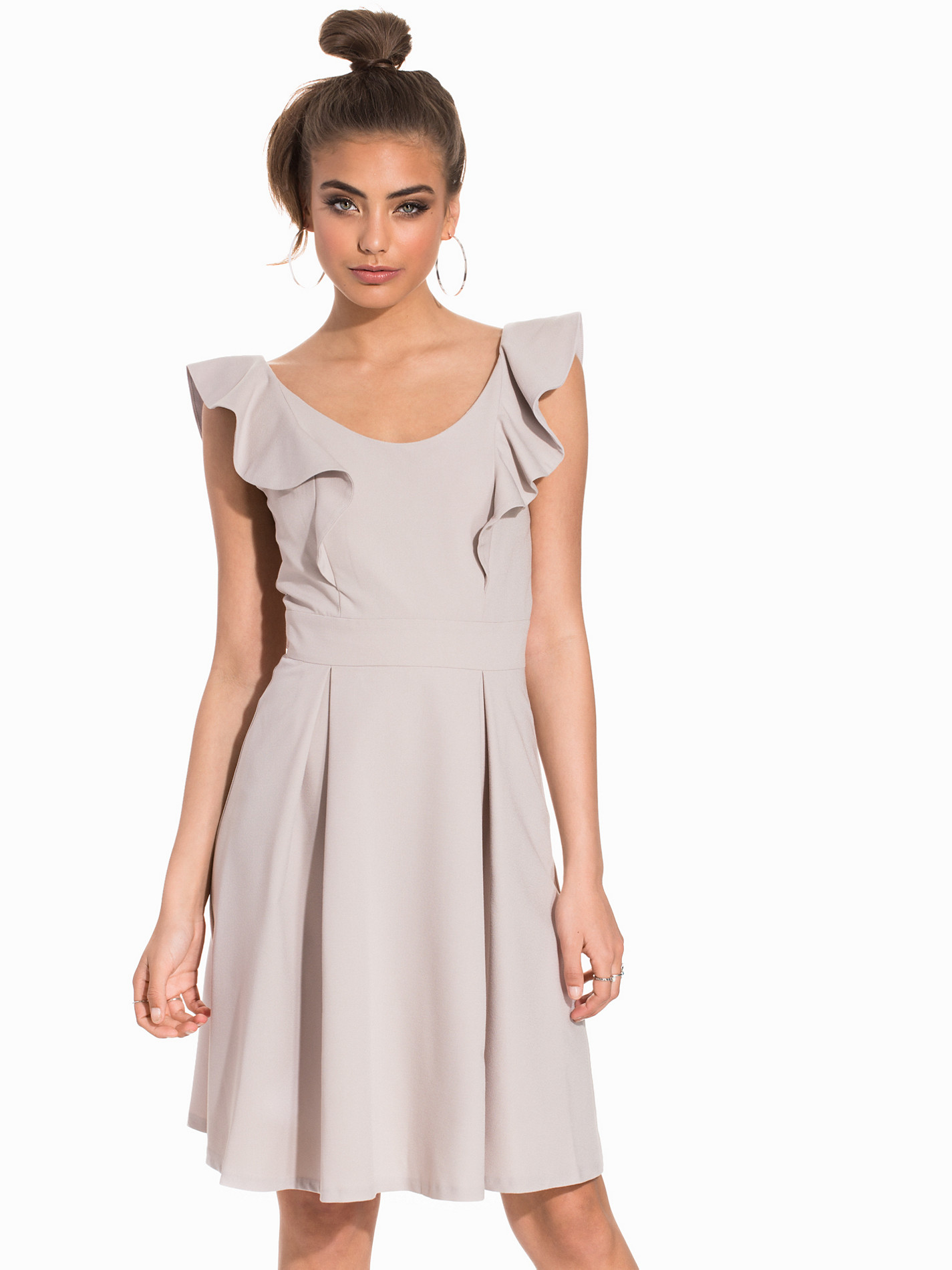
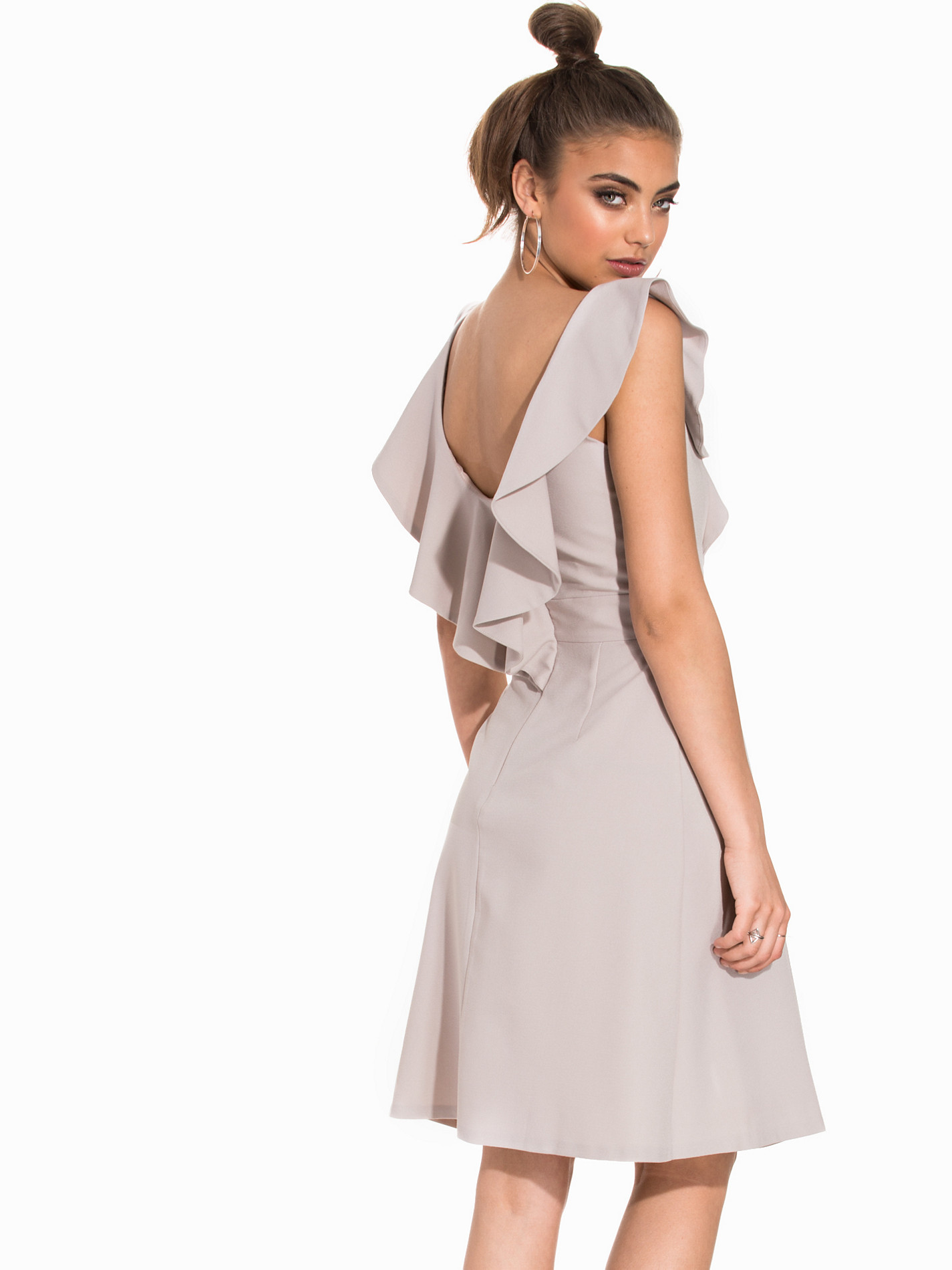
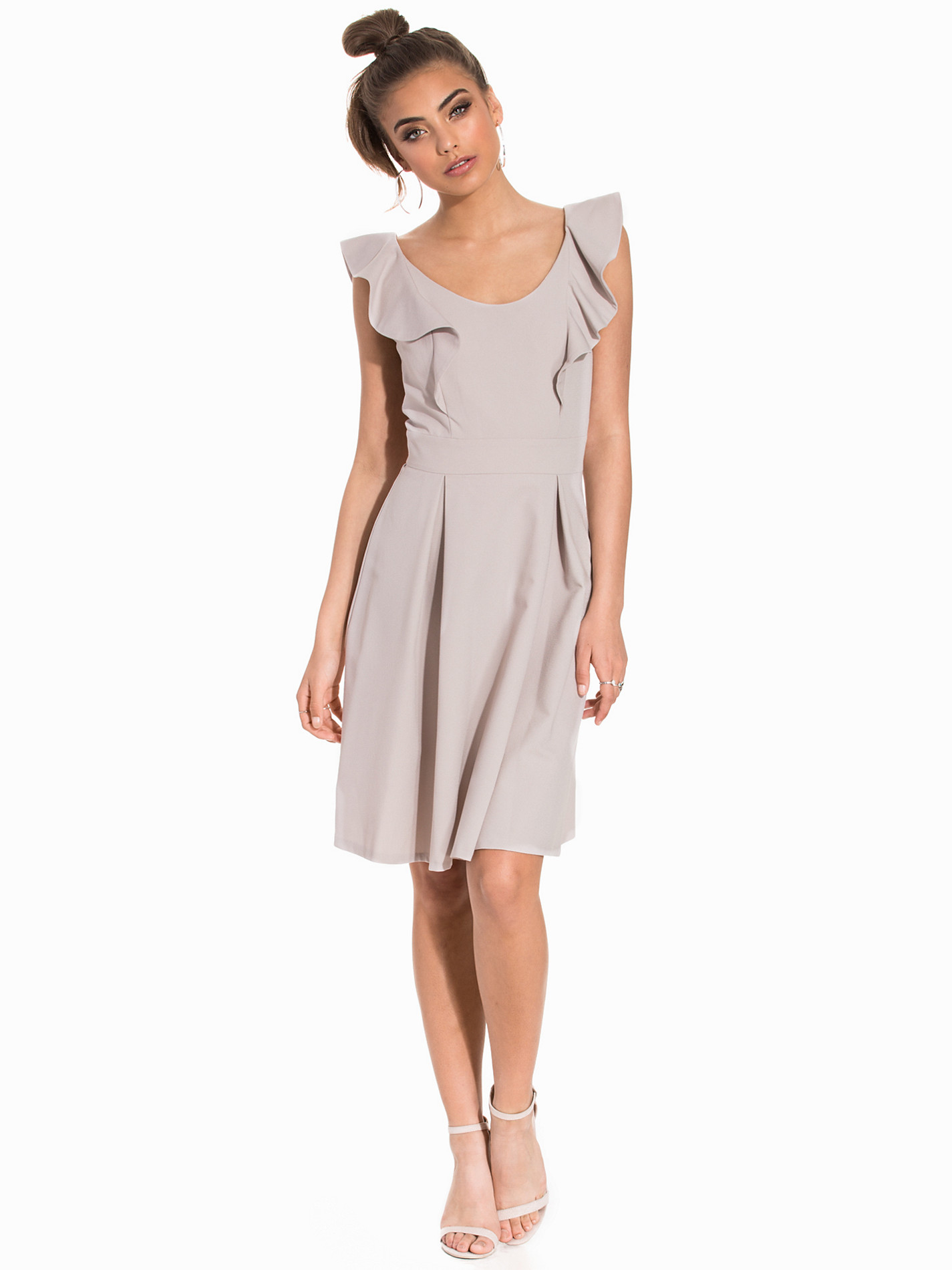
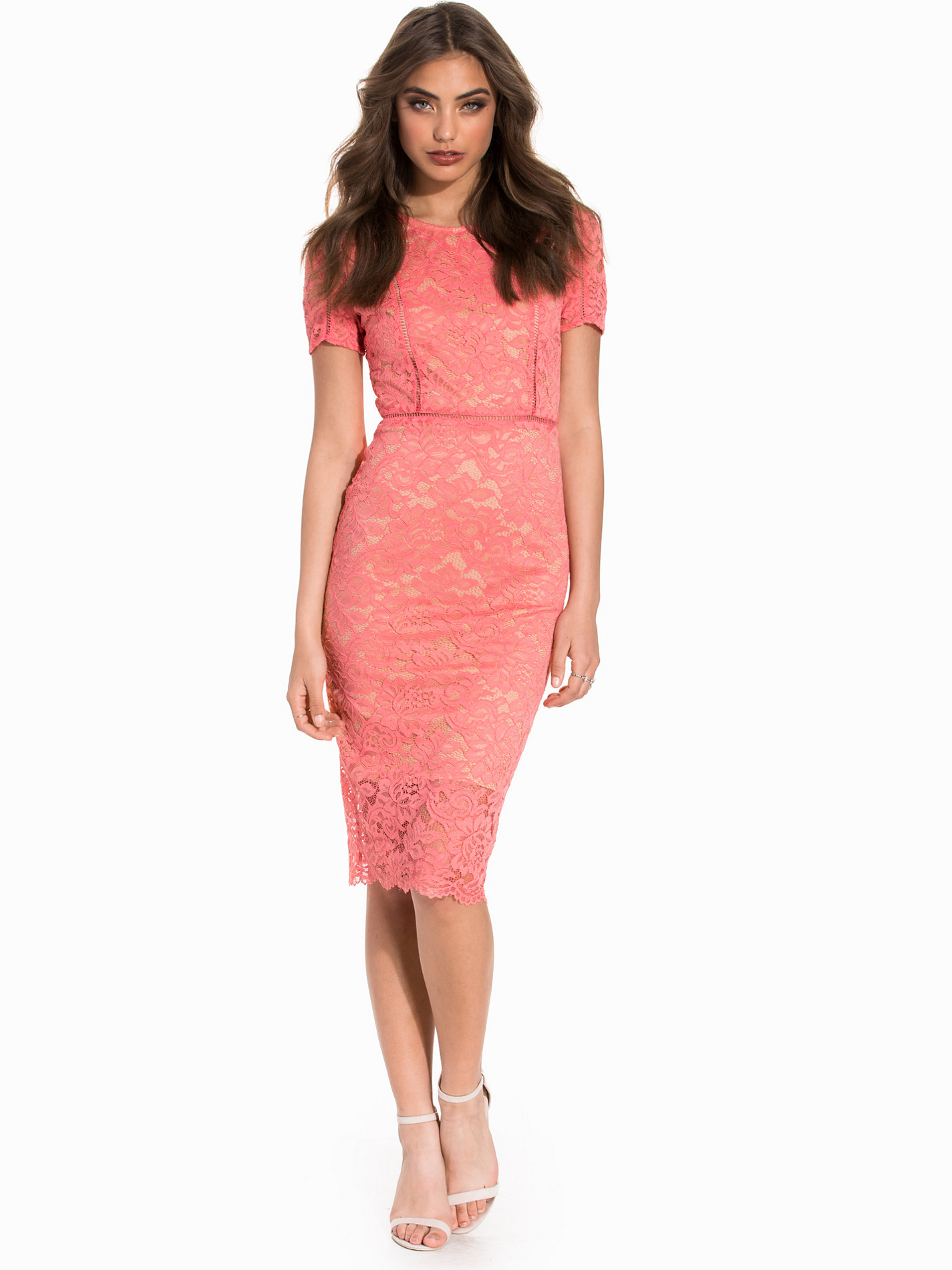
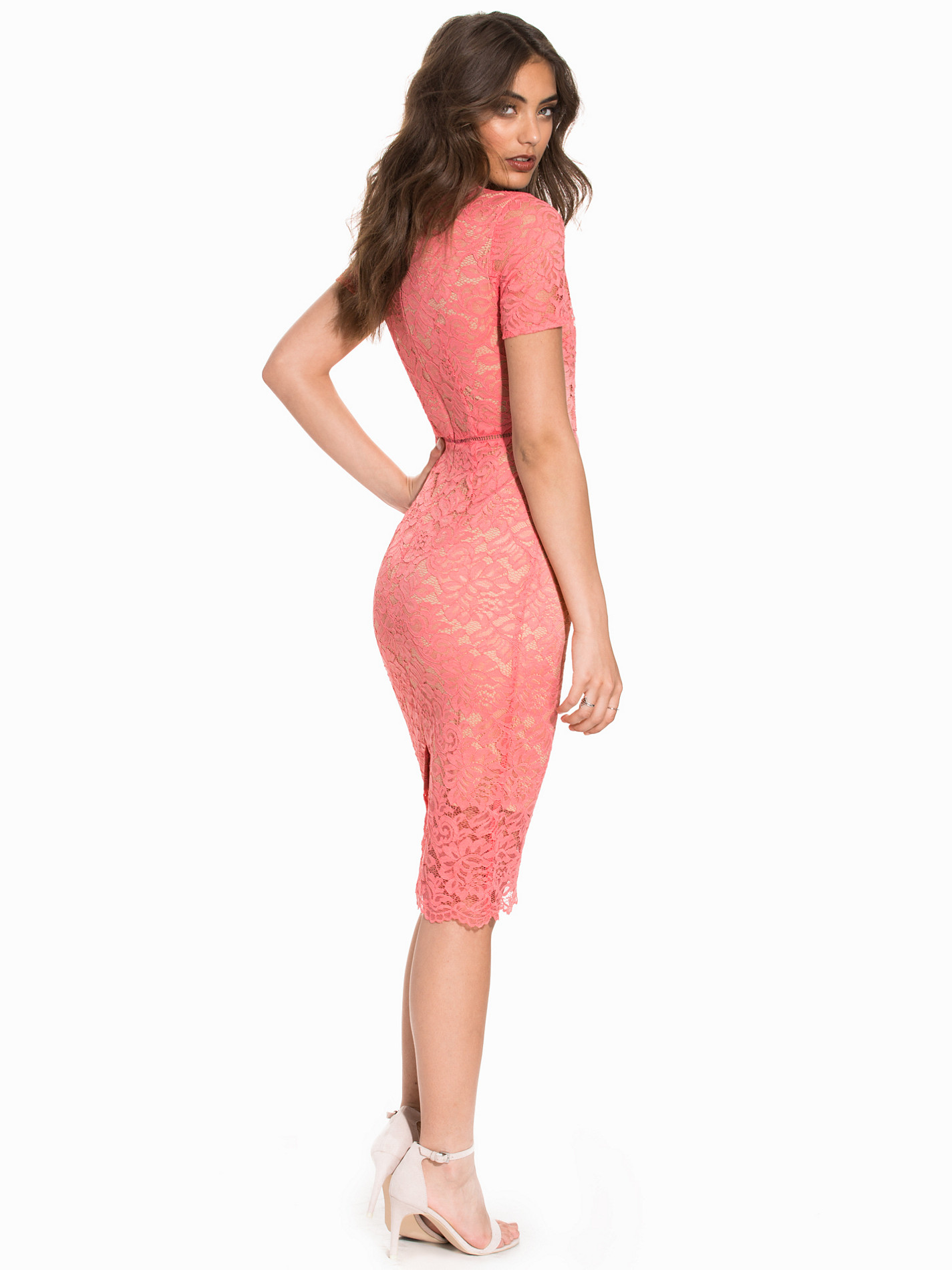
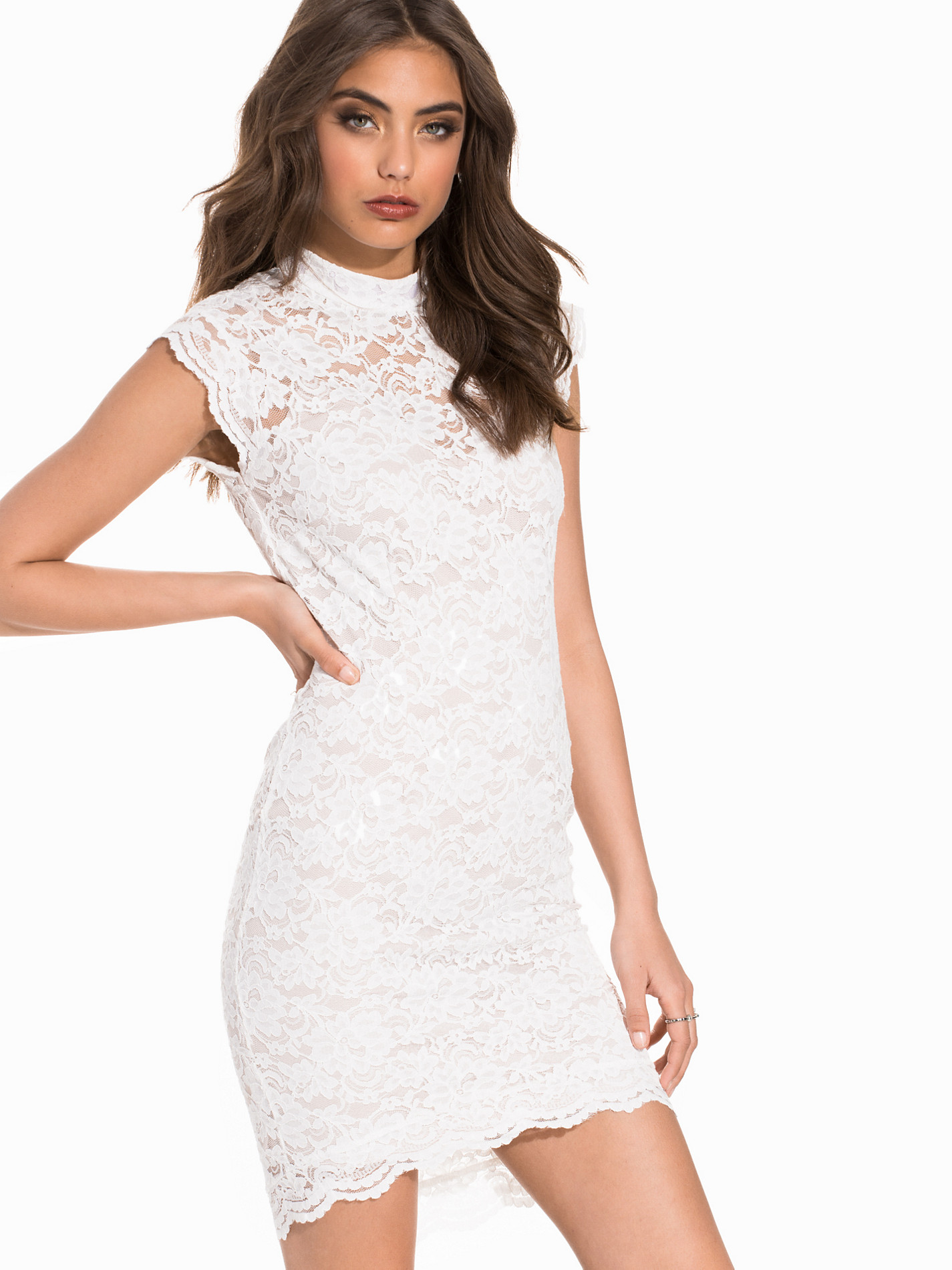
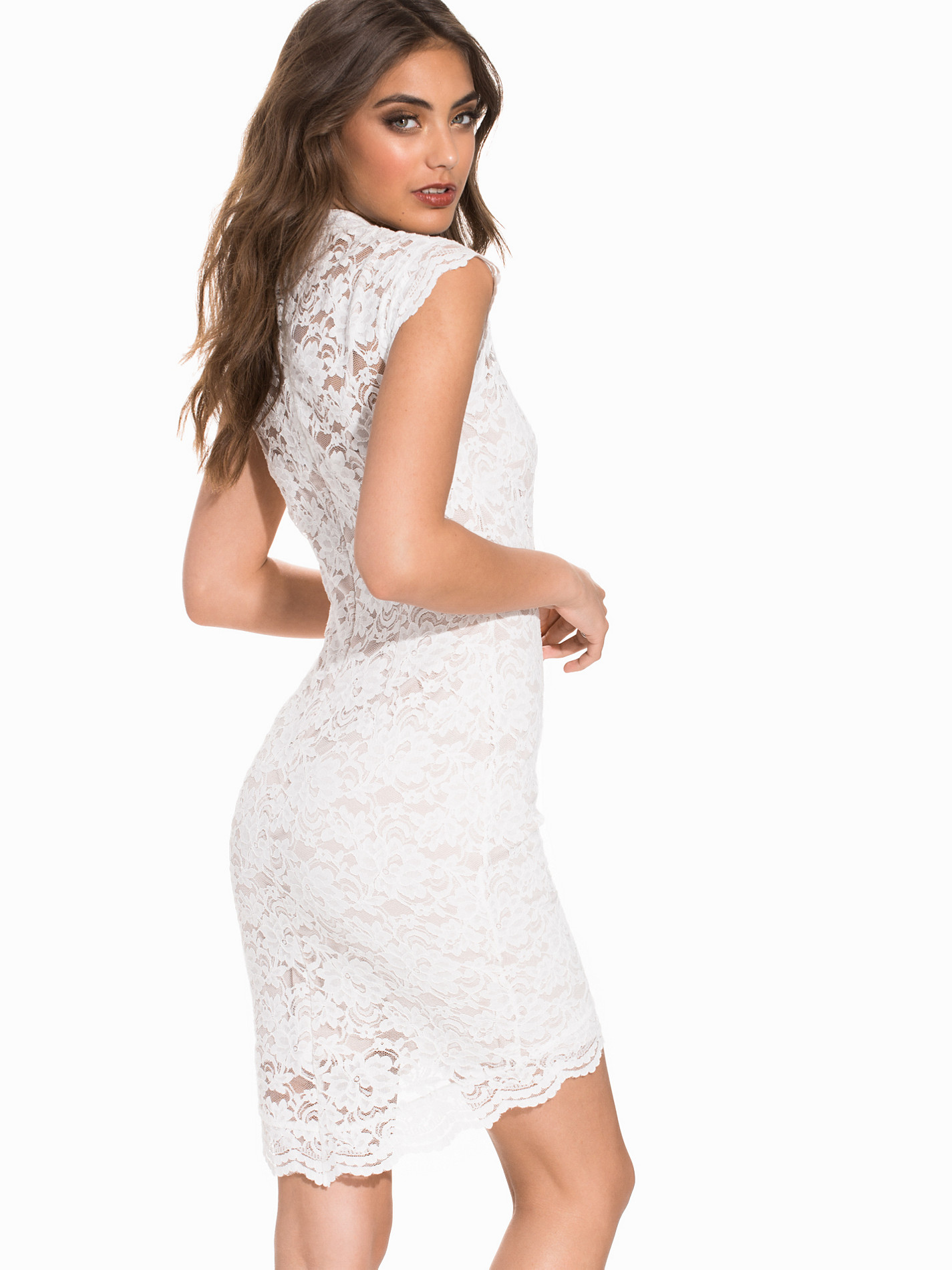
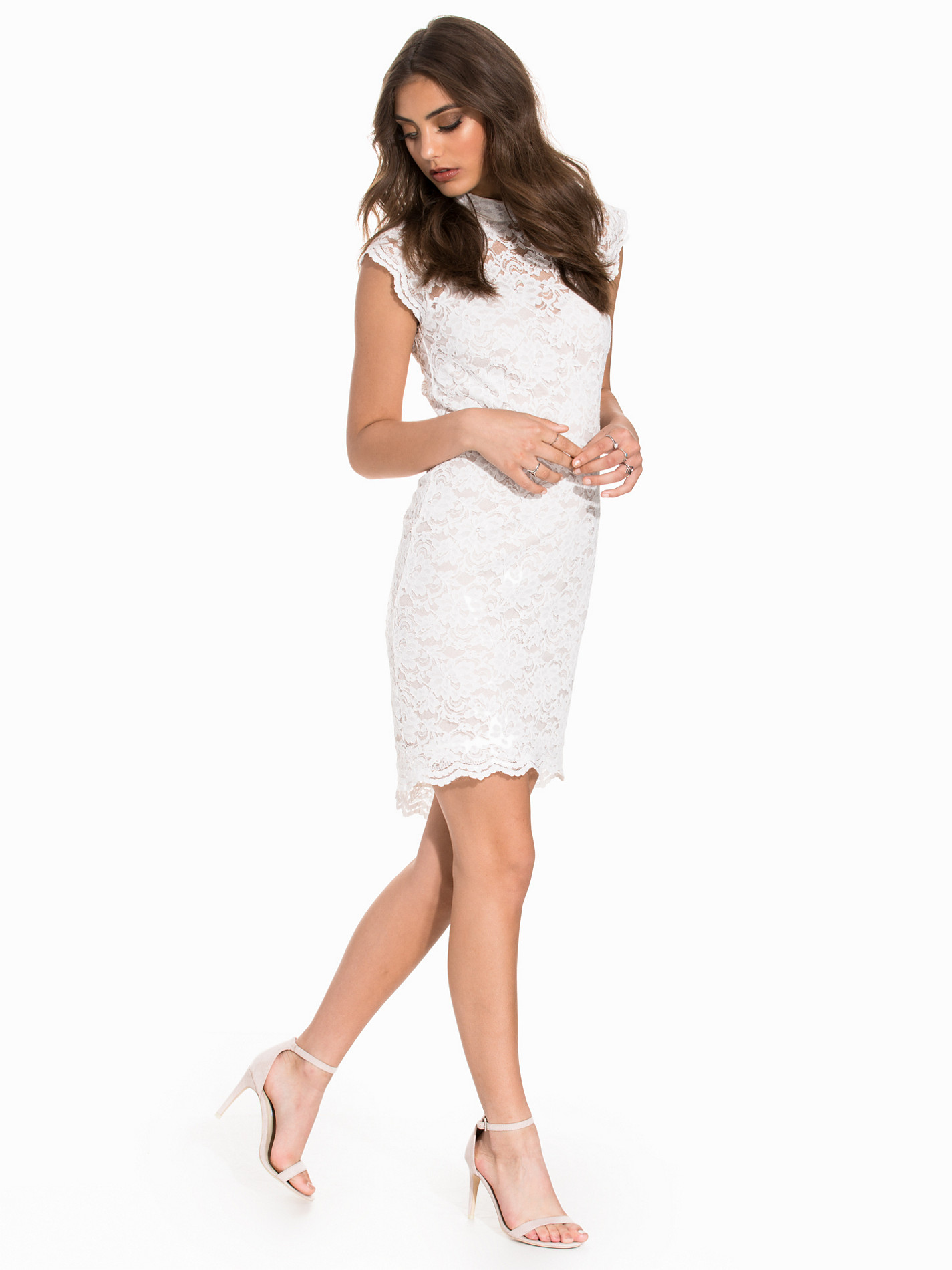
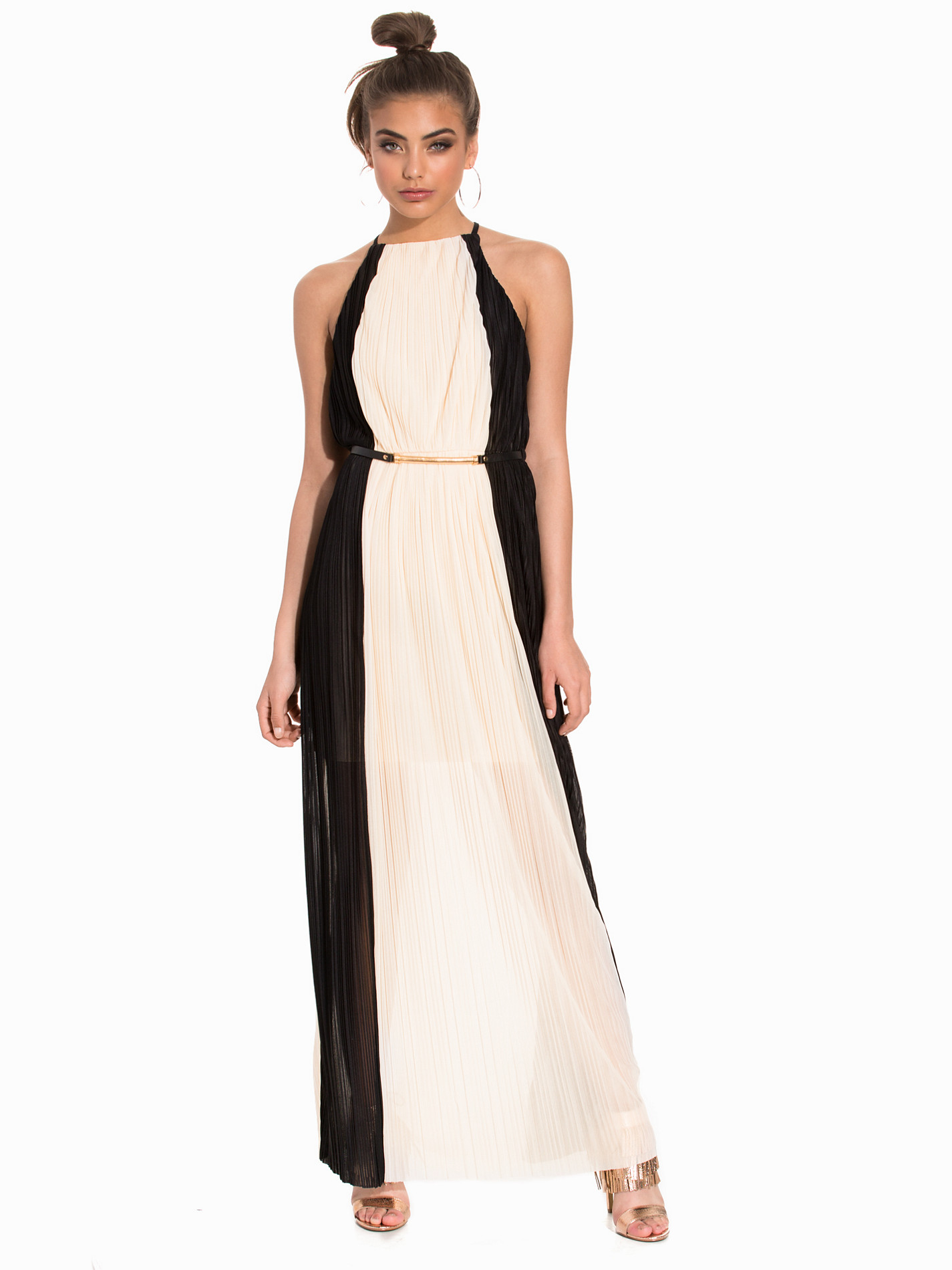
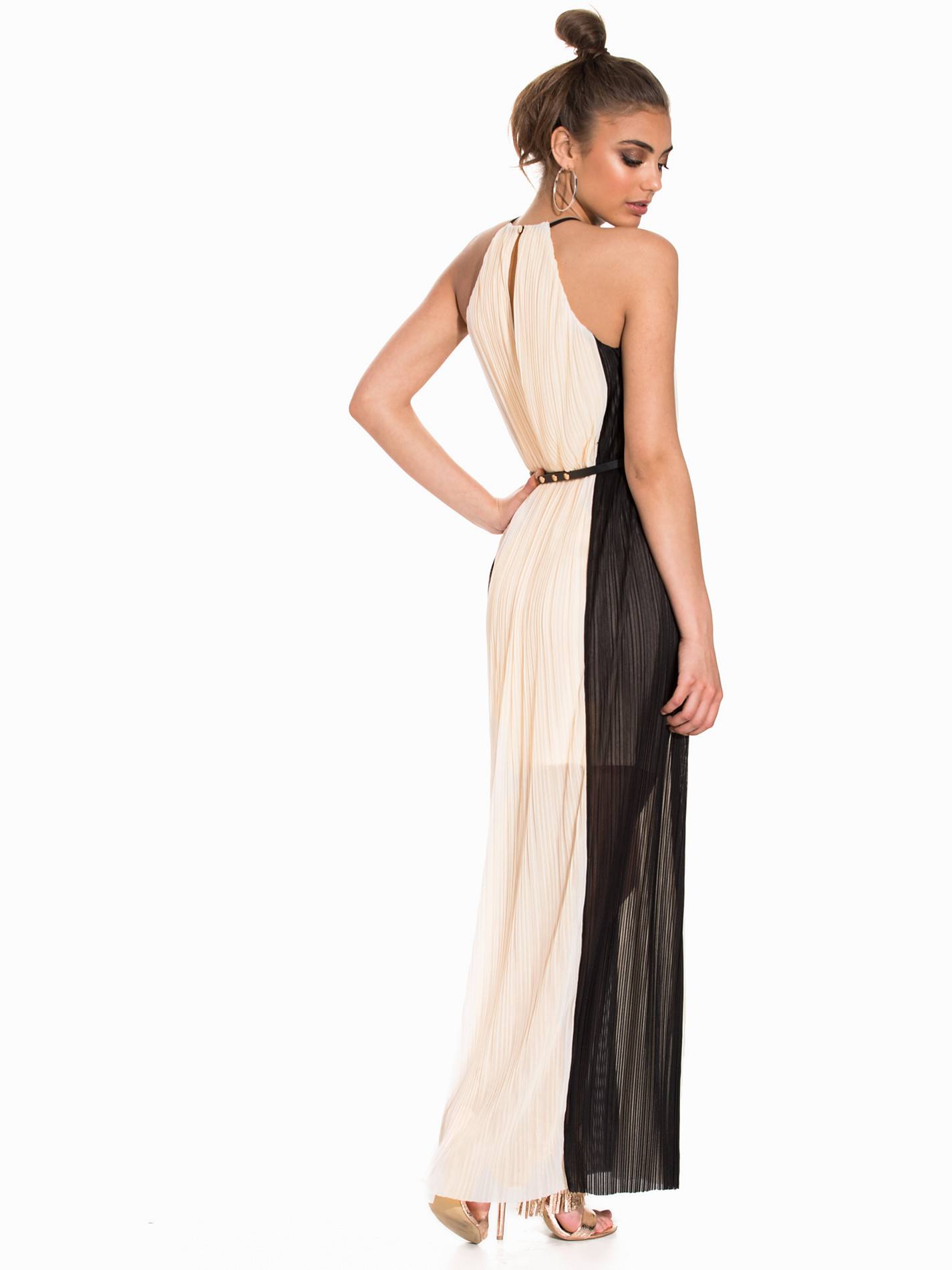
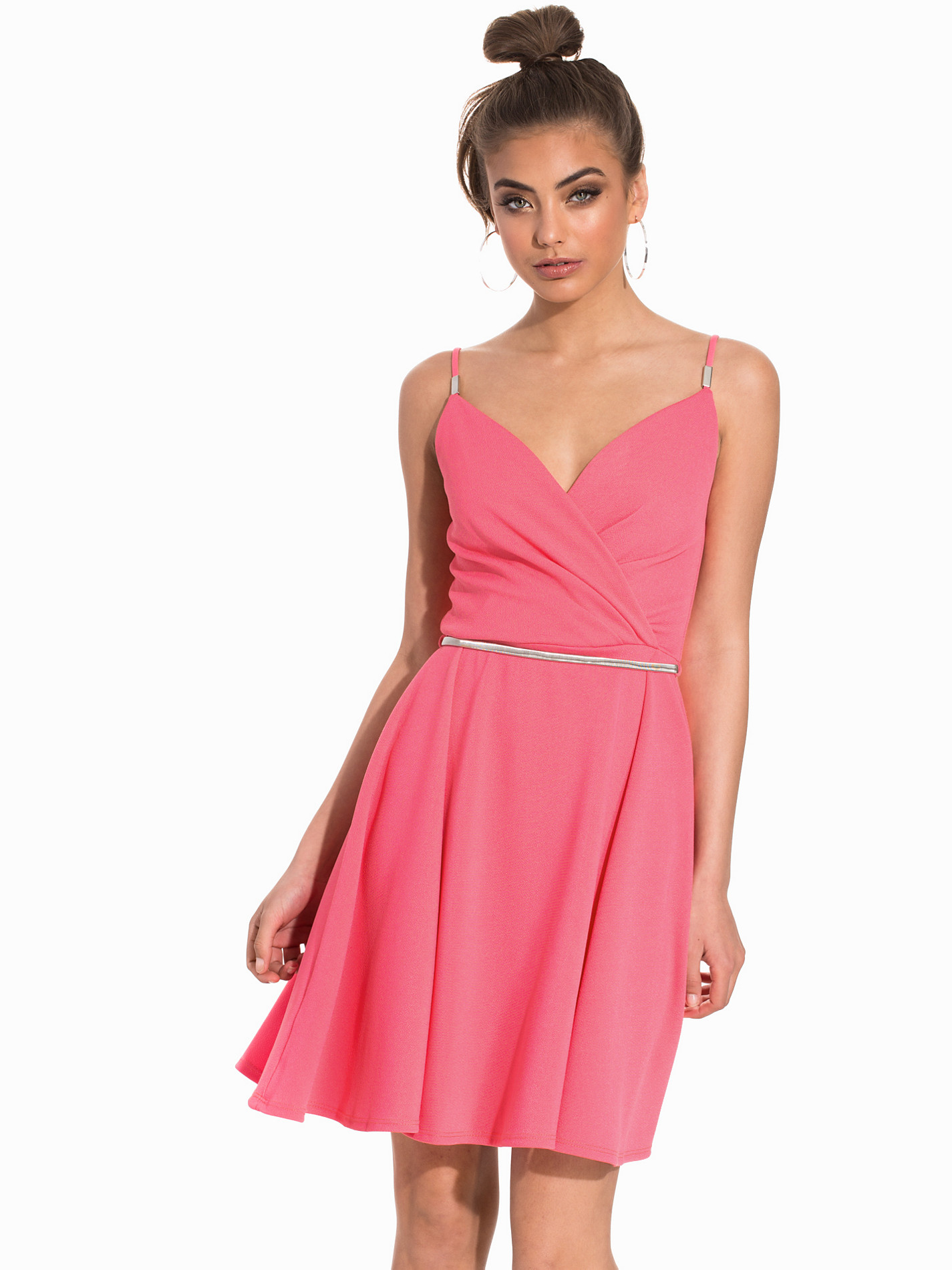
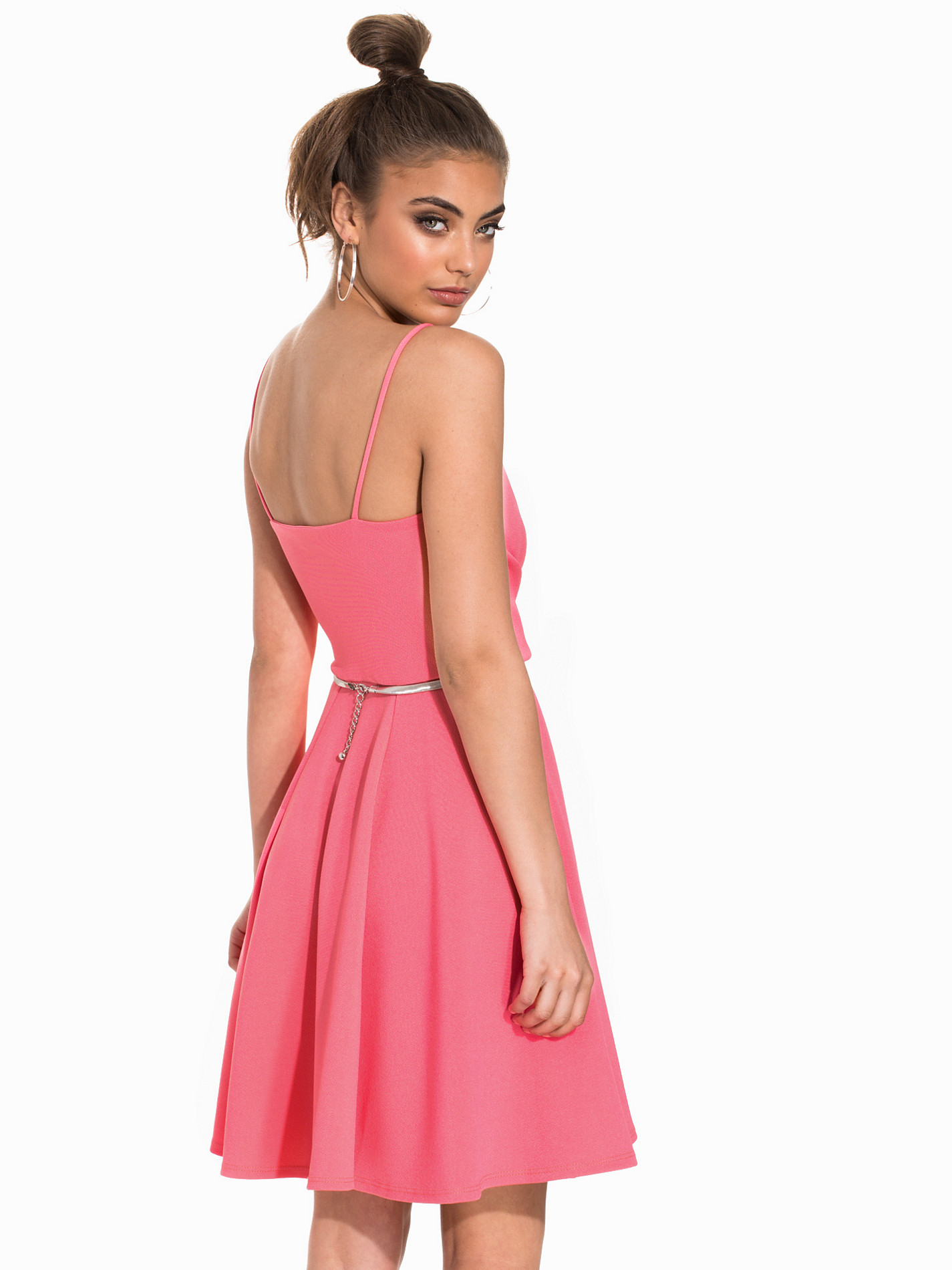
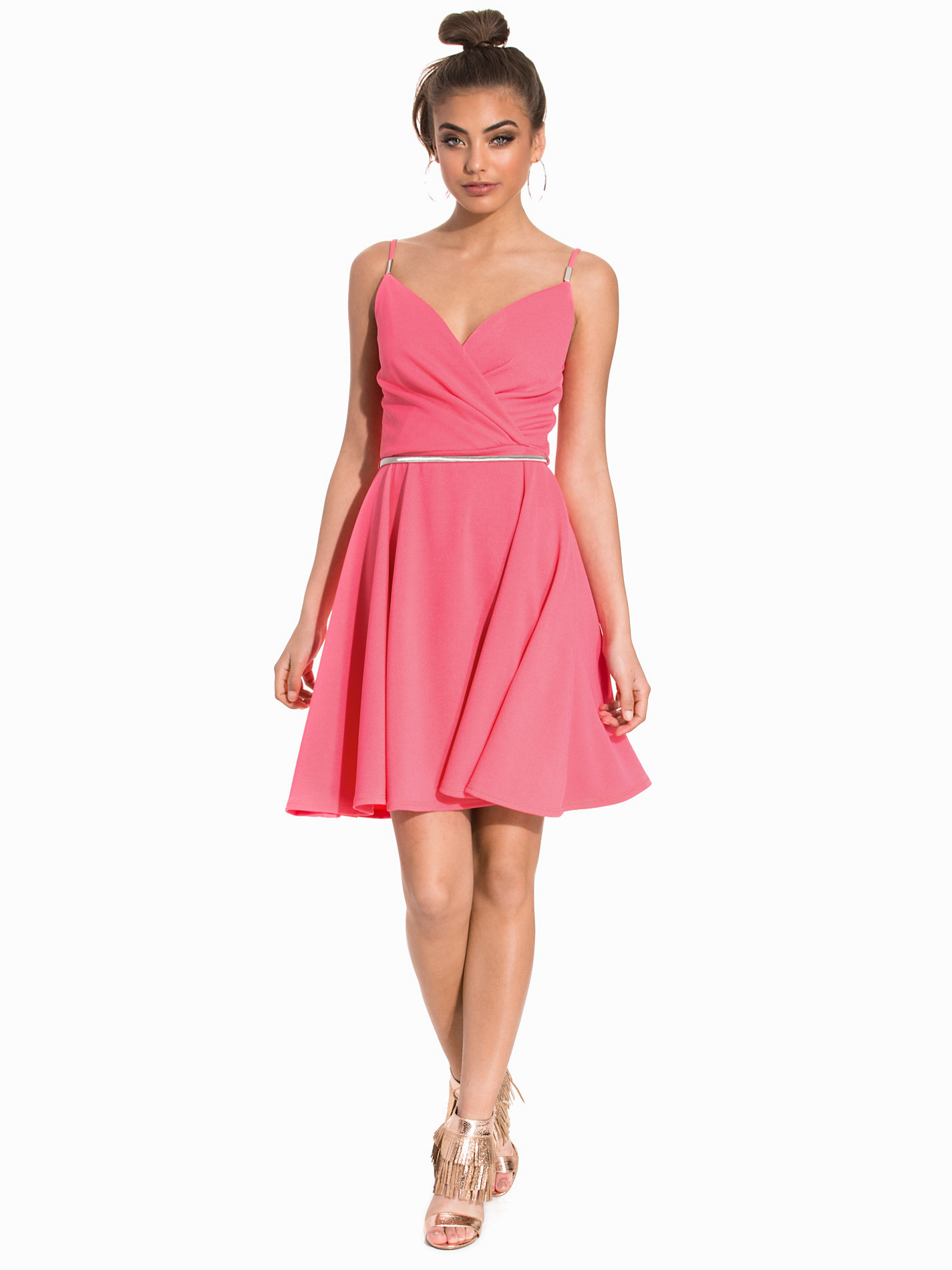
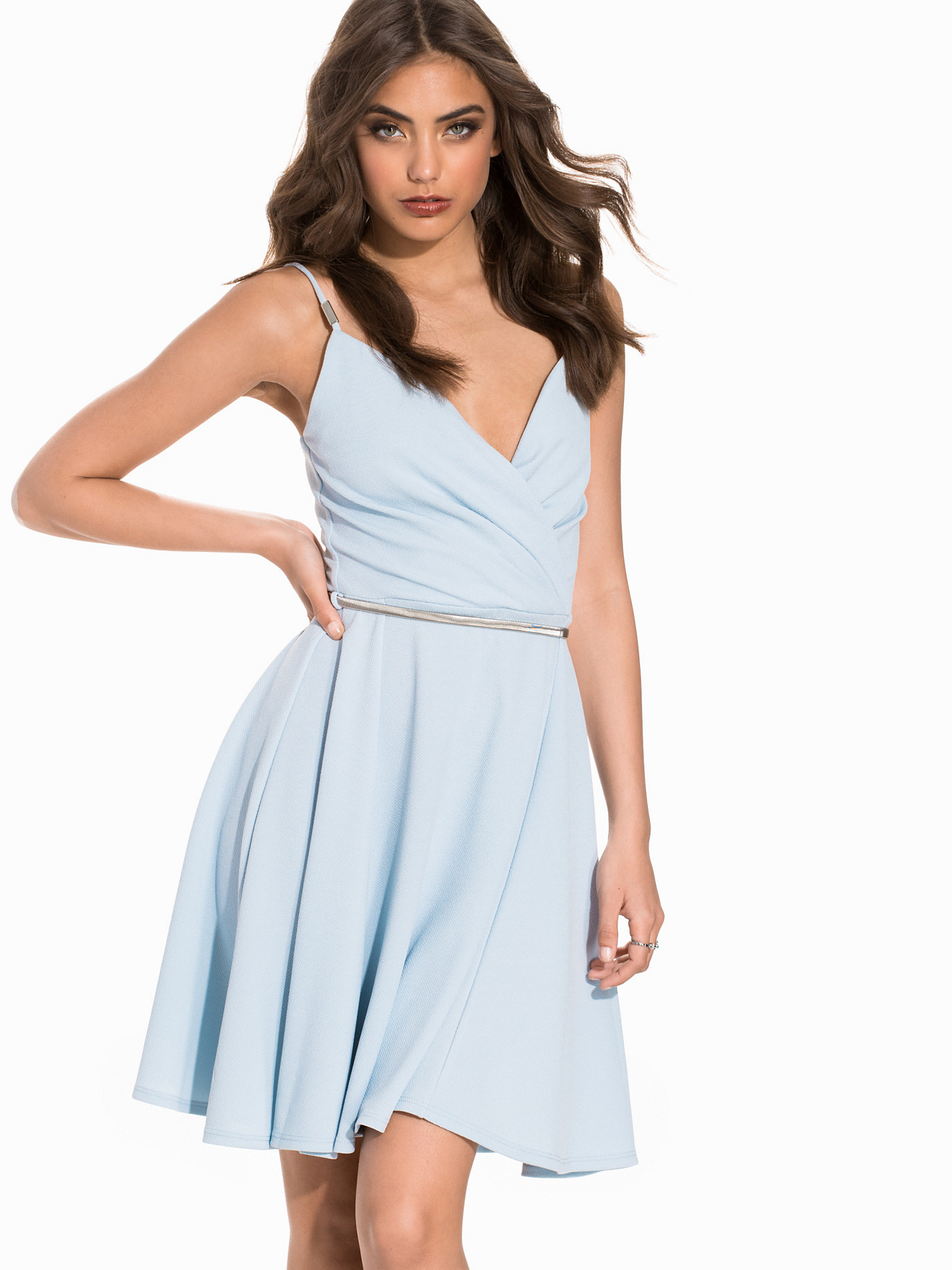
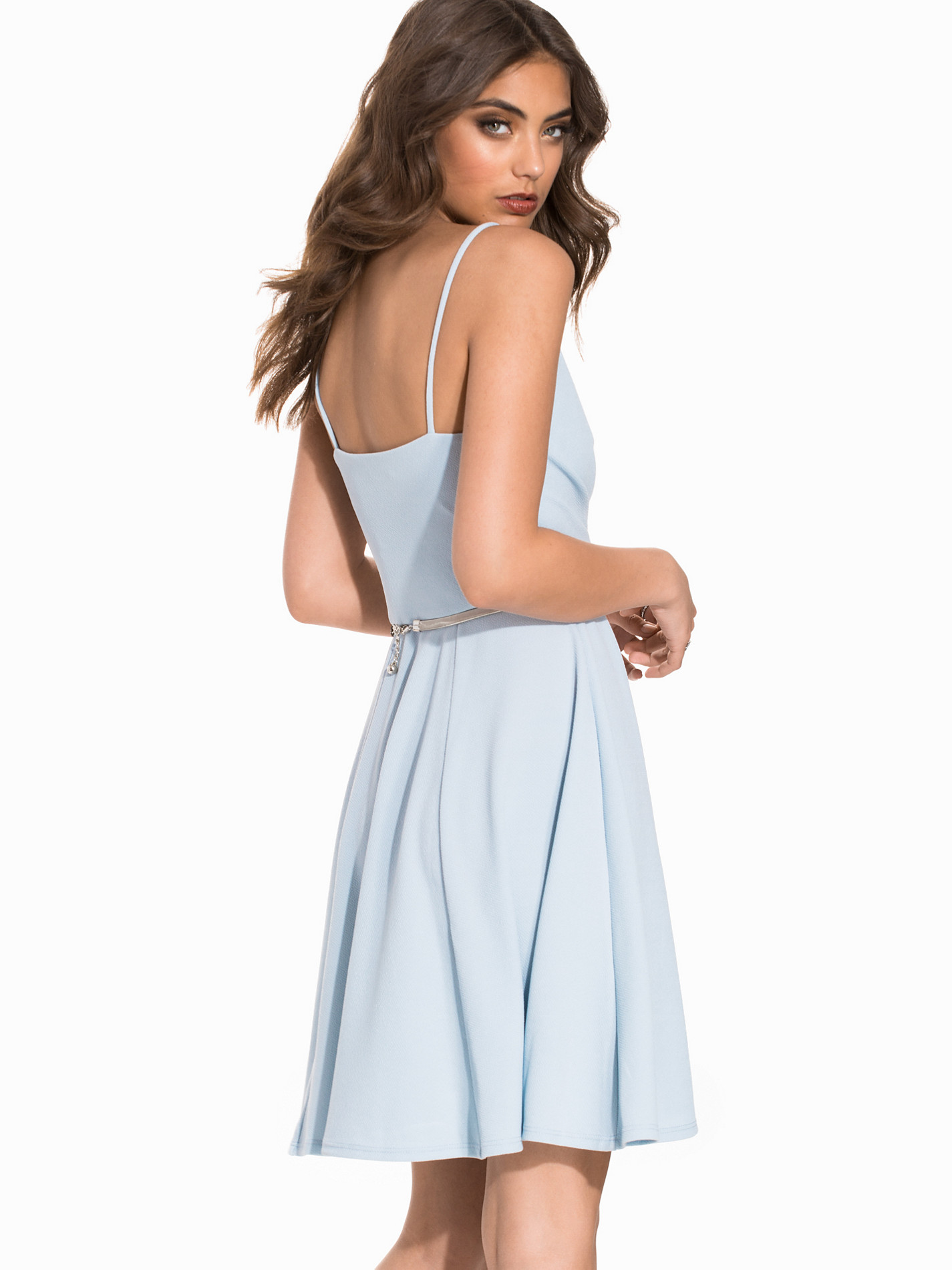
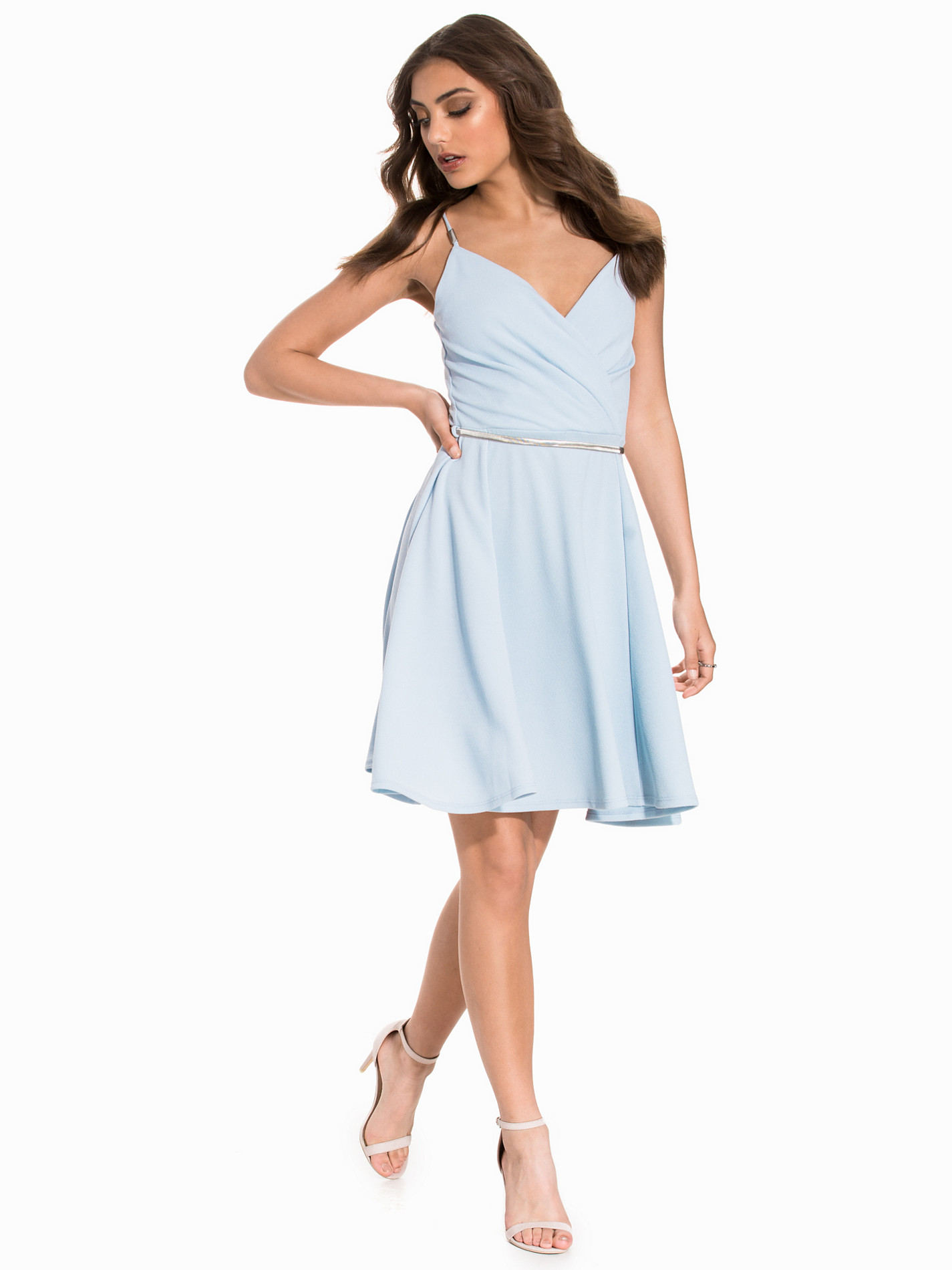
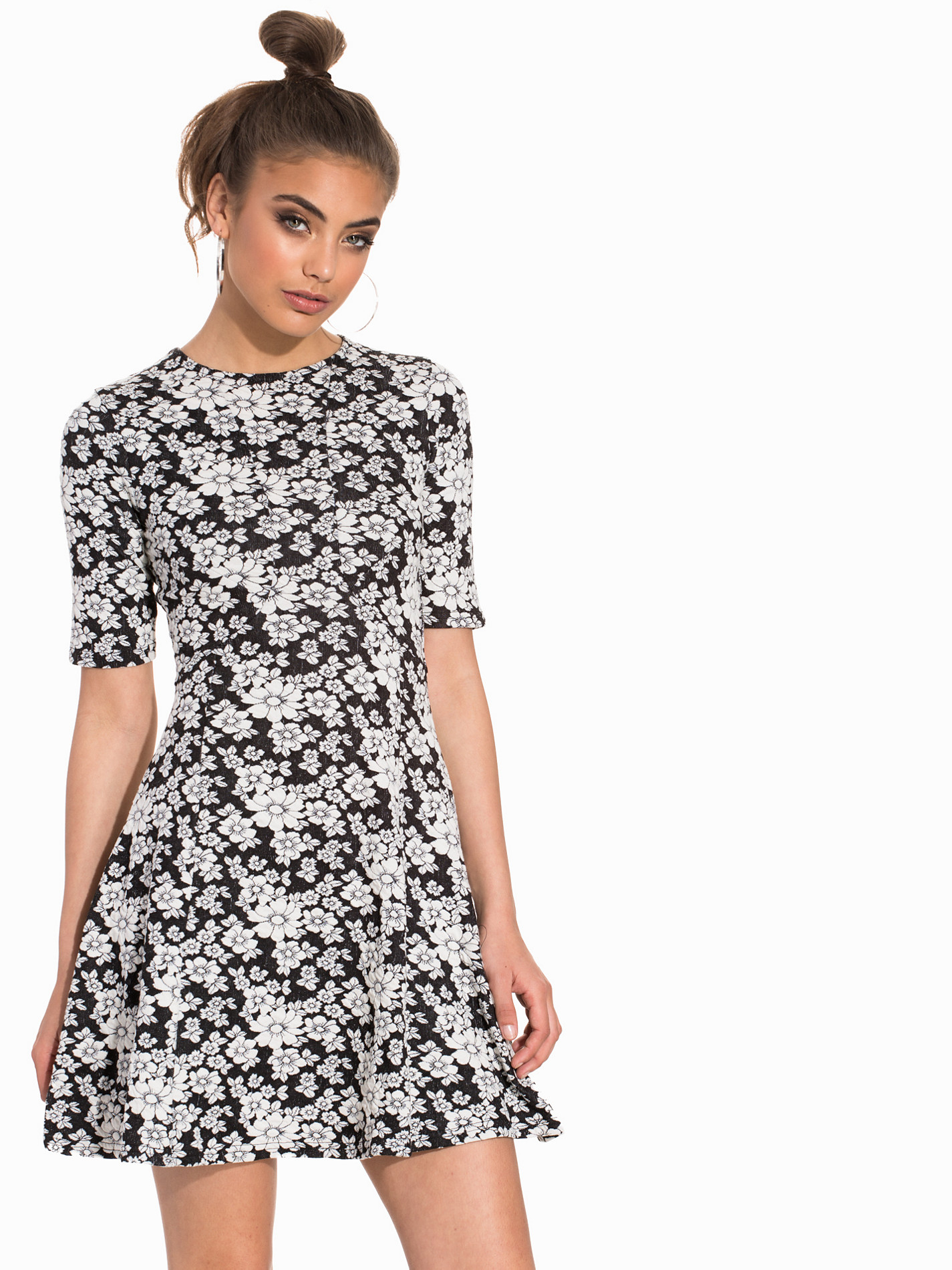
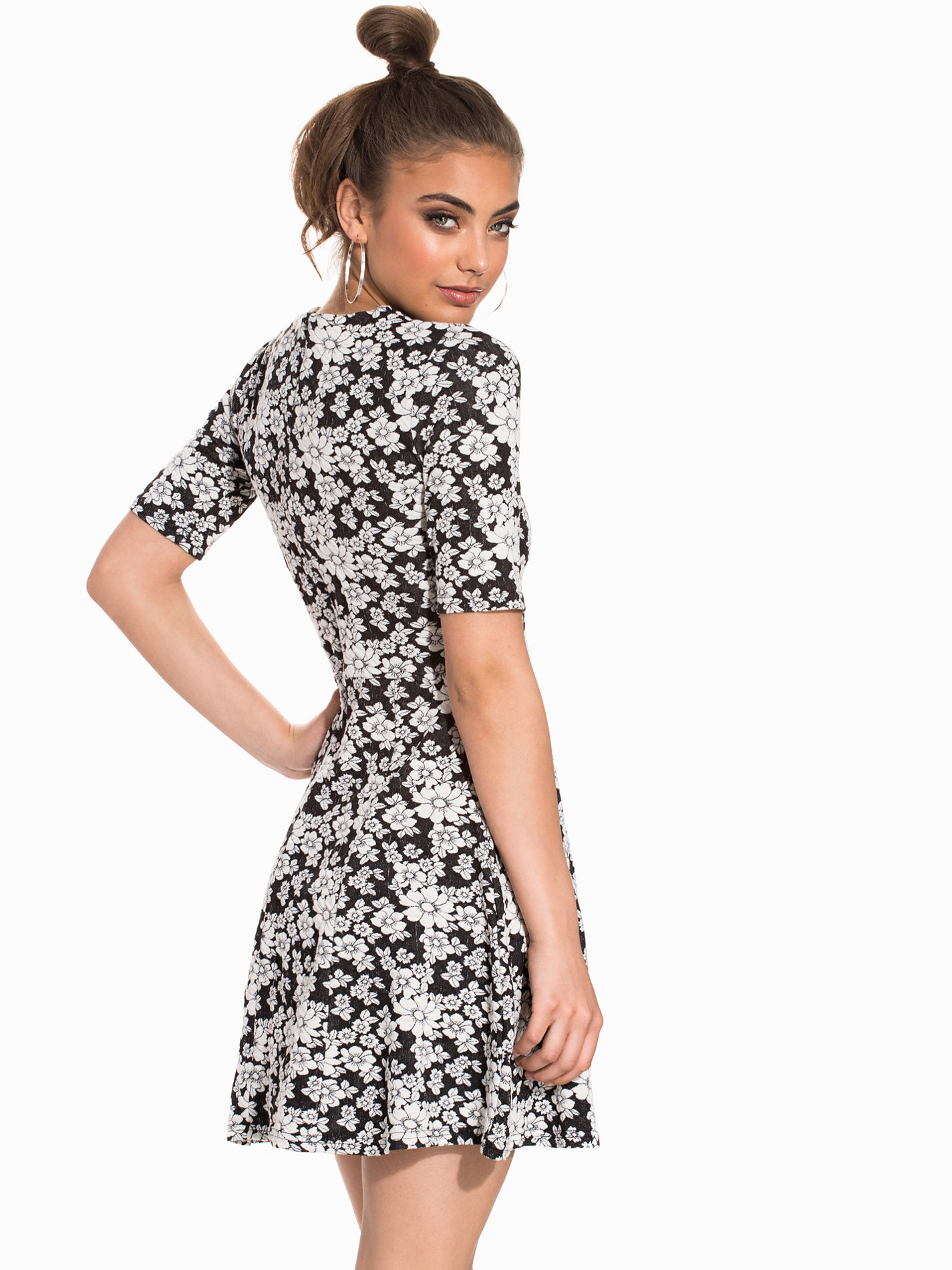
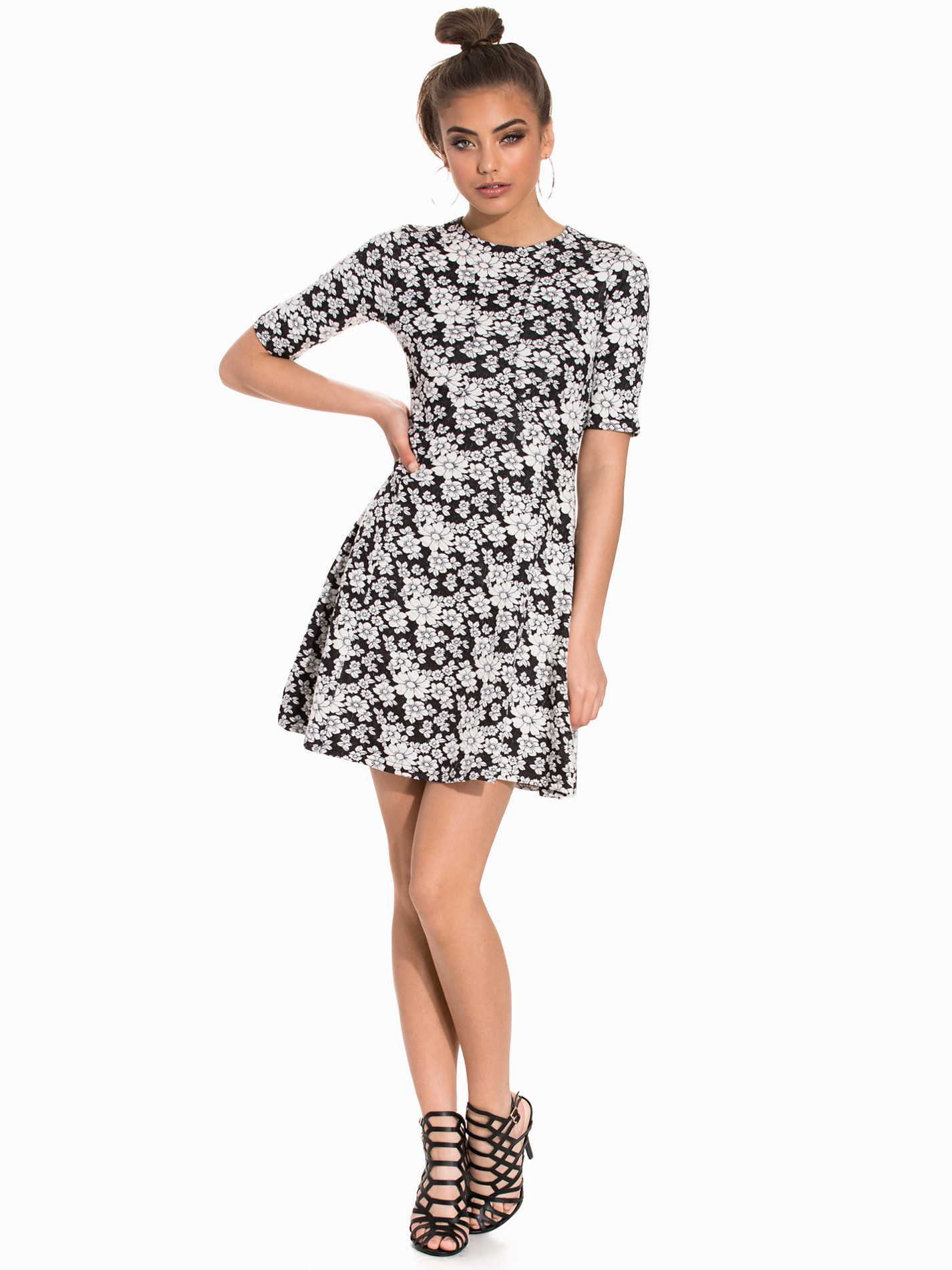
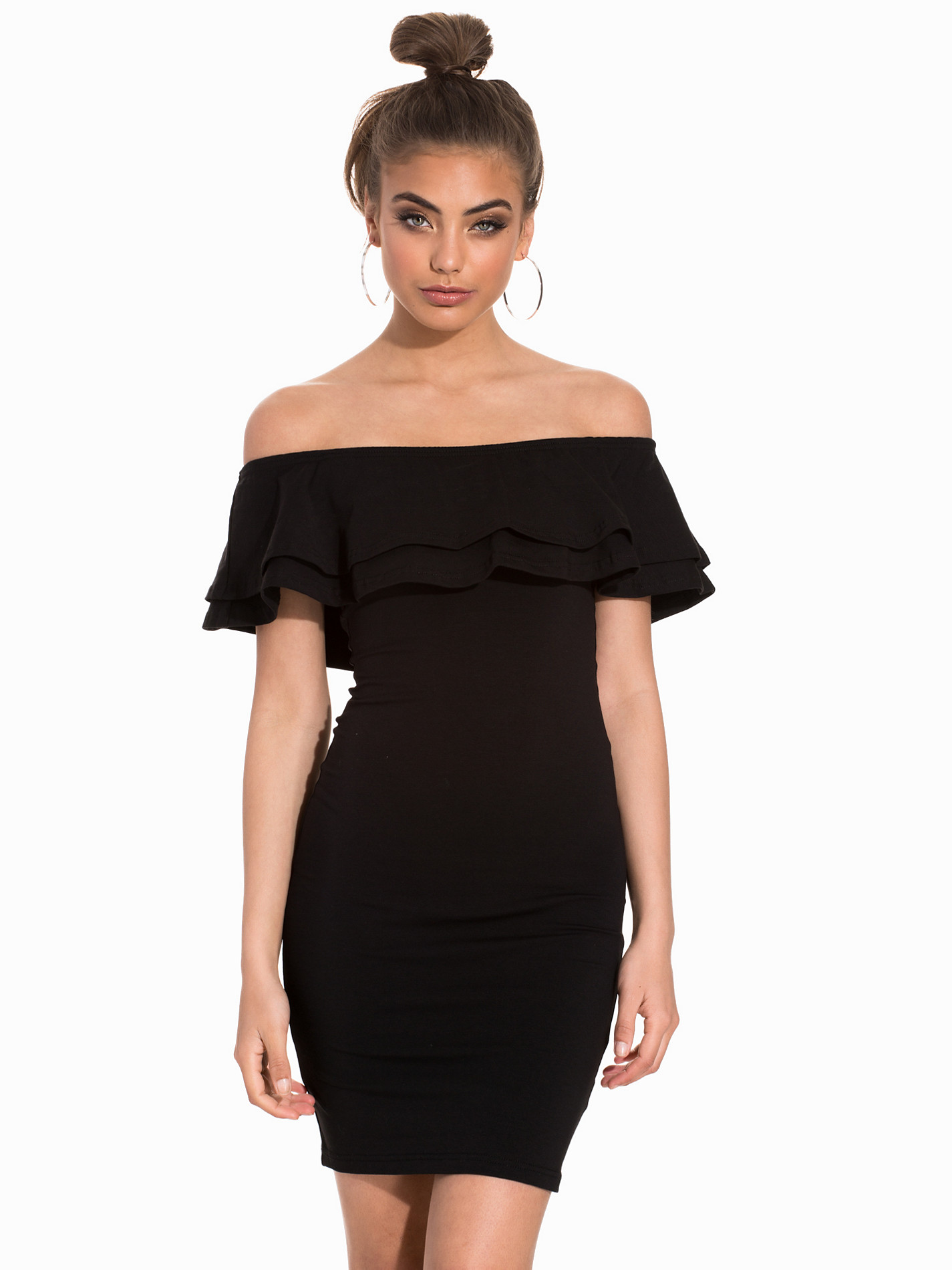
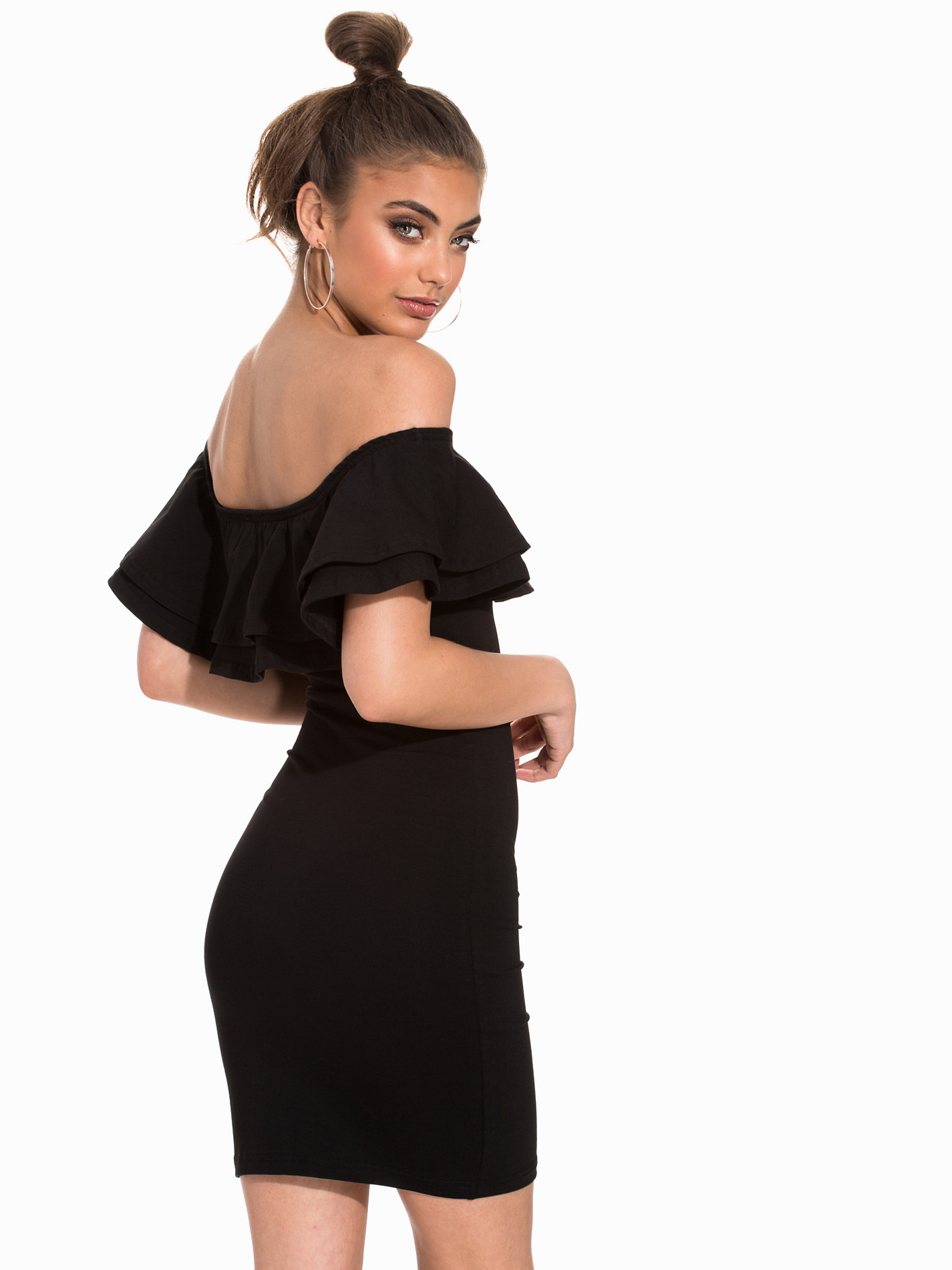
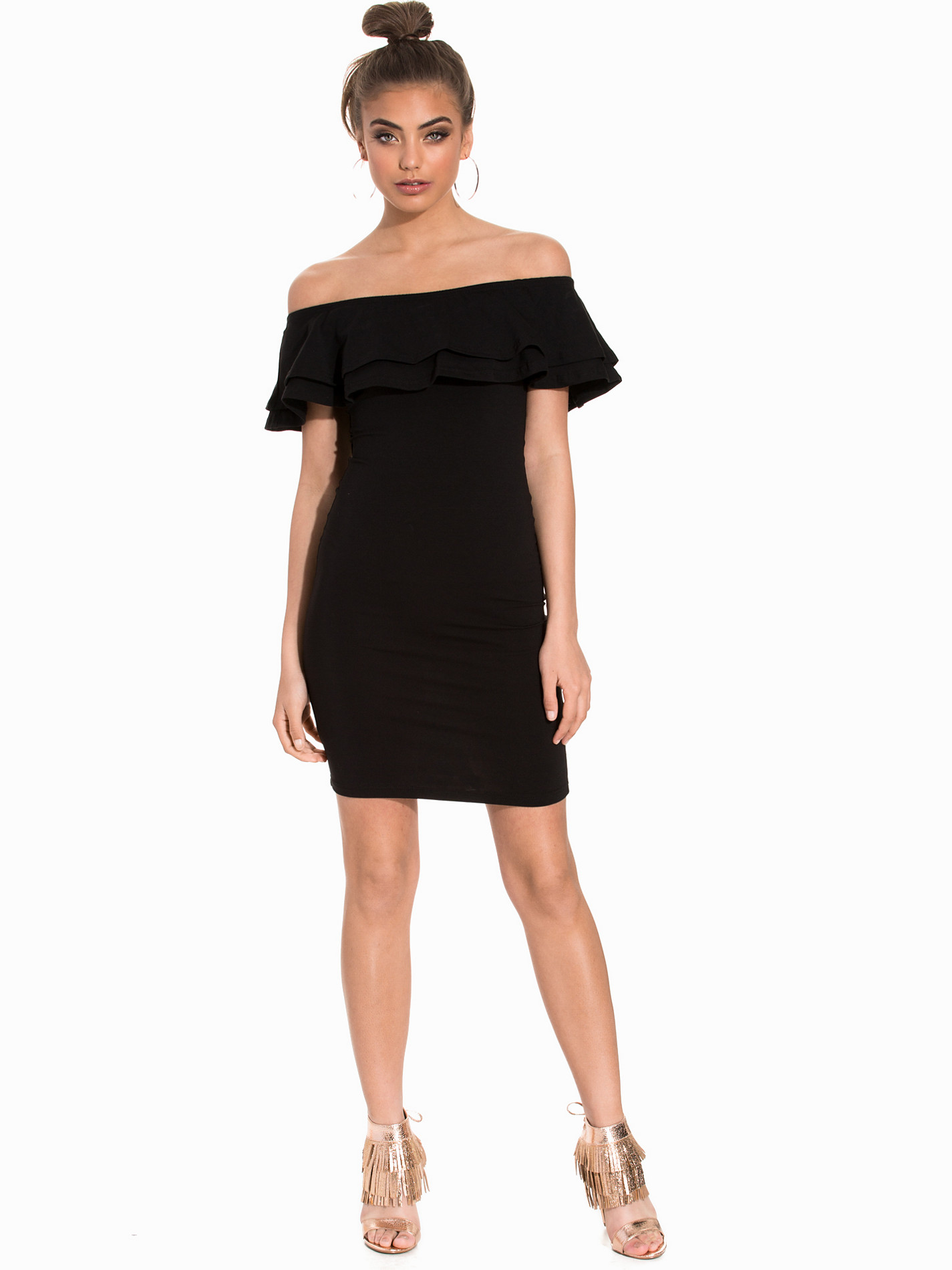
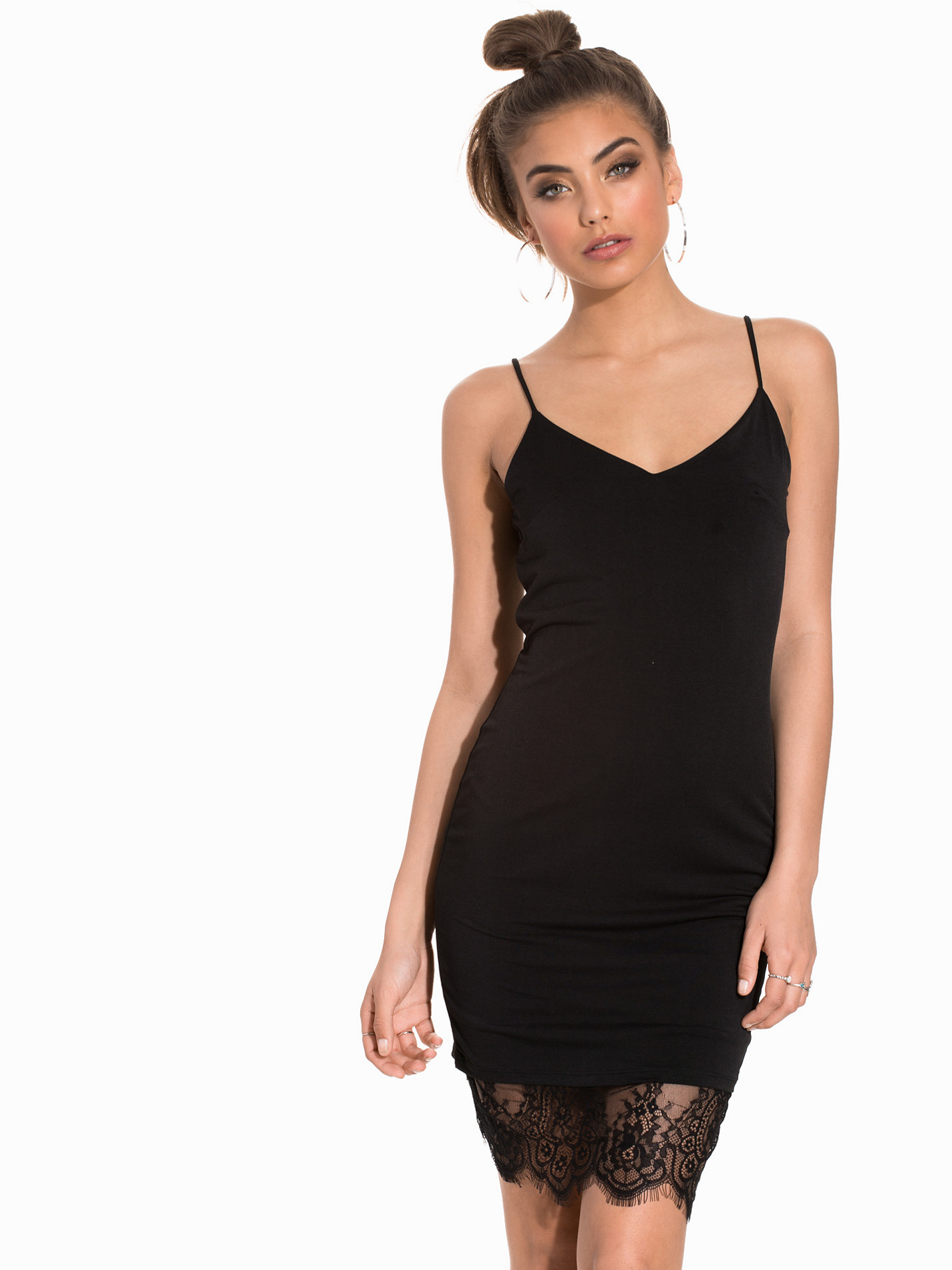
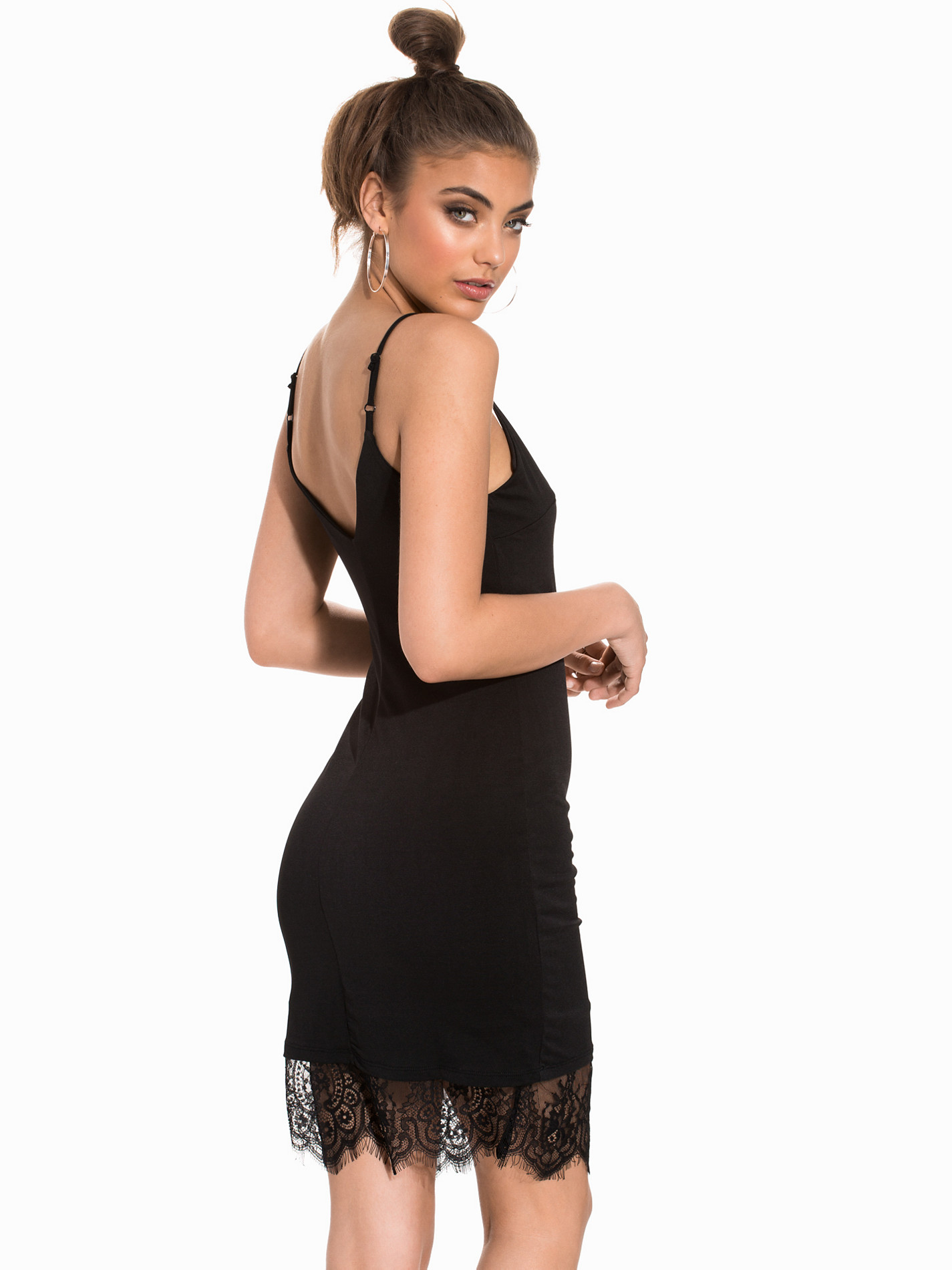
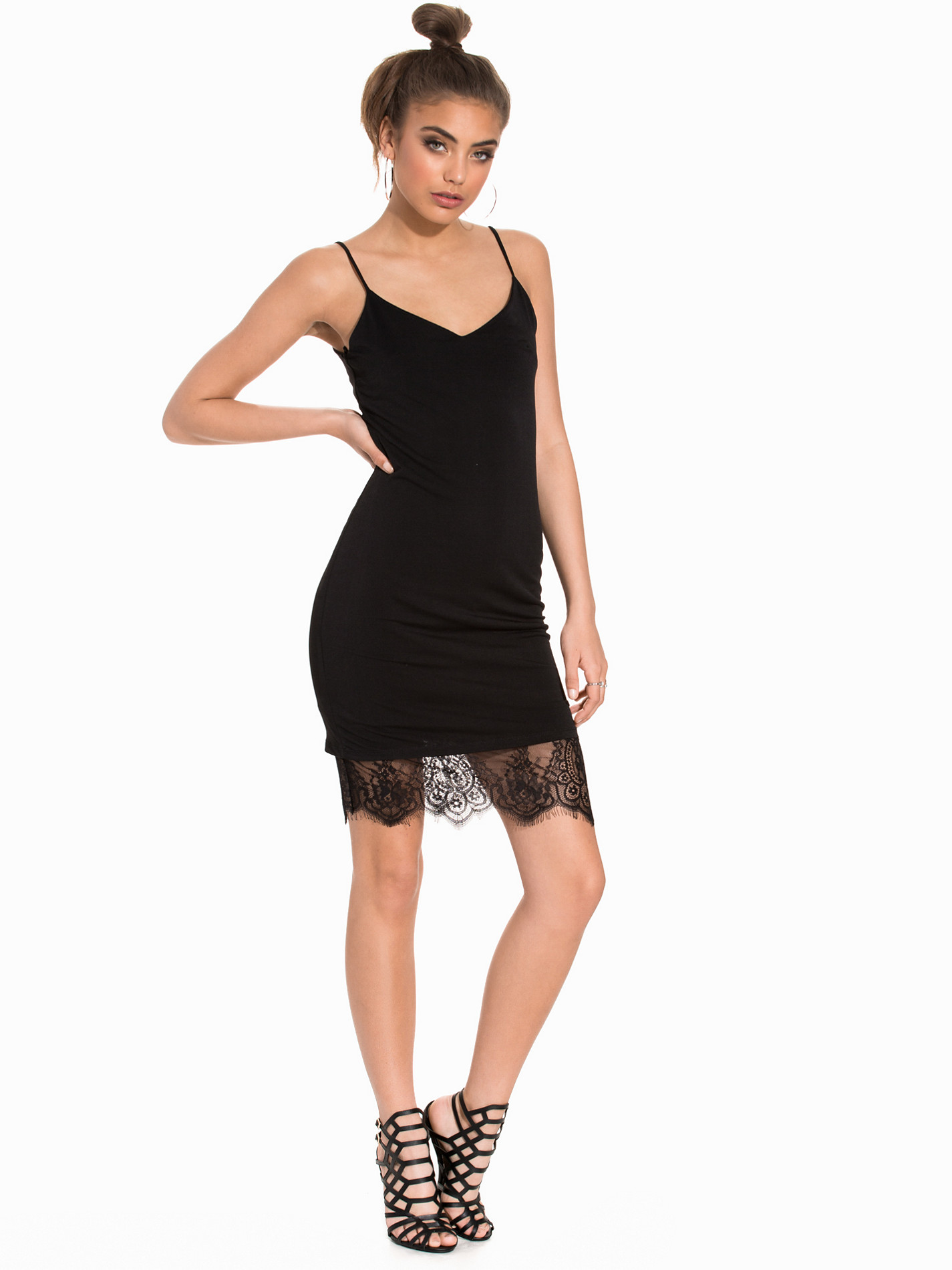
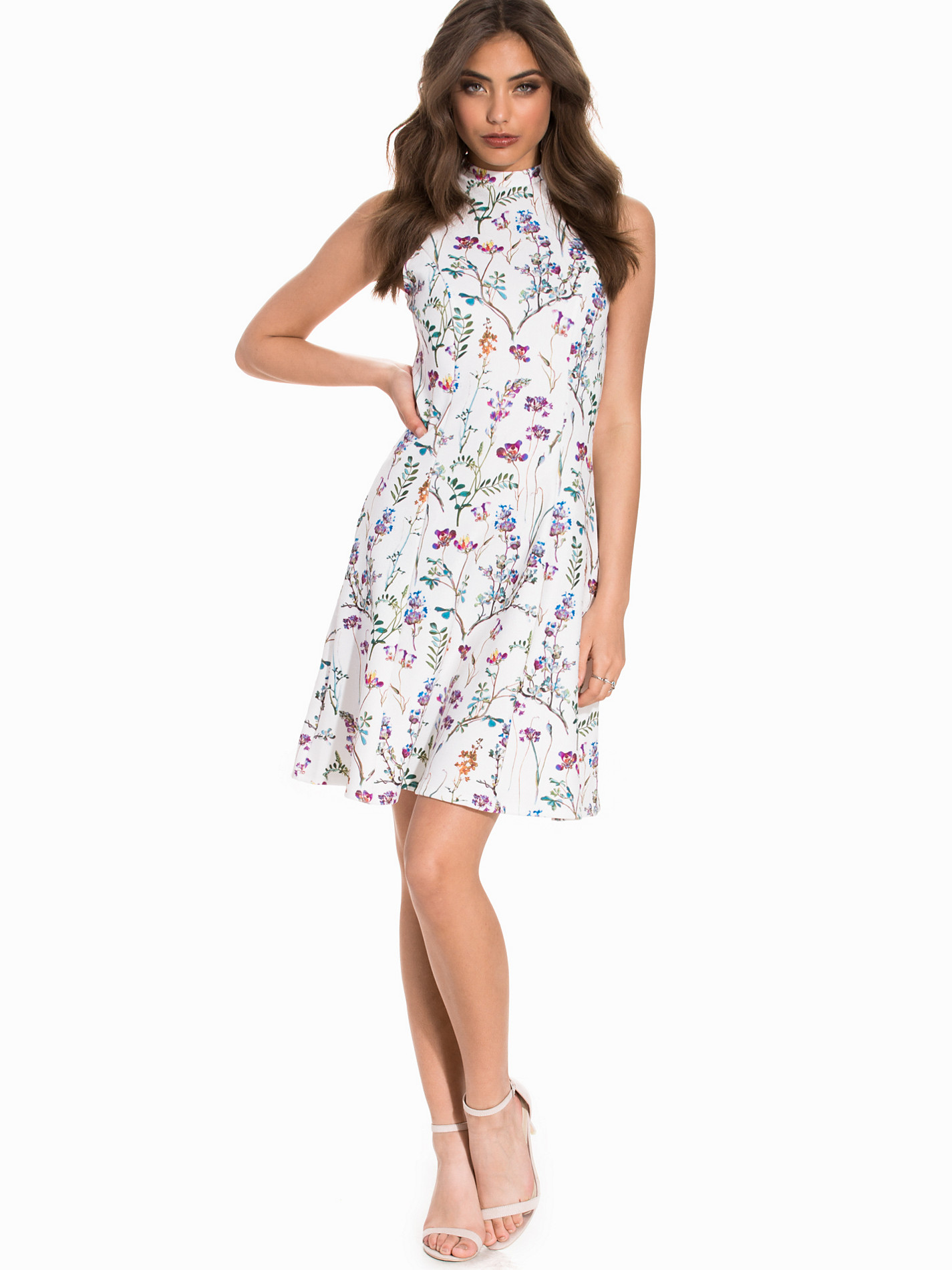
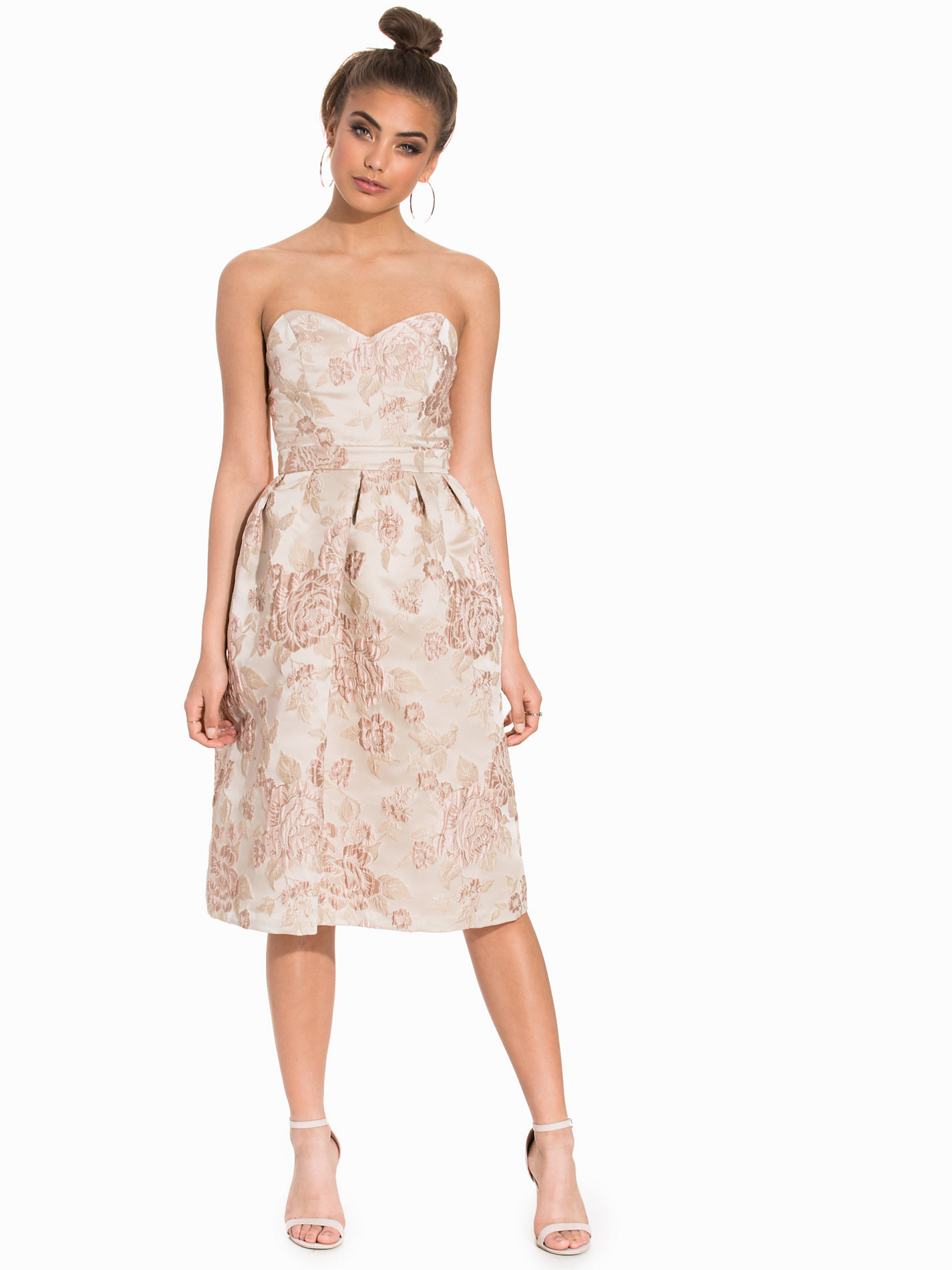
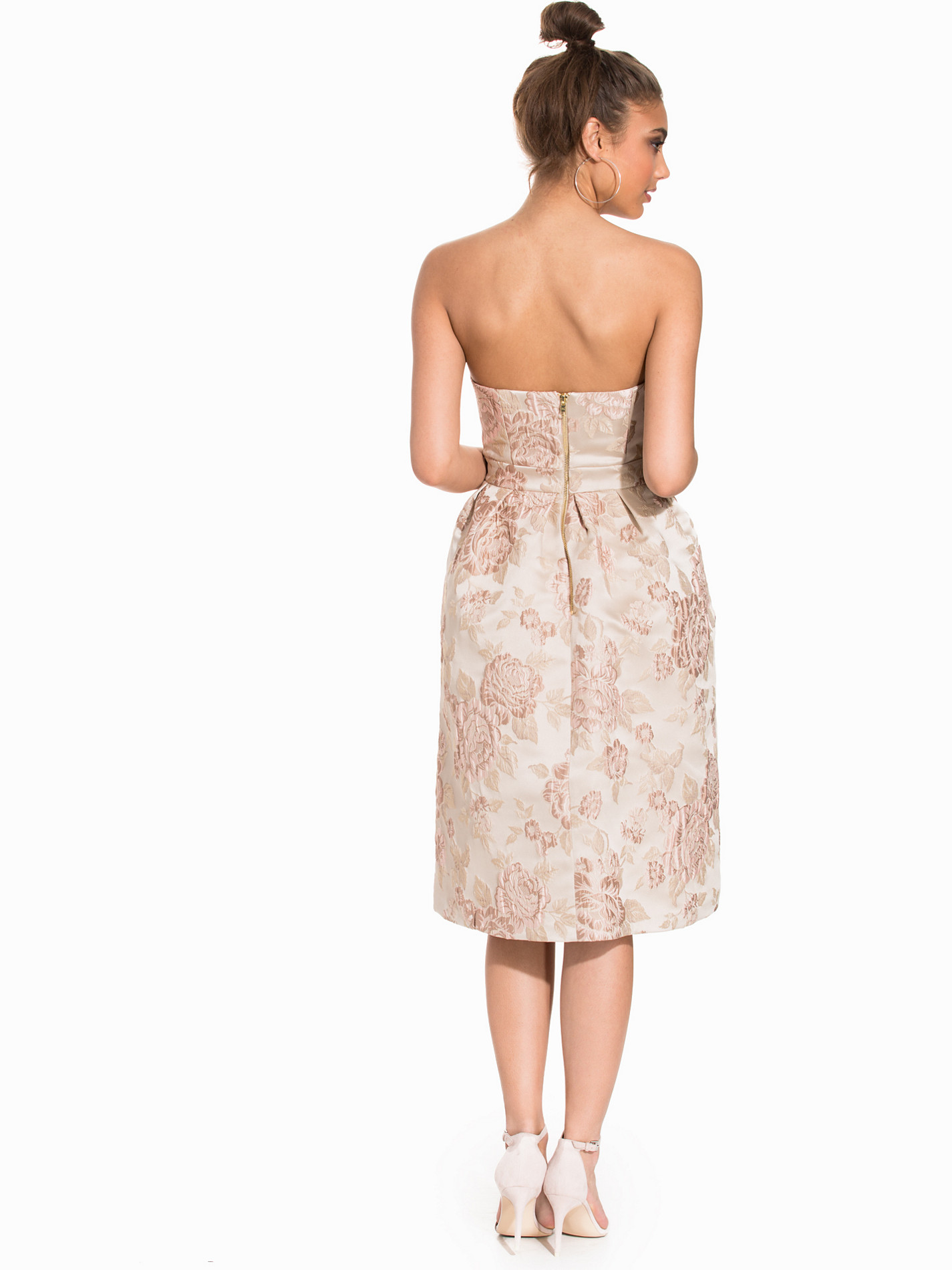
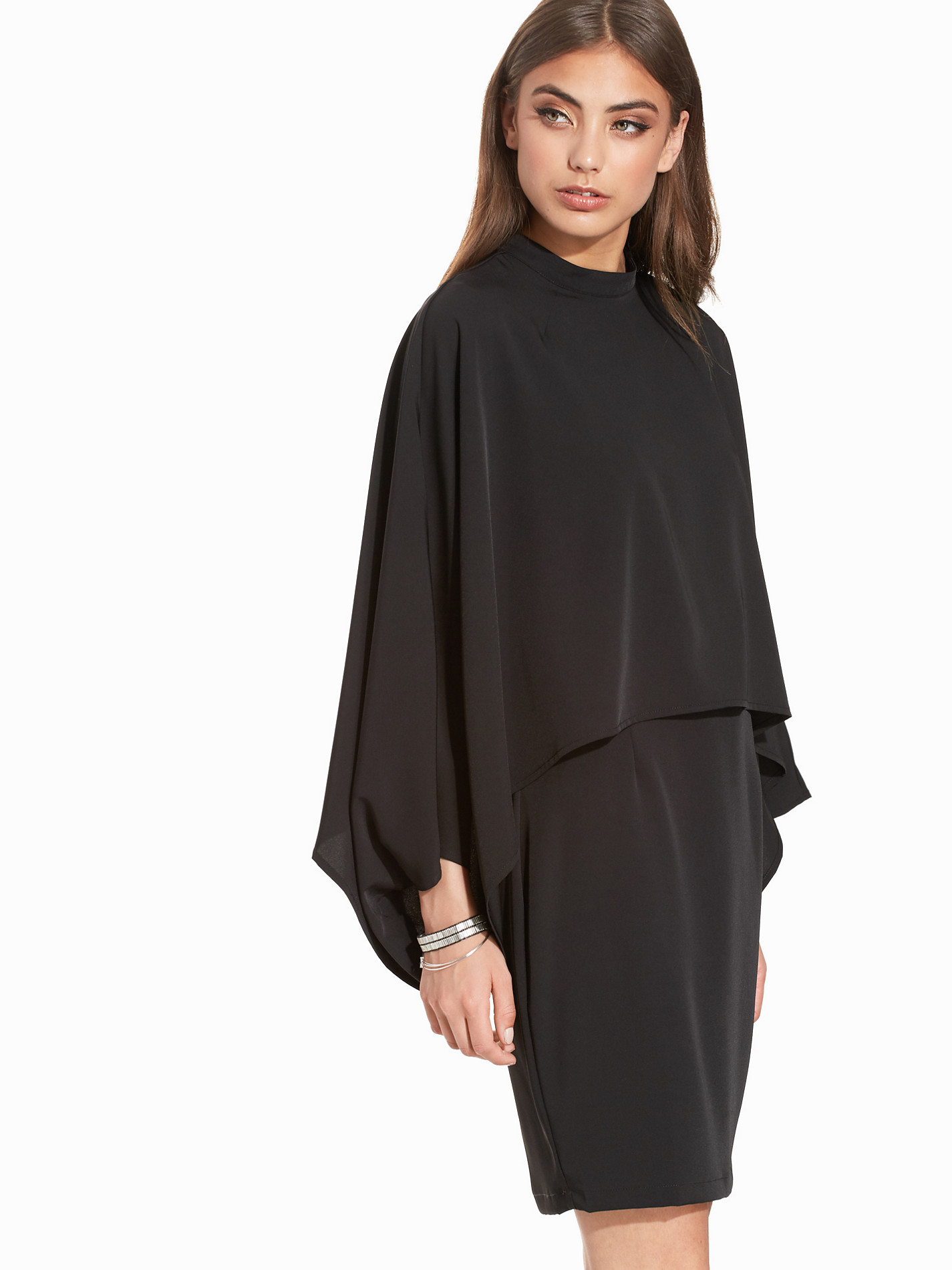
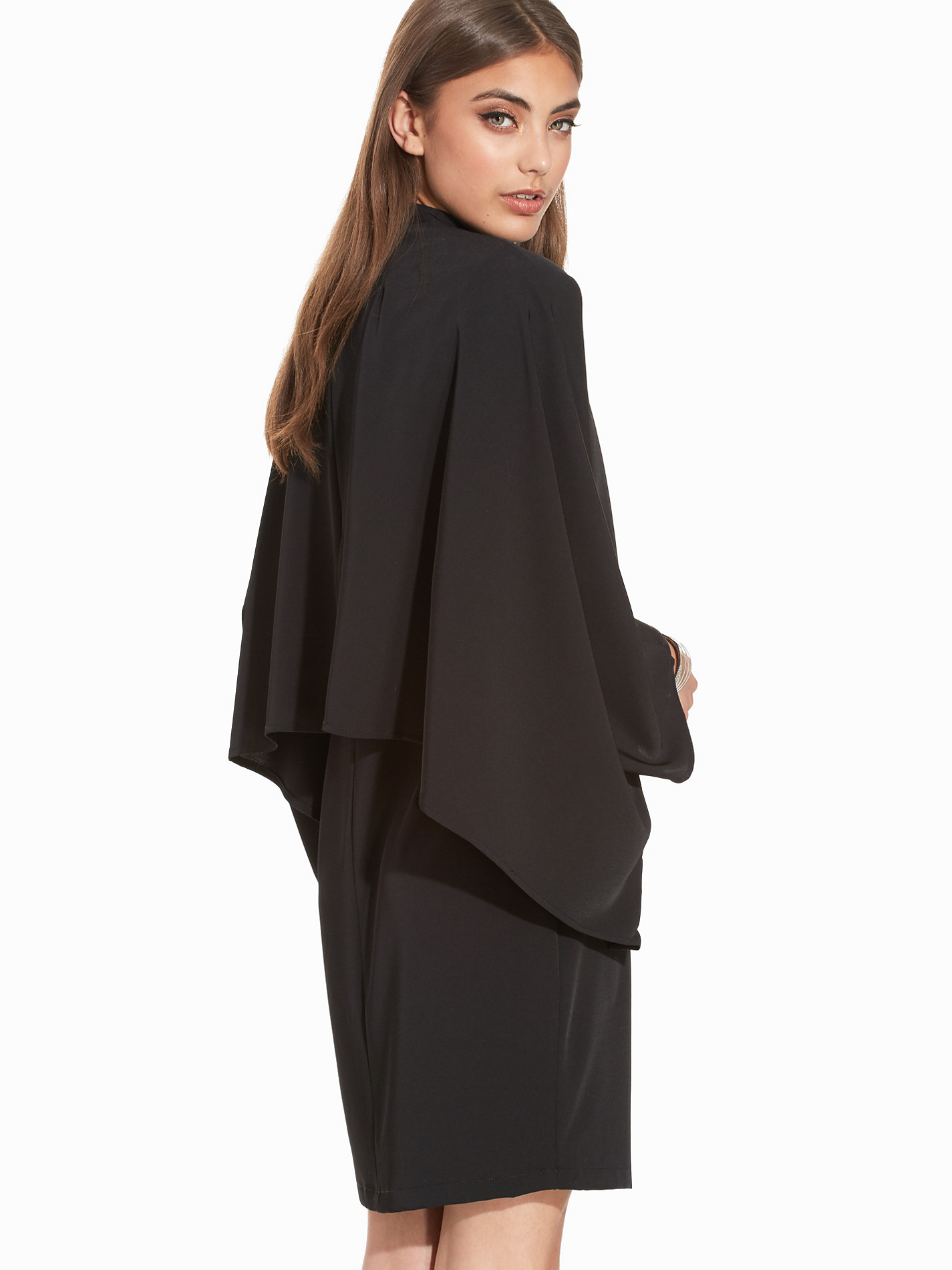
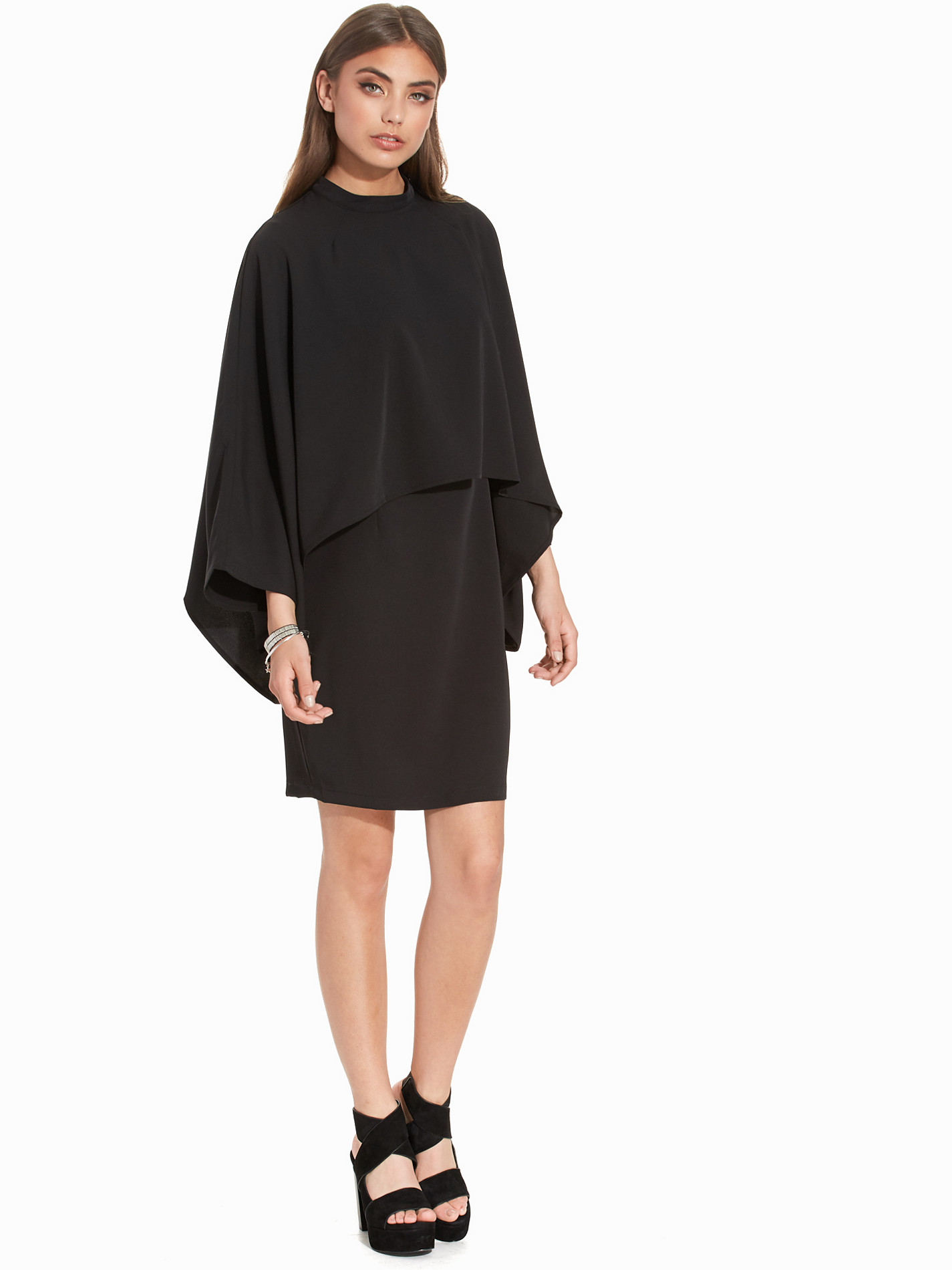
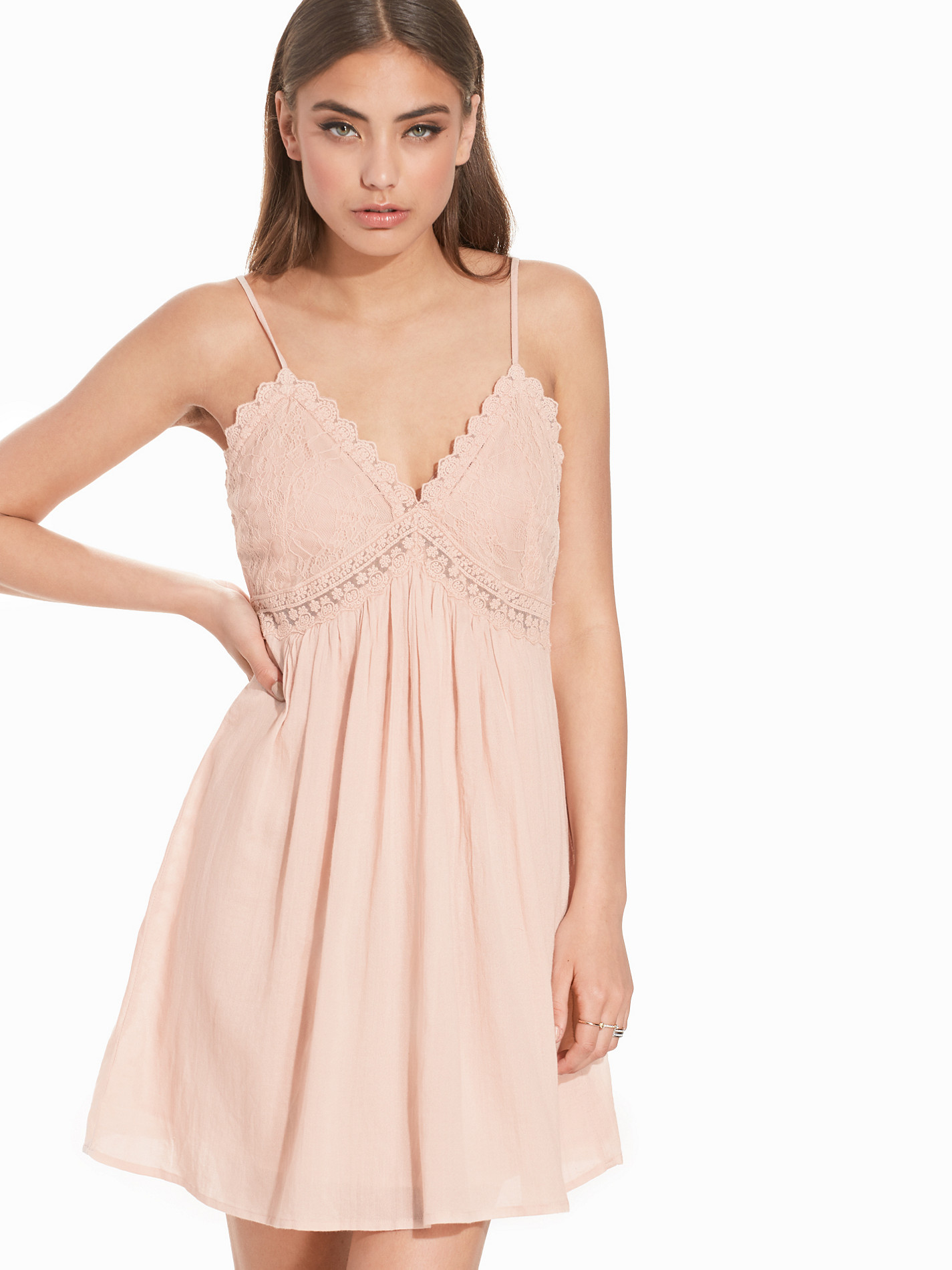
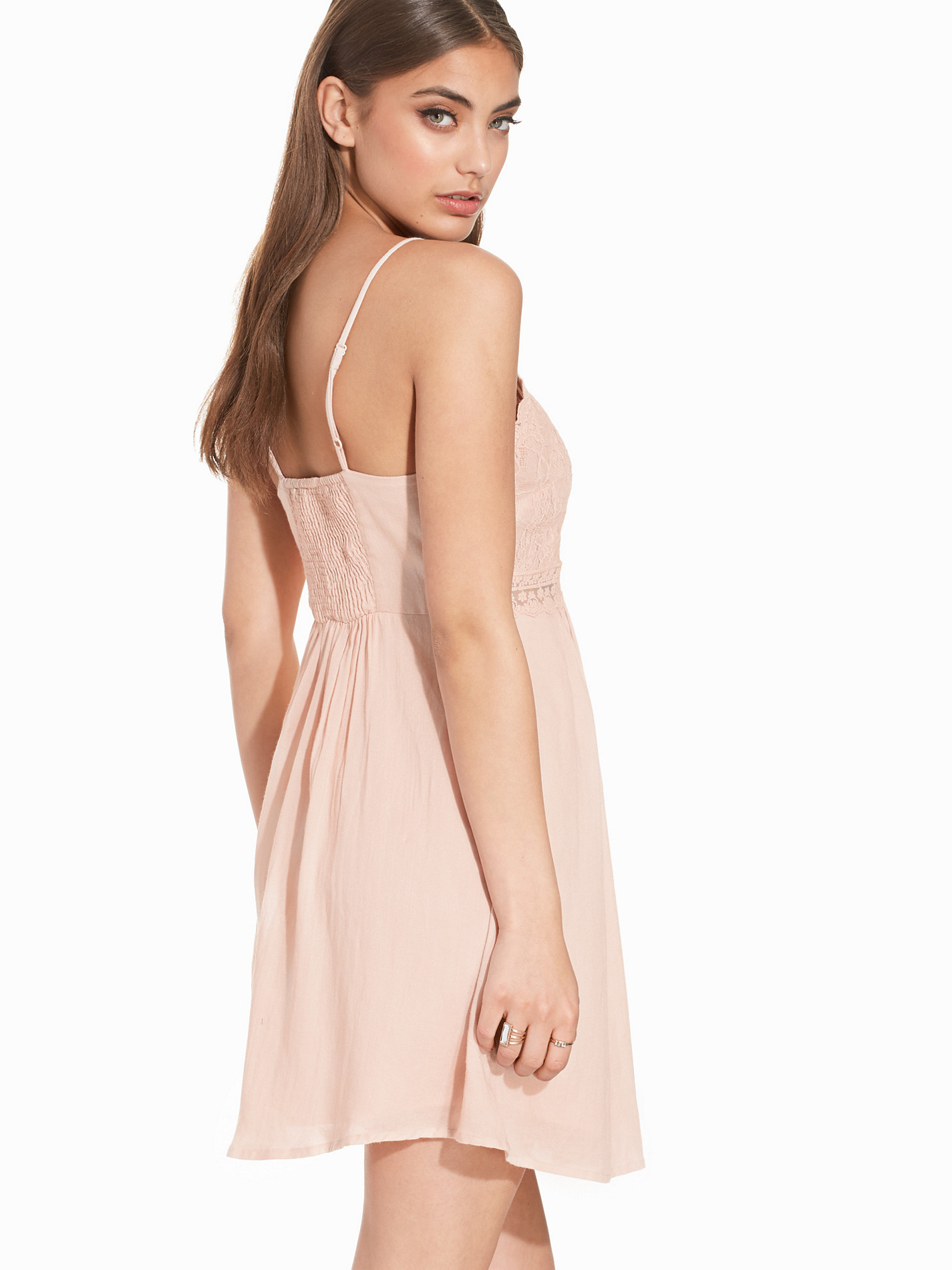
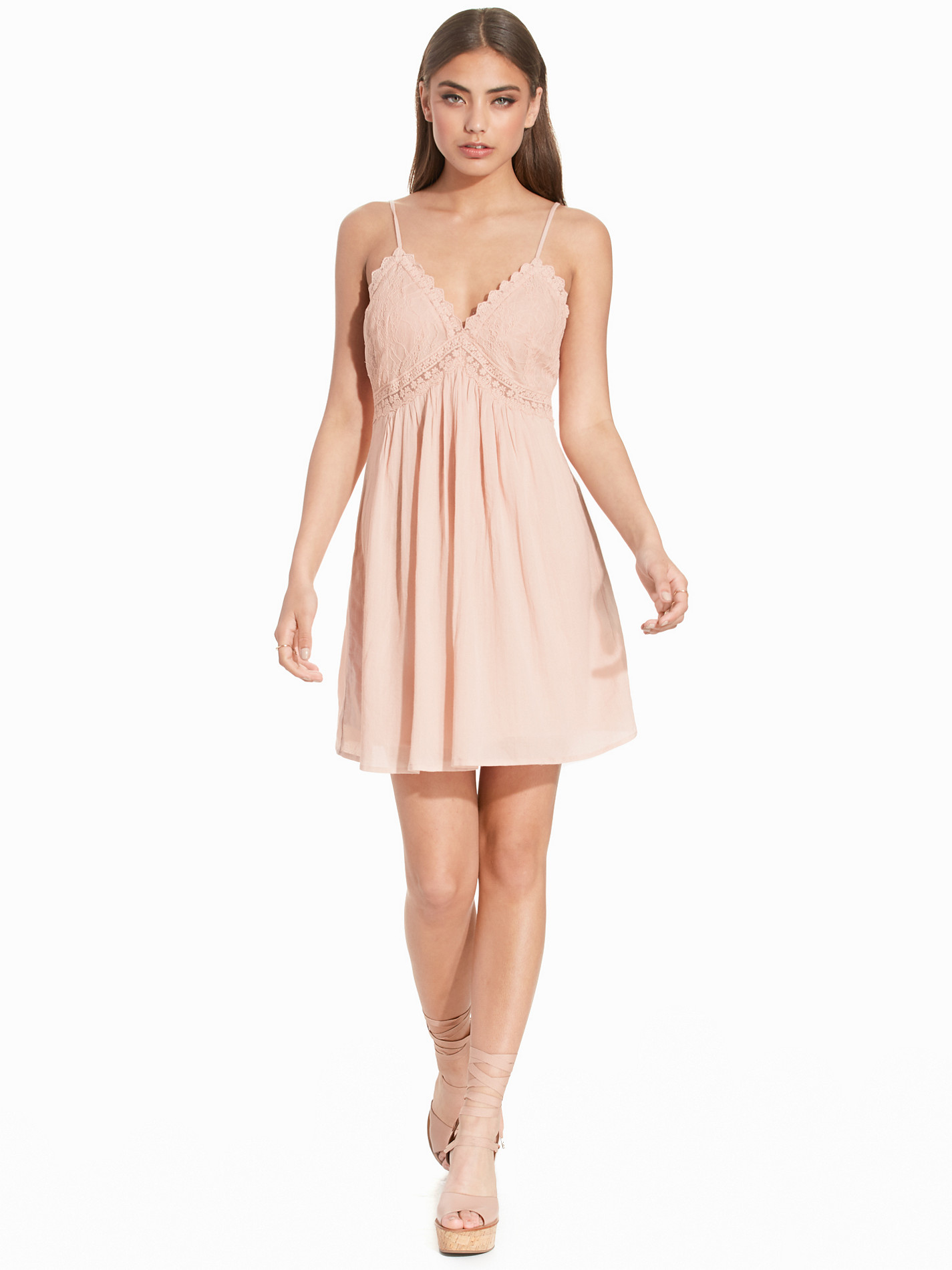
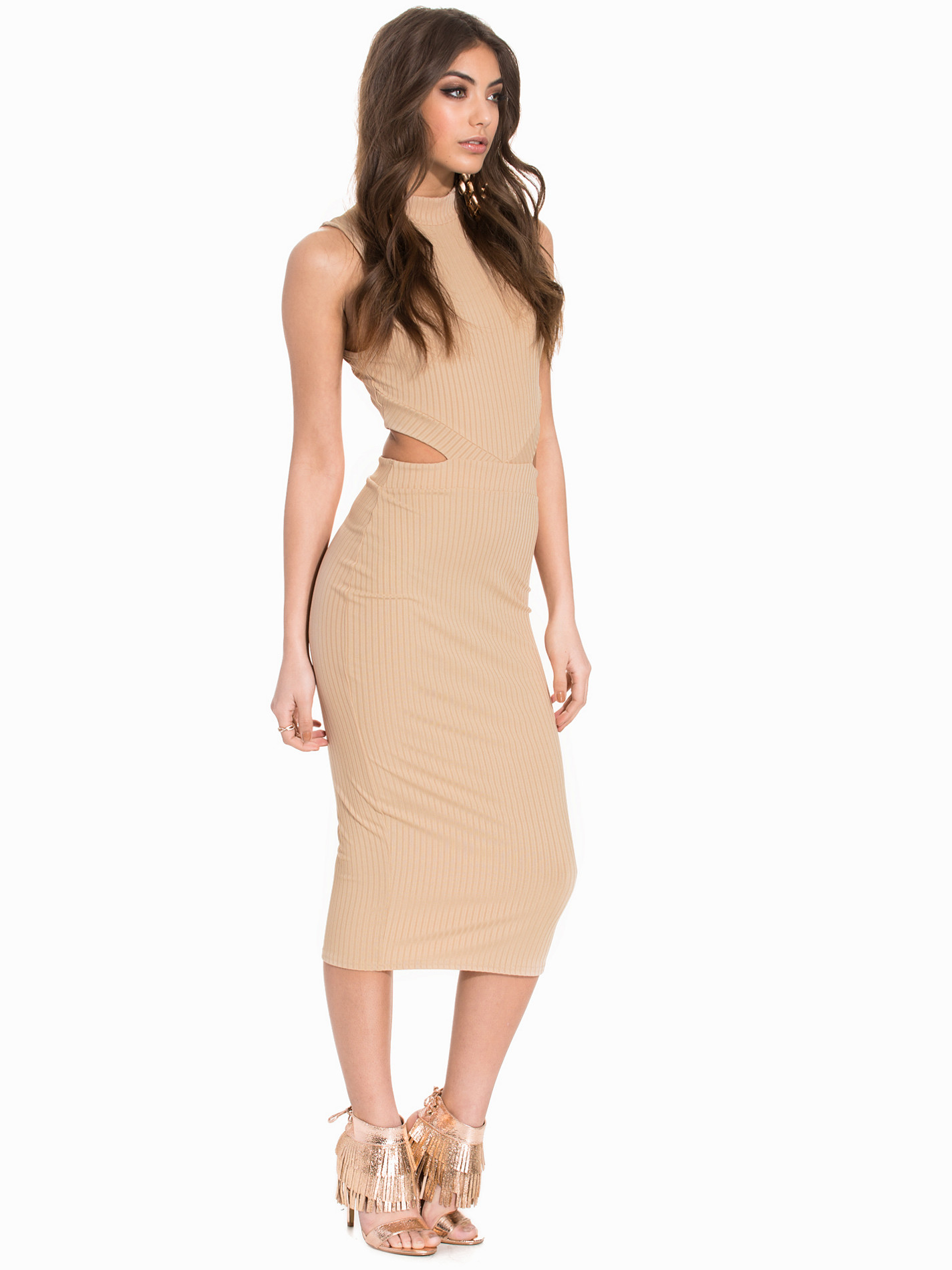
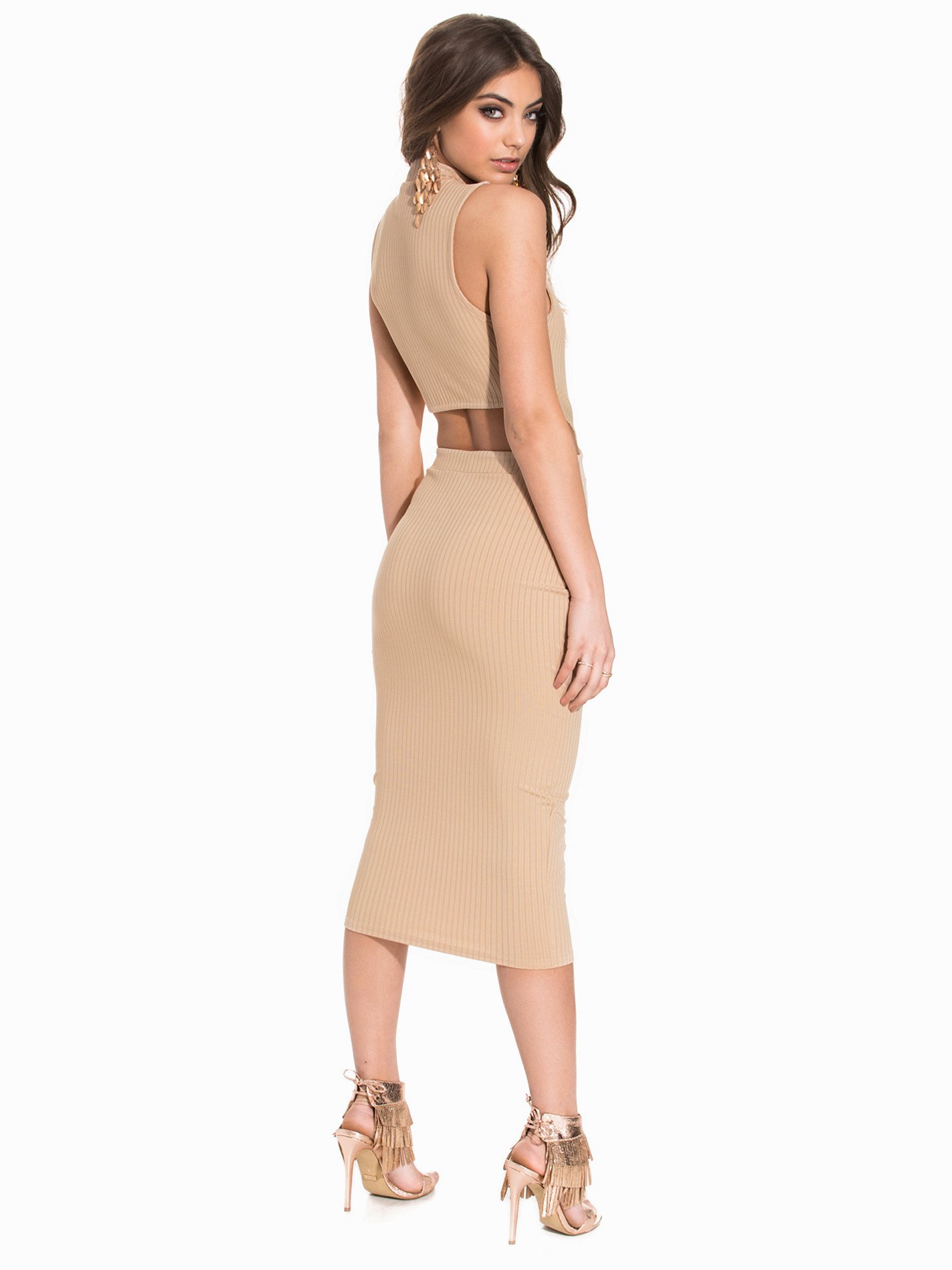
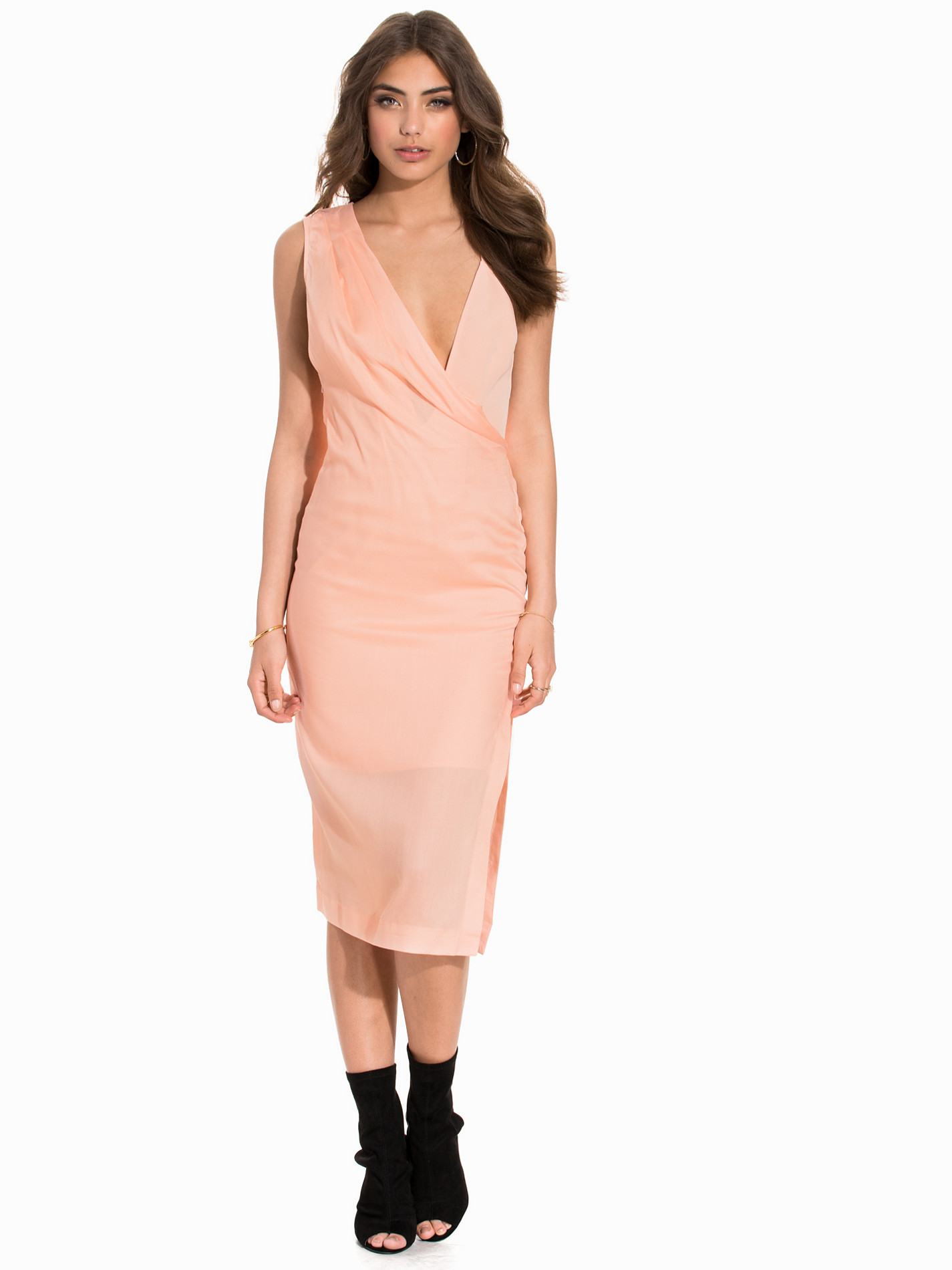
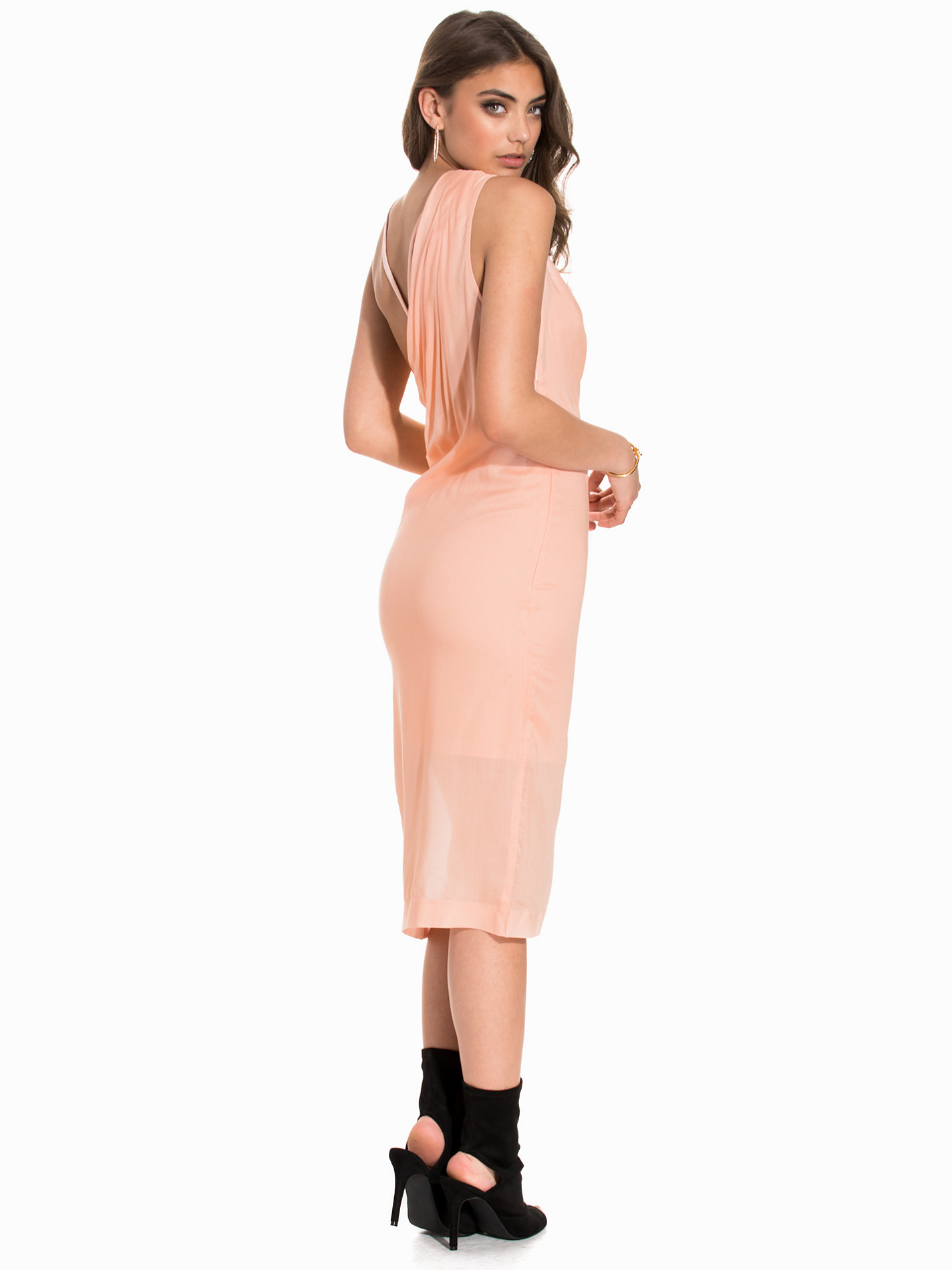
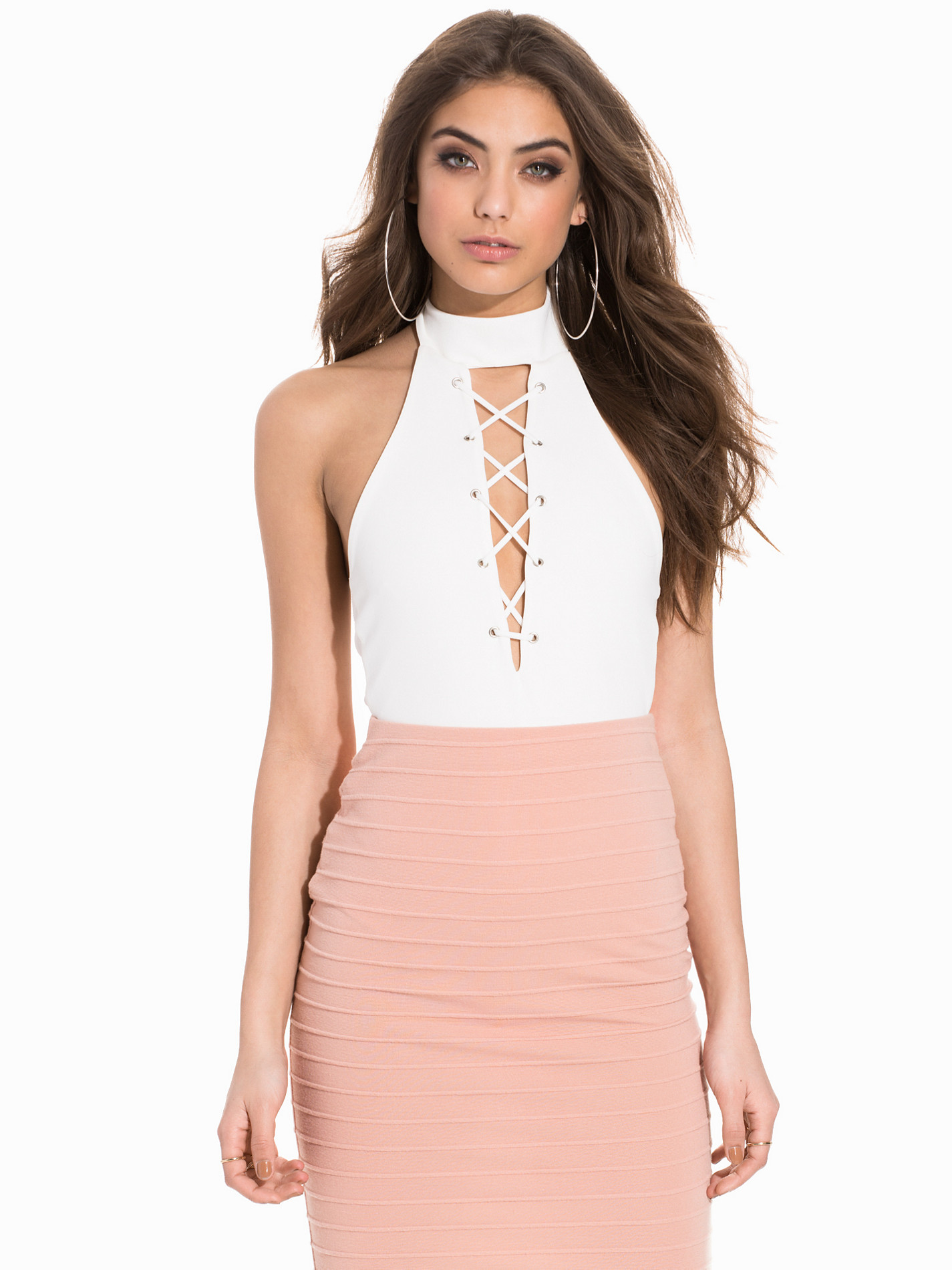
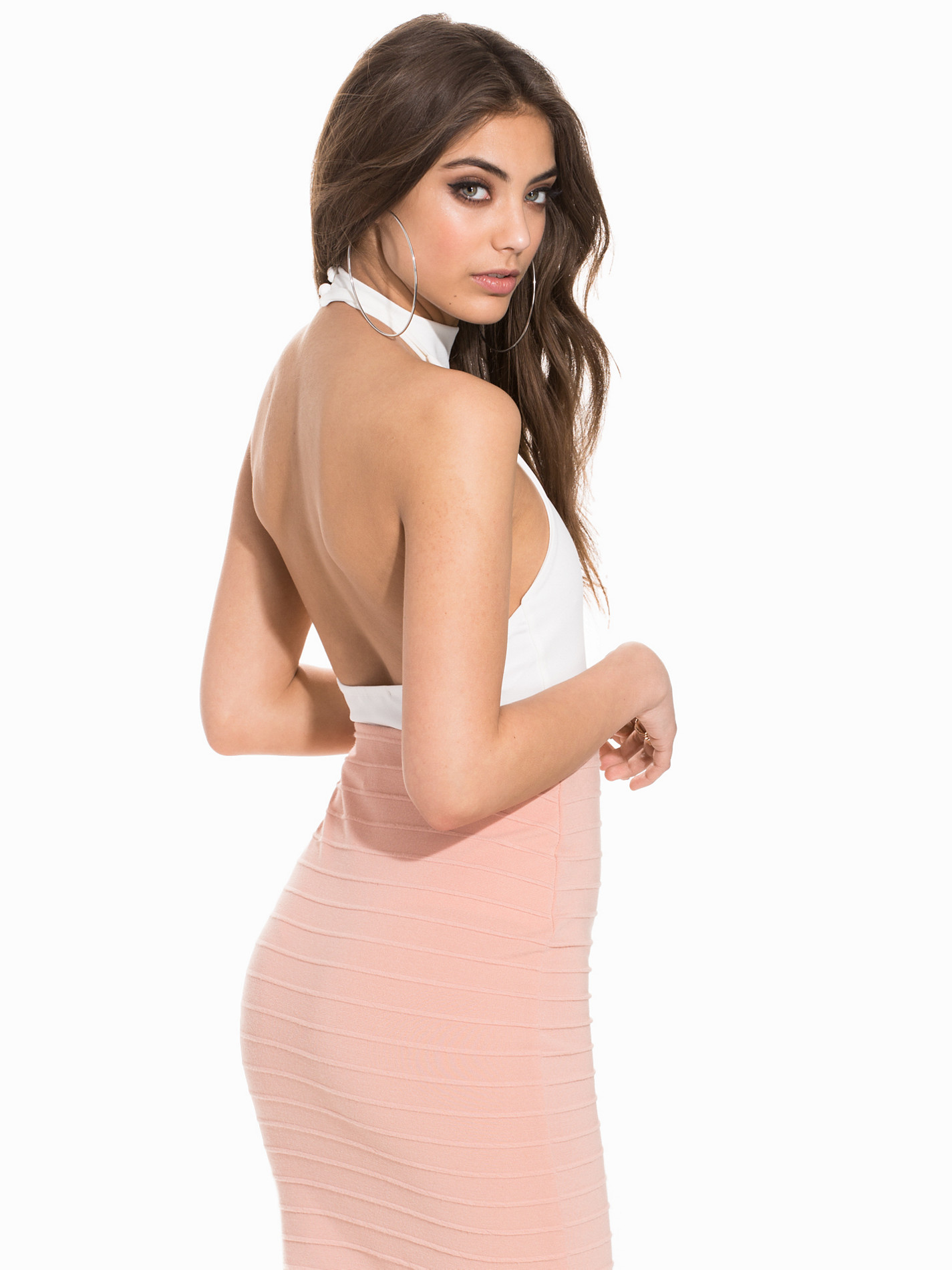
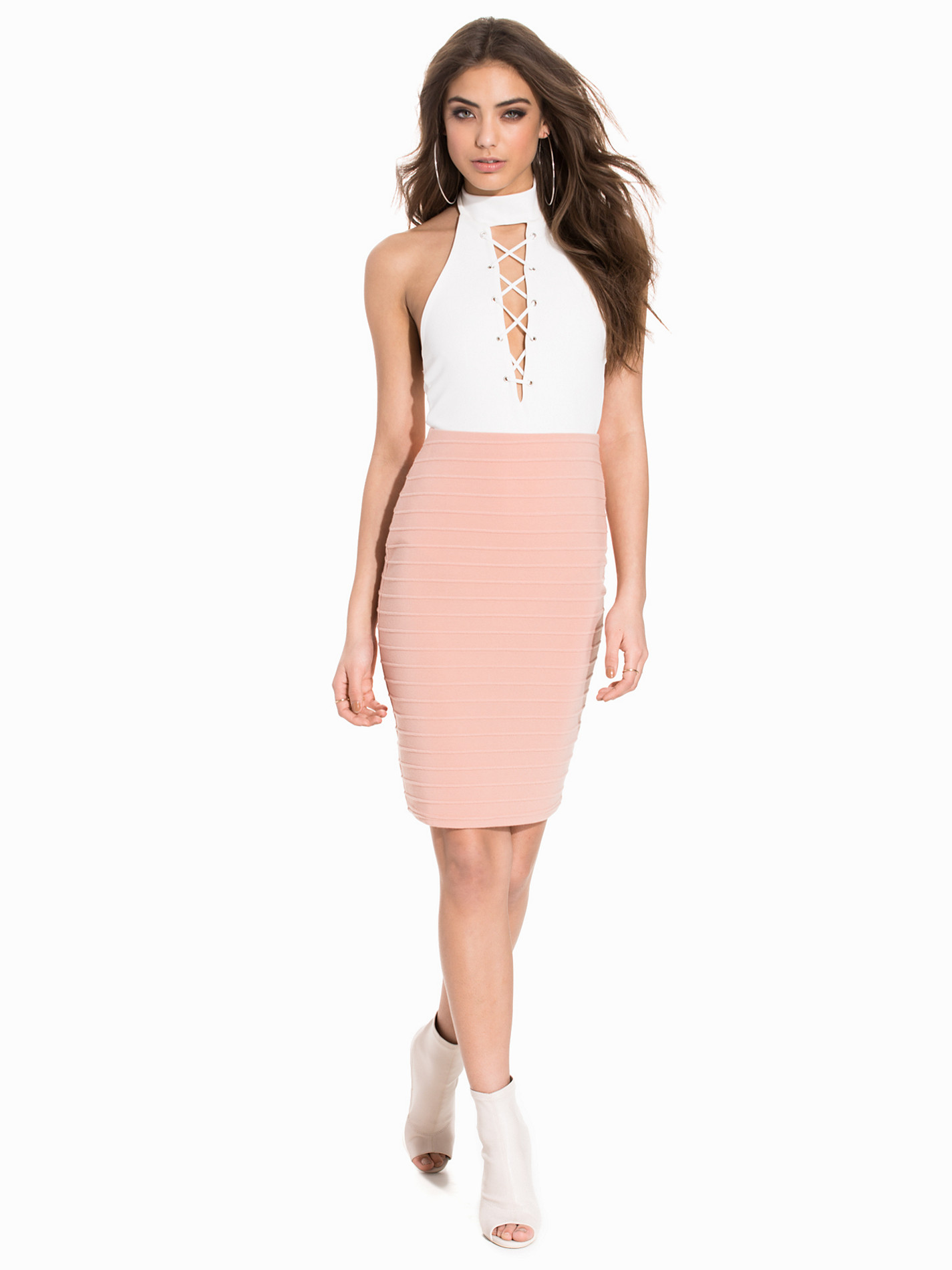
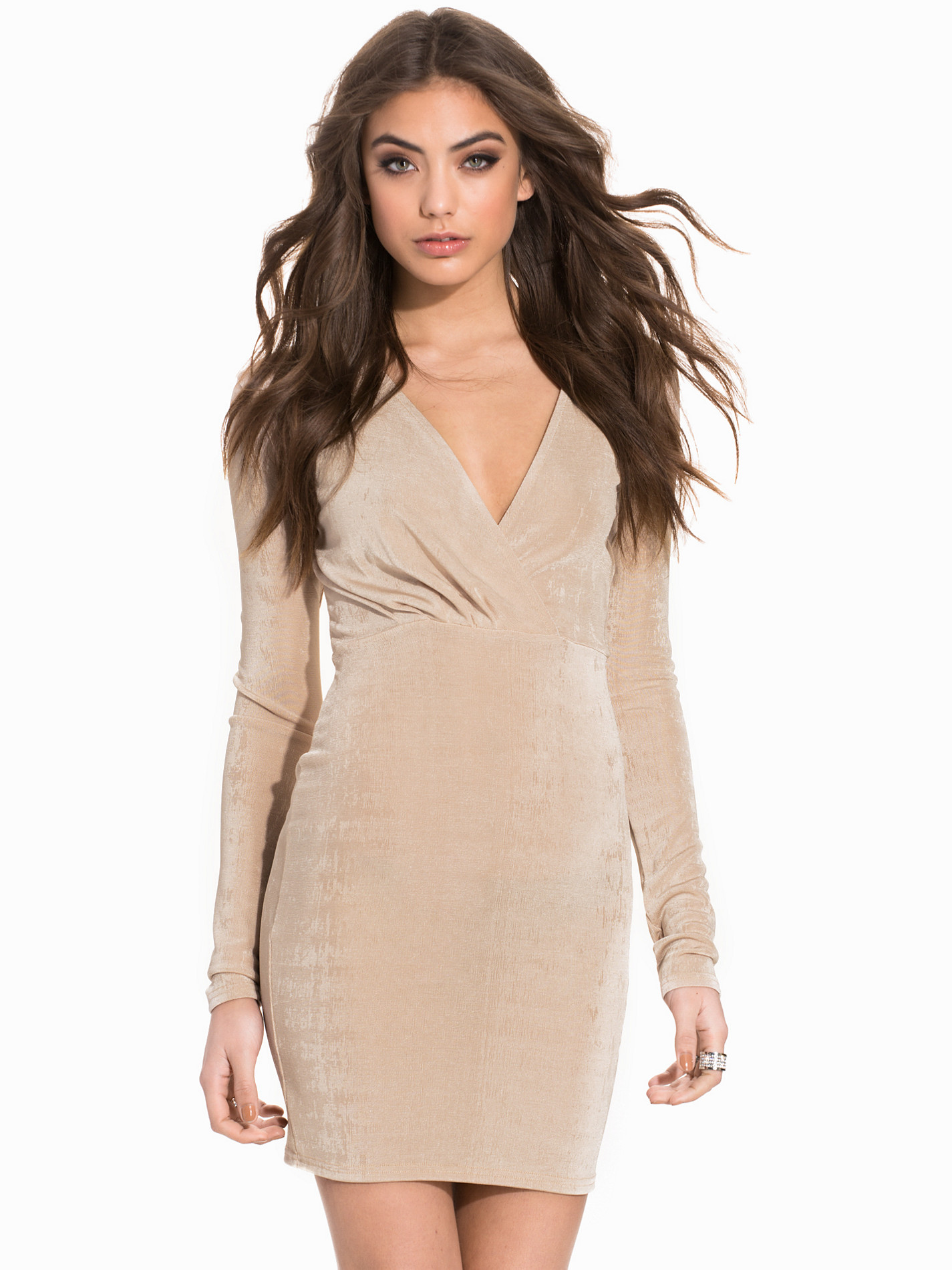
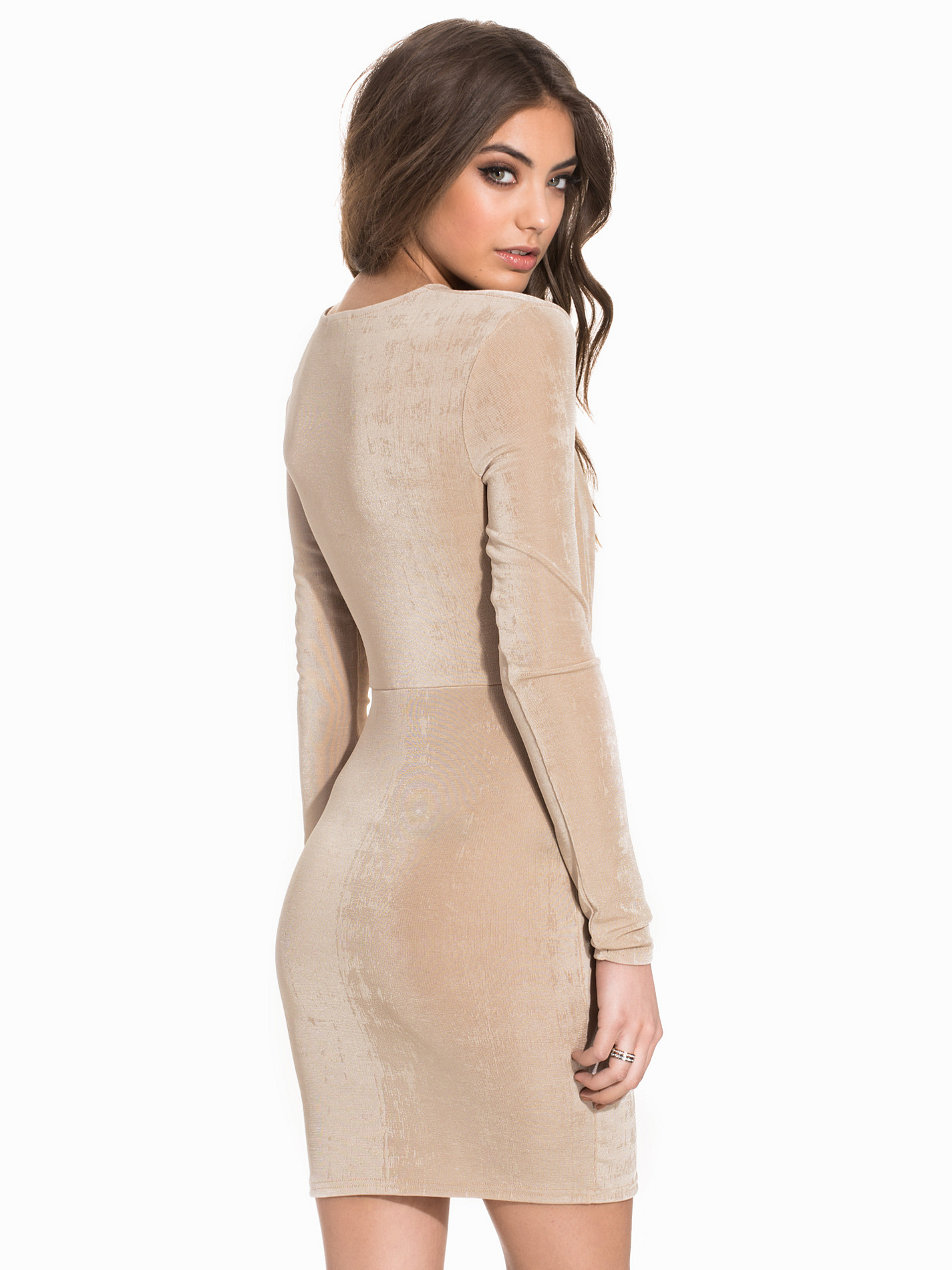
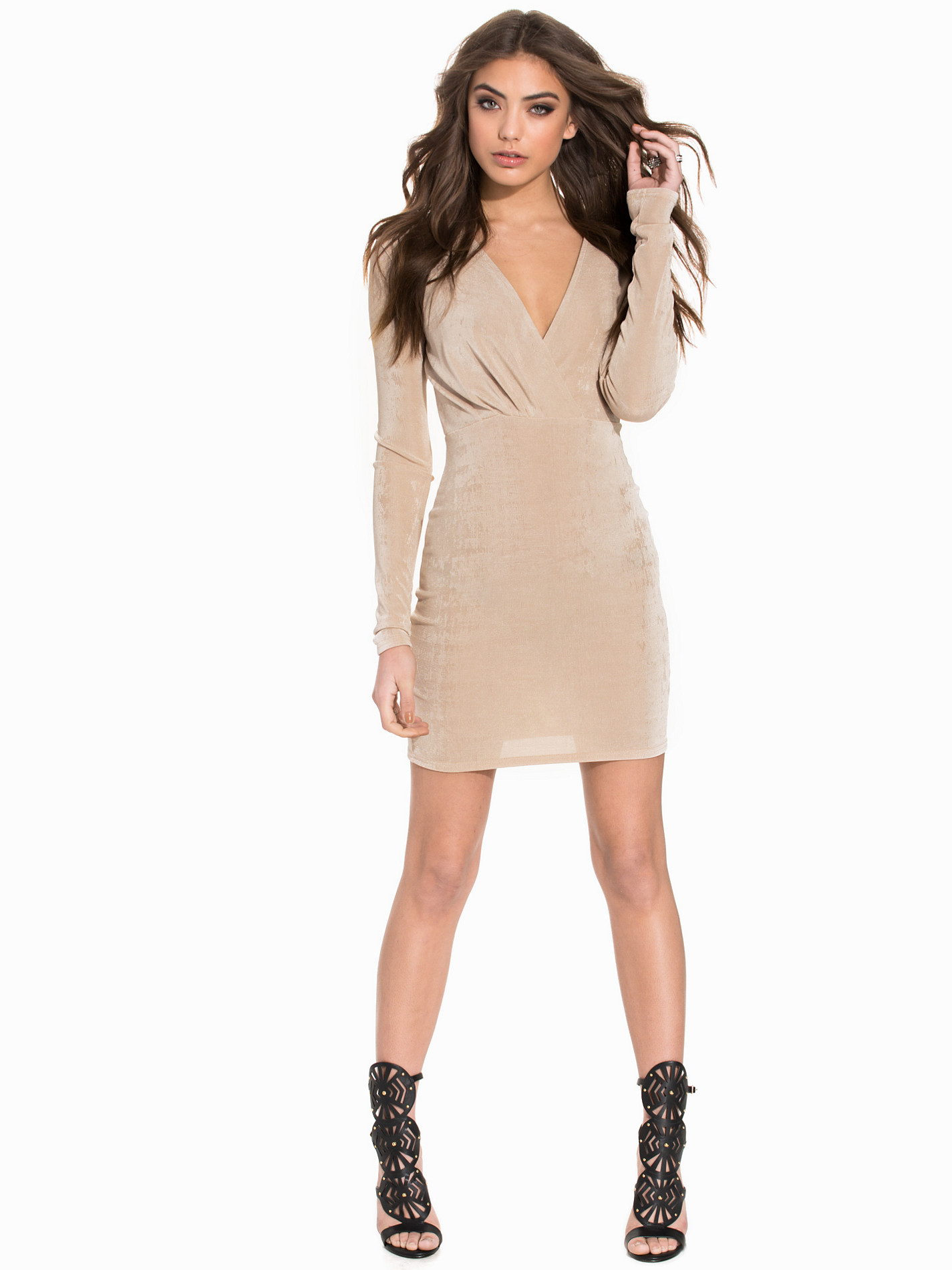
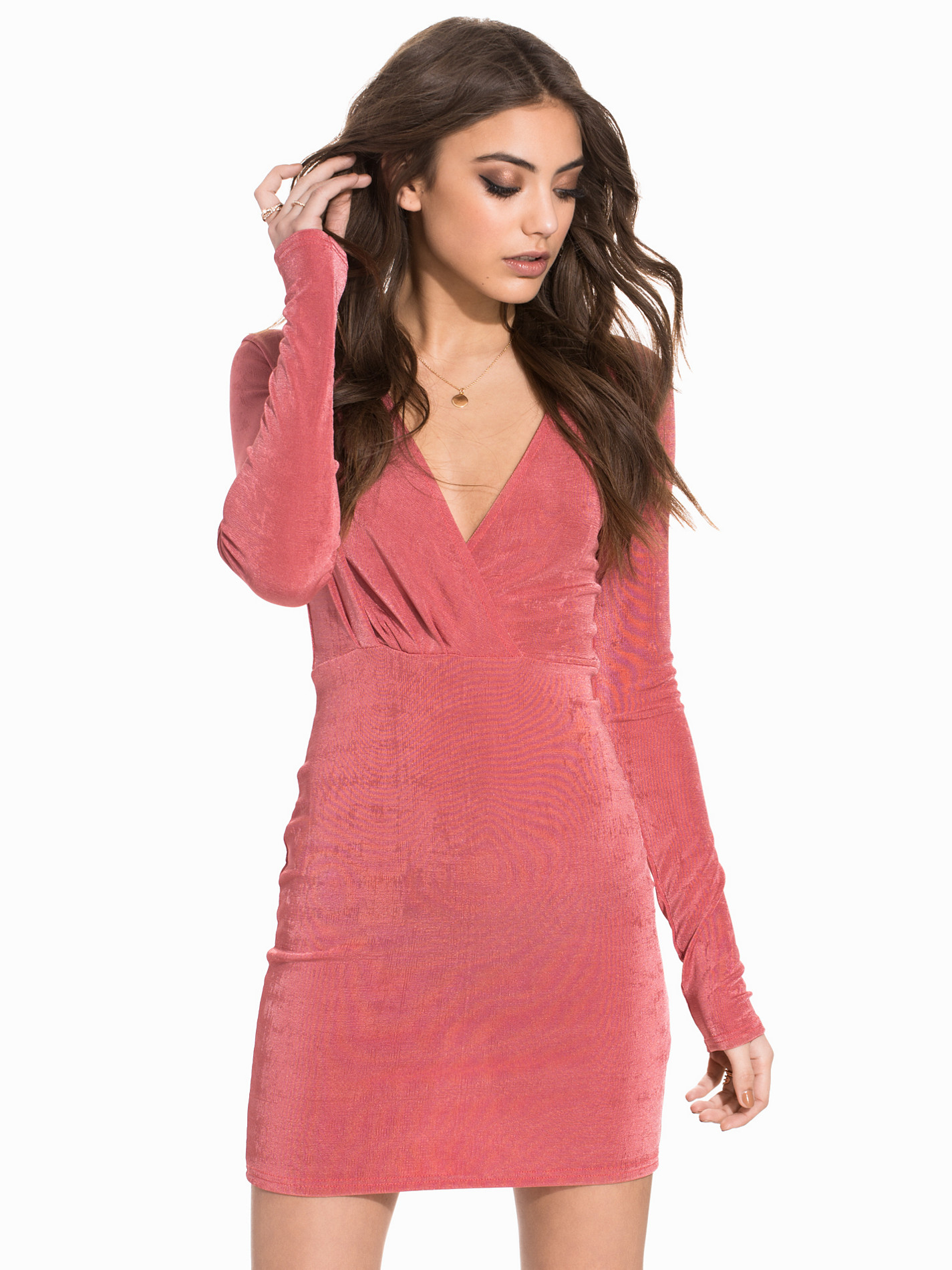
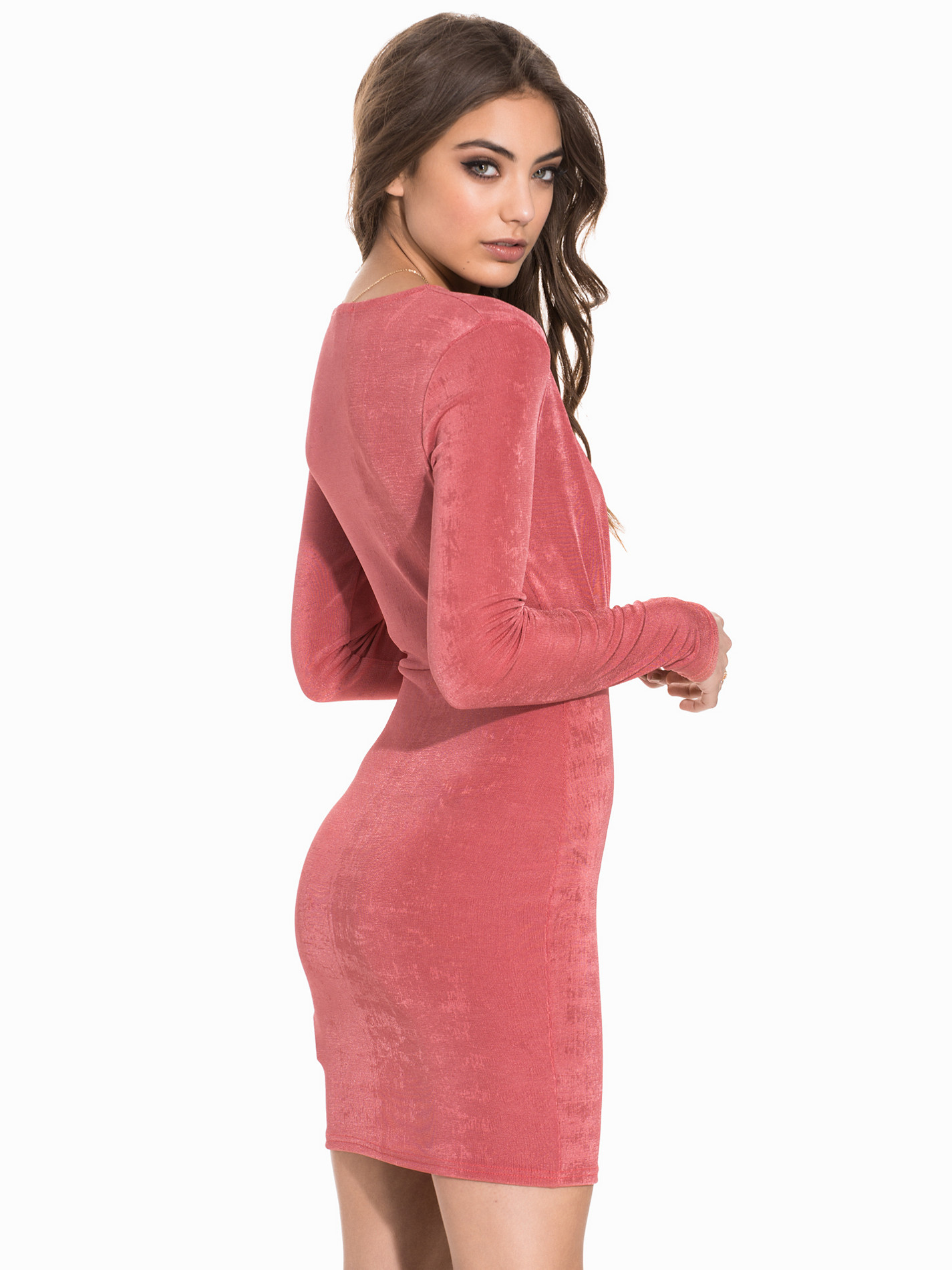
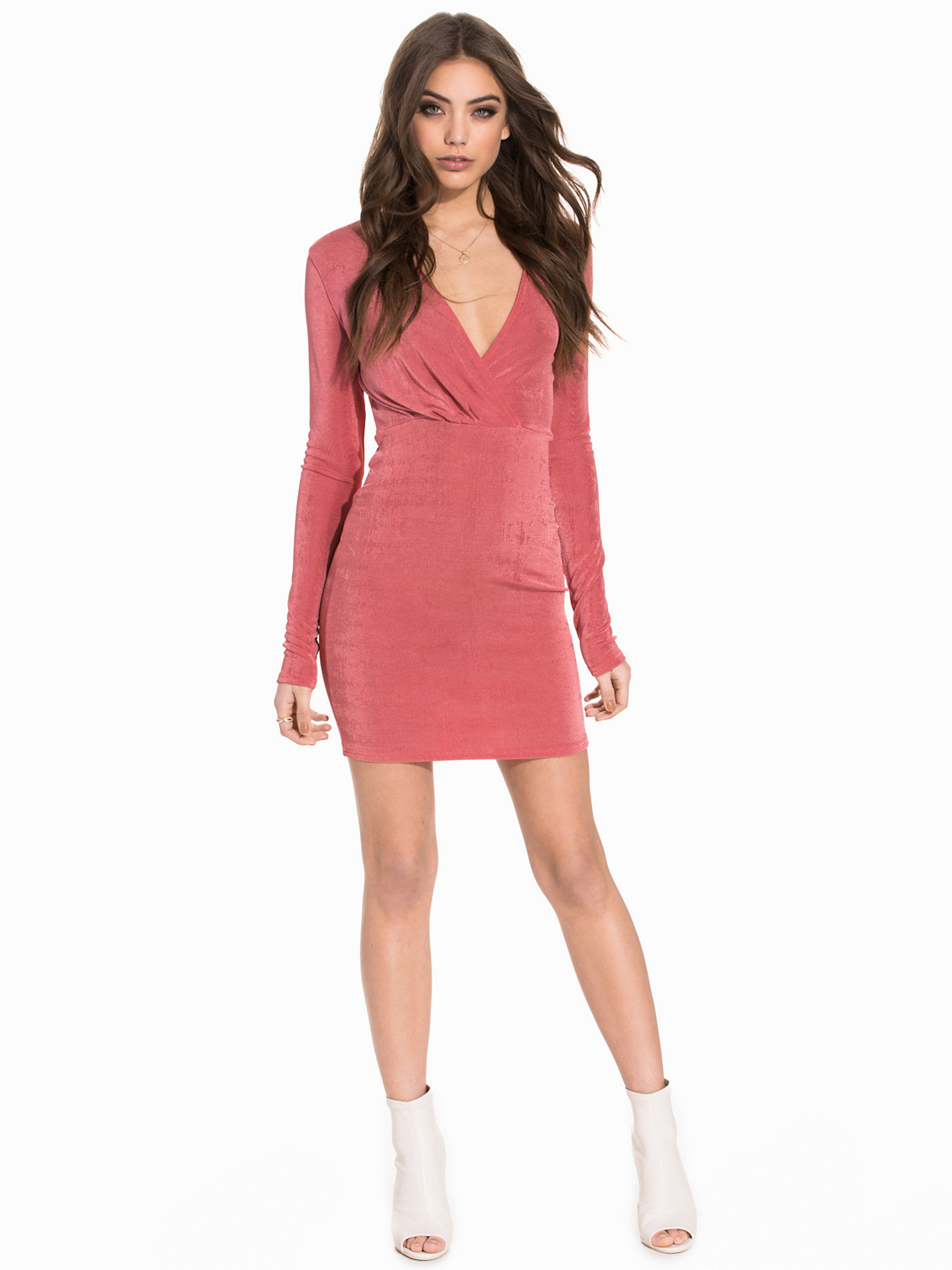
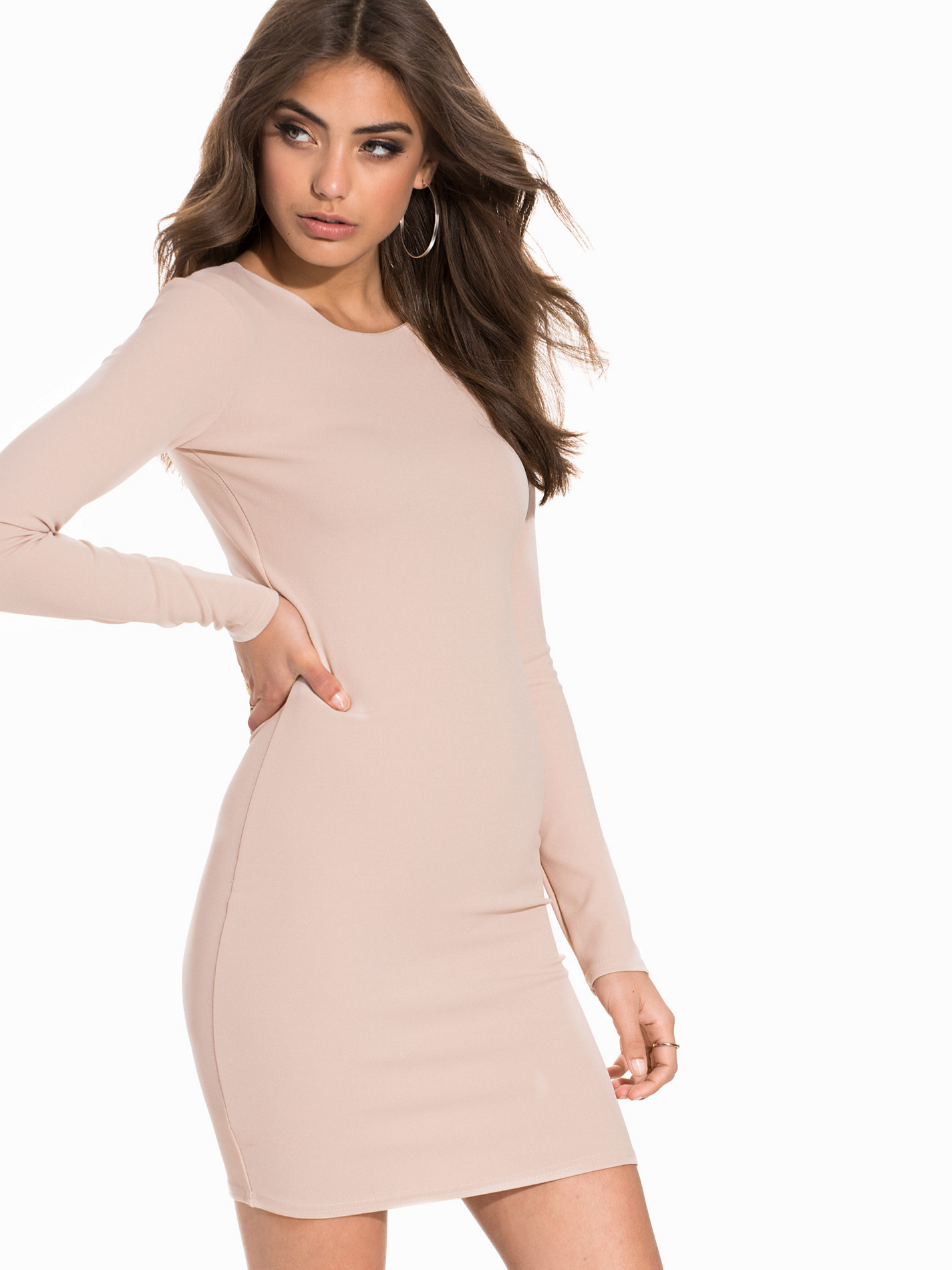
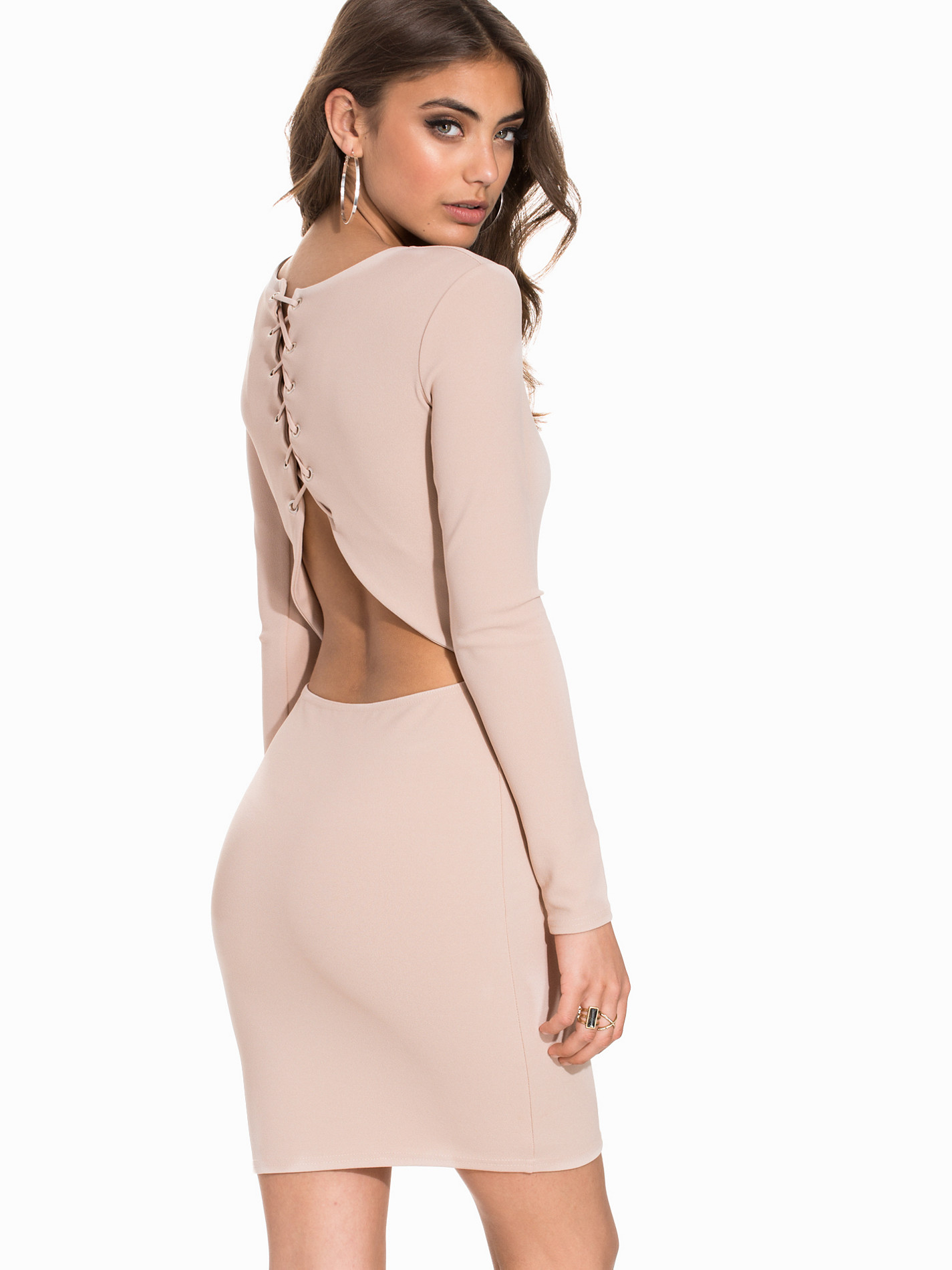
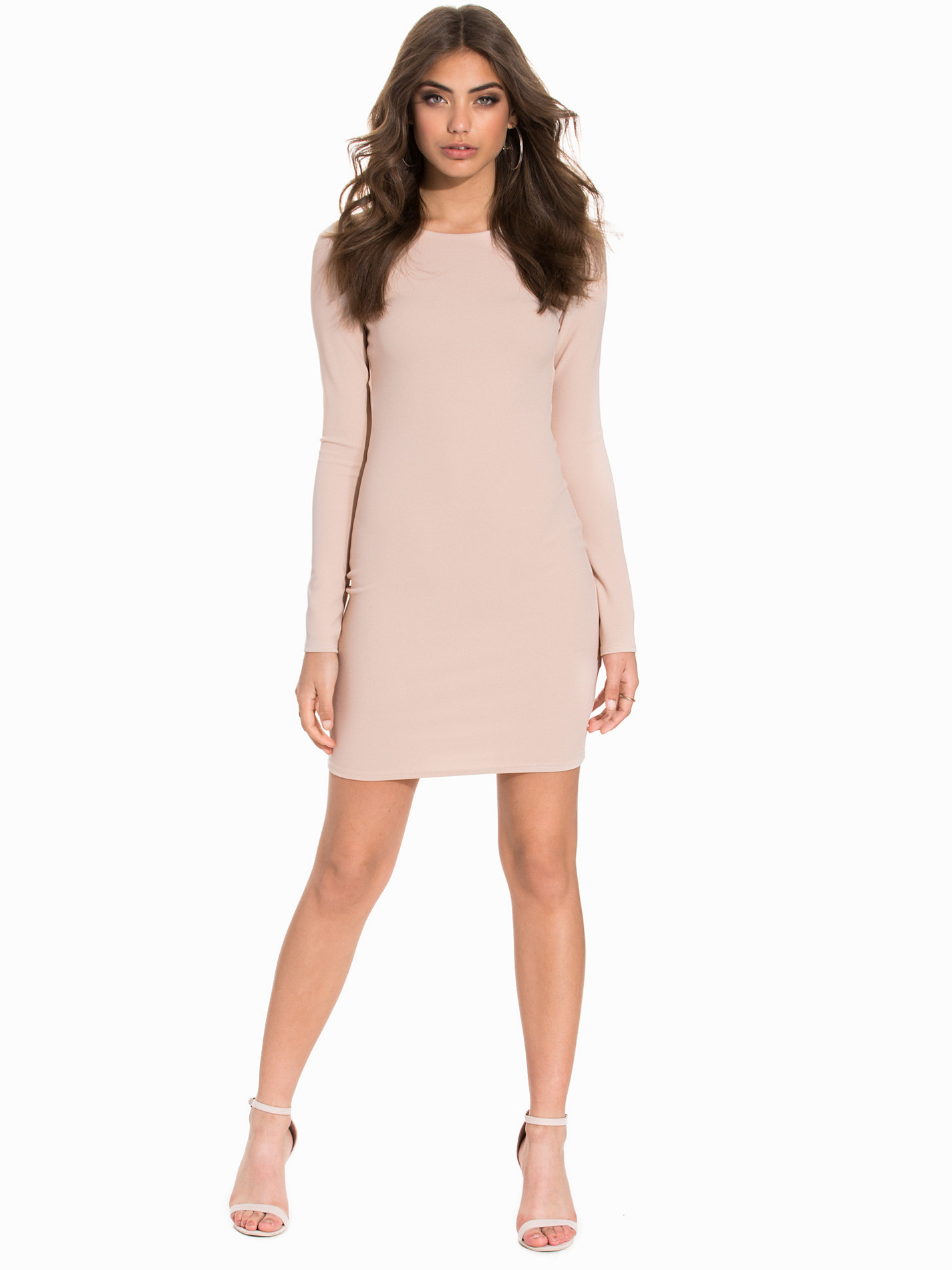
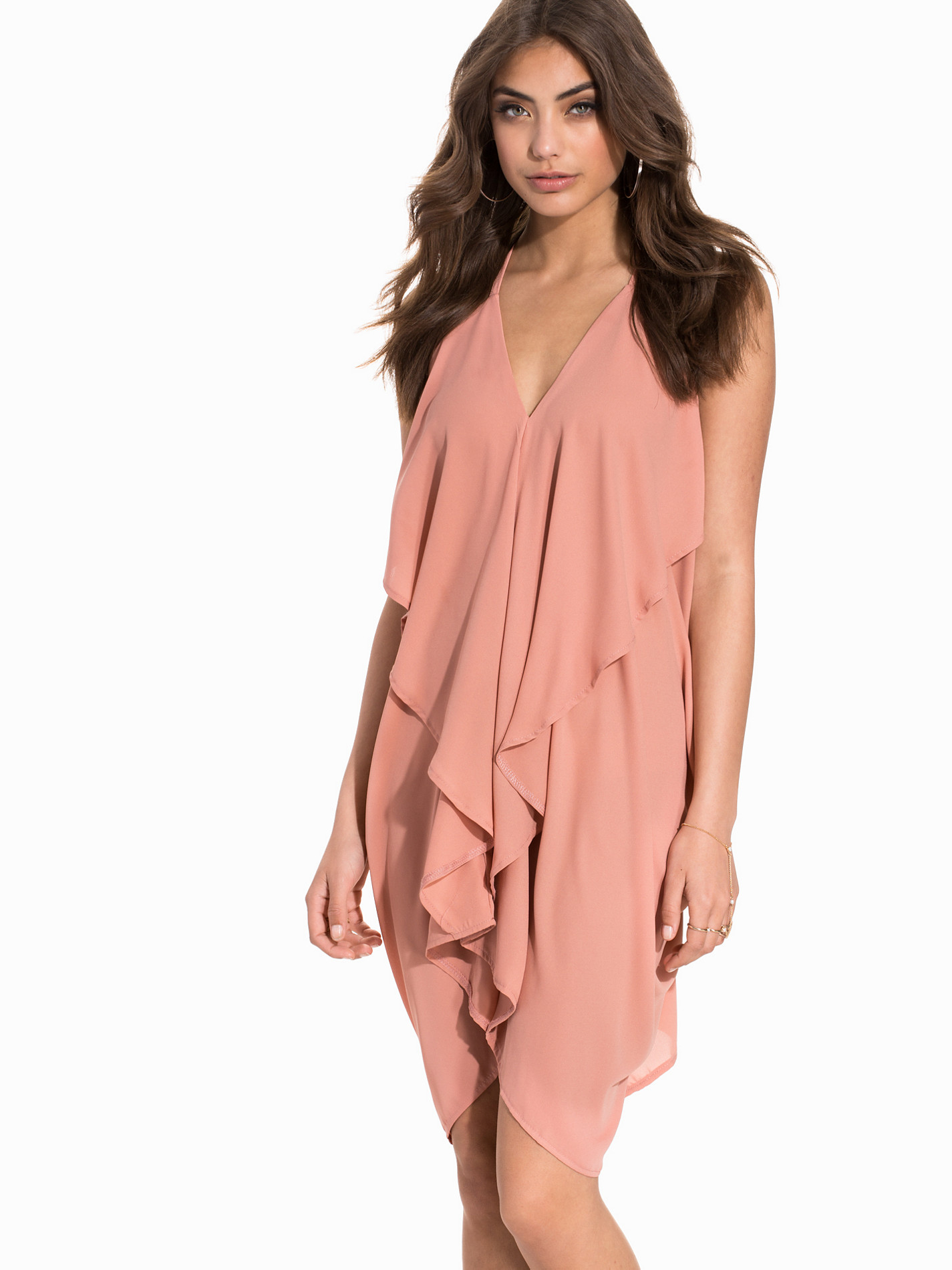
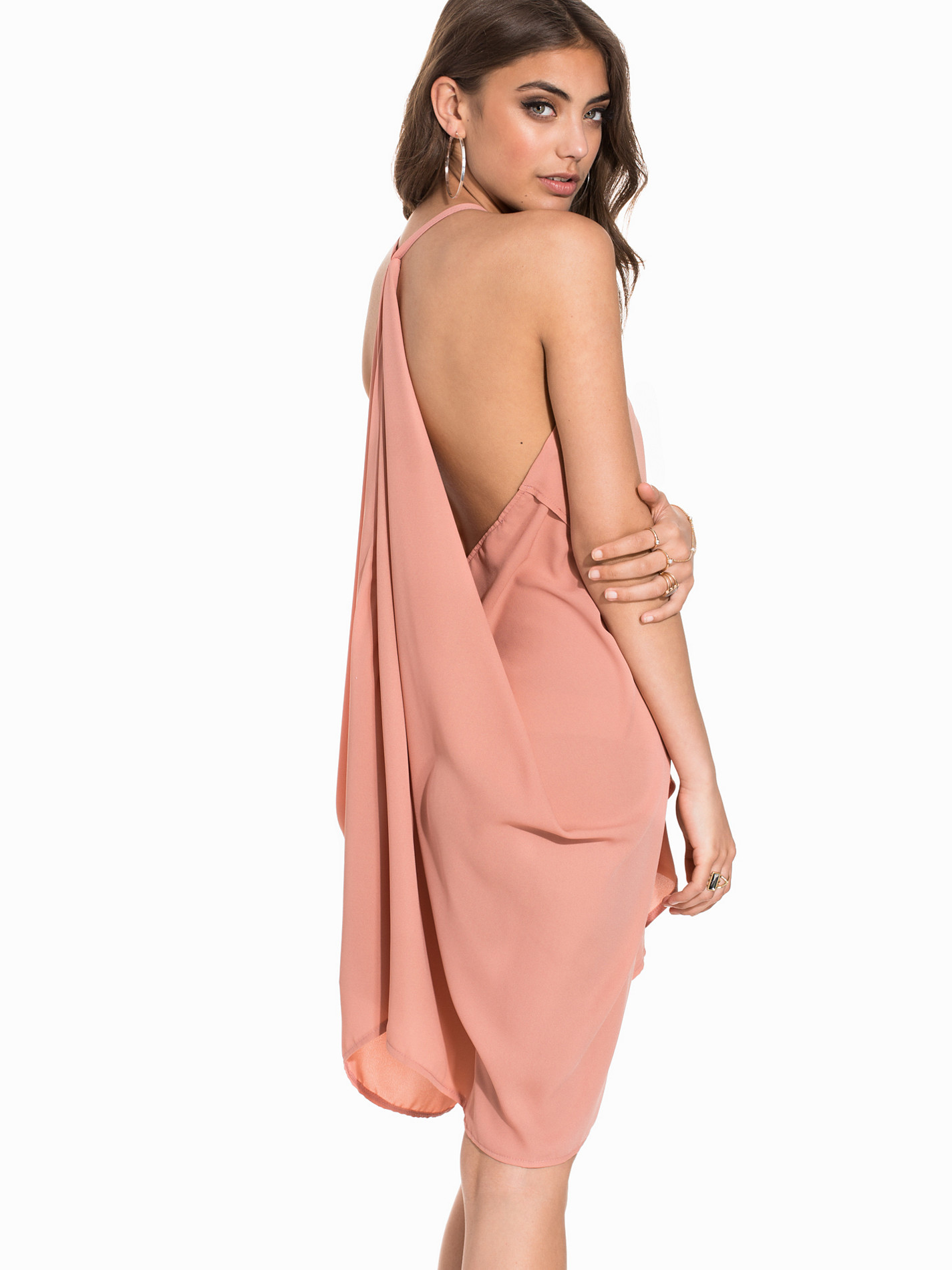
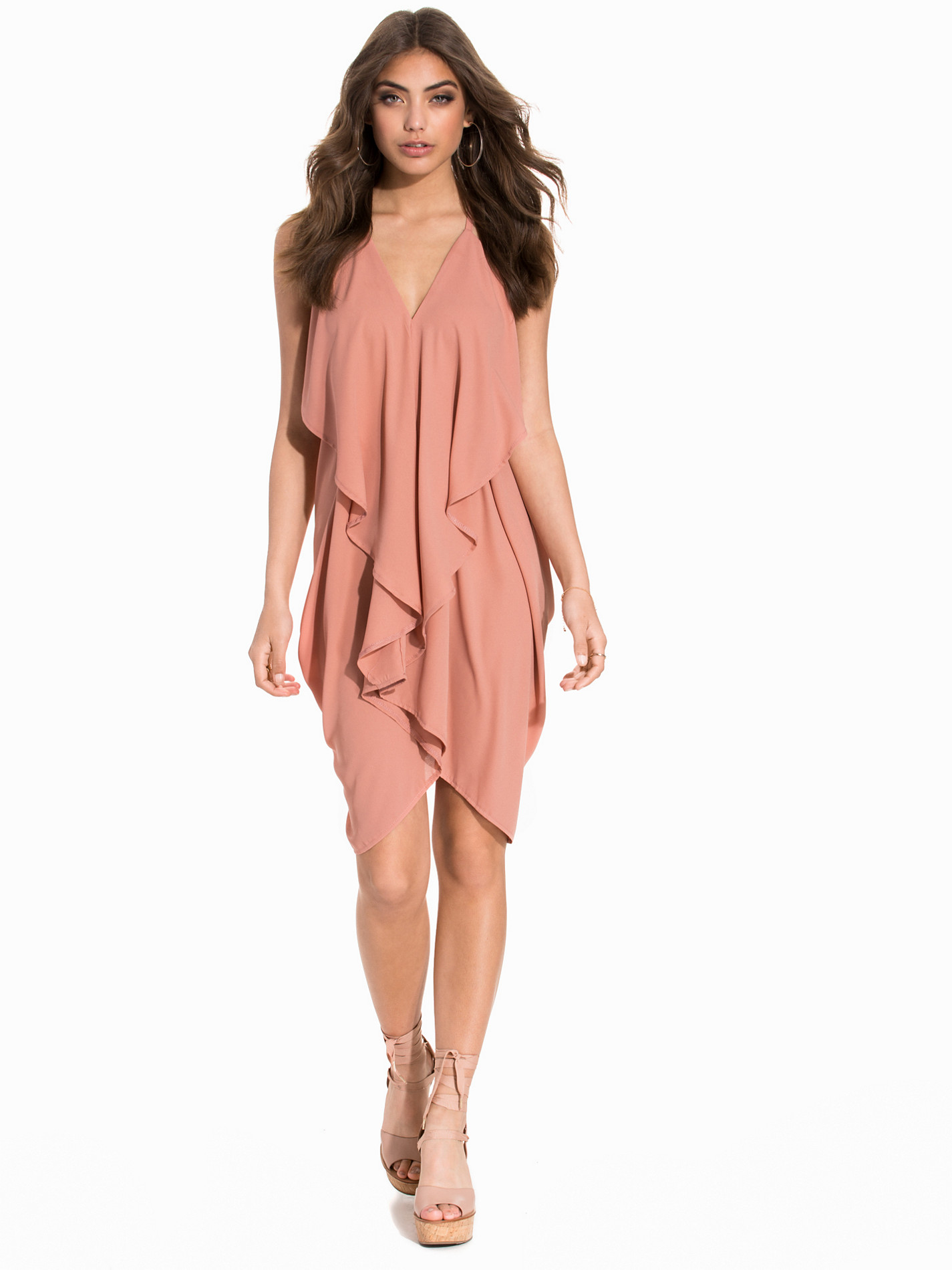
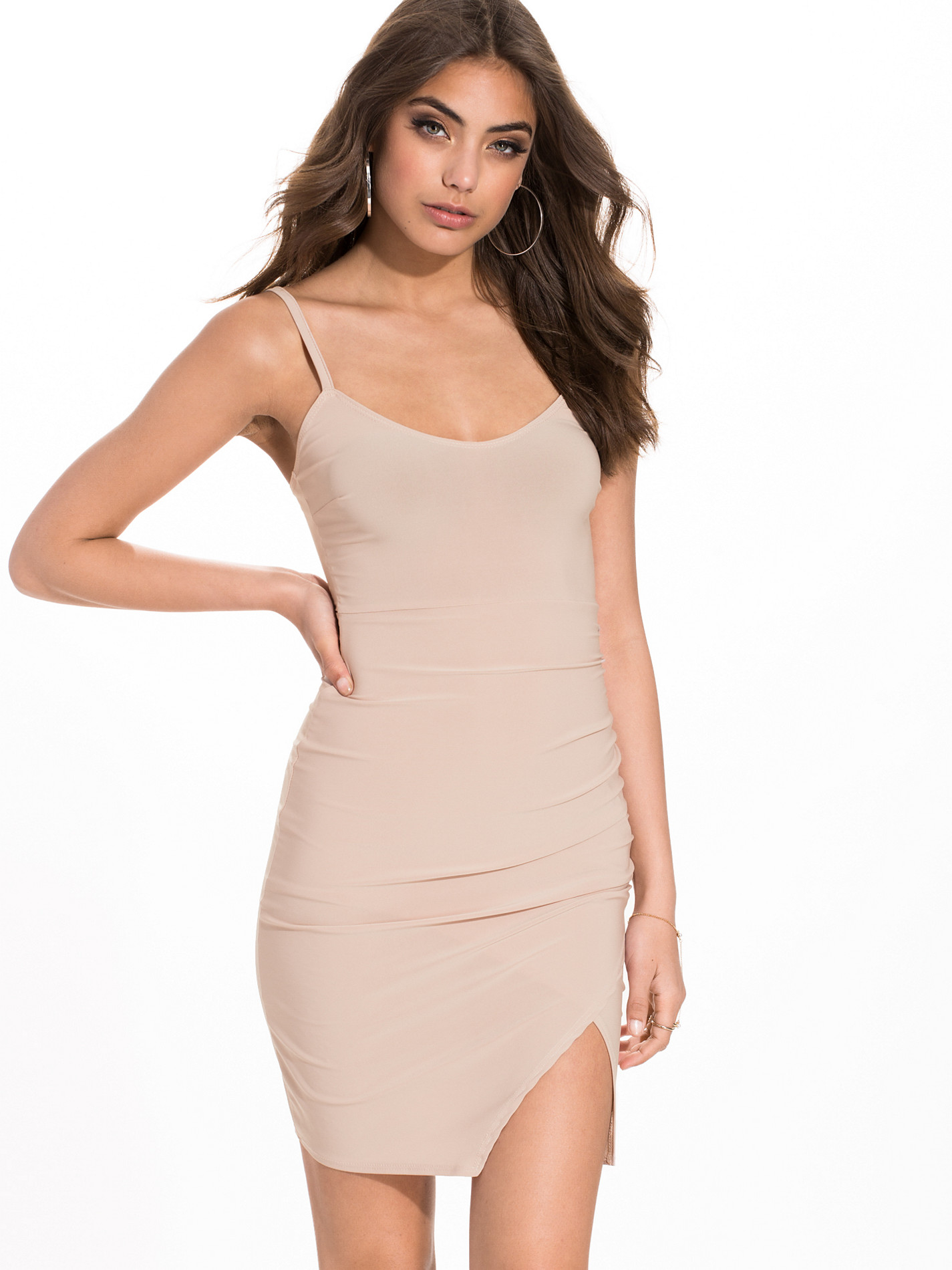
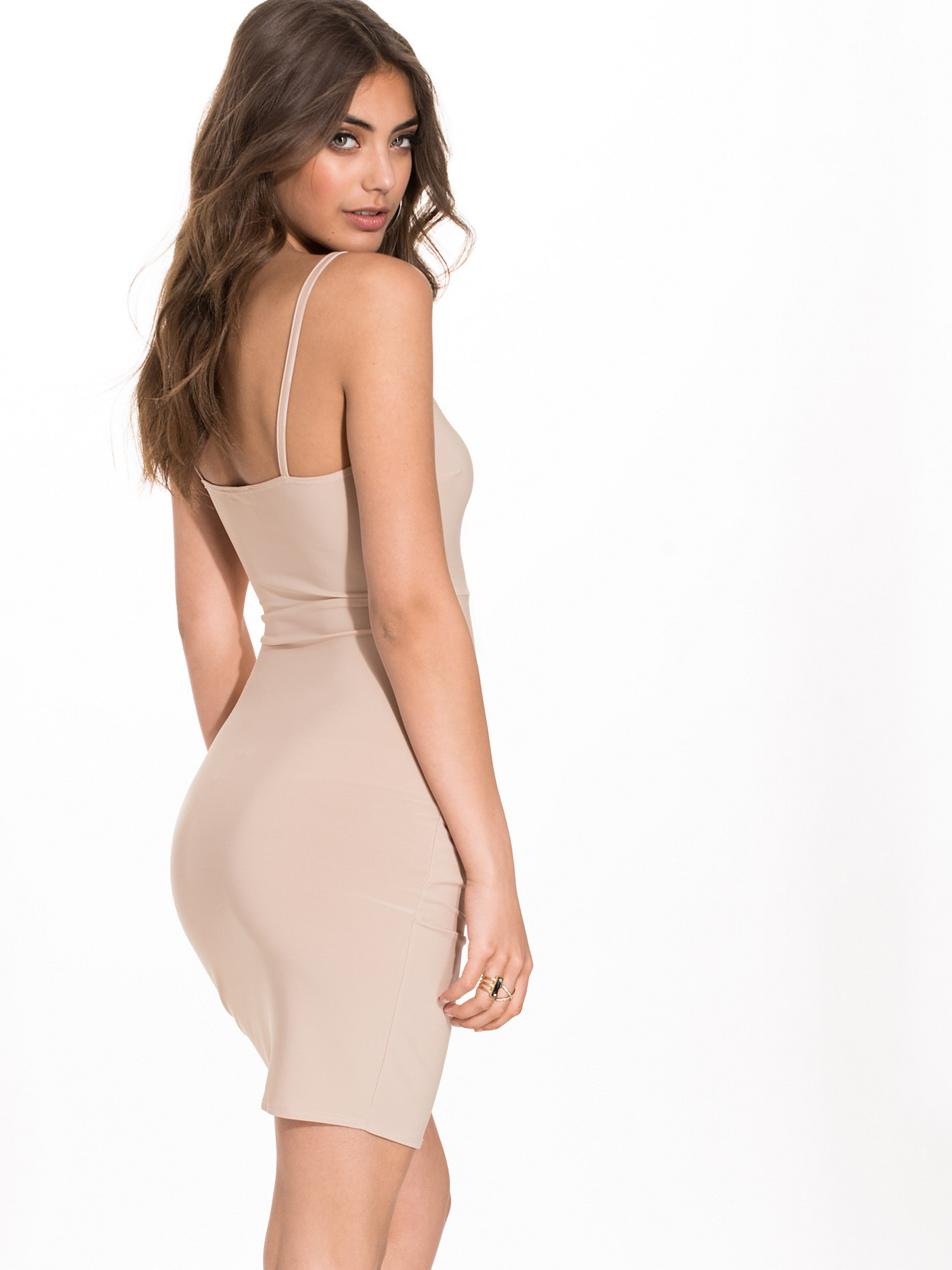
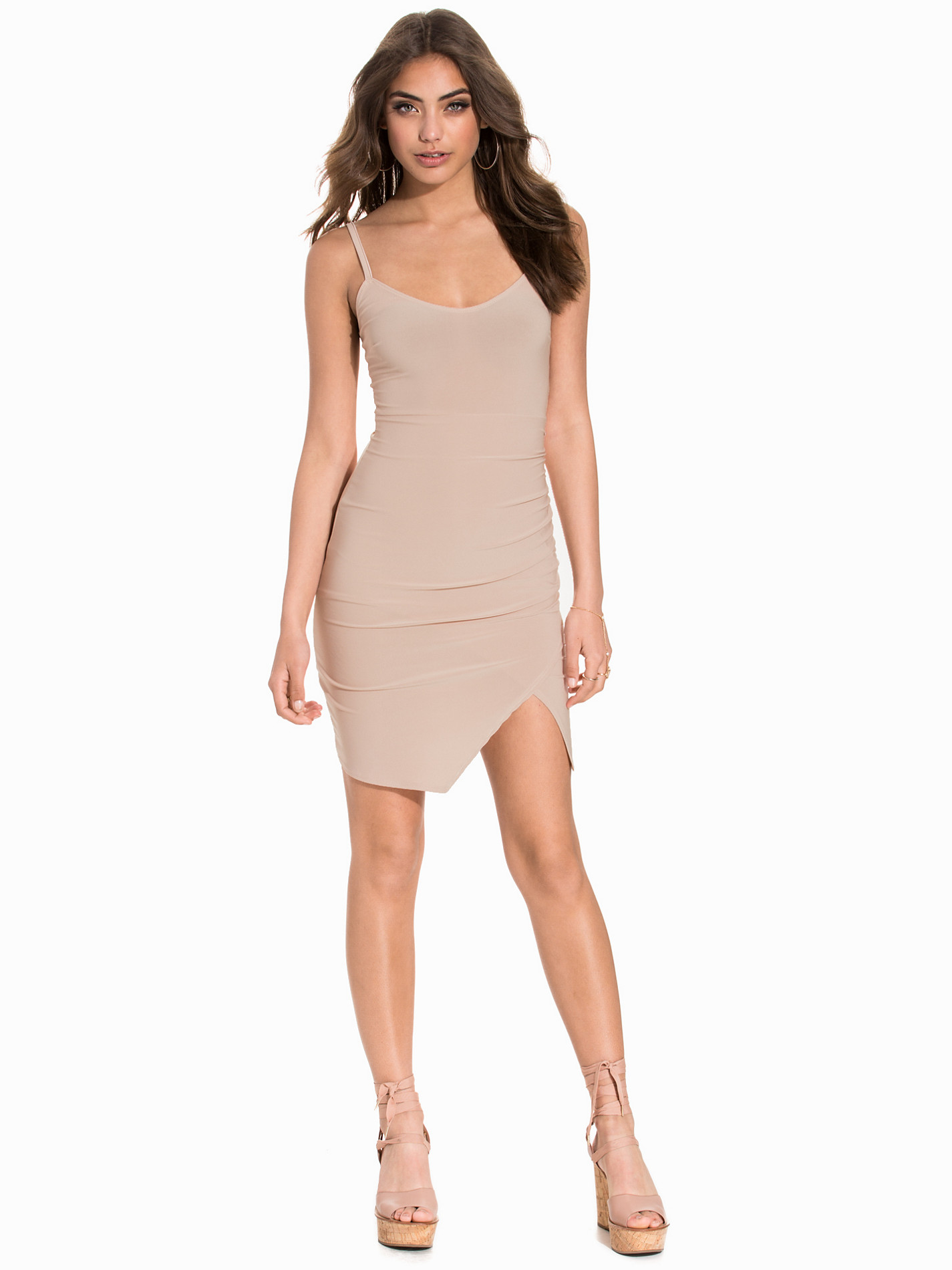
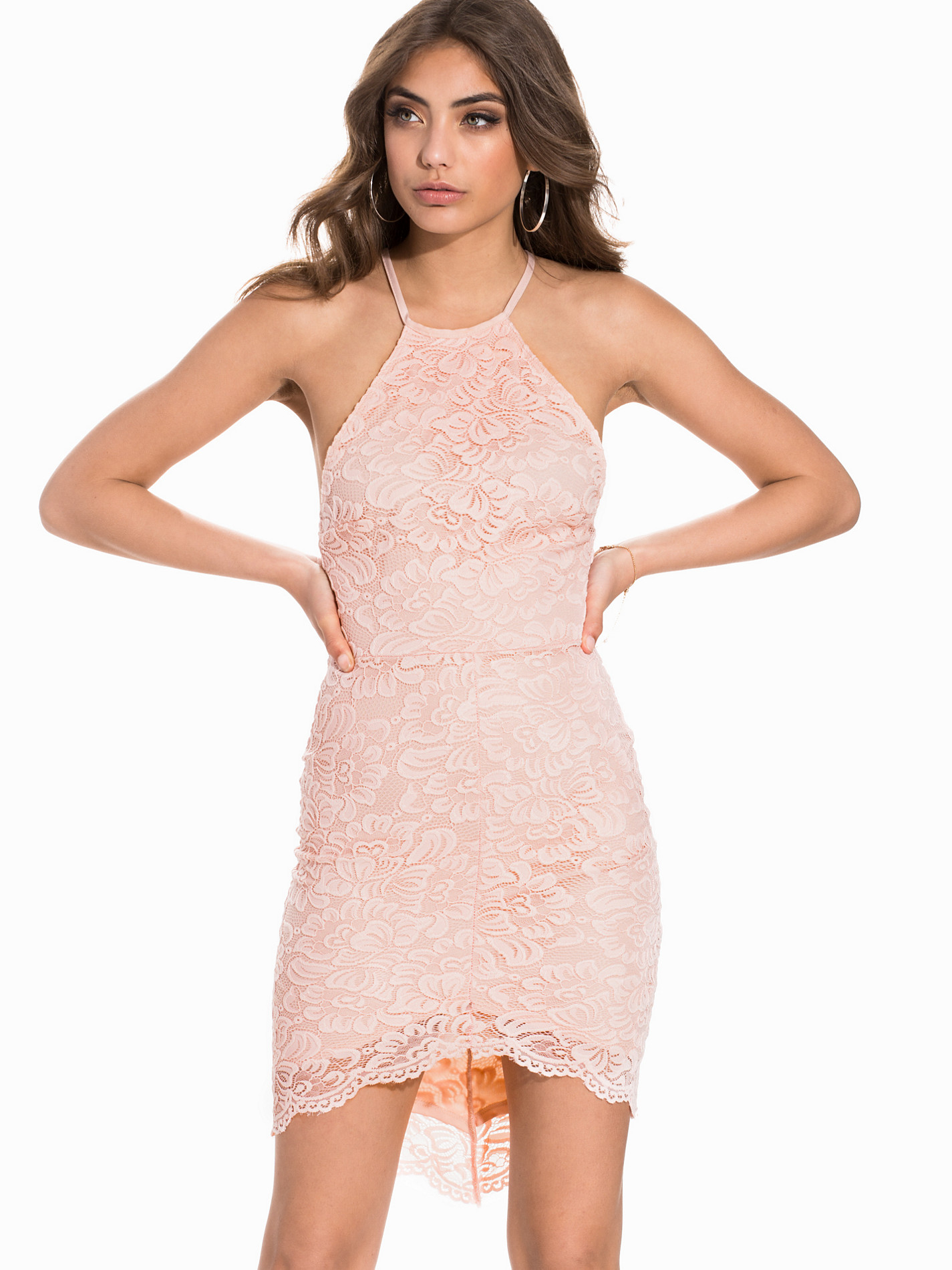
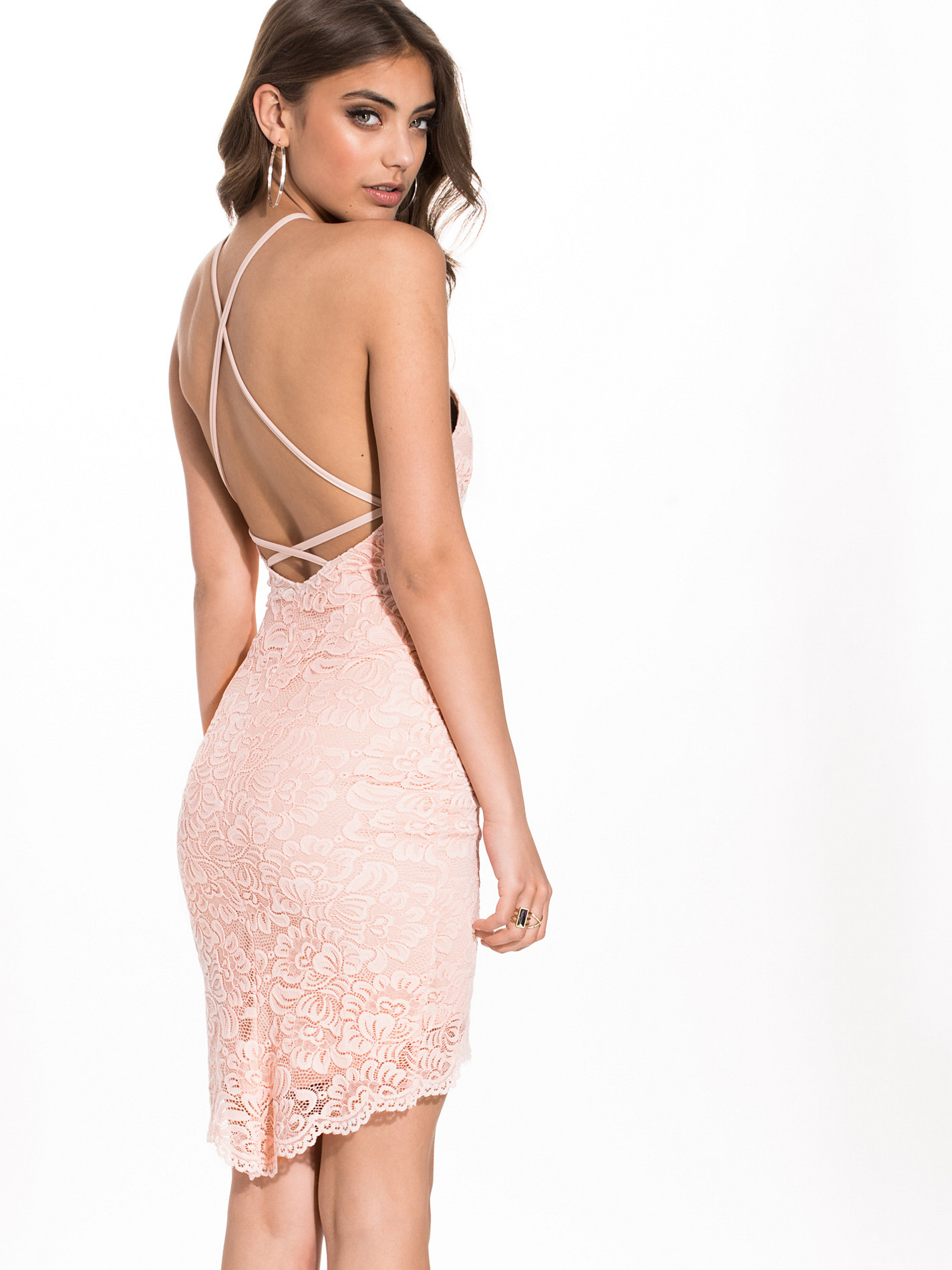
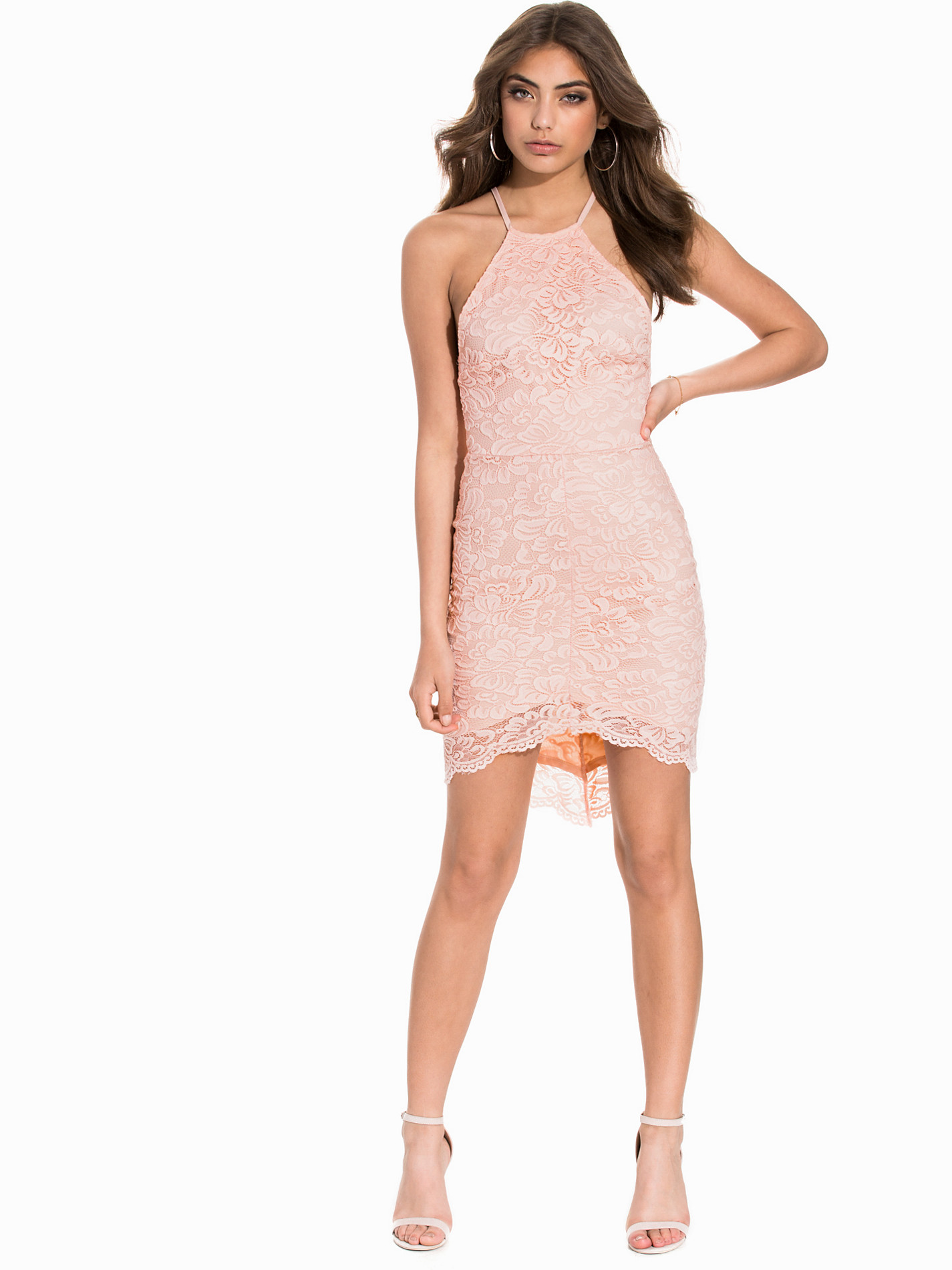
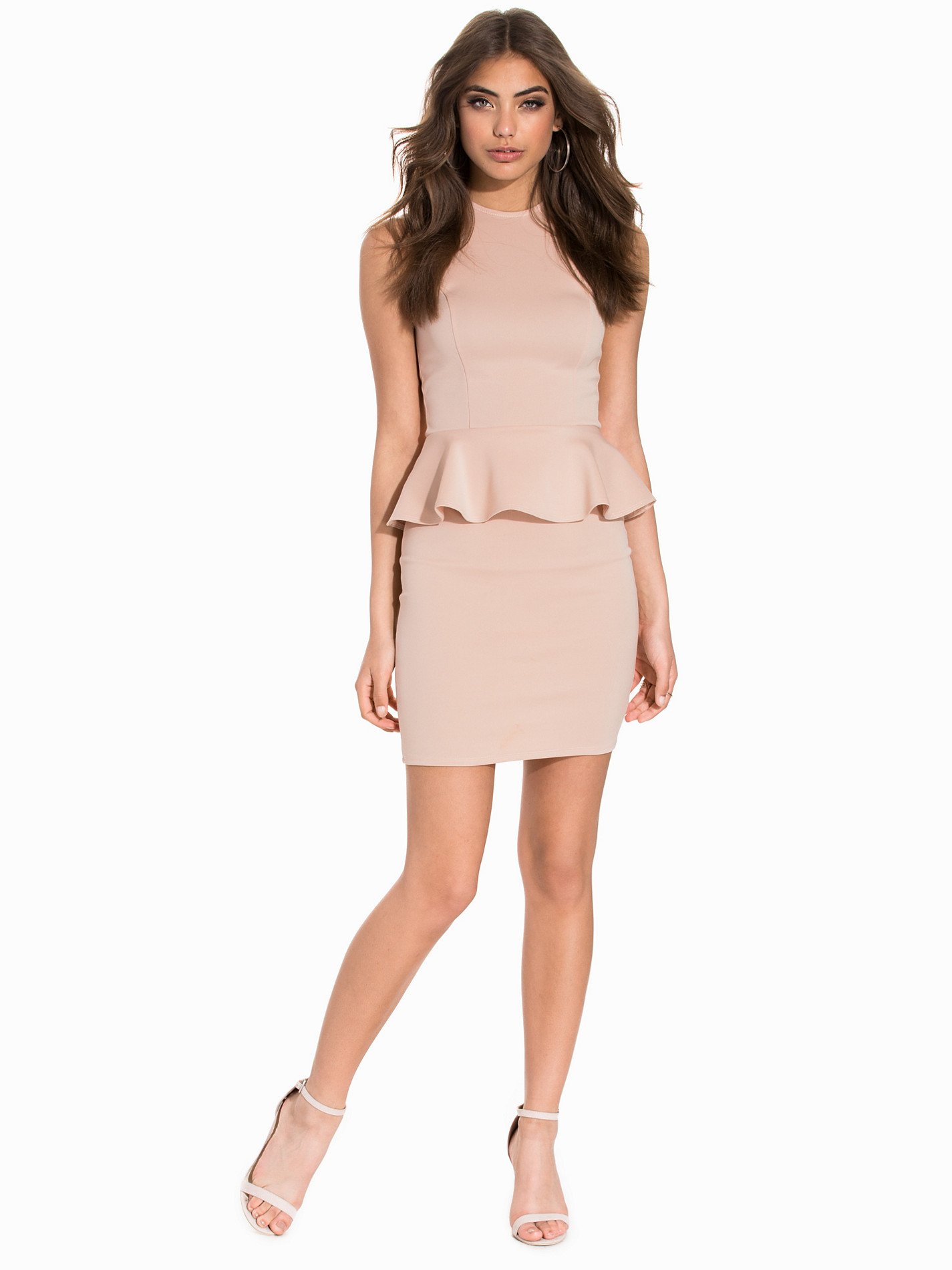
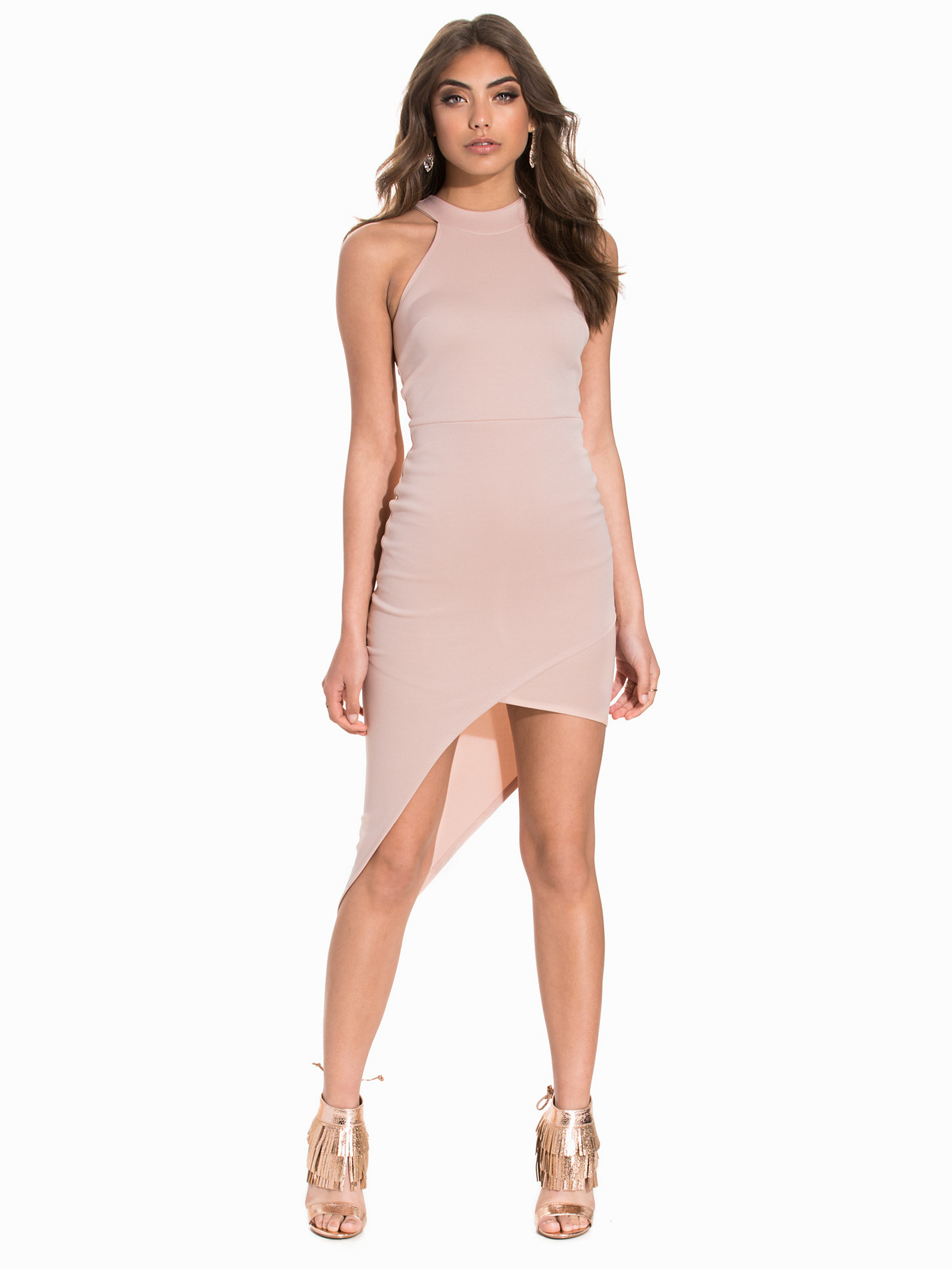
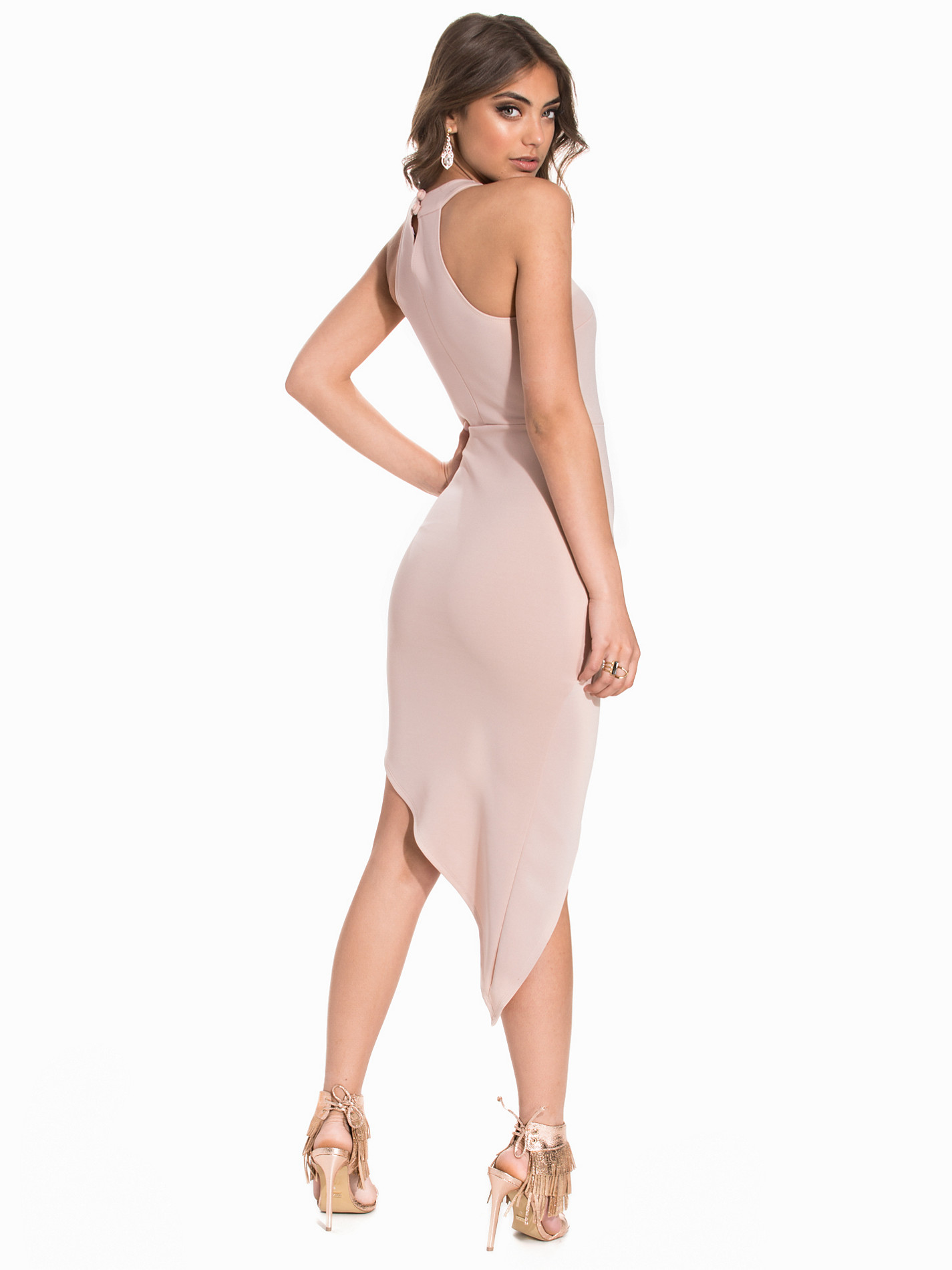
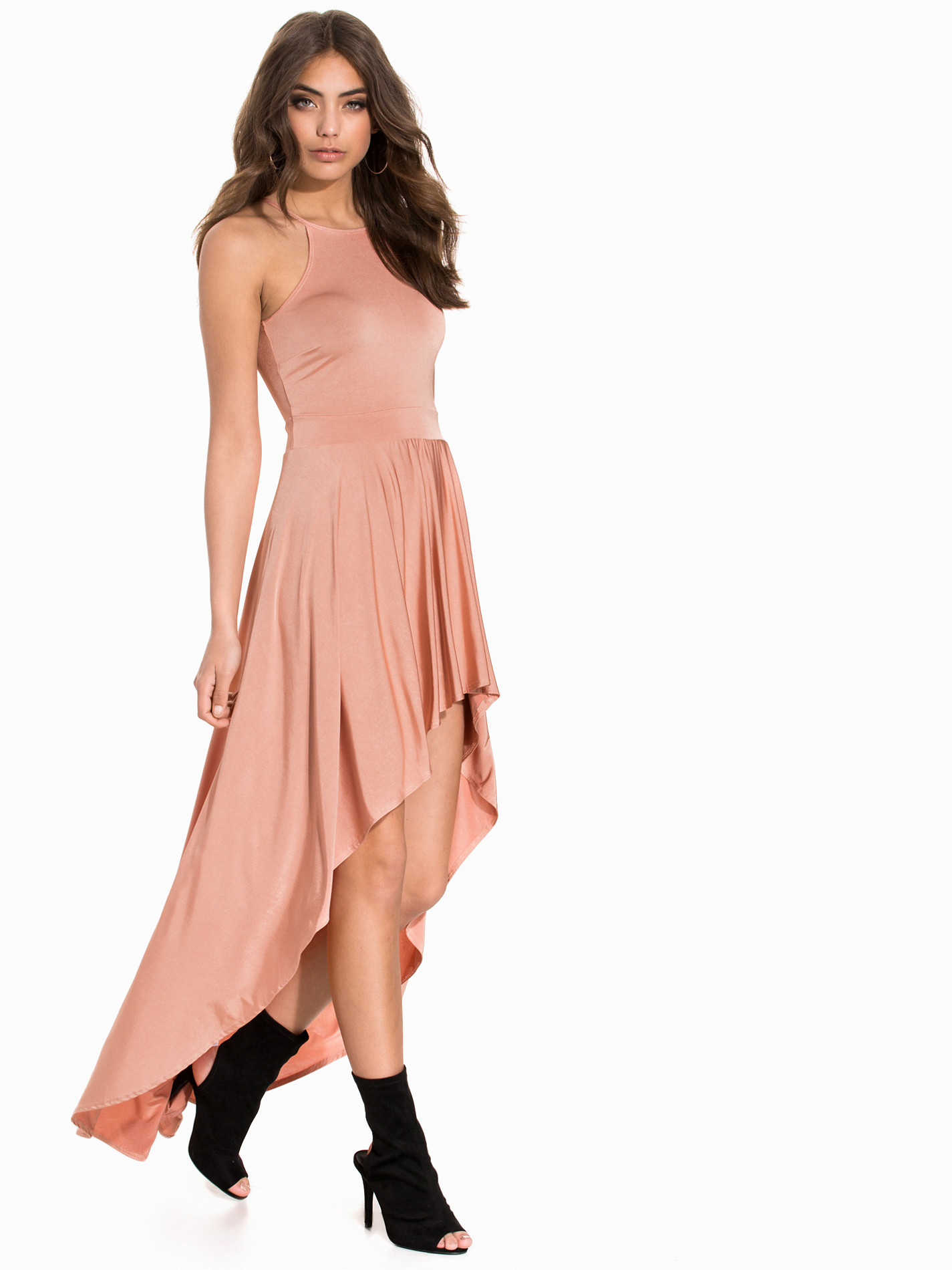
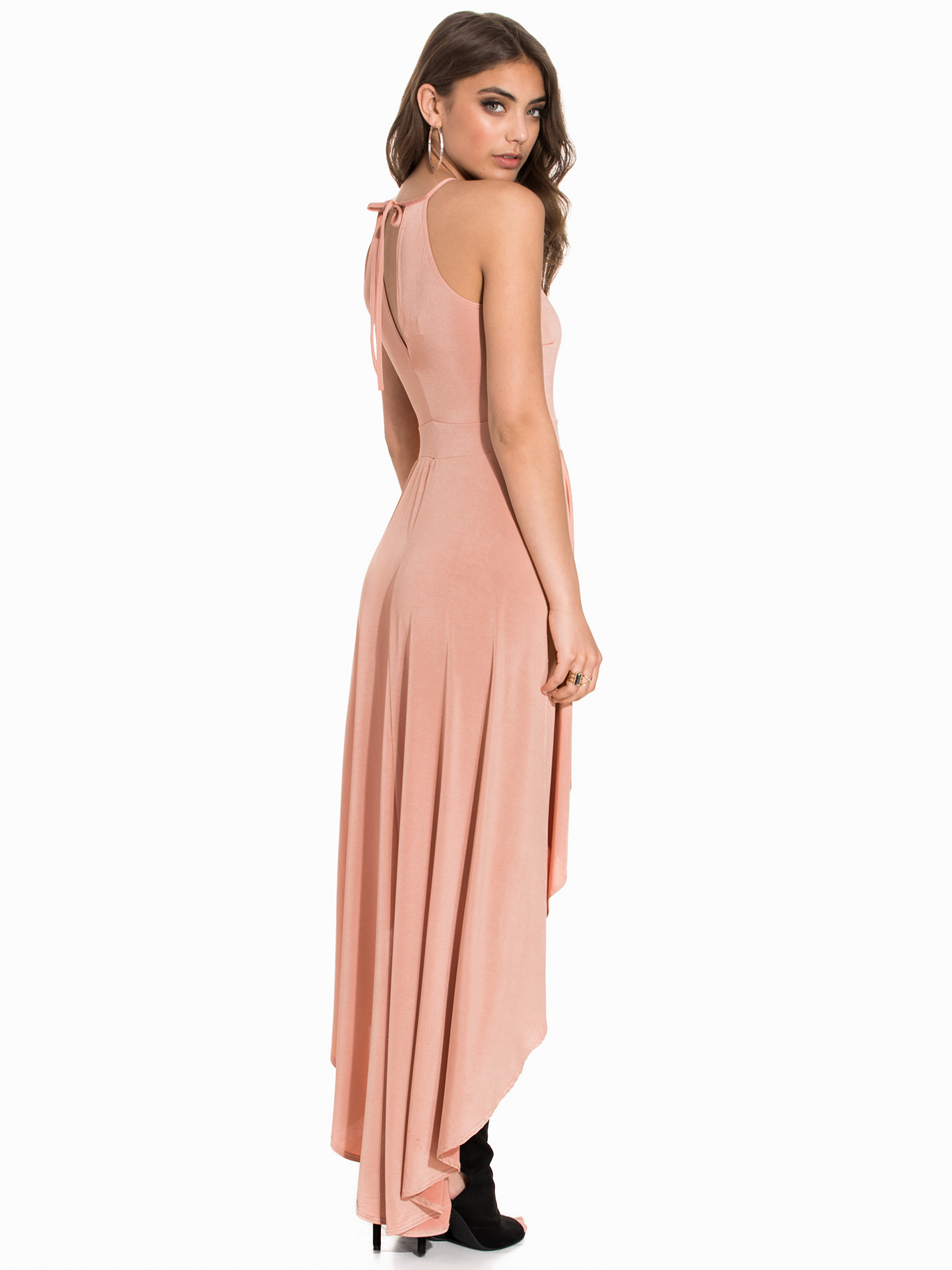
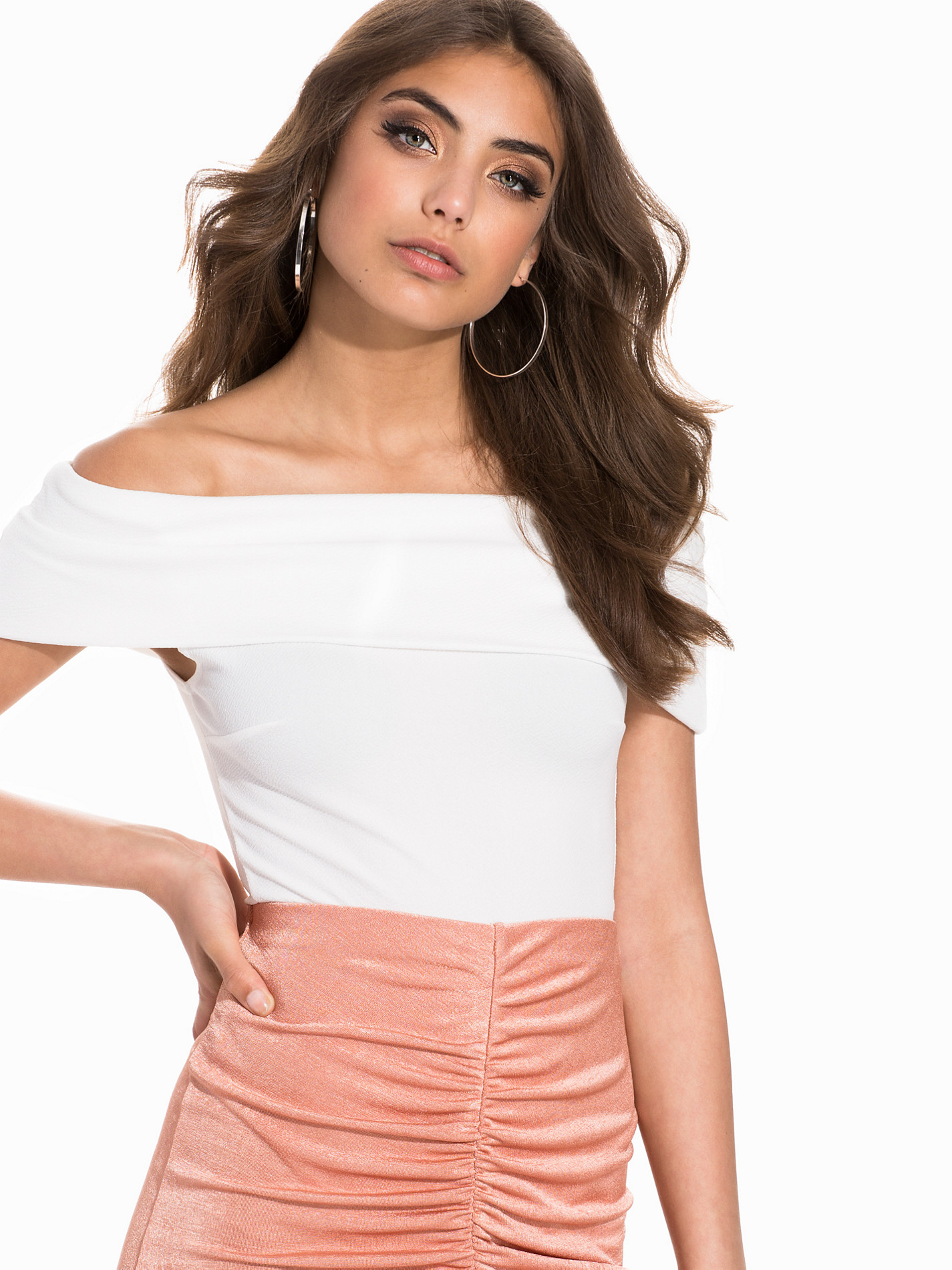
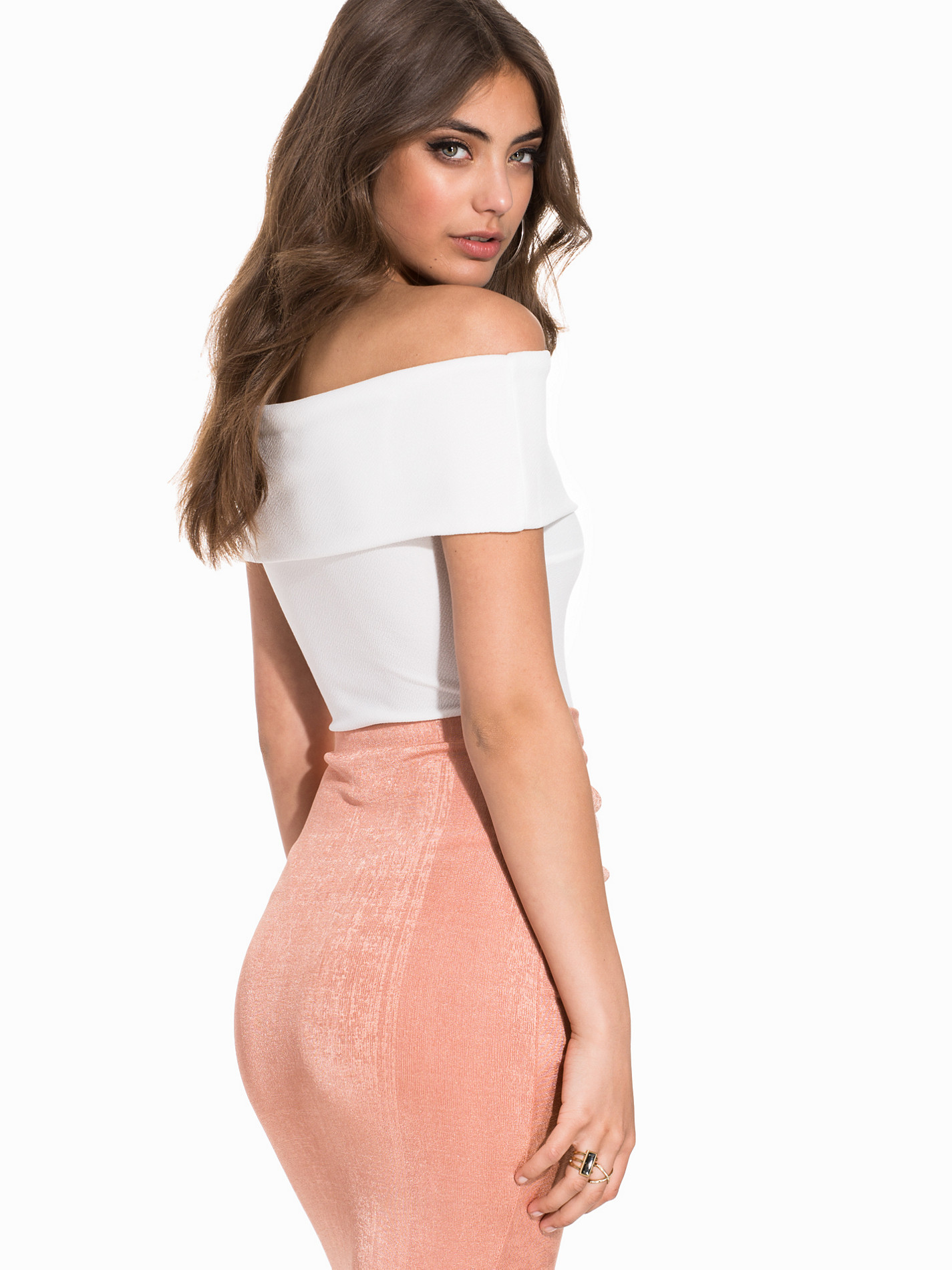
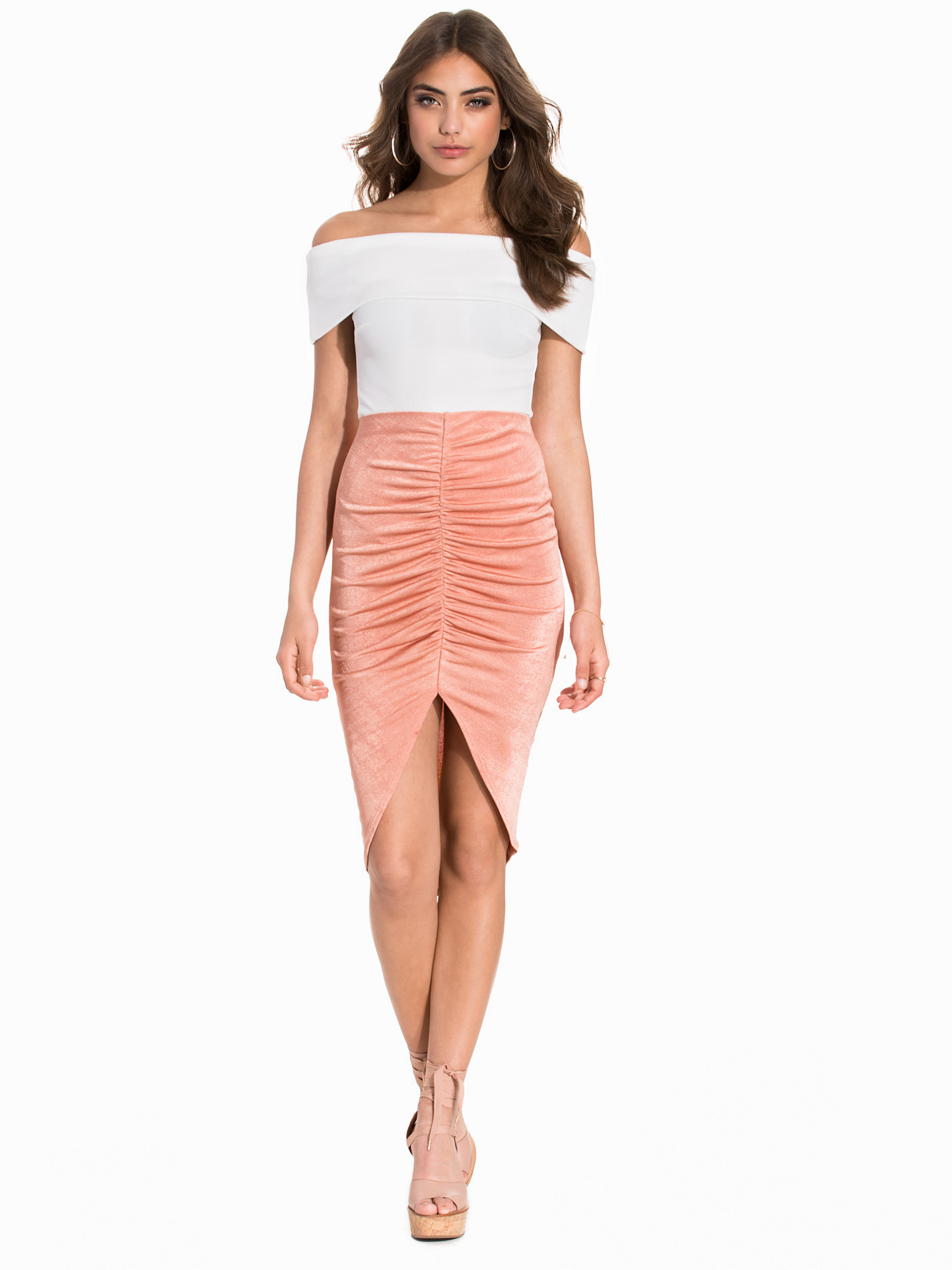
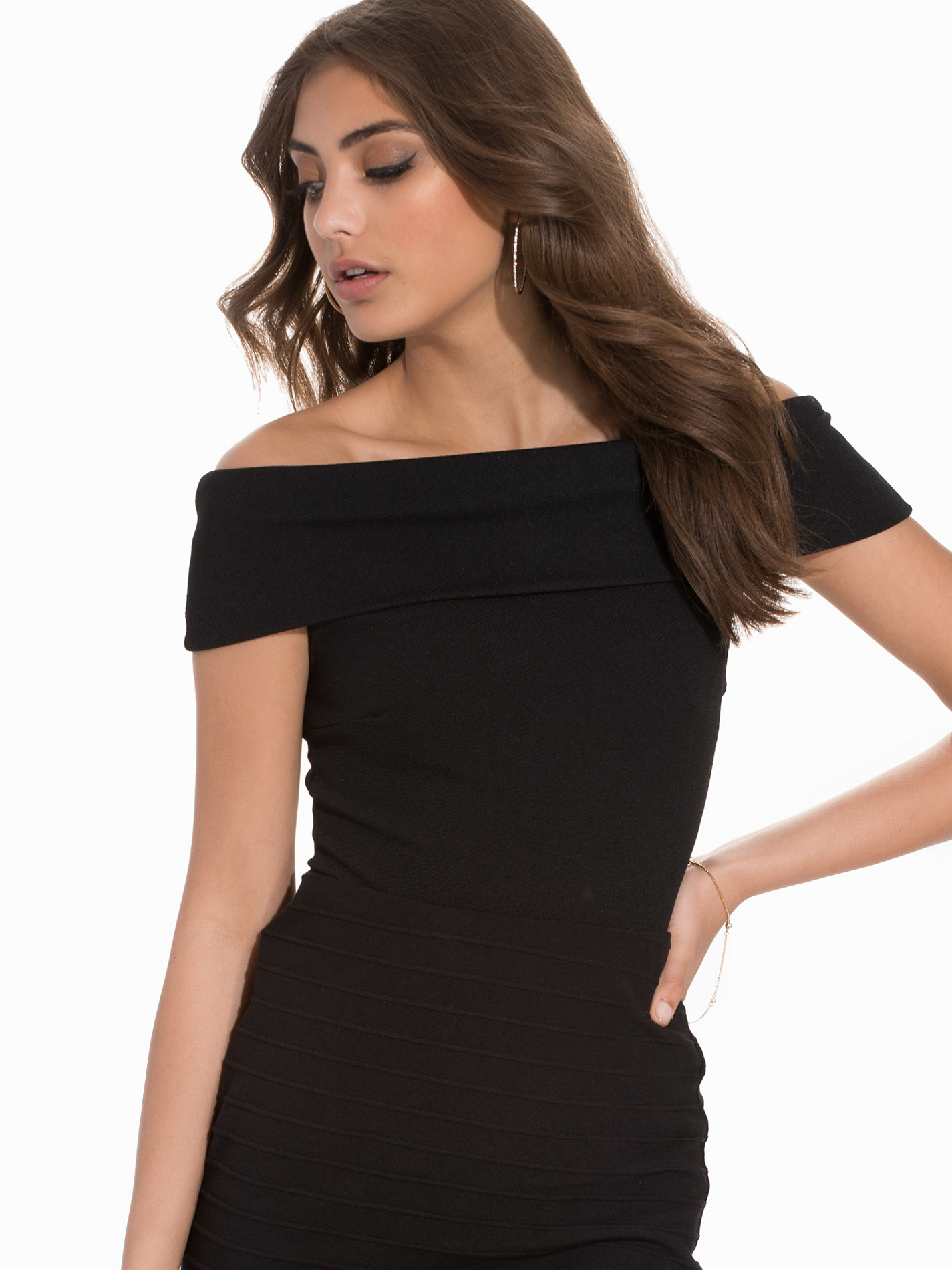
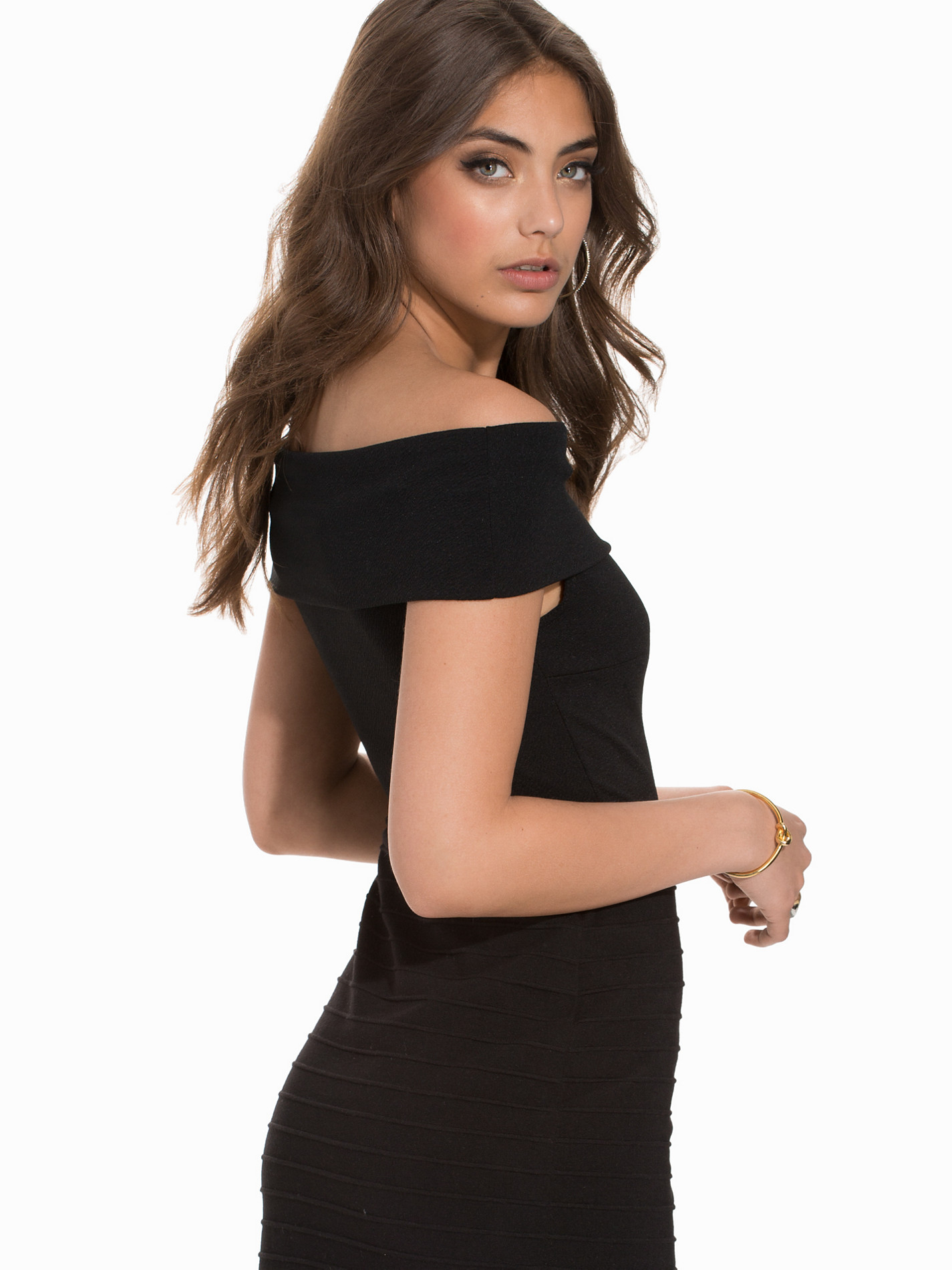
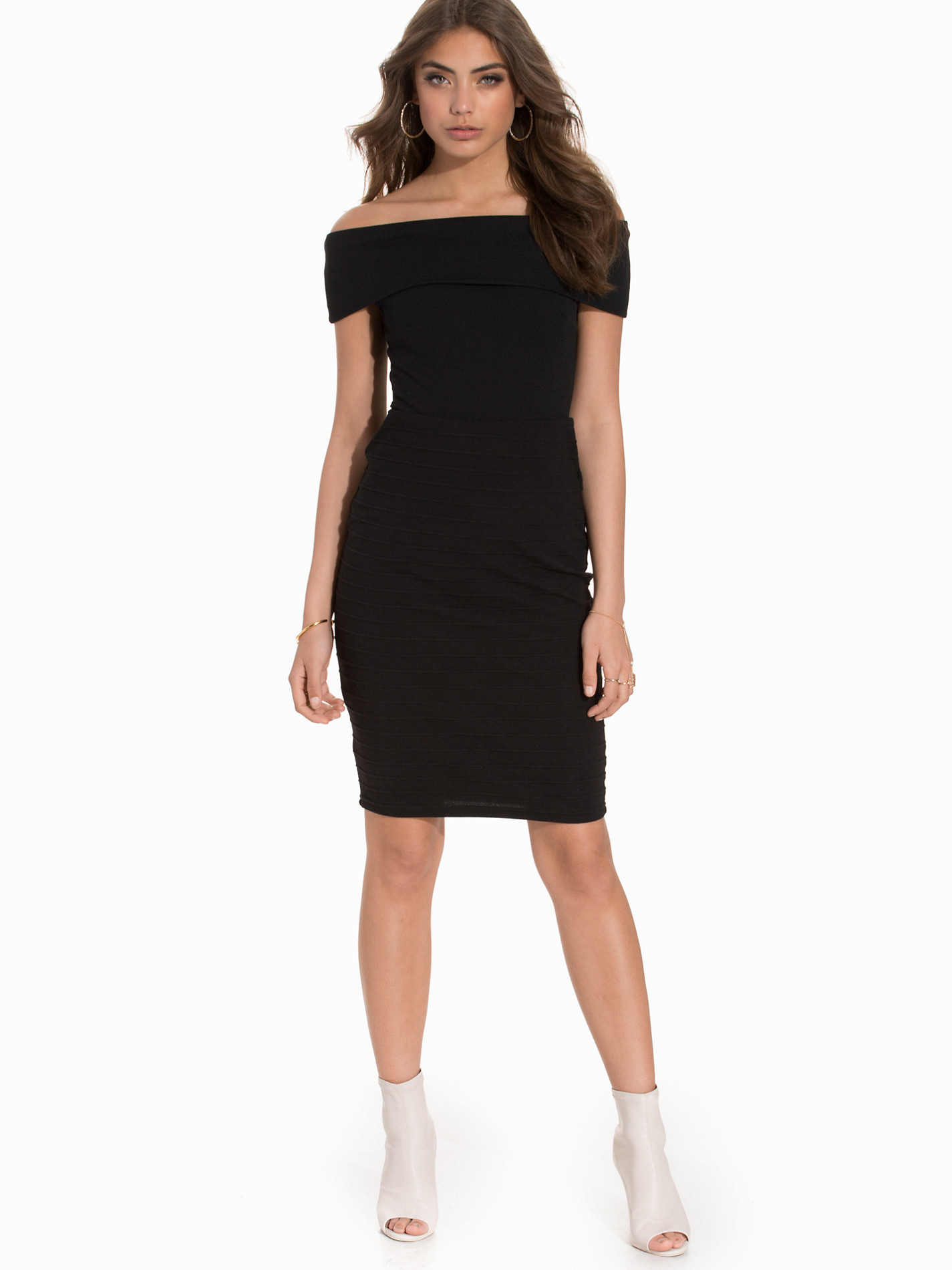
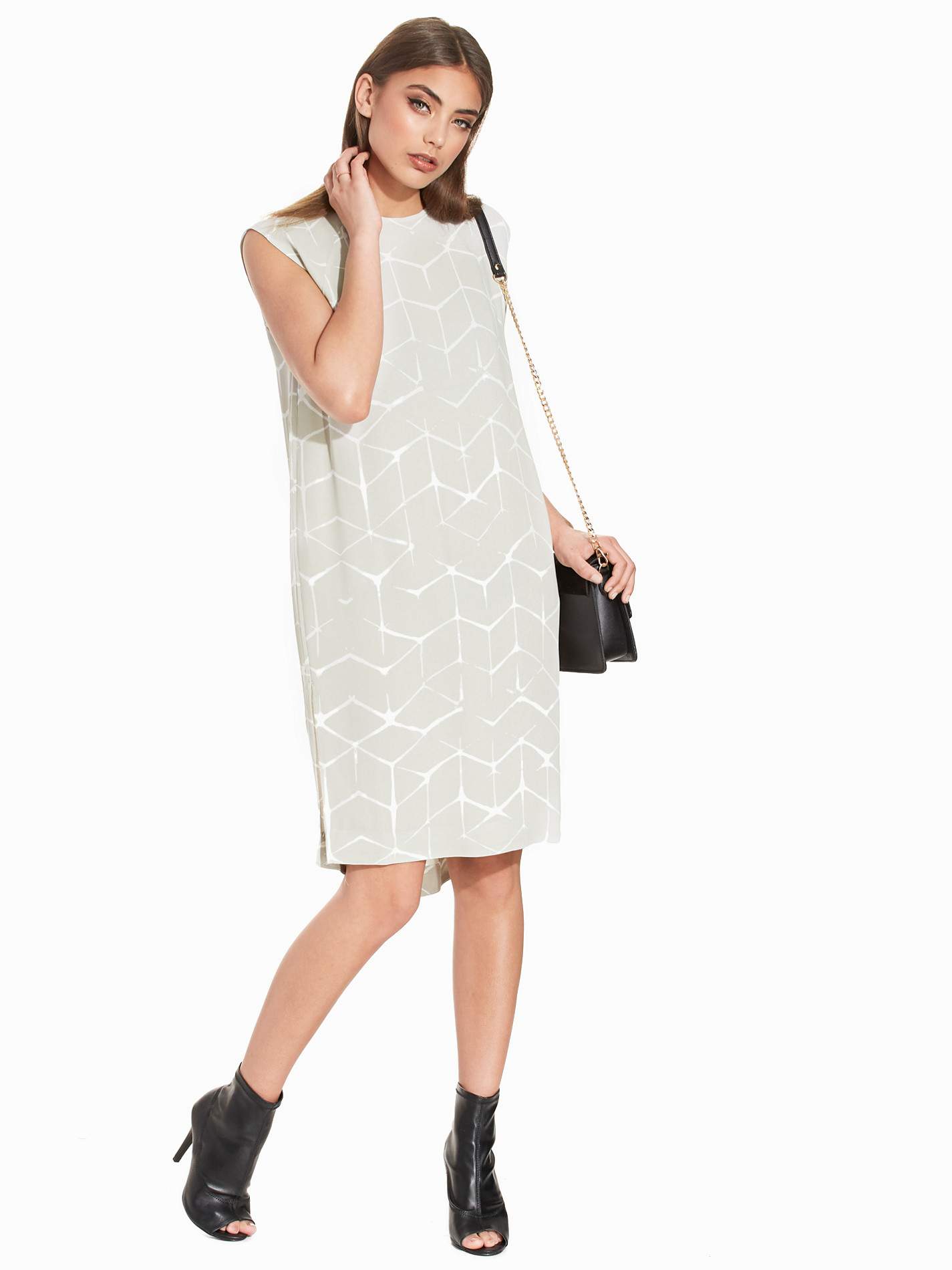
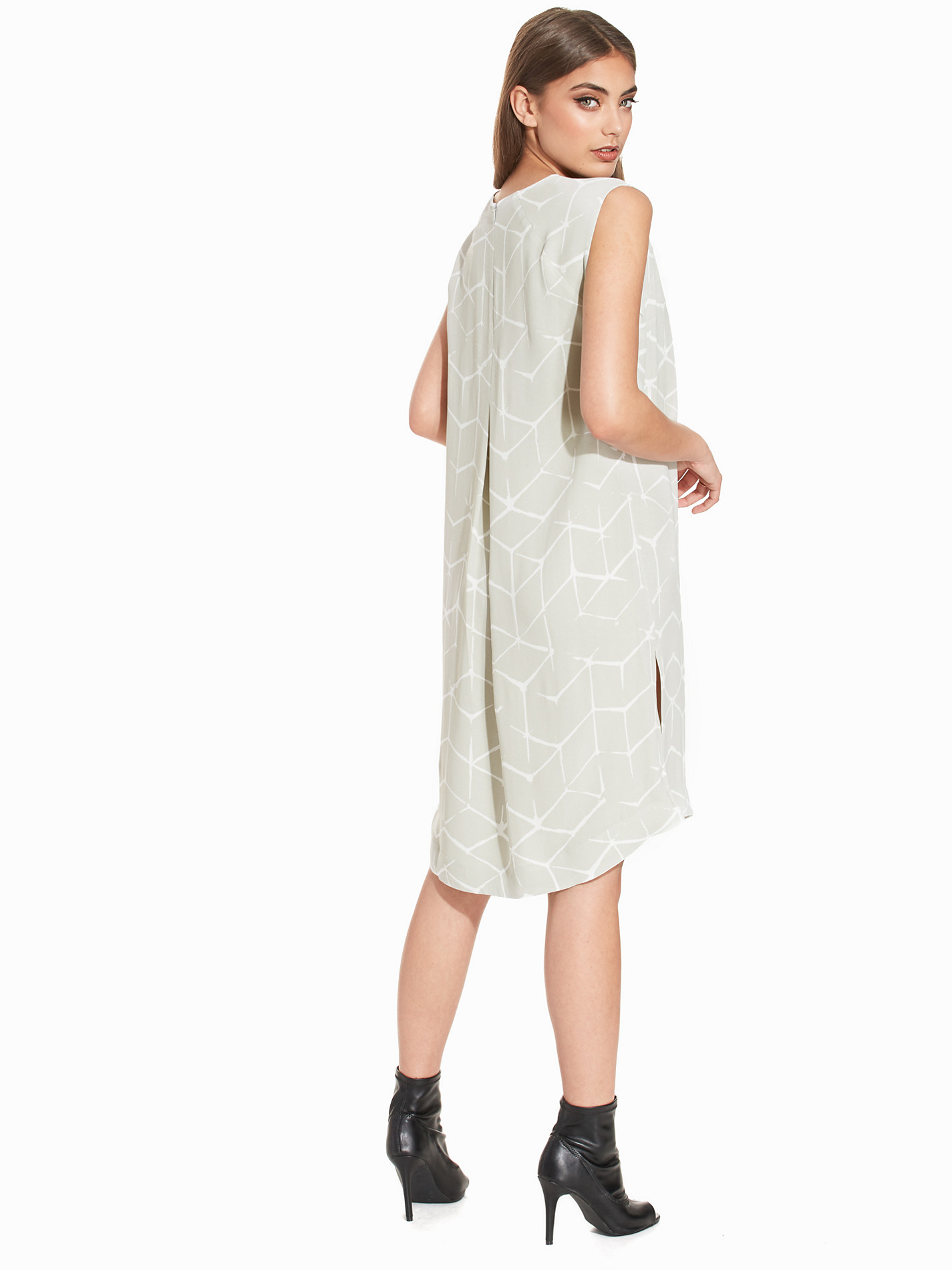
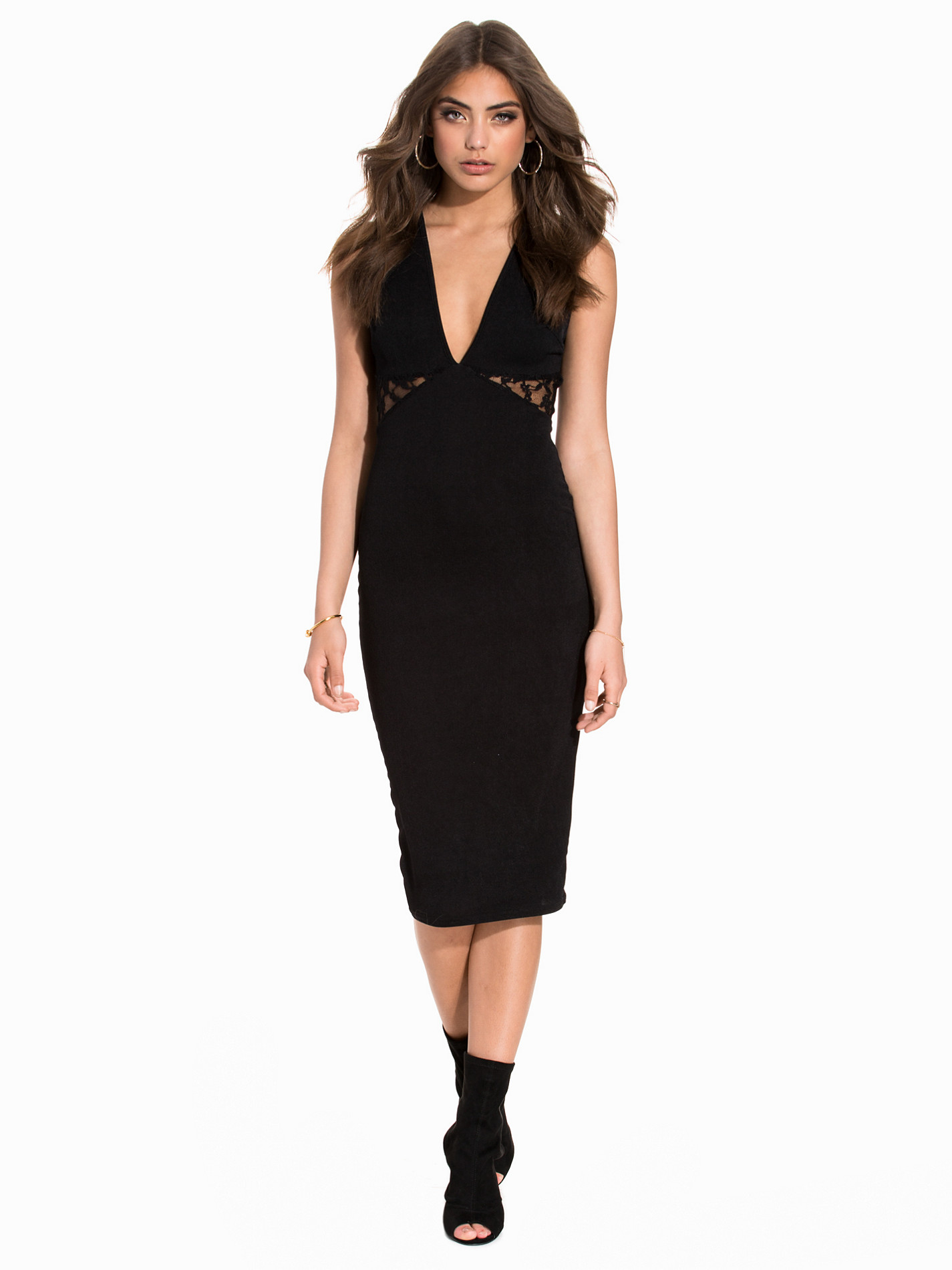
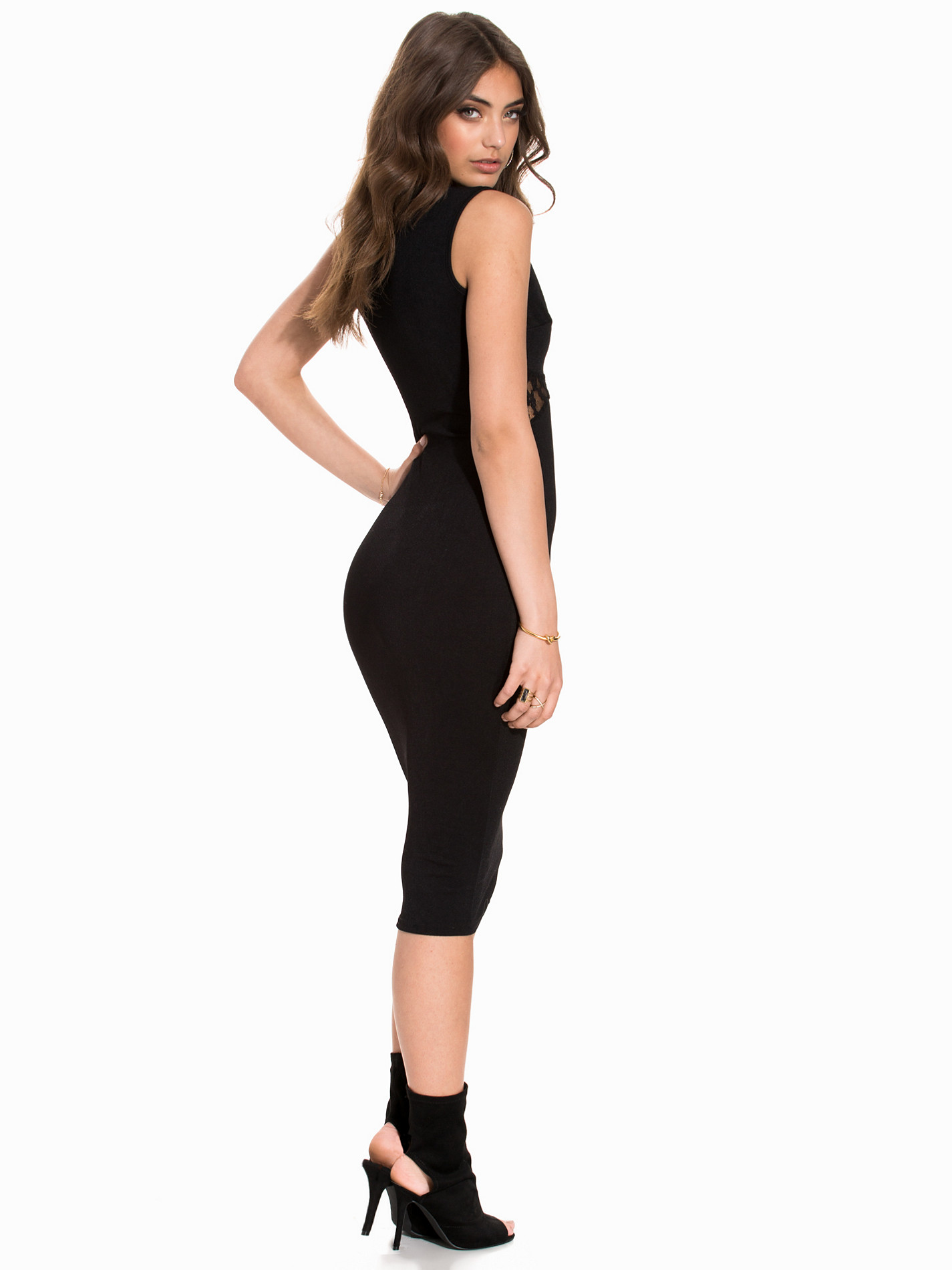
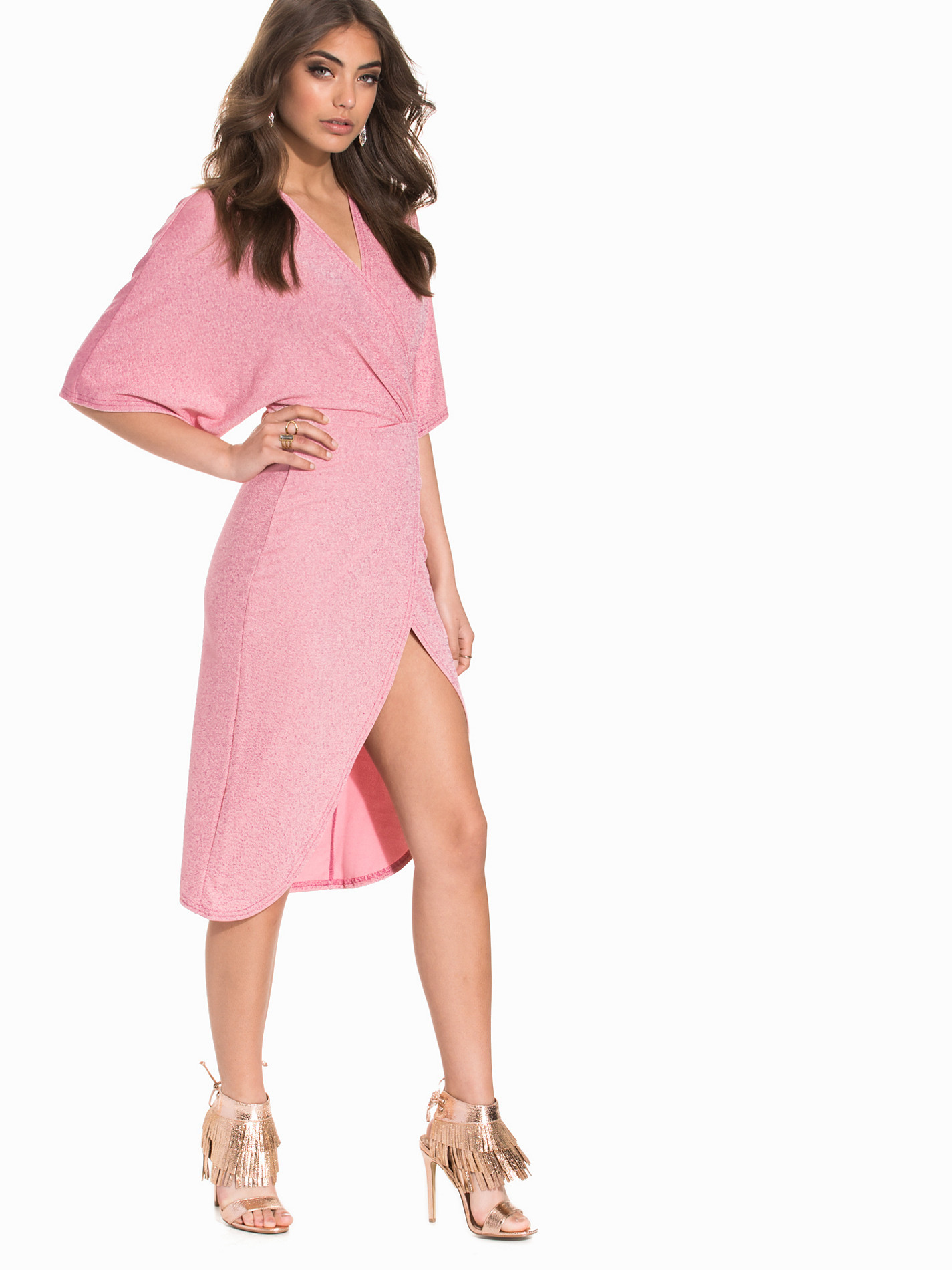
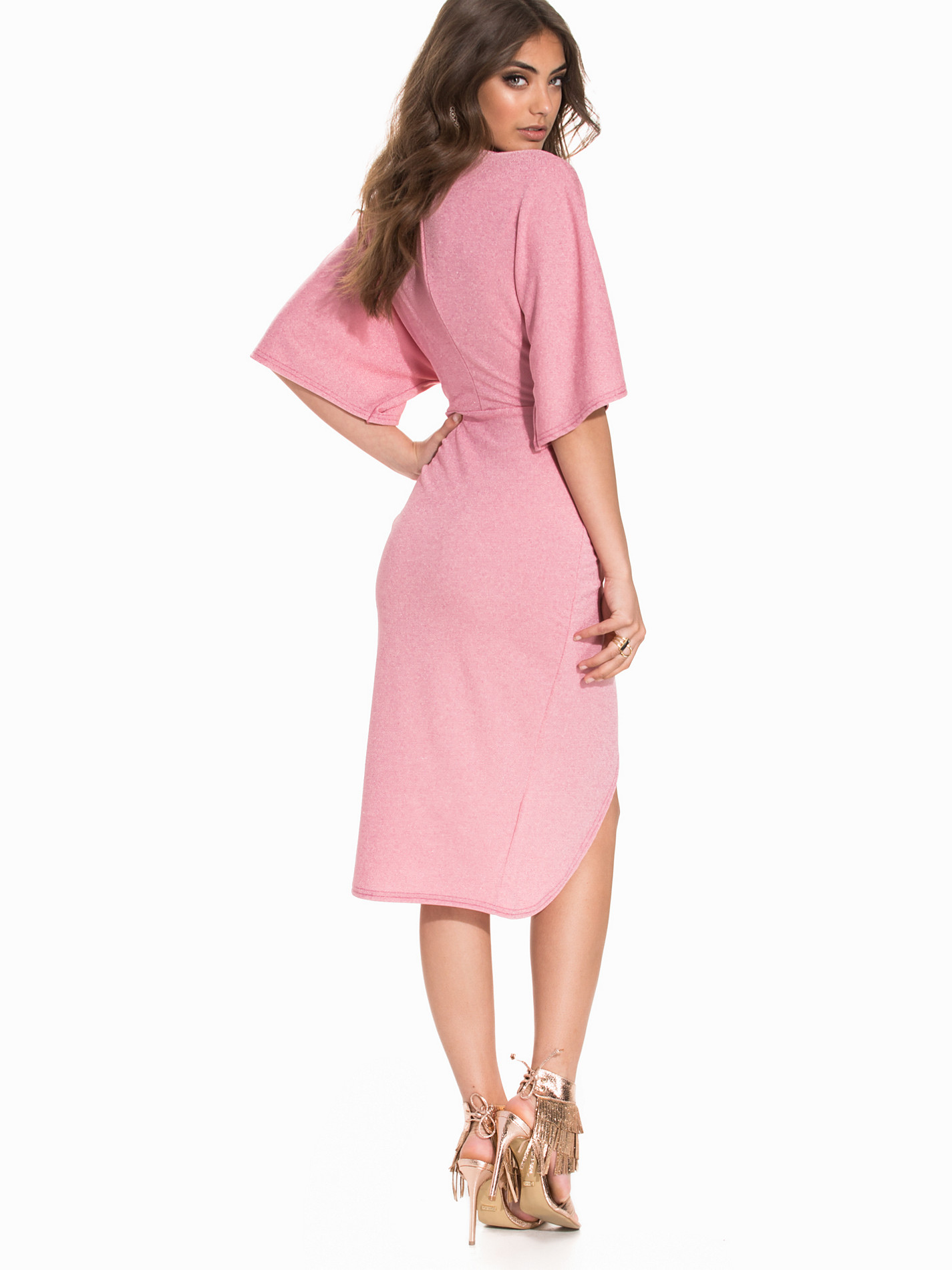
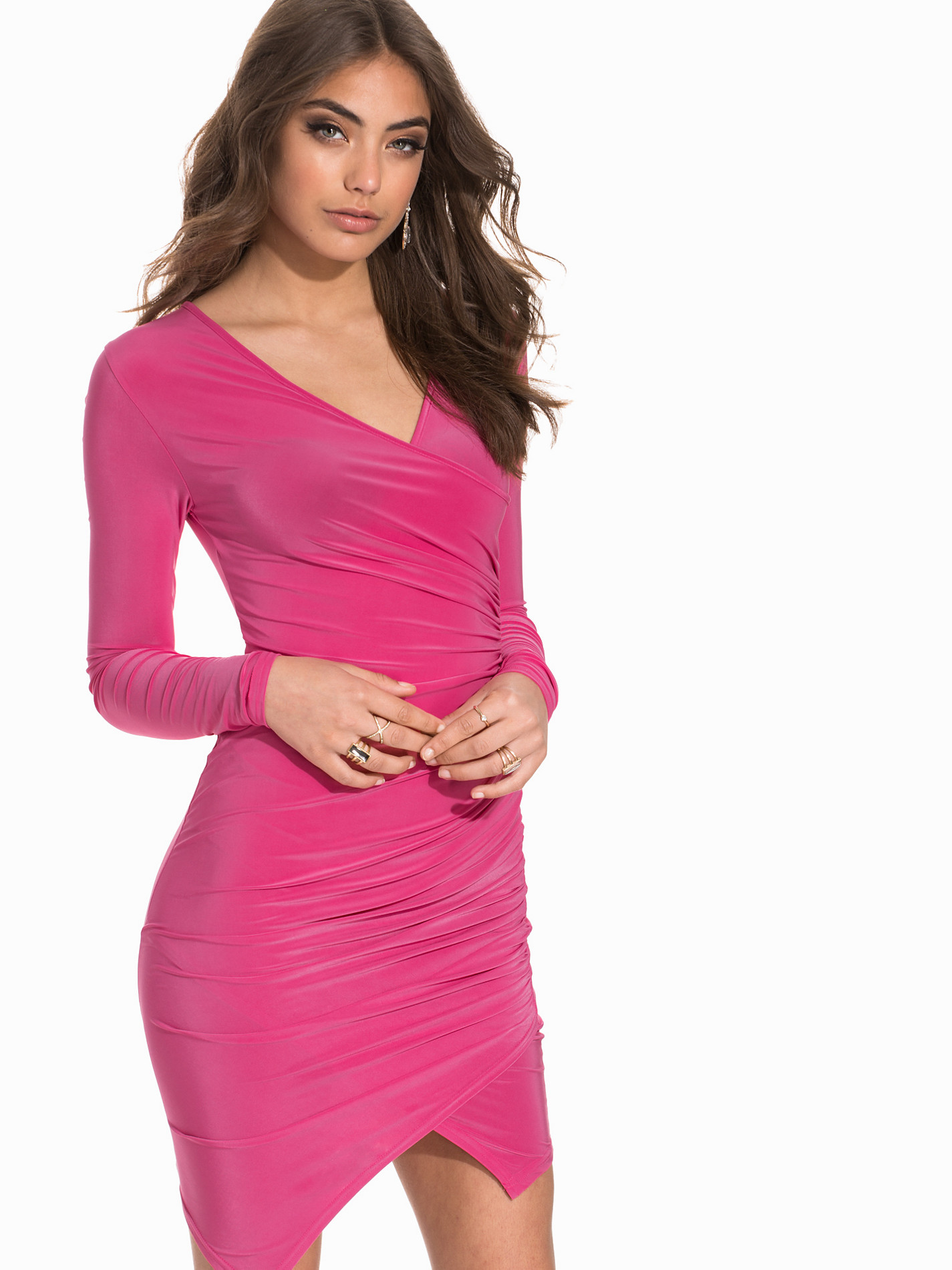
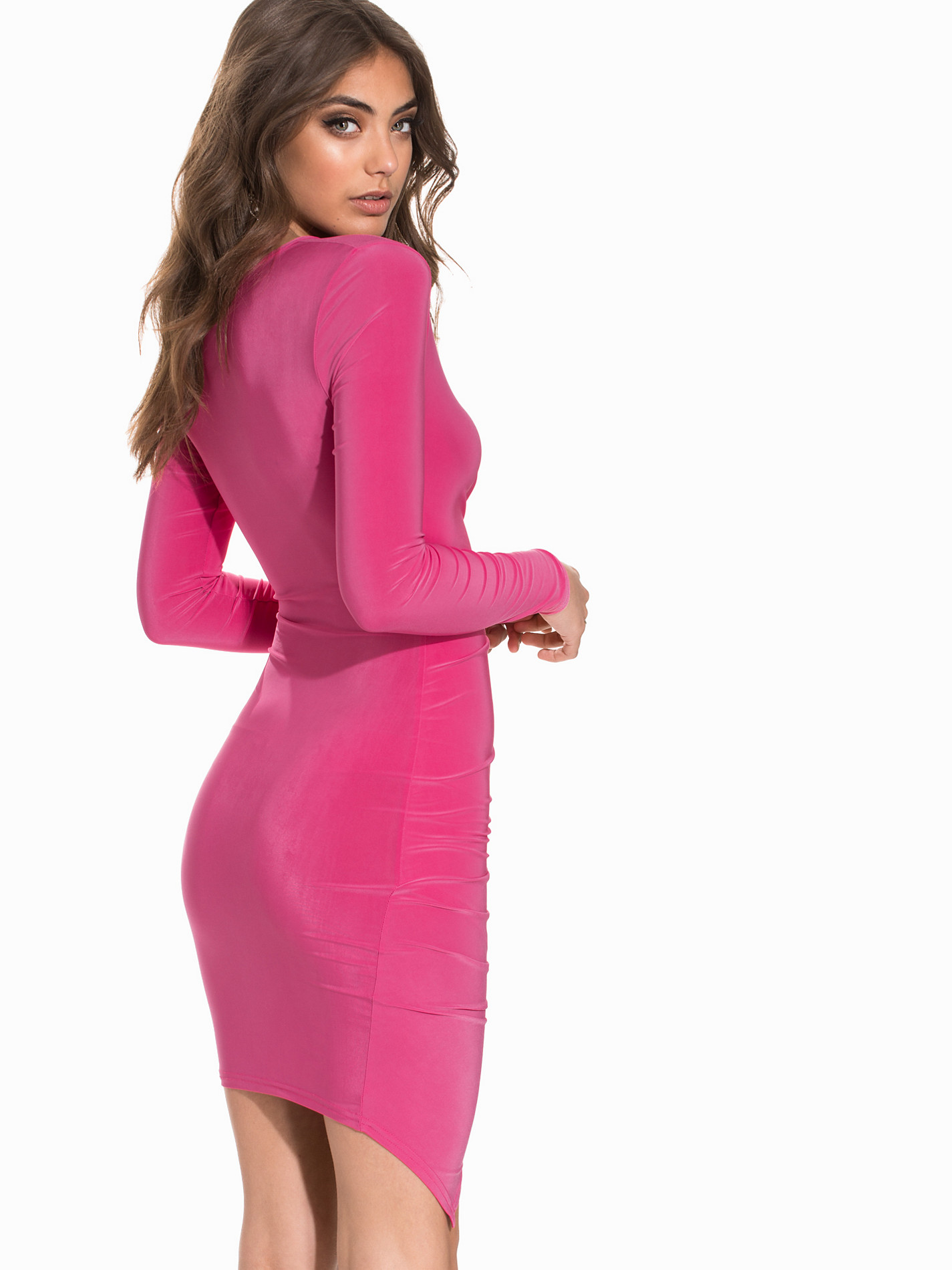
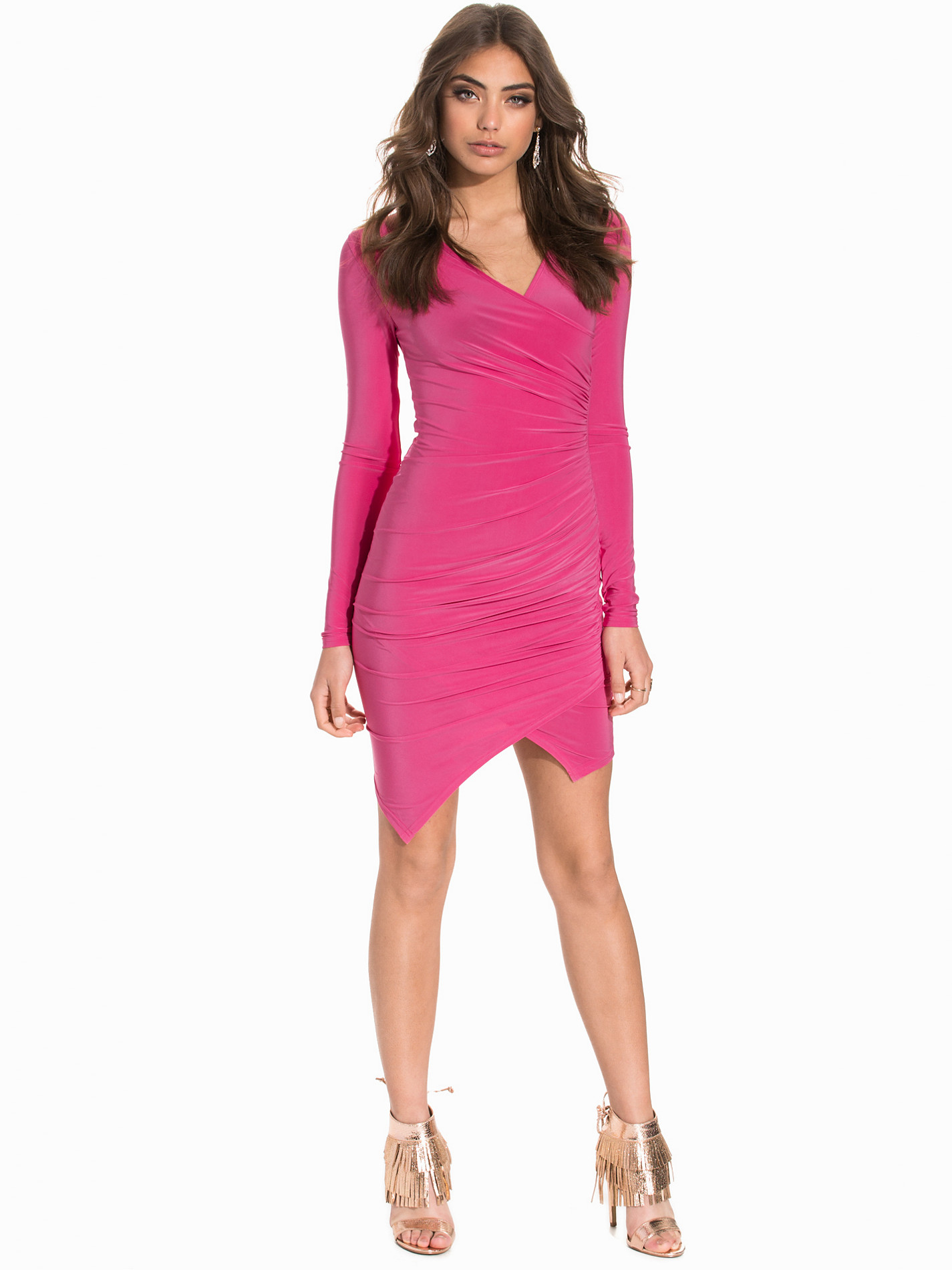
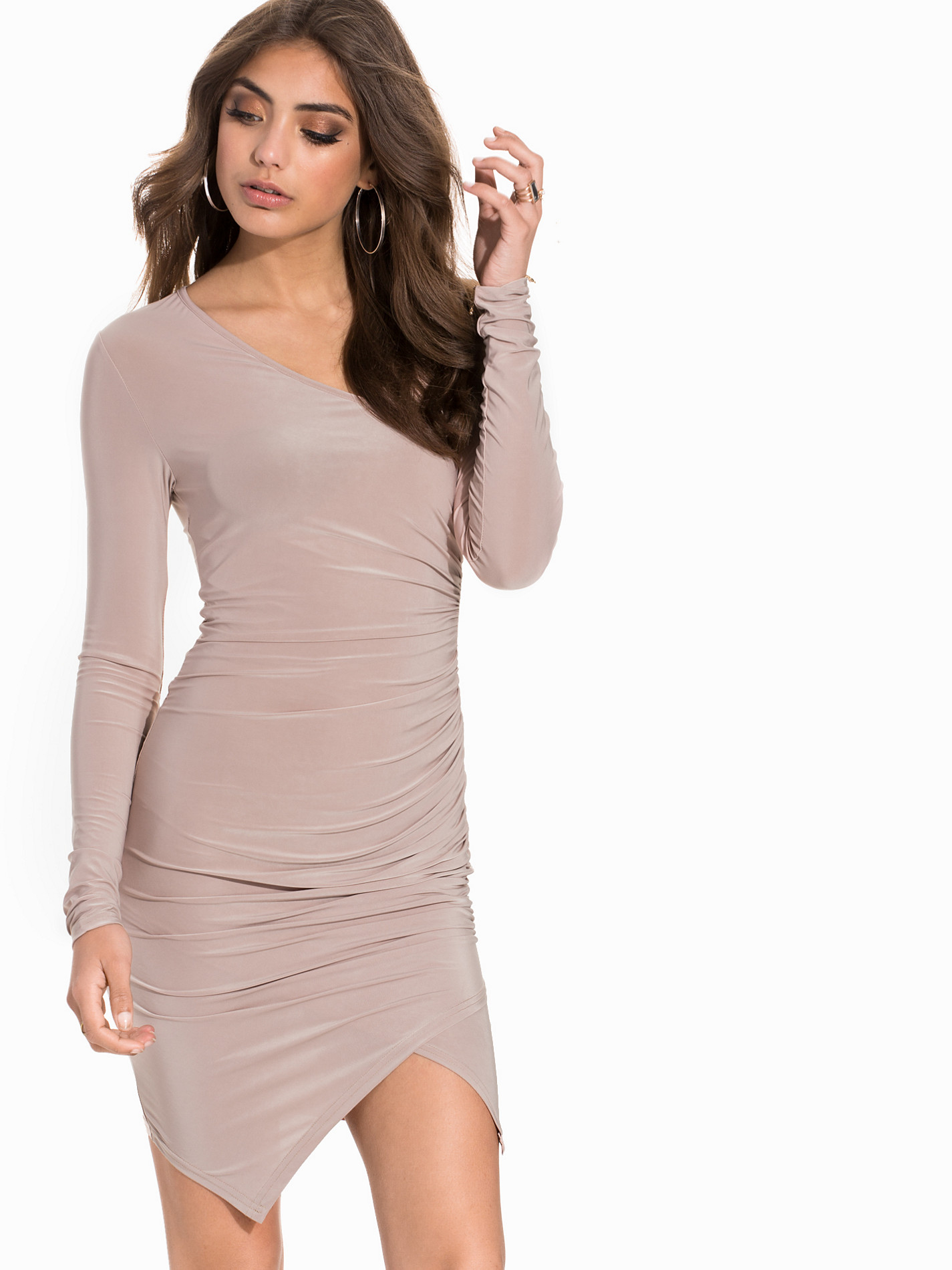
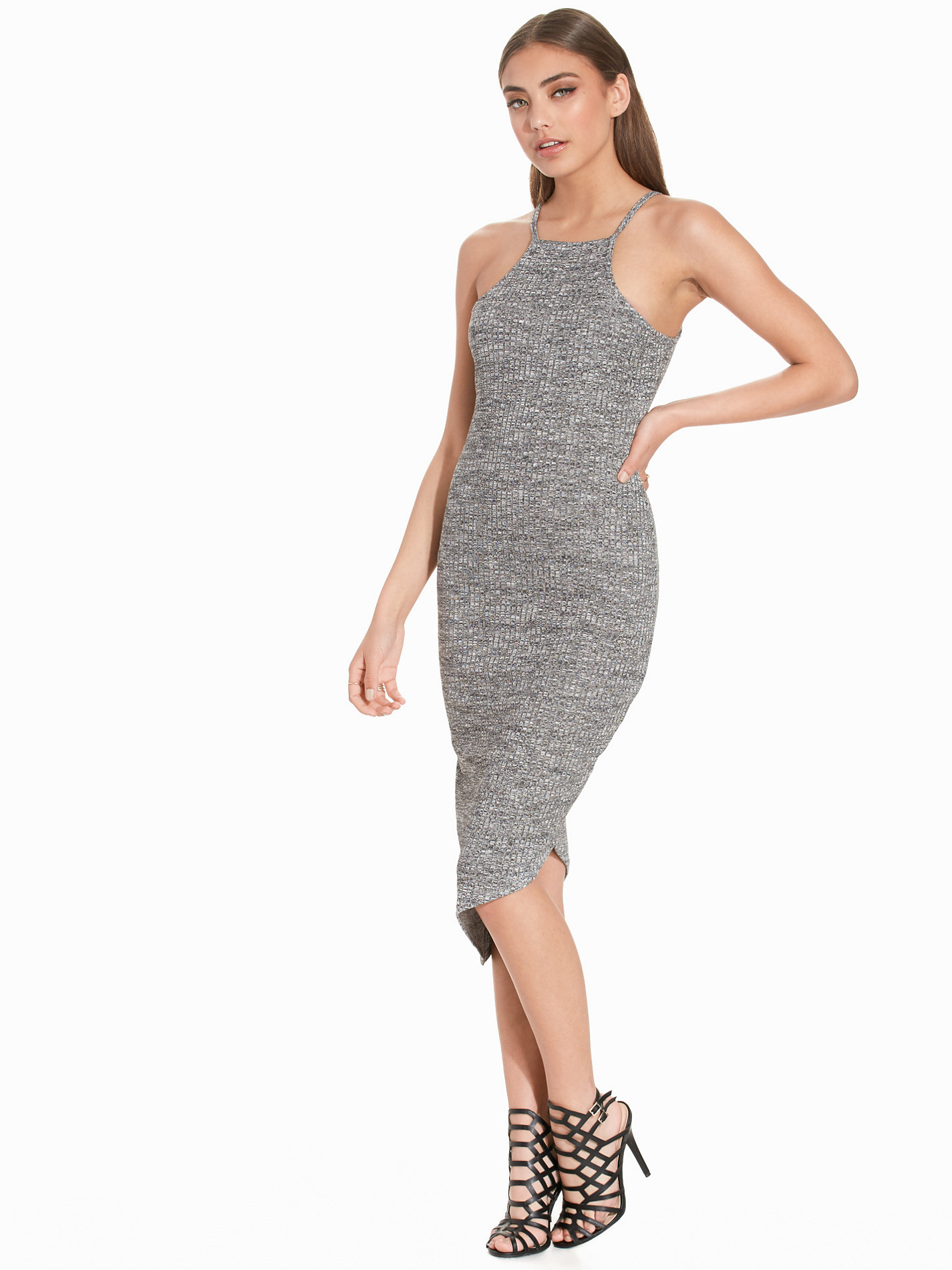
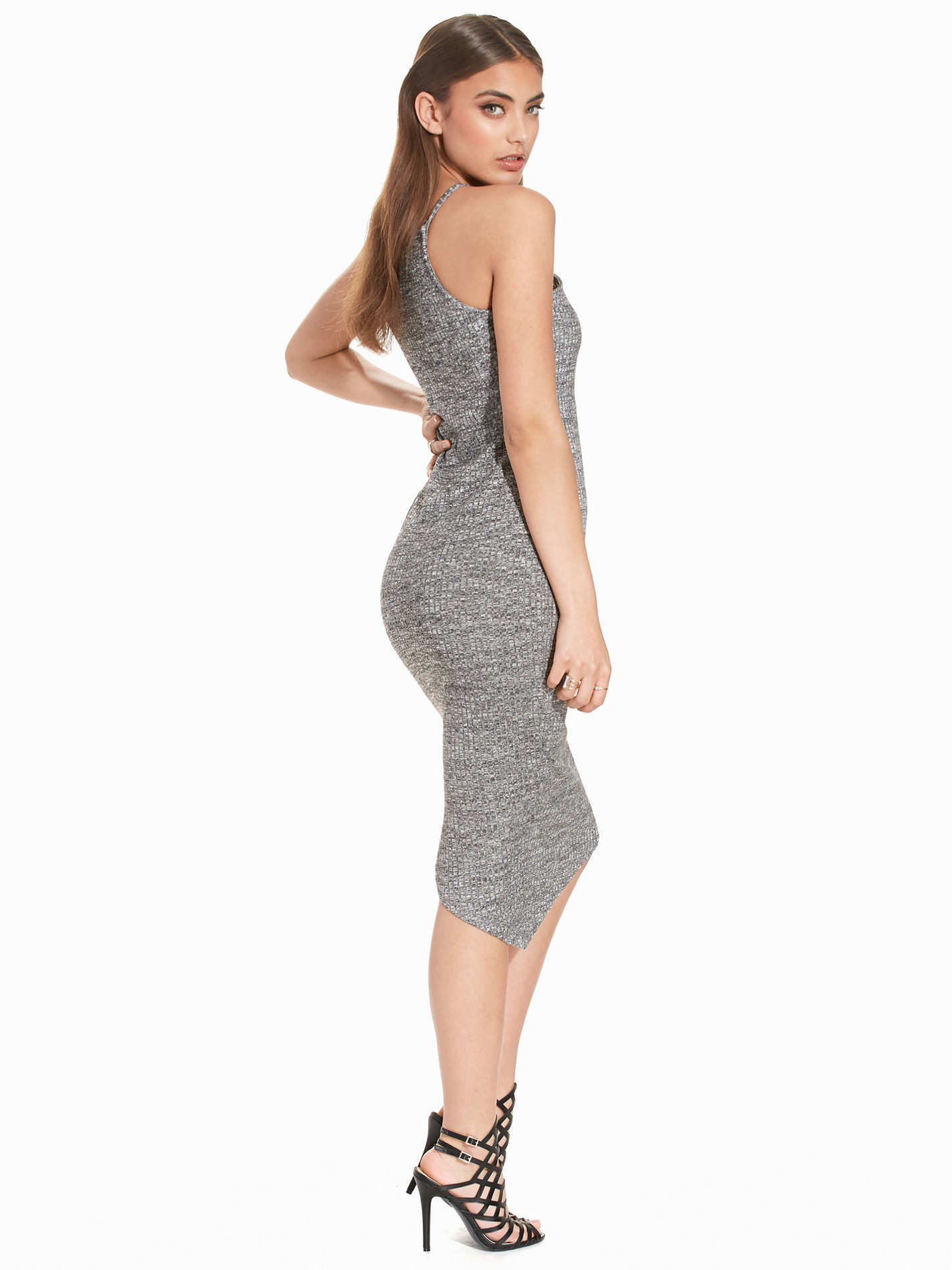
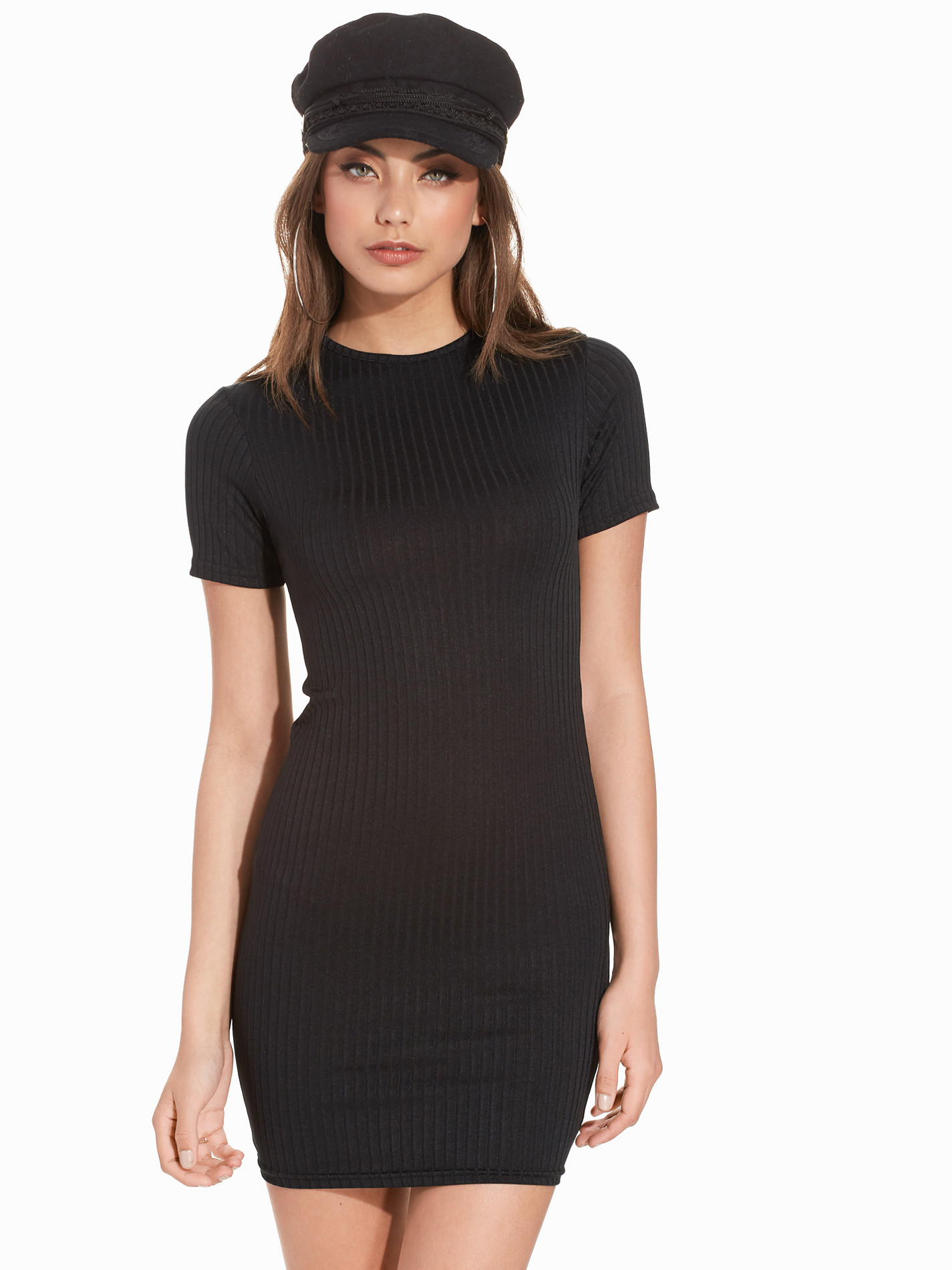
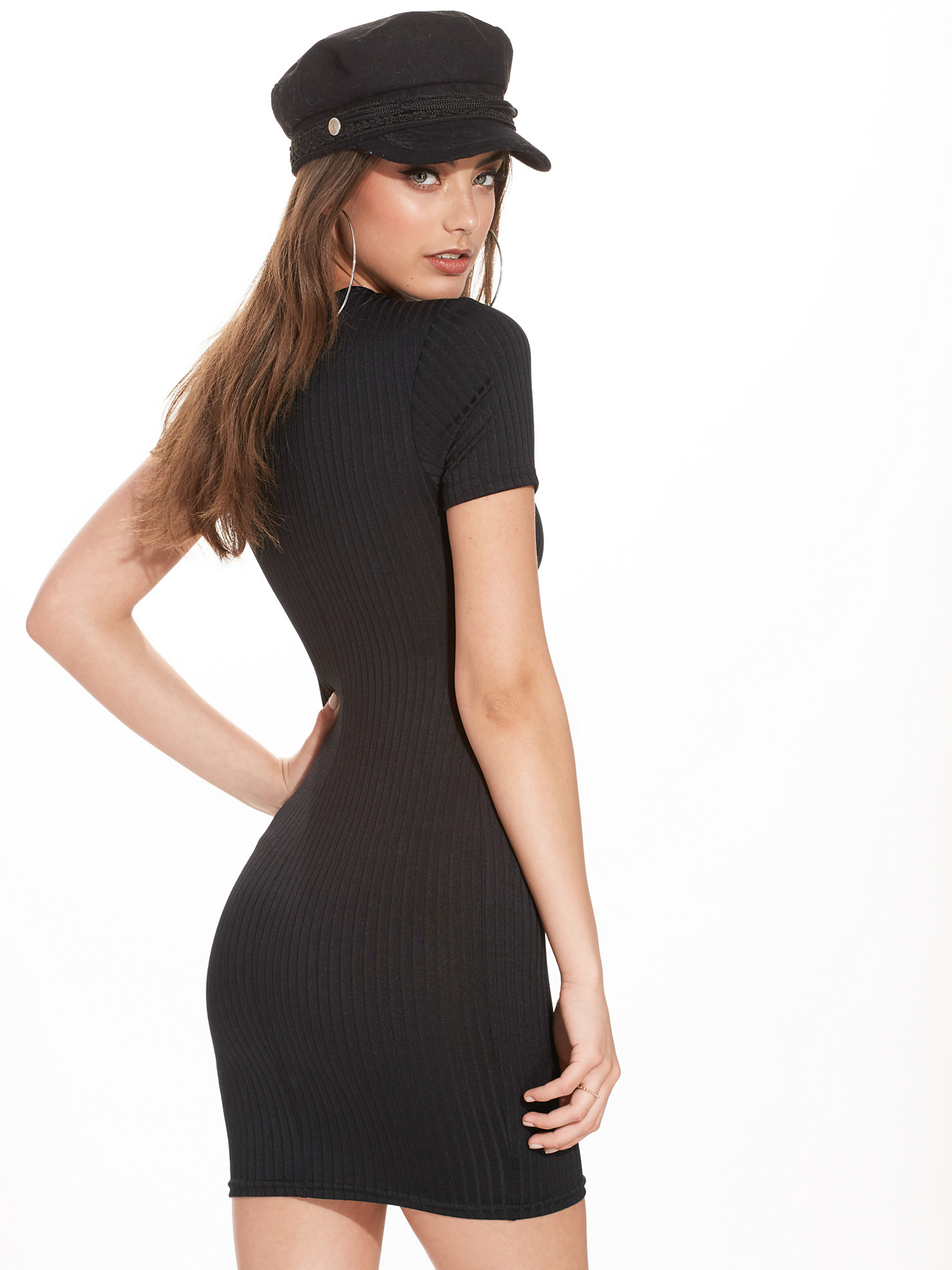
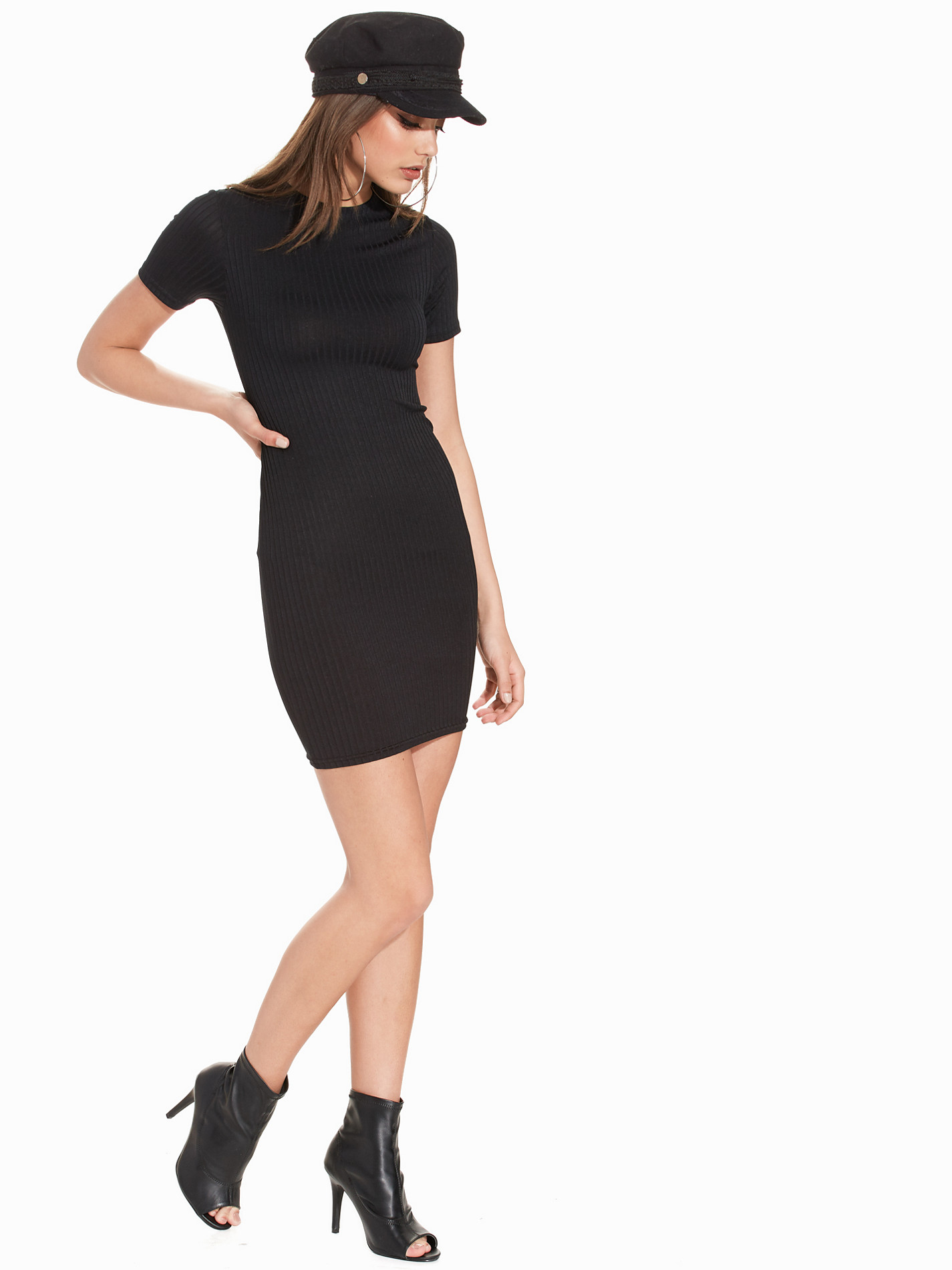
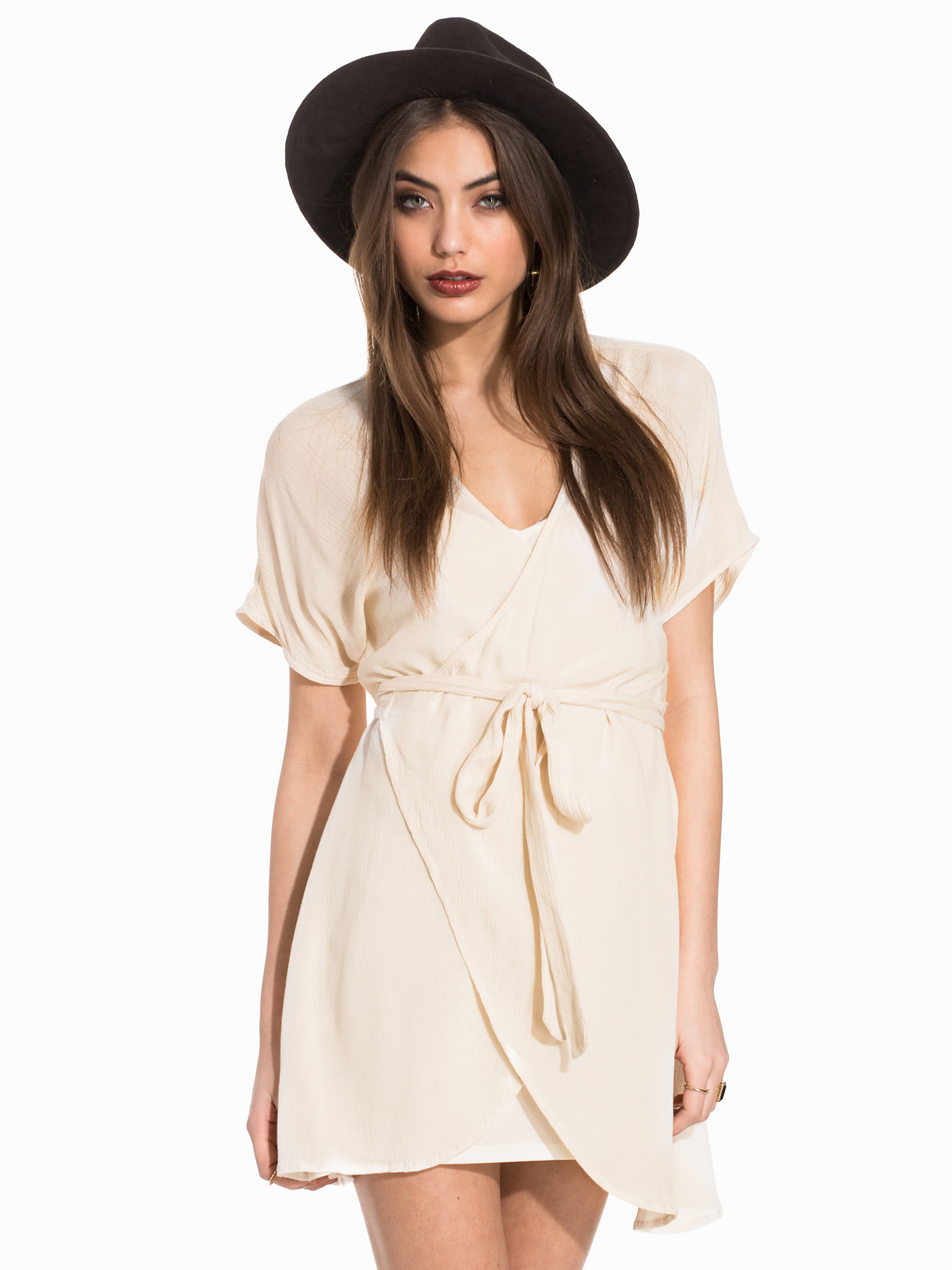
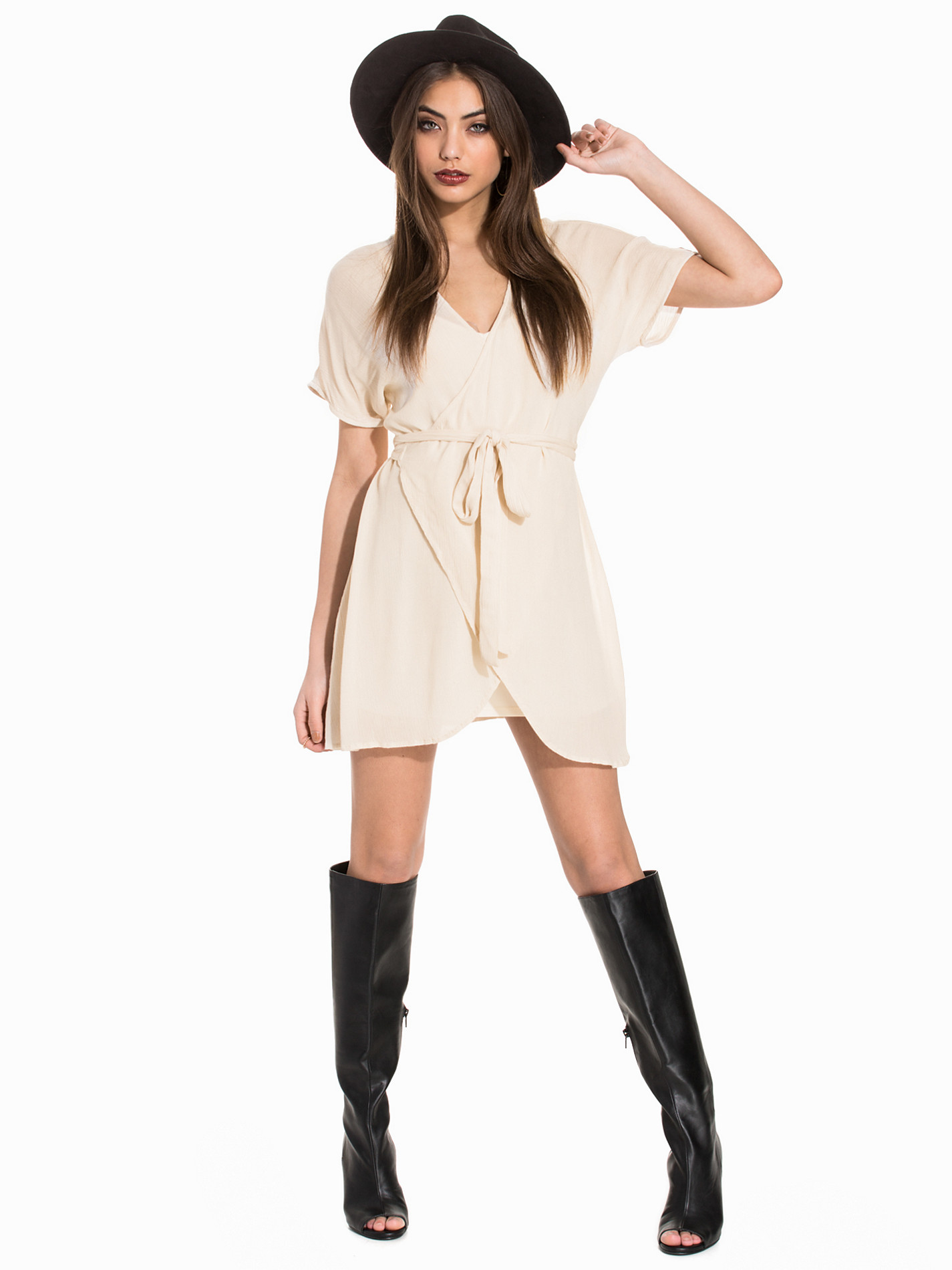
Nelly Dresses Clothing
Dioni Tabbers (3) Sarah Stephens (1) Elizabeth Turner (4) Carmella Rose (4) Bryana Holly (3) Rachel Cook (3) Xenia Deli (3)
Best Dressed Celeb: 1. Zendaya 2. Priyanka Chopra 3. Kate Beckinsale Worst dressed Celeb: Halsey
Should I go say Hi? She's like a 15 minute walk away from me. lolol
Dioni Tabbers (5) Sarah Stephens (2) Elizabeth Turner (5) Carmella Rose (4) Bryana Holly (4) Rachel Cook (4) Josephine Skriver (1) Xenia Deli (4)
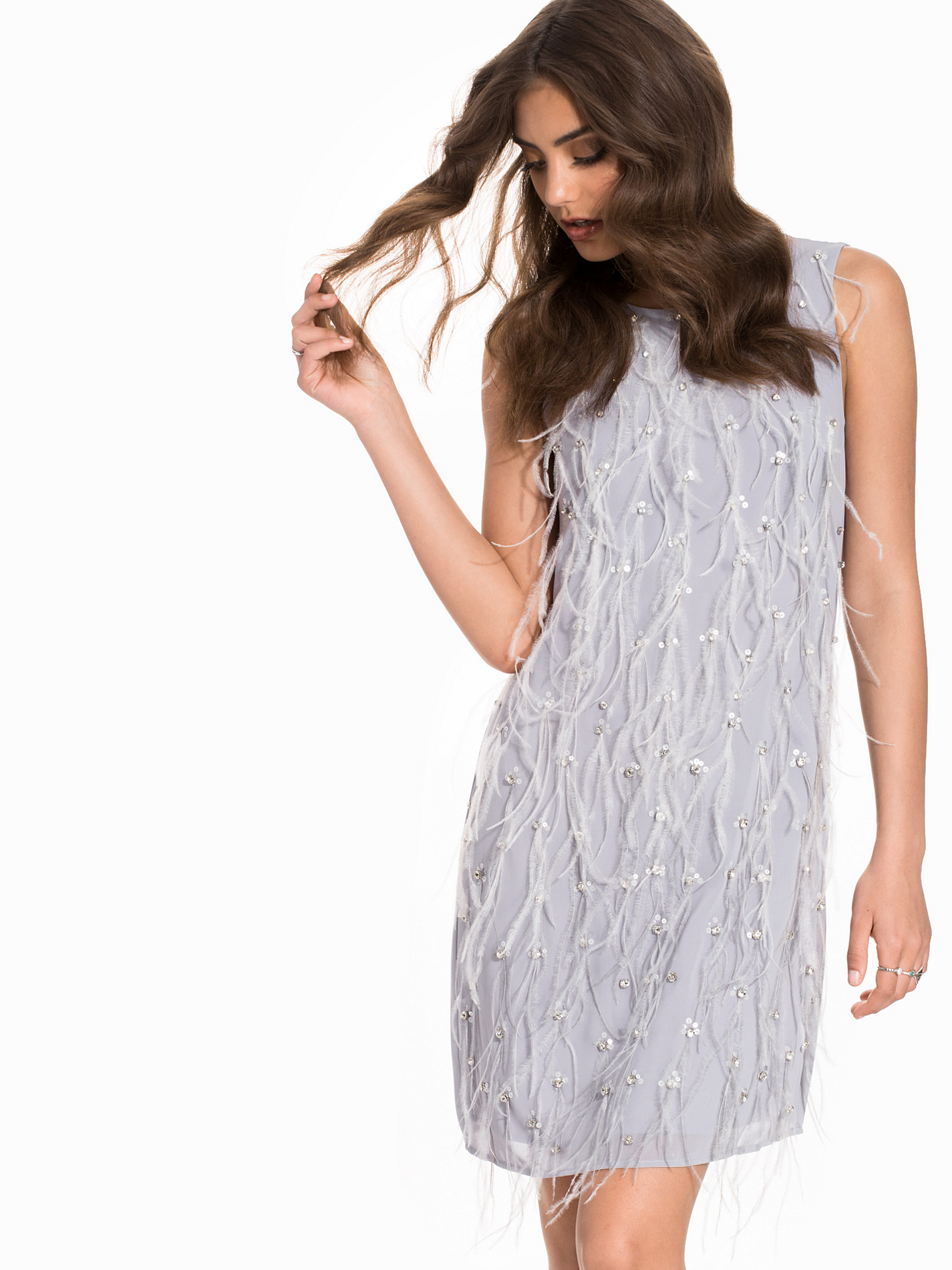
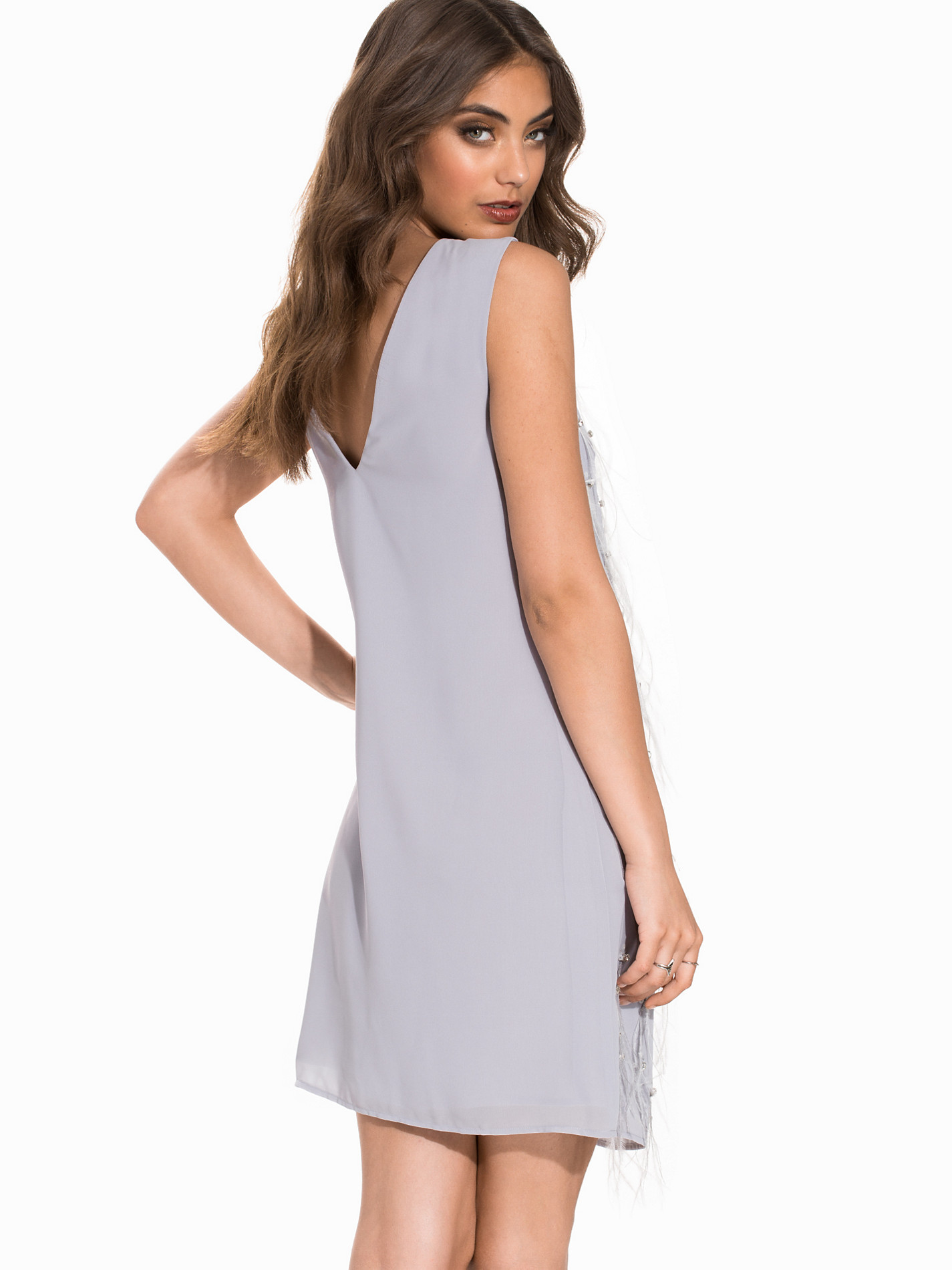
Nelly Dresses
Ph: Jared Thomas Kocka
Ph: Jared Thomas Kocka
Nelly Swim Intimates
Nelly Dresses Clothing
Dioni Tabbers (3) Sarah Stephens (1) Elizabeth Turner (4) Carmella Rose (4) Bryana Holly (3) Rachel Cook (3) Xenia Deli (3)
Best Dressed Celeb: 1. Zendaya 2. Priyanka Chopra 3. Kate Beckinsale Worst dressed Celeb: Halsey
Should I go say Hi? She's like a 15 minute walk away from me. lolol
Dioni Tabbers (5) Sarah Stephens (2) Elizabeth Turner (5) Carmella Rose (4) Bryana Holly (4) Rachel Cook (4) Josephine Skriver (1) Xenia Deli (4)
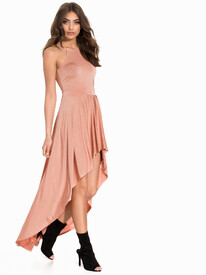
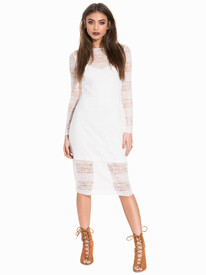
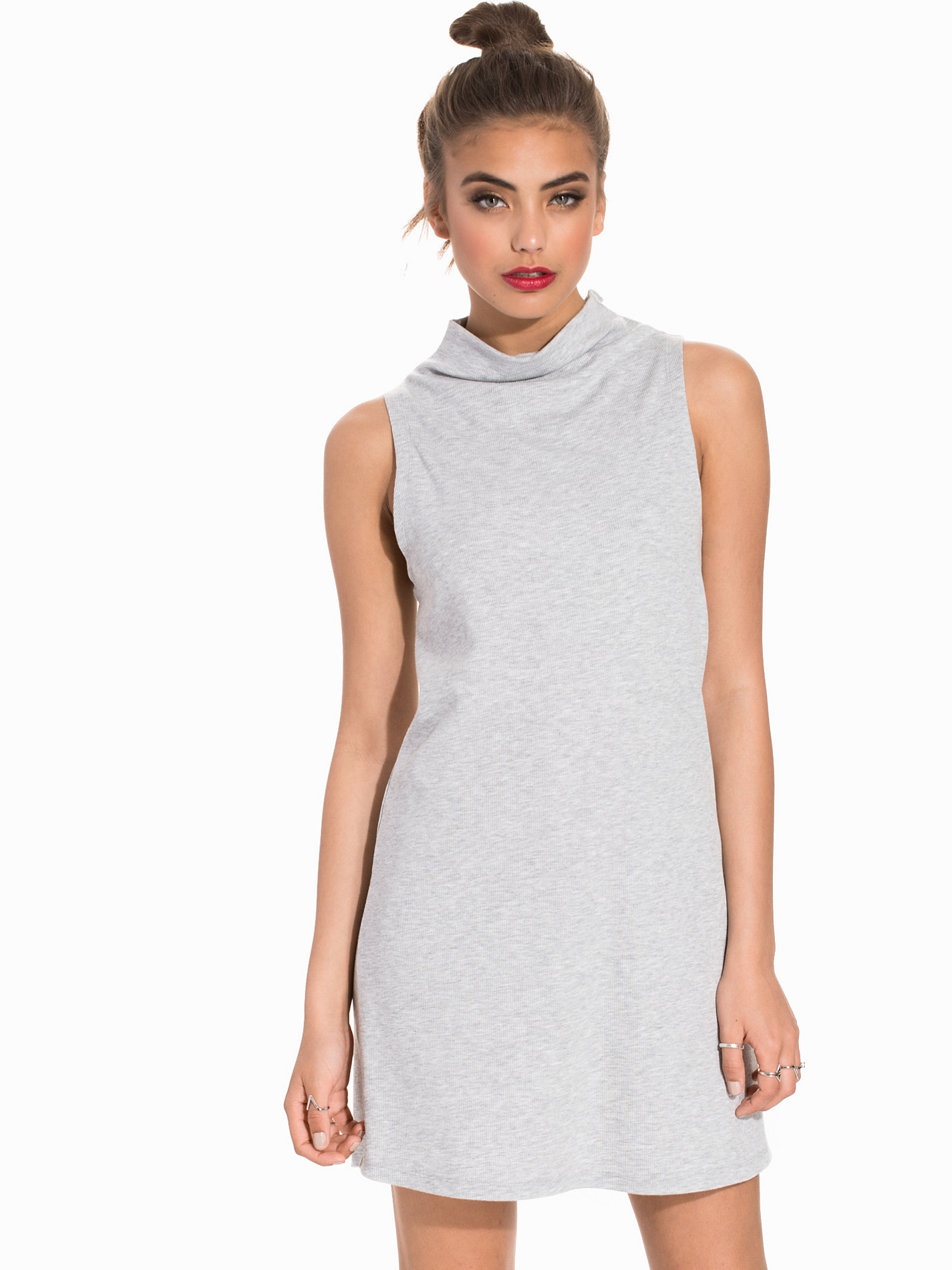
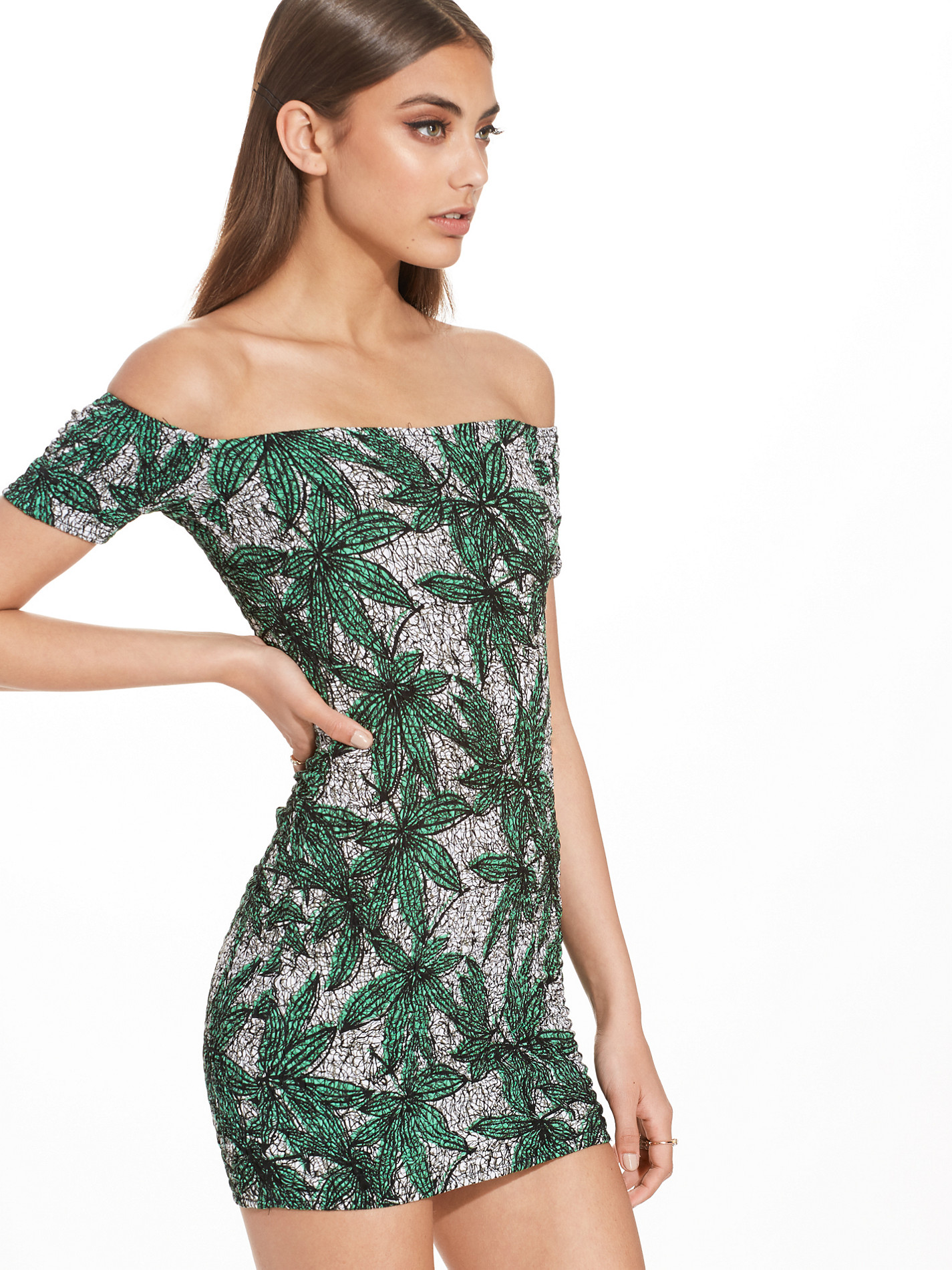
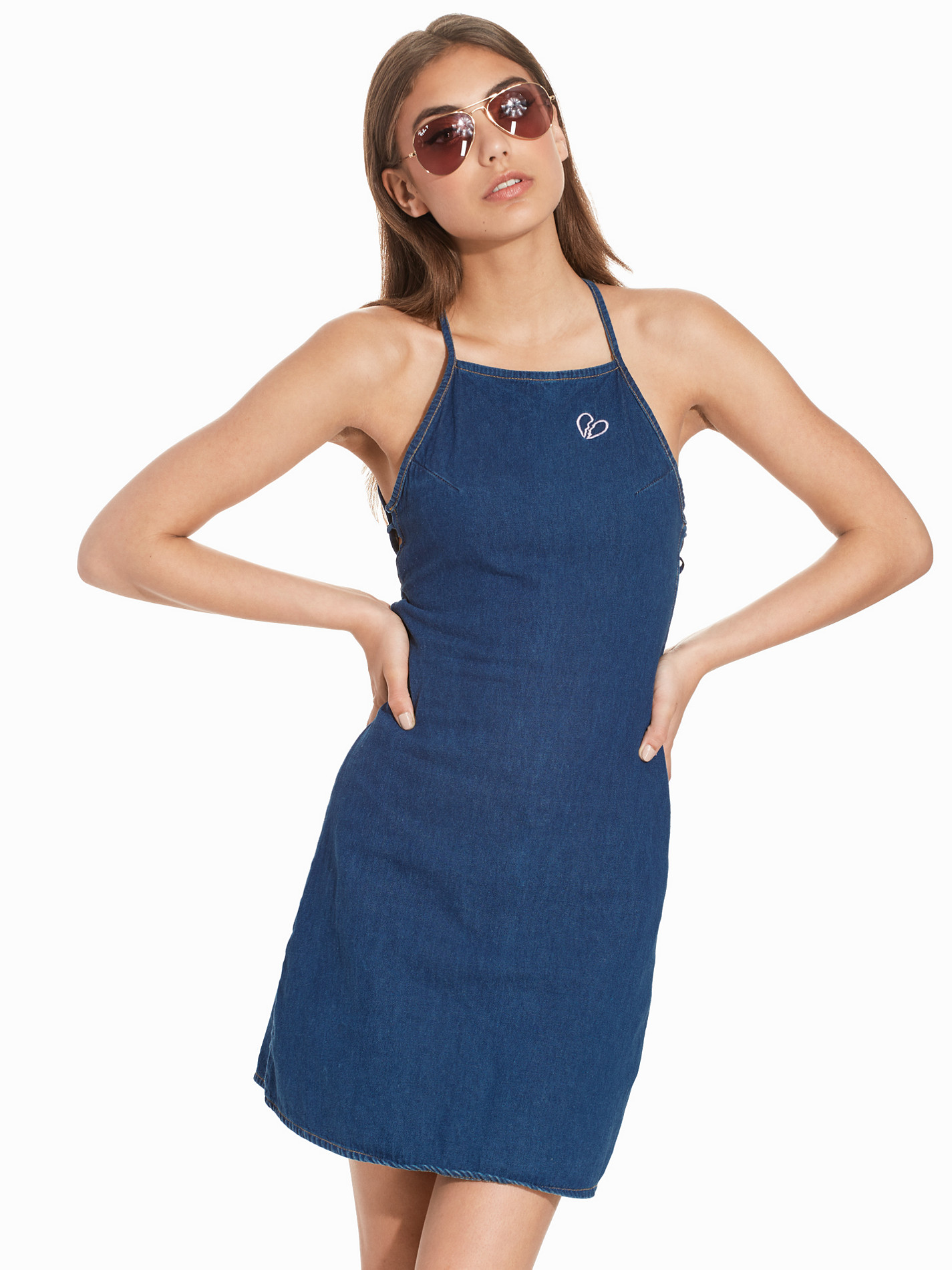
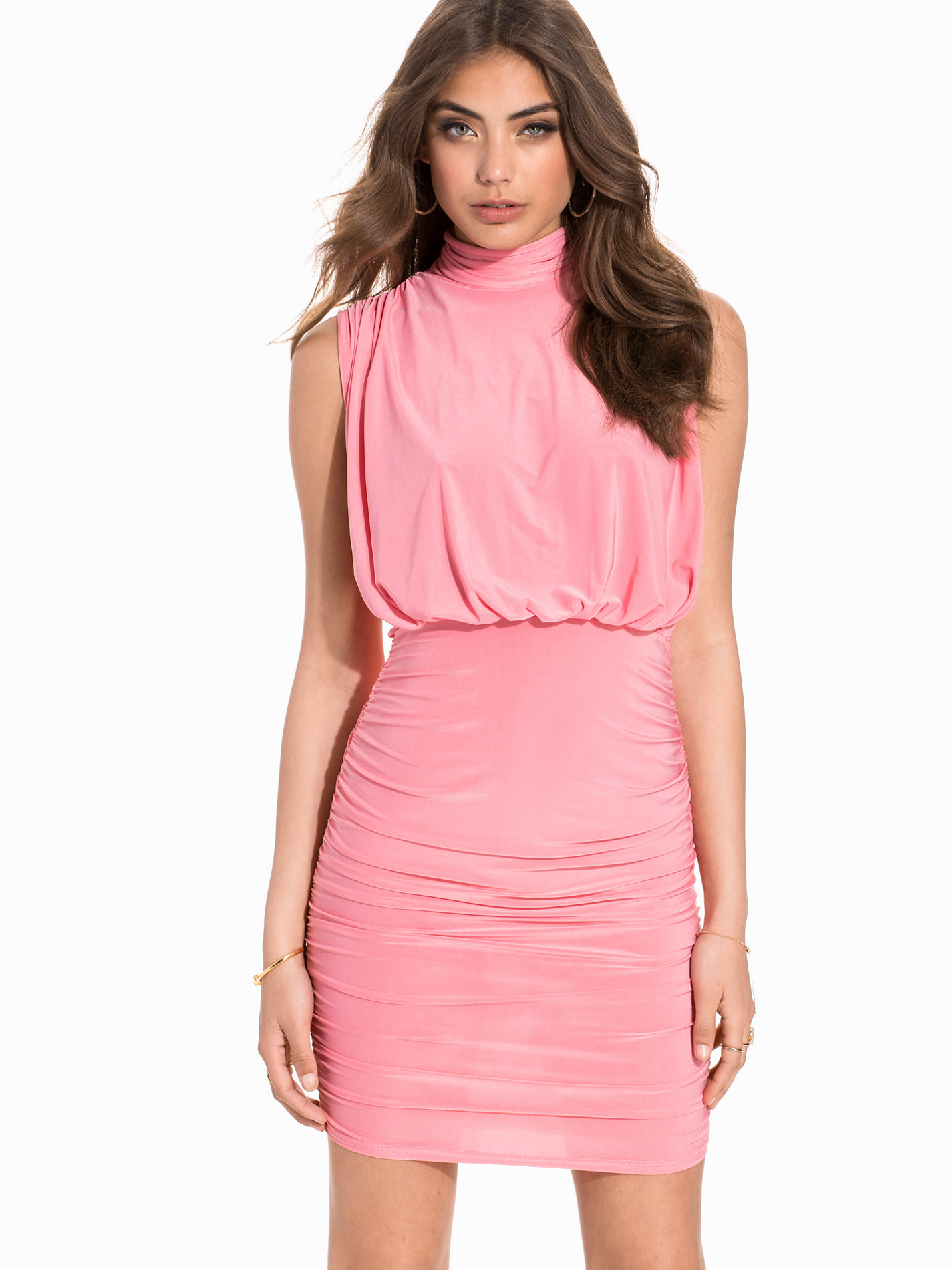
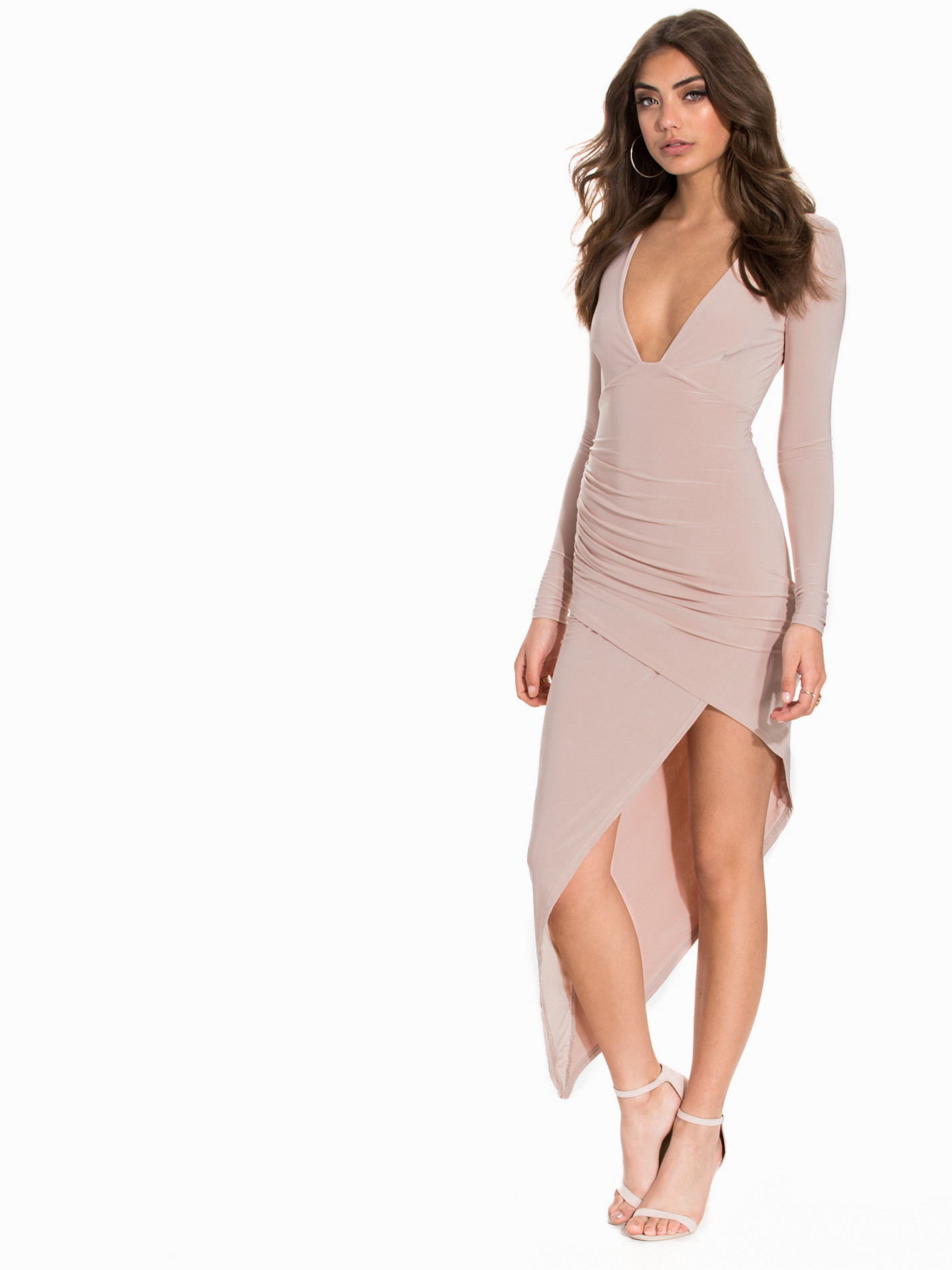
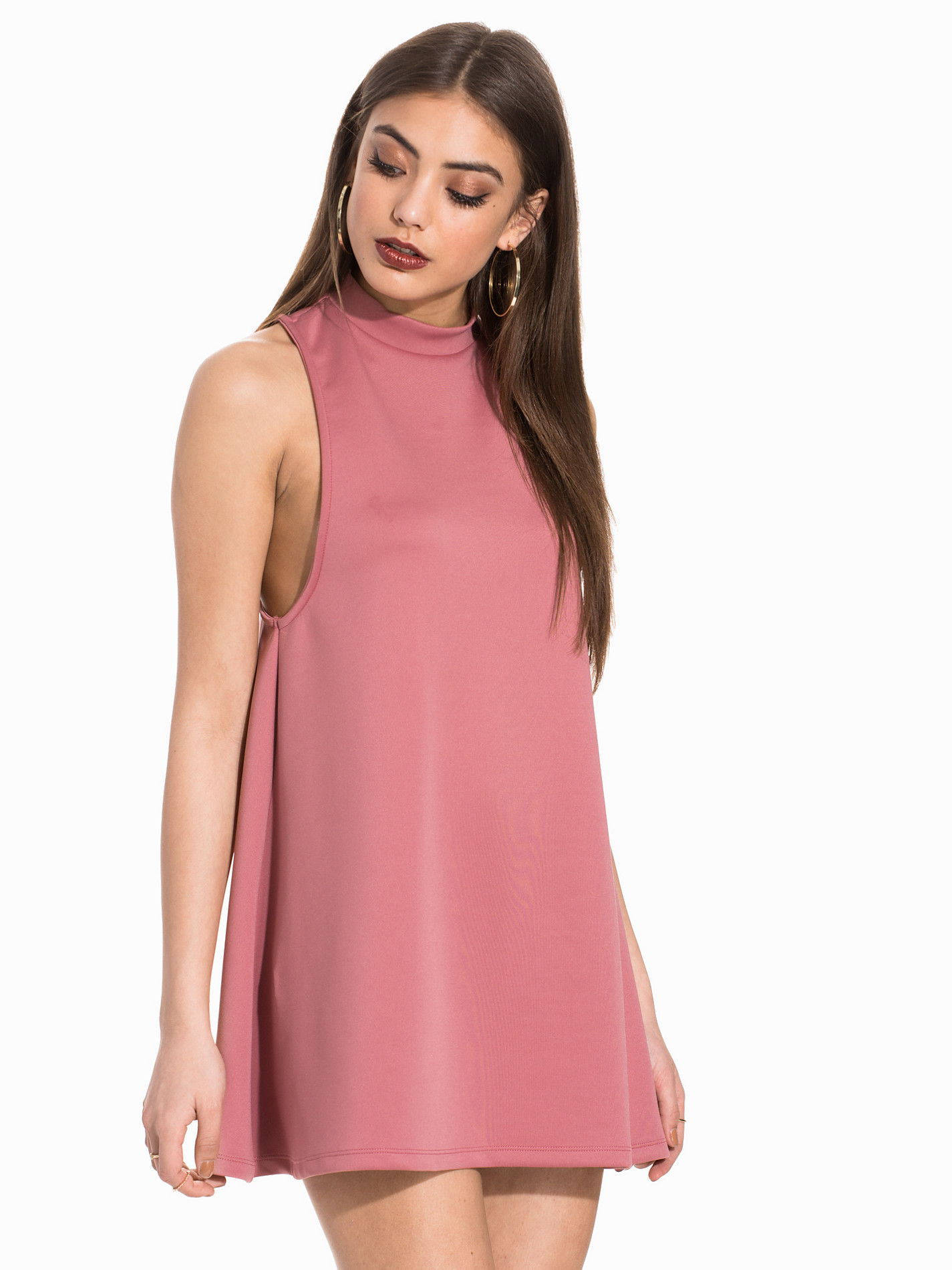
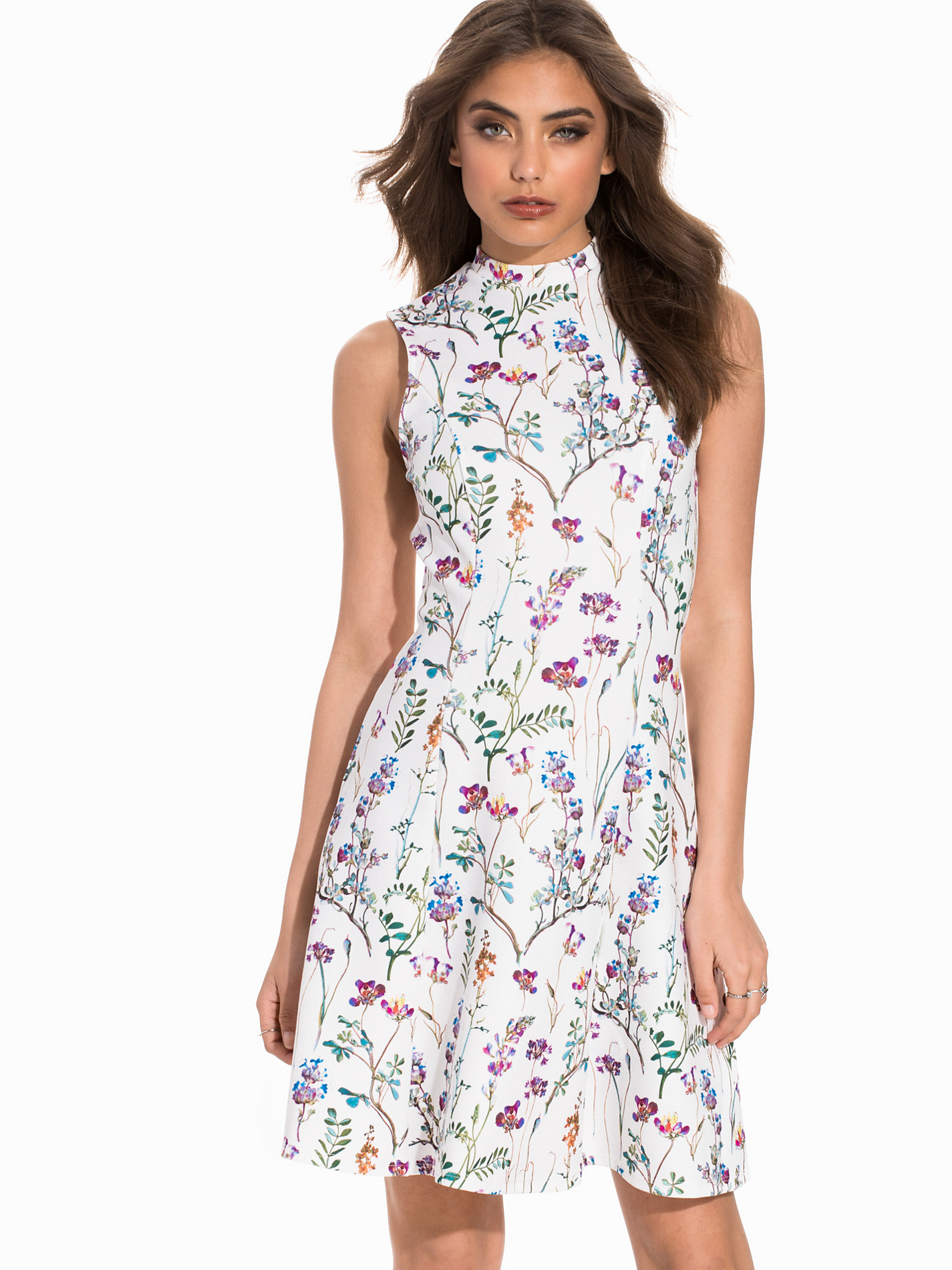
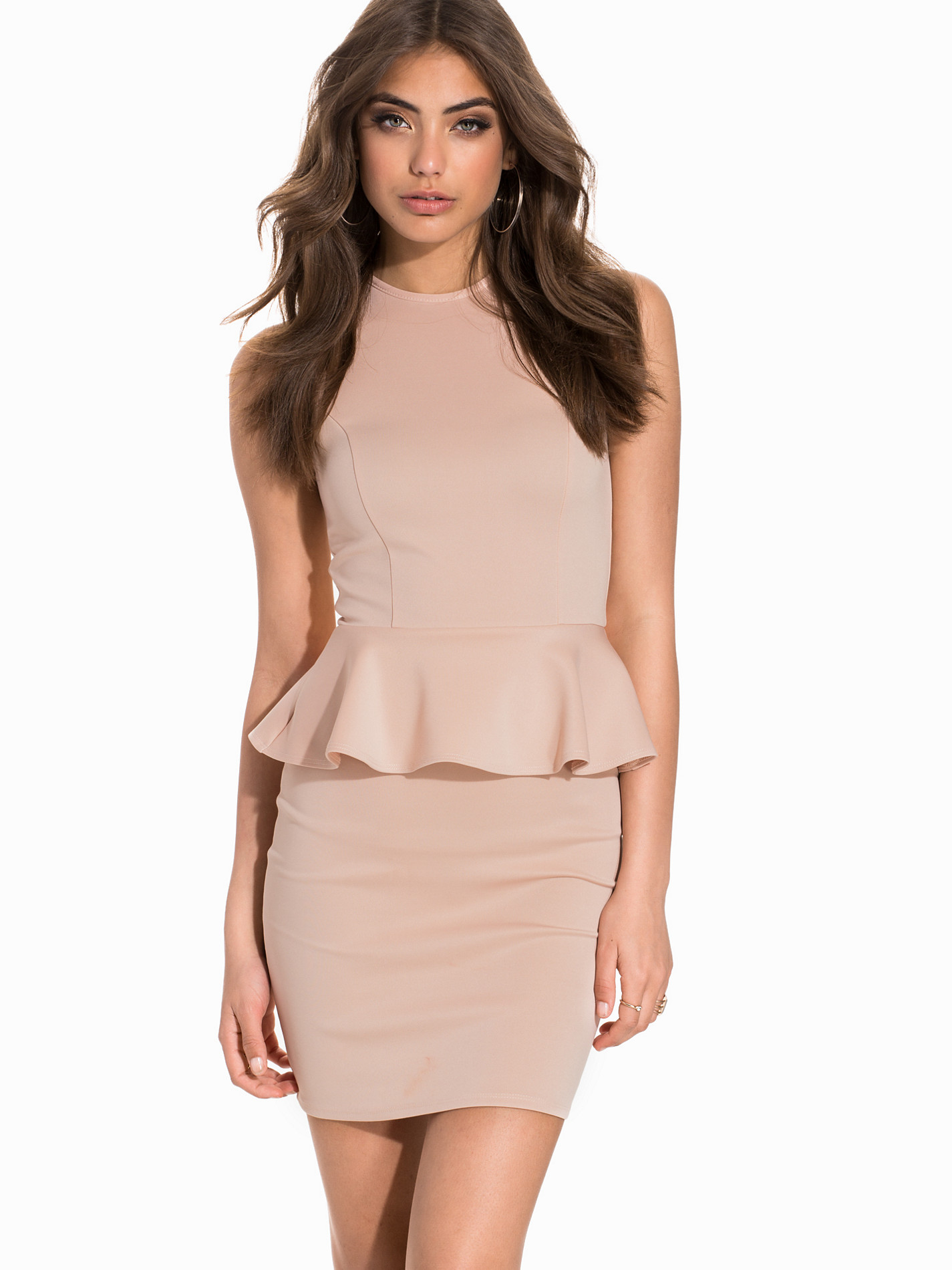
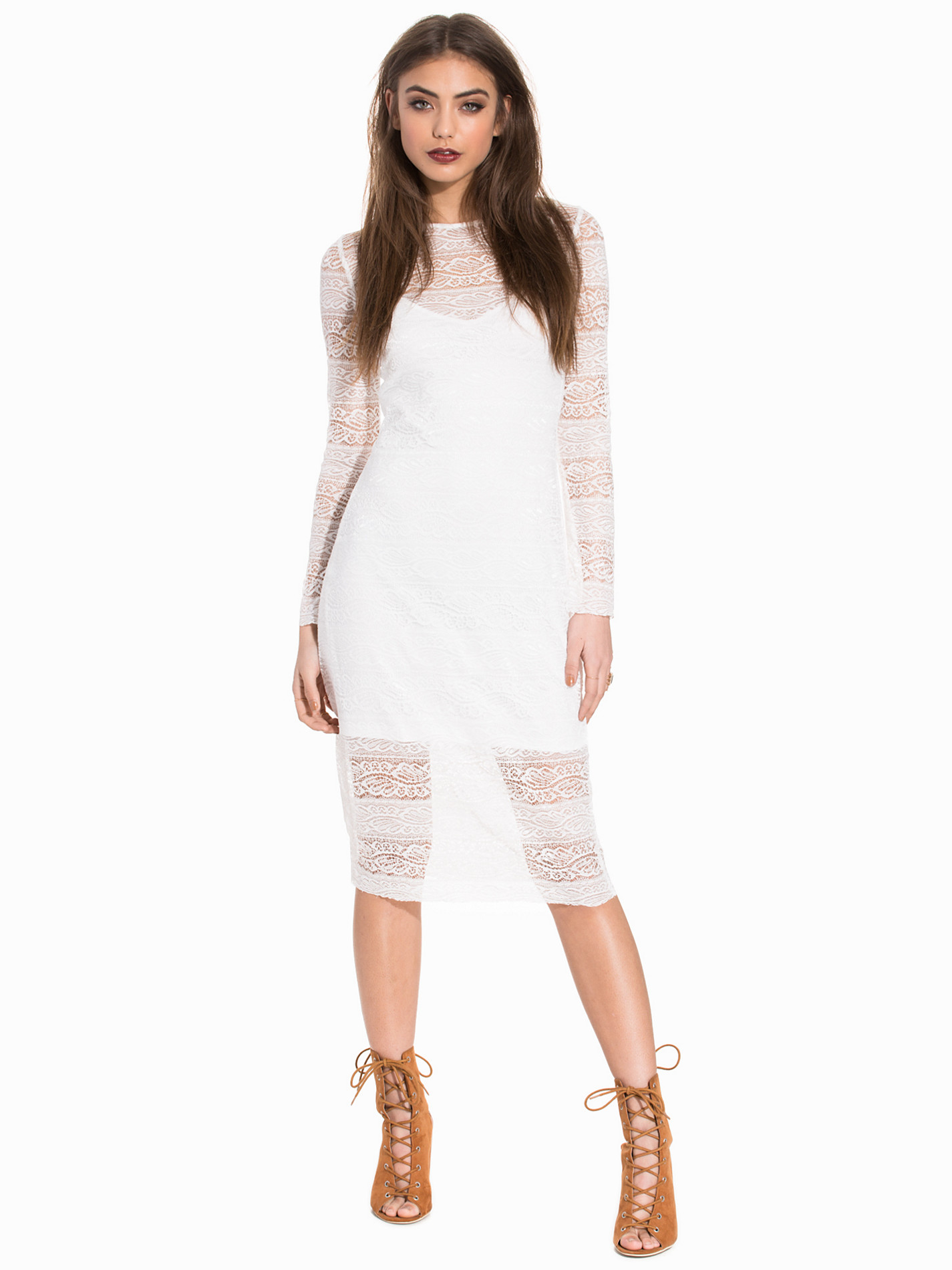
Nelly Dresses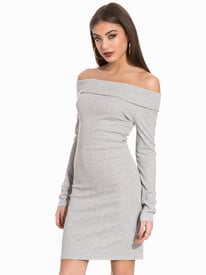

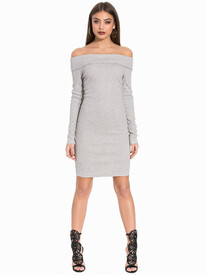

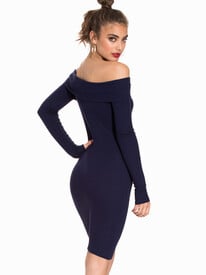
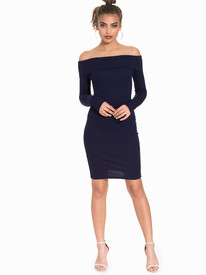
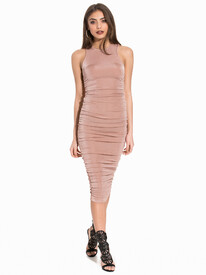

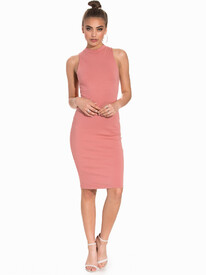
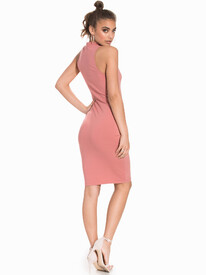
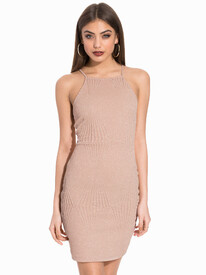
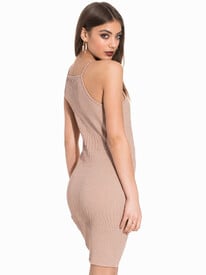
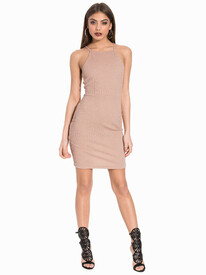
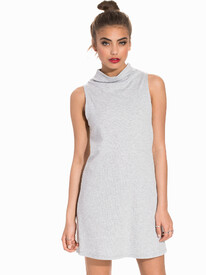
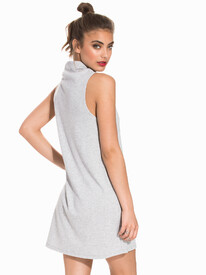
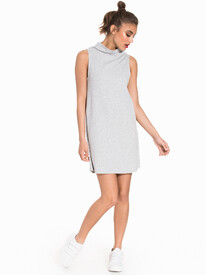
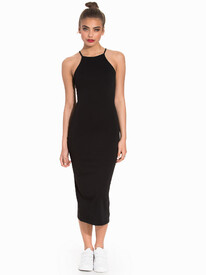
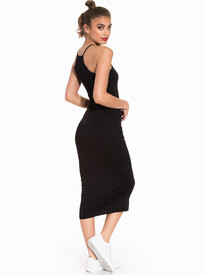
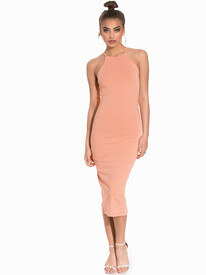
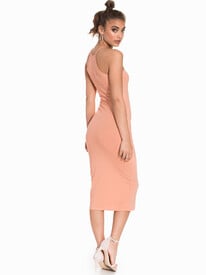
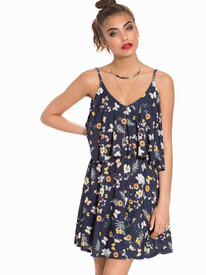
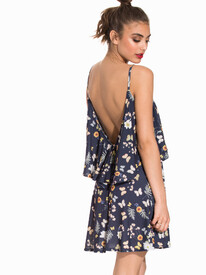
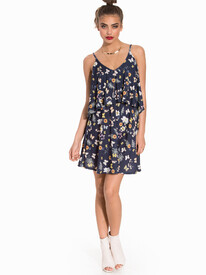
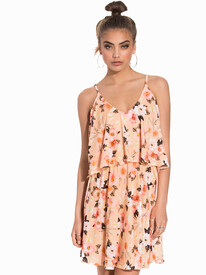
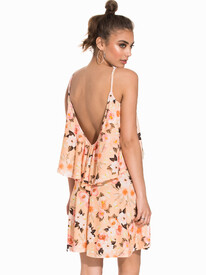
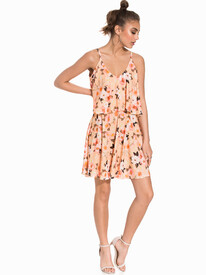
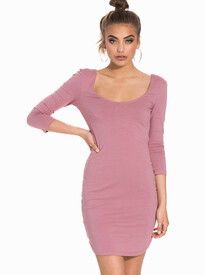


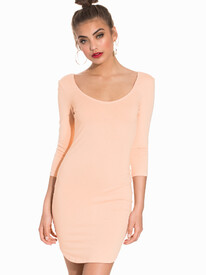
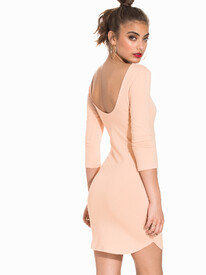
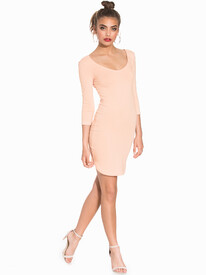
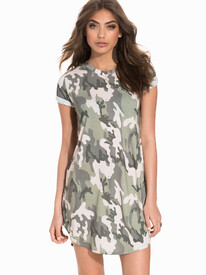
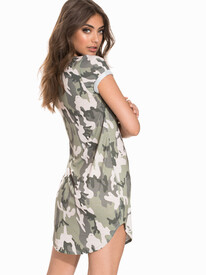
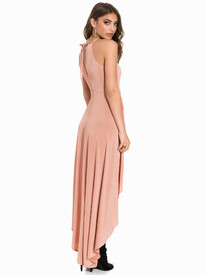
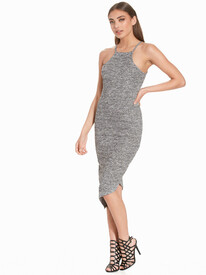
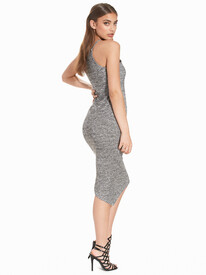
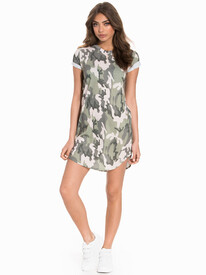 Nelly Dresses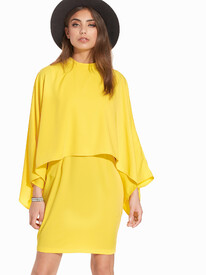
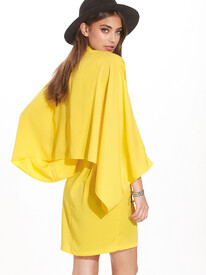
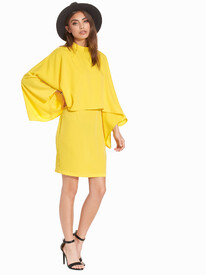
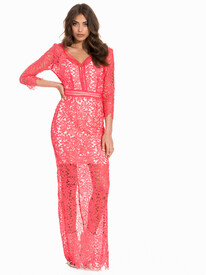
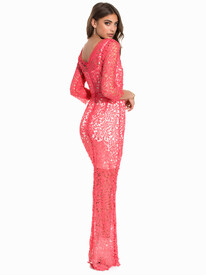
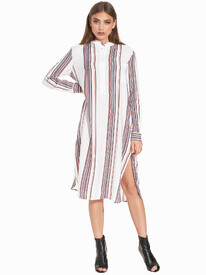
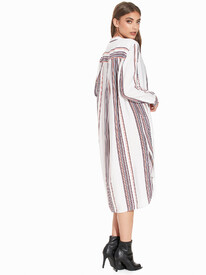
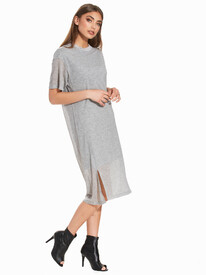
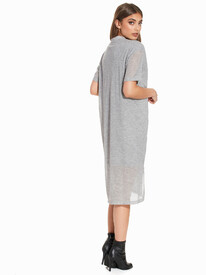
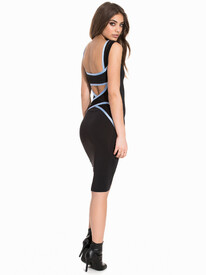
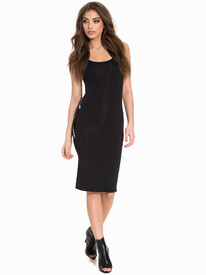
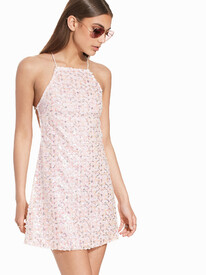
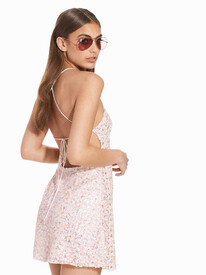
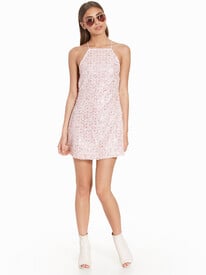
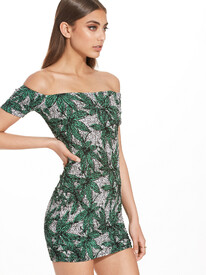
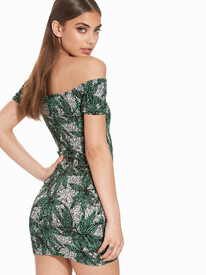
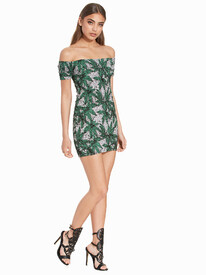
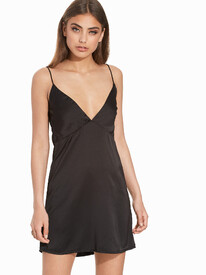
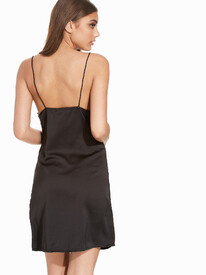
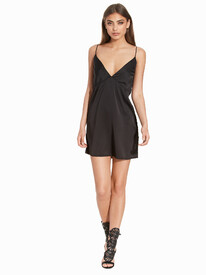
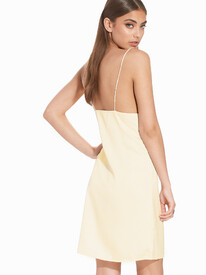
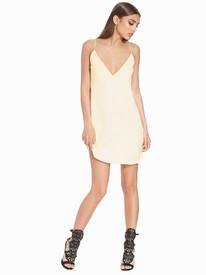

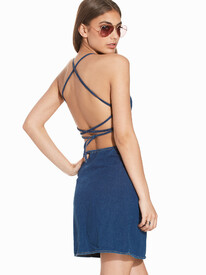
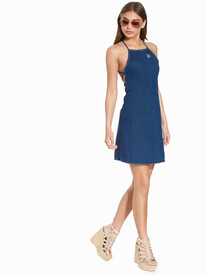
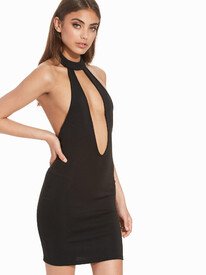
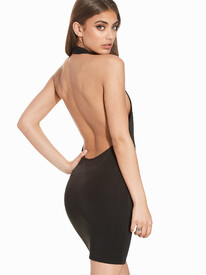
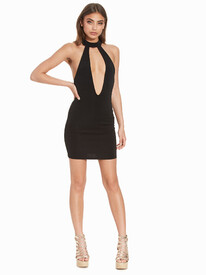
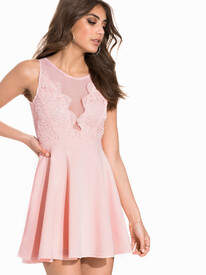
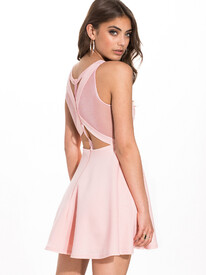
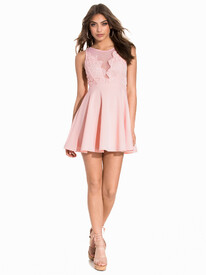
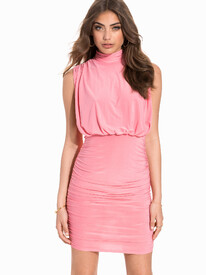


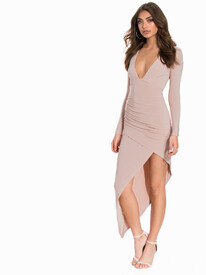
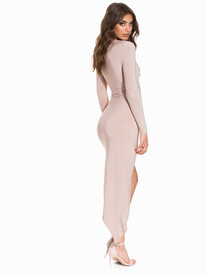
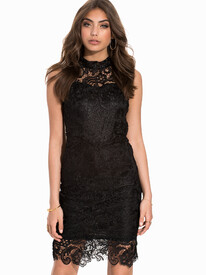
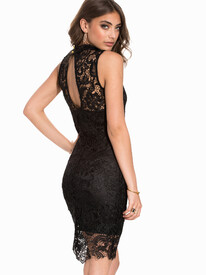
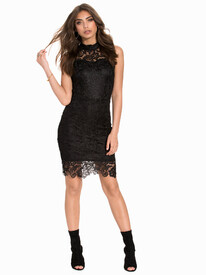
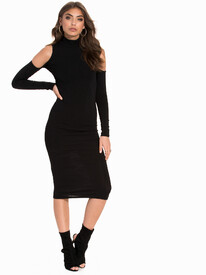
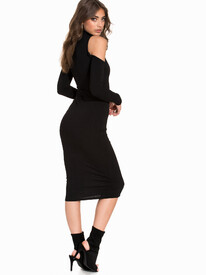
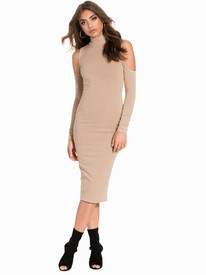
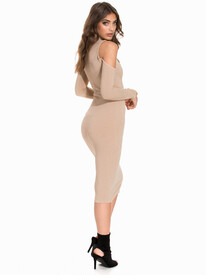
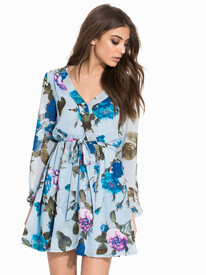
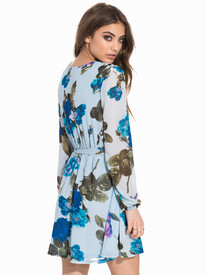
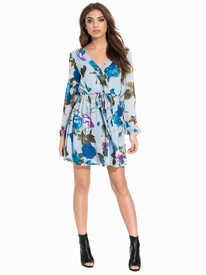
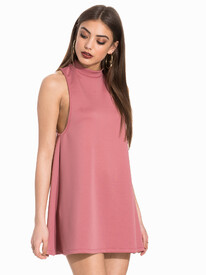
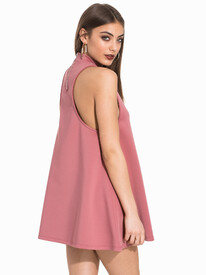
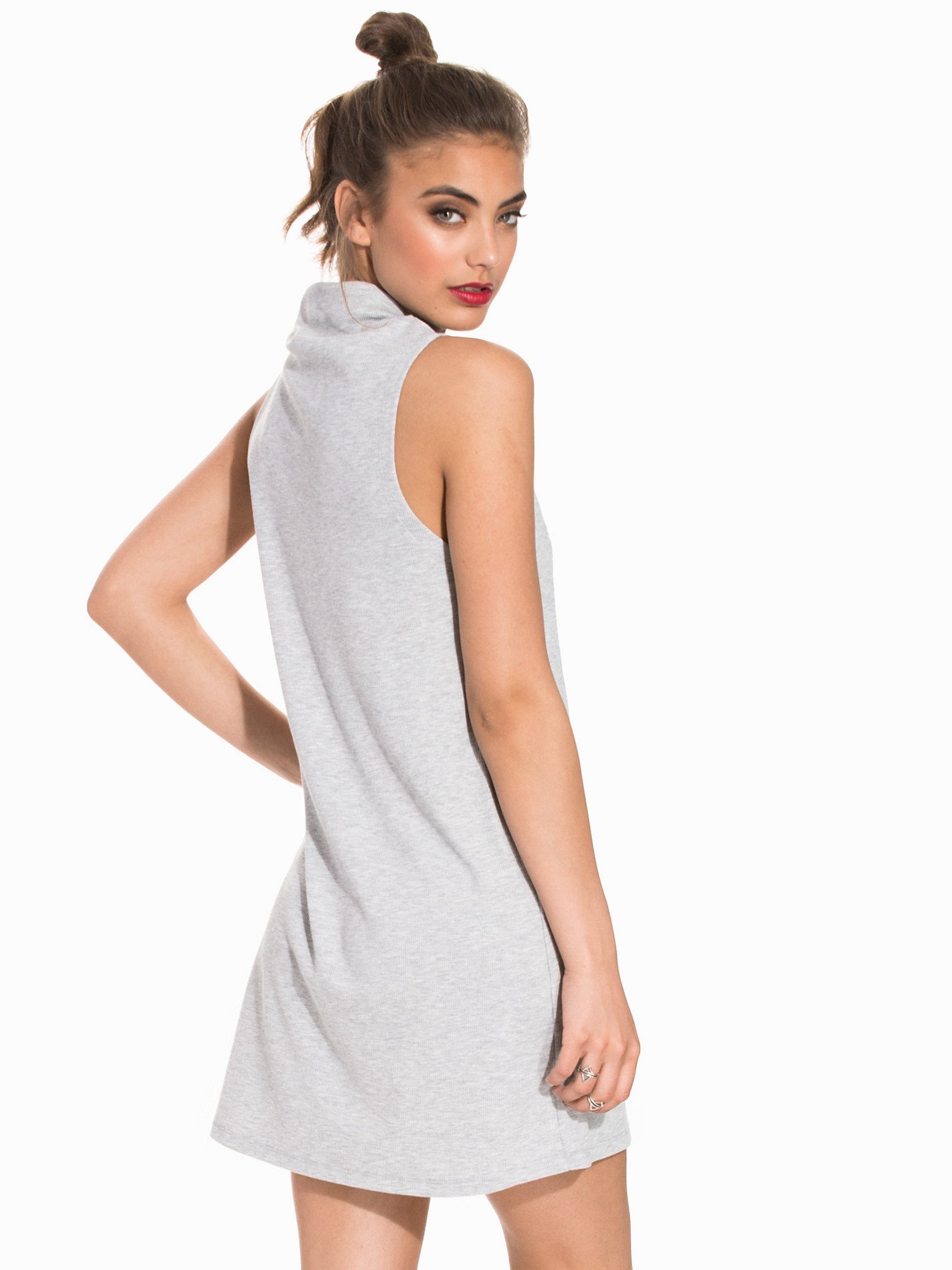
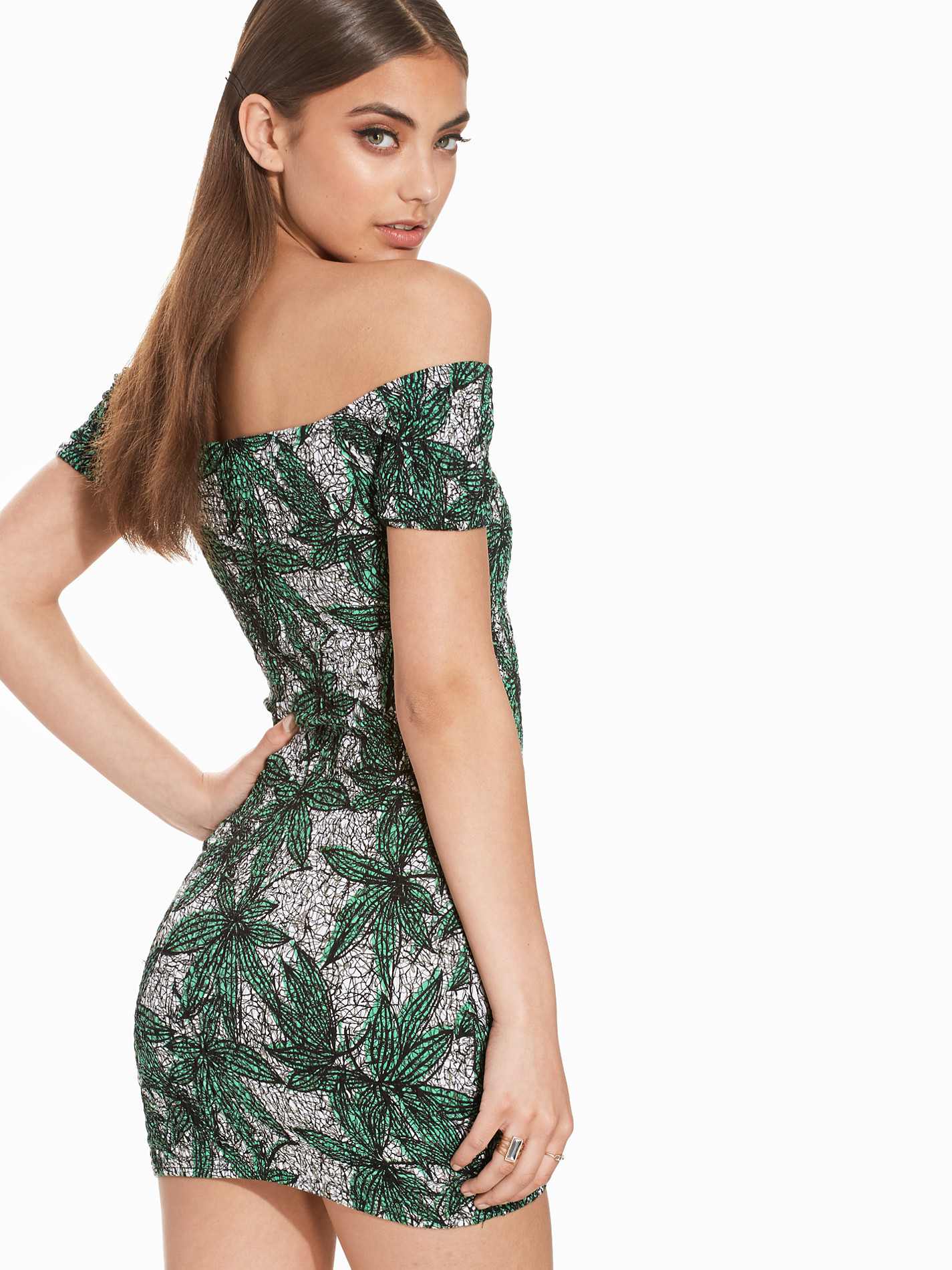
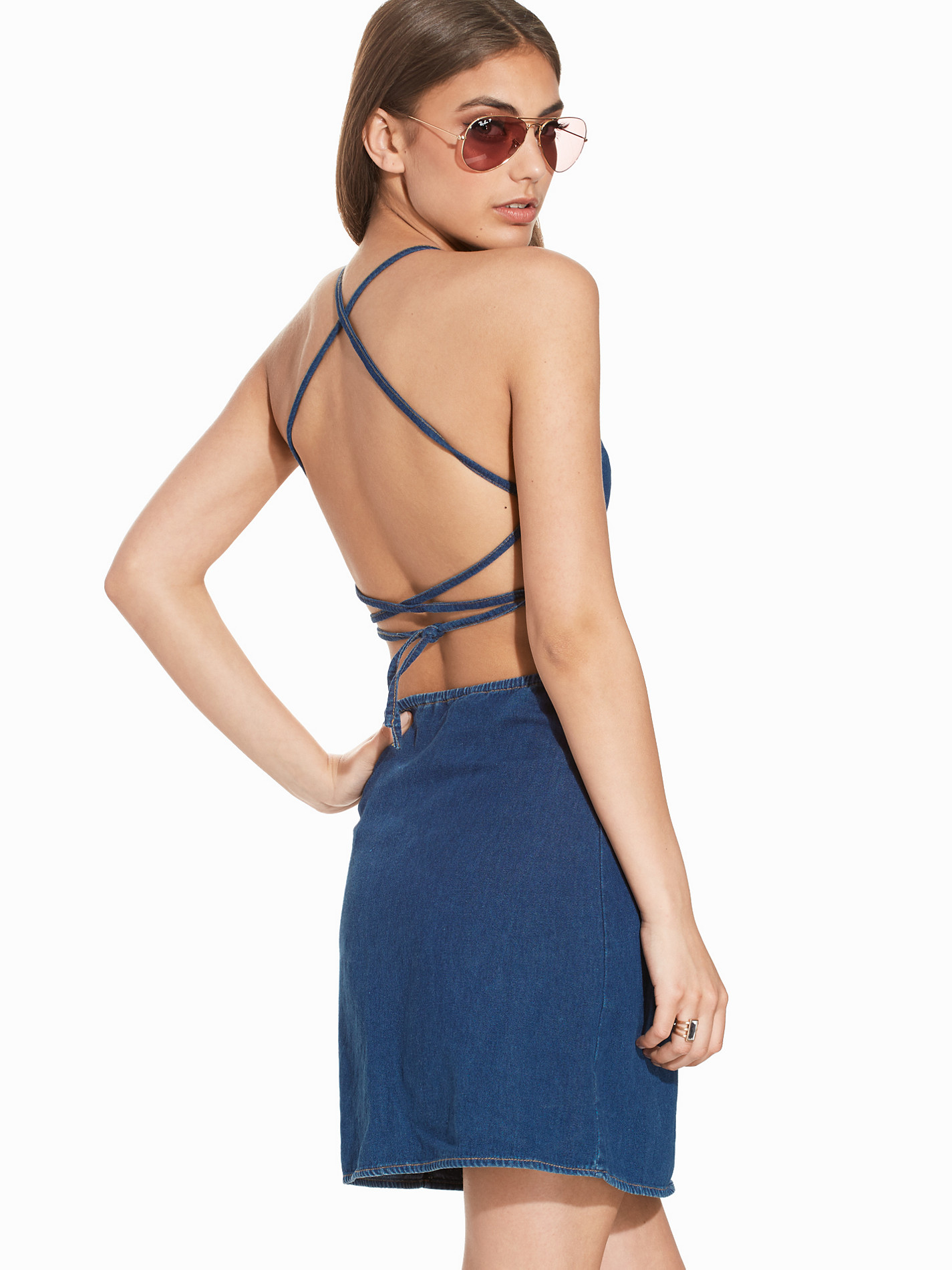
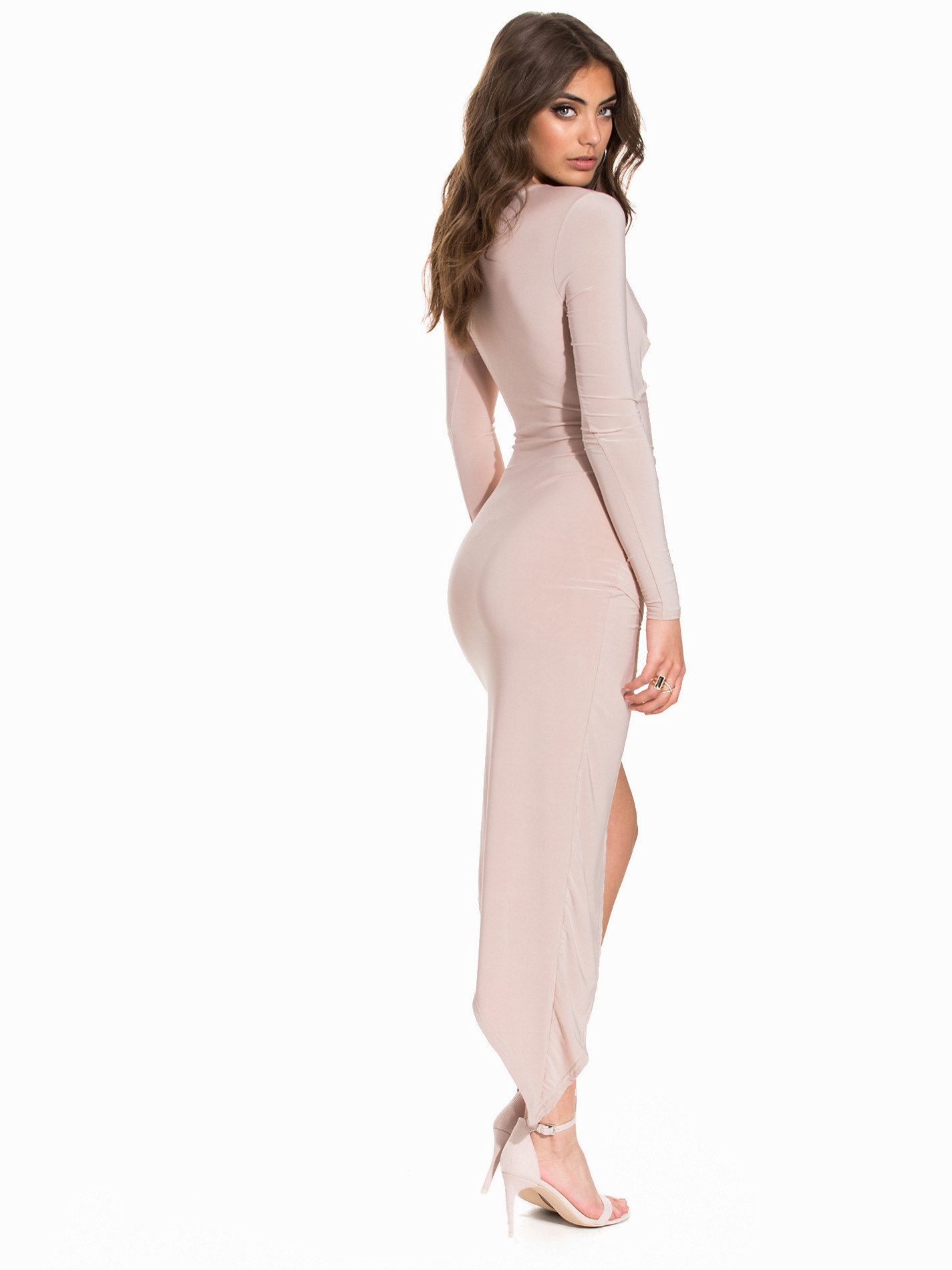
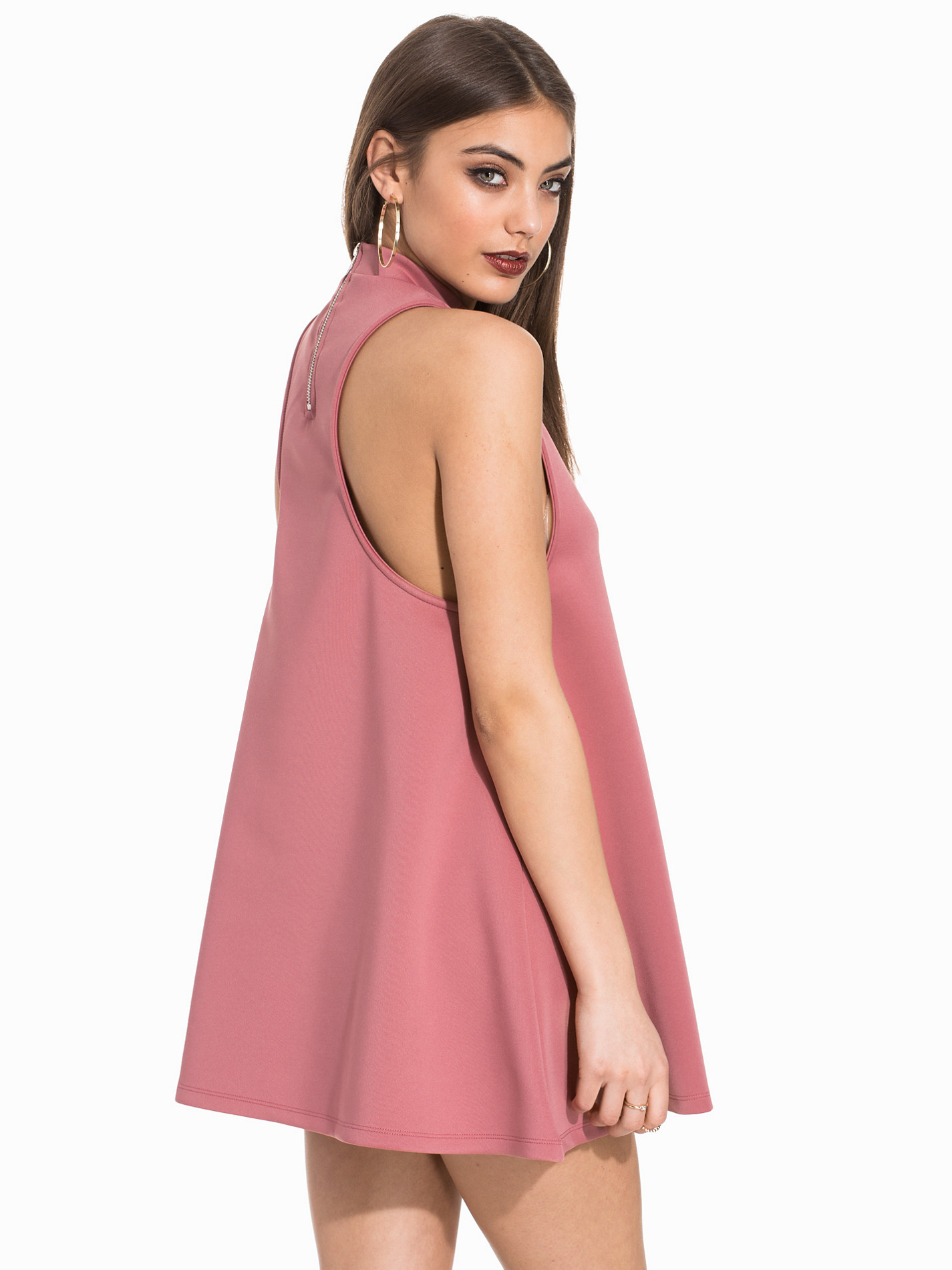
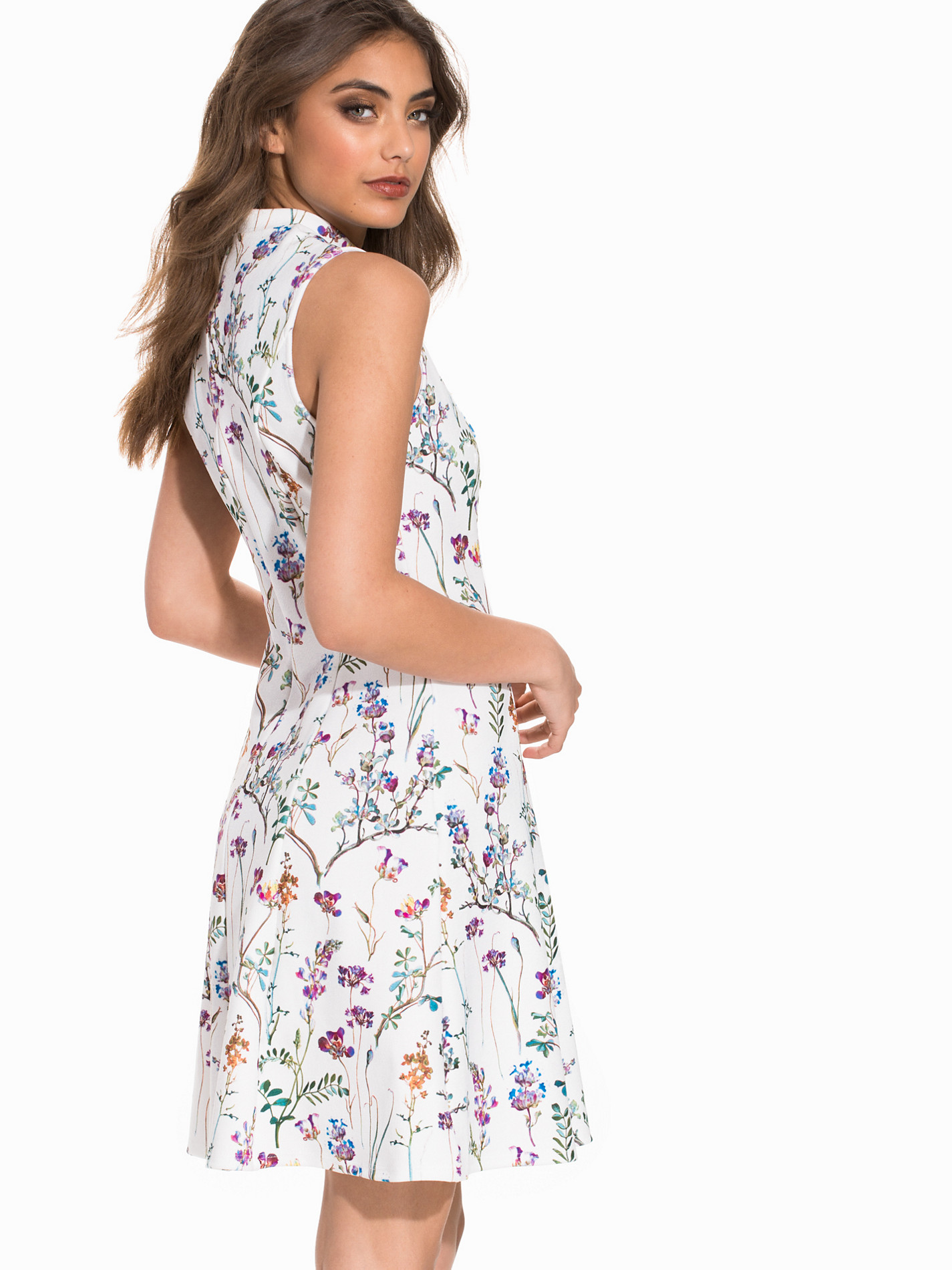
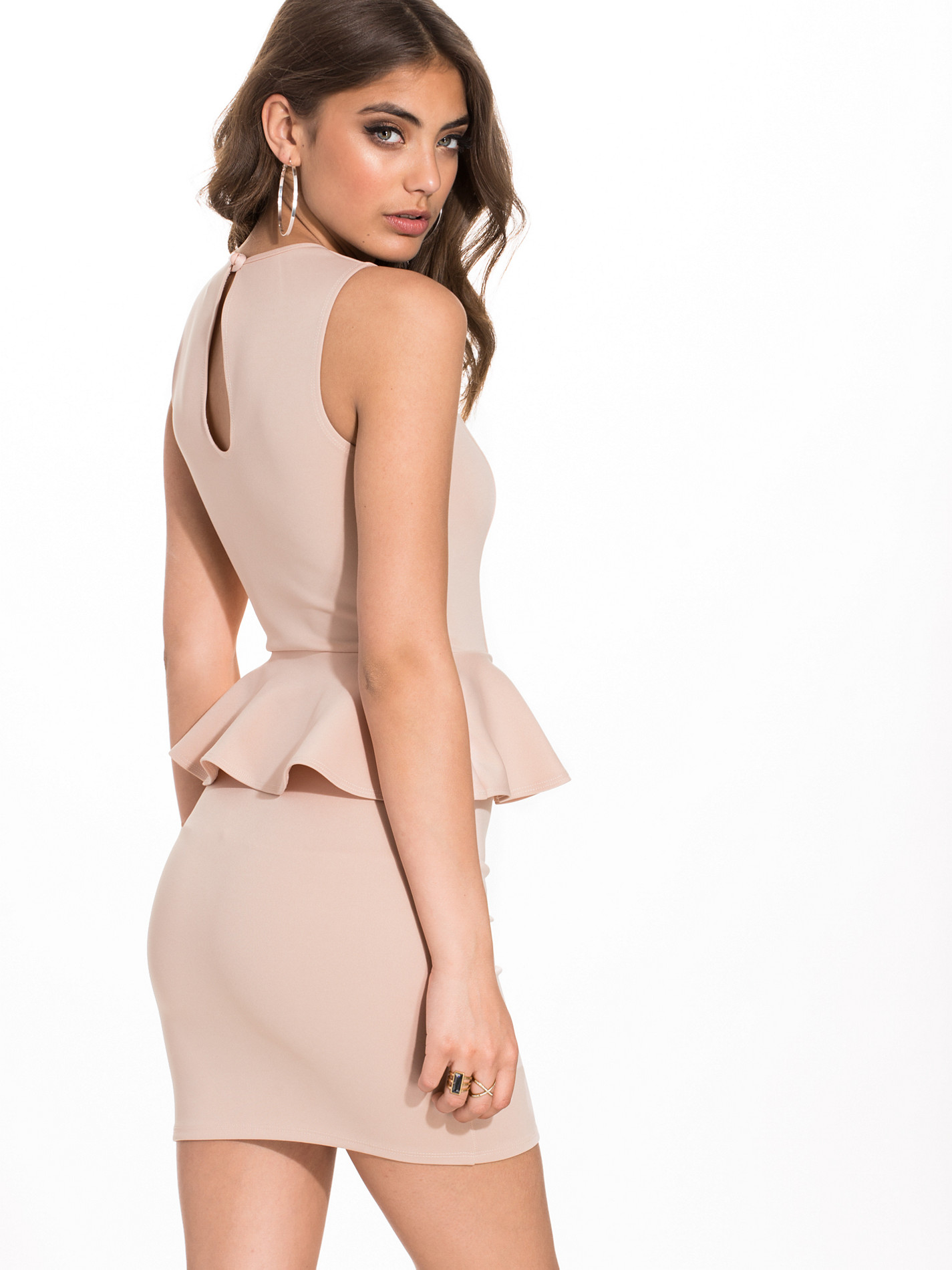
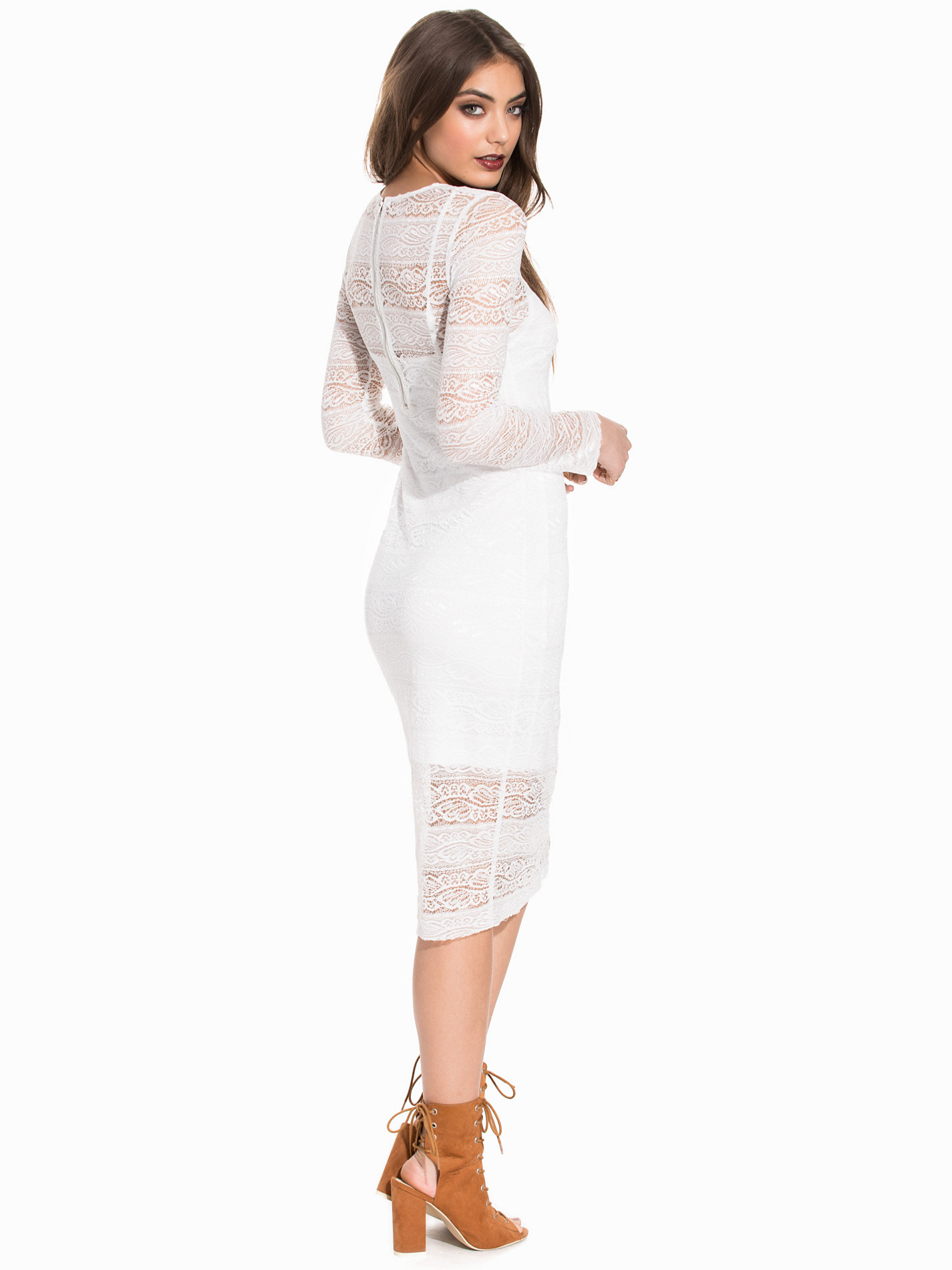
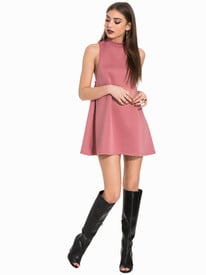 Nelly Dresses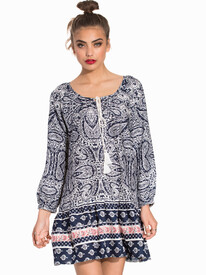
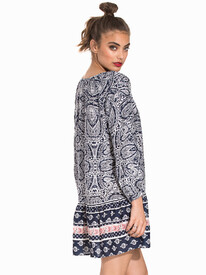
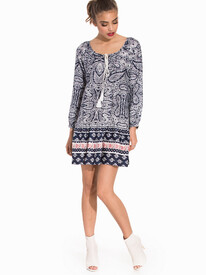
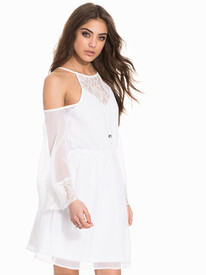
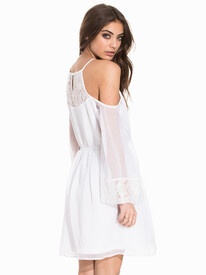
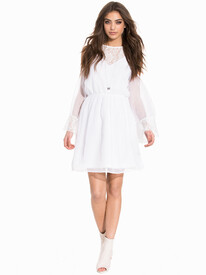
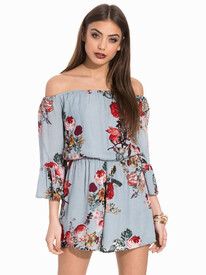
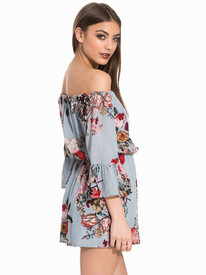
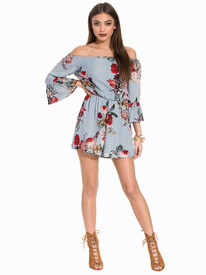
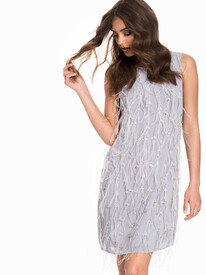
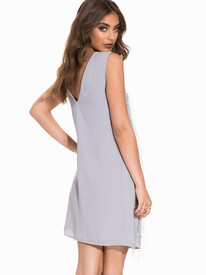
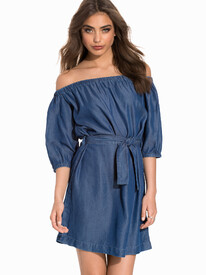
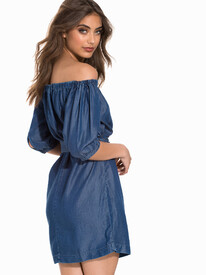

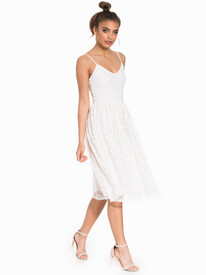
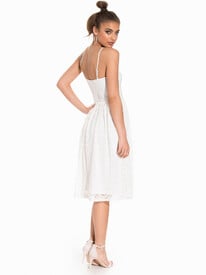
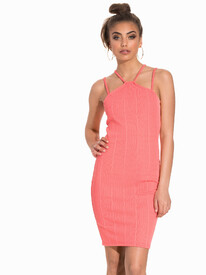
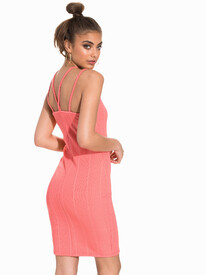
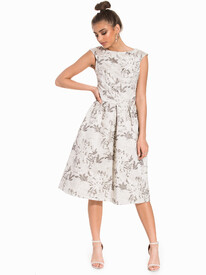
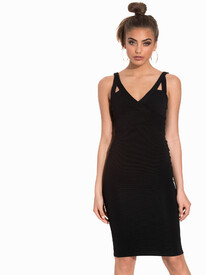
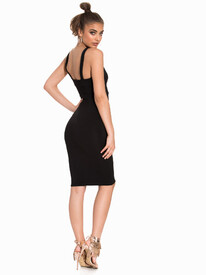
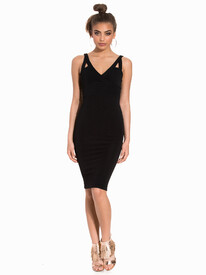
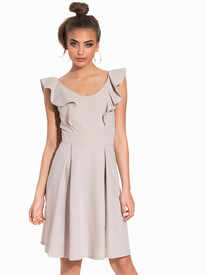

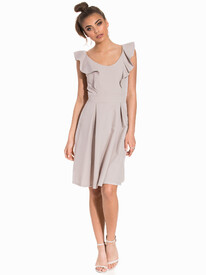
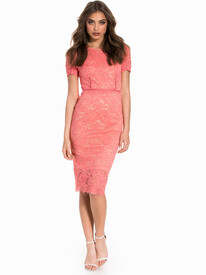
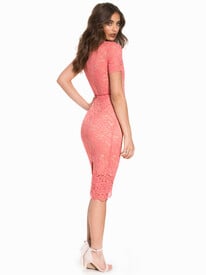
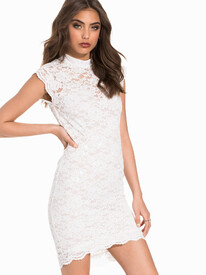
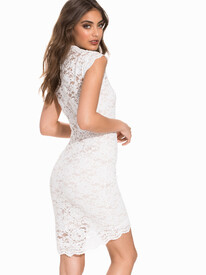
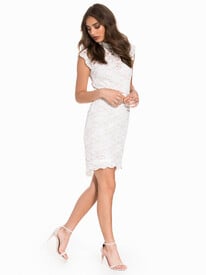
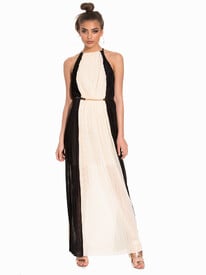
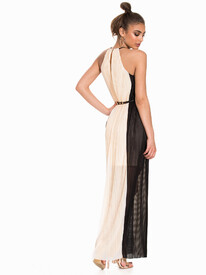
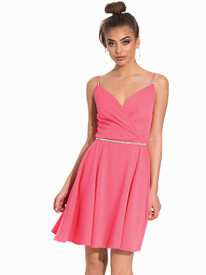
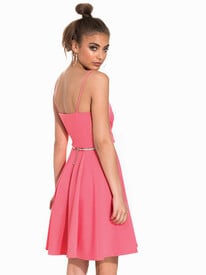
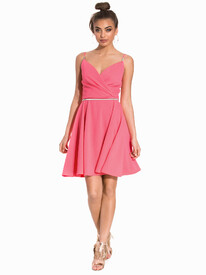
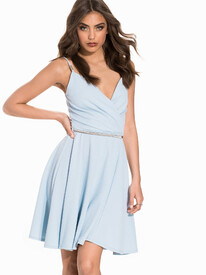
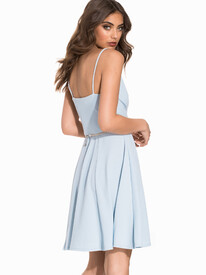
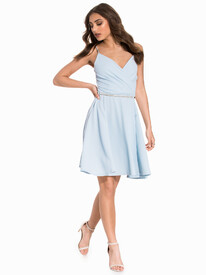
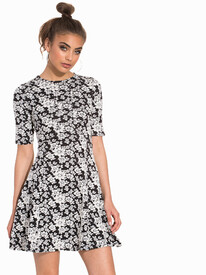
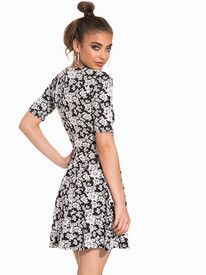
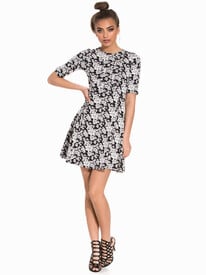
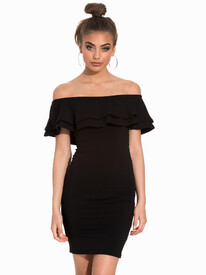
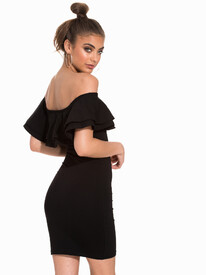
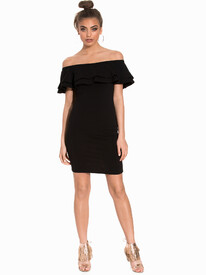
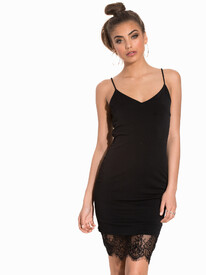
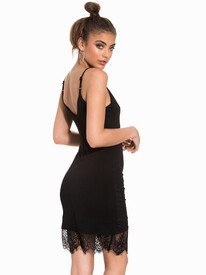
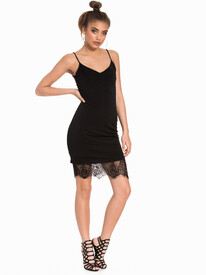
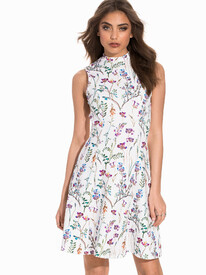
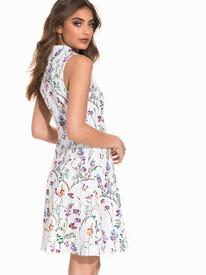
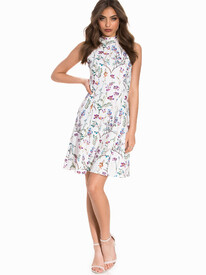
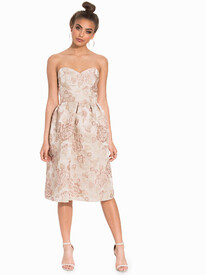
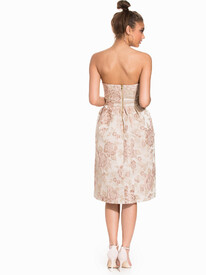
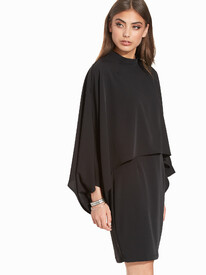
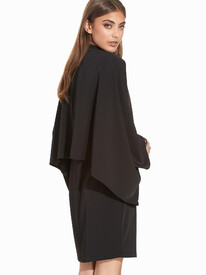
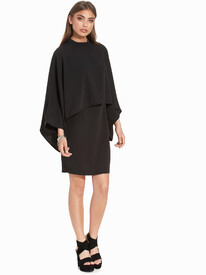 Nelly Dresses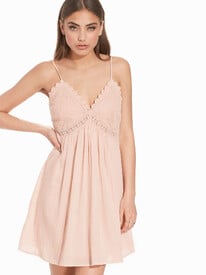






Account
Search
Configure browser push notifications
Chrome (Android)
- Tap the lock icon next to the address bar.
- Tap Permissions → Notifications.
- Adjust your preference.
Chrome (Desktop)
- Click the padlock icon in the address bar.
- Select Site settings.
- Find Notifications and adjust your preference.
Safari (iOS 16.4+)
- Ensure the site is installed via Add to Home Screen.
- Open Settings App → Notifications.
- Find your app name and adjust your preference.
Safari (macOS)
- Go to Safari → Preferences.
- Click the Websites tab.
- Select Notifications in the sidebar.
- Find this website and adjust your preference.
Edge (Android)
- Tap the lock icon next to the address bar.
- Tap Permissions.
- Find Notifications and adjust your preference.
Edge (Desktop)
- Click the padlock icon in the address bar.
- Click Permissions for this site.
- Find Notifications and adjust your preference.
Firefox (Android)
- Go to Settings → Site permissions.
- Tap Notifications.
- Find this site in the list and adjust your preference.
Firefox (Desktop)
- Open Firefox Settings.
- Search for Notifications.
- Find this site in the list and adjust your preference.