

RIP_Cabrini_Green
Members
-
Joined
-
Last visited
Everything posted by RIP_Cabrini_Green
-

-
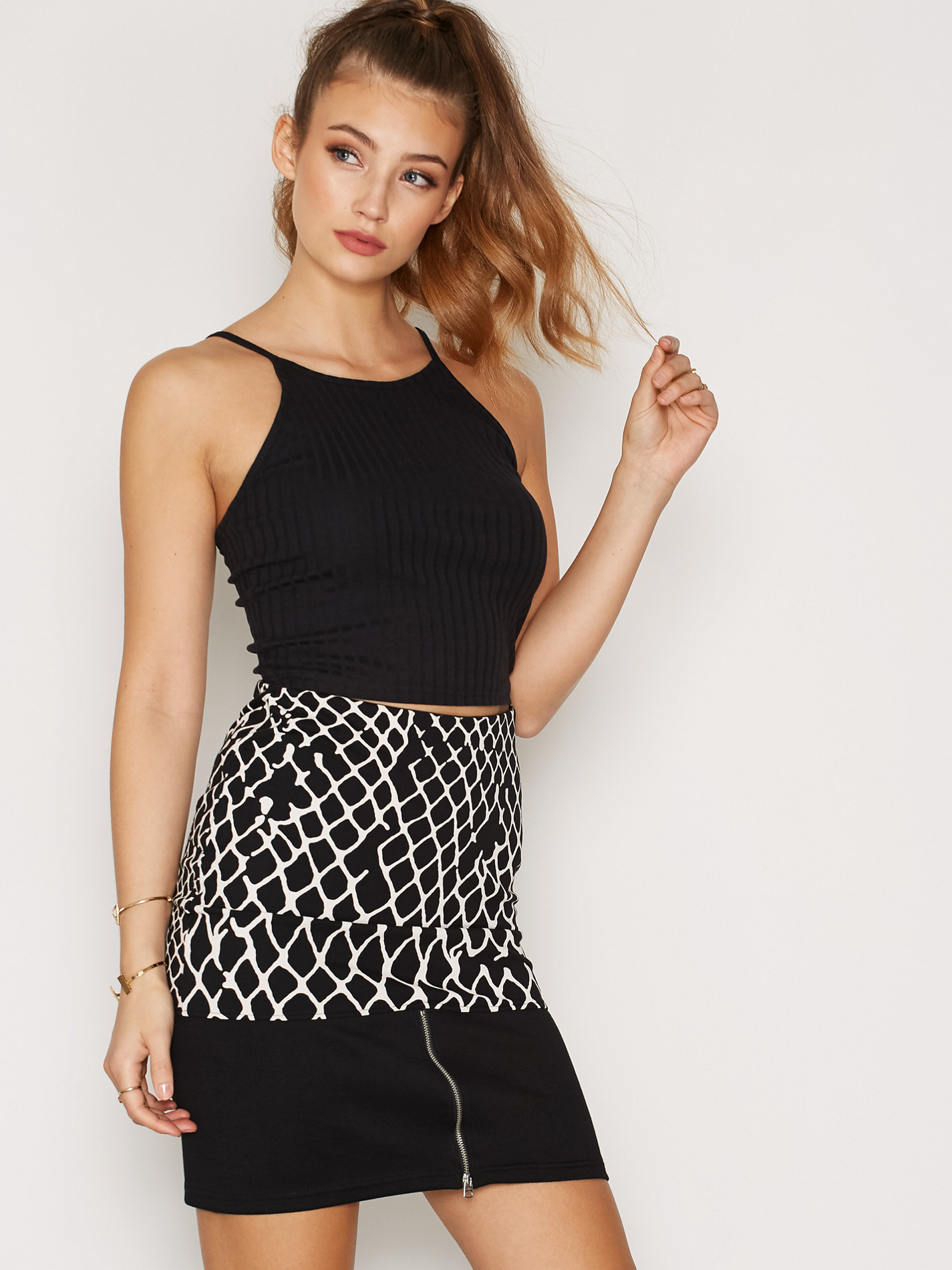
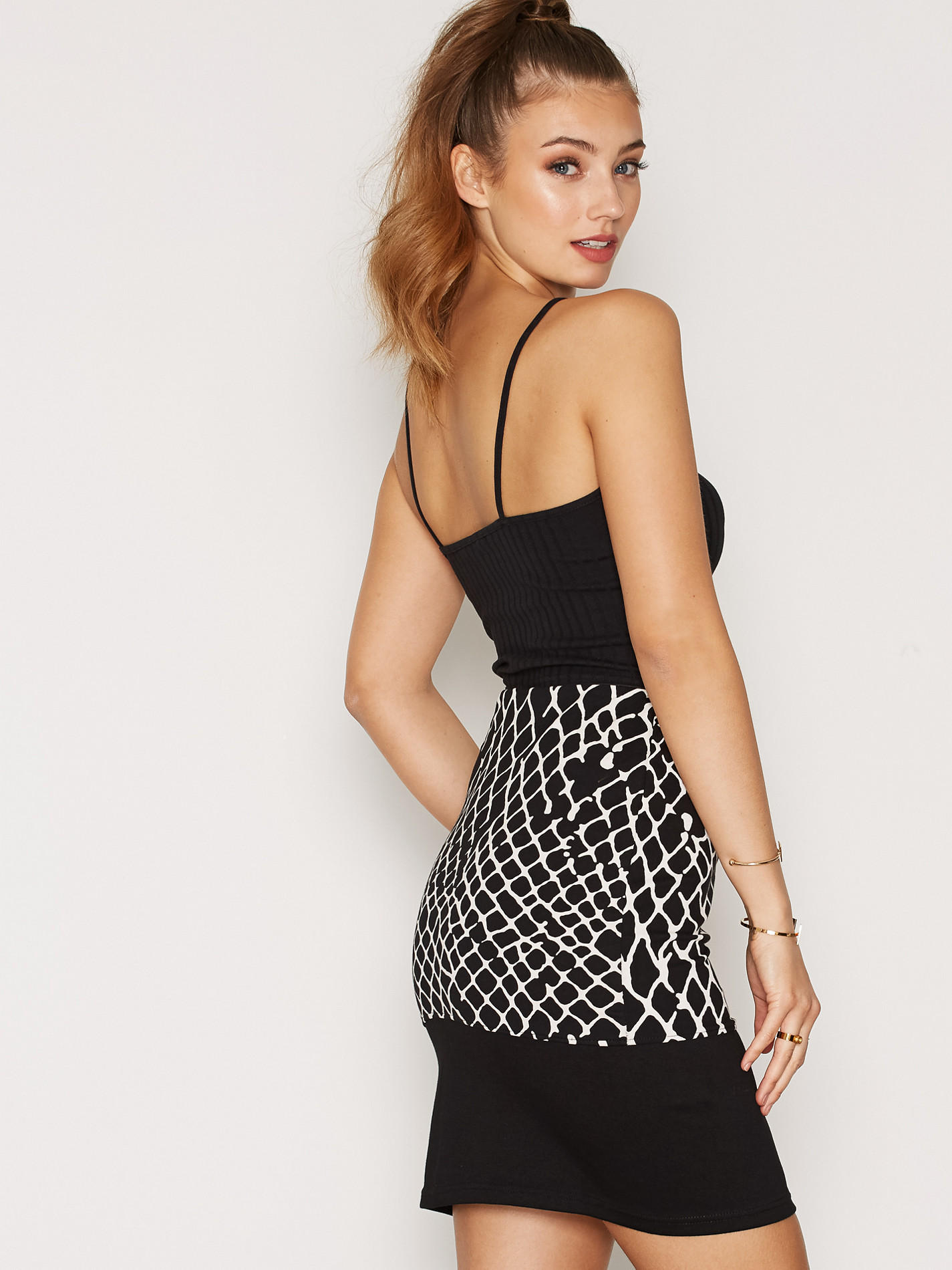
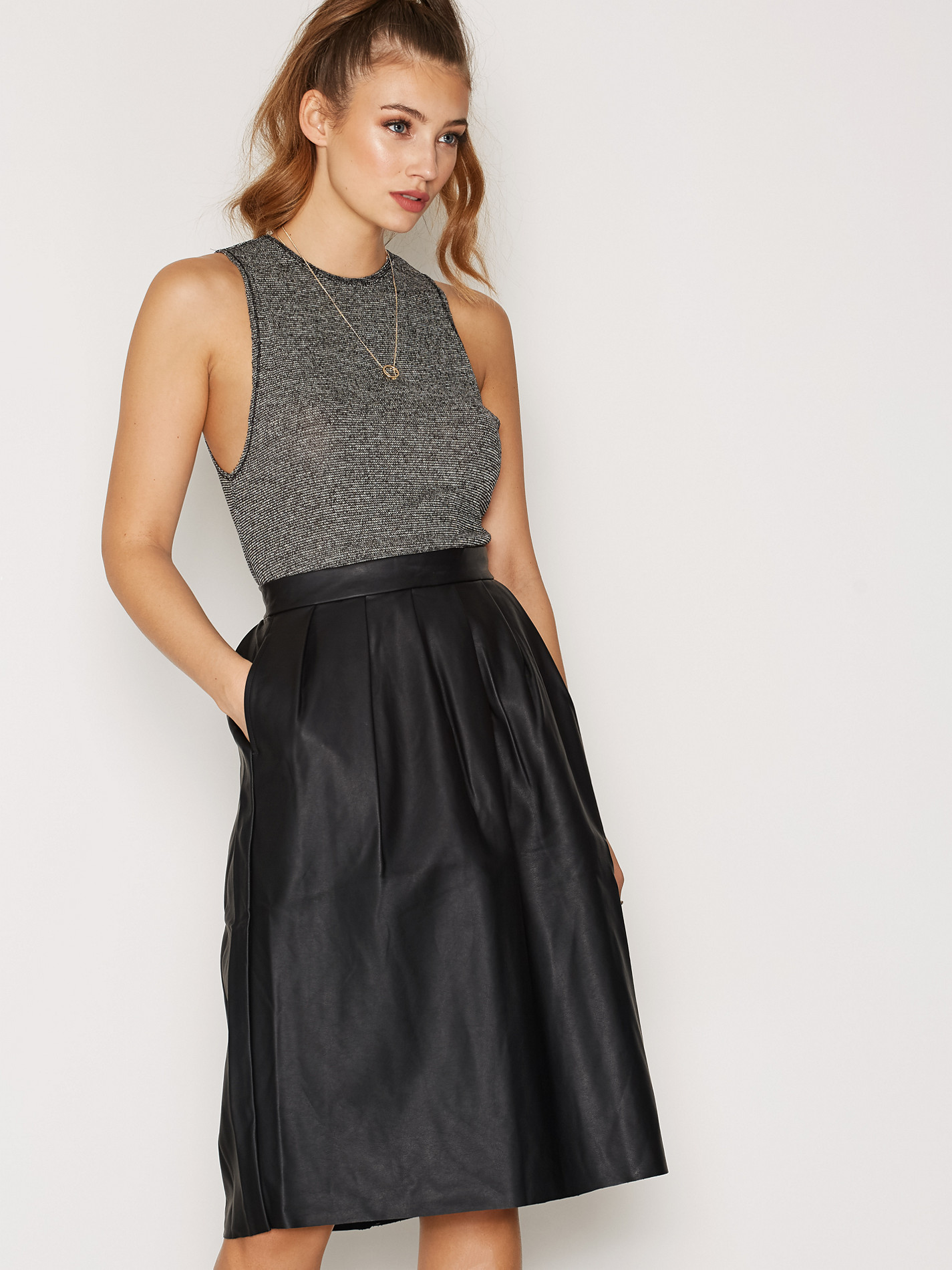
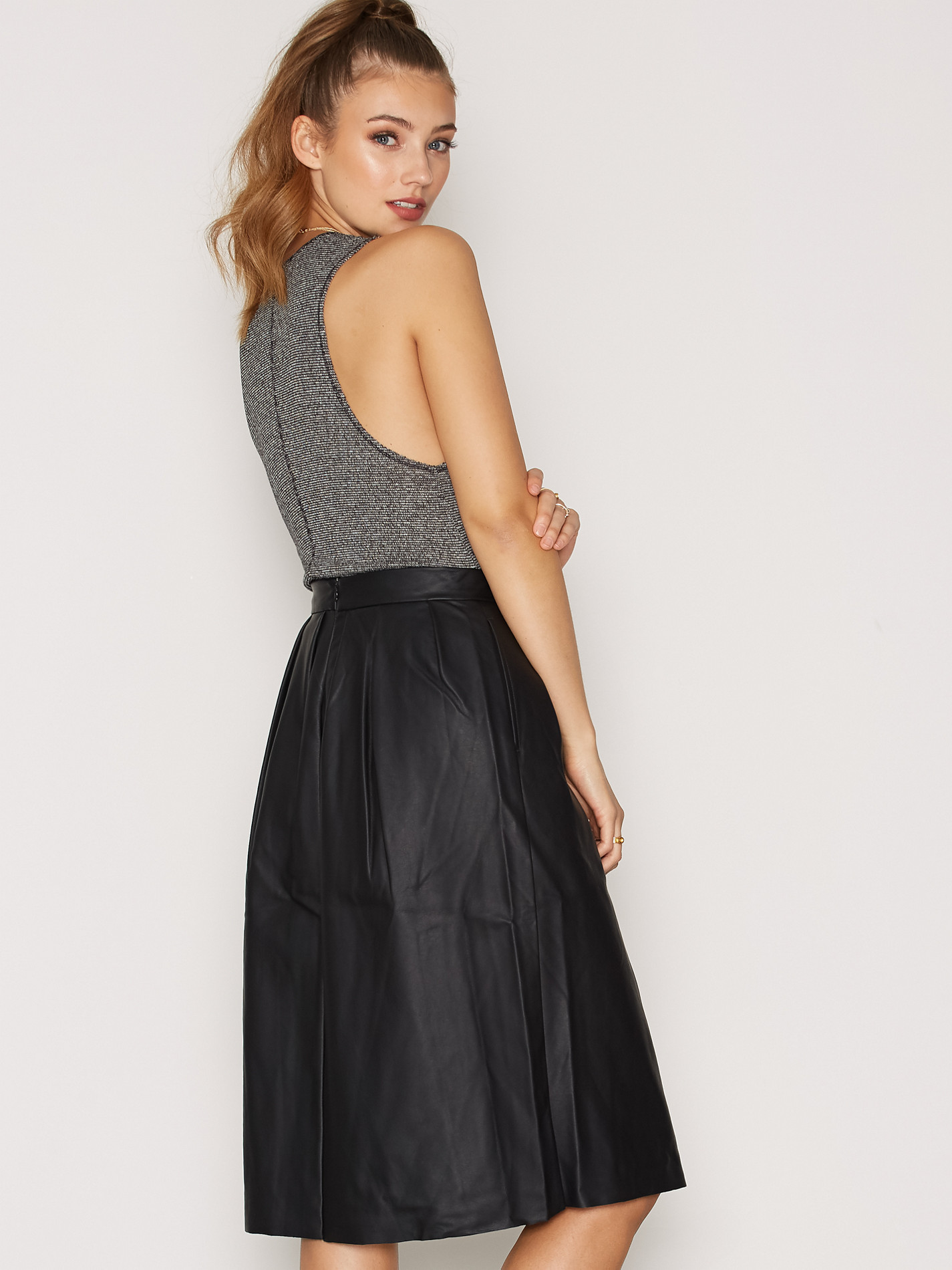
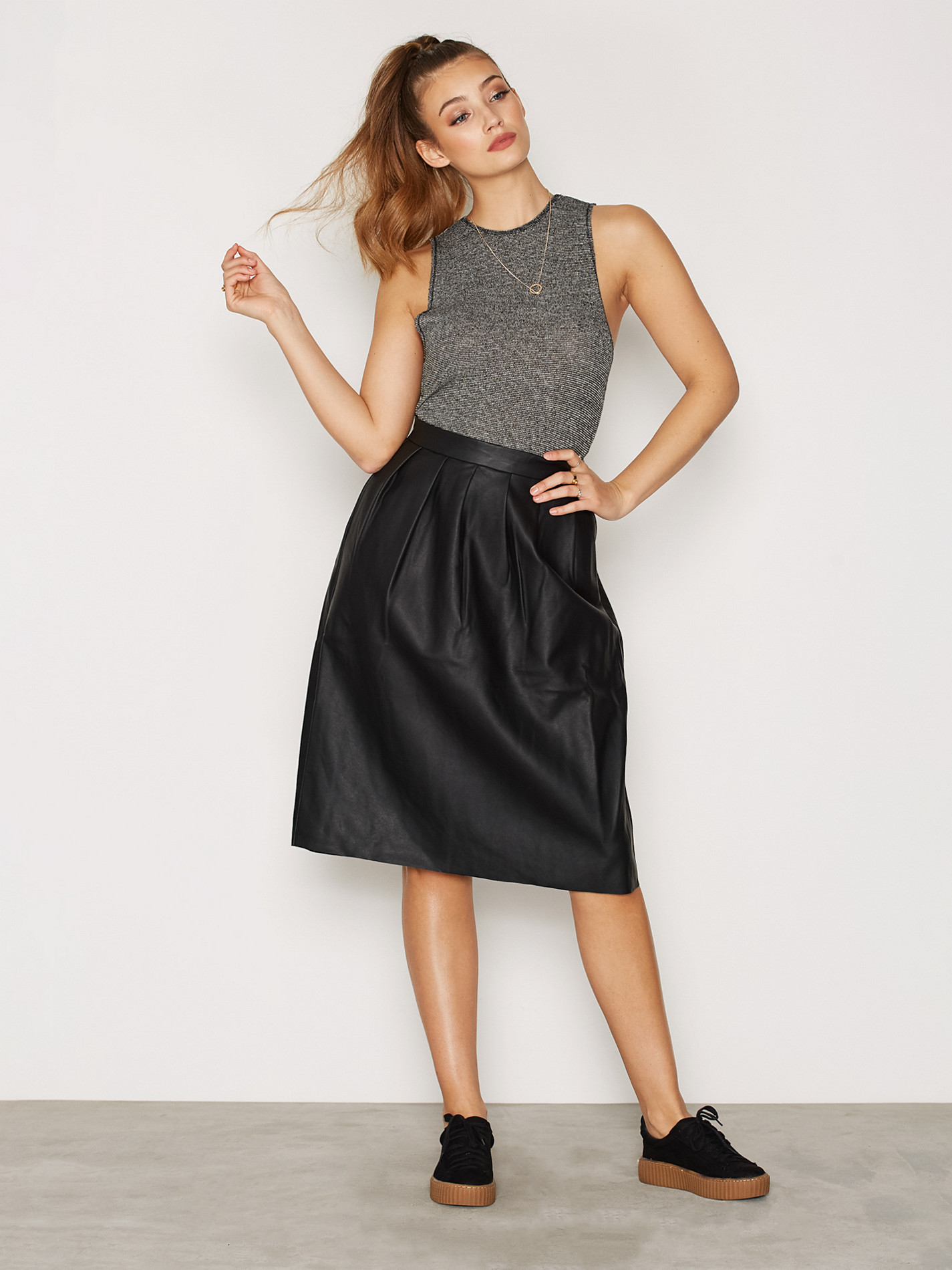
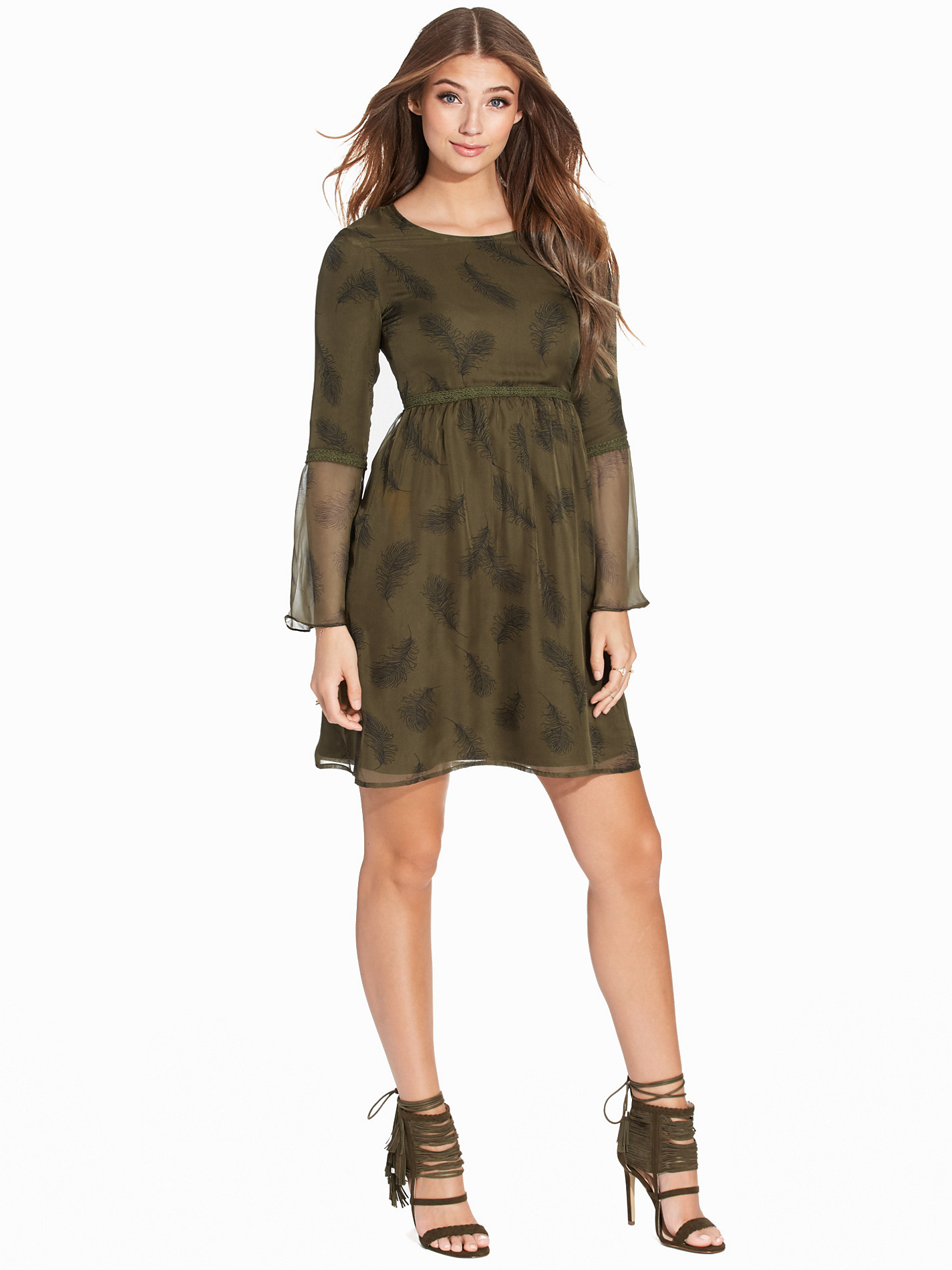
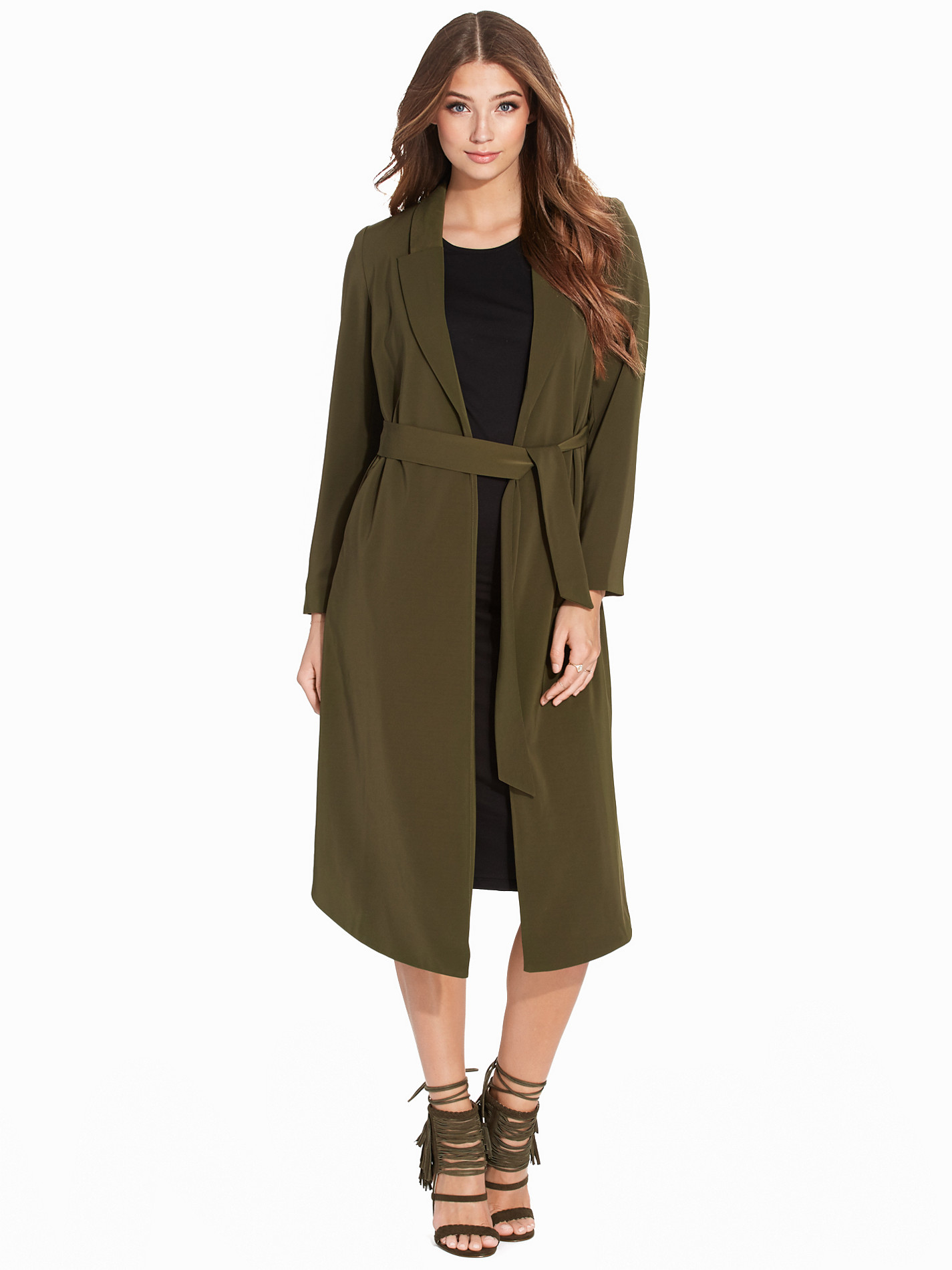
Posting this outfit separate because goddamn.




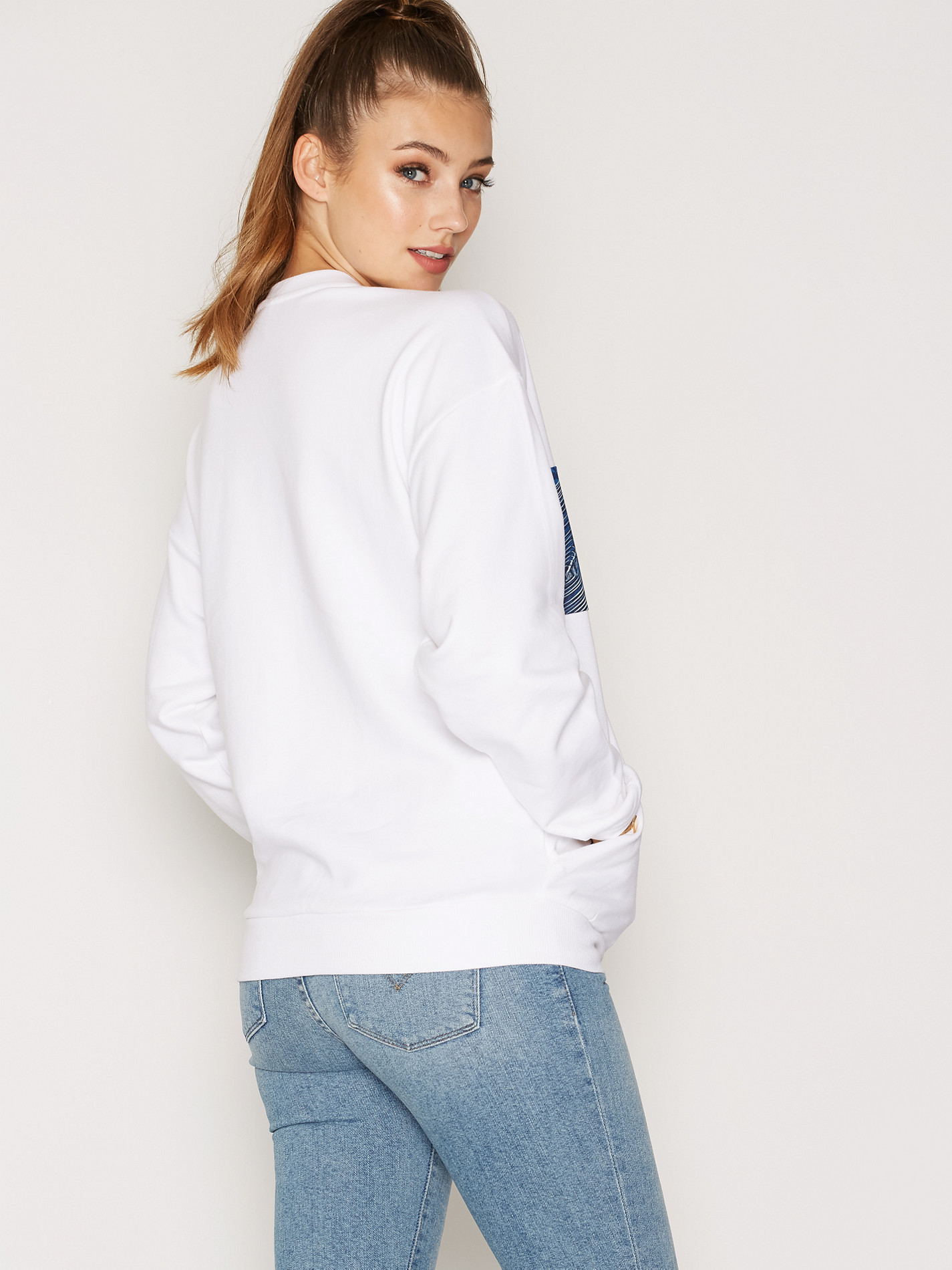
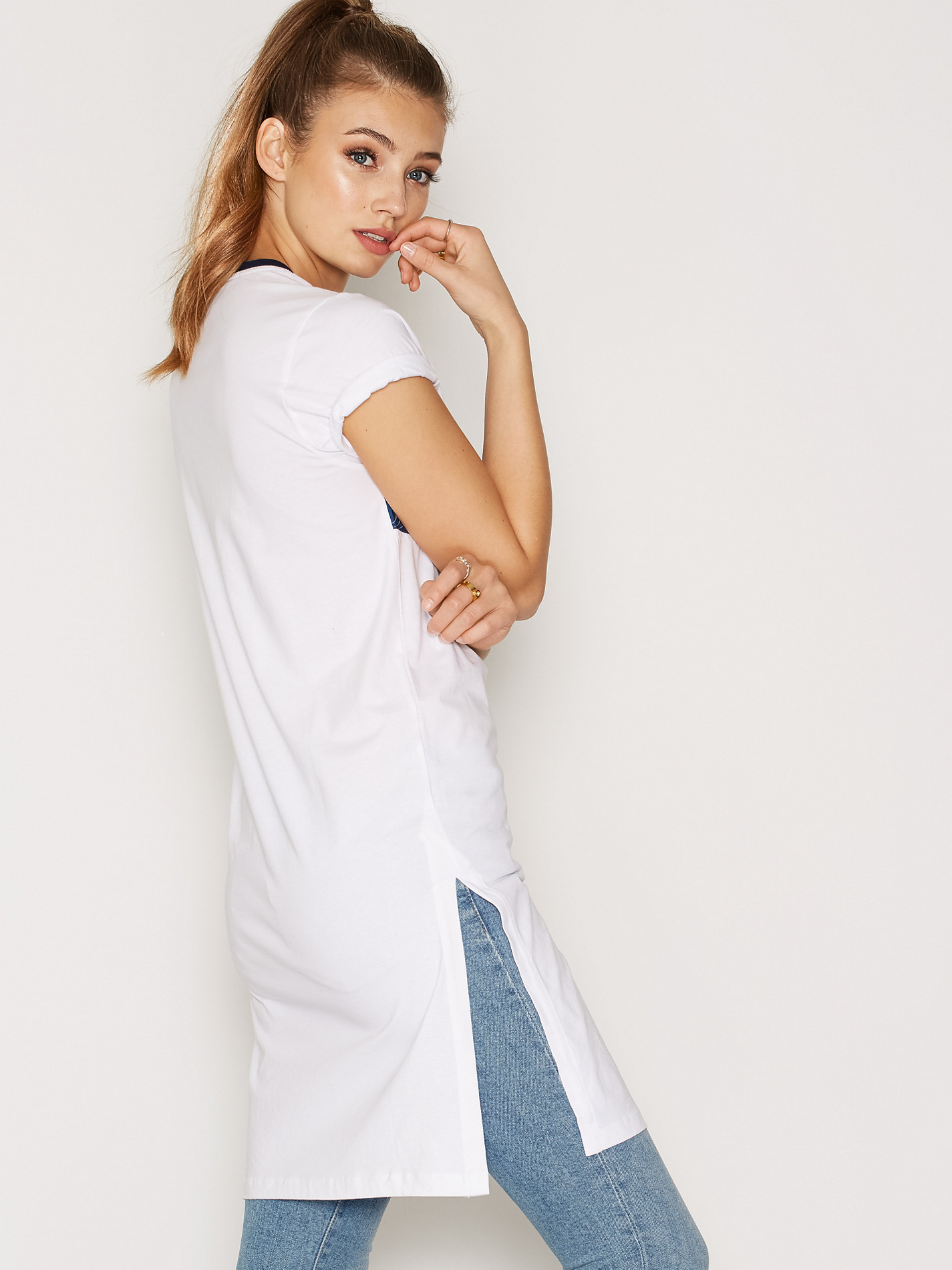
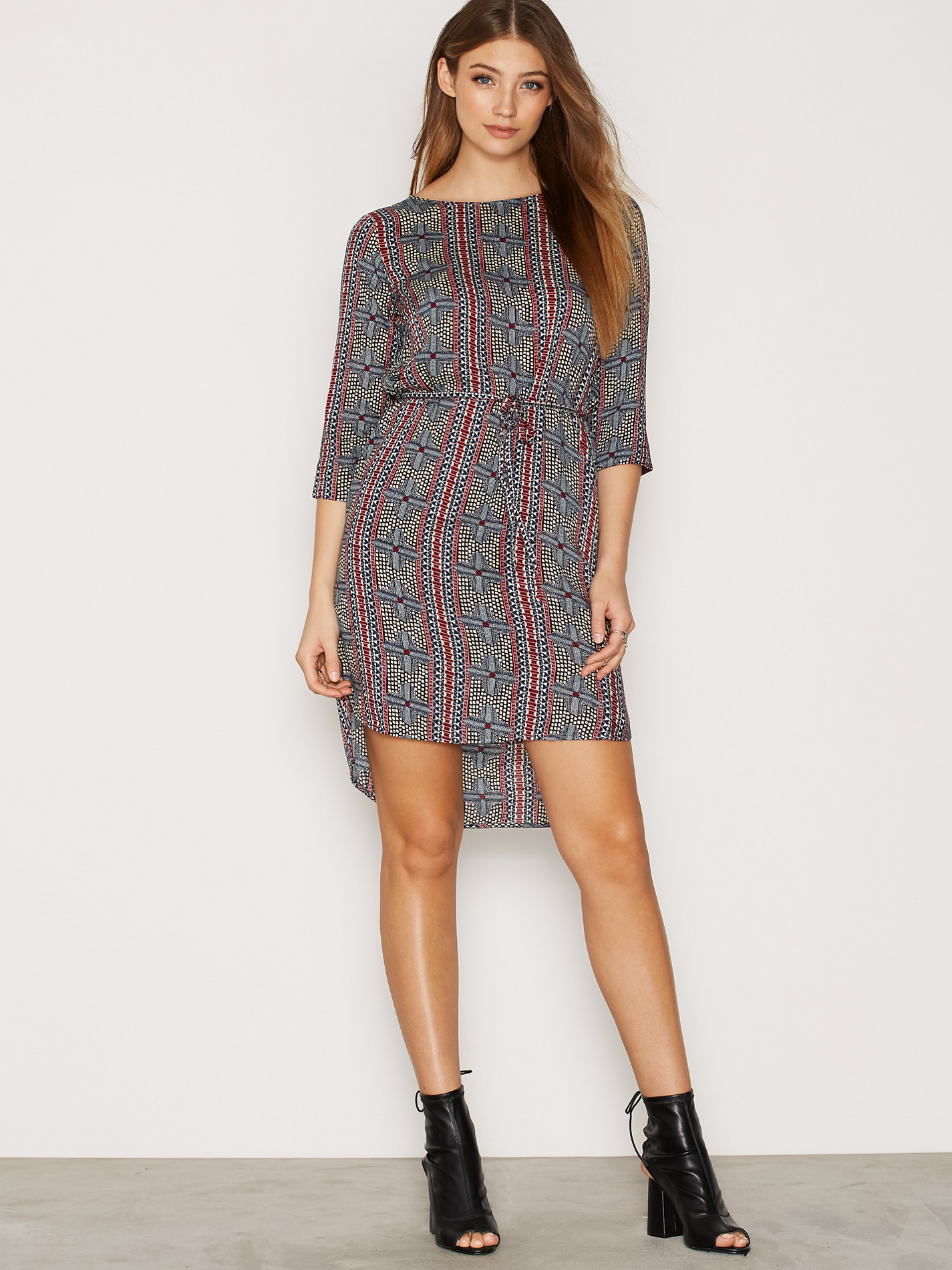
 Nelly Clothing /monthly_08_2016/post-85348-0-1593861511-15899_thumb.jpg" class="ipsImage ipsImage_thumbnailed" alt="030549-0014_1.jpg">














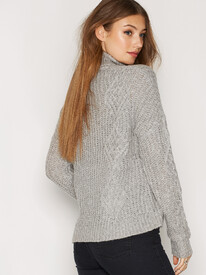


















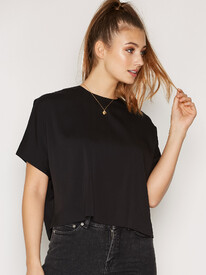











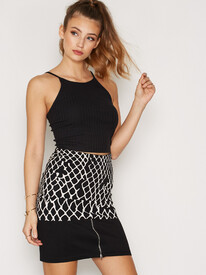
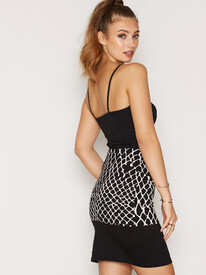
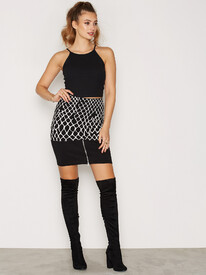



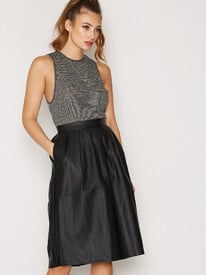
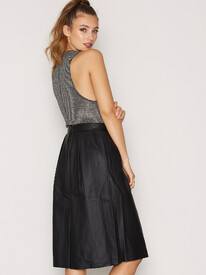
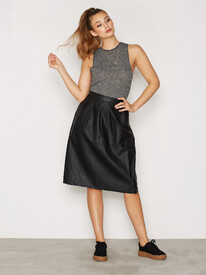




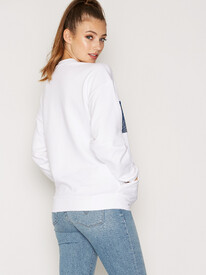







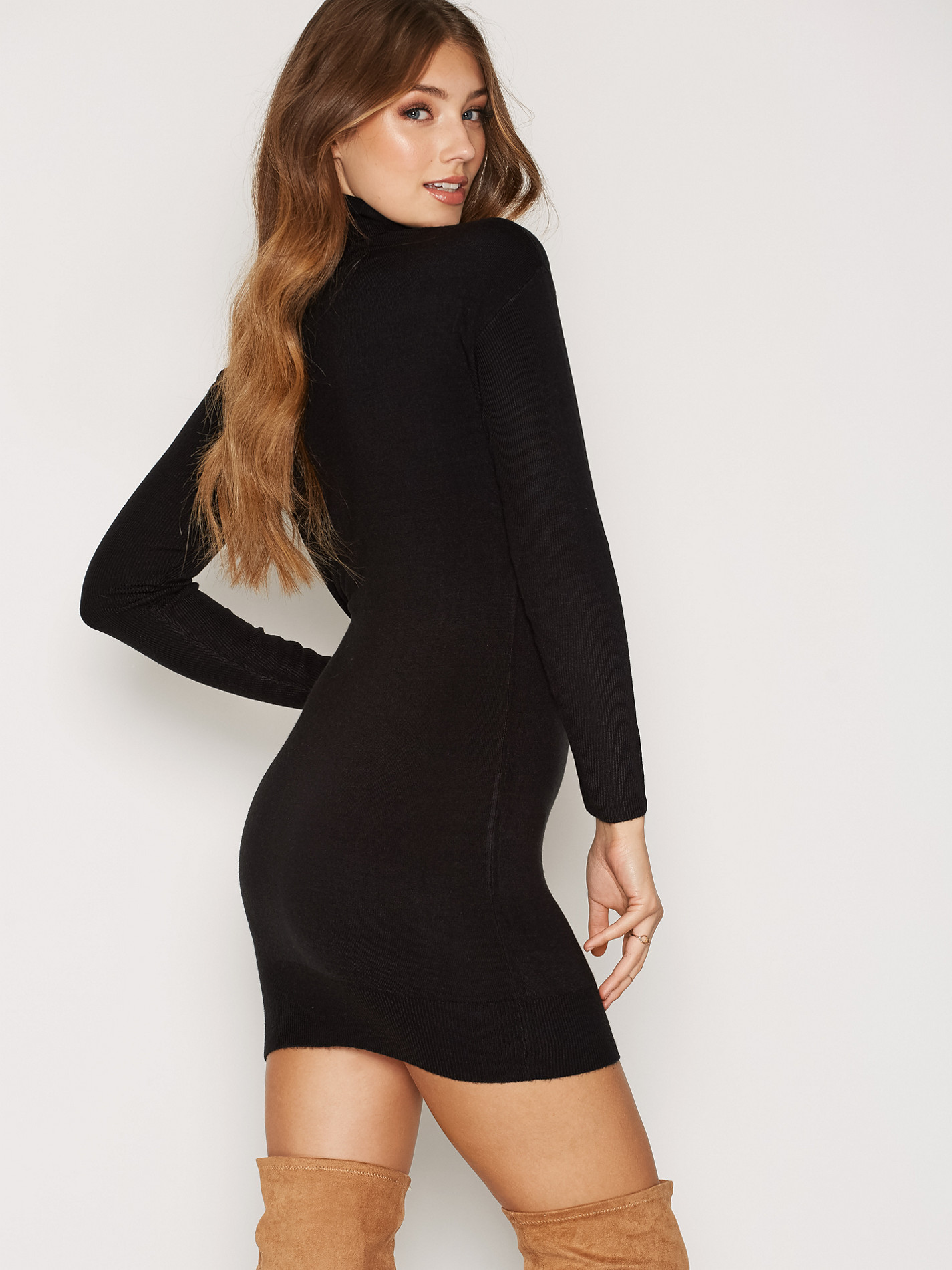
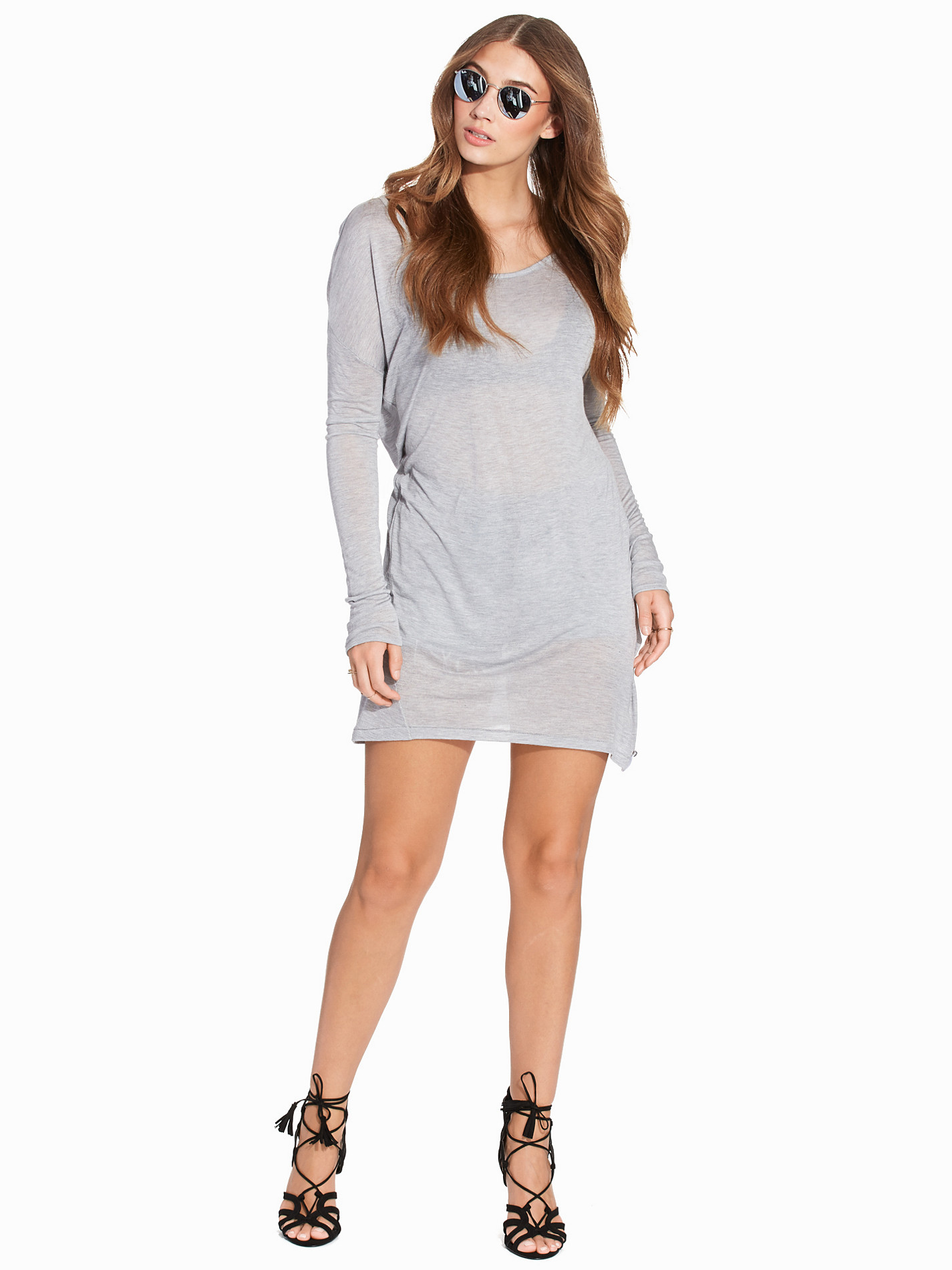
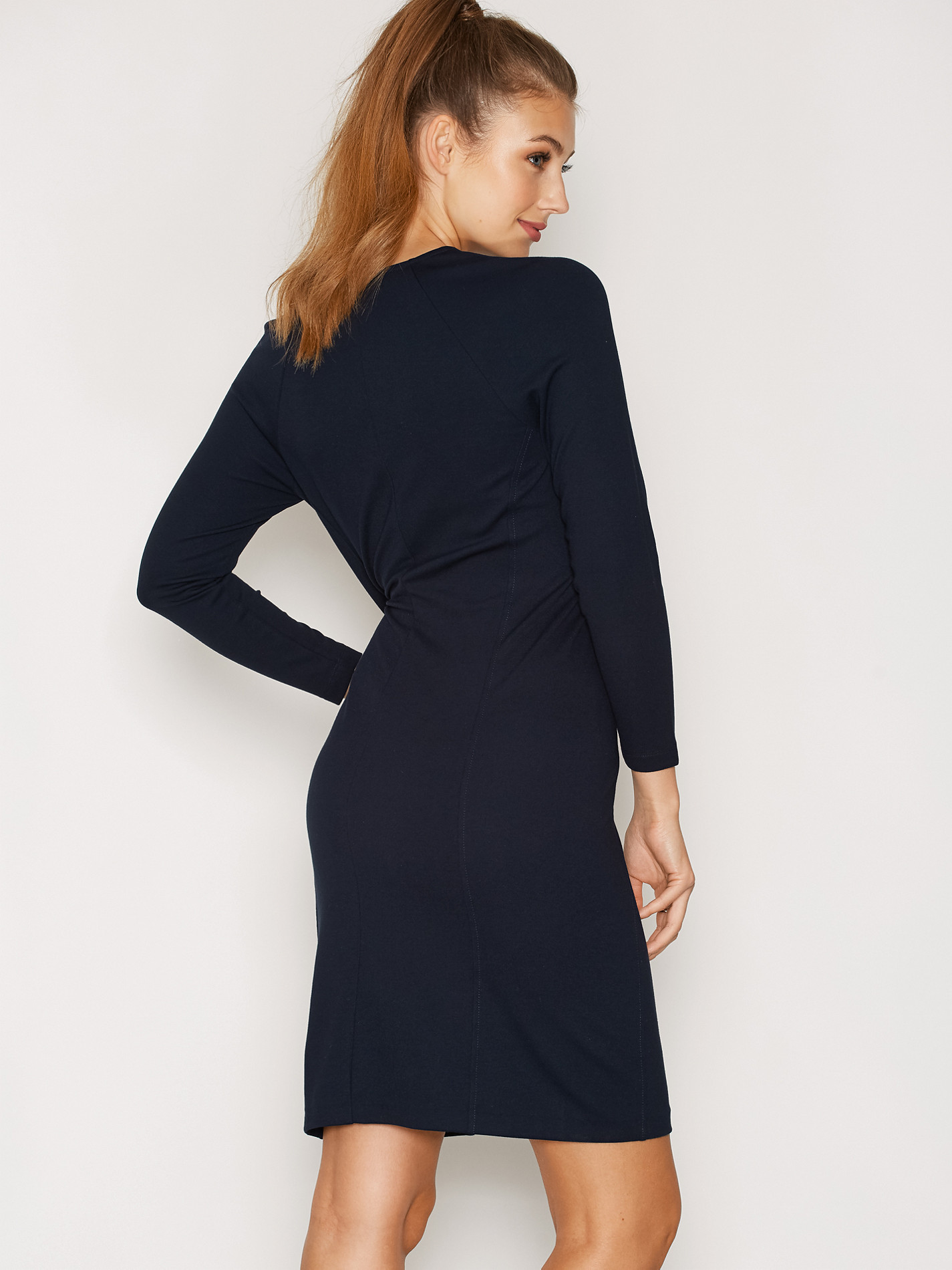
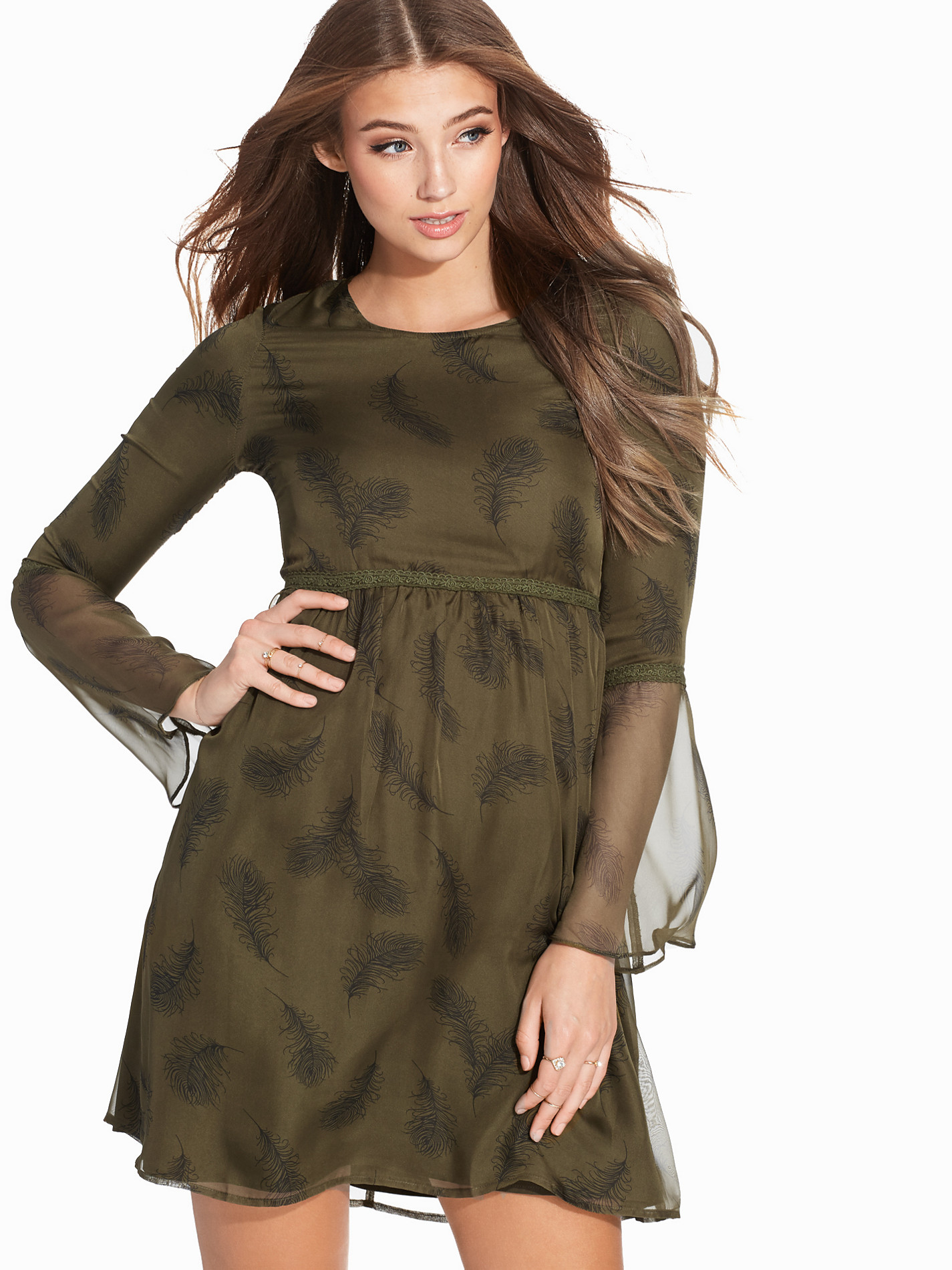
 Nelly Dresses





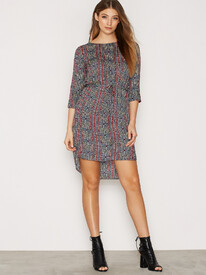


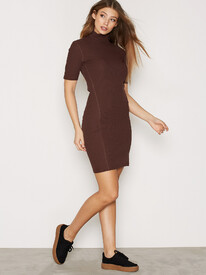





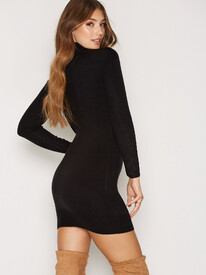



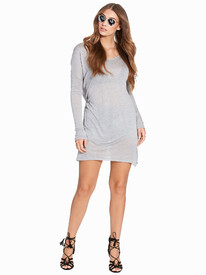





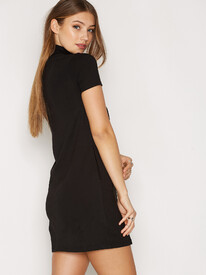


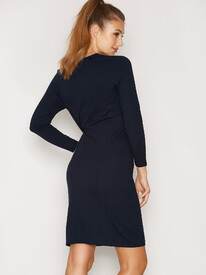







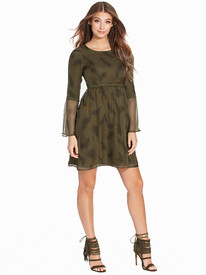


 Nelly Accessories
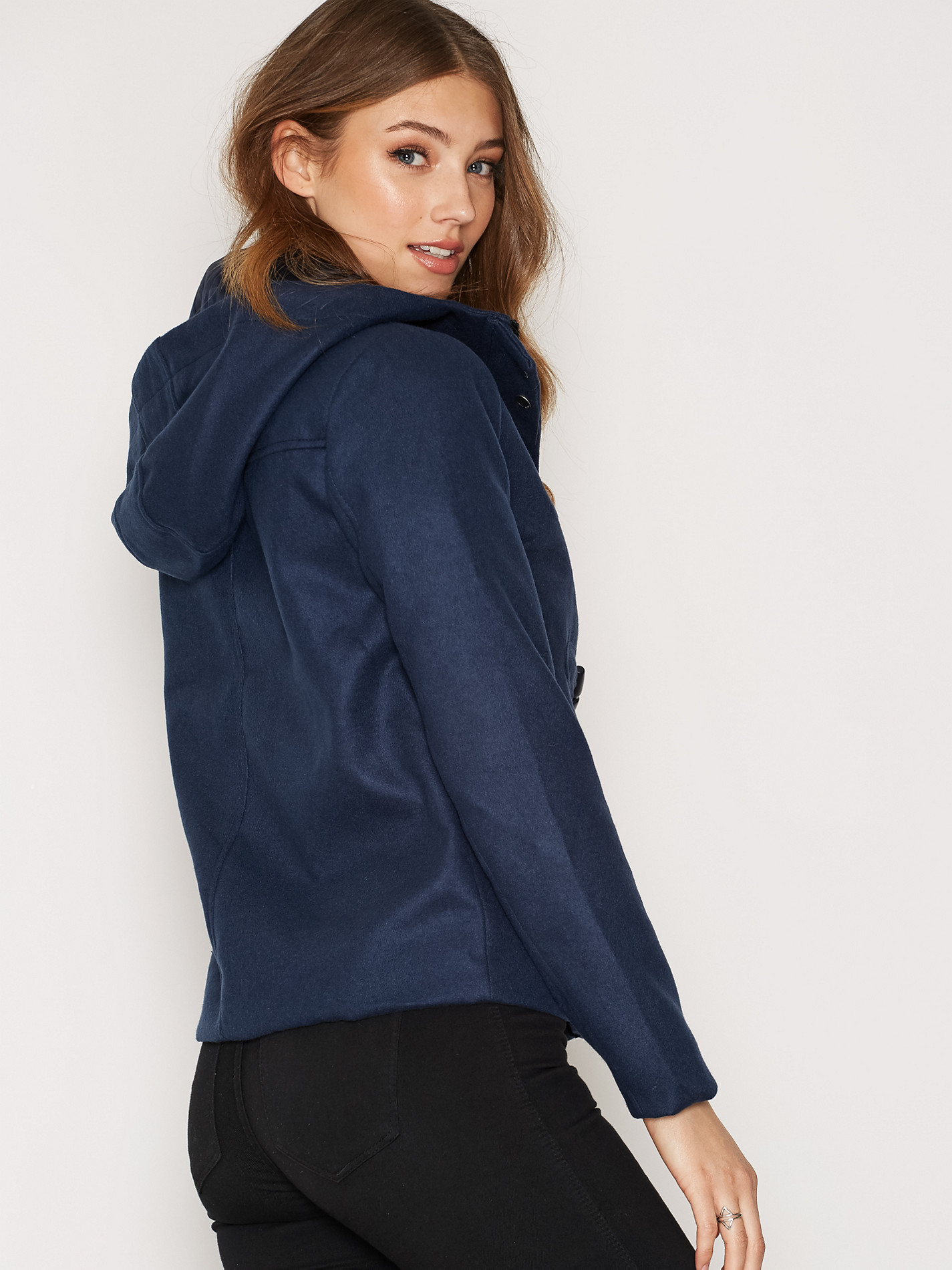
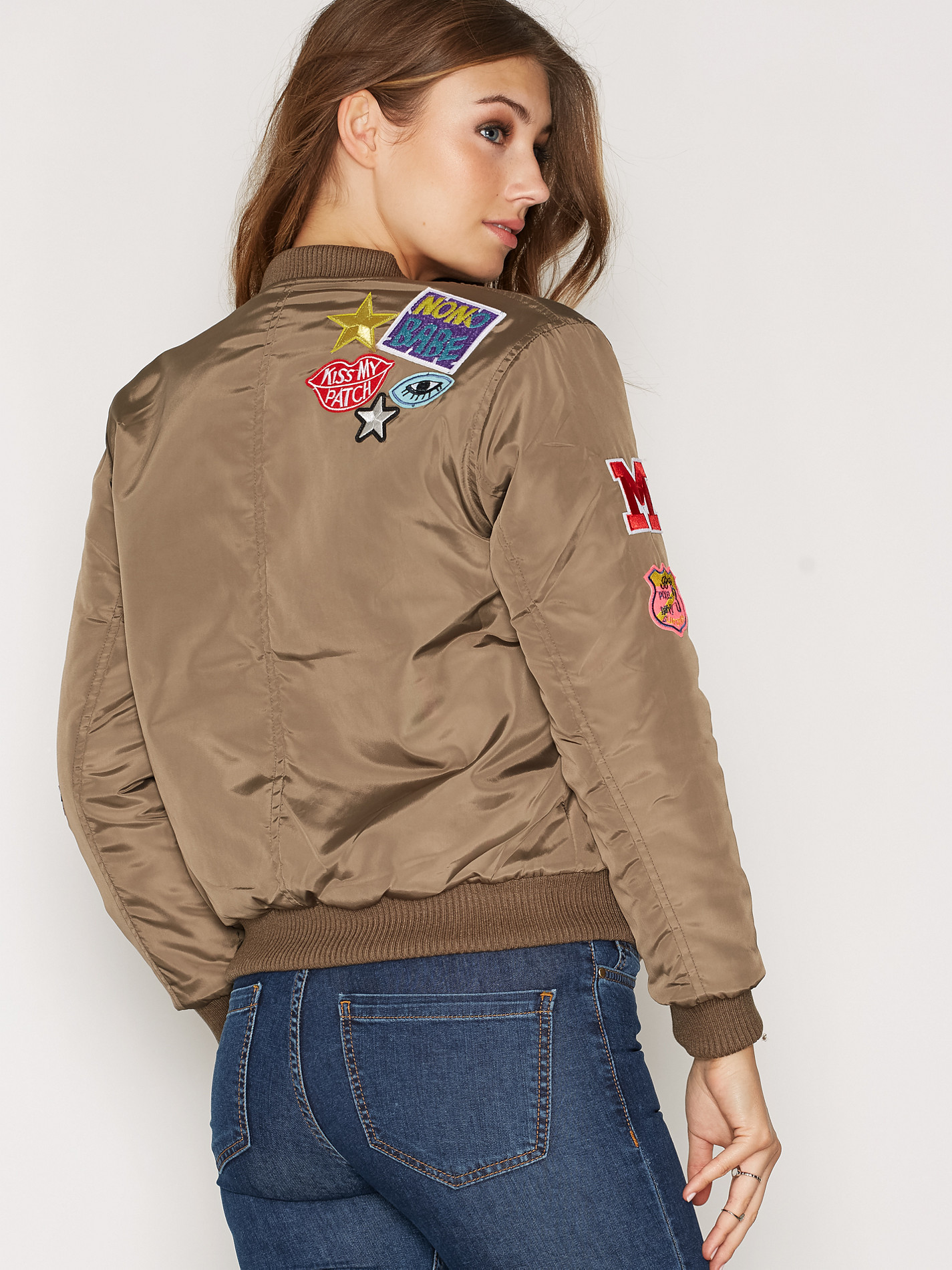
Nelly Jackets
Nelly Accessories
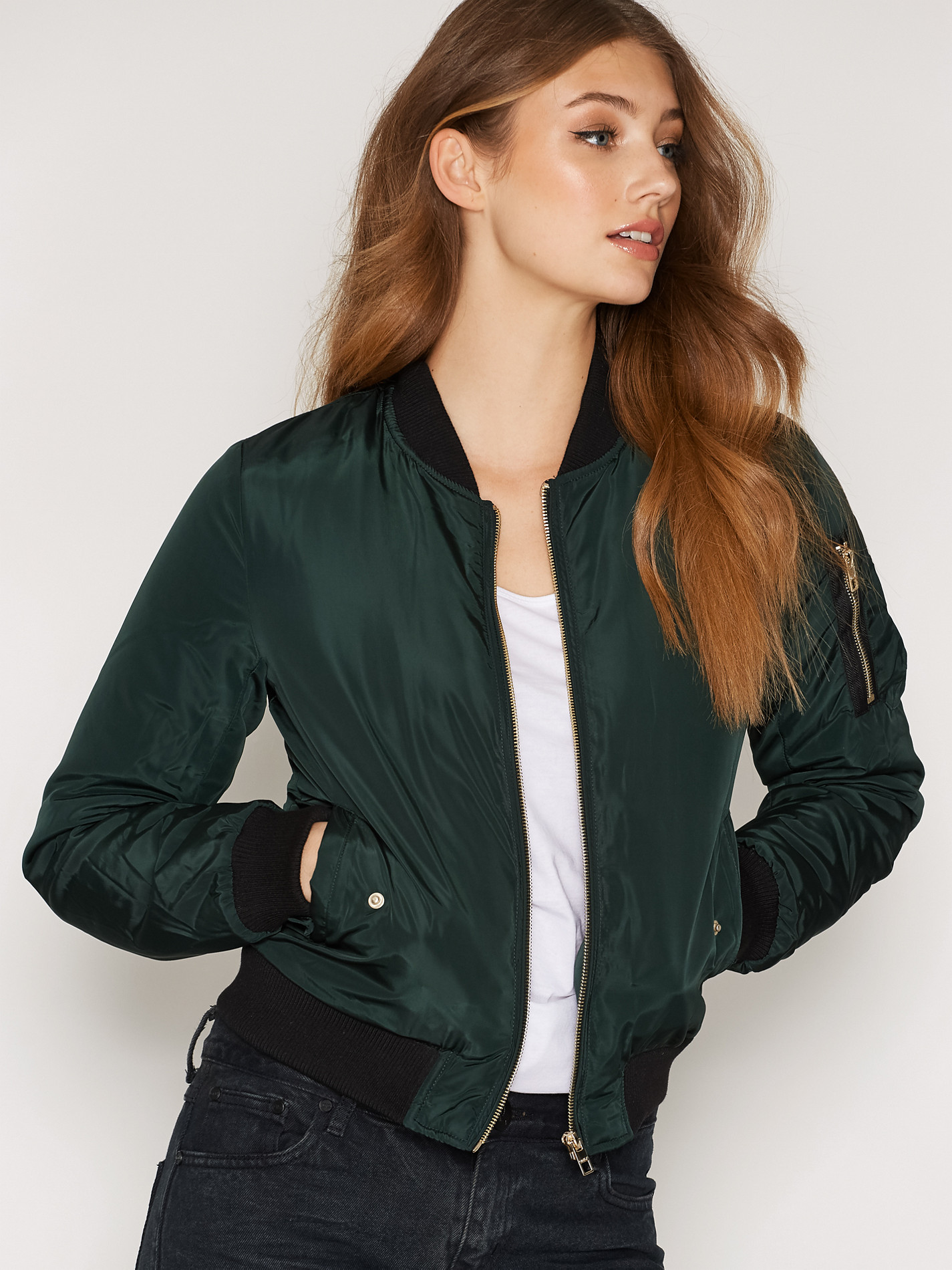
Nelly Jackets













































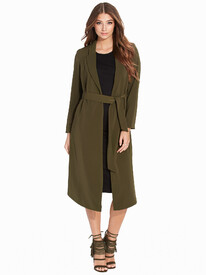 Nelly Swim
6. Hanna Edwinson (most liked) 5. Emily Ratajkowski 4. Dioni Tabbers 3. Sui He 2. Irina Sharipova 1. Daiane Sodre (least liked)
6. Rachel Cook (most liked) 5. Sanne Vloet 4. Jessica Stam 3. Erin Heatherton 2. Cintia Dicker 1.Laetitia Casta (least liked)
Nelly Swim
6. Hanna Edwinson (most liked) 5. Emily Ratajkowski 4. Dioni Tabbers 3. Sui He 2. Irina Sharipova 1. Daiane Sodre (least liked)
6. Rachel Cook (most liked) 5. Sanne Vloet 4. Jessica Stam 3. Erin Heatherton 2. Cintia Dicker 1.Laetitia Casta (least liked)




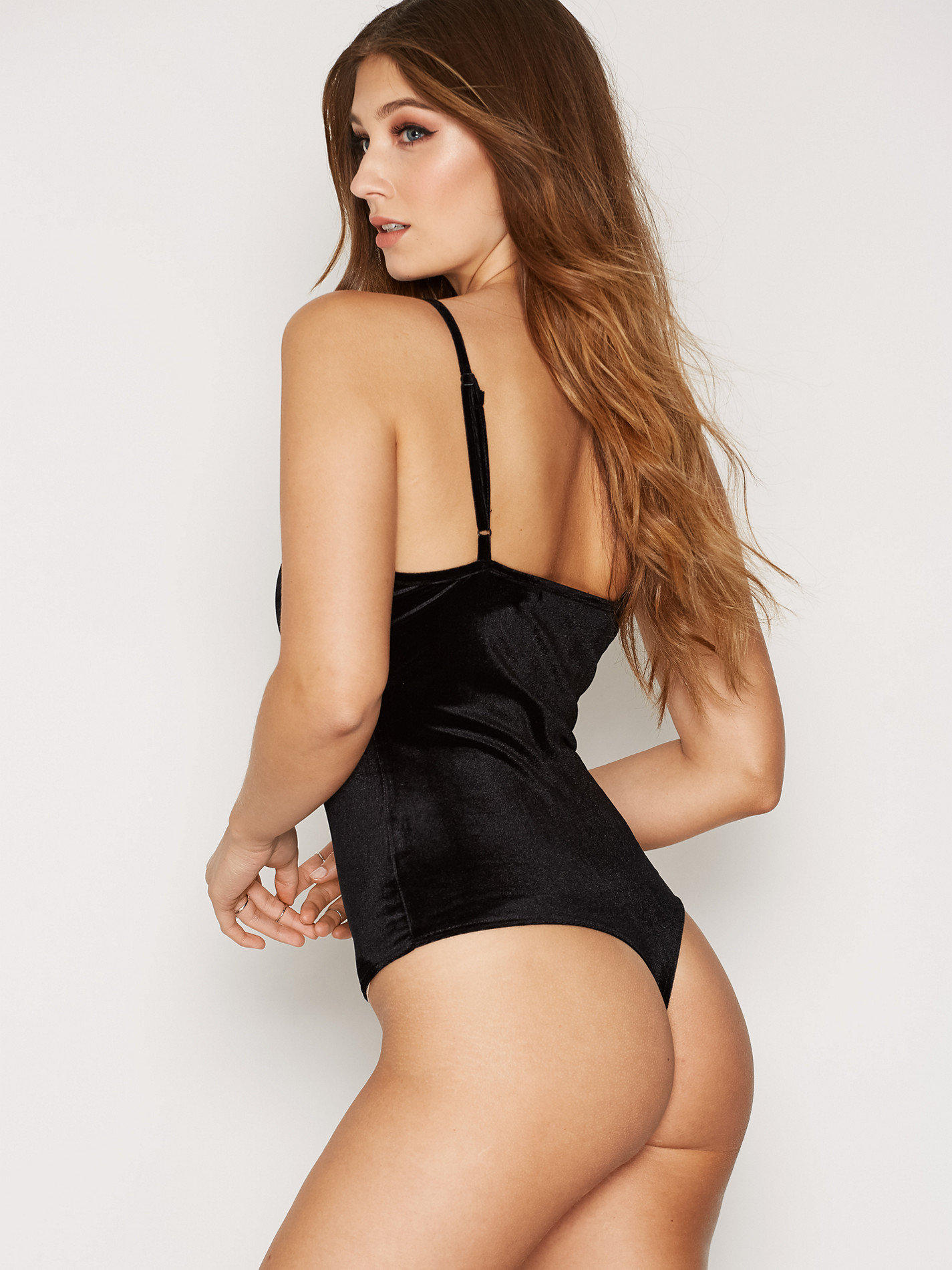










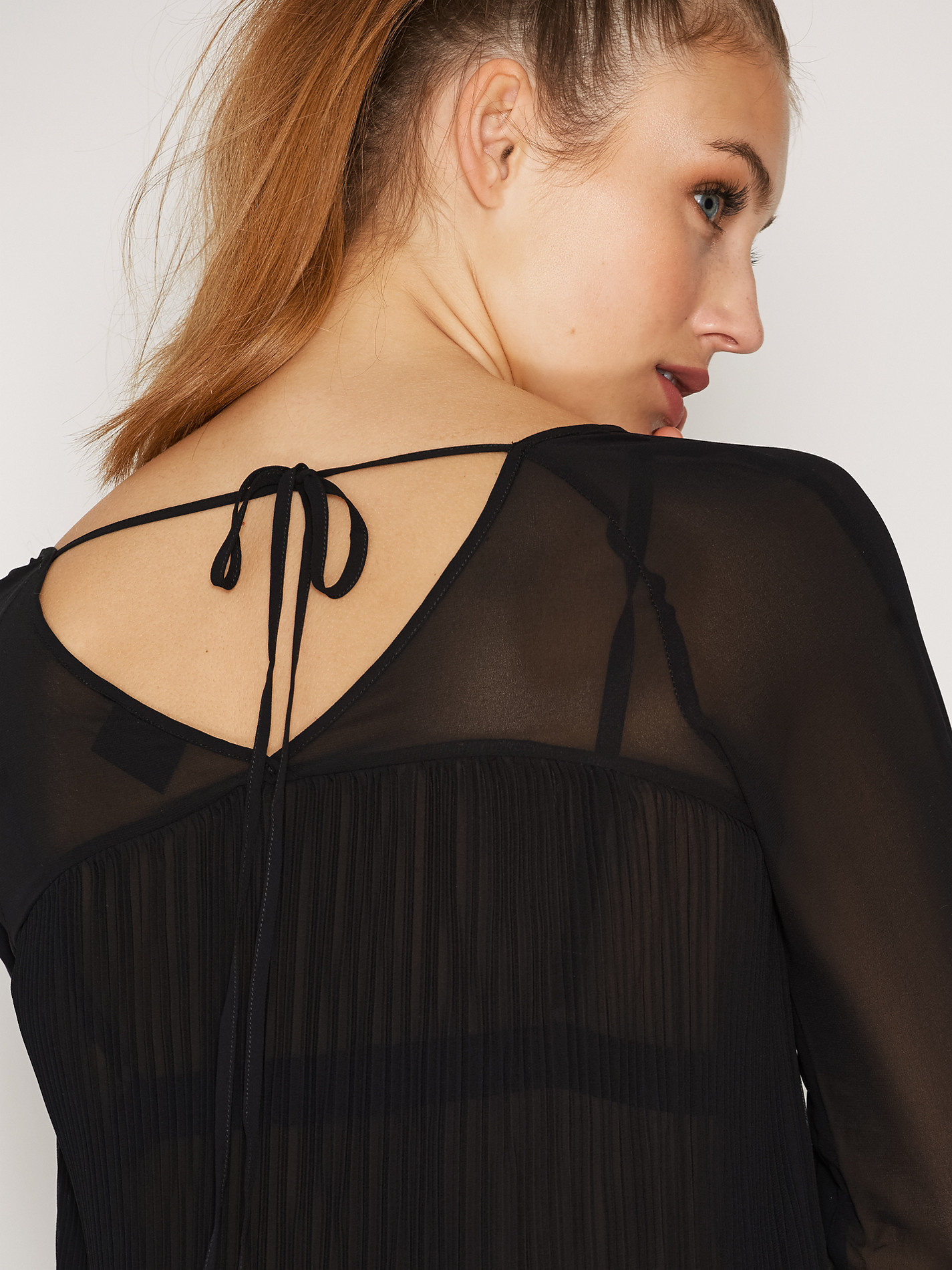

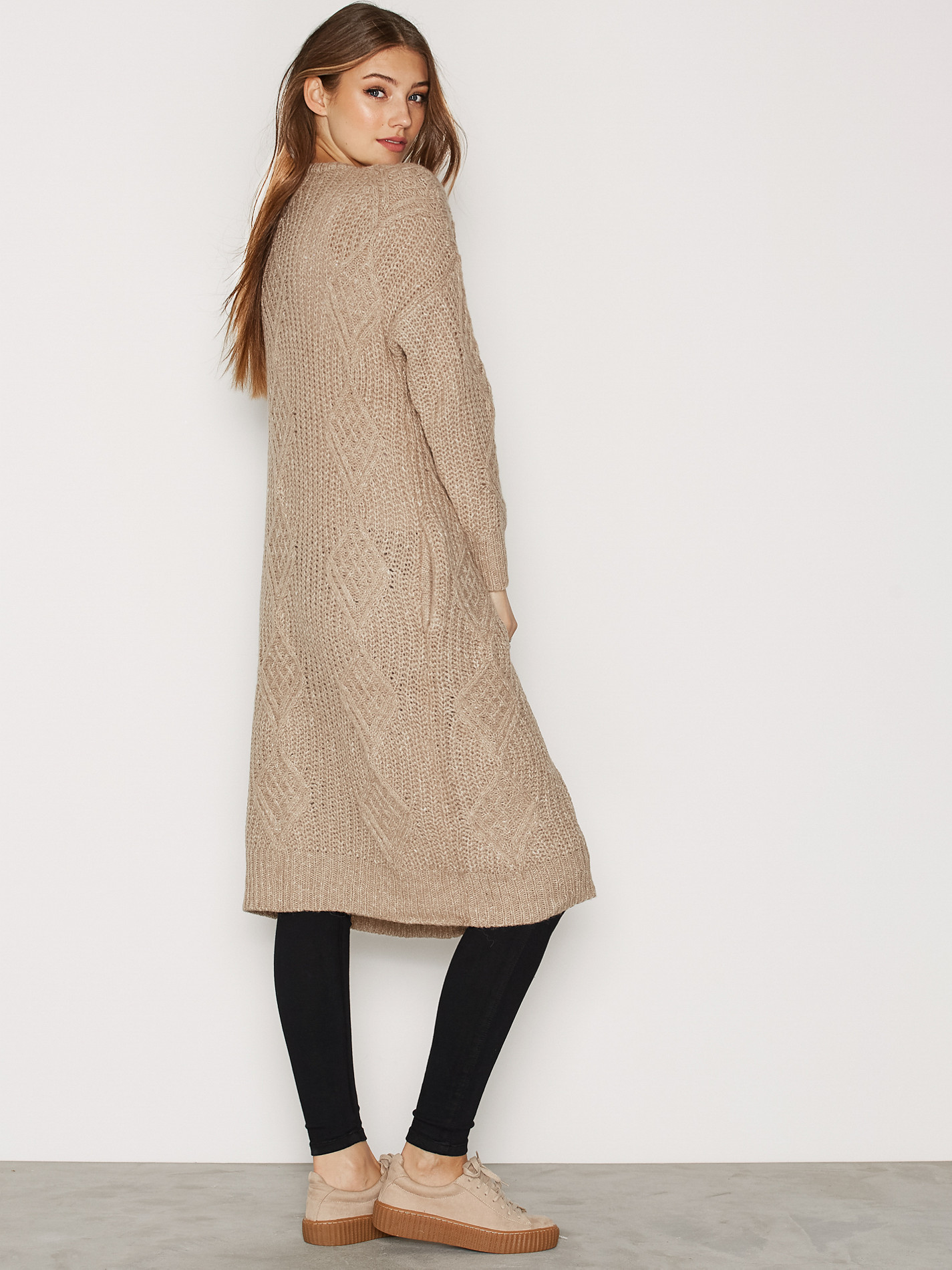


































































































































Account
Search
Configure browser push notifications
Chrome (Android)
- Tap the lock icon next to the address bar.
- Tap Permissions → Notifications.
- Adjust your preference.
Chrome (Desktop)
- Click the padlock icon in the address bar.
- Select Site settings.
- Find Notifications and adjust your preference.
Safari (iOS 16.4+)
- Ensure the site is installed via Add to Home Screen.
- Open Settings App → Notifications.
- Find your app name and adjust your preference.
Safari (macOS)
- Go to Safari → Preferences.
- Click the Websites tab.
- Select Notifications in the sidebar.
- Find this website and adjust your preference.
Edge (Android)
- Tap the lock icon next to the address bar.
- Tap Permissions.
- Find Notifications and adjust your preference.
Edge (Desktop)
- Click the padlock icon in the address bar.
- Click Permissions for this site.
- Find Notifications and adjust your preference.
Firefox (Android)
- Go to Settings → Site permissions.
- Tap Notifications.
- Find this site in the list and adjust your preference.
Firefox (Desktop)
- Open Firefox Settings.
- Search for Notifications.
- Find this site in the list and adjust your preference.