
Pith_Possum
Members
-
Joined
-
Last visited
Everything posted by Pith_Possum
-

-
bryanaholly

-
jeromeduran Josephine, Palos Verdes, CA
-
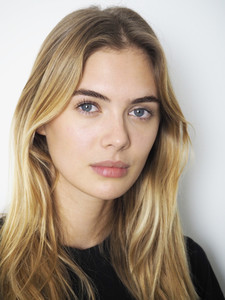
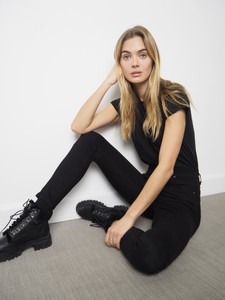
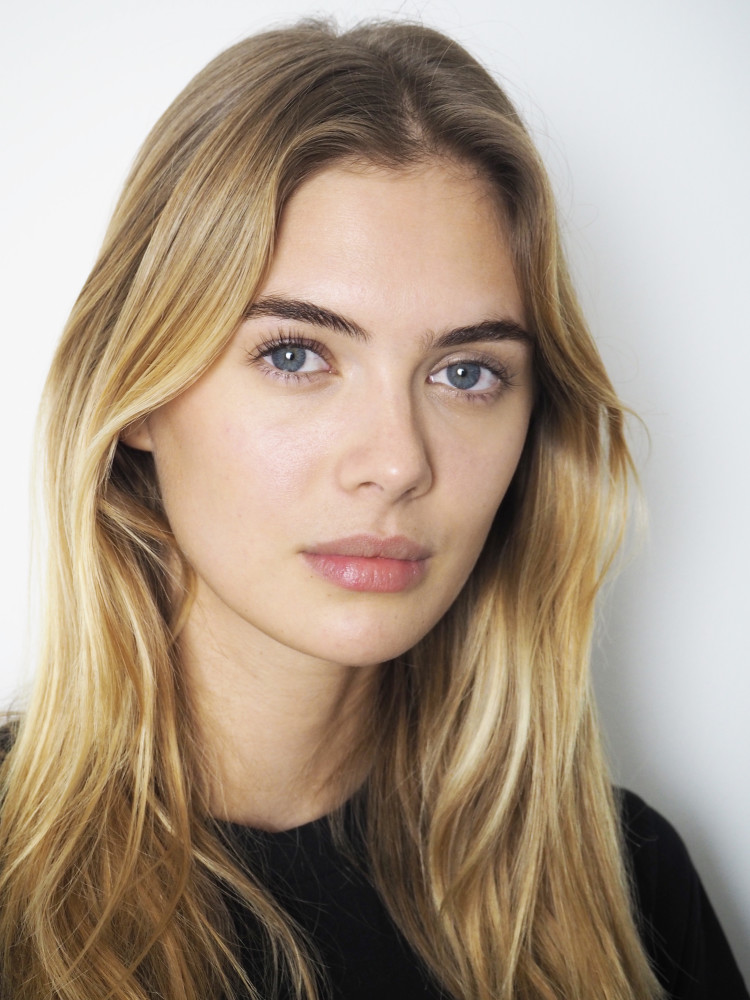
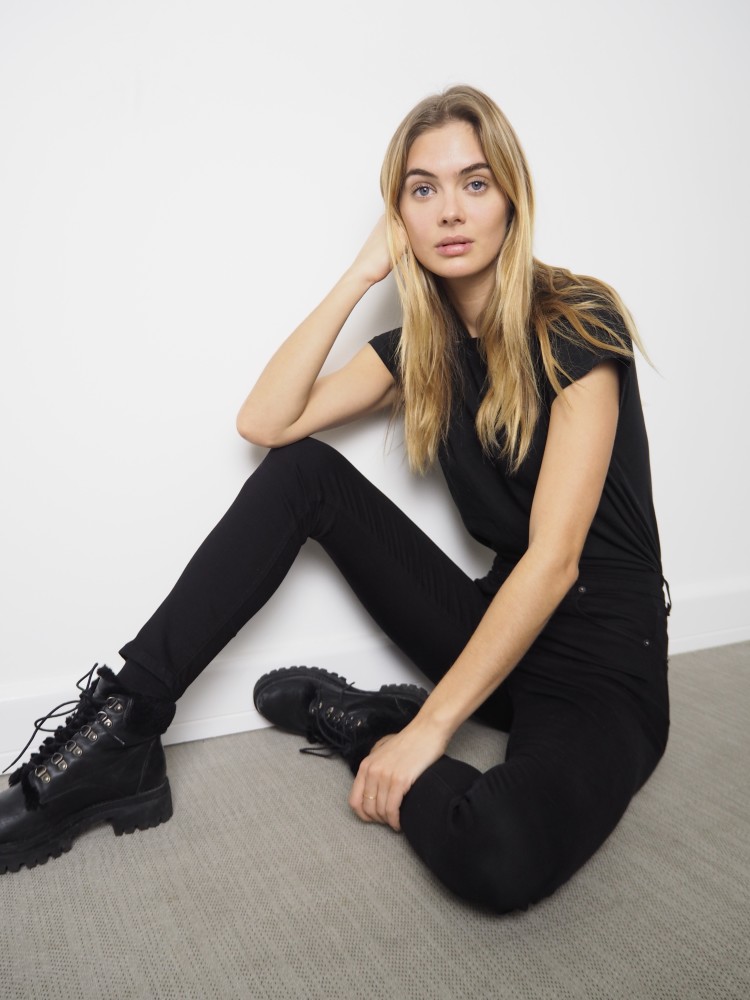
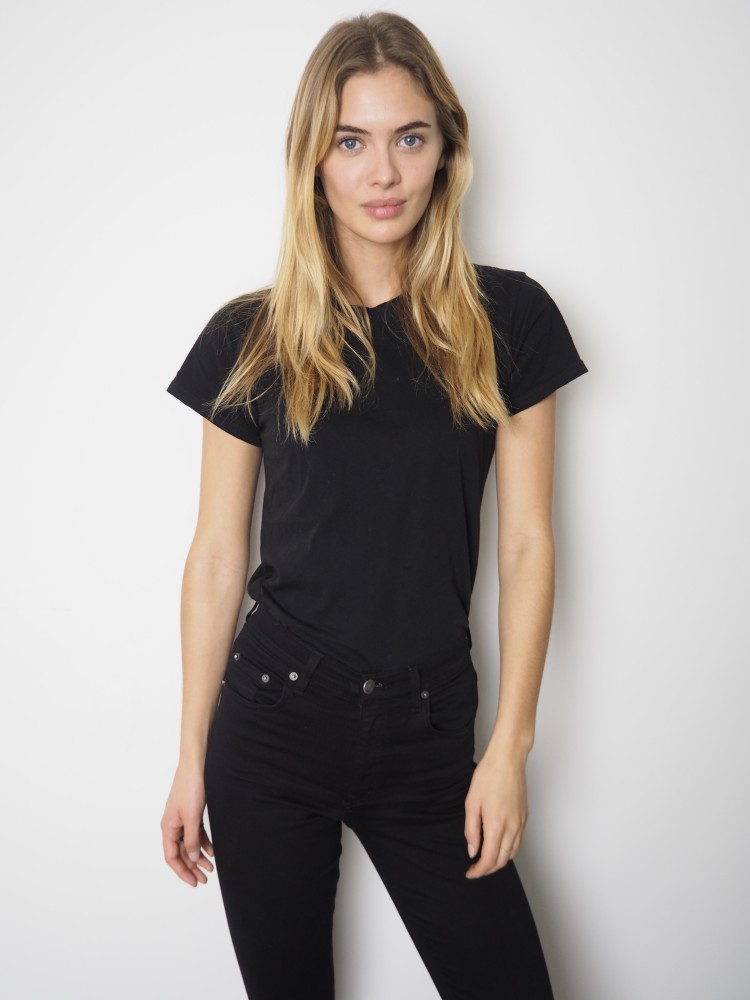
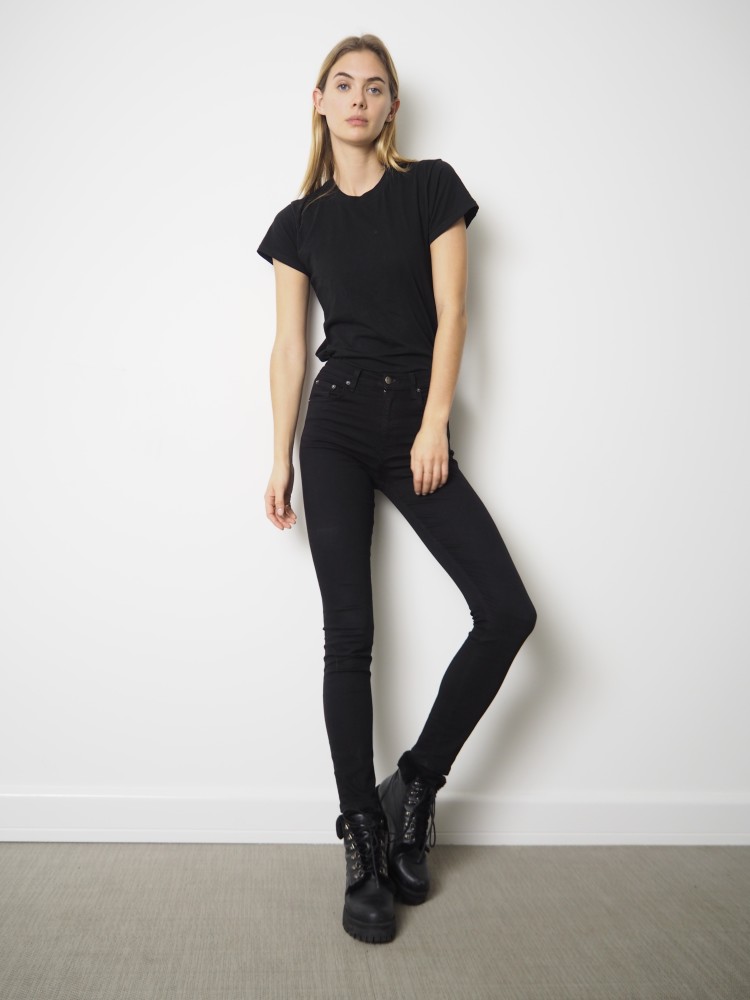
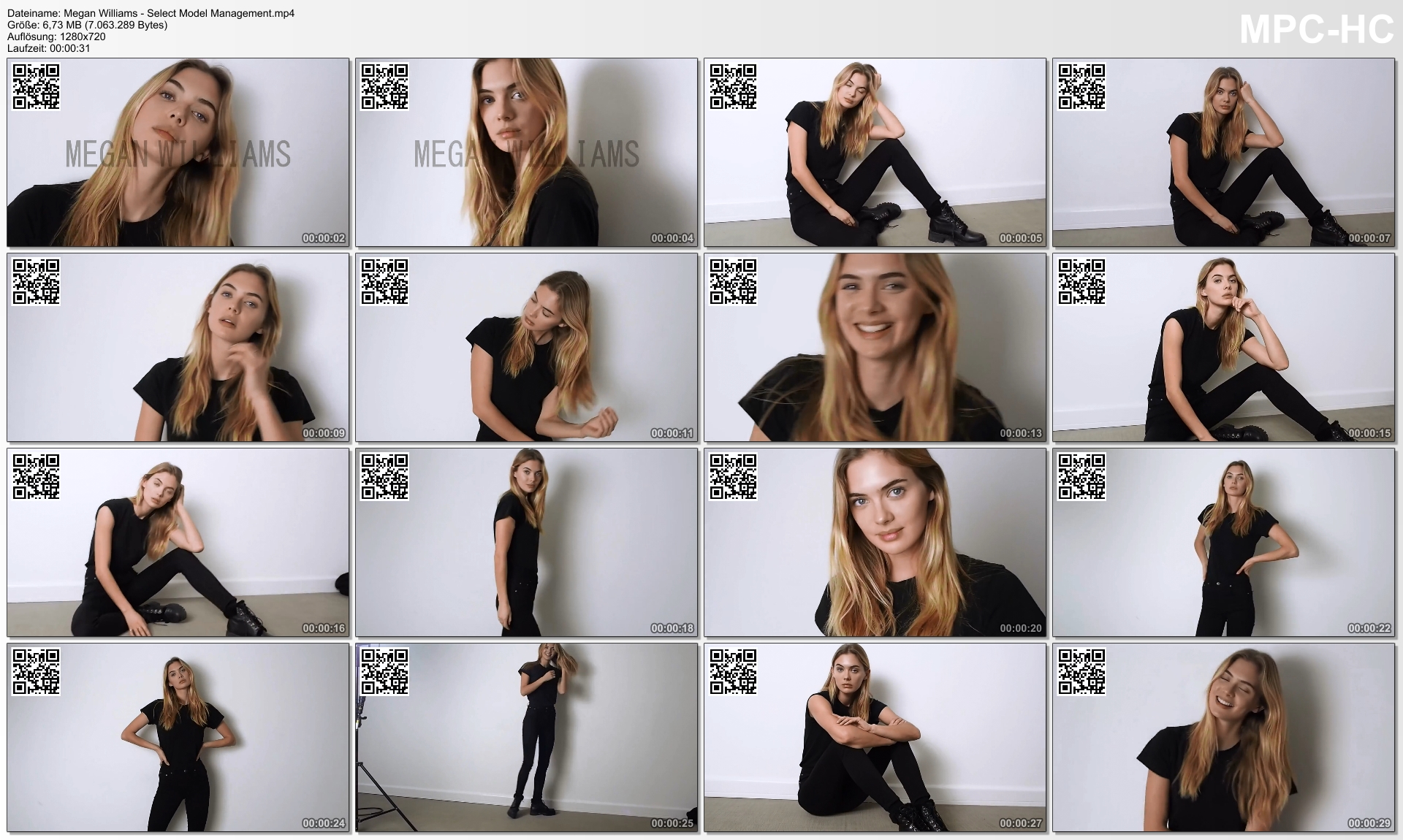
Polaroids Select Megan Williams - Select Model Management.mp4




-
27524505_1953902534939141_6840487334509543424_n.mp4
-
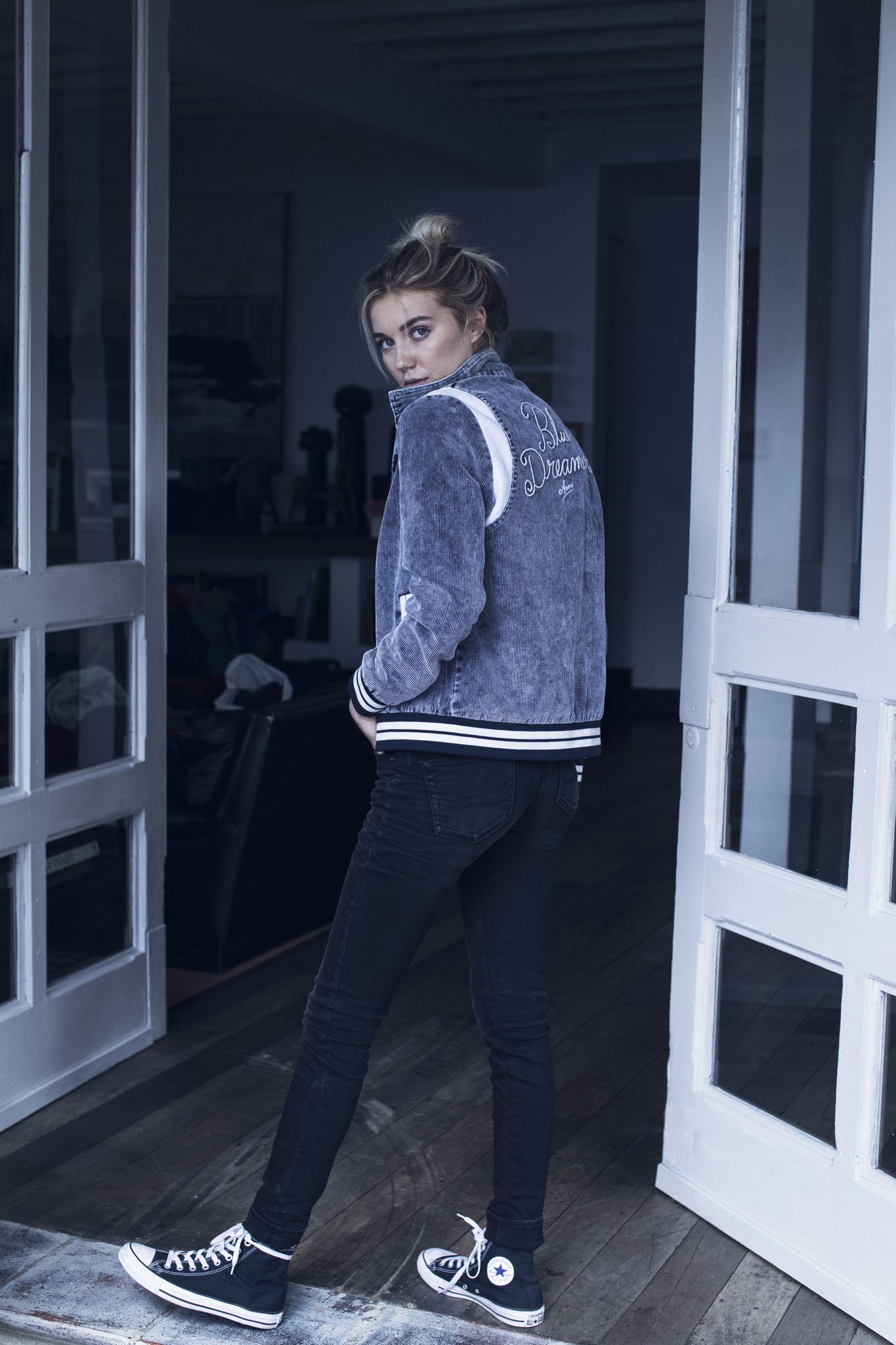
Americanino Colombia





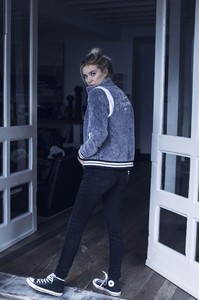
 Ph: Steven Chee













 Laura Goodall 26816658_131102974365500_8150228454554468352_n.mp4





 Eddie New
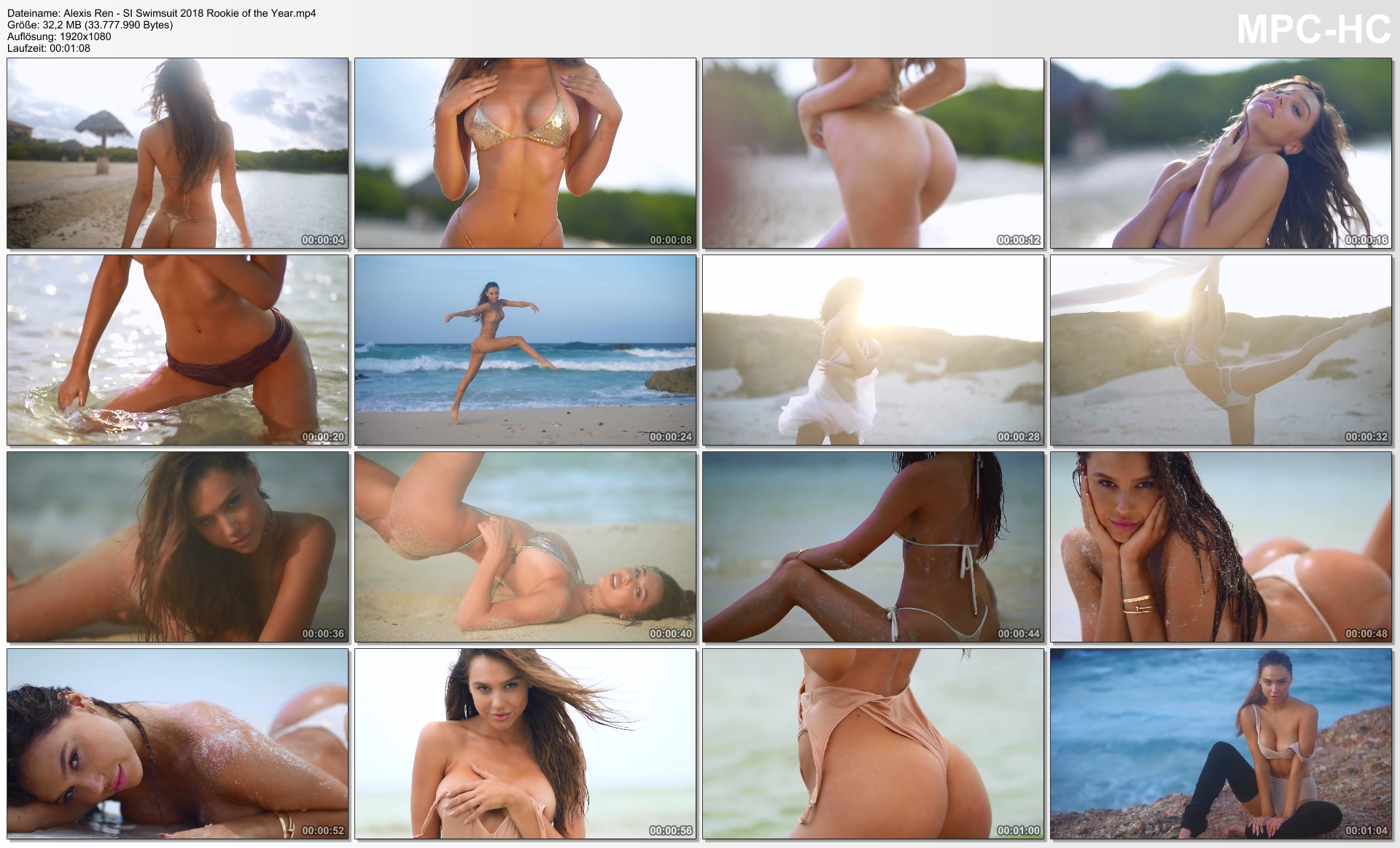
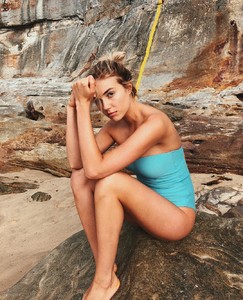 Alexis Ren - SI Swimsuit 2018 Rookie of the Year.mp4
 zoeygrossman
 BTS-Clips https://gfycat.com/UnkemptColossalBluefish https://gfycat.com/WhiteHappyCaracal https://gfycat.com/PaltryThirstyCicada https://gfycat.com/ImpossibleDelectableGreatargus https://gfycat.com/BonySophisticatedGypsymoth https://gfycat.com/SharpUnimportantEgret https://gfycat.com/DecisiveShimmeringCoypu https://gfycat.com/AgitatedOrangeKoalabear https://gfycat.com/EmbarrassedFarflungIndochinahogdeer https://gfycat.com/GroundedFlimsyAmericanmarten https://gfycat.com/PerfectVapidAcornweevil https://gfycat.com/GaseousHappyGoldenretriever https://gfycat.com/AdventurousEasygoingGuillemot https://gfycat.com/WelltodoSaltyCaribou https://gfycat.com/CoordinatedHonestAlbatross https://gfycat.com/GrizzledLikelyAlbacoretuna https://gfycat.com/GreatHorribleCirriped https://gfycat.com/SardonicLeanBluefintuna https://gfycat.com/PlainRepentantLemur https://gfycat.com/IllinformedHealthyEyra https://gfycat.com/AnxiousFelineAngora https://gfycat.com/ChiefPlumpGuernseycow
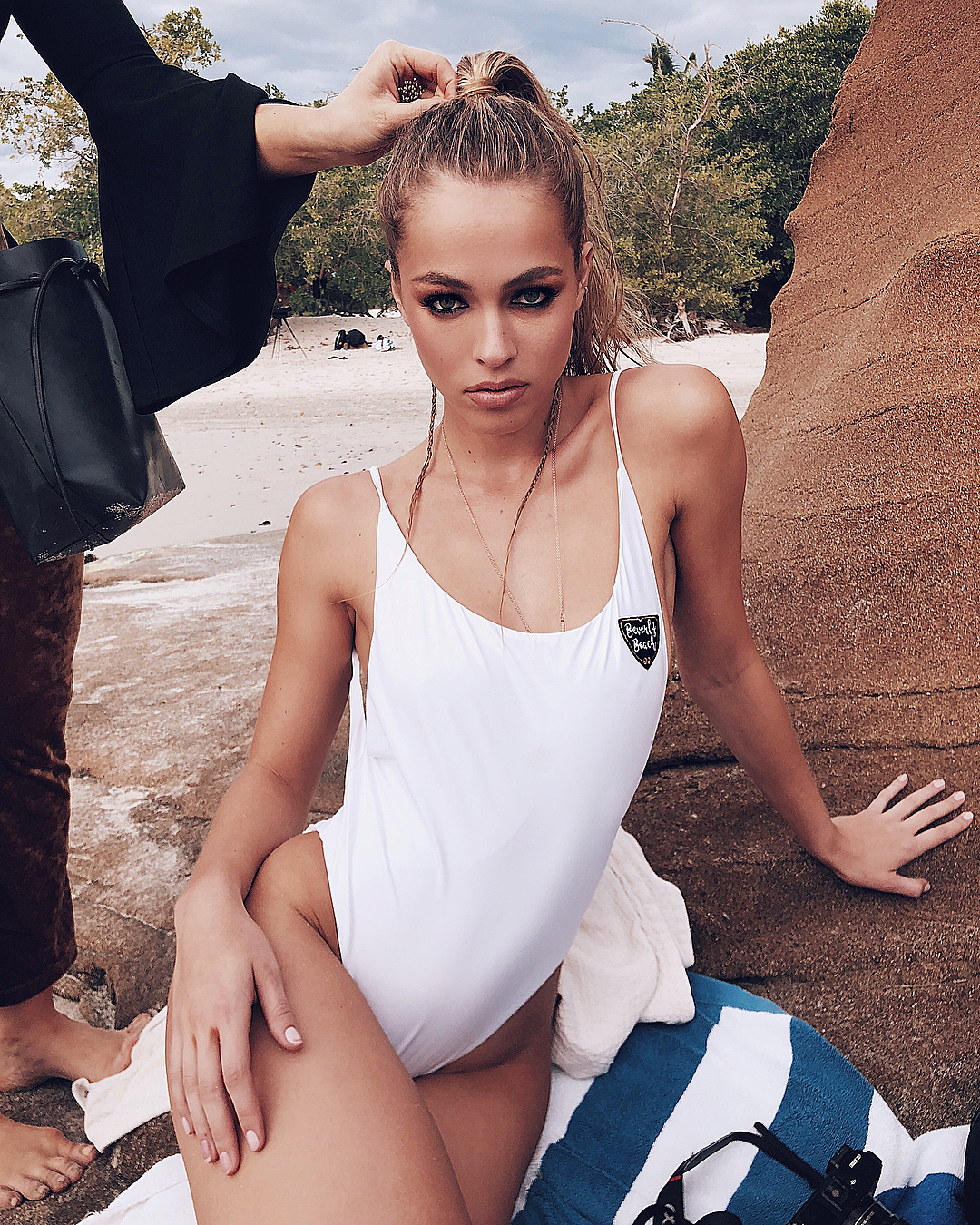
Beverly Beach by Dorit Photoshoot
BTS-Clips https://gfycat.com/UnkemptColossalBluefish https://gfycat.com/WhiteHappyCaracal https://gfycat.com/PaltryThirstyCicada https://gfycat.com/ImpossibleDelectableGreatargus https://gfycat.com/BonySophisticatedGypsymoth https://gfycat.com/SharpUnimportantEgret https://gfycat.com/DecisiveShimmeringCoypu https://gfycat.com/AgitatedOrangeKoalabear https://gfycat.com/EmbarrassedFarflungIndochinahogdeer https://gfycat.com/GroundedFlimsyAmericanmarten https://gfycat.com/PerfectVapidAcornweevil https://gfycat.com/GaseousHappyGoldenretriever https://gfycat.com/AdventurousEasygoingGuillemot https://gfycat.com/WelltodoSaltyCaribou https://gfycat.com/CoordinatedHonestAlbatross https://gfycat.com/GrizzledLikelyAlbacoretuna https://gfycat.com/GreatHorribleCirriped https://gfycat.com/SardonicLeanBluefintuna https://gfycat.com/PlainRepentantLemur https://gfycat.com/IllinformedHealthyEyra https://gfycat.com/AnxiousFelineAngora https://gfycat.com/ChiefPlumpGuernseycow
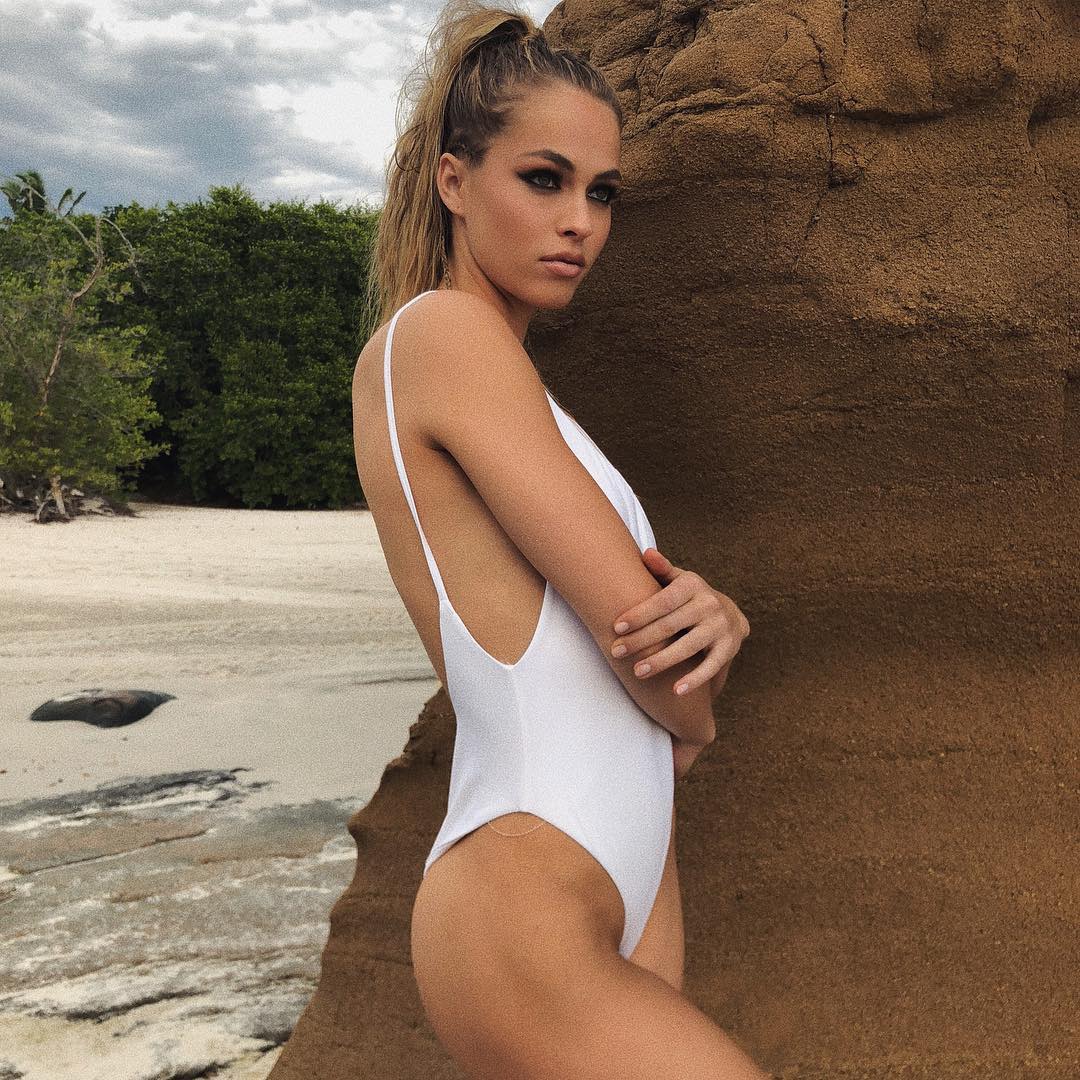
Beverly Beach by Dorit Photoshoot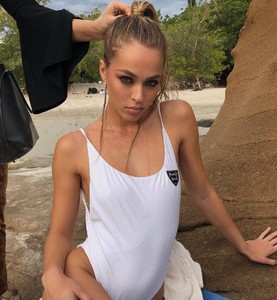

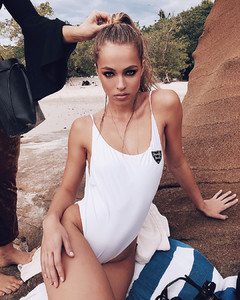


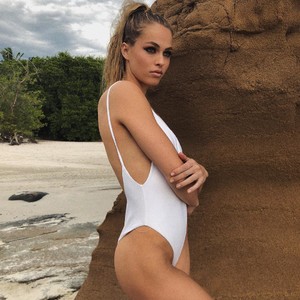



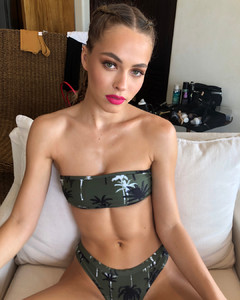



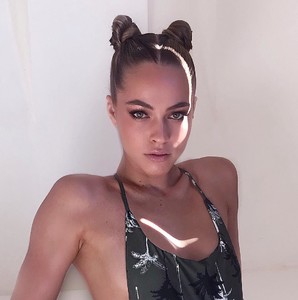
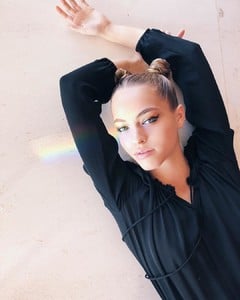






 slight Nudity!

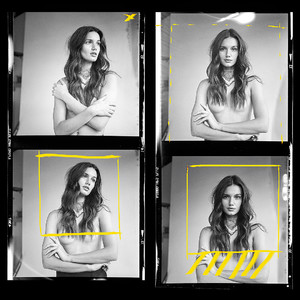 One One Swimwear Ph: Clint Padilla vid01.mp4 vid02.mp4 vid03.mp4 vid04.mp4












 Monster Children Ph: Tim Swallow








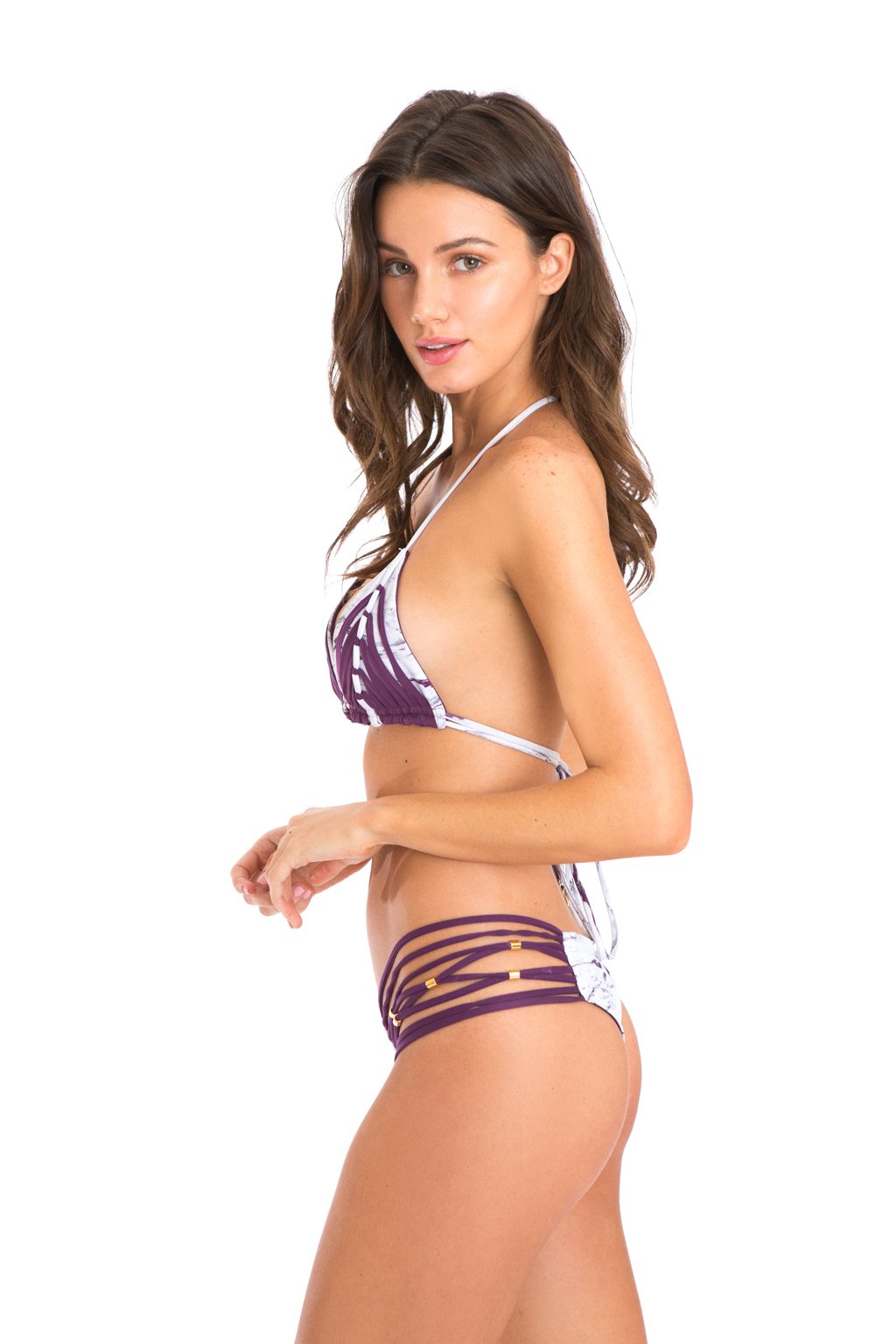
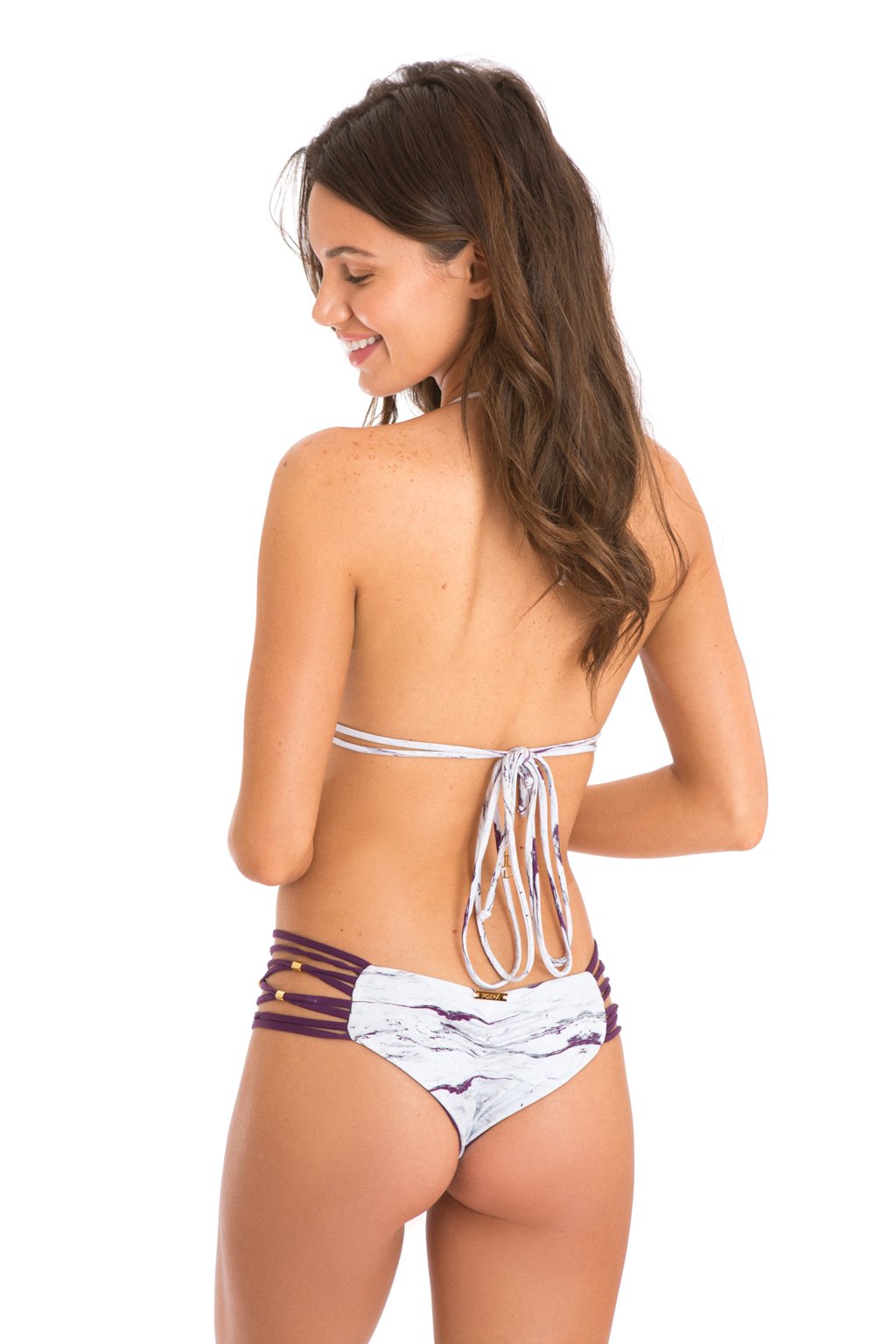
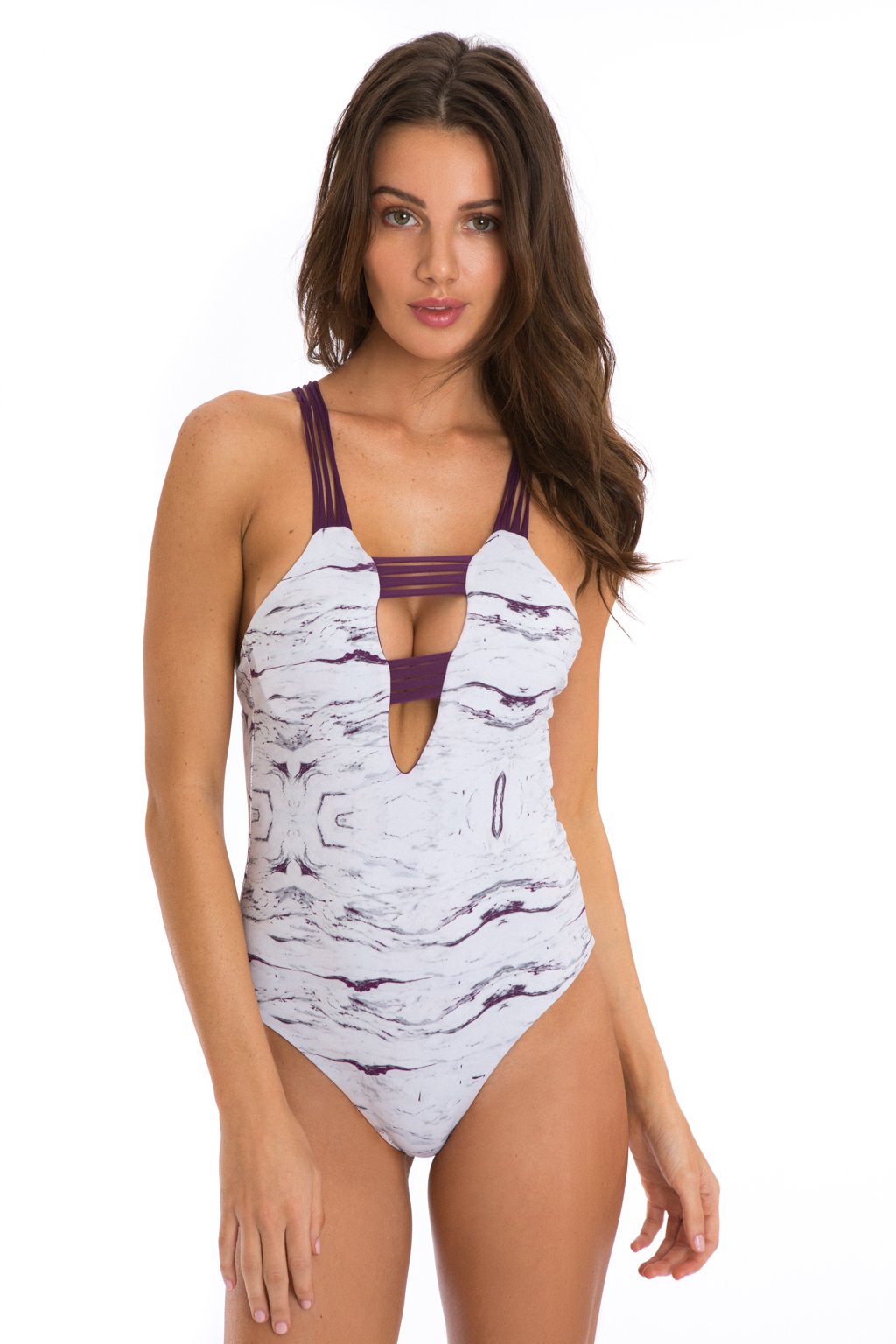
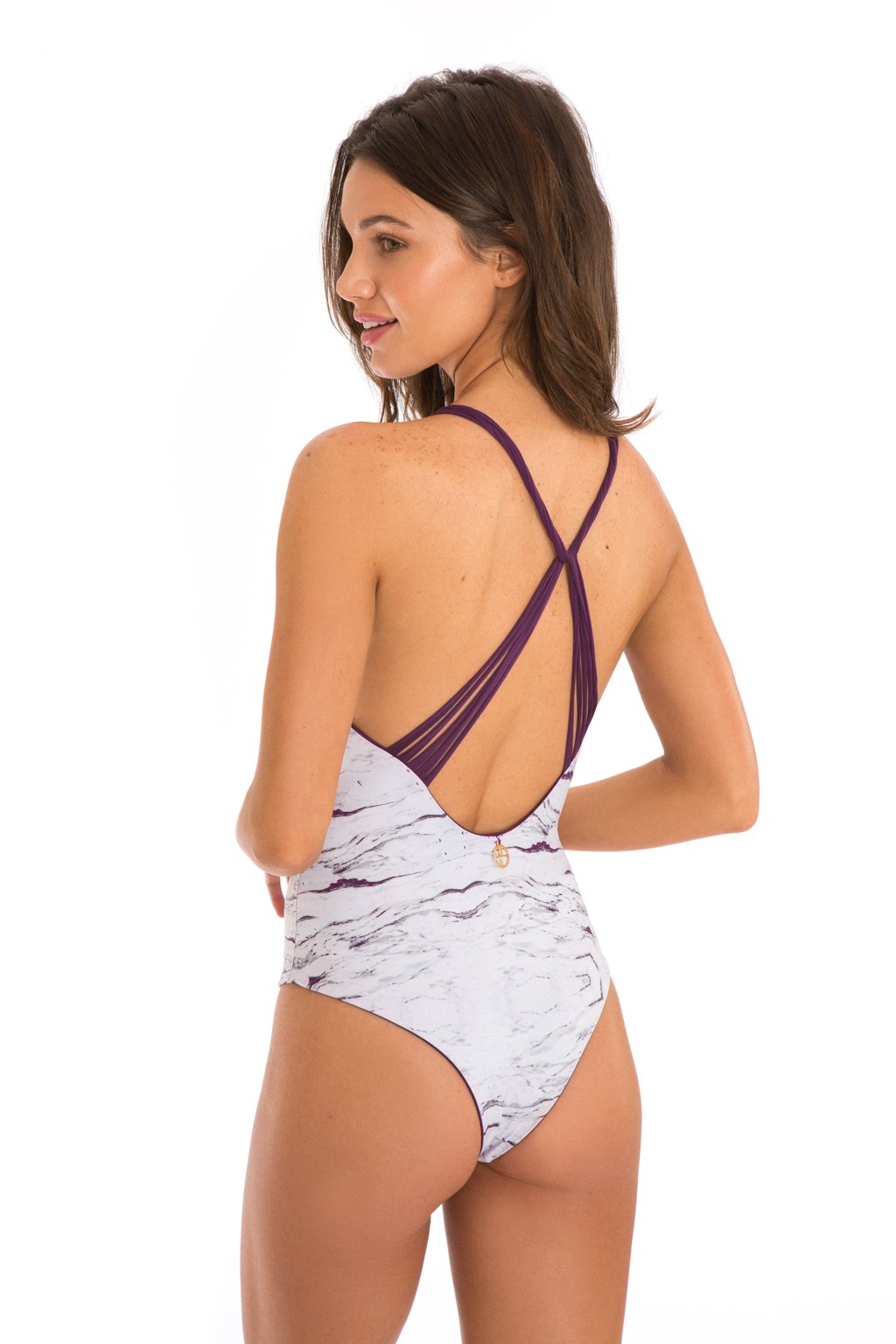
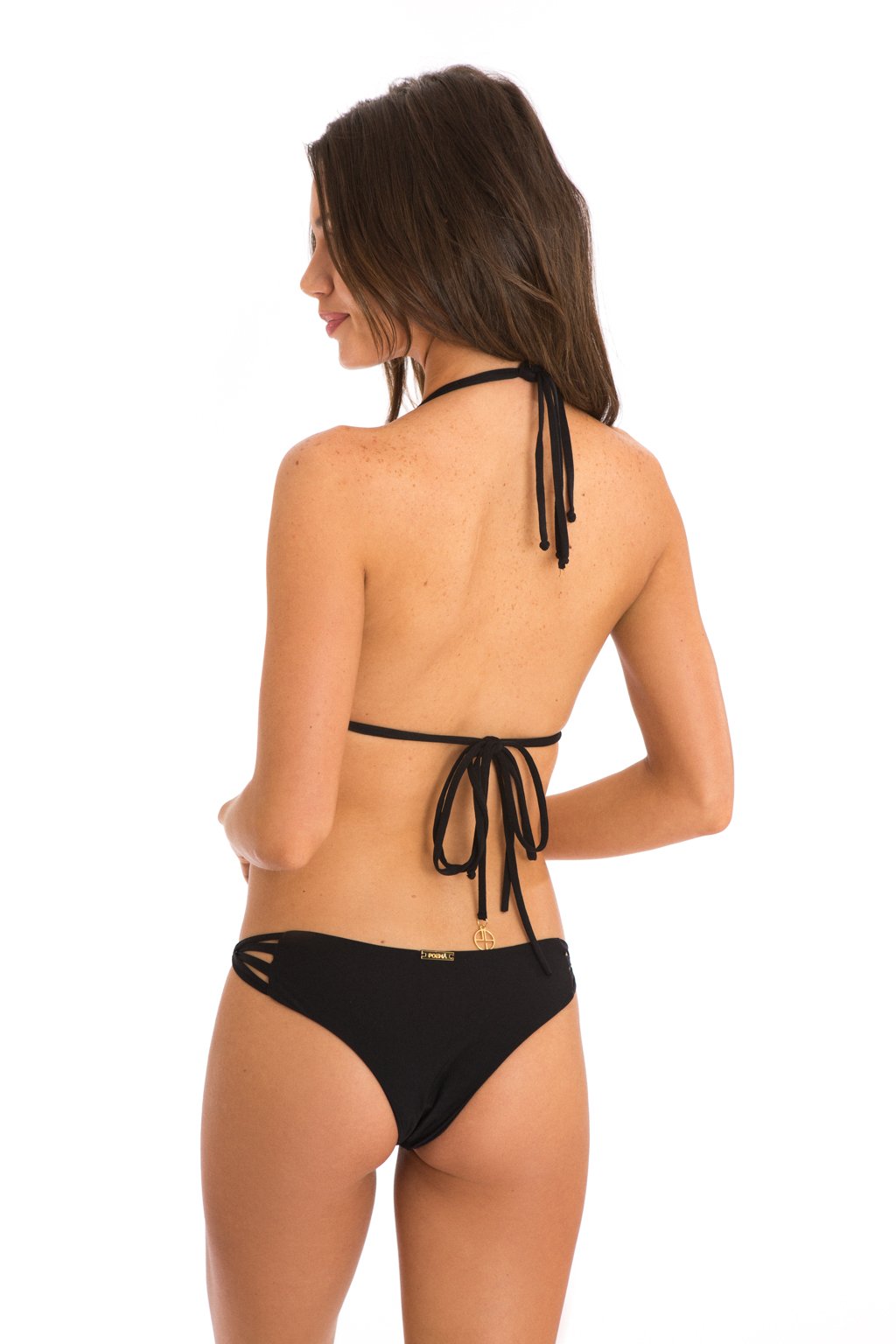
 Poema Swim


















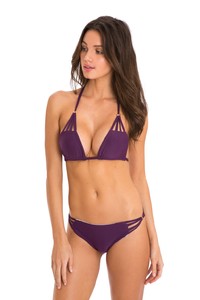


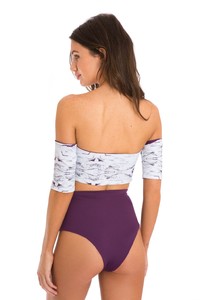


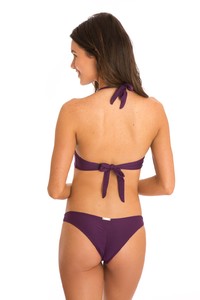


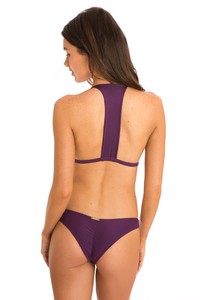
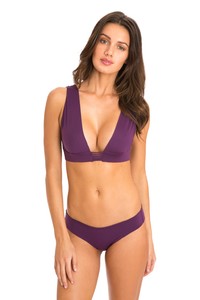










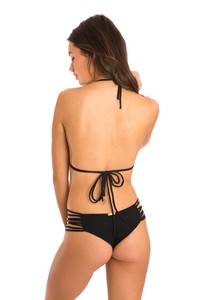








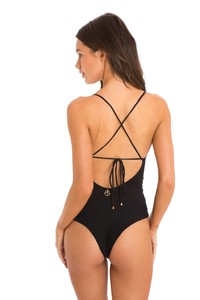












 zoeygrossman
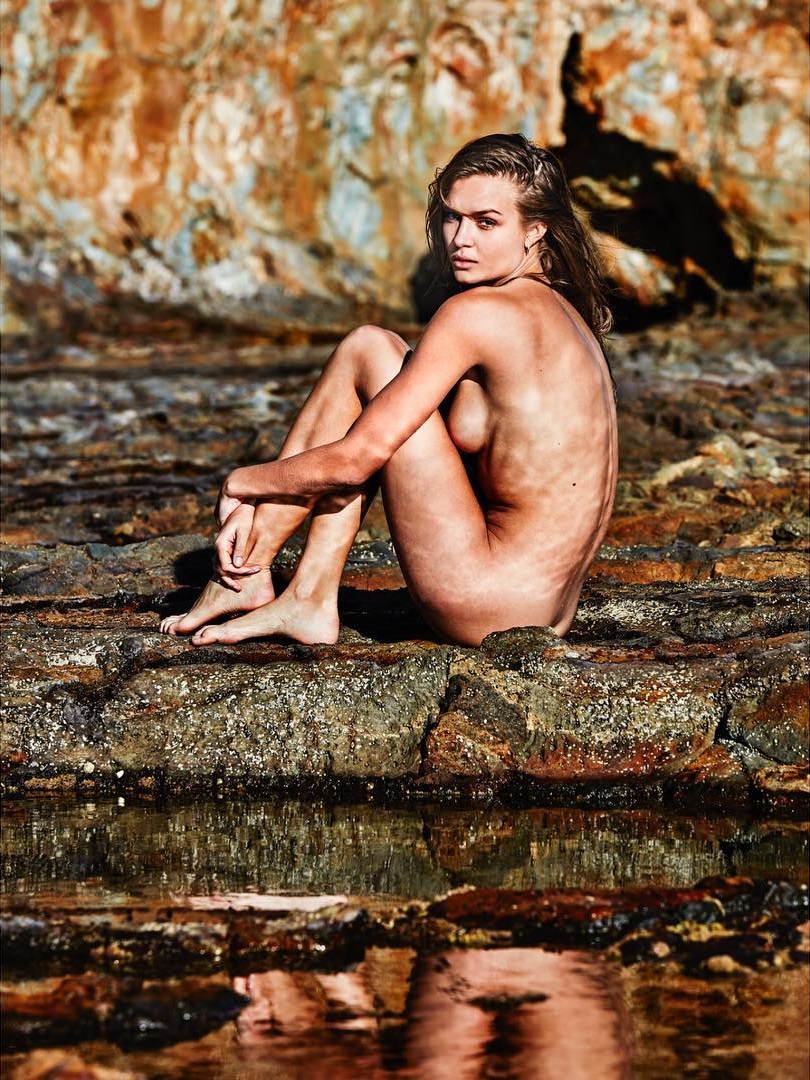
 Lina Tesch HQs slight Nudity!


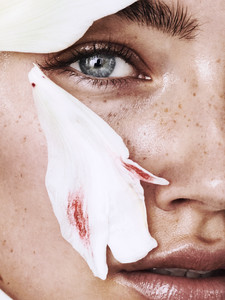





 Gregorio Campos 27296155_408376862916576_5766196336712902162_n.mp4 27526953_141845103176352_5575127921230147989_n.mp4 27310140_147863449260954_97922081161135684_n.mp4 27066144_1554852451296339_7456505792573890623_n.mp4


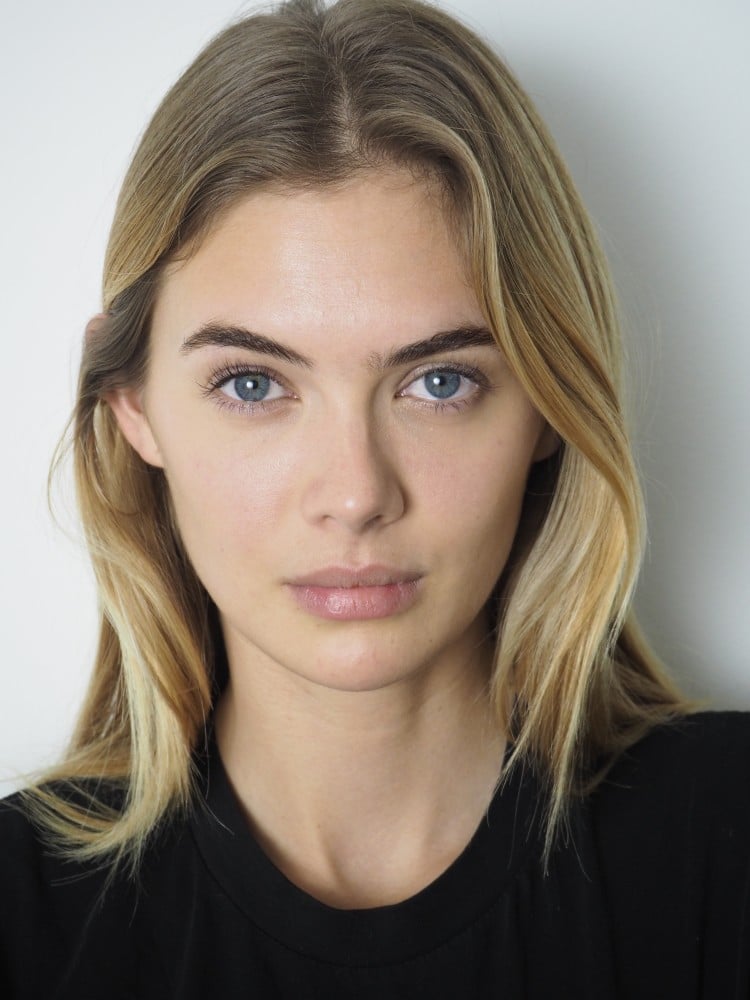
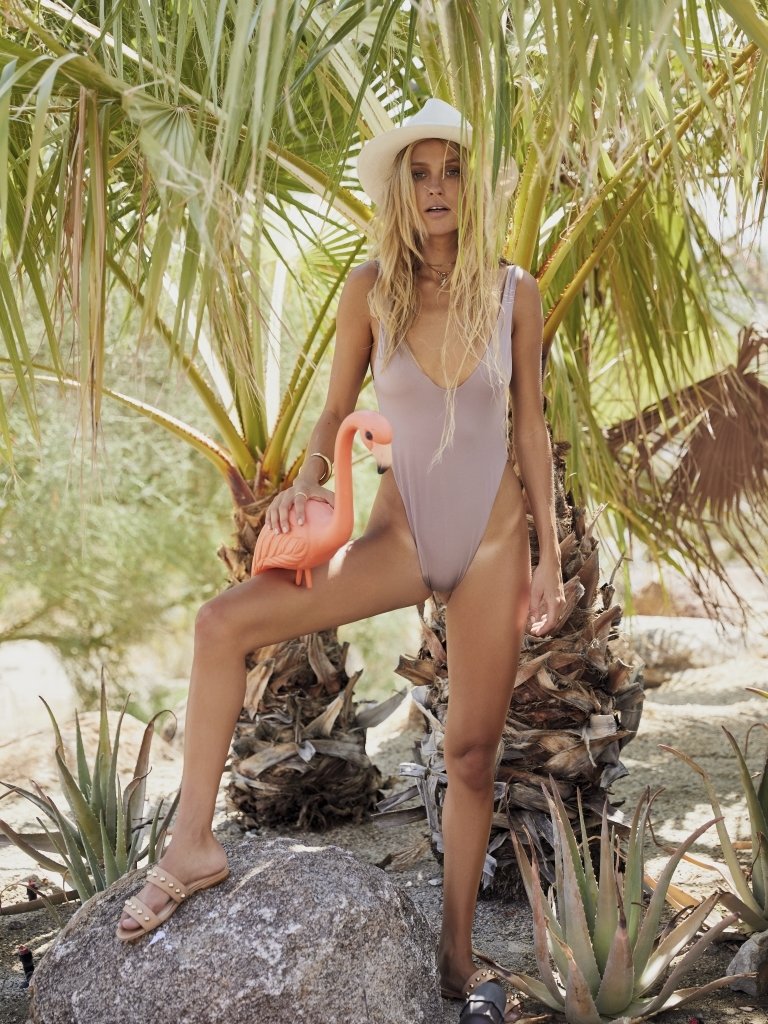
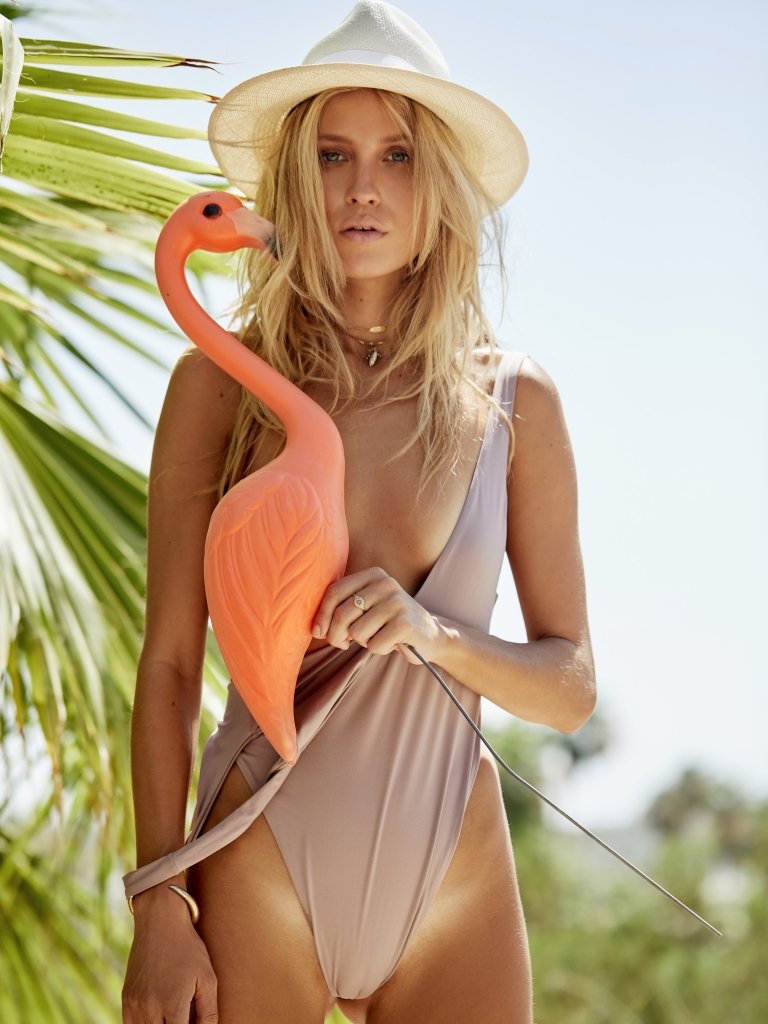
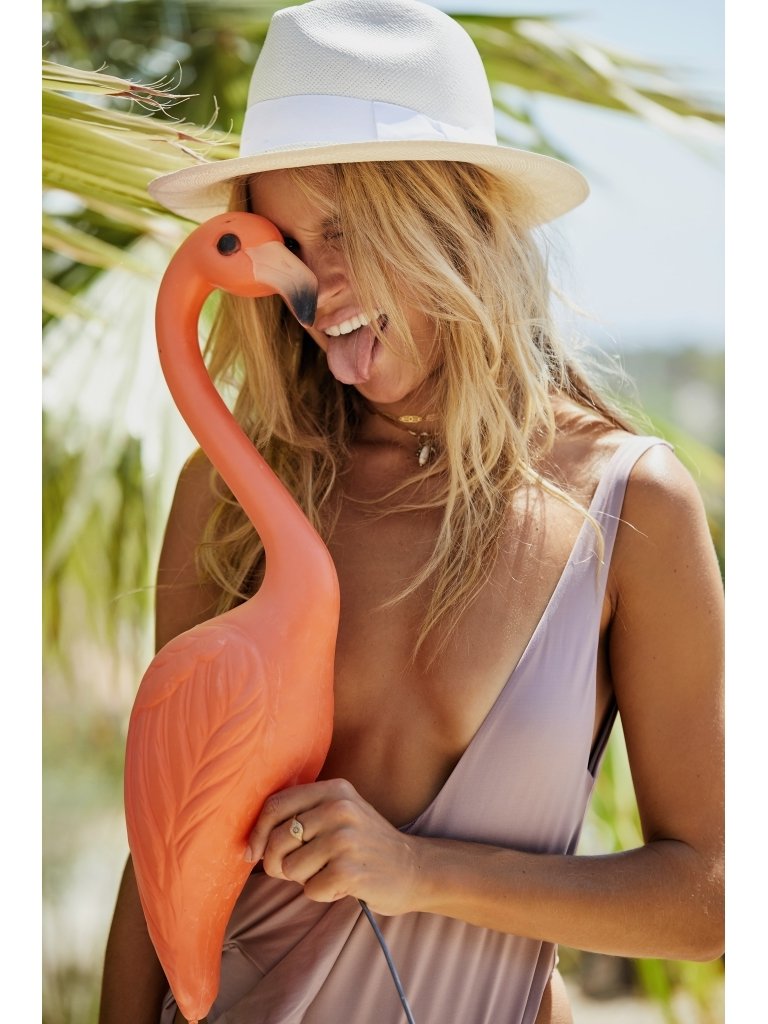
 Monica Hansen Beachwear Ph: Cameron Mackie





































































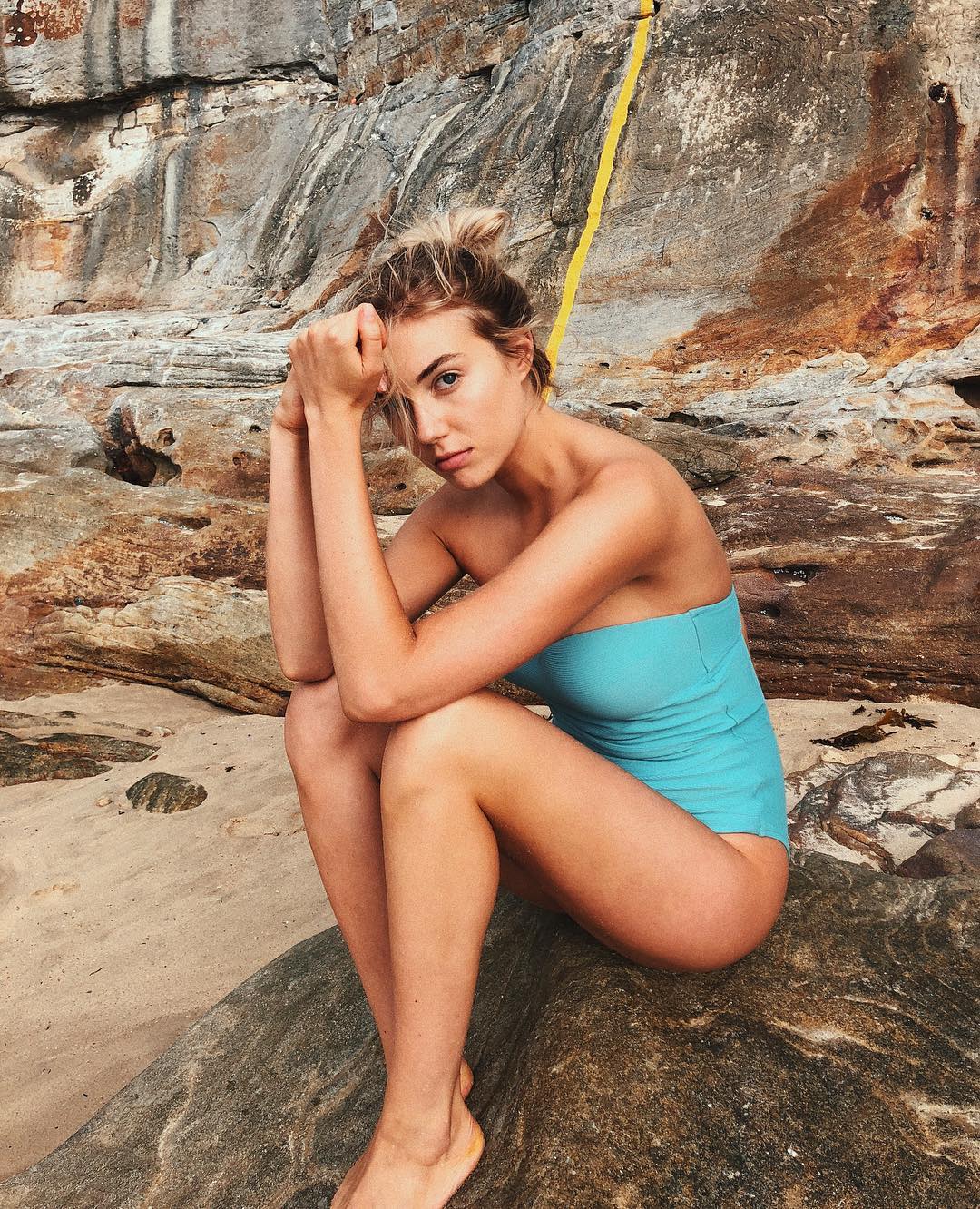






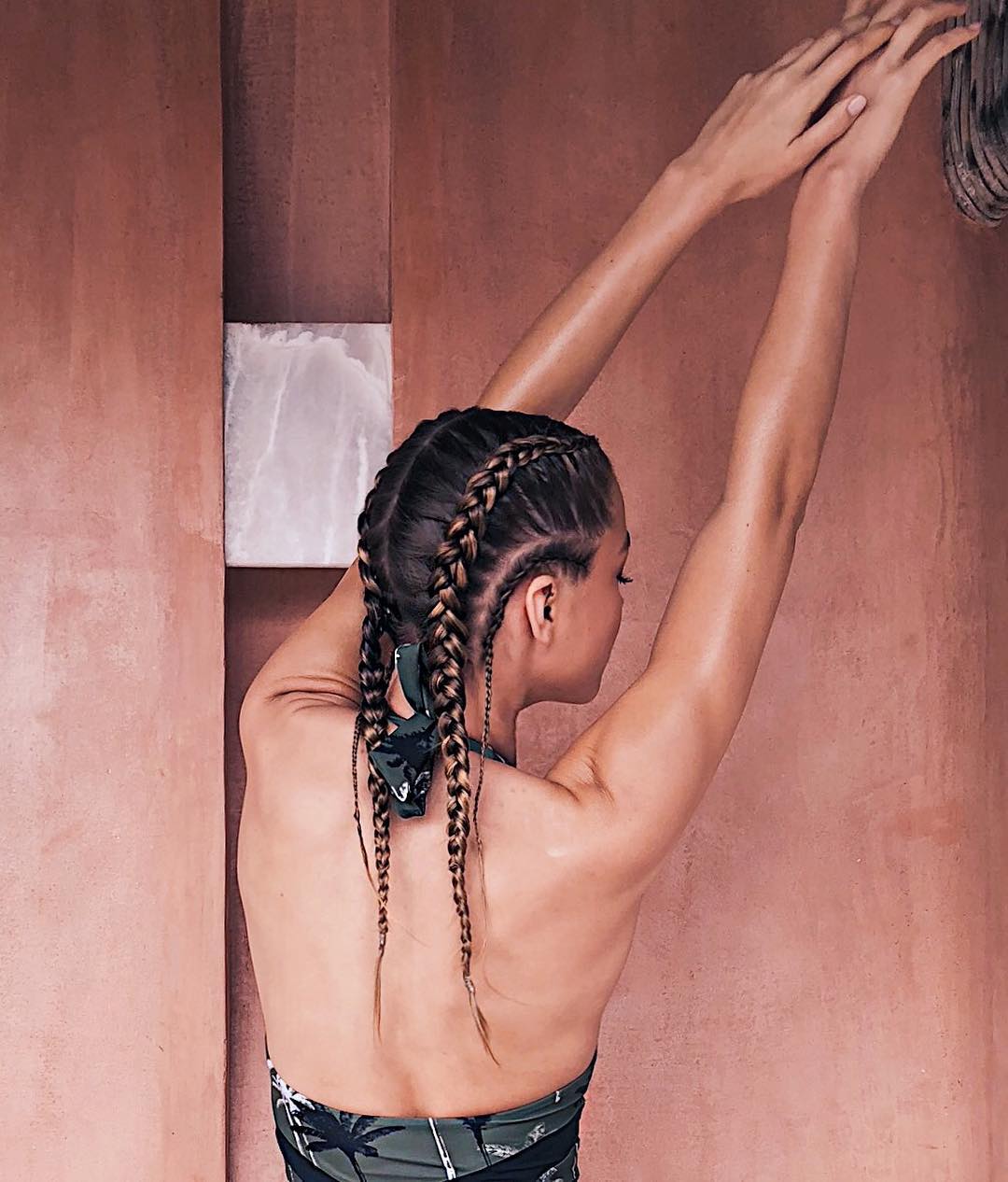
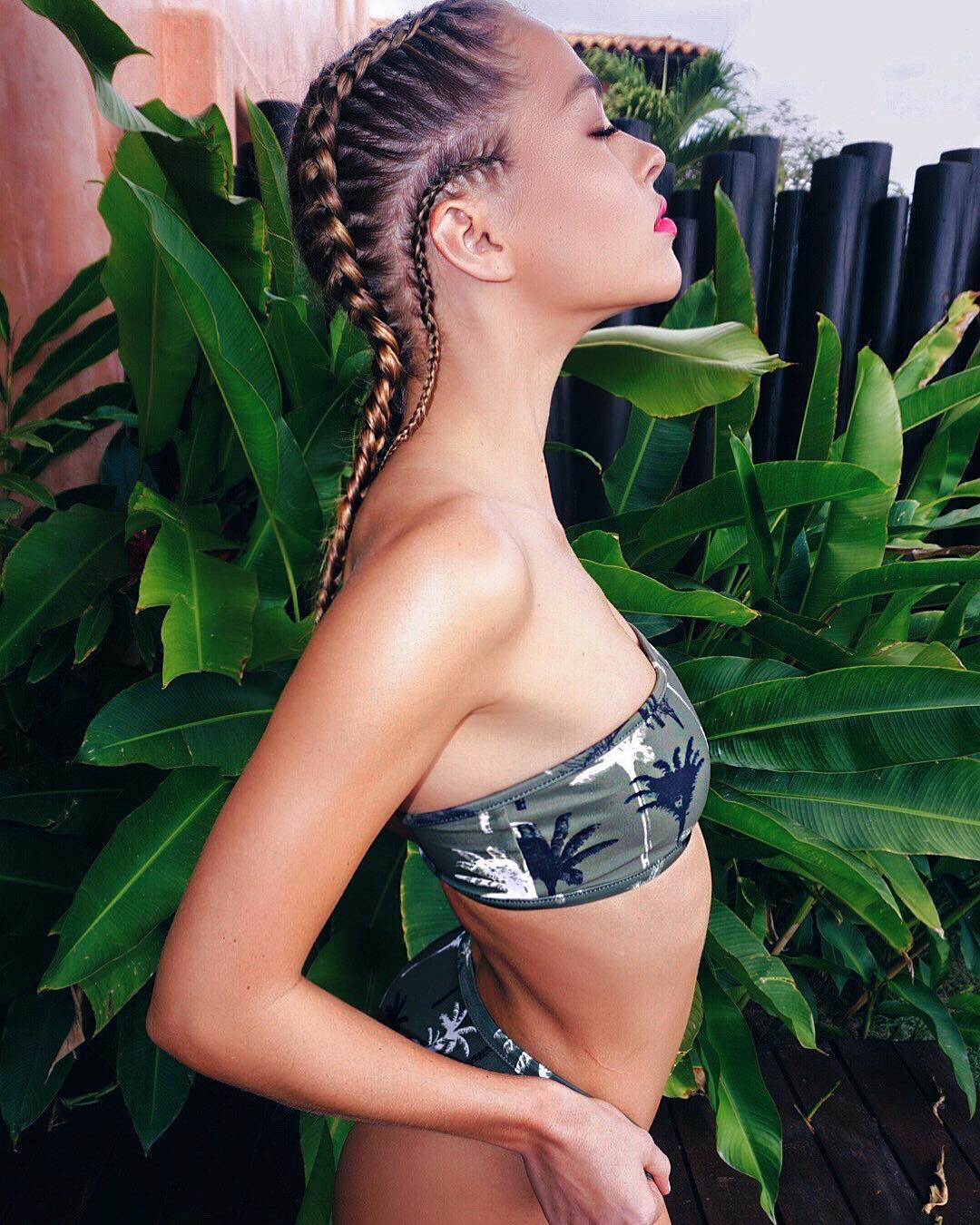
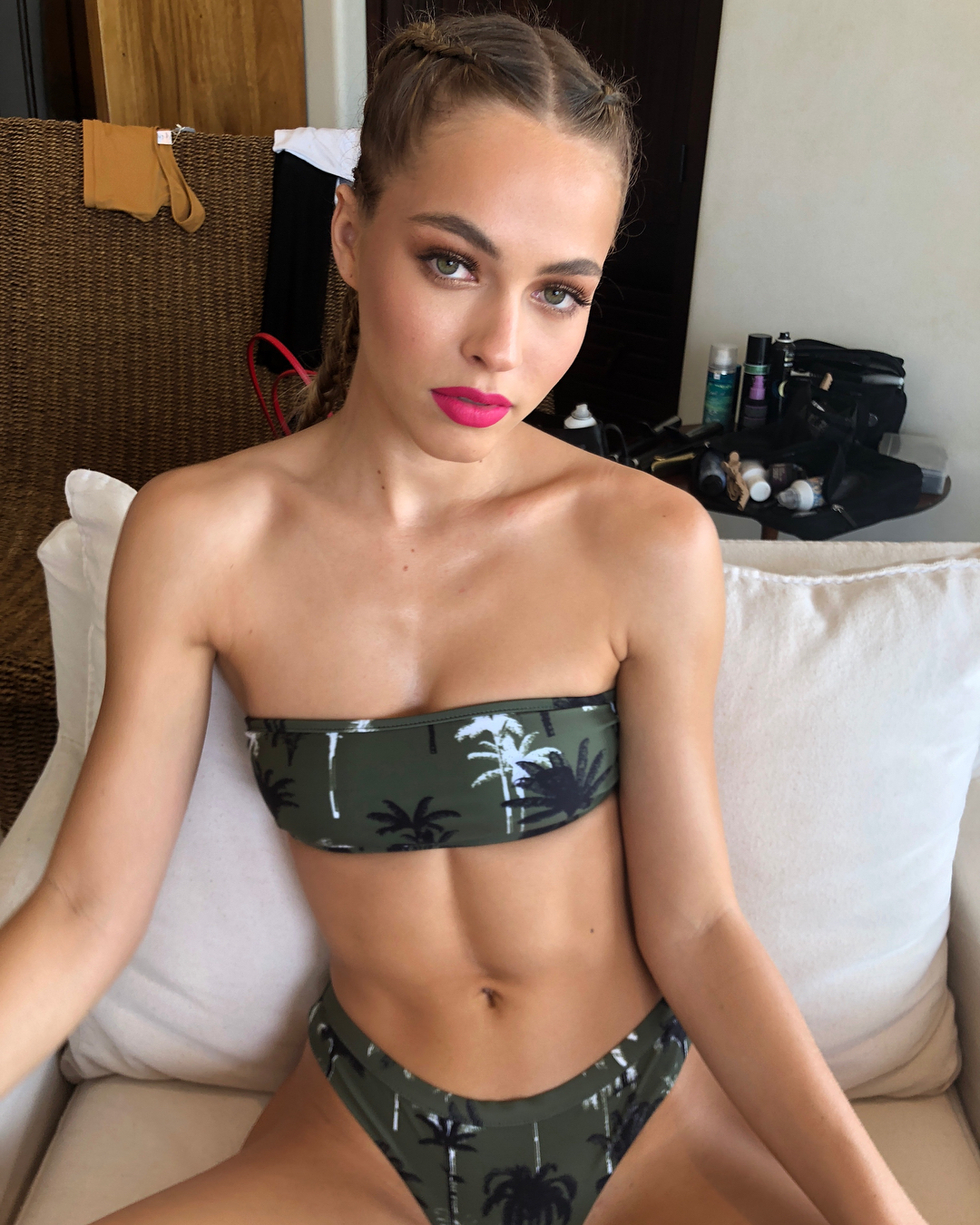



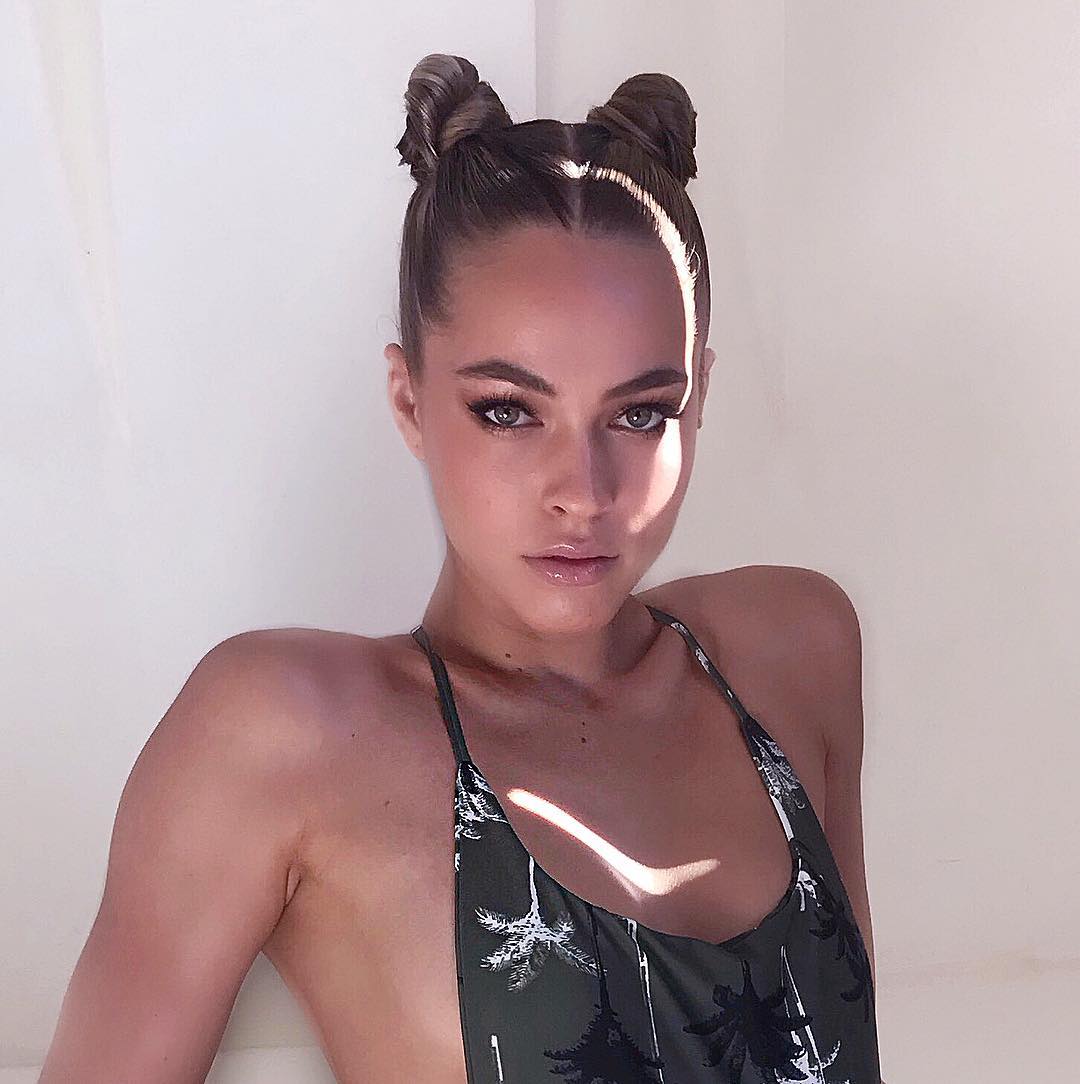

















































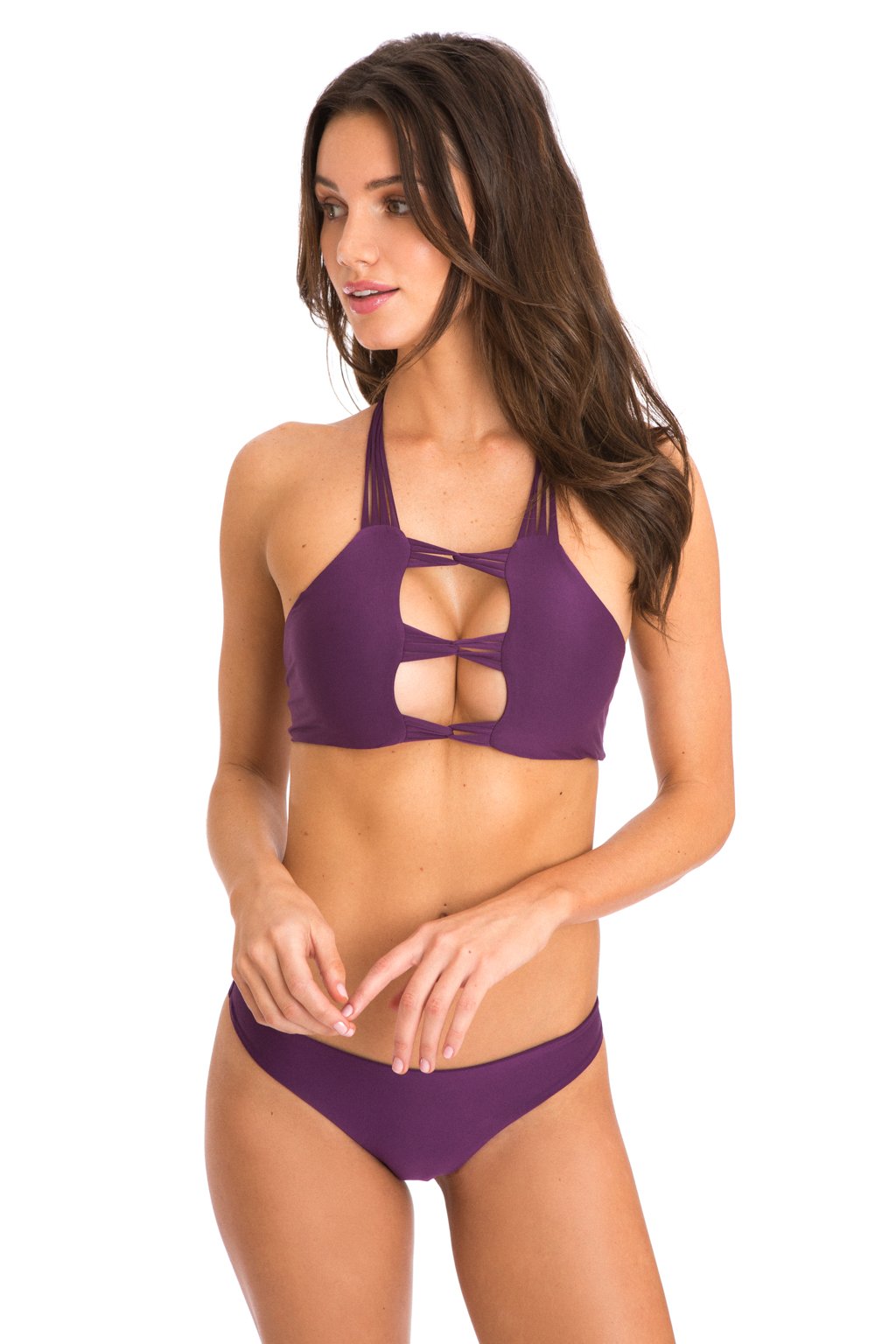
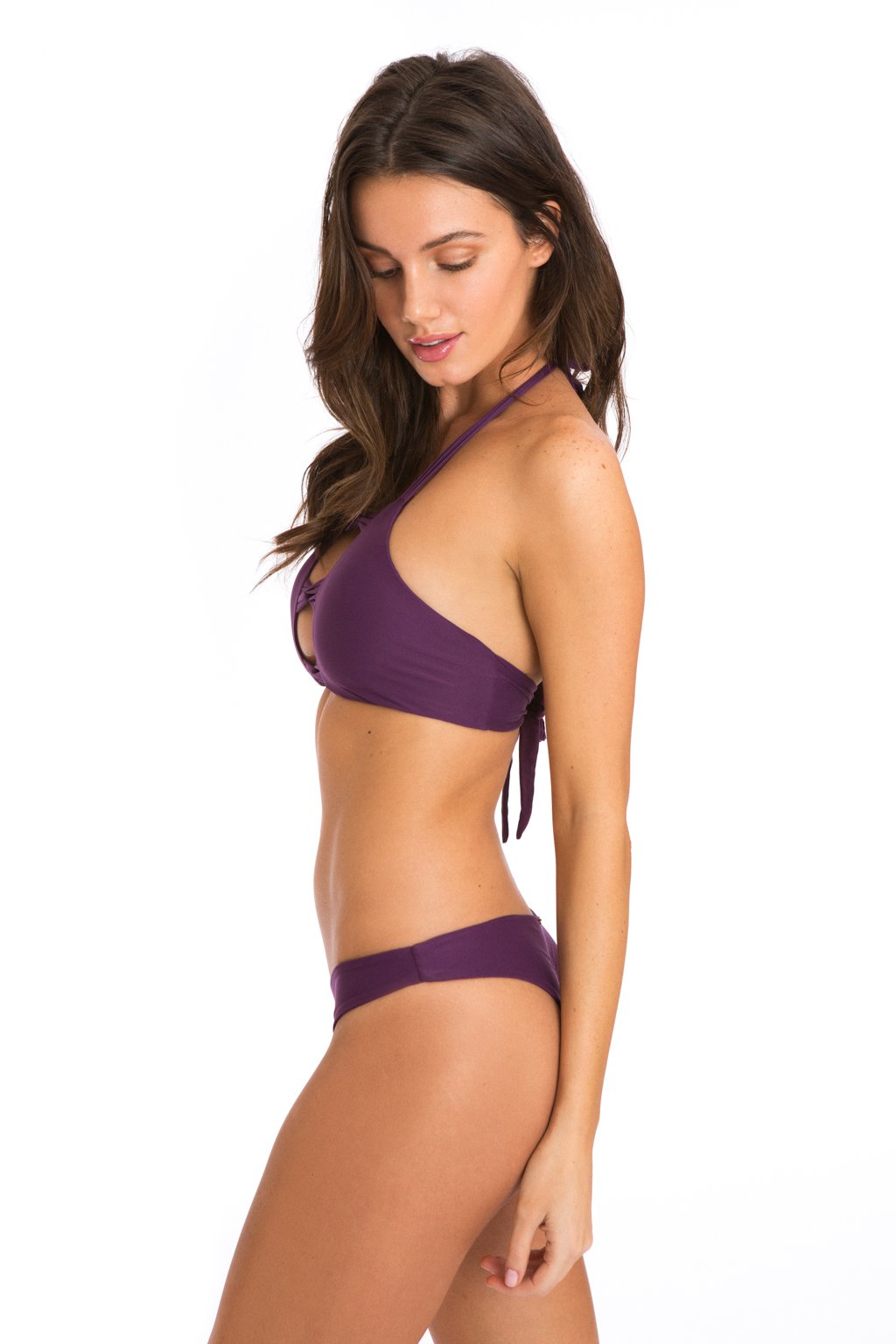
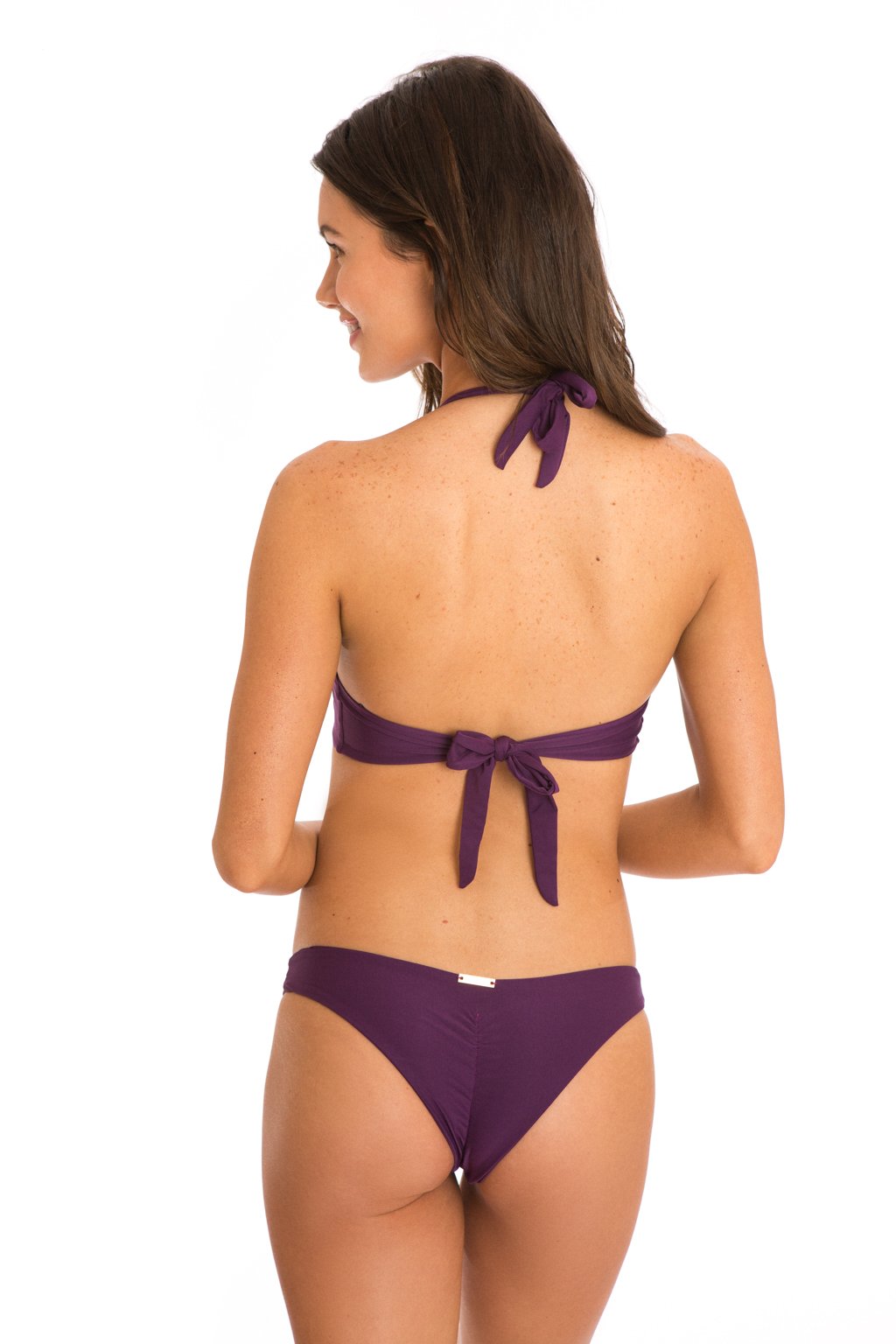
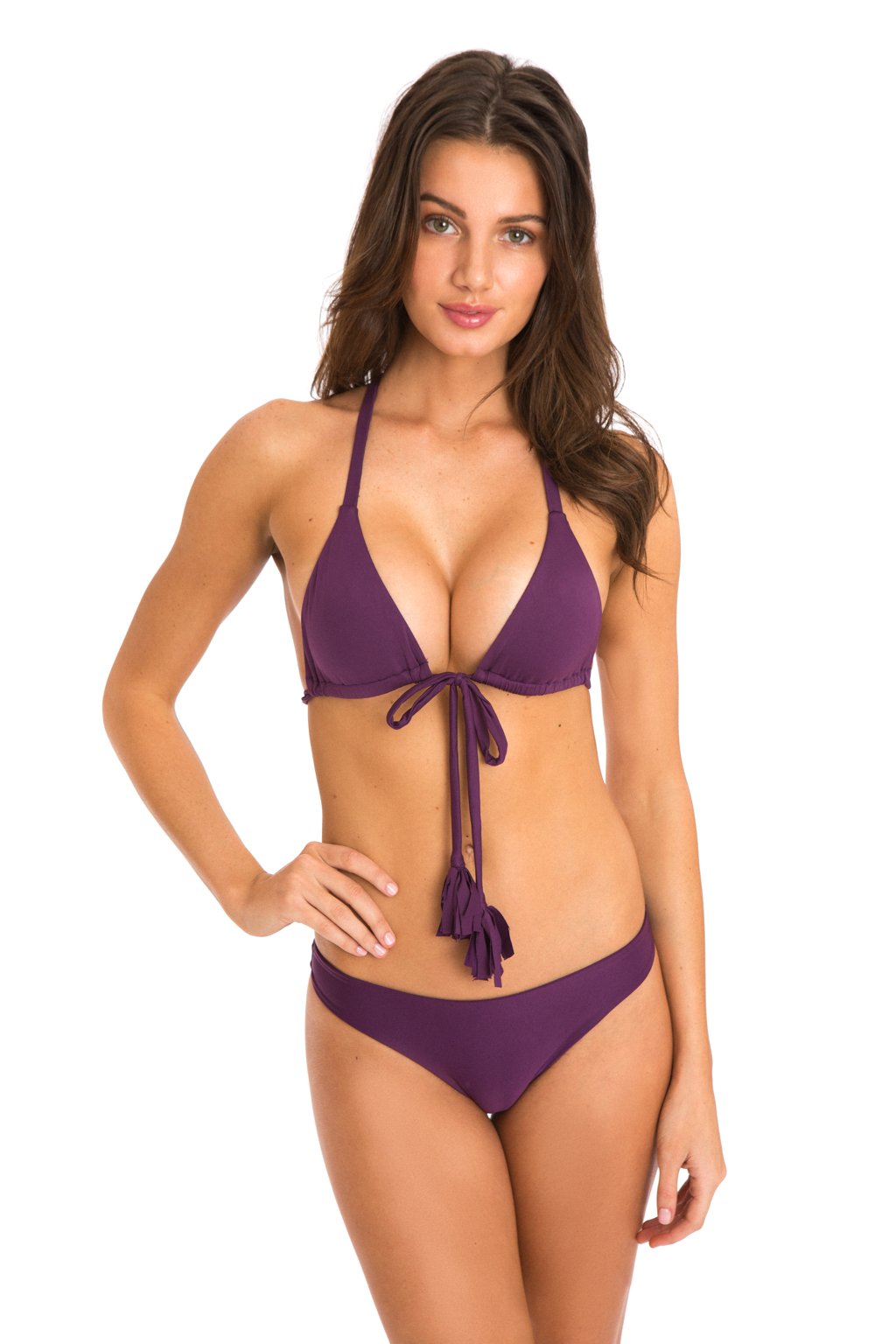
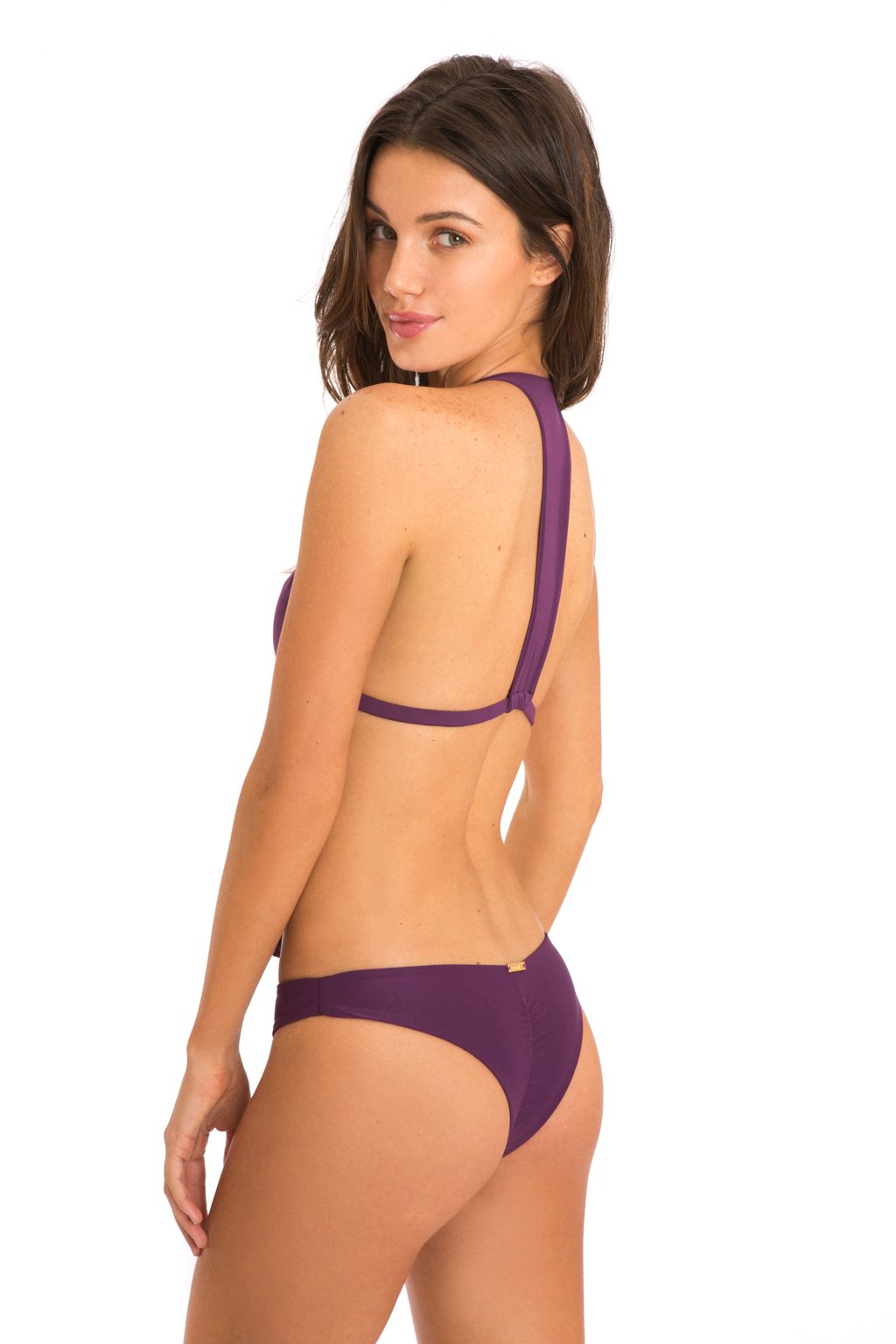
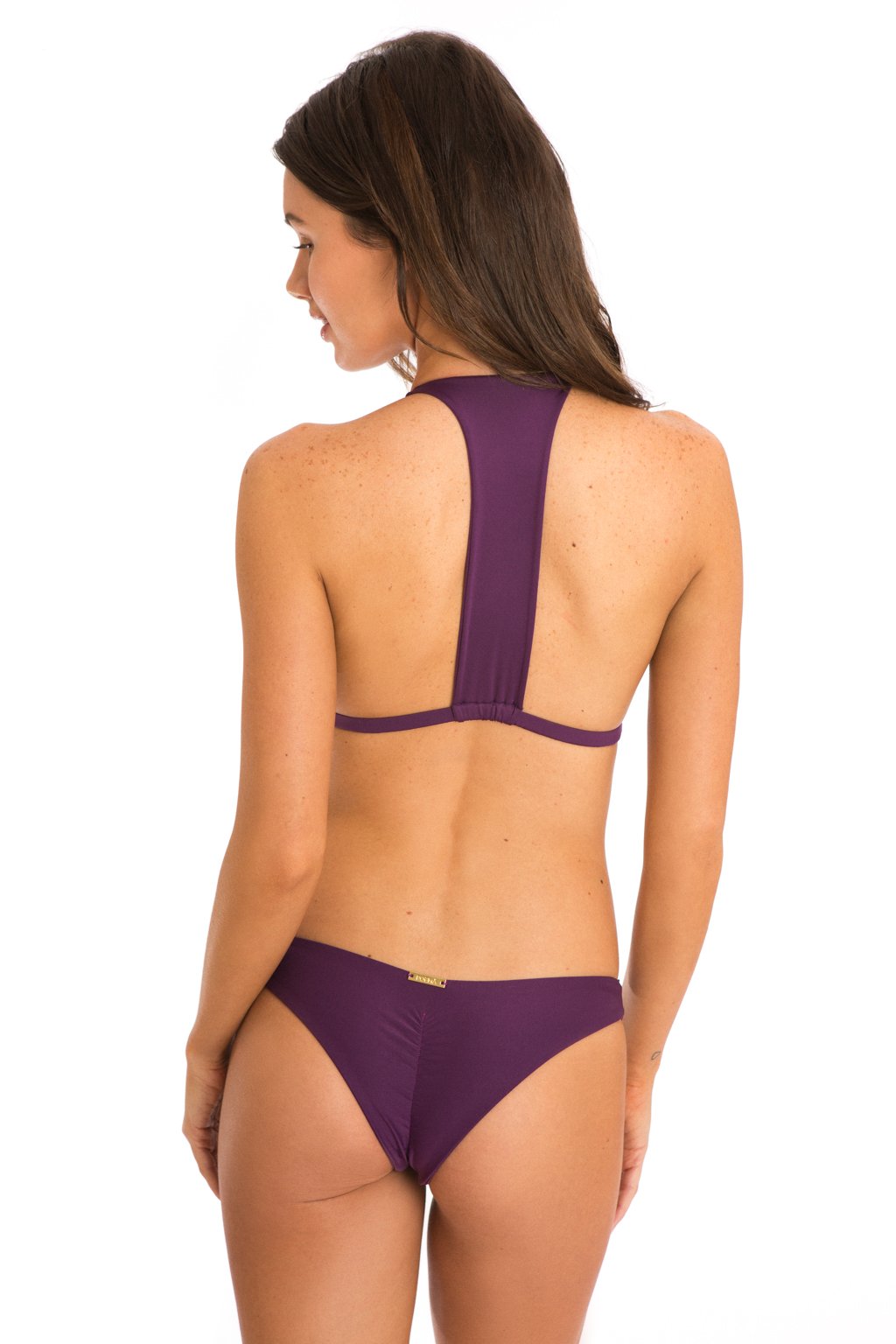
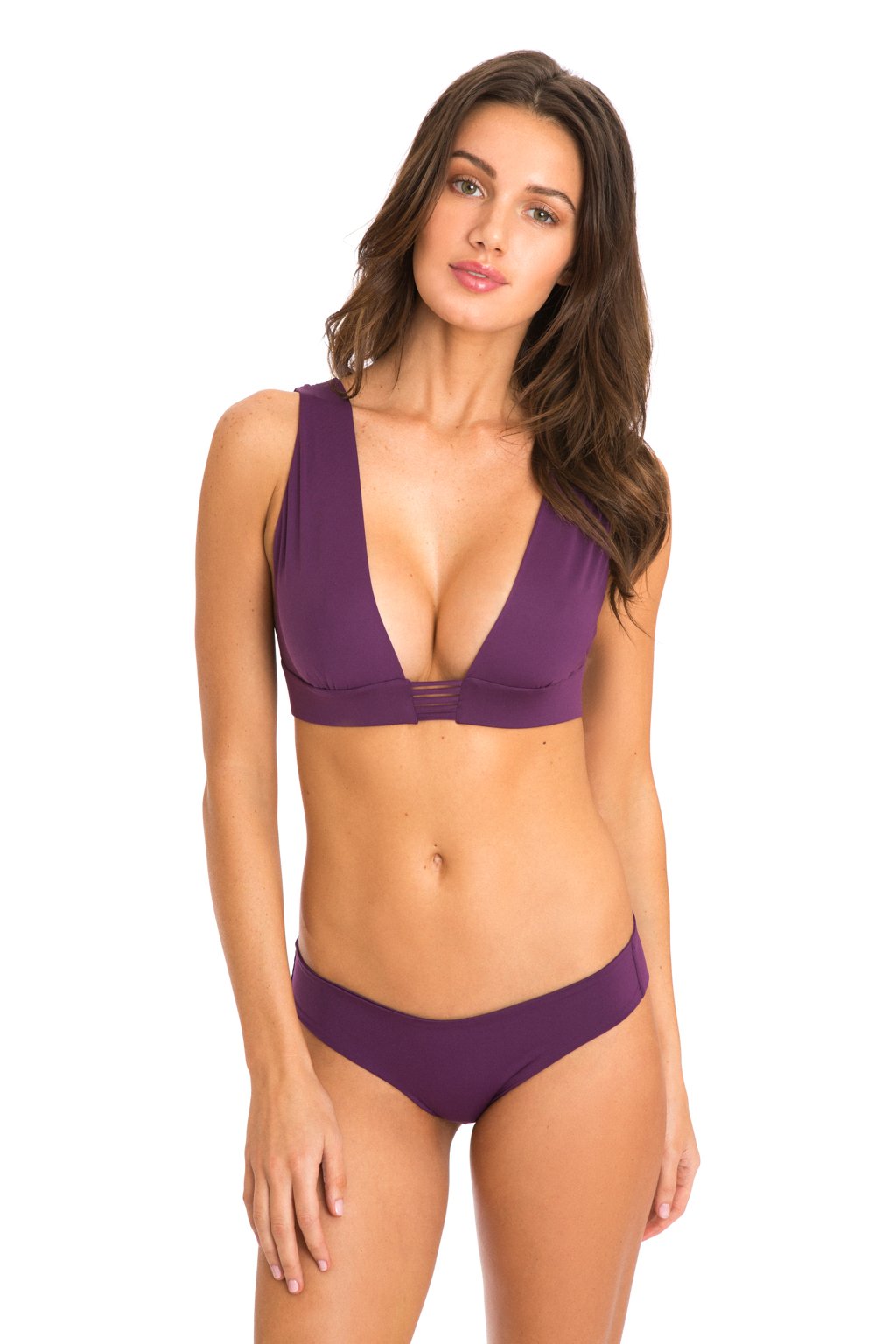
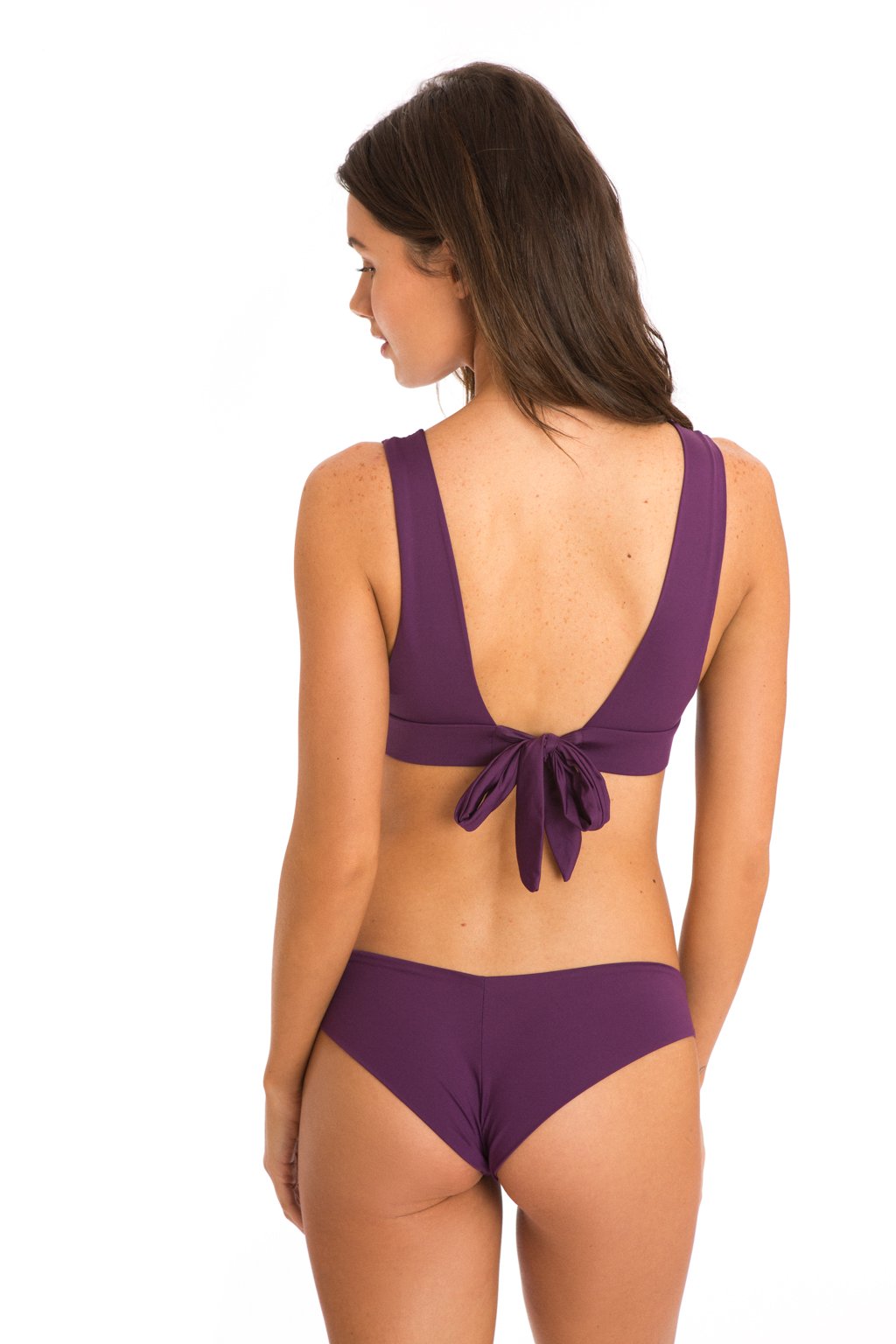
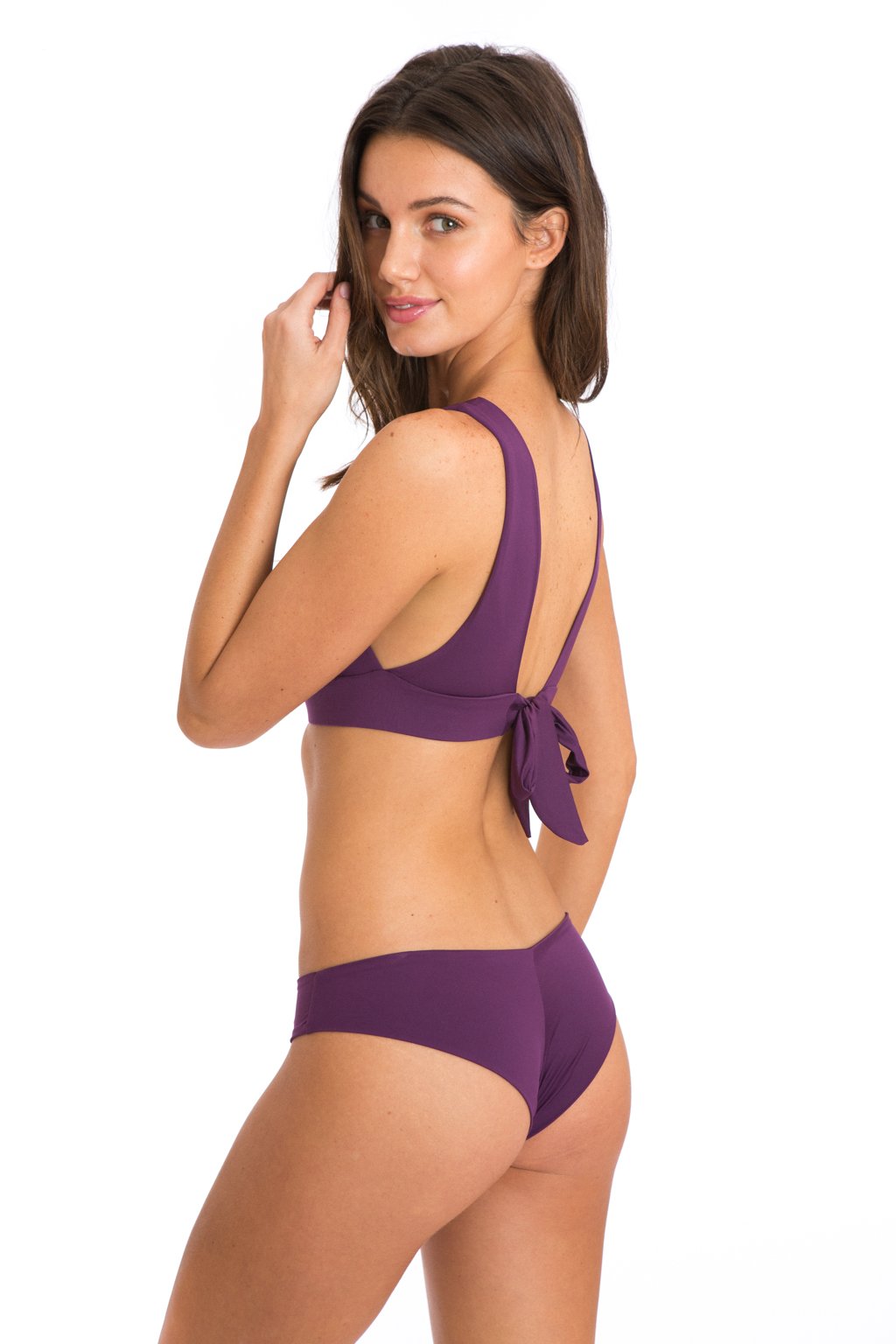






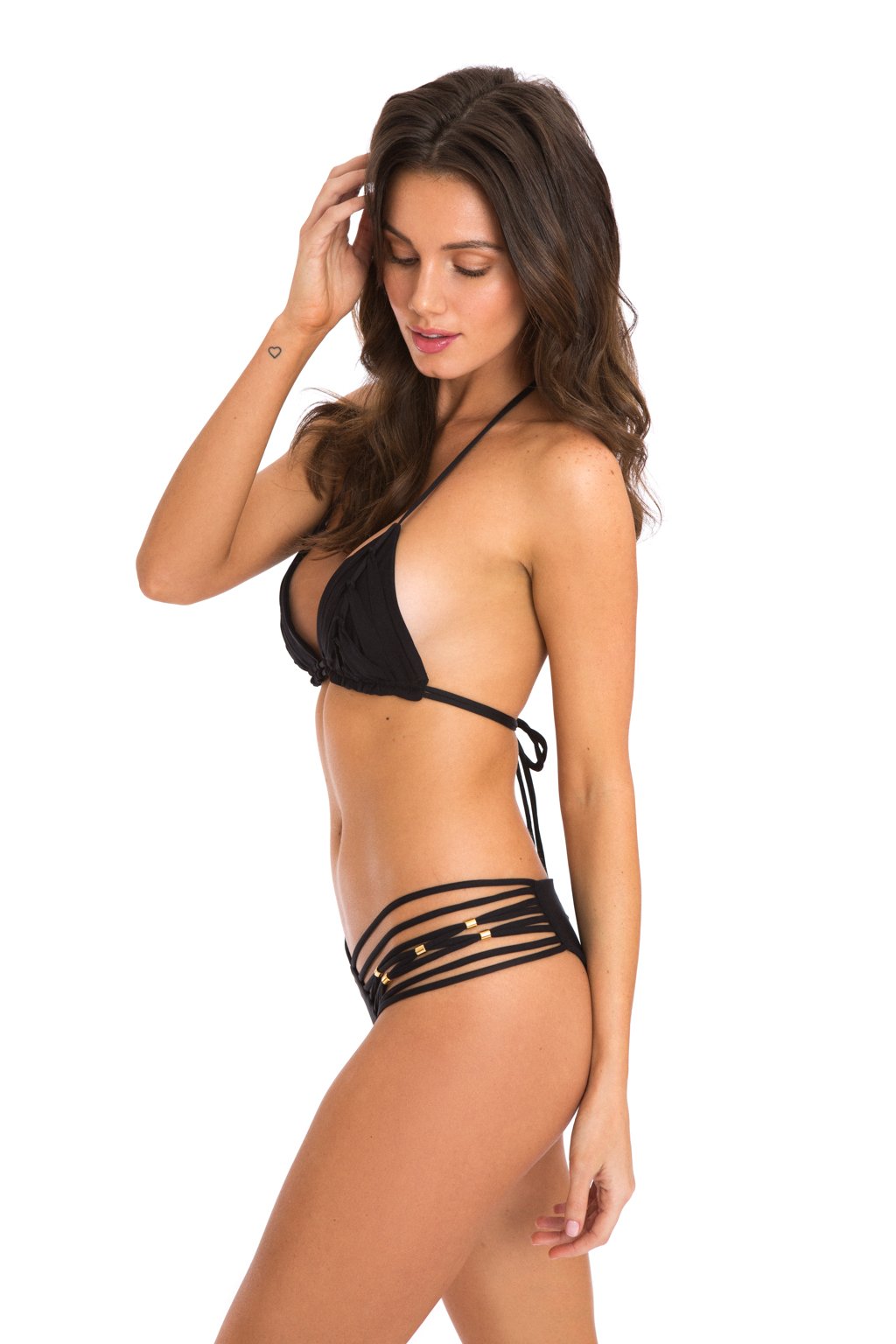
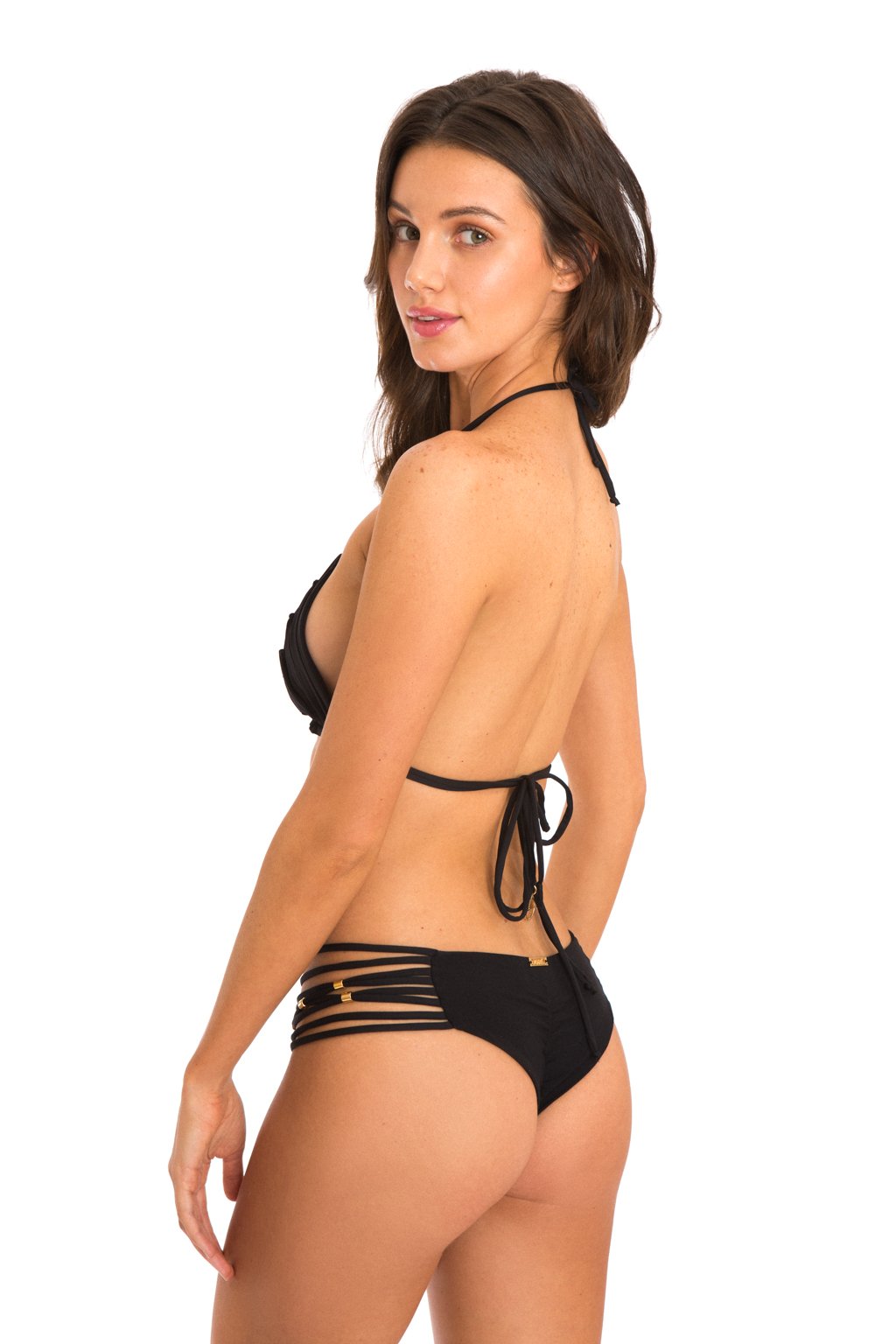
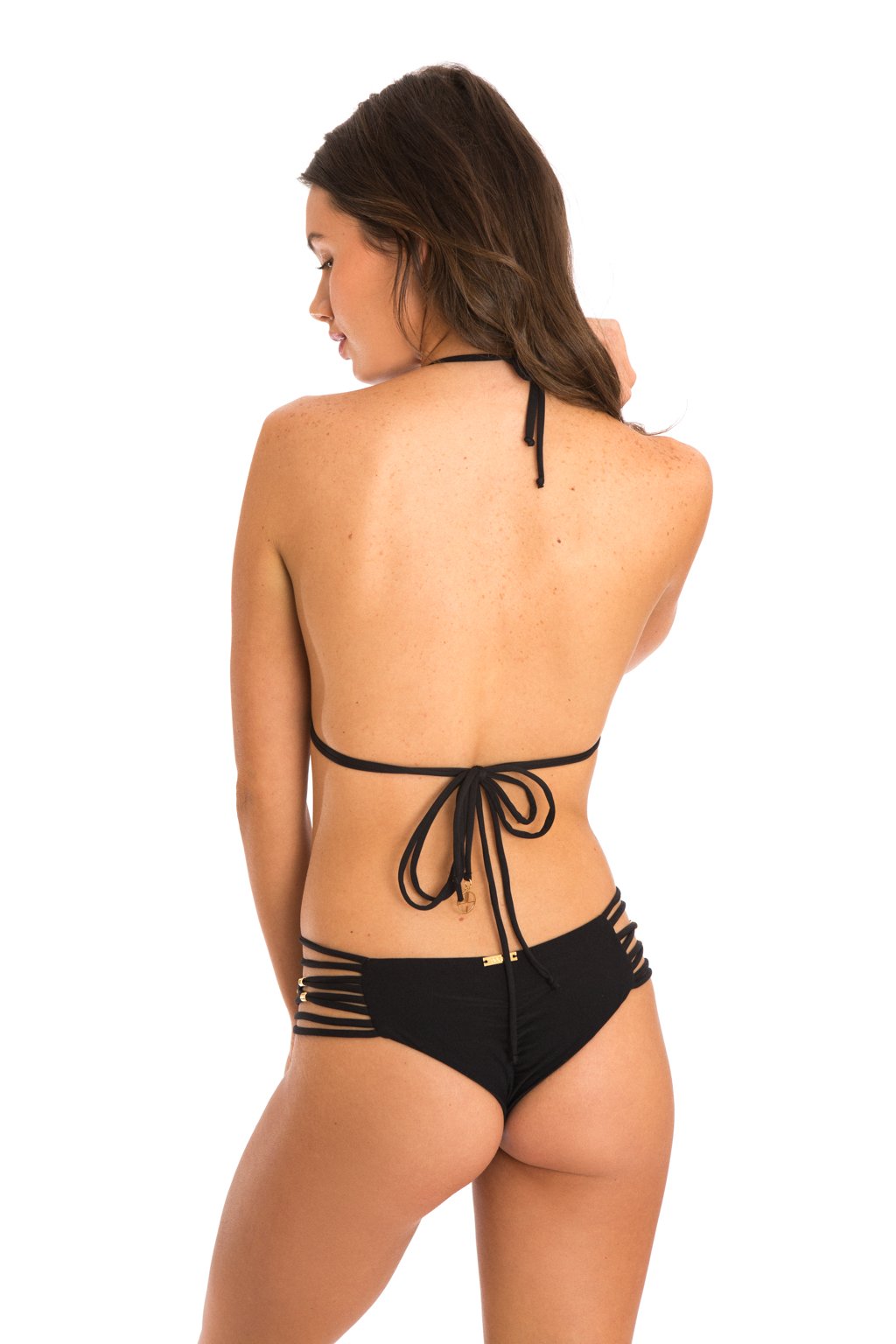





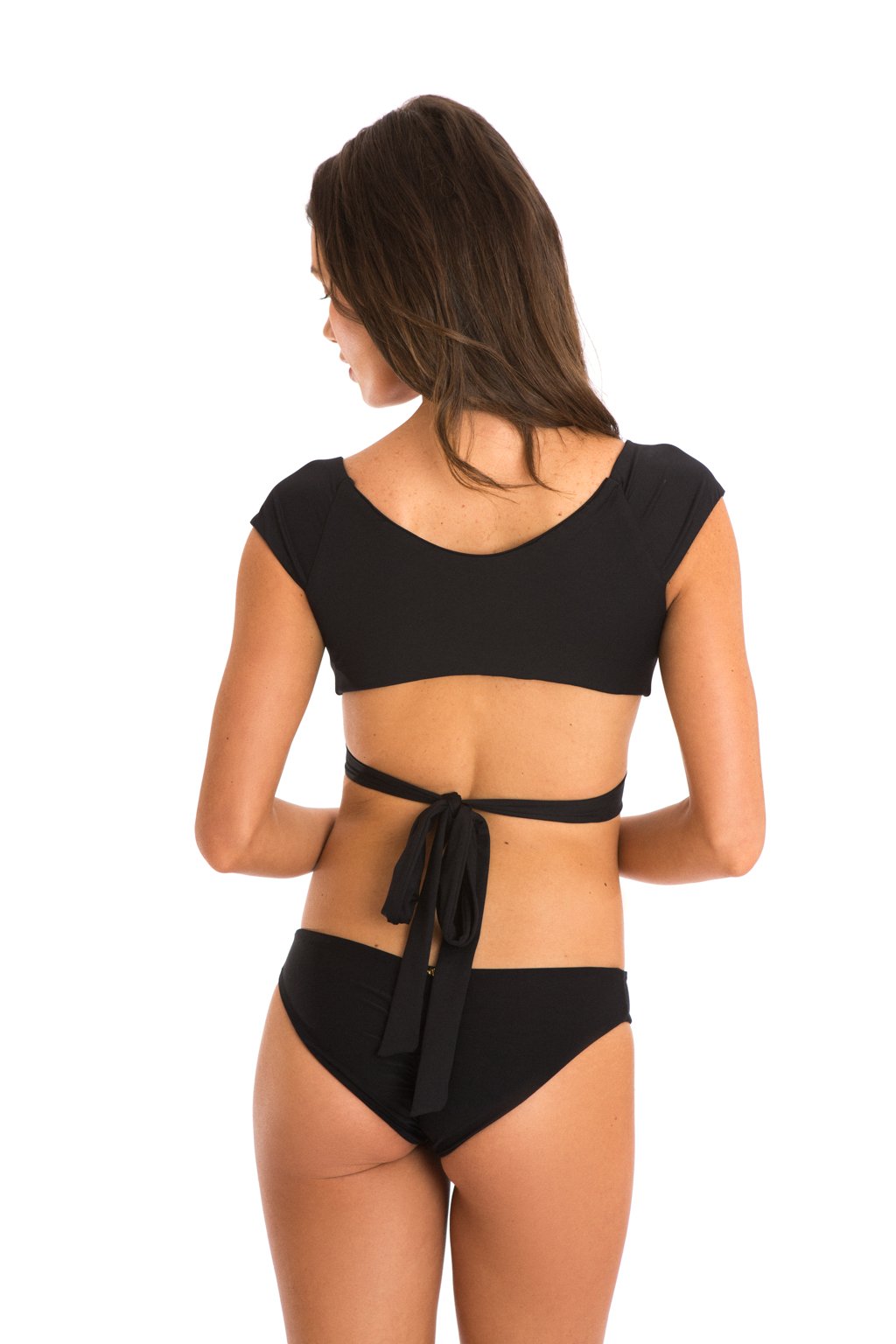
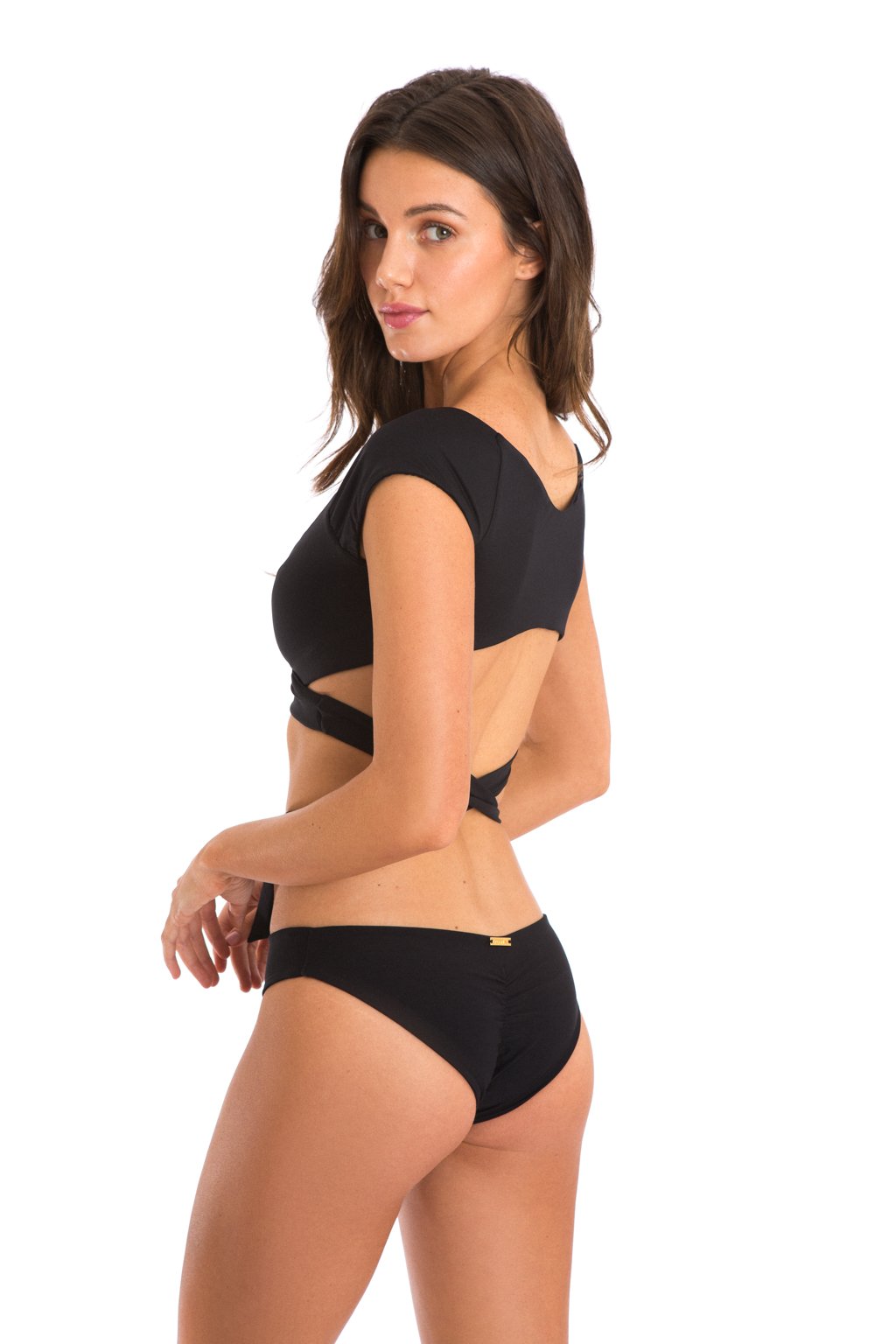

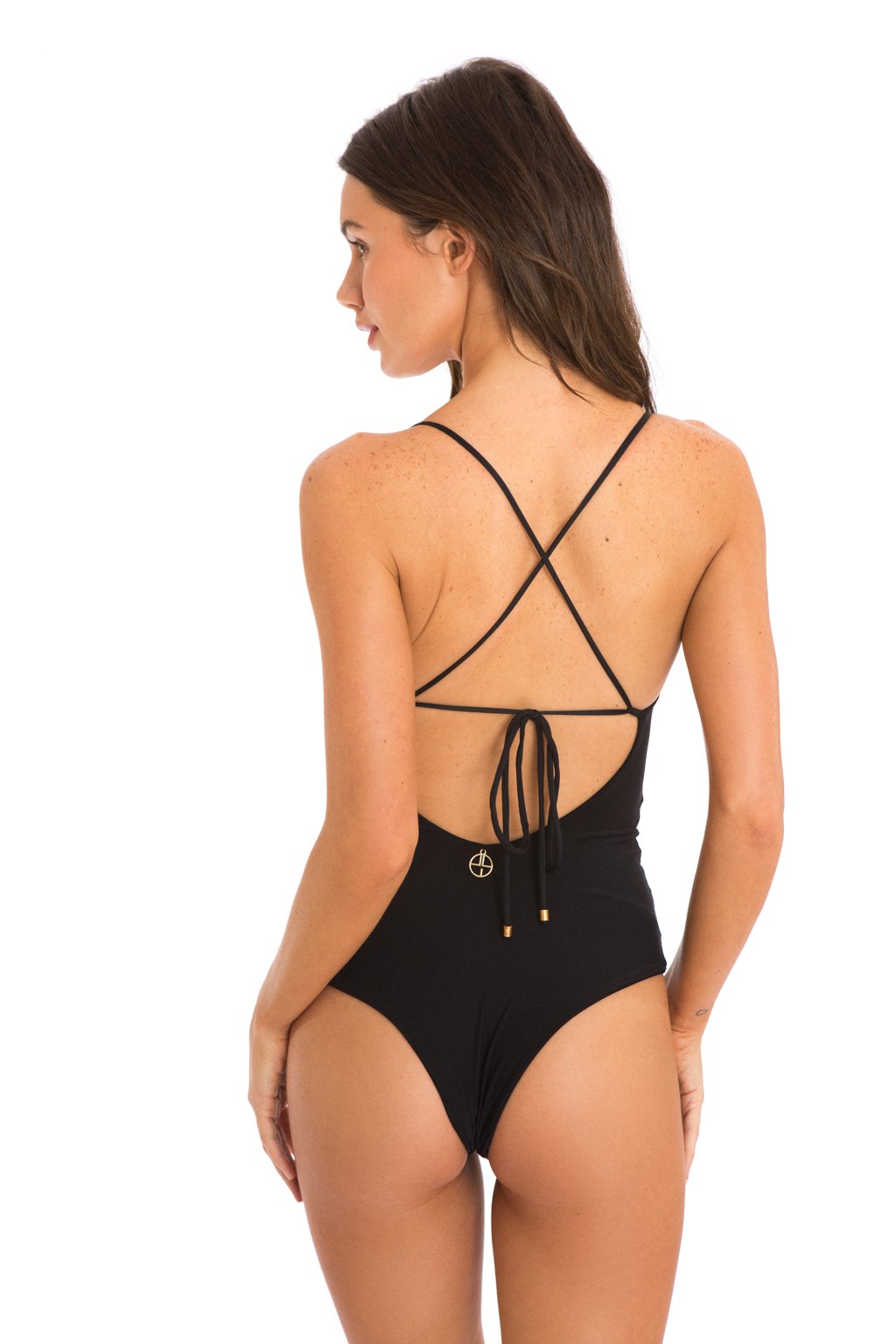

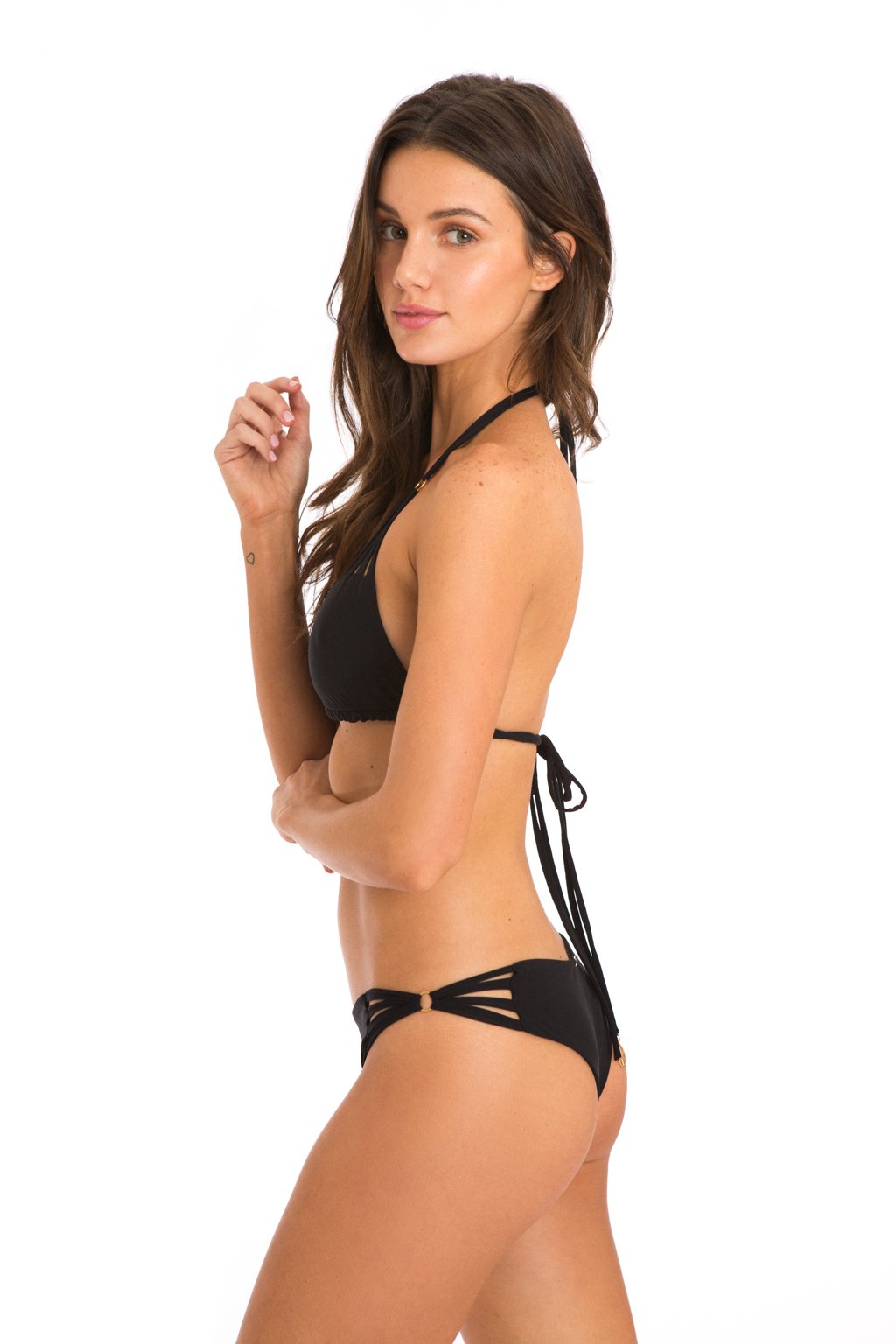

























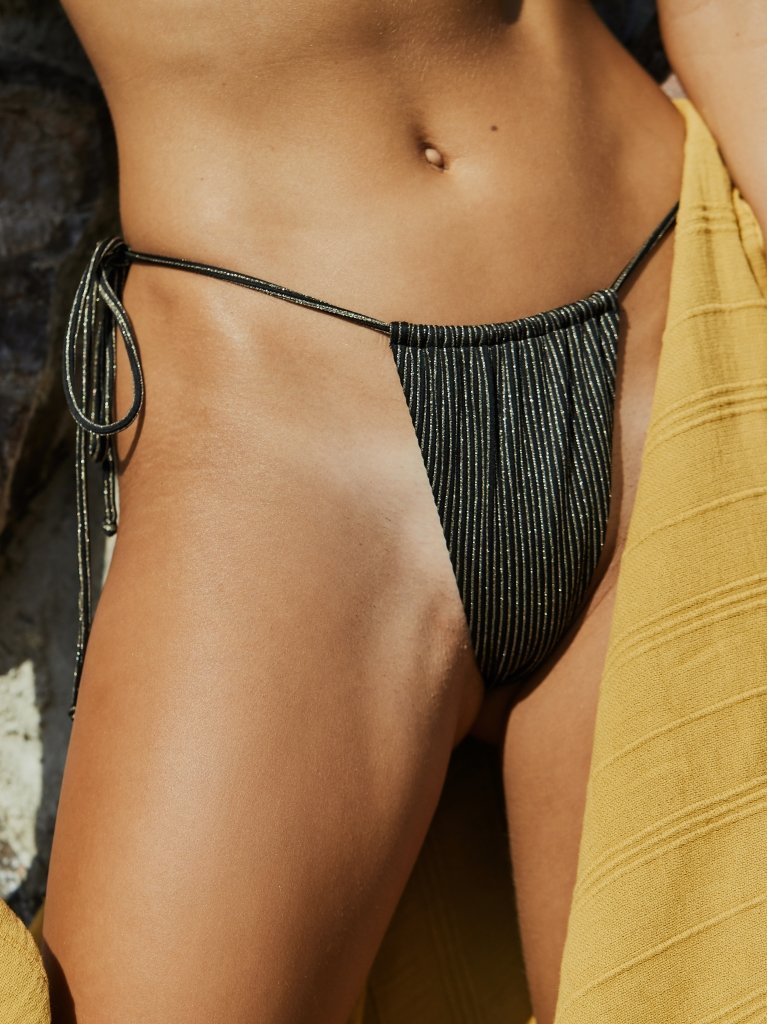


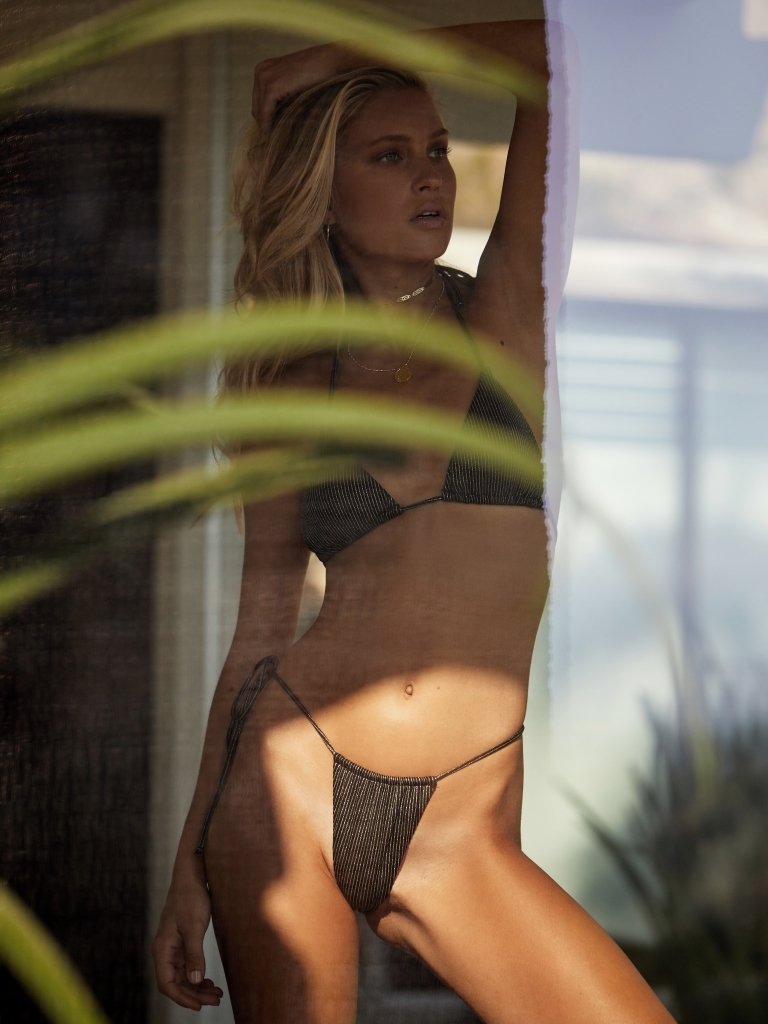
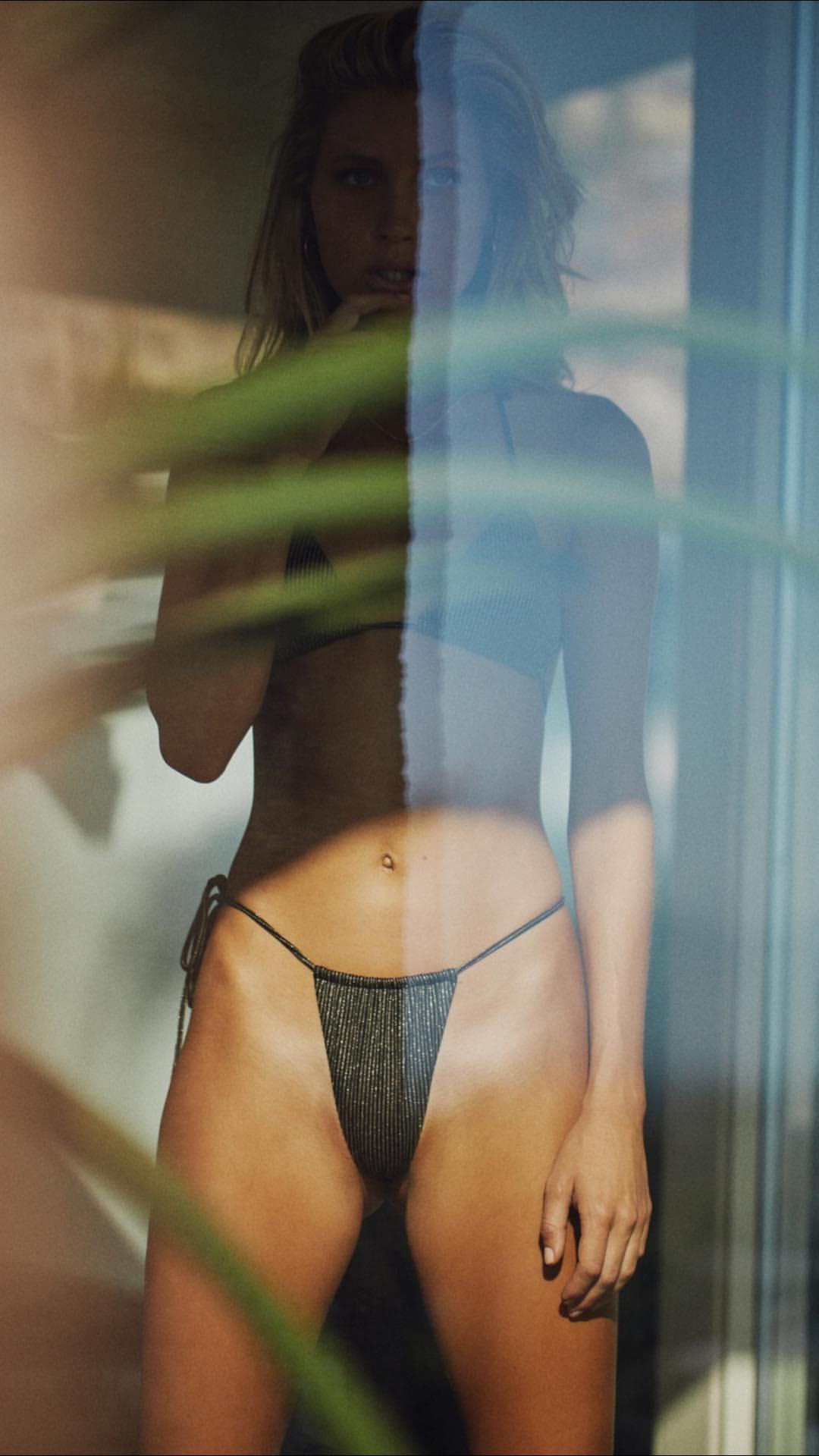






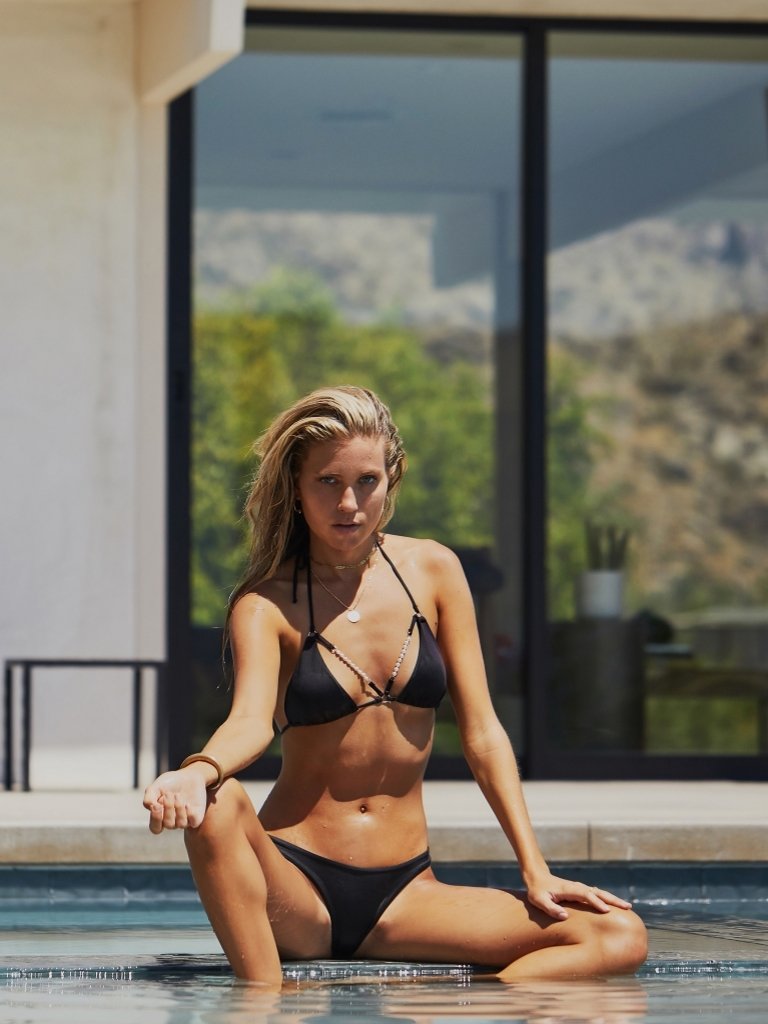














Account
Navigation
Search
Configure browser push notifications
Chrome (Android)
- Tap the lock icon next to the address bar.
- Tap Permissions → Notifications.
- Adjust your preference.
Chrome (Desktop)
- Click the padlock icon in the address bar.
- Select Site settings.
- Find Notifications and adjust your preference.
Safari (iOS 16.4+)
- Ensure the site is installed via Add to Home Screen.
- Open Settings App → Notifications.
- Find your app name and adjust your preference.
Safari (macOS)
- Go to Safari → Preferences.
- Click the Websites tab.
- Select Notifications in the sidebar.
- Find this website and adjust your preference.
Edge (Android)
- Tap the lock icon next to the address bar.
- Tap Permissions.
- Find Notifications and adjust your preference.
Edge (Desktop)
- Click the padlock icon in the address bar.
- Click Permissions for this site.
- Find Notifications and adjust your preference.
Firefox (Android)
- Go to Settings → Site permissions.
- Tap Notifications.
- Find this site in the list and adjust your preference.
Firefox (Desktop)
- Open Firefox Settings.
- Search for Notifications.
- Find this site in the list and adjust your preference.