
Pith_Possum
Members
-
Joined
-
Last visited
Everything posted by Pith_Possum
-

-
Jessica Abraham






















-
Jessica Abraham 17686505_873356409470641_6544586821077041152_n.mp4












-
Jessica Abraham





-WEB.thumb.jpg.8ac54c9289f5c1e0f611b0c9f2a2f0ab.jpg)



-
Jessica Abraham







-
-
Elena Volotova BTS-Clips: 27073885_1847122095358109_1728163165443252902_n.mp4 27669040_146970545943597_5202805330903302144_n.mp4








 SLIMI Magazine Calendar Issue Ph: Viktor Vauthier Nudity!















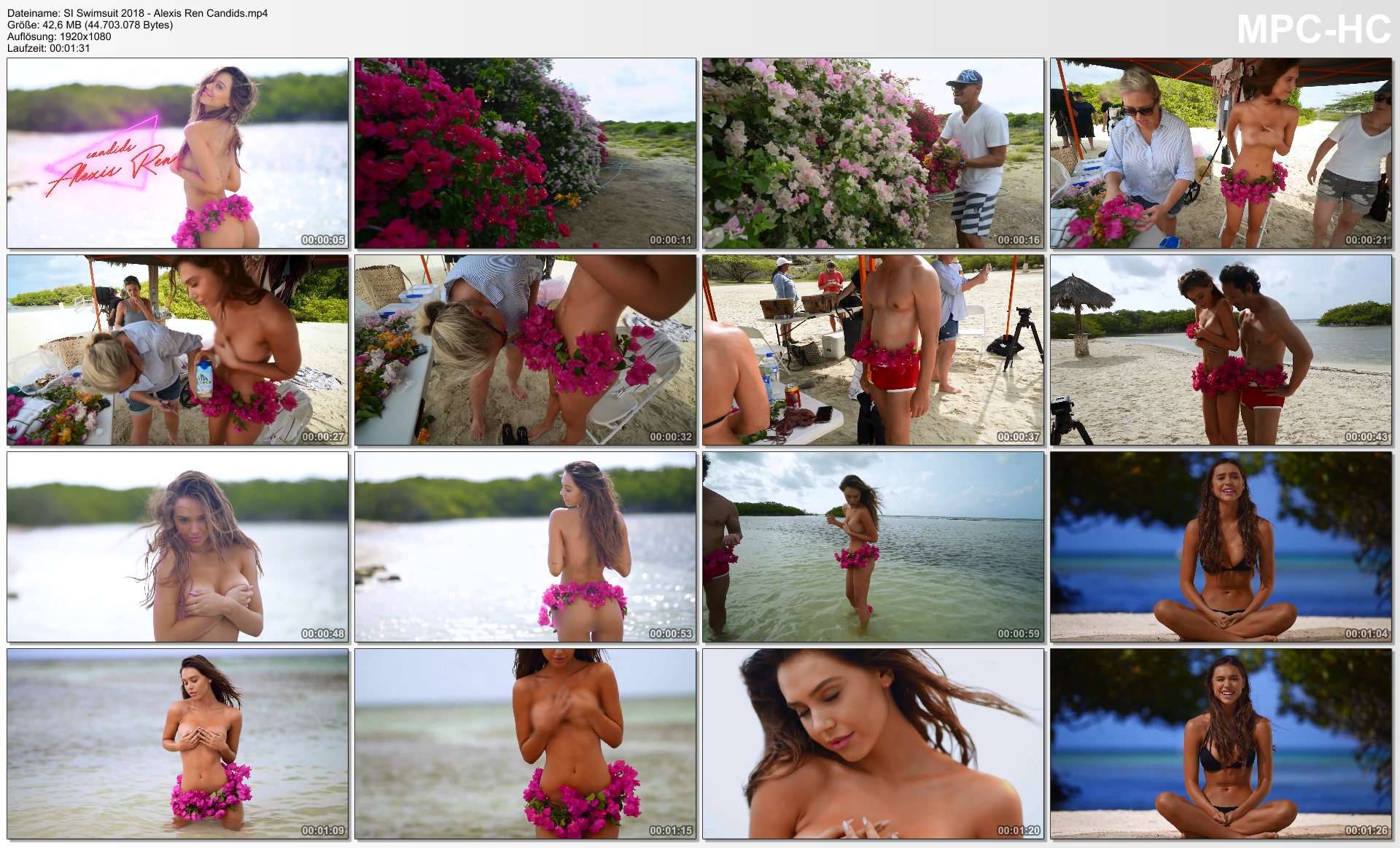
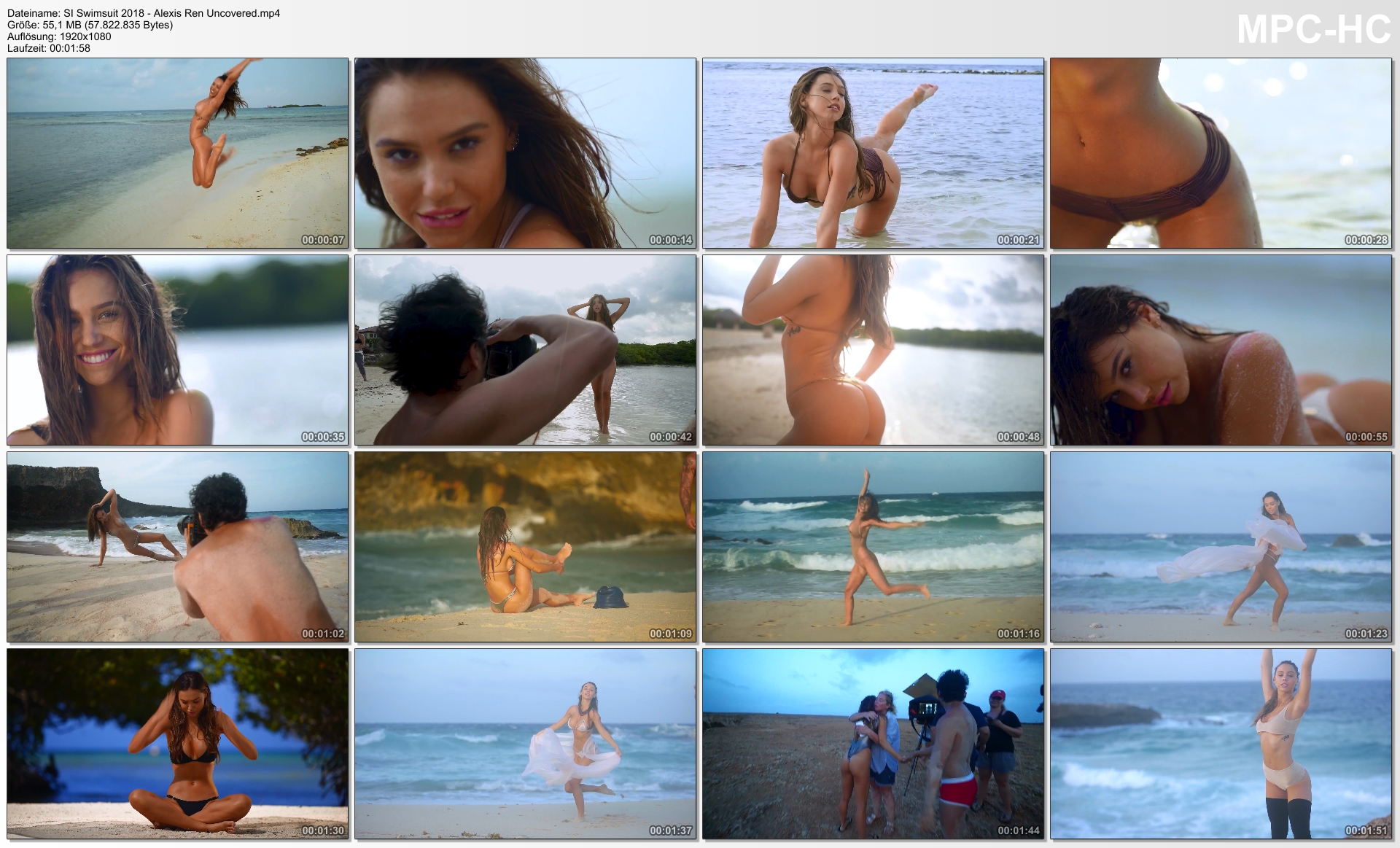
 SI Swimsuit 2018
http://ul.to/8as57ct7
SI Swimsuit 2018
http://ul.to/8as57ct7 http://ul.to/inwwozuy
 http://ul.to/uj48ixhp
 http://ul.to/53yut9zt
 http://ul.to/zhgdwiaq
 http://ul.to/s7othr2x
 http://ul.to/nyyo7ojk
 http://ul.to/5hje8gsg
 http://ul.to/4maxj708
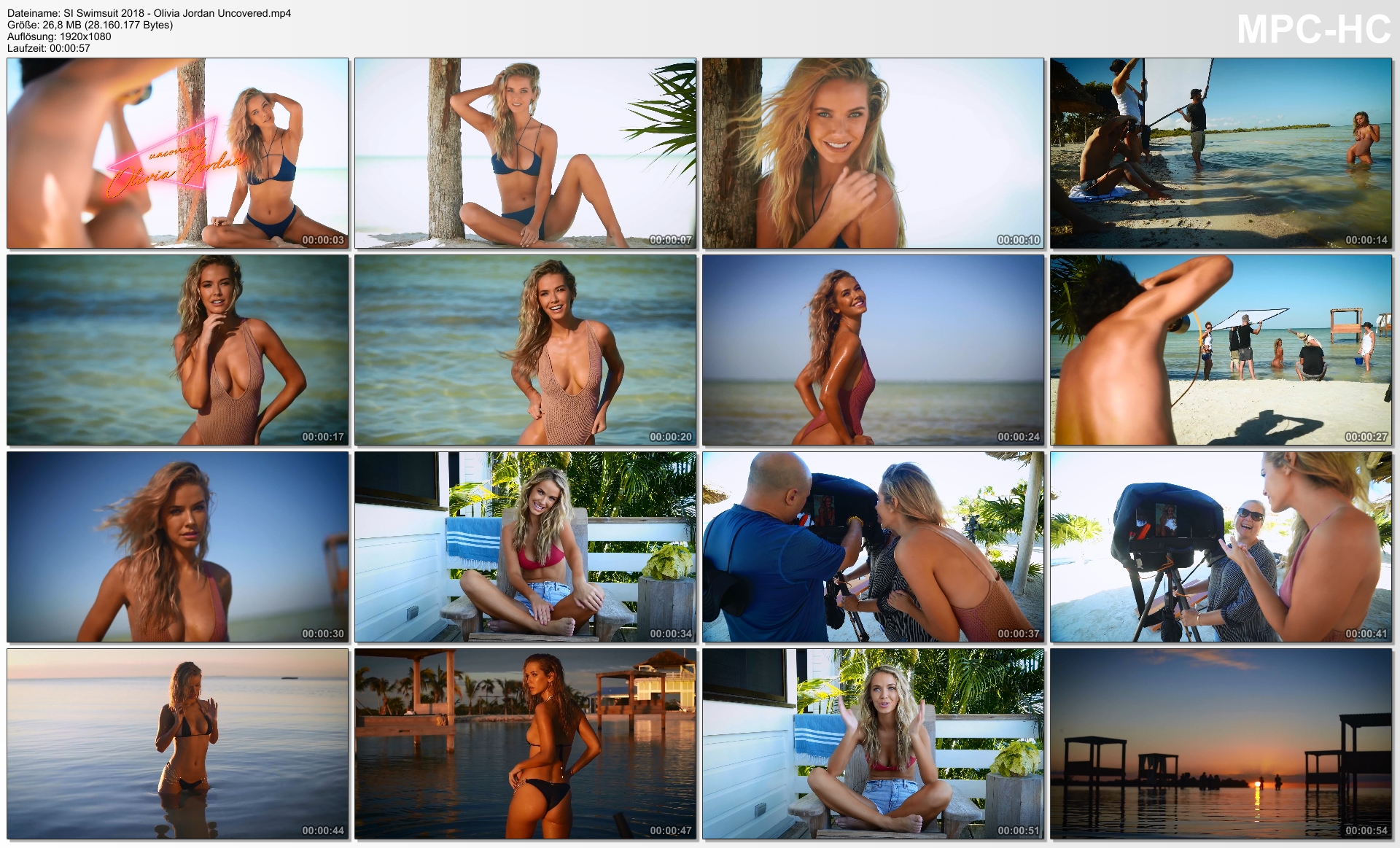
 SI Swimsuit 2018 - Olivia Jordan Uncovered.mp4



















































-WEB.jpg.9e1828adc0e9df1c0d9ca76ece4b6379.jpg)






























































































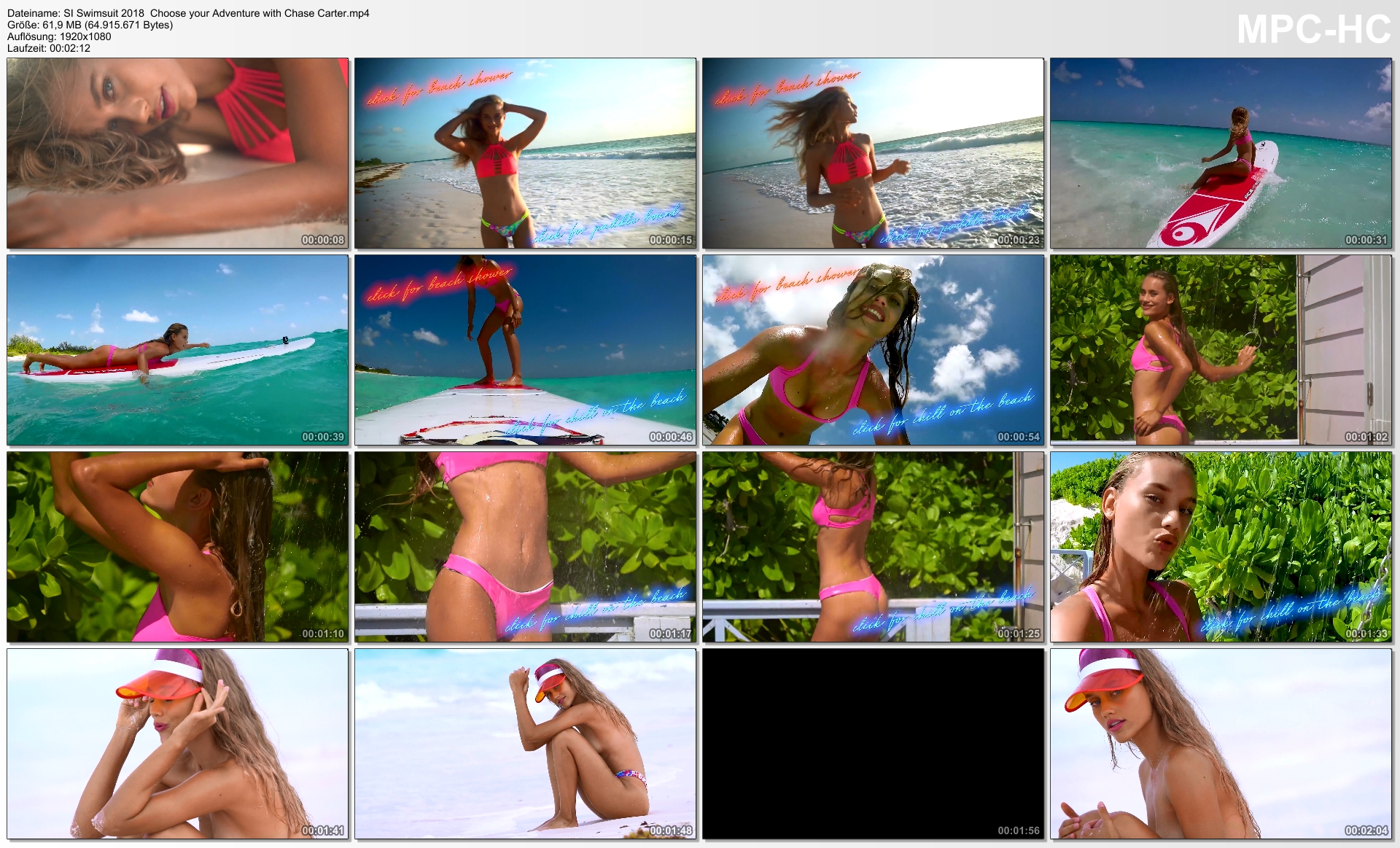
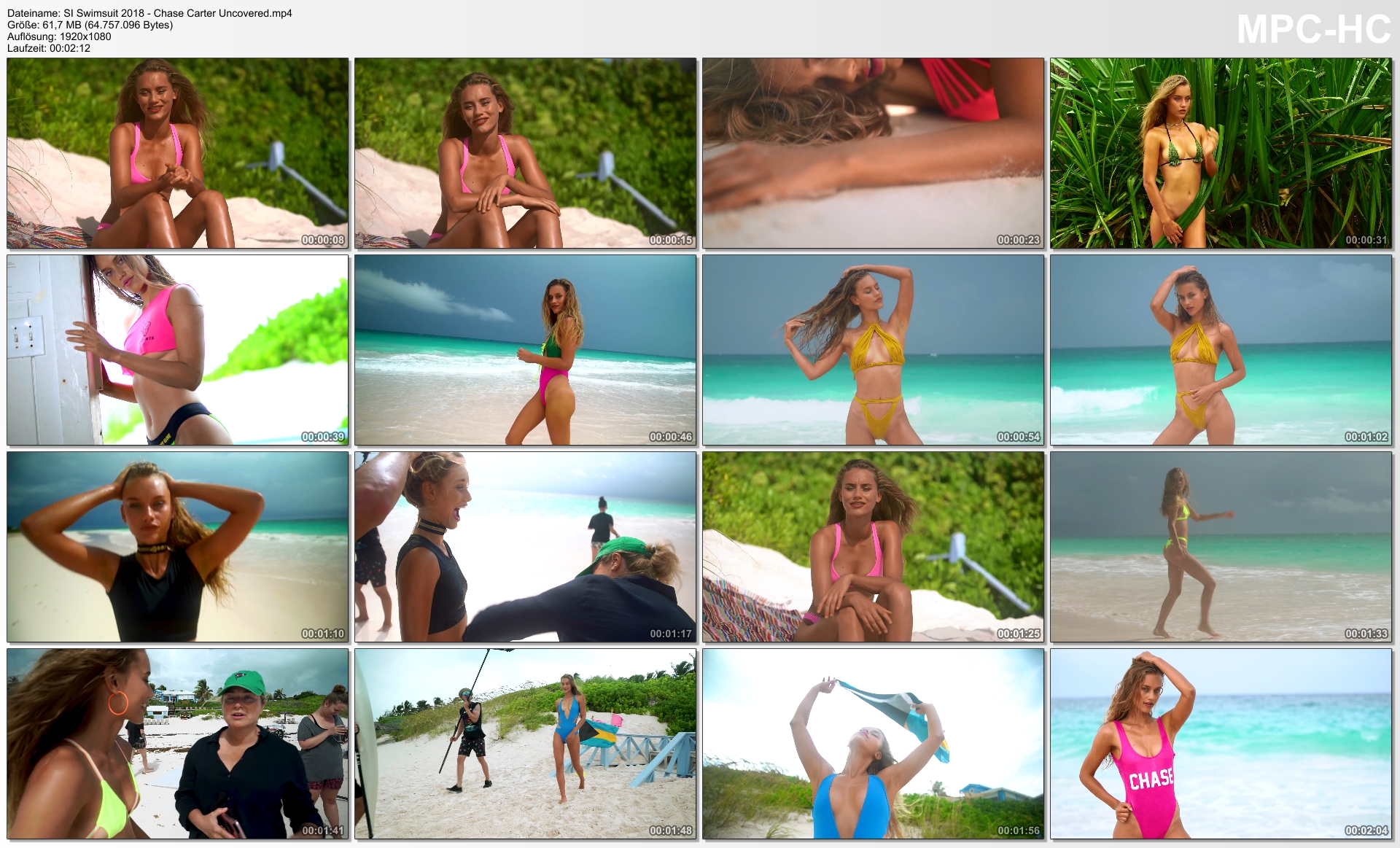
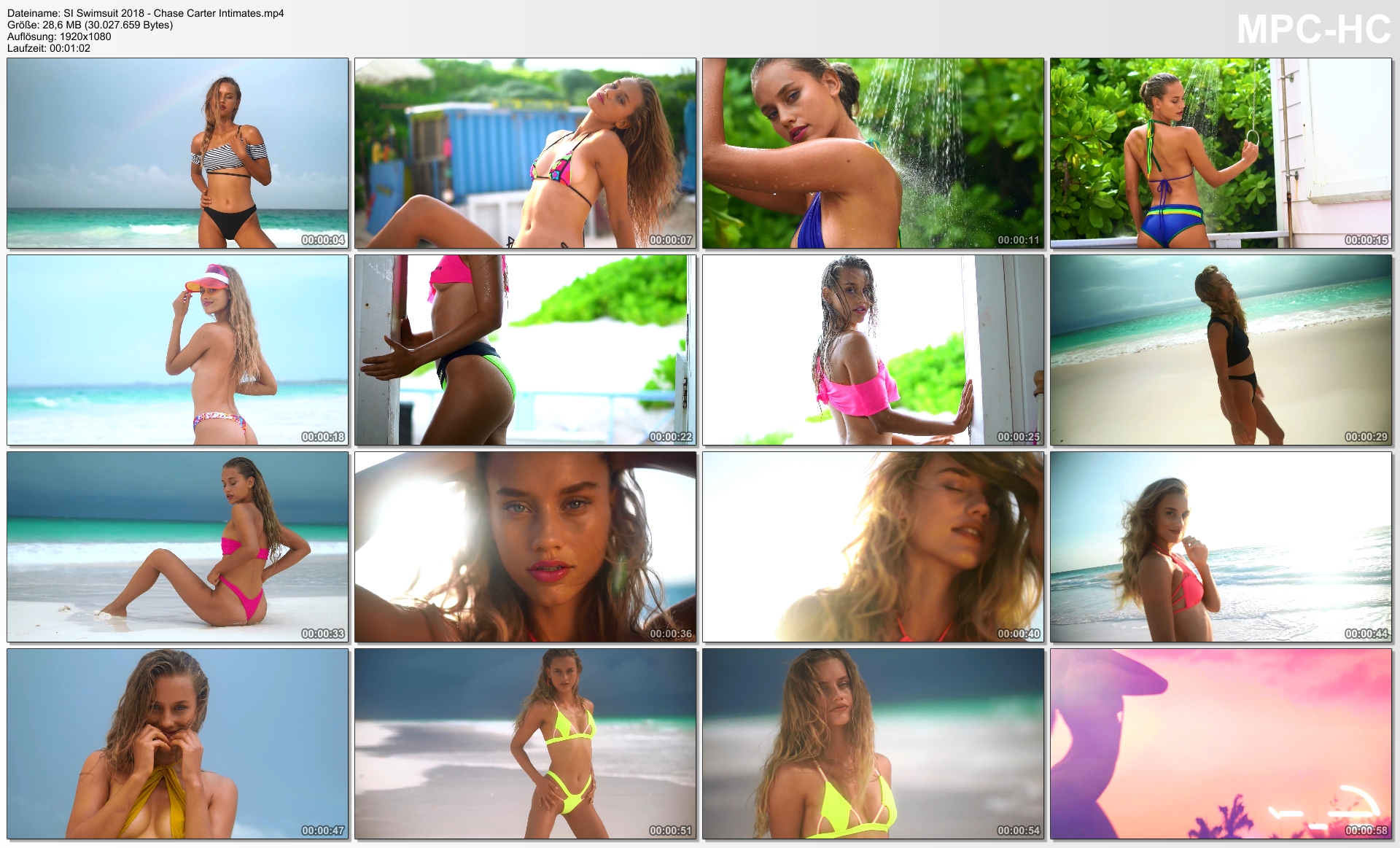
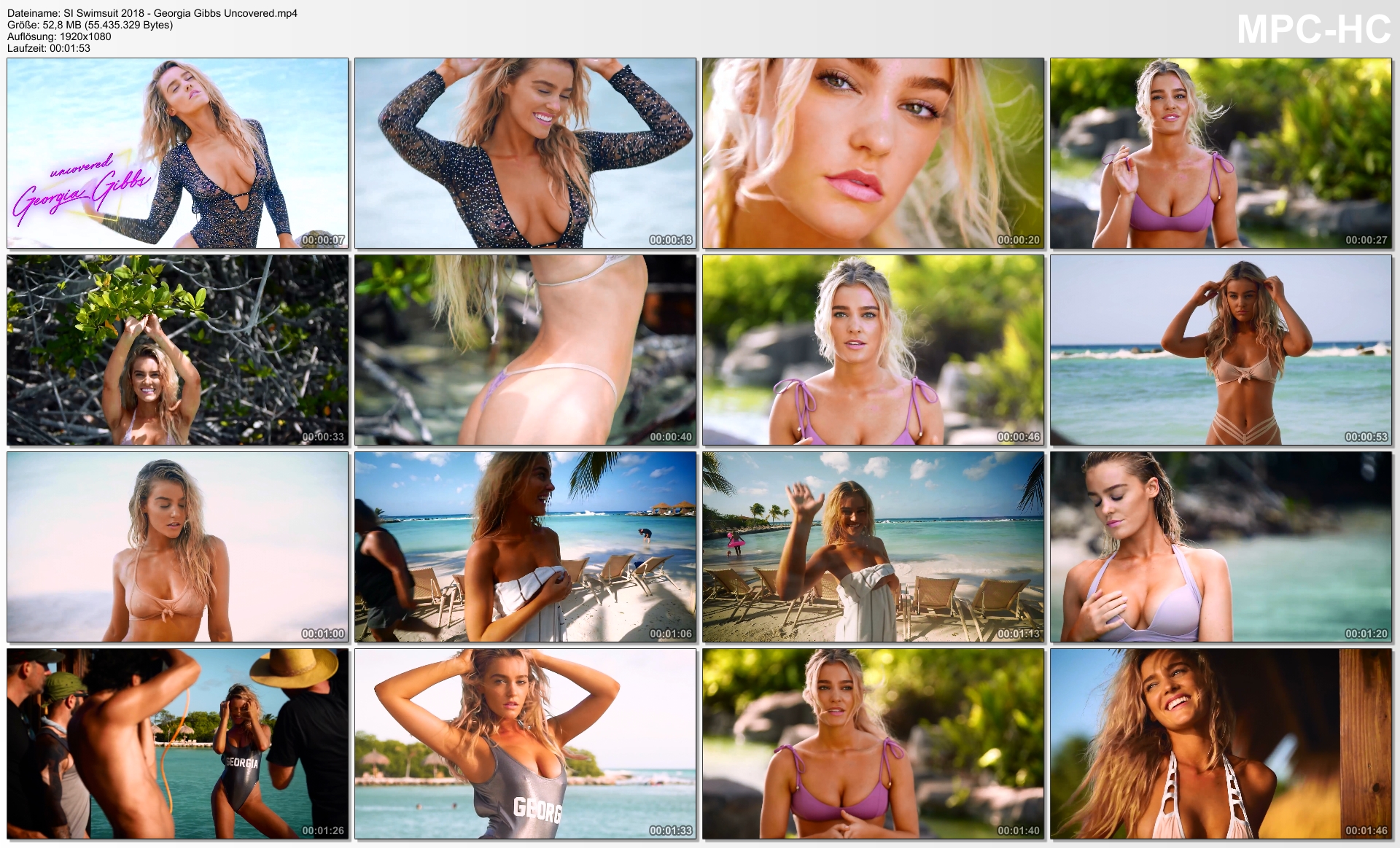
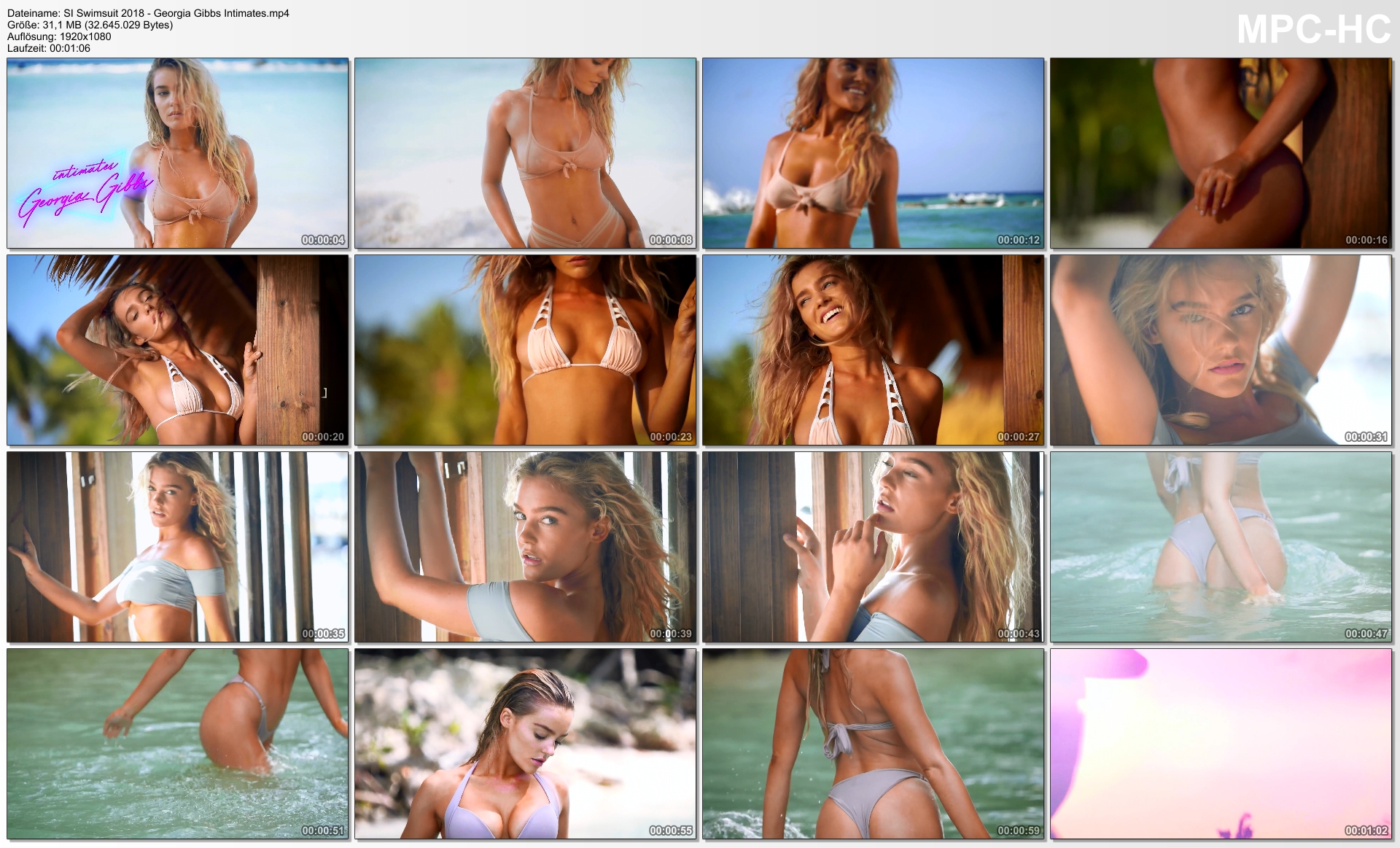
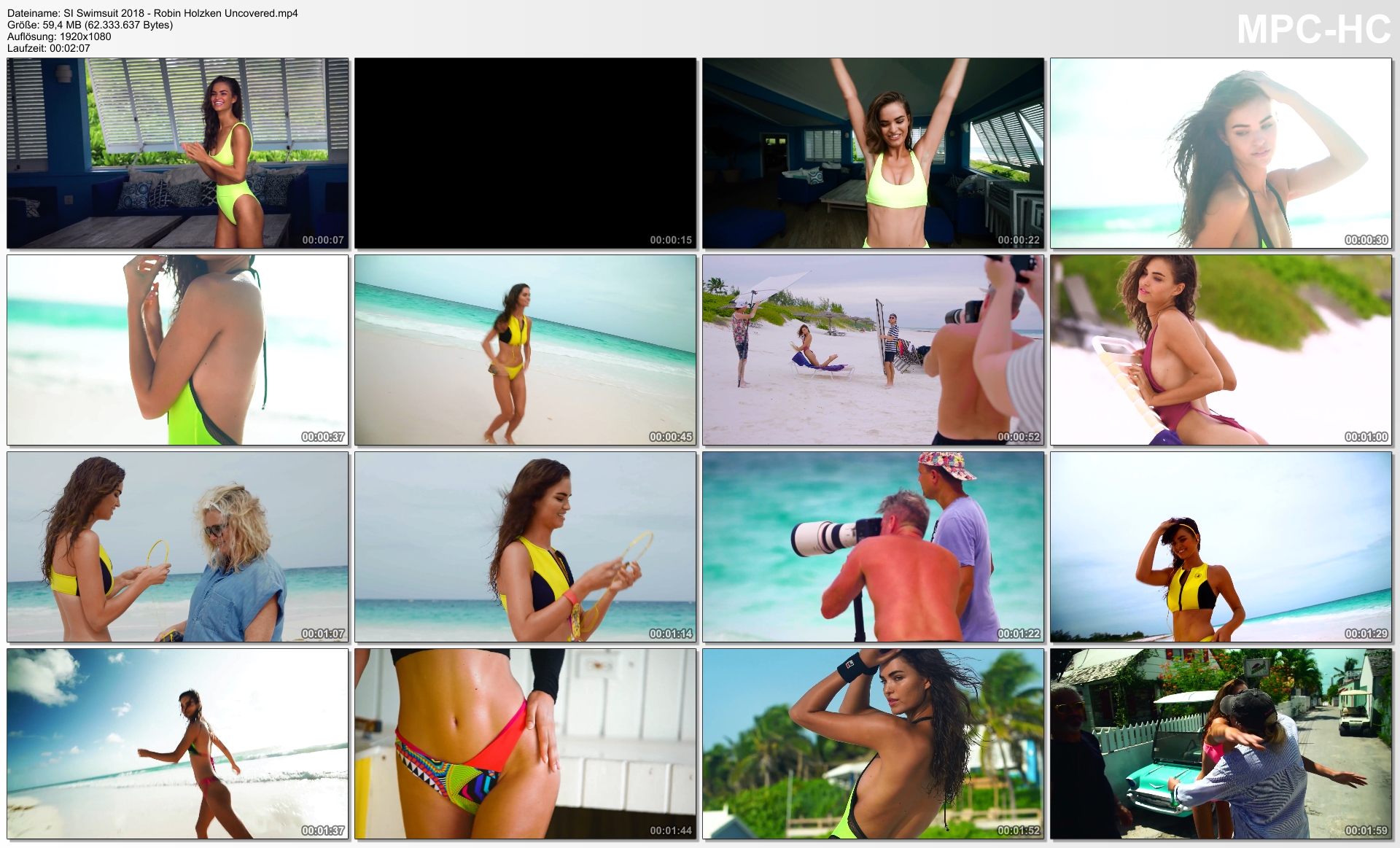
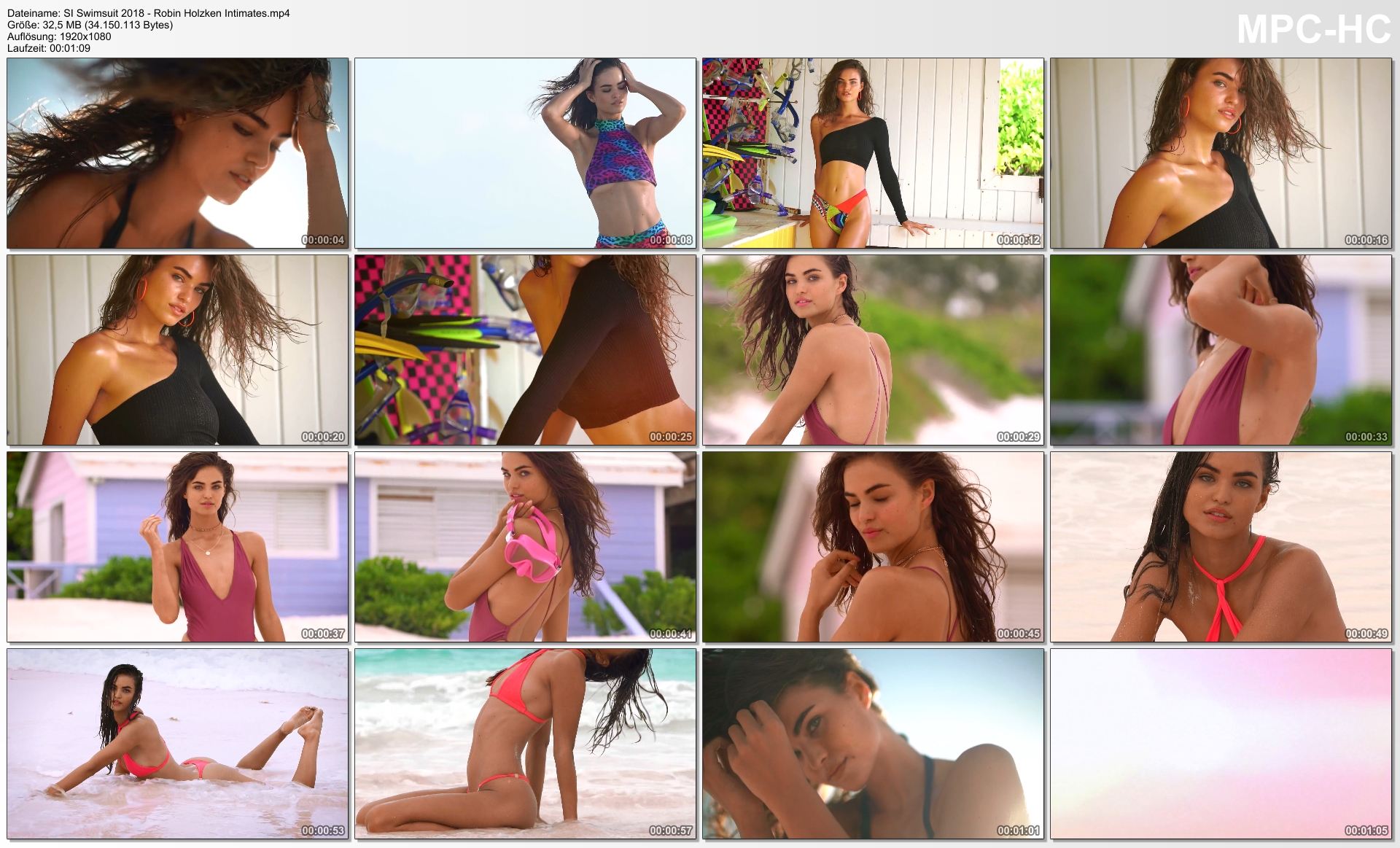
Account
Navigation
Search
Configure browser push notifications
Chrome (Android)
- Tap the lock icon next to the address bar.
- Tap Permissions → Notifications.
- Adjust your preference.
Chrome (Desktop)
- Click the padlock icon in the address bar.
- Select Site settings.
- Find Notifications and adjust your preference.
Safari (iOS 16.4+)
- Ensure the site is installed via Add to Home Screen.
- Open Settings App → Notifications.
- Find your app name and adjust your preference.
Safari (macOS)
- Go to Safari → Preferences.
- Click the Websites tab.
- Select Notifications in the sidebar.
- Find this website and adjust your preference.
Edge (Android)
- Tap the lock icon next to the address bar.
- Tap Permissions.
- Find Notifications and adjust your preference.
Edge (Desktop)
- Click the padlock icon in the address bar.
- Click Permissions for this site.
- Find Notifications and adjust your preference.
Firefox (Android)
- Go to Settings → Site permissions.
- Tap Notifications.
- Find this site in the list and adjust your preference.
Firefox (Desktop)
- Open Firefox Settings.
- Search for Notifications.
- Find this site in the list and adjust your preference.