
Bloodshot
Members
-
Joined
Everything posted by Bloodshot
-
She has a better body than Kate Upton.
-
She needs to start showing off the boobs again!
Now that's a shot!
 What's up with the double chin she always seem to have? She's only 24!
I agree, SI actually embraces some curves now, which is great. Although I think Kate Upton is just chunky and not that hot personally...
Lol, I am aware of how bras work. I also know Nina, and they don't usually seem so big! :-p
I was never a fan of Cindy Crawford back in the day, but I can admit she looks great for her age now. I think Heidi still looks great for her age too. With Elle maybe it was just too much sun...
She needs to do some more revealing roles before she gets too much older!
Kelly looks great when she's not too chunky.
What is this chick's appeal? I just don't get it...
I can't decide if she's hot or not...
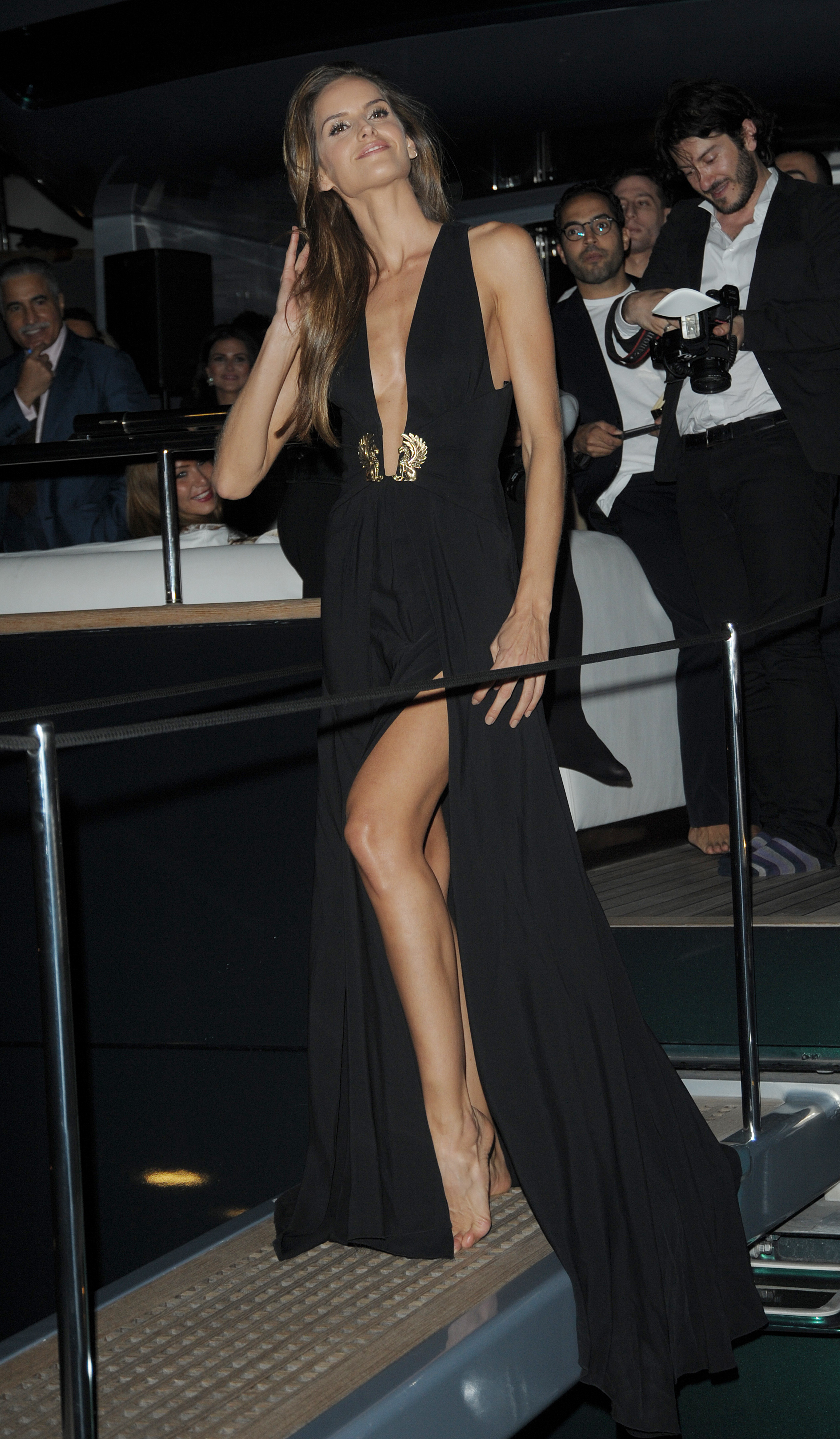
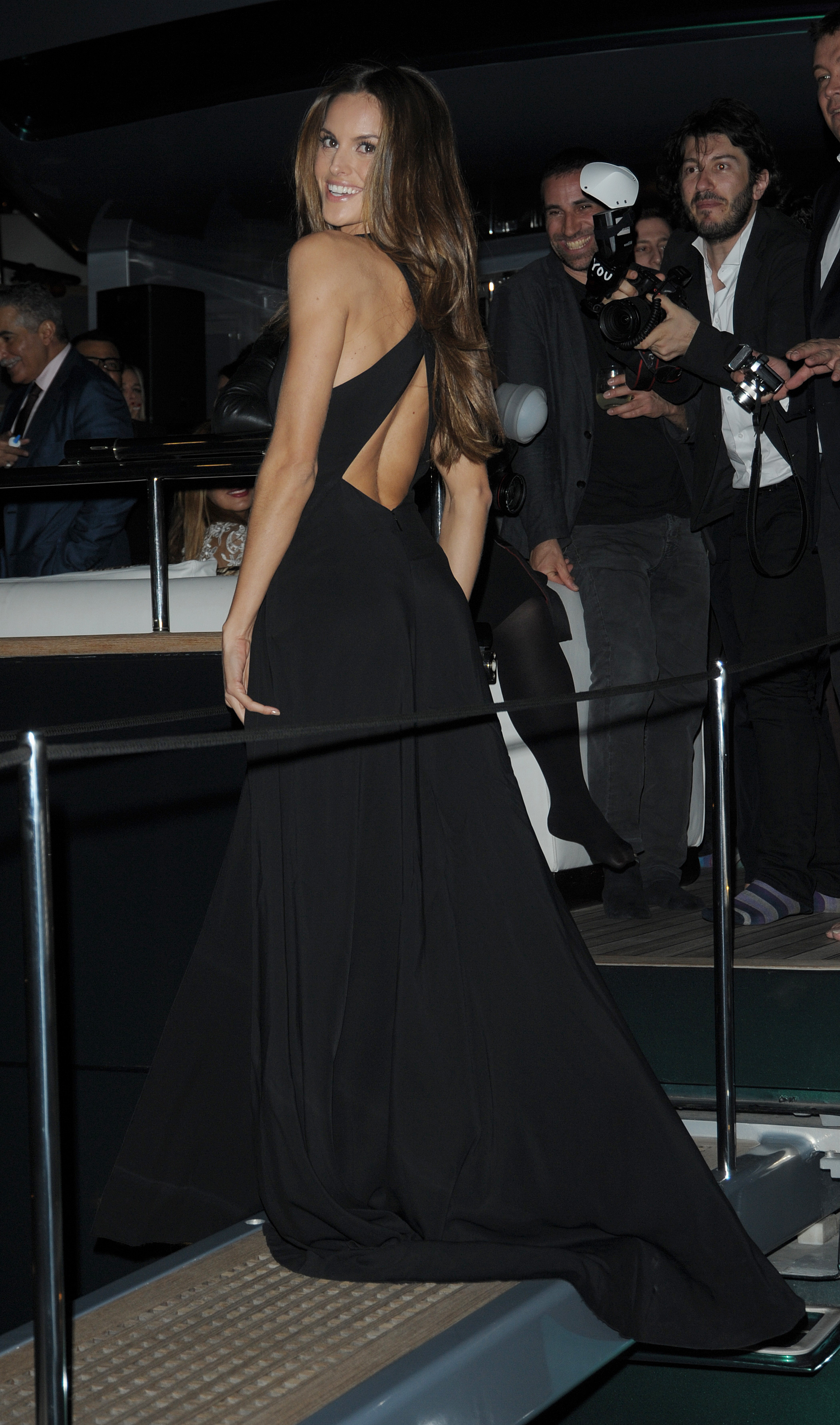
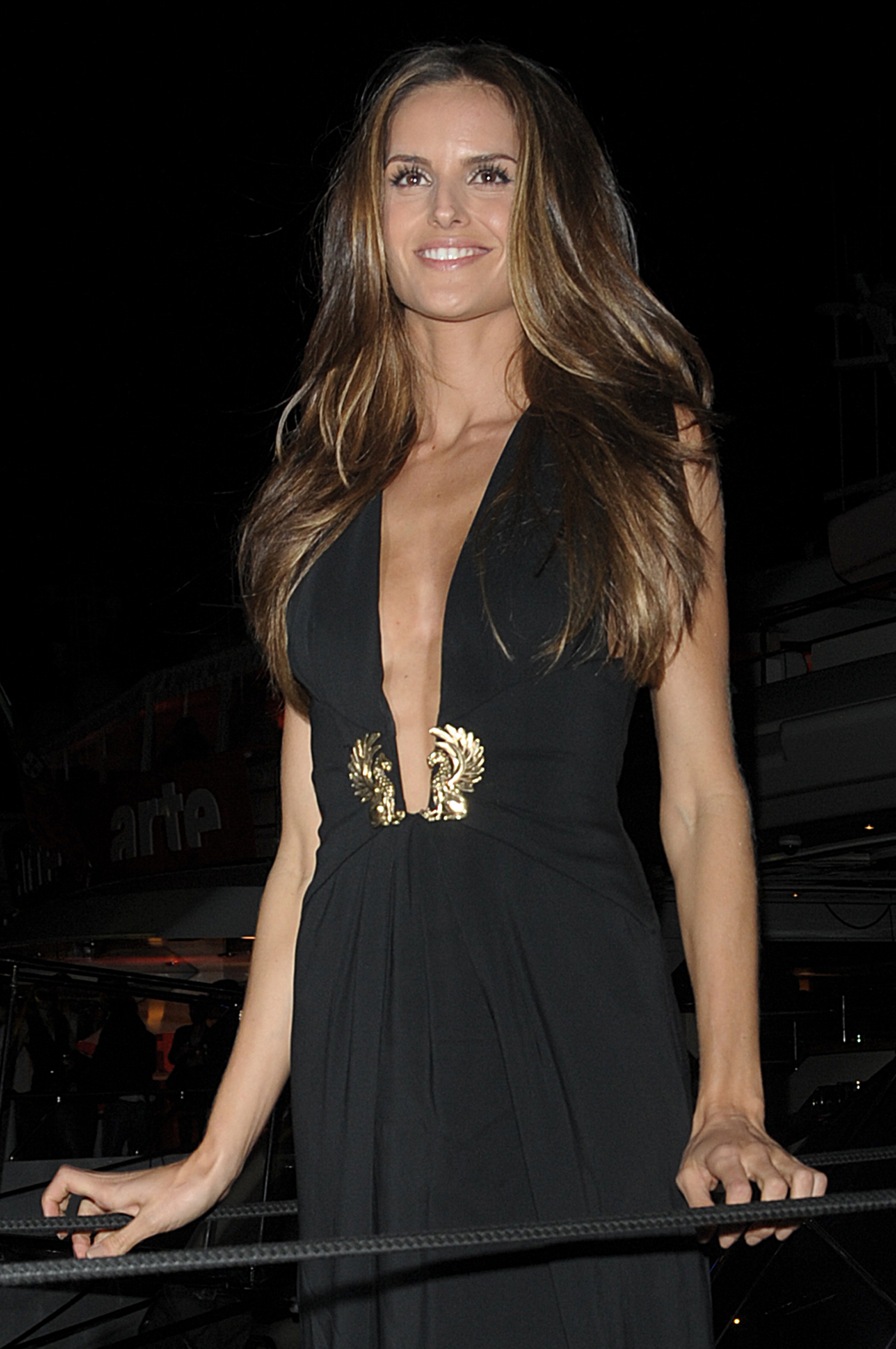
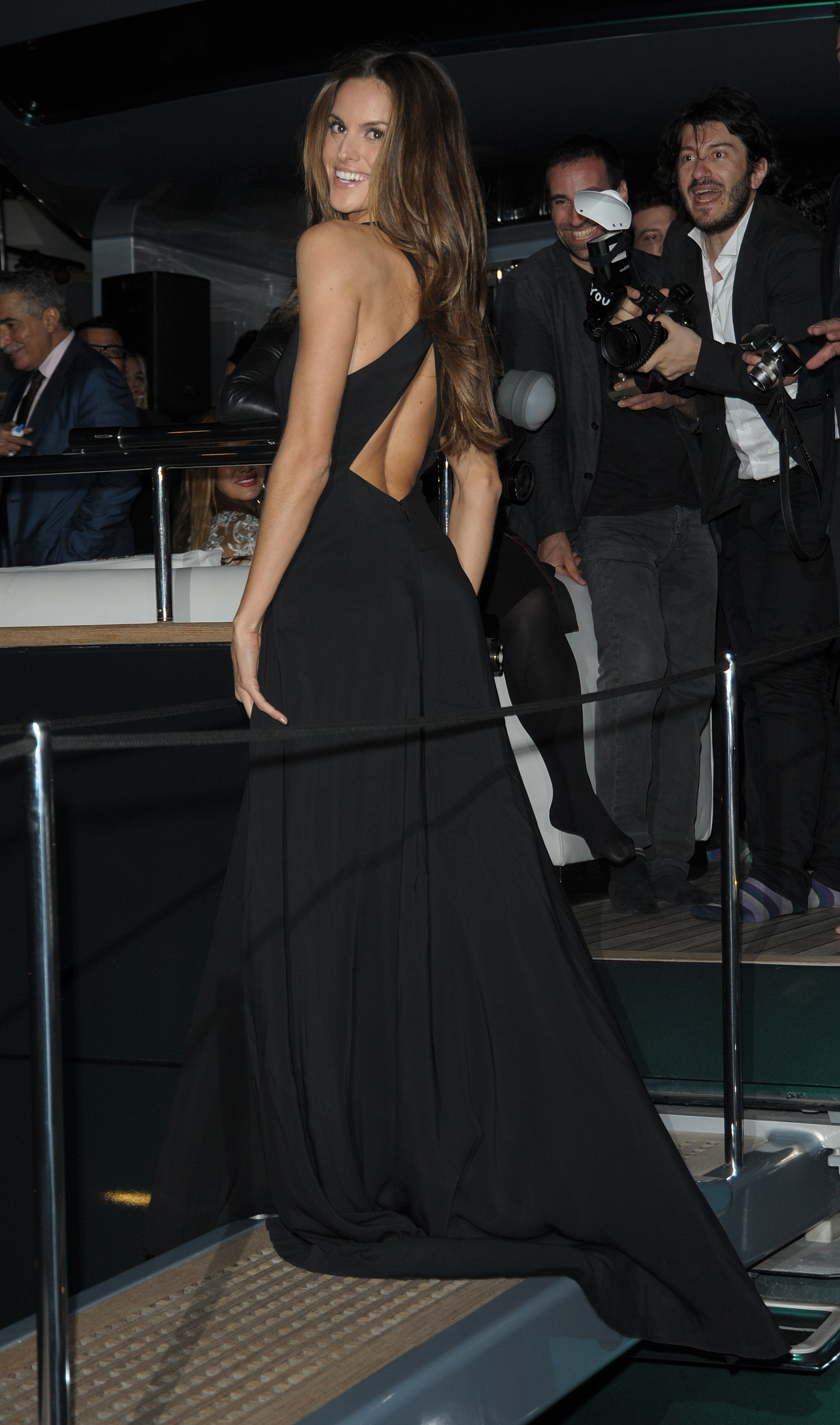
Nice dress!
What's up with the double chin she always seem to have? She's only 24!
I agree, SI actually embraces some curves now, which is great. Although I think Kate Upton is just chunky and not that hot personally...
Lol, I am aware of how bras work. I also know Nina, and they don't usually seem so big! :-p
I was never a fan of Cindy Crawford back in the day, but I can admit she looks great for her age now. I think Heidi still looks great for her age too. With Elle maybe it was just too much sun...
She needs to do some more revealing roles before she gets too much older!
Kelly looks great when she's not too chunky.
What is this chick's appeal? I just don't get it...
I can't decide if she's hot or not...
Nice dress!









 Her boobs look bigger than than usual!
 Still looking good even after popping out a couple of kids!
See, I LOVE it. Makes her look so mod and chic. No, it's awful! Ugh!
Agreed, she's one of those girls that is just stunning as a blonde...
She might be hotter than Megan Fox at this point!
Her body still looks amazing!
Still looking good even after popping out a couple of kids!
See, I LOVE it. Makes her look so mod and chic. No, it's awful! Ugh!
Agreed, she's one of those girls that is just stunning as a blonde...
She might be hotter than Megan Fox at this point!
Her body still looks amazing!











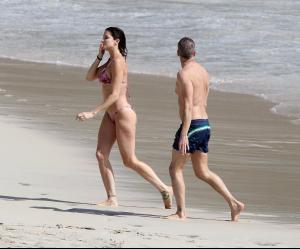


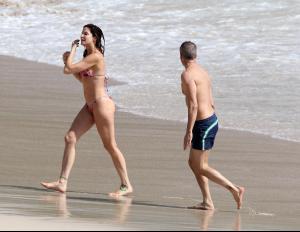
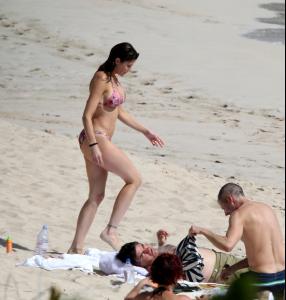


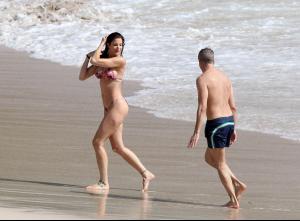

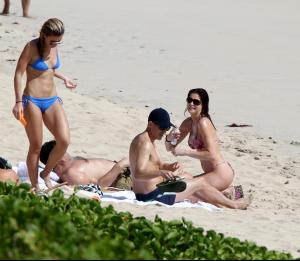


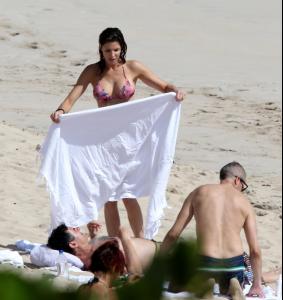
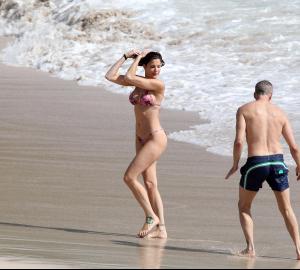


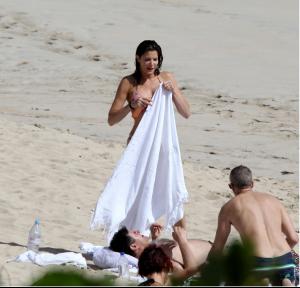
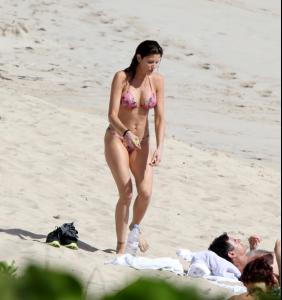
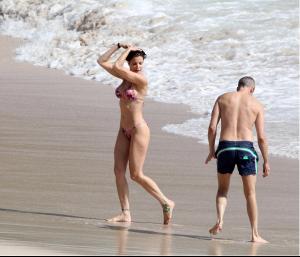
 Orlando is an idiot letting this one go...


















Account
Navigation
Search
Configure browser push notifications
Chrome (Android)
- Tap the lock icon next to the address bar.
- Tap Permissions → Notifications.
- Adjust your preference.
Chrome (Desktop)
- Click the padlock icon in the address bar.
- Select Site settings.
- Find Notifications and adjust your preference.
Safari (iOS 16.4+)
- Ensure the site is installed via Add to Home Screen.
- Open Settings App → Notifications.
- Find your app name and adjust your preference.
Safari (macOS)
- Go to Safari → Preferences.
- Click the Websites tab.
- Select Notifications in the sidebar.
- Find this website and adjust your preference.
Edge (Android)
- Tap the lock icon next to the address bar.
- Tap Permissions.
- Find Notifications and adjust your preference.
Edge (Desktop)
- Click the padlock icon in the address bar.
- Click Permissions for this site.
- Find Notifications and adjust your preference.
Firefox (Android)
- Go to Settings → Site permissions.
- Tap Notifications.
- Find this site in the list and adjust your preference.
Firefox (Desktop)
- Open Firefox Settings.
- Search for Notifications.
- Find this site in the list and adjust your preference.