

RocketQueen
Members
-
Joined
-
Last visited
Everything posted by RocketQueen
-
 Nice investigation, thank you!
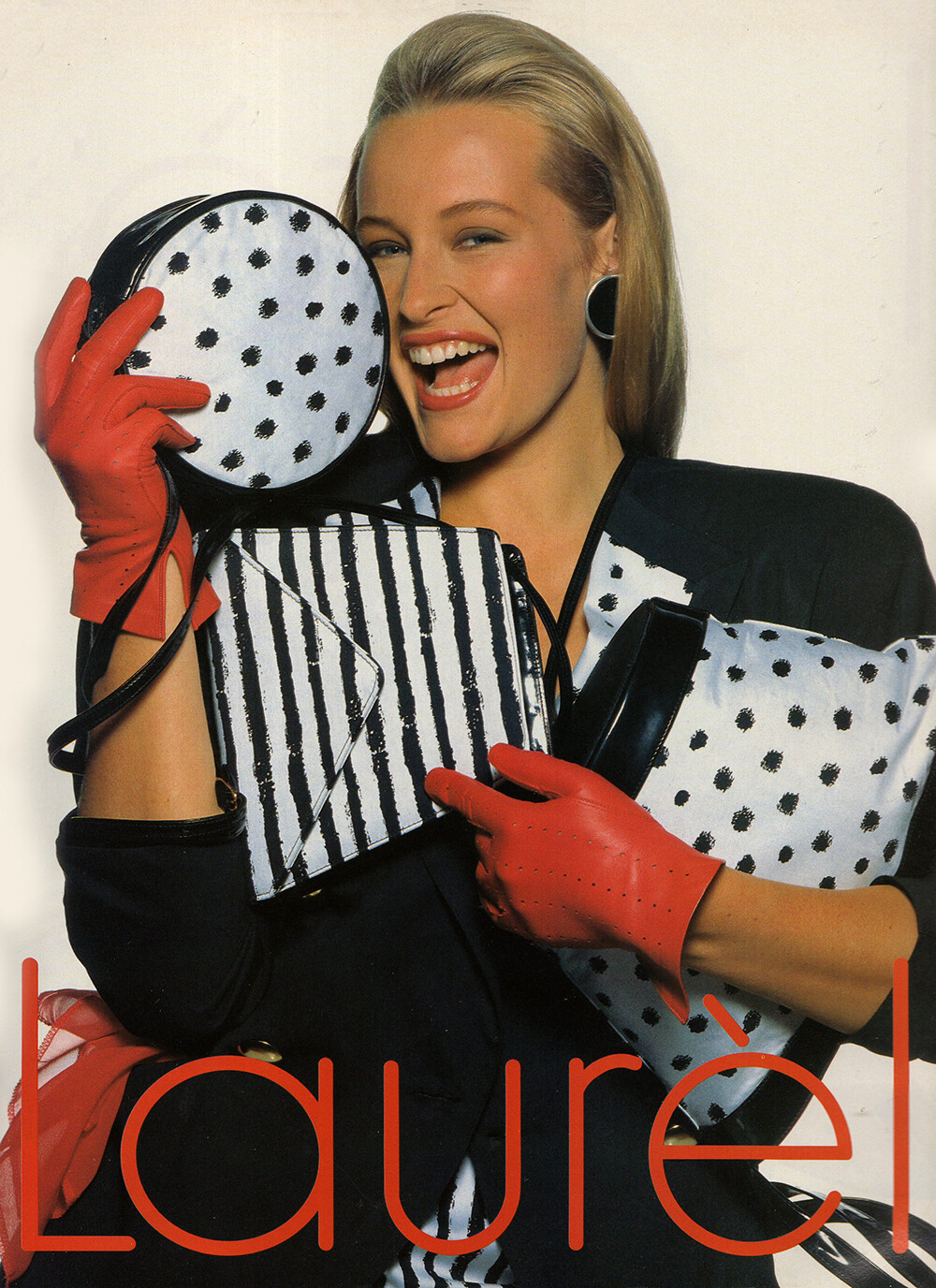
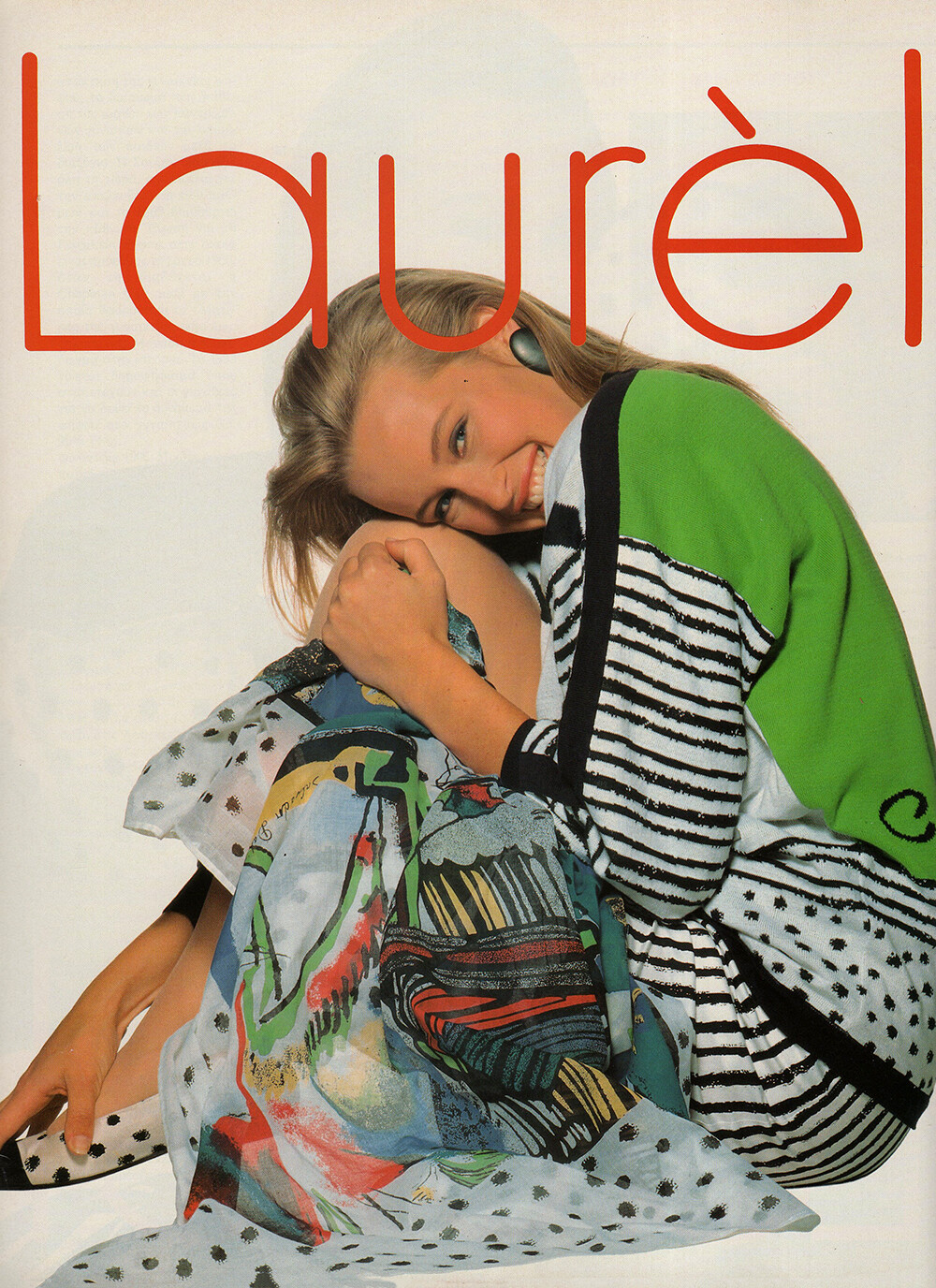
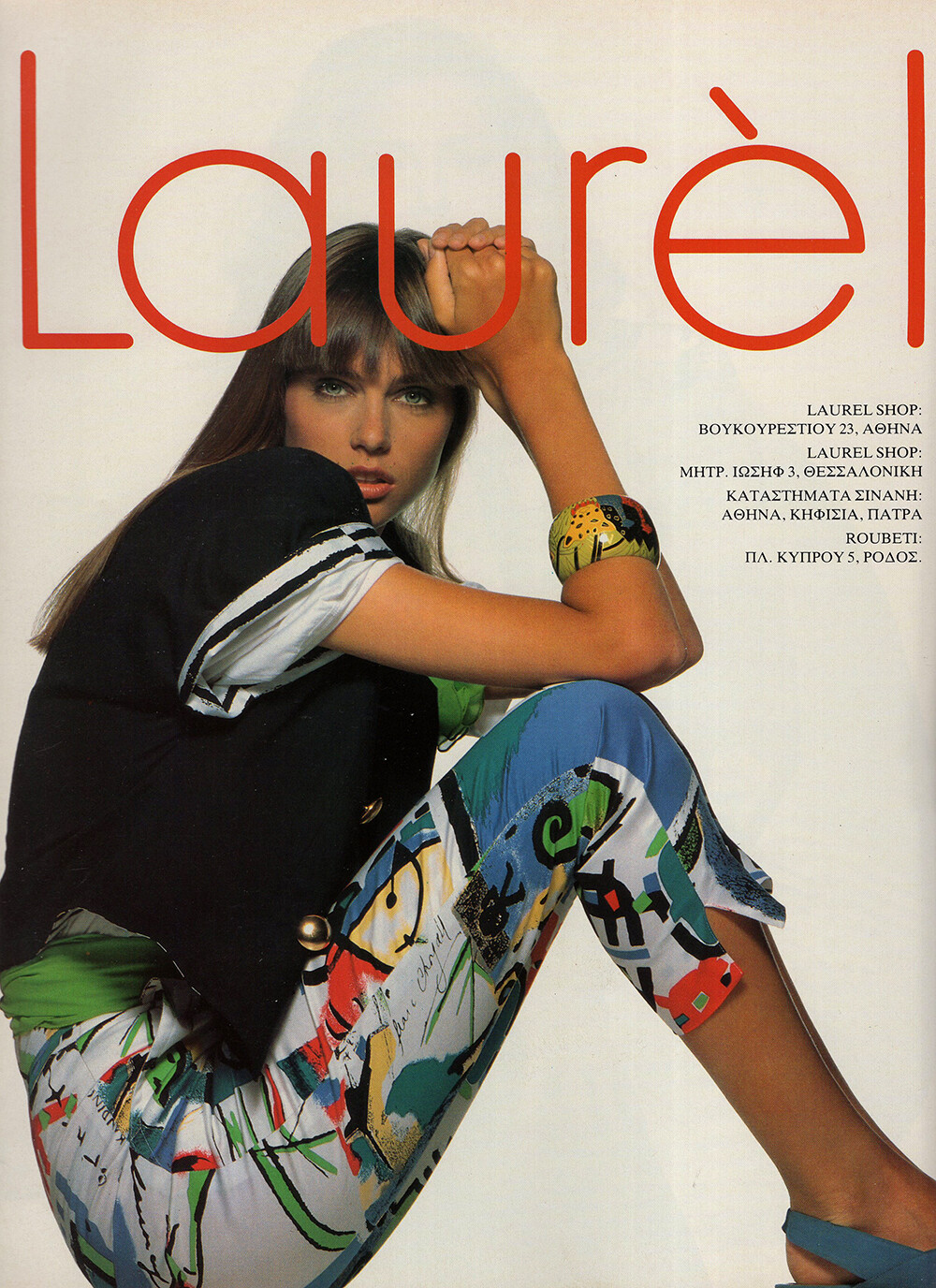
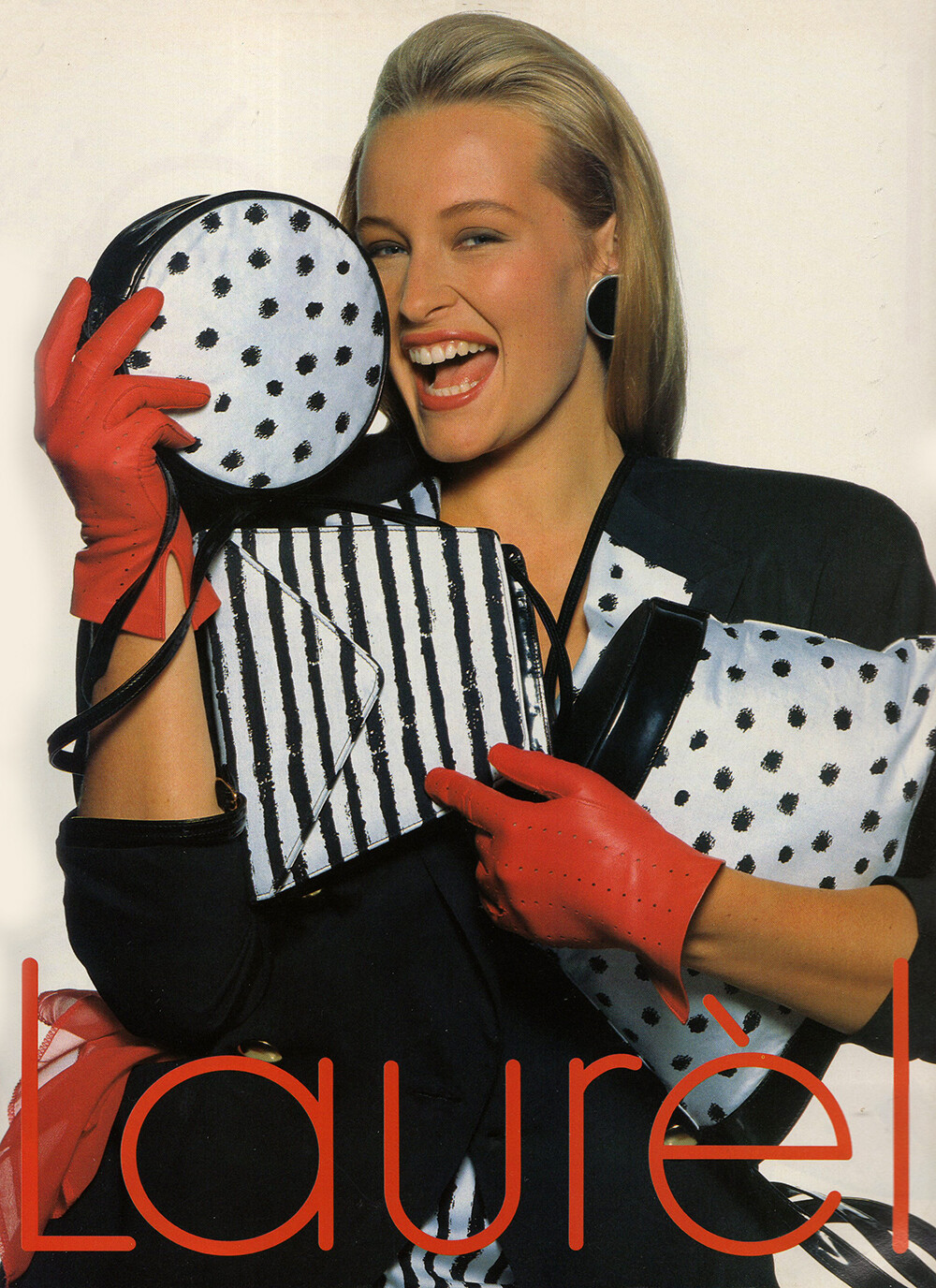
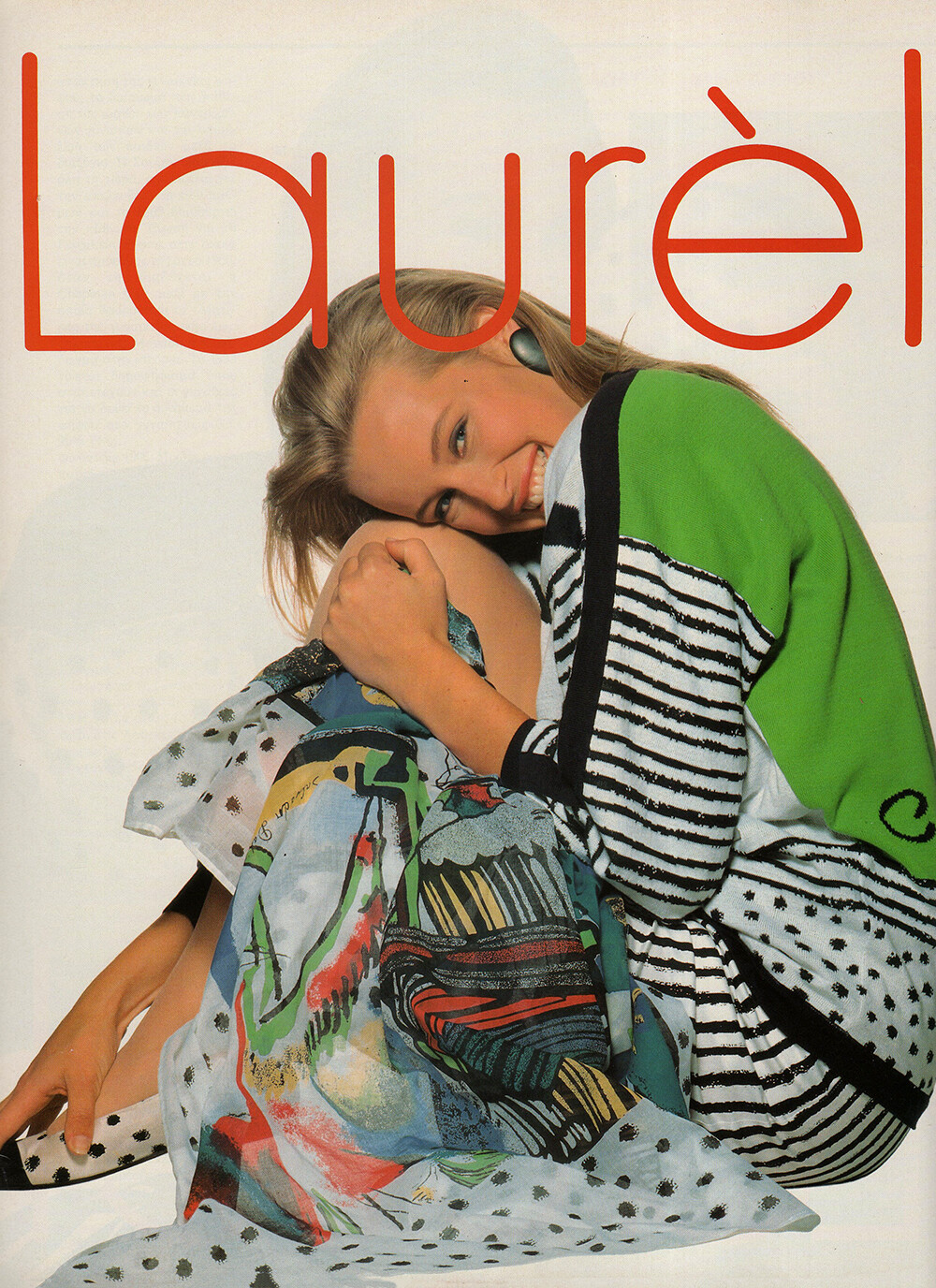
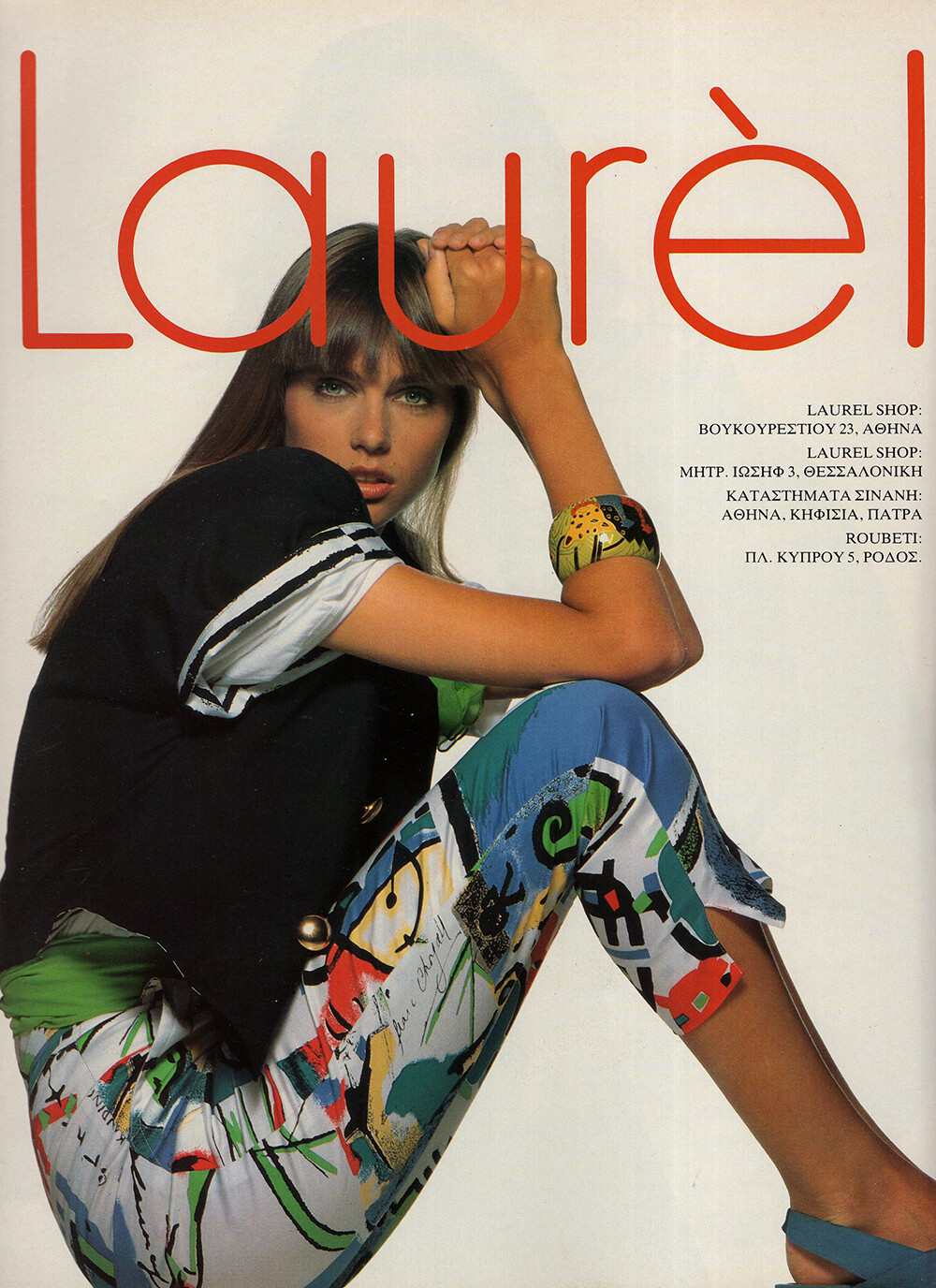
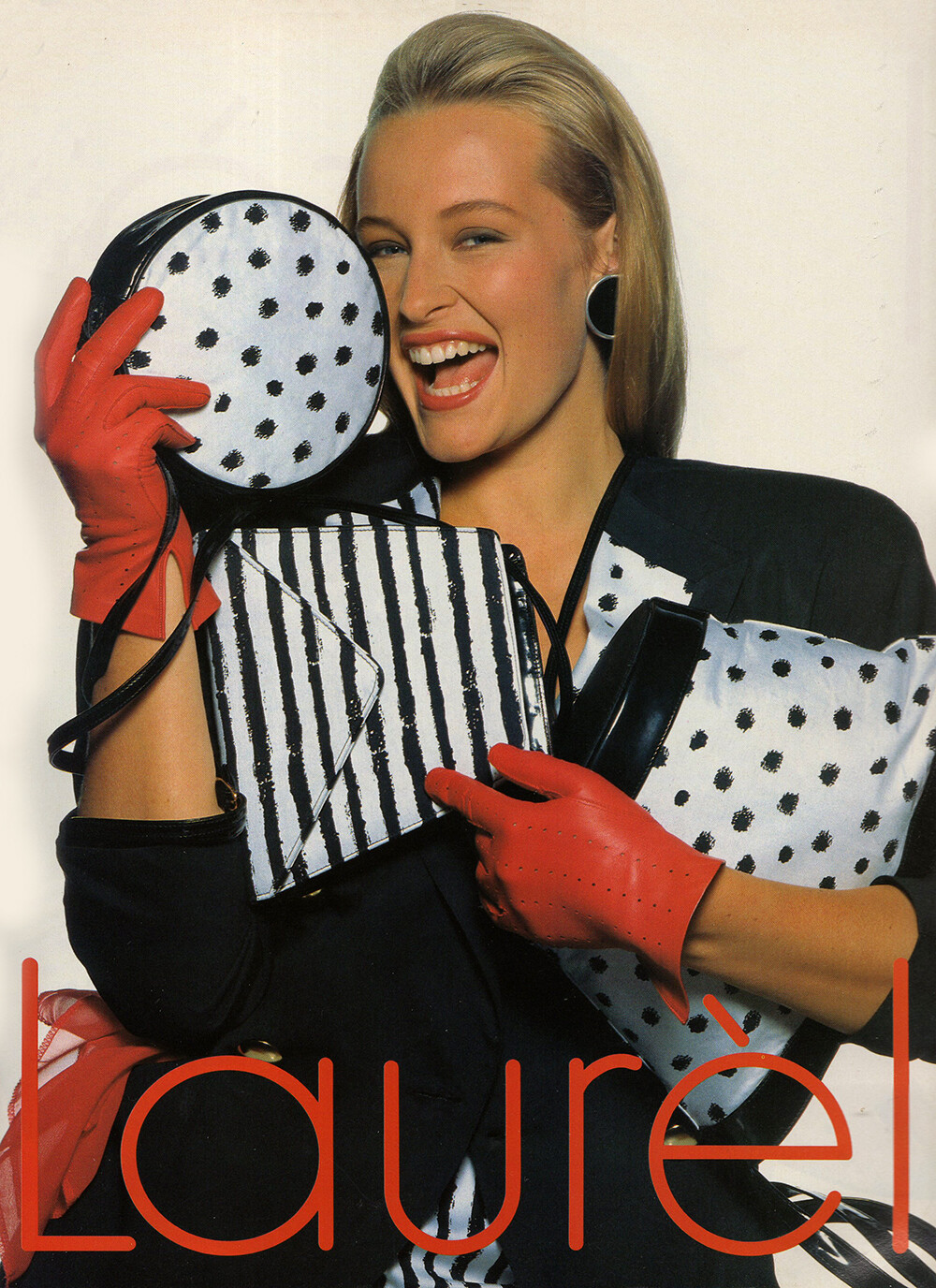
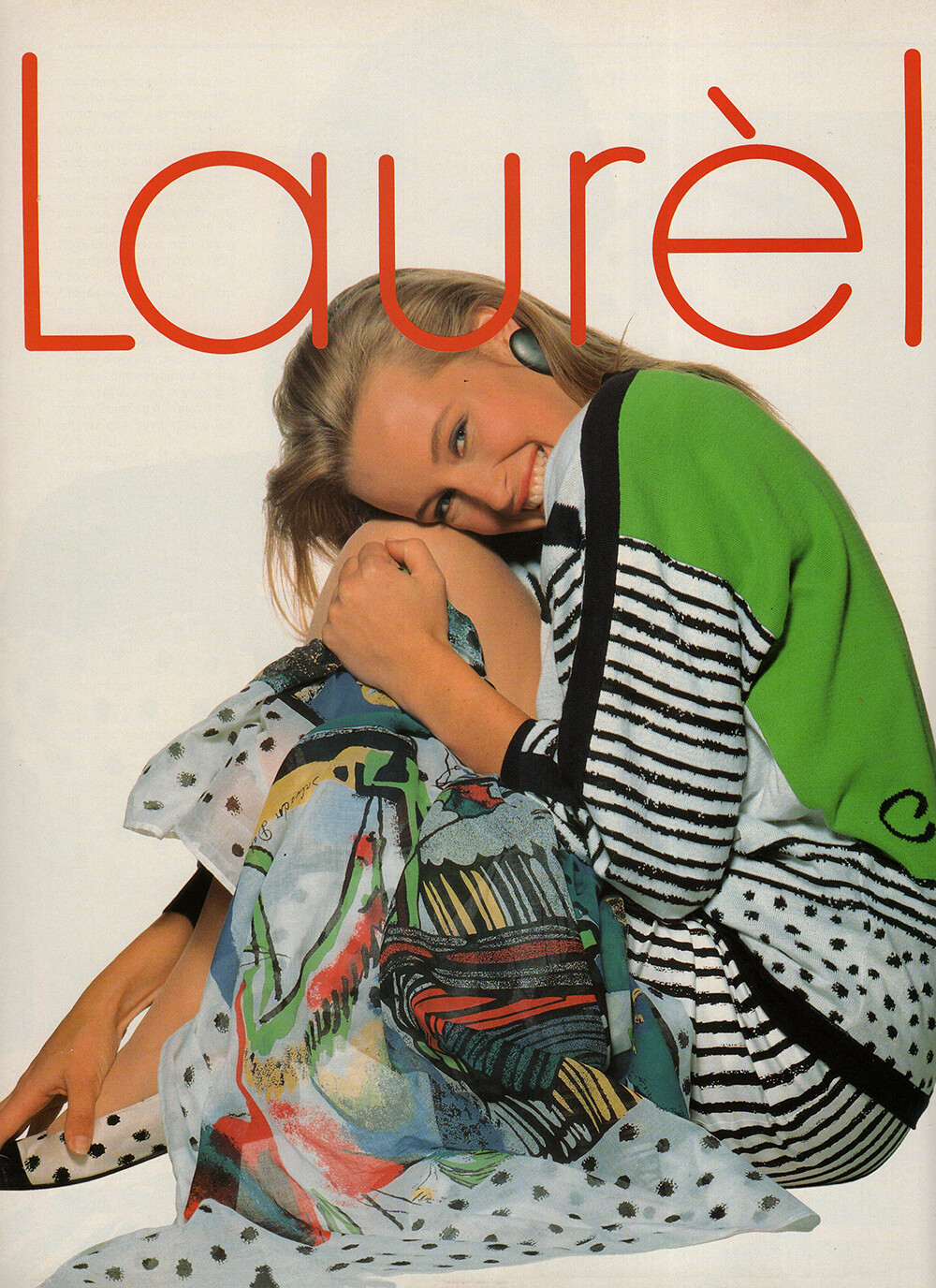
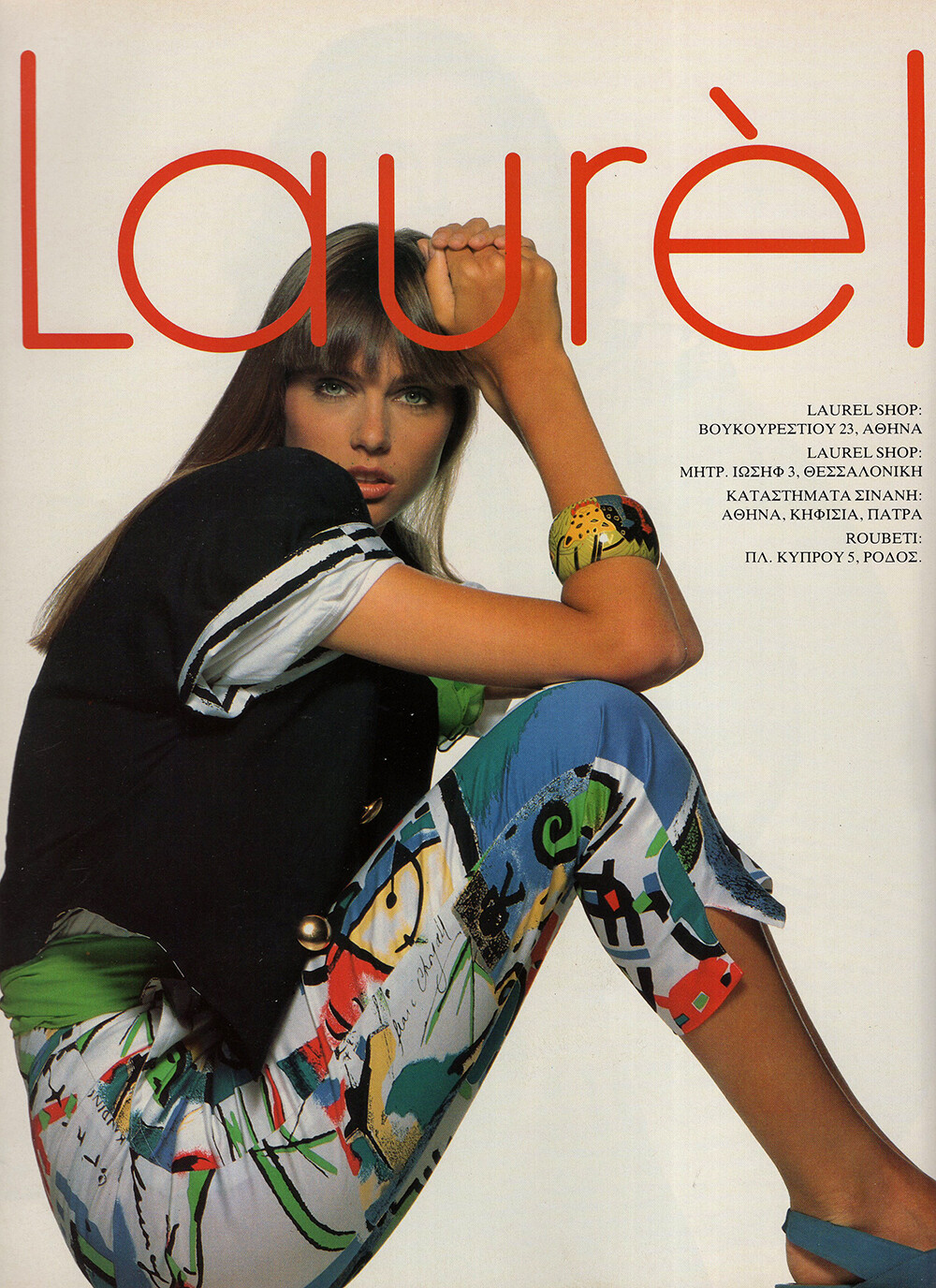
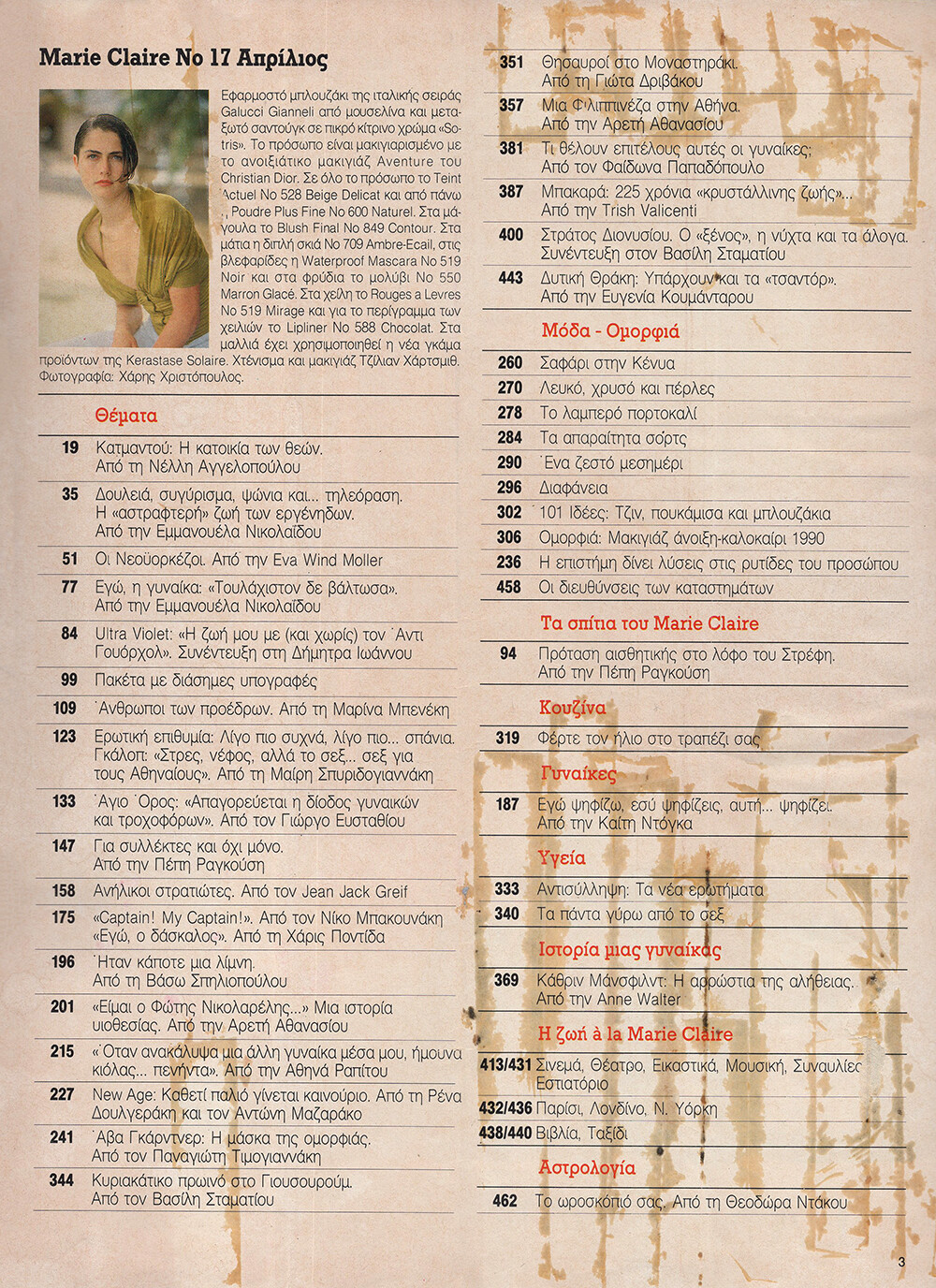
LAUREL 1990 - PH. UNK - MY SCANS + MICHAELA BERCU, ESTELLE LEFEBURE
Nice investigation, thank you!
LAUREL 1990 - PH. UNK - MY SCANS + MICHAELA BERCU, ESTELLE LEFEBURE


 LAUREL 1990 - PH. UNK - MY SCANS + ESTELLE LEFEBURE, ROBERTA CHIRKO


 LAUREL 1990 - PH. UNK - MY SCANS + MICHAELA BERCU, ROBERTA CHIRKO


 TRISTANO ONOFRI 1990 - PH. UNK - MY SCANS + UNKNOWN MODEL
 LEJABY 1990 - PH. UNK - MY SCAN
 Kaja Wunder
Kristine
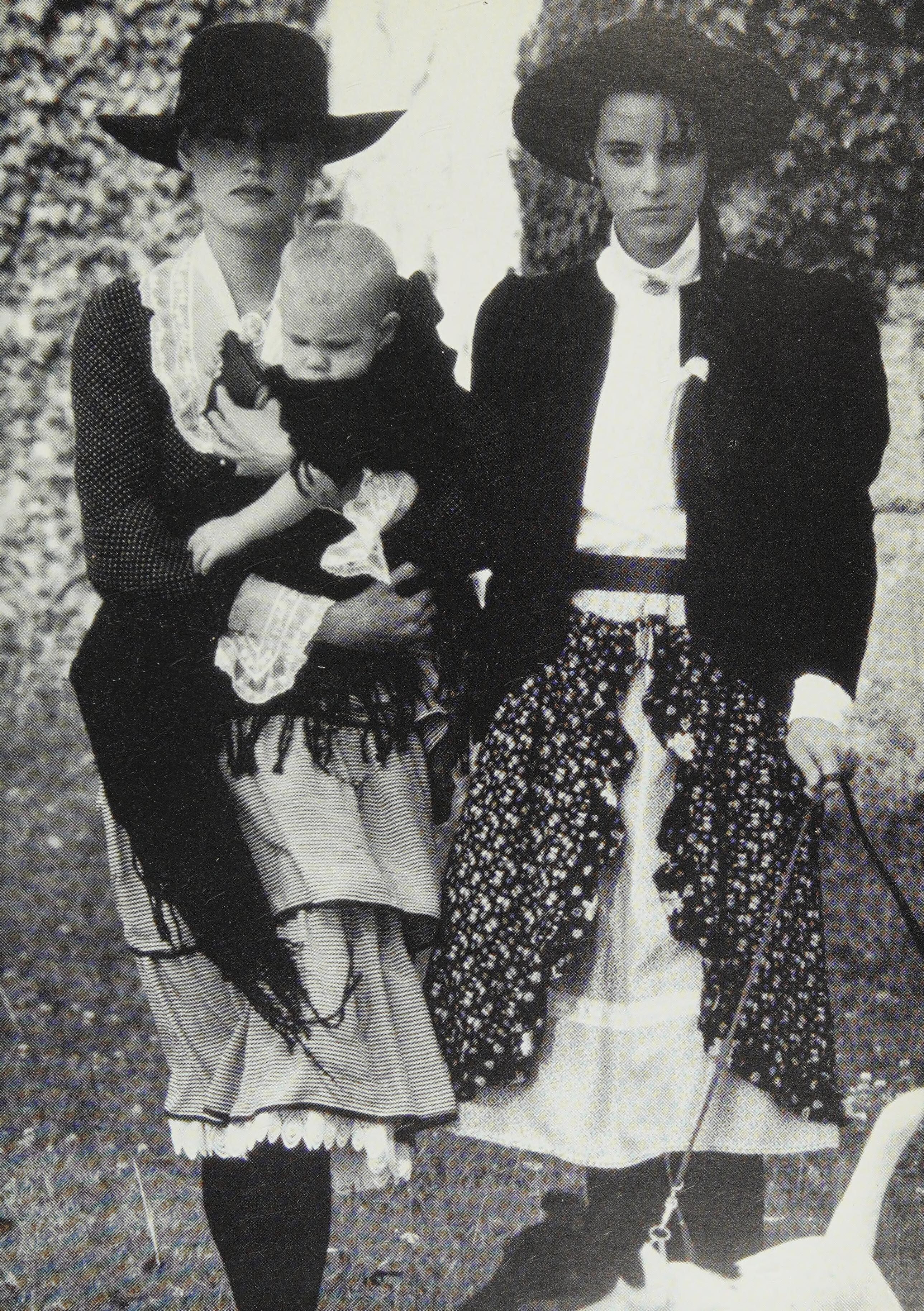
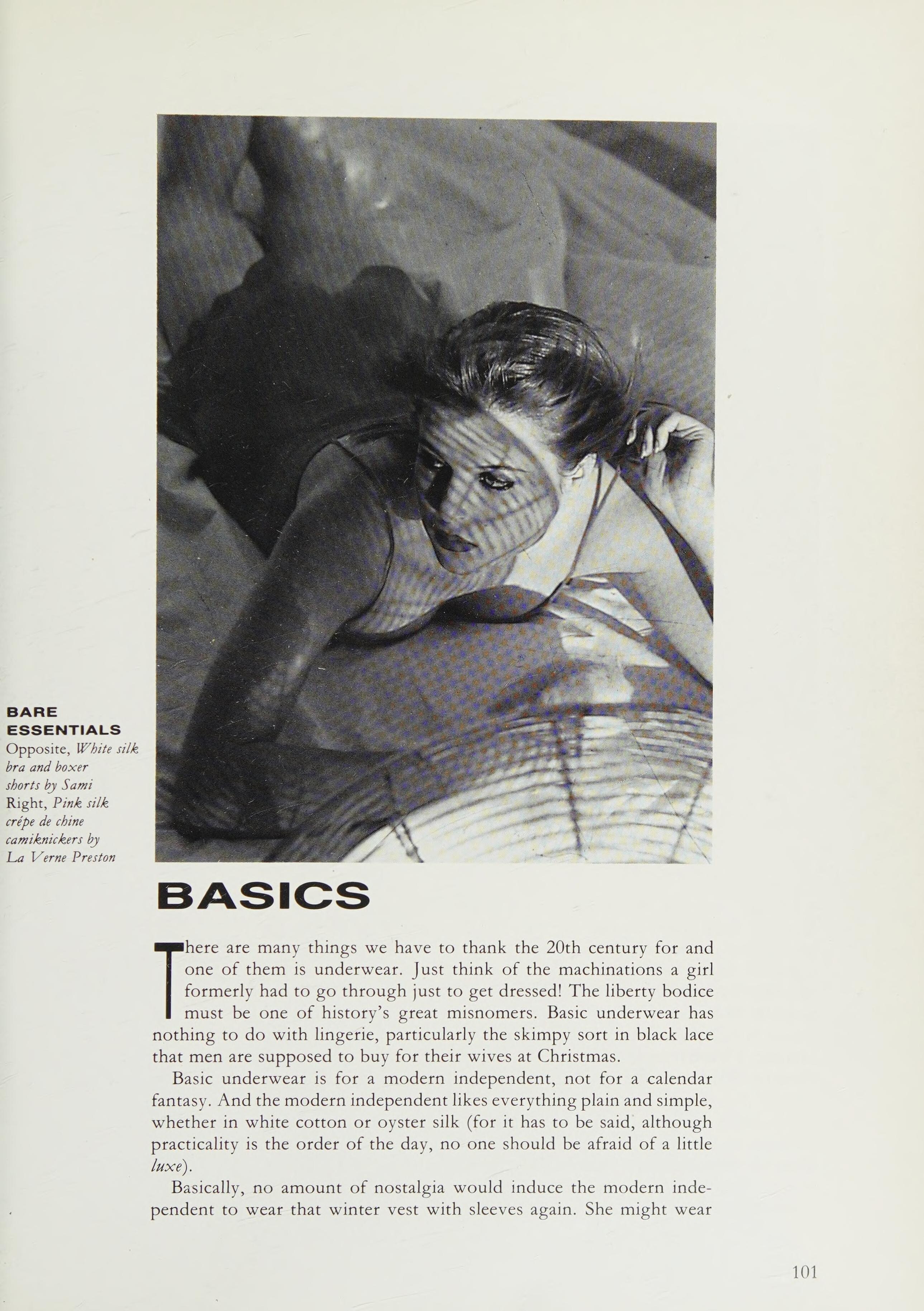
Model on the right is Sylvia Cerhakova. Model in the front looks like Janine Giddings. @Minerva13 , can you confirm? The one on the left I run through PimEyes, apparently she's a stock model but I couldn't find a name.
Absolutely. It feels like I've seen this photoshoot before but I just can't associate it with a particular model.
Courtney (left)
Thank you, friends!
Yes, this one.
Kaja Wunder
Kristine
Model on the right is Sylvia Cerhakova. Model in the front looks like Janine Giddings. @Minerva13 , can you confirm? The one on the left I run through PimEyes, apparently she's a stock model but I couldn't find a name.
Absolutely. It feels like I've seen this photoshoot before but I just can't associate it with a particular model.
Courtney (left)
Thank you, friends!
Yes, this one.
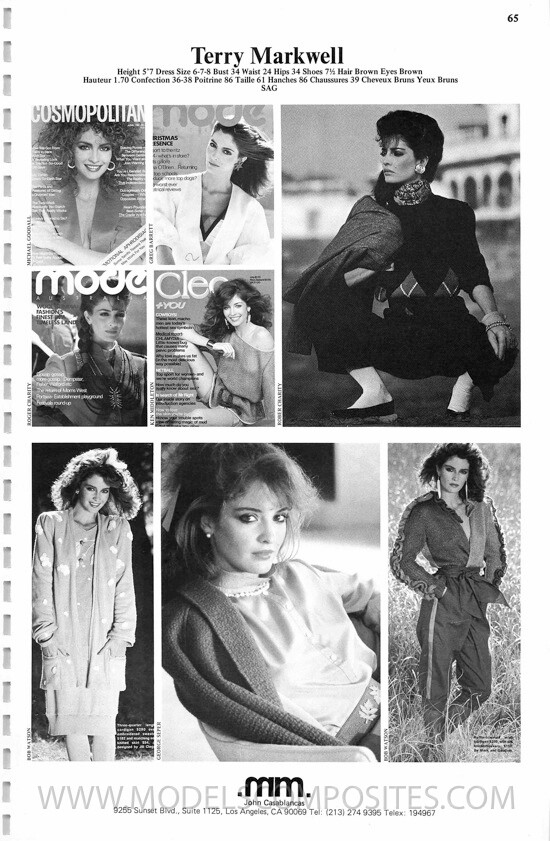
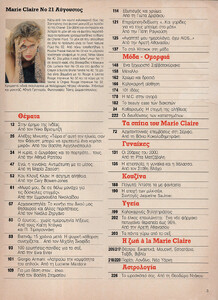 Thank you! Yes, very close indeed. I posted a pic of the same model on the cover of the same issue in the covers thread, I think you can better see the face there.
















Account
Search
Configure browser push notifications
Chrome (Android)
- Tap the lock icon next to the address bar.
- Tap Permissions → Notifications.
- Adjust your preference.
Chrome (Desktop)
- Click the padlock icon in the address bar.
- Select Site settings.
- Find Notifications and adjust your preference.
Safari (iOS 16.4+)
- Ensure the site is installed via Add to Home Screen.
- Open Settings App → Notifications.
- Find your app name and adjust your preference.
Safari (macOS)
- Go to Safari → Preferences.
- Click the Websites tab.
- Select Notifications in the sidebar.
- Find this website and adjust your preference.
Edge (Android)
- Tap the lock icon next to the address bar.
- Tap Permissions.
- Find Notifications and adjust your preference.
Edge (Desktop)
- Click the padlock icon in the address bar.
- Click Permissions for this site.
- Find Notifications and adjust your preference.
Firefox (Android)
- Go to Settings → Site permissions.
- Tap Notifications.
- Find this site in the list and adjust your preference.
Firefox (Desktop)
- Open Firefox Settings.
- Search for Notifications.
- Find this site in the list and adjust your preference.