
Ramsfan
Members
-
Joined
-
Last visited
Everything posted by Ramsfan
-
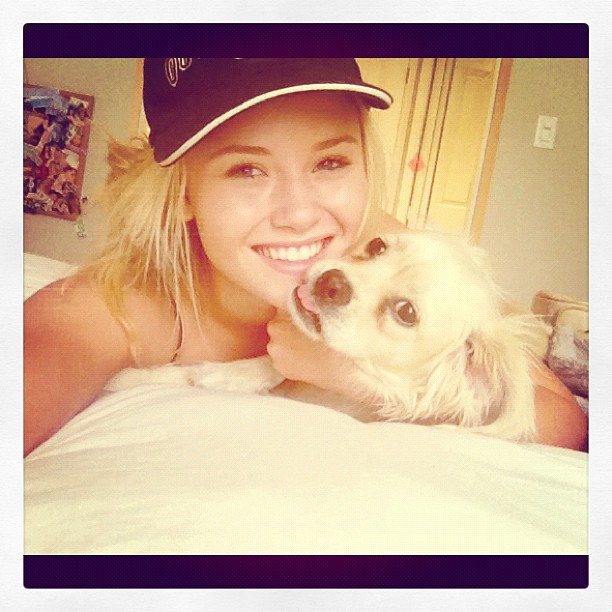
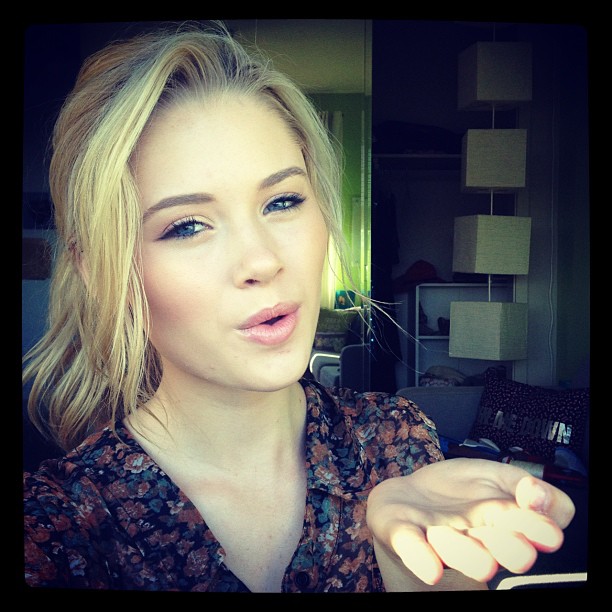
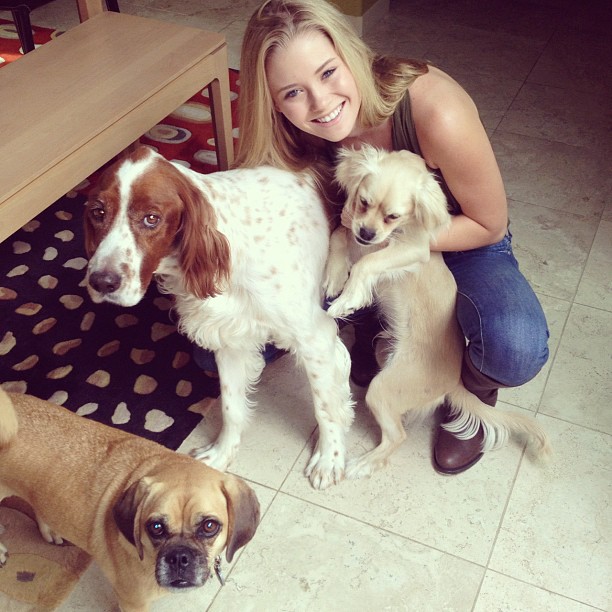
 Always a pleasure to look at her work.
I like the lighter hair more.
So hot!
Very beautiful!
Do you know any sites where I can locate her Love Culture photos?
I saw some really cute pictures of Liza and Ginny together on Ginny's Instagram & Twitter profiles. I guess I really have to look around to find Liza's content. Some on her blog though for a start.
Check 2 posts above.
I think it is a legit question. I think some members have certain models' pictures they always share and sometimes some models' threads get left alone after a long time.
Her mother agency is Ford Models Chicago. She also goes by the name of Leza.
HEIGHT - 5'9" BUST - 32 WAIST - 24 HIPS - 34 DRESS = 0 - 2 SHOE - 9 HAIR - BLONDE EYES - GREEN
Always a pleasure to look at her work.
I like the lighter hair more.
So hot!
Very beautiful!
Do you know any sites where I can locate her Love Culture photos?
I saw some really cute pictures of Liza and Ginny together on Ginny's Instagram & Twitter profiles. I guess I really have to look around to find Liza's content. Some on her blog though for a start.
Check 2 posts above.
I think it is a legit question. I think some members have certain models' pictures they always share and sometimes some models' threads get left alone after a long time.
Her mother agency is Ford Models Chicago. She also goes by the name of Leza.
HEIGHT - 5'9" BUST - 32 WAIST - 24 HIPS - 34 DRESS = 0 - 2 SHOE - 9 HAIR - BLONDE EYES - GREEN














Account
Navigation
Search
Configure browser push notifications
Chrome (Android)
- Tap the lock icon next to the address bar.
- Tap Permissions → Notifications.
- Adjust your preference.
Chrome (Desktop)
- Click the padlock icon in the address bar.
- Select Site settings.
- Find Notifications and adjust your preference.
Safari (iOS 16.4+)
- Ensure the site is installed via Add to Home Screen.
- Open Settings App → Notifications.
- Find your app name and adjust your preference.
Safari (macOS)
- Go to Safari → Preferences.
- Click the Websites tab.
- Select Notifications in the sidebar.
- Find this website and adjust your preference.
Edge (Android)
- Tap the lock icon next to the address bar.
- Tap Permissions.
- Find Notifications and adjust your preference.
Edge (Desktop)
- Click the padlock icon in the address bar.
- Click Permissions for this site.
- Find Notifications and adjust your preference.
Firefox (Android)
- Go to Settings → Site permissions.
- Tap Notifications.
- Find this site in the list and adjust your preference.
Firefox (Desktop)
- Open Firefox Settings.
- Search for Notifications.
- Find this site in the list and adjust your preference.