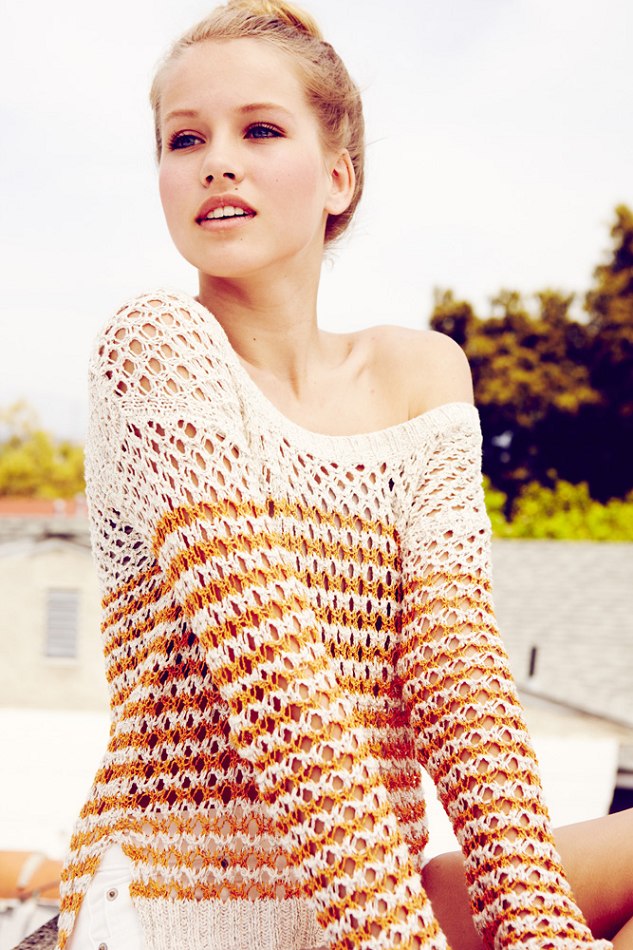
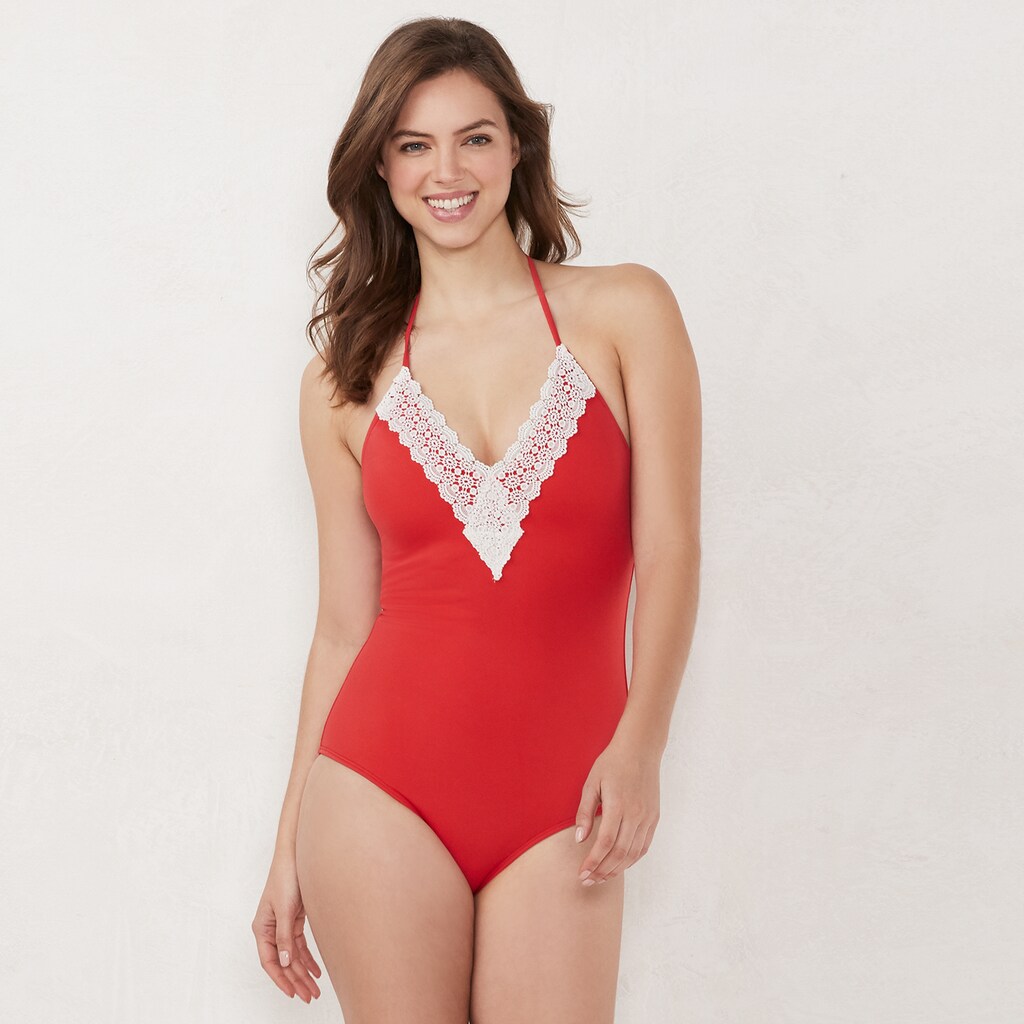
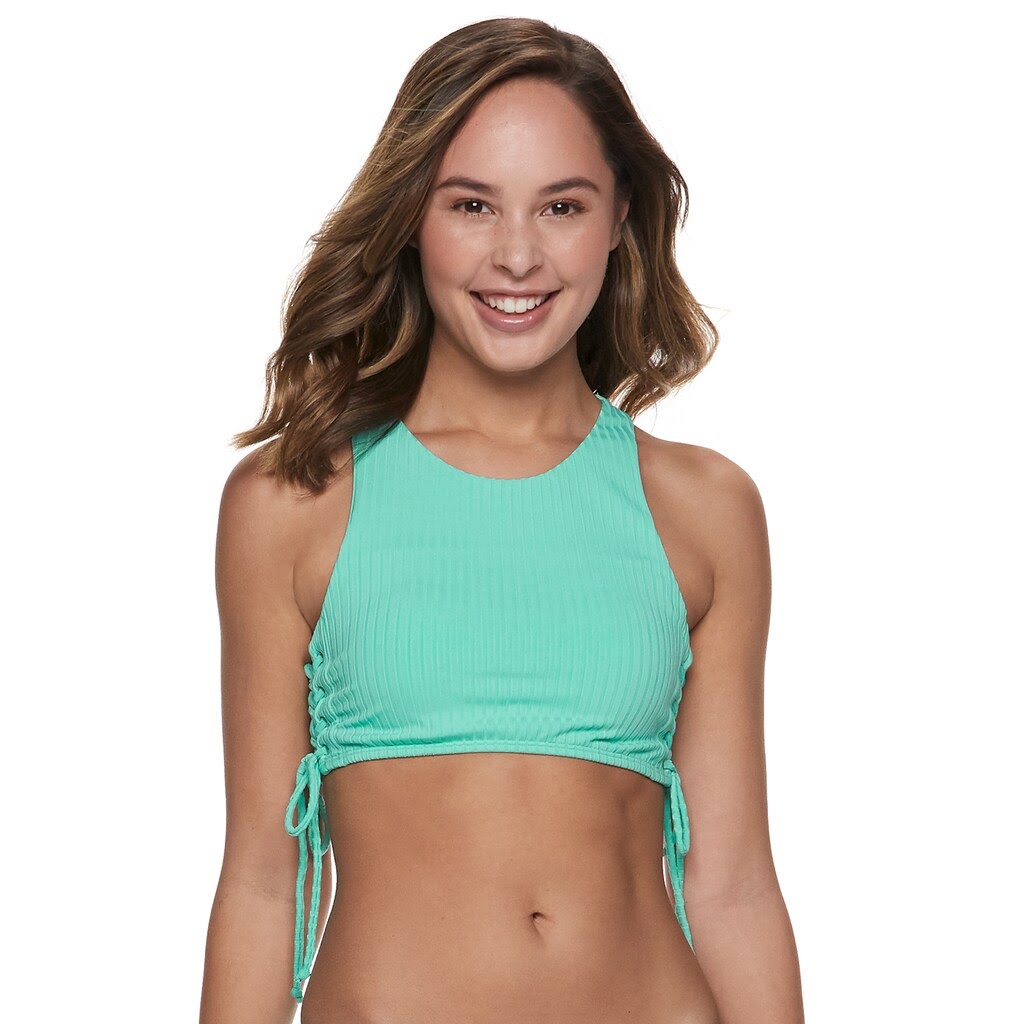
# kohls
-
- 20 comments
- 18,876 views
-
- Lynden Orr
- blonde
- Kohls
- JCPenneys
-
Tagged with:
- 158 comments
- 81,667 views
-
- 108 comments
- 99,588 views
-
- 22 comments
- 19,251 views
-
- 7 comments
- 7,873 views
-
- 8 comments
- 6,677 views
-
- 4 comments
- 91 views
-
- 1 comment
- 70 views
-
- 106 comments
- 51,061 views
-
- 8 comments
- 6,071 views
-
- 19 comments
- 11,929 views
-
- 4 comments
- 5,844 views
-
- 50 comments
- 27,514 views
-
- 6 comments
- 2,717 views
-
- 10 comments
- 9,526 views
-
- Quinn
- blonde
- jawbreaking
- kohls
-
Tagged with:
- 31 comments
- 19,950 views
-
- 3 comments
- 6,371 views