-
Eltoredo started following MessedHeart
-
MessedHeart changed their profile photo
-
Valentine Desseint
Valentine Desseint Beija Flor by Romain Rosa
-
Stella
Her full name is Stella Kubicki
-
MessedHeart started following Barbara Cavazotti , Georgia Fowler , Camilla Forchhammer Christensen and 6 others
-
Brooke Perry
A few more.
-
Brooke Perry
Yes!
-
I want to change my nickname/username - READ FIRST POST PRIOR TO REQUESTING
Can I change my display name to "MessedHeart"? Done! (Y) ~PC
-
Barbara Cavazotti
Nudity: http://i40.tinypic.com/2v30twz.jpg http://i44.tinypic.com/riagz4.jpg theworldsbestever.comImage hidden for guestsSign in to viewImage hidden for guestsSign in to viewImage hidden for guestsSign in to viewImage hidden for guestsSign in to viewImage hidden for guestsSign in to viewImage hidden for guestsSign in to viewImage hidden for guestsSign in to viewImage hidden for guestsSign in to view

-
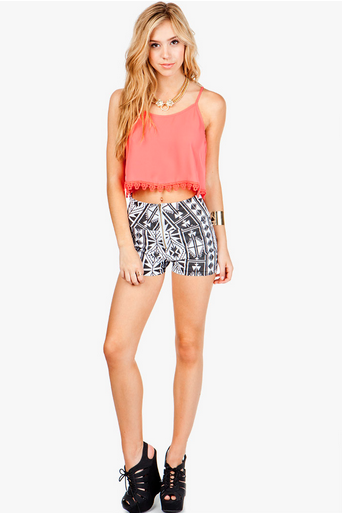
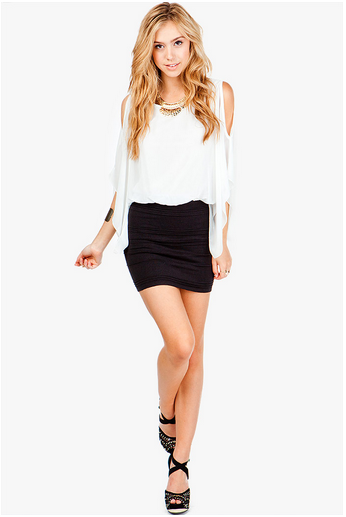
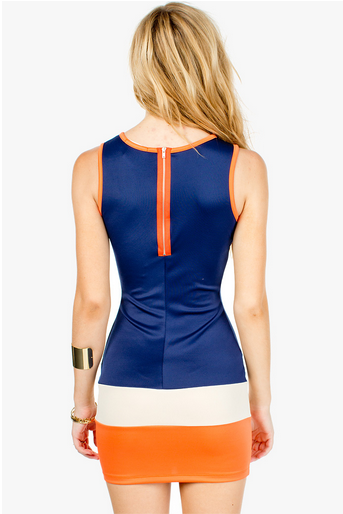
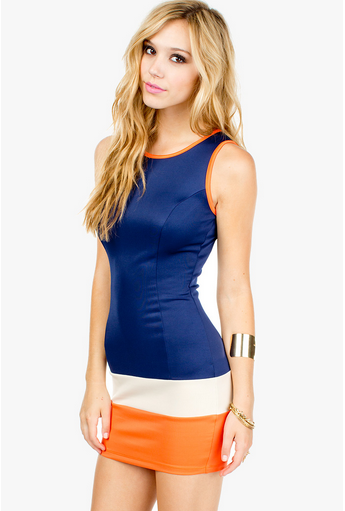
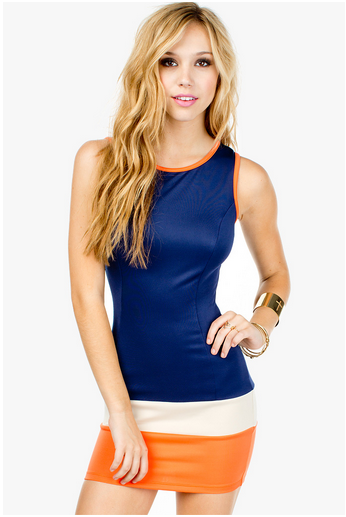
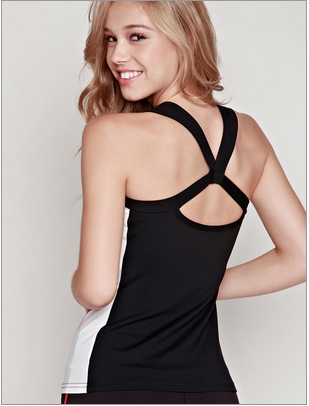
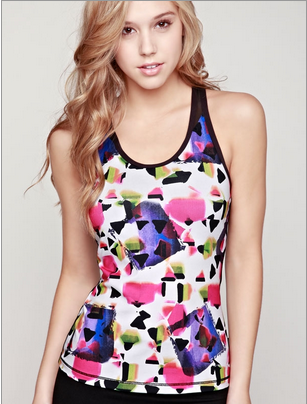
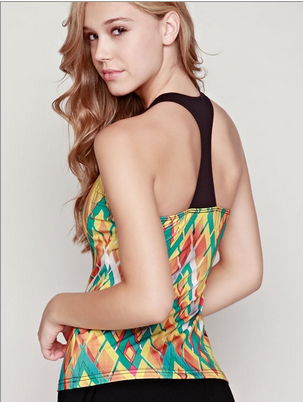
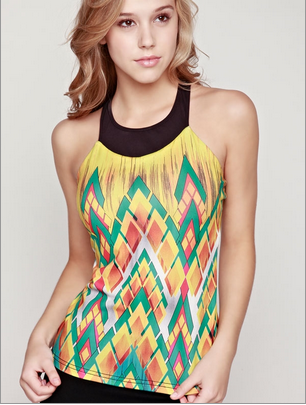
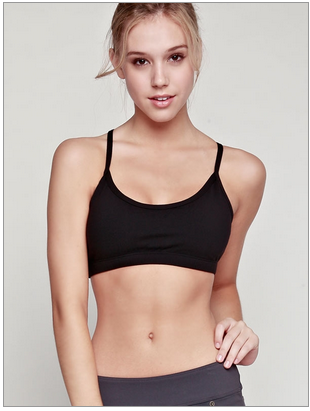
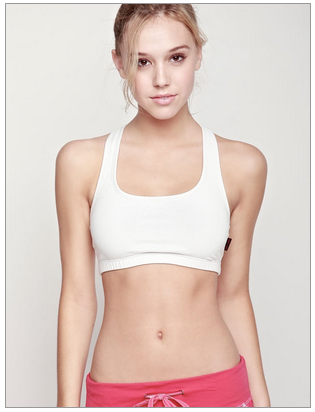
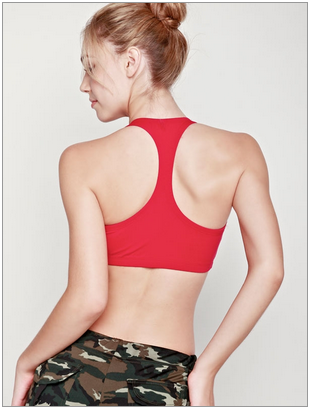
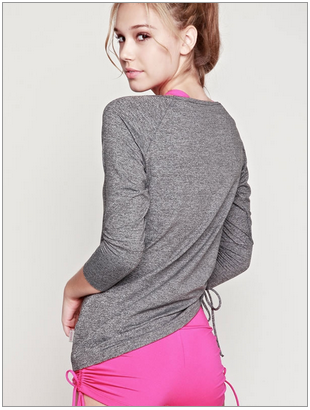
Alexis Ren
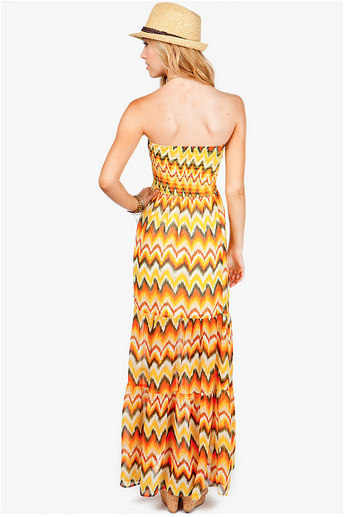
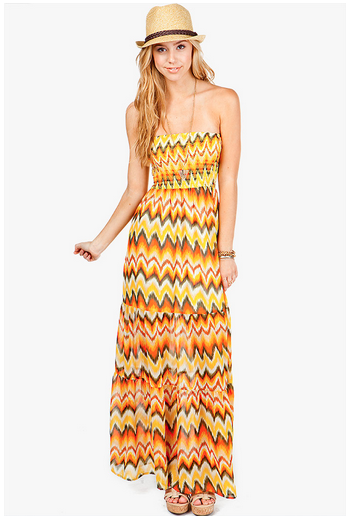
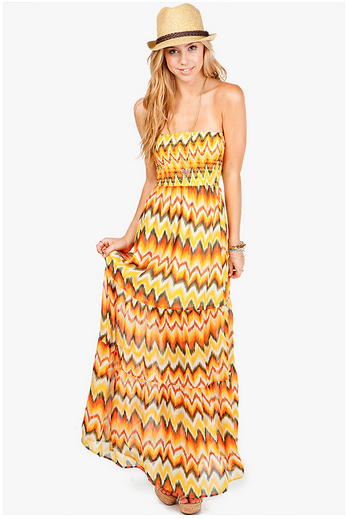
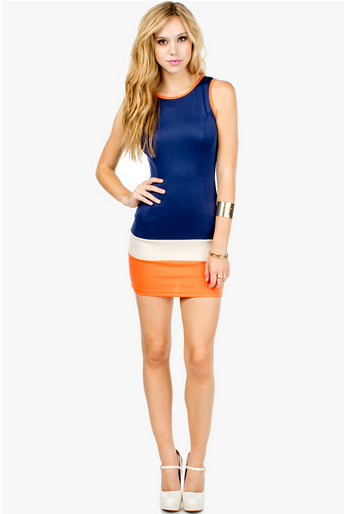
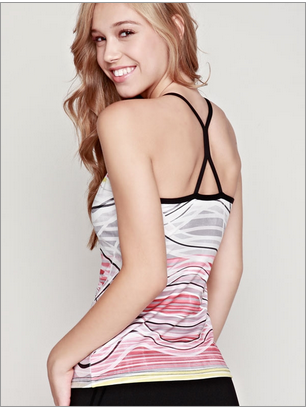
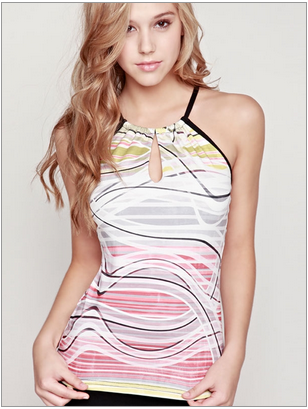
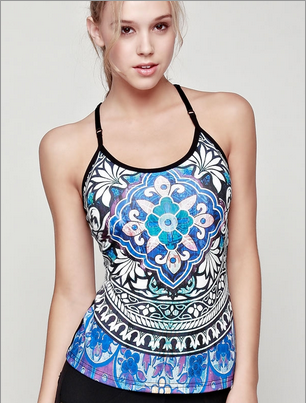
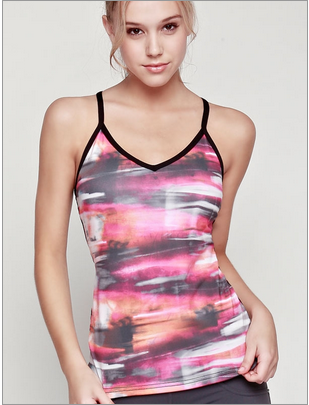
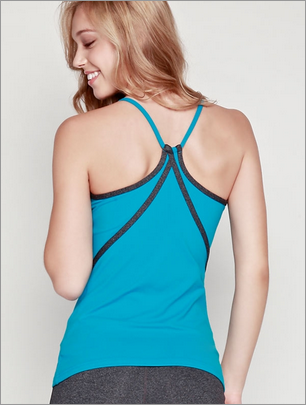
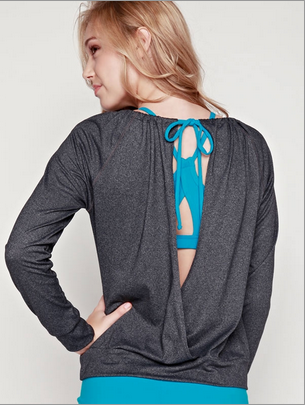
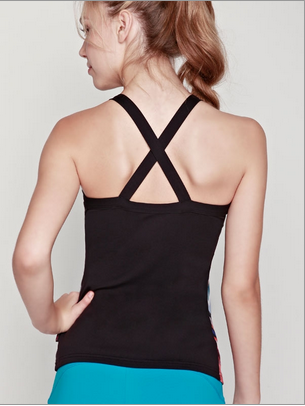
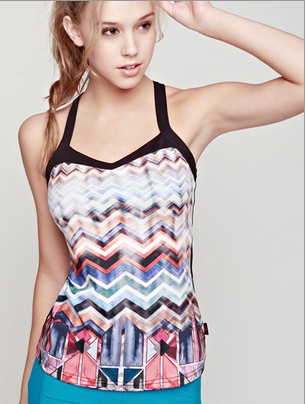
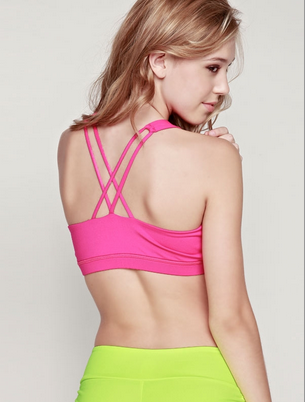
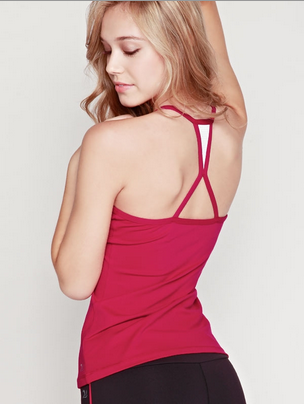
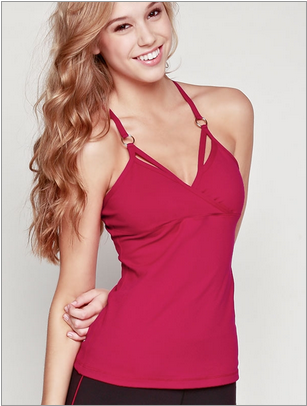
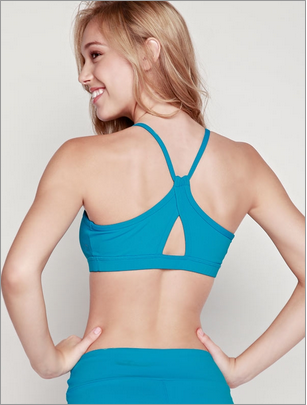
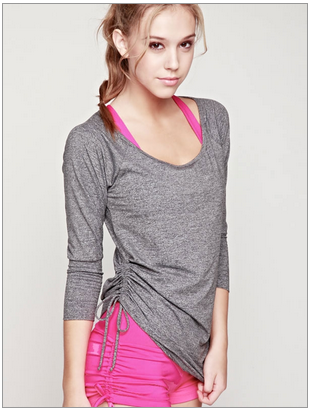
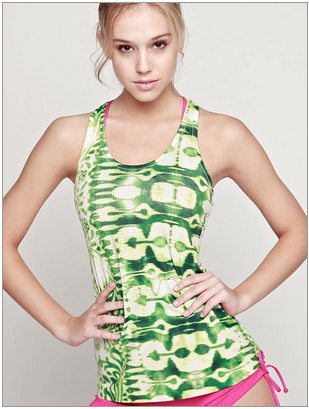
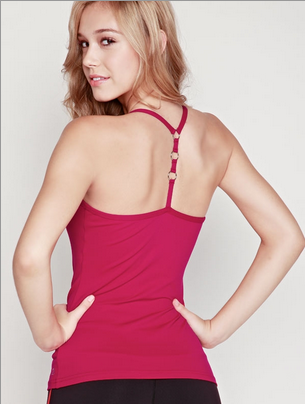
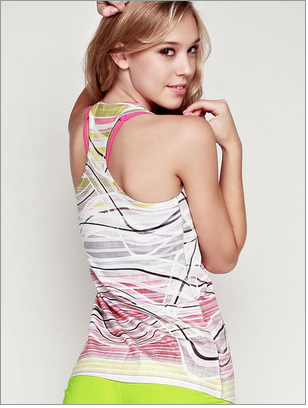
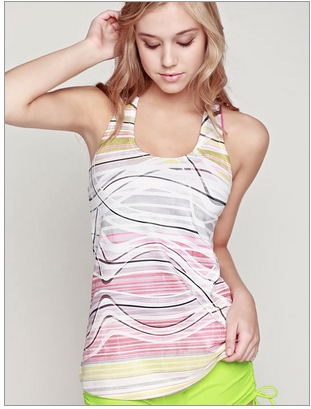
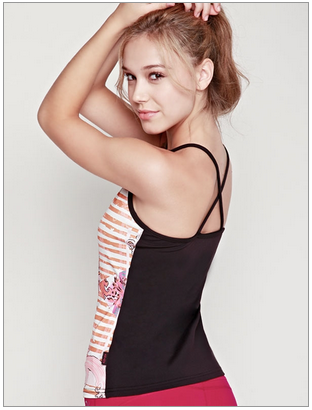
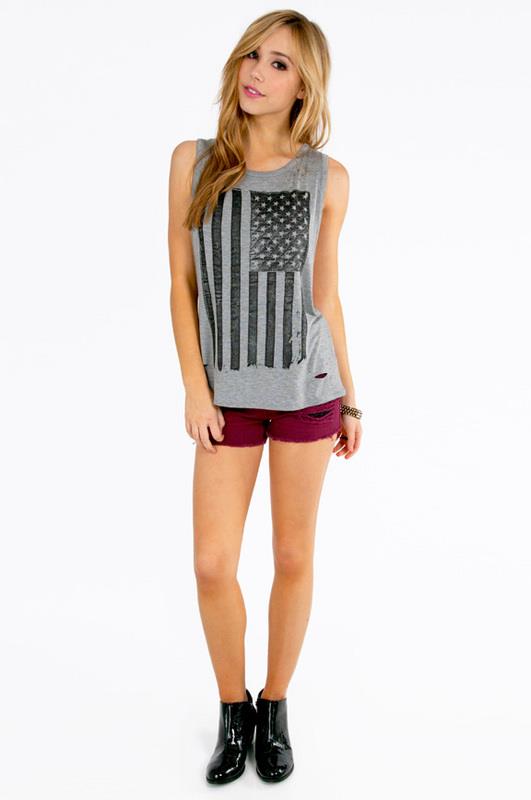
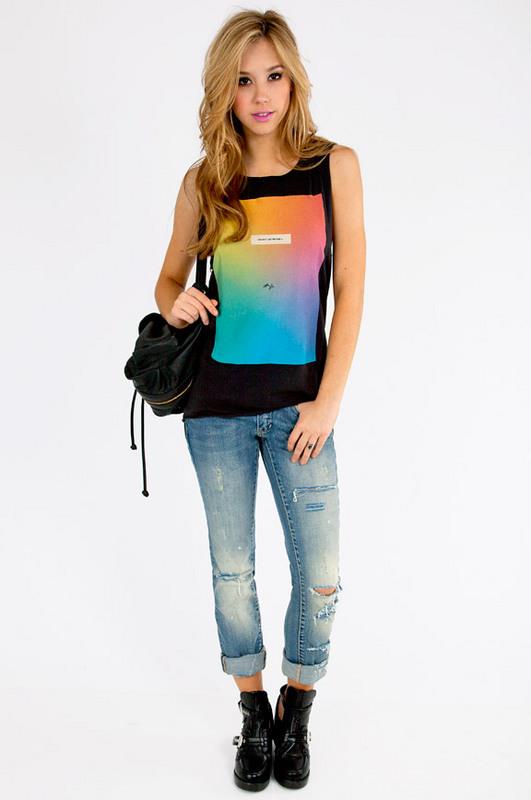
A'GACI
-
Naty Belmont
- Naty Belmont
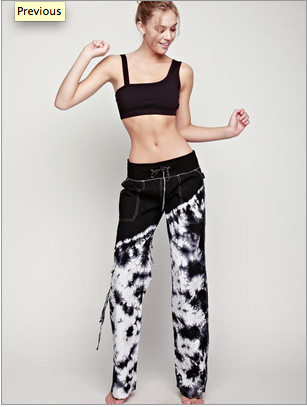
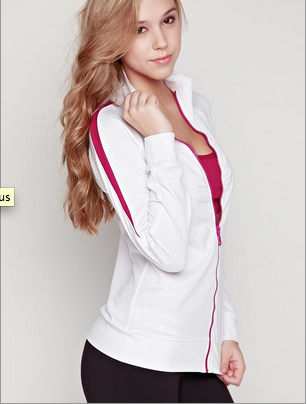
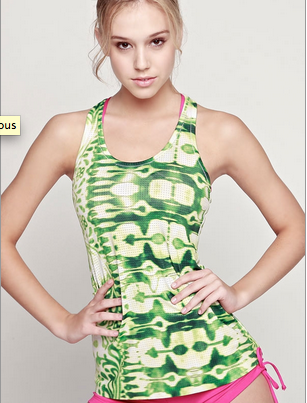
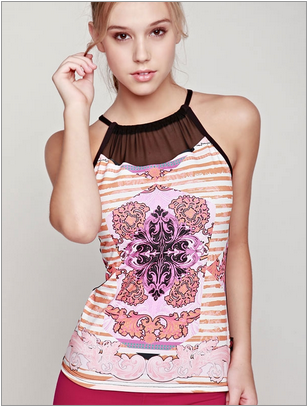
From Nous Model Management http://portfoliopad.com/images/9008/629897/Xlarge/011.jpg Height: 5'8'' Bust: 32'' Waist: 24'' Hips: 34'' Shoes: 7.5 Eyes: Blue Hair: Blonde Please textlink or upload images onto a host instead of hotlinking. For more information click HERE. Thanks! ~post edited by PinkCouture- Alexis Ren
same source- Alexis Ren
- Alexis Ren
- Alexis Ren
- Alexis Ren
I have a lot of random pics of her. I don't know the sources, I found them on Tumblr and Facebook. I'm sorry.- Marcela Vivan
- Naty Belmont
Account
Navigation
Search
Configure browser push notifications
Chrome (Android)
- Tap the lock icon next to the address bar.
- Tap Permissions → Notifications.
- Adjust your preference.
Chrome (Desktop)
- Click the padlock icon in the address bar.
- Select Site settings.
- Find Notifications and adjust your preference.
Safari (iOS 16.4+)
- Ensure the site is installed via Add to Home Screen.
- Open Settings App → Notifications.
- Find your app name and adjust your preference.
Safari (macOS)
- Go to Safari → Preferences.
- Click the Websites tab.
- Select Notifications in the sidebar.
- Find this website and adjust your preference.
Edge (Android)
- Tap the lock icon next to the address bar.
- Tap Permissions.
- Find Notifications and adjust your preference.
Edge (Desktop)
- Click the padlock icon in the address bar.
- Click Permissions for this site.
- Find Notifications and adjust your preference.
Firefox (Android)
- Go to Settings → Site permissions.
- Tap Notifications.
- Find this site in the list and adjust your preference.
Firefox (Desktop)
- Open Firefox Settings.
- Search for Notifications.
- Find this site in the list and adjust your preference.