nightowl
Members
-
Joined
-
Last visited
Everything posted by nightowl
-
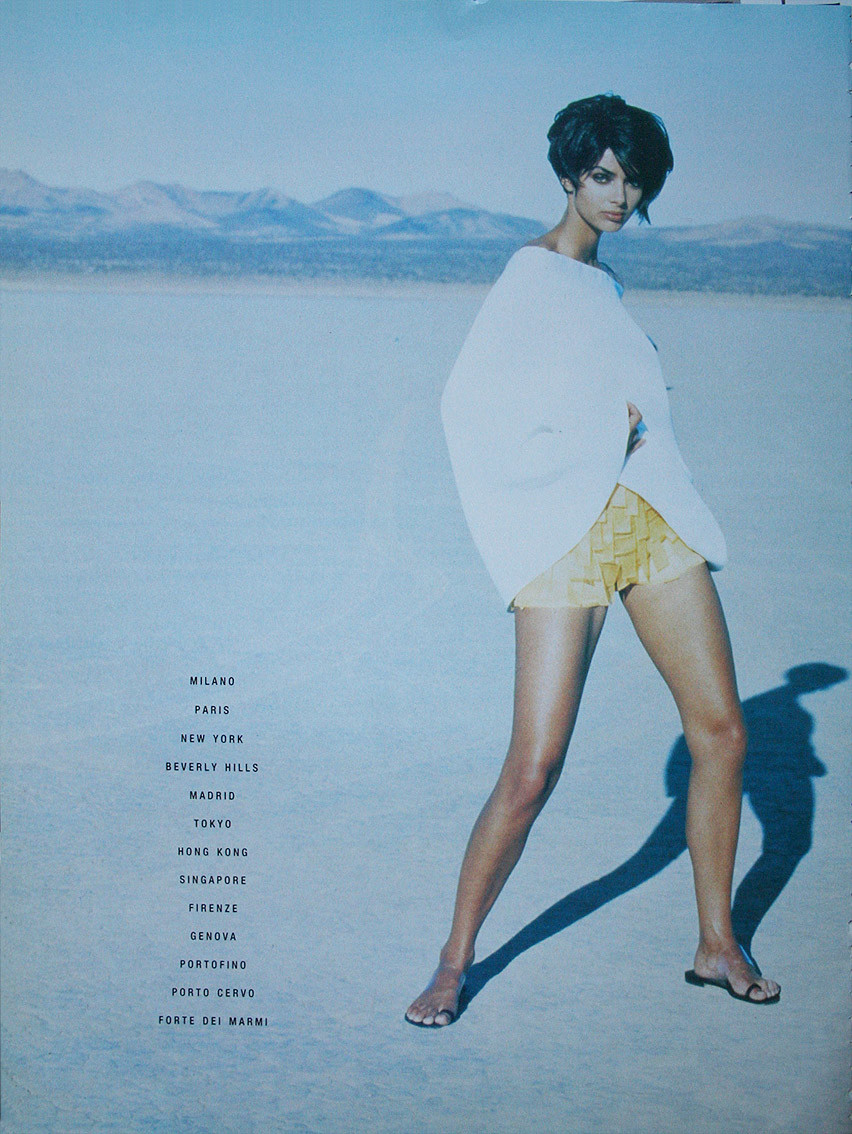
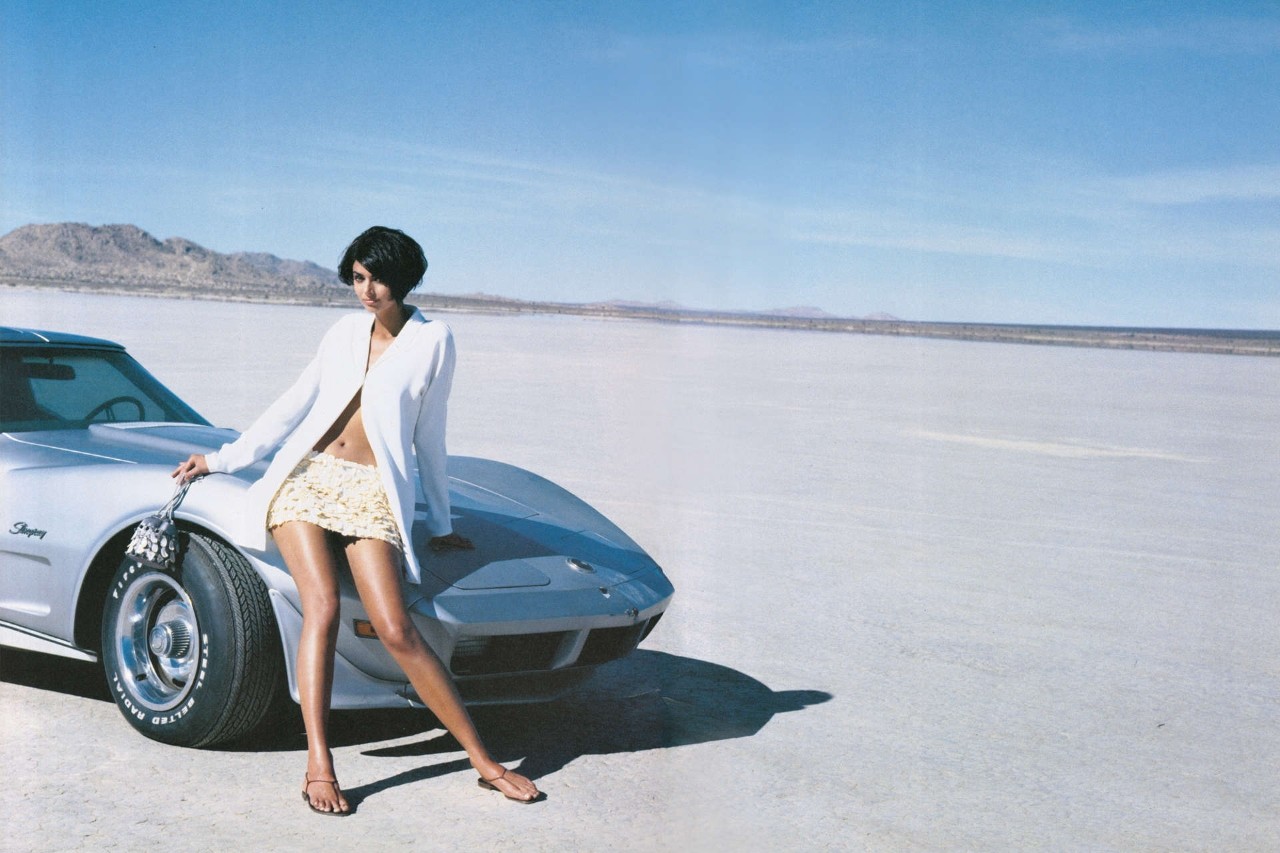
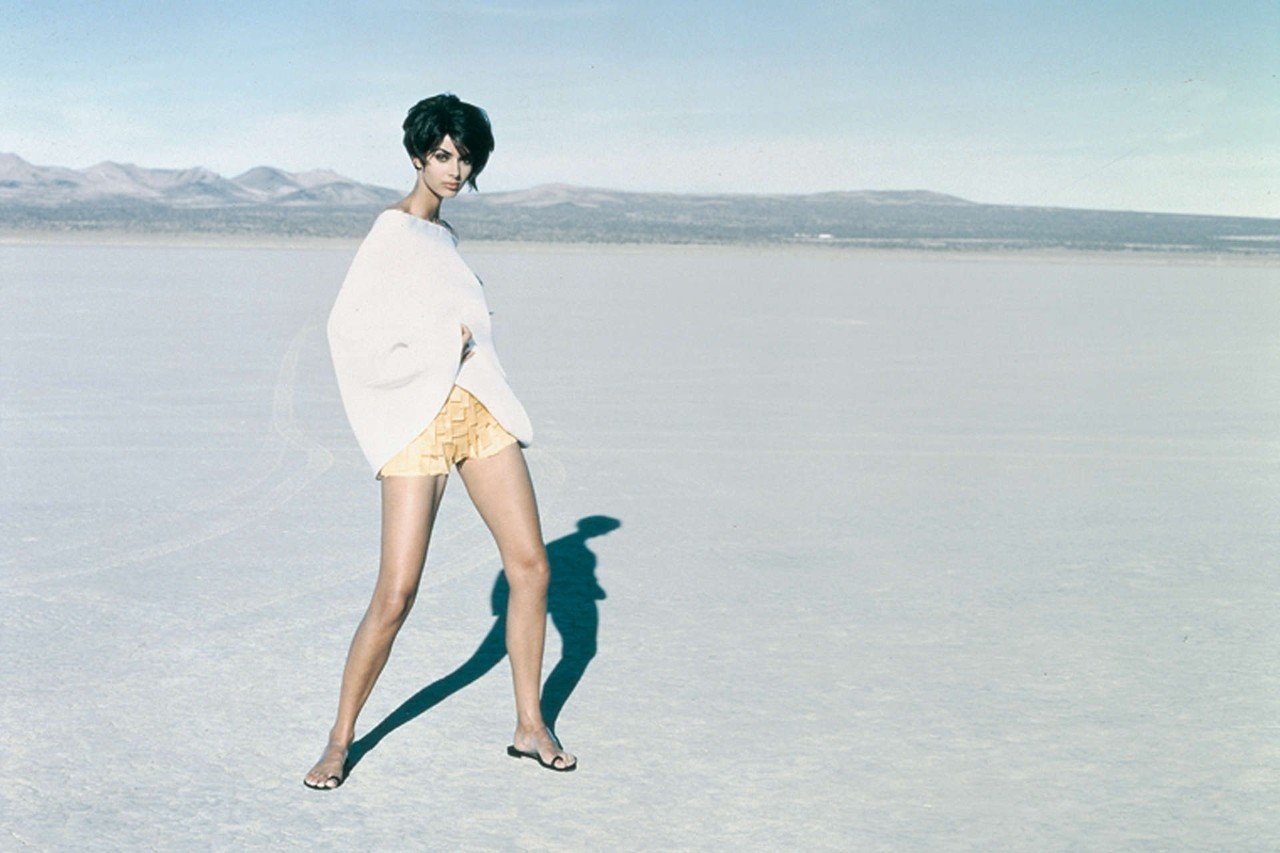
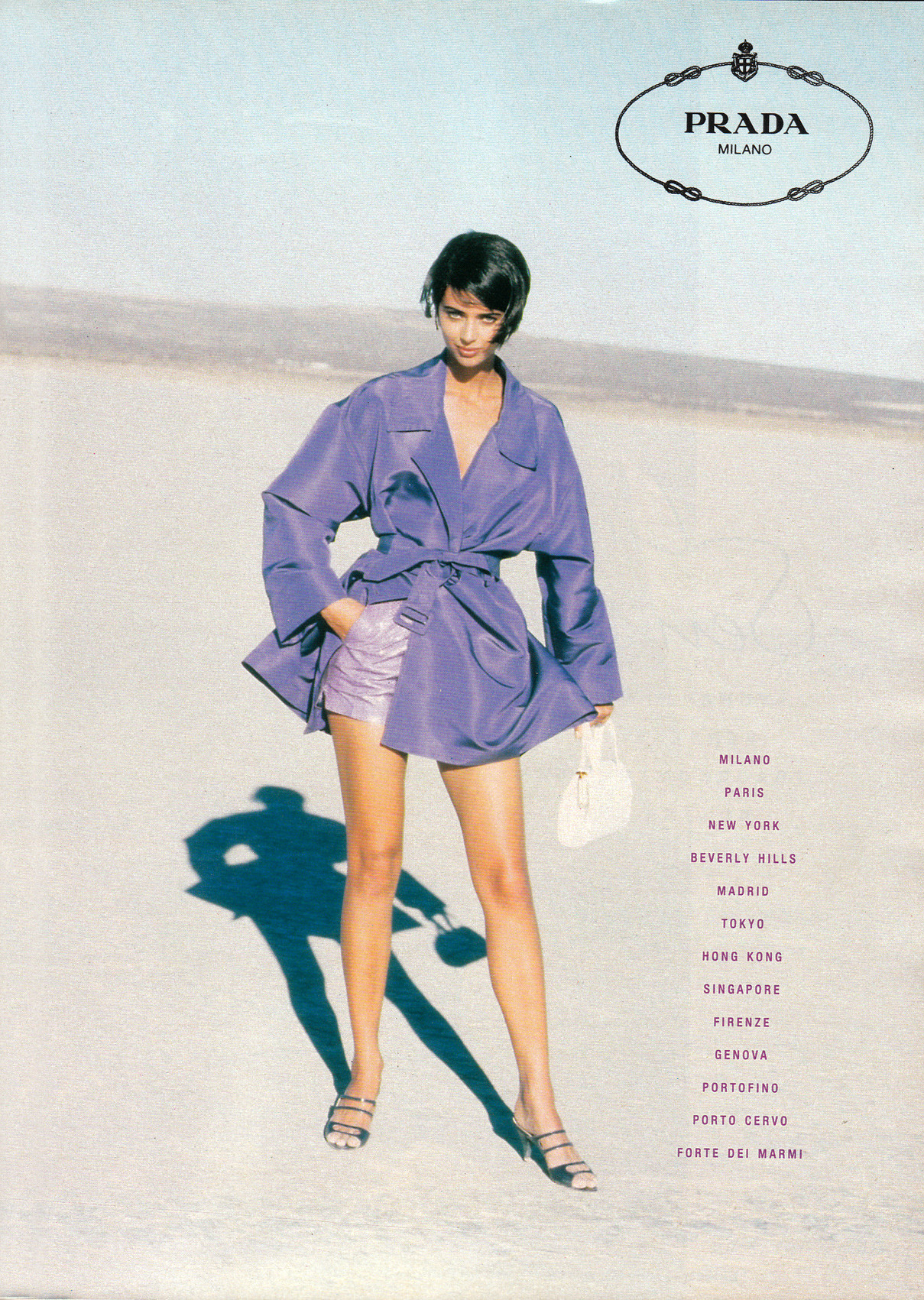
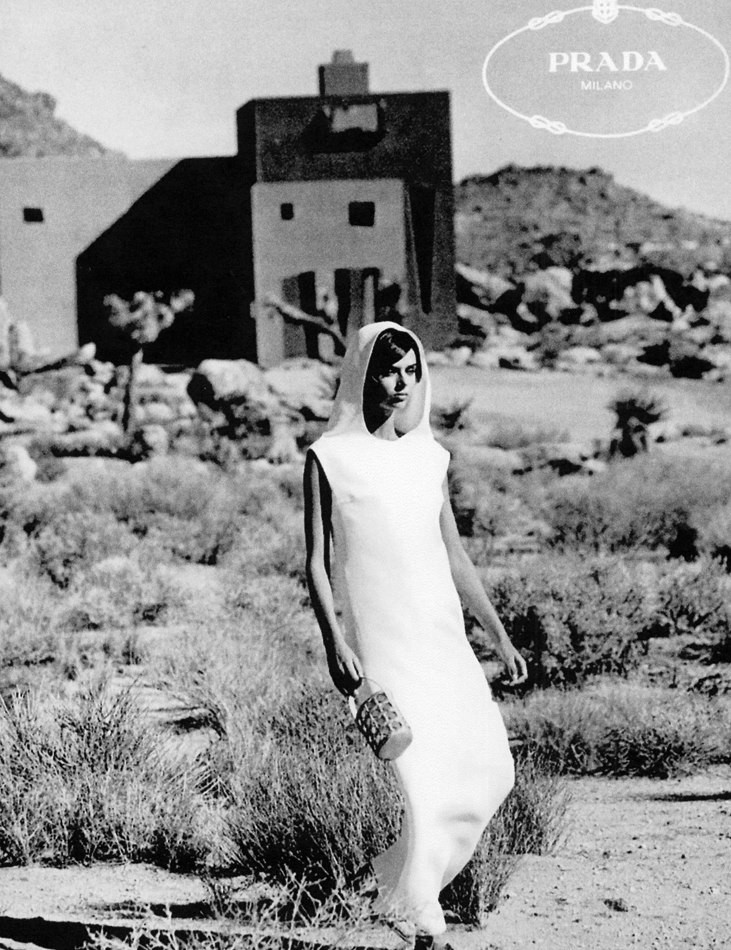
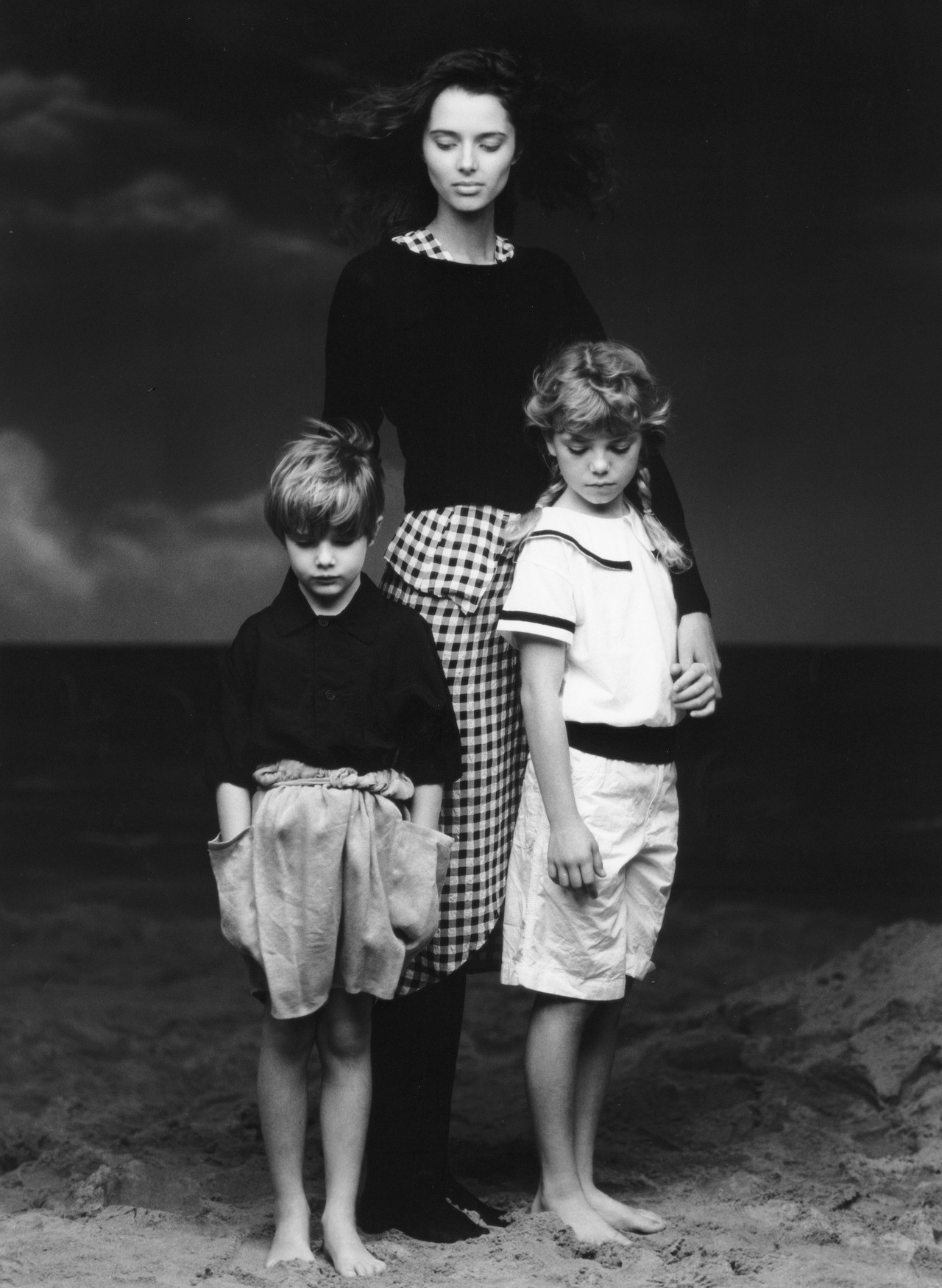
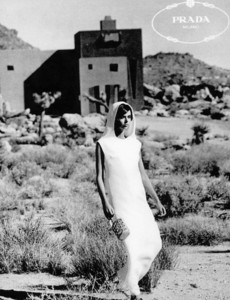
More Prada. Photos by Peter Lindbergh, I believe.
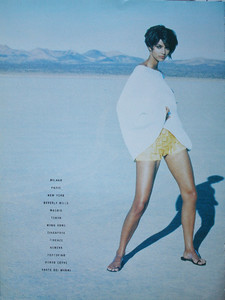
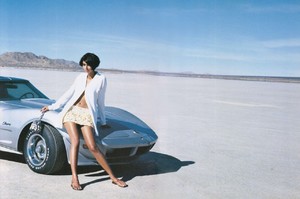
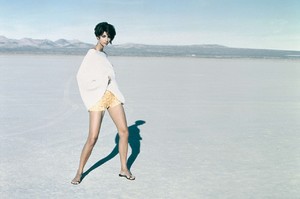
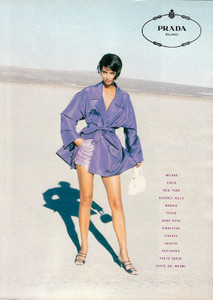
-
Indeed! She'll be 50 on September 25th of this year.
-
Lovely. Thanks!
-
OMG...what a woman! What a post!
-
lovely--thanks!
-
-
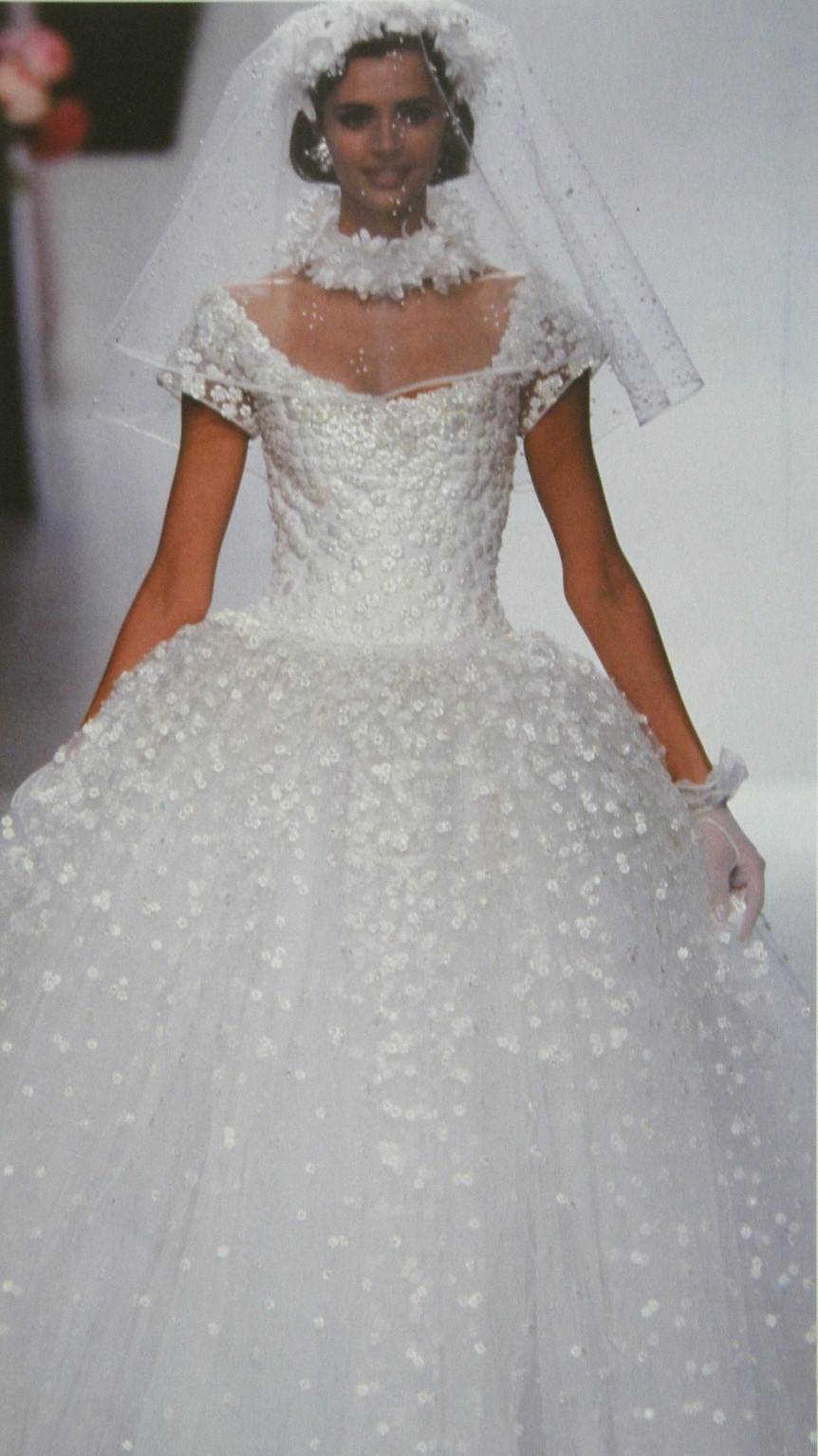
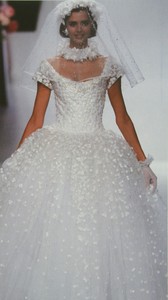
This answers a mystery I've been wondering about: which show this wedding dress pic is from. The age and hair are both right, and the gloves are identical. Case closed!
-
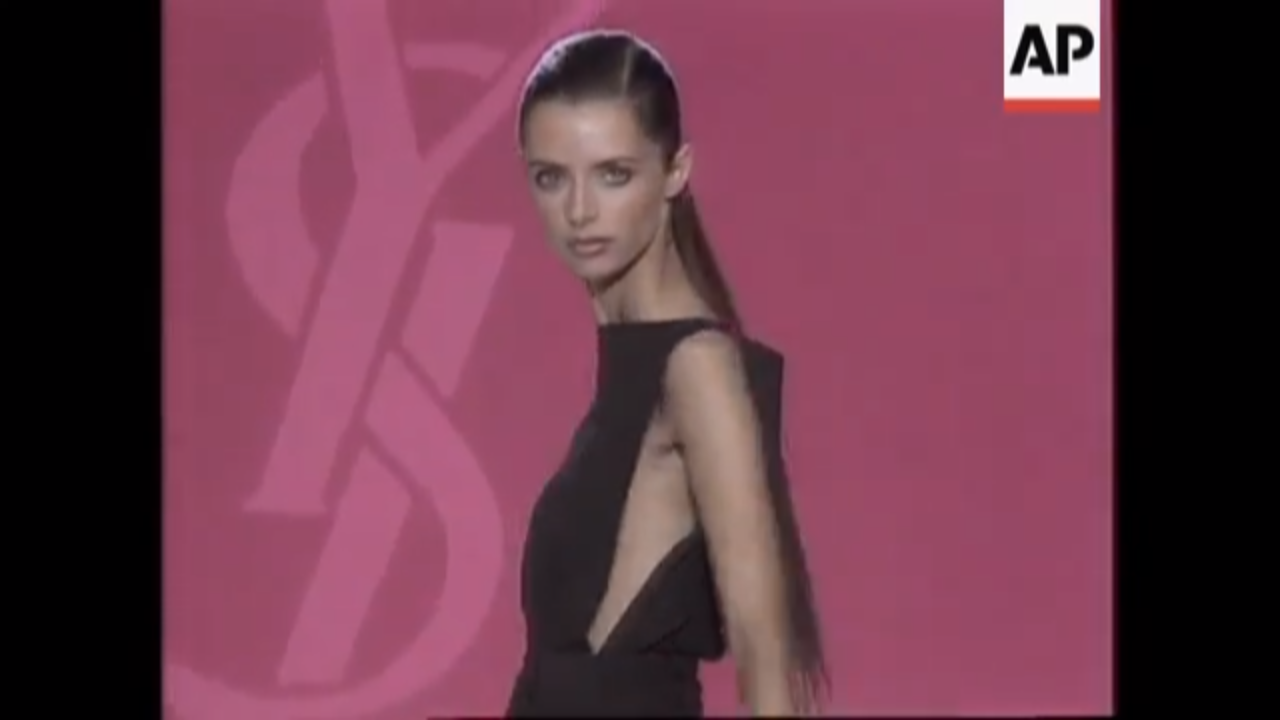
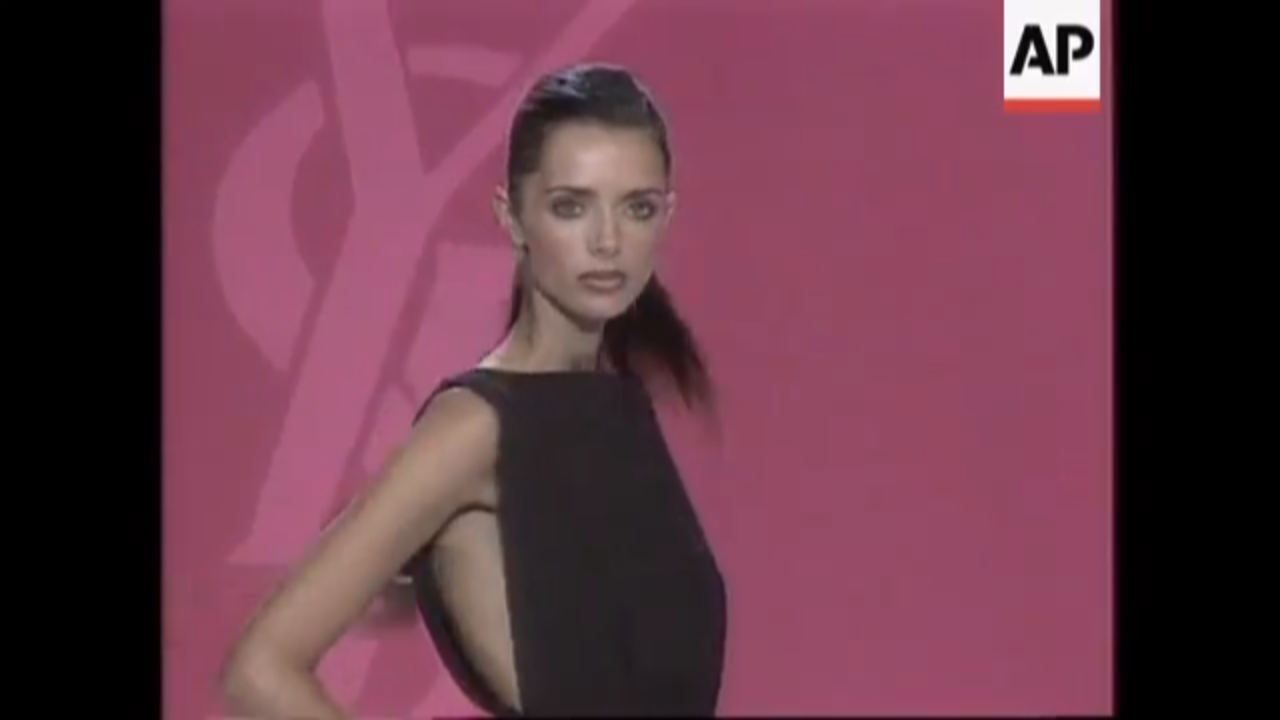
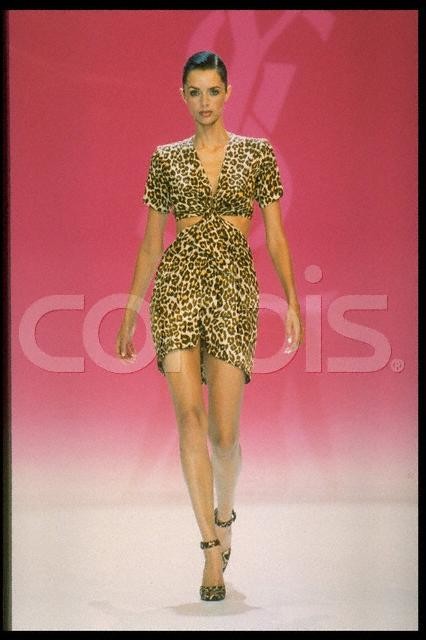
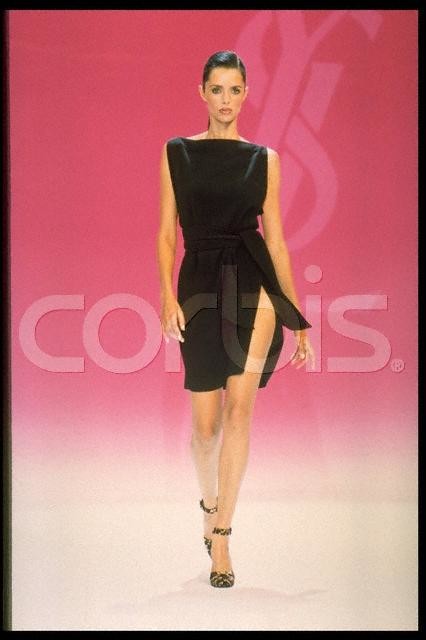
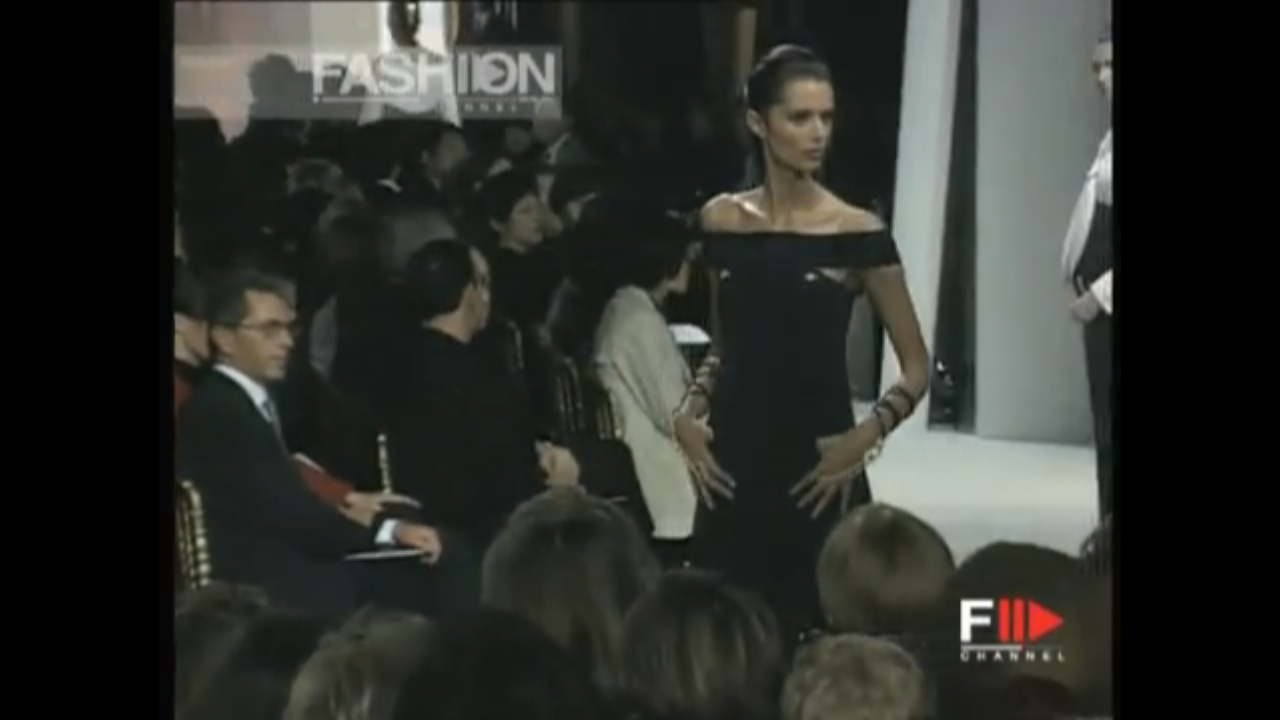
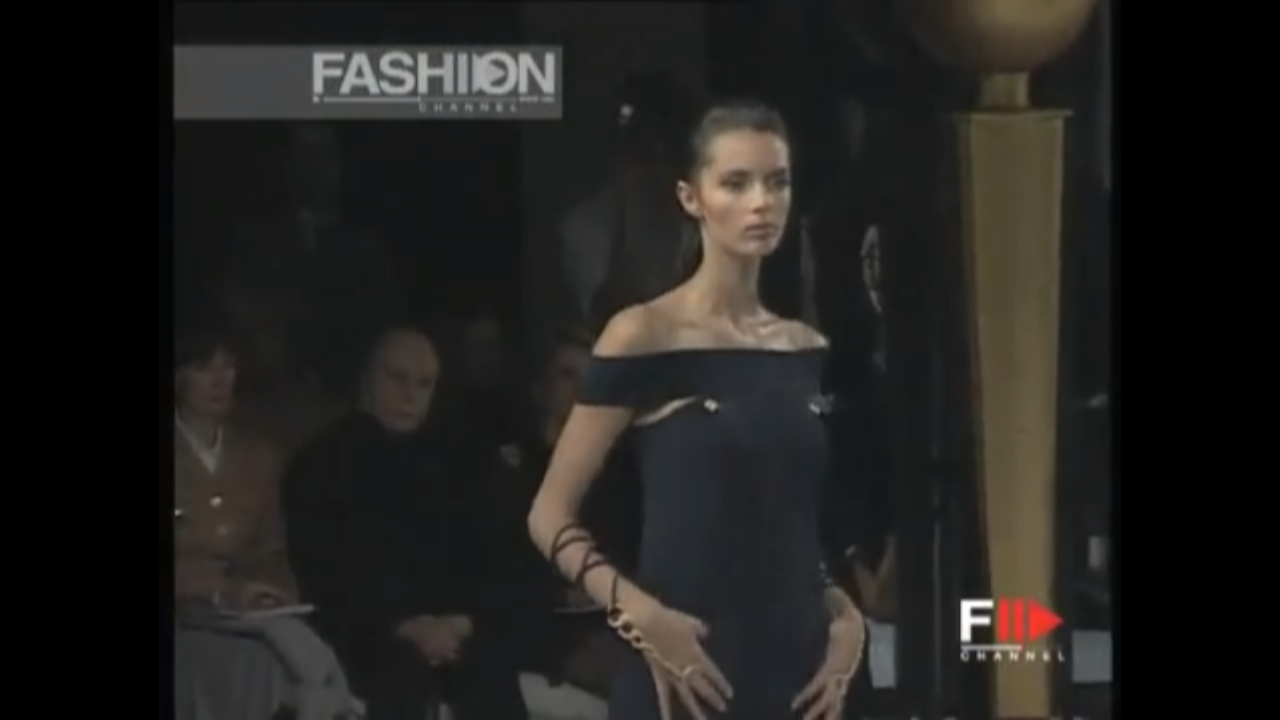
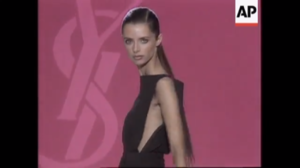
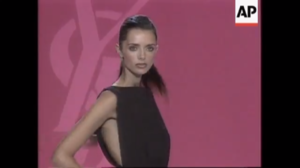
Thank you for the lovely new pics! As for 97ss HC, I don't know why I think that--it may just be an early error in my search. I have no video and no pics. Here is what I have from the 97ss RTW collection--the two grainy pics are from Corbis, and the screencaps from AP archives.
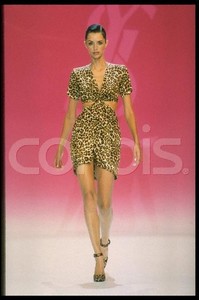
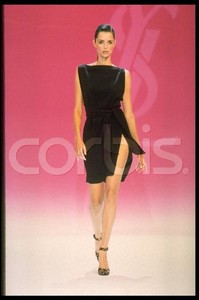
-
-
Very lovely--thanks. The 5th from the end is not her.
-
Talisa Soto. thanks!
-
-
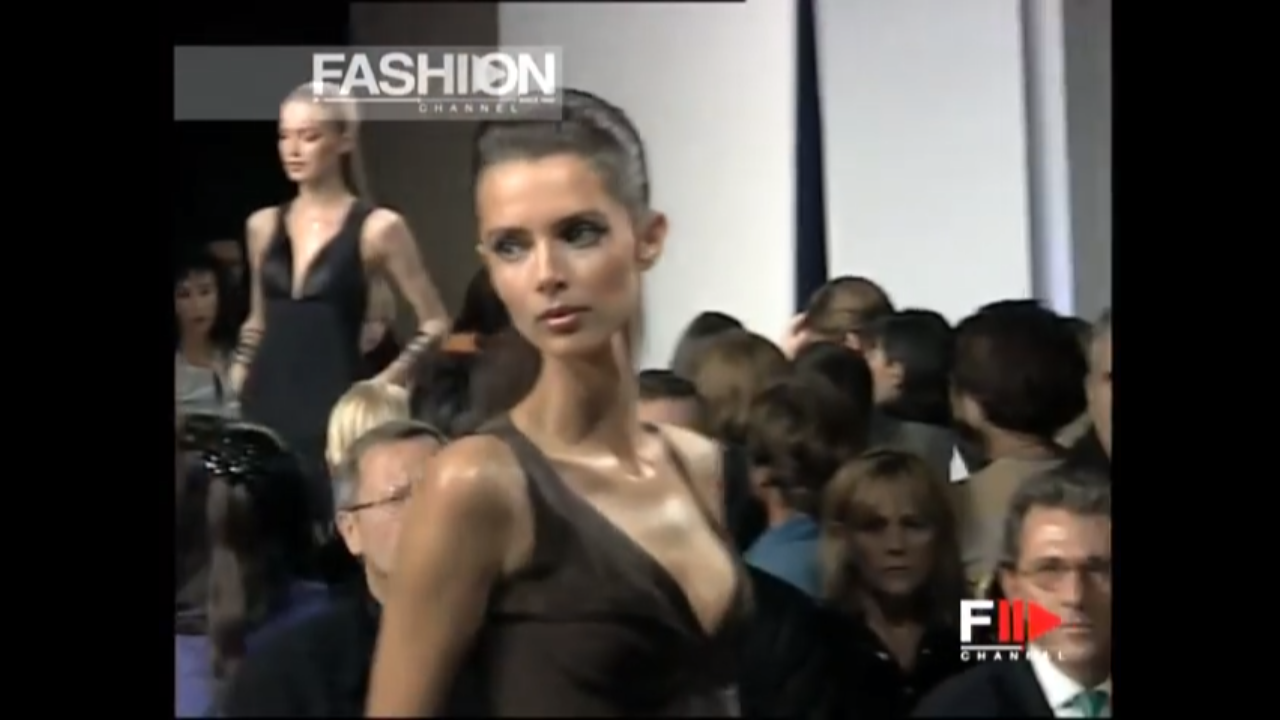
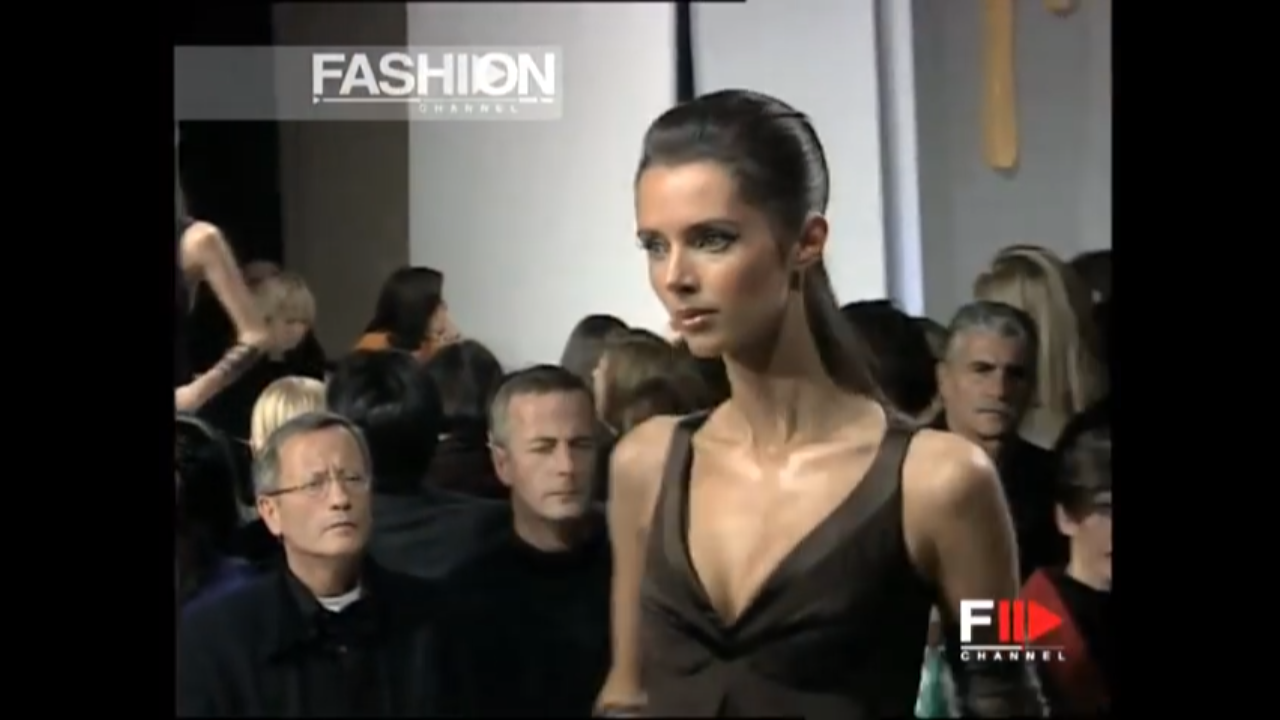
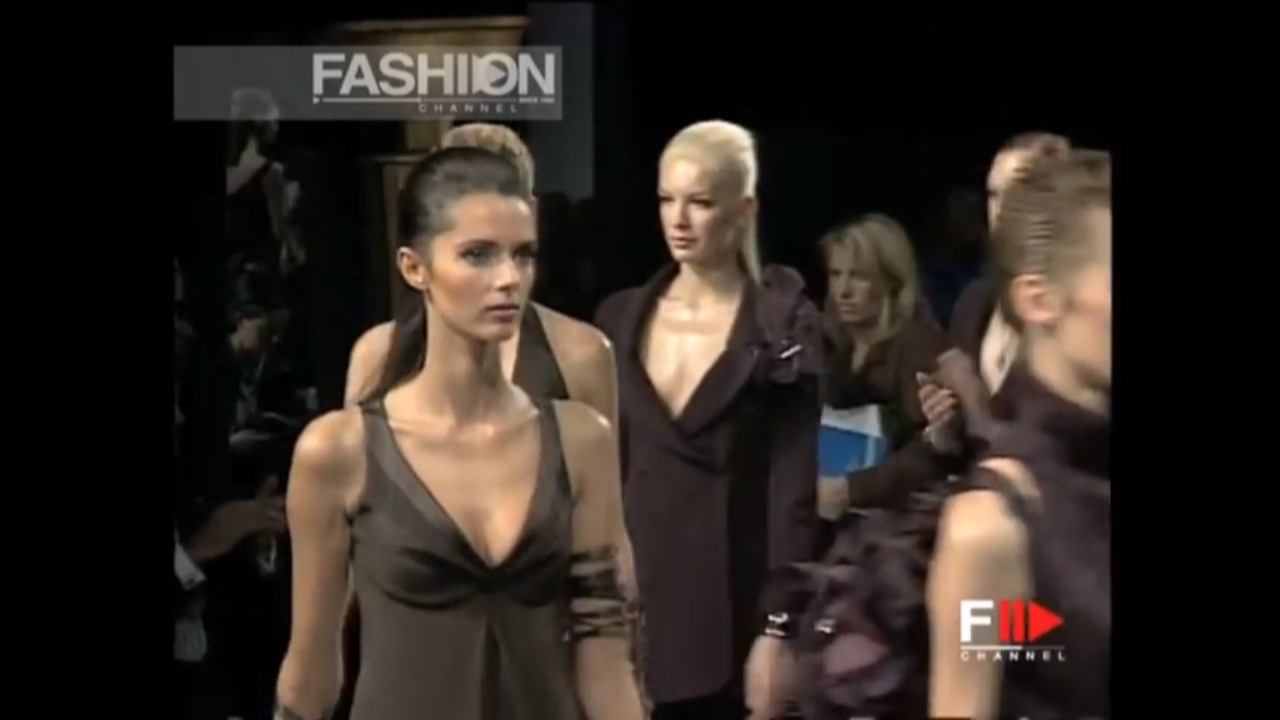
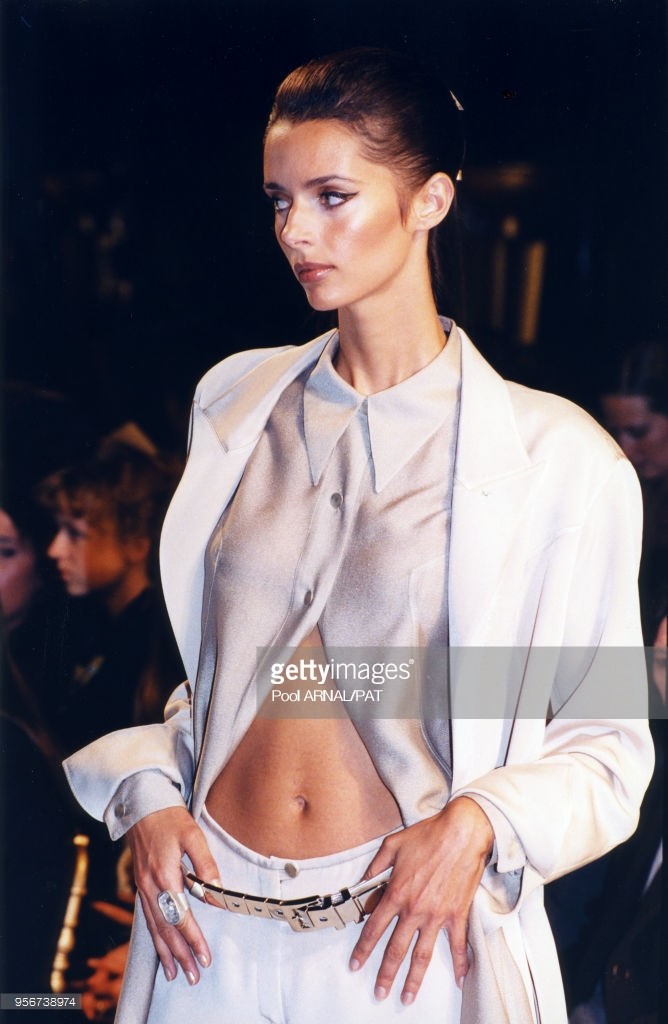
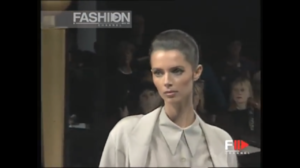
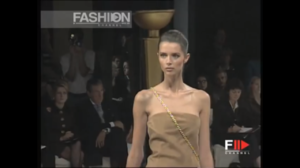
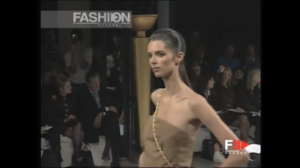
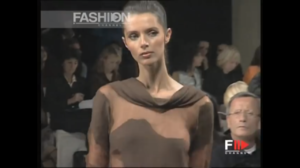
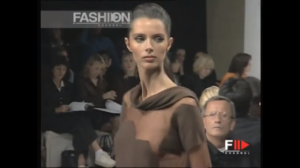
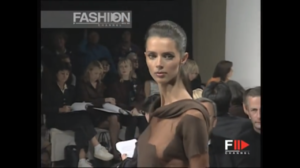
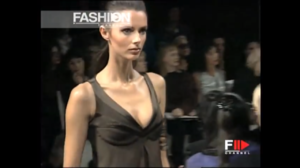
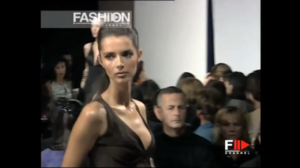
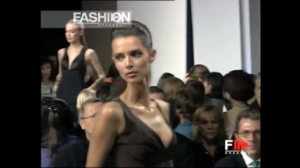
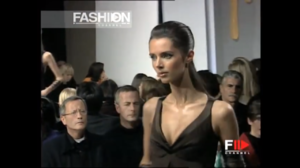
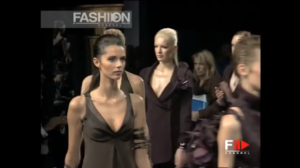
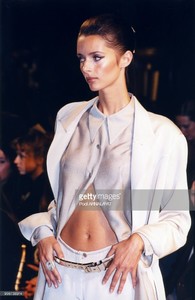
Two more looks, some screencaps, and a Getty shot from this show
-
She's lovely--thanks.
-
thanks!
-
wonderful--thanks.
-
Courtney Herron. thanks!
-
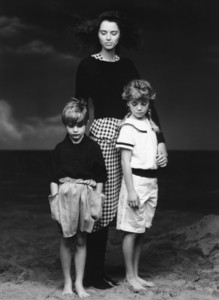
Emporio Armani 1988 by Aldo Fallai
-
-
-
Lovely--thanks!
-
-
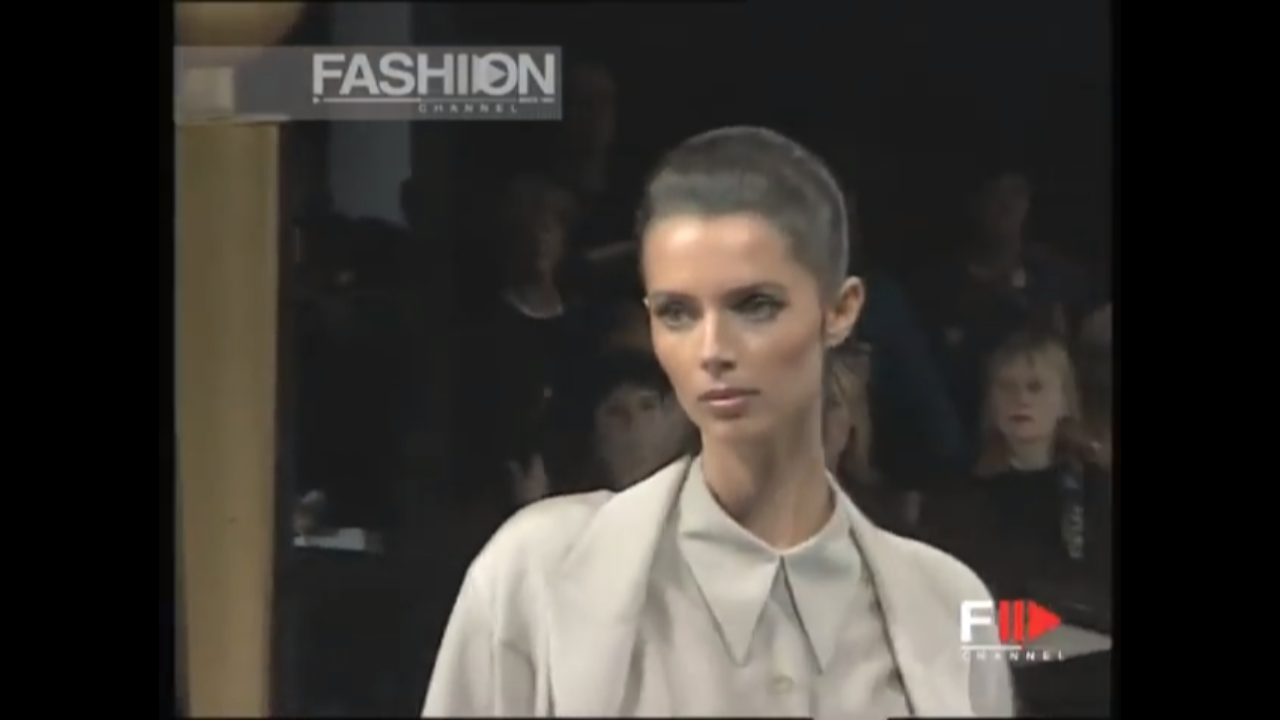
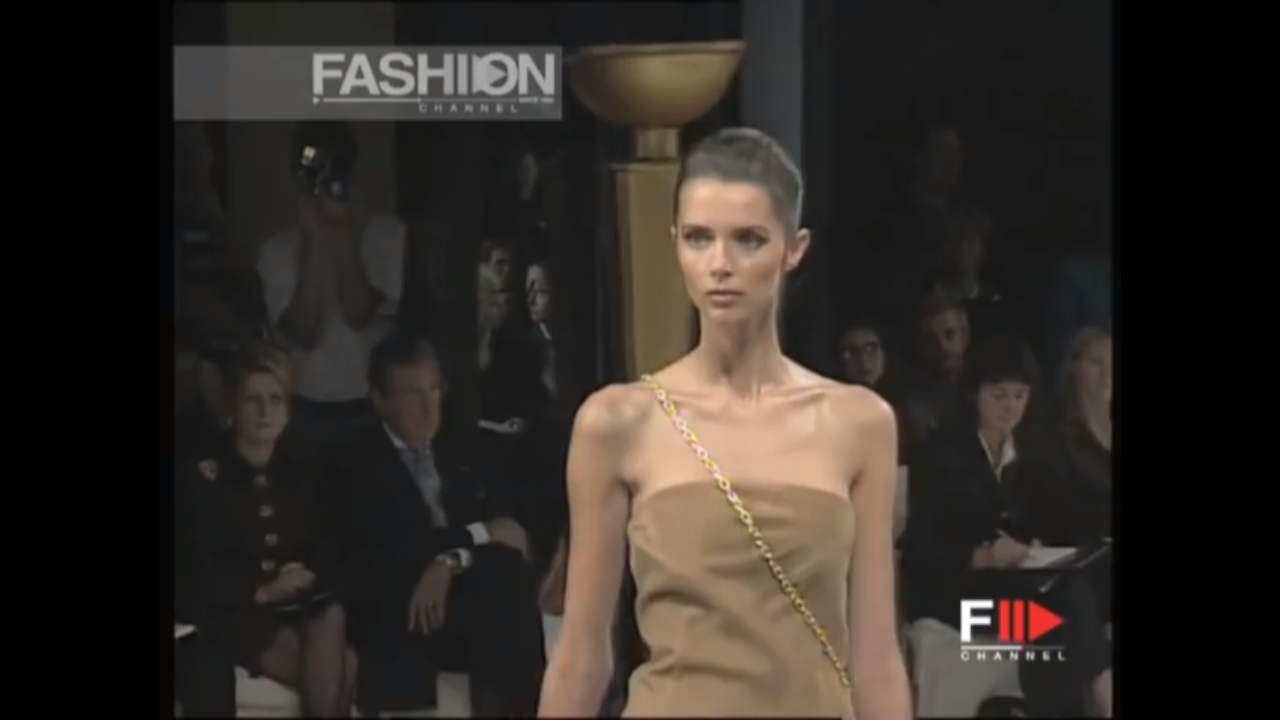
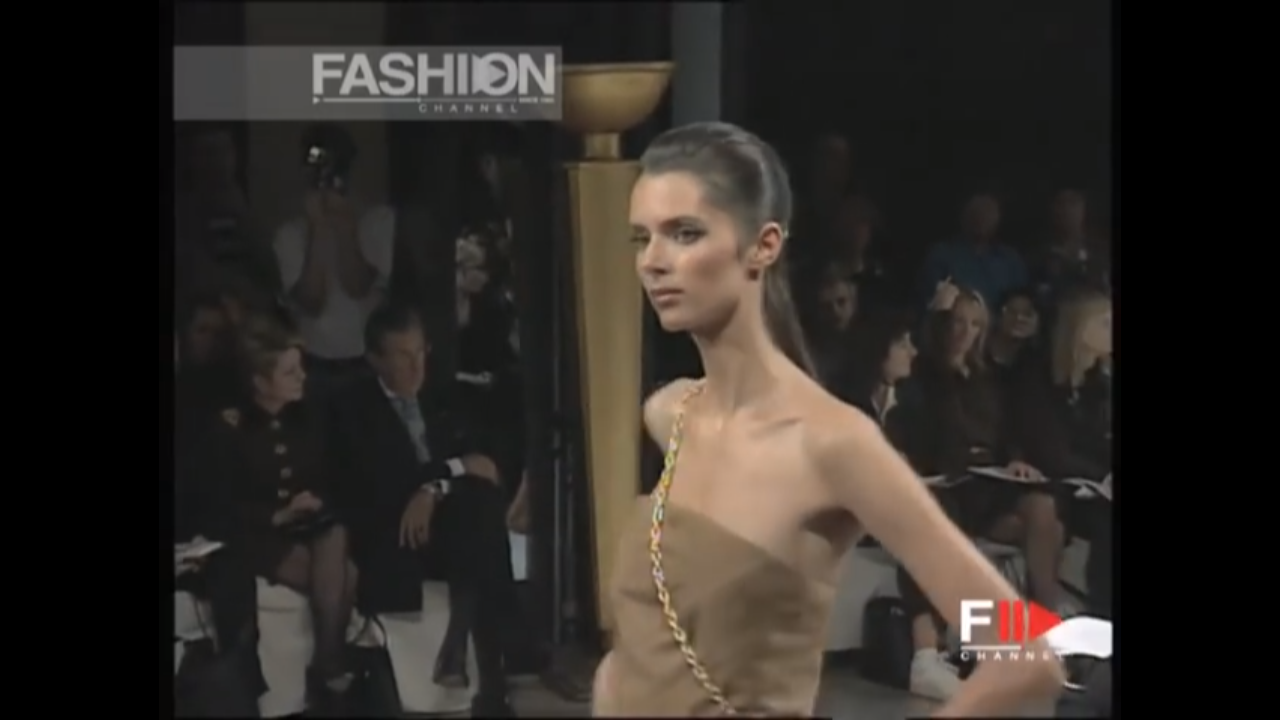
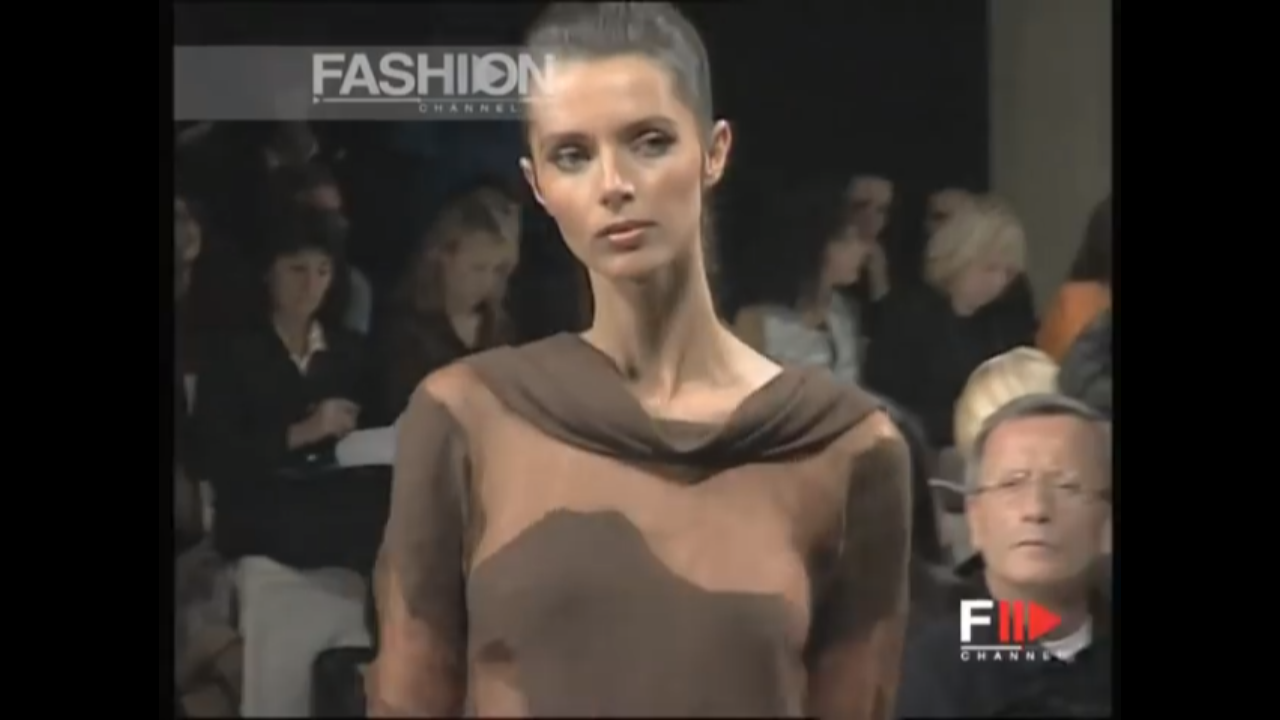
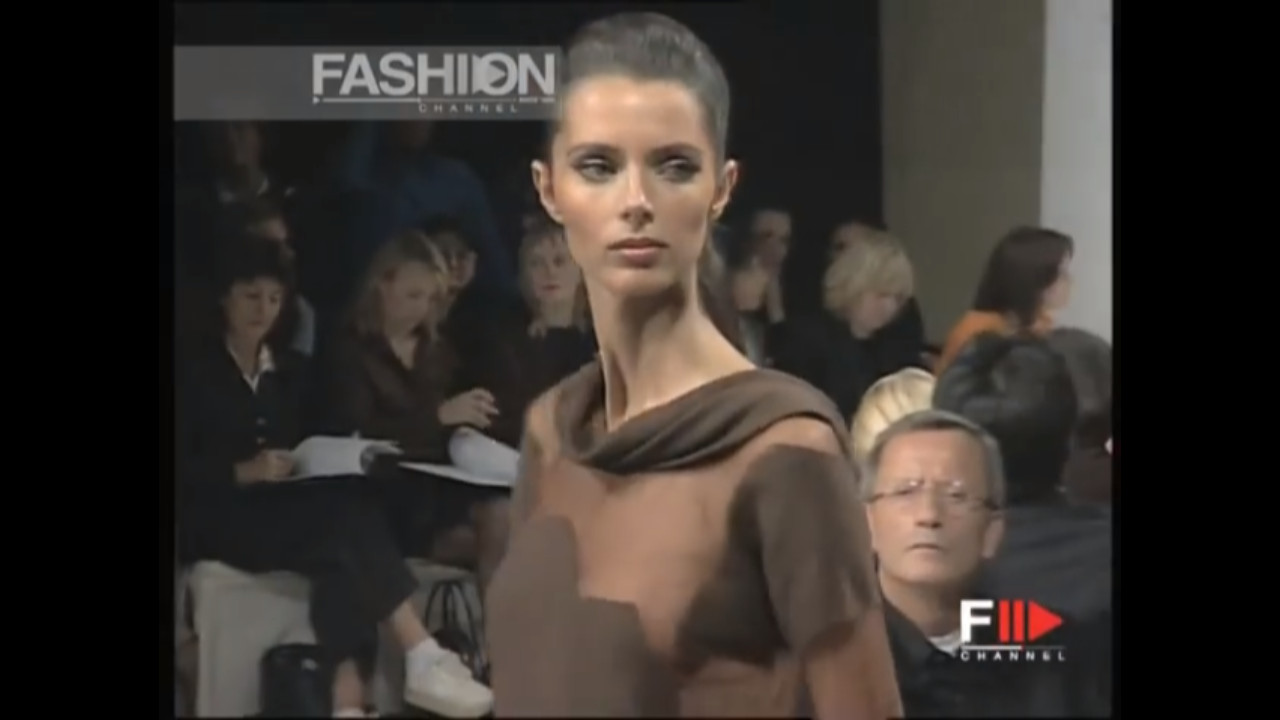
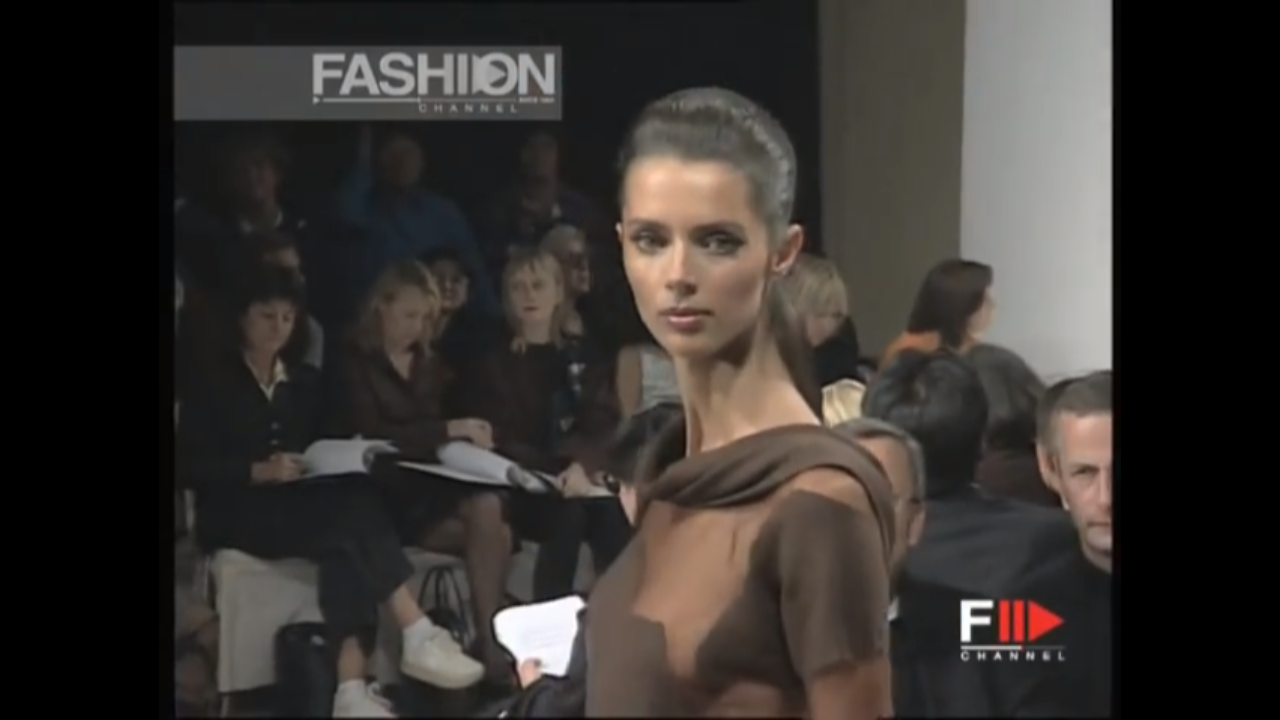
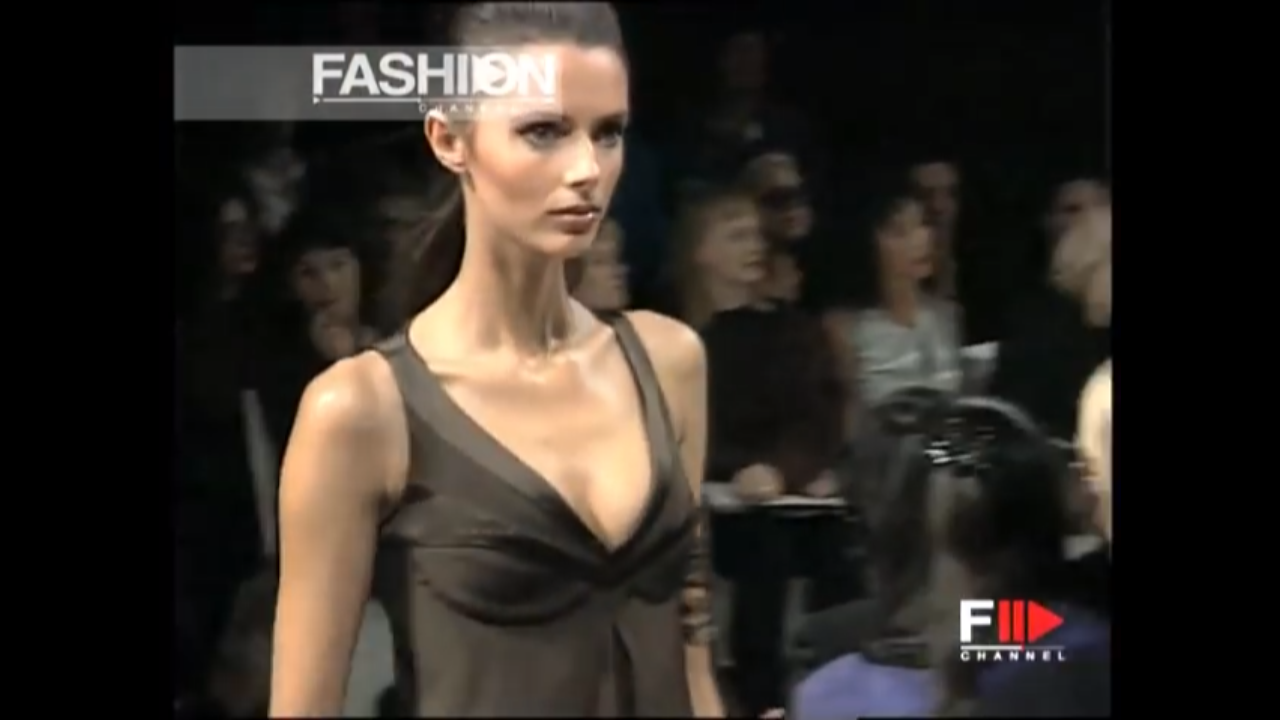
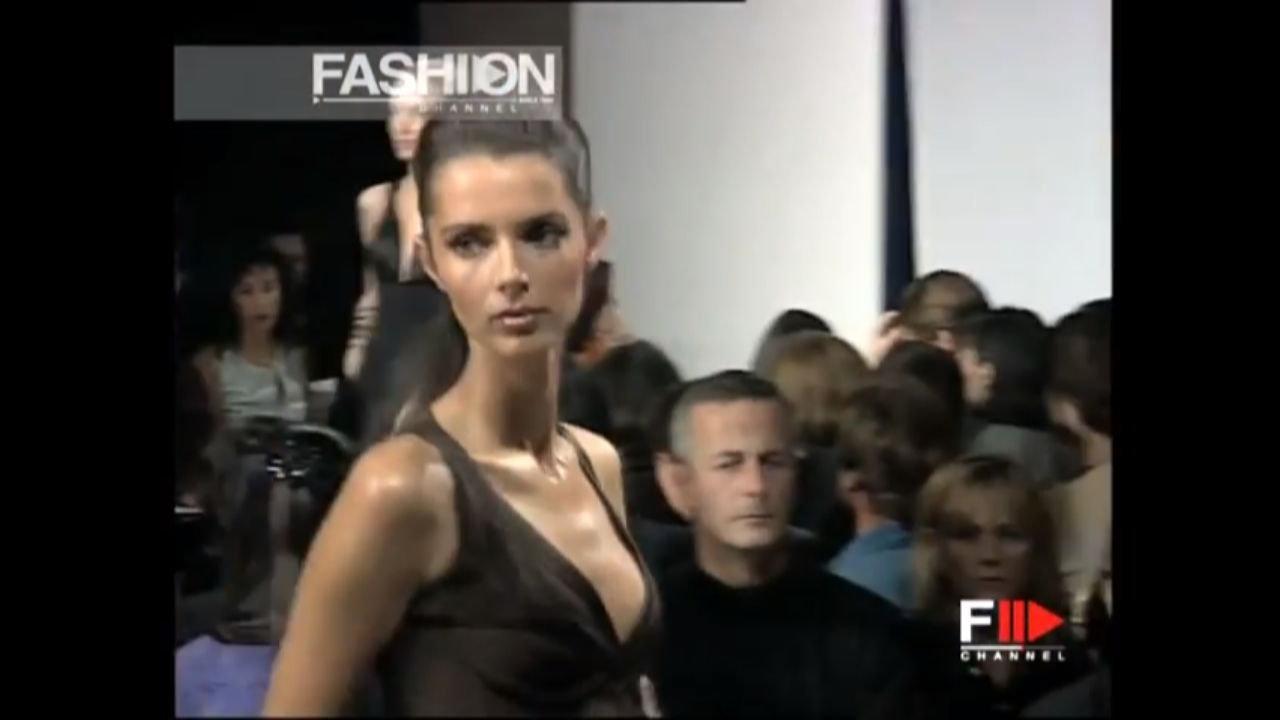
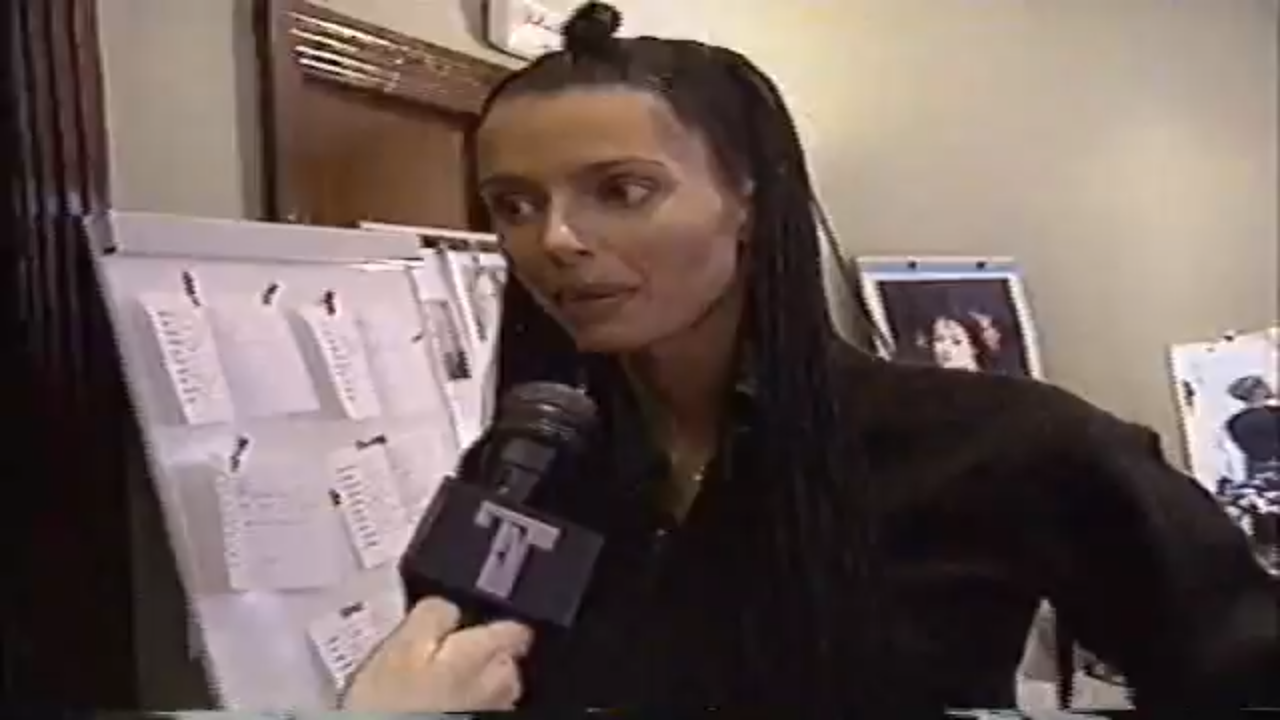
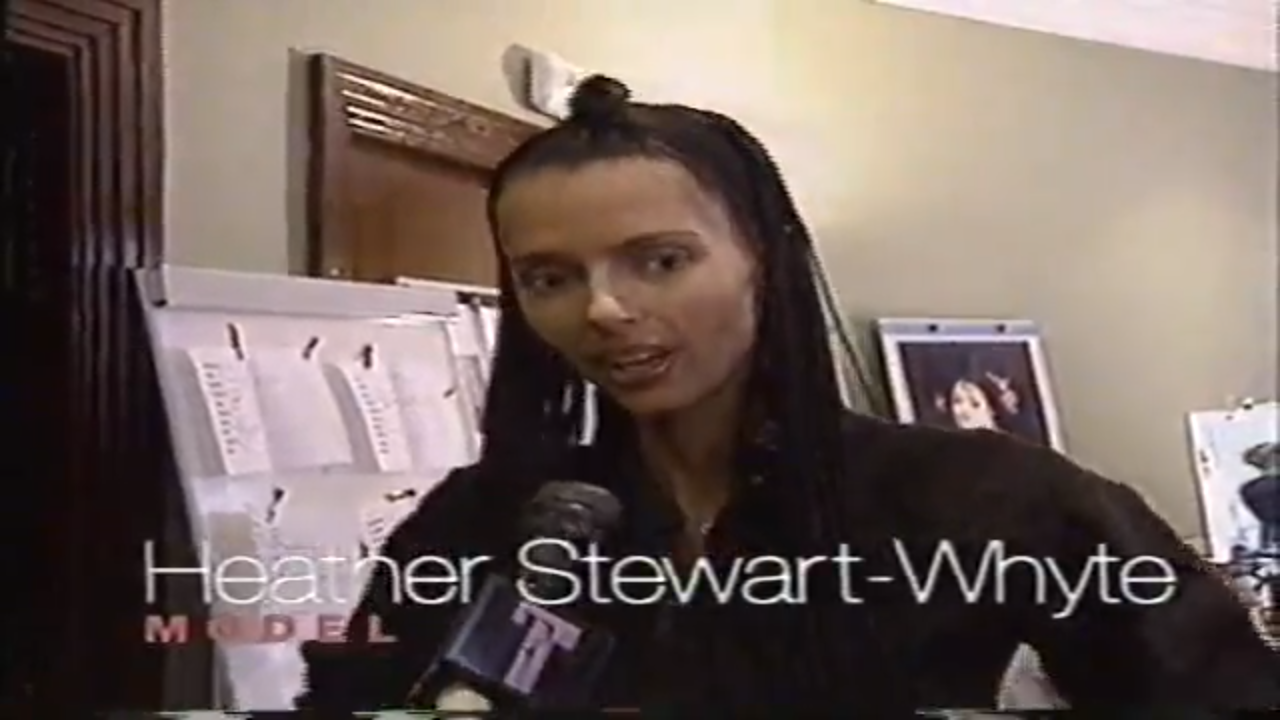
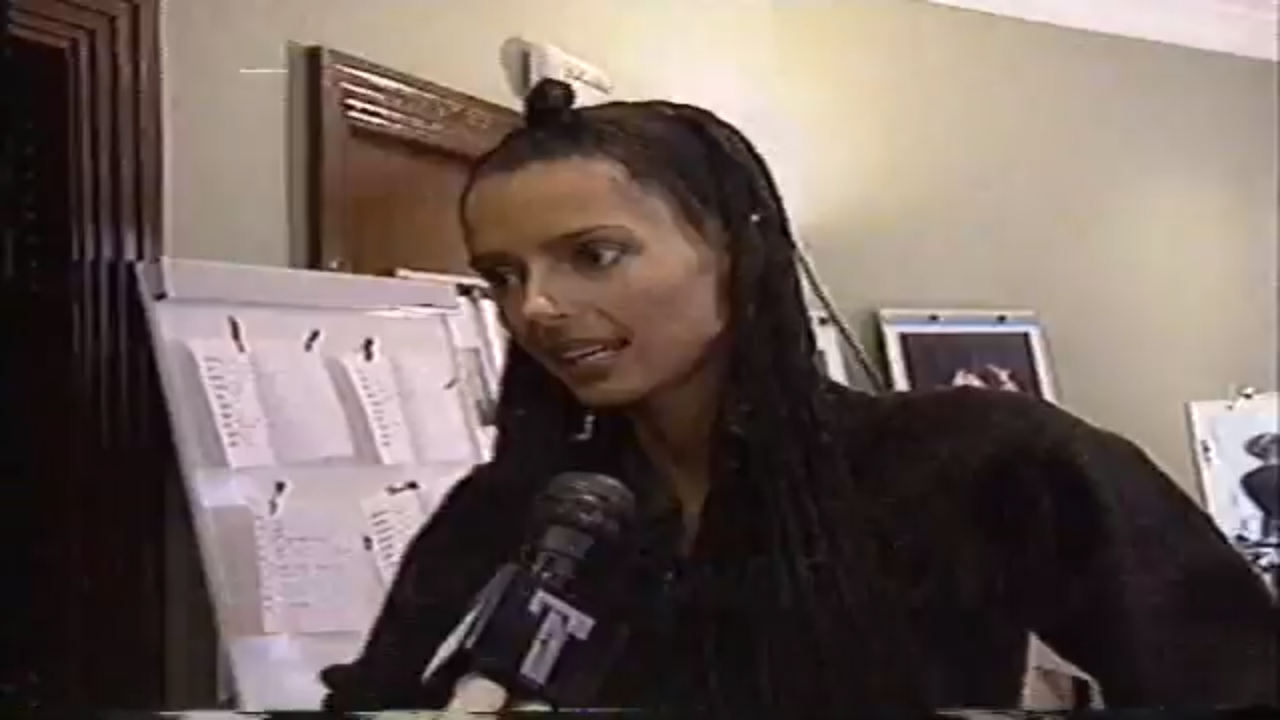
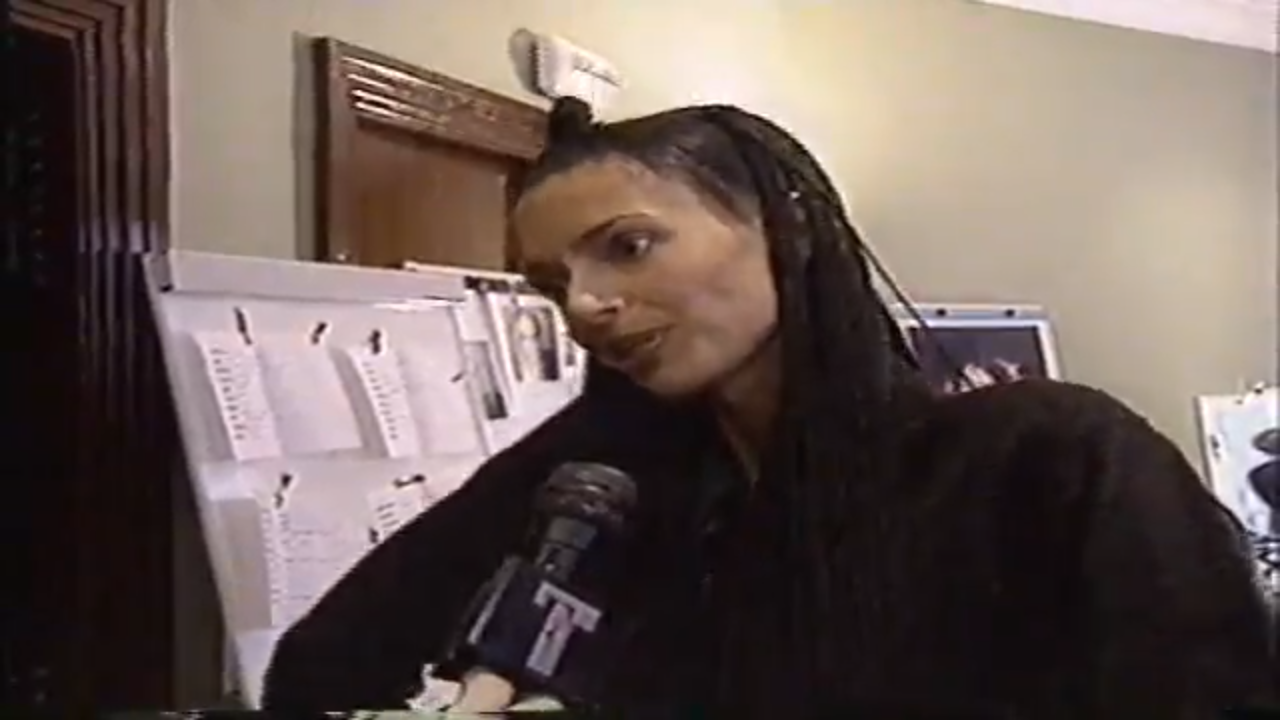
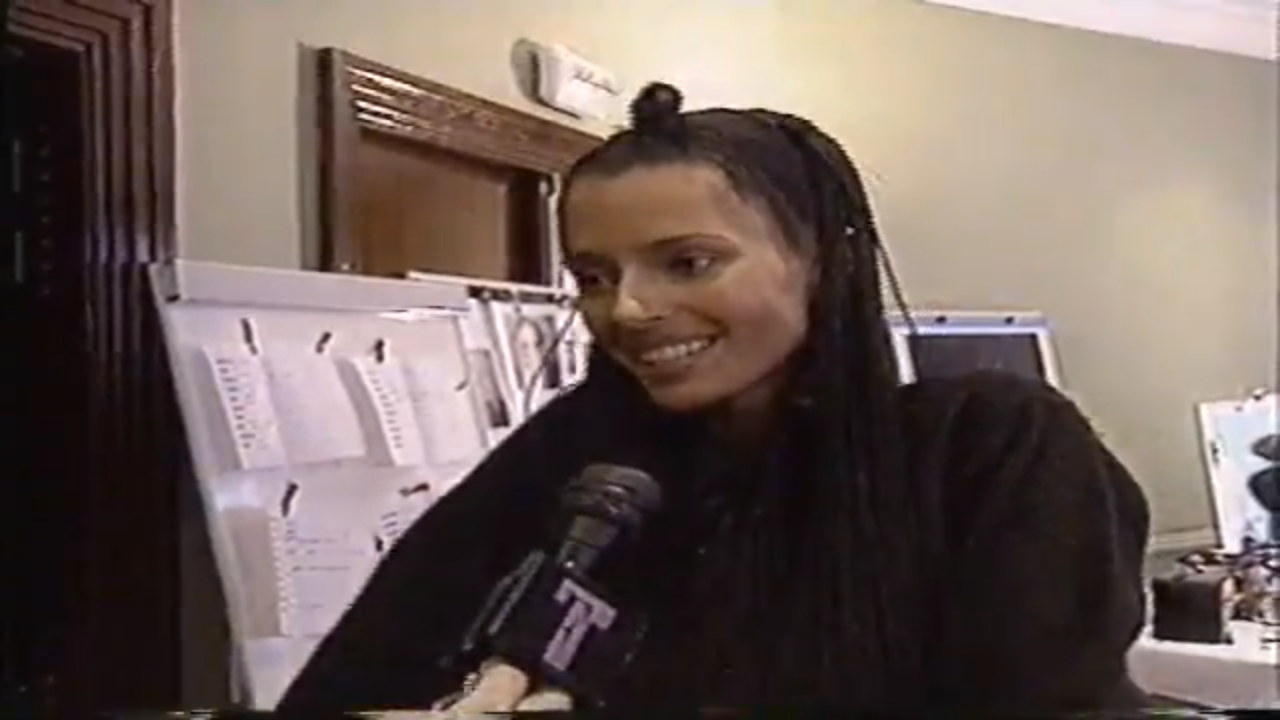
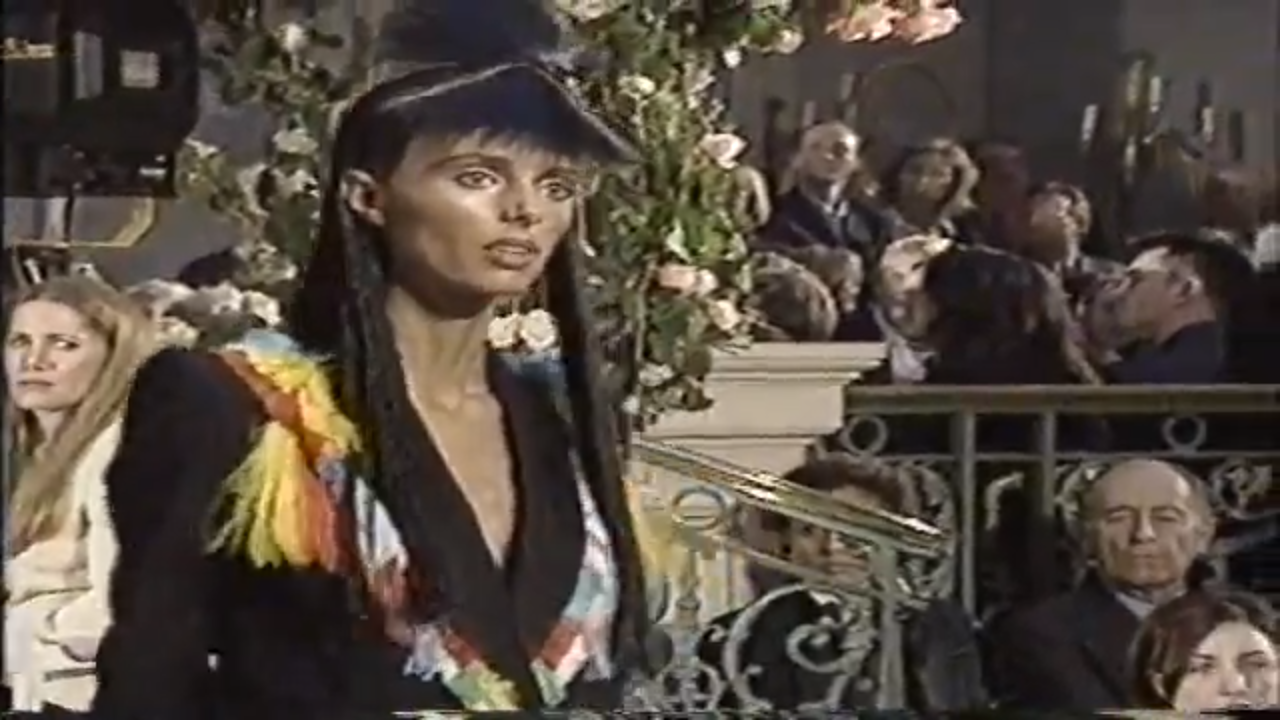
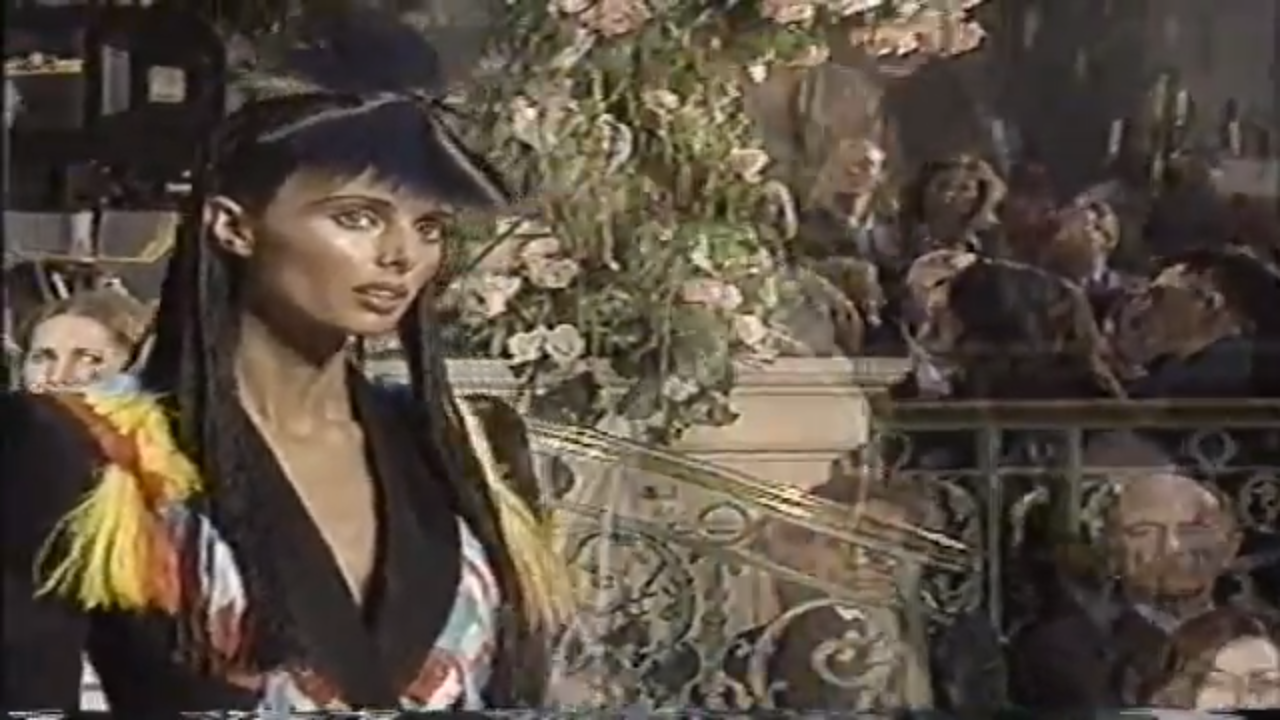
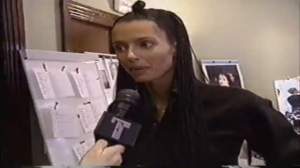
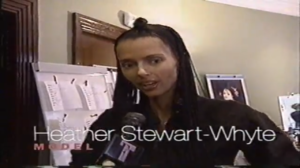
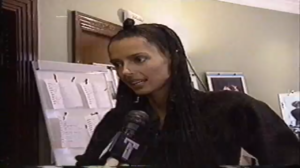
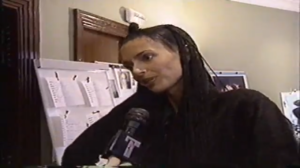
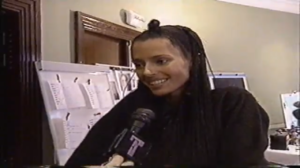
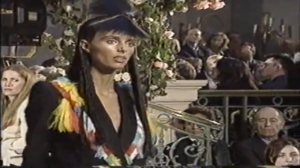
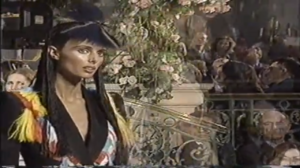
A few screencaps from the show and a short backstage interview
-
Repost in the ID subforum. Post thumbnails, not links. The final link comes up as infected for me.
-