Jump to content
View in the app

A better way to browse. Learn more.

Bellazon

A full-screen app on your home screen with push notifications, badges and more.

To install this app on iOS and iPadOS
  1. Tap the Share icon in Safari
  2. Scroll the menu and tap Add to Home Screen.
  3. Tap Add in the top-right corner.
To install this app on Android
  1. Tap the 3-dot menu (⋮) in the top-right corner of the browser.
  2. Tap Add to Home screen or Install app.
  3. Confirm by tapping Install.

nightowl

Members
  • Joined

  • Last visited

Everything posted by nightowl

  1. please post a pic, not a link
  2. Leeann Tweeden
  3. Might be playmate Brooke Richards
  4. thanks!
  5. wish I knew!
  6. I wondered that too. I am ready to enter the metaverse...
  7. The second one looks a lot like Youlia Khomich, but I don't think it's her. I'd be happy to be wrong.
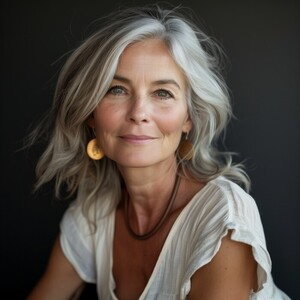
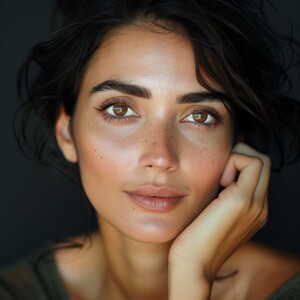
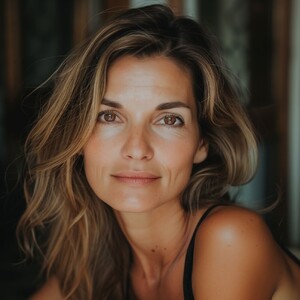
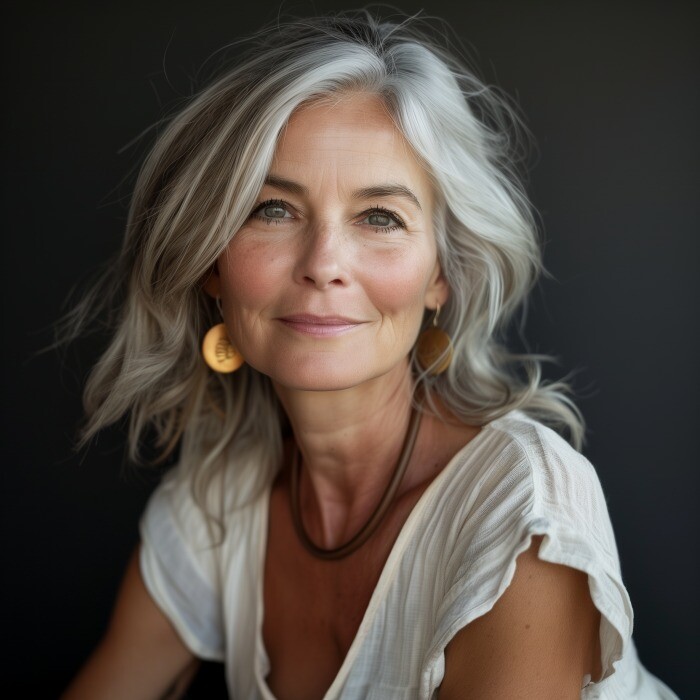
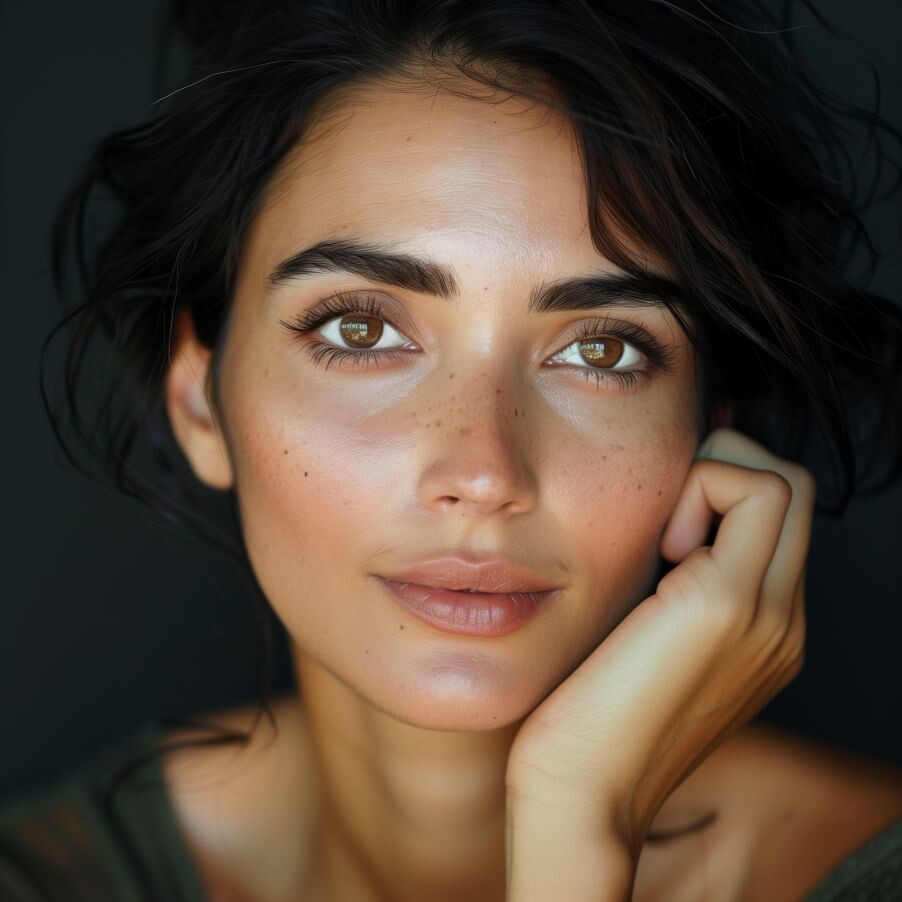
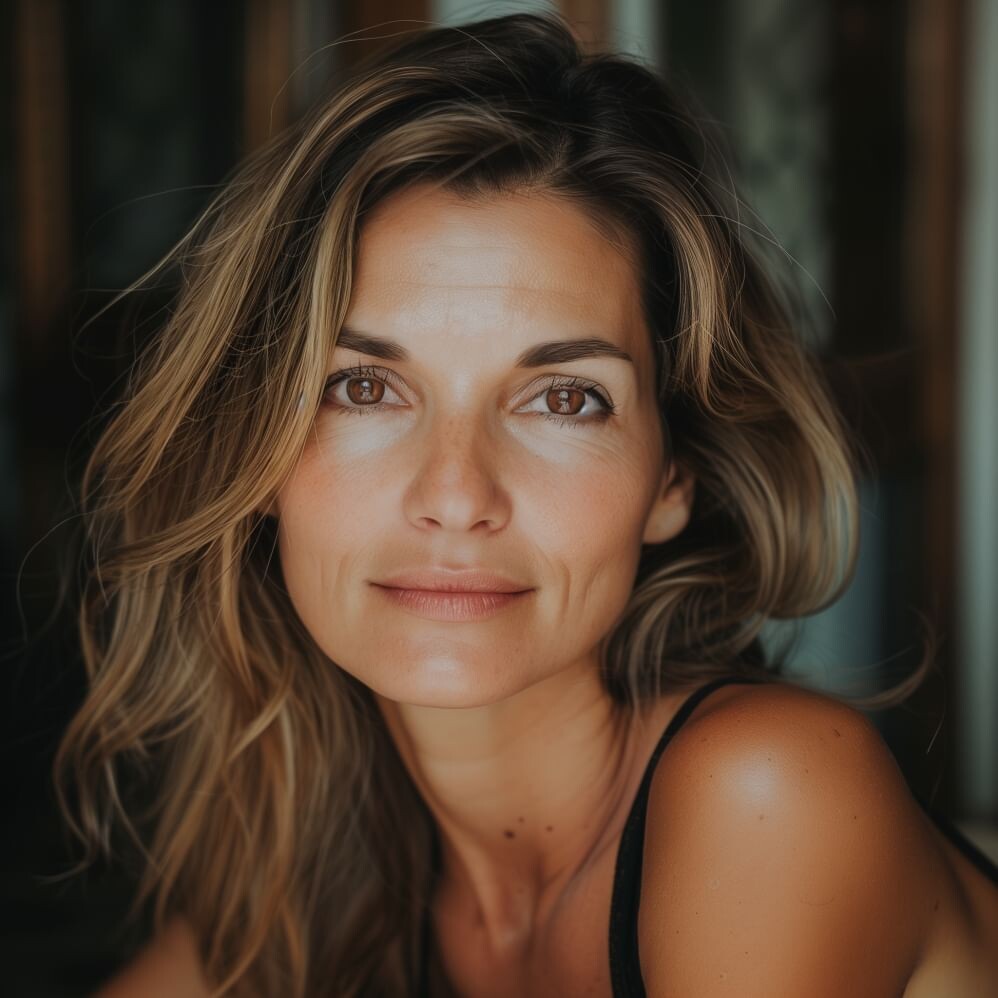
  8. This brand has posted a series of very lovely older models, none of whom I can identify. Rather than clutter the ID forum, I thought I would collect them here. I hope there will be more!
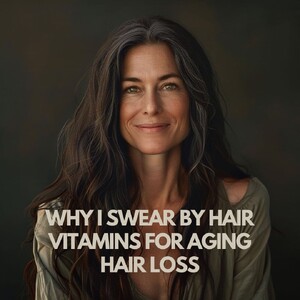
  9. Thank you--I wasn't getting Joan, despite the resemblance!
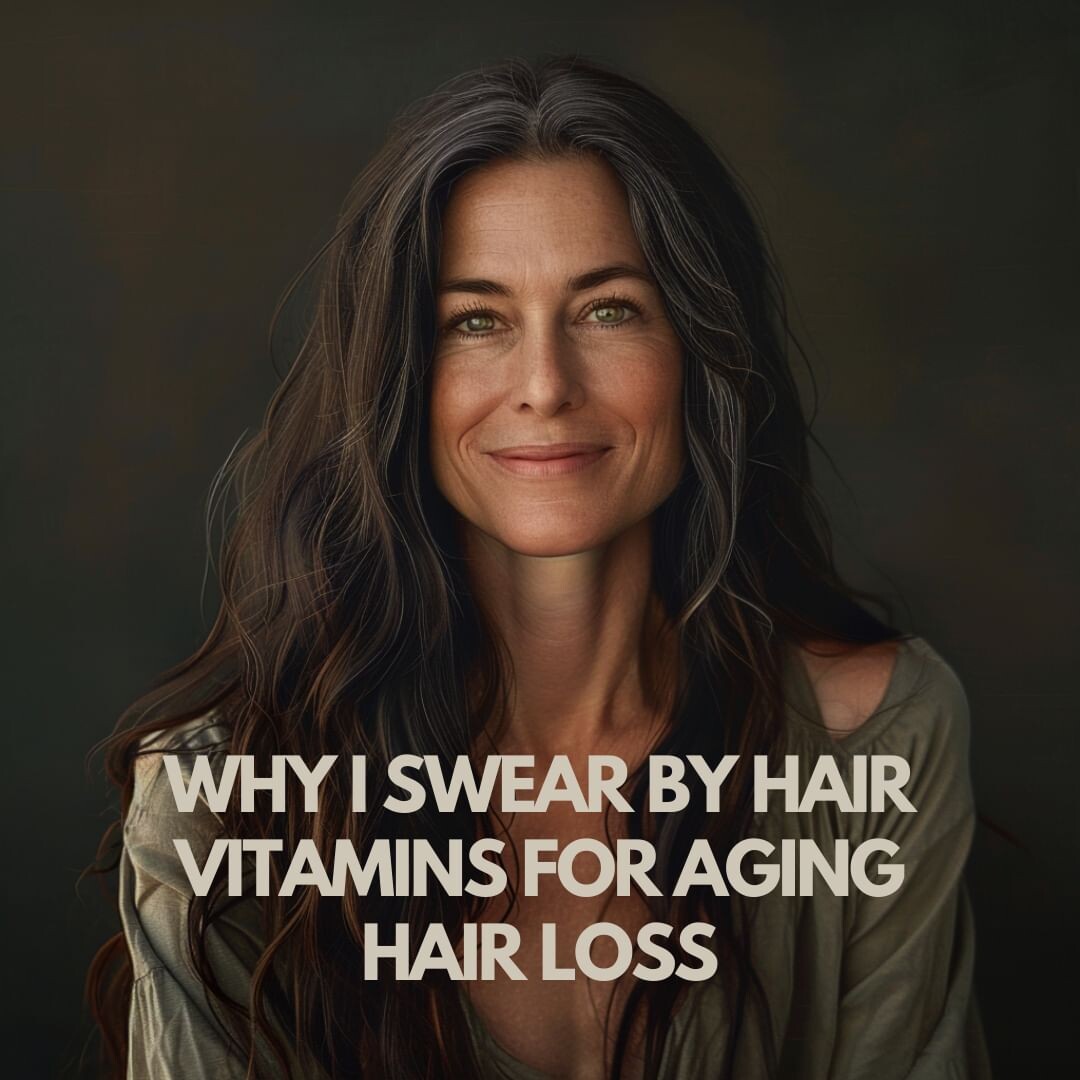
  10. two more. This brand is posting some very lovely women, none of whom I can identify.
  11. repost in ID forum
  12. nightowl replied to ntuser1's topic in MODEL ID [help]
    26. Elle Trowbridge
  13. lovely!
  14. repost in ID forum

Configure browser push notifications

Chrome (Android)
  1. Tap the lock icon next to the address bar.
  2. Tap Permissions → Notifications.
  3. Adjust your preference.
Chrome (Desktop)
  1. Click the padlock icon in the address bar.
  2. Select Site settings.
  3. Find Notifications and adjust your preference.