
nightowl
Members
-
Joined
-
Last visited
Everything posted by nightowl
-
-
Delightful--thanks!
-
Spectacular--only one or two of these have ever circulated, I think. Thanks!
-
I'd say no.
-
See if these help:
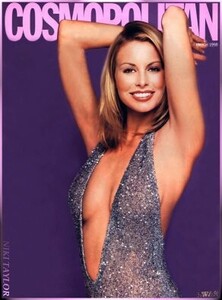


 That is sublime. Thanks.
Happy Birthday, Heather!!
Sorry, I was wrong--I don't have that cover.
Bravo, Kimflorida! 54: Isabelle Mathers, I think
Ludmila Isaeva?
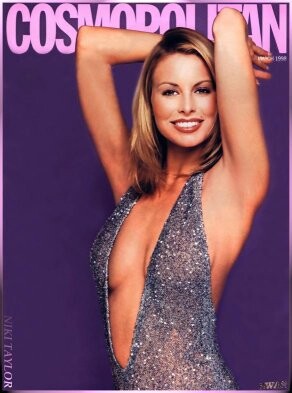
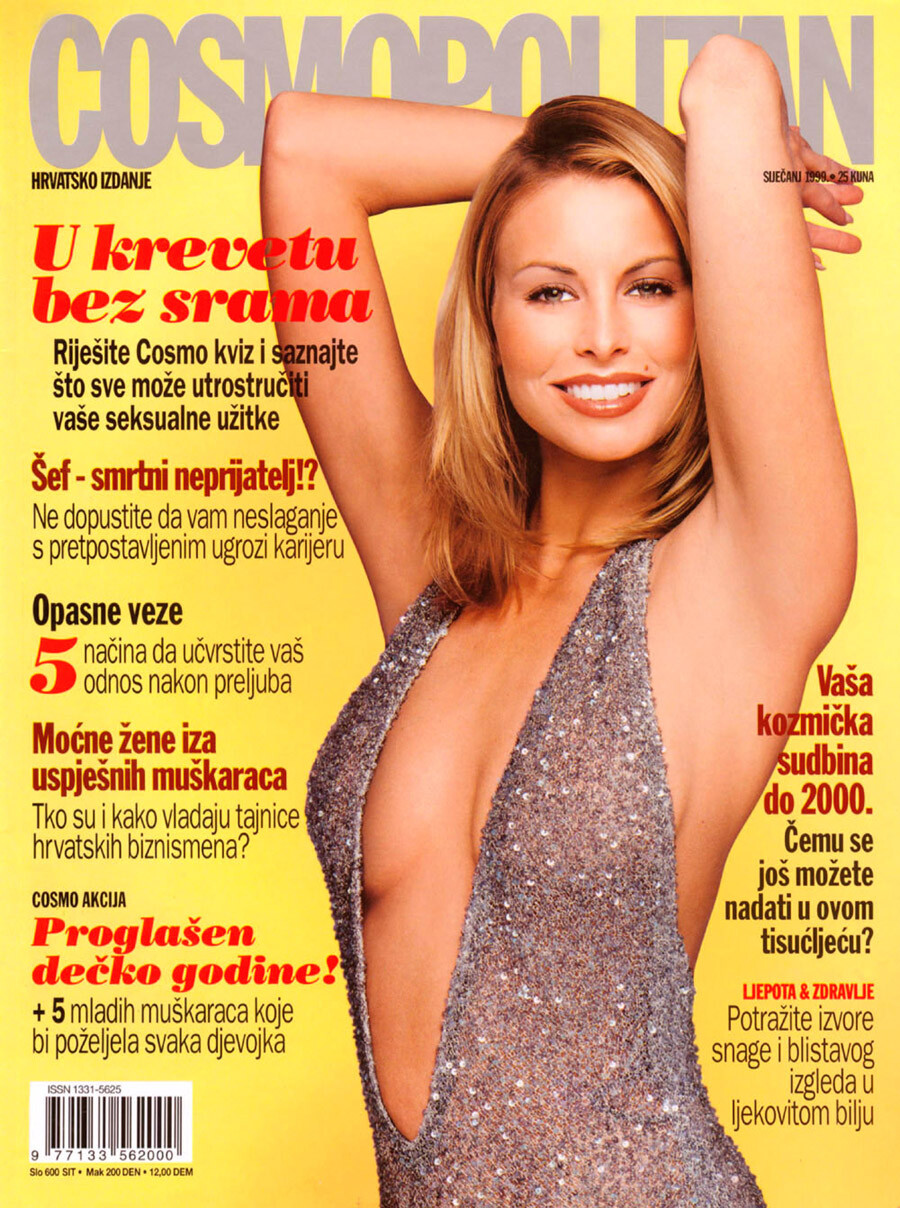
Somewhere I have this cover, but in the meantime here is a related pic
That is sublime. Thanks.
Happy Birthday, Heather!!
Sorry, I was wrong--I don't have that cover.
Bravo, Kimflorida! 54: Isabelle Mathers, I think
Ludmila Isaeva?
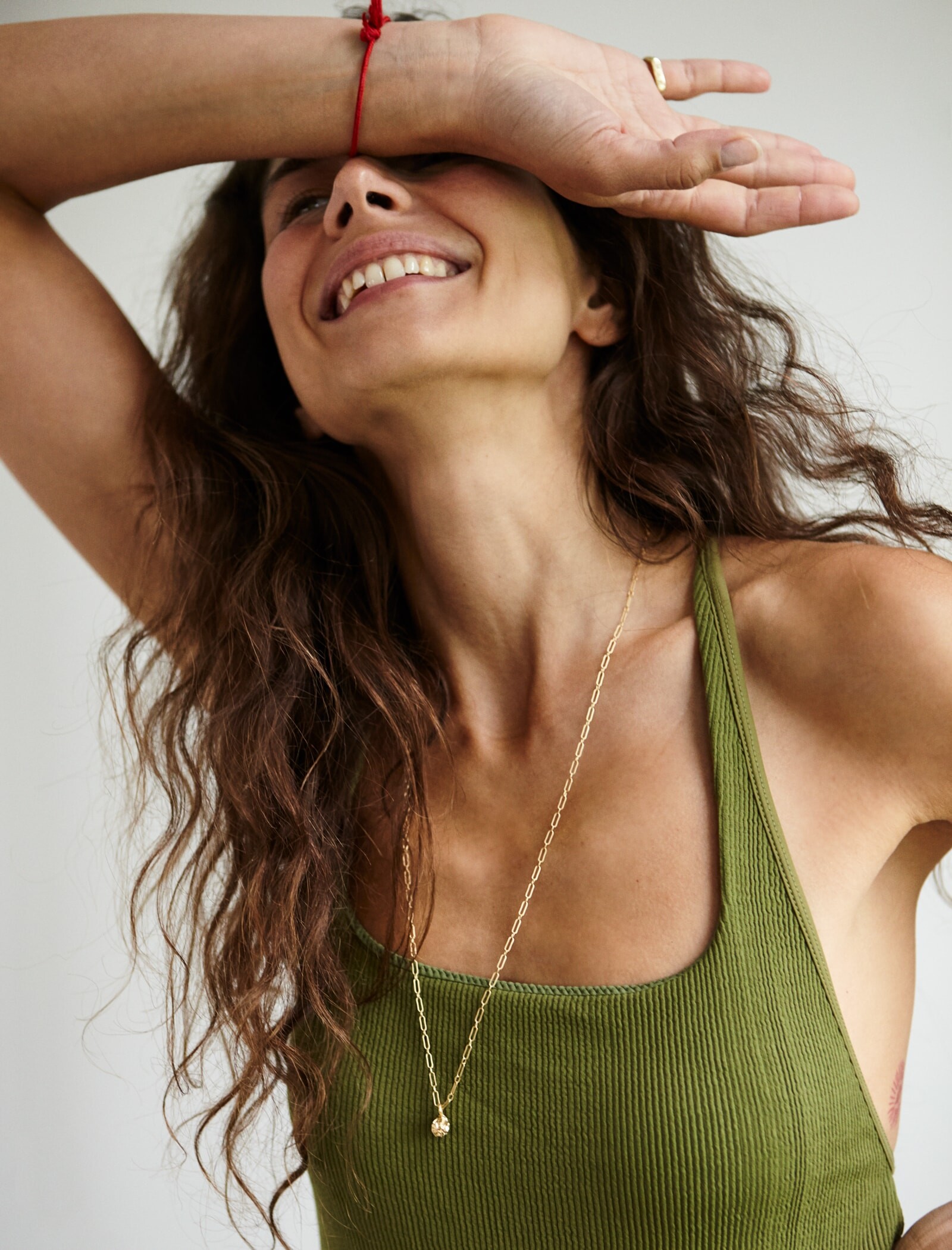
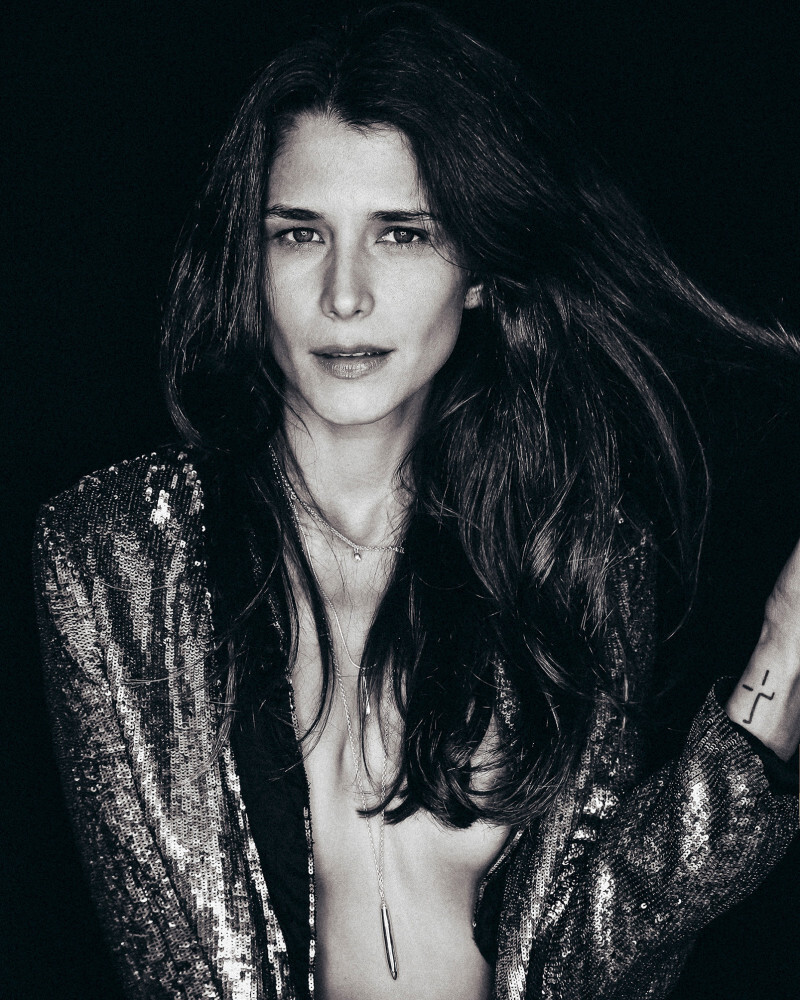
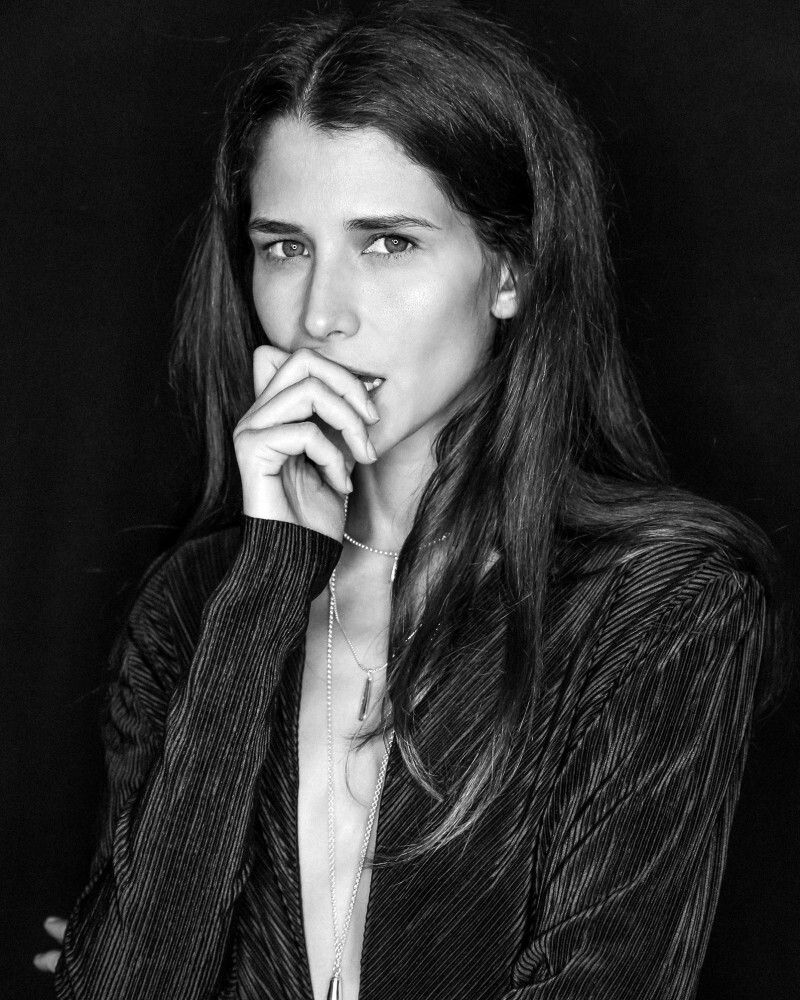
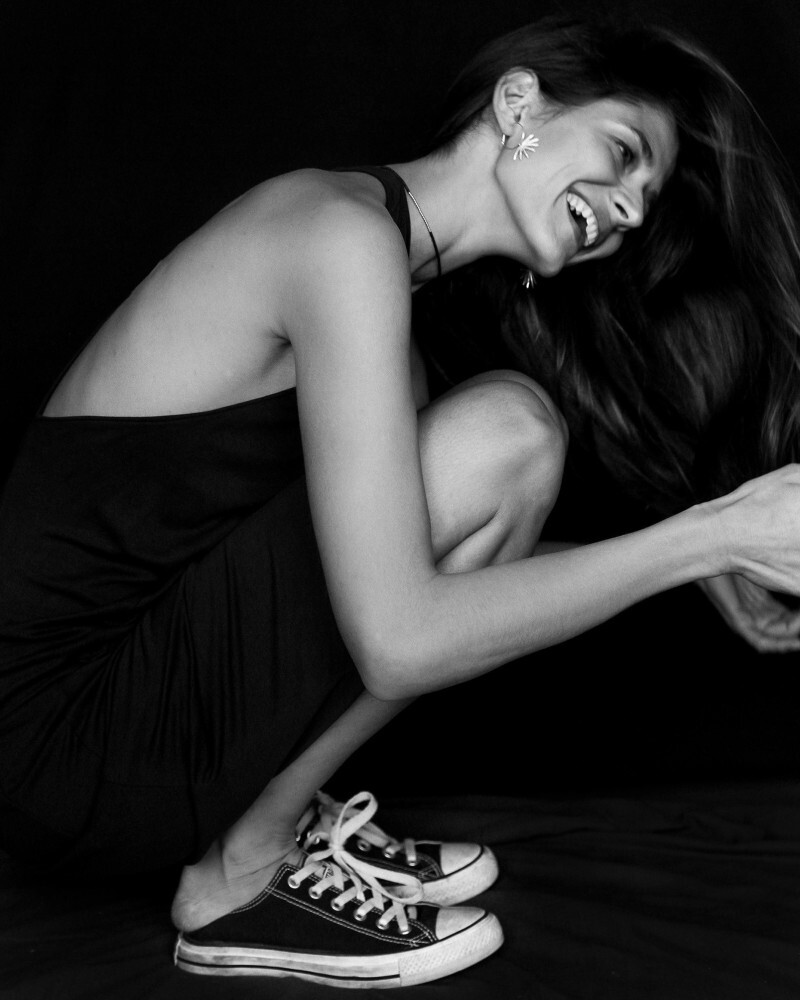
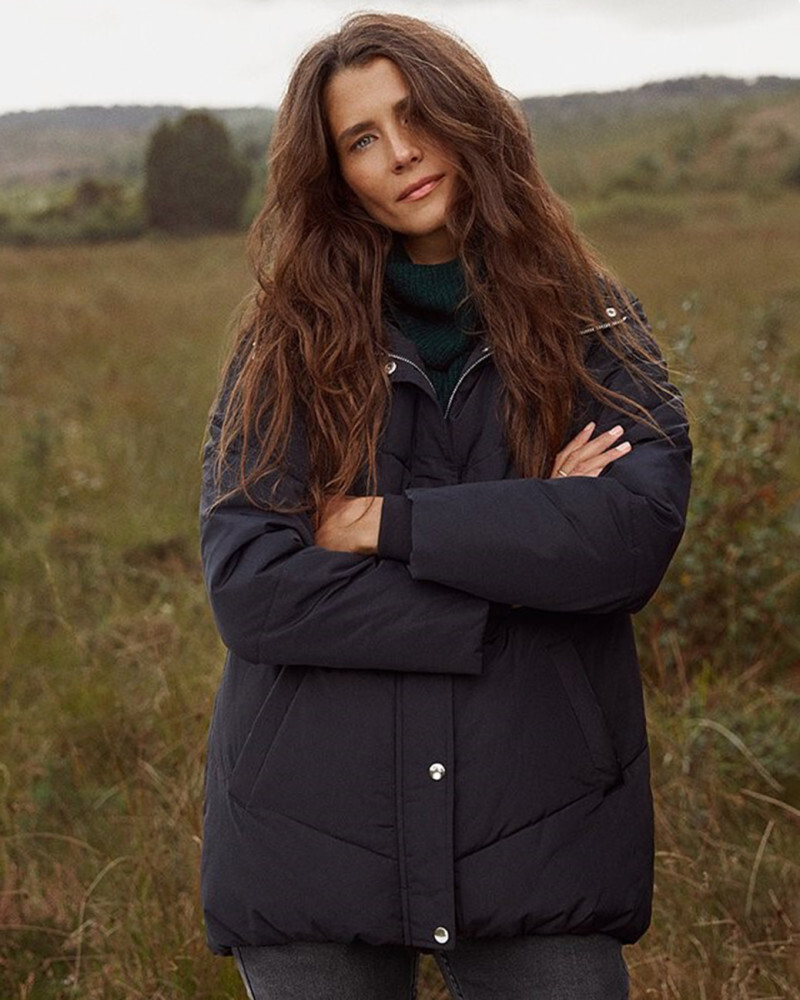
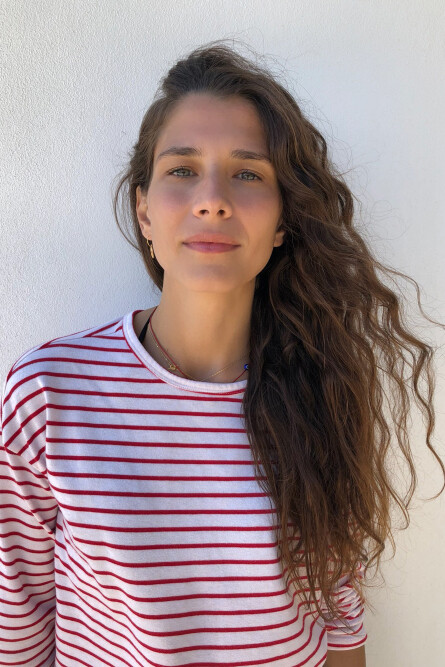
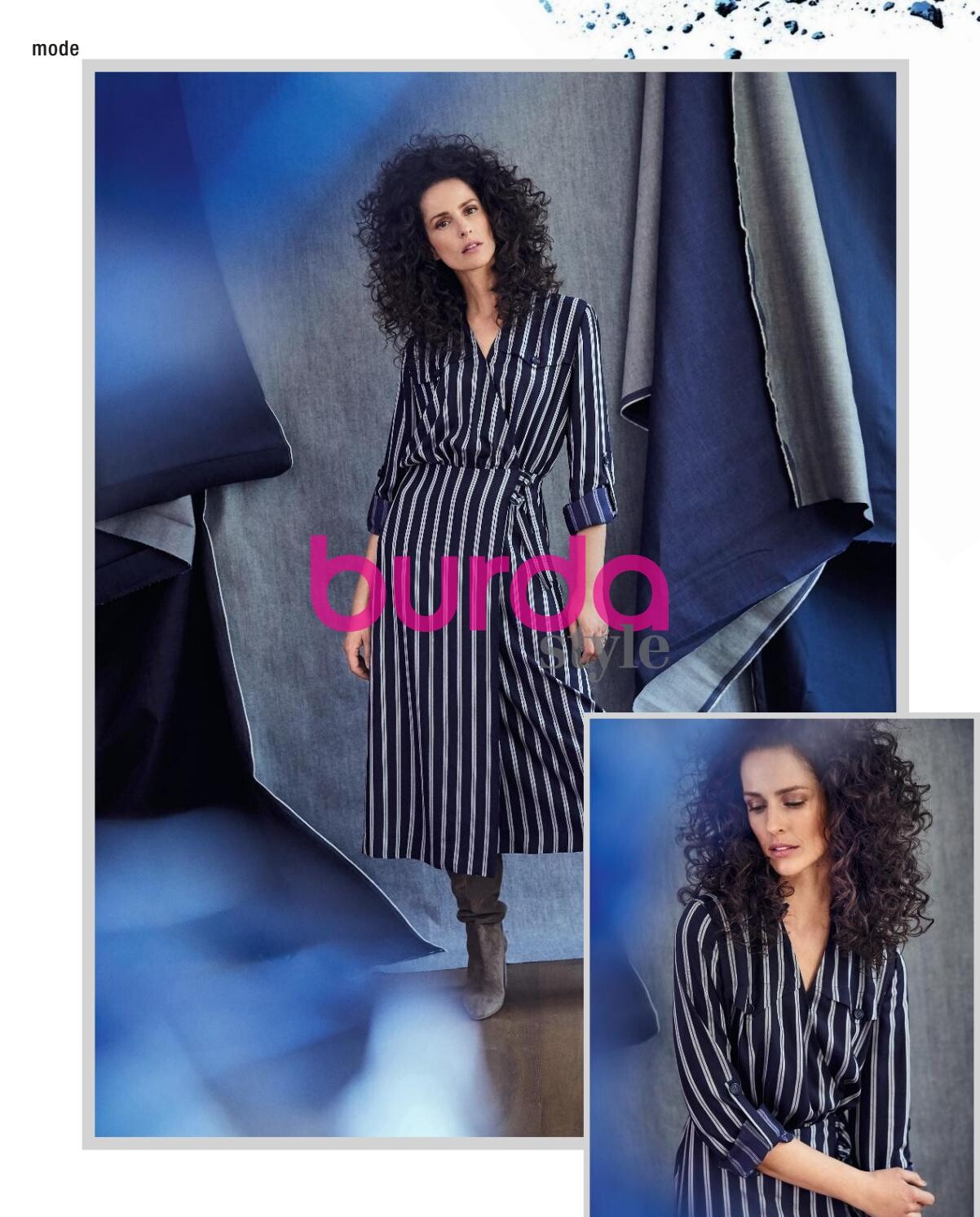
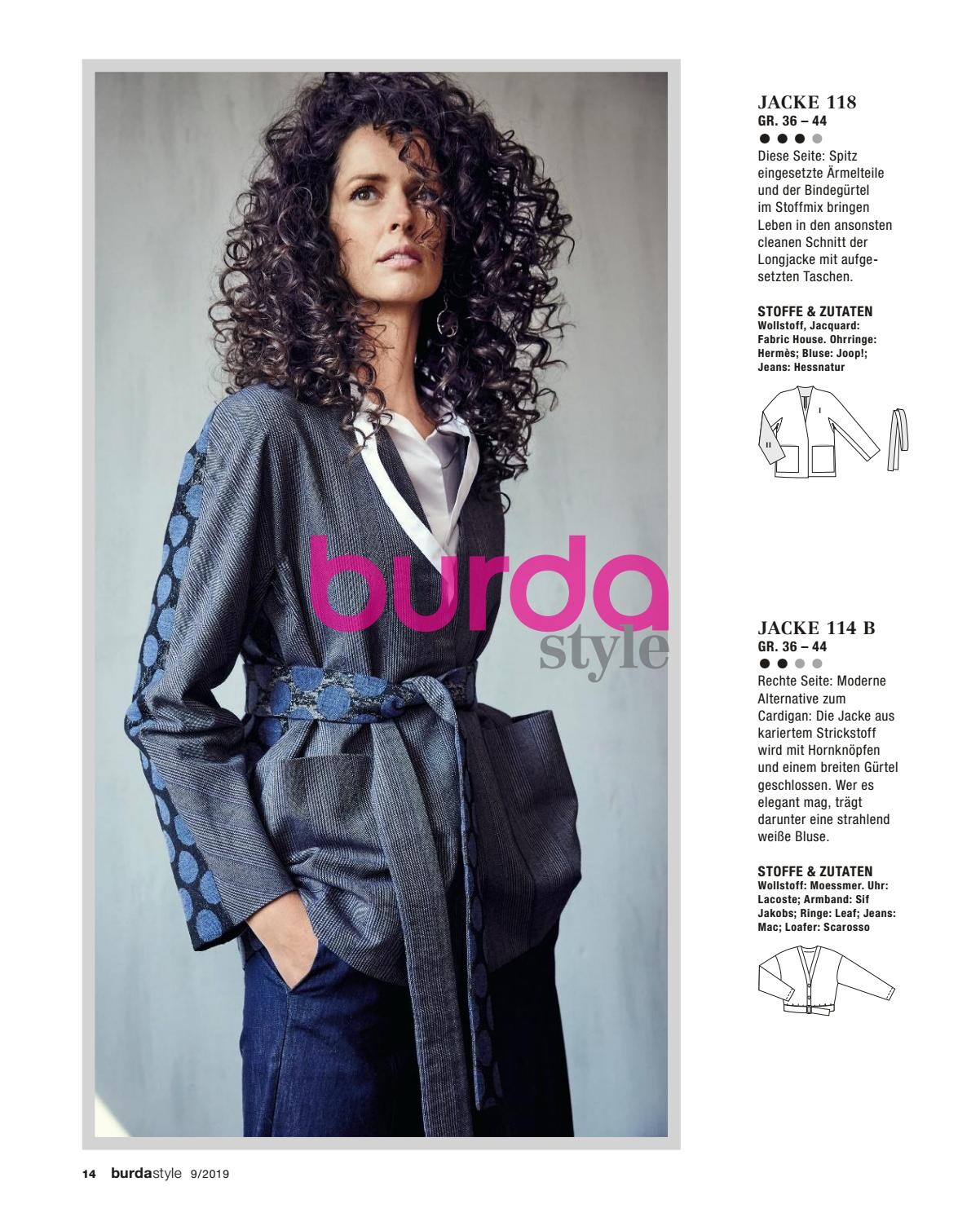
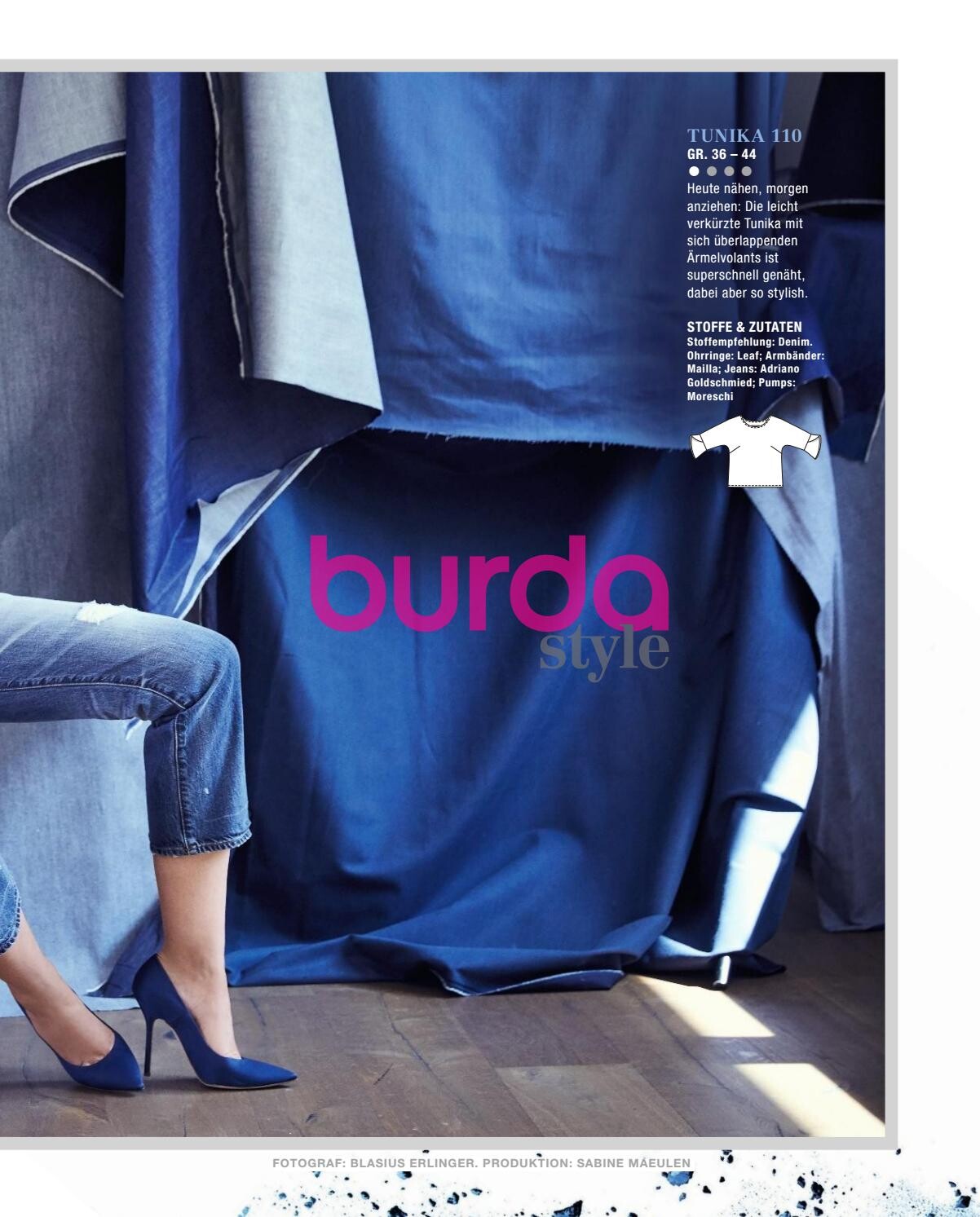
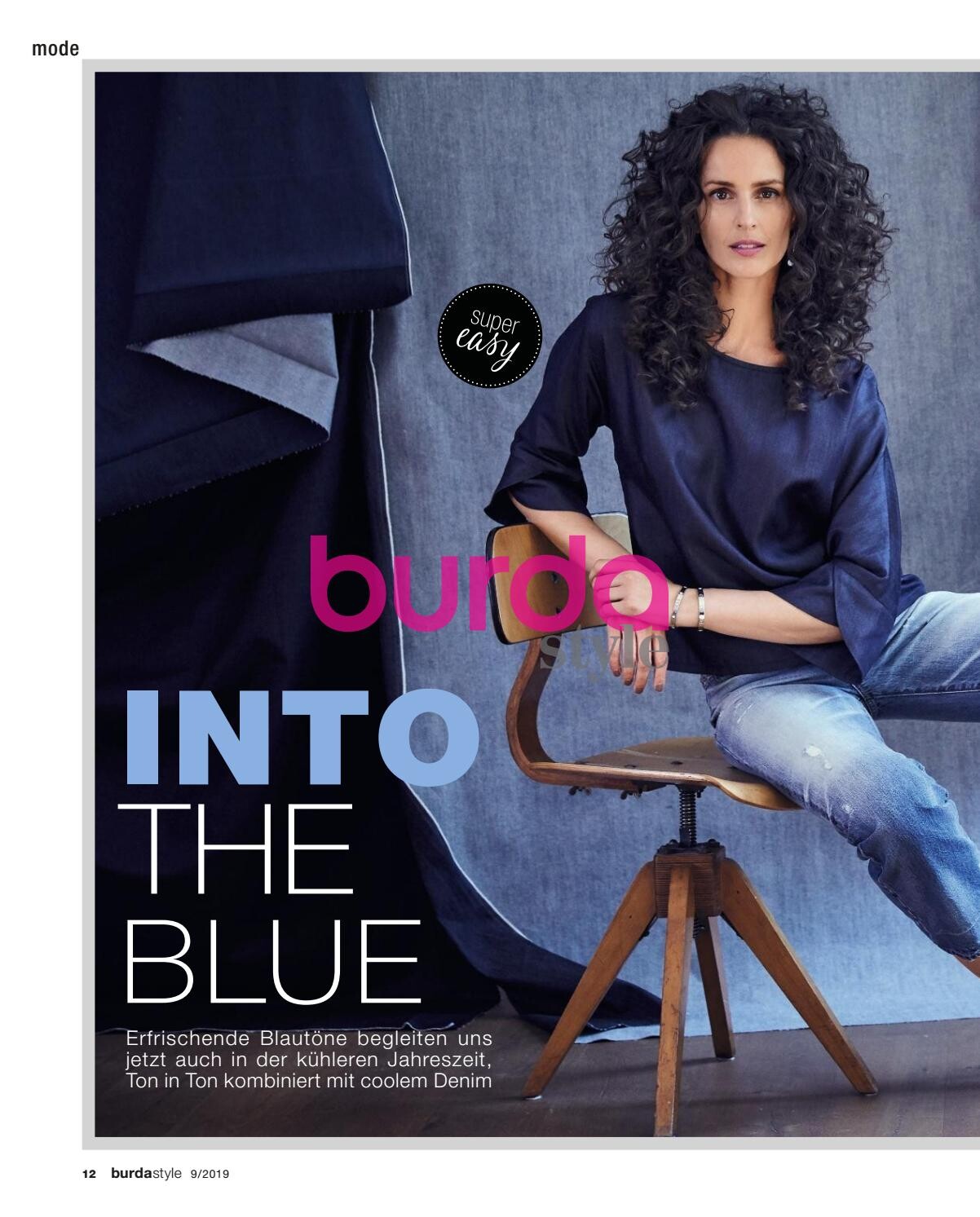
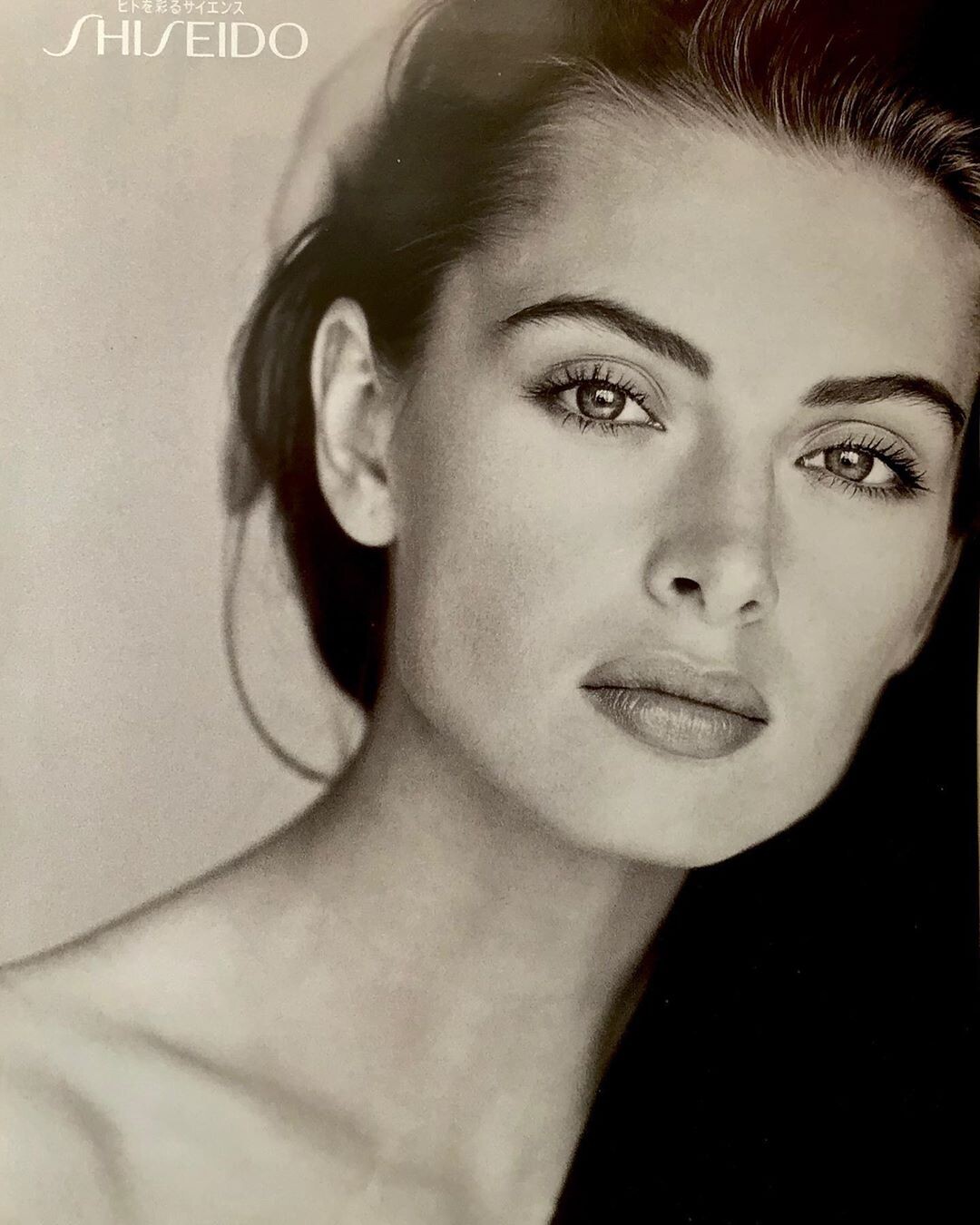
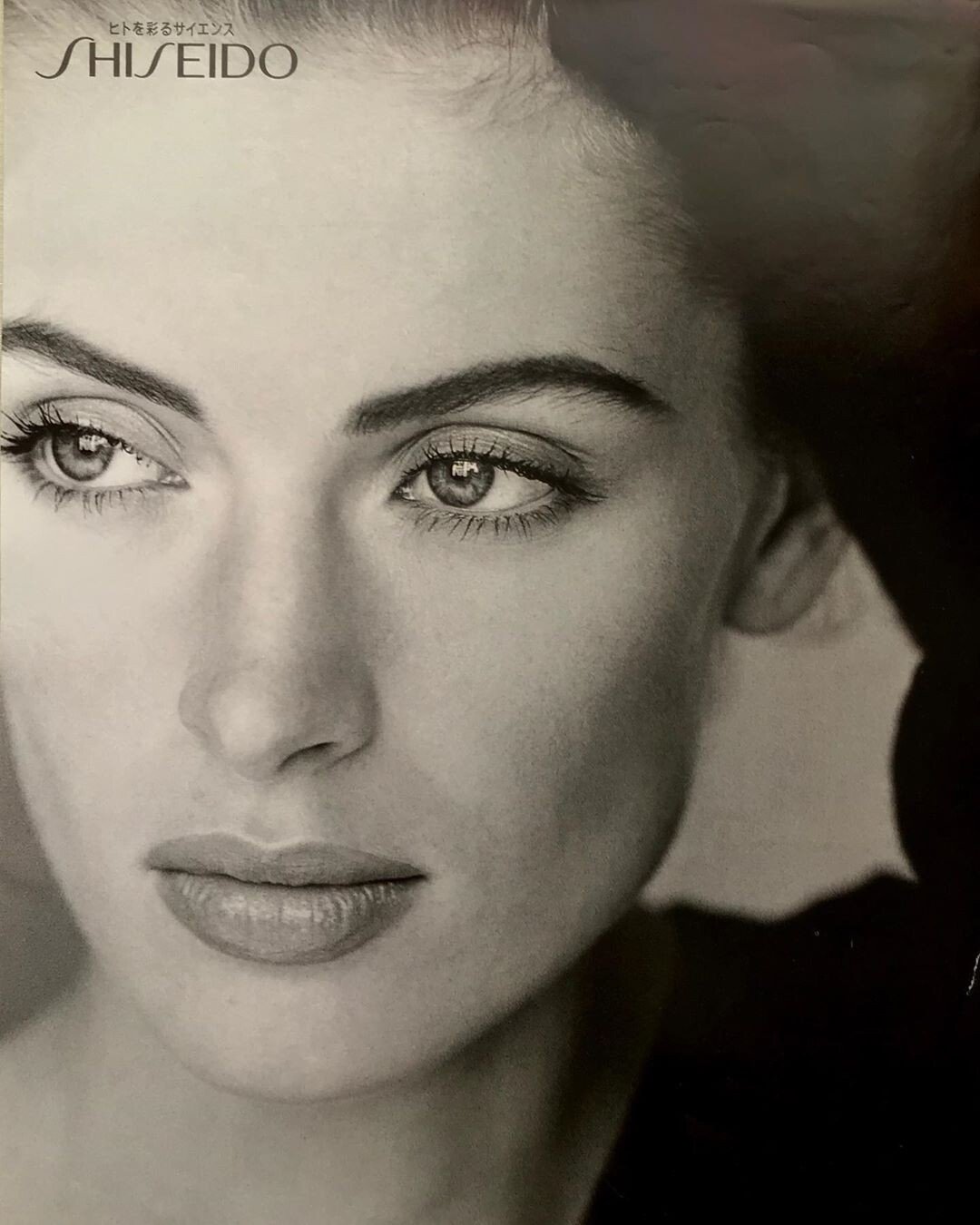
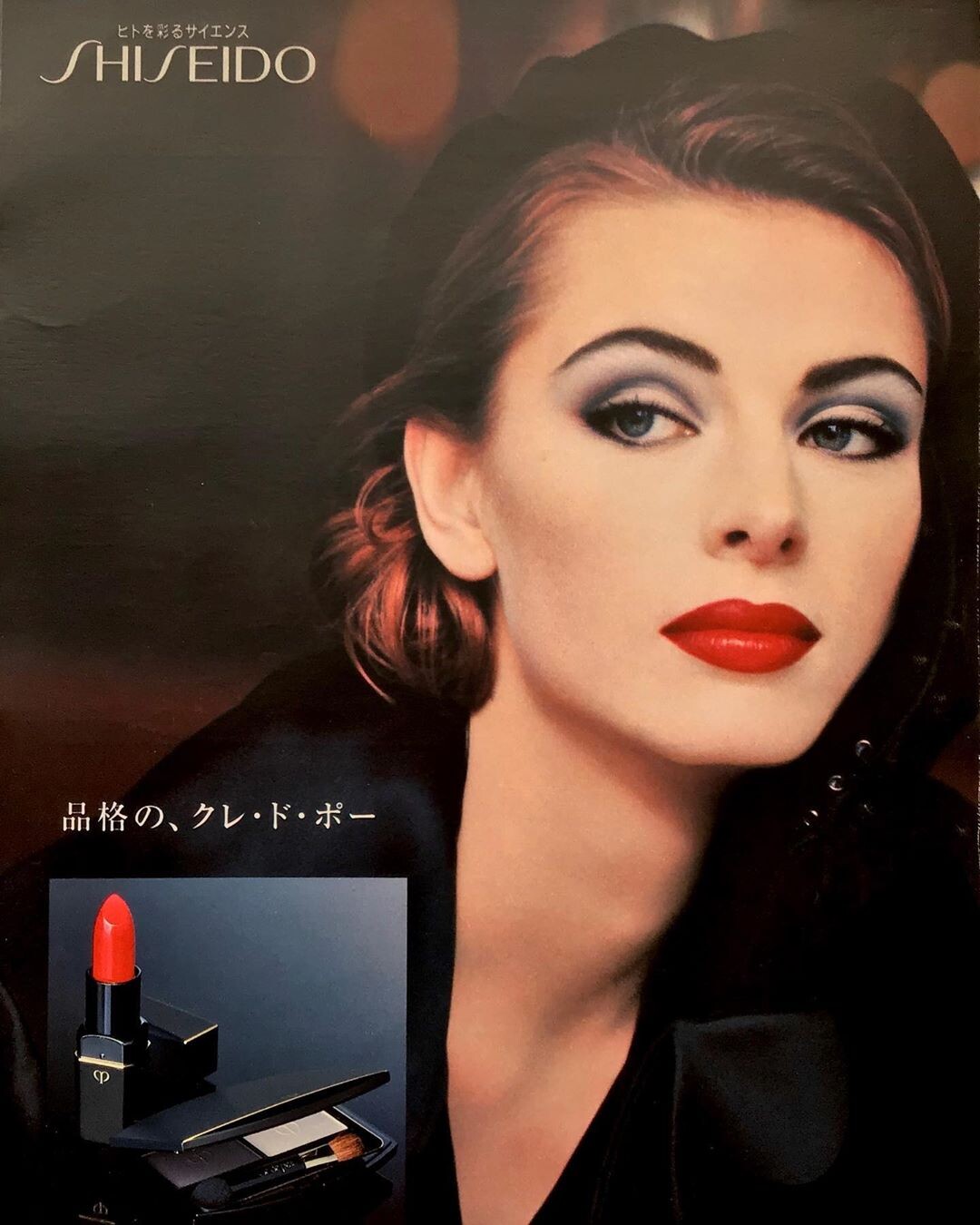
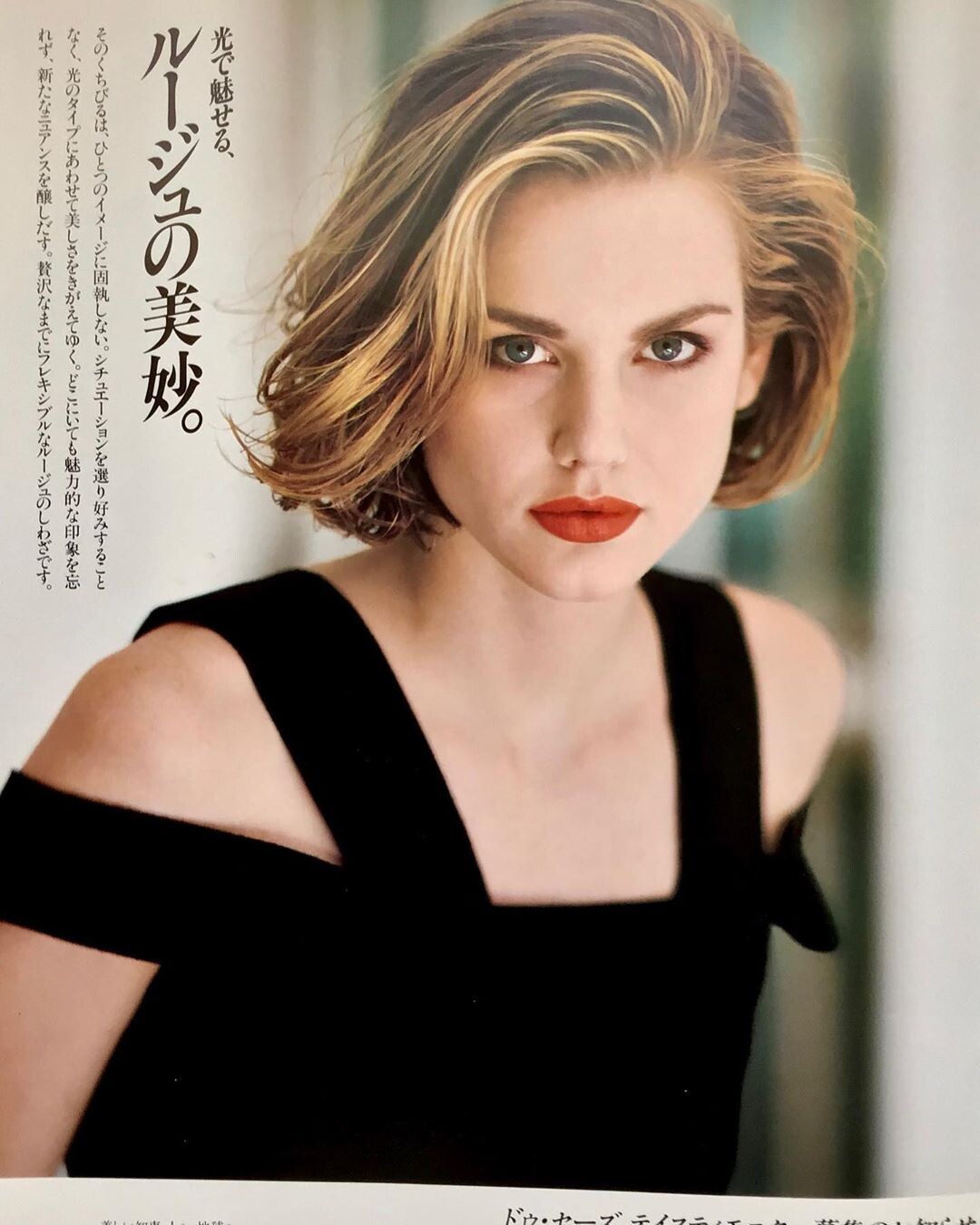
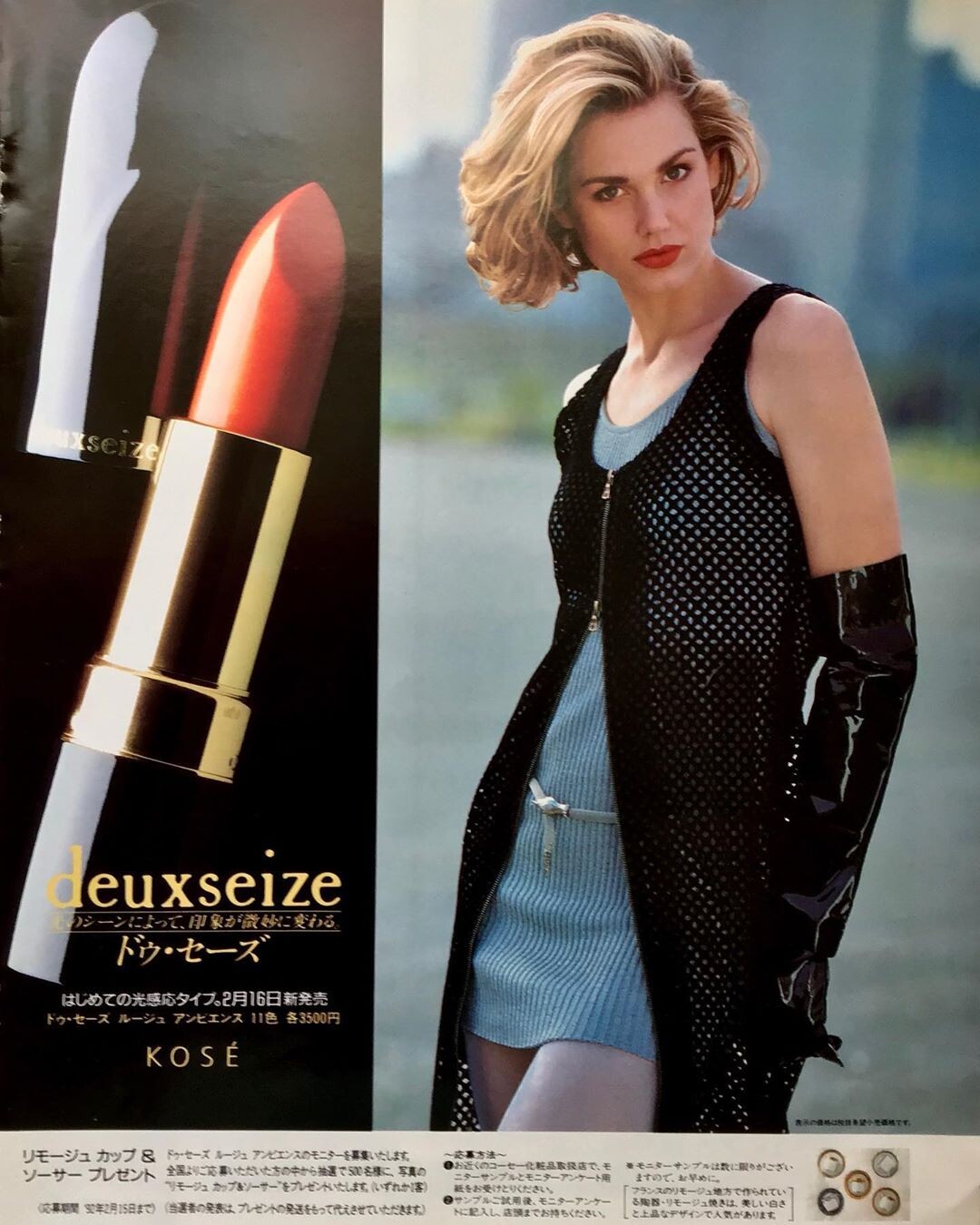
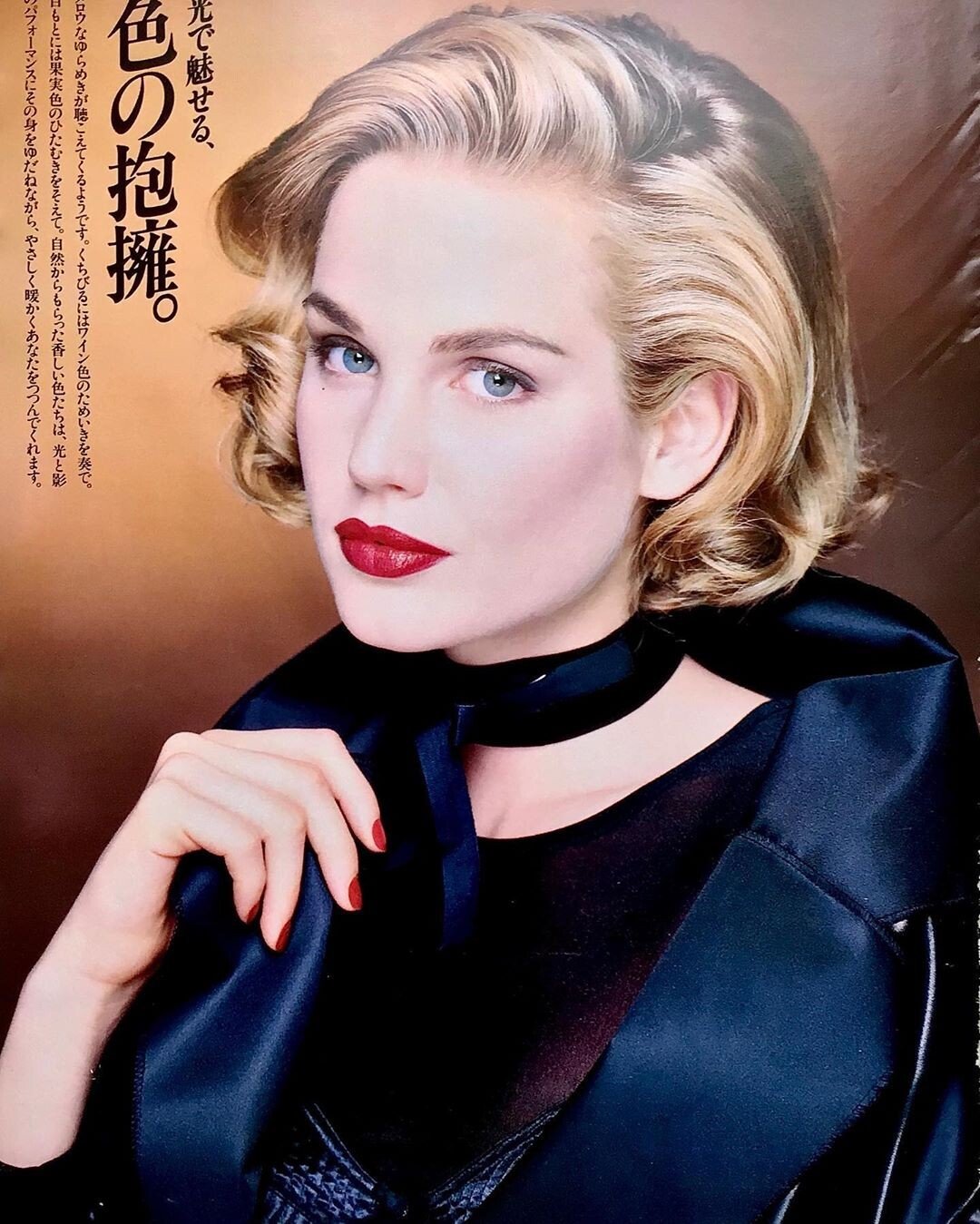
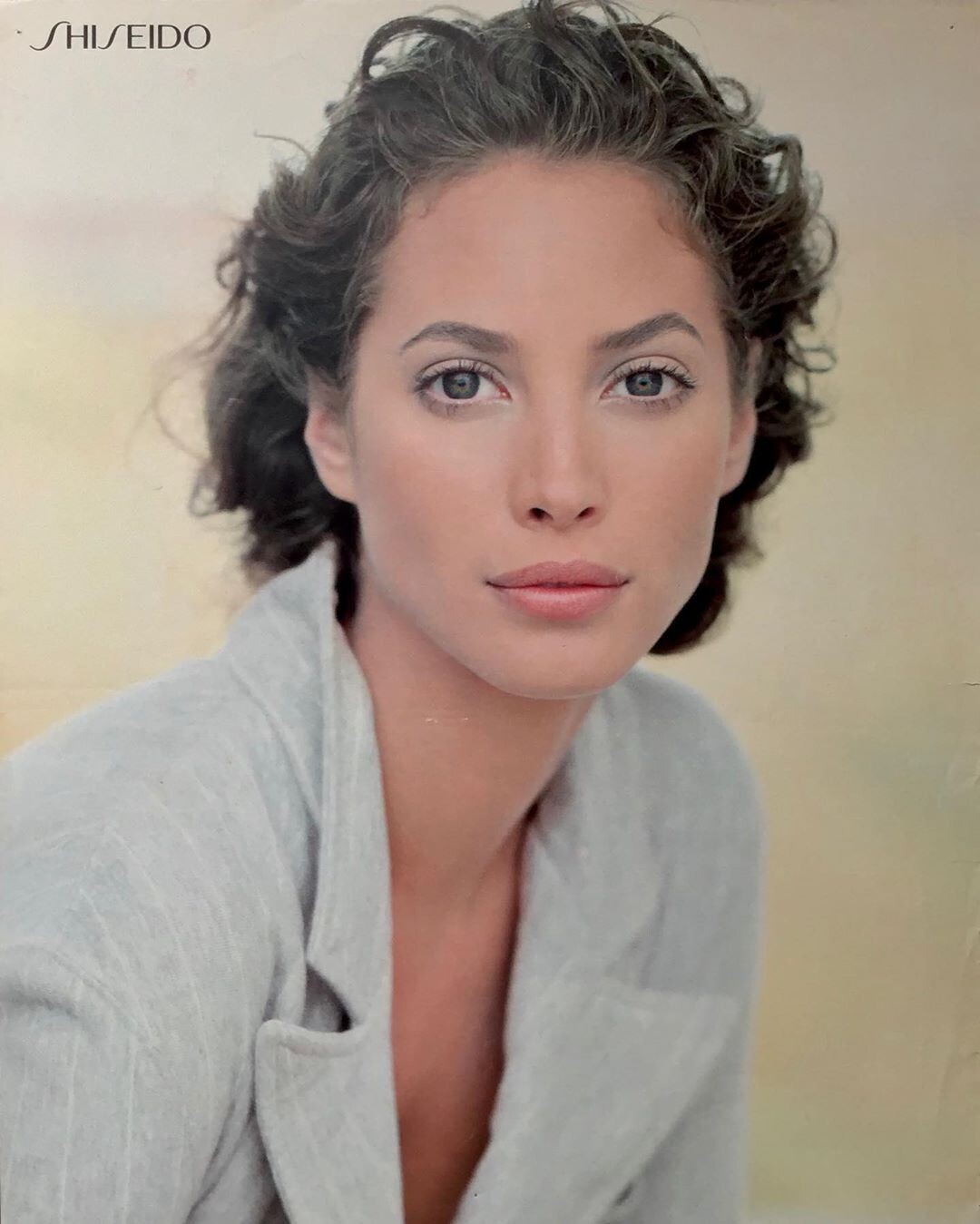
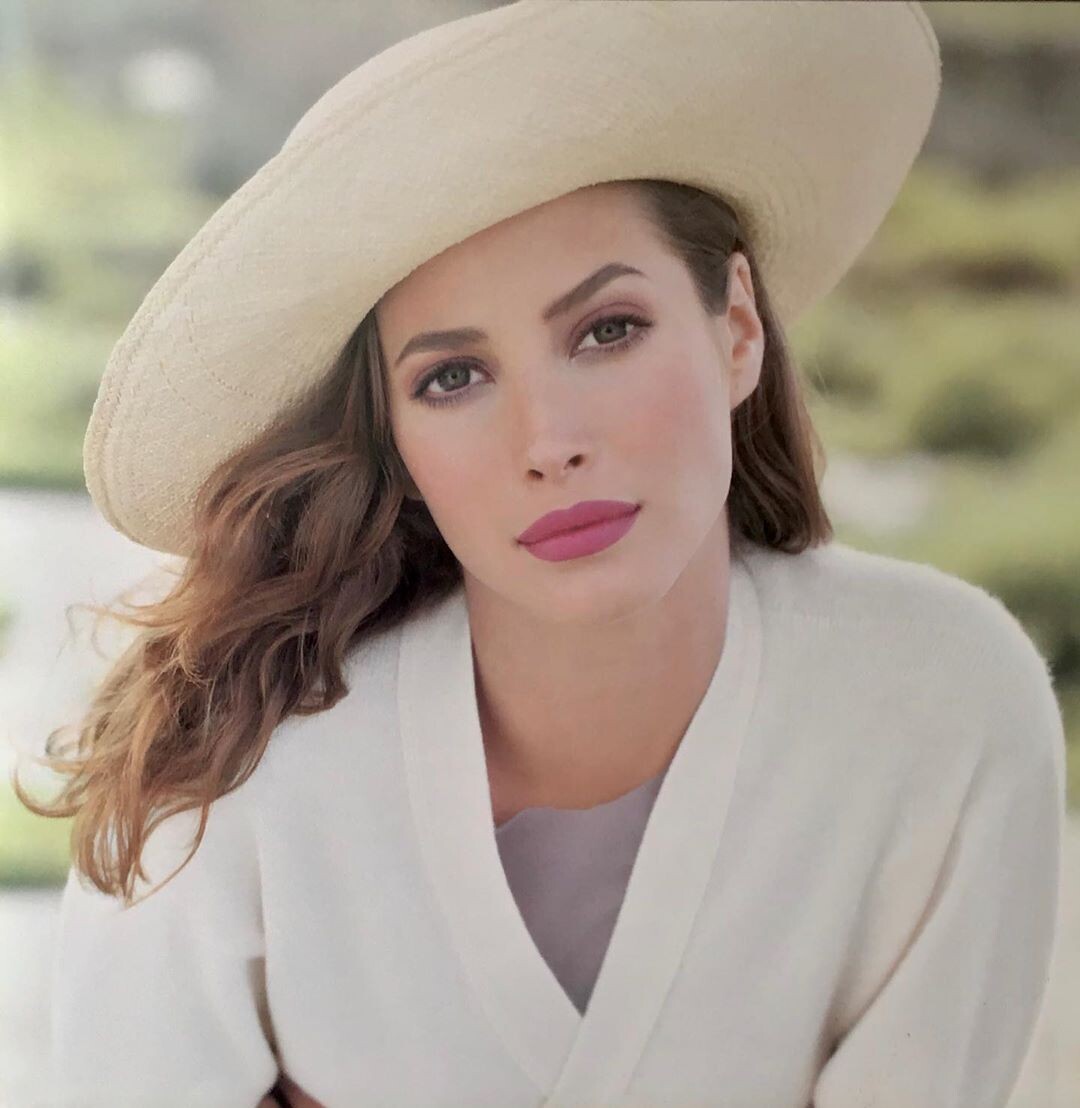
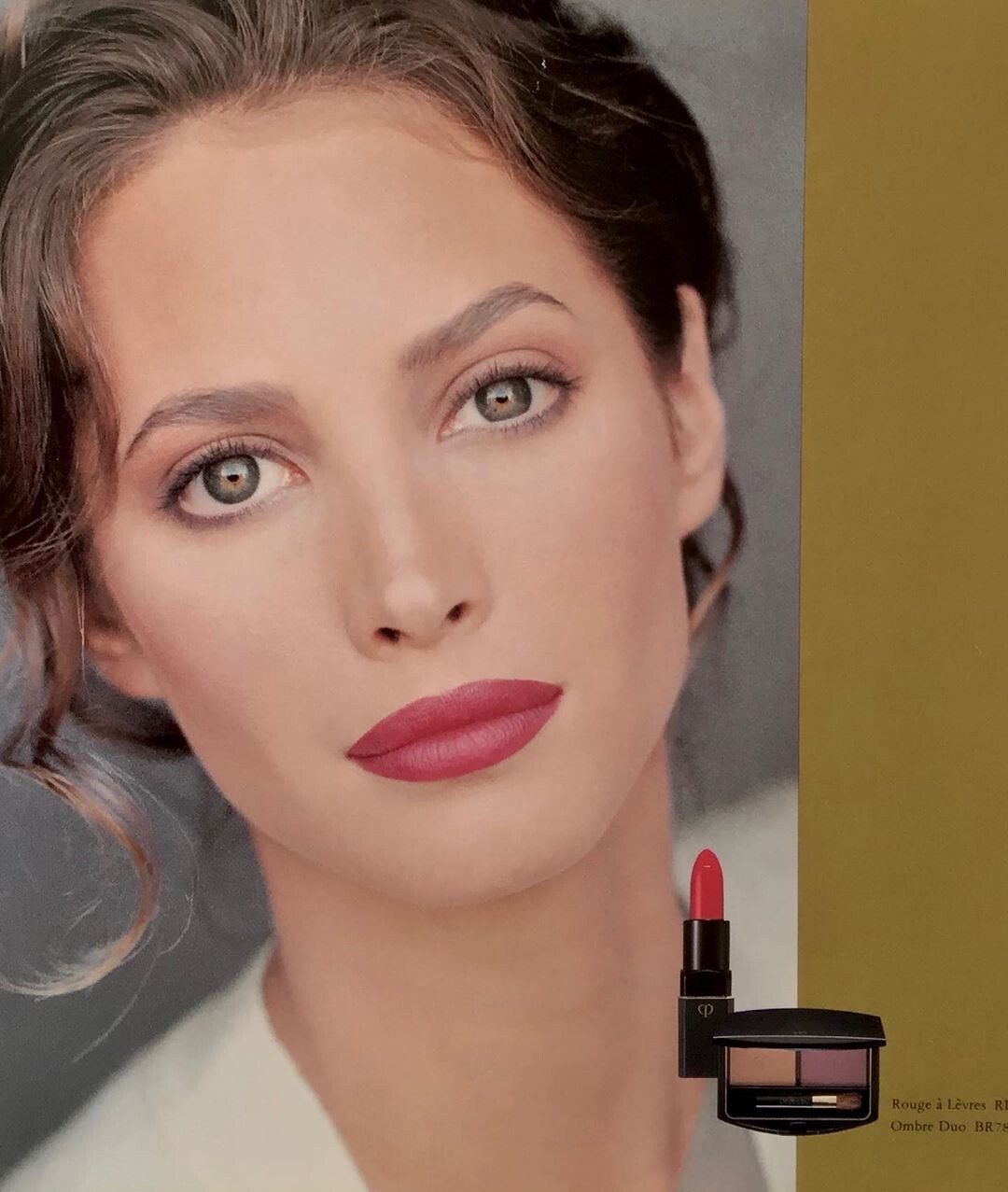
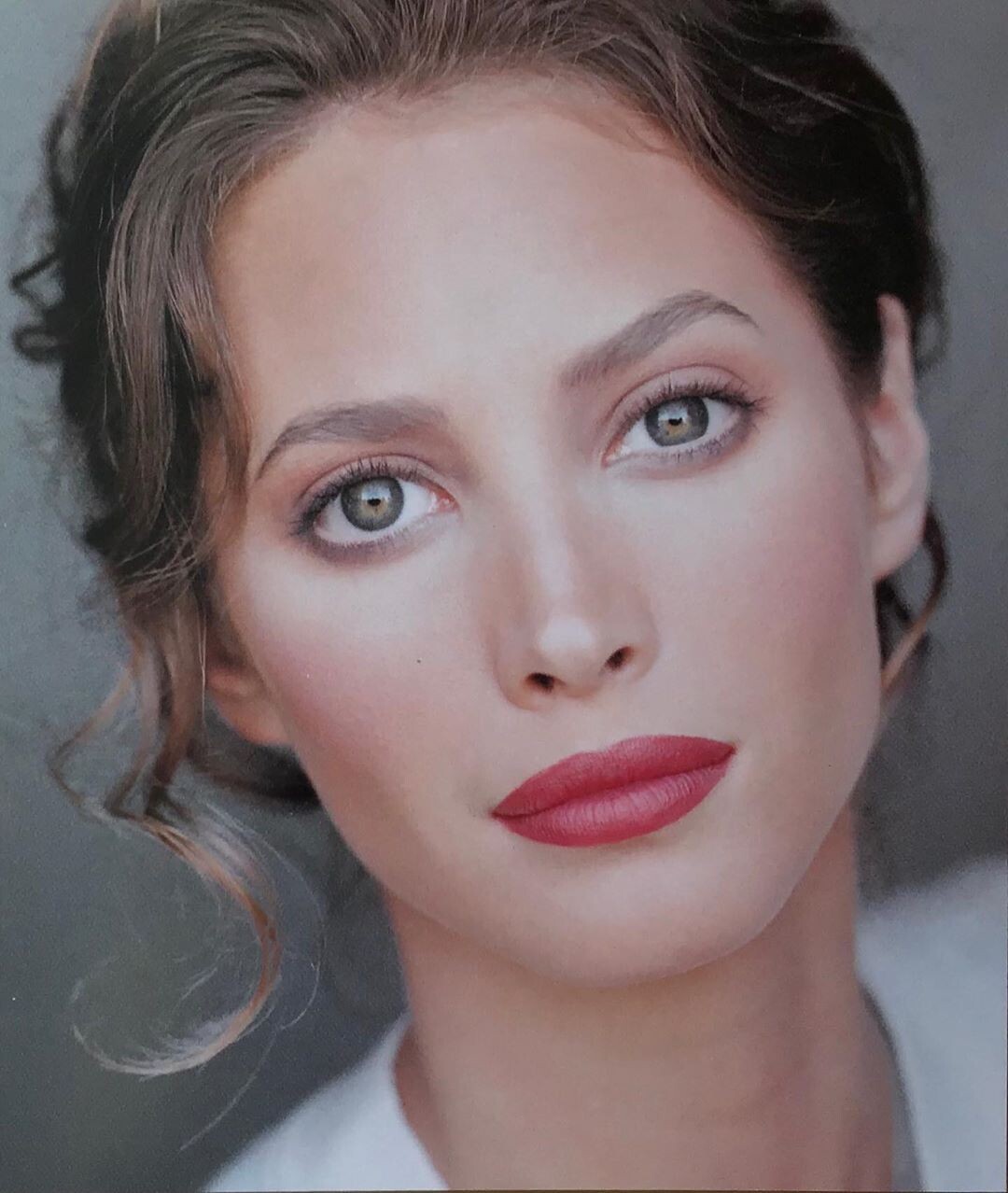
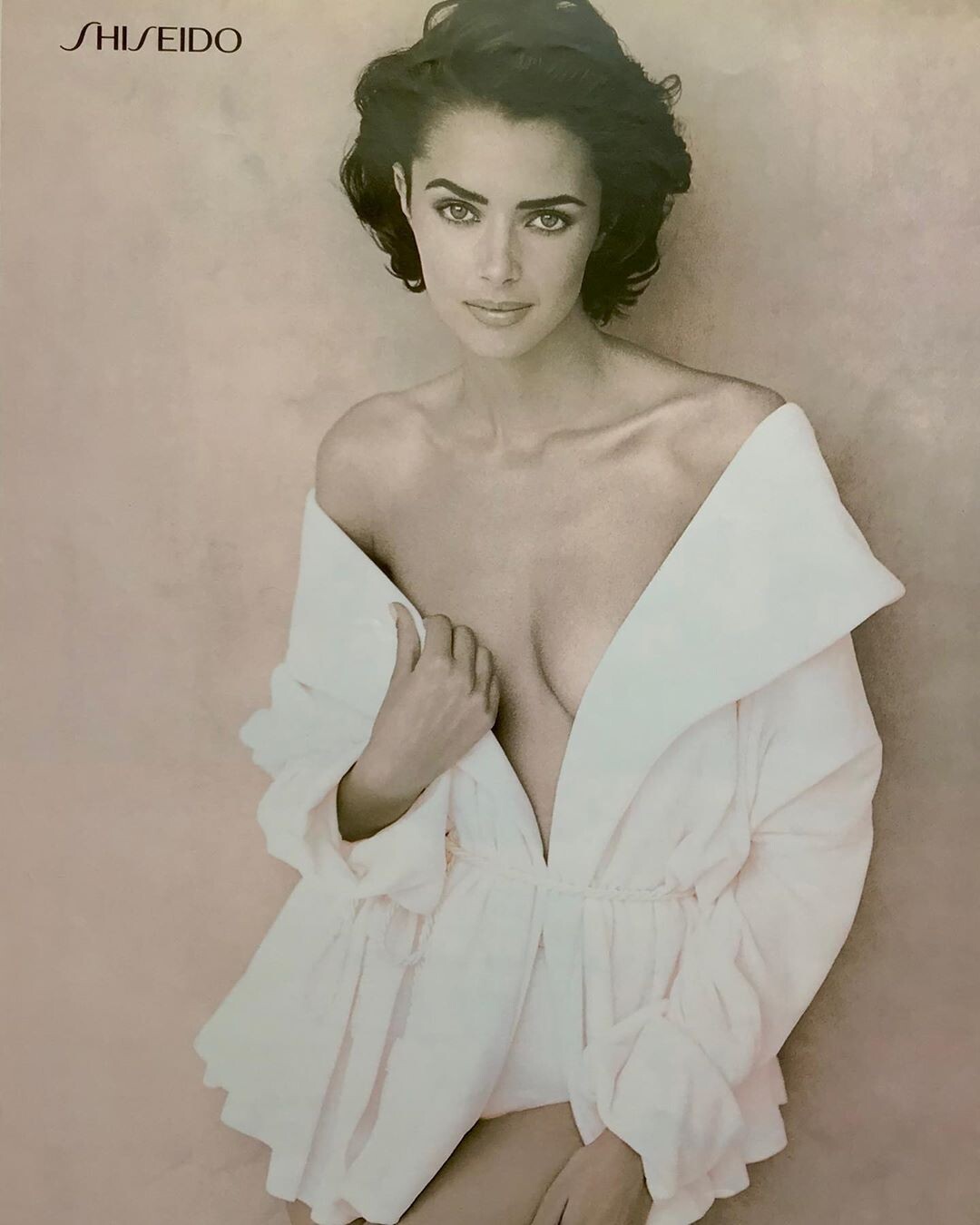
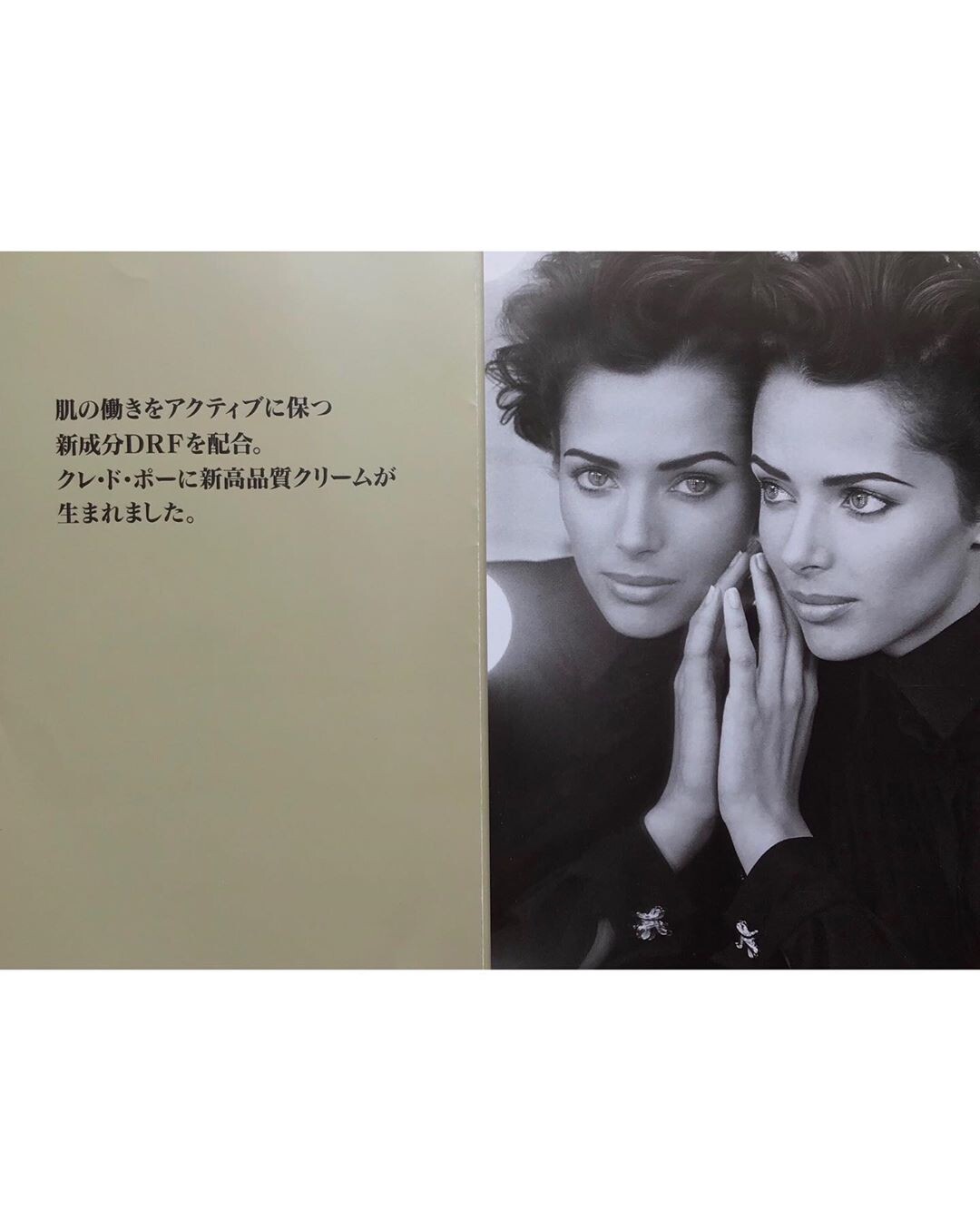
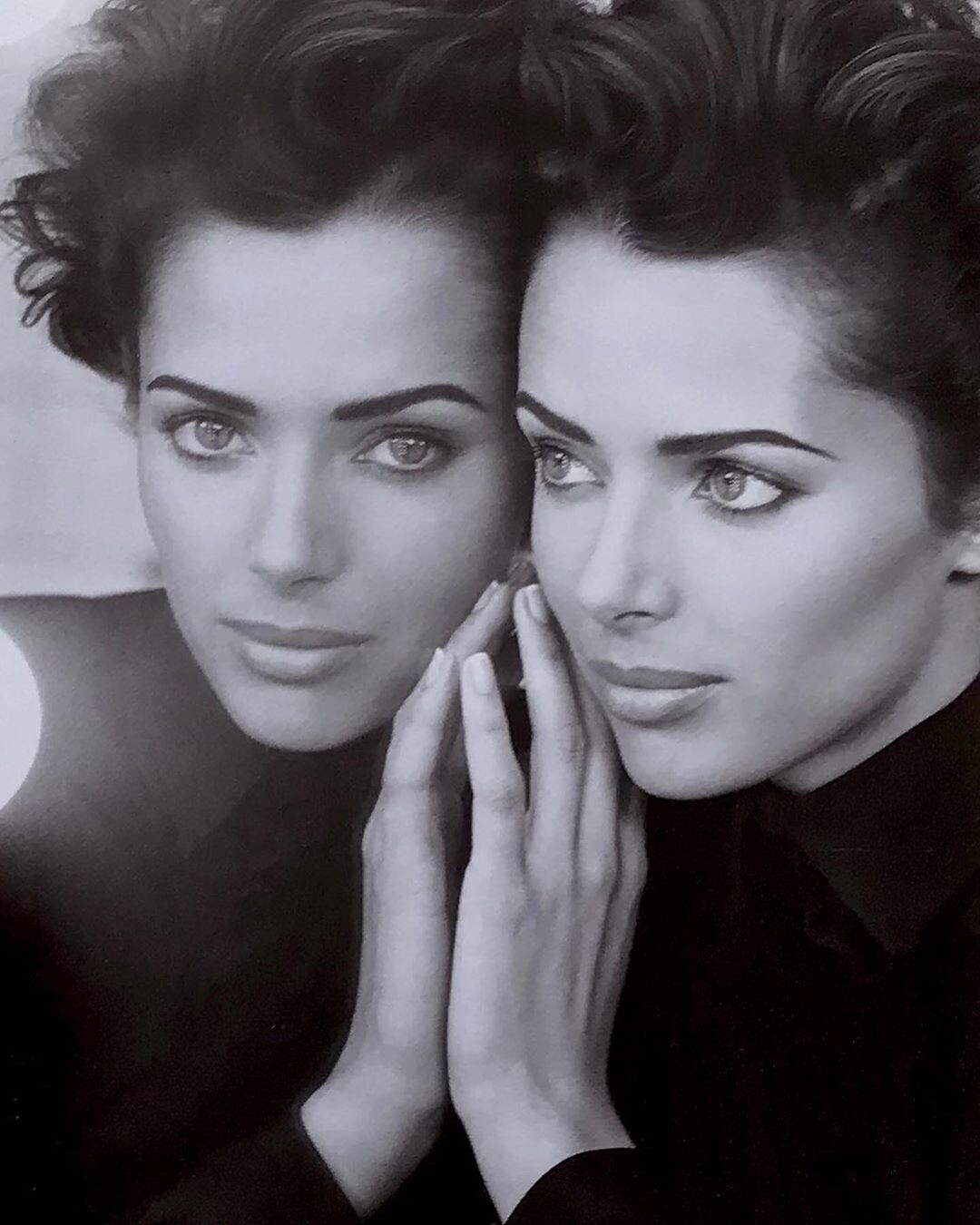
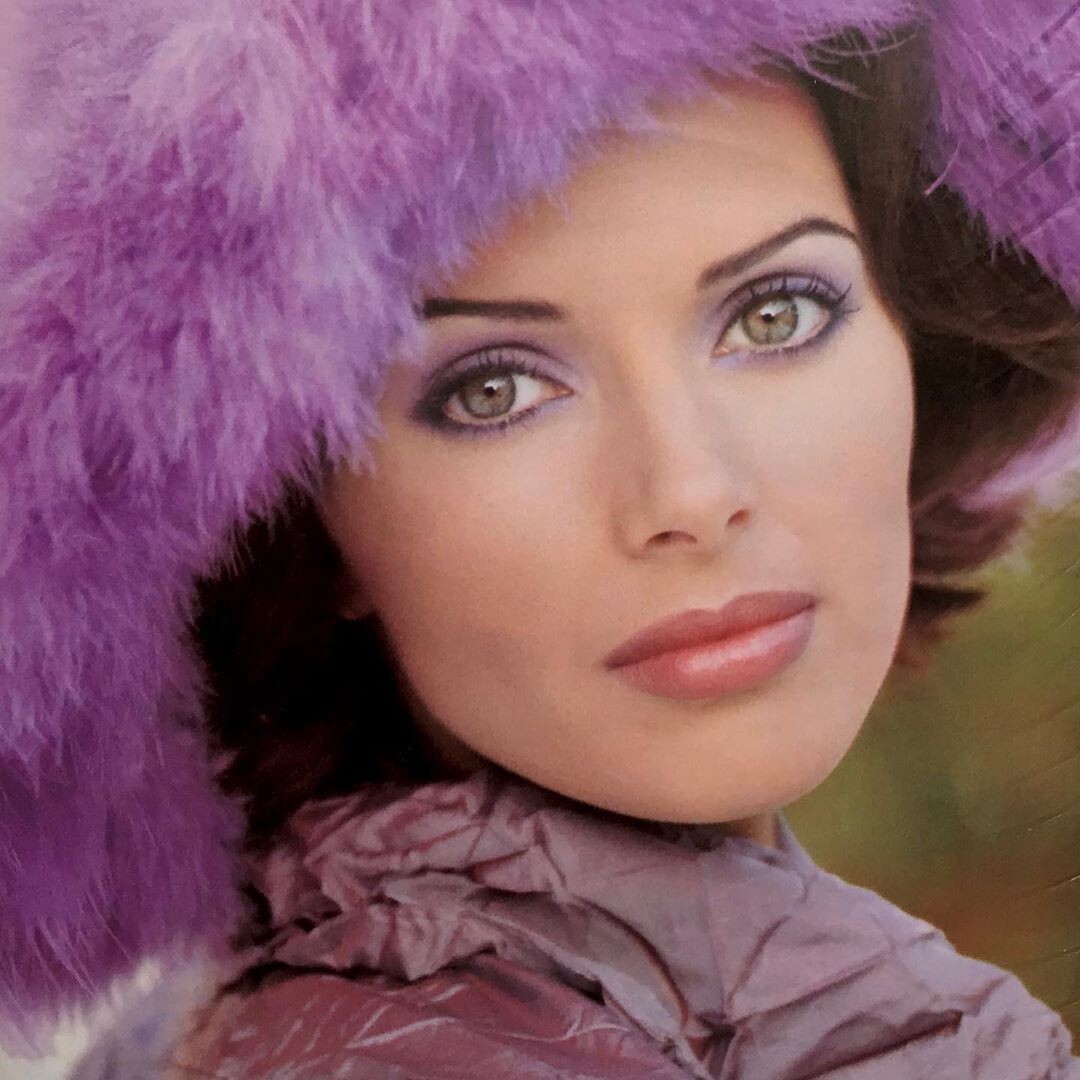
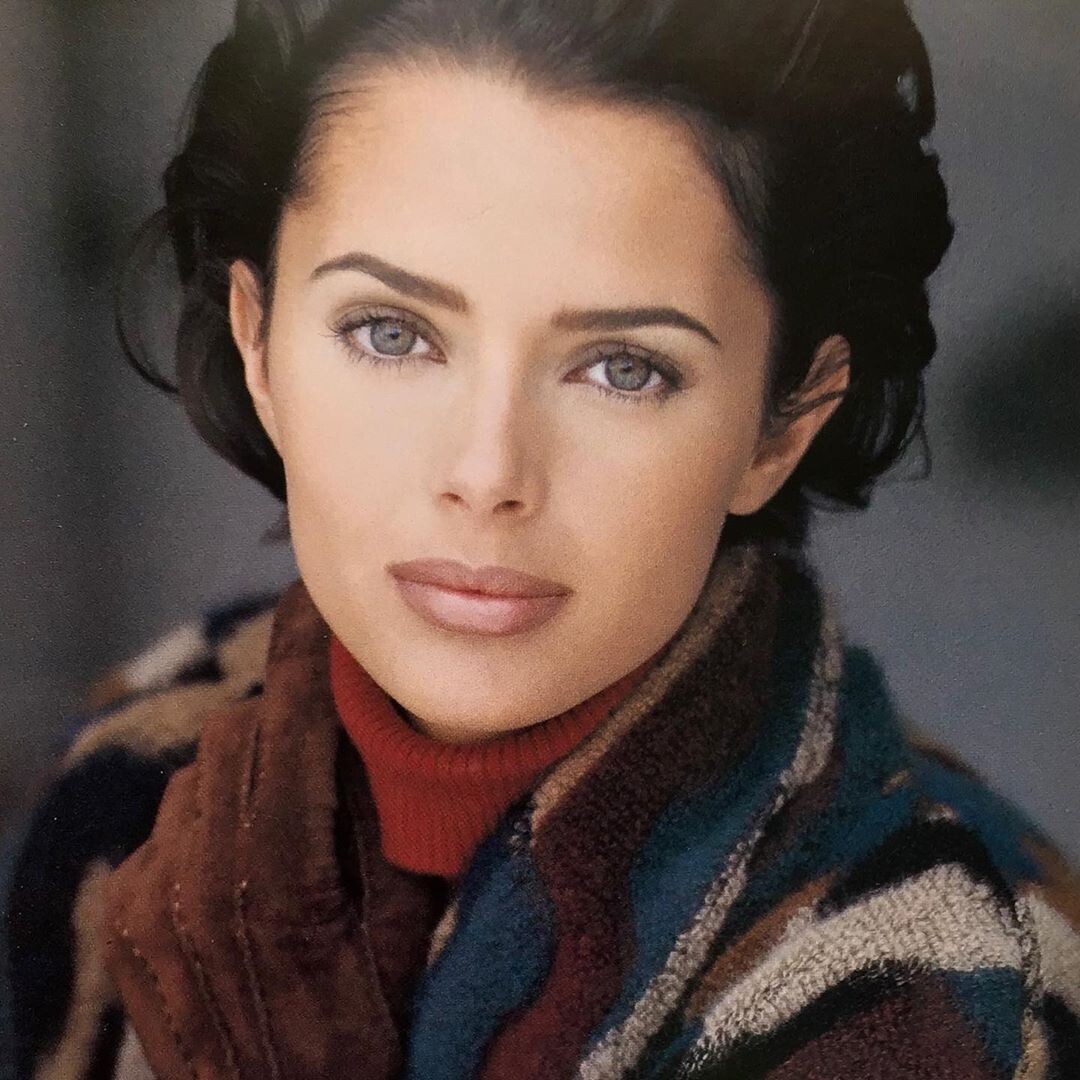
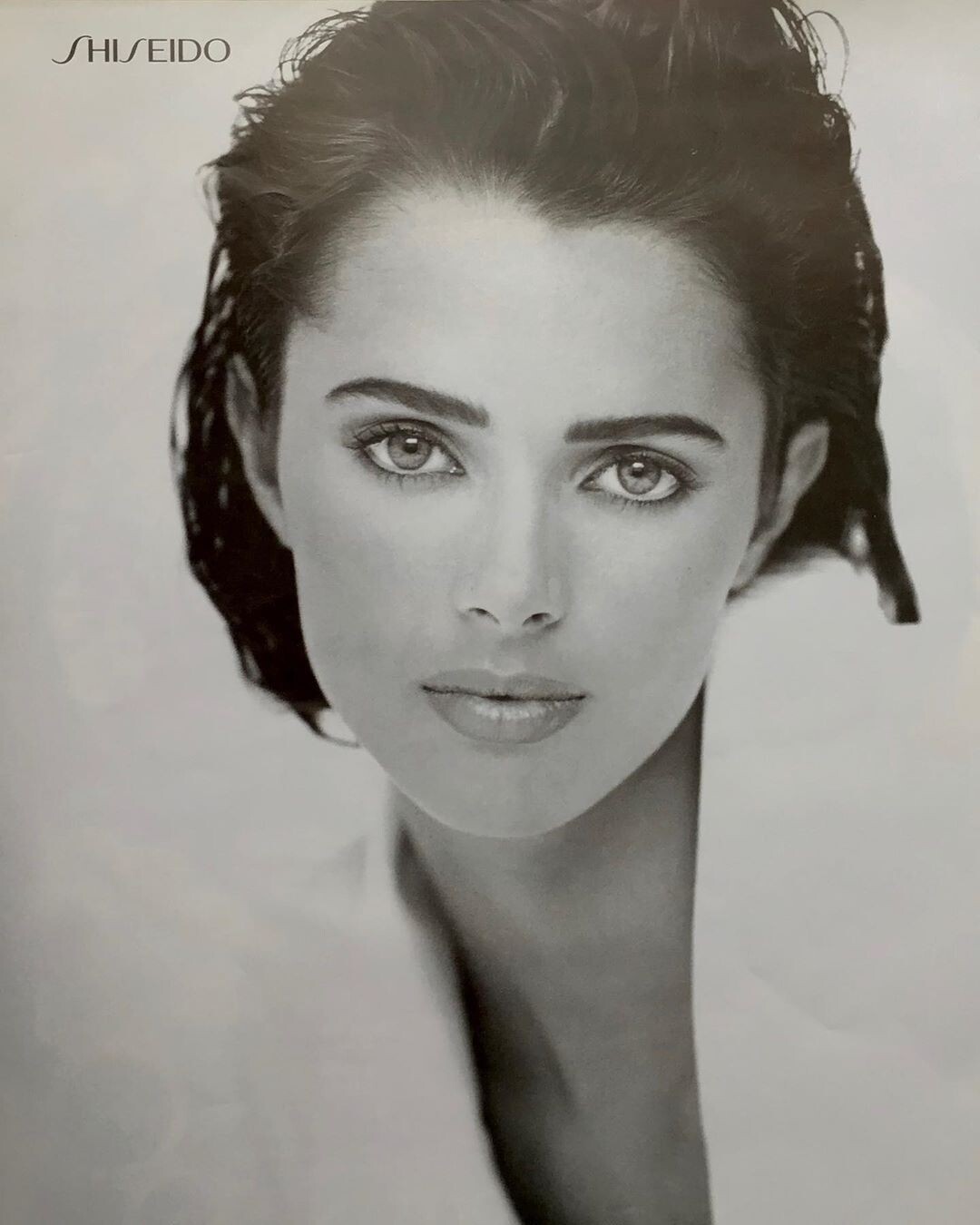
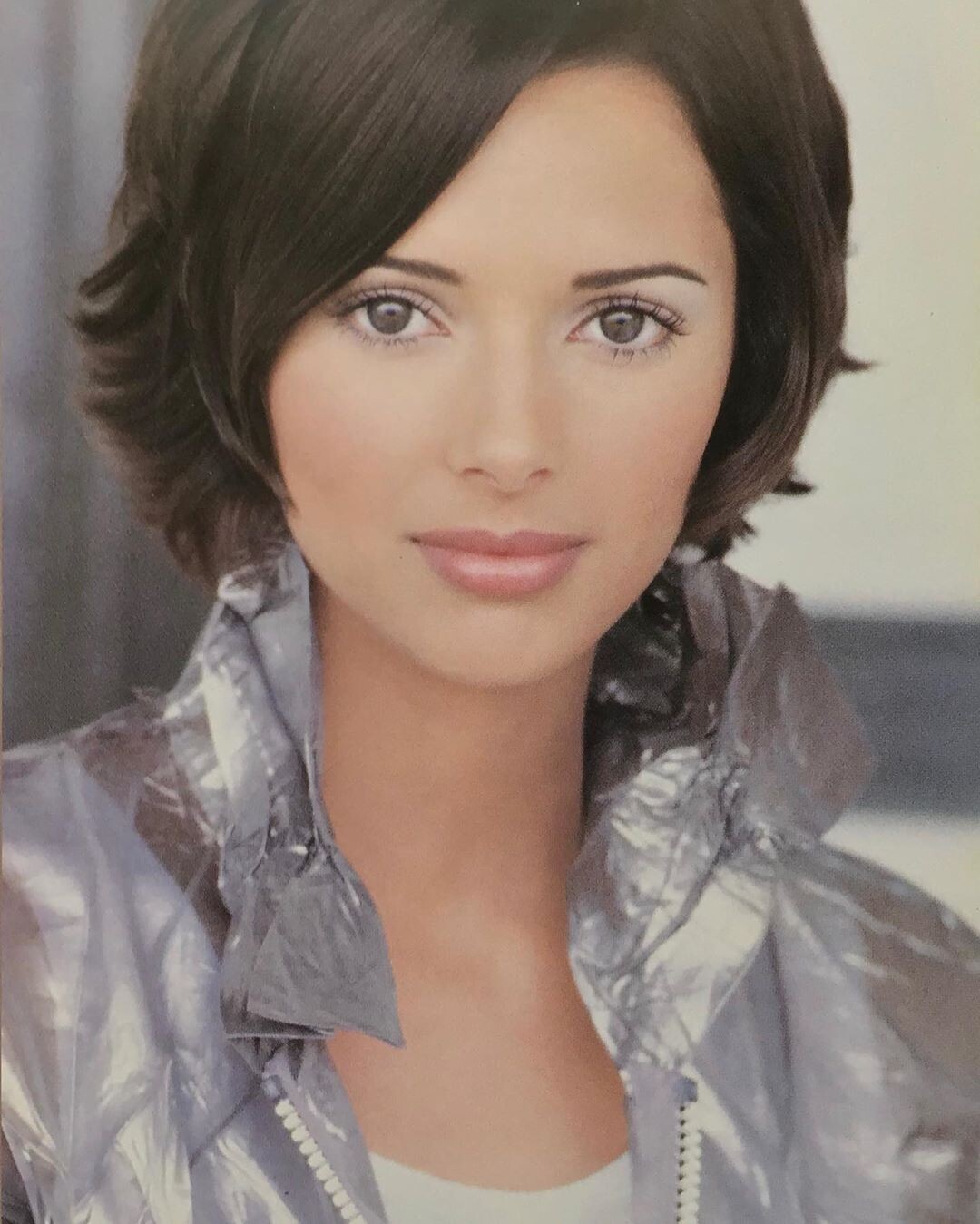
Somewhere I have this cover, but in the meantime here is a related picStephanieSeymour.jpg.4204099efdd9b94c77a3629df67f9630.thumb.jpg.33eb0146a0834d08dd303bcadf93747d.jpg) These were recently posted on Instagram. The first and fifth are larger than the same images of HSW that have been circulating for years; the last two I have never seen. Sublime.
These were recently posted on Instagram. The first and fifth are larger than the same images of HSW that have been circulating for years; the last two I have never seen. Sublime.
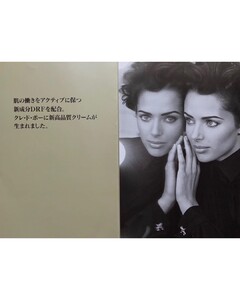

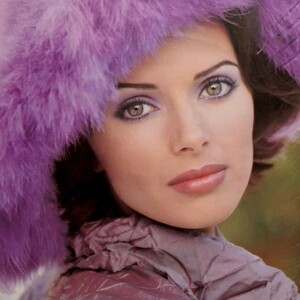
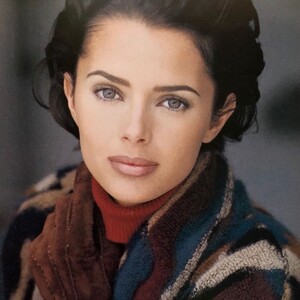
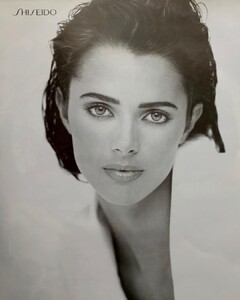
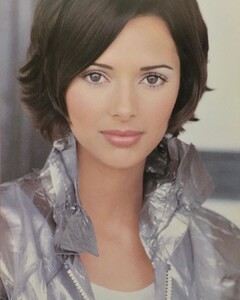 These are lovely--thanks so much!
What a feast--thanks!!
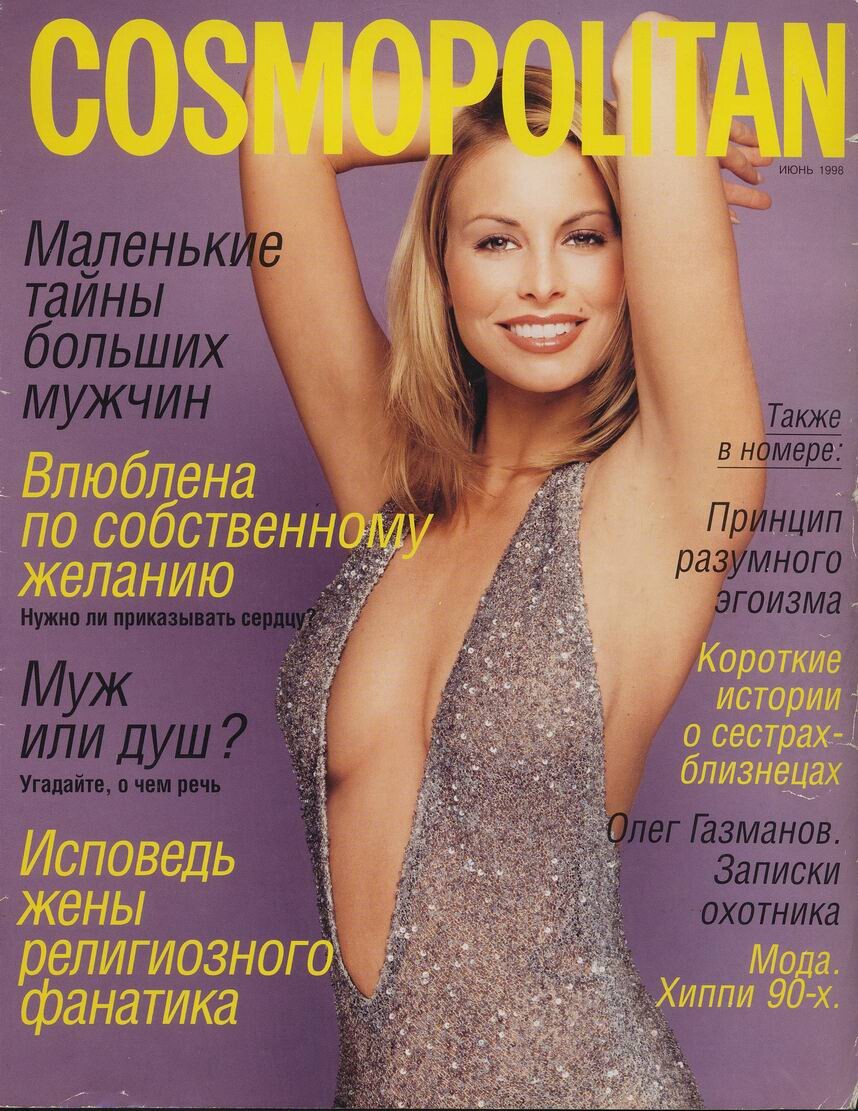
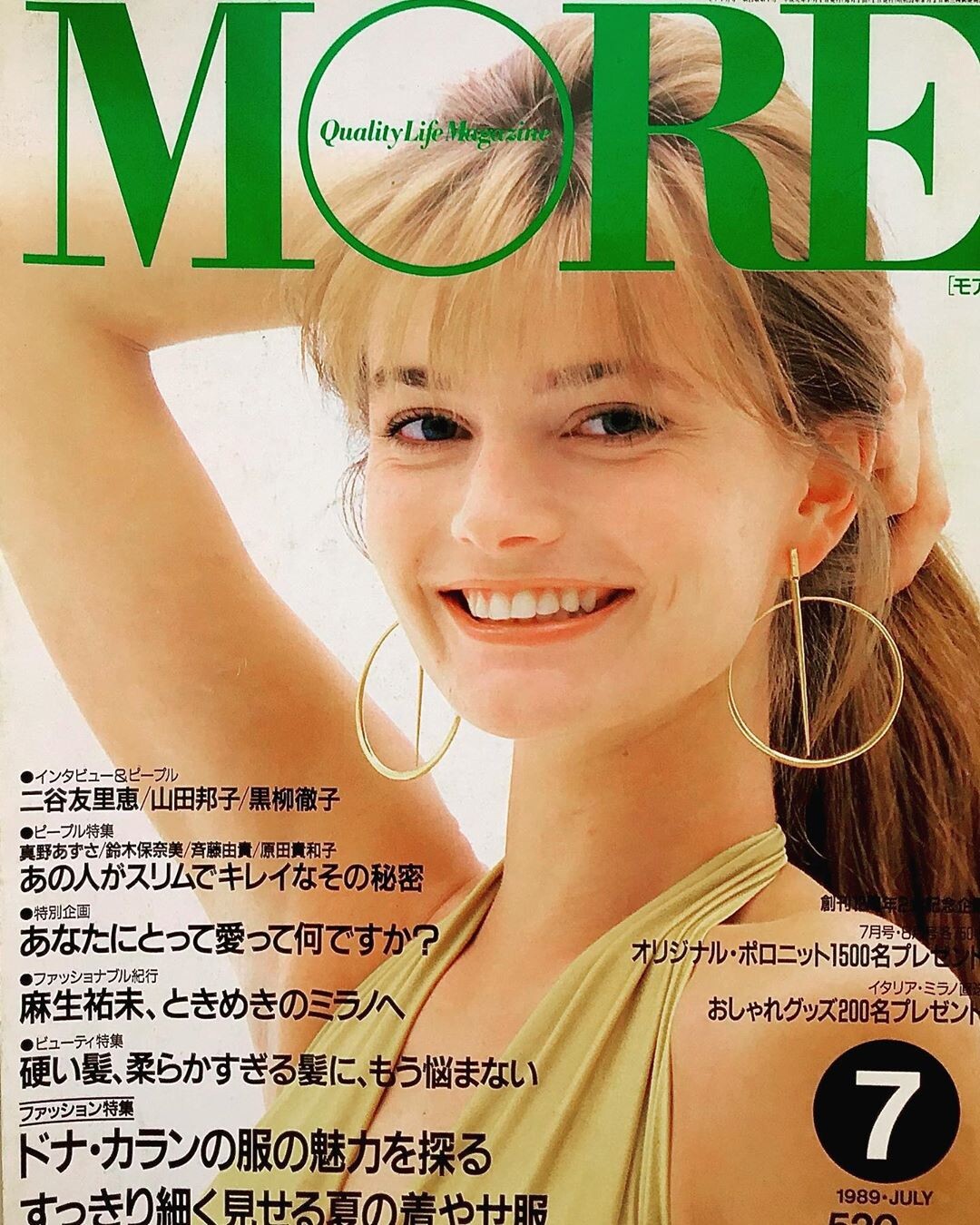
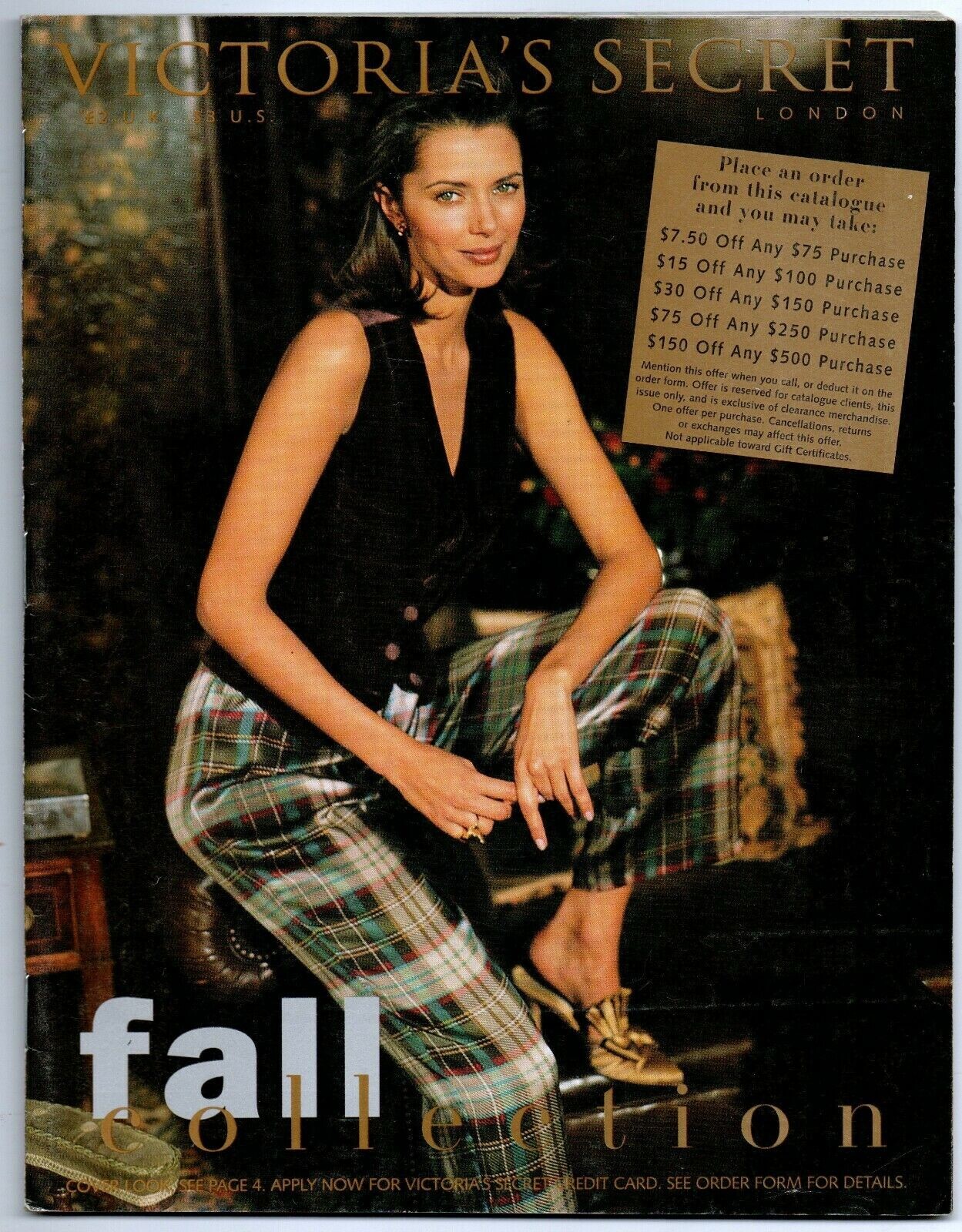
This cover was on ebay recently--sadly, I was outbid. Perhaps one of you got it instead? In any event, I would dearly love to see what is inside, as I've never seen this image before, and it suggests there may be more than the familiar lingerie pics from the same era. 1995 Fall Collection.
These are lovely--thanks so much!
What a feast--thanks!!
This cover was on ebay recently--sadly, I was outbid. Perhaps one of you got it instead? In any event, I would dearly love to see what is inside, as I've never seen this image before, and it suggests there may be more than the familiar lingerie pics from the same era. 1995 Fall Collection. Oh wonderful! I've only ever seen a couple of these, and never the fifth page, which is utterly charming. Thanks!
This says it is: https://photobucket.com/images/bwgreyscale
Oh wonderful! I've only ever seen a couple of these, and never the fifth page, which is utterly charming. Thanks!
This says it is: https://photobucket.com/images/bwgreyscale
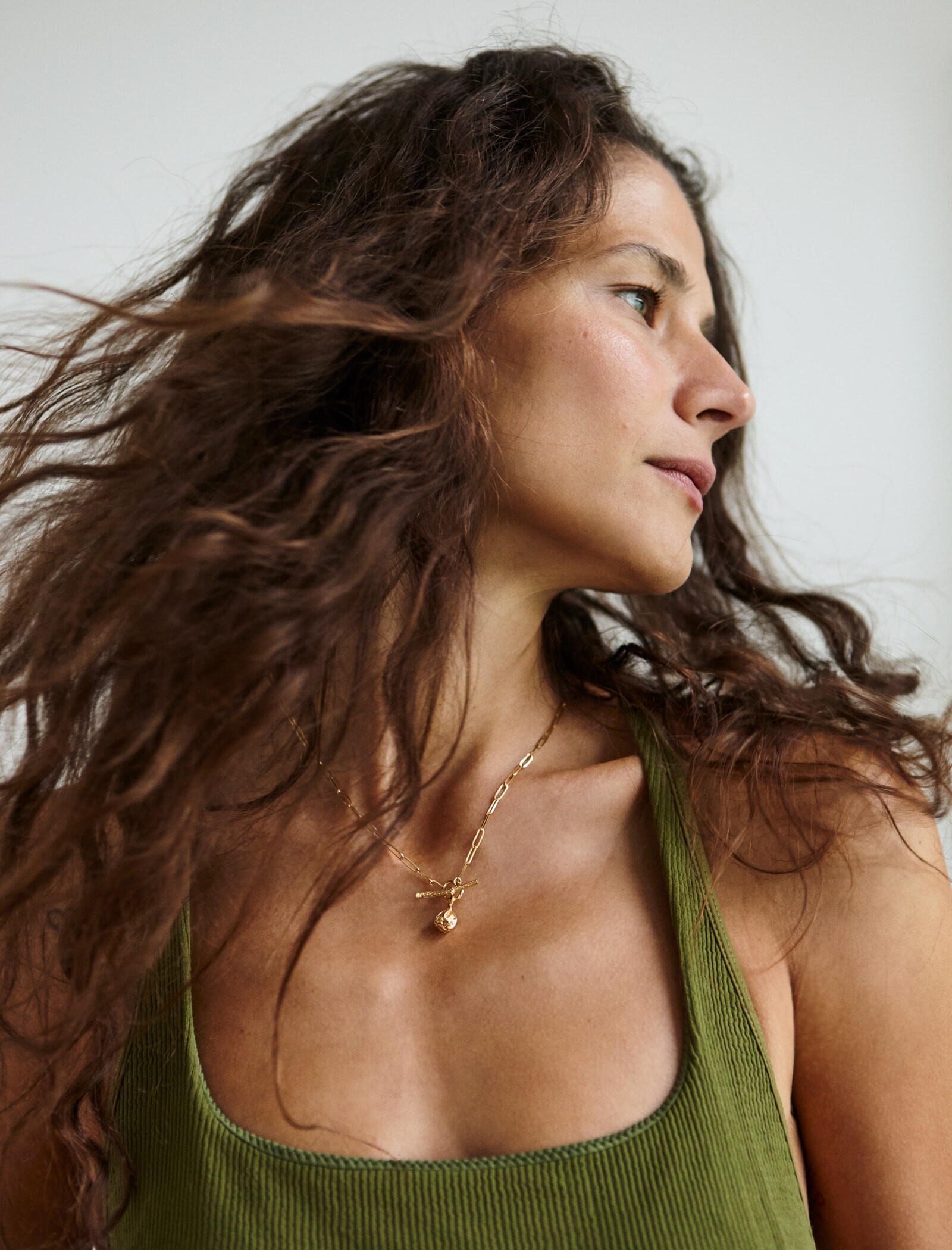
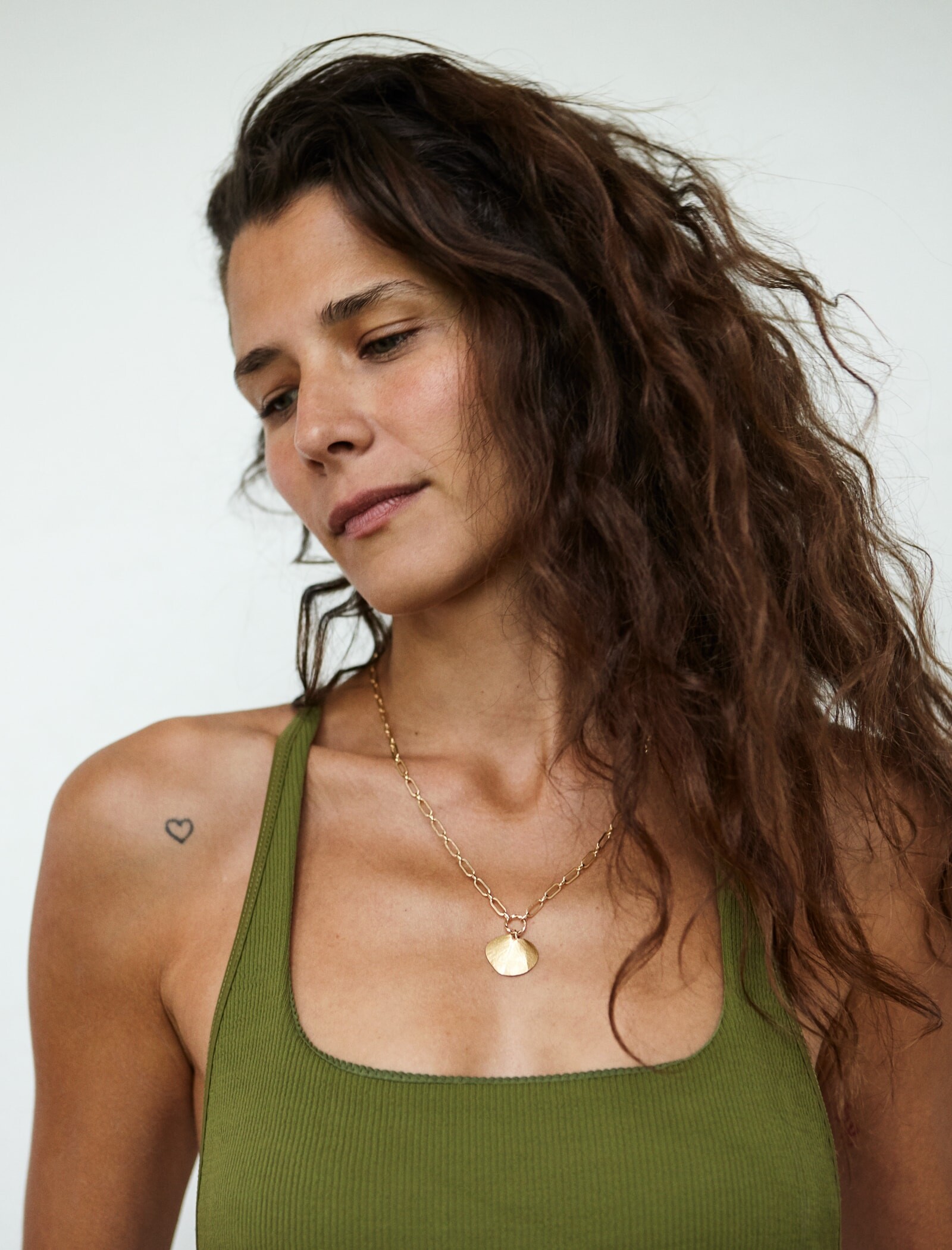








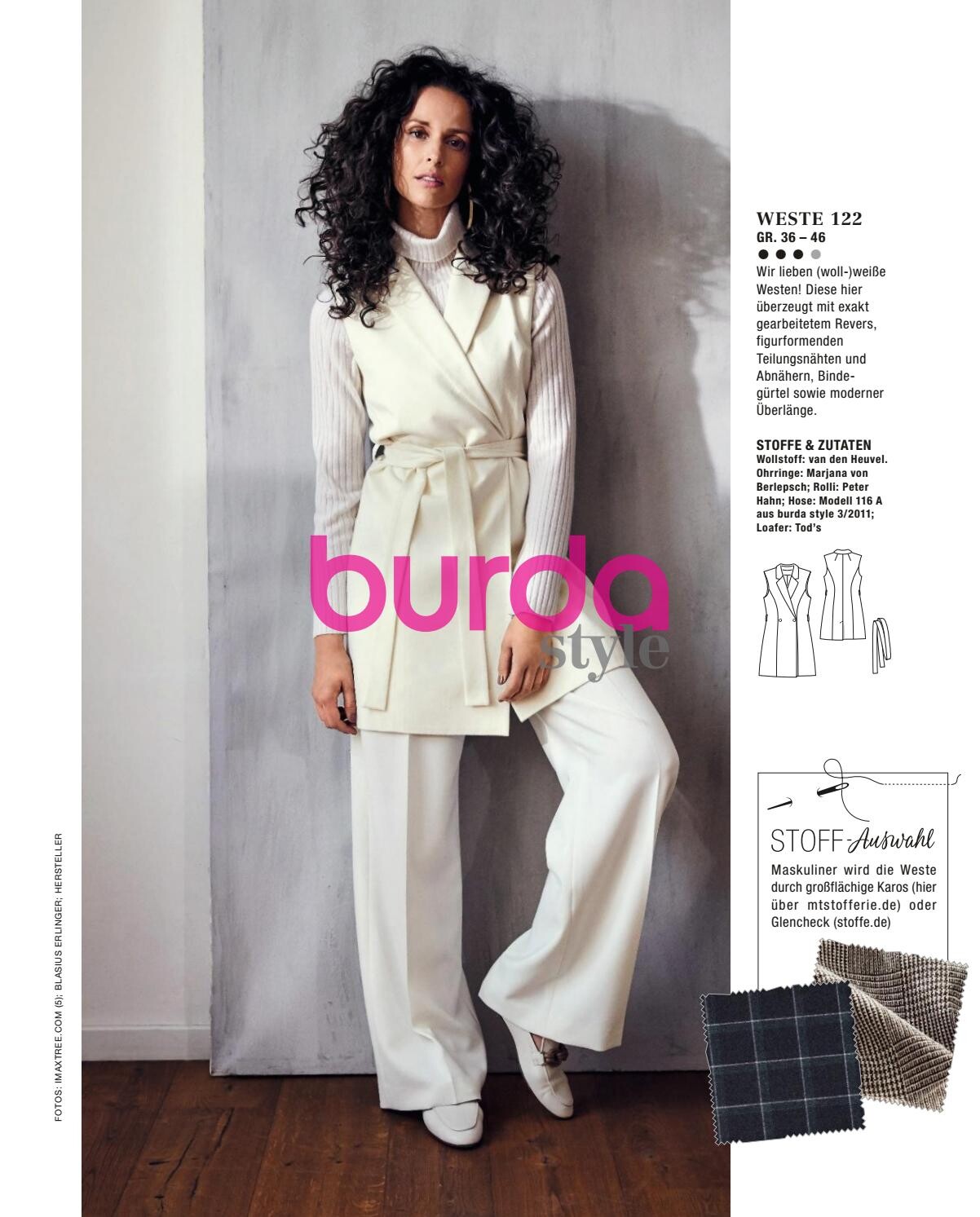
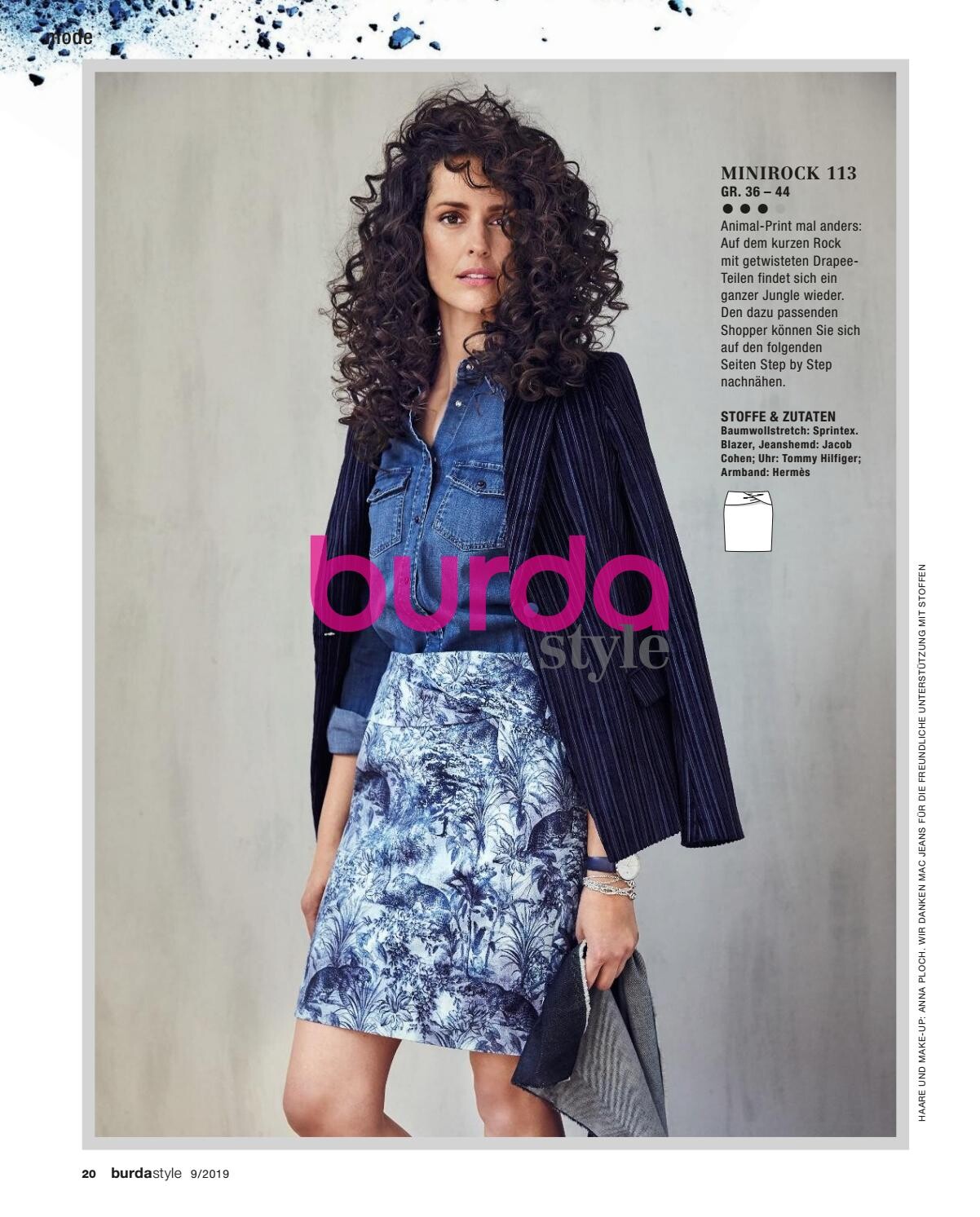

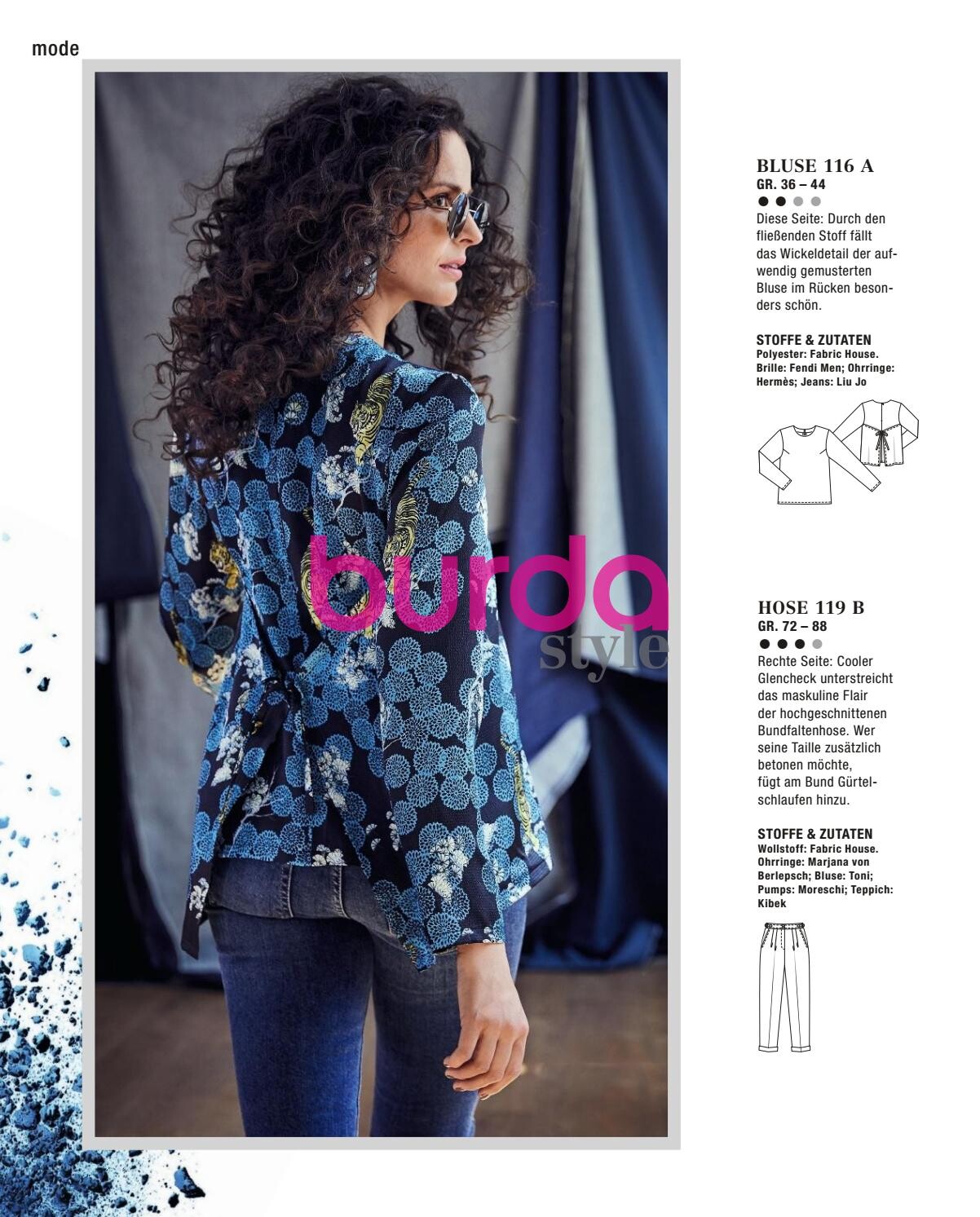
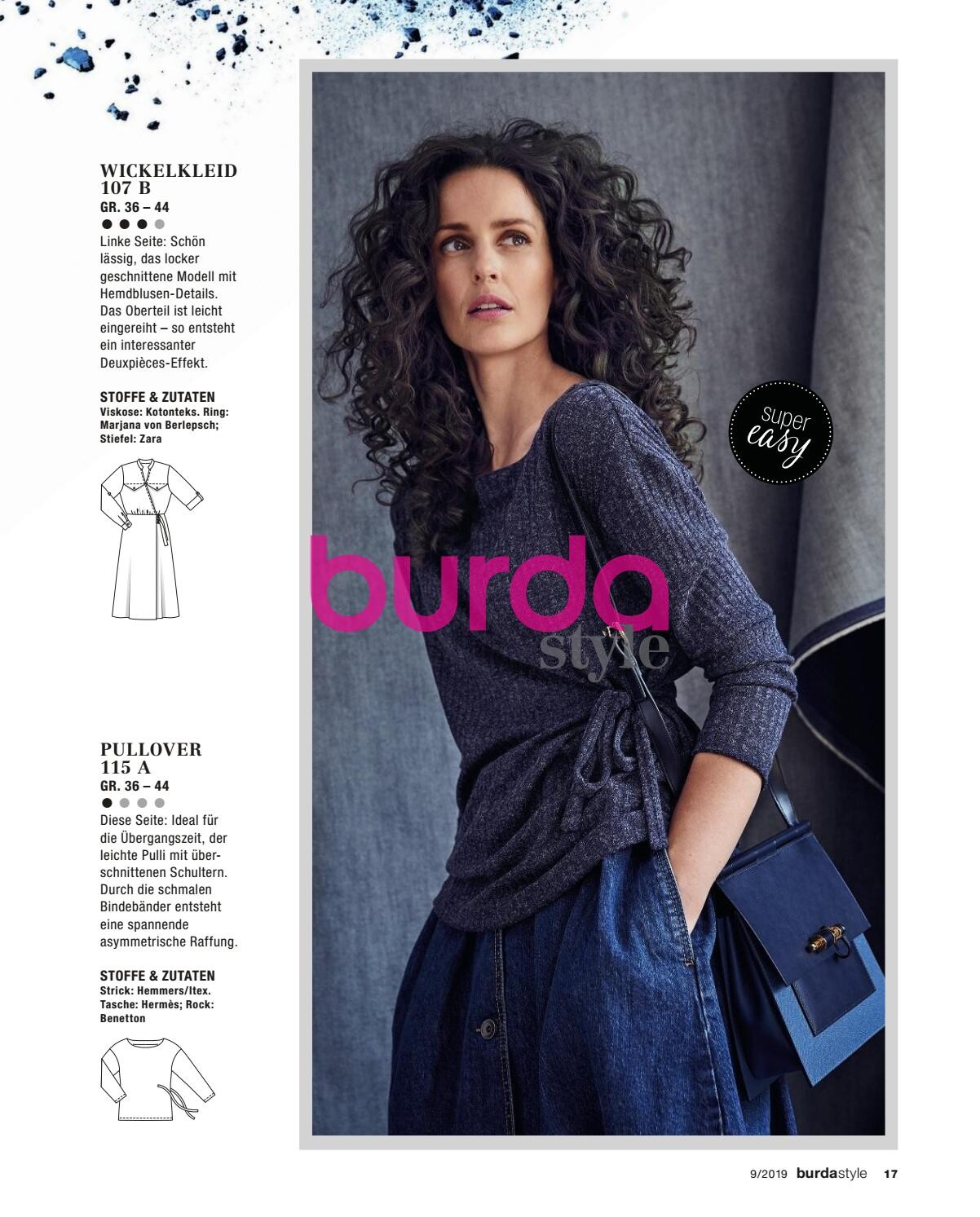


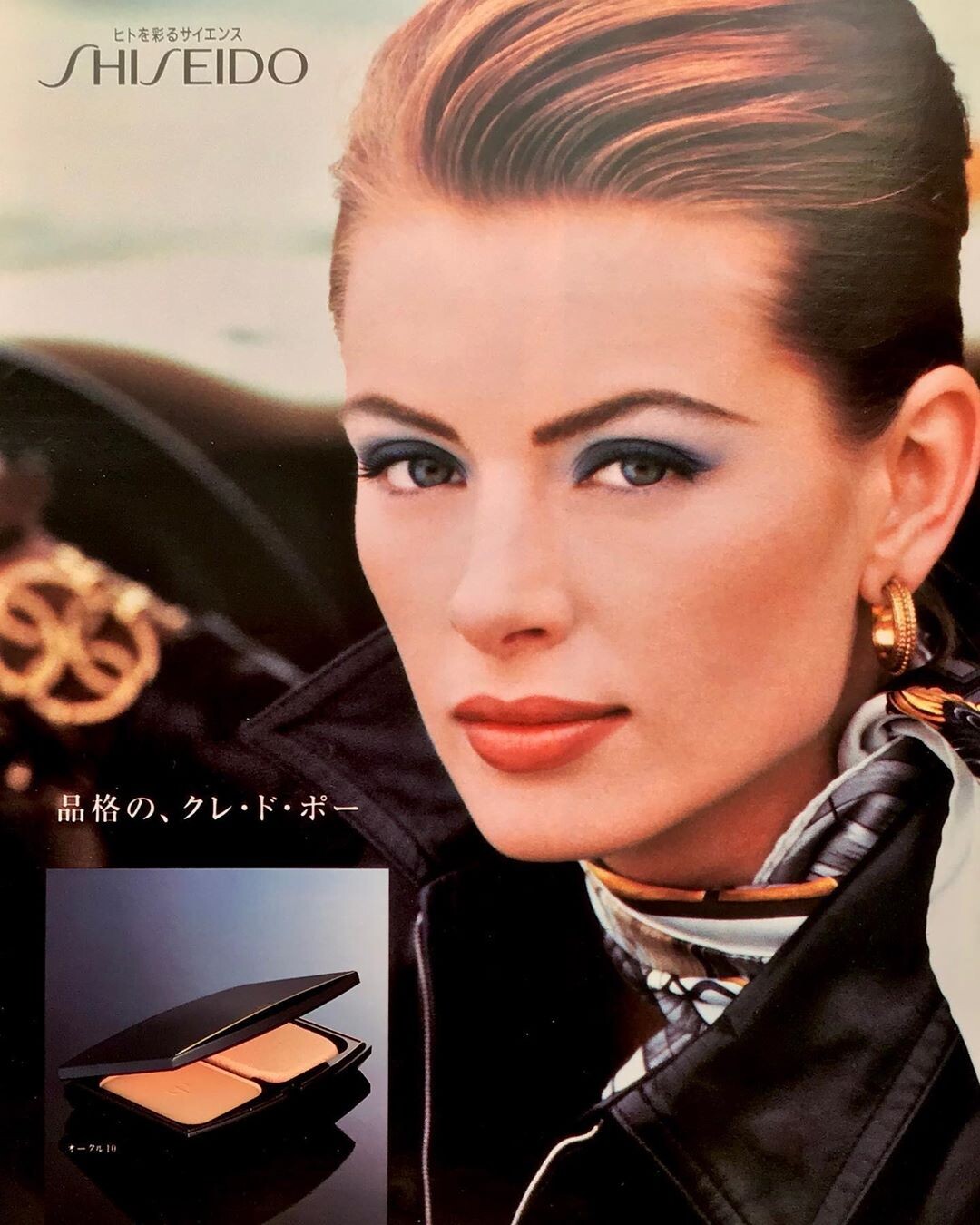
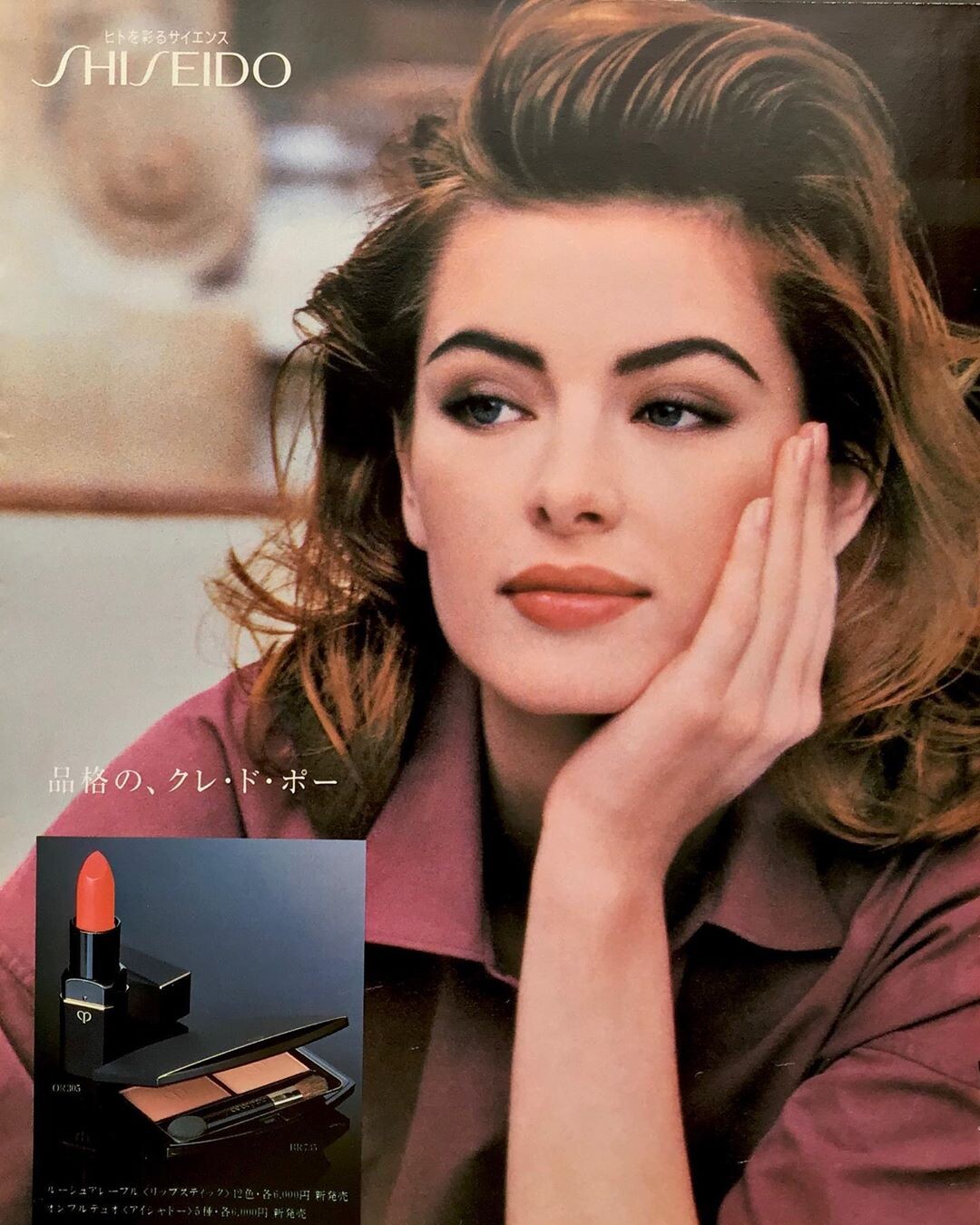
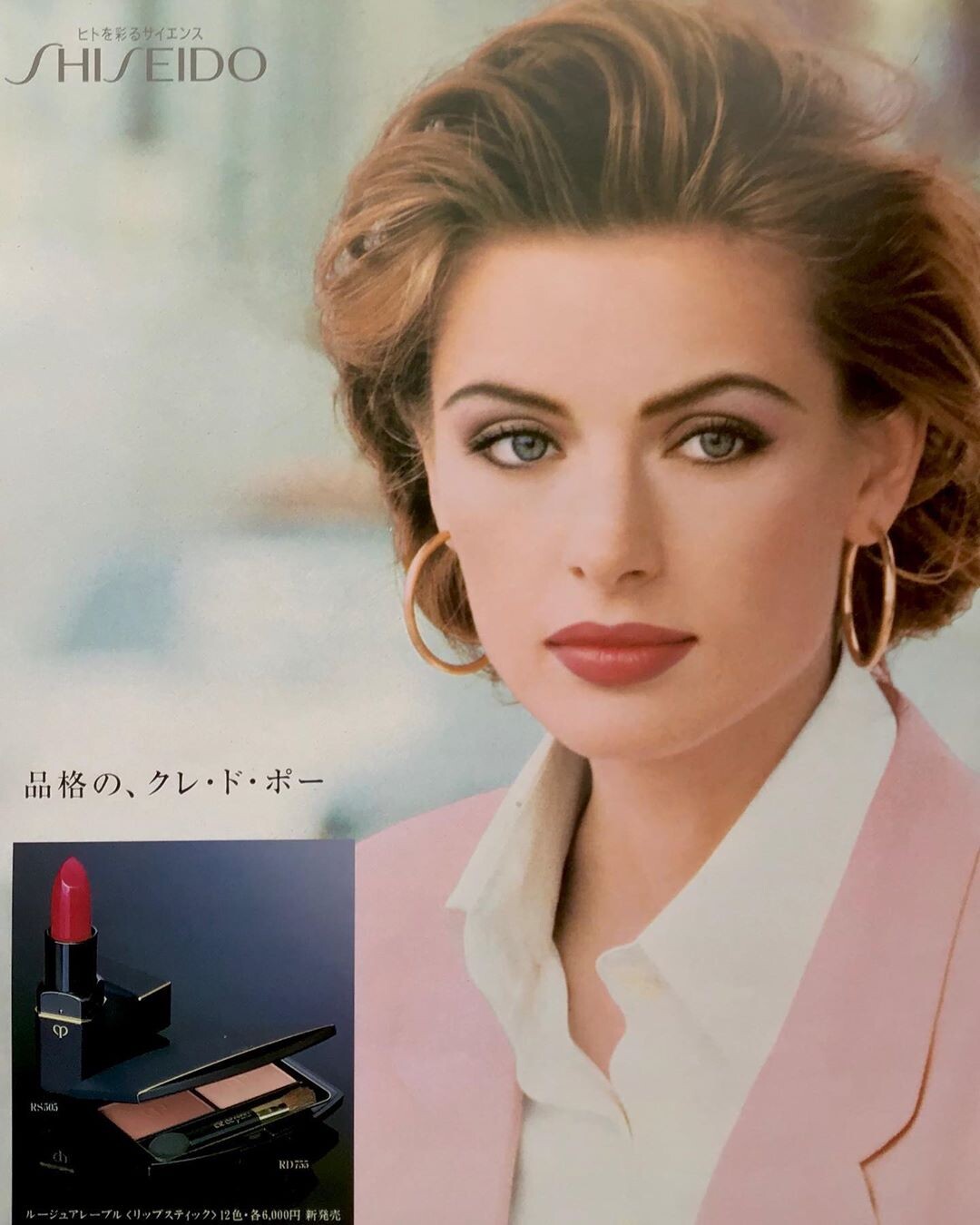
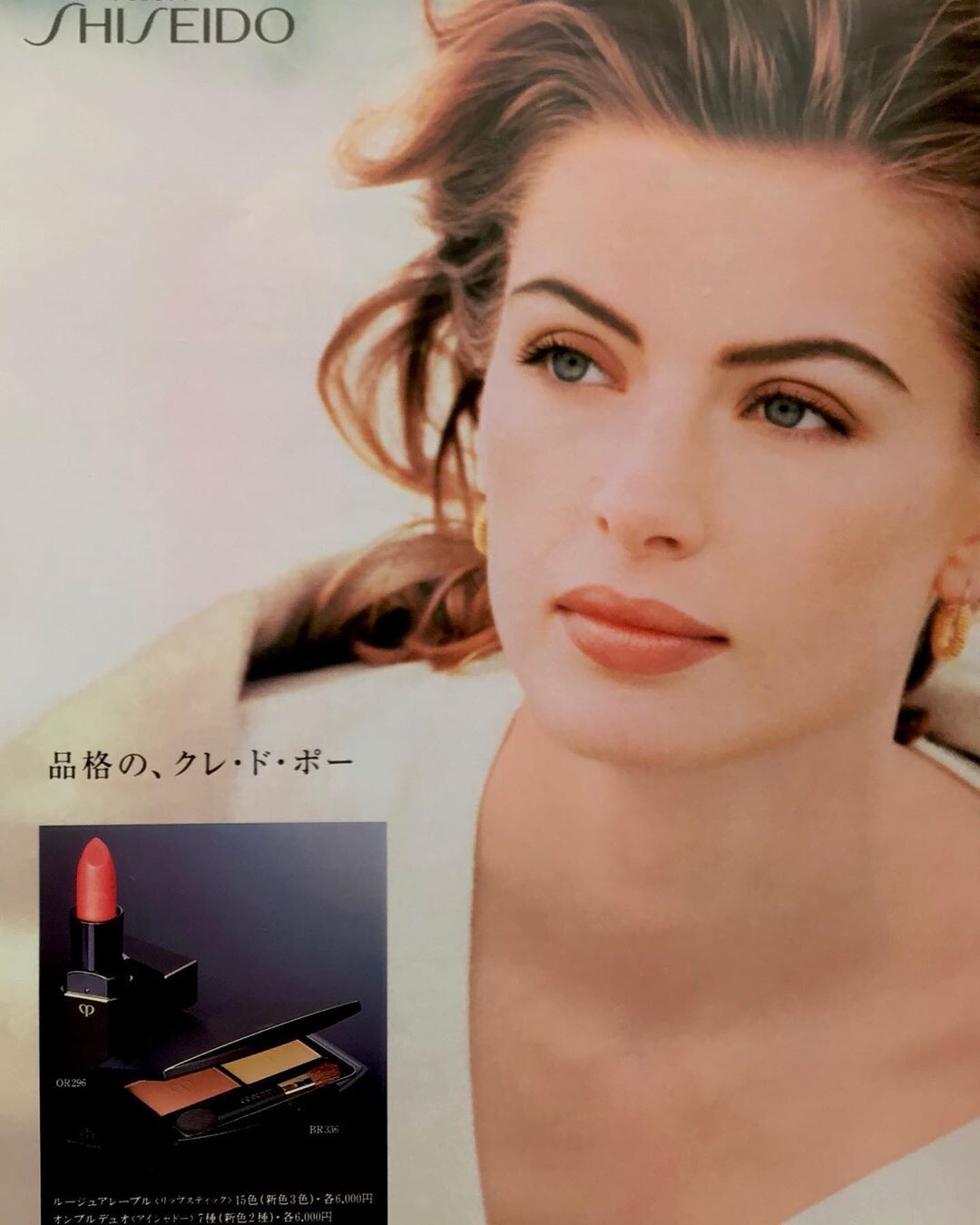
StephanieSeymour.jpg.4204099efdd9b94c77a3629df67f9630.jpg.95cd5fb7efe90a08f193338a7a21057e.jpg)
Account
Navigation
Search
Configure browser push notifications
Chrome (Android)
- Tap the lock icon next to the address bar.
- Tap Permissions → Notifications.
- Adjust your preference.
Chrome (Desktop)
- Click the padlock icon in the address bar.
- Select Site settings.
- Find Notifications and adjust your preference.
Safari (iOS 16.4+)
- Ensure the site is installed via Add to Home Screen.
- Open Settings App → Notifications.
- Find your app name and adjust your preference.
Safari (macOS)
- Go to Safari → Preferences.
- Click the Websites tab.
- Select Notifications in the sidebar.
- Find this website and adjust your preference.
Edge (Android)
- Tap the lock icon next to the address bar.
- Tap Permissions.
- Find Notifications and adjust your preference.
Edge (Desktop)
- Click the padlock icon in the address bar.
- Click Permissions for this site.
- Find Notifications and adjust your preference.
Firefox (Android)
- Go to Settings → Site permissions.
- Tap Notifications.
- Find this site in the list and adjust your preference.
Firefox (Desktop)
- Open Firefox Settings.
- Search for Notifications.
- Find this site in the list and adjust your preference.