
pitounsky
Members
-
Joined
-
Last visited
Everything posted by pitounsky
-
 Swarovski / Photographer: Danielle Midenge



-
beautiful girl! Thanks
-
For Soma











-
-
-
-
Cristian Lay Summer 2014 / Photographer: Pablo Almansa



-
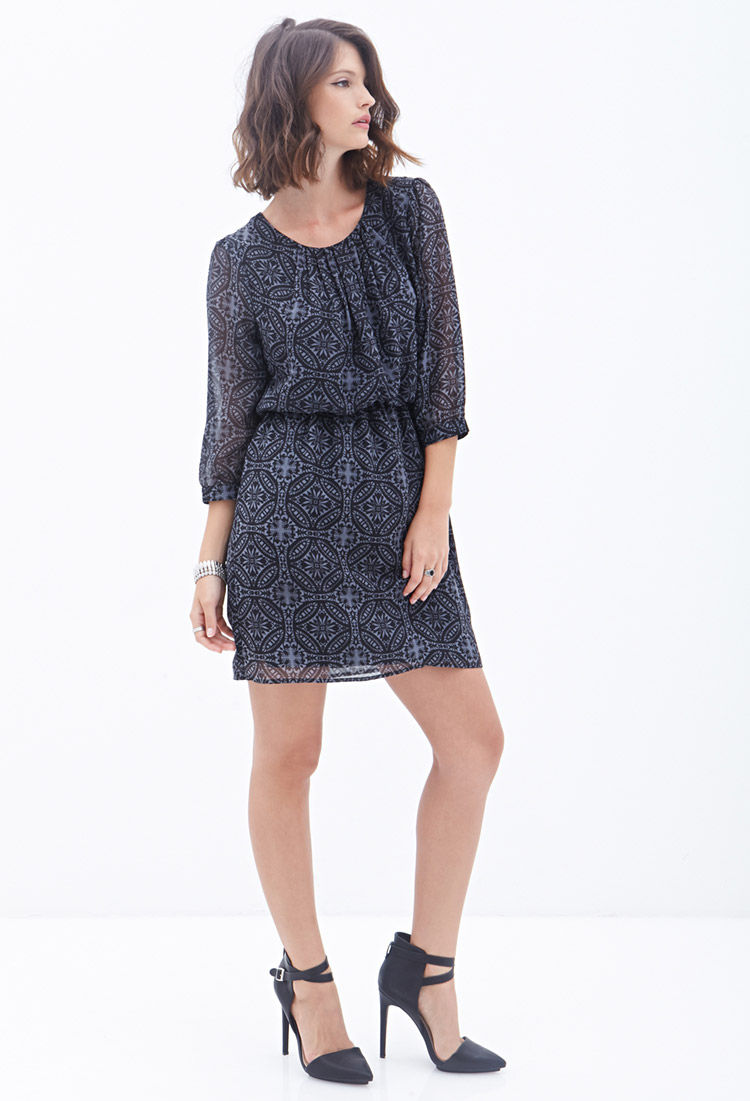
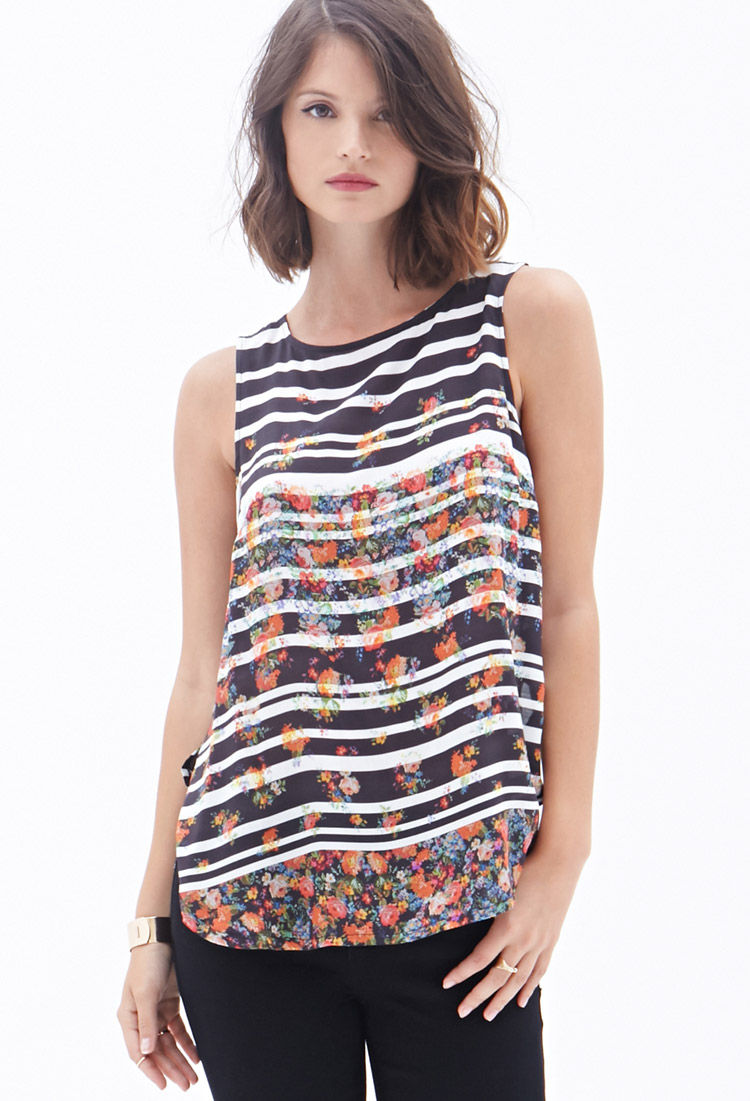
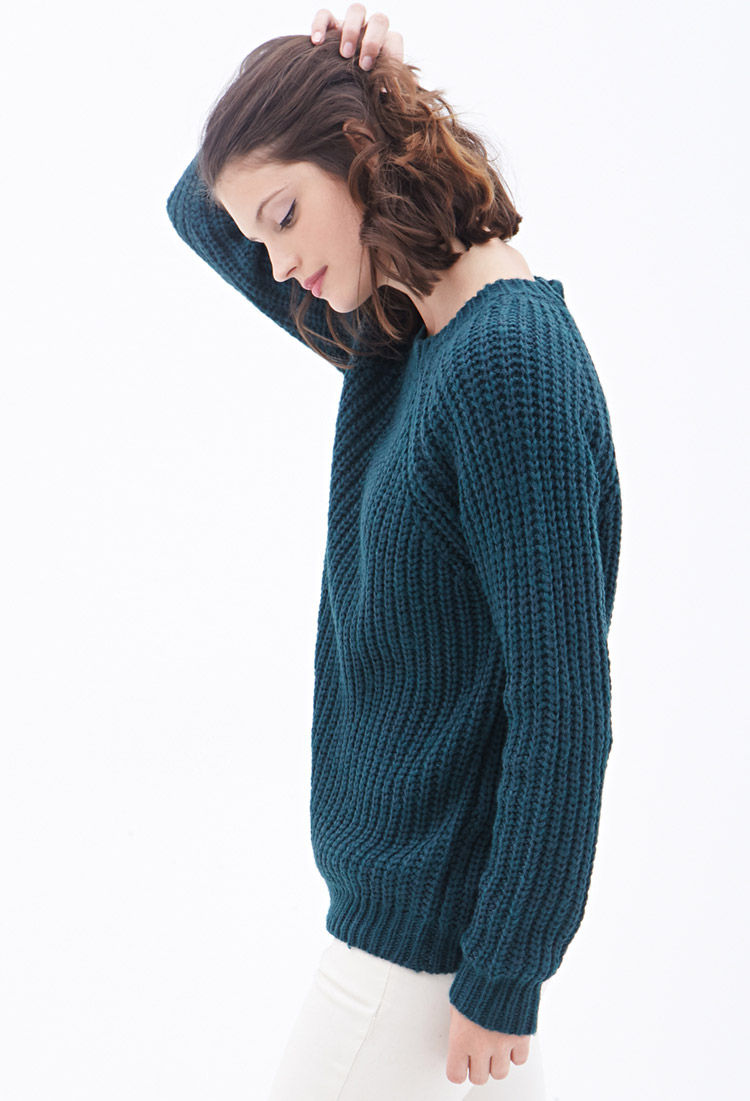
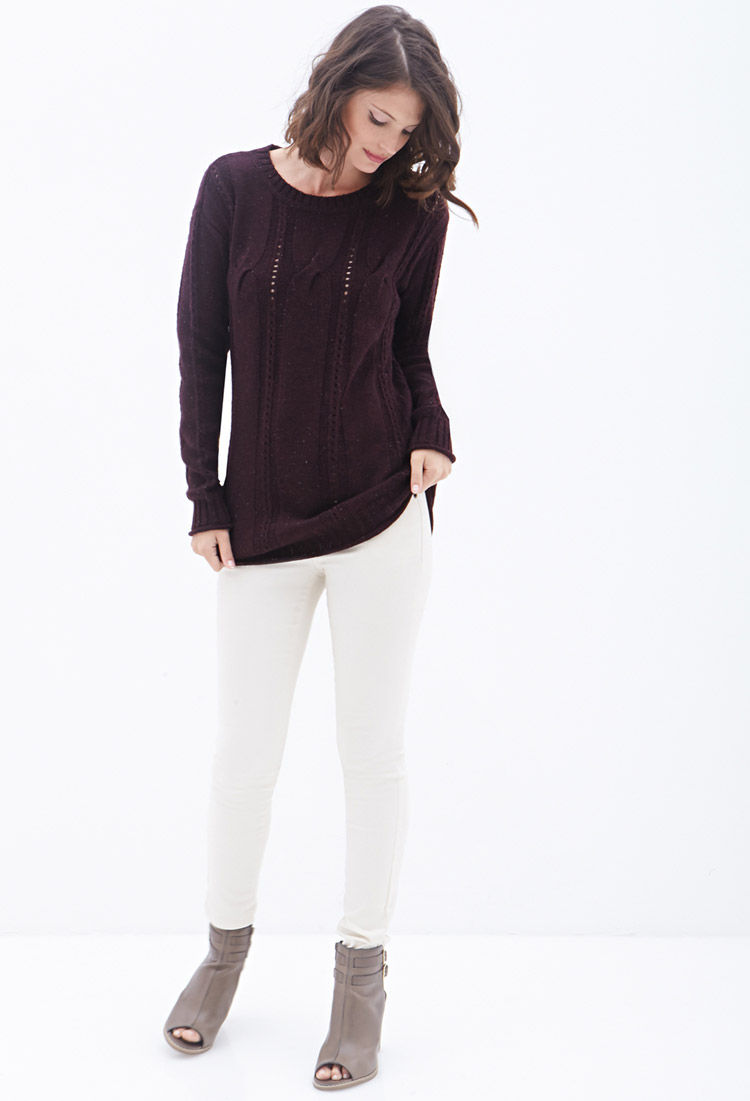
Forever 21 (Final part)

































 L'Officiel Thailand September 2014 / Editorial: Best in town












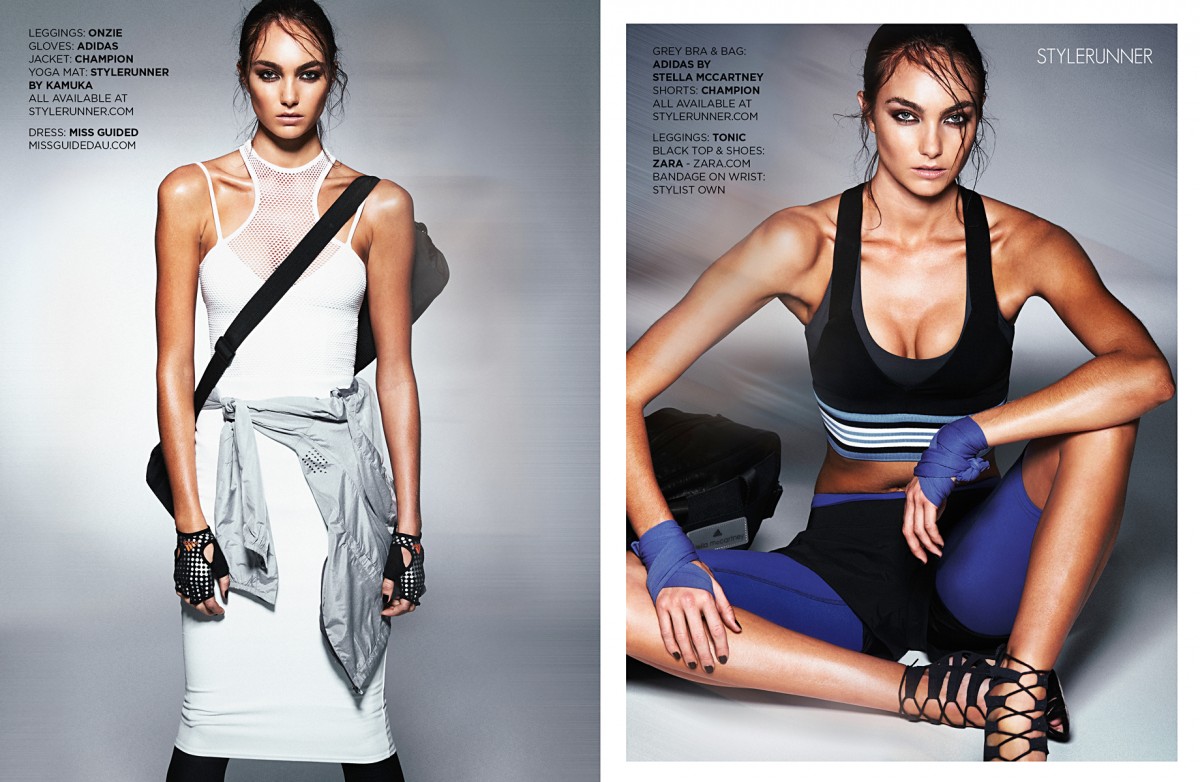
 STYLE RUNNER / Editorial: Fast fashion / Photographer: Adam Flipp




 Viva! Moda Fall 2014 / Photographer: Piotr Stoklosa


 Aussie first label base / Photographer: Jody Pachniuk
Photographer: Jody Pachniuk
Aussie first label base / Photographer: Jody Pachniuk
Photographer: Jody Pachniuk












 She looks great!
Wow! She's amazing! All the set from Miky Diez, photographer
She looks great!
Wow! She's amazing! All the set from Miky Diez, photographer





 I can't see a lot of pictures from the page one So sorry if it's a repost!
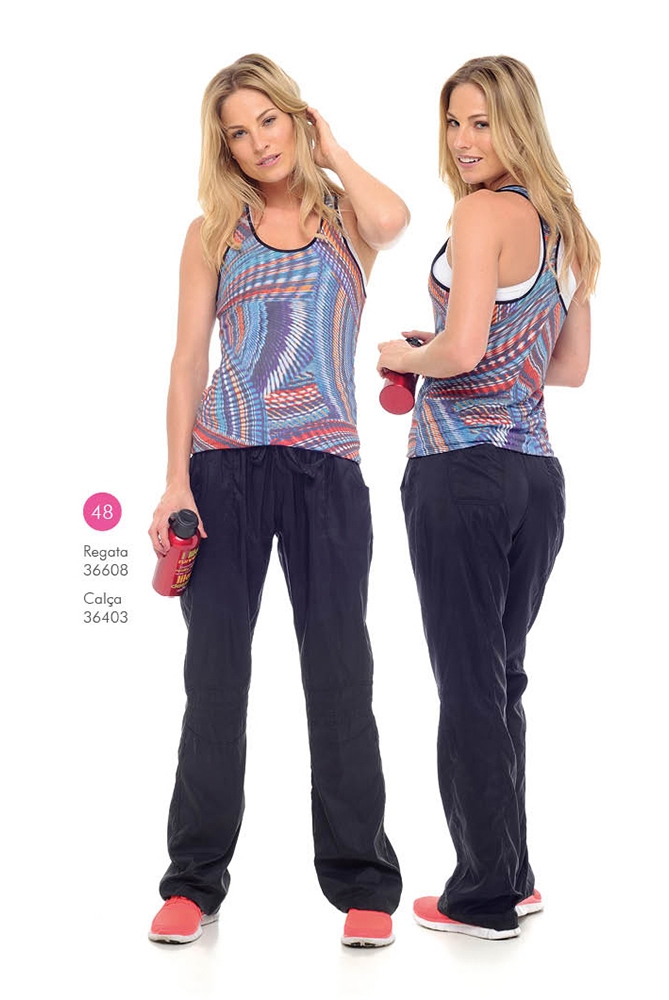
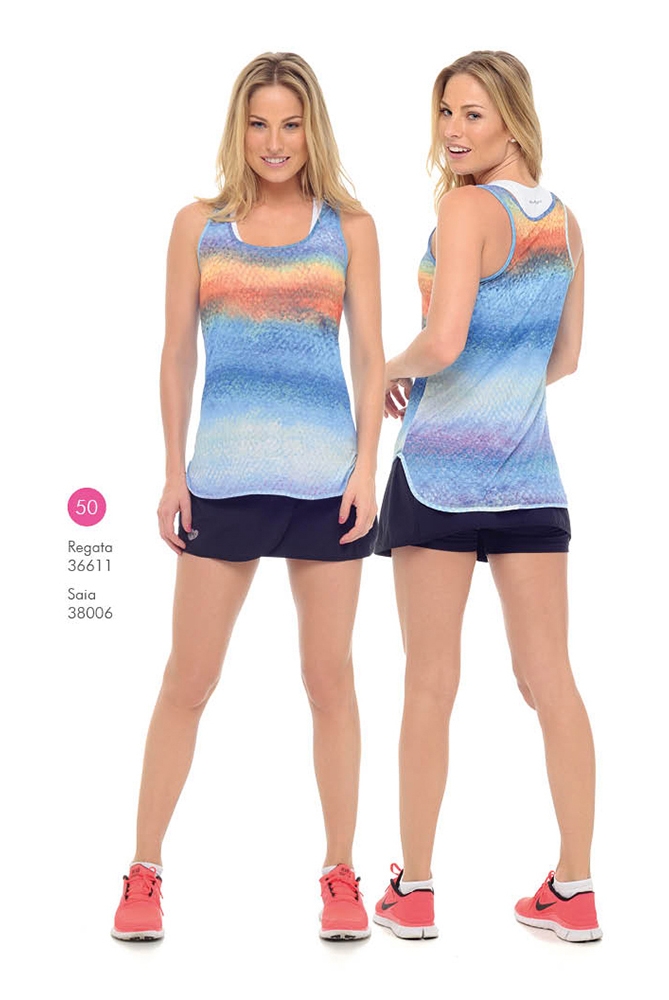
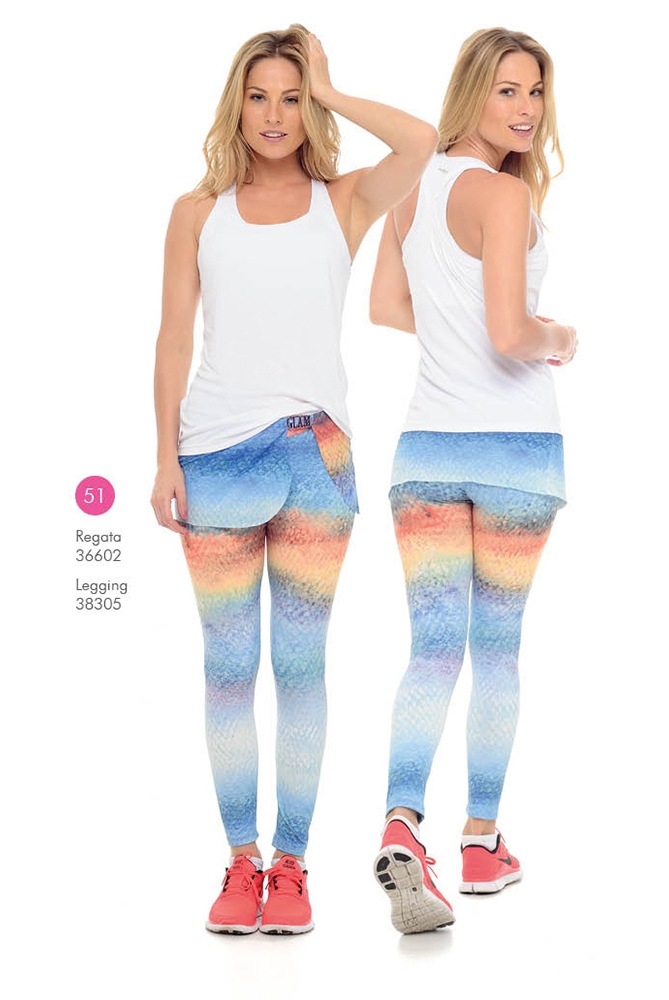
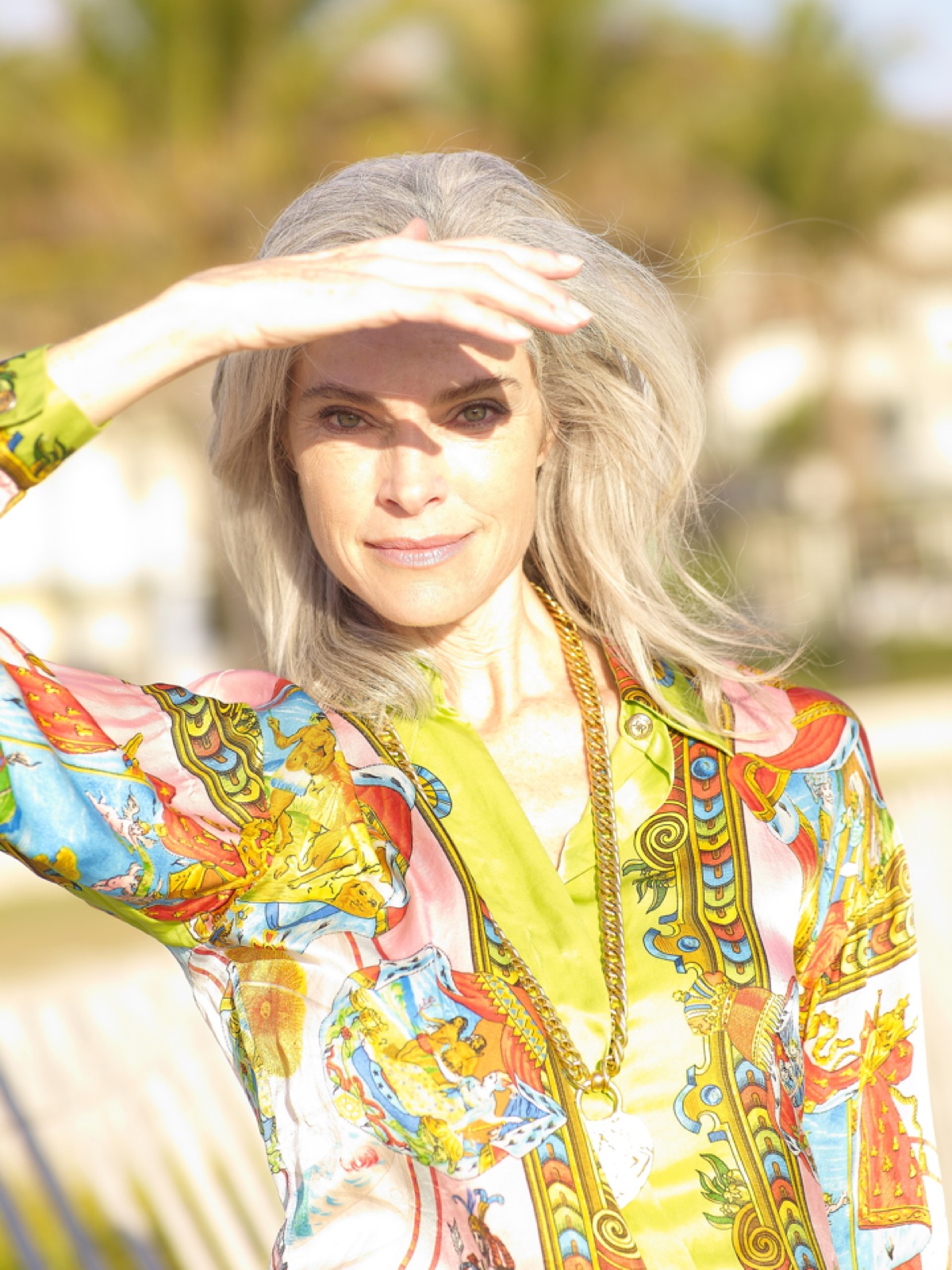
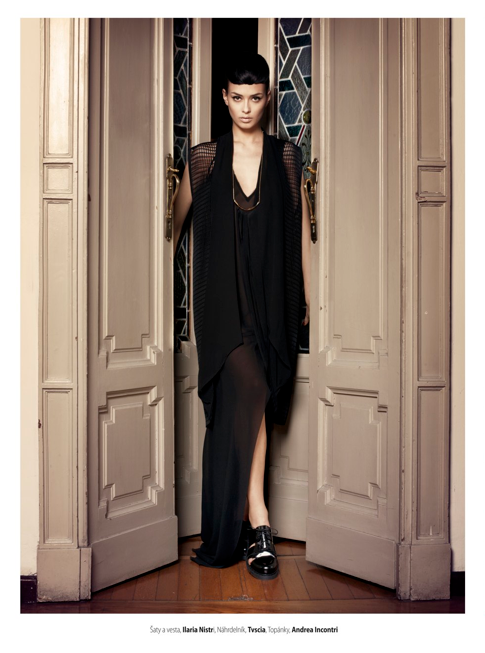
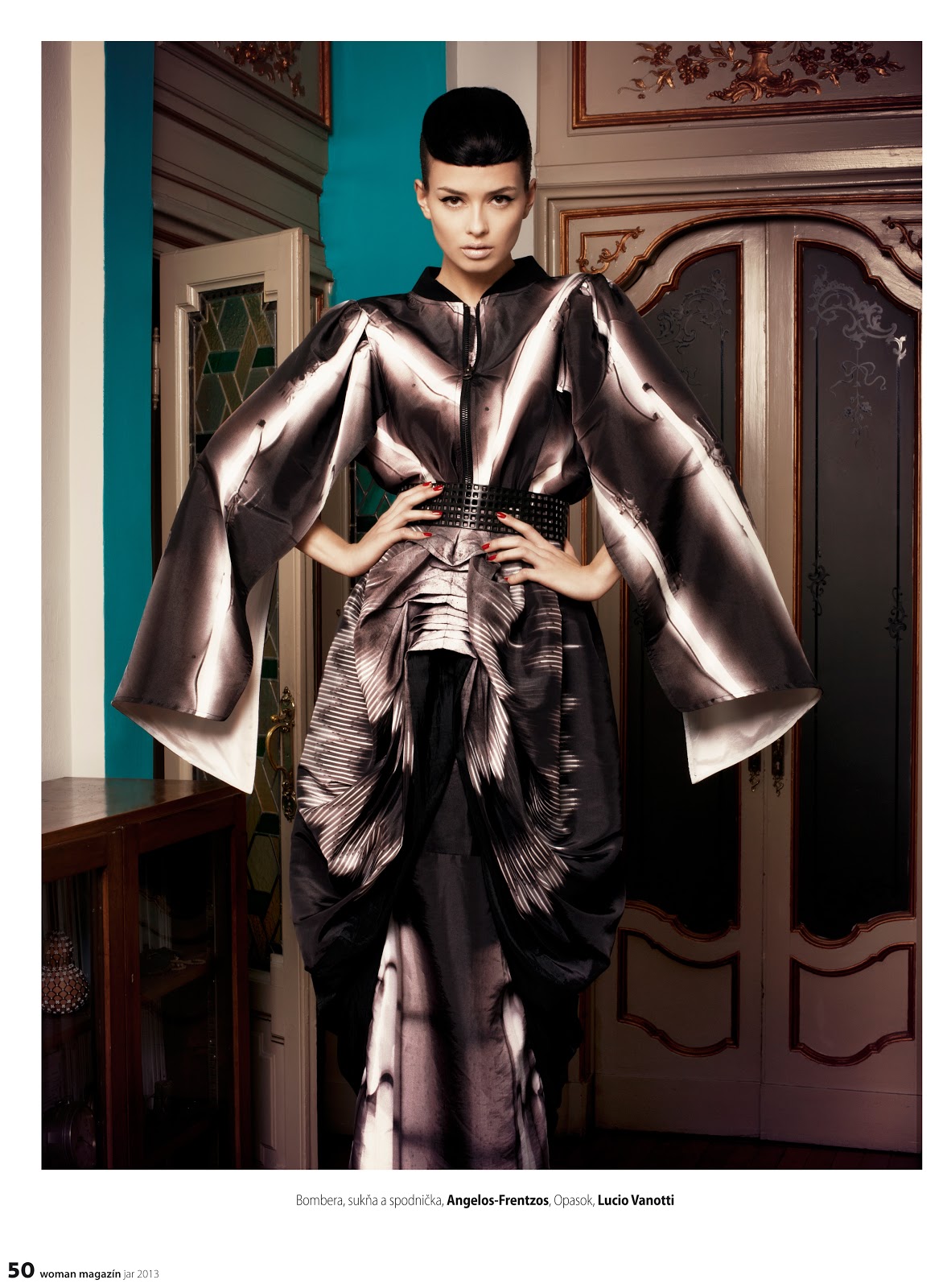
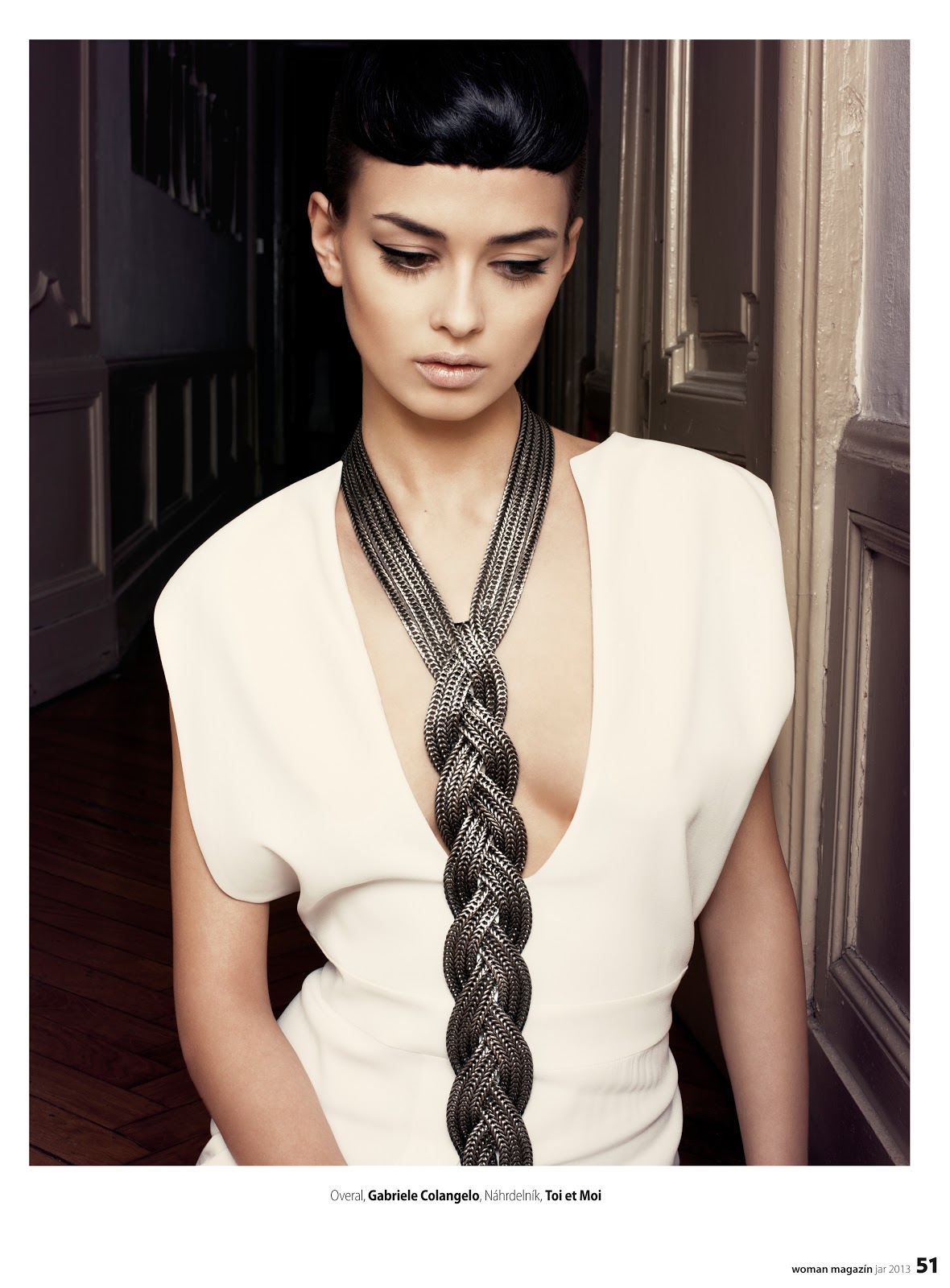
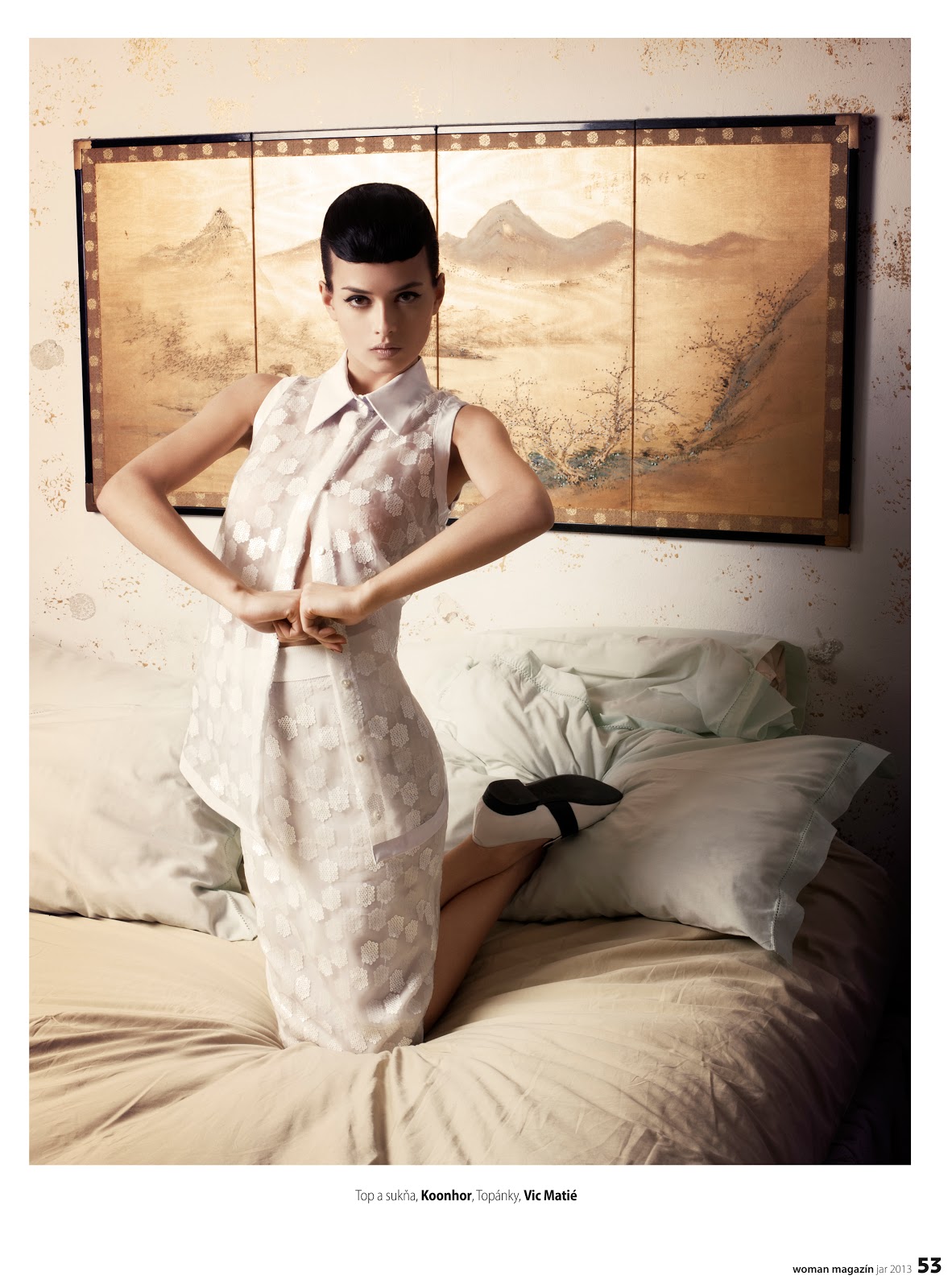
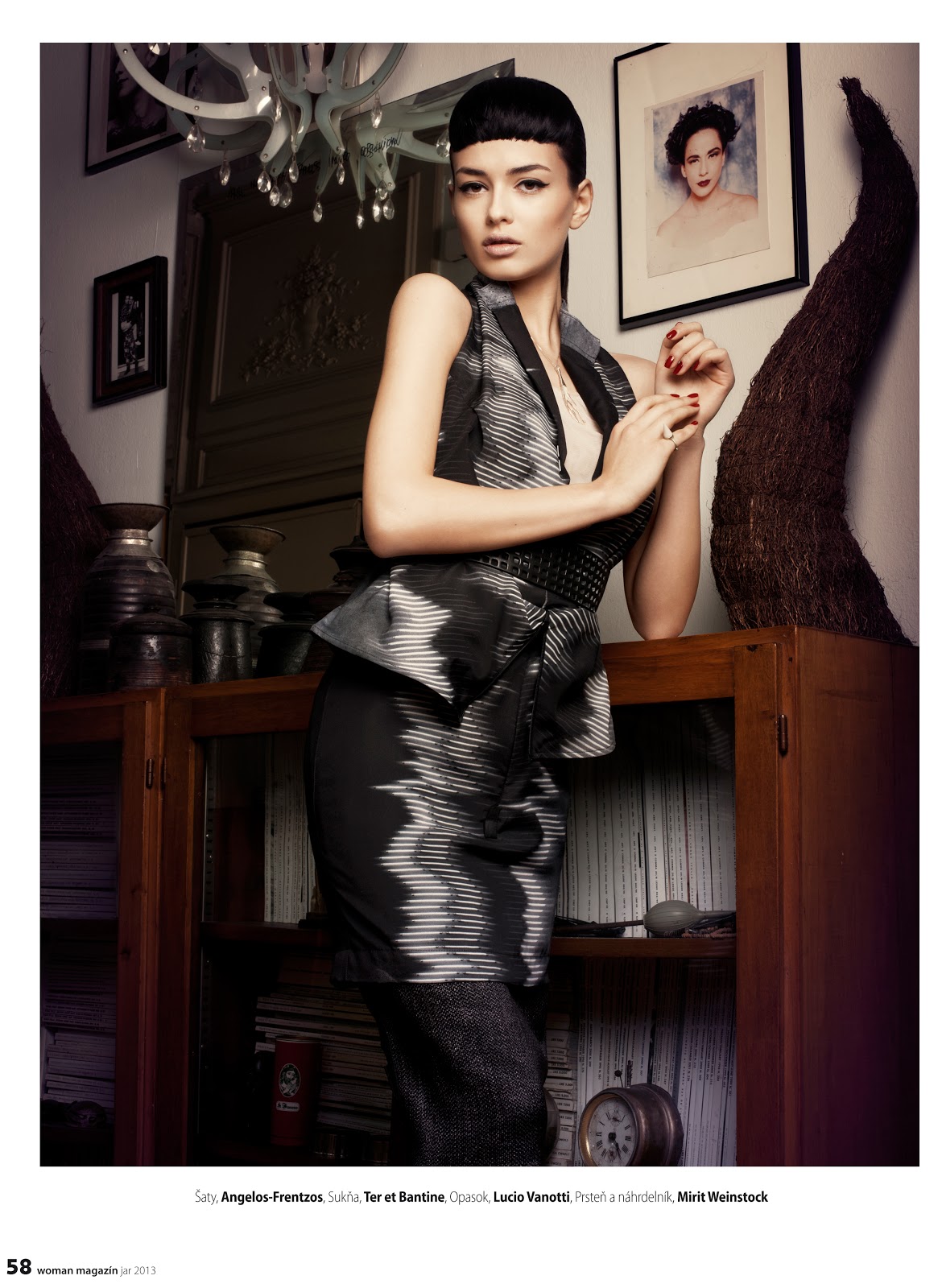
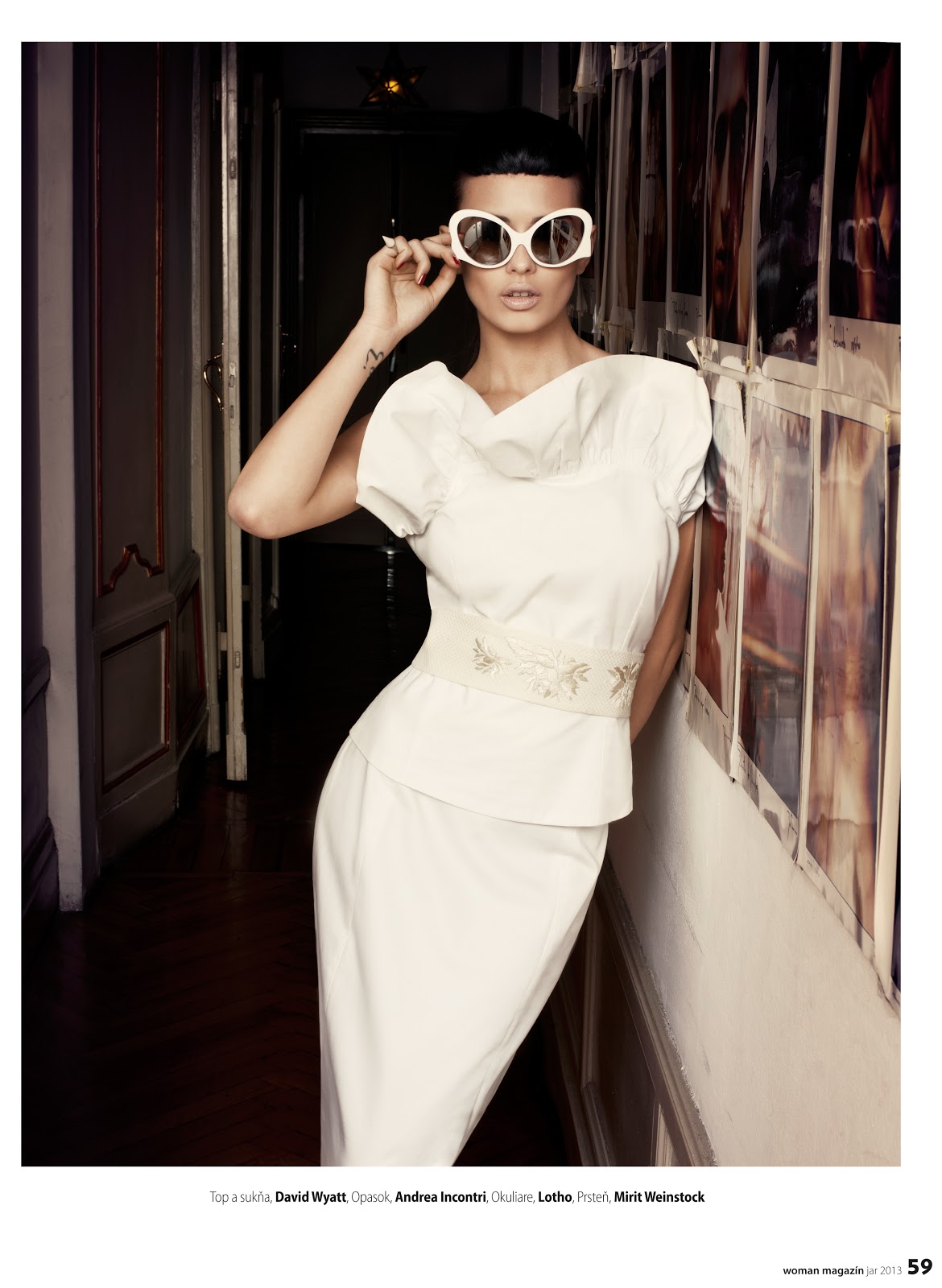
 From what i can see she's more working now under Roxanne Gould. You're right she's a beautiful woman. Love her smile. And I love these 2 pictures from an unknown photographer

























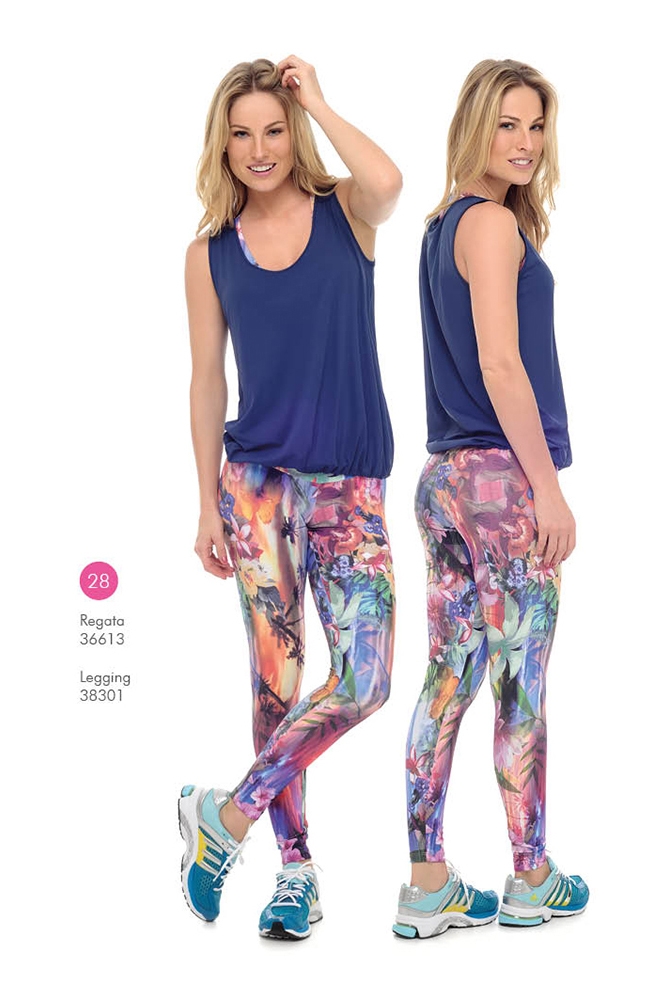




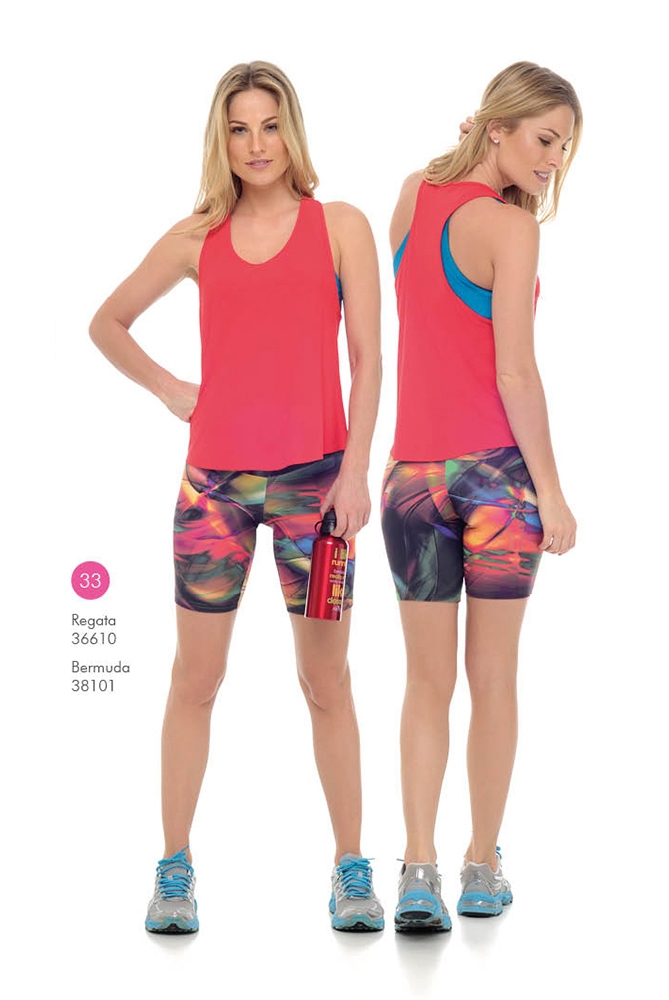











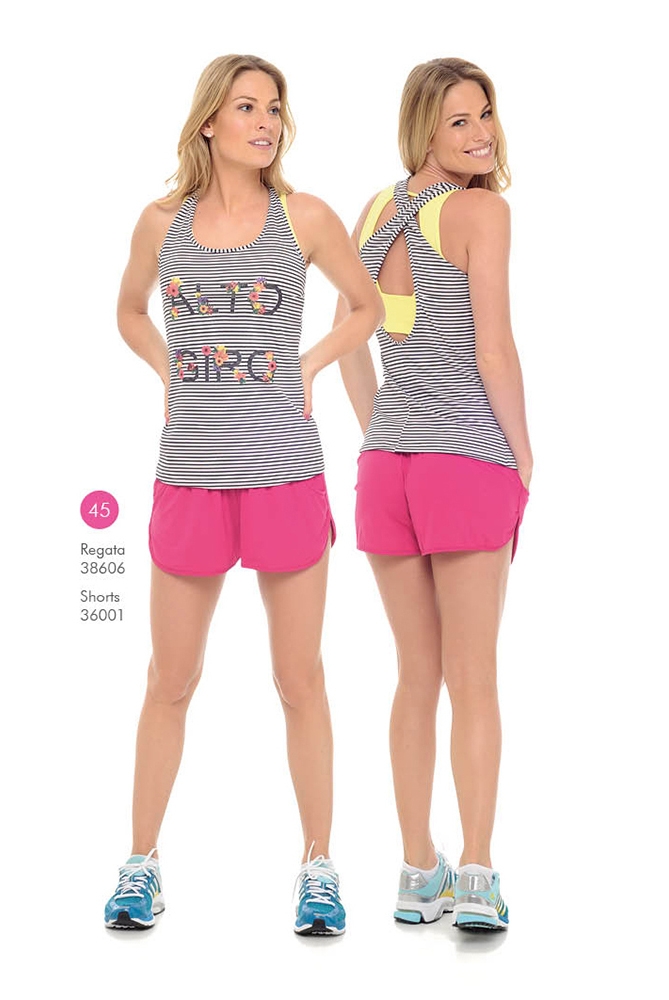

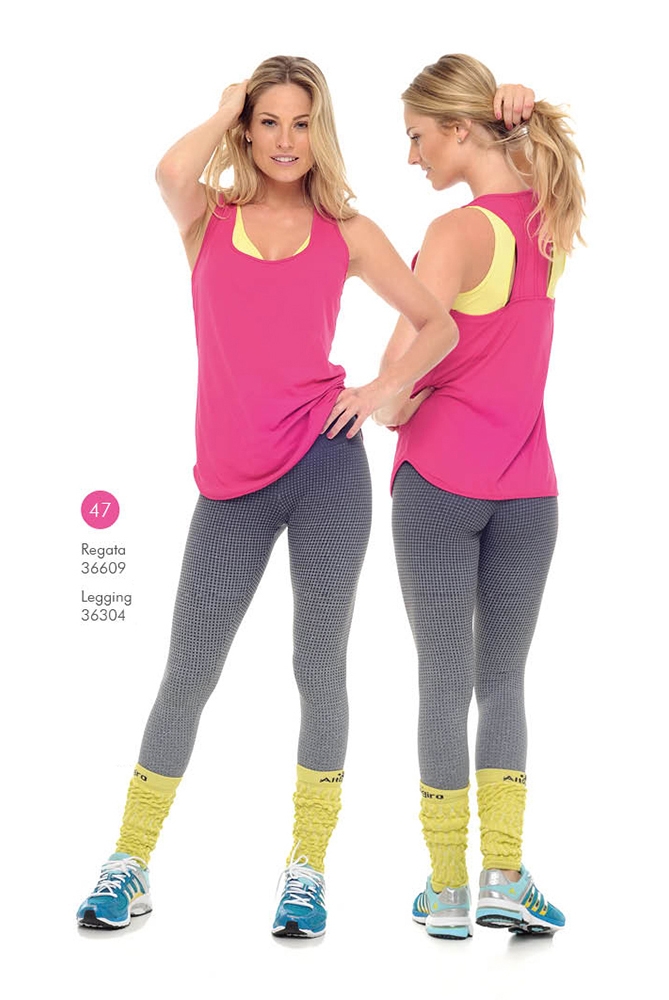

































































































Account
Navigation
Search
Configure browser push notifications
Chrome (Android)
- Tap the lock icon next to the address bar.
- Tap Permissions → Notifications.
- Adjust your preference.
Chrome (Desktop)
- Click the padlock icon in the address bar.
- Select Site settings.
- Find Notifications and adjust your preference.
Safari (iOS 16.4+)
- Ensure the site is installed via Add to Home Screen.
- Open Settings App → Notifications.
- Find your app name and adjust your preference.
Safari (macOS)
- Go to Safari → Preferences.
- Click the Websites tab.
- Select Notifications in the sidebar.
- Find this website and adjust your preference.
Edge (Android)
- Tap the lock icon next to the address bar.
- Tap Permissions.
- Find Notifications and adjust your preference.
Edge (Desktop)
- Click the padlock icon in the address bar.
- Click Permissions for this site.
- Find Notifications and adjust your preference.
Firefox (Android)
- Go to Settings → Site permissions.
- Tap Notifications.
- Find this site in the list and adjust your preference.
Firefox (Desktop)
- Open Firefox Settings.
- Search for Notifications.
- Find this site in the list and adjust your preference.