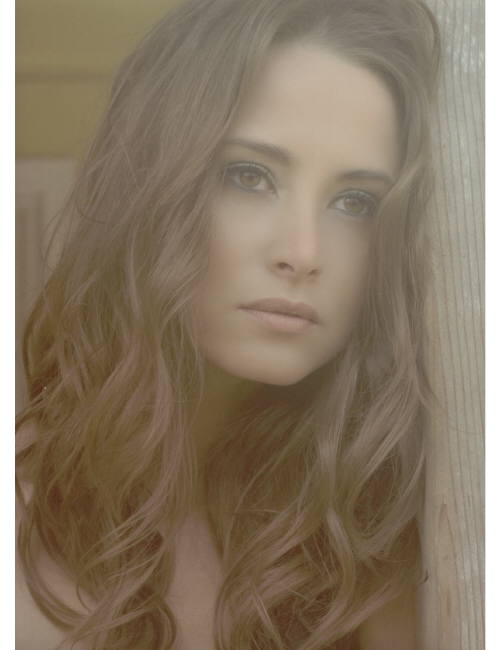
catullus
Members
-
Joined
-
Last visited
Everything posted by catullus
-
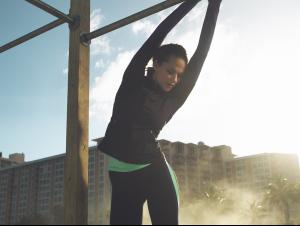
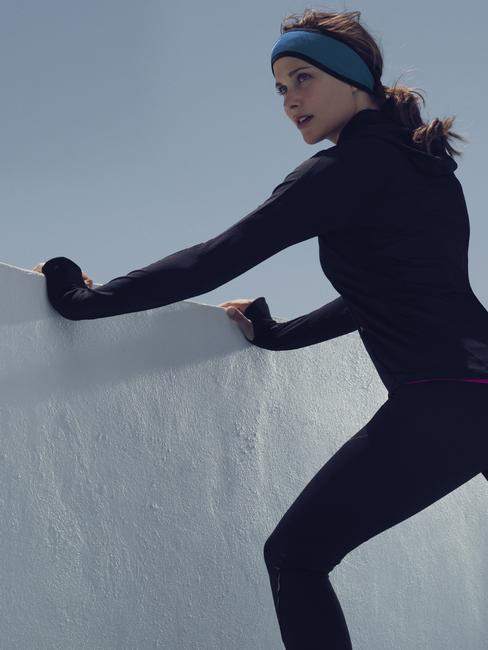
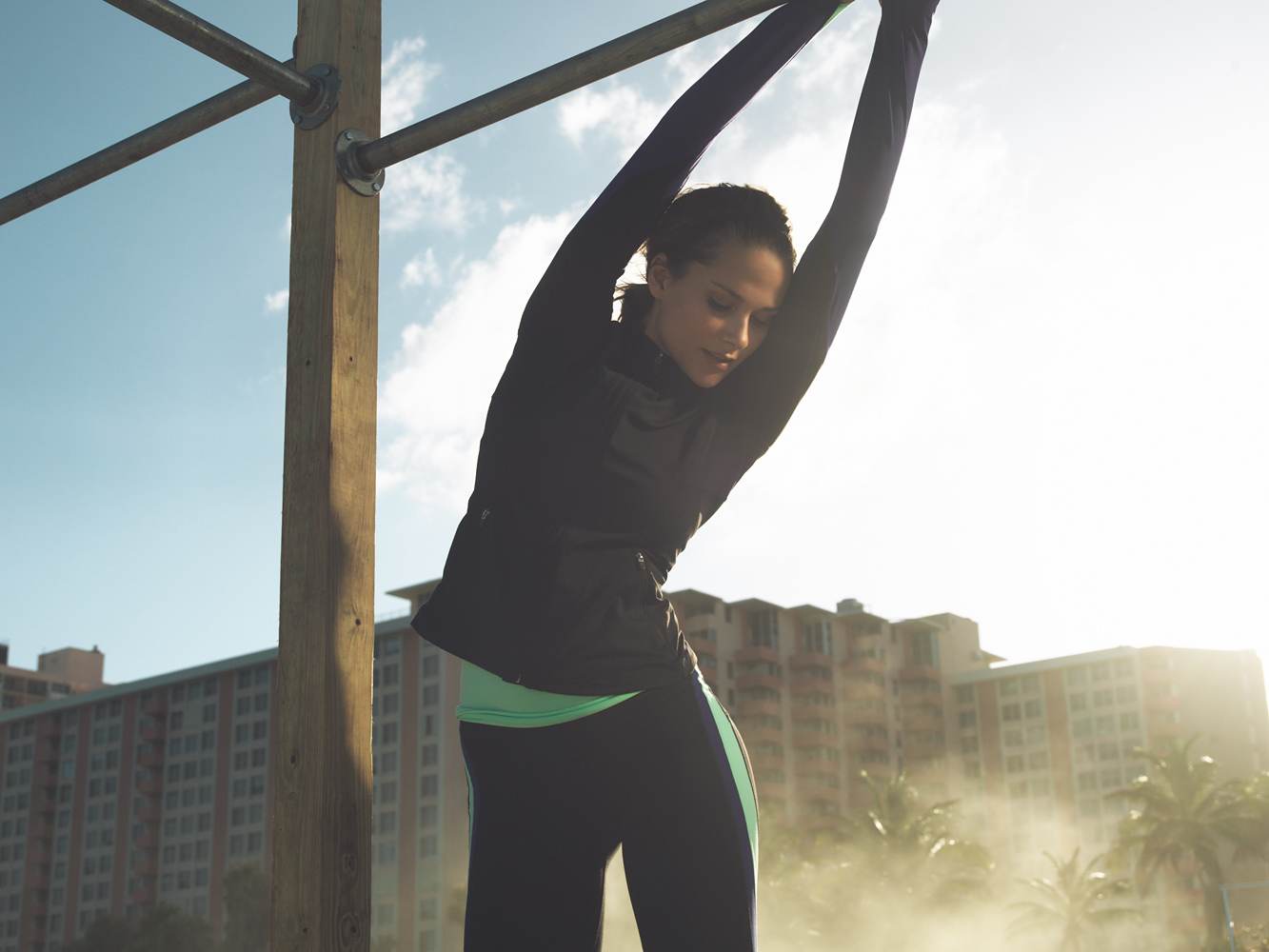
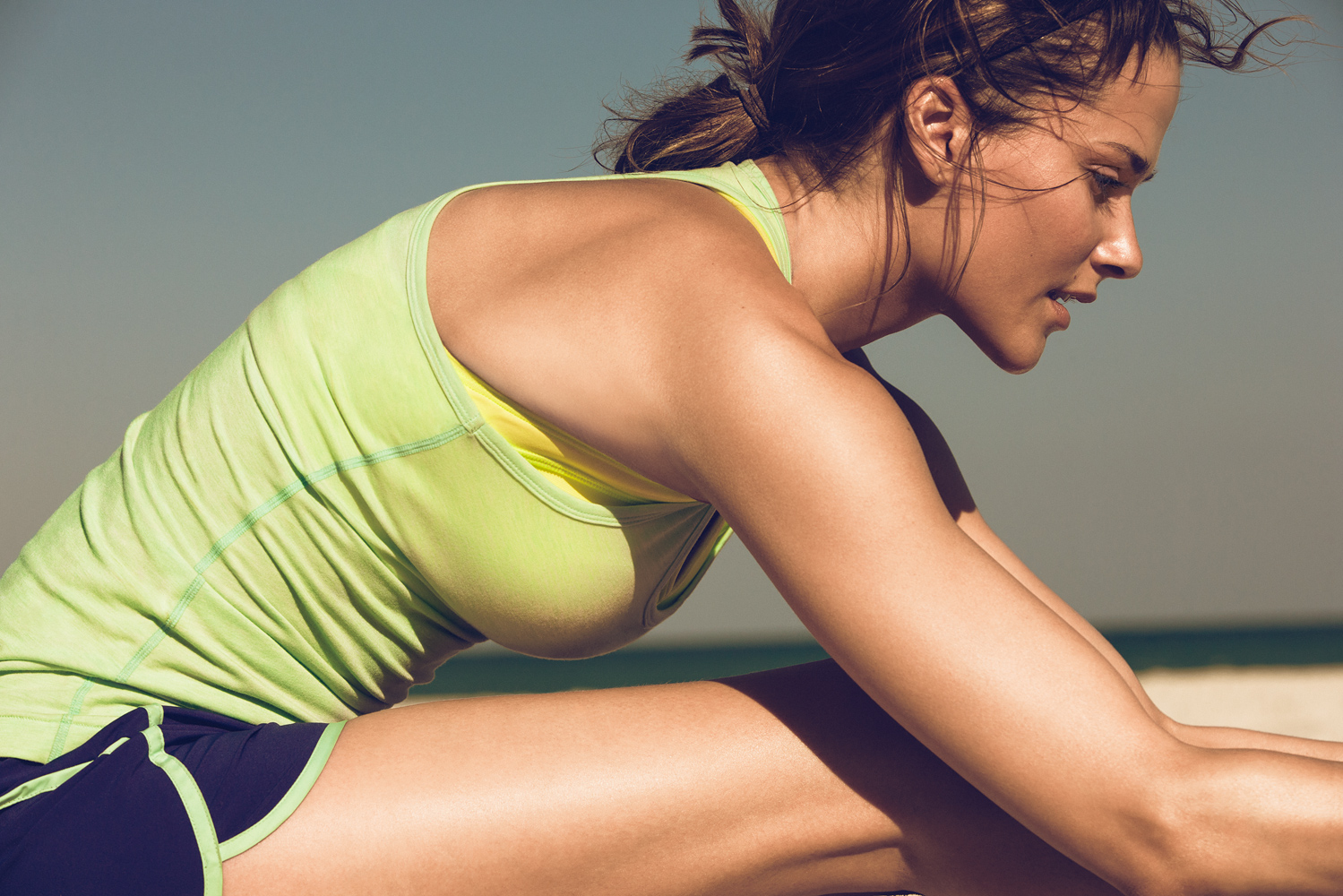
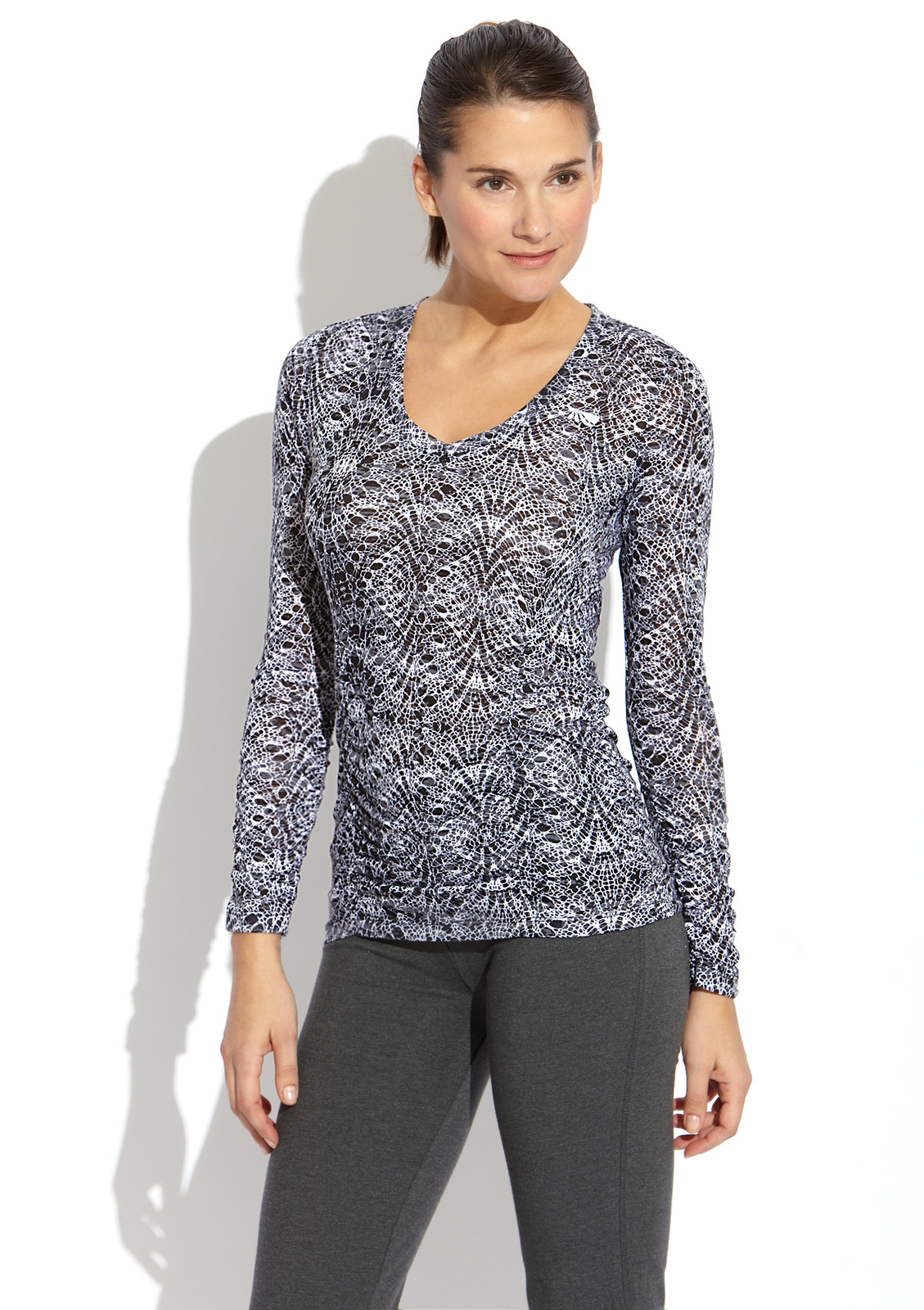
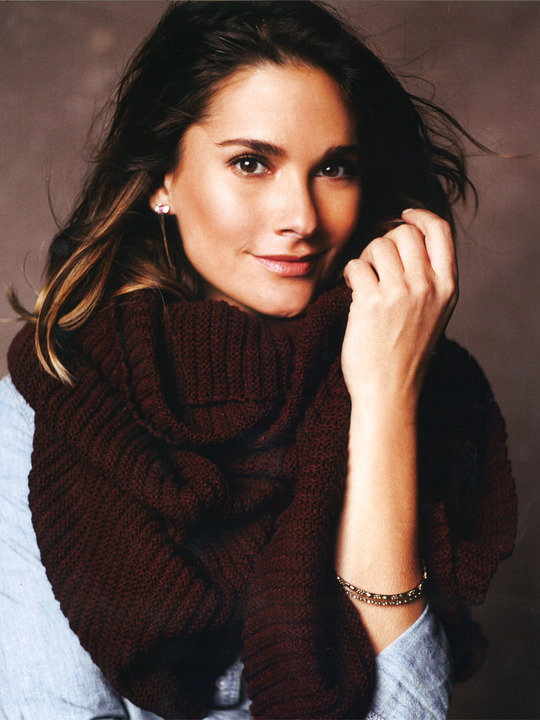
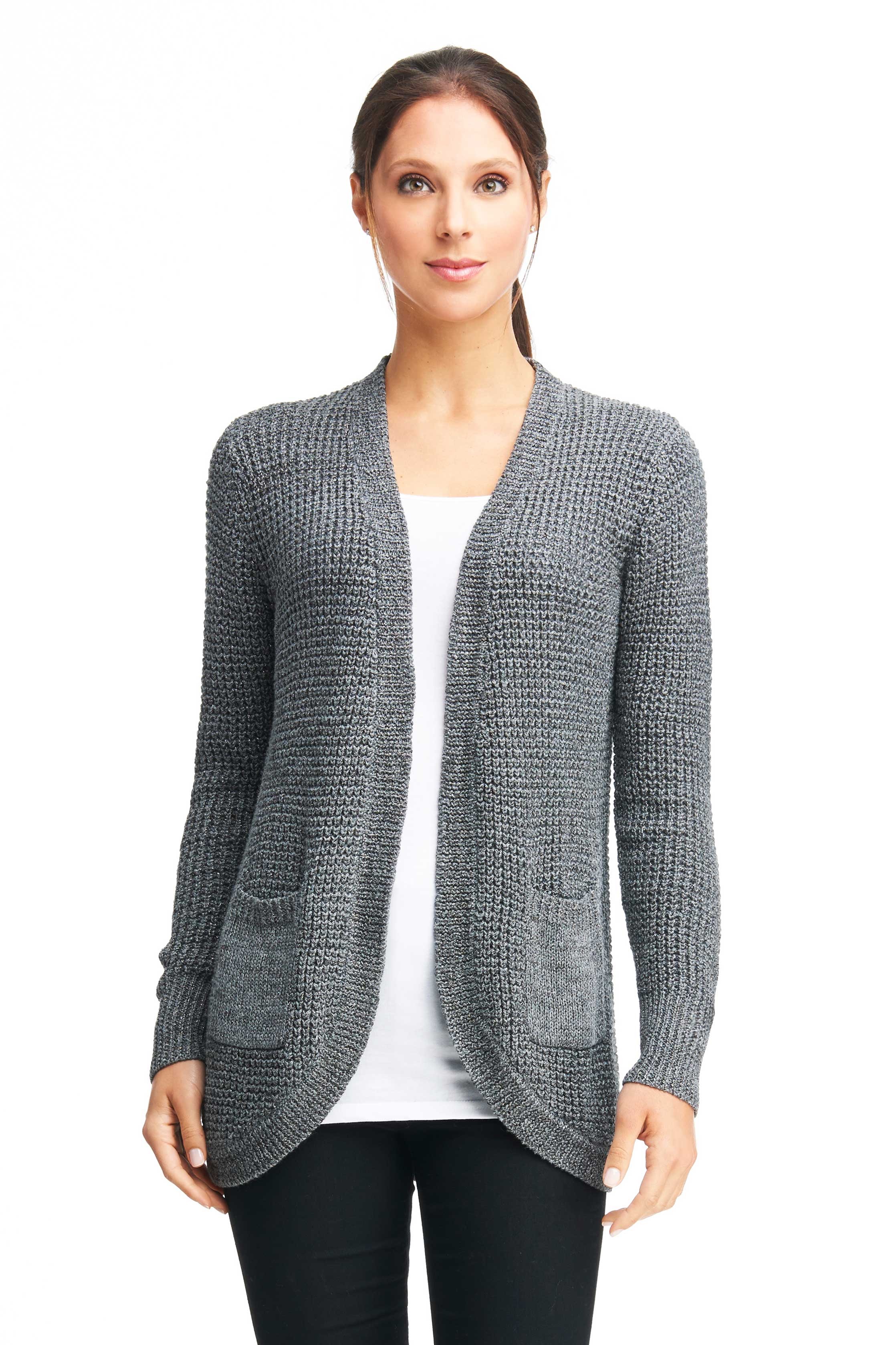
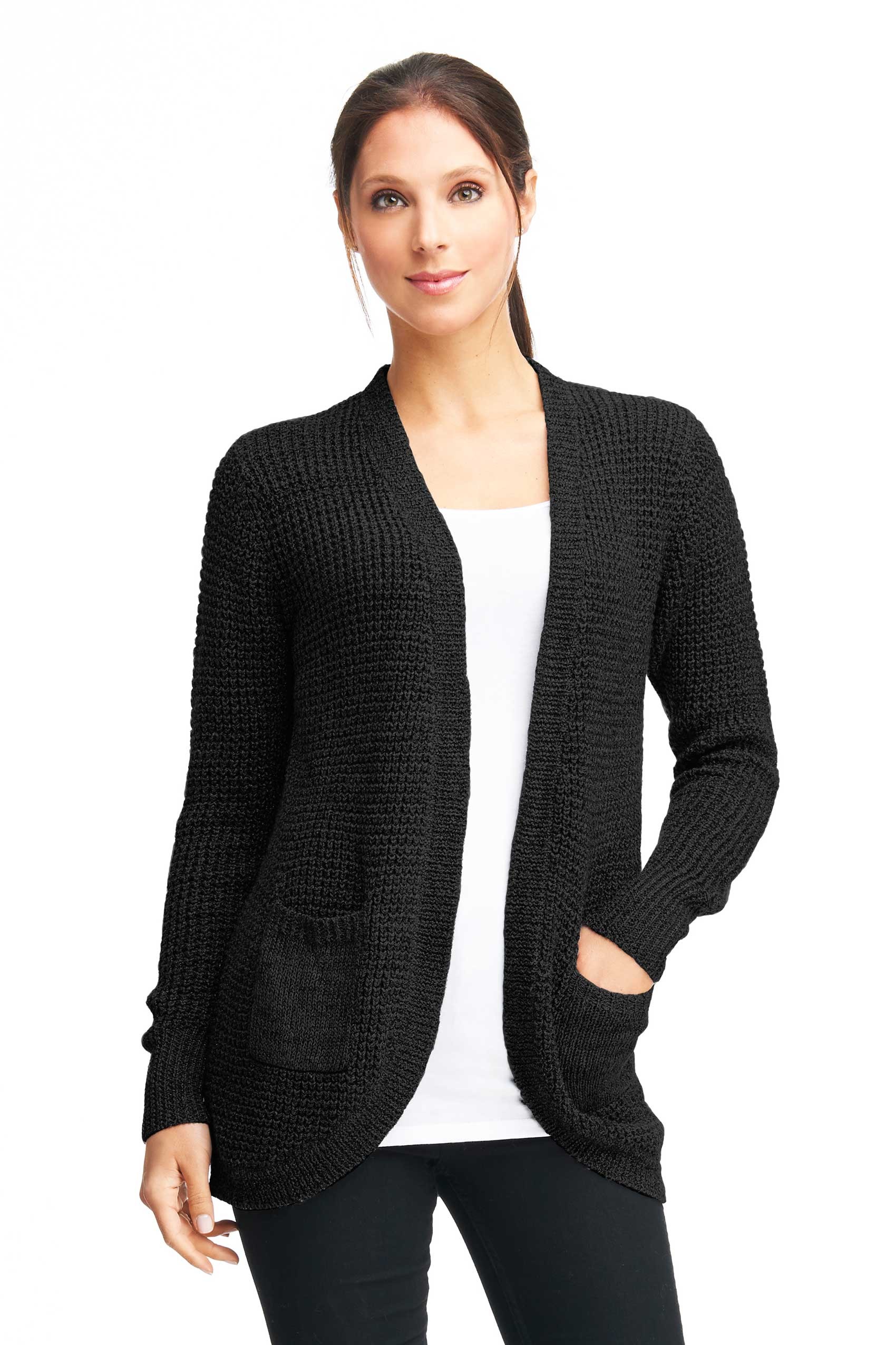
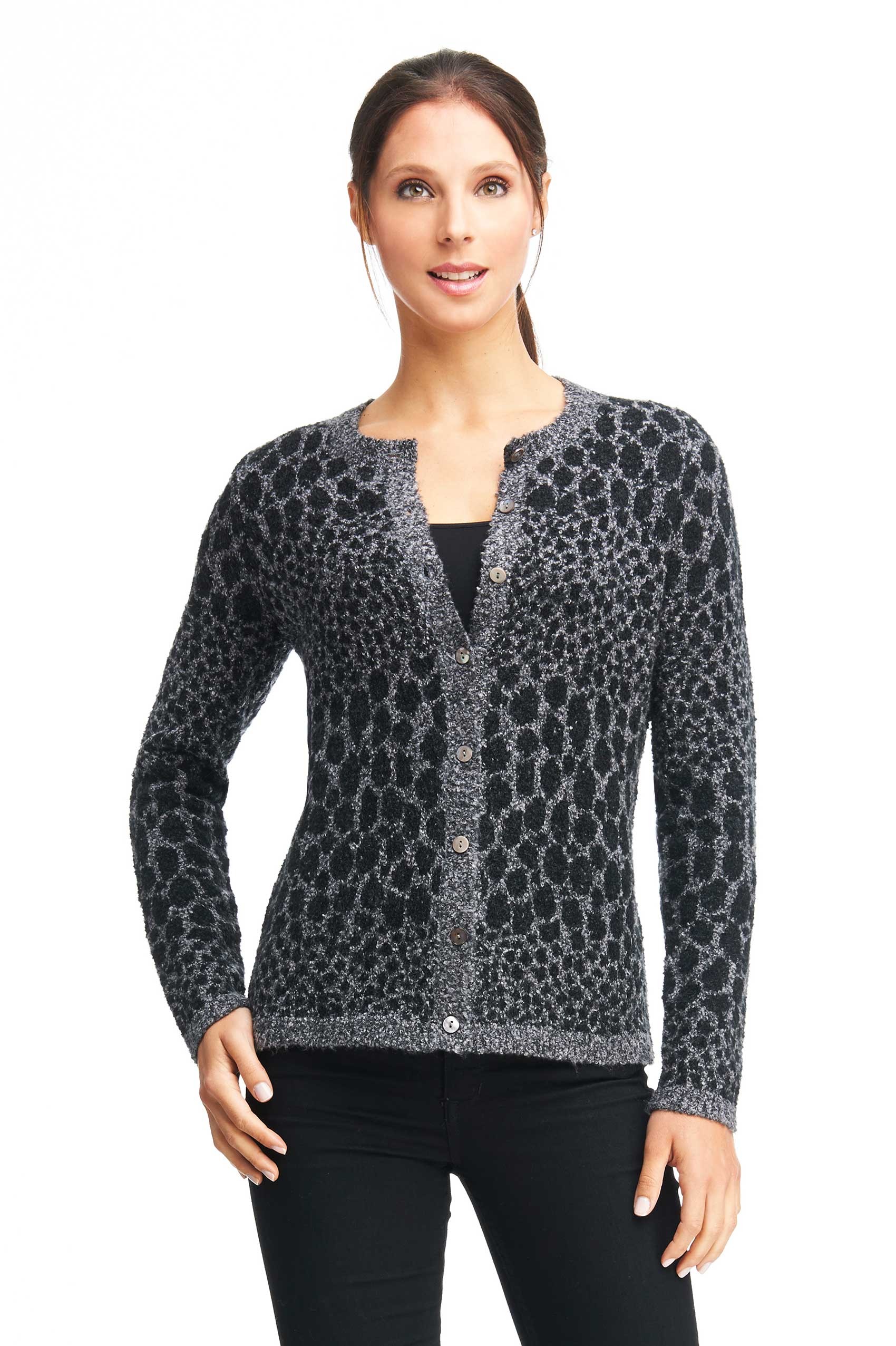
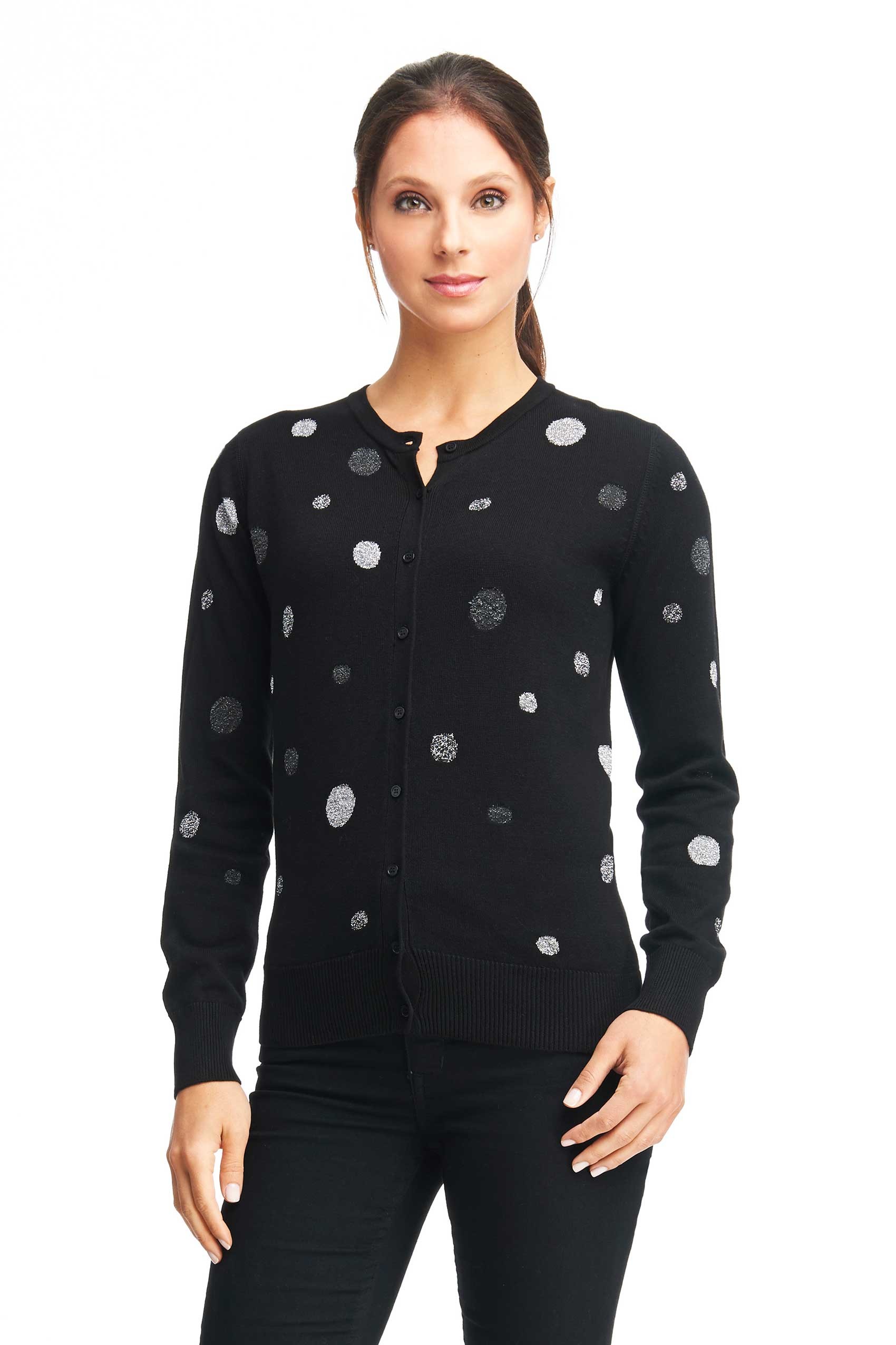
 not sure if this is more Gap Fit or some other shoot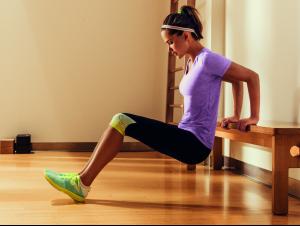

-
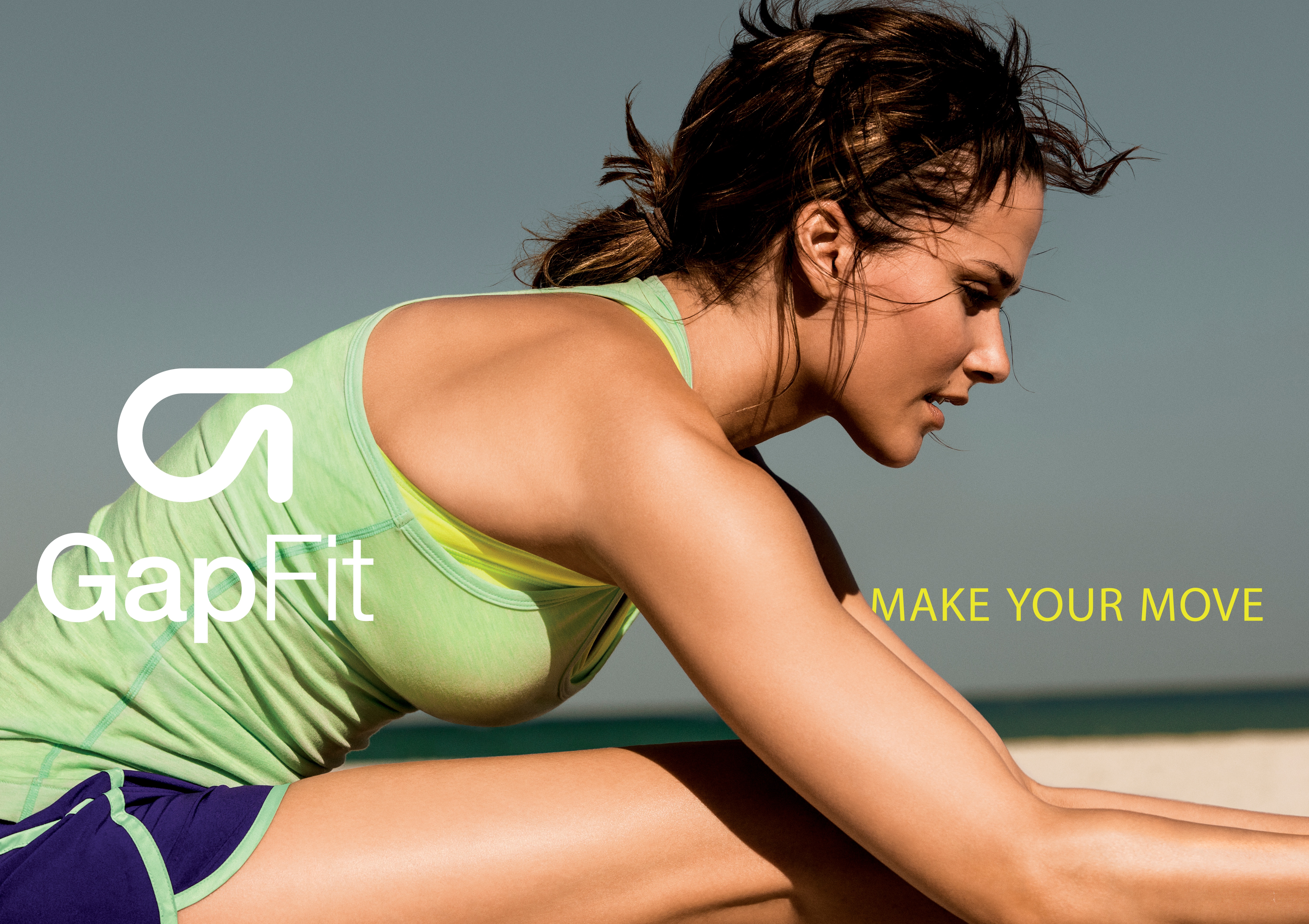
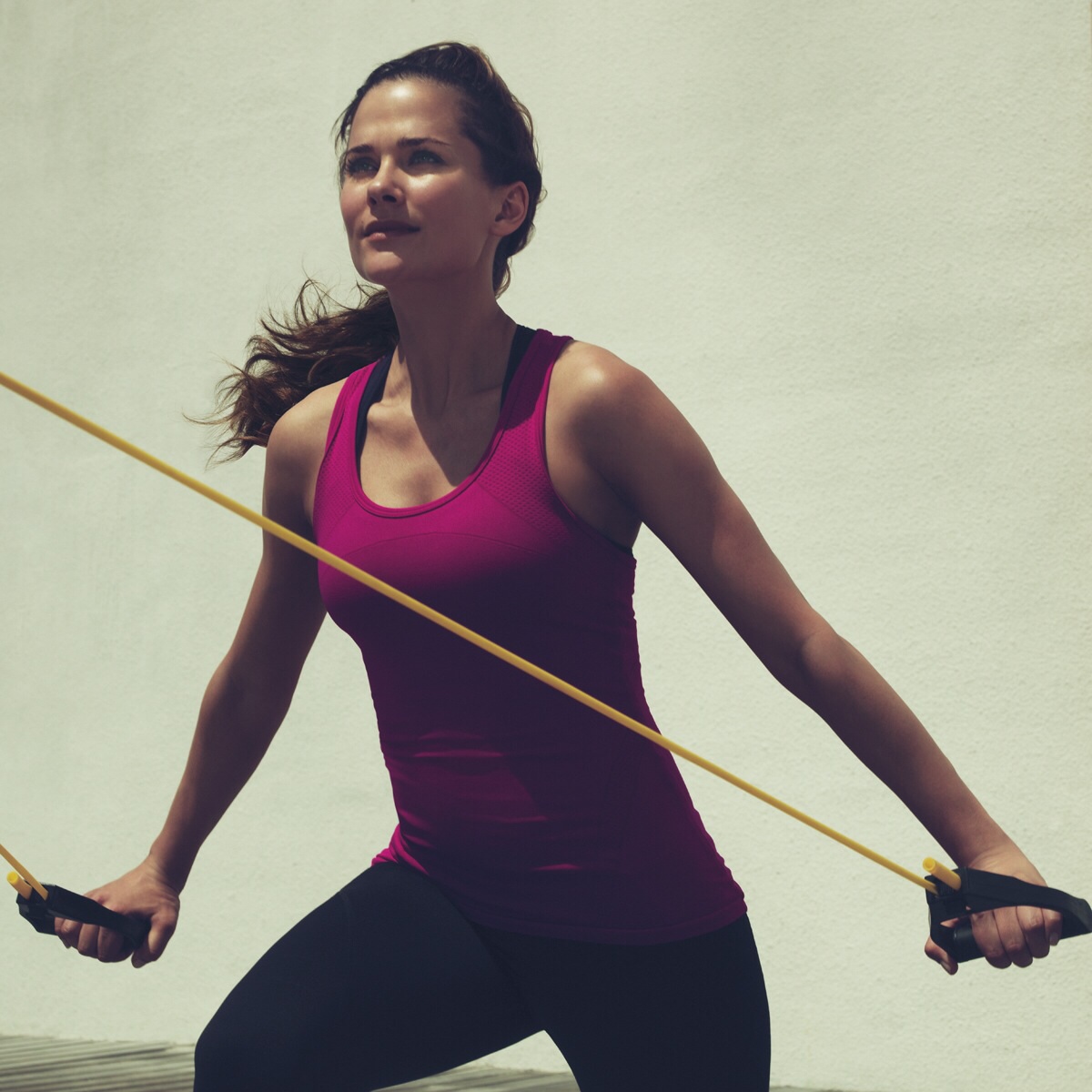
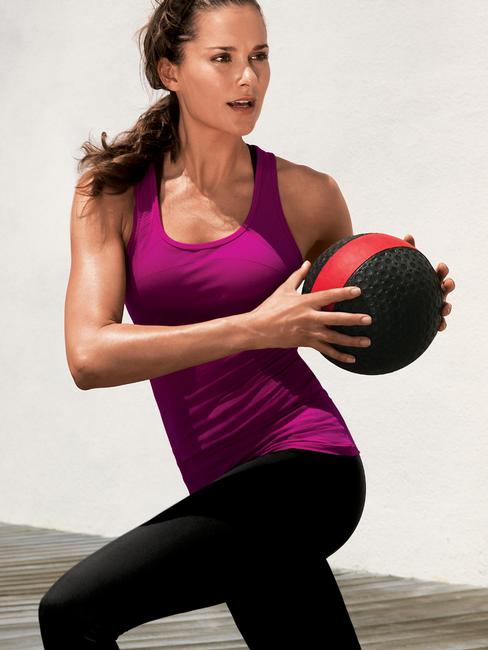
Gap Fit (UHQ)


-
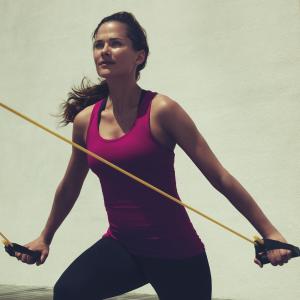
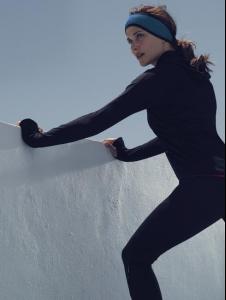
more Gap Fit


-
Gap Fit photography Carlos Serrao


-
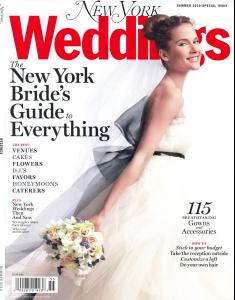
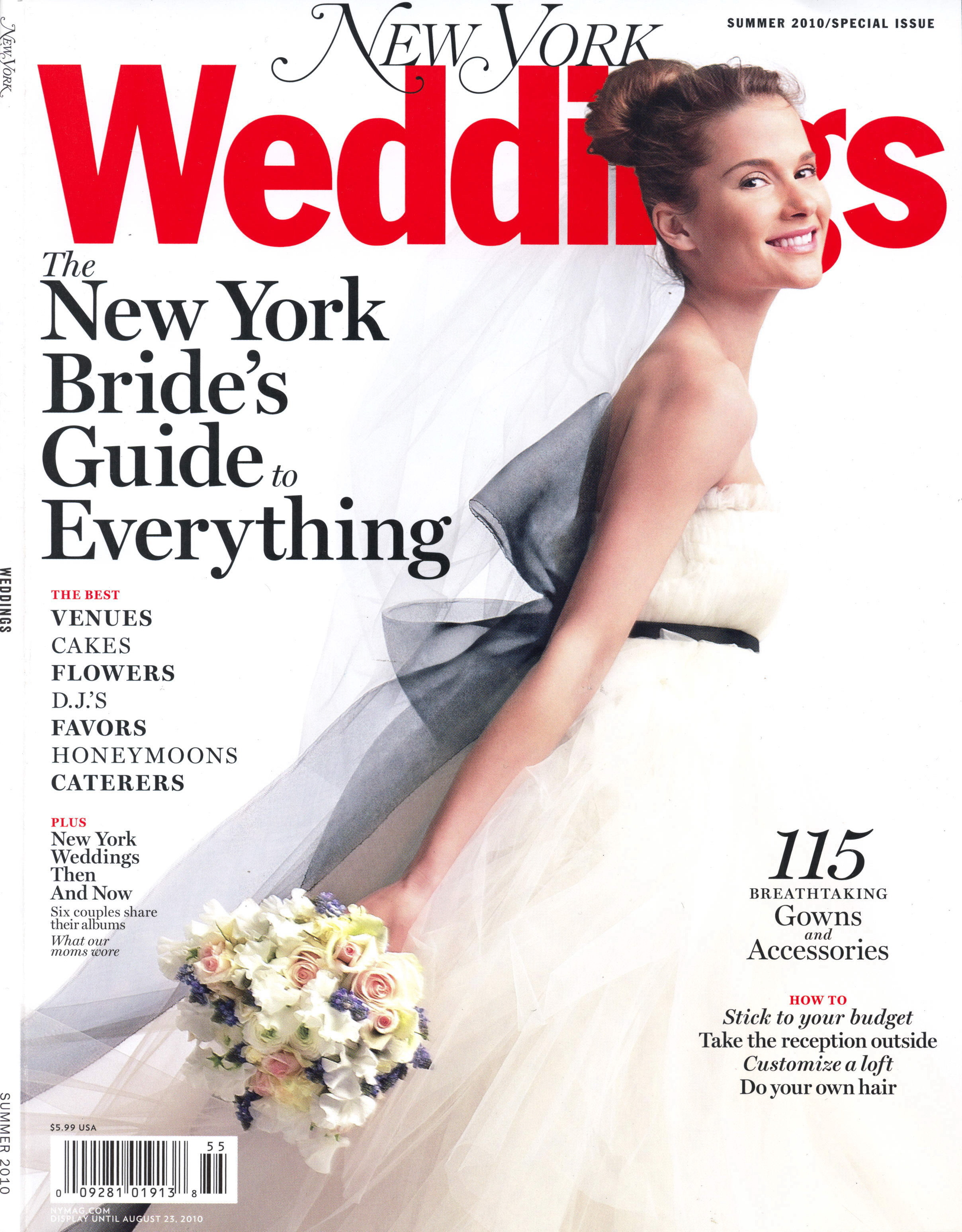
New York Weddings magazine 2010 (probably the same issue as the cover that I posted earlier in the thread)



-
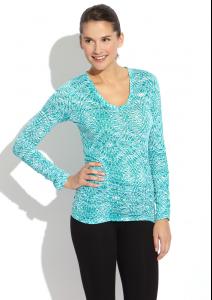
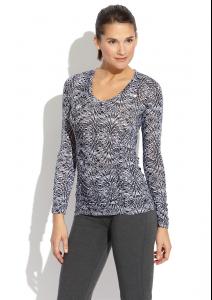
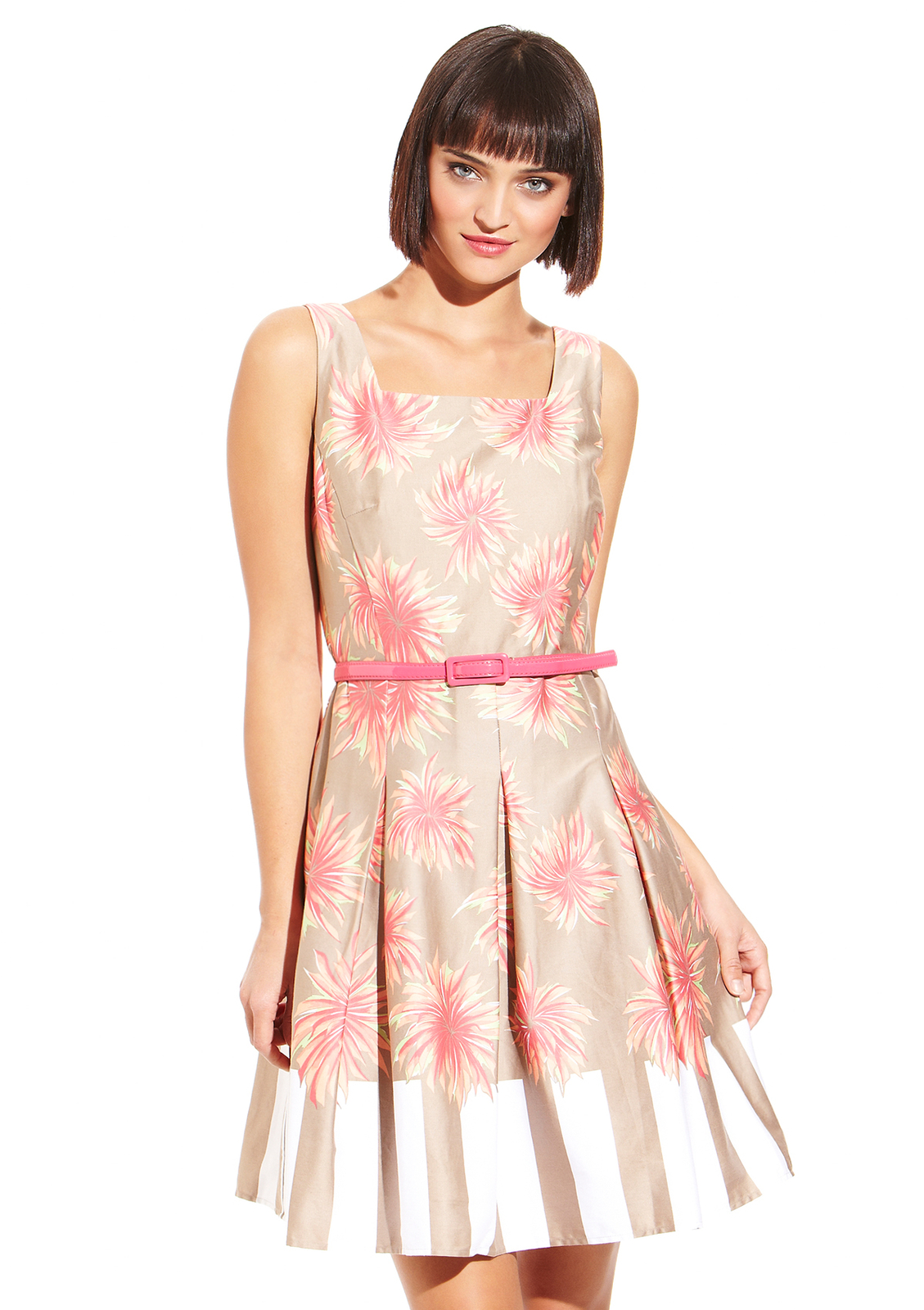
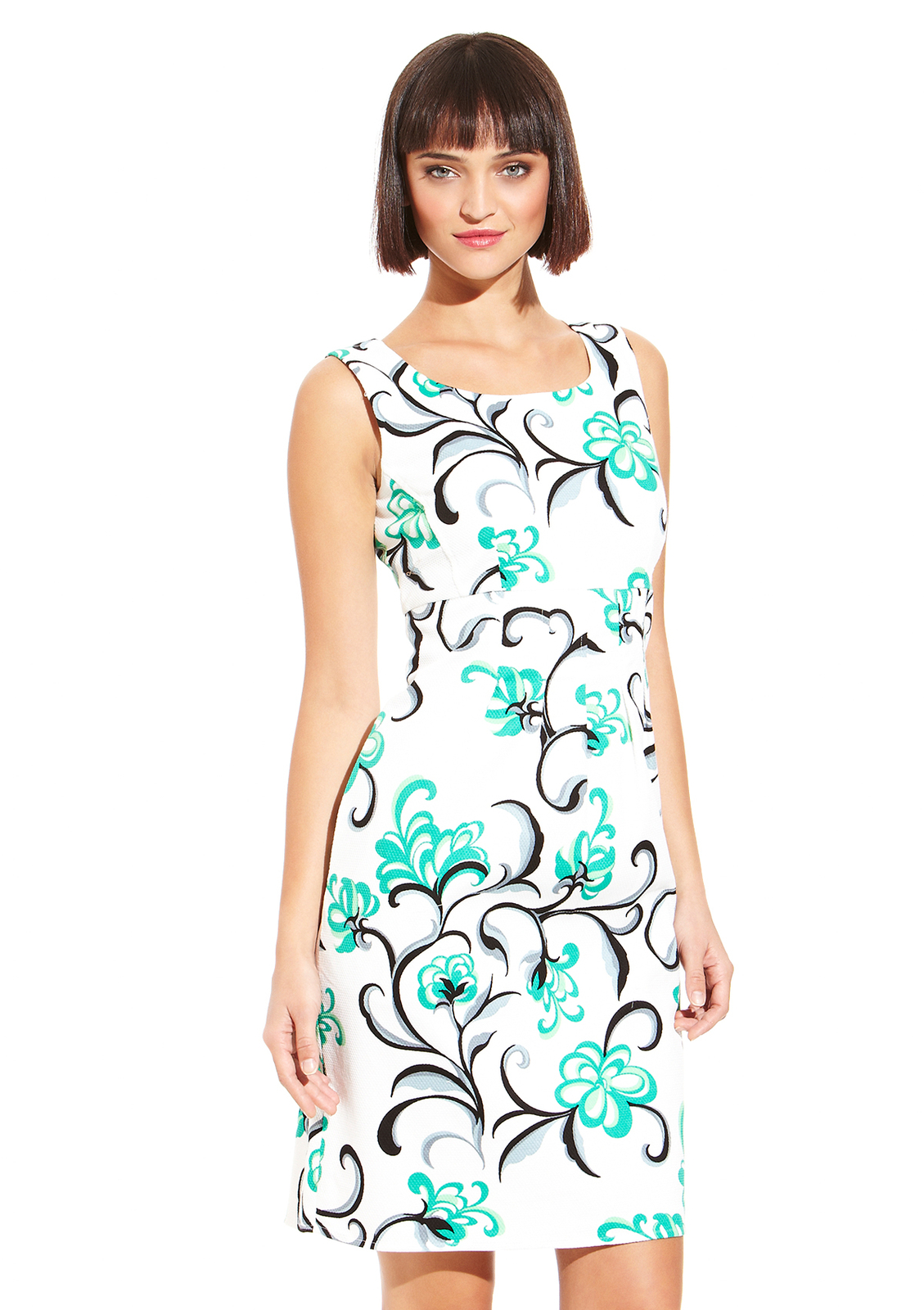
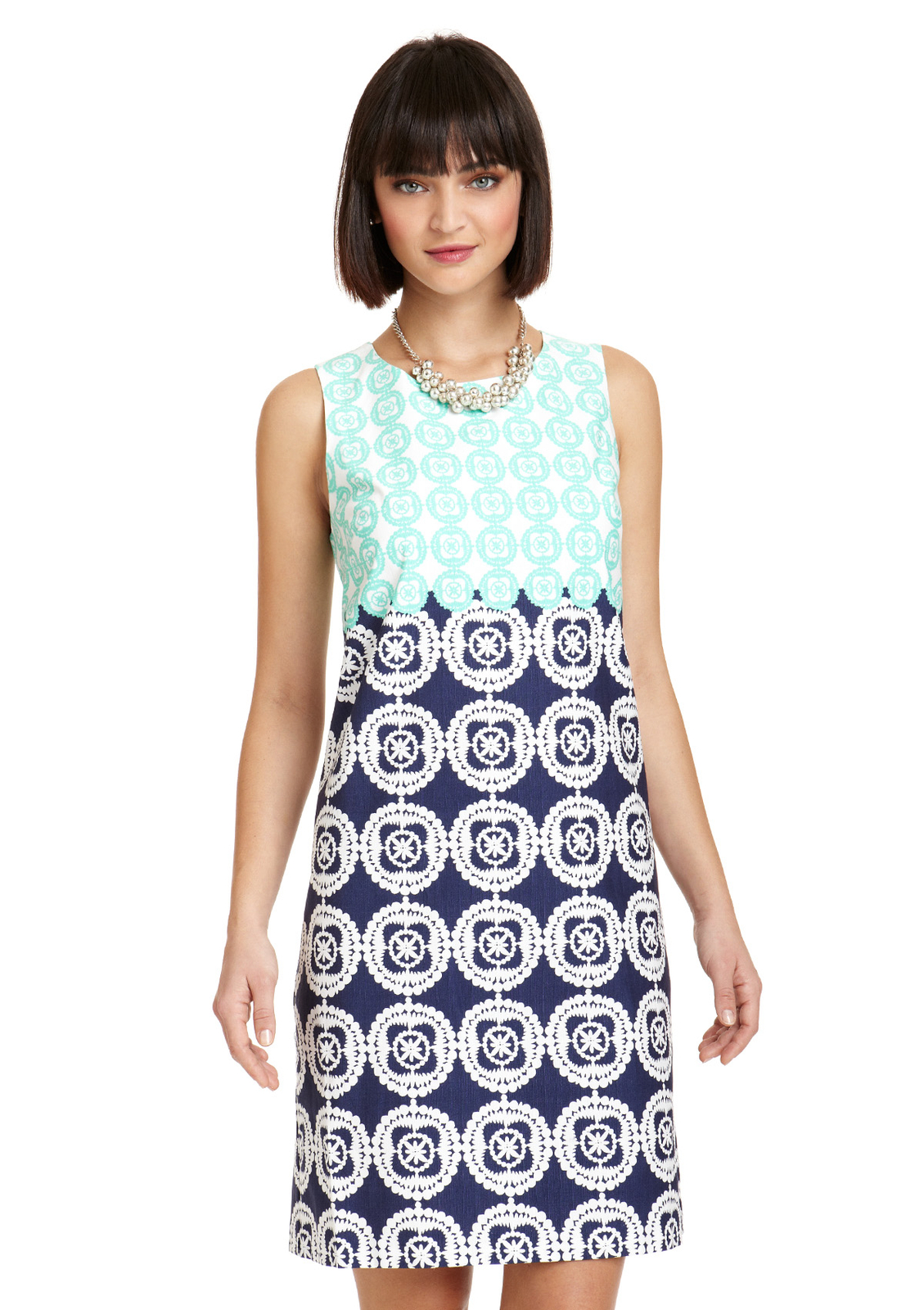
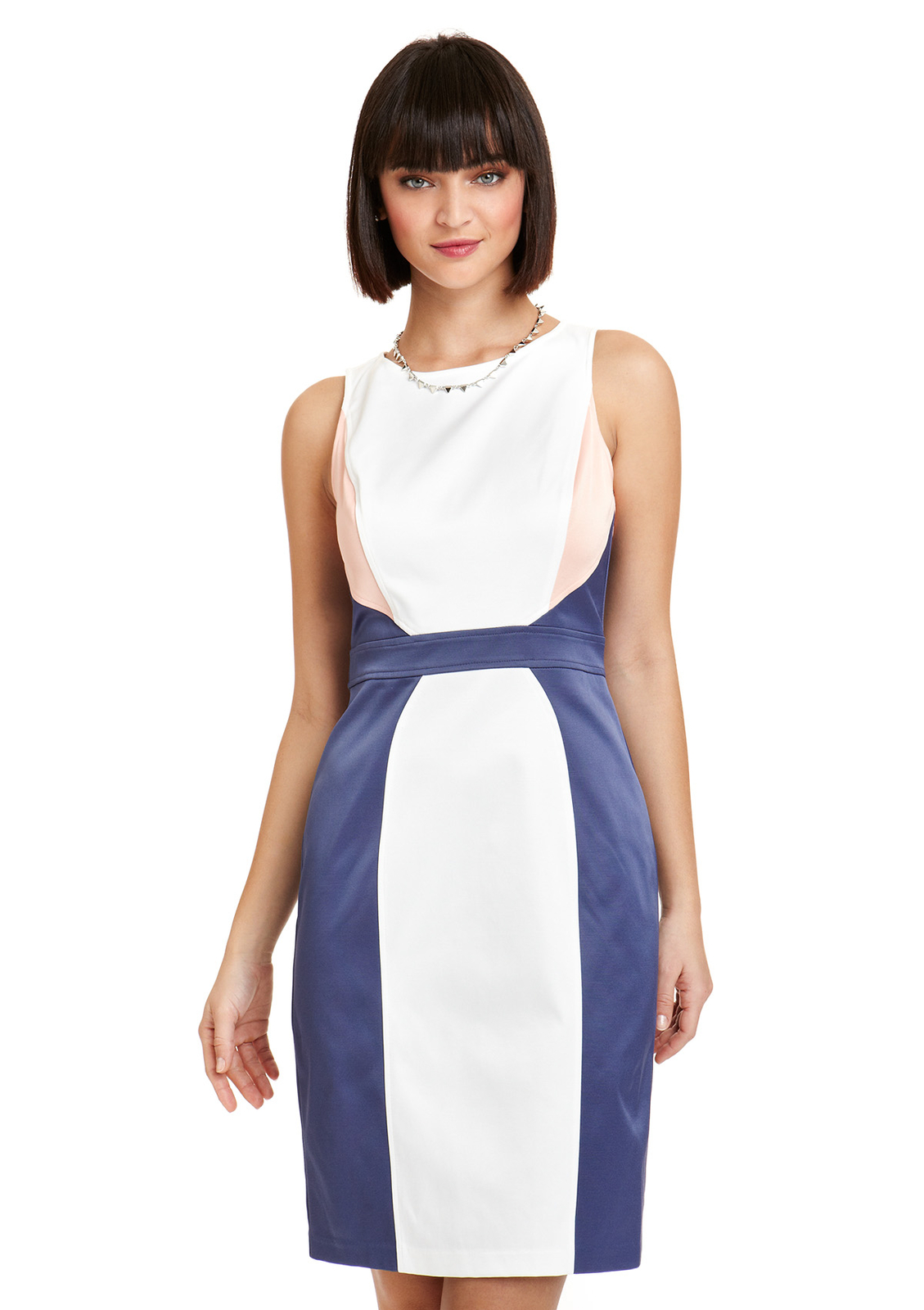
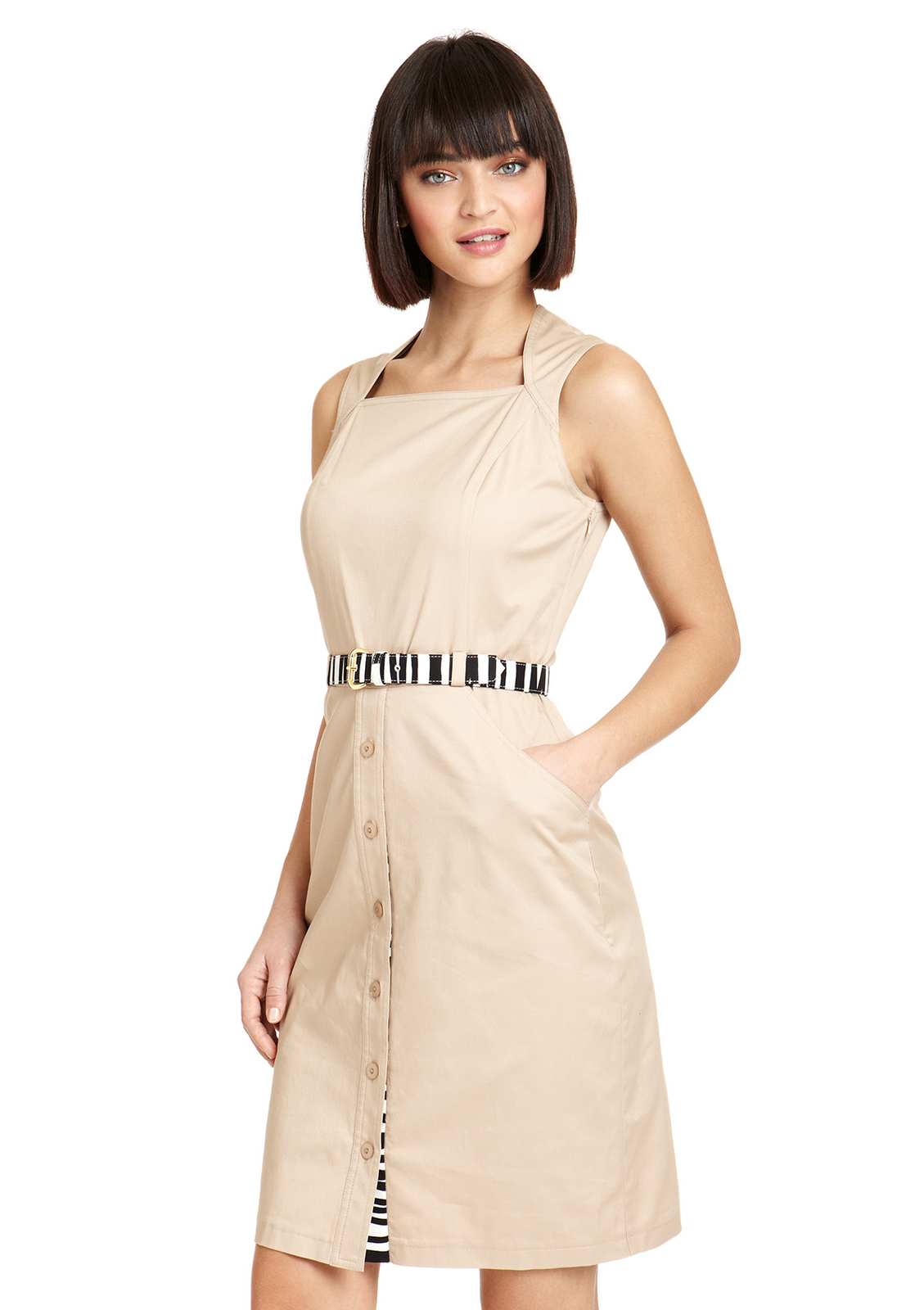
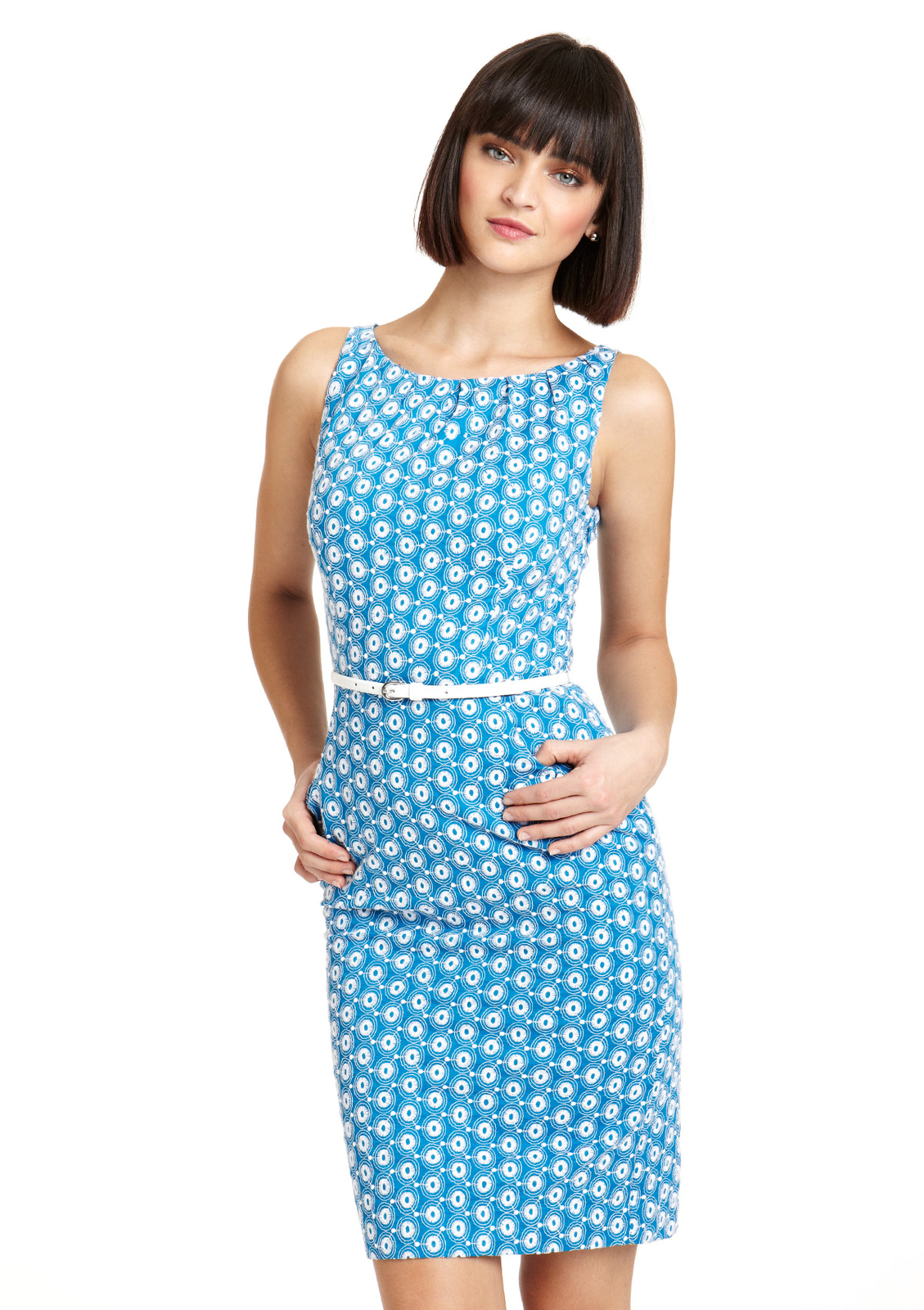
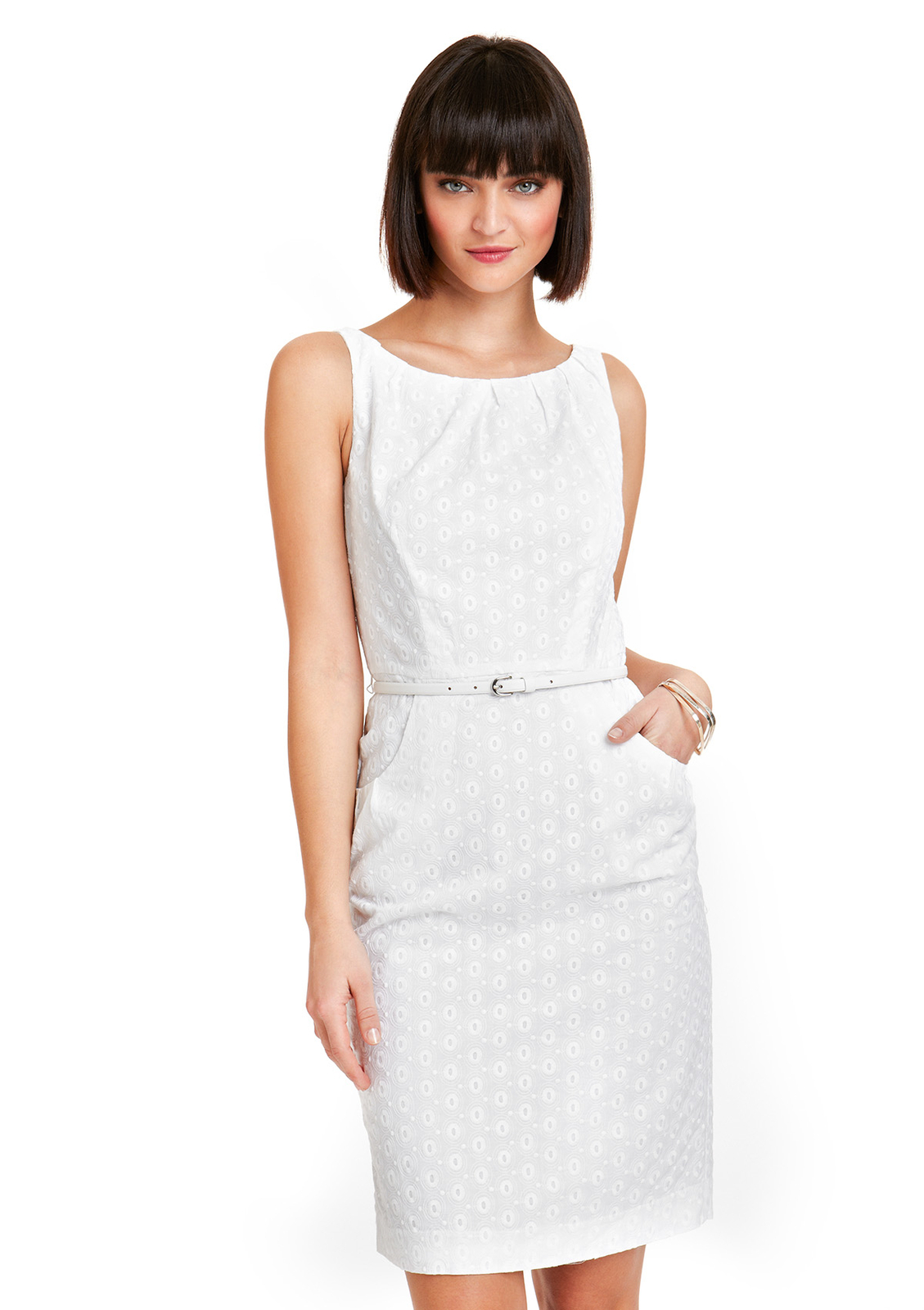
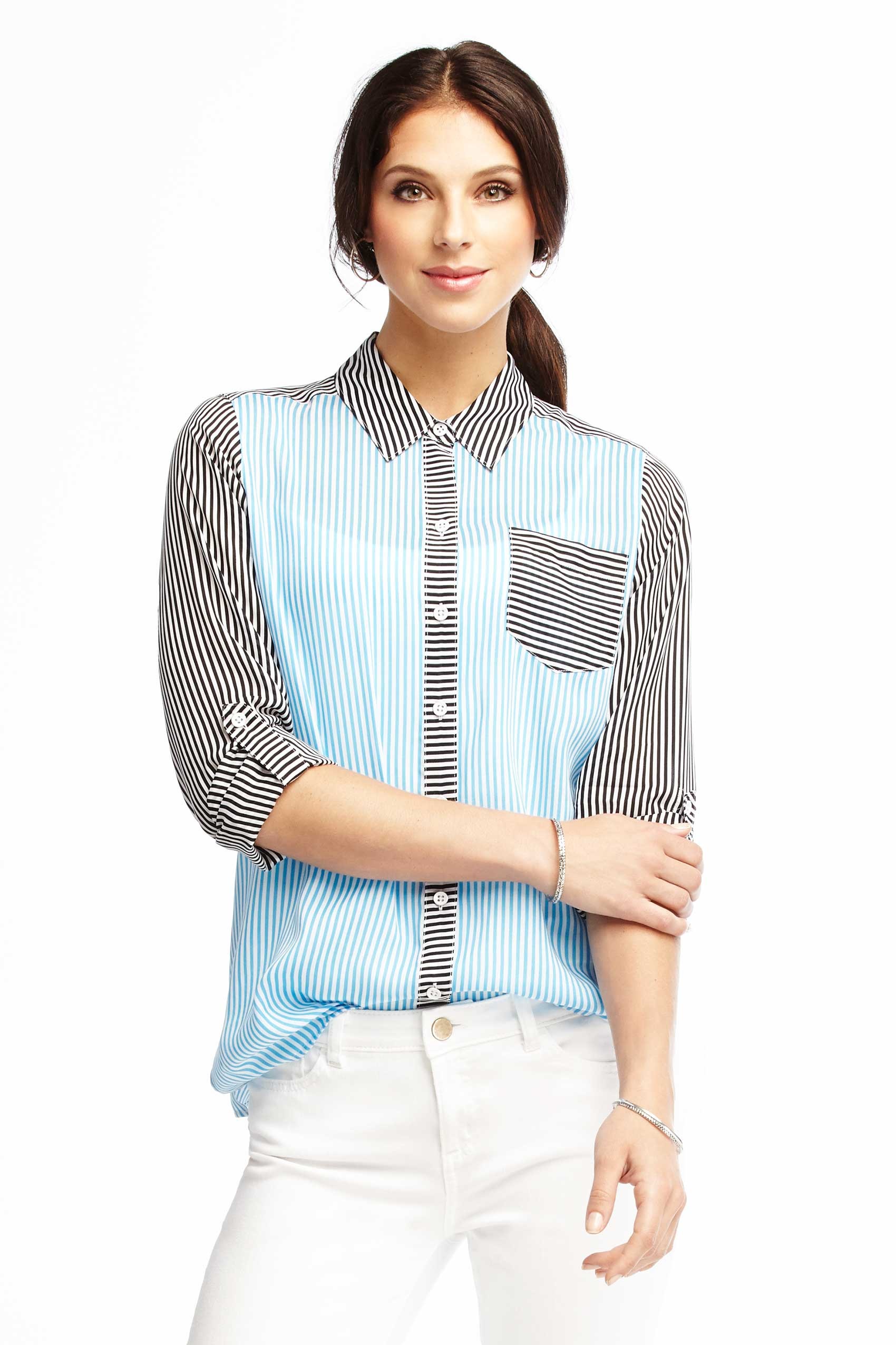
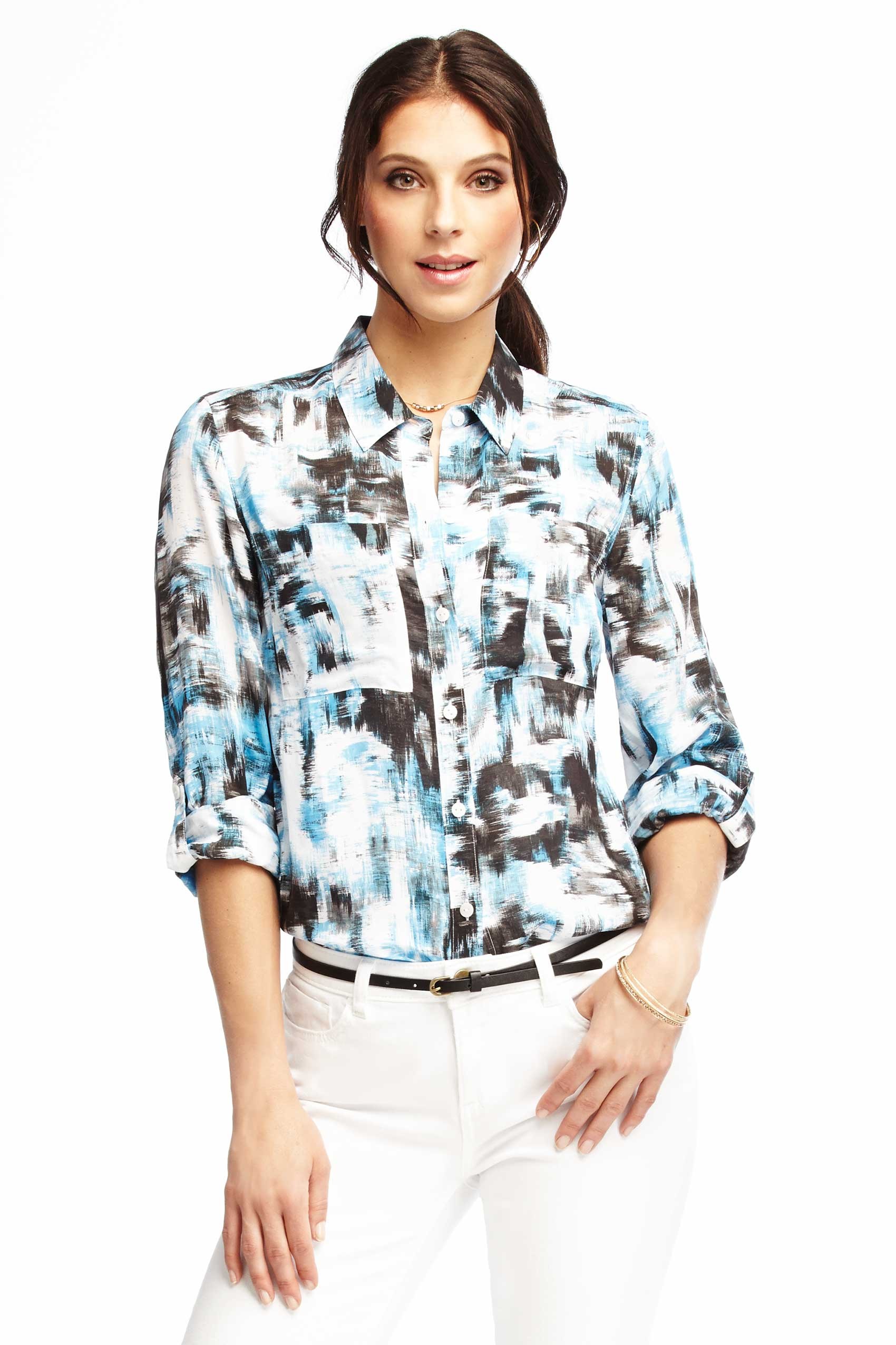
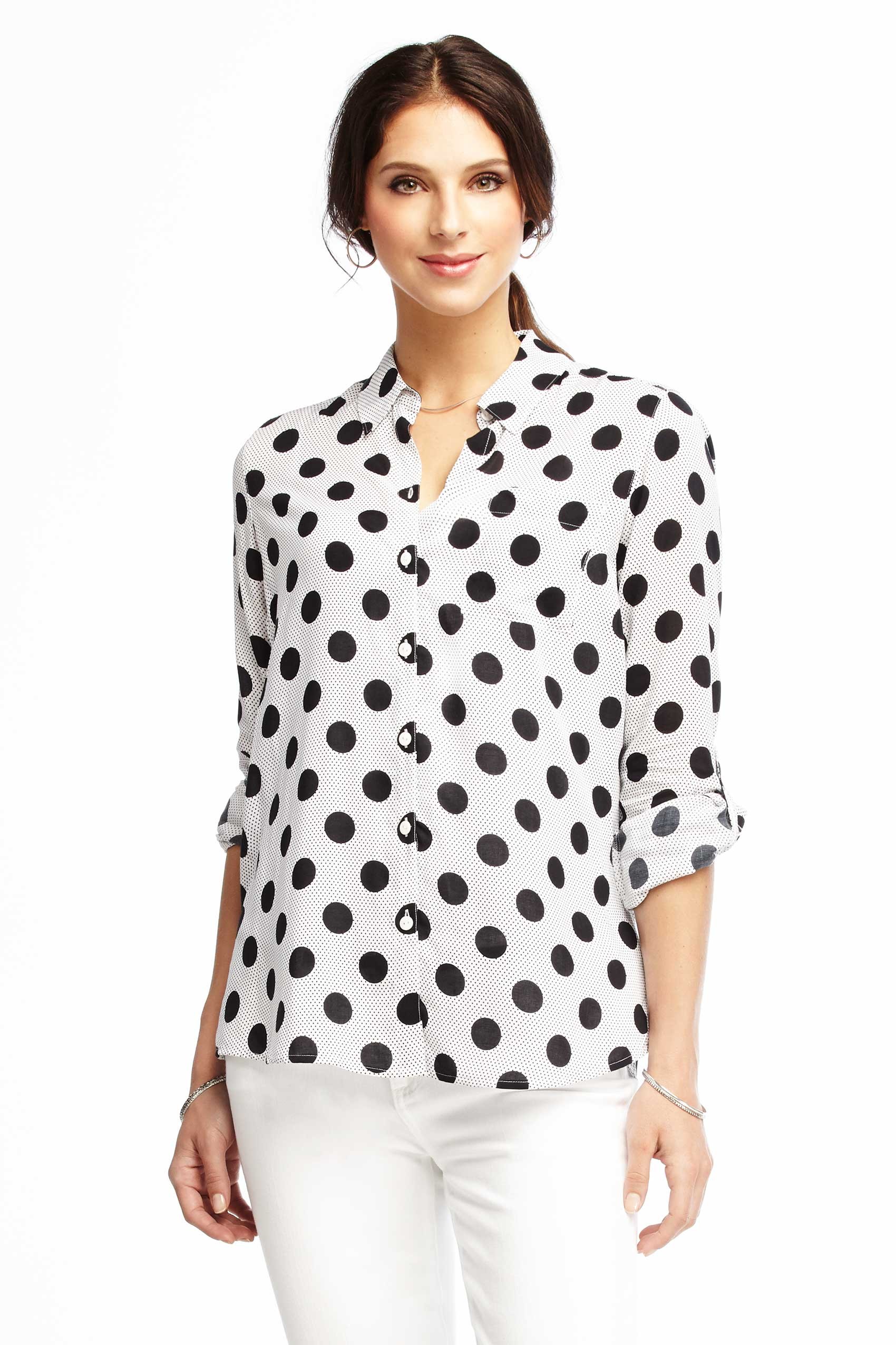
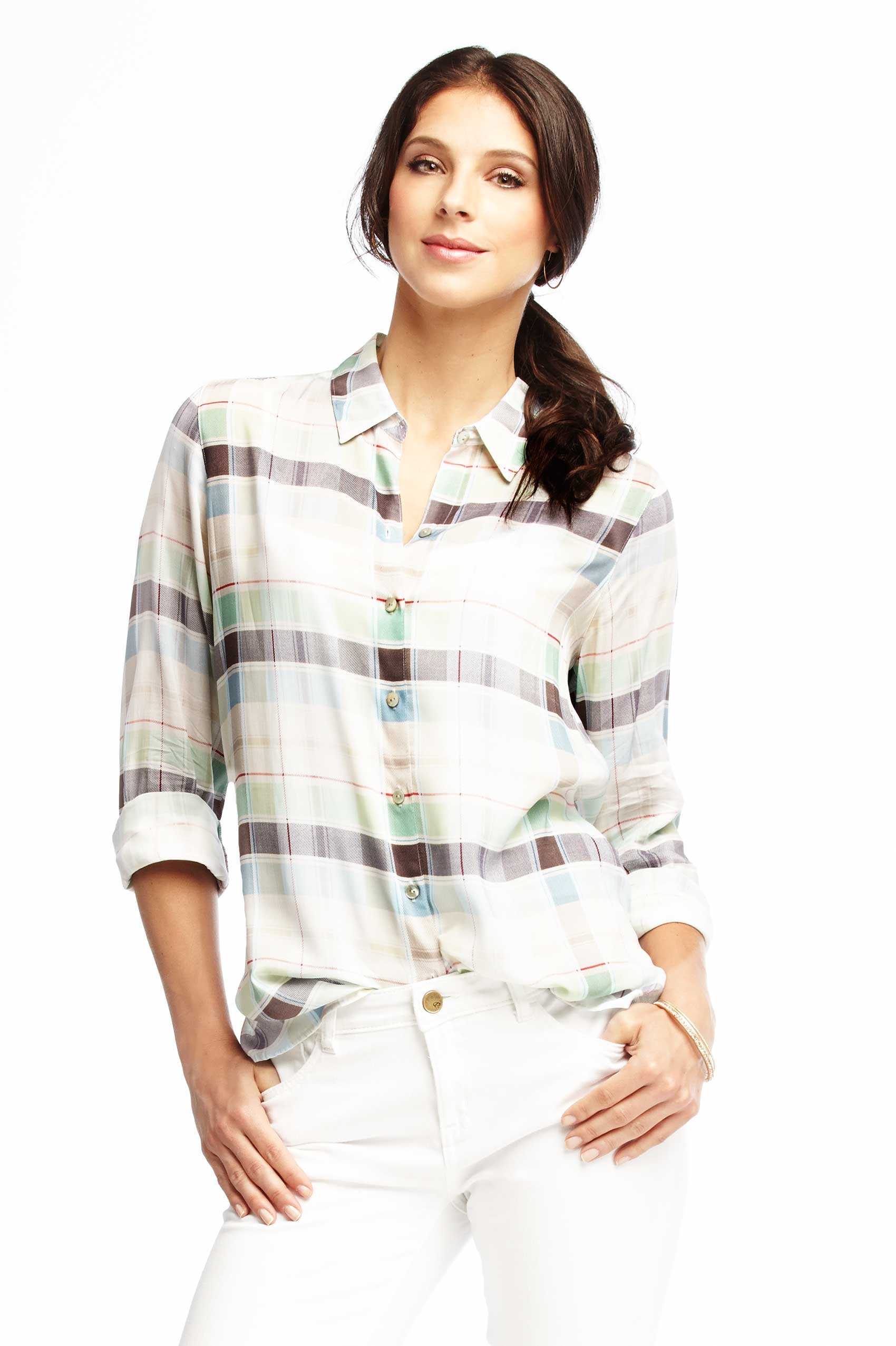
Ideeli -- Marika
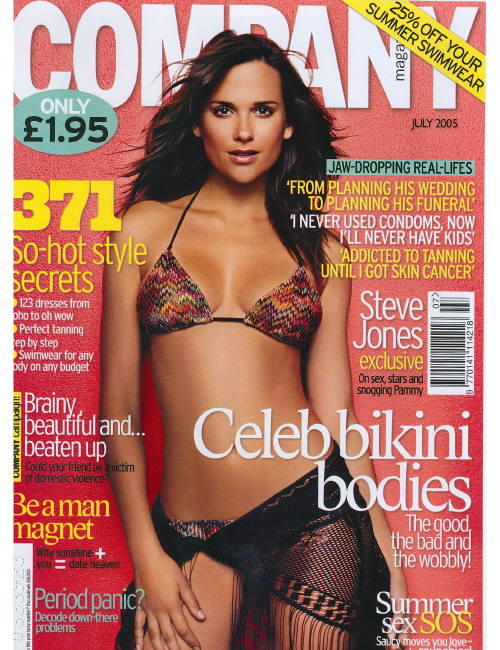
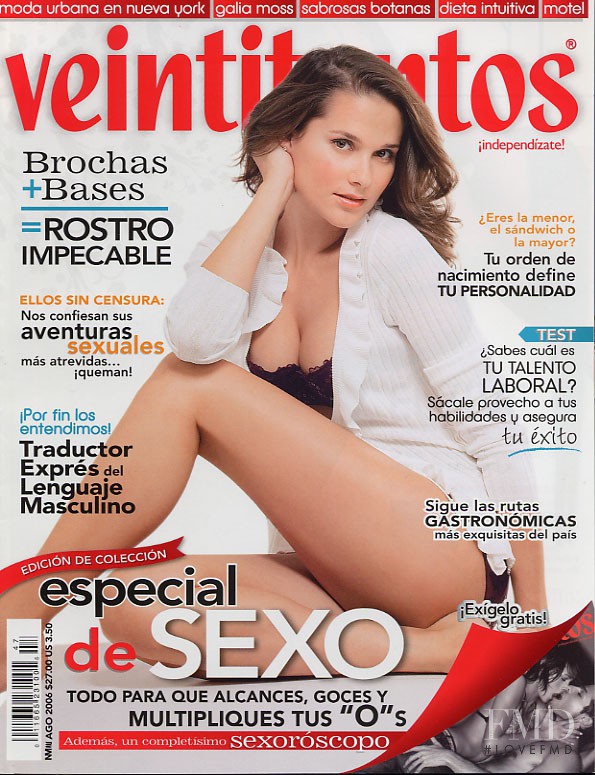
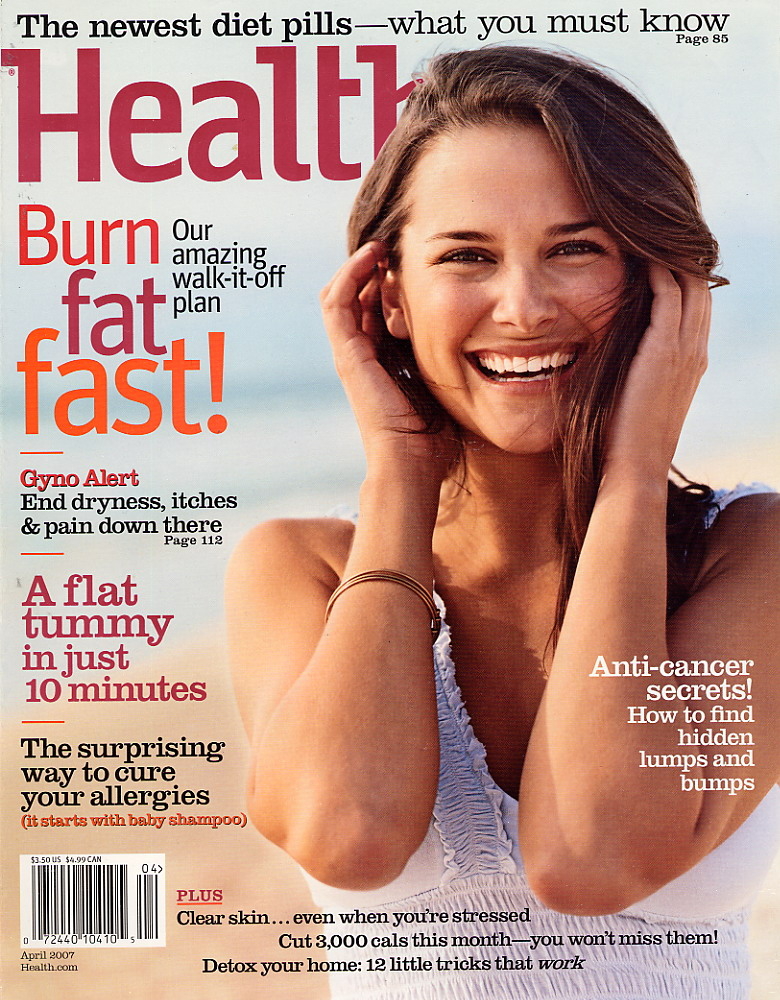
 Covers one image courtesy FMD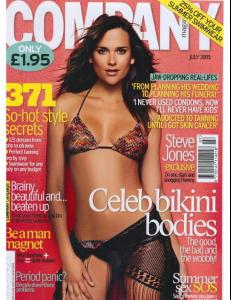


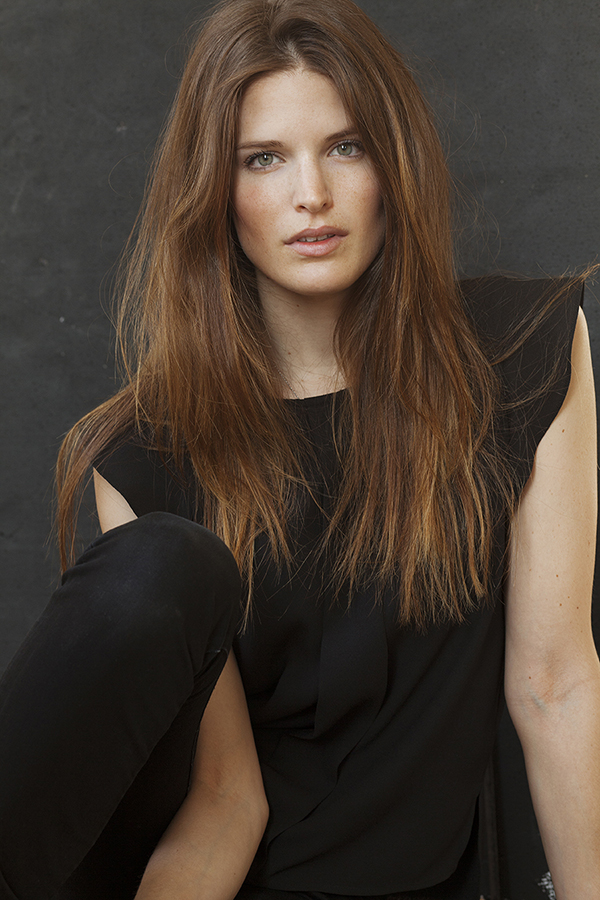
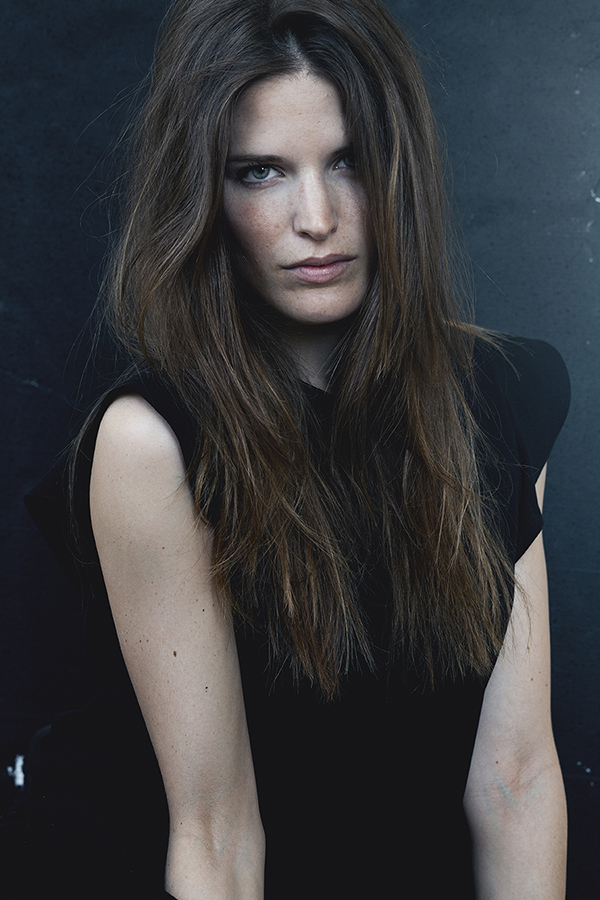
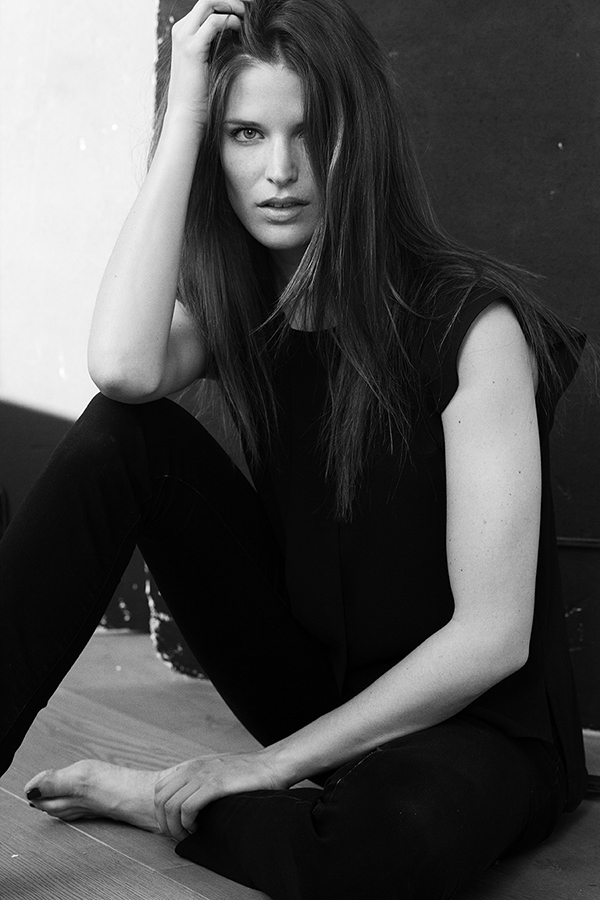
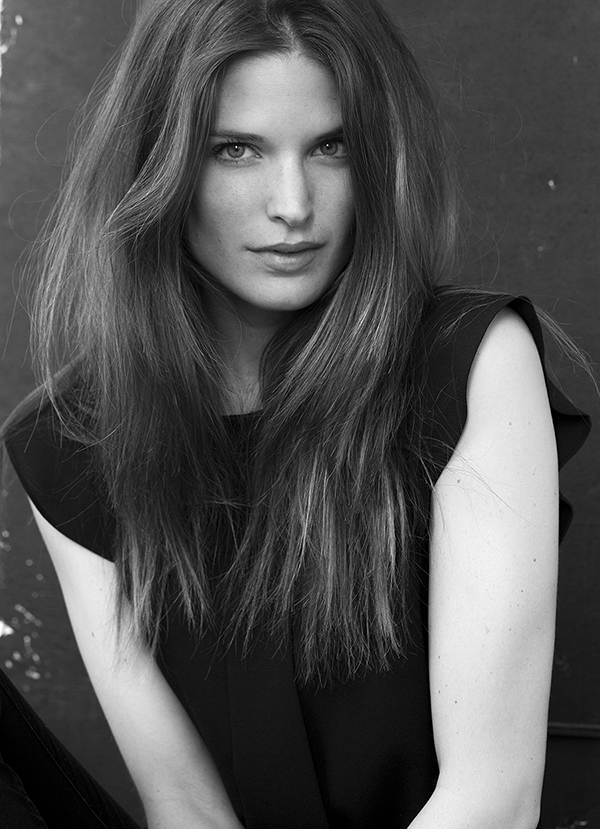
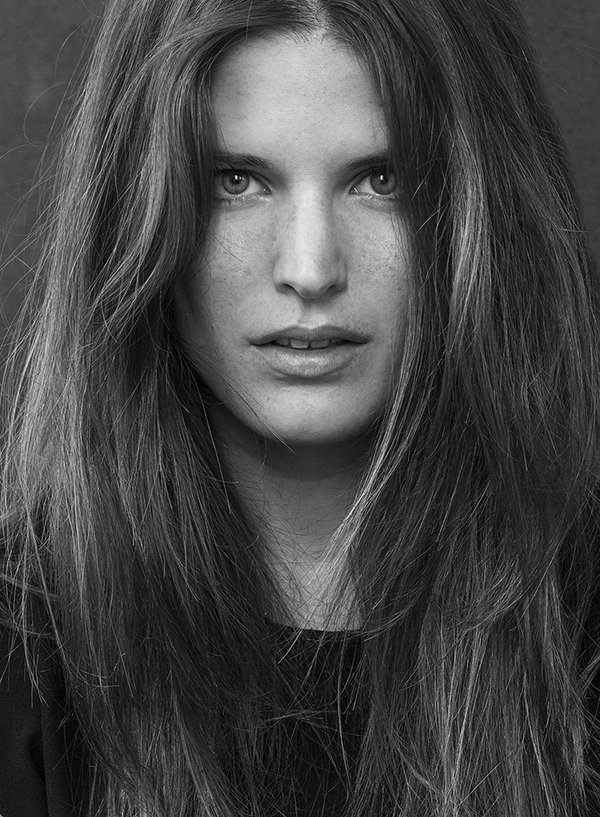
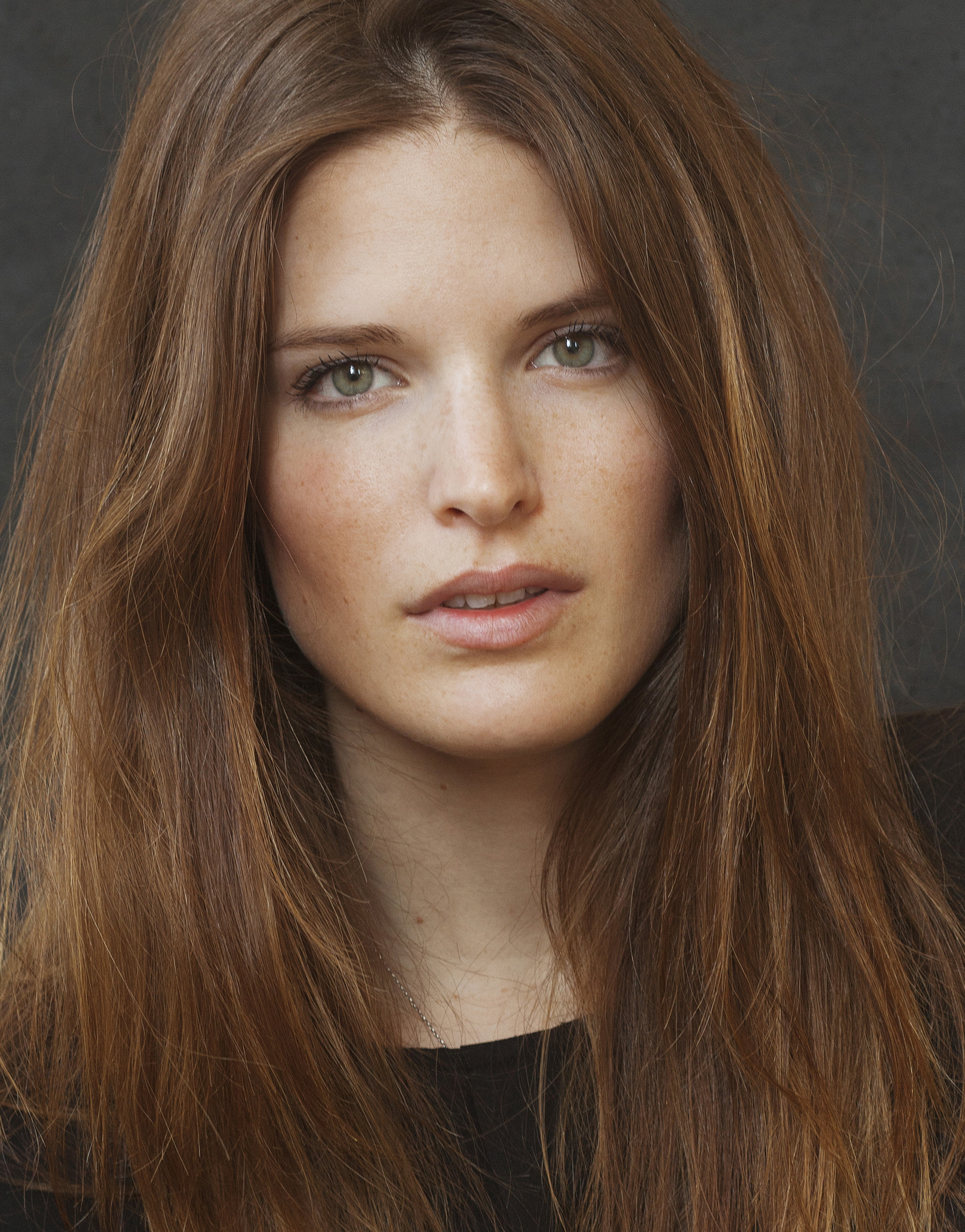
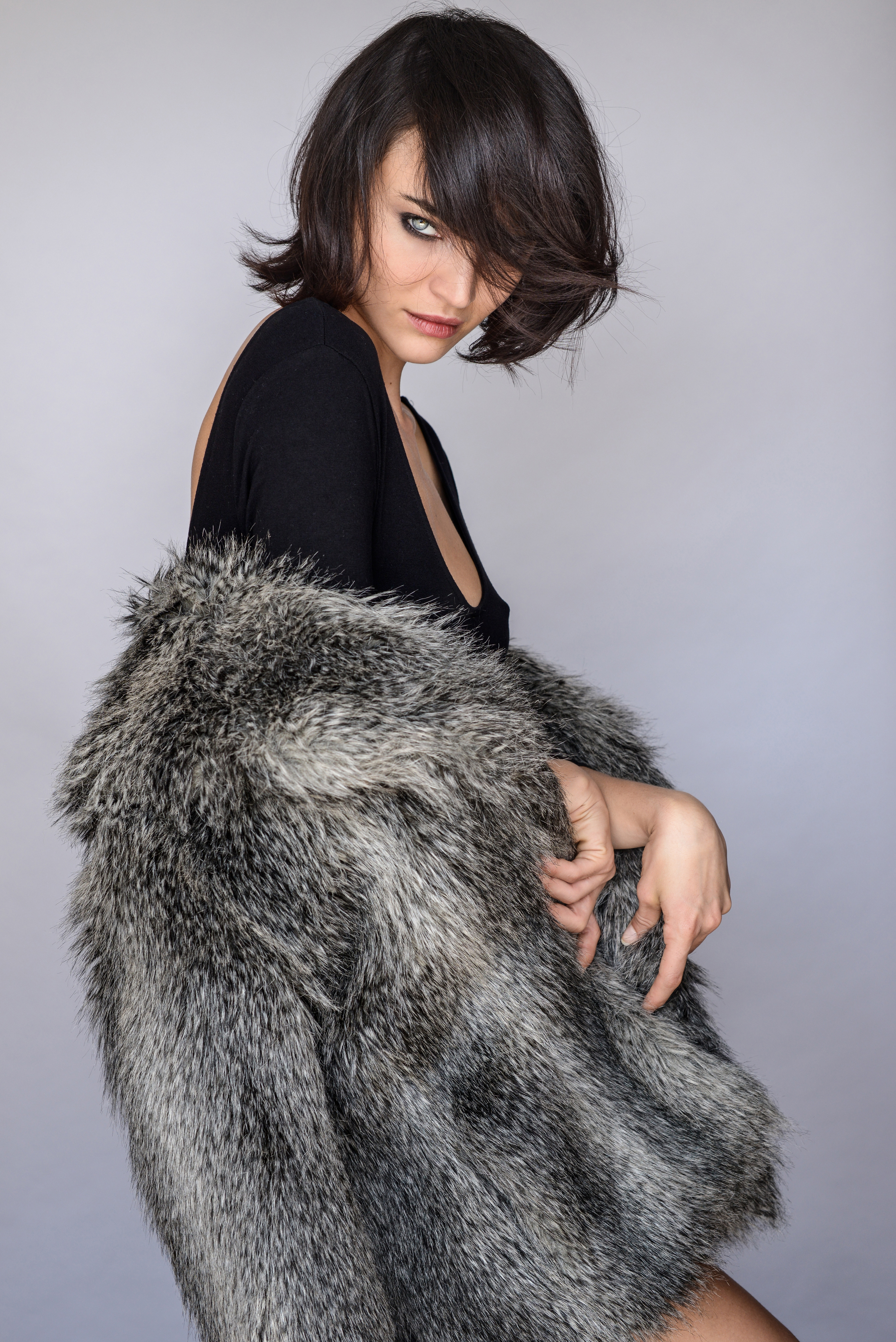
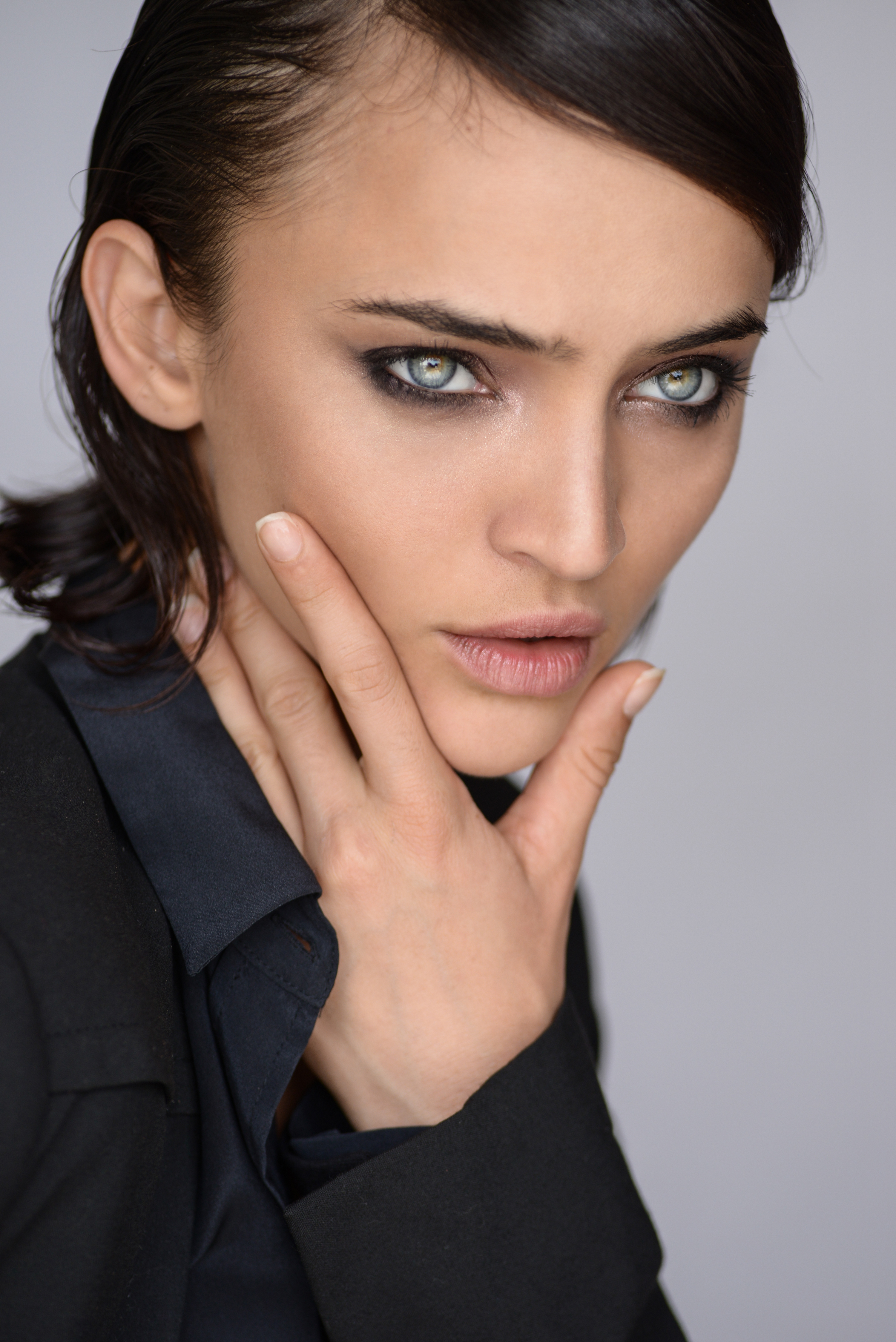
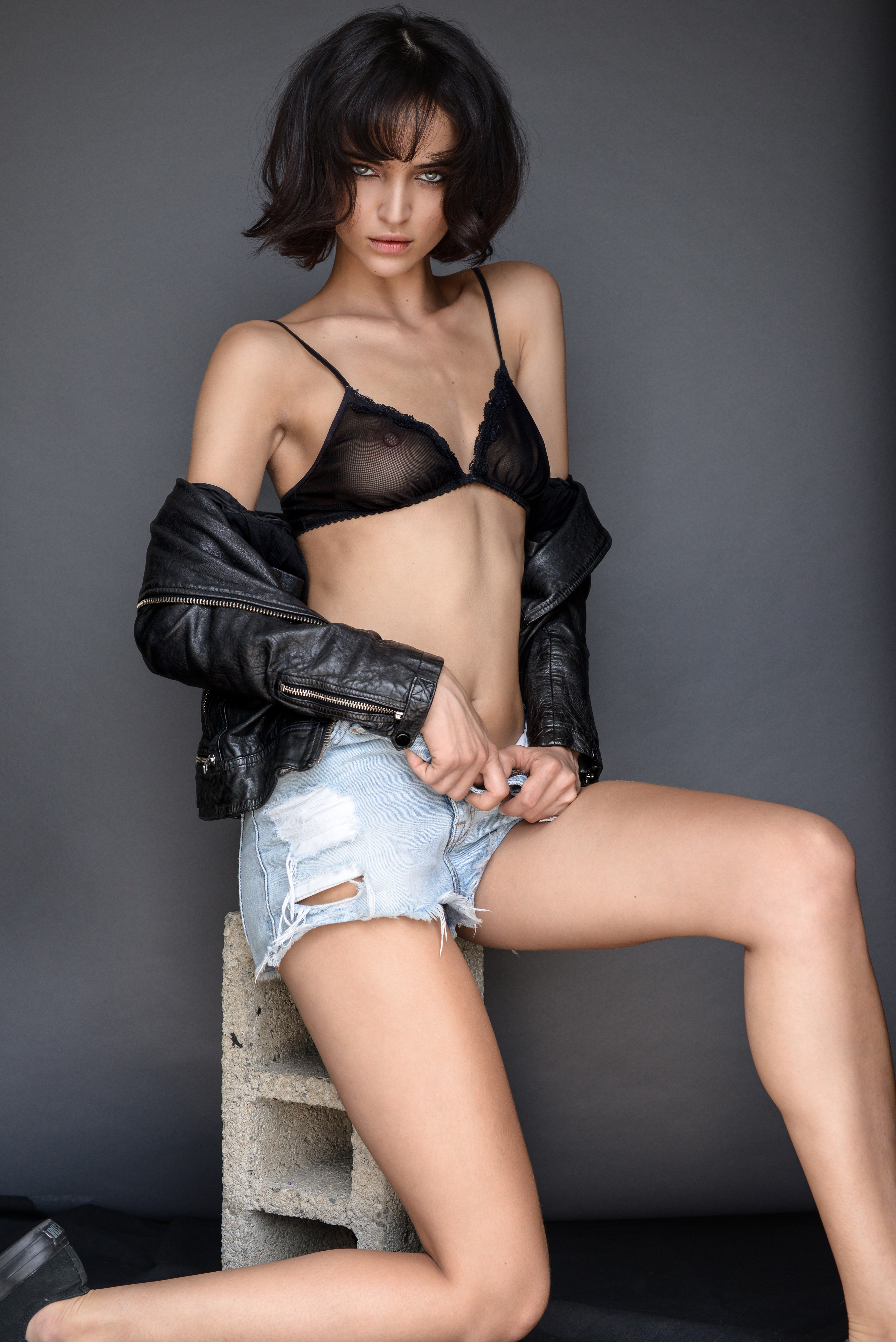
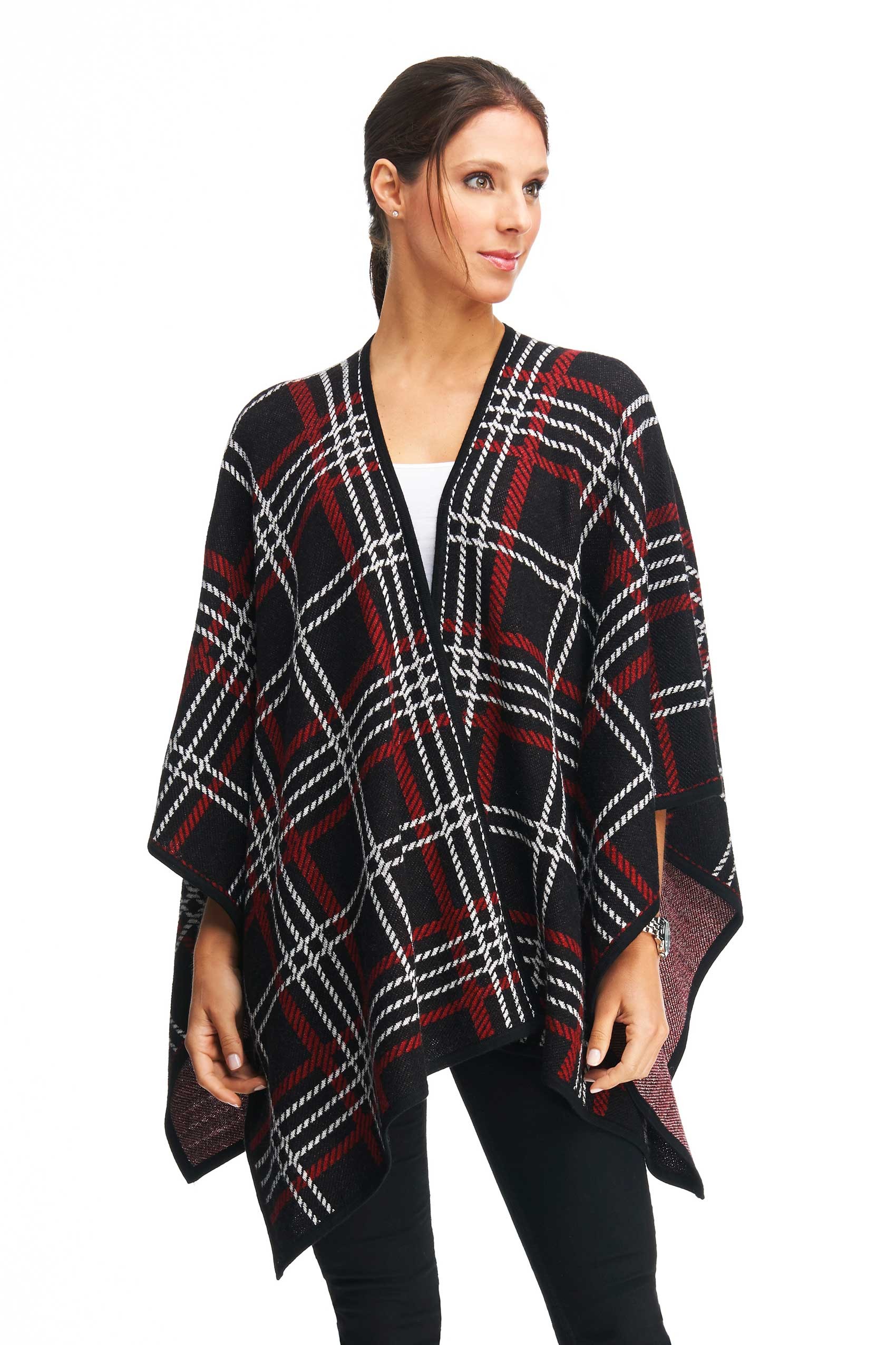
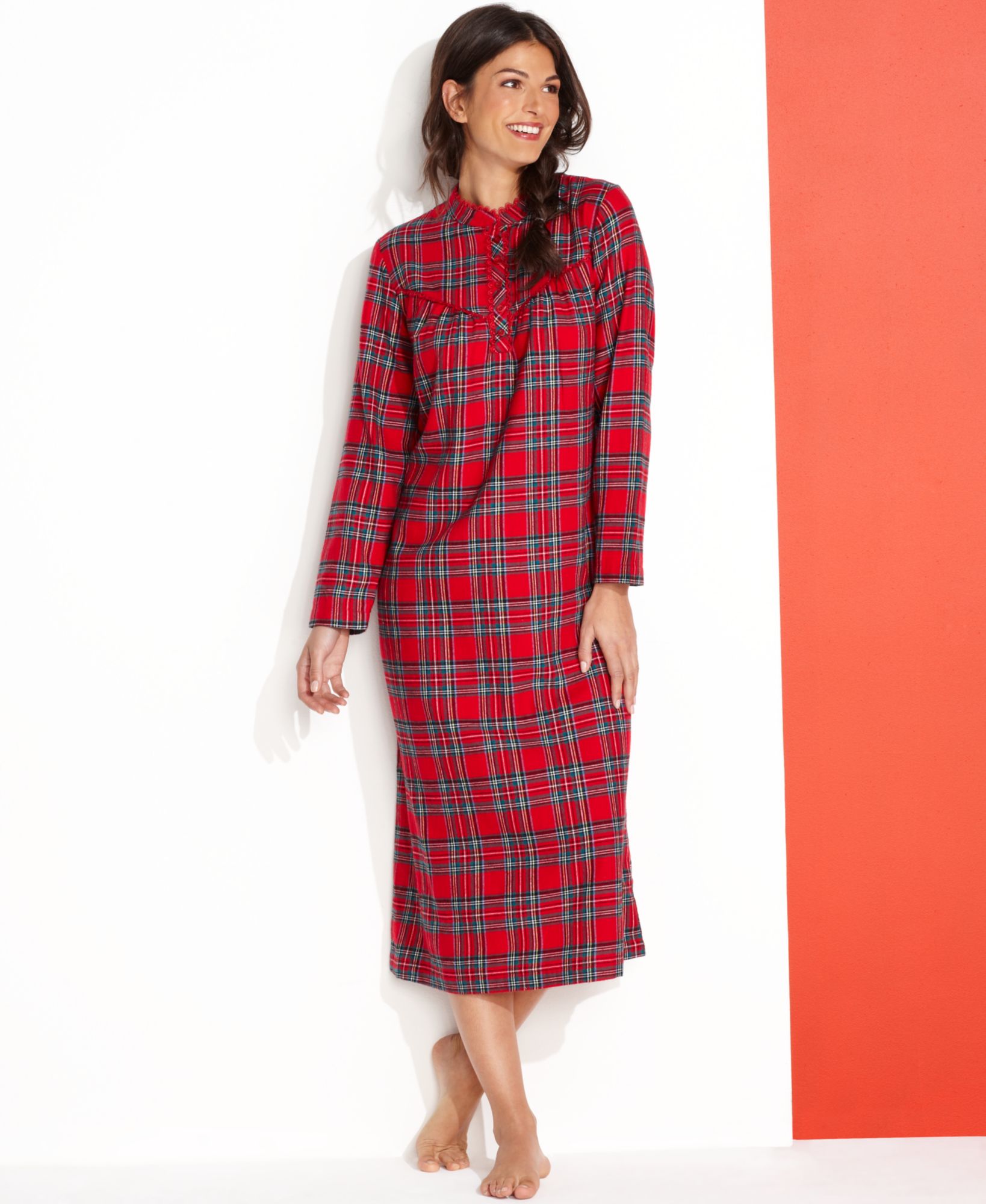
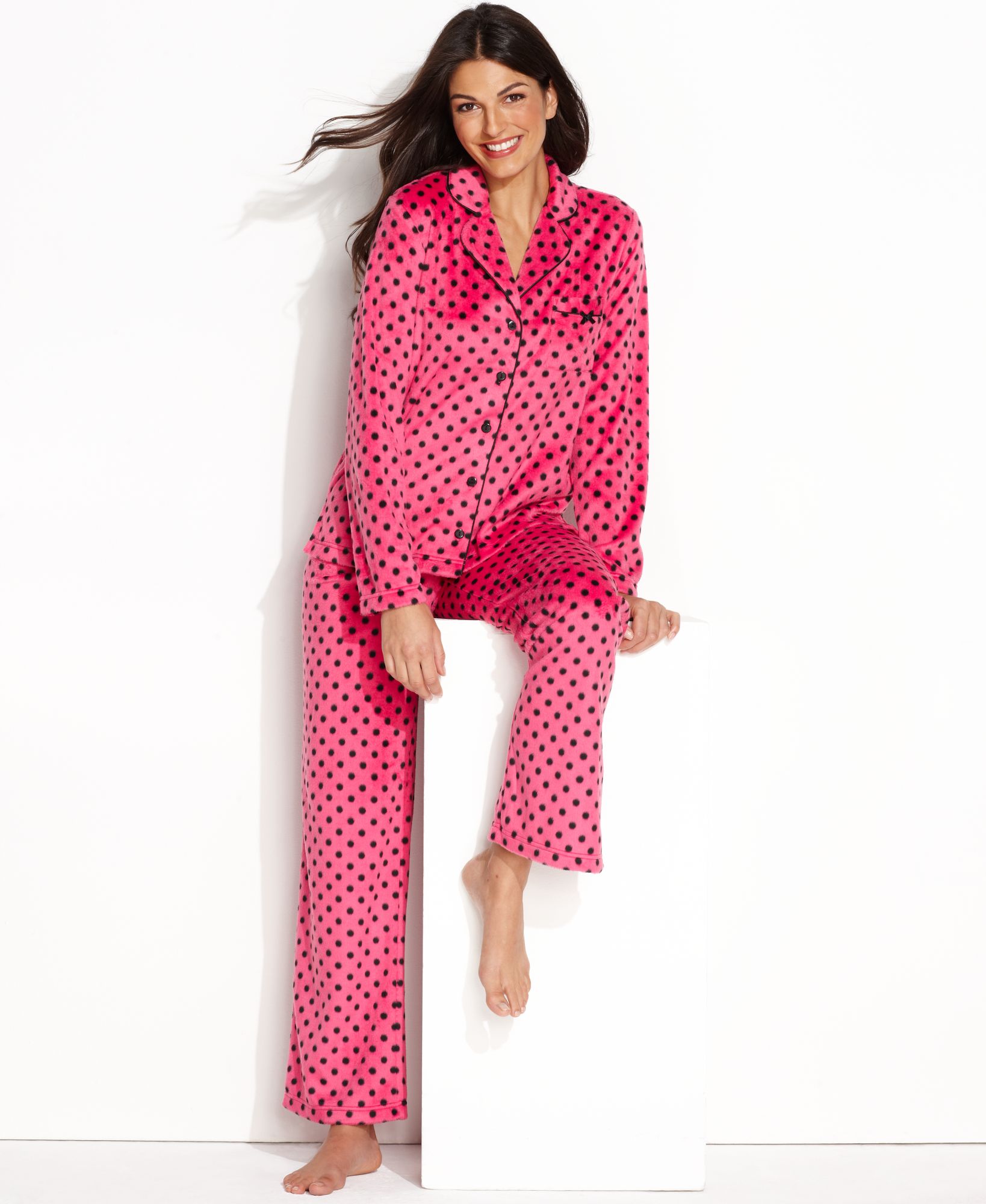
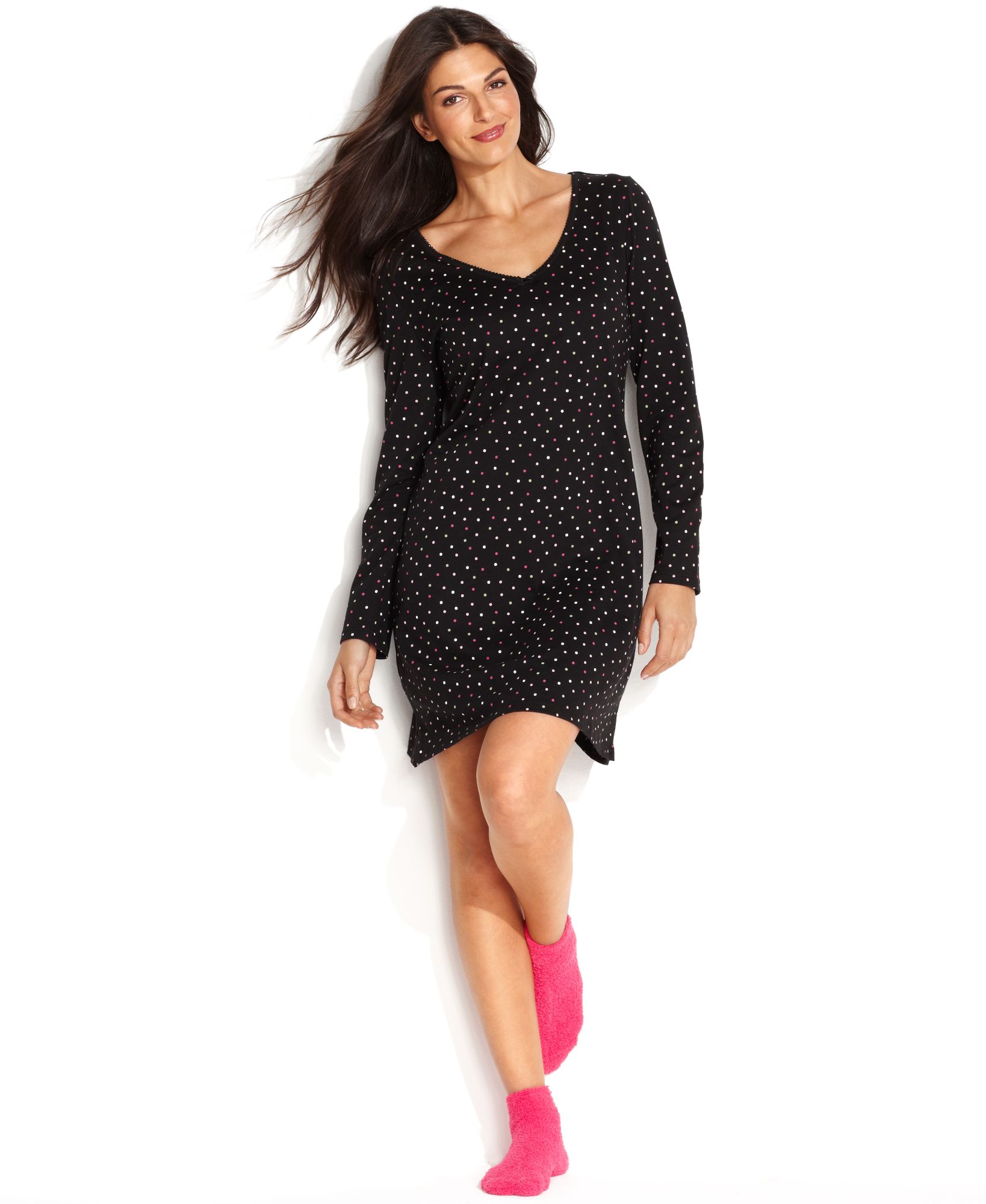
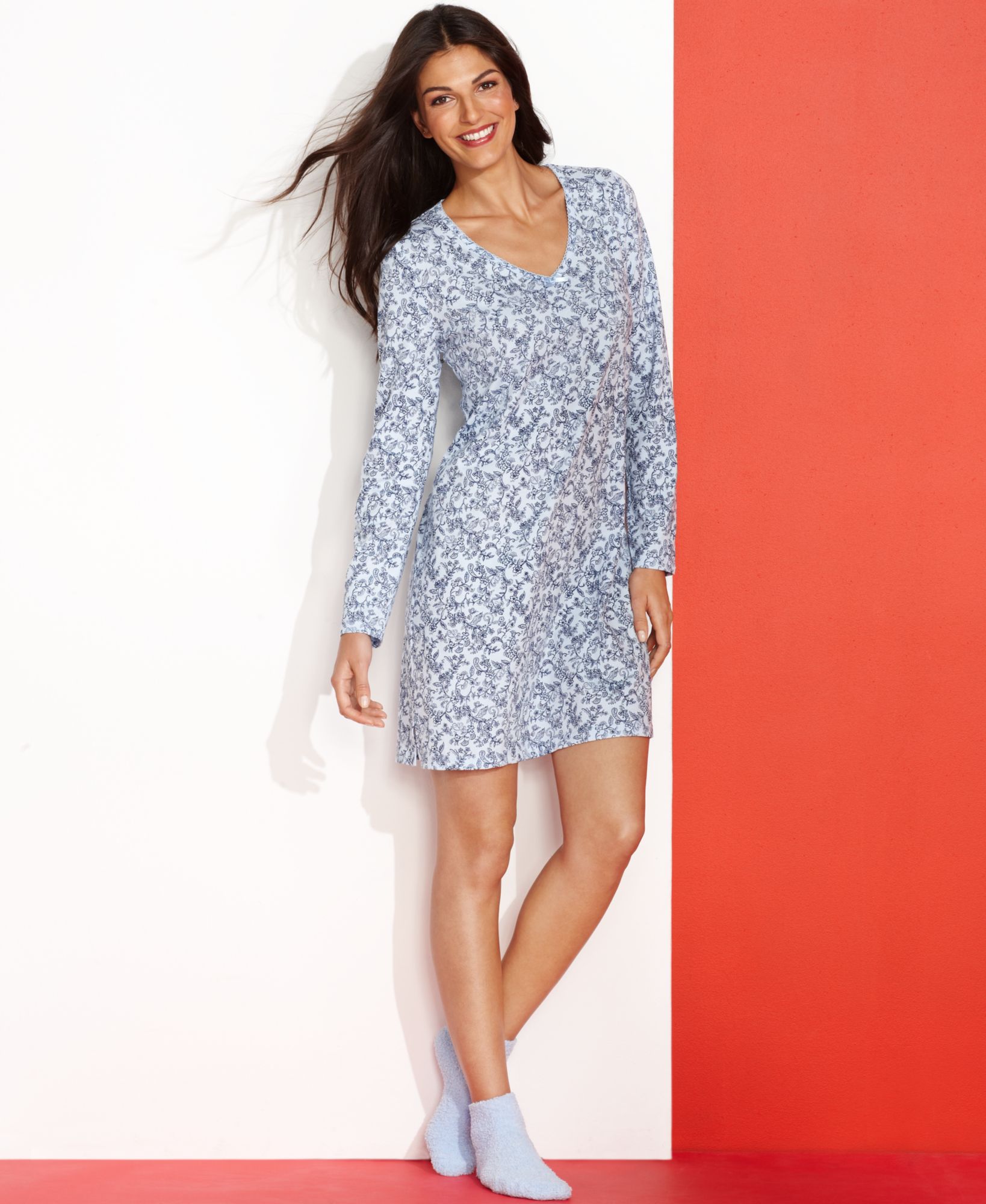
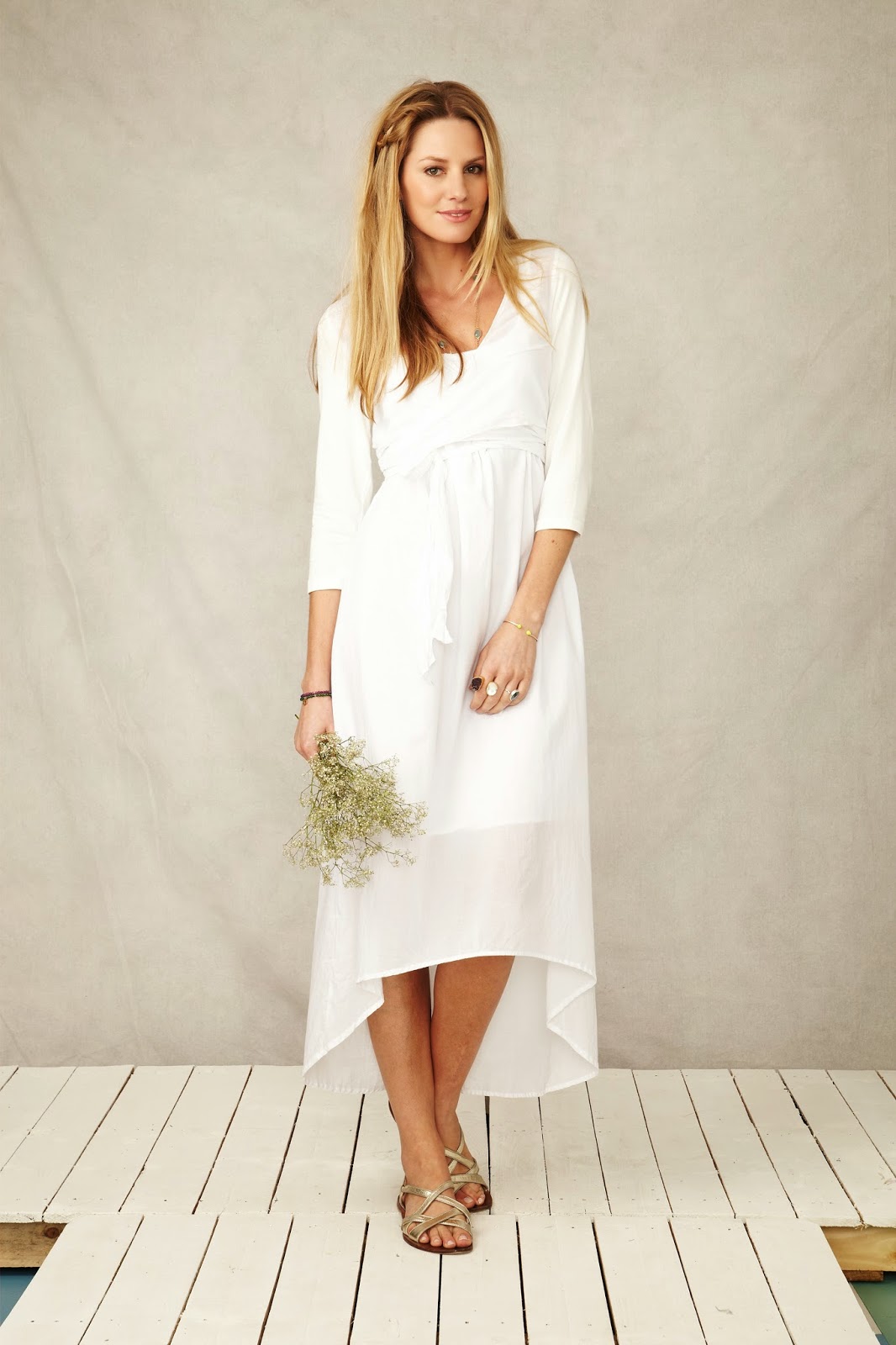
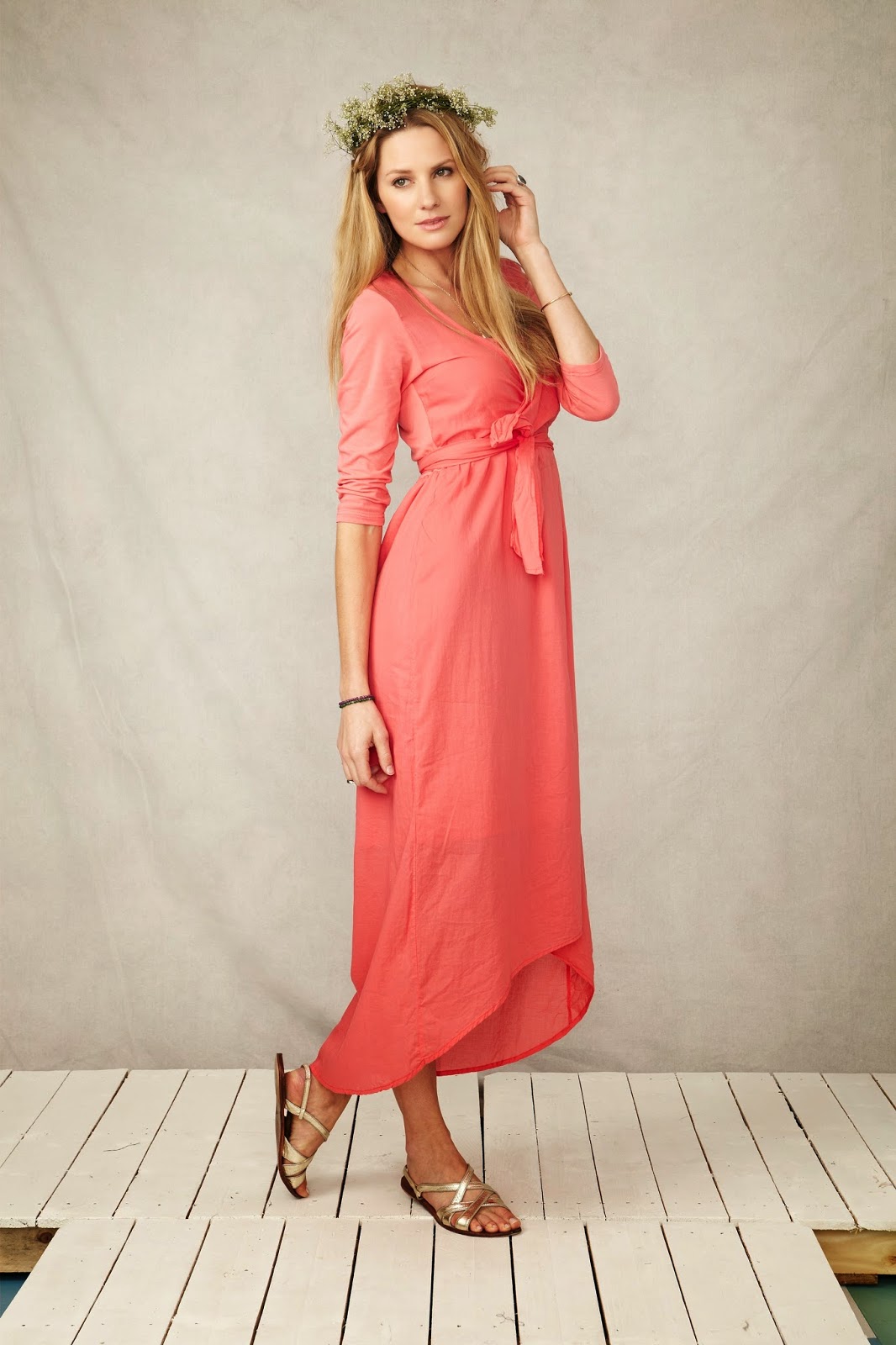
 Samantha Tannehill Nationality: American Hair Color: Brown Eye Color: Hazel Date of Birth: Place of Birth: Height: 5'9.5" ; 177 cm Measurements: (US) 34-24-36 ; (EU) 86-61-90 Dress Size: (US) 4 ; (EU) 34 Shoe Size: (US) 9 ; (EU) 40 Agencies: * Next - New York * Next - Miami * Next - Los Angeles * Ford - Chicago * Heffner - Seattle * MD Management - Hamburg A bit surprised to find no thread for her, but that's easily remedied!
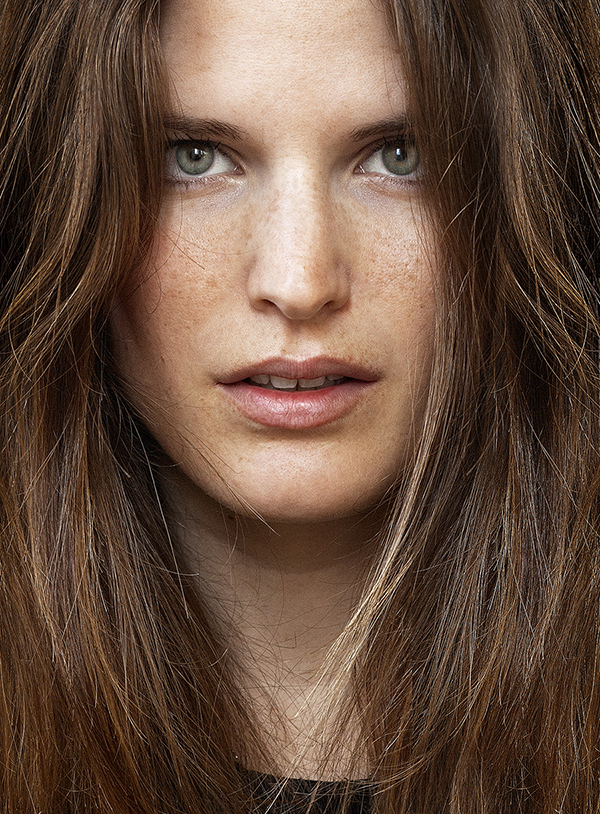
 smallish images, but I like these:


 more of the same, but smaller: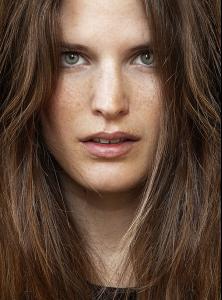



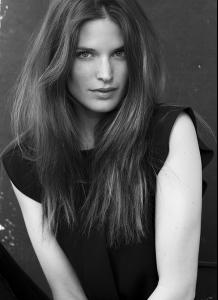

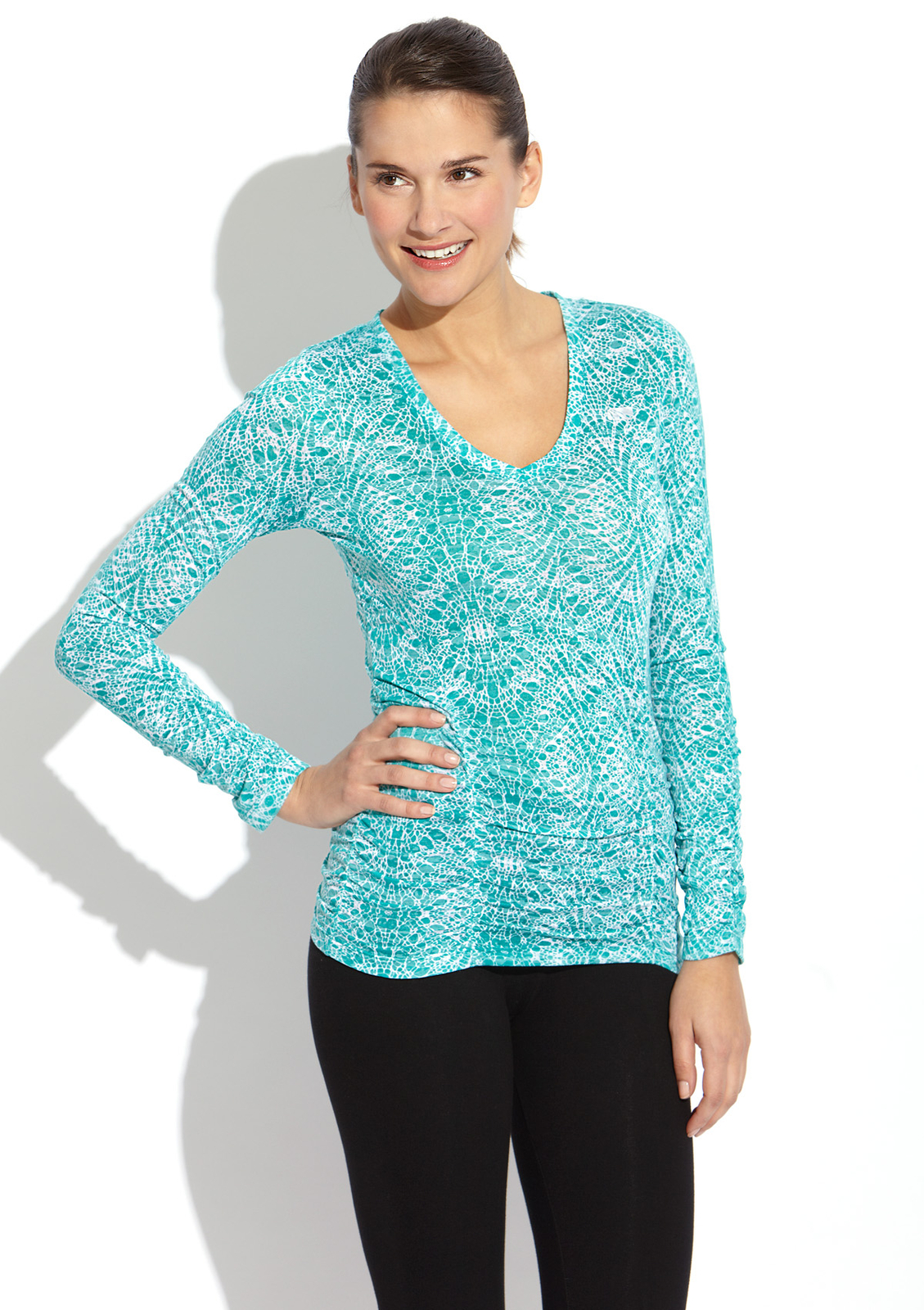
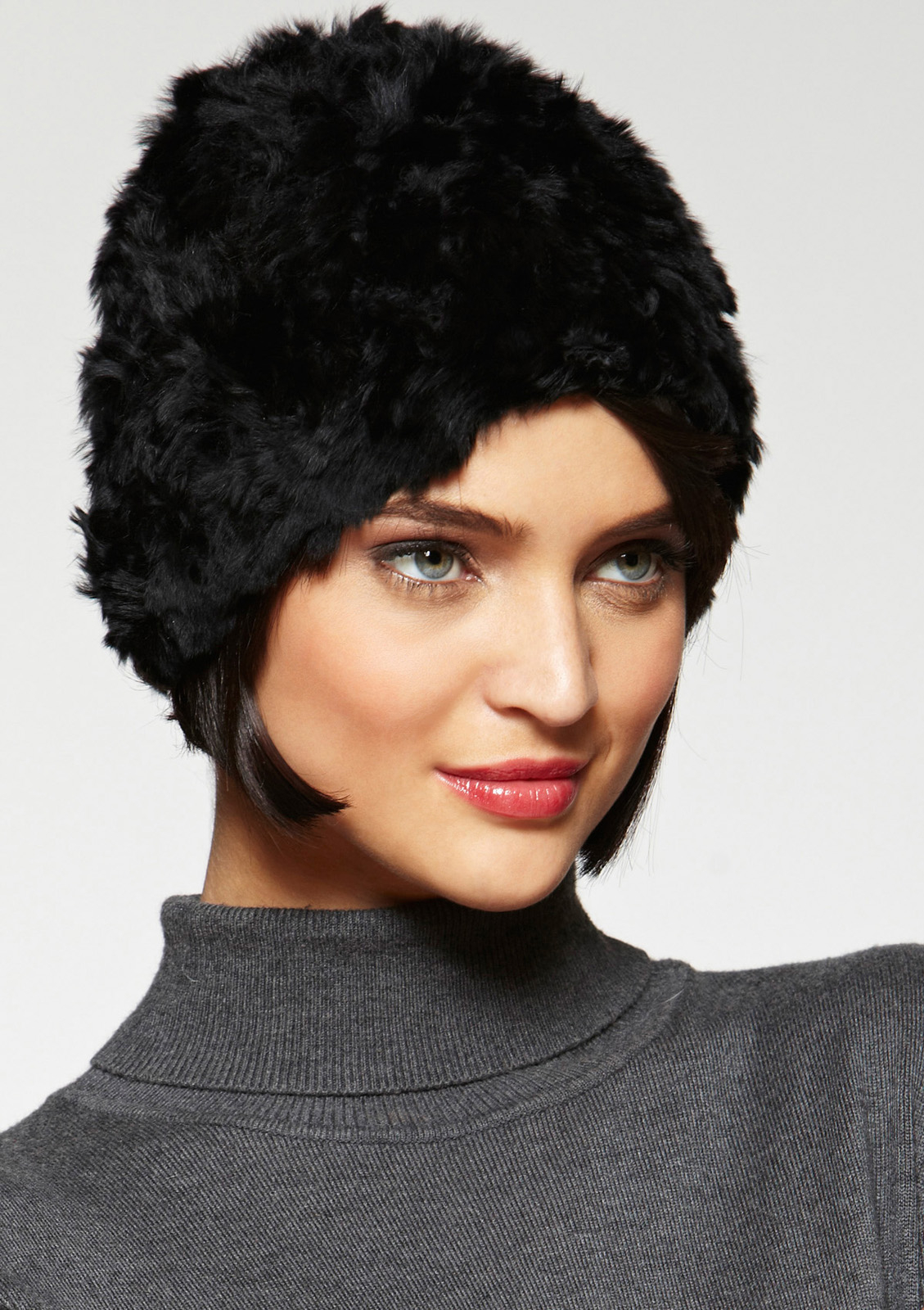
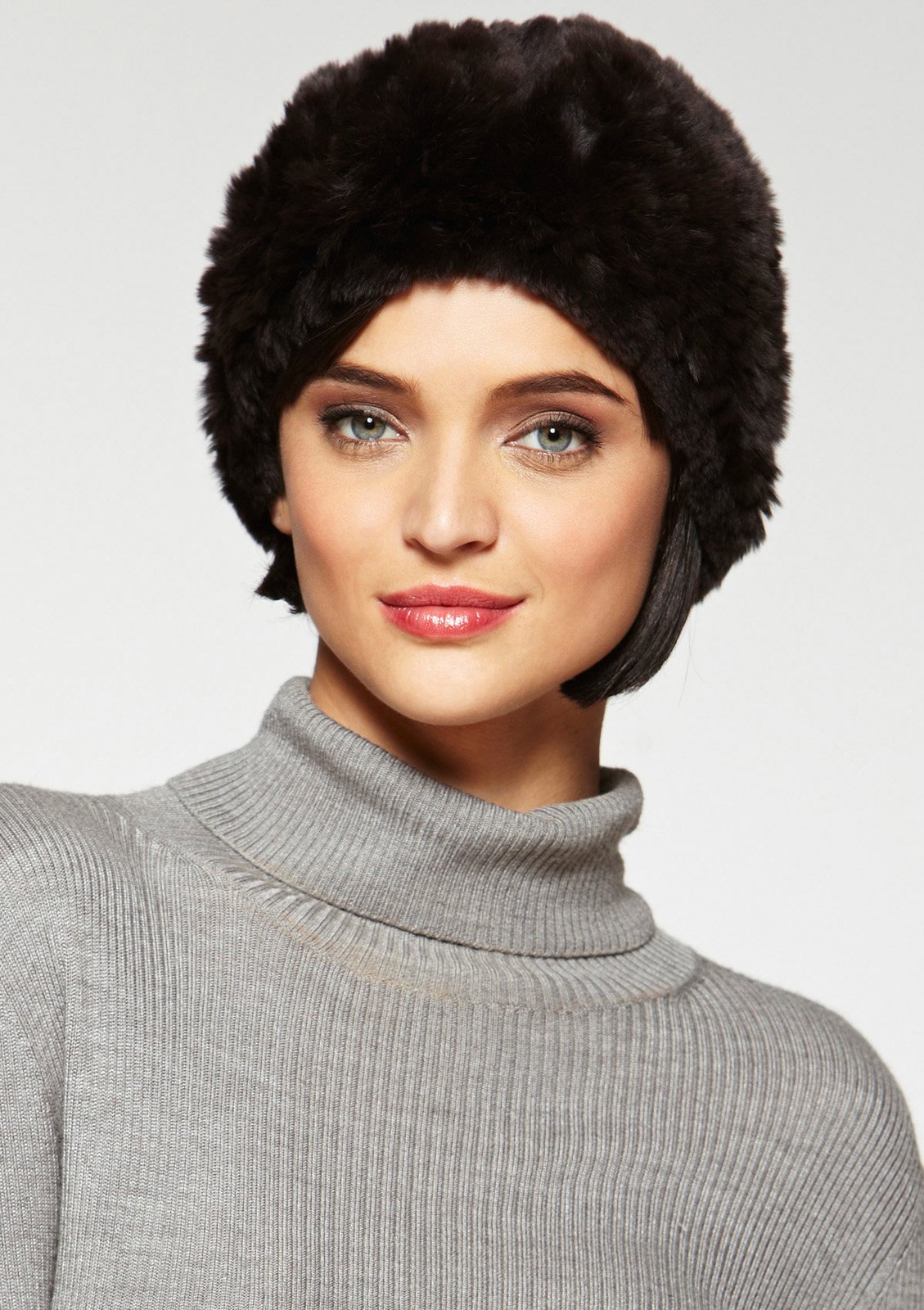
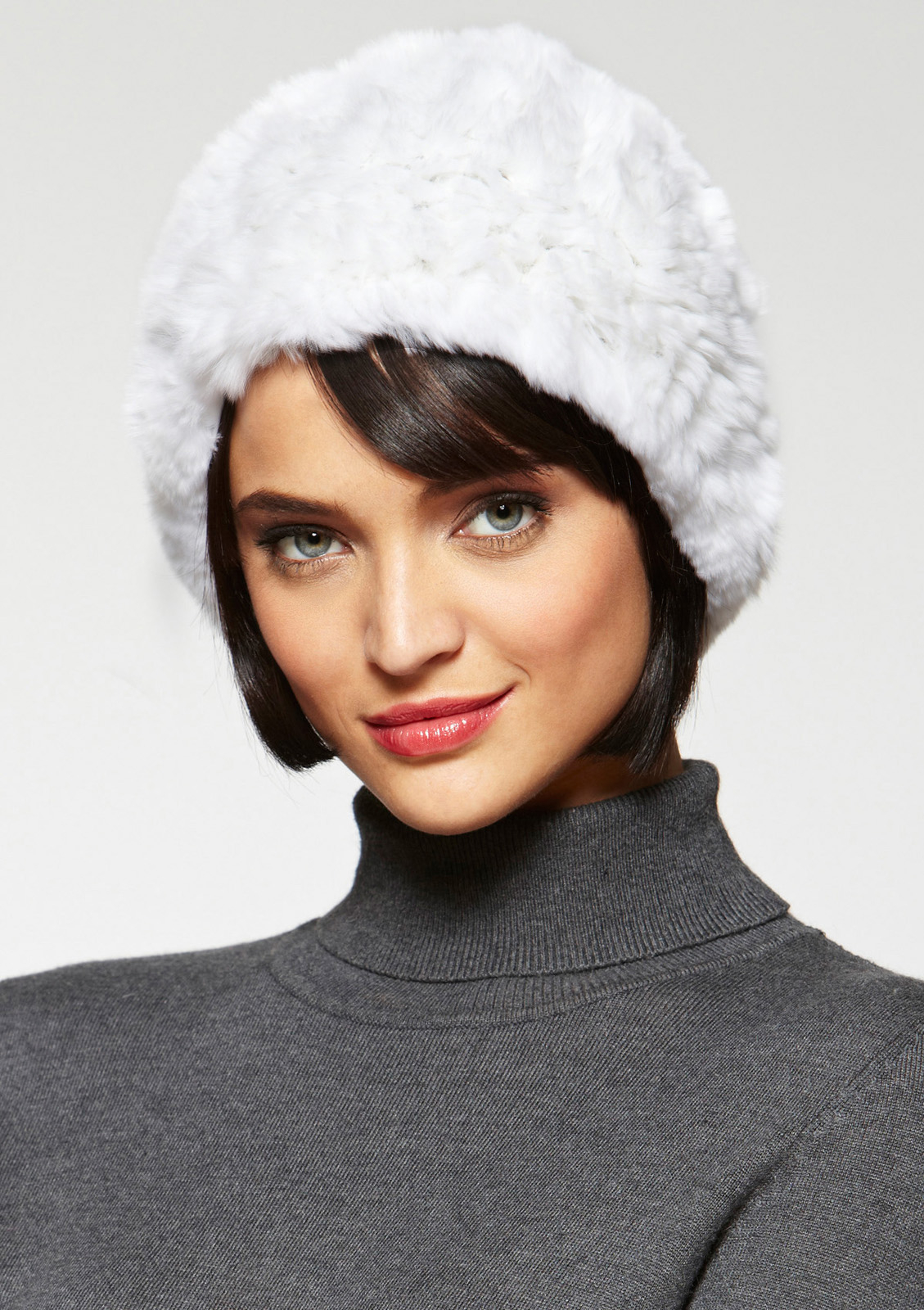
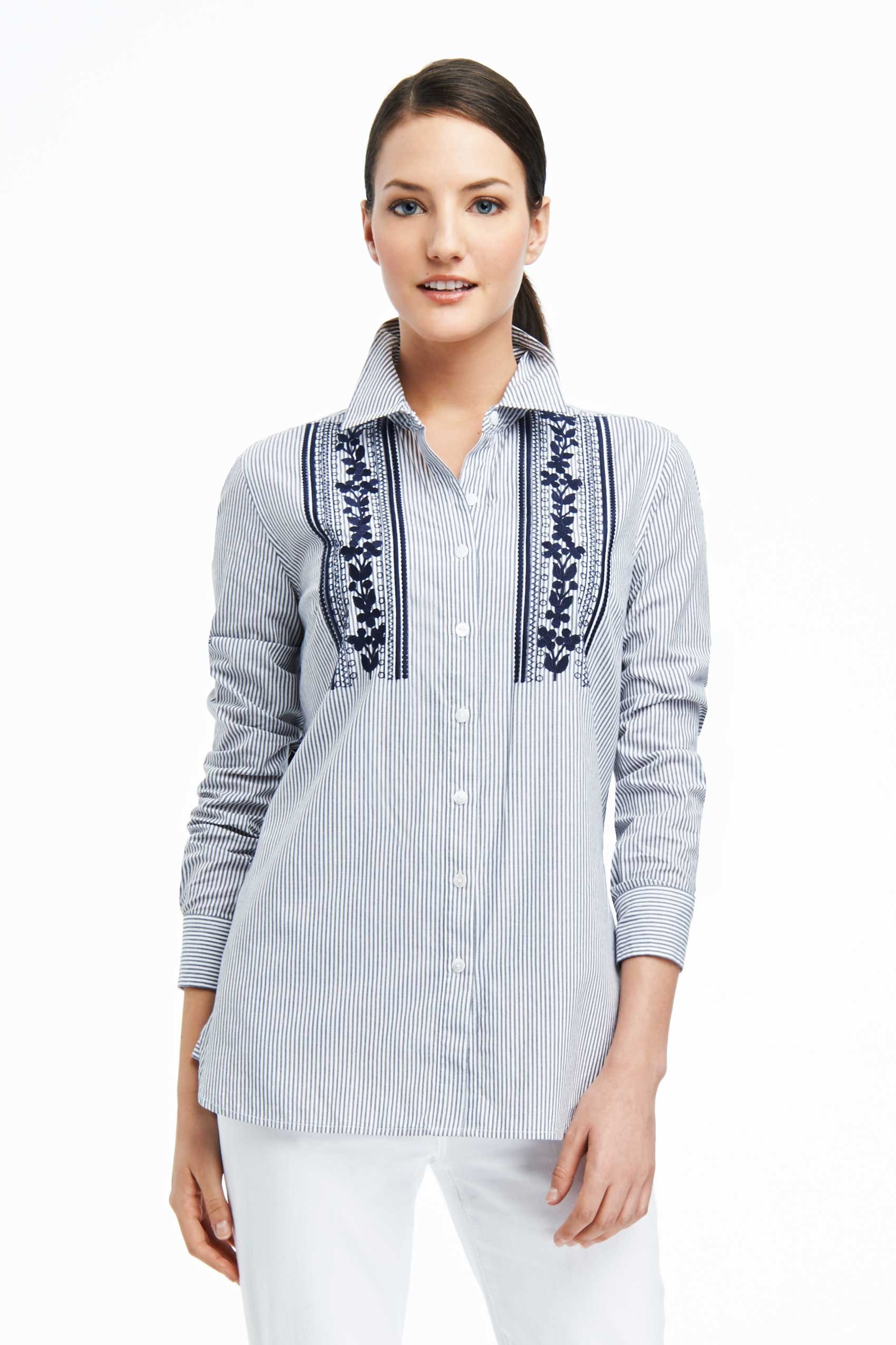
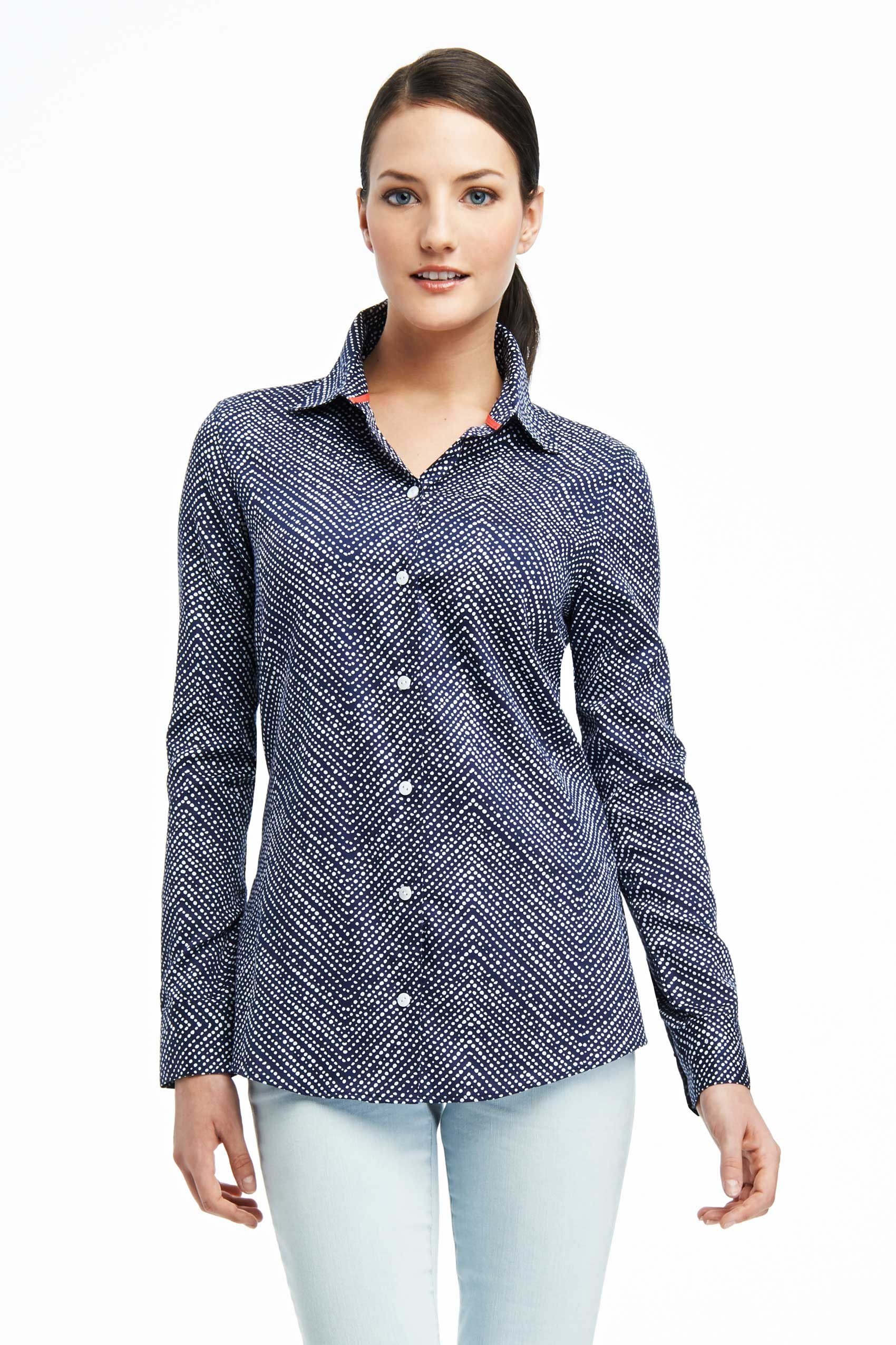
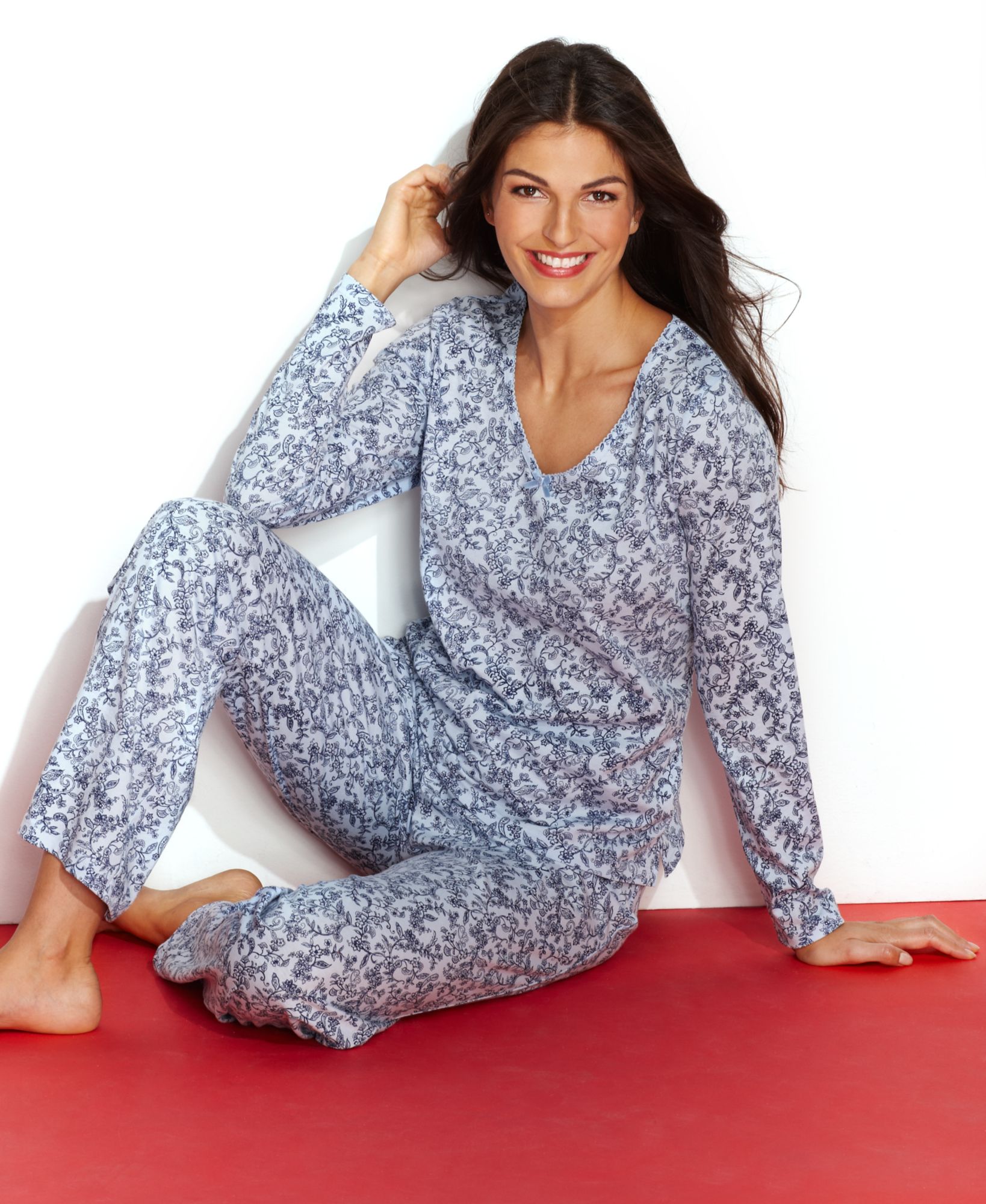
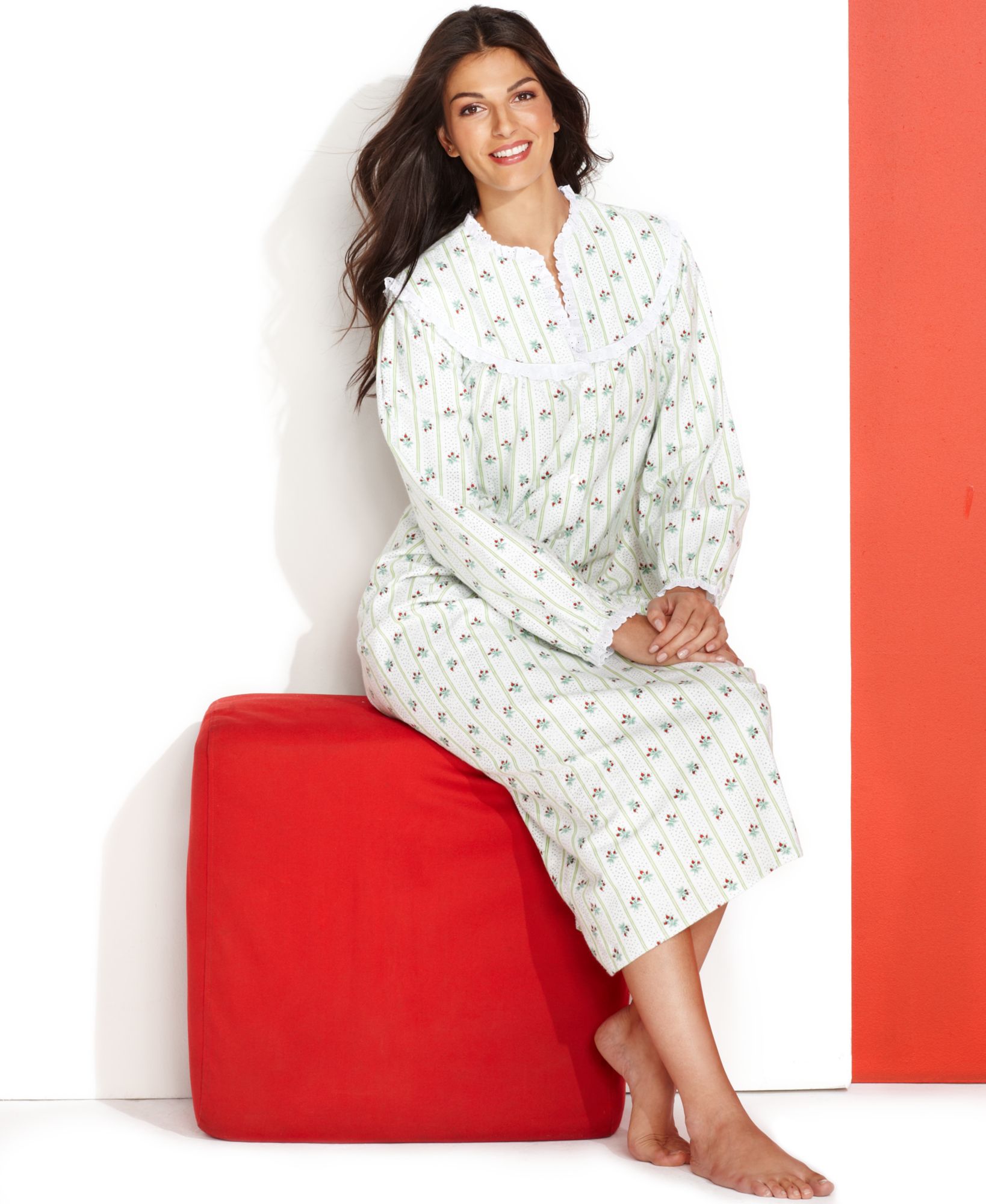
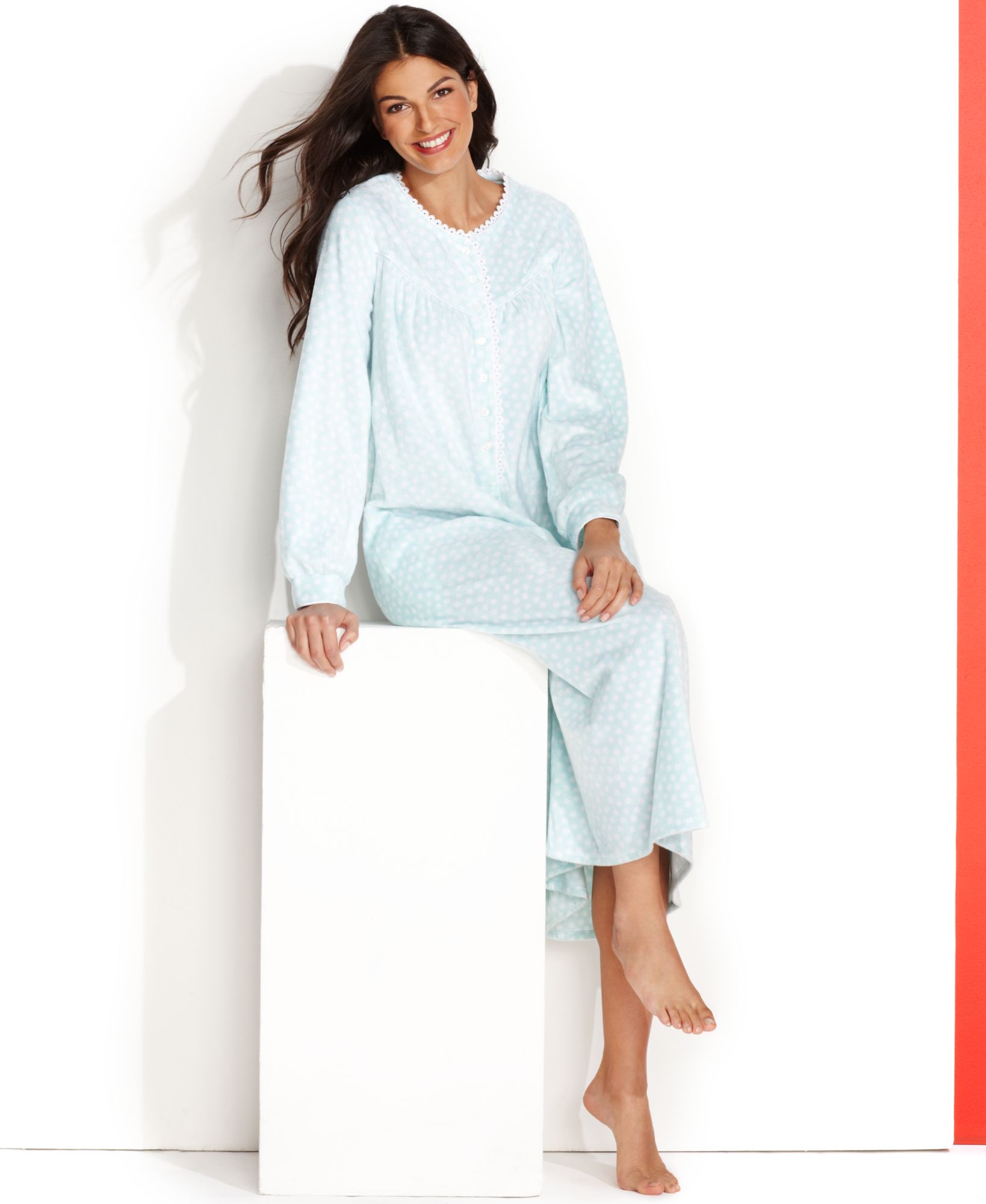
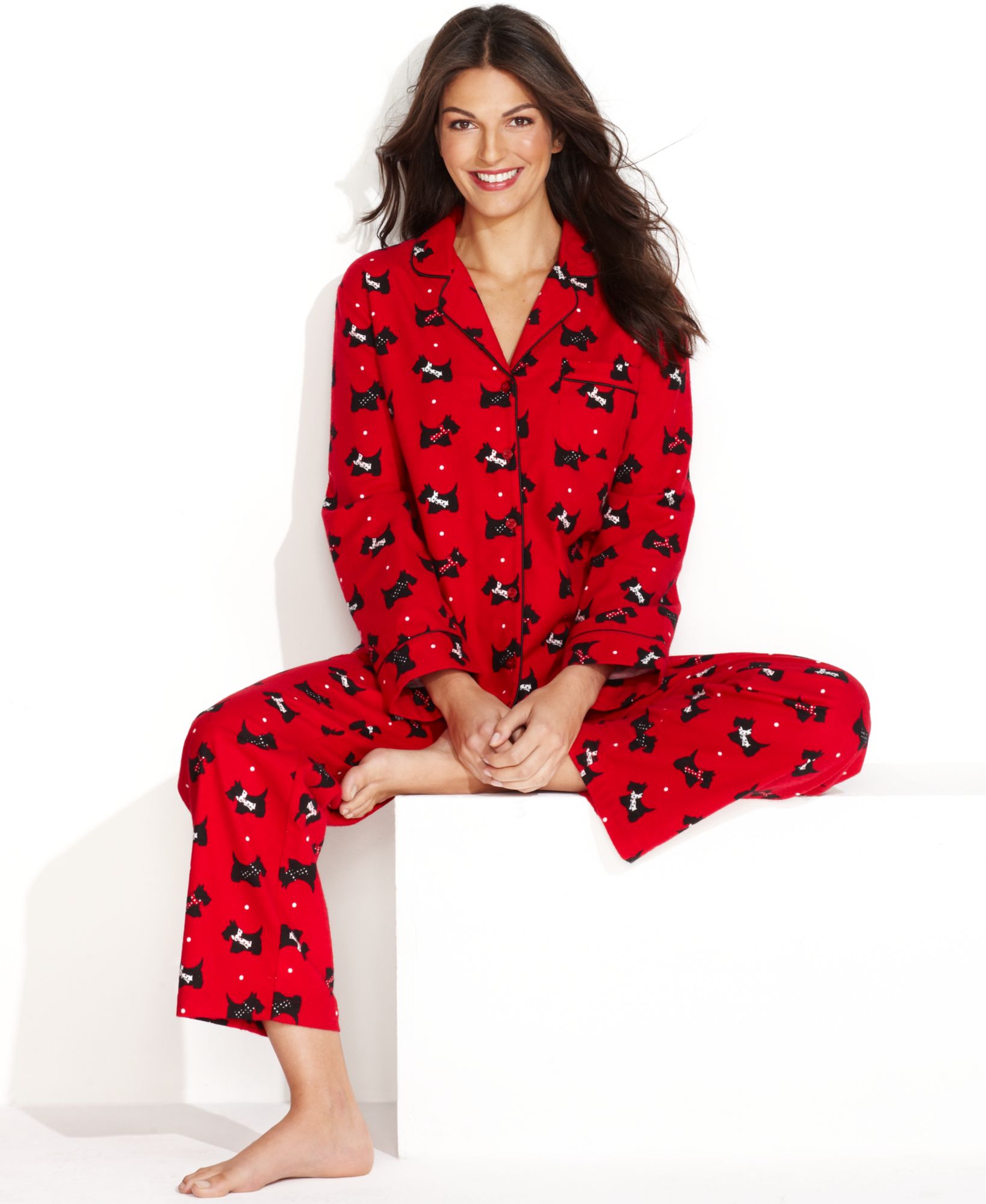
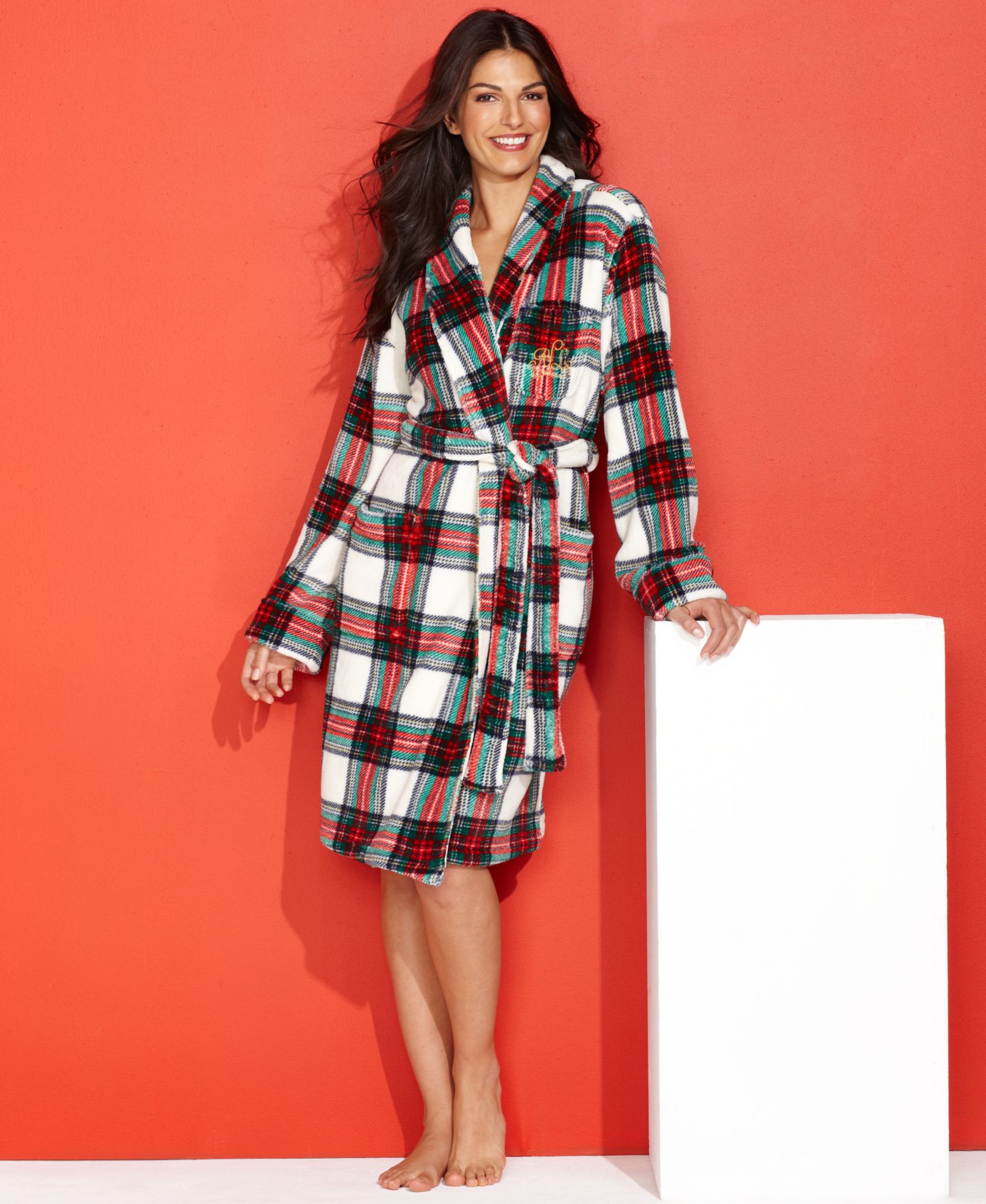
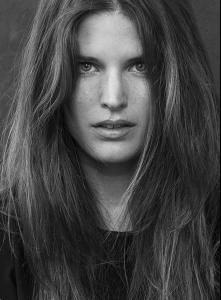 Ideeli (from a few years ago) Belle Fare Cece's New York Nine West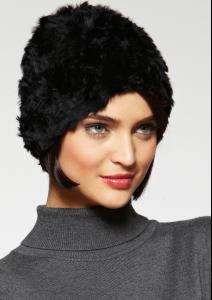


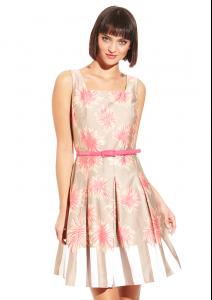
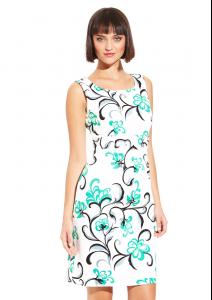
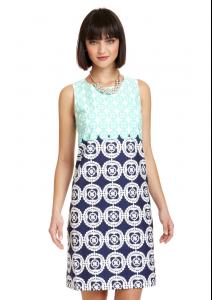
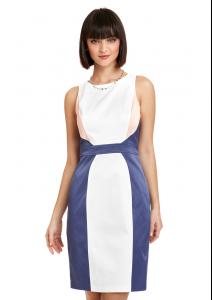
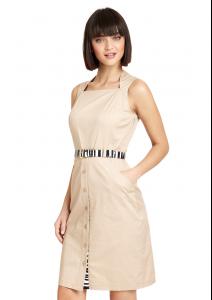

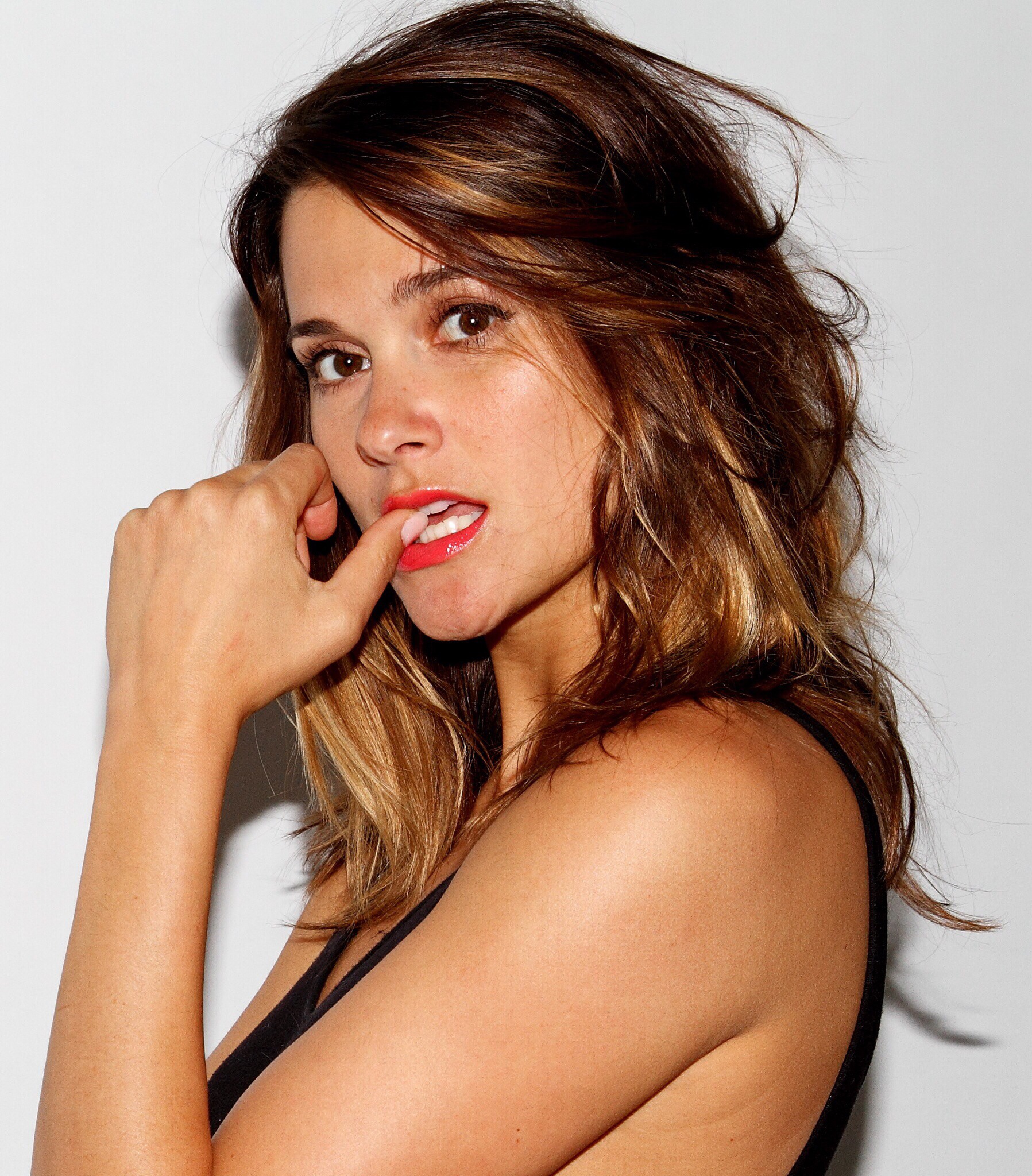
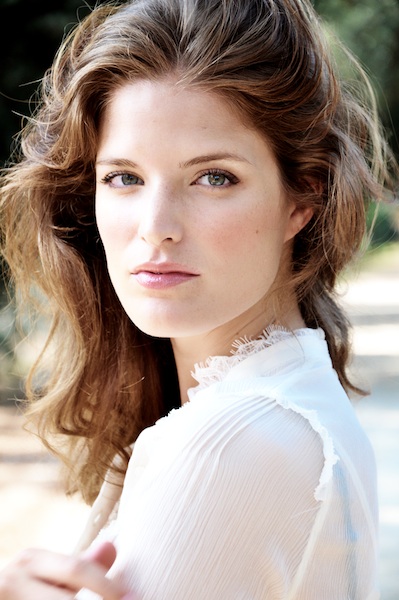
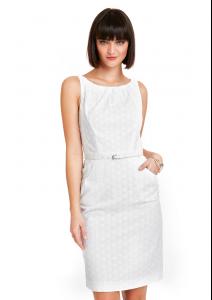 unknown photo shoot
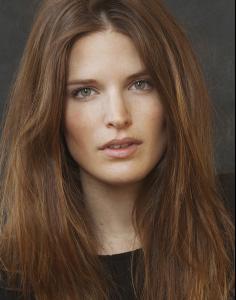 unknown photo shoot









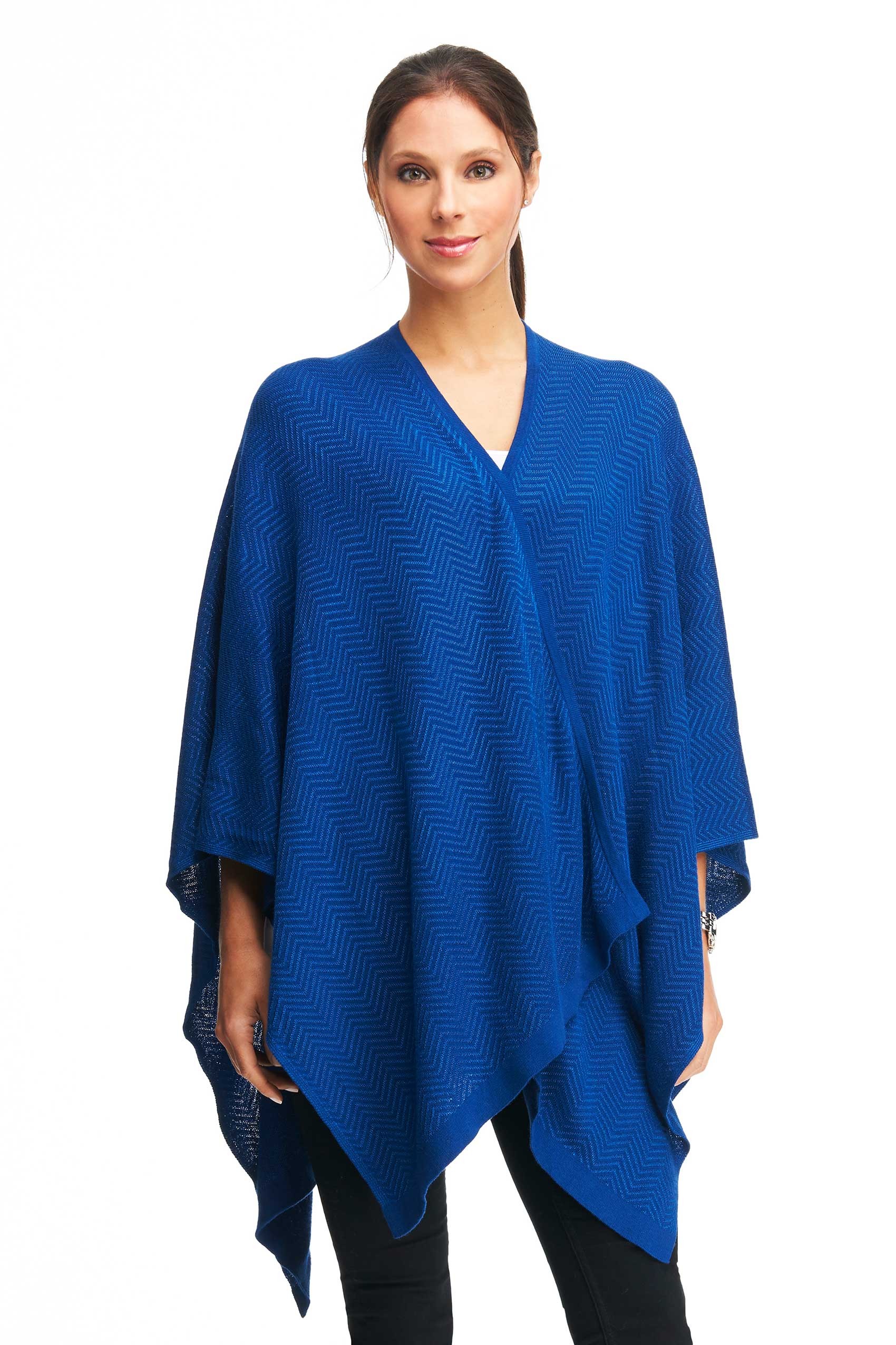
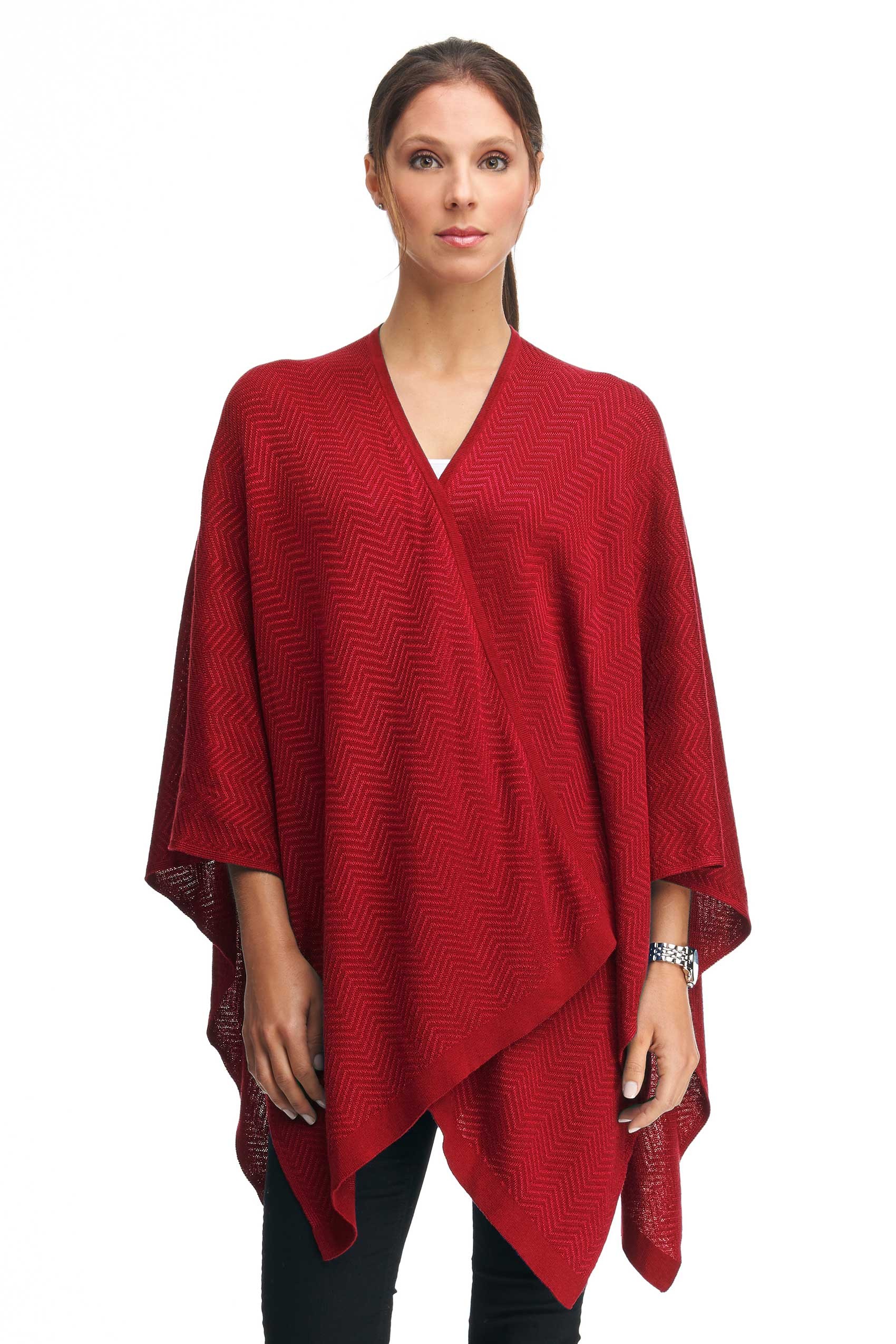
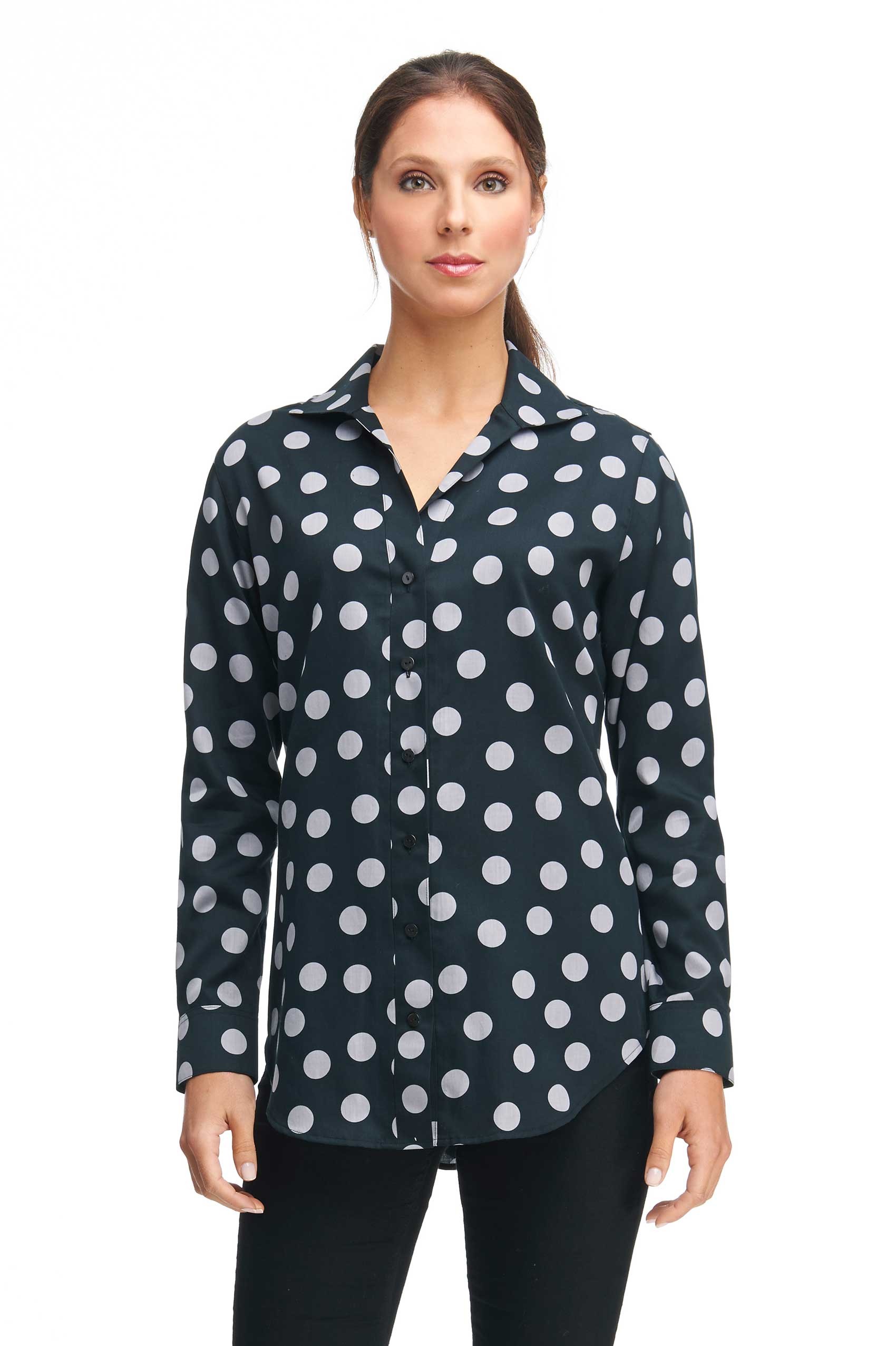
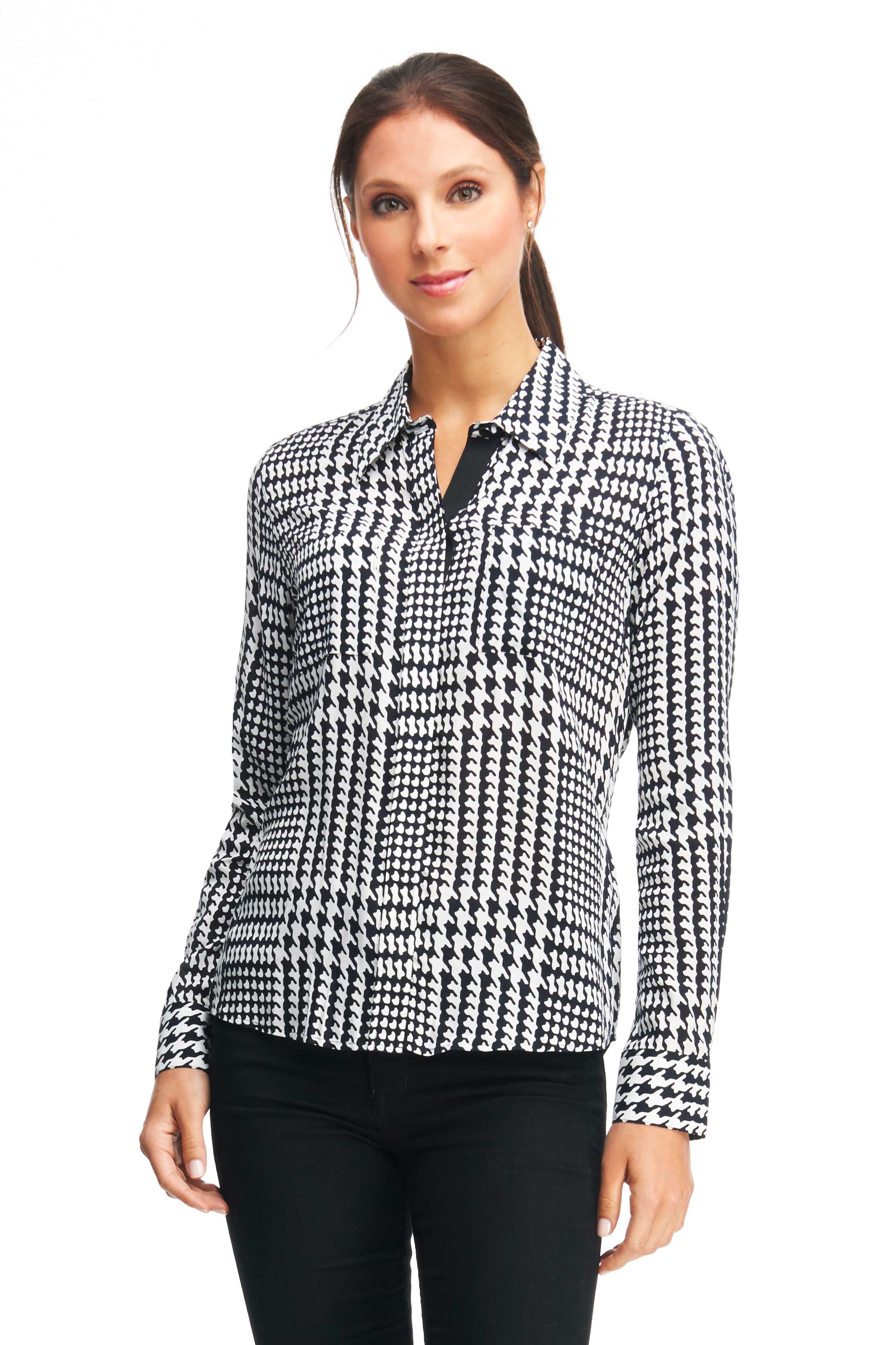
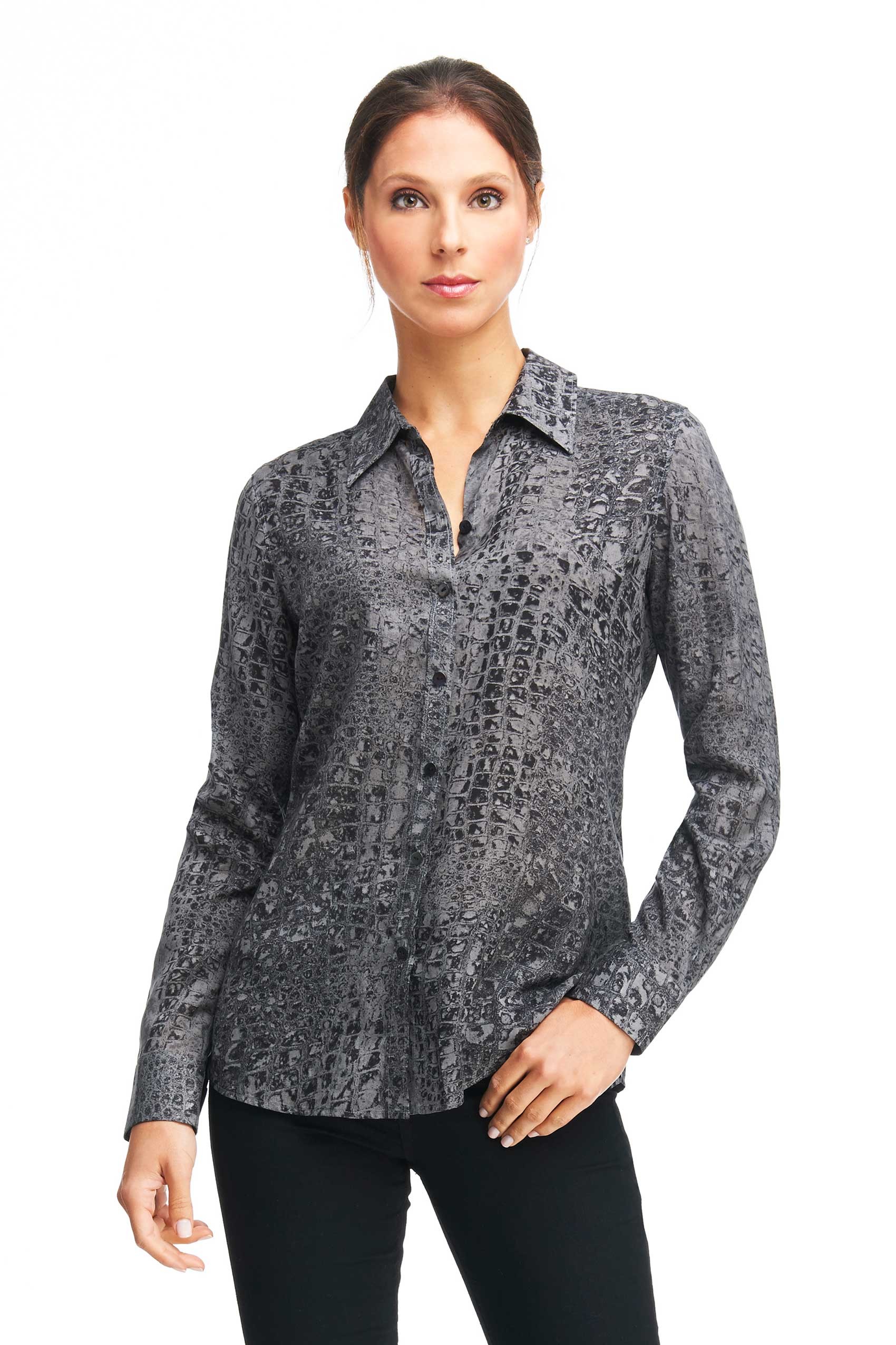
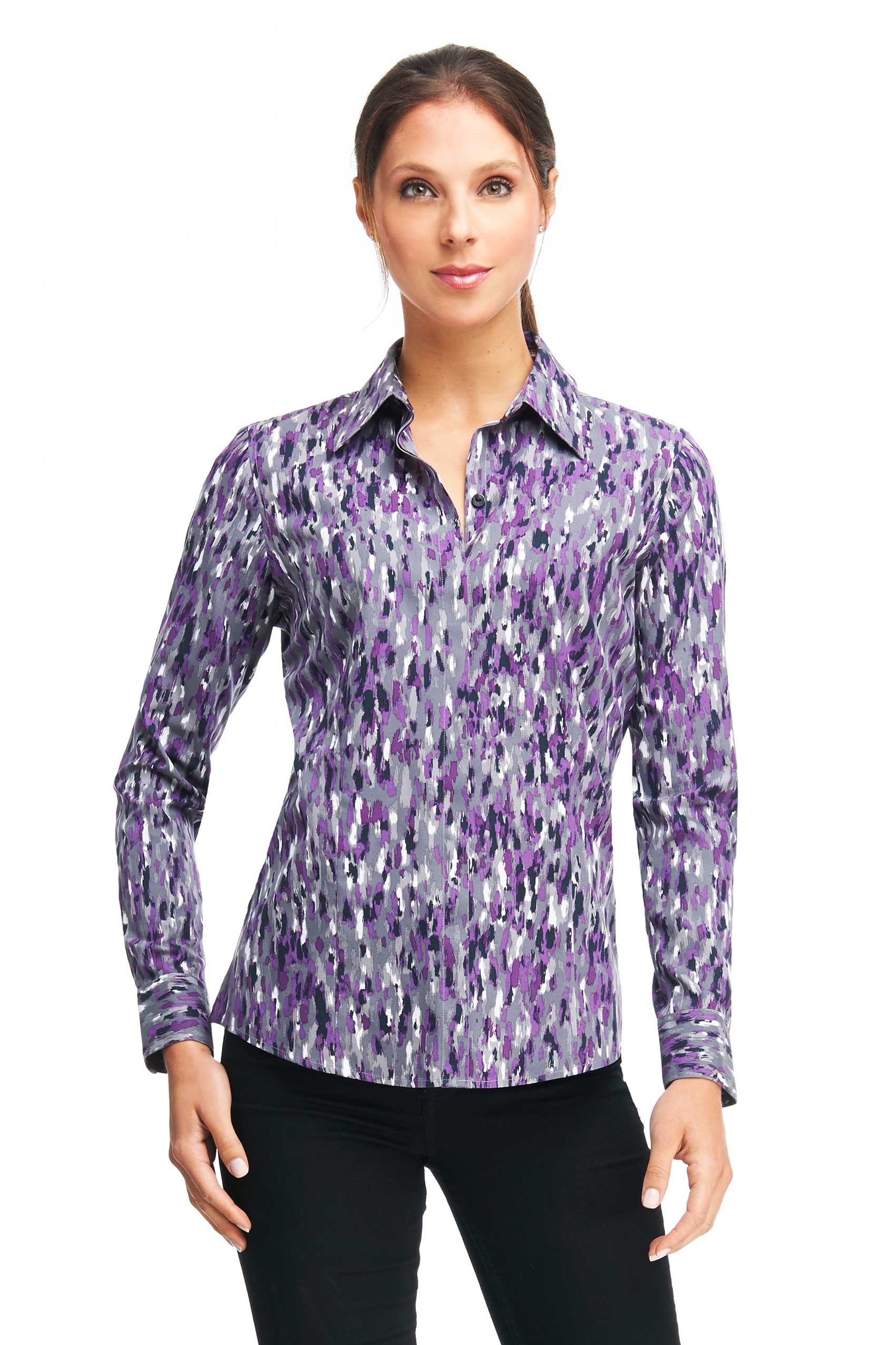
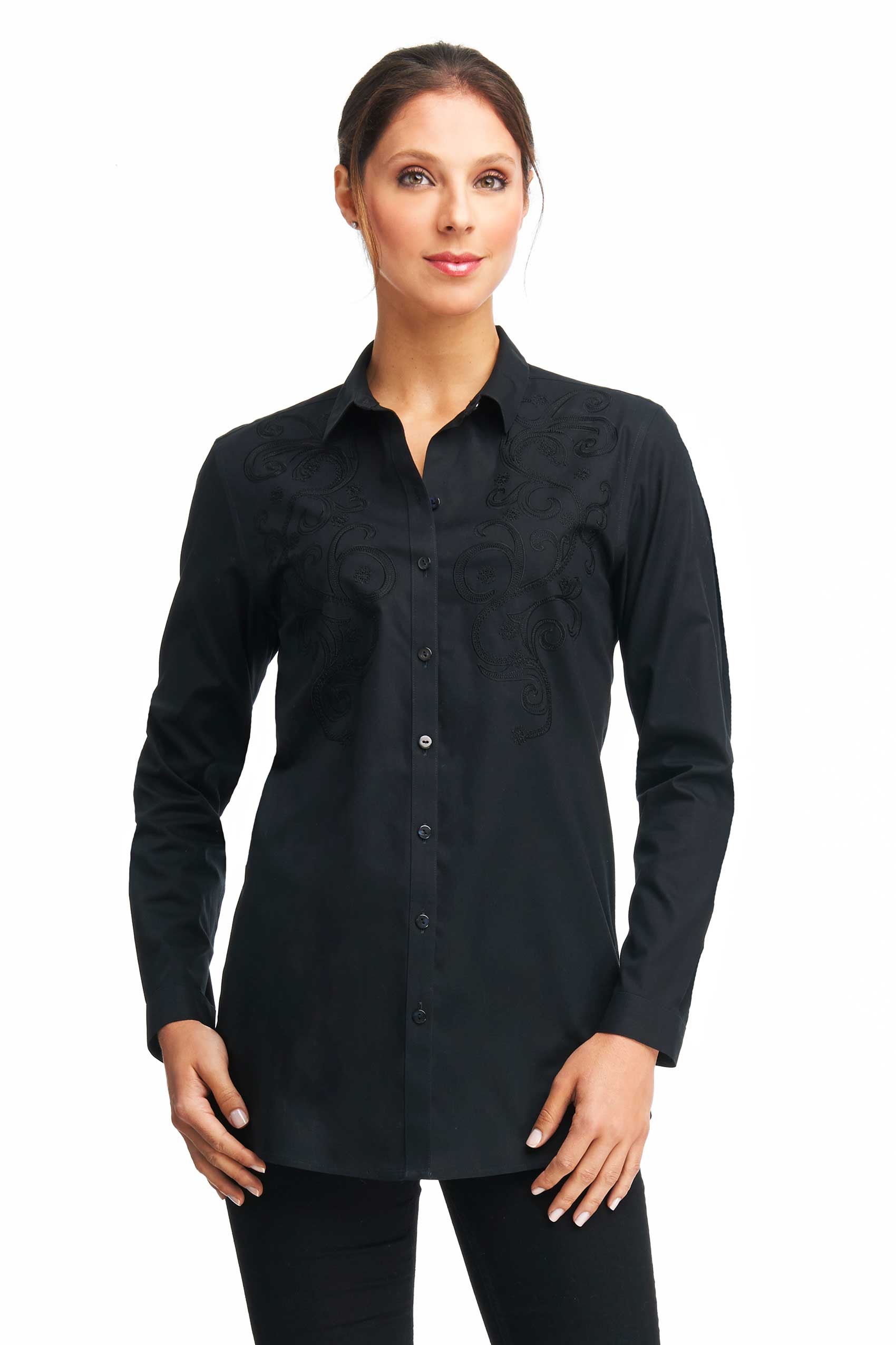
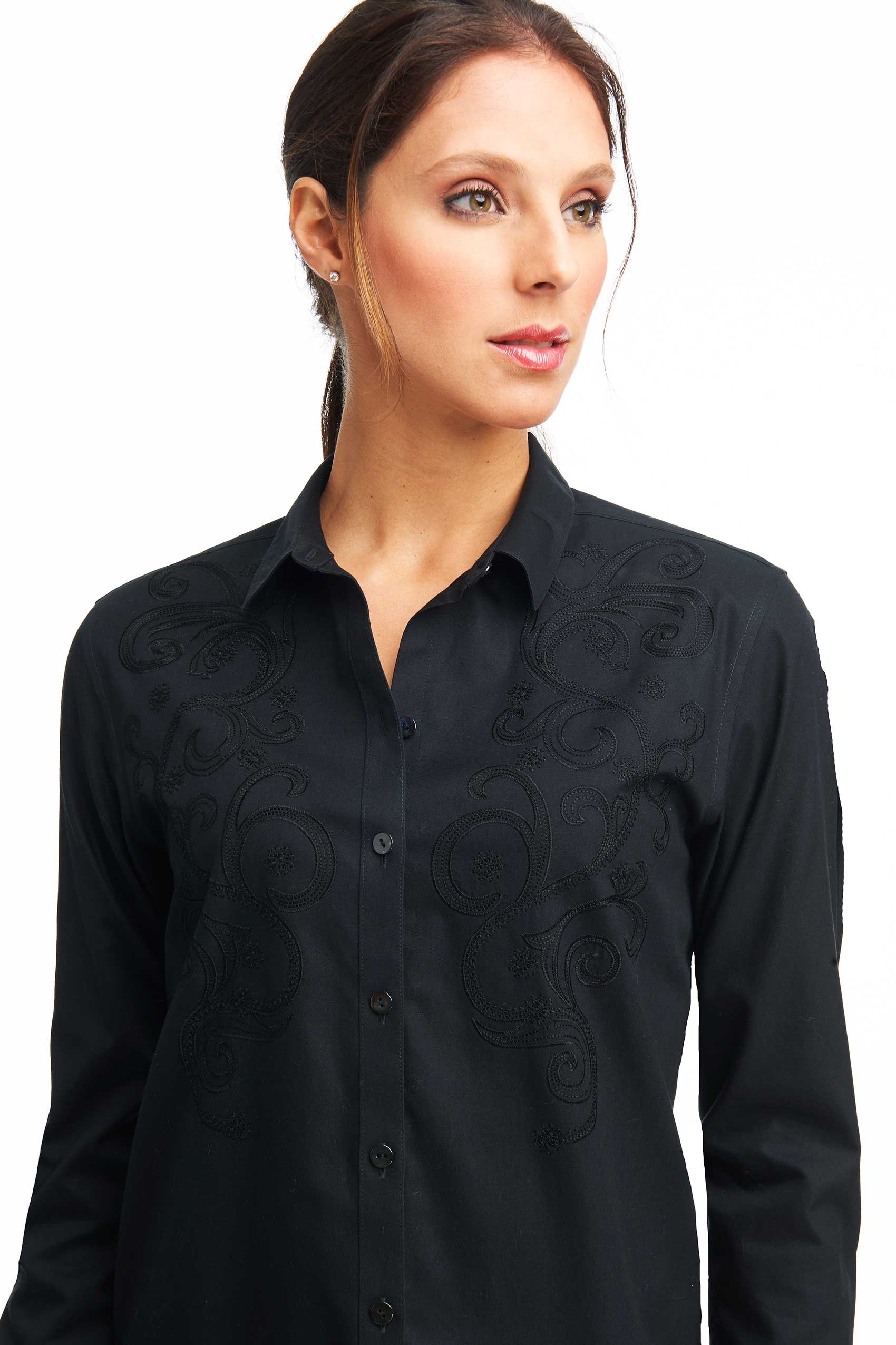
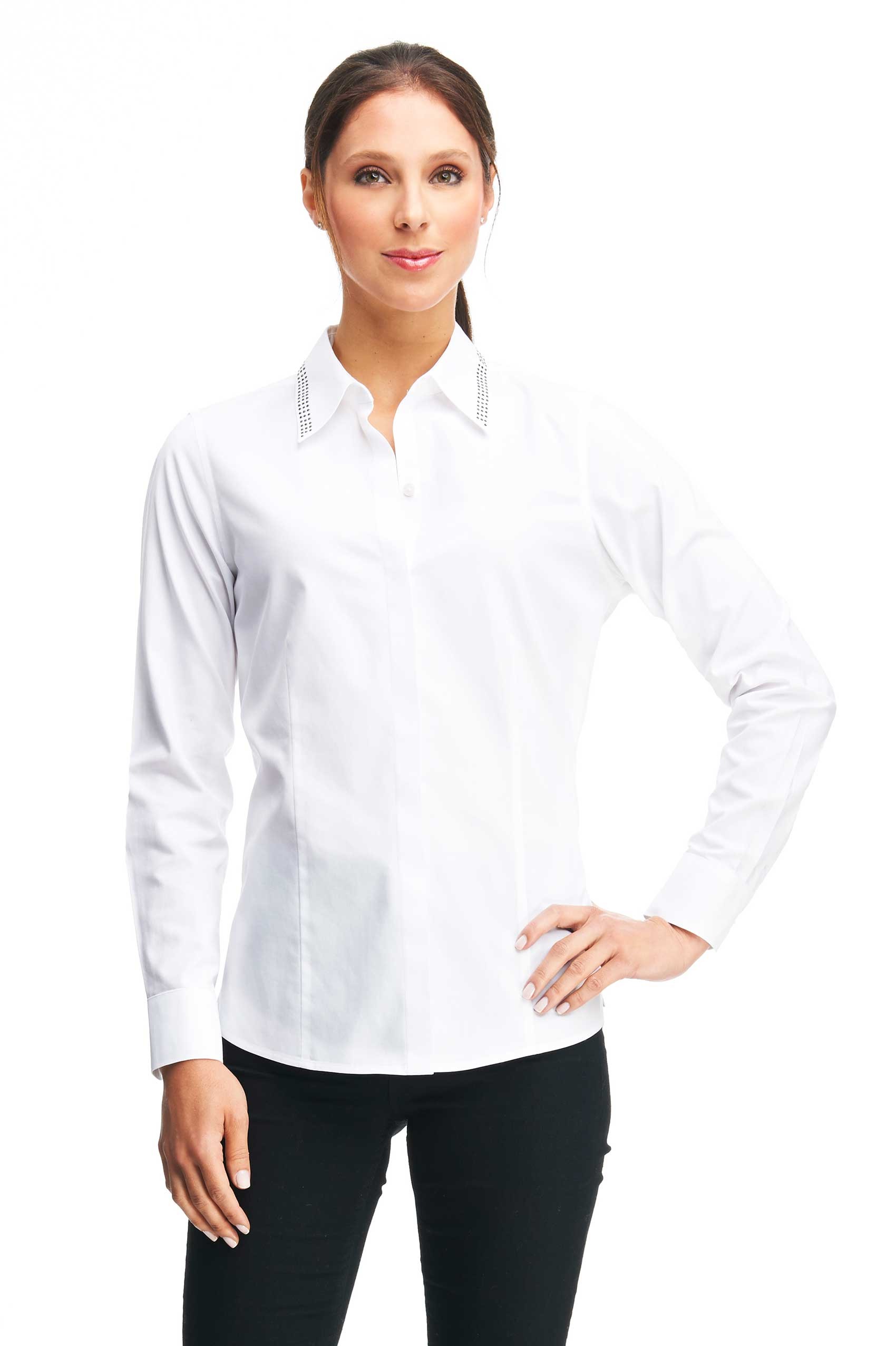
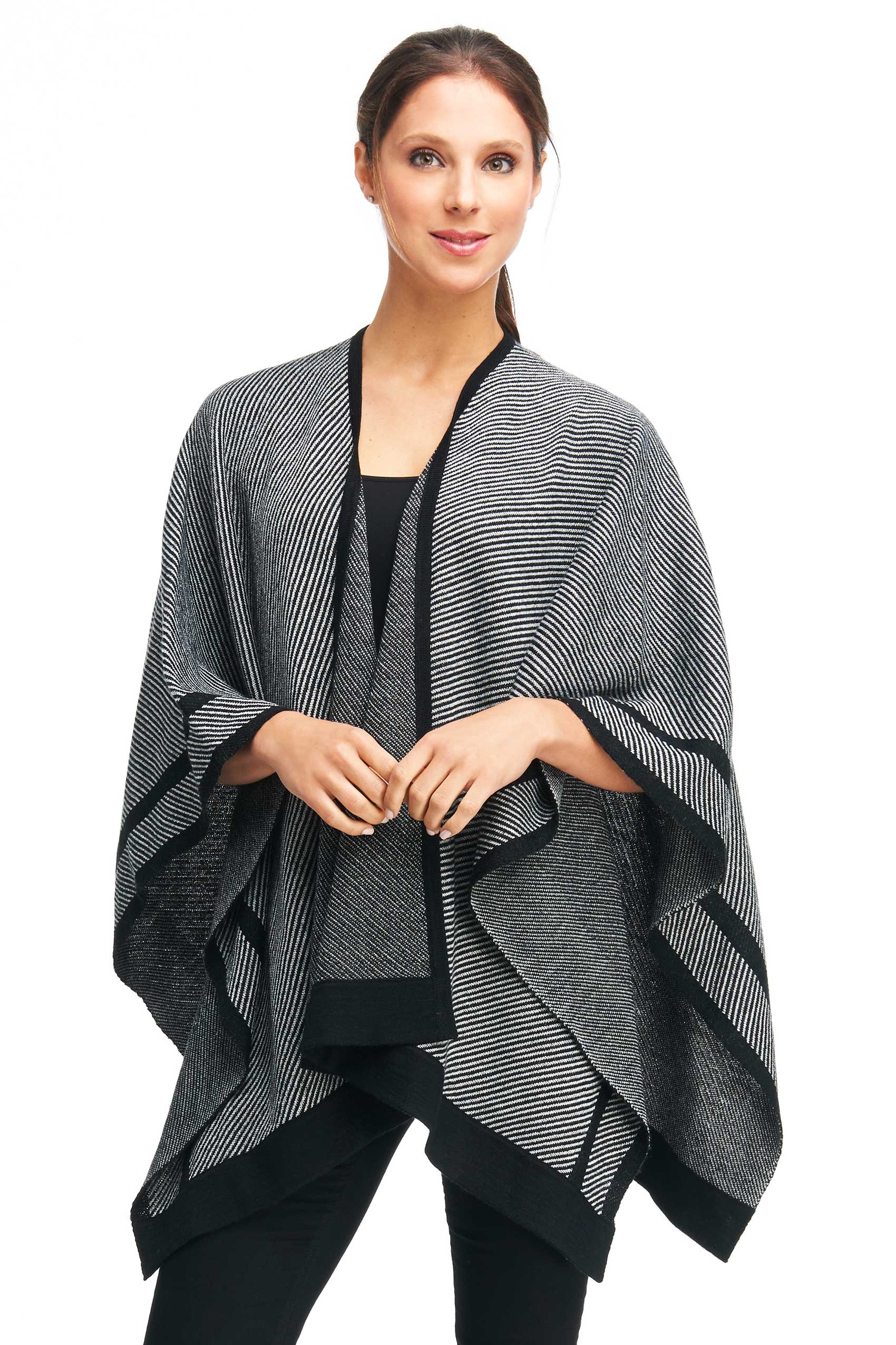
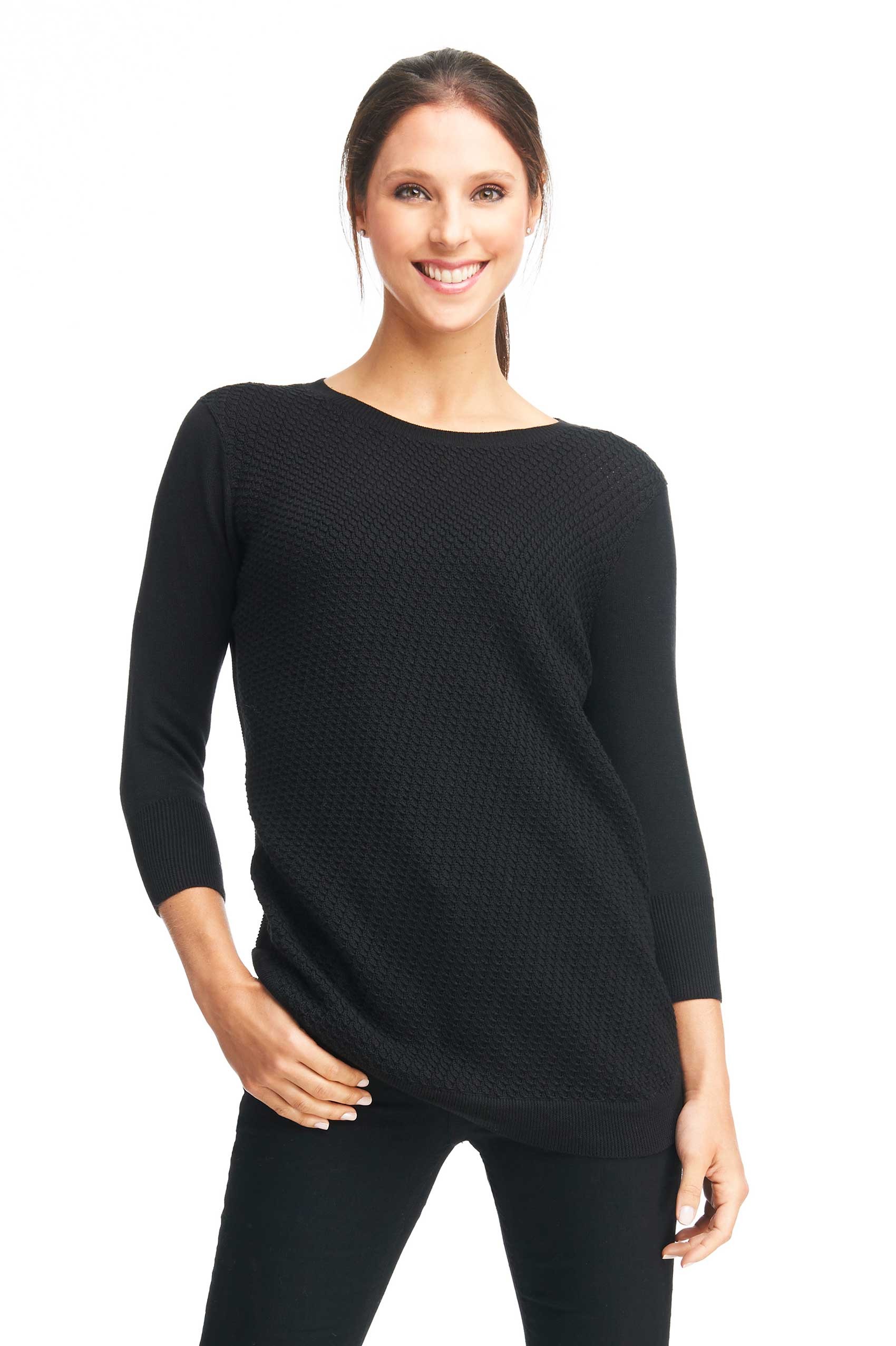
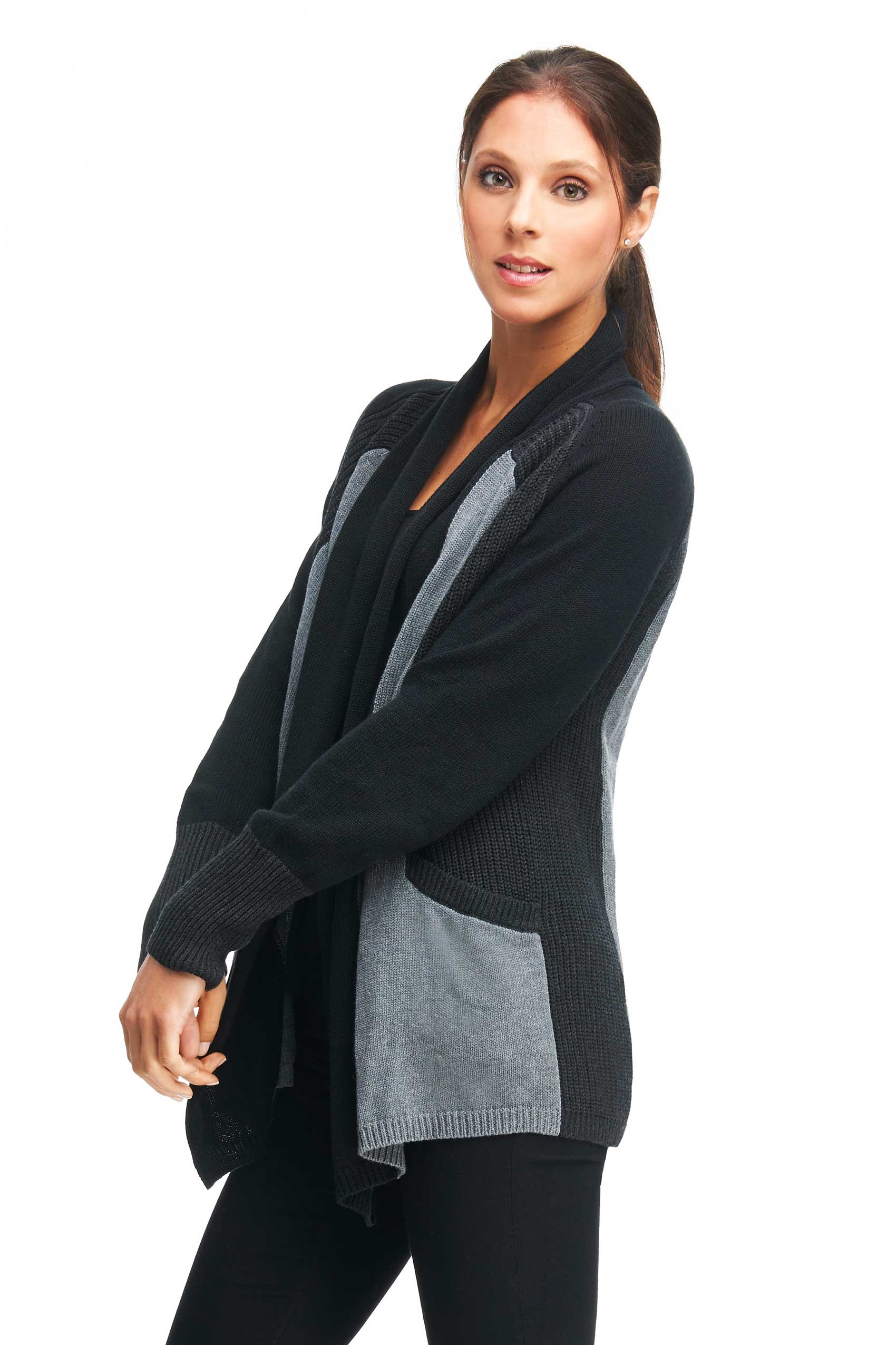
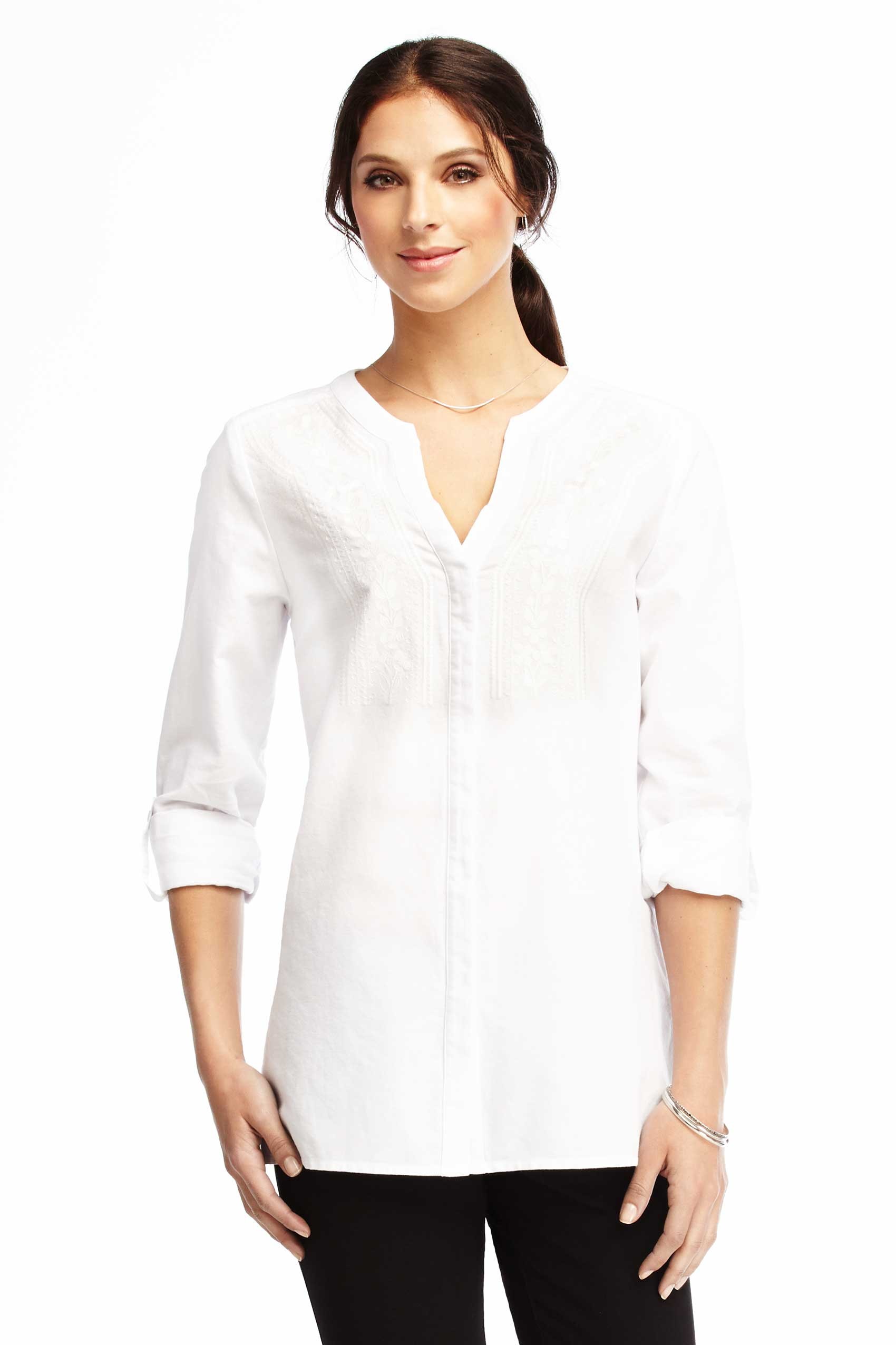
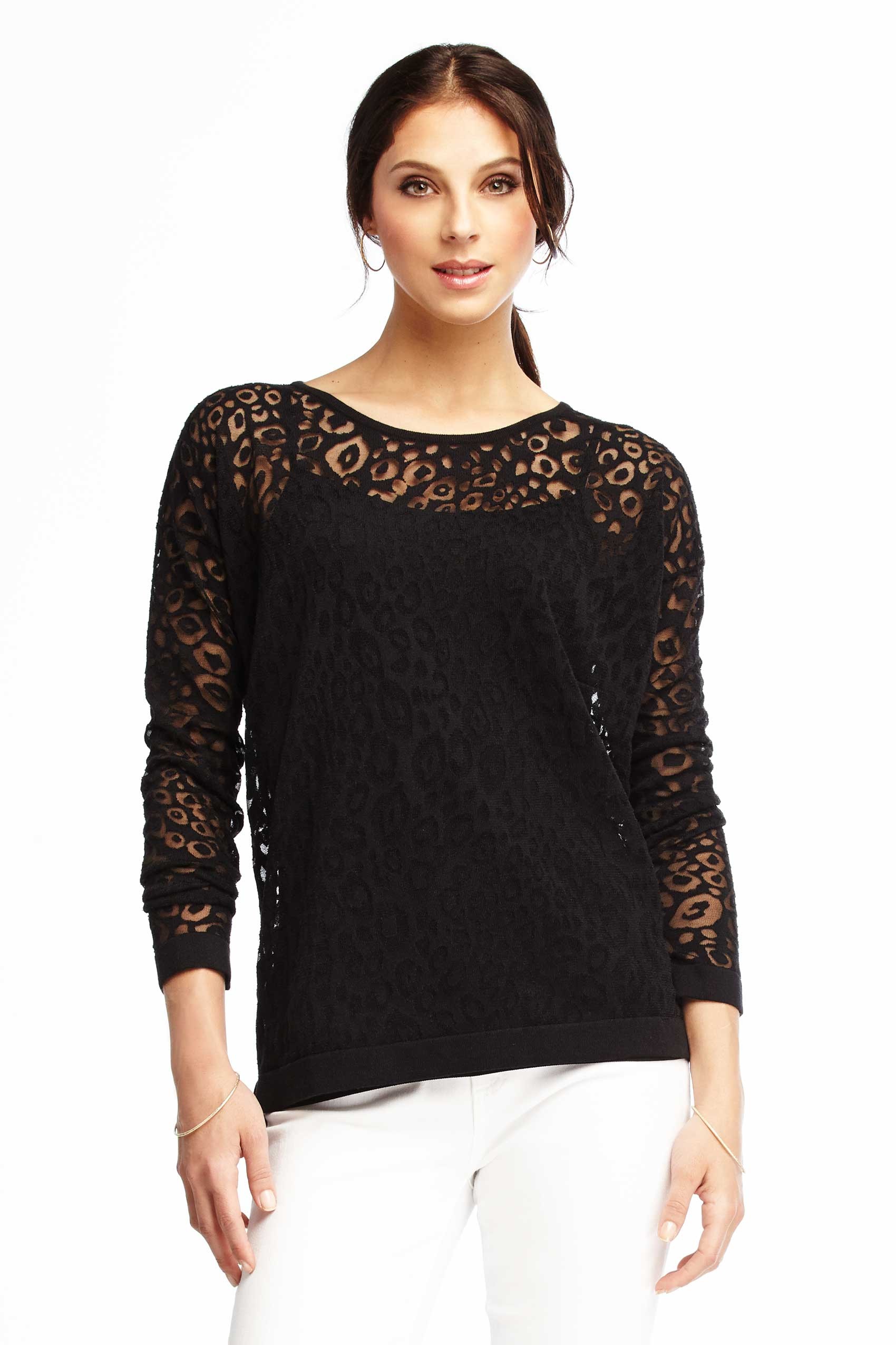
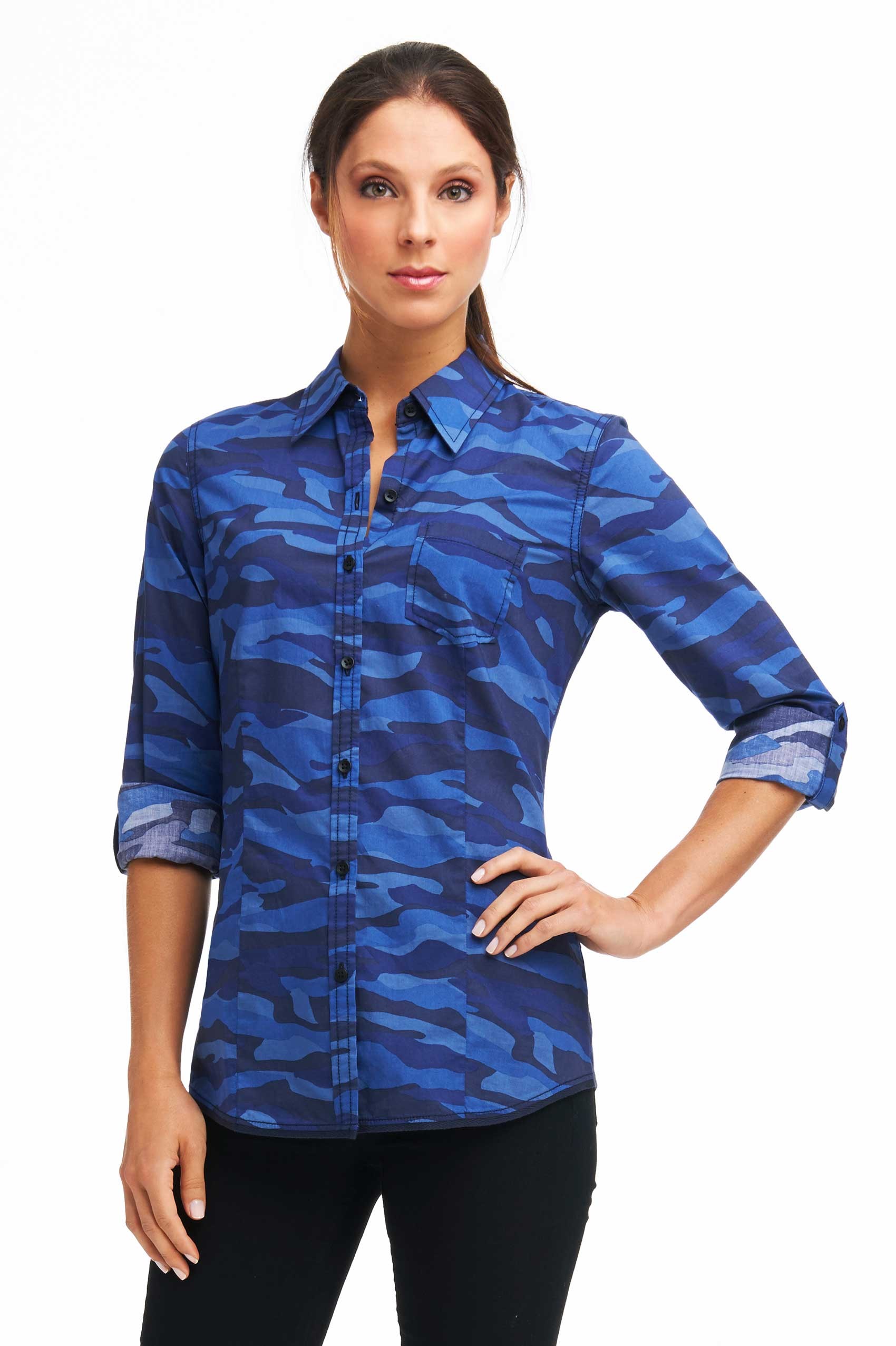
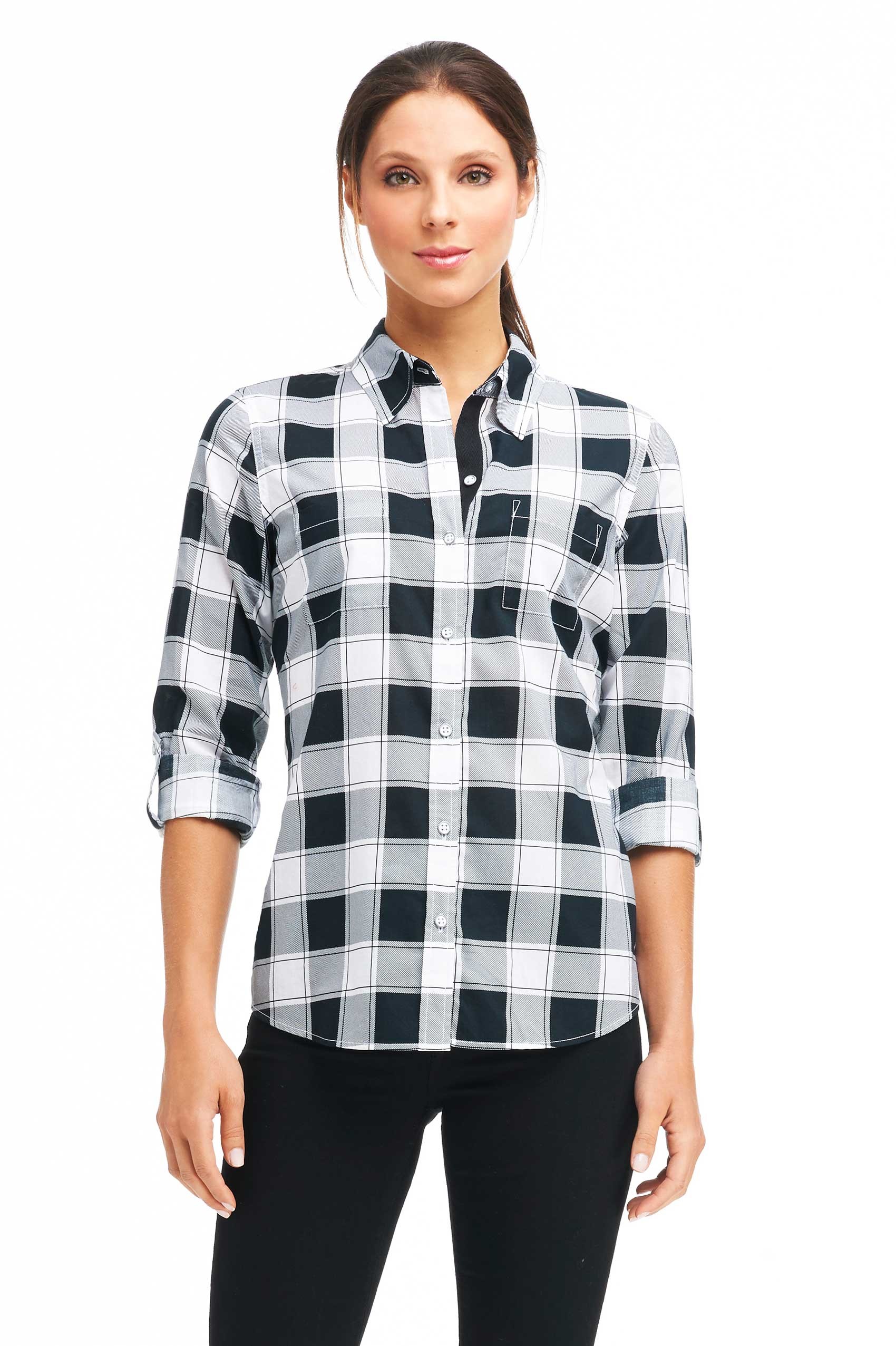
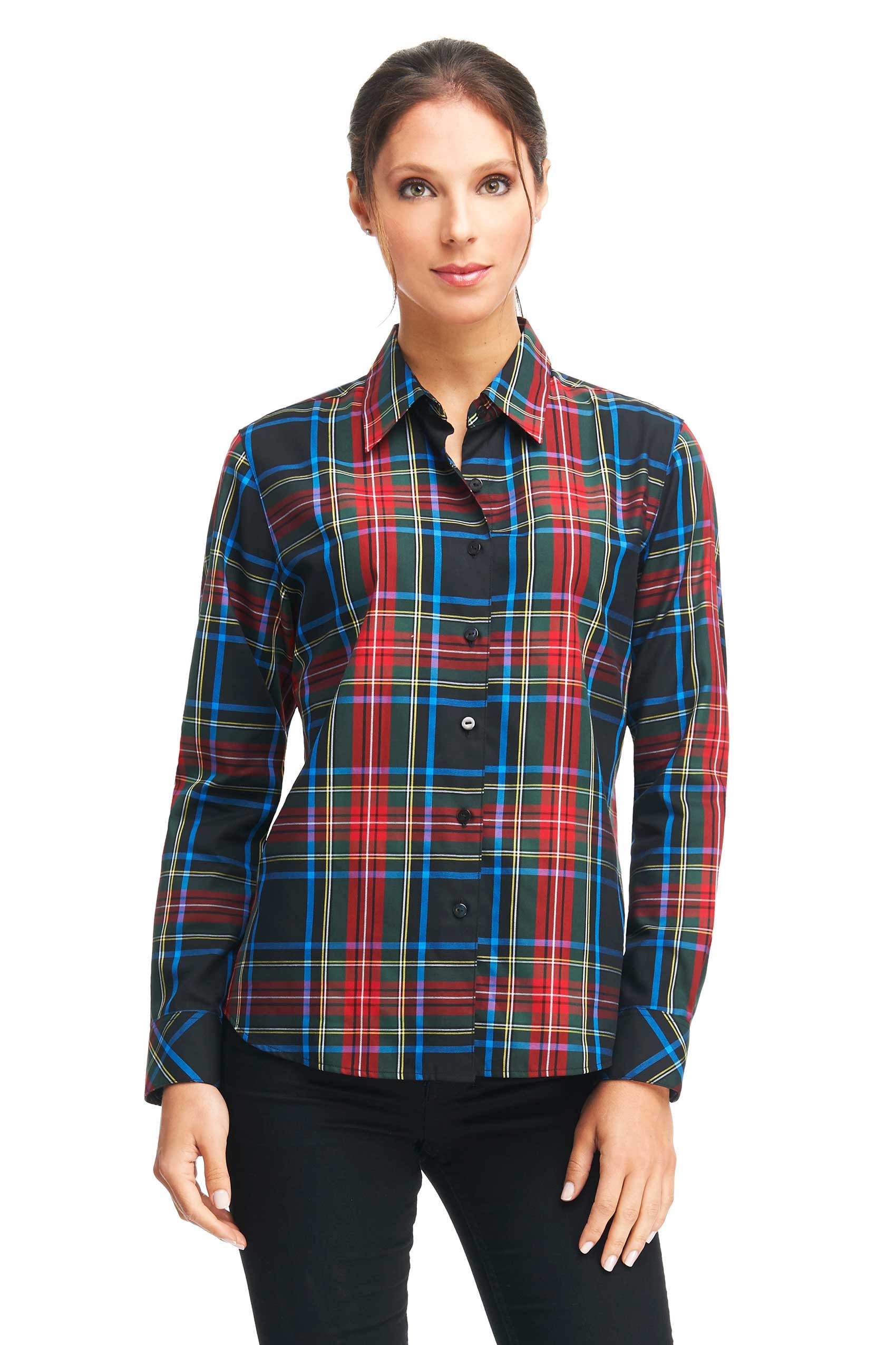
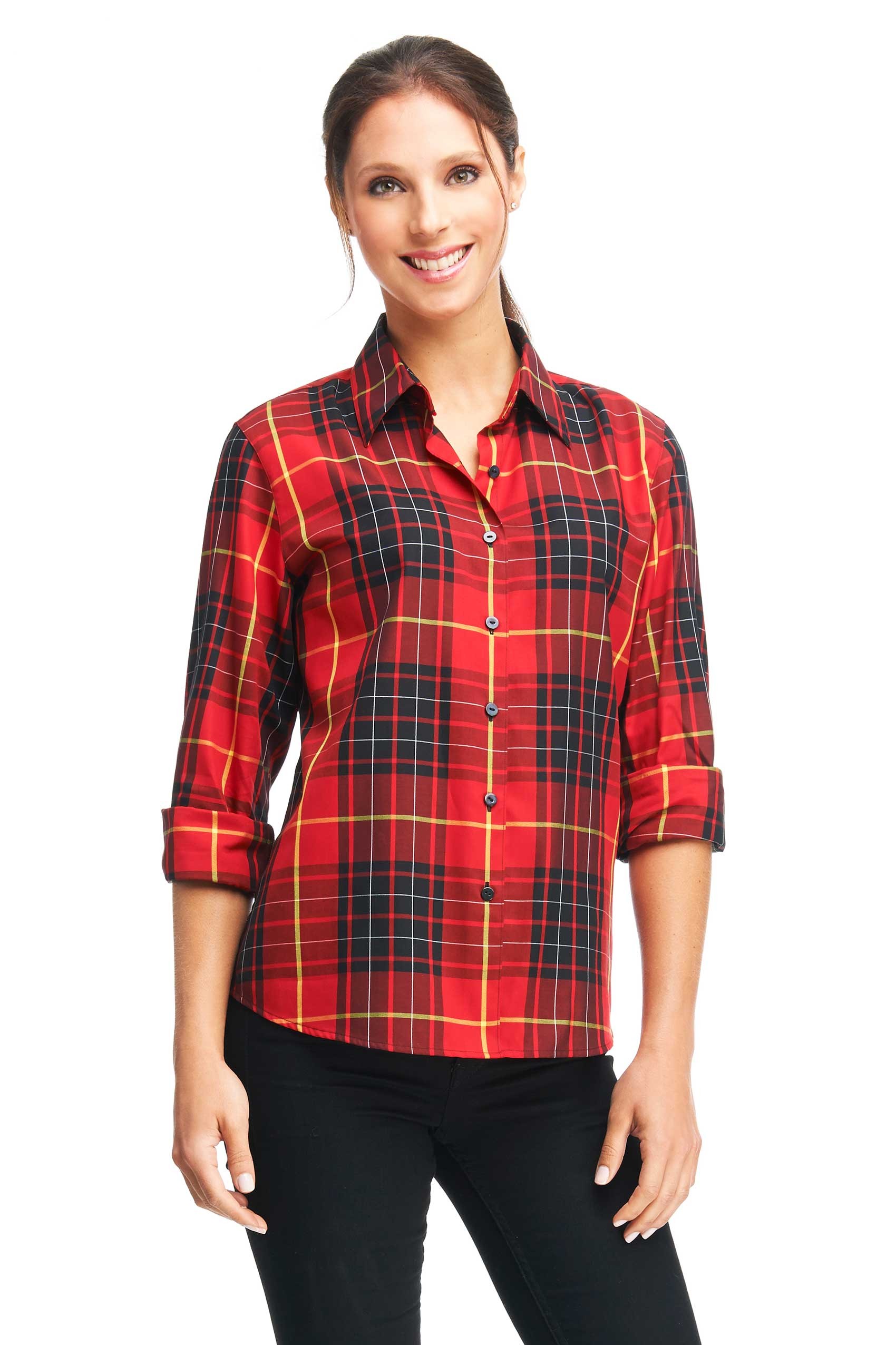
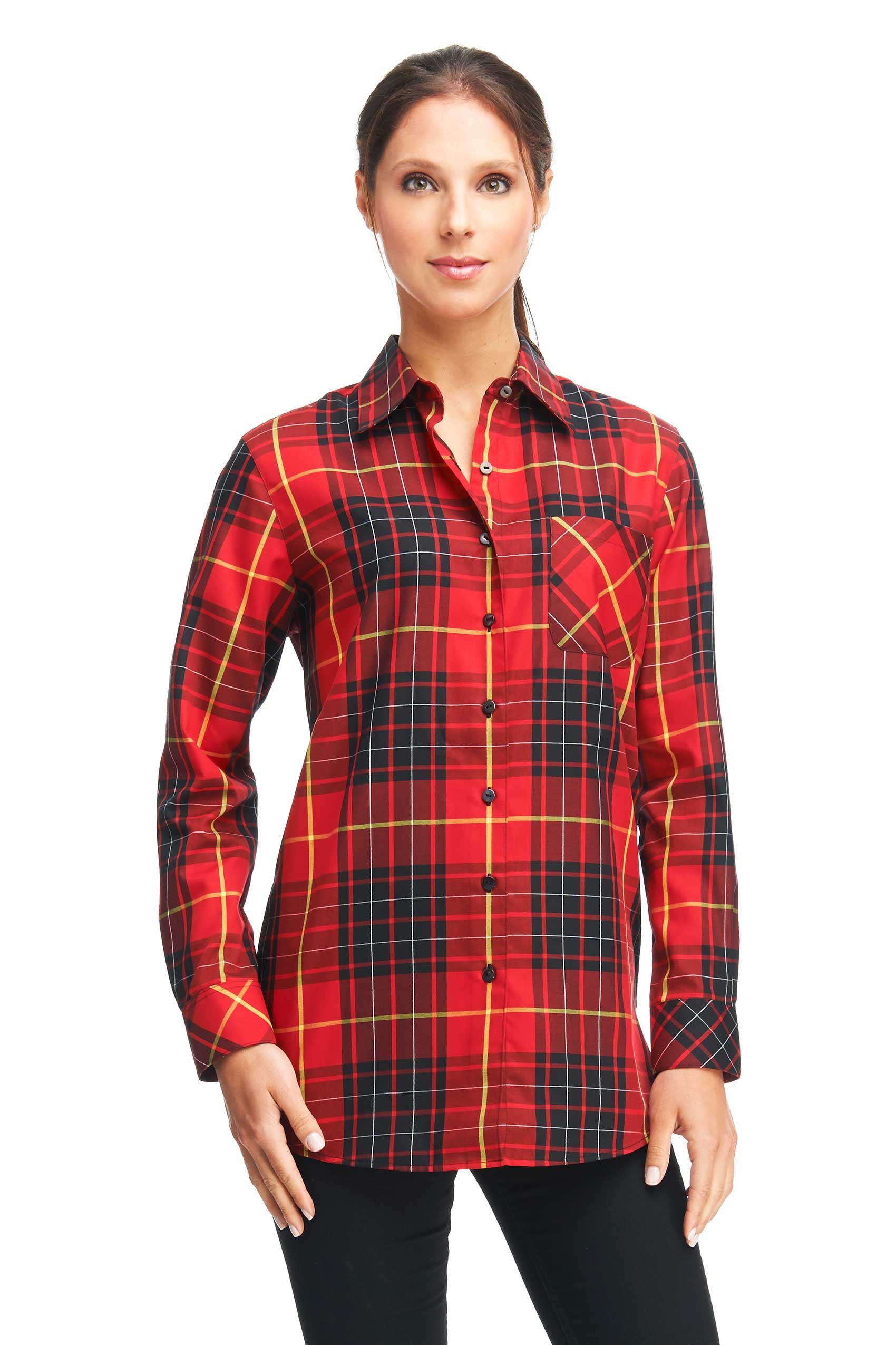
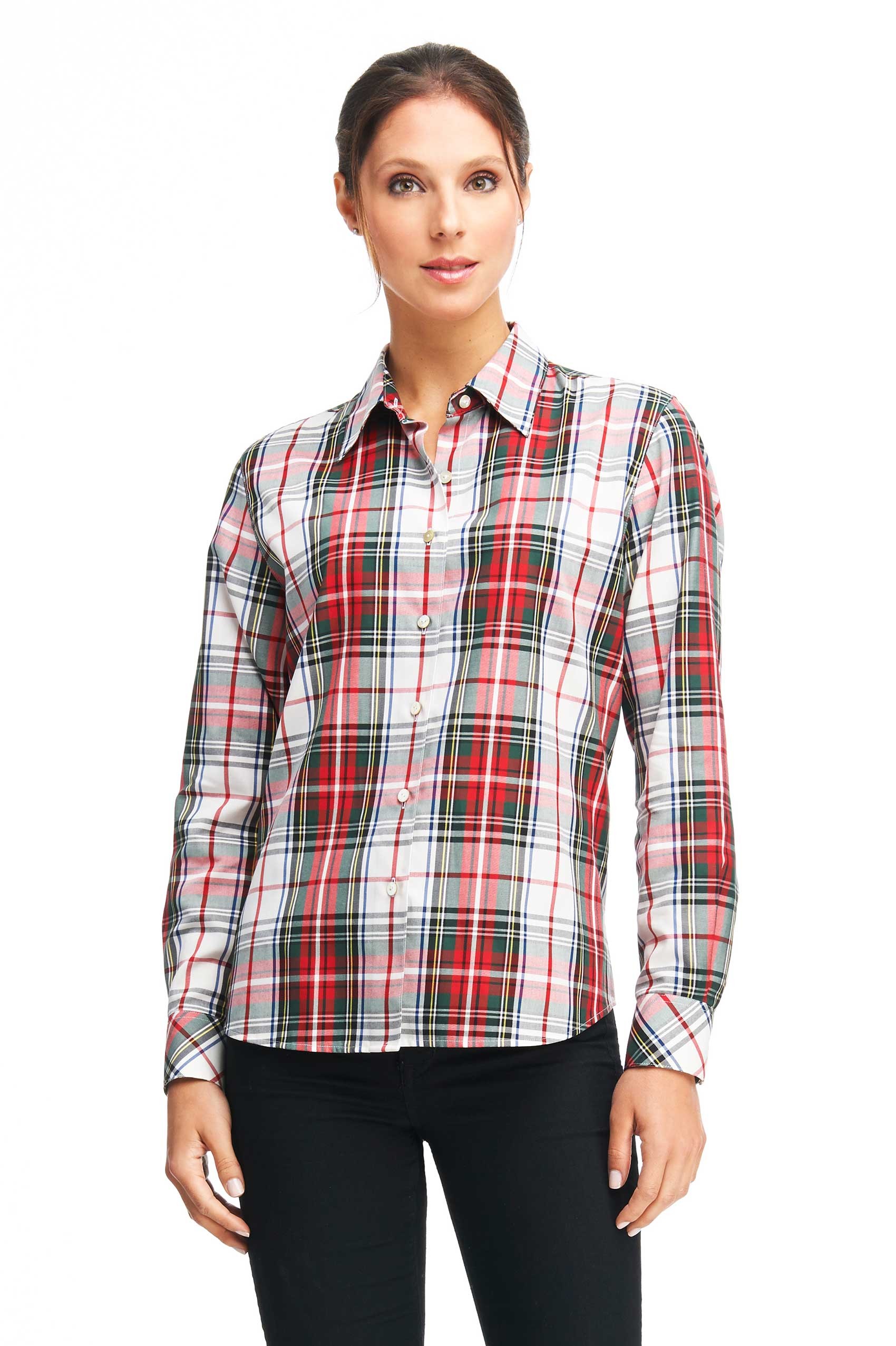
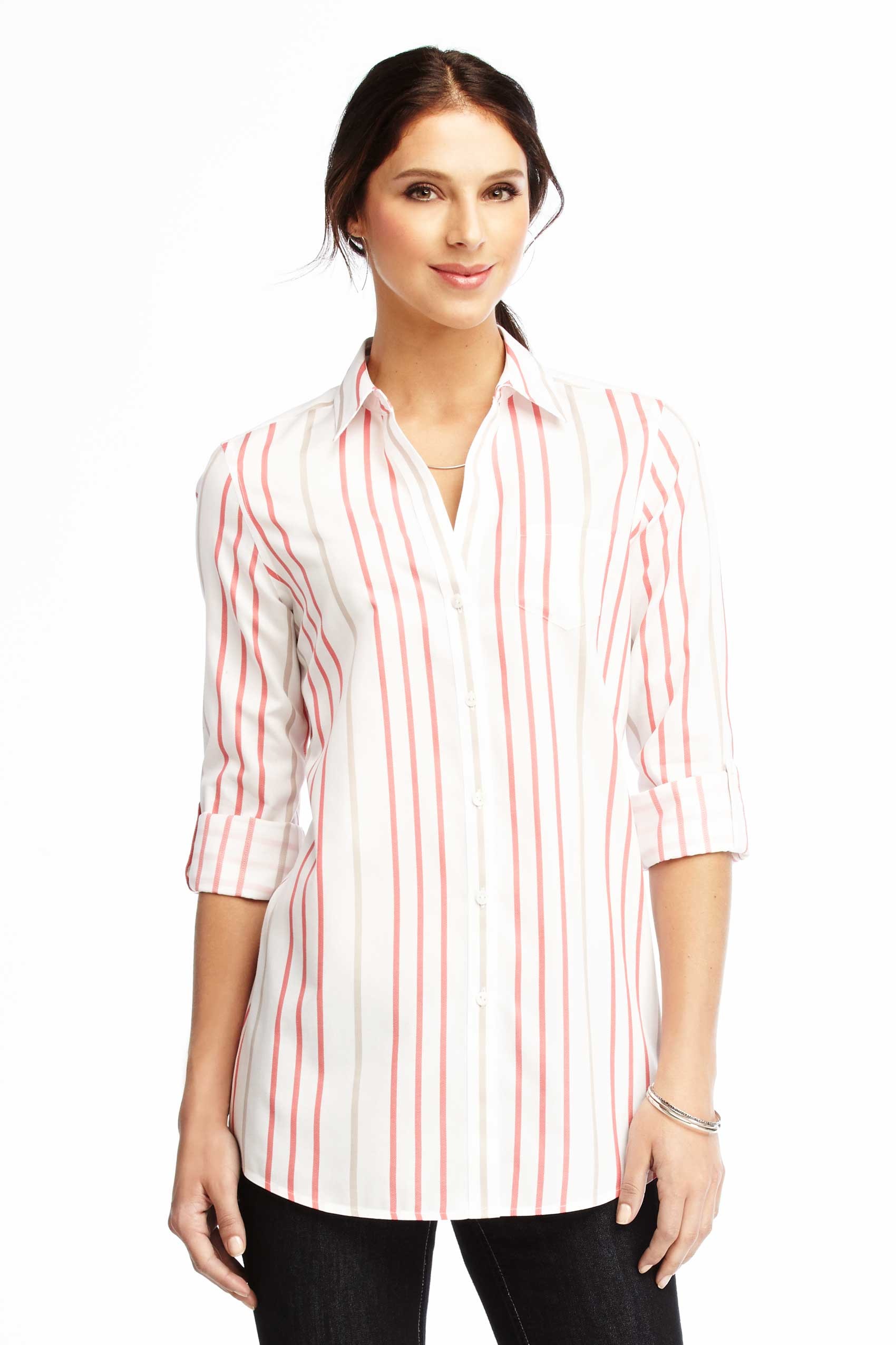
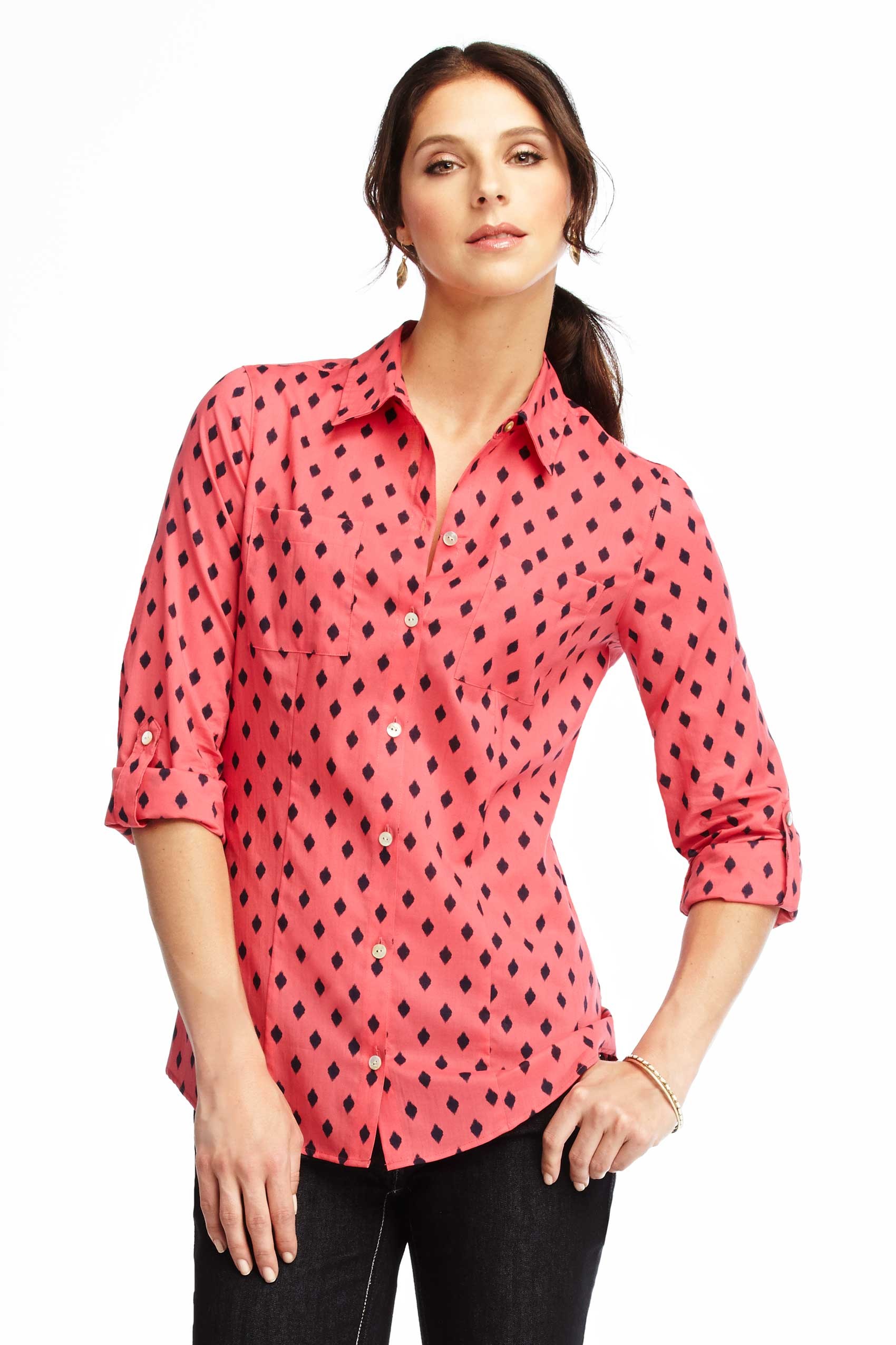
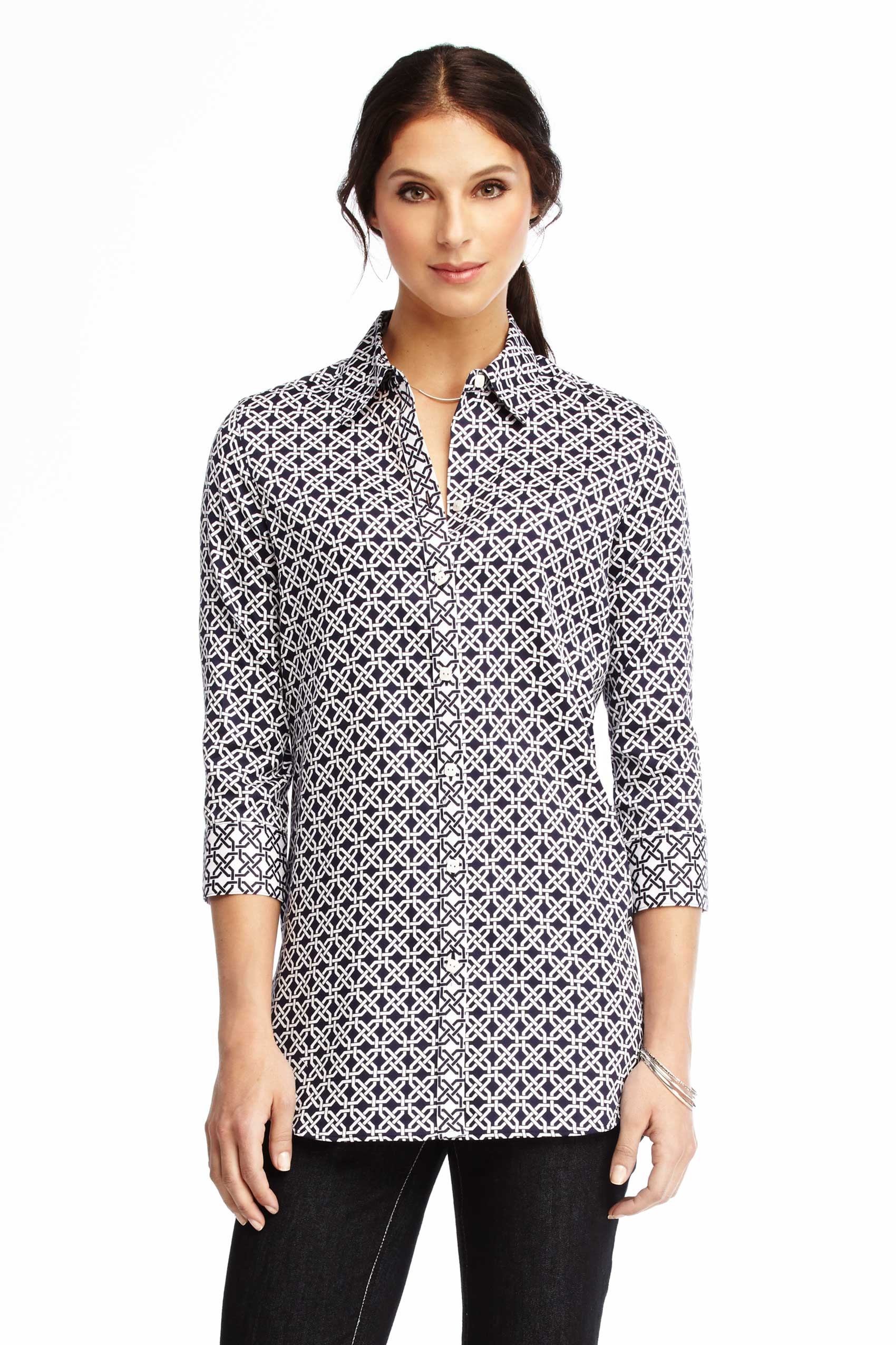
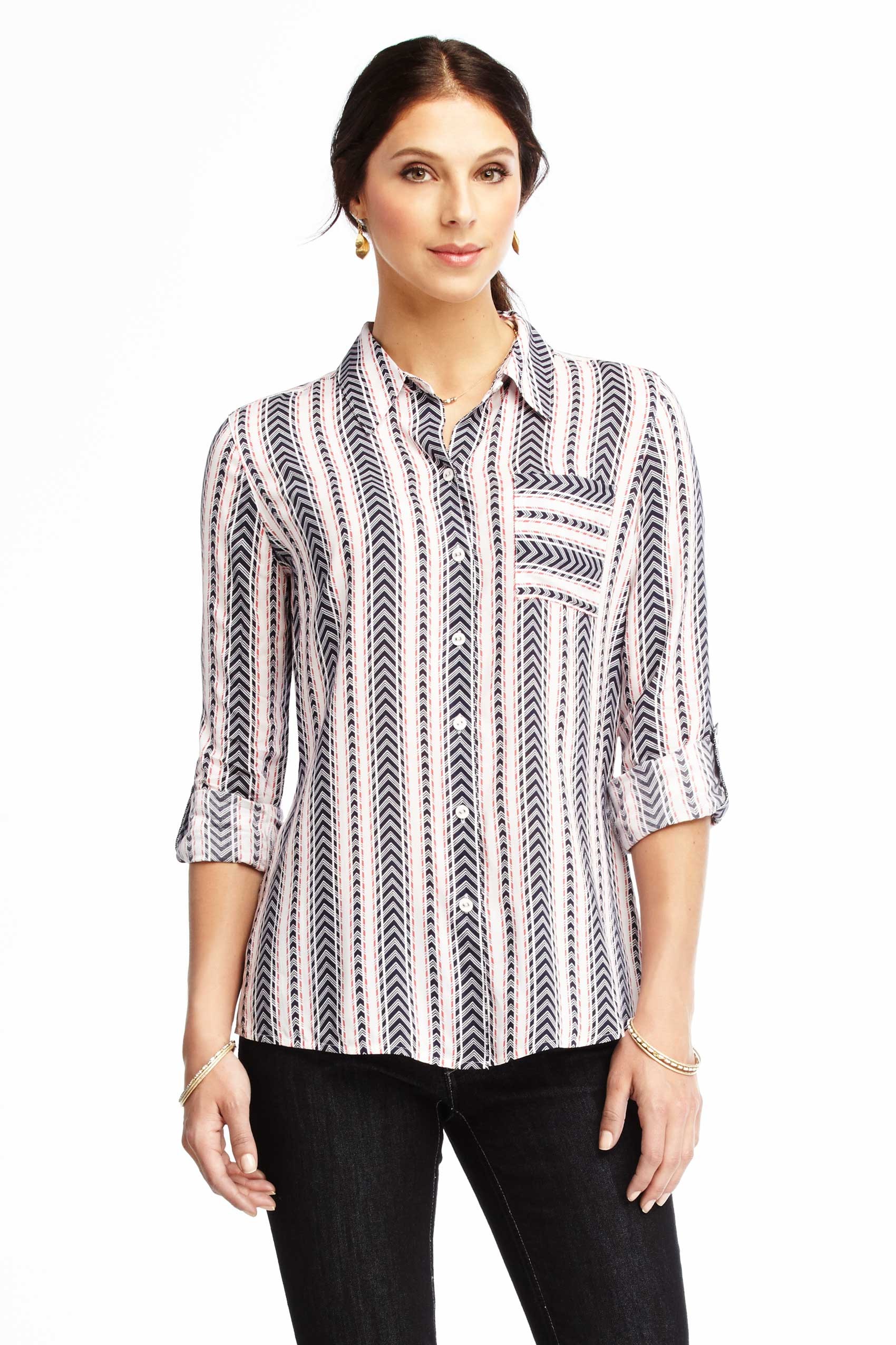
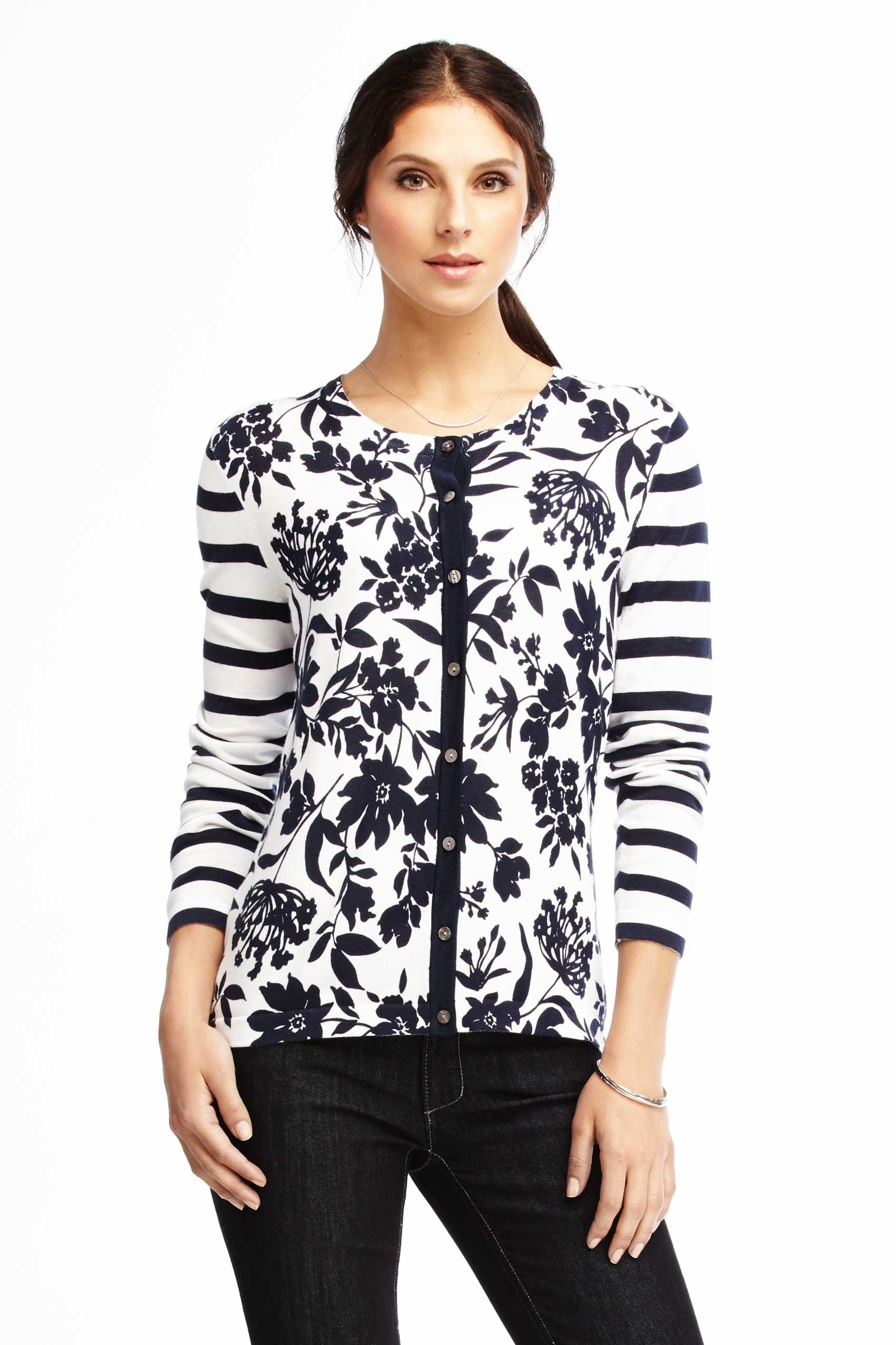
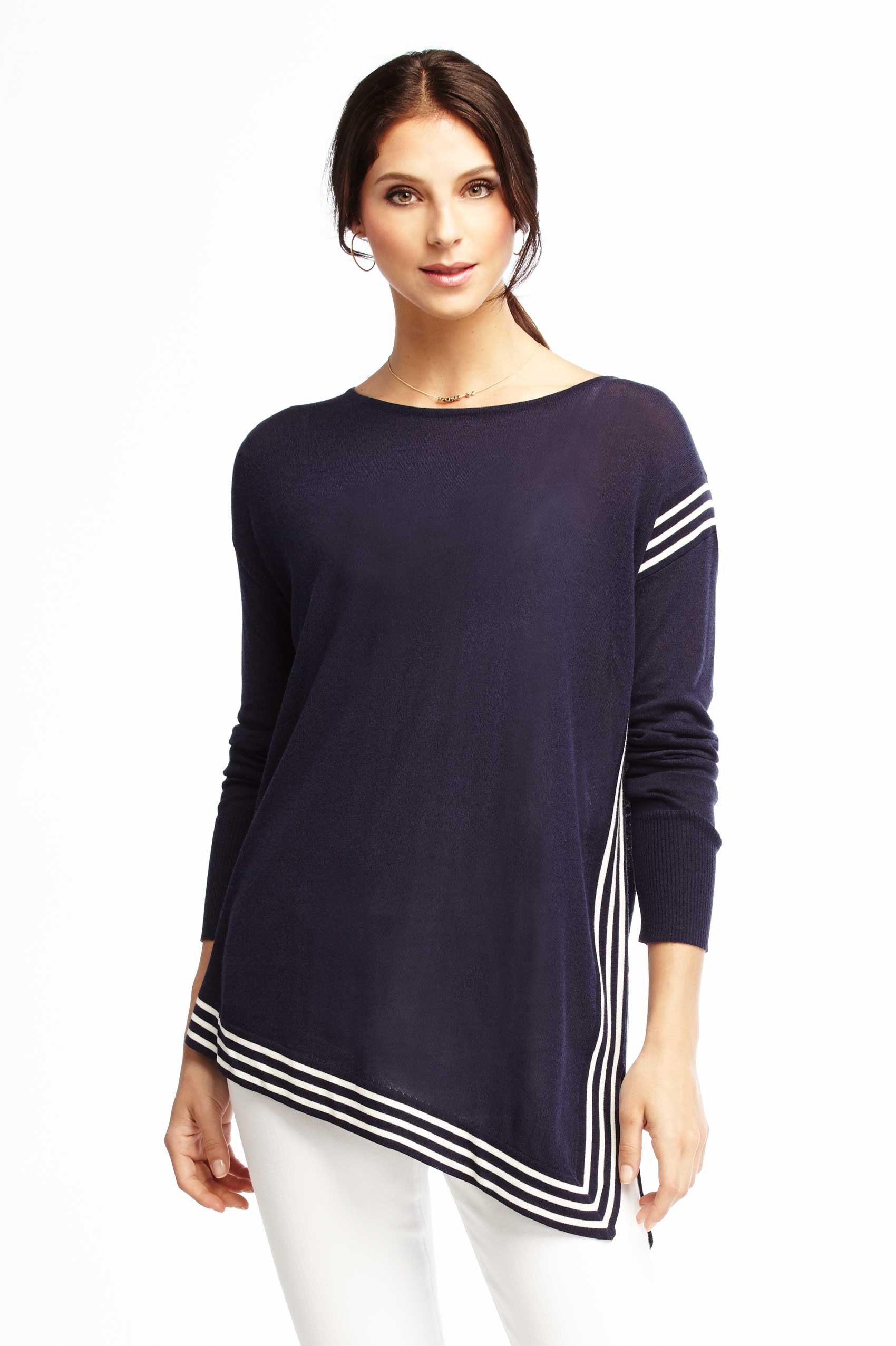
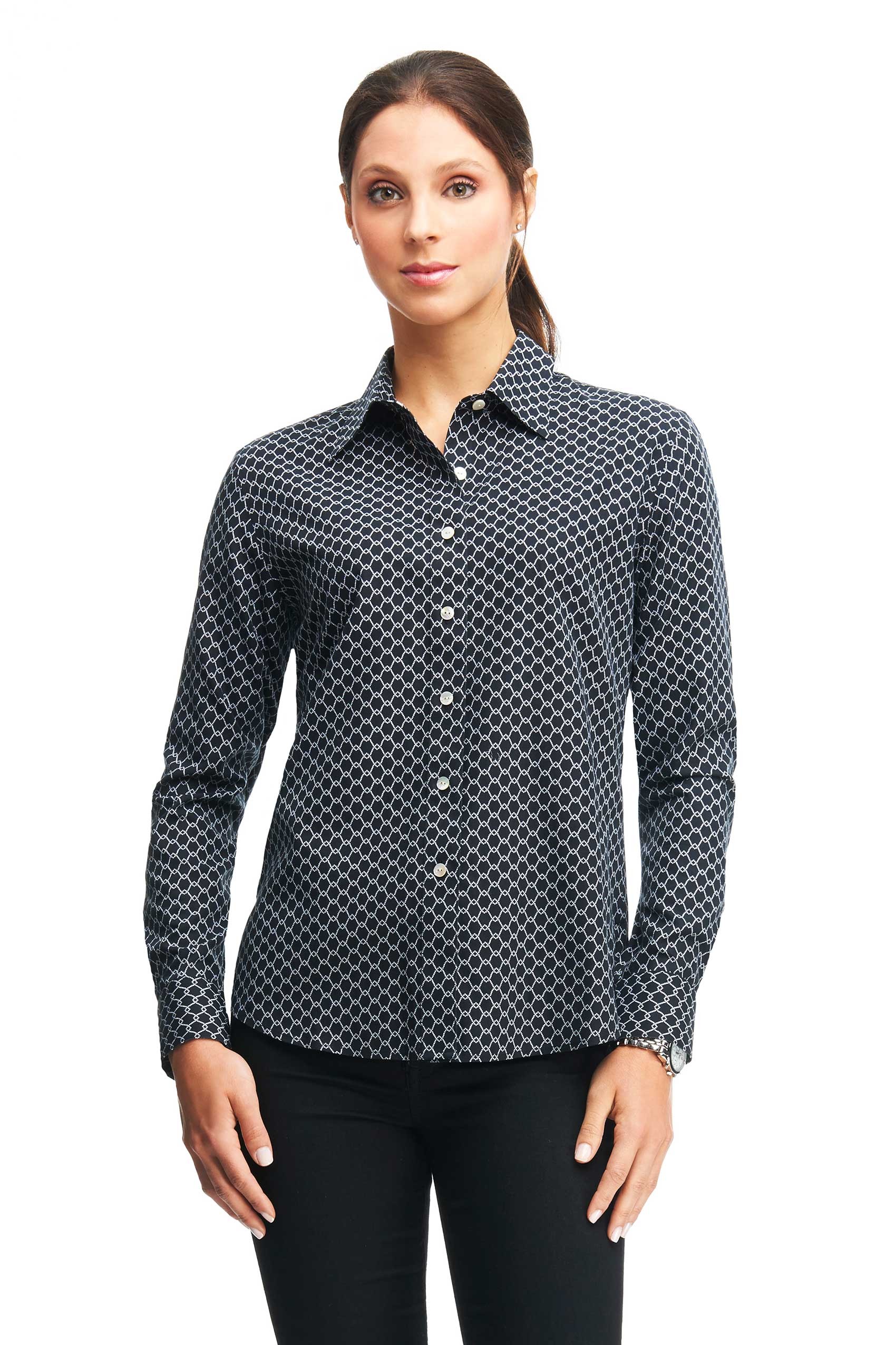
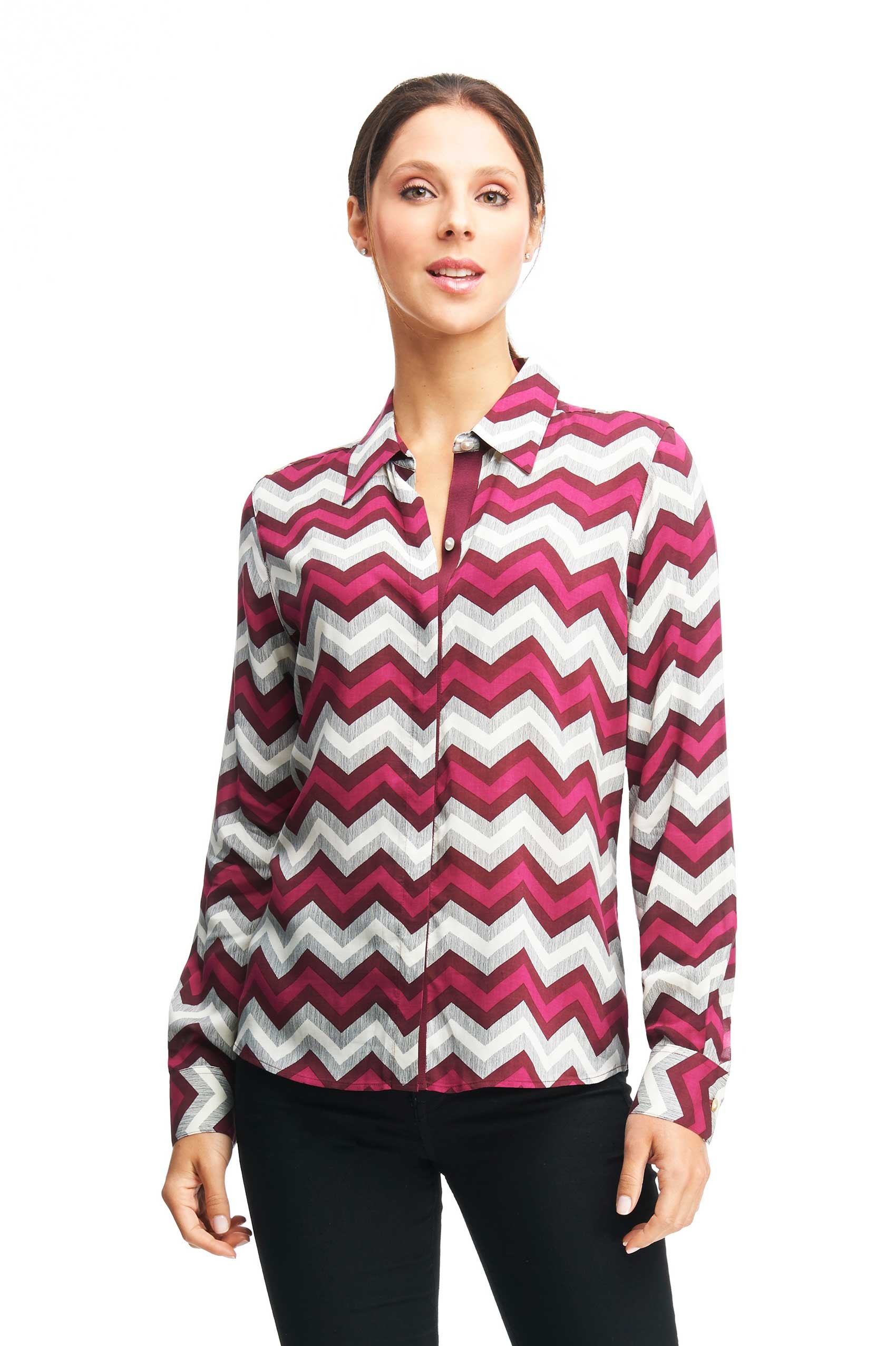
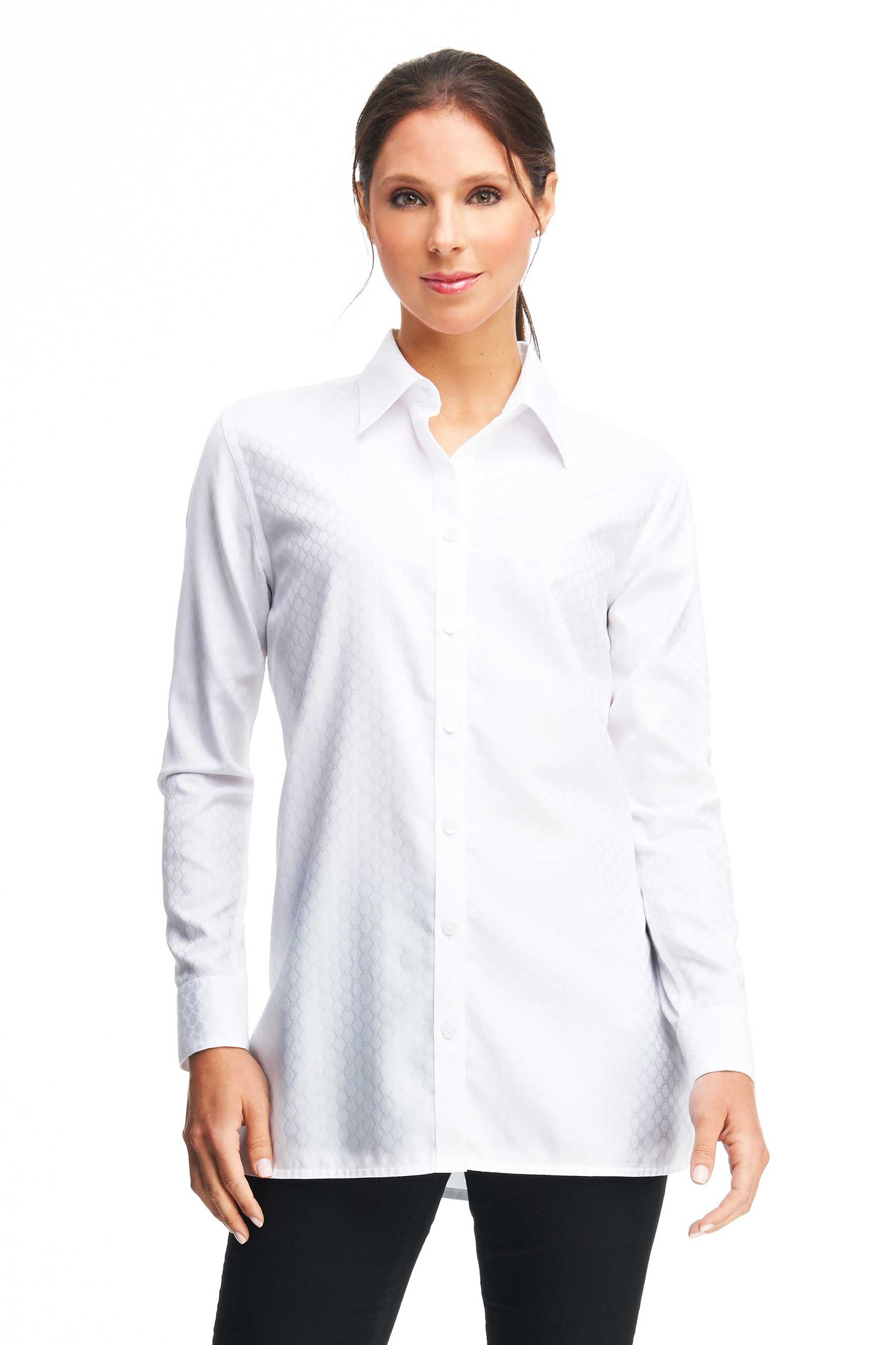
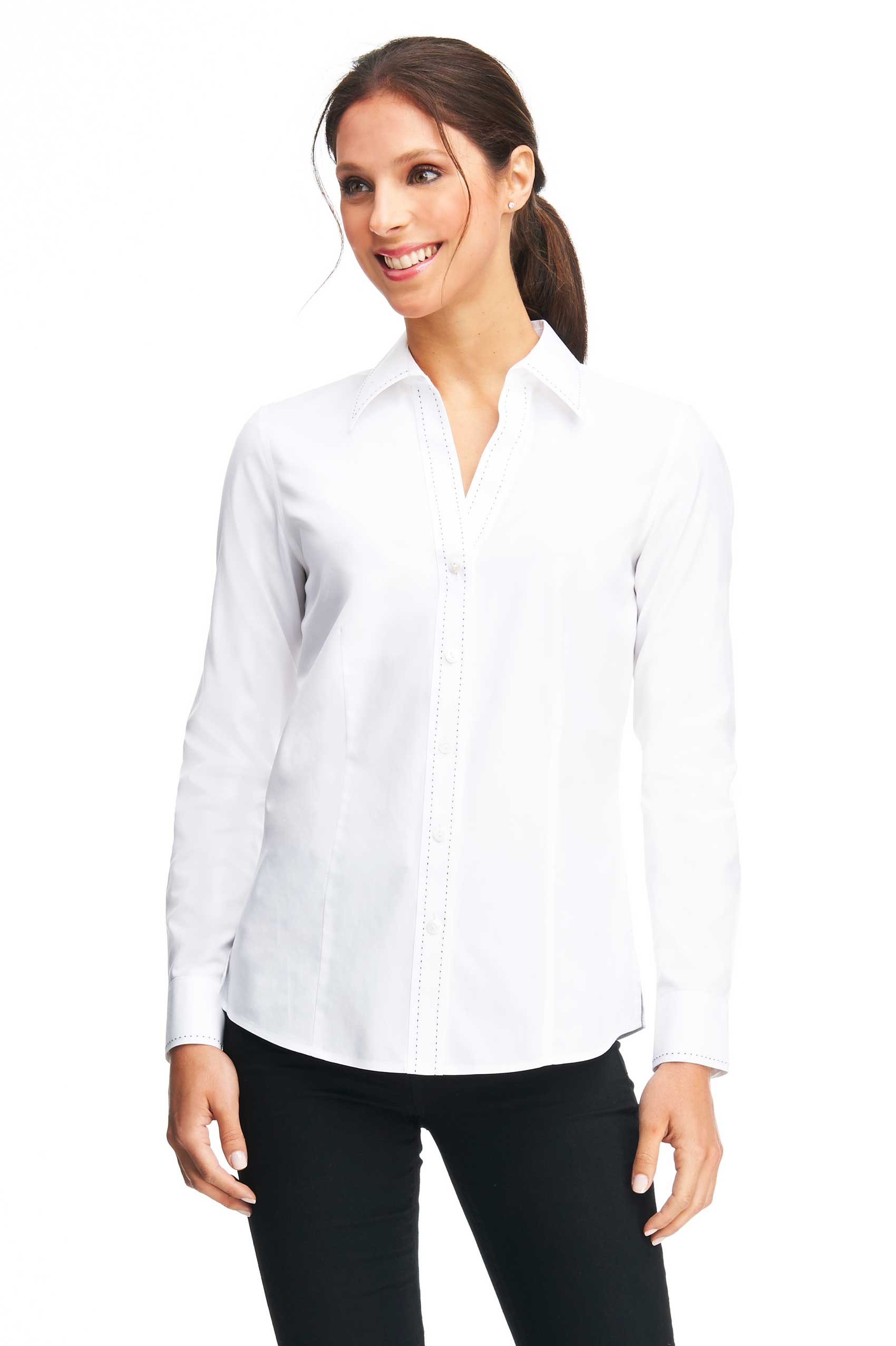
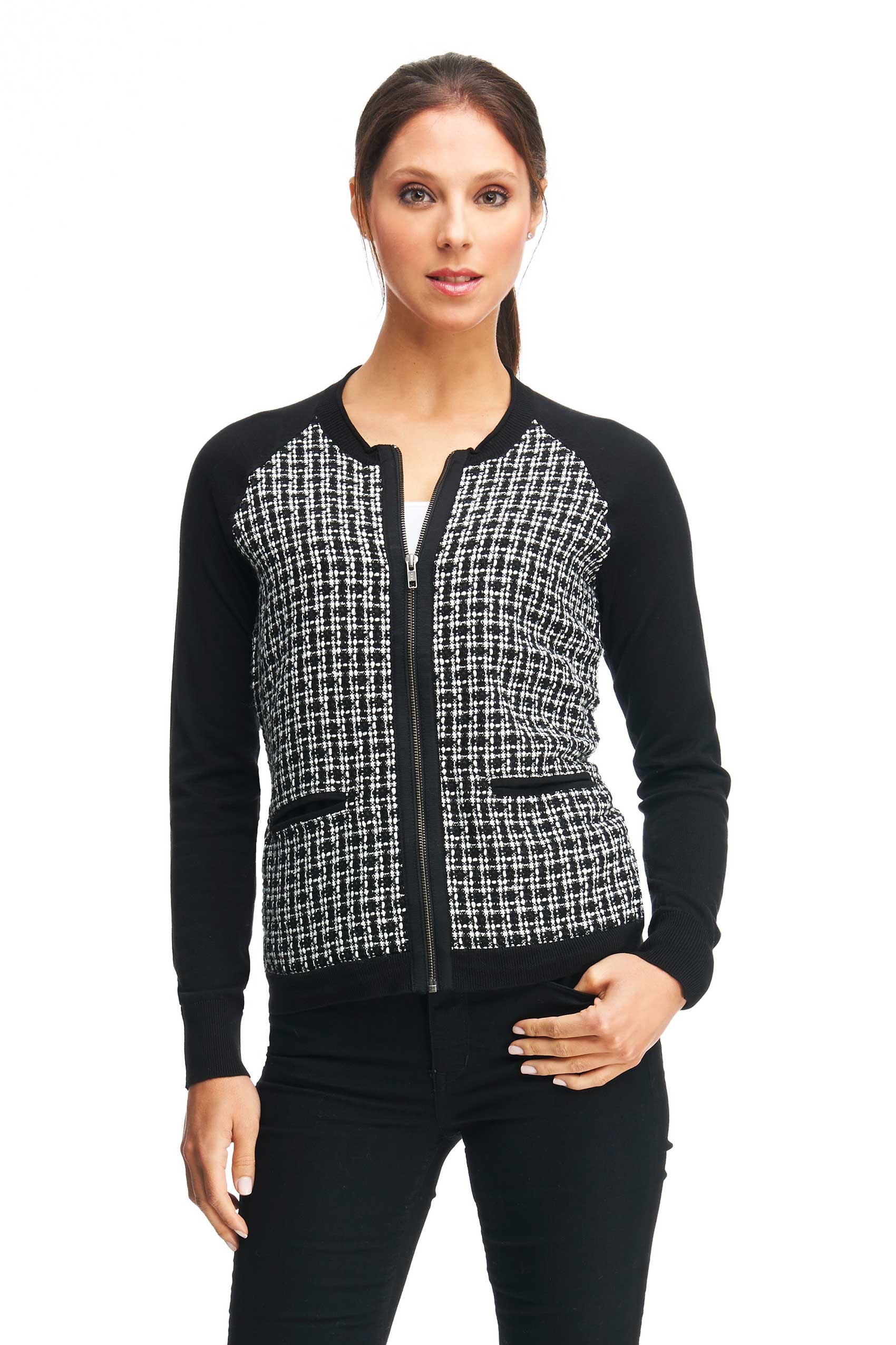
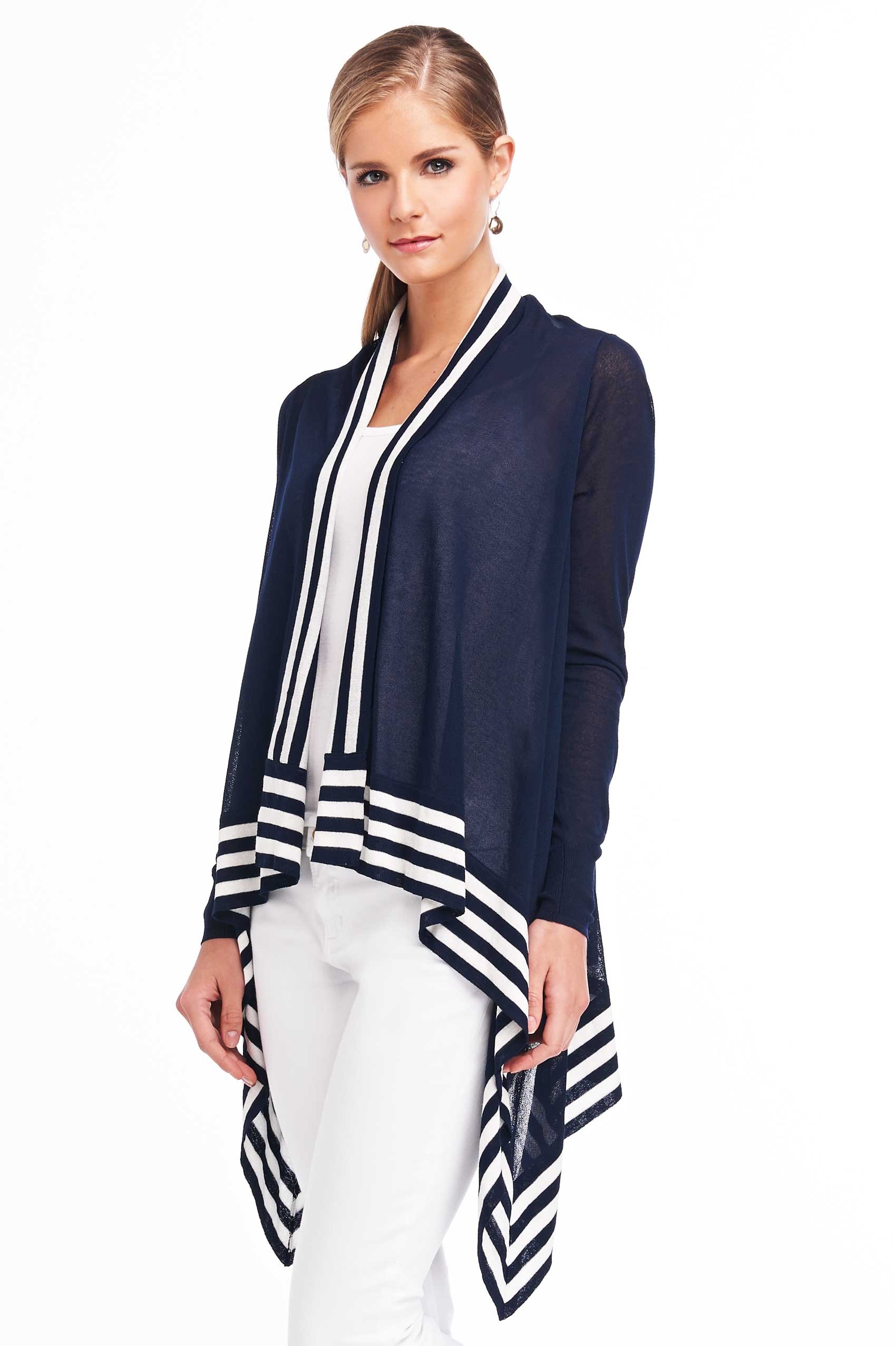
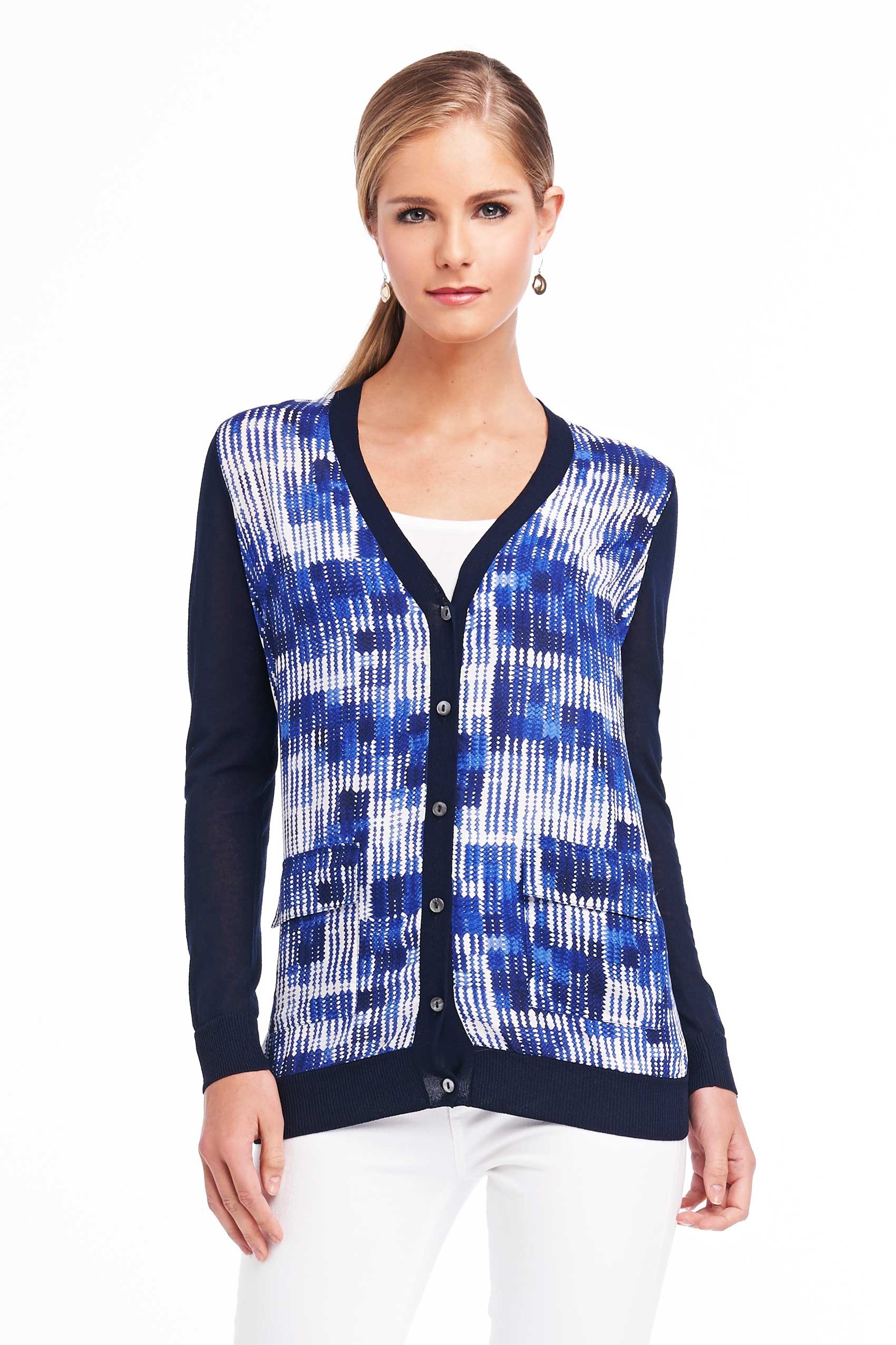
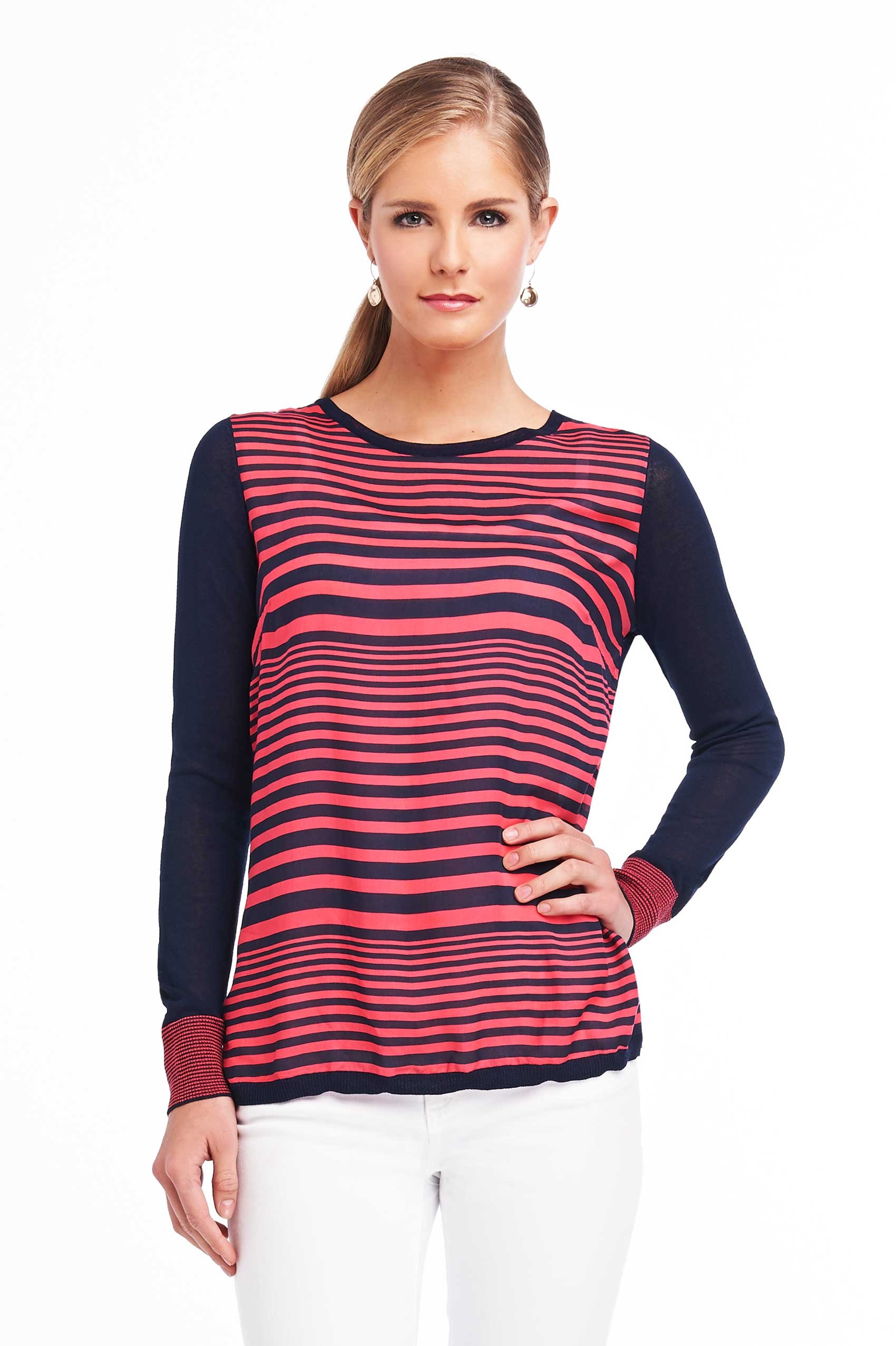
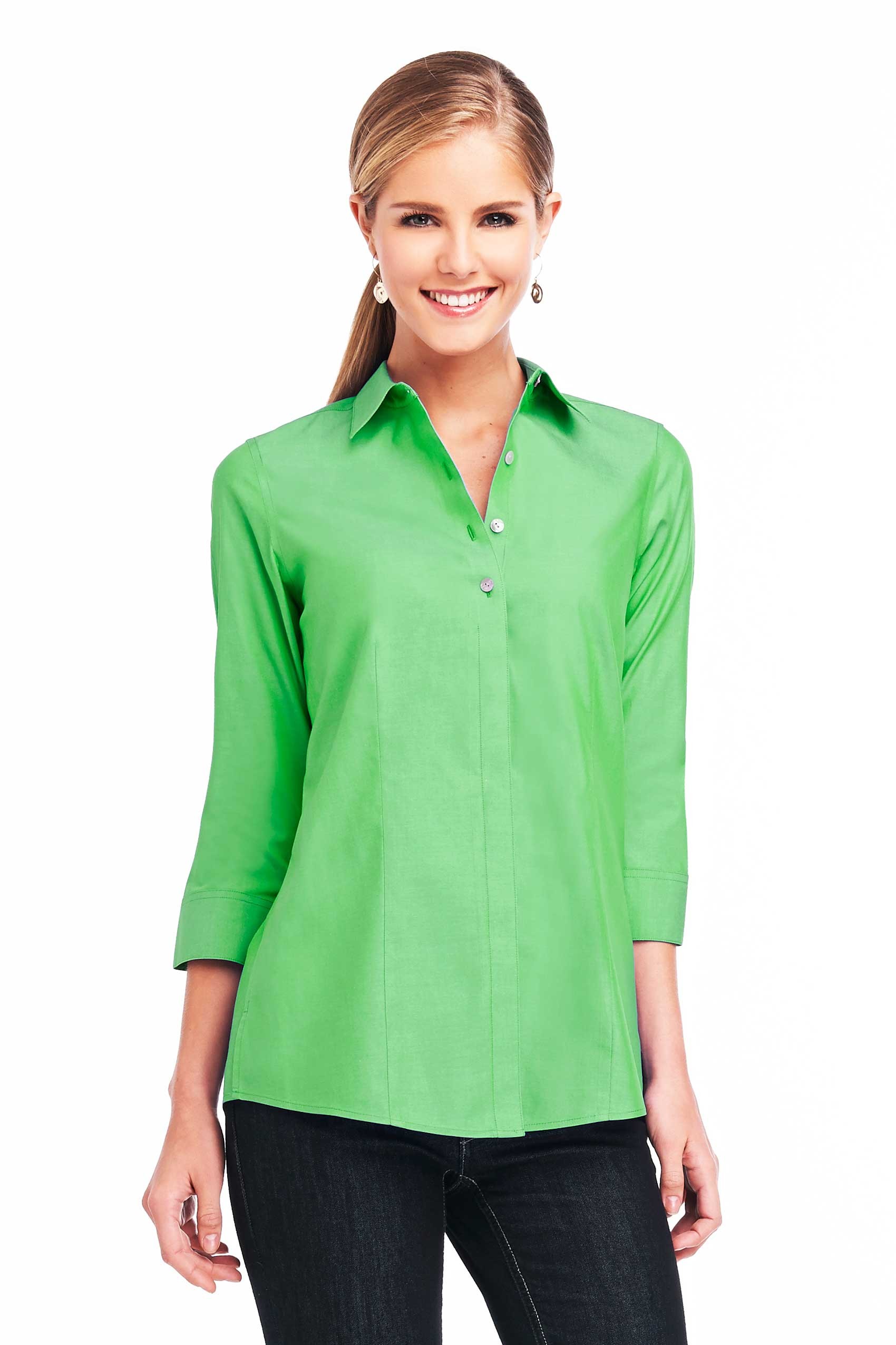
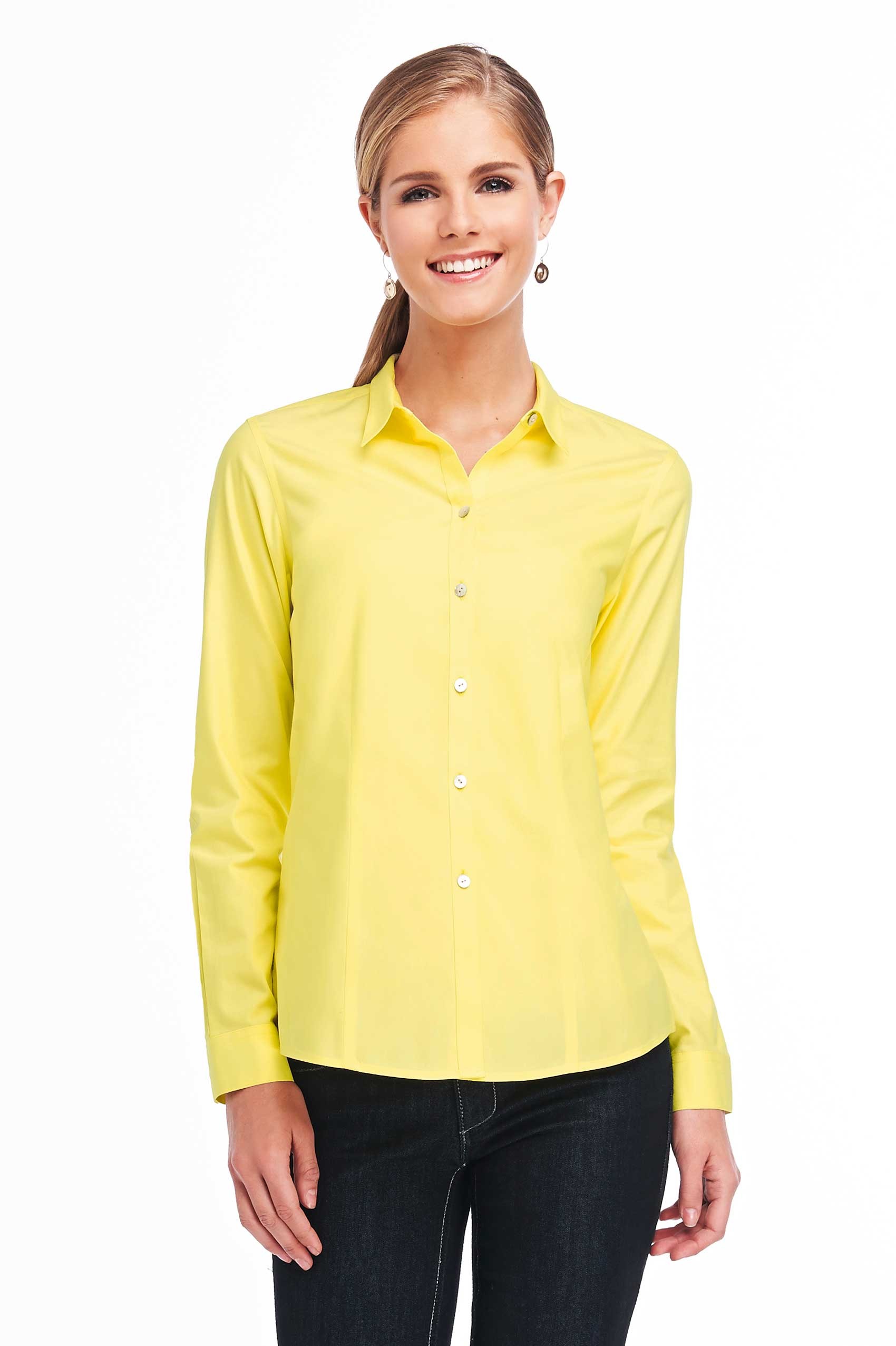
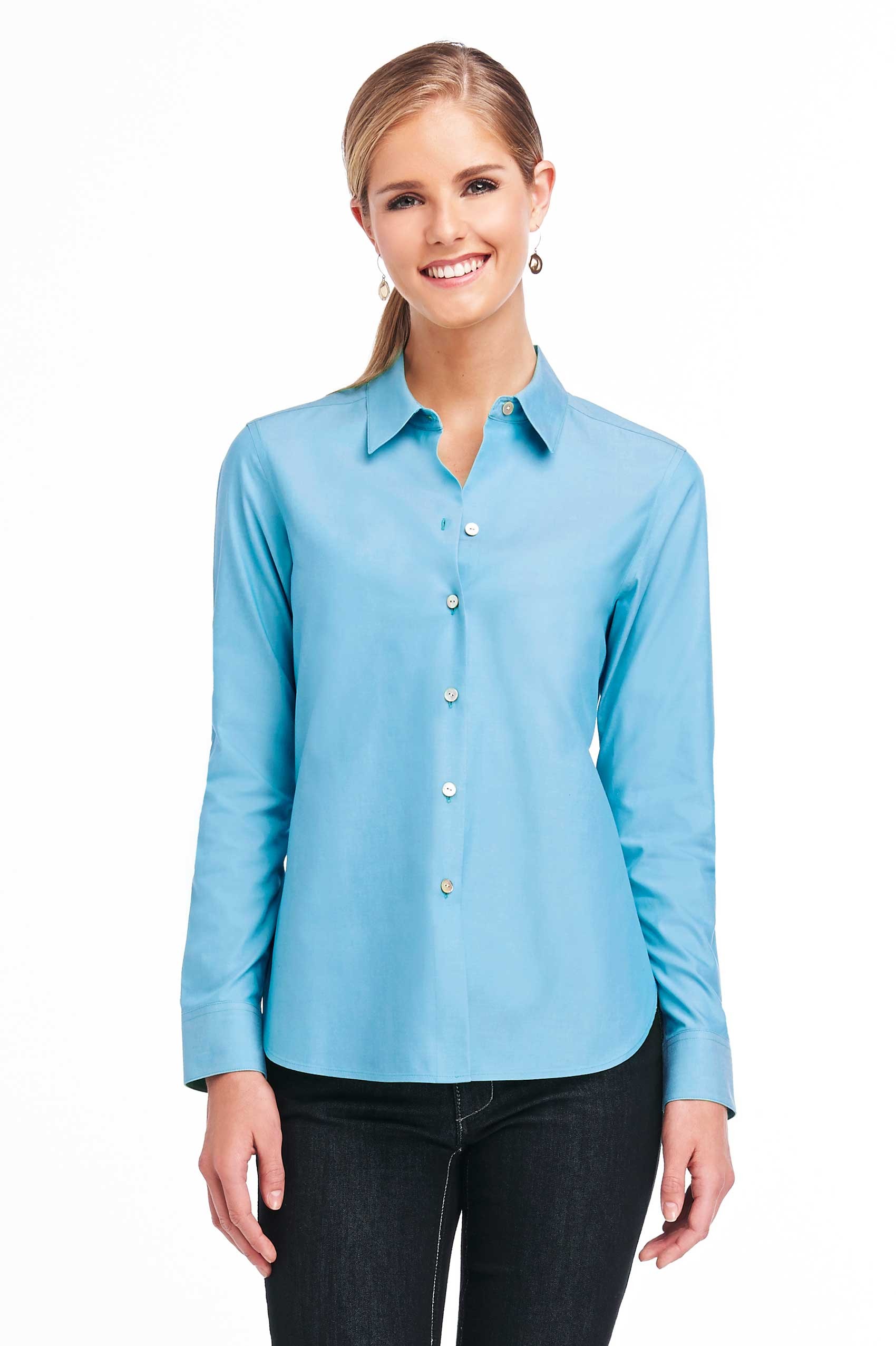
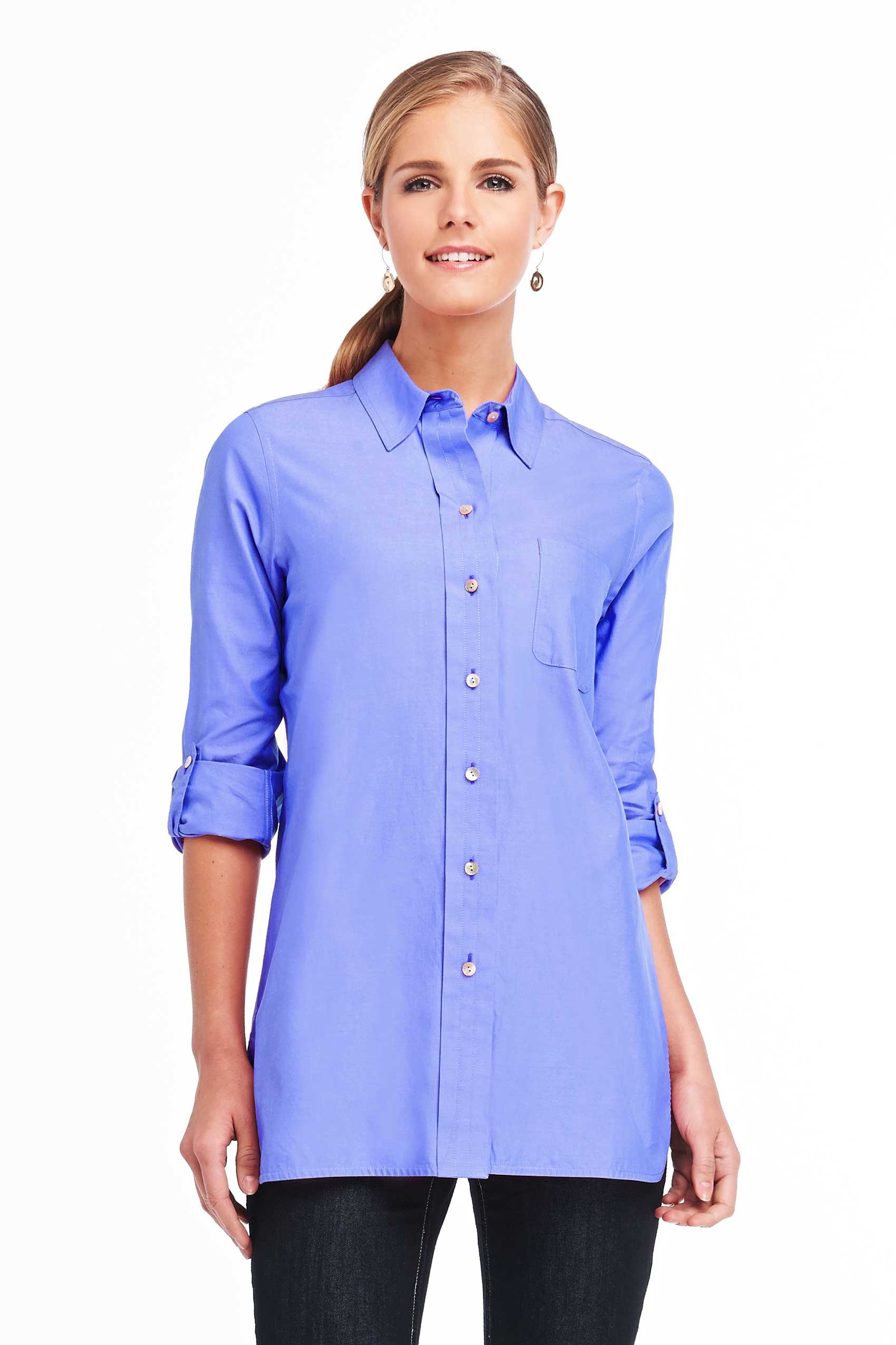
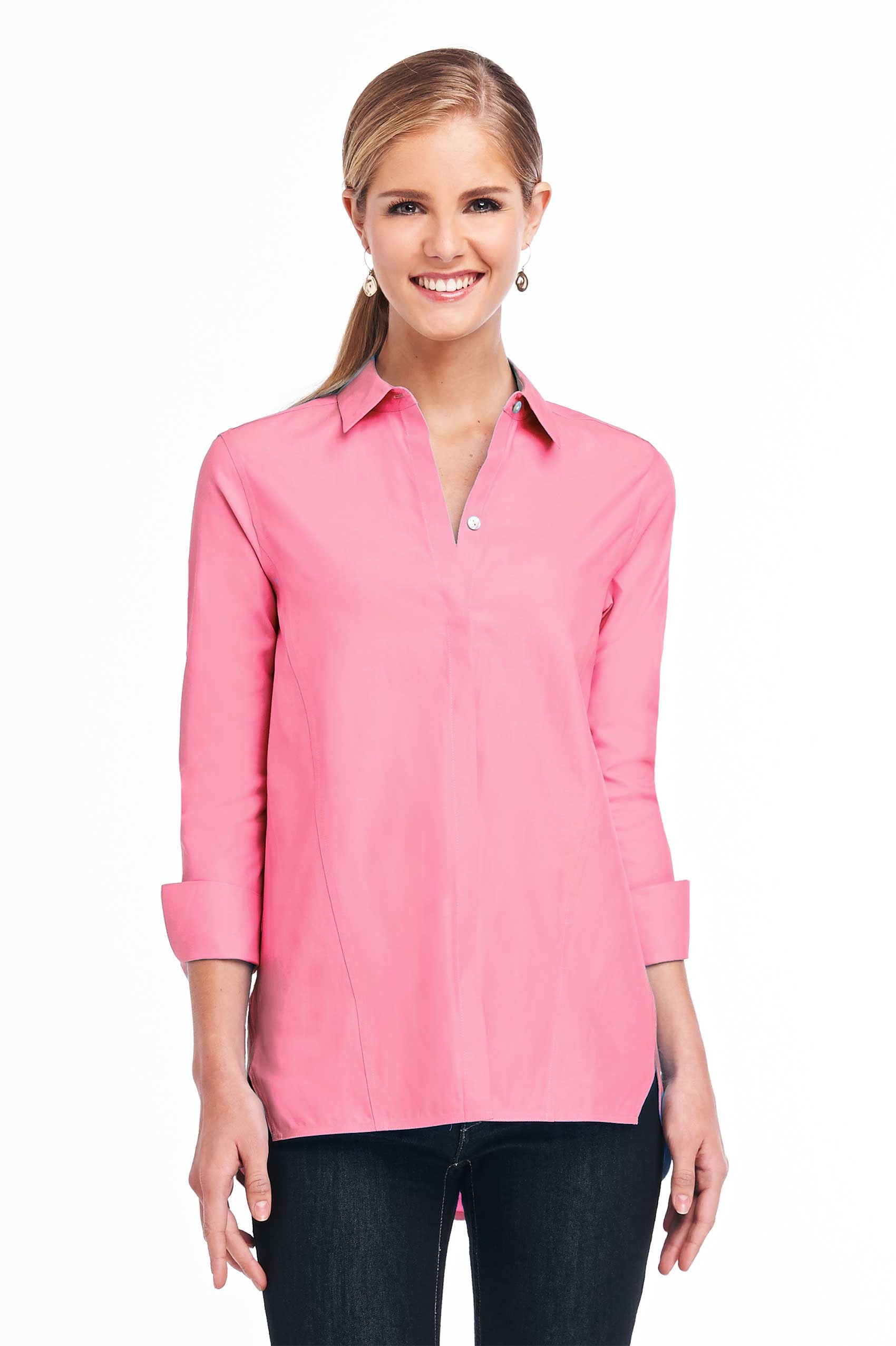
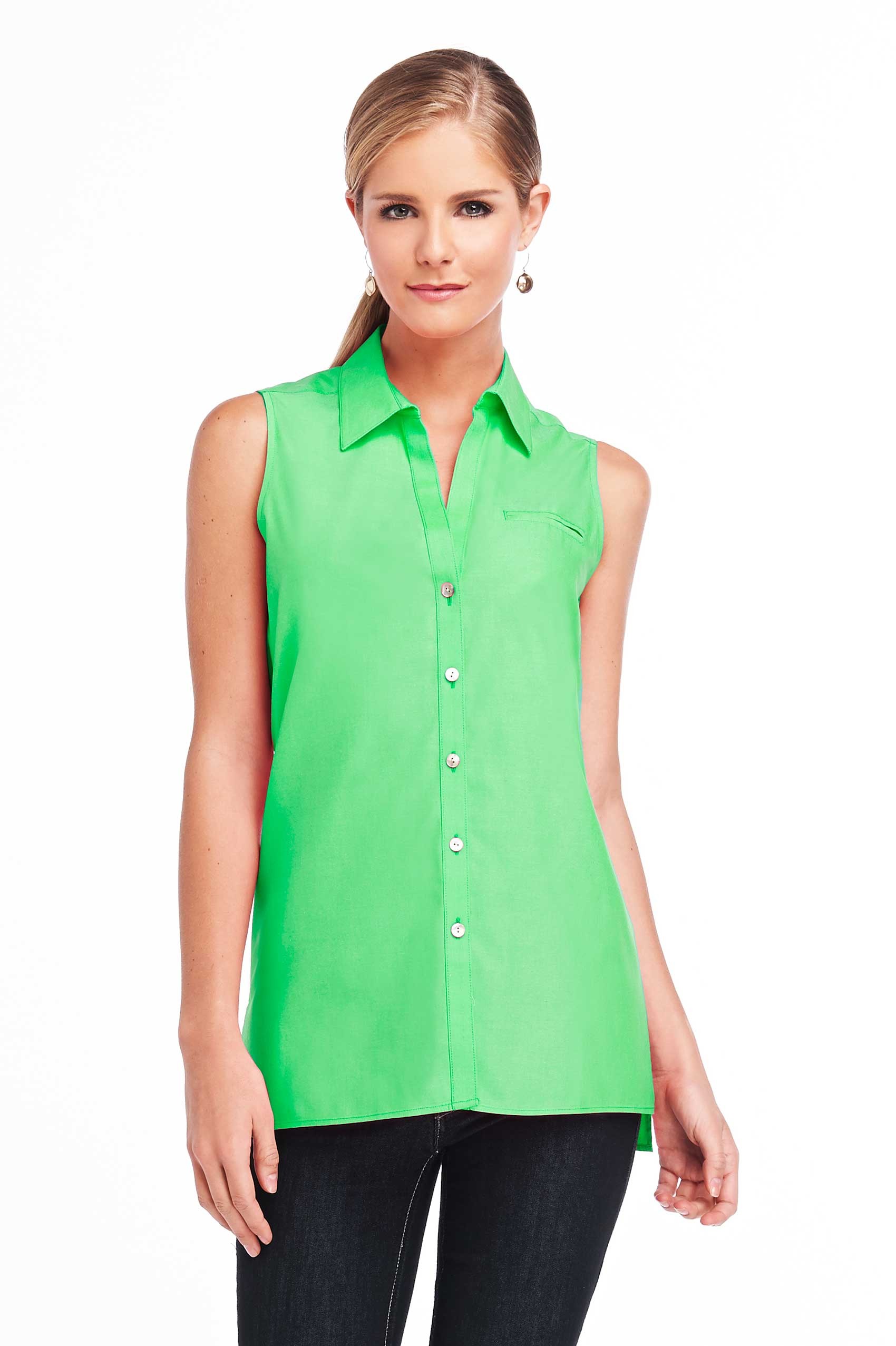
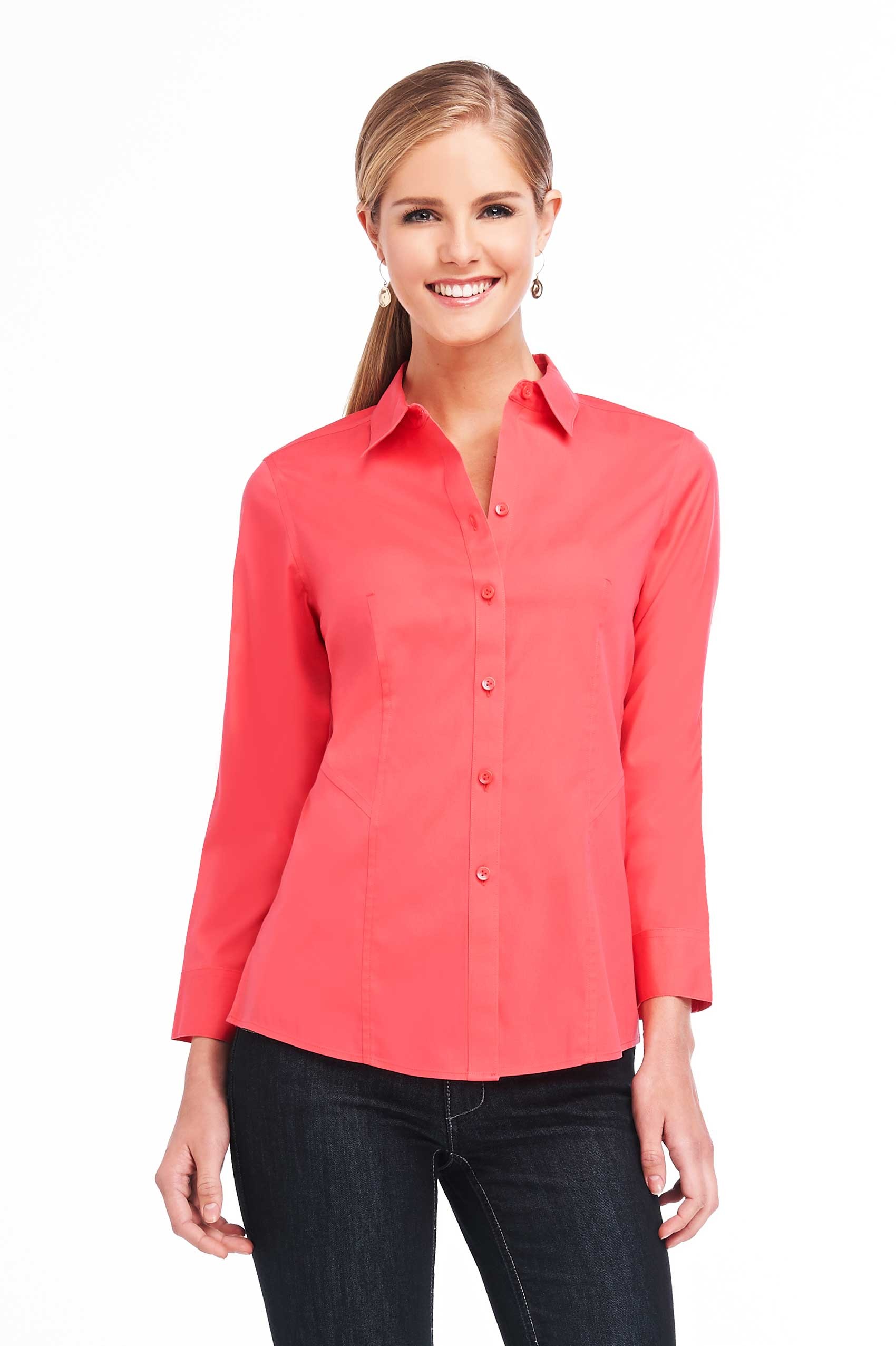
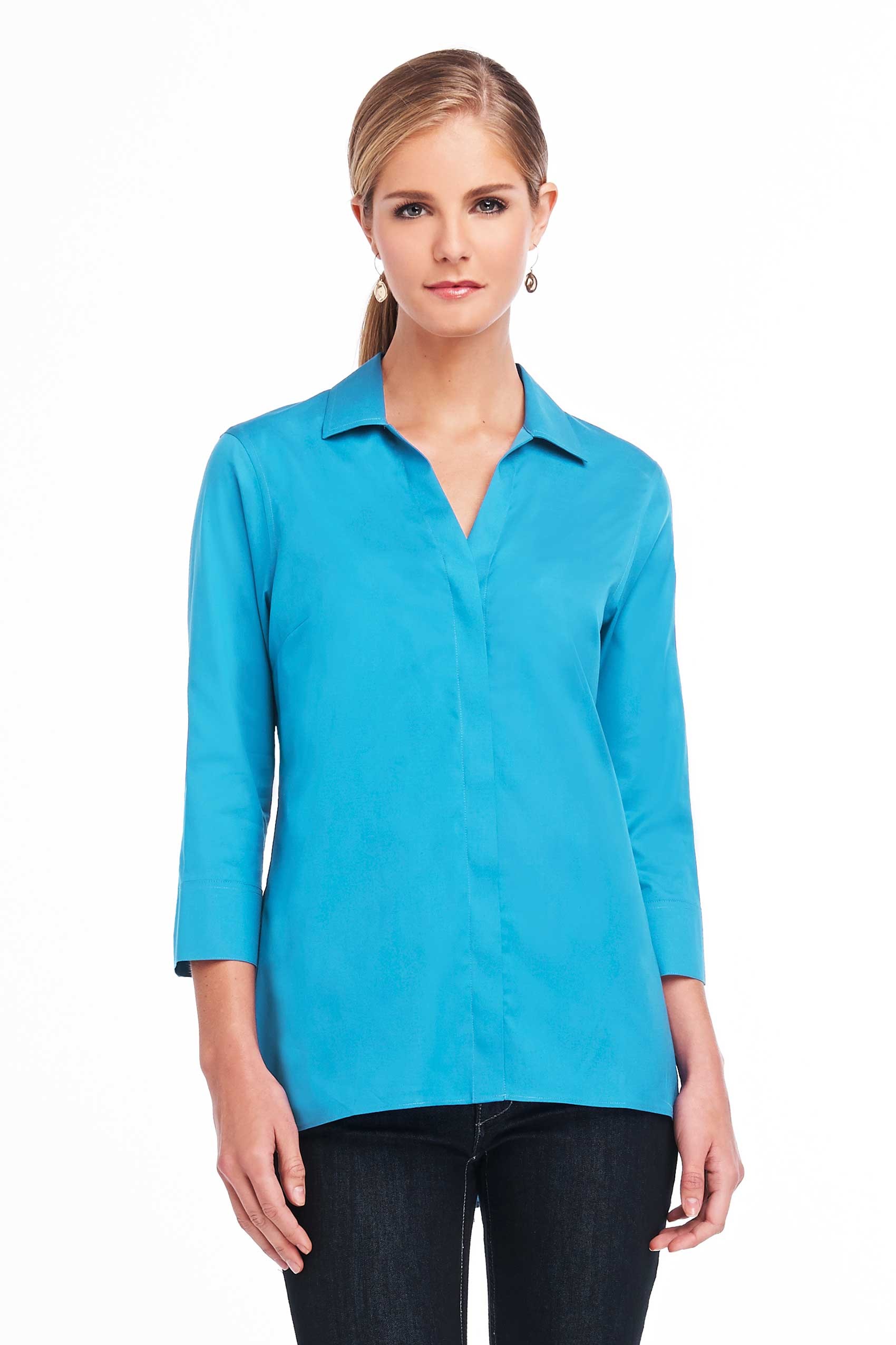
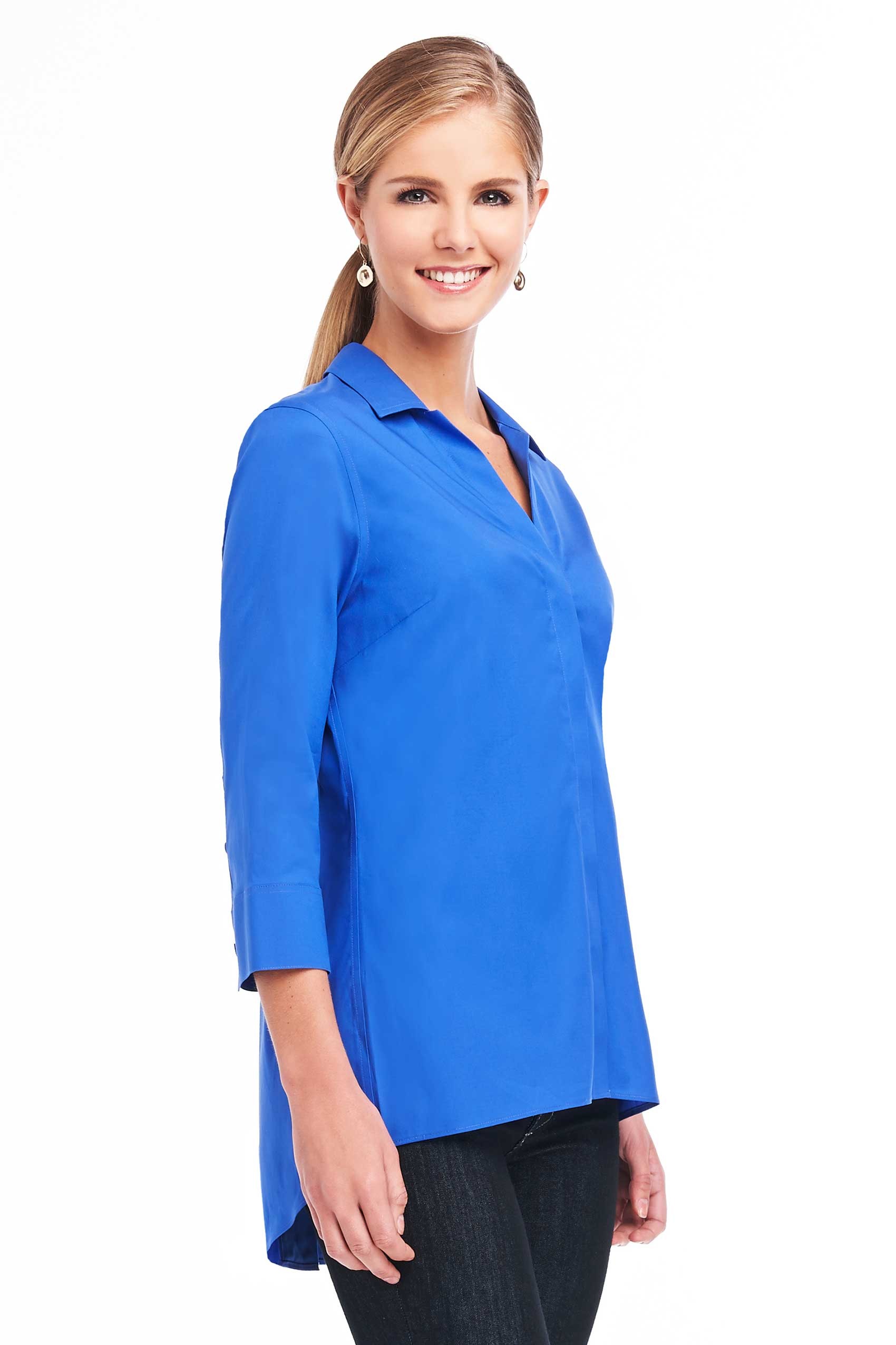
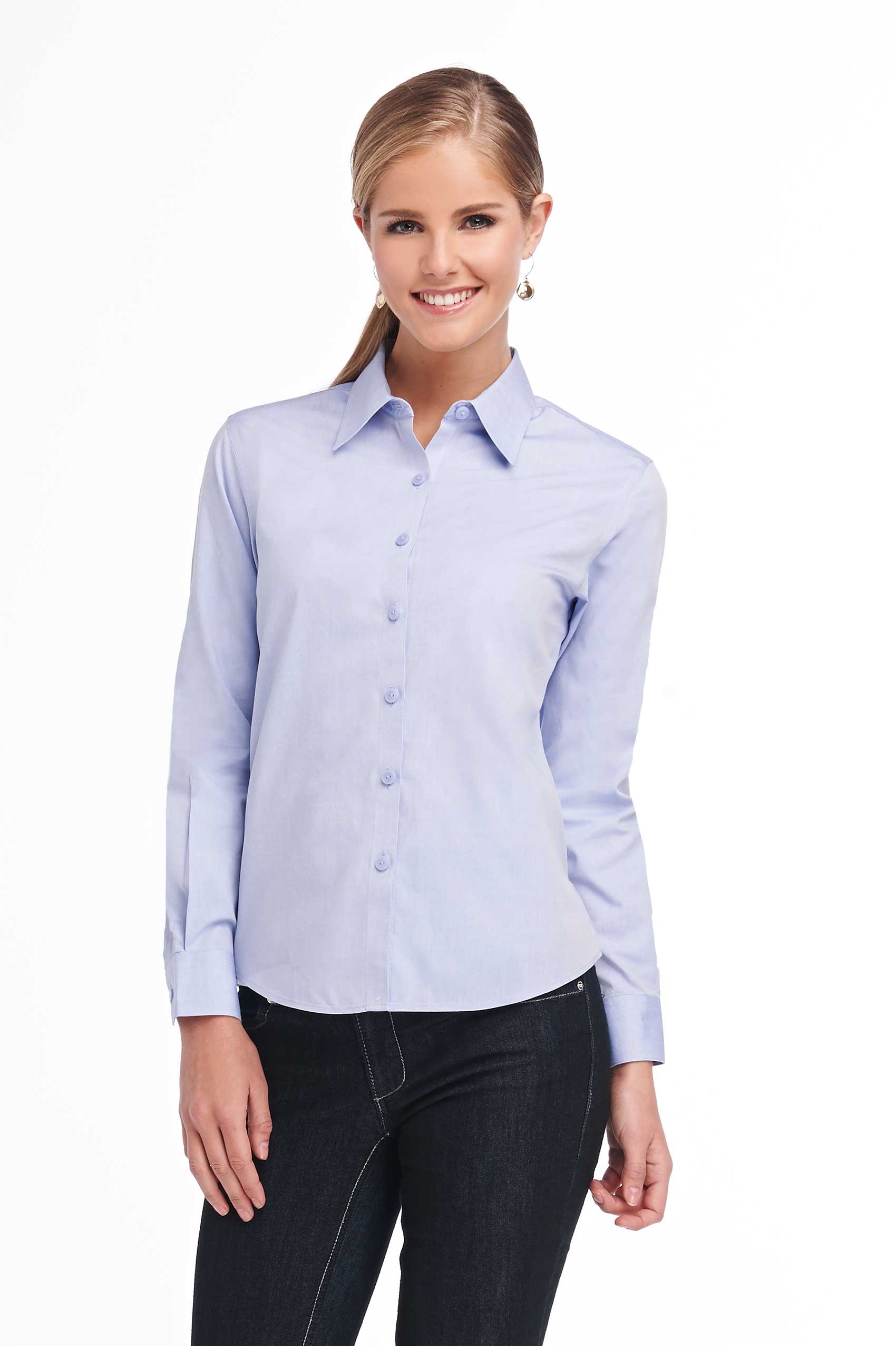
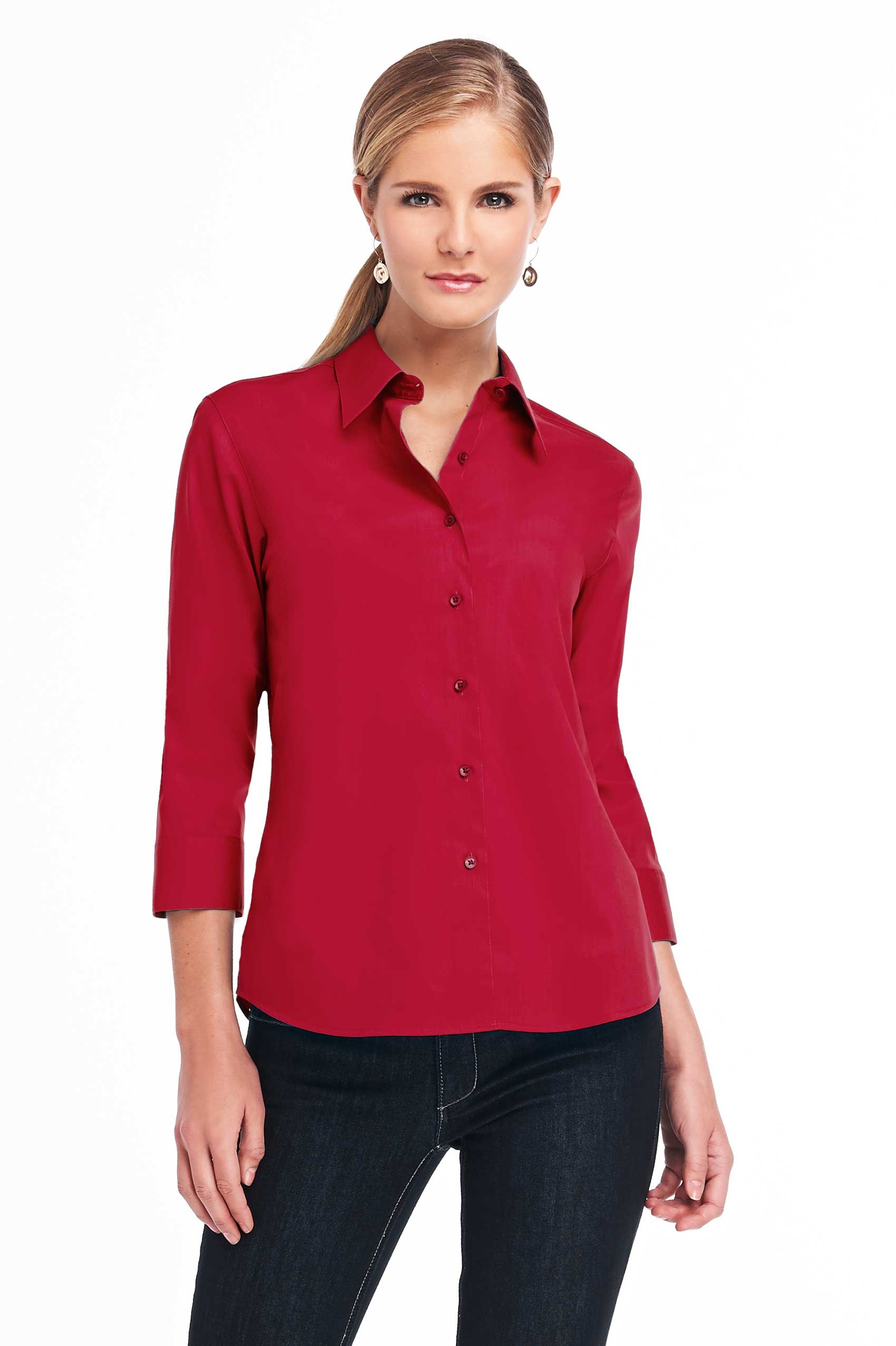
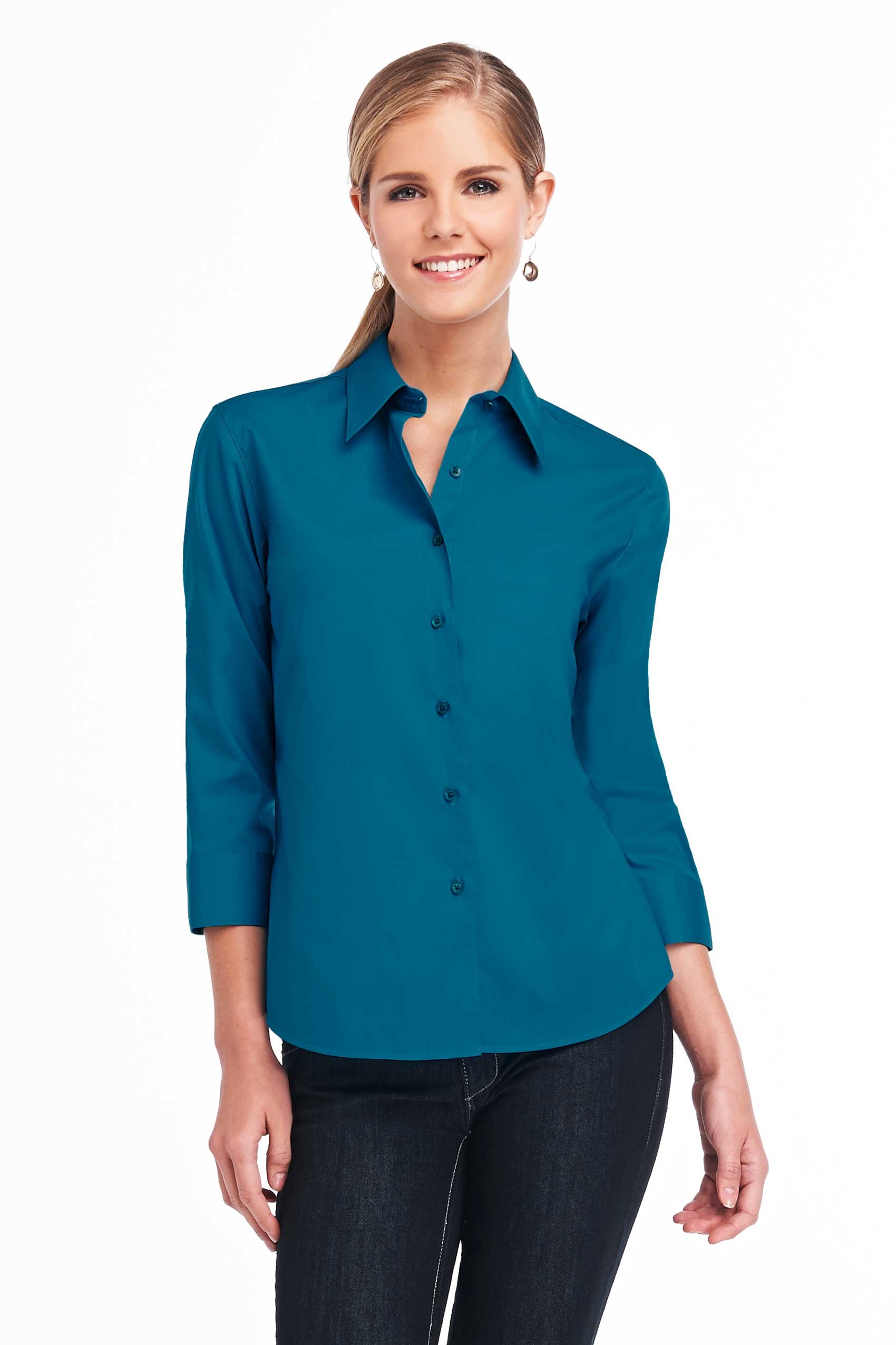
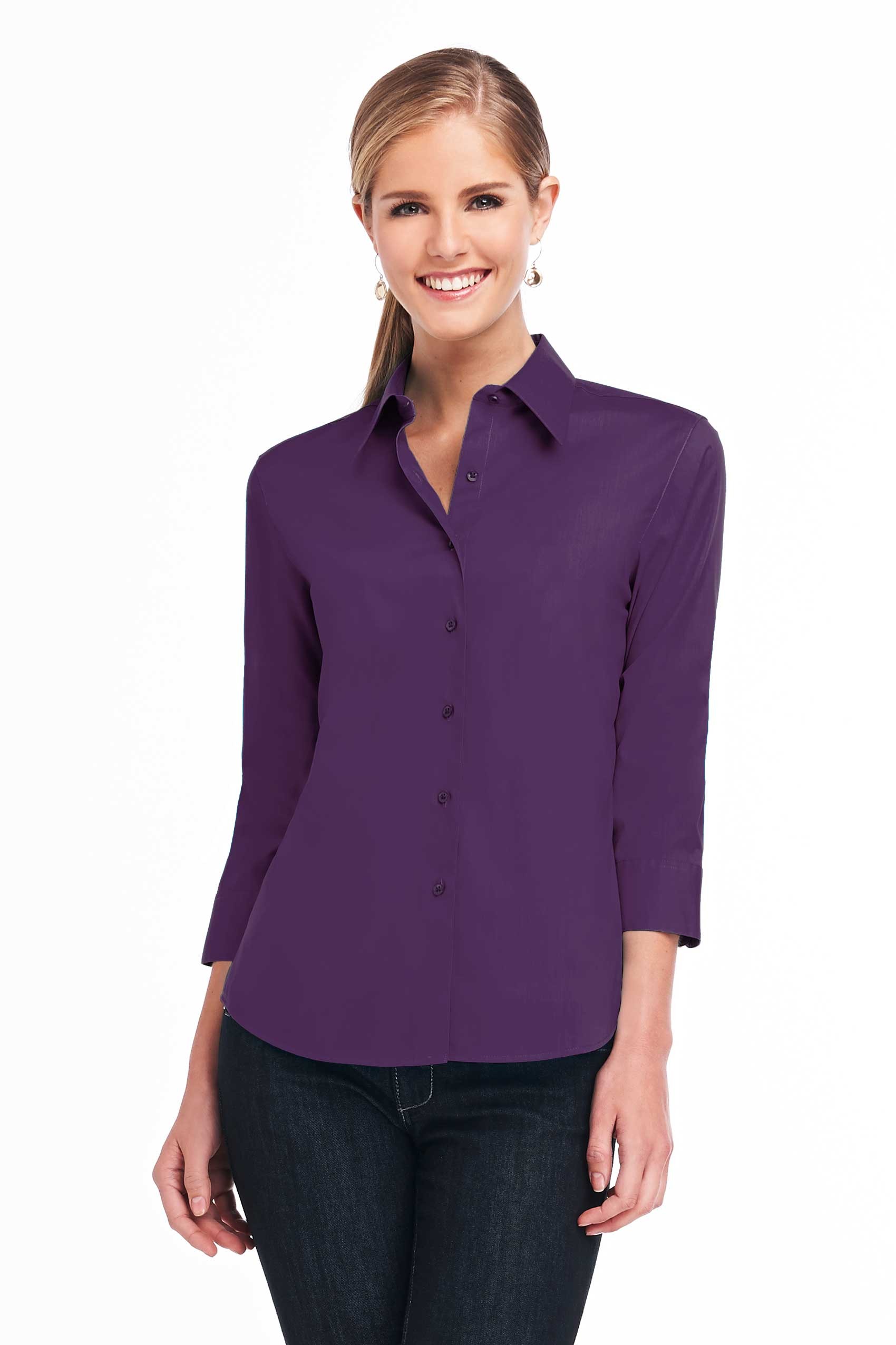
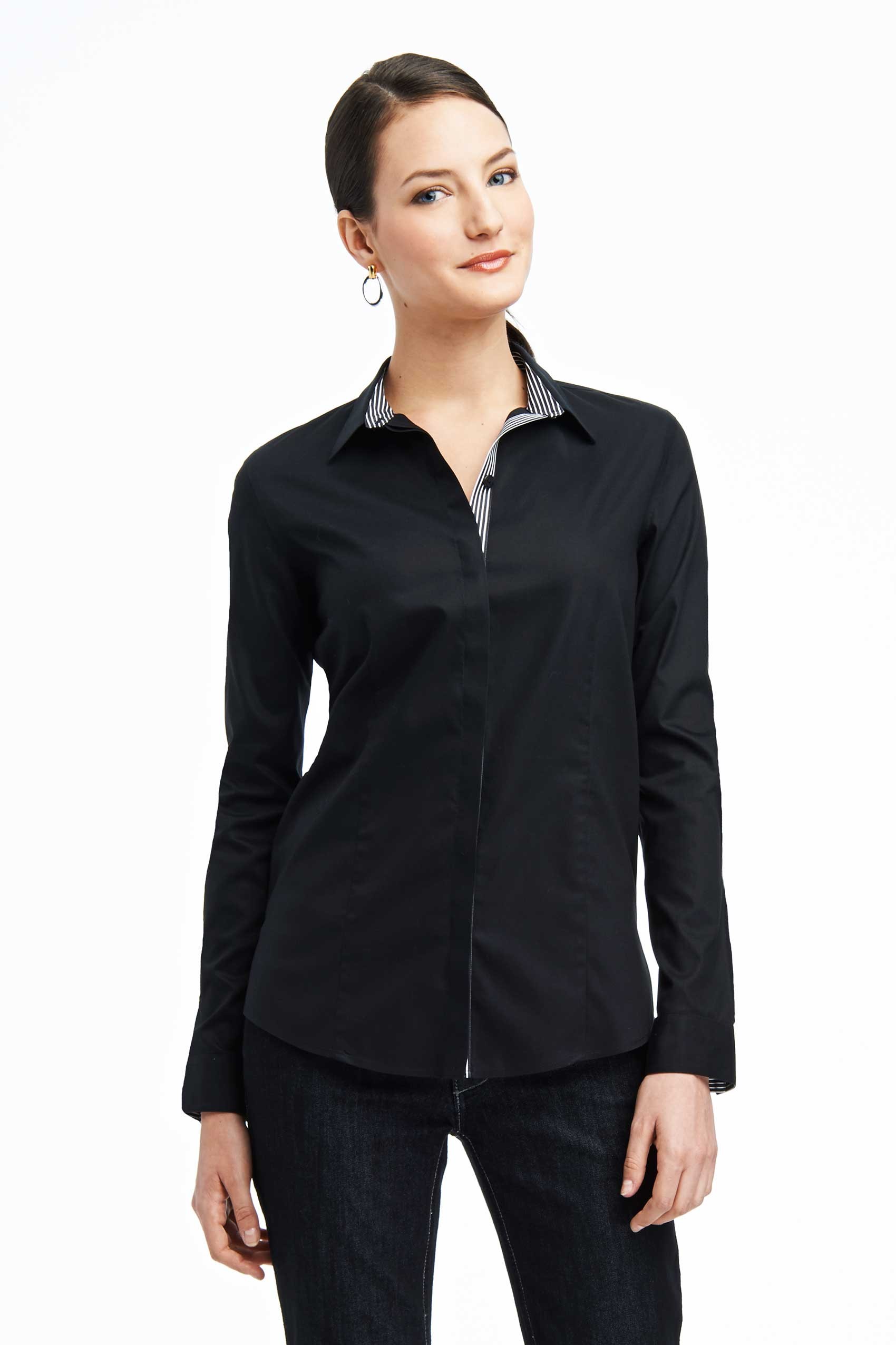
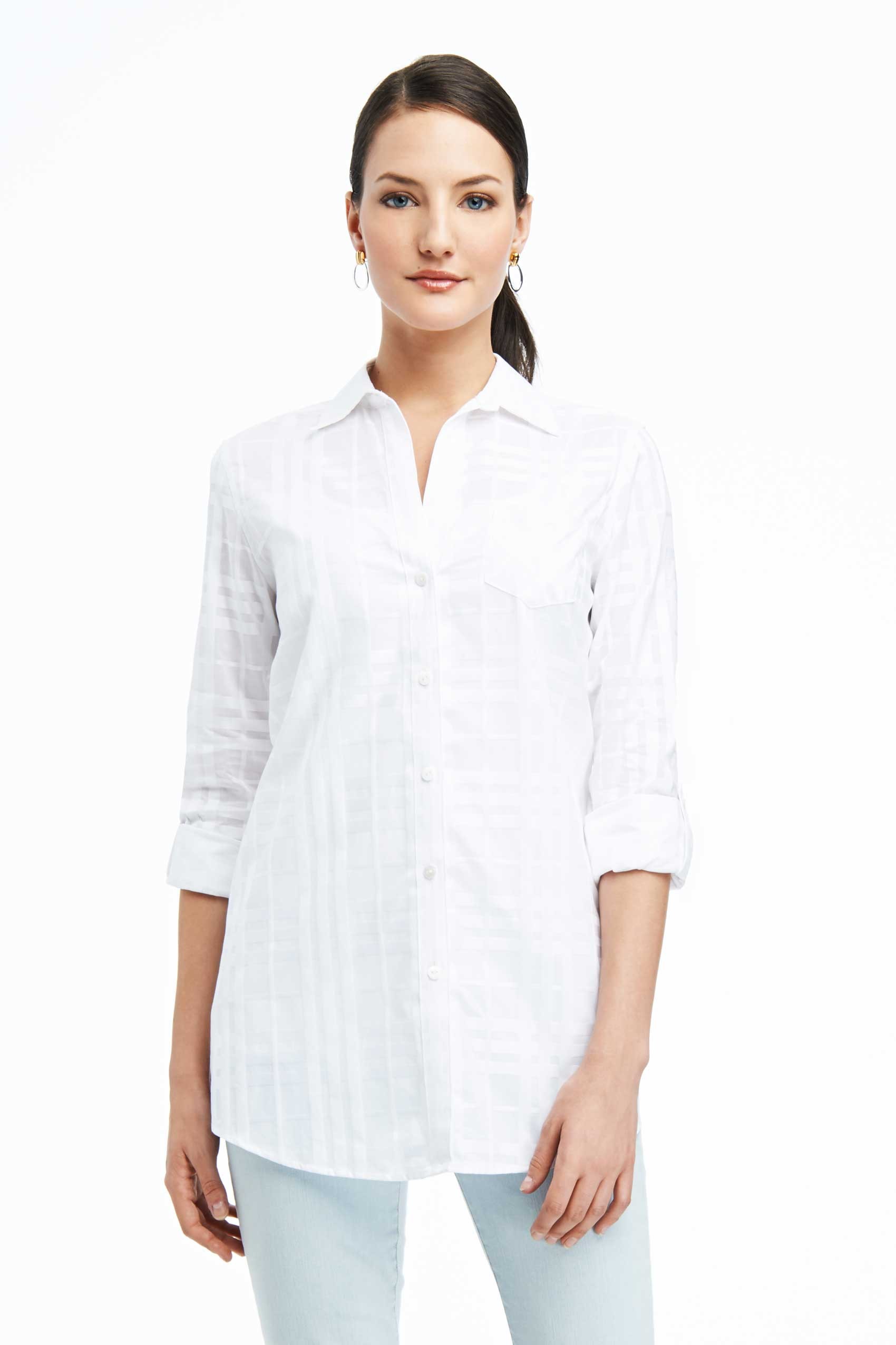
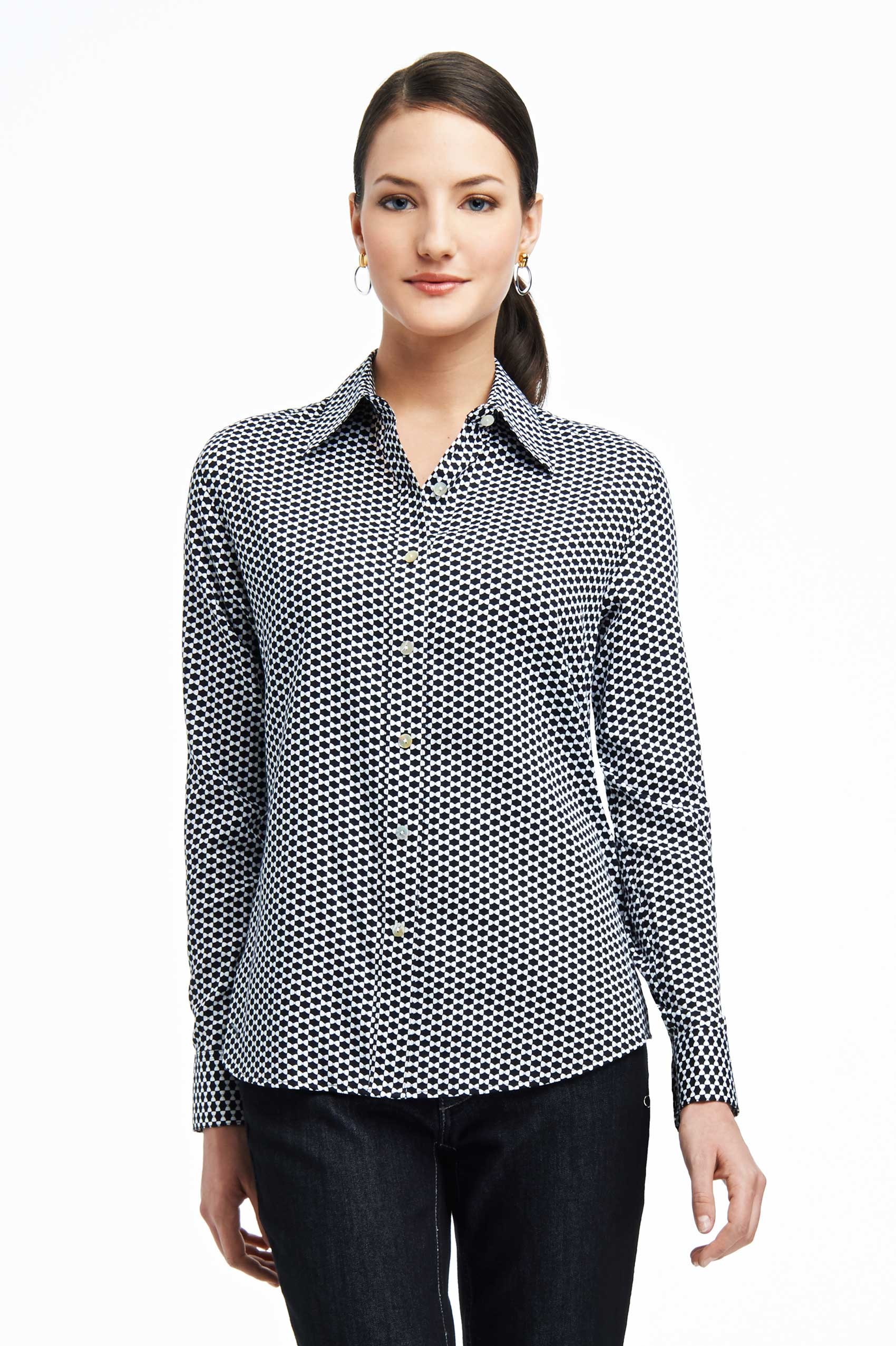
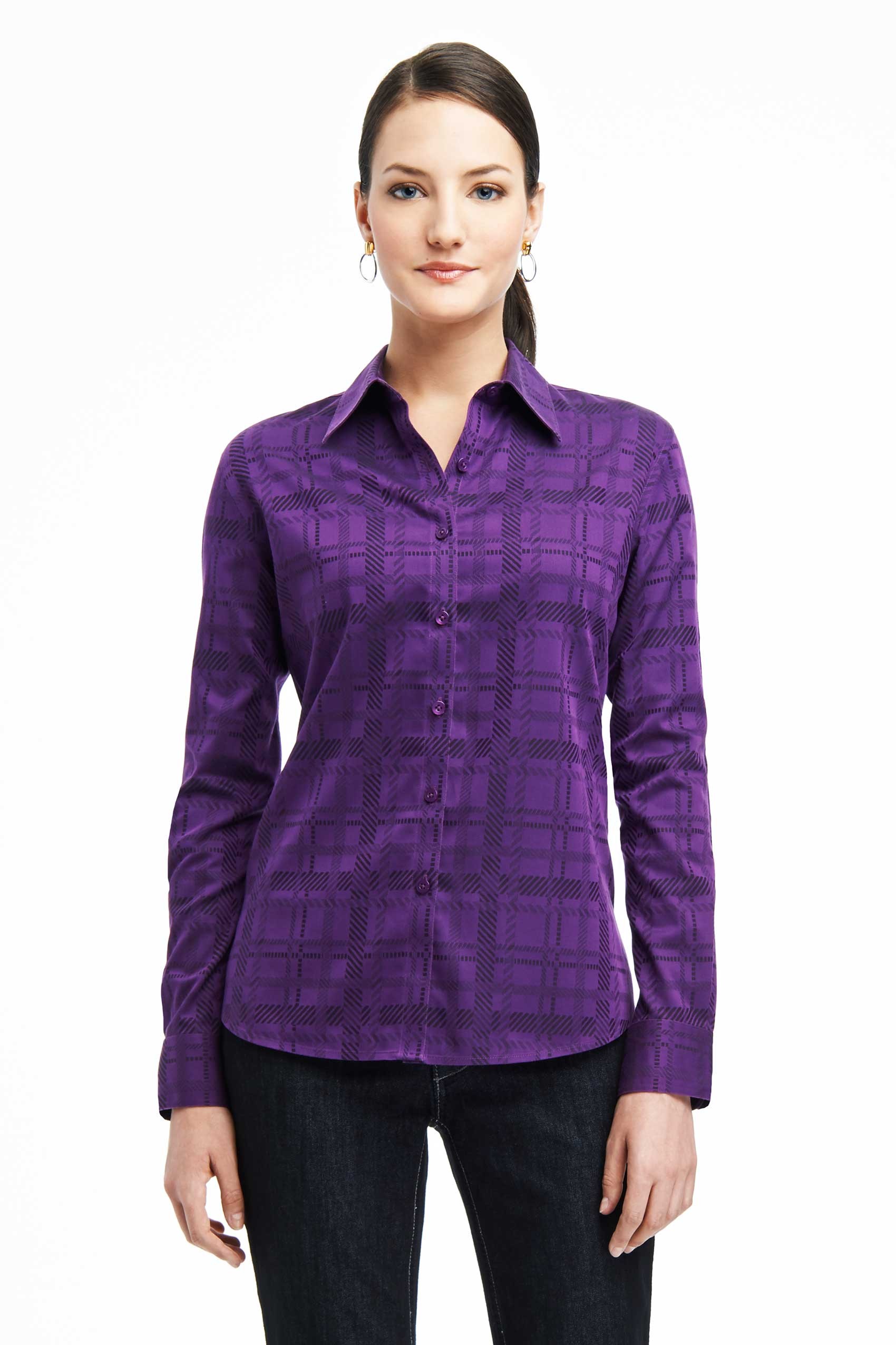
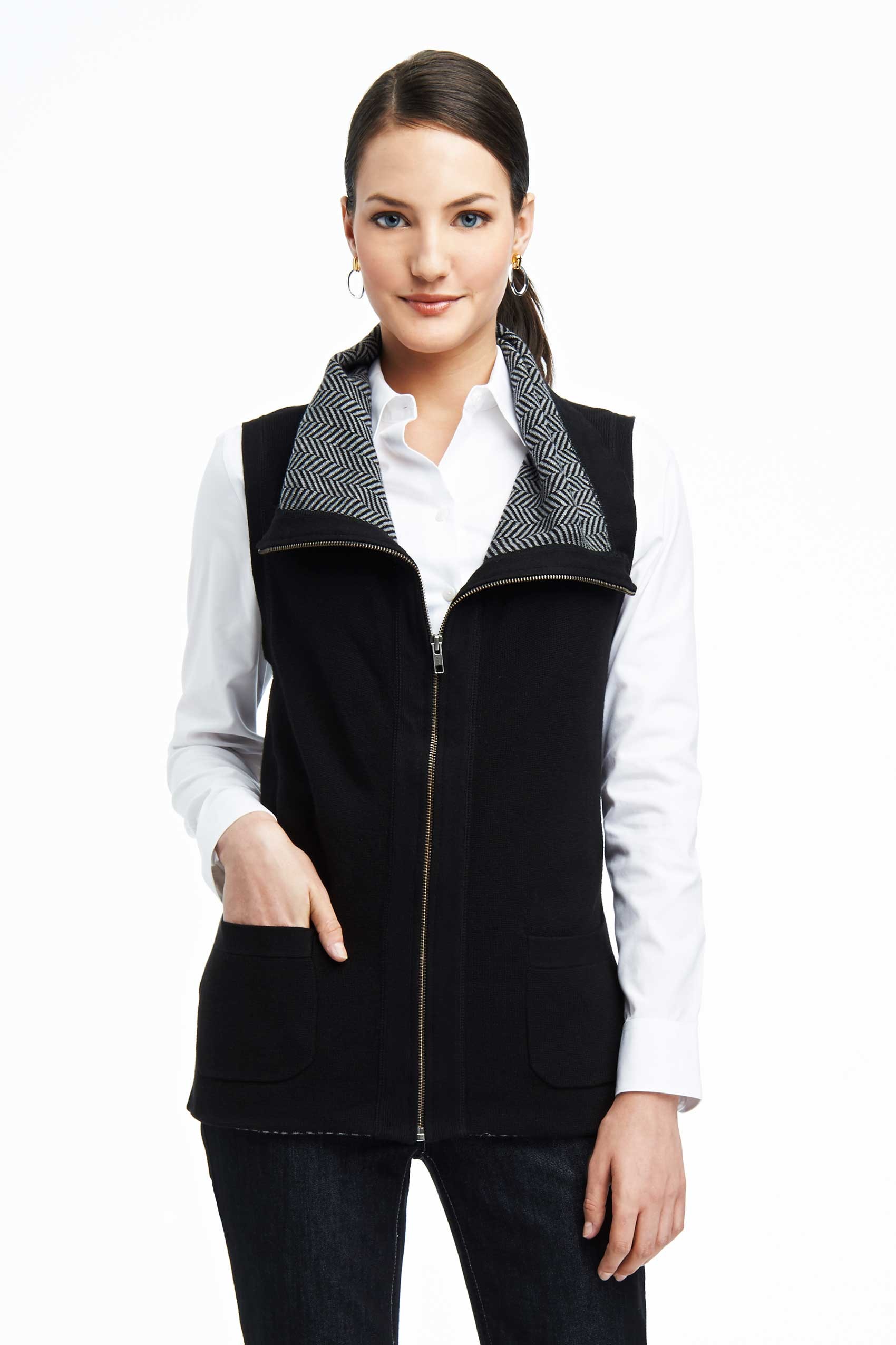
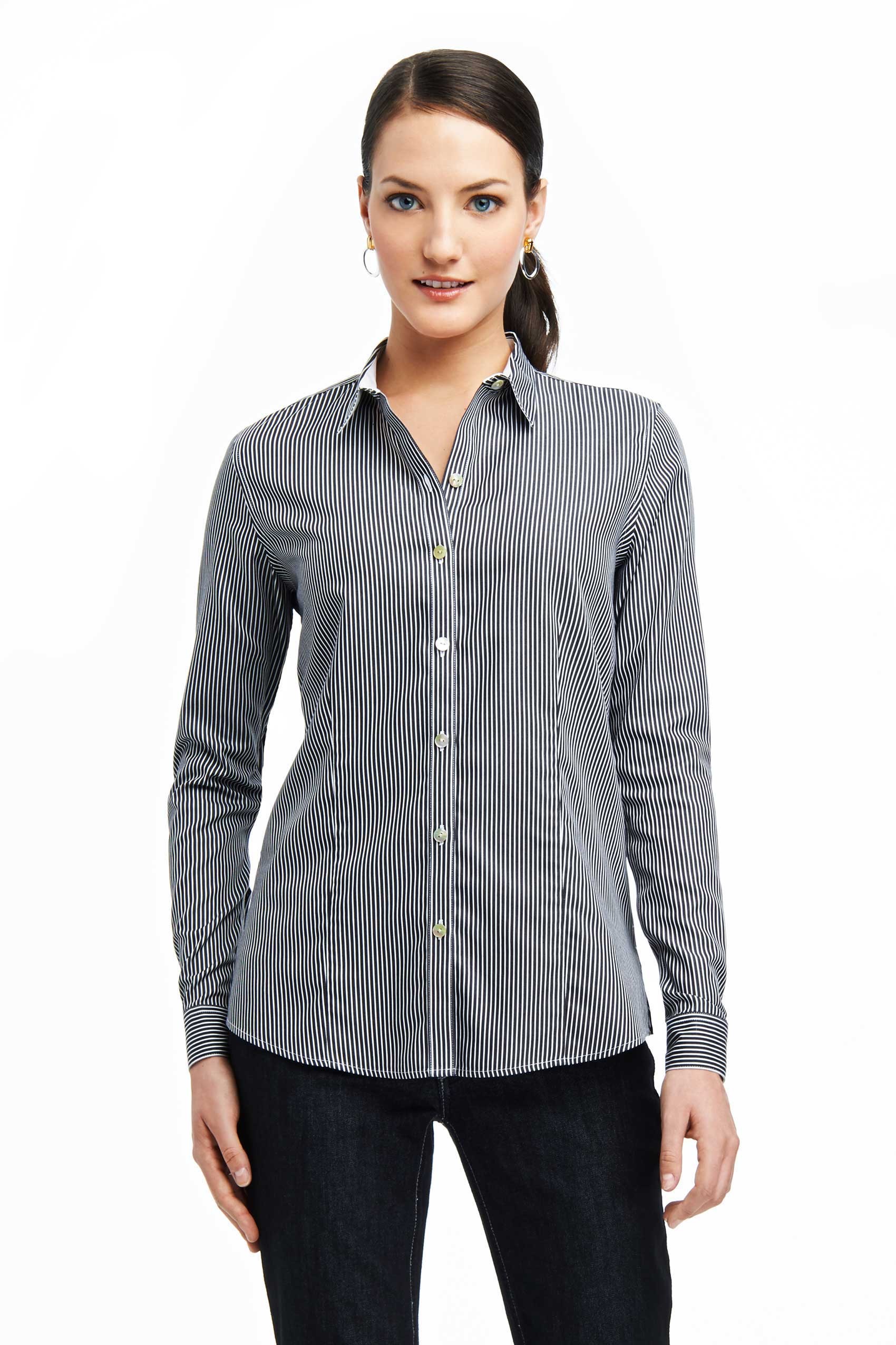
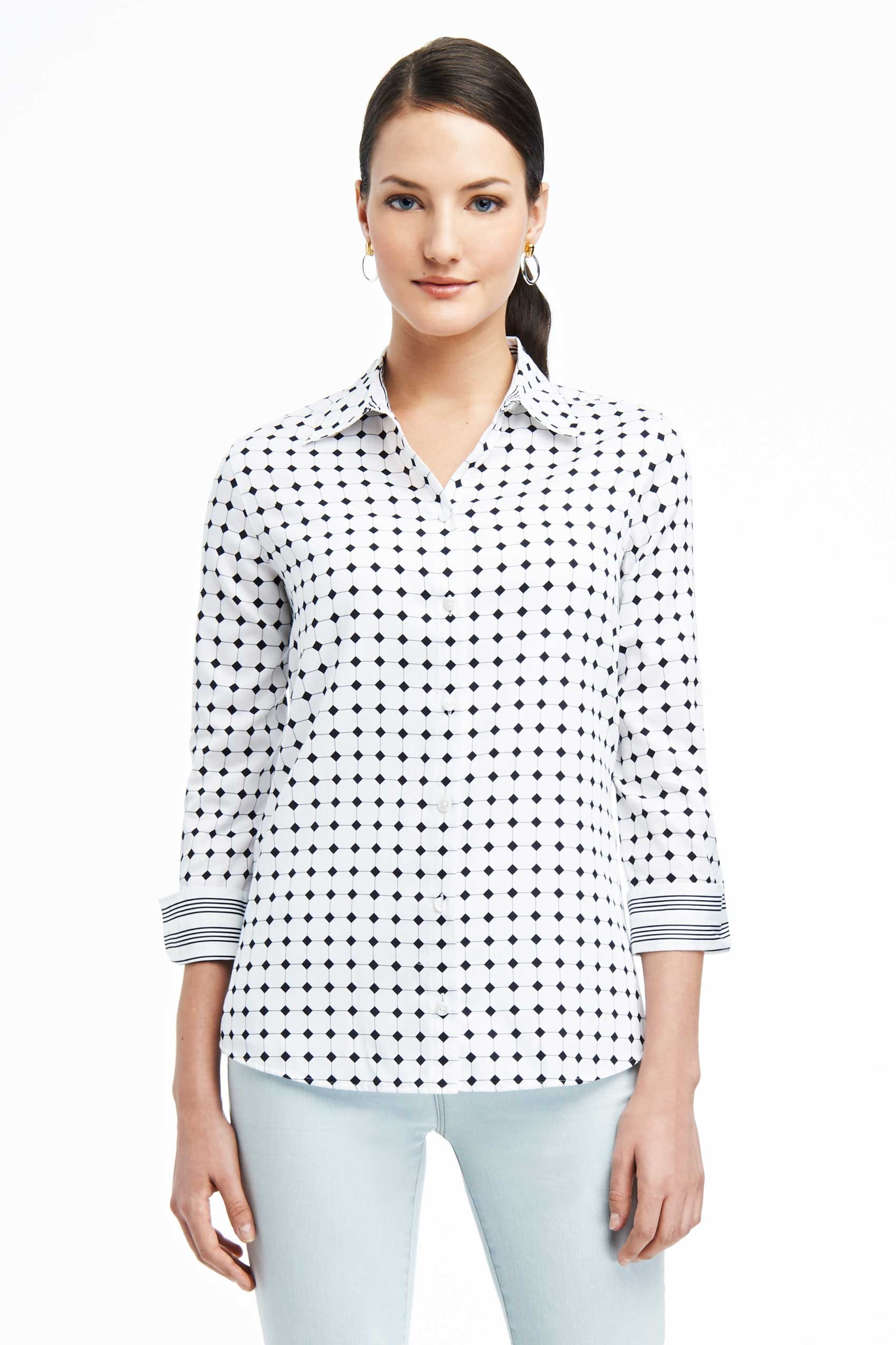
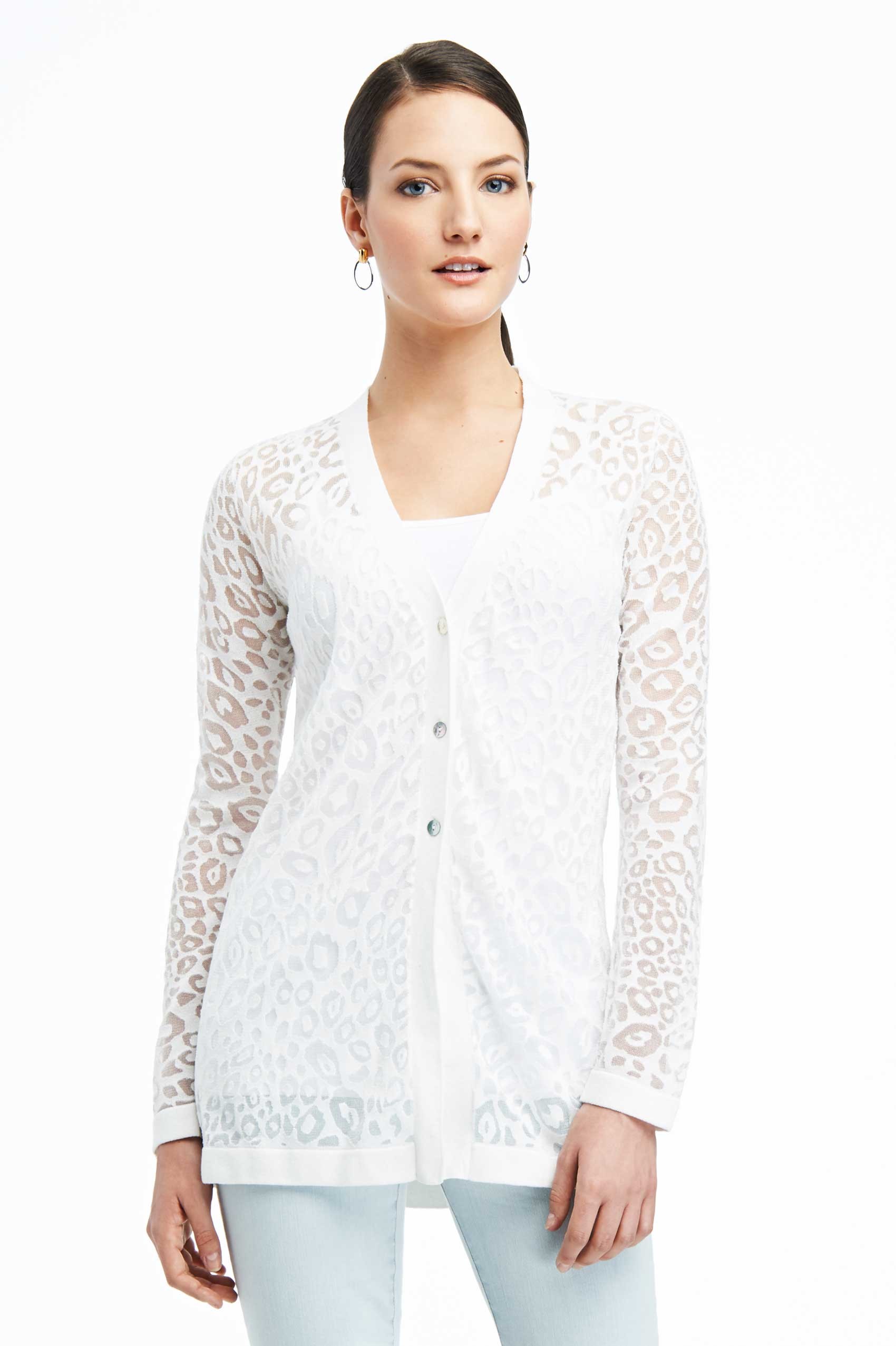
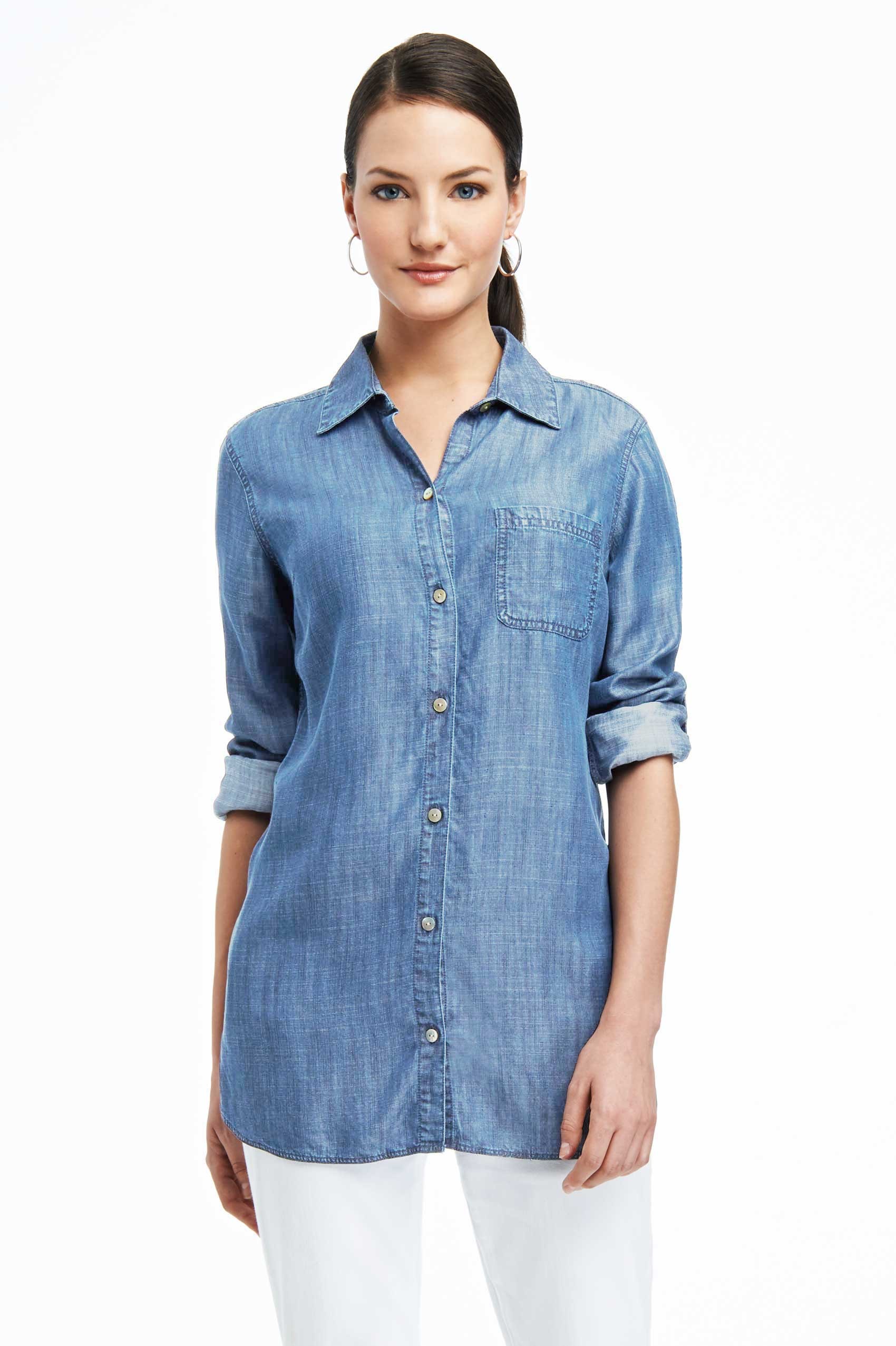
 Foxcroft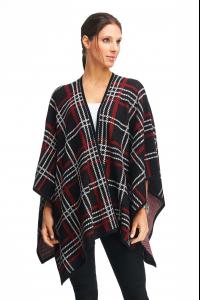

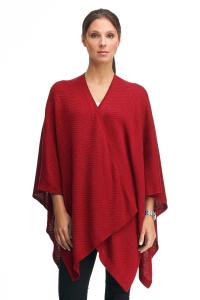
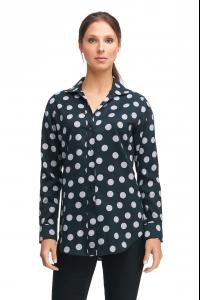


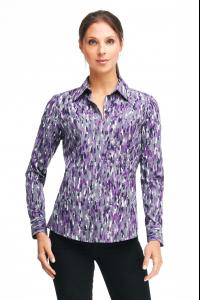




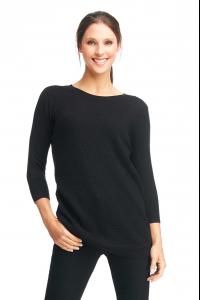






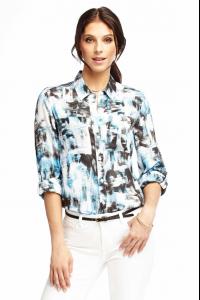



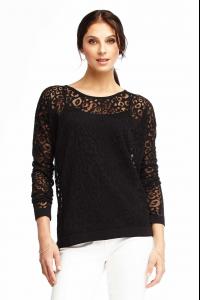 Foxcroft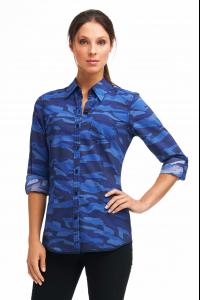
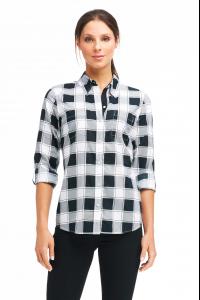
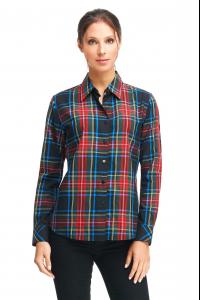
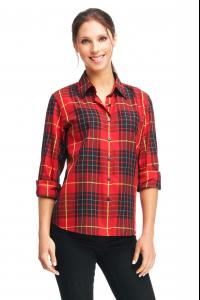
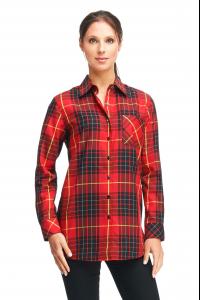
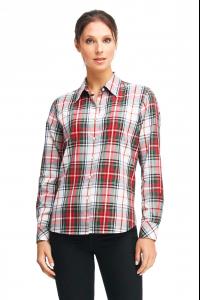


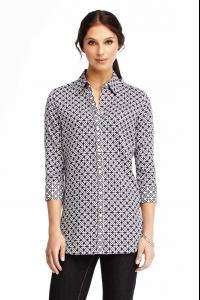
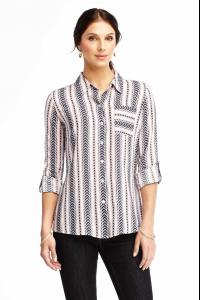



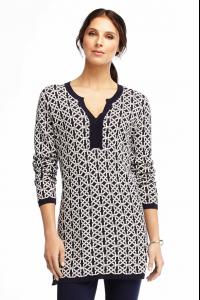

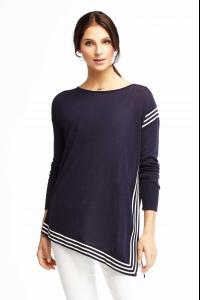
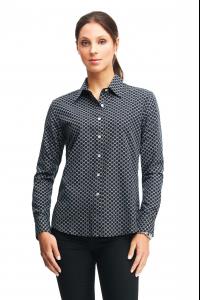

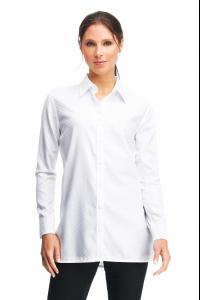

 Foxcroft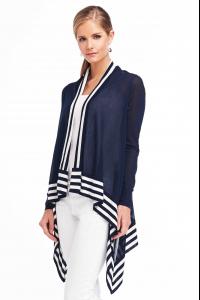
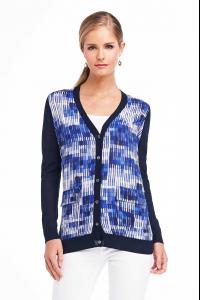


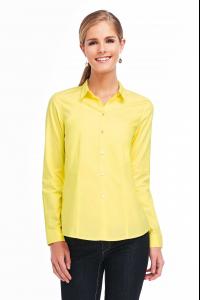
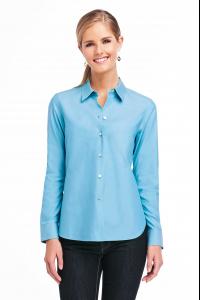
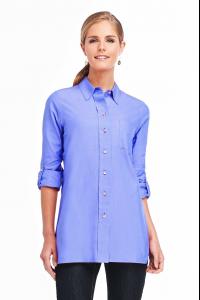

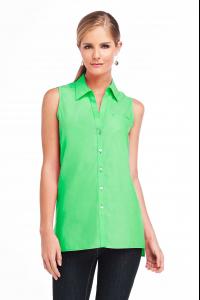

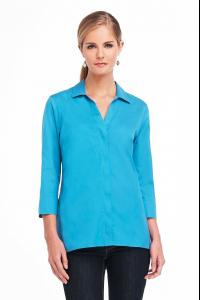



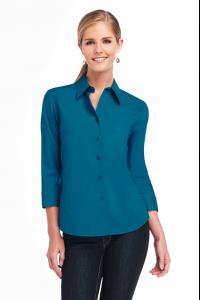
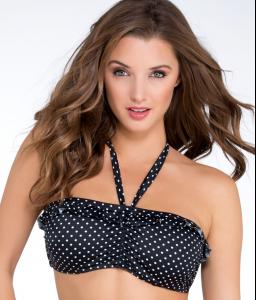
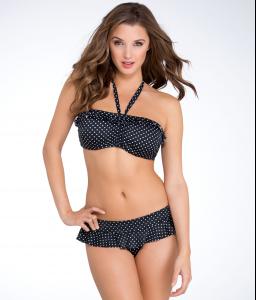
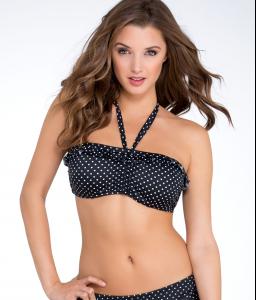
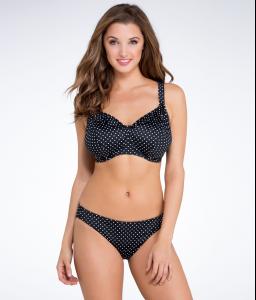
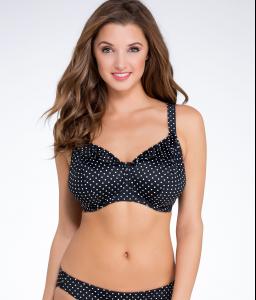
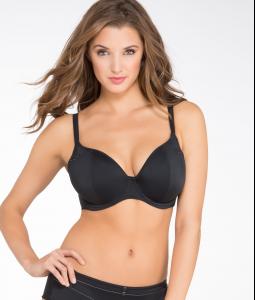
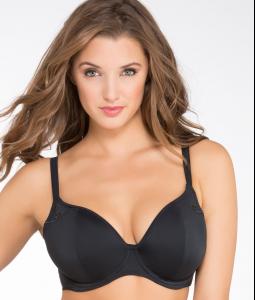
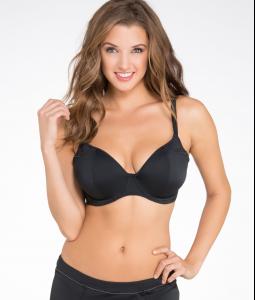
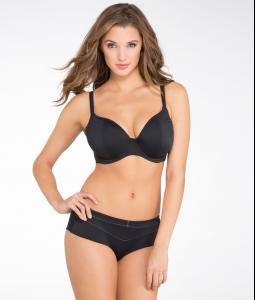
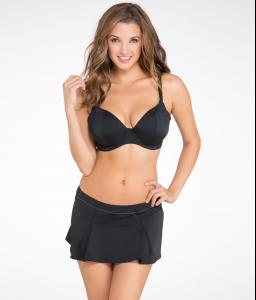
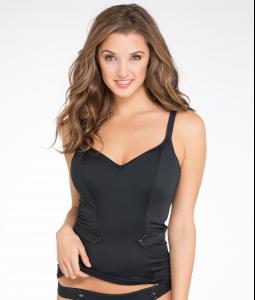
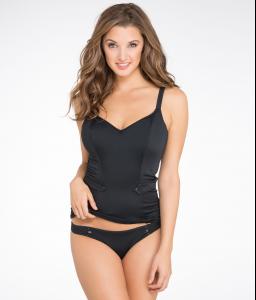
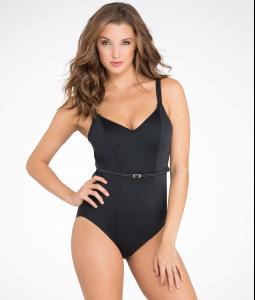
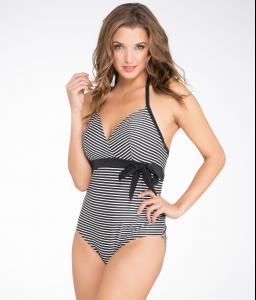
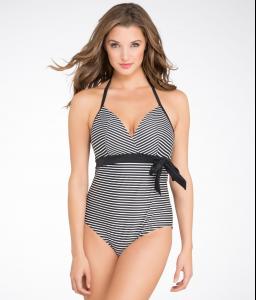
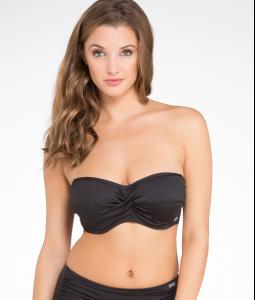
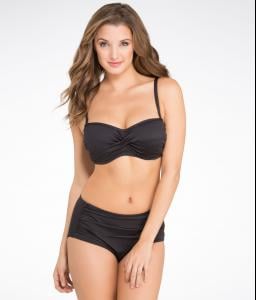
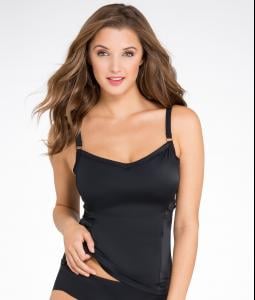
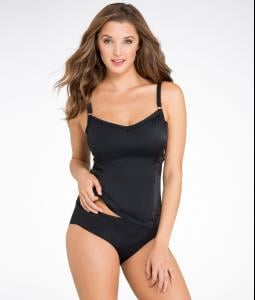
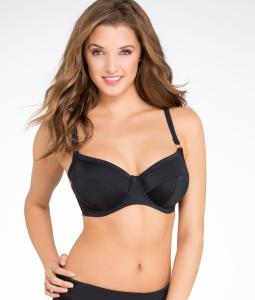
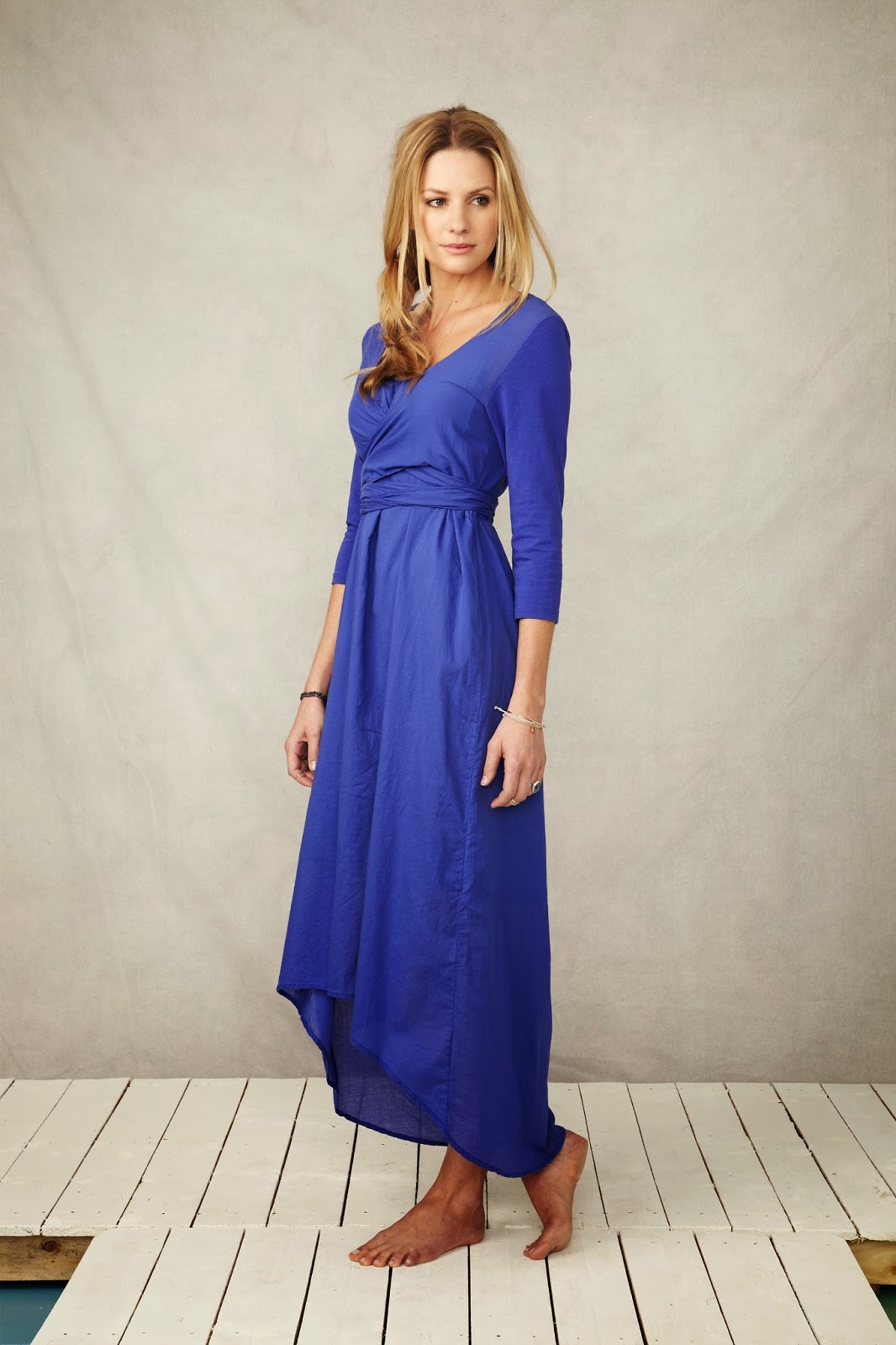
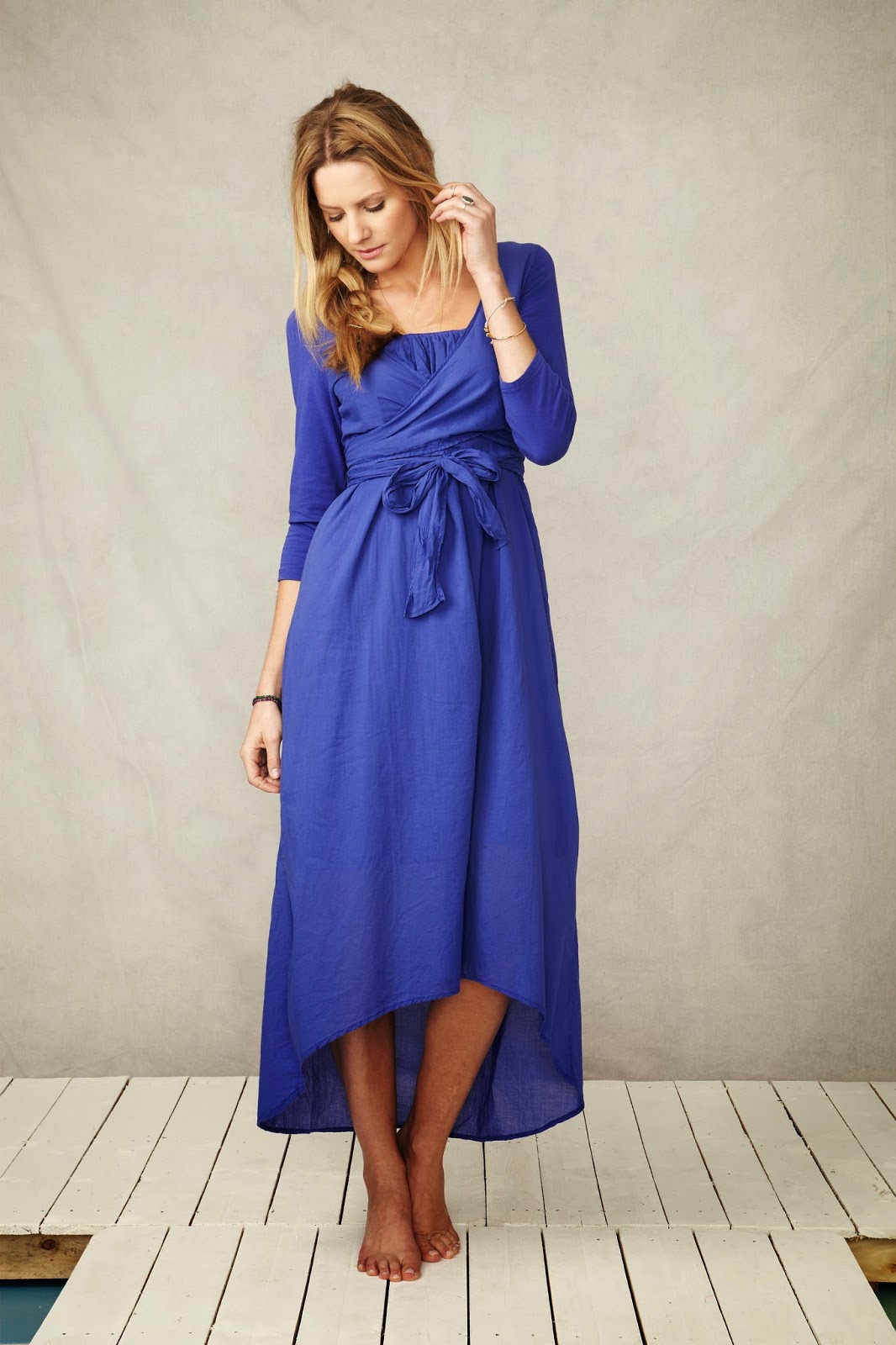
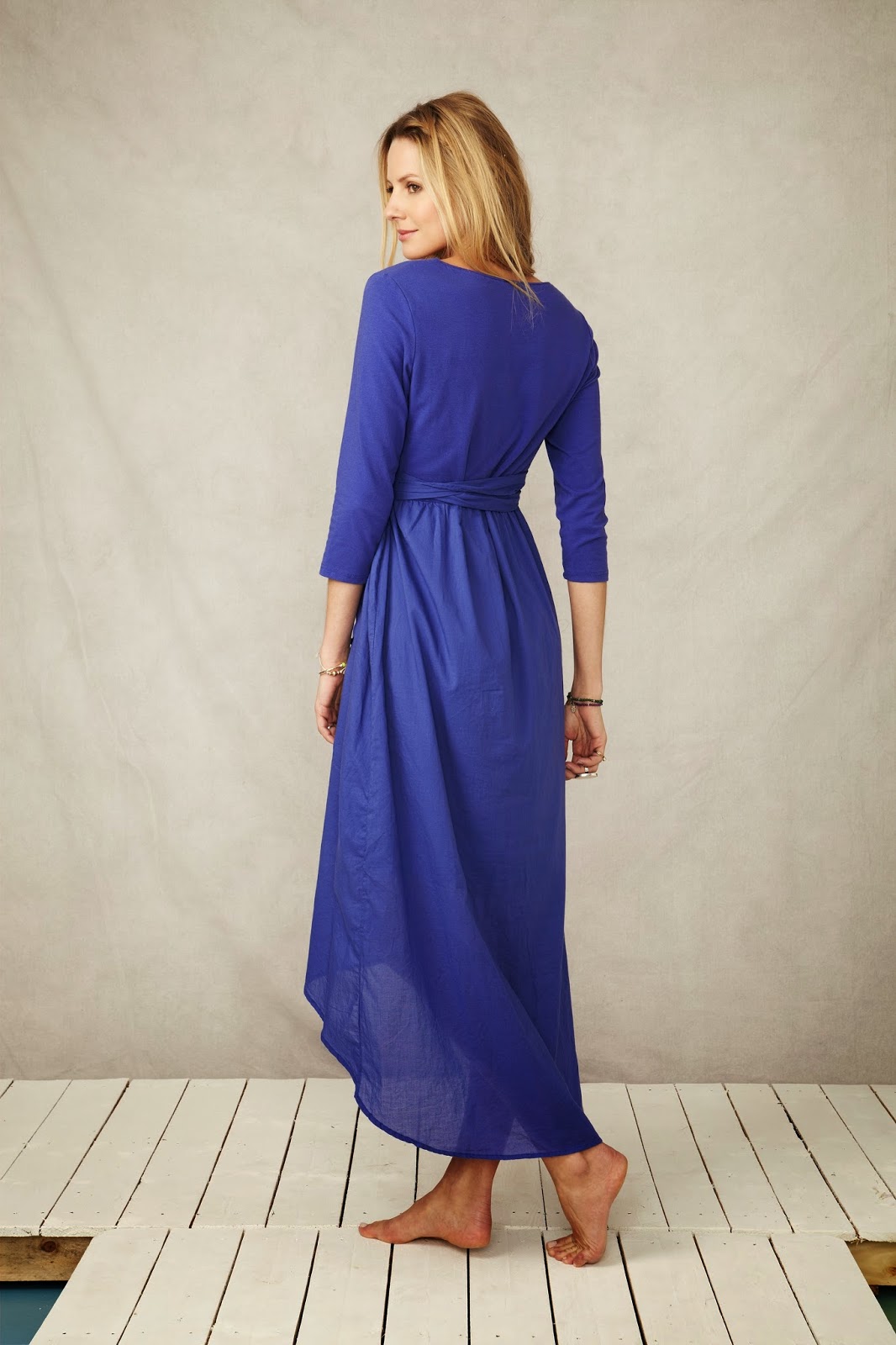
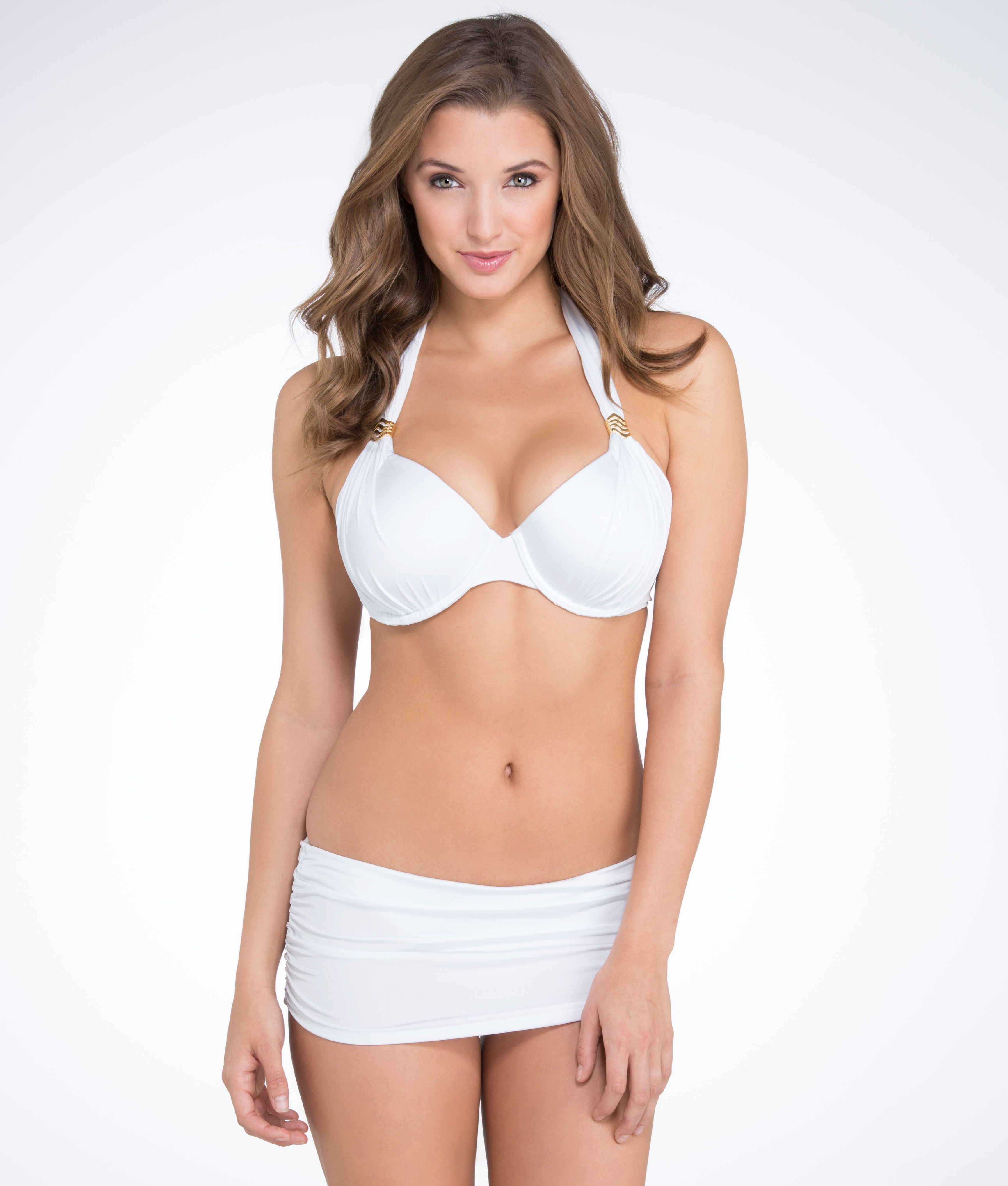
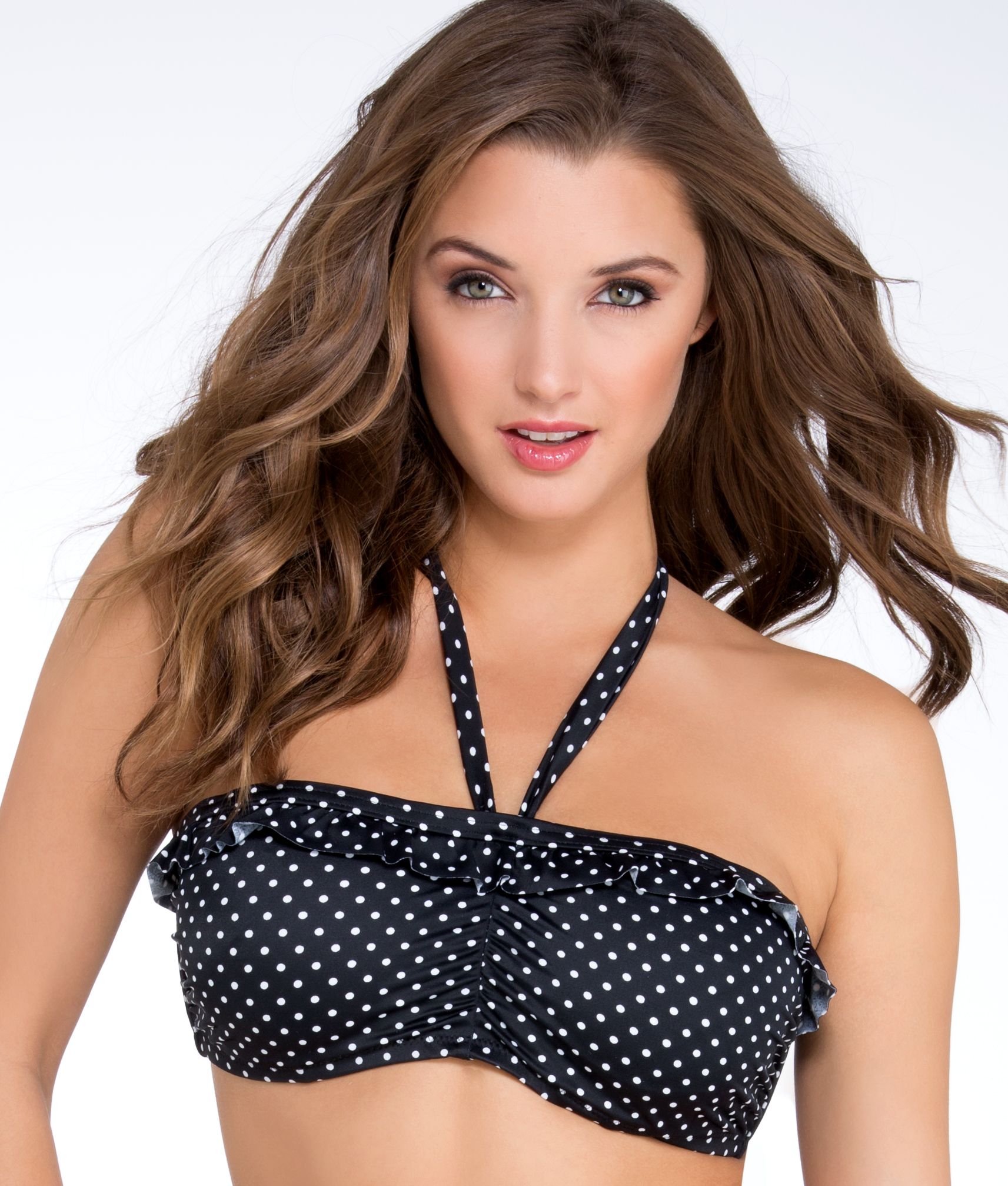
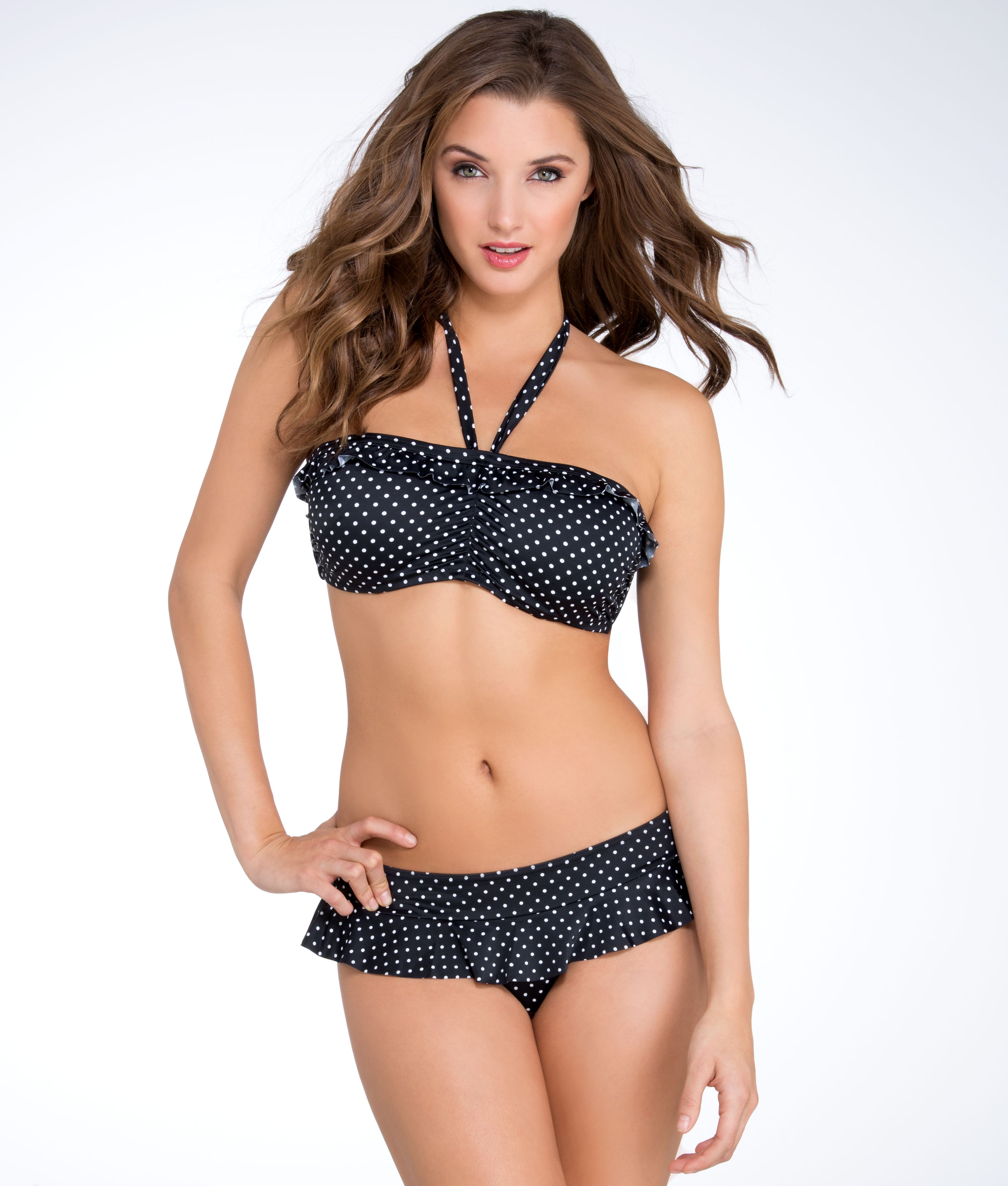
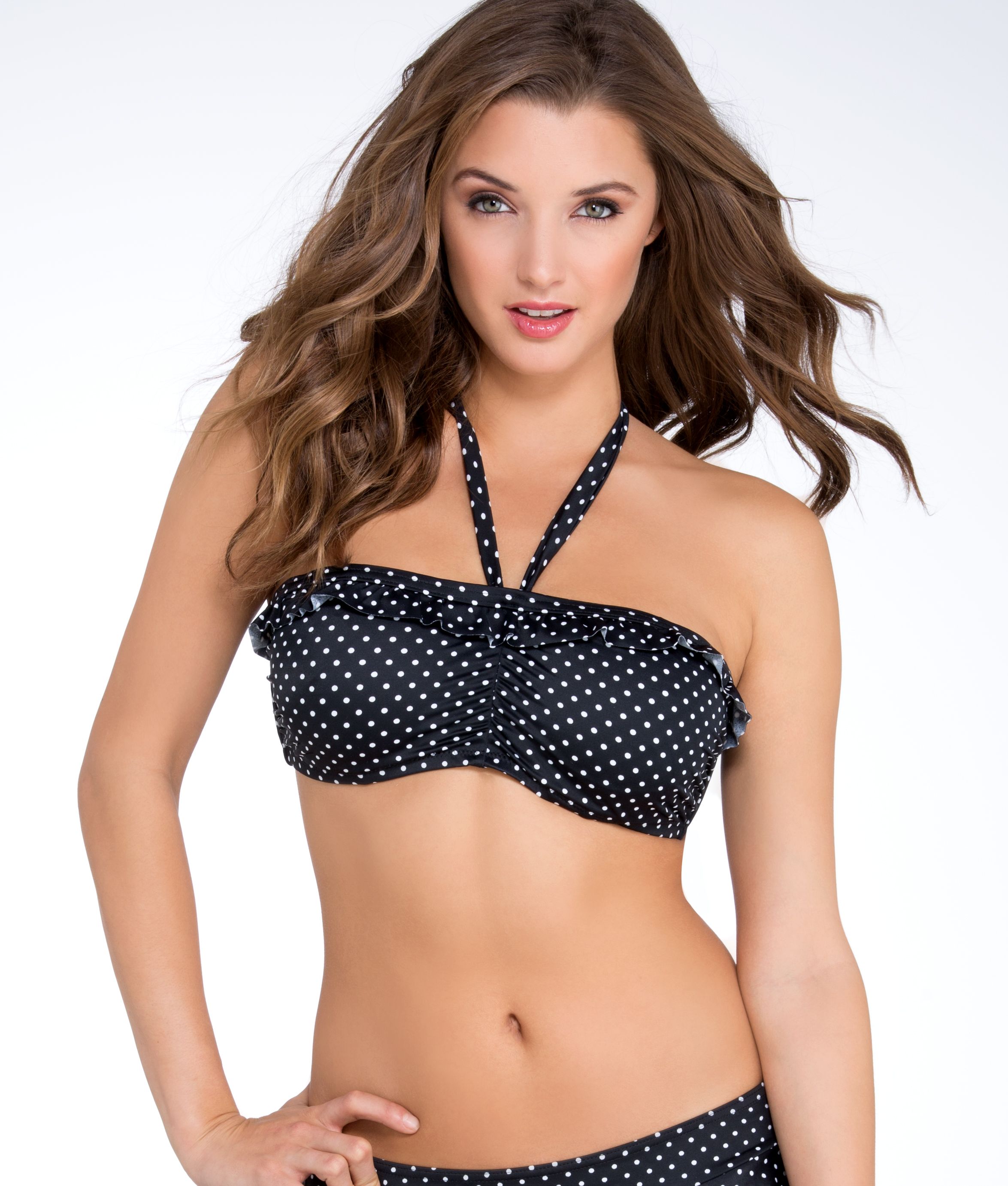
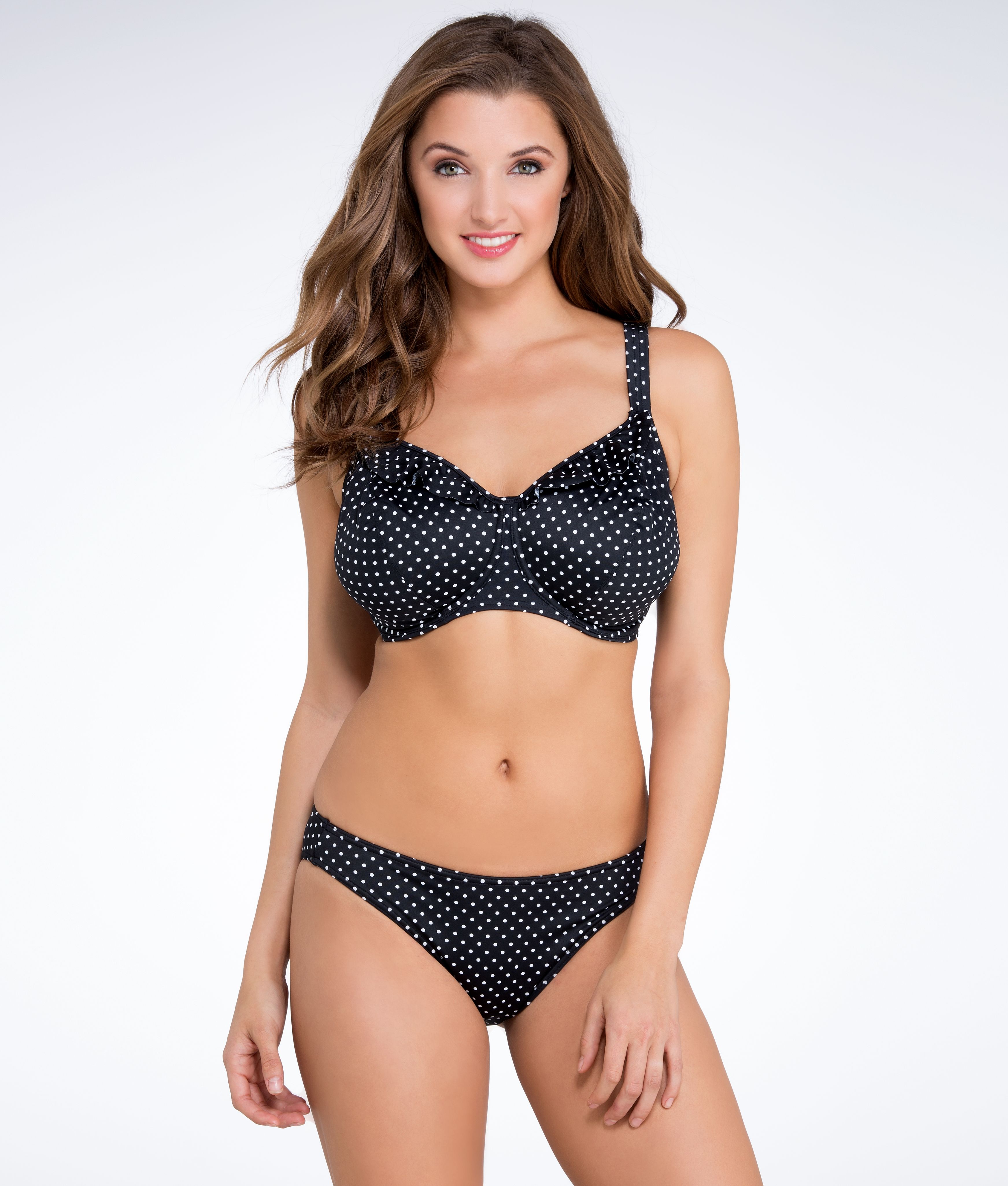
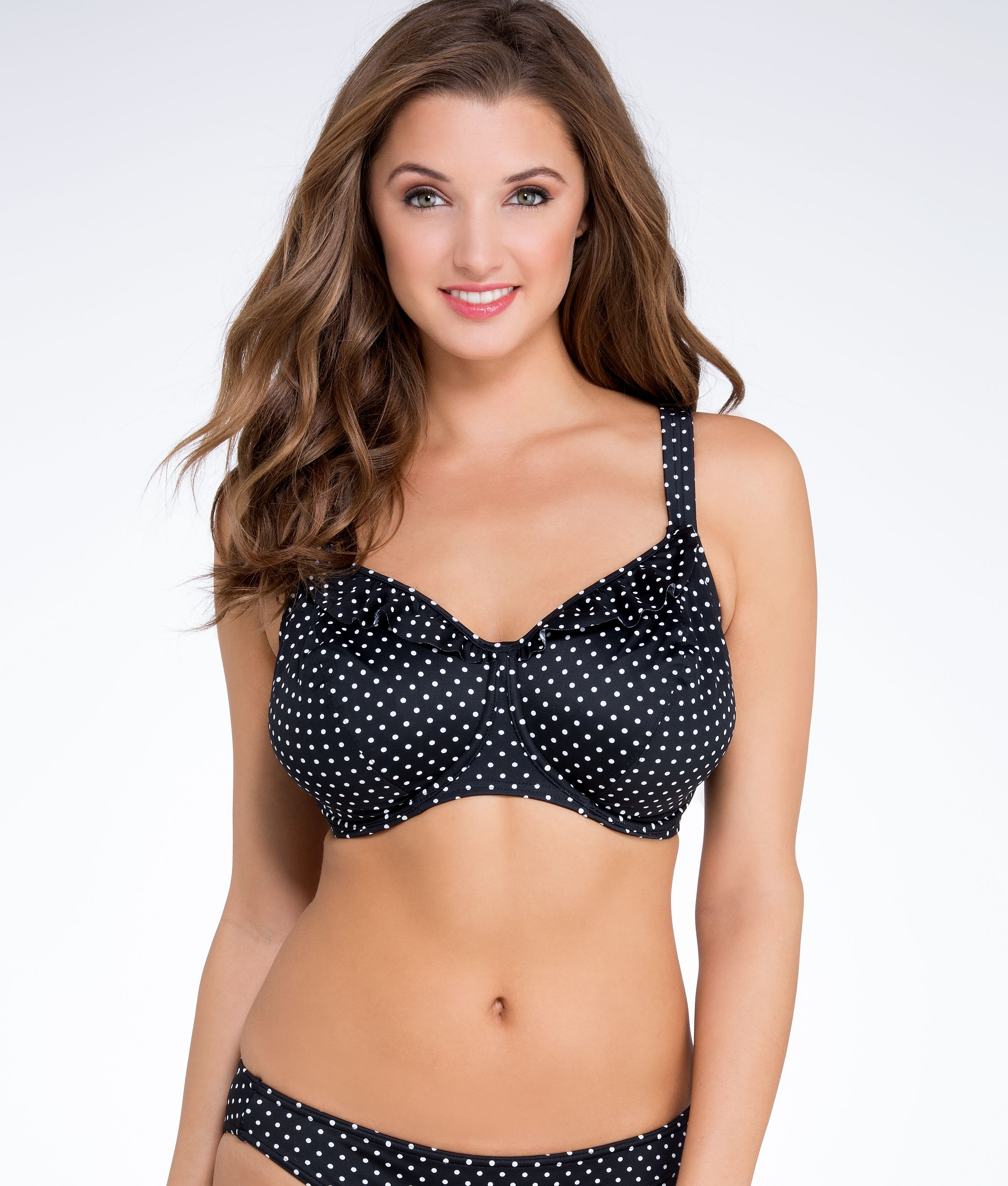
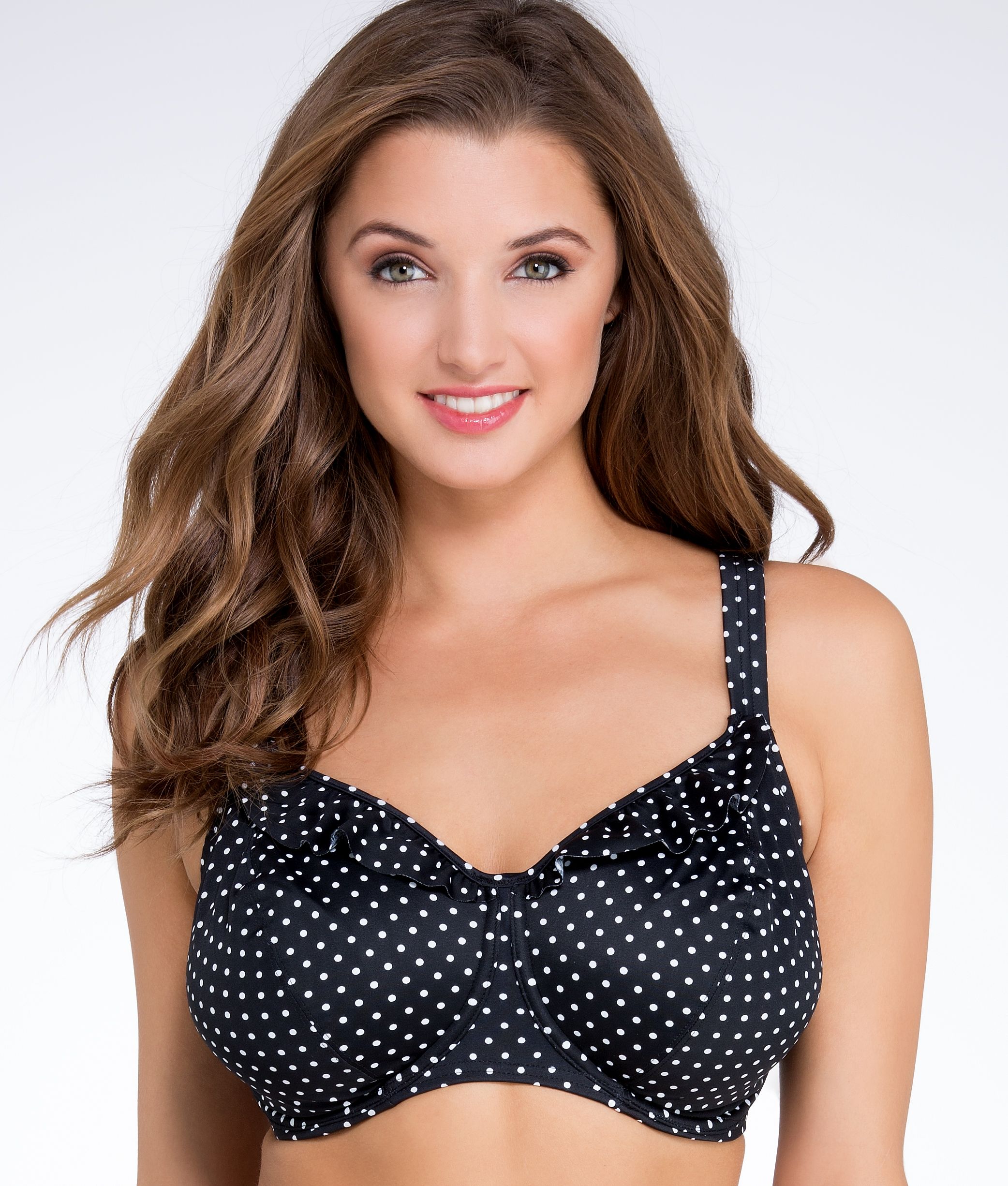
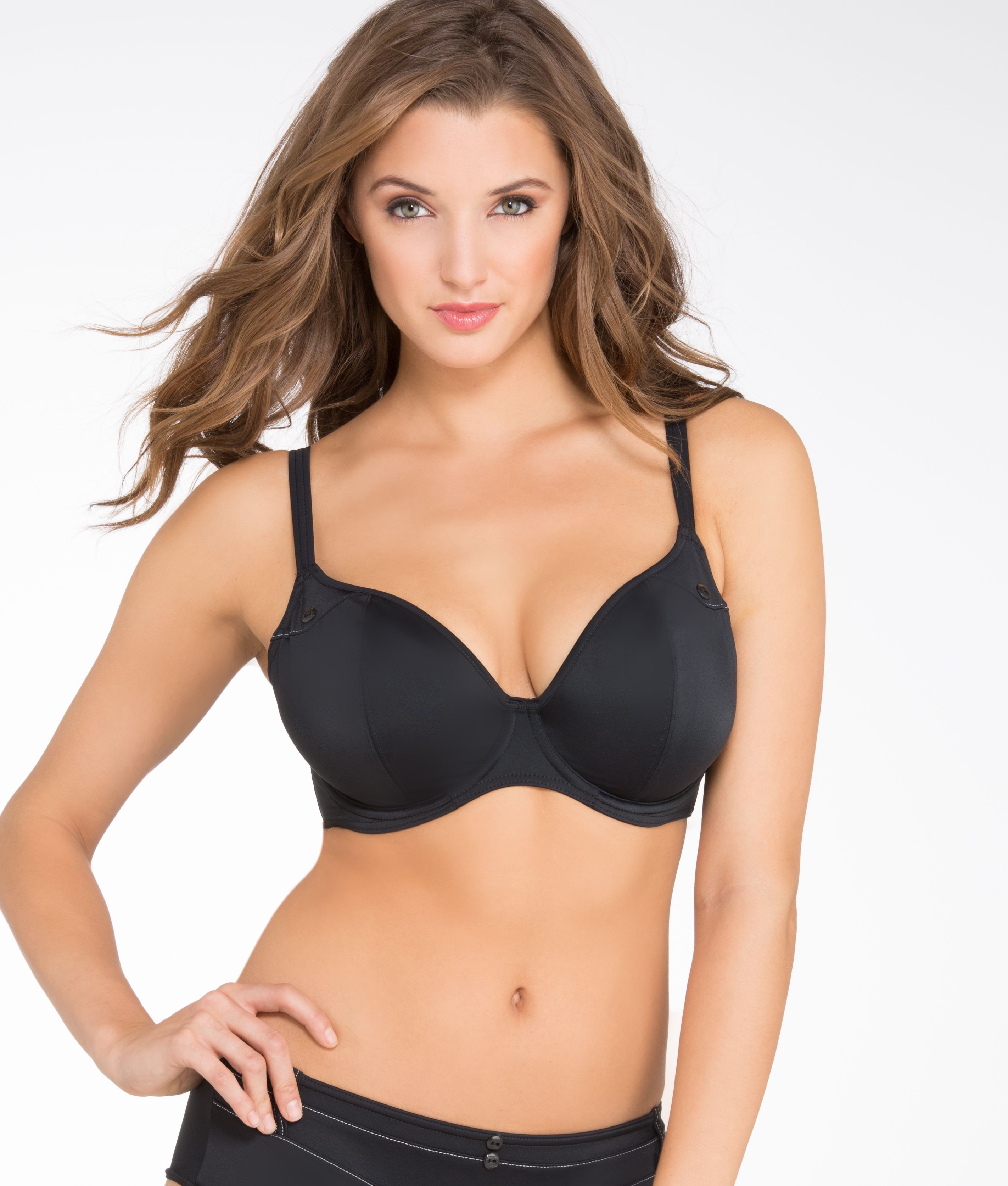
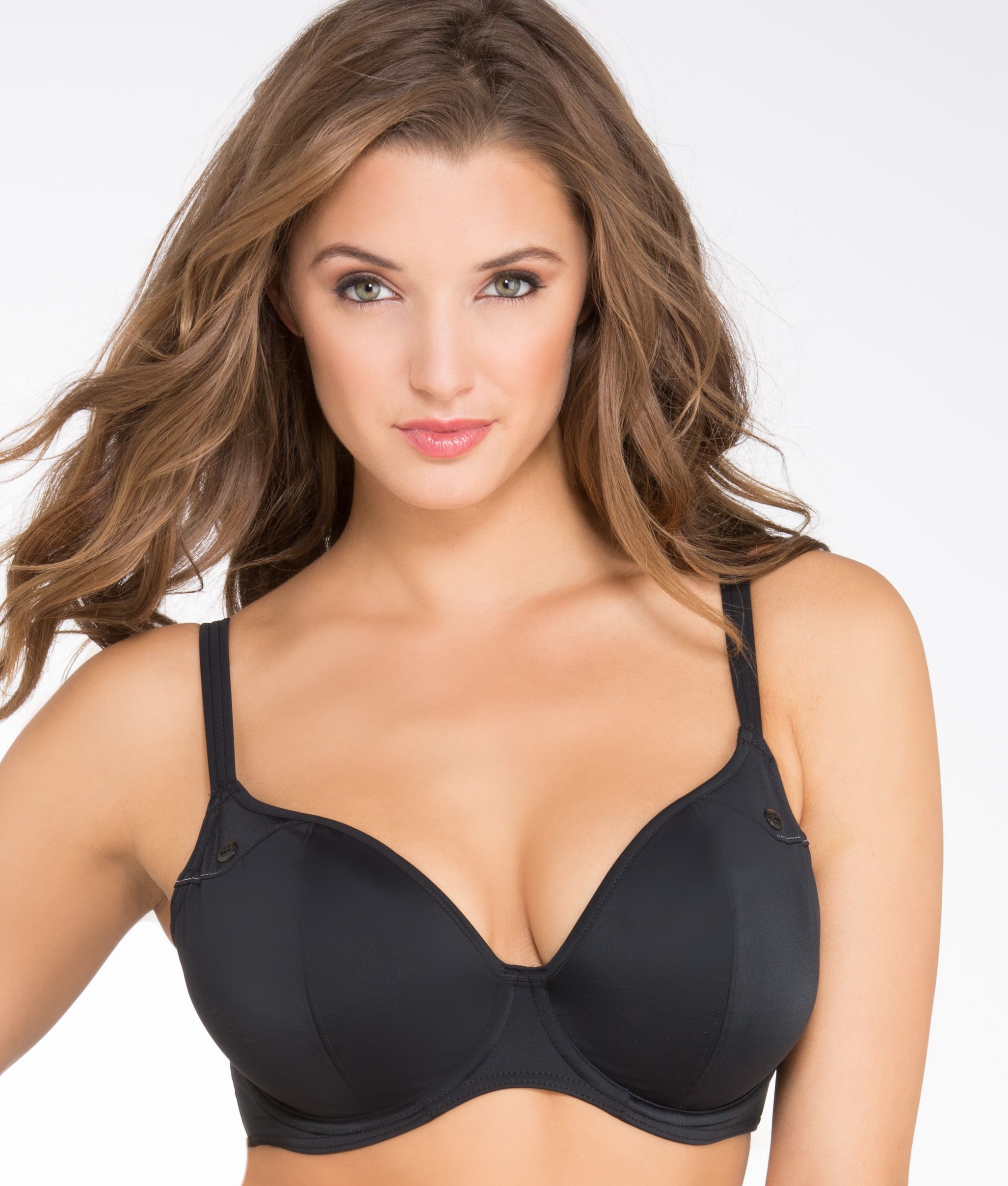
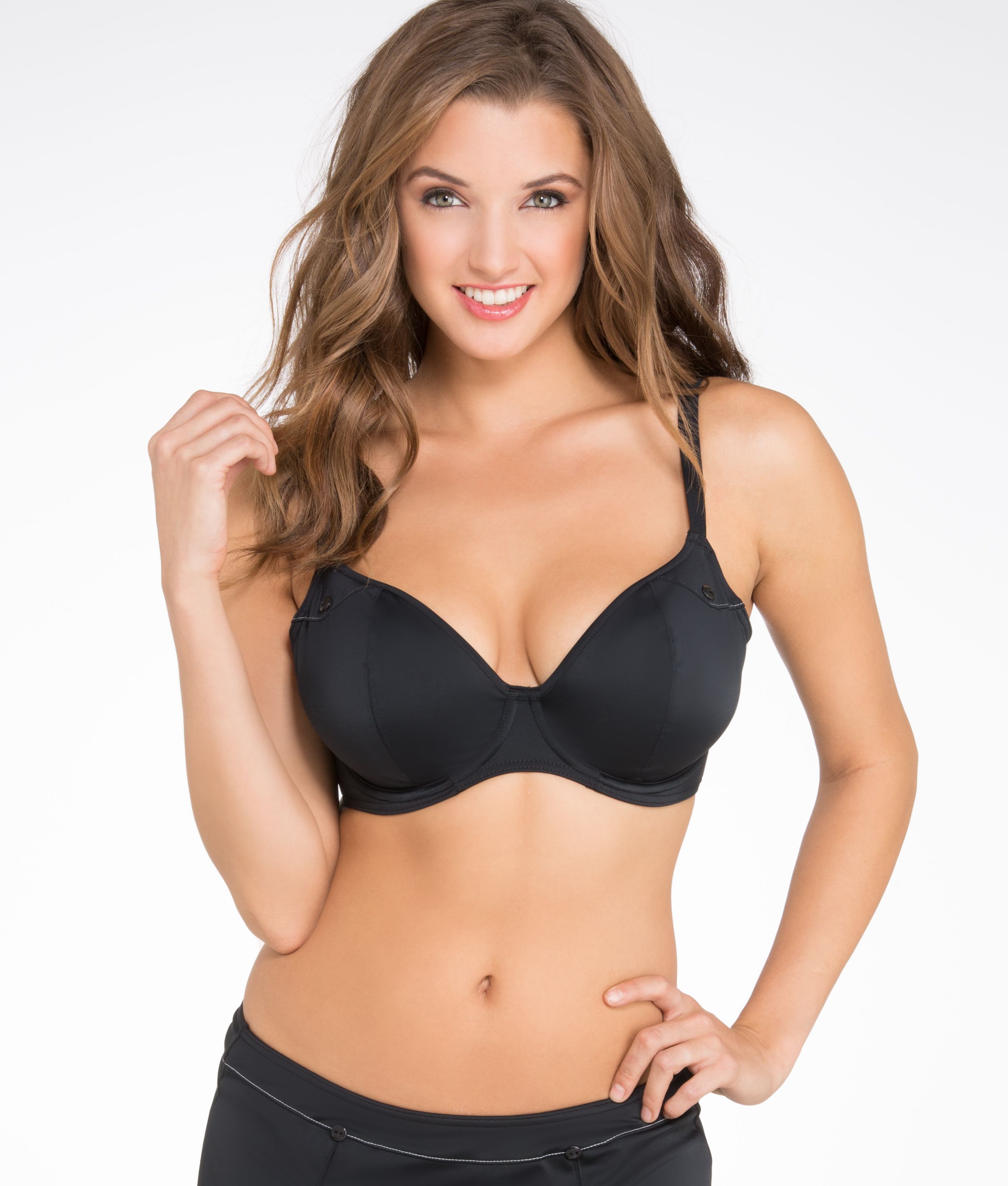
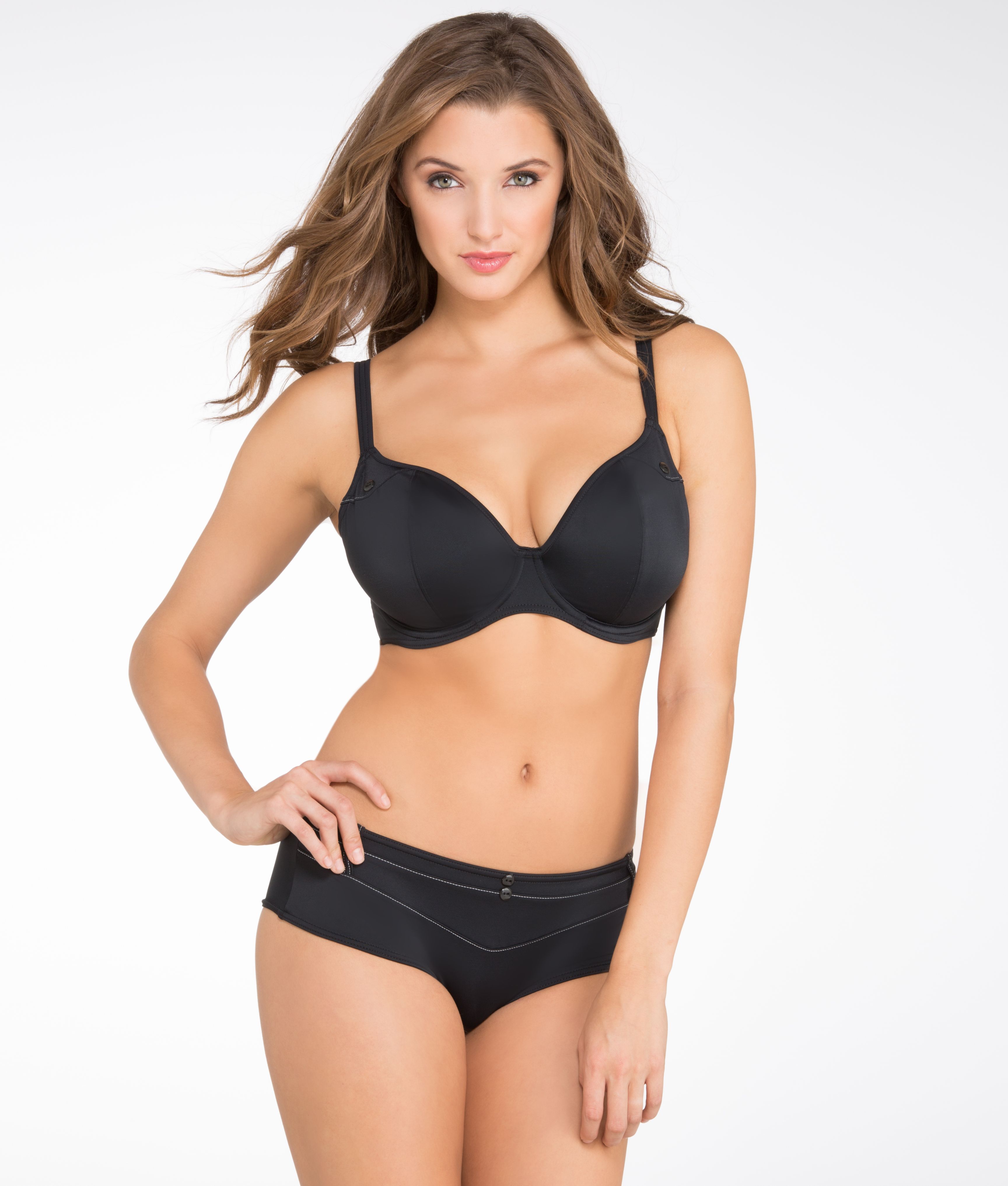
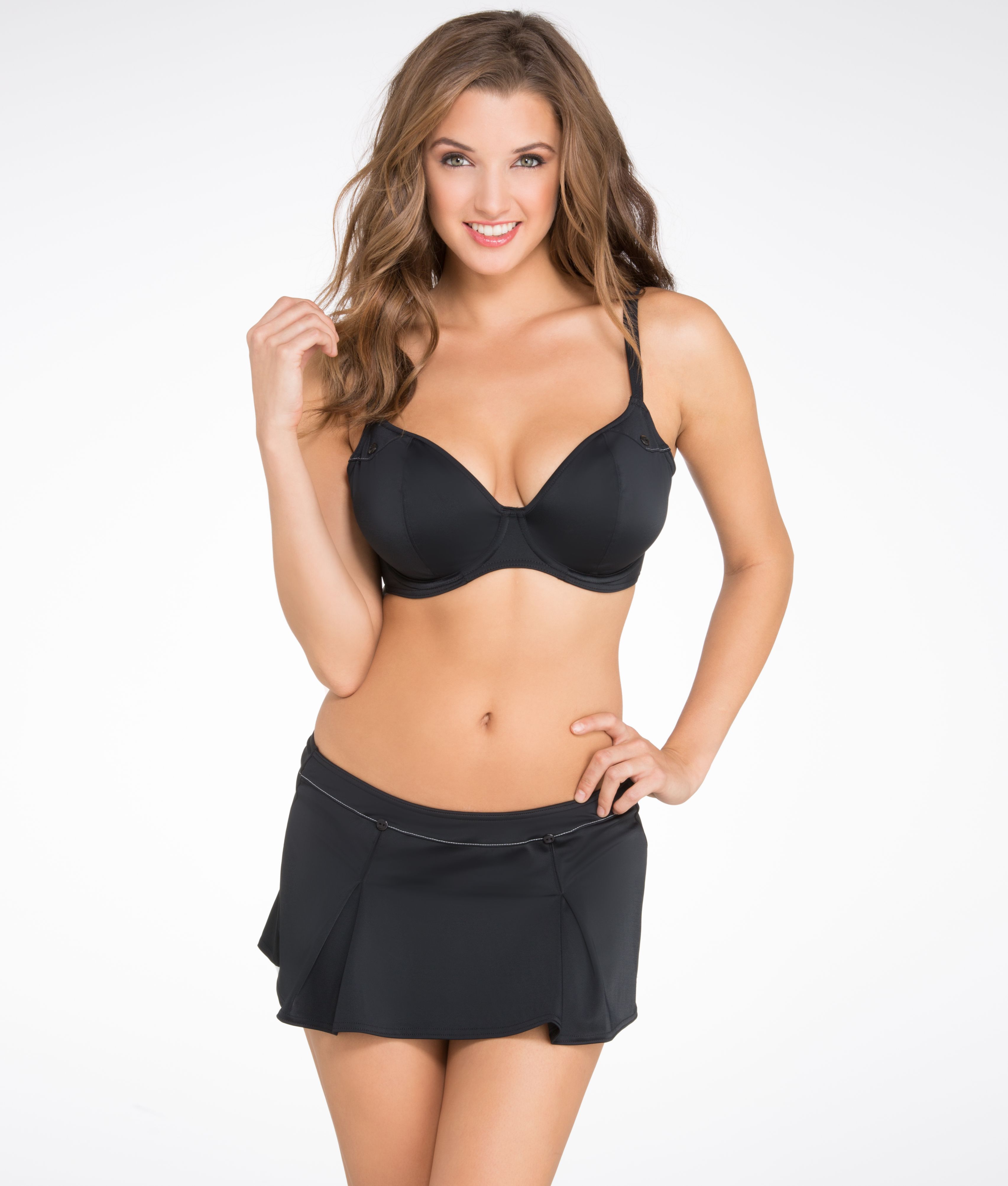
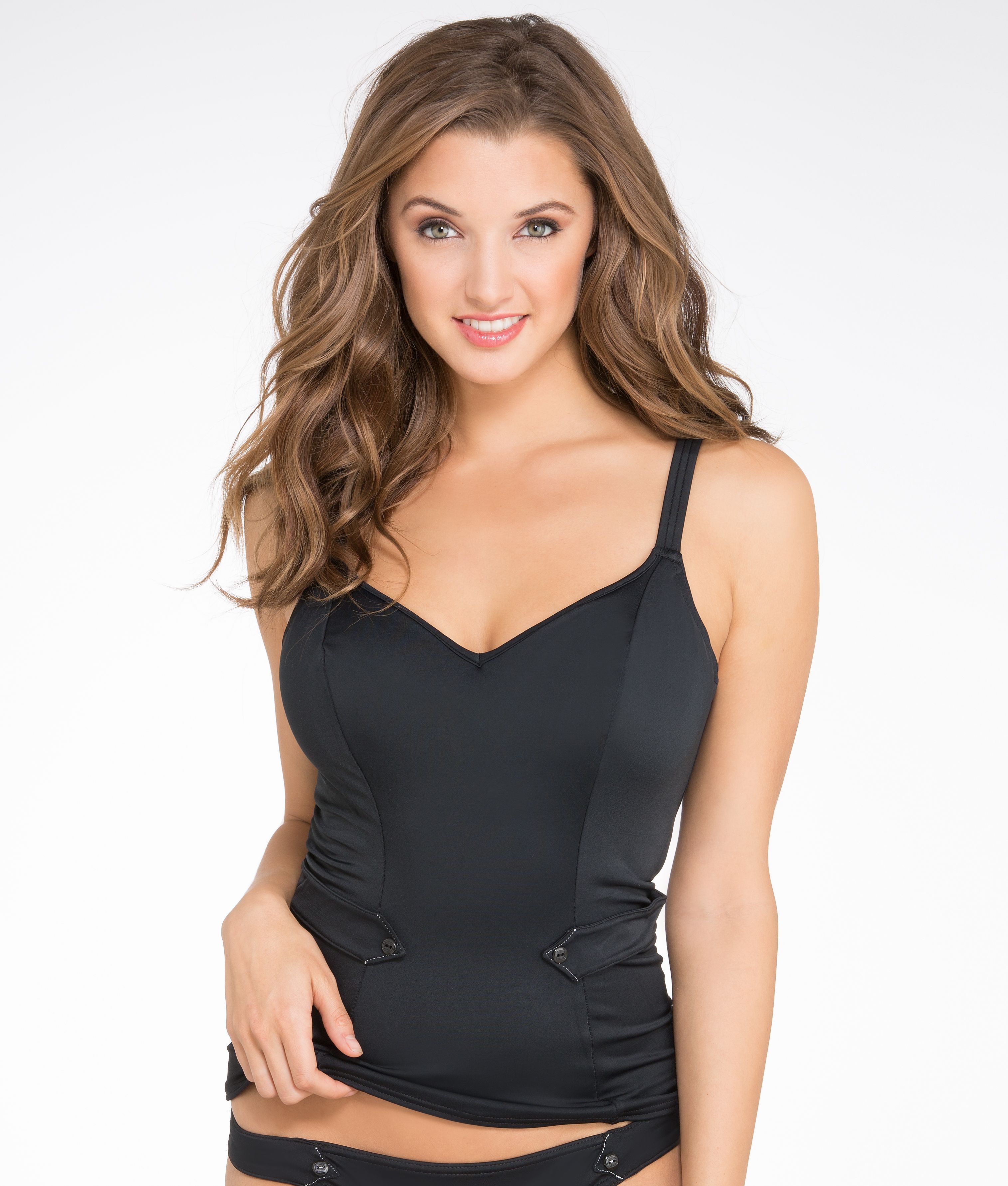
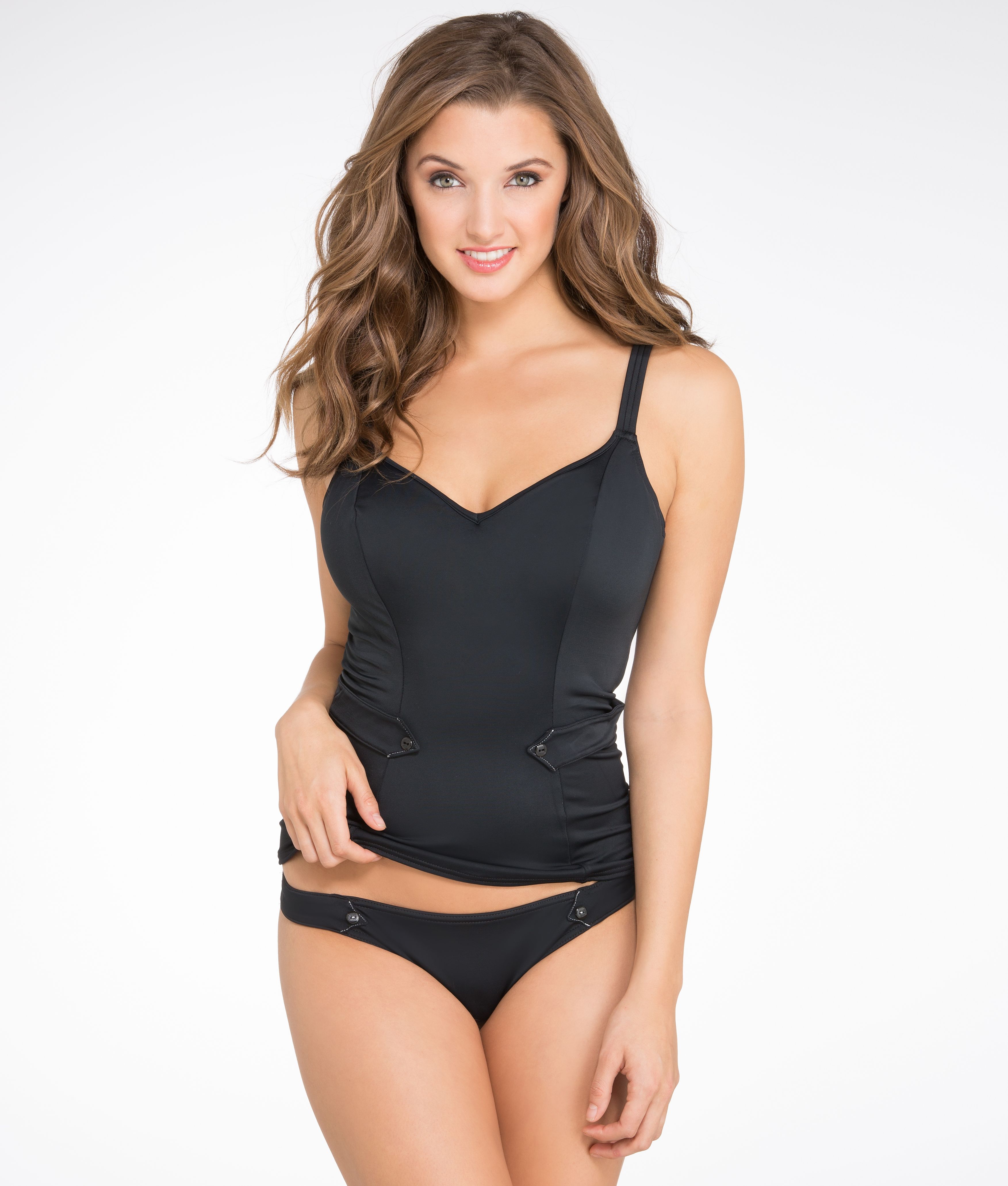
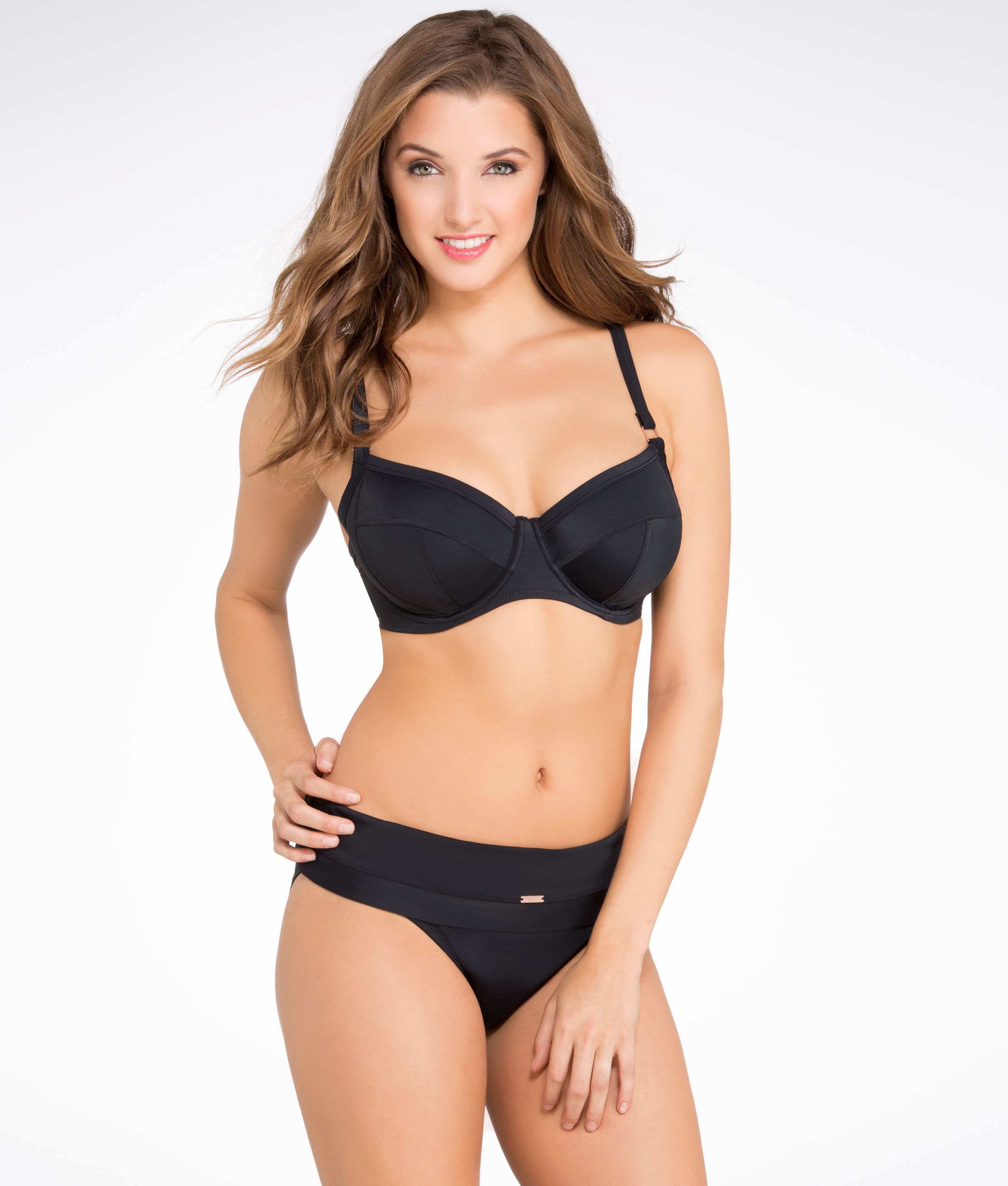
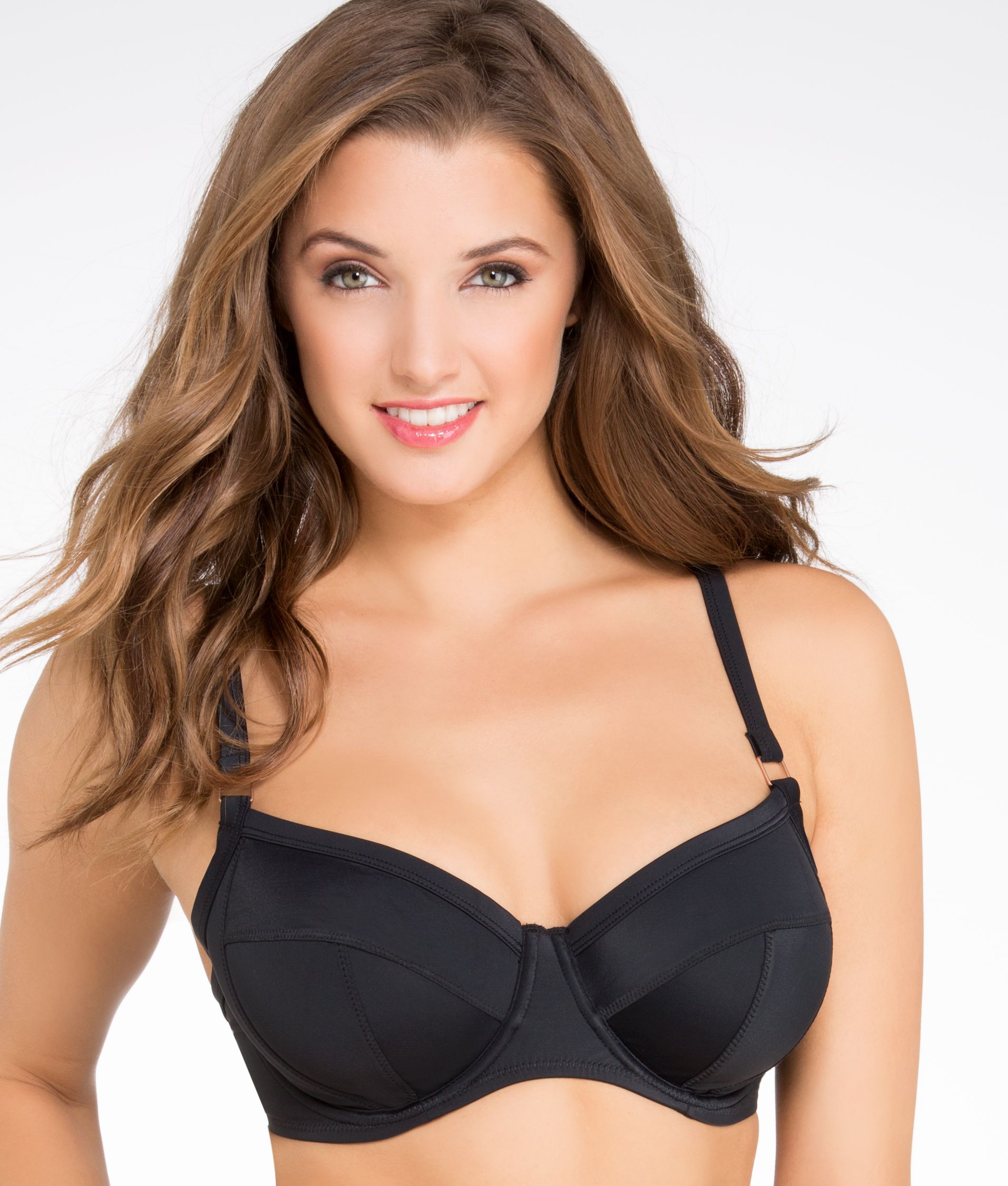
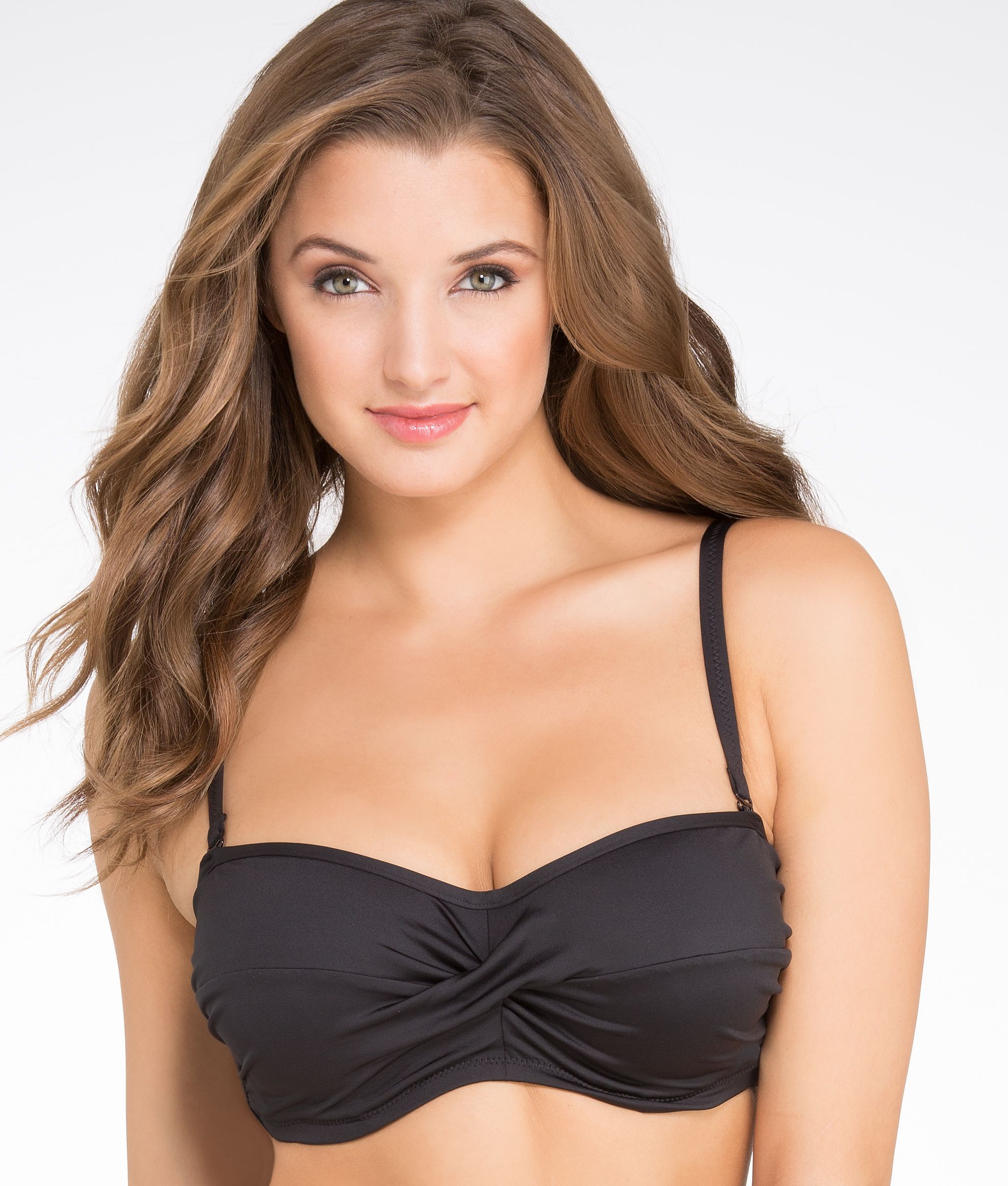
 Bare Necessities swimwear back views: http://www.imagebam.com/gallery/sc5dyh1zroqq358anvd70r66jy7ievt6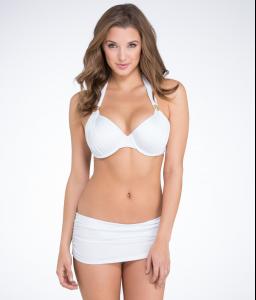

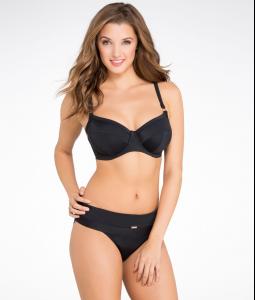
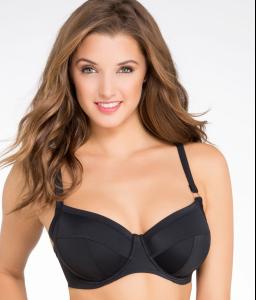
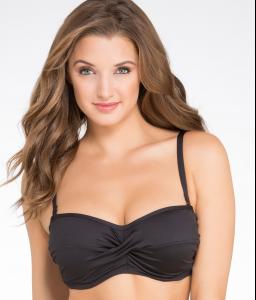































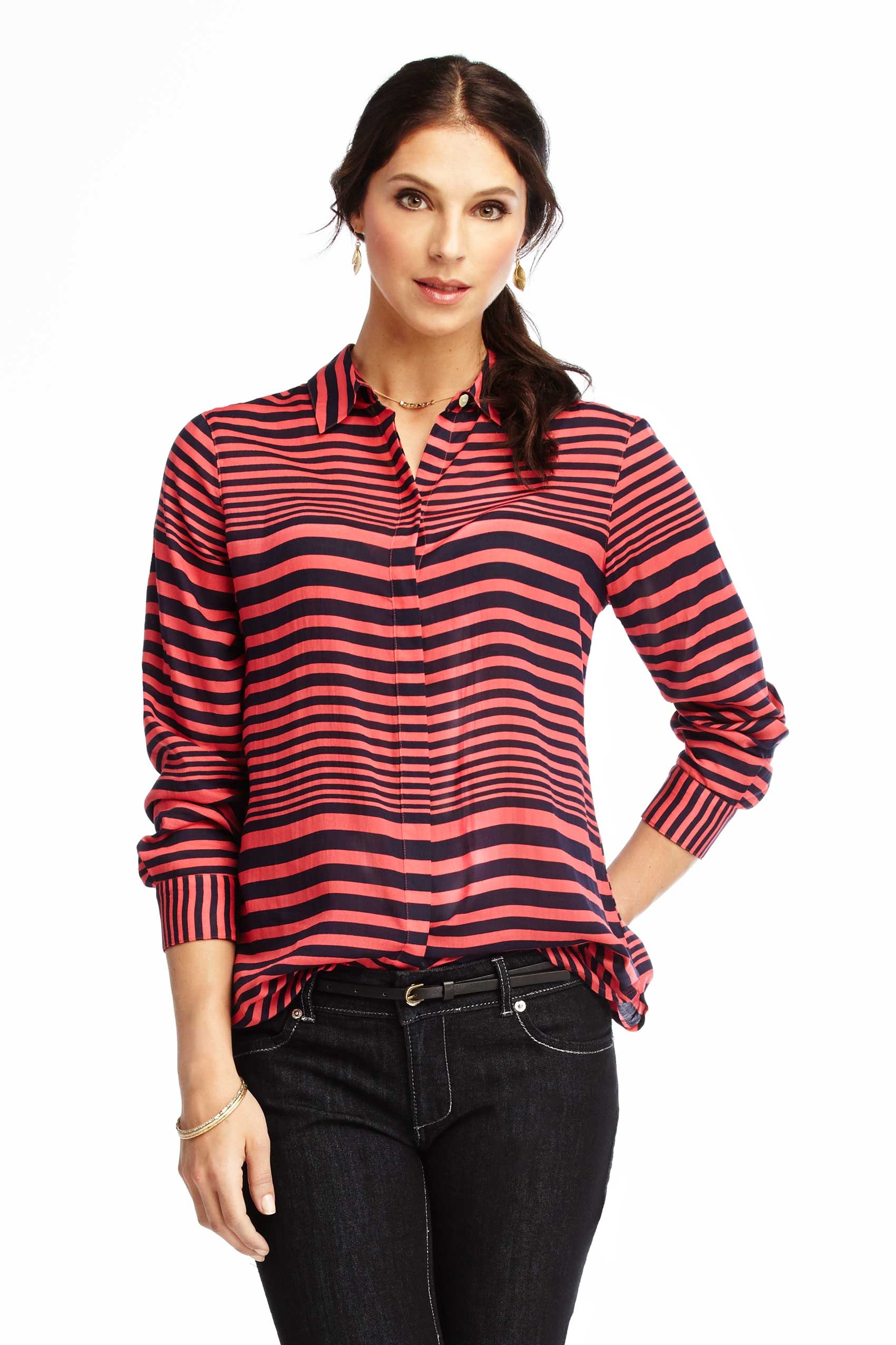
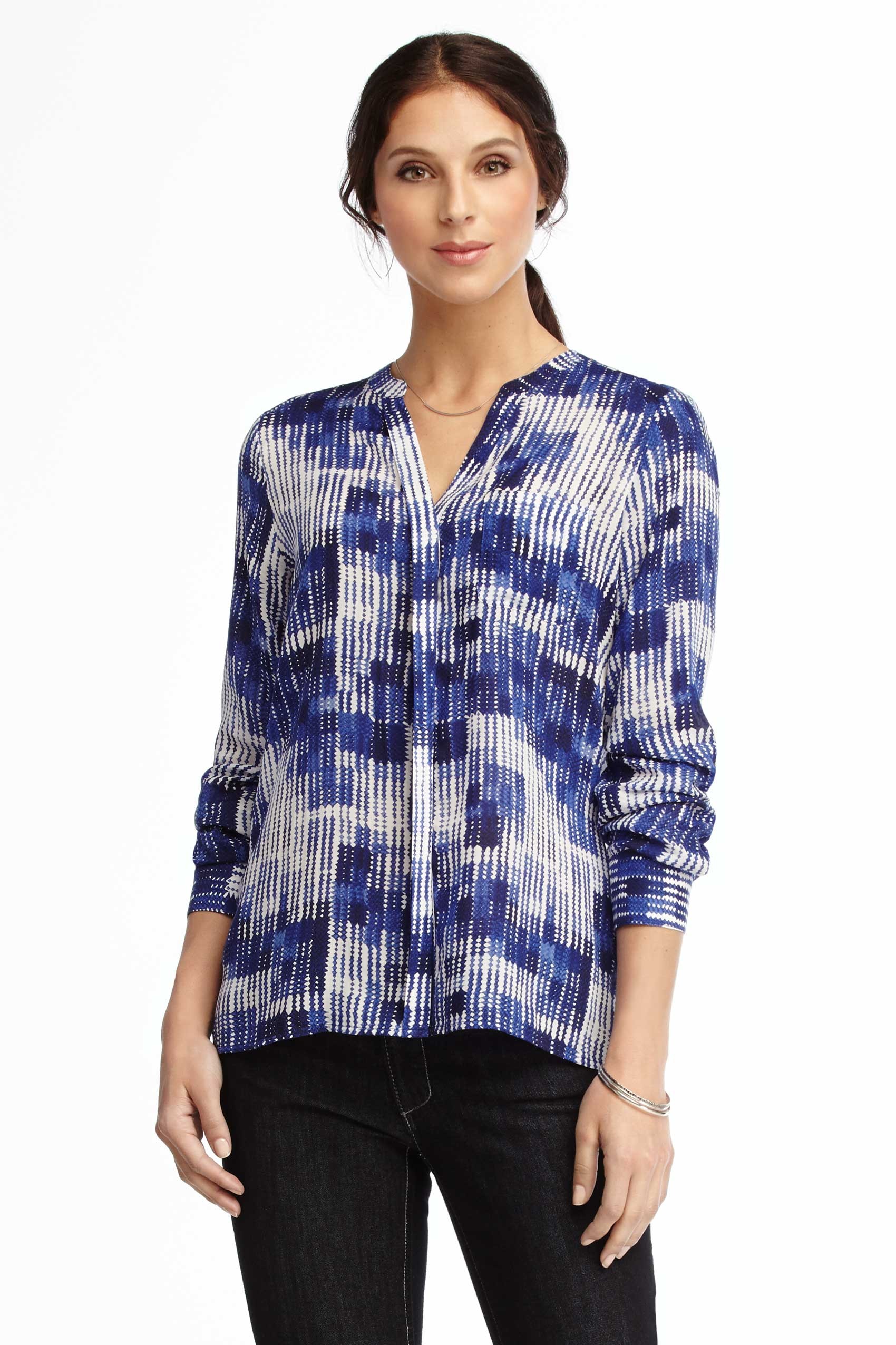
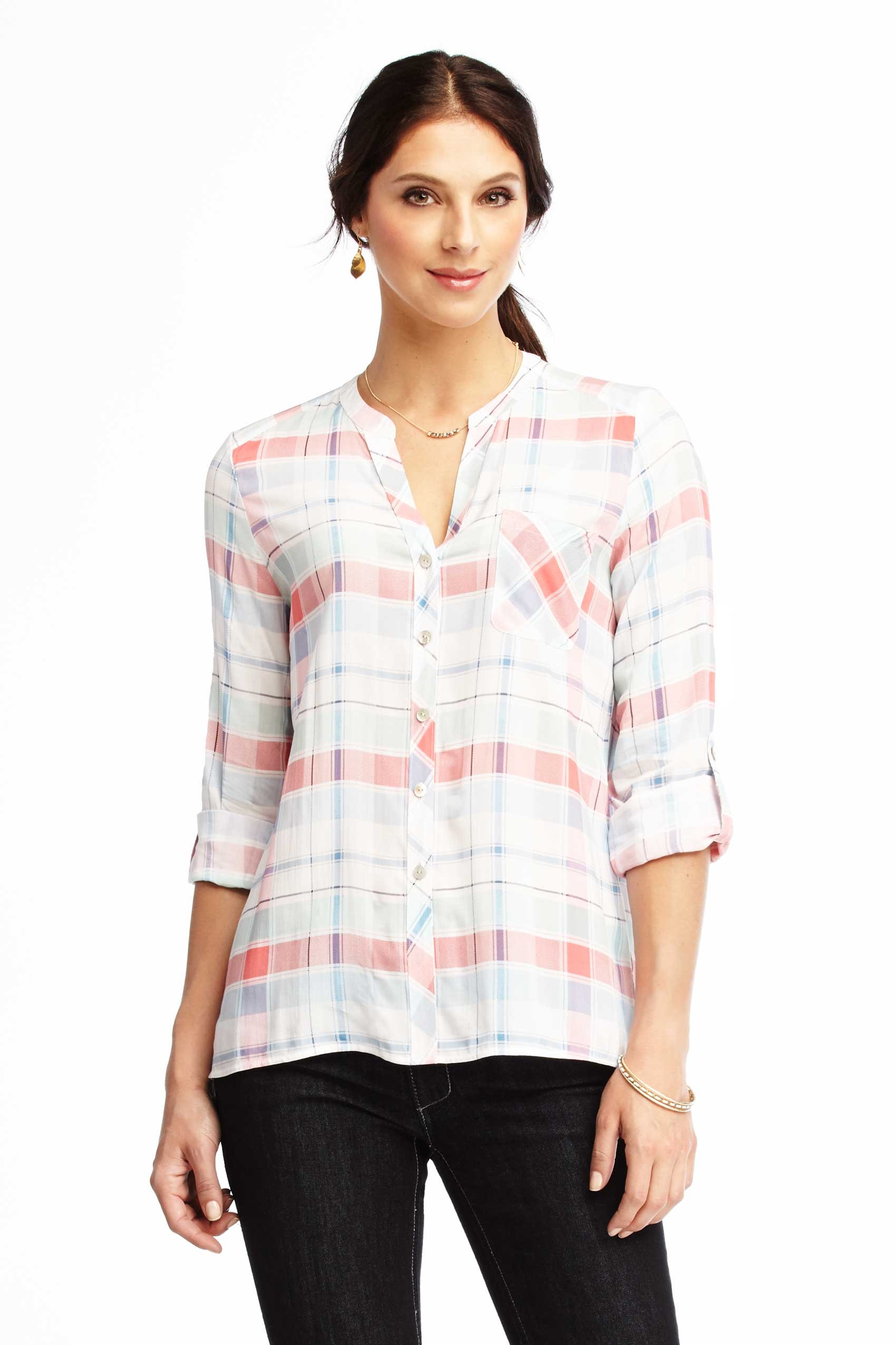
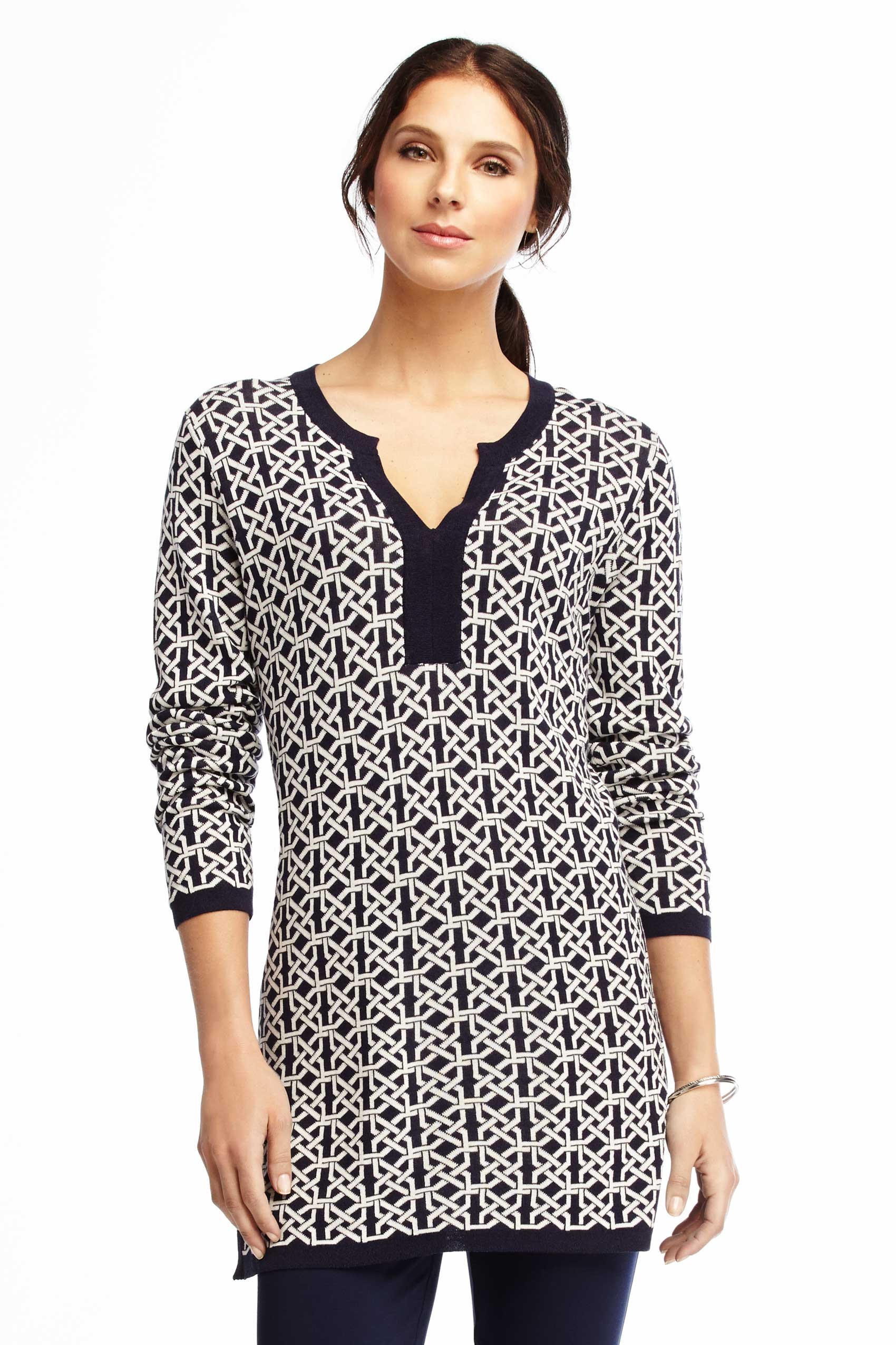




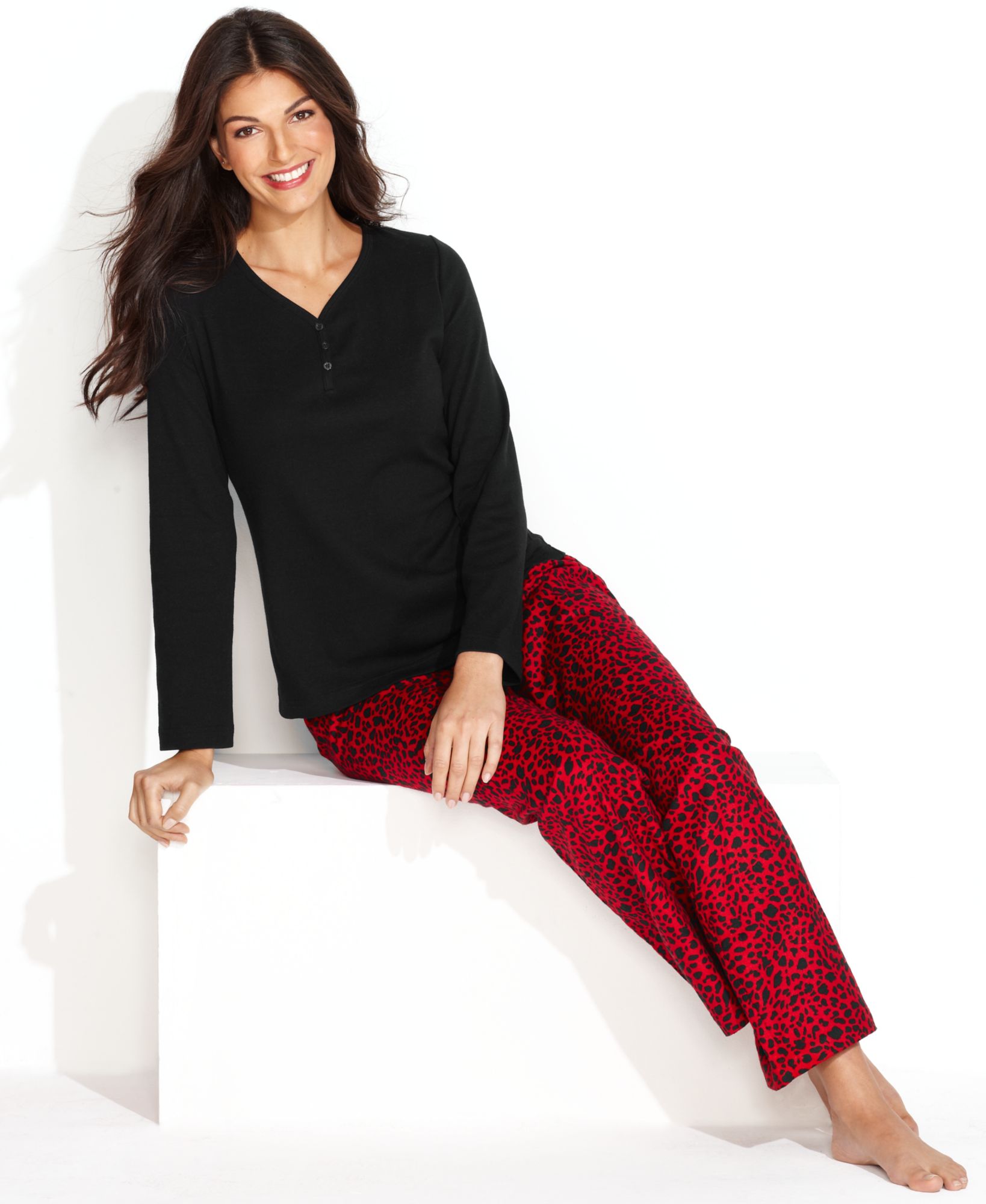
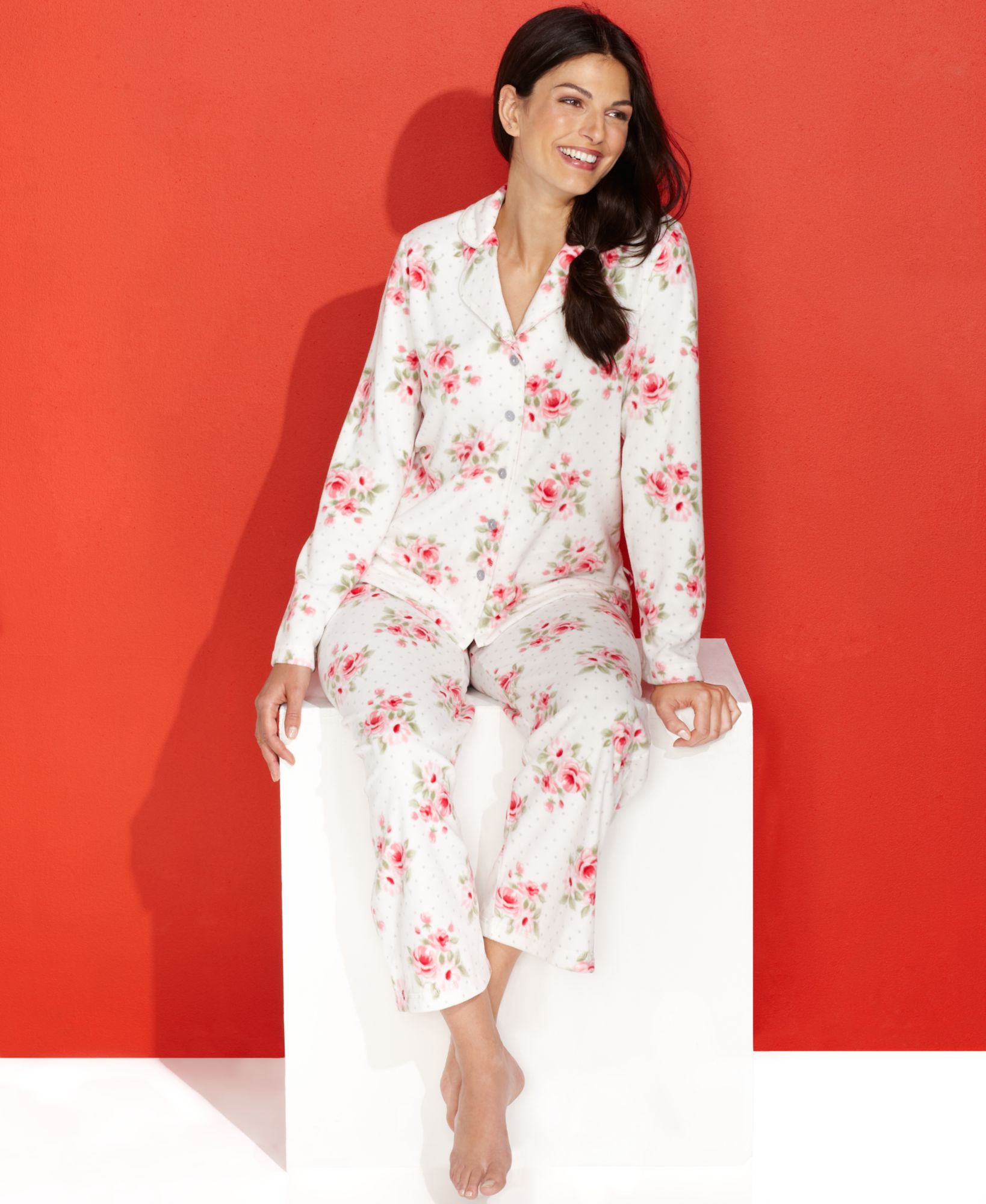
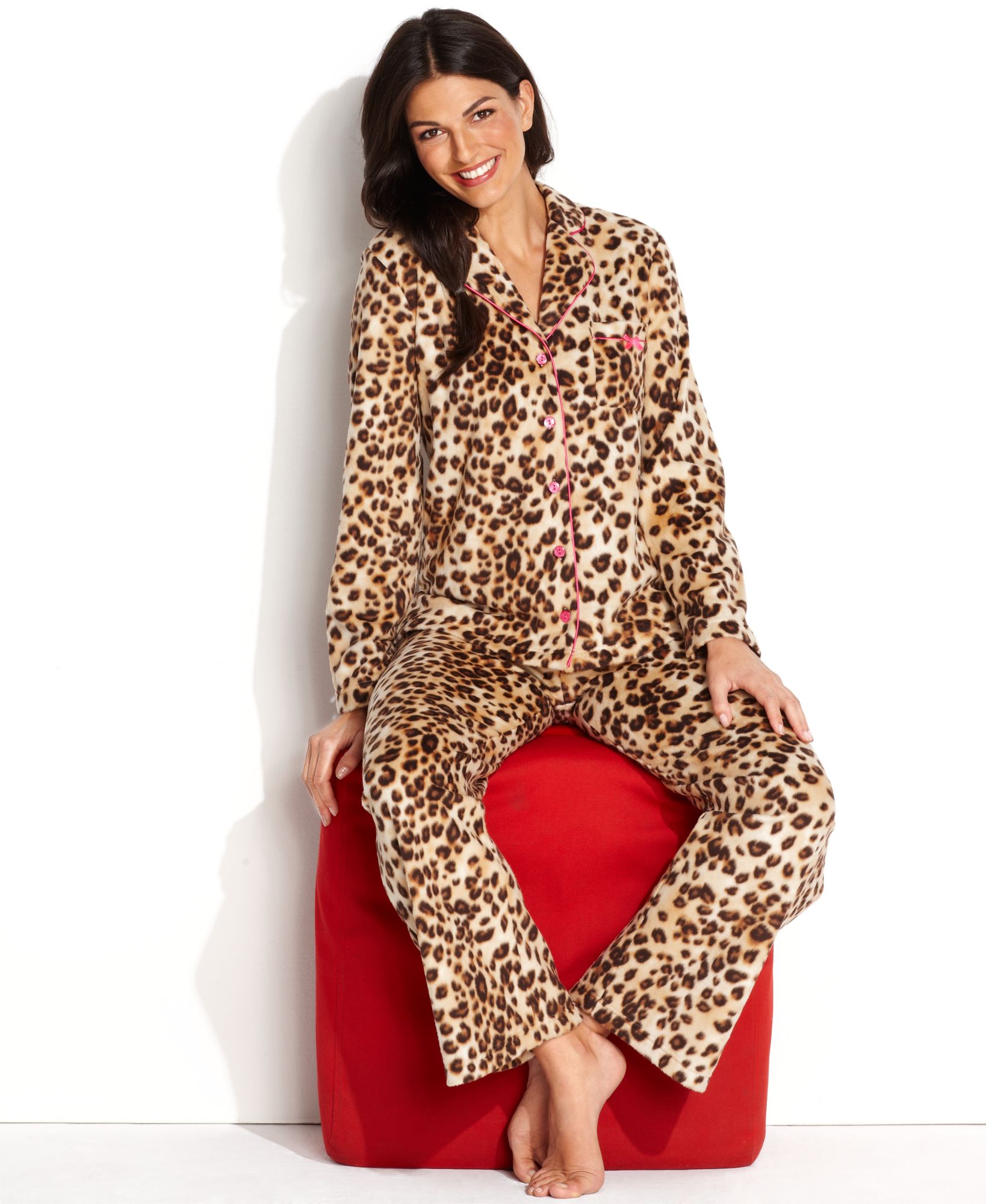

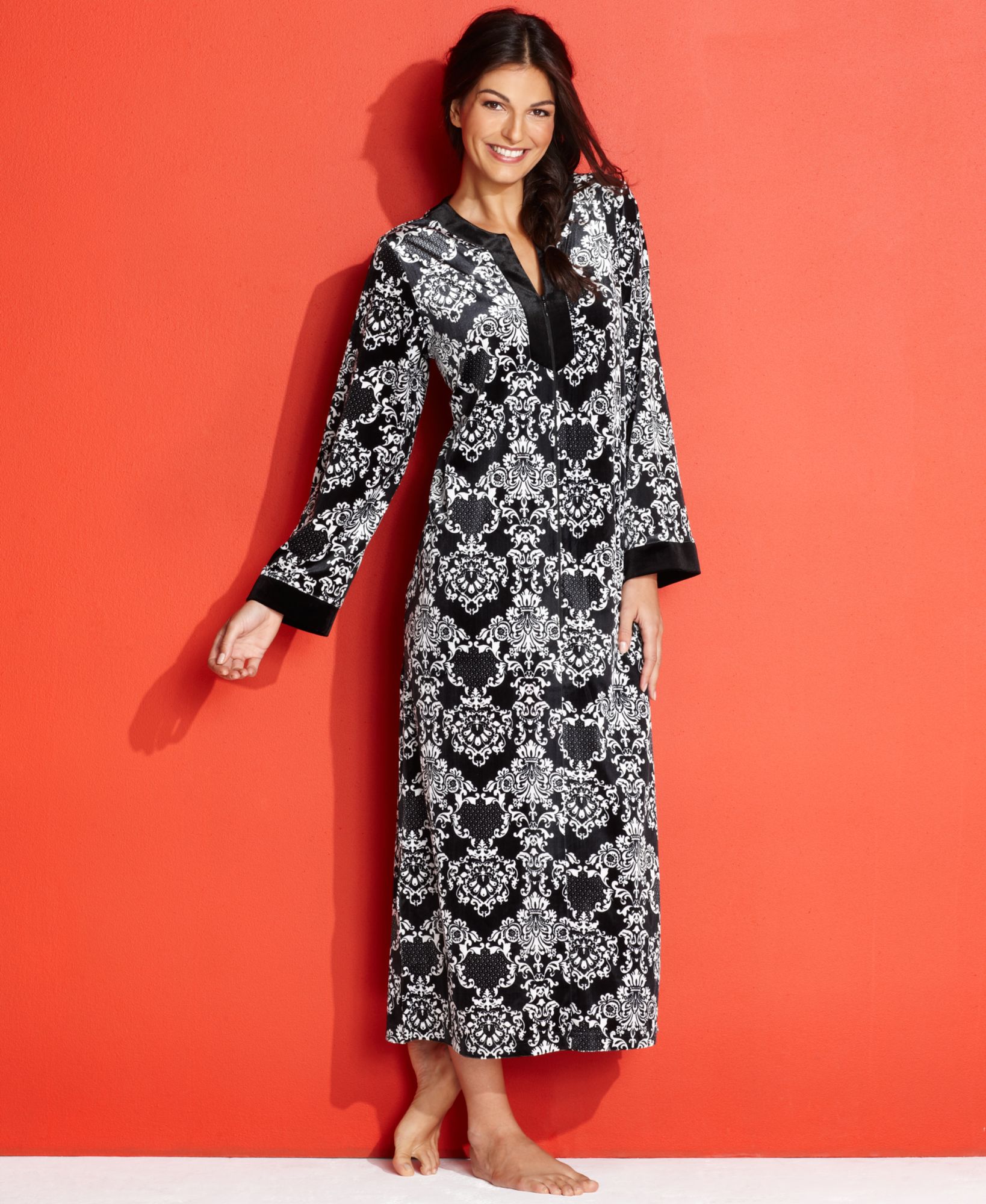
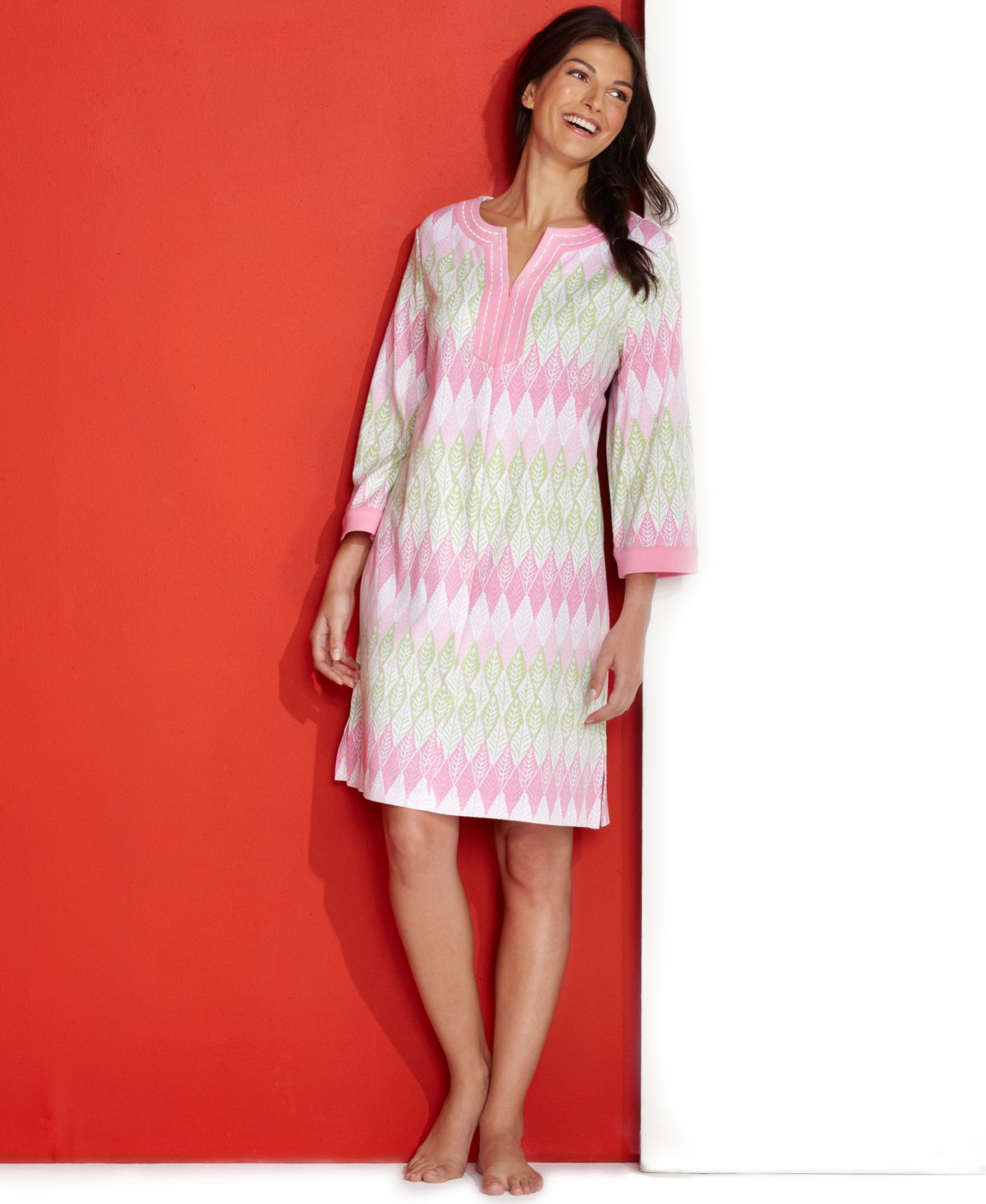
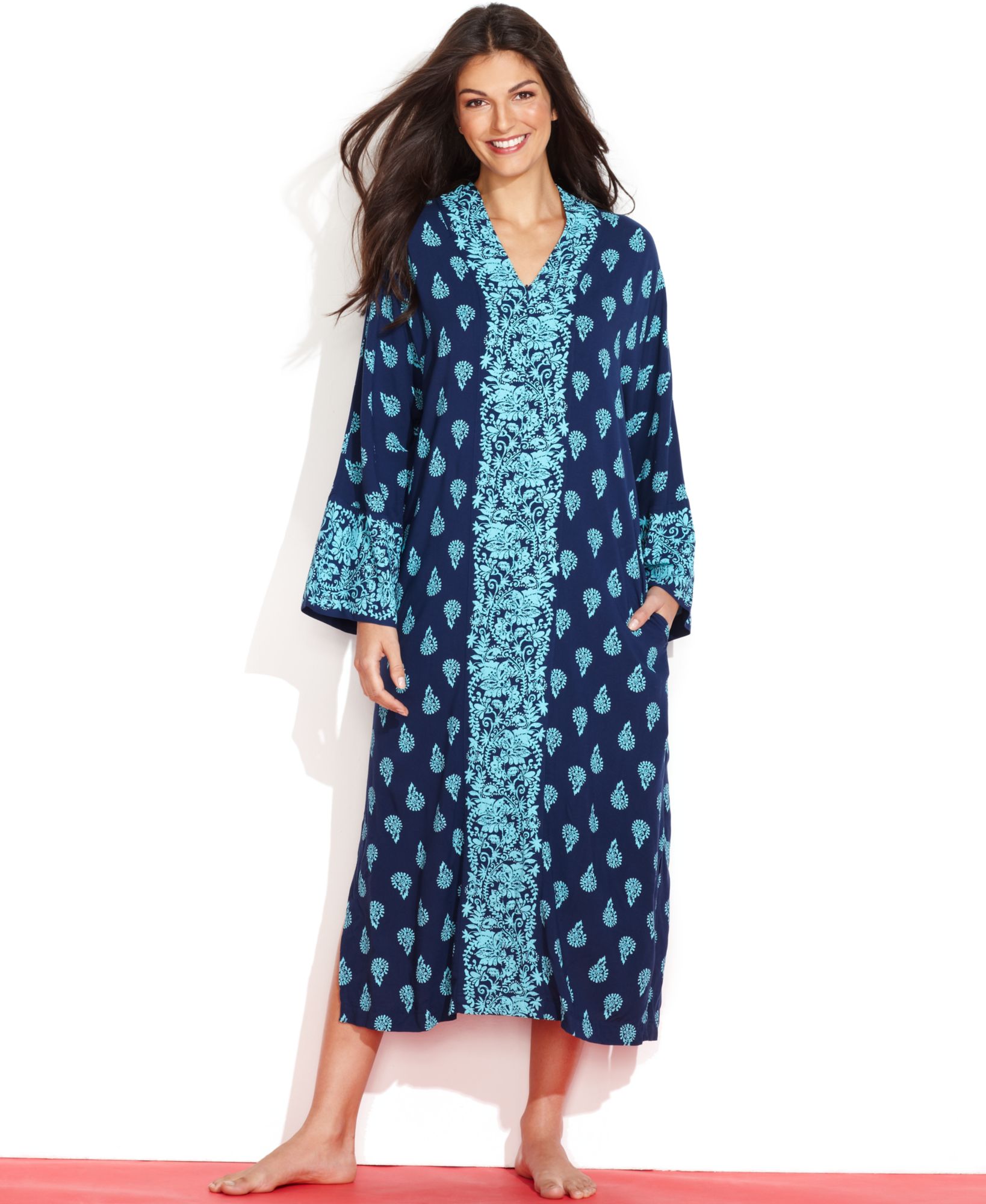
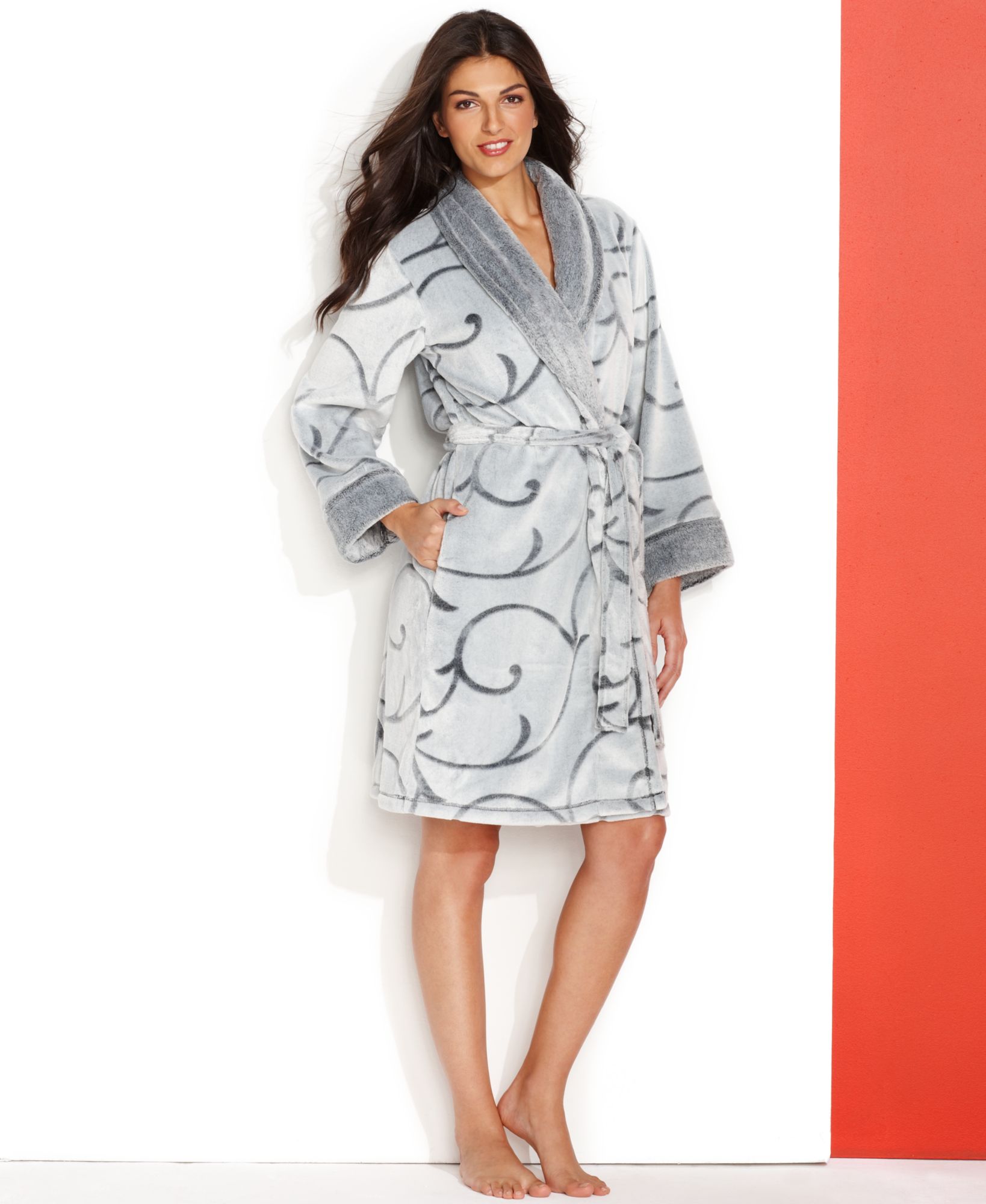
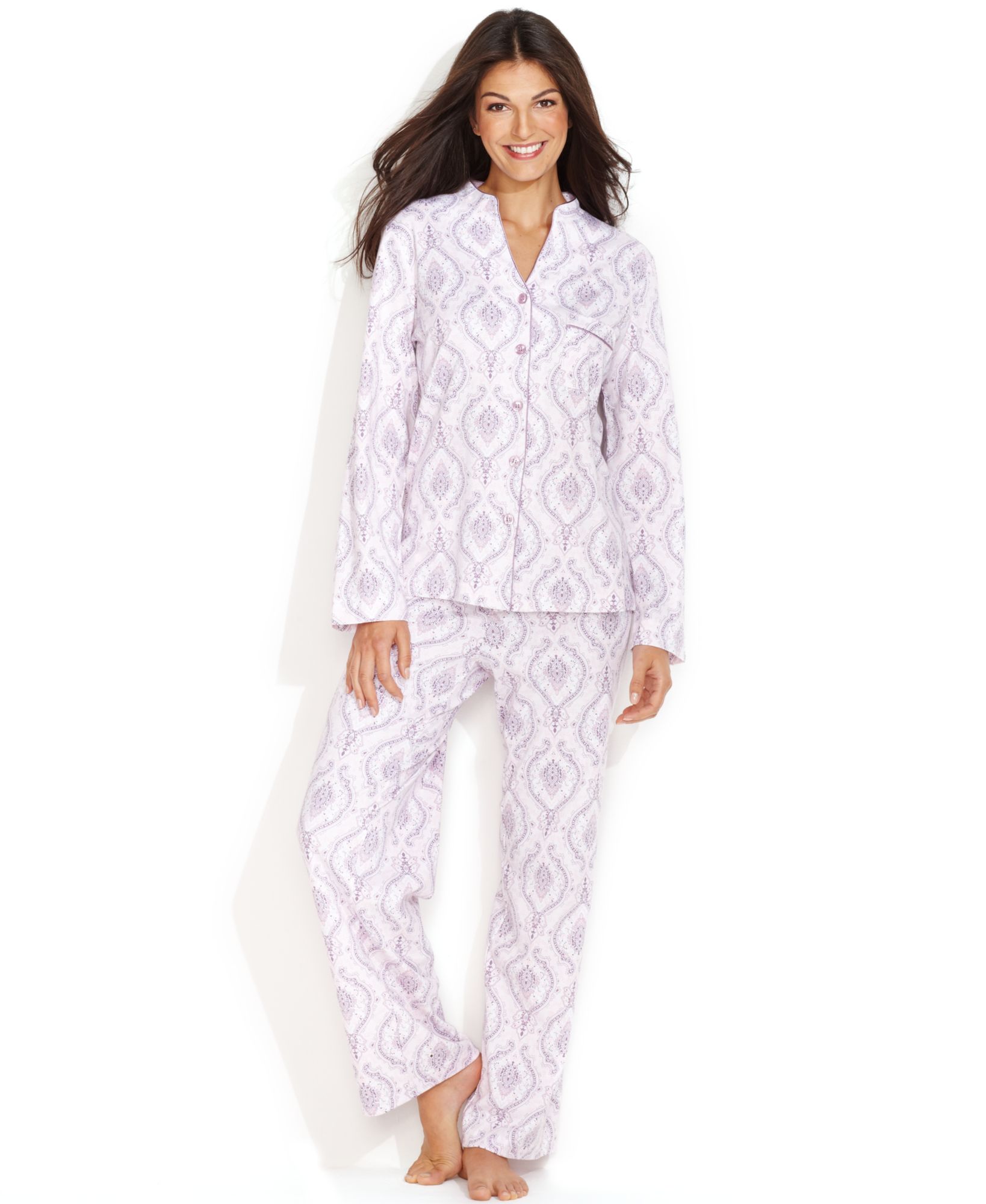

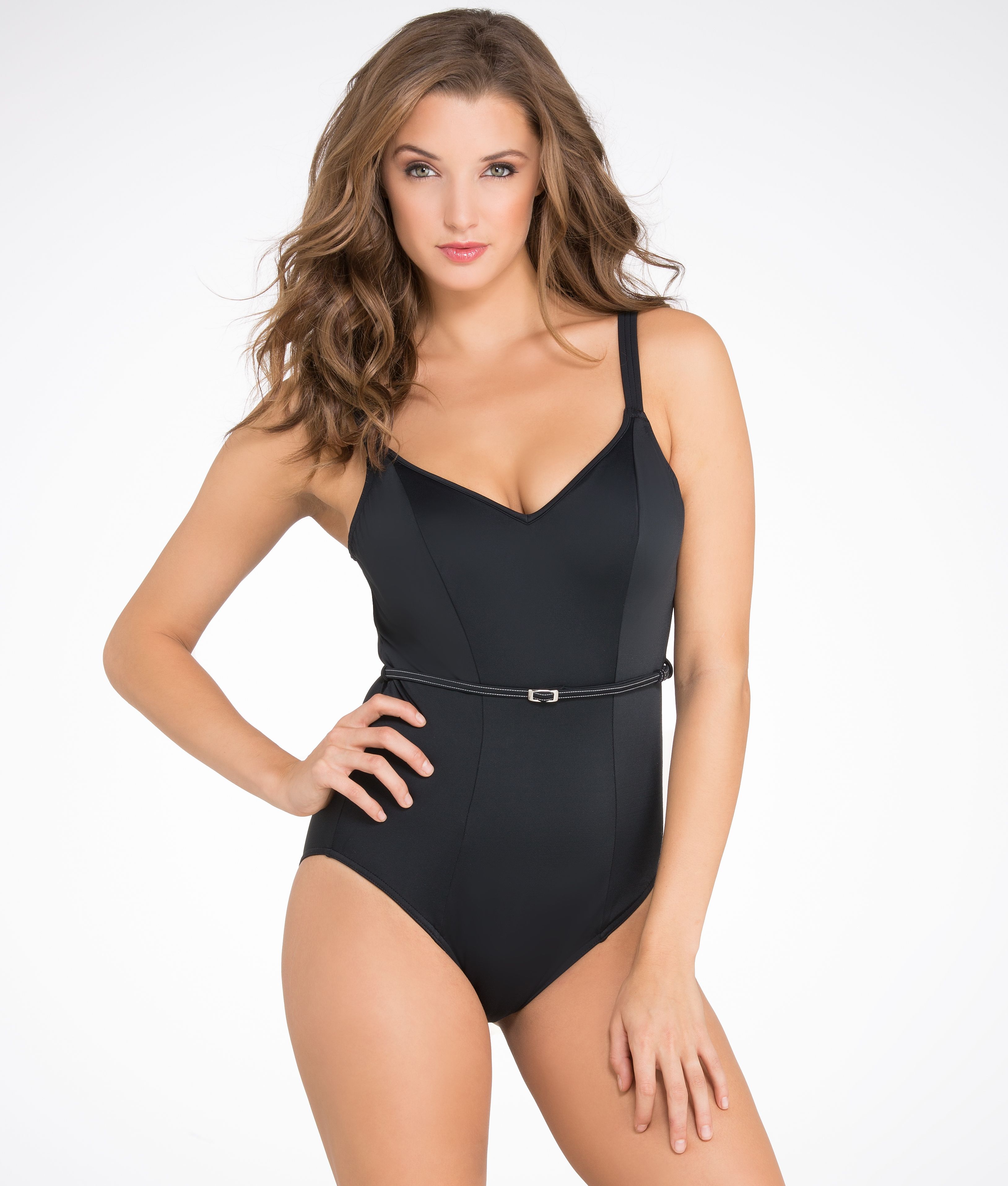
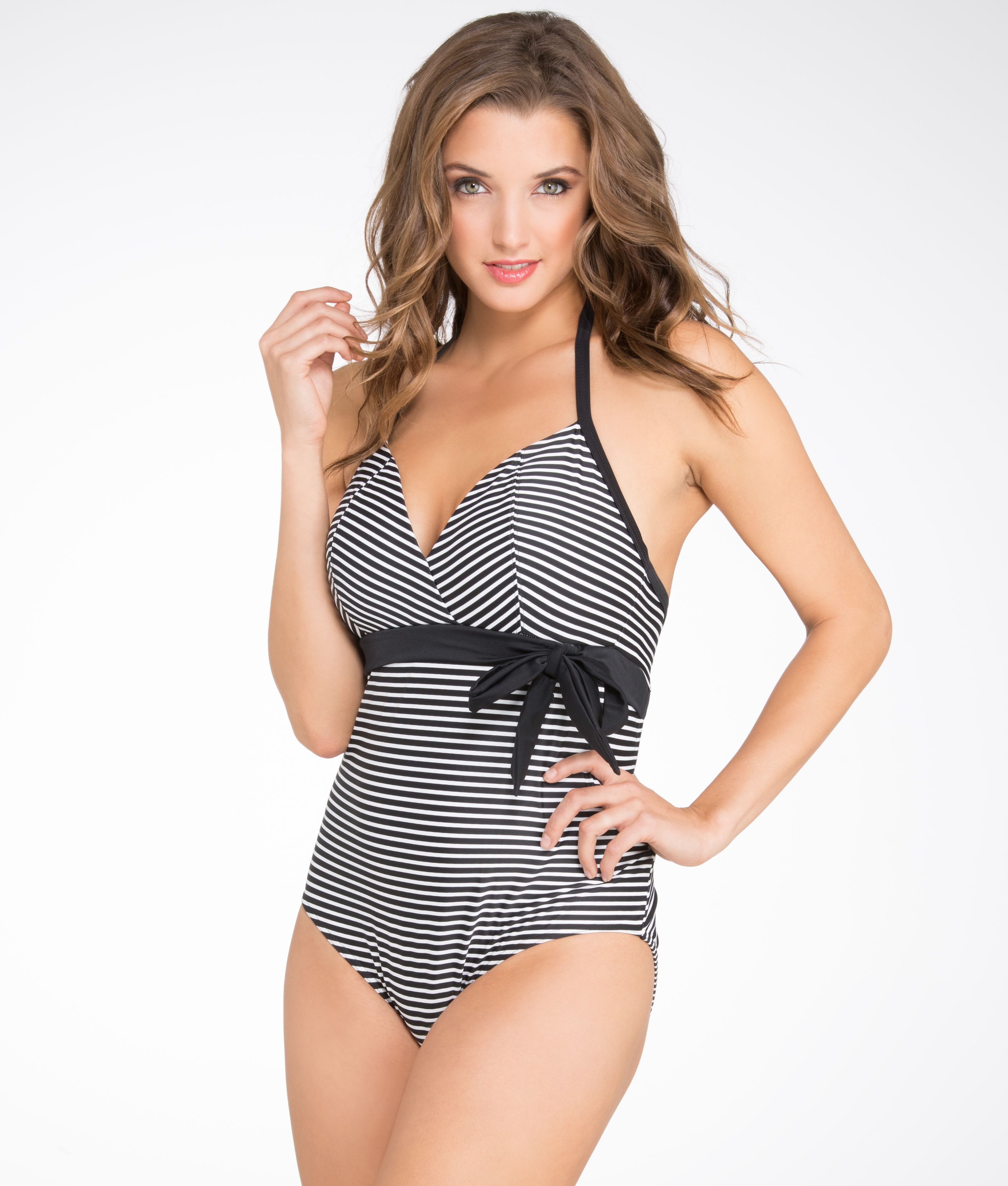
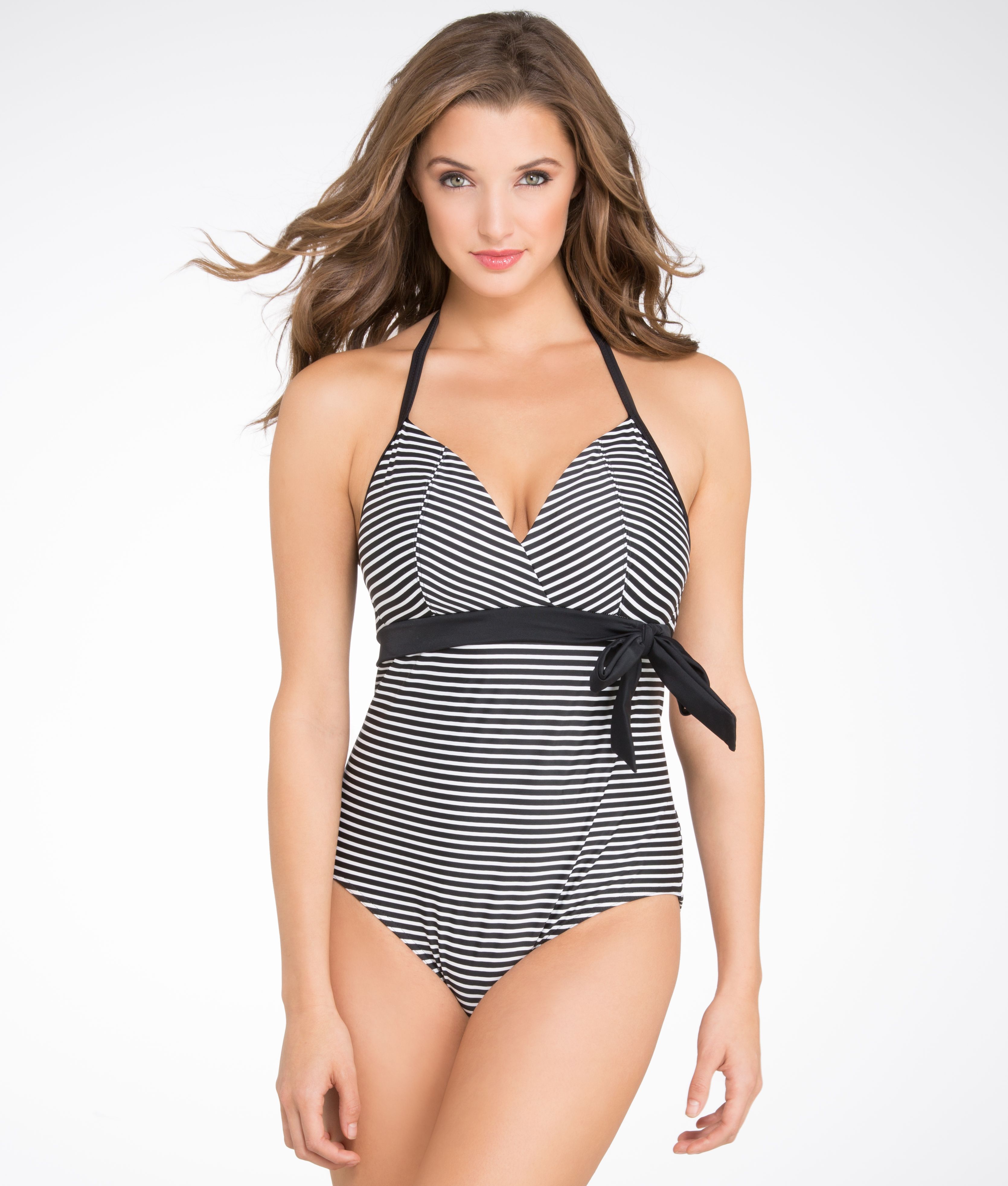
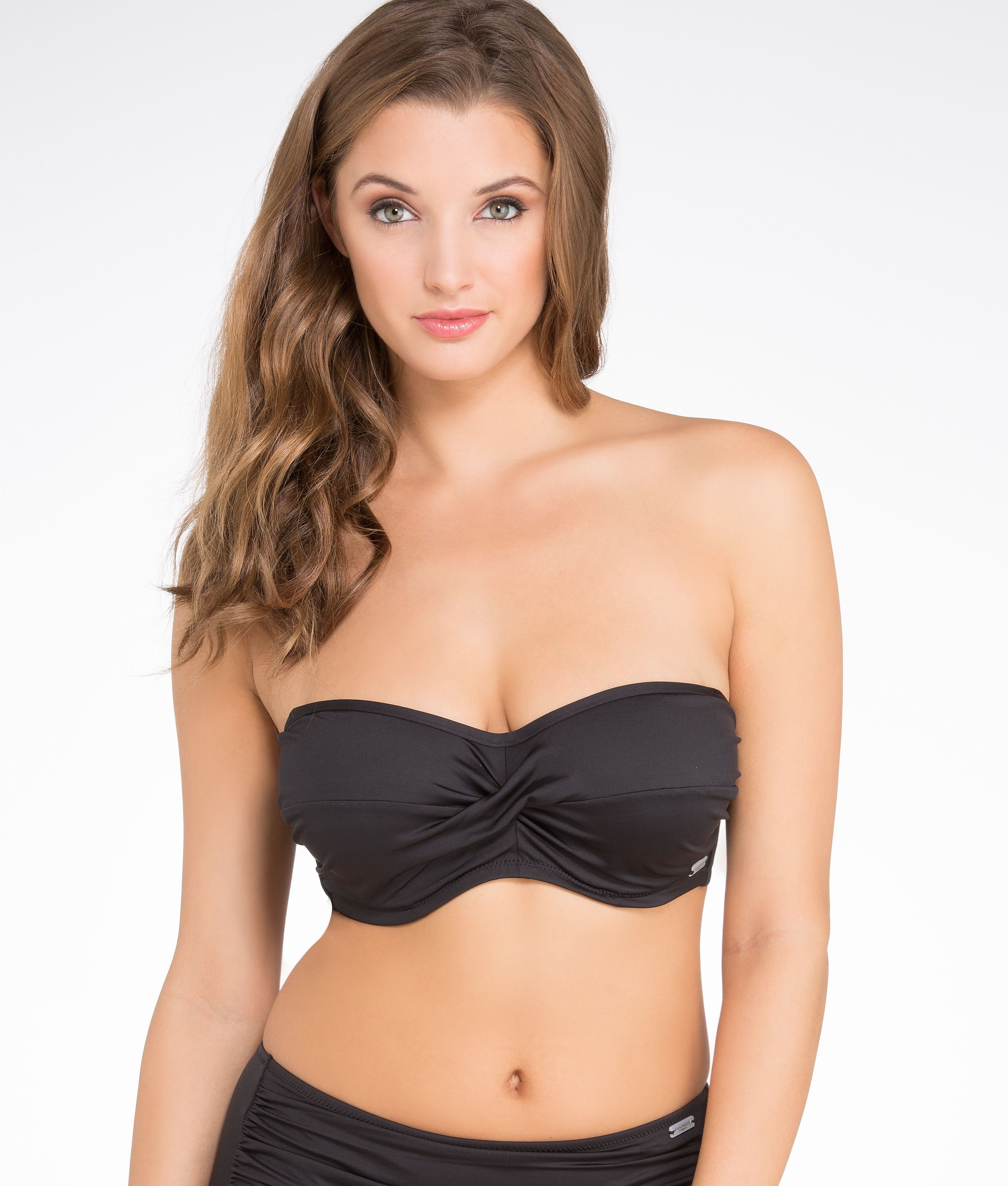
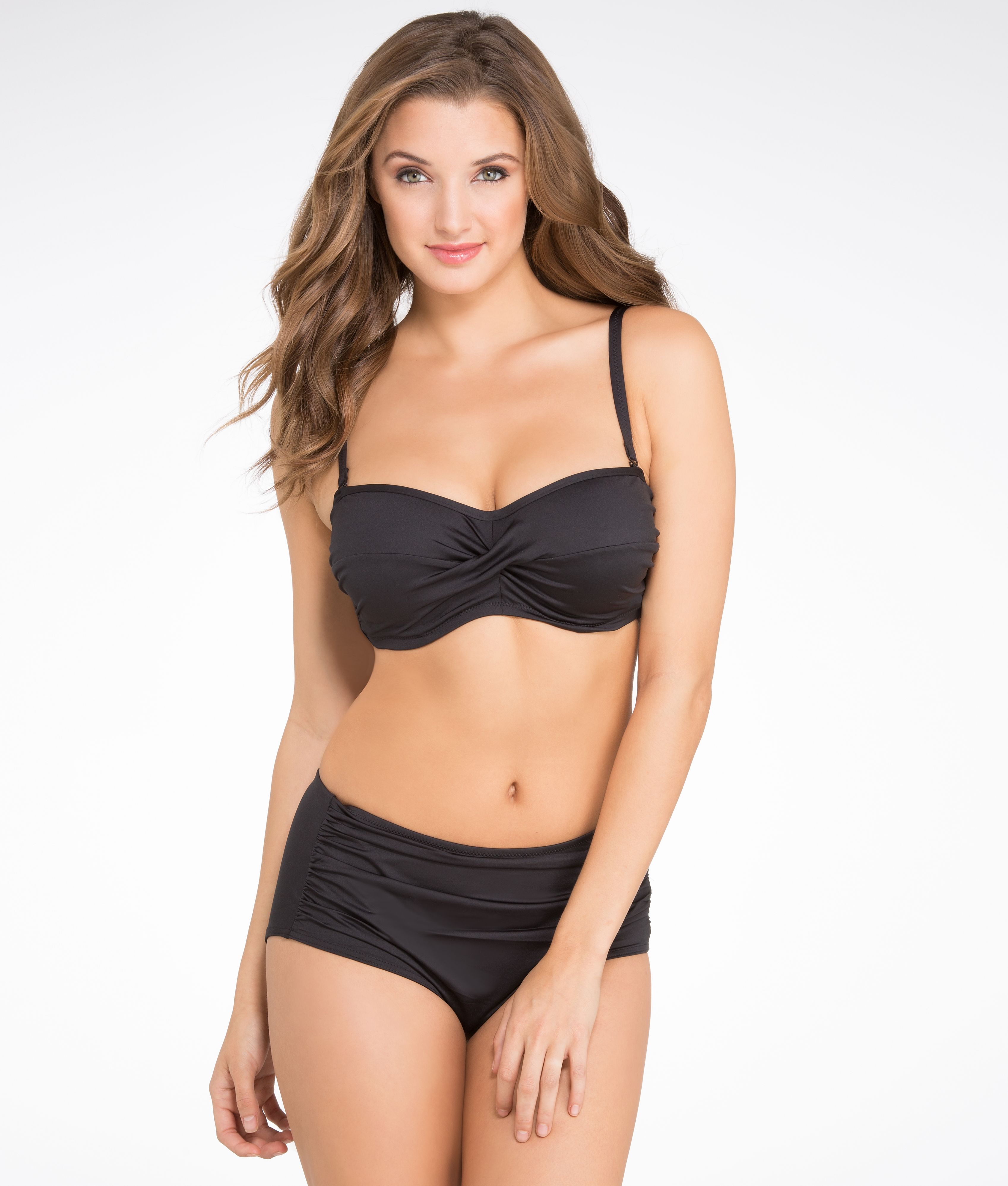
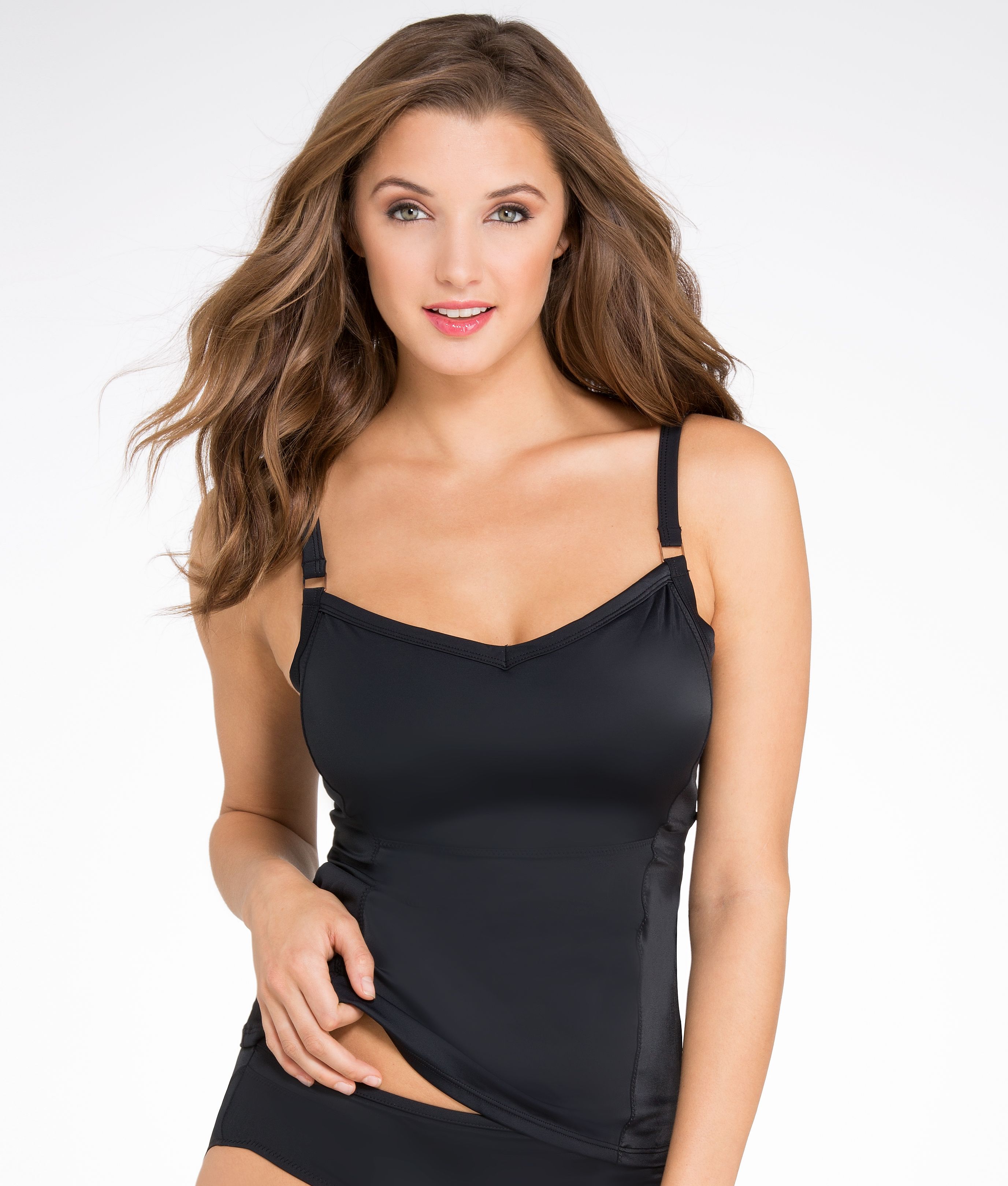
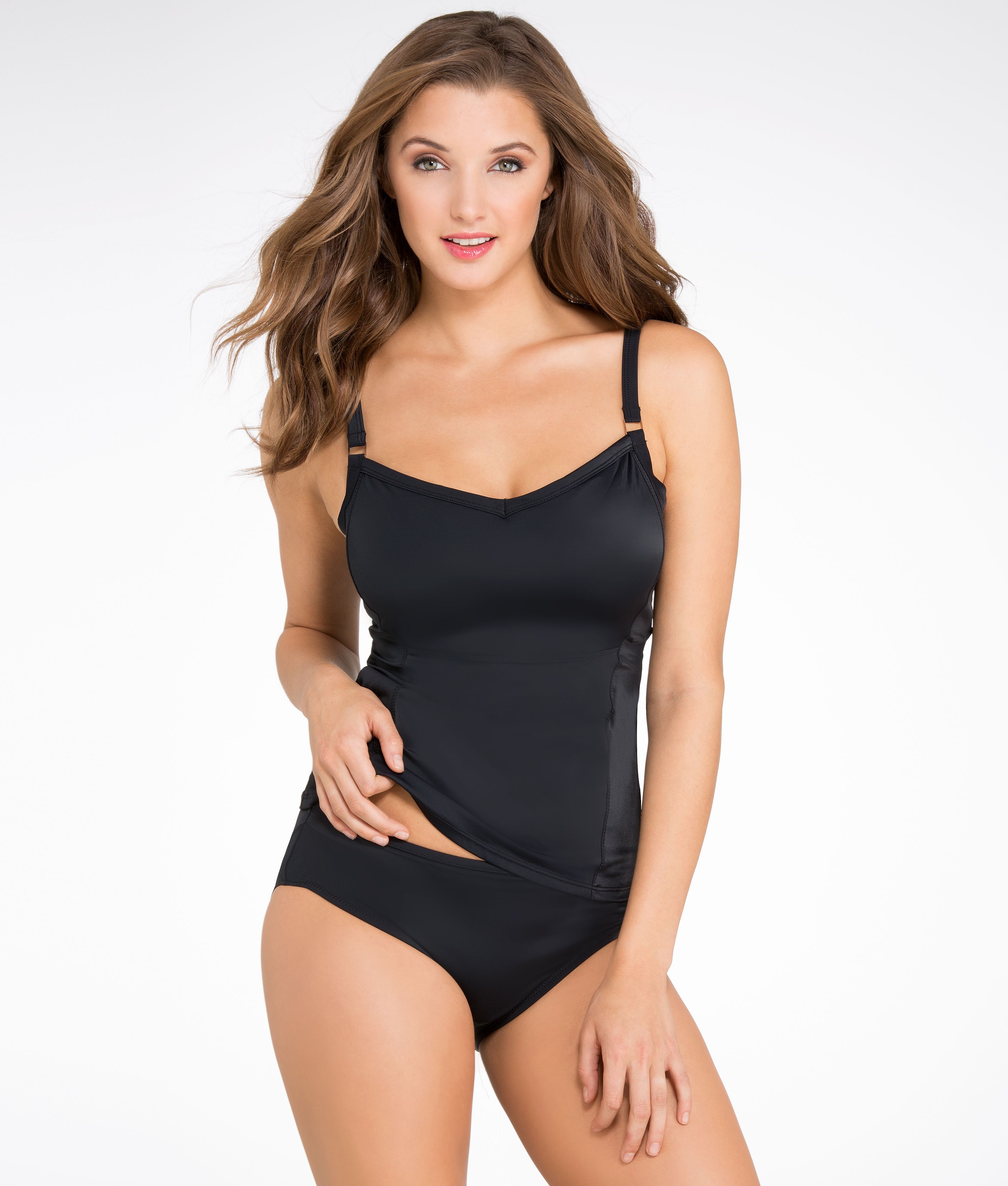
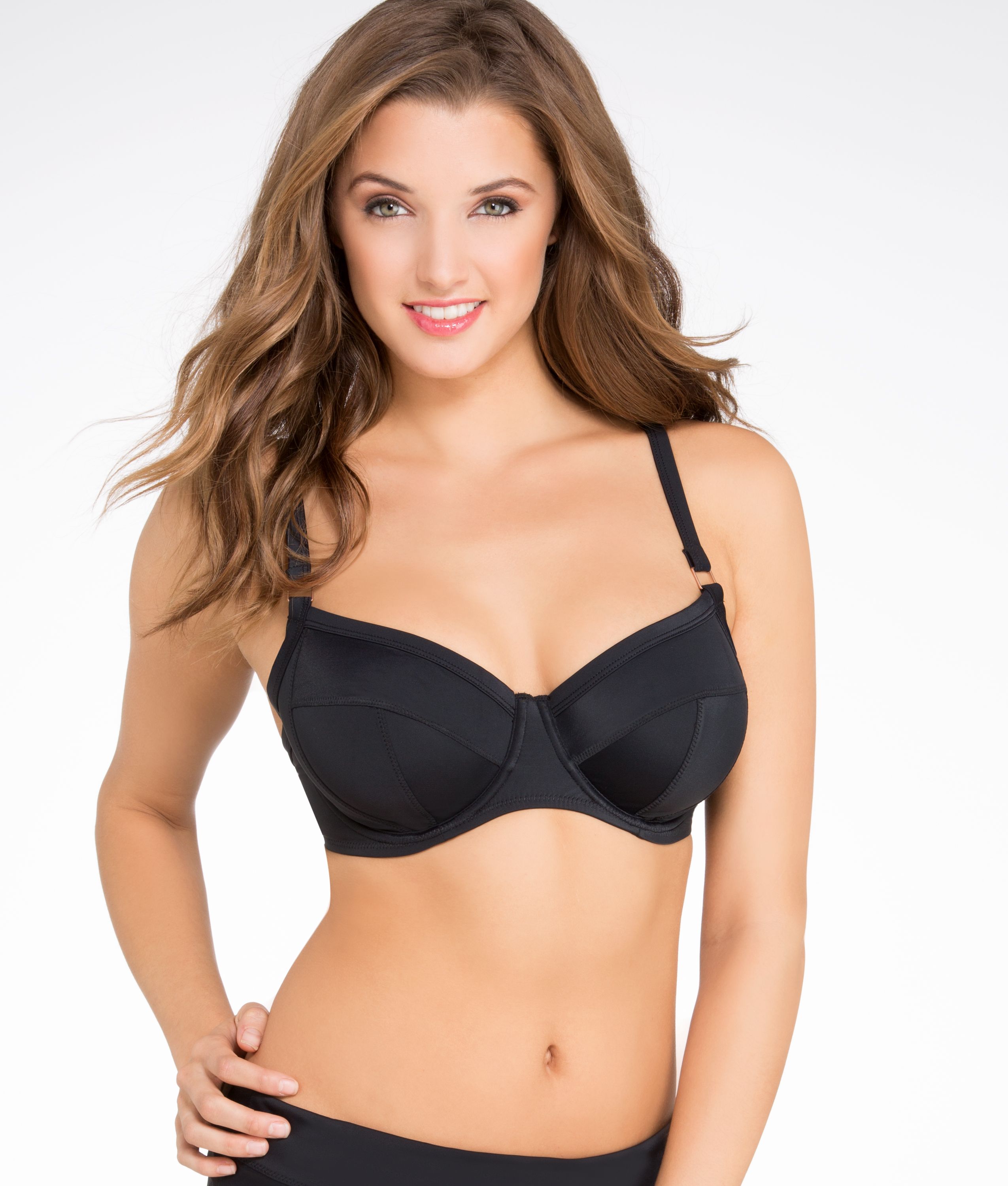
Account
Navigation
Search
Configure browser push notifications
Chrome (Android)
- Tap the lock icon next to the address bar.
- Tap Permissions → Notifications.
- Adjust your preference.
Chrome (Desktop)
- Click the padlock icon in the address bar.
- Select Site settings.
- Find Notifications and adjust your preference.
Safari (iOS 16.4+)
- Ensure the site is installed via Add to Home Screen.
- Open Settings App → Notifications.
- Find your app name and adjust your preference.
Safari (macOS)
- Go to Safari → Preferences.
- Click the Websites tab.
- Select Notifications in the sidebar.
- Find this website and adjust your preference.
Edge (Android)
- Tap the lock icon next to the address bar.
- Tap Permissions.
- Find Notifications and adjust your preference.
Edge (Desktop)
- Click the padlock icon in the address bar.
- Click Permissions for this site.
- Find Notifications and adjust your preference.
Firefox (Android)
- Go to Settings → Site permissions.
- Tap Notifications.
- Find this site in the list and adjust your preference.
Firefox (Desktop)
- Open Firefox Settings.
- Search for Notifications.
- Find this site in the list and adjust your preference.