Xerus
Members
-
Joined
Everything posted by Xerus
-
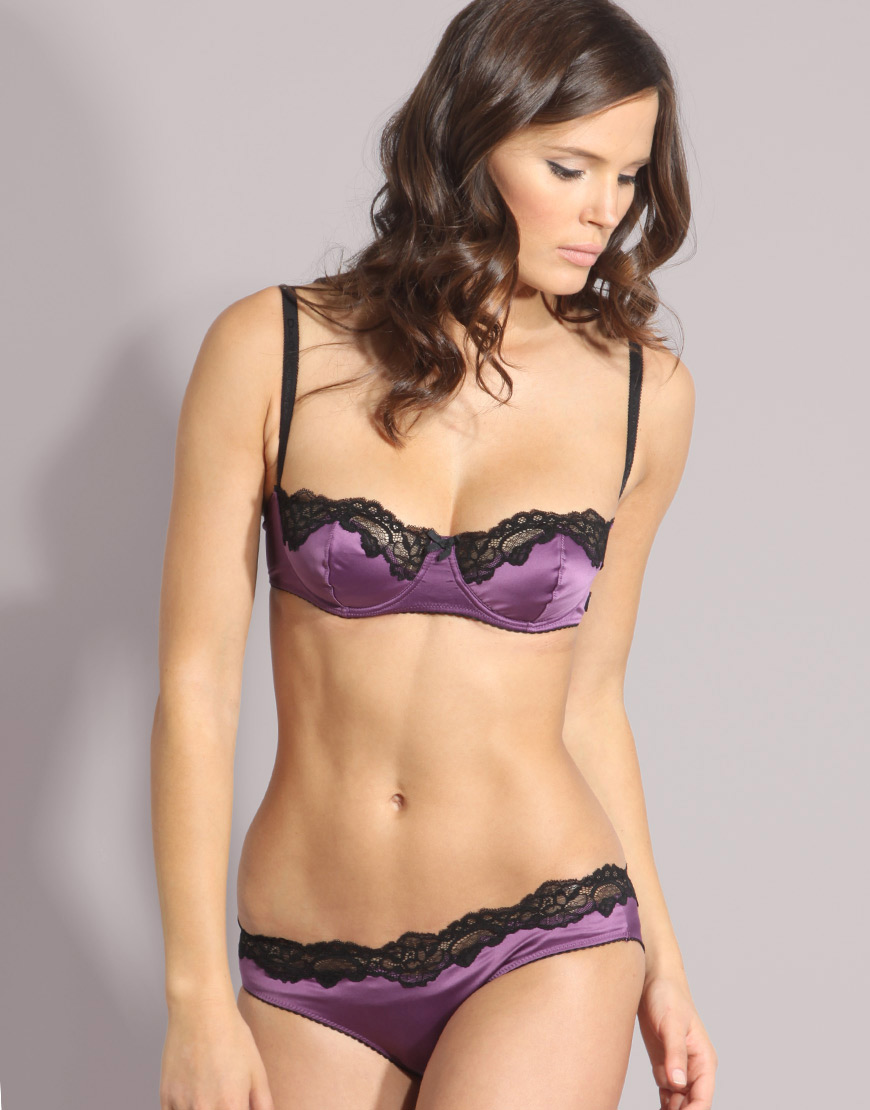
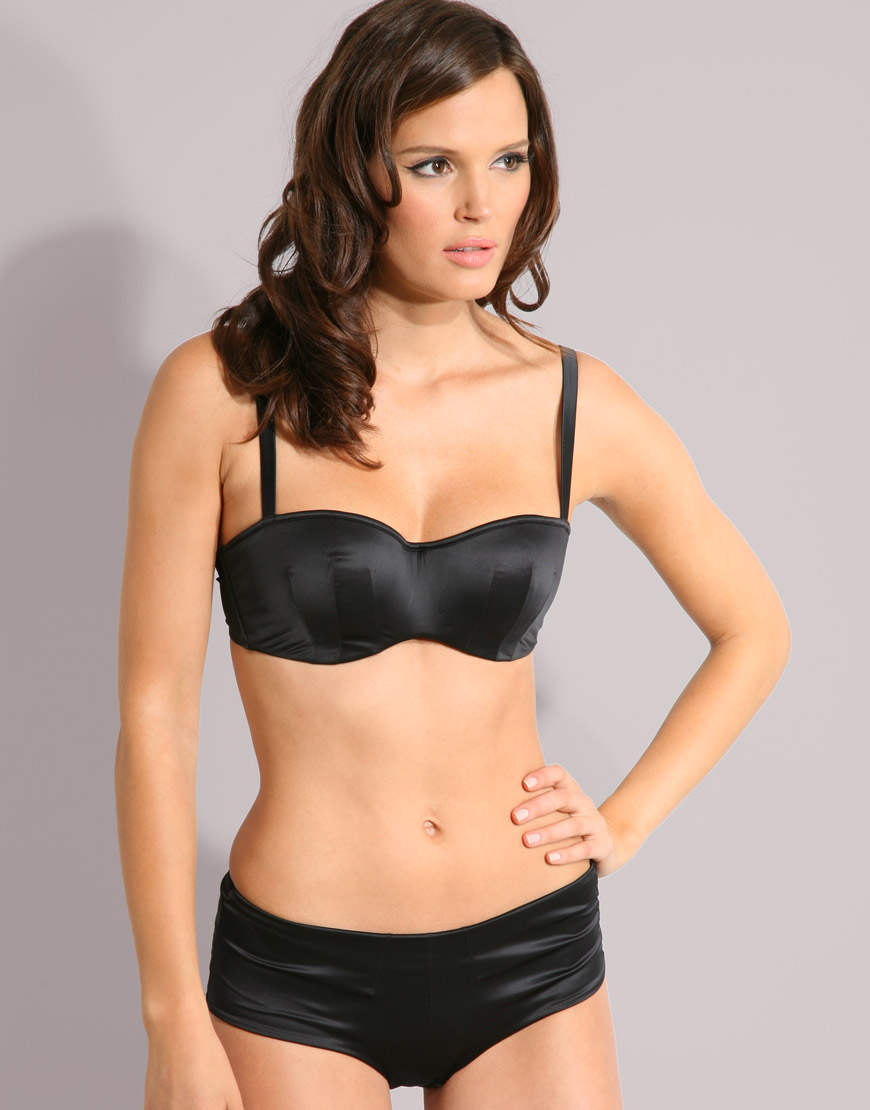
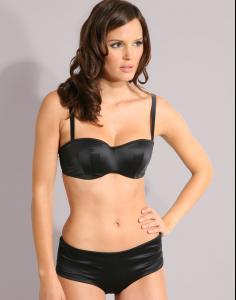
 I checked the ID'd ASOS model topic, and I didn't see her there, so I inquire here... from 2009 ASOS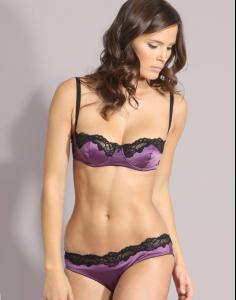
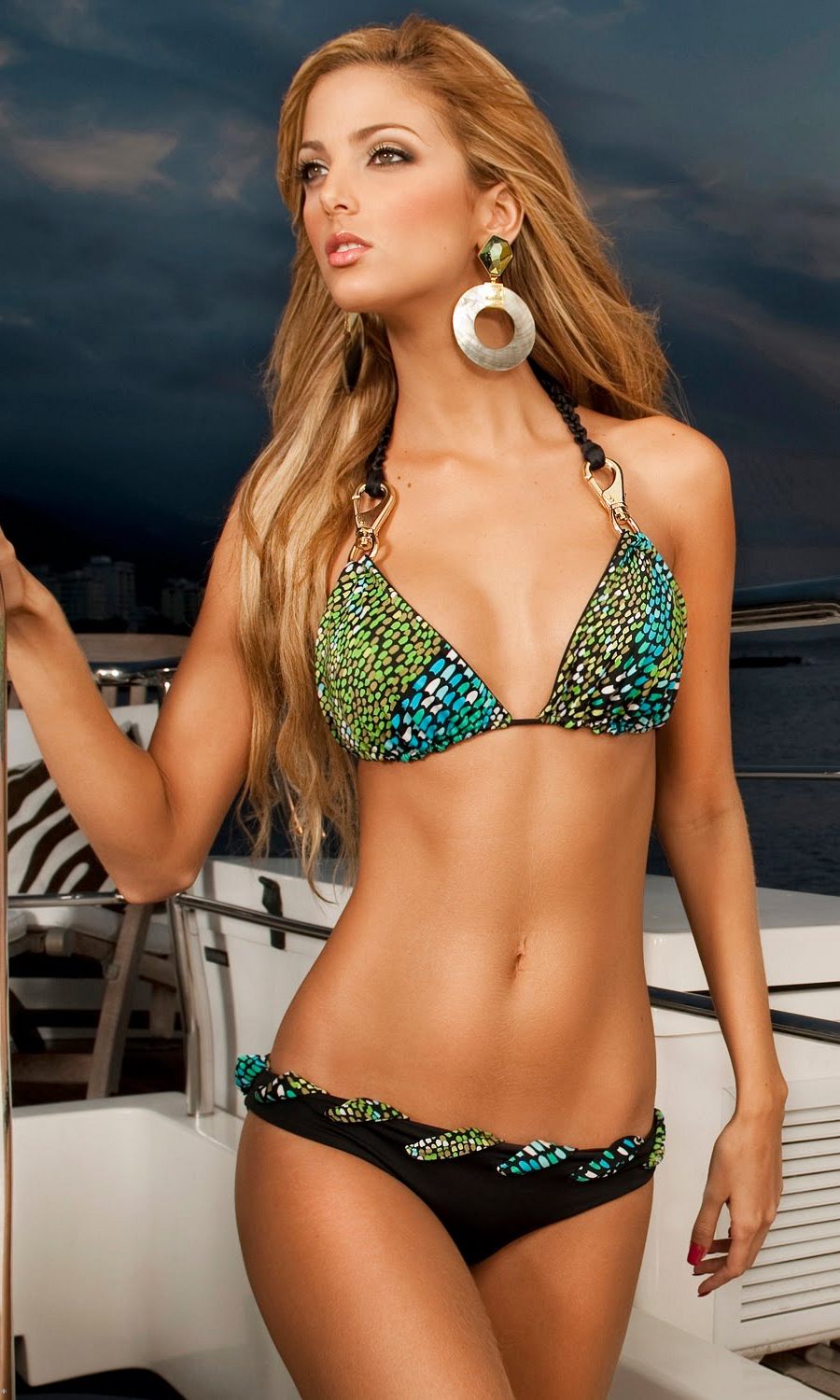
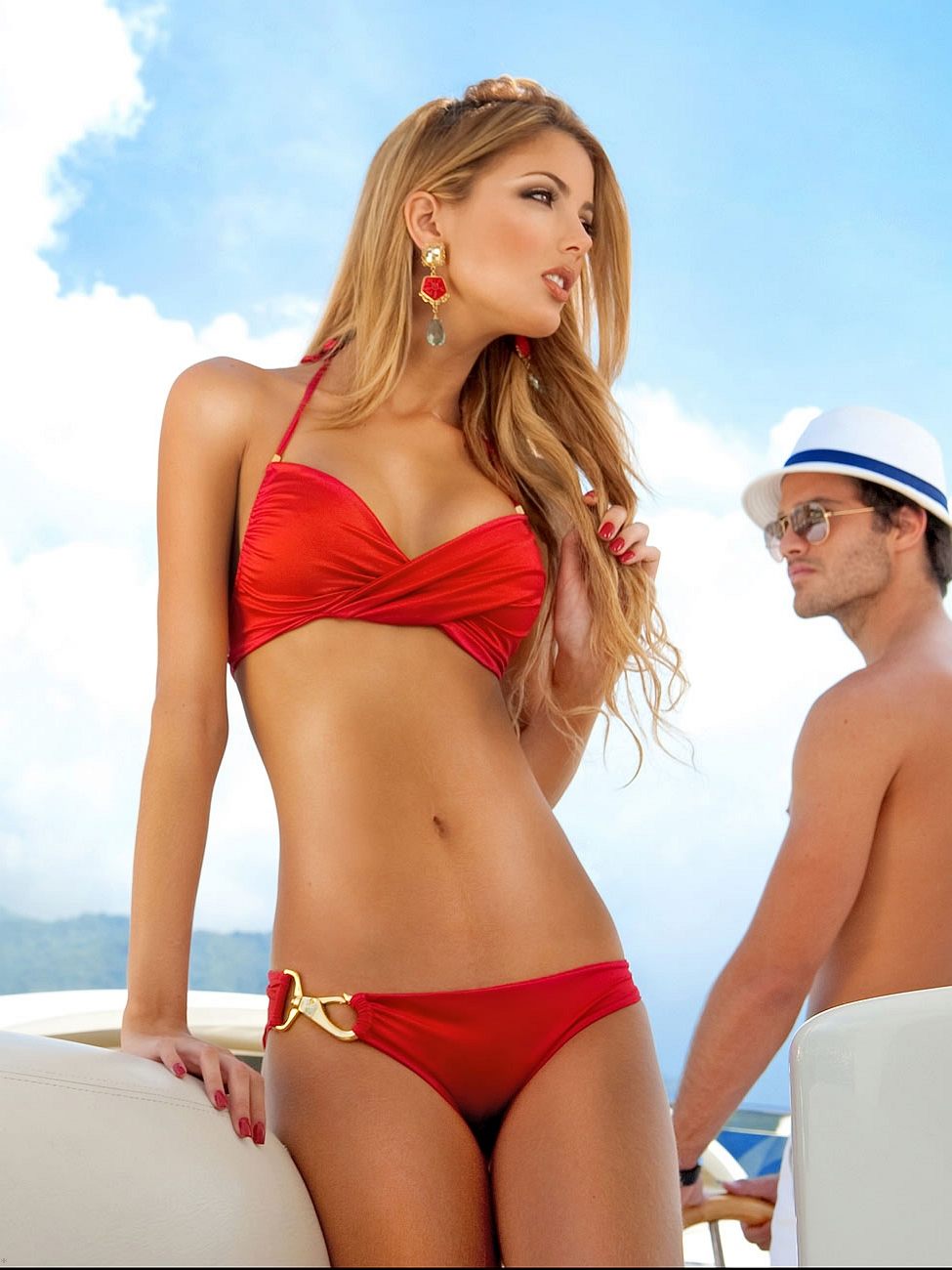
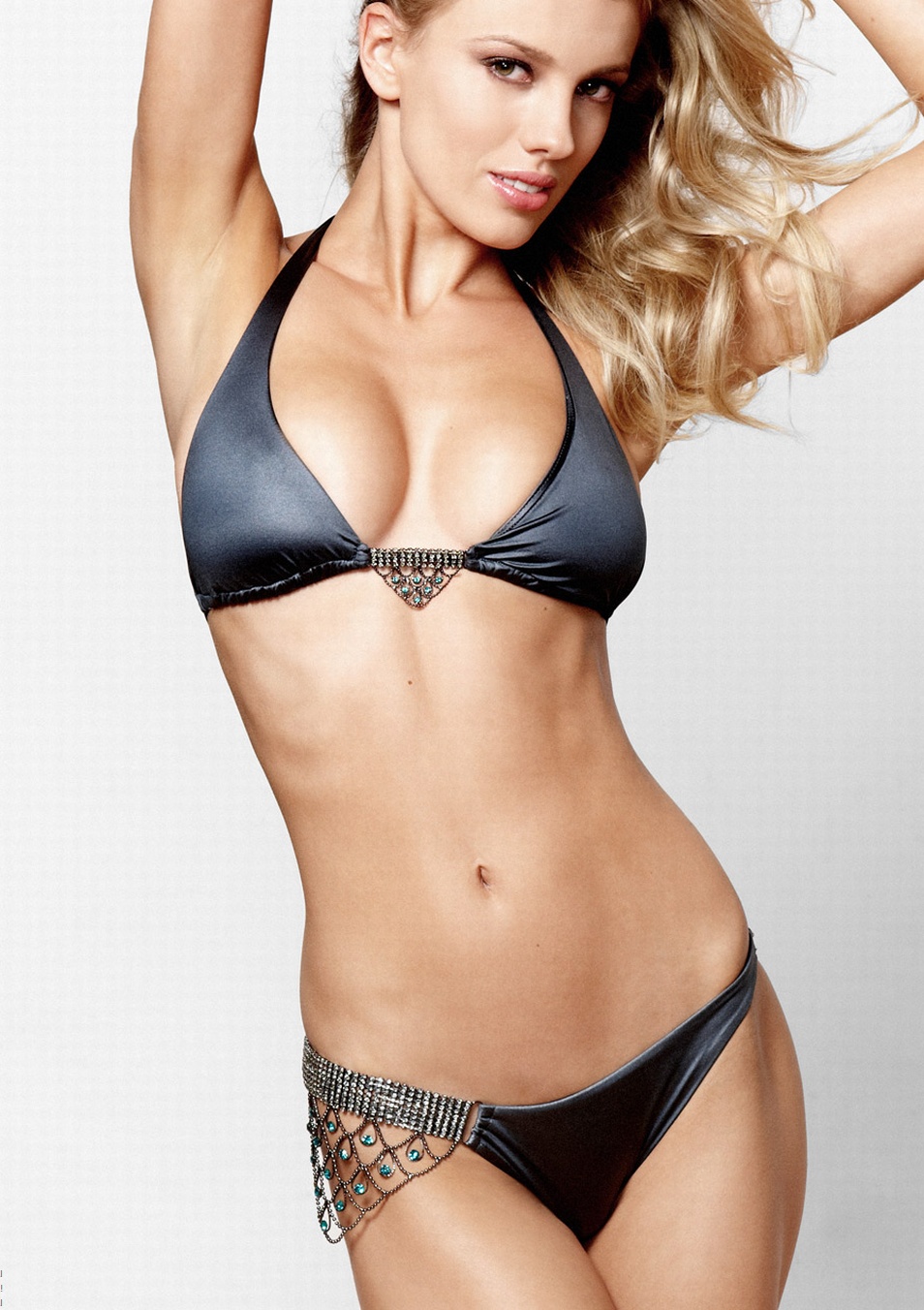
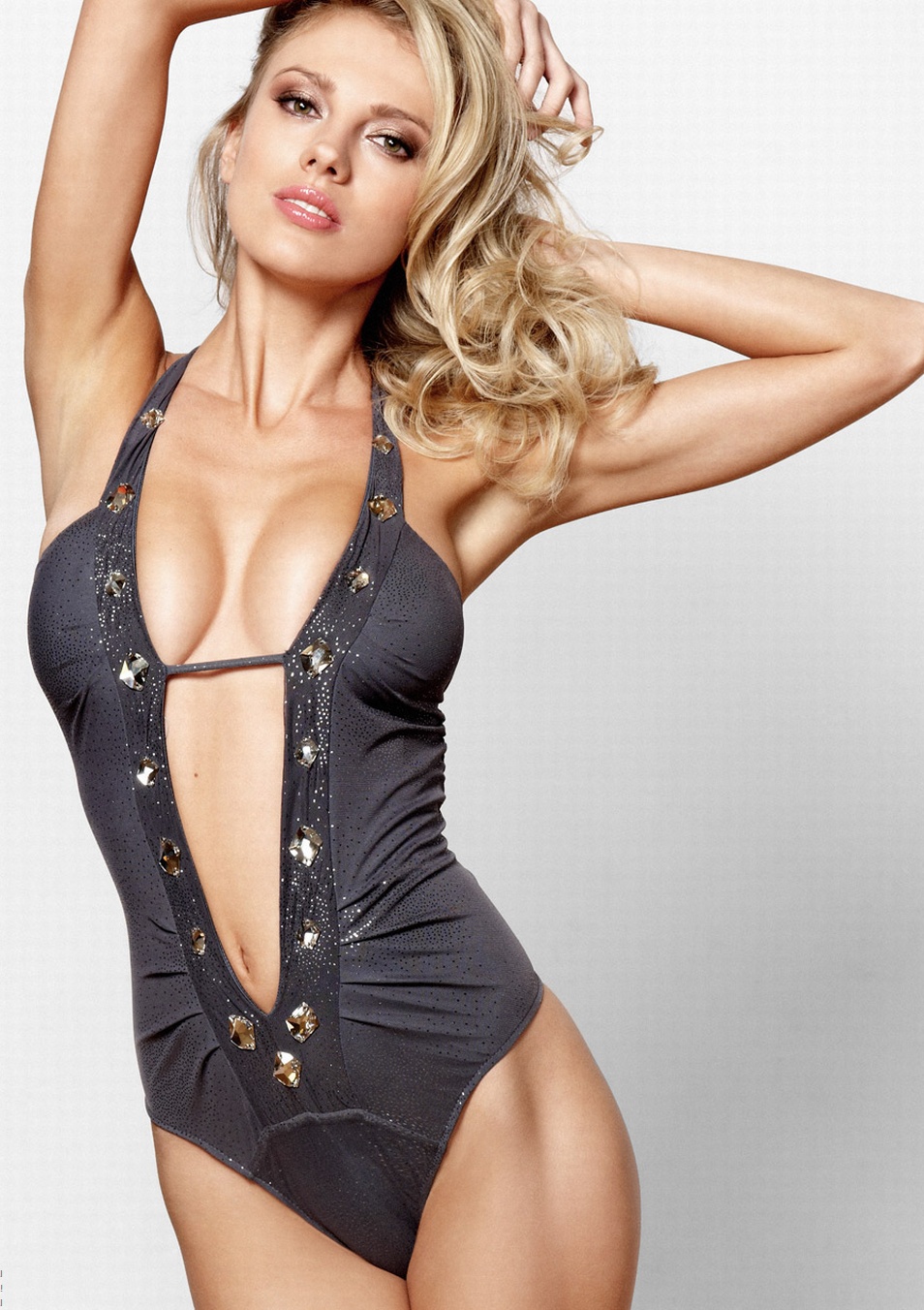
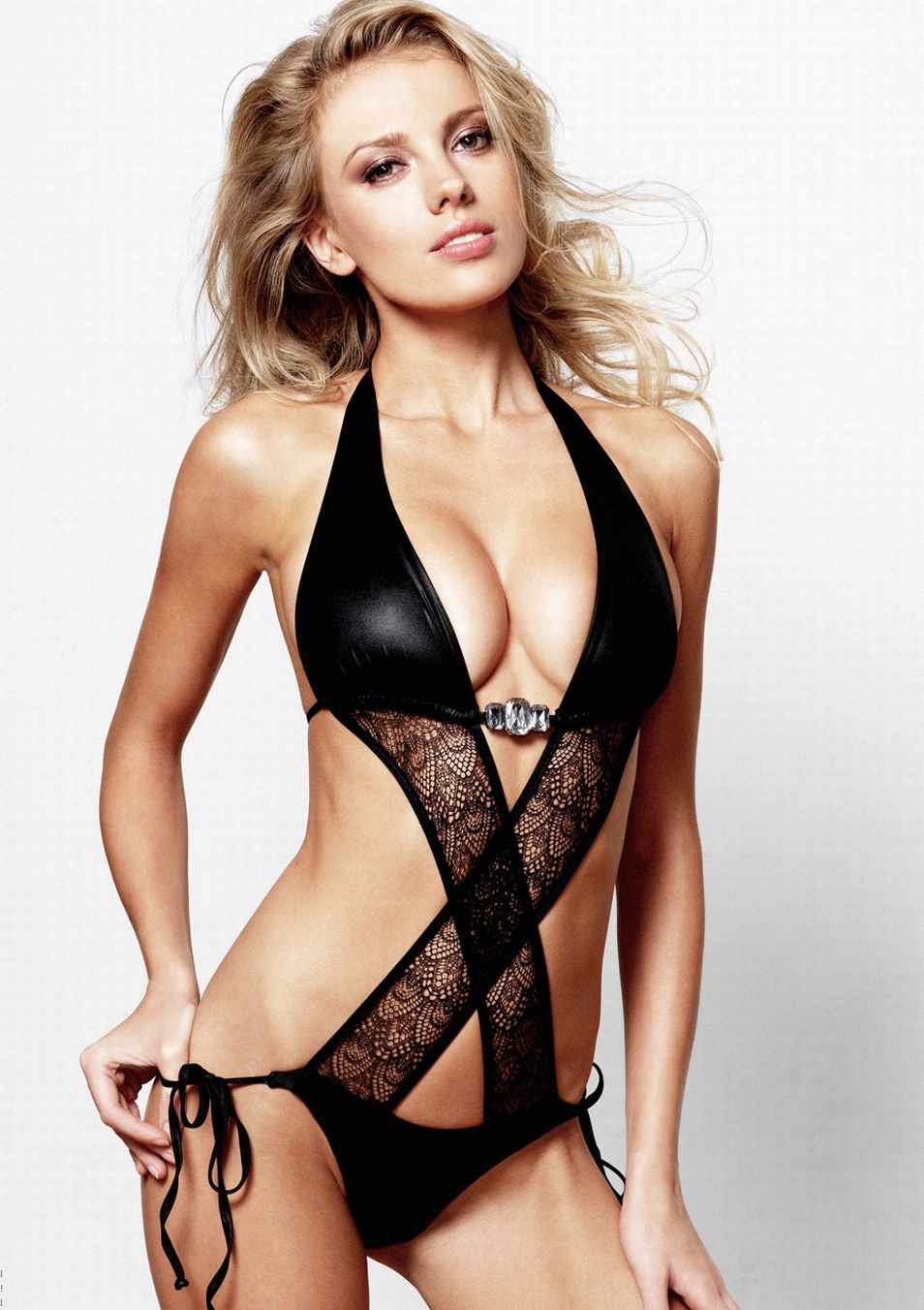
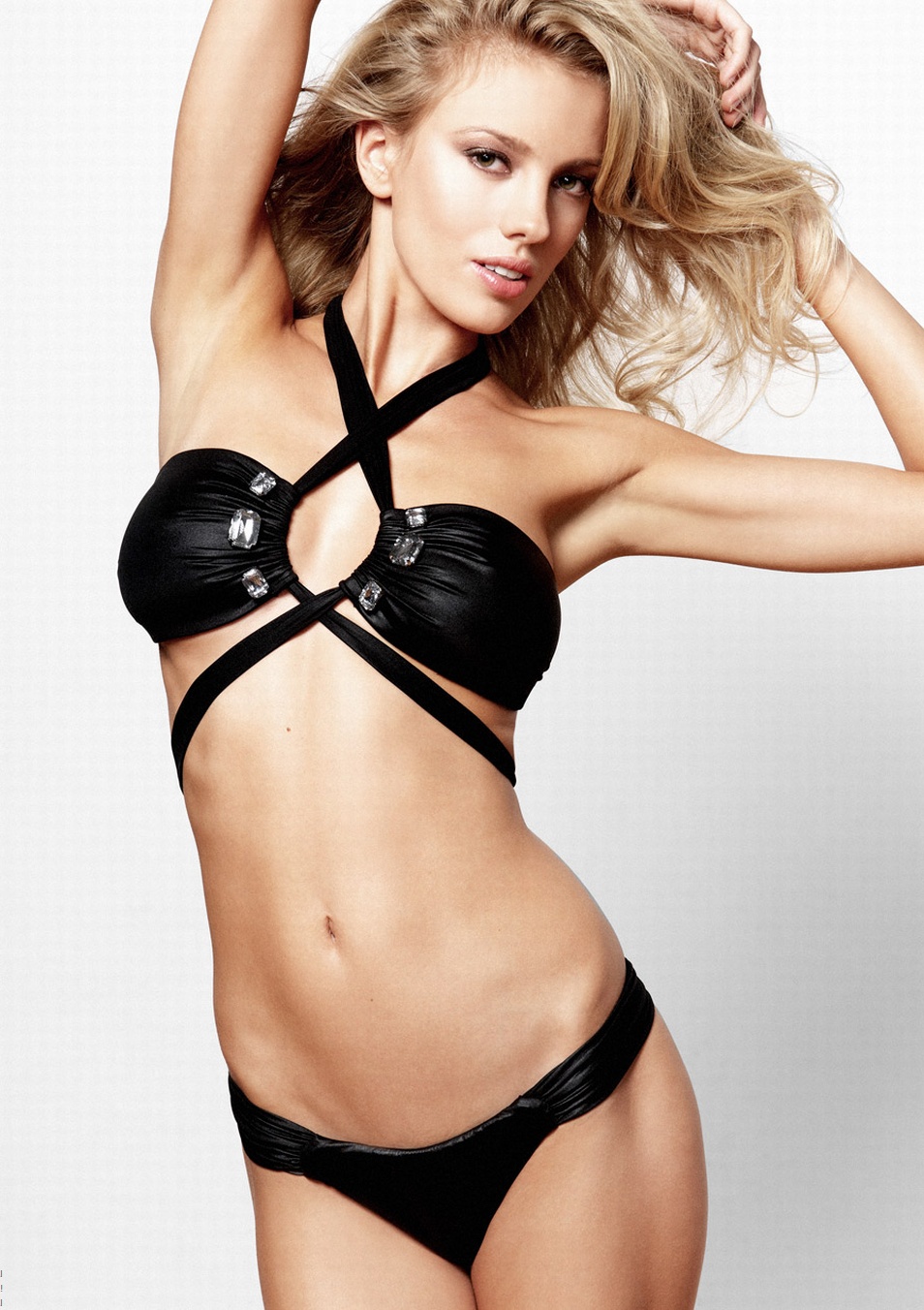
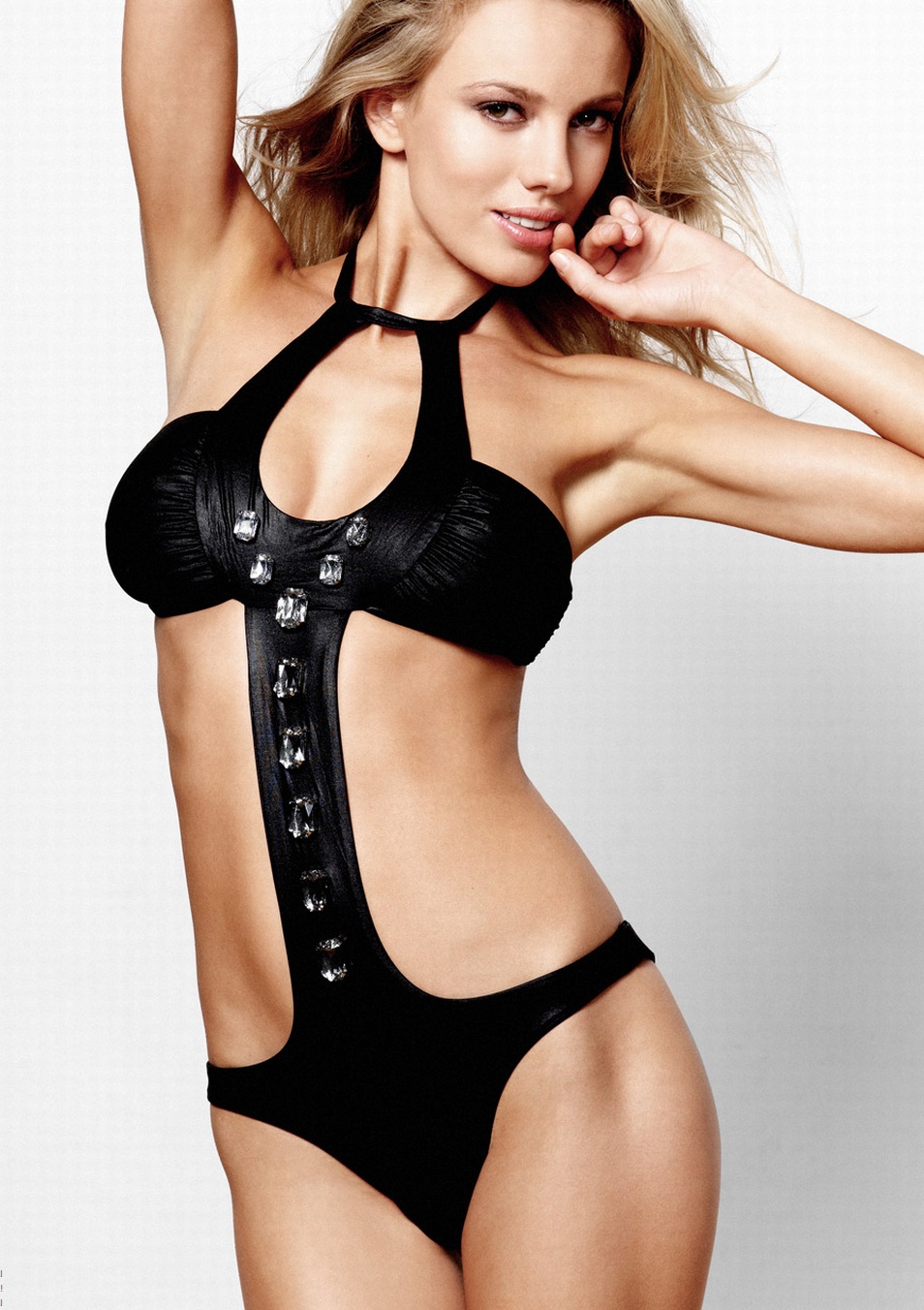
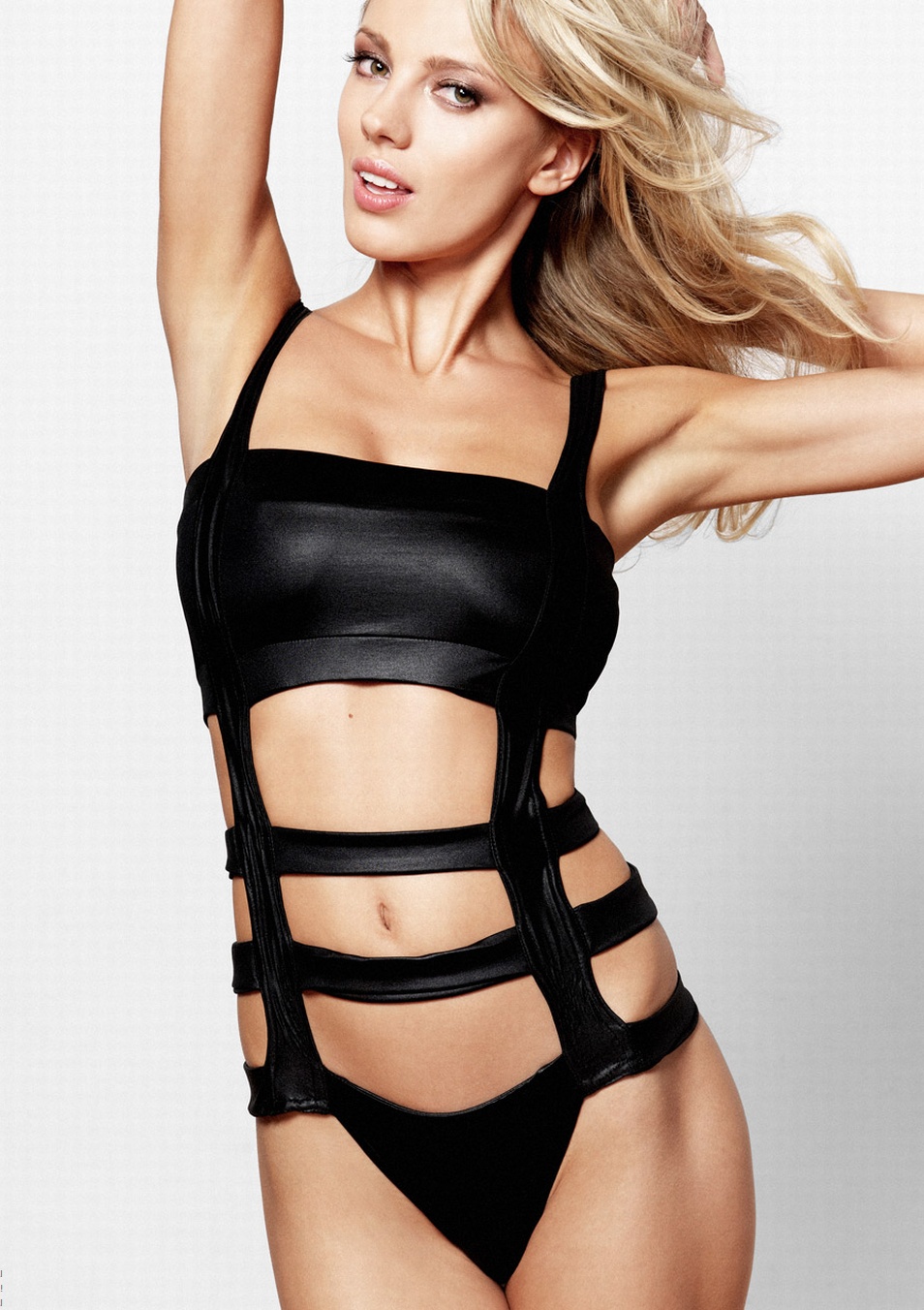
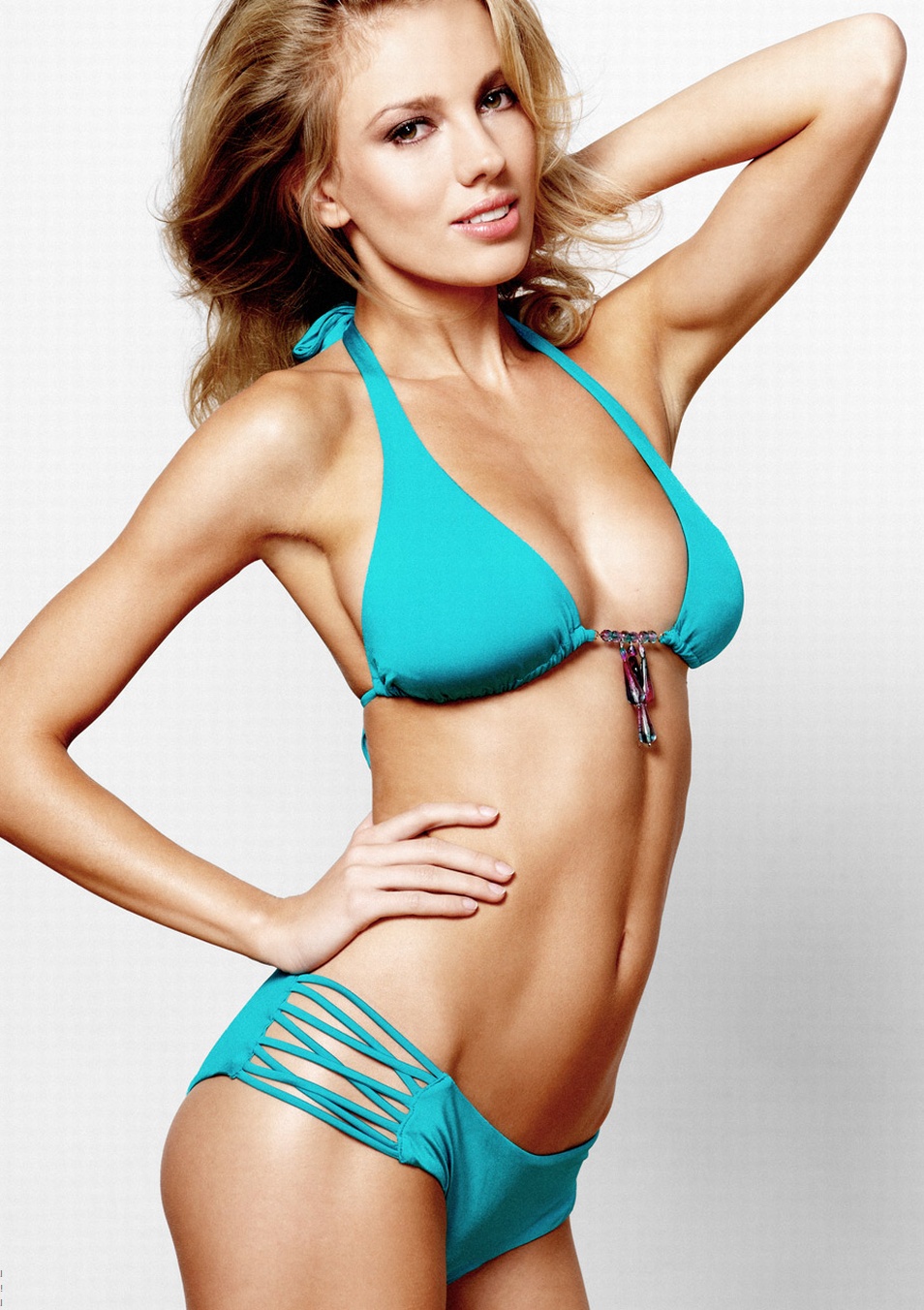
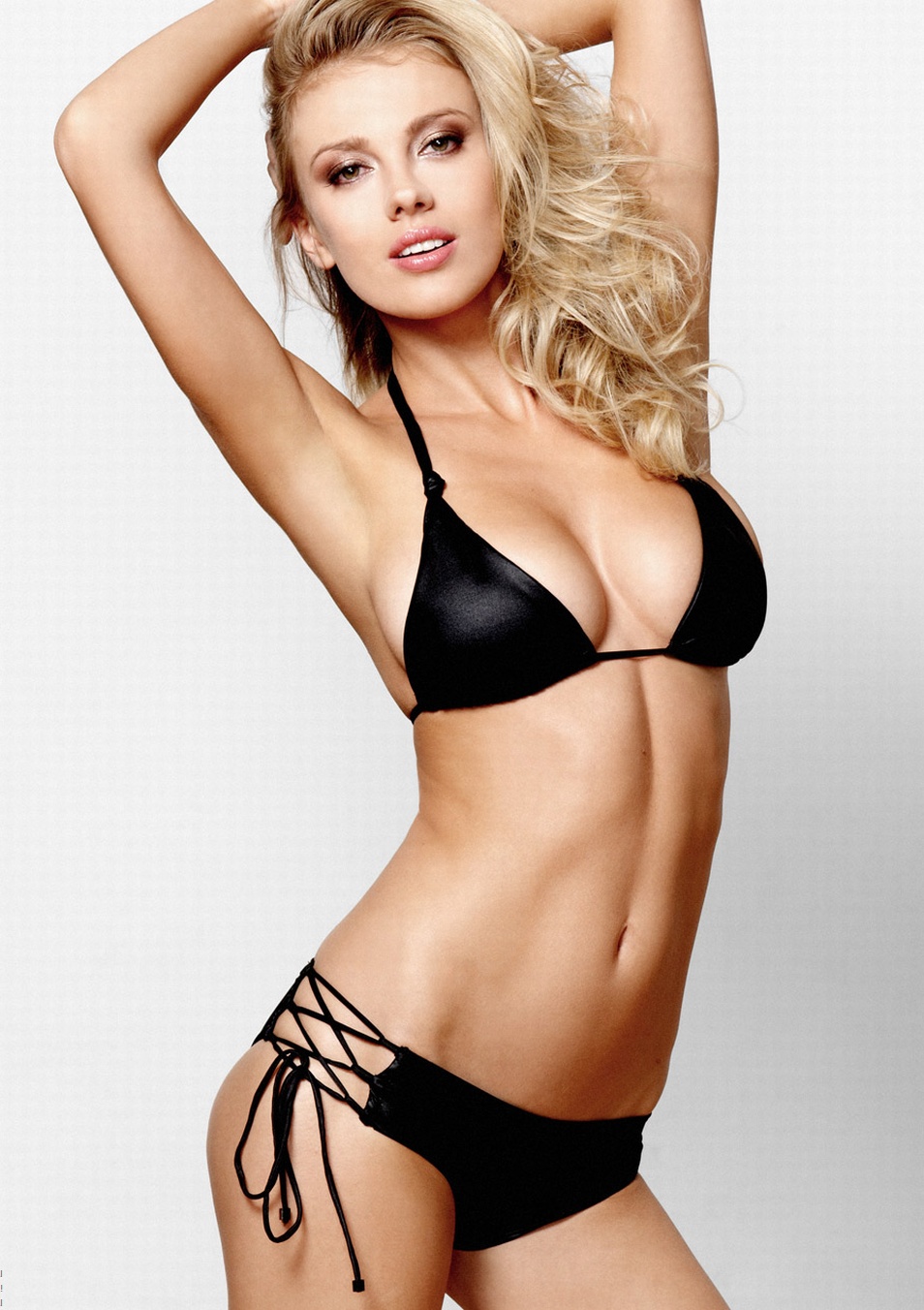
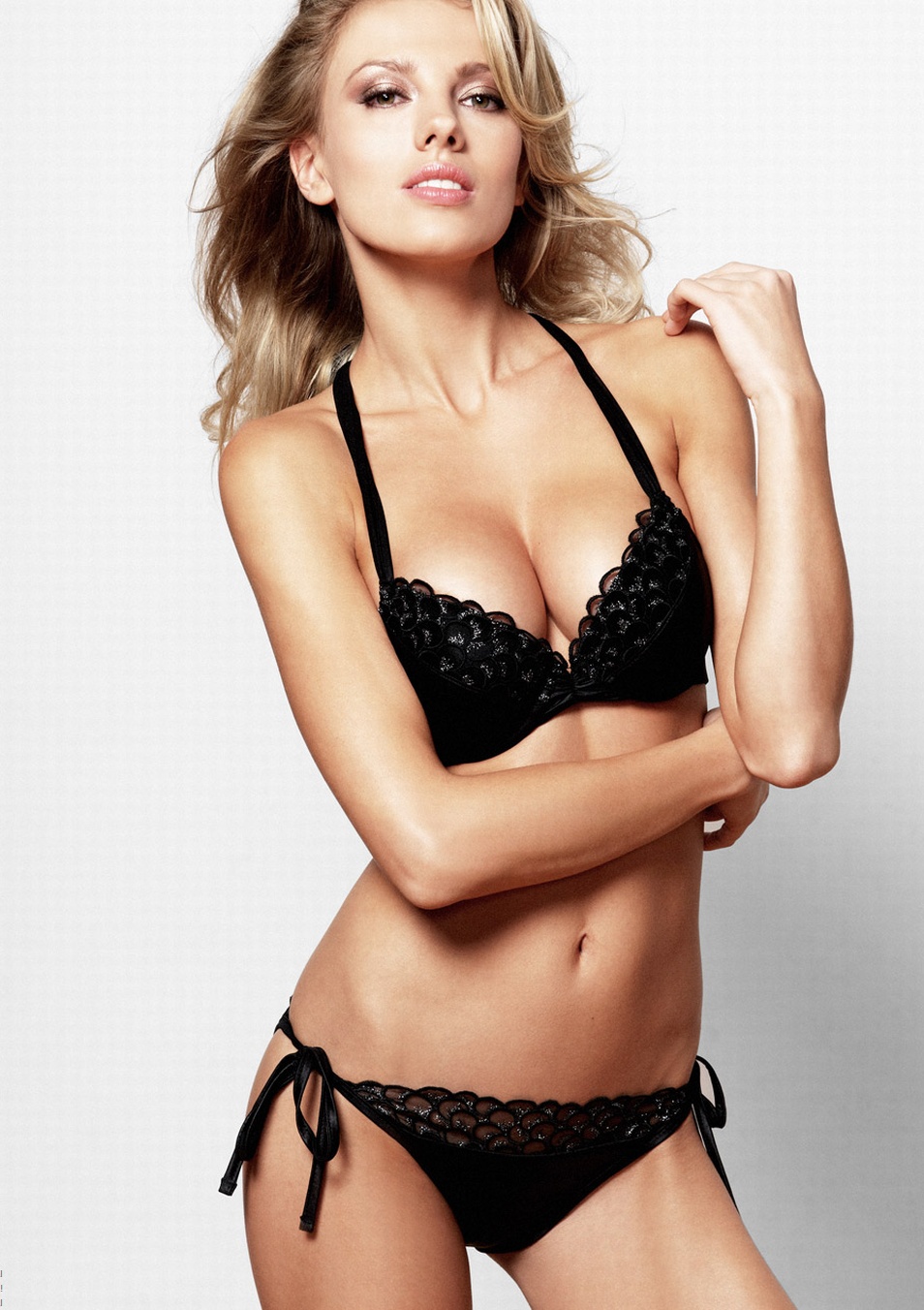
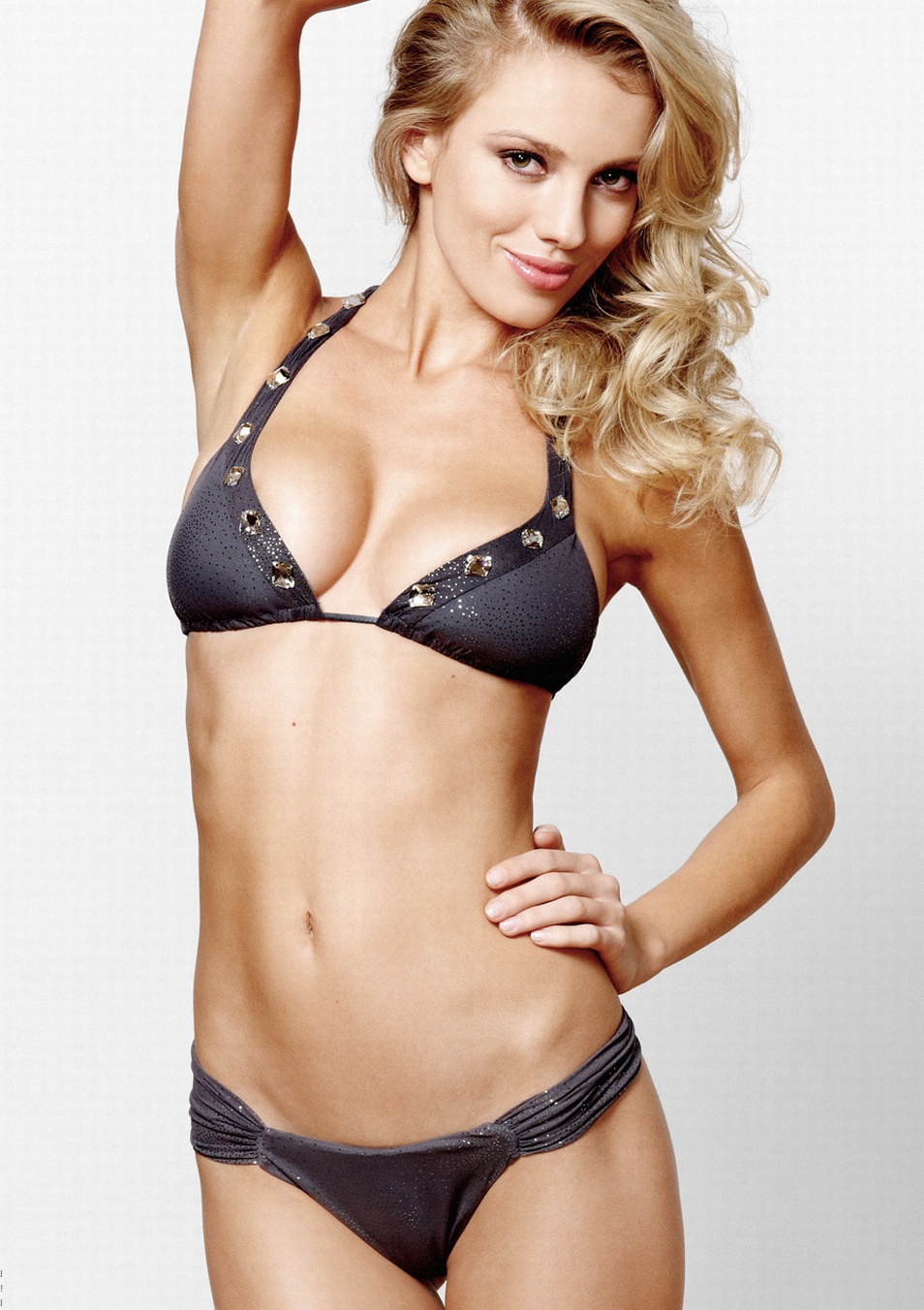
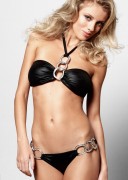
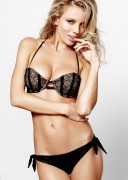
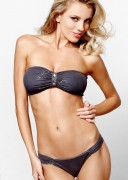
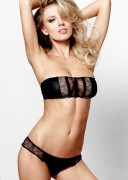
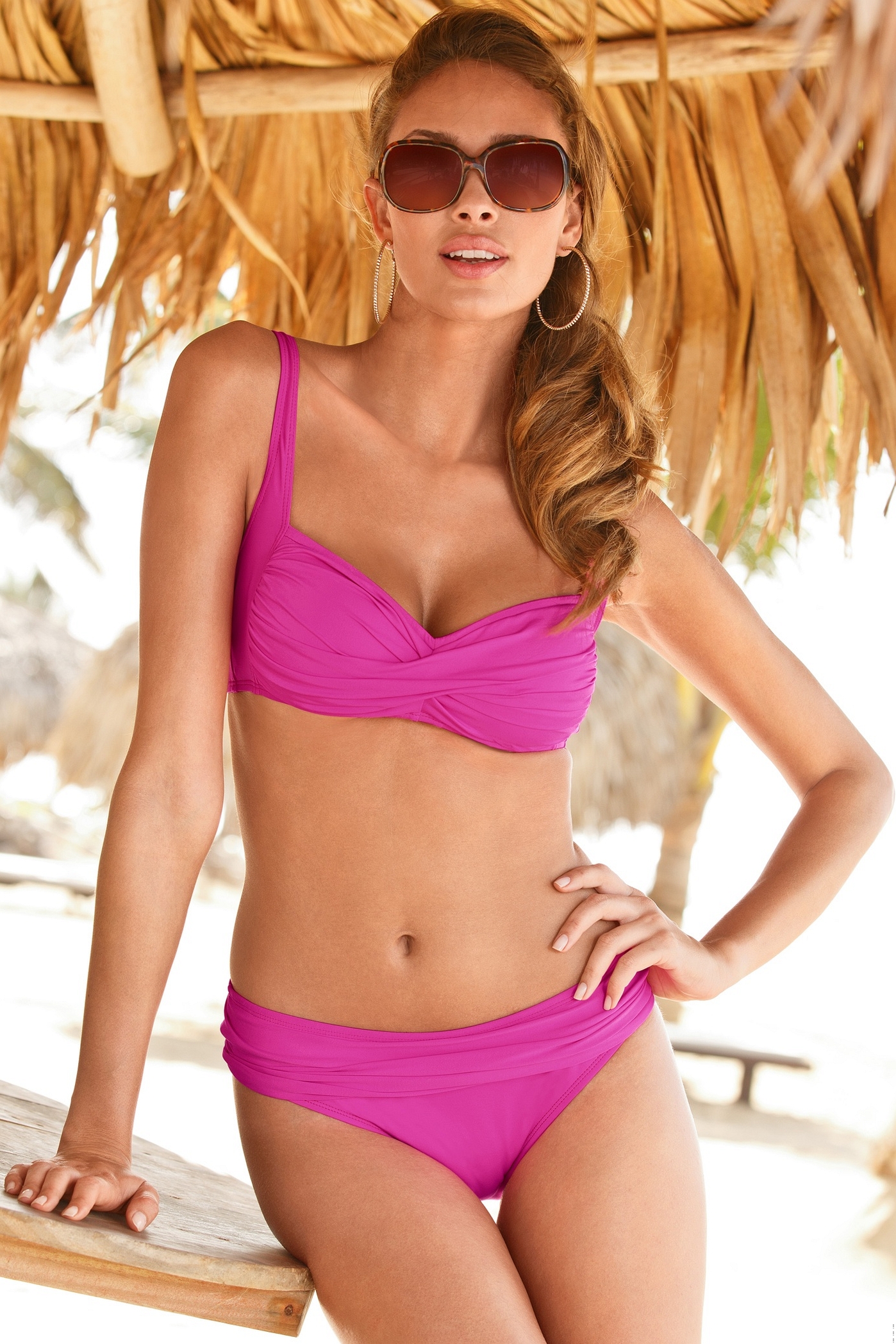
 Beach Bunny 2011 /monthly_11_2013/post-31303-0-1446024768-73149_thumb.jpg" data-fileid="2898826" alt="post-31303-0-1446024768-73149_thumb.jpg" data-ratio="141.72"> /monthly_11_2013/post-31303-0-1446024768-89826_thumb.jpg" data-fileid="2898832" alt="post-31303-0-1446024768-89826_thumb.jpg" data-ratio="141.72"> /monthly_11_2013/post-31303-0-1446024769-02463_thumb.jpg" data-fileid="2898834" alt="post-31303-0-1446024769-02463_thumb.jpg" data-ratio="141.72"> /monthly_11_2013/post-31303-0-1446024769-09691_thumb.jpg" data-fileid="2898837" alt="post-31303-0-1446024769-09691_thumb.jpg" data-ratio="141.72"> /monthly_11_2013/post-31303-0-1446024769-11979_thumb.jpg" data-fileid="2898838" alt="post-31303-0-1446024769-11979_thumb.jpg" data-ratio="141.72"> id credit to pitounsky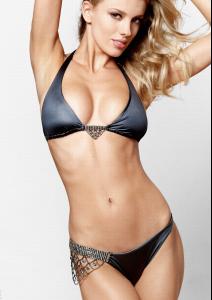
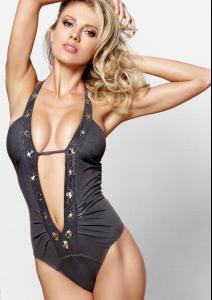
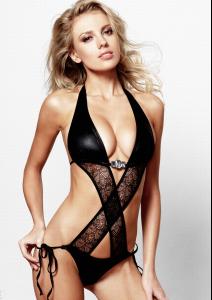
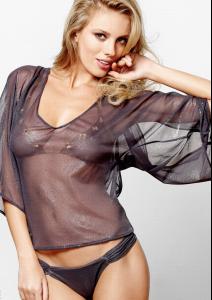
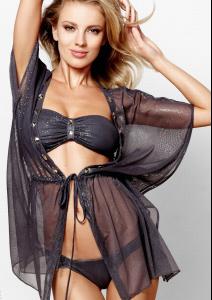
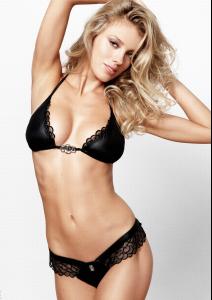
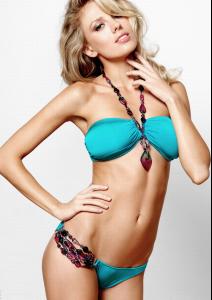
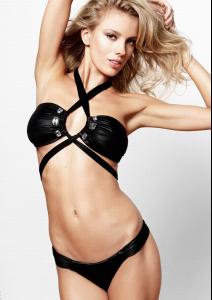
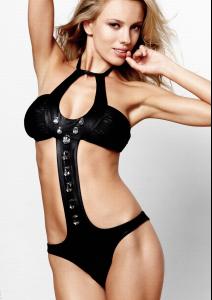
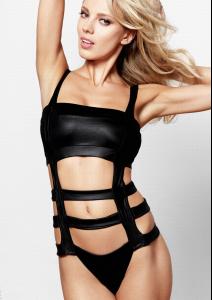
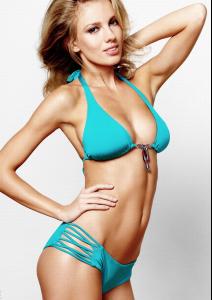
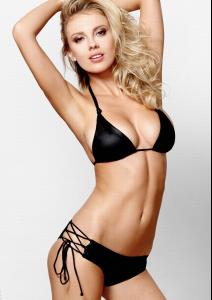
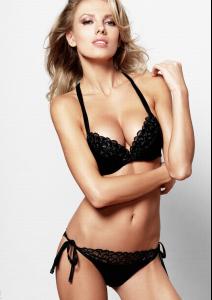
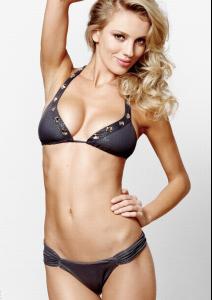
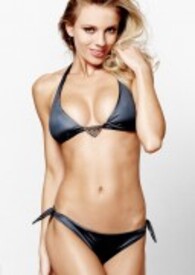
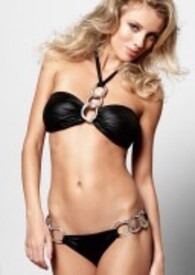

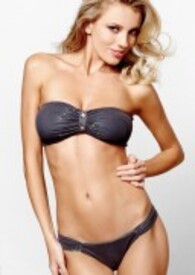
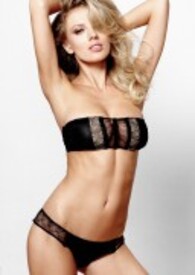 and so it is! TY Pitounsky! Appreciate your help
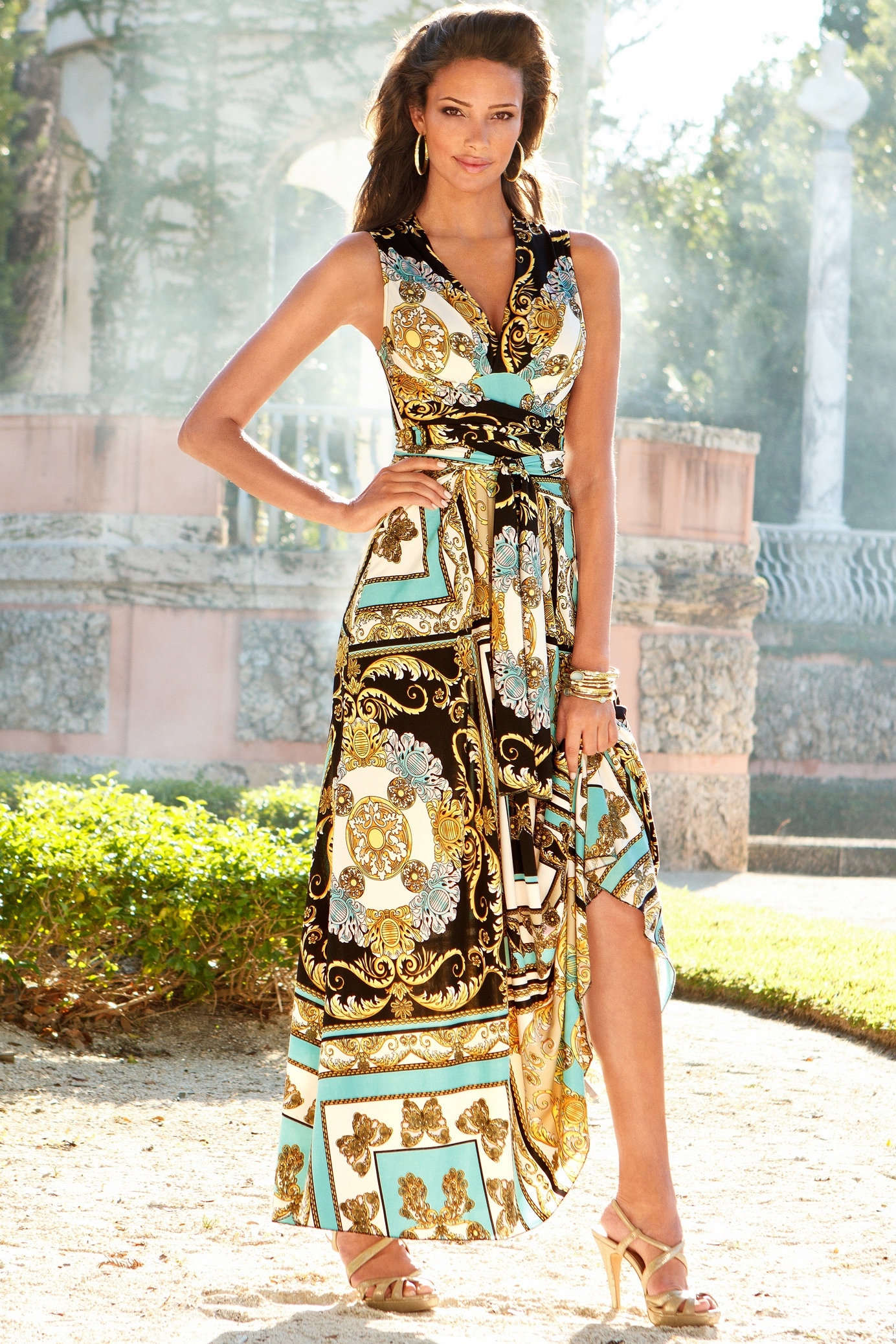
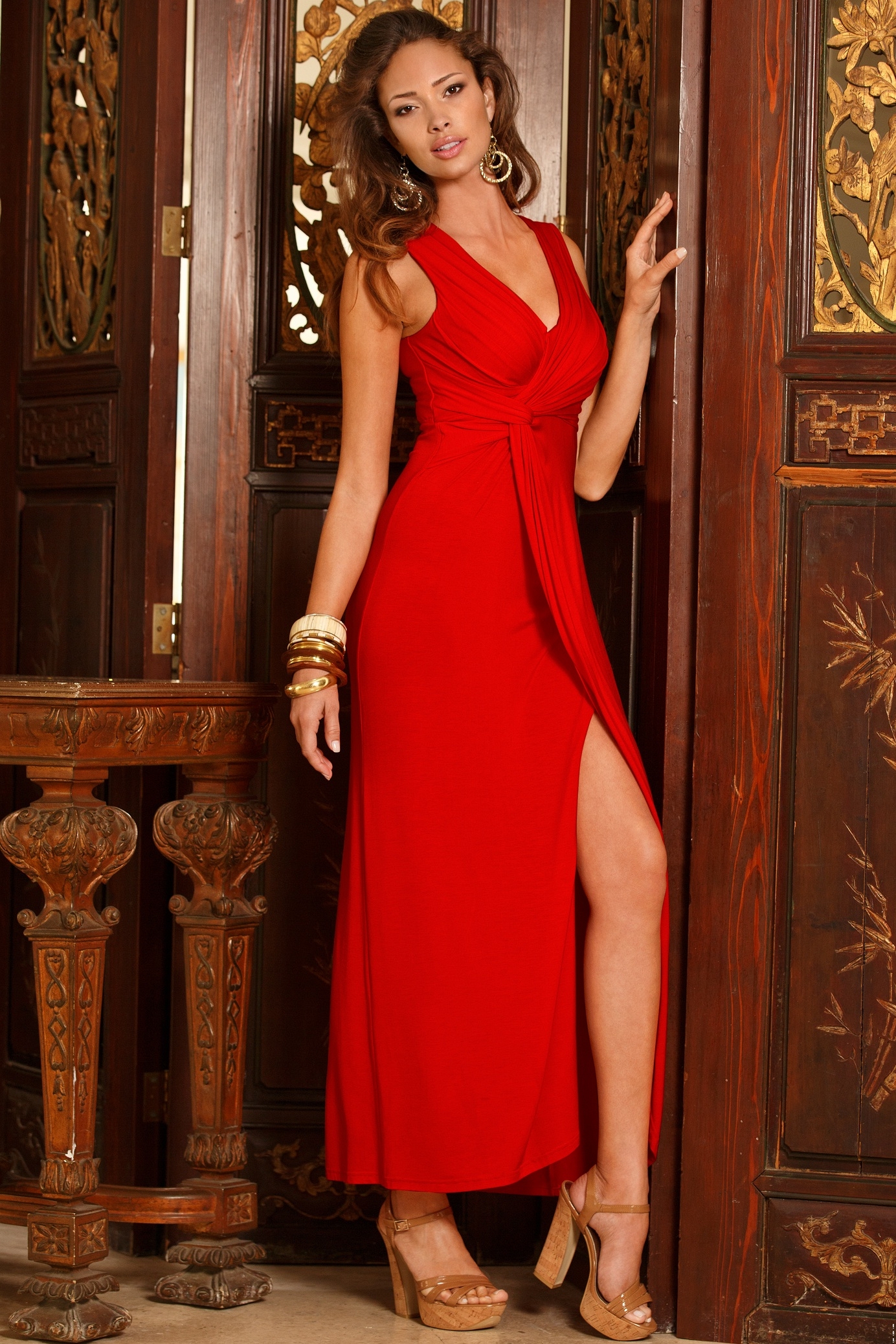
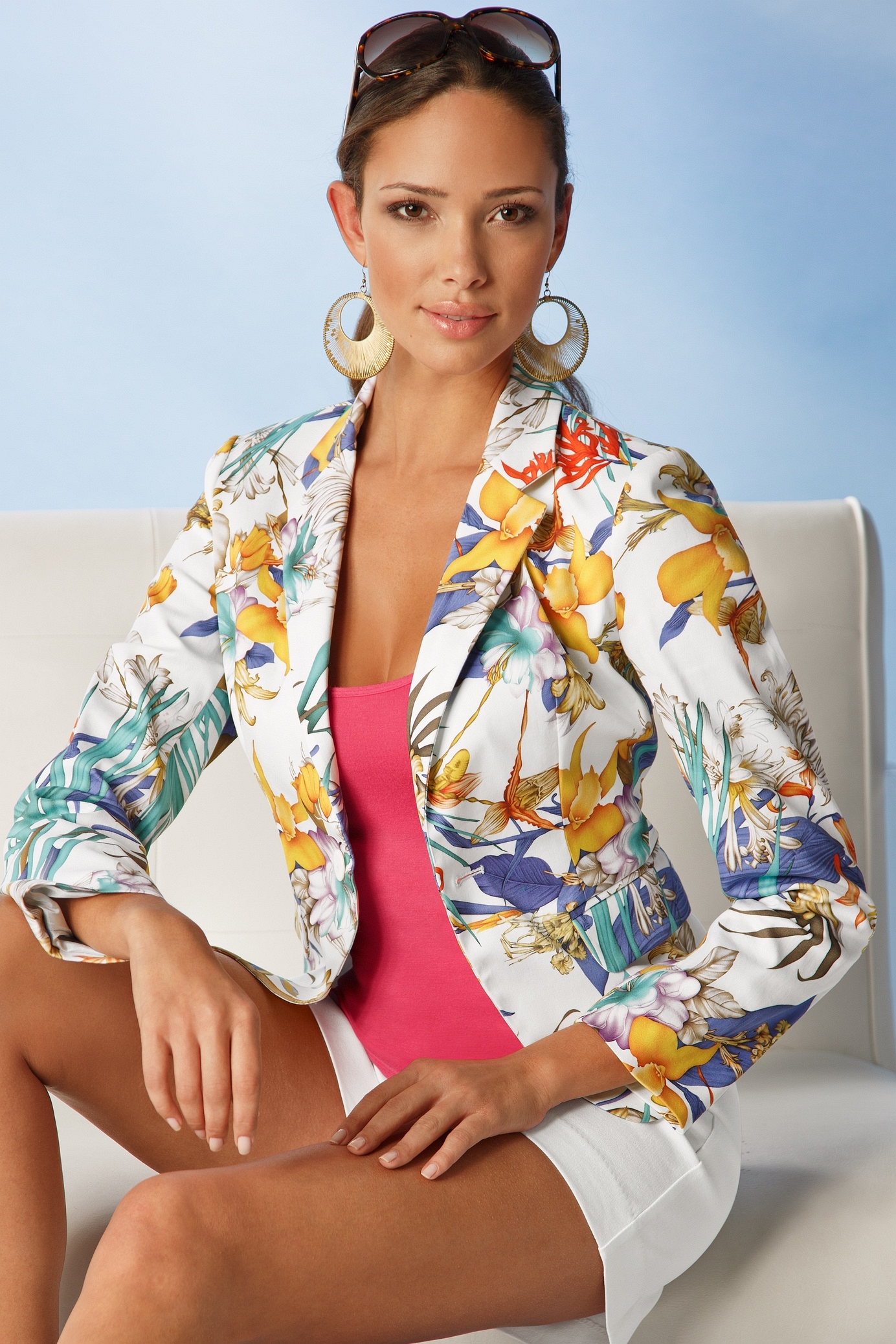
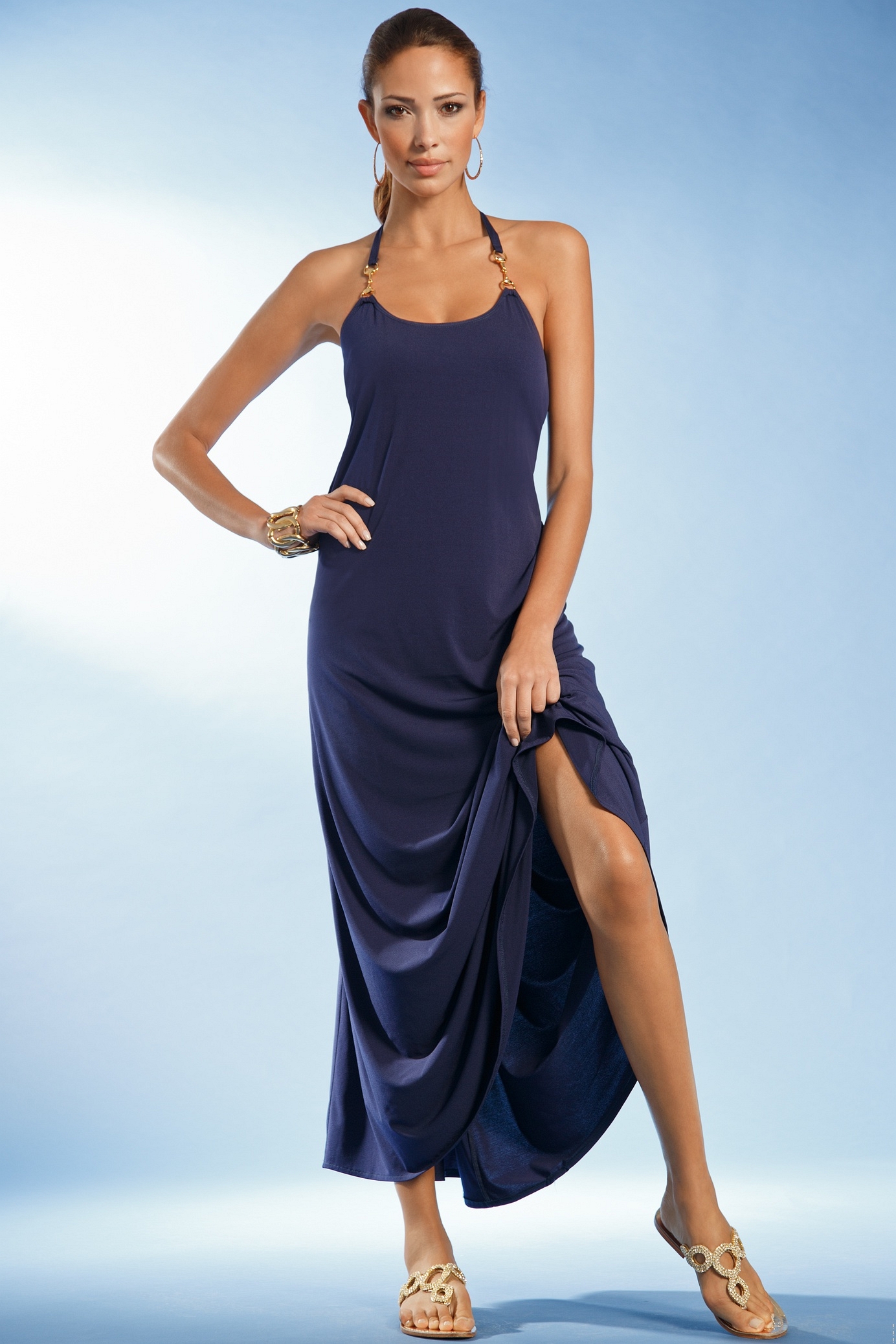
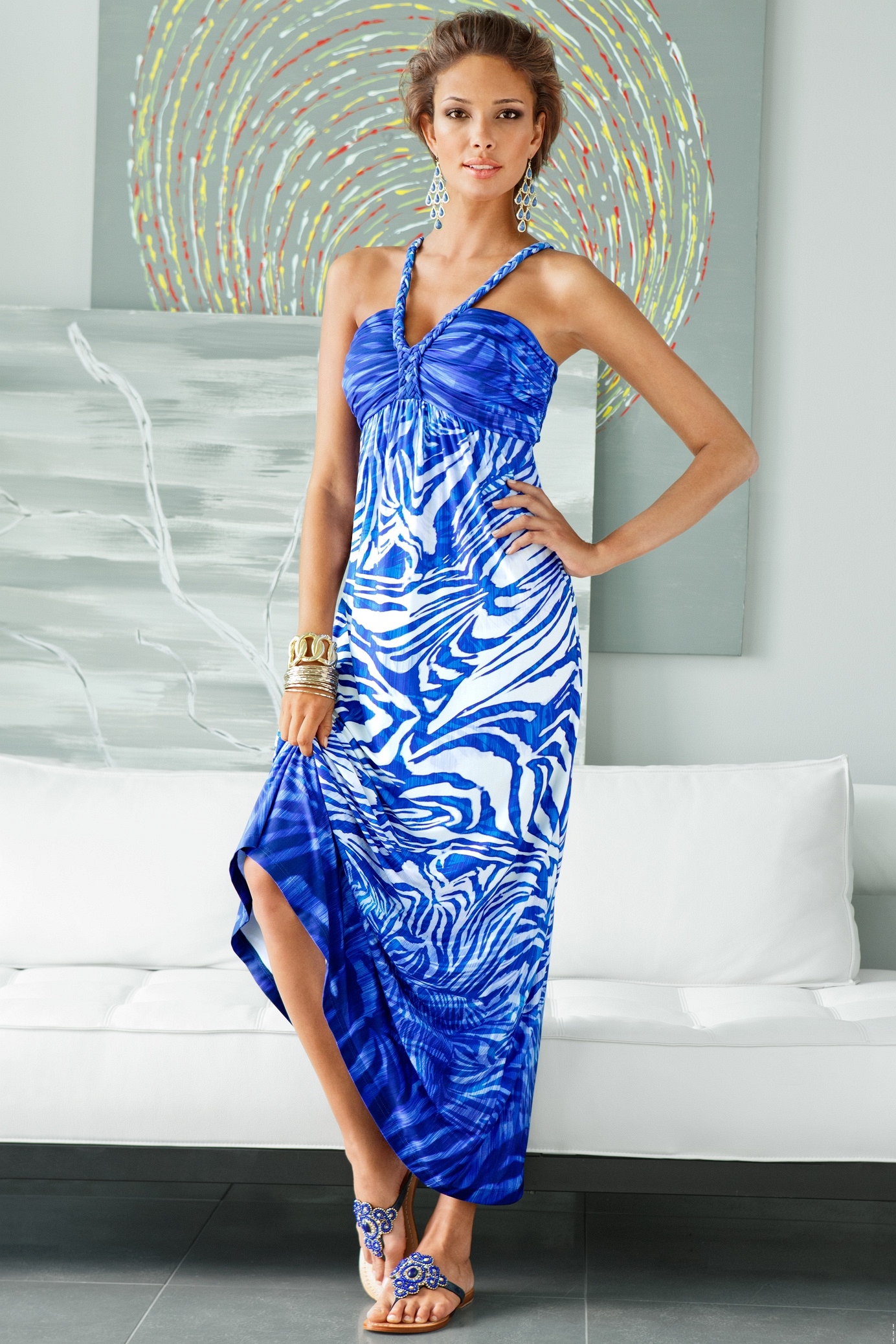
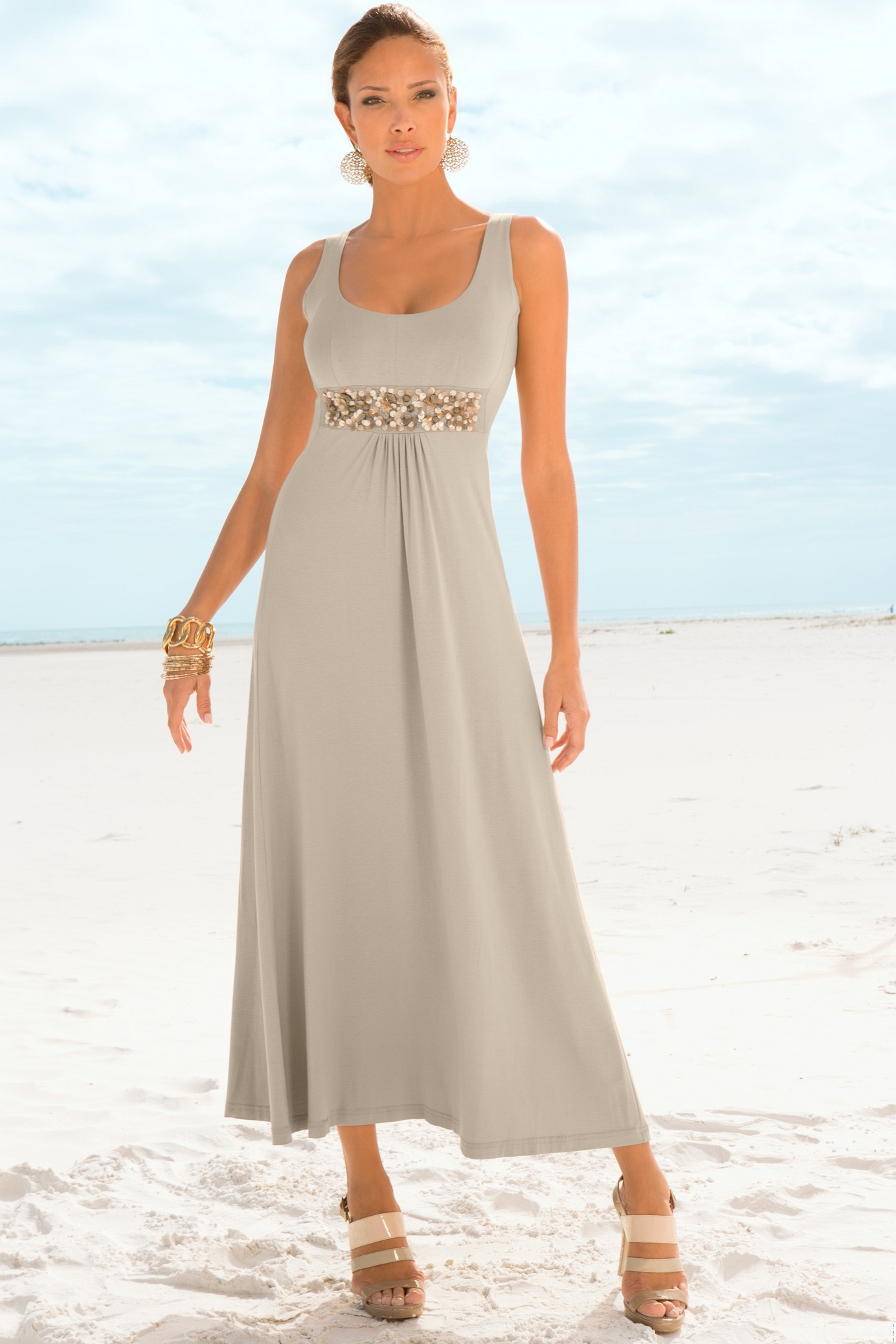
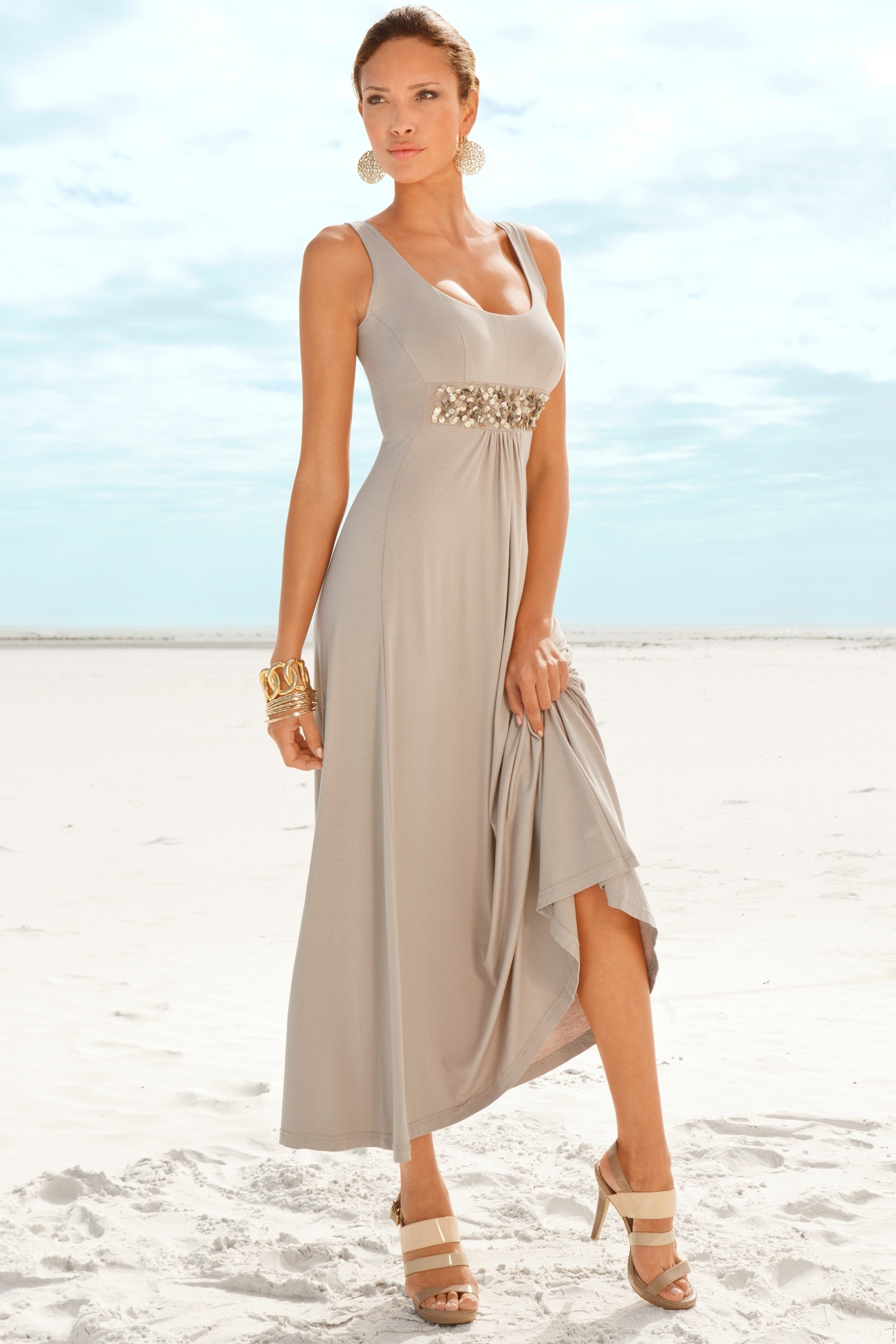
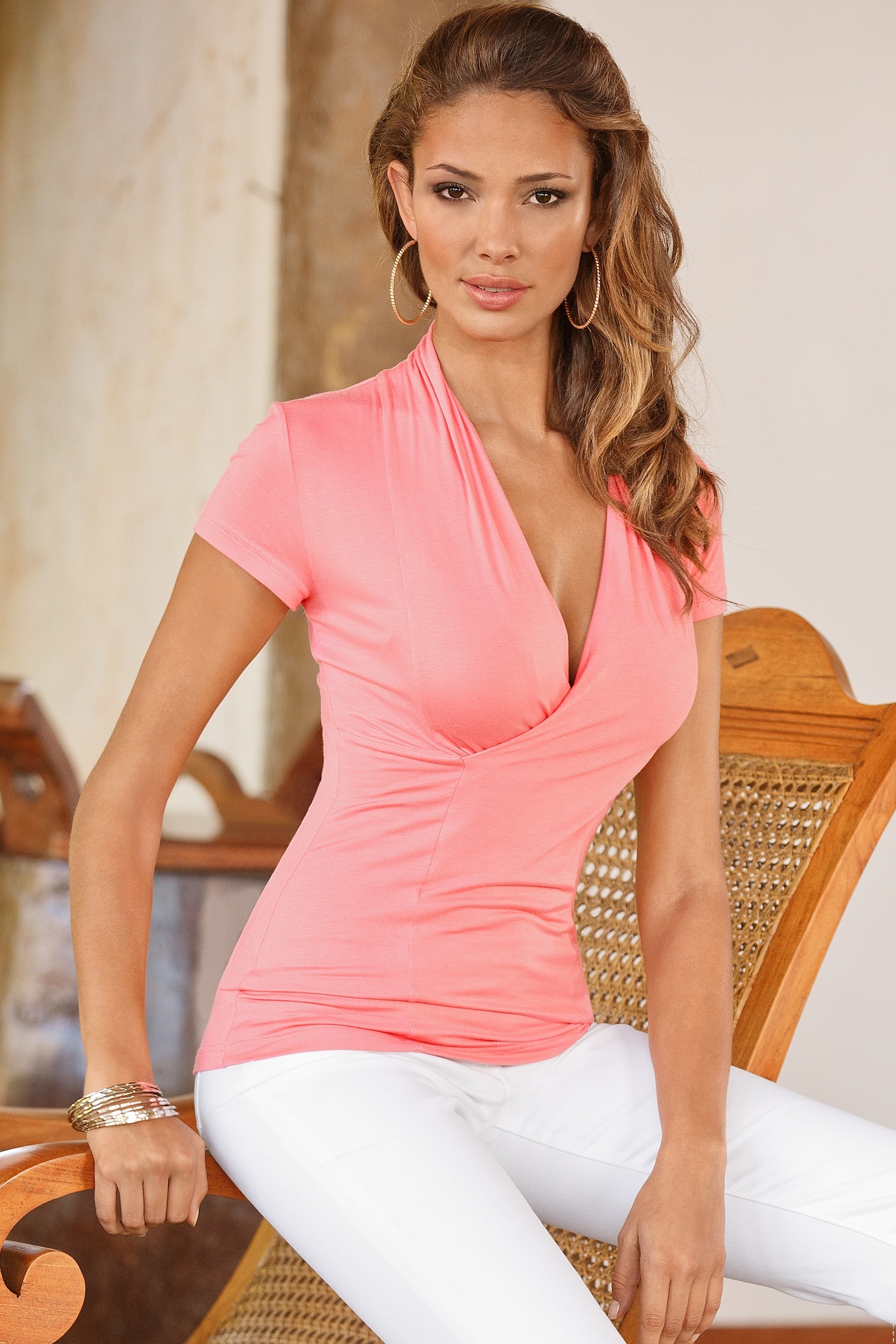
Trying to get an id on this model. (nope, it's not kate upton, either) /monthly_11_2013/post-31303-0-1446024883-44908_thumb.jpg" data-fileid="2902685" alt="post-31303-0-1446024883-44908_thumb.jpg" data-ratio="141.72">
Yes thanks Ramsfan. I did a search with the search tools here, and I spelled her name right but nothing came up. I know she's also at UMC, but glad to see she's represented at both sites. Anyway, mikeh takes the credit on this one
Nice one mikeh.
Before you throw more models at the readership, please indicate if the ids we've already helped you with seem reasonable and you agree with them. It's as if you're disregarding the attempts made on the original list of unknowns by asking for more help on new, different people. Saying thanks is never out of fashion, either.
Check out Penelope Simpson and see if she is an id match. Penelope does work for Figleaves, Bravissimo, Fred & Ginger. She might be this person. I didn't find a topic here, but there is one at UMC - http://forum.usemycomputer.com/index.php?topic=42588.0 Here are a few images to check
Nice try, but I don't think it's Carla La Reservee.
Maitlyn Simmons
The Dama Kier model is Małgorzata Dranicka
Height 1,70 / 5'7" Bust 86 / 34 Hips 91 / 36 Waist 61 / 24 Green Eyes Light Brown Hair Ducel 2011
I don't think you can change the order of the posts, but if you click on the little dot to the left of each topic title (or star for threads you've previously posted in), it will automatically take you to the first new post. by the way, cool avatar
Thanks in advance for anyone's reply: 1) I'd like to change how I view the ordering of the image post/date in the topic. Currently, the last post is on the last page. I'd like the last post to be the first thing I see on the first page, when I open the topic. Is there a setting to "reverse" the default. Please advise where that would be for me. I've checked my settings and it wasn't apparent. 2) How do I go to the next topic (either read or unread) in the stack of topics? Is there a navigational control in each current topic to go to the NEXT topic, or PREVIOUS topic? I can't see to find this, either. Thanks to any responders, and their responses. X
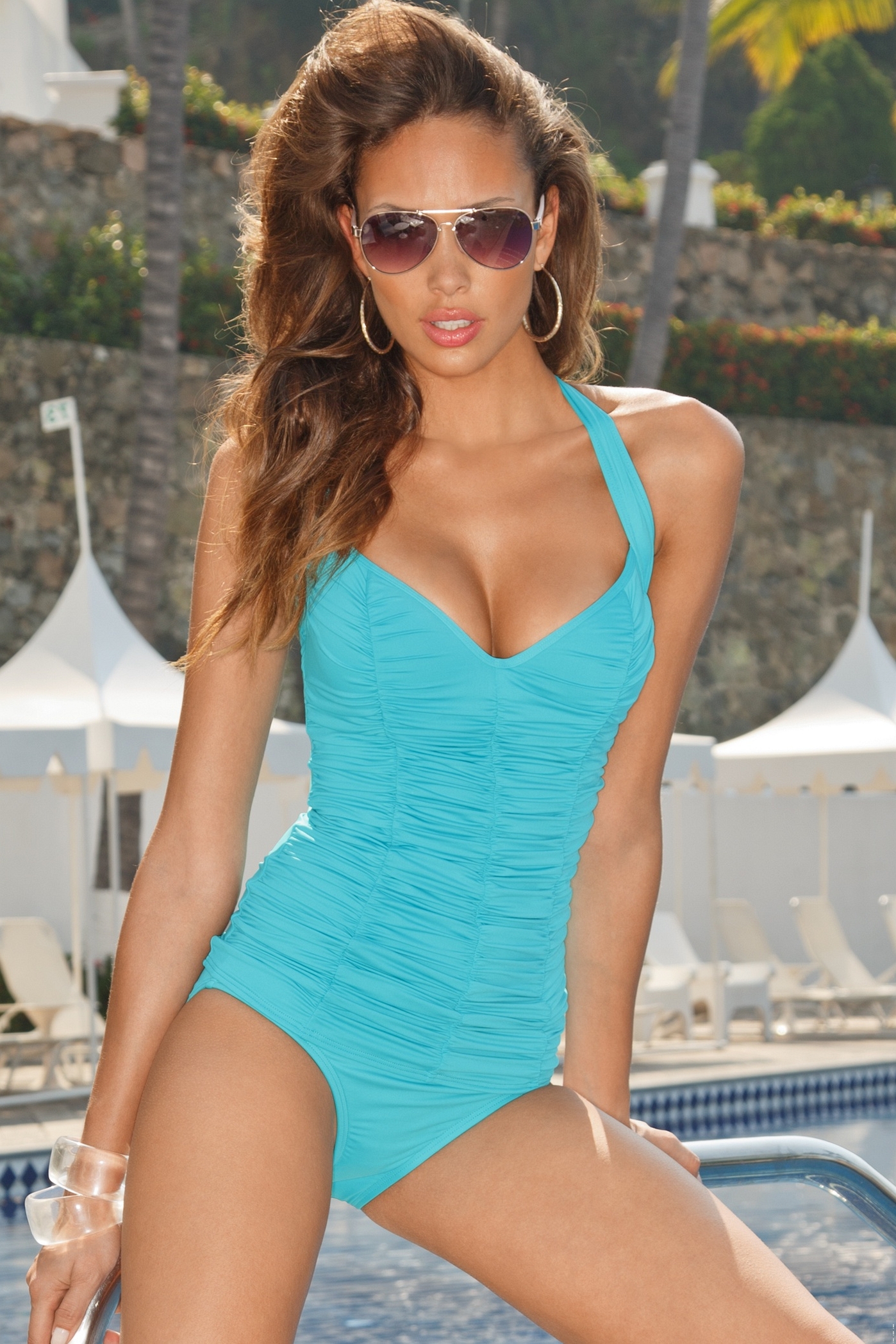
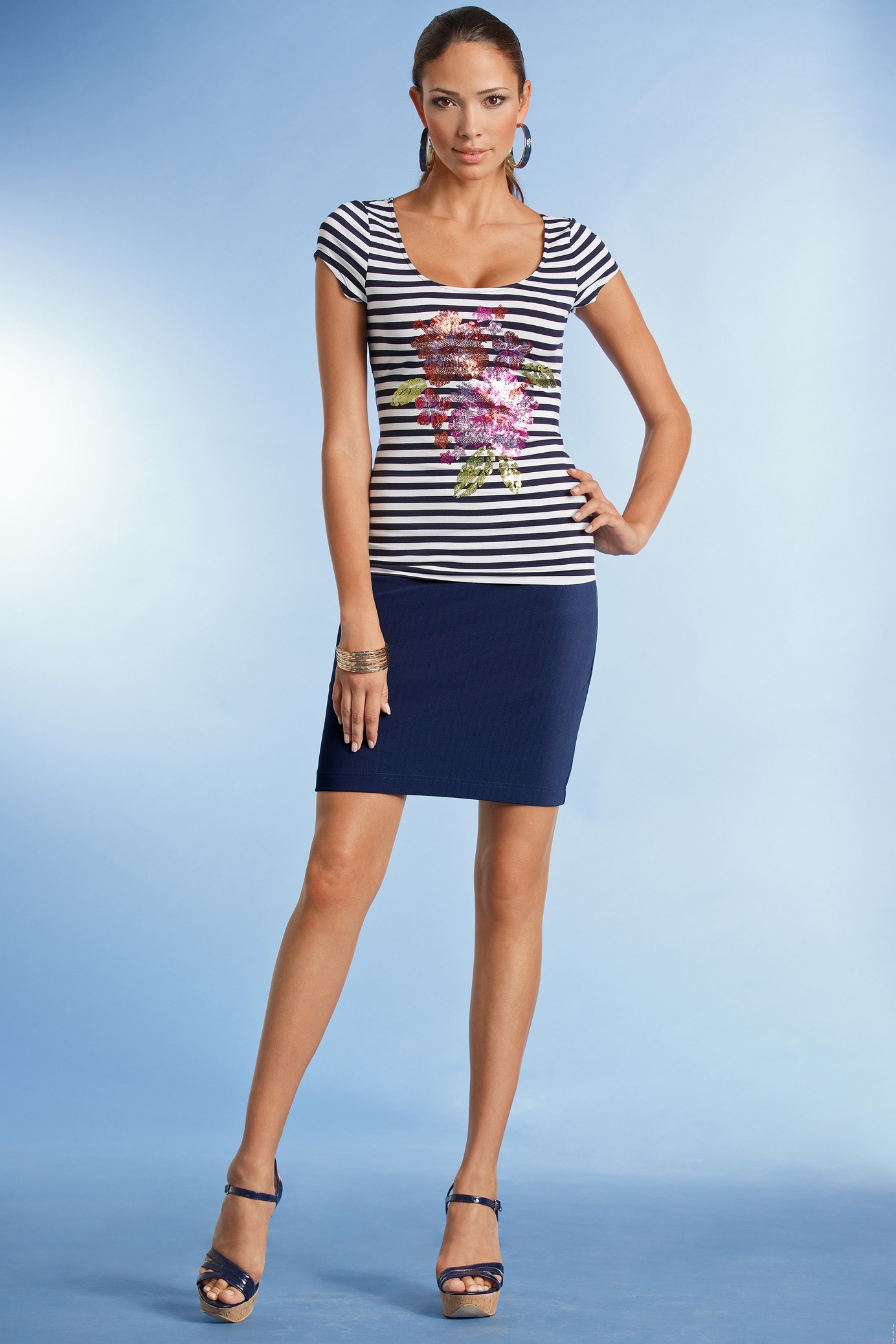
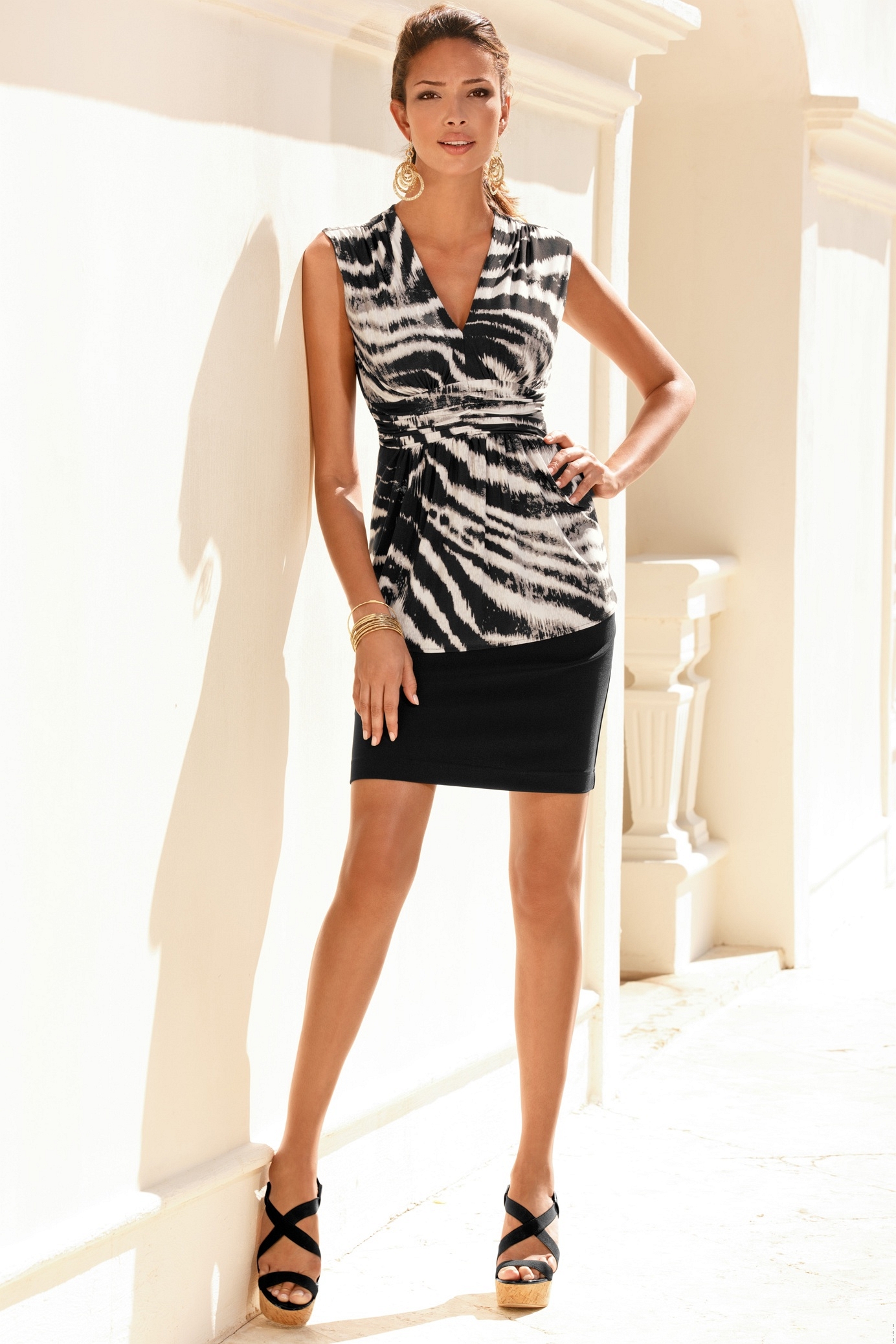
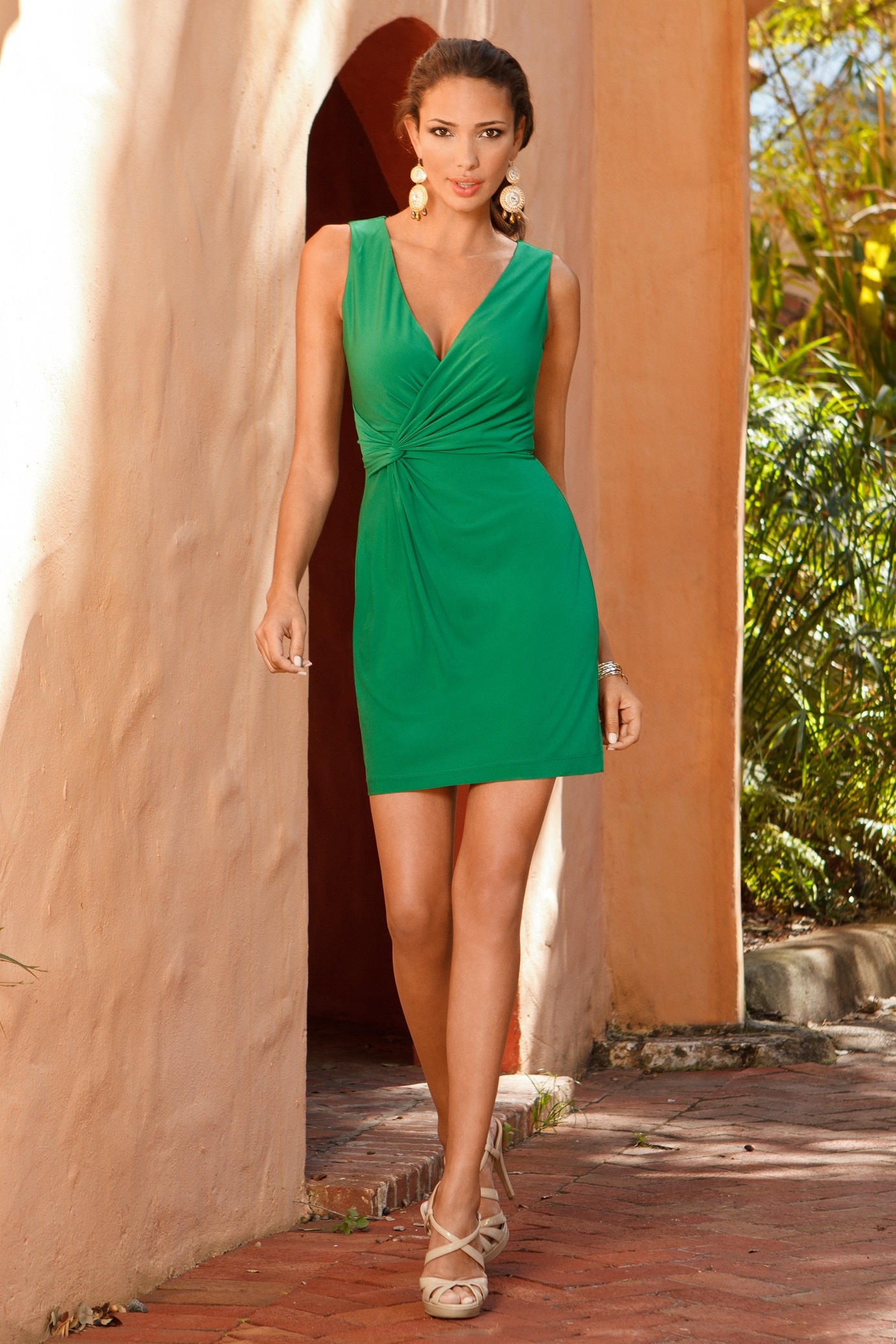
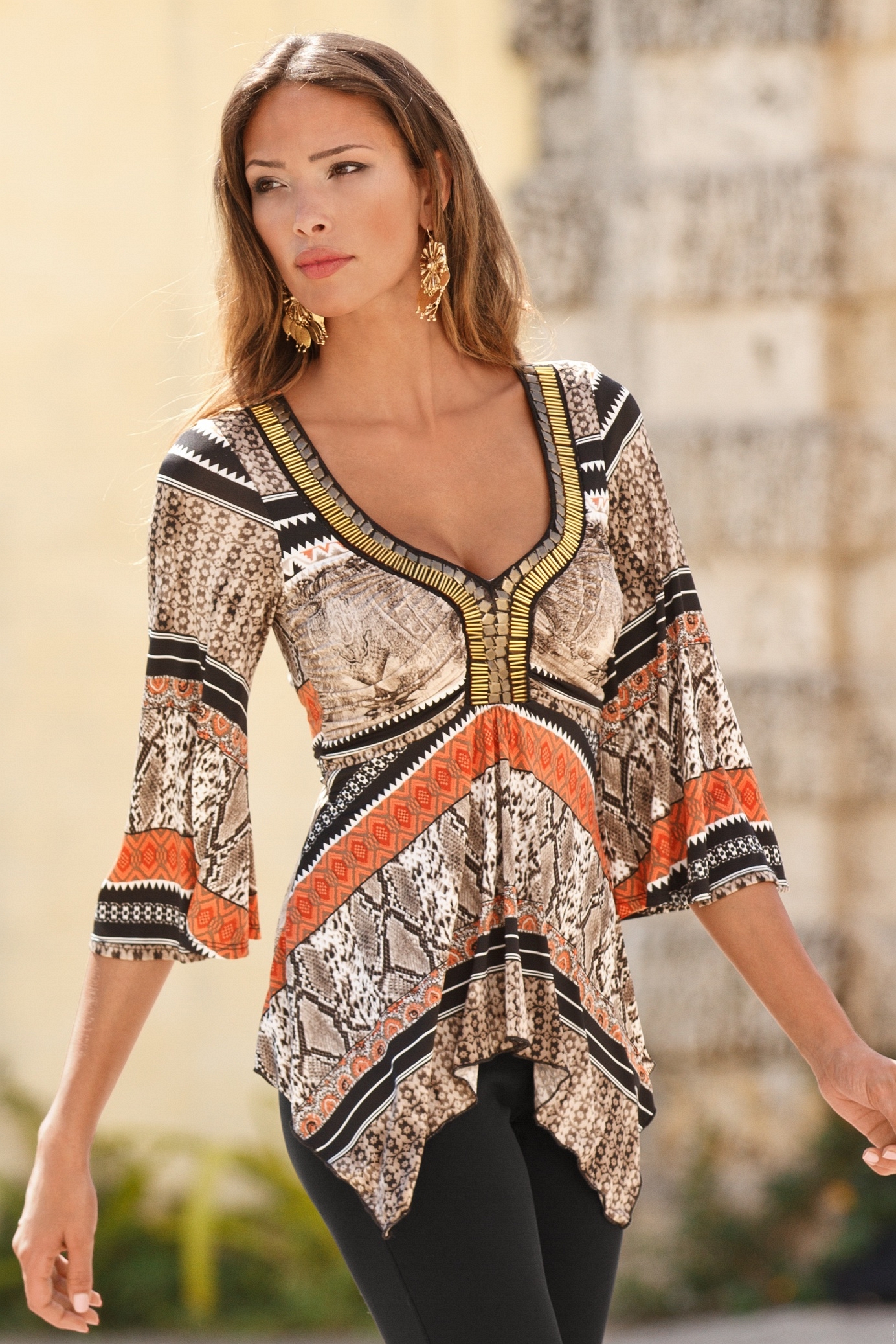
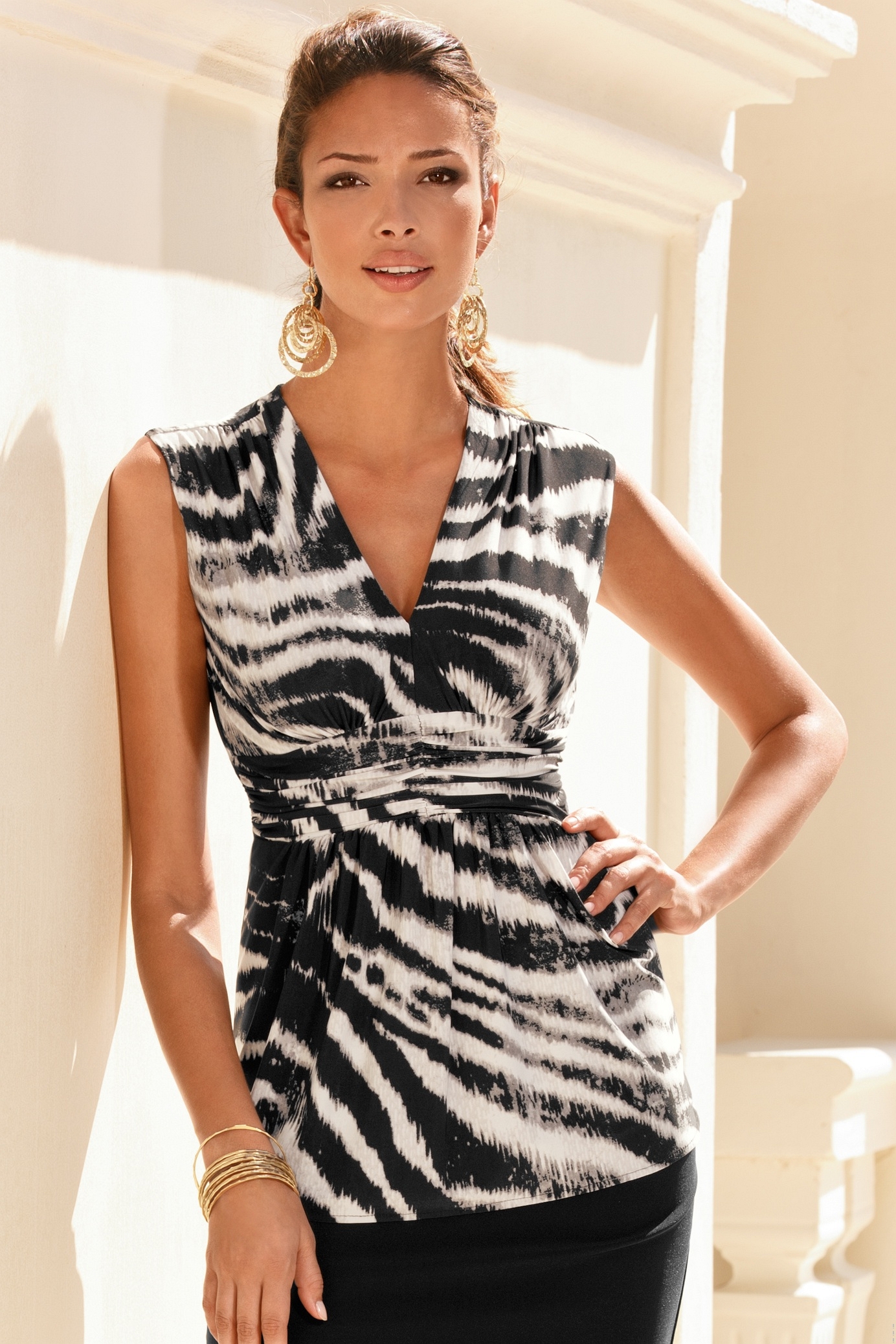
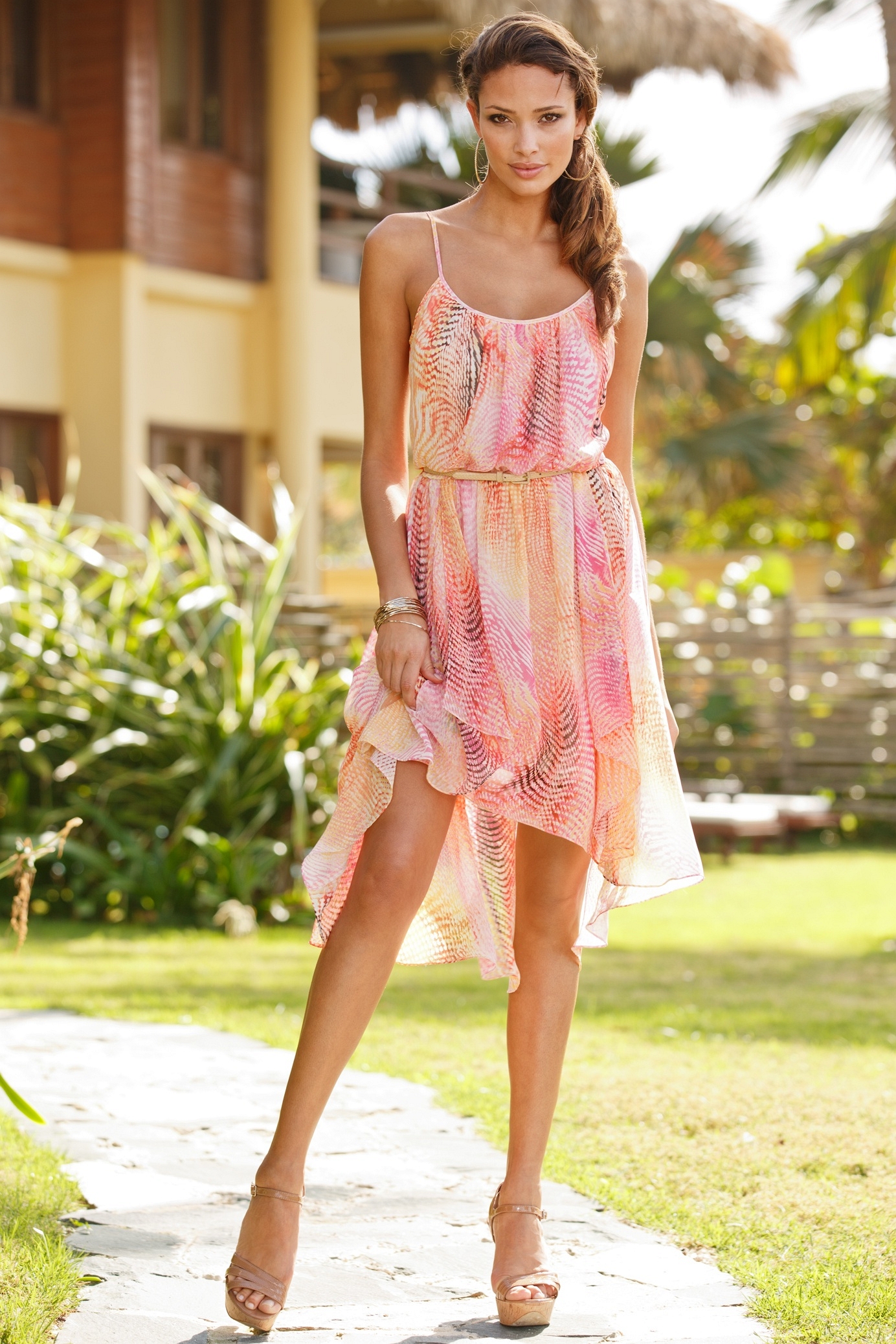
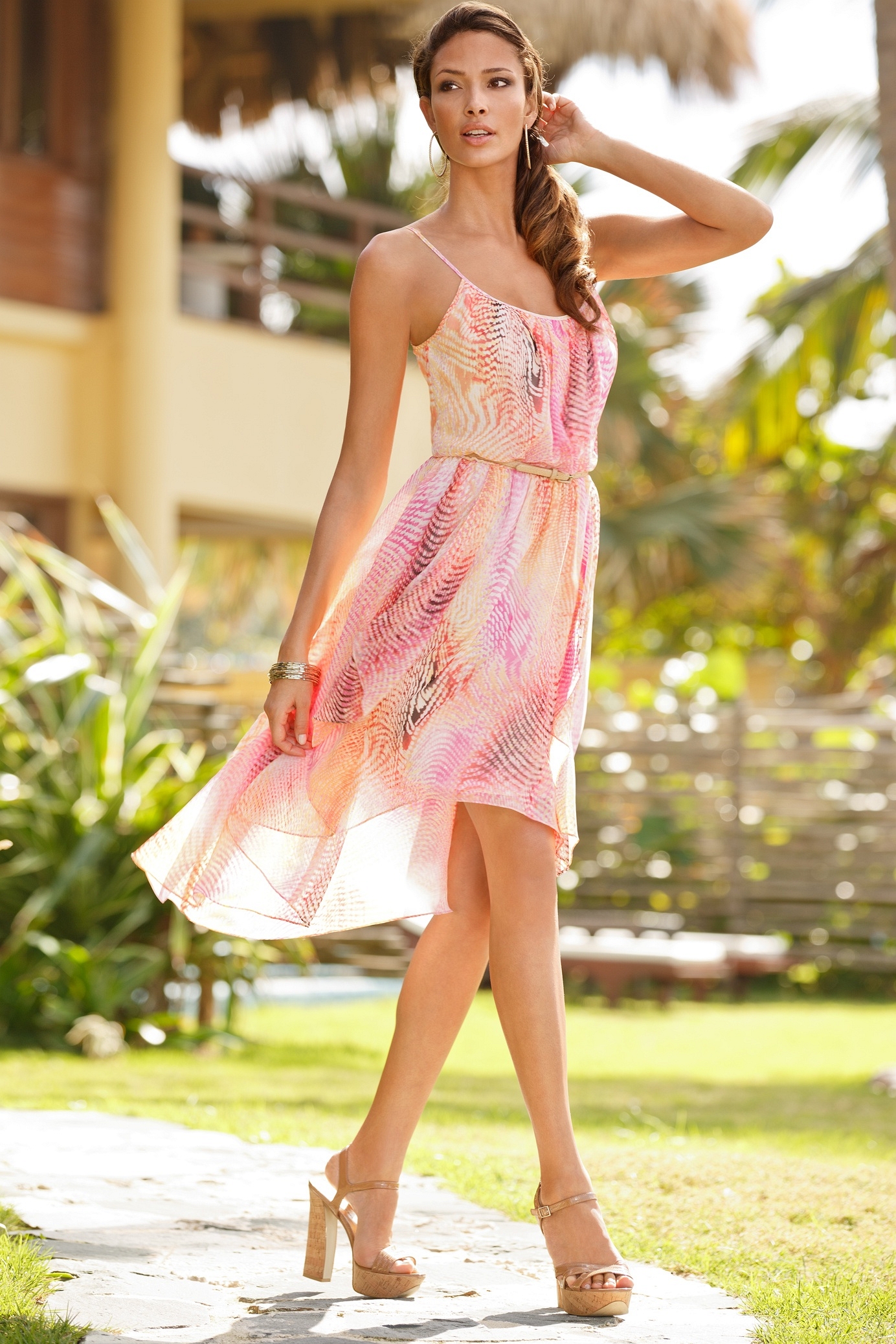
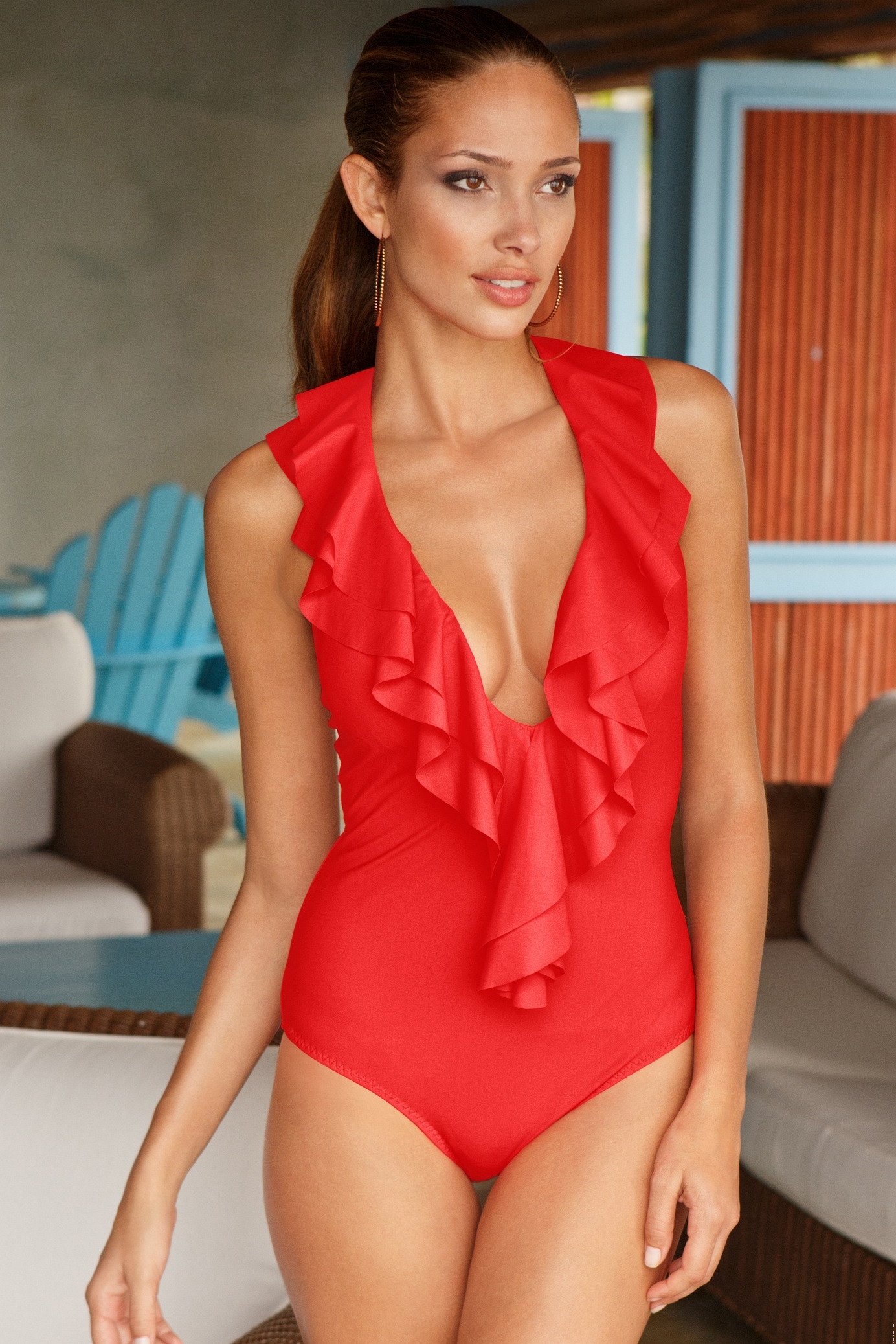
B0ST0N PR0PER credit Qix @ UMC
and so it is! TY Pitounsky! Appreciate your help
Trying to get an id on this model. (nope, it's not kate upton, either) /monthly_11_2013/post-31303-0-1446024883-44908_thumb.jpg" data-fileid="2902685" alt="post-31303-0-1446024883-44908_thumb.jpg" data-ratio="141.72">
Yes thanks Ramsfan. I did a search with the search tools here, and I spelled her name right but nothing came up. I know she's also at UMC, but glad to see she's represented at both sites. Anyway, mikeh takes the credit on this one
Nice one mikeh.
Before you throw more models at the readership, please indicate if the ids we've already helped you with seem reasonable and you agree with them. It's as if you're disregarding the attempts made on the original list of unknowns by asking for more help on new, different people. Saying thanks is never out of fashion, either.
Check out Penelope Simpson and see if she is an id match. Penelope does work for Figleaves, Bravissimo, Fred & Ginger. She might be this person. I didn't find a topic here, but there is one at UMC - http://forum.usemycomputer.com/index.php?topic=42588.0 Here are a few images to check
Nice try, but I don't think it's Carla La Reservee.
Maitlyn Simmons
The Dama Kier model is Małgorzata Dranicka
Height 1,70 / 5'7" Bust 86 / 34 Hips 91 / 36 Waist 61 / 24 Green Eyes Light Brown Hair Ducel 2011
I don't think you can change the order of the posts, but if you click on the little dot to the left of each topic title (or star for threads you've previously posted in), it will automatically take you to the first new post. by the way, cool avatar
Thanks in advance for anyone's reply: 1) I'd like to change how I view the ordering of the image post/date in the topic. Currently, the last post is on the last page. I'd like the last post to be the first thing I see on the first page, when I open the topic. Is there a setting to "reverse" the default. Please advise where that would be for me. I've checked my settings and it wasn't apparent. 2) How do I go to the next topic (either read or unread) in the stack of topics? Is there a navigational control in each current topic to go to the NEXT topic, or PREVIOUS topic? I can't see to find this, either. Thanks to any responders, and their responses. X
B0ST0N PR0PER credit Qix @ UMC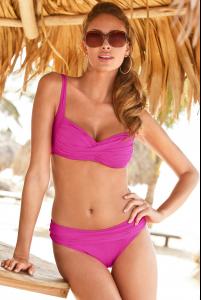
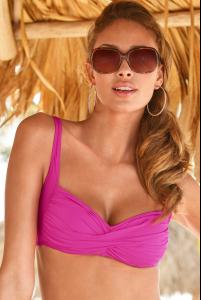
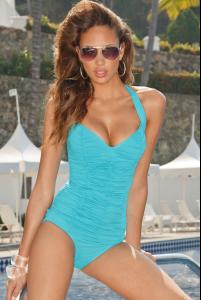
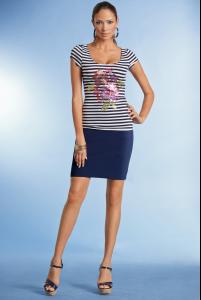
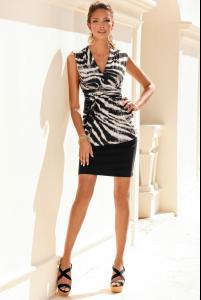
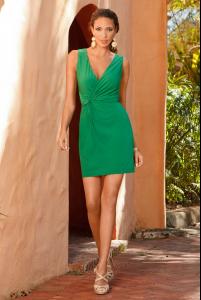
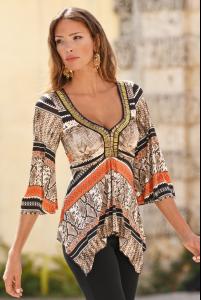
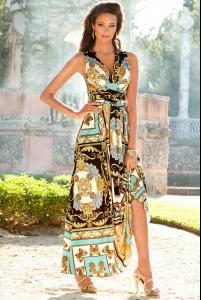

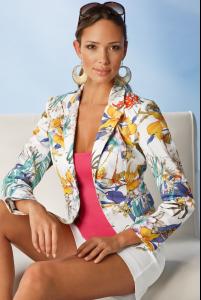
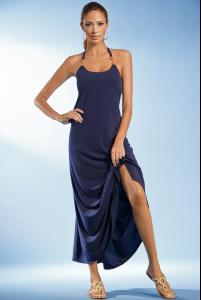
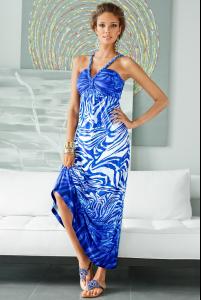
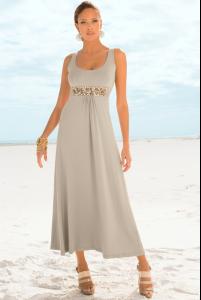
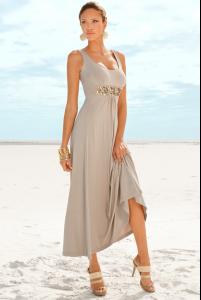

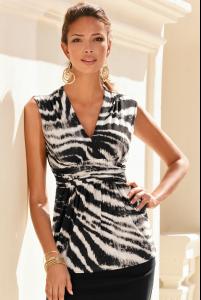
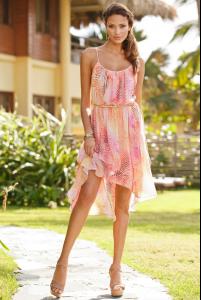
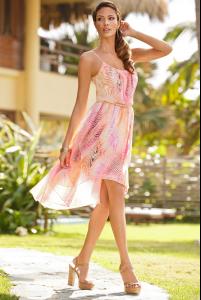
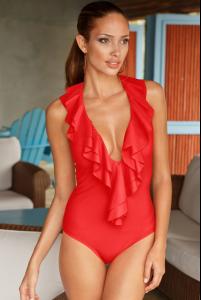 Aida looks a little like Natalia Siweic.