
kereakp
Members
-
Joined
-
Last visited
Everything posted by kereakp
-
 Any more about her?
 -
Klaudia Luczak.mp4
-
back in NEXT Miami Svetlana Griaznova.mp4
 Daniela Braga B.mp4
Holly Graves.mp4
Daniela Braga B.mp4
Holly Graves.mp4
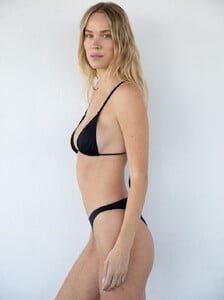
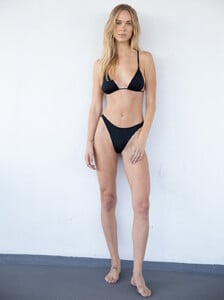 Wioletta Rudko 101.mp4



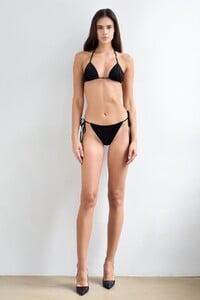 Wioletta Rudko 11.mp4











 Paulina Kubaczyk 5b.mp4
Paulina Kubaczyk 1c.mp4
bikini walk Ola Kursa 13.mp4
Ola Kursa 11.mp4 Ola Kursa 12.mp4
2025
Paulina Kubaczyk 5b.mp4
Paulina Kubaczyk 1c.mp4
bikini walk Ola Kursa 13.mp4
Ola Kursa 11.mp4 Ola Kursa 12.mp4
2025









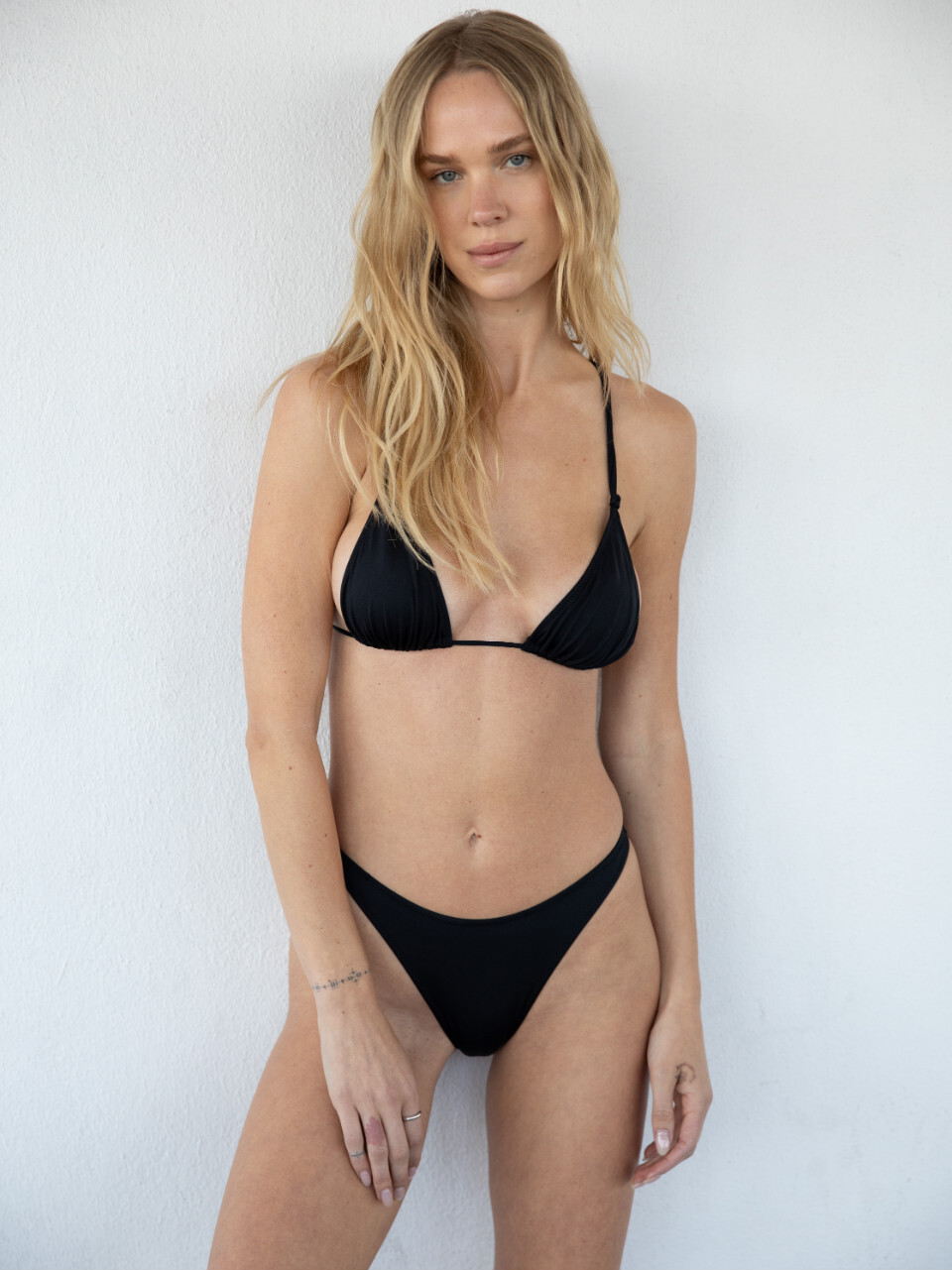
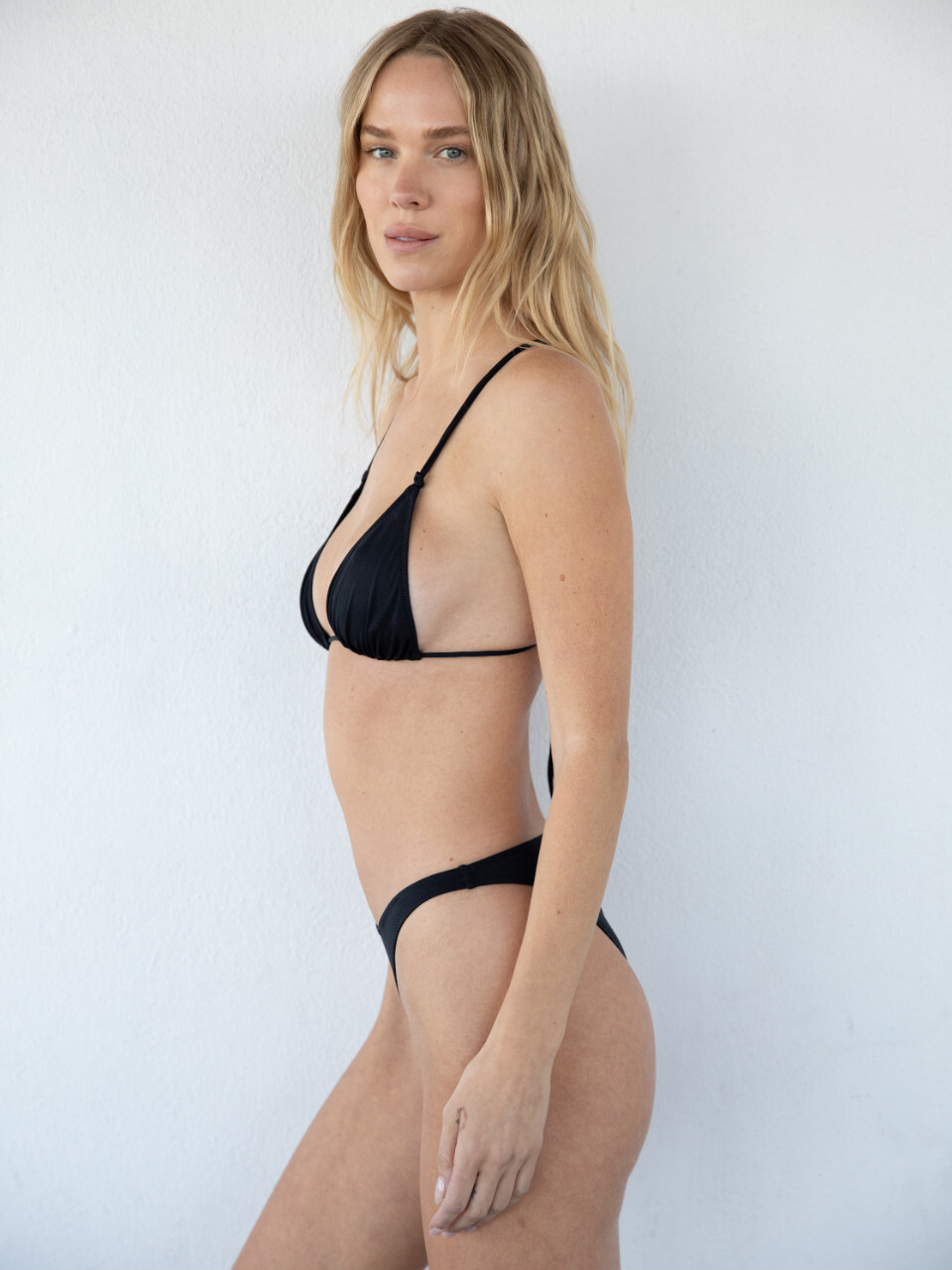
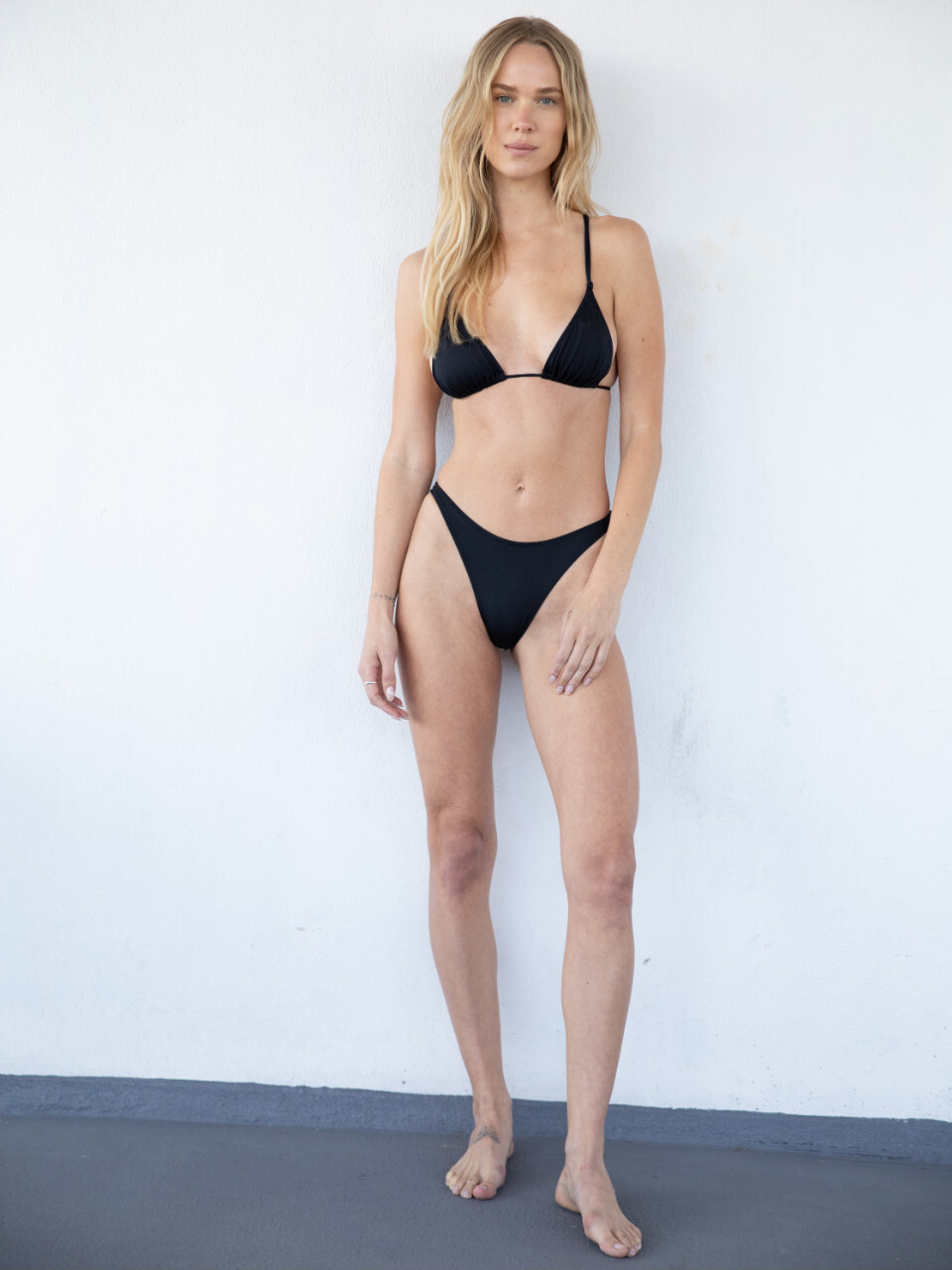





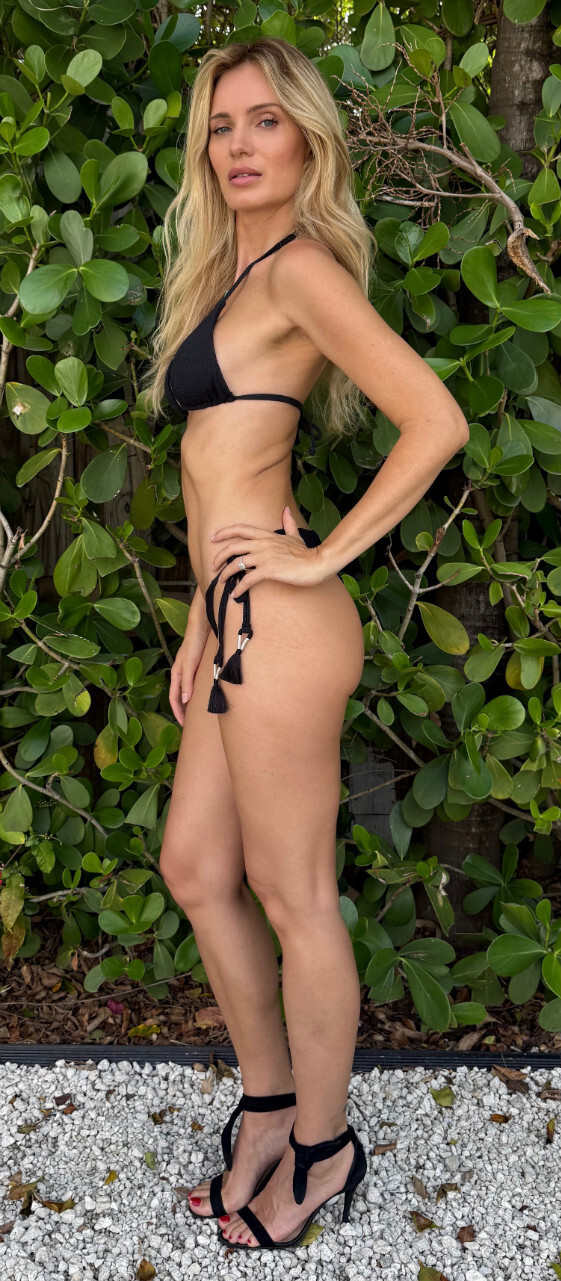












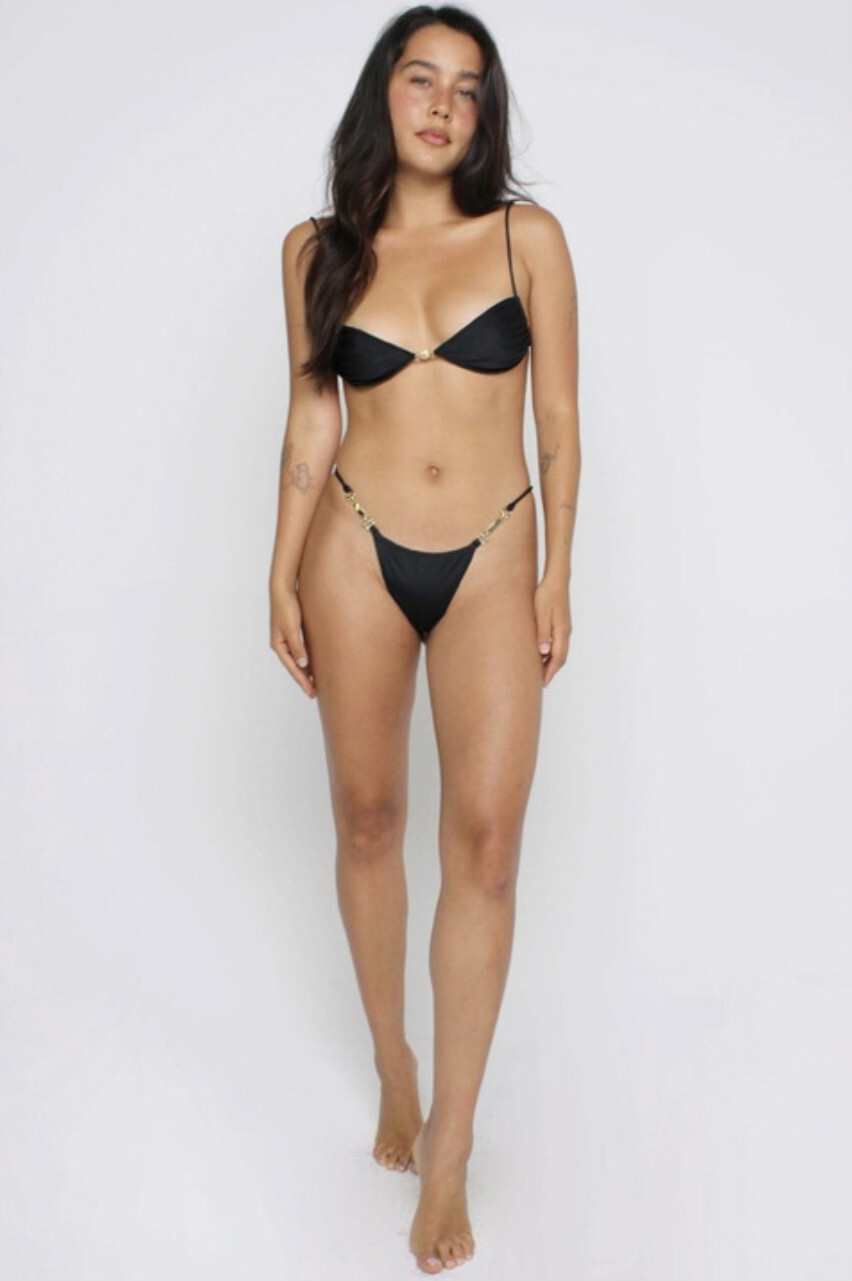

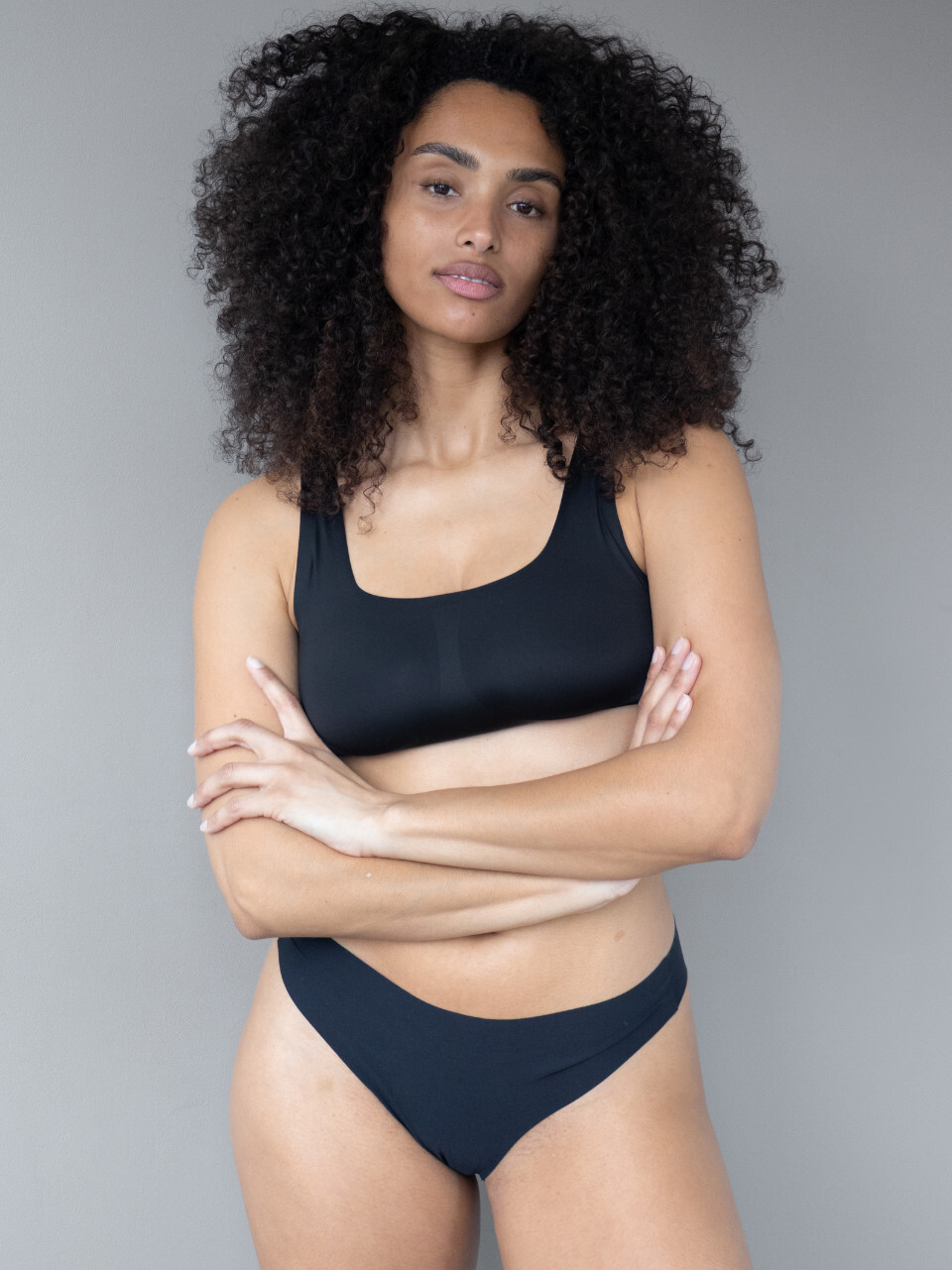
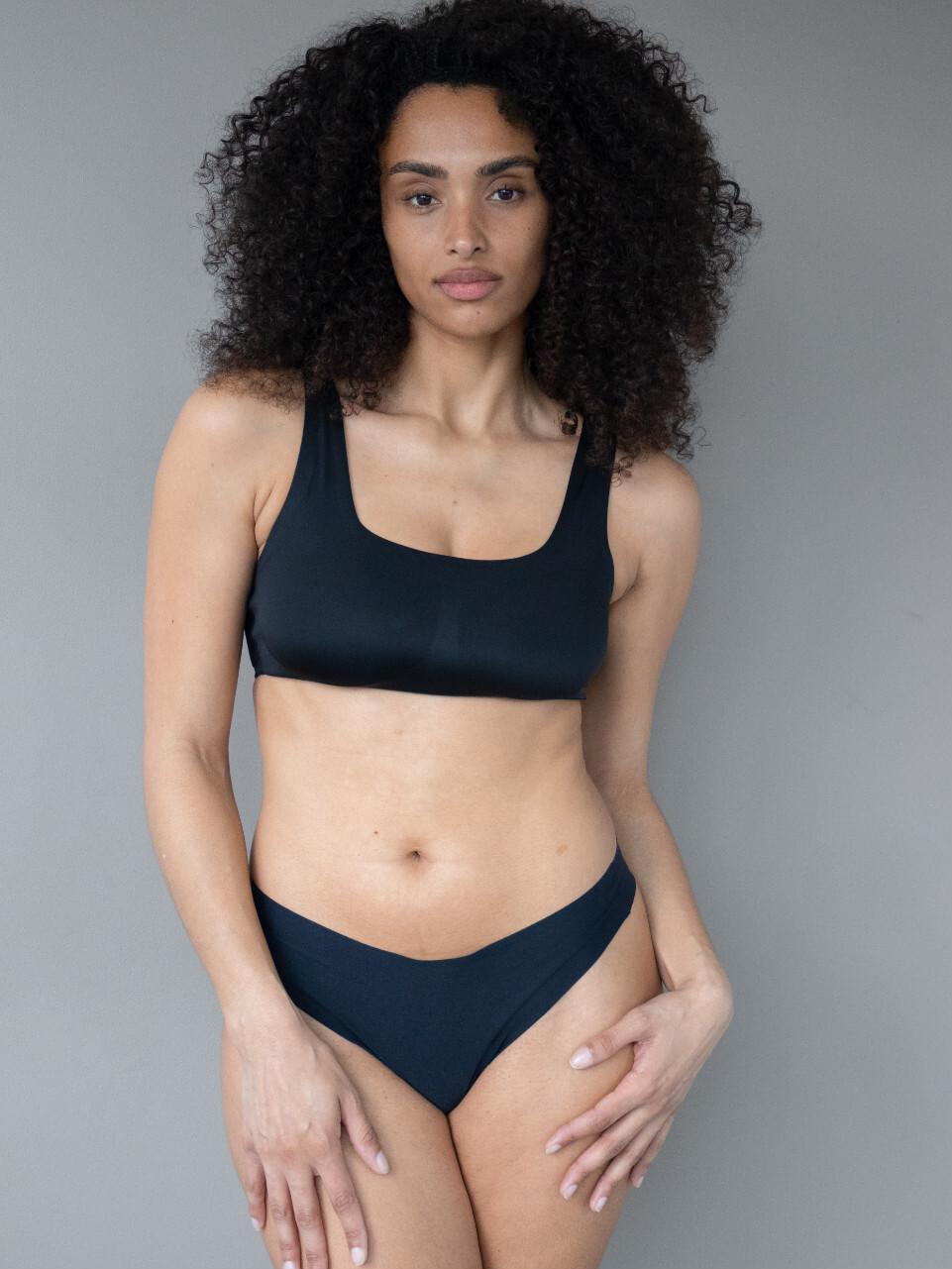
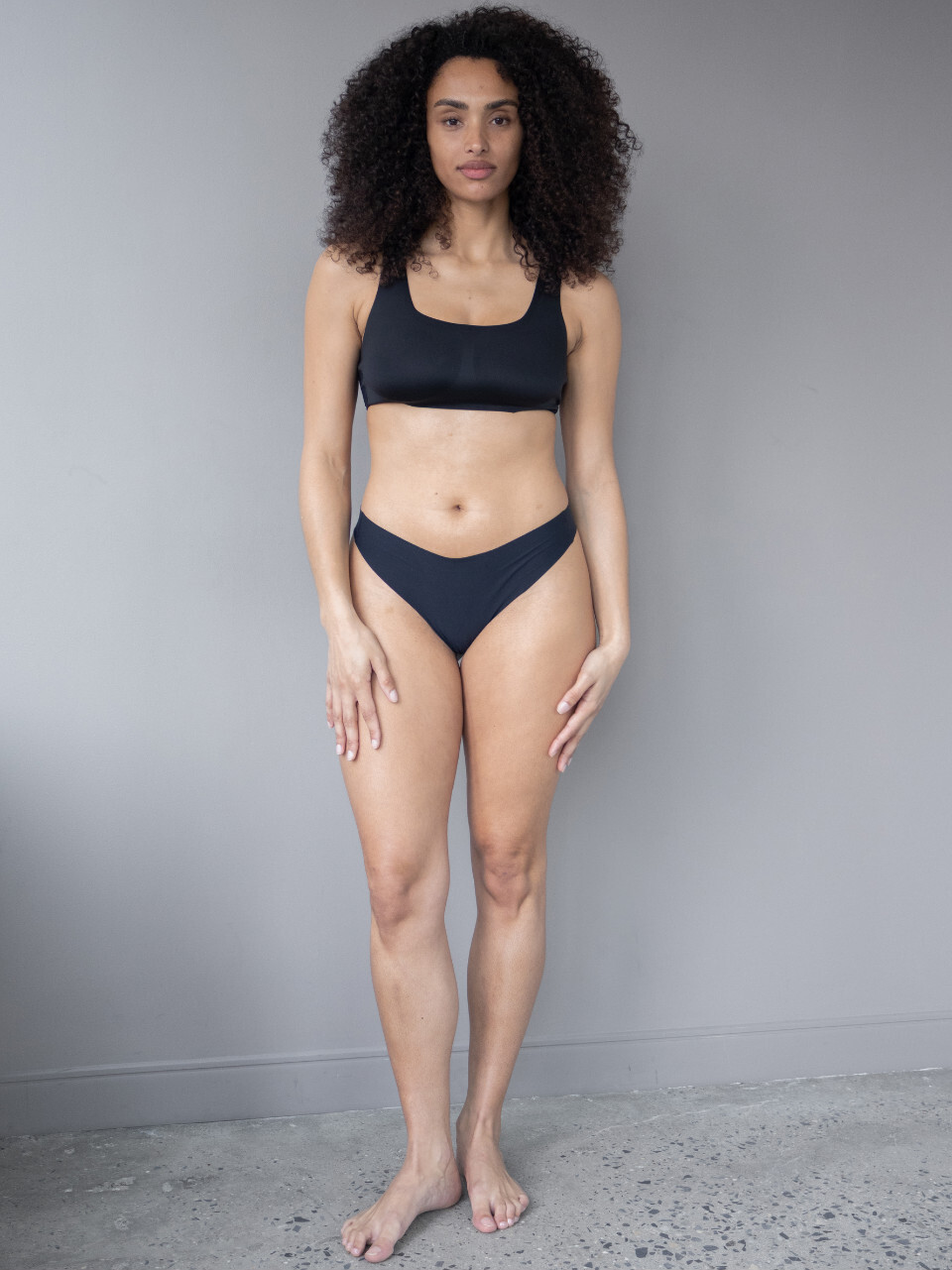


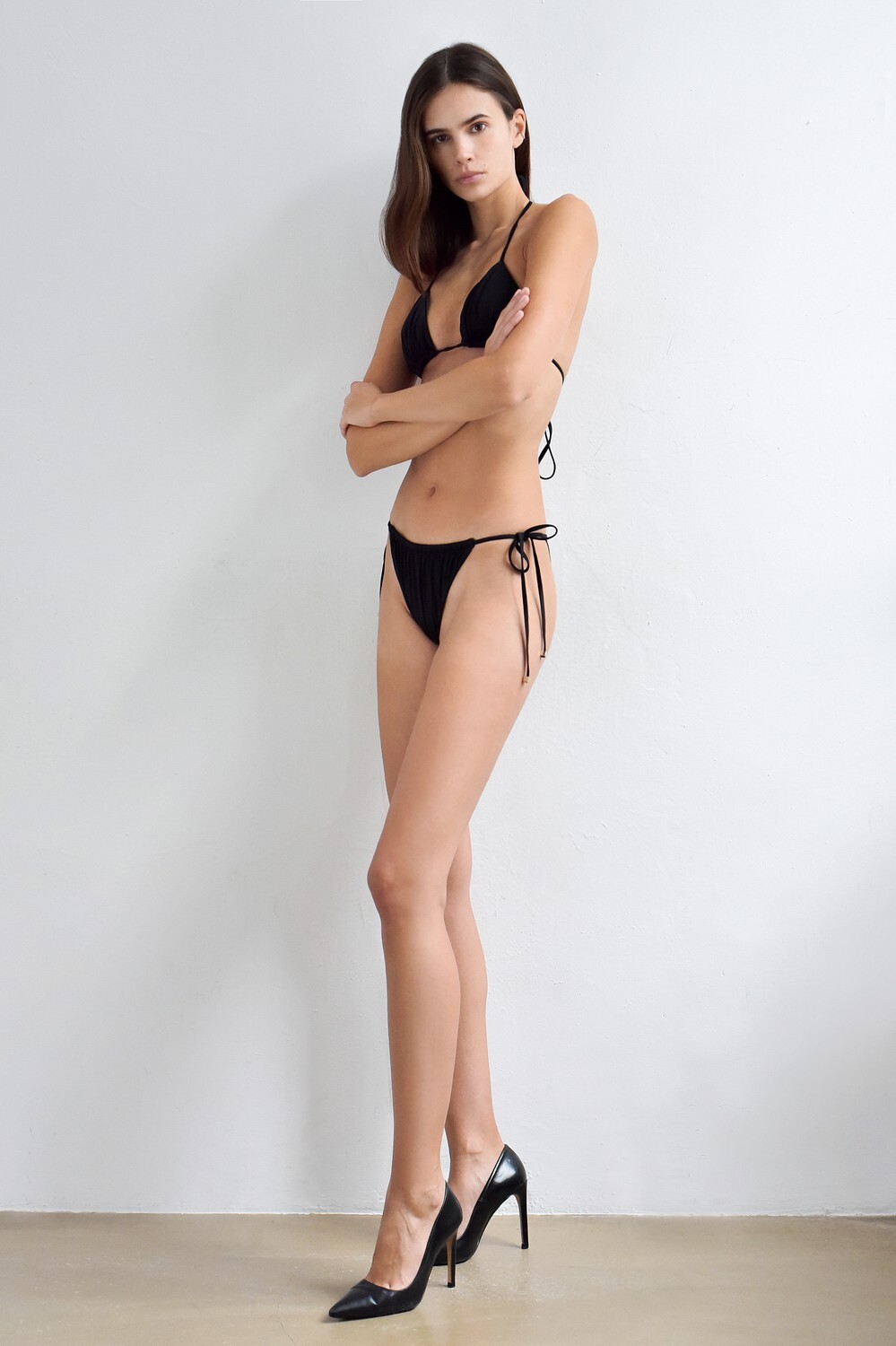

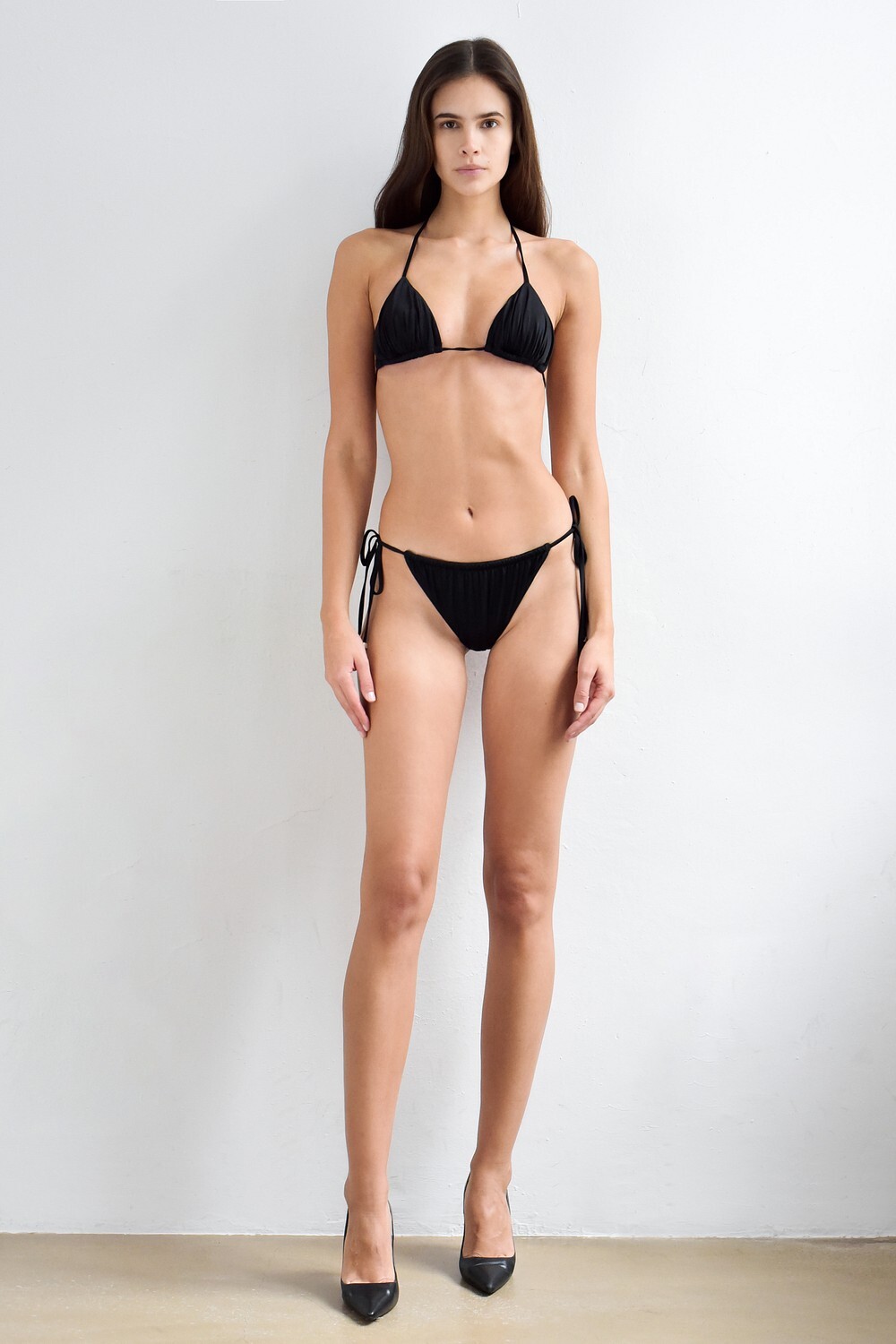













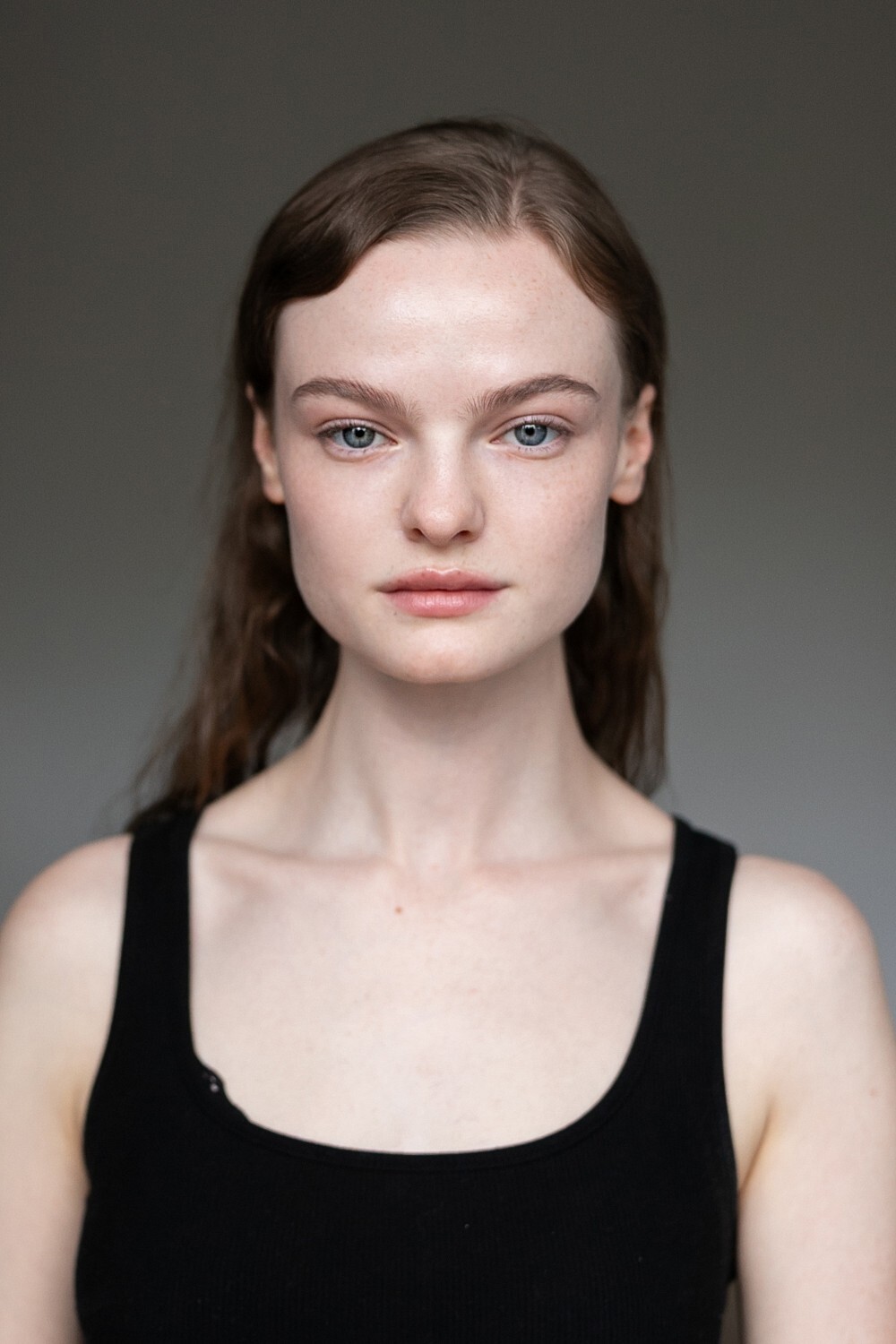




.jpg.f8d531ef566e51fbd786d946d2e85fe4.jpg)
.jpg.1aedfa15a5080a9e34e9363cce99b3a2.jpg)
.jpg.48c1c2a203ae397645c1312198d89460.jpg)
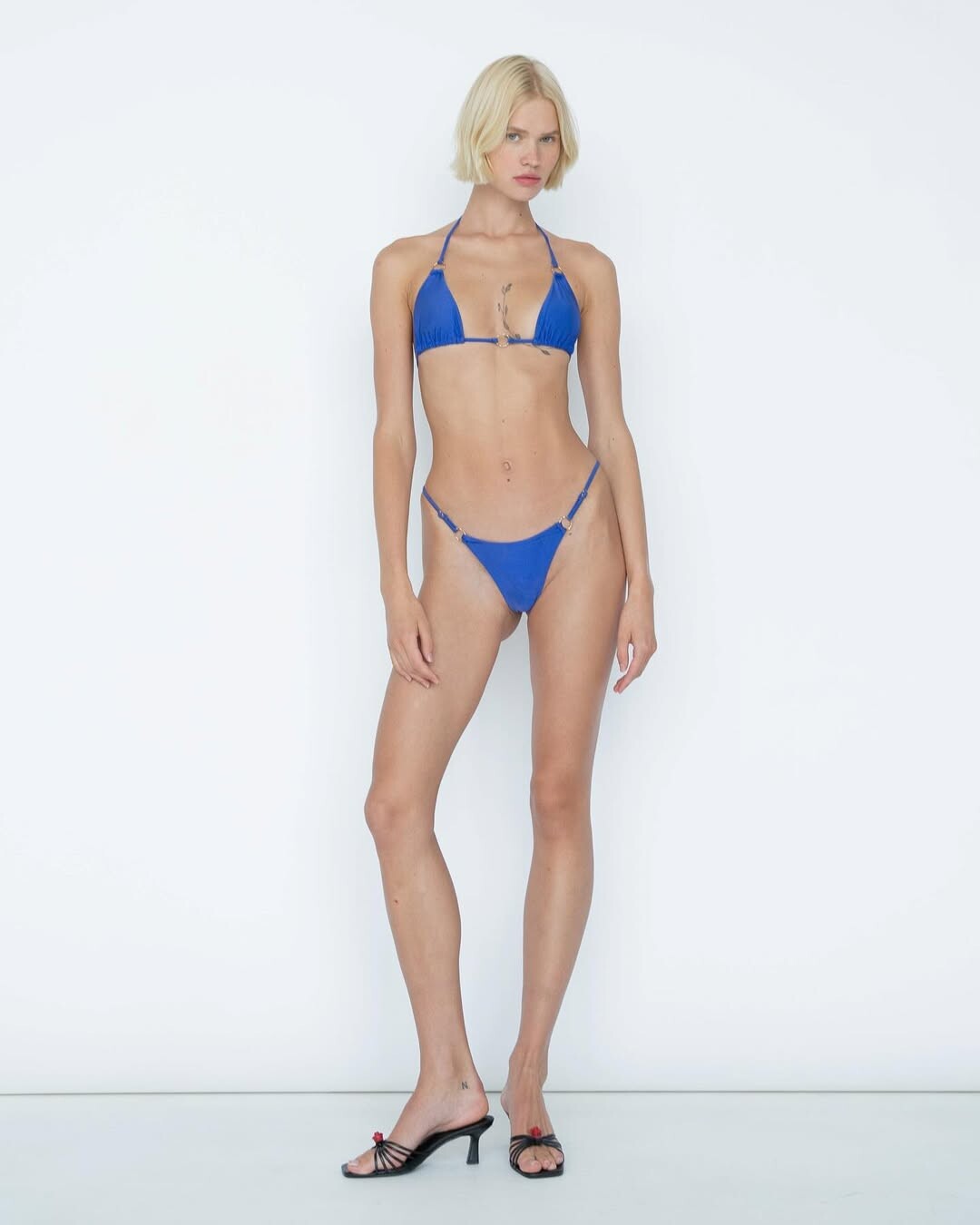
















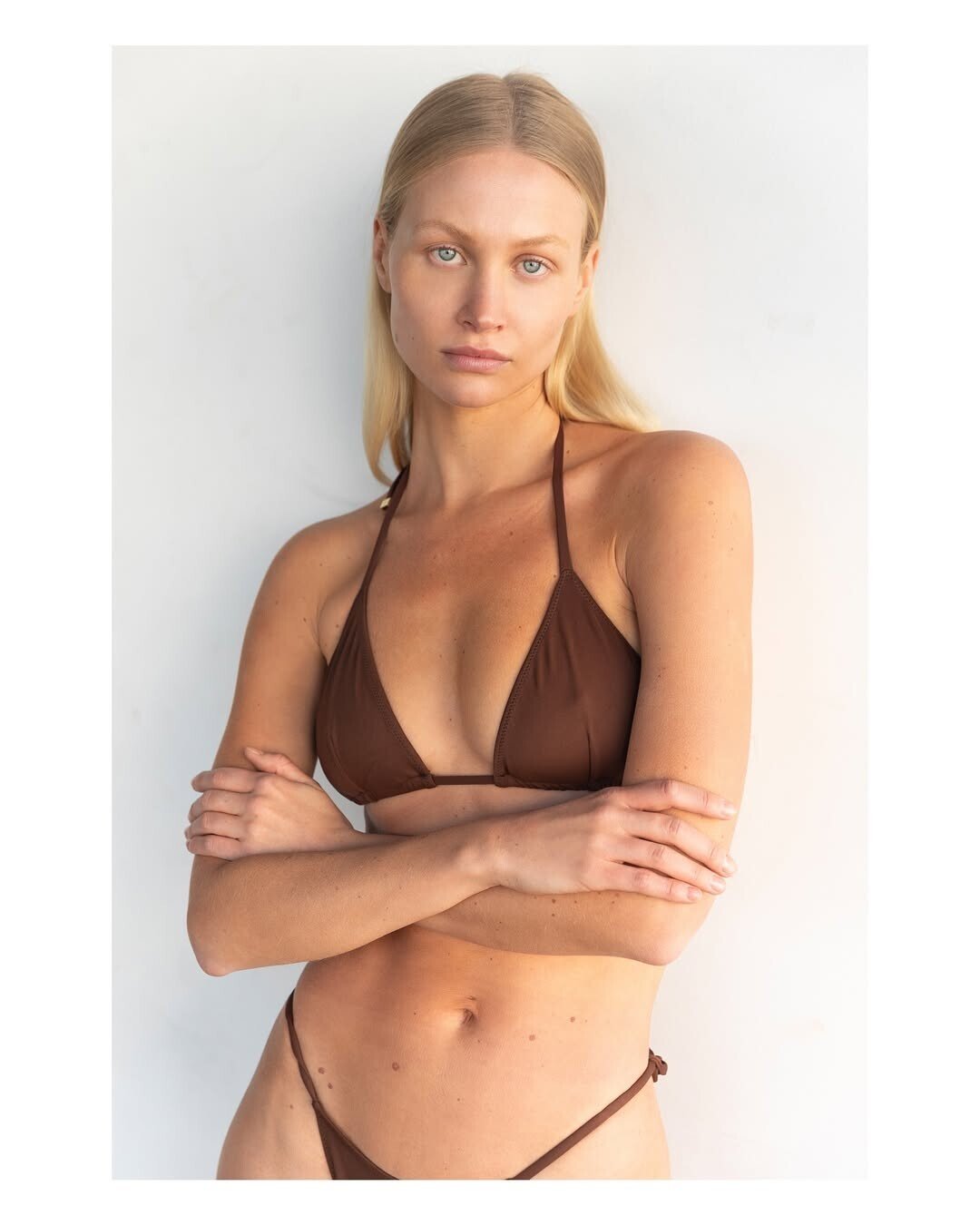
Account
Search
Configure browser push notifications
Chrome (Android)
- Tap the lock icon next to the address bar.
- Tap Permissions → Notifications.
- Adjust your preference.
Chrome (Desktop)
- Click the padlock icon in the address bar.
- Select Site settings.
- Find Notifications and adjust your preference.
Safari (iOS 16.4+)
- Ensure the site is installed via Add to Home Screen.
- Open Settings App → Notifications.
- Find your app name and adjust your preference.
Safari (macOS)
- Go to Safari → Preferences.
- Click the Websites tab.
- Select Notifications in the sidebar.
- Find this website and adjust your preference.
Edge (Android)
- Tap the lock icon next to the address bar.
- Tap Permissions.
- Find Notifications and adjust your preference.
Edge (Desktop)
- Click the padlock icon in the address bar.
- Click Permissions for this site.
- Find Notifications and adjust your preference.
Firefox (Android)
- Go to Settings → Site permissions.
- Tap Notifications.
- Find this site in the list and adjust your preference.
Firefox (Desktop)
- Open Firefox Settings.
- Search for Notifications.
- Find this site in the list and adjust your preference.